The Hisense U7Q is one of the most interesting Mini-LED televisions in its price segment, clearly showing that Hisense is really starting to matter in the market not only because of the price-to-capabilities ratio but also due to its increasingly refined picture quality. Let’s start with what truly impresses: the contrast and black levels are at a level that was recently unattainable in this price range. Combined with smooth tonal transitions, solid brightness, and a fast 144 Hz panel, the U7Q becomes a television that excels in both movies and gaming. Gamers will find nearly everything they could expect here – variable refresh rate (VRR) support, auto low latency mode (ALLM), very low input lag, and even 240 Hz in Full HD. All of this means that the U7Q will perform well with both next-generation consoles and PCs. However, it is not without its weaknesses. With HDR content, one might want to say: "untapped potential" – you may ask why? The television’s algorithms dim small bright elements or overly boost them, which can spoil the viewing experience. There is also a lack of support for HGiG, which is a feature that would better synchronize the console with the television for HDR. In summary, briefly – the Hisense U7Q is a very versatile and complete television that has its imperfections but makes up for them in many key aspects. For gamers, for occasional movie watchers, for someone looking for good equipment for everyday use – it is one of the most cost-effective propositions in 2025. One just needs to know what compromises they are signing up for – and then it will be hard to be disappointed.
- Matching (Score) |
- Our verdict |
- TV appearance |
- Where to buy |
- Contrast and black detail |
- HDR effect quality |
- Factory color reproduction |
- Color reproduction after calibration |
- Smoothness of tonal transitions |
- Image scaling and smoothness of tonal transitions |
- Blur and motion smoothness |
- Console compatibility and gaming features |
- Input lag |
- Compatibility with PC |
- Viewing angles |
- Daytime performance |
- Panel details |
- TV features |
- Apps |
- Playing files from USB |
- Sound
Hisense U7Q vs LG QNED80A6A (VA)
 Direct comparison
U7Q / U78Q

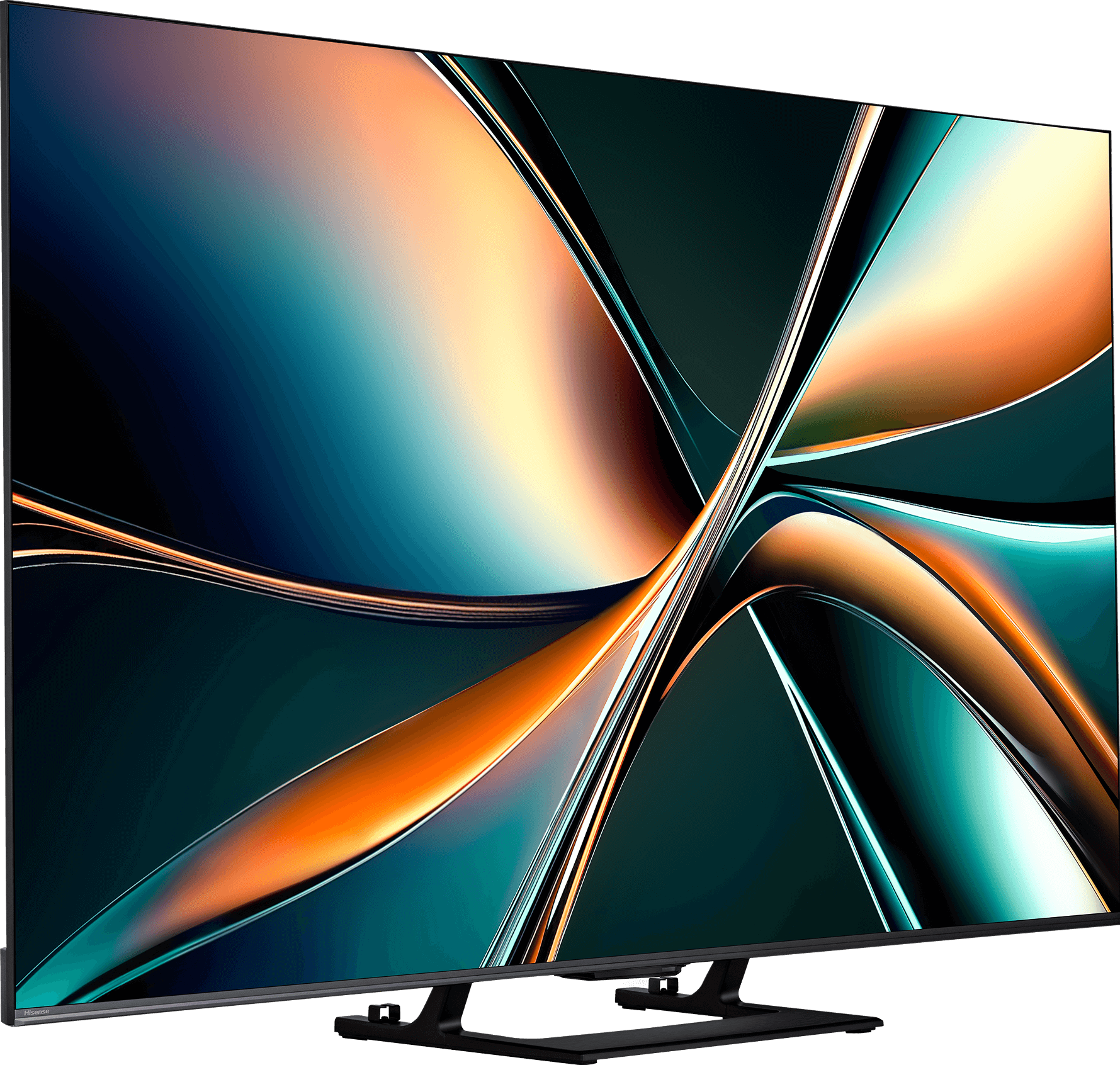
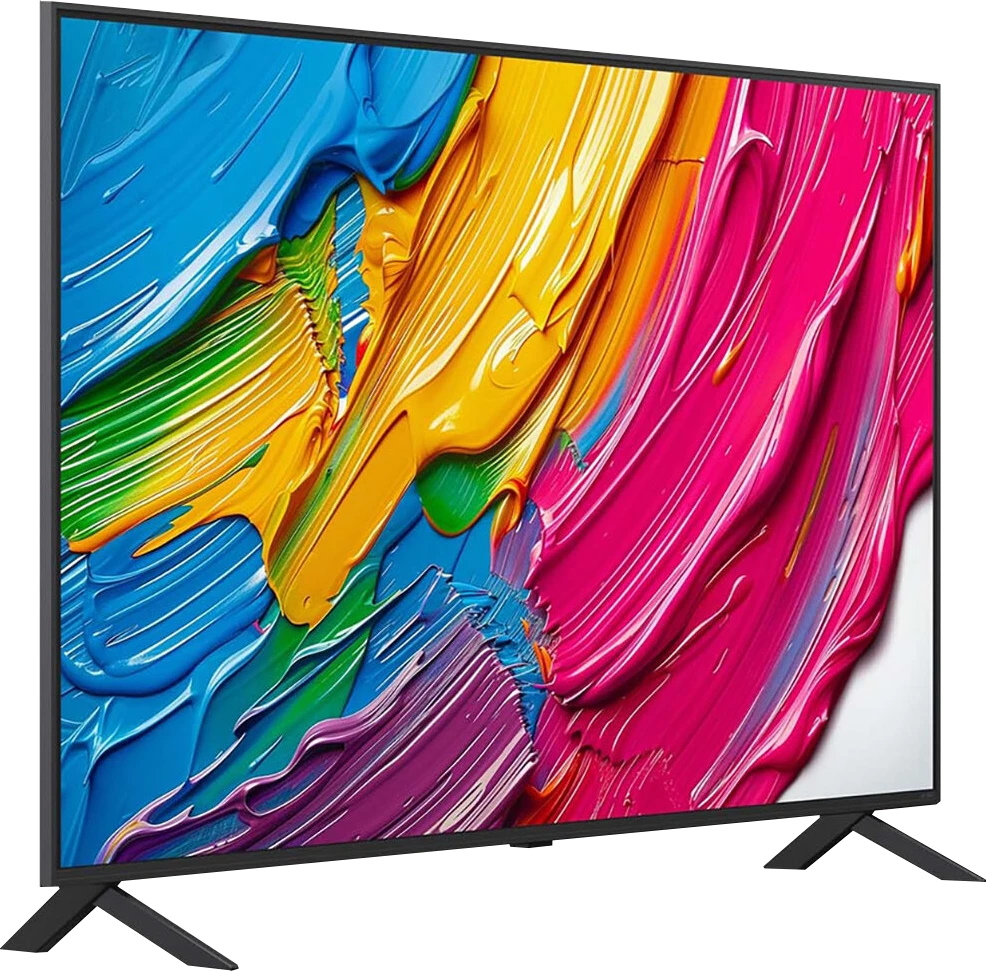
Panel type: LCD VA
Resolution: 3840x2160
System: VIDAA
Model year: 2025
Complete the survey to find out the result
Panel type: LCD VA
Resolution: 3840x2160
System: WebOS
Model year: 2025
Complete the survey to find out the result
Overall rating
7.1
6.2
 Movies and series in UHD quality
 6.7
6.3
 Classic TV, YouTube
 6.8
6.5
 Sports broadcasts (TV and apps)
 6.3
5.5
 Gaming on console
 8.0
7.0
 TV as a computer monitor
 8.6
5.8
 Watching in bright light
 6.2
4.4
 Utility functions
 8.9
6.8
 Apps
Apps 7.7
9.1
 Sound quality
 7.2
6.0
Complete the survey to find out what fits your preferences
Advantages

Great contrast and deep black
Very good smoothness of tonal transitions (close to reference level)
High brightness
Supports 4K 144 Hz and even 240 Hz in Full HD
VRR, ALLM, G-SYNC – a full package for gamers
Low input lag
Pleasant sound with a light bass
Many classic TV functions built into the VIDAA system
High native contrast (over 6000:1) providing deep blacks in movies
Excellent color saturation (DCI-P3 coverage above 90%) thanks to PFS technology (QNED).
Good detail reproduction in HDR
Outstanding WebOS 25 system – fast, intuitive, and guaranteed updates
Magic Remote included – cursor control
Effective upscaling and smooth tone transition function
Decent gaming features (VRR, ALLM, HGiG), despite the 60Hz panel
Low input lag
Smooth tone transitions – no visible "stepping" in color gradients
Good font readability when connected to a PC (sharp text).
Disadvantages

Lack of support for HGiG (hinders HDR setup on consoles)
Brightness management issues
Poor viewing angles – typical for VA panels
Closed VIDAA system – missing some applications
Narrow viewing angles – the image loses quality when viewed from the side
Aggressive local dimming – in difficult scenes, it causes visible blooming.
60Hz panel
No support for Dolby Vision and HDR10+
Average brightness
Flat sound lacking bass – a soundbar is recommended
Our verdict
Looking at the QNED80A in its VA version as a whole, we are dealing with a television that has a very specific character. It's a device that movie lovers who enjoy evening screenings seeking savings will like, as long as... they accept certain shortcomings. We get truly solid blacks and contrast here, but we pay for it with narrow viewing angles. Let's not hide it: this television is for those who have their favorite spot in the middle of the couch. Of course, you can feel some budget cuts here – the 60Hz panel or edge dimming, which sometimes struggles in difficult scenes, are elements that remind us this is not the highest-end television. However, LG cleverly compensates for these hardware shortcomings with excellent software. It's almost surprising how well this television handles pulling details in HDR or upscaling lower quality cable materials – the processor does a great job making the picture look more expensive than it actually is. When we add to that the great WebOS system and gaming features that, despite the lack of 120Hz, still manage to impress, we end up with a very successful screen for home cinema. It requires some understanding, but in return, it rewards you with a truly vivid image at an affordable price.
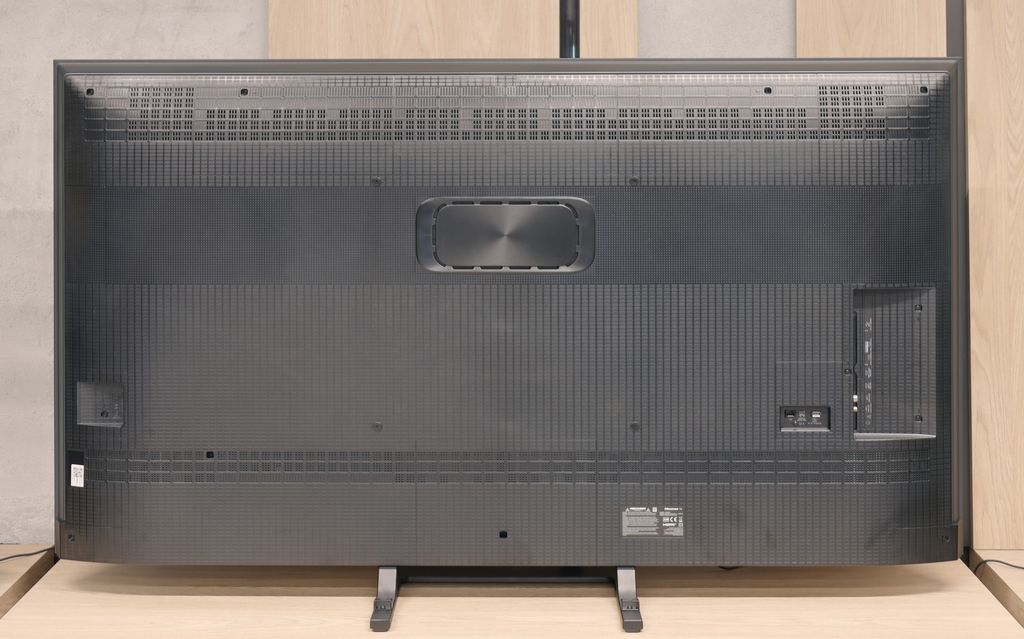
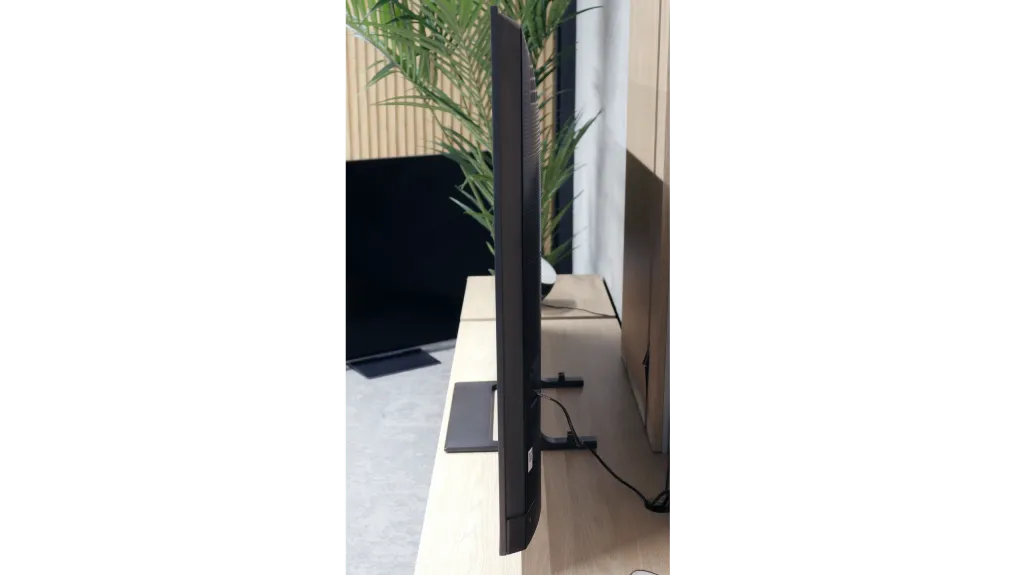
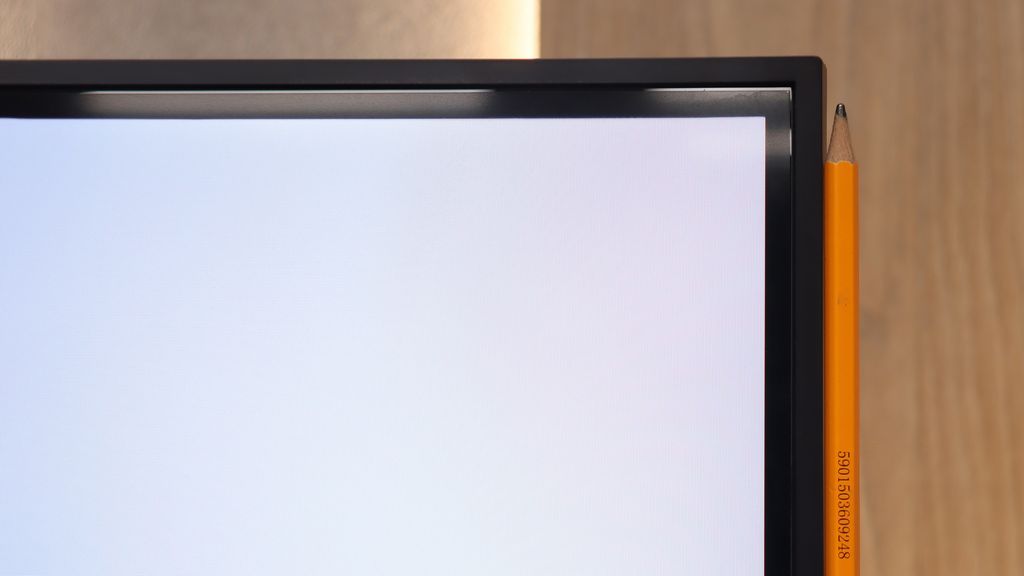
TV appearance
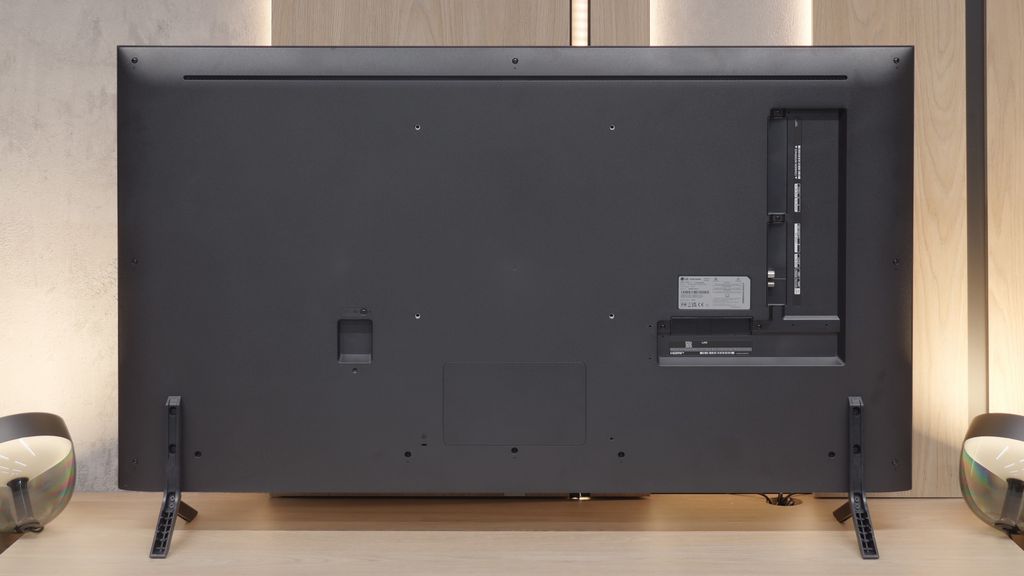
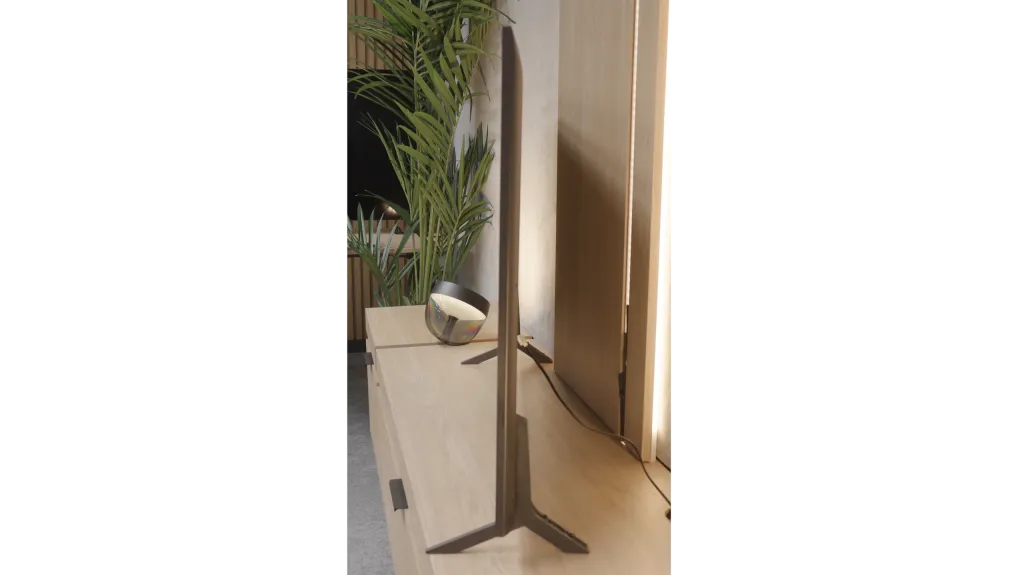

Contrast and black detail
7.5/10
6.3/10
Local dimming function: Yes, number of zones: 220 (10 x 22)
Local dimming function: Yes, number of zones: 6 (1 x 6)
Contrast:


Result
278,000:1

Result
28,800:1

Result
11,100:1

Result
10,800:1

Result
6,250:1
Result
24,550:1
Result
7,900:1
Result
22,150:1
Result
6,700:1
Result
5,550:1
Halo effect and black detail visibility:
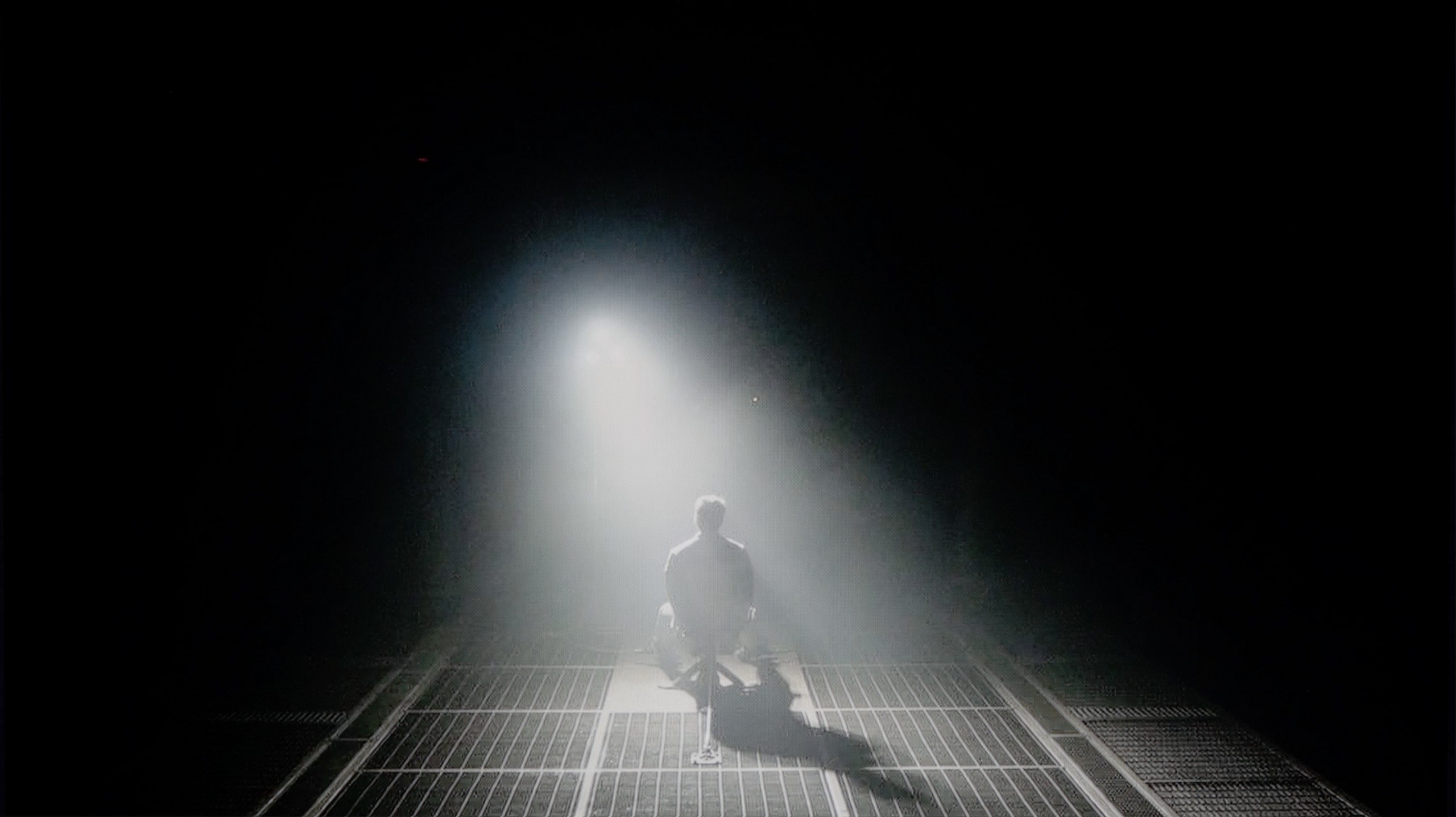
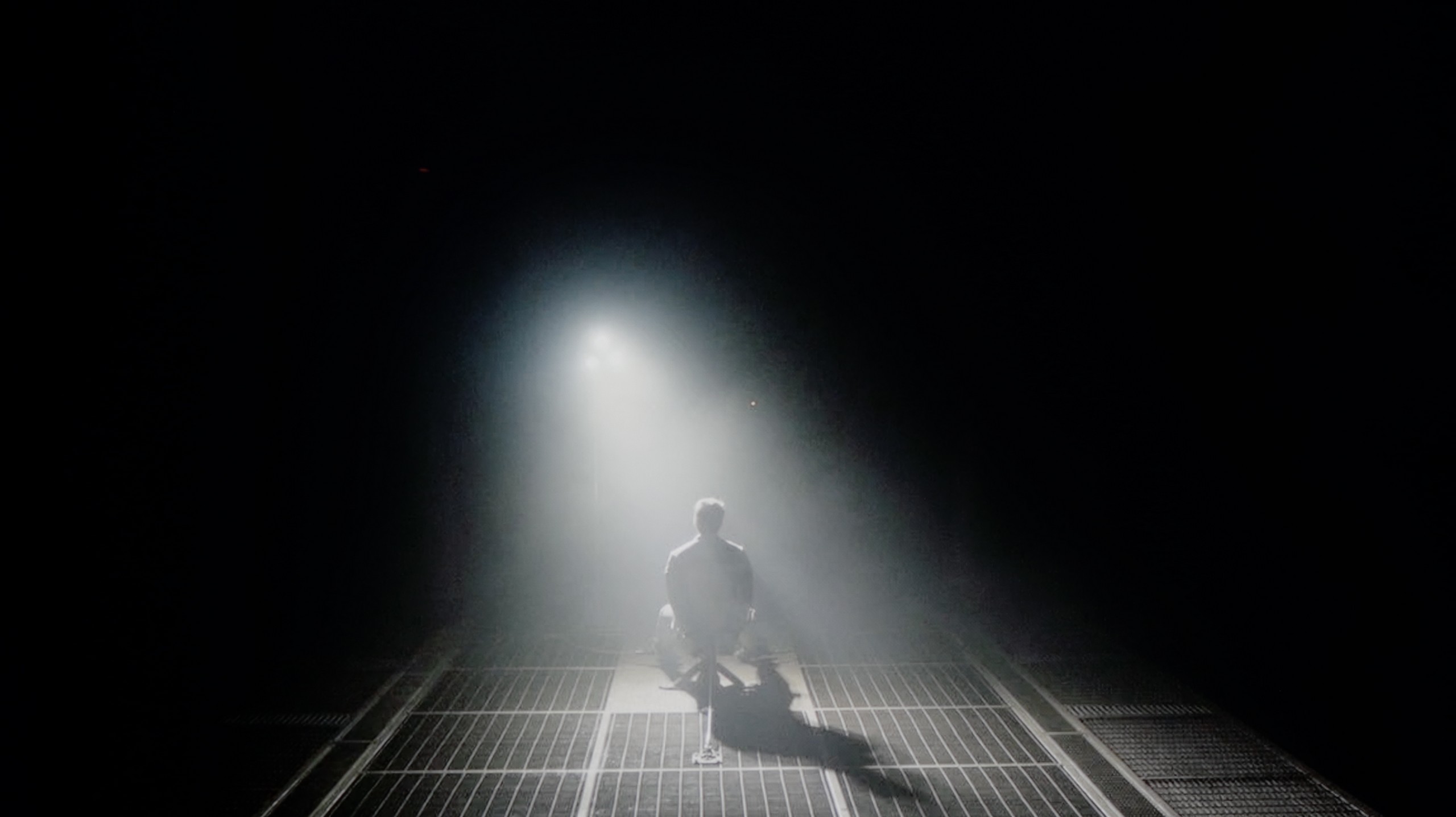
Check the visibility of bright lights on a dark background. Mini-LEDs often struggle with this. The photo does not compare black levels – that’s what the video below is for.
The video accurately shows differences in contrast and black levels between TVs, as well as potential issues: halo around bright objects or Mini-LED zone operation visible as brightness jumps.
The U7Q is a television with Mini-LED backlighting – just like the PRO version. The difference? The version without the suffix simply has fewer dimming zones. In our 65-inch model with a VA panel, we counted 220 of them. And although this doesn't make as much of an impression as in the U7Q PRO, it still looks very good on paper for this price range. Alright, but how does it perform in practice? Surprisingly well. The contrast in the U7Q can reach up to 300,000:1, which provides a really solid black effect. In many scenes, it's hard to find fault – the image has depth, and the highlights are well separated. Of course, Mini-LED is not OLED – so there are certain limitations. In very challenging scenes with a lot of dark details, the television sometimes either "eats" them, leaving a nice black, or slightly brightens the background, which can cause a halo effect. This is normal in this technology and must be taken into account. Despite these minor drawbacks – the contrast in the U7Q performs really well.
The model we tested with a 55-inch diagonal is equipped with a VA panel. And here we have great news: this is a significant advantage over the IPS version, if you care about deep blacks and a rich image. Our measurements showed that in typical film scenes, the native contrast is really solid, exceeding values of 6000:1. In practice, this means that black is black, not gray, which works very well for occasional evening viewing and is not annoying. However, it’s interesting to note the moments when our measuring devices indicated contrast levels exceeding 20 000:1. What caused such a jump? The LG QNED80A is equipped with a Local Dimming system. However, this is an edge-lit configuration. This means that the TV can dim vertical strips of backlighting where the image is supposed to be dark. In theory, this sounds great and actually allows for better numbers in charts than in a classic LCD screen. Unfortunately, reality can be brutal. The use of edge dimming is a double-edged sword that can spoil the film experience in difficult scenes. An ideal example is the helicopter scene in the movie Sicario 2. When the screen has a lot of black and small, bright spots, the dimming system starts to work very aggressively and... not very precisely. You can clearly see how entire vertical strips of the screen brighten and dim, trying to keep up with the object. Instead of deep black, we see blooming, which simply looks bad and strongly distracts from the plot. Although the dimming system improves measurable contrast, in everyday use – especially with the lights off – its aggressive operation can be annoying. Often, a better solution may turn out to be... turning off this function or setting it to a minimum, to enjoy the stable, natural black of the VA panel itself.
HDR effect quality
4.6/10
4.6/10
Luminance measurements in HDR:

Result
521 nit

Result
160 nit

Result
351 nit

Result
98 nit

Result
674 nit
Result
354 nit
Result
335 nit
Result
354 nit
Result
301 nit
Result
271 nit
Scene from the movie “Pan” (about 2800 nits)
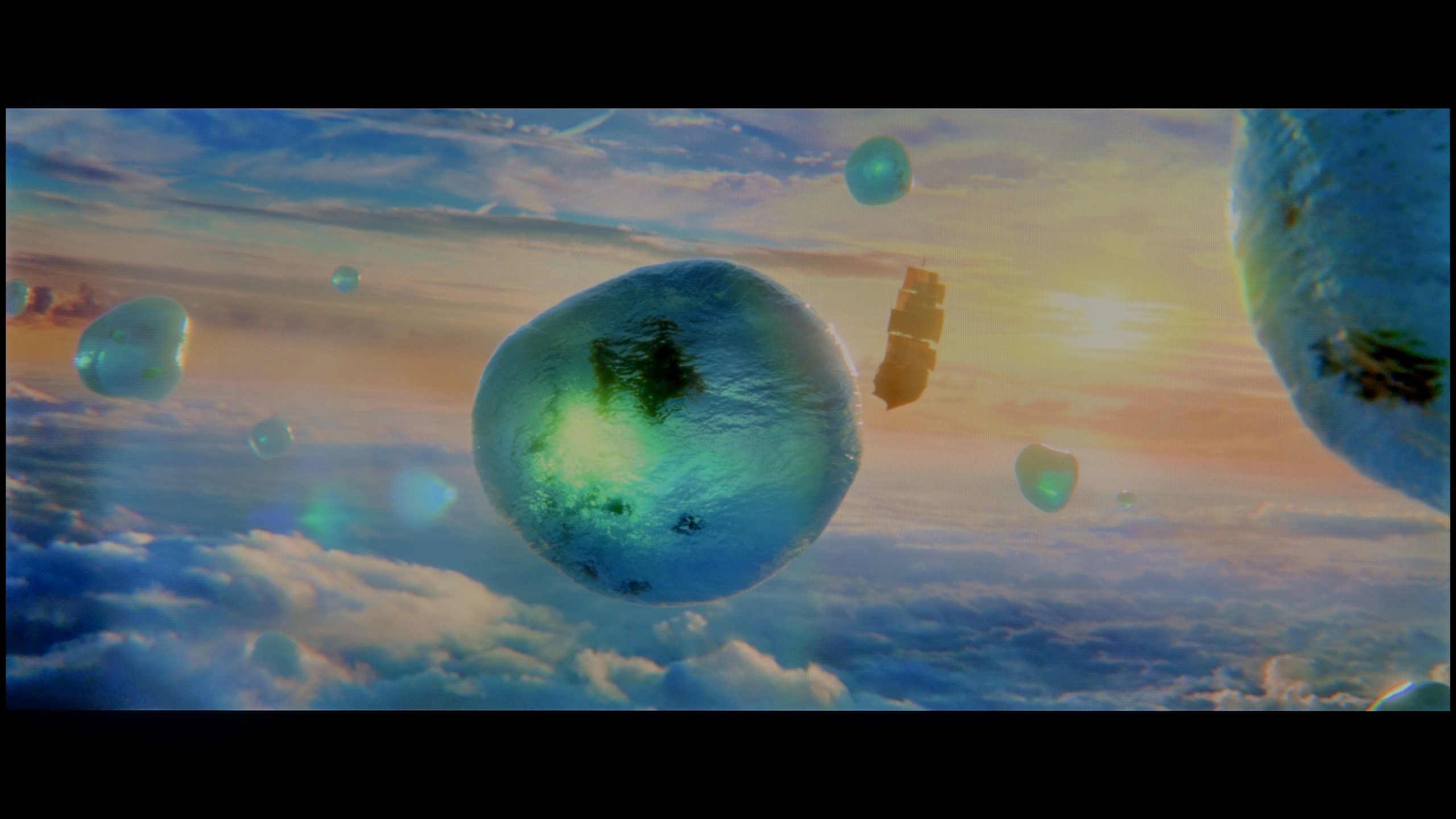
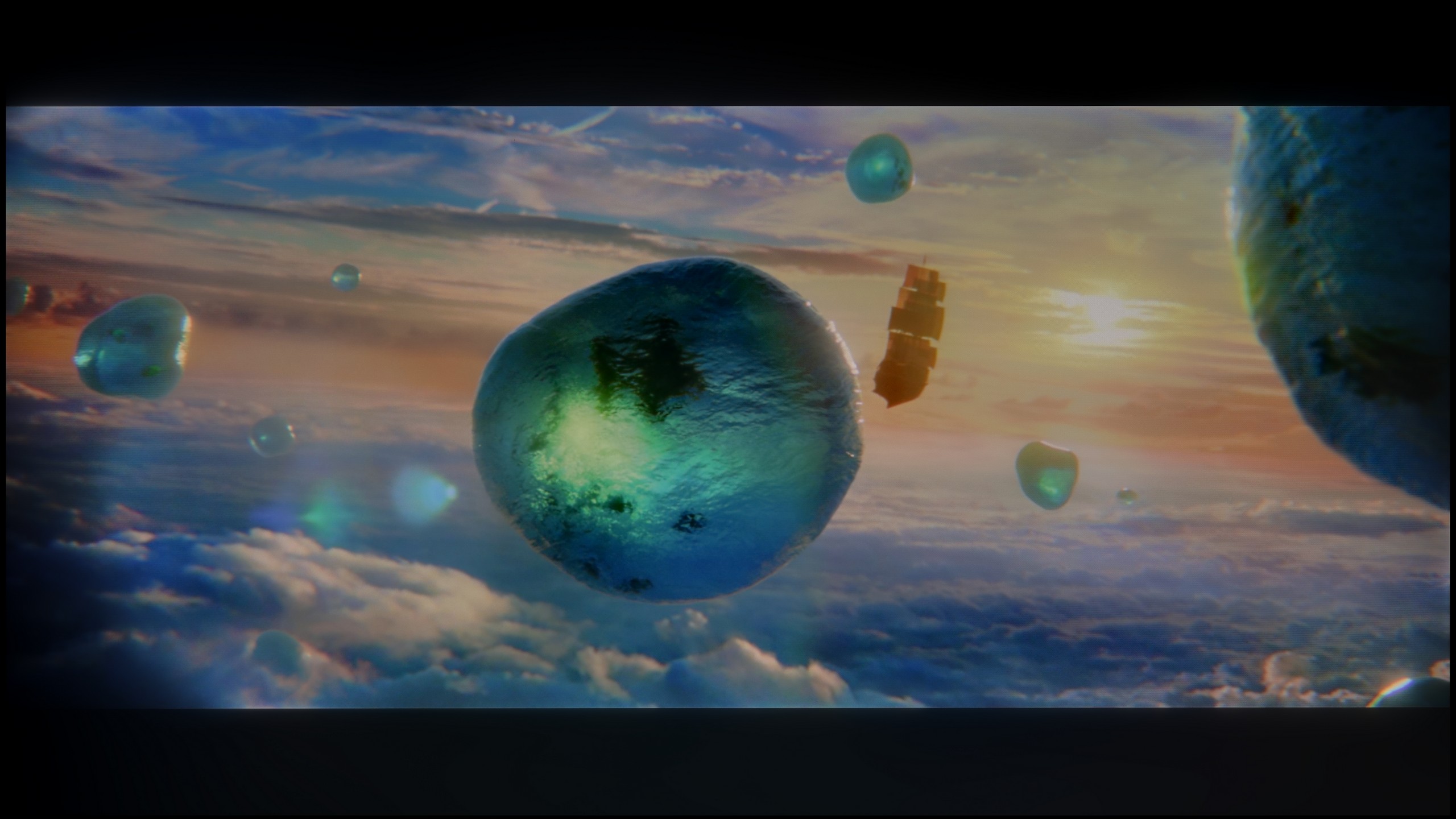
Scene from the movie “Billy Lynn” (about 1100 nits)
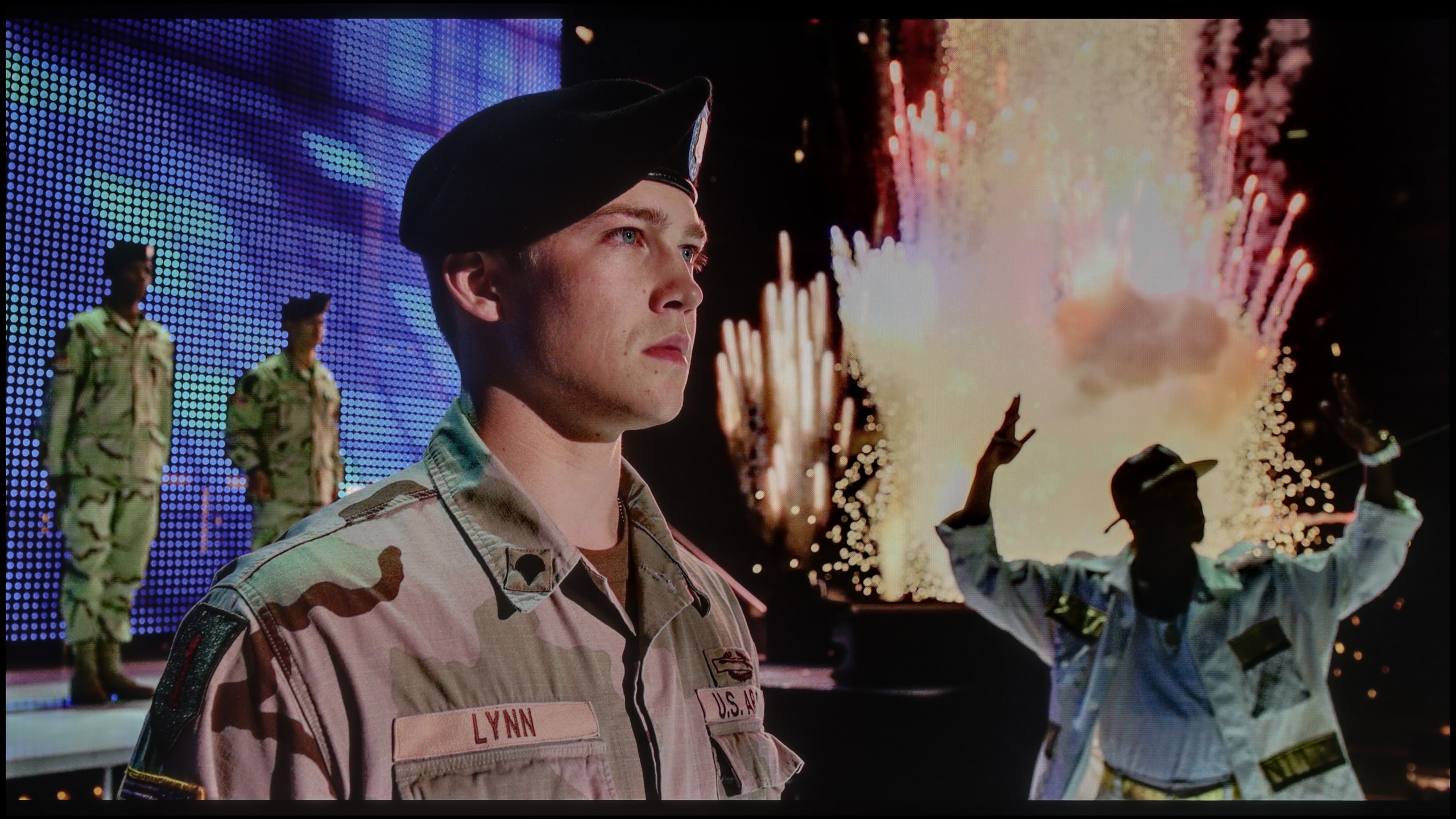

The photos show two HDR10 movies. 'Pan' is one of the brightest productions ever made, while 'Billy Lynn' (soldier) has brightness typical of streaming (Netflix, Prime, HBO MAX). Notice the intensity of effects and detail in whites.
Static HDR10


The photos present the visibility of white details in various HDR formats. They do not show brightness differences between TVs (these can be compared in the previous gallery).
HDR luminance chart:
LG QNED80A6A (VA)
Hisense U7Q
Since the algorithms responsible for blacks are performing quite well, we expected a similarly good effect when it comes to brightness and overall HDR quality. Unfortunately – here we have to disappoint you a bit.
The U7Q is quite a bright TV – in optimal conditions, it can reach around 800 nits, which indeed impresses on some screens, especially in scenes like those from the movie The Meg. Bright segments can really shine, and the HDR effect is noticeable. The problem arises when very small, bright elements appear on a dark background – for example, in Sicario 2 or in the second scene of the movie Life of Pi. In such moments, the dimming algorithms operate too aggressively. Yes, the blacks look great then, but the brightest points can almost completely fade, causing the HDR effect to disappear and details to be barely visible. That's just the nature of this technology in this price segment.
As a consolation, it's worth adding that the U7Q is advertised as a QLED TV (in practice, a PFS layer is used, which works very similarly), and it is indeed capable of displaying a wide color palette – with DCI-P3 coverage at around 94%, that's a very good result for this class.
Let's talk now about how this TV shines. If you expect dazzling light effects, we need to cool your enthusiasm. The LG QNED80A is a moderately bright television. Our measurements in most movie scenes indicated values around 350-400 nits. That's not enough to speak of a full, cinematic HDR experience and the sense of that famous "high dynamic range" that flagship products offer. However, brightness is not everything. Although the QNED80A is not a "light monster," it makes up for it in another key category: colors. Here, the PFS technology comes into play, which LG marketers hide under the name QNED/NanoCell. Thanks to this process, the TV offers a significantly wider color palette than classic LCD designs. In our tests, the coverage of the cinematic DCI-P3 palette reached a solid 93-94%. What does this mean for you? That even at lower brightness, when watching movies in HDR, the colors will be vivid, deep, and properly saturated. The image is not washed out but lush, which is a significant advantage in this price range.
Factory color reproduction
6.3/10
4.4/10
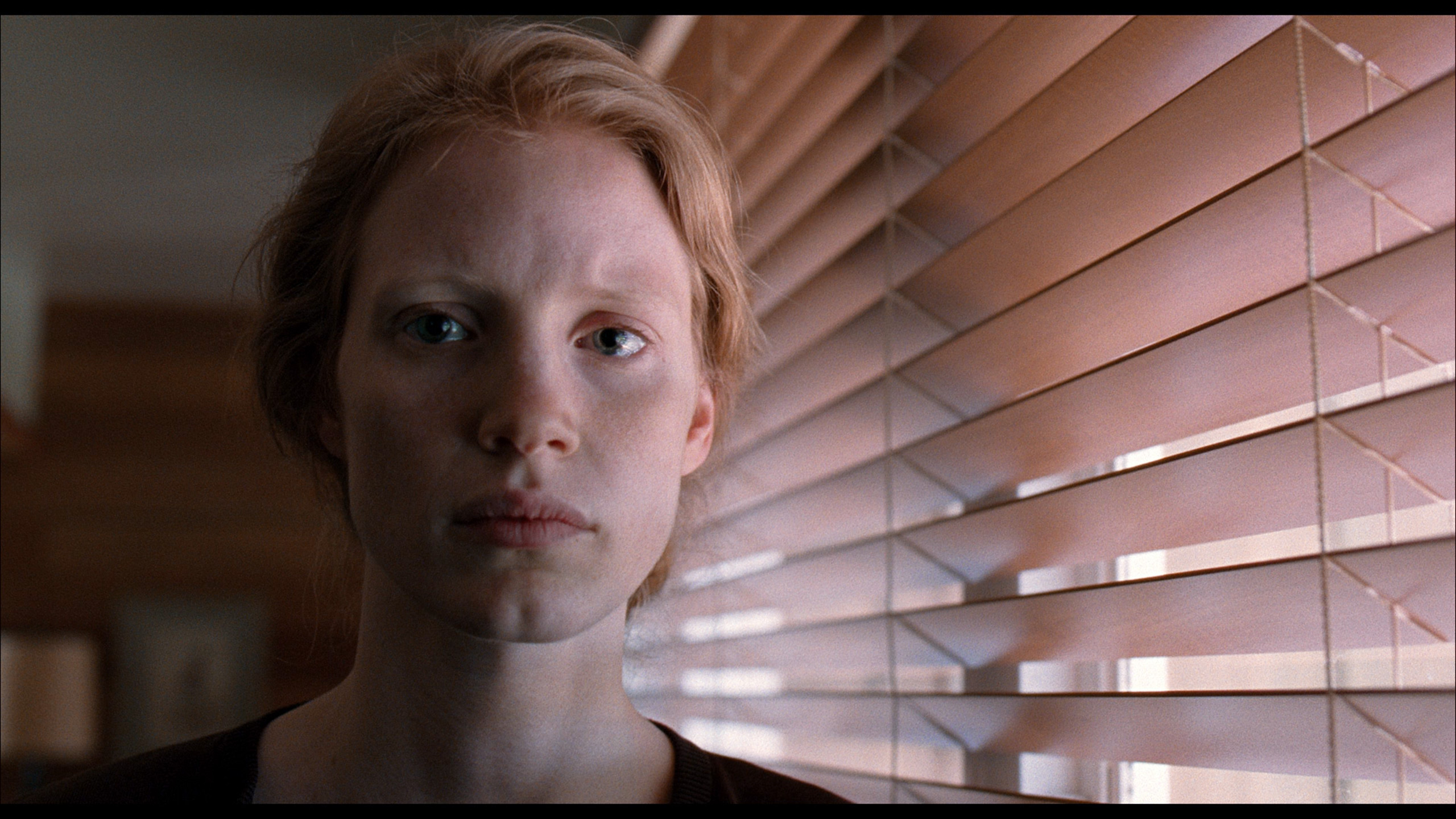
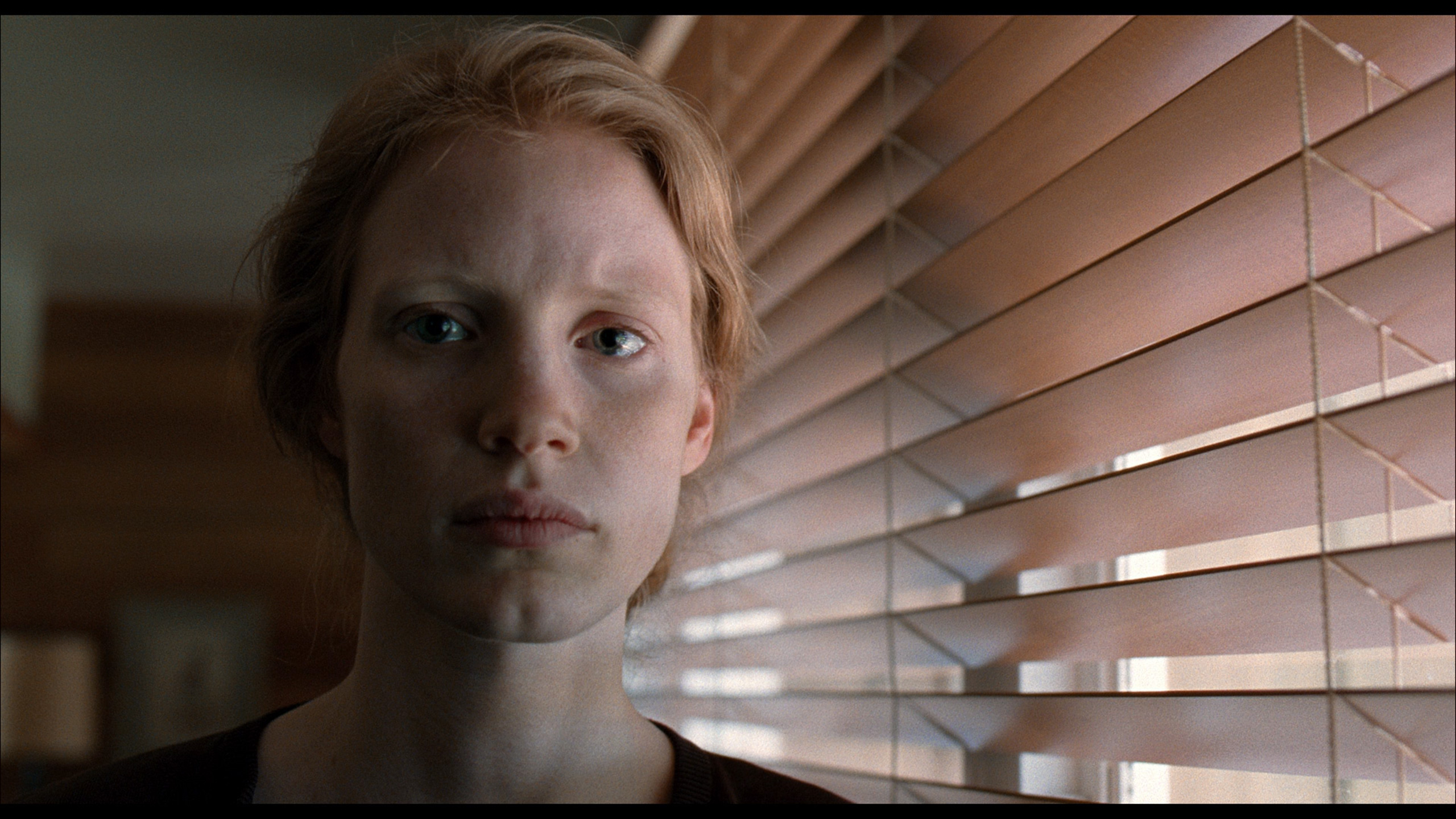
This gallery shows how colors change after professional TV calibration. If you notice the difference, we recommend ordering this service at SkalibrujTV.com.
Factory Mode
After calibration
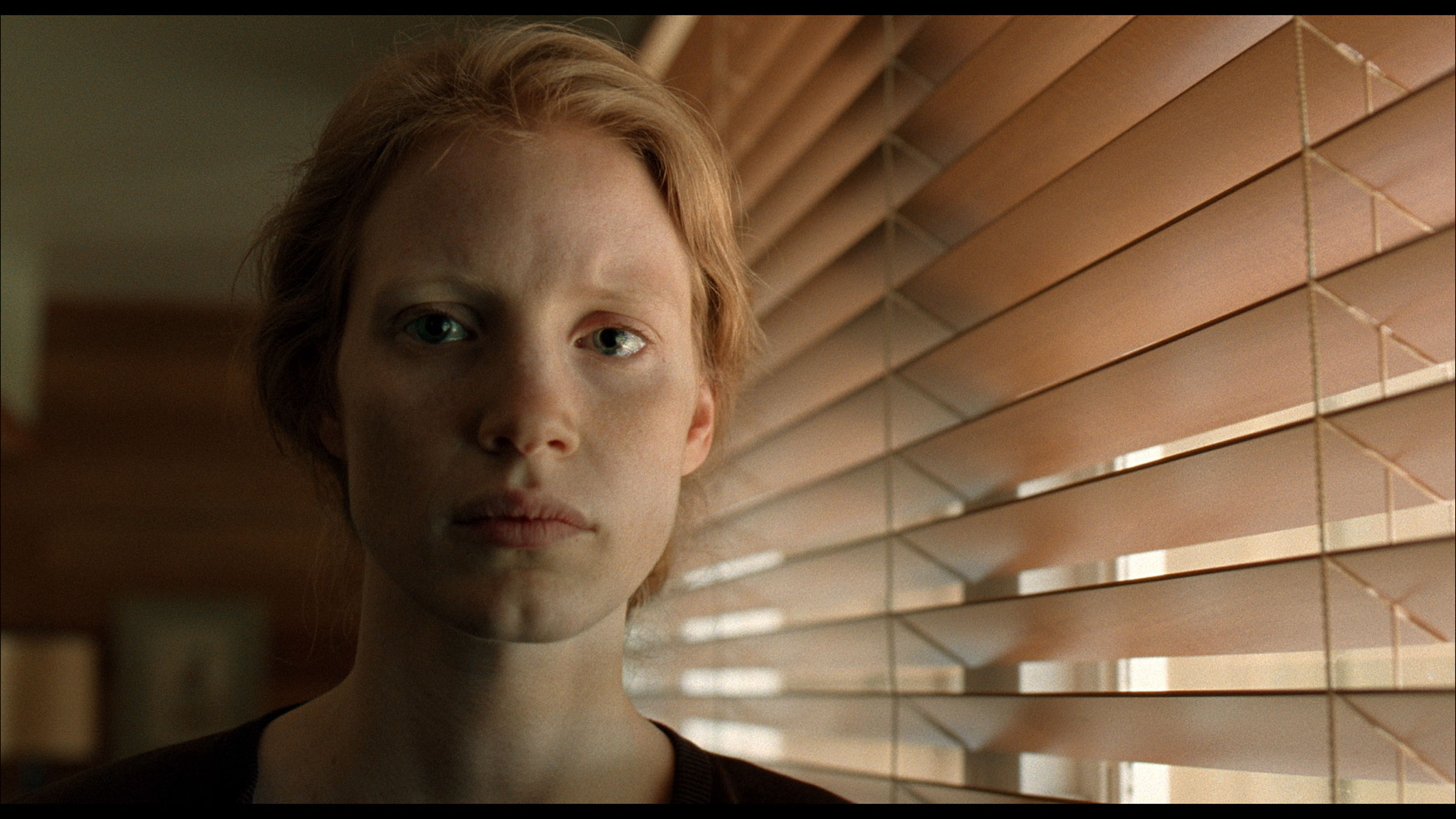
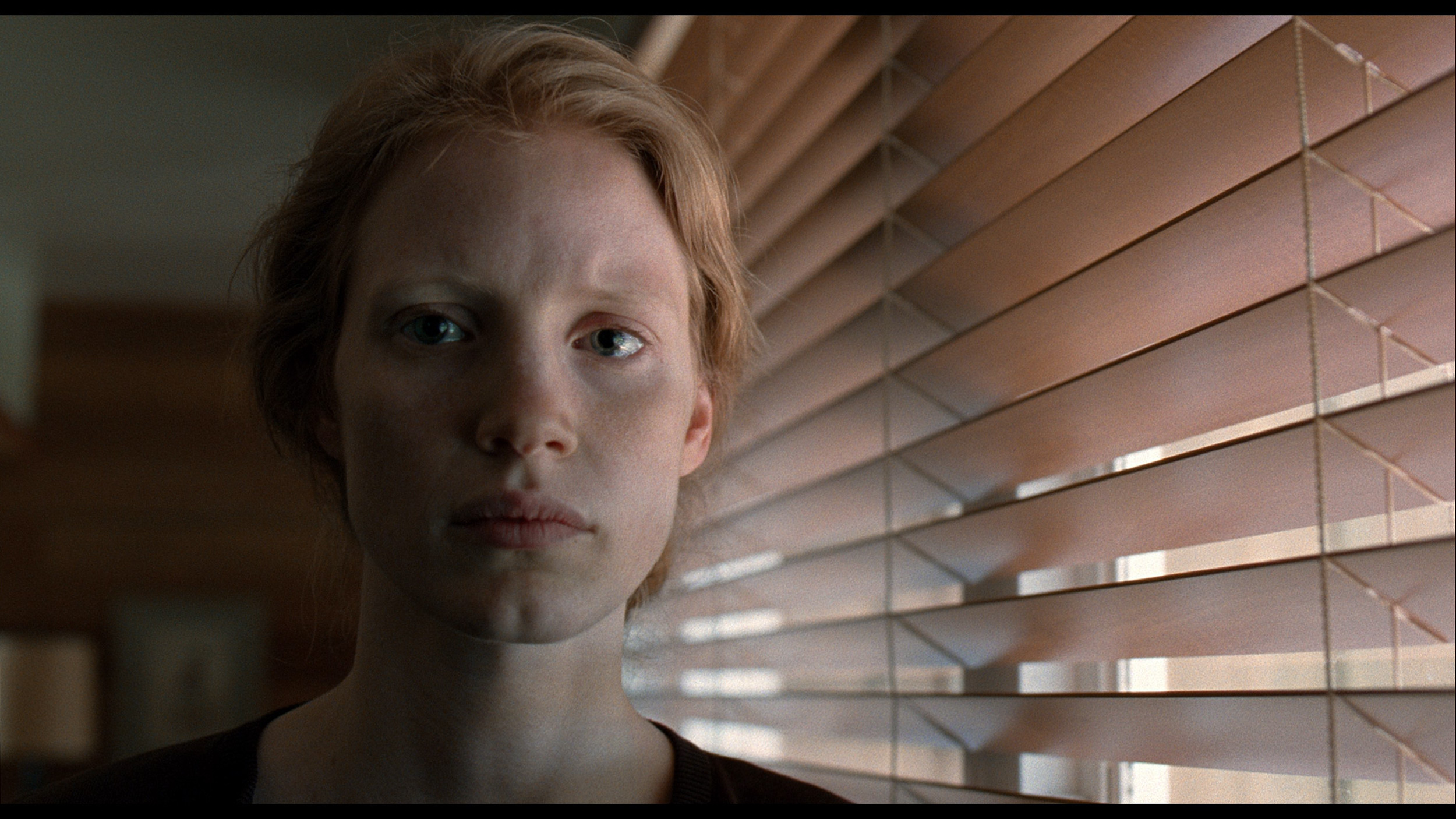
This gallery shows how colors change after professional TV calibration. If you notice the difference, we recommend ordering this service at SkalibrujTV.com.
Factory Mode
After calibration
We tested the U7Q in the best possible picture mode, which is Filmmaker Mode. This mode is supposed to provide the most "filmic" experience and fidelity to the creators' intent – right out of the box. Unfortunately, even this professionally sounding name does not guarantee a perfect picture.
In our unit, the problem lay in a poorly set white balance. Both in HD and 4K content, the image had too much blue and red, giving the screen a slightly pinkish hue. It didn't look terrible, but it was noticeable – especially in bright scenes and white backgrounds. This alone could have been forgiven, but the biggest issue is the management of brightness in HDR content. The EOTF curve from the measurements confirms what we saw earlier during the scene tests: the television often dims the smallest bright elements too much, causing them to almost disappear, or conversely – excessively brightens the brightest ones, affecting the naturalness of the image.
It might seem that since the QNED80A is one model, it should offer the same picture regardless of the version. However, practice shows something completely different. Analyzing the variant with a VA panel in the best factory setting – that is, in Filmmaker Mode – we noticed a specific characteristic. This TV “out of the box” serves us a picture with a clear dominance of red and a deficiency of blue. The overall image is very warm, almost hot. Many users might describe this as a “too cinematic” image, approaching sepia. Additionally, there's the issue of the gamma curve – the TV tends to slightly, artificially brighten scenes (the gamma is too low), causing the picture to lose some of its plasticity. The good news is that these are not flaws of the panel, but merely of the software. As always in our tests, we carried out a professional calibration, which completely eliminated these shortcomings, restoring the natural white balance and correct saturation.
Color reproduction after calibration
7.4/10
7.5/10
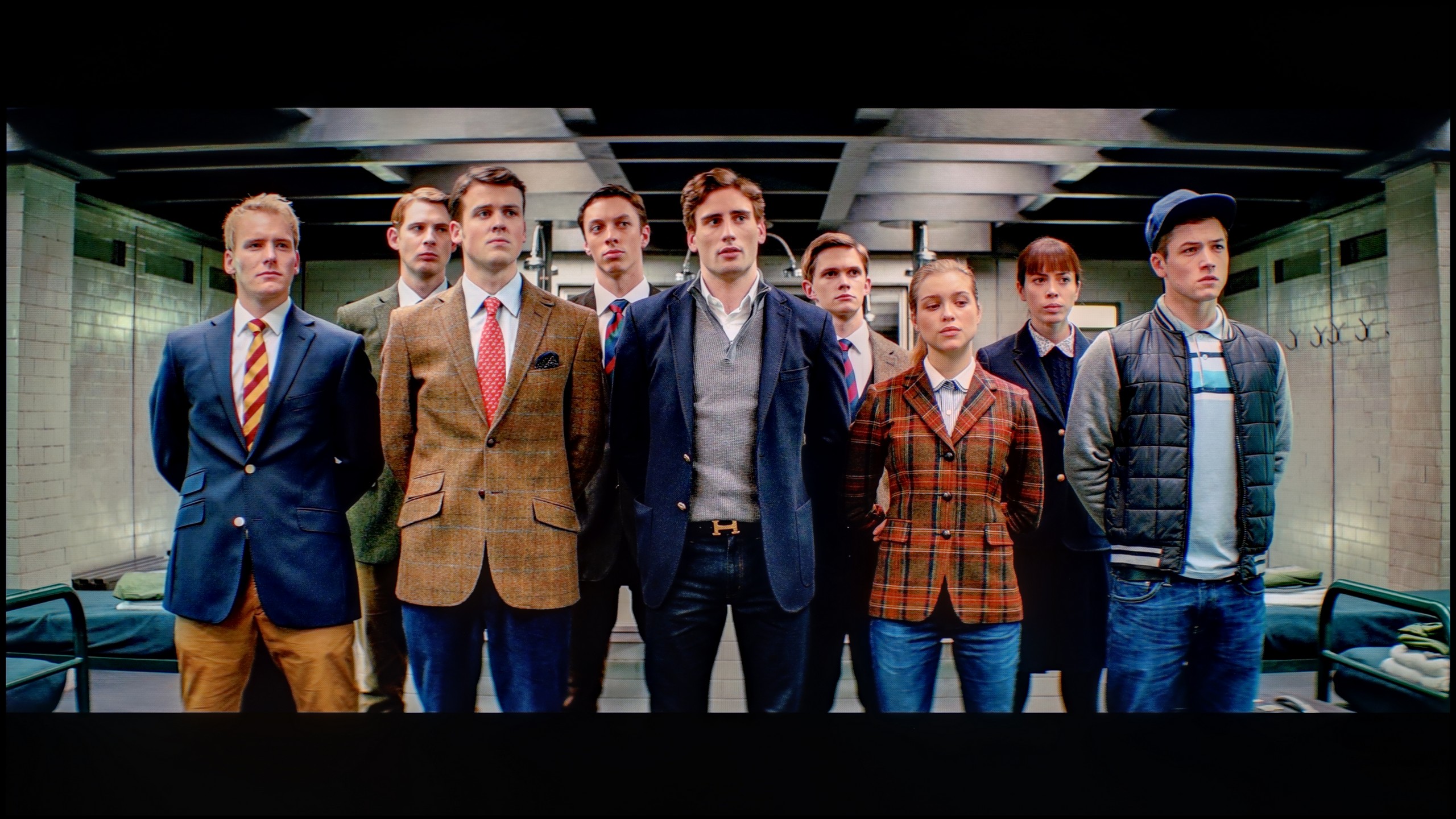
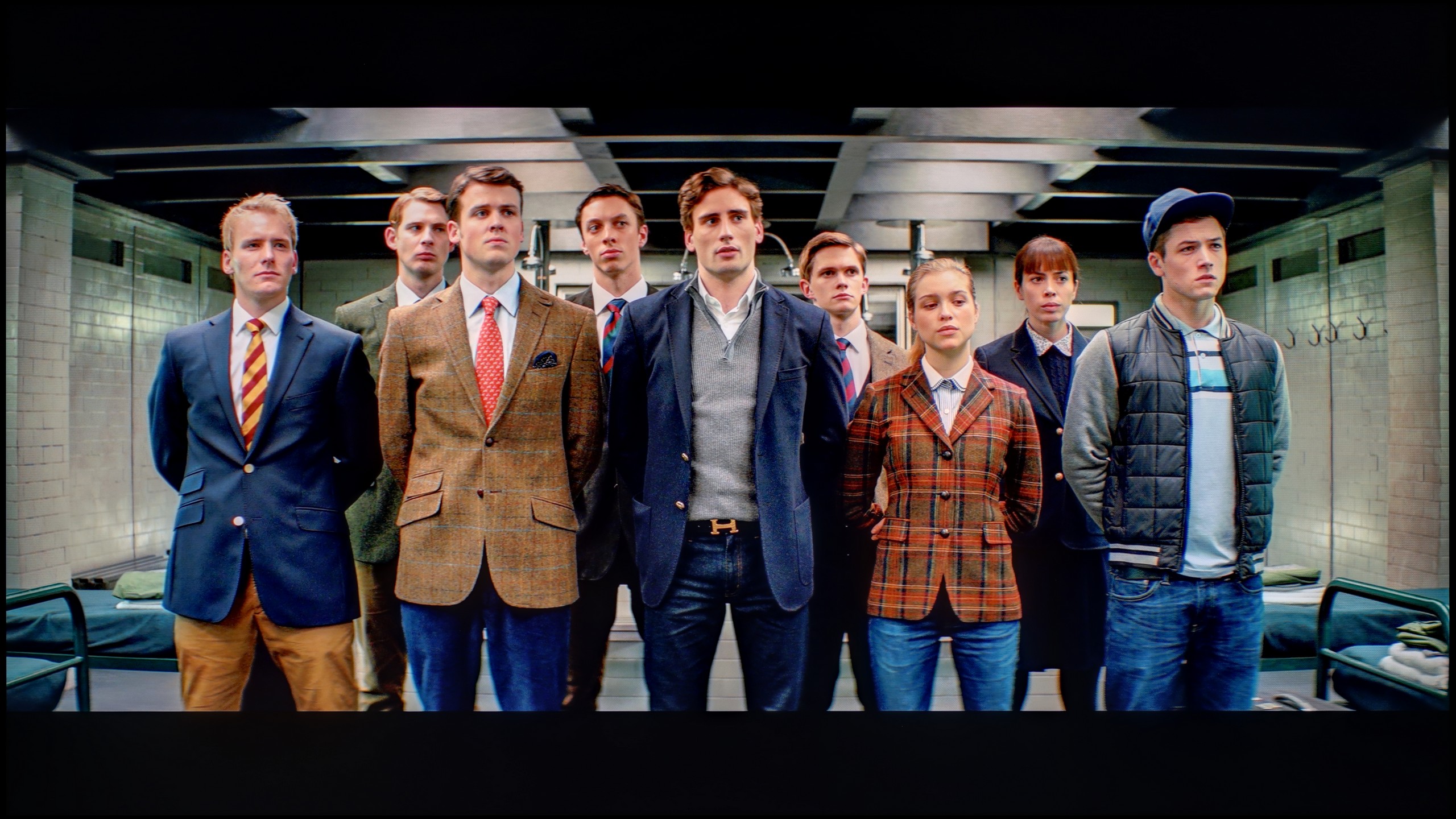
The photos show how movies look on the TV. Pay attention to black detail visibility, colors, and shadow tint.

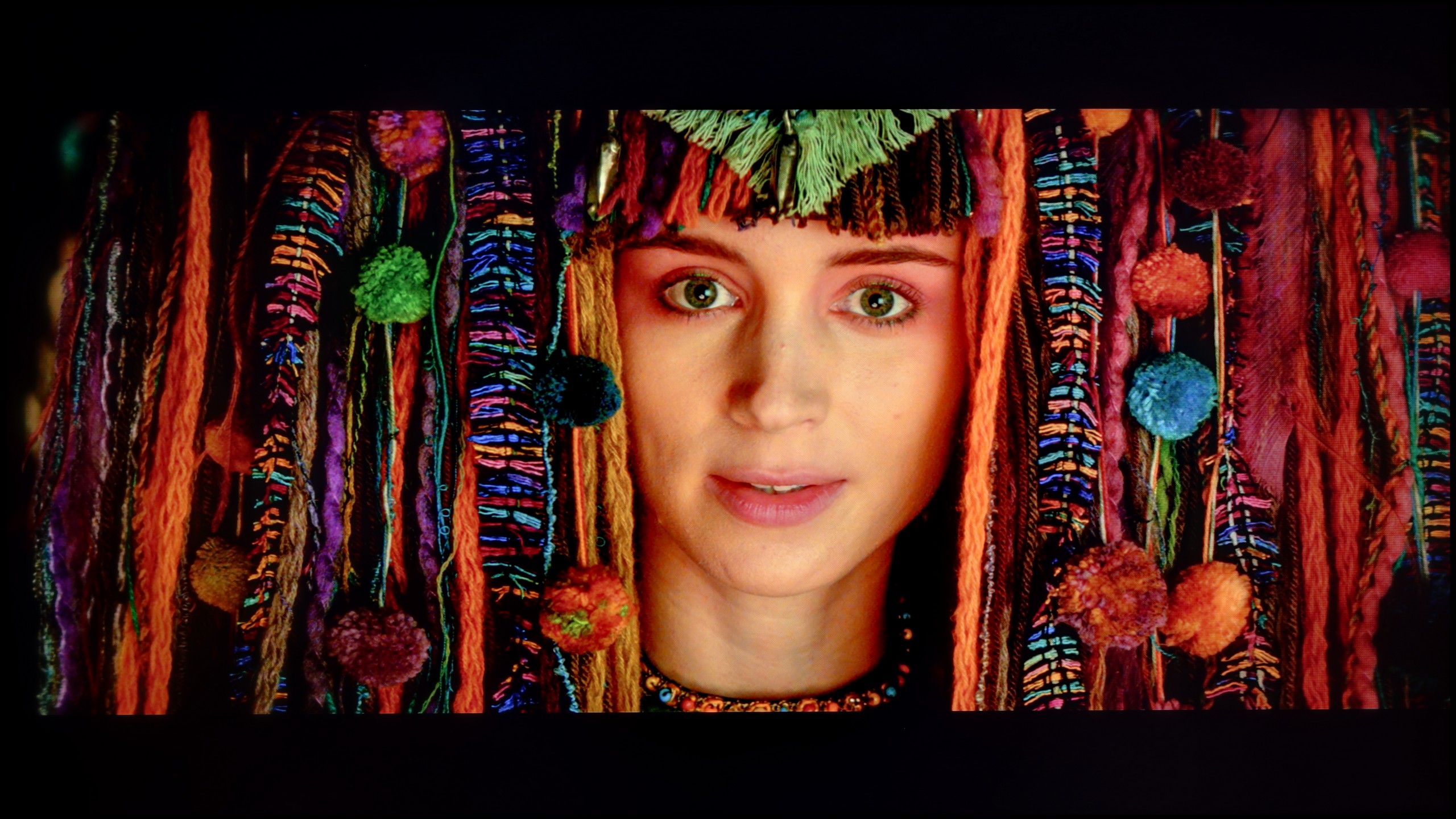
The photos show how movies look on the TV. Pay attention to black detail visibility, colors, and shadow tint.
Thanks to specialized tools, we managed to correct the color quality in SDR content to nearly perfection. In materials with lower dynamics, delta E errors dropped below 0.5, which can be considered an almost reference result. The image on television, YouTube, or classic Full HD looks really good after calibration. Well, but where couldn’t we improve the image so easily? Primarily, it concerns HDR quality content. While we managed to somewhat "tame" the white balance and eliminate pink hues in most scenes, unfortunately, we did not have full control over brightness management. We set the local dimming settings according to the best observations – SDR: Medium, HDR: High – but the U7Q still did everything a bit its own way. There were still cases of overly strong dimming or brightening of details that the calibration simply couldn't eliminate. And although the overall reception of the content is much better, it must be taken into account that the U7Q will always have something to say at the end "but."
Was it worth spending time on calibration? Definitely yes. We managed to tame the initially too warm white balance and, most importantly, correct the gamma curve. The TV stopped artificially brightening scenes, which added depth to the image. The biggest improvement is visible in SDR content, meaning when watching regular television, YouTube, or in games without HDR. Here, the QNED80A shows its class – color reproduction errors (DeltaE) dropped below a value of 2. In technical terms, this means that the errors are practically unnoticeable to the human eye. The image in everyday use has simply become very attractive, natural, and correct. The difficulties begin with HDR content. Even though we managed to improve the white balance, the EOTF curve graph (responsible for brightness at various levels) shows that the TV still "interprets" the image in its own way. This is due to the nature of the edge-lit local dimming used and the fact that LG gives the calibrator a very limited range of control over this parameter. In short: the TV struggles to hide its hardware shortcomings, sometimes ignoring our commands. Nevertheless, the final image is much more accurate and pleasant to the eye than in factory settings, even if it still falls short of studio ideal.
Smoothness of tonal transitions
9.9/10
9.2/10
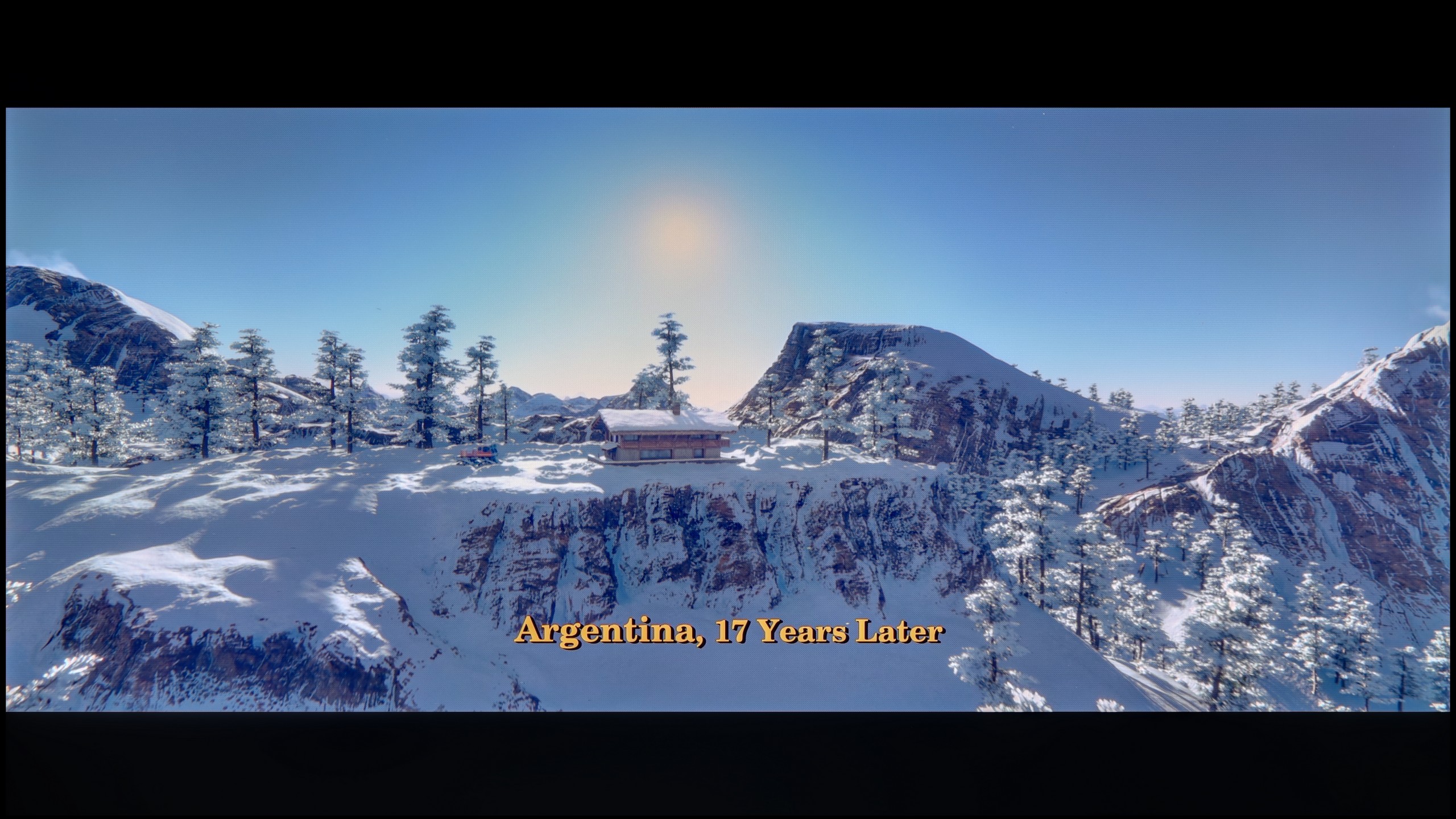
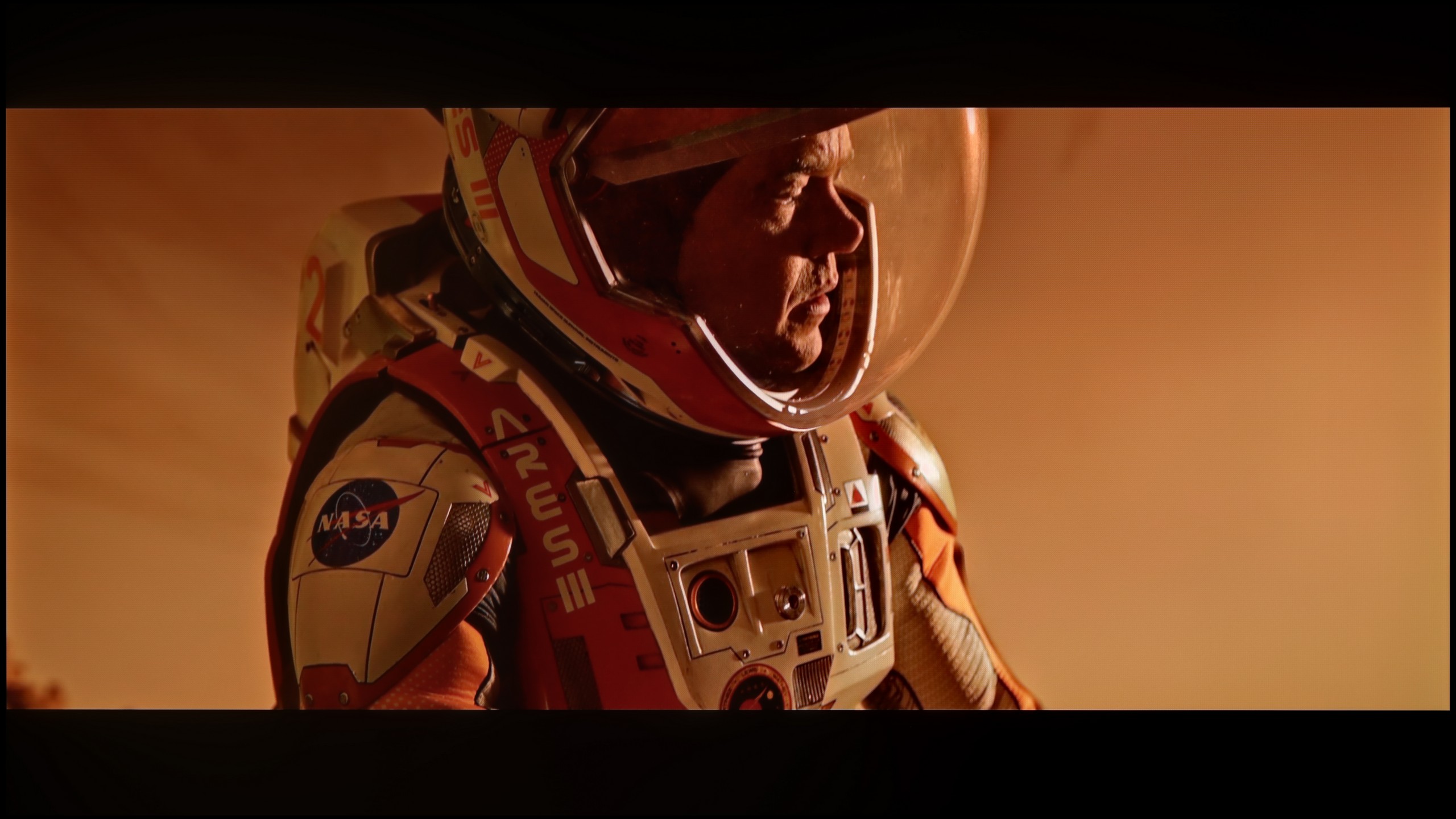
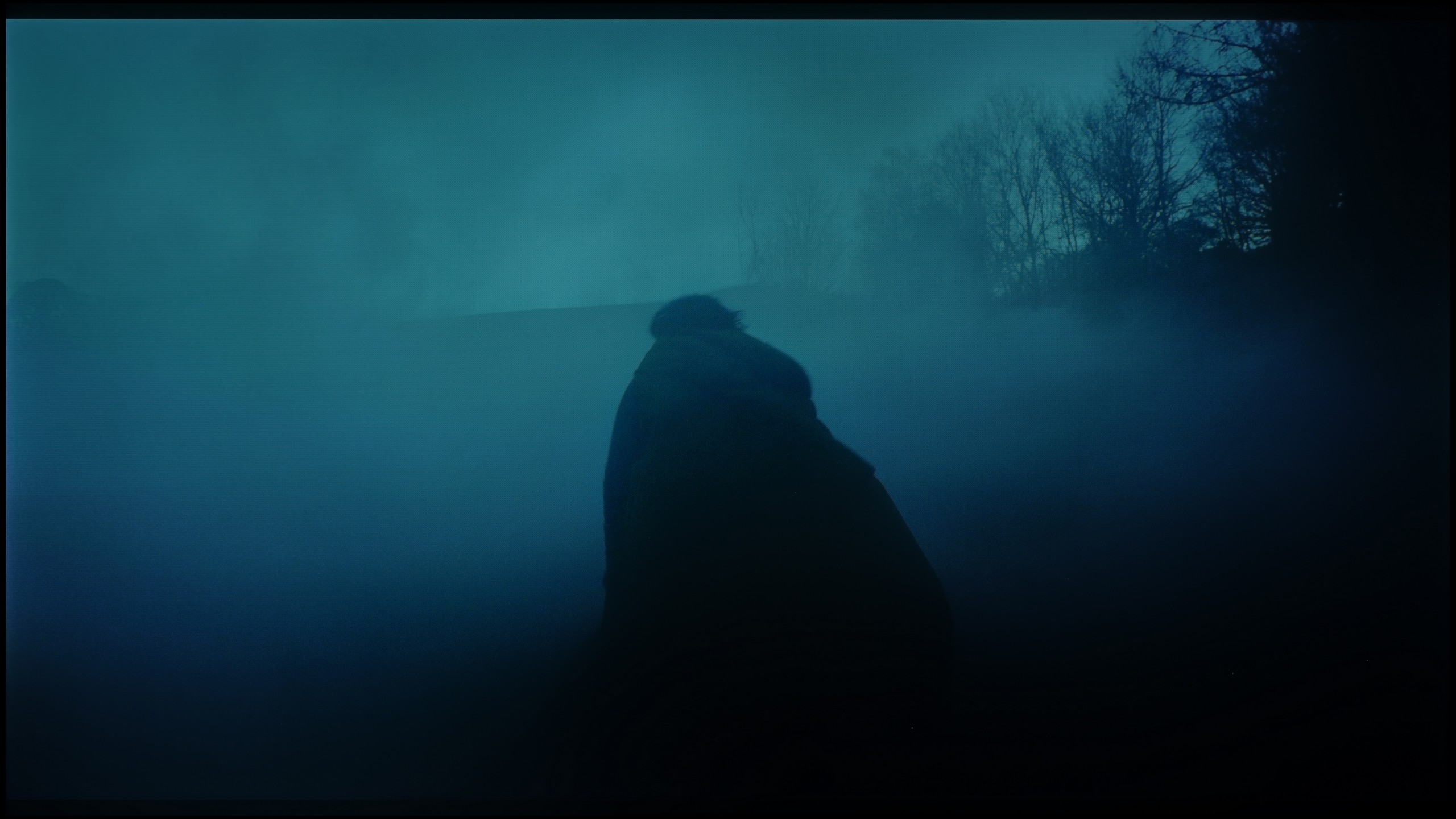
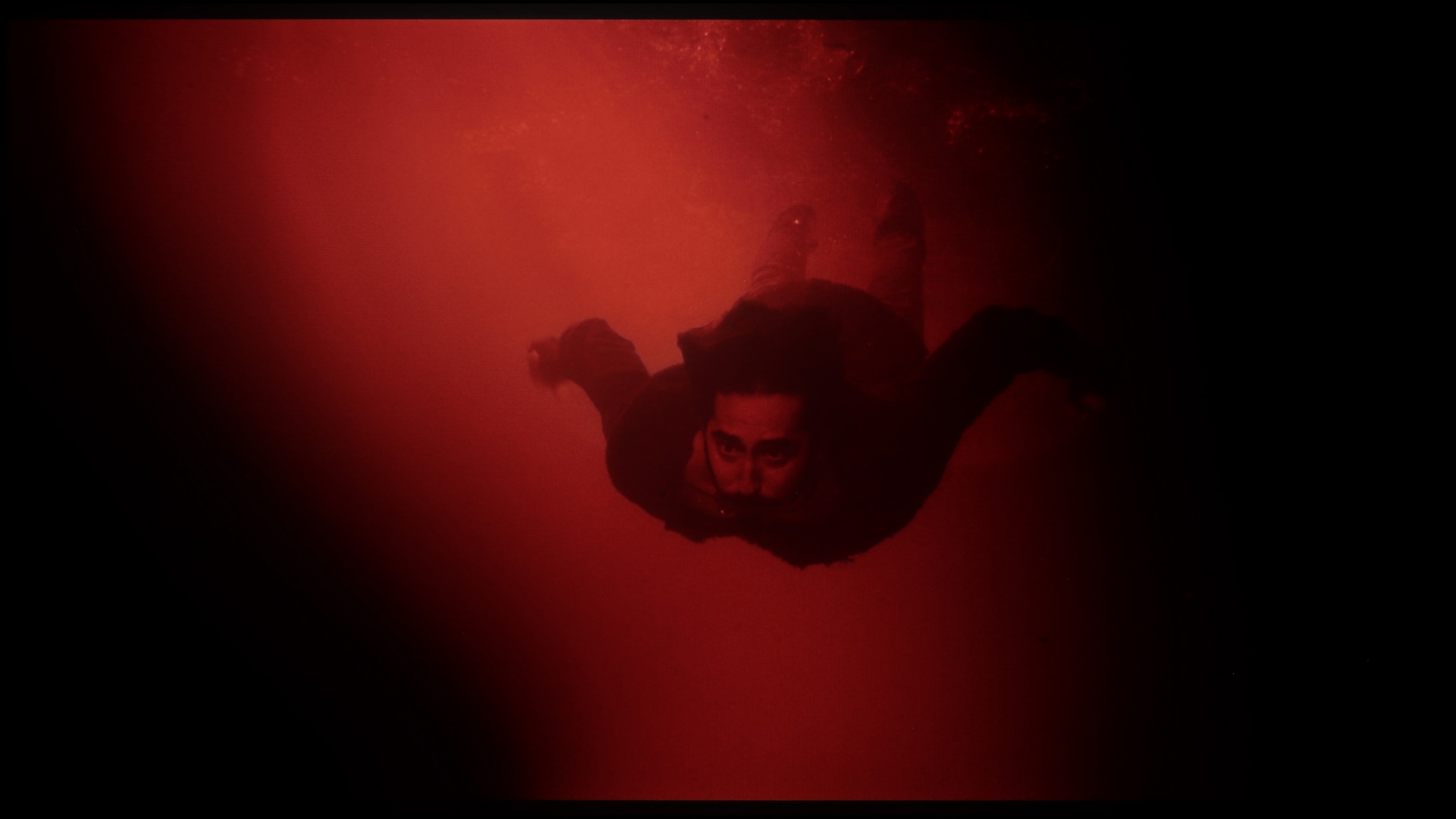
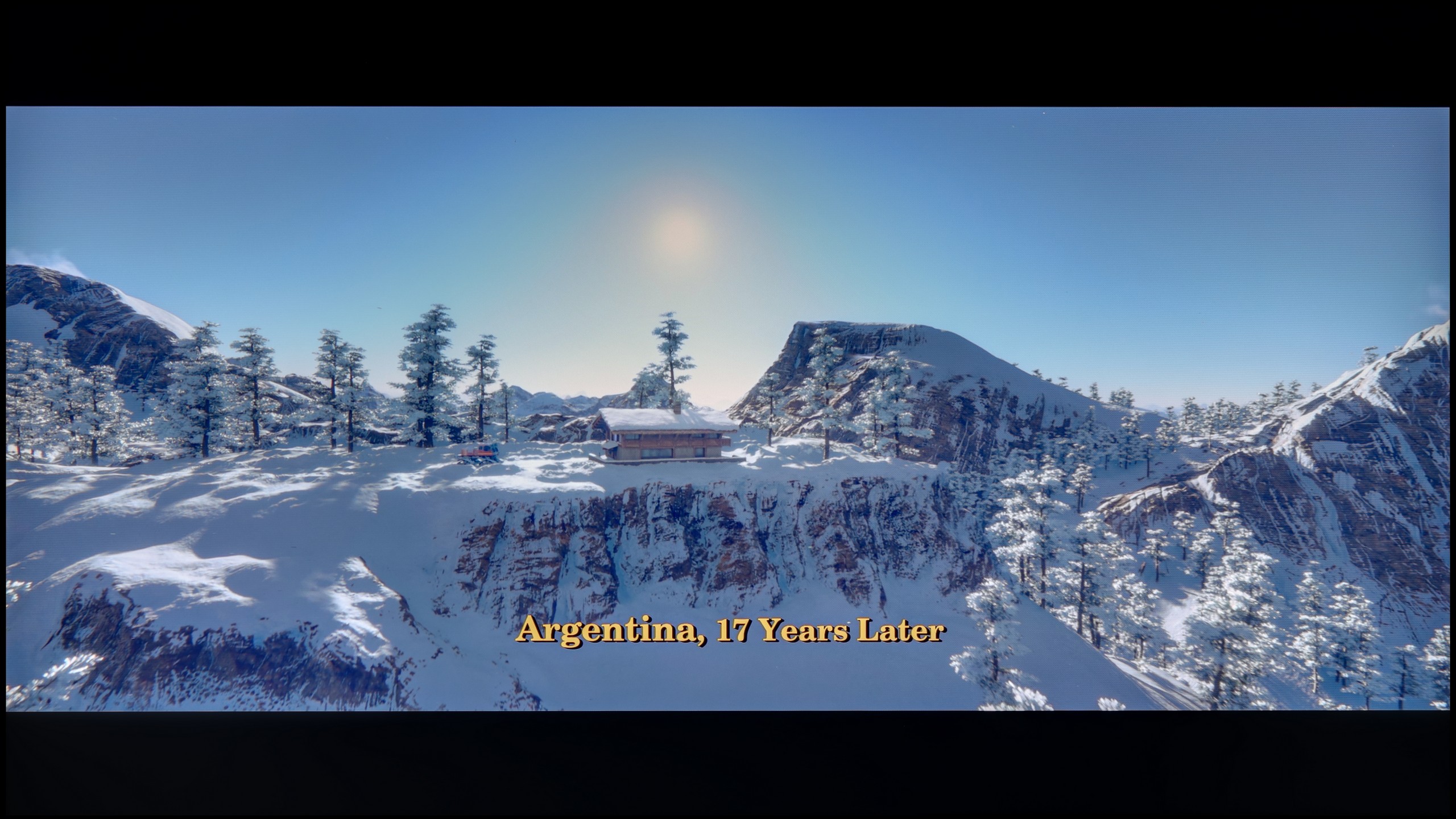
These are selected scenes that show smooth tonal transitions from one color to another. If you see distinct banding, it’s the TV panel’s fault.
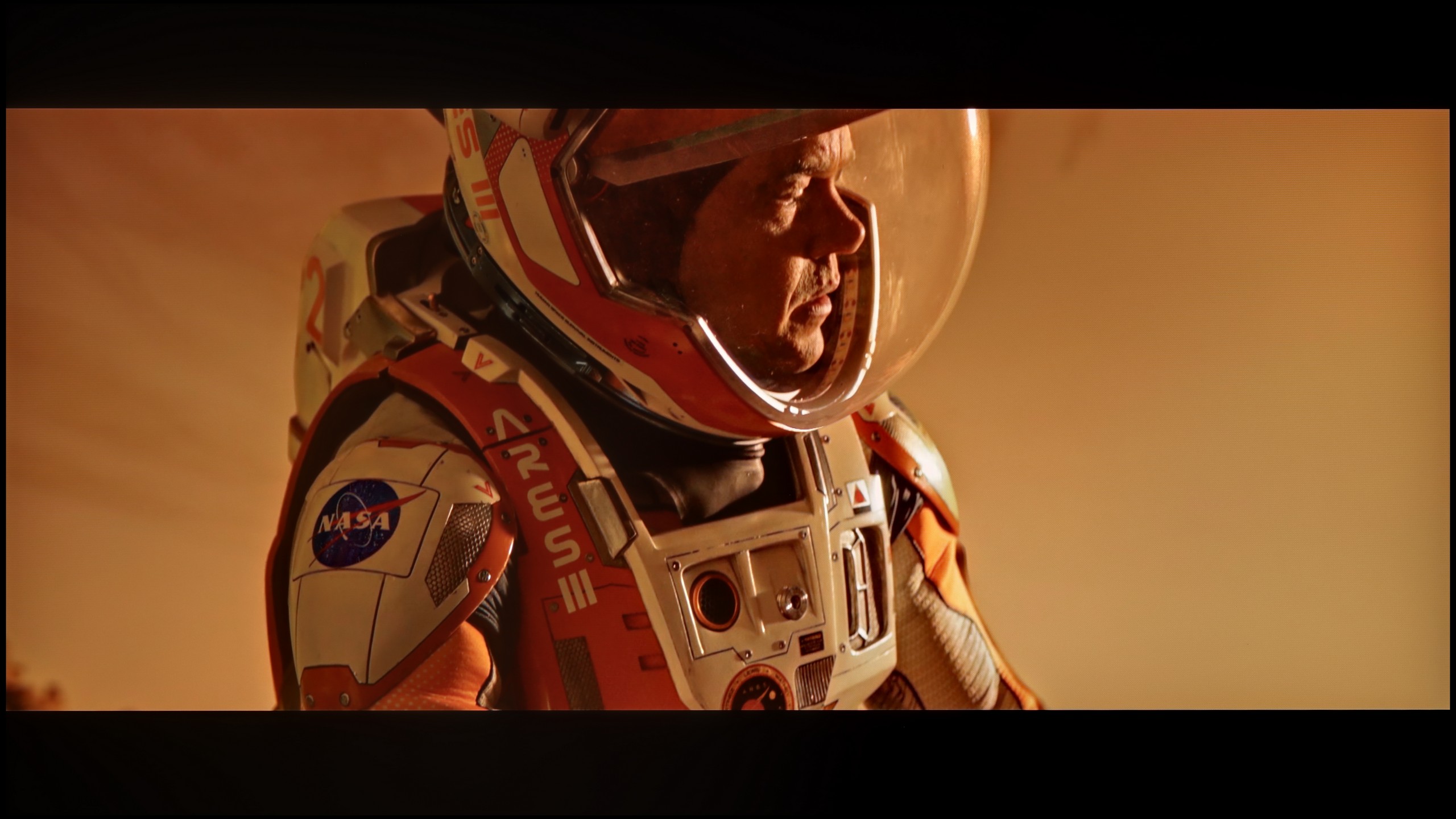
These are selected scenes that show smooth tonal transitions from one color to another. If you see distinct banding, it’s the TV panel’s fault.
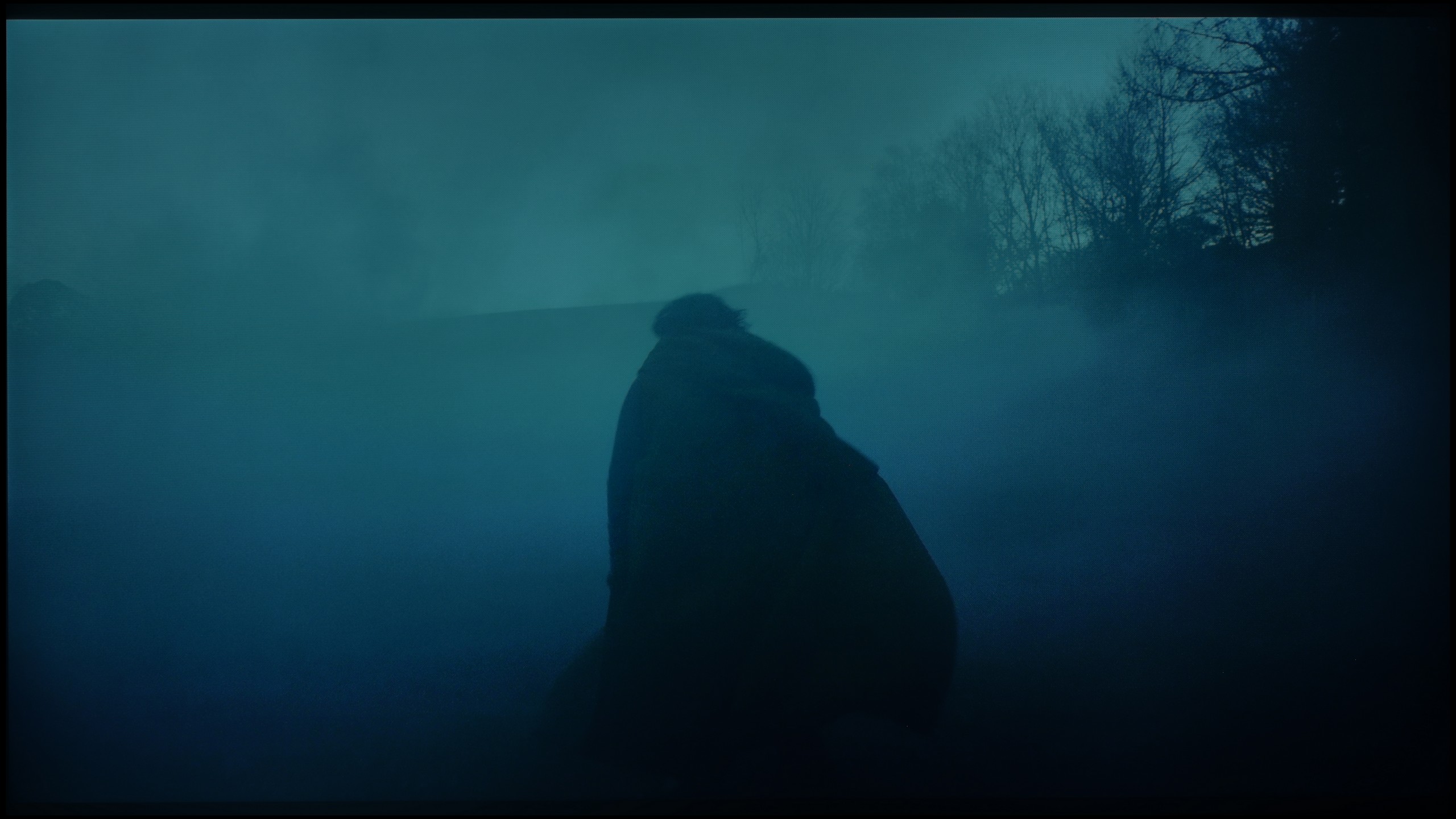
These are selected scenes that show smooth tonal transitions from one color to another. If you see distinct banding, it’s the TV panel’s fault.
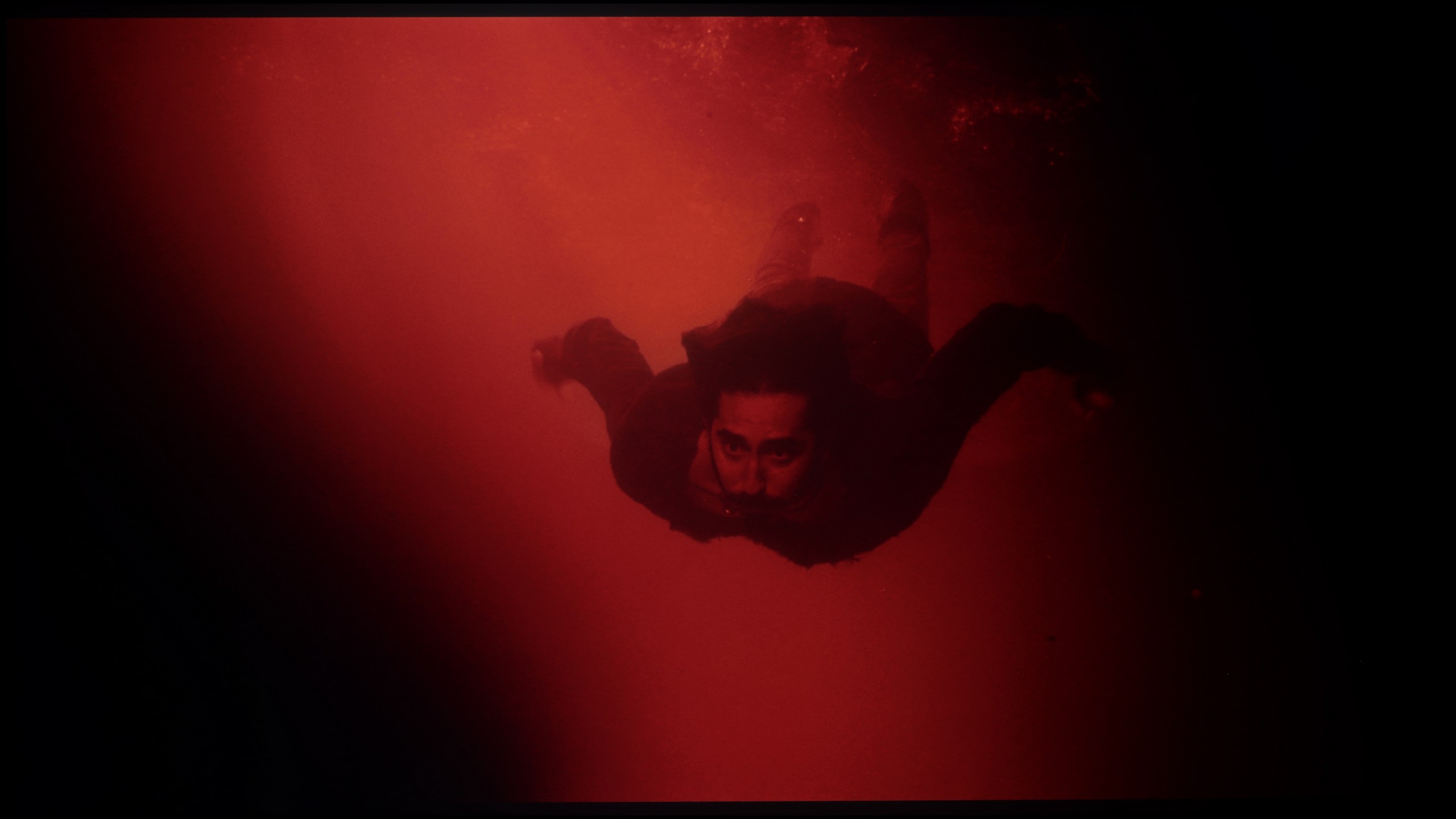
These are selected scenes that show smooth tonal transitions from one color to another. If you see distinct banding, it’s the TV panel’s fault.
The U7Q performs exceptionally well when it comes to tonal transitions – we can confidently say that it reaches almost reference level, which is why in this category, the TV receives one of the highest possible ratings from us. The color blends are smooth, clean, and without visible bands. In most scenes, everything looks simply perfect, and any potential minor imperfections may only appear in very specific shots – although we hardly noticed them during testing.
We also have excellent news for those sensitive to digital artifacts. Regardless of which version of the panel you encounter, the LG QNED80A handles gradation, or the smooth blending of colors, exceptionally well. In this price range, it is often the case that instead of a smooth transition (e.g., from light sky blue to navy), we see ugly, separate stripes. Here, this problem practically does not occur. In our tests, both in very bright parts of the image (like sunsets) and in difficult, dark shades of gray, the picture remained uniform and natural. We did not notice the annoying "banding" effect or distinct lines connecting colors.
Image scaling and smoothness of tonal transitions
6/10
7/10

Smooth transition function
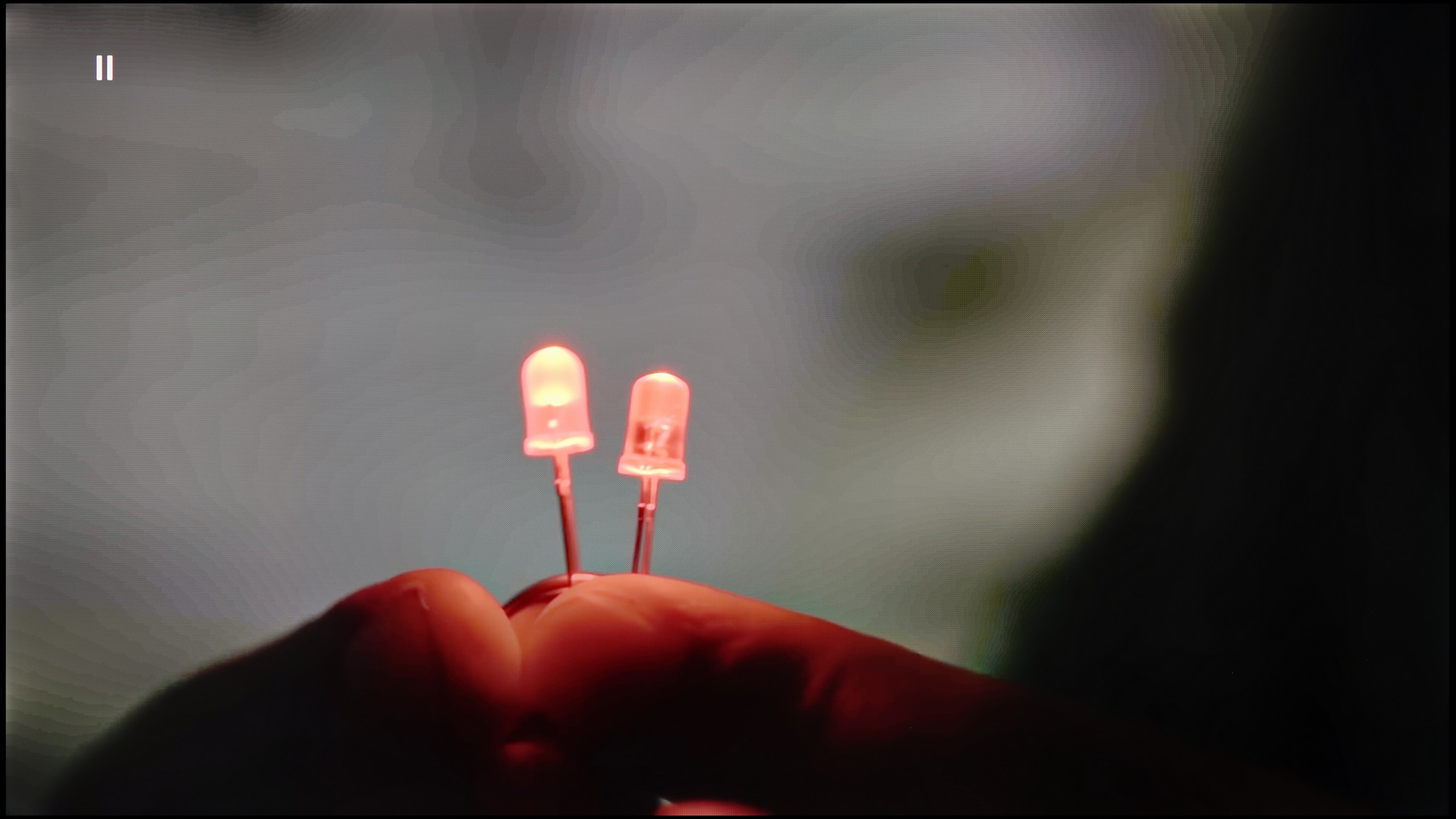
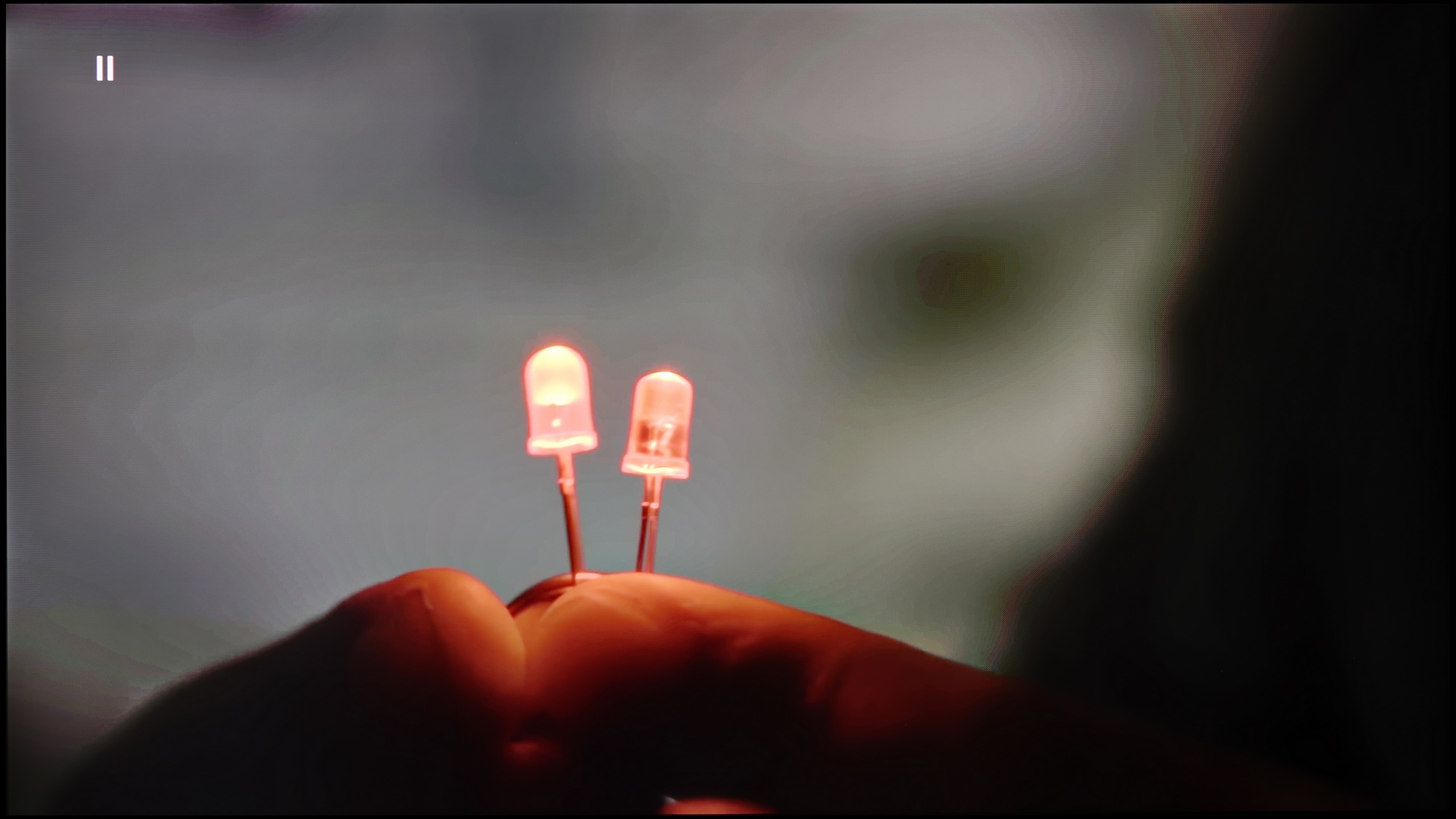
The match photo shows how the TV smooths weak tonal transitions in low-quality video.
Image scaling SD (576i)


The model photo shows how it handles upscaling of SD material.
There are situations where we would like to smooth out tonal transitions a bit, especially in older materials – those that have limited source quality. The U7Q is equipped with a feature called “Smooth and Gradient Image,” but unfortunately… it works very poorly. In the “Low” option, the effects are practically unnoticeable, and other settings smooth out details but do not improve tonal transitions. The only plus is that the feature does not interfere with film grain, so it does not ruin the natural structure of the image.
Fortunately, content scaling performs quite well. The image is not overly sharpened, there is no artificial clarity – and although it is known that this is not the level of high-end televisions, the U7Q handles displaying really old content in a completely acceptable manner without any problem.
In this category, the QNED80A proves to be a real "dark horse." It's a fantastic, affordable television for those who often watch lower quality materials – for example, from traditional cable TV. The processor used here handles upscaling exceptionally well, meaning it enhances low resolution to native 4K. The image after processing is natural, smooth, and most importantly – not overly jagged or artificially sharpened. In the menu, we also find a dedicated option for smoothing tonal transitions in low-quality material. This feature works really effectively, eliminating the annoying "banding" of colors in heavily compressed video. However, we must remain vigilant. Remember that we are not dealing with a top-tier processor known from flagship OLED models. In more challenging scenes, the system may struggle and introduce minor artifacts or distortions. Nevertheless, it's definitely worth giving this feature a chance, as in most cases, the improvement in quality is noticeable to the naked eye.
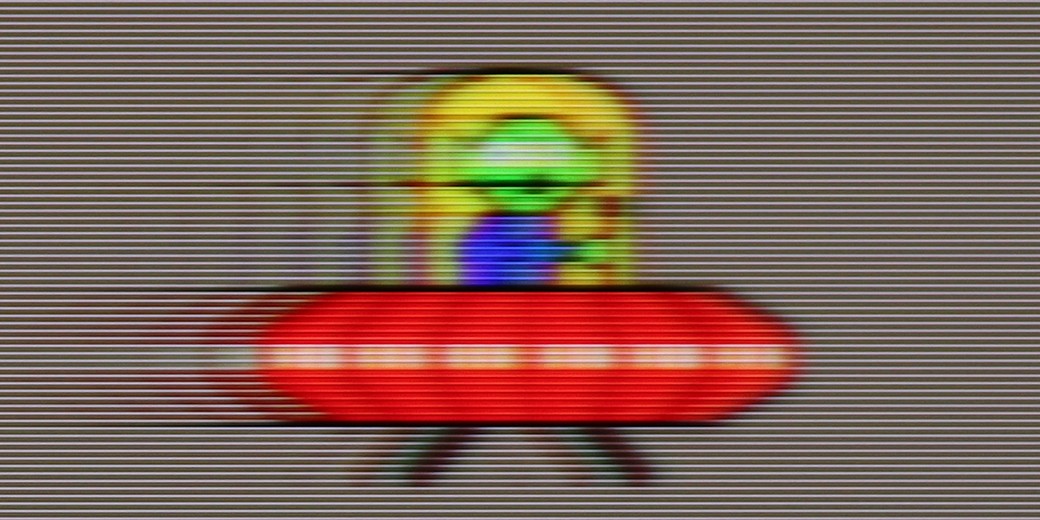
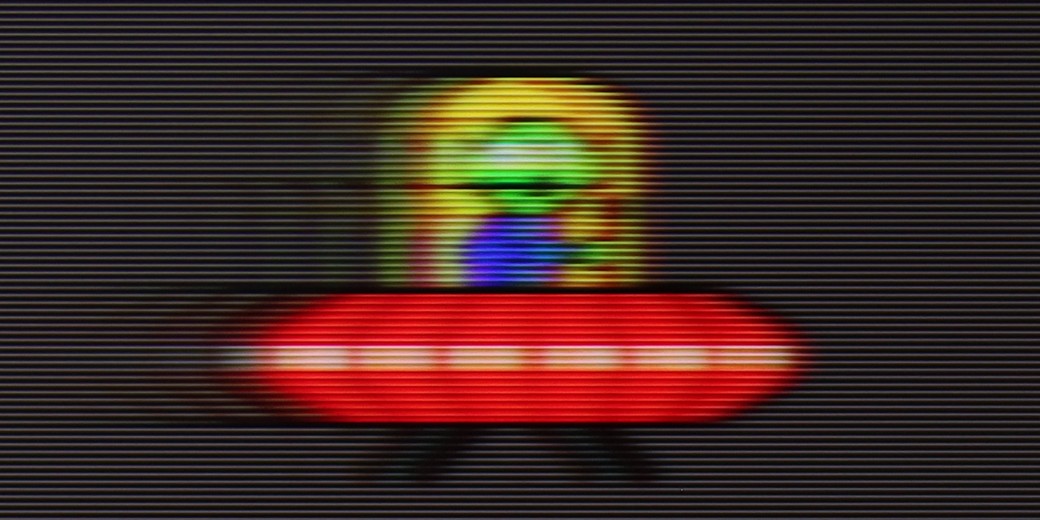
Blur and motion smoothness
7.1/10
4.8/10

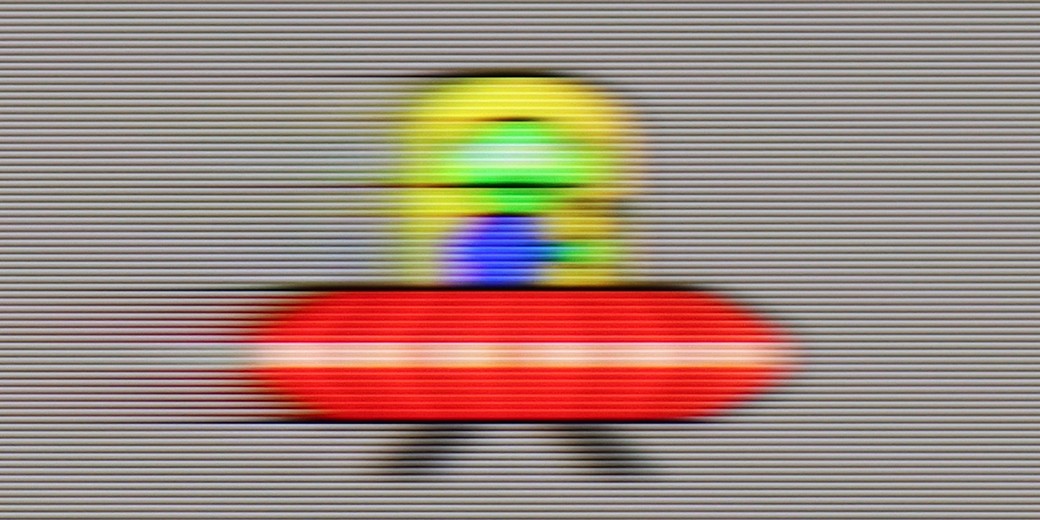
Blur (native resolution, maximum refresh rate):

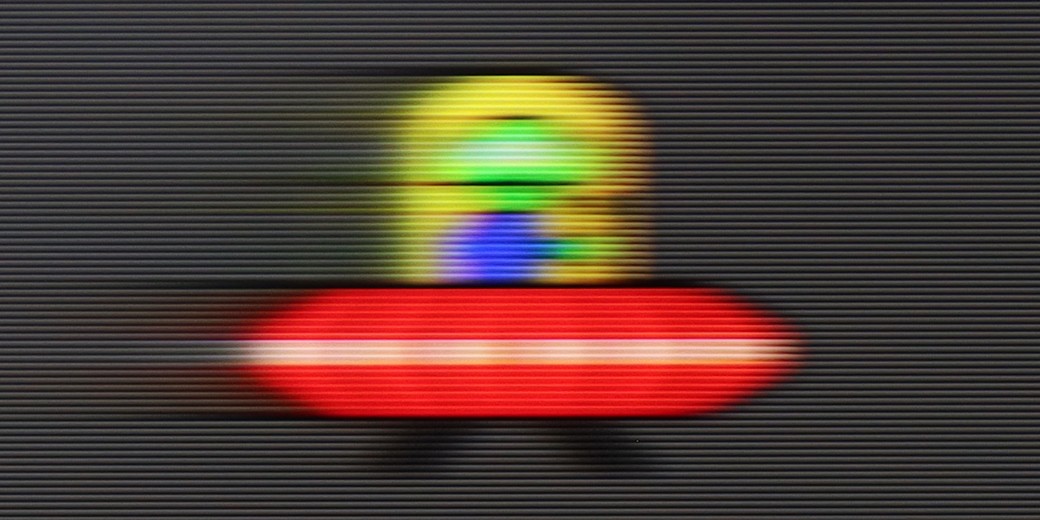

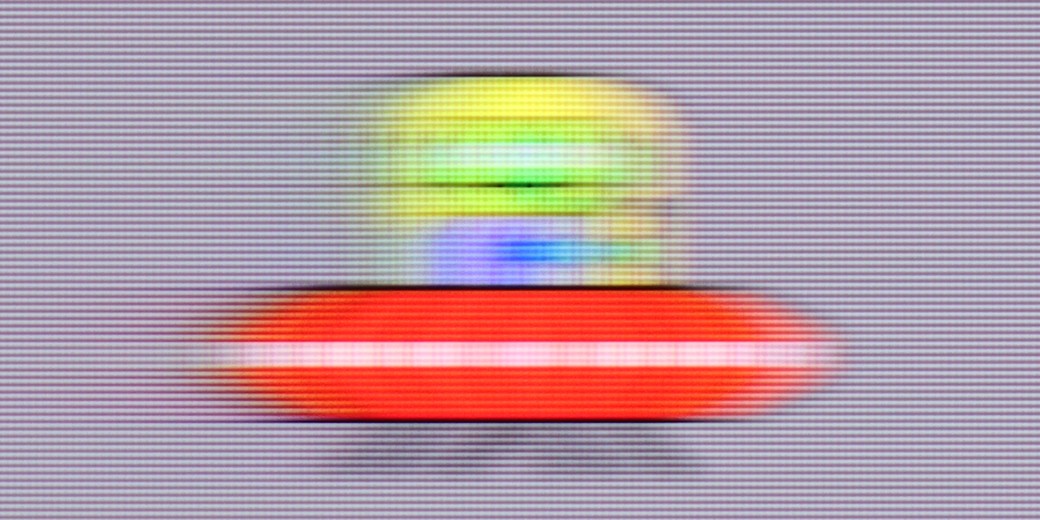
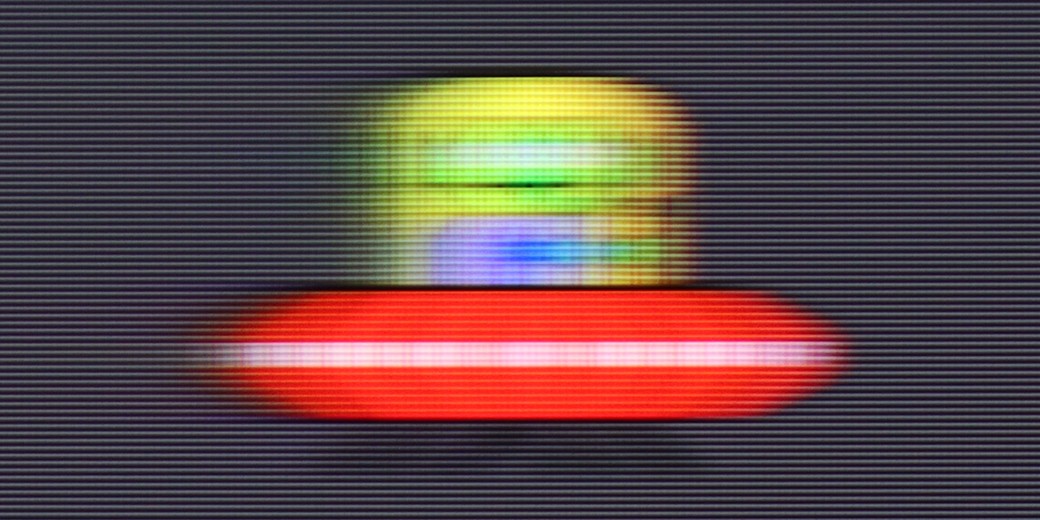
Blur (BFI function enabled):

Blur (1080p 240Hz):

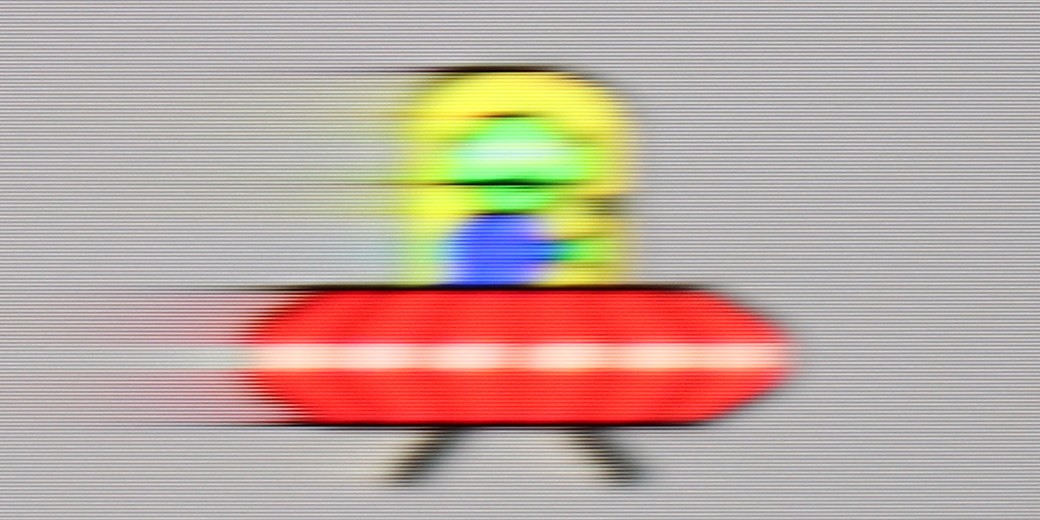
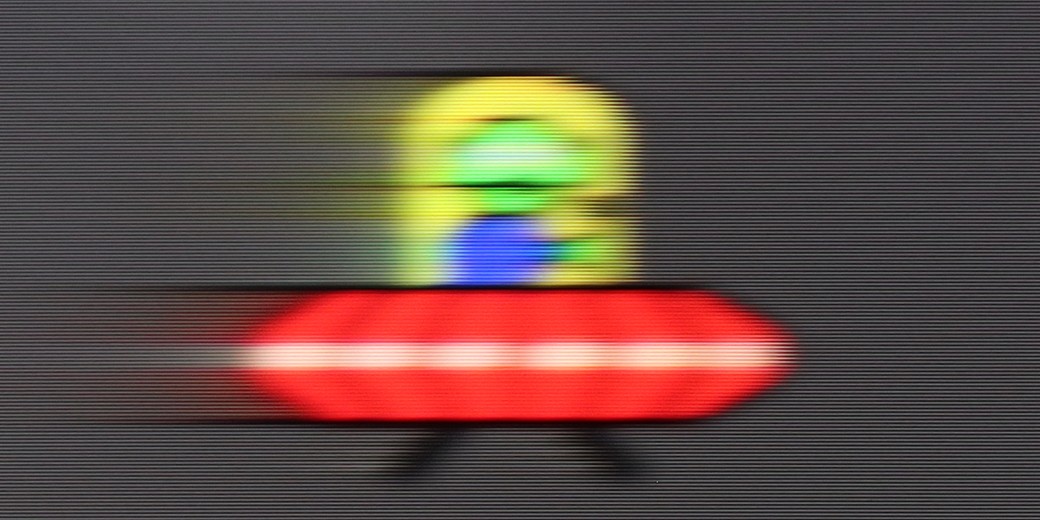
Blur ():
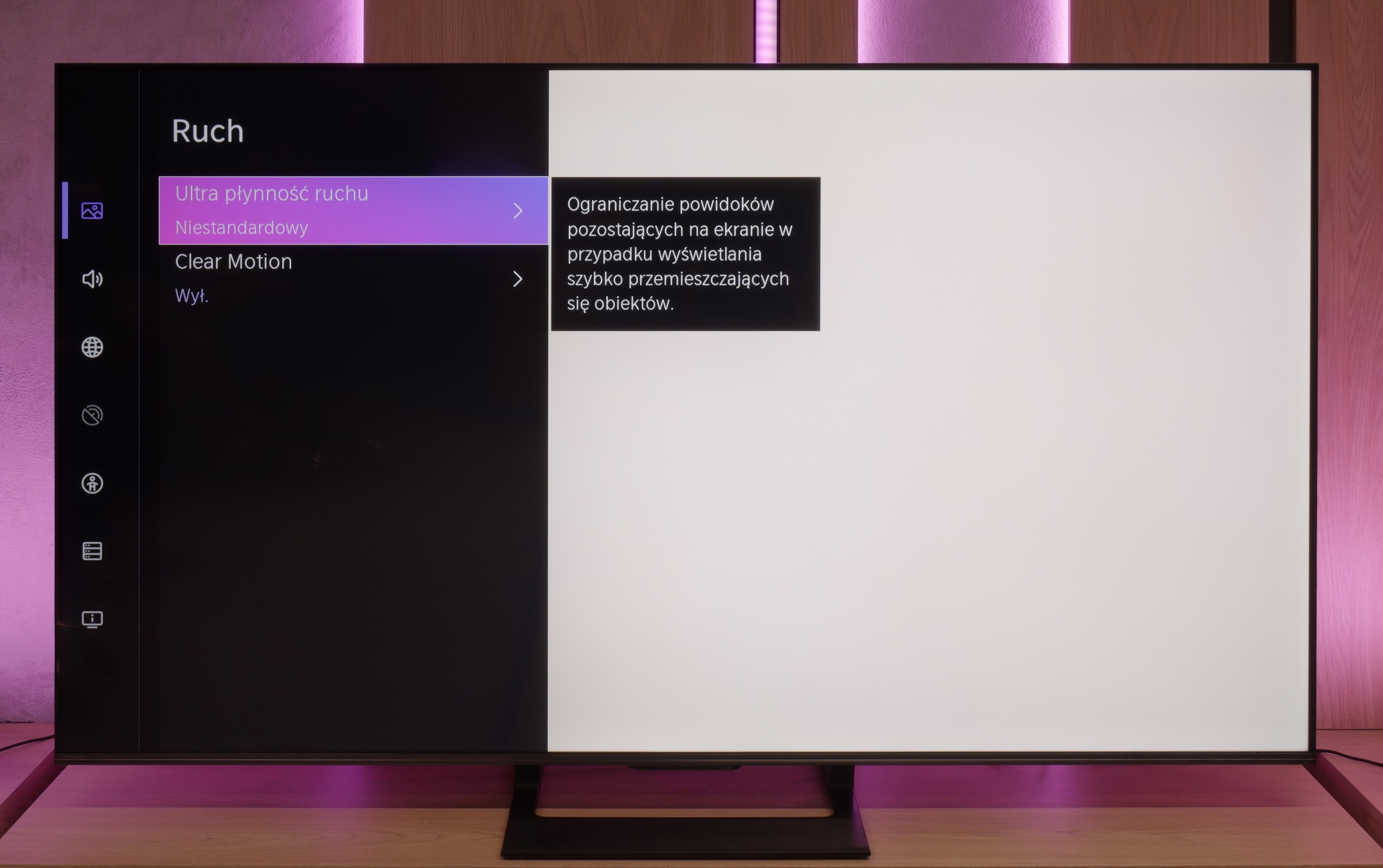
U7Q is truly a fast television, similar to its more powerful version "PRO". At a resolution of 4K, it supports up to 144 Hz refresh rate, and if someone wants even more – in Full HD you can achieve up to 240 Hz! This will mainly benefit PC gamers, but it’s worth appreciating – this is a rare feature in this price segment. Right from the start, it’s clear that U7Q was created with dynamic content in mind, such as games or sports. In films, we are not left "out in the cold" either – U7Q offers the "Ultra Motion Smoothness" feature, where using two sliders you can adjust whether you want a smoother, theatrical image, or something closer to a cinematic style with a visible frame. It’s good that, like with most manufacturers, we have a choice here and can adjust it to our own preferences.
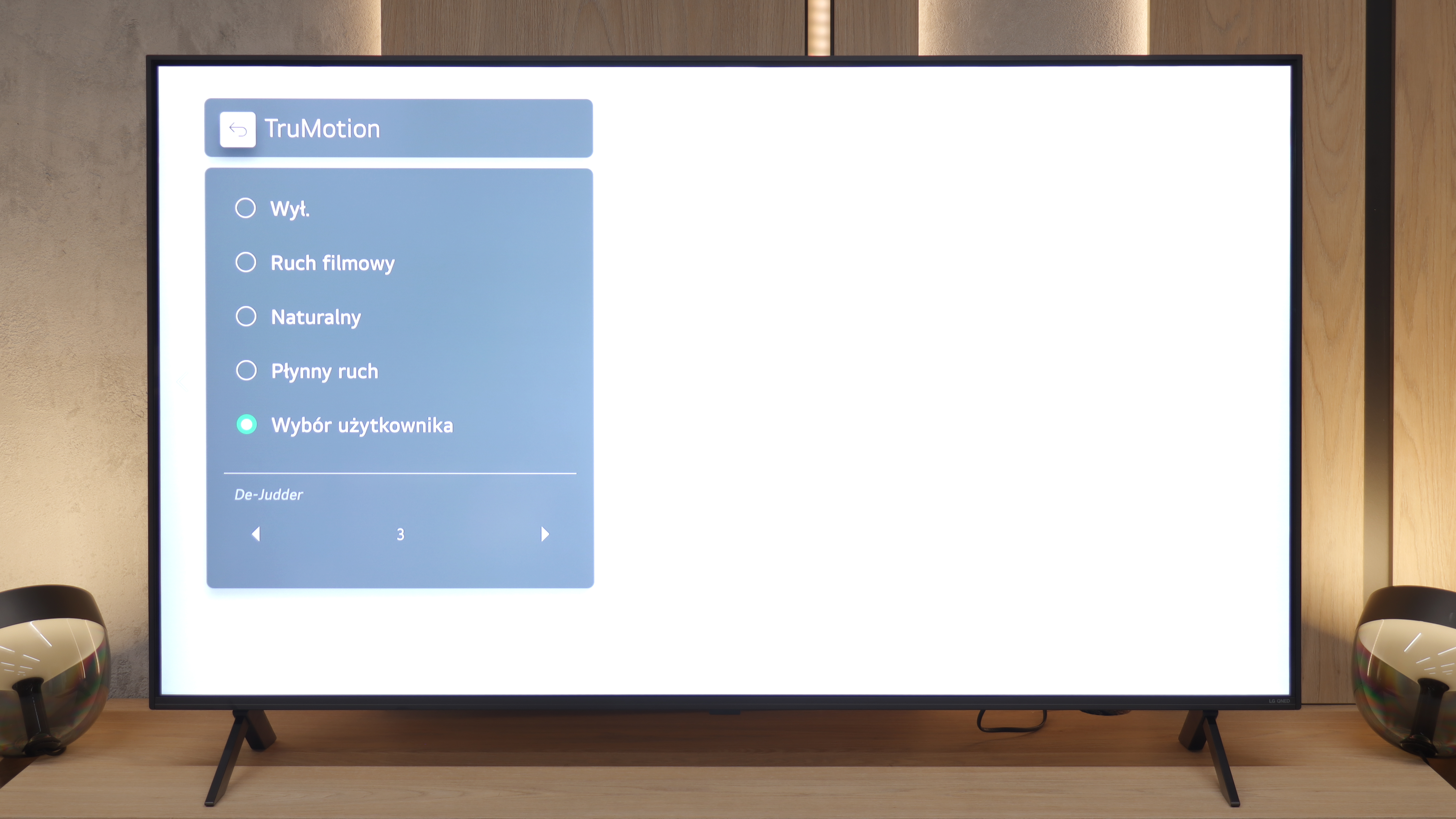
We move on to a matter that may be decisive for many. Unfortunately, here we must point out the biggest "Achilles' heel" of the QNED80A model. This TV is equipped with a panel that has a native refresh rate of 60Hz. There's no point in hiding it – at this price, we expected more because we know that Chinese manufacturers can offer 120Hz screens for similar money. Due to this parameter, dynamic scenes in sports or fast-paced games are not the strong suit of this screen. Fortunately, LG has equipped the TV with a proven smoothing system called TruMotion. It works quite well with film material (24 frames). We suggest playing around with the De-Judder slider – from our experience, setting it in the range of 2-4 provides the best compromise: motion becomes smoother while still looking natural, without the artificial "TV theater" effect.
Console compatibility and gaming features
8.5/10
6/10
- ALLM
- VRR
- VRR range48 - 240Hz48 - 60Hz
- Dolby Vision Game Mode
- Correct implementation of HGIG
- 1080p@120Hz
- 1440p@120Hz
- 4K@120Hz
- Game bar
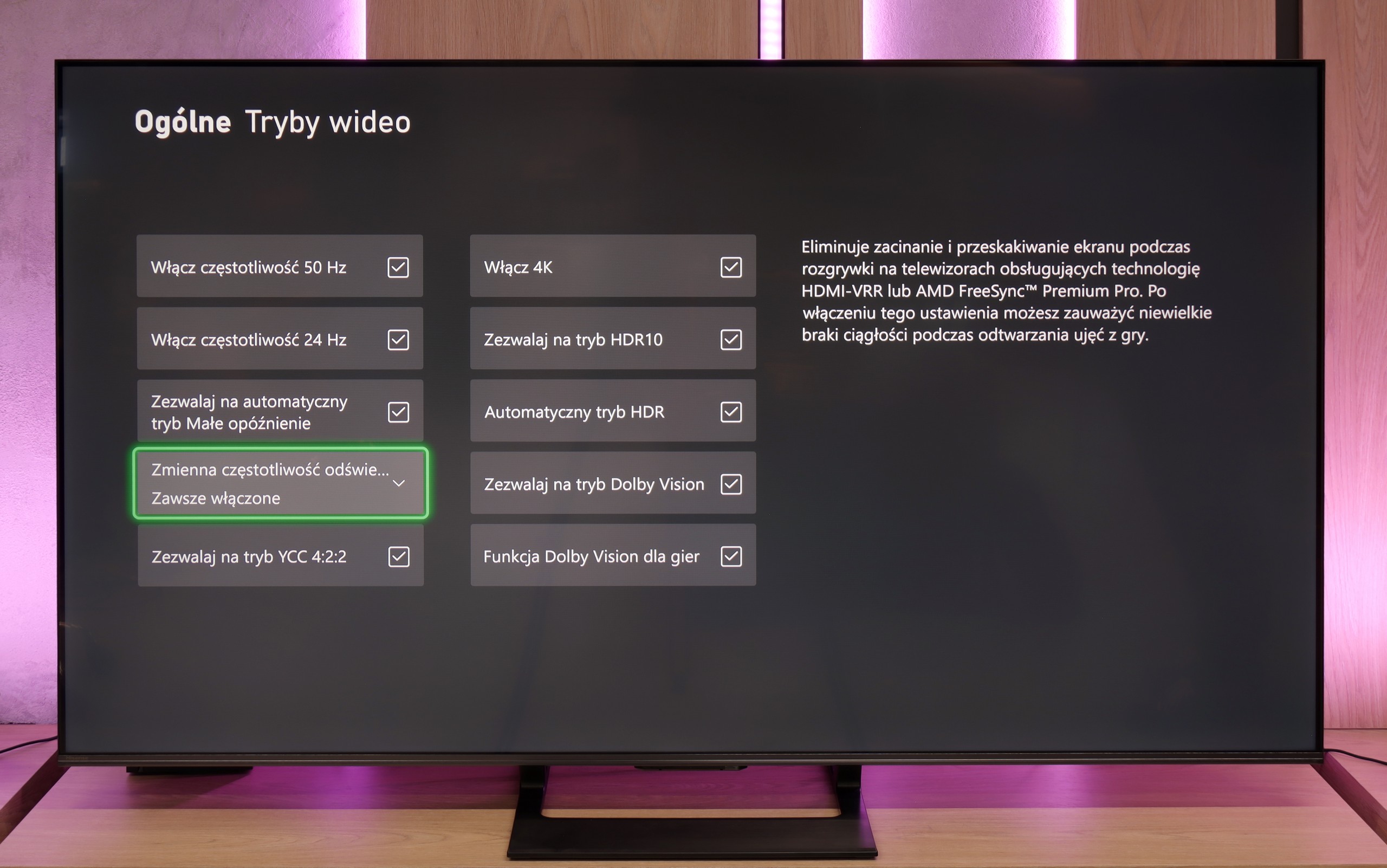
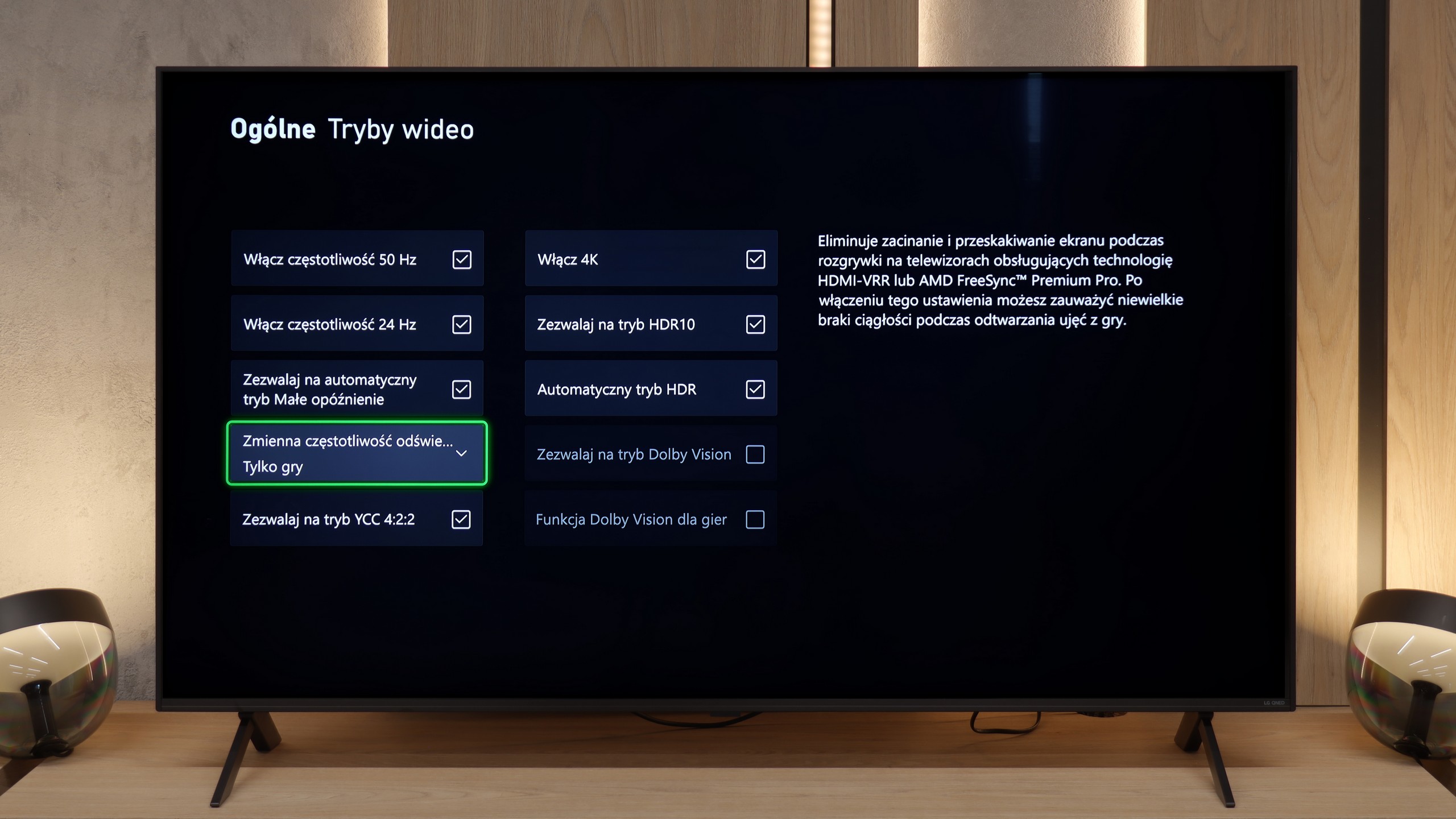
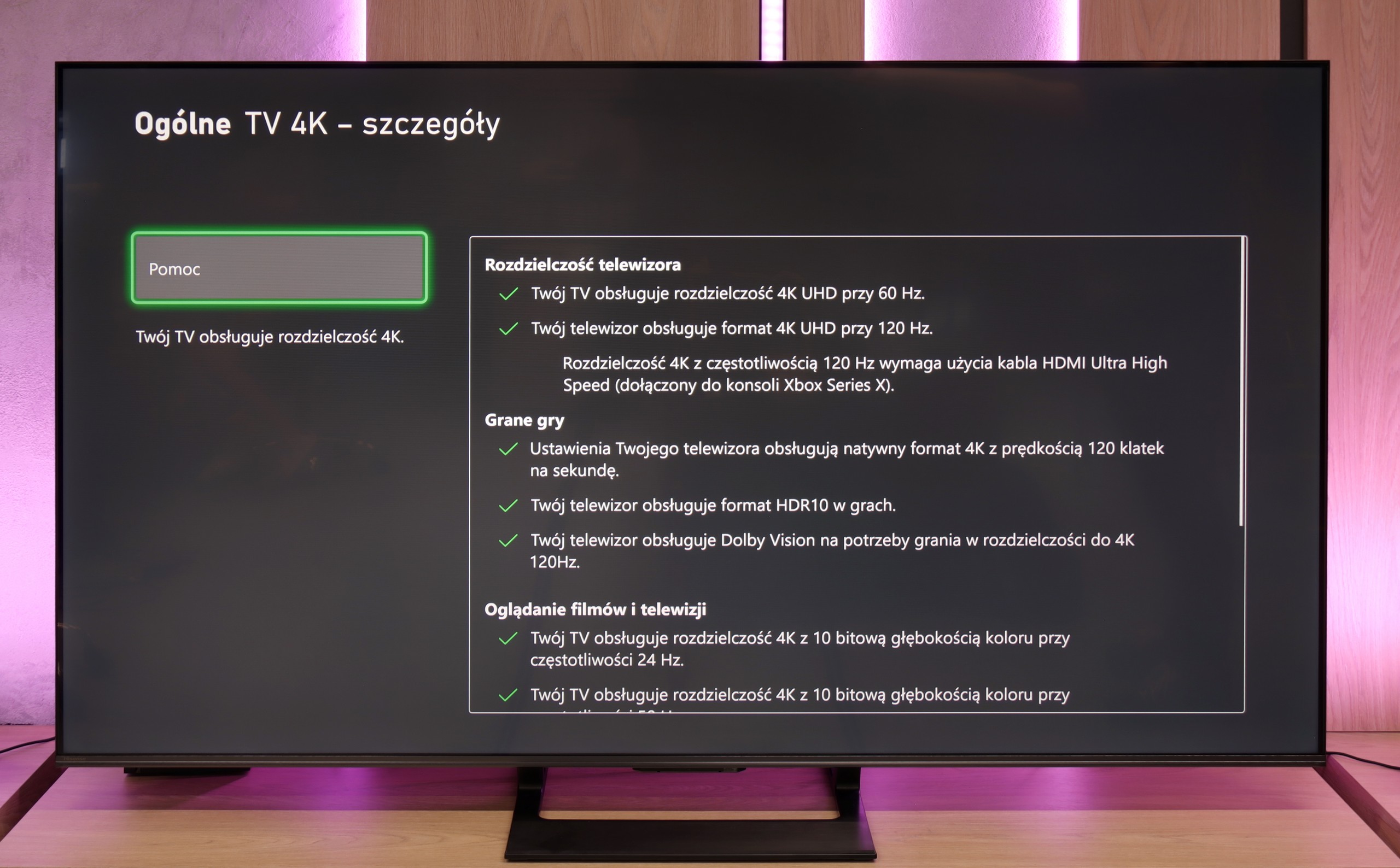
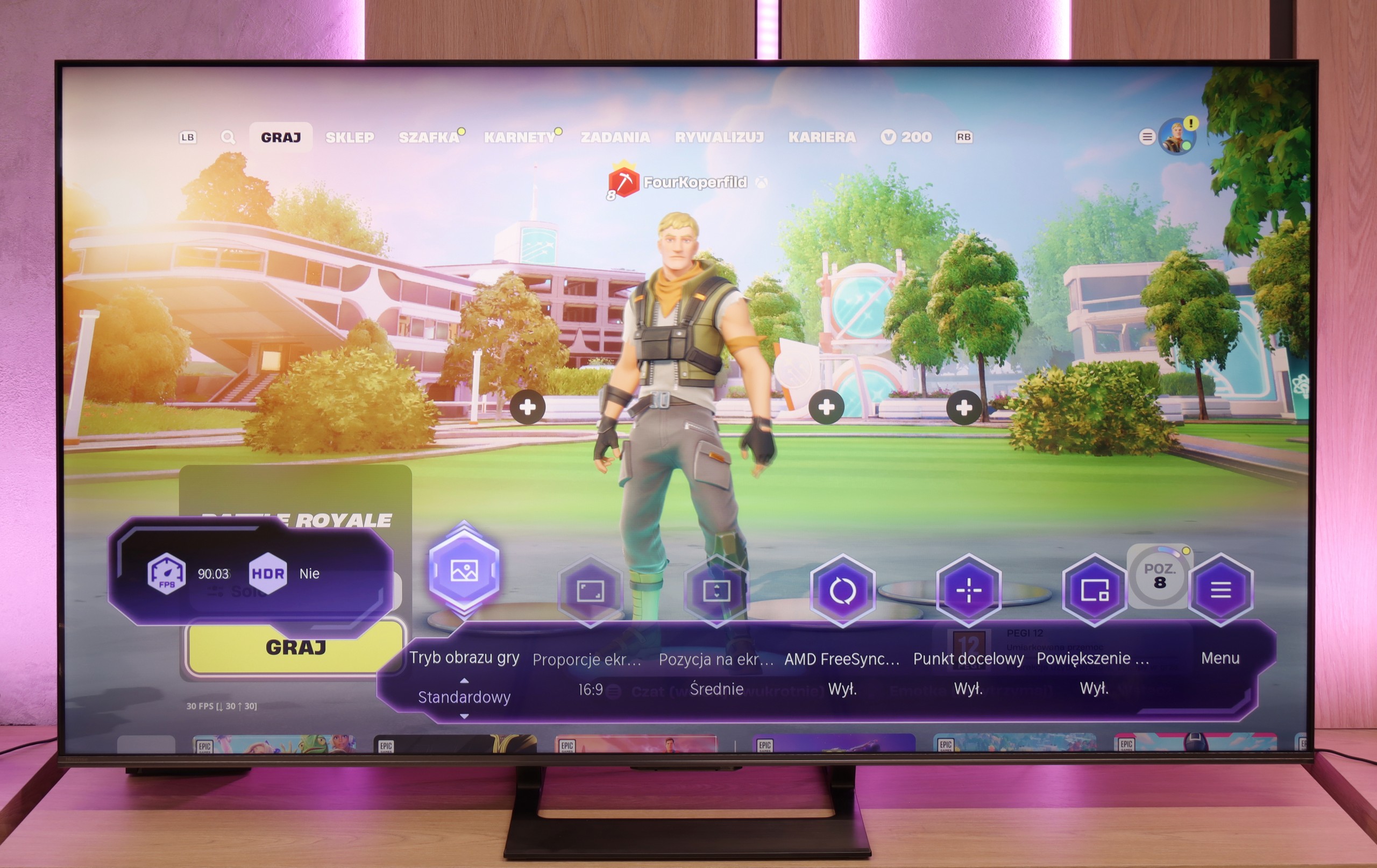
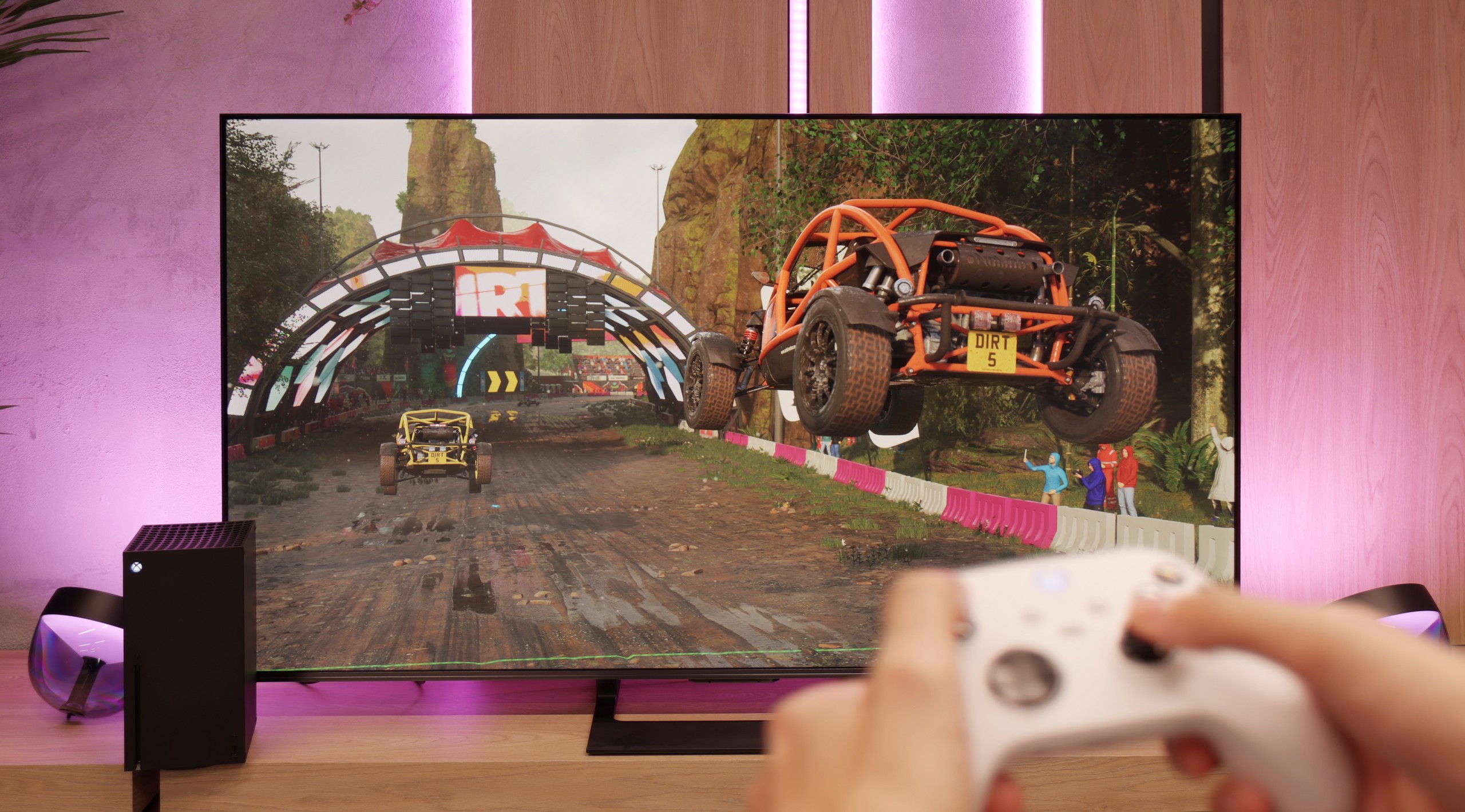
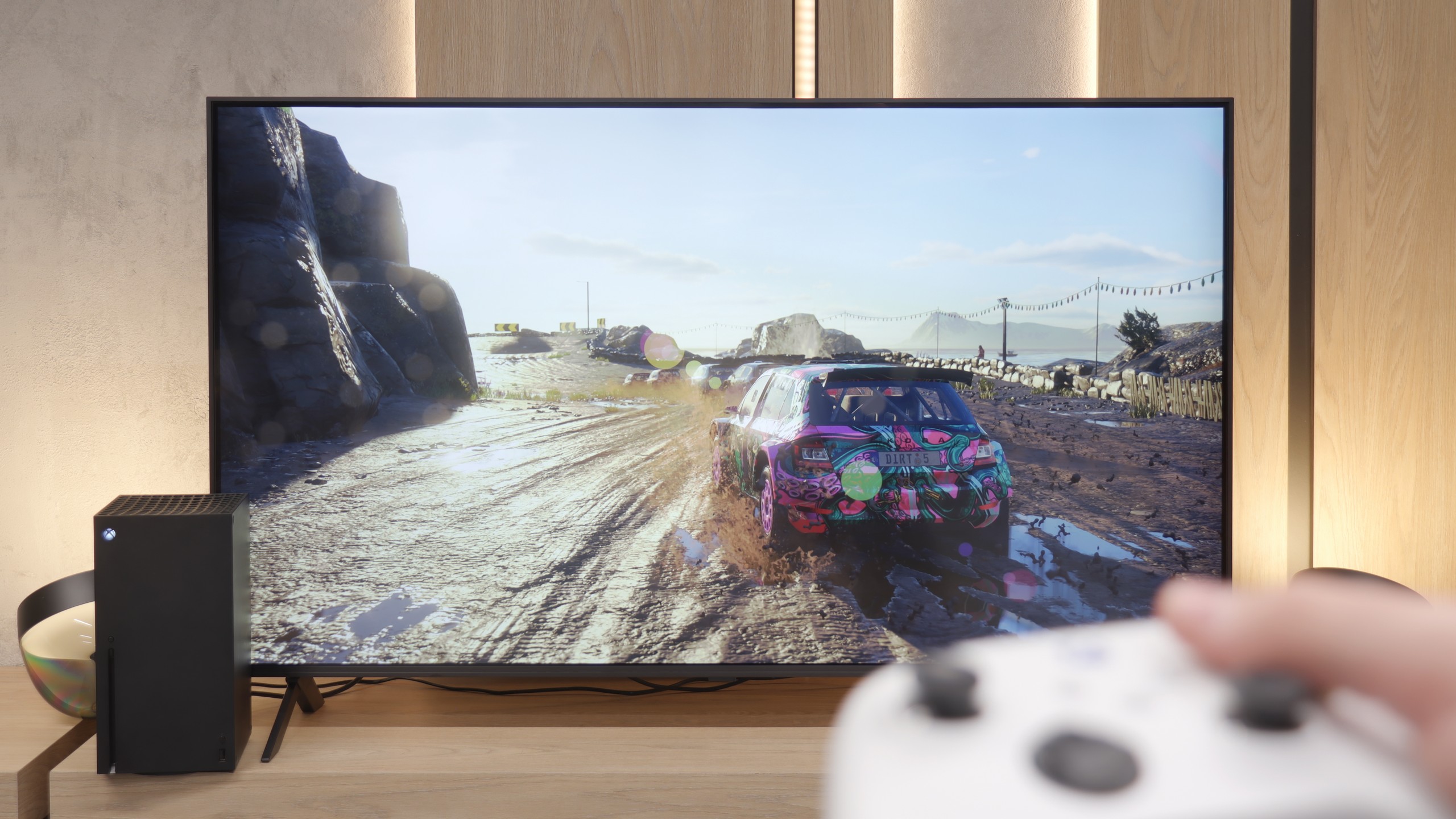
The Hisense U7Q is a TV designed for gamers – and you can see that right away based on its gaming capabilities. It has practically everything you could wish for: variable refresh rate (VRR) – check, automatic game mode (ALLM) – also check, and high refresh rates of up to 240 Hz in Full HD, as well as support for various resolutions, not just 4K. It's truly a great set of features that makes the U7Q excel in both fast-paced shooters on consoles and more demanding titles on PC. Of course – like in most Hisense models – it lacks a proper implementation of the HGiG function. That's a shame because HGiG allows you to adjust the brightness of the console to the specific TV, which in practice makes displaying HDR games according to the creators' intentions much easier. Without this, you simply have to reckon with certain limitations in the final HDR image in games.
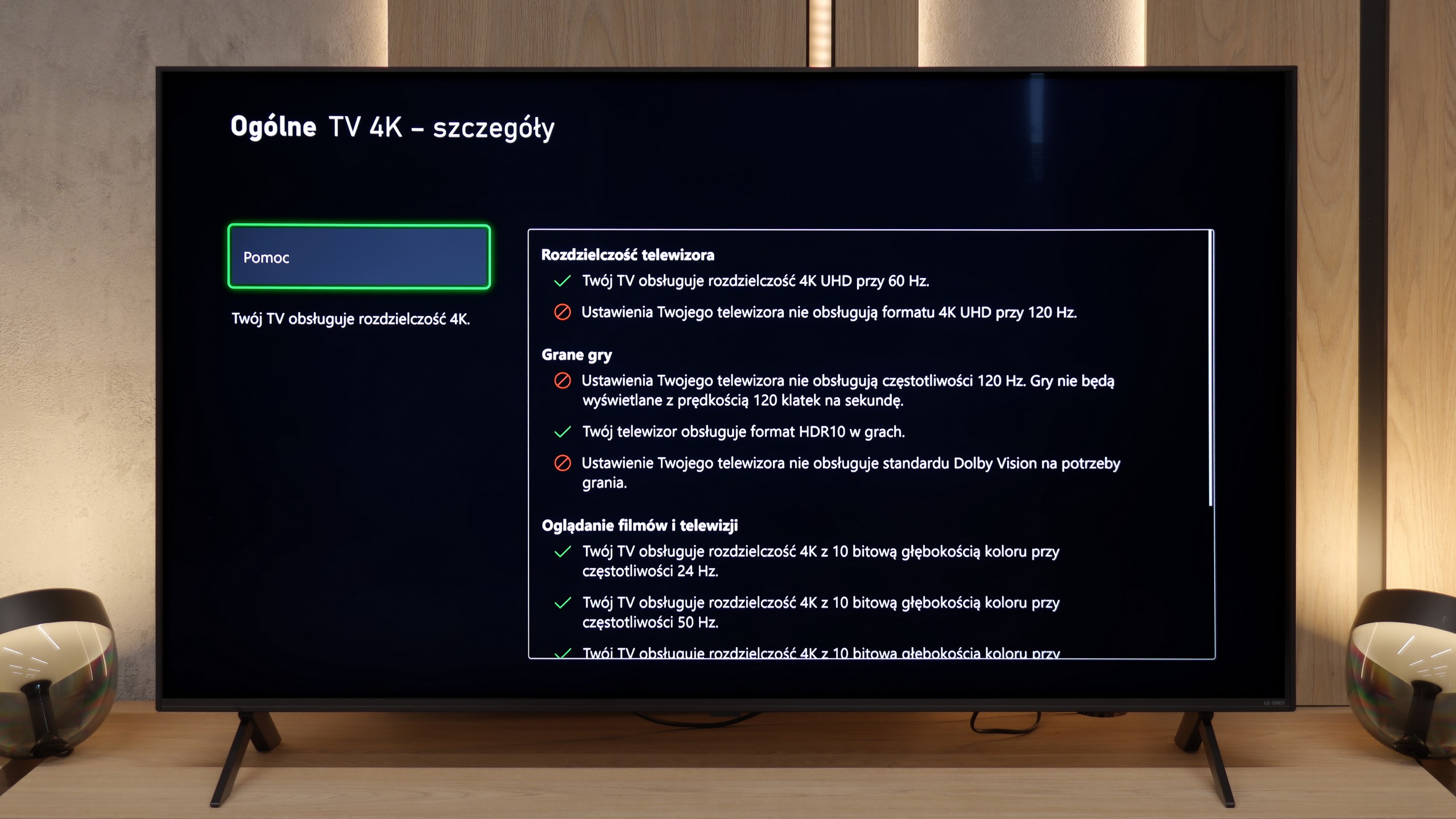
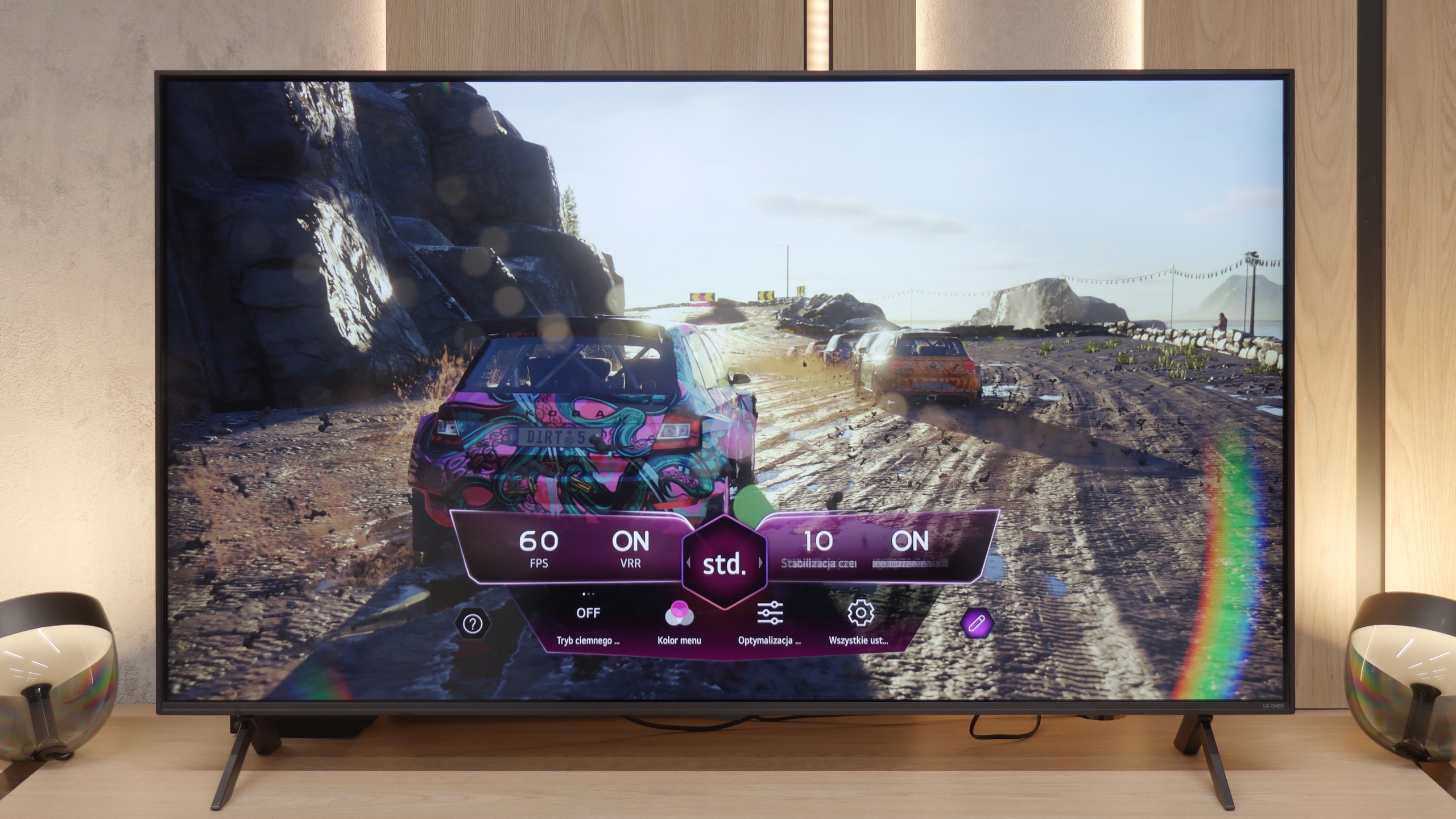
Since we have established that the QNED80A is a 60Hz panel television, we must say it directly: we will not be playing here at 120 frames per second in any resolution. Does this disqualify the device in the eyes of gamers? Not necessarily, especially for "casual" gamers. LG has decided to sweeten this technical limitation by packing in quite a few useful features. We have support for VRR (Variable Refresh Rate) ranging from 48-60Hz and an automatic game mode ALLM, which quickly reduces input lag upon detecting a console. We manage all of this through a very convenient, purple Game Optimizer menu (Player Panel), which has already become LG's trademark. The manufacturer deserves big credit for consistency regarding HDR. Although the television does not support Dolby Vision in games on Xbox consoles, LG adds a well-implemented HGiG standard. Thanks to this, even on a moderately bright screen, HDR gaming is clear, and details in shadows and highlights are accurately reproduced, rather than "cut off."
Input lag
9.7/10
9.8/10
SDR
HDR
Dolby Vision
Input lag on the U7Q is really impressive. With 120 Hz content, we recorded around 9 ms, and with 60 Hz – around 17 ms. These are outstanding results that make the TV perform excellently even in dynamic games that require quick reactions. There is hardly anything to criticize here. Of course, as is often the case, the Dolby Vision mode in games seems a bit slower compared to classic SDR or HDR. This will mainly be noticeable for Xbox Series X/S console users, which are the only ones that support Dolby Vision Gaming. Fortunately, input lag still remains below 30 ms, so in practice, this is still an acceptable level even for more demanding gamers.
At the end of the gaming section, let's take a look at how quickly the television responds to our commands. The input lag we measured on the QNED80A model is about 15 ms (at 60Hz signal). These may not be values that will revolutionize the market or impress professional e-sports players competing for every millisecond. However, for the average console gamer, this result is more than sufficient. During our gaming tests, we did not experience any annoying "drifting" of the crosshair or delay between pressing a button on the controller and the reaction on the screen. The entertainment is smooth and comfortable, which is the most important thing in home gaming.
Compatibility with PC
8.6/10
5.8/10
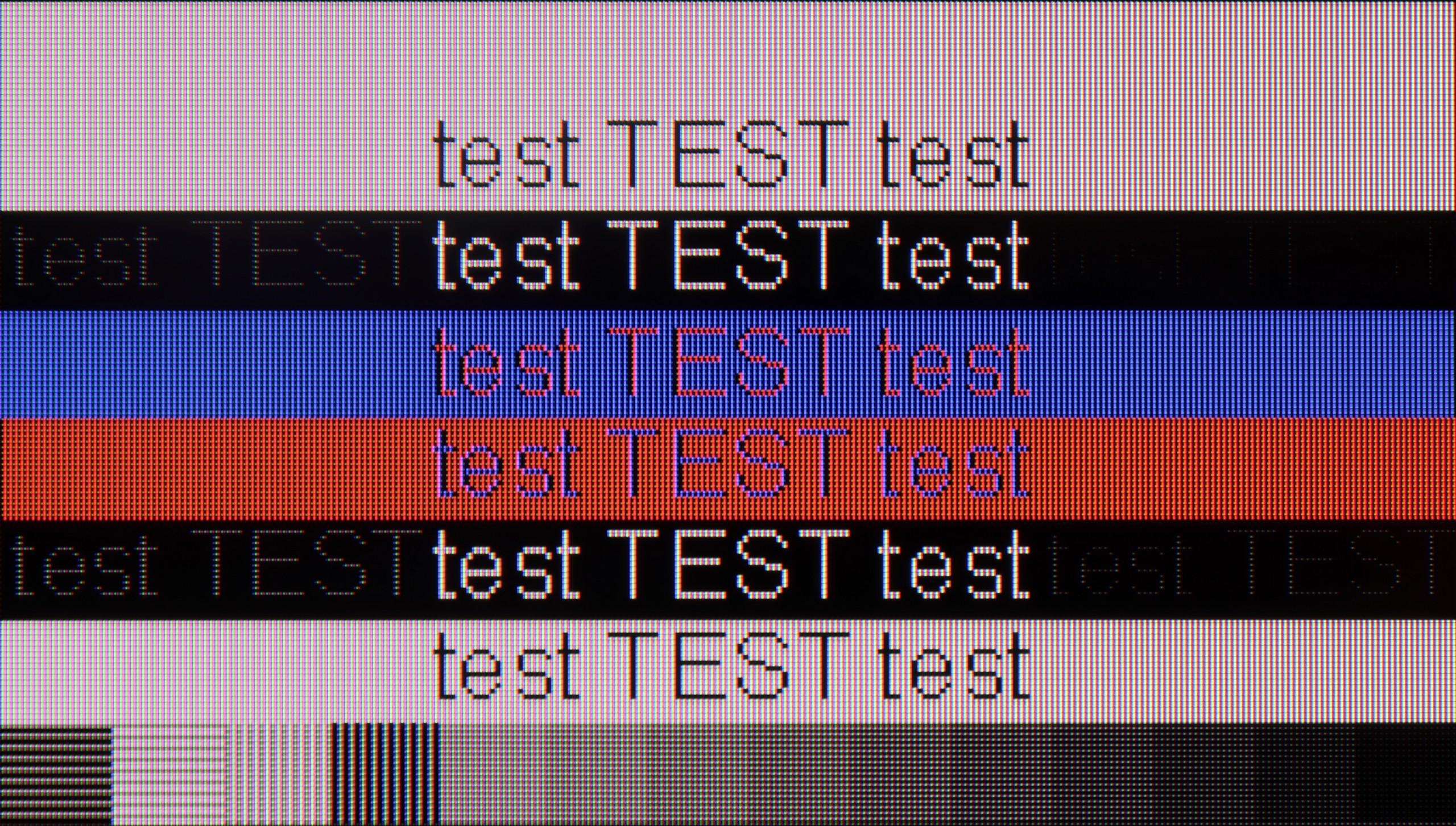
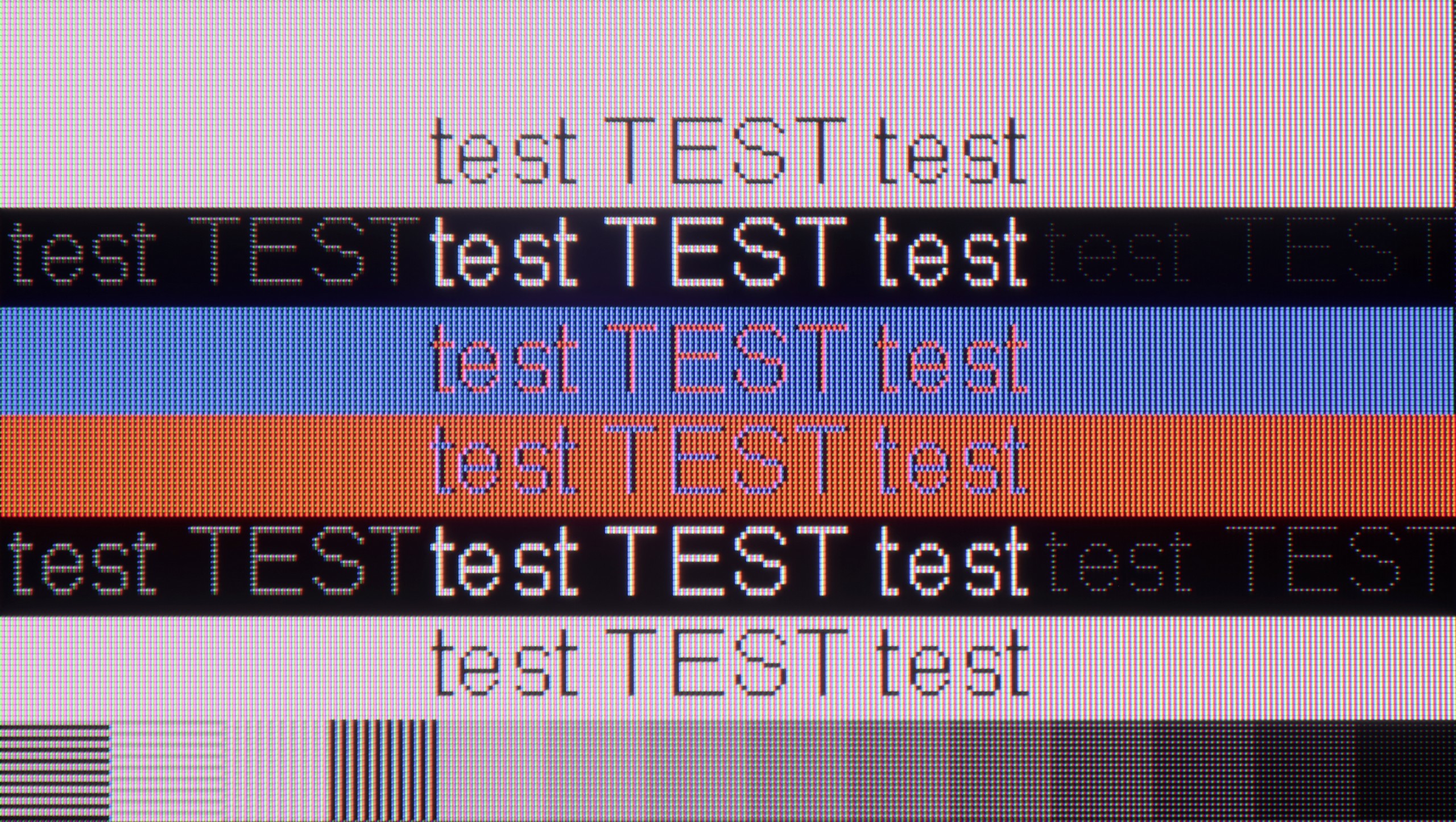
The photo shows the legibility of small fonts. Ideally, lines should be the same thickness on both light and dark text, with minimal pixel gaps.
The U7Q communicates excellently with the computer. For gamers, this is great news – we have high refresh rates, low input lag, and G-SYNC support, so gaming from the PC is pure pleasure. But the U7Q also performs well in everyday tasks. If someone uses a computer for text, browsing the internet, or office work – there’s nothing to complain about. The television correctly handles chroma 4:4:4, so fonts look sharp and clear, without blurriness or strange contours. Both lowercase and uppercase letters are simply readable – just as they should be.
Is the QNED80A suitable for connecting a computer? For the version with a VA panel, the answer is: absolutely. If you plan to use this TV as a huge monitor for work, you will not be disappointed. The readability of the fonts is very high – the text is sharp, clear, and does not strain the eyes, which is not always a given with large screens. Additionally, there is the low input lag that we mentioned earlier. This makes mouse work precise, and you don't feel that characteristic "floating" of the cursor. Of course, due to the 60Hz refresh rate, this is not the dream equipment for e-sports players gaming on PC, but for text work, web browsing, or occasional strategy gaming, it performs excellently.
Viewing angles
3/10
3.2/10
The viewing angles on the U7Q are rather weak – this is simply a typical characteristic of VA panels. Straight on, everything looks very good: blacks are deep, colors are saturated, and the contrast is high. But just shifting slightly to the side causes the image to start losing quality – colors become washed out, and blacks begin to resemble dark gray. Compared to TVs with IPS panels, the U7Q performs worse, although on the other hand, it makes up for it with better contrast and deeper blacks.
When opting for the VA panel version, you must be aware of a certain compromise. You get great blacks and contrast, but you pay for it with narrow viewing angles. This is a typical feature of this technology, and the QNED80A is no exception. If you sit directly in front of the screen, the picture will be sharp. However, just moving to the side of the couch or stepping into the kitchen can result in a degradation of the image. Colors start to lose their saturation, becoming washed out, and the deep black that we praised begins to gray. Therefore, this version of the television is best suited for those who have their favorite spot in the middle of the couch and rarely watch TV with a large group spread out across the living room.
Daytime performance
6.2/10
4.4/10
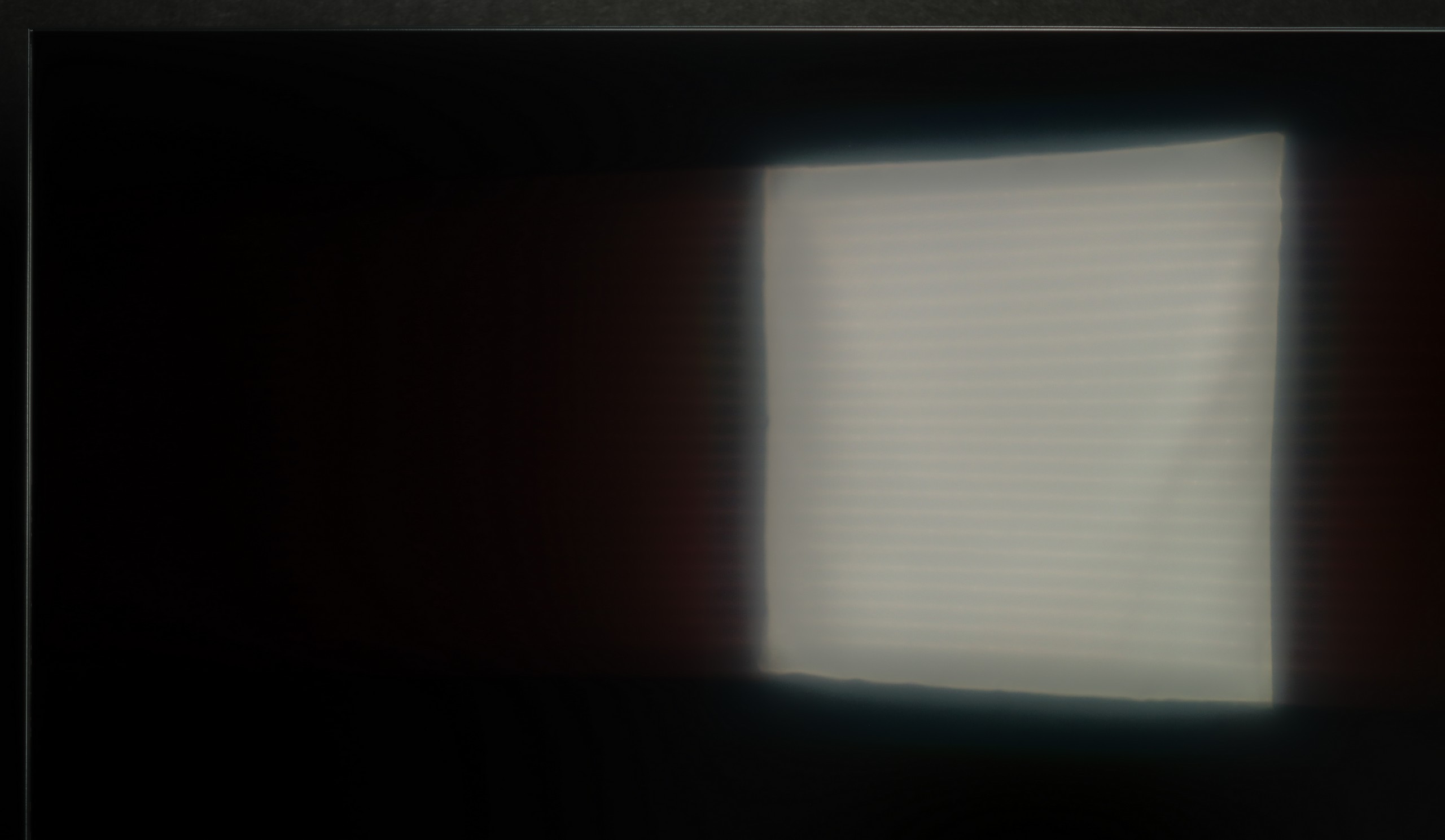
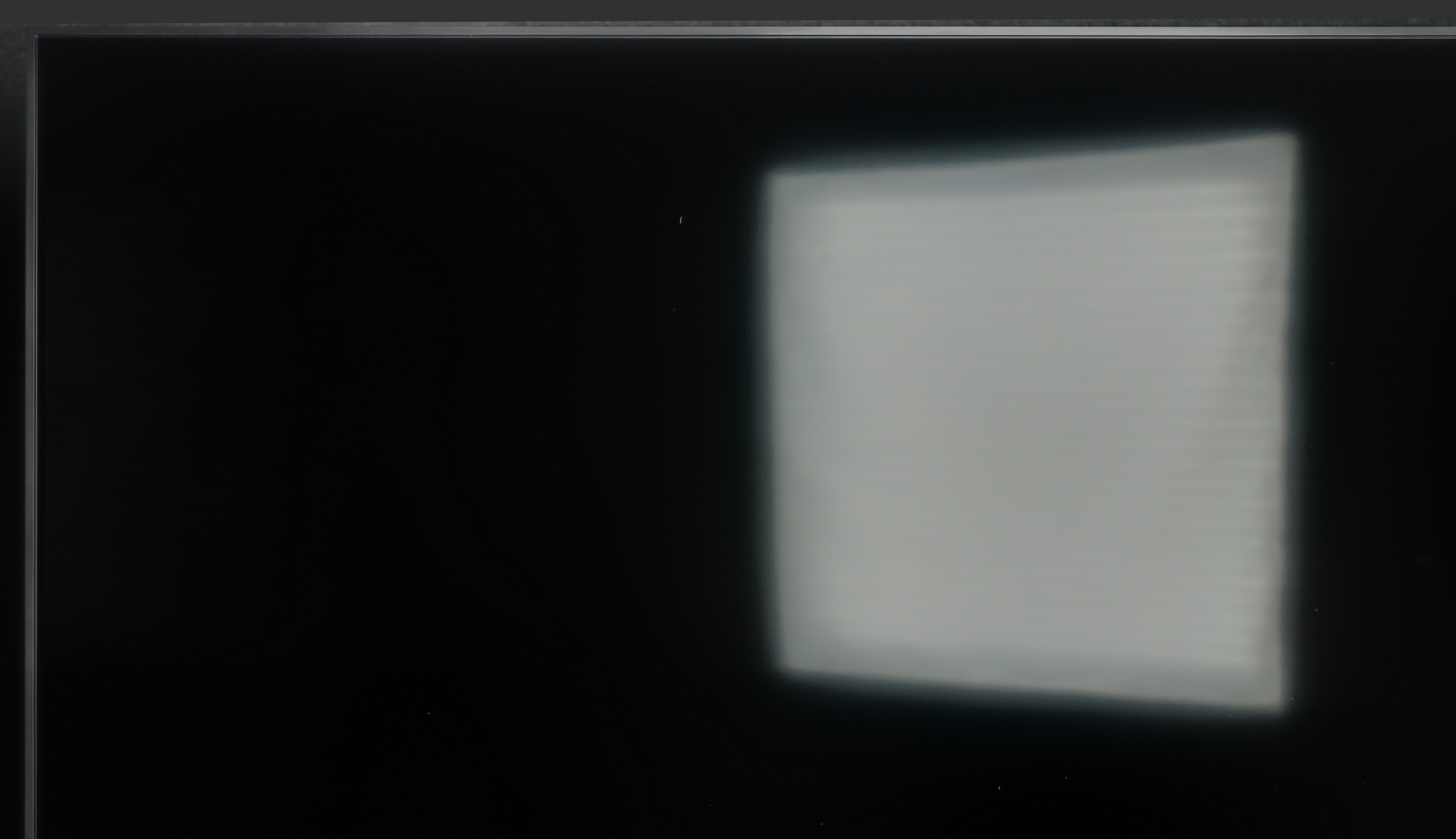
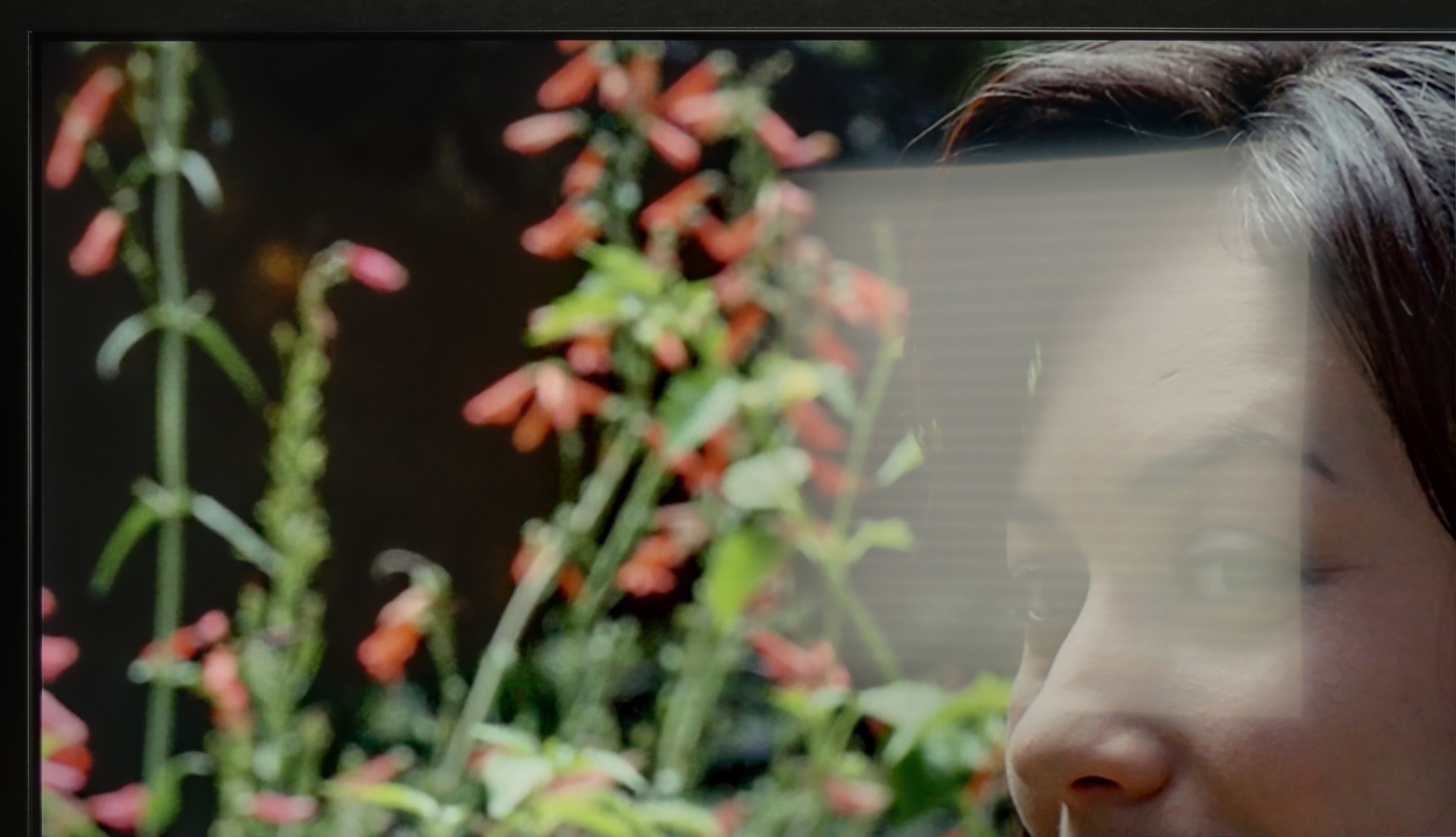
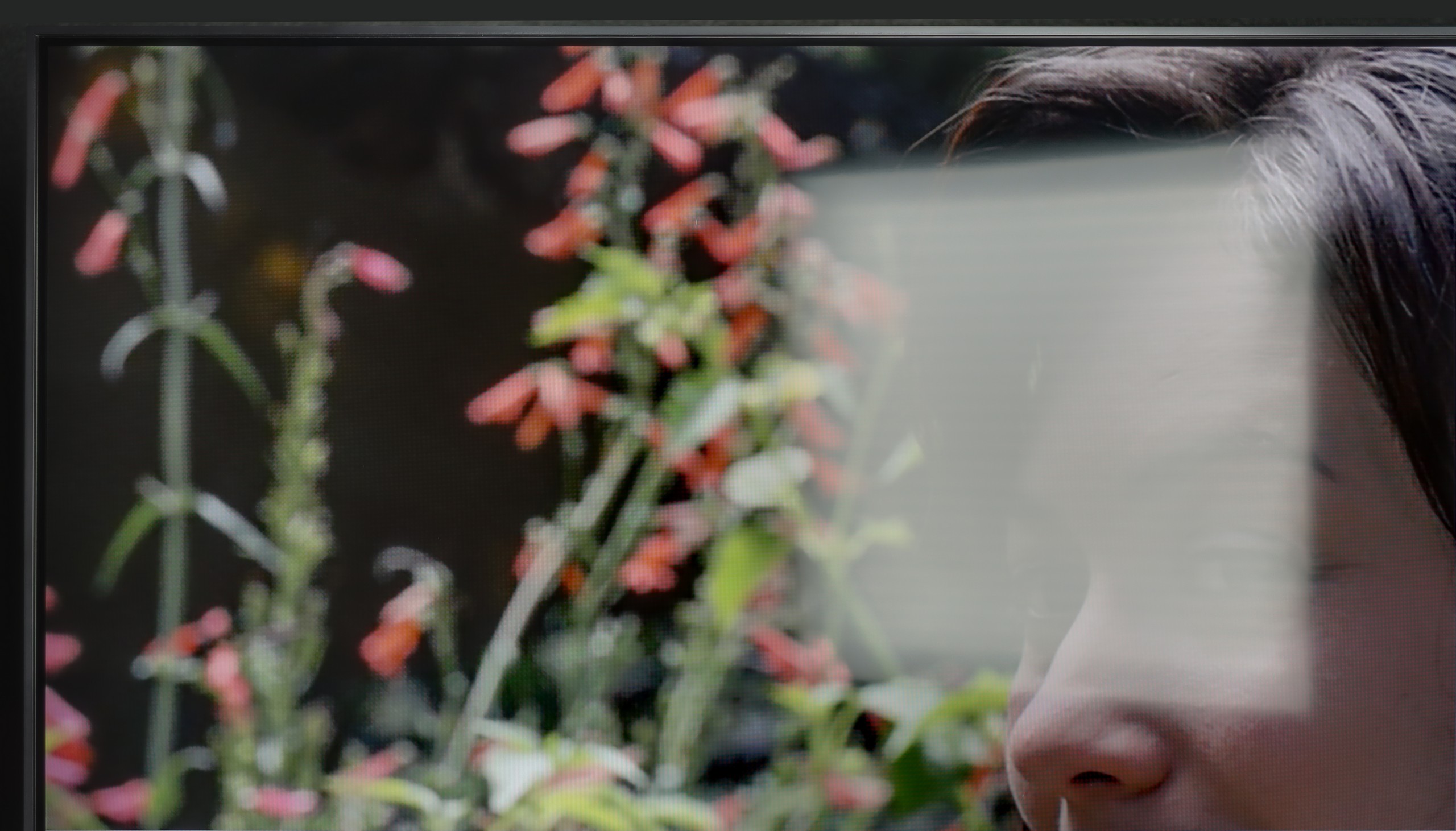
Panel brightness
LG QNED80A6A (VA): 280 cd/m2
Hisense U7Q: 519 cd/m2
The U7Q performs quite well in a sunlit room. The brightness in SDR mode averages around 520 nits, which in practice means that even on sunny days, it's comfortable to watch television—without the feeling that everything is drowning in our reflections. Additionally, thanks to the satin coating on the panel, the television does a good job of reducing reflections.
How does the QNED80A perform when we don't have the curtains drawn? Let's put it bluntly: it's not the brightest TV on the market, so if your living room resembles a glass greenhouse at noon, this screen may struggle to cut through the intense sun. For extremely challenging lighting conditions, we would suggest looking for something with higher brightness (e.g., Mini LED). However, the TV holds its own with something else – the type of coating used on the panel. The manufacturer opted for a satin finish (semi-matte) here. That's a great decision. Unlike glossy coatings that act like mirrors, this coating reasonably dampens and scatters light reflections. As a result, in typical, moderate lighting conditions, the floor lamp next to it or a window on the side won't be irritating, and the viewing experience will remain pleasant.
Panel details
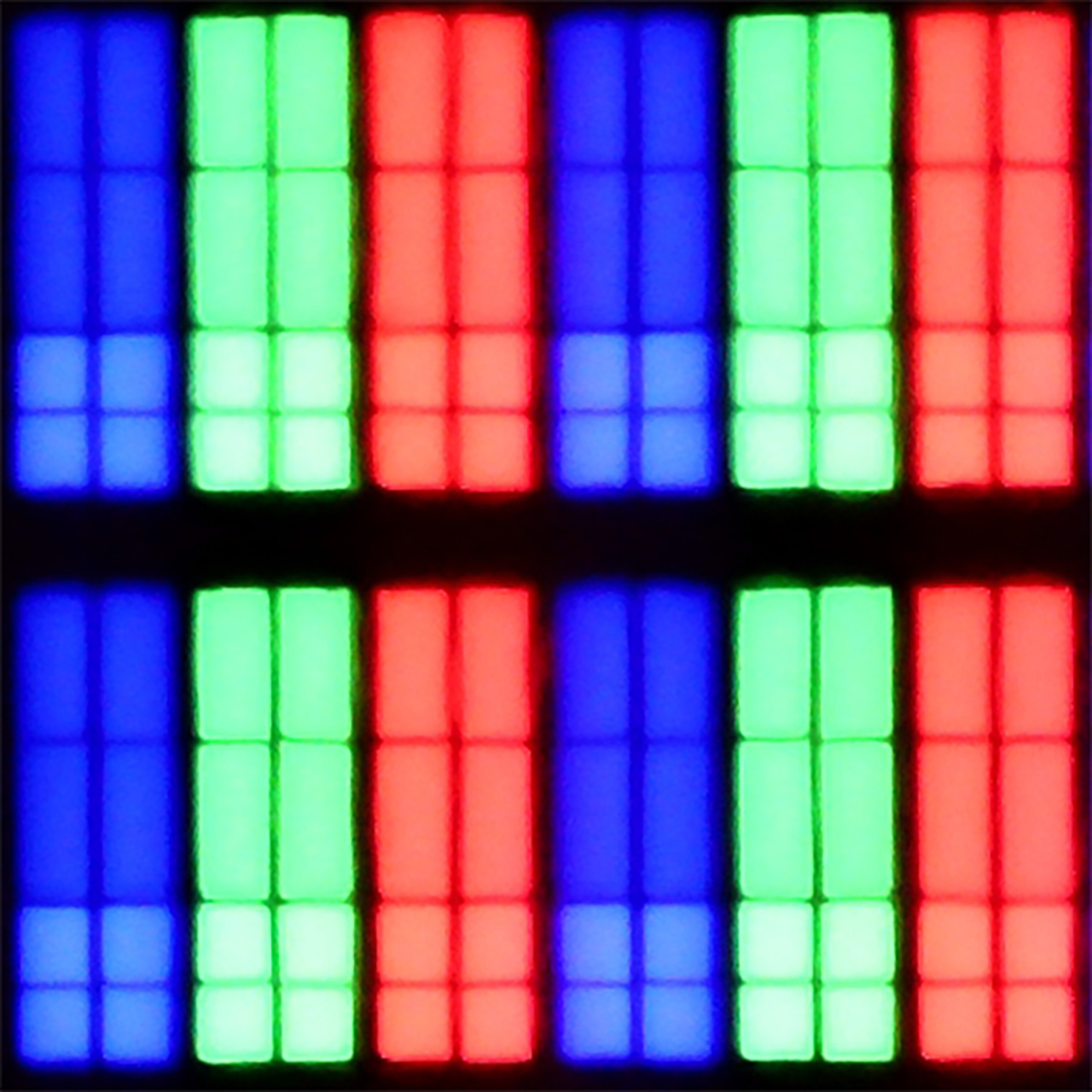
Subpixel Structure:
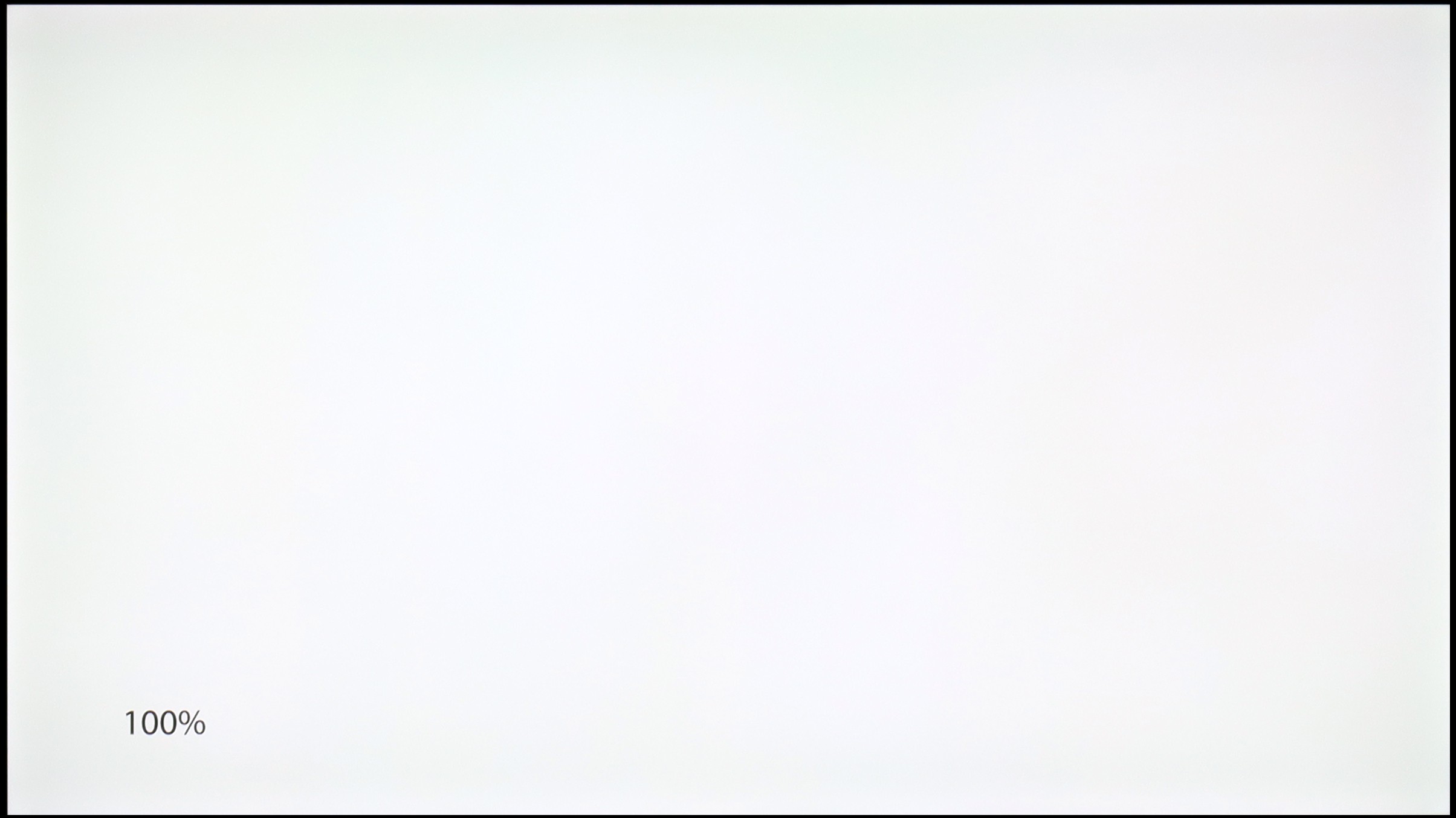
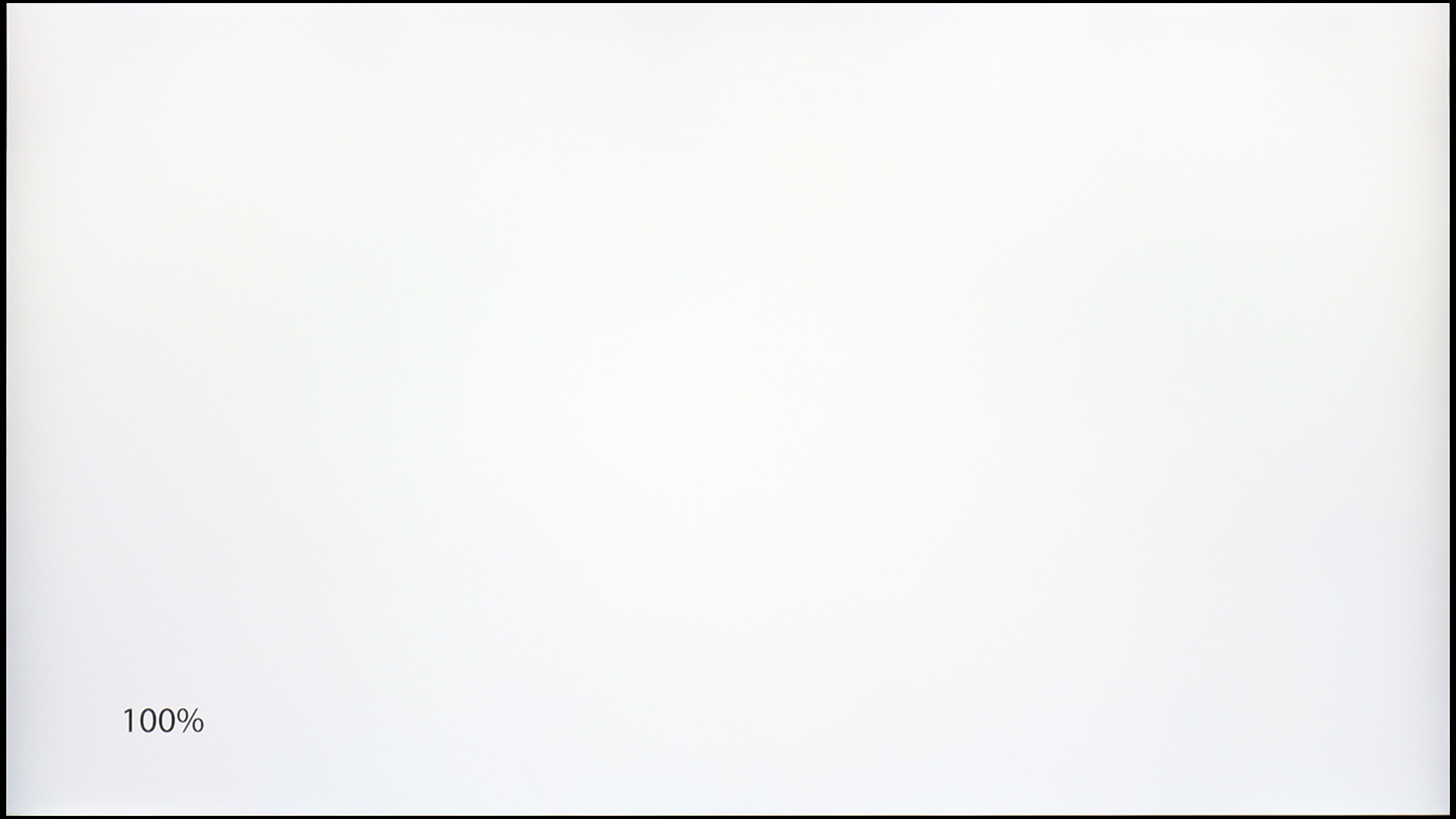
Panel uniformity and thermal imaging:
Hisense U7Q
LG QNED80A6A (VA)
TV features
8.9/10
6.8/10
- HDMI inputs2 x HDMI 2.0, 2 x HDMI 2.1 48Gbps3 x HDMI 2.0, 0 x HDMI 2.1
- Other inputsRCA (Chinch)
- OutputsToslink (Optical audio), eARC (HDMI), ARC (HDMI), Mini-Jack (Headphones)Toslink (Optical audio), eARC (HDMI), ARC (HDMI)
- Network InterfacesWi-Fi 2.4GHz, Wi-Fi 5GHz, Ethernet (LAN) 100MbpsWi-Fi 2.4GHz, Wi-Fi 5GHz, Ethernet (LAN) 100Mbps
- TV receptionDVB-T, DVB-T2, DVB-S, DVB-S2DVB-T, DVB-T2, DVB-S, DVB-S2, DVB-C
Classic features:
- Recording to USB (terrestrial TV)
- Recording programming
- Picture in Picture (PiP)
- RF remote control (no need to aim)
- Backlit remote control
- Teletext
- Audio only mode
- Bluetooth headphones support
- Simultaneous Bluetooth headphones & TV audio
Smart features:
- AirPlay
- Screen mirroring (Windows Miracast)
- Voice search
- Voice search in native language
- Ability to connect a keyboard and mouse
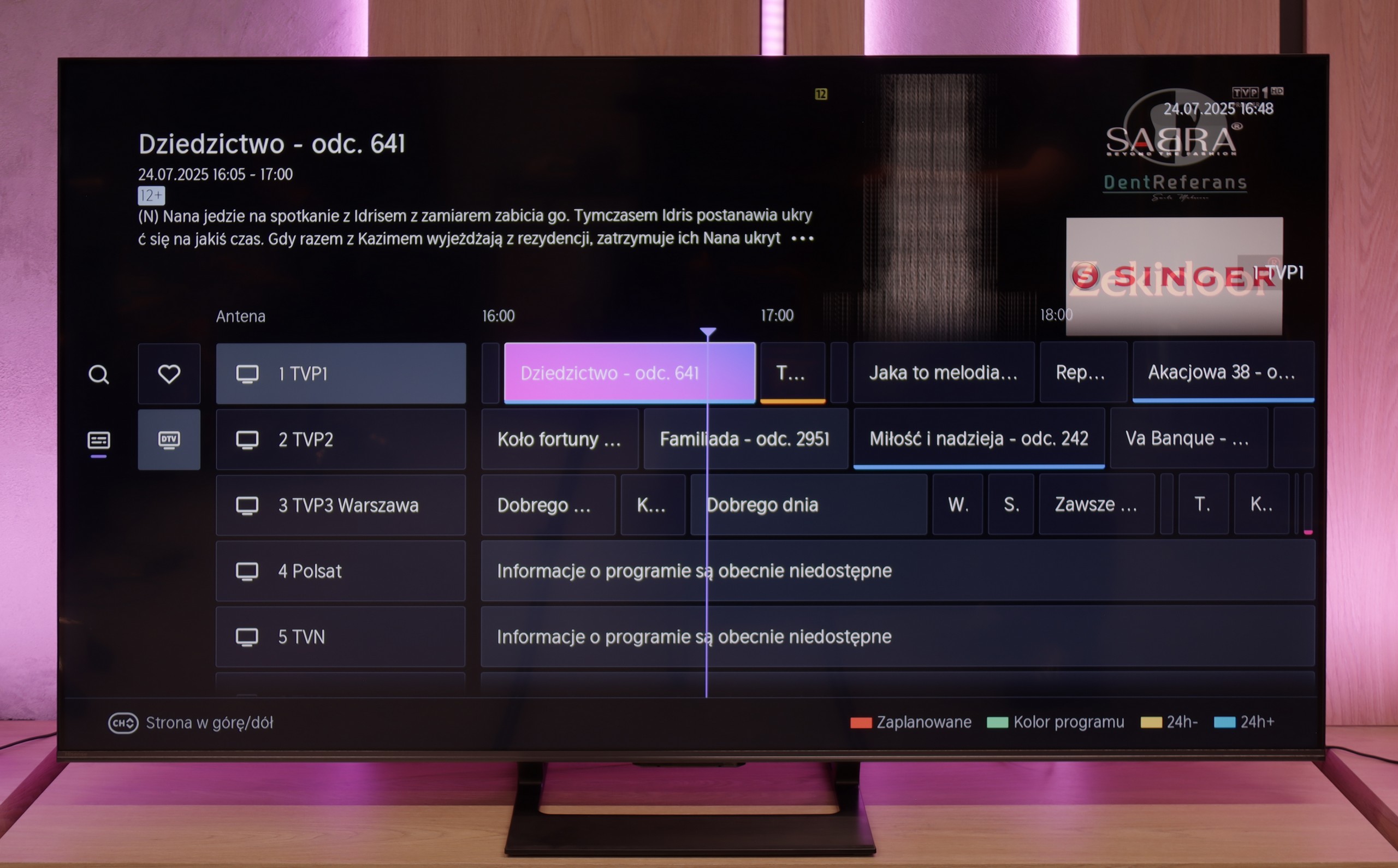
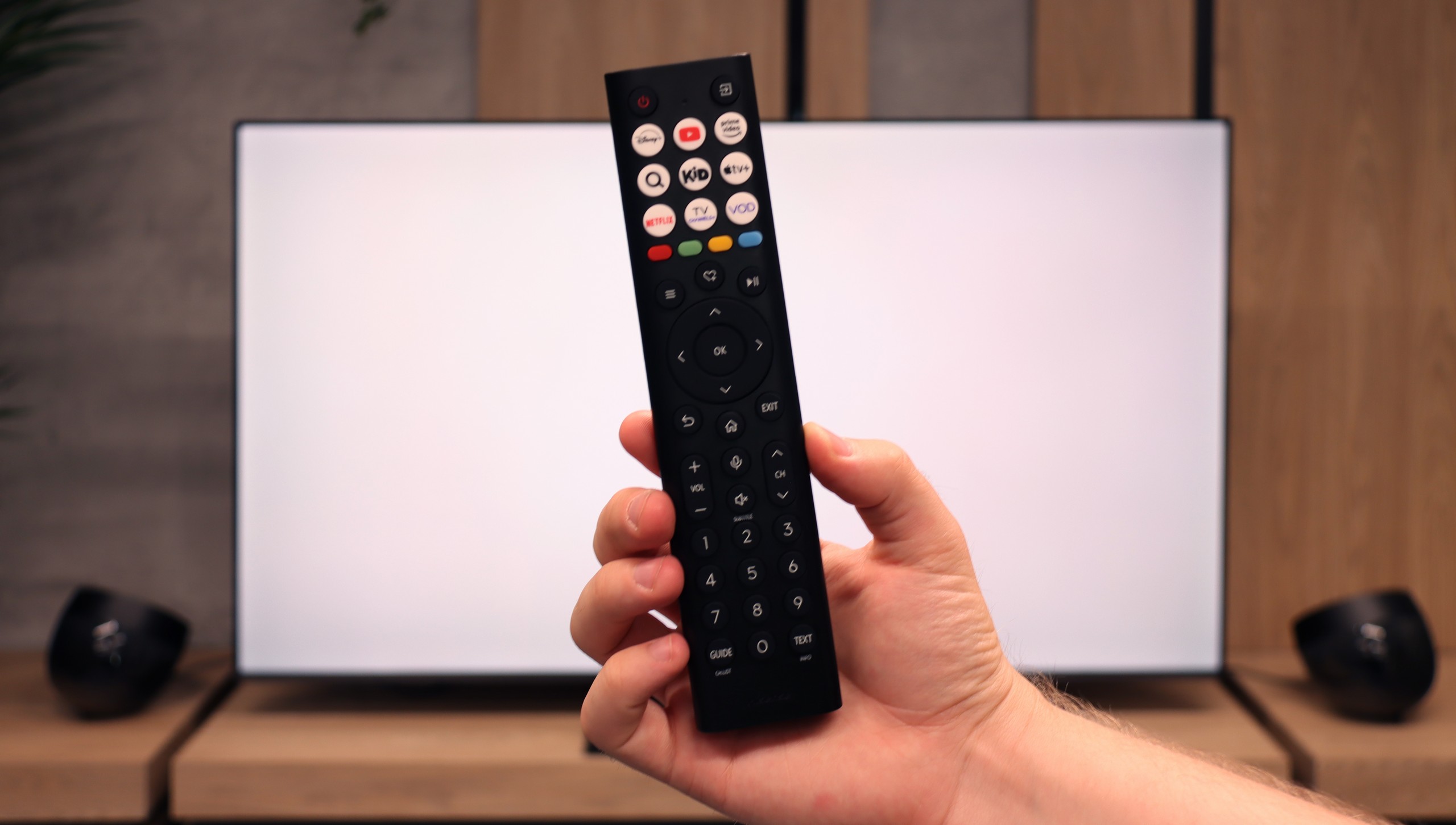
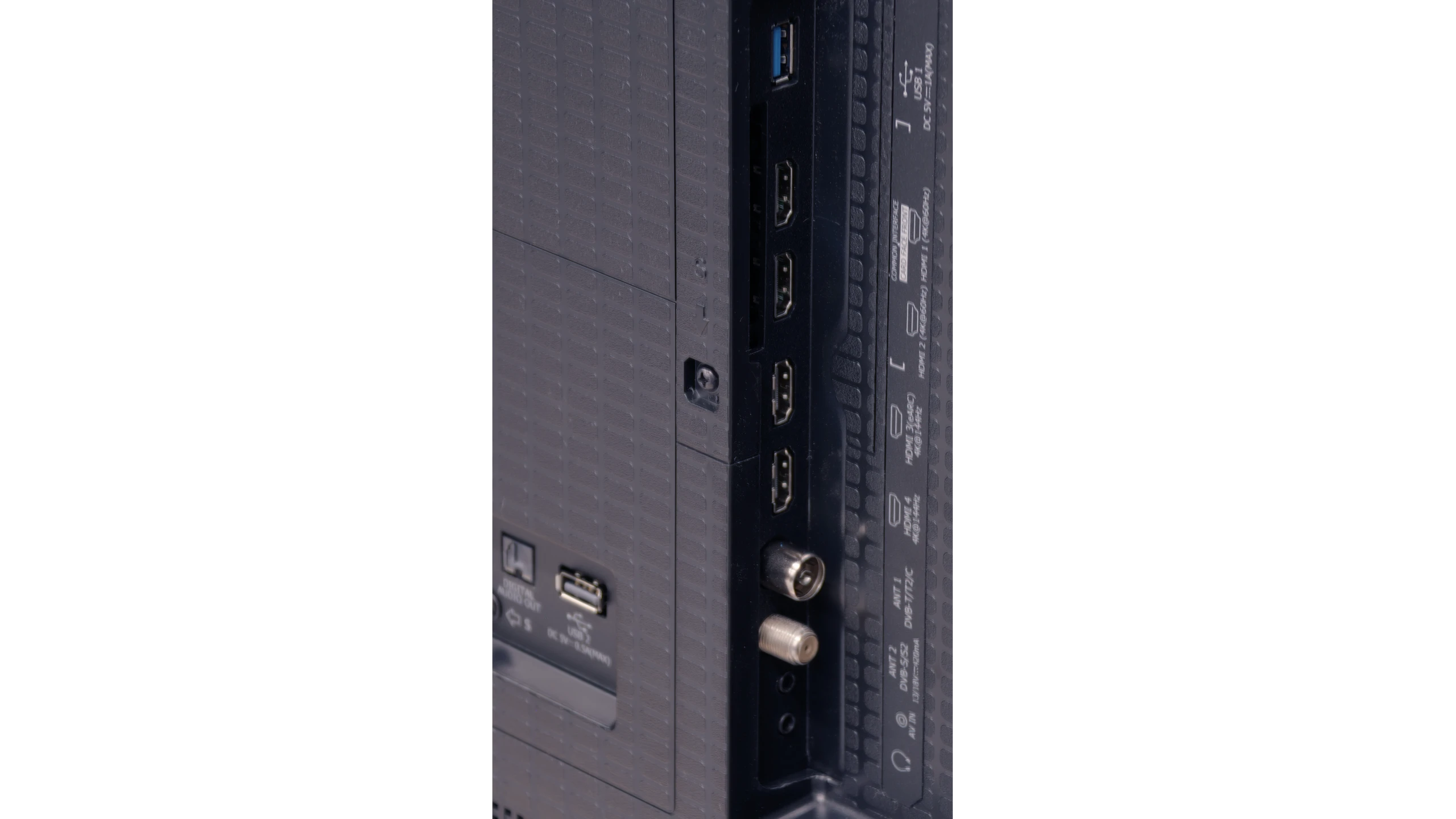
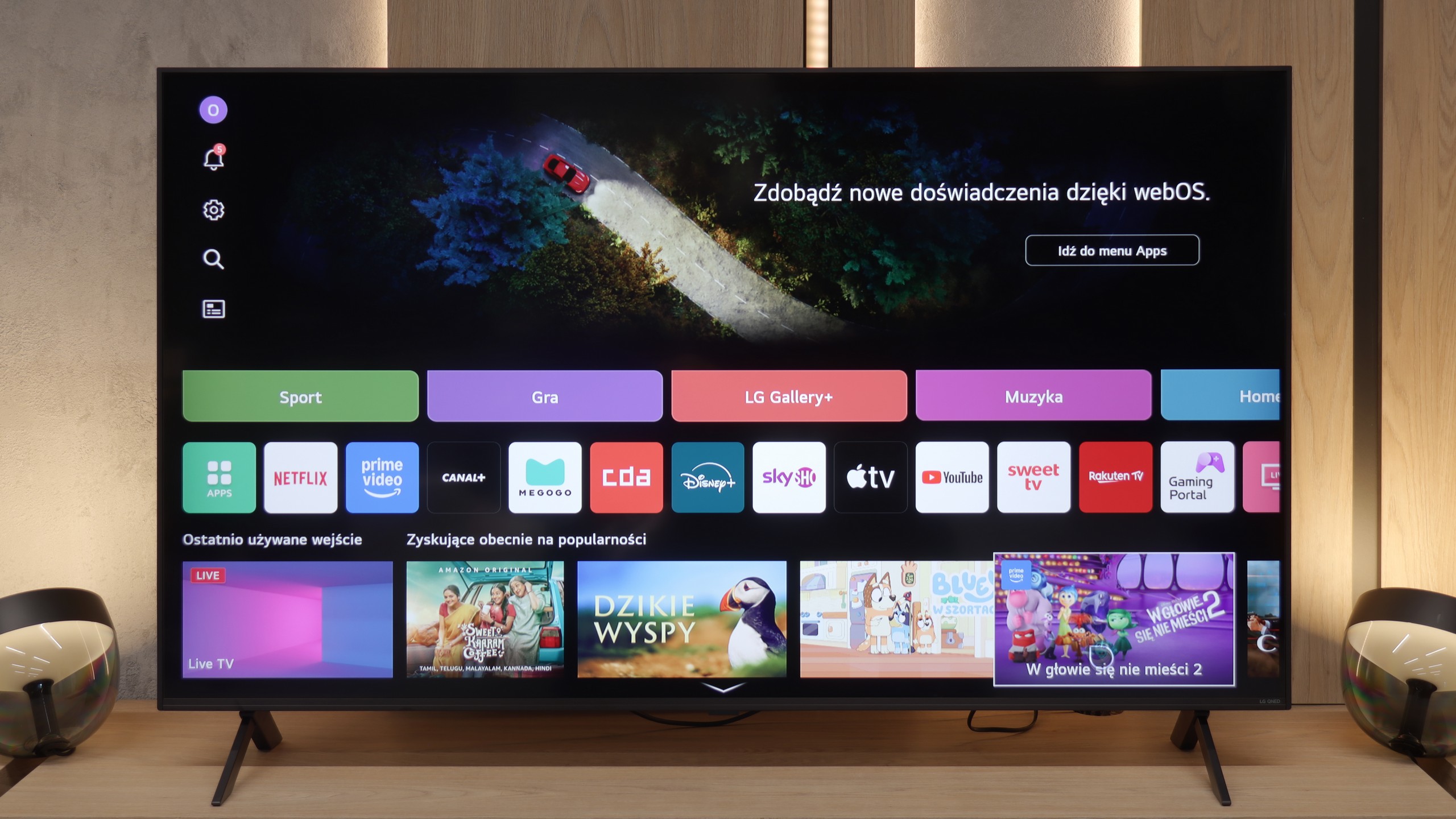
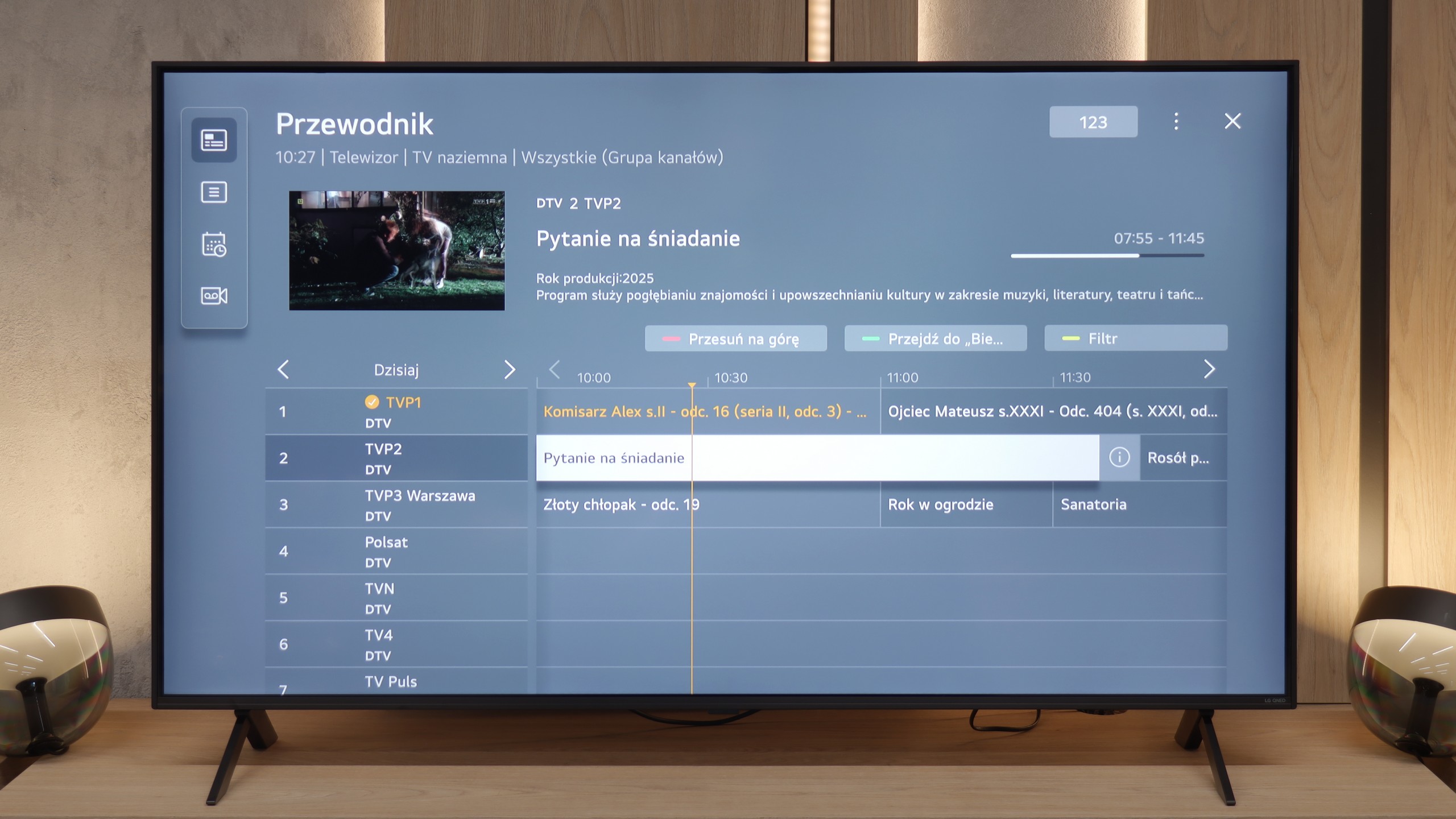
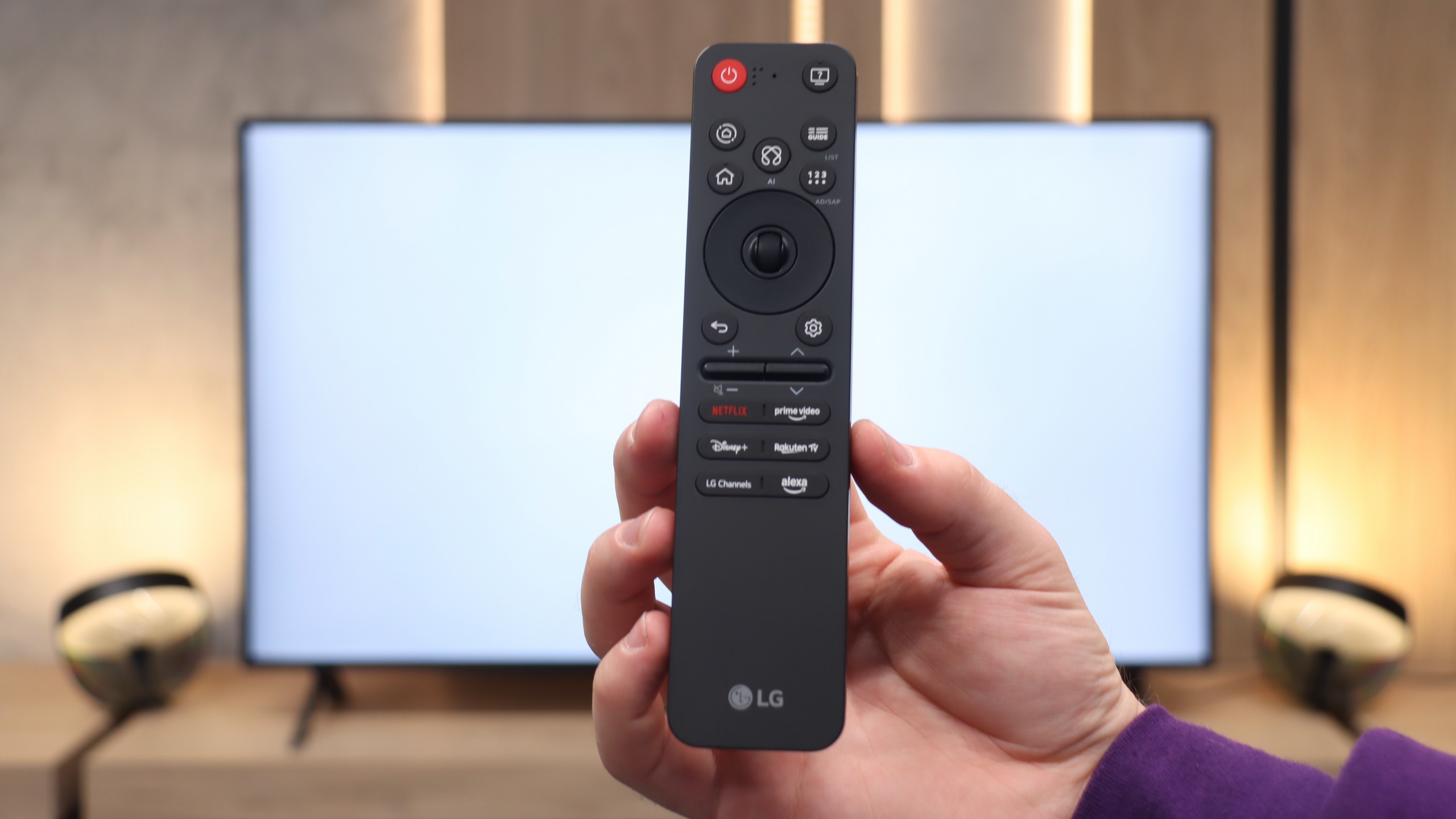
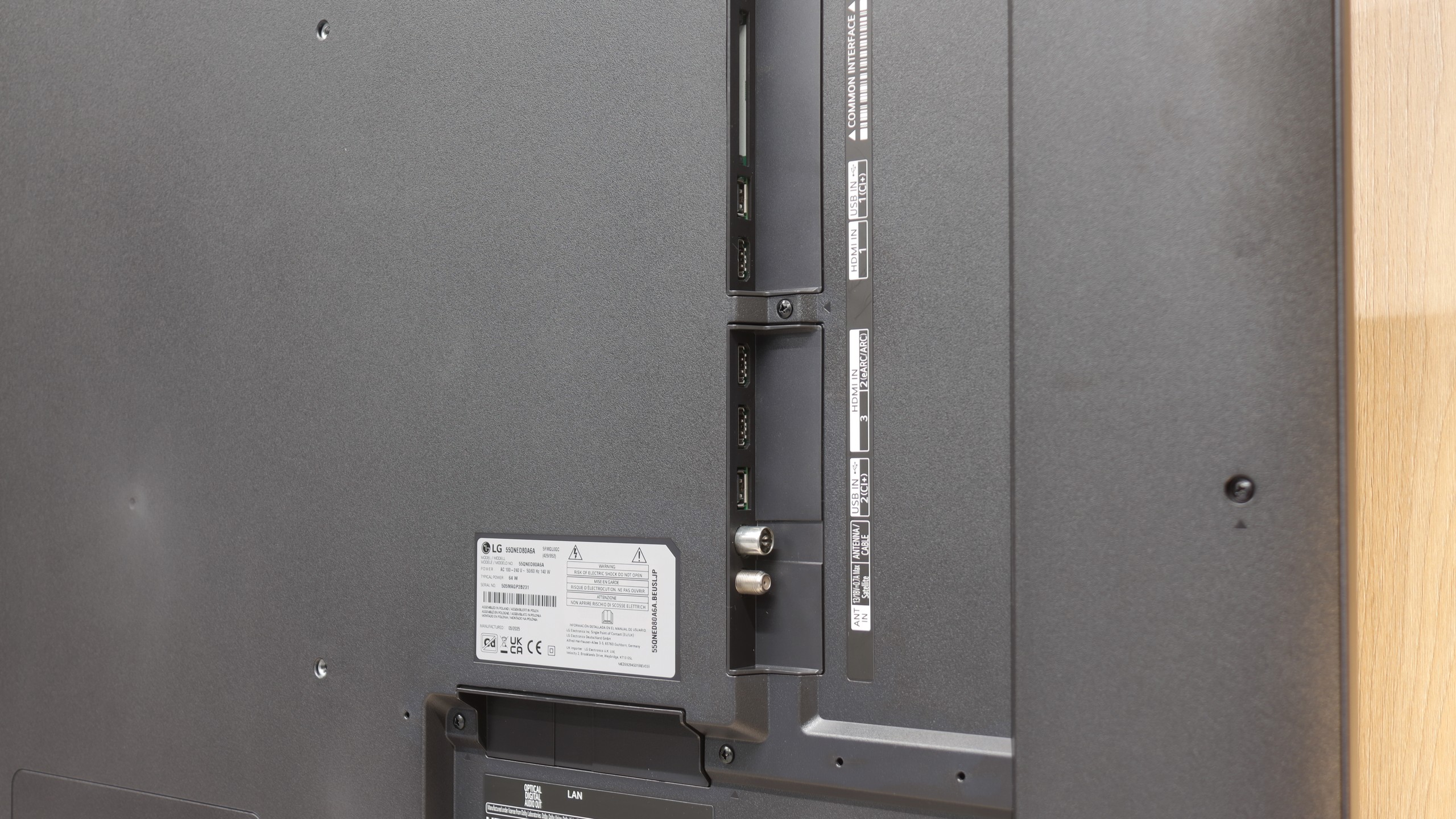
Classic Features of U7Q
Hisense U7Q has a lot to offer when it comes to classic TV features. You can record programs to USB, easily connect external devices via Bluetooth, and the interface – such as EPG – is clear and readable. It may sound like something mainly appreciated by seniors, but the truth is that the U7Q has practically everything needed for watching traditional television. The only thing missing here is the PiP (picture-in-picture) feature.
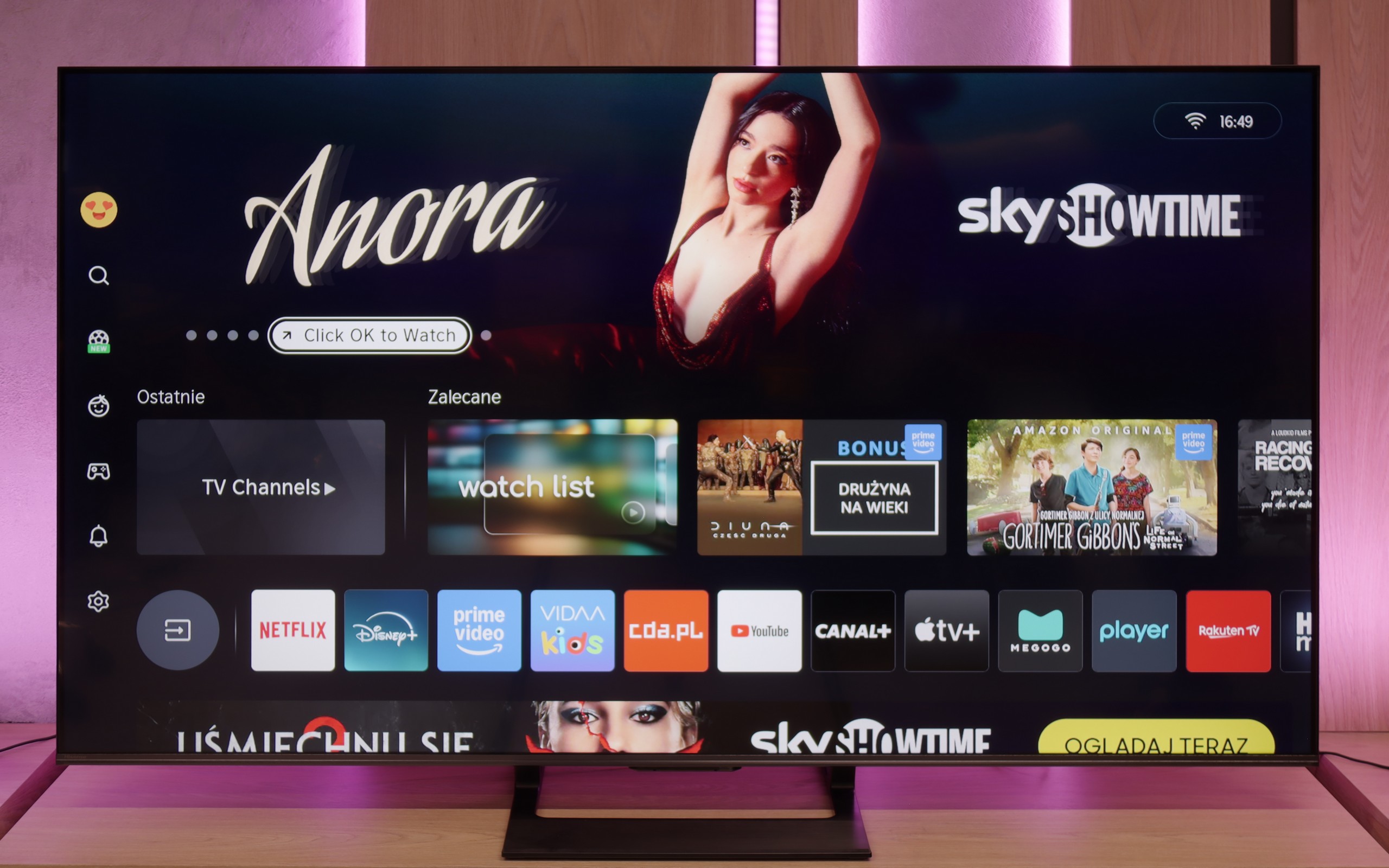
Smart TV U7Q: Vidaa
When it comes to Smart features, the U7Q runs on the proprietary VIDAA system. And I must admit – it works really smoothly. Voice search in Polish? No issues. AirPlay and screen mirroring? They work without any problems as well. Of course, one must be aware that VIDAA is a closed system, so – as is often the case – some popular apps, especially those related to music, are missing. Therefore, before purchasing, it’s worth checking if all the apps you use daily are available.
Smart TV System and WebOS
A huge plus of LG TVs – even those in the lower or mid-price range – is that the manufacturer does not treat them "less favorably" in terms of software. The QNED80A runs on the latest version of the WebOS system, which performed excellently during our tests. The interface operated smoothly, responded quickly to commands, and most importantly – was very intuitive. Much of this is thanks to the famous Magic Remote, which works like a computer mouse – we control the cursor on the screen with wrist movements. However, there’s an unexpected surprise here. In the 2025 model year, the controller underwent quite a drastic transformation. It has been minimized and slimmed down. Modern users will probably appreciate this change because the remote fits nicely in the hand and looks more "premium." However, traditionalists may feel disappointed – the miniaturization has come at a cost, including the removal of the classic numeric keypad, which may complicate quick channel selection.
Classic Features and Multimedia
When it comes to so-called classic features, the QNED80A does not strive to be a revolutionary product. It is simply a solid piece of equipment that does what it was designed for. There are no hidden "gimmicks" here, but we also did not miss anything. The traditional Teletext works flawlessly, and the wireless connectivity modules (such as Bluetooth and Wi-Fi) are stable and quickly pair with external devices, e.g., headphones or a soundbar. In this regard, the TV simply does not throw obstacles in our way – it works as we expect, not standing out in any particular way from the competition, but also not giving any reasons to complain.
Apps
7.7/10
9.1/10






















Playing files from USB
8.2/10
8.2/10
Supported photo formats:
Maximum photo resolution:
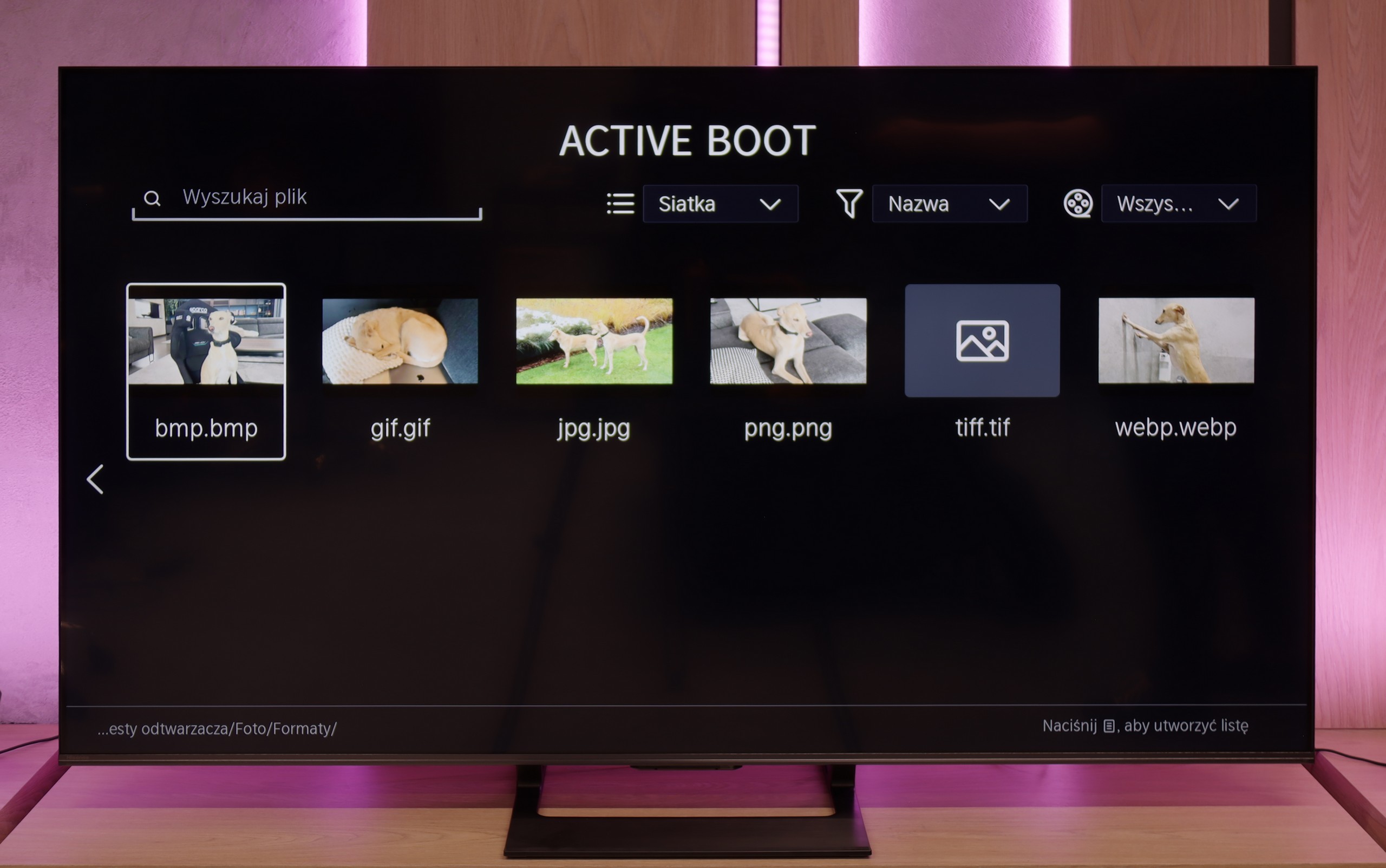
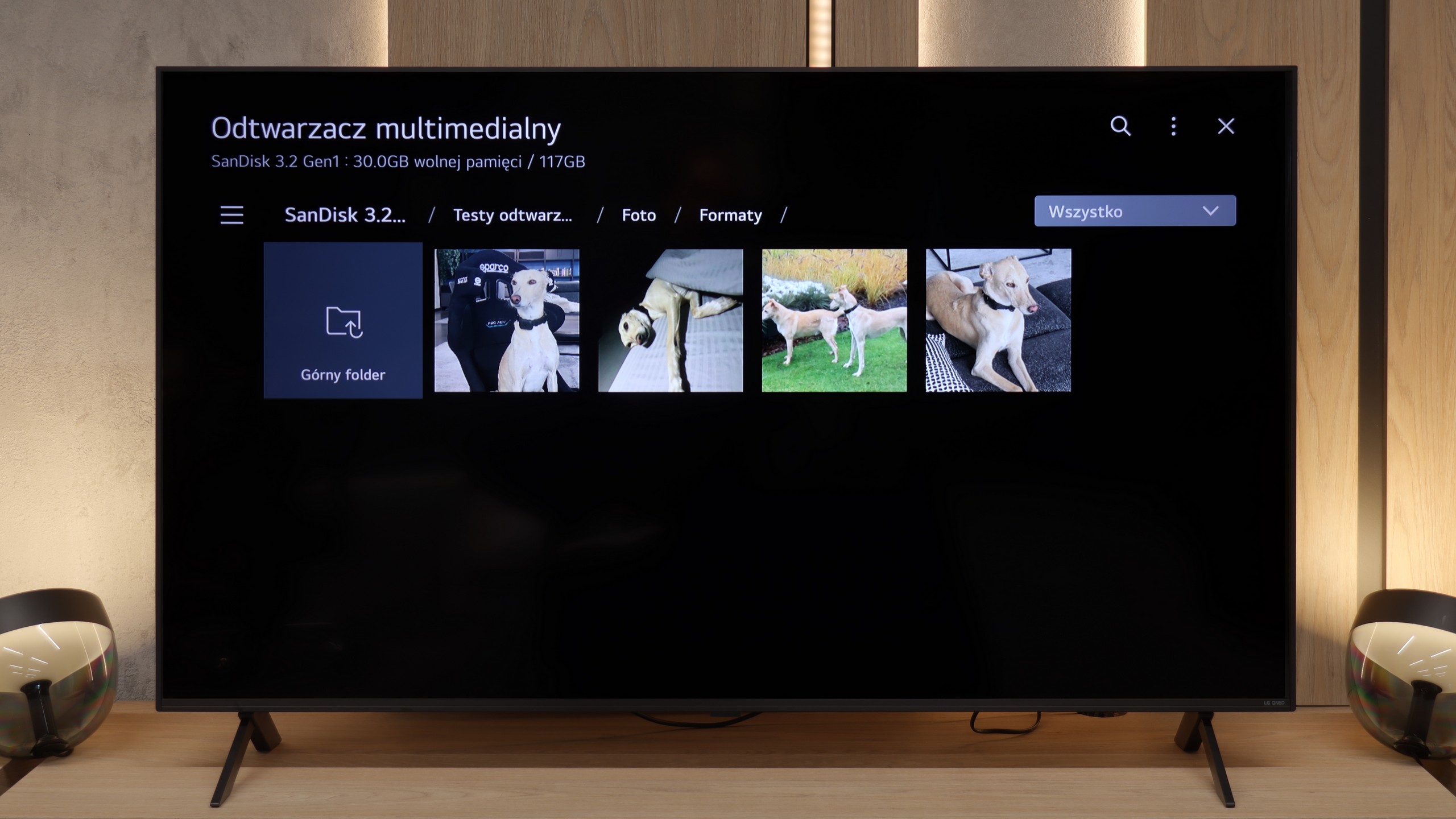
The built-in player in the U7Q fully meets the needs of most future users. The television seamlessly supports Polish characters and most popular video, audio, and photo formats. If we had to nitpick, it would be only about the limited support for certain photo resolutions – there are occasions when files from the camera are not displayed correctly. It's worth keeping this in mind if you plan to present photos directly from a DSLR or phone.
How does the QNED80A perform as a home multimedia center? After connecting an external drive or USB stick, the television easily recognizes and plays the vast majority of popular video and audio formats. It can be confidently stated that in everyday use you will rarely encounter a file that refuses to cooperate. However, we must draw attention to a certain catch arising from the software architecture. WebOS is a closed system. What does this mean for you? It means that if the built-in player cannot handle an exotic format, we do not have a "lifeline." We cannot go to the store and download an external app like VLC, which "plays everything," as is the case with Android or Google TV. The specific deficiencies we managed to catch mainly concern graphic files. The television does not support the HEIC format, which is standard on Apple devices (iPhone/iPad). Photos with very high resolution (in the range of 20-28 Mpix) also turned out to be problematic – when attempting to open them, the system often gave up. It is worth keeping this in mind if you plan to view vacation photos directly from the drive.
Sound
7.2/10
6/10
- Maximum volume82dB81dB
- Dolby Digital Plus 7.1
- Dolby True HD 7.1
- Dolby Atmos in Dolby Digital Plus (JOC)
- Dolby Atmos in Dolby True HD
- DTS:X in DTS-HD MA
- DTS-HD Master Audio
Sound is one of the major advantages of the U7Q. The TV sounds really pleasant – there is a slightly noticeable bass, good tone balance, and it is definitely something more than just for "everyday news watching." You can easily play music on it and just enjoy the sound – of course in an entertaining way, not an audiophile one 😉. It also deserves high praise for full support for the most important audio codecs, which worked flawlessly. A small exception is Dolby Atmos in TrueHD version, which did not fully play when connected to a home theater, so if someone uses this format – it's worth keeping in mind – it may be a software bug.
In terms of audio, the LG QNED80A does not try to enchant us. It simply plays like... a typical flat-screen TV. The installed speaker system with a total power of 20W may not be the strongest aspect of this unit. If you expect cinematic punch or depth known from more expensive models equipped with subwoofers, you'll feel a bit shortchanged. There is simply a lack of bass, and the sound is quite flat. However, we must give this model credit in one aspect: the clarity of the transmission. When scenes based on conversations appear on the screen, the QNED80A handles it quite well. The dialogues are clear, separated, and – importantly – undistorted. There is no crackling effect at higher volumes. It is sufficient for everyday television, but for movies, we definitely recommend purchasing even a simple soundbar.
Sound Quality Test
Acoustic Measurements
82dBC (Max)
75dBC
81dBC (Max)
75dBC