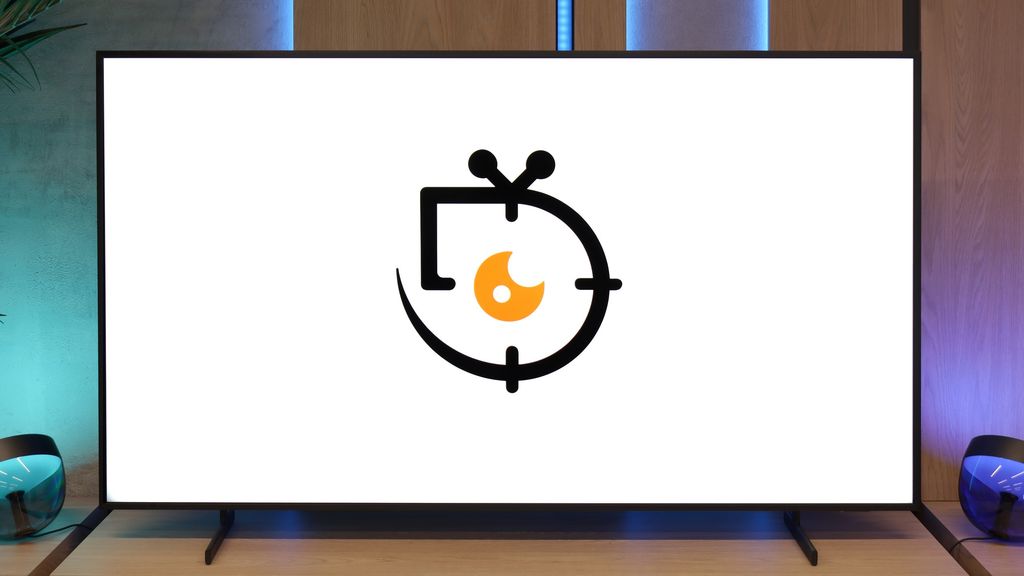
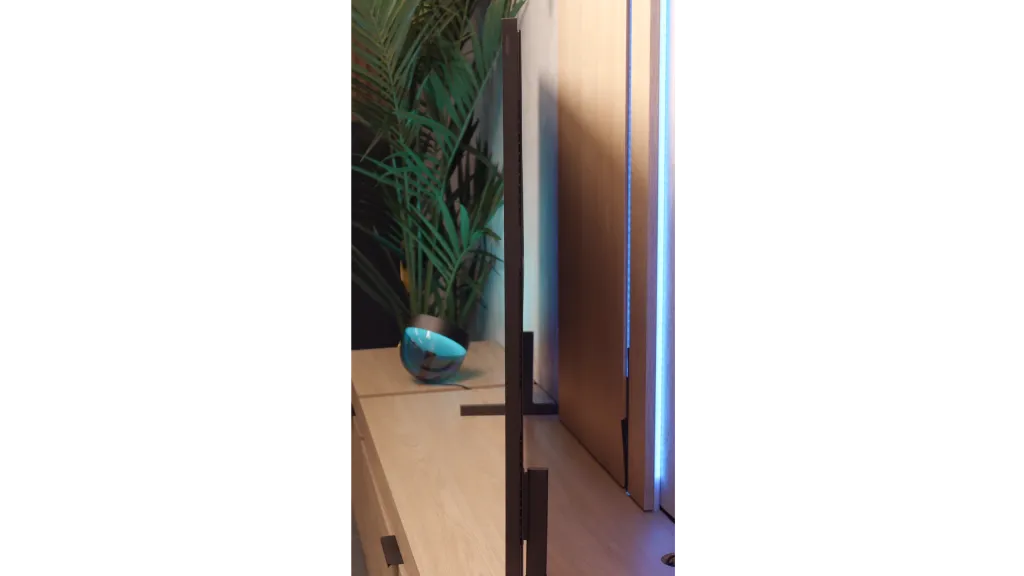
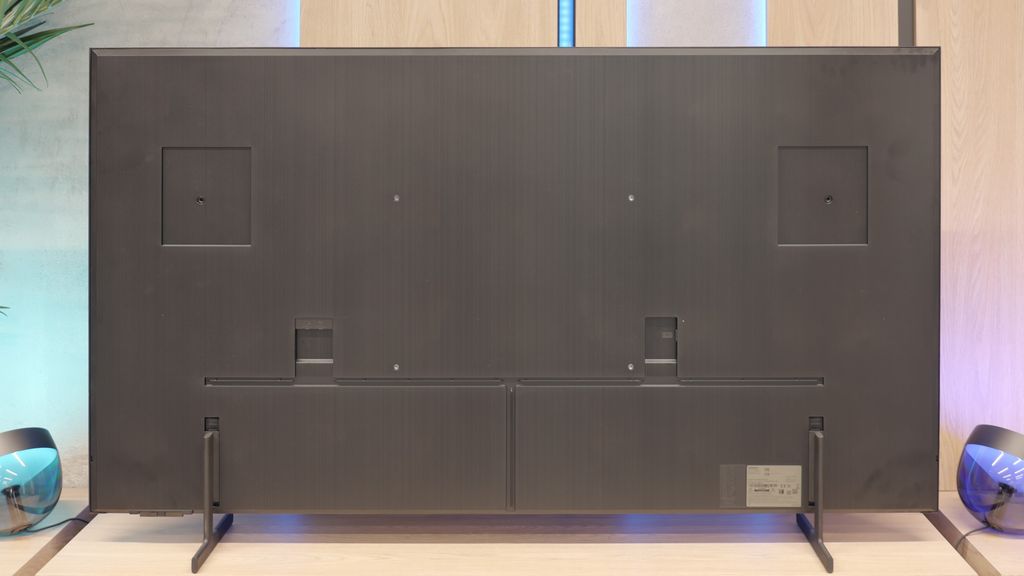
Samsung The Frame Pro 2025 is a television that brings a breath of fresh air to the lifestyle model segment. The design is, of course, the main highlight – a symmetrical frame, the possibility of easily changing decorative frames, and above all, the wall image effect thanks to the matte finish and special mount. In everyday use, it makes a great impression, and the Art Store feature combined with the high screen brightness means that the television performs well not only as a display for films and series but also as an element of interior decor. It's also hard not to appreciate the gadgety addition of the wireless One Connect module – the ability to hide the box with ports anywhere in the living room provides significant arrangement flexibility. In terms of image quality, The Frame Pro holds its own quite well. A brightness level of up to 900 nits in peak scenes allows for enjoying HDR effects even in brightly lit rooms, and the VA panel ensures stable yet solid contrast. However, there are quite a few question marks. First and foremost – the naming. The designation "Pro" and the addition of Mini-LED suggest that we are dealing with an advanced local dimming system. Meanwhile, in the 65-inch variant, we counted only 24 zones, all located at the bottom edge of the screen. You probably already know the effect after reading this review. The blacks and contrast are decent, but they are far from what the Mini-LED televisions with full, dense backlighting of the panel offer. The wireless module also raises mixed feelings. While it works fairly well for connecting an amplifier or decoder, gamers and PC users will quickly find that direct connection to the television via MICRO-HDMI is essential. Otherwise, they must reckon with high input lag and poorer font readability. Therefore, it's hard to call The Frame Pro "Pro" in a strictly technological sense – it would be more accurate to say it's "Frame Plus." A fantastic lifestyle television, polished and visually impressive, that would fit perfectly in a bright, modern living room, but at the same time, it doesn't quite meet the level of quality one might expect from a product labelled as Mini-LED. It's a device that will delight with its design and additional features but will leave a slight sense of disappointment for those who were expecting a true breakthrough in image quality.
- Matching (Score) |
- Our verdict |
- TV appearance |
- Where to buy |
- Contrast and black detail |
- HDR effect quality |
- Factory color reproduction |
- Color reproduction after calibration |
- Smoothness of tonal transitions |
- Image scaling and smoothness of tonal transitions |
- Blur and motion smoothness |
- Console compatibility and gaming features |
- Input lag |
- Compatibility with PC |
- Viewing angles |
- Daytime performance |
- Panel details |
- TV features |
- Apps |
- Playing files from USB |
- Sound
Samsung The Frame Pro vs PHILIPS PUS9010 (IPS)
 Direct comparison
The Frame Pro / LS03FW
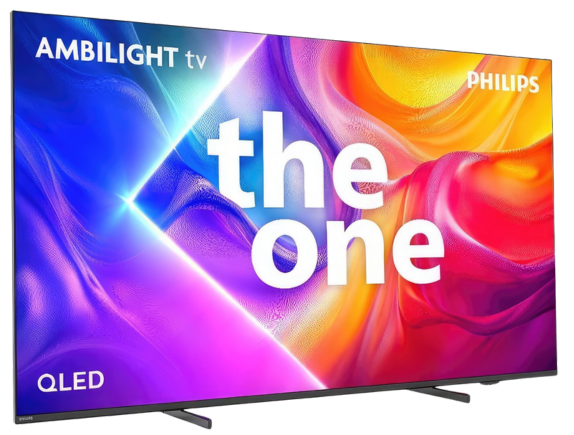
The One 2025 / PUS9060 / PUS9010 / PUS9000

Available screen sizes: 75”

Panel type: LCD VA
Resolution: 3840x2160
System: Tizen
Model year: 2025
Complete the survey to find out the result
Panel type: LCD IPS
Resolution: 3840x2160
System: Titan OS
Model year: 2025
Complete the survey to find out the result
Overall rating
7.3
6.5
 Movies and series in UHD quality
 6.8
5.9
 Classic TV, YouTube
 6.6
5.6
 Sports broadcasts (TV and apps)
 6.8
6.7
 Gaming on console
 8.6
8.1
 TV as a computer monitor
 8.4
8.9
 Watching in bright light
 7.0
5.4
 Utility functions
 7.7
6.1
 Apps
Apps 9.3
6.7
 Sound quality
 6.4
6.6
Complete the survey to find out what fits your preferences
Advantages

Premium design – symmetrical frame, ability to customise interchangeable frames, effect of a real picture on the wall
Wire-free One Connect module – no visible cables by the television, easier arrangement of space
Matte screen coating – no reflections even in bright rooms
High brightness ratio – up to 900 nits
Wide colour gamut – QLED
Smooth tonal transitions, virtually no banding
High motion fluidity – 144 Hz panel
Features for gamers – VRR, ALLM, 144 Hz, Game Bar, low input lag (wired)
Tizen system – fast, intuitive, with a full suite of applications and support for AirPlay and voice assistant
Art Store – unique feature, television as a digital picture frame
Mount included
Very good viewing angles thanks to the IPS panel
Great compatibility with PC, 144 Hz mode, proper support for G-Sync and FreeSync
A wide range of features for gamers, variable refresh rate, auto game mode, HGiG
Support for multiple HDR formats including HDR10+ and Dolby Vision
Support for Dolby Atmos
Low input lag
Effective P5 image processor for lower quality materials
Ambilight system
Illuminated remote control
Disadvantages

It's hard to call it a true Mini-LED – edge lighting
Poor viewing angles (they could be better for improved wall image effect)
Missing HGiG* feature
Flat sound, little bass. A soundbar will definitely come in handy
Issues with font readability and significant delays (input lag) when using the wireless One Connect module.
*The HGiG feature disappeared with the latest TV update. We are monitoring the situation closely and if anything changes in this regard, we will let you know.
Poor black levels and contrast (typical for IPS panels)
Significantly lower brightness compared to the VA panel variant
Visible backlight bleed at the edges of the screen in the tested unit
Limited number of applications in the Titan OS system
The remote control is still based on infrared, requiring aiming at the screen
Our verdict
Philips PUS9010 (The One 2025) in the 75-inch version with an IPS panel is a television that clearly demonstrates the differences resulting from the panel used. Compared to the variant with a VA panel, it offers significantly better viewing angles, very good compatibility with consoles, and excellent text readability, but at the same time, it loses on black levels and maximum brightness. This model is best suited for everyday use, gaming, and in larger living rooms where not everyone is sitting perfectly facing the screen. The television performs very well in terms of responsiveness and features for gamers, offering 144 Hz, low input lag, and full support for variable refresh rate. An additional advantage is Ambilight, which, especially in the evening, can enhance the viewing experience and partially mask the weaker black levels of the IPS panel. After calibration, the picture appears coherent and natural, and the differences compared to the VA version in colour reproduction become difficult to detect. On the other hand, it must be clearly stated that those inclined towards cinematic viewing in complete darkness may be disappointed. The poor black levels, boosted brightness resulting from the quality of our unit, meant that this variant of the PUS9060 performs worse than the same model with a VA panel. Philips PUS9010 IPS is generally a sensible choice for users looking for a large, modern television for gaming, PC use, and everyday viewing, with very good viewing angles. However, if the priority is deep blacks and better picture quality, it is worth considering other variants or a higher class of equipment, as often for a small additional payment, you can get a television equipped with mini-LED technology.
TV appearance

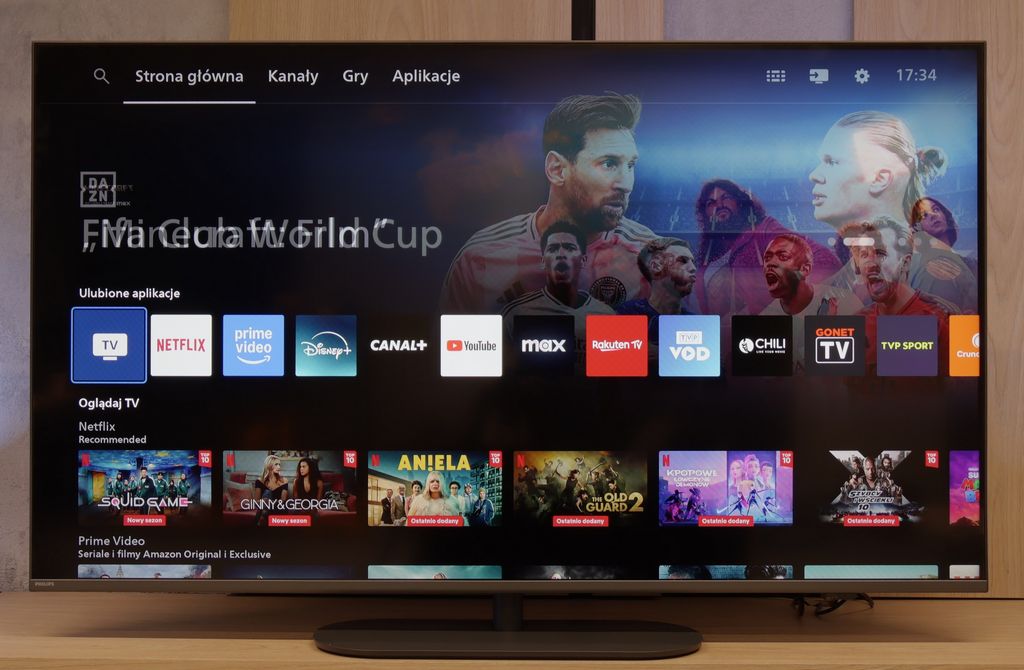
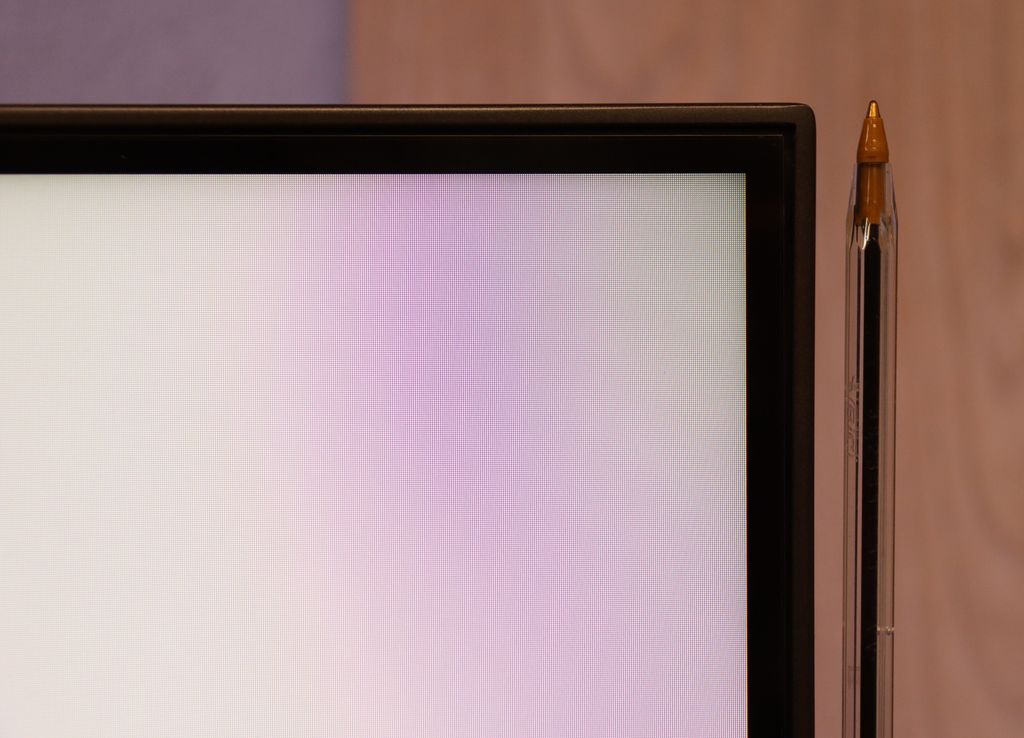
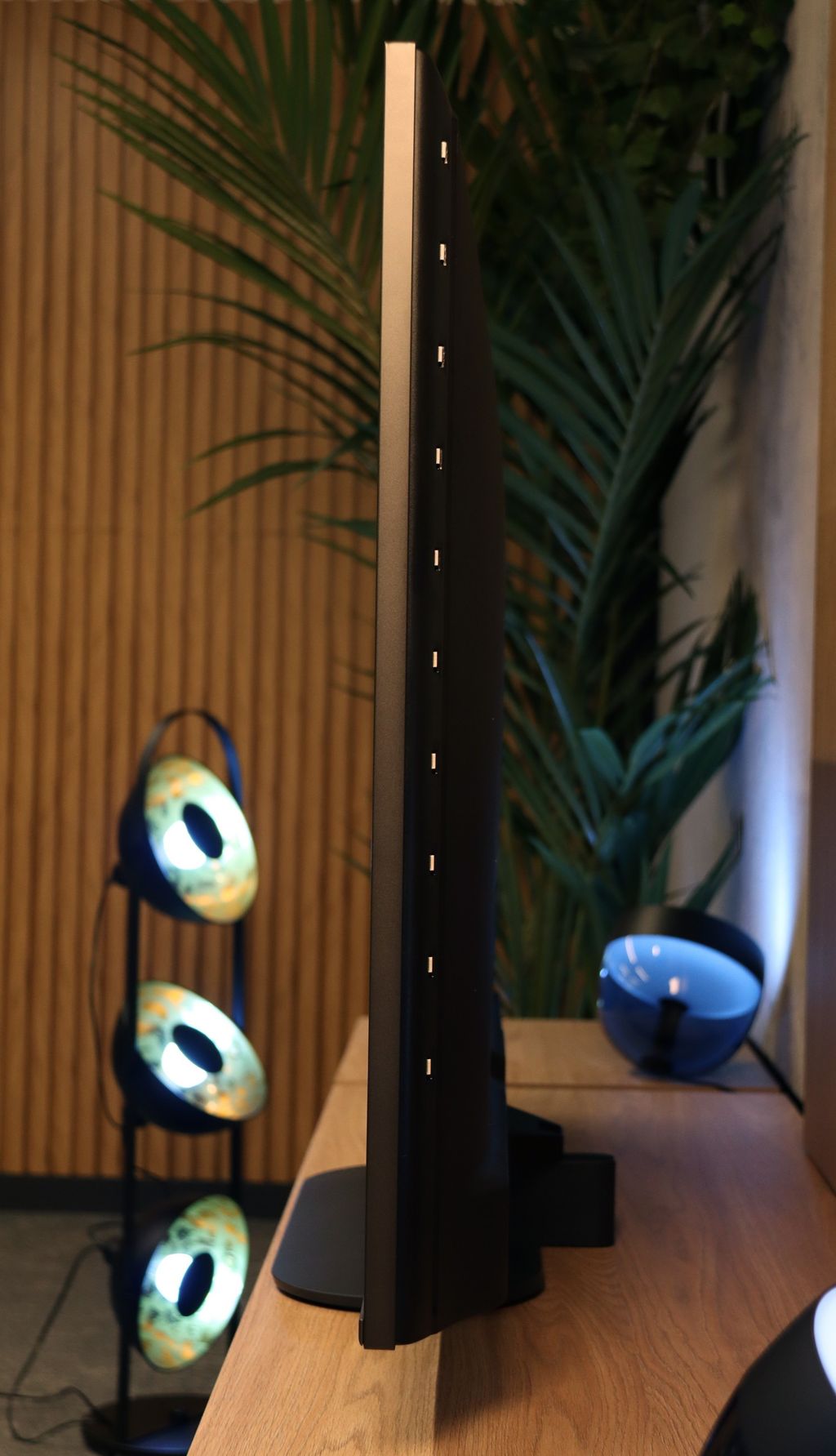
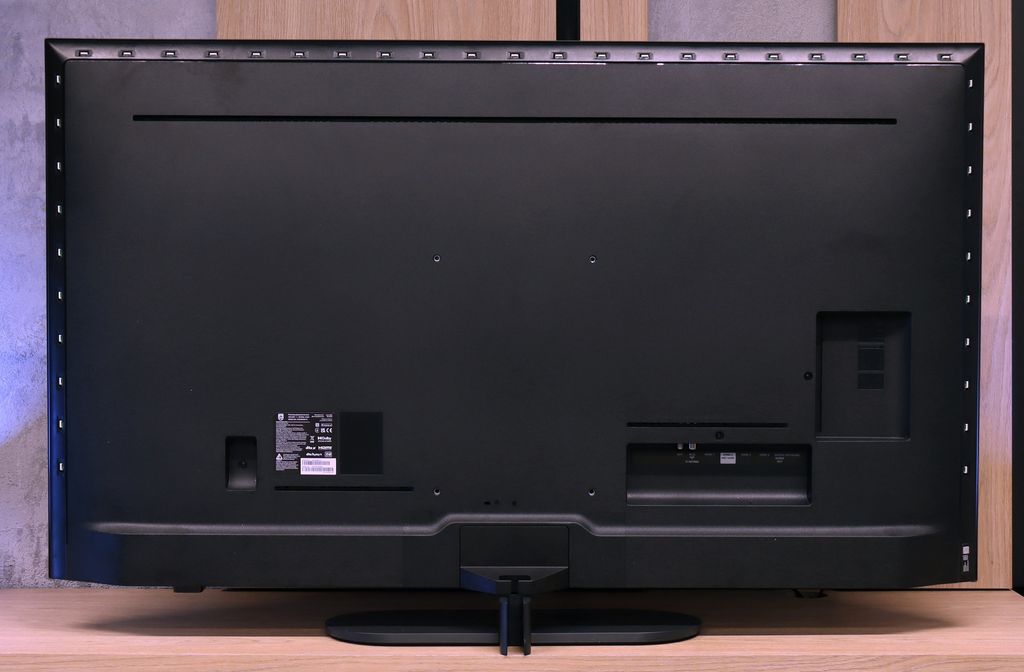

Contrast and black detail
5.7/10
2.9/10
Local dimming function: Yes, number of zones: 24 (1 x 24)
Local dimming function: No
Contrast:


Result
6,250:1

Result
5,100:1

Result
4,650:1

Result
4,350:1

Result
4,300:1
Result
1,300:1
Result
1,400:1
Result
1,450:1
Result
1,500:1
Result
1,350:1
Halo effect and black detail visibility:
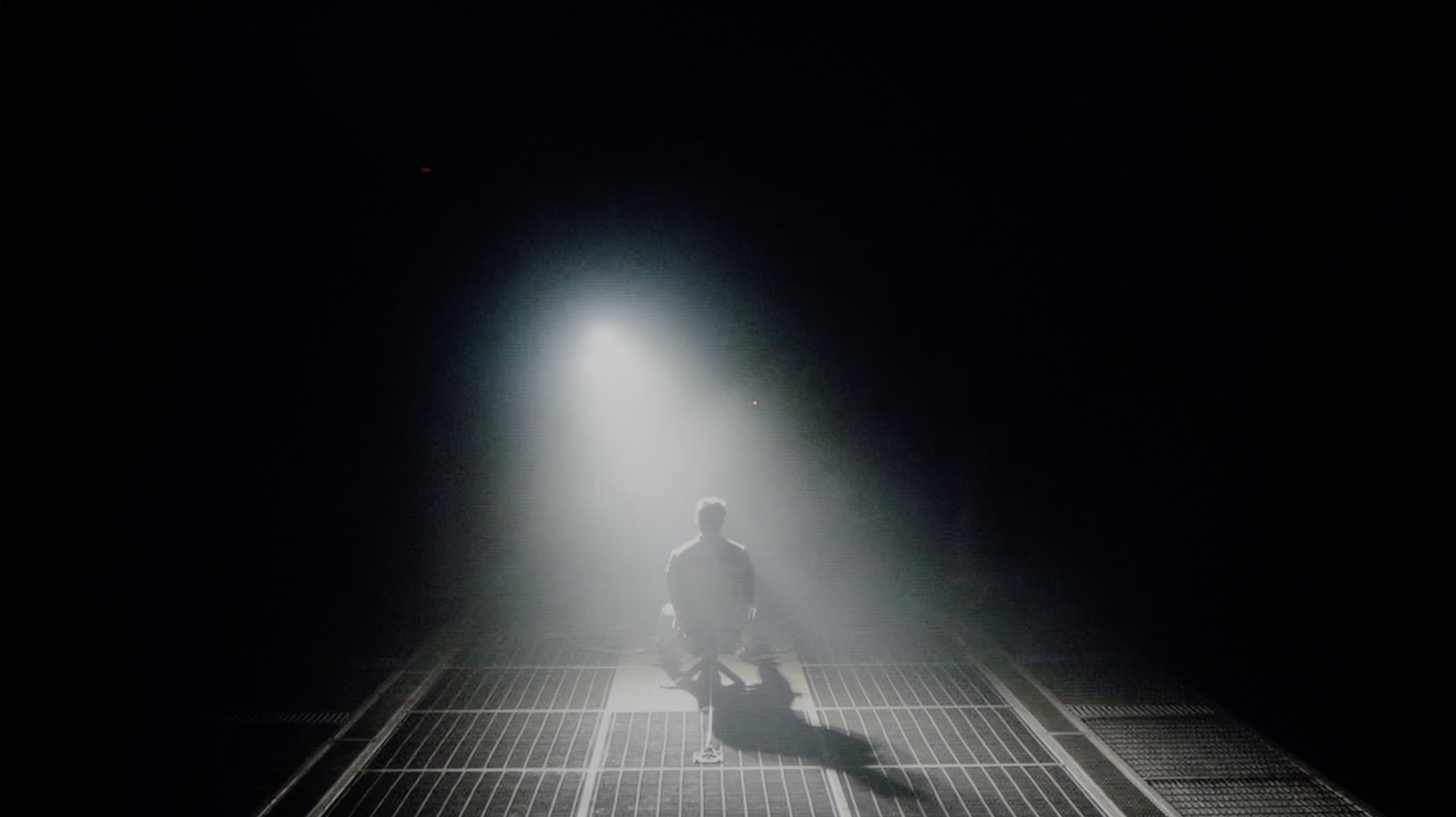
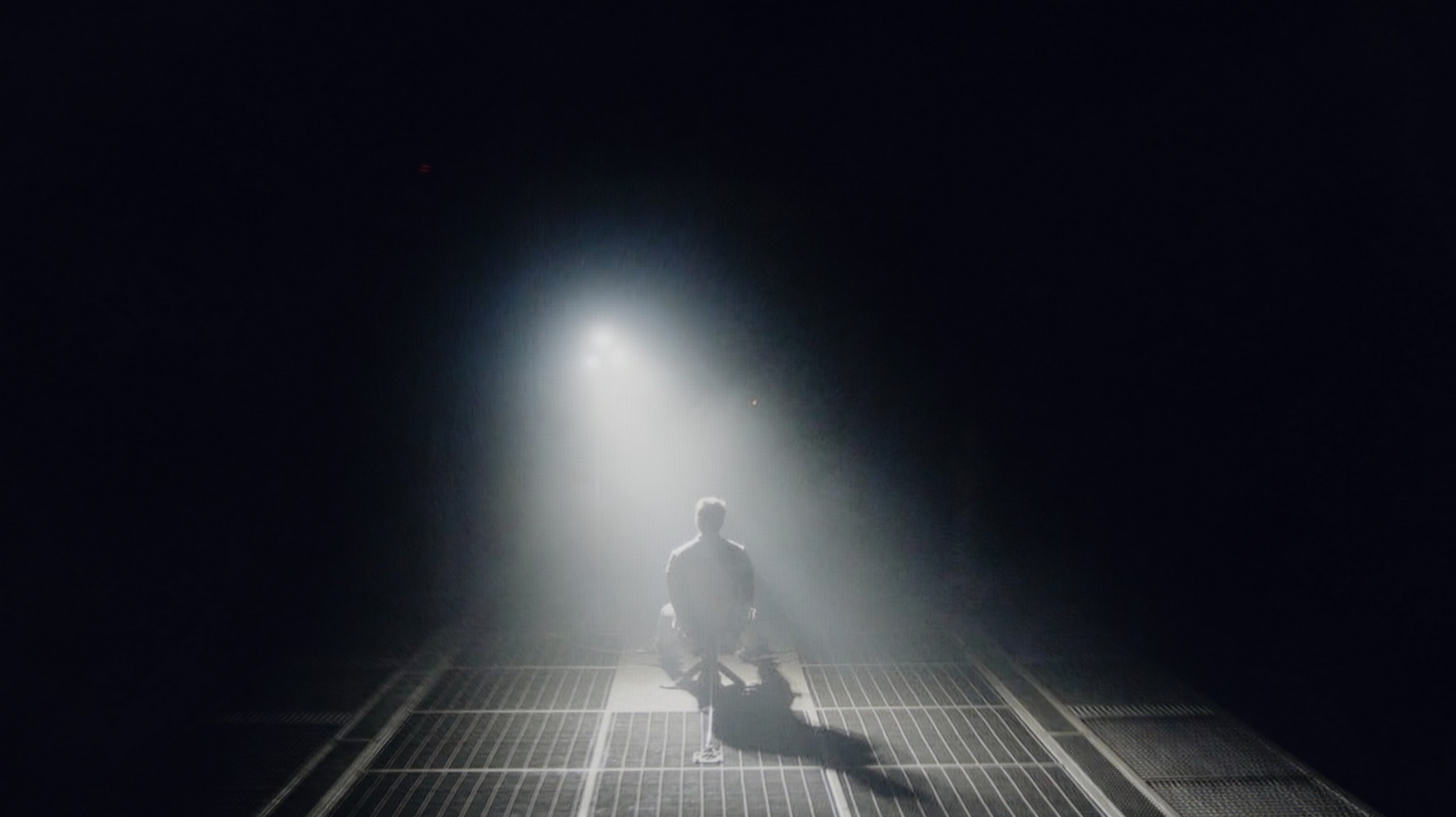
Check the visibility of bright lights on a dark background. Mini-LEDs often struggle with this. The photo does not compare black levels – that’s what the video below is for.
The video accurately shows differences in contrast and black levels between TVs, as well as potential issues: halo around bright objects or Mini-LED zone operation visible as brightness jumps.
Samsung The Frame Pro has officially been marked as a Mini-LED backlit television, but… is that really the case? In the 65-inch variant we tested, we counted only 24 dimming zones. The number itself seems rather modest, but what's more important is their distribution – they are all located along the bottom edge of the screen. In practice, this means that The Frame Pro should be treated more as edge-lit rather than a fully-fledged Mini-LED with dense, direct local dimming. Samsung has used a similar tactic before, rebranding the Q70 series into Neo QLED televisions – mainly for marketing purposes. How does this translate to the picture? Black levels and contrast appear to be acceptable, but there are none of the effects known from televisions with advanced local dimming, such as in the QN80 series. A large part of this is due to the high-gamut VA panel, which inherently provides solid parameters – a contrast level of around 5000:1 looks good and, importantly, is stable, without significant fluctuations. However, if someone buys The Frame Pro hoping to experience a “true Mini-LED”, they may feel disappointed. We ourselves expected this model to significantly differentiate itself from the classic The Frame series in terms of contrast quality, yet the differences turned out to be smaller or virtually non-existent than one might suggest by the “Pro” designation.
In the 75-inch version of the Philips PUS9010 that we tested, an IPS panel has been used, which is immediately noticeable in terms of black levels and contrast. Compared to the 55-inch variant with a VA panel that we tested earlier, the difference is evident from the first scenes. The black is shallower, and in a dark room, the screen clearly tends towards greys. The television is not equipped with local dimming, so in low light, dark scenes lack depth. In practice, the picture looks noticeably worse than in the smaller 55-inch variant, especially during film sessions viewed in the evening. The situation is somewhat salvaged by Ambilight. The rear lighting can gently "trick" the eye, improving perceived contrast and making the blacks seem a bit deeper. It's a simple trick, but it works. That's why this model is definitely better watched with Ambilight turned on. It doesn't have to be a multi-colour mode following the image. Even a uniform white backlight can enhance the perception of dark scenes.
HDR effect quality
5.8/10
5.2/10
Luminance measurements in HDR:

Result
745 nit

Result
458 nit

Result
476 nit

Result
446 nit

Result
660 nit
Result
374 nit
Result
383 nit
Result
397 nit
Result
391 nit
Result
401 nit
Scene from the movie “Pan” (about 2800 nits)


Scene from the movie “Billy Lynn” (about 1100 nits)


The photos show two HDR10 movies. 'Pan' is one of the brightest productions ever made, while 'Billy Lynn' (soldier) has brightness typical of streaming (Netflix, Prime, HBO MAX). Notice the intensity of effects and detail in whites.
Static HDR10


The photos present the visibility of white details in various HDR formats. They do not show brightness differences between TVs (these can be compared in the previous gallery).
Dynamic: HDR10+
Dynamic: Dolby Vision


The photos present the visibility of white details in various HDR formats. They do not show brightness differences between TVs (these can be compared in the previous gallery).
HDR luminance chart:
PHILIPS PUS9010 (IPS)
Samsung The Frame Pro
Samsung The Frame Pro is one of the relatively bright televisions. In synthetic tests, we managed to achieve values around 900 nits, which is quite a respectable result for a lifestyle model. In full-screen scenes, such as the board from the film The Meg or the initial sequence in Life of Pi, brightness maintained a level of 700–800 nits. These values allow you to fully enjoy the HDR effects and convey their cinematic magic. However, the situation becomes complicated when smaller, point light sources appear on the screen. The edge lighting used here, equipped with the ability to locally dim entire strips, does not manage these well. Sometimes, small elements are overly dimmed, which weakens the effect, or conversely – they are significantly brightened, but at the cost of losing the depth of black in that part of the image. This can be compared to light beams reminiscent of a laser beam spreading in dense fog – the effect is noticeable and bright, yet at the same time, it is quite unnatural and distracting. Fortunately, the colour aspect performs better. Thanks to the use of a quantum dot filter (QLED), colours are saturated, and the reproduction of the DCI-P3 palette exceeds 92%. Generally, films or series watched in HDR on The Frame Pro showcase a rich colour palette, even if contrast and the functioning of the dimming algorithms can sometimes distract us.
In the Philips PUS9010 version with an IPS panel, the HDR brightness unfortunately performs worse than in the previously tested 55-inch model with a VA panel. The difference reaches about 100 nits, which is quite noticeable given the relatively low values. While the VA version could exceed 500 nits, here the maximum brightness is around 400 nits. This level still allows for watching movies and series in HDR, especially on streaming platforms, but the effects are clearly muted. Bright elements do not have the same impact, and scenes requiring high luminance appear less impressive. On the positive side, the coverage of the DCI-P3 colour gamut is commendable. The IPS version offers around 91%, which is about 5% more than the variant with a VA panel. This translates to somewhat better colour saturation in HDR content, despite the lower brightness. Colours can appear more vibrant and cohesive, especially in colourful scenes.
Factory color reproduction
5.5/10
5.9/10
We achieved the best results, of course, in Filmmaker mode, which immediately showed that Samsung had put effort into the factory settings. In SDR content – the type most commonly viewed – The Frame Pro performed really well. The white balance and gamma were almost perfectly matched, giving the image a natural and cohesive appearance. Admittedly, there were some noticeable errors, particularly in skin tones and reds, which could be overly saturated, giving everything a slightly "warmed-up" character, but this didn’t significantly detract from the viewing experience in everyday use. For HDR content, the situation was similar regarding the white balance. This was at a good level; however, the biggest issue turned out to be brightness management. The EOTF curve was set in such a way that in many scenes, the image appeared blown out, with the brightest areas losing detail and turning into uniform patches of light. This severely undermined realism and caused the colours to appear overly sharpened. Fortunately, Samsung provides the option for manual adjustment of the curve in their televisions, so we opted for calibration, and its results can be seen below.
We assessed the colour reproduction, as always, on the factory settings, focusing on the movie mode, which for Philips usually provides the best starting point. This is also a good moment to demonstrate how much the same TV model can vary depending on the type of panel used. Looking at the white balance, the overall tendency remains similar to the variant with the VA panel. Excessive red in the whites is still noticeable, but in the tested unit with an IPS panel, there are also deficits in the blue channel. As a result, the image has a slightly different colour character, which can be clearly seen in the comparative materials. This is a very good example illustrating why ready-made settings downloaded from the internet do not always work even within the same model.
However, returning to the assessment itself, this unit performs quite well, especially with SDR content. Colour tests show correct saturation and consistency, with no glaring errors that could interfere with everyday viewing. In HDR materials, slight deficits in reds can already be noticed, but these are not flaws that spoil the overall perception of the image. The biggest limitations do not come directly from the colours, but rather from the white and black levels. The use of an IPS panel and slightly lowered gamma results in the image being slightly boosted in brightness, and the poor black levels further affect the perceived contrast. This makes the overall picture look brighter, but at the same time it loses depth, especially during evening viewing.
Color reproduction after calibration
8.5/10
8/10


The photos show how movies look on the TV. Pay attention to black detail visibility, colors, and shadow tint.


The photos show how movies look on the TV. Pay attention to black detail visibility, colors, and shadow tint.
After calibration, the SDR mode looks absolutely perfect. We managed to eliminate the overly strong red saturation, which previously gave the image a somewhat excessively warm character. Colours have become more balanced, which resulted in a natural and pleasant reception of everyday content – from television to films and series from streaming or materials on YouTube. In HDR mode, the most work was required on the EOTF curve, which factory settings caused excessive brightening of the entire image. Calibration allowed us to largely "tame" this problem – the image stopped being overexposed, and details in bright areas became more visible. Of course, the limitations are set by the design of the television itself, as edge lighting reveals its constraints, and the smallest elements of light can still be overblown or blend into the background. However, this is a matter of technology, not just calibration. After the correction, The Frame Pro is significantly more enjoyable to watch, and it is certainly worth considering if you want to maximise the television's capabilities.
After calibration, the picture was brought to a truly sensible level. The overall look is coherent and natural, and when it comes to colour reproduction, it is difficult to unequivocally state whether we are dealing with a VA or IPS panel. This is a good sign, showing that the television has a solid foundation for further adjustments. It is worth noting the larger colour gamut coverage in this variant, which can subtly enhance the perception of colourful scenes, particularly in HDR content. However, this advantage is largely balanced out by the boosted black levels resulting from the use of an IPS panel. The limited black depth affects the perceived contrast, especially when watching in a dark room. Consequently, despite the noticeable improvement after calibration, the final assessment remains the same as in the variant with the VA panel. Better colours are unable to fully compensate for the weaker black levels.
Smoothness of tonal transitions
9.5/10
8.5/10





These are selected scenes that show smooth tonal transitions from one color to another. If you see distinct banding, it’s the TV panel’s fault.

These are selected scenes that show smooth tonal transitions from one color to another. If you see distinct banding, it’s the TV panel’s fault.

These are selected scenes that show smooth tonal transitions from one color to another. If you see distinct banding, it’s the TV panel’s fault.

These are selected scenes that show smooth tonal transitions from one color to another. If you see distinct banding, it’s the TV panel’s fault.
Here Samsung really deserves huge applause. The Frame Pro has turned out to be one of the best televisions of this year when it comes to the smoothness of tonal transitions. During tests, we were practically unable to notice any clear issues with colour blending – the gradients looked smooth and natural, and the typical "banding" that many televisions present simply did not appear. Indeed, in very dark scenes, one can notice minimal imperfections, but you really have to squint to see them – even the trained eye of our editorial team had difficulty with this. Therefore, in everyday viewing, there is no chance that anything will disrupt your experience. This is a major plus, as it is in darker scenes that televisions most often struggle. You won't experience that here.
When it comes to the fluidity of tonal transitions, in the 75-inch version with an IPS panel, we have mixed feelings. Looking solely at the colourful gradients, the transitions perform even better than in the variant with a VA panel. The colours blend more smoothly, and typical banding issues are less noticeable. However, the situation changes dramatically in dark scenes. The tragic black characteristic of IPS effectively ruins the perception of tonal transitions in the low brightness areas. The boosted black makes it difficult to notice subtle shades of colours, and the very unnatural backlight bleed further exacerbates the situation. In the tested specimen, the backlight bleed was particularly noticeable at the edges, where the light almost pierced through to the screen. This not only negatively impacts the perception of dark scenes but also significantly hampers a reliable assessment of the gradation itself.
Image scaling and smoothness of tonal transitions
7.5/10
6.7/10


Smooth transition function
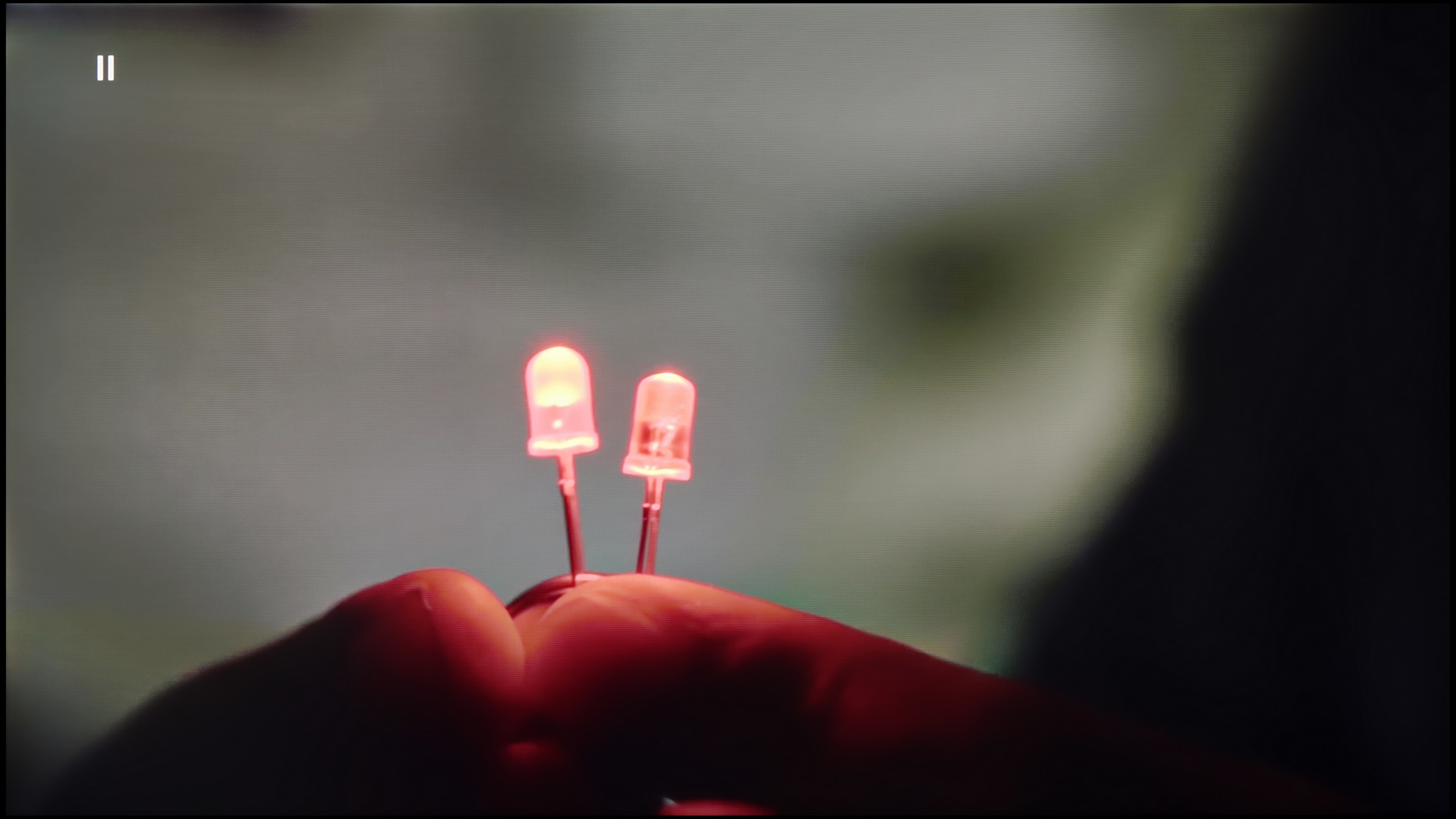
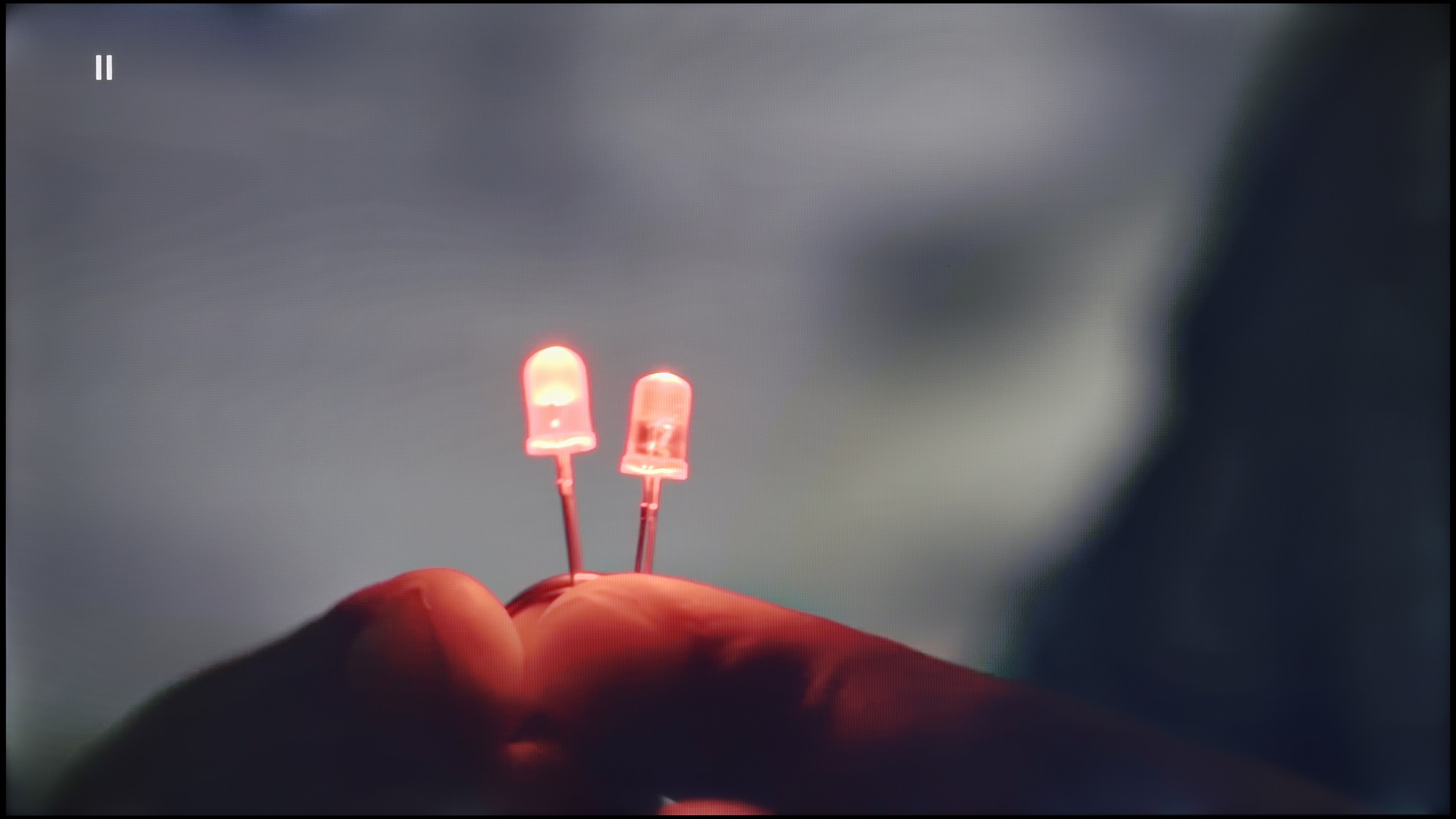
The match photo shows how the TV smooths weak tonal transitions in low-quality video.
Image scaling SD (576i)


The model photo shows how it handles upscaling of SD material.
Although the fluidity of tonal transitions in 4K HDR materials on The Frame Pro is not a problem at all, naturally, with a weaker signal - television, HD materials, or older Full HD films - imperfections may arise. Therefore, it is crucial how the television copes with these limitations thanks to its image processor. The noise reduction function works really effectively here. At the medium setting, it eliminates unwanted bands or artefacts, smoothing the image in a noticeable yet not excessive way. However, it's worth noting that Samsung tends to be aggressive in its approach - even at the lowest level of this function, it can "consume" film grain. So it's advisable to use it judiciously and adjust the settings to the material being viewed.
The upscaling itself is at a high level. The Frame Pro can effectively enhance older materials to a native 4K resolution while maintaining good sharpness and readability. Films and series in lower quality simply look better here. However, it should be mentioned that there is a minor drawback - typical for many Samsung televisions. With very old sources of poor quality, you may notice clipping of the image edges on the left side of the screen. It's not a problem that will ruin the viewing experience, but it's worth knowing that it might occur.
In the Philips PUS9010, we find another iteration of the P5 Perfect Picture image processor, designed to improve the quality of inferior materials. One of the components of this system is the distortion reduction function, which is responsible for smoothing tonal transitions. It works effectively and indeed reduces the visible colour gradation. Unfortunately, it does so quite aggressively. In practice, it can dim details such as the texture of materials or film grain. This is a notable compromise, so we would not recommend it for movie screenings. However, it performs significantly better with more casual content like YouTube or regular television. The P5 processor also manages quite well with lower resolution materials. The image is soft, at times even too soft, but this can easily be corrected with the sharpness slider, adjusting the effect to personal preference. A positive aspect is also the lack of edge trimming in SD materials, which is still not standard in this class of televisions.
Blur and motion smoothness
7.8/10
7.7/10
Blur (native resolution, maximum refresh rate):






Blur (BFI function enabled):
Image flickers in this mode



Blur (4K@144Hz):



Blur (4K@144Hz):



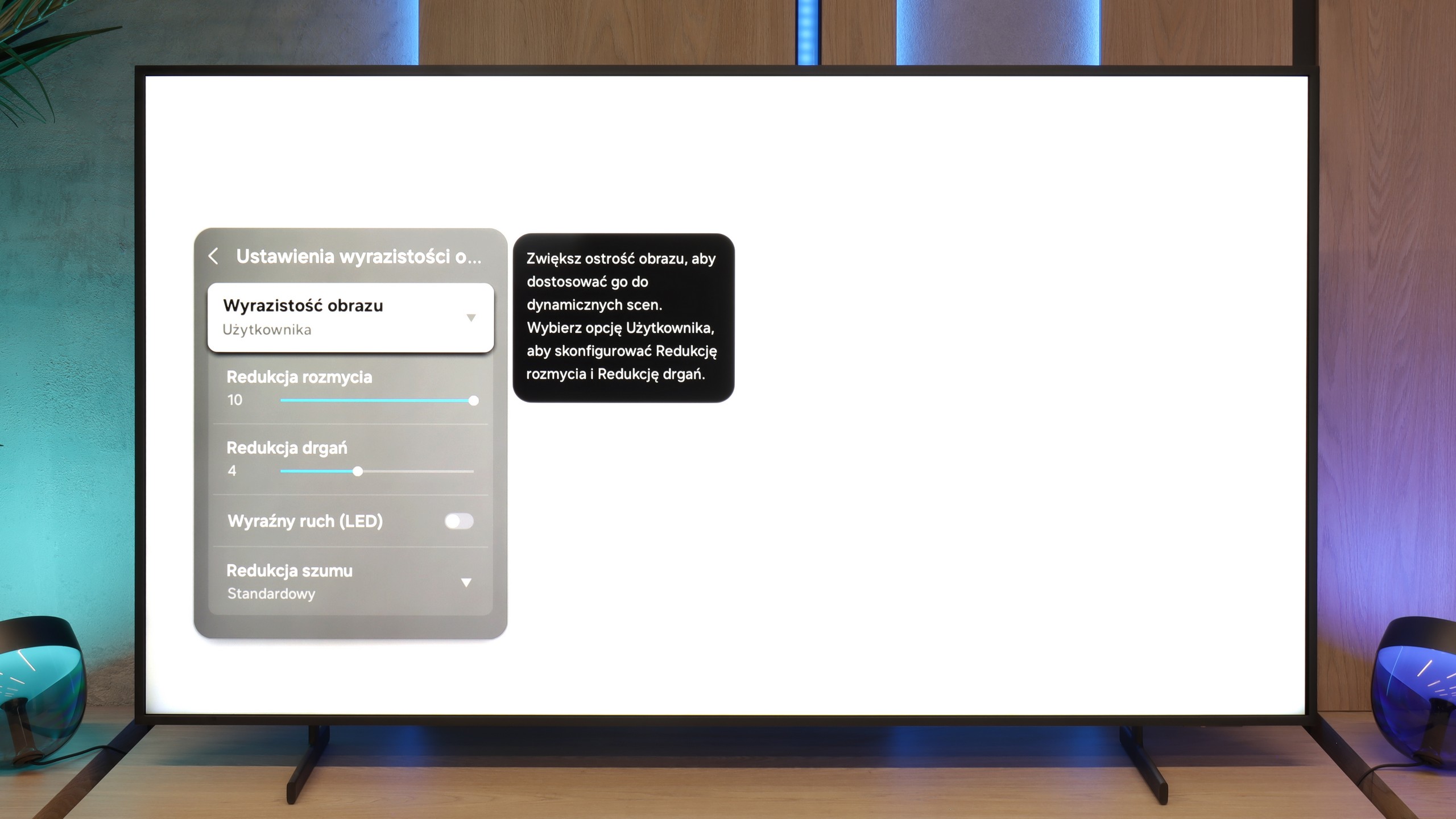
The smoothness of motion in The Frame Pro is not only due to the matrix, which operates with a refresh rate of up to 144 Hz, but also the image processor and the smoothing system. It is thanks to this that we can adjust the way films or sports broadcasts are displayed to our own preferences. There are sliders for reducing blurring and reducing judder – the first function improves the sharpness of fast movements, while the second helps to soften the effect of a "jumping" image during camera pans. So, everyone can choose between a cinematic motion character and a smoother, more "television" style.
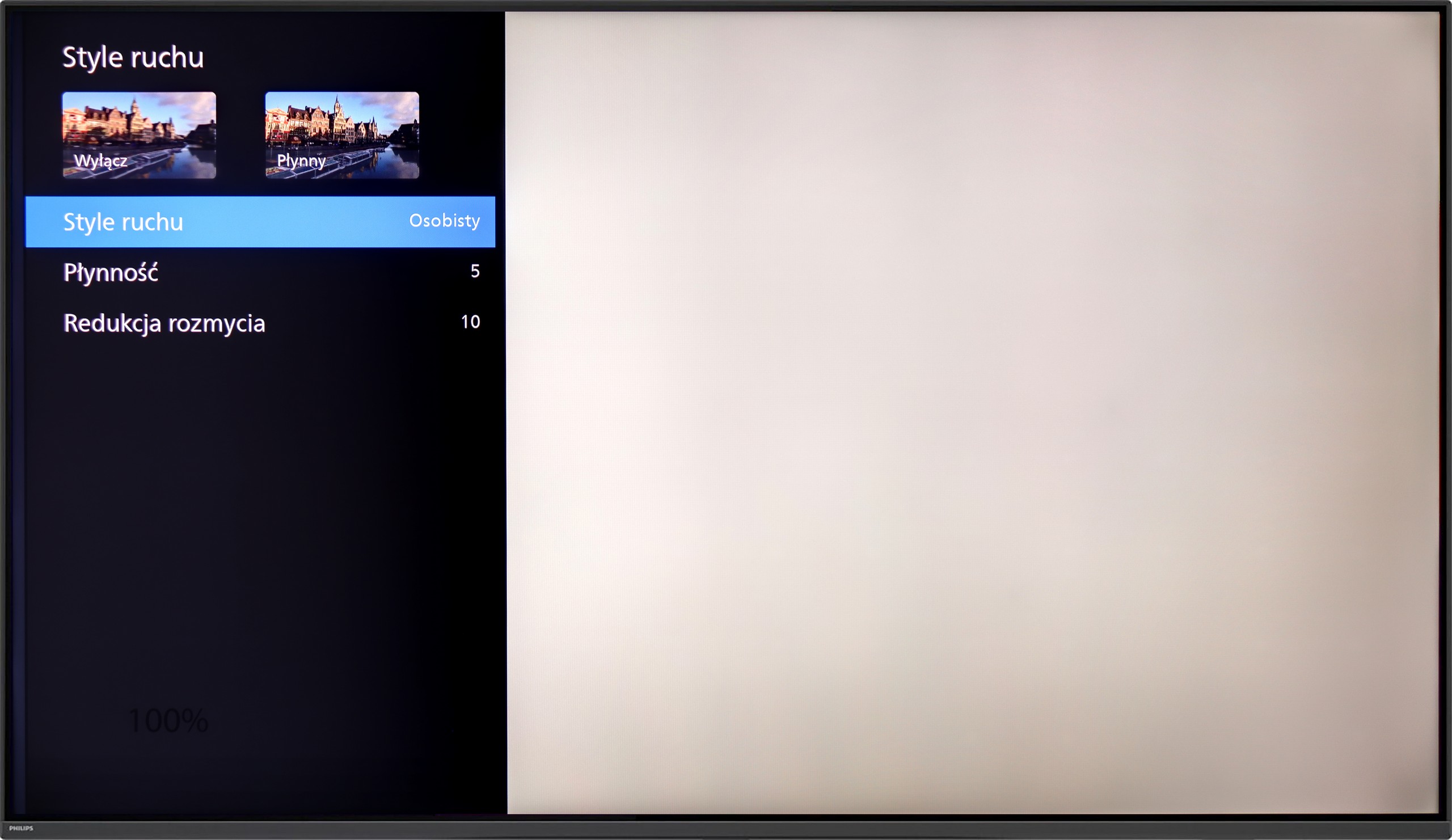
Philips PUS9010 has a 4K panel with a refresh rate of 144 Hz, which will be appreciated primarily by sports fans and gamers. This is especially evident in dynamic scenes where the motion is sharp, and annoying blur is almost non-existent. When it comes to movies (standard 24 fps), Philips gives us a proven set of settings known from higher series. Two sliders are used to control motion. “Smoothness” allows you to adjust the image to your own taste: at low settings, we maintain a cinematic character, while moving the slider to the right gives us a perfectly smooth, albeit somewhat “theatrical” effect. On the other hand, “Motion Blur Reduction” is a function designed for sports – it ensures that fast-moving objects do not lose detail and remain clear.
Console compatibility and gaming features
8.2/10
9.8/10
- ALLM
- VRR
- VRR range48 - 144Hz48 - 144Hz
- Dolby Vision Game Mode
- Correct implementation of HGIG
- 1080p@120Hz
- 1440p@120Hz
- 4K@120Hz
- Game bar
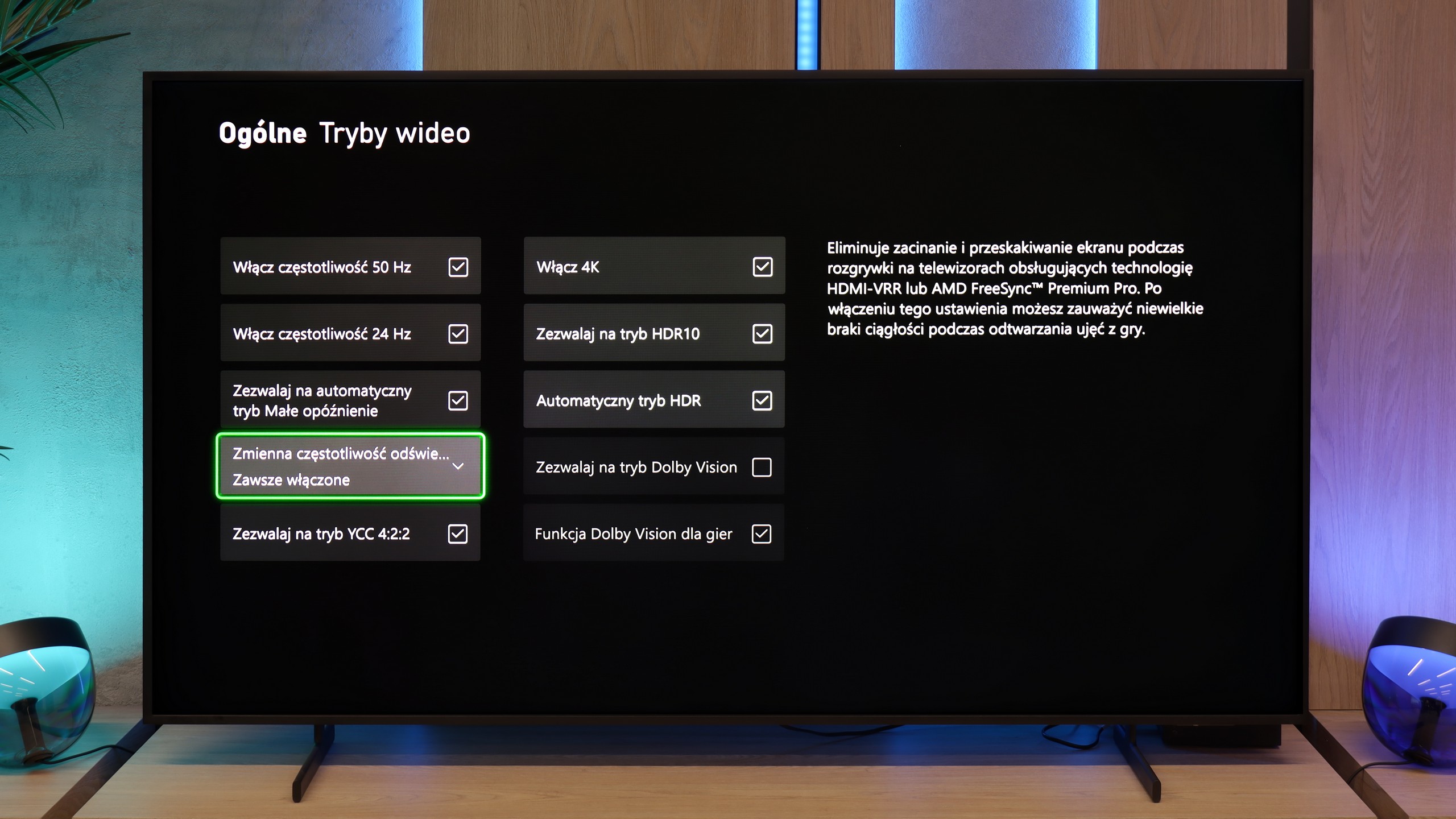
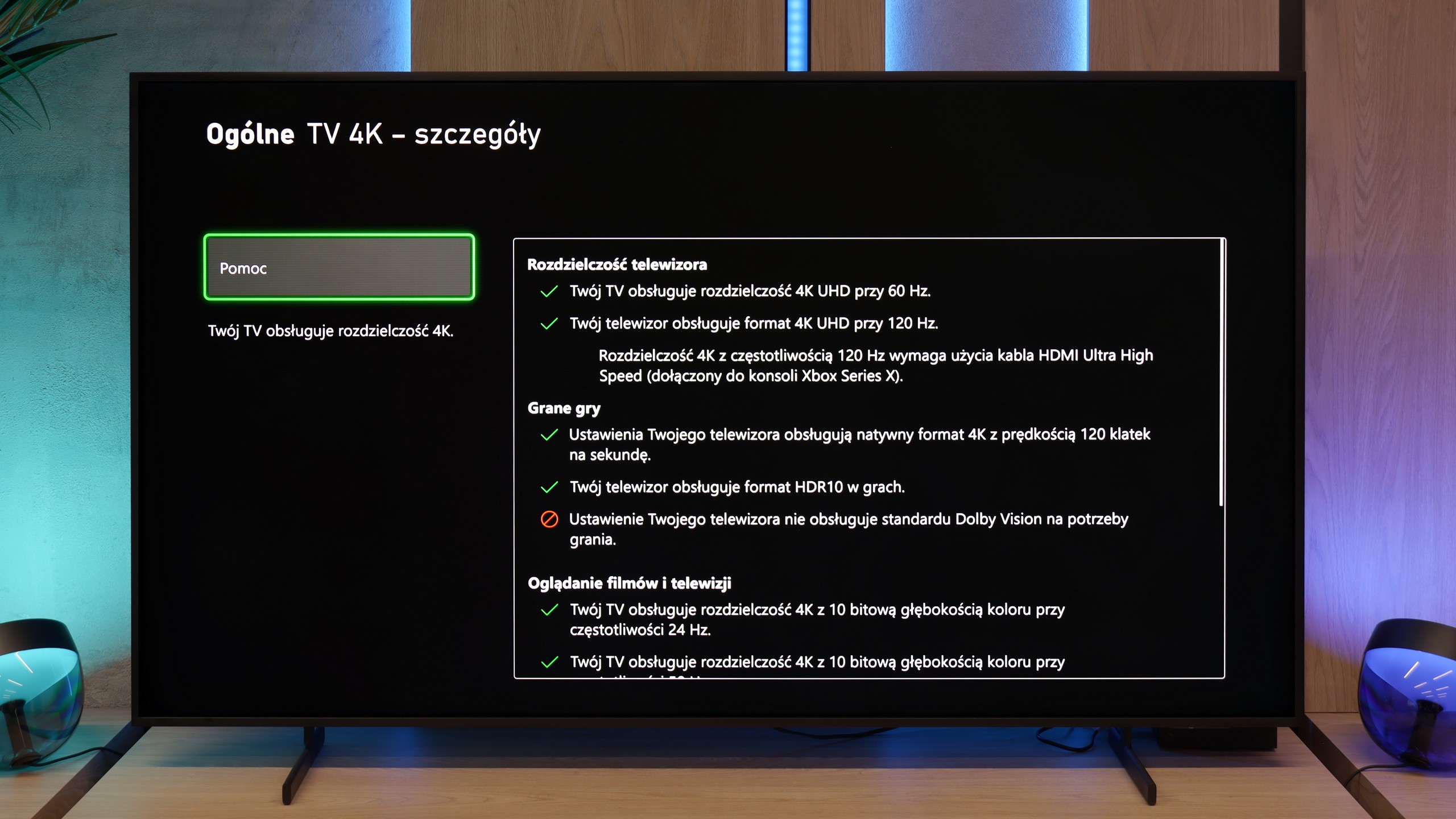
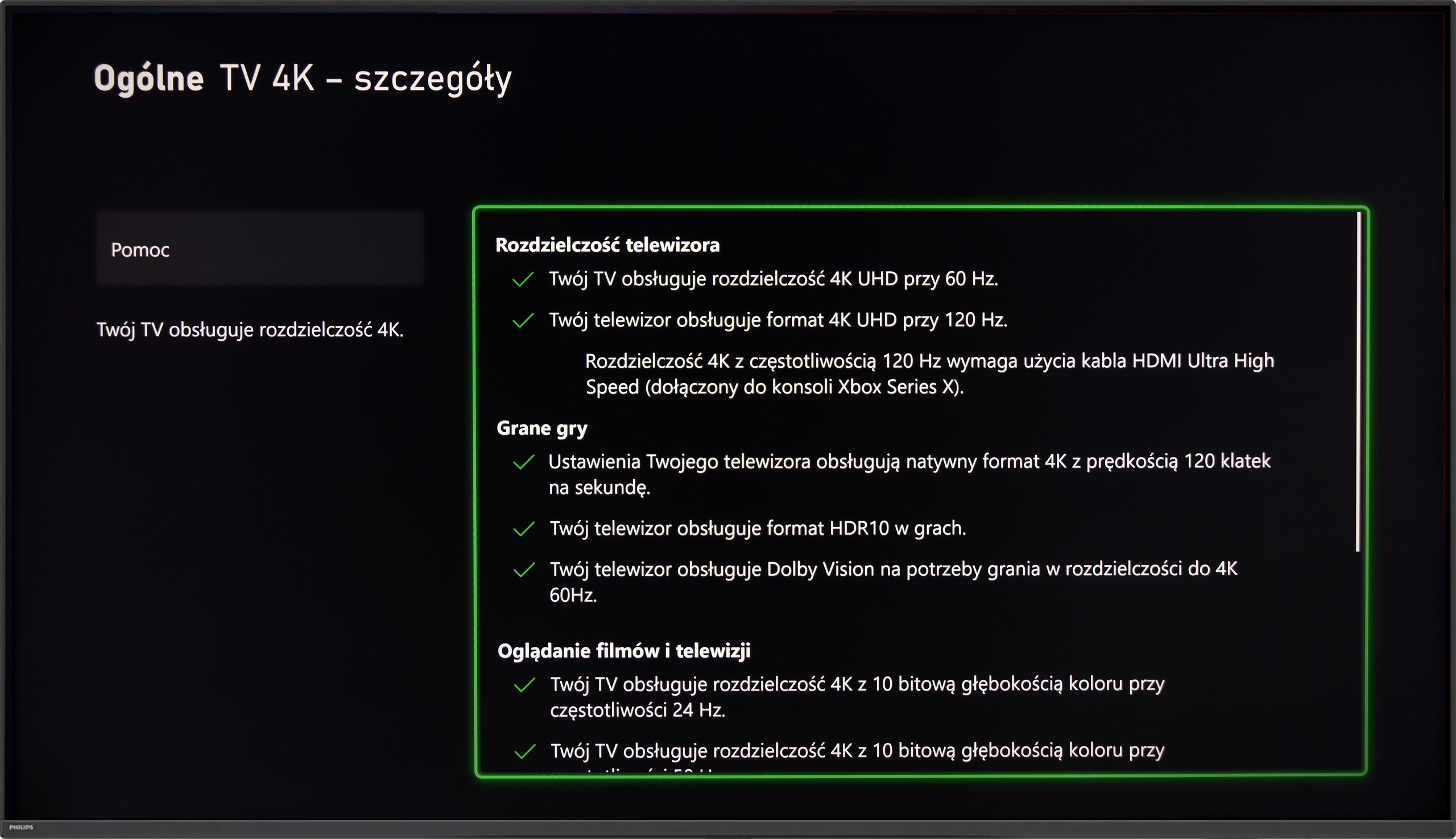
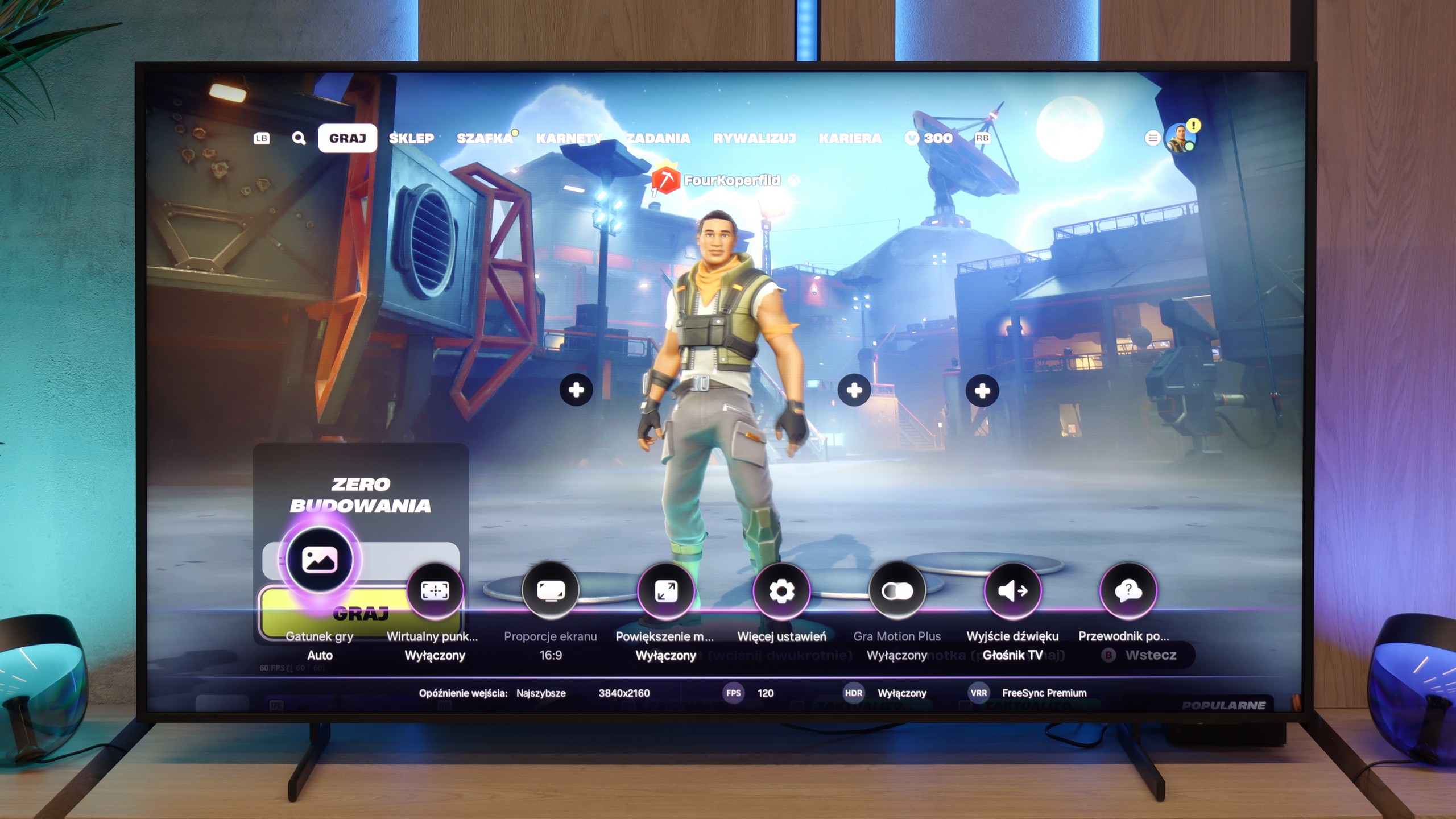
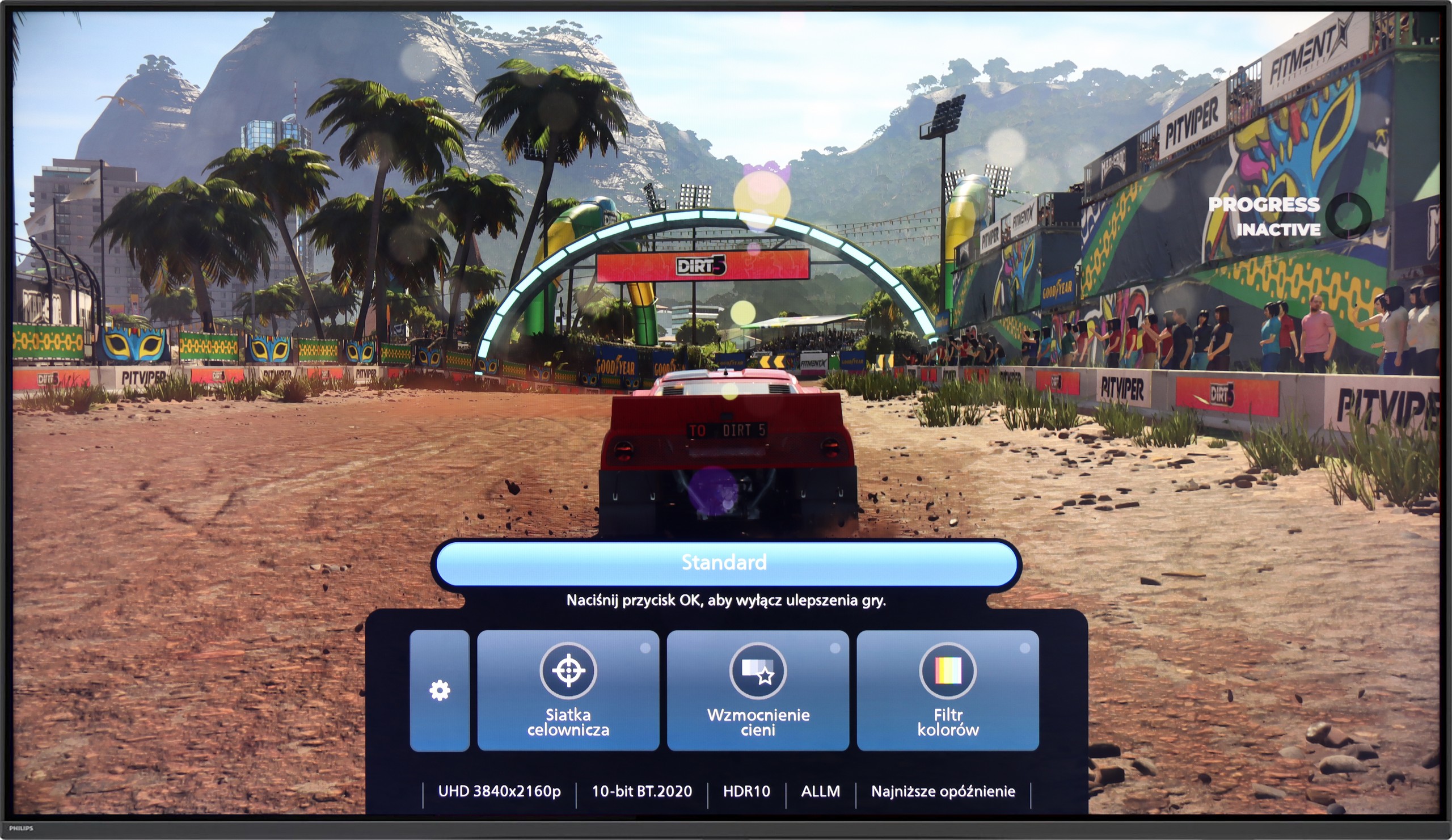
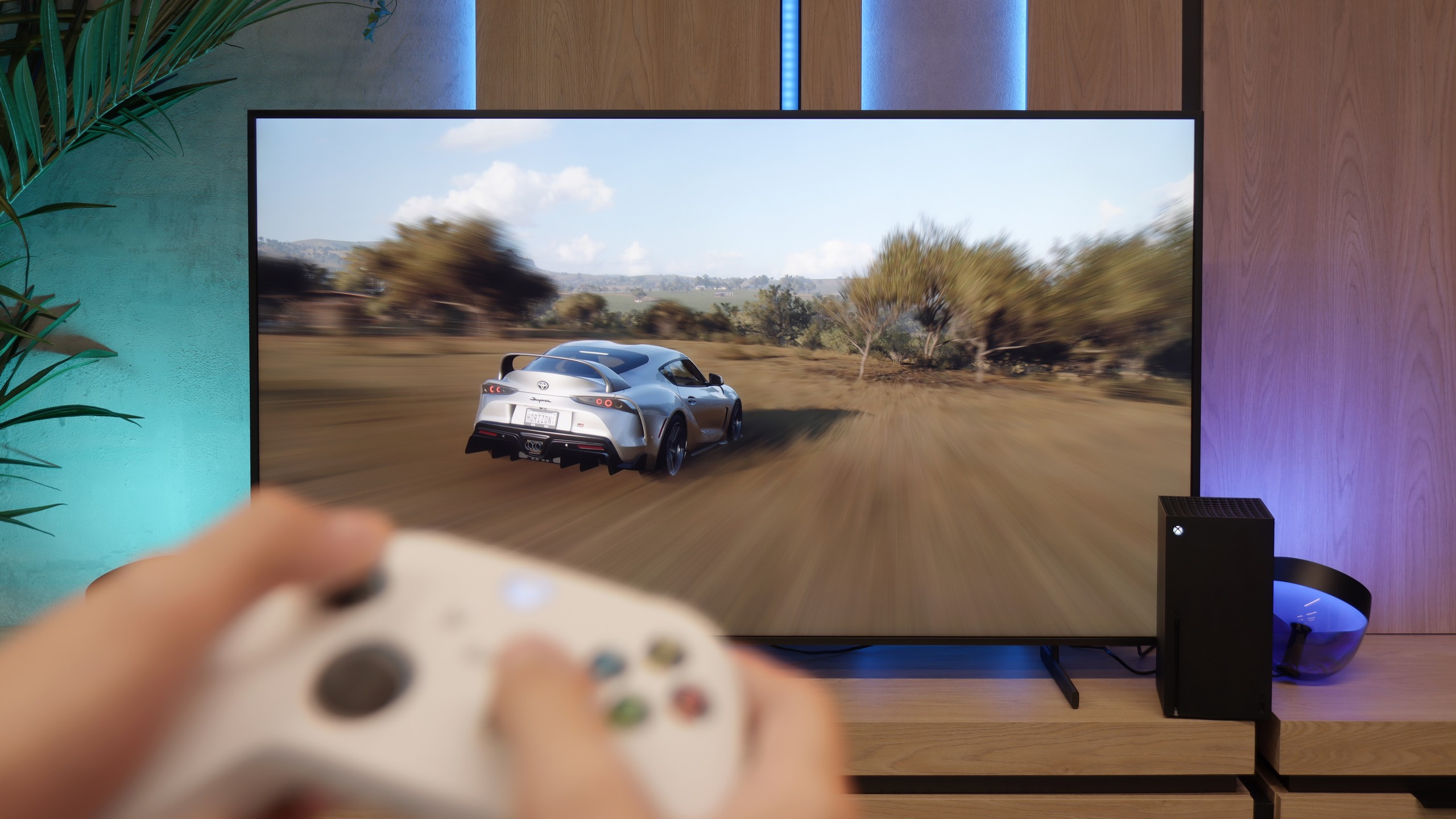
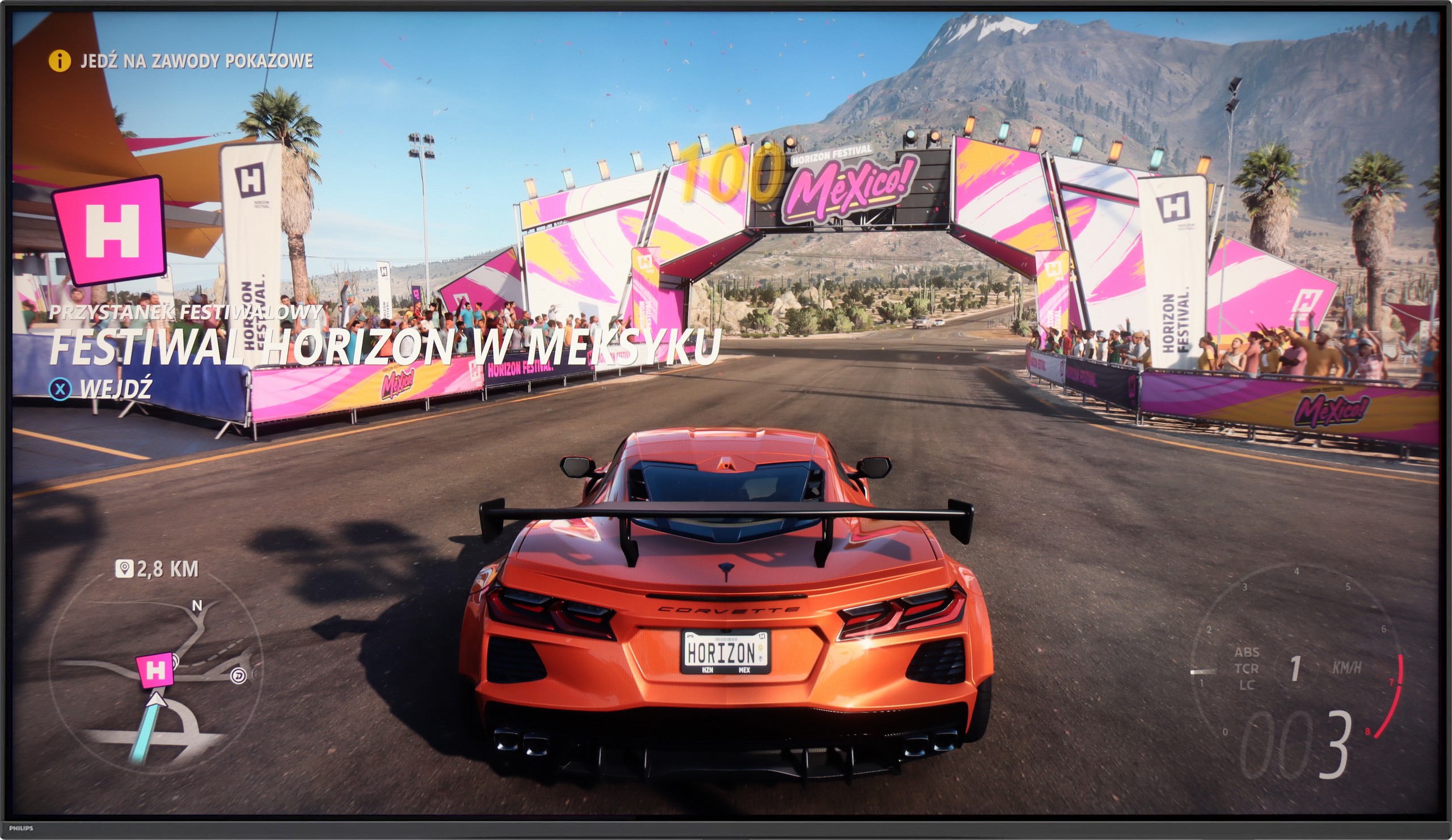
Samsung The Frame Pro does not pretend to be just a “living room” television; here, gamers will also find something for themselves. The manufacturer has ensured a full range of gaming features: we have support for variable refresh rate (VRR), automatic low latency mode (ALLM), refresh rates up to 144 Hz, and compatibility with both G-Sync and FreeSync Premium Pro. Additionally, there is the well-known Game Bar panel, which is a quick menu where key parameters can be checked on the fly—from refresh rates to enabled image processing modes. Are there any downsides? Indeed, The Frame Pro does not support Dolby Vision in game mode, but this is hard to consider a serious issue—most gamers use HDR10 anyway... which means HGIG mode. Exactly. The biggest surprise turned out to be the latest software update. Samsung… completely removed this option from The Frame PRO. In practice, this means that the television independently interprets HDR tone mapping in games, and the user has no way to enable settings developed for consoles. This is a step backwards that may disappoint more knowledgeable gamers hoping for full compliance with HGiG guidelines. We can only hope that this issue will be resolved quickly.
An interesting feature of The Frame Pro is also the unusual arrangement of HDMI 2.1 ports. There are as many as five available—four are located in the One Connect box, and the fifth, in micro HDMI version, is directly on the television. This is quite an unusual solution, but rather practical. Samsung clearly suggests that this is the port to which you should connect your console or computer. Why? Because it minimises potential delays associated with communication through the wireless One Connect, and in the case of gaming, every millisecond matters. We have written separately about input lag, but it can already be revealed here that by connecting equipment directly to the television, we achieve the absolute maximum in response speed.
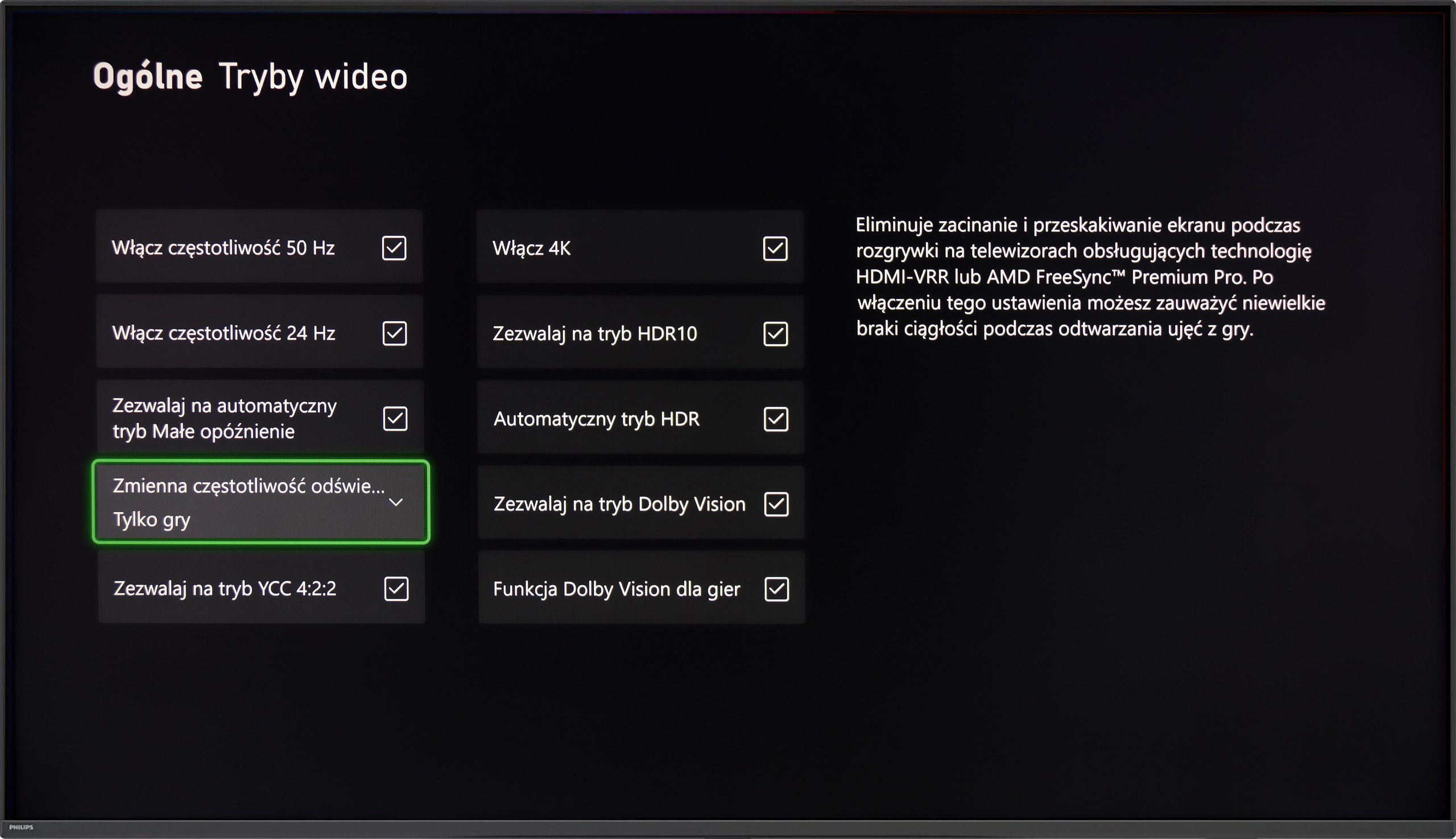
The Philips PUS9010 is a truly solid machine for gaming. It has everything that matters: VRR, automatic game mode (ALLM), and support for HGiG. The latter is a great feature – it allows HDR in games to be set exactly as the developers envisioned. The television handles 120 Hz refresh rates effortlessly at every popular resolution (1080p, 1440p, and 4K). Whether you connect a PS5, Xbox, or a powerful PC, everything functions stably and simply as it should. Gamers will also appreciate the Game Bar. This quick, clear menu immediately shows whether the low latency mode is active. This is especially useful when frequently switching between different consoles. The whole experience is complemented by Ambilight. Evening sessions with this backlighting take the atmosphere to a whole new level – the image seems larger, and dynamic scenes leave an even better impression. Even if someone isn’t a fan of such “gadgets”, it’s hard to deny that it’s impressive.
Input lag
9.9/10
9.5/10
SDR
HDR
Dolby Vision
The Frame Pro in wired mode records truly excellent results. Latencies range from 9 to 14 ms, providing smooth and immediate response in games. These are values that can easily be considered reference – even in dynamic titles, the action proceeds without delays, and the controls are precise and predictable. The situation changes when the wireless One Connect module comes into play. While it allows you to hide cables and enjoy greater freedom of arrangement in the room, it significantly worsens the input lag results. In tests conducted at a distance of 2–3 meters from the television, with no furniture obstructing the path, the values jumped to 50 ms. While this is acceptable when watching films because input lag does not concern us at all, it becomes problematic in games and severely detracts from the experience. It’s a bit of a paradox – on one hand, we have a television that in wired mode offers some of the best results on the market, while on the other, Samsung promotes a solution that proves to be quite detrimental for gamers. After all, the console is one of the key devices we usually connect to the television...
For the record, here are our wireless measurements from a distance of 2-3m:
SDR | HDR |
|---|---|
1080p60 Hz: 39 | 2160p60 Hz HDR: 40 |
1080p120 Hz: 25 | 2160p120 Hz HDR: 25 |
2160p60 Hz: 40 | |
2160p120 Hz: 25 |
In terms of responsiveness, the Philips PUS9010 performs very well. The input lag is around 9 ms at 120 Hz and 18 ms at 60 Hz, so the response to movement with the controller is quick and predictable. In practice, even dynamic action games or esports titles pose no problems. Dolby Vision in games performs less well. The lag then increases to around 35 ms, which will still be acceptable for less demanding players, but more sensitive individuals may start to feel a slight sluggishness in control. For this reason, HDR10 with HGiG enabled remains a better choice. In this model, it works correctly, providing lower latency and more predictable brightness behaviour, without the issues that can arise in Dolby Vision.
Compatibility with PC
8.4/10
8.9/10
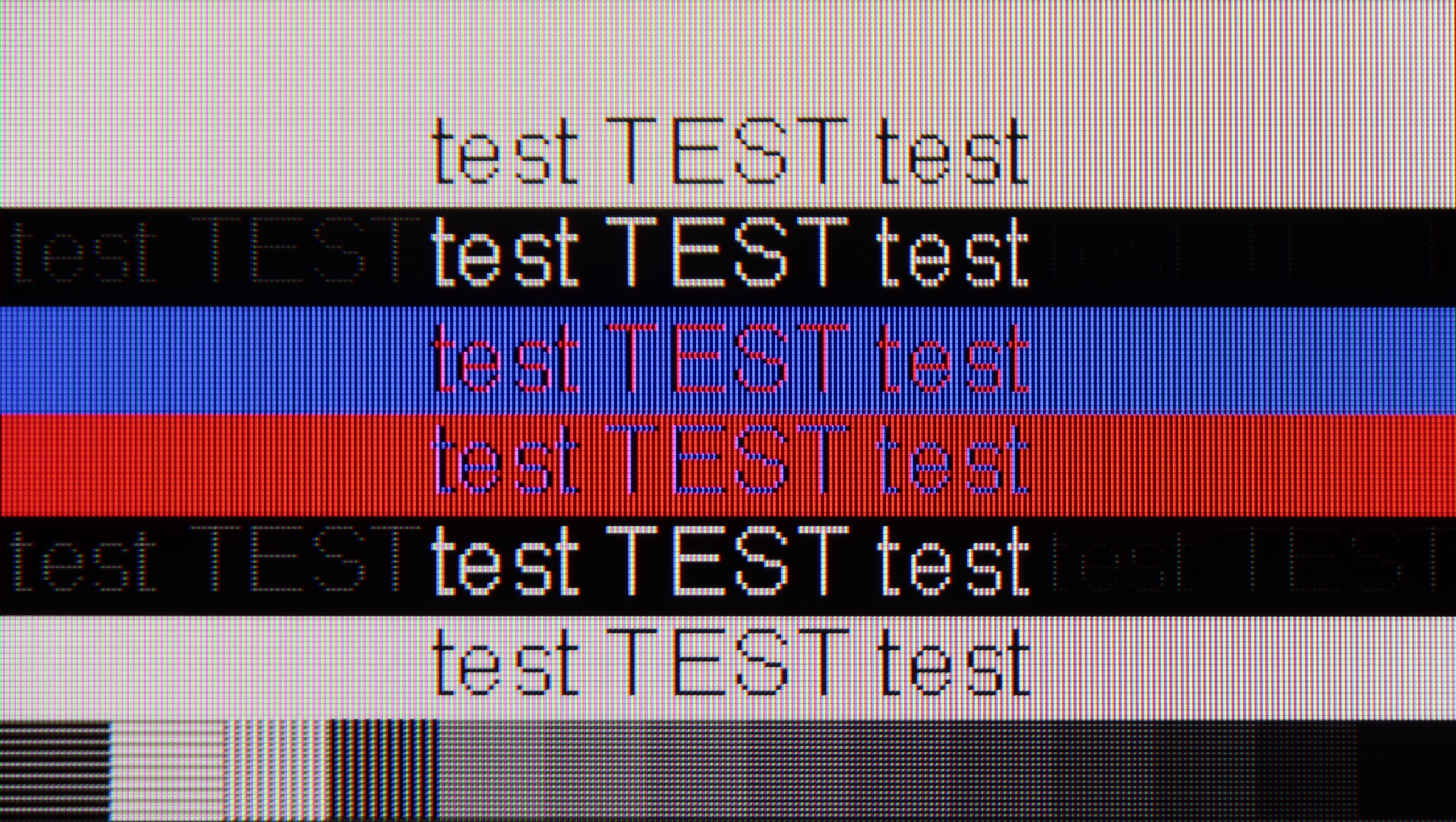
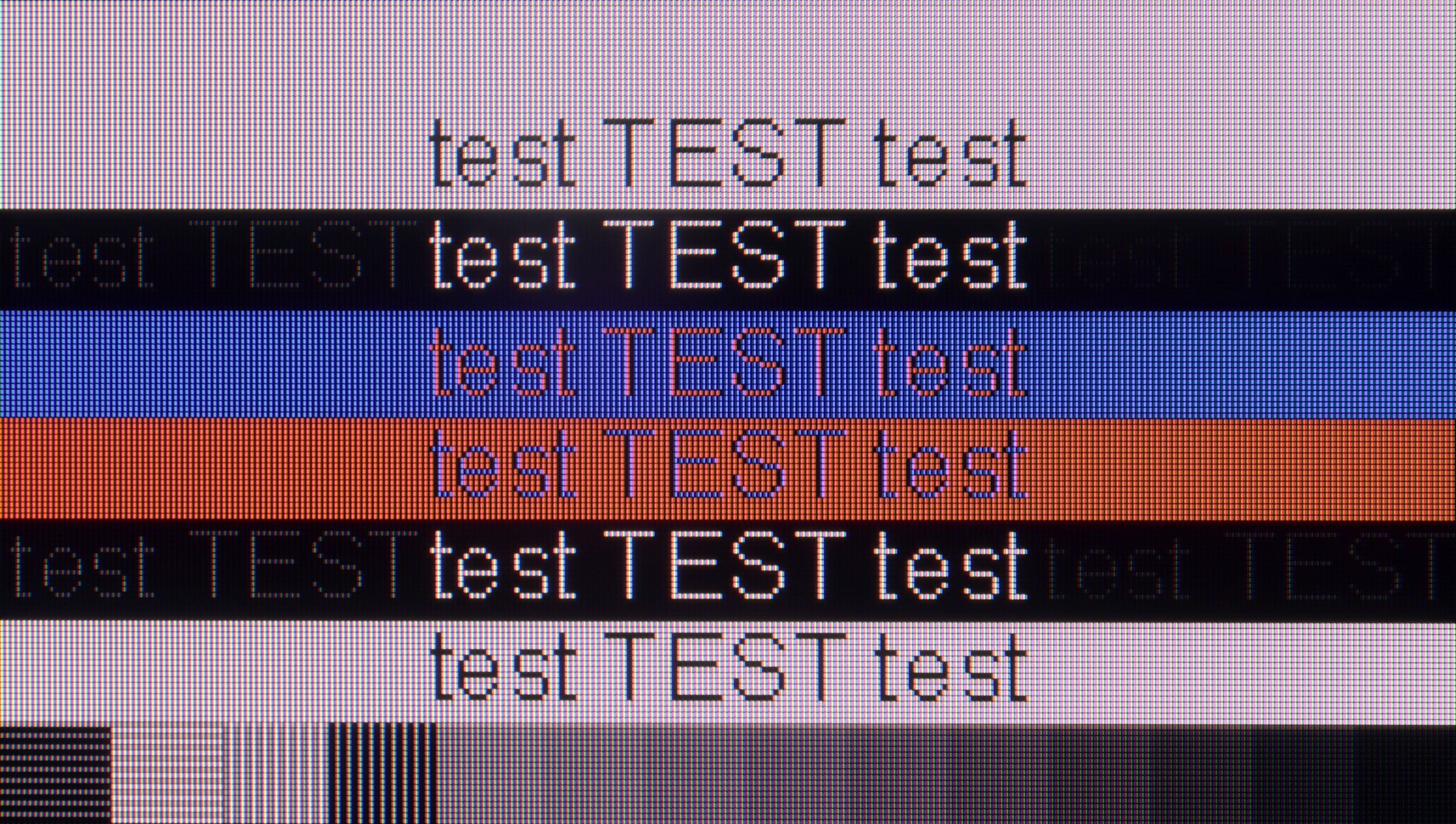
The photo shows the legibility of small fonts. Ideally, lines should be the same thickness on both light and dark text, with minimal pixel gaps.
Connecting The Frame Pro to a computer via cable is basically no philosophy - it works as it should. The image is clear, the fonts look good, you can comfortably manage daily tasks in Word or Excel, and then launch a game, and it’s still fine. However, the real fun begins when we use the wireless module. And here the whole paradox of this television emerges again - a solution that was supposed to make life easier in theory can actually complicate it quite a bit in practice. It’s not just about the aforementioned delays that can be immediately felt when using the mouse, but also about the overall readability of the image. The fonts start to look simply worse, at times you can see what seem like slight stripes, and the letters lose their sharpness, making text work quite exhausting. And it’s really strange that such a simple thing as displaying letters on the screen can fall apart here due to the wireless module. Therefore, if someone plans to use The Frame Pro with a computer - whether for work or gaming - it’s really worth connecting it via cable from the start. Otherwise, you can quickly become frustrated and instead of enjoying a large screen, you’ll feel like your eyes are fighting with the television for every paragraph of text.
The Philips PUS9010 (2025) is a very good television for using with a PC. The manufacturer has provided a dedicated 144 Hz mode for PC gamers, and the television correctly supports variable refresh rates for both NVIDIA and AMD cards. The G-Sync and FreeSync features work seamlessly, making PC gaming smooth and free from screen tearing. Since we already know that the television is very suitable for gaming, it is worth noting the readability of text, especially when working daily on the PC. The use of an IPS panel is definitely a plus in this regard. The chroma has been implemented correctly, so we can talk about almost perfect font rendering. The text is sharp, clear and does not pose problems even with prolonged use. However, we must highlight a minor detail out of our meticulousness. With very dark text, vertical and horizontal lines can have slightly different brightness levels. This is, however, purely a technical flaw, practically imperceptible in practice, especially in the case of the 75-inch variant, where the distance from the screen additionally masks this effect.
Viewing angles
3.1/10
5.8/10
The Frame Pro features a VA panel, which immediately means that viewing angles are not its strong point. Just sitting a bit to the side reveals how the screen starts to lose quality – brightness drops, colours fade, and blacks, which look solid from a central perspective, suddenly resemble more of a dark grey velvet than deep tar. This is most noticeable at around a 40–45 degree angle – there, the image clearly brightens, and colour saturation decreases significantly. Overall, this is nothing new, as most LCD televisions with VA panels behave this way. At the cost of better blacks compared to IPS panels, we get worse viewing angles.
The viewing angles on the Philips PUS9010 are very good, and this is one of the greatest advantages of the IPS panel. Compared to the variant with a VA panel, the difference is noticeable. The picture retains significantly better consistency, and the colours remain stable even when viewed from a sharp angle. Of course, with a change in position, the level of brightness does drop slightly; however, the degradation of the image is much less than in the VA version. It is not at the level known from OLED screens, but among LCD televisions, one can say that it has some of the better viewing angles available on the market.
Daytime performance
7/10
5.4/10
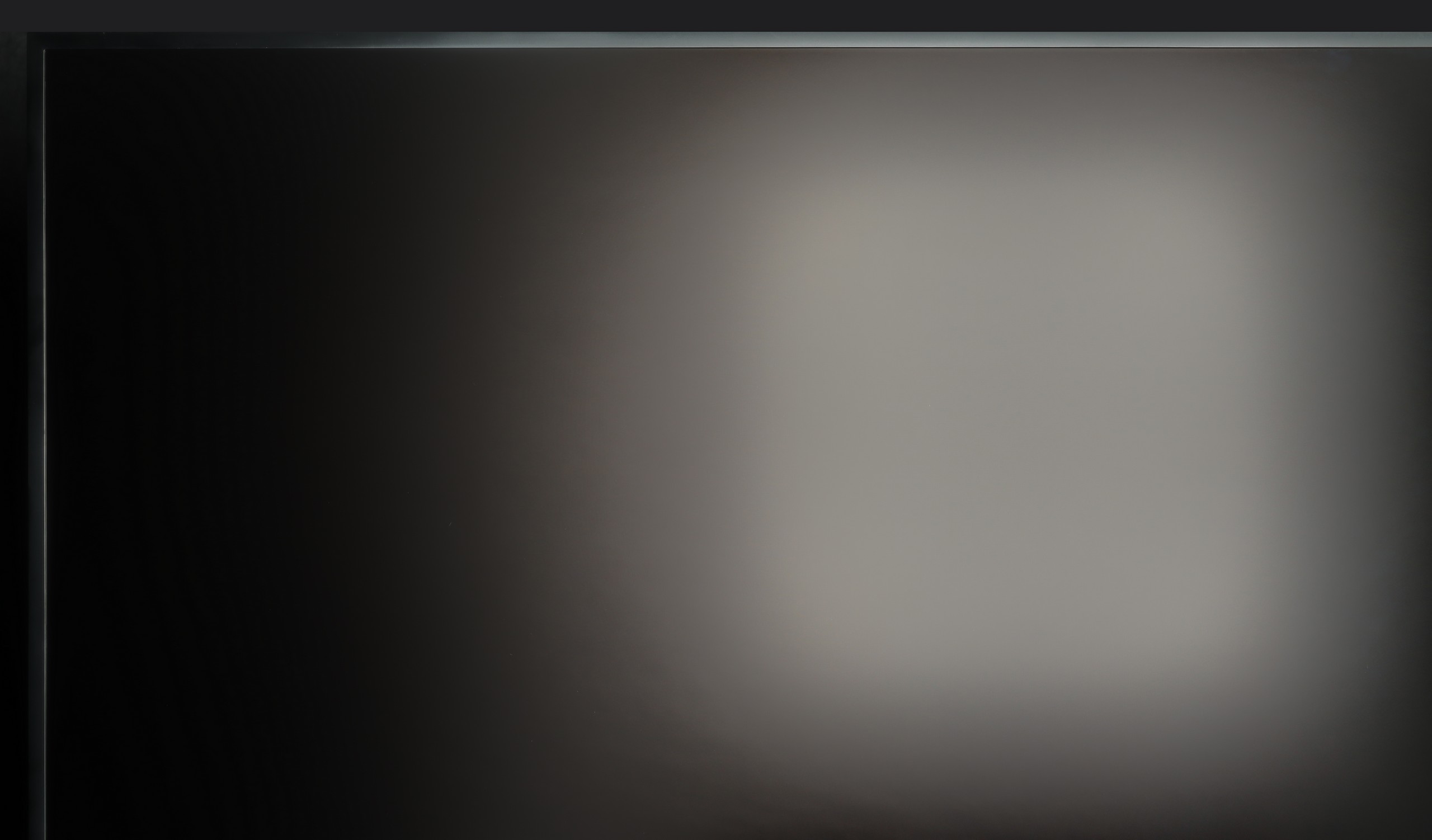


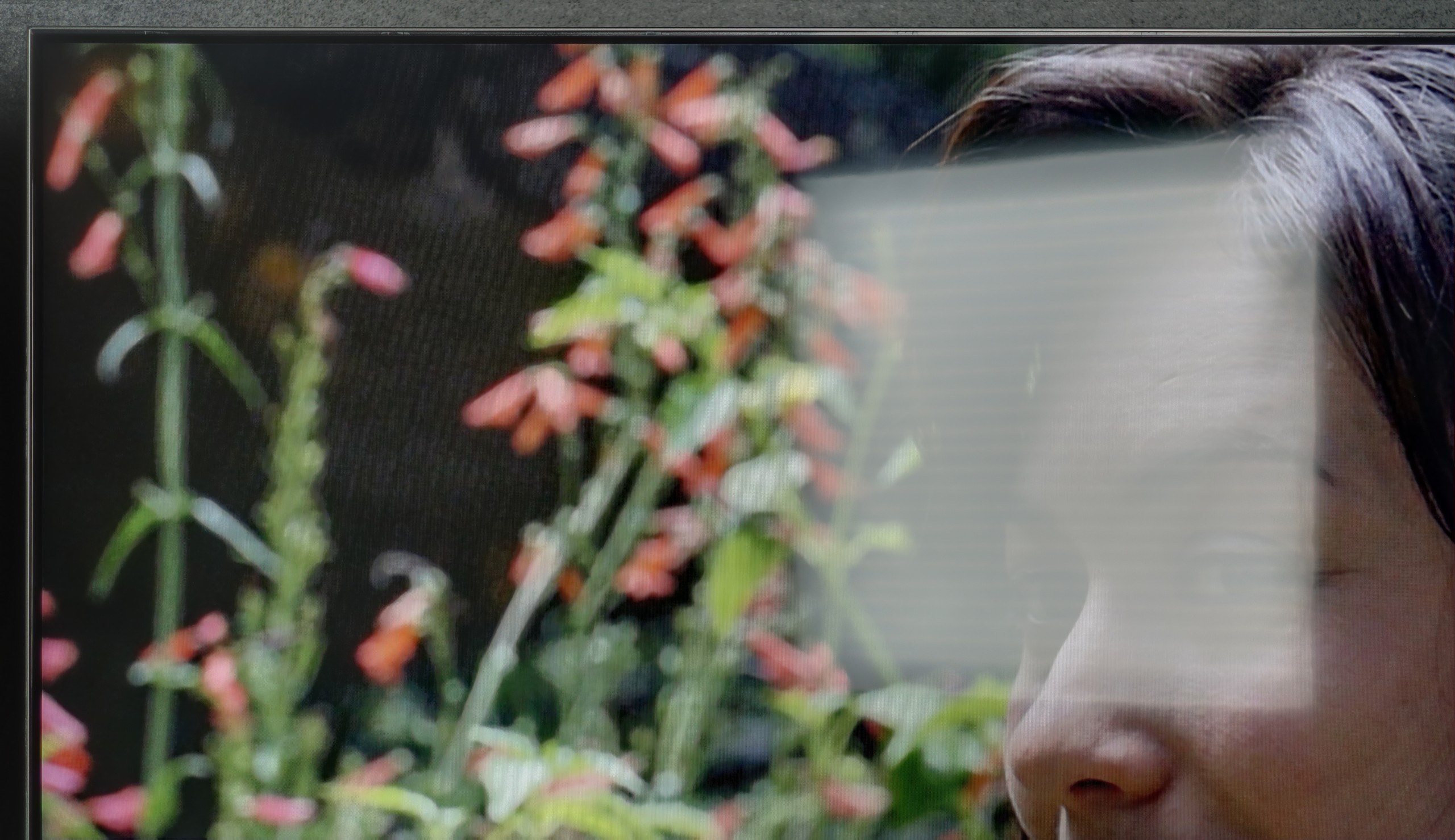
Panel brightness
PHILIPS PUS9010 (IPS): 398 cd/m2
Samsung The Frame Pro: 614 cd/m2
The Frame series has been distinguished by its matte screen coating for several years, and The Frame Pro from 2025 is no exception. It is thanks to this that you can rest assured that light reflections will not irritate you even in a brightly lit living room. Samsung has refined this technology to near perfection over the years, and today it can confidently be said that it is the best matte screen available in televisions. The colours still look good and do not drastically lose saturation, as is the case with cheaper, Chinese designs. The blacks also remain at a decent level, although it must be admitted that in extremely bright lighting conditions, the colours can slightly flatten and lose depth. However, this is a small price to pay for the complete lack of reflections on the screen – and this can be priceless in everyday use. The brightness must also be noted as a plus – around 600 nits in SDR mode ensures that the image cuts through daylight effortlessly and will look satisfactory in most rooms.
In terms of use in a bright room, the Philips PUS9010 performs reasonably well. The applied satin matrix effectively dampens reflections and does not create a mirror effect, which means the screen doesn't scatter as much light from windows or lamps. Unfortunately, compared to the VA panel variant, the television performs worse. The screen is noticeably darker, which can be felt in a very sunny room. Under normal daytime conditions, this does not pose a major problem; however, in very bright surroundings, the difference compared to the VA version is noticeable.
Panel details
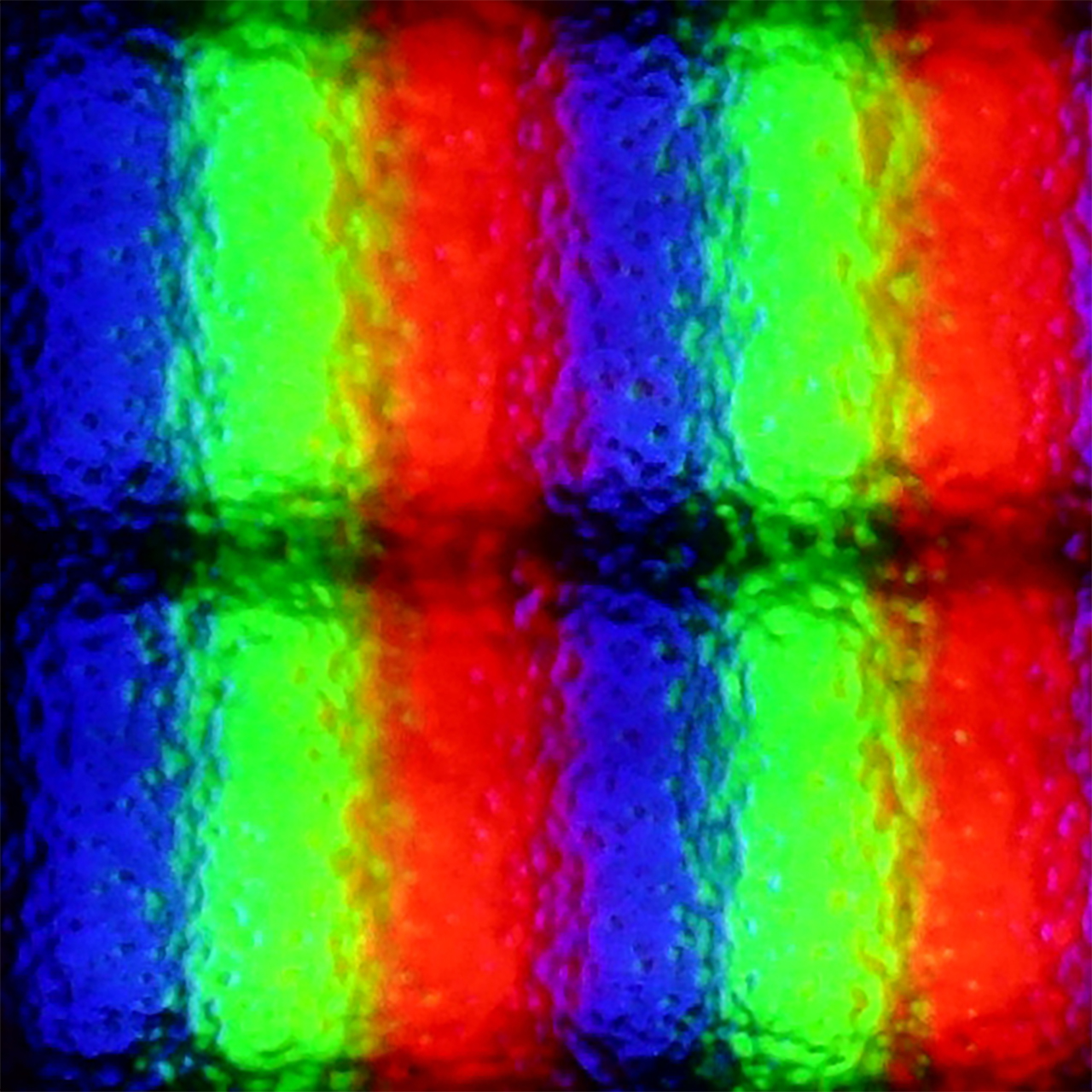
Subpixel Structure:
Panel uniformity and thermal imaging:
Samsung The Frame Pro
PHILIPS PUS9010 (IPS)
TV features
7.7/10
6.1/10
- HDMI inputs0 x HDMI 2.0, 5 x HDMI 2.1 48Gbps2 x HDMI 2.0, 2 x HDMI 2.1 48Gbps
- Other inputsToslink (Optical audio)
- OutputsToslink (Optical audio), eARC (HDMI), ARC (HDMI)Toslink (Optical audio), eARC (HDMI), ARC (HDMI), Mini-Jack (Headphones)
- Network InterfacesWi-Fi 2.4GHz, Wi-Fi 5GHz, Ethernet (LAN) 100MbpsWi-Fi 2.4GHz, Wi-Fi 5GHz, Ethernet (LAN) 1Gbit
- TV receptionDVB-T, DVB-T2, DVB-S, DVB-S2, DVB-CDVB-T, DVB-T2, DVB-S, DVB-S2, DVB-C
Classic features:
- Recording to USB (terrestrial TV)
- Recording programming
- Picture in Picture (PiP)
- RF remote control (no need to aim)
- Backlit remote control
- Teletext
- Audio only mode
- Bluetooth headphones support
- Simultaneous Bluetooth headphones & TV audio
Smart features:
- AirPlay
- Screen mirroring (Windows Miracast)
- Voice search
- Voice search in native language
- Ability to connect a keyboard and mouse
Smart Features
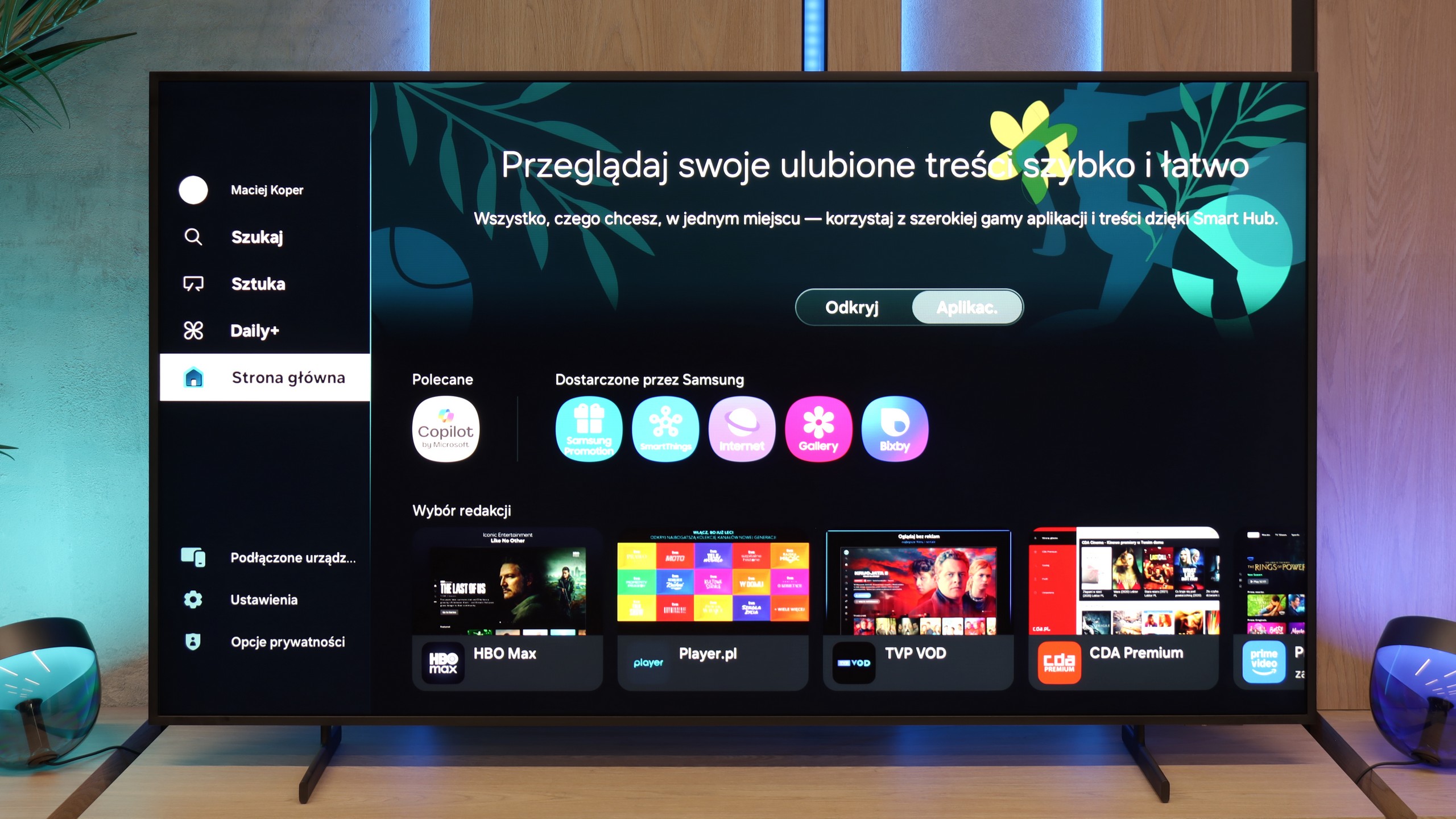
Samsung The Frame Pro runs on the Tizen operating system, which has long been a hallmark of the Korean manufacturer. It is one of the most refined smart TV environments – fast, stable, and intuitive. Practically all popular streaming applications are available here, and the interface operates smoothly with minimal delays. It also supports features such as AirPlay 2, screen mirroring, and the ability to control the television using voice commands via Bixby, Alexa, or Google Assistant.
Television Functions
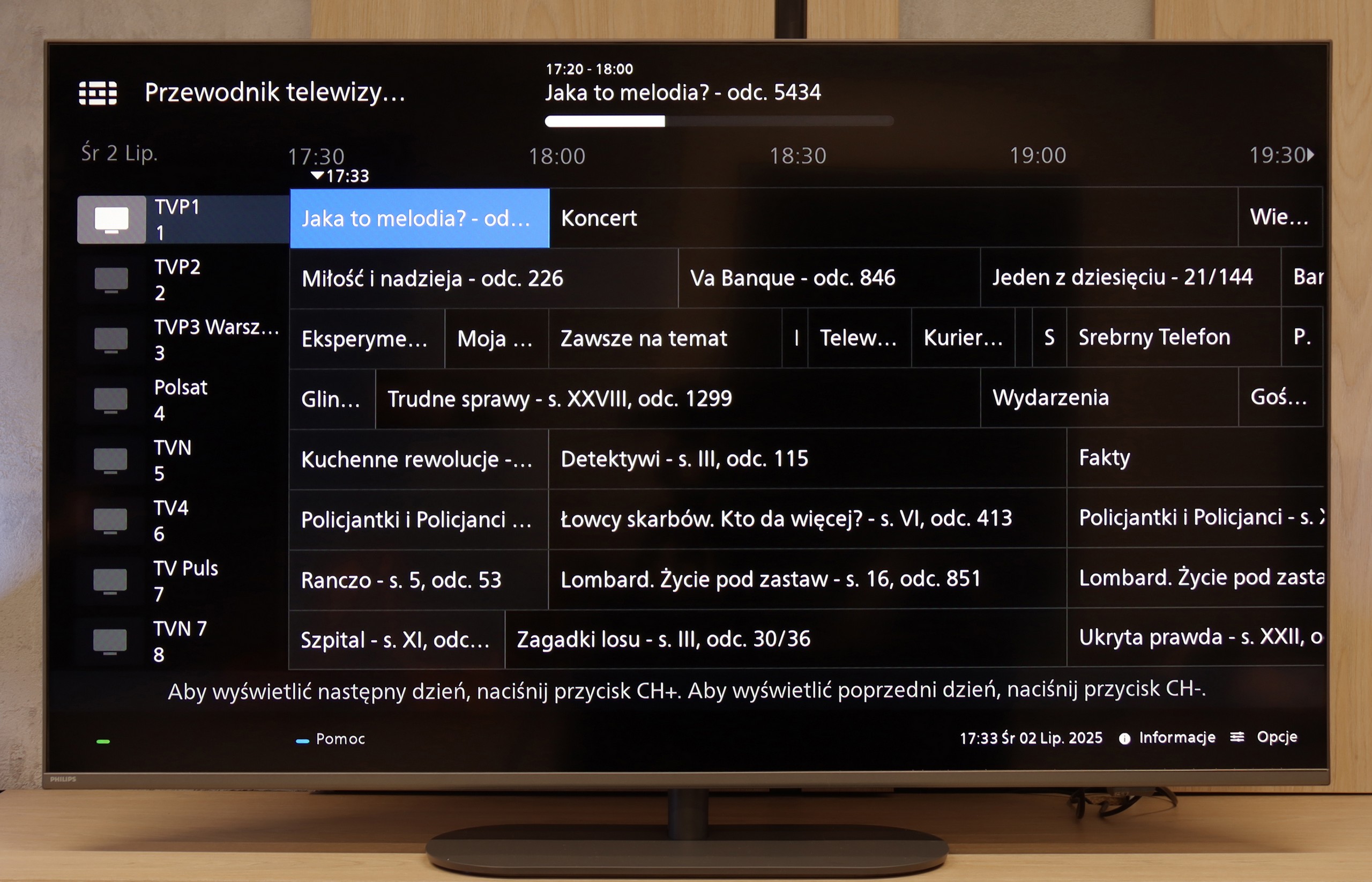
As for classic television functions – as is the case with almost every Samsung – this is not the device's strongest suit. We receive a clear EPG guide, teletext support, the ability to connect headphones via Bluetooth, and that’s about it. More advanced tools known from televisions (e.g. recording to USB or PiP) are not to be found here. However, this is standard in Samsung's offering. The manufacturer has been setting trends for several years and focuses mainly on smart features, while traditional television is treated somewhat neglectfully.
Art Store and Interchangeable Frames – a Unique Element of the Series
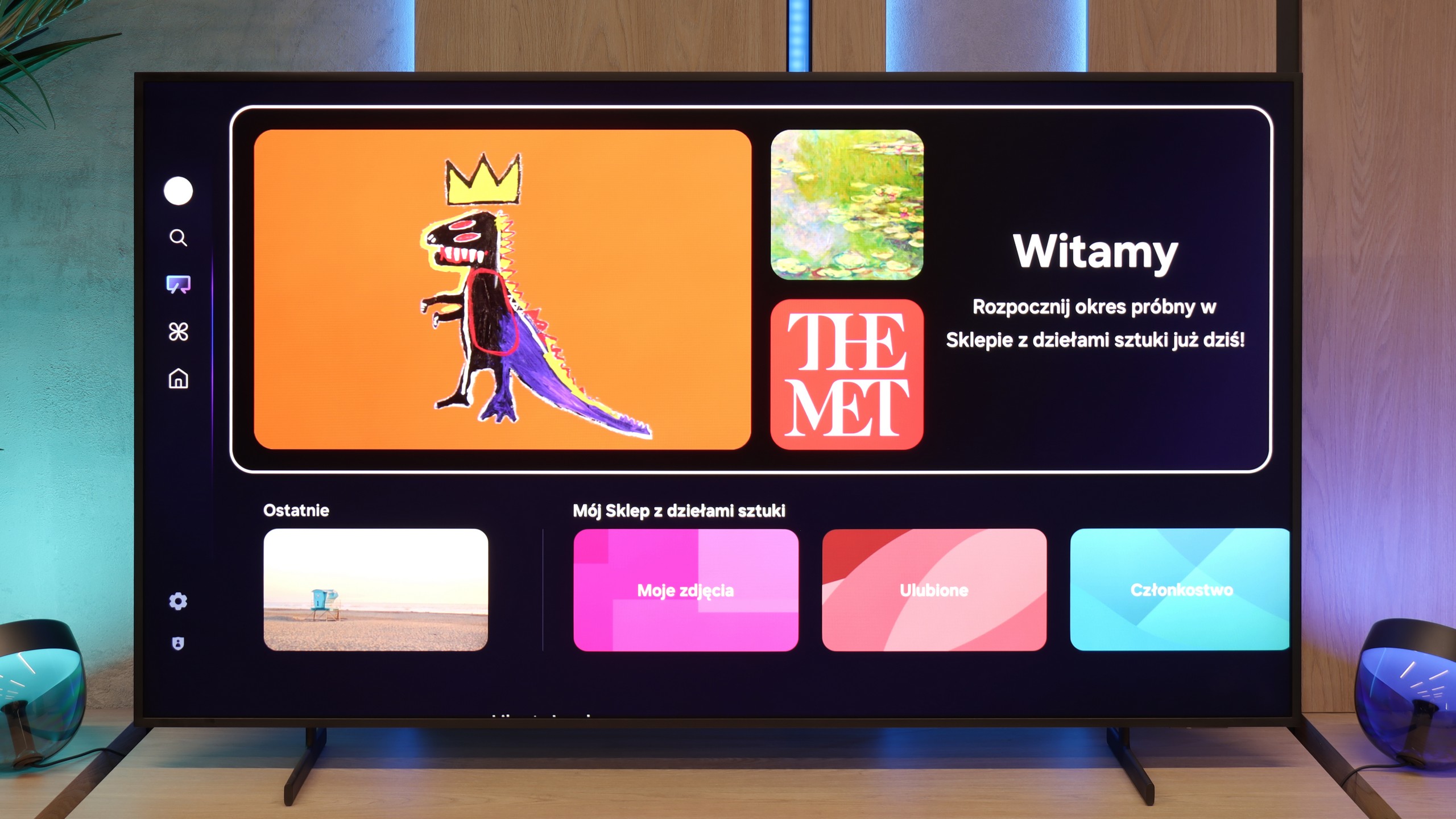
What has distinguished the The Frame series from the very beginning of its existence is the Art Mode and the Art Store application. Thanks to it, we can display reproductions of artworks on the screen, from classics to modern graphics. The service is indeed paid (in the form of a subscription or a one-off annual fee), but it ensures that the materials are prepared in the highest quality, making the displayed images look almost like they were painted. This element, along with the option of exchanging the television's frames, makes The Frame Pro serve a dual purpose as a television as well as a design element in the interior.
Wireless One Connect Module
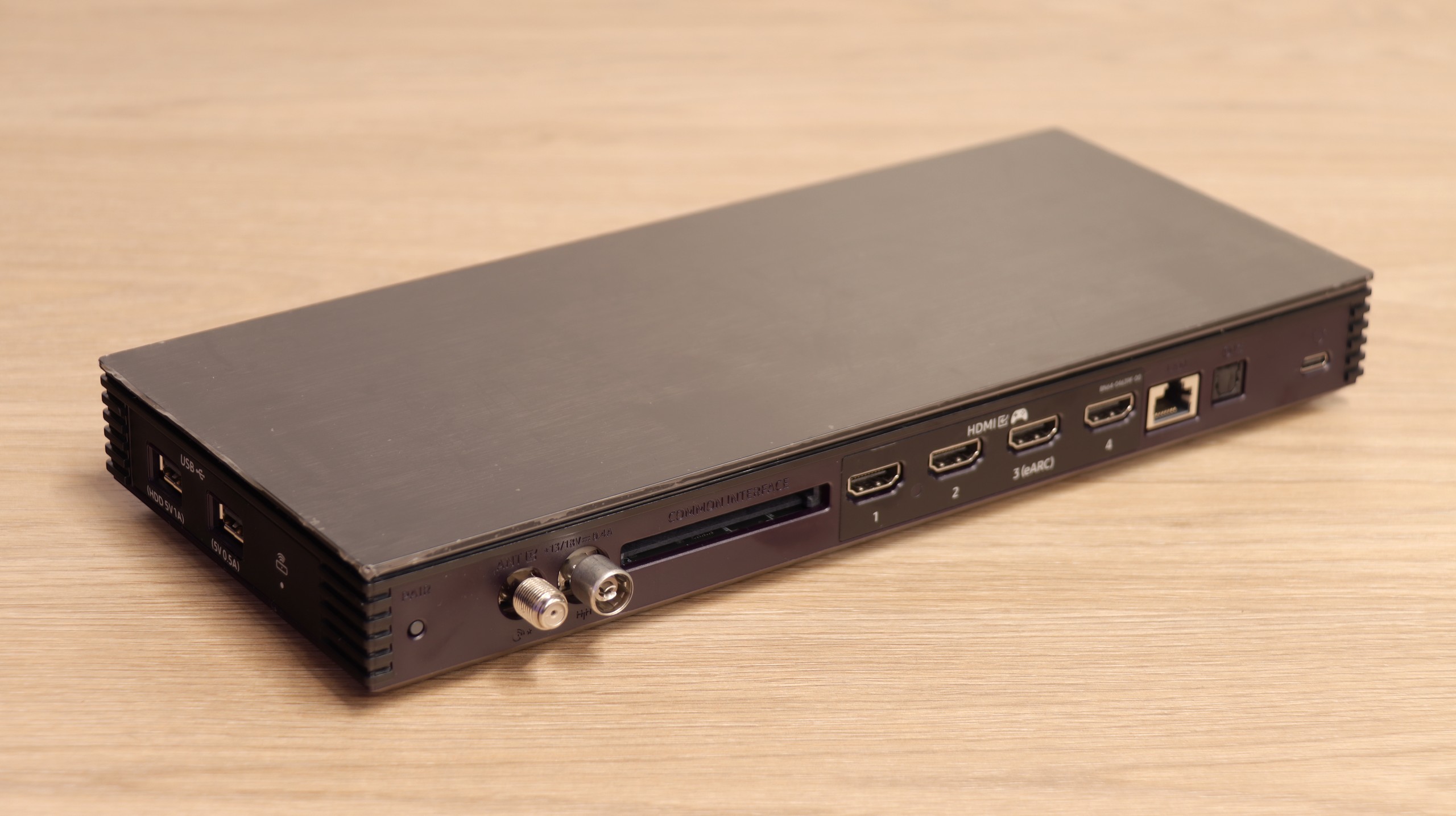
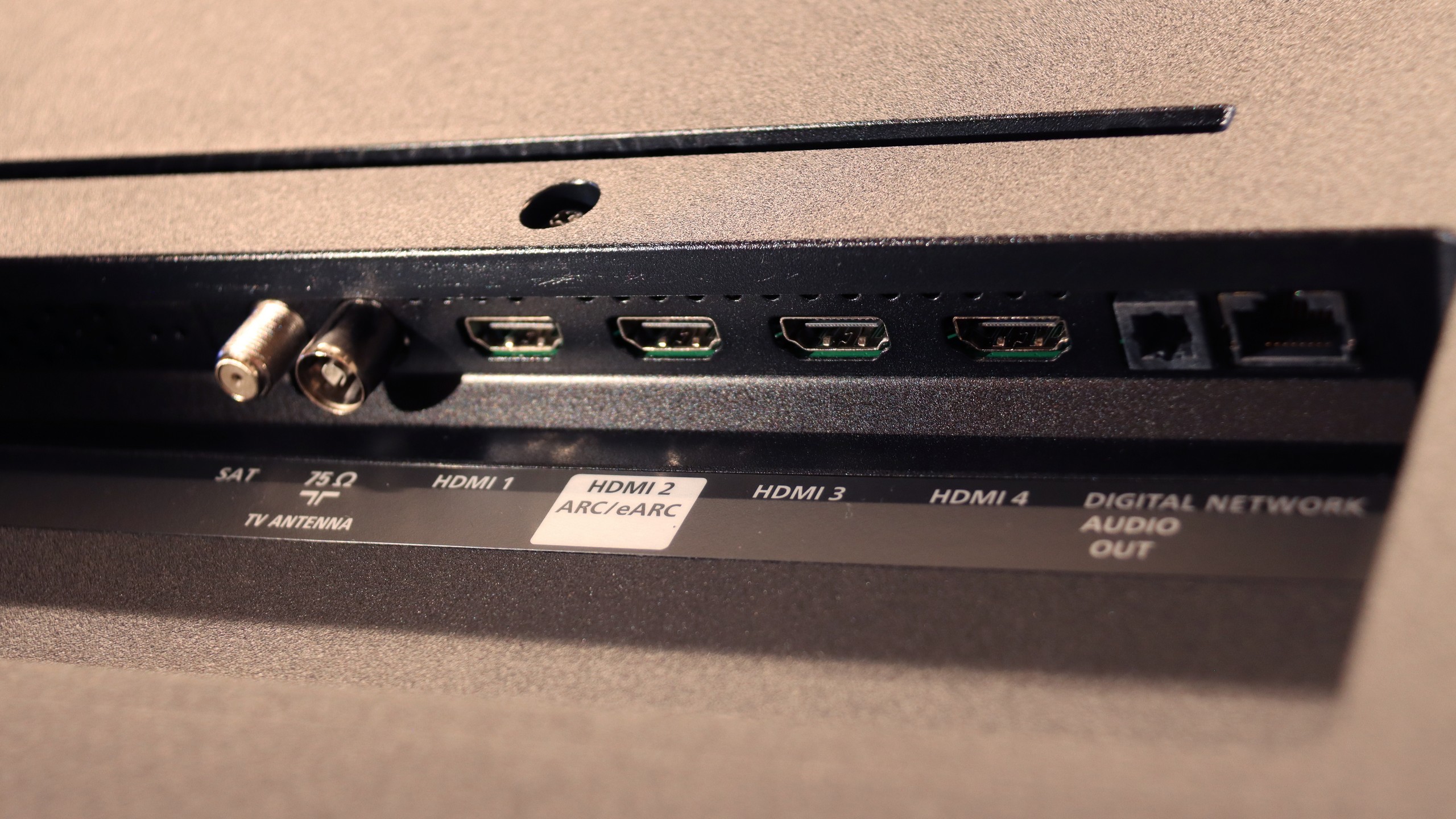
The second unique element of The Frame PRO is the One Connect wireless module, which houses all HDMI ports and other connections. Thanks to this, the television itself can hang on the wall almost like a real painting, while all the electronics and cables can be placed in a separate box set even a few meters away. The device is powered via USB-C and handles all of the television's "thinking" processes. While this solution has its limitations for gamers or those using PCs (delays, deterioration of font quality), it works excellently for connecting an amplifier, decoder, or individual multimedia devices. It is a very "gadgety" solution, but in everyday use, it proves to be simply convenient and allows for better space arrangement in the living room.
Classic TV Features
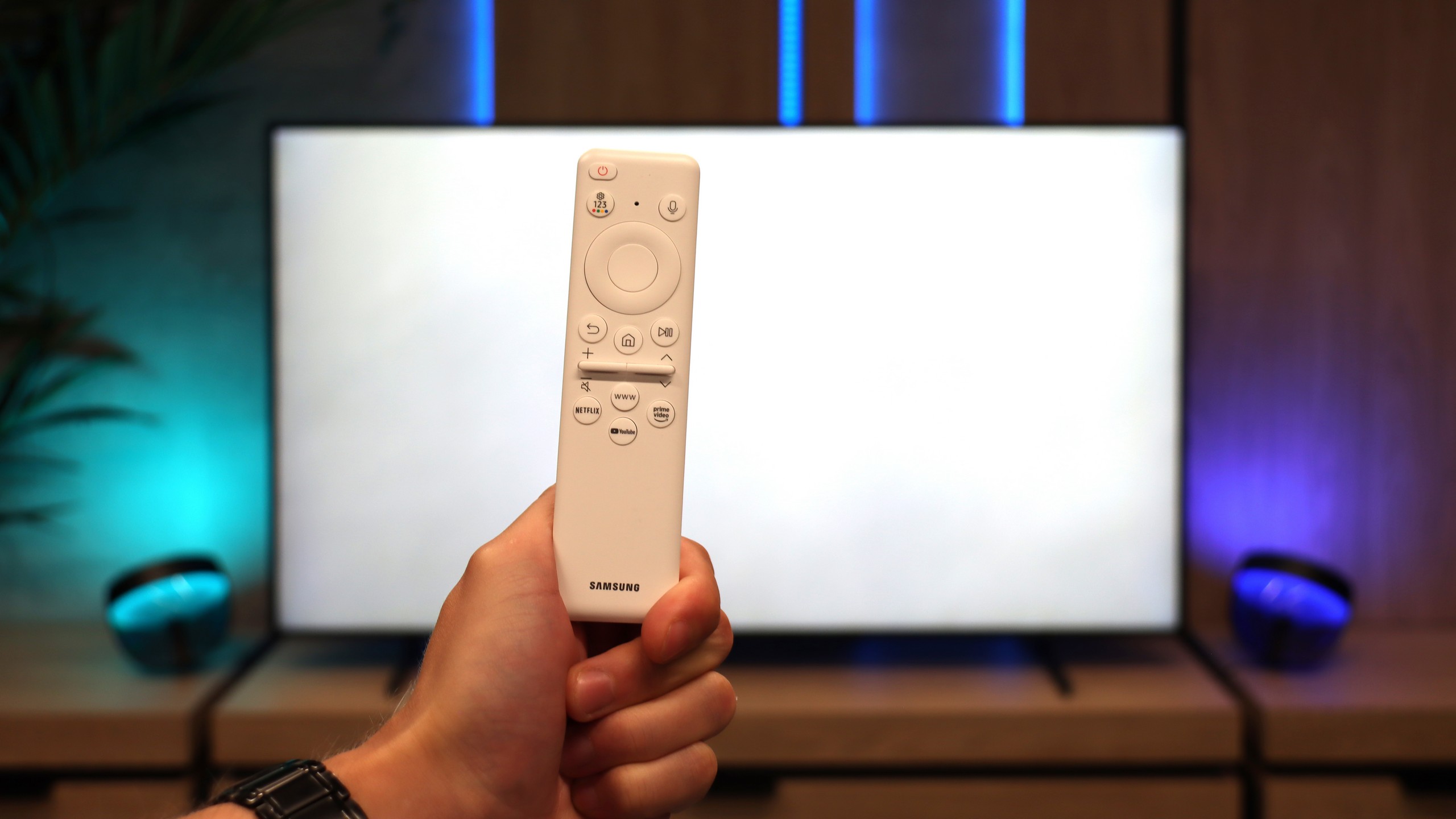
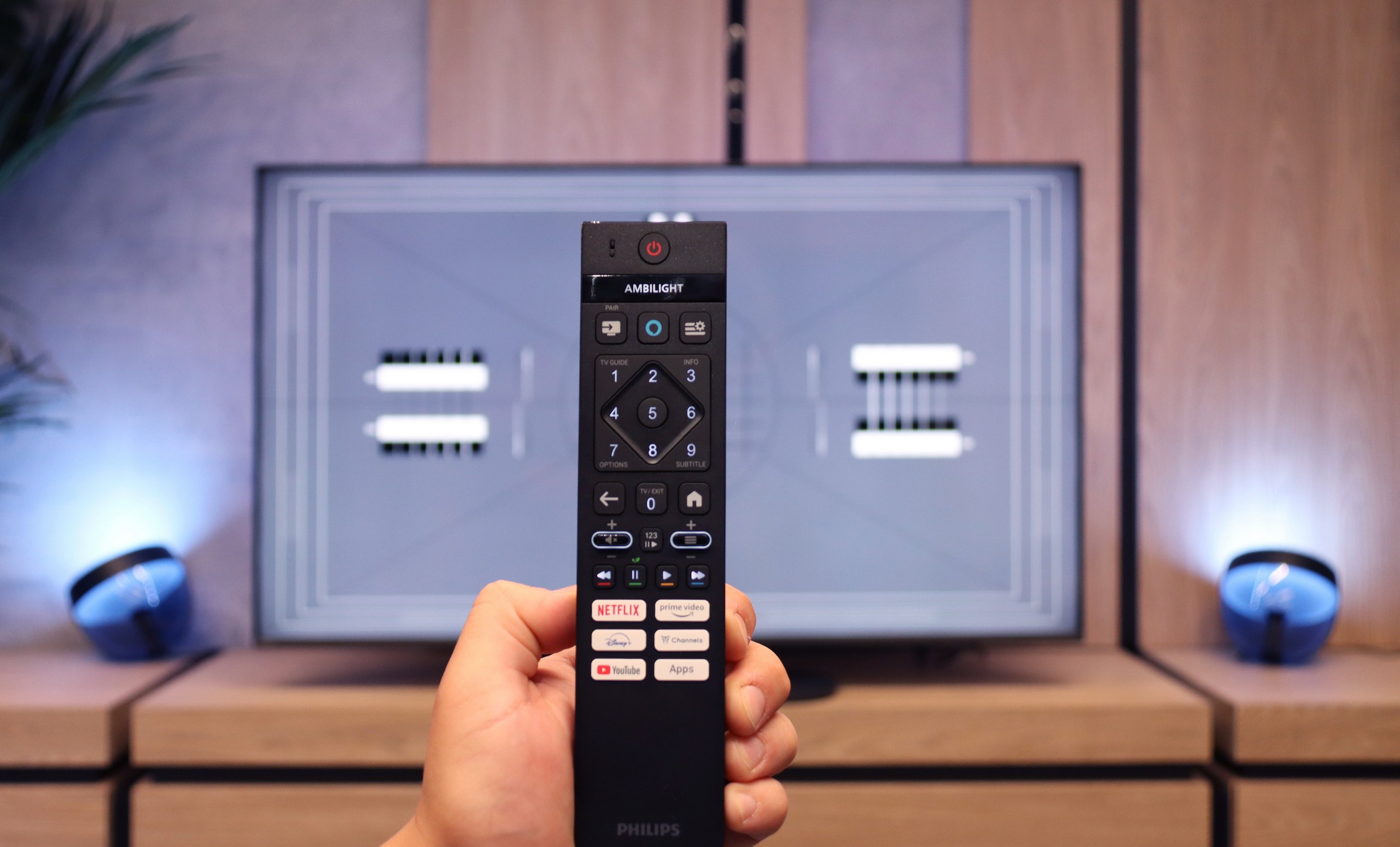
When it comes to classic features, the Philips PUS9010 is rather average. Onboard, we find the basics such as EPG, teletext, and the ability to connect headphones via Bluetooth. However, this is where the list of stronger points essentially ends. Unfortunately, it lacks USB recording and PiP (picture in picture) mode. These are features that are becoming increasingly rare but can still be useful in everyday use. A plus is the remote control with a numeric keypad. It is modern, backlit, and visually makes a very good impression. It's just a shame that it is still an infrared remote, so it requires aiming at the screen. With such a modern look, one would expect Bluetooth radio control.
Smart TV
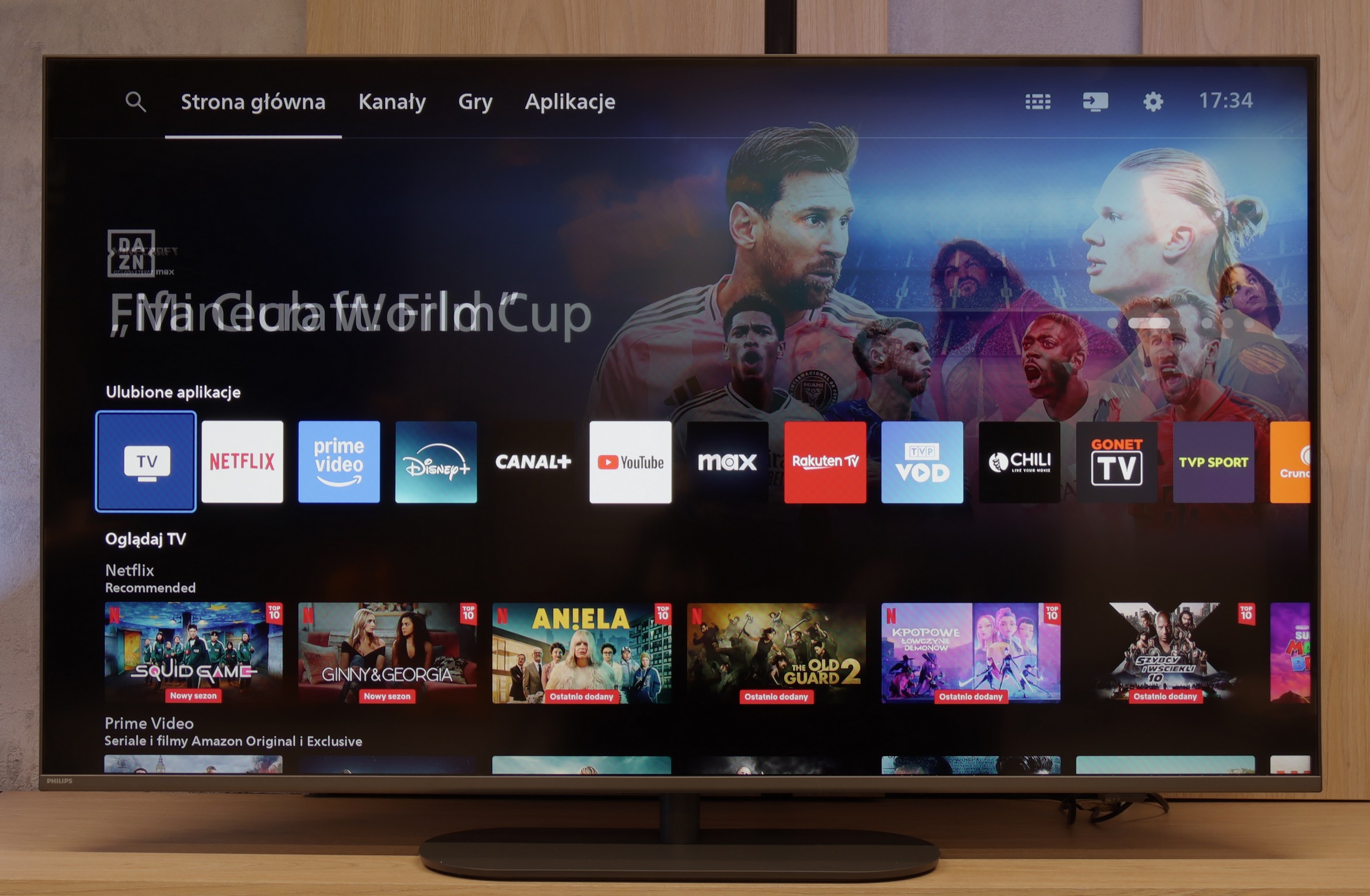
Most Philips TVs from 2025, including the PUS9010, operate on the Titan OS system. This is still a relatively young platform, and unfortunately, its limitations are still apparent. The system itself runs quite smoothly, noticeably better than in the manufacturer's cheaper models, and during tests, it did not encounter issues when using screen mirroring or AirPlay, which is still not a given. However, the biggest drawback remains the limited number of available apps. This can be partially circumvented by connecting a keyboard and mouse to the TV and using the built-in web browser, but this is more of an emergency solution than a convenient everyday option.
Apps
9.3/10
6.7/10






















Playing files from USB
9.1/10
7.9/10
Supported photo formats:
Maximum photo resolution:
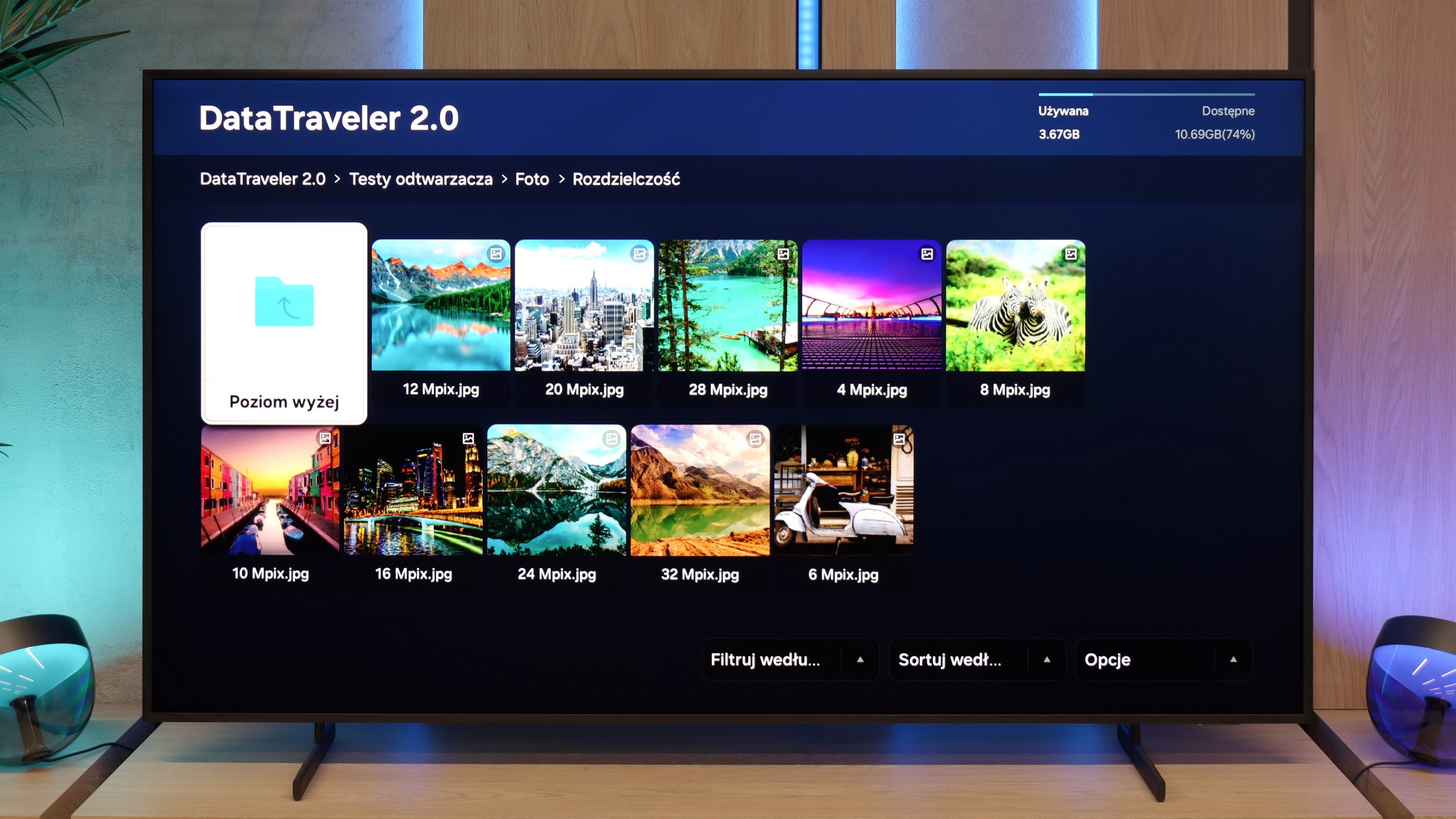
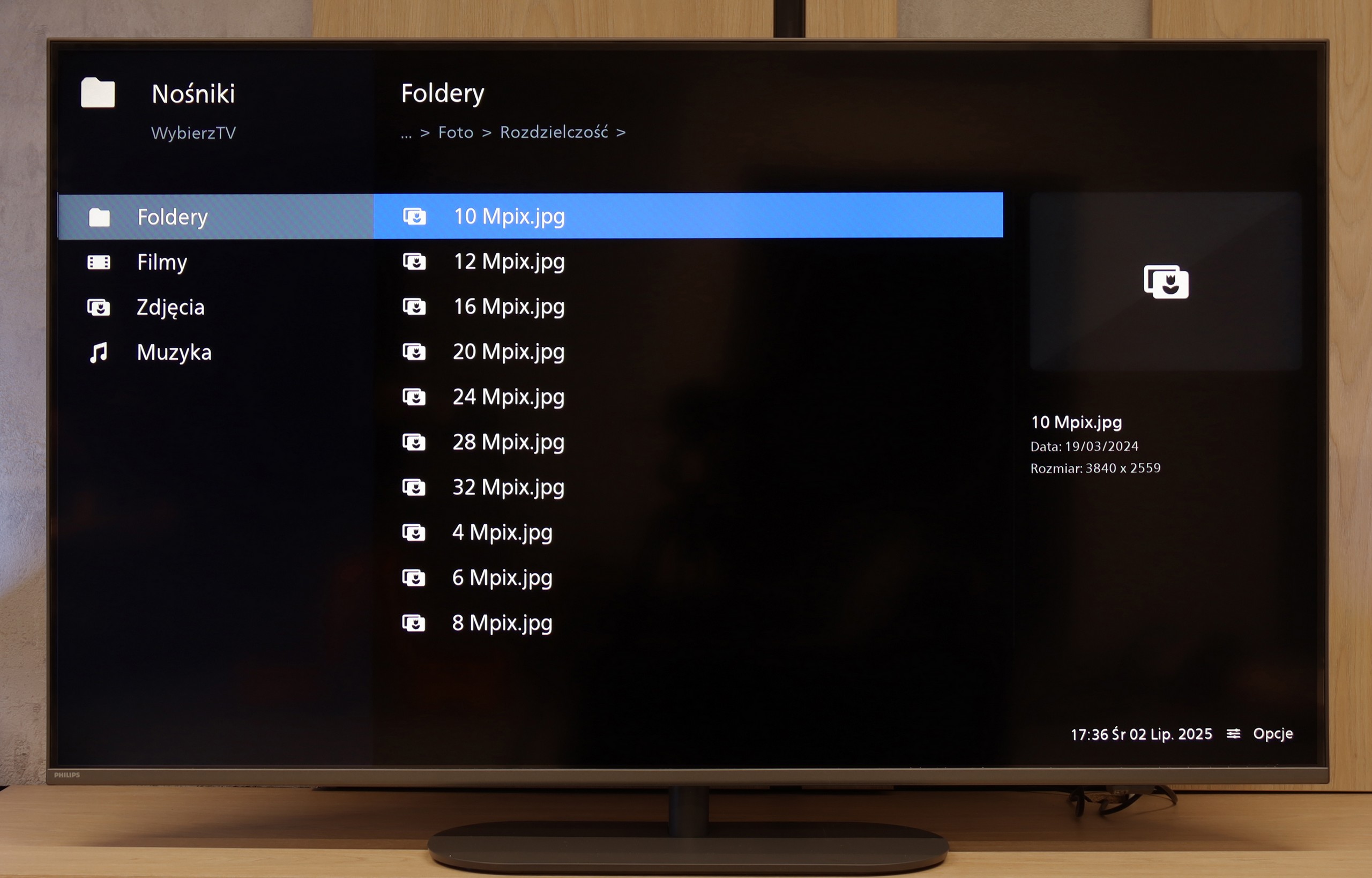
The Frame Pro handles multimedia playback from USB memory correctly. Most popular formats for films, music, or photos work without major issues and the television manages them efficiently. During testing, we noticed only one inconvenience – HEIC format files, which is a standard used by Apple, do not open even though the system sees them and displays them in the player. For those who frequently transfer photos from an iPhone, this might be a slight annoyance, but apart from that, the player performs its task well and it is hard to have any significant complaints about it.
The media player in the new Philips is a solid standard. It handles most popular video and audio files, operating steadily and predictably. Although fans of rarer subtitle formats or specific image resolutions may feel somewhat unsatisfied, for the average user, the built-in software does the job. It's a convenient solution that means we don't need to engage external equipment to play materials from an external drive.
Sound
6.4/10
6.6/10
- Maximum volume84dB85dB
- Dolby Digital Plus 7.1
- Dolby True HD 7.1
- Dolby Atmos in Dolby Digital Plus (JOC)
- Dolby Atmos in Dolby True HD
- DTS:X in DTS-HD MA
- DTS-HD Master Audio
The sound on the Frame Pro is not one of the television's strengths. The slim casing means there is virtually no bass, which makes it sound rather flat and average. On the other hand, the television plays loudly – it can easily fill a medium or even larger living room. Dialogues are clear, but when it comes to special effects or music, there is a lack of depth. This is definitely a piece of equipment for which it is worth purchasing a soundbar, preferably from the designer Samsung S series. Thanks to the decorative frames, it can be matched to the decor along with the Frame Pro.
The sound from the Philips PUS9010 is simply adequate. The tested unit offers a 2.0 set with a total power of 40 W, which is more than sufficient for daily watching of television, films, or series. The sound quality is pleasant, but it is hard to speak of anything exceptional, especially if one is looking for strong bass or greater dynamics. One positive aspect is the wide range of audio formats supported. When connecting a soundbar or home cinema system, the television easily supports Dolby Atmos and DTS, without needing to fiddle with settings or sacrificing sound quality. For those planning on external audio systems, this is definitely good news.
Sound Quality Test
Acoustic Measurements
84dBC (Max)
75dBC
No acoustic data