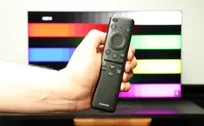
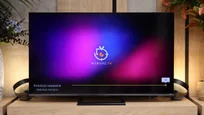
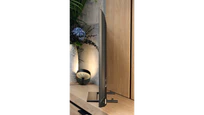
The Samsung QN95D immediately made a great impression on us. Right from the start, we felt that the Tizen system is intuitive and quick. The fast access to streaming applications such as PrimeVideo, Netflix, and MAX, as well as the ability to integrate with the SmartThings ecosystem, makes using the television simply convenient. The solar remote is a clever solution – eco-friendly and practical, as it allows control of other devices, such as a decoder (e.g. Canal+) or soundbar. While watching films and series, we quickly noticed how much of a difference the MiniLED technology makes. Thanks to the precisely functioning backlight zones, the picture gained incredible depth - which was confirmed by our contrast tests. The blacks are truly deep, and bright scenes using HDR stand out with excellent detail despite the lack of Dolby Vision. Additionally, the high brightness combined with the anti-reflective coating allows for comfortable viewing even in a sunlit room. When we played on this television, we immediately appreciated the low input lag and the fluidity of the image. The 144 Hz panel and support for HDMI 2.1 guaranteed dynamic and responsive gameplay, regardless of the game. All these features made every gaming session pure pleasure, especially in dynamic titles where precision and lack of delays matter. In terms of design - which is worth mentioning for this television - the QN95D simply looks great. The slim housing, solid central stand, and Ambient Mode function, which allows the screen to blend into the room's decor, give it an elegant touch. The included camera is an interesting addition that can be useful during video calls or when using interactive applications – like personal training through the Daily+ tab. However, for such, let’s be honest, an expensive piece of equipment, there are a few downsides. The lack of a recording function and support for sound in DTS:X format may be a problem for users seeking this feature. Nevertheless, the Samsung QN95D is a television that combines exceptional picture quality, functionality, and elegant design. The MiniLED backlighting makes a real difference here, especially if we care about deep blacks, high contrast, and excellent brightness. This is a device that will perform well during movie screenings, dynamic gaming, and everyday television watching.
- Matching (Score) |
- Our verdict |
- TV appearance |
- Where to buy |
- Contrast and black detail |
- HDR effect quality |
- Factory color reproduction |
- Color reproduction after calibration |
- Smoothness of tonal transitions |
- Image scaling and smoothness of tonal transitions |
- Blur and motion smoothness |
- Console compatibility and gaming features |
- Input lag |
- Compatibility with PC |
- Viewing angles |
- Daytime performance |
- Panel details |
- TV features |
- Apps |
- Playing files from USB |
- Sound
Samsung Neo QLED QN95D vs Hisense U7S / U77SE
 Direct comparison
Neo QLED / QN95

U7S / U77S
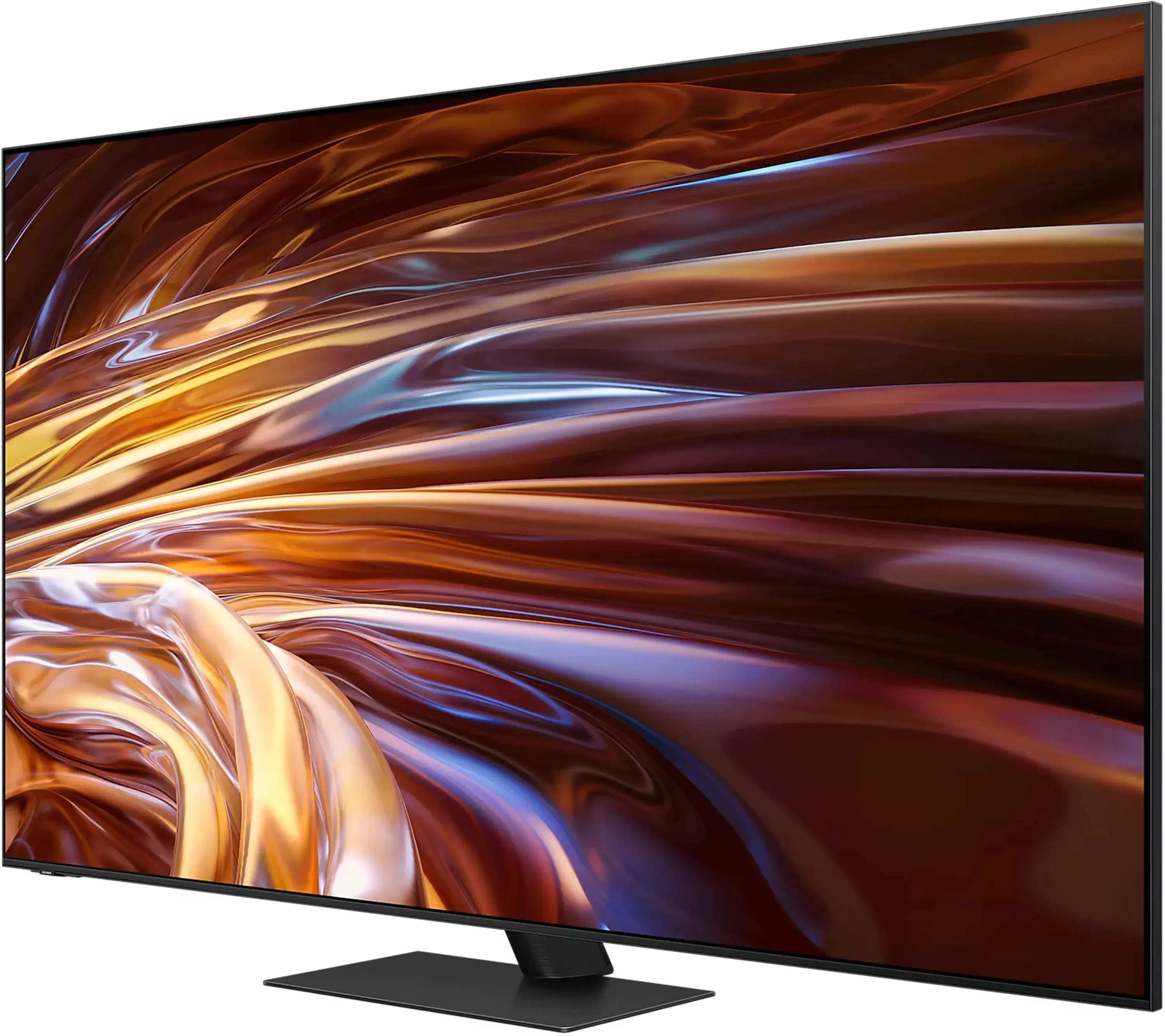
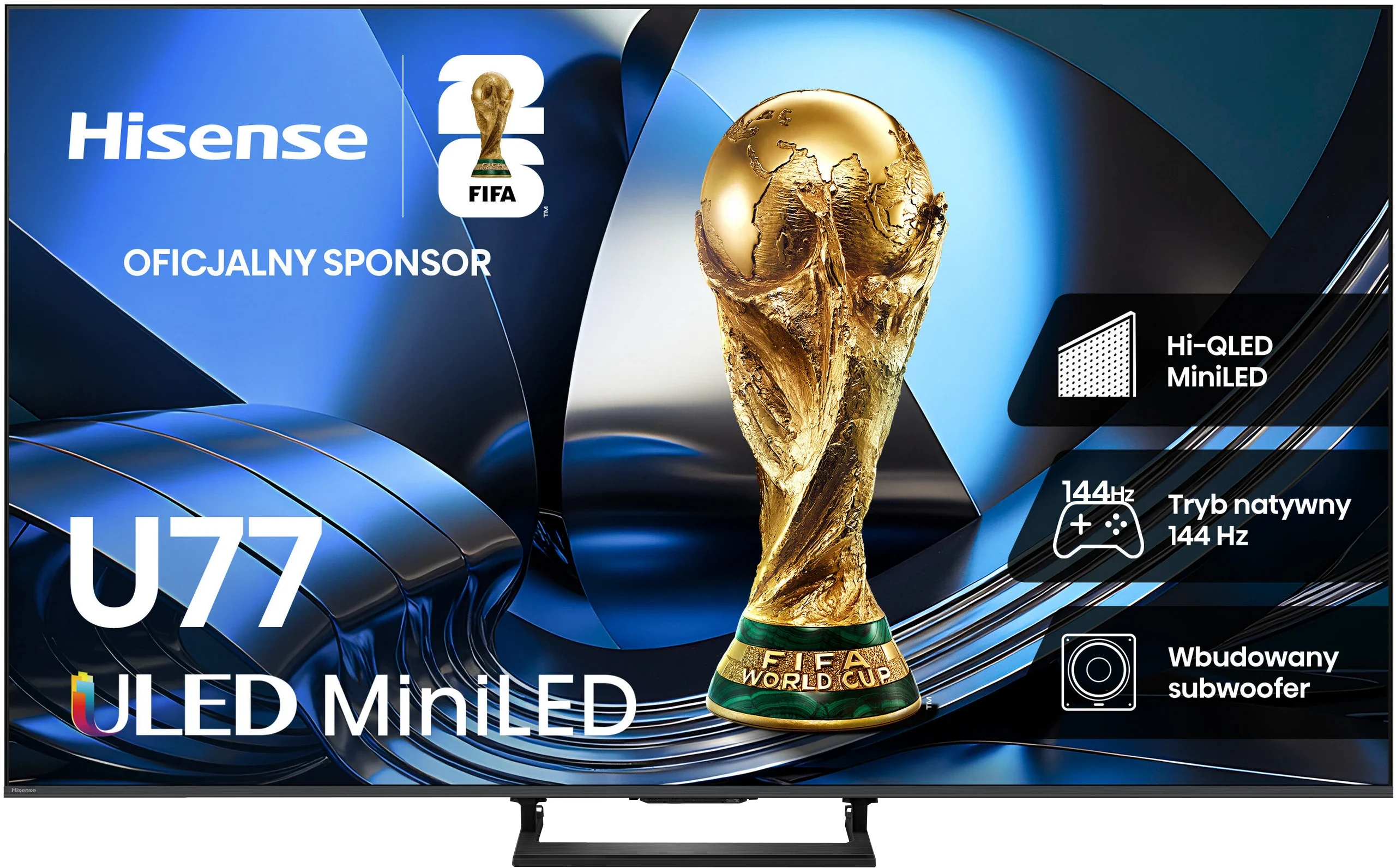
Panel type: LCD VA (wide viewing angle)
Resolution: 3840x2160
System: Tizen
Model year: 2024
Complete the survey to find out the result
Panel type: LCD VA
Resolution: 3840x2160
System: VIDAA
Model year: 2026
Complete the survey to find out the result
Overall rating
7.8
7.3
 Movies and series in UHD quality
 8.0
6.9
 Classic TV, YouTube
 8.1
6.9
 Sports broadcasts (TV and apps)
 7.7
6.4
 Gaming on console
 9.2
8.2
 TV as a computer monitor
 8.6
8.2
 Watching in bright light
 6.5
7.0
 Utility functions
 6.7
8.9
 Apps
Apps 9.3
8.3
 Sound quality
 7.0
7.2
Complete the survey to find out what fits your preferences
Advantages

Excellent brightness - great for HDR content
Very good contrast
Wonderful choice for gamers (HDMI 2.1 4K@144Hz, low input lag)
Wide viewing angles - unusual for this type of panel
Modern design
Camera included
Good black levels thanks to MINI-LED backlighting + VA panel
Bright, clear picture even during the day
Natural colours after calibration when watching standard TV and SDR films
Plenty of options for PC and console gamers
Low input lag
Feature-rich VIDAA system
Support for multiple audio/video formats, including Dolby Vision | Atmos and DTS
Pleasant sound with light bass
Disadvantages

No recording support
No DTS format support - may pose a problem for Blu-ray users
Severe smearing on the VA panel
HDR image excessively brightened, clearly deviating from the creators' intent
Incorrect HGiG implementation making HDR configuration in games difficult
Poor viewing angles
Some apps missing from the VIDAA system
Our verdict
Hisense U7S is the latest iteration of the U7 series, whose biggest advantage remains its price-to-quality ratio. You get a Mini LED TV with local dimming, which really improves black levels and gives the picture depth for evening viewing. During the day, the generous brightness headroom is useful, so you don't have to immediately cover the windows. It's not a device without compromises, but as an everyday TV it makes a lot of sense. Gamers benefit a lot as well. The U7S supports high refresh rates from consoles and PCs, has an extensive set of gaming features, and responds very quickly to controller input. Pleasingly, the low input lag is preserved in Dolby Vision too. Add in the smoothly running VIDAA, which offers both Smart features and handy extras for regular TV, and the package is fairly versatile, though compared with last year's U7Q it's hard to call it a big step forward. Unfortunately there are also things that clearly bother us. The first is motion blur. The panel has a high refresh rate, but its pixels don't always keep up, so visible trails follow moving objects. Fans of sports and fast-paced games will notice this especially. The second issue is HDR, which the TV shows somewhat "its own way." Instead of sticking to the brightness encoded in the content, it strongly brightens parts of the image. That was probably meant to look more impressive, but it often has the opposite effect: the scene becomes over-bright, loses depth, and clearly departs from the creators' intent. It's a shame this behavior can't be effectively corrected even during calibration. Despite these remarks, the U7S remains an interesting choice if you're looking to get as much as possible for a reasonable price. Compared with basic LCDs without local dimming, which you can still find at a similar price, it primarily offers much better blacks. And that's exactly its greatest strength. You don't have to reach for an expensive model to get a Mini LED whose advantages are actually noticeable when watching. If you accept its flaws, the Hisense U7S can above all be a cost-effective purchase.
TV appearance

Contrast and black detail
8.3/10
8/10
Local dimming function: Yes, number of zones: 1344 (24 x 56)
Local dimming function: Yes, number of zones: 192 (8 x 24)
Contrast:


Result
∞:1

Result
218,000:1

Result
61,000:1

Result
10,500:1

Result
4,900:1
Result
507,800:1
Result
51,250:1
Result
30,900:1
Result
21,250:1
Result
5,650:1
Halo effect and black detail visibility:
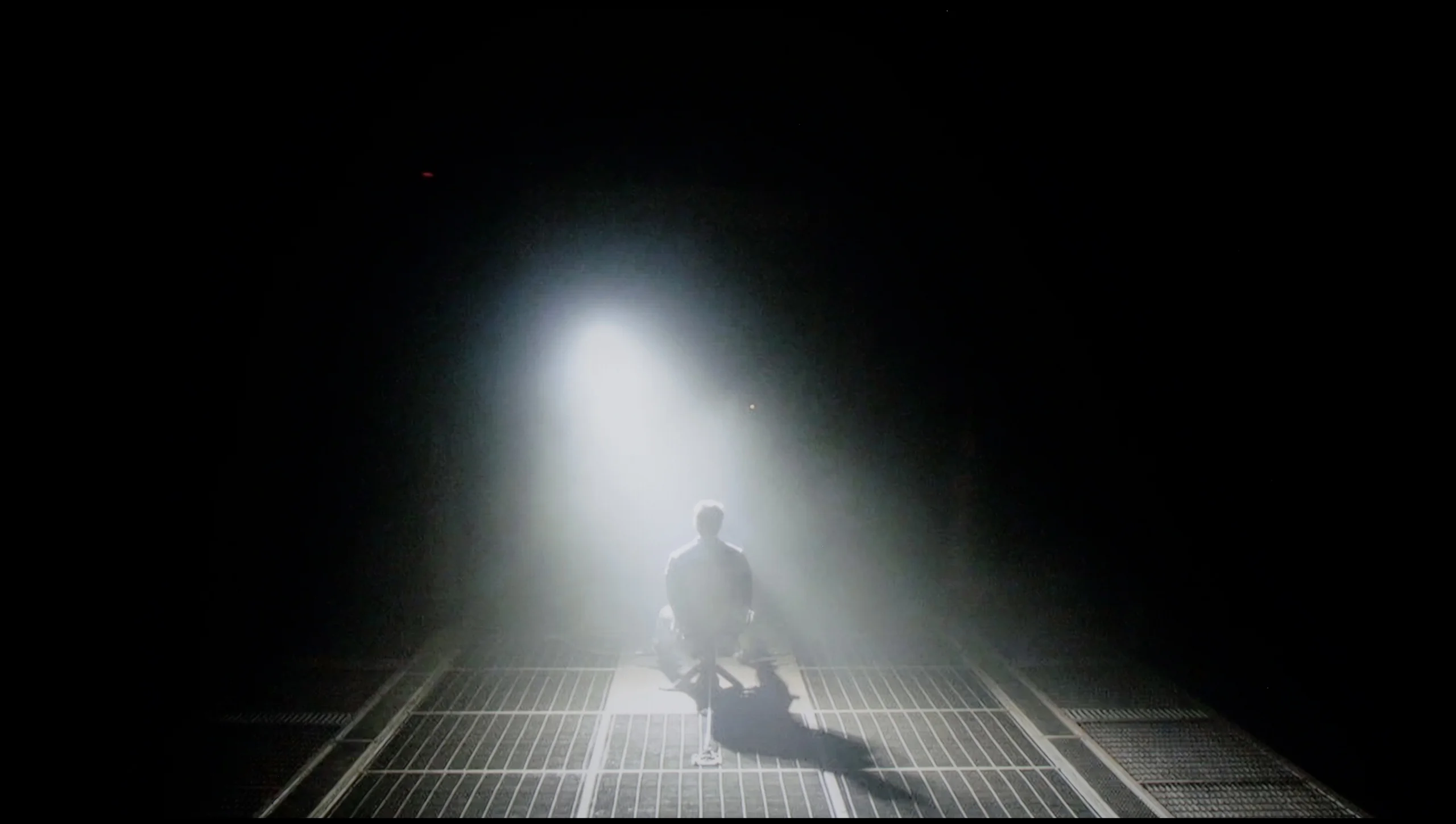
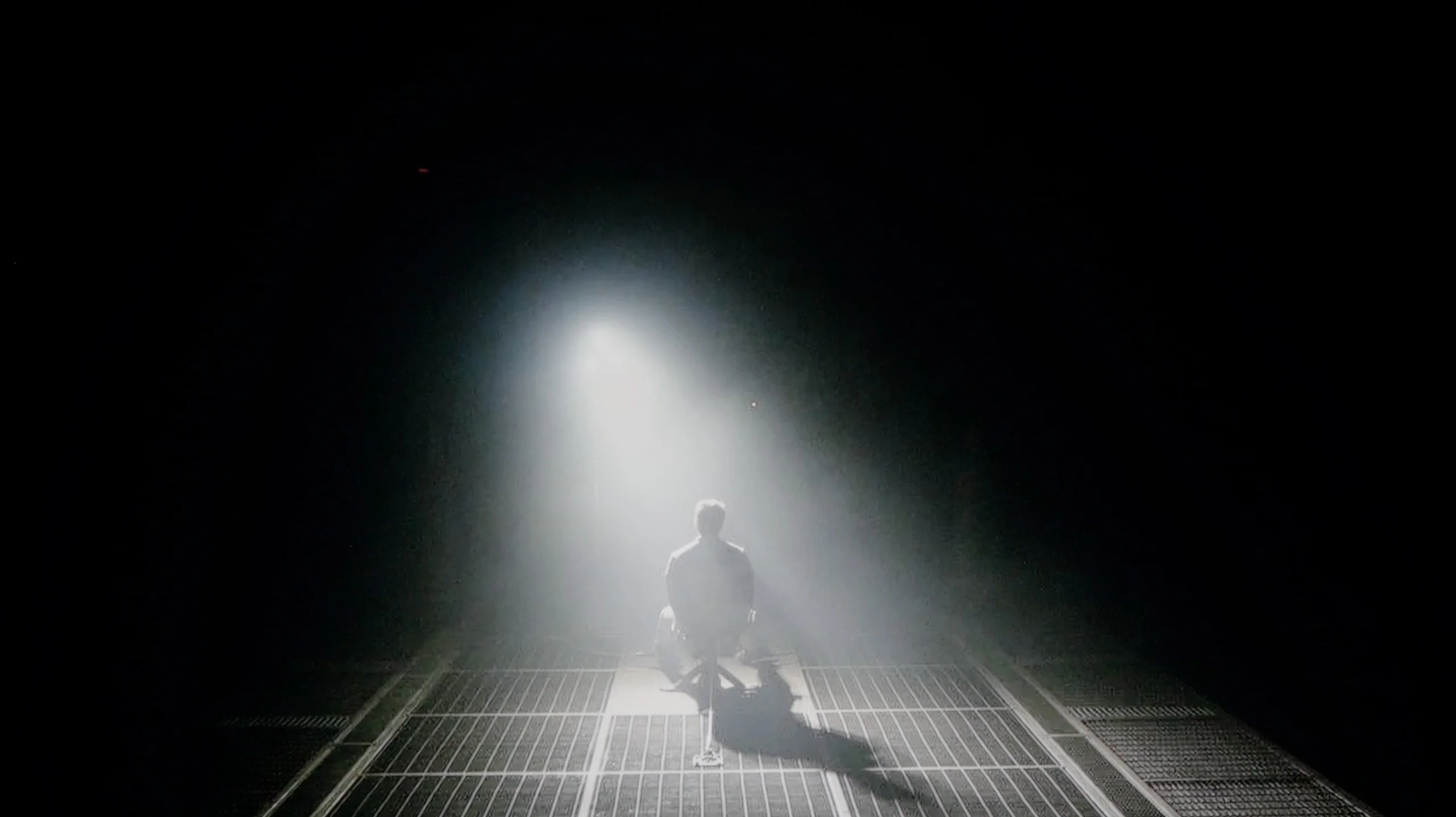
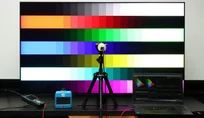
Check the visibility of bright lights on a dark background. Mini-LEDs often struggle with this. The photo does not compare black levels – that’s what the video below is for.
The video accurately shows differences in contrast and black levels between TVs, as well as potential issues: halo around bright objects or Mini-LED zone operation visible as brightness jumps.
Samsung QN95D is a television that certainly attracts attention thanks to the use of a VA panel and innovative Mini LED backlighting. This model stands out with an impressive number of 1344 local dimming zones, achieving an exceptional level of contrast and black depth. It is worth noting that the number of backlighting zones may vary depending on the screen size – in larger models, these zones naturally increase, allowing for even better performance in terms of contrast and black levels. Mini LED, with smaller diodes, enables more precise control of backlighting, significantly enhancing the quality of the displayed image. The tested 55-inch model handles detail reproduction excellently, and its ability to adjust brightness in different parts of the screen results in a phenomenal visual effect. During our tests, Samsung QN95D on the test pattern from the film "Oblivion" surprised us with results that could compete with OLED televisions, offering nearly reference-level contrast. However, how does the television perform in more challenging conditions? In more demanding scenes, the local dimming algorithm may show some flaws. In some cases, on dark backgrounds, smaller bright elements may lose a lot of brightness, which we noticed during tests with the Pioneer Kuro test disc. Additionally, when we take a closer look (e.g. a scene from the film Sicario 2), some imperfections can be observed. The television sometimes struggles with brightness optimisation – in some scenes, it dims elements too much, while in others, it brightens the screen too intensely. These phenomena can be noticeable enough to capture the viewer's attention, especially in demanding night scenes. However, if we do not pay much attention to the mentioned imperfections, Samsung QN95D proves to be one of the best choices in terms of black depth among displays with MiniLED technology.
Hisense U7S delivers good black levels, especially for an entry-level Mini LED model. The 55-inch sample we tested uses 192 local dimming zones, which work well with the VA panel. In most of our scenes contrast ranged from about 21,000:1 to over 51,000:1, and in one it even exceeded 500,000:1. In many films you can clearly see the difference. Dark scenes have depth and blacks don't look grey like on many cheaper LCDs without local dimming.
It gets worse when the screen shows a lot of small bright objects on a dark background (for example the scene shown below). There are too few zones to light each of them separately, so small objects have a bright ring around them. This so-called halo effect is most noticeable when watching in a dark room. In the most demanding shot the contrast fell to around 5,650:1 and here the backlight limitations are already apparent. Even so, given the class of the television, it is hard to call this a flaw, because many Mini LED televisions in a similar price range will have comparable problems.
HDR effect quality
6.7/10
5.5/10
Luminance measurements in HDR:

Result
1798 nit

Result
542 nit

Result
805 nit

Result
269 nit

Result
1528 nit
Result
700 nit
Result
297 nit
Result
640 nit
Result
154 nit
Result
745 nit
Scene from the movie “Pan” (about 2800 nits)


Scene from the movie “Billy Lynn” (about 1100 nits)


The photos show two HDR10 movies. 'Pan' is one of the brightest productions ever made, while 'Billy Lynn' (soldier) has brightness typical of streaming (Netflix, Prime, HBO MAX). Notice the intensity of effects and detail in whites.
Static HDR10


The photos present the visibility of white details in various HDR formats. They do not show brightness differences between TVs (these can be compared in the previous gallery).
Dynamic: HDR10+
Dynamic: Dolby Vision


The photos present the visibility of white details in various HDR formats. They do not show brightness differences between TVs (these can be compared in the previous gallery).
HDR luminance chart:
Hisense U7S / U77SE
Samsung Neo QLED QN95D
Samsung QN95D handles HDR exceptionally well, achieving a peak brightness of around 2000 nits. In the tested movie scenes, where the screen is fully lit, the television provides intense and realistic representation of HDR content, significantly enhancing the visual experience. Nevertheless, similar to contrast, the dimming algorithm may sometimes show limitations. Despite the considerable number of Mini LED zones, the television does not surprise the user with incredible brightness. For instance, in scenes from the film "Life of Pi," where a bright moon appears against a dark background, and in excerpts from "Sicario 2," where a strong light effect occurs on a dark background, the television displays very poor results. At such moments, the television attempts to reduce the halo effect by darkening the image to a level reminiscent of SDR quality. As a result, blacks appear deep and uniform, but this comes at the cost of losing some detail in bright areas. It is a compromise aimed at maintaining the best possible quality of black, although it simultaneously causes the image to lose a bit of its dynamism. Despite certain flaws in the operation of the local dimming algorithm, this television deserves praise for its wide coverage of the DCI-P3 colour gamut. This is made possible by the use of a quantum dot coating, also known as QLED technology, which allows for vibrant and rich colours.
The Hisense U7S has considerable potential for HDR display, but it cannot exploit that potential in every scene. On a test pattern it reaches around 1,100 nits, so the backlight itself is very strong. In our brighter film scenes we measured about 640 to 745 nits. That is still plenty for the sun or bright highlights to have a clear bloom and to show an advantage over SDR material. When the TV needs to brighten a larger portion of the image, it handles it fairly well.
The problem appears with small highlights on a dark background. Each of the 192 zones covers an area much larger than a tiny point on the screen. If the TV were to light that whole zone strongly, it would also brighten the area around the highlight. Hisense tries to avoid that and dims the entire zone. This makes blacks look better, but a small bright object that should attract the eye also loses intensity. That is why in two more demanding scenes we recorded only 297 and 154 nits. The difference is large: in one shot HDR can impress, and in the next small highlights are noticeably muted. The U7S therefore prioritises preserving deep blacks, even at the expense of bright details. With that number of zones it is an understandable compromise, but worth bearing in mind — the peak 1,100 nits tells us about the backlight’s capability, not how brightly the TV will show every element of a film.
Colours
Hisense describes the U7S as ULED, but that is a marketing name, and it is a PFS phosphor backlight that expands the colour palette here. In our measurements the TV covered about 91% of the DCI-P3 colour space and 71% of BT.2020. Those are good results, though they fall short of the best screens on the market. The largest shortfall is in green — the TV does not even reach the DCI-P3 boundary here, so the most intense shades will be less saturated than they should be. Most colours in HDR films and series still look suitably vibrant. A positive is the repeatability of the results. Gamut coverage on test patterns and in film scenes is practically identical.
Factory color reproduction
5.9/10
5.8/10
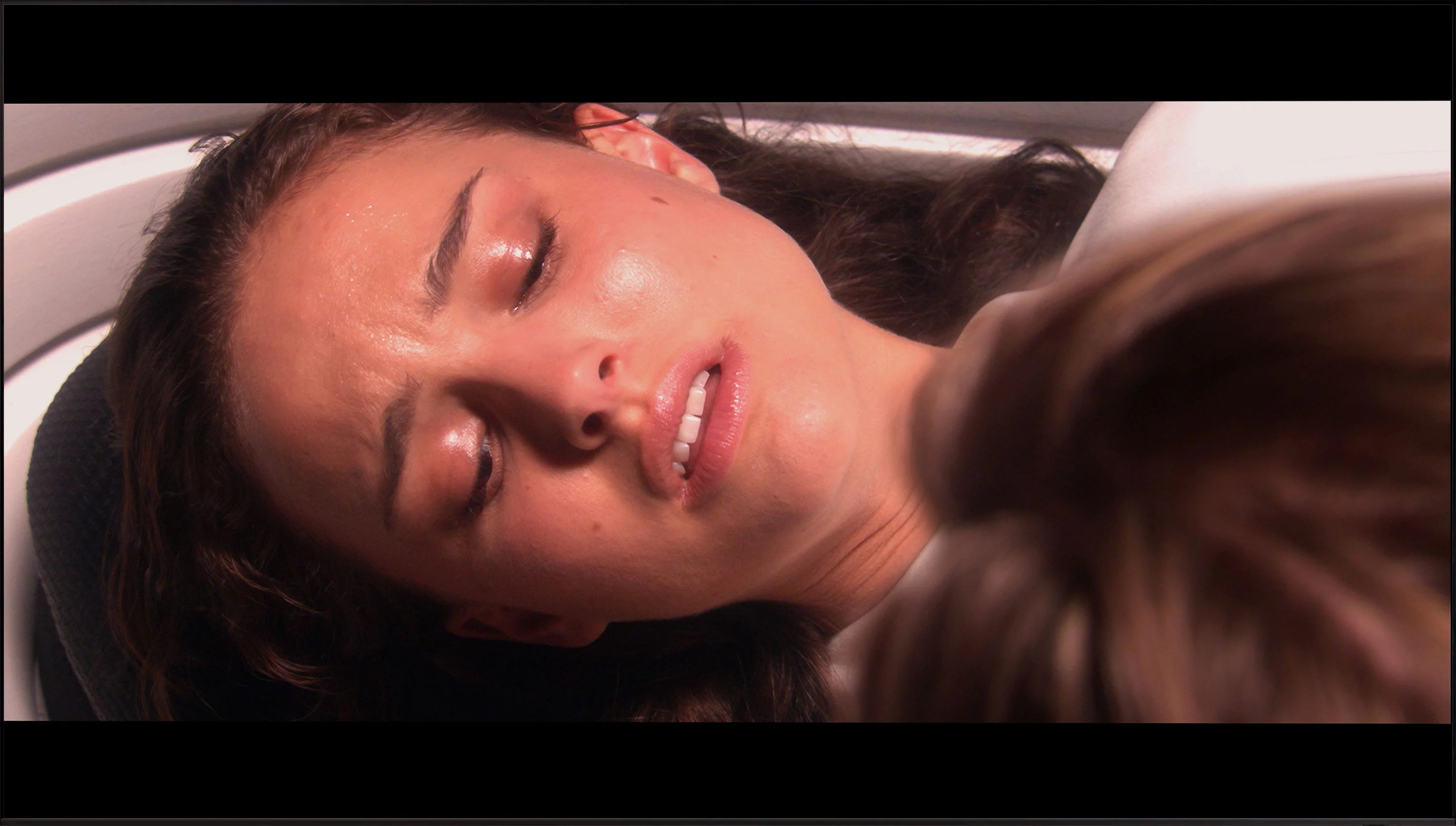
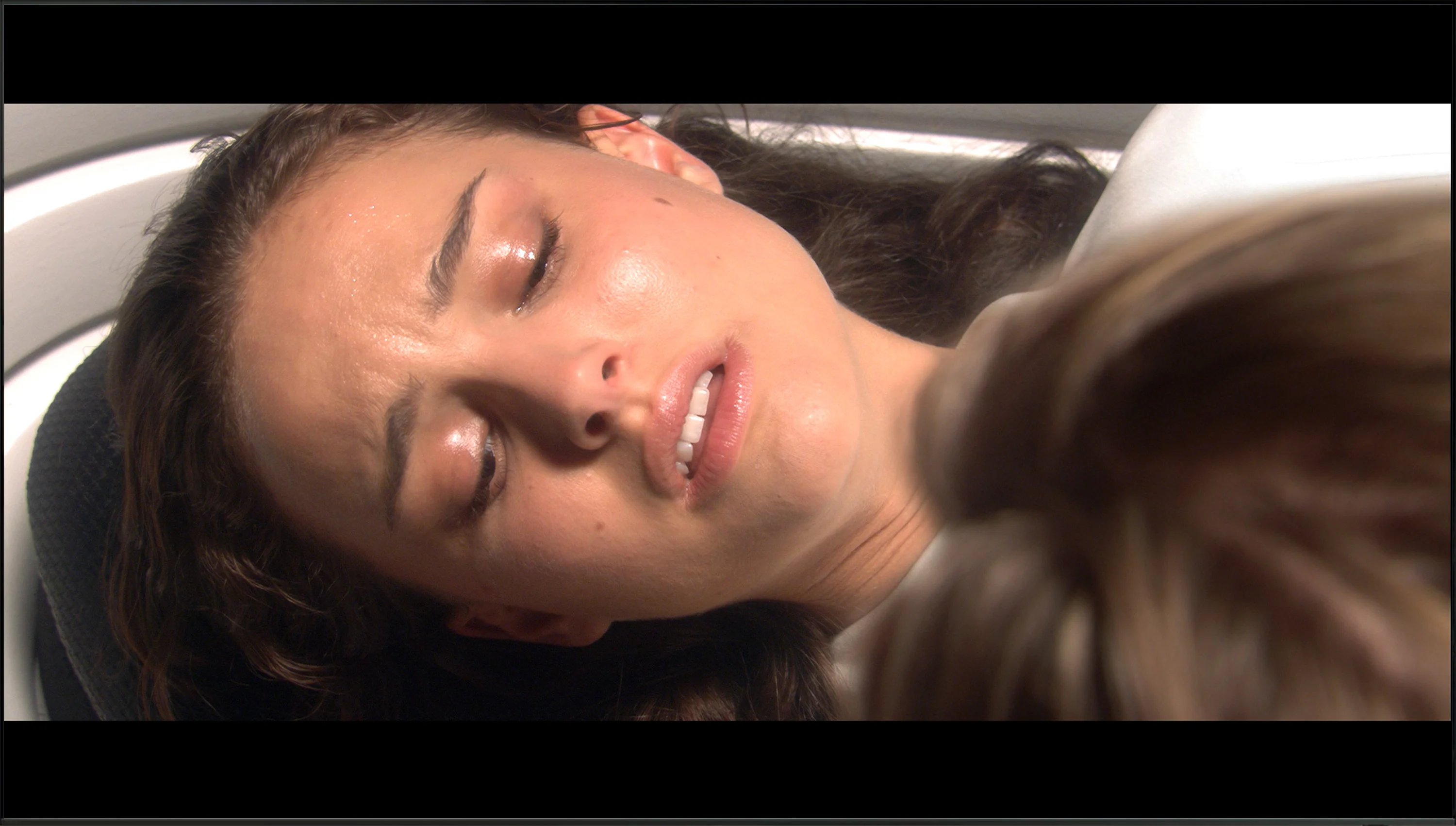
This gallery shows how colors change after professional TV calibration. If you notice the difference, we recommend ordering this service at SkalibrujTV.com.
Factory Mode
After calibration


This gallery shows how colors change after professional TV calibration. If you notice the difference, we recommend ordering this service at SkalibrujTV.com.
Factory Mode
After calibration
In the category of factory colour reproduction, the television Samsung QN95D was tested in Filmmaker mode, which offers the best settings from the manufacturer. Nevertheless, it is not entirely free from flaws. In the case of HD content, there is a noticeable colour deviation, particularly in white balance, where the red colour clearly dominates the graph. The situation improves with 4K HDR content; however, there are still significant drops in blue colour reproduction. These effects can be observed in a scene from the film "Star Wars," where the protagonist is depicted in overly warm tones.
As for contrast, we can observe an initial large jump on the gamma graph, indicating that the television effectively highlights the brighter parts of the image. However, at the end of the graph, we notice a distinct drop, which may mean that in darker tones, details can be lost. Such a shape of the gamma curve can affect the way users perceive dark scenes, where some details may become too blurred or too dark, causing the image to lose clarity. It is also worth noting the curve responsible for brightness (EOTF), which is quite correct, except for the initial drop.
Although Samsung QN95D boasts impressive parameters and advanced technologies to deserve the title of one of the best televisions on the market, it requires certain adjustments in colour reproduction and contrast to fully utilise its potential.
Out-of-the-box colours on the Hisense U7S are decent, but there are a few areas to improve. In SDR there is a red bias in the white balance, which makes the picture too warm and, in places, slightly pink. You can notice this on faces and on bright, neutral surfaces. The gamma also runs below the target, so the TV brightens the image, particularly in darker areas. That makes shadow detail easier to see, but the scene loses some of its depth.
In HDR the white balance is somewhat more even, but not entirely neutral, with a shortage of blue in the mid-tones and a lack of red in the brightest parts. A bigger issue is how brightness is rendered. The EOTF curve shows a large portion of the mid-tones being lifted, causing the picture to look brighter than the source intends. Color Checker measurements are also weaker than in SDR: many errors are around 3 to 4, and some reach as high as 8. Colours can therefore look attractive, but they are not always faithful to what we should see. There is room for improvement here and we will see how much can be corrected through calibration.
Color reproduction after calibration
8.9/10
7.5/10
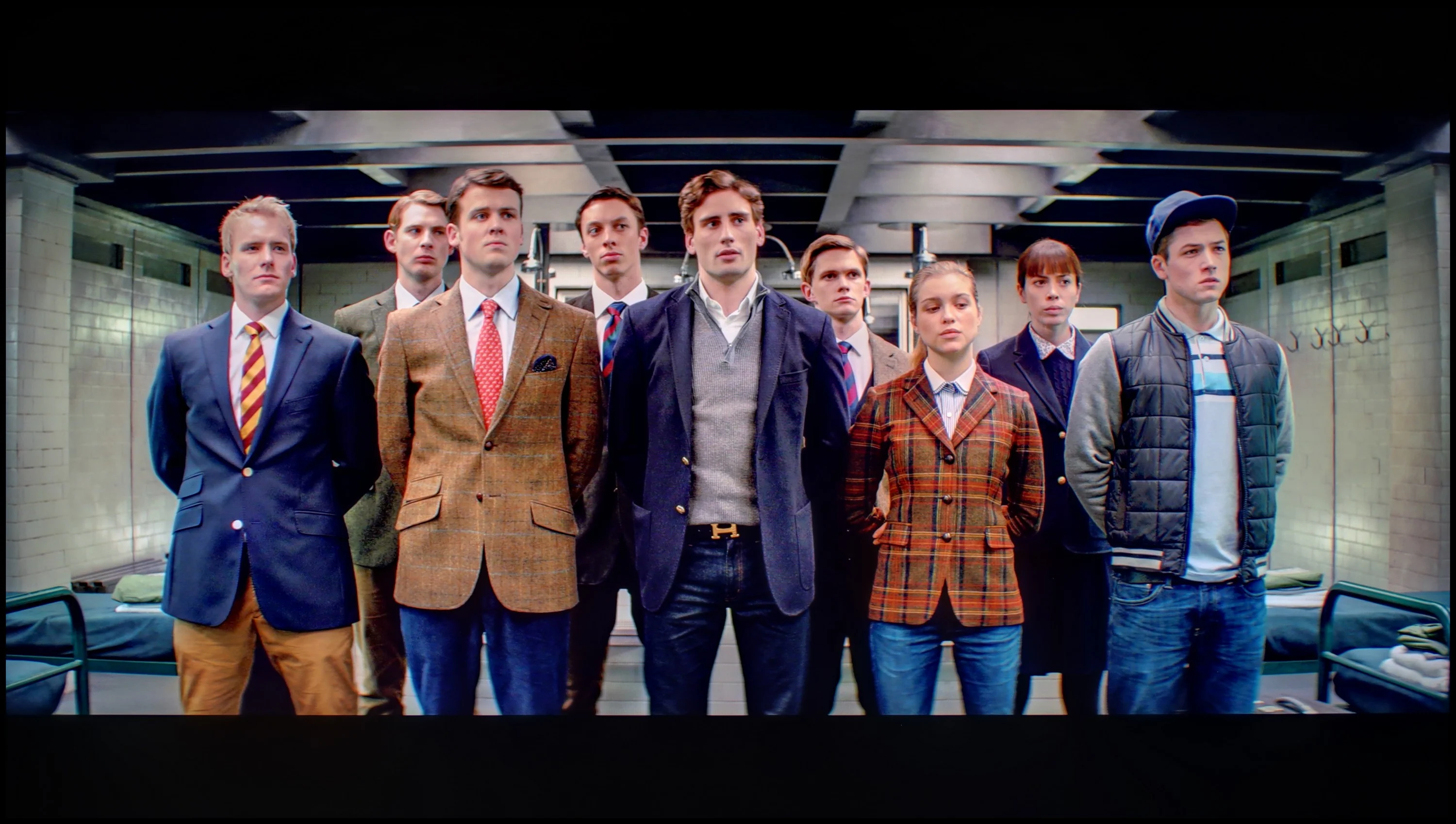

The photos show how movies look on the TV. Pay attention to black detail visibility, colors, and shadow tint.


The photos show how movies look on the TV. Pay attention to black detail visibility, colors, and shadow tint.
After calibration, the picture on the Samsung QN95D television achieves truly impressive results. The white balance is perfectly aligned, and error readings rarely exceed 2, which means that colours are displayed very accurately. Most samples from the Color Checker test fall within an acceptable error range, confirming that the television reproduces hues excellently. The contrast has also improved significantly, and the gamma curve is more stable, resulting in better visibility of details in both dark and bright scenes. However, it is worth noting the EOTF (Electro-Optical Transfer Function) curve, which shows some discrepancies in film tests. Although the television performs well in most scenes, details in the blacks can still be lost in more extreme cases – this is due to an aggressive dimming algorithm.
Nevertheless, these minor imperfections do not detract from the overall picture quality. After calibration, the Samsung QN95D impresses with its visual quality, offering an exceptional experience that will certainly satisfy anyone looking for a top-tier television.
Calibration of the Hisense U7S brought the biggest improvements with SDR material. We managed to even out the white balance, so the previous warm tint has gone and whites and greys now look neutral. Gamma is also now very close to the reference, and the TV no longer brightens the picture unnecessarily, so darker scenes have regained depth. Color Checker measurements confirm the improvement: most errors are below 2. That means the picture is very well set up for watching regular TV and SDR films. It wasn't as smooth in HDR. There is no effective way to correct the EOTF curve, so the TV still interprets a film's brightness somewhat on its own. It brightens parts of the picture and can dim the brightest elements depending on the scene and the behaviour of the local dimming. Calibration could not eliminate this. This is also reflected in the Color Checker results, where many errors remain around 3–4 and a few exceed 7. So the result in SDR is really very good, but in HDR we must accept that the TV adds its own interpretation of brightness to the image.
Smoothness of tonal transitions
9.1/10
8.5/10
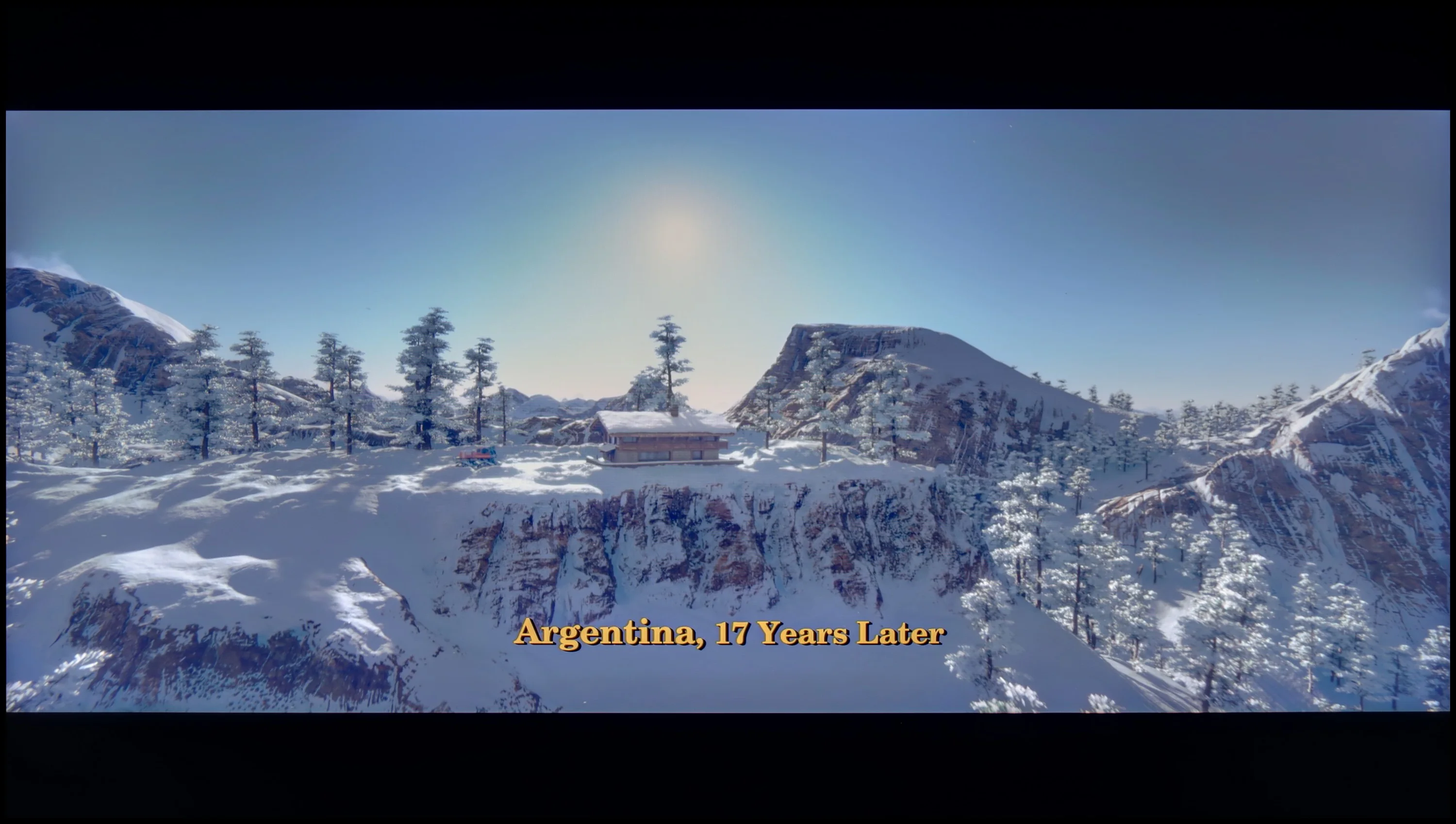

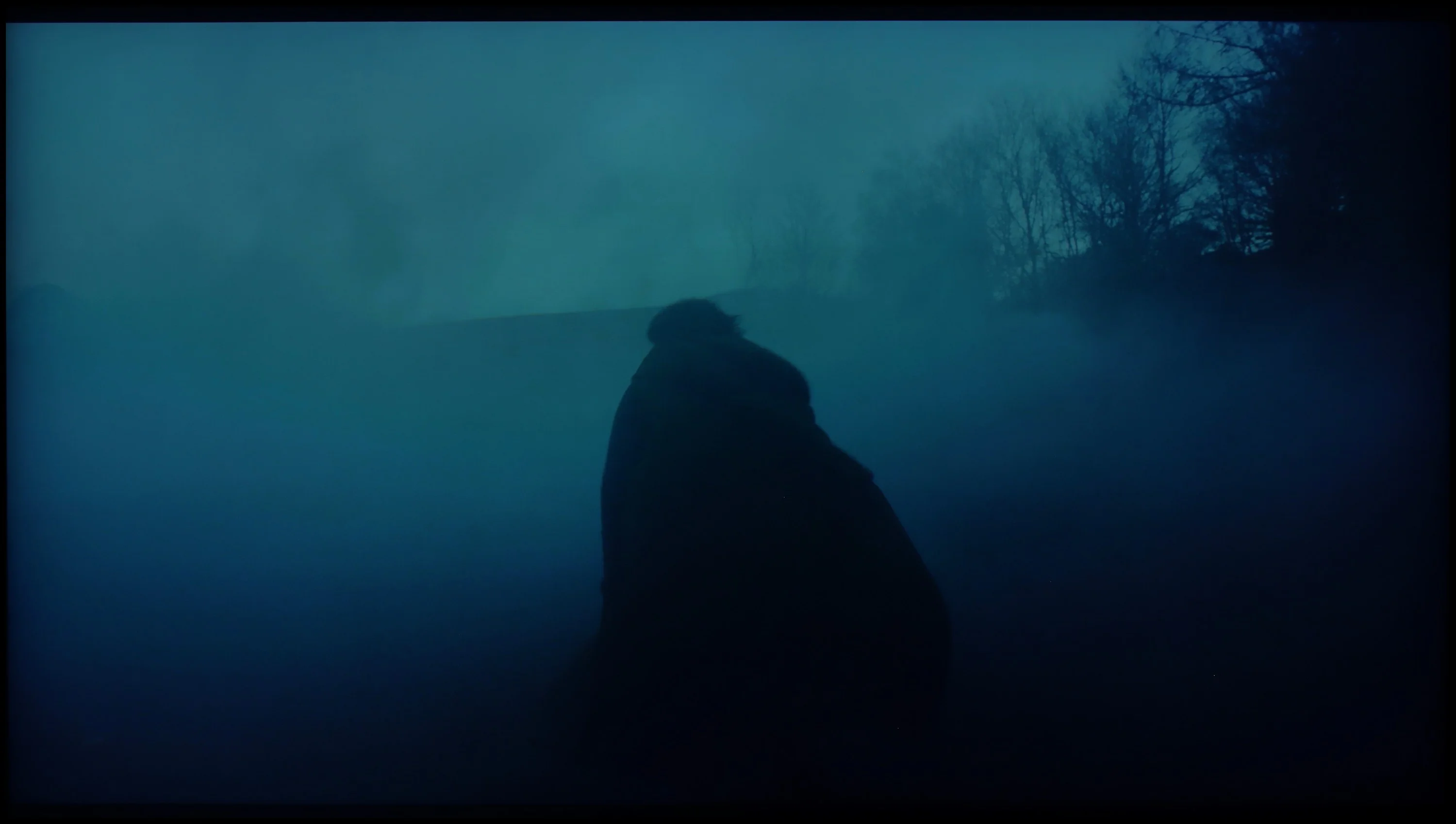
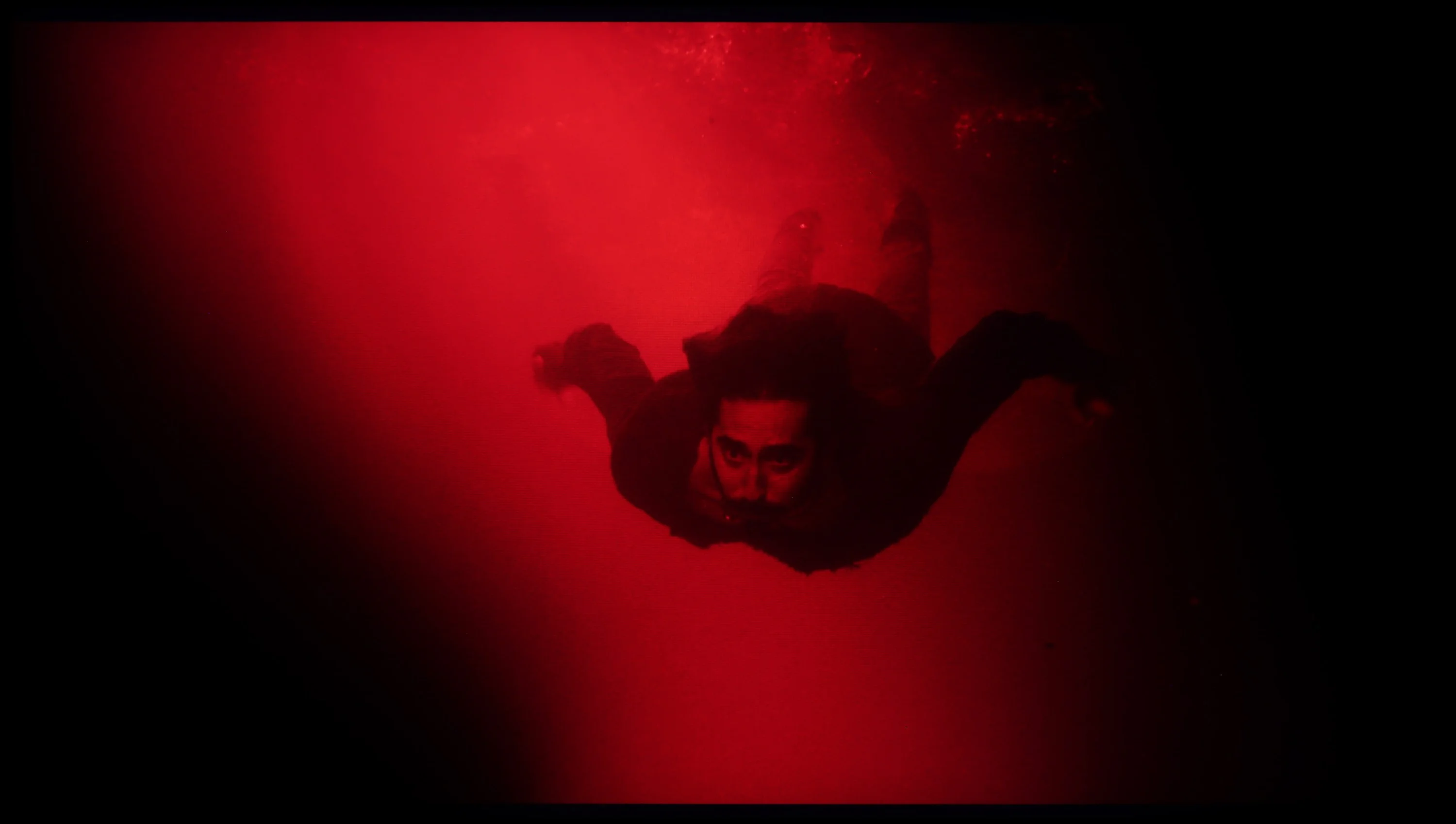

These are selected scenes that show smooth tonal transitions from one color to another. If you see distinct banding, it’s the TV panel’s fault.

These are selected scenes that show smooth tonal transitions from one color to another. If you see distinct banding, it’s the TV panel’s fault.
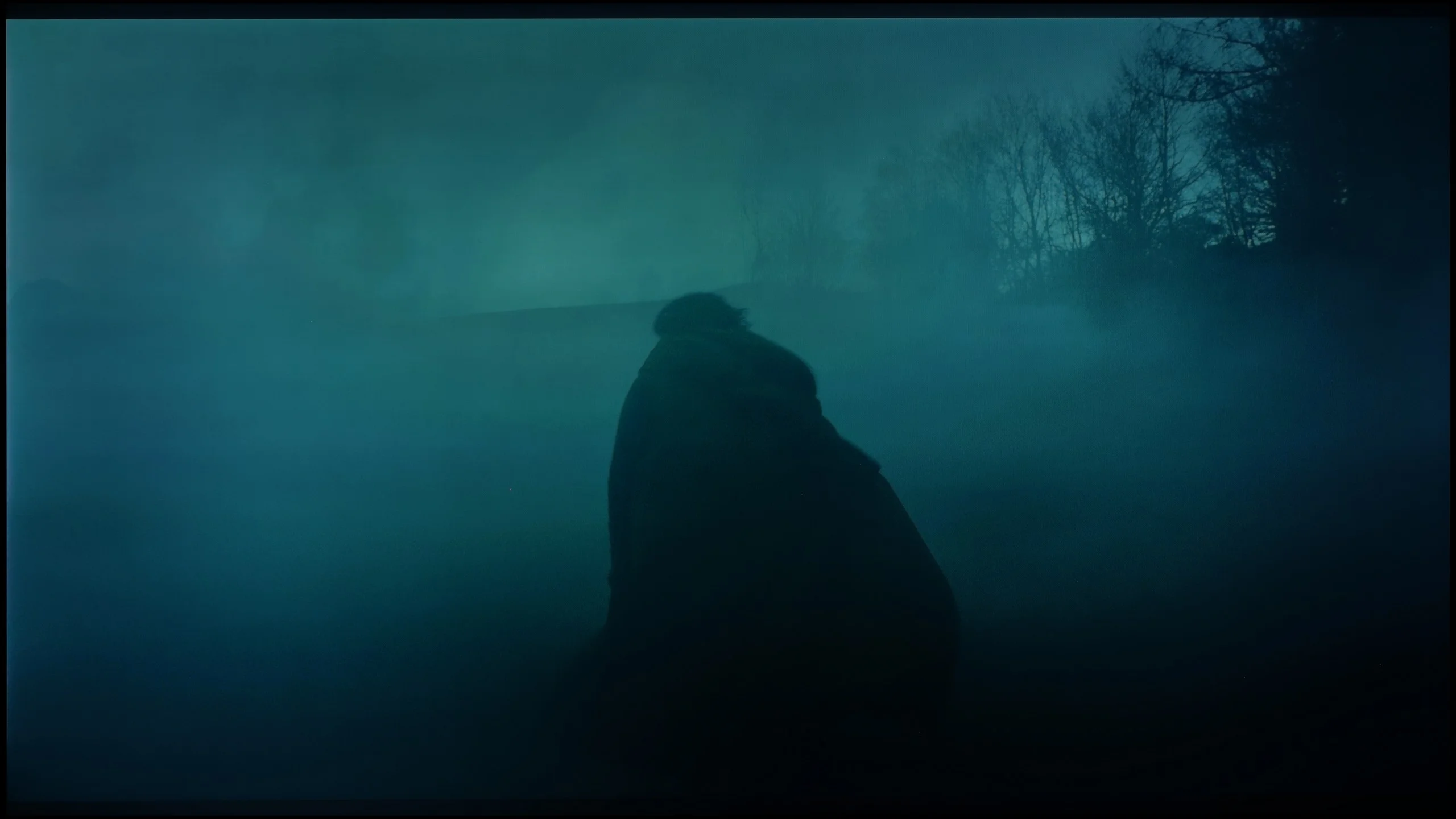
These are selected scenes that show smooth tonal transitions from one color to another. If you see distinct banding, it’s the TV panel’s fault.
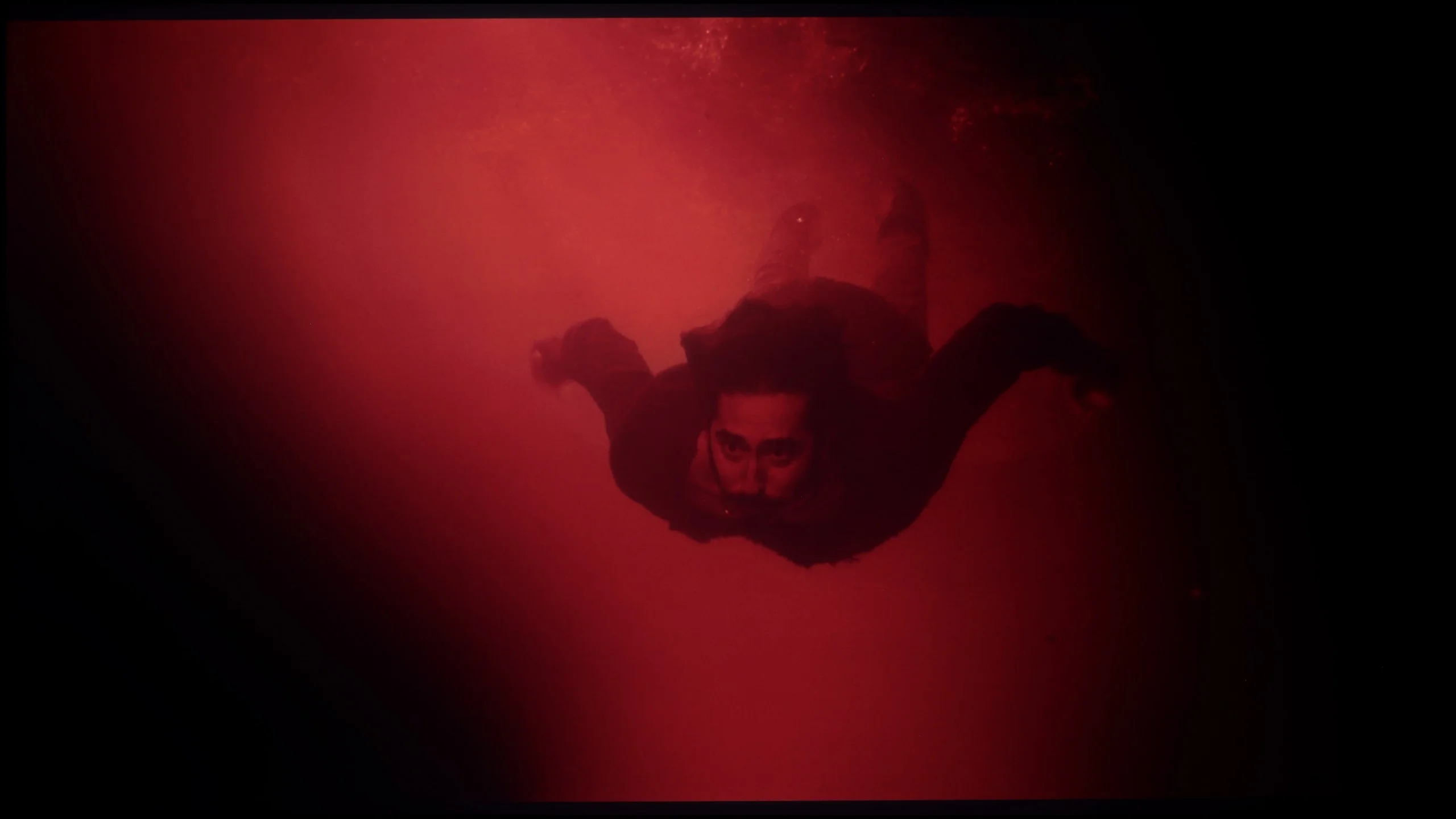
These are selected scenes that show smooth tonal transitions from one color to another. If you see distinct banding, it’s the TV panel’s fault.
The fluidity of tonal transitions is one of the strongest points of the Samsung QN95D television, which received a very high rating in this category. Such results are rarely seen in televisions that offer such high brightness. Thanks to the precise operation of the panel, tonal transitions are exceptionally smooth and natural. The only noticeable shortcomings might be slight errors around the blacks, but they are subtle enough that most users are unlikely to notice them. This makes the Samsung QN95D an excellent choice for those who value image quality and detail, especially in scenes with complex lighting.
Smoothness of tonal transitions is one of the strengths of the Hisense U7S. HDR10 content performs particularly well, with colours blending gently from one to another without obvious banding. Even in dark scenes it is hard to find significant issues. Minor colour banding becomes visible only in brighter shots, but during normal viewing it is hardly noticeable. It is slightly worse in Dolby Vision, where the boundaries between tones can be more apparent. For that reason Hisense loses some points with us, although overall this remains a very good result and one of the better performers in its class.
Image scaling and smoothness of tonal transitions
7.2/10
6/10


Smooth transition function
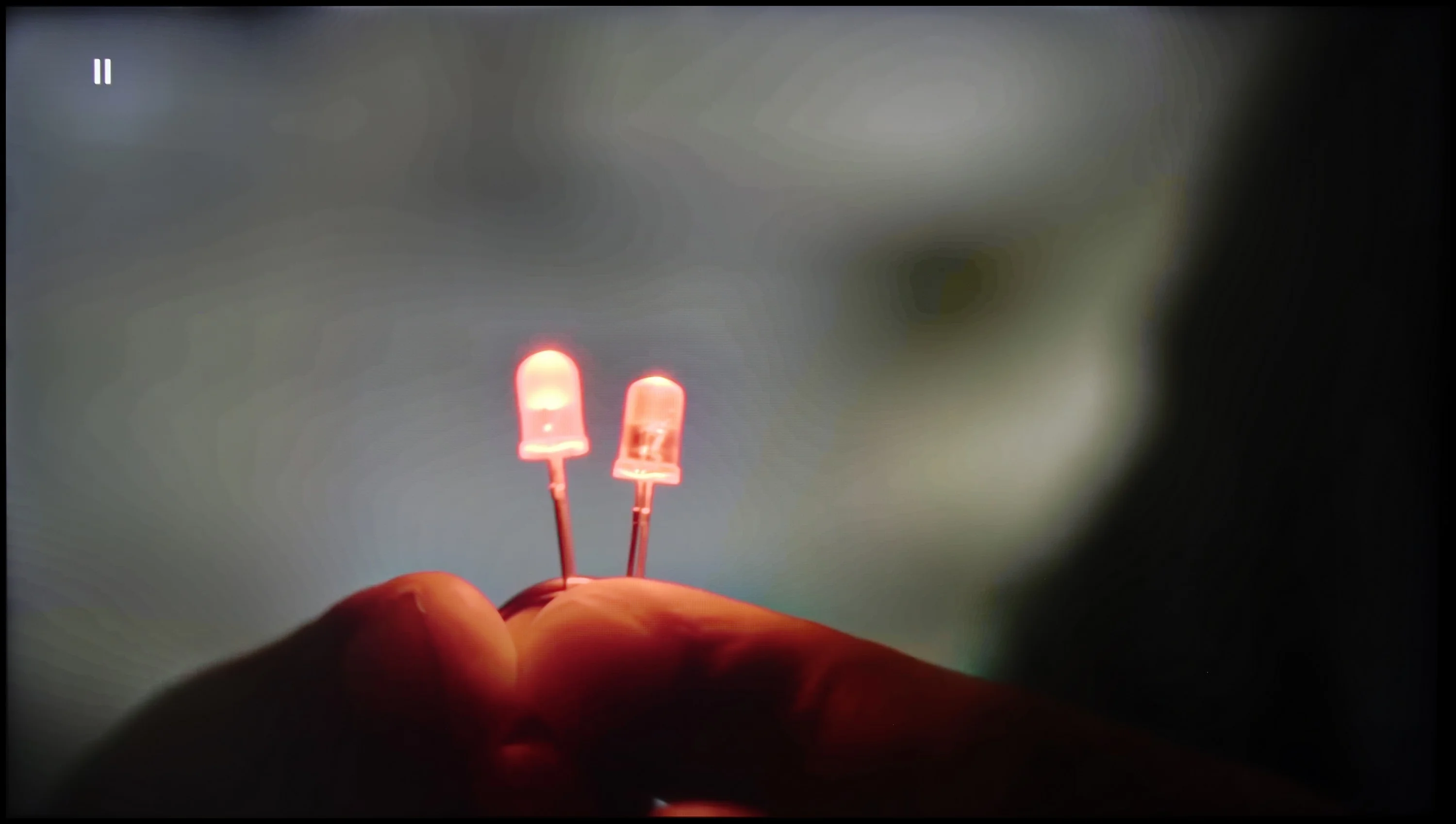
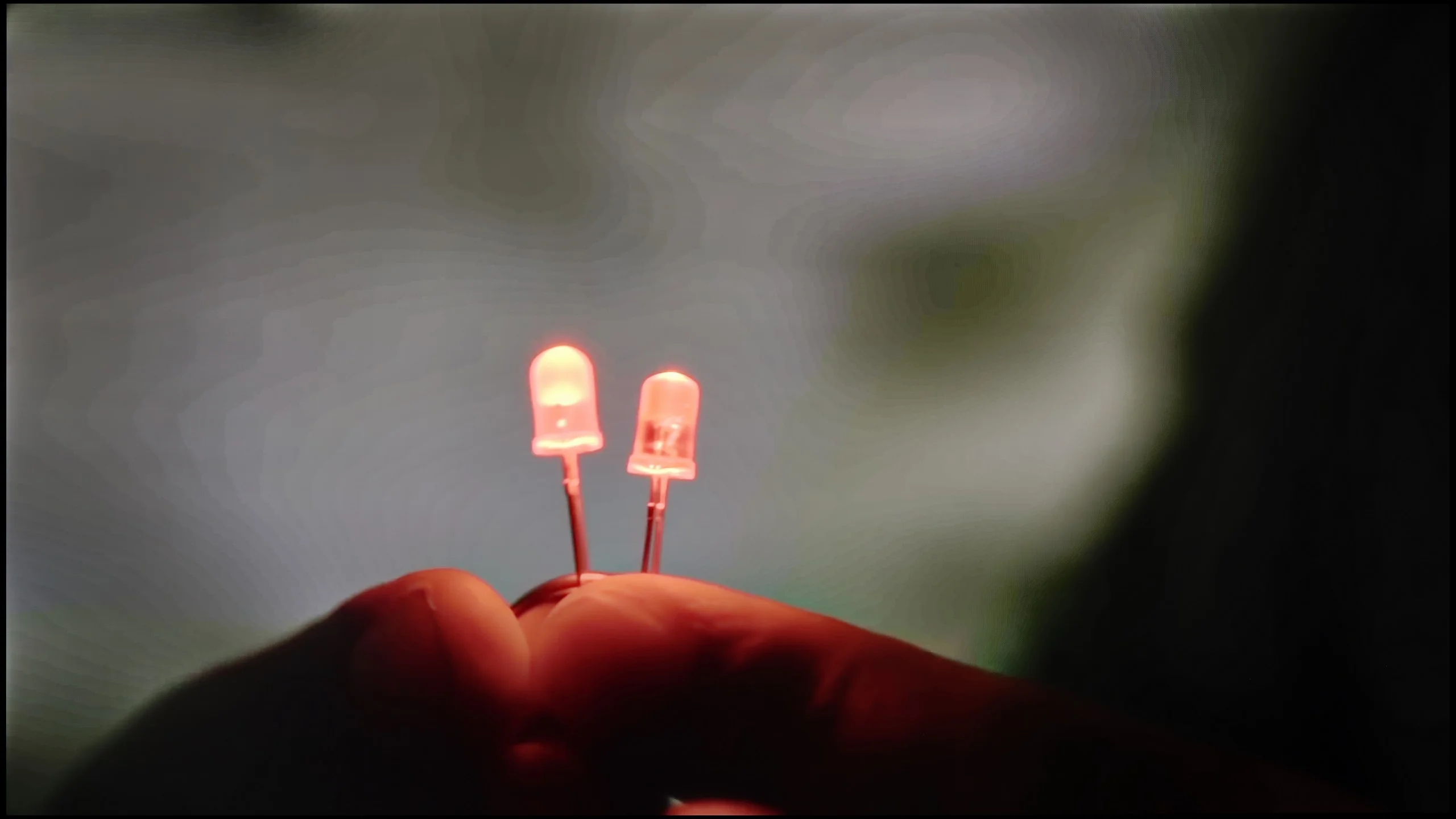
The match photo shows how the TV smooths weak tonal transitions in low-quality video.
Image scaling SD (576i)


The model photo shows how it handles upscaling of SD material.
The Samsung QN95D television handles tonal transitions even in lower quality materials, thanks to the noise reduction feature employed, which functions like a gentle gradation. This feature is extremely effective, smoothing out the image and eliminating unwanted noise while significantly improving the quality of the displayed material. However, as is often the case, too much effectiveness can lead to unintended side effects. In some materials, this feature may also blur elements that should remain sharp, such as film grain.
Despite this, the television performs well in the context of image scaling, eliminating larger jagged edges. In a scene where branches are visible, they are not excessively artificially sharpened, allowing for a natural appearance, and the model does not have an artificial outline. Overall, this means that even in more challenging conditions, the film material presents itself satisfactorily on the Samsung QN95D. The only downside when watching HD/SD content (such as regular terrestrial television) is the fact that we have a slightly cropped image – this is caused by the so-called overscan, which cannot be turned off.
The handling of lower-quality material is fairly mediocre on the Hisense U7S. The Pentonic 700 chipset used here does not cope particularly well with strong compression artefacts. The menu includes a "Smooth and Gradient Image" function, but its performance leaves much to be desired. At the low setting tonal transitions show little improvement, although at least the image does not suffer. The medium and high settings still do not remove obvious banding between shades, and they begin to blur details; in our test material even parts of characters' faces disappeared. Interestingly, film grain remains untouched at every level. If you do use this feature, stick to the low setting. Its current behaviour needs refinement, but that is mainly down to the chipset used here.
Upscaling to 4K performs much better. Lower-resolution content gains in legibility, edges are well reproduced, and fine elements look sharp. That does not mean it recovers details that were never in the recording, but the TV makes good use of what it receives from the source. Another plus is that it does not crop the image edges, even with an SD signal.
Blur and motion smoothness
7.5/10
7/10
Blur (native resolution, maximum refresh rate):



Blur (BFI function enabled):
Image flickers in this mode





Blur ():
Blur (1080p@240Hz):


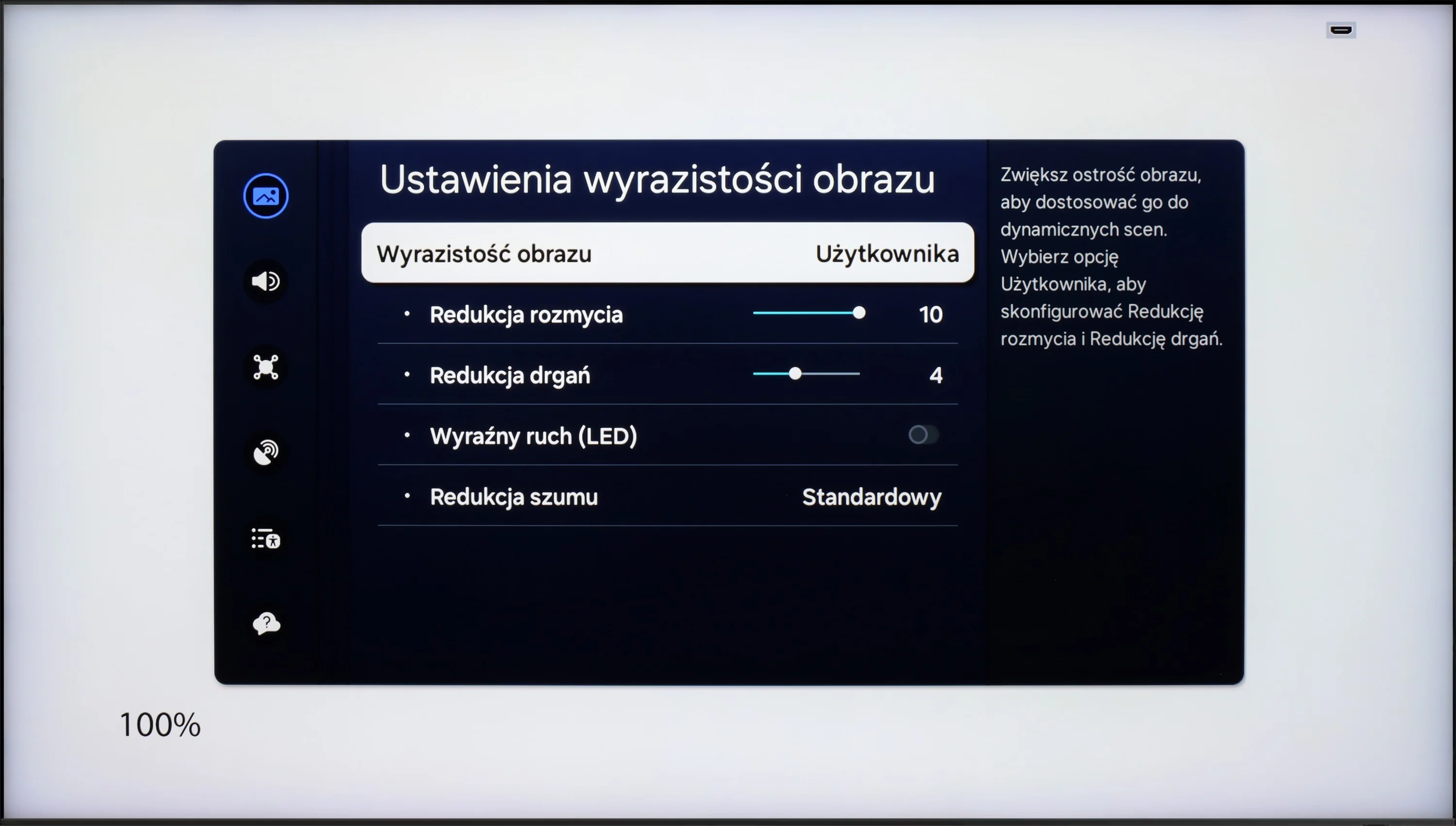
The panel in Samsung QN95 performs very well in terms of motion blur and smoothness of movement. With a refresh rate of 120 Hz and features for reducing blur and judder, the picture settings can be customised to personal preferences, whether for watching films or for dynamic sports broadcasts. The user has the option to adjust the smoothness of the image on a 10-point scale – from a more frame-like appearance reminiscent of traditional film to a smooth, almost theatrical effect, which works particularly well for sports transmissions.
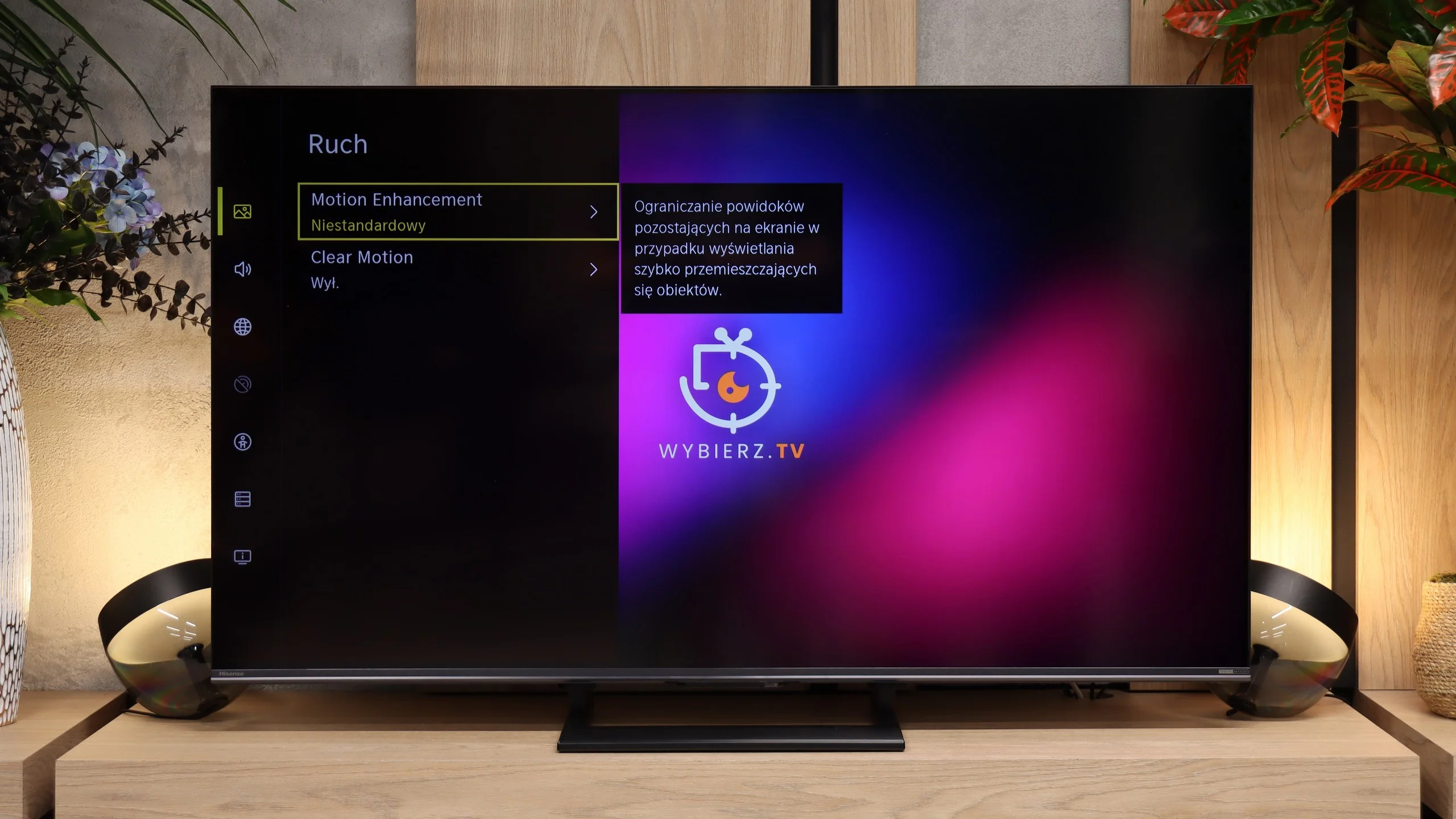
Motion handling on the Hisense U7S is decent thanks to the 144 Hz refresh rate. For films there is also a motion smoother with adjustable judder and blur reduction. You can therefore keep a more cinematic motion or increase smoothness if jerky camera pans bother you. The high refresh rate is also useful for sports and gaming, but unfortunately it does not solve the panel's biggest problem.
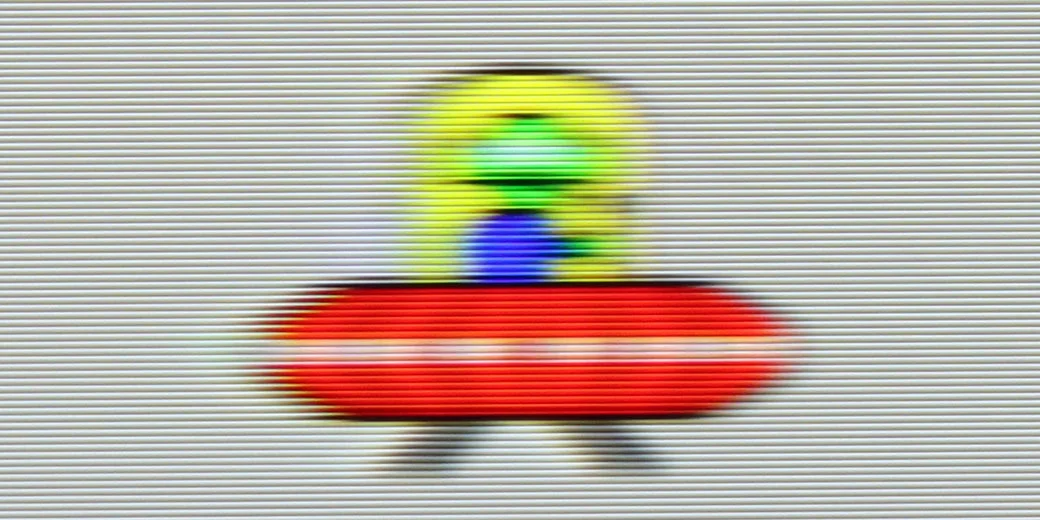
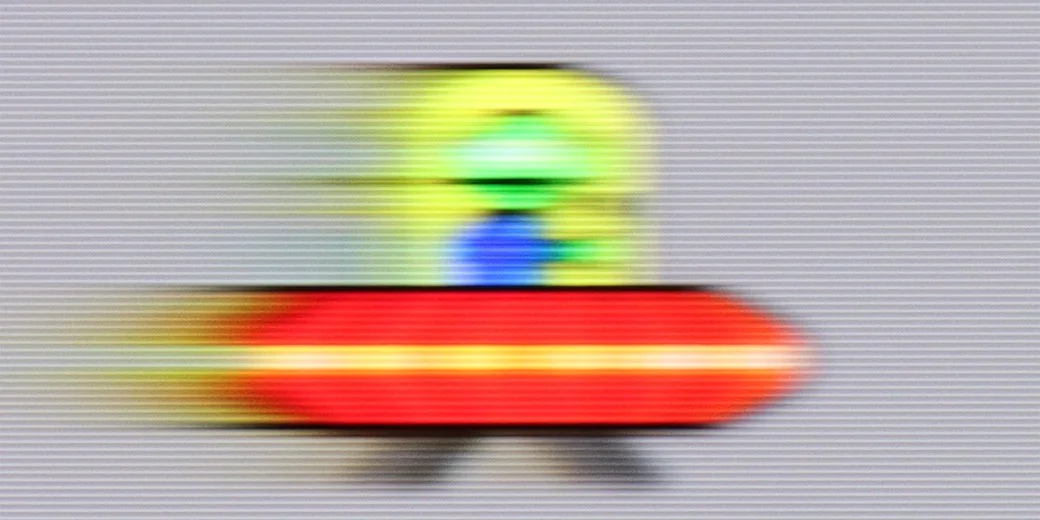
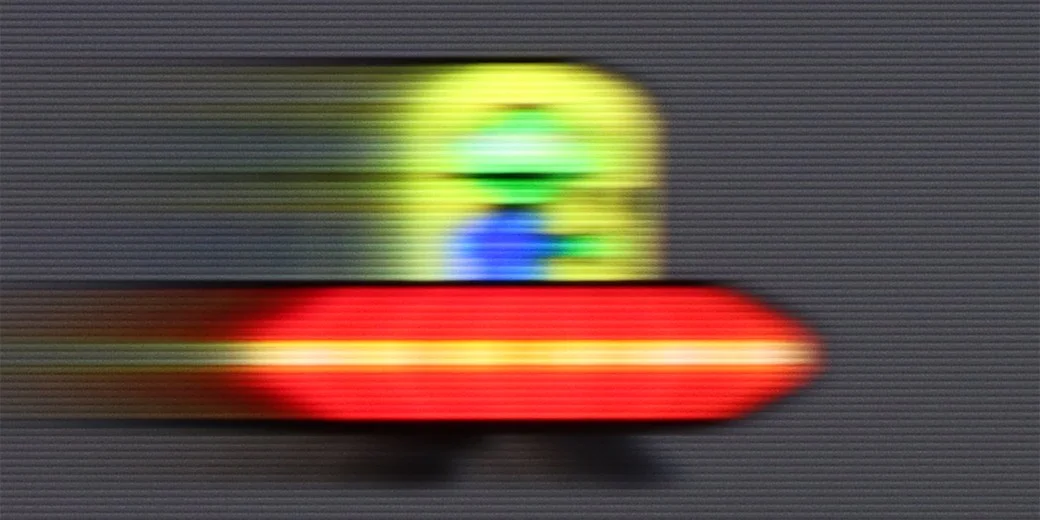
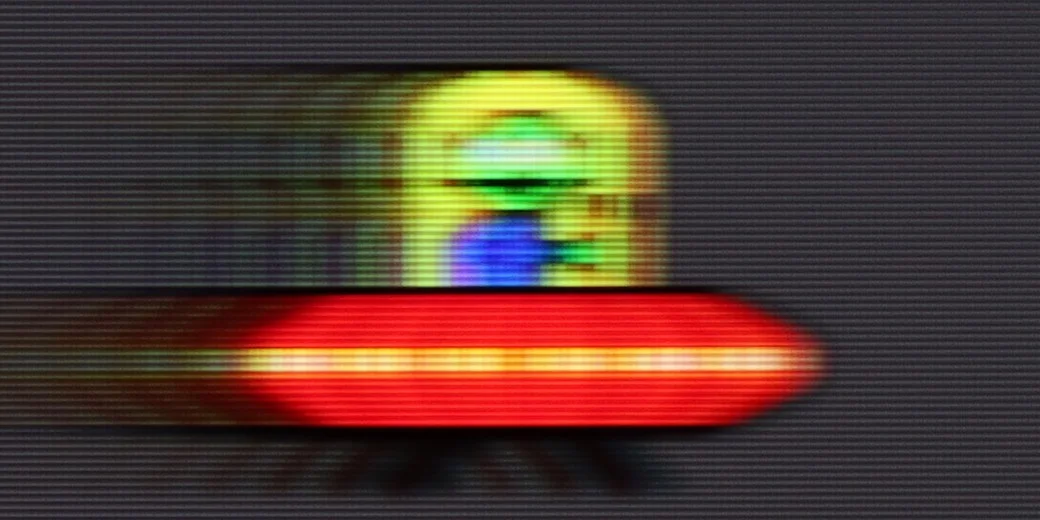
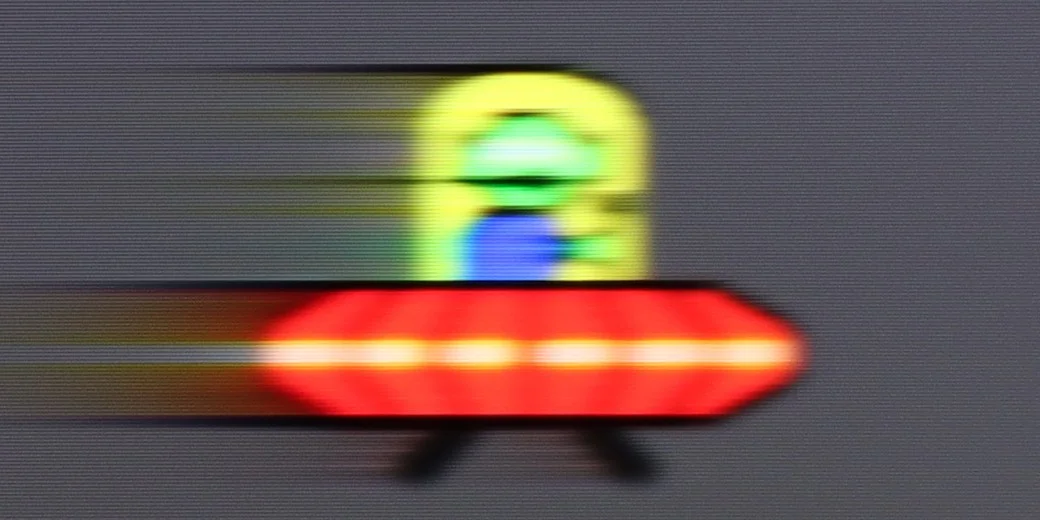
That problem is pixel response time. Fast-moving objects leave long, clearly visible trails, as our UFO test shows. It looks worst on dark backgrounds, where the trail behind the object is particularly pronounced. So motion can be smooth, but the moving object itself loses sharpness, and that difference on the U7S is fairly easy to notice.
Console compatibility and gaming features
9.5/10
8.5/10
- ALLM
- VRR
- VRR range48 - 144Hz48 - 240Hz
- Dolby Vision Game Mode
- Correct implementation of HGIG
- 1080p@120Hz
- 1440p@120Hz
- 4K@120Hz
- Game bar
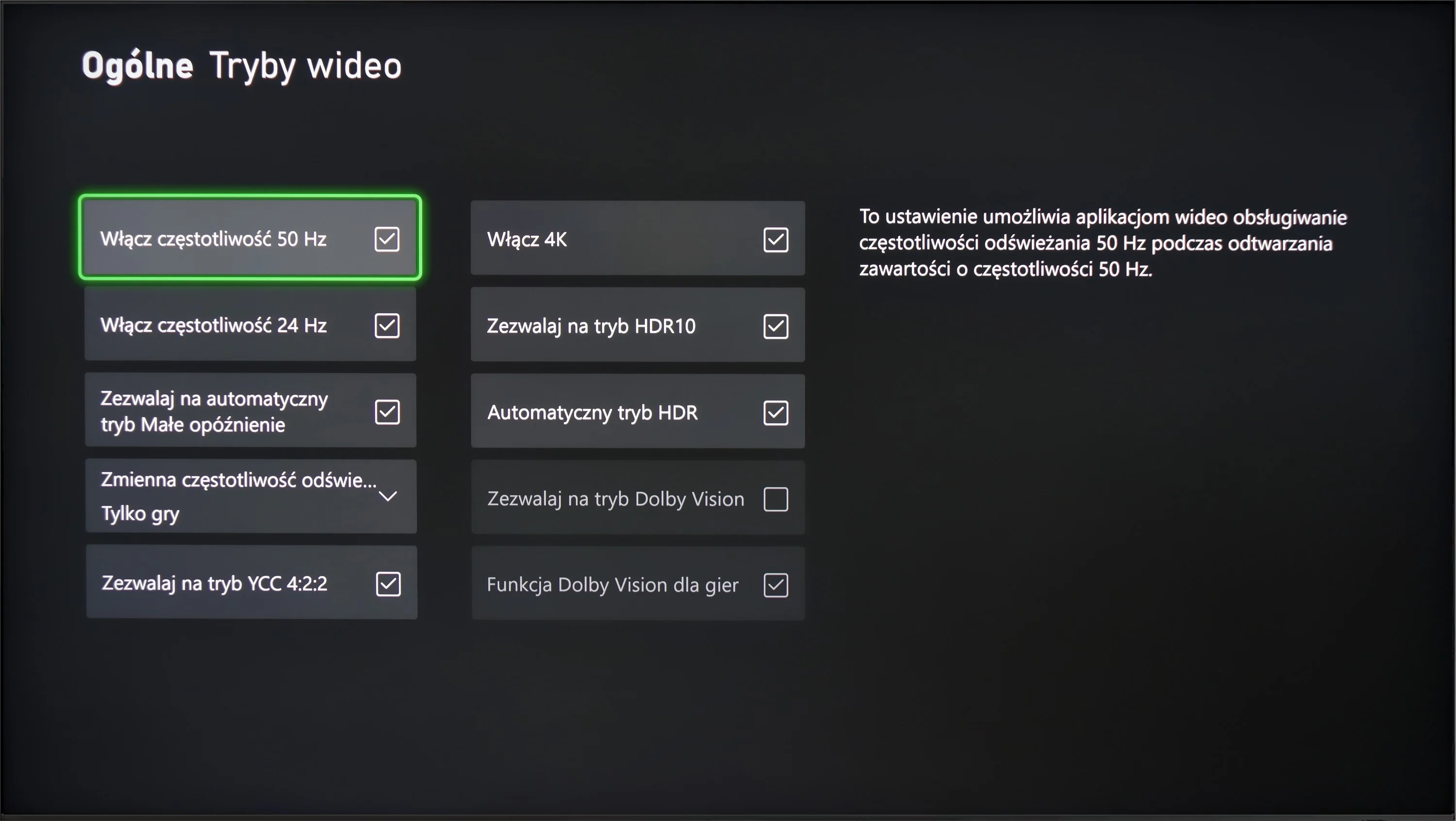
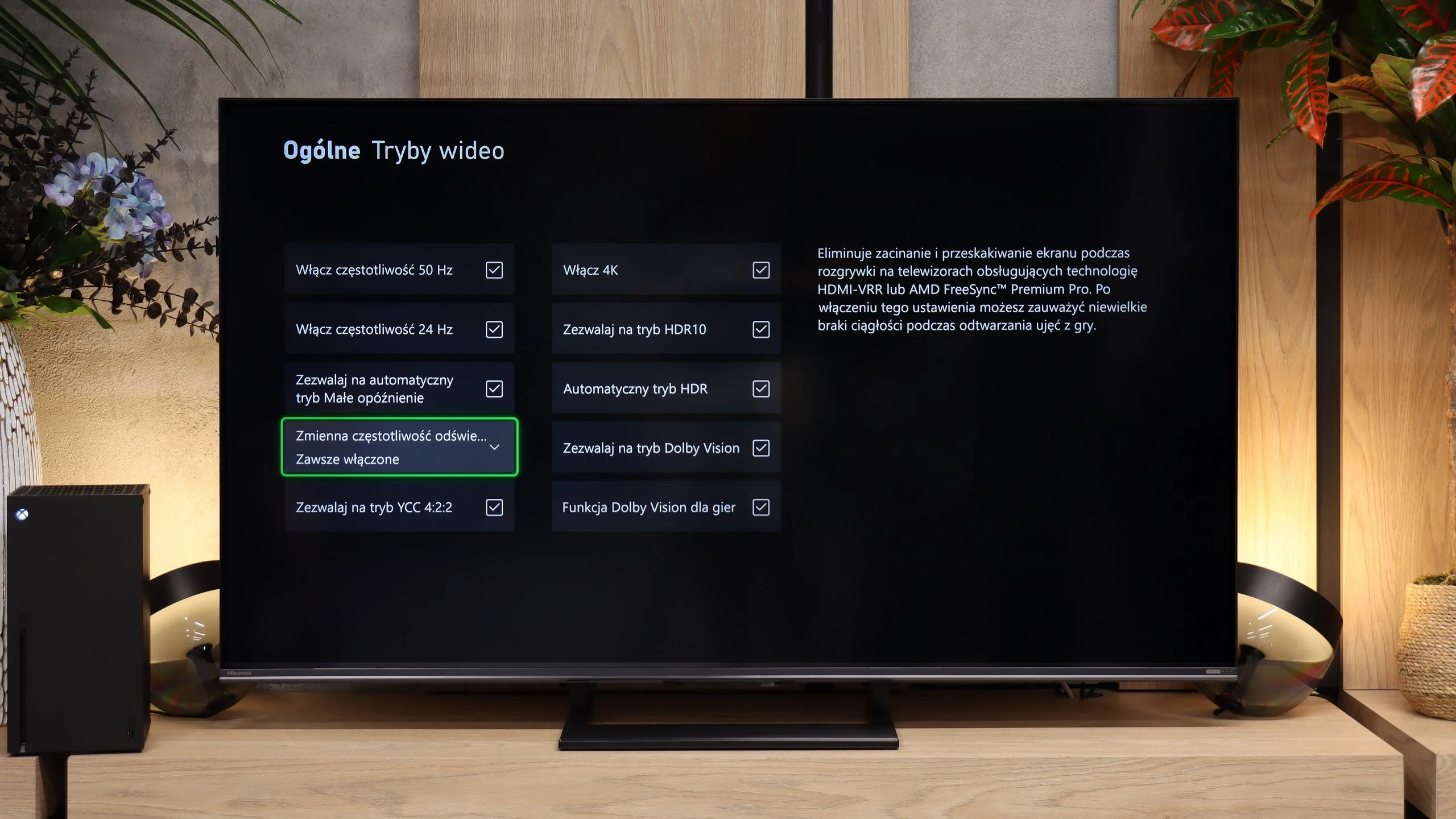
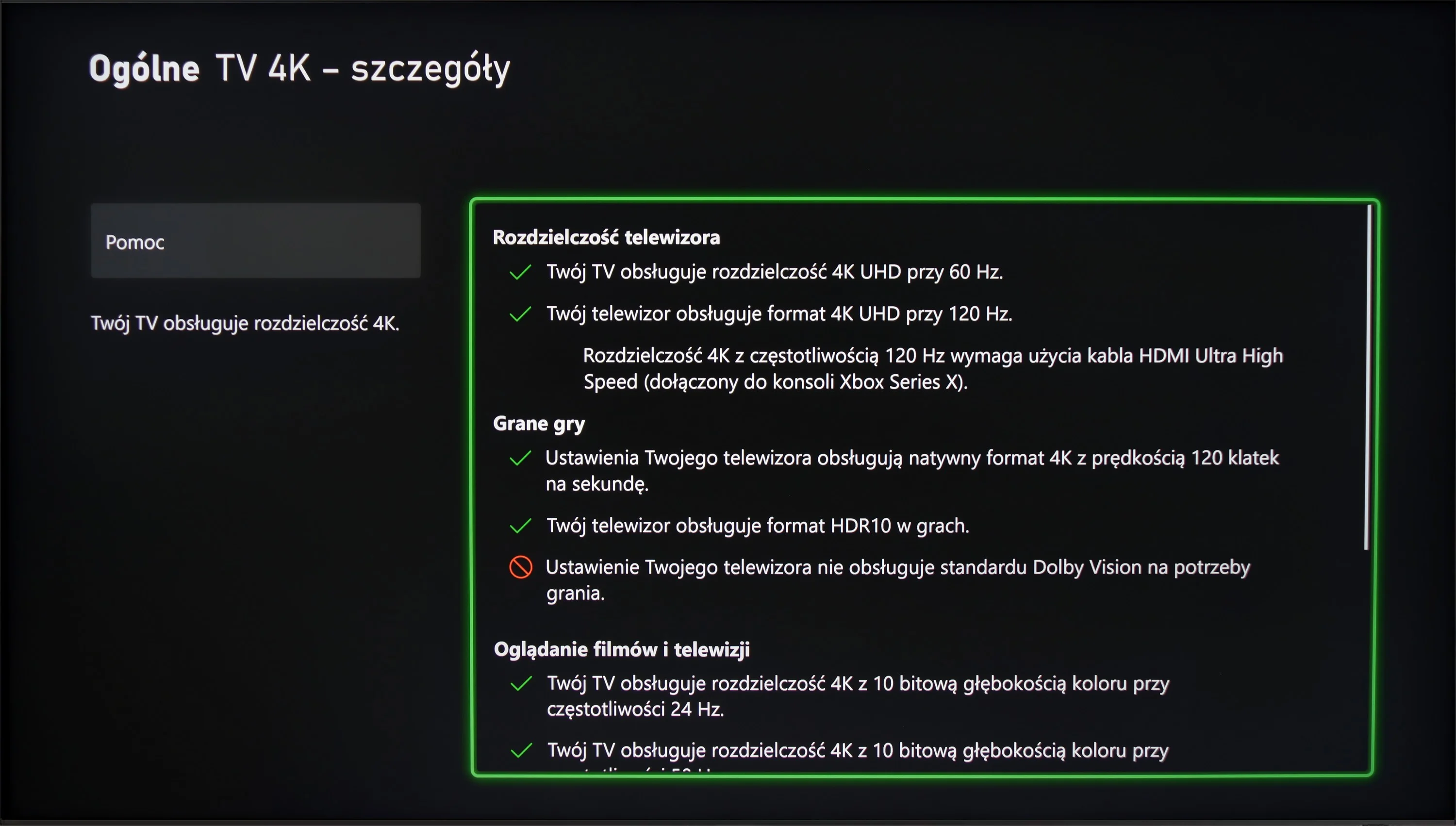
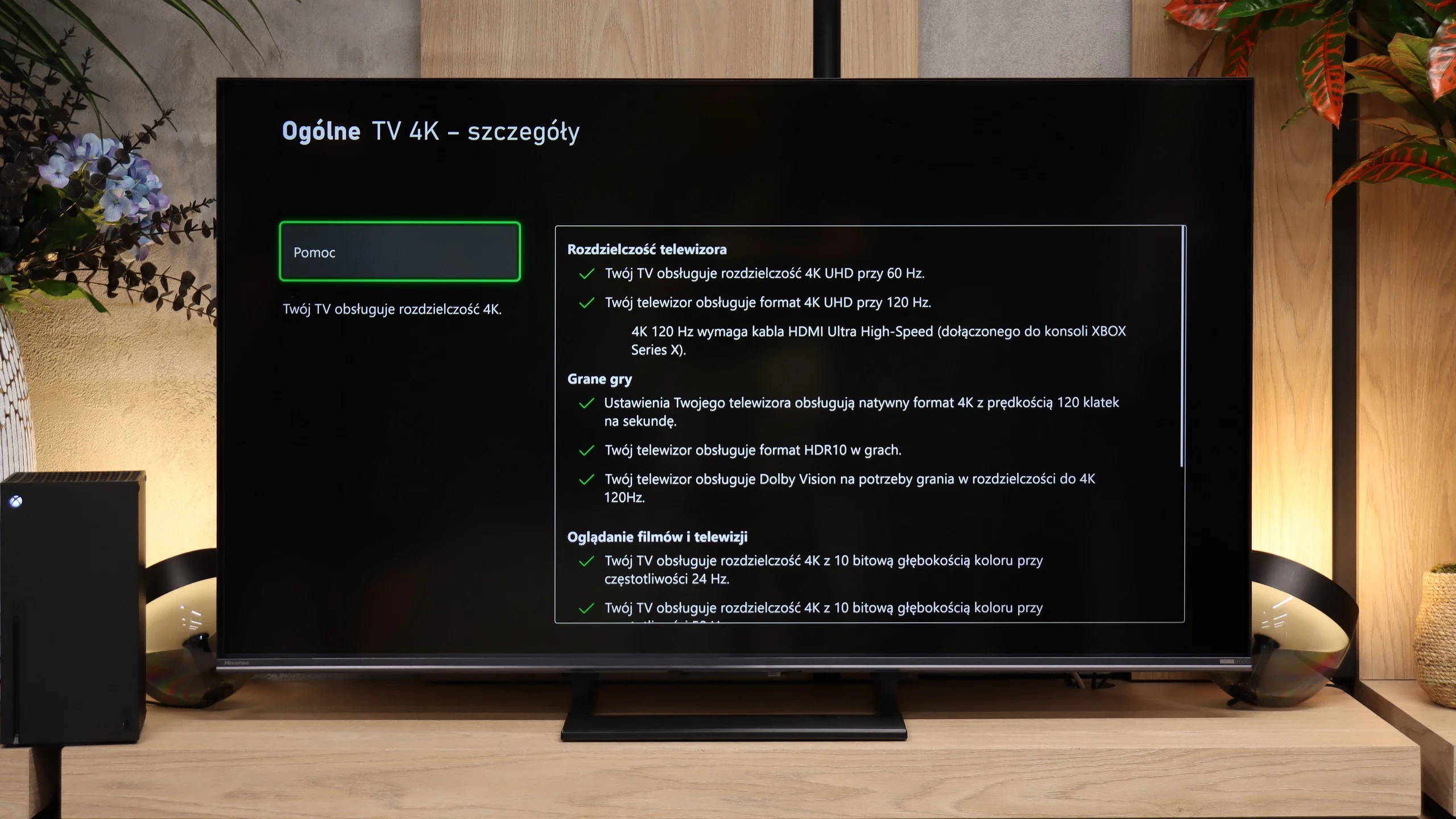
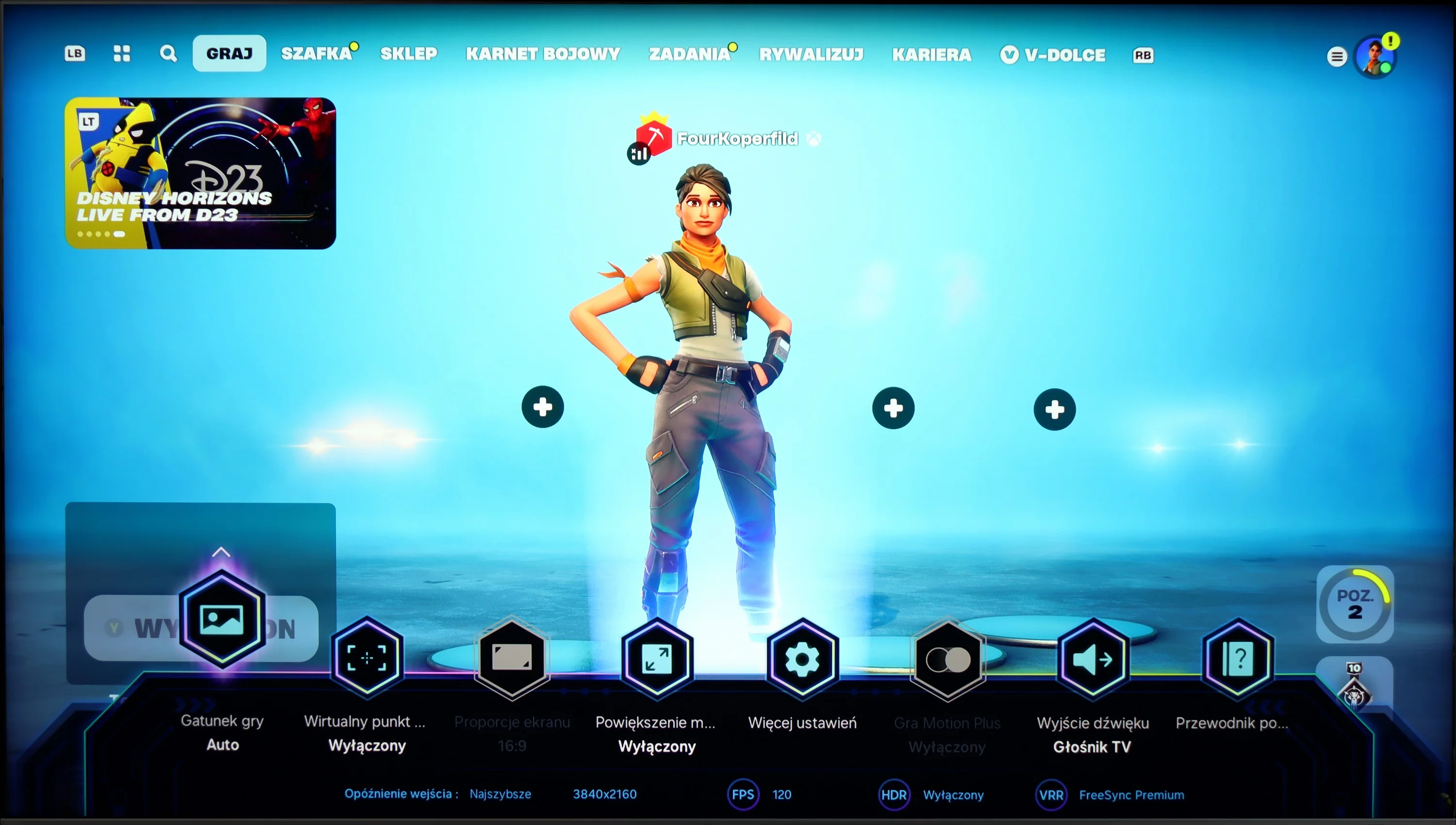
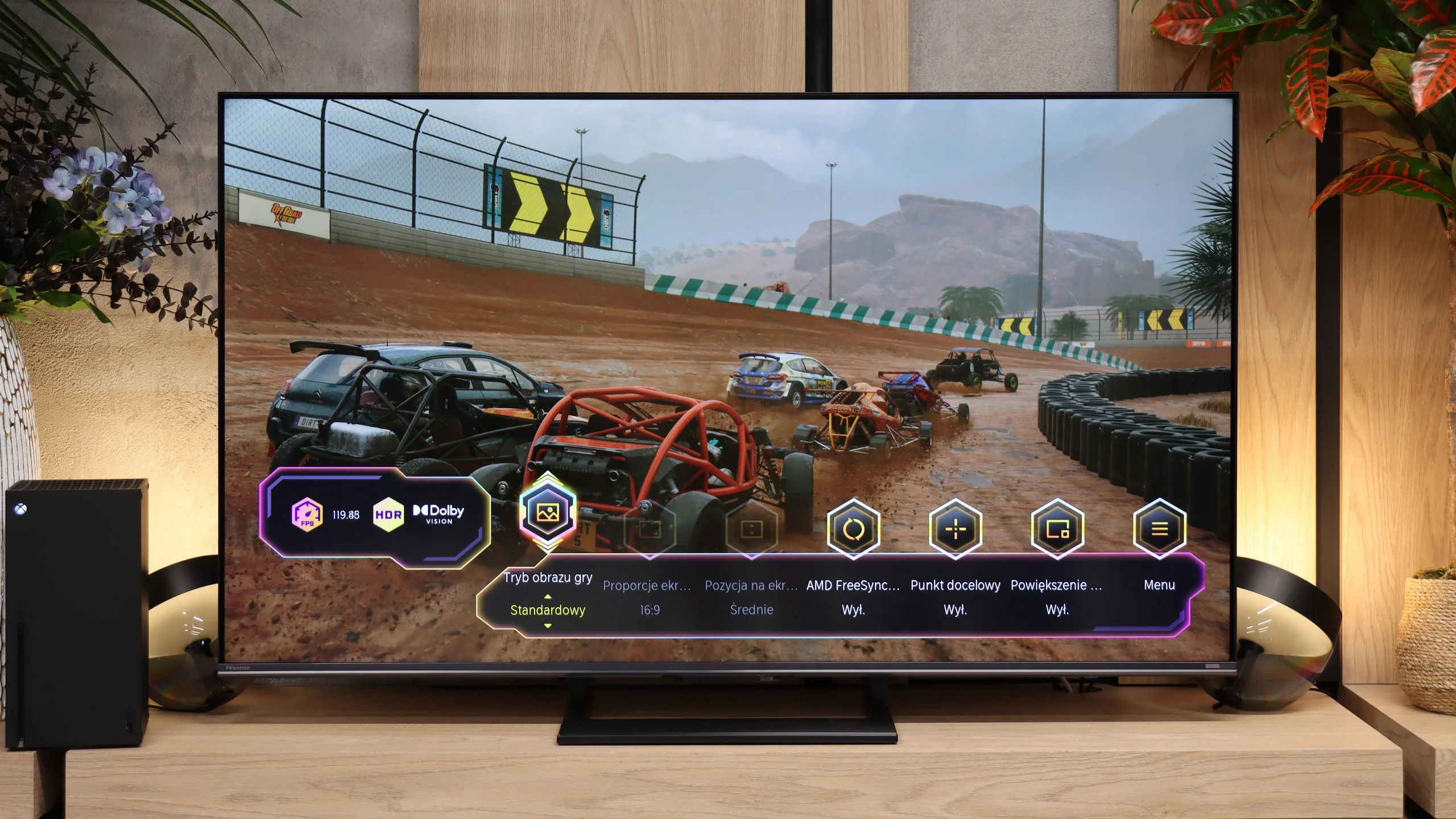
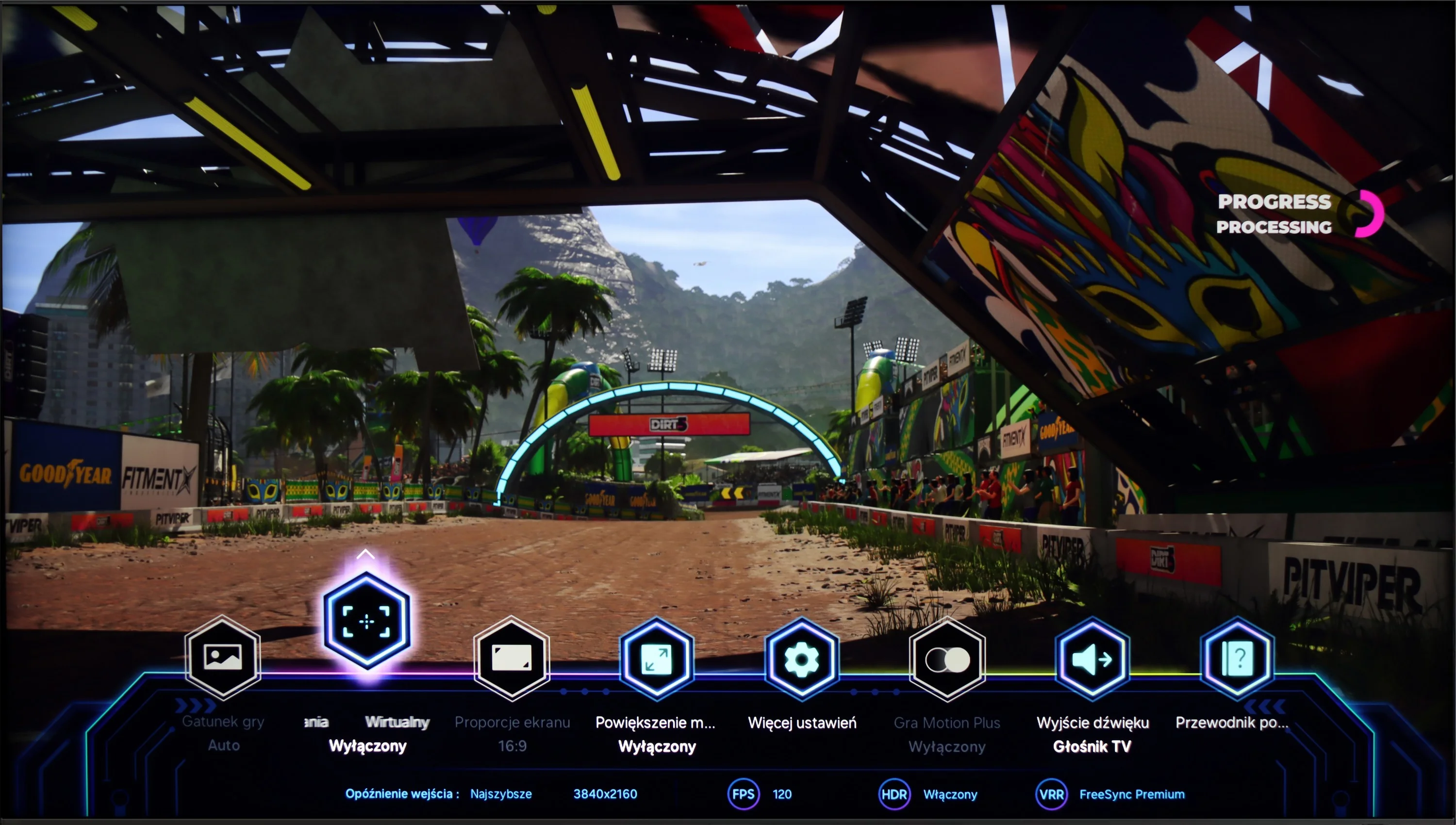
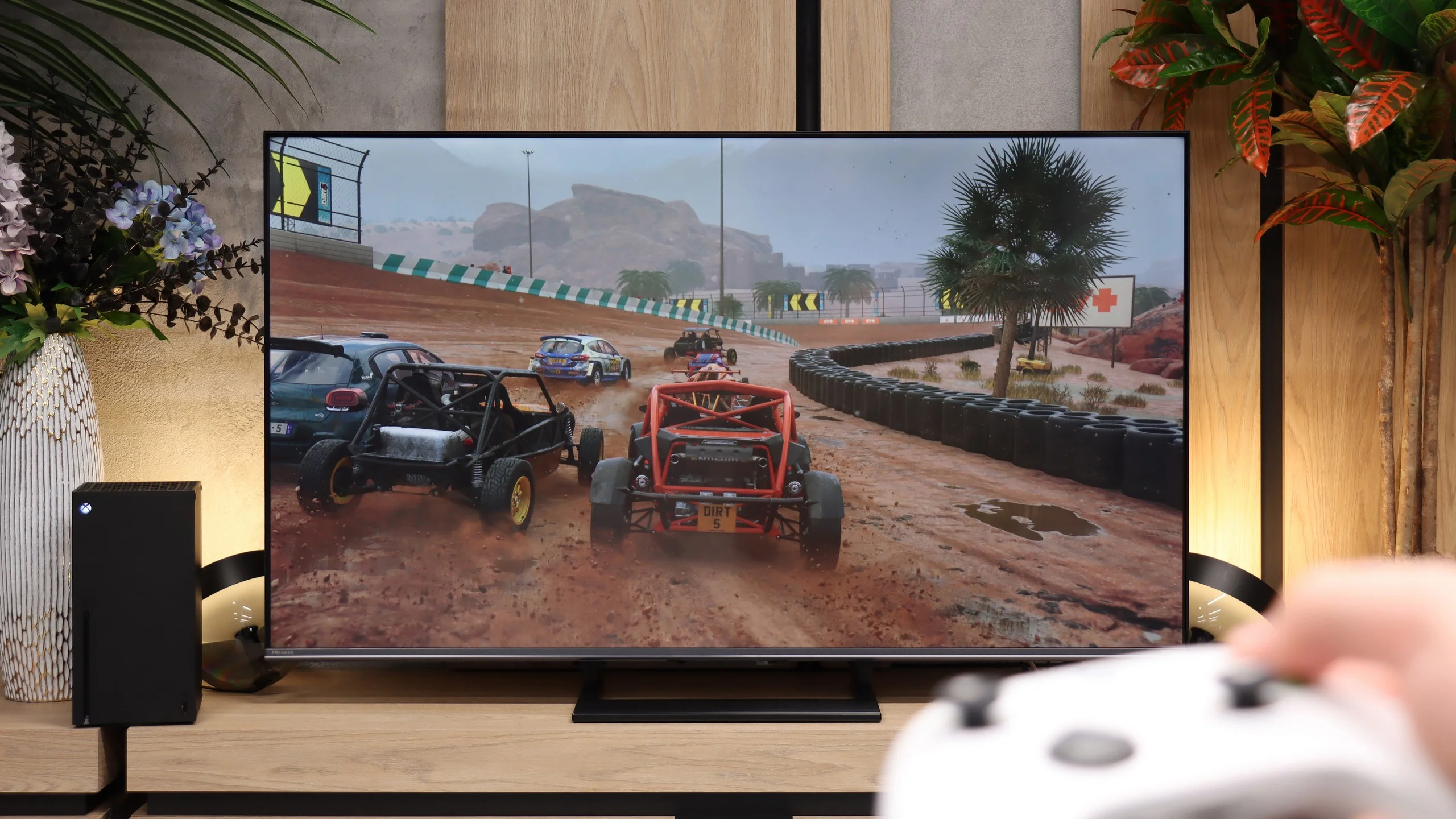
Samsung QN95D offers quite a few features that gamers will appreciate. First and foremost, the television supports variable refresh rate (VRR), which allows for smoother gameplay, eliminating issues with tearing, especially during dynamic scenes. We also find the auto low latency mode (ALLM) feature, which automatically switches the television to low latency mode when it detects a connected console or computer, ensuring more responsive controls.
Furthermore, the QN95D Samsung has a game mode that reduces input lag to a very low level, which is crucial in games where reflexes play an important role. With a high refresh rate of 120 Hz, the picture is exceptionally smooth, significantly enhancing the experience of fast-paced action games and sports productions. The television also supports G-Sync and FreeSync technologies, which further enhance gameplay smoothness and improve user comfort. An interesting addition is the 'Game Bar' – a special menu that provides quick access to all game-related settings, allowing easy adjustments of picture and parameters to suit user preferences without the need to interrupt gameplay.
Although the Samsung QN95D does not support Dolby Vision – which is quite obvious for Samsung televisions – it does offer the HGiG feature, which ensures appropriate picture quality in HDR games, in line with the creators' vision.
The Hisense U7S has a lot to offer gamers. You get two HDMI 2.1 ports and support for 120 Hz at Full HD, 1440p, and 4K, so modern consoles’ capabilities are well used. When connected to a PC you can use 144 Hz at 4K or switch the resolution to Full HD and run 240 Hz. So there’s a wide choice, although it’s worth remembering the motion smearing mentioned earlier, which the high refresh rate does not eliminate. VRR and ALLM are also present. The first helps prevent tearing when frame rates in a game change. The second automatically switches the TV into game mode, so you don’t have to dig through the menu each time. VRR works from 48 to 240 Hz, with the highest refresh rate available in Full HD. Xbox users can also play in Dolby Vision, including at 120 Hz. Importantly, this format does not introduce significant input lag here. The Game Bar also looks very good. It’s easy to read, visually appealing, and lets you quickly check what signal the TV is receiving. There are also handy gaming settings at your fingertips, including shadow brightening. If it’s hard to spot an opponent in a dark game, you can improve visibility without digging through the entire menu.
Our biggest complaints concern HGiG. Hisense continues to do its own tone mapping, which makes setting HDR on the console confusing. You adjust a checkerboard test pattern and the TV continuously adapts how it looks. As a result, the moment the pattern disappears does not correctly indicate the screen’s brightness limit, and it’s easy to set the value too high. For this model it’s better to set the target HDR peak brightness on the console to about 900 to 1000 nits, rather than relying on the configurator.
Input lag
9.8/10
9.9/10
SDR
HDR
Dolby Vision
QN95D Samsung stands out with excellent input lag performance, achieving values below 15 ms. This is an impressive result that is not dependent on resolution or refresh rate. With such low latency, gamers can enjoy the TV's instant response to their commands, which is crucial in dynamic games. Whether we are playing 4K titles at 120 Hz or lower resolution games, the QN95D ensures exceptional gameplay smoothness and precise motion rendering. Such a level of responsiveness makes the TV an ideal choice for any avid gamer.
In terms of input lag, the Hisense U7S performs excellently. At 60 Hz we measured 14 to 16 ms, and at 120 Hz just 9 to 10 ms. The controls are responsive and even in fast-paced games the TV doesn't add any noticeable delay. Importantly, Dolby Vision performs just as well: 14 ms at 60 Hz and 9 ms at 120 Hz mean you don't have to give up the format for fear of added latency. The motion blur described earlier is a separate issue: the screen reacts quickly to inputs, but the pixels do not always keep up with changes in colour.
Compatibility with PC
8.6/10
8.2/10
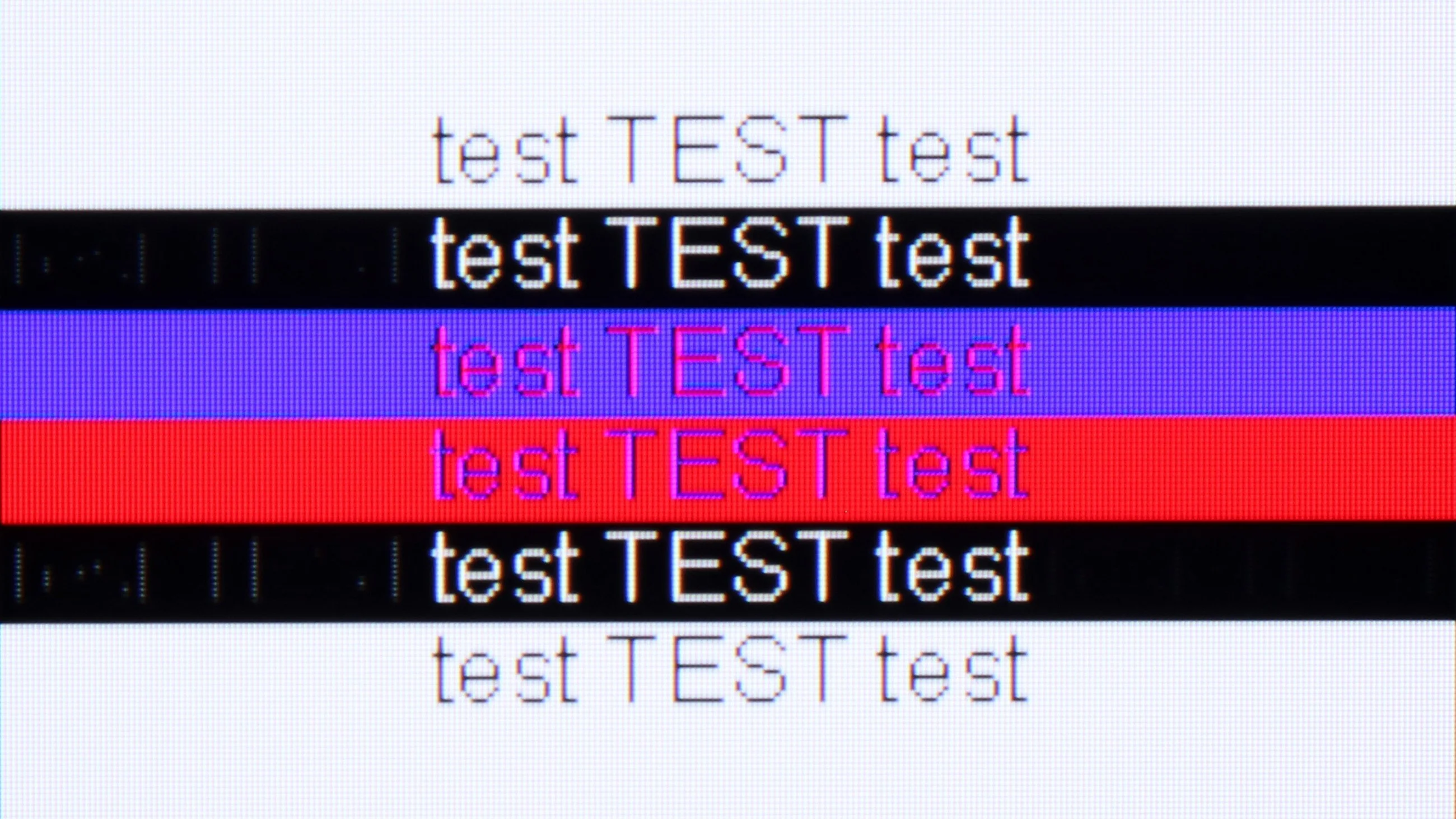
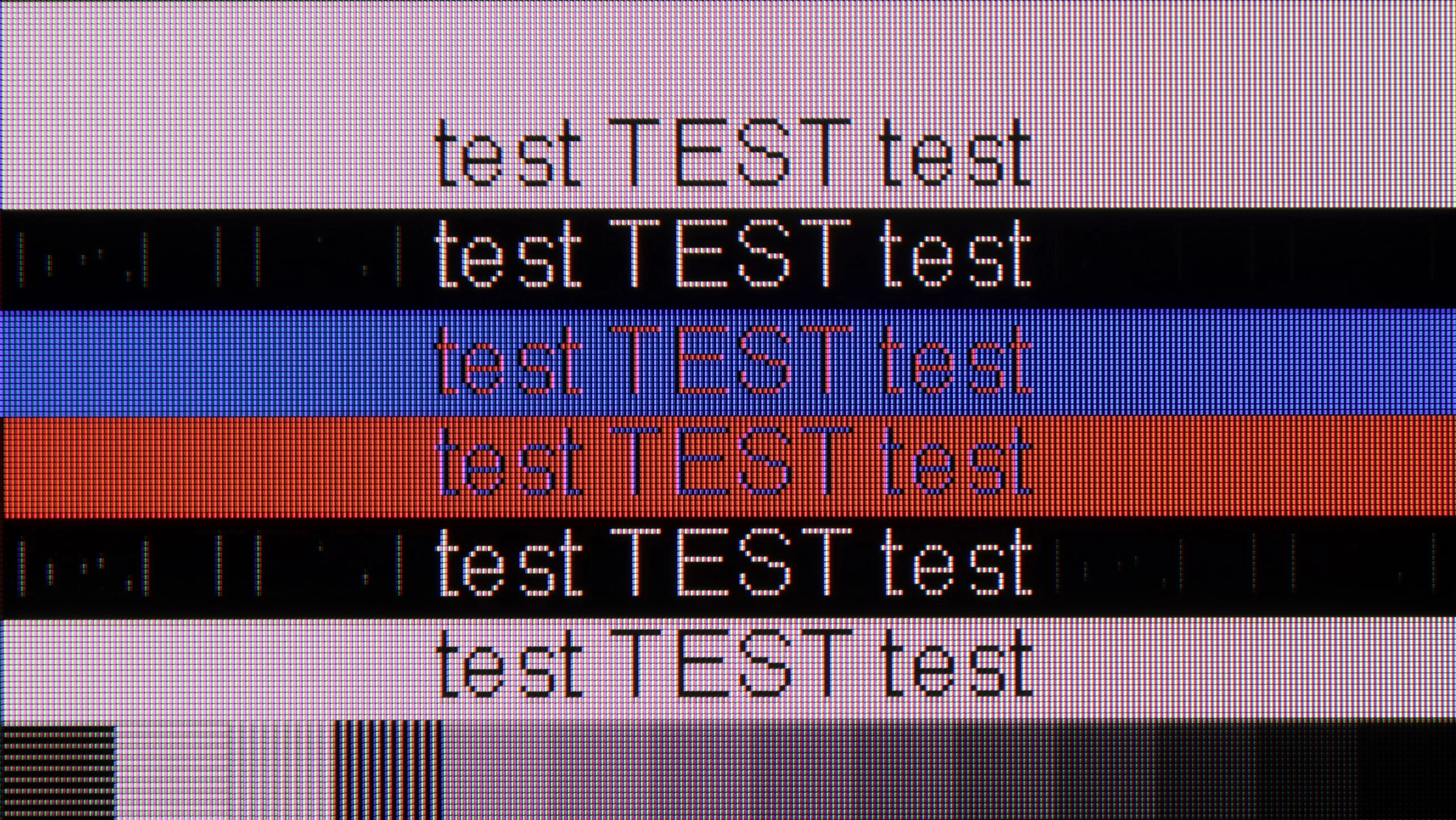
The photo shows the legibility of small fonts. Ideally, lines should be the same thickness on both light and dark text, with minimal pixel gaps.
In the category of collaboration with a PC, the Samsung QN95D television stands out with its high performance, offering support for 4:4:4 chroma and impressively low input lag. Thanks to these features, users can enjoy fluidity and responsiveness, making it an ideal choice for office work or everyday applications. However, one noticeable issue is the poor visibility of horizontal lines on a dark background. In the test image on the right, it is evident that the letters resemble vertical lines, which can be somewhat frustrating. Nonetheless, the television generally offers good compatibility with a computer, and users can expect comfortable operation in their daily tasks.
When connected to a PC you can run 4K at 144 Hz, with G-Sync enabled and input lag of around 10 ms. It's a good setup for gaming, although panel smearing is still noticeable in fast-moving scenes. 4:4:4 chroma subsampling also works correctly, even at the maximum refresh rate, so coloured text and small desktop elements remain legible.
For web browsing or occasional work the U7S is quite suitable, but not all fonts look equally sharp. Our main complaint is small, dark text: thin strokes of letters can disappear and characters look uneven. It's hard to notice that from the sofa, but when working up close, especially with text or spreadsheets, it can become distracting.
Viewing angles
7.1/10
3.1/10
In the case of TVs with VA panels, one can usually expect limited viewing angles; however, QN95D Samsung surprises in this category. Thanks to the applied coating that widens viewing angles, the TV offers really good performance, which is rarely seen in devices with this type of panel. Although VA panels are usually not the best in this regard, in this model, the picture remains clear and vivid even when viewed from the side, making it an excellent choice for larger rooms and group watching.
Viewing angles are unfortunately a weak point of the Hisense U7S. Even after shifting to the side, colours lose saturation, blacks become lighter and the picture looks washed out. At a 45-degree angle we measured as much as a 74% drop in brightness, so the difference compared with watching head-on is really significant. This is a typical limitation of VA panels. When seated centrally you can appreciate its good contrast, but people at the far ends of a wide sofa will see a noticeably poorer picture. The U7S is therefore best suited to setups where seating is positioned as directly in front of the screen as possible.
Daytime performance
6.5/10
7/10
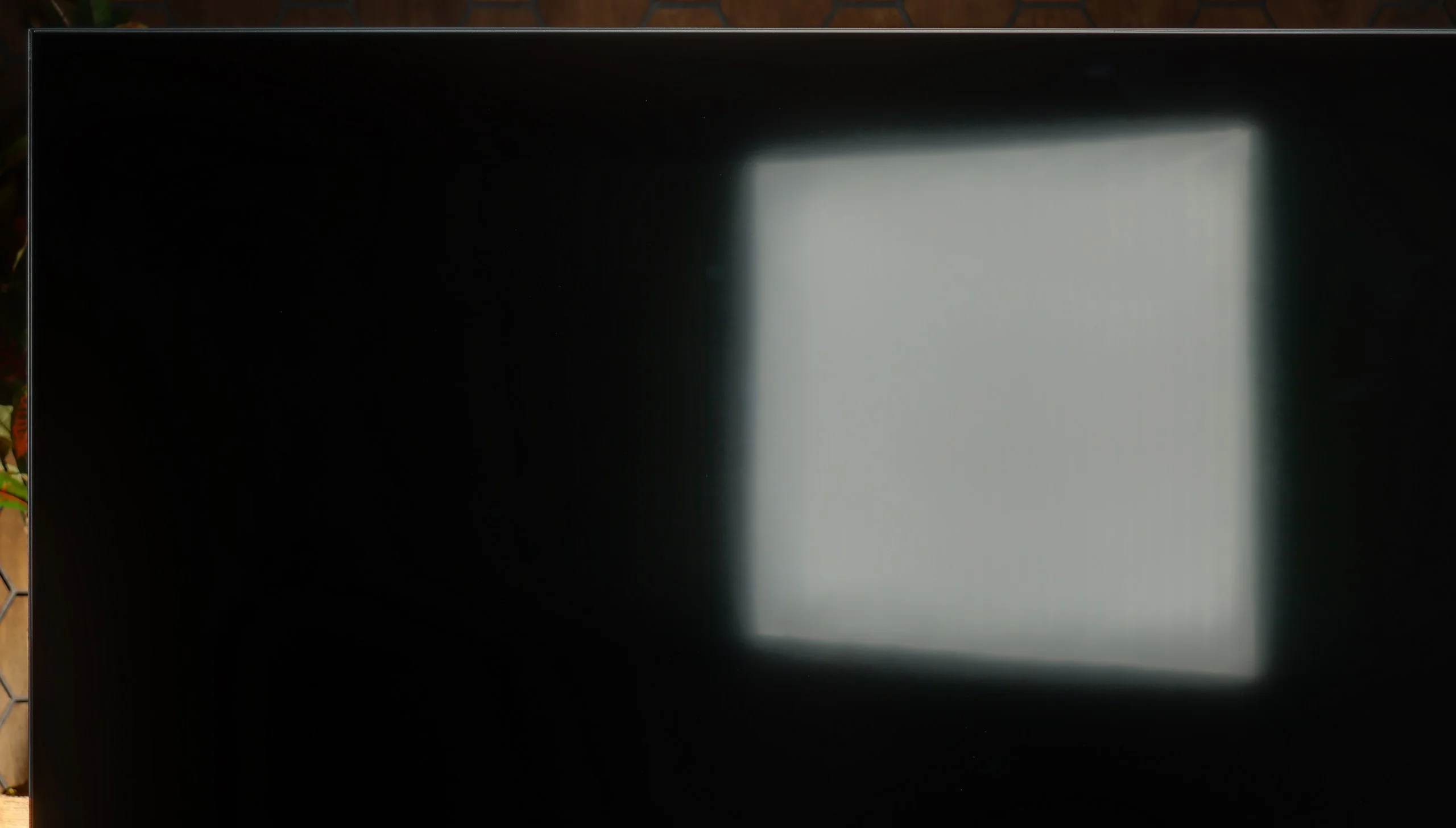
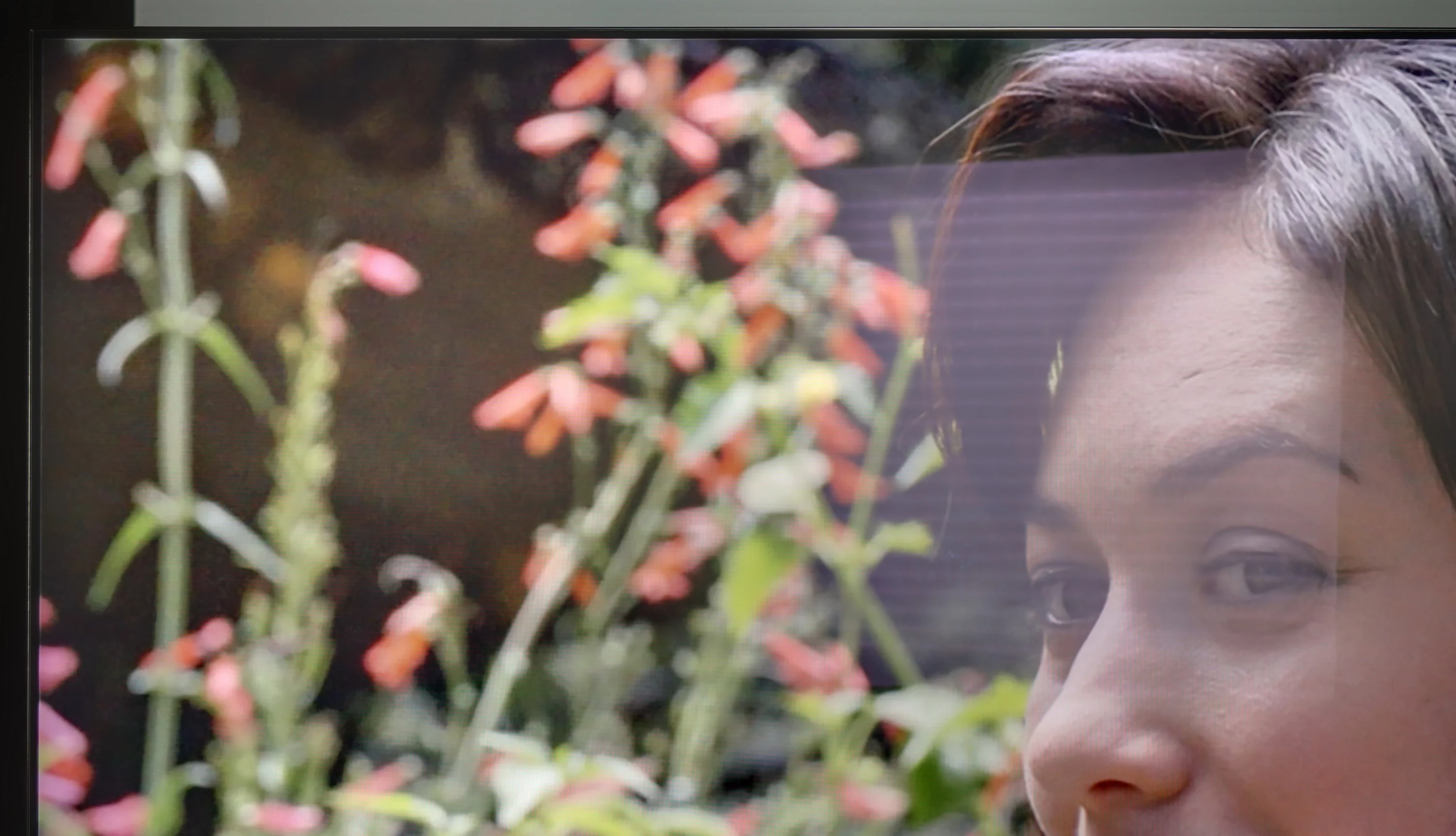
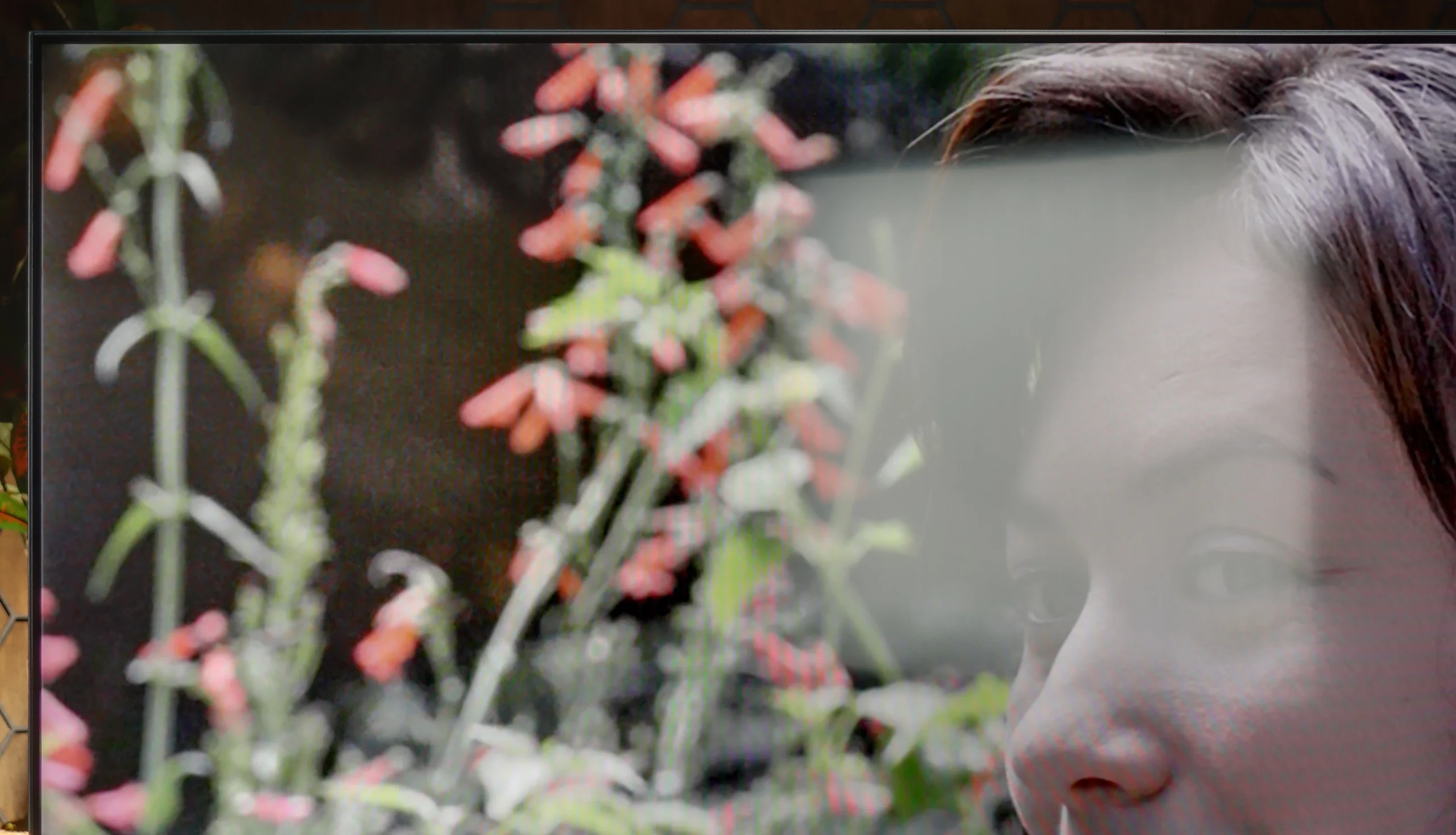
Panel brightness
Hisense U7S / U77SE: 664 cd/m2
Samsung Neo QLED QN95D: 655 cd/m2
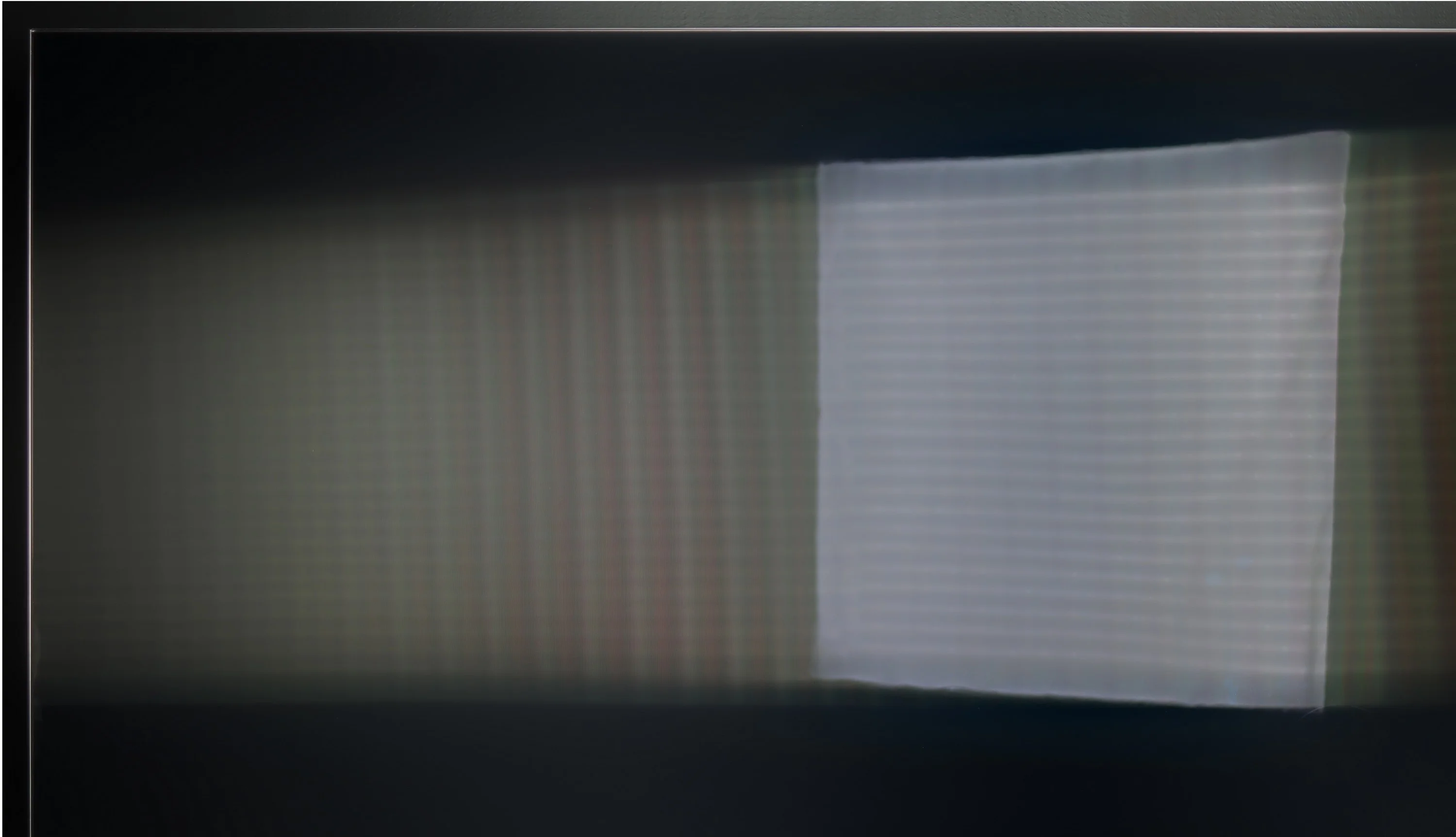
In the daytime performance category, QN95D Samsung, despite using a glossy panel, may struggle with highly visible reflections on the screen. As seen in the photo on the right, the lamp disperses to the left and right, which is a result of the anti-reflective coating used. However, overall this coating performs very well when the television displays any colours other than black, where reflections become more noticeable. It is worth noting that the television achieves very high brightness for SDR content, exceeding 650 nits, which provides comfortable viewing even in bright rooms.
The Hisense U7S handles daytime viewing well. In SDR we measured an average of around 664 nits, and depending on the screen content brightness ranged roughly between 500 and 800 nits. Even with an all-white image it stays above 500 nits, so a sports broadcast or a bright TV programme does not suddenly look dimmed. That is plenty of headroom for comfortable viewing in most living rooms. The satin coating does a decent job suppressing reflections, but a window opposite the TV will still be visible. In the photo it is clear that its reflection can obscure part of the picture, so high brightness alone does not solve everything. A plus is the handling of blacks and colours in daylight, which do not become overly grey. Overall the U7S performs well in a bright room, though you should position it to avoid direct reflections from windows.
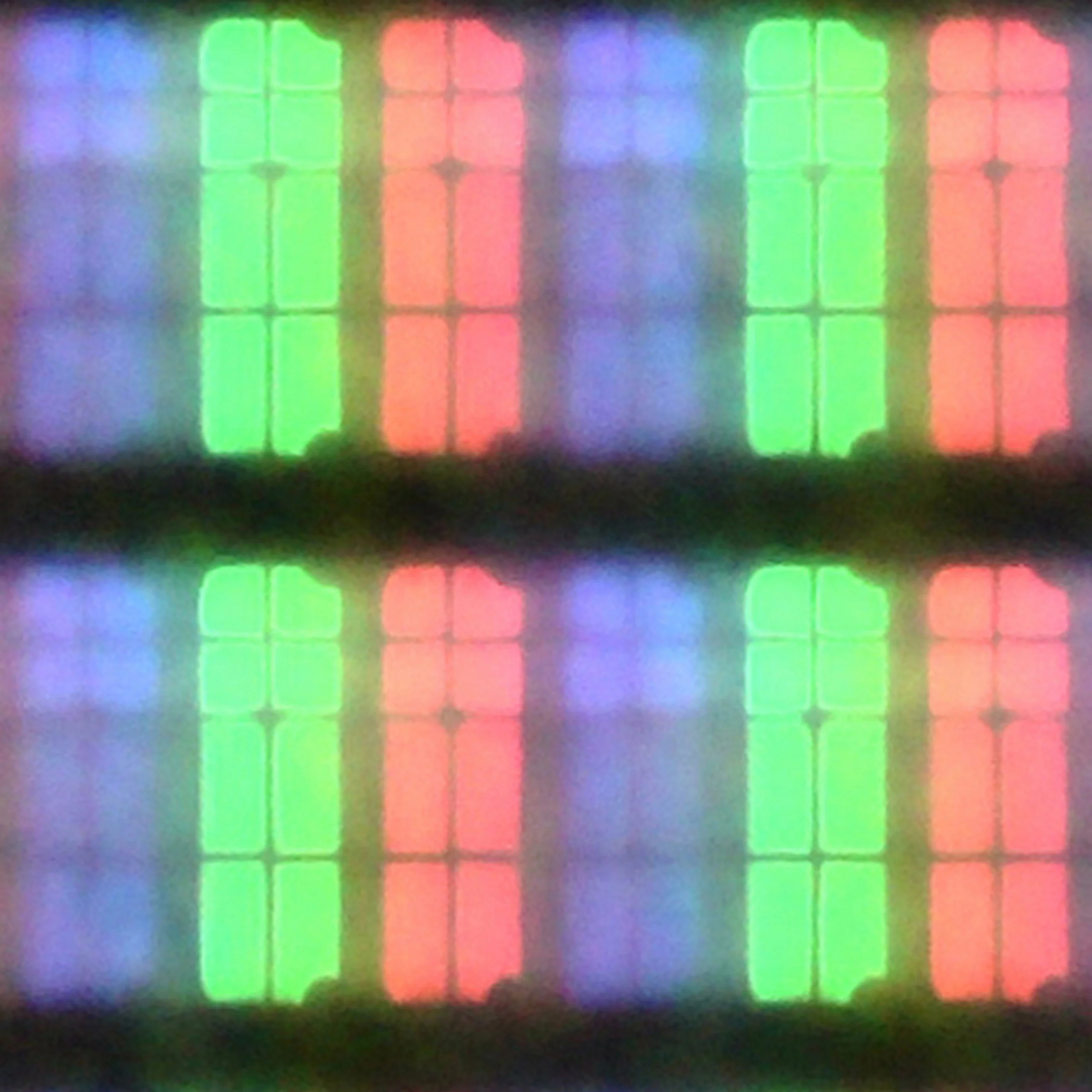
Panel details
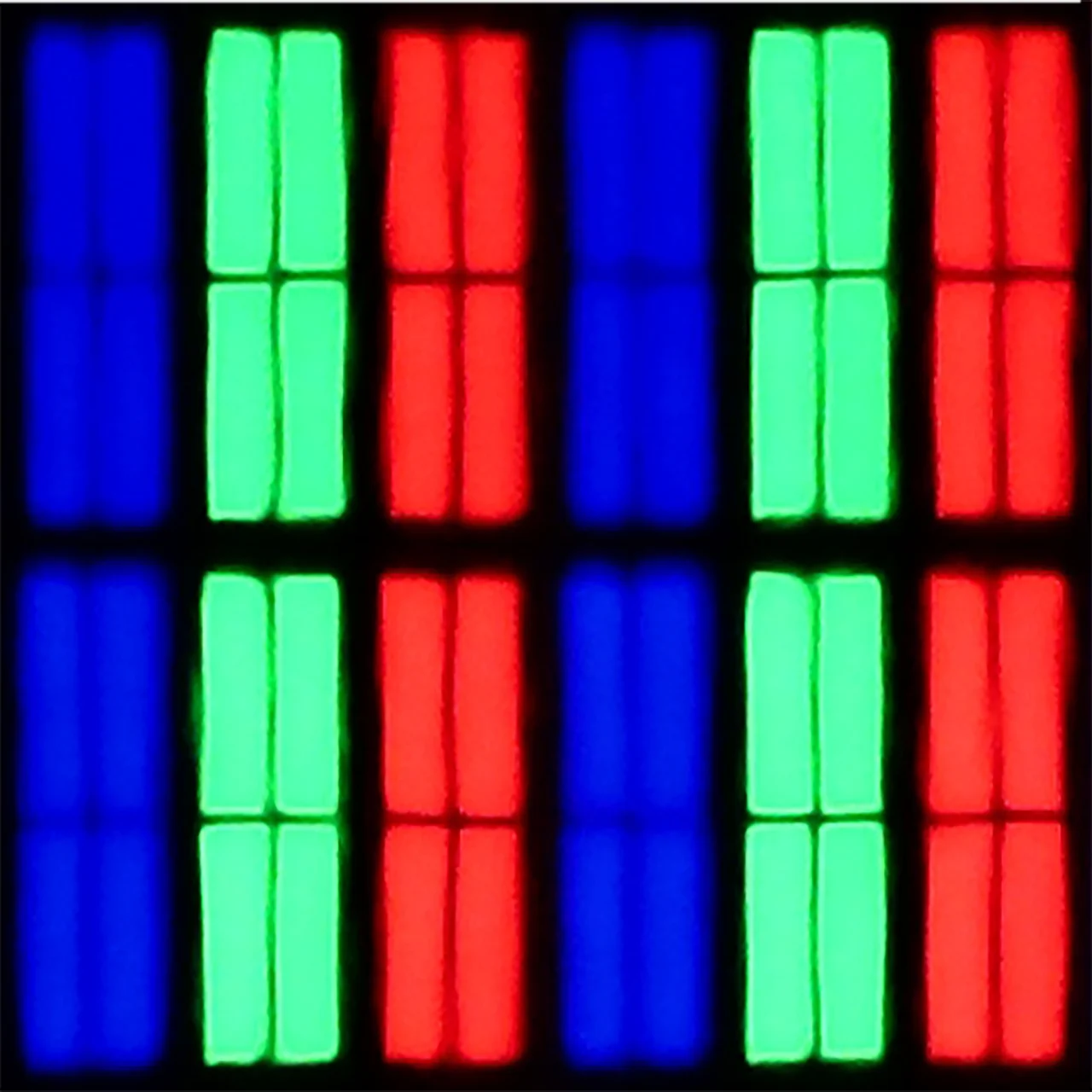
Subpixel Structure:
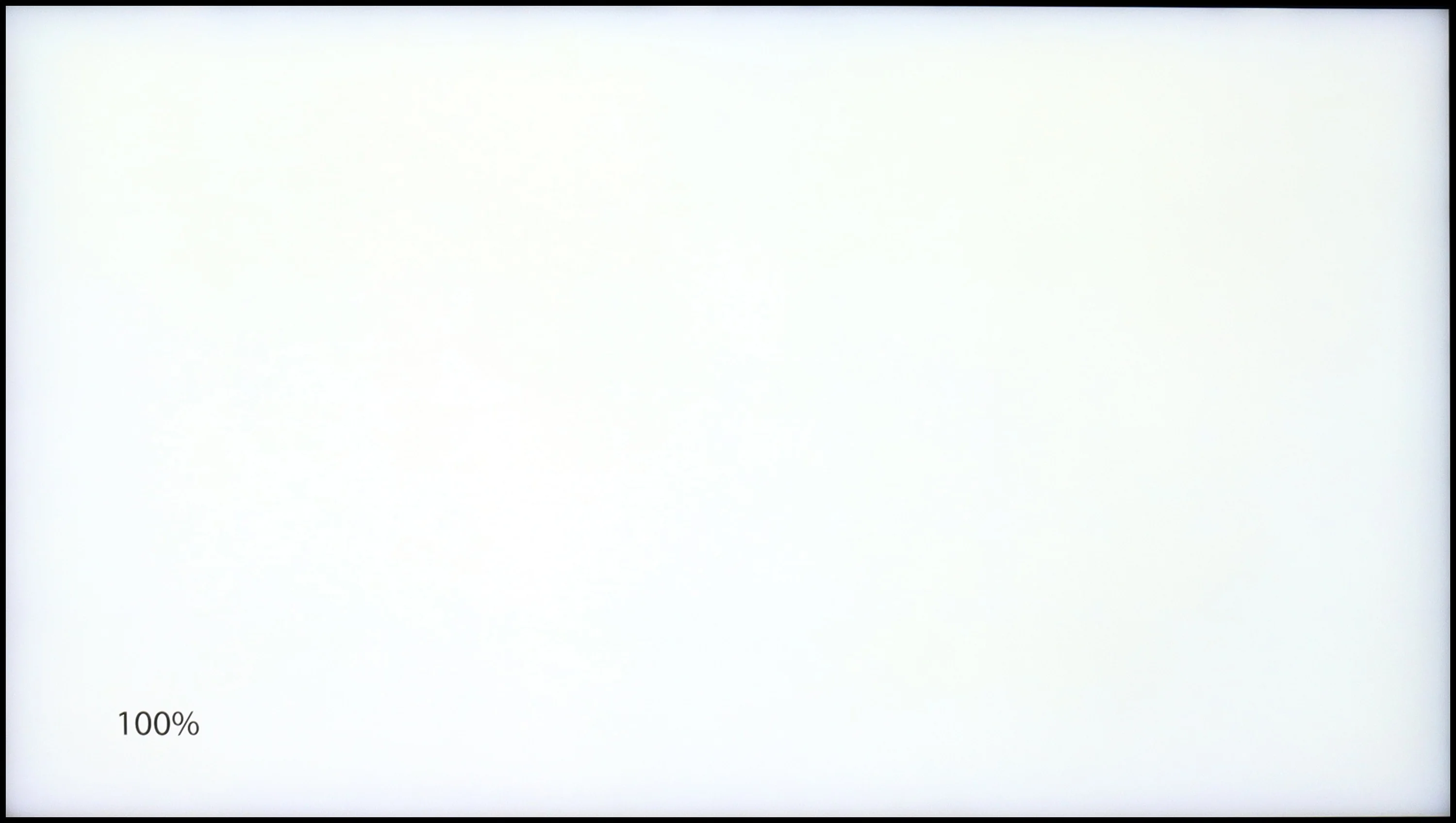
Panel uniformity and thermal imaging:

Samsung Neo QLED QN95D
Hisense U7S / U77SE
TV features
6.7/10
8.9/10
- SystemTizenVIDAA
- System performanceVery goodGood
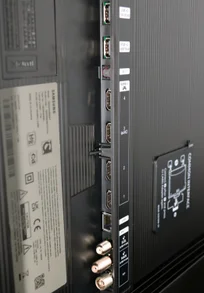
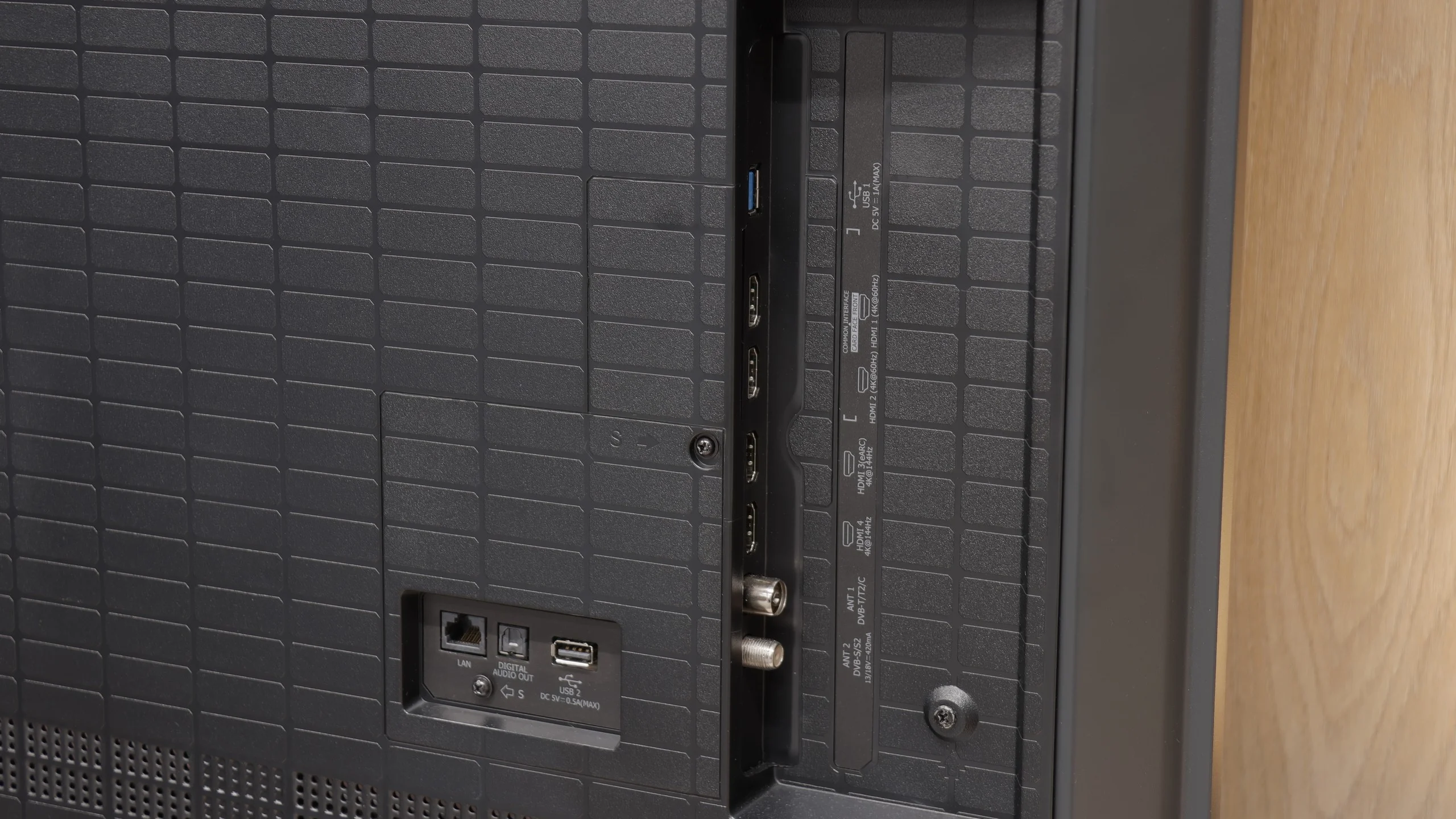
- HDMI inputs0 x HDMI 2.0, 4 x HDMI 2.1 48Gbps2 x HDMI 2.0, 2 x HDMI 2.1 48Gbps
- OutputsToslink (Optical audio), eARC (HDMI), ARC (HDMI)Toslink (Optical audio), eARC (HDMI), ARC (HDMI)
- Network InterfacesWi-Fi 2.4GHz, Wi-Fi 5GHz, Ethernet (LAN) 100MbpsWi-Fi 2.4GHz, Wi-Fi 5GHz, Ethernet (LAN) 100Mbps
- TV receptionDVB-T, DVB-T2, DVB-S, DVB-S2, DVB-CDVB-T, DVB-T2, DVB-S, DVB-S2, DVB-C
Classic features:
- Recording to USB (terrestrial TV)
- Recording programming
- Picture in Picture (PiP)
- RF remote control (no need to aim)
- Backlit remote control
- Teletext
- Audio only mode
- Bluetooth headphones support
- Simultaneous Bluetooth headphones & TV audio
Smart features:
- AirPlay
- Screen mirroring (Windows Miracast)
- Voice search
- Voice search in native language
- Ability to connect a keyboard and mouse
Sound connection options
- HDMI audioeARC (HDMI), ARC (HDMI)eARC (HDMI), ARC (HDMI)
- Other audio outputsToslink (Optical audio)Toslink (Optical audio)
- Wireless audioBluetoothBluetooth
Supported audio formats (external HDMI eARC audio):
- Dolby Digital Plus 7.1
- Dolby True HD 7.1
- Dolby Atmos in Dolby Digital Plus (JOC)
- Dolby Atmos in Dolby True HD
- DTS:X in DTS-HD MA
- DTS-HD Master Audio
Senior accessibility
- Numeric keyboard on TV
- Font size adjustment
- Audio description
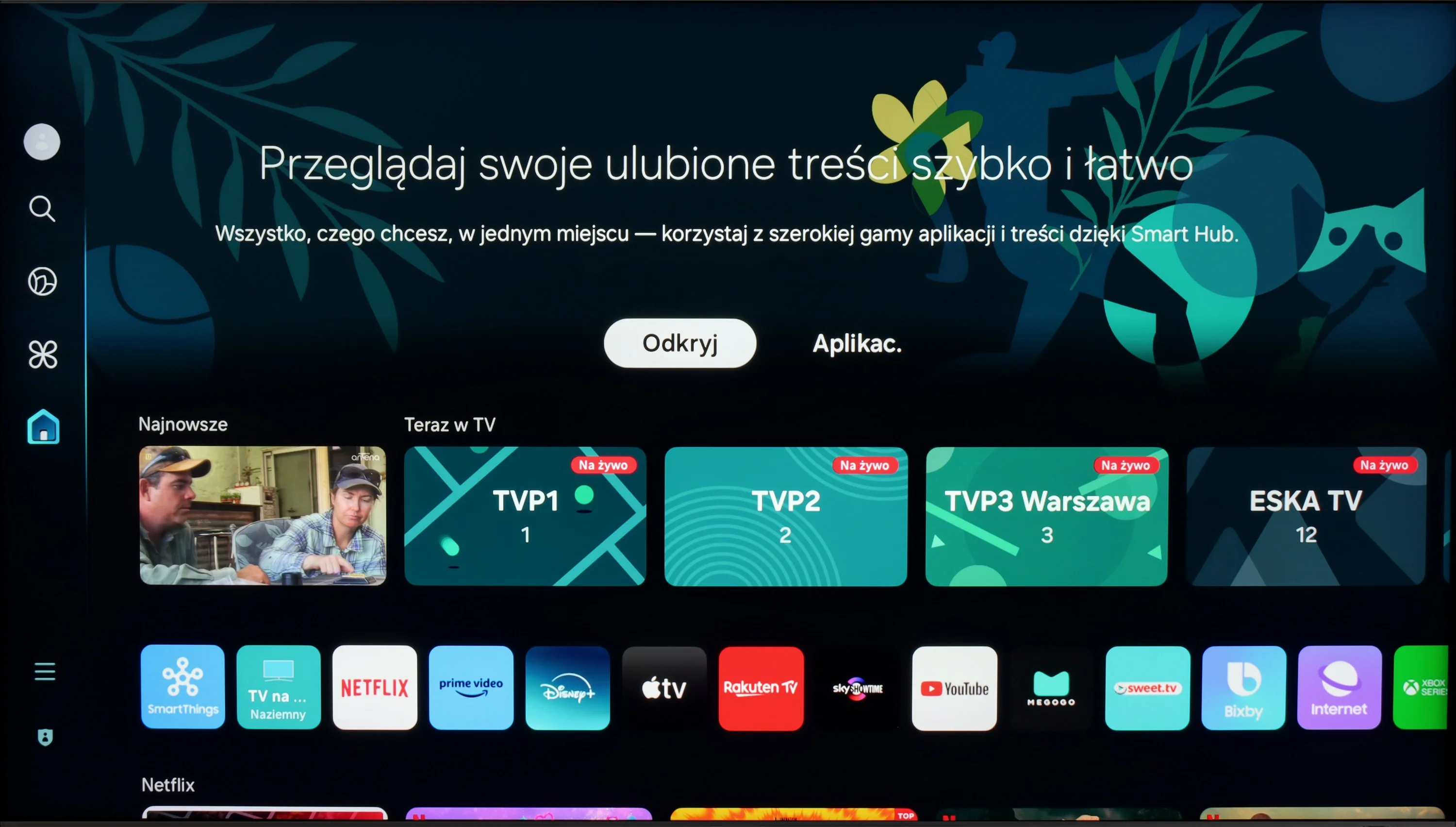
The Tizen system in Samsung televisions is characterised by simplicity and speed of operation. The central point of the interface is the "Smart Hub," which allows for quick access to the most important applications and recommended content, such as Netflix, YouTube, and Prime Video. Tizen also supports the Multi View function, allowing for simultaneous viewing of several image sources. Integration with AirPlay enables easy content sharing from Apple devices, and there is voice control in Polish. Users can control the television, search for content, and perform other operations using voice commands, which significantly facilitates the daily use of the device. One of the most distinctive elements of Samsung QN95D is the included Slim Fit camera, which offers functionality that goes beyond the standards of other models currently on the market. Thanks to the applied "POGO" connector, the camera can be easily connected directly to the television. It allows for video calls and personal training functions using the camera. This innovative approach opens up new possibilities for users in terms of interaction with the television.
It is also worth mentioning the solar remote control, which is an eco-friendly solution—it does not require battery replacement as it charges using solar energy. This remote is also universal, allowing control of other devices, such as the Canal+ decoder, without the need for additional remotes. This is a significant convenience that enhances user comfort. Features dedicated to users of traditional television include picture-in-picture (PIP), allowing for the simultaneous viewing of two programmes. However, the lack of recording functionality may be a disappointment, as this could be a drawback for some users.
Smart TV: VIDAA
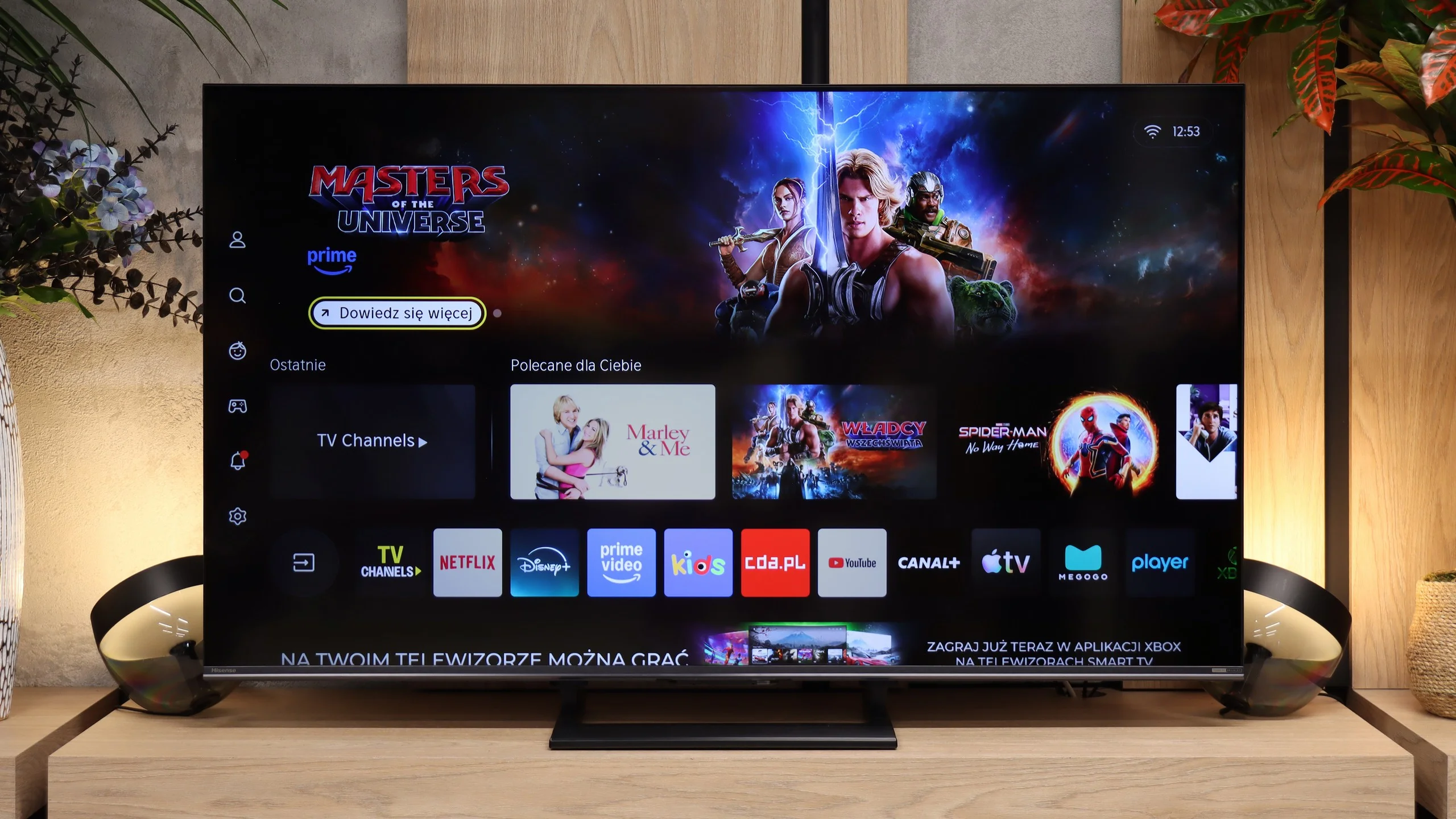
VIDAA HOME OS on the Hisense U7S is feature-rich, yet runs quickly and does not complicate everyday use. Besides apps there is AirPlay for streaming from Apple devices and Miracast, which lets you mirror a computer’s screen. There is also voice search in Polish, so instead of typing a film title with the remote you can simply say it. You can also connect a keyboard and mouse. So there is little to complain about in terms of smart features, although before buying it is worth checking the availability of specific apps you use, because it is not as extensive as on competing systems.
Conventional features and the remote
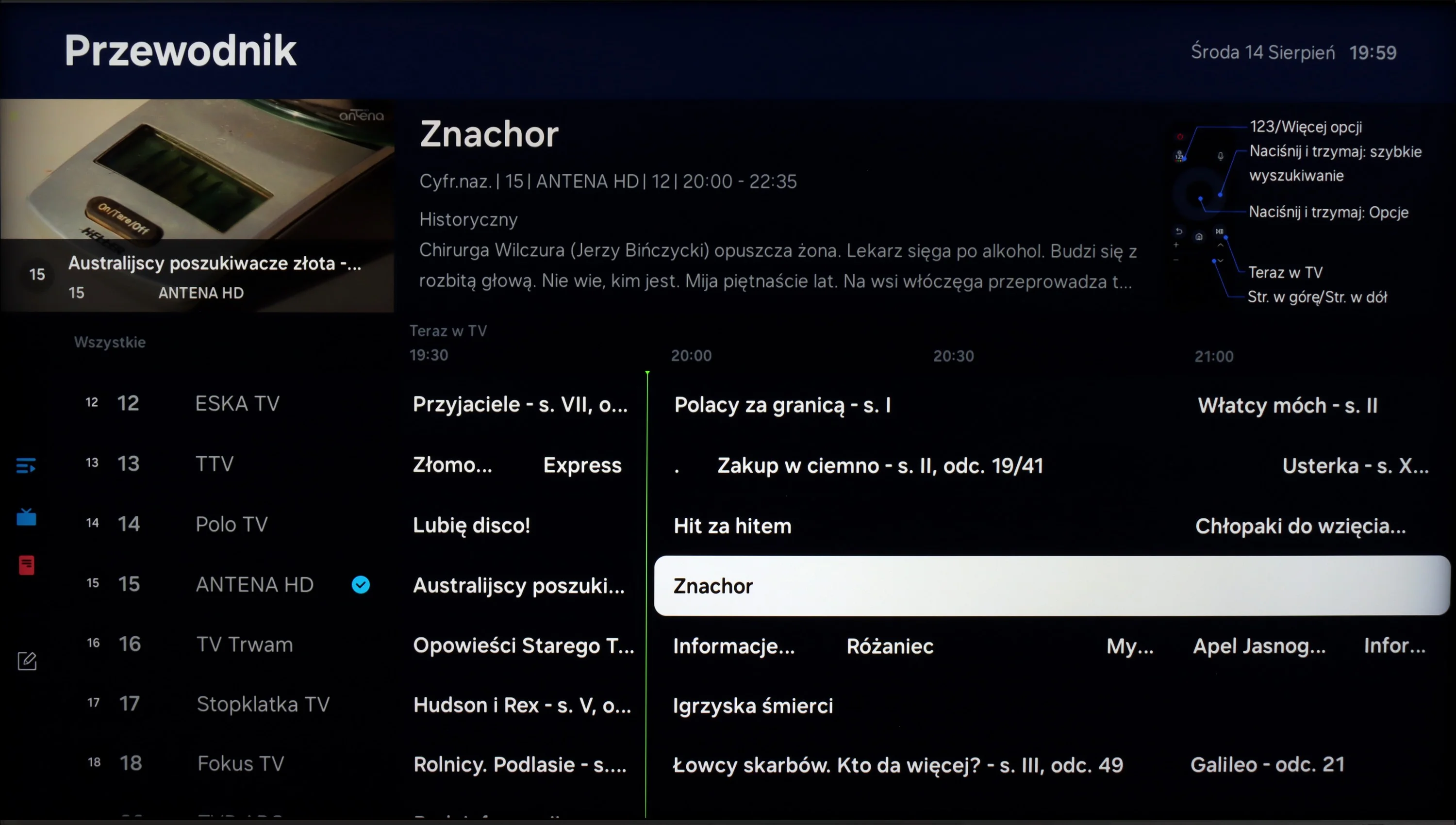
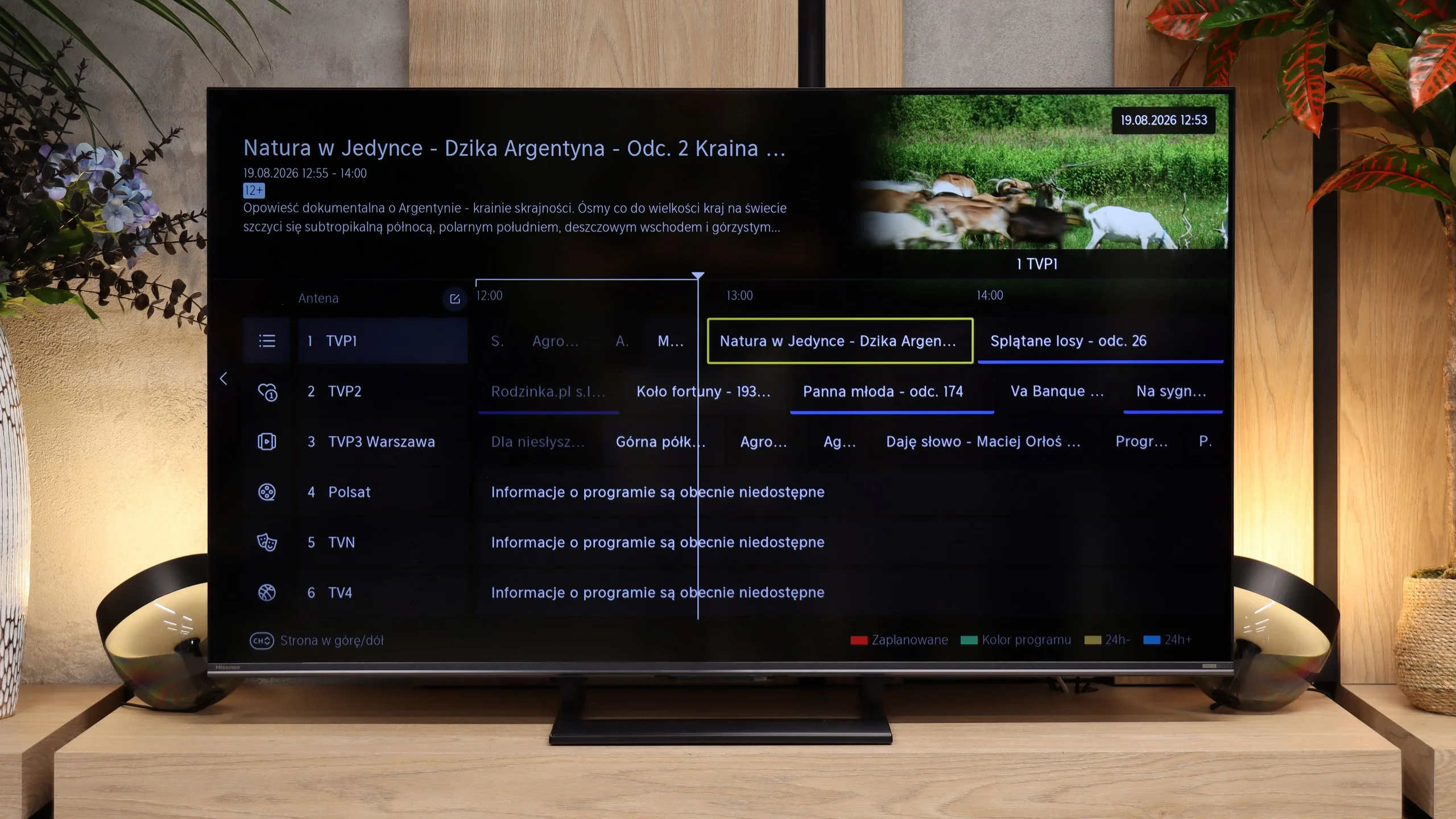
Hisense has not forgotten people who watch regular TV. The U7S lets you record programmes from terrestrial TV to USB and schedule recordings for later. There is teletext, the ability to listen to audio with the screen turned off, and support for Bluetooth headphones. Usefully, headphones can work at the same time as the TV speakers, so one person can use them, for example a senior, while others continue to listen normally. One notable omission is picture-in-picture, or PiP.
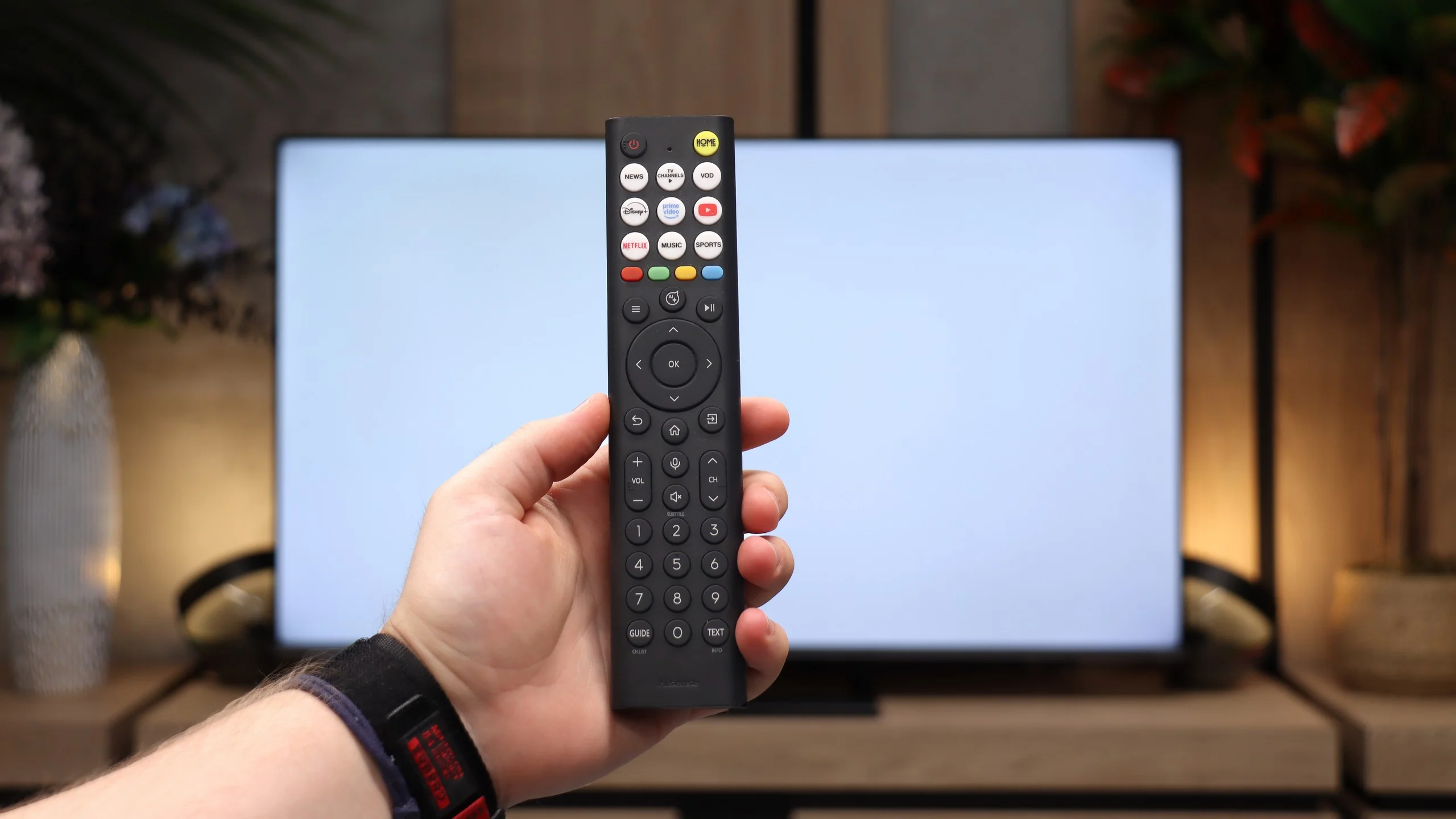
We were not fond of the remote itself. It feels very plastic and looks rather cheap, but it does its job well. It has a full numeric keypad, plenty of shortcuts and operates via radio, so you do not need to point it at the screen. It is a shame the buttons are not backlit. Hisense reserves more stylish versions of the remote for higher-end models, such as the U7S Pro.
Apps
9.3/10
8.3/10






















Playing files from USB
9.1/10
8.4/10
Supported photo formats:
Maximum photo resolution:
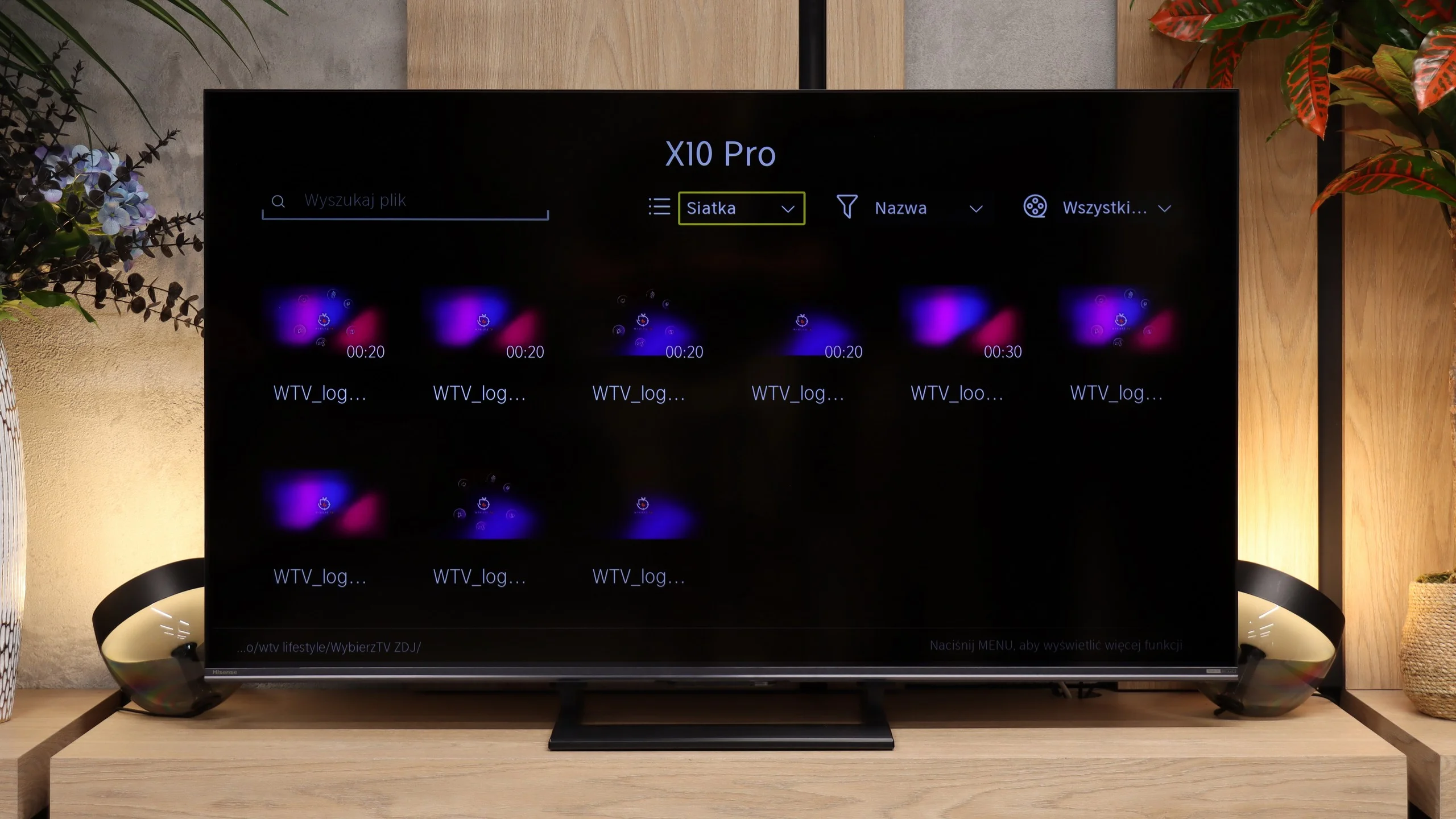
The built-in player in the Samsung QN95D television is undoubtedly one of its stronger points. It handles almost all video and audio file formats that we tested exceptionally well. The exception is the lack of support for Dolby Vision, which aligns with Samsung's policy, and less popular codecs. A significant advantage is the support for Polish characters in subtitles and the ability to customise font colours, which greatly improves the comfort of watching content with subtitles. A downside may be the limited support for photo formats – the television mainly supports JPEG, and there is a lack of support for more advanced formats such as PNG or Apple HEIC.
The USB player in the Hisense U7S handles most common file types. It played our H.264 and H.265 material without problems, including high-bitrate 4K clips and a Dolby Vision test file. SRT and SUB subtitles work, including Polish characters and changes to font colour. Not everything ran, though. AV1 and H.266 VVC files did not play, nor did ASS and TXT subtitles. Audio performance is good, from ordinary MP3s to FLAC 96 kHz/24-bit, although AIFF and DSD are not supported.
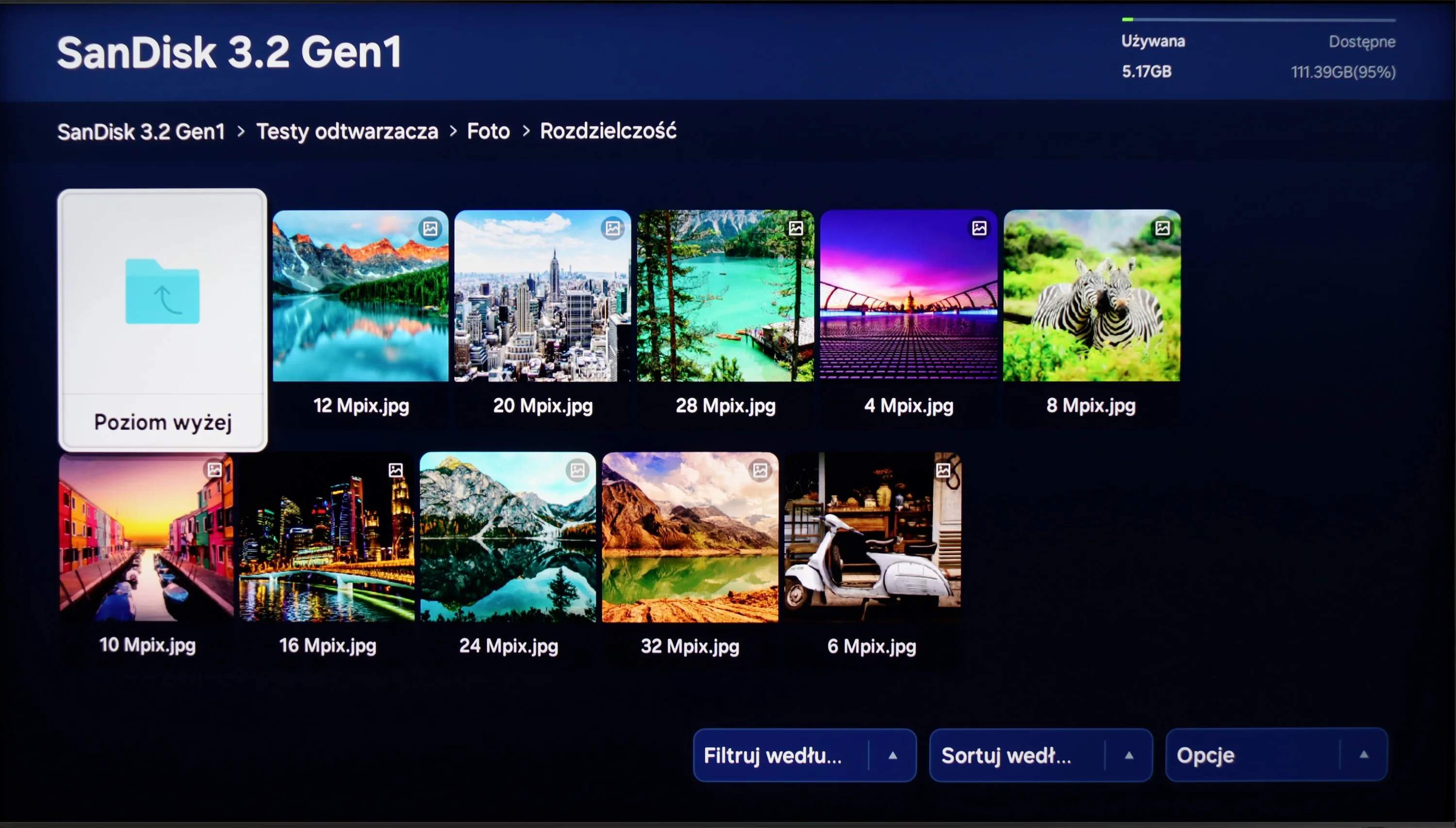
Our biggest reservations concern photos. The range of supported formats is broad — besides JPEG and PNG, WebP and TIFF also work, but HEIC won’t open. Resolution handling is odd. The TV displayed 4, 6, 8, 16 and 32 Mpix images but couldn’t cope with 10, 12 or 24 Mpix files. So this isn’t a simple image-size limitation. The player is perfectly adequate for movies and music, but when showing holiday photos you may find you need to convert some files beforehand.
Sound
7/10
7.2/10
- Maximum volume-88dB
- Dolby Digital Plus 7.1
- Dolby True HD 7.1
- Dolby Atmos in Dolby Digital Plus (JOC)
- Dolby Atmos in Dolby True HD
- DTS:X in DTS-HD MA
- DTS-HD Master Audio
The sound in Samsung QN95D is at a very good level thanks to the 4.2.2 system with a power of 70W. It provides clear, crisp audio, and the bass is well-balanced, which works well both for watching films and gaming. The support for Dolby Atmos adds a spatial effect, allowing for a fuller audio experience. However, there is a lack of support for DTS, which is a typical feature for Samsung TVs, but it may be a downside for those attached to that format. Overall, the sound performs very well and should meet the needs of most users.
The USB player in the Hisense U7S handles most common video and music files well. It supports 4K content, including a Dolby Vision file we tested, and displays Polish characters correctly in subtitles. It should therefore be sufficient for everyday use with a USB stick, although there are problems with less common formats. Our main reservations concern photos. The TV handles photo resolutions rather inconsistently and can open a larger image but refuse to display a smaller one. That can be irritating when browsing a holiday album, as you cannot be sure that all photos will work. Some will require prior preparation on a computer.
Sound Quality Test
No sound test video
Acoustic Measurements
No acoustic data
88dBC (Max)
75dBC
Reader comments
Comments are provided by the external service Disqus (Zeta Global). Once loaded, Disqus may set cookies and process data about your activity.
We will remember your choice on this device. Provider's privacy policy