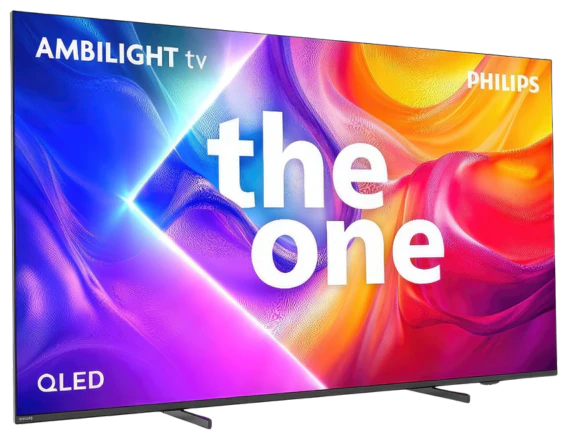
Philips PUS9010 (The One 2025) in the 75-inch version with an IPS panel is a television that clearly demonstrates the differences resulting from the panel used. Compared to the variant with a VA panel, it offers significantly better viewing angles, very good compatibility with consoles, and excellent text readability, but at the same time, it loses on black levels and maximum brightness. This model is best suited for everyday use, gaming, and in larger living rooms where not everyone is sitting perfectly facing the screen. The television performs very well in terms of responsiveness and features for gamers, offering 144 Hz, low input lag, and full support for variable refresh rate. An additional advantage is Ambilight, which, especially in the evening, can enhance the viewing experience and partially mask the weaker black levels of the IPS panel. After calibration, the picture appears coherent and natural, and the differences compared to the VA version in colour reproduction become difficult to detect. On the other hand, it must be clearly stated that those inclined towards cinematic viewing in complete darkness may be disappointed. The poor black levels, boosted brightness resulting from the quality of our unit, meant that this variant of the PUS9060 performs worse than the same model with a VA panel. Philips PUS9010 IPS is generally a sensible choice for users looking for a large, modern television for gaming, PC use, and everyday viewing, with very good viewing angles. However, if the priority is deep blacks and better picture quality, it is worth considering other variants or a higher class of equipment, as often for a small additional payment, you can get a television equipped with mini-LED technology.
- Matching (Score) |
- Our verdict |
- TV appearance |
- Where to buy |
- Contrast and black detail |
- HDR effect quality |
- Factory color reproduction |
- Color reproduction after calibration |
- Smoothness of tonal transitions |
- Image scaling and smoothness of tonal transitions |
- Blur and motion smoothness |
- Console compatibility and gaming features |
- Input lag |
- Compatibility with PC |
- Viewing angles |
- Daytime performance |
- Panel details |
- TV features |
- Apps |
- Playing files from USB |
- Sound
PHILIPS PUS9010 (IPS) vs SONY Bravia 9 II XR95M2
 Direct comparison
The One 2025 / PUS9060 / PUS9010 / PUS9000

BRAVIA 9 II / XR95M2 / XR9M2
Available screen sizes: 75”
Panel type: LCD IPS
Resolution: 3840x2160
System: Titan OS
Model year: 2025
Complete the survey to find out the result
Panel type: LCD VA
Resolution: 3840x2160
System: Google TV
Model year: 2026
Complete the survey to find out the result
Overall rating
6.5
8.9
 Movies and series in UHD quality
 5.9
8.9
 Classic TV, YouTube
 5.6
8.4
 Sports broadcasts (TV and apps)
 6.7
8.0
 Gaming on console
 8.1
9.2
 TV as a computer monitor
 8.9
7.8
 Watching in bright light
 5.4
10.0
 Utility functions
 6.1
8.8
 Apps
Apps 6.7
9.6
 Sound quality
 6.6
9.0
Complete the survey to find out what fits your preferences
Advantages

Very good viewing angles thanks to the IPS panel
Great compatibility with PC, 144 Hz mode, proper support for G-Sync and FreeSync
A wide range of features for gamers, variable refresh rate, auto game mode, HGiG
Support for multiple HDR formats including HDR10+ and Dolby Vision
Support for Dolby Atmos
Low input lag
Effective P5 image processor for lower quality materials
Ambilight system
Illuminated remote control
Remarkable black levels for an RGB Mini-LED LCD panel
Extremely high HDR and SDR brightness (identical to the Sony BVM-HX3110 director's monitor)
Excellent daytime performance thanks to the matte panel
Very good colour reproduction
Market-leading digital image processing
Plenty of features for gamers (VRR, ALLM, HDMI 2.1)
Quite good viewing angles (for a VA panel)
Refined Google TV operating system and two remotes included
Very good sound
Support for premium video and audio formats: Dolby Vision, Dolby Atmos, DTS:X
Disadvantages

Poor black levels and contrast (typical for IPS panels)
Significantly lower brightness compared to the VA panel variant
Visible backlight bleed at the edges of the screen in the tested unit
Limited number of applications in the Titan OS system
The remote control is still based on infrared, requiring aiming at the screen
Only two HDMI 2.1 ports (on a flagship 2026 screen?!)
No 98-inch model in the lineup
Limited picture calibration features
Very noticeable local dimming when viewed at an angle
No high refresh-rate modes for PC gamers (above 120 Hz)
Our verdict
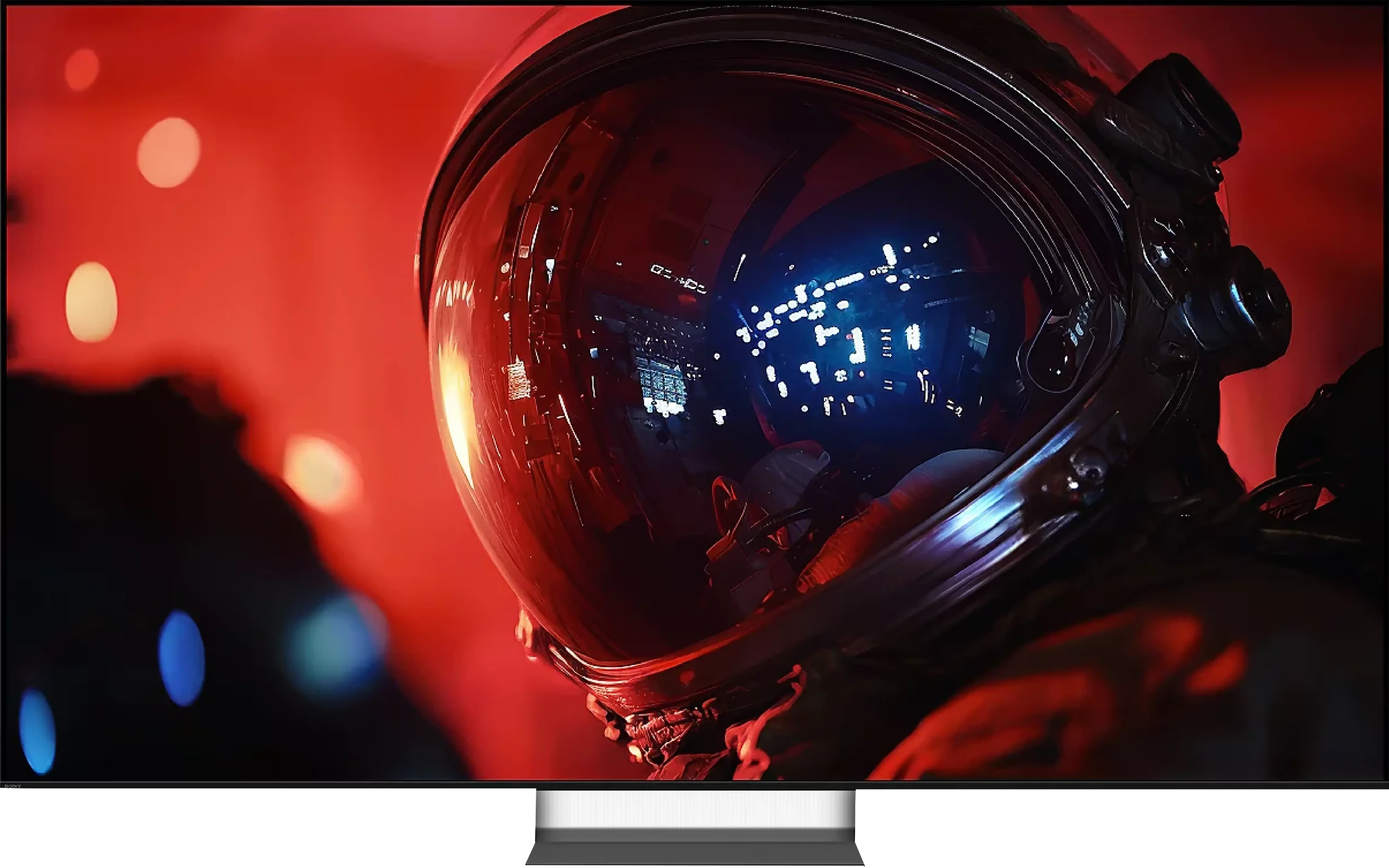
The Sony Bravia 9 II is without doubt one of the most advanced televisions that have ever come across our review desk. The Japanese have created a true beast, using an entirely new RGB Mini-LED backlight design that they call True RGB. But the technology alone is only half the success. Only combined with Sony’s finely tuned, years-in-the-making image processing algorithms has a TV emerged that is closer to a director’s vision than any other screen we have tested so far. This is exactly where you see why Sony has long enjoyed such a reputation in the world of imaging. HDR looks spectacular, peak brightness at times seems almost absurd, black levels for an LCD can be surprising, and the colours are at once incredibly vivid and natural. Most importantly, all these elements form a coherent whole. There’s no sense the TV is trying to impress only with specification numbers; it’s simply a pleasure to watch, whether it’s a film, a series or gaming. Beyond the excellent picture quality, don’t forget that it’s simply a complete TV. Google TV runs smoothly and offers virtually all the major apps, gamers get the full set of premium-class features, and support for audio and video formats means it’s hard to complain about the feature set. These are exactly the traits we expect from a device that aspires to be the television of the year 2026.
Are there any drawbacks? Of course there are. Even the Bravia 9 II is not a perfect design. Interestingly, our biggest reservations aren’t about picture quality, because that is absolutely phenomenal. We’re far more surprised by some of the manufacturer’s decisions. In the flagship 2026 model we still get only two HDMI 2.1 ports, which with a console, PC or audio equipment can be simply irritating. The second issue is the lack of a 98-inch version. It’s really hard to understand why a TV of this calibre isn’t available in that increasingly popular size.
So is it worth buying the Bravia 9 II? Our answer is: YES, YES and once again YES. If you’re after a TV from the absolute top end and you value picture quality above all else, it’s currently hard to find a better choice. Sony has not only proven that RGB Mini-LED has enormous potential, but has also shown how the technology should be used. The "True RGB" label didn’t come out of nowhere. Moreover, given the current price of this model, it’s fair to say it has been priced very reasonably against the competition. The Bravia 9 II is not just one of the best TVs of 2026. It’s a television that sets a new benchmark and shows the whole industry what the picture on an RGB Mini-LED TV should look like.
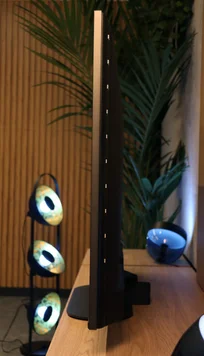
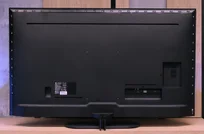
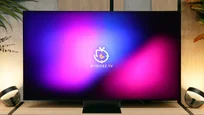
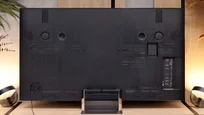
TV appearance


Contrast and black detail
2.9/10
8.6/10
Local dimming function: No
Local dimming function: Yes, number of zones: 1500 (30 x 50)
Contrast:


Result
1,300:1

Result
1,400:1

Result
1,450:1

Result
1,500:1

Result
1,350:1
Result
218,000:1
Result
66,700:1
Result
448,850:1
Result
12,700:1
Result
4,200:1
Halo effect and black detail visibility:
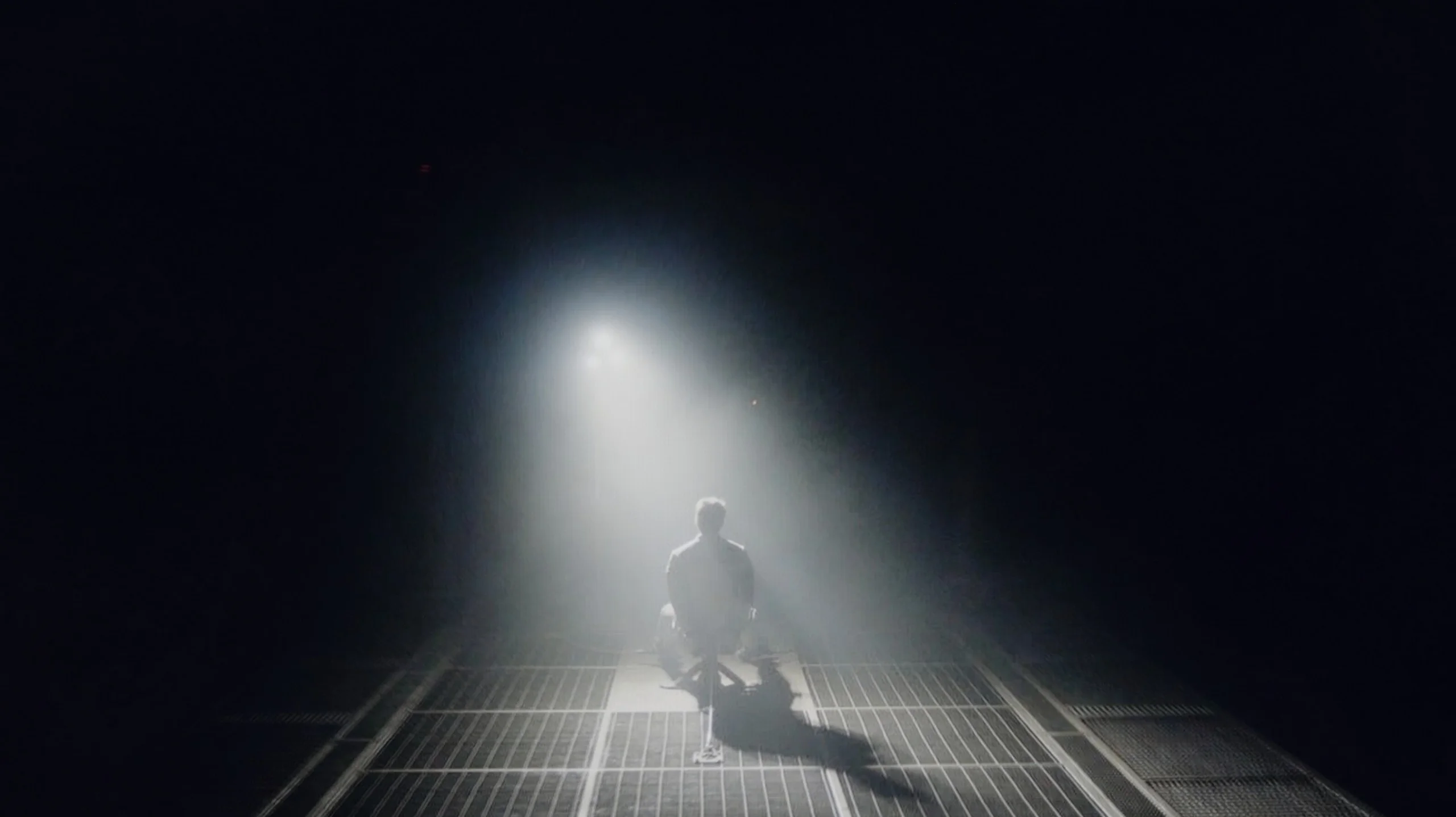
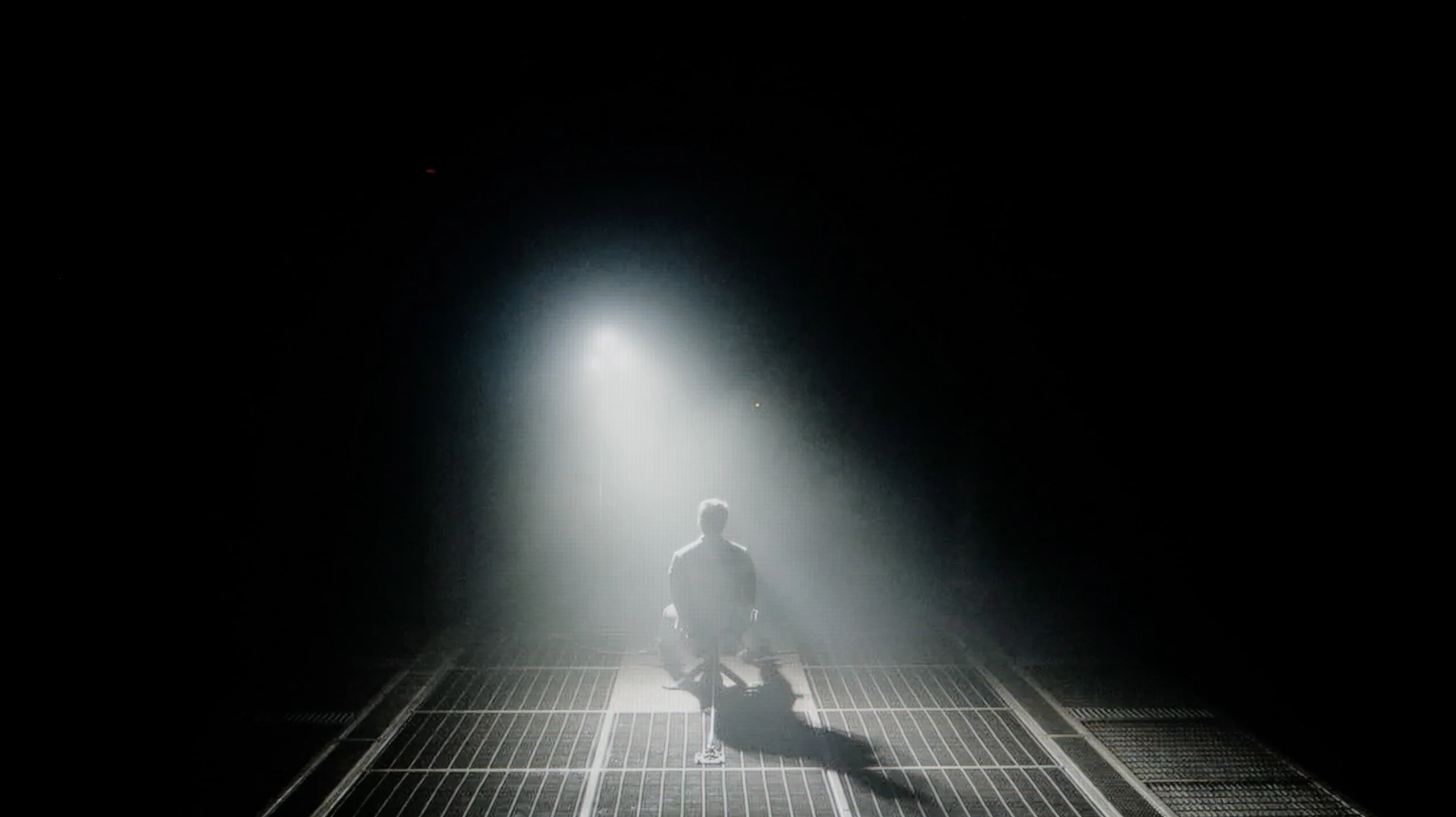
Check the visibility of bright lights on a dark background. Mini-LEDs often struggle with this. The photo does not compare black levels – that’s what the video below is for.
The video accurately shows differences in contrast and black levels between TVs, as well as potential issues: halo around bright objects or Mini-LED zone operation visible as brightness jumps.
In the 75-inch version of the Philips PUS9010 that we tested, an IPS panel has been used, which is immediately noticeable in terms of black levels and contrast. Compared to the 55-inch variant with a VA panel that we tested earlier, the difference is evident from the first scenes. The black is shallower, and in a dark room, the screen clearly tends towards greys. The television is not equipped with local dimming, so in low light, dark scenes lack depth. In practice, the picture looks noticeably worse than in the smaller 55-inch variant, especially during film sessions viewed in the evening. The situation is somewhat salvaged by Ambilight. The rear lighting can gently "trick" the eye, improving perceived contrast and making the blacks seem a bit deeper. It's a simple trick, but it works. That's why this model is definitely better watched with Ambilight turned on. It doesn't have to be a multi-colour mode following the image. Even a uniform white backlight can enhance the perception of dark scenes.
In the 65-inch model we tested, we counted exactly 1,500 independent local dimming zones. Combined with the natively high contrast of the VA panel, this translates into very good results for reproducing dark scenes. Although the number of zones is not as staggering as in classic QD-Mini LED-lit screens, Sony's algorithms more than make up for the difference. Measured contrast reaches very high values, and in easier dark shots dominated by deep blacks the picture can even resemble OLED screens. Of course Mini LED has physical limitations and is not OLED. When small bright elements appear on a dark background, the halo effect remains visible — the characteristic bright glow around a bright point, caused by the backlight zone being much larger than a single pixel. In the Bravia 9 II this phenomenon behaves quite differently from traditional LCD TVs. Thanks to the new architecture, the glows around objects take on the colour of the displayed element. This is clearly visible in a helicopter cockpit scene: the halo glow generated around the instruments is not white-blue but exactly the green tint of the LEDs in the cockpit. To the human eye such an image is far more coherent and gives a greater sense of depth, even if the purely mathematical, measurable contrast at that particular point is not revolutionary. Sony once again proves it has the best local dimming algorithms on the market. The software avoids artificial, abrupt brightenings of the image and handles unwanted side effects of zoned backlighting very deftly. If you're wondering which RGB screen currently manages its backlight zones best, the Bravia 9 II is the answer.
HDR effect quality
5.2/10
9.3/10
Luminance measurements in HDR:

Result
374 nit

Result
383 nit

Result
397 nit

Result
391 nit

Result
401 nit
Result
3003 nit
Result
2717 nit
Result
2755 nit
Result
2230 nit
Result
2033 nit
Scene from the movie “Pan” (about 2800 nits)
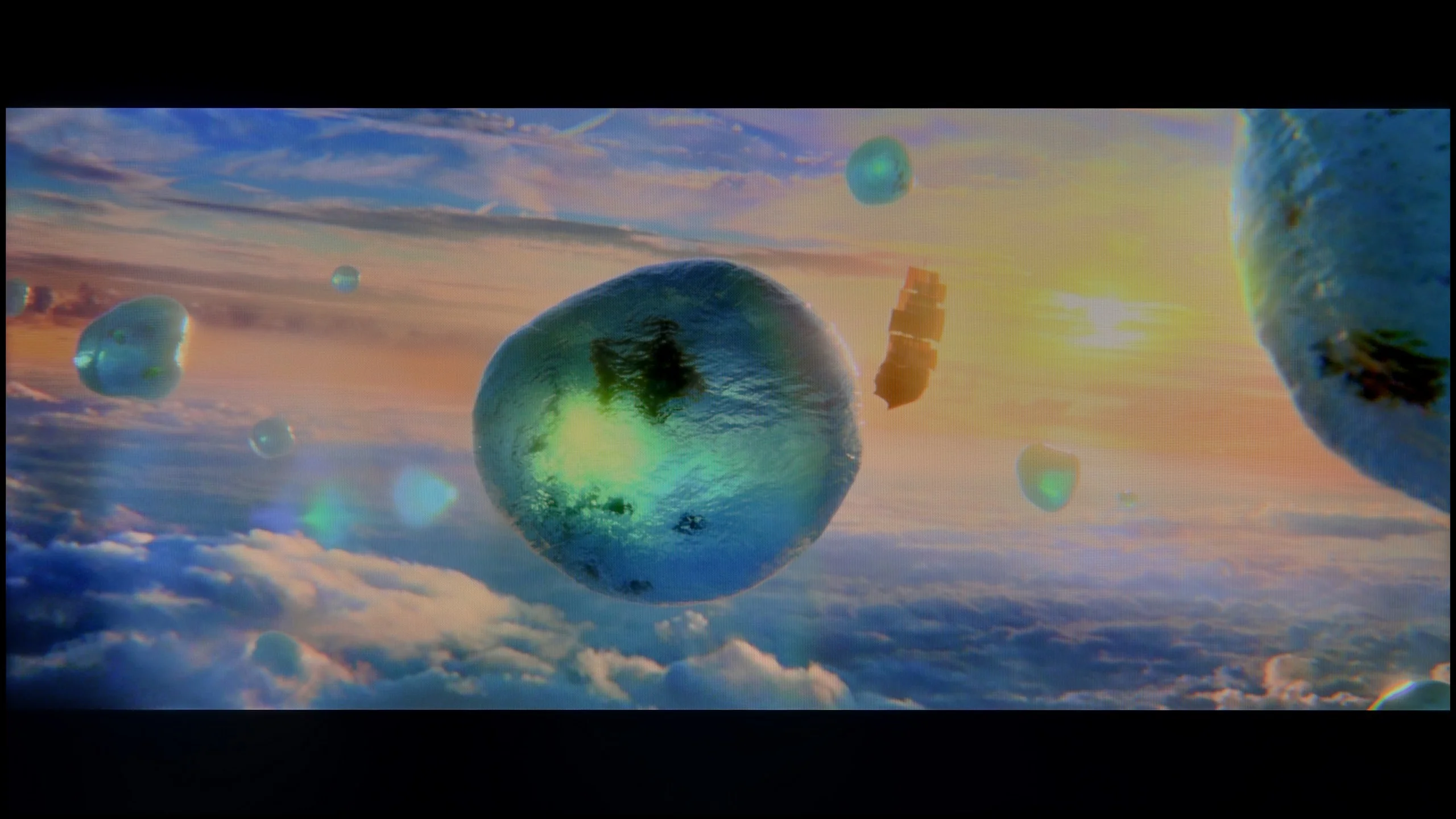

Scene from the movie “Billy Lynn” (about 1100 nits)
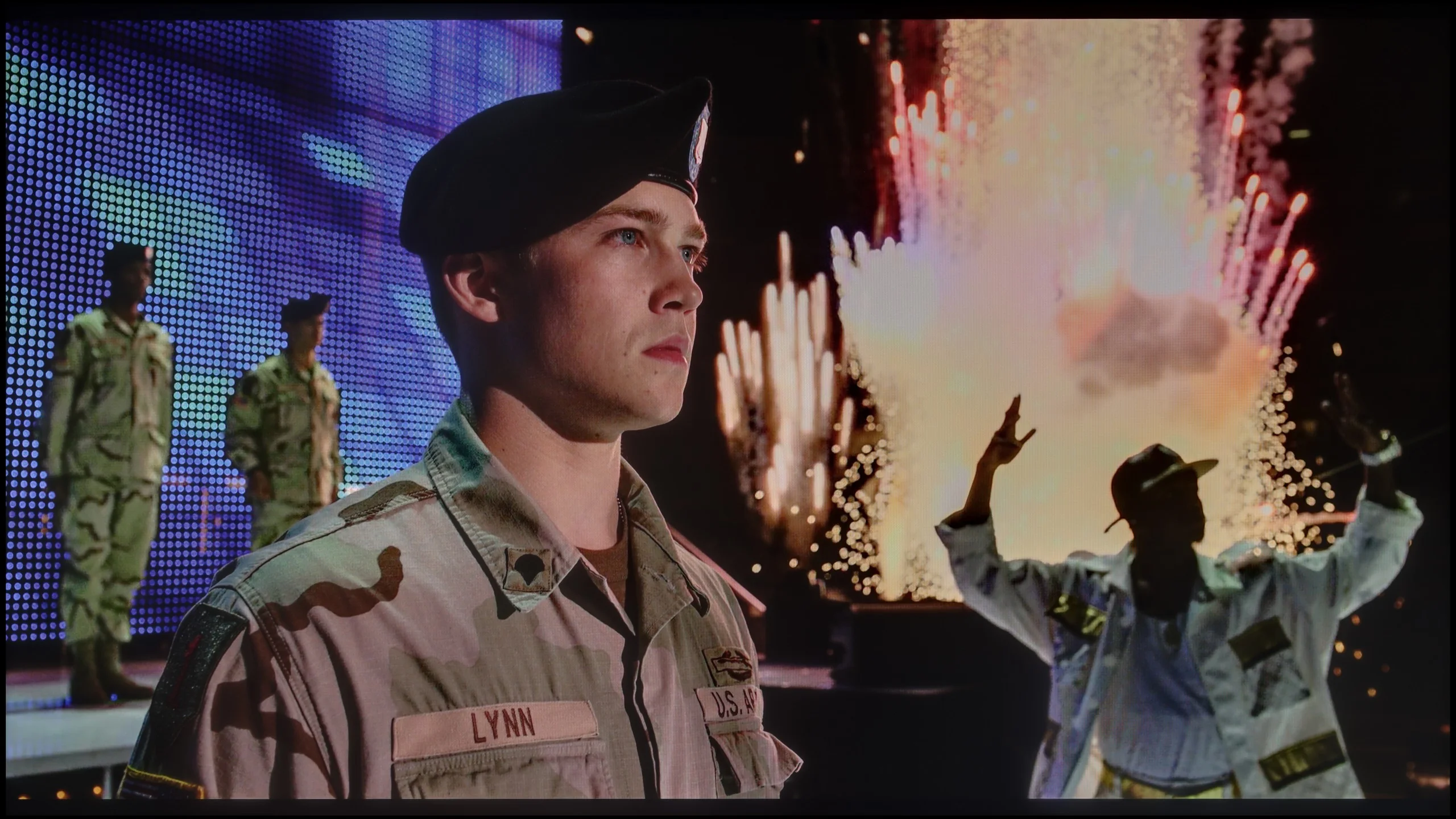
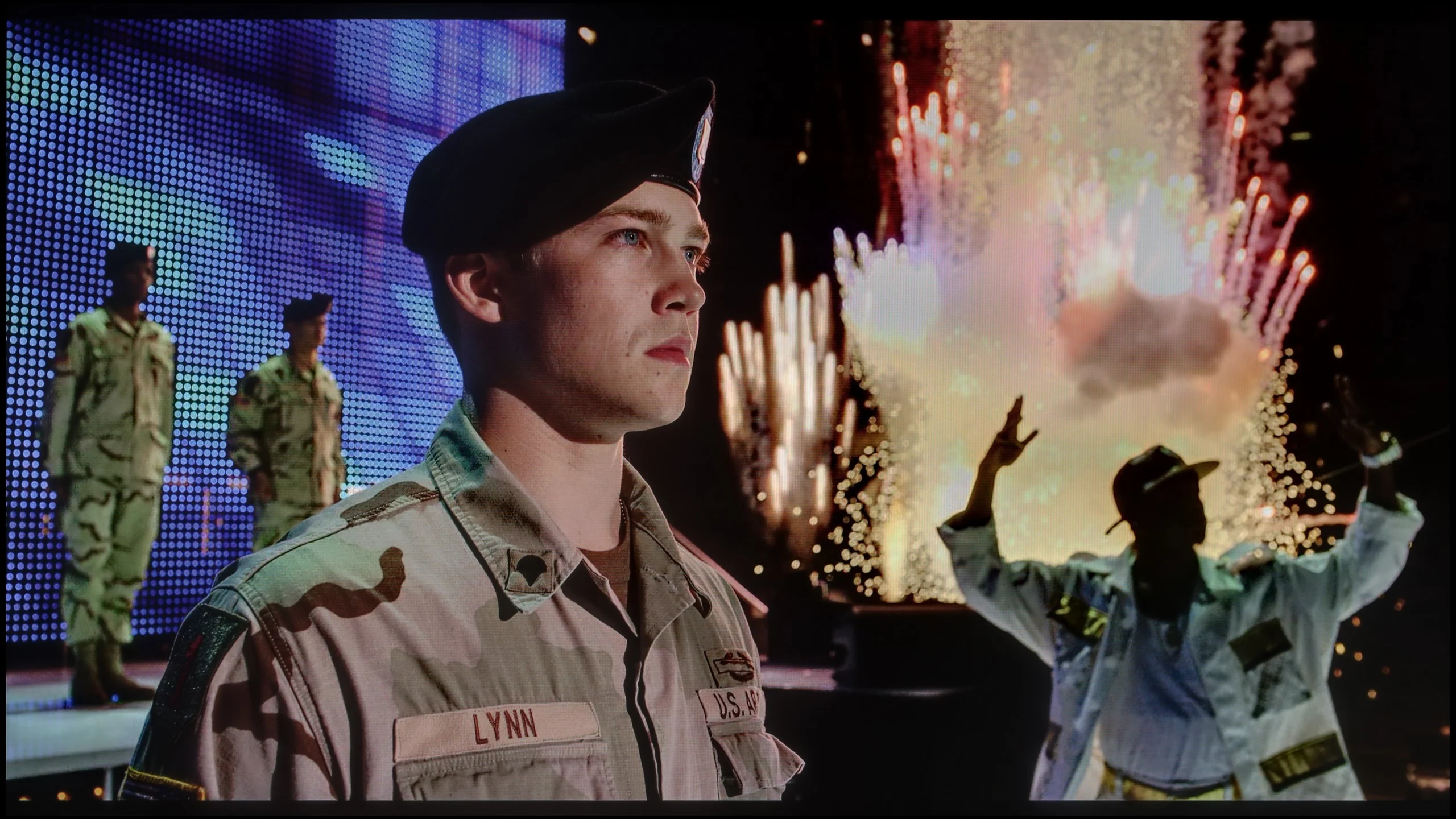
The photos show two HDR10 movies. 'Pan' is one of the brightest productions ever made, while 'Billy Lynn' (soldier) has brightness typical of streaming (Netflix, Prime, HBO MAX). Notice the intensity of effects and detail in whites.
Static HDR10


The photos present the visibility of white details in various HDR formats. They do not show brightness differences between TVs (these can be compared in the previous gallery).
Dynamic: Dolby Vision
Dynamic: Dolby Vision


The photos present the visibility of white details in various HDR formats. They do not show brightness differences between TVs (these can be compared in the previous gallery).
HDR luminance chart:
SONY Bravia 9 II XR95M2
PHILIPS PUS9010 (IPS)
In the Philips PUS9010 version with an IPS panel, the HDR brightness unfortunately performs worse than in the previously tested 55-inch model with a VA panel. The difference reaches about 100 nits, which is quite noticeable given the relatively low values. While the VA version could exceed 500 nits, here the maximum brightness is around 400 nits. This level still allows for watching movies and series in HDR, especially on streaming platforms, but the effects are clearly muted. Bright elements do not have the same impact, and scenes requiring high luminance appear less impressive. On the positive side, the coverage of the DCI-P3 colour gamut is commendable. The IPS version offers around 91%, which is about 5% more than the variant with a VA panel. This translates to somewhat better colour saturation in HDR content, despite the lower brightness. Colours can appear more vibrant and cohesive, especially in colourful scenes.
The real showcase of the new backlight architecture and Sony’s processor is HDR material reproduction. At the official launch Sony engineers said (not officially 😉) that the brightness of the Bravia 9 II should be almost identical to their professional director’s monitor BVM-HX3110, which is priced at astronomical sums. Our lab tests confirmed those were not empty promises. During synthetic measurements on the L20 test pattern the TV effortlessly exceeded the 4000 nits peak brightness barrier. Most importantly, these spectacular results translate directly to real film scenes. In most of the demanding shots we tested the screen easily maintained brightness around 2500–3000 nits. Regardless of the scene’s character, whether the light was small and pinpoint or flooded almost across the entire screen, the HDR effect was incredibly intense.
Colours
Colours are another key pillar of RGB Mini LED technology (Sony’s True RGB implementation). Specifically for testing these kinds of displays we have permanently introduced a new research section to examine how TVs handle colours in real-world conditions. Traditional tests using synthetic patterns are no longer enough to determine actual colour-gamut coverage. From now on we also measure colour saturation directly in selected film scenes by overlaying measurement points on them. So how do the colours perform?
In synthetic tests the Bravia 9 II achieves excellent results. For the popular DCI-P3 space used for HDR content the colour gamut coverage reached almost 98%, while for the extremely wide and demanding BT.2020 space measurements indicated nearly 90%. However, in real, varied scenes those values fall by a few percentage points. This is a direct result of the nature of zoned RGB backlighting. When differently coloured elements or bright white highlights appear side by side, light from adjacent zones starts to bleed together, producing a slight whitish glow. That naturally affects colour saturation, reducing it slightly. It shows that despite Sony’s brilliant algorithm for controlling the RGB LEDs, the number of zones is still too small to eliminate this effect entirely.
Is that something to complain about? Of course not. The Bravia 9 II’s final colour coverage is ultimately the same as that of a very good QLED TV, and the most important point is this: the vast majority of HDR films and series are distributed in the DCI-P3 colour space. In that standard Sony easily maintains very high colour saturation, regardless of the scene.
Factory color reproduction
5.9/10
6.2/10


This gallery shows how colors change after professional TV calibration. If you notice the difference, we recommend ordering this service at SkalibrujTV.com.
Factory Mode
After calibration
We assessed the colour reproduction, as always, on the factory settings, focusing on the movie mode, which for Philips usually provides the best starting point. This is also a good moment to demonstrate how much the same TV model can vary depending on the type of panel used. Looking at the white balance, the overall tendency remains similar to the variant with the VA panel. Excessive red in the whites is still noticeable, but in the tested unit with an IPS panel, there are also deficits in the blue channel. As a result, the image has a slightly different colour character, which can be clearly seen in the comparative materials. This is a very good example illustrating why ready-made settings downloaded from the internet do not always work even within the same model.
However, returning to the assessment itself, this unit performs quite well, especially with SDR content. Colour tests show correct saturation and consistency, with no glaring errors that could interfere with everyday viewing. In HDR materials, slight deficits in reds can already be noticed, but these are not flaws that spoil the overall perception of the image. The biggest limitations do not come directly from the colours, but rather from the white and black levels. The use of an IPS panel and slightly lowered gamma results in the image being slightly boosted in brightness, and the poor black levels further affect the perceived contrast. This makes the overall picture look brighter, but at the same time it loses depth, especially during evening viewing.
Contrary to appearances and high expectations, the Bravia 9 II we tested showed some issues with its factory calibration straight out of the box. Looking at the white balance charts, it’s clear it wasn’t perfect. In SDR content the red component was noticeably lacking, so the image leaned toward cooler, bluish tones. In HDR, however, the white balance in that respect was considerably better. So where do the visible errors in image reproduction come from? They result from unexpected tuning of the gamma and the EOTF curve. In both cases the Bravia 9 II straight from the factory showed a marked deviation from reference standards. In SDR material the gamma was significantly too high — at extremes it hovered very close to 2.8 instead of the target 2.4. In practice this meant the image looked artificially darkened and seemed washed of colour, with details in darker areas (the shadows) disappearing entirely. The opposite happened with HDR material, where brightness reproduction is governed by the EOTF. That curve was pushed too high above the correct value, causing the image to be artificially brightened across most luminance ranges. As with every TV we test, we subjected this unit to professional calibration. You can see the results and how we managed to correct these factory errors below.
Color reproduction after calibration
8/10
9/10


The photos show how movies look on the TV. Pay attention to black detail visibility, colors, and shadow tint.


The photos show how movies look on the TV. Pay attention to black detail visibility, colors, and shadow tint.
After calibration, the picture was brought to a truly sensible level. The overall look is coherent and natural, and when it comes to colour reproduction, it is difficult to unequivocally state whether we are dealing with a VA or IPS panel. This is a good sign, showing that the television has a solid foundation for further adjustments. It is worth noting the larger colour gamut coverage in this variant, which can subtly enhance the perception of colourful scenes, particularly in HDR content. However, this advantage is largely balanced out by the boosted black levels resulting from the use of an IPS panel. The limited black depth affects the perceived contrast, especially when watching in a dark room. Consequently, despite the noticeable improvement after calibration, the final assessment remains the same as in the variant with the VA panel. Better colours are unable to fully compensate for the weaker black levels.
Fortunately, with professional calibration, most of the Bravia 9 II’s factory missteps can be effectively eliminated. We managed to precisely correct, above all, the white balance and the gamma curve and EOTF. After these procedures, in everyday use and during film viewings the television looks worlds better. The picture gained proper depth and modelling, the cool tint to whites disappeared, and shadow detail that previously vanished because of an overly high gamma finally became perfectly visible. Although we ultimately rate colour accuracy as very good, as specialists we must point out one fairly serious design flaw in this model. The Bravia 9 II could look even better if it were not for the complete lack of an advanced colour management system in the television’s menu.
While a basic white balance correction can be carried out here without difficulty, the settings lack options for adjusting specific colours. We tried to tackle this issue in every possible way, both with the traditional method from the remote and via dedicated calibration software for Bravia televisions. Unfortunately, that function has been completely locked. We suspect this may stem from the specifics of the new RGB architecture, which imposes its own limitations. It’s a great shame, because without it you cannot push colour reproduction to perfection. A skewed red still catches the eye. One can only hope that Sony will fix this shortcoming in time via an update.
Smoothness of tonal transitions
8.5/10
9.5/10
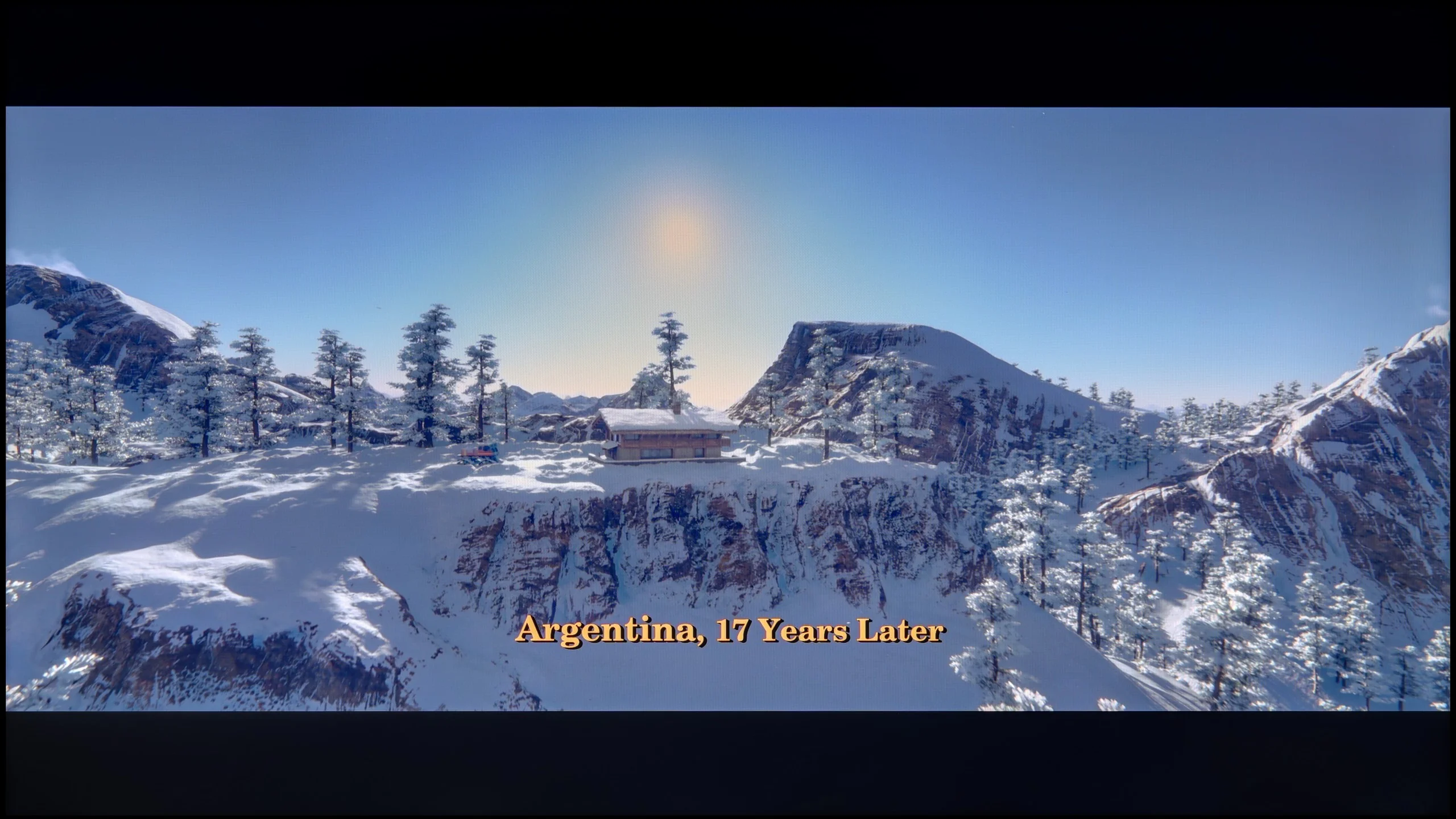

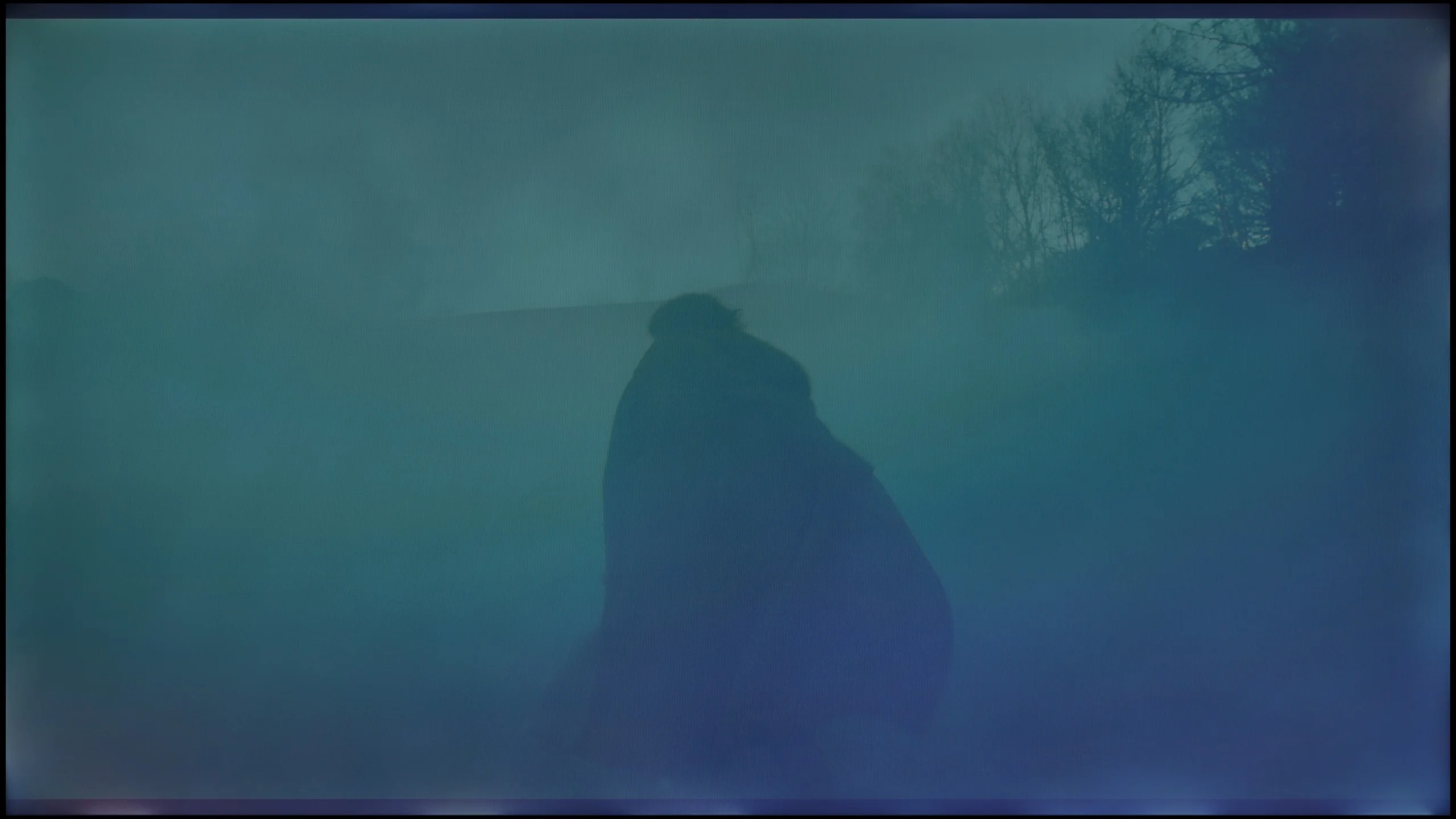
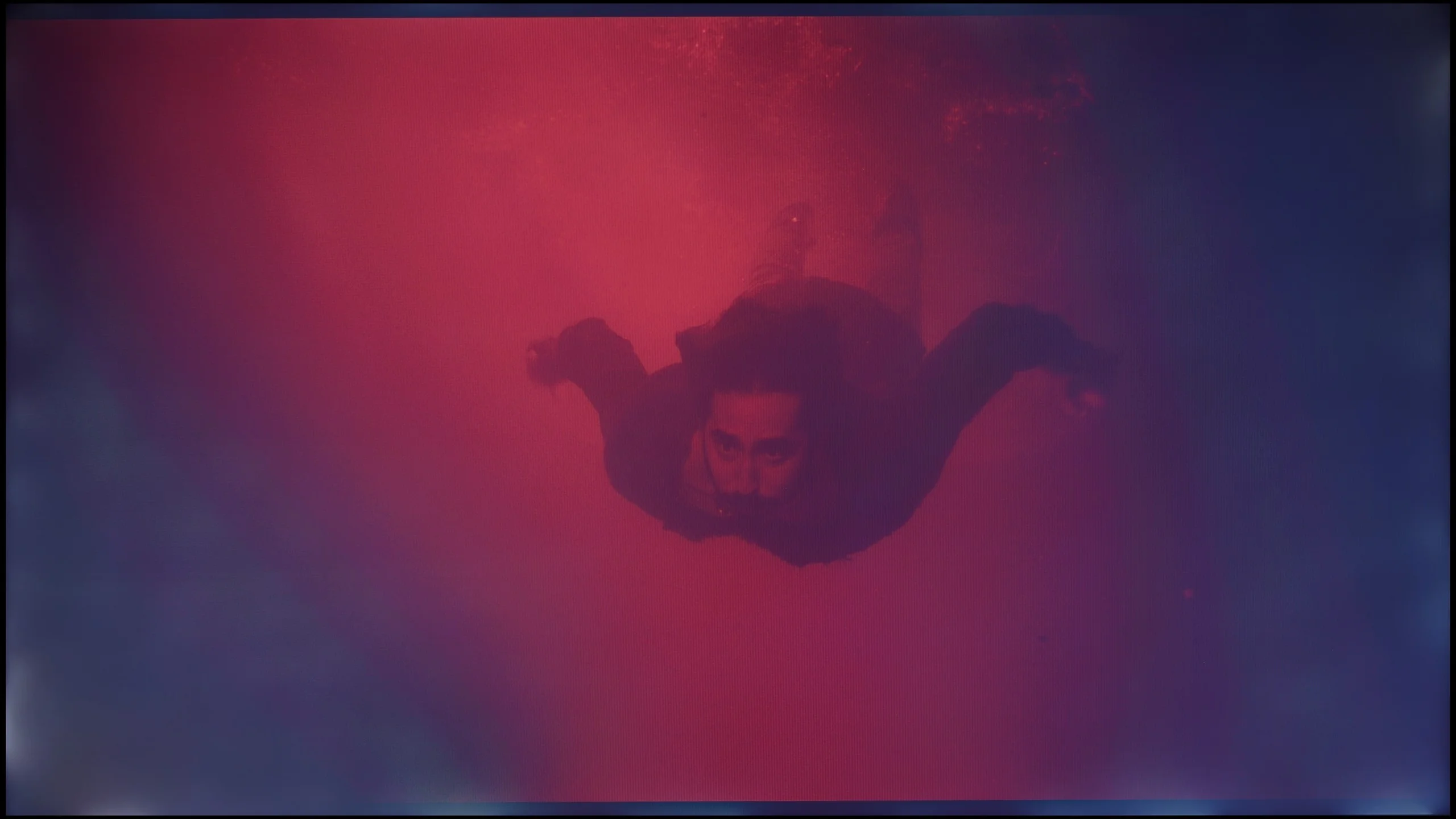
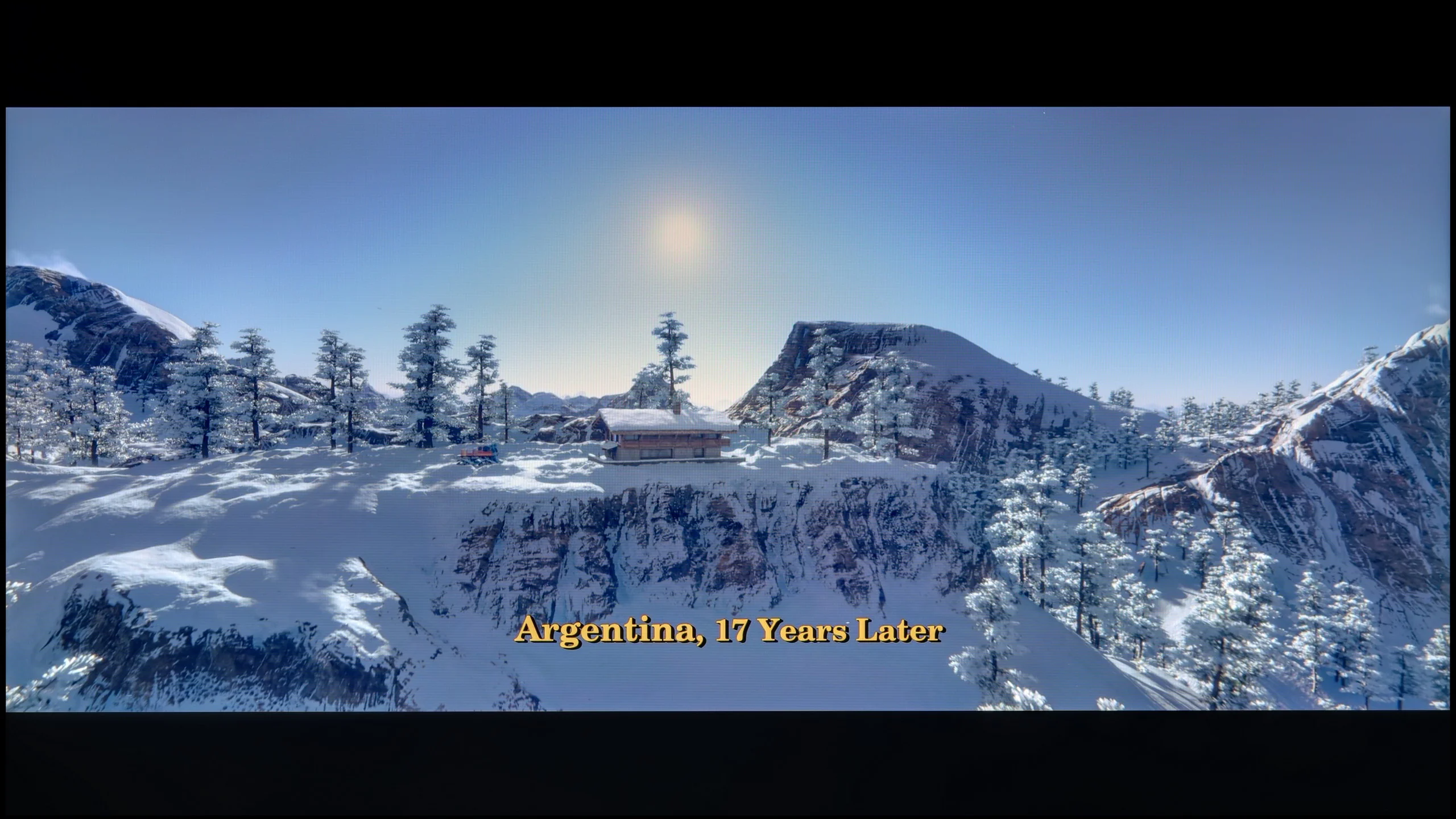
These are selected scenes that show smooth tonal transitions from one color to another. If you see distinct banding, it’s the TV panel’s fault.
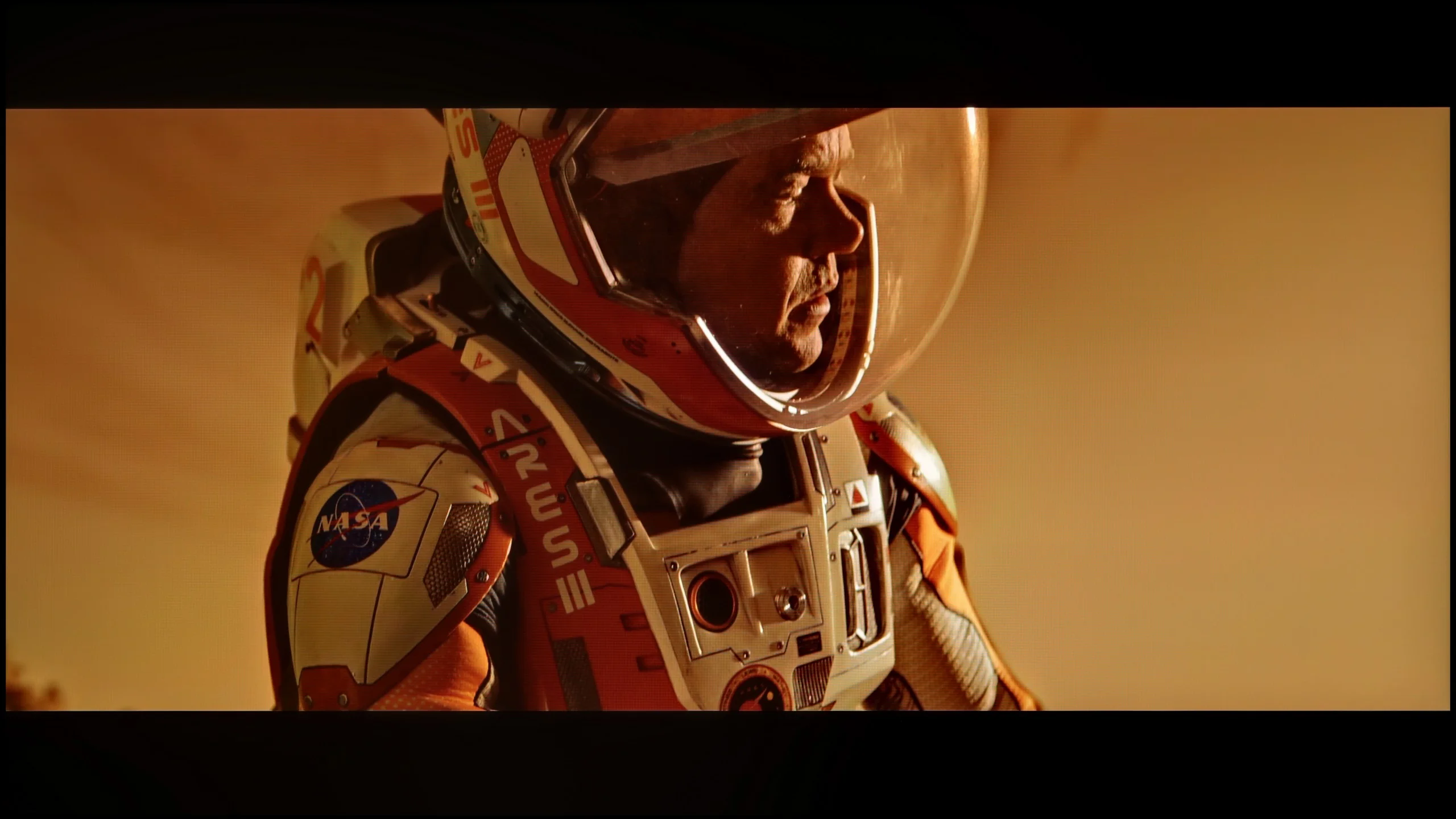
These are selected scenes that show smooth tonal transitions from one color to another. If you see distinct banding, it’s the TV panel’s fault.
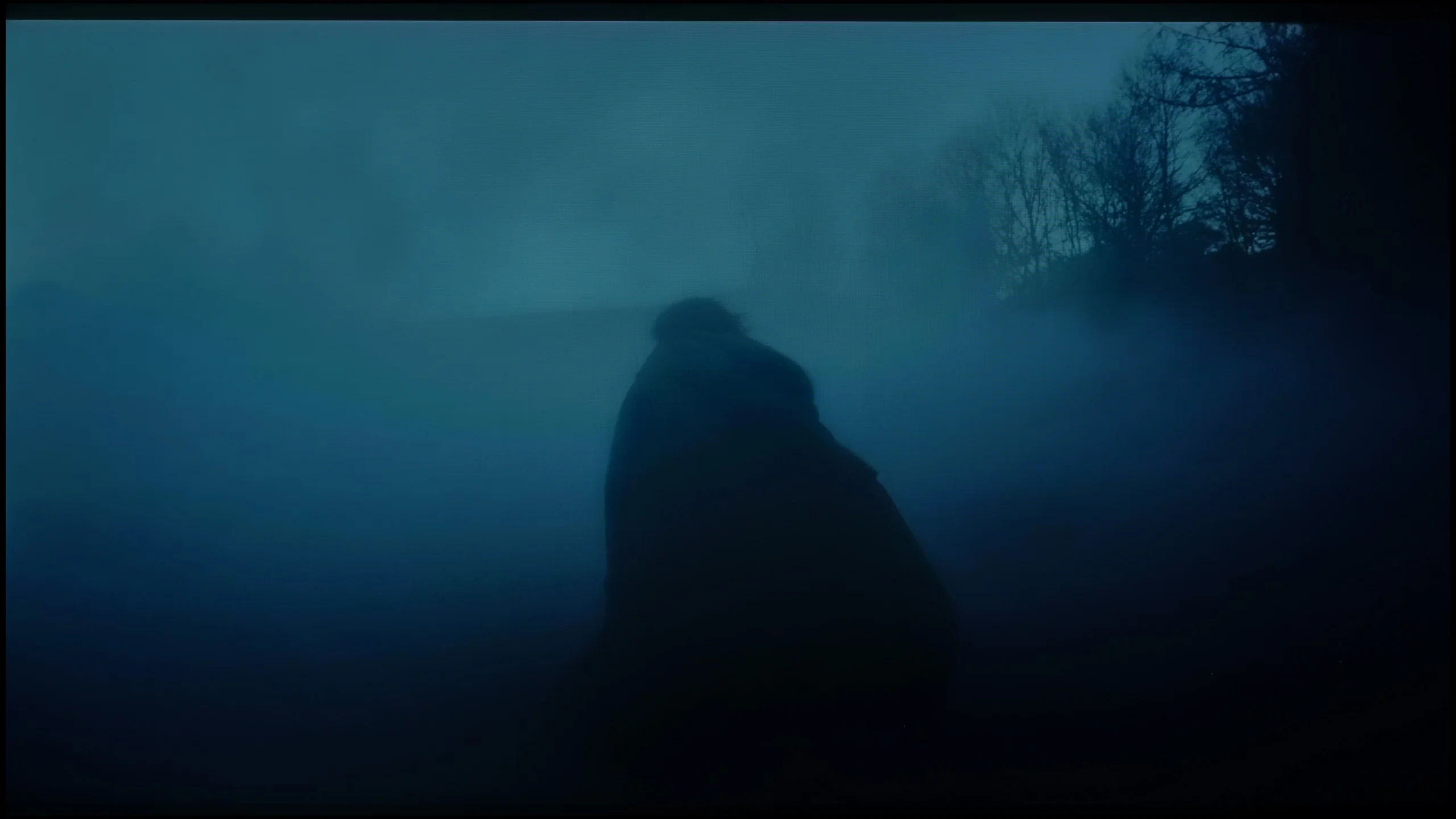
These are selected scenes that show smooth tonal transitions from one color to another. If you see distinct banding, it’s the TV panel’s fault.
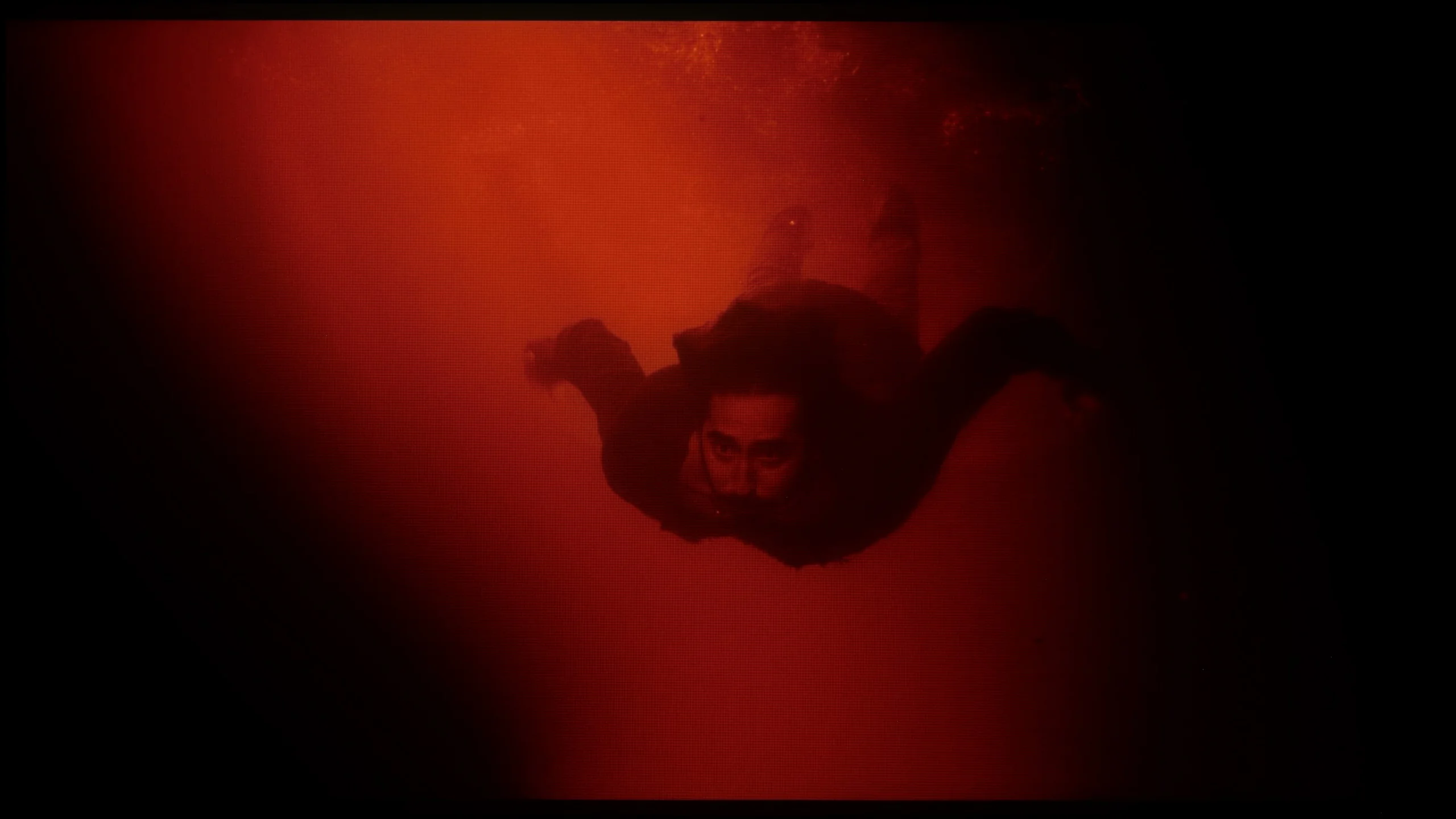
These are selected scenes that show smooth tonal transitions from one color to another. If you see distinct banding, it’s the TV panel’s fault.
When it comes to the fluidity of tonal transitions, in the 75-inch version with an IPS panel, we have mixed feelings. Looking solely at the colourful gradients, the transitions perform even better than in the variant with a VA panel. The colours blend more smoothly, and typical banding issues are less noticeable. However, the situation changes dramatically in dark scenes. The tragic black characteristic of IPS effectively ruins the perception of tonal transitions in the low brightness areas. The boosted black makes it difficult to notice subtle shades of colours, and the very unnatural backlight bleed further exacerbates the situation. In the tested specimen, the backlight bleed was particularly noticeable at the edges, where the light almost pierced through to the screen. This not only negatively impacts the perception of dark scenes but also significantly hampers a reliable assessment of the gradation itself.
Huge credit is due to Sony for the smoothness of tonal transitions, which has been significantly improved compared with last year's Bravia 9. Colour gradation here is at a very high level and, most importantly, this effect is repeatable regardless of the nature of the displayed scene. Both in super-bright areas of the picture and in very dark, demanding gradients, the TV performs excellently, effectively eliminating the irritating phenomenon of posterisation (that is, the appearance of visible 'steps' and bands in colour transitions, for example in shots of the sky or in fog). The only minimal slip-ups in this respect can be seen when watching Dolby Vision content. In such content the gradation is occasionally slightly worse than with an HDR10 signal, but the differences are so subtle and marginal that for the average viewer they will remain completely imperceptible.
Image scaling and smoothness of tonal transitions
6.7/10
8.5/10

Smooth transition function
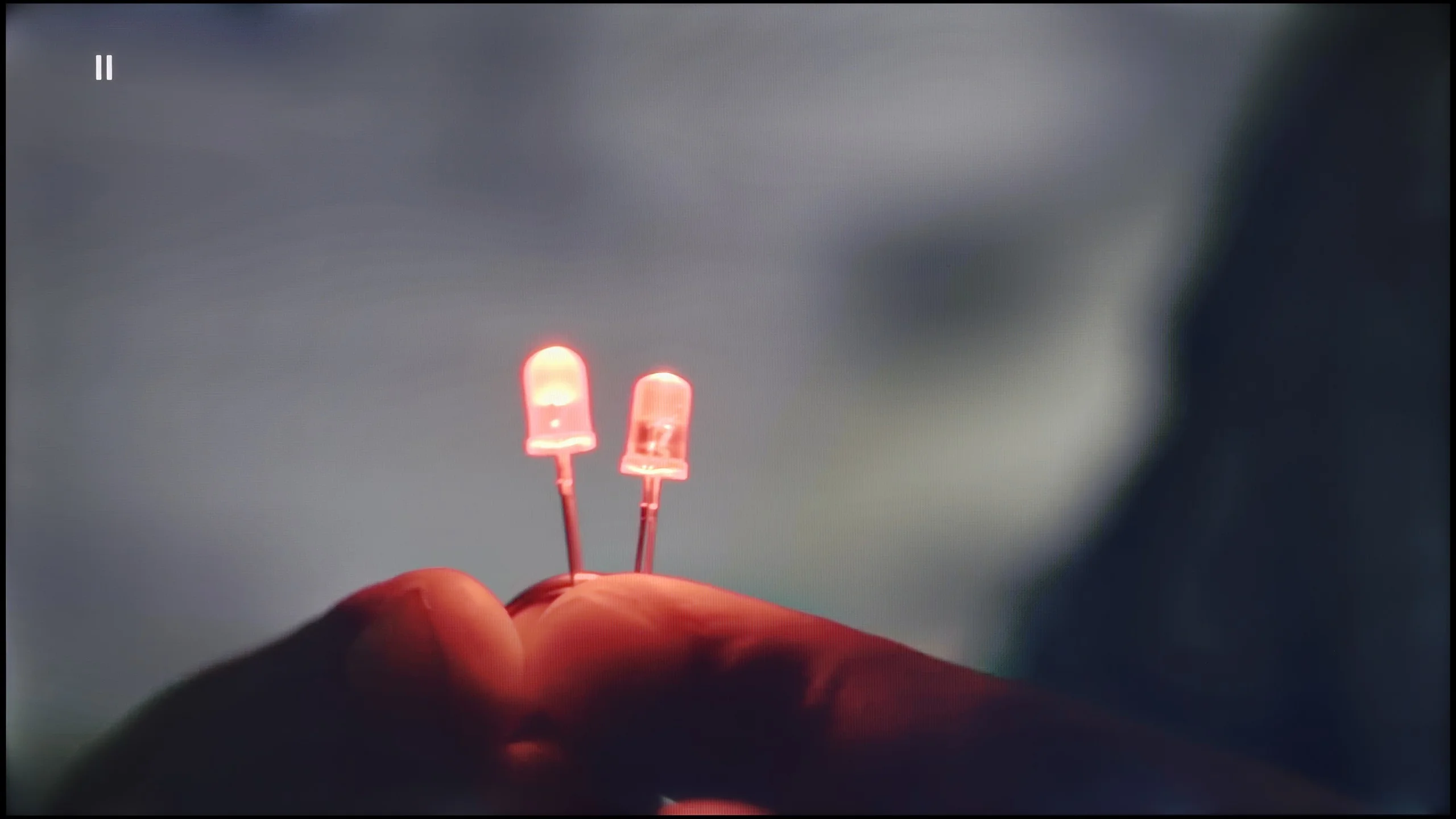
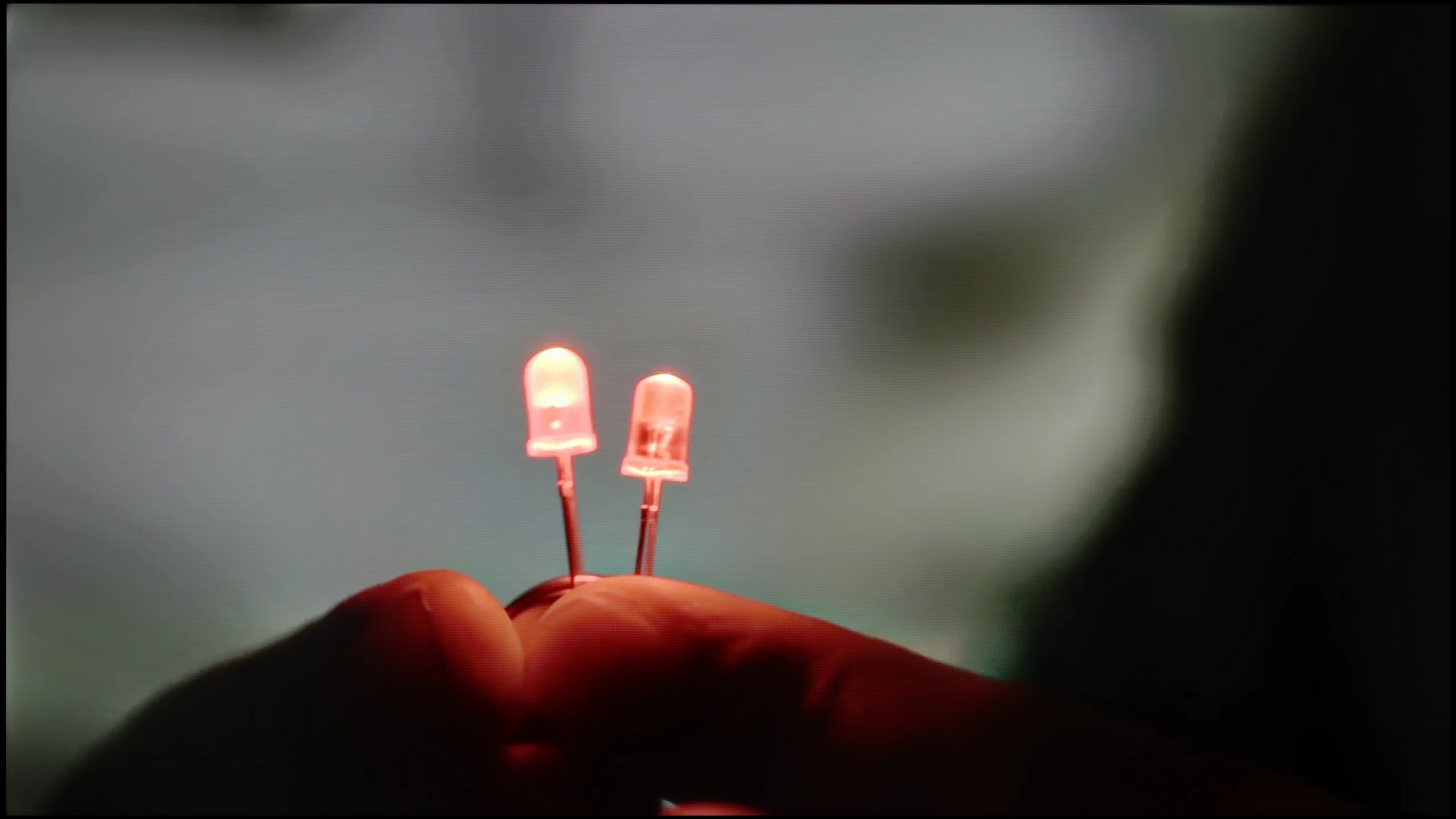
The match photo shows how the TV smooths weak tonal transitions in low-quality video.
Image scaling SD (576i)


The model photo shows how it handles upscaling of SD material.
In the Philips PUS9010, we find another iteration of the P5 Perfect Picture image processor, designed to improve the quality of inferior materials. One of the components of this system is the distortion reduction function, which is responsible for smoothing tonal transitions. It works effectively and indeed reduces the visible colour gradation. Unfortunately, it does so quite aggressively. In practice, it can dim details such as the texture of materials or film grain. This is a notable compromise, so we would not recommend it for movie screenings. However, it performs significantly better with more casual content like YouTube or regular television. The P5 processor also manages quite well with lower resolution materials. The image is soft, at times even too soft, but this can easily be corrected with the sharpness slider, adjusting the effect to personal preference. A positive aspect is also the lack of edge trimming in SD materials, which is still not standard in this class of televisions.
Digital processing and upscaling have long been Sony’s hallmark, and after testing the Bravia 9 II we can confidently say that nothing has changed in that respect. Sony remains at the forefront of the market. Their proprietary XR image processor, which in this model works alongside the main MediaTek Pentonic 1000 chip, deserves the highest praise. That combination delivers excellent results. The upscaling of lower-resolution material itself is extremely effective and precise. However, what most deserves applause in the XR processor’s operation is its tonal transition smoothing function. The system can reduce posterization in heavily compressed material to virtually zero. Crucially, the algorithm does this in a very intelligent way. It removes only the annoying digital “steps” in gradients without blurring fine texture details or creating an artificial, “plastic” look stripped of film grain. The picture remains sharp, natural and cinematic.
Blur and motion smoothness
7.7/10
8.1/10
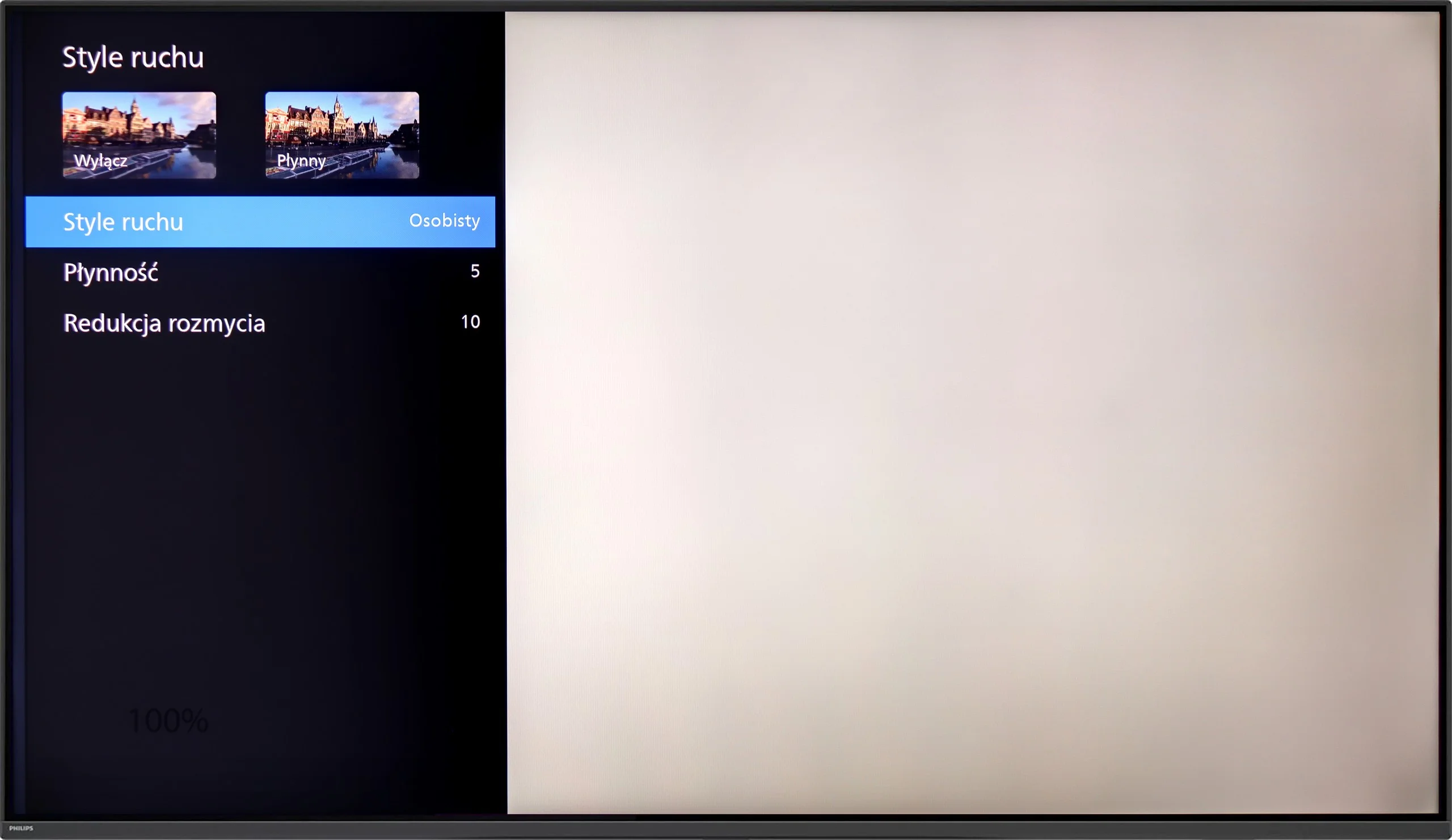
Blur (native resolution, maximum refresh rate):






Blur (BFI function enabled):



Blur (4K@144Hz):


Blur ():
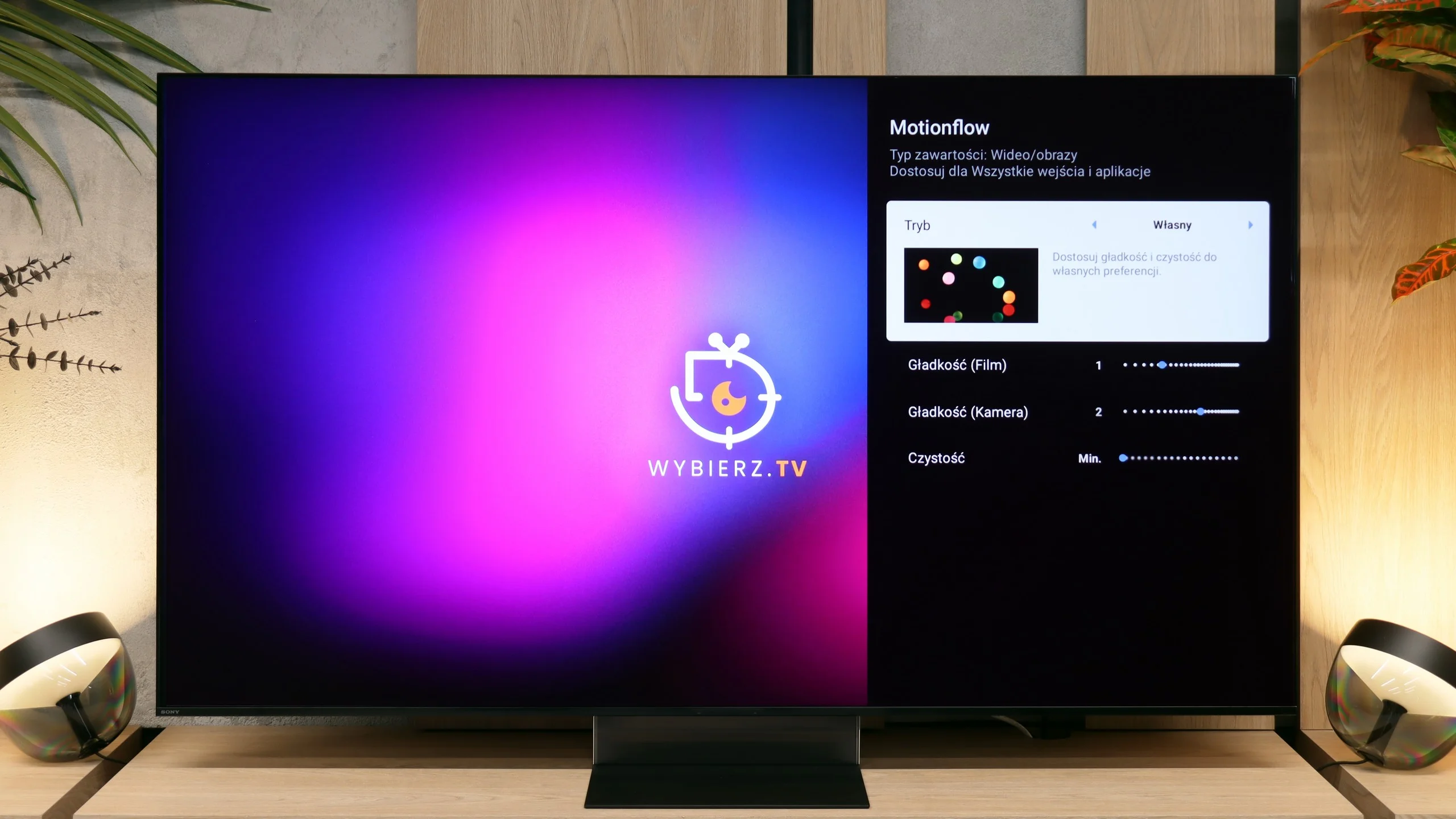
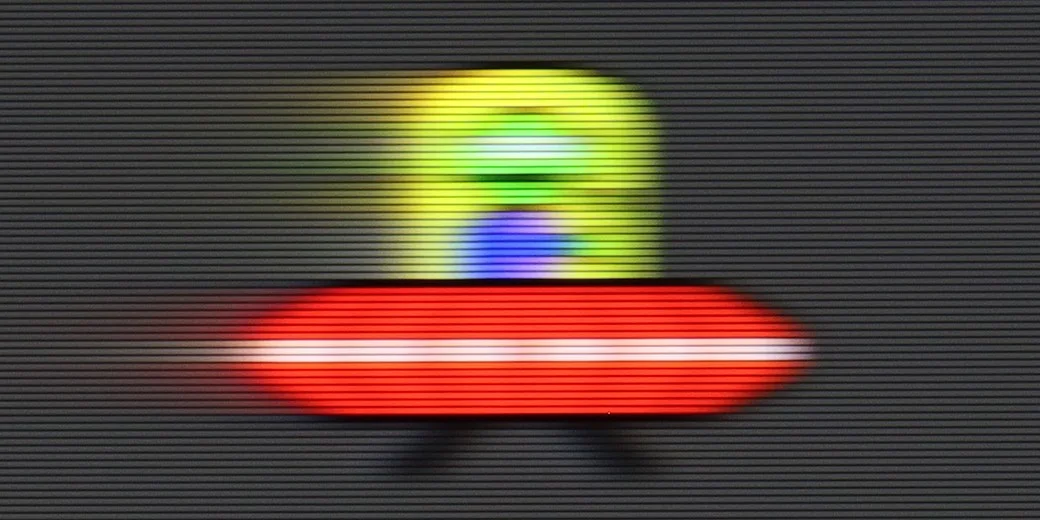
Philips PUS9010 has a 4K panel with a refresh rate of 144 Hz, which will be appreciated primarily by sports fans and gamers. This is especially evident in dynamic scenes where the motion is sharp, and annoying blur is almost non-existent. When it comes to movies (standard 24 fps), Philips gives us a proven set of settings known from higher series. Two sliders are used to control motion. “Smoothness” allows you to adjust the image to your own taste: at low settings, we maintain a cinematic character, while moving the slider to the right gives us a perfectly smooth, albeit somewhat “theatrical” effect. On the other hand, “Motion Blur Reduction” is a function designed for sports – it ensures that fast-moving objects do not lose detail and remain clear.
In the Sony Bravia 9 II specification you won't find very high screen refresh rates above 120 Hz, which some more demanding PC gamers may regard as a drawback. However, in everyday use, whether during movie viewing, console gaming or watching sport, it's really hard to have any complaints about motion smoothness. The VA-type panel used here does show slight smearing, natural for this panel type, but the excellent Motionflow motion smoothing algorithms come to the rescue. In the system menu you'll find sliders for blur reduction and smoothing that let you precisely tailor the motion characteristics to your own preferences.
Console compatibility and gaming features
9.8/10
9.4/10
- ALLM
- VRR
- VRR range48 - 144Hz48 - 120Hz
- Dolby Vision Game Mode
- Correct implementation of HGIG
- 1080p@120Hz
- 1440p@120Hz

- 4K@120Hz
- Game bar
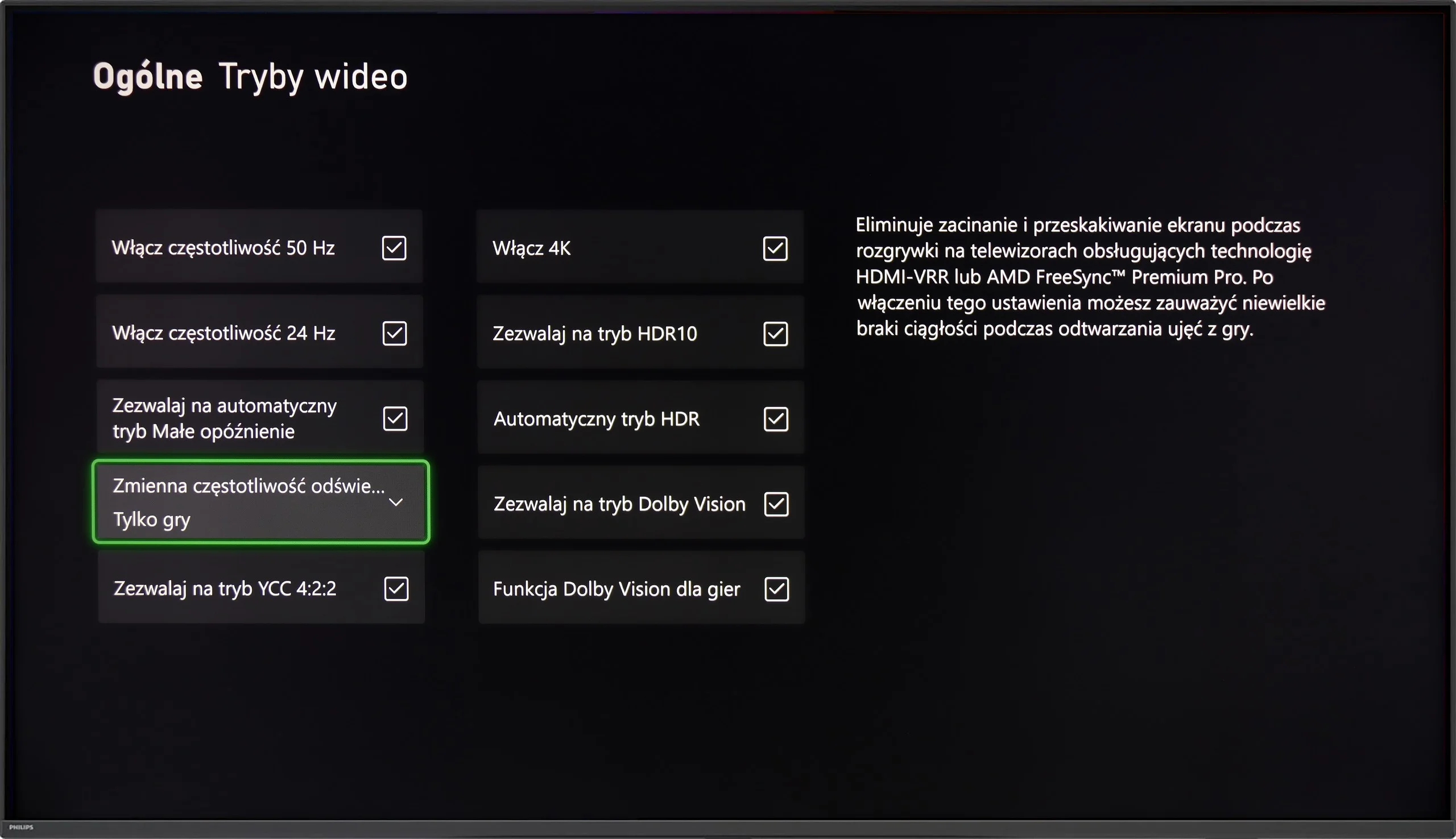
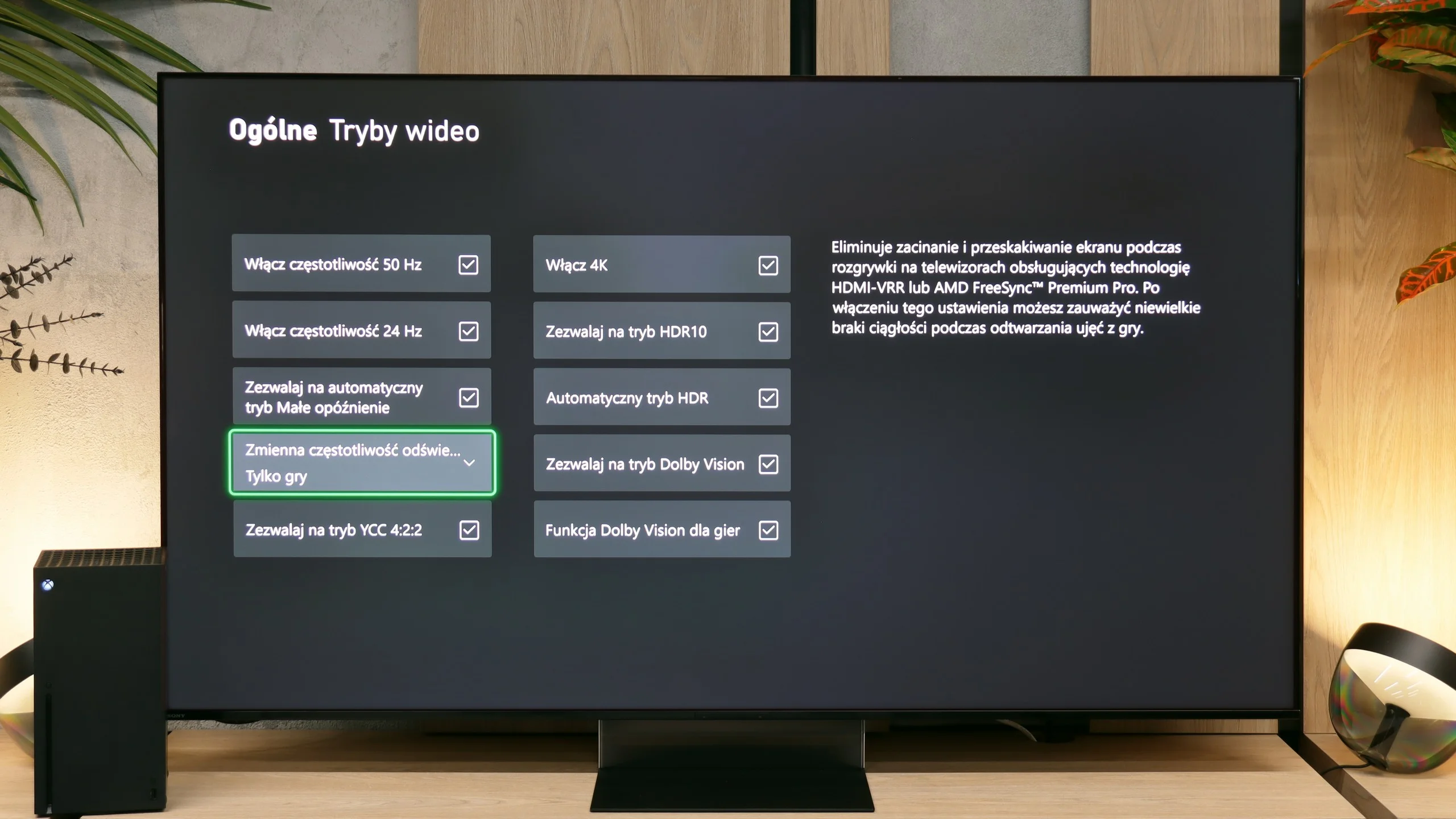
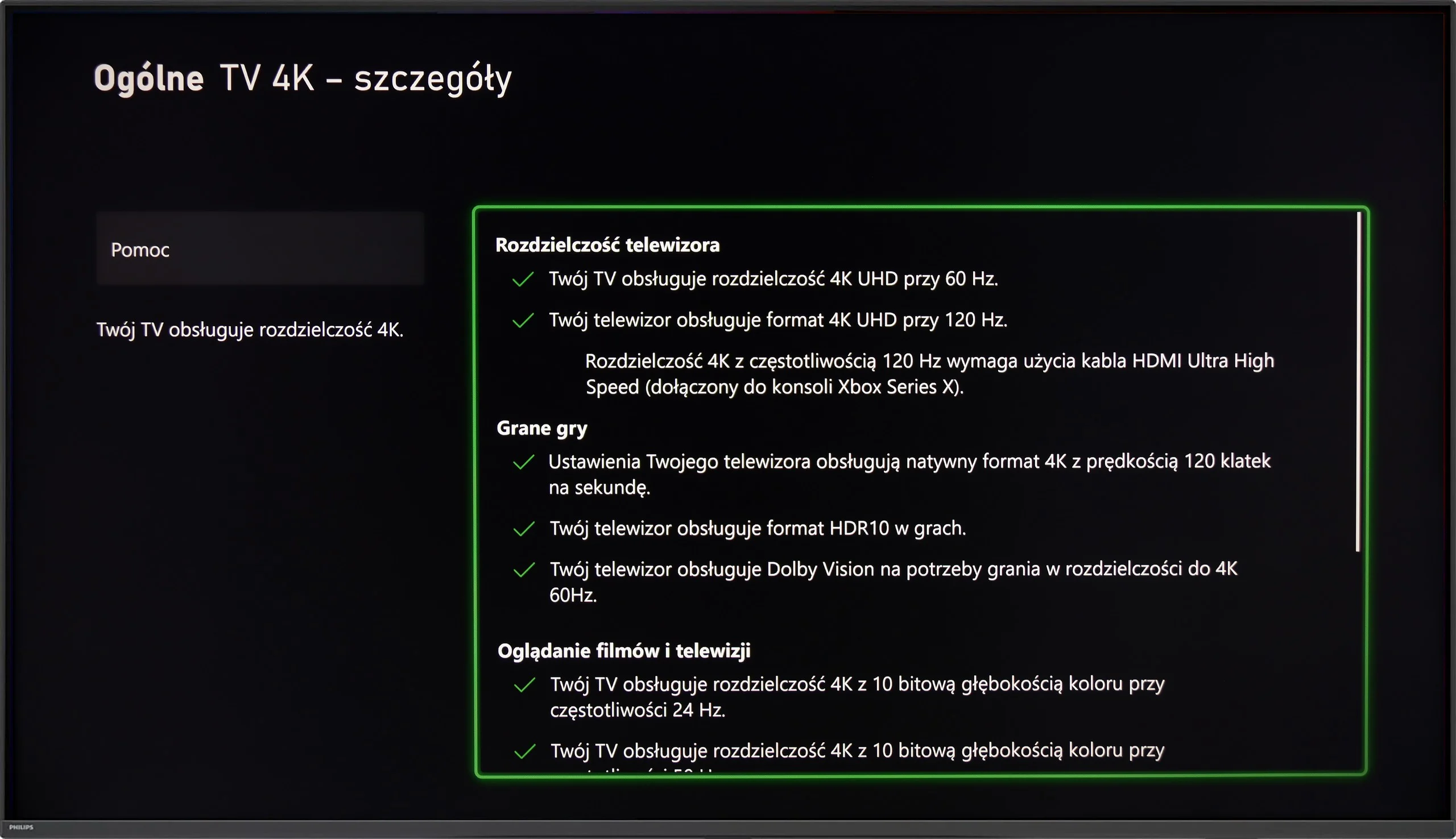
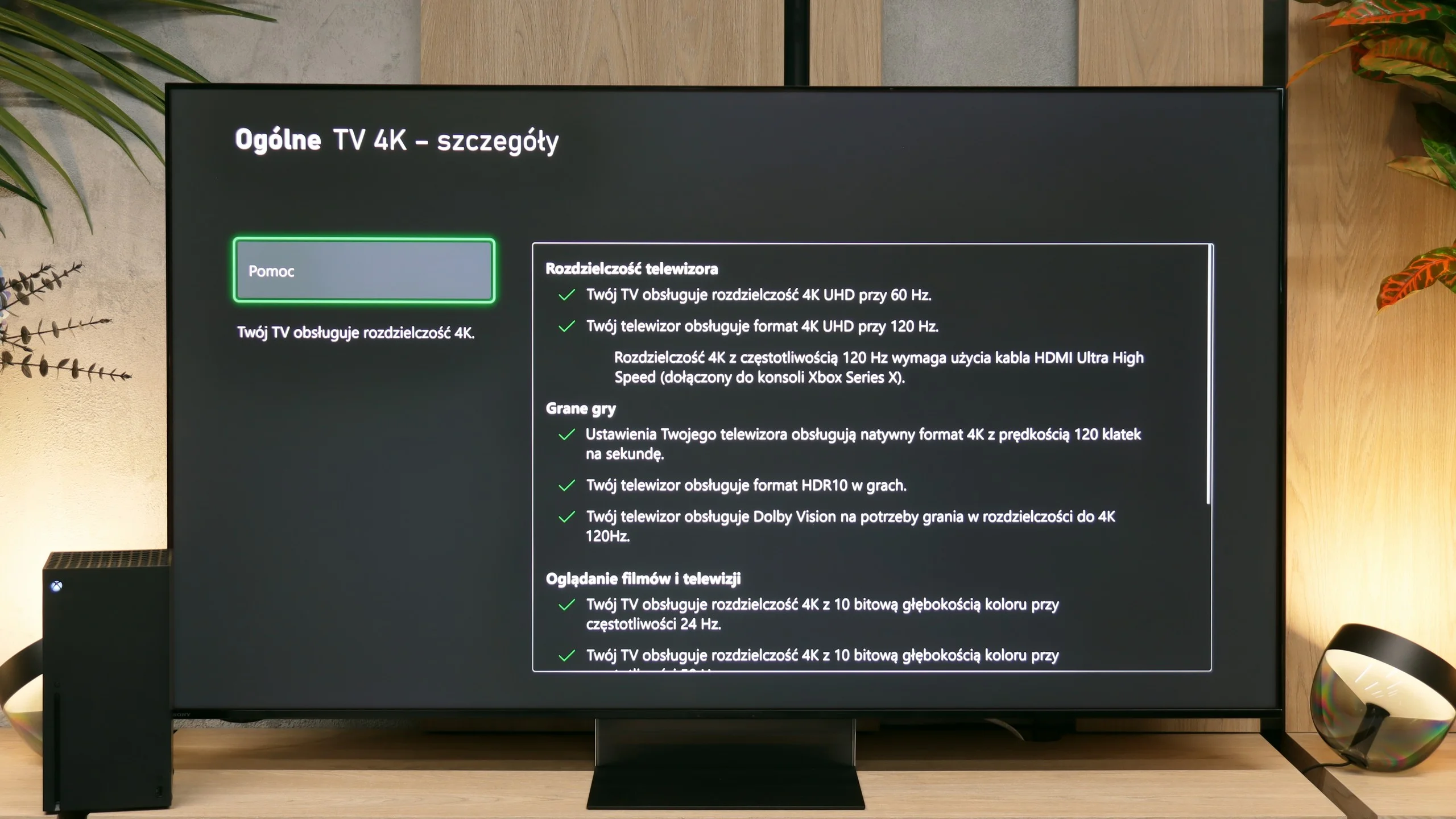
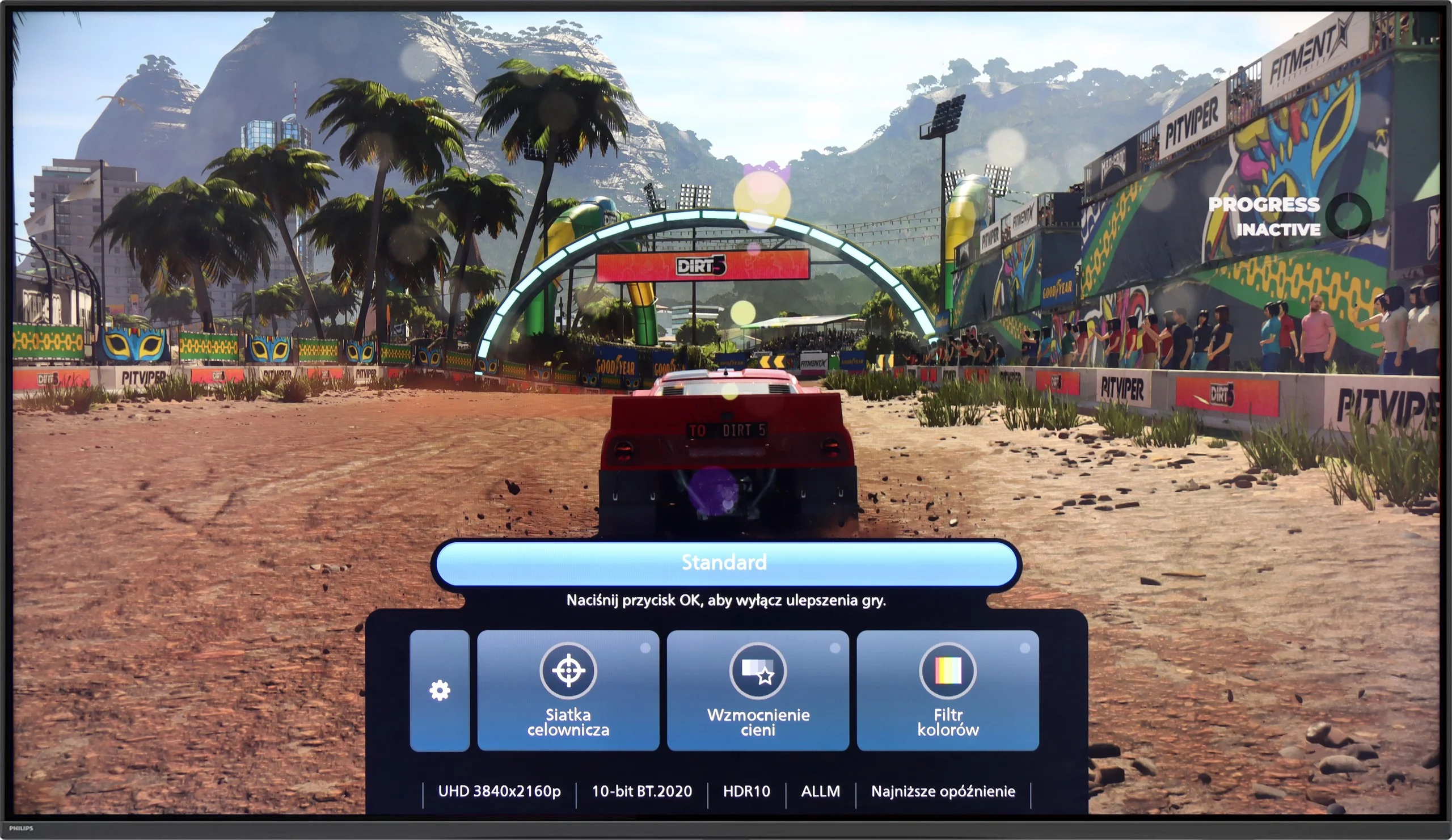
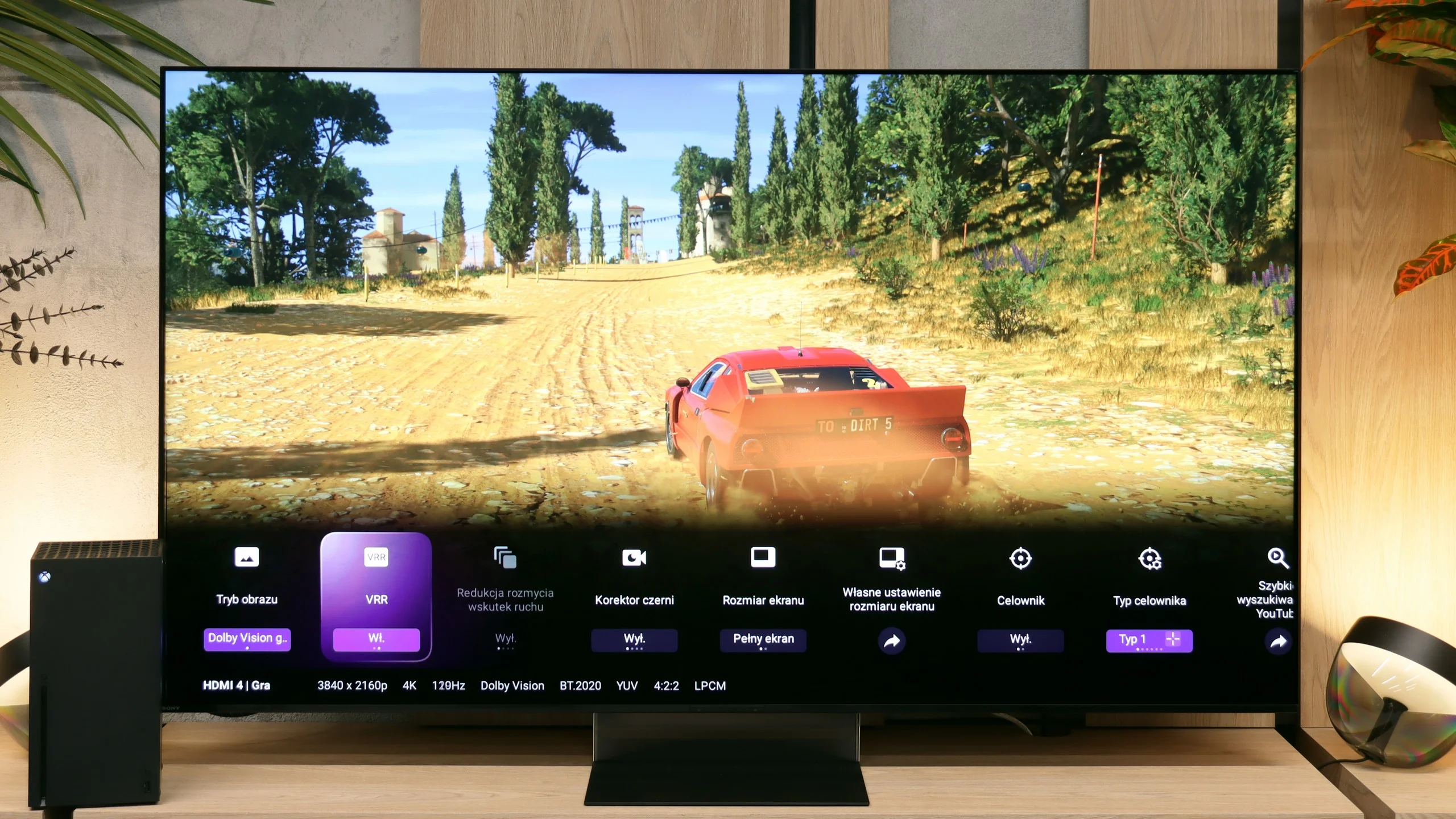
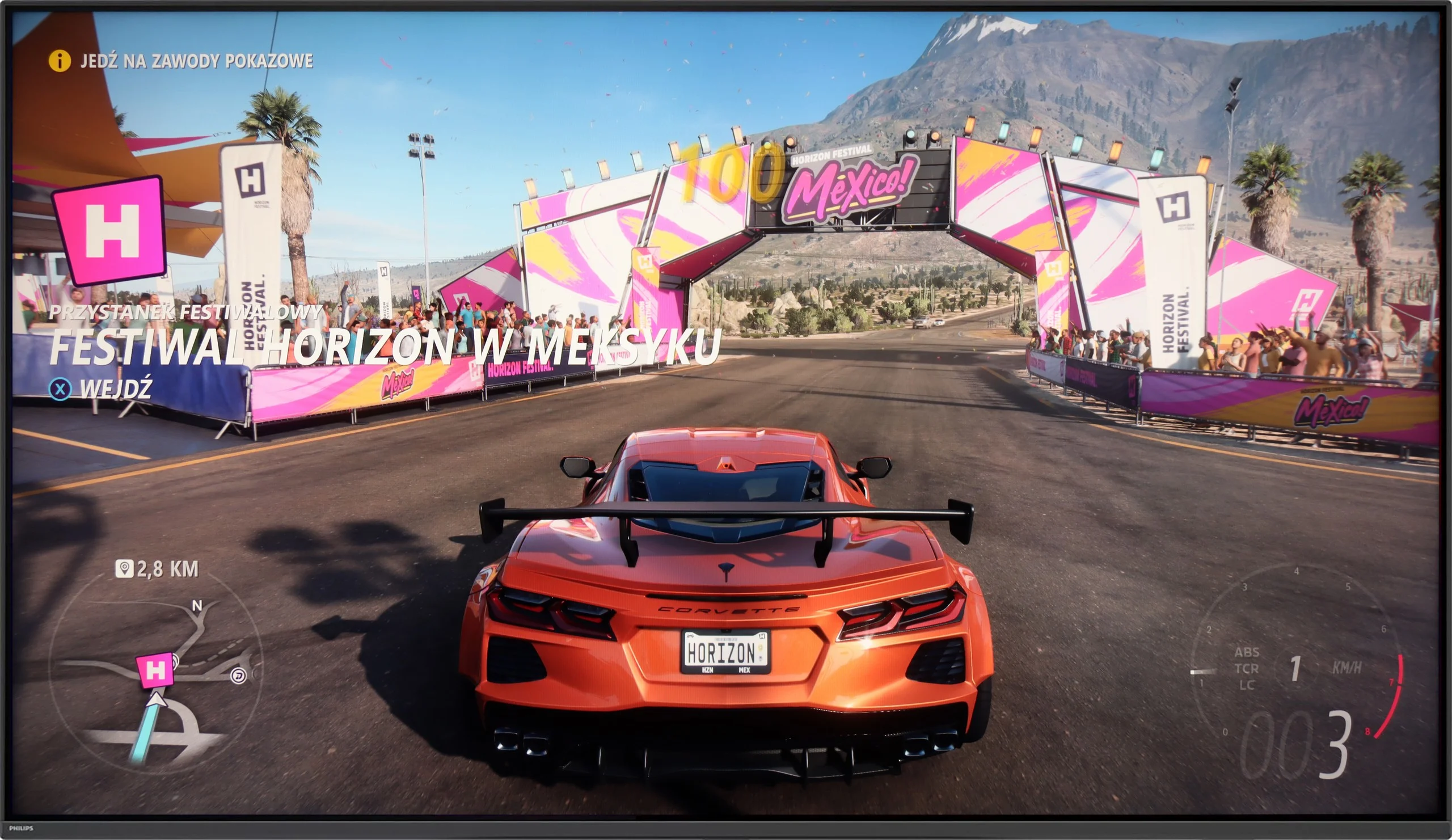
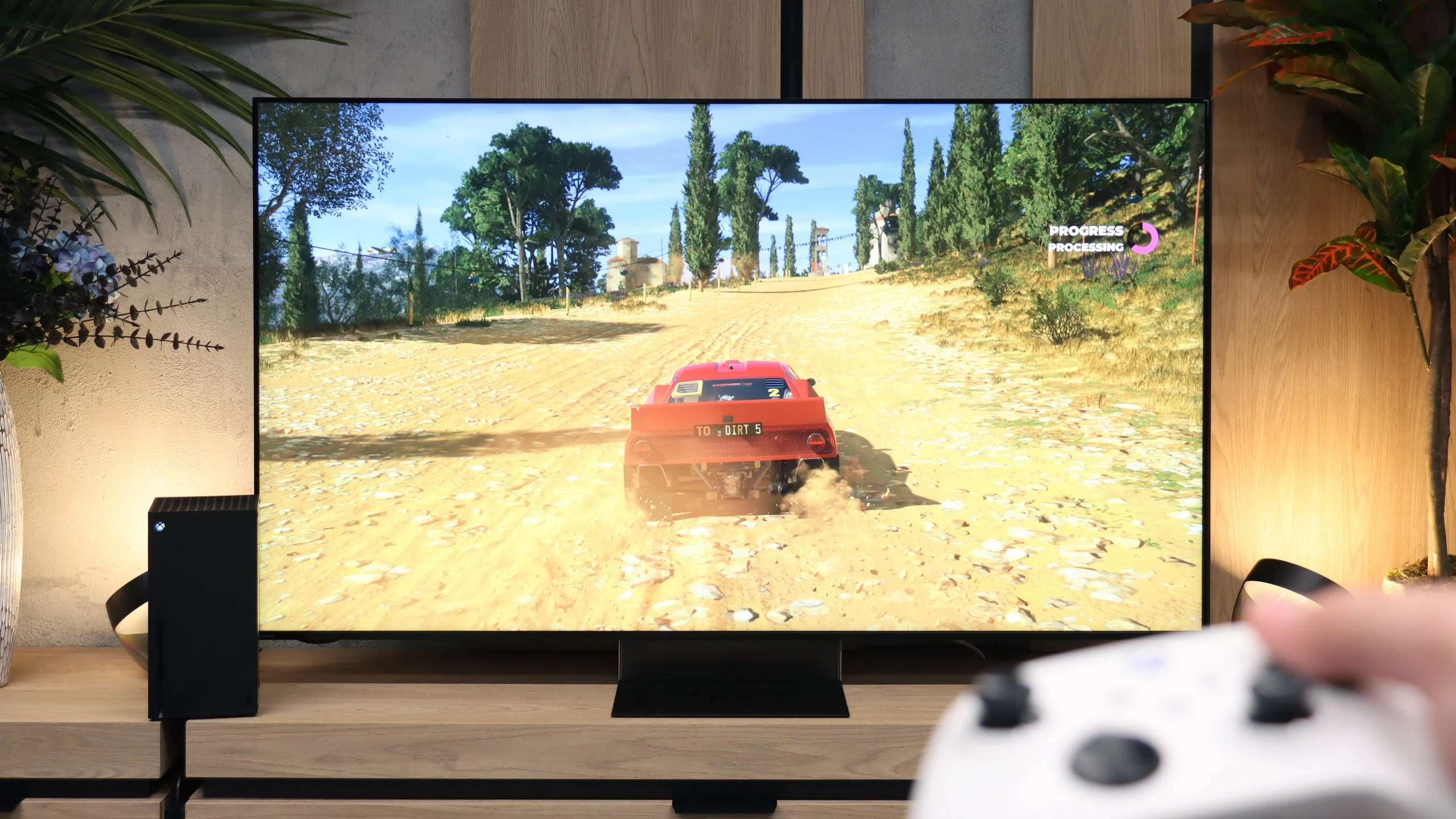
The Philips PUS9010 is a truly solid machine for gaming. It has everything that matters: VRR, automatic game mode (ALLM), and support for HGiG. The latter is a great feature – it allows HDR in games to be set exactly as the developers envisioned. The television handles 120 Hz refresh rates effortlessly at every popular resolution (1080p, 1440p, and 4K). Whether you connect a PS5, Xbox, or a powerful PC, everything functions stably and simply as it should. Gamers will also appreciate the Game Bar. This quick, clear menu immediately shows whether the low latency mode is active. This is especially useful when frequently switching between different consoles. The whole experience is complemented by Ambilight. Evening sessions with this backlighting take the atmosphere to a whole new level – the image seems larger, and dynamic scenes leave an even better impression. Even if someone isn’t a fan of such “gadgets”, it’s hard to deny that it’s impressive.
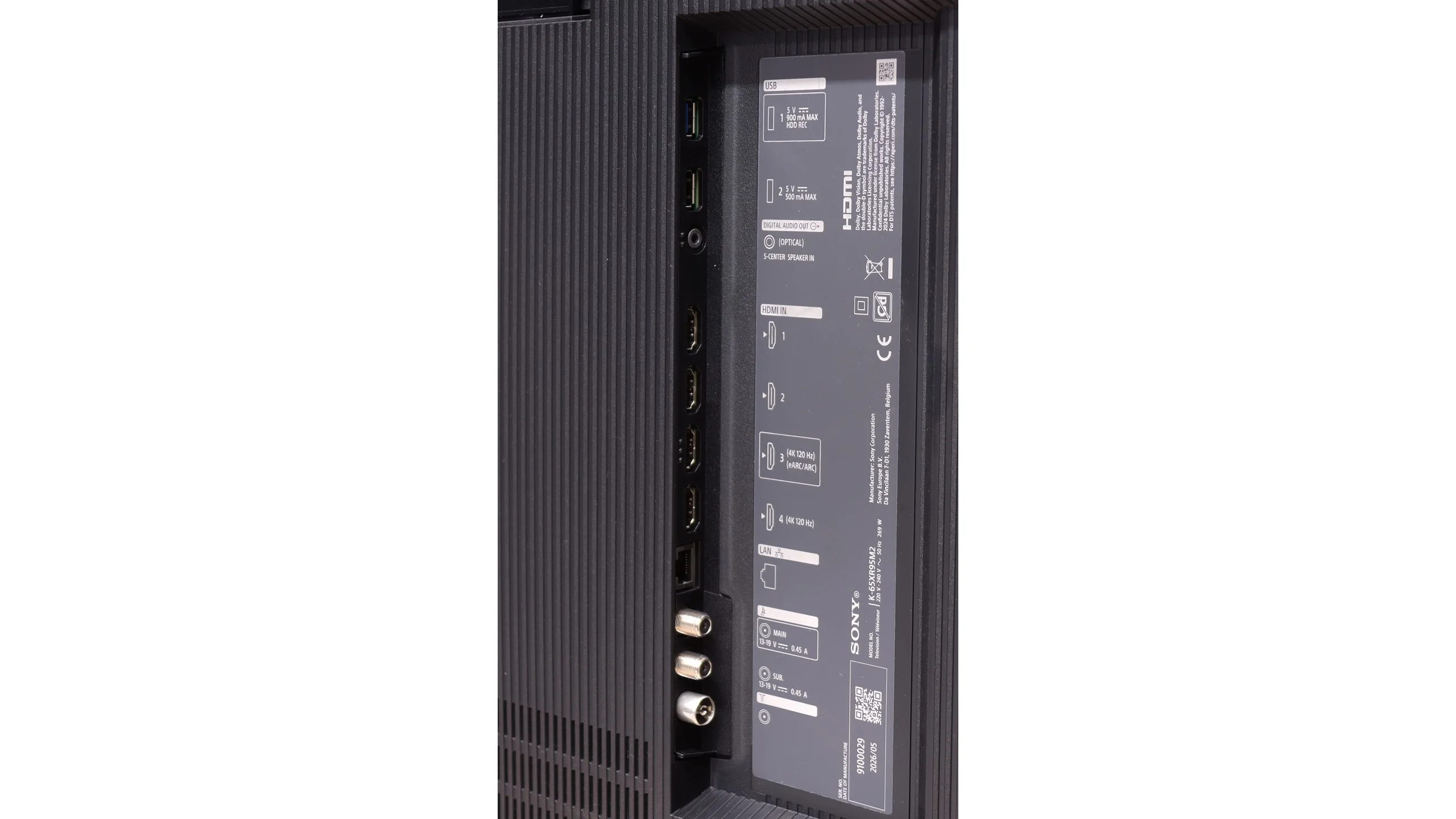
Aside from a fairly serious design misstep in limiting the platform to just two full HDMI 2.1 ports, the Bravia 9 II offers almost all the key gaming features available on the market. Sony has already accustomed us to such a rich feature set in its previous models. The list of supported technologies is extensive. It includes automatic low-latency mode (ALLM), variable refresh rate (VRR), and a fully correct implementation of the HGIG standard and the Dolby Vision format tailored for gamers.
Input lag
9.5/10
10/10
SDR
HDR
Dolby Vision
In terms of responsiveness, the Philips PUS9010 performs very well. The input lag is around 9 ms at 120 Hz and 18 ms at 60 Hz, so the response to movement with the controller is quick and predictable. In practice, even dynamic action games or esports titles pose no problems. Dolby Vision in games performs less well. The lag then increases to around 35 ms, which will still be acceptable for less demanding players, but more sensitive individuals may start to feel a slight sluggishness in control. For this reason, HDR10 with HGiG enabled remains a better choice. In this model, it works correctly, providing lower latency and more predictable brightness behaviour, without the issues that can arise in Dolby Vision.
Paired with a rich package of gaming features comes a parameter hugely important to every gamer: input lag. Here the new Bravia 9 II is simply flawless. Our laboratory tests showed that input lag in "Game" mode is super low. The values we recorded during measurements are completely imperceptible to the human eye and place this model among the very best.
Compatibility with PC
8.9/10
7.8/10
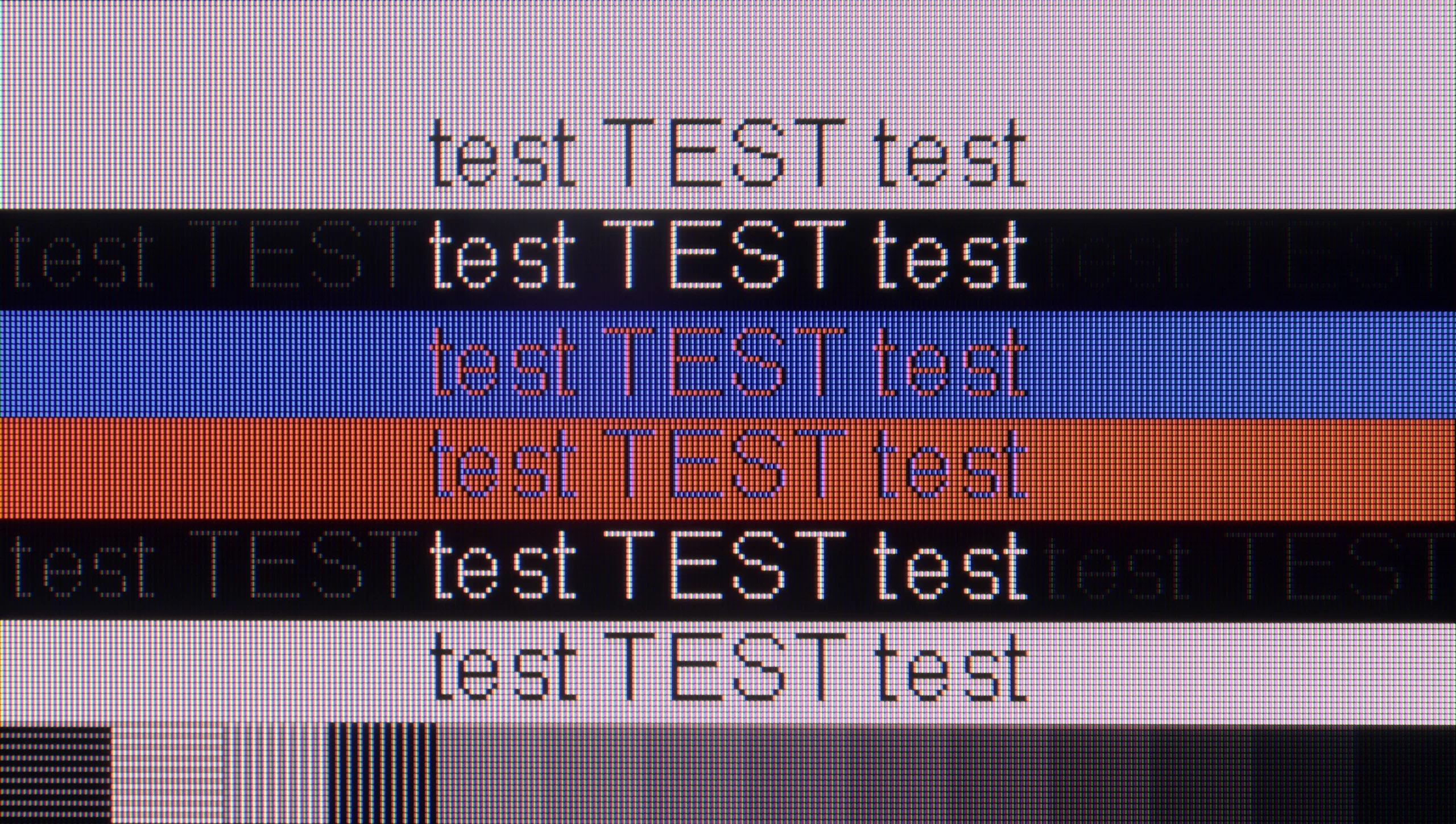
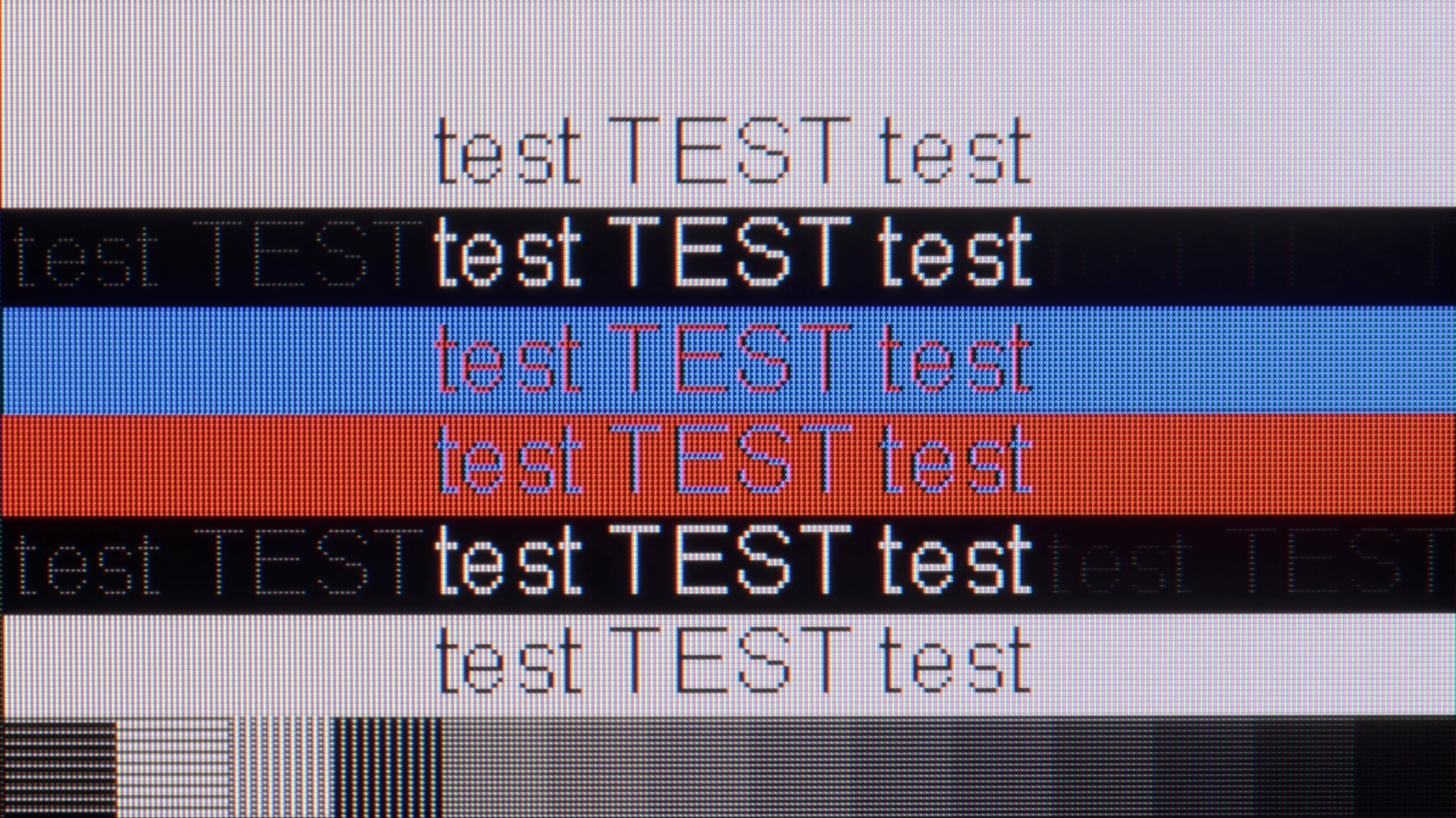
The photo shows the legibility of small fonts. Ideally, lines should be the same thickness on both light and dark text, with minimal pixel gaps.
The Philips PUS9010 (2025) is a very good television for using with a PC. The manufacturer has provided a dedicated 144 Hz mode for PC gamers, and the television correctly supports variable refresh rates for both NVIDIA and AMD cards. The G-Sync and FreeSync features work seamlessly, making PC gaming smooth and free from screen tearing. Since we already know that the television is very suitable for gaming, it is worth noting the readability of text, especially when working daily on the PC. The use of an IPS panel is definitely a plus in this regard. The chroma has been implemented correctly, so we can talk about almost perfect font rendering. The text is sharp, clear and does not pose problems even with prolonged use. However, we must highlight a minor detail out of our meticulousness. With very dark text, vertical and horizontal lines can have slightly different brightness levels. This is, however, purely a technical flaw, practically imperceptible in practice, especially in the case of the 75-inch variant, where the distance from the screen additionally masks this effect.
The Bravia 9 II is also excellent as a powerful PC display. Although there are no special PC modes here that would allow pushing the refresh rate above 120 Hz, as a very large monitor the TV performs superbly. Full-frame synchronisation works flawlessly and is compatible with the most common technologies from graphics card manufacturers – both G-Sync and FreeSync can be enabled without any problem.
A very pleasant surprise and a positive change is the modification of the panel's subpixel layout. In the new Sony model the BGR arrangement has been replaced by a structurally more conventional RGB. This change has directly translated into better readability of fonts and other small interface elements in Windows/macOS compared with the first-generation Bravia 9. Admittedly, at very close viewing distances a trained eye may notice that the edges of dark text on a light background are not "perfectly" sharp, but in everyday use, whether working with documents or gaming, this is completely unnoticeable.
Viewing angles
5.8/10
6/10
The viewing angles on the Philips PUS9010 are very good, and this is one of the greatest advantages of the IPS panel. Compared to the variant with a VA panel, the difference is noticeable. The picture retains significantly better consistency, and the colours remain stable even when viewed from a sharp angle. Of course, with a change in position, the level of brightness does drop slightly; however, the degradation of the image is much less than in the VA version. It is not at the level known from OLED screens, but among LCD televisions, one can say that it has some of the better viewing angles available on the market.
The Bravia 9 II is fitted with a VA-type LCD panel. Naturally its strongest point is high native contrast, but unfortunately this comes at the cost of weaker viewing angles. Importantly, because a new, deeply matte screen coating has been used, the manufacturer had to forgo special wide-angle filters. Does that mean the viewing angles are simply poor? Not entirely. When you view the panel from a moderate angle (say around 45 degrees), colour saturation and brightness remain at a perfectly acceptable level. This comes down to the specifics of the RGB backlight. Because the backlight takes on the hue of the image being displayed, what we see appears much more natural to the human eye. We perceive such an image as more coherent compared with conventional Mini LED screens with quantum dots. On the other hand, when comparing the visibility of zone operation at a steep angle with a standard Mini LED, the halo effect and the panel’s zonal division were more pronounced on the Sony screen.
Daytime performance
5.4/10
10/10
Panel brightness
SONY Bravia 9 II XR95M2: 1980 cd/m2
PHILIPS PUS9010 (IPS): 398 cd/m2
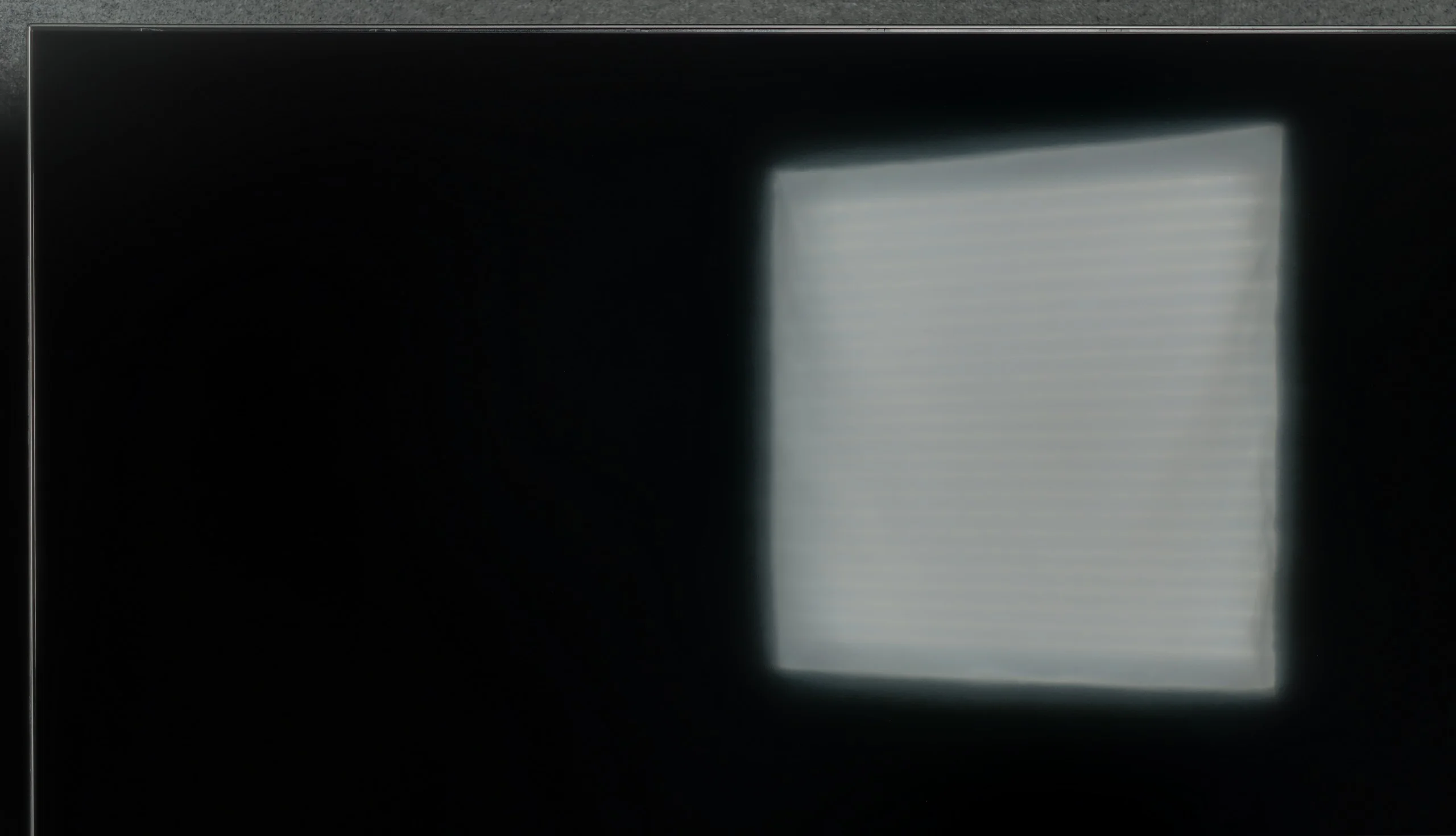
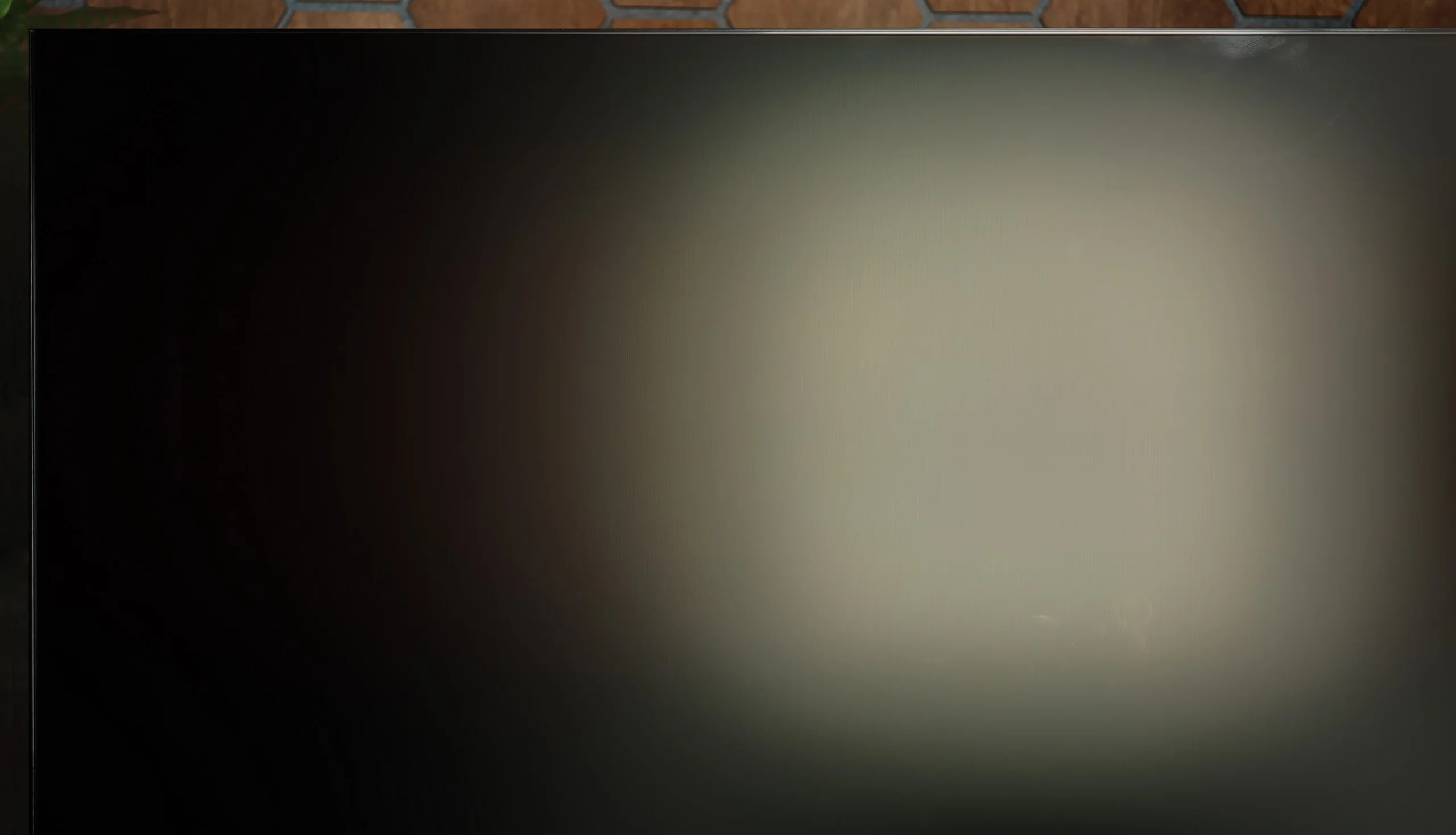
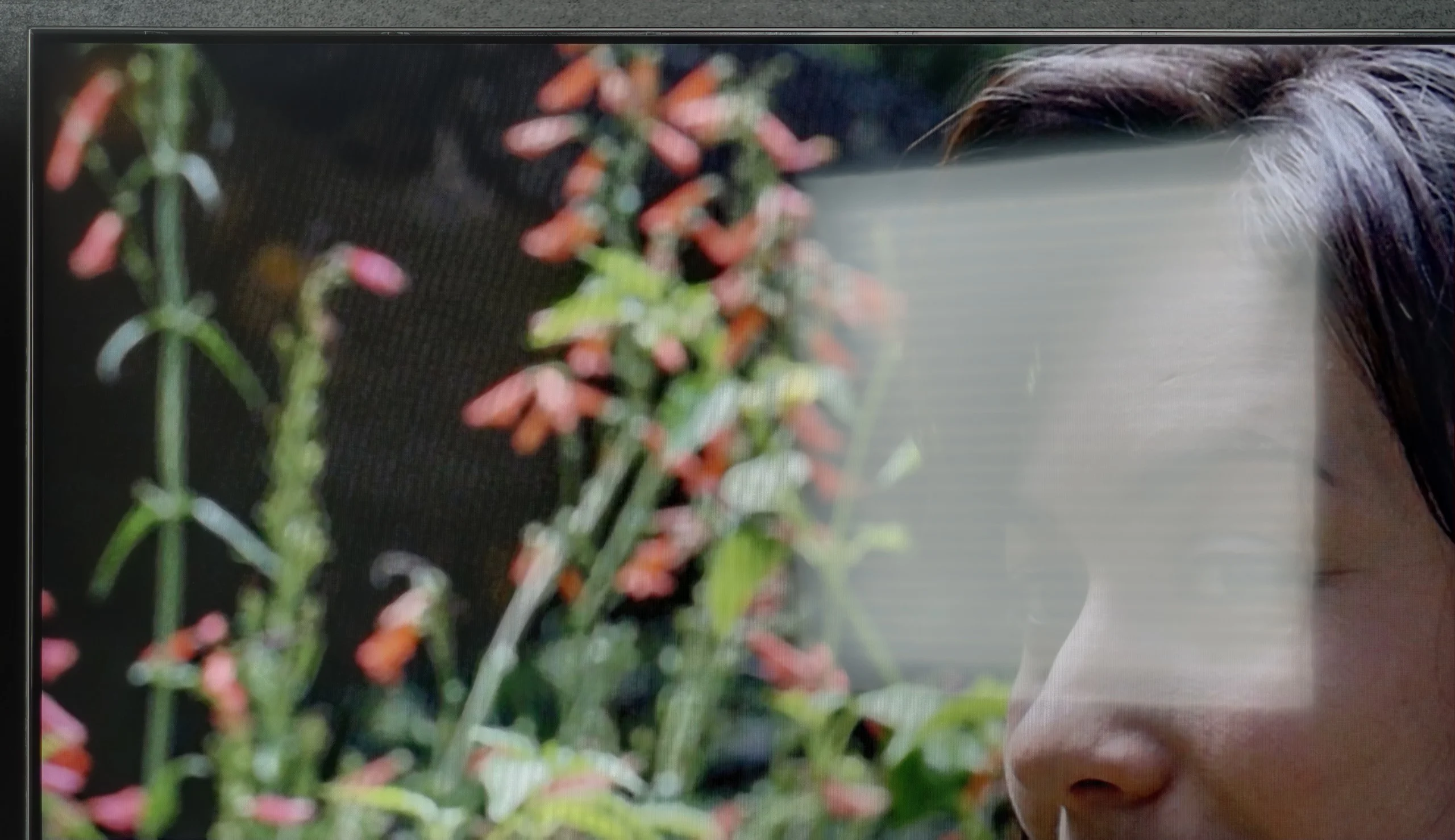
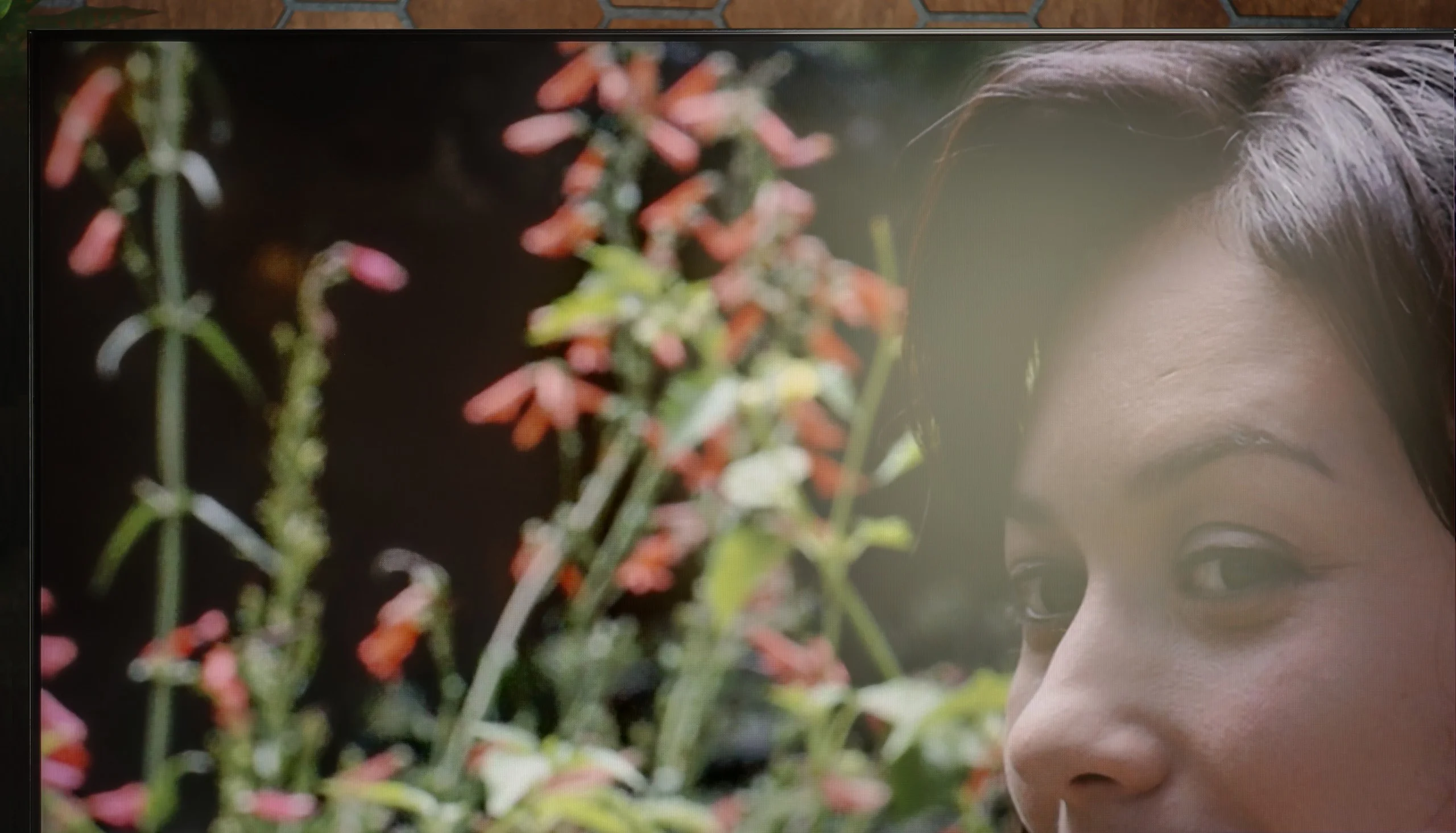
In terms of use in a bright room, the Philips PUS9010 performs reasonably well. The applied satin matrix effectively dampens reflections and does not create a mirror effect, which means the screen doesn't scatter as much light from windows or lamps. Unfortunately, compared to the VA panel variant, the television performs worse. The screen is noticeably darker, which can be felt in a very sunny room. Under normal daytime conditions, this does not pose a major problem; however, in very bright surroundings, the difference compared to the VA version is noticeable.
High brightness combined with the new coating makes the Bravia 9 II one of the best TVs on the market for viewing in demanding conditions. The average brightness in SDR content is around 2000 nits, and smaller highlights can hit as much as 4000 nits. In practice this means the picture remains readable even when direct, south-facing sunlight pours into the living room. The key factor is the new, deeply matte panel coating. Unlike the glossy screen finish of the previous model, this filter is exceptionally effective at diffusing reflections. When direct light from a window or lamp falls on the screen, you don’t see the annoying reflection of your own face or the furniture.
The natural trade-off of a matte finish is a slight reduction in perceived colour saturation and black depth compared with perfectly glossy panels; in very bright light the image can appear a touch flatter. This is, however, a fully justified and almost symbolic price to pay for a dramatic improvement in usability. If you’re looking for a TV for a living room with large windows and want to forget once and for all about troublesome daytime reflections, the Bravia 9 II will be ideal in that respect.
Panel details
Subpixel Structure:
Panel uniformity and thermal imaging:
PHILIPS PUS9010 (IPS)
SONY Bravia 9 II XR95M2
TV features
6.1/10
8.8/10
- SystemTitan OSGoogle TV
- System performanceDecentVery good
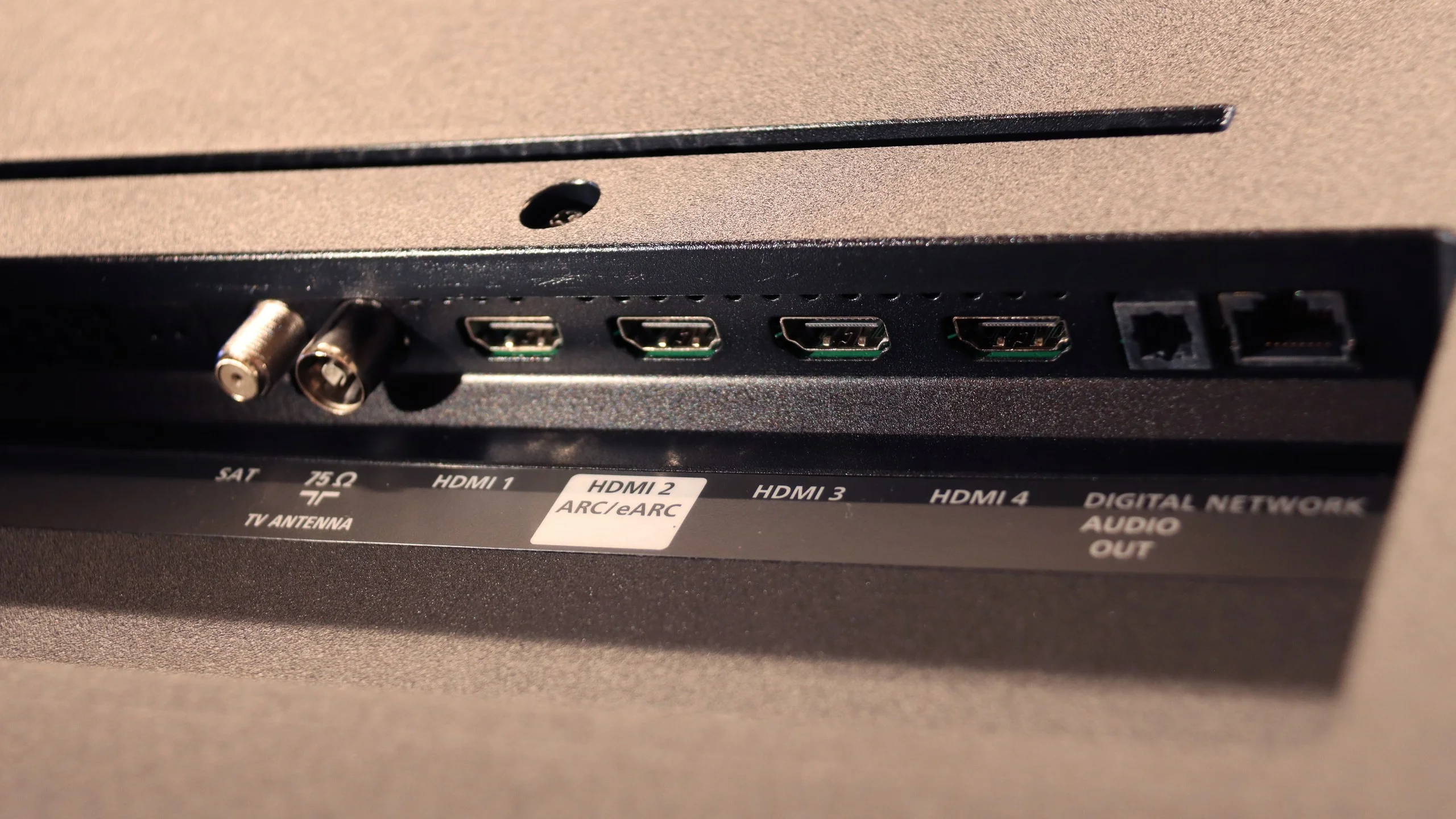
- HDMI inputs2 x HDMI 2.0, 2 x HDMI 2.1 48Gbps2 x HDMI 2.0, 2 x HDMI 2.1 48Gbps
- Other inputsToslink (Optical audio)
- OutputsToslink (Optical audio), eARC (HDMI), ARC (HDMI), Mini-Jack (Headphones)Toslink (Optical audio), eARC (HDMI), ARC (HDMI), Mini-Jack (Sony S-Center)
- Network InterfacesWi-Fi 2.4GHz, Wi-Fi 5GHz, Ethernet (LAN) 1GbitWi-Fi 2.4GHz, Wi-Fi 5GHz, Ethernet (LAN) 100Mbps
- TV receptionDVB-T, DVB-T2, DVB-S, DVB-S2, DVB-CDVB-T, DVB-T2, DVB-S, DVB-S2, DVB-C
Classic features:
- Recording to USB (terrestrial TV)
- Recording programming
- Picture in Picture (PiP)
- RF remote control (no need to aim)
- Backlit remote control
- Teletext
- Audio only mode
- Bluetooth headphones support
- Simultaneous Bluetooth headphones & TV audio
Smart features:
- AirPlay
- Screen mirroring (Windows Miracast)
- Voice search
- Voice search in native language
- Ability to connect a keyboard and mouse
Sound connection options
- HDMI audioeARC (HDMI), ARC (HDMI)eARC (HDMI), ARC (HDMI)
- Other audio outputsToslink (Optical audio), Mini-Jack (Headphones)Toslink (Optical audio), AuxiliaryOutput-Mini-Jack (Sony S-Center)
- Wireless audioBluetoothBluetooth
Supported audio formats (external HDMI eARC audio):
- Dolby Digital Plus 7.1
- Dolby True HD 7.1
- Dolby Atmos in Dolby Digital Plus (JOC)
- Dolby Atmos in Dolby True HD
- DTS:X in DTS-HD MA
- DTS-HD Master Audio
Senior accessibility
- Numeric keyboard on TV
- Font size adjustment
- Audio description
Classic TV Features
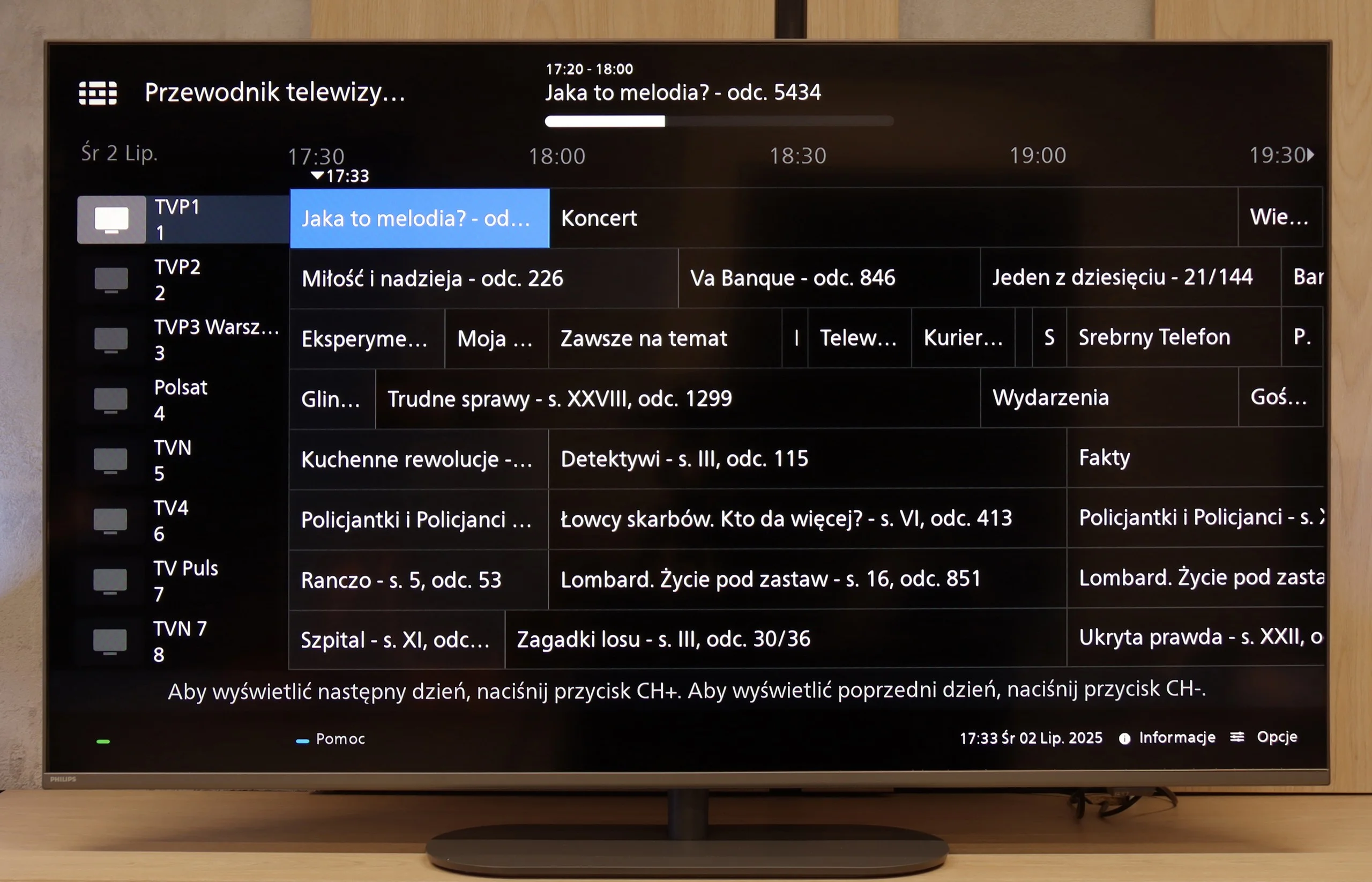
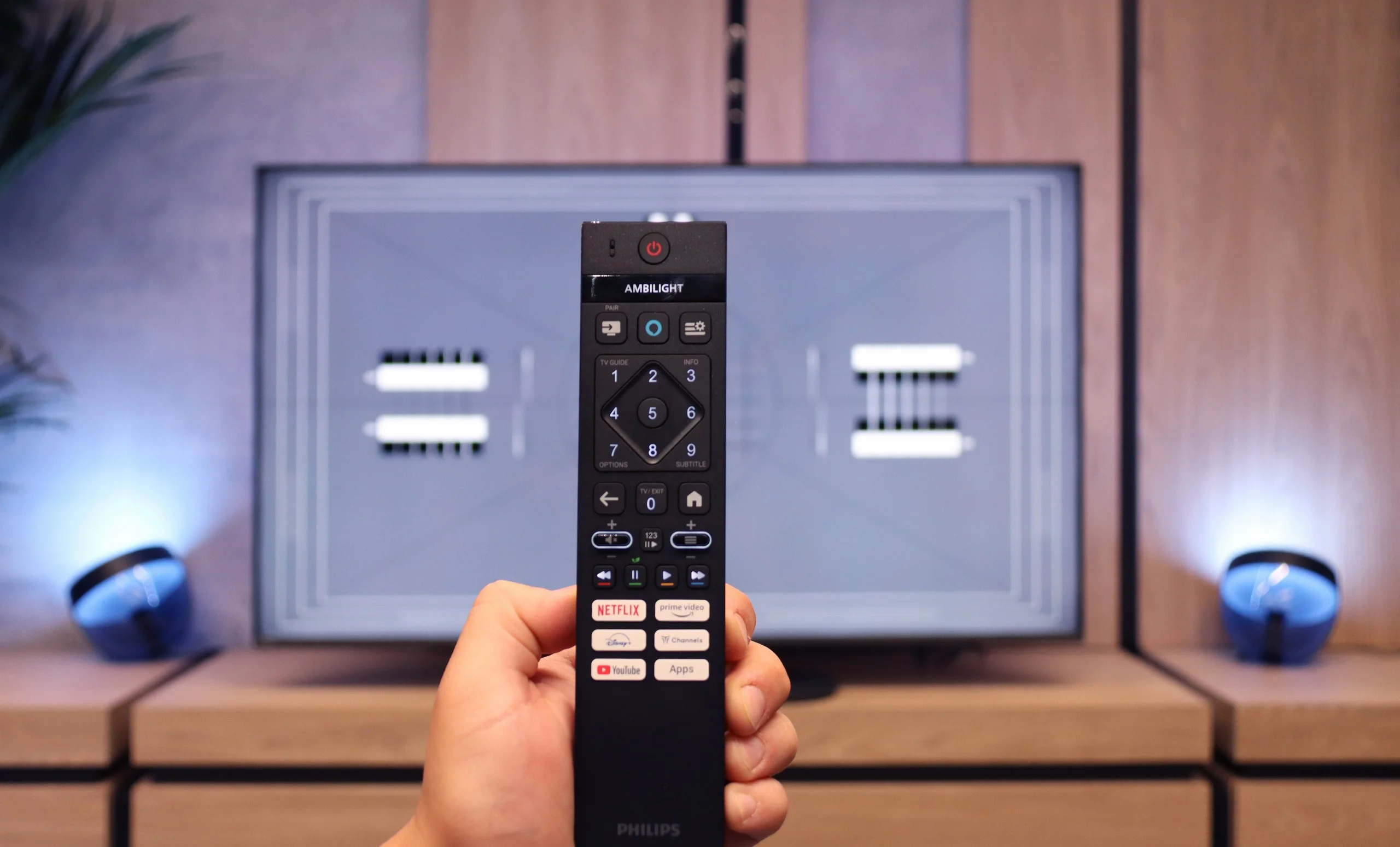
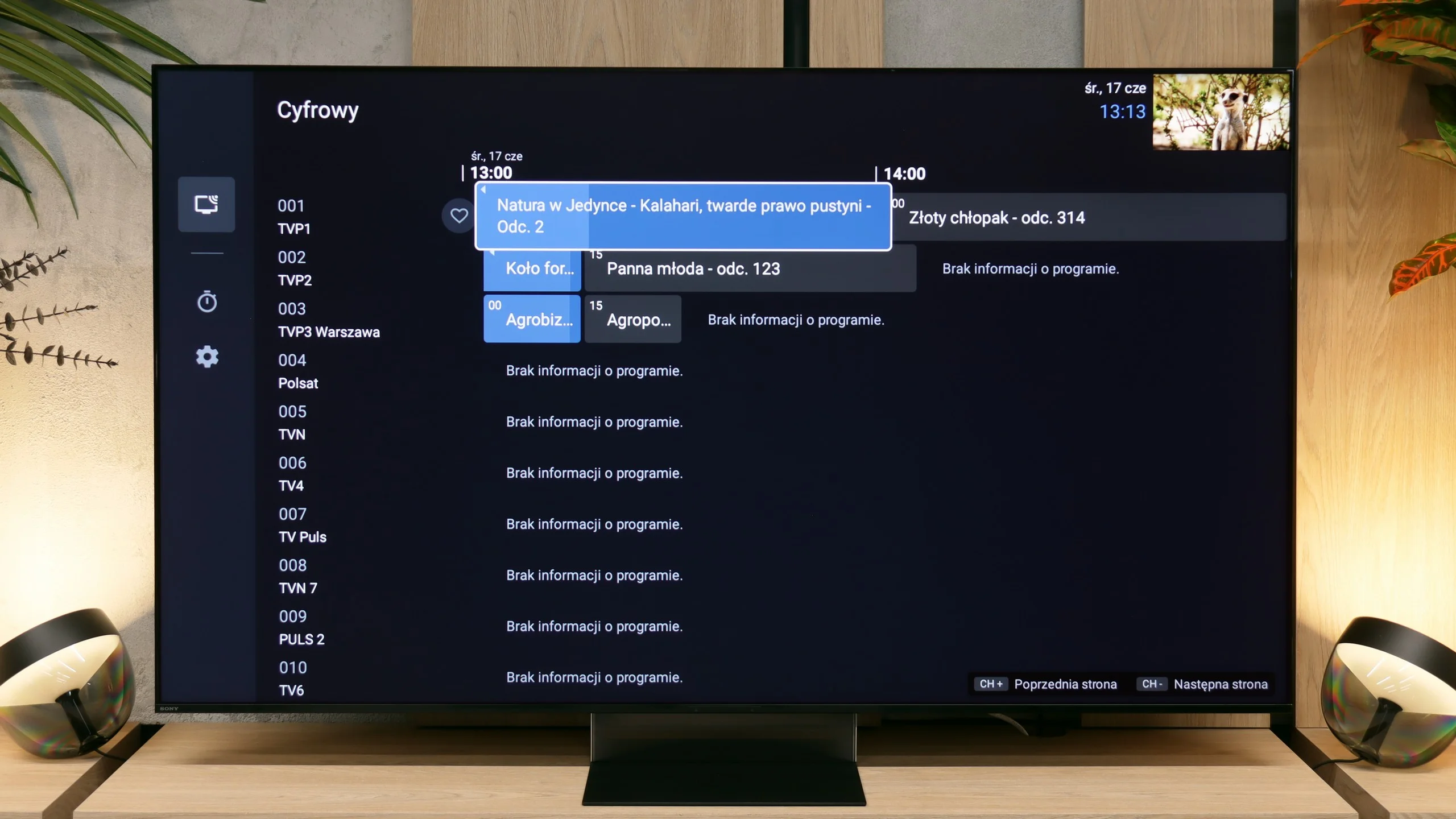
When it comes to classic features, the Philips PUS9010 is rather average. Onboard, we find the basics such as EPG, teletext, and the ability to connect headphones via Bluetooth. However, this is where the list of stronger points essentially ends. Unfortunately, it lacks USB recording and PiP (picture in picture) mode. These are features that are becoming increasingly rare but can still be useful in everyday use. A plus is the remote control with a numeric keypad. It is modern, backlit, and visually makes a very good impression. It's just a shame that it is still an infrared remote, so it requires aiming at the screen. With such a modern look, one would expect Bluetooth radio control.
Smart TV
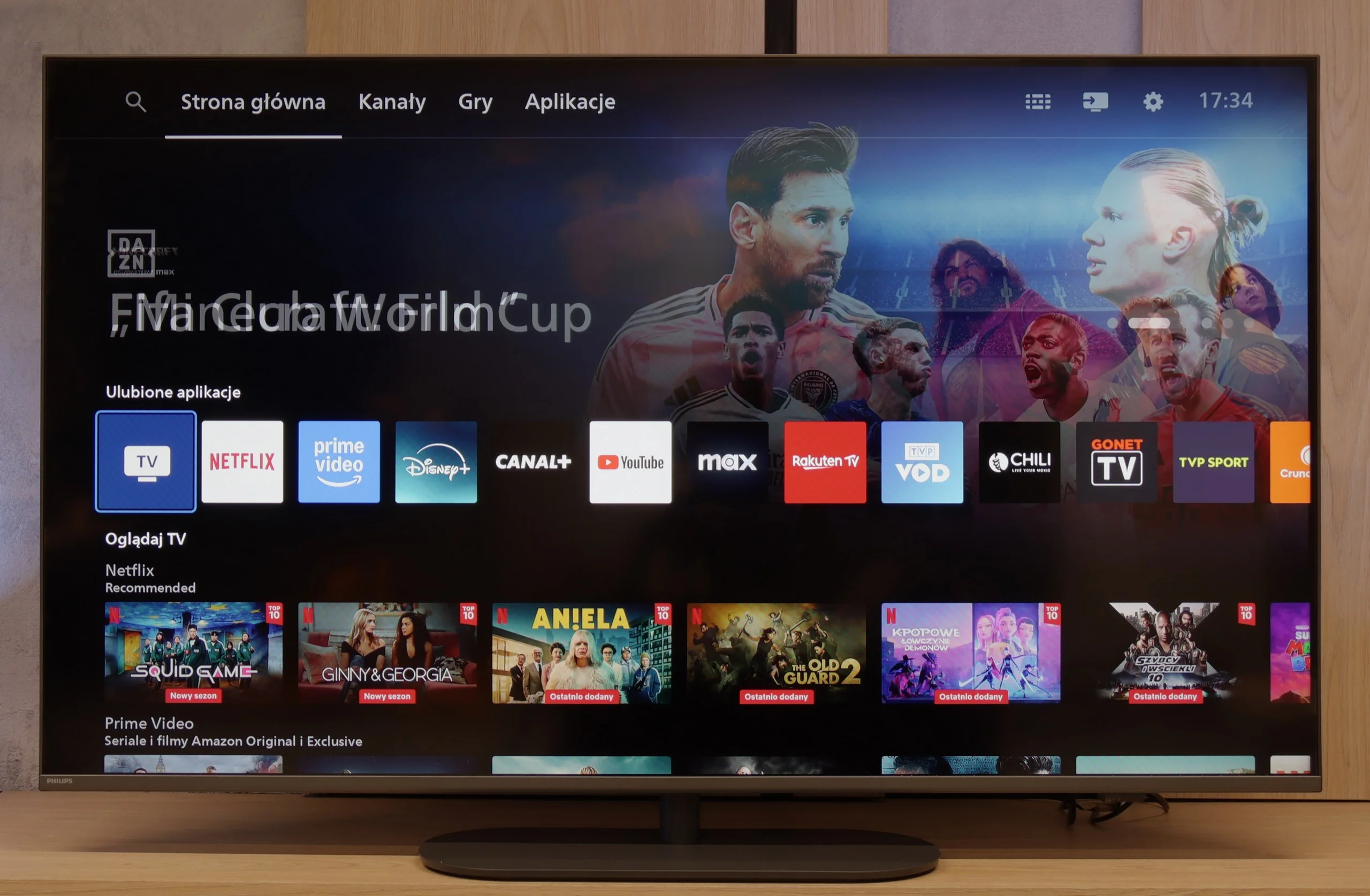
Most Philips TVs from 2025, including the PUS9010, operate on the Titan OS system. This is still a relatively young platform, and unfortunately, its limitations are still apparent. The system itself runs quite smoothly, noticeably better than in the manufacturer's cheaper models, and during tests, it did not encounter issues when using screen mirroring or AirPlay, which is still not a given. However, the biggest drawback remains the limited number of available apps. This can be partially circumvented by connecting a keyboard and mouse to the TV and using the built-in web browser, but this is more of an emergency solution than a convenient everyday option.
Classic features and two remotes
When discussing such an advanced TV, it's easy to focus only on processors and nits, but the Bravia 9 II is also an excellent set in the most down-to-earth aspects. A great example is the return to traditional solutions many competitors have already forgotten. That includes full support for recording TV programs directly to external USB storage.
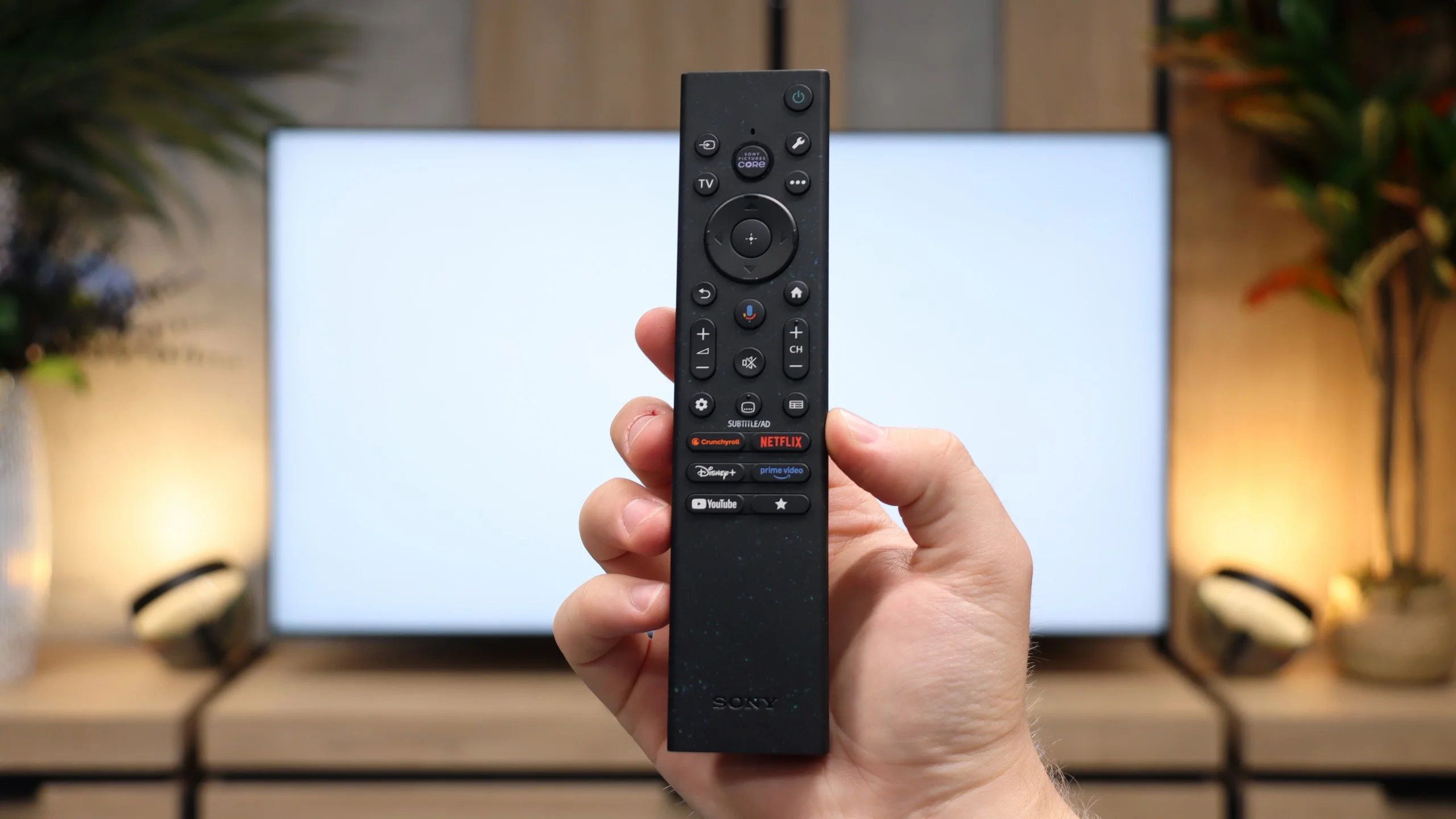
The Japanese maker's traditional, very practical approach is apparent as soon as you open the box. Sony is one of the few players on the market (maybe the only one right now? 🤔) that still includes not one but two remotes. The first is a nod to older users and traditionalists. It may look like a design from the 2000s, but it offers a full, physical numeric keypad, which makes quickly jumping through cable or satellite channels much easier. The second remote belongs to a completely different school. It's a compact smart remote that's beautifully balanced, sits great in the hand, and the icing on the cake is automatic button backlighting. An interesting fact is that, according to Sony, it is made largely from recycled materials.
Smart TV: Google TV
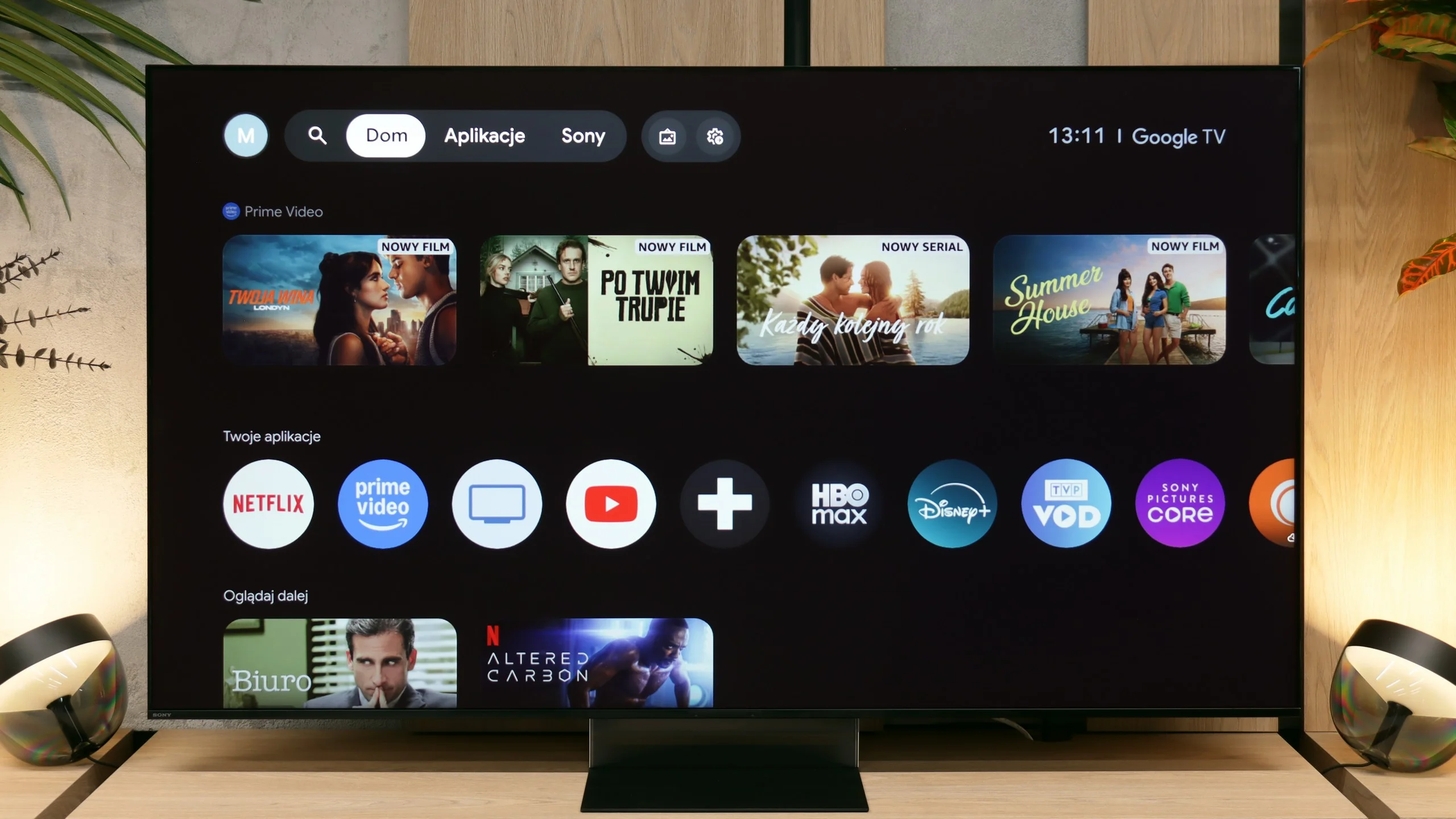
When you turn the TV on with that remote, you'll be greeted by Google TV. In this model the platform has received excellent optimization. The menu responds immediately to commands, and animations don't drop frames, which used to be a pain in older models. Although the interface can sometimes be overloaded with sponsored recommendations for movies and series (unfortunately a sign of the times), the system makes up for it with an absolutely unrivaled app library.
An additional unique selling point of Sony's platform is built-in access to the Sony Pictures Core app. It's Sony's own streaming service that, thanks to massive data throughput, can deliver images with extremely low compression, offering quality unattainable by other VOD platforms.
Apps
6.7/10
9.6/10






















Playing files from USB
7.9/10
8.9/10
Supported photo formats:
Maximum photo resolution:
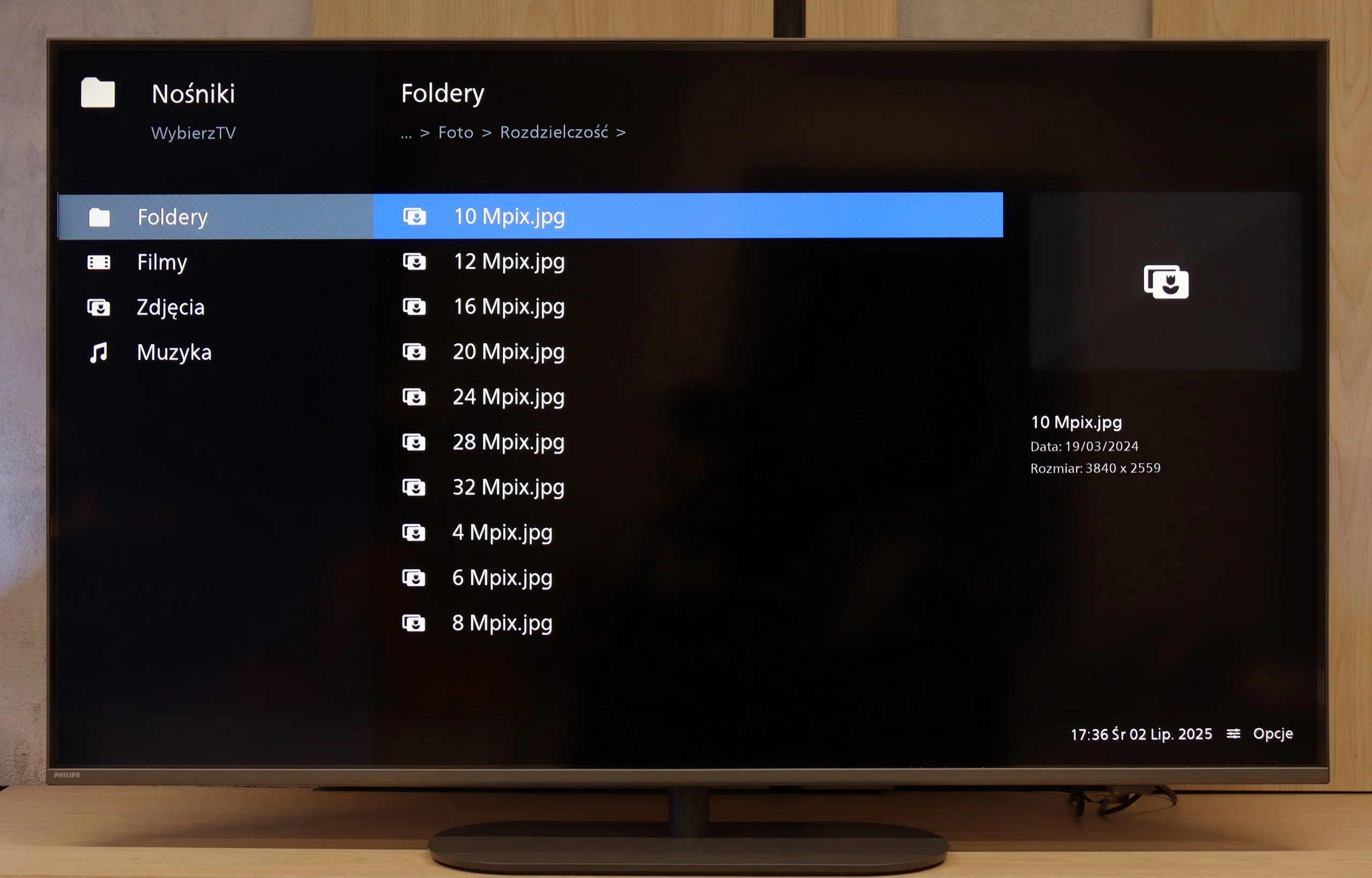
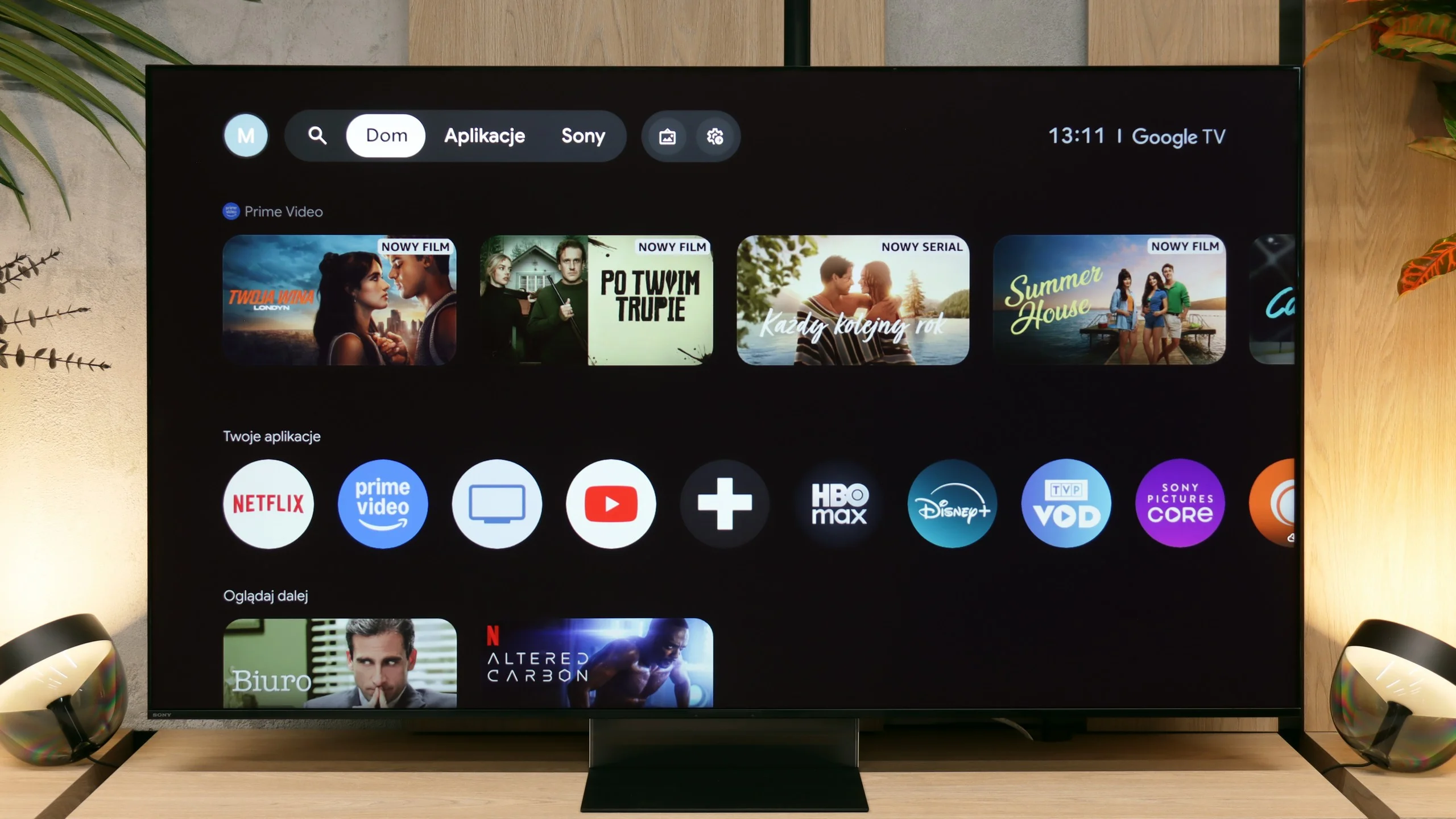
The media player in the new Philips is a solid standard. It handles most popular video and audio files, operating steadily and predictably. Although fans of rarer subtitle formats or specific image resolutions may feel somewhat unsatisfied, for the average user, the built-in software does the job. It's a convenient solution that means we don't need to engage external equipment to play materials from an external drive.
Playback of files from an external drive or USB stick works smoothly and quickly. The interface loads the contents of the drive instantly. However, we have some reservations about the built-in player's default capabilities. While the list of supported audio and video codecs is fairly extensive, the TV was surprisingly limited when it came to handling image files. It really only supports the classic JPG format and Apple's HEIC format, which is great news for iPhone users. Unfortunately, even such a popular format as PNG was missing from the list. Fortunately, thanks to Google TV, this problem can be solved easily. Simply download a third-party player from the app store, which will open any missing file format without a hitch.
Sound
6.6/10
9/10
- Maximum volume85dB93dB
- Dolby Digital Plus 7.1
- Dolby True HD 7.1
- Dolby Atmos in Dolby Digital Plus (JOC)
- Dolby Atmos in Dolby True HD
- DTS:X in DTS-HD MA
- DTS-HD Master Audio
The sound from the Philips PUS9010 is simply adequate. The tested unit offers a 2.0 set with a total power of 40 W, which is more than sufficient for daily watching of television, films, or series. The sound quality is pleasant, but it is hard to speak of anything exceptional, especially if one is looking for strong bass or greater dynamics. One positive aspect is the wide range of audio formats supported. When connecting a soundbar or home cinema system, the television easily supports Dolby Atmos and DTS, without needing to fiddle with settings or sacrificing sound quality. For those planning on external audio systems, this is definitely good news.
The two-year-old Bravia 9 has got us used to the idea that you can extract really pleasant sound from a regular, slim TV without a built-in soundbar. The new Bravia 9 II goes a step further and amplifies those impressions even more. In our view, the engineers have chiefly improved the low end. The bass, which was somewhat lacking in the previous model and often sounded too flat, is now much stronger, deeper and noticeably more dynamic.
As a result, watching films (especially those with explosions) or simply listening to music becomes far more enjoyable. The built-in sound system can easily replace a basic soundbar that lacks an external subwoofer. As ever, huge credit is due to Sony for its approach to licences and audio formats. In addition to the obvious and popular Dolby Atmos standard, there is full support for DTS:X. That's great news for film fans with a large collection of 4K Ultra HD discs. In terms of built-in audio, the Bravia 9 II is an absolute masterpiece.
Sound Quality Test
Acoustic Measurements
No acoustic data
93dBC (Max)
75dBC
Reader comments
Comments are provided by the external service Disqus (Zeta Global). Once loaded, Disqus may set cookies and process data about your activity.
We will remember your choice on this device. Provider's privacy policy