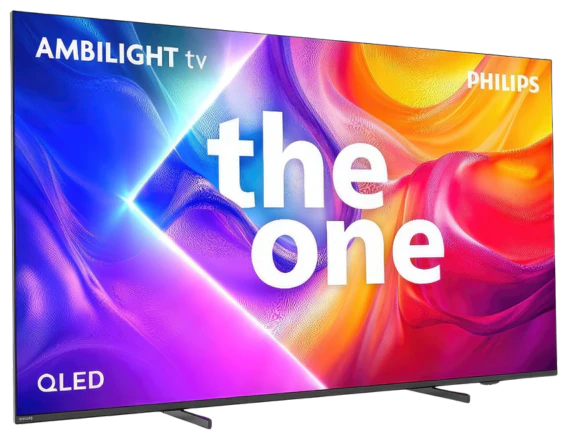
Philips PUS9010 (The One 2025) in the 75-inch version with an IPS panel is a television that clearly demonstrates the differences resulting from the panel used. Compared to the variant with a VA panel, it offers significantly better viewing angles, very good compatibility with consoles, and excellent text readability, but at the same time, it loses on black levels and maximum brightness. This model is best suited for everyday use, gaming, and in larger living rooms where not everyone is sitting perfectly facing the screen. The television performs very well in terms of responsiveness and features for gamers, offering 144 Hz, low input lag, and full support for variable refresh rate. An additional advantage is Ambilight, which, especially in the evening, can enhance the viewing experience and partially mask the weaker black levels of the IPS panel. After calibration, the picture appears coherent and natural, and the differences compared to the VA version in colour reproduction become difficult to detect. On the other hand, it must be clearly stated that those inclined towards cinematic viewing in complete darkness may be disappointed. The poor black levels, boosted brightness resulting from the quality of our unit, meant that this variant of the PUS9060 performs worse than the same model with a VA panel. Philips PUS9010 IPS is generally a sensible choice for users looking for a large, modern television for gaming, PC use, and everyday viewing, with very good viewing angles. However, if the priority is deep blacks and better picture quality, it is worth considering other variants or a higher class of equipment, as often for a small additional payment, you can get a television equipped with mini-LED technology.
- Matching (Score) |
- Our verdict |
- TV appearance |
- Where to buy |
- Contrast and black detail |
- HDR effect quality |
- Factory color reproduction |
- Color reproduction after calibration |
- Smoothness of tonal transitions |
- Image scaling and smoothness of tonal transitions |
- Blur and motion smoothness |
- Console compatibility and gaming features |
- Input lag |
- Compatibility with PC |
- Viewing angles |
- Daytime performance |
- Panel details |
- TV features |
- Apps |
- Playing files from USB |
- Sound
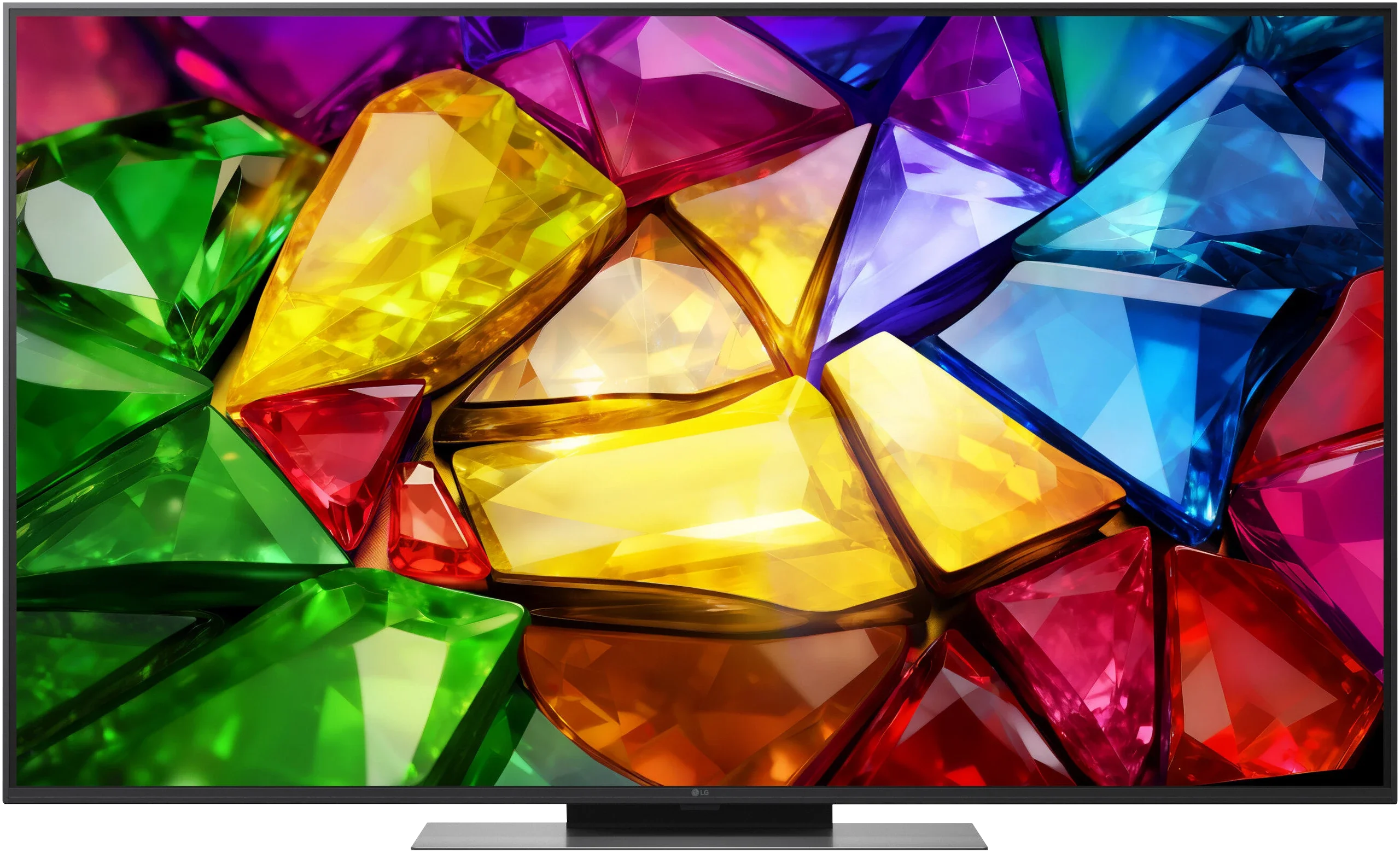
PHILIPS PUS9010 (IPS) vs LG MRGB85B
 Direct comparison
The One 2025 / PUS9060 / PUS9010 / PUS9000

MRGB85 / MRGB86 / MRGB87 / MRGB88
Available screen sizes: 75”
Panel type: LCD IPS
Resolution: 3840x2160
System: Titan OS
Model year: 2025
Complete the survey to find out the result
Panel type: LCD VA
Resolution: 3840x2160
System: WebOS
Model year: 2026
Complete the survey to find out the result
Overall rating
6.5
6.9
 Movies and series in UHD quality
 5.9
6.2
 Classic TV, YouTube
 5.6
6.0
 Sports broadcasts (TV and apps)
 6.7
6.4
 Gaming on console
 8.1
8.3
 TV as a computer monitor
 8.9
8.4
 Watching in bright light
 5.4
6.1
 Utility functions
 6.1
7.7
 Apps
Apps 6.7
9.1
 Sound quality
 6.6
6.4
Complete the survey to find out what fits your preferences
Advantages

Very good viewing angles thanks to the IPS panel
Great compatibility with PC, 144 Hz mode, proper support for G-Sync and FreeSync
A wide range of features for gamers, variable refresh rate, auto game mode, HGiG
Support for multiple HDR formats including HDR10+ and Dolby Vision
Support for Dolby Atmos
Low input lag
Effective P5 image processor for lower quality materials
Ambilight system
Illuminated remote control
Extensive gaming features
Three full-bandwidth HDMI 2.1 ports
Supports 4K at 144 Hz, VRR, G-Sync and FreeSync
Low input lag
Supports Dolby Vision HDR
Fast and user-friendly webOS
Magic Remote with gyroscope
Decent brightness and a wide colour gamut
Disadvantages

Poor black levels and contrast (typical for IPS panels)
Significantly lower brightness compared to the VA panel variant
Visible backlight bleed at the edges of the screen in the tested unit
Limited number of applications in the Titan OS system
The remote control is still based on infrared, requiring aiming at the screen
Average black level
Aggressive local dimming control (edge-lit)
Average HDR picture quality
Poor viewing angles and noticeable VA panel smearing
Our verdict
The LG MRGB85 is a television that is best suited to gamers and users who are attached to webOS. In that respect it is hard to fault. It offers plenty of benefits for gamers thanks to a very high panel refresh rate. Add to that the smoothly operating webOS, which stands out above all for the convenient Magic Remote and a full set of features for traditional television. The problem begins when you look at the overall picture quality and compare it with the price the manufacturer is asking for this model. The MRGB85’s launch price is, to say the least, difficult to regard as attractive compared with competing models. For similar money you can find televisions offering much more advanced backlighting and, above all, better black level control. What causes the most controversy, however, is the naming and the way LG positions this model. True, the MRGB85 uses a tri-colour backlight, but it is edge-lit. It is therefore hard to call this a fully fledged RGB Mini-LED in the sense commonly used for TVs that employ a large number of independently controlled zones behind the panel. In practice the limitations of local dimming are very noticeable and they significantly harm the viewing experience in dark scenes. That does not mean the MRGB85 is a bad television. It handles everyday content well, offers decent colours, respectable brightness and a very wide feature set. Picture from a standard SDR source can look really good, and Dolby Vision partly helps to hide weaker brightness handling in HDR. However, it is hard to shake the impression that the biggest problem with this model is not the hardware itself but its price and its overly ambitious positioning in the market. If someone is looking mainly for a gaming TV, values the convenience of webOS and finds it on a large promotion, the MRGB85 can make sense. At its current price, however, it falls behind, because the competition today simply offers more in terms of picture quality.
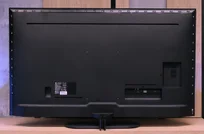
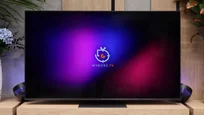
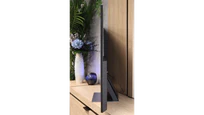
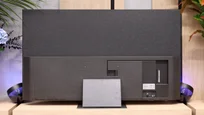
TV appearance



Contrast and black detail
2.9/10
5/10
Local dimming function: No
Local dimming function: Yes, number of zones: 6 (1 x 6)
Contrast:


Result
1,300:1

Result
1,400:1

Result
1,450:1

Result
1,500:1

Result
1,350:1
Result
12,100:1
Result
6,200:1
Result
15,900:1
Result
6,000:1
Result
4,600:1
Halo effect and black detail visibility:
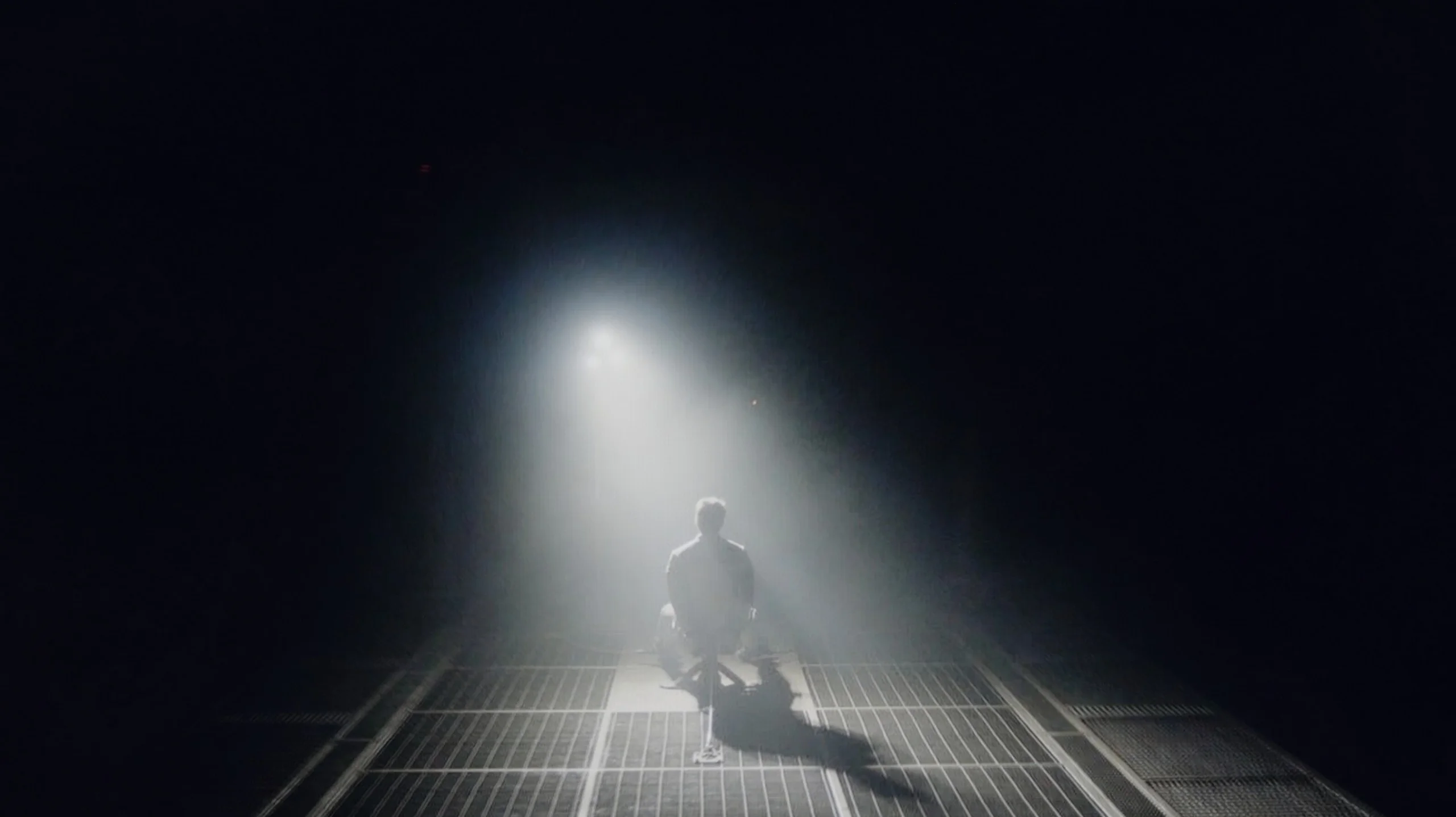
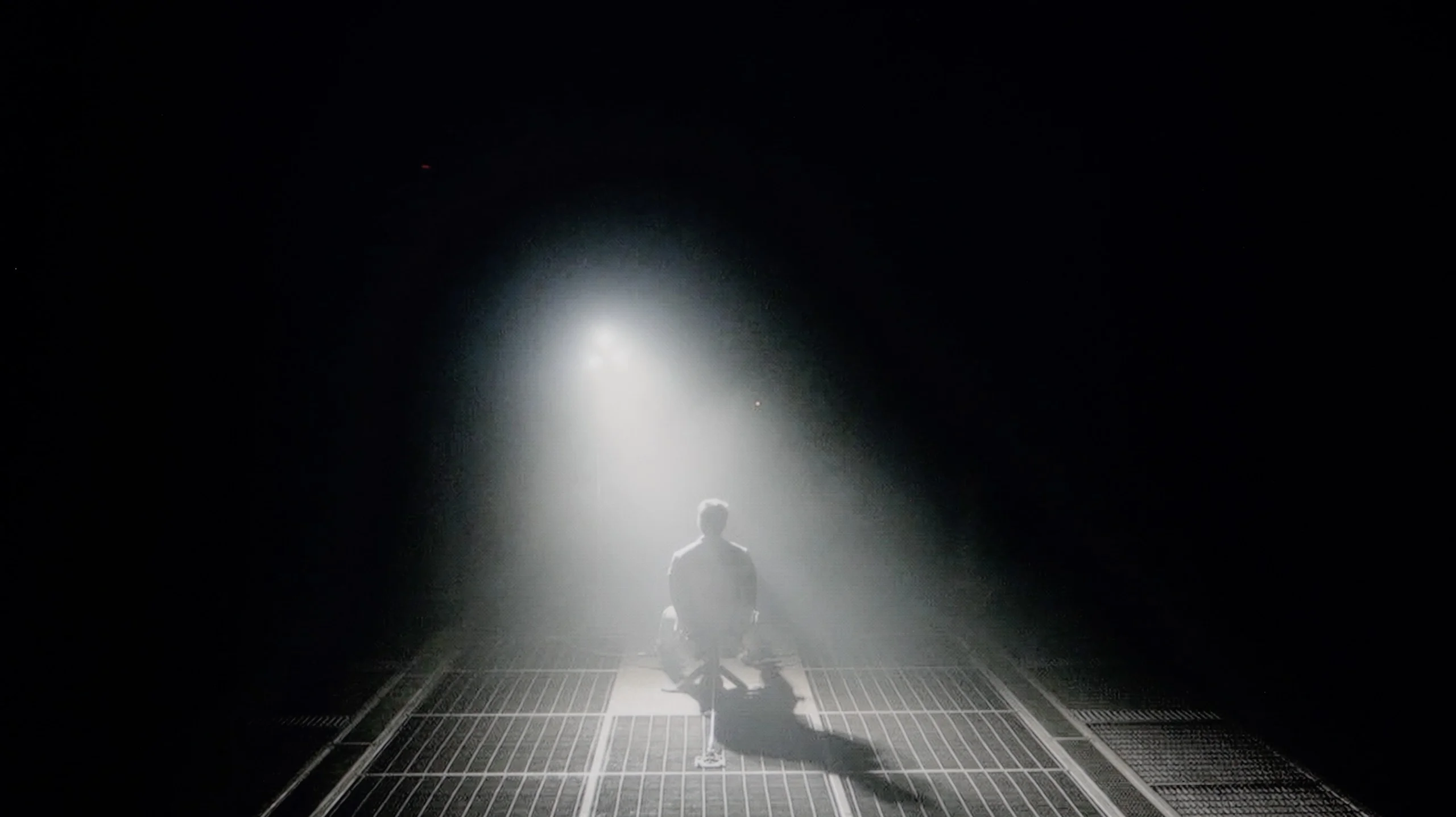
Check the visibility of bright lights on a dark background. Mini-LEDs often struggle with this. The photo does not compare black levels – that’s what the video below is for.
The video accurately shows differences in contrast and black levels between TVs, as well as potential issues: halo around bright objects or Mini-LED zone operation visible as brightness jumps.
In the 75-inch version of the Philips PUS9010 that we tested, an IPS panel has been used, which is immediately noticeable in terms of black levels and contrast. Compared to the 55-inch variant with a VA panel that we tested earlier, the difference is evident from the first scenes. The black is shallower, and in a dark room, the screen clearly tends towards greys. The television is not equipped with local dimming, so in low light, dark scenes lack depth. In practice, the picture looks noticeably worse than in the smaller 55-inch variant, especially during film sessions viewed in the evening. The situation is somewhat salvaged by Ambilight. The rear lighting can gently "trick" the eye, improving perceived contrast and making the blacks seem a bit deeper. It's a simple trick, but it works. That's why this model is definitely better watched with Ambilight turned on. It doesn't have to be a multi-colour mode following the image. Even a uniform white backlight can enhance the perception of dark scenes.
LG MRGB85 uses a VA panel, so even without additional measures it offers better black levels than models based on IPS or ADS panels. In simpler scenes the image has decent depth and can look quite convincing. The biggest limitation appears, however, when local dimming is enabled. The TV uses an edge-lit backlight positioned at the bottom of the screen. As a result it cannot precisely control the brightness of small parts of the picture. When a single bright element appears on a dark background, an entire vertical band often lights up. This is accompanied by a distinct halo, and even more noticeable is the backlight's behaviour itself. When scenes change, brightness can jump up and down sharply, causing the image to noticeably pulse in a dark room. Local dimming can be turned off completely in the TV menu. Contrast then drops noticeably, but the image becomes much more stable and the frequent flicker of the backlight disappears. In practice some users may therefore willingly give up deeper blacks in favour of a calmer, more predictable picture.
HDR effect quality
5.2/10
5.7/10
Luminance measurements in HDR:

Result
374 nit

Result
383 nit

Result
397 nit

Result
391 nit

Result
401 nit
Result
583 nit
Result
401 nit
Result
569 nit
Result
423 nit
Result
455 nit
Scene from the movie “Pan” (about 2800 nits)


Scene from the movie “Billy Lynn” (about 1100 nits)


The photos show two HDR10 movies. 'Pan' is one of the brightest productions ever made, while 'Billy Lynn' (soldier) has brightness typical of streaming (Netflix, Prime, HBO MAX). Notice the intensity of effects and detail in whites.
Static HDR10


The photos present the visibility of white details in various HDR formats. They do not show brightness differences between TVs (these can be compared in the previous gallery).
Dynamic: Dolby Vision
Dynamic: Dolby Vision


The photos present the visibility of white details in various HDR formats. They do not show brightness differences between TVs (these can be compared in the previous gallery).
HDR luminance chart:
LG MRGB85B
PHILIPS PUS9010 (IPS)
In the Philips PUS9010 version with an IPS panel, the HDR brightness unfortunately performs worse than in the previously tested 55-inch model with a VA panel. The difference reaches about 100 nits, which is quite noticeable given the relatively low values. While the VA version could exceed 500 nits, here the maximum brightness is around 400 nits. This level still allows for watching movies and series in HDR, especially on streaming platforms, but the effects are clearly muted. Bright elements do not have the same impact, and scenes requiring high luminance appear less impressive. On the positive side, the coverage of the DCI-P3 colour gamut is commendable. The IPS version offers around 91%, which is about 5% more than the variant with a VA panel. This translates to somewhat better colour saturation in HDR content, despite the lower brightness. Colours can appear more vibrant and cohesive, especially in colourful scenes.
LG MRGB85 offers moderate brightness. On test patterns it reaches about 700 nits, which by itself is a decent result. In actual movie scenes the values are lower and most often fall between 400 and 600 nits. Bright, expansive shots perform best. In scenes with a lot of black the TV noticeably limits luminance, trying to maintain the highest possible contrast. The HDR effect is therefore visible, but it is far from the level offered by more advanced Mini-LED designs. Especially in darker parts of films the limitations of edge-lit backlighting and imprecise local dimming become noticeable again.
HDR Colors
A much stronger suit of the MRGB85 is its colors. The TV covers about 95% of the DCI-P3 color space and 74% of BT.2020, allowing HDR material to look vivid and striking. Colors are well saturated, and the difference compared with basic LCD TVs is clearly visible. It is worth noting, however, that this is not a classic RGB backlight, where each of the three primary colors is generated by a separate diode. Red is produced by a PFS phosphor, which expands the palette and yields more saturated red shades. This solution works well for color reproduction, but it does not change the limitations of dimming itself. The LEDs are not driven independently in the way the series name might suggest... so it turns out that Mini RGB is not the same as Mini-LED RGB!
Factory color reproduction
5.9/10
5.6/10


This gallery shows how colors change after professional TV calibration. If you notice the difference, we recommend ordering this service at SkalibrujTV.com.
Factory Mode
After calibration
We assessed the colour reproduction, as always, on the factory settings, focusing on the movie mode, which for Philips usually provides the best starting point. This is also a good moment to demonstrate how much the same TV model can vary depending on the type of panel used. Looking at the white balance, the overall tendency remains similar to the variant with the VA panel. Excessive red in the whites is still noticeable, but in the tested unit with an IPS panel, there are also deficits in the blue channel. As a result, the image has a slightly different colour character, which can be clearly seen in the comparative materials. This is a very good example illustrating why ready-made settings downloaded from the internet do not always work even within the same model.
However, returning to the assessment itself, this unit performs quite well, especially with SDR content. Colour tests show correct saturation and consistency, with no glaring errors that could interfere with everyday viewing. In HDR materials, slight deficits in reds can already be noticed, but these are not flaws that spoil the overall perception of the image. The biggest limitations do not come directly from the colours, but rather from the white and black levels. The use of an IPS panel and slightly lowered gamma results in the image being slightly boosted in brightness, and the poor black levels further affect the perceived contrast. This makes the overall picture look brighter, but at the same time it loses depth, especially during evening viewing.
We tested the TV in Filmmaker Mode, because among the available settings it offered the image closest to the reference. However, the out-of-the-box colour reproduction was not perfect. The largest deviations concerned the white balance, with the image showing too much red and not enough blue, which caused the whole picture to shift noticeably towards warmer tones. Whites took on a slightly yellowish tint, and skin tones and bright parts of the image did not always look natural. It was not a fault that completely ruined the viewing experience, but in direct comparison with the same screen after calibration the difference was readily apparent.
Color reproduction after calibration
8/10
7/10


The photos show how movies look on the TV. Pay attention to black detail visibility, colors, and shadow tint.


The photos show how movies look on the TV. Pay attention to black detail visibility, colors, and shadow tint.
After calibration, the picture was brought to a truly sensible level. The overall look is coherent and natural, and when it comes to colour reproduction, it is difficult to unequivocally state whether we are dealing with a VA or IPS panel. This is a good sign, showing that the television has a solid foundation for further adjustments. It is worth noting the larger colour gamut coverage in this variant, which can subtly enhance the perception of colourful scenes, particularly in HDR content. However, this advantage is largely balanced out by the boosted black levels resulting from the use of an IPS panel. The limited black depth affects the perceived contrast, especially when watching in a dark room. Consequently, despite the noticeable improvement after calibration, the final assessment remains the same as in the variant with the VA panel. Better colours are unable to fully compensate for the weaker black levels.
Calibration primarily allowed us to correct the white balance and remove the previously noticeable warm tint. After adjustment the whites stopped leaning towards a yellow cast and the colours became more neutral and natural. The biggest improvement was seen in SDR material, where the picture looked even and much closer to reference. A similar effect was achieved in HDR. After calibration the image became more organised, although not all of the TV's limitations could be eliminated. The greatest reservations still concerned intense reds, which were not always reproduced with sufficient precision. In practice the MRGB85 handles everyday SDR content very well, whereas in more demanding HDR material its limitations remain clearly visible.
Smoothness of tonal transitions
8.5/10
8.9/10
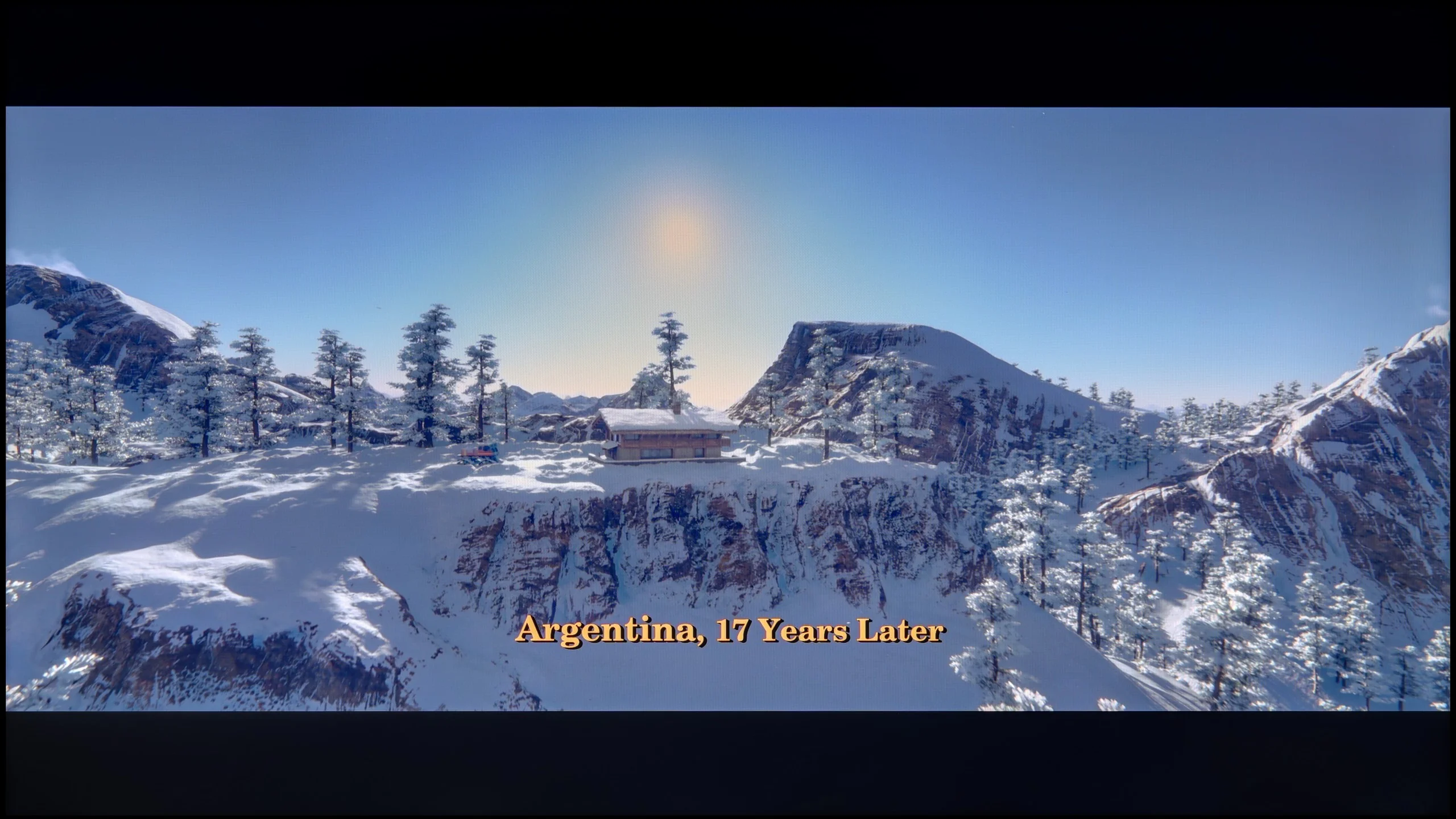



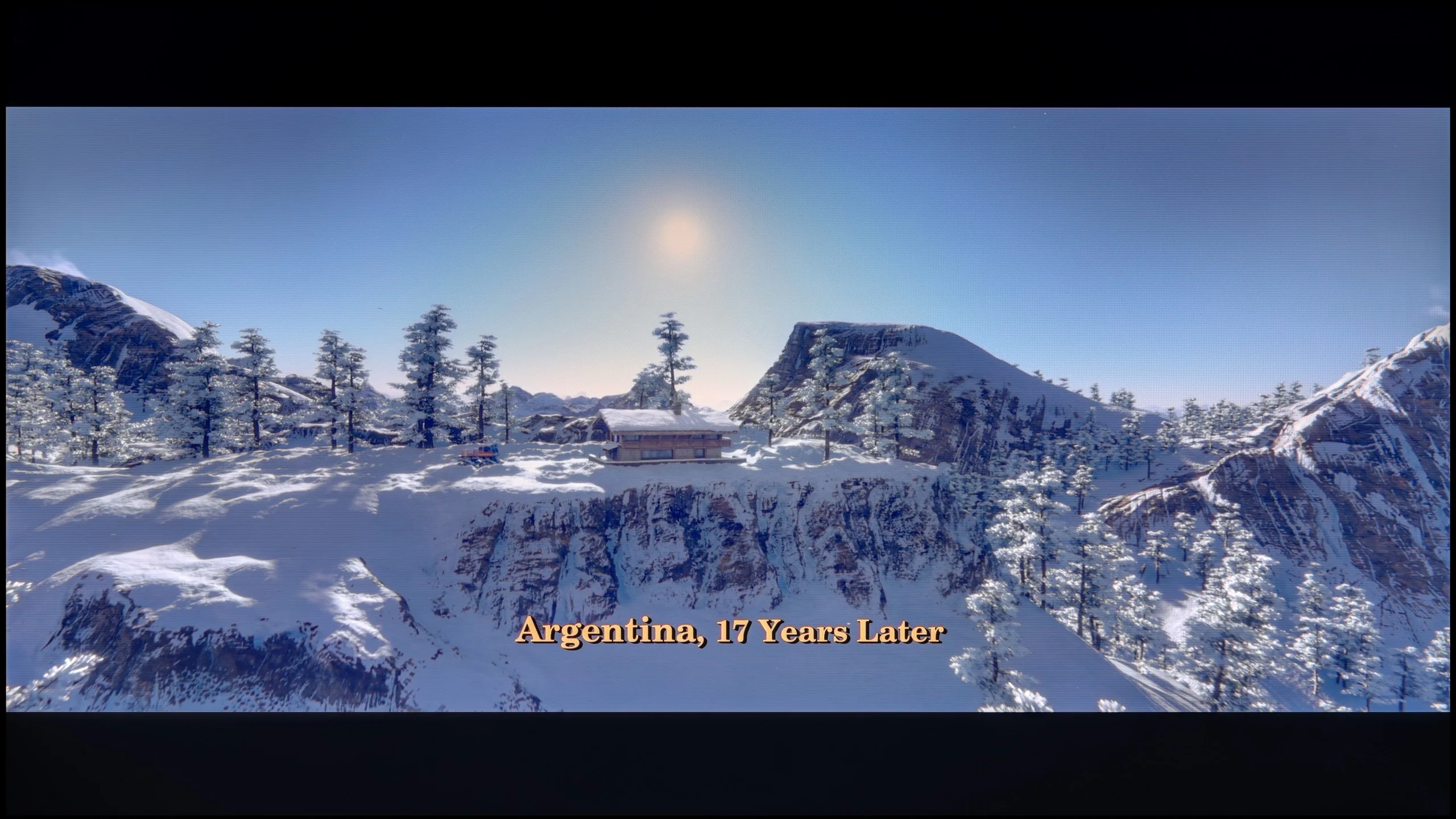
These are selected scenes that show smooth tonal transitions from one color to another. If you see distinct banding, it’s the TV panel’s fault.

These are selected scenes that show smooth tonal transitions from one color to another. If you see distinct banding, it’s the TV panel’s fault.

These are selected scenes that show smooth tonal transitions from one color to another. If you see distinct banding, it’s the TV panel’s fault.

These are selected scenes that show smooth tonal transitions from one color to another. If you see distinct banding, it’s the TV panel’s fault.
When it comes to the fluidity of tonal transitions, in the 75-inch version with an IPS panel, we have mixed feelings. Looking solely at the colourful gradients, the transitions perform even better than in the variant with a VA panel. The colours blend more smoothly, and typical banding issues are less noticeable. However, the situation changes dramatically in dark scenes. The tragic black characteristic of IPS effectively ruins the perception of tonal transitions in the low brightness areas. The boosted black makes it difficult to notice subtle shades of colours, and the very unnatural backlight bleed further exacerbates the situation. In the tested specimen, the backlight bleed was particularly noticeable at the edges, where the light almost pierced through to the screen. This not only negatively impacts the perception of dark scenes but also significantly hampers a reliable assessment of the gradation itself.
LG MRGB85 handles tonal transitions quite well. In bright scenes posterization is least noticeable and the TV has no problem separating individual shades. Tonal transitions fare somewhat worse in dark scenes, where posterization, in the most demanding moments transitioning into dark shades of grey, can be more noticeable. However, this is rather typical for most TVs. It is worth adding that similar behaviour can be observed in Dolby Vision mode, where posterization on the MRGB85 is slightly worse than usual.
Image scaling and smoothness of tonal transitions
6.7/10
7.8/10

Smooth transition function
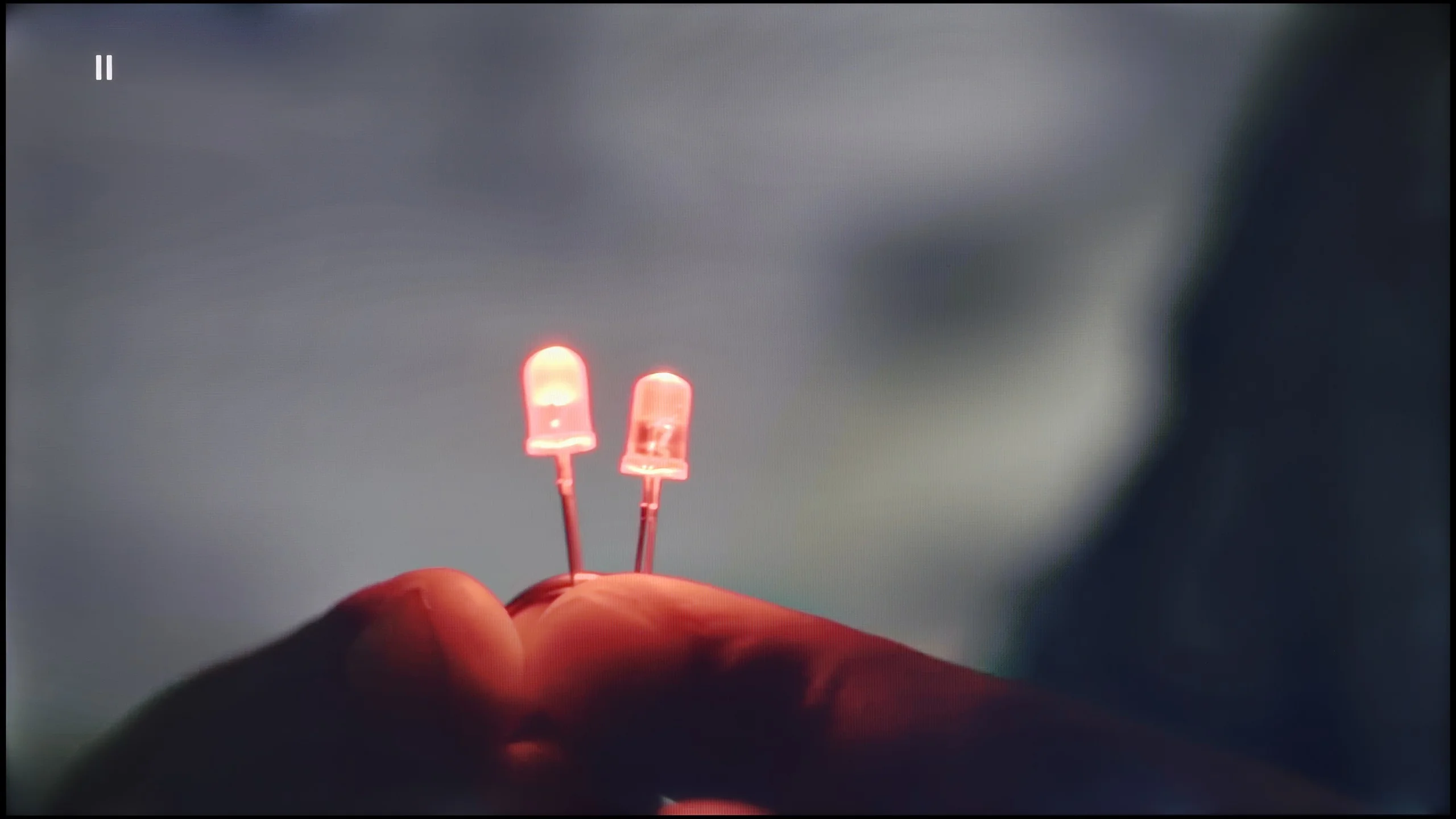
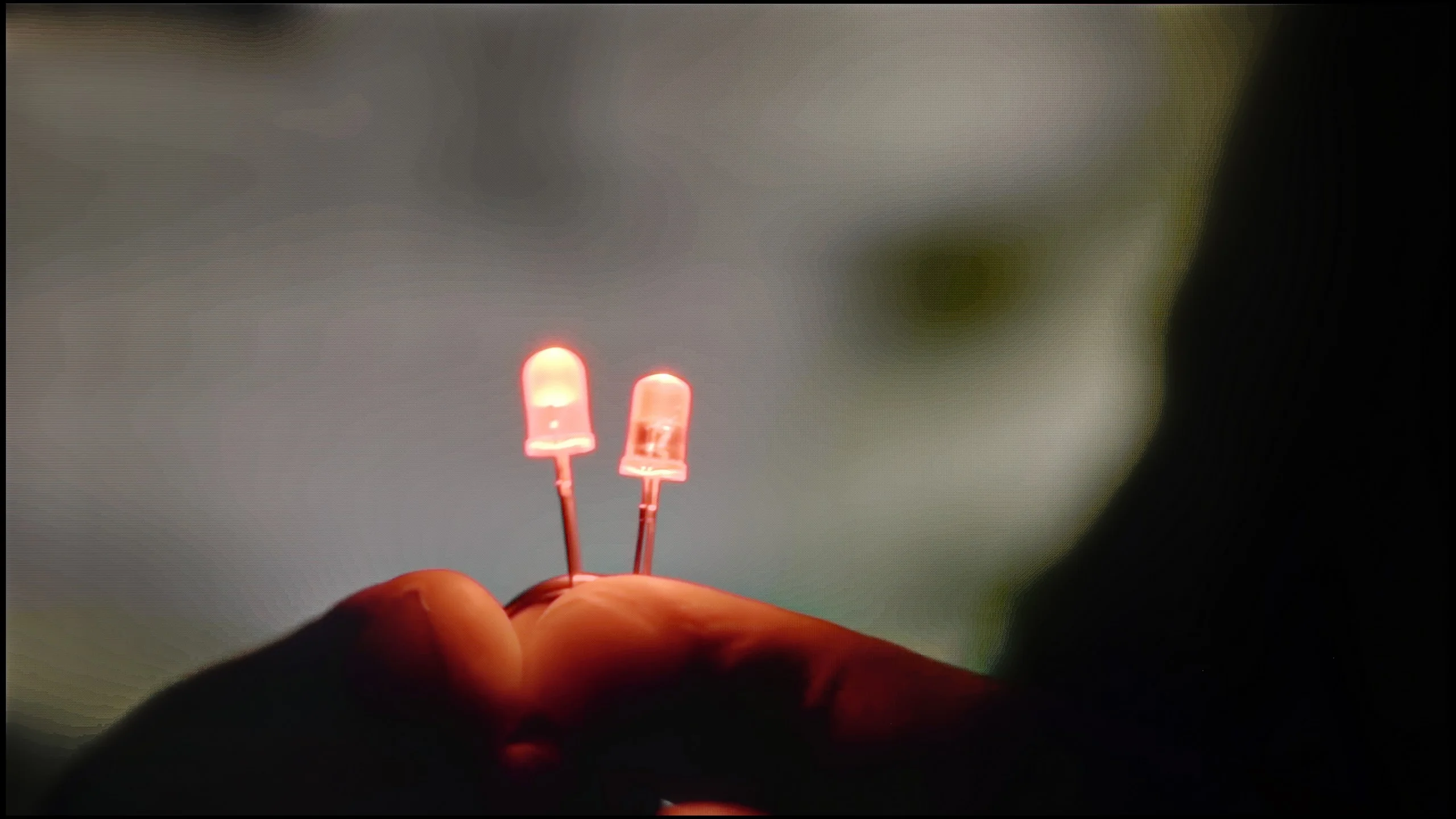
The match photo shows how the TV smooths weak tonal transitions in low-quality video.
Image scaling SD (576i)


The model photo shows how it handles upscaling of SD material.
In the Philips PUS9010, we find another iteration of the P5 Perfect Picture image processor, designed to improve the quality of inferior materials. One of the components of this system is the distortion reduction function, which is responsible for smoothing tonal transitions. It works effectively and indeed reduces the visible colour gradation. Unfortunately, it does so quite aggressively. In practice, it can dim details such as the texture of materials or film grain. This is a notable compromise, so we would not recommend it for movie screenings. However, it performs significantly better with more casual content like YouTube or regular television. The P5 processor also manages quite well with lower resolution materials. The image is soft, at times even too soft, but this can easily be corrected with the sharpness slider, adjusting the effect to personal preference. A positive aspect is also the lack of edge trimming in SD materials, which is still not standard in this class of televisions.
Upscaling and digital image processing perform quite well on the LG MRGB85. The Alpha 8 AI 4K Gen7 processor efficiently upscales lower-resolution content, and regardless of source you can also easily disable overscan. The TV also copes well with compression artefacts. The "Smooth Gradation" feature can effectively reduce visible banding and tonal unevenness, but it is not always precise. At higher settings it can also smooth out fine details, for example surface textures. On the plus side, it does not remove film grain. It's safest to use the "Low" or "Medium" setting, which gives the best compromise between artefact reduction and preserving detail.
Blur and motion smoothness
7.7/10
7.3/10
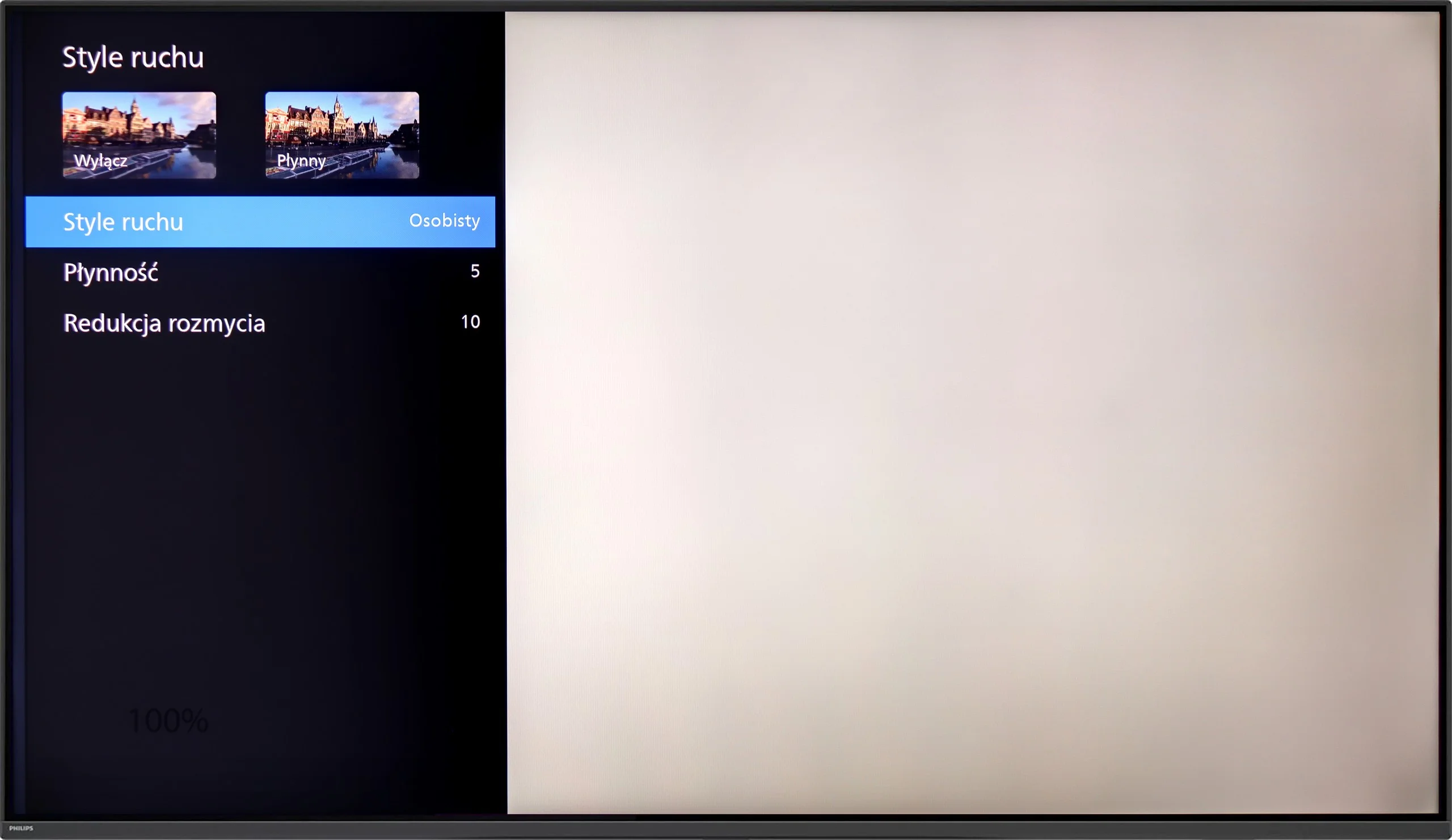
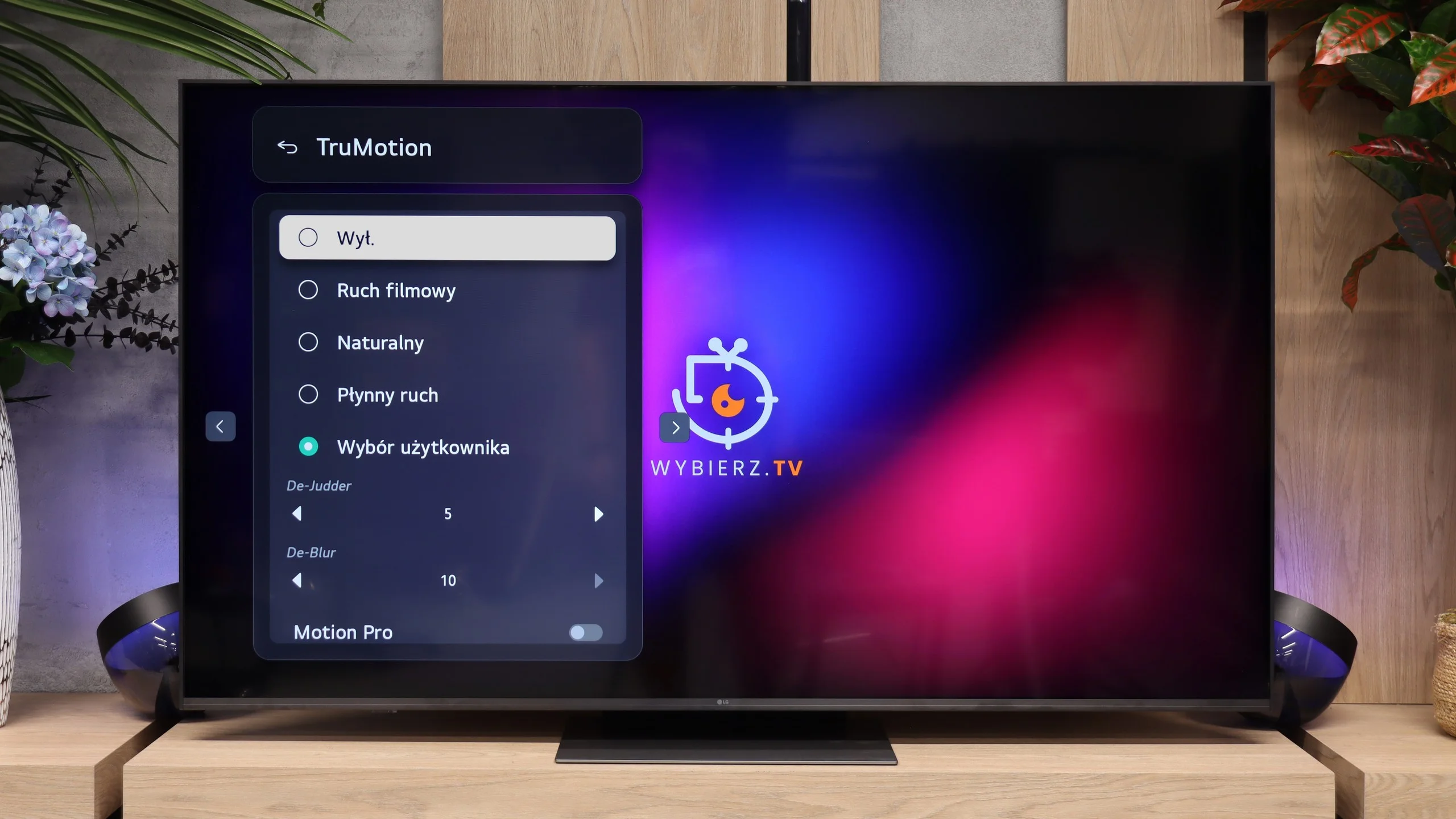
Blur (native resolution, maximum refresh rate):






Blur (BFI function enabled):



Blur (4K@144Hz):



Blur (4K@144Hz):



Philips PUS9010 has a 4K panel with a refresh rate of 144 Hz, which will be appreciated primarily by sports fans and gamers. This is especially evident in dynamic scenes where the motion is sharp, and annoying blur is almost non-existent. When it comes to movies (standard 24 fps), Philips gives us a proven set of settings known from higher series. Two sliders are used to control motion. “Smoothness” allows you to adjust the image to your own taste: at low settings, we maintain a cinematic character, while moving the slider to the right gives us a perfectly smooth, albeit somewhat “theatrical” effect. On the other hand, “Motion Blur Reduction” is a function designed for sports – it ensures that fast-moving objects do not lose detail and remain clear.
The LG MRGB85 is equipped with a VA panel with a native 144 Hz refresh rate, so it performs very well in terms of motion handling. The TV easily handles 120 Hz content from consoles and higher refresh rates when connected to a PC. That matters not only for gaming but also when watching sport, where camera movement is noticeably smoother than on basic models with 60 Hz panels. We also have TruMotion, which lets you set the level of motion smoothing yourself. You can keep a more cinematic feel to motion or increase smoothness, which works well for sports broadcasts and TV programmes. The adjustment range is wide, so you can easily tailor the smoothing to your own preferences.
Console compatibility and gaming features
9.8/10
9.8/10
- ALLM
- VRR
- VRR range48 - 144Hz48 - 144Hz
- Dolby Vision Game Mode
- Correct implementation of HGIG
- 1080p@120Hz
- 1440p@120Hz
- 4K@120Hz
- Game bar
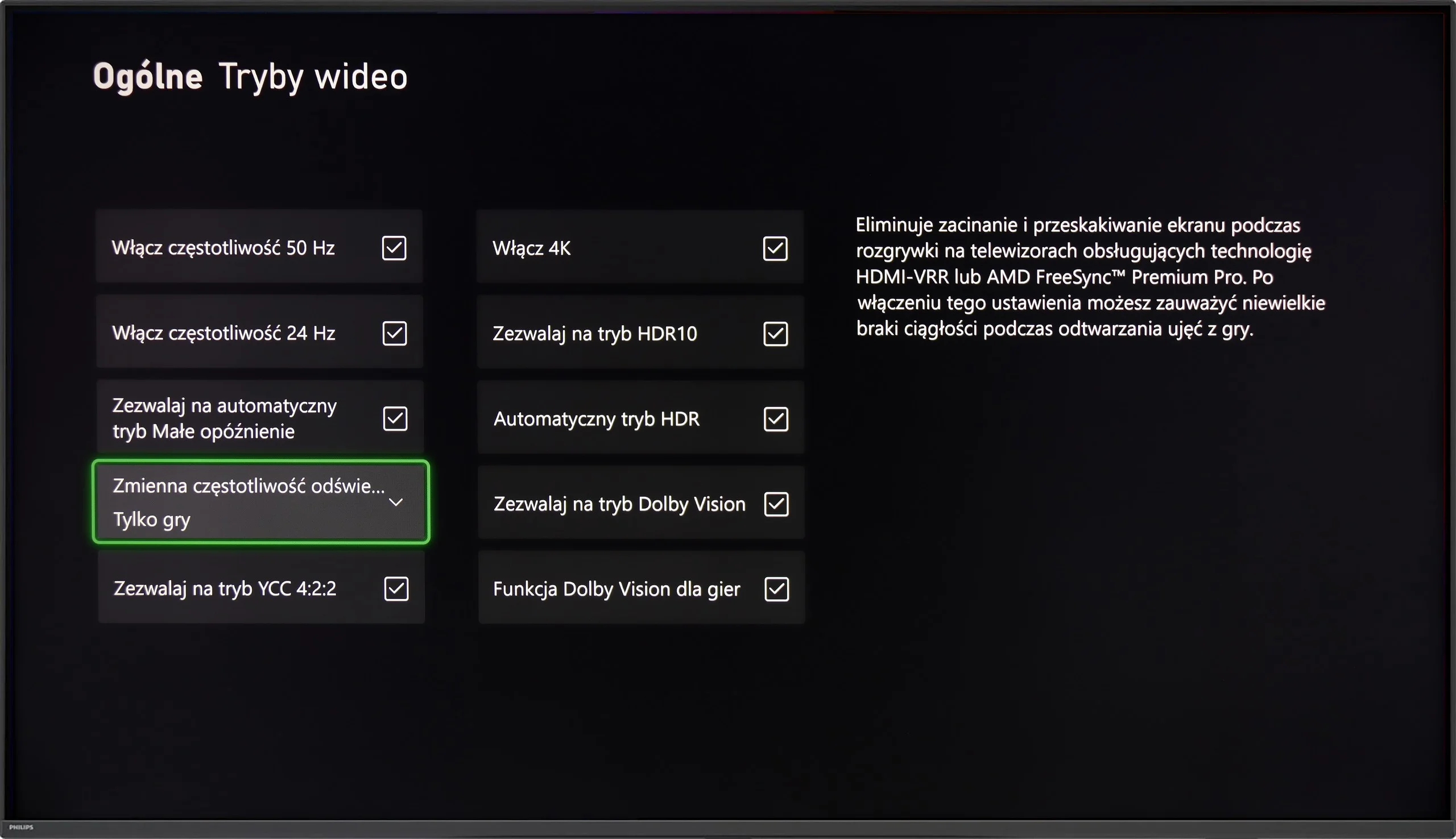
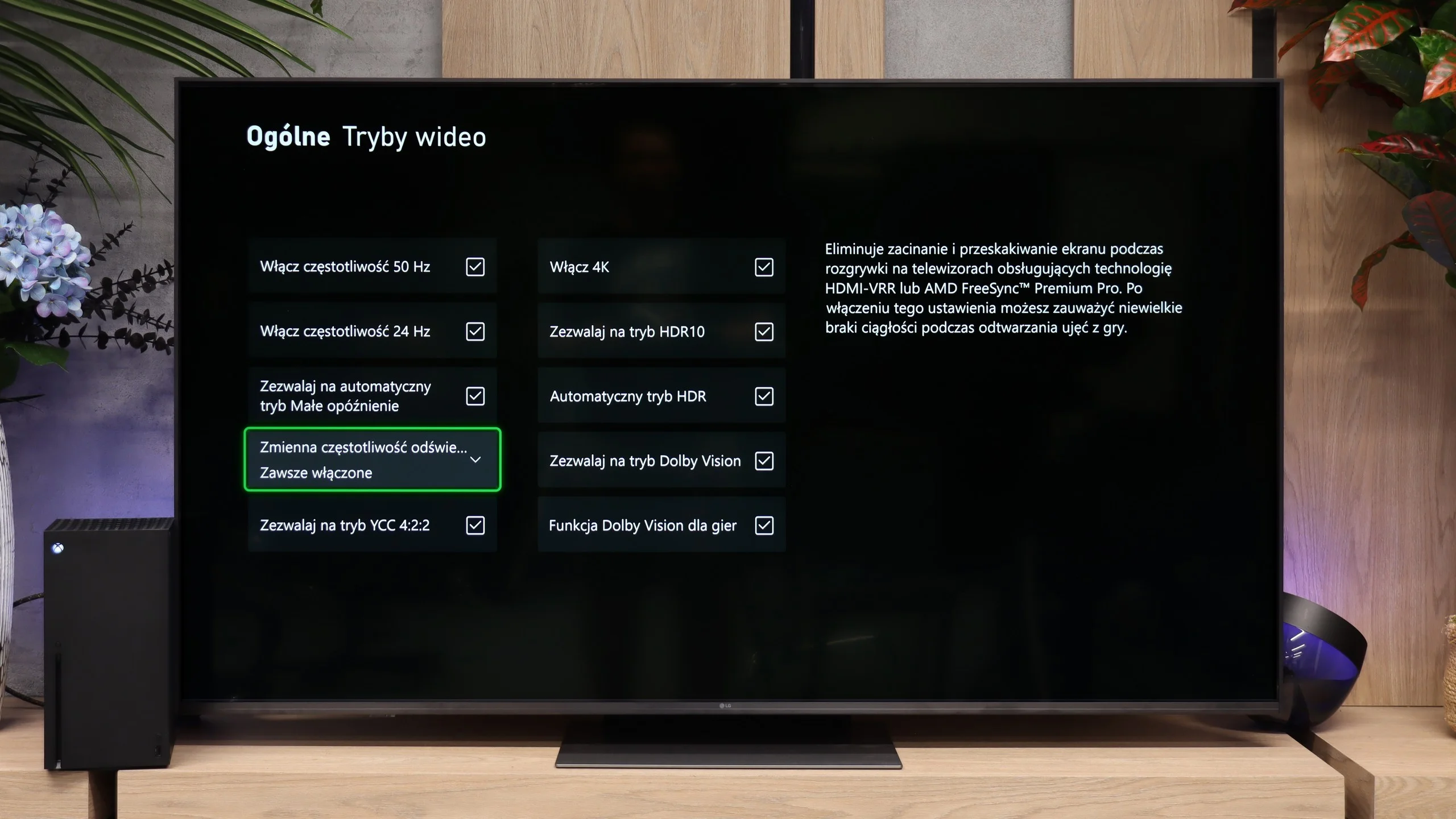
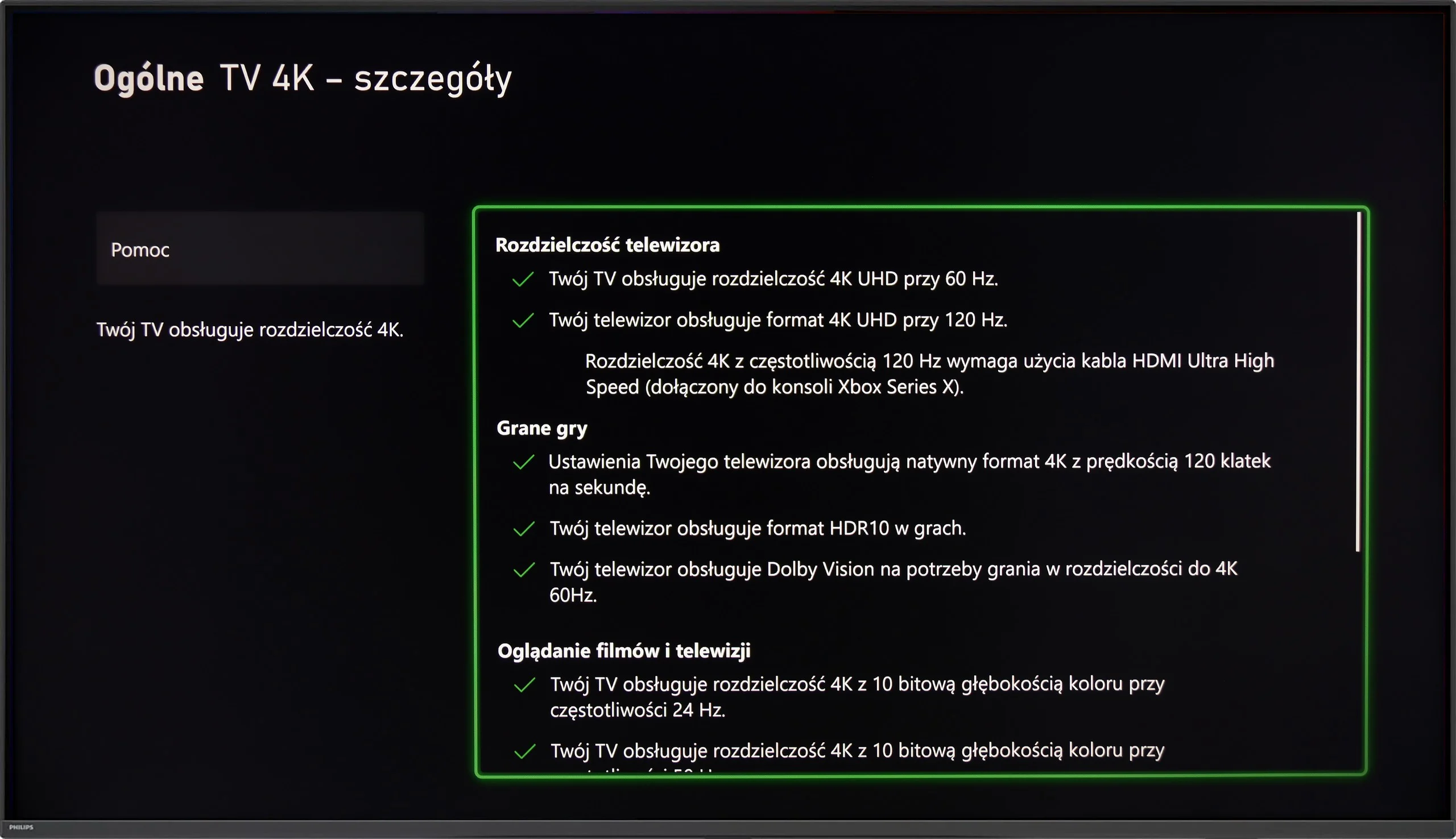
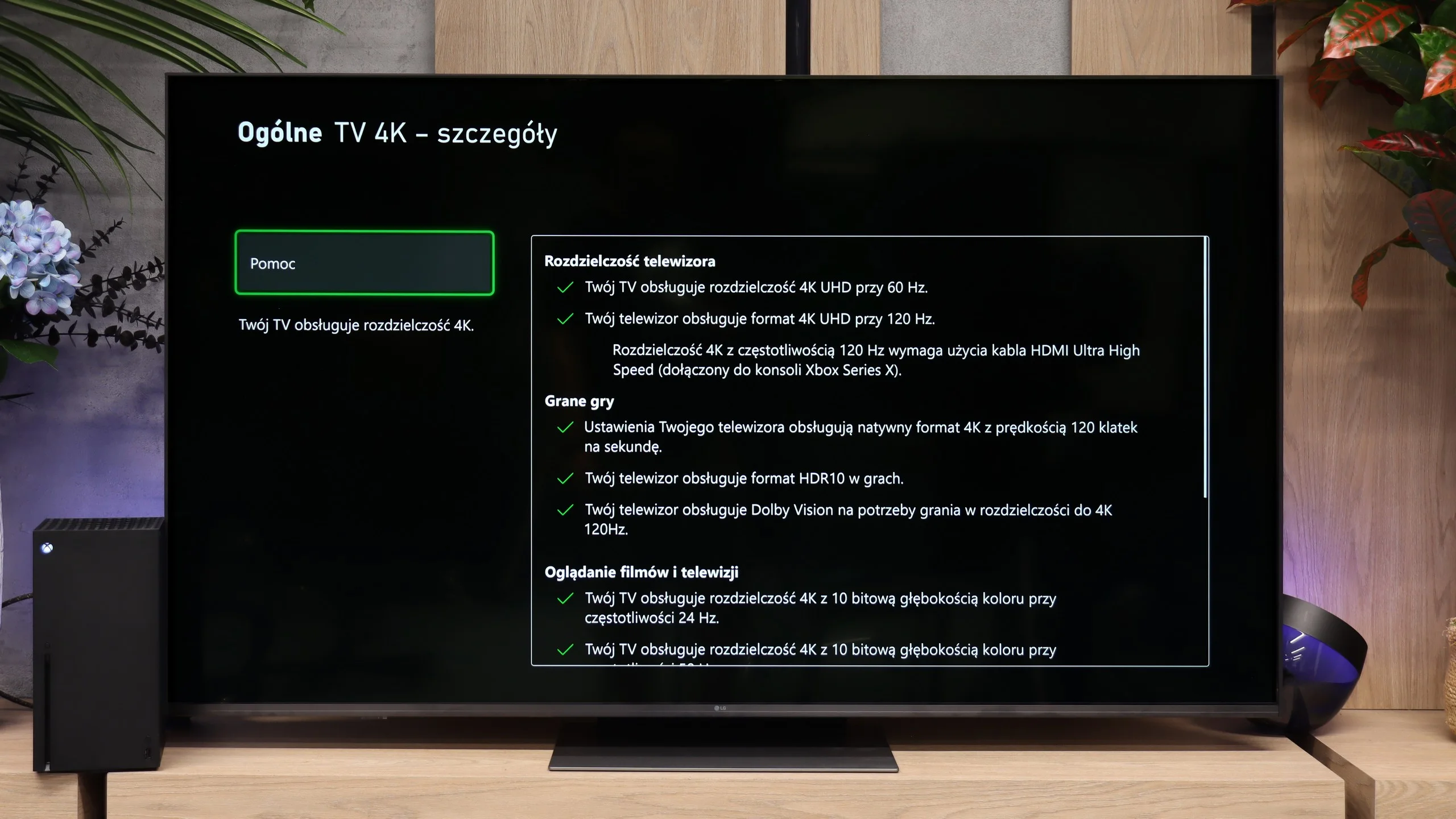
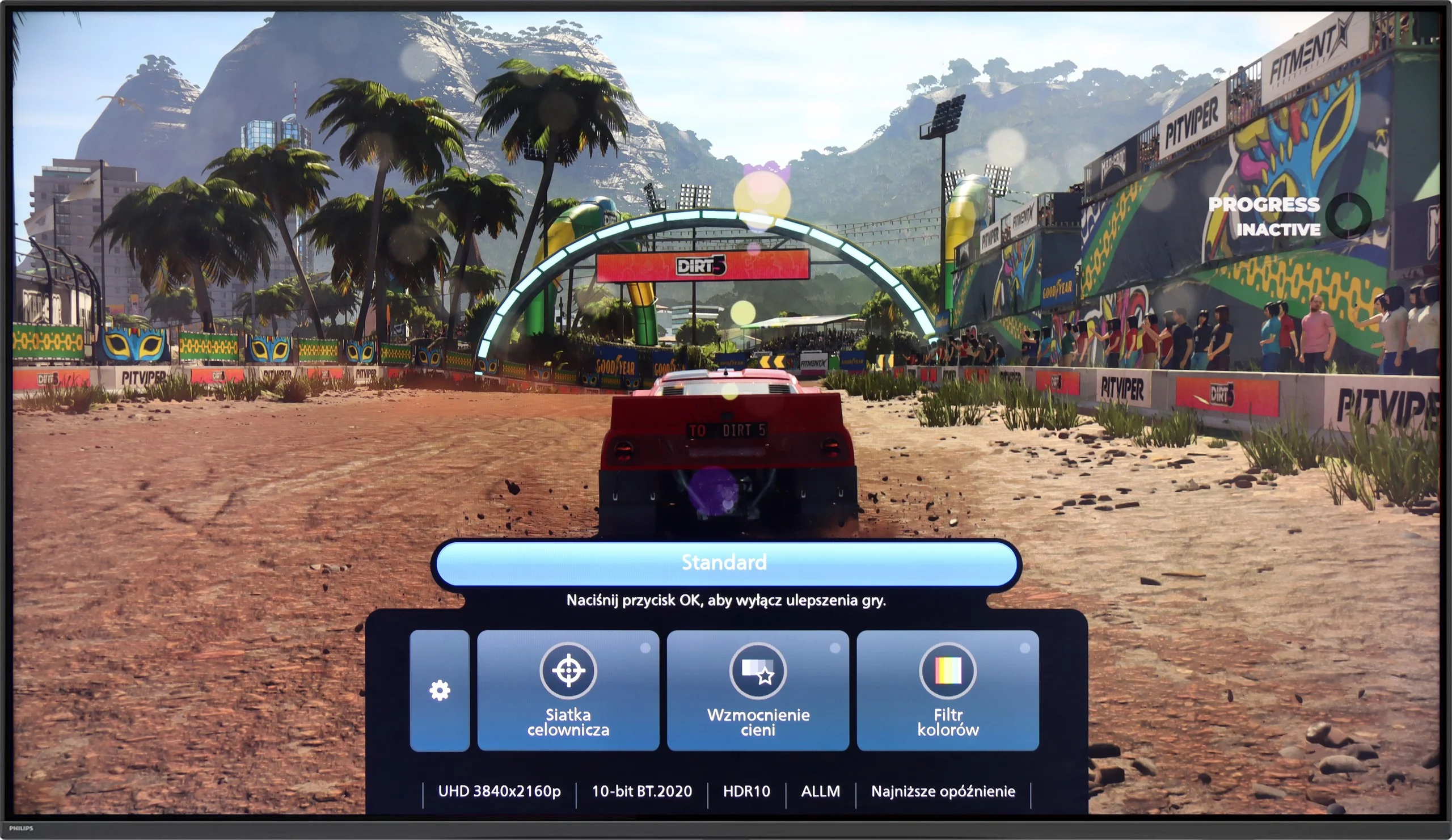
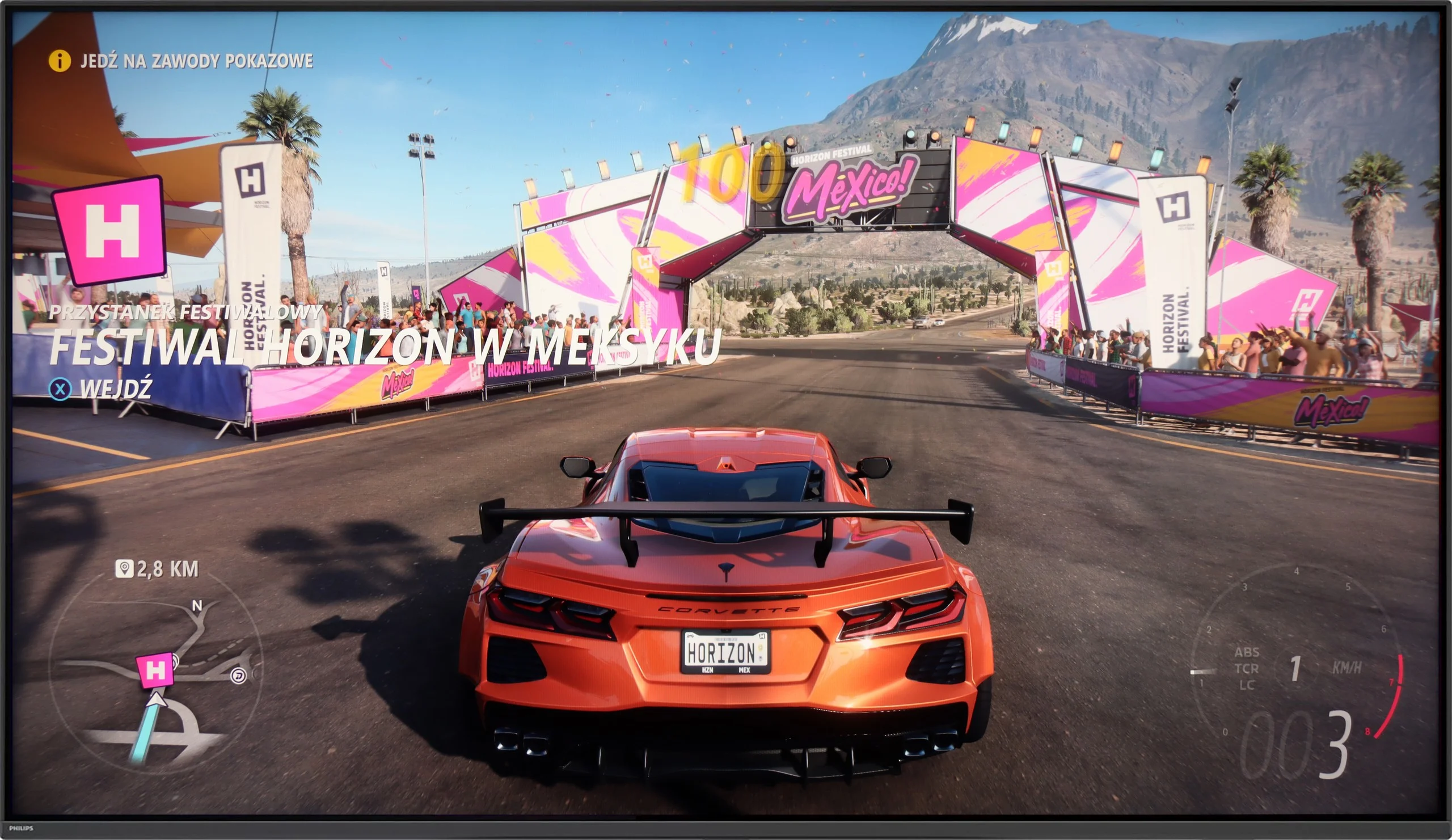
The Philips PUS9010 is a truly solid machine for gaming. It has everything that matters: VRR, automatic game mode (ALLM), and support for HGiG. The latter is a great feature – it allows HDR in games to be set exactly as the developers envisioned. The television handles 120 Hz refresh rates effortlessly at every popular resolution (1080p, 1440p, and 4K). Whether you connect a PS5, Xbox, or a powerful PC, everything functions stably and simply as it should. Gamers will also appreciate the Game Bar. This quick, clear menu immediately shows whether the low latency mode is active. This is especially useful when frequently switching between different consoles. The whole experience is complemented by Ambilight. Evening sessions with this backlighting take the atmosphere to a whole new level – the image seems larger, and dynamic scenes leave an even better impression. Even if someone isn’t a fan of such “gadgets”, it’s hard to deny that it’s impressive.
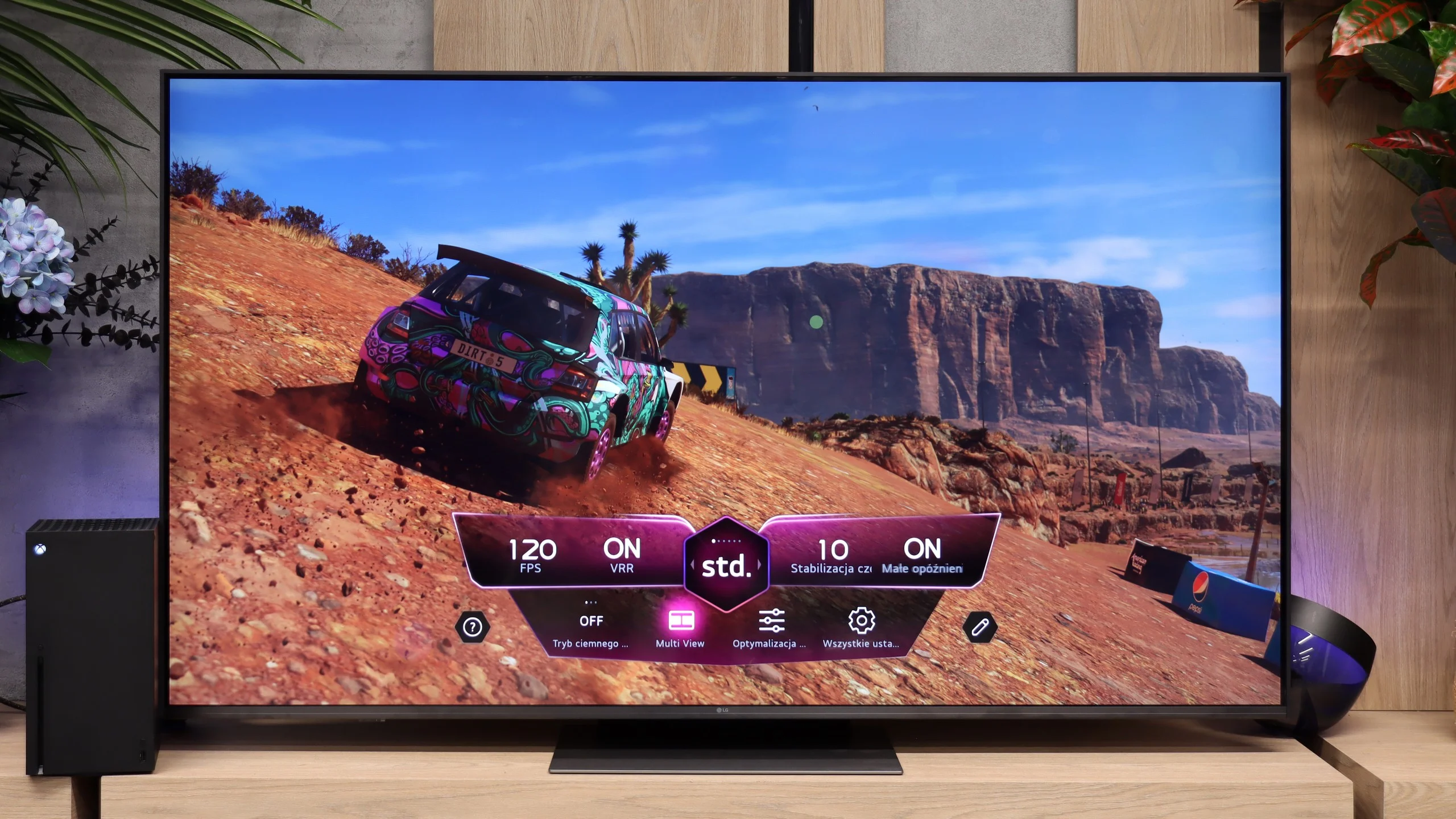
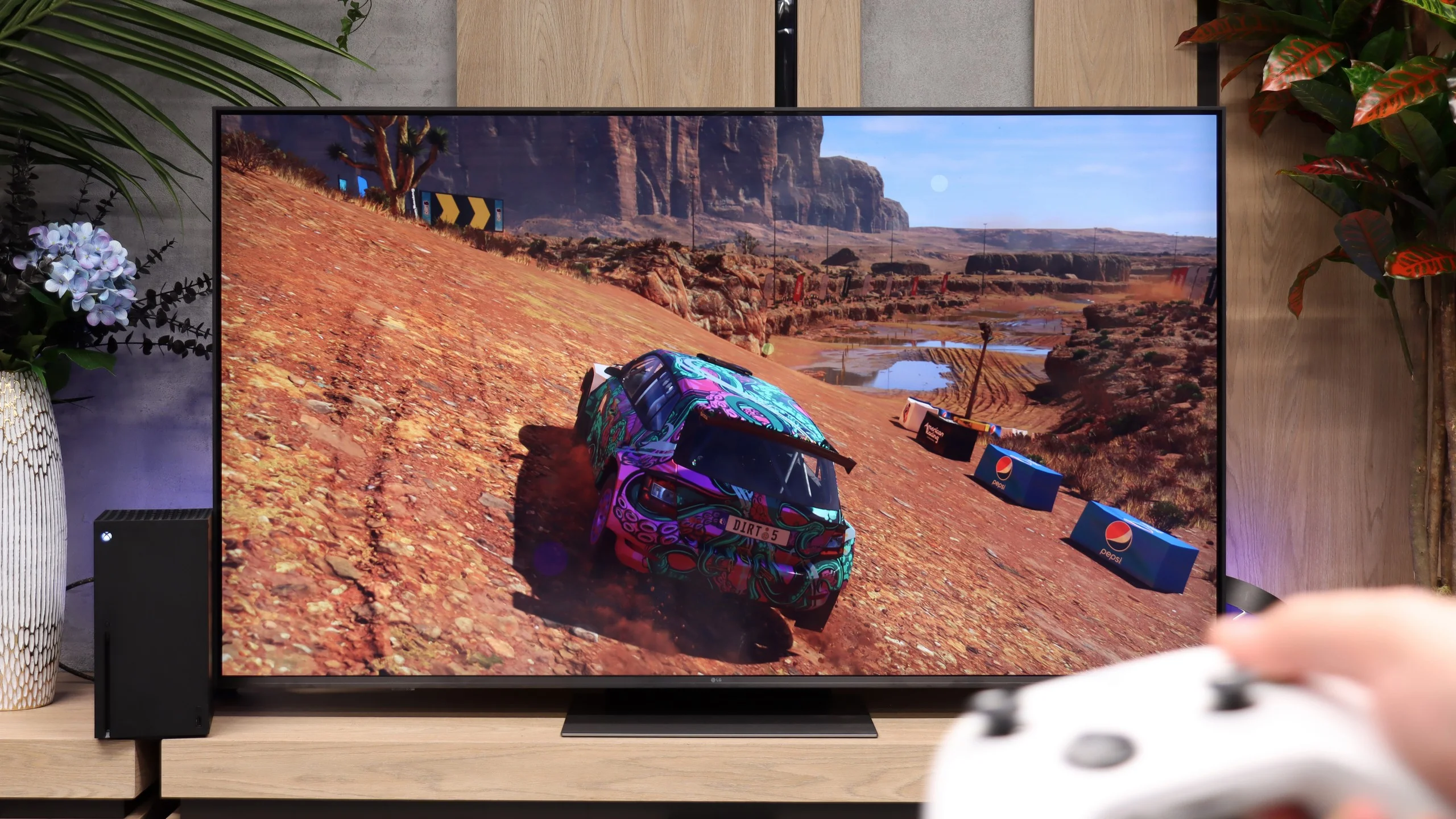
When it comes to gaming, the LG MRGB85 performs by far the best. The manufacturer didn't skimp on features and has essentially brought the full suite of functions from pricier TVs to this model. You get three HDMI 2.1 ports with the full 48 Gbit/s bandwidth. Each supports 4K at 120 Hz from a console, and when connected to a PC also 4K at 144 Hz. So you don't need to worry which port to plug your console or PC into, because they all offer the same capabilities. Also on board are VRR, AMD FreeSync Premium, NVIDIA G-Sync Compatible, ALLM and HGiG. There's also Dolby Vision Gaming, which means in supported games you can use high refresh rates and dynamic HDR simultaneously on Xbox. The package is rounded off by Game Optimizer, a handy in-game menu for gamers. Without leaving the game you can change the picture profile, brighten shadow details or check the current frame rate. In terms of gaming features, the MRGB85 therefore offers almost the same as much more expensive LG models.
Input lag
9.5/10
9.7/10
SDR
HDR
Dolby Vision
In terms of responsiveness, the Philips PUS9010 performs very well. The input lag is around 9 ms at 120 Hz and 18 ms at 60 Hz, so the response to movement with the controller is quick and predictable. In practice, even dynamic action games or esports titles pose no problems. Dolby Vision in games performs less well. The lag then increases to around 35 ms, which will still be acceptable for less demanding players, but more sensitive individuals may start to feel a slight sluggishness in control. For this reason, HDR10 with HGiG enabled remains a better choice. In this model, it works correctly, providing lower latency and more predictable brightness behaviour, without the issues that can arise in Dolby Vision.
Input lag in the LG MRGB85 is really low. Our measured value was around 10 ms with a 120 Hz signal and about 20 ms at 60 Hz. Importantly, we obtained similar results in Dolby Vision mode as well. They may not be the absolute best figures on the market, but in practice they are more than enough for comfortable, smooth gameplay. The delay is not noticeable and should not be a problem even in fast-paced action games or online titles.
Compatibility with PC
8.9/10
8.4/10
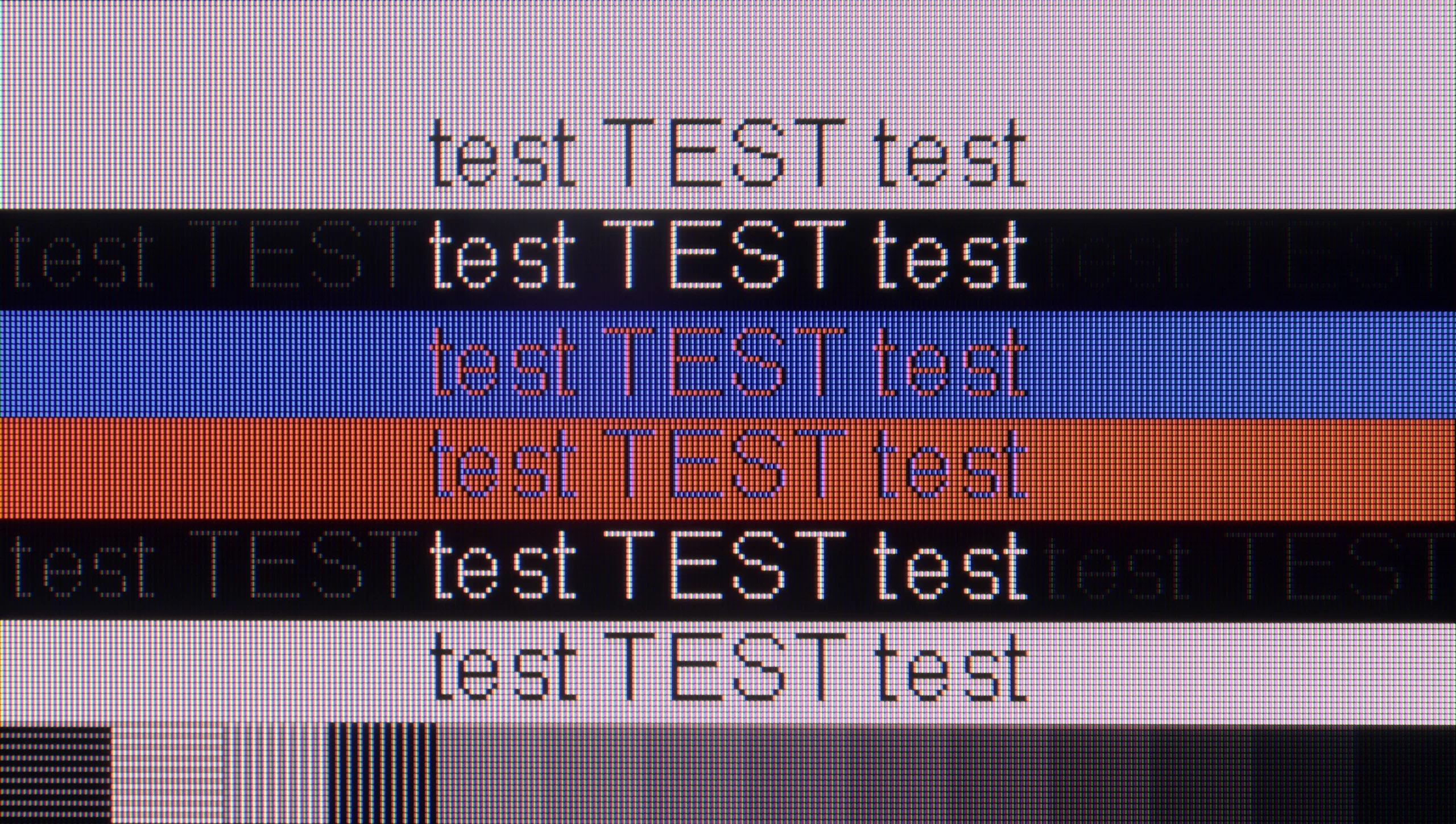
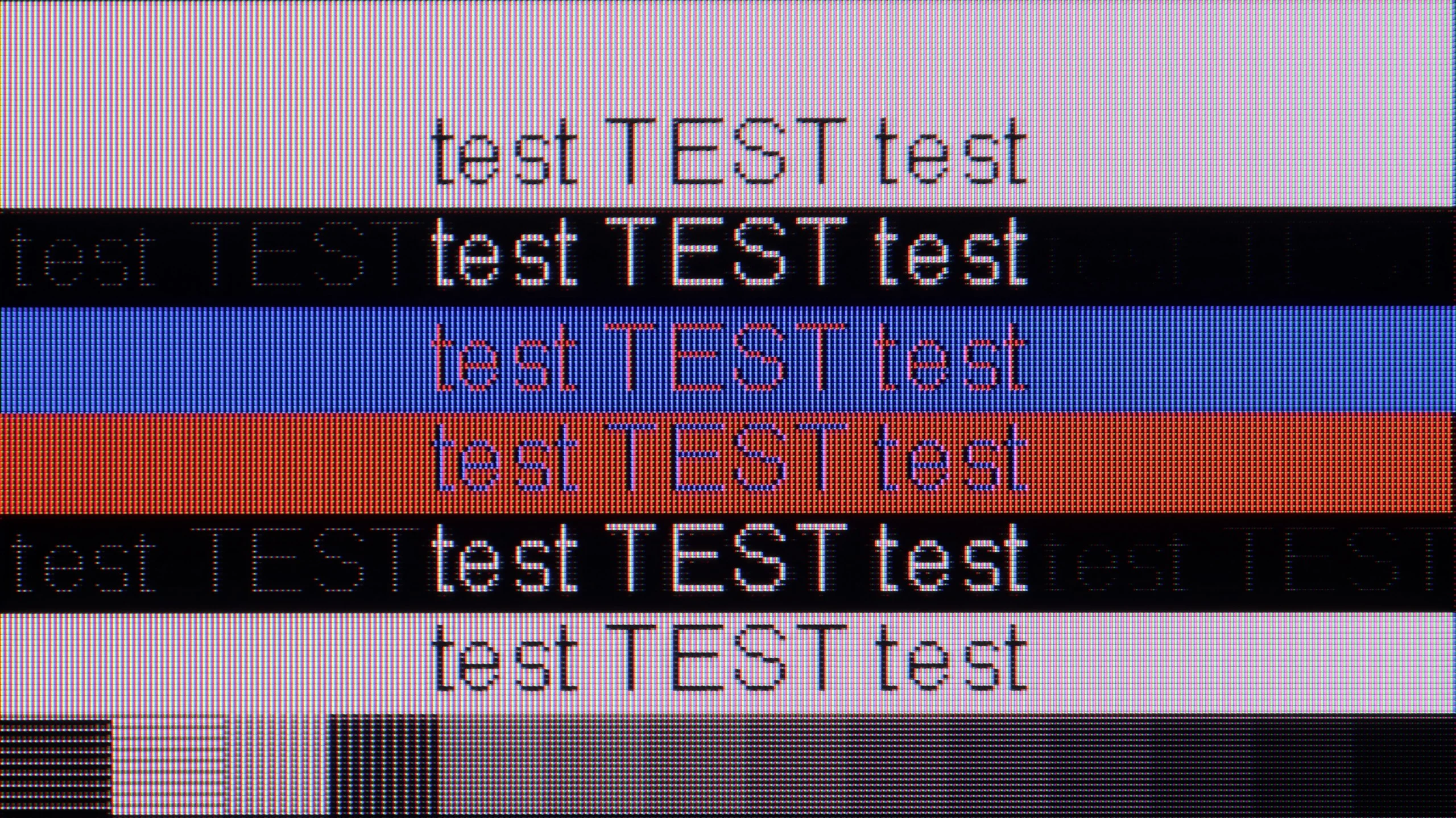
The photo shows the legibility of small fonts. Ideally, lines should be the same thickness on both light and dark text, with minimal pixel gaps.
The Philips PUS9010 (2025) is a very good television for using with a PC. The manufacturer has provided a dedicated 144 Hz mode for PC gamers, and the television correctly supports variable refresh rates for both NVIDIA and AMD cards. The G-Sync and FreeSync features work seamlessly, making PC gaming smooth and free from screen tearing. Since we already know that the television is very suitable for gaming, it is worth noting the readability of text, especially when working daily on the PC. The use of an IPS panel is definitely a plus in this regard. The chroma has been implemented correctly, so we can talk about almost perfect font rendering. The text is sharp, clear and does not pose problems even with prolonged use. However, we must highlight a minor detail out of our meticulousness. With very dark text, vertical and horizontal lines can have slightly different brightness levels. This is, however, purely a technical flaw, practically imperceptible in practice, especially in the case of the 75-inch variant, where the distance from the screen additionally masks this effect.
MRGB85 works very well with PCs. Support for 4K at 144 Hz and compatibility with G-Sync Compatible and FreeSync Premium mean it's not just a gaming screen but also a perfectly capable monitor for work. In terms of text readability, it's simply good. The TV properly supports 4:4:4 chroma, so small fonts and system elements remain sharp. Only when viewed from very close can you spot minor artefacts on the edges of letters, but at a normal distance from a 55" screen or larger it makes no difference at all.
Viewing angles
5.8/10
3.4/10
The viewing angles on the Philips PUS9010 are very good, and this is one of the greatest advantages of the IPS panel. Compared to the variant with a VA panel, the difference is noticeable. The picture retains significantly better consistency, and the colours remain stable even when viewed from a sharp angle. Of course, with a change in position, the level of brightness does drop slightly; however, the degradation of the image is much less than in the VA version. It is not at the level known from OLED screens, but among LCD televisions, one can say that it has some of the better viewing angles available on the market.
Viewing angles on the LG MRGB85 are mediocre. Because it uses a VA panel the image loses colour saturation quite quickly, even when viewed from a slight angle. This is a typical trait of this type of panel — in return for high contrast you get poorer viewing angles. IPS panels work the opposite way: they offer lower contrast but retain colours better when the screen is viewed from the side. In theory the MRGB85 belongs to the family of RGB TVs, which can have better viewing angles than models that use additional QLED filters. Here, however, that does not provide much advantage. The modest number of zones located at the edge of the screen and the way they operate mean that, when viewed from an angle, the image quickly loses quality much like on ordinary LCD panels.
Daytime performance
5.4/10
6.1/10
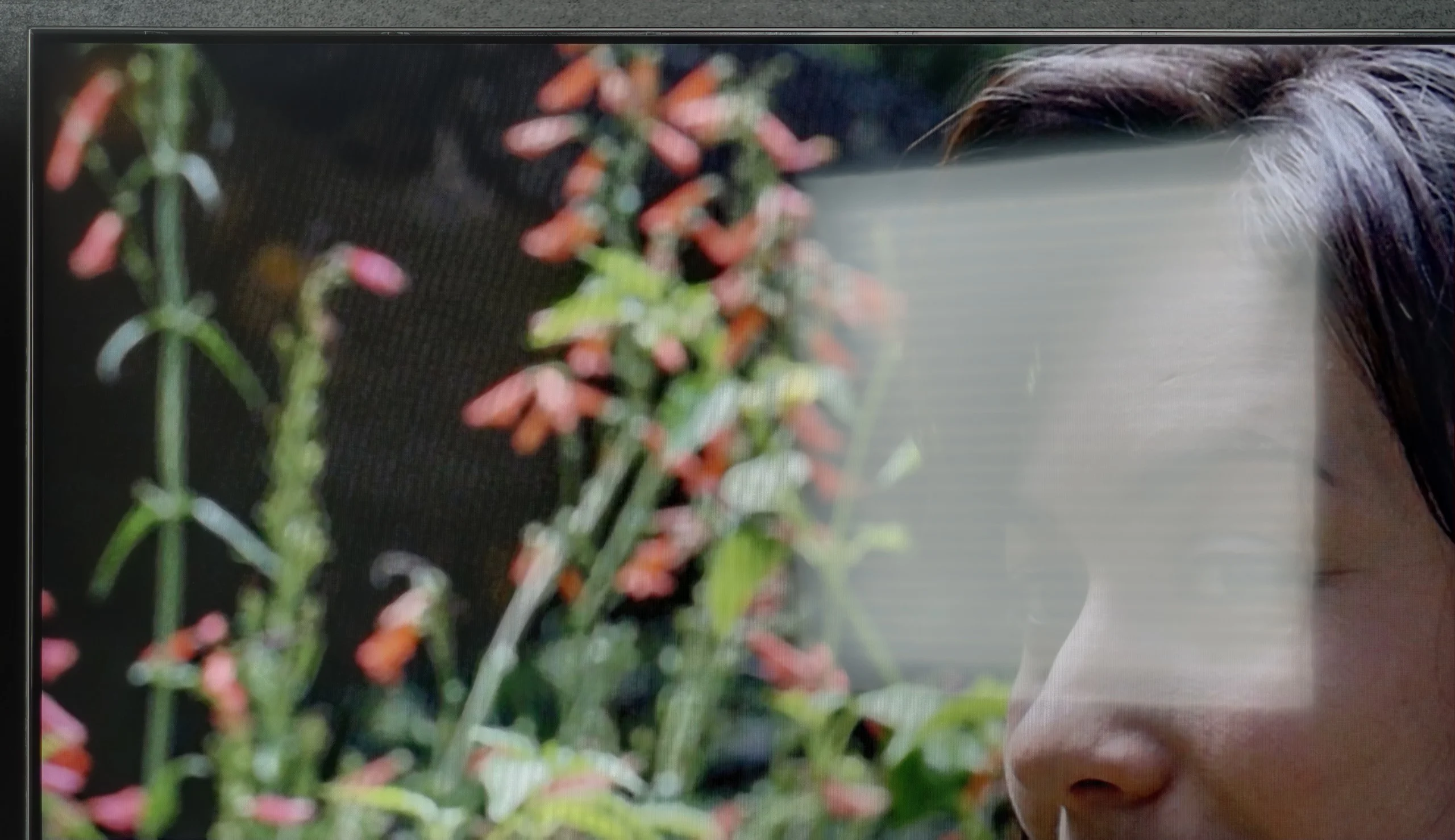
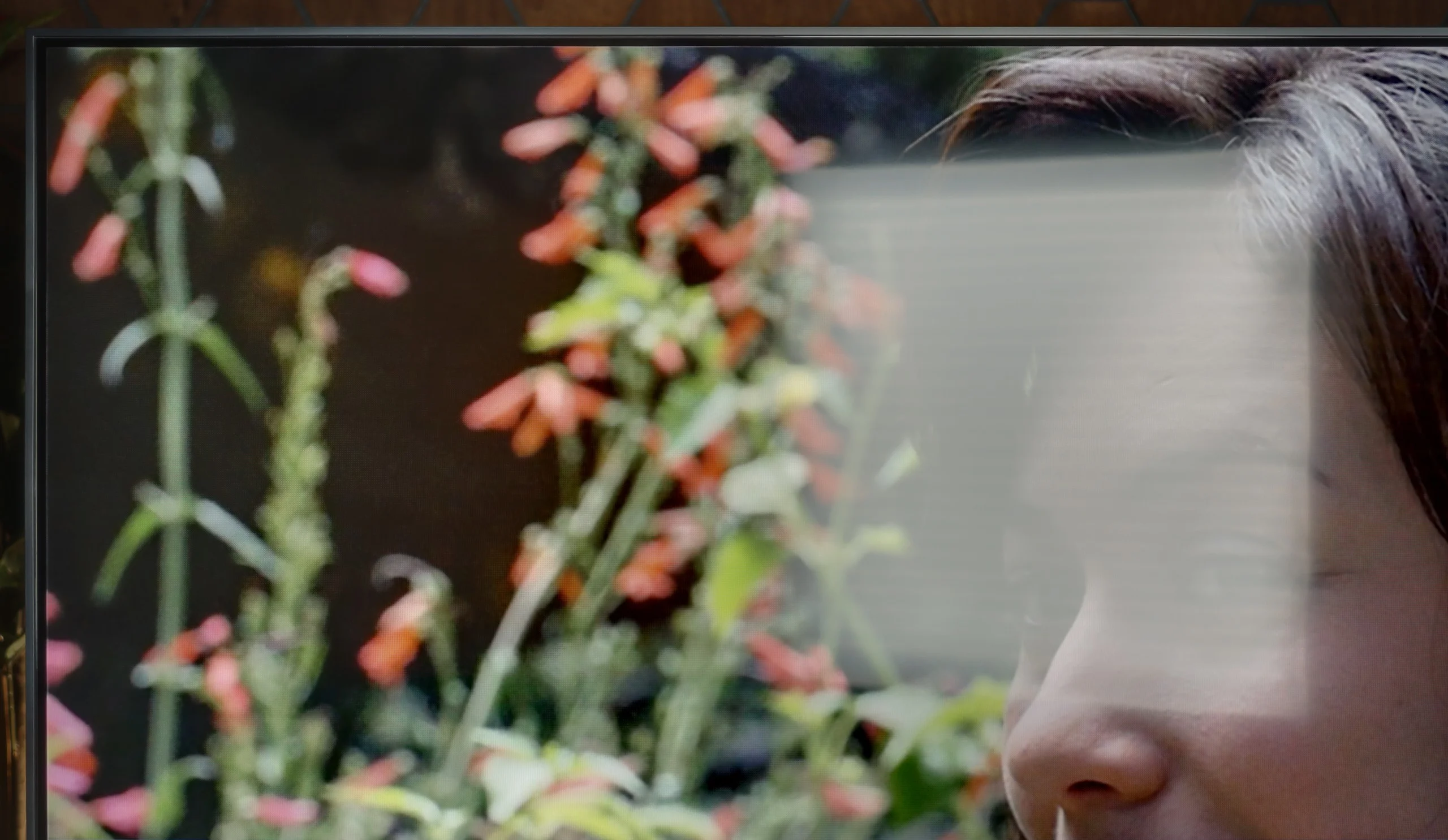
Panel brightness
LG MRGB85B: 515 cd/m2
PHILIPS PUS9010 (IPS): 398 cd/m2
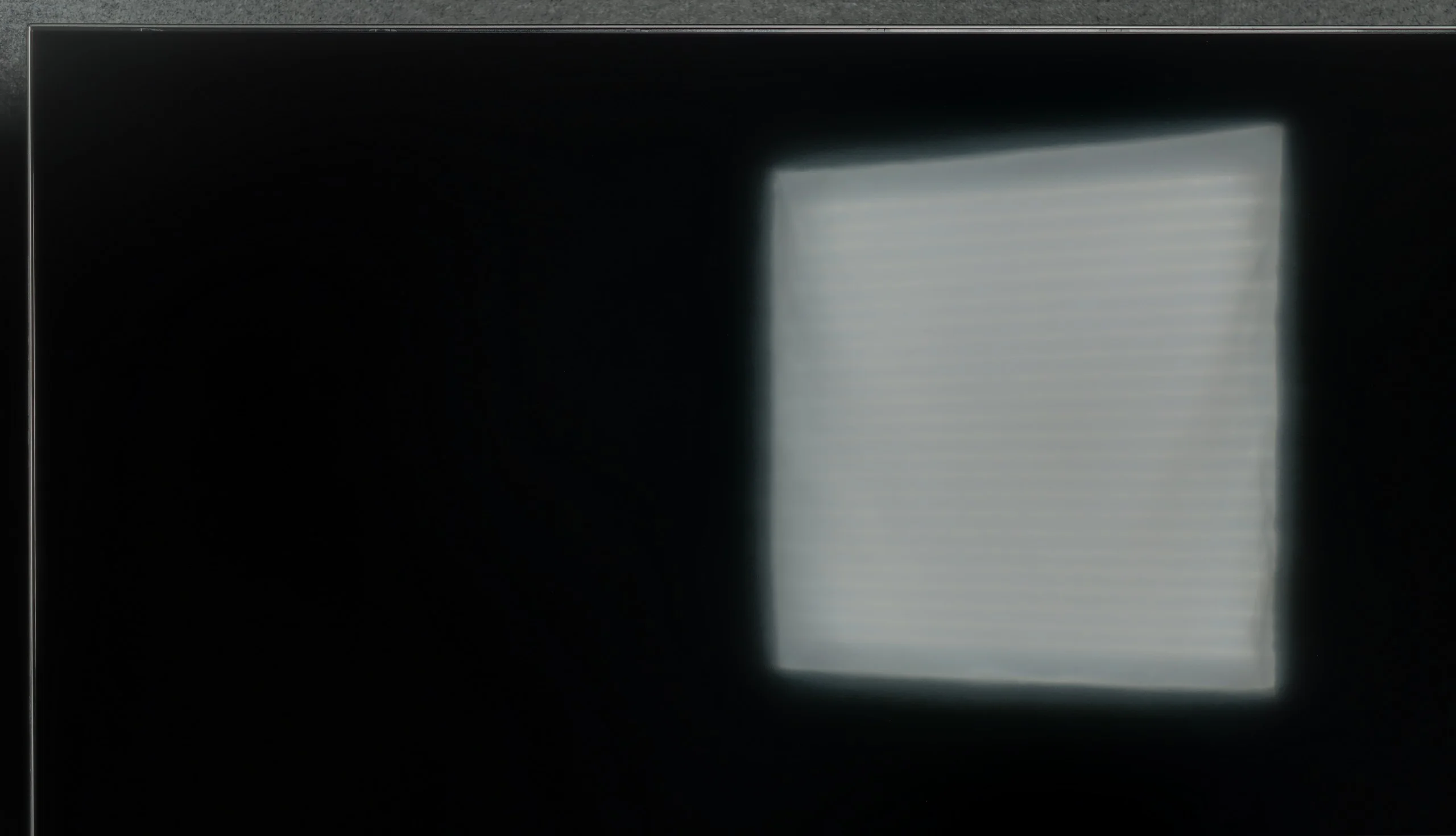
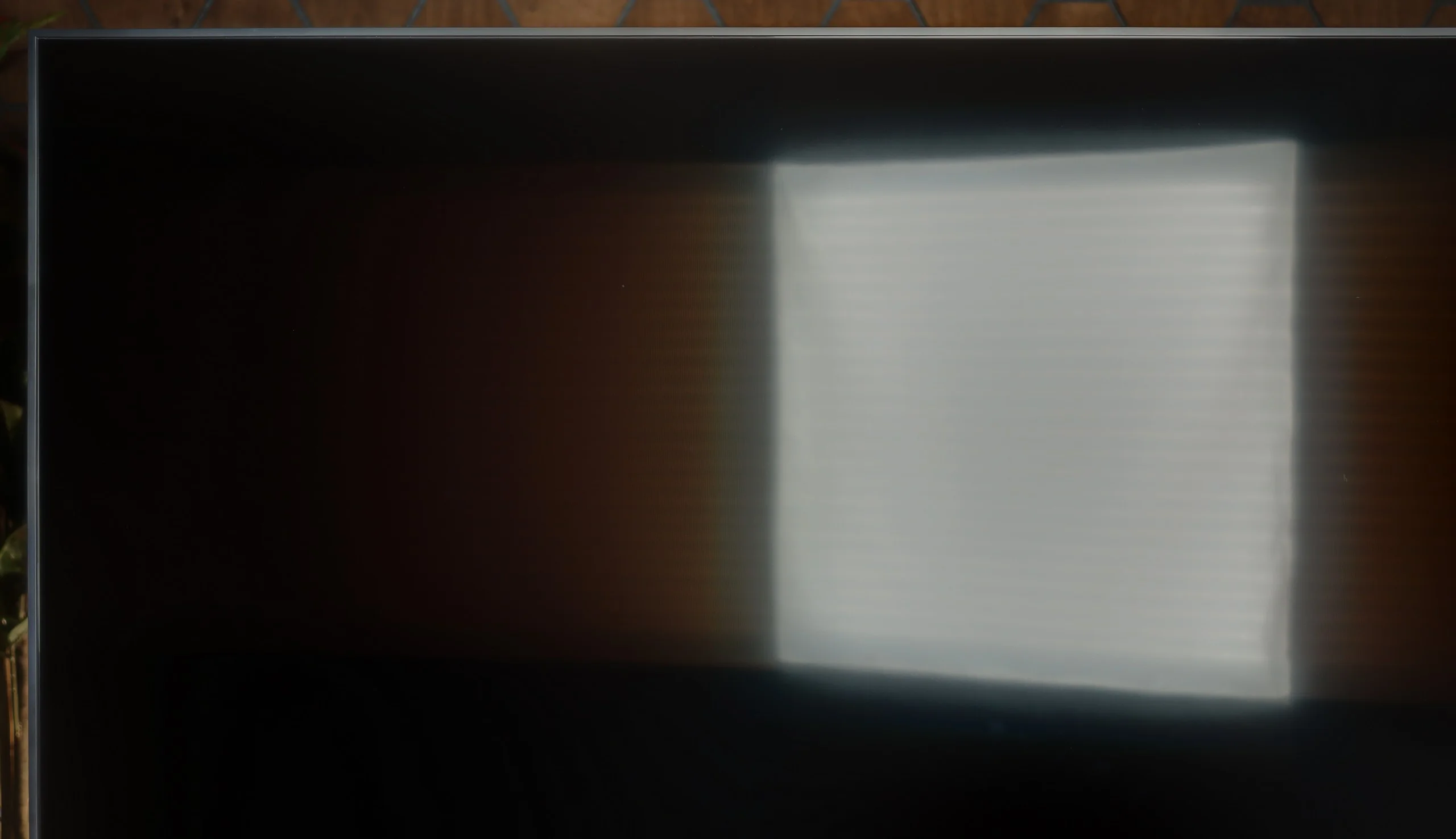
In terms of use in a bright room, the Philips PUS9010 performs reasonably well. The applied satin matrix effectively dampens reflections and does not create a mirror effect, which means the screen doesn't scatter as much light from windows or lamps. Unfortunately, compared to the VA panel variant, the television performs worse. The screen is noticeably darker, which can be felt in a very sunny room. Under normal daytime conditions, this does not pose a major problem; however, in very bright surroundings, the difference compared to the VA version is noticeable.
LG MRGB85 copes quite well in a bright room. Its average brightness reaches around 500 nits, noticeably above average. That means in a moderately sunlit living room the picture remains clear and doesn’t look dim. The screen coating is less effective and only average at reducing reflections. Direct reflections from windows or lamps can be clearly visible, so it’s best not to place the TV directly opposite large windows or strong light sources.
Panel details
Subpixel Structure:
Panel uniformity and thermal imaging:
PHILIPS PUS9010 (IPS)
LG MRGB85B
TV features
6.1/10
7.7/10
- SystemTitan OSWebOS
- System performanceDecentVery good
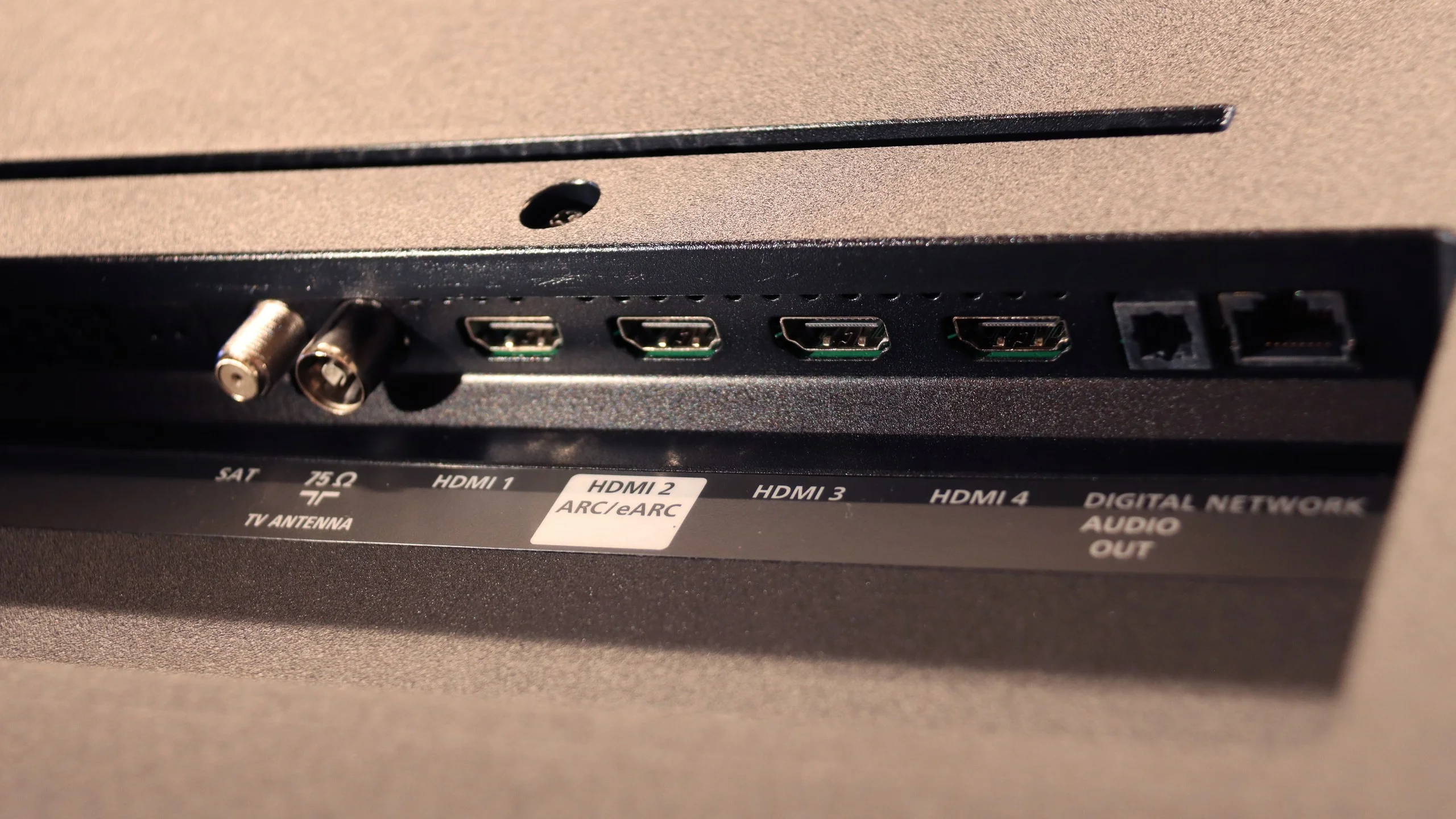
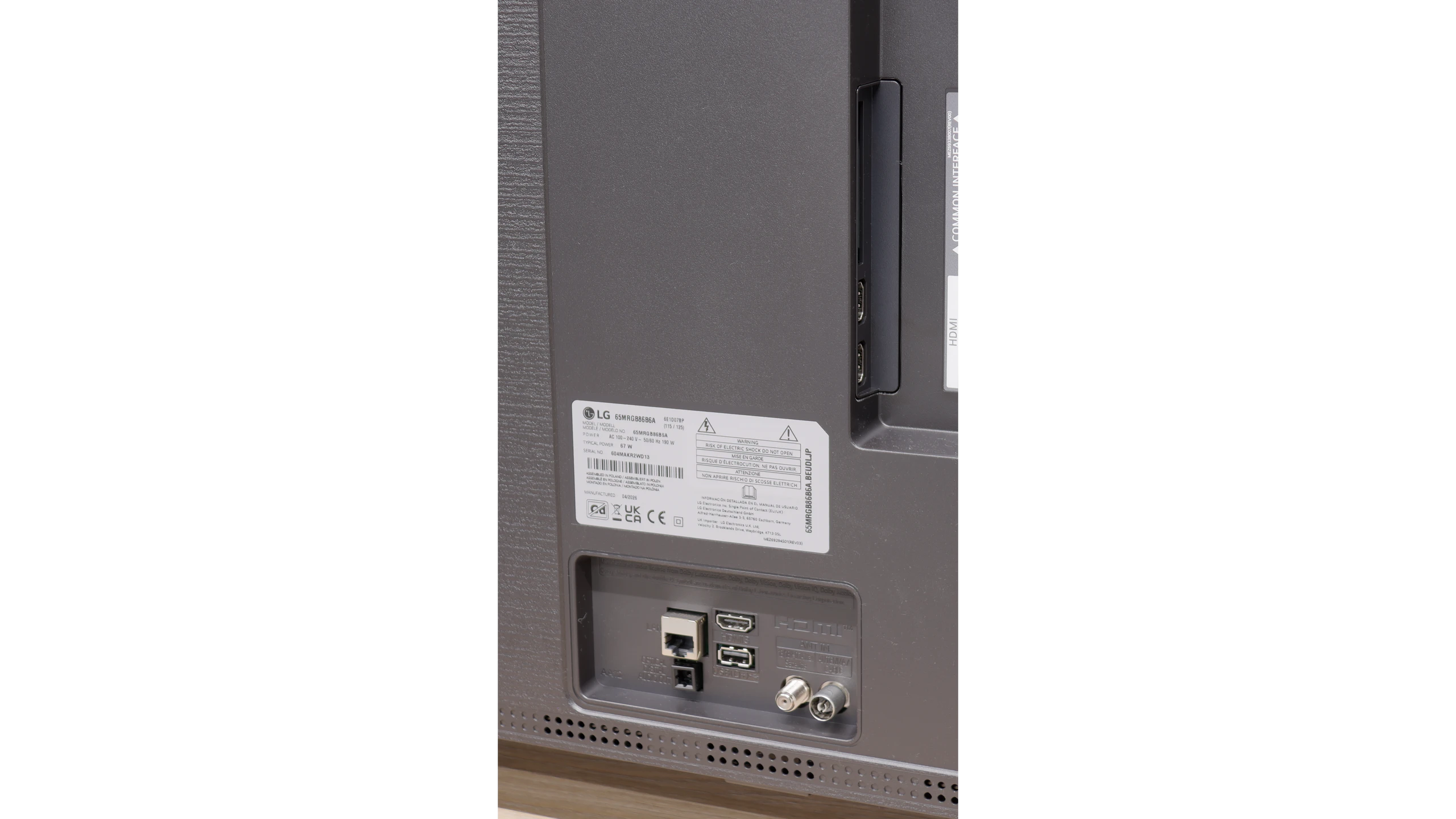
- HDMI inputs2 x HDMI 2.0, 2 x HDMI 2.1 48Gbps0 x HDMI 2.0, 3 x HDMI 2.1 48Gbps
- Other inputsToslink (Optical audio)
- OutputsToslink (Optical audio), eARC (HDMI), ARC (HDMI), Mini-Jack (Headphones)Toslink (Optical audio), eARC (HDMI), ARC (HDMI)
- Network InterfacesWi-Fi 2.4GHz, Wi-Fi 5GHz, Ethernet (LAN) 1GbitWi-Fi 2.4GHz, Wi-Fi 5GHz, Ethernet (LAN) 100Mbps
- TV receptionDVB-T, DVB-T2, DVB-S, DVB-S2, DVB-CDVB-T, DVB-T2, DVB-S, DVB-S2, DVB-C
Classic features:
- Recording to USB (terrestrial TV)

- Recording programming
- Picture in Picture (PiP)
- RF remote control (no need to aim)
- Backlit remote control
- Teletext
- Audio only mode
- Bluetooth headphones support
- Simultaneous Bluetooth headphones & TV audio
Smart features:
- AirPlay
- Screen mirroring (Windows Miracast)
- Voice search
- Voice search in native language
- Ability to connect a keyboard and mouse
Sound connection options
- HDMI audioeARC (HDMI), ARC (HDMI)eARC (HDMI), ARC (HDMI)
- Other audio outputsToslink (Optical audio), Mini-Jack (Headphones)Toslink (Optical audio)
- Wireless audioBluetoothBluetooth
Supported audio formats (external HDMI eARC audio):
- Dolby Digital Plus 7.1
- Dolby True HD 7.1
- Dolby Atmos in Dolby Digital Plus (JOC)
- Dolby Atmos in Dolby True HD
- DTS:X in DTS-HD MA
- DTS-HD Master Audio
Senior accessibility
- Numeric keyboard on TV
- Font size adjustment
- Audio description
Classic TV Features
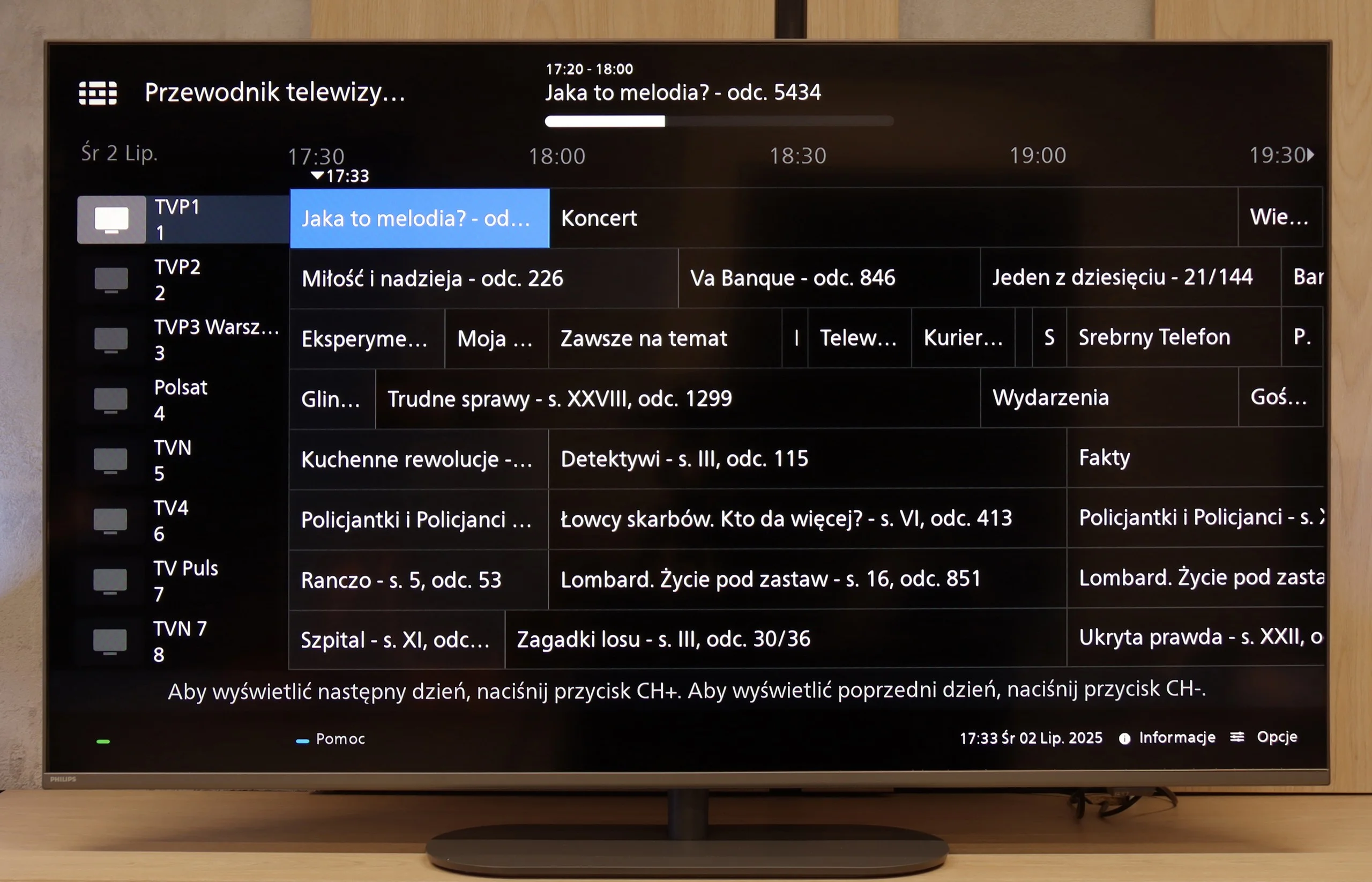
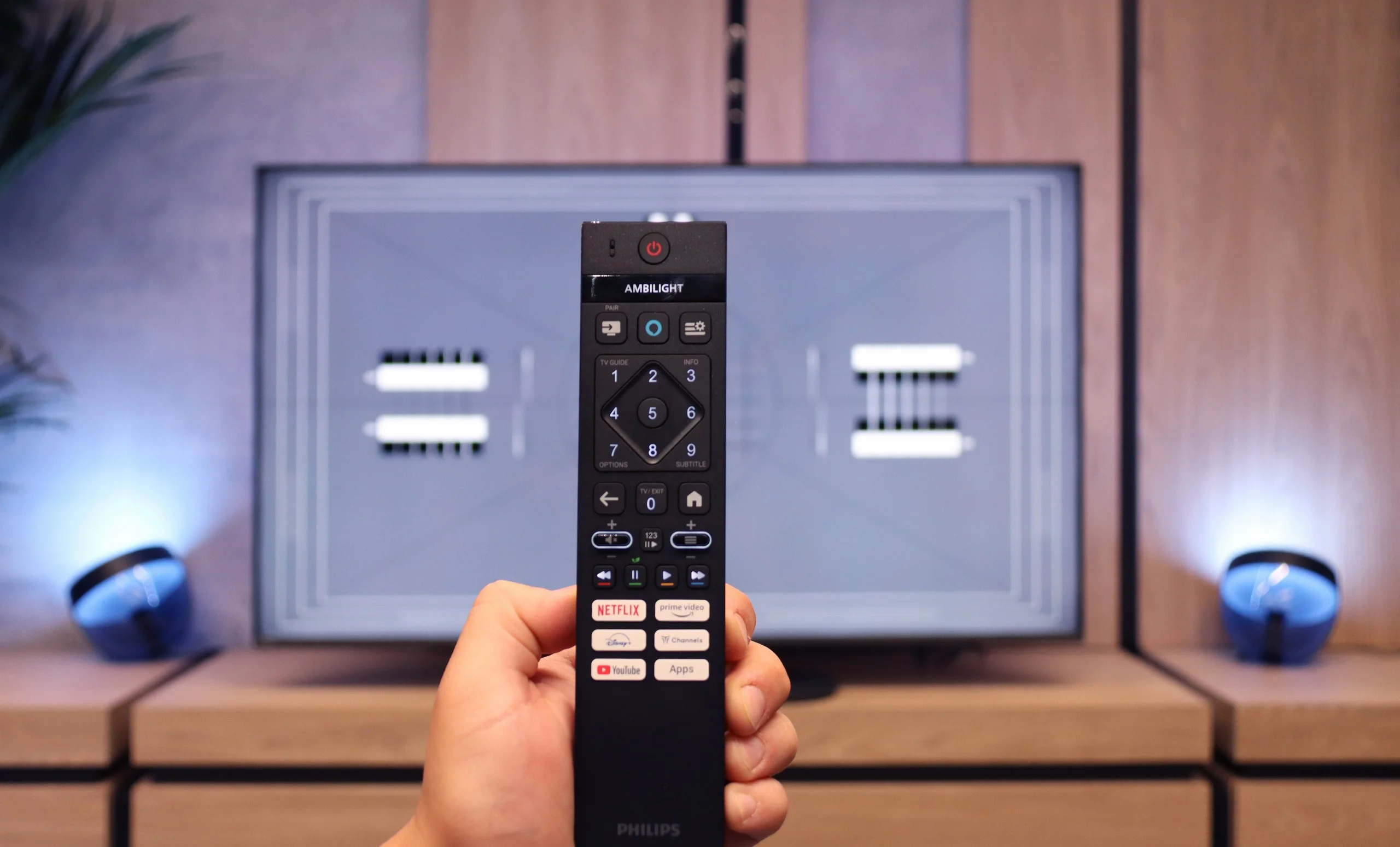
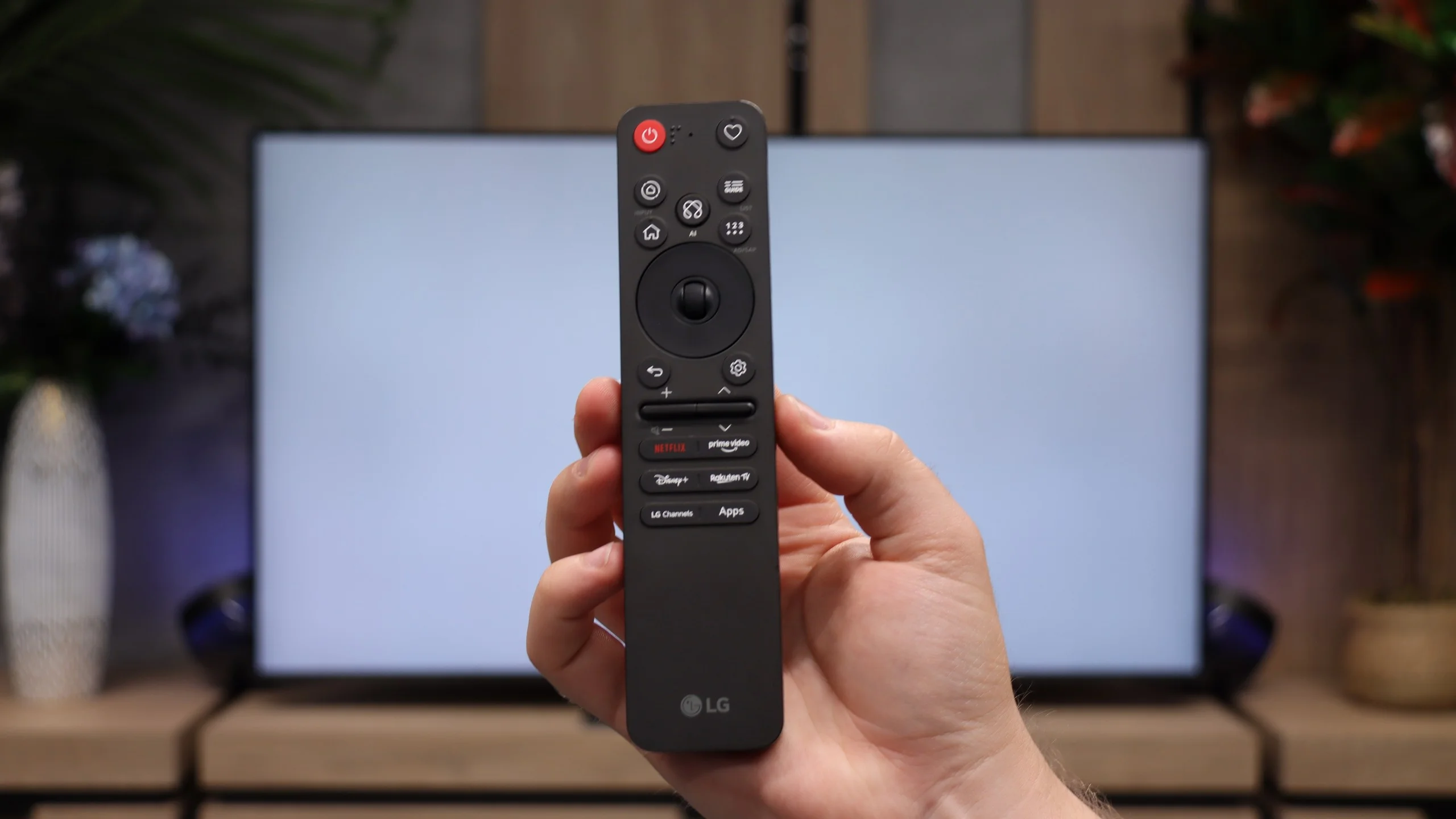
When it comes to classic features, the Philips PUS9010 is rather average. Onboard, we find the basics such as EPG, teletext, and the ability to connect headphones via Bluetooth. However, this is where the list of stronger points essentially ends. Unfortunately, it lacks USB recording and PiP (picture in picture) mode. These are features that are becoming increasingly rare but can still be useful in everyday use. A plus is the remote control with a numeric keypad. It is modern, backlit, and visually makes a very good impression. It's just a shame that it is still an infrared remote, so it requires aiming at the screen. With such a modern look, one would expect Bluetooth radio control.
Smart TV
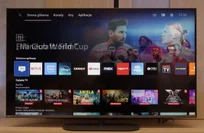
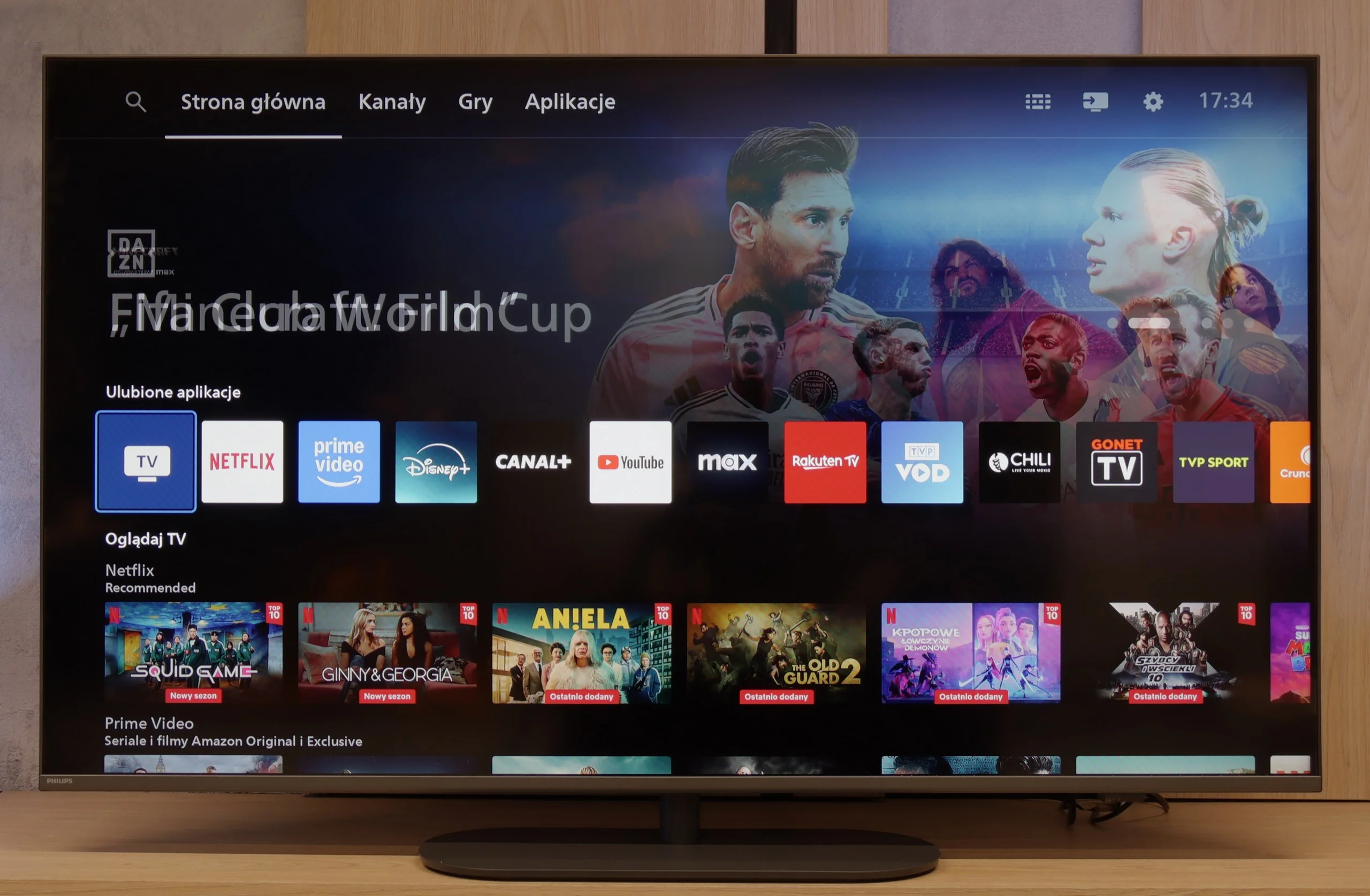
Most Philips TVs from 2025, including the PUS9010, operate on the Titan OS system. This is still a relatively young platform, and unfortunately, its limitations are still apparent. The system itself runs quite smoothly, noticeably better than in the manufacturer's cheaper models, and during tests, it did not encounter issues when using screen mirroring or AirPlay, which is still not a given. However, the biggest drawback remains the limited number of available apps. This can be partially circumvented by connecting a keyboard and mouse to the TV and using the built-in web browser, but this is more of an emergency solution than a convenient everyday option.
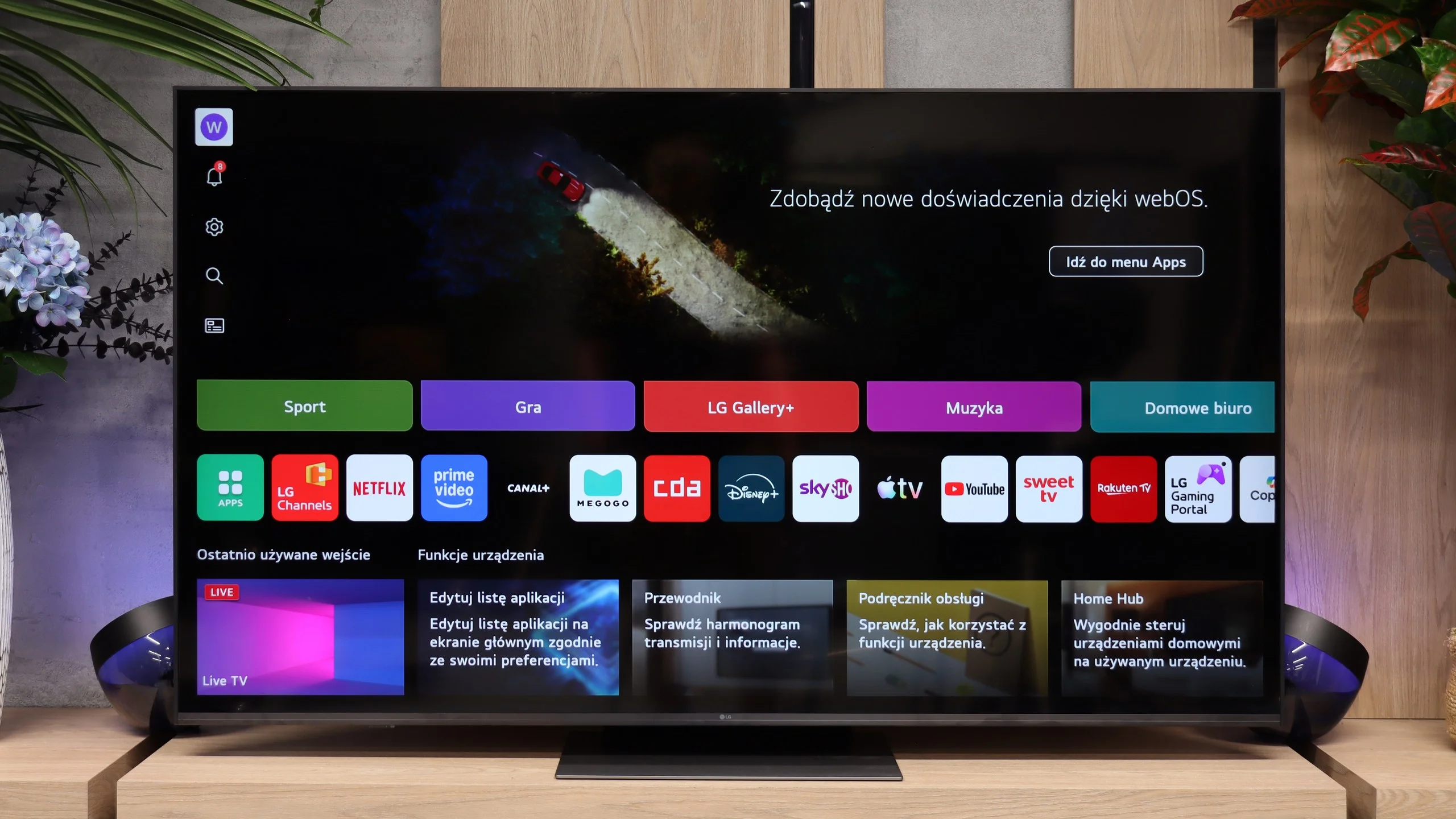
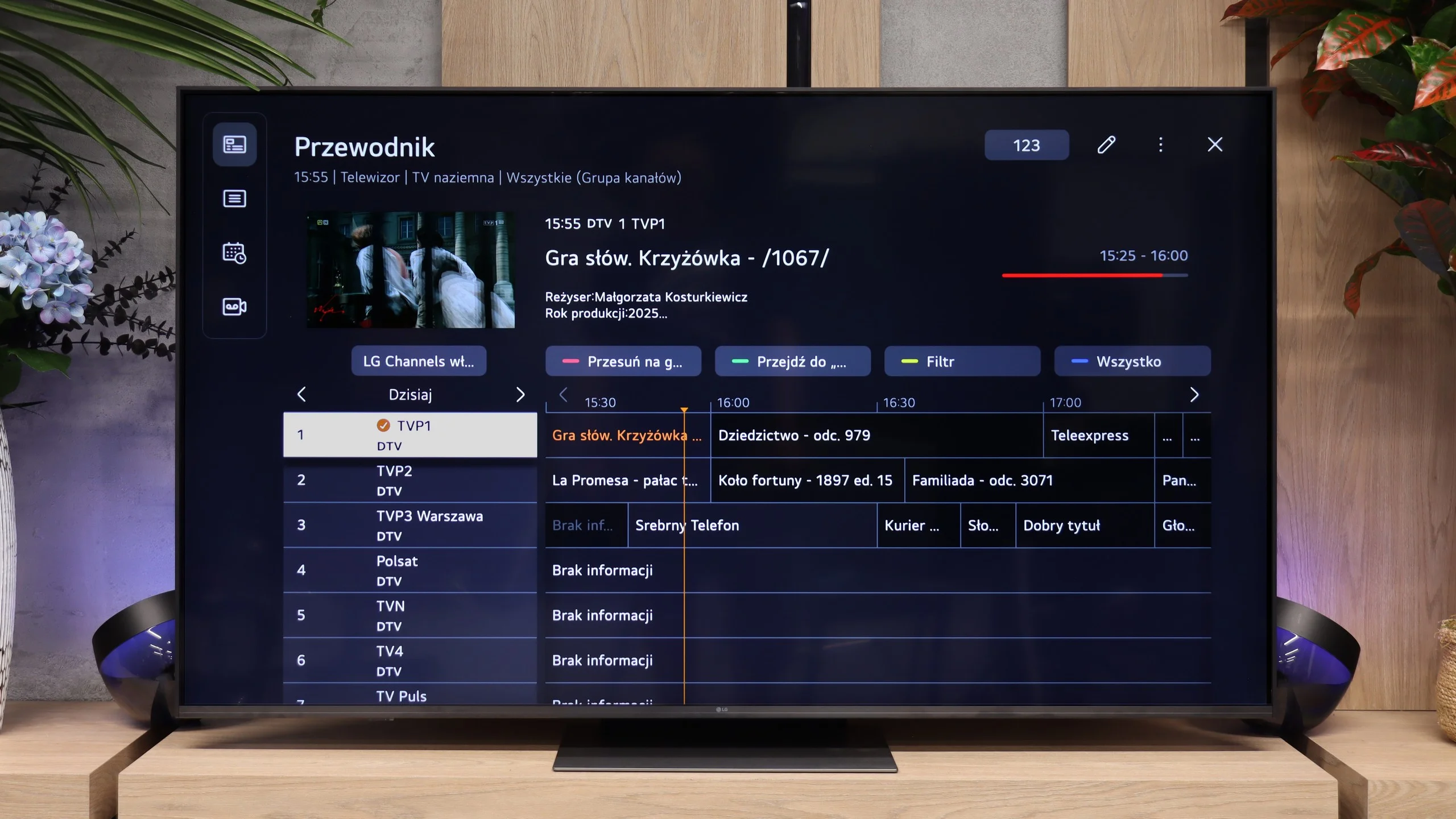
The LG MRGB85 runs webOS, which is fast, clear and provides access to all the major streaming apps. The menu is smooth and navigating it is straightforward. The TV also performs well with conventional broadcast TV. You’ll find features such as Time Shift, HbbTV and a convenient programme guide. The MRGB85 is therefore suitable both for using Netflix or YouTube and for everyday TV viewing.
Control is handled by a newer version of the Magic Remote. Compared with older models it has been noticeably slimmed down and no longer has a conventional numeric keypad, but it fits better in the hand and is more comfortable for daily use. It still retains the distinctive gyroscope, which lets you control the on-screen cursor by moving your hand. Combined with webOS, this works very well.
Apps
6.7/10
9.1/10






















Playing files from USB
7.9/10
9/10
Supported photo formats:
Maximum photo resolution:
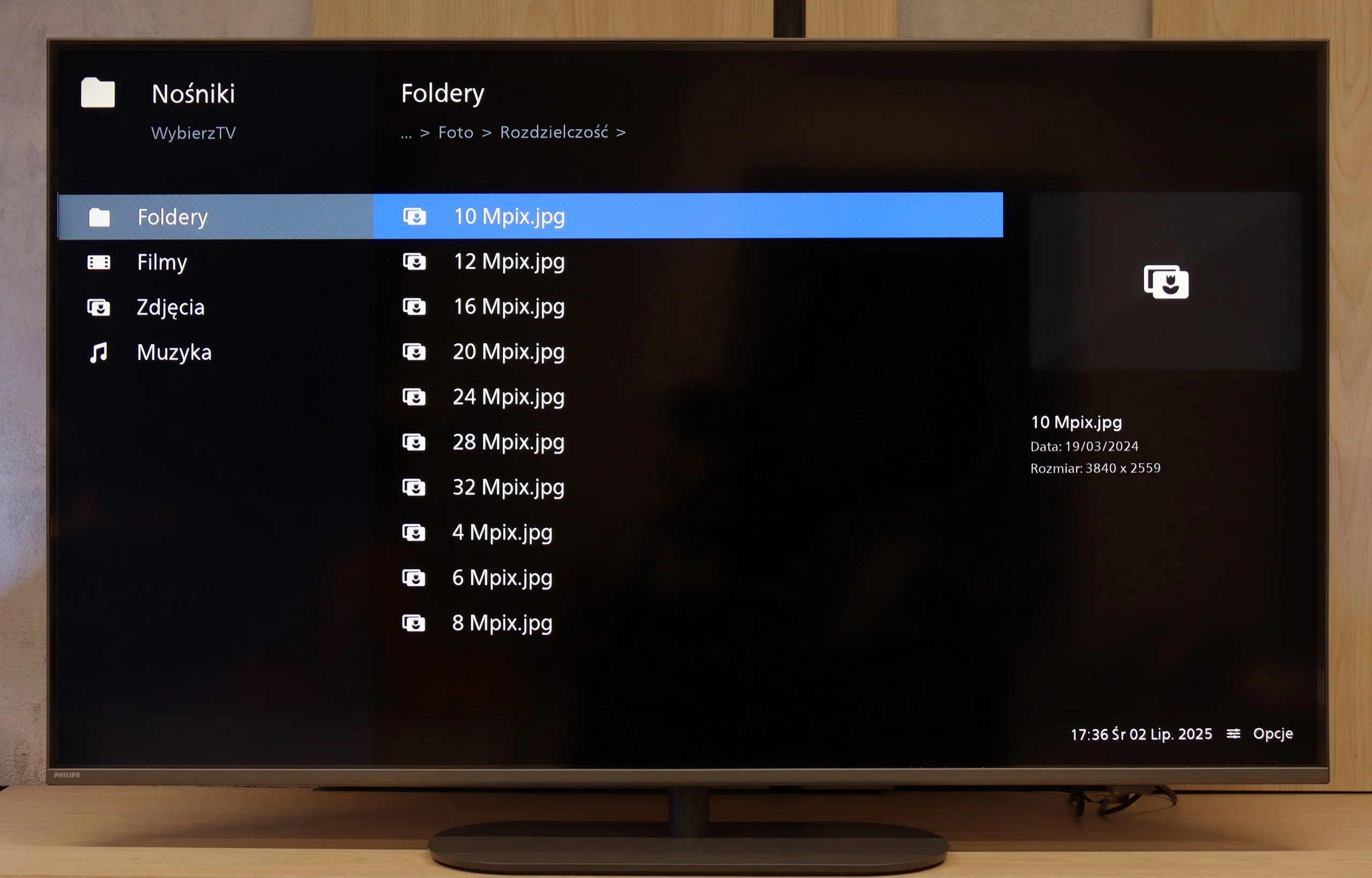
The media player in the new Philips is a solid standard. It handles most popular video and audio files, operating steadily and predictably. Although fans of rarer subtitle formats or specific image resolutions may feel somewhat unsatisfied, for the average user, the built-in software does the job. It's a convenient solution that means we don't need to engage external equipment to play materials from an external drive.
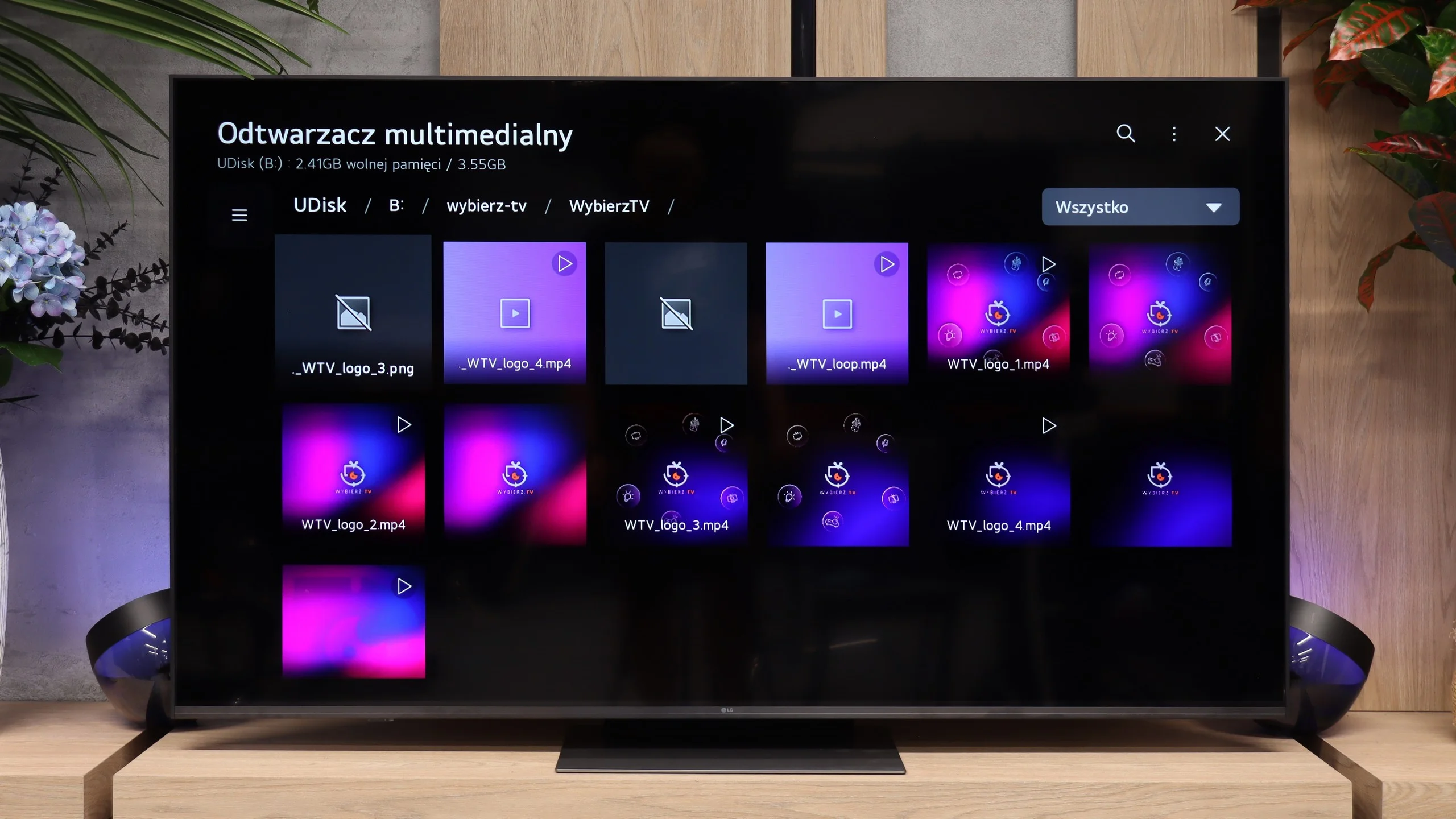
The built-in media player handles most common video, music and photo formats, so for everyday use you shouldn't be missing anything. The only unusual issue occurred with HEIC files. The TV correctly displayed their thumbnails, but when opened it couldn't show the image at full resolution. Aside from that, the player worked without any major issues.
Sound
6.6/10
6.4/10
- Maximum volume85dB86dB
- Dolby Digital Plus 7.1
- Dolby True HD 7.1
- Dolby Atmos in Dolby Digital Plus (JOC)
- Dolby Atmos in Dolby True HD
- DTS:X in DTS-HD MA
- DTS-HD Master Audio
The sound from the Philips PUS9010 is simply adequate. The tested unit offers a 2.0 set with a total power of 40 W, which is more than sufficient for daily watching of television, films, or series. The sound quality is pleasant, but it is hard to speak of anything exceptional, especially if one is looking for strong bass or greater dynamics. One positive aspect is the wide range of audio formats supported. When connecting a soundbar or home cinema system, the television easily supports Dolby Atmos and DTS, without needing to fiddle with settings or sacrificing sound quality. For those planning on external audio systems, this is definitely good news.
The sound in the LG MRGB85 is simply adequate and there’s not much more to say about it. The 2.0 system used here, with a total power of 20 W, performs like most TVs on the market. It lacks pronounced bass and a wider soundstage, although it must be admitted it can get fairly loud. For everyday TV viewing this setup will do. However, those who want fuller, more impressive sound should consider purchasing a soundbar or a home cinema system.
Sound Quality Test
Acoustic Measurements
No acoustic data
86dBC (Max)
75dBC
Reader comments
Comments are provided by the external service Disqus (Zeta Global). Once loaded, Disqus may set cookies and process data about your activity.
We will remember your choice on this device. Provider's privacy policy