The Sony X75WL model is a 2023 television that is being continued into 2024 by the Japanese company Sony. It offers many positive features. For example, with the Google TV system, users can enjoy broad access to apps like Netflix, YouTube, or Amazon Prime Video and more! The apps are easily accessible, and full integration with the Play Store allows downloading many additional apps, including games and media players, etc. The built-in Google Assistant adds even more functionality, enabling users to control the television with voice commands. Daily usage is supported by features such as USB recording capability or connecting peripherals (e.g., mice and keyboards, headphones). All of this makes it a very functional device tailored to various users. Solid cooperation with PCs, thanks to 4:4:4 chroma support and low input lag, makes the Sony X75WL a great choice for an office or working from home. The sound quality is another plus—gentle bass and clarity will satisfy most users, especially those who appreciate audio quality without the need to invest in additional speakers. However, this model also has some drawbacks. Very weak contrast and average HDR effects mean it is not the best choice for night cinema sessions, where black depth and detail quality are crucial. Thicker bezels may not appeal to everyone. Despite the flaws, the Sony X75WL is a solid choice, especially for those looking for a versatile and functional television at an affordable price. However, if we are not strongly attached to the brand, we recommend considering competitive models (comparison visible below) that may offer a better quality-to-price ratio.
- Matching (Score) |
- Our verdict |
- TV appearance |
- Where to buy |
- Contrast and black detail |
- HDR effect quality |
- Factory color reproduction |
- Color reproduction after calibration |
- Smoothness of tonal transitions |
- Image scaling and smoothness of tonal transitions |
- Blur and motion smoothness |
- Console compatibility and gaming features |
- Input lag |
- Compatibility with PC |
- Viewing angles |
- Daytime performance |
- Panel details |
- TV features |
- Apps |
- Playing files from USB |
- Sound
Sony X75WL vs LG QNED80A6A (IPS)
 Direct comparison


Panel type: LCD IPS
Resolution: 3840x2160
System: Google TV
Model year: 2023
Complete the survey to find out the result
Panel type: LCD IPS
Resolution: 3840x2160
System: WebOS
Model year: 2025
Complete the survey to find out the result
Overall rating
5.9
5.9
 Movies and series in UHD quality
 5.6
5.7
 Classic TV, YouTube
 5.3
5.6
 Sports broadcasts (TV and apps)
 5.5
5.5
 Gaming on console
 5.7
6.8
 TV as a computer monitor
 6.0
5.0
 Watching in bright light
 4.6
4.7
 Utility functions
 7.7
6.8
 Apps
Apps 9.6
9.1
 Sound quality
 6.9
6.0
Complete the survey to find out what fits your preferences
Advantages

Google TV system with convenient voice control and access to apps
Ability to record to an external USB drive and connect peripherals
Good viewing angles thanks to IPS panel
Very good compatibility with PC (chroma 4:4:4, low input lag)
Pleasant, clear sound with gentle bass
Adjustable leg spacing
Wide viewing angles – the image looks just as good from any spot on the couch
Rich and vibrant colours thanks to the PFS filter (QNED)
Smooth and modern WebOS 25 system
Magic remote (with cursor)
Good detail reproduction in HDR
Effective upscaling and toning smoothing feature
Low input lag
Decent features for gamers (VRR, ALLM, HGiG), despite the 60Hz panel
Smooth tonal transitions – no visible "stepping" on colour gradients
Disadvantages

Very weak contrast
Average colour gamut coverage
Poor for gamers - lacks many features
Design - thick bezels will not appeal to most
Poor contrast and greyish black – the IPS panel does not perform well in low light
Problematic local dimming – vertical backlight bands are very noticeable on dark backgrounds
60Hz panel
No Dolby Vision support
Sound lacks depth – a soundbar is recommended
Our verdict
The QNED80A variant based on an IPS panel is aimed at a completely different audience. If you're looking for a TV for a place where life buzzes all day, and family members watch TV from various spots – this will be a good choice. The wide viewing angles and saturated colours make the picture look good, whether you're sitting directly in front or at the dining table. Of course, it's not perfect equipment, as there simply aren't any in this price segment. The IPS panel won't offer you inky blacks, so evening horror movie sessions may appear slightly grey, and local dimming in dark scenes can create noticeable light bands. Despite these flaws, the QNED80A makes up for it with its overall picture quality. The performance of the processor deserves immense praise – both upscaling regular TV to 4K and presenting details in HDR content are outstanding here. The image is clean, sharp, and rich in detail, even if the screen itself doesn't break brightness records. Combined with the fantastic WebOS system, which runs quickly and reliably, it's a very safe, solid choice for everyday family entertainment at a relatively low price.
TV appearance


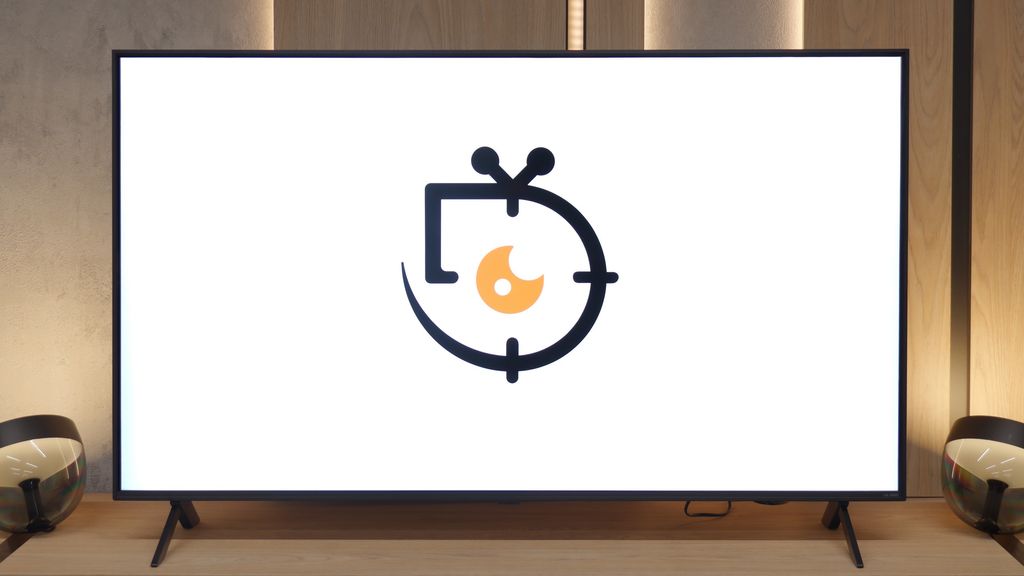
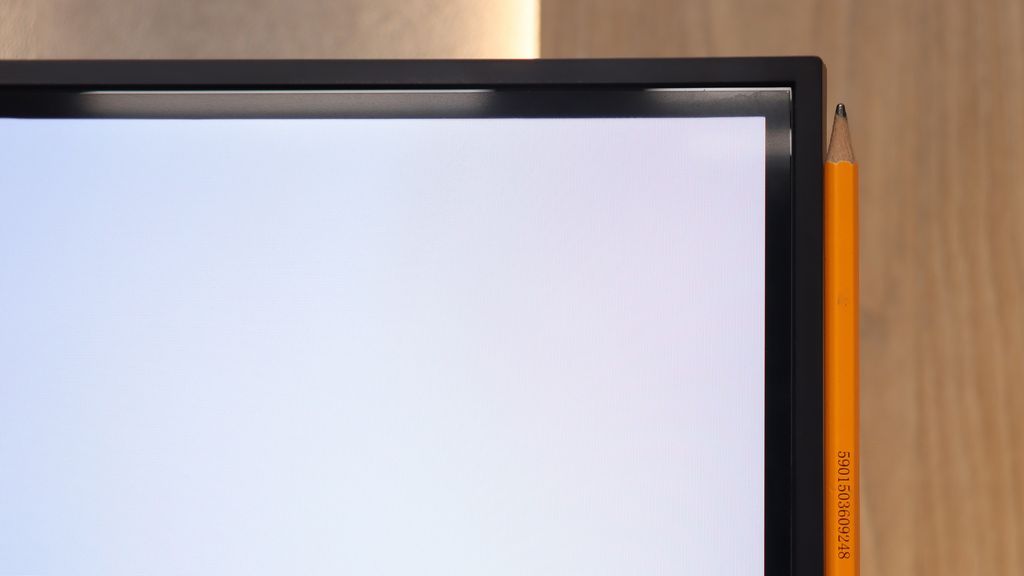
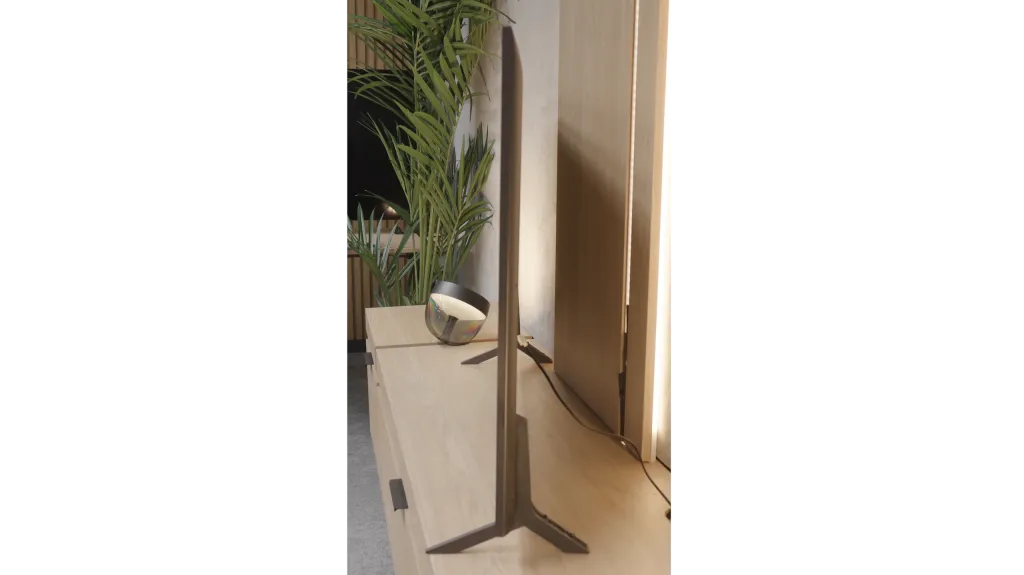
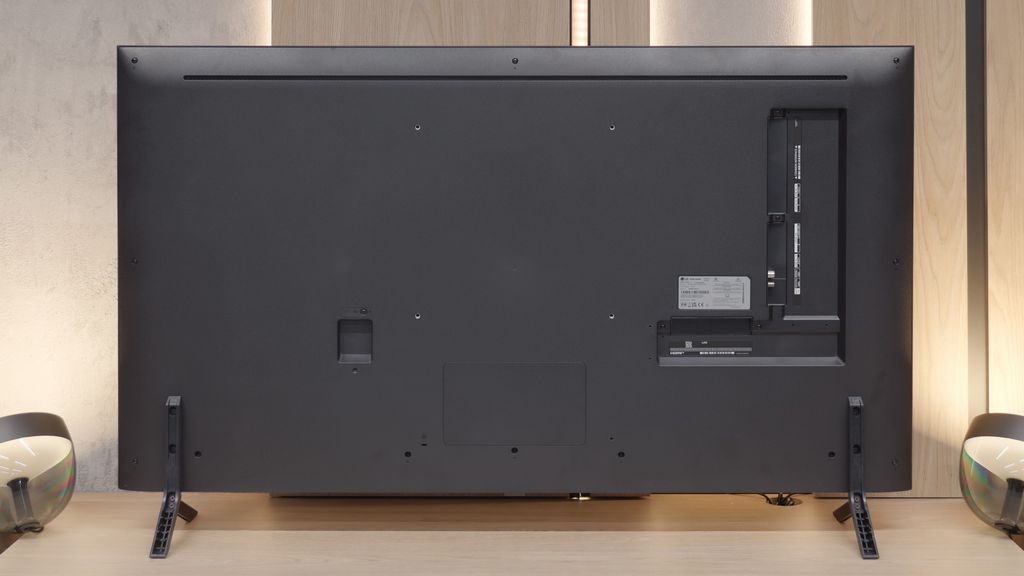

Contrast and black detail
2.4/10
2.7/10
Local dimming function: No
Local dimming function: Yes, number of zones: 6 (1 x 6)
Contrast:


Result
1,100:1

Result
1,200:1

Result
1,300:1

Result
1,400:1

Result
900:1
Result
2,400:1
Result
1,350:1
Result
2,450:1
Result
1,200:1
Result
1,150:1
Halo effect and black detail visibility:

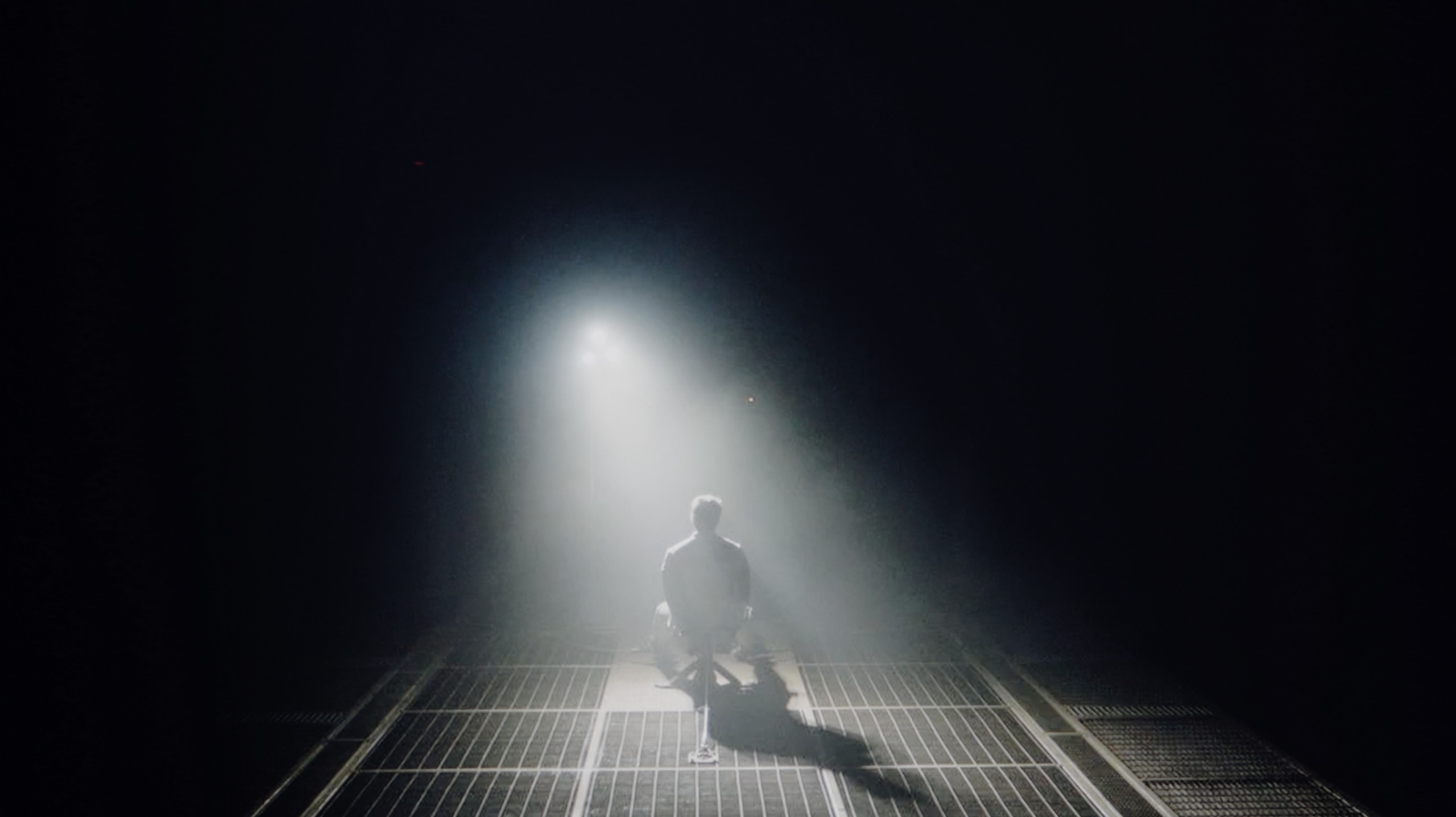
Check the visibility of bright lights on a dark background. Mini-LEDs often struggle with this. The photo does not compare black levels – that’s what the video below is for.
The video accurately shows differences in contrast and black levels between TVs, as well as potential issues: halo around bright objects or Mini-LED zone operation visible as brightness jumps.
The tested model Sony X75WL is equipped with an IPS panel, which unfortunately negatively affects the quality of black levels and contrast. Black is shallow, and details in dark scenes are practically invisible. In the film "Sicario 2" one cannot see any details in the shadows. All of this makes the picture look weak and lacking in depth. The IPS panel used cannot provide the level of contrast that more demanding users would expect, and the lack of detail in dark scenes significantly lowers the quality of the viewing experience. The X75WL television does not have local dimming capabilities, which further complicates achieving the appropriate black levels and contrast in this category.
If you come across a model equipped with an IPS panel, the situation changes dramatically and we won't beat around the bush – the contrast is simply weak. This is a natural characteristic of this technology, which pales in comparison to VA panels. The blacks, especially during evening screenings with the lights off, are rarely pitch black – more often they lean towards dark grey or navy hues. However, the real problem in this variant is the way the local dimming system operates. Since we are dealing with edge-lit backlighting on a panel that naturally "leaks" more light, this system often does more harm than good. When a bright object appears on a dark background, the TV tries to boost its brightness by activating the relevant zone. The effect? Instead of pinpoint light, we see illuminated vertical bars stretching across the entire screen. Unfortunately, this looks worse than in the VA version. Due to the lower native contrast of the panel, these "light bars" (so-called blooming) are much more visible and stand out more against the background. In many cases, these brightness jumps are so aggressive that instead of enjoying the screening, we focus on the backlighting's performance.
HDR effect quality
5/10
4.8/10
Luminance measurements in HDR:

Result
285 nit

Result
308 nit

Result
343 nit

Result
345 nit

Result
358 nit
Result
369 nit
Result
325 nit
Result
434 nit
Result
342 nit
Result
318 nit
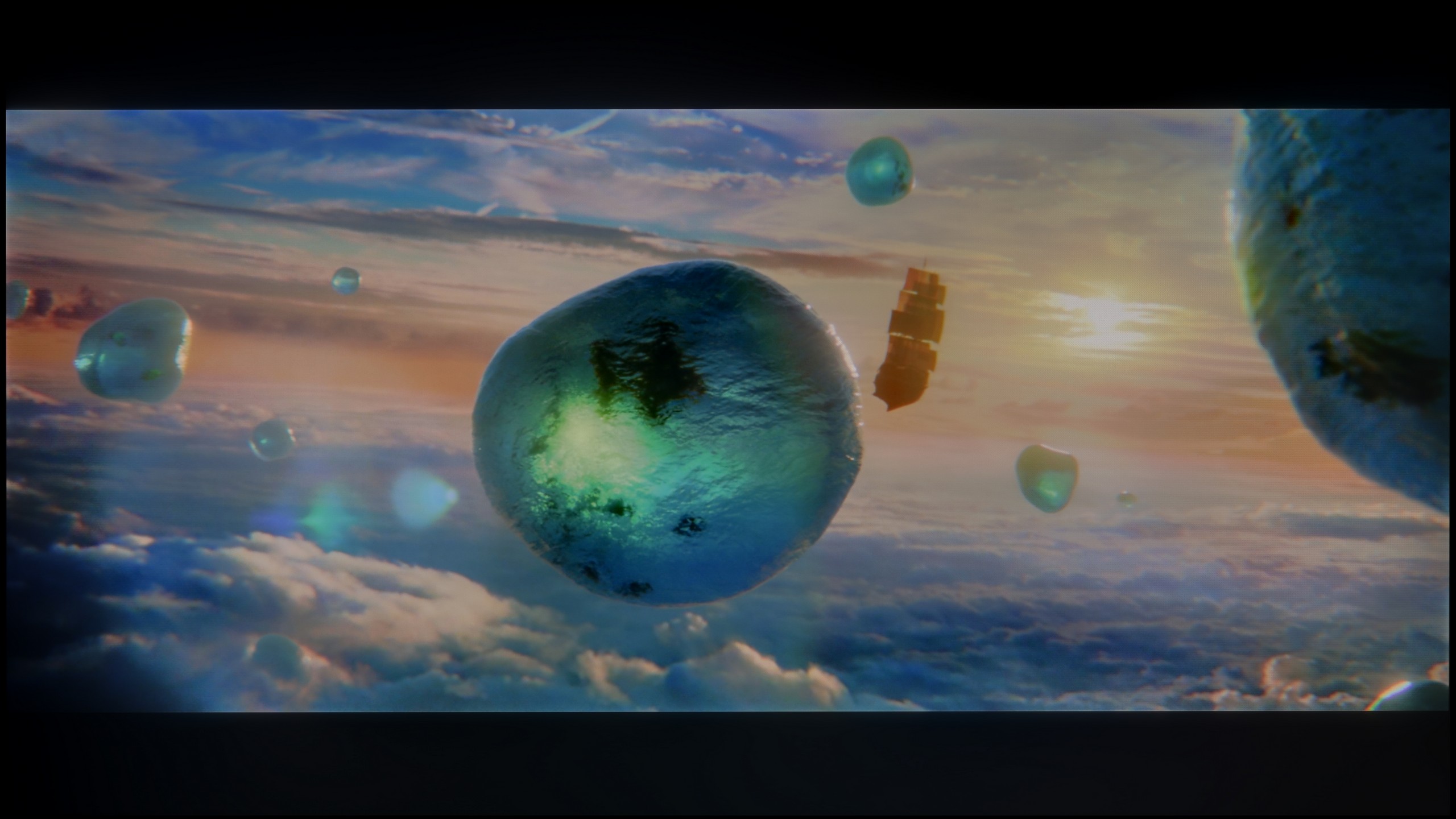
Scene from the movie “Pan” (about 2800 nits)

Scene from the movie “Billy Lynn” (about 1100 nits)

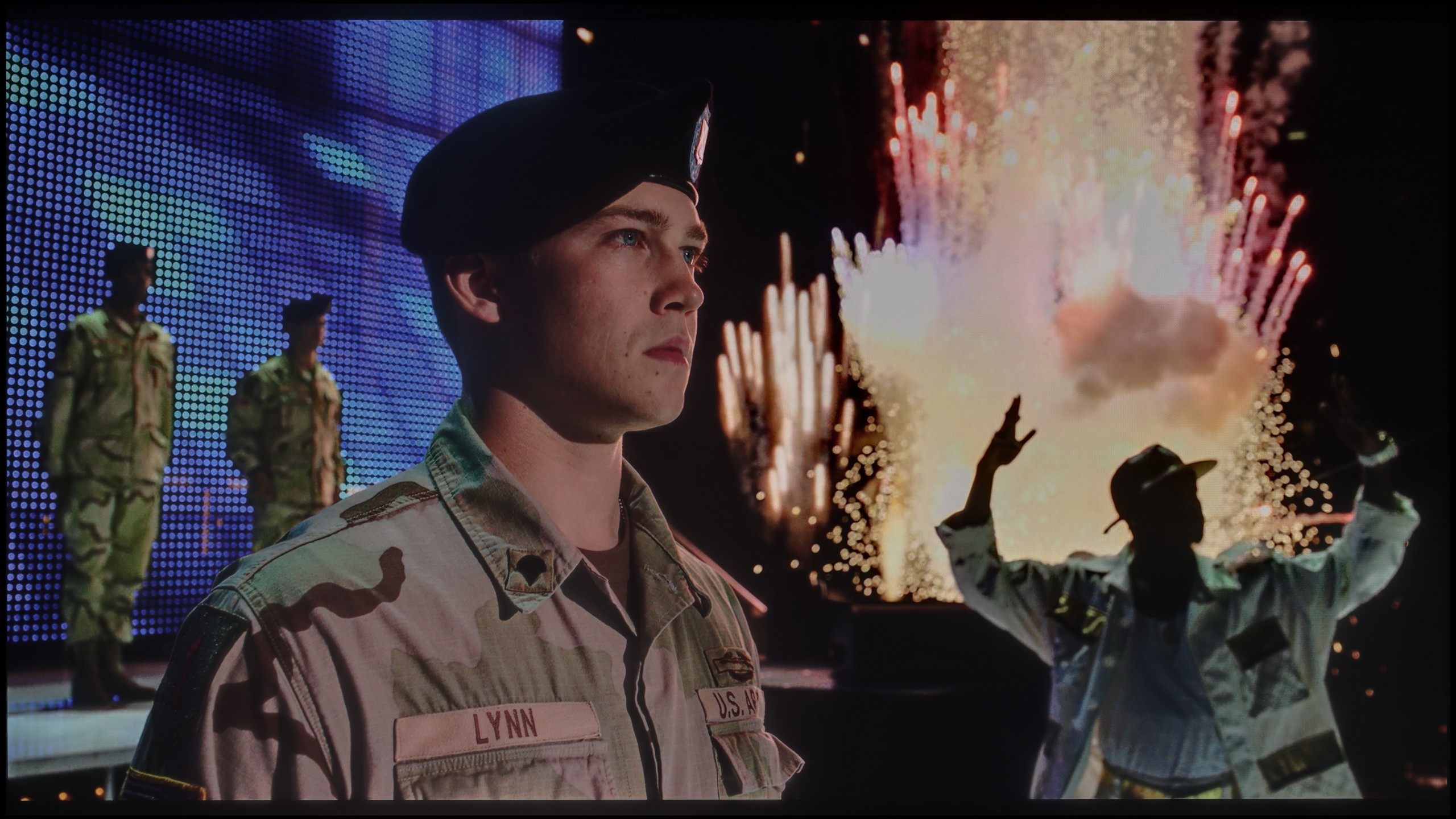
The photos show two HDR10 movies. 'Pan' is one of the brightest productions ever made, while 'Billy Lynn' (soldier) has brightness typical of streaming (Netflix, Prime, HBO MAX). Notice the intensity of effects and detail in whites.
Static HDR10


The photos present the visibility of white details in various HDR formats. They do not show brightness differences between TVs (these can be compared in the previous gallery).
HDR luminance chart:
LG QNED80A6A (IPS)
Sony X75WL
The luminance chart for the X75WL Sony television showed a maximum value of 350 nits, which unfortunately is not an impressive result. The television does not surprise with its brightness, and all the HDR scenes we tested lacked depth and the appropriate lighting effect that should accompany HDR content. Additionally, the tragic coverage of the DCI-P3 colour palette makes it difficult for the television to reproduce rich colours, which significantly affects the overall viewing experience of HDR content. The lack of adequate brightness and poor colour coverage means that HDR effects are very limited in this model.
When it comes to image dynamics and brightness, the QNED80A keeps its feet firmly on the ground. It’s not a "light beast" – during our measurements, peak luminance hovered around 350-400 nits. To put it bluntly: these are values that won't fully unleash the potential of HDR formats. So don’t expect the glare of the sun or car headlights in films to blind you. However, this television has a powerful ace up its sleeve that saves the overall image quality – it's the colours. LG engineers have employed an advanced filtration system (technically based on phosphor PFS, marketed as QNED/NanoCell), which does a fantastic job. Thanks to this, despite average brightness, the screen can generate exceptionally saturated and pure colours. Our instruments showed coverage of the wide cinematic DCI-P3 colour gamut at around 93-94%. This is a result that outclasses most standard LCD televisions. In practice, this means that when watching 4K HDR content, the image – although not very bright – is very vivid, lively, and delights the eye with its depth of colours.
Factory color reproduction
6.9/10
4.4/10


This gallery shows how colors change after professional TV calibration. If you notice the difference, we recommend ordering this service at SkalibrujTV.com.
Factory Mode
After calibration
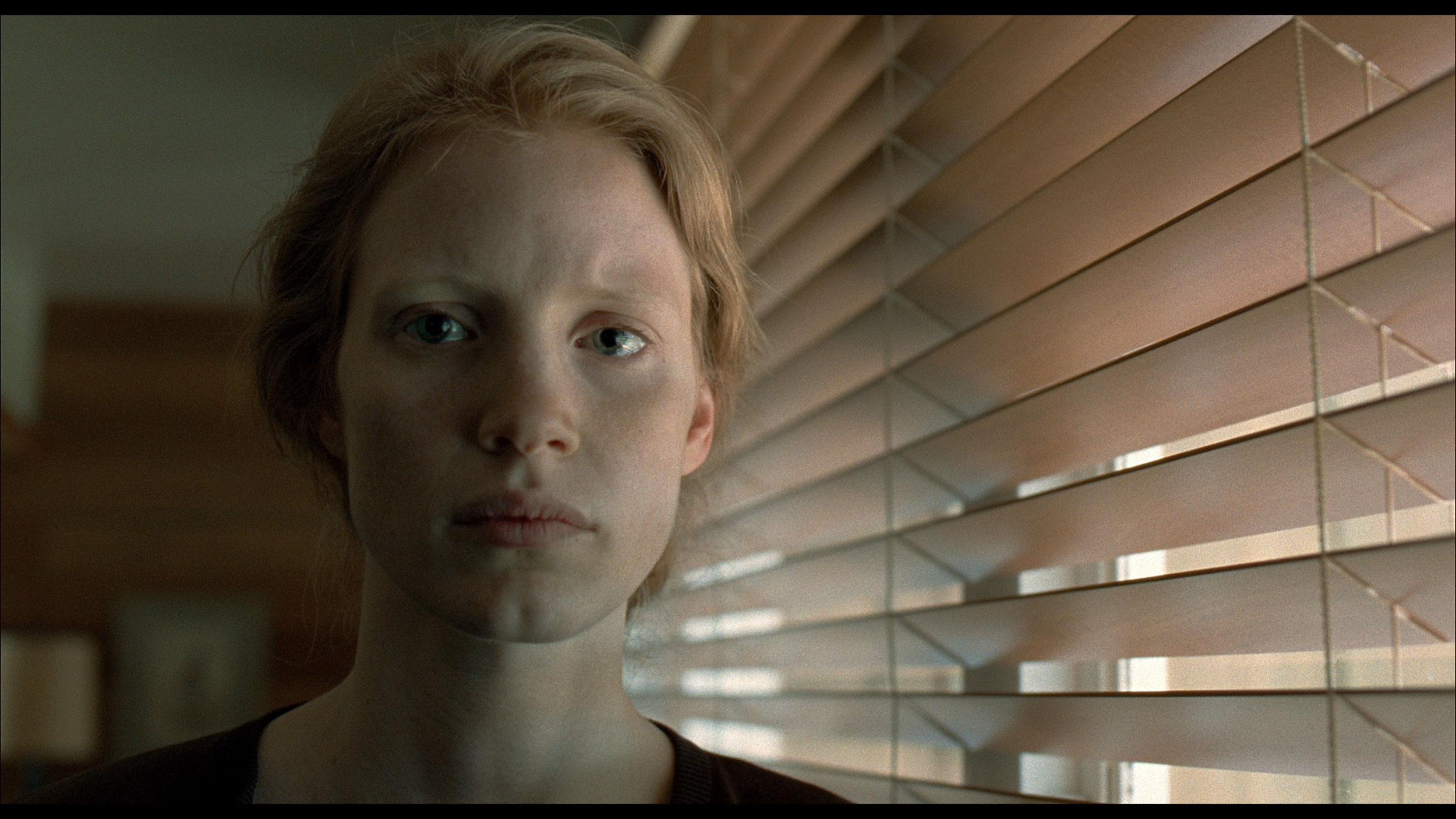
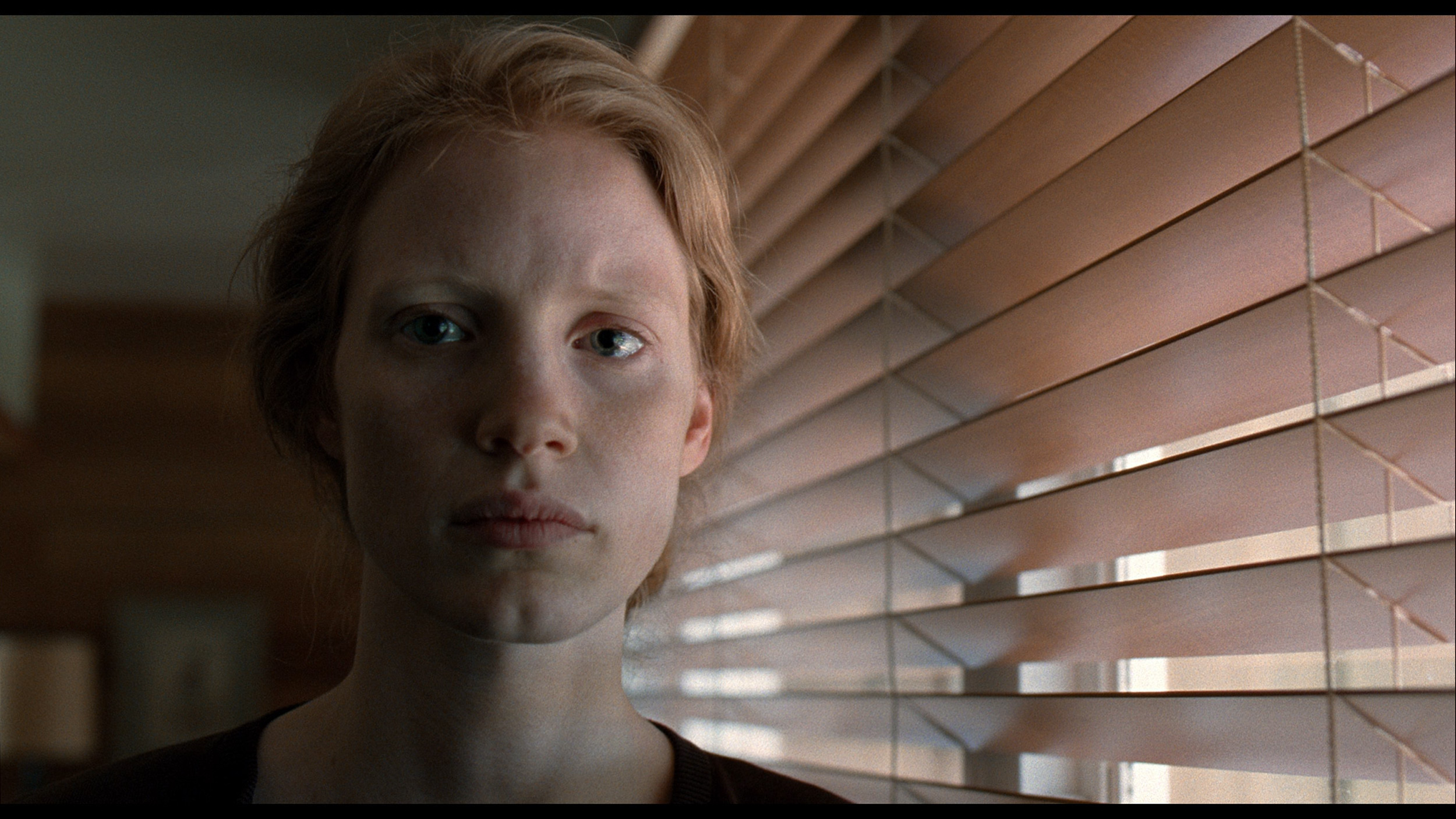
This gallery shows how colors change after professional TV calibration. If you notice the difference, we recommend ordering this service at SkalibrujTV.com.
Factory Mode
After calibration
Colour reproduction tests for the model Sony X75WL are conducted in film mode, which offers the best picture settings but also has its flaws. The biggest issue with the X75WL Sony is the white balance – for both HD and 4K HDR content – which is characterised by a dominance of blue. As a result, the entire image feels too cool. The colour checker confirms these errors, showing that colours lean towards cooler shades. Regarding brightness characteristics, the contrast gamma is at quite a decent level; however, the same cannot be said for the EOTF curve. There are significant issues with maintaining the appropriate brightness – the image is either too bright or too dim, which affects the visual perception of the content.
Here, regardless of whether you come across the VA or IPS version, the situation looks identical. LG engineers have once again served us their vision of a "gaming look," which unfortunately has little to do with accuracy. When switching to a console, the white balance automatically shifts to very cold regions. The image is dominated by blue, making it seem artificially sharpened, and the white is so aggressive that it almost burns out. This creates an effect we associate with garish retail modes – everything is meant to shine and scream "I’m digital." While some may like this, we must say it bluntly: it is not an accurate image. If you care about naturalness, we suggest you immediately check the settings and change the colour temperature to a warmer one.
Color reproduction after calibration
7.1/10
7.4/10


The photos show how movies look on the TV. Pay attention to black detail visibility, colors, and shadow tint.

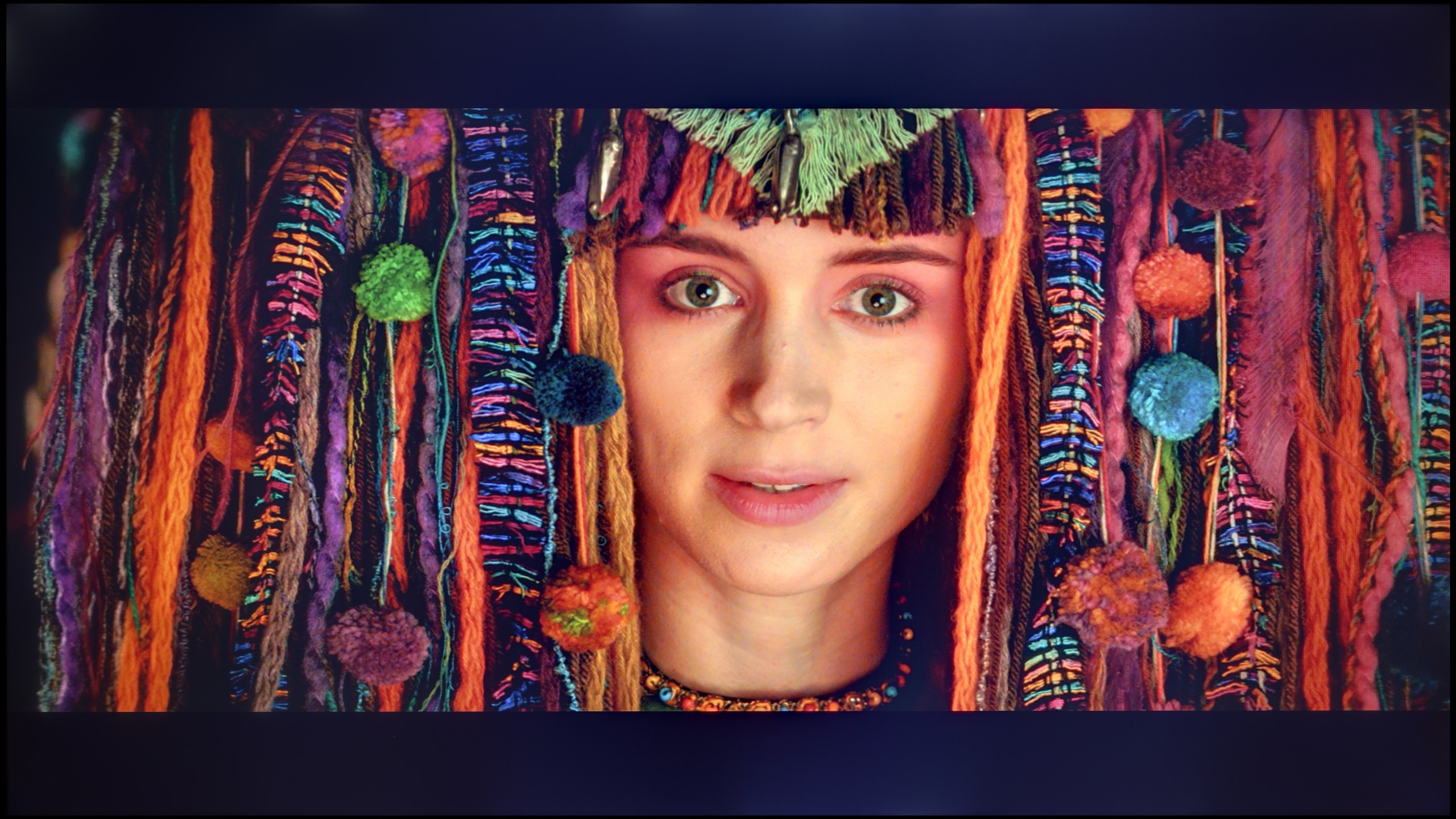
The photos show how movies look on the TV. Pay attention to black detail visibility, colors, and shadow tint.
X75WL Sony is one of those cases where image calibration may not be heavily spectacular, but it provides a very good improvement in colour perception. The white balance, both for HD and 4K materials, has been significantly improved – we no longer have a strong dominance of cooler shades. The gamma curve also appears more stable, which translates to better image quality. However, the biggest issue remains the EOTF curve, which is responsible for brightness in 4K materials. Due to the technological limitations of the television (IPS panel and lack of local dimming technology), it's hard to talk about significant improvement, as we can't squeeze more out of this model. Despite these limitations, the tonality of the image has been significantly improved.
After professional calibration, the QNED80A in the IPS version has changed beyond recognition, especially with "ordinary" content (SDR). We managed to eliminate the greenish tint and calm down the overly bright gamma. In classic television or older games, colour errors (DeltaE) have fallen below the threshold of perception (value < 2). The image is now coherent, natural, and truly pleasing to the eye. The situation is somewhat more complicated in HDR mode. Although the colours are now in place, the TV struggles with perfect brightness control (EOTF curve). Due to the limitations of edge lighting and the rather poor adjustment options provided by LG in this area, the TV's software at times "does what it wants" just to mask the imperfections of black and contrast. However, this is not a cause for concern – despite these technical limitations, the image after calibration is a class above what you saw out of the box.
Smoothness of tonal transitions
8.1/10
9.2/10


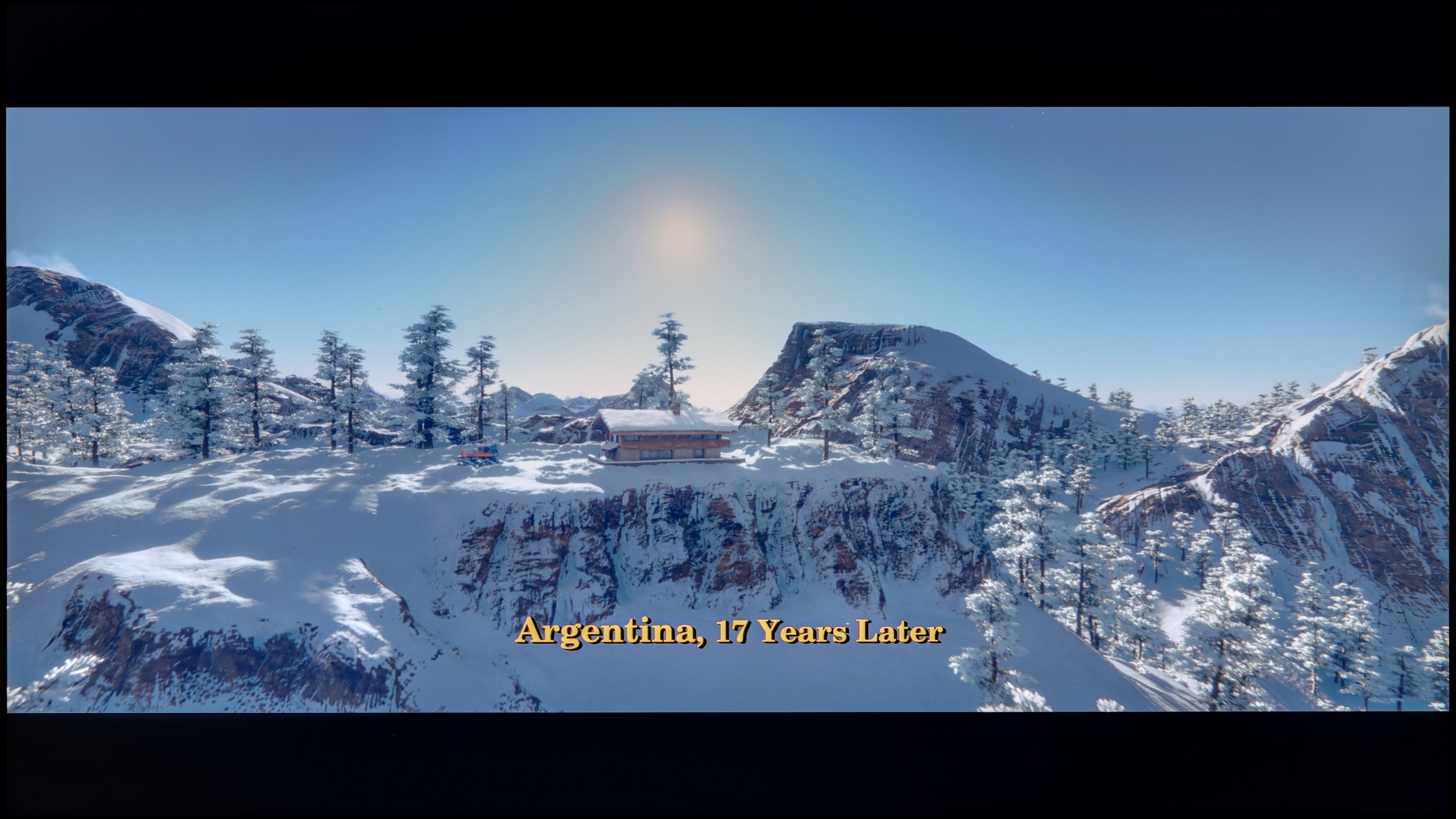
These are selected scenes that show smooth tonal transitions from one color to another. If you see distinct banding, it’s the TV panel’s fault.
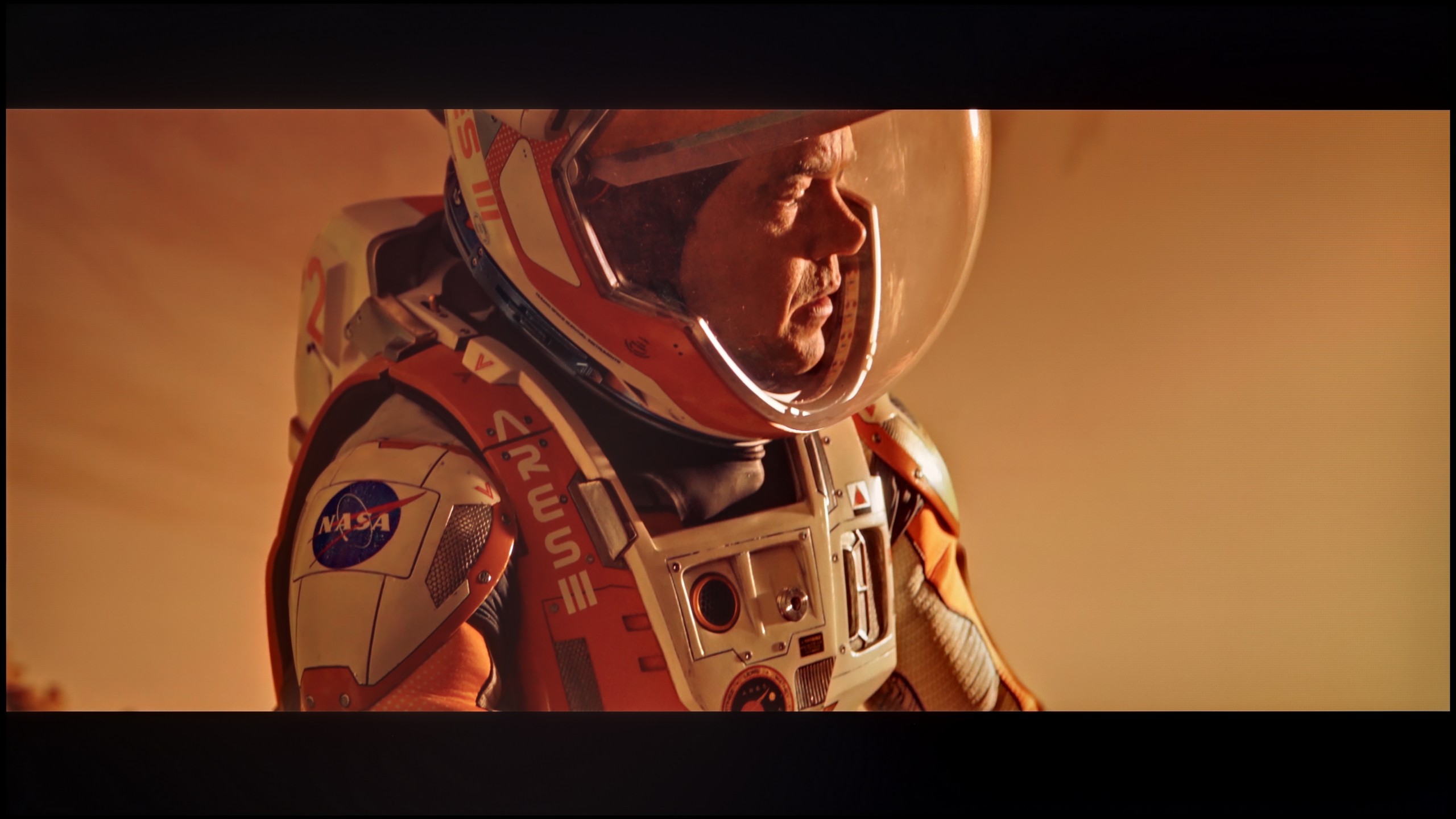
These are selected scenes that show smooth tonal transitions from one color to another. If you see distinct banding, it’s the TV panel’s fault.
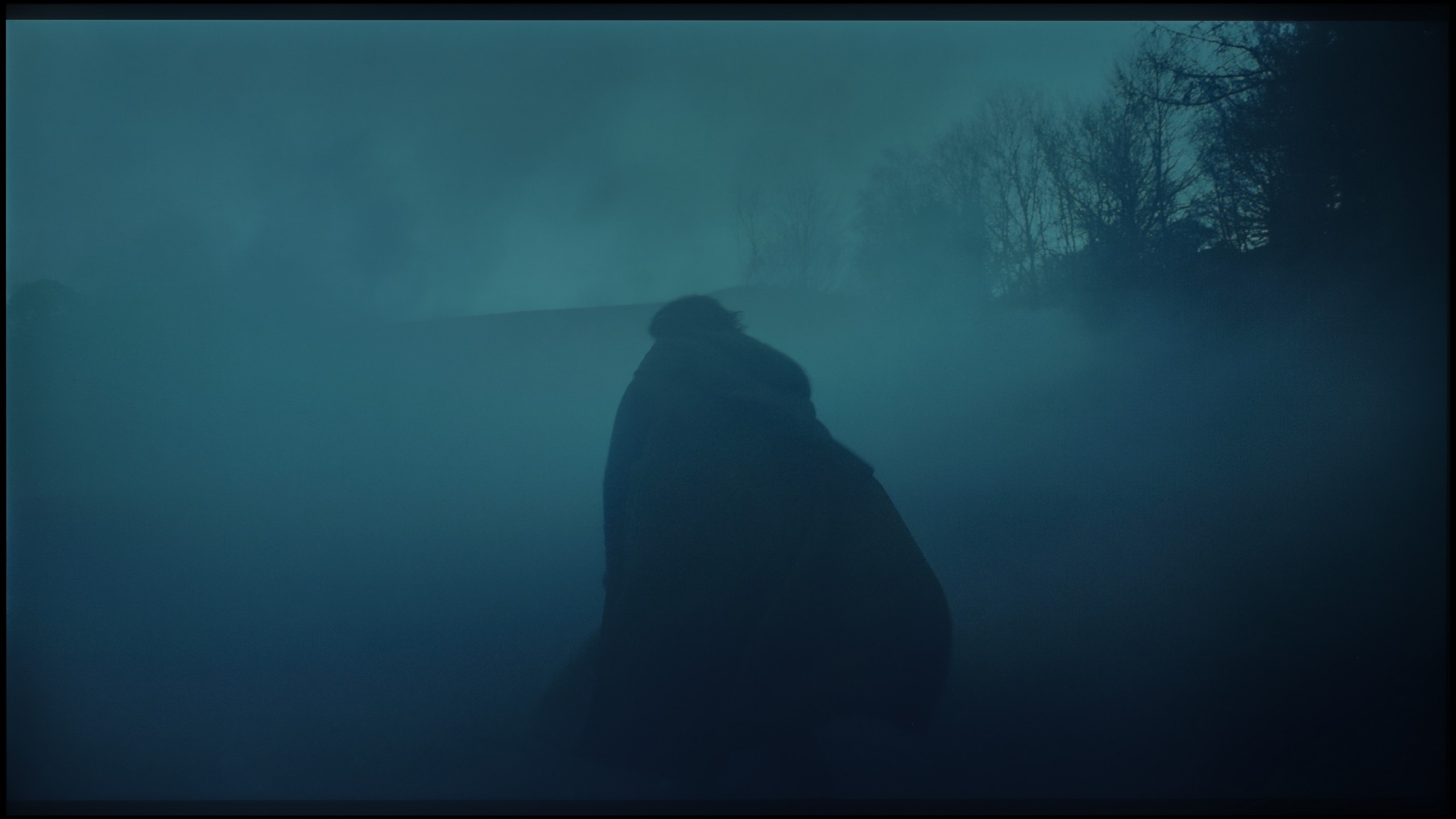
These are selected scenes that show smooth tonal transitions from one color to another. If you see distinct banding, it’s the TV panel’s fault.
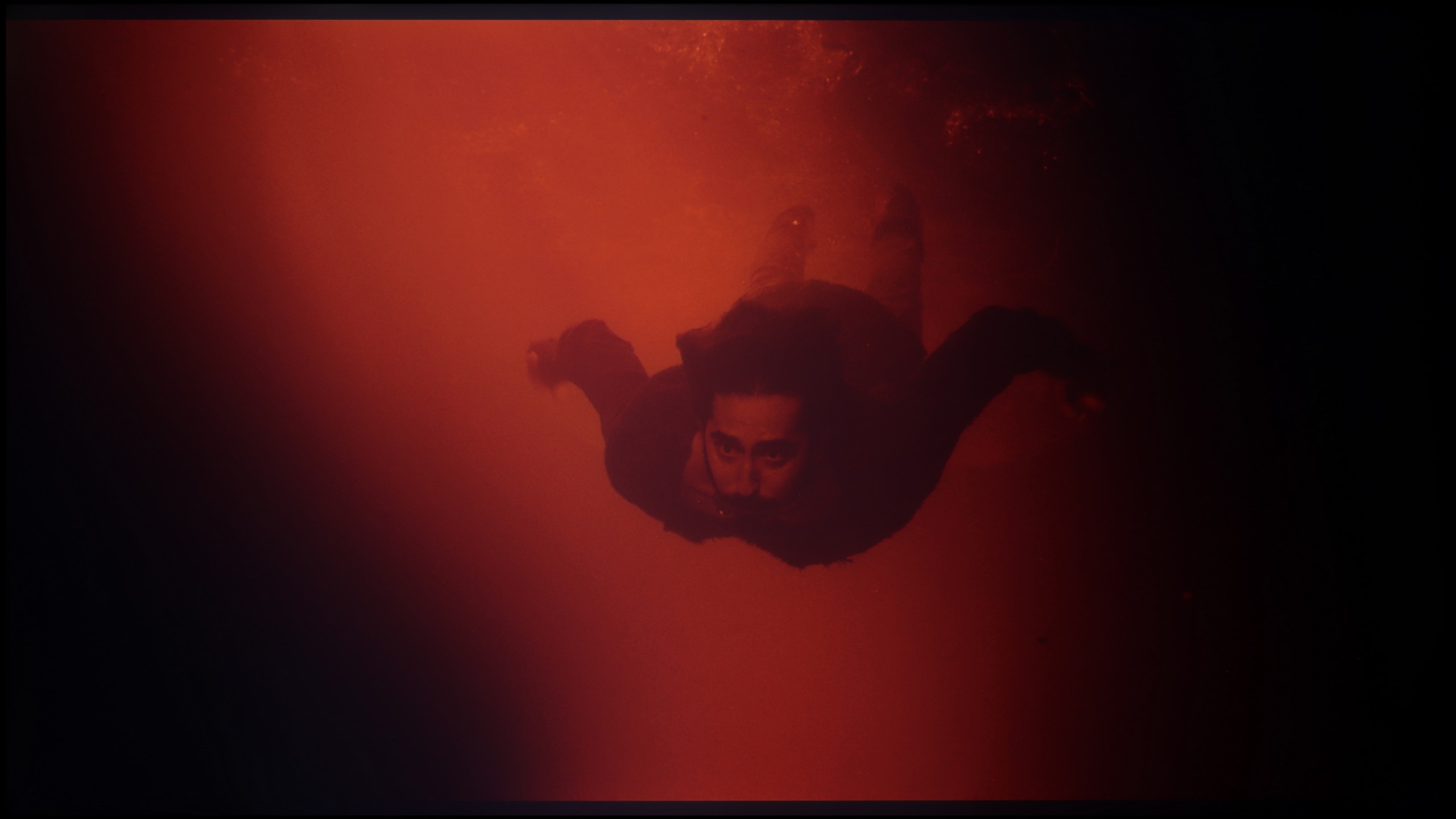
These are selected scenes that show smooth tonal transitions from one color to another. If you see distinct banding, it’s the TV panel’s fault.
In the X75WL model, the smoothness of tonal transitions performs very well. The gradation in the shadows is good, without visible issues, which positively impacts the image quality in darker areas. In brighter scenes, slight smoothness issues can be noticed, but they are not distinctly noticeable and shouldn't affect the viewing comfort. In a scene with an intense red colour, slight cuts are visible; however, they do not detract from the overall enjoyment of watching.
Another very strong point of this model is the way it handles tonal transitions. Often in cheaper LCD designs, we see so-called banding – a situation where the television fails to smoothly display a gradient, creating visible "steps" between shades. In the case of the QNED80A, the engineers did their homework. Whether we're watching a blue sky, fog, or dark scenes full of greys, the transitions between colours are incredibly smooth and soft. There are no artificial cuts or jagged edges of colours here. This makes the image very cohesive and natural, which is not at all a standard in this price segment.
Image scaling and smoothness of tonal transitions
6.1/10
7/10


Smooth transition function

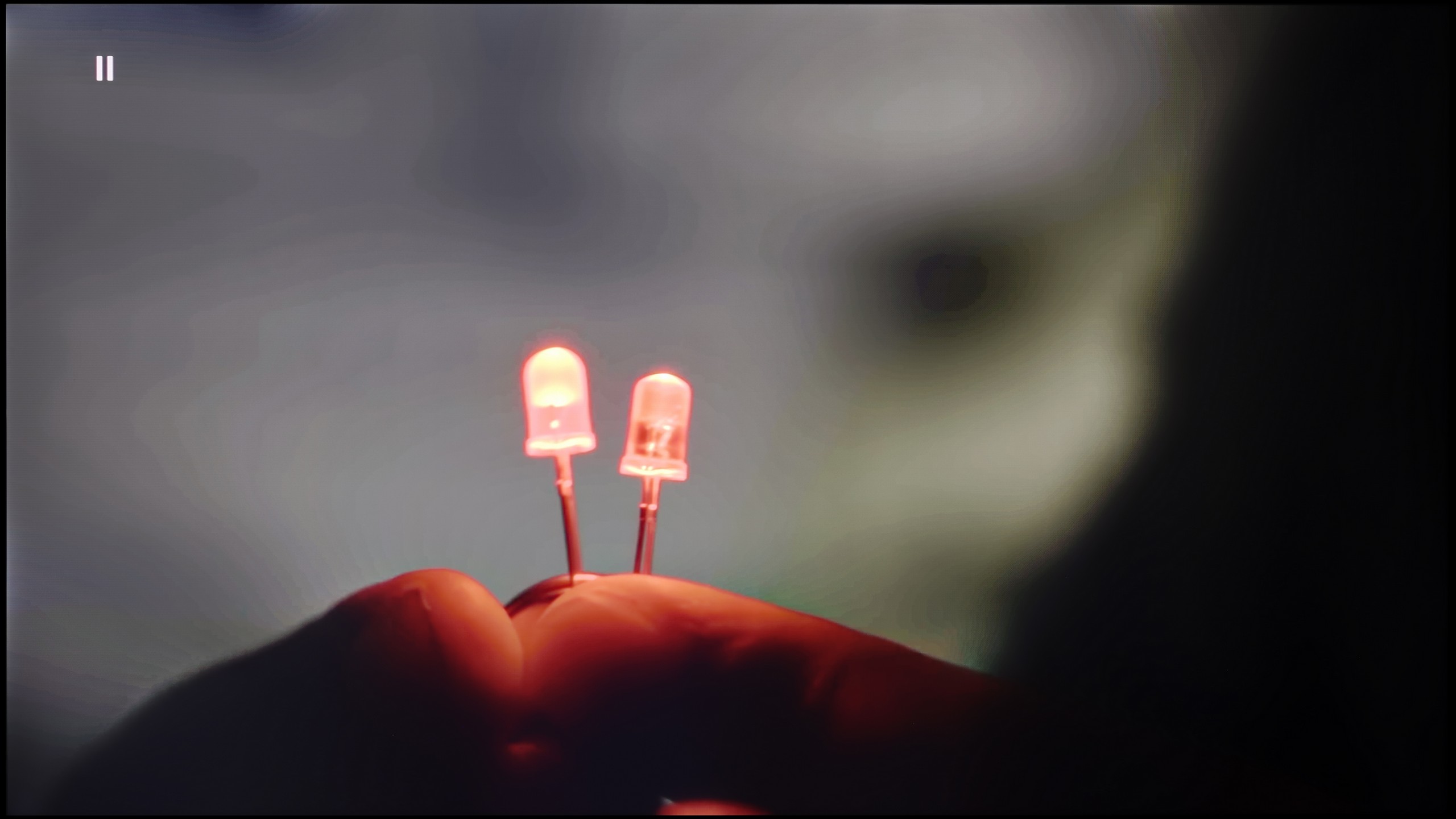
The match photo shows how the TV smooths weak tonal transitions in low-quality video.
Image scaling SD (576i)


The model photo shows how it handles upscaling of SD material.
In the case of low-quality tonal transitions, the Sony X75WL television performs poorly. The lack of any feature to improve tonal transitions results in noticeable imperfections in colour gradation. However, it can be noted that the digital processing is quite good – the image is displayed without overscan, and the overall presentation is relatively good thanks to the added slight sharpness, which some users may appreciate.
It often happens that cheap 4K TVs mercilessly expose the flaws of low-resolution materials. Here, it's different. The QNED80A is great equipment for watching content that isn’t perfect. The processor does a great job of scaling the image, making even older recordings look quite decent on the 4K screen – they are consistent and free of digital noise. Interestingly, there’s a gradation reduction feature available in the settings. It’s particularly effective in combating what is known as banding in low-bitrate materials. Of course, you need to approach it with some caution. Due to the lower processing power of the chip (in comparison to the premium series), turning on this option can sometimes result in unwanted artifacts or blurring. Despite this risk, we encourage experimentation, as in many cases this feature can save a viewing of low quality.
Blur and motion smoothness
4.9/10
4.6/10

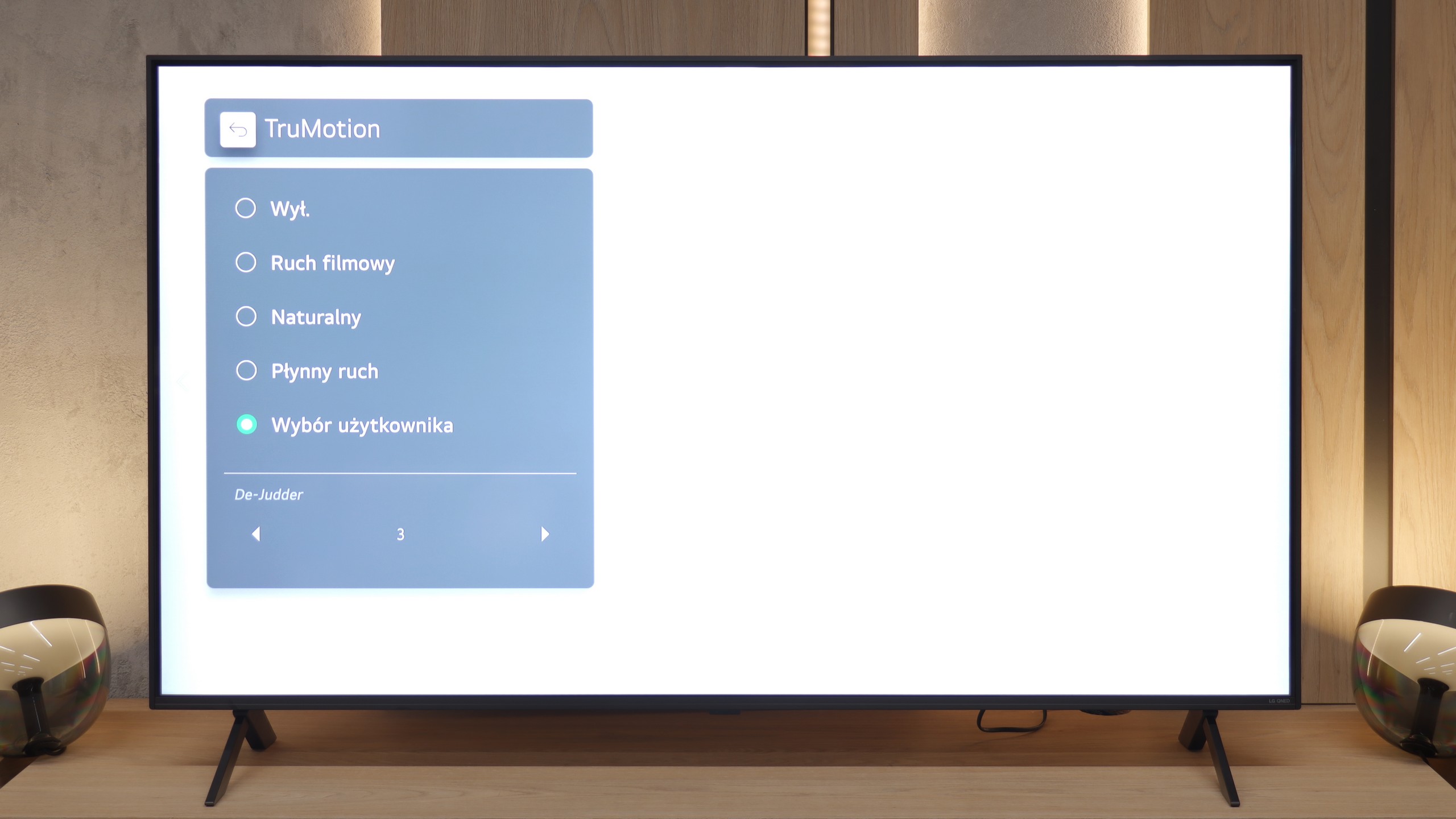
Blur (native resolution, maximum refresh rate):


Blur (BFI function enabled):


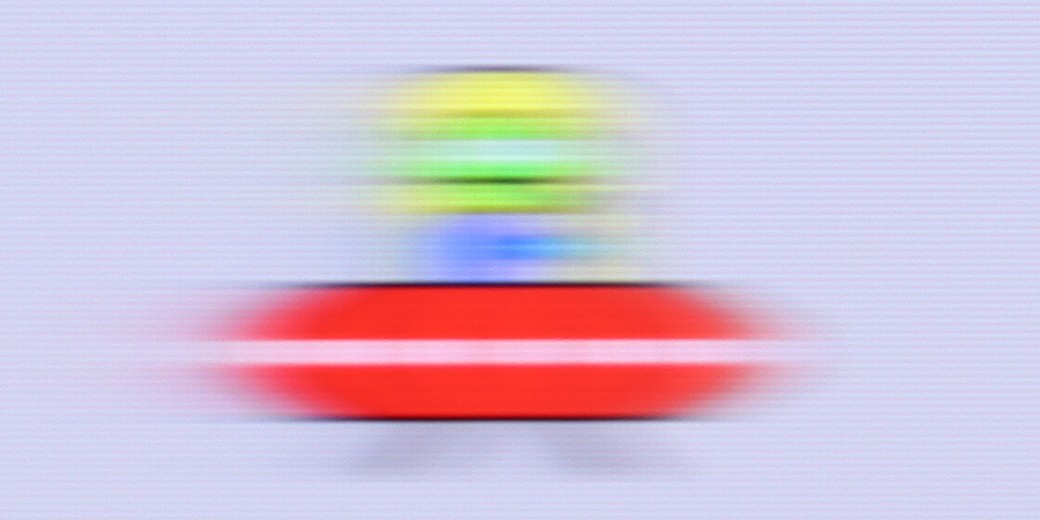
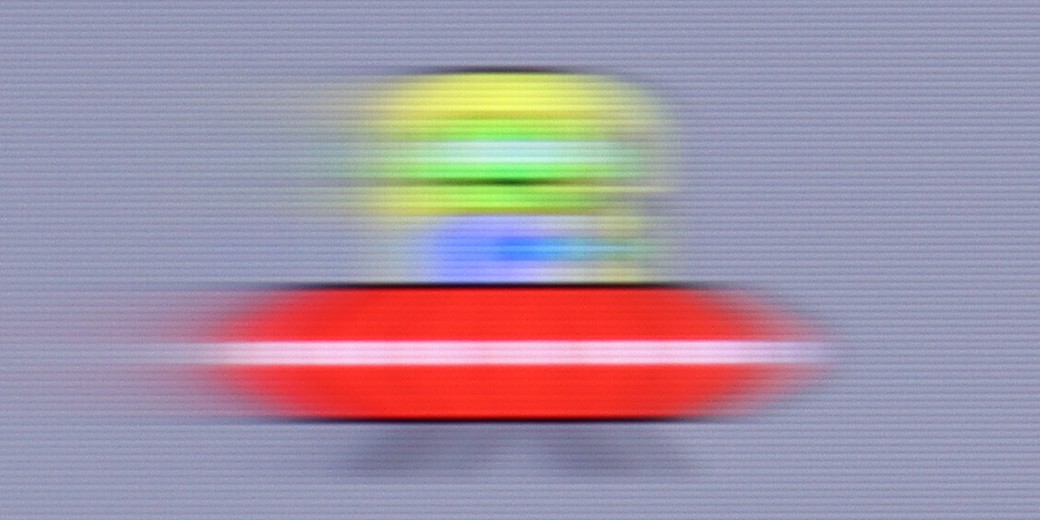
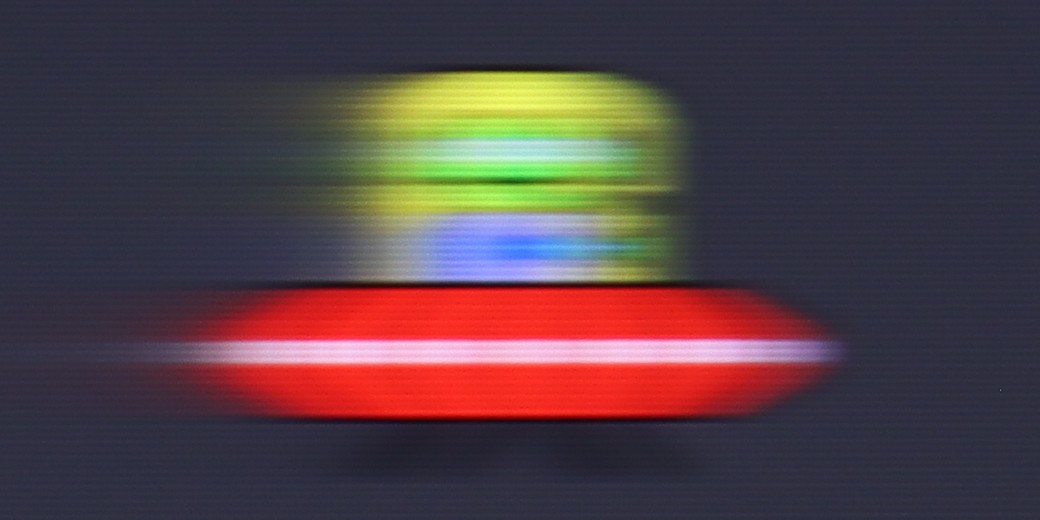
The X75WL Sony television features a 60 Hz panel, making it more suitable for watching movies than for fast-paced gaming. This model includes a motion smoother called Motionflow, which allows the user to adjust the picture on a 10-point scale. Smoothness adds intermediate frames, thus increasing motion fluidity, and the image becomes more theatrical while minimising the judder effect. Clarity reduces motion blur, which is especially useful during fast-paced scenes, such as sports or dynamic action in films. With this feature, the user can tailor the fluidity and sharpness of motion to their own preferences.
When it comes to motion reproduction, the QNED80 unfortunately has a bit of a disadvantage. The TV is built on a 60Hz refresh rate panel, which is quite disappointing for the QNED series in 2025. If you're looking for perfect sharpness in dynamic football matches, you might feel a bit let down. The solution in this situation is the TruMotion system. It allows for artificially adding frames, which smooths out the picture in movies and TV shows. In the menu, you'll find a De-Judder slider – we recommend setting it to a value of 2, 3, or 4. This is the "golden mean" that improves fluidity without turning the film into a soap opera.
Console compatibility and gaming features
3.6/10
6/10
- ALLM
- VRR
- VRR range 48 - 60Hz
- Dolby Vision Game Mode
 Yes, high input lag
 - Correct implementation of HGIG
- 1080p@120Hz
- 1440p@120Hz
- 4K@120Hz
- Game bar

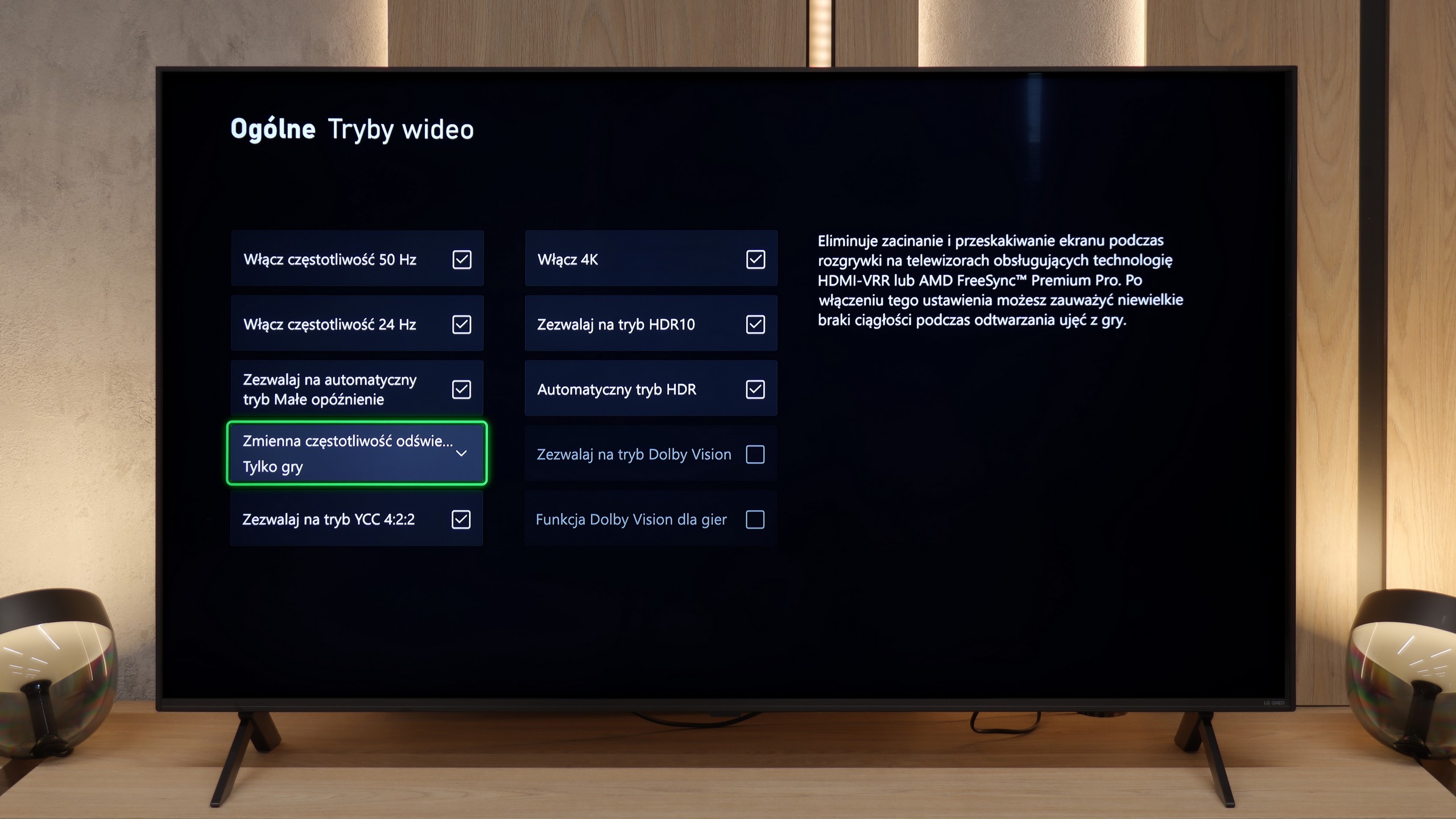

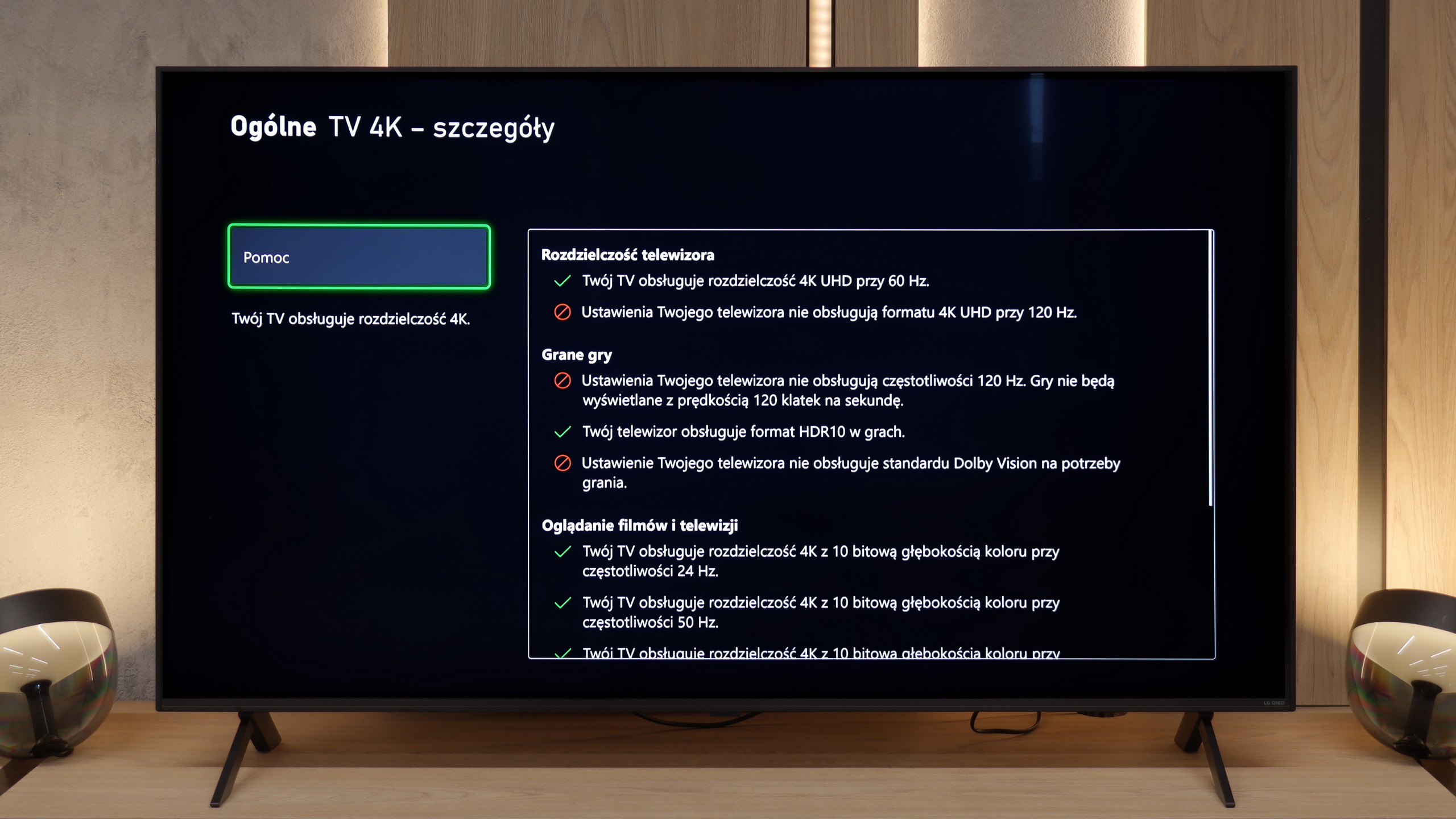

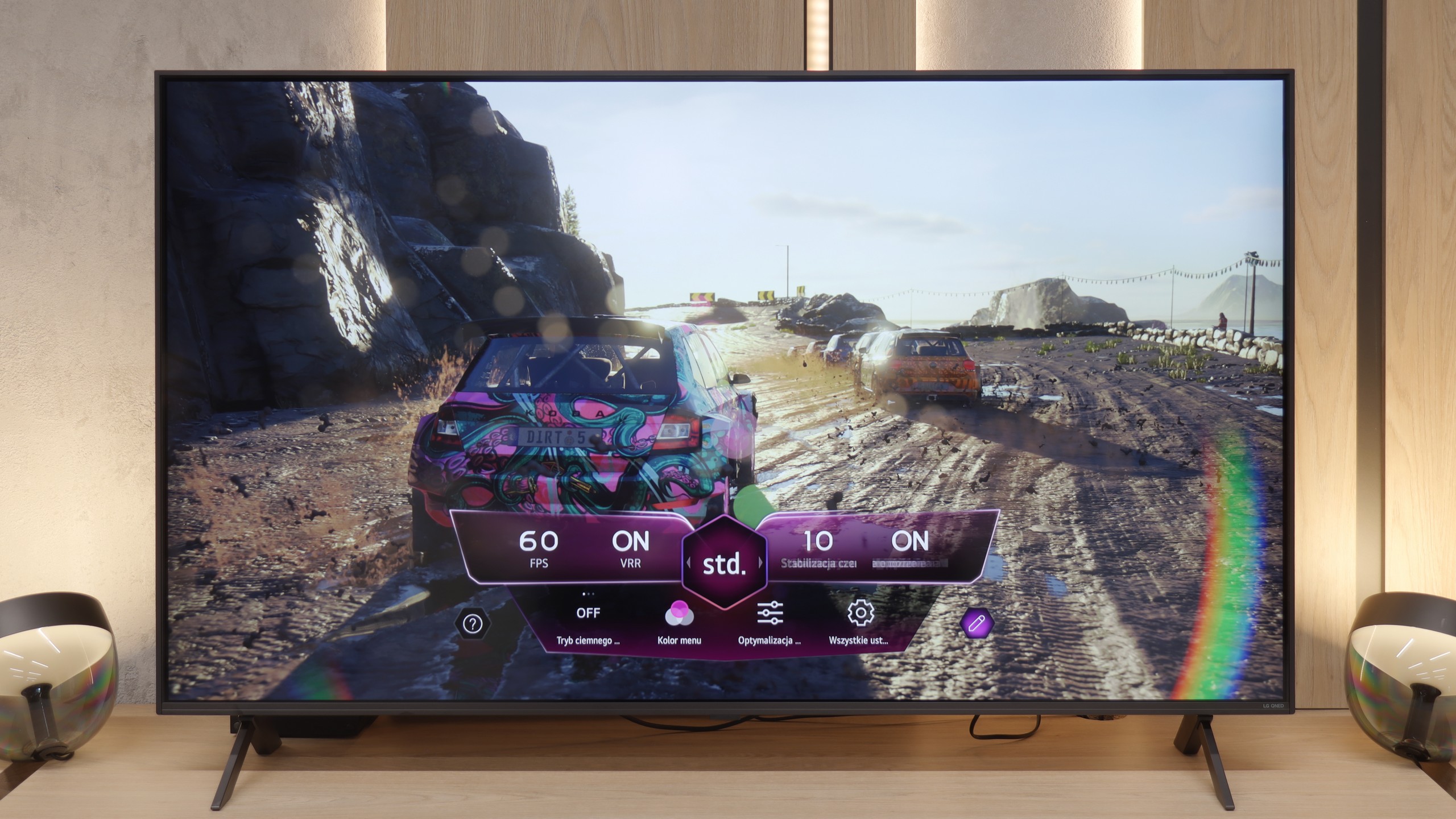

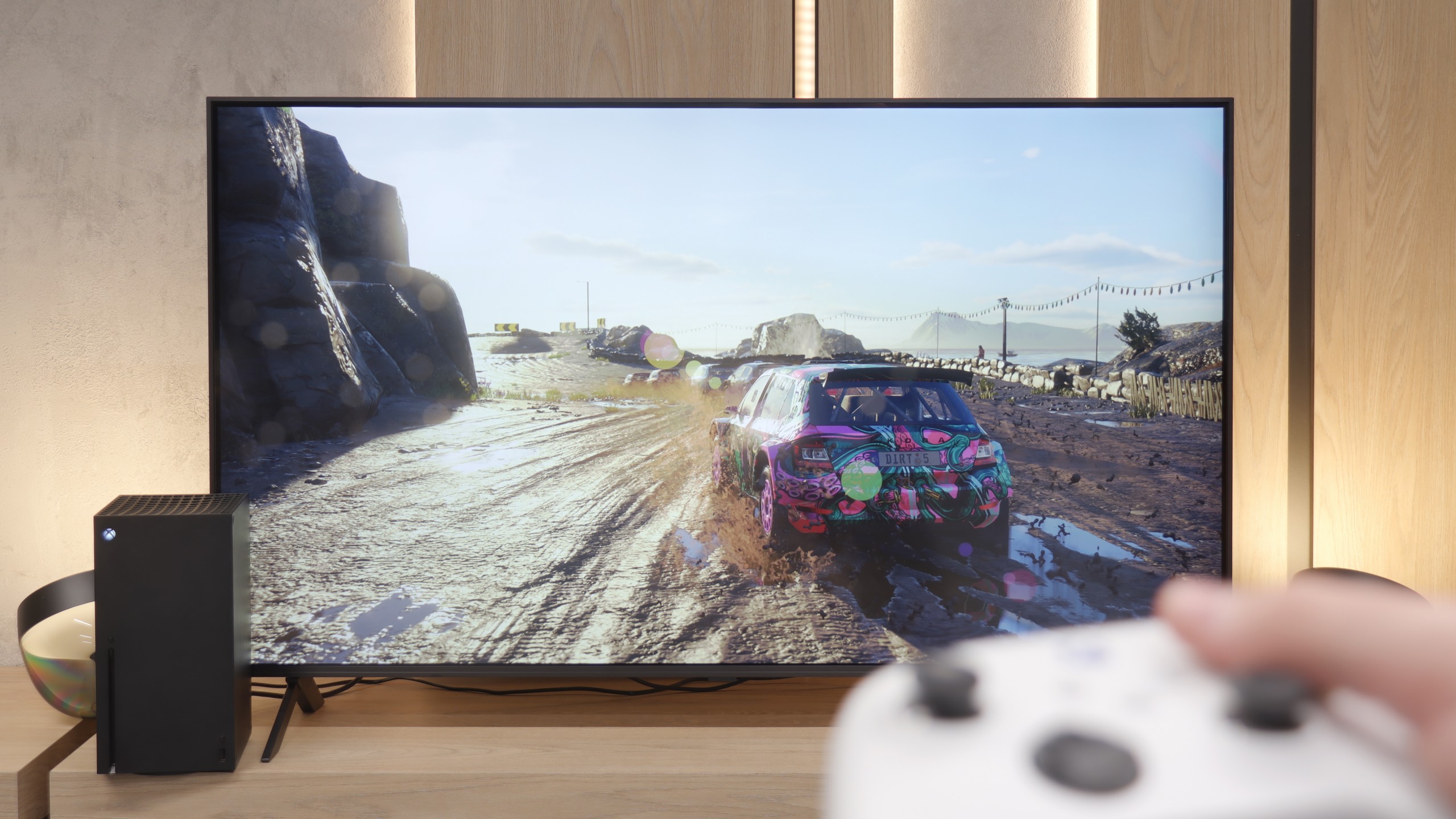
X75WL is not the best TV for gamers. It only has the ALLM (Auto Low Latency Mode) feature and a basic Game Bar, which are not sufficient to satisfy more demanding users. In this price range, one would expect support for features such as VRR or 120 Hz refresh rates – although in FULLHD, which are already standard – unfortunately, they are lacking here. This is a big downside for Sony, as the competition offers much more for gamers in a similar budget.
In the gaming section, we won't be pulling the wool over your eyes – the QNED80A is not e-sports equipment. The lack of 120Hz signal support is a fact to accept. However, LG's engineers have done everything to squeeze the maximum potential out of this 60Hz panel, providing gamers with a desirable set of features. Above all, the TV supports VRR (in the range of 48-60Hz) and ALLM. This means the image is smooth and doesn't stutter, and the TV automatically switches to low latency mode as soon as you grab the controller. Accessing these options is ridiculously easy thanks to the dedicated system overlay – Game Dashboard. It's also worth appreciating the support for the HGiG format. This is a nod to owners of modern consoles. Even though the screen doesn't support gaming Dolby Vision, HGiG ensures that the TV "understands" how to display games in HDR. This helps avoid the effect of blown-out clouds, which is unfortunately a plague on cheaper LCD TVs.
Input lag
8.5/10
9.8/10
SDR
HDR
Dolby Vision
Sony KD-43X75WL offers very low input lag at 14 ms, which is a big advantage for gamers expecting a quick response from the TV to commands from the controller. However, input lag of 130 ms in Dolby Vision mode completely disqualifies this mode from use during gaming. This means that users using Dolby Vision need to reckon with significant delay, which greatly affects comfort and precision during gameplay.
And what about responsiveness? Our measurements showed an input lag of around 15 ms. In the gaming world, where top monitors can go down to 1 ms, this might seem like an average result, but in the category of living room TVs, it's a very good outcome. In practice, this means that when playing on a console, you won't feel any discomfort. There's no situation where the character reacts with a noticeable delay after pressing a button on the controller. The TV responds to the controller without delay, allowing you to enjoy gameplay without unnecessary irritation. For casual gaming after work – the result is quite acceptable.
Compatibility with PC
6/10
5/10

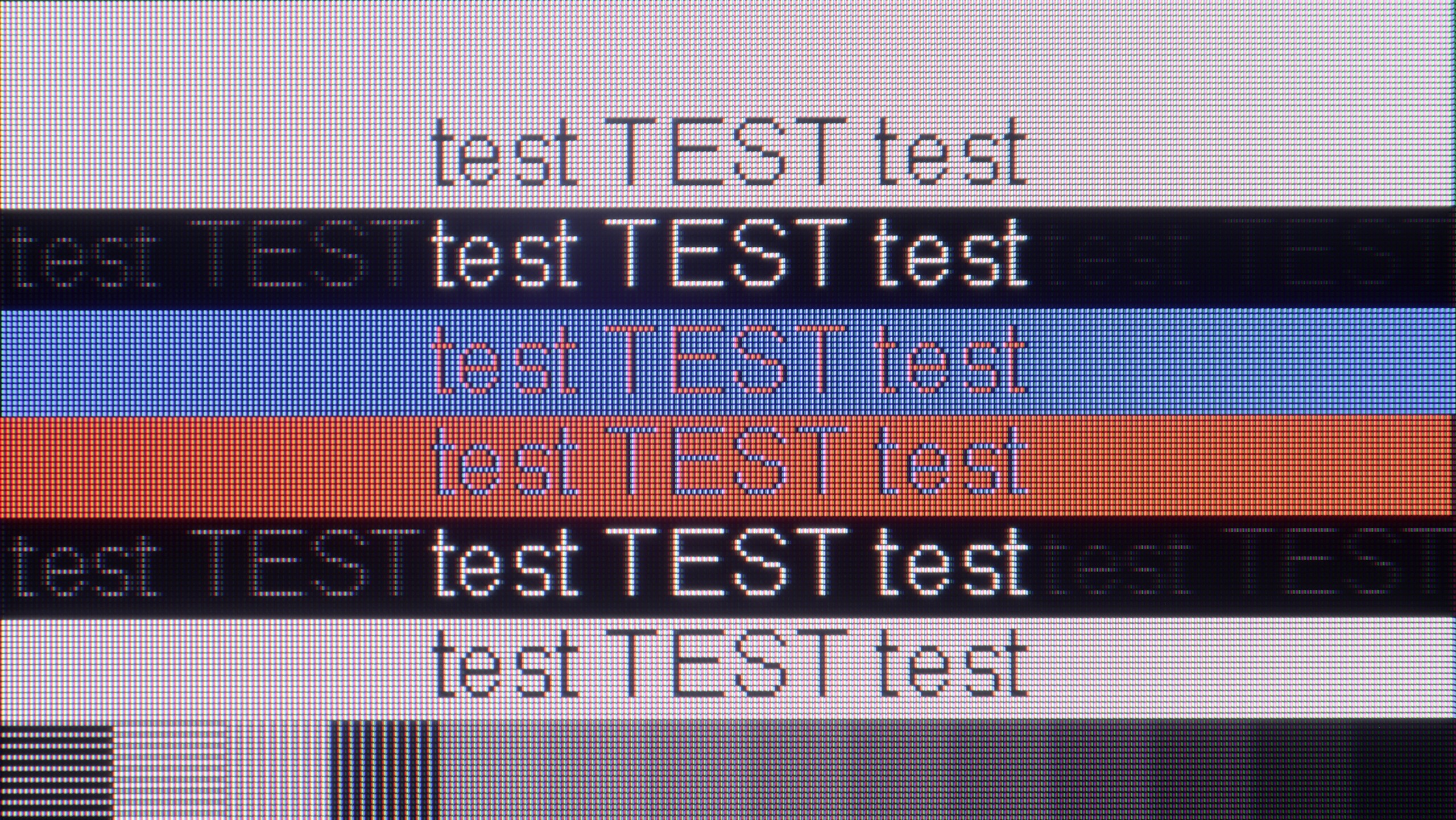
The photo shows the legibility of small fonts. Ideally, lines should be the same thickness on both light and dark text, with minimal pixel gaps.
Model Sony X75WL works well as a computer monitor. Thanks to support for 4:4:4 chroma, the readability of fonts is very good, making working with text on this television comfortable. Additionally, low input lag ensures smooth and responsive operation, making the experience of using this model with a computer enjoyable and convenient. The television is equipped with a 60 Hz panel and does not support G-Sync, which may be a downside for PC gamers. As a result, its rating in this category is lower – it performs well for everyday computer use, but in games, especially fast-paced ones, the lack of fluidity is a drawback that is crucial for smooth gameplay.
In terms of collaboration with a PC, we have another surprise in store. Theoretically, it's the IPS panels that should dominate the display of static office content due to their pixel structure. Meanwhile, the QNED80A breaks the mould once again. During testing, we noticed some odd behaviour when displaying text. While classic, bold fonts are readable and look correct, the challenges arise with small, thin letters. They tend to "split" on the contours and cast a strange shadow. This makes small text less clear, and over extended periods, it can be tiring on the eyes. So if you're looking for a television that will mainly be used for displaying tables in Excel or Word documents, this particular model may disappoint you a bit.
Viewing angles
6.8/10
6/10
The viewing angles on the model KD-43X75WL are quite good, thanks to the IPS panel used. The picture remains relatively faithful even when viewed at an angle, which can be beneficial in situations where the television is viewed from different spots in the room. Nevertheless, we have seen better models with this type of panel that offer more uniform colour and contrast quality at wider angles.
Remember how we complained about the lower contrast? Now it's time for a comeback. It's in terms of viewing angles that the IPS panel shows its superiority and reason for existence. If you have a spacious lounge and family members watch TV from different spots – for example, from an armchair in the corner or over the dining table – this variant will be spot on. Unlike VA panels, here the image retains its properties even at a large angle. Colours remain vibrant, not changing shades when viewed from the side. This makes the QNED80A in this version an excellent choice for watching matches with mates or cartoons with the kids, where not everyone has the luxury of sitting directly in front of the screen.
Daytime performance
4.6/10
4.7/10

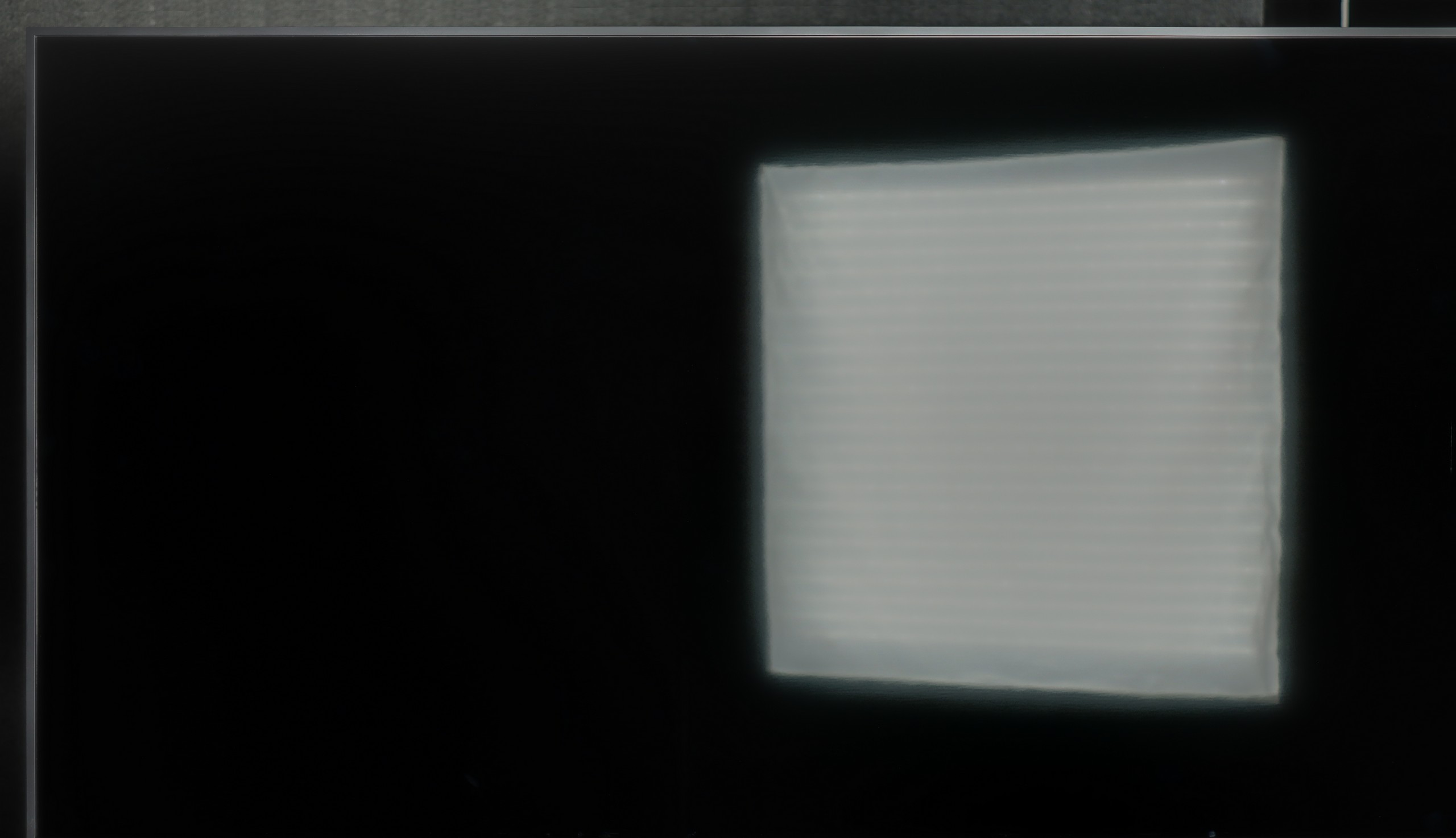

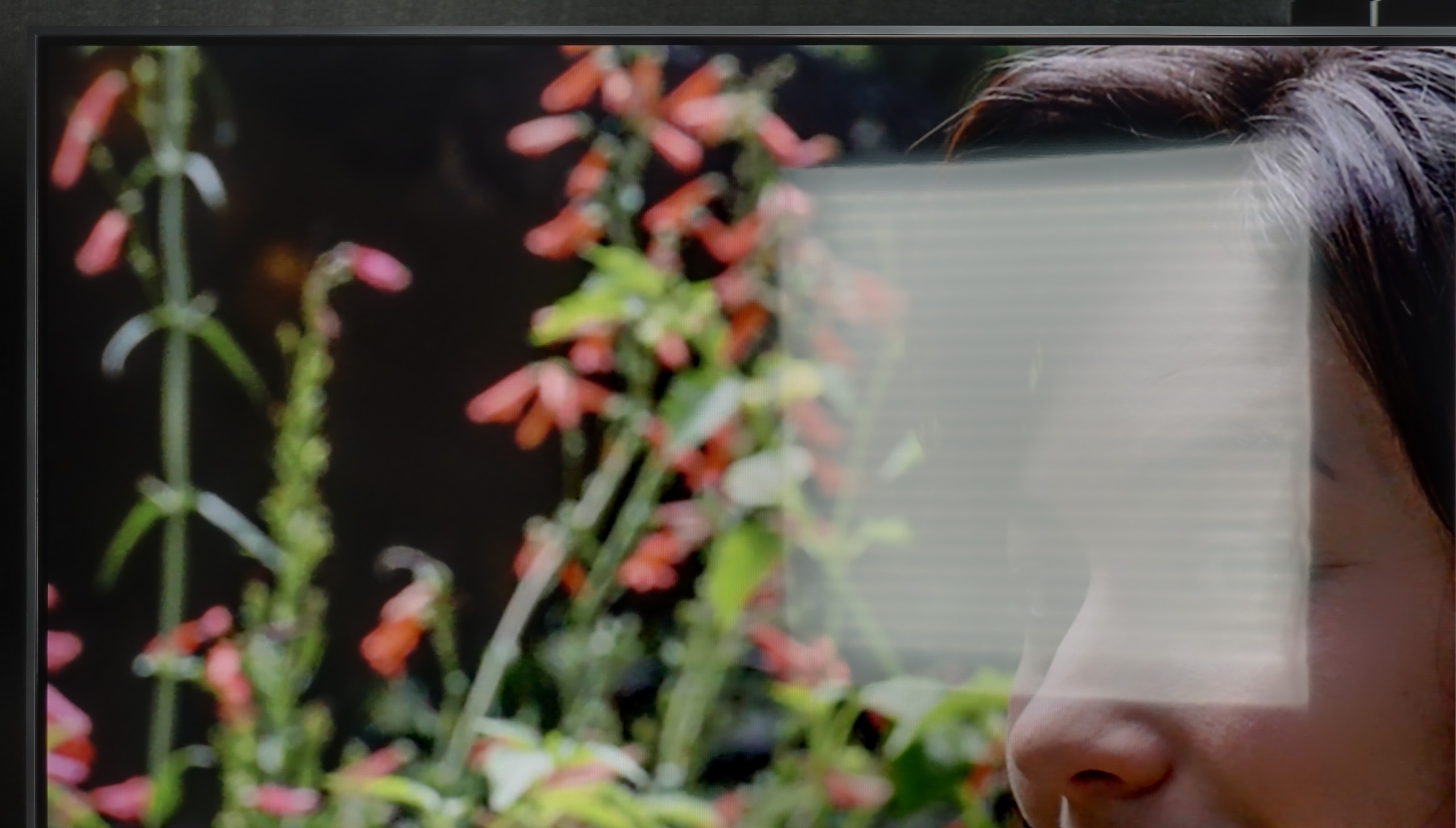
Panel brightness
LG QNED80A6A (IPS): 310 cd/m2
Sony X75WL: 334 cd/m2
The performance rating of the television Sony X75WL during the day is average. The matte coating on the panel moderately suppresses reflections, which means that in a bright room, glare can be visible and interfere with image reception. Additionally, with a brightness level of 330 cd/m², it is not sufficient to provide a clear picture in very sunny environments, limiting its use in well-lit rooms.
QNED80A is not a "light monster," so in full, direct sunlight, the picture may appear a bit washed out. It is not equipment designed to combat sharp sunlight hitting directly on the screen. However, it has an ace up its sleeve that significantly improves user comfort: the matrix coating. Instead of a cheap, glossy finish, LG has used a satin structure here. It works very effectively, "softening" reflections from the surroundings. We don’t see our perfect reflection in the screen like in a mirror, which can be incredibly annoying in darker scenes. So for extremely bright rooms, this may be insufficient, but in standard, moderate home conditions, the QNED80A will perform perfectly.
Panel details
Subpixel Structure:

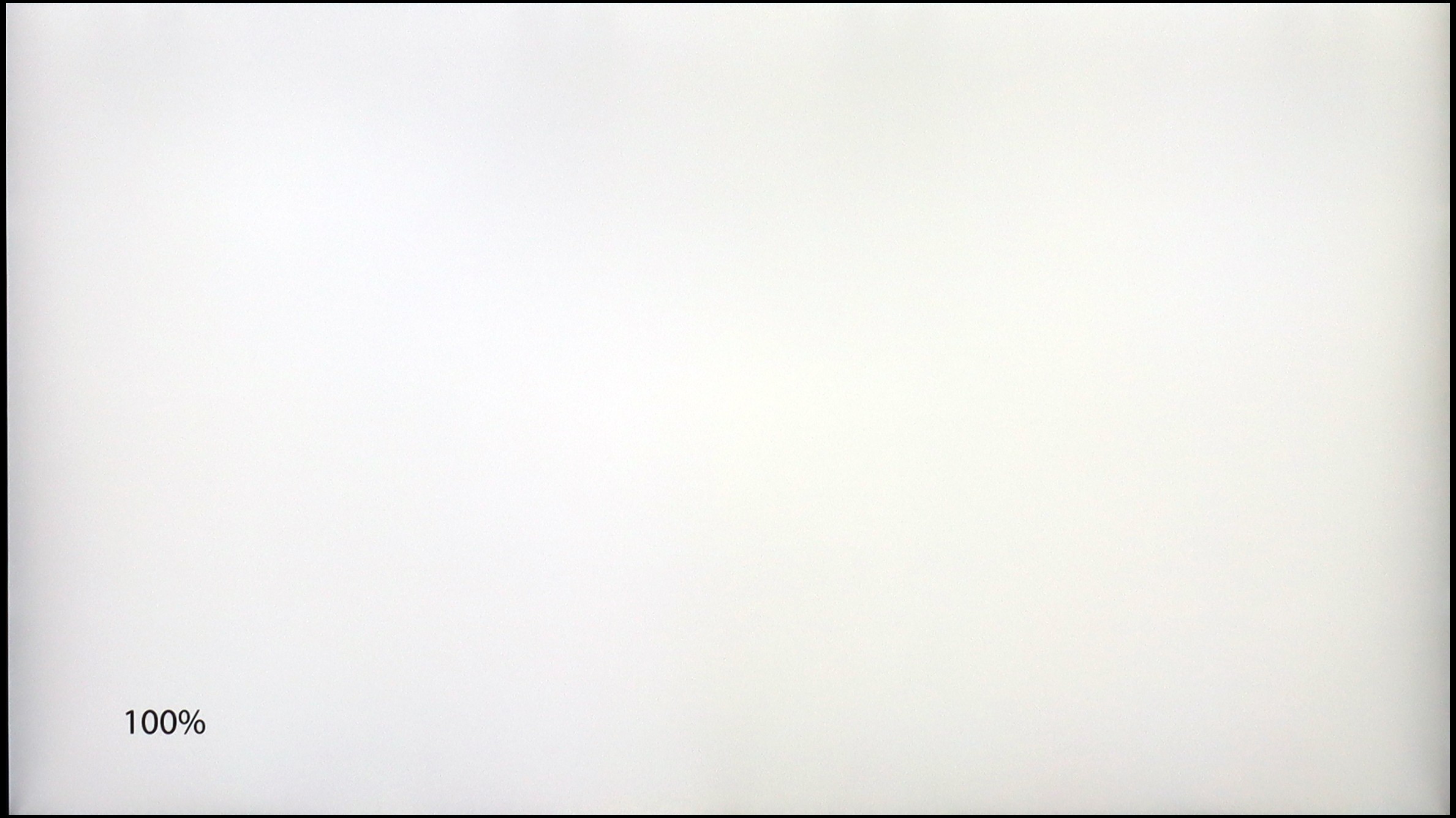
Panel uniformity and thermal imaging:

Sony X75WL
LG QNED80A6A (IPS)
TV features
7.7/10
6.8/10
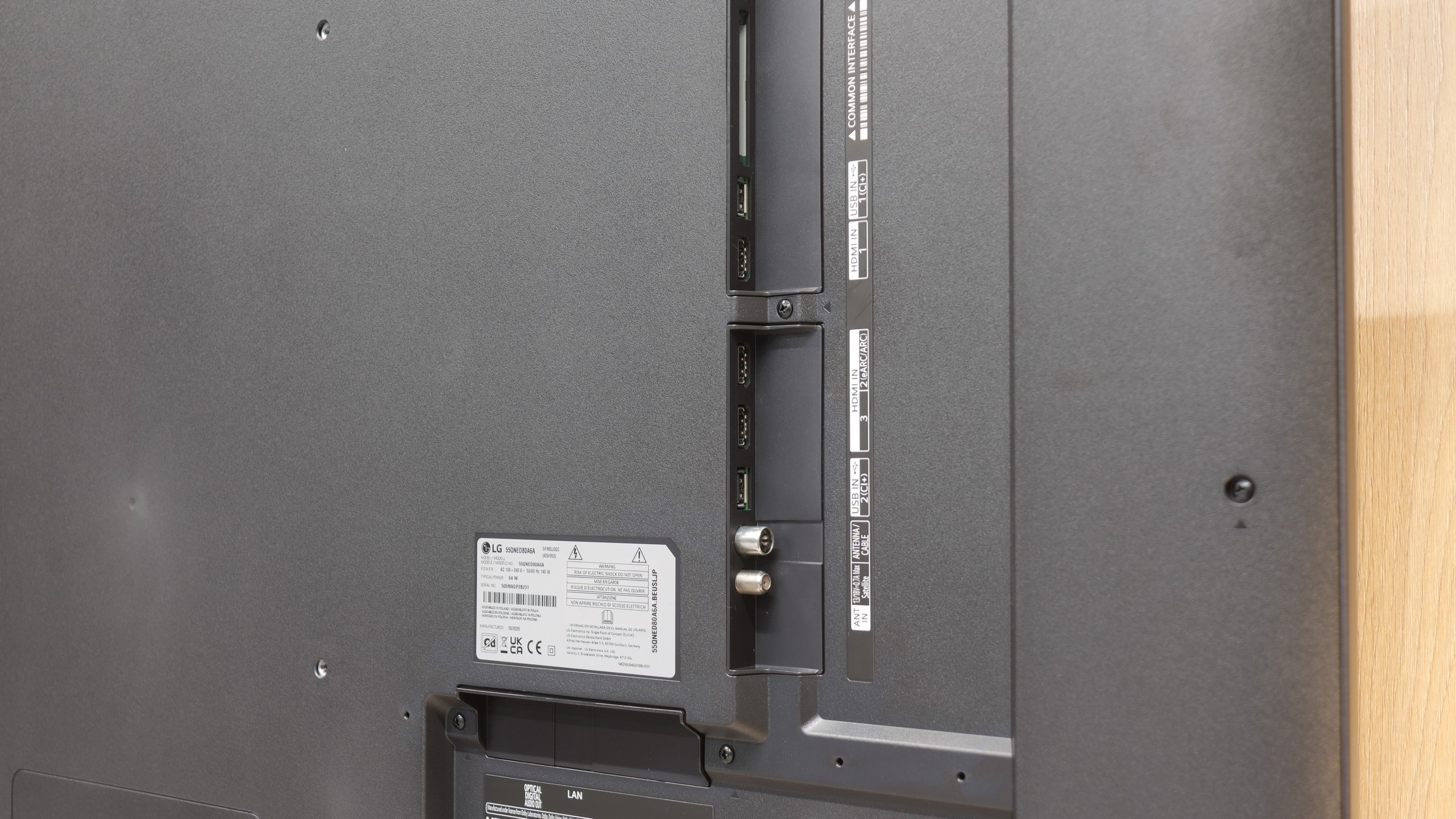
- HDMI inputs4 x HDMI 2.0, 0 x HDMI 2.13 x HDMI 2.0, 0 x HDMI 2.1
- Other inputsRCA (Chinch)
- OutputsToslink (Optical audio), eARC (HDMI), ARC (HDMI)Toslink (Optical audio), eARC (HDMI), ARC (HDMI)
- Network InterfacesWi-Fi 2.4GHz, Wi-Fi 5GHz, Ethernet (LAN) 100MbpsWi-Fi 2.4GHz, Wi-Fi 5GHz, Ethernet (LAN) 100Mbps
- TV receptionDVB-T, DVB-T2, DVB-S, DVB-S2, DVB-CDVB-T, DVB-T2, DVB-S, DVB-S2, DVB-C
Classic features:
- Recording to USB (terrestrial TV)
- Recording programming
- Picture in Picture (PiP)
- RF remote control (no need to aim)
- Backlit remote control
- Teletext
- Audio only mode
- Bluetooth headphones support
- Simultaneous Bluetooth headphones & TV audio
Smart features:
- AirPlay
- Screen mirroring (Windows Miracast)
- Voice search
- Voice search in native language
- Ability to connect a keyboard and mouse


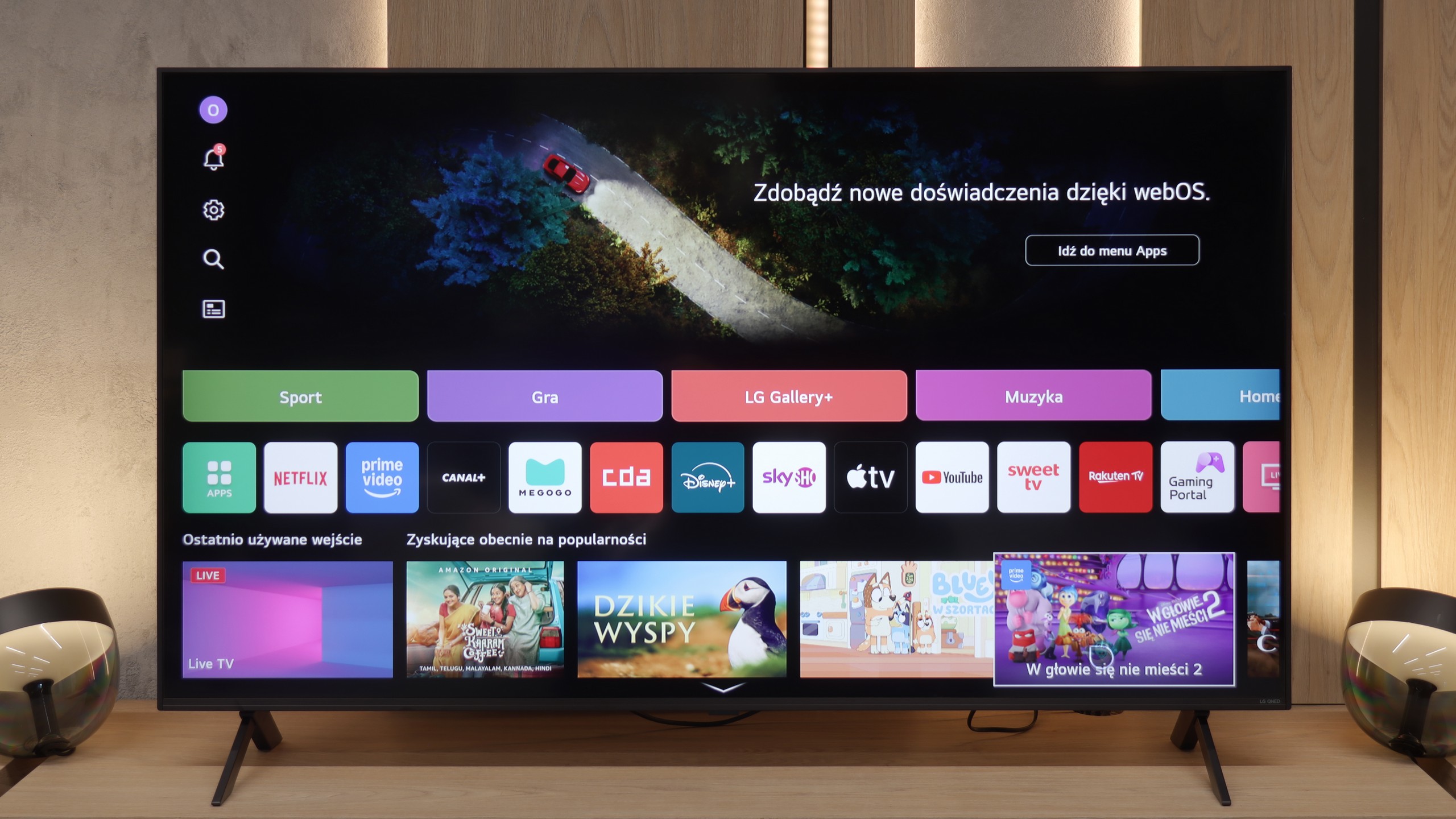
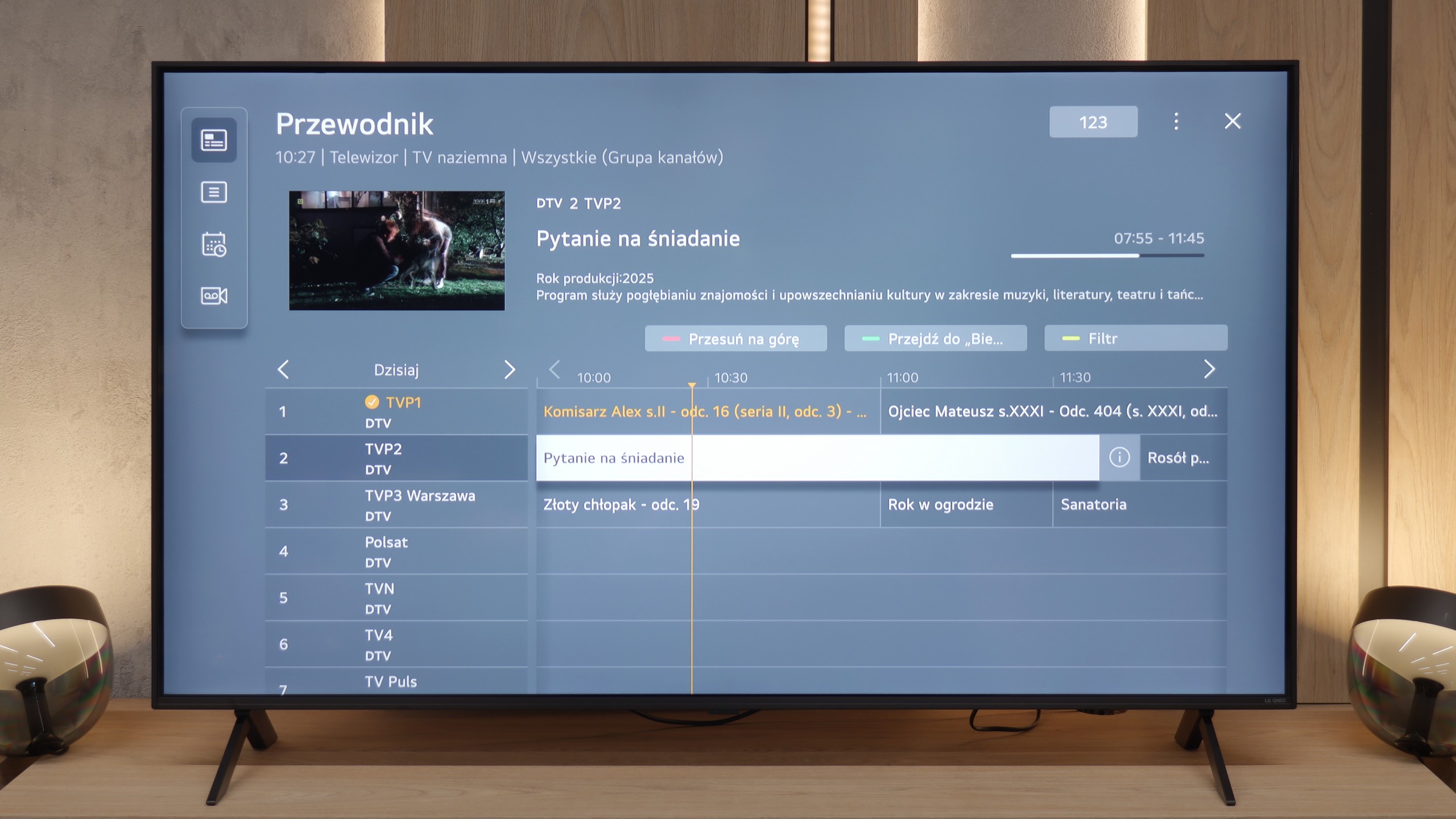
Model KD-43X75WL runs on the Google TV system, which is an extension of Android TV and offers a wide range of features that make using the television easier. Google TV allows access to personalised recommendations based on user preferences and viewed content, making it even easier to find interesting shows. The system also provides smooth access to popular applications such as Netflix, YouTube, or Amazon Prime Video, as well as full integration with the Google Play Store, enabling the download of additional applications and games. With the built-in Google Assistant, the television can be controlled using voice commands, which is convenient and practical.
The television also offers a range of practical user features. The ability to record programs onto an external USB drive allows for easy preservation of favourite content for later, which is particularly useful in the case of live broadcasts. The model KD-43X75WL also enables connection of various peripheral devices, such as keyboards, mice, or Bluetooth headphones, increasing its functionality. The remote included in the package operates via radio communication, meaning there is no need to aim at the screen to change channels or adjust the volume, which is a significant convenience for daily use.
In terms of appearance, the model Sony X75WL presents itself solidly, though it cannot be called the sleekest television on the market. The bezels around the screen are not the thinnest, but the overall look is aesthetically pleasing. It's worth noting the metal legs included with the package, which deserve praise for their sturdiness. These legs have adjustable options, allowing for modification of their spacing even for very narrow furniture.
WebOS Platform and Support
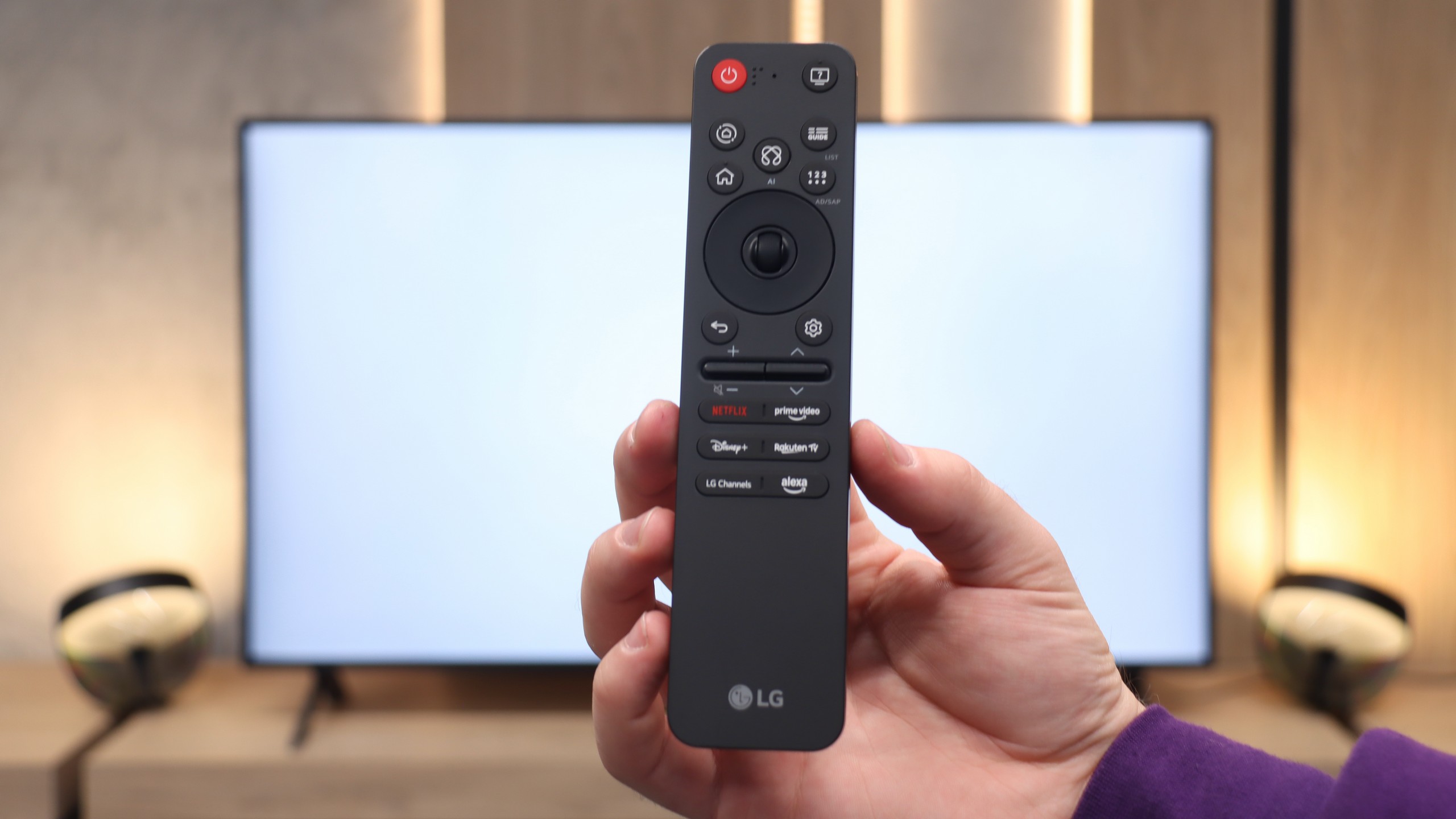
One of the biggest advantages of the QNED80A model is its "brain," which is the operating system. LG has implemented a fully-fledged WebOS version for 2025, which in terms of smoothness and usability is on par with more expensive models. Apps launch smoothly, and navigating the menu is a pure pleasure. This is all thanks to the unique remote control with a pointer (cursor) function, which has undergone a visual redesign this year. The manufacturer has opted for minimalism – the new "Magic" is significantly smaller and more ergonomic. It fits perfectly in the hand, but this change also has a downside. The physical number pad has disappeared from the casing. For younger users, accustomed to streaming, this is no problem, but older household members who are used to entering channel numbers from memory will have to change their habits.
Daily Use and Features
In terms of features that we would call "classic," the QNED80A adheres to a tried-and-true standard. It is not a multimedia machine that will surprise you with any exotic additions, but it performs flawlessly in everyday television tasks. The handling of traditional television, including Teletext, is correct and trouble-free. The wireless communication also deserves praise – the Bluetooth module works reliably, allowing for quick connection to a game controller or wireless speakers. This is a television that simply "works" – stably, predictably, and without unnecessary complications.
Apps
9.6/10
9.1/10






















Playing files from USB
8.7/10
8.2/10
Supported photo formats:
Maximum photo resolution:

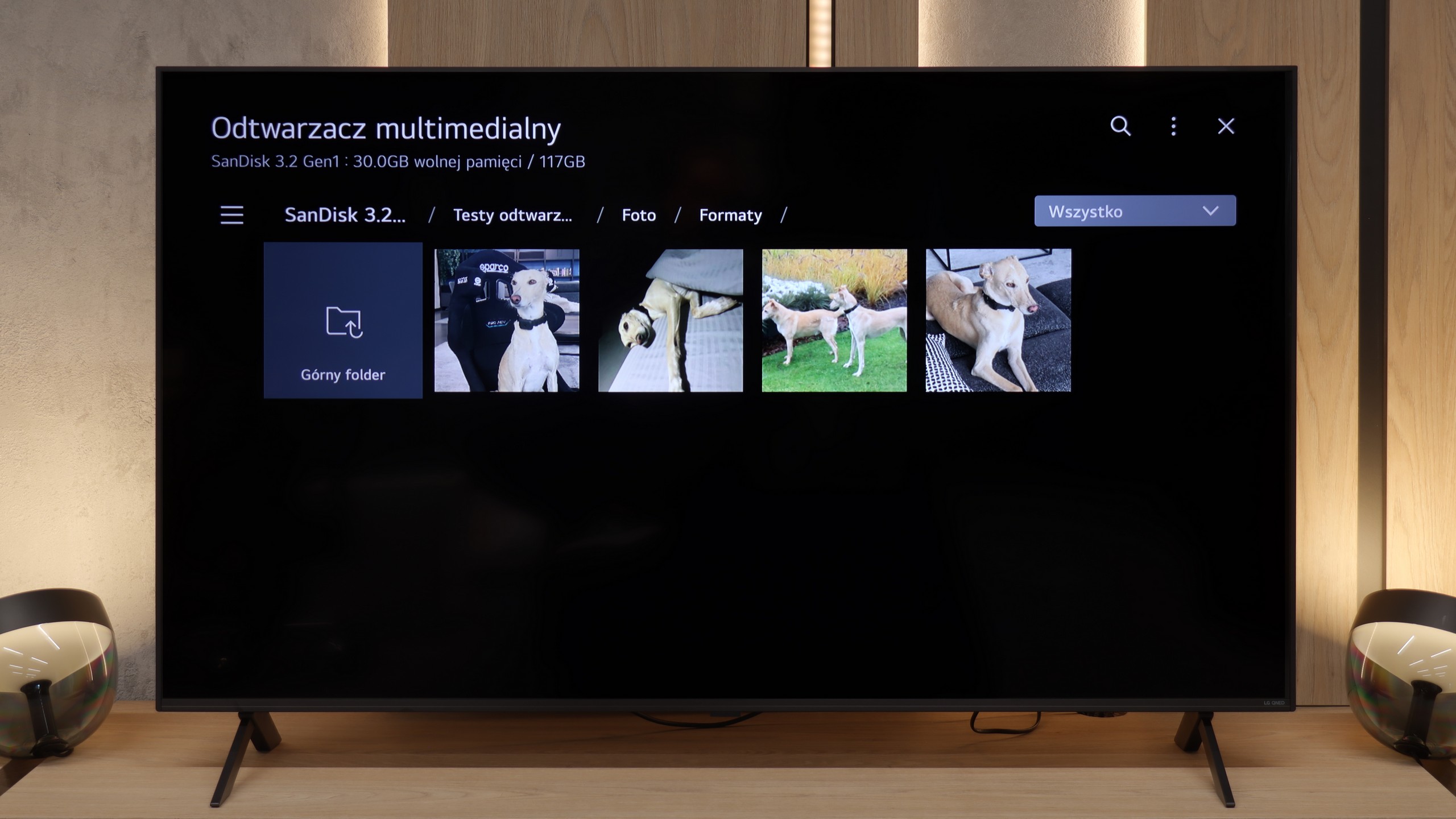
The built-in multimedia player in the Sony X75WL model performs quite well, opening most popular video, audio, and photo formats. However, if we encounter issues playing less popular files, we can easily solve this problem by installing another player available on Google Play Store, which allows for a more comprehensive utilisation of the television's capabilities.
Many of us still enjoy watching films or photos from our own USB drives. Here, the QNED80A performs quite well, supporting a wide range of audio and video codecs. Most film libraries should start "straight away." However, it's important to remember the specifics of the WebOS system. As it is a closed environment, we are limited to what the manufacturer has provided for us – there is no option to install alternative players (like the popular VLC) if we encounter a read error. And what errors might we encounter? Primarily the lack of support for HEIC files. So, if you take photos with your iPhone and want to display them on the big screen straight from a USB drive – the TV won't recognise them. It’s worth changing the photo format to JPG on your phone right away. We also noticed that the player has difficulties processing very large graphic files. Photos with resolutions of around 20-28 Mpix may not load or may cause errors. Aside from these exceptions – the operation is seamless.
Sound
6.9/10
6/10
- Maximum volume-81dB
- Dolby Digital Plus 7.1
- Dolby True HD 7.1
- Dolby Atmos in Dolby Digital Plus (JOC)
- Dolby Atmos in Dolby True HD
- DTS:X in DTS-HD MA
- DTS-HD Master Audio
The sound in the model X75WL is very pleasant, and for this class and size of Sony television, it's quite impressive. You can hear a subtle bass, and the sound feels clear, which positively impacts the reception of multimedia content. The television handles both dialogues and sound effects well.
When it comes to sound, the QNED80A fits into the market standard for the mid-range. We have a classic 2.0 setup with a power of 20 watts. We won't hide it – physics cannot be fooled. The sound lacks low tones (bass) and that specific depth that builds the atmosphere in action movies or while listening to music. However, the television has one significant advantage that users of traditional television, such as series and news programmes, will appreciate. It is the reproduction of speech. The dialogues are surprisingly clear and natural. The sound is not "bass-heavy" or artificially boosted, which means it doesn't strain the ear and allows you to understand every word of the narrator without the need to turn up the volume.
Sound Quality Test
No sound test video