 Direct comparison
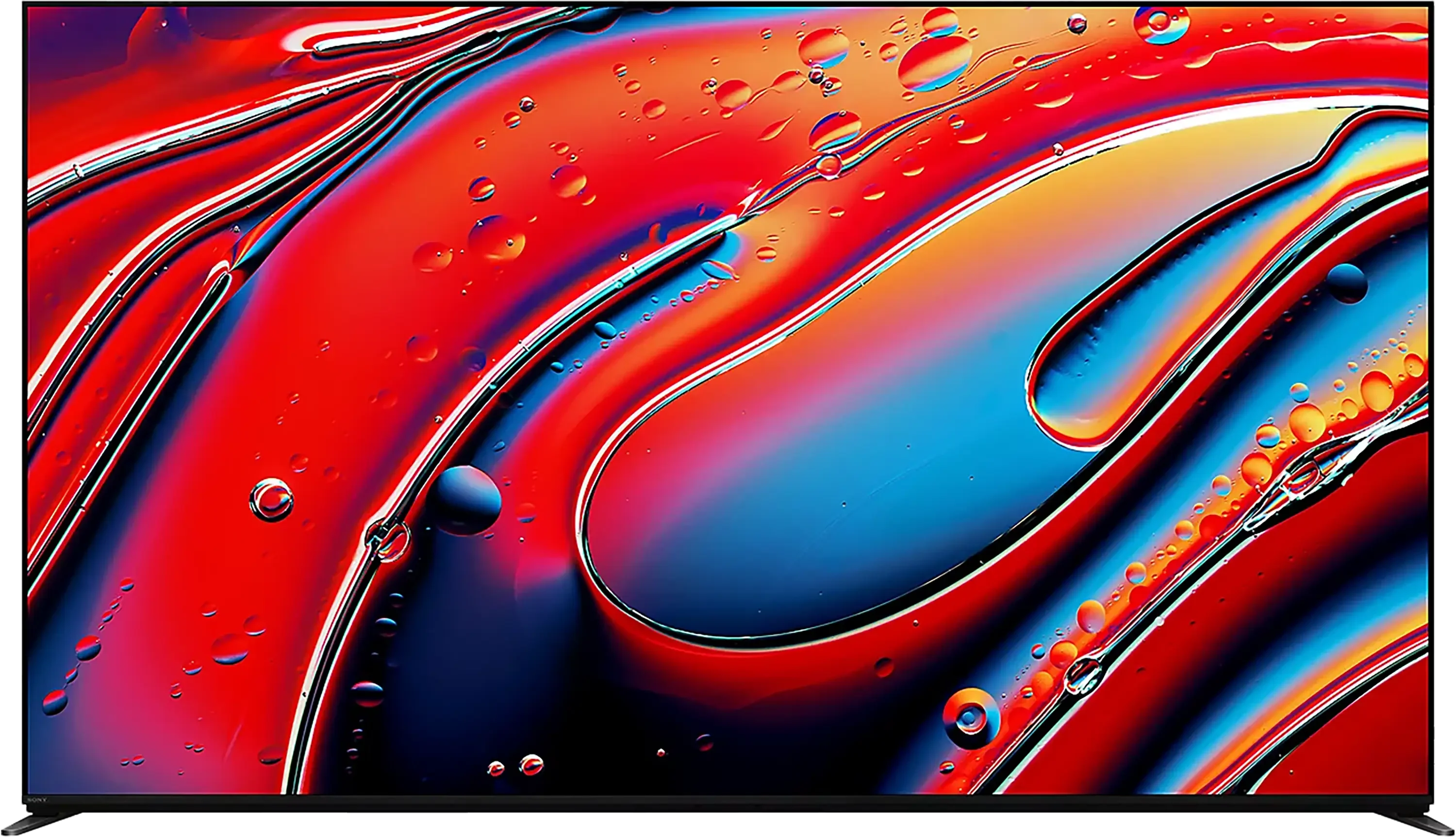
Sony BRAVIA 9 is undoubtedly a top-tier product, and there’s no "but" about it, as this is a fact, not a thesis. It’s evident everywhere you look how much effort the manufacturer has put into perfecting the dimming algorithms, which undoubtedly perform their role to every possible degree. Thanks to this, we can enjoy an incredibly deep black and an amazingly vivid image. And since we’re talking about the picture and backlighting, one cannot help but mention the quality of HDR effects, which will brighten the room, enveloping us in over 2000 nits of peak brightness. Such a result certainly looks impressive on paper, but you have to trust us that it’s even better in person. The manufacturer, known for its meticulous approach to image quality, has once again endeavoured to ensure that its television faithfully reproduces what the film director intended to convey, and it has succeeded brilliantly. The Sony Bravia 9 also offers an excellent user experience thanks to the Google TV system. The interface is intuitive, and with a rich library of apps, we have access to countless contents that we can tailor to our own preferences. The integration with Google Assistant allows for quick and convenient searching of favourite movies, shows, or music, as well as controlling other smart devices in the home. It’s these kinds of solutions that make using the television not just a pleasure but also simplifies daily life. Unfortunately, not everything is perfect. The Sony Bravia 9 still has room for improvement, particularly regarding the HDMI port configuration. Sony BRAVIA 9 has only two HDMI 2.1 ports, one of which is eARC, that is a port for a soundbar or home theatre system. For such an expensive piece of equipment, one might expect four full HDMI 2.1 ports, and the lack of Picture-in-Picture (PiP) functionality is also a drawback that can be annoying. Despite these shortcomings, it’s hard not to notice just how exceptional this equipment is. It’s the first LCD television that can truly compete with OLEDs. Infinite contrast, fantastic picture quality, zero compromises — Sony BRAVIA 9 is nearly perfect. Excellent picture, modern technologies, attention to detail make every viewing experience one you won’t forget.
- Matching (Score) |
- Our verdict |
- TV appearance |
- Where to buy |
- Contrast and black detail |
- HDR effect quality |
- Factory color reproduction |
- Color reproduction after calibration |
- Smoothness of tonal transitions |
- Image scaling and smoothness of tonal transitions |
- Blur and motion smoothness |
- Console compatibility and gaming features |
- Input lag |
- Compatibility with PC |
- Viewing angles |
- Daytime performance |
- Panel details |
- TV features |
- Apps |
- Playing files from USB |
- Sound
BRAVIA 9 / XR90

Panel type: LCD VA (wide viewing angle)
Resolution: 3840x2160
System: Google TV
Model year: 2024
Complete the survey to find out the result
Panel type: LCD VA
Resolution: 3840x2160
System: Tizen
Model year: 2026
Complete the survey to find out the result
Overall rating
8.8
4.9
 Movies and series in UHD quality
8.4
4.8
 Classic TV, YouTube
8.4
5.4
 Sports broadcasts (TV and apps)
8.5
3.9
 Gaming on console
9.2
5.3
 TV as a computer monitor
7.6
6.0
 Watching in bright light
9.5
3.7
 Utility functions
8.8
5.1
 Apps
9.6
8.8
 Sound quality
8.9
3.6
Complete the survey to find out what fits your preferences
Advantages

Amazing HDR material brightness results
Very good colour reproduction after calibration
Advanced motion smoothing system
Noticeable positive impact of the image processor
Faithfulness to the source material
Versatile GoogleTV operating system
Good (for a VA panel) viewing angles
Low price
Tizen system with a large selection of popular apps
Decent contrast thanks to a VA panel
Effective digital image processing (a feature rarely found at this price)
Low input lag
Very good text clarity when connected to a computer
Supports AirPlay and wireless screen mirroring
Disadvantages

Only 2 HDMI 2.1 ports - including one ARC
No picture-in-picture (PiP) feature
Low brightness
No wide colour gamut (no QLED / PFS)
Poor motion handling: noticeable smearing, 60 Hz panel and no motion smoothing
No gaming features at all
Slow responsiveness
Very poor sound
Average build quality
Our verdict
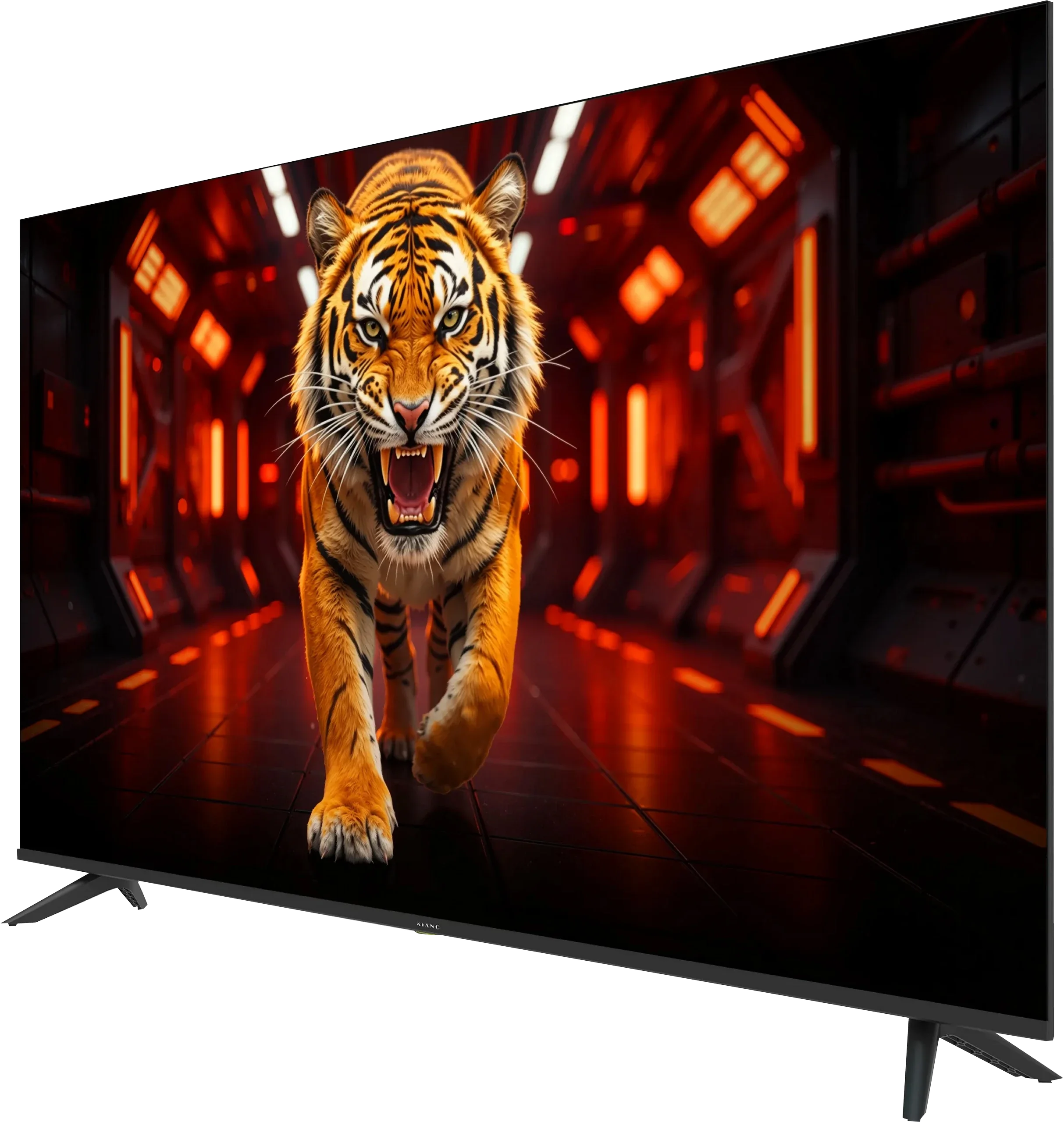
The Kiano Elegance is primarily aimed at people who want to spend as little as possible on a TV while still having convenient access to popular apps. Using Tizen is a big plus here, because you get the system known from Samsung sets and don’t have to immediately buy a streaming stick or set-top box to watch movies or series. At a suitably low price, that could be reason enough to consider this model. The digital video processing also deserves praise; its behaviour is similar to the solutions in Samsung’s entry-level TVs. Kiano quite effectively smooths unwanted colour banding in lower-quality material, so heavily compressed footage looks better. It’s far from perfect, of course, but remember the very modest budget we’re dealing with. In this context, the fact that the feature actually helps is worth acknowledging. Unfortunately, the operating system itself doesn’t make the Kiano run as smoothly as Samsung TVs. Sometimes you have to wait for a response, and the USB media player can take ages to open files. Cost-cutting is also apparent in the build quality and the screen’s capabilities. Low brightness makes watching in a sunny room difficult and prevents the display from showing impressive HDR, while faster motion suffers from blur. Add weak sound to that, and buying separate speakers can quickly become another expense. So the Kiano Elegance only makes sense if it’s noticeably cheaper than the competition. It may be adequate for everyday TV or as a second set in the house, but if you’re only a small amount short of a base model from a better-known brand, we think it’s worth paying the extra. Tizen and the decent video processing are strengths of this Kiano, but they don’t make up for all the cost-cutting. It’s better to compare final prices than to assume a TV with Samsung’s system will offer the same user experience.
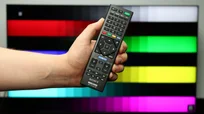
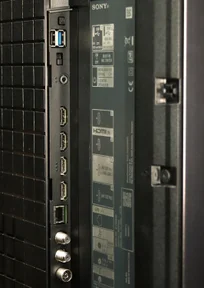
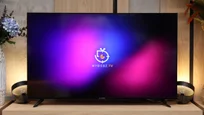
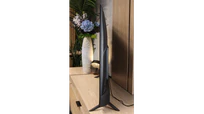
TV appearance
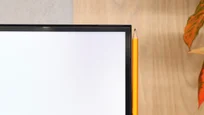
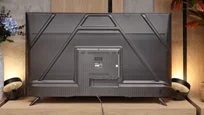

Contrast and black detail
8.6/10
4.8/10
Local dimming function: Yes, number of zones: 1920 (60 x 32)
Local dimming function: No
Contrast:


Result
184,000:1

Result
98,500:1

Result
120,000:1

Result
9,050:1

Result
5,800:1
Result
3,350:1
Result
3,350:1
Result
2,650:1
Result
3,650:1
Result
2,400:1
Halo effect and black detail visibility:
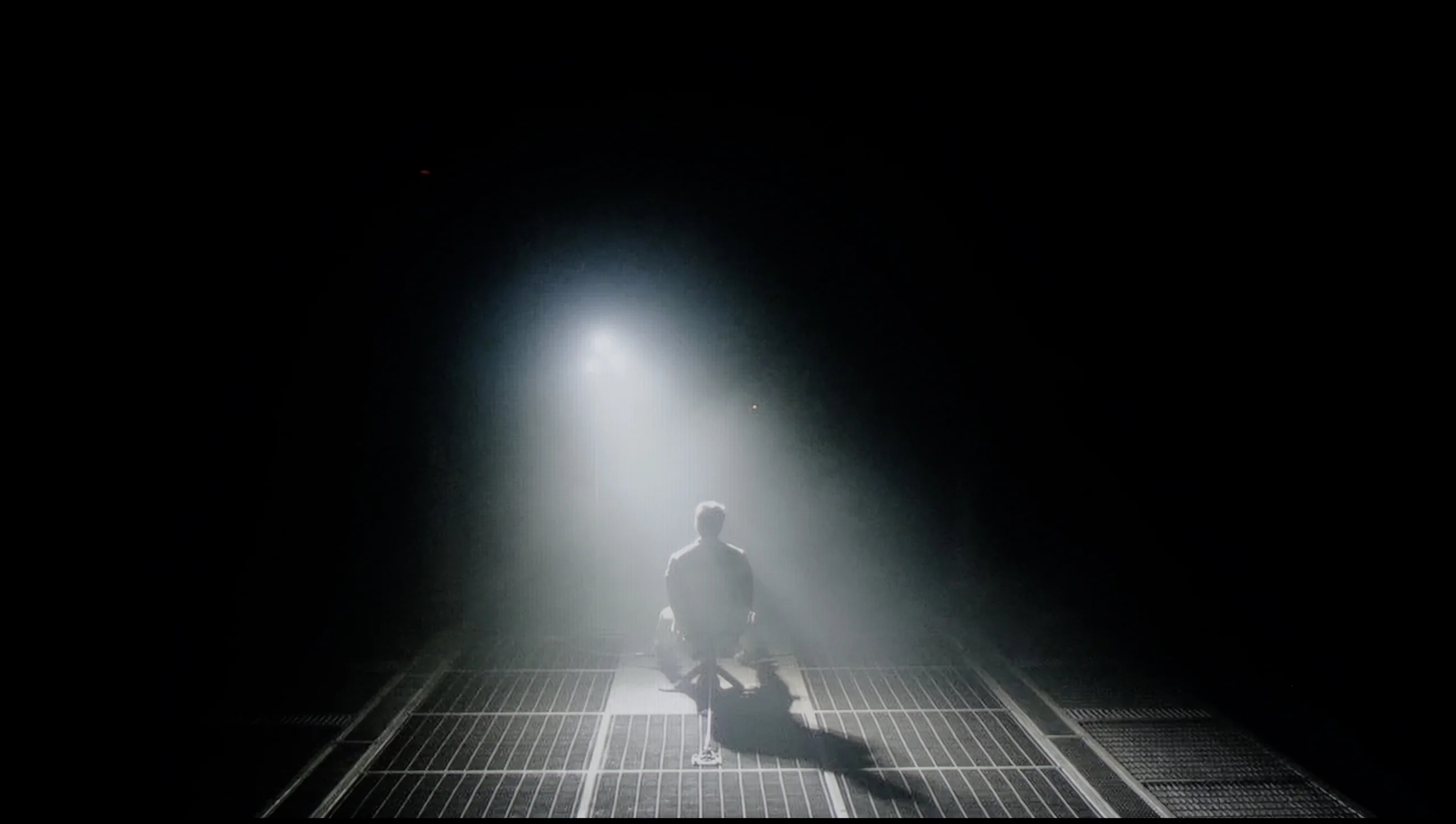
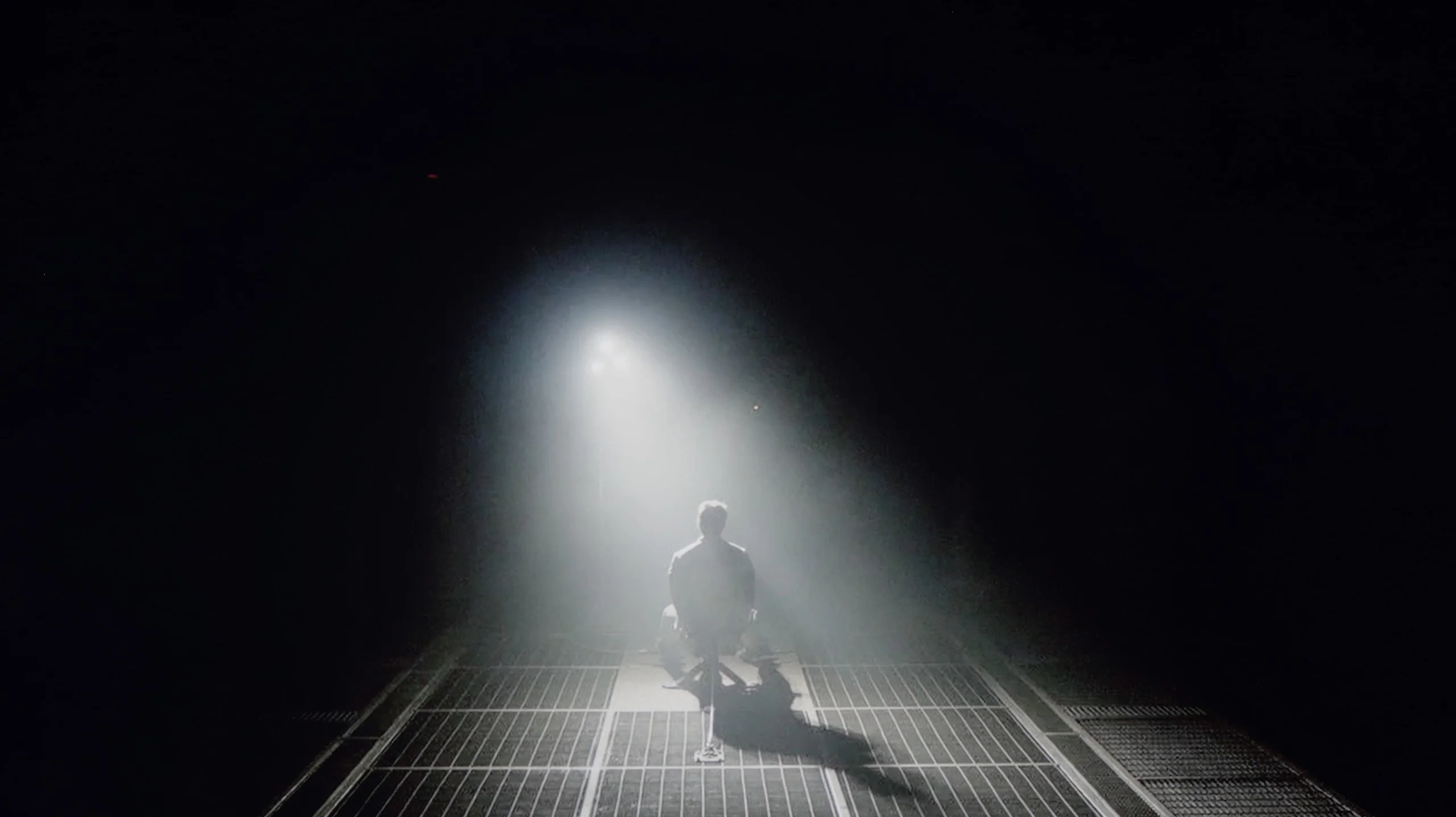
Check the visibility of bright lights on a dark background. Mini-LEDs often struggle with this. The photo does not compare black levels – that’s what the video below is for.
The video accurately shows differences in contrast and black levels between TVs, as well as potential issues: halo around bright objects or Mini-LED zone operation visible as brightness jumps.
Similarly, the Sony Bravia 9 utilises a high-contrast VA panel, supported by a backlight made up of Mini LED diodes. The total number of zones for the 75" size we tested was 1920. Combining such a number with advanced, and one might boldly say — the best zone dimming algorithms delivers excellent results in contrast and black levels. Practically every scene can display an incredibly deep and immersive image. Of course, the last two won't give us blacks akin to OLED televisions, however, it's fair to say that the results are not weak, as a significant portion of competing TVs will not provide such a faithful representation of the director's vision. Looking below at two test scenes from the Sony Bravia 9 from the film Oblivion and Sicario 2, we can observe very mature behaviour of the backlight algorithms, which ensure that blacks are maintained without sacrificing the original image. Of course, the blooming effect still occurs here due to the operation of the TV's zones (it can be observed on the small lights on the helicopter), but it is definitely one of the best LCD TVs we have had the opportunity to test in terms of black levels and contrast.
The 55-inch Kiano Elegance we tested uses a VA panel, which by itself delivers fairly decent blacks. Our measured contrast was around 4000:1, a result typical for this type of panel and clearly better than in TVs using IPS or ADS matrices. In the evening the picture therefore has decent depth and the blacks are not as heavily lifted. However, it should be remembered that the Elegance uses a conventional backlight without local dimming. That means the backlight is on all the time and the TV cannot dim selected parts of the screen. In that respect the difference compared with even basic Mini LED models is already noticeable. There, individual backlight zones can dim independently, so blacks can be much deeper in dark scenes. Kiano does not have those capabilities, but for a simple LCD TV its native contrast is quite respectable.
HDR effect quality
8.6/10
3/10
Luminance measurements in HDR:

Result
2199 nit

Result
1700 nit

Result
1717 nit

Result
1751 nit

Result
1741 nit
Result
158 nit
Result
172 nit
Result
193 nit
Result
180 nit
Result
205 nit
Scene from the movie “Pan” (about 2800 nits)


Scene from the movie “Billy Lynn” (about 1100 nits)


The photos show two HDR10 movies. 'Pan' is one of the brightest productions ever made, while 'Billy Lynn' (soldier) has brightness typical of streaming (Netflix, Prime, HBO MAX). Notice the intensity of effects and detail in whites.
Static HDR10


The photos present the visibility of white details in various HDR formats. They do not show brightness differences between TVs (these can be compared in the previous gallery).
Dynamic: Dolby Vision
Dynamic: HDR10+


The photos present the visibility of white details in various HDR formats. They do not show brightness differences between TVs (these can be compared in the previous gallery).
HDR luminance chart:
Kiano Elegance Tizen
Sony Bravia 9 (XR90)
The brightness measurement results on the Sony Bravia 9 are phenomenal. Each scene achieves well over 1500 nits, and while watching movies, the TV can sometimes shine even brighter. It goes without saying that such brightness allows for unprecedented experiences and engagement with video material at the highest possible quality. With a high coverage of the DCI-P3 colour gamut, the image is full of colours and, combined with such high luminance, it practically breathes. Thanks to the high peak brightness, viewers can enjoy the full spectrum of colours even in the most difficult scenes, such as those based on dynamic lighting changes. The Bravia 9 supports Dolby Vision and HDR10 formats, which further enhances the viewing experience.
The HDR effect on the Kiano Elegance is basically non-existent. The TV is simply too dim to deliver any noticeable quality jump over regular SDR. Measured brightness is around 200 nits, which is far too low for bright elements, like various lighting effects, to really stand out on screen. HDR material will be played back, but without the punch this format should be known for. On top of that, the Kiano Elegance doesn’t use any additional colour‑gamut enhancing technology, such as quantum dots or even a PFS filter. As a result, some of the intense colours encoded in HDR films can’t be shown with proper saturation. In more colourful productions it’s especially obvious that the picture is simply poorer than on TVs with a wide colour gamut. The Kiano Elegance is therefore much better suited to ordinary SDR content, like broadcast TV, YouTube or older films and series; their demands are much lower and match this TV’s capabilities far better.
Factory color reproduction
8.1/10
4.8/10


This gallery shows how colors change after professional TV calibration. If you notice the difference, we recommend ordering this service at SkalibrujTV.com.
Factory Mode
After calibration
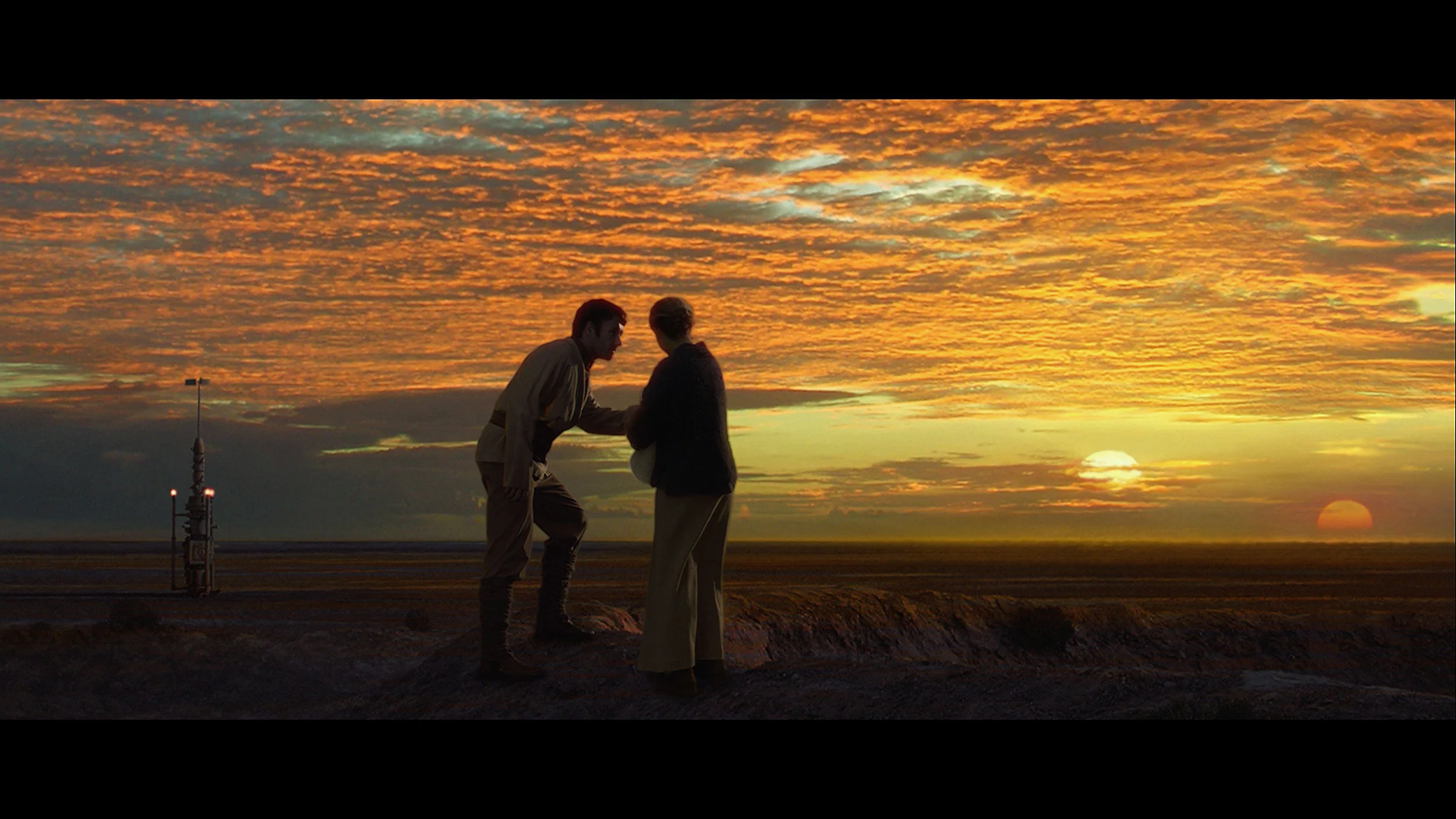
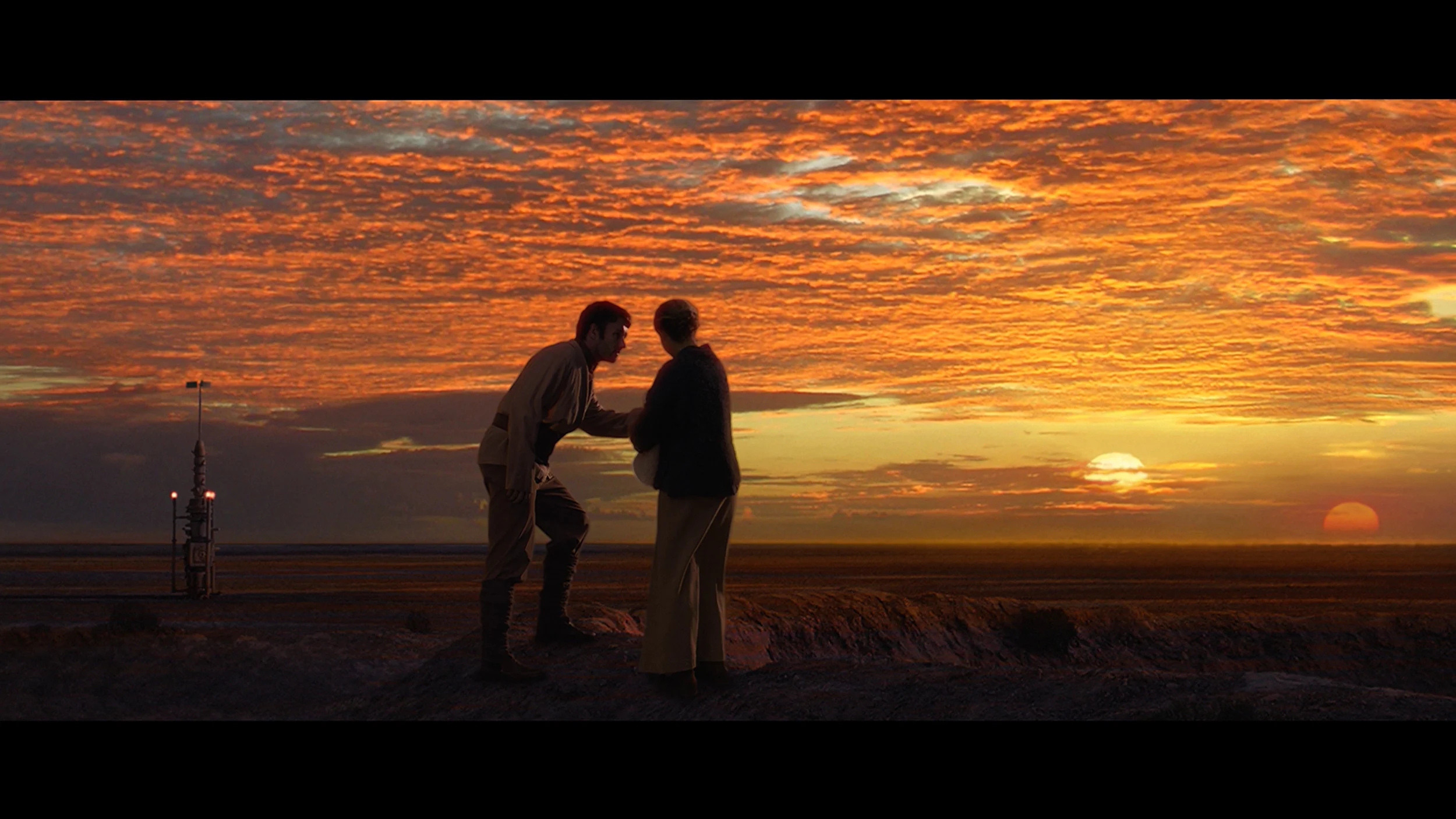
This gallery shows how colors change after professional TV calibration. If you notice the difference, we recommend ordering this service at SkalibrujTV.com.
Factory Mode
After calibration
The best factory mode on Sony televisions has remained "IMAX Enhanced" for years. This is what we used throughout the entire testing procedure. Despite being the closest to the reference compared to other predefined options, it has a number of aspects that can be improved to make viewing even more enjoyable. When we look at the gamma in SDR materials, we notice quite a significant boost that is related to over-contrasting the image. It is worth noting that the very beginning of the graph has an even greater spike compared to the reference, which leads to the merging of details in the blacks, creating a uniform blob. The EOTF curve in HDR content looked quite accurate and only showed slight deviations from the reference. However, a common characteristic for both was: a greenish tint in the white balance, issues with greys, and general colour misalignment. The most noticeable issue was related to the uneven distribution of colours in the white balance. Due to the excess of the aforementioned colour, the image was covered with an unpleasant greenish tint.
In Film mode the colours on the Kiano Elegance look quite respectable, especially for a TV in this price range. That said, the picture isn’t correctly set up straight away. It’s most noticeable in the white balance, which lacked red. As a result the image had a slightly cooler cast, and some skin tones and warmer colours didn’t look as natural as they should. On top of that, both the SDR gamma and the EOTF curve in HDR were set too high. Put simply, the TV brightened the picture more than the source material intended. In SDR that produced a slightly brighter, more TV-like image, but it also robbed the picture of some depth. In HDR the same behaviour amplified the panel’s limitations, because at such low brightness the TV had even less headroom to correctly show the brighter parts of the image. The biggest constraints therefore came in HDR. The colour palette encoded in that kind of material often exceeds the Kiano Elegance’s capabilities, since it doesn’t use any gamut-expanding solution. More saturated reds, greens and blues are displayed much more muted than they should be. In less demanding scenes this isn’t yet very obvious, but with more colourful films the difference compared with TVs that have a wide colour gamut becomes very noticeable.
Color reproduction after calibration
9.3/10
6.5/10


The photos show how movies look on the TV. Pay attention to black detail visibility, colors, and shadow tint.


The photos show how movies look on the TV. Pay attention to black detail visibility, colors, and shadow tint.
The colour reproduction after the calibration process should be regarded as excellent. Regardless of the signal, whether it's SDR or HDR, we can expect an image incredibly close to what the film director saw. Practically every image flaw has been modelled and maximally improved. This was made possible by the advanced tools used for the calibration process, which Sony has provided in its televisions for years, including 2- and 20-point grey scale adjustment and a very elaborate CMS.
Surprisingly, even a budget TV like the Kiano Elegance offers quite a few calibration options. We managed particularly well with the white balance. After correction the cooler cast disappeared and the colours became noticeably more natural. We also managed to better set the gamma and the overall picture response in SDR. Despite our efforts, it soon became clear that further limits were no longer due to the settings but to the TV's capabilities. In SDR the Kiano can look quite decent. TV broadcasts, YouTube, sport or older films can display natural colours and a pleasing picture. It's a lot worse with HDR. Here calibration alone can't make up for the lack of brightness and a wide colour gamut. The TV simply can't reproduce some of the more saturated colours or adequately strong bright highlights. So while you can get a really decent picture in SDR, HDR still clearly remains beyond its capabilities.
Smoothness of tonal transitions
7.1/10
8.5/10





These are selected scenes that show smooth tonal transitions from one color to another. If you see distinct banding, it’s the TV panel’s fault.

These are selected scenes that show smooth tonal transitions from one color to another. If you see distinct banding, it’s the TV panel’s fault.
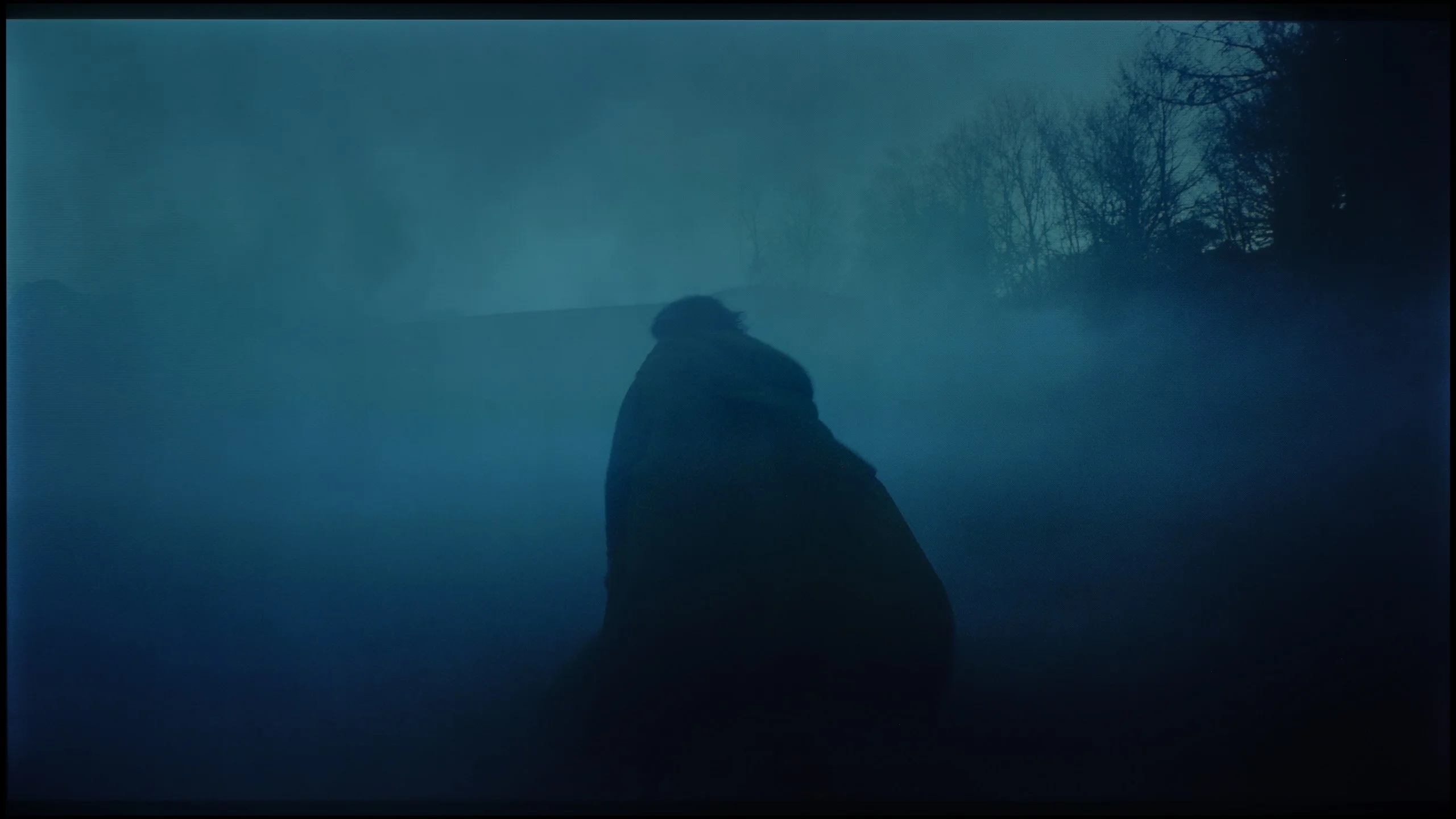
These are selected scenes that show smooth tonal transitions from one color to another. If you see distinct banding, it’s the TV panel’s fault.

These are selected scenes that show smooth tonal transitions from one color to another. If you see distinct banding, it’s the TV panel’s fault.
The default quality of gentle gradation, i.e. without the enhancement feature activated, is fairly average, considering the price range and class of the device. The issue isn't noticeable with very bright backgrounds, but it's quite prominent on dark ones. This is perfectly illustrated by the last two test scenes, where tonal transitions are apparent and may cause discomfort to image purists.
Kiano Elegance handles colour gradation quite well. In most scenes the transitions between shades are smooth and there’s no strong banding or obvious stripes, which can be a problem in the cheapest televisions. The biggest limitations only appear in darker scenes. With very subtle transitions in greys or shadows you can notice slight posterisation and some colour separation. However, it’s not something that will be obvious all the time. In typical material Kiano performs reasonably well in this respect, especially given its price.
Image scaling and smoothness of tonal transitions
8.5/10
6.5/10


Smooth transition function
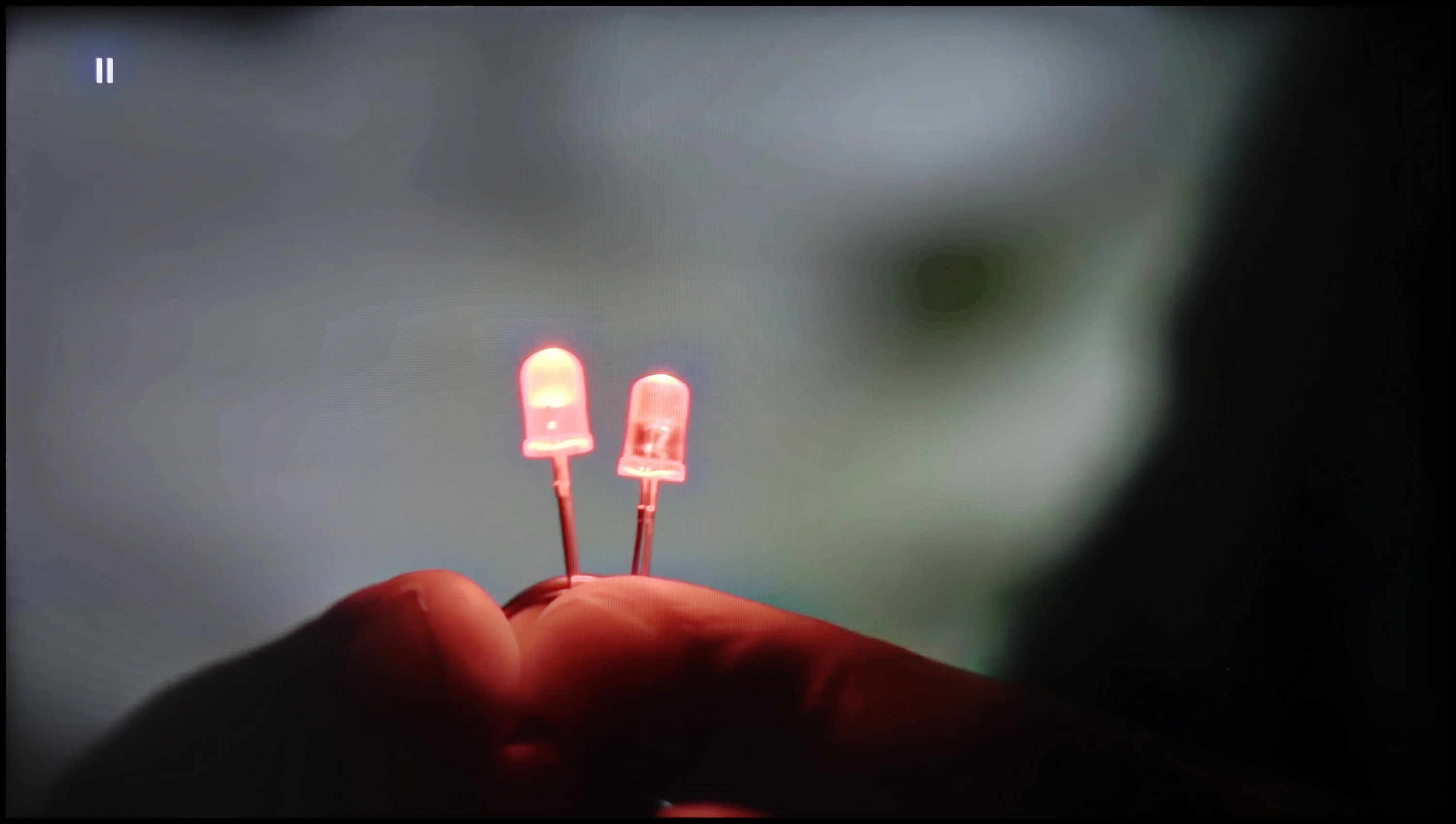
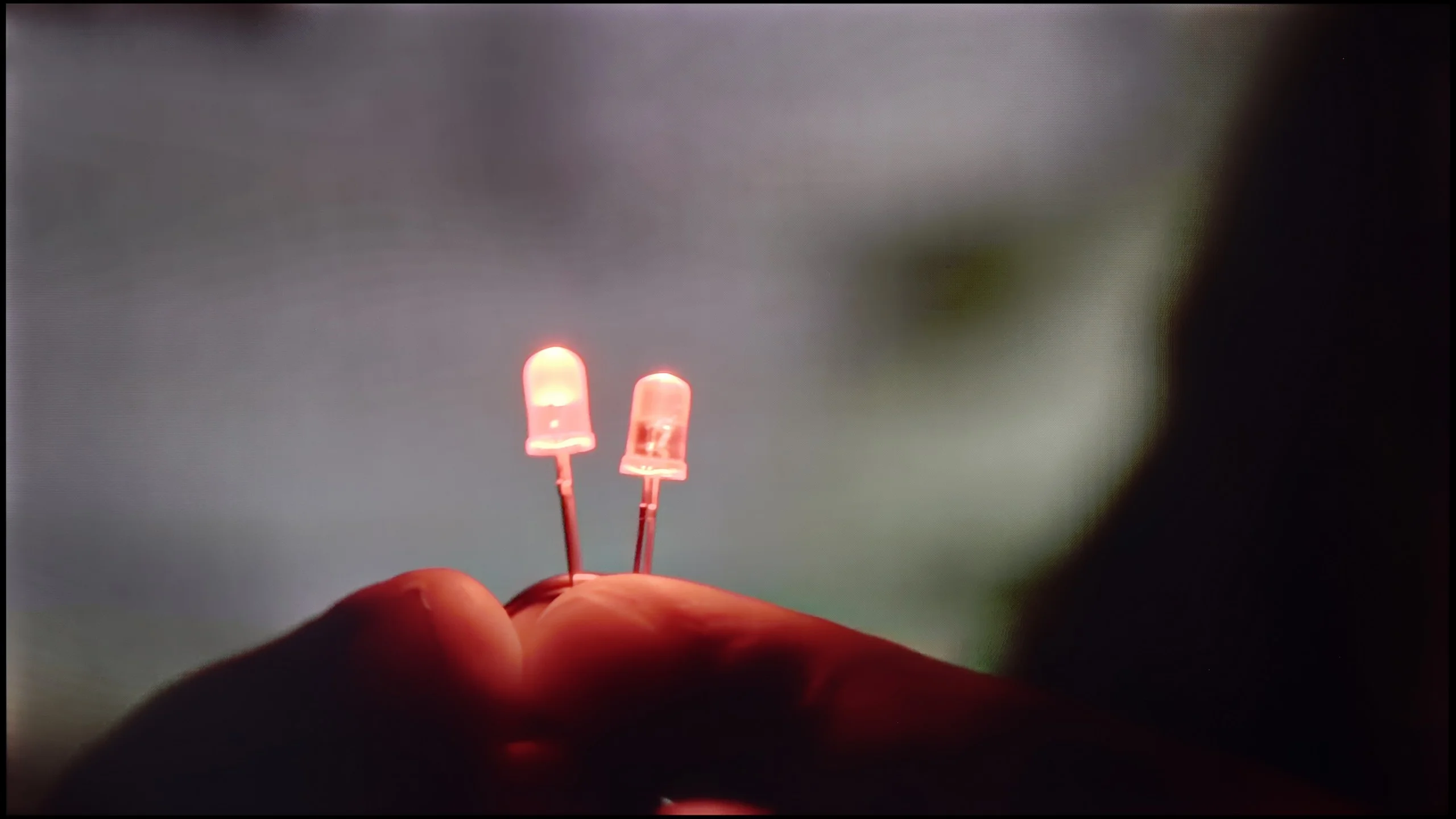
The match photo shows how the TV smooths weak tonal transitions in low-quality video.
Image scaling SD (576i)
Let's take another look at the quality of tonal transitions, but this time we will analyse the quality of image scaling, which will be crucial when watching lower quality materials. We'll start with the function responsible for the quality of tonal transitions. While they are quite average by default, after activating the option, even at the smallest degree, we can confidently say that these are some of the better ones we've seen. You can confidently enable this function, as it does not cause any negative phenomena, such as grain blur.
Sony has been boasting for several years that its "XR" processor is unmatched when it comes to image scaling. And it's not hard for us to believe that, because the image is indeed incredibly sharp, yet very natural.
For a relatively inexpensive television, the upscaling and digital image processing in the Kiano Elegance perform really well. The upscaling of lower-resolution content is decent. It's not, of course, at the level of the best TVs on the market, but regular broadcast TV and Full HD material look quite good on the 4K screen. We were even more surprised by its ability to smooth unwanted tonal transitions. Many TVs in this price range either don't offer a similar feature at all, or its effect is practically invisible. Kiano, using the noise reduction known from Samsung TVs, can quite effectively mask heavy compression, colour banding and other imperfections of weaker source material. There is only one catch. The feature works fairly aggressively and, along with imperfections, can also remove some fine detail and natural film grain. So with high-quality source material we'd probably leave it off. However, if you're watching older footage, heavily compressed broadcasts or poor-quality material from the internet, it's worth experimenting with it. In those conditions it can actually improve the viewing experience.
Blur and motion smoothness
8.5/10
2/10
Blur (native resolution, maximum refresh rate):

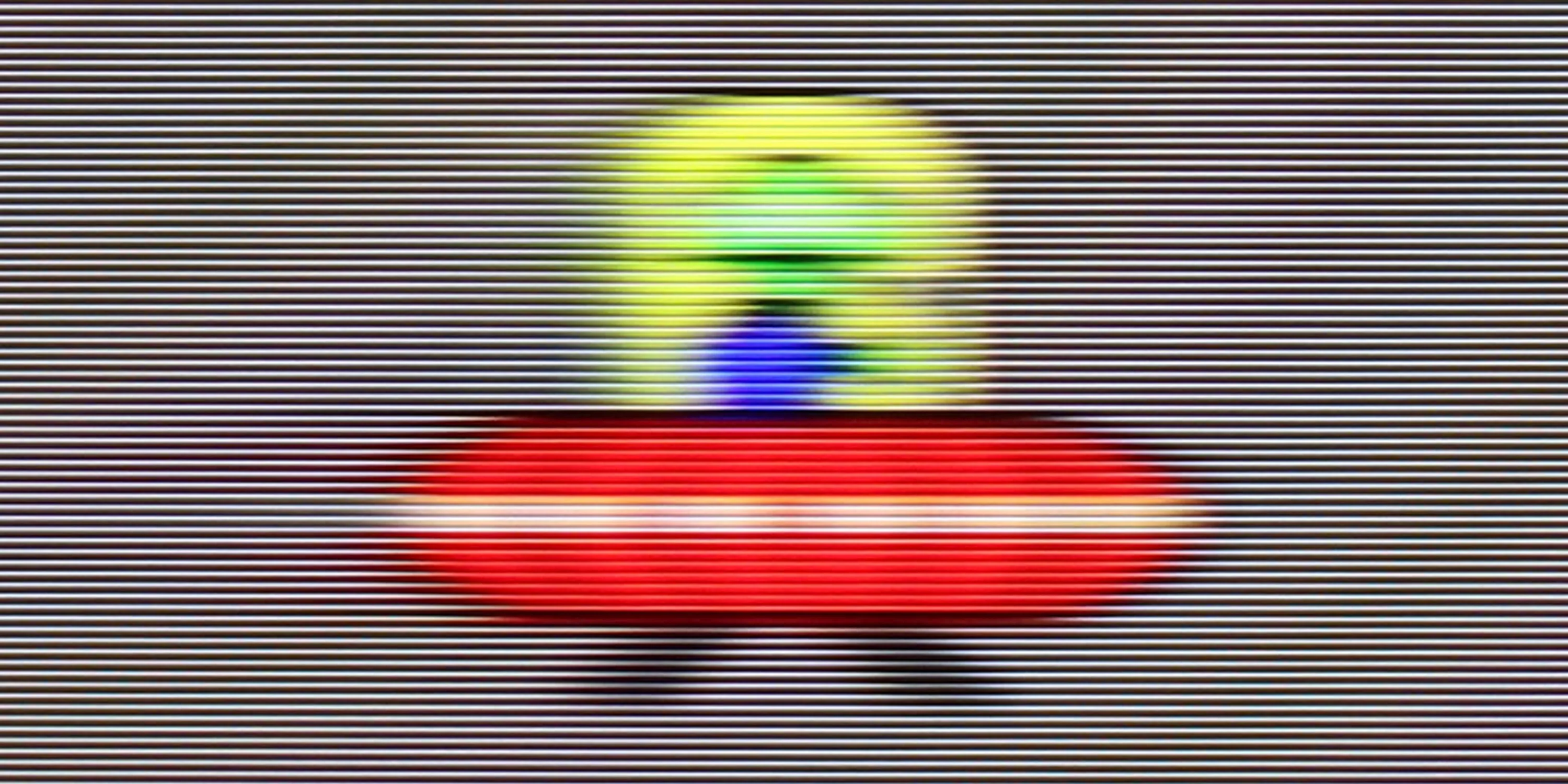




Blur (BFI function enabled):

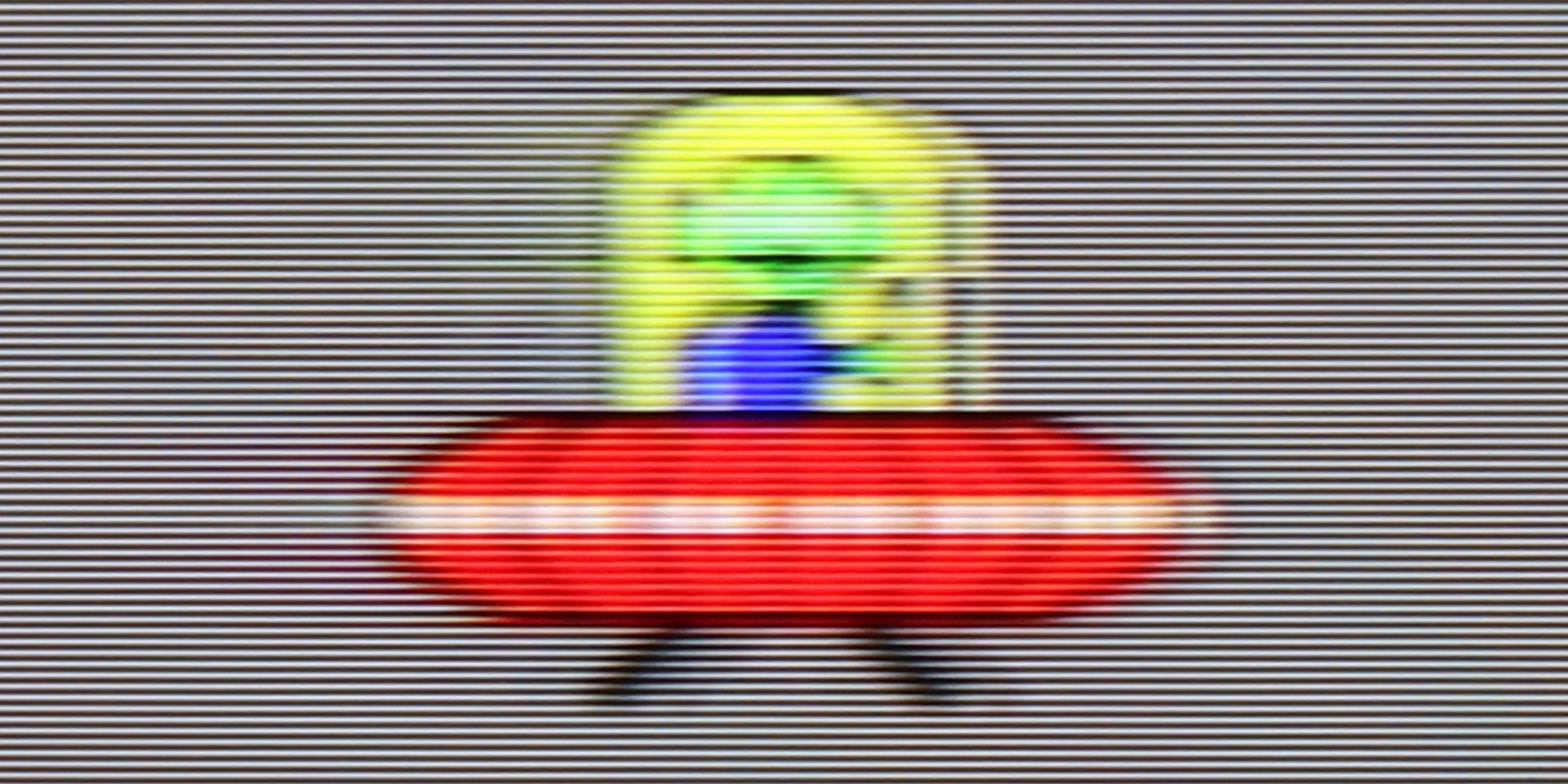

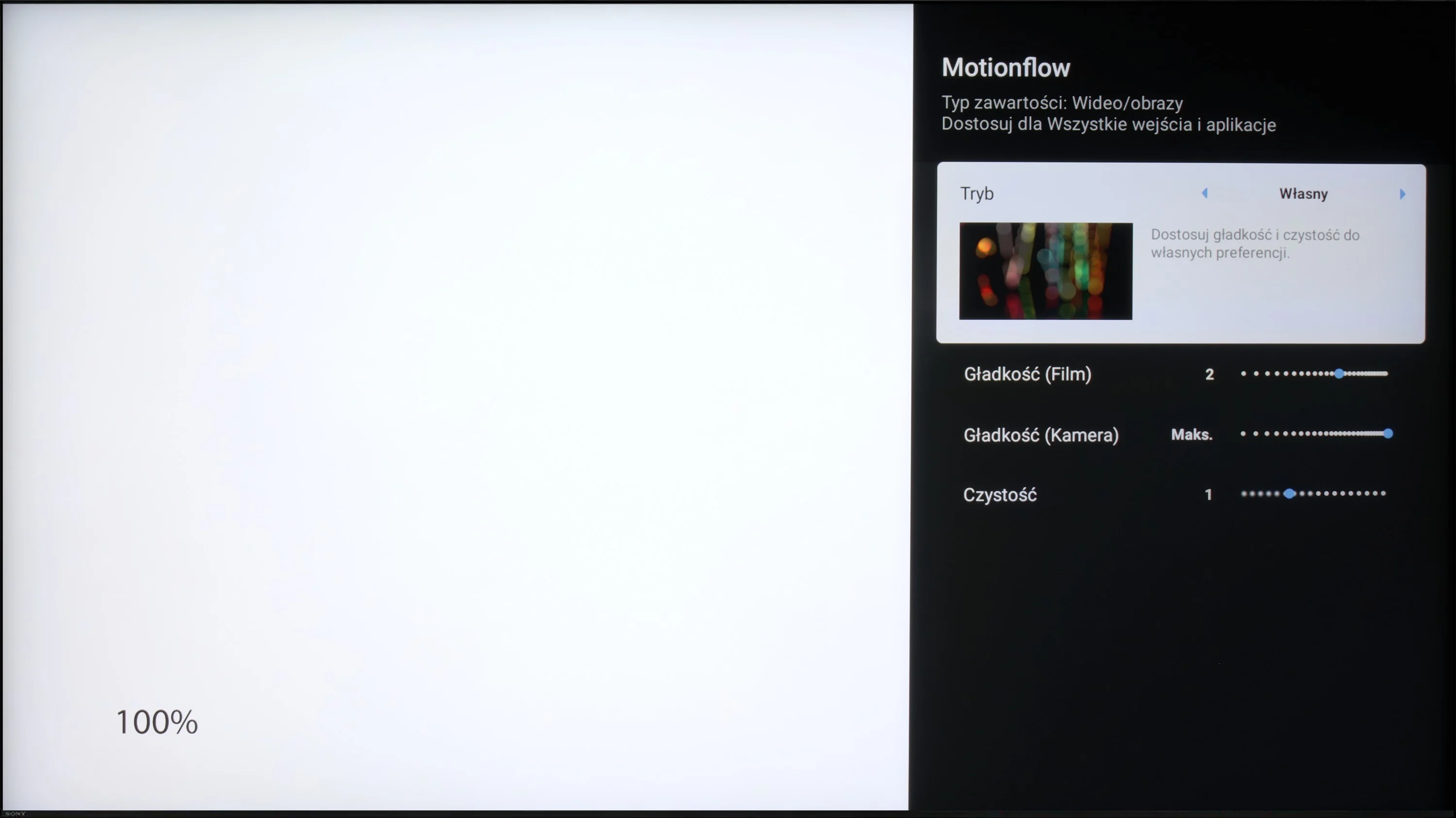
The maximum refresh rate of the Sony Bravia 9 is 120 Hz. This is the essential minimum for watching primarily sports or content that has a lot of movement dynamics while maintaining a sharp and smooth image. For demanding users, the manufacturer has implemented a very advanced smoothing system, which is divided into three segments: Smoothness (Film), Smoothness (Camera), and Clarity. The first two correspond to: blur degree and smoothing degree, respectively. The third option will be described in more detail below. Additionally, we can adjust all settings to various levels, each of which will have an effect, ensuring that we can find our very own sweet spot. In the photo, we present a setting with slight smoothing, without the soap opera effect.
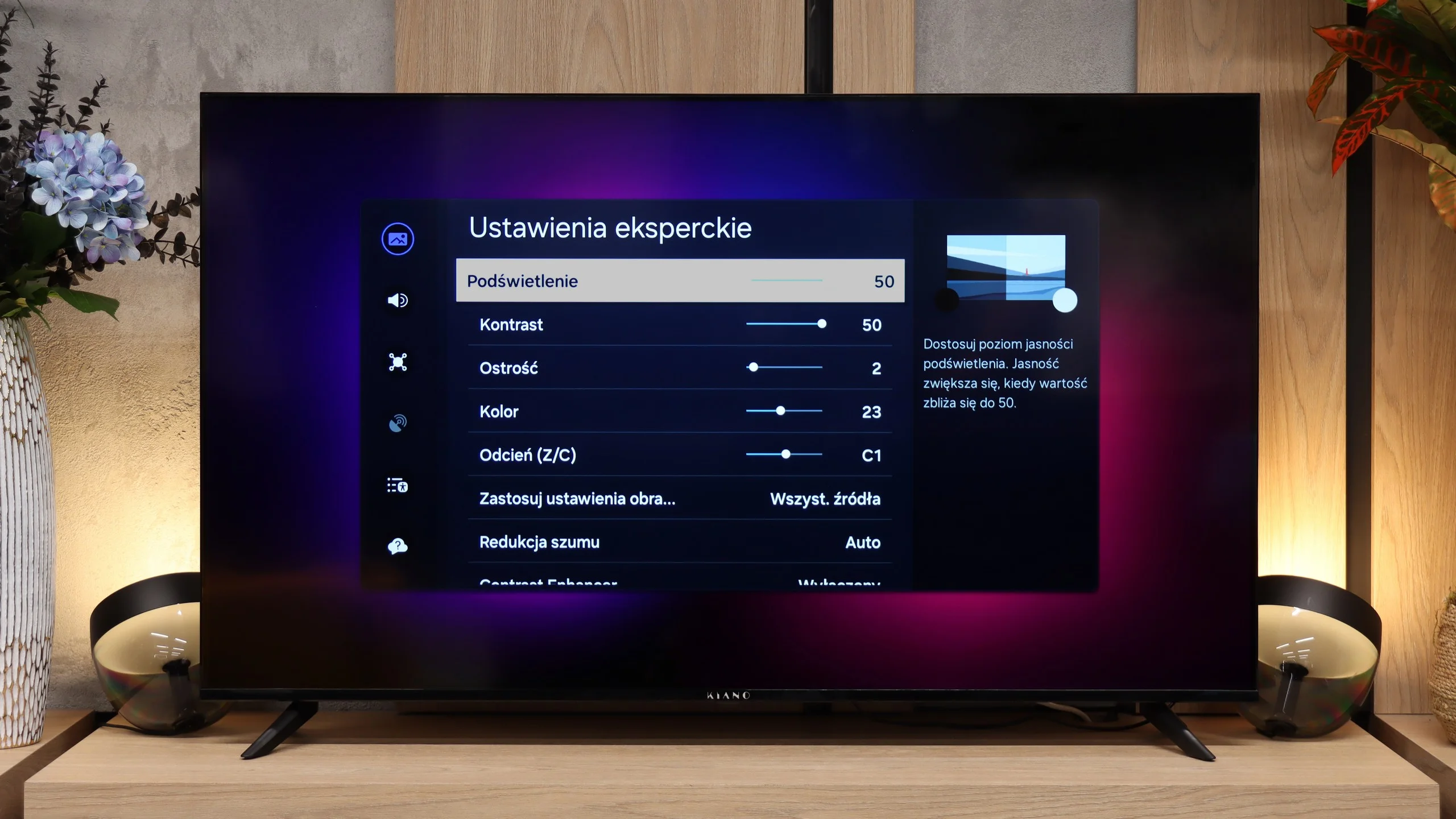
In terms of motion handling the Kiano Elegance performs rather poorly. The TV has a 60 Hz panel, but at this price point that's not surprising. What's far more bothersome is the lack of any motion-smoothing function. In practice this means the TV displays content at exactly the frame rate it was recorded in. In films this isn't yet a major issue, but with sport or fast panning shots it's clear that motion isn't particularly smooth.
Console compatibility and gaming features
9.4/10
1.6/10
- ALLM
- VRR
- VRR range48 - 120Hz
- Dolby Vision Game Mode
- Correct implementation of HGIG
- 1080p@120Hz
- 1440p@120Hz
- 4K@120Hz
- Game bar
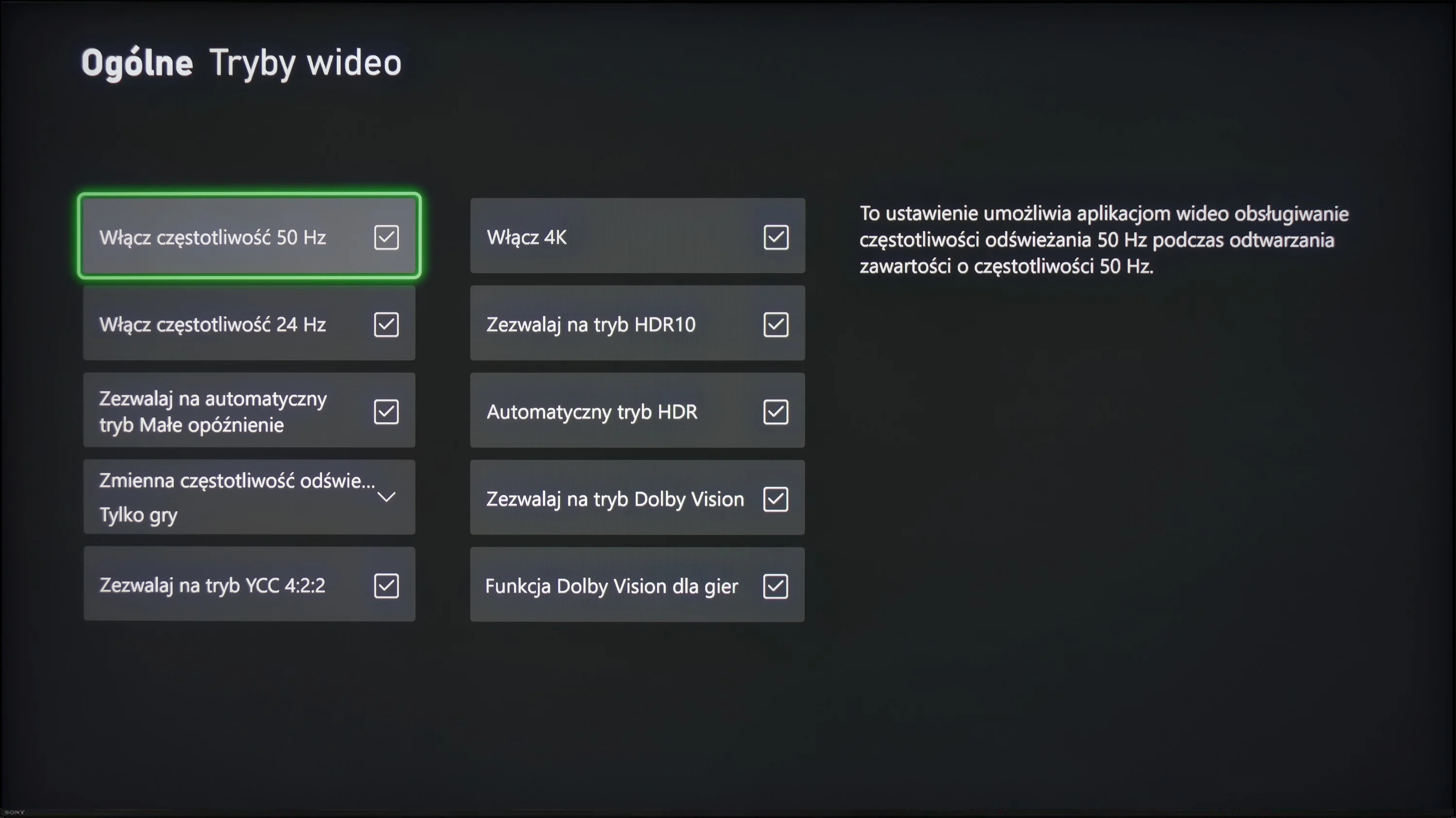
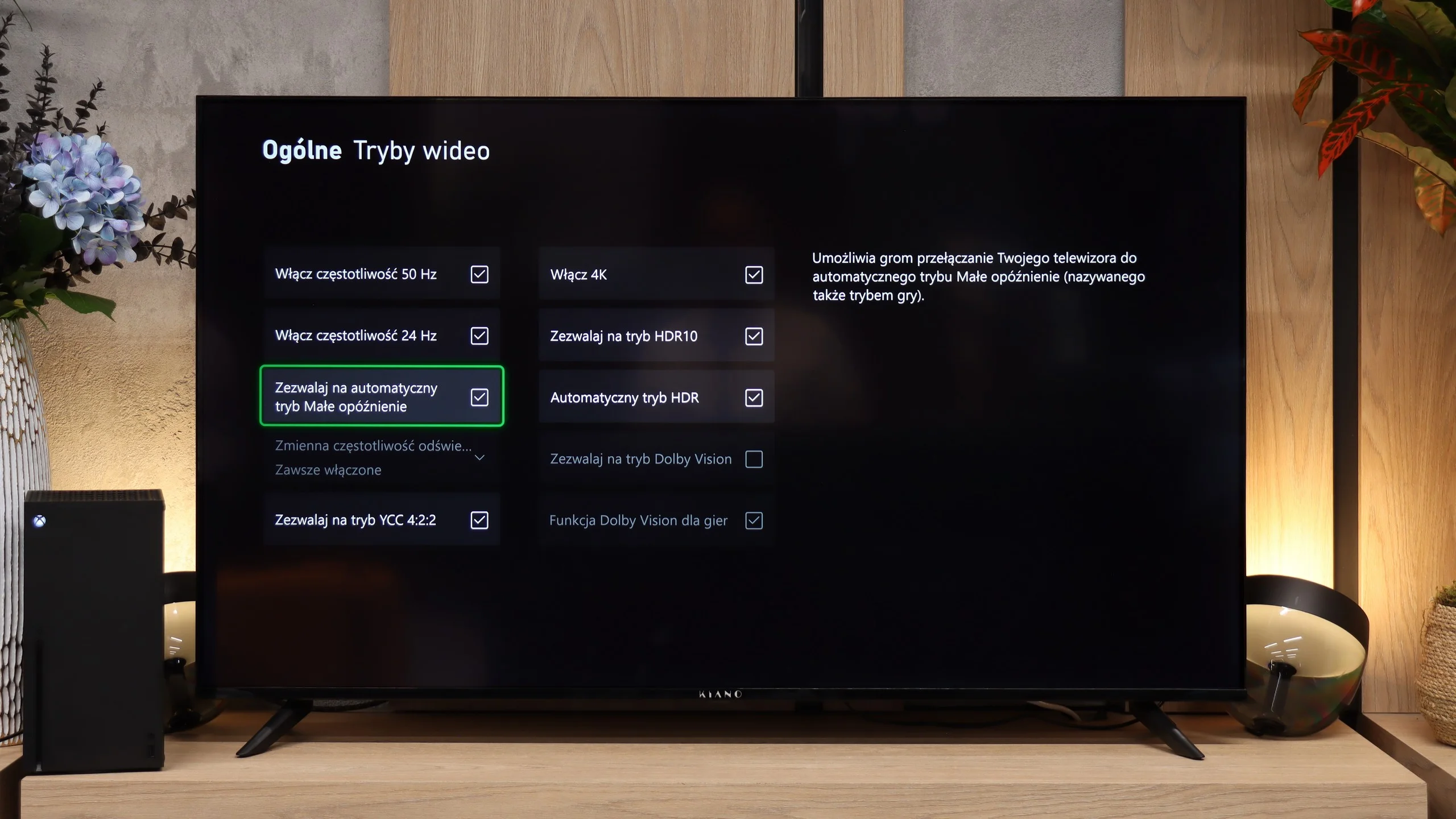
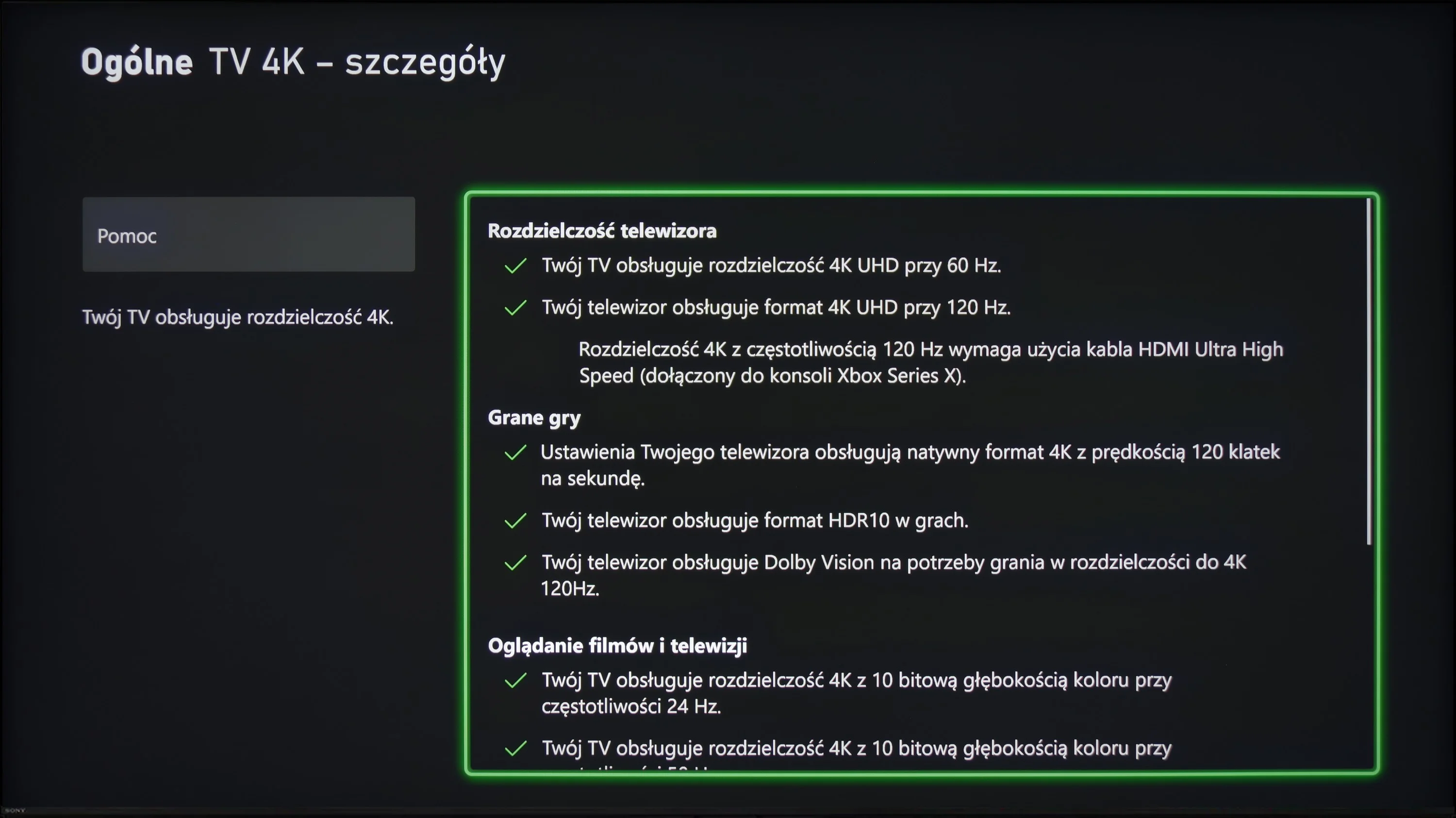
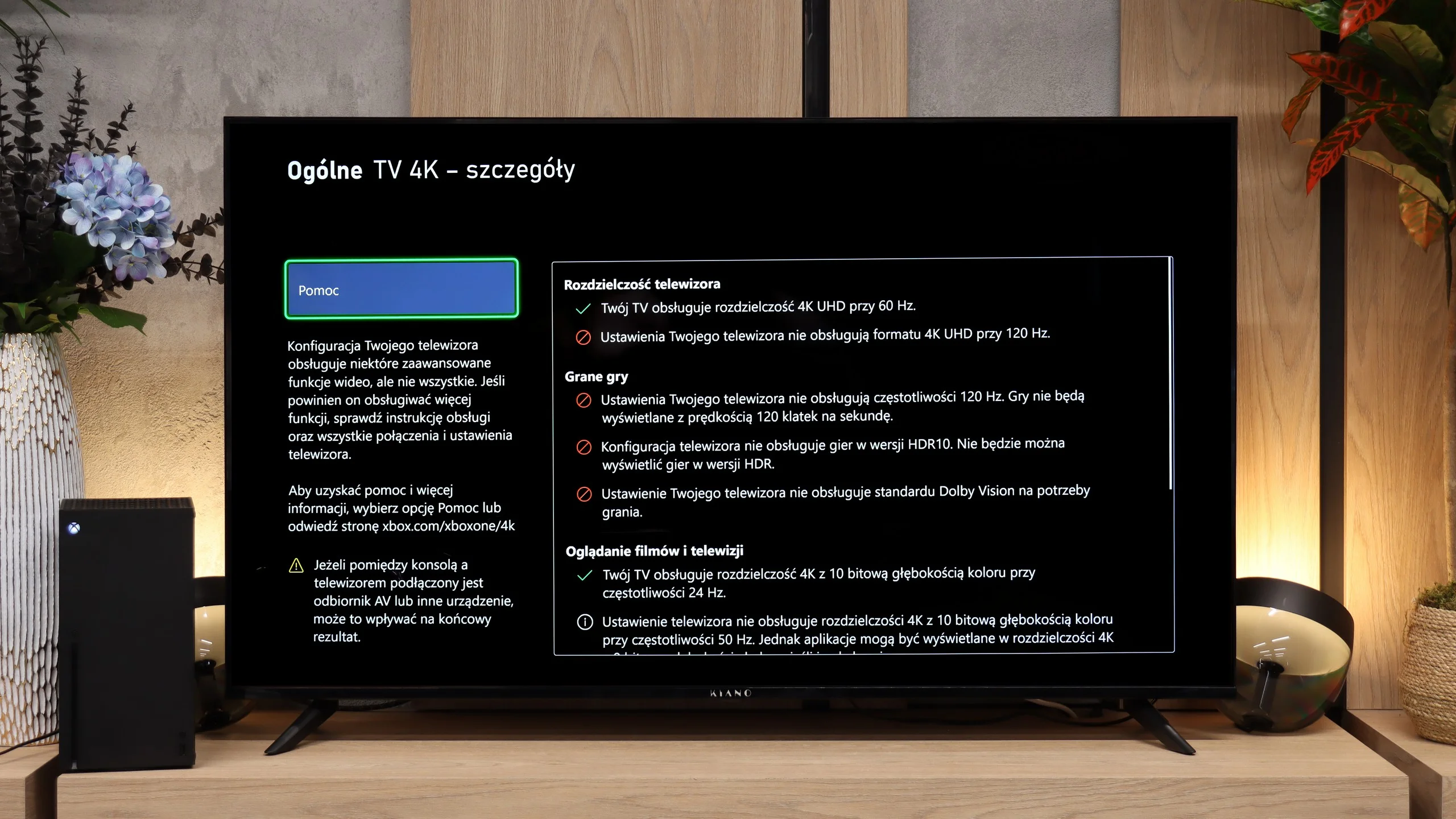
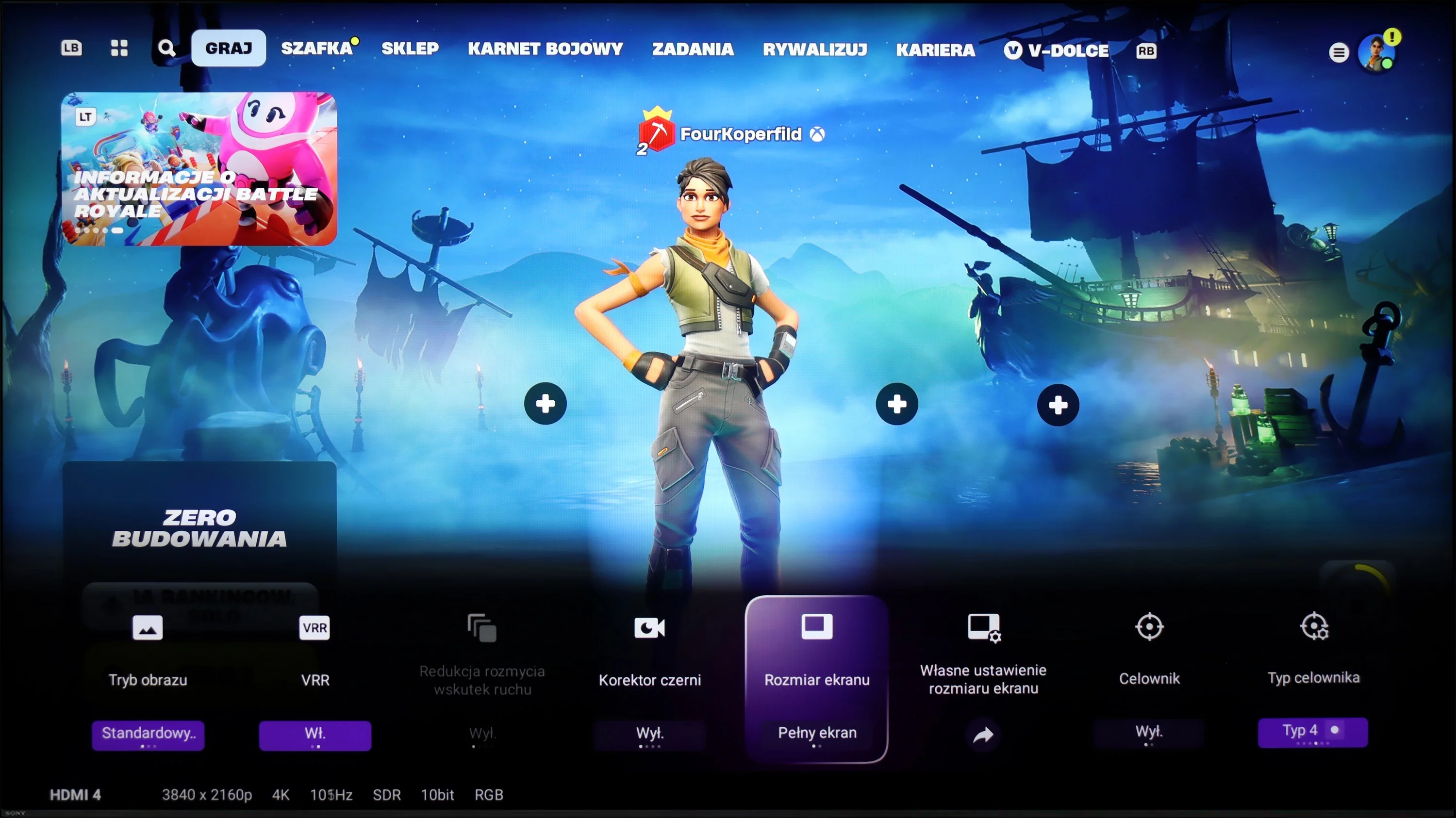
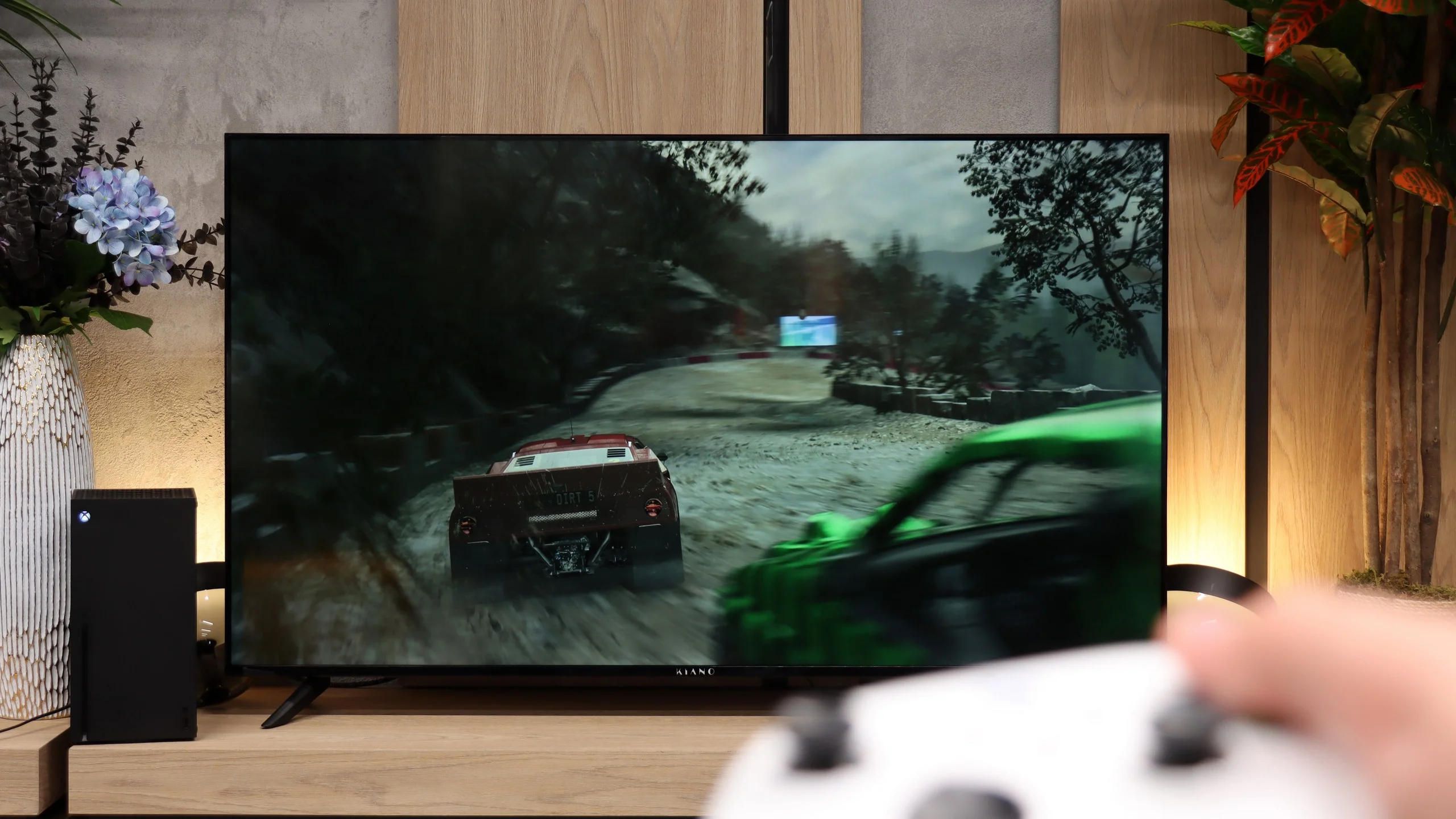
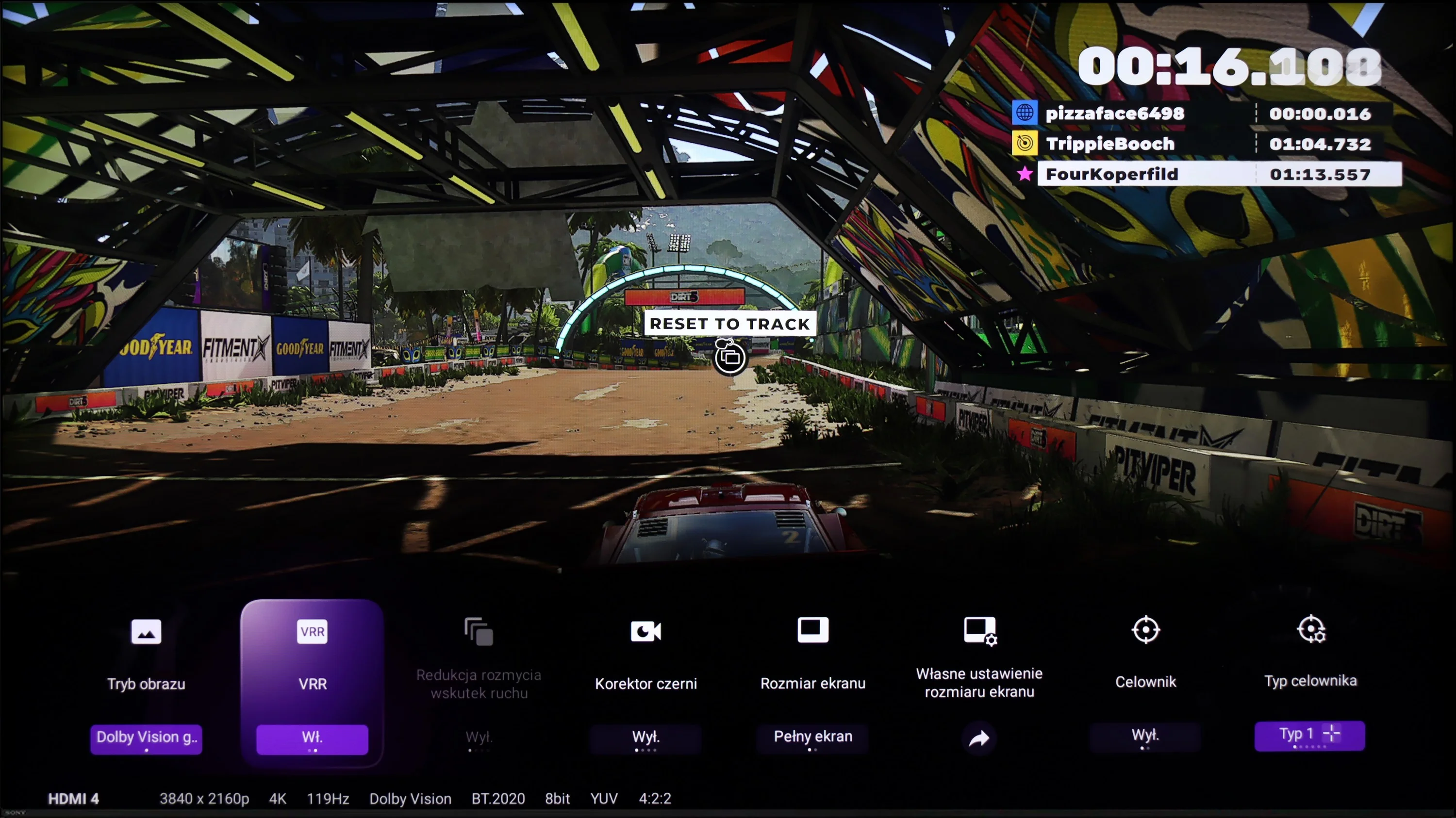
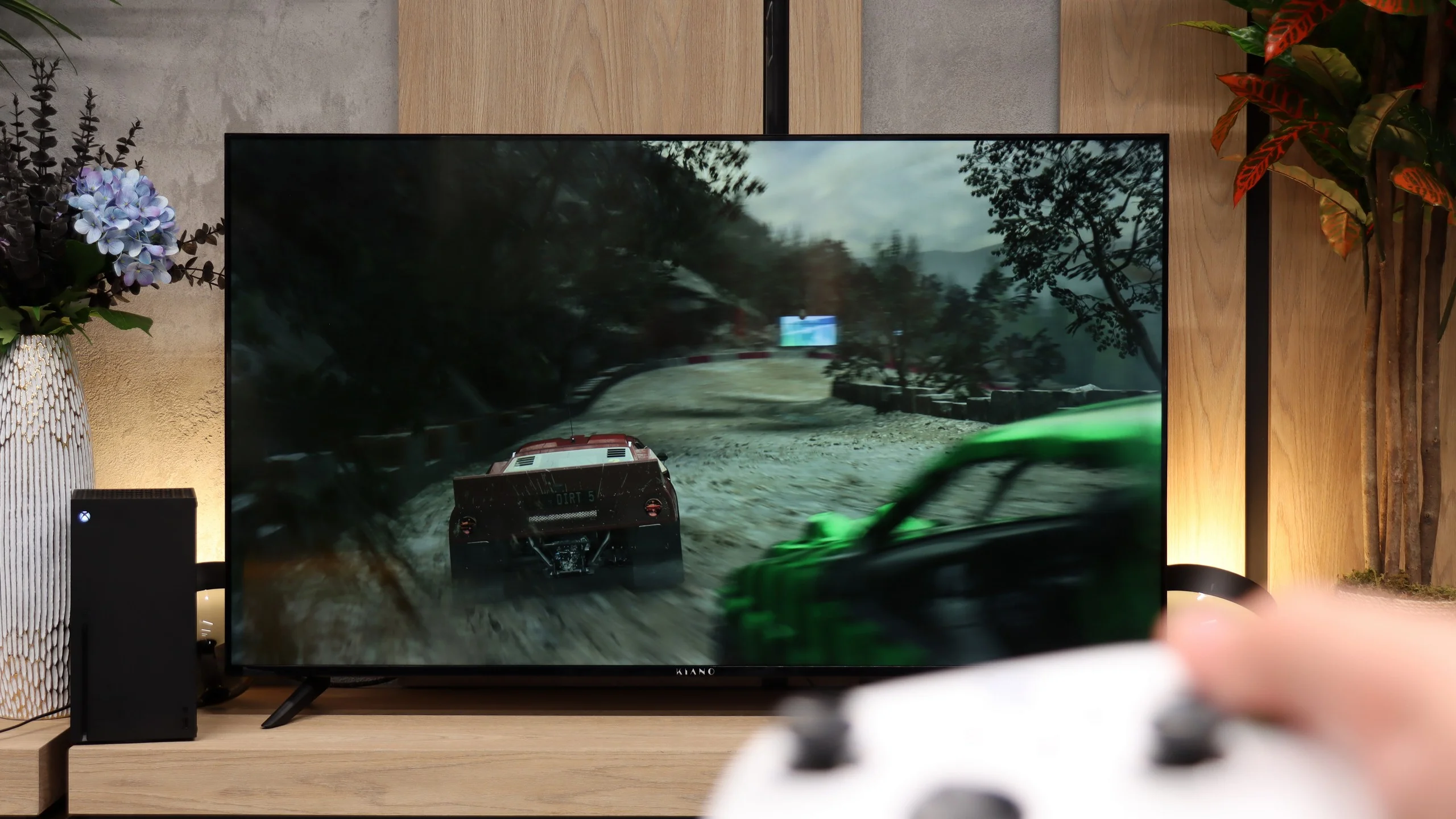
The Sony Bravia 9 television is equipped with four HDMI ports. However, somewhat incomprehensibly for this class of device, only two of them operate in the 2.1 standard. Nevertheless, it shouldn't be taken away that almost all features work excellently and do not cause any negative feelings upon being activated. Games operating in either HDR10 or Dolby Vision have a very short input lag, allowing for a very comfortable session with the title. A consolation remains in the good implementation of the HGIG mode, which after proper tuning does not deviate significantly from Dolby Vision.
A year ago, Sony added to its televisions what has been standard for some manufacturers for years. This is, of course, the GameBar, allowing for quick adjustment of settings without the need to exit the game. The implementation of this feature was successful and works very smoothly. We have been provided with conveniences such as: crosshair grid, black level correction, and the ability to reduce the screen to the proportions of gaming monitors.
Sony Bravia 9 will certainly find its group of fans, most likely among PlayStation enthusiasts. Here, we must admit that this will be the most sensible choice, as in practice both the console and the television have exactly the same capabilities. However, looking more broadly, aside from issues with Dolby Vision in games, one cannot deny that the Bravia 9 is a very good television in the context of gaming.
The Kiano Elegance will let you hook up a console and play, but its ambitions pretty much end there. The panel only supports up to 60 Hz, and there's no VRR to help with frame drops. It even lacks ALLM, the automatic switch to a low-latency mode, so you'll need to set up the TV yourself. That's a pity, especially since input lag is low in the right mode. If a console is one of the main reasons you're buying a TV, it's worth looking for something with greater capabilities.
Input lag
9.7/10
9.8/10
SDR
HDR
Dolby Vision
Input lag for Bravia 9 is low in every scenario. Even the most dedicated gamers will certainly appreciate the very low input lag of 10 ms at demanding 4K 120 Hz with HDR settings.
Although it has few features for gamers, the Kiano Elegance performs very well in terms of input lag. We measured around 14-15 ms at 60 Hz, both in Full HD and 4K. Turning on HDR also doesn't worsen the figure. Response to controller inputs is therefore quick, and while gaming you don't feel the TV noticeably delaying your inputs. It's one of the stronger points of this model.
Compatibility with PC
7.6/10
6/10
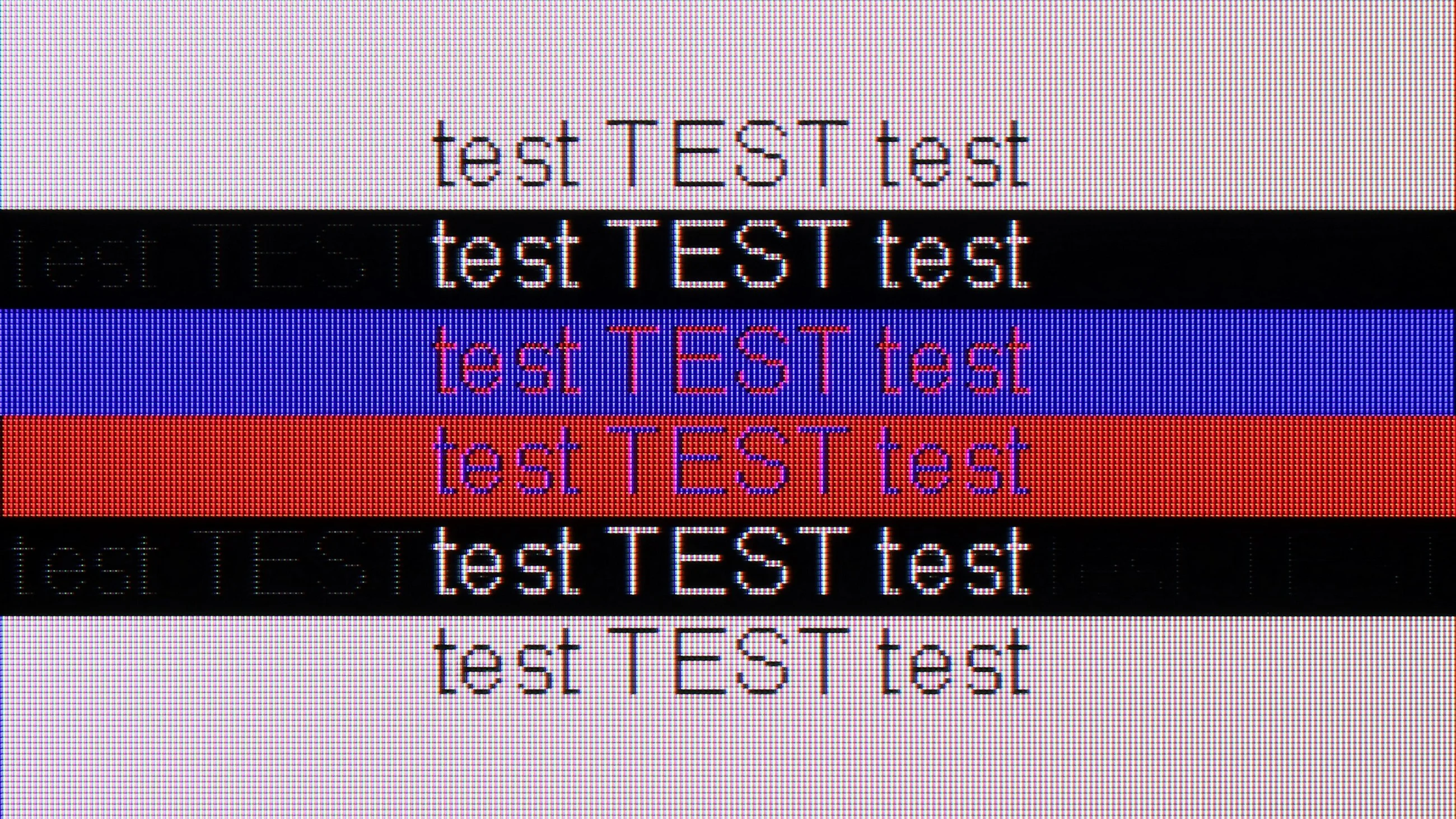
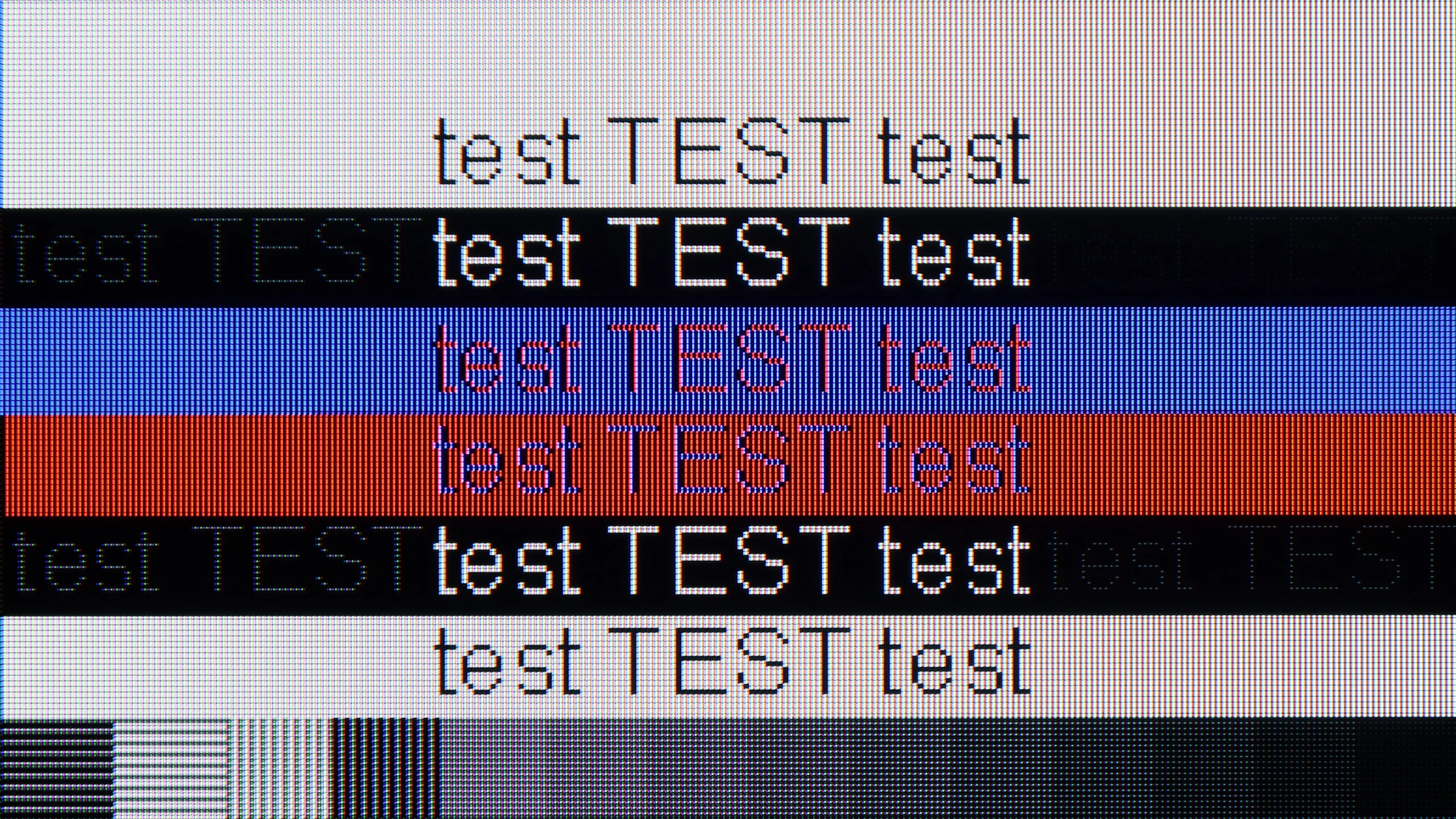
The photo shows the legibility of small fonts. Ideally, lines should be the same thickness on both light and dark text, with minimal pixel gaps.
Sony Bravia 9 coupled with a PC performs excellently, thanks to its very low latency of just 9 ms, providing immediate response between the mouse, eye, and screen. An extremely important aspect while working on the screen is the readability of text, which in the case of the tested television is very good. However, it is essential to remember to switch the television to "Game" mode, as this provides the best text readability, while in other scenarios, the font may become unreadable.
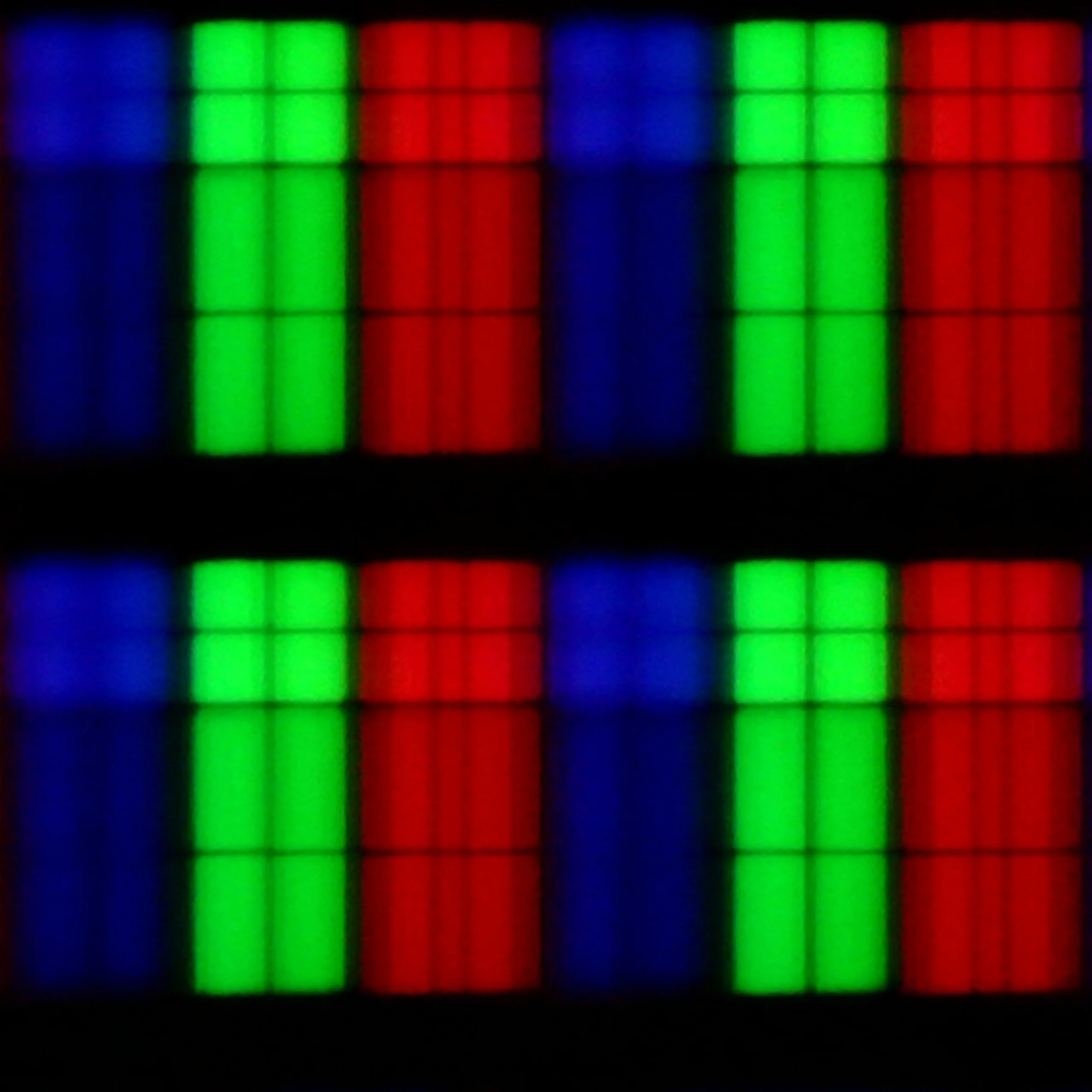
The subpixel arrangement is BGR, which does not negatively impact using the television as a monitor. However, since operating systems are not adjusted for such a subpixel format, this may result in slightly less sharp contours. This is practically negligible, and only a handful of people may notice it.
For browsing the internet, documents or showing an image from a laptop, the Kiano Elegance performs quite well. It supports chroma 4:4:4, so small, coloured letters remain legible. There are no major problems displaying dark text either. Despite using a BGR subpixel layout, font readability in our tests was very good.
When gaming on a computer, however, the earlier described limitations return. The refresh rate tops out at 60 Hz and G-Sync is not supported. A low input lag of around 15 ms provides responsive control, but it won't improve the sharpness of moving objects. As a large screen for basic tasks, the Kiano manages fine, but there are better options for fast-paced games.
Viewing angles
7.4/10
2.8/10
Thanks to the use of an angular coating, colour degradation and contrast loss at an angle are not as drastic as in the vast majority of VA matrix televisions. Only after a significant shift off-axis does greater image destabilisation become apparent; however, the overall experience can be rated very positively.
The Kiano Elegance is best watched sitting directly in front of the screen. Move to the side and colours clearly lose saturation and the picture becomes much less contrasty. At a 45-degree angle we measured a brightness drop of about 63%, so the difference is hard to miss. It's a typical weakness of VA panels and worth keeping in mind if the TV will sit by a wide sofa or be viewed from different parts of the room.
Daytime performance
9.5/10
3.7/10
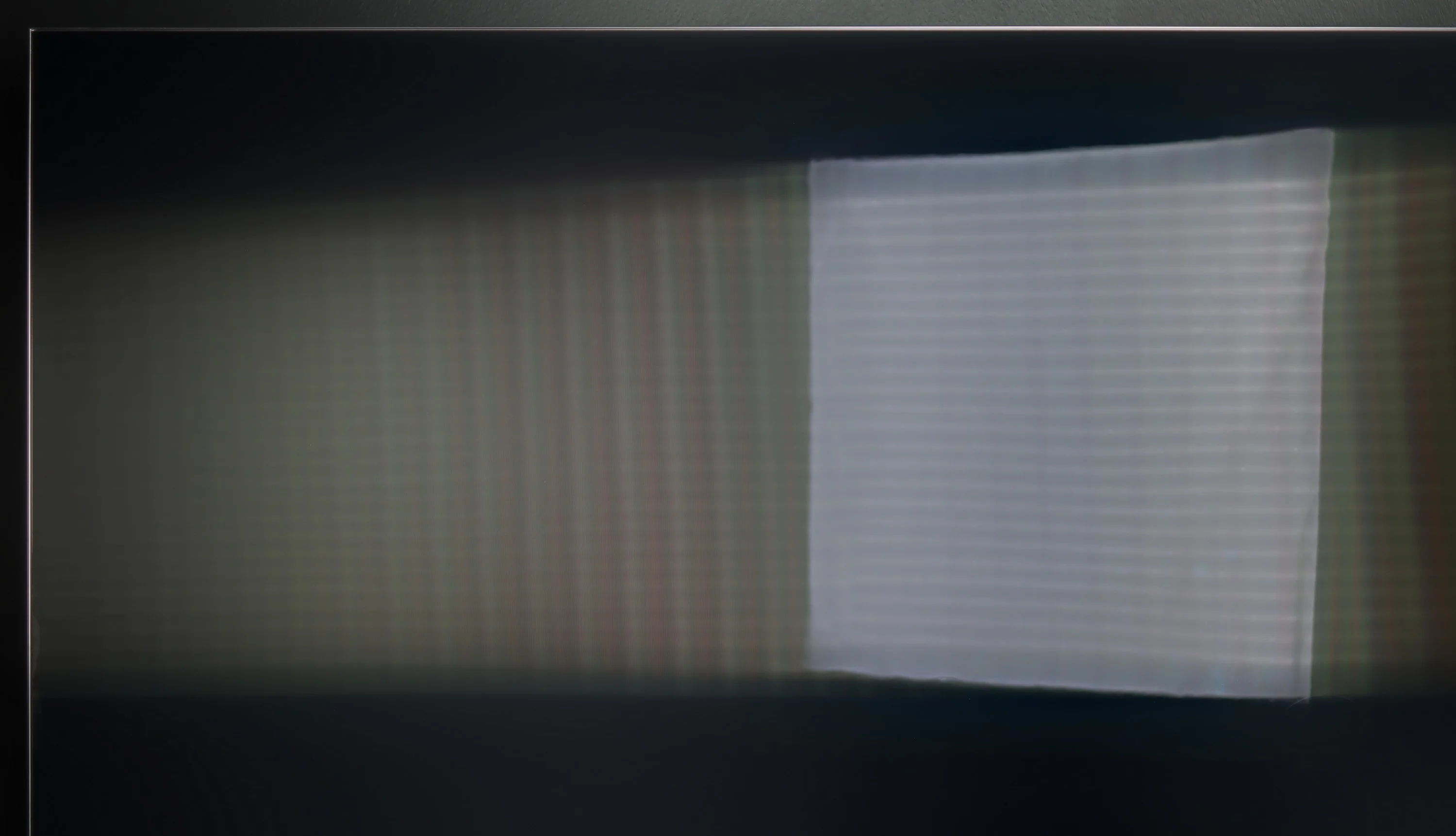
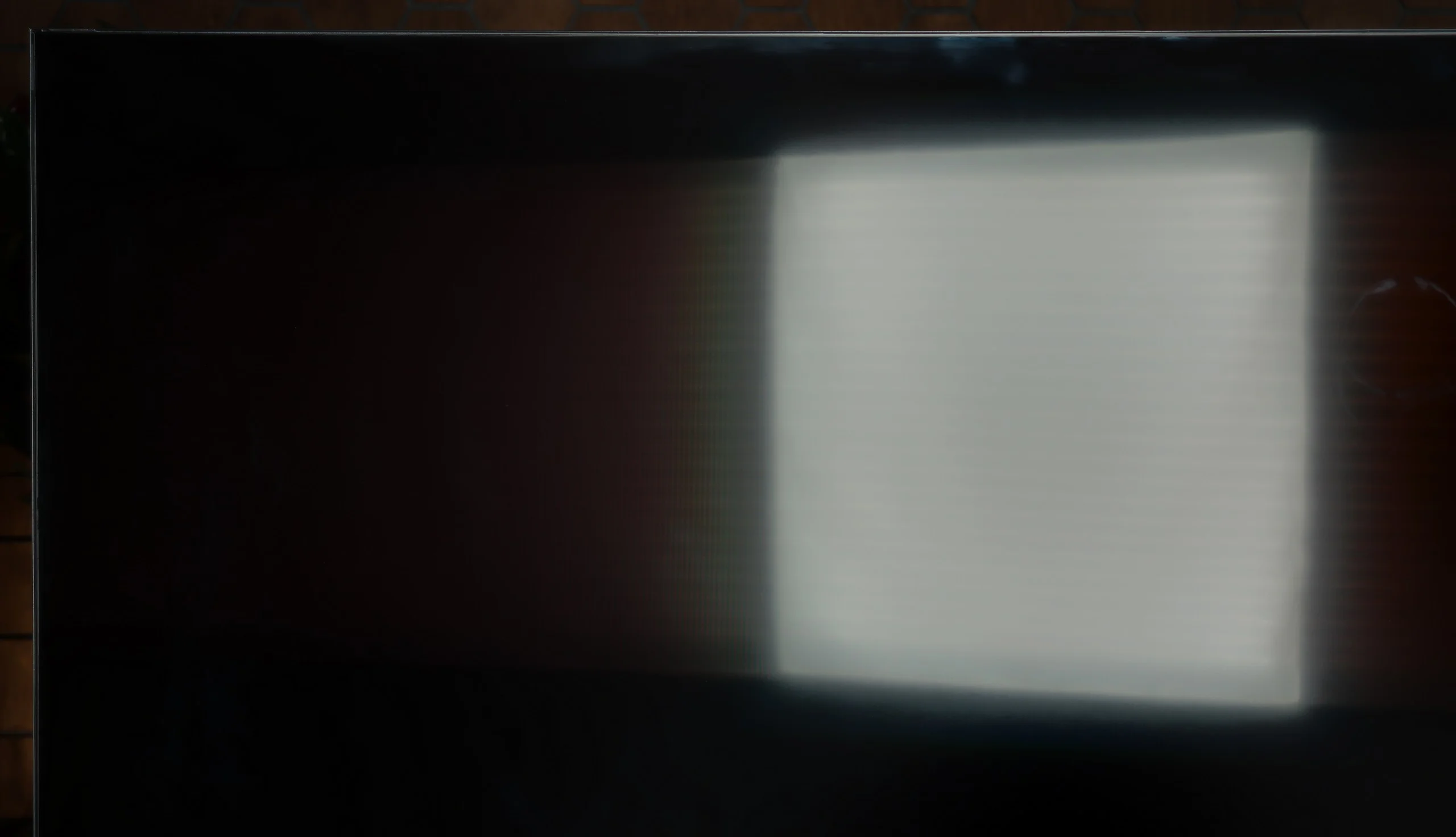
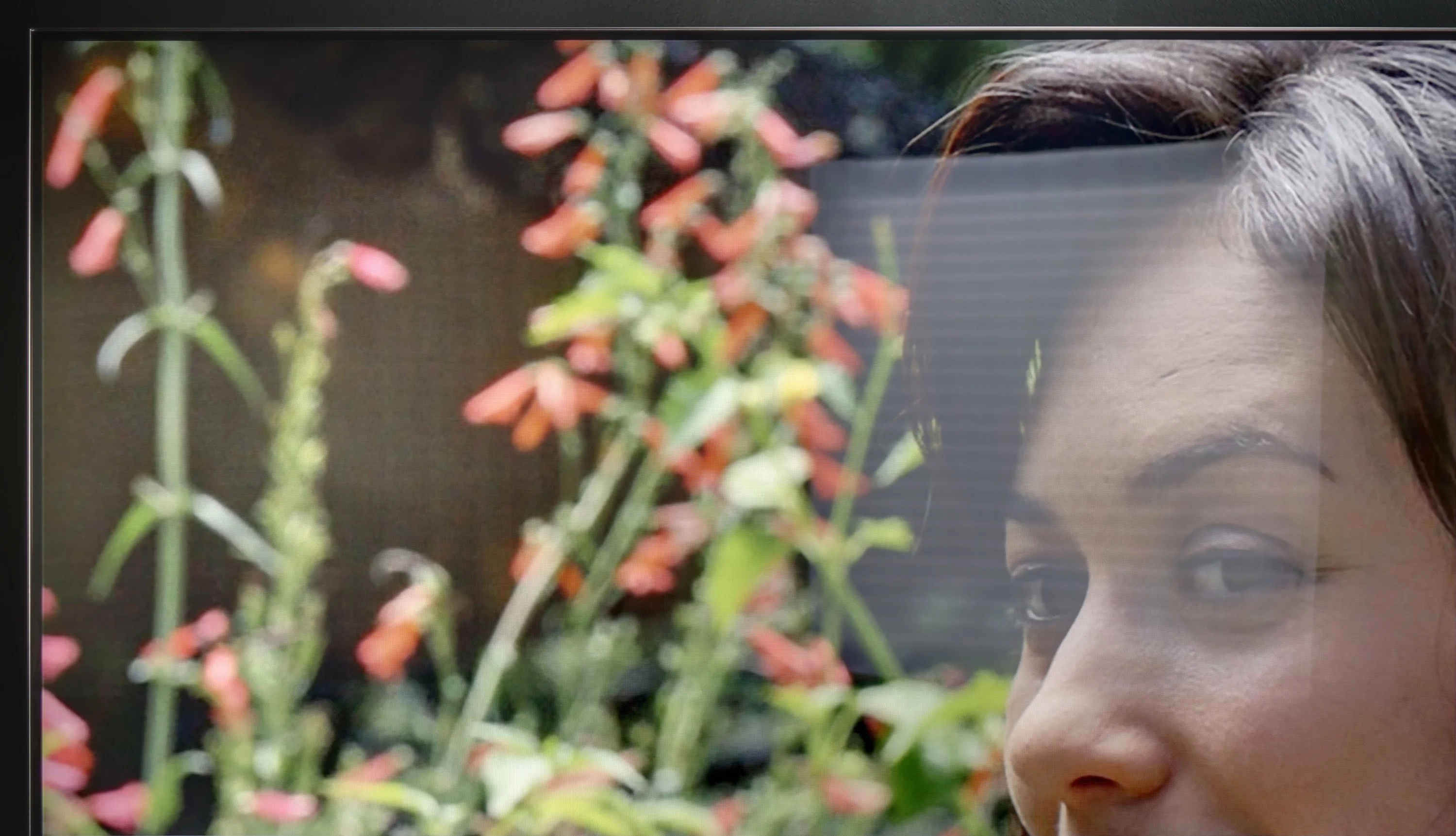
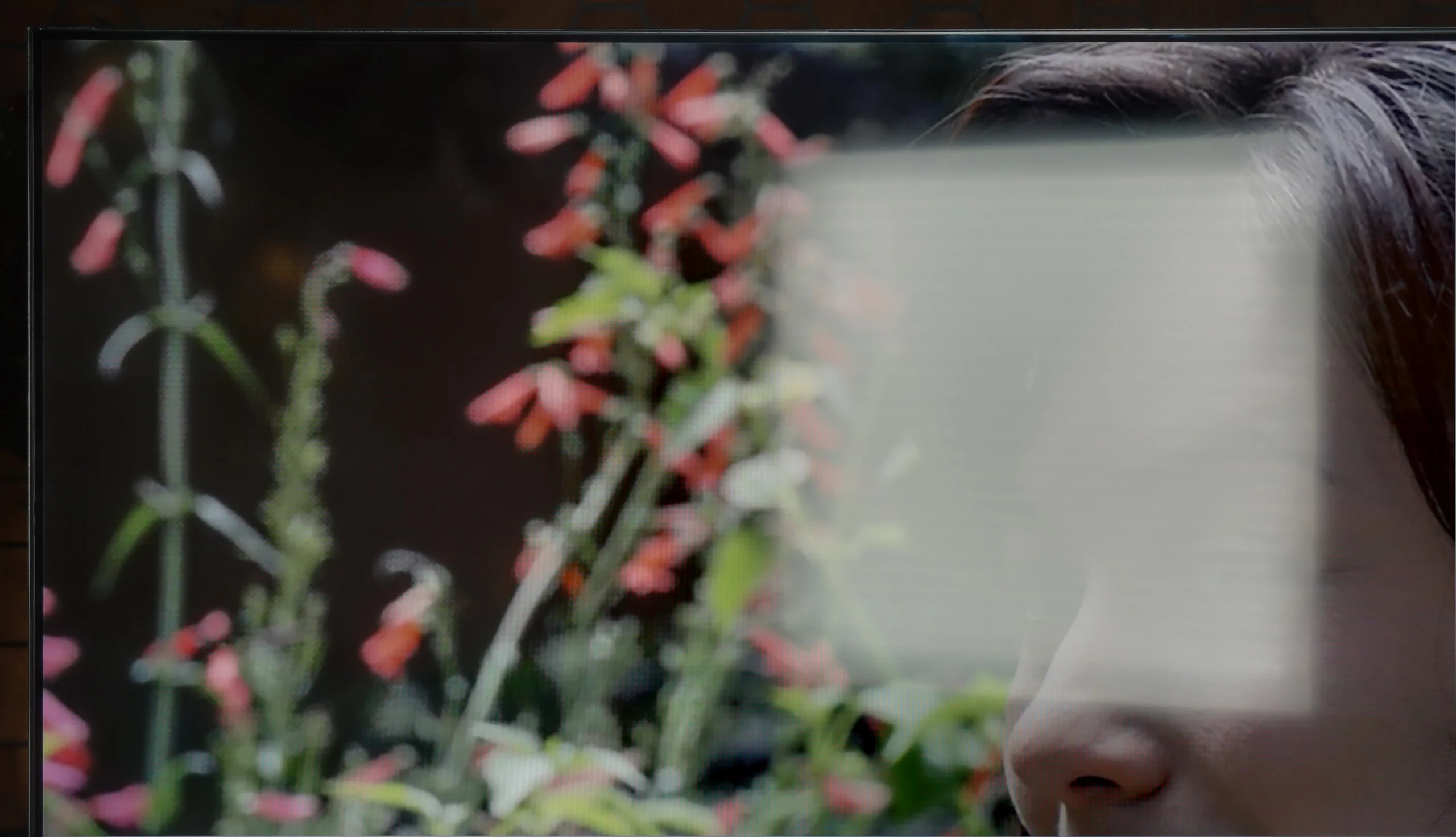
Panel brightness
Kiano Elegance Tizen: 215 cd/m2
Sony Bravia 9 (XR90): 1609 cd/m2
When watching during the day, we can count on an incredibly high brightness of 1600 nits, which allows for very comfortable viewing even when harsh angled light hits the TV. Even reflections that spill across the screen do not detract from the enjoyment of watching on a sunny day. For this reason, the Sony Bravia receives nearly the highest rating from us in this regard.
In a brightly sunlit living room the Kiano Elegance will simply be too dim. The average brightness is around 215 nits, so during the day the picture is easily overwhelmed by light coming in through the windows. Especially with darker films you may need to pull the blinds. The satin coating does a decent job of reducing reflections, and blacks in a lit room don't look bad, but that's not enough to make up for the low brightness. The TV will perform much better in a less sunlit room or for evening viewing.
Panel details
Subpixel Structure:
Panel uniformity and thermal imaging:


Sony Bravia 9 (XR90)
Kiano Elegance Tizen
TV features
8.8/10
5.1/10
- SystemGoogle TVTizen
- System performanceVery goodAverage
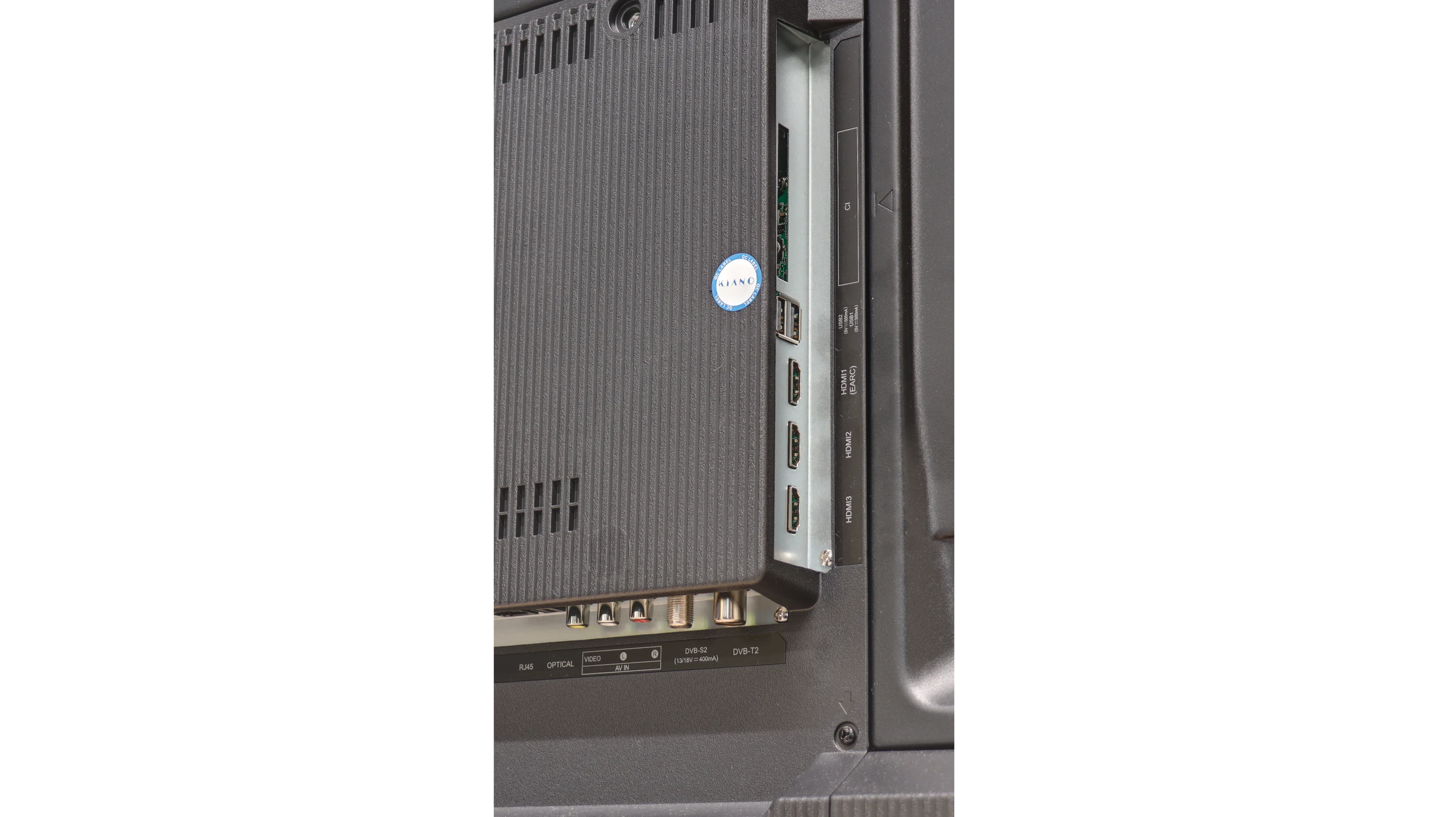
- HDMI inputs2 x HDMI 2.0, 2 x HDMI 2.1 48Gbps3 x HDMI 2.0, 0 x HDMI 2.1
- Other inputsRCA (Chinch)
- OutputsToslink (Optical audio), eARC (HDMI), ARC (HDMI)SPDIF (Coaxial audio), eARC (HDMI), ARC (HDMI)
- Network InterfacesWi-Fi 2.4GHz, Wi-Fi 5GHz, Ethernet (LAN) 100MbpsWi-Fi 2.4GHz, Wi-Fi 5GHz, Ethernet (LAN) 100Mbps
- TV receptionDVB-T, DVB-T2, DVB-S, DVB-S2, DVB-CDVB-T, DVB-T2, DVB-S, DVB-S2, DVB-C
Classic features:
- Recording to USB (terrestrial TV)
- Recording programming
- Picture in Picture (PiP)
- RF remote control (no need to aim)
- Backlit remote control
- Teletext
- Audio only mode
- Bluetooth headphones support
- Simultaneous Bluetooth headphones & TV audio
Smart features:
- AirPlay
- Screen mirroring (Windows Miracast)
- Voice search
- Voice search in native language
- Ability to connect a keyboard and mouse
Sound connection options
- HDMI audioeARC (HDMI), ARC (HDMI)eARC (HDMI), ARC (HDMI)
- Other audio outputsToslink (Optical audio)AuxiliaryOutput-SPDIF (Coaxial audio)
- Wireless audioBluetoothBluetooth
Supported audio formats (external HDMI eARC audio):
- Dolby Digital Plus 7.1
- Dolby True HD 7.1
- Dolby Atmos in Dolby Digital Plus (JOC)
- Dolby Atmos in Dolby True HD
- DTS:X in DTS-HD MA
- DTS-HD Master Audio
Senior accessibility
- Numeric keyboard on TV
- Font size adjustment
- Audio description
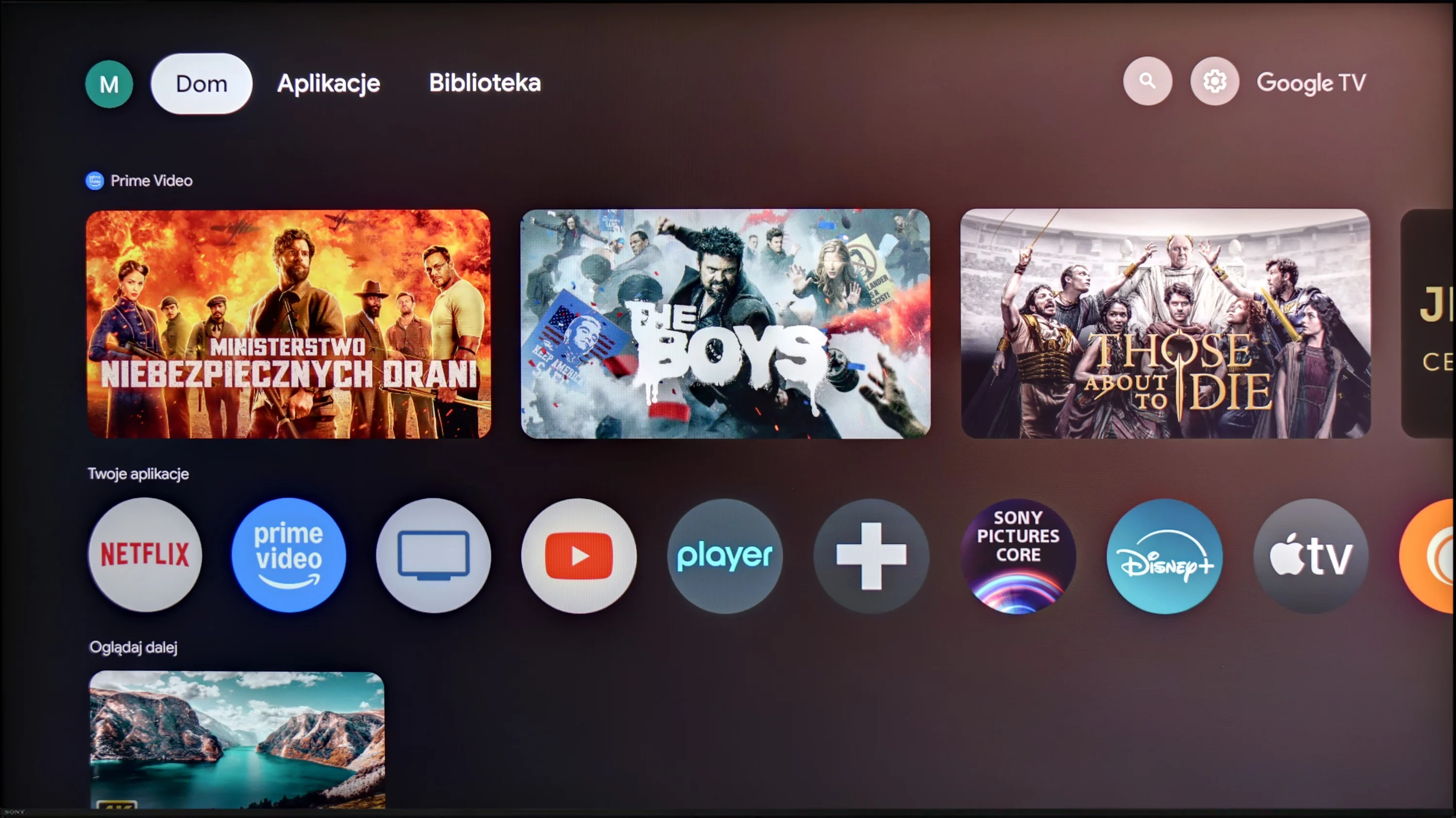
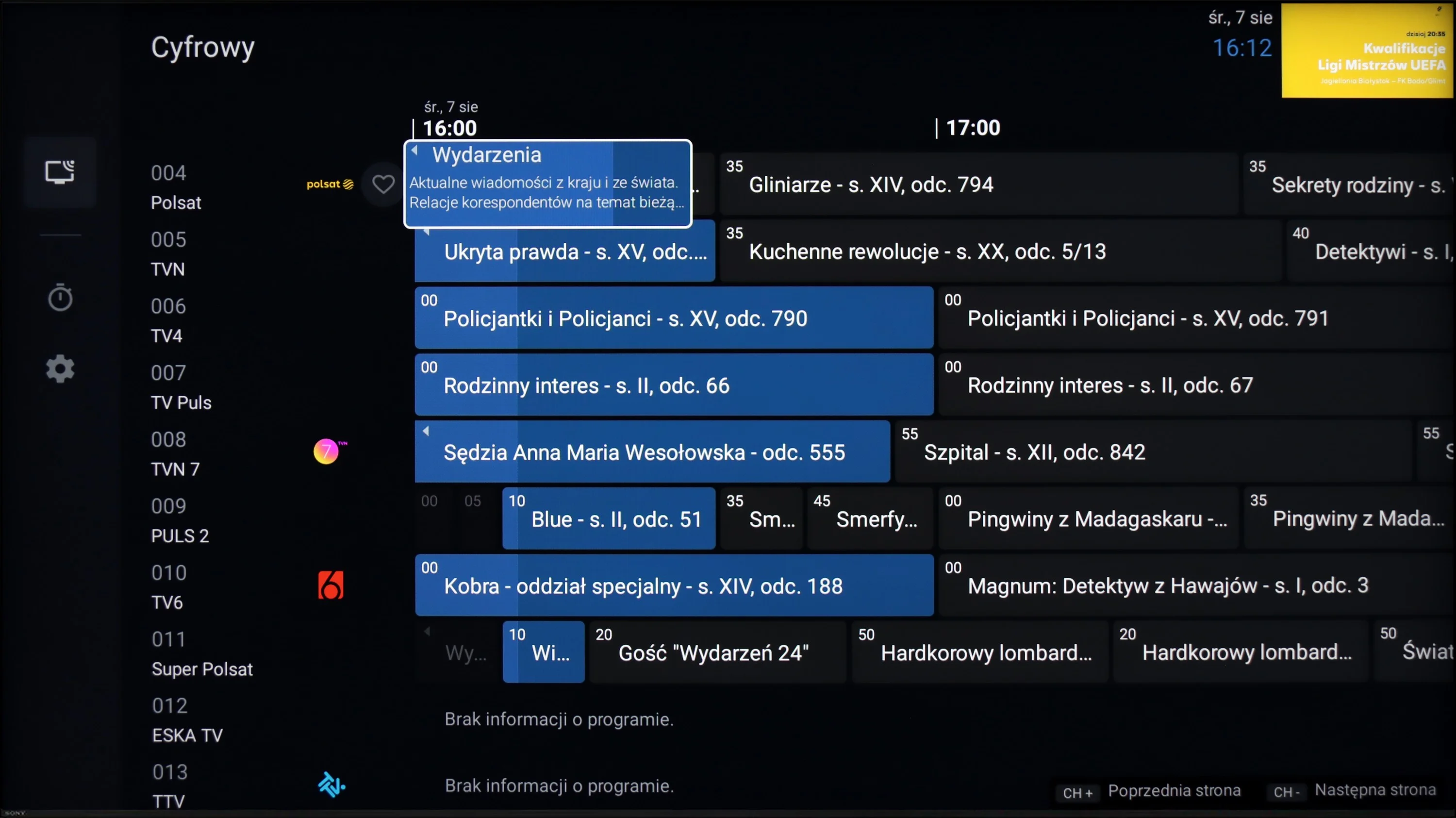
Bravia 9 runs on the Google TV system, which is a significant advantage compared to TVs equipped with proprietary systems from manufacturers, where installing applications from a USB drive can be difficult, and often downright impossible. With Google TV, we have the ability to install virtually any application, both from the official store and directly from online repositories via an APK file.
This system also offers many conveniences in terms of control. We can connect a keyboard with a touchpad, which significantly makes entering queries much easier. Additionally, thanks to integration with Google, we can use voice control features via the remote, which works very well, although there are occasional minor issues with understanding functions and options. It's worth noting that Google TV receives regular updates that enhance functionality and introduce new options. We can also confirm that, according to reports from users of older models, the software has its off days and sometimes has a “bad day.”
In summary: Google TV is currently one of the most popular systems on the market. Thanks to its efficient CPU, it operates very smoothly, doesn’t freeze and has no issues with lagging for a significant portion of usage. It is definitely the best option for those who want to fully utilise the potential of their TV and value system openness.
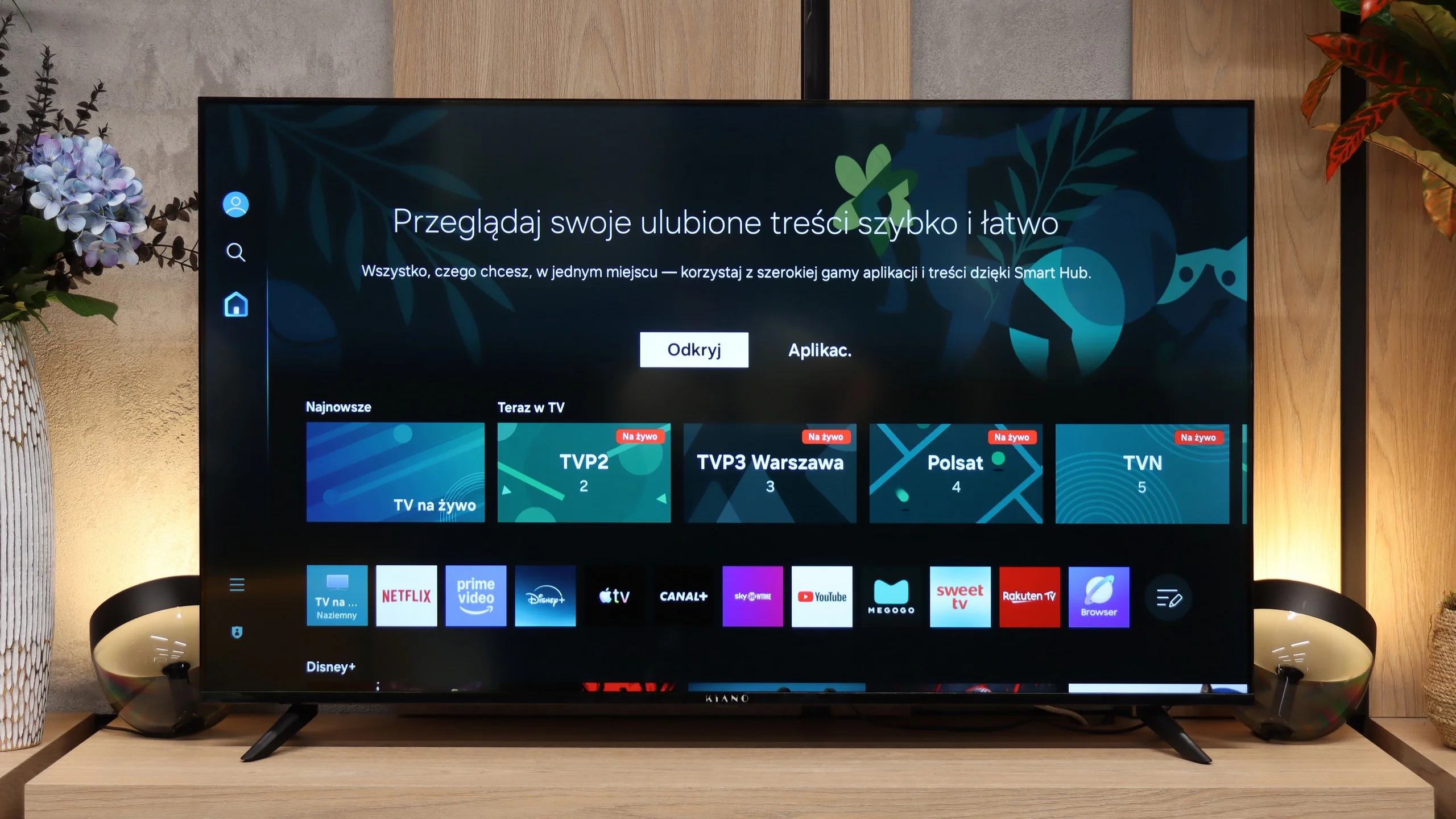
Tizen on the Kiano TV
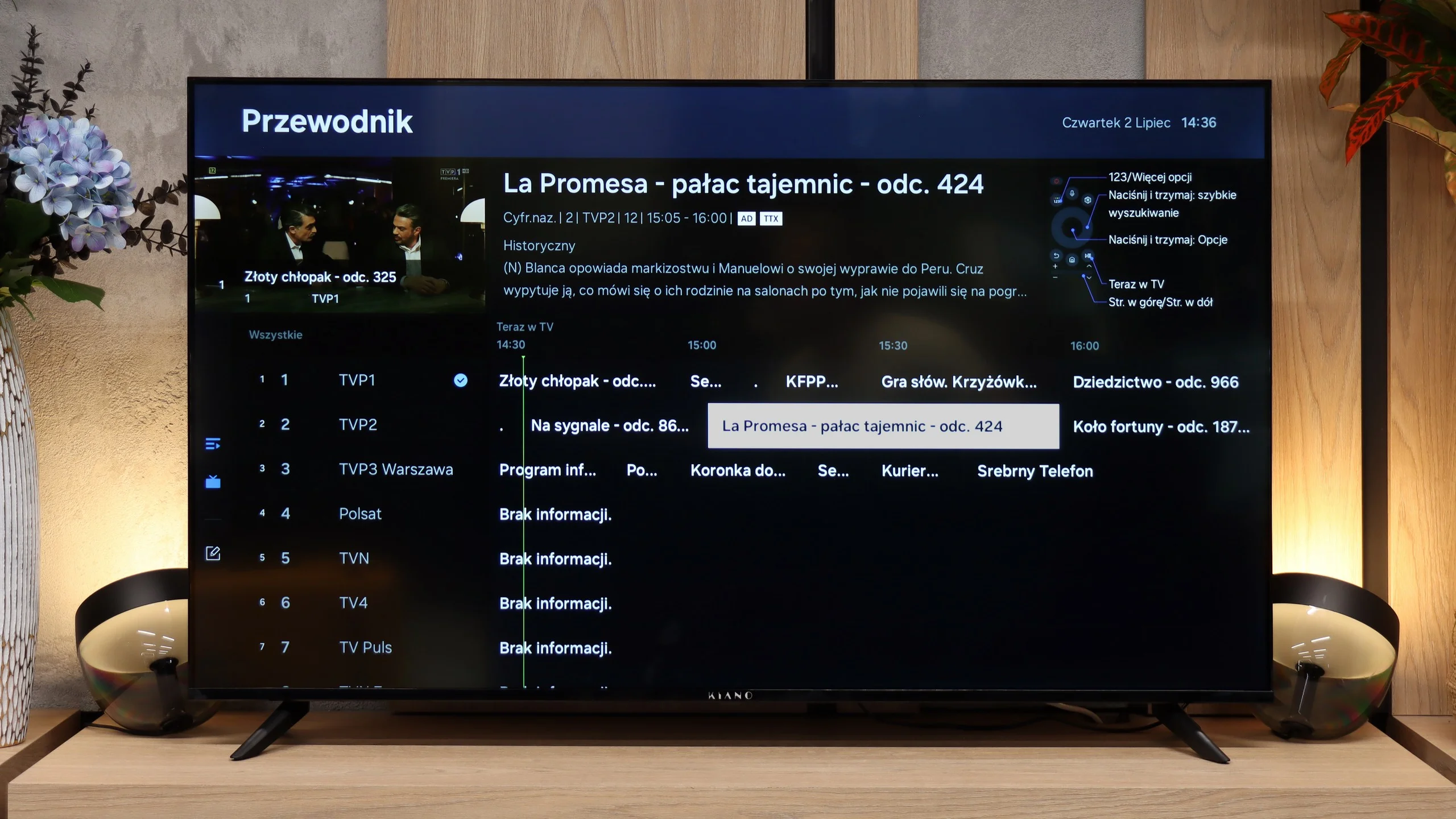
Tizen is one of the main reasons to consider this model. It gives access to many popular apps, so you don't need to buy a streaming stick just to watch series or YouTube. Bear in mind, though, that the same OS doesn't mean the same ease of use as on pricier Samsungs. On the Kiano responsiveness is average and you may have to wait a moment for the menu to react. There's also no voice search, so titles must be entered with the remote. A handy addition is AirPlay and the ability to wirelessly cast the screen from a computer.
Everyday use
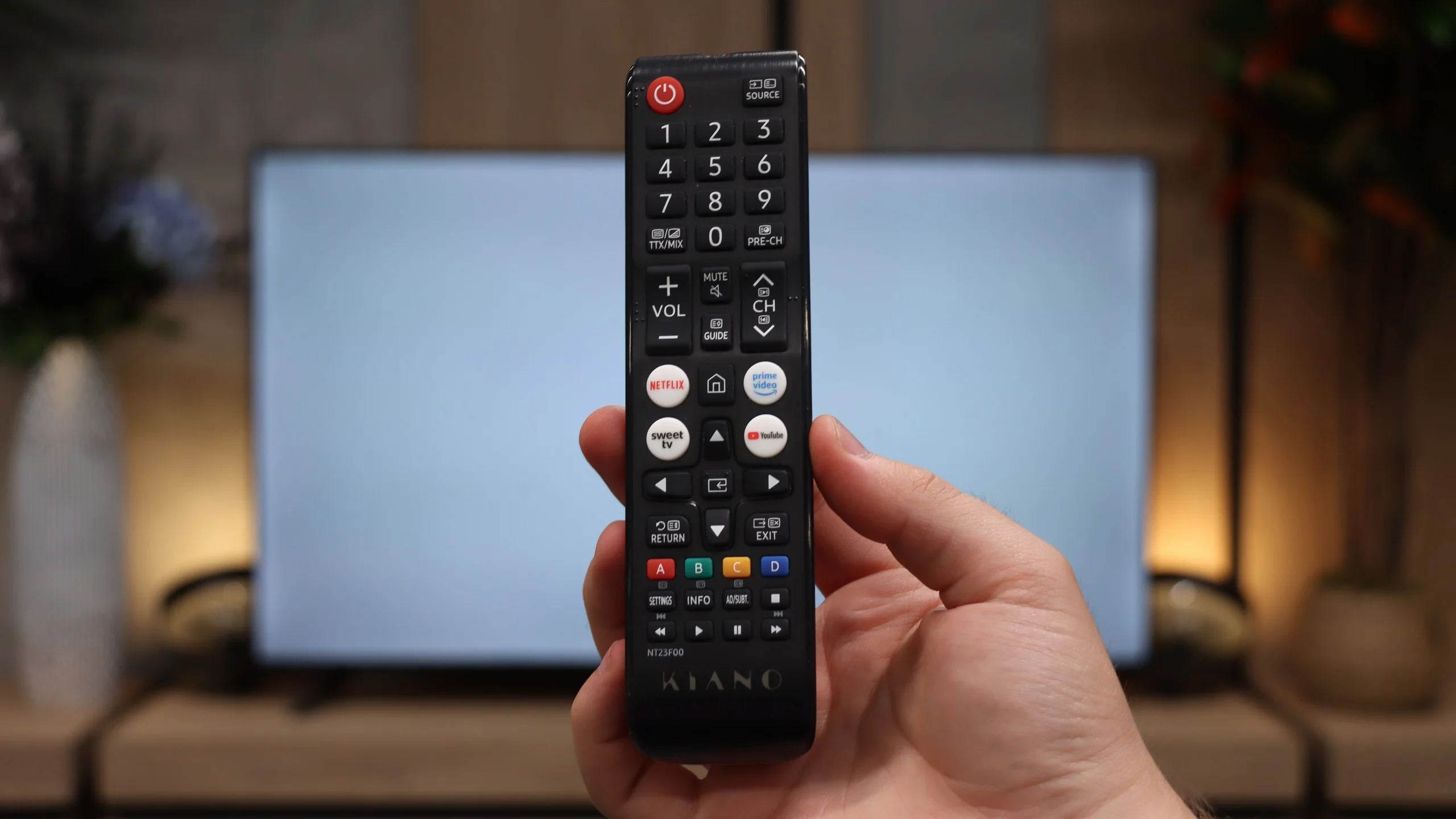
Basic TV functions are in place, but there’s no USB recording or picture-in-picture. The remote works over infrared, so you need to point it at the TV, and its buttons aren’t backlit. A useful feature is the ability to use Bluetooth headphones and the speakers simultaneously. That way one person can listen through headphones (for example a senior) without cutting sound for other household members. For connecting devices there are three HDMI 2.0 inputs, enough for 4K at 60 Hz. You can connect a soundbar via eARC, and an analogue RCA input is retained for older equipment.
Apps
9.6/10
8.8/10






















Playing files from USB
8.7/10
8/10
Supported photo formats:
Maximum photo resolution:
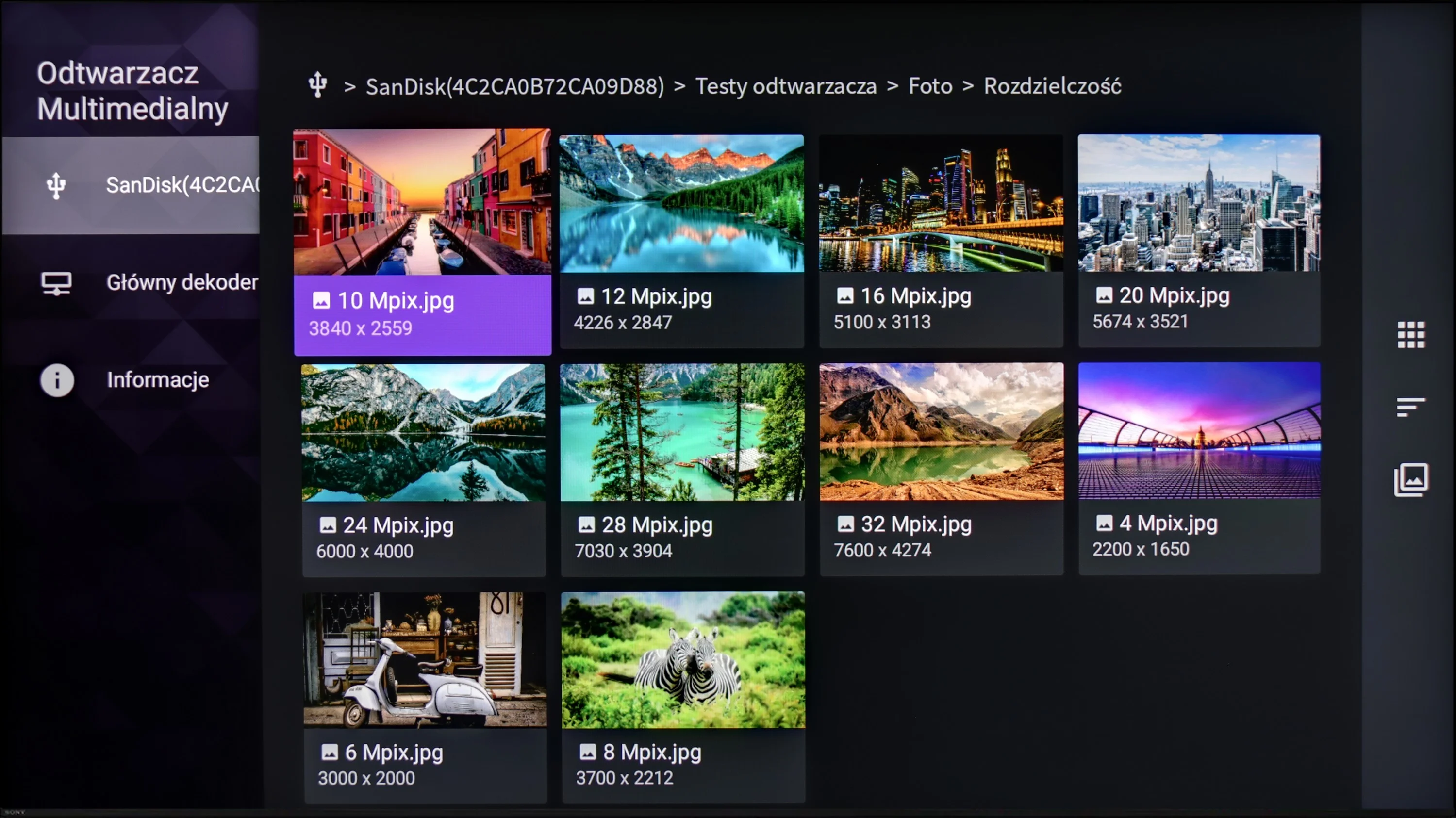
The built-in player in Sony Bravia 9 is quite good. While it’s not without its flaws, it must be said that it plays a significant portion of files without a hitch. However, among the missing features, the lack of support for subtitles in .sub, .txt formats or selectively working image formats can be bothersome, with only JPEG and HEIC available. This isn’t really a problem considering the ease of installing applications like VLC or KODI.
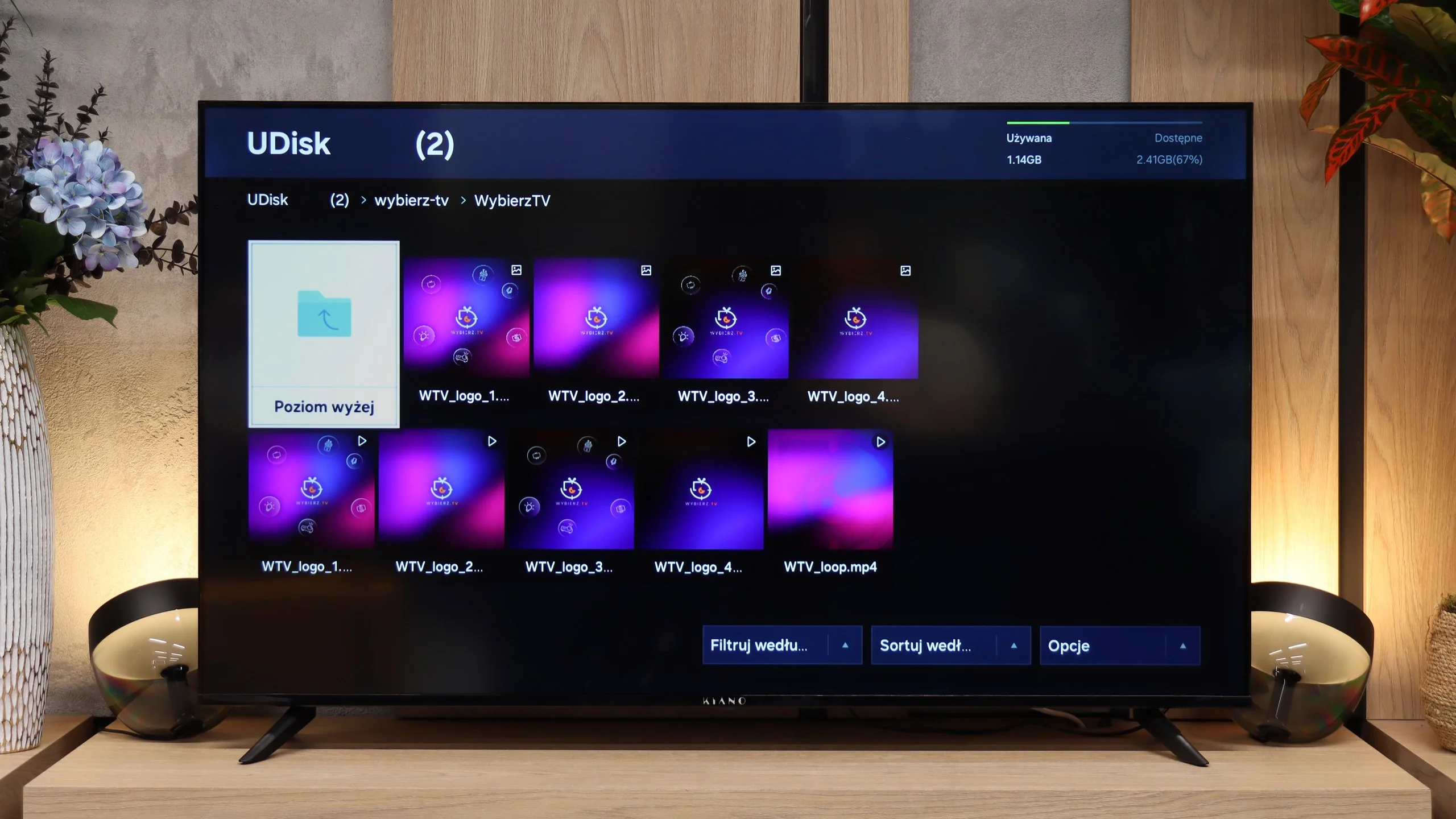
The USB media player in the Kiano Elegance supports most common formats, so playing typical movies, photos or music usually isn’t a problem. However, using it is another story. During testing it had its 'moments of weakness' and could take a very long time to open a single file. Sometimes it took so long you could start to wonder whether the TV was still loading or had frozen. It’s fine for the occasional playback from a USB stick, but browsing a larger collection can require a lot of patience.
Sound
8.9/10
3.6/10
- Maximum volume88dB88dB
- Dolby Digital Plus 7.1
- Dolby True HD 7.1
- Dolby Atmos in Dolby Digital Plus (JOC)
- Dolby Atmos in Dolby True HD
- DTS:X in DTS-HD MA
- DTS-HD Master Audio
We must admit that the sound coming from the Sony Bravia 9 left us quite astonished. Of course, we knew it was a top-of-the-line product, but we didn’t expect such sound quality. You can easily hear each instrument individually, and the bass adds the right depth to the whole experience. With a clear conscience, we can say that this is the best sounding television we have had the chance to test. Of course, we realise that people opting for such a television already have their own home theatre setup. And here there won't be any major obstacle, as the Bravia 9 supports DTS-HD Master Audio and Dolby Atmos.
Sound is one of the weaker points of the Kiano Elegance. The TV can play fairly loudly; we measured 88 dB, but volume doesn't translate into sound quality. For regular programme viewing you can stick with the built-in speakers, however for films or music it's worth budgeting for a separate sound system. Connecting a soundbar via HDMI eARC should not be a problem. The TV also supports Dolby Atmos via Dolby Digital Plus, but it won't play Dolby TrueHD or DTS-HD tracks.
Sound Quality Test
No sound test video
Acoustic Measurements
88dBC (Max)
75dBC
88dBC (Max)
75dBC
Reader comments
Comments are provided by the external service Disqus (Zeta Global). Once loaded, Disqus may set cookies and process data about your activity.
We will remember your choice on this device. Provider's privacy policy