 Direct comparison
Testing the Sony Bravia 7 quickly revealed that this television can really do quite a bit. Although it is the "lowest" model from the Japanese manufacturer in the new 2024 lineup, it doesn’t feel like a compromise at all. The picture impressed us with its depth of black and the detail in bright scenes – thanks to the Mini LED technology that makes a difference. When we watched movies in Dolby Vision, it was immediately evident how much HDR adds life to every scene. The intense colours and great dynamics made watching evening screenings a genuine pleasure for us. Using this television daily also surprised us positively. The Google TV system worked flawlessly, and the selection of apps was large enough that we easily found everything we wanted to watch. The backlit remote is a small but practical addition – in the evenings, we greatly appreciated not having to fumble around for the buttons. The older content we watched improved in quality thanks to advanced image processing. When we checked the TV for gaming, it also made a good impression on us. The 120 Hz refresh rate ensured smooth visuals, and the low input lag allowed us to enjoy fast-paced and dynamic gameplay. We particularly liked the Game Bar feature – easy access to settings during gameplay is something that every gaming enthusiast will appreciate. The television handled even more demanding titles excellently. However, not everything was perfect. Only two HDMI 2.1 ports, one of which is designated for eARC, could be an issue if someone plans to connect multiple devices at once. Additionally, when we watched the television at an angle, we noticed that the picture quality was not as good as when viewed head-on – the lack of a layer improving viewing angles was noticeable here. Nevertheless, the Bravia 7 is a television that pleasantly surprised us. It combines excellent picture quality with functionality that works well both in everyday use and during evening screenings or dynamic gaming sessions. The minor limitations are noticeable, but they do not overshadow the whole package, which definitely deserves the attention of buyers.
- Matching (Score) |
- Our verdict |
- TV appearance |
- Where to buy |
- Contrast and black detail |
- HDR effect quality |
- Factory color reproduction |
- Color reproduction after calibration |
- Smoothness of tonal transitions |
- Image scaling and smoothness of tonal transitions |
- Blur and motion smoothness |
- Console compatibility and gaming features |
- Input lag |
- Compatibility with PC |
- Viewing angles |
- Daytime performance |
- Panel details |
- TV features |
- Apps |
- Playing files from USB |
- Sound
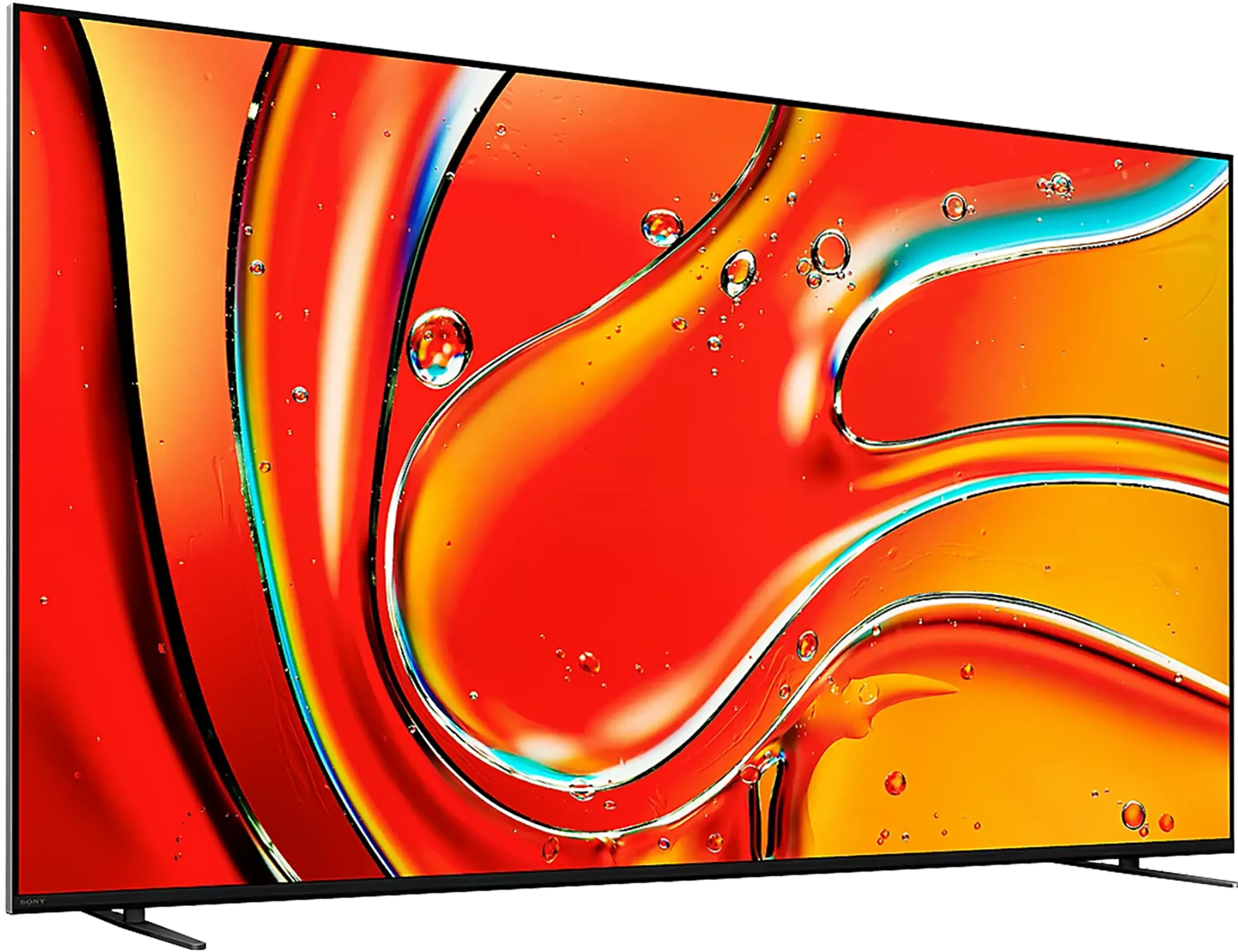
BRAVIA 7 / XR70
Panel type: LCD VA
Resolution: 3840x2160
System: Google TV
Model year: 2024
Complete the survey to find out the result
Panel type: LCD VA
Resolution: 3840x2160
System: Google TV
Model year: 2026
Complete the survey to find out the result
Overall rating
8.1
7.8
 Movies and series in UHD quality
7.7
7.4
 Classic TV, YouTube
7.6
7.1
 Sports broadcasts (TV and apps)
7.6
6.9
 Gaming on console
8.4
8.8
 TV as a computer monitor
7.6
8.4
 Watching in bright light
8.4
7.8
 Utility functions
8.8
7.8
 Apps
9.6
9.6
 Sound quality
7.8
7.8
Complete the survey to find out what fits your preferences
Advantages

High brightness
Good contrast
Great Dolby Vision support
Google TV – intuitive system, easy access to apps, backlit remote
Very good built-in speakers
Excellent digital processing
Good for gamers - HDMI 2.1, multiple features, low input lag
Very high HDR and SDR brightness
Good blacks and contrast (VA panel + mini-LED)
Impressive picture
Full support for HDR formats, including Dolby Vision and HDR10+
Extensive gaming features (VRR, ALLM, HGiG)
Good motion clarity with low smearing (up to 288Hz)
Google TV operating system (many apps, Gemini voice assistant)
Disadvantages

No extension coating for wide viewing angles at this price
Only 2 HDMI 2.1 ports - including one ARC
Poor digital image processing due to the use of the older MediaTek Pentonic 700 processor
Glossy screen coating does a poor job of reducing reflections
Only two HDMI 2.1 ports
Less stable colours, dependent on the dimming algorithm (a characteristic of RGB panels)
Our verdict
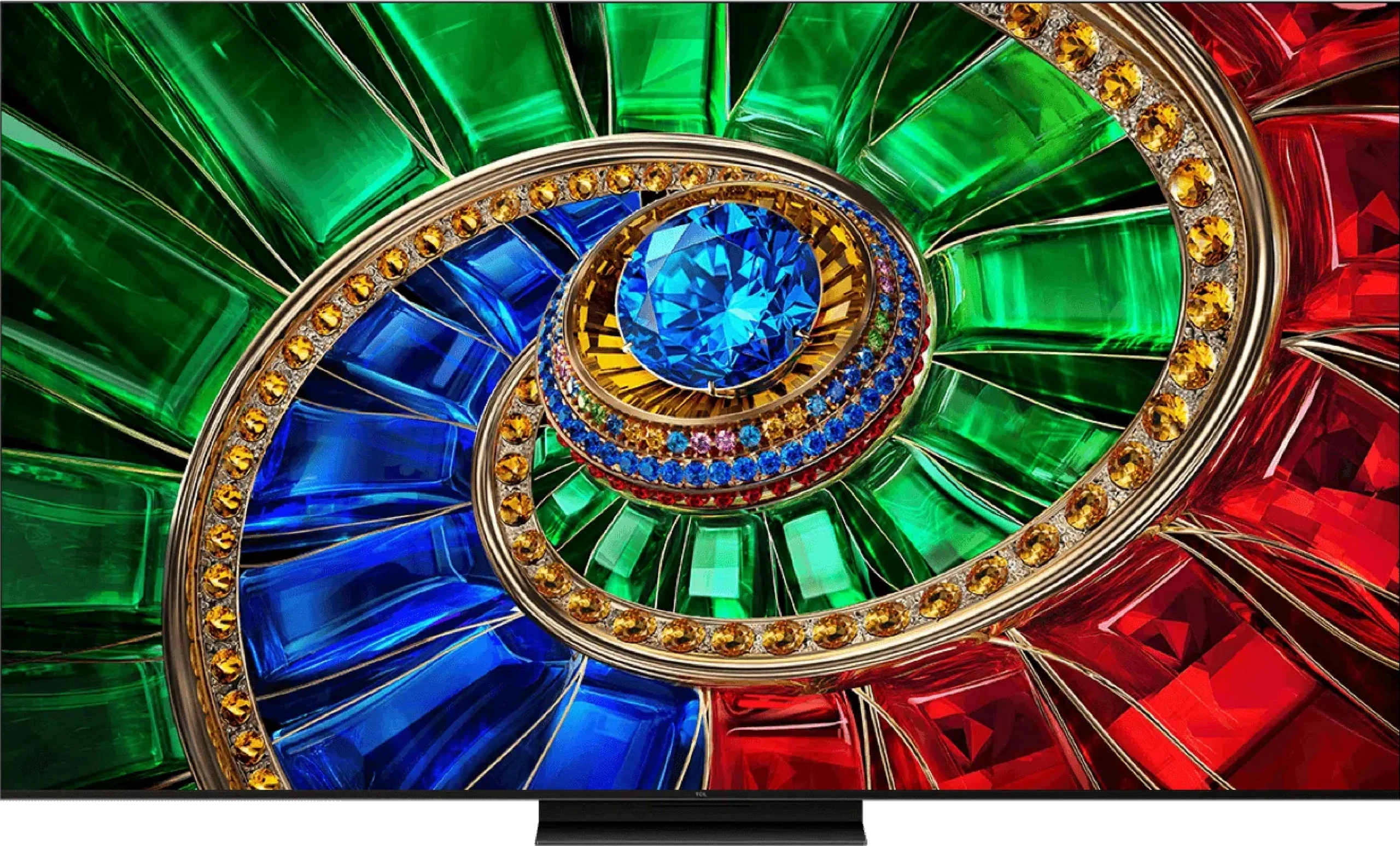
TCL RM7L is a TV that can’t be judged fairly by numbers and measurement charts alone. Although it’s not uncompromising, it more than holds its own in everyday use. It delivers a bright, dynamic and saturated picture, so it’s great for HDR content, games and fast-paced movies. The RM7L doesn’t chase perfect "reference-grade" accuracy. Instead it serves up an image that’s simply pleasing to the eye. It’s also hard to fault in daily use. Google TV runs smoothly and provides access to a full suite of apps, and a rich set of features for gamers means the TV performs as well connected to a console or PC as it does during an evening on the couch. It’s a versatile piece of kit that will suit most home uses. What’s most interesting is TCL’s approach to backlighting. Rather than chasing numbers and inflating local dimming zones like the C7L, they’ve gone with RGB Mini-LED technology. The result is genuinely intriguing. Although black levels and contrast are very good, in the toughest scenes, with bright objects on a dark background, halo can be slightly more noticeable than on its stablemate. Interestingly, the bloom takes on the colour of the displayed element, so it looks much more natural and doesn’t draw the eye away from the viewing experience as much as it does on classic Mini-LED screens. And that’s the dilemma. Put the RM7L next to the TCL C7L and it’s hard to deliver a clear, objective verdict. Both models cost almost the same but represent two completely different backlight design philosophies. The C7L wins on dimming precision thanks to a larger number of zones, while the RM7L makes up for it with the unique, very eye-pleasing character of its RGB panel. Until recently the choice boiled down to a simple calculation of zones; today, as TCL shows, the picture is much more interesting. If we had to pick between the two, we’d lean slightly toward the C7L for its higher number of zones and equally impressive, saturated colours, but the final choice always depends on what an individual expects from their TV.
TV appearance
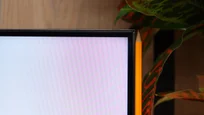
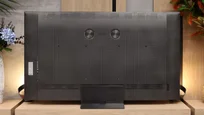

Contrast and black detail
7.7/10
7.7/10
Local dimming function: Yes, number of zones: 512 (32 x 16)
Local dimming function: Yes, number of zones: 448 (16 x 28)
Contrast:


Result
190,000:1

Result
14,700:1

Result
45,000:1

Result
4,400:1

Result
4,800:1
Result
258,450:1
Result
41,400:1
Result
18,800:1
Result
15,650:1
Result
8,350:1
Halo effect and black detail visibility:
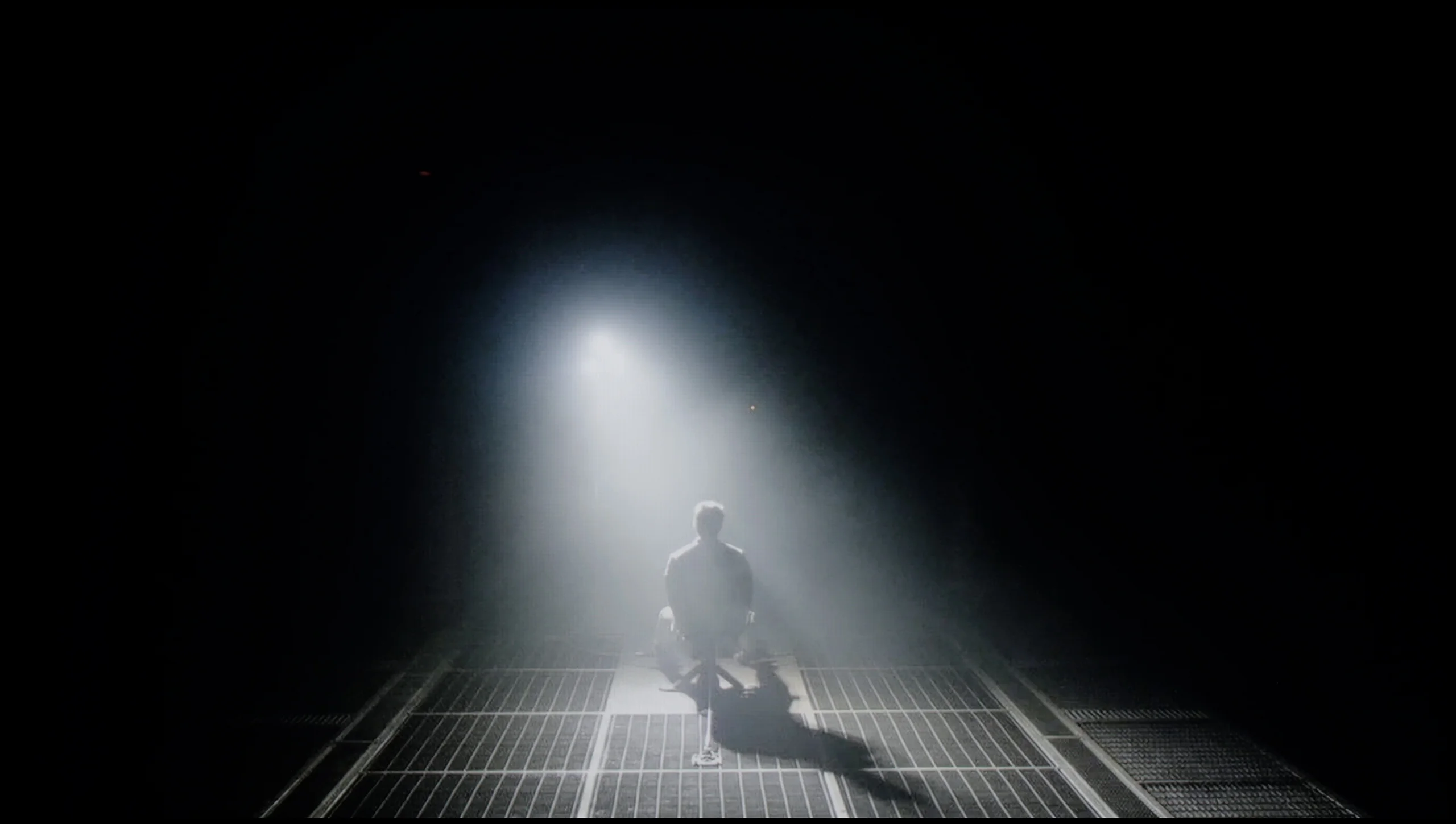
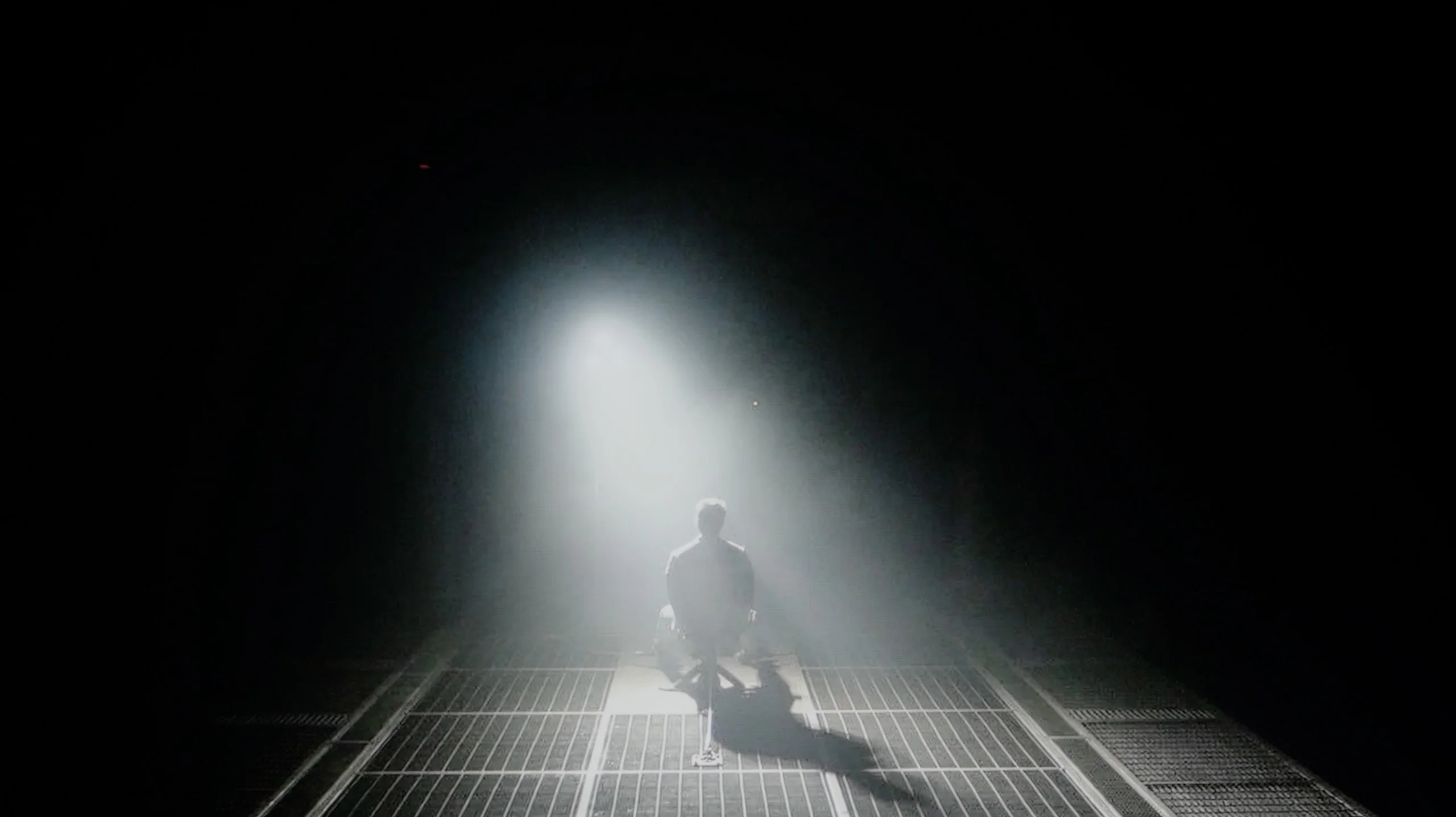
Check the visibility of bright lights on a dark background. Mini-LEDs often struggle with this. The photo does not compare black levels – that’s what the video below is for.
The video accurately shows differences in contrast and black levels between TVs, as well as potential issues: halo around bright objects or Mini-LED zone operation visible as brightness jumps.
The Sony BRAVIA 7 television with a VA panel and MiniLED backlighting technology offers excellent black quality. The tested 65-inch variant is equipped with 512 dimming zones, allowing for very good contrast, particularly during demanding movie scenes. Naturally, larger sizes of the television have more zones, which positively affects contrast and image depth. During tests, in scenes from the film "Oblivion," the BRAVIA 7 handled dark and bright areas exceptionally well, providing decent separation of lights (the light effect did not merge into a large blob) from deep blacks. However, as is often the case with televisions featuring local dimming, certain difficulties arise with small, bright light sources. In more challenging sections (e.g., scenes 4 and 5), it's noticeable that the television "struggles" to maintain high brightness for these elements, which impacts contrast – bright objects are either too dark (resulting in poor contrast) or exhibit a slight halo effect around them. In a scene from the film Sicario 2, the operation of the zones can be seen, causing the aforementioned effect, though it is minimal. Despite these minor imperfections, the overall impression is positive – the local dimming algorithm works quite well, ensuring that the picture maintains high contrast, and the quality of blacks and details is satisfactory.
Black performance on the TCL RM7L is really good. The combination of a high-contrast VA panel with a zone-based RGB Mini-LED backlight allows the TV to achieve very high contrast figures. In most of the scenes we measured, the results were good enough that dark parts of the image looked deep and convincing. The RM7L performs best in less demanding shots where black occupies a large portion of the screen and bright elements are relatively small. In such conditions contrast can reach six-figure values. As scene complexity increases, results gradually fall off, but that is a natural characteristic of any LCD TV using local dimming.
However, the RM7L has noticeably fewer zones than its counterpart using an SQD Mini-LED backlight. In the 65-inch version the difference is more than twofold, so you more often see more pronounced blooming around bright elements on a dark background. In terms of pure dimming precision, the RM7L is therefore not as accurate as the C7L. RGB Mini-LED has its own advantage here though. The bloom is not simply white, it takes on the color of the displayed element. A good example is the helicopter cockpit scene from Sicario 2, where a greenish bloom appears around the green lights instead of the typical bright halo known from conventional Mini-LED TVs. The halo effect is still visible, but because its color matches the image it is less distracting and looks more natural.
Ultimately we rate the RM7L and C7L similarly for black-level performance. The C7L controls the backlight better thanks to a larger number of zones, while the RM7L makes up for it with the character of its bloom. The bloom is somewhat larger, but its color blends better with the displayed image.
NOTE: Naturally, as the TV size increases the number of zones grows, yet we expect similar contrast results across RM7L sizes. It’s also worth adding that TCL lists the number of "color zones" in its product brochures, not the actual dimming zones. Since each color zone consists of three RGB channels, the advertised number should be divided by three. Therefore 1,344 color zones in the 65-inch unit we tested mean 448 actual dimming zones.
Size | Dimming zones (actual) | Color zones |
|---|---|---|
65" | 448 | 1344 |
75" | 600 | 1800 |
85" | 720 | 2160 |
98" | 960 | 2880 |
HDR effect quality
7/10
6.6/10
Luminance measurements in HDR:

Result
1322 nit

Result
624 nit

Result
1133 nit

Result
457 nit

Result
989 nit
Result
914 nit
Result
538 nit
Result
653 nit
Result
494 nit
Result
1413 nit
Scene from the movie “Pan” (about 2800 nits)
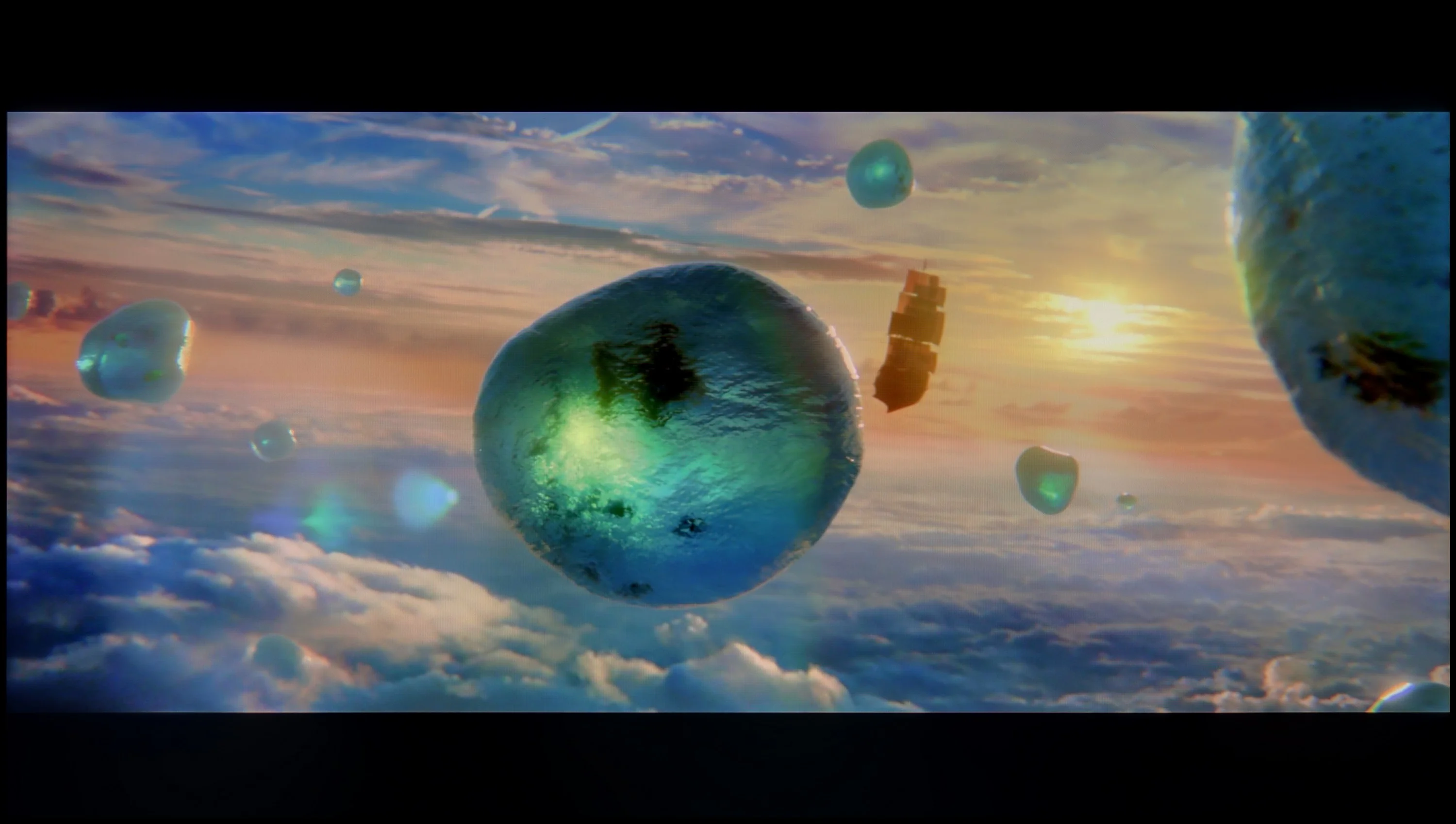
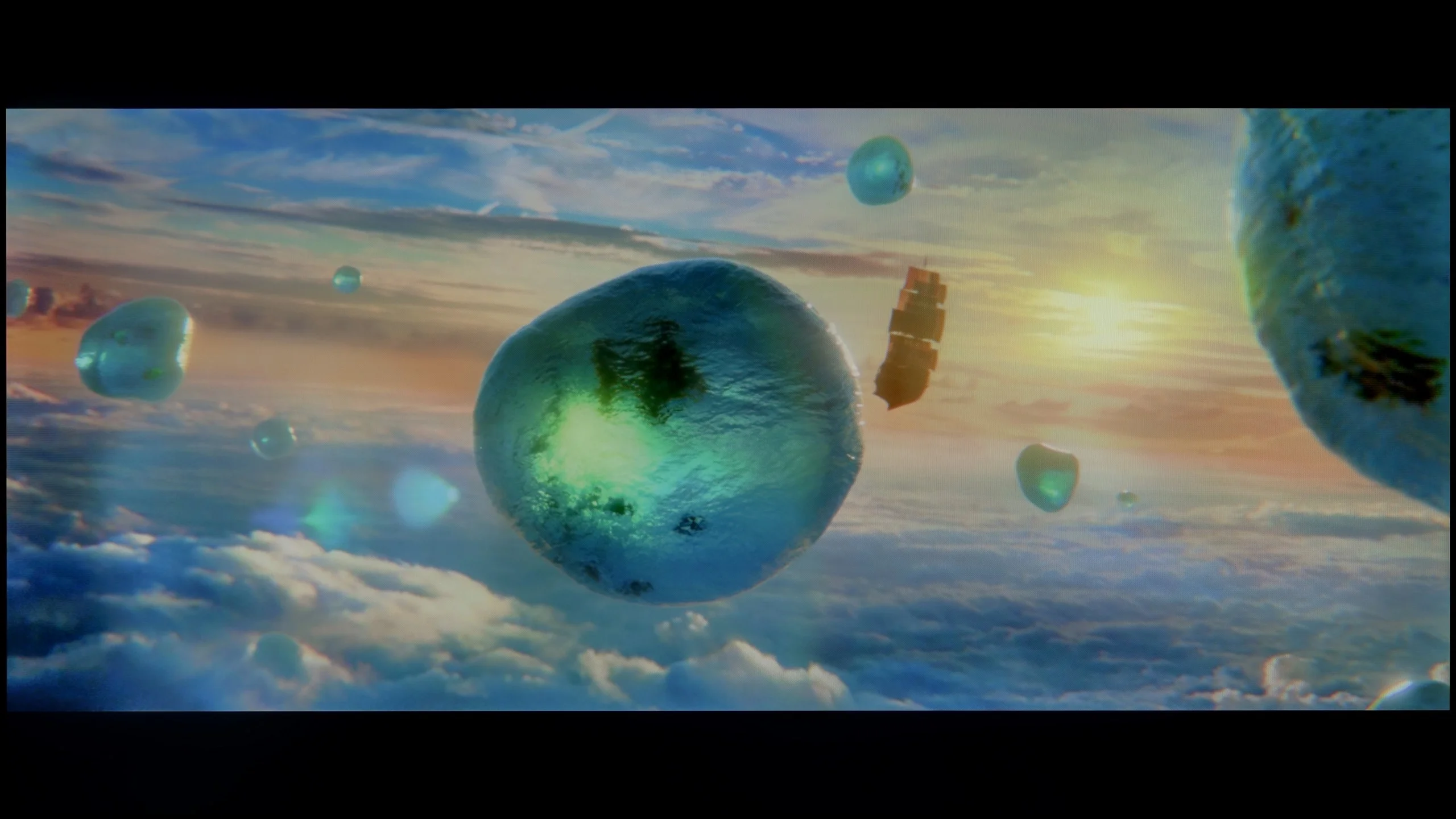
Scene from the movie “Billy Lynn” (about 1100 nits)
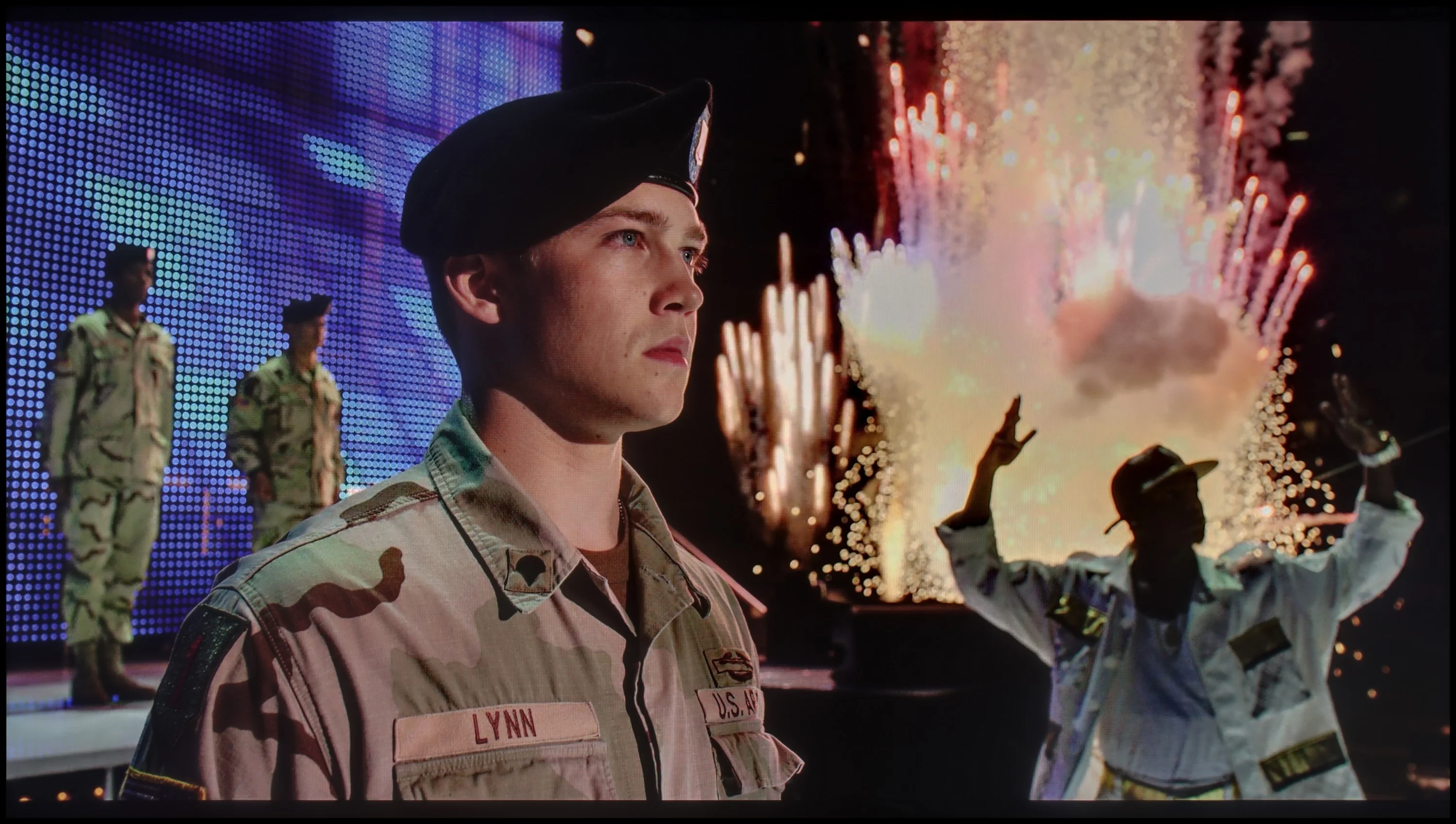
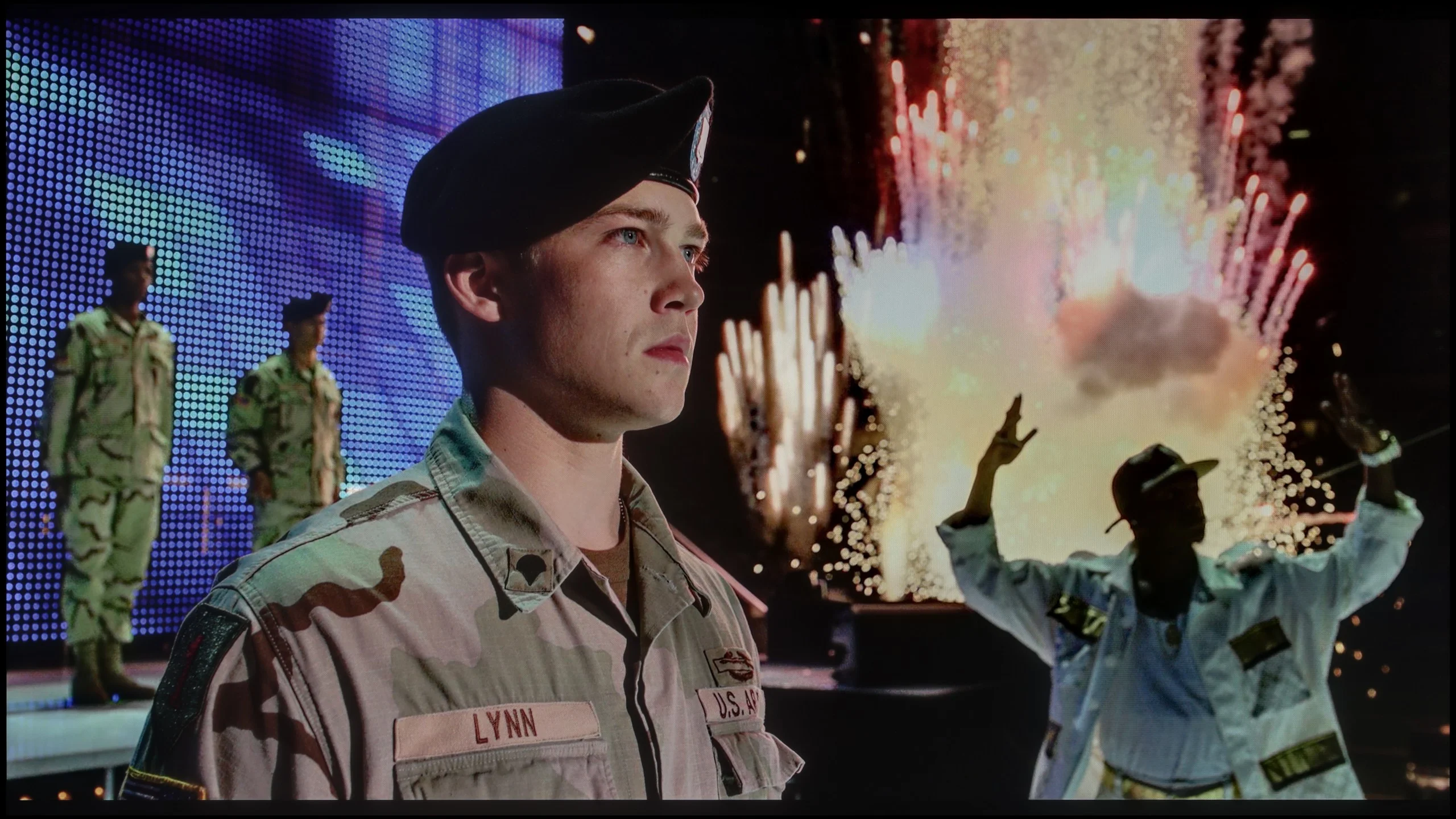
The photos show two HDR10 movies. 'Pan' is one of the brightest productions ever made, while 'Billy Lynn' (soldier) has brightness typical of streaming (Netflix, Prime, HBO MAX). Notice the intensity of effects and detail in whites.
Static HDR10


The photos present the visibility of white details in various HDR formats. They do not show brightness differences between TVs (these can be compared in the previous gallery).
Dynamic: Dolby Vision
Dynamic: Dolby Vision


The photos present the visibility of white details in various HDR formats. They do not show brightness differences between TVs (these can be compared in the previous gallery).
HDR luminance chart:
TCL RM7L
Sony Bravia 7 (XR70)
Now that we know the TV handles contrast well, let’s check how it performs in terms of HDR effects. The luminance graph shows very high capabilities for this model – 1500 nits is truly an impressive result. HDR effects are particularly striking in scenes where most of the screen is covered in light, such as in the 1st, 3rd, and 5th test scenes. Minor imperfections, typical of this technology, are still visible with very small light effects, as seen in the scene from the film "Sicario 2," where brightness drops to 500 nits. Although these aren't staggering results, they can be considered decent. Additionally, it's worth praising the TV for its high coverage of a wide colour gamut – DCI-P3 at 96%, which allows for vibrant, saturated colours.
TCL RM7L is a bright TV. In our measurements its peak brightness hovered around 1600 nits. That’s noticeably less than the C7L, which can get close to 2600 nits, but in real-world film scenes the difference between the models isn’t that large. In less demanding shots, where plenty of bright elements appear on screen, the RM7L can sustain around 1000 nits, and sometimes even a bit more, approaching 1500 nits. It performs worse in dark scenes with small points of light; then their brightness can fall to about 500 nits. This behaviour isn’t random. The TV deliberately dims small elements to better control the backlight and preserve higher contrast. This comes at the expense of their intensity, but it’s typical for TVs with local dimming in a similar price range.
Colour gamut coverage
In HDR brightness isn’t the only thing that matters, colour does too. Here the RM7L has a lot to show. Colours are strongly saturated and the wide colour gamut is one of its main strengths. In our measurements it reached about 96% of DCI-P3 and around 83% of BT.2020. It’s worth remembering, though, that on a TV with this kind of backlight the result can vary depending on the scene. On test patterns colours look best, while in films their saturation can be a little lower than on SQD Mini LED or QD-OLED TVs. The backlight design itself is interesting. The RM7L doesn’t use the classic red, green and blue LED set. TCL used two green LEDs and one blue, with red produced via a PFS phosphor. You can see this in spectrometer measurements, but it doesn’t have a major impact on the picture. Colours are still rendered correctly.
Factory color reproduction
6.7/10
5.8/10


This gallery shows how colors change after professional TV calibration. If you notice the difference, we recommend ordering this service at SkalibrujTV.com.
Factory Mode
After calibration
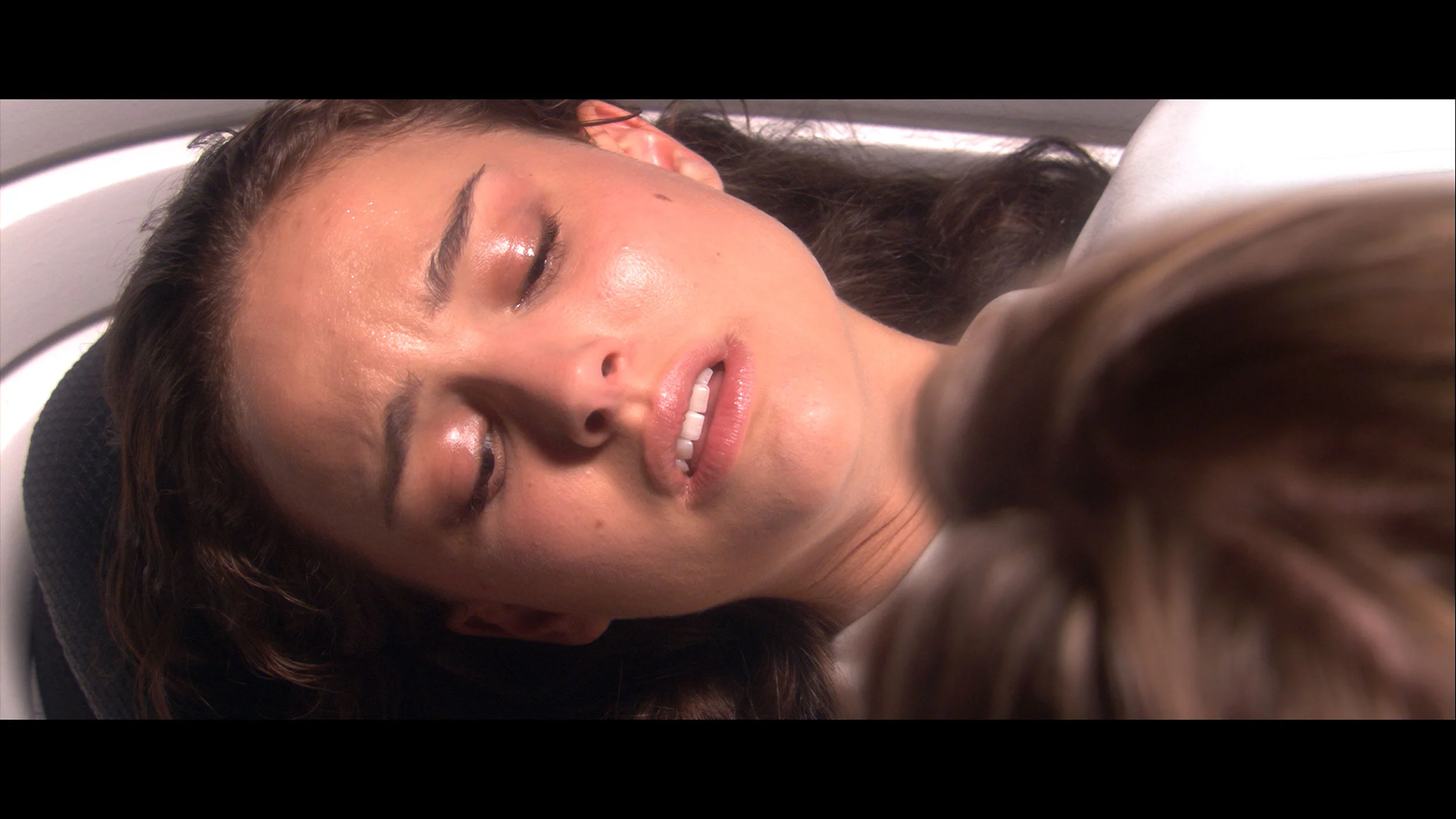
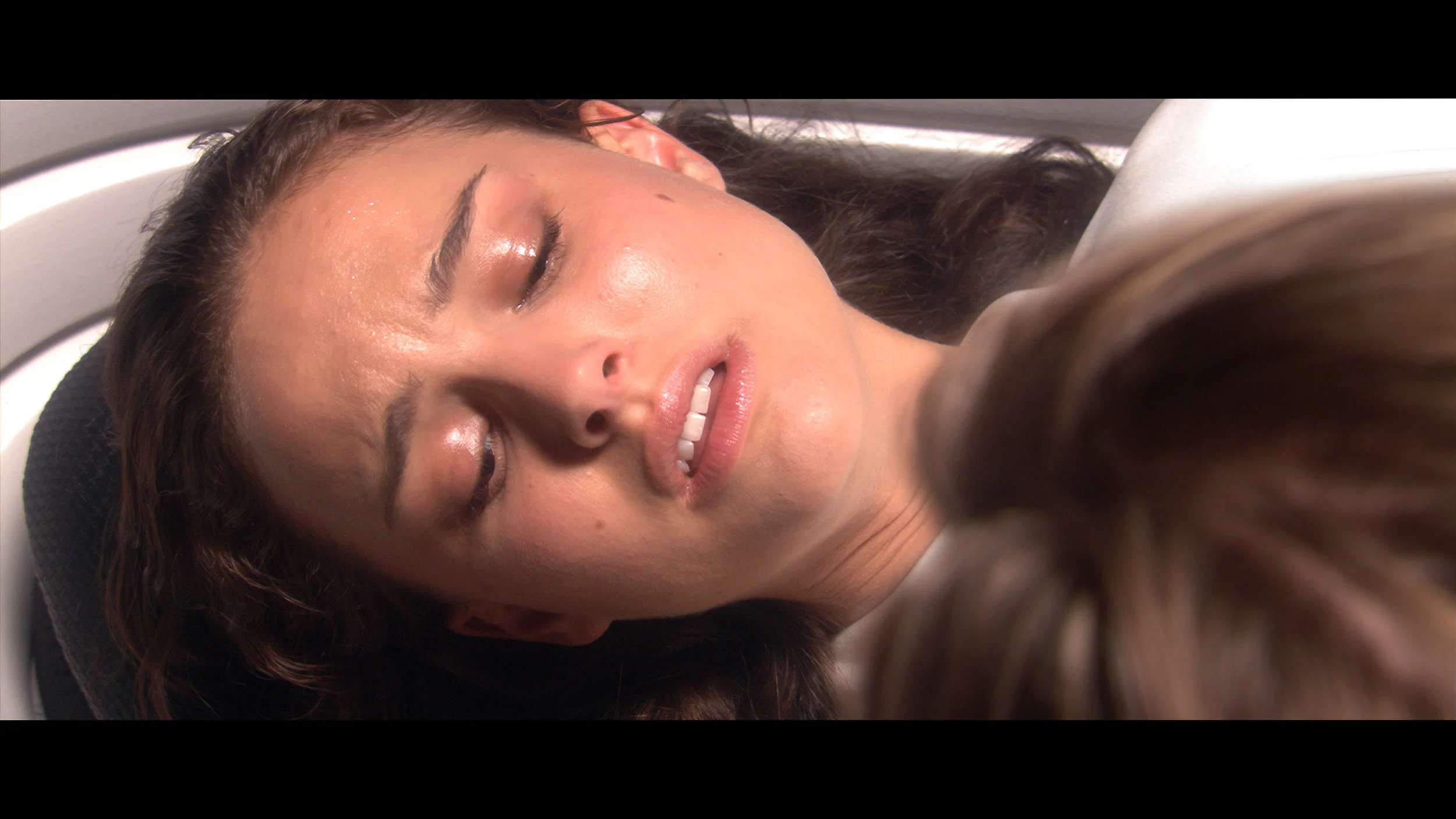
This gallery shows how colors change after professional TV calibration. If you notice the difference, we recommend ordering this service at SkalibrujTV.com.
Factory Mode
After calibration
The IMAX Enhanced mode on the Sony BRAVIA 7 TV is definitely the best mode available on this model, although it is not without its flaws, as its name might suggest. The biggest issue is white balance – both in HD and 4K HDR content, there is a noticeable dominance of the red colour, which causes the image to take on pinkish hues. This is particularly evident on the test image with snow, where the pinkish tint becomes very noticeable. Errors in the Colour Checker test also confirm these deviations – although they are not catastrophic, there is a tendency to lean towards warmer tones. In terms of brightness characteristics, the gamma remains at a decent level with a slight spike but without major issues. However, the biggest challenge is with 4K material. It is clear that the EOTF curve is significantly above the reference graph, making the image appear overly bright.
Factory colours were checked in Filmmaker Mode, the best picture setting available to the user. TCL has been using it in its TVs for two years, and its purpose is to reproduce the image as faithfully as possible to the filmmakers' intent. On the RM7L it was indeed the best calibrated mode, though not without faults. The biggest issue was the white balance. An excess of red and blue made the image shift slightly toward pink tones. This was visible in both SDR and HDR. In addition, the brightness response was slightly boosted, so the picture looked a little brighter but at the same time less contrasty than it should.
Color reproduction after calibration
9.1/10
8/10
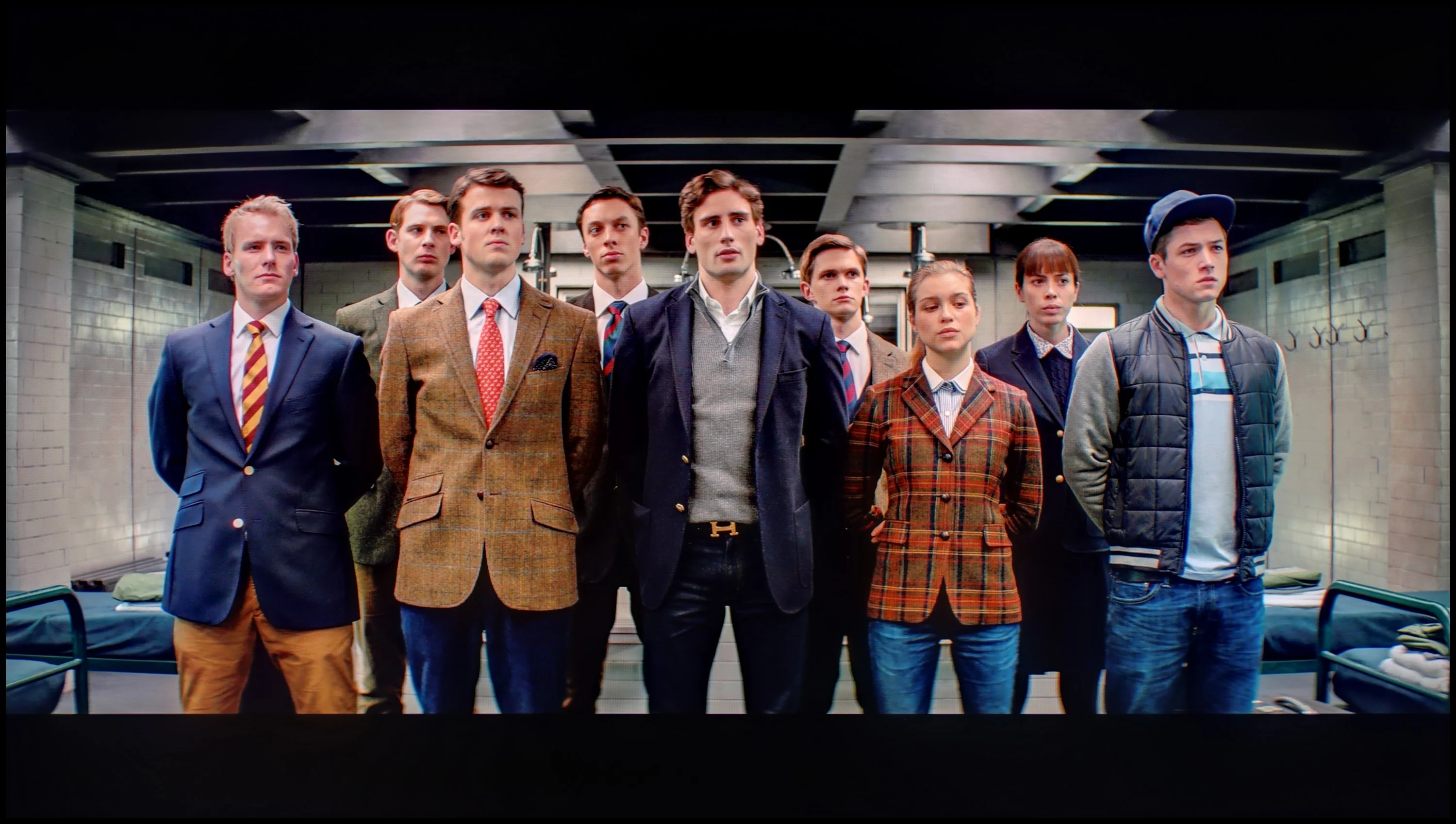
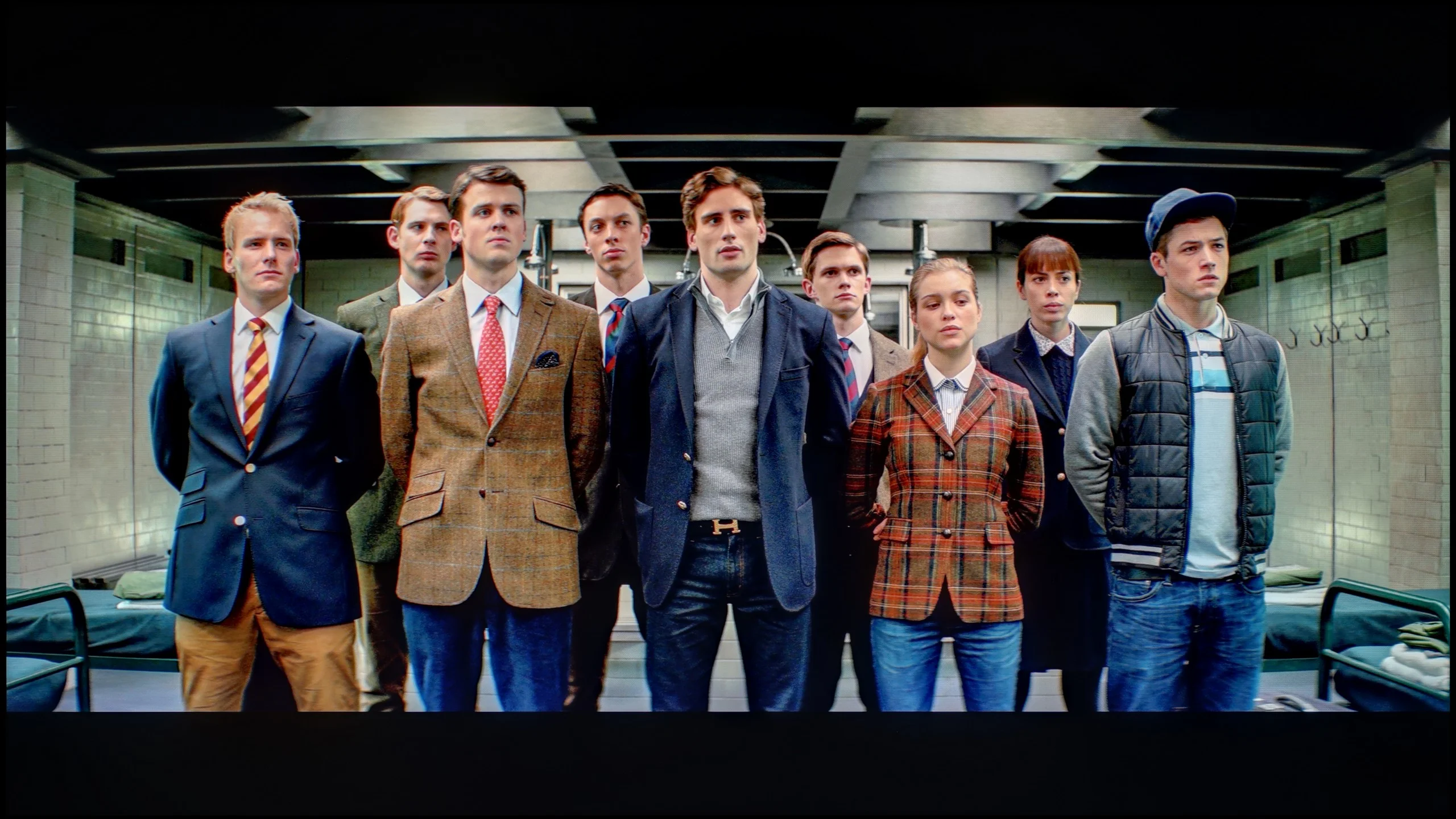
The photos show how movies look on the TV. Pay attention to black detail visibility, colors, and shadow tint.

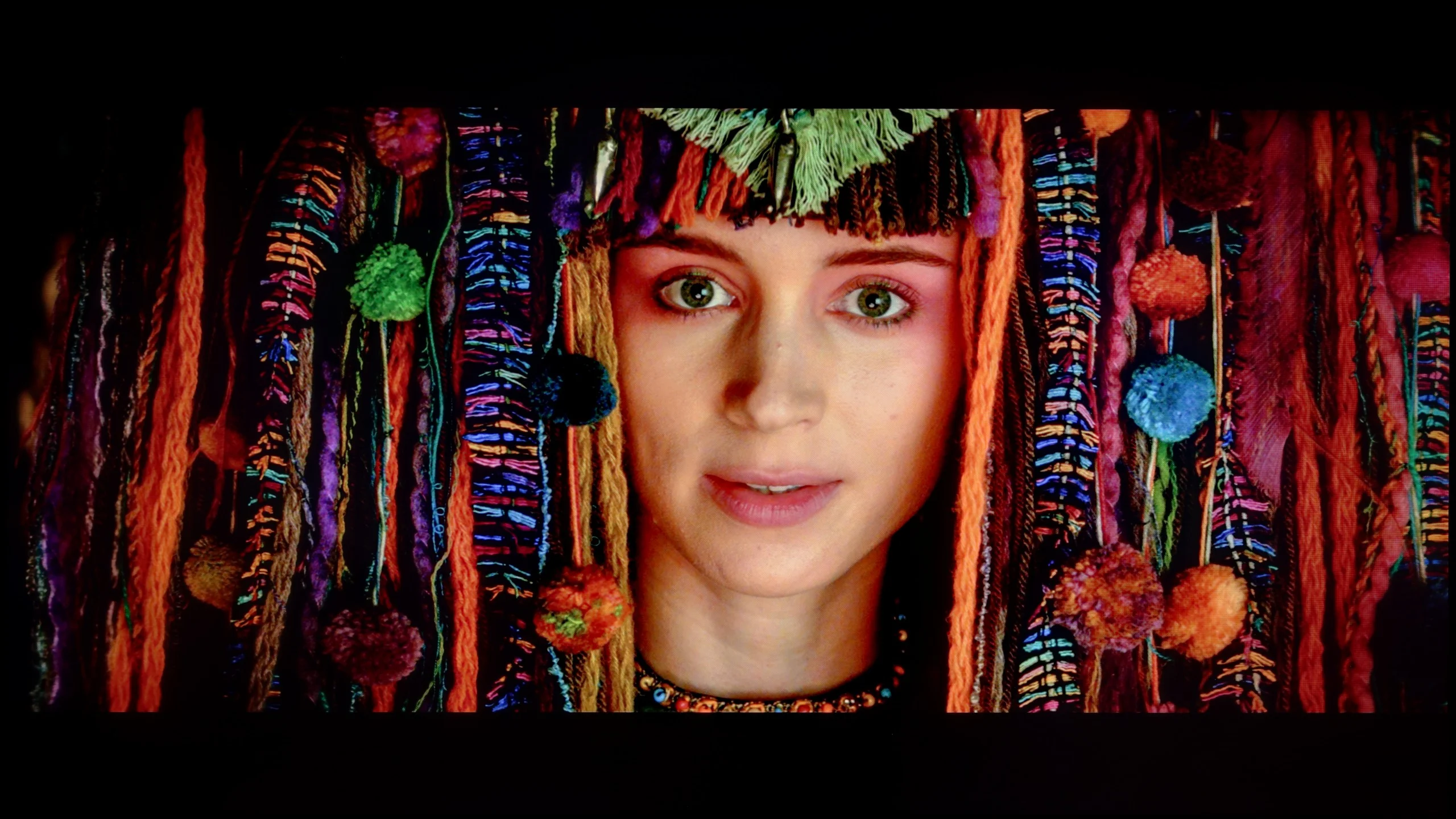
The photos show how movies look on the TV. Pay attention to black detail visibility, colors, and shadow tint.
Sony BRAVIA XR70 offers a wide range of tools that allow you to customise the image to your own preferences, enabling significant adjustments to the settings. White balance has been freed from the red colour dominance issue – snow no longer takes on pink hues, which was previously noticeable. Although there are slight deviations in the final part of the white balance chart regarding a drop in blue colour, they are acceptable and difficult to notice in everyday use. The Colour Checker test confirms that colour reproduction errors are no longer as pronounced and rarely exceed a value of 2, which is a very good result. As for brightness, gamma, although it didn't require major improvement, has been slightly adjusted. However, the most significant change has been noted in the EOTF curve – the television no longer has issues with excessively brightening the entire image in 4K materials. However, upon closer examination and incorporating the EOTF characteristics in film materials, some limitations of the television become apparent due to the previously discussed dimming algorithm. Some small elements may be slightly more illuminated, but these errors are minor enough that most users won't notice them. Overall, the calibration results are very, very positive.
Thanks to a fairly extensive calibration menu we managed to correct the vast majority of the issues described earlier. The biggest change was the white balance. After calibration it looks very good, so the image has lost its pinkish tint and become much more neutral. The luminance response has also improved. Both the SDR gamma and the HDR EOTF curve are now much closer to the reference values. The picture is no longer unnecessarily bright, and darker parts look more natural and have greater depth. Better luminance accuracy has also affected the colours, which after calibration are noticeably more accurate. Not everything could be set perfectly though. In HDR material the RM7L still interprets part of the signal in its own way and doesn’t always stick exactly to the reference curve. You can see this mainly in some darker scenes, where the TV can either slightly lift the shadows or darken them completely. That’s where the earlier impression of a slightly brightened, less contrasty image came from. Even so, the calibration delivers a very good result here. It removes the most visible errors and, above all, makes the picture much closer to how it should look.
Smoothness of tonal transitions
9/10
8.9/10
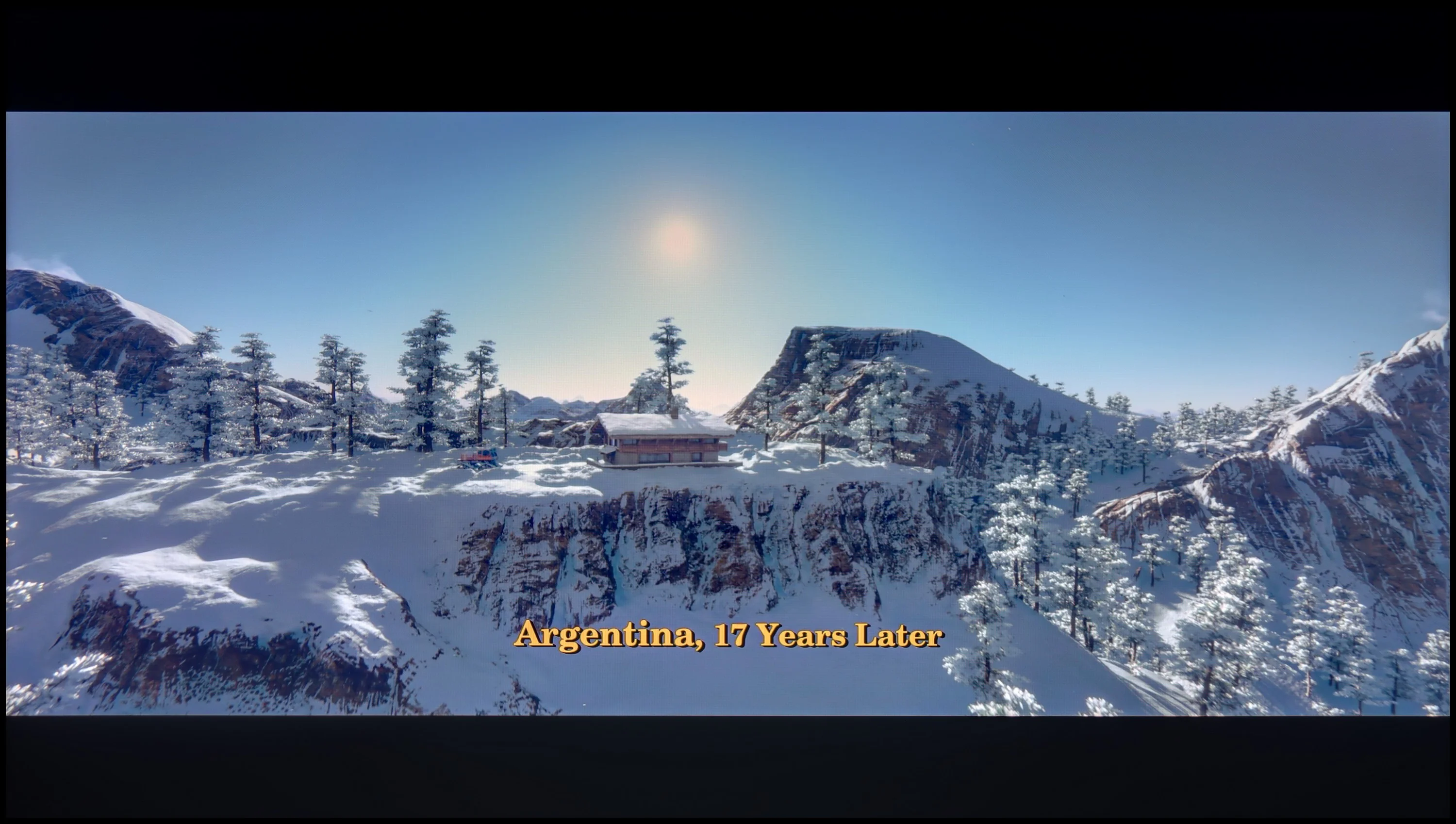
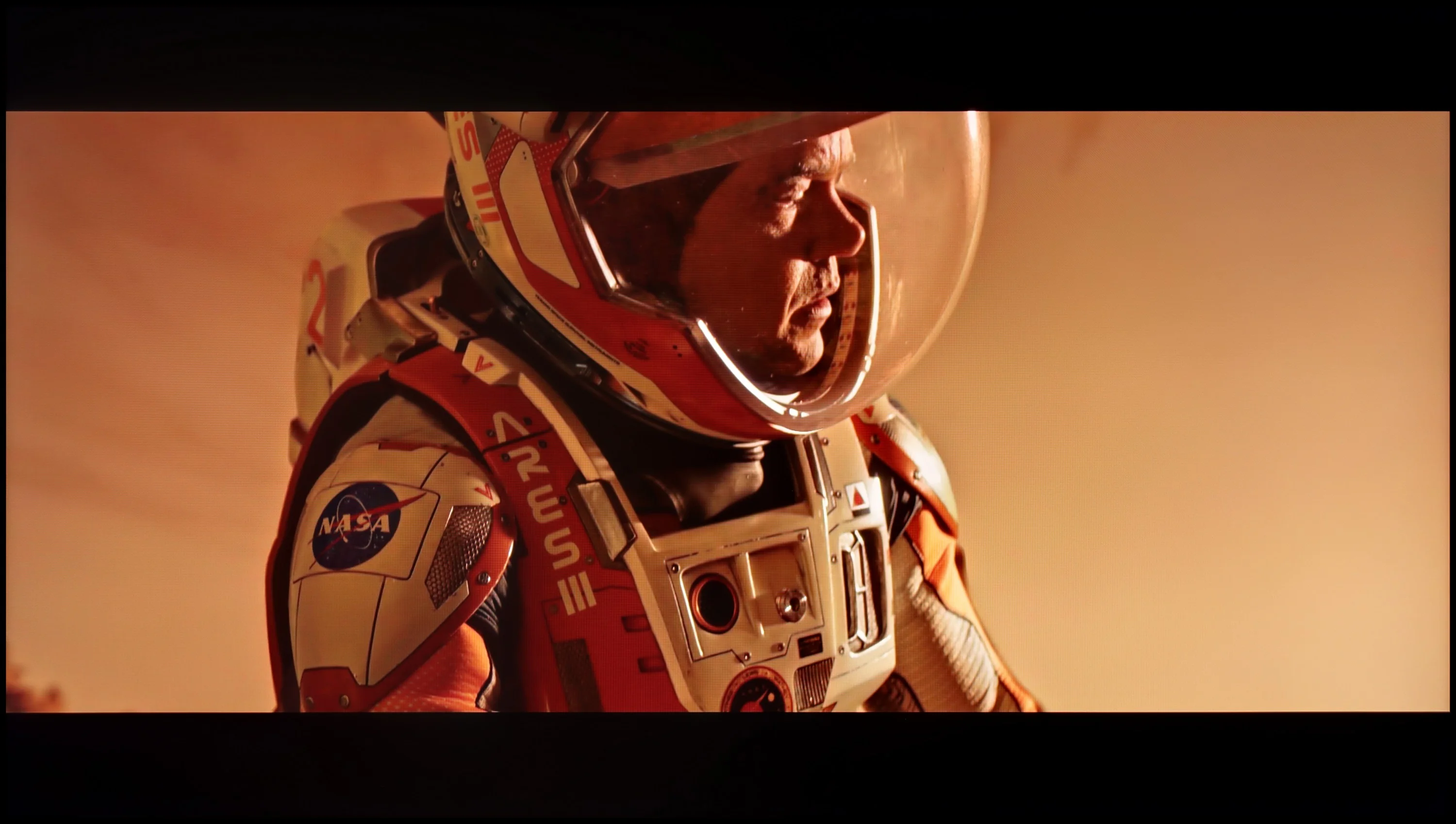
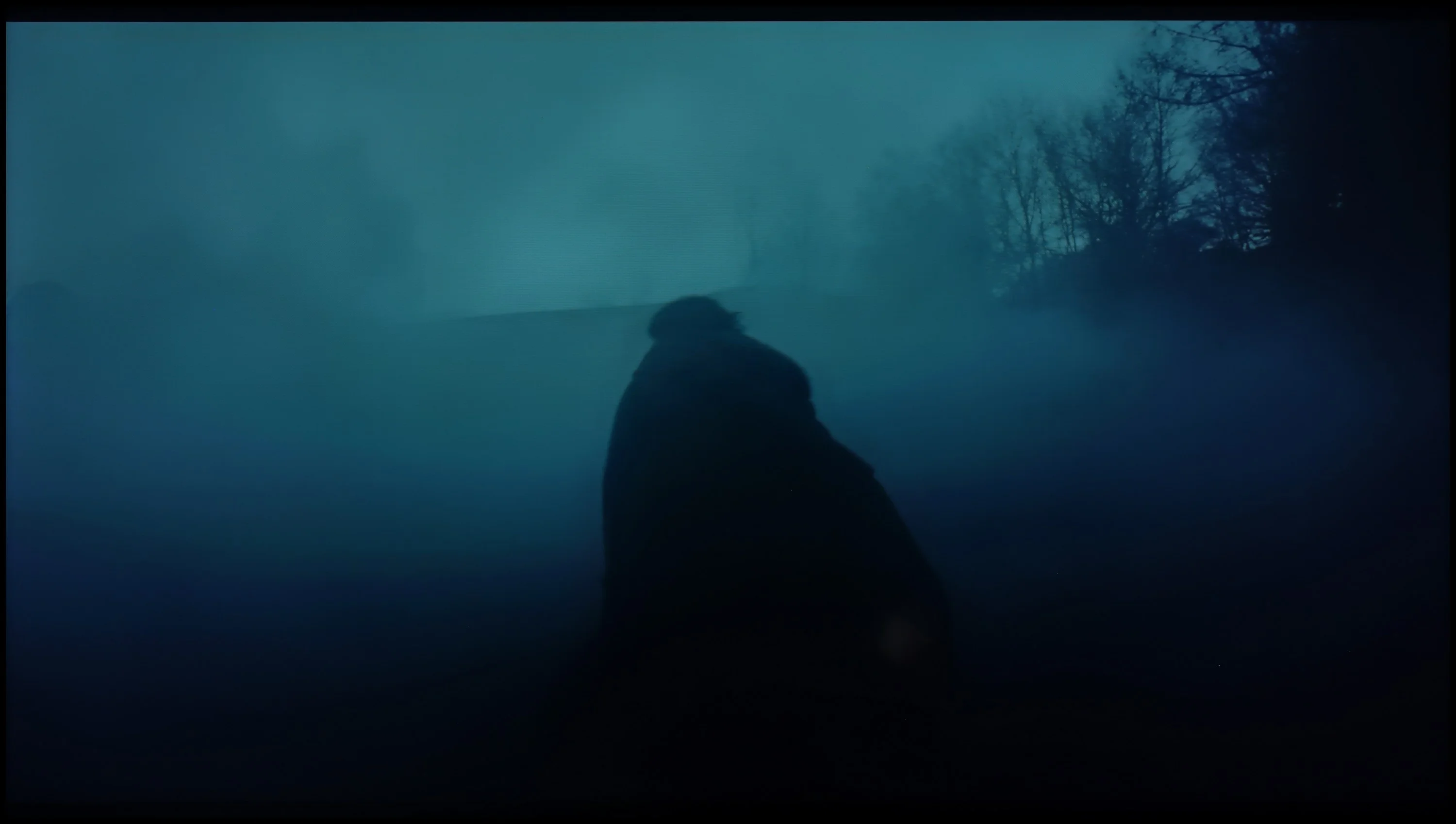
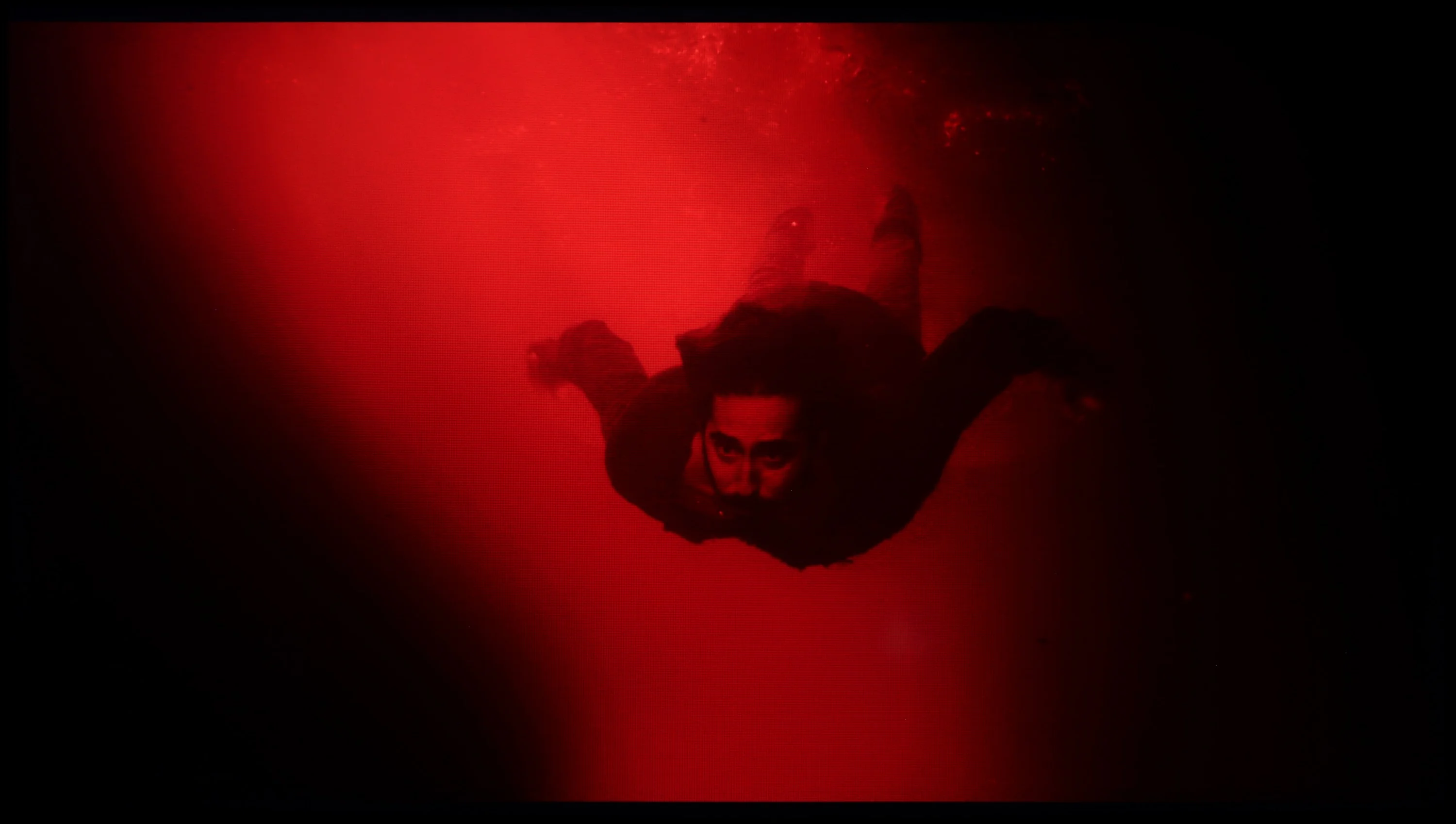
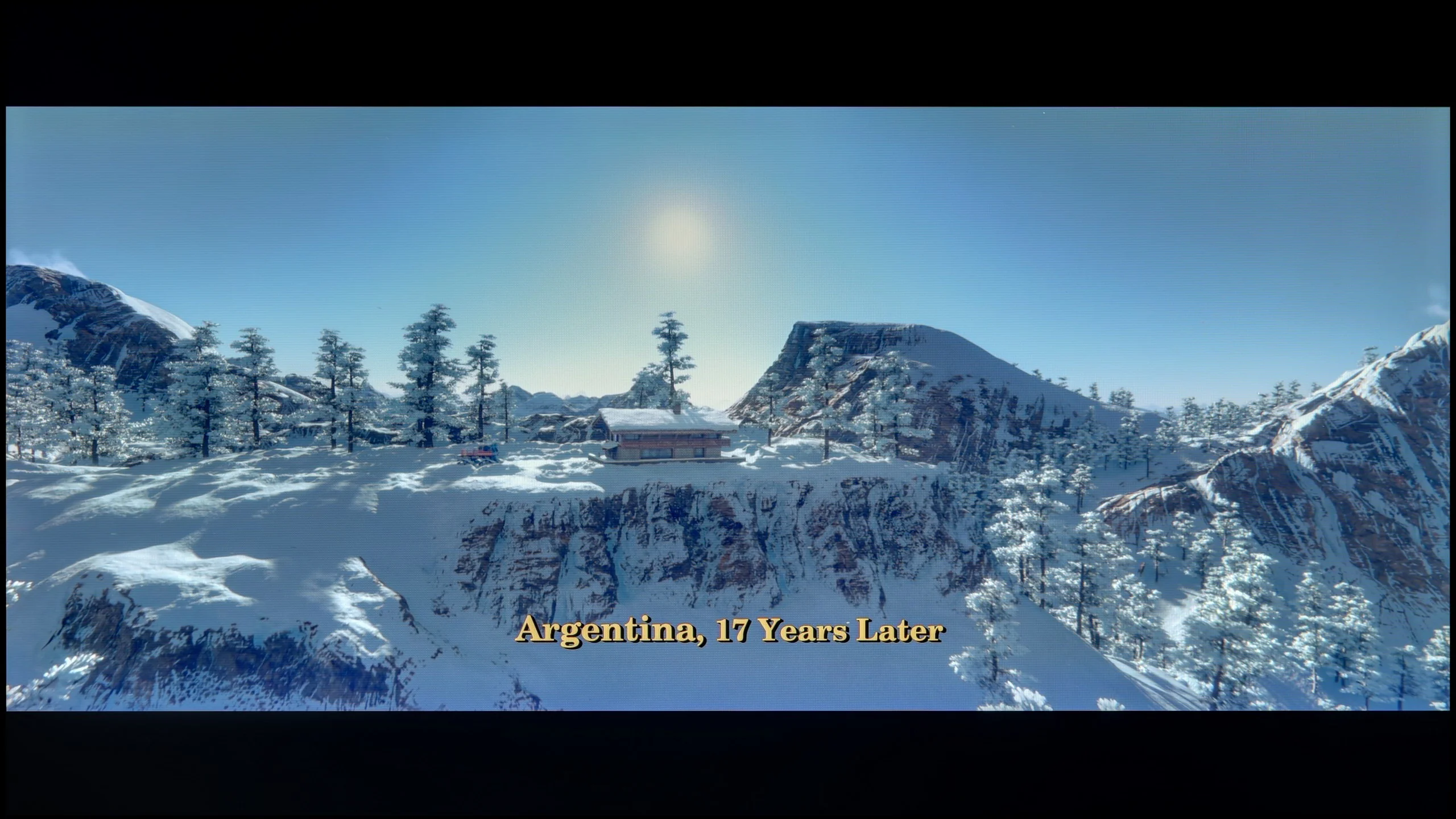
These are selected scenes that show smooth tonal transitions from one color to another. If you see distinct banding, it’s the TV panel’s fault.
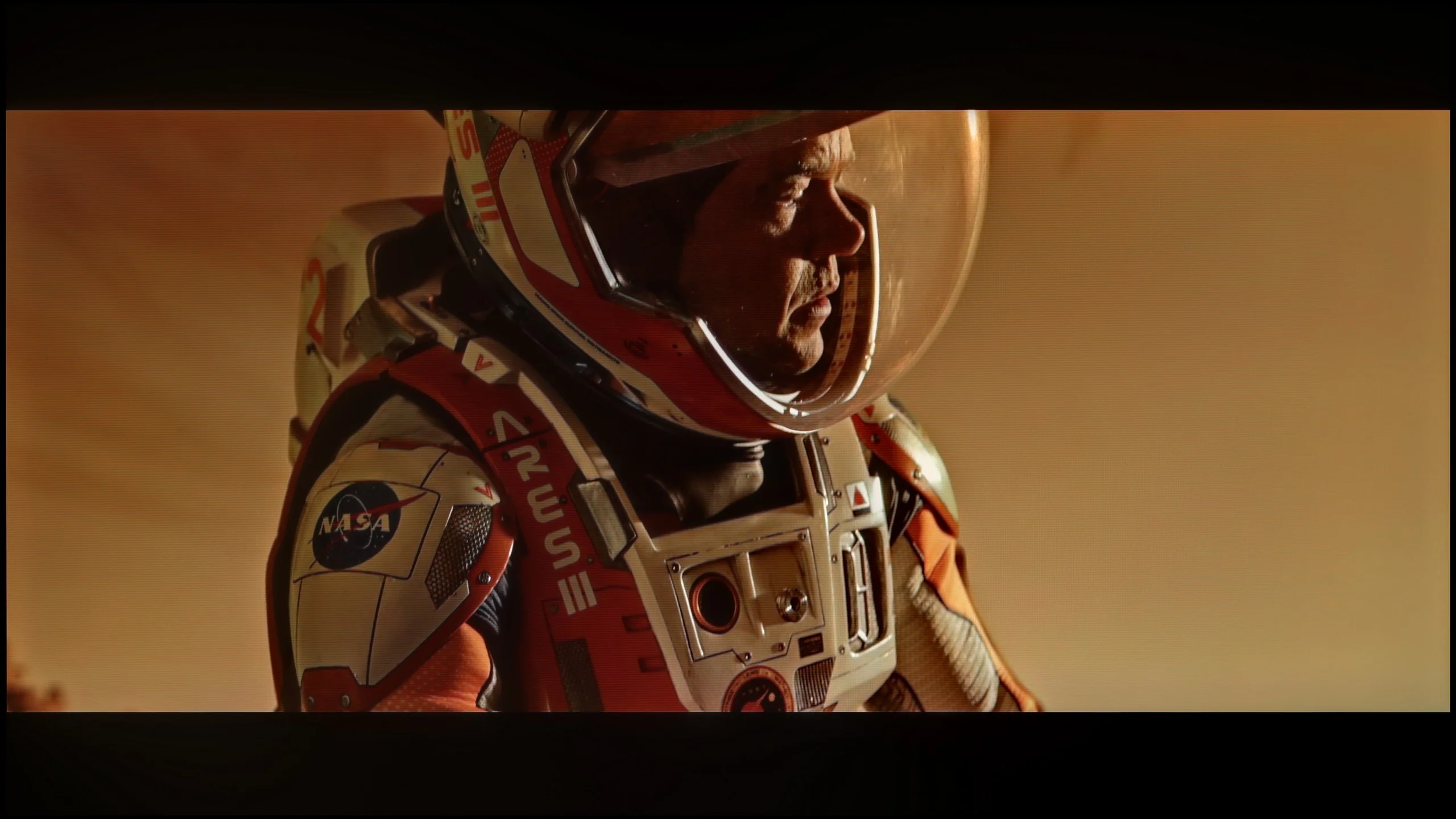
These are selected scenes that show smooth tonal transitions from one color to another. If you see distinct banding, it’s the TV panel’s fault.
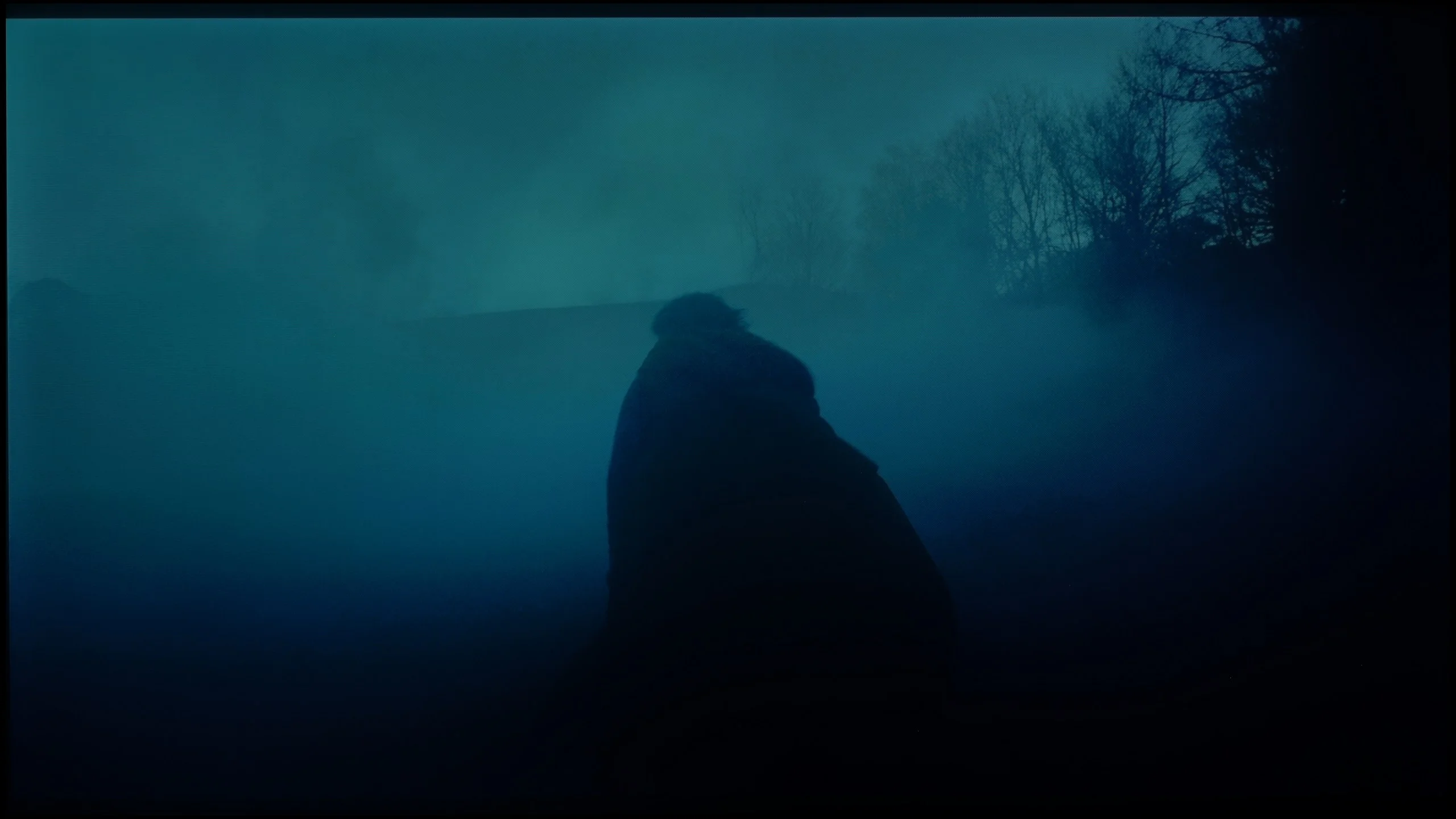
These are selected scenes that show smooth tonal transitions from one color to another. If you see distinct banding, it’s the TV panel’s fault.
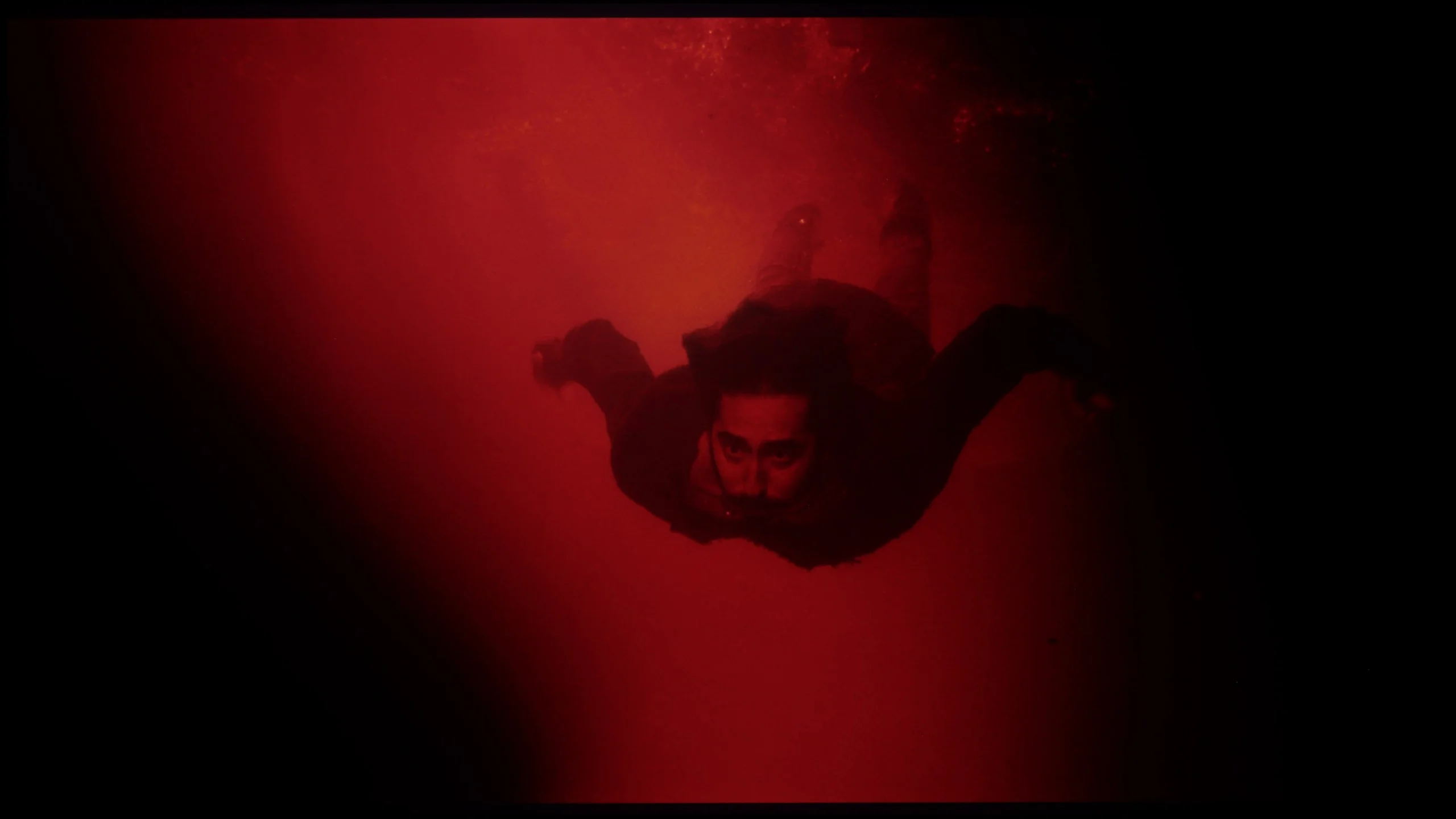
These are selected scenes that show smooth tonal transitions from one color to another. If you see distinct banding, it’s the TV panel’s fault.
The Sony XR70 TV handles gradation exceptionally well. In the test sequence, only a few scenes show slight problems with tonal transitions in darker areas, but most of these issues disappear when the gentle gradation option is activated. Overall, the TV offers excellent gradation that will satisfy even the most demanding users.
The RM7L handles tonal transitions very well. In both bright and dark scenes the gradients are smooth and there’s no noticeable colour banding. Minor issues only appear with exceptionally demanding material, such as our fourth test pattern with red water fading into black. It’s worth noting, however, that most TVs struggle to reproduce that scene perfectly. In everyday use this shouldn’t be a major problem.
Image scaling and smoothness of tonal transitions
8.5/10
5.5/10

Smooth transition function
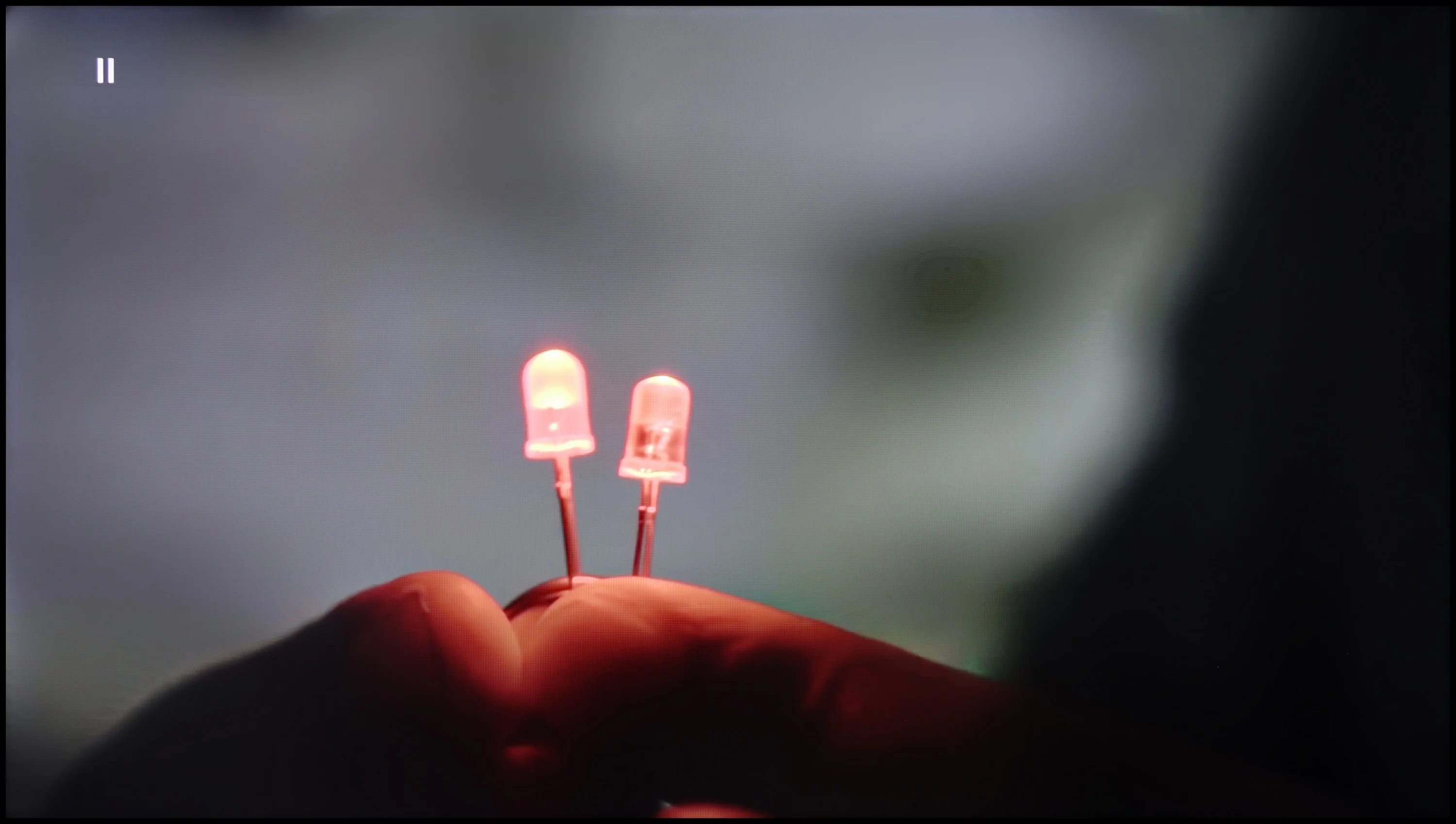
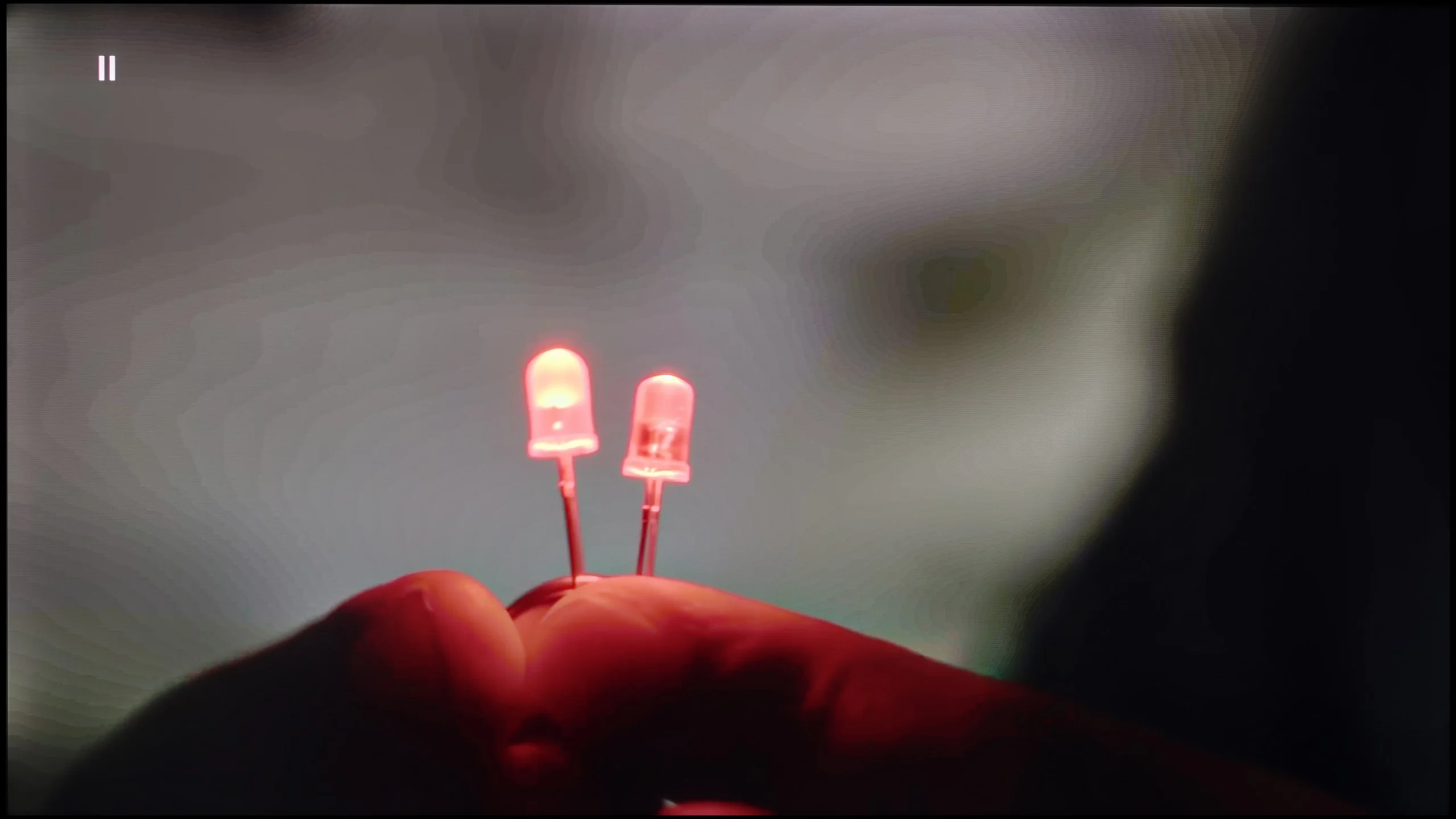
The match photo shows how the TV smooths weak tonal transitions in low-quality video.
Image scaling SD (576i)


The model photo shows how it handles upscaling of SD material.
Since we know that the television handles high-quality content very well, it's worth checking how it performs with lower-quality material. Here, the television shows its potential, and the graphics processor used works remarkably well. On the test screen with the light bulb, there are no issues with colour blending, and the gentle gradation function works very well – we recommend setting it to "Medium".
When it comes to digital processing, or the so-called upscaling, the television sharpens the image quite significantly, which leads to a slight jaggedness, for example on branches in the background, but it doesn't remove desired details. Despite this, the overall appearance is really attractive and may appeal to most users. However, if you prefer a softer, more plastic image, you can reduce this effect in the settings by adjusting the sharpness level to your liking.
Upscaling and digital image processing are not the RM7L’s strong points. TCL has used a MediaTek Pentonic 700 chipset here, labelled MT5896, which isn’t among the best processors at handling lower-quality sources. The biggest issues appear with heavily compressed content from YouTube or regular broadcast TV. The processor can’t effectively hide posterisation and the characteristic banding between shades. The feature meant to smooth these issues does little to help and can also interfere with the picture too much, smoothing faces and fine textures, for example. For that reason it’s best not to use it.
Plain upscaling to 4K looks better. Lower-quality sources are reasonably sharp and retain a sufficient amount of detail. It’s not on a par with the best processors on the market, but for everyday viewing the result is perfectly acceptable.
Blur and motion smoothness
8.3/10
7.8/10
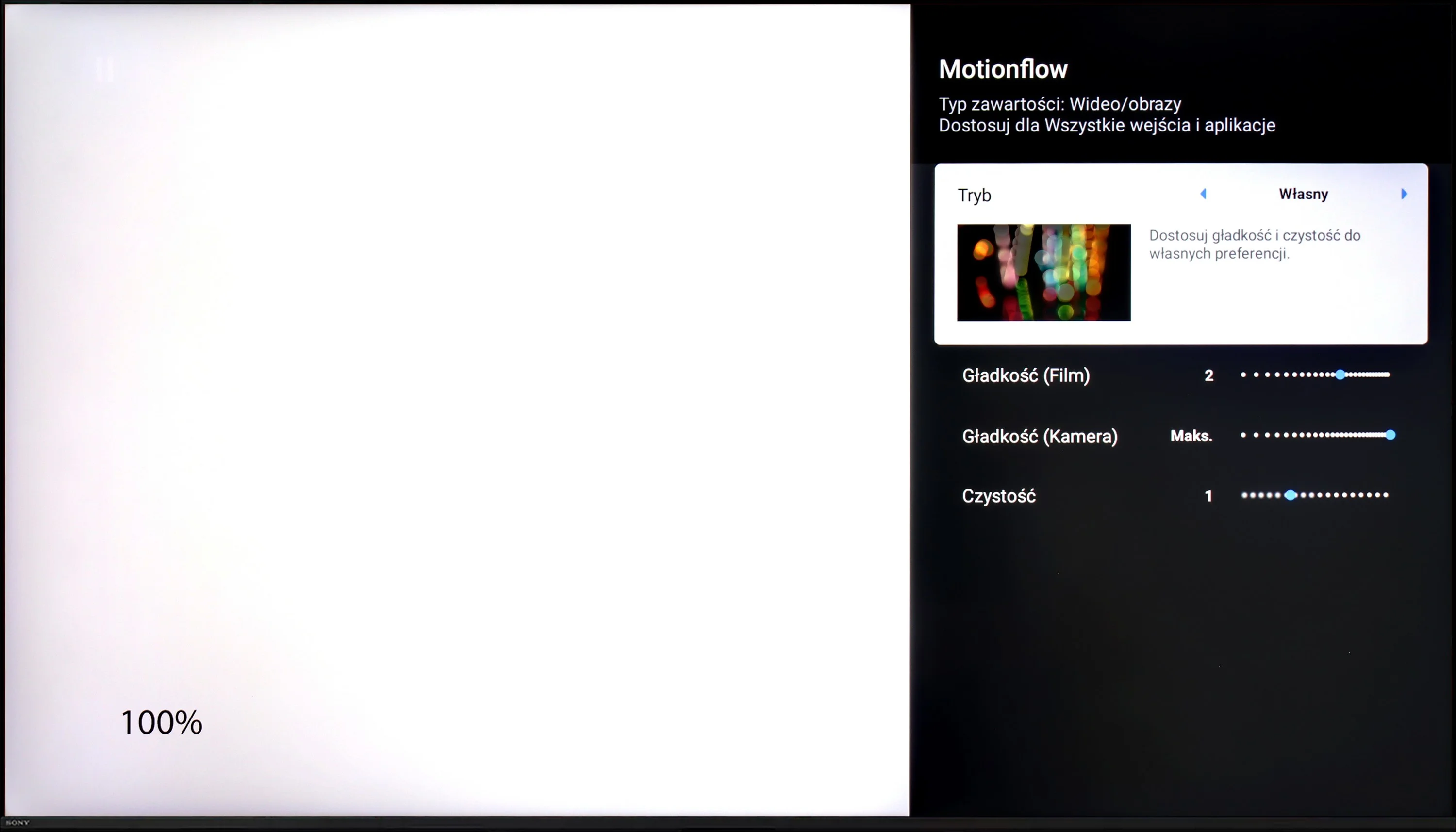
Blur (native resolution, maximum refresh rate):
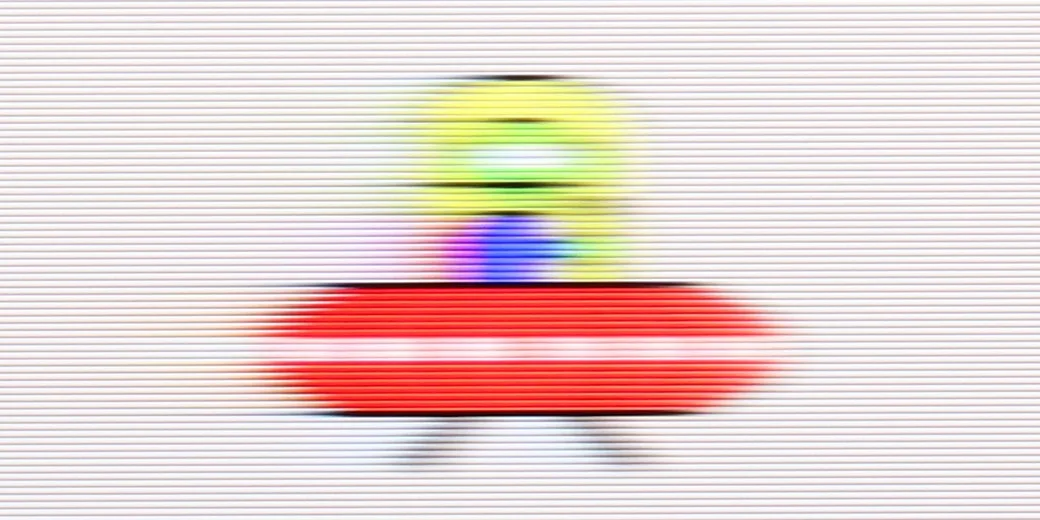
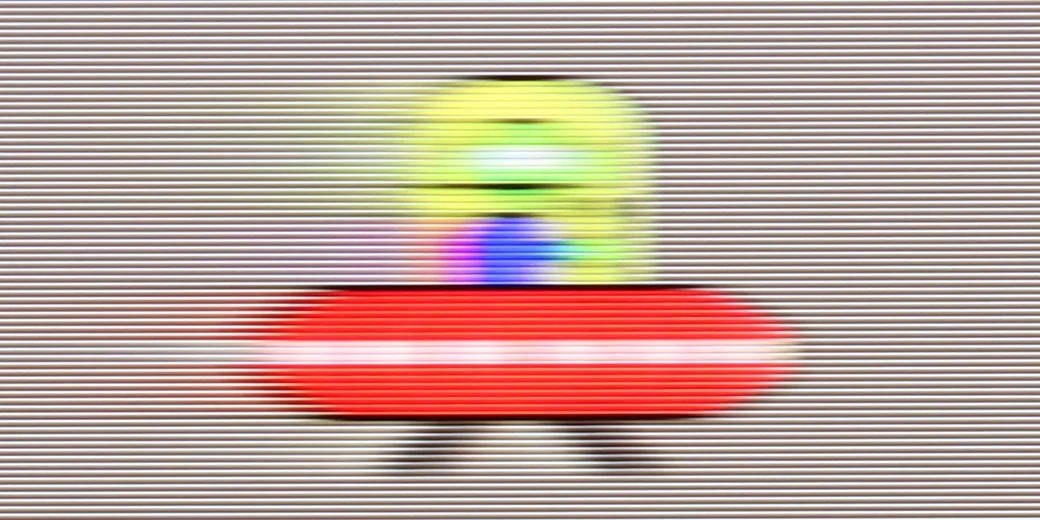
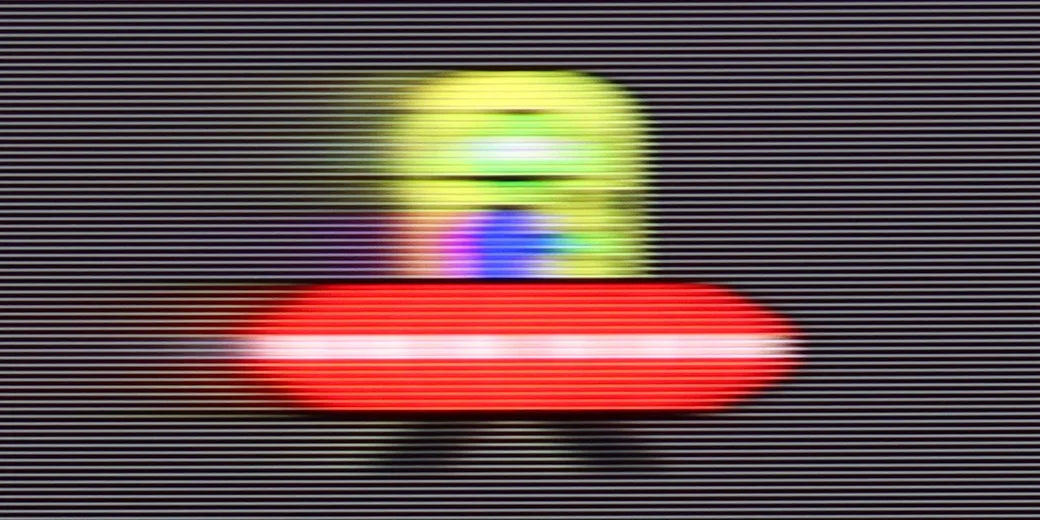
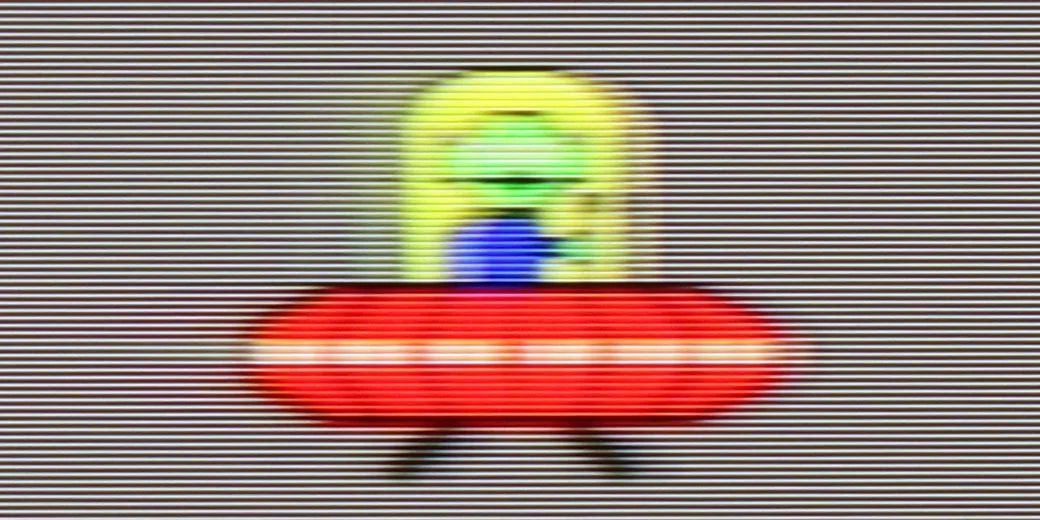
Blur (BFI function enabled):


Blur ():
Blur (4K@144Hz ):

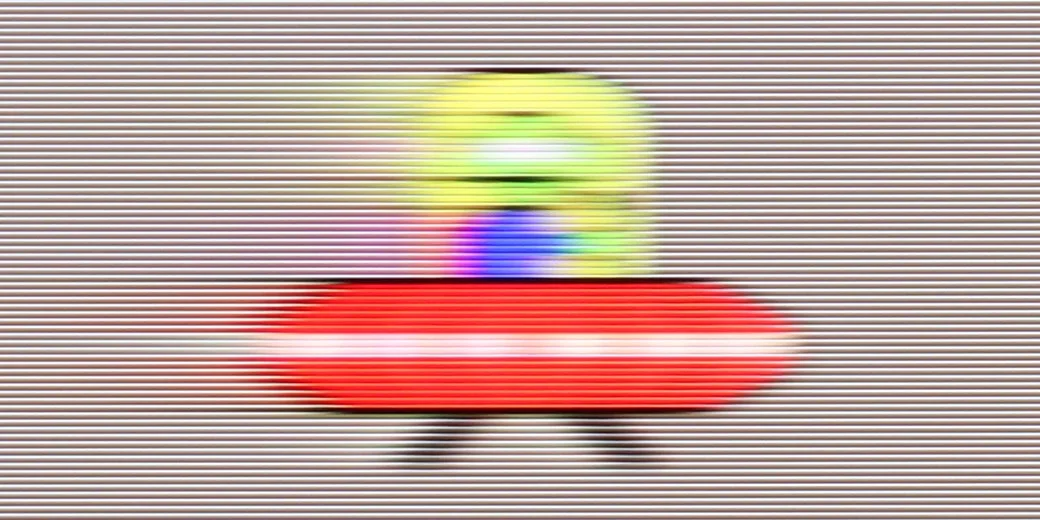
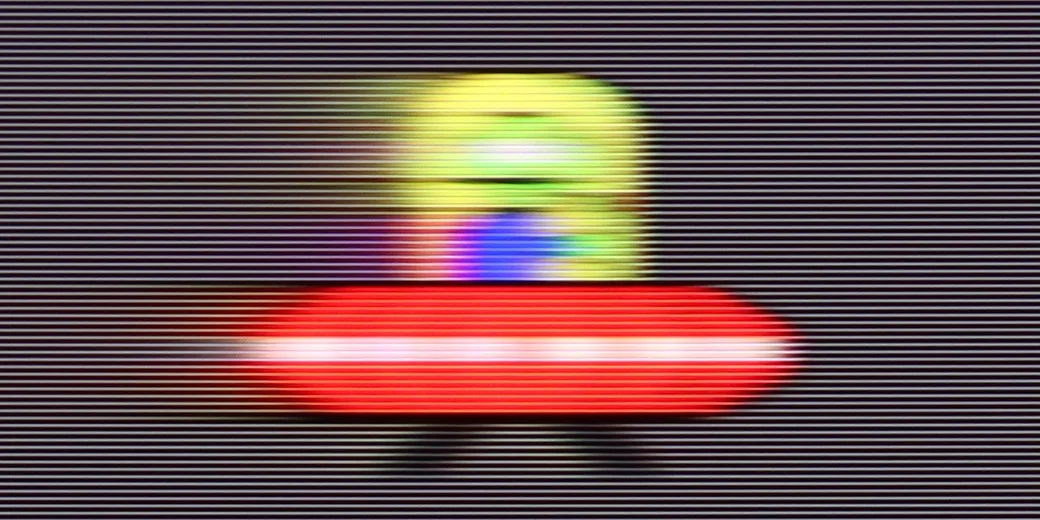
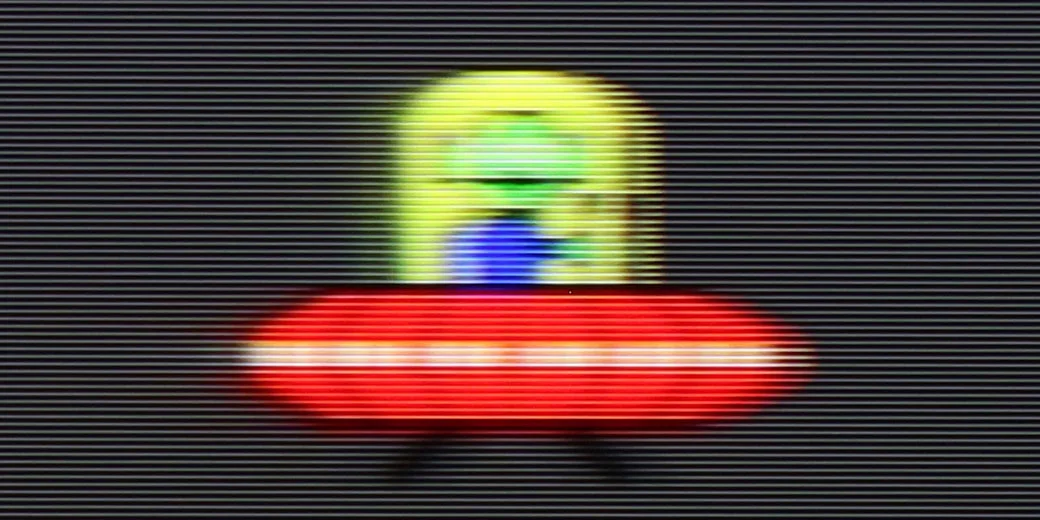
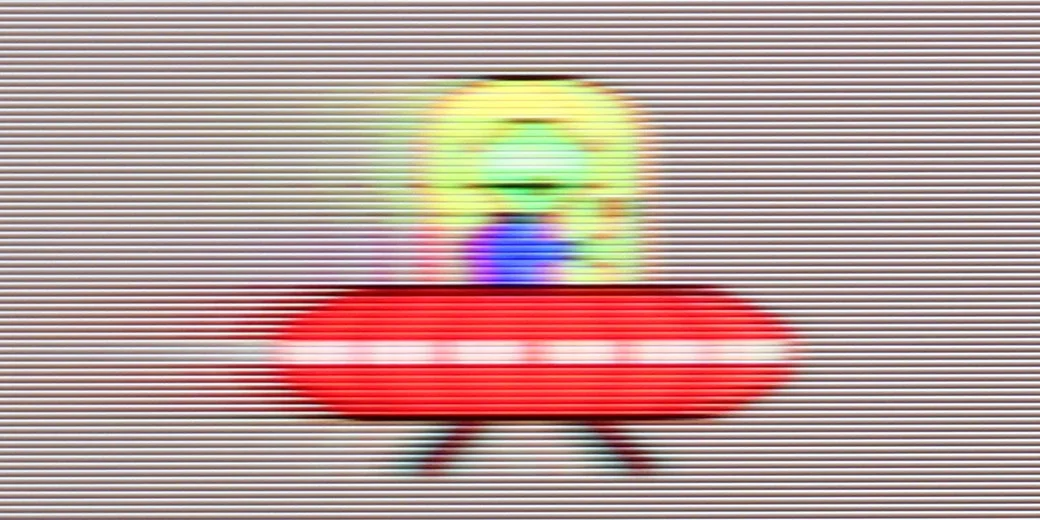
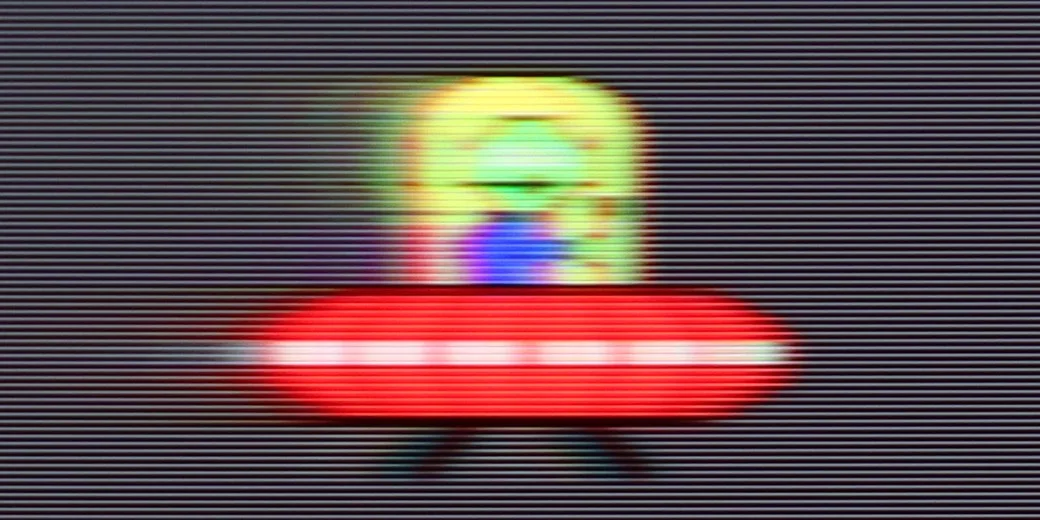
The Sony BRAVIA 7 TV with a 120 Hz panel will satisfy most users in terms of motion fluidity. Additionally, Sony offers a Motion Flow feature that allows for the selection of three different picture settings, adjusting them to personal preferences: Smoothness – Film: This setting improves motion fluidity, giving the image a more cinematic or theatrical quality. Smoothness – Camera: This setting provides even greater fluidity, useful for watching dynamic scenes like sports broadcasts. Clarity: This setting focuses on minimising noise and motion artifacts, resulting in a more stable and clear image.
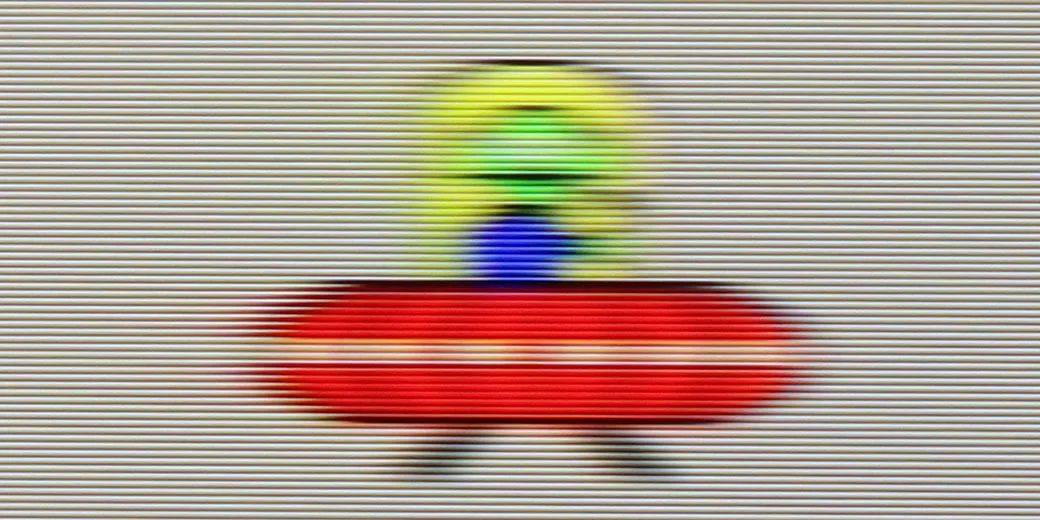
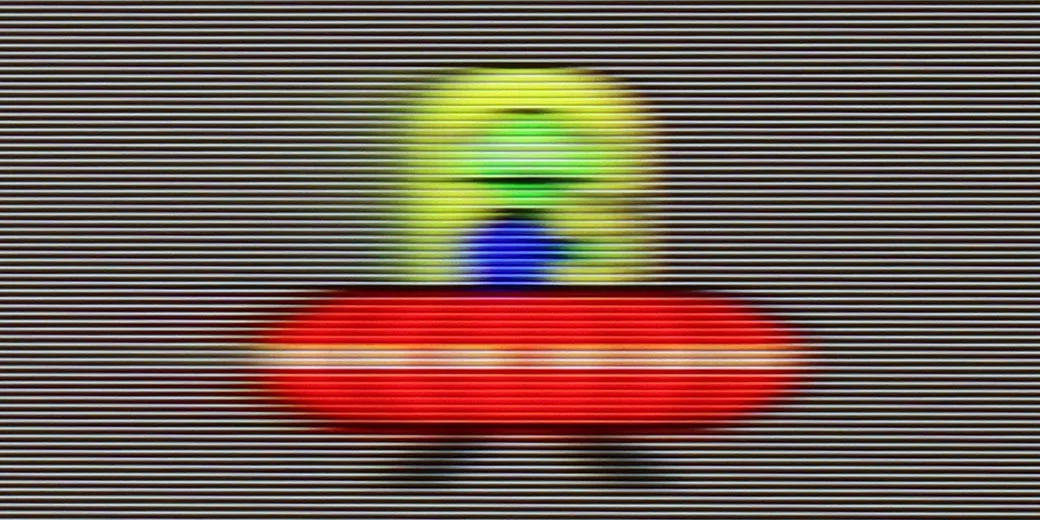
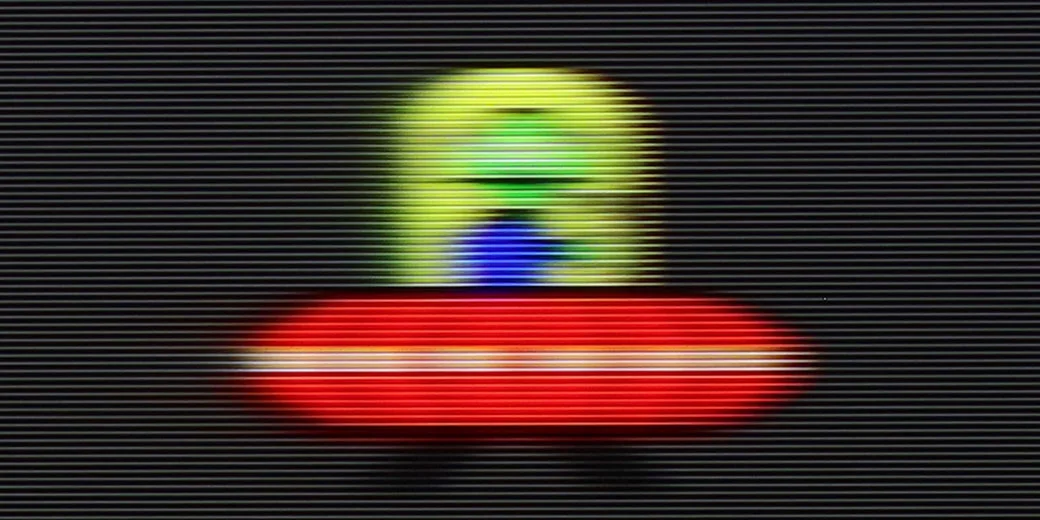
The RM7L uses a 144 Hz VA panel, so right from the start it's well prepared for sports, games and other dynamic content. The high refresh rate also gives the motion interpolation more room to work, so it can generate additional frames. On the RM7L it performs well and, when set correctly, can noticeably improve motion smoothness without producing an excessive soap opera effect.
Console compatibility and gaming features
8.1/10
9.8/10
- ALLM
- VRR
- VRR range48 - 120Hz48 - 288Hz
- Dolby Vision Game Mode
- Correct implementation of HGIG

- 1080p@120Hz
- 1440p@120Hz
- 4K@120Hz
- Game bar
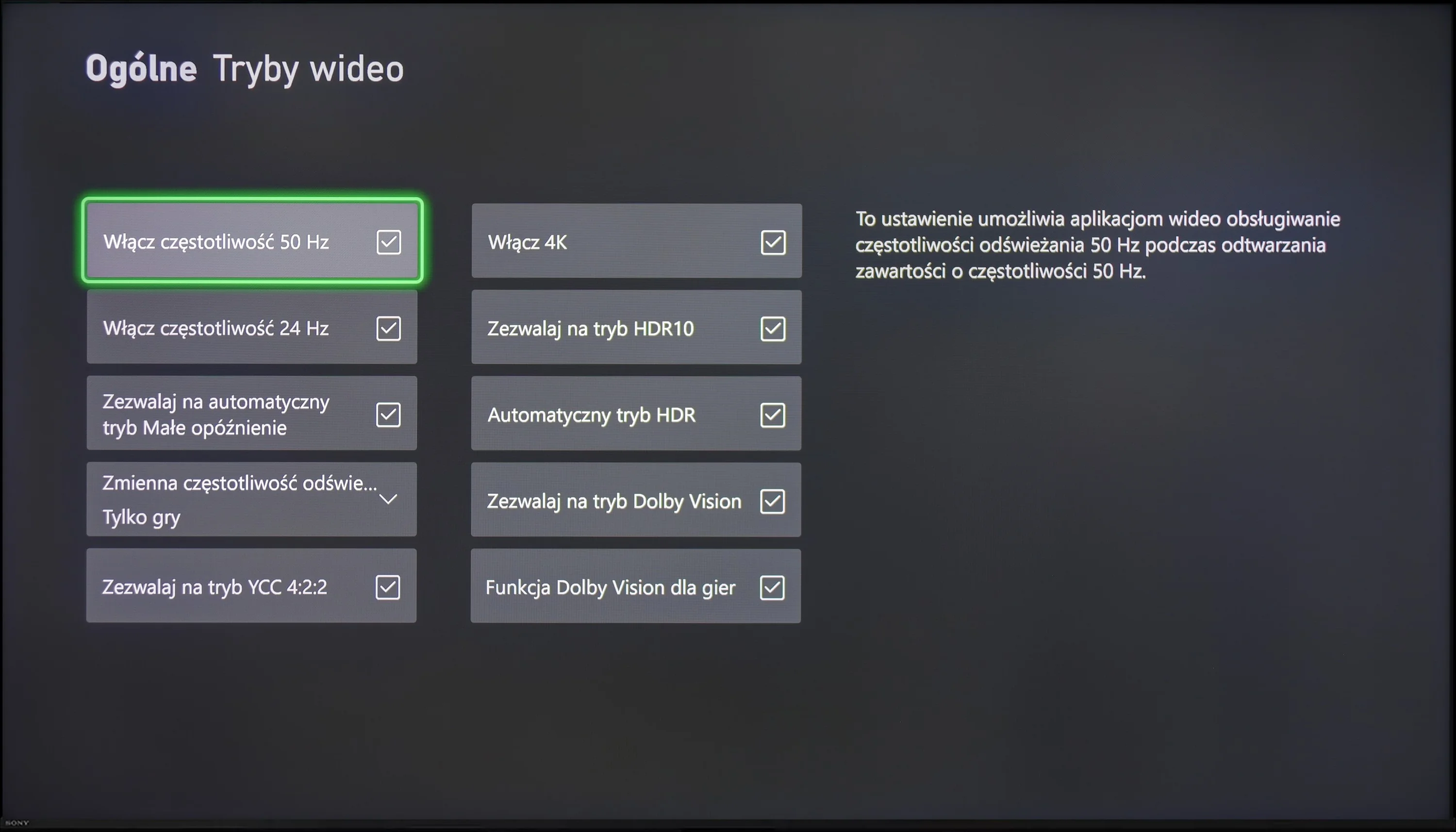
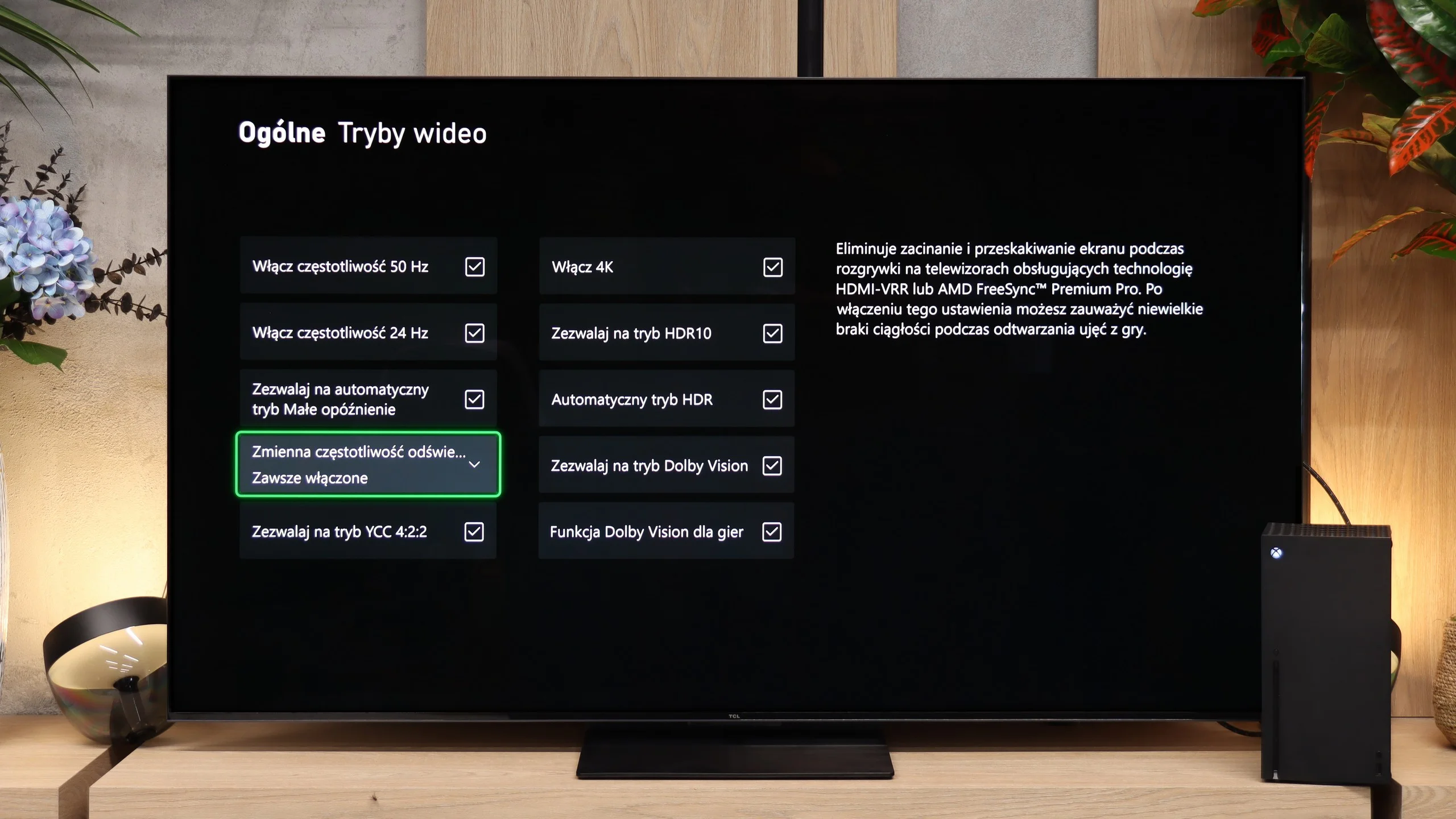
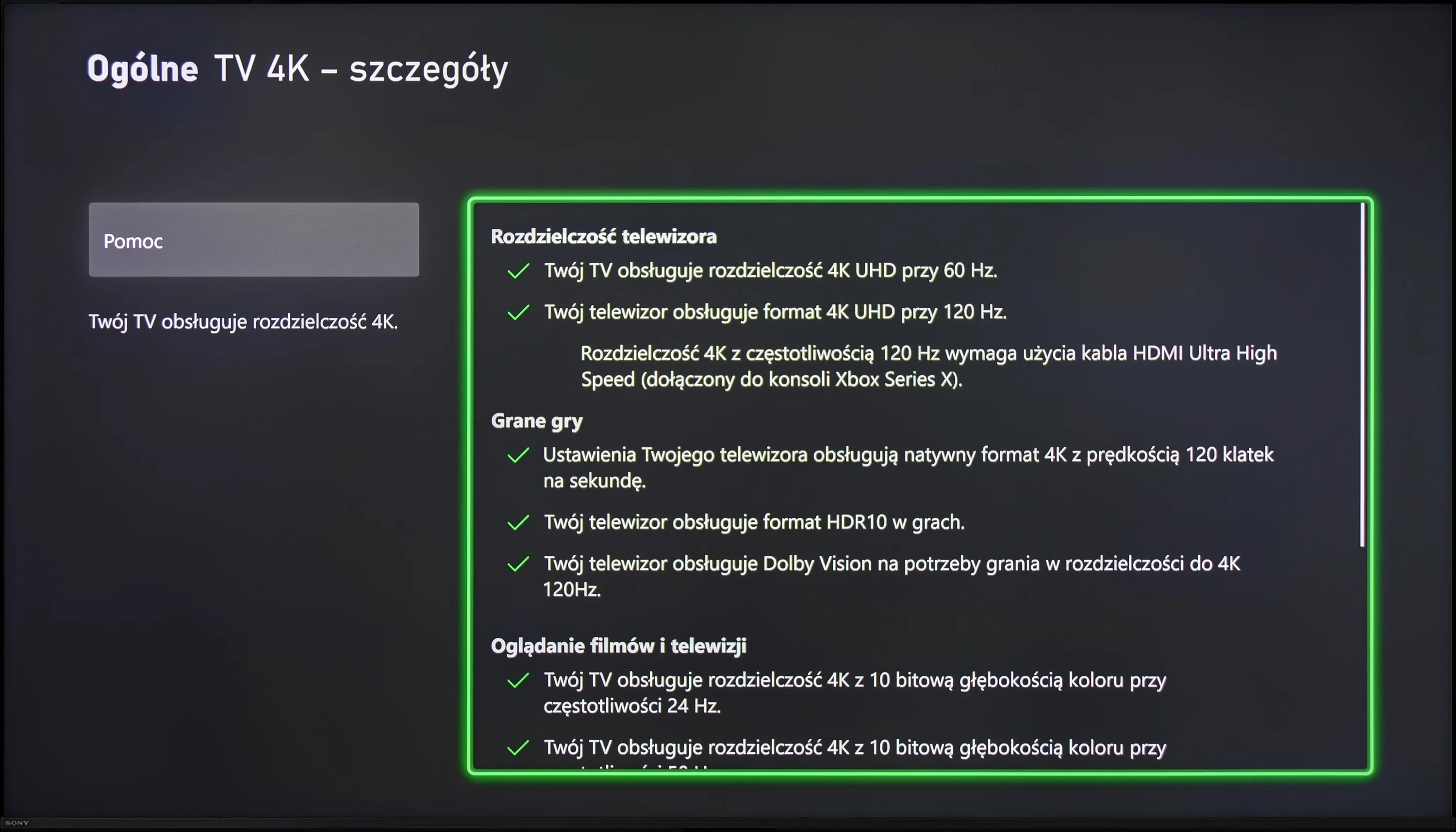
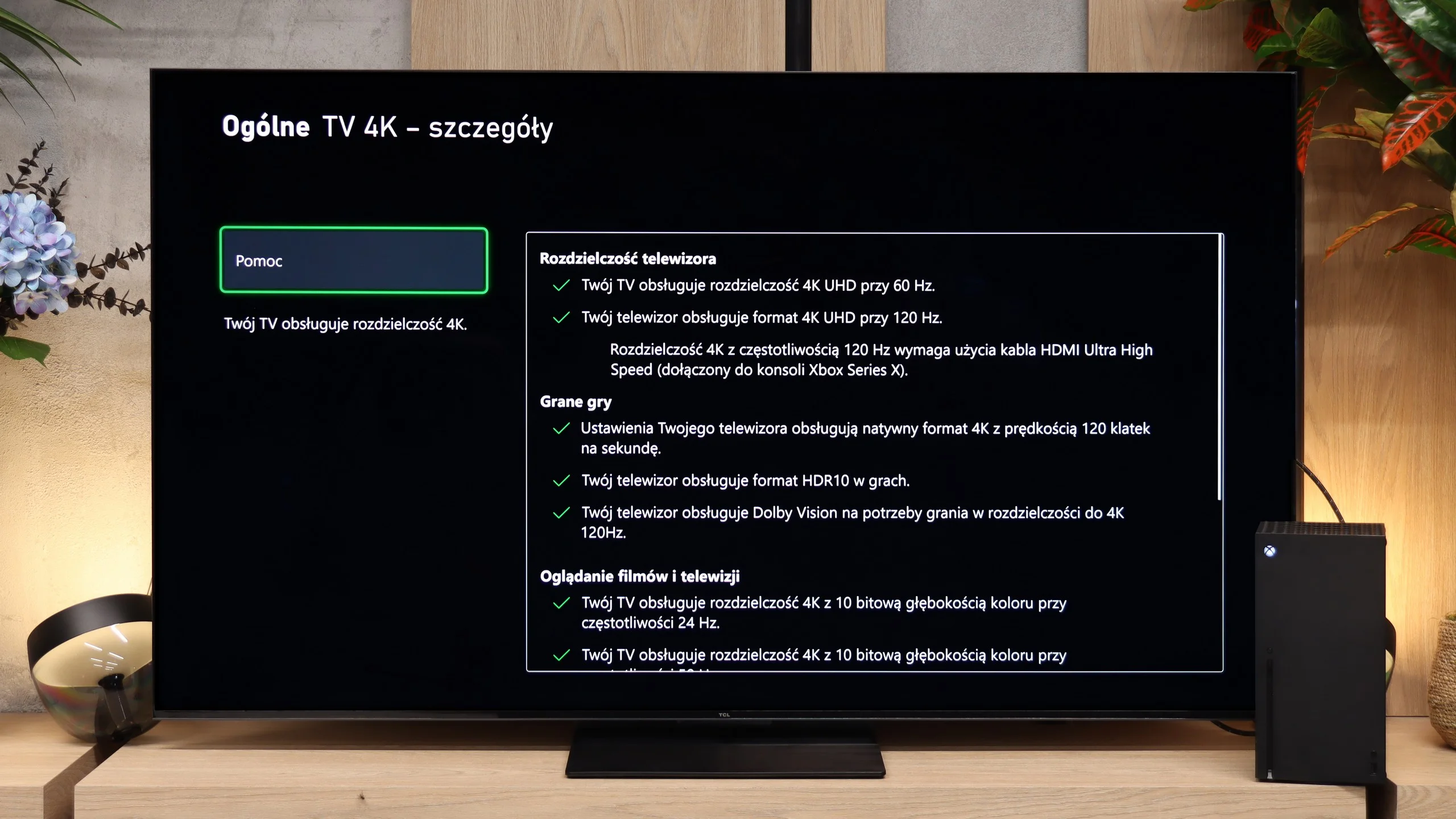
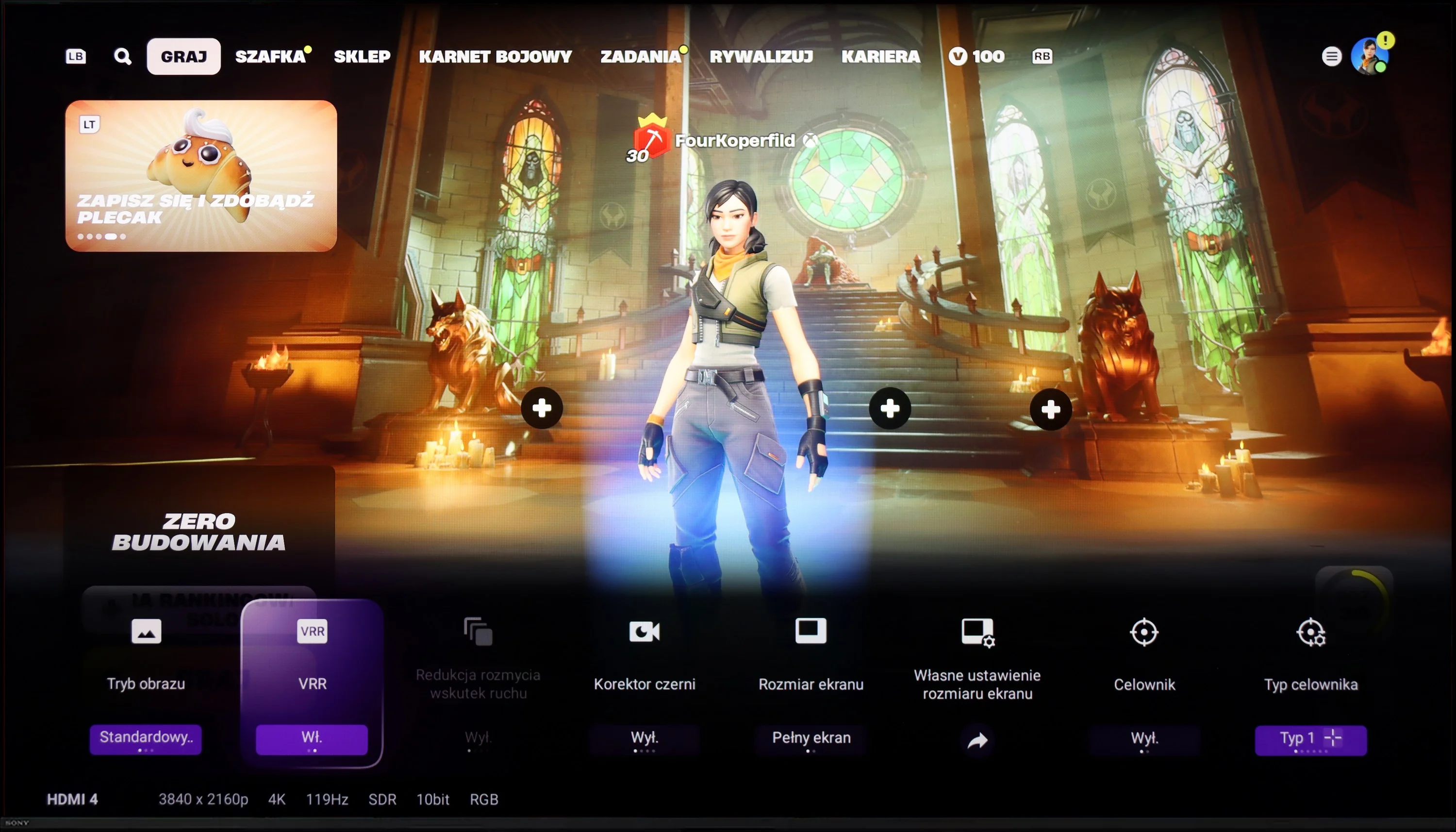
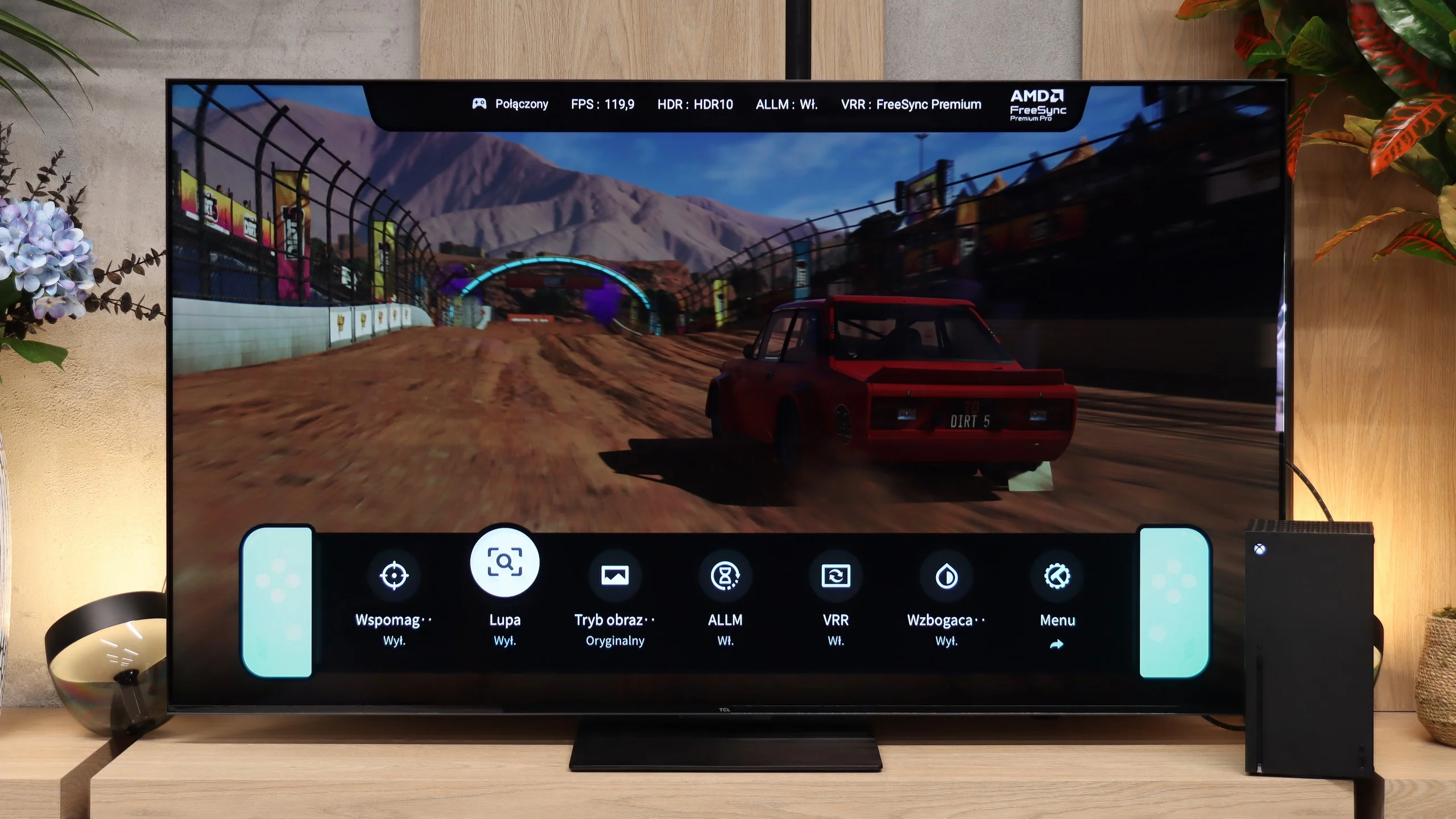
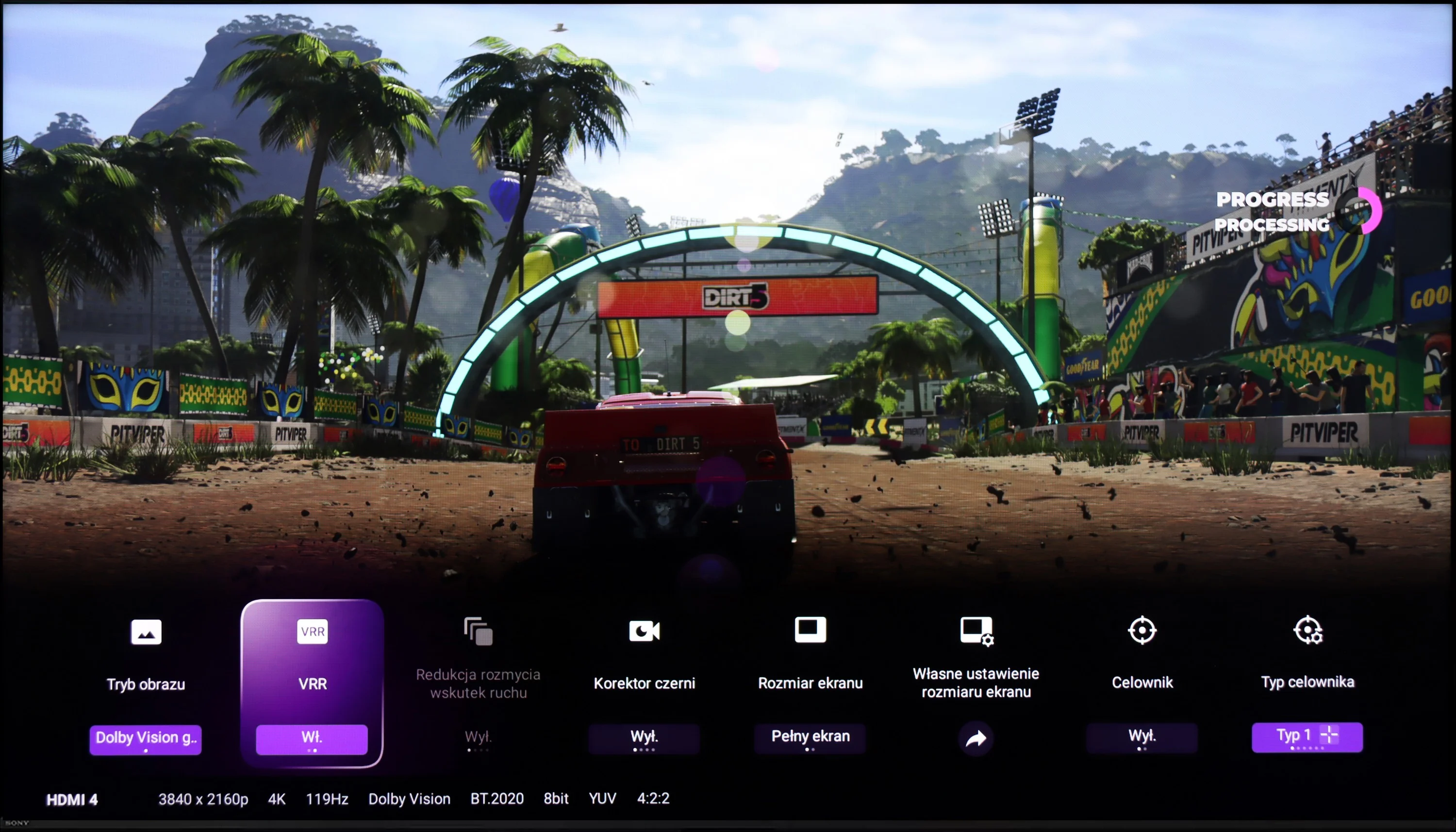
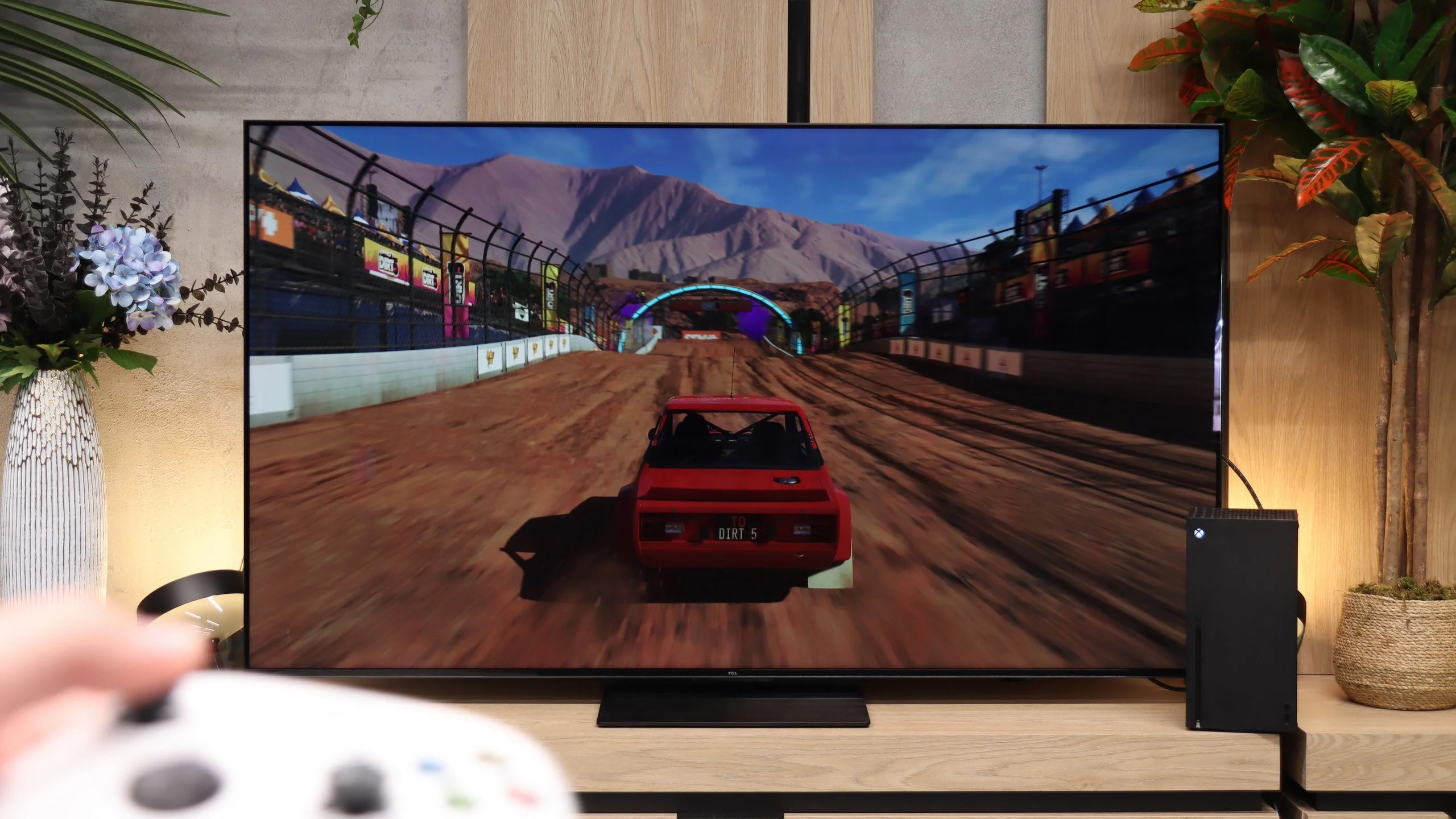
Sony Bravia 7 has significantly improved its capabilities in terms of compatibility with consoles compared to earlier models. The TV supports variable refresh rate (VRR), which eliminates screen tearing, and it syncs with graphics cards to ensure smooth display. The automatic low latency mode (ALLM) effectively reduces input lag, which is crucial in dynamic games. Dolby Vision with low latency further delivers impressive HDR effects that look great during gameplay.
Sony Bravia 7 also offers a Game Bar feature, providing quick access to settings and monitoring parameters while gaming. An interesting option is the ability to enable a virtual on-screen reticle, which can give a slight advantage in shooter games. However, compared to the Bravia 9 model, the HGIG feature in the Bravia 7 doesn't perform as well, which may be noticeable for more demanding gamers – particularly as the HGIG mode is becoming increasingly popular among gamers as the preferred method for reproducing HDR effects.
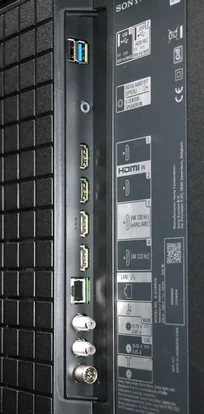
A downside is the lack of support for 1440p@120 Hz resolution, which could make gaming easier for users with less powerful graphics cards. Additionally, the Sony Bravia 7 is equipped with two HDMI 2.1 ports, one of which is often used to connect an audio system via eARC, limiting the number of available ports for connecting next-gen consoles.
When it comes to gamer-focused features, there's almost nothing but praise for the RM7L. The TV supports ALLM, VRR, Dolby Vision Gaming and works correctly with HGiG, so it's hard to point to any major gaps in that area. In practice that means automatic switching to a low-latency mode, smoother motion with variable frame rates and accurate brightness reproduction in HDR games. There's also a handy Game Bar. From it you can quickly check the frame rate, VRR status, signal format and aspect ratio, and change key settings without leaving the game. TCL has added a few extra options too, such as an on-screen reticle and brightening of dark areas, which can be useful in some titles. The biggest downside comes from using the Pentonic 700 processor. Only two of the four HDMI ports support the full HDMI 2.1 standard. With a single console that won't be a big issue, but if you hook up two consoles and a PC you might run out of ports, especially since one of those ports may also be needed for eARC and a soundbar.
Input lag
9.7/10
9.9/10
SDR
HDR
Dolby Vision
Sony BRAVIA 7 delivers outstanding results in terms of input lag, especially with 120 Hz materials, where the delay is around 11 ms – this is an excellent result that will satisfy even the most demanding gamers. The Dolby Vision mode also deserves recognition, as it is usually associated with higher input lag, yet here it performs really well, providing a comfortable gaming experience. However, we deducted 0.3 points for results above 20 ms for 60 Hz content, although we believe that for most users, this difference is more of a placebo effect.
Input lag in the RM7L is low. With a 120 Hz signal it falls below 10 ms, and at 60 Hz it's just under 15 ms. In practice the response to controls is immediate, and even the lower numbers seen on OLEDs don't give a noticeable advantage here. Dolby Vision Gaming also performs well. Input lag in that mode remains at the same level as in the other gaming modes, which is still not standard across all TVs.
Compatibility with PC
7.6/10
8.4/10
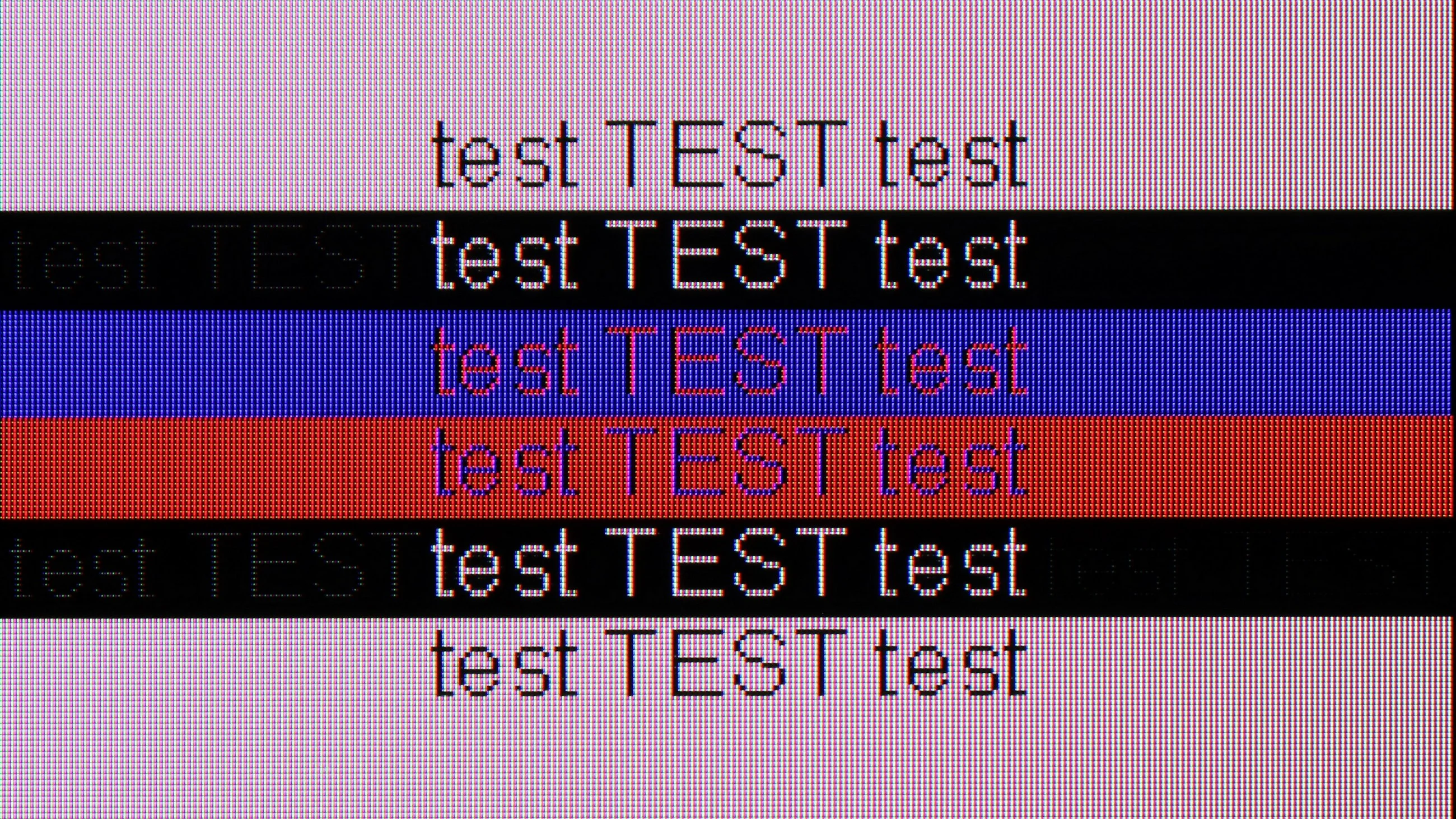
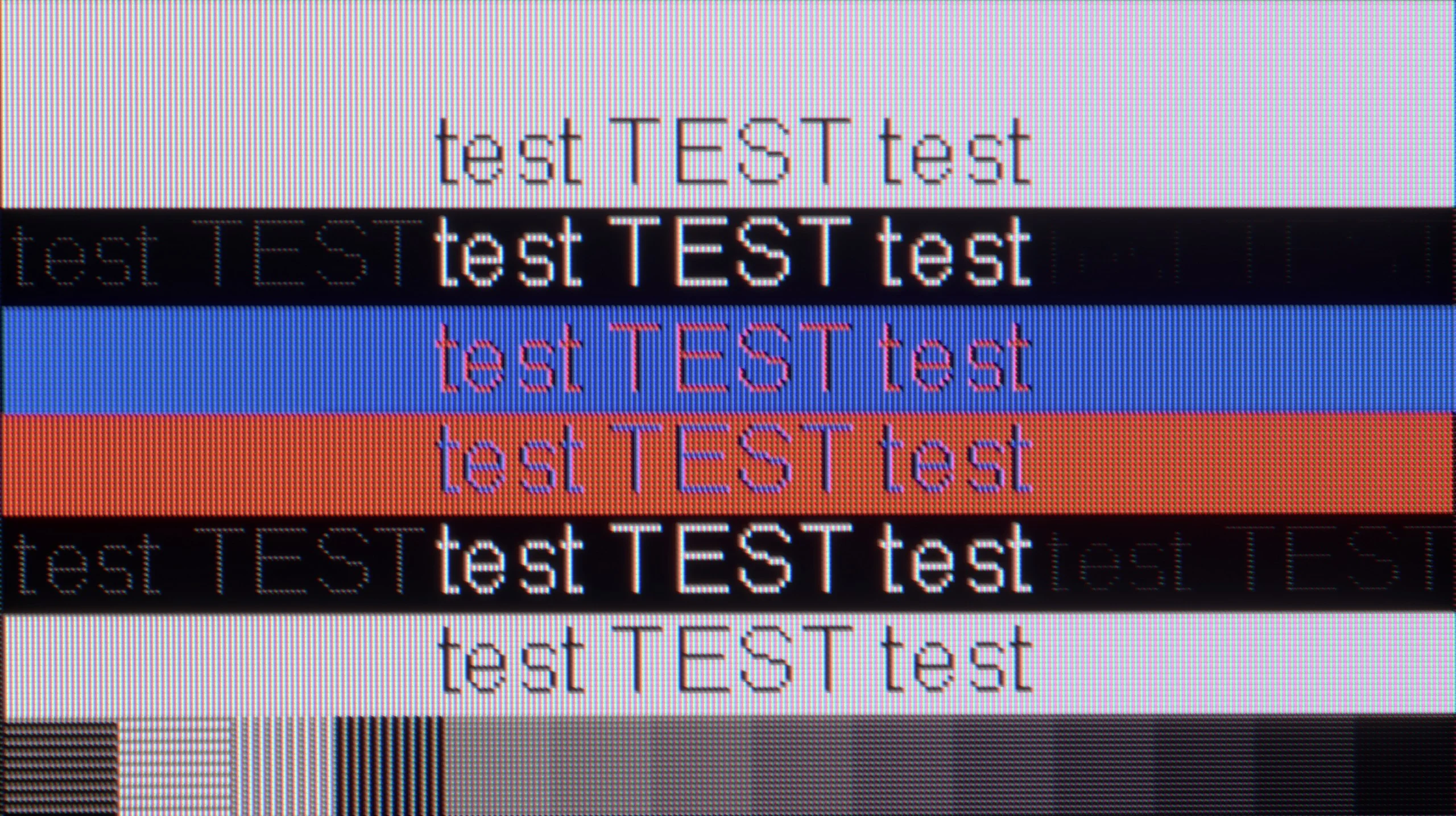
The photo shows the legibility of small fonts. Ideally, lines should be the same thickness on both light and dark text, with minimal pixel gaps.
The Sony BRAVIA 7 television works well with computers, providing clear and legible fonts. An input lag of 11 ms is also an excellent result that will satisfy users using the television for gaming and work. However, it should be mentioned that in the case of grey letters, some slight fading of certain pixels can be observed, which somewhat affects the readability of darker fonts, for which we deducted a few points.
Working with a PC on the RM7L is very good, especially if you treat it as a gaming display. The TV supports 4K at 144 Hz, and dropping to Full HD can push the refresh rate as high as 288 Hz. It also supports G-Sync and FreeSync, so there's little to complain about in terms of smoothness. Text handling is a bit weaker. At the maximum refresh rate, letters viewed up close are not perfectly sharp and you can notice a faint shadow behind them. Switching to 120 Hz improves the situation, though they're still not perfect. That said, it's hard to call this a serious flaw, since given the sizes the RM7L is available in, it's unlikely to be used on a desk as a monitor for document work.
Viewing angles
3.4/10
4.5/10
The Sony BRAVIA 7 TV has poor viewing angles, which is typical for VA panels. The picture quickly loses quality when viewed from a greater angle – colours become washed out and contrast decreases. Considering the price of the device, it's a shame that a coating wasn't applied to enhance the viewing angles, which would certainly improve the viewing experience from different spots in the room.
The viewing angles on the RM7L are pretty good and among the better ones you’ll find on TVs with a VA panel. Even when looking at the screen from the side, colours don’t shift as much as they do on many classic designs of this type. In that respect the RM7L can be compared to the better WHVA panels used in higher-end TCL series like the C8L and X11L. There is, however, one clear downside. As the viewing angle increases the picture brightness falls very quickly. Colours and the overall character of the image remain relatively intact, but the screen itself becomes noticeably darker. At very wide off-centre angles the difference is large enough that the picture can simply look too dark. For that reason the RM7L is best watched as close to the centre of the screen as possible.
Daytime performance
8.4/10
7.8/10
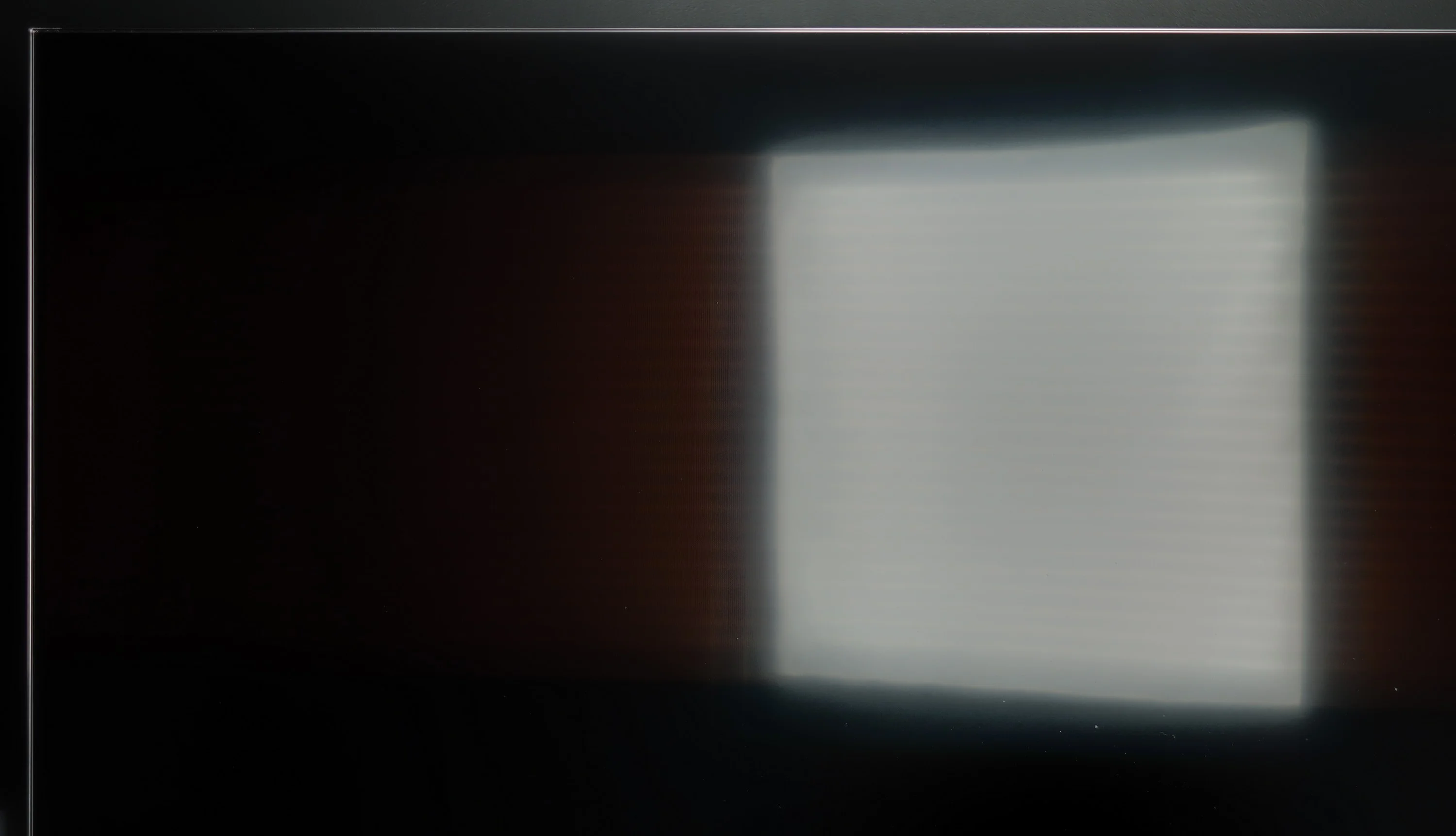
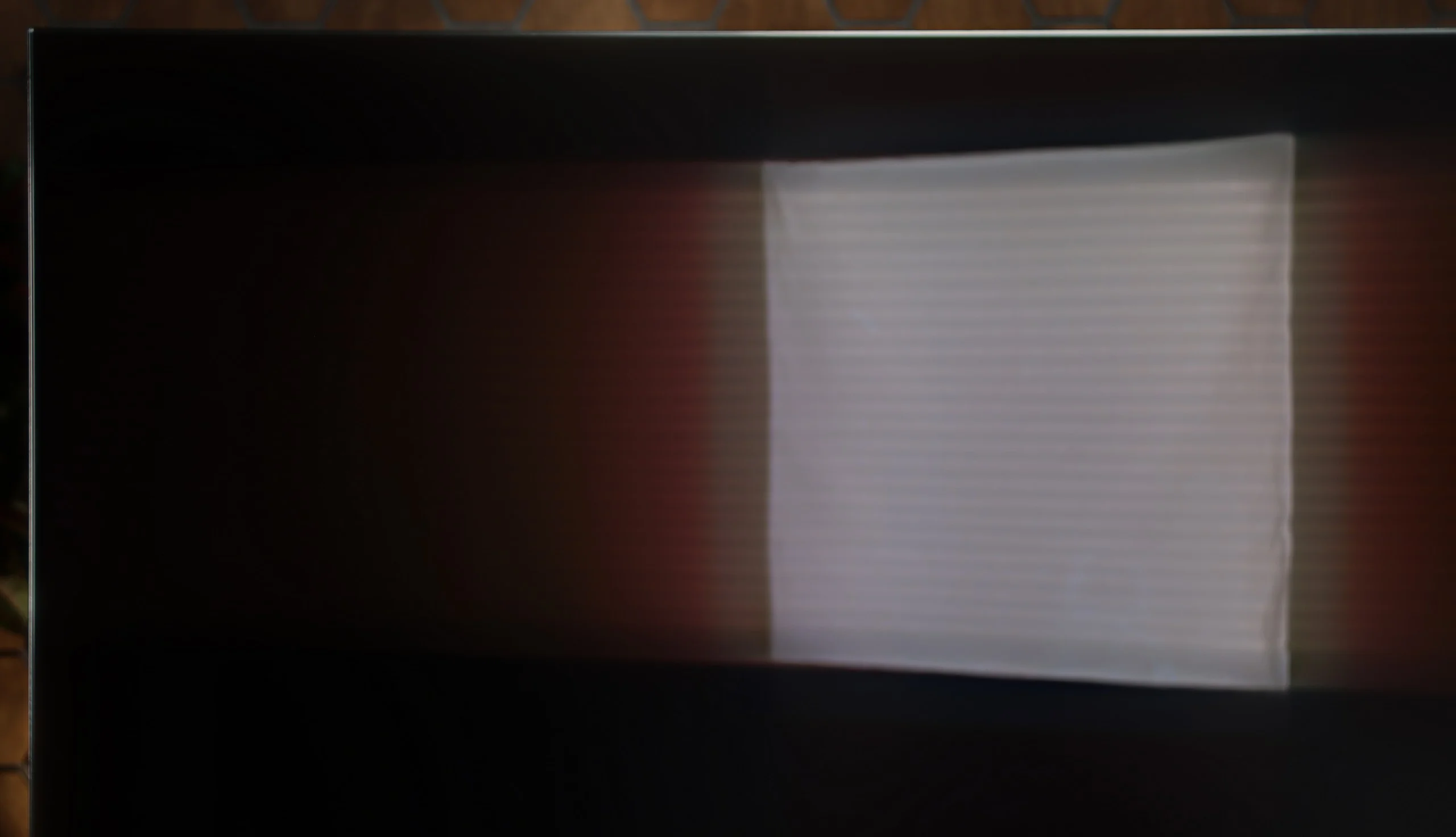
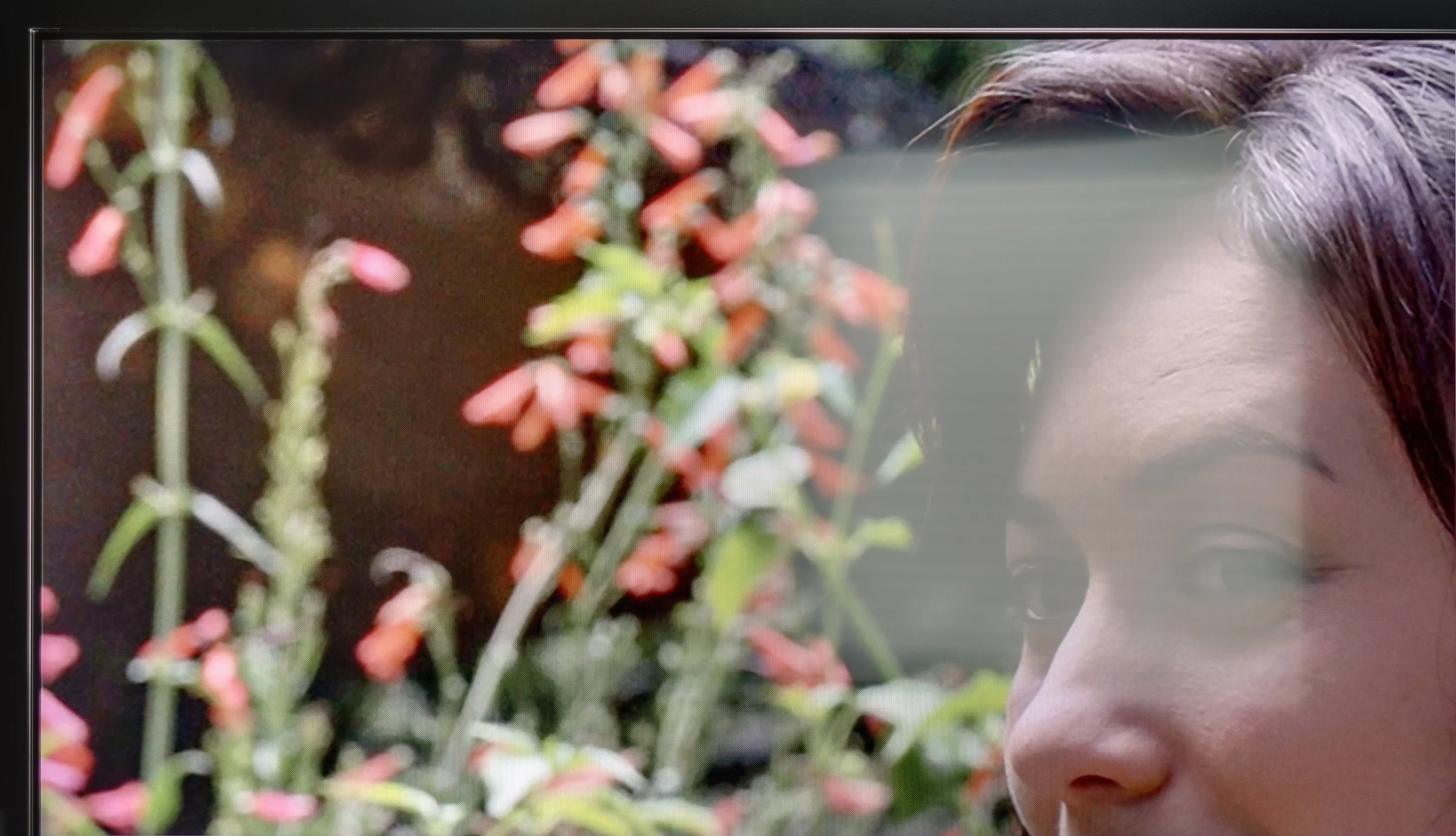
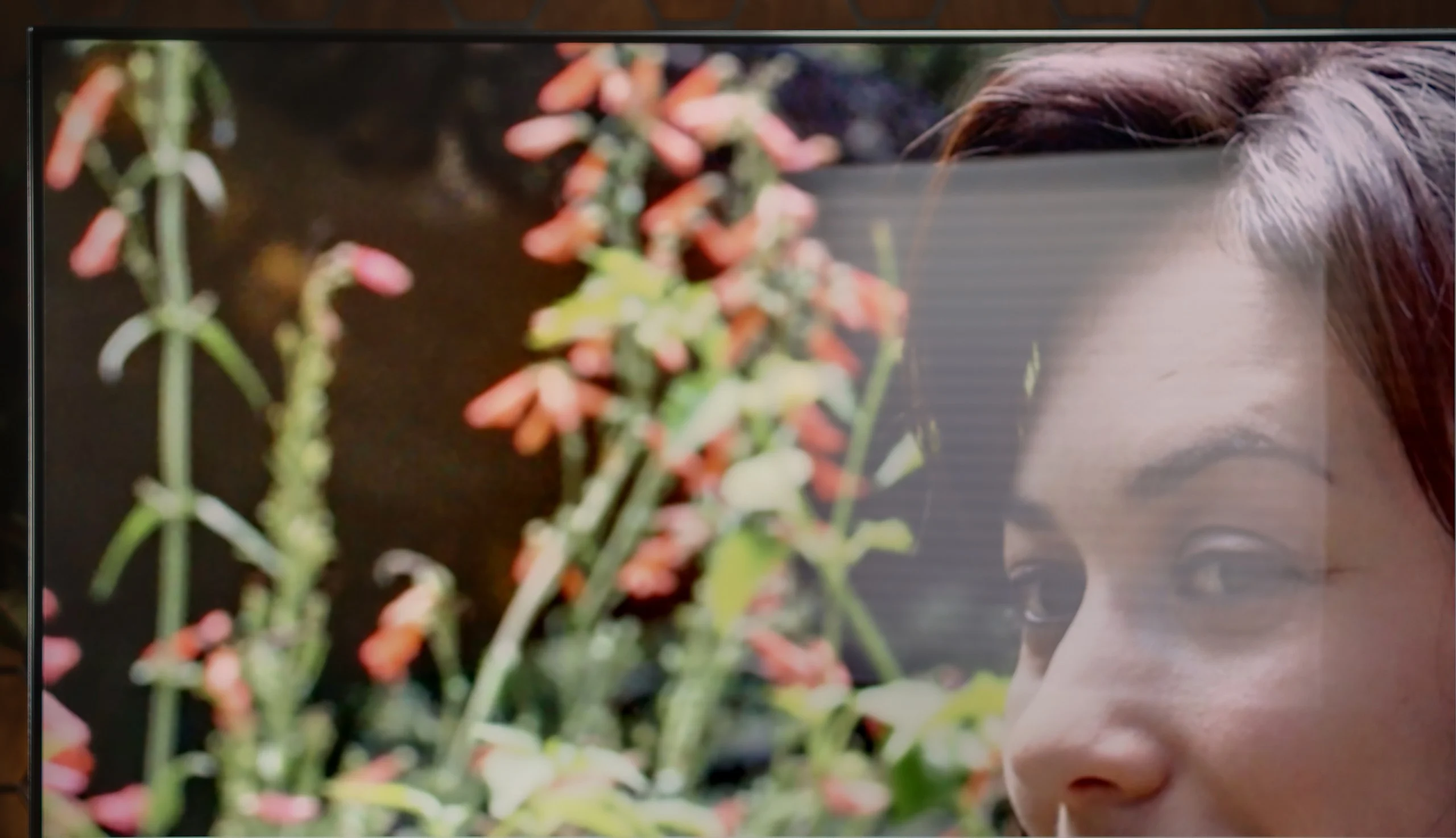
Panel brightness
TCL RM7L: 959 cd/m2
Sony Bravia 7 (XR70): 1014 cd/m2
BRAVIA 7 performs exceptionally well in bright surroundings. The satin finish effectively reduces reflections, while causing minimal side blur, resulting in very good visibility during the day. A brightness level of 1000 cd/m² in SDR mode is astonishing and ensures that the picture remains clear even in brightly lit rooms.
The RM7L should perform well in a bright living room, mainly thanks to its high SDR brightness. With everyday content the TV averages around 1000 nits, so it easily cuts through light entering the room and keeps the picture readable during the day. The weaker point is the glossy panel coating. Direct reflections are quite noticeable, and stronger light sources can also spread across the screen surface. For that reason it's best not to position the TV facing a window or a lamp. With the right placement, however, the RM7L will still be an excellent choice for a brightly sunlit room.
Panel details
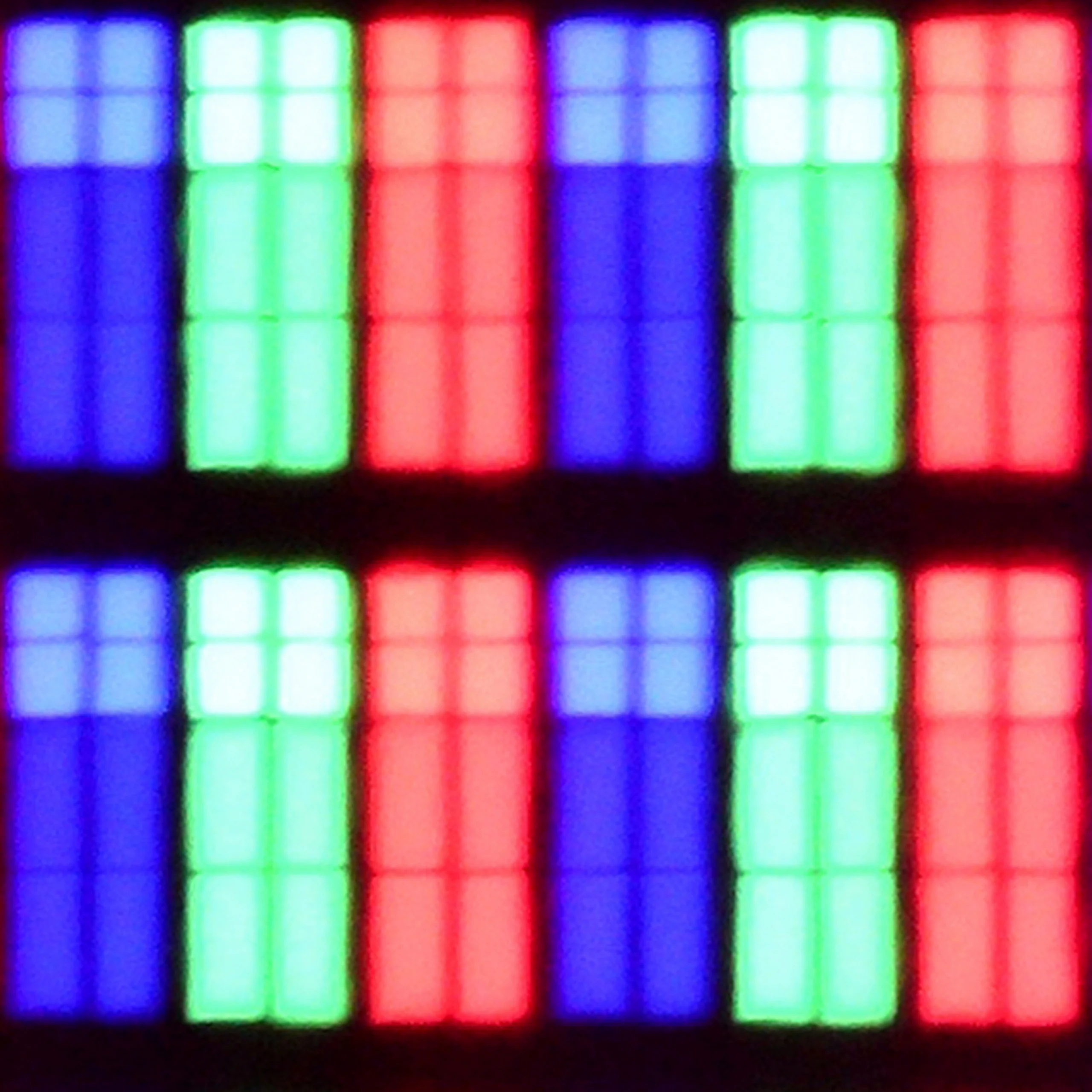
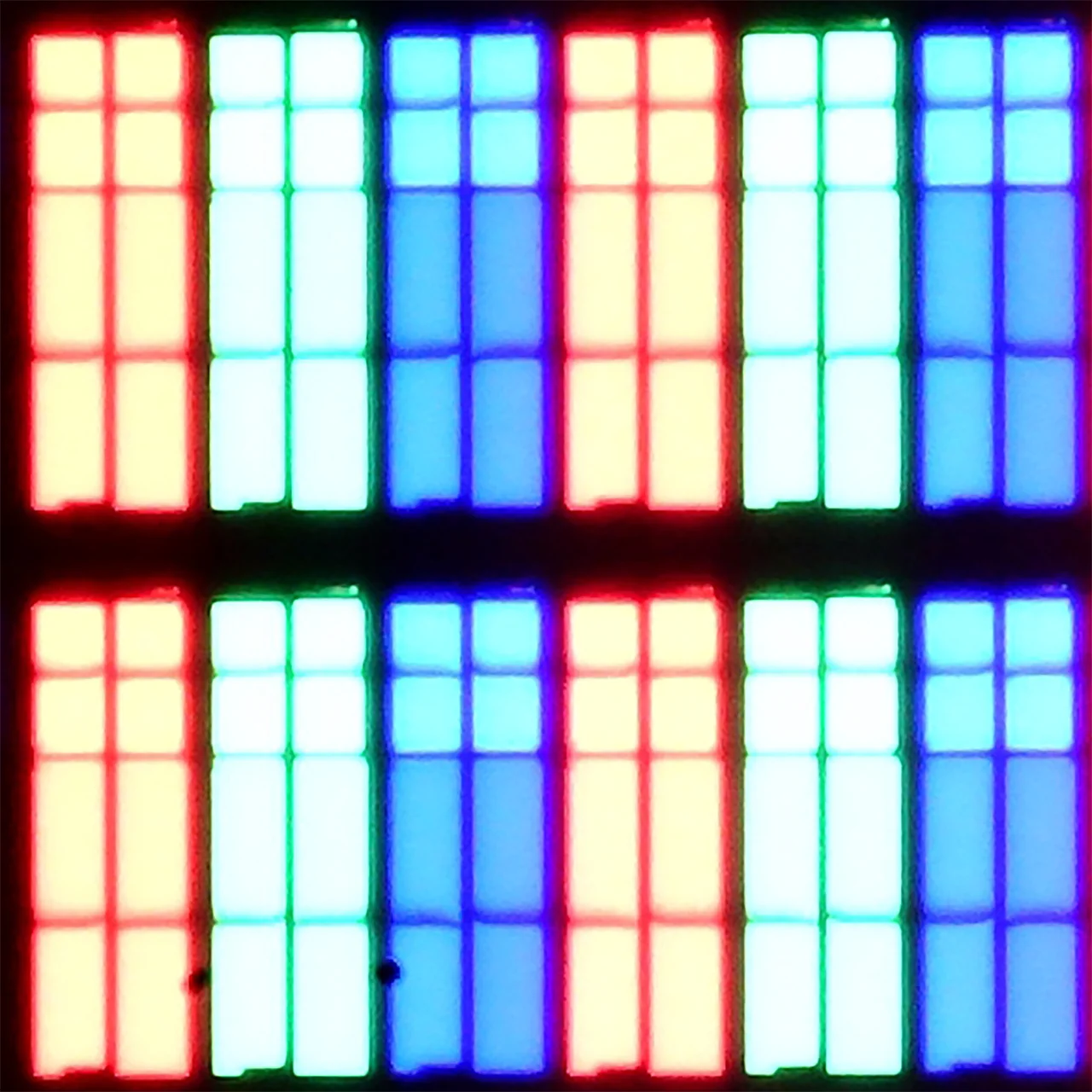
Subpixel Structure:
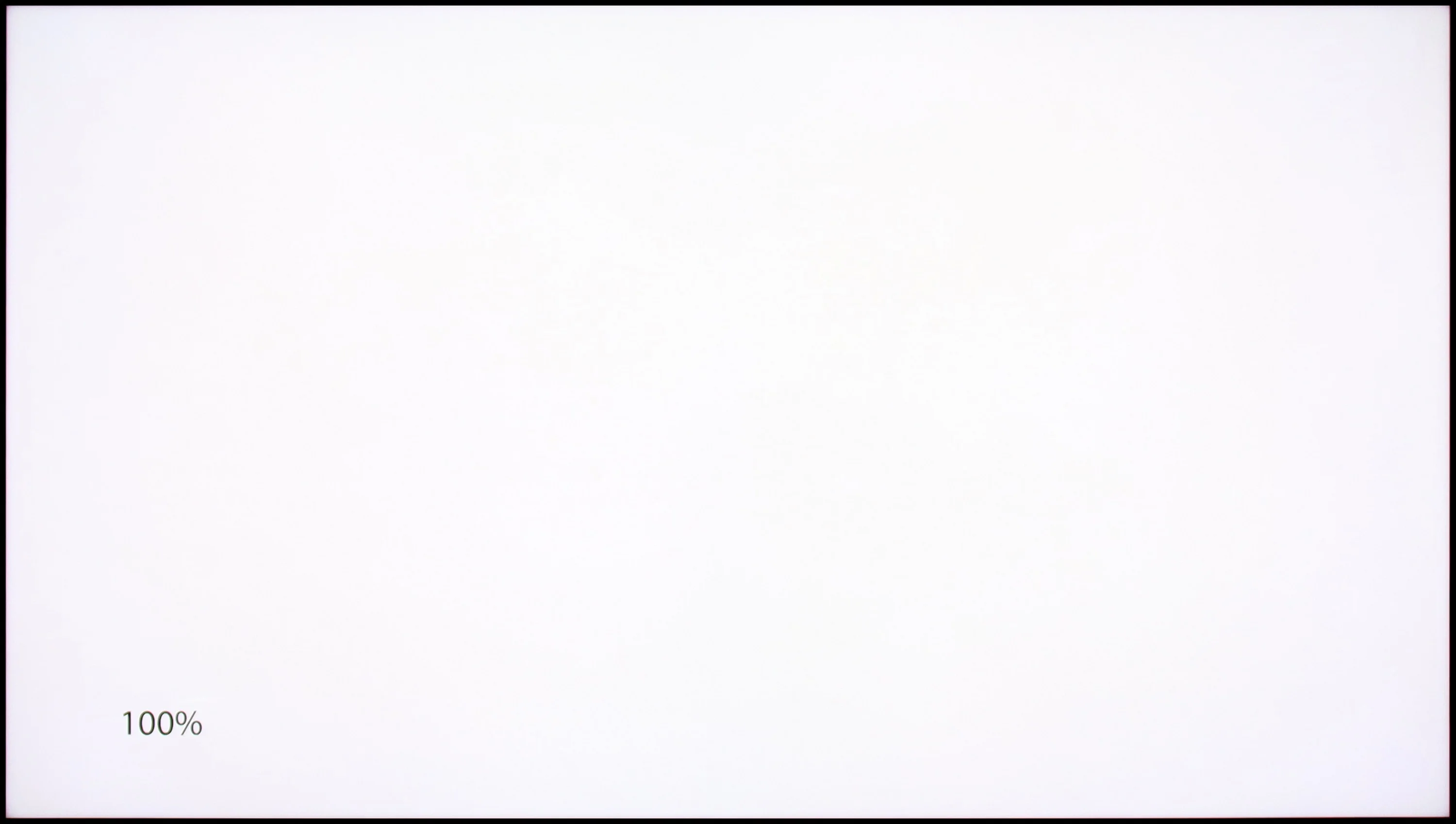
Panel uniformity and thermal imaging:

Sony Bravia 7 (XR70)
TCL RM7L
TV features
8.8/10
7.8/10
- SystemGoogle TVGoogle TV
- System performanceGoodGood
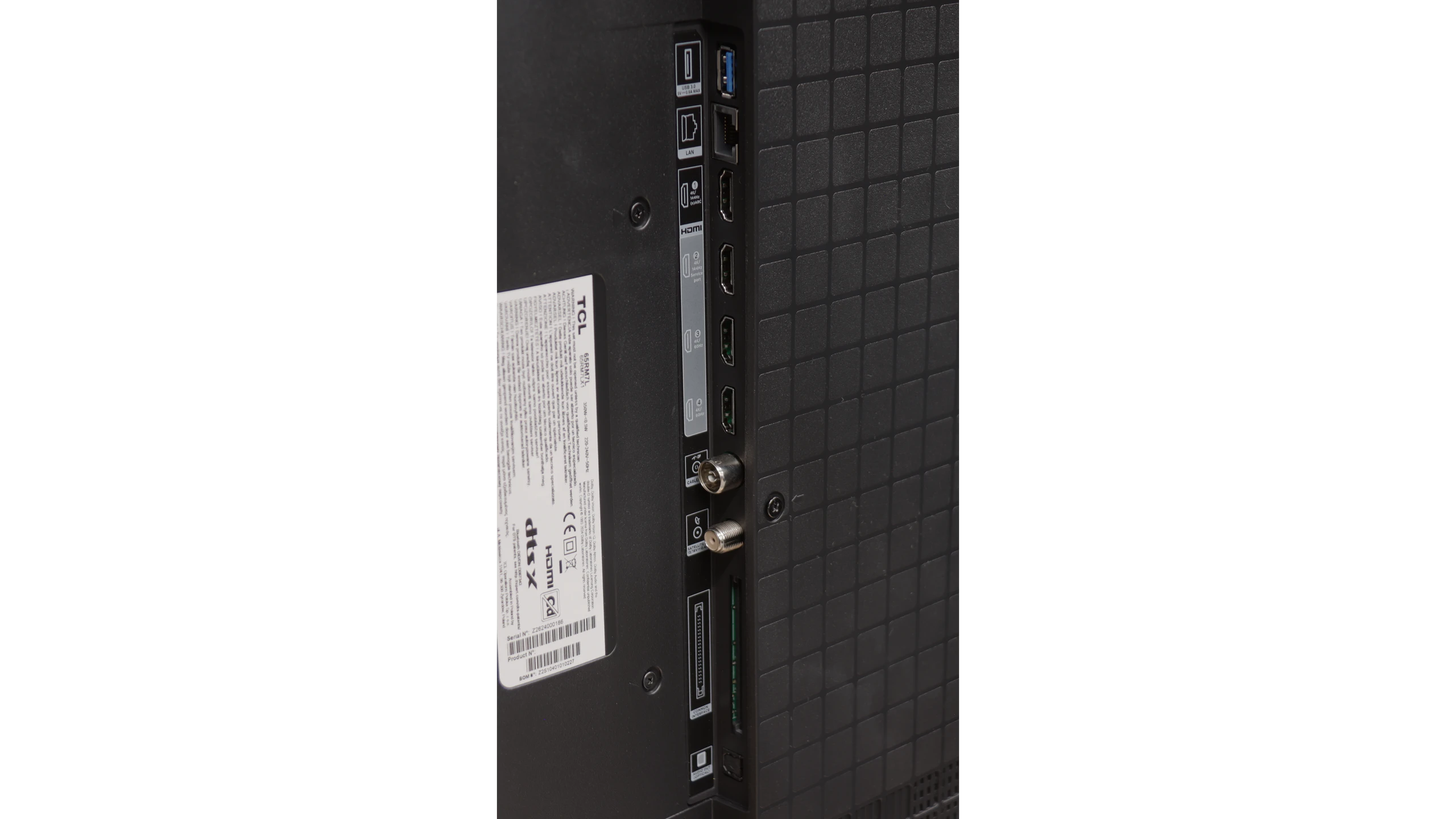
- HDMI inputs2 x HDMI 2.0, 2 x HDMI 2.1 48Gbps2 x HDMI 2.0, 2 x HDMI 2.1 48Gbps
- OutputsToslink (Optical audio), eARC (HDMI), ARC (HDMI)Toslink (Optical audio), eARC (HDMI), ARC (HDMI)
- Network InterfacesWi-Fi 2.4GHz, Wi-Fi 5GHz, Ethernet (LAN) 100MbpsWi-Fi 2.4GHz, Wi-Fi 5GHz, Ethernet (LAN) 100Mbps
- TV receptionDVB-T, DVB-T2, DVB-S, DVB-S2, DVB-CDVB-T, DVB-T2, DVB-S, DVB-S2, DVB-C
Classic features:
- Recording to USB (terrestrial TV)
- Recording programming
- Picture in Picture (PiP)
- RF remote control (no need to aim)
- Backlit remote control
- Teletext
- Audio only mode
- Bluetooth headphones support
- Simultaneous Bluetooth headphones & TV audio
Smart features:
- AirPlay
- Screen mirroring (Windows Miracast)
- Voice search
- Voice search in native language
- Ability to connect a keyboard and mouse
Sound connection options
- HDMI audioeARC (HDMI), ARC (HDMI)eARC (HDMI), ARC (HDMI)
- Other audio outputsToslink (Optical audio)Toslink (Optical audio)
- Wireless audioBluetoothBluetooth
Supported audio formats (external HDMI eARC audio):
- Dolby Digital Plus 7.1
- Dolby True HD 7.1
- Dolby Atmos in Dolby Digital Plus (JOC)
- Dolby Atmos in Dolby True HD
- DTS:X in DTS-HD MA
- DTS-HD Master Audio
Senior accessibility
- Numeric keyboard on TV
- Font size adjustment
- Audio description
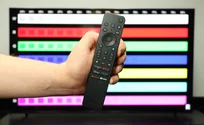
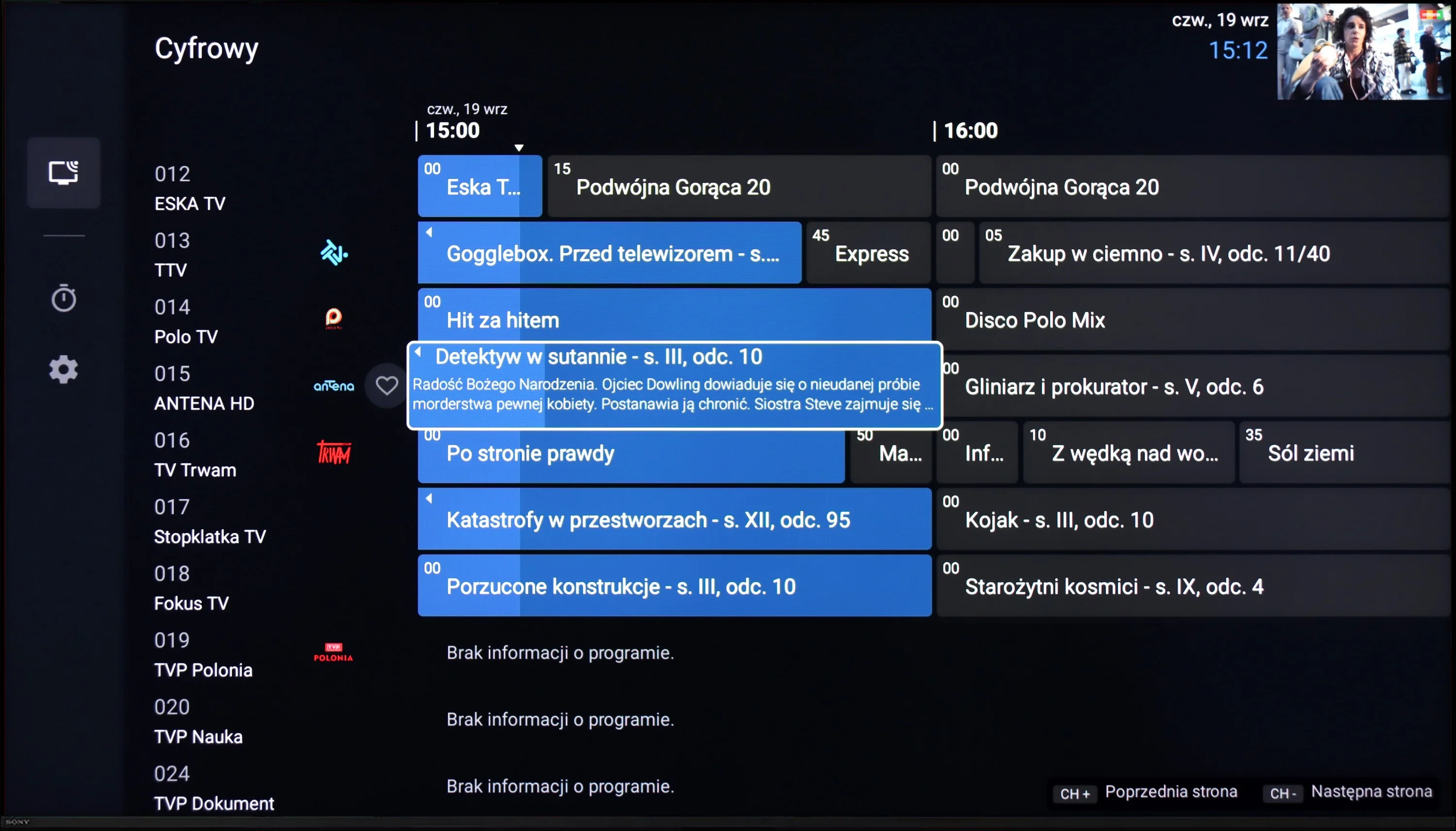
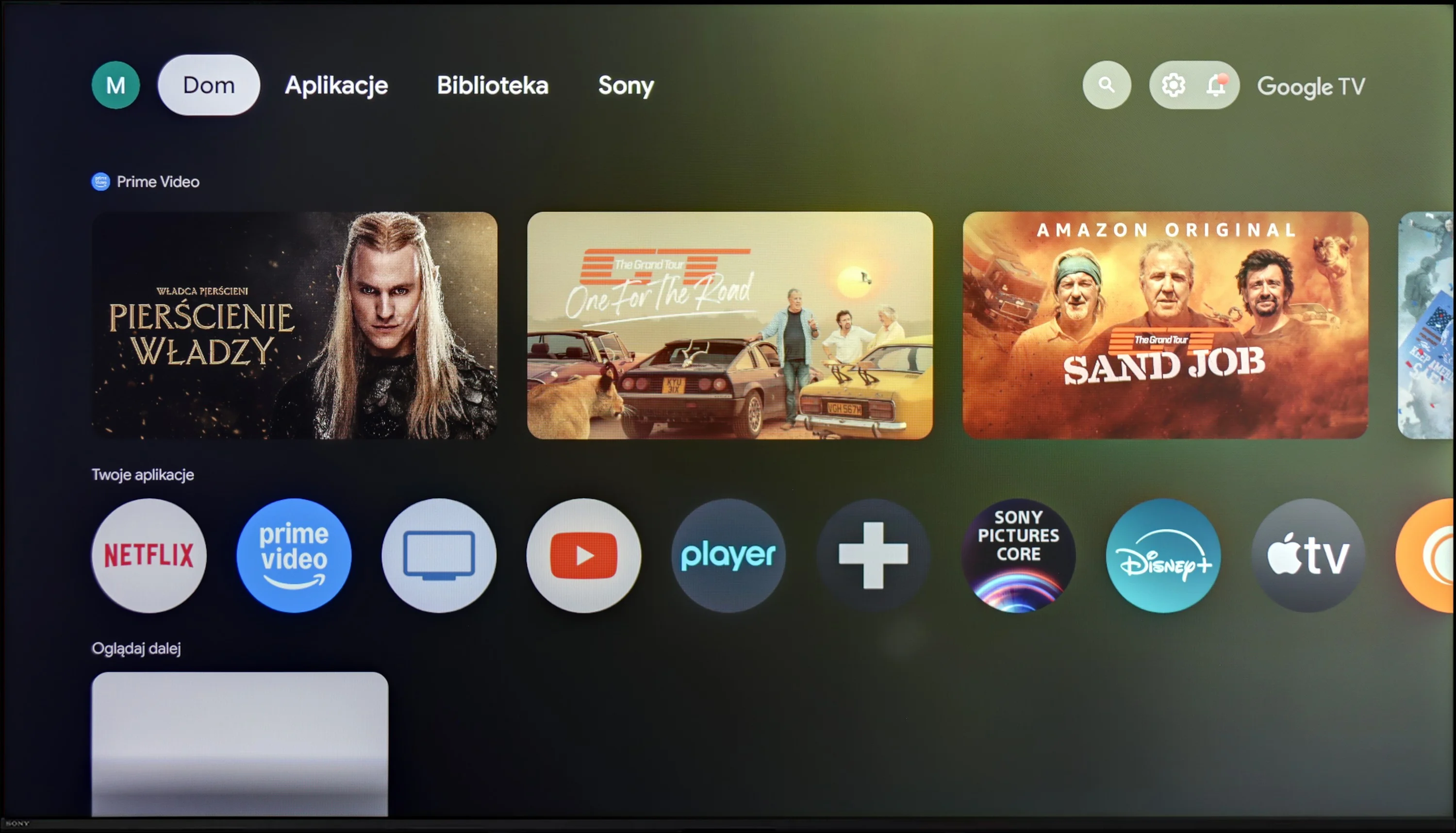
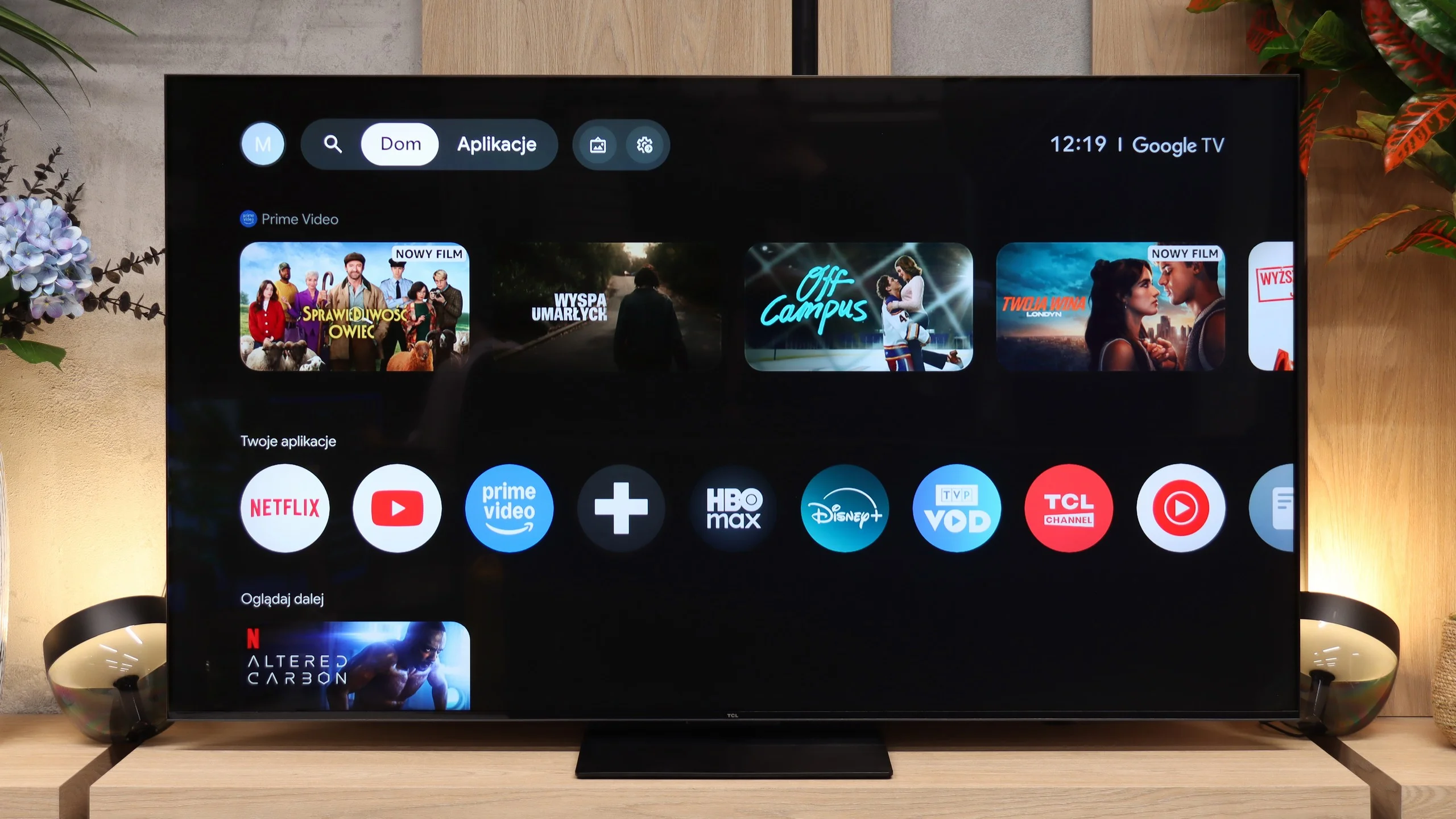
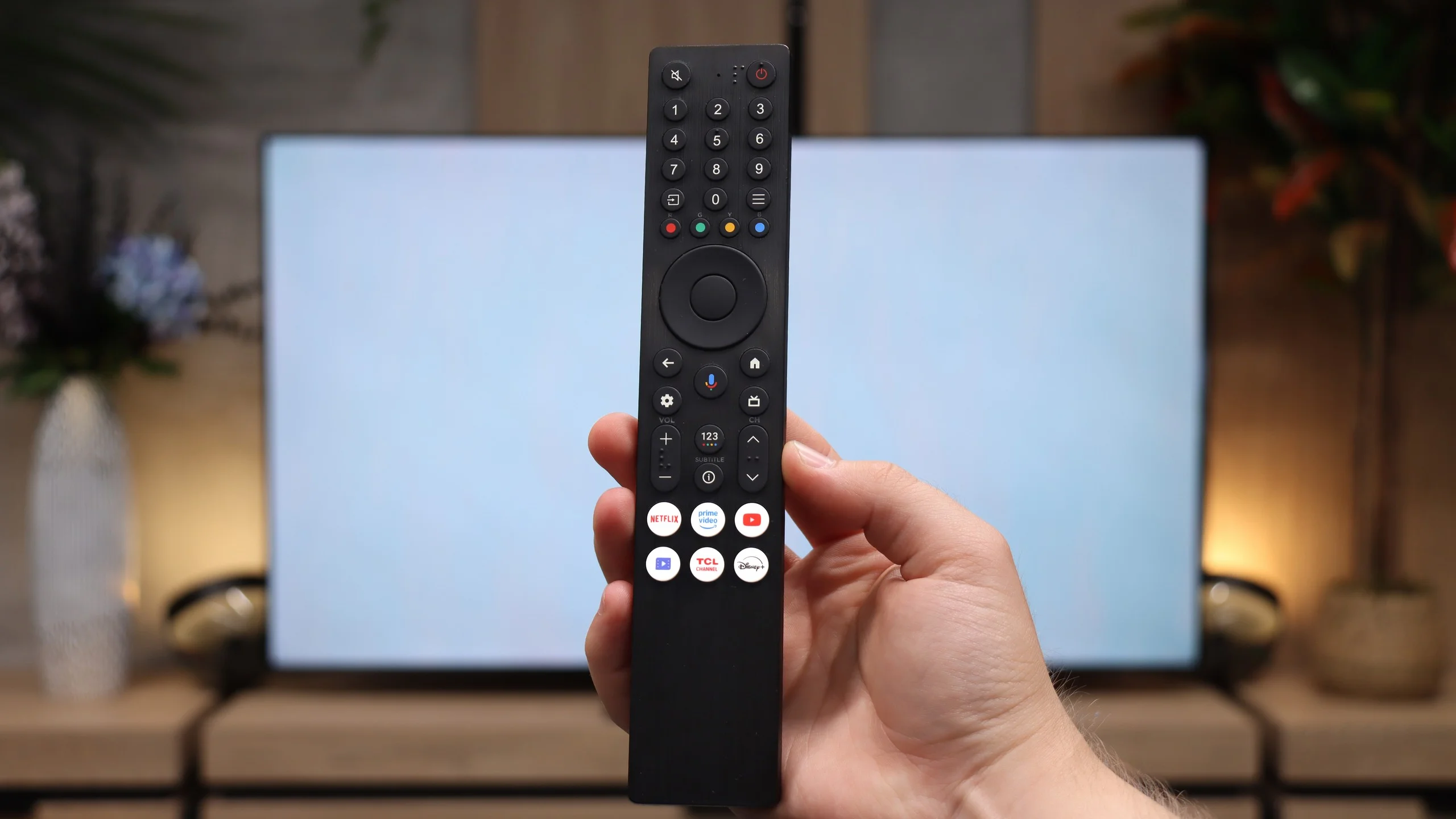
Sony Bravia 7 runs on the Google TV system, which offers an intuitive and fast interface, providing easy access to a plethora of applications. Google Assistant supports Polish language, making the use of the television even more convenient and personalised. The interface is clear, and access to features and applications is quick and seamless. It's worth mentioning the remote, which is rechargeable via USB-C port. Additionally, the remote is backlit, making it significantly easier to use at night.
Sony Bravia 7 offers a wide range of capabilities that will satisfy most users. The ability to record programs and easily connect devices via Bluetooth are major pluses. Unfortunately, it lacks the Picture-in-Picture (PiP) feature, which could be useful for watching two video sources simultaneously.
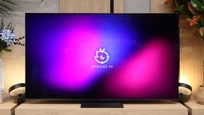
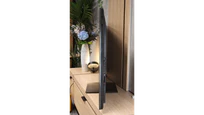
XR70 stands out with its practical and elegant design. The television is equipped with a 4-position stand, allowing it to be adapted to various spaces and settings – this is particularly useful when flexibility in interior arrangement is desired. Additionally, the slim aluminium frame gives the device a modern and stylish appearance. Although it is not as slim as some competing Korean models, it still looks very attractive and sturdy.
Smart TV features
The RM7L runs on Google TV, and that's great news, because it's one of the most polished systems on the market today. The store has practically everything: from the big streaming platforms to lesser-known apps, so you really don't need to worry about a lack of content. It also includes the classics, Chromecast and AirPlay, which let you easily cast or mirror your phone's screen to the big display. An interesting change is the replacement of the previous Google Assistant with Gemini. The new "artificial brain" better recognises natural speech and can answer questions far more sensibly. Everything runs smoothly and delivers exactly what we expect from a TV today.
Traditional TV
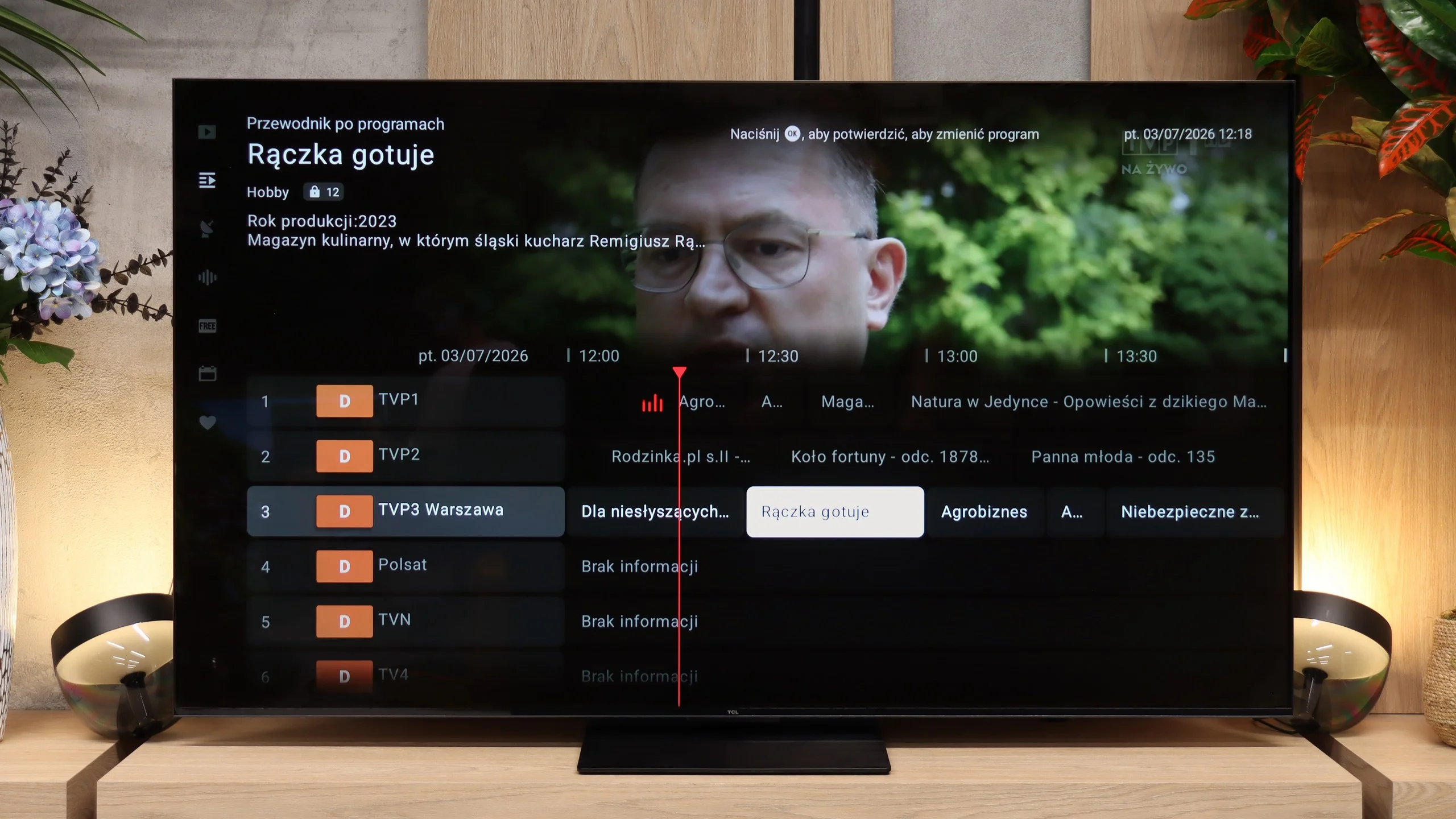
If someone prefers to flick through channels rather than stream, they'll be pleased to find a conventional remote. It has a full numeric keypad and plenty of physical buttons, so operating the TV is quite simple without having to dig through on-screen menus. As for the TV's core features, it's solid. The programme guide (EPG) and changing channels work flawlessly, though you won't find extra features like PiP or PVR.
Apps
9.6/10
9.6/10






















Playing files from USB
8.6/10
9.4/10
Supported photo formats:
Maximum photo resolution:
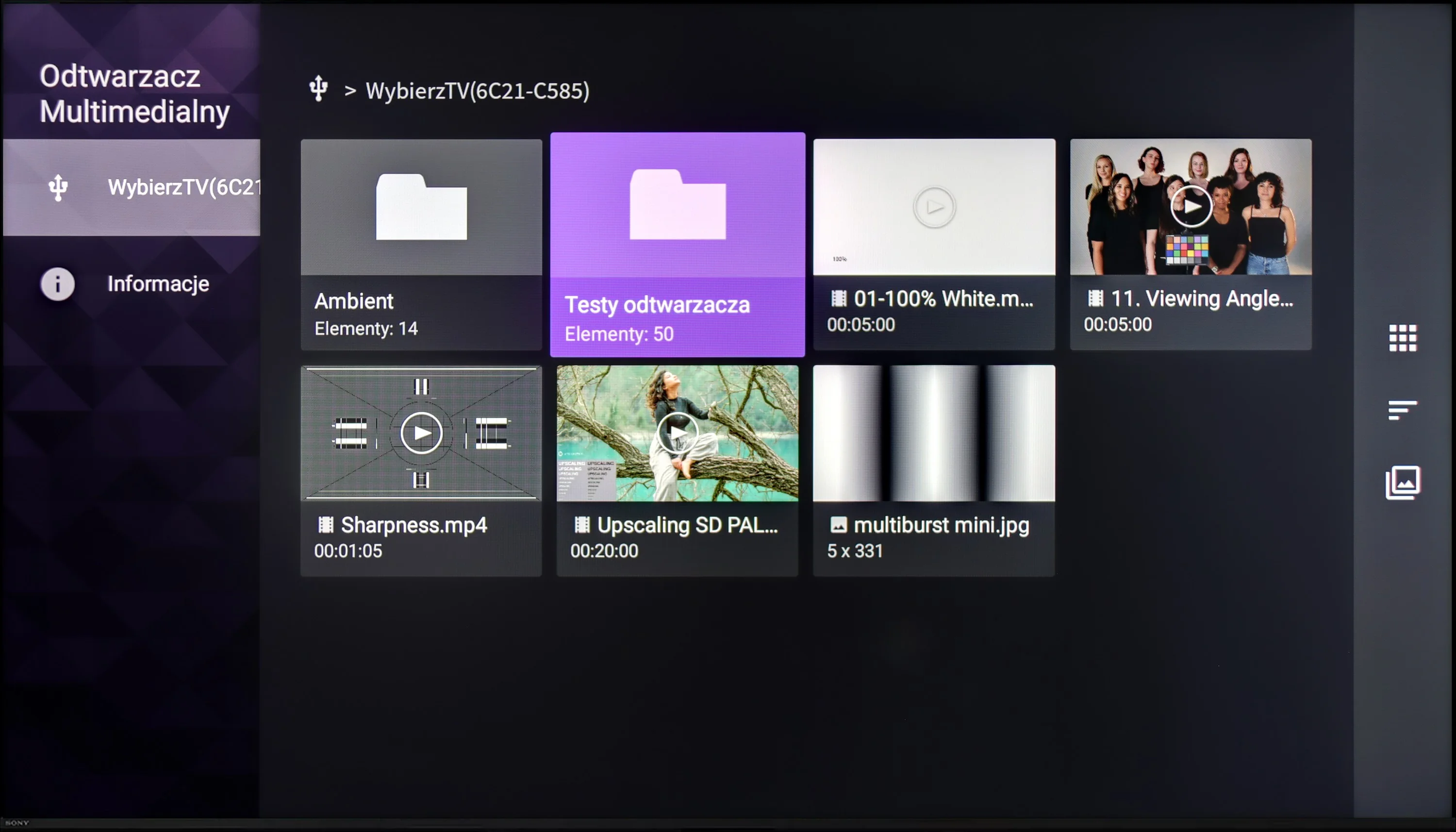
The built-in player handles most popular video and audio formats, allowing you to enjoy a wide range of content without any issues. Although there are minor shortcomings when displaying photos, thanks to the Google TV system, you can easily install other apps that effectively solve this problem and expand the multimedia capabilities of the television.
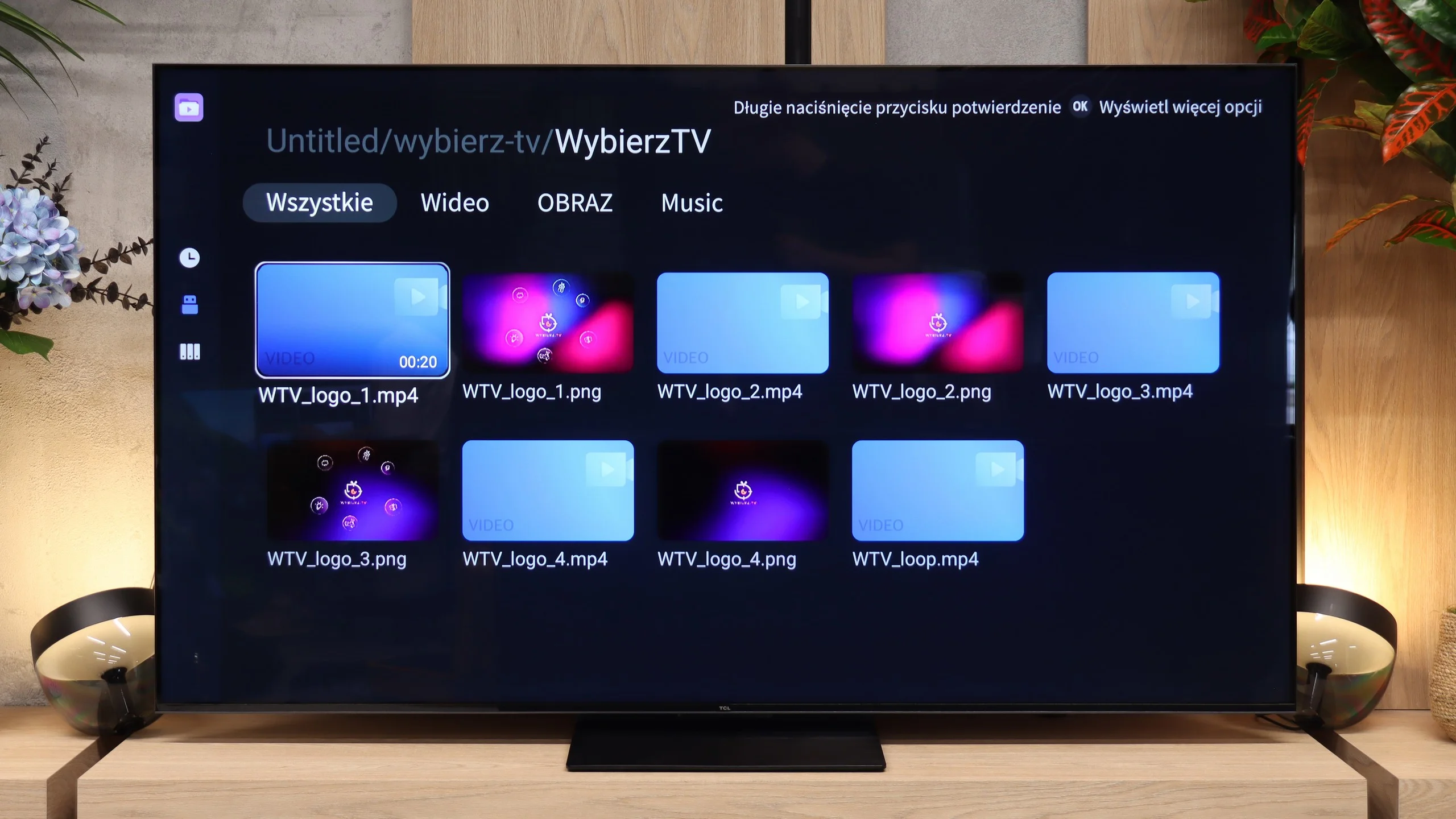
The RM7L's file player performs very well. The TV handled most of the test material with no problems, whether movies, photos or music. Shortcomings do occur, of course, but they mainly affect less common formats. In practice, most people will be fine without installing an extra media player.
Sound
7.8/10
7.8/10
- Maximum volume85dB88dB
- Dolby Digital Plus 7.1
- Dolby True HD 7.1
- Dolby Atmos in Dolby Digital Plus (JOC)
- Dolby Atmos in Dolby True HD
- DTS:X in DTS-HD MA
- DTS-HD Master Audio
Although the Sony Bravia 7 TV is only equipped with a 2-channel speaker system (2.0), each channel has two speakers with a total power of 40 W. This results in really good quality sound, and the bass is noticeable, making watching movies and listening to music more enjoyable.
Unlike the higher C7L, C8L or X11L series, the RM7L doesn't include an audio system branded by Bang & Olufsen. TCL has gone with an Onkyo speaker setup here, supported by "Ultra Bass" technology. The difference is also visible in the build. Instead of metal grilles they used simpler plastic covers. Does that affect sound quality? In our view, not as much as you might think. The RM7L simply sounds good, with a slightly different character to the C7L. Dialogue is clean and clear, and the TV can easily fill a larger living room. The amount of bass is also a plus. For a TV in this class there's quite a bit of bass and it doesn't sound completely flat.
Our measurements back this up. Maximum loudness reaches around 88 dB, which is a very good result, and the frequency response remains relatively even. Only above about 7 to 8 kHz do we see a more noticeable drop in output, so the highest frequencies aren't as well reproduced. That said, for a TV of this class the RM7L offers a surprisingly pleasant sound and most users won't have cause to complain.
Sound Quality Test
No sound test video
Acoustic Measurements
85dBC (Max)
75dBC
88dBC (Max)
75dBC
Reader comments
Comments are provided by the external service Disqus (Zeta Global). Once loaded, Disqus may set cookies and process data about your activity.
We will remember your choice on this device. Provider's privacy policy