 Direct comparison
Testing the Sony Bravia 7 quickly revealed that this television can really do quite a bit. Although it is the "lowest" model from the Japanese manufacturer in the new 2024 lineup, it doesn’t feel like a compromise at all. The picture impressed us with its depth of black and the detail in bright scenes – thanks to the Mini LED technology that makes a difference. When we watched movies in Dolby Vision, it was immediately evident how much HDR adds life to every scene. The intense colours and great dynamics made watching evening screenings a genuine pleasure for us. Using this television daily also surprised us positively. The Google TV system worked flawlessly, and the selection of apps was large enough that we easily found everything we wanted to watch. The backlit remote is a small but practical addition – in the evenings, we greatly appreciated not having to fumble around for the buttons. The older content we watched improved in quality thanks to advanced image processing. When we checked the TV for gaming, it also made a good impression on us. The 120 Hz refresh rate ensured smooth visuals, and the low input lag allowed us to enjoy fast-paced and dynamic gameplay. We particularly liked the Game Bar feature – easy access to settings during gameplay is something that every gaming enthusiast will appreciate. The television handled even more demanding titles excellently. However, not everything was perfect. Only two HDMI 2.1 ports, one of which is designated for eARC, could be an issue if someone plans to connect multiple devices at once. Additionally, when we watched the television at an angle, we noticed that the picture quality was not as good as when viewed head-on – the lack of a layer improving viewing angles was noticeable here. Nevertheless, the Bravia 7 is a television that pleasantly surprised us. It combines excellent picture quality with functionality that works well both in everyday use and during evening screenings or dynamic gaming sessions. The minor limitations are noticeable, but they do not overshadow the whole package, which definitely deserves the attention of buyers.
- Matching (Score) |
- Our verdict |
- TV appearance |
- Where to buy |
- Contrast and black detail |
- HDR effect quality |
- Factory color reproduction |
- Color reproduction after calibration |
- Smoothness of tonal transitions |
- Image scaling and smoothness of tonal transitions |
- Blur and motion smoothness |
- Console compatibility and gaming features |
- Input lag |
- Compatibility with PC |
- Viewing angles |
- Daytime performance |
- Panel details |
- TV features |
- Apps |
- Playing files from USB |
- Sound

Check the best price offer:
Samsung Neo QLED QN70F / QN74F / QN77F(paid link)BRAVIA 7 / XR70
QN70F / QN74F / QN77F

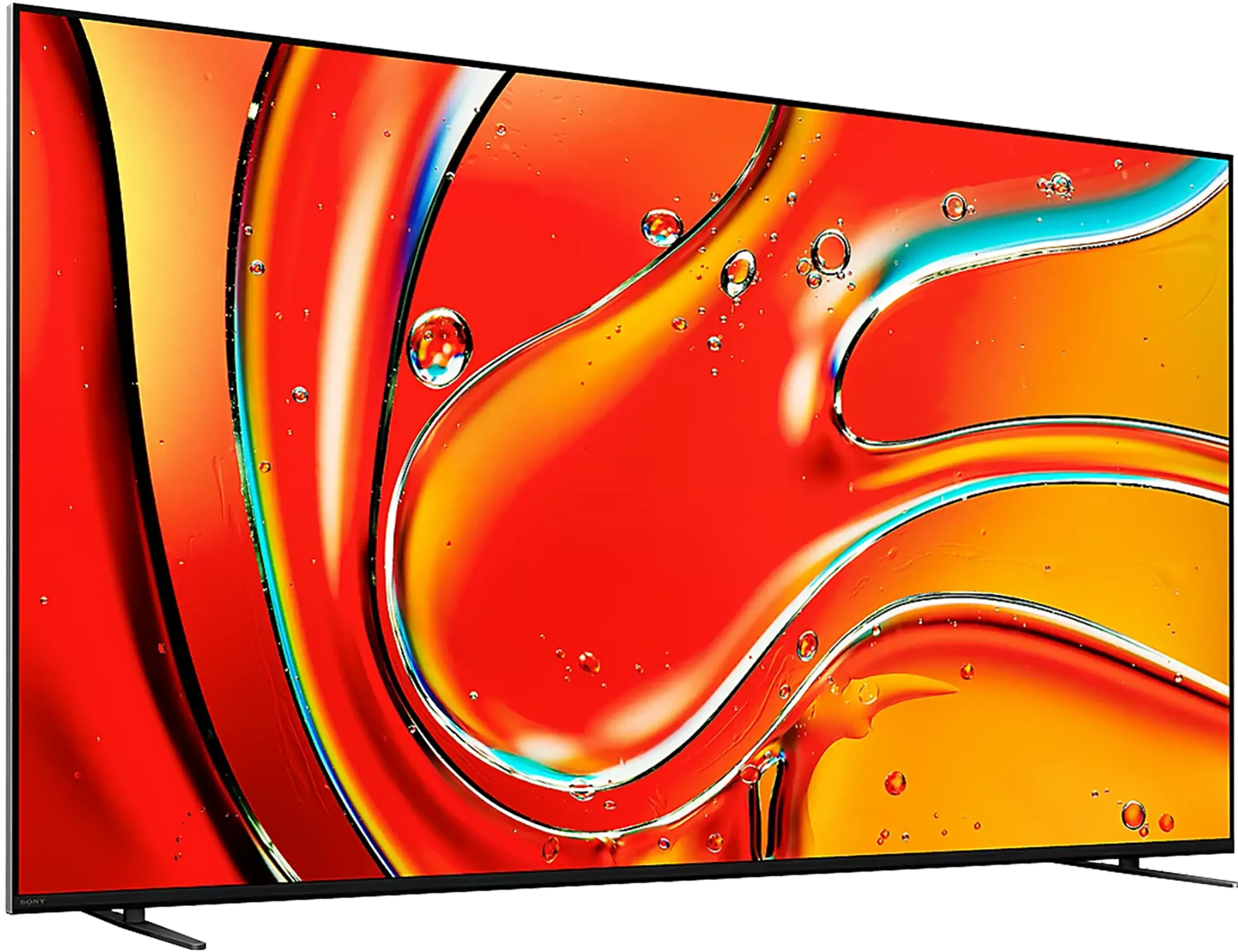
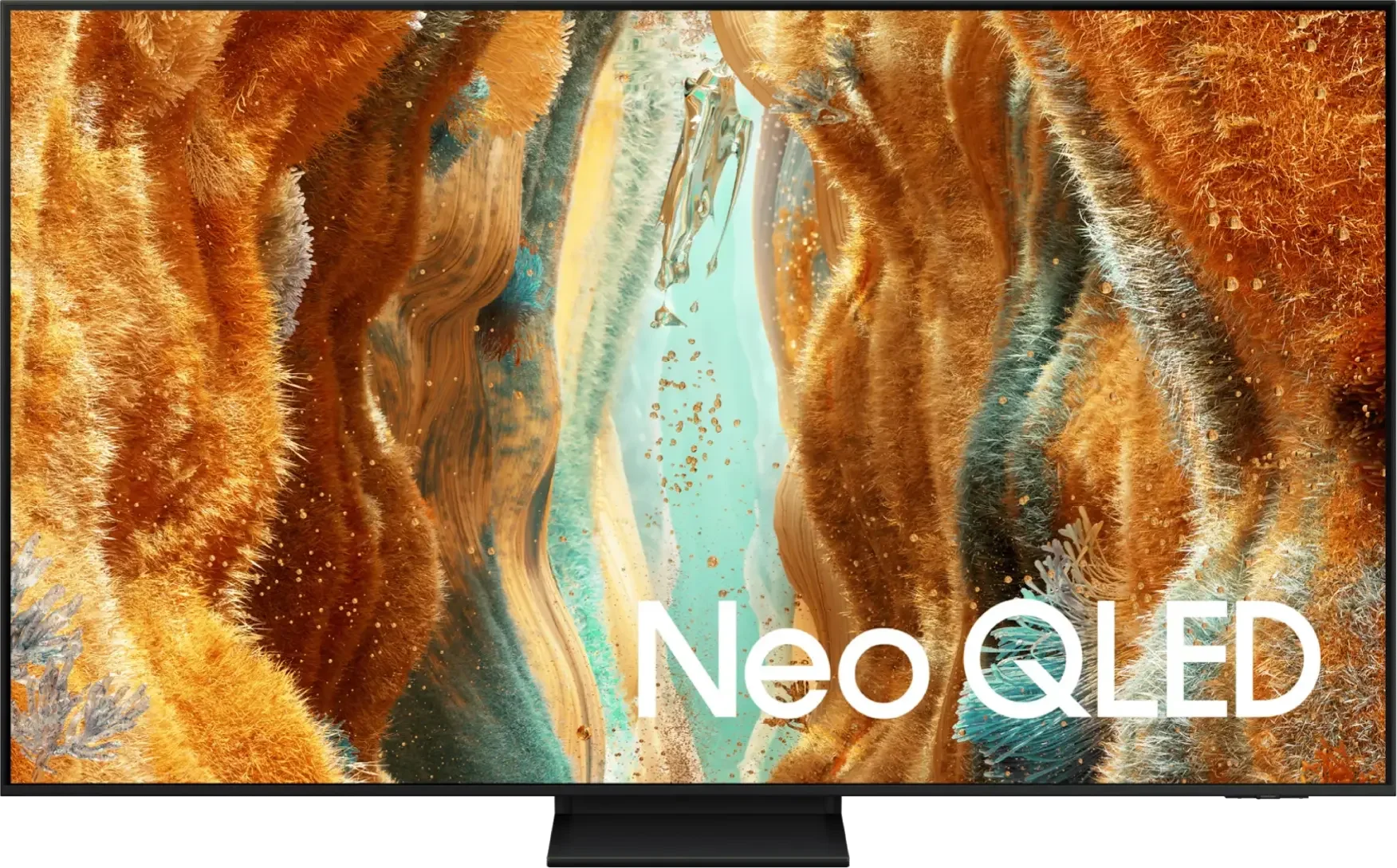
Panel type: LCD VA
Resolution: 3840x2160
System: Google TV
Model year: 2024
Complete the survey to find out the result
Panel type: LCD VA
Resolution: 3840x2160
System: Tizen
Model year: 2025
Complete the survey to find out the result
Overall rating
8.1
7.1
 Movies and series in UHD quality
7.7
6.7
 Classic TV, YouTube
7.6
6.6
 Sports broadcasts (TV and apps)
7.6
6.7
 Gaming on console
8.4
8.5
 TV as a computer monitor
7.6
8.2
 Watching in bright light
8.4
6.3
 Utility functions
8.8
7.2
 Apps
9.6
8.7
 Sound quality
7.8
6.4
Complete the survey to find out what fits your preferences
Advantages

High brightness
Good contrast
Great Dolby Vision support
Google TV – intuitive system, easy access to apps, backlit remote
Very good built-in speakers
Excellent digital processing
Good for gamers - HDMI 2.1, multiple features, low input lag
Great black levels and contrast
Above average panel brightness
High refresh rate of 144Hz
Many features for gamers: ALLM, VRR, Game Bar, etc.
Low input lag
4 HDMI 2.1 ports
Feature-rich and smooth Tizen operating system
Super slim design
Disadvantages

No extension coating for wide viewing angles at this price
Only 2 HDMI 2.1 ports - including one ARC
No USB recording function
No DTS format
Symbolic local dimming (Is it really MINI-LED?)
Our verdict
Samsung QN70F is a pretty decent mid-range TV. Its strongest point is definitely the smoothness of the image – thanks to the 144 Hz panel, low input lag, and a host of extras for gamers, we have here the recipe for nearly an ideal gaming screen. It will work just as well for sports fans – the image is fast, clear, and it doesn't tear. When it comes to image quality – it's really not bad. The VA panel delivers good blacks, brightness is above average, and colours look great after calibration. Samsung markets the QN70F as Neo QLED, which means Mini LED, and in a way, you can look at it that way – but only partially. The backlighting is edge-lit, so it’s far from full-fledged Mini LEDs with local dimming. It's a shame because marketing has its way, and the user might feel a bit misled. There are also some minor drawbacks – no USB recording, no DTS support. But still, the QN70F leaves a really good impression. It might not be a “true” Mini LED, but for its price, it's a solid piece of television – especially for gamers and those who enjoy fast, dynamic content.
TV appearance
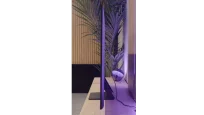
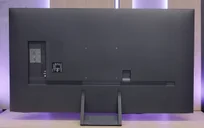

Contrast and black detail
7.7/10
6.2/10
Local dimming function: Yes, number of zones: 512 (32 x 16)
Local dimming function: Yes, number of zones: 20 (1 x 20)
Contrast:


Result
190,000:1

Result
14,700:1

Result
45,000:1

Result
4,400:1

Result
4,800:1
Result
9,200:1
Result
7,000:1
Result
5,350:1
Result
5,700:1
Result
5,300:1
Halo effect and black detail visibility:
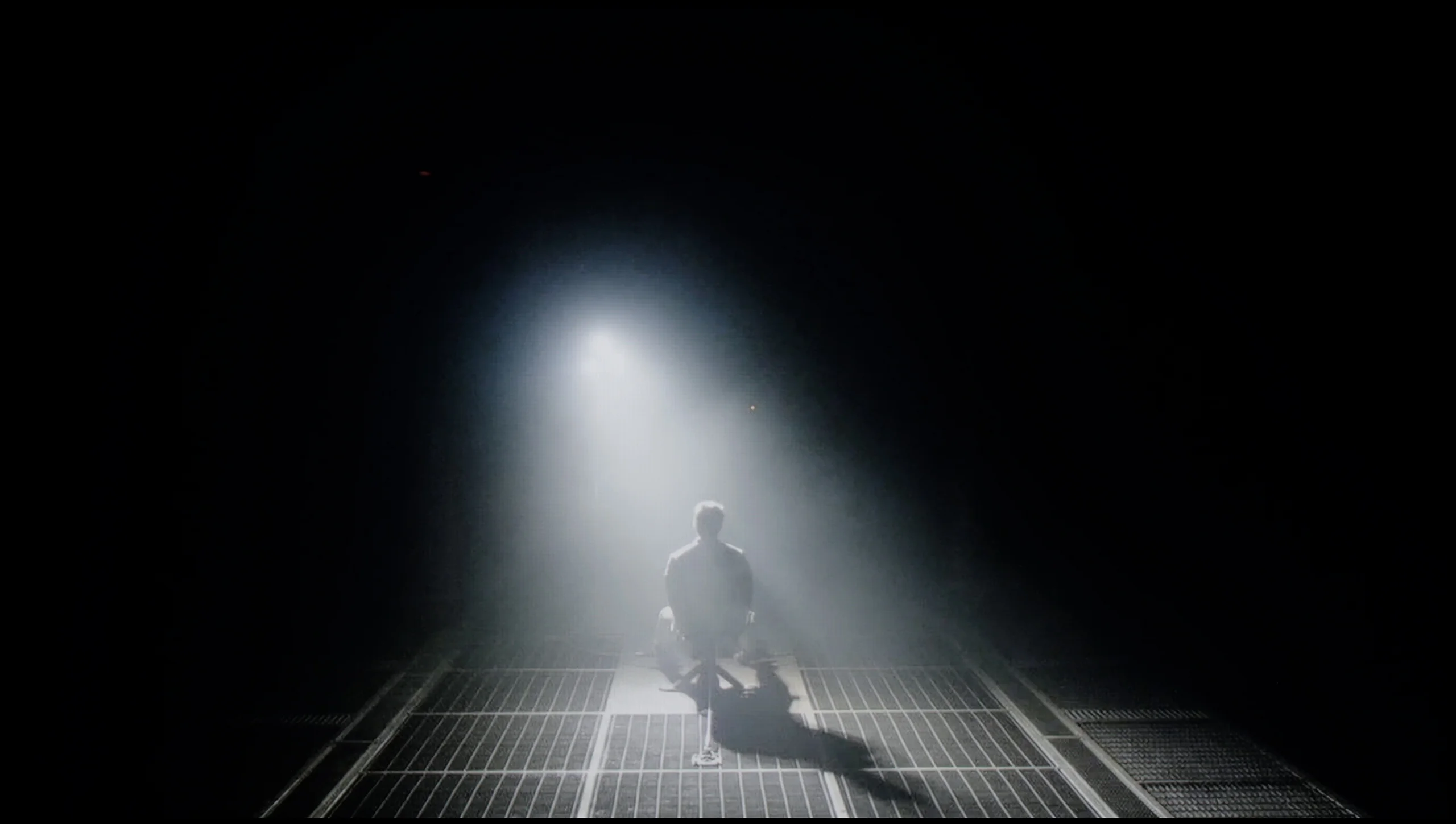
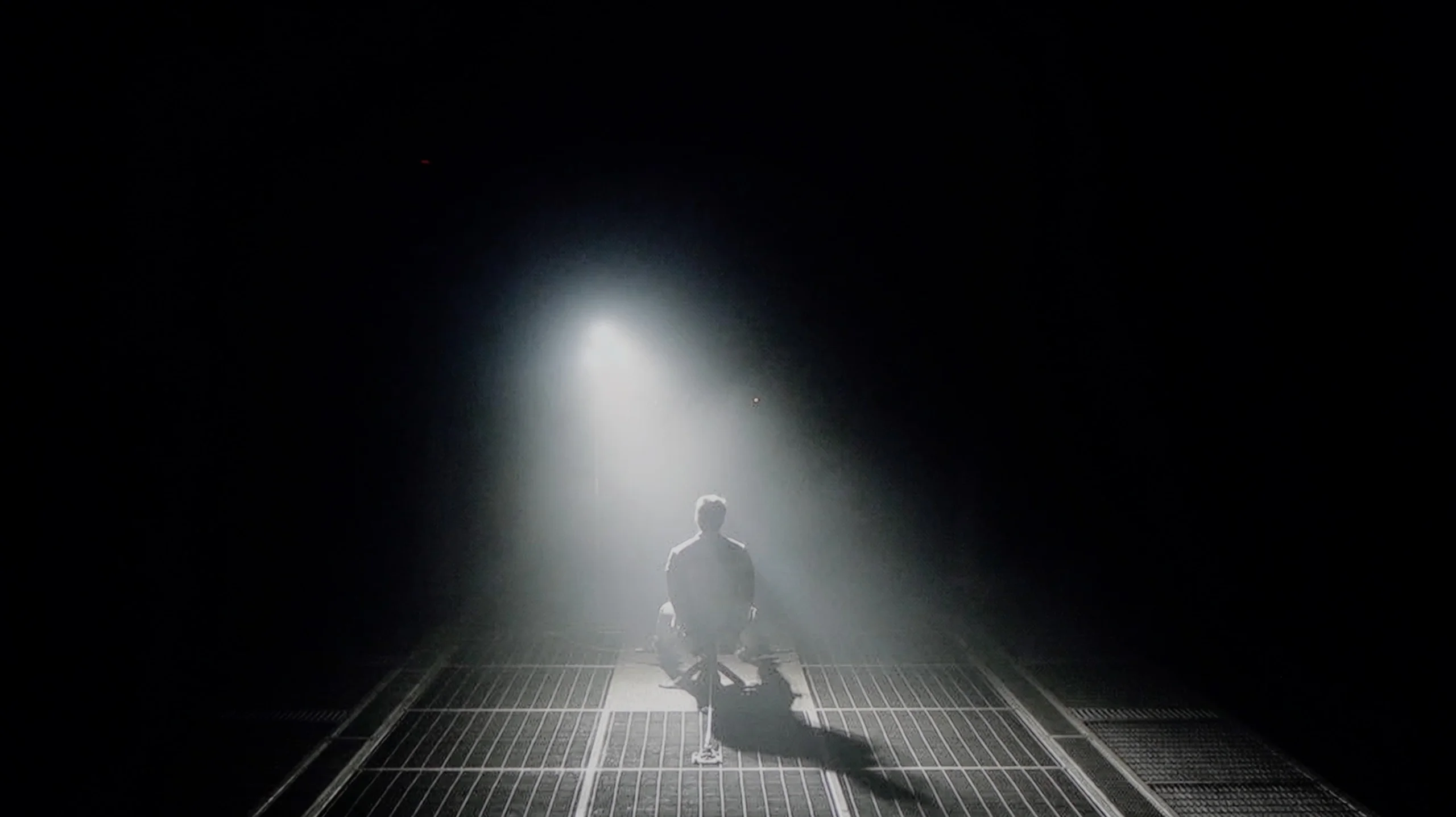
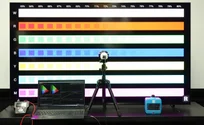
Check the visibility of bright lights on a dark background. Mini-LEDs often struggle with this. The photo does not compare black levels – that’s what the video below is for.
The video accurately shows differences in contrast and black levels between TVs, as well as potential issues: halo around bright objects or Mini-LED zone operation visible as brightness jumps.
The Sony BRAVIA 7 television with a VA panel and MiniLED backlighting technology offers excellent black quality. The tested 65-inch variant is equipped with 512 dimming zones, allowing for very good contrast, particularly during demanding movie scenes. Naturally, larger sizes of the television have more zones, which positively affects contrast and image depth. During tests, in scenes from the film "Oblivion," the BRAVIA 7 handled dark and bright areas exceptionally well, providing decent separation of lights (the light effect did not merge into a large blob) from deep blacks. However, as is often the case with televisions featuring local dimming, certain difficulties arise with small, bright light sources. In more challenging sections (e.g., scenes 4 and 5), it's noticeable that the television "struggles" to maintain high brightness for these elements, which impacts contrast – bright objects are either too dark (resulting in poor contrast) or exhibit a slight halo effect around them. In a scene from the film Sicario 2, the operation of the zones can be seen, causing the aforementioned effect, though it is minimal. Despite these minor imperfections, the overall impression is positive – the local dimming algorithm works quite well, ensuring that the picture maintains high contrast, and the quality of blacks and details is satisfactory.
QN70F is equipped with a VA panel, which offers a high native contrast – a good starting point for black, especially for evening viewing. But theoretically, this is just the beginning of its capabilities. The television is branded as Neo QLED, which means it features Mini LED technology and a local dimming system. And indeed – the QN70F has such a function. The problem is that we’re not talking about classic local dimming with LEDs placed directly behind the panel. Instead, edge lighting with an overall dimming mechanism, known as global dimming, has been used. The effect of this is that instead of selective brightness control in individual zones, the entire screen is slightly dimmed when a dark scene appears. In practical terms, this means the contrast is average compared to Mini LED models that offer true local dimming. The black isn't bad – that’s thanks to the VA panel itself – but one can't speak of the precise light control that advanced systems with multiple zones provide. And here arises the question: is the QN70F series of televisions really a Mini LED television, or just a marketing variation on the Q70 series? Looking at the technical aspects – it’s hard to consider this model a full-fledged representative of this technology. But in everyday use, the black looks decent and for many people it can be fully satisfying.
HDR effect quality
7/10
5.6/10
Luminance measurements in HDR:

Result
1322 nit

Result
624 nit

Result
1133 nit

Result
457 nit

Result
989 nit
Result
619 nit
Result
449 nit
Result
500 nit
Result
422 nit
Result
483 nit
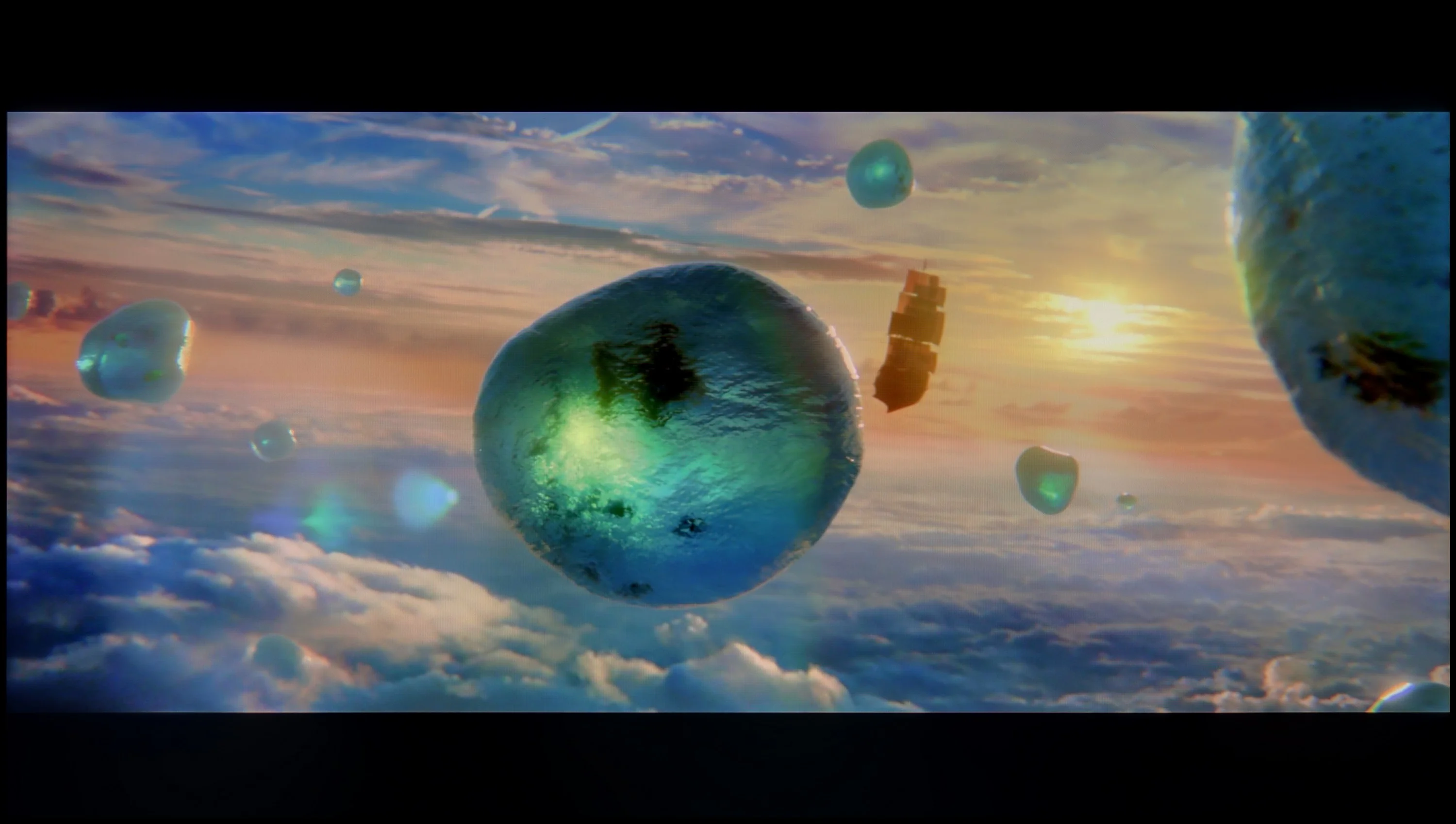
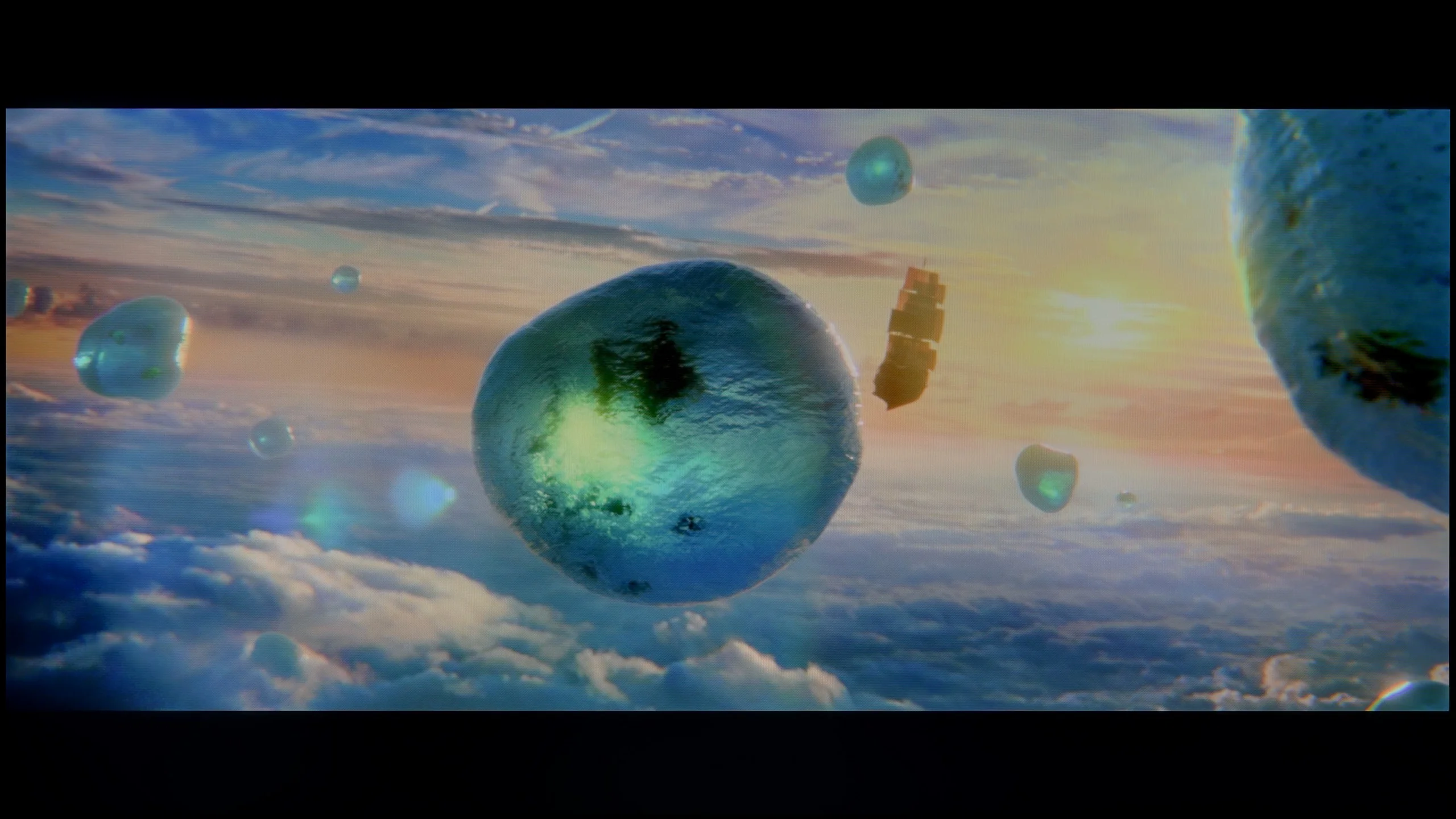
Scene from the movie “Pan” (about 2800 nits)
Scene from the movie “Billy Lynn” (about 1100 nits)
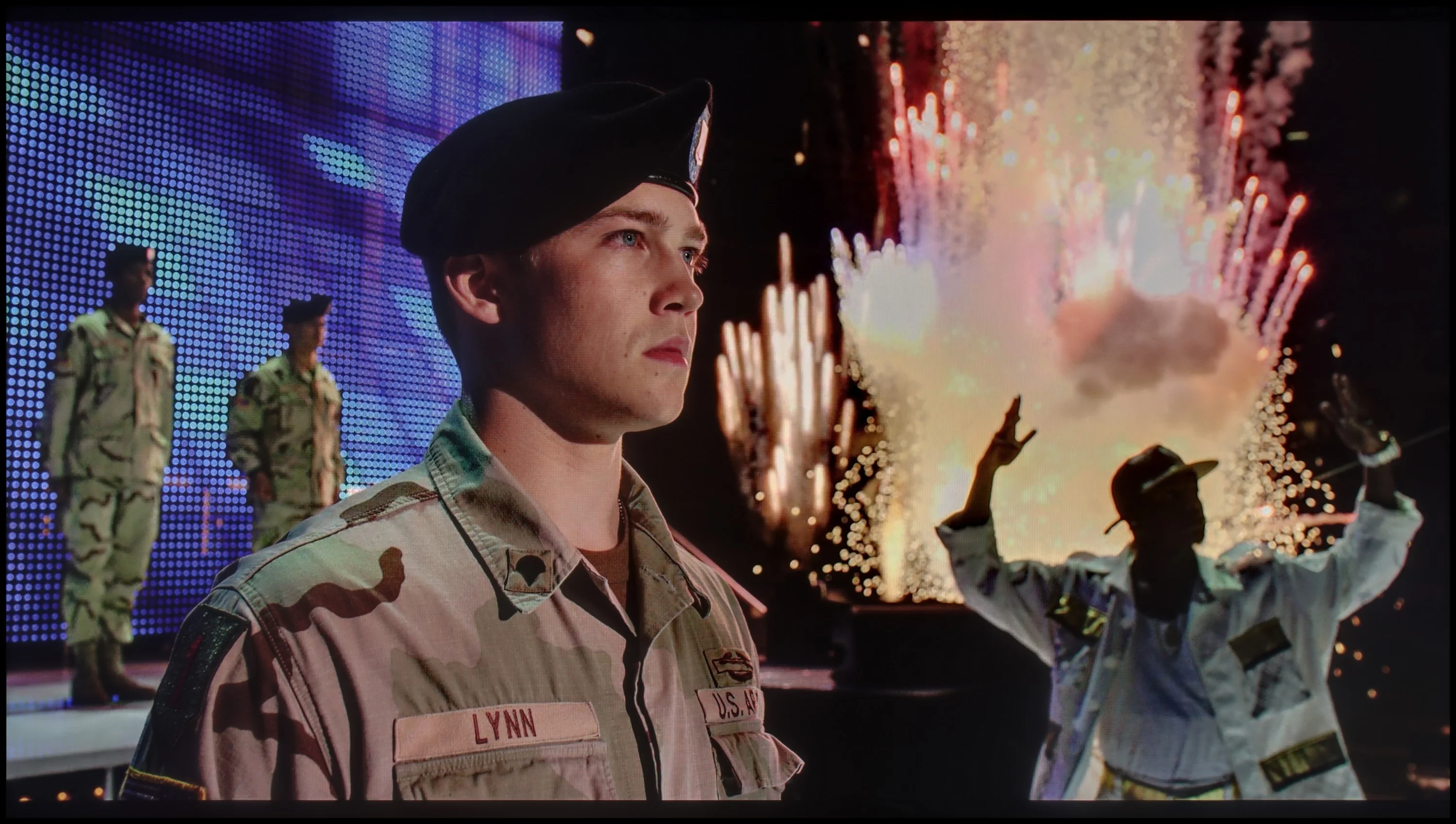
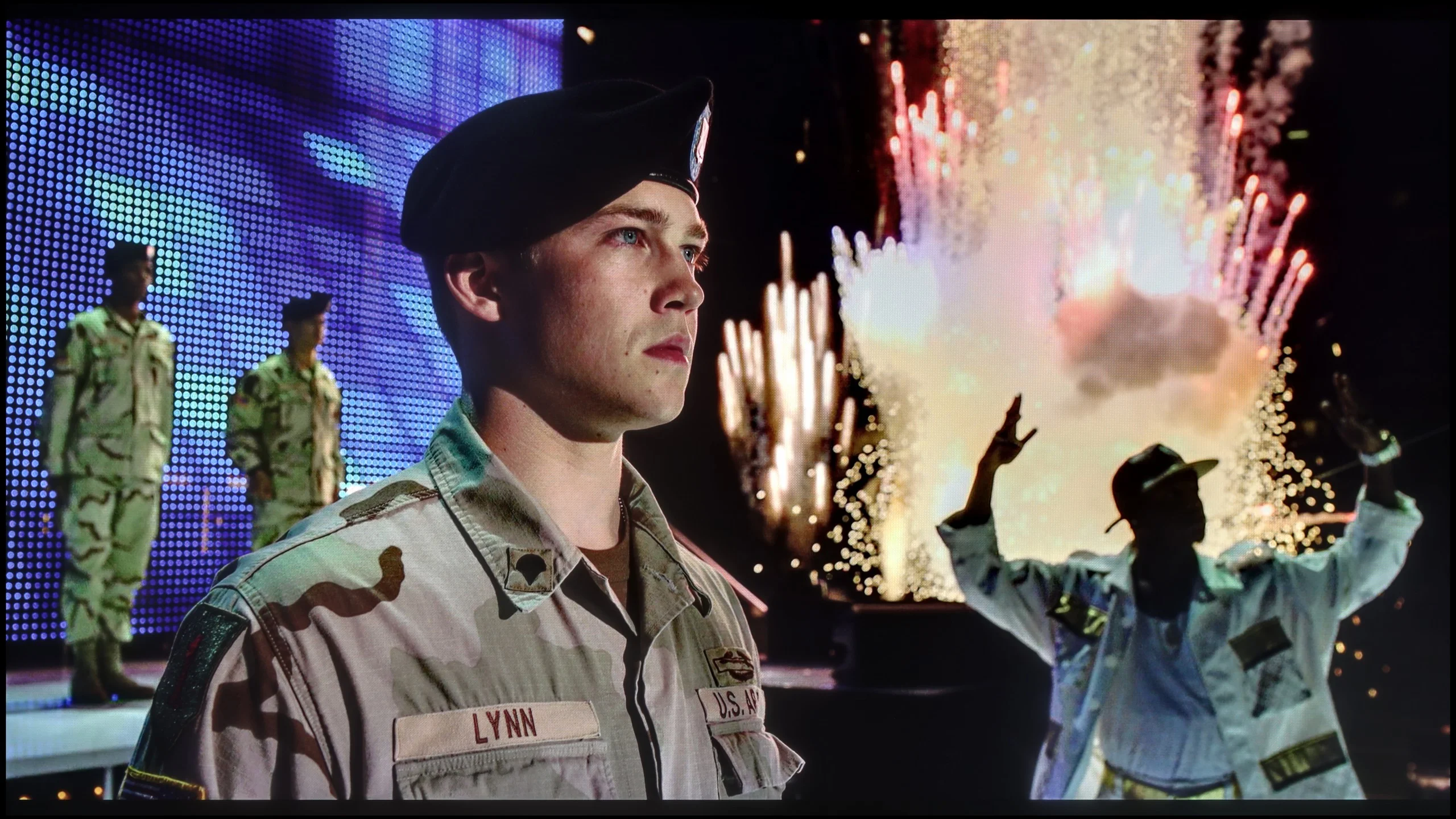
The photos show two HDR10 movies. 'Pan' is one of the brightest productions ever made, while 'Billy Lynn' (soldier) has brightness typical of streaming (Netflix, Prime, HBO MAX). Notice the intensity of effects and detail in whites.
Static HDR10


The photos present the visibility of white details in various HDR formats. They do not show brightness differences between TVs (these can be compared in the previous gallery).
Dynamic: Dolby Vision
Dynamic: HDR10+


The photos present the visibility of white details in various HDR formats. They do not show brightness differences between TVs (these can be compared in the previous gallery).
HDR luminance chart:
Samsung Neo QLED QN70F / QN74F / QN77F
Sony Bravia 7 (XR70)
Now that we know the TV handles contrast well, let’s check how it performs in terms of HDR effects. The luminance graph shows very high capabilities for this model – 1500 nits is truly an impressive result. HDR effects are particularly striking in scenes where most of the screen is covered in light, such as in the 1st, 3rd, and 5th test scenes. Minor imperfections, typical of this technology, are still visible with very small light effects, as seen in the scene from the film "Sicario 2," where brightness drops to 500 nits. Although these aren't staggering results, they can be considered decent. Additionally, it's worth praising the TV for its high coverage of a wide colour gamut – DCI-P3 at 96%, which allows for vibrant, saturated colours.
QN70F is a television that can positively surprise when it comes to brightness. In ideal testing conditions, it reaches even 800 nits, which – for this price range – is a really solid value. Of course, that’s a result from test patterns, so we decided to check how it performs in practice, on real films. Here, the television somewhat tempers its capabilities. In most of the tested scenes – e.g. in "The Meg" – the actual HDR brightness remained around 500 nits. That’s still a decent result, allowing you to enjoy HDR effects, although it’s far from perfection. On the other hand, we have a QLED screen with a quantum dot layer, which means very good colour reproduction capabilities. Colours are vivid and saturated. QN70F covers about 94% of the DCI-P3 colour space, and in the wider BT.2020 palette, it exceeds 75%, so in this respect, there’s nothing to be ashamed of.
Factory color reproduction
6.7/10
7/10


This gallery shows how colors change after professional TV calibration. If you notice the difference, we recommend ordering this service at SkalibrujTV.com.
Factory Mode
After calibration
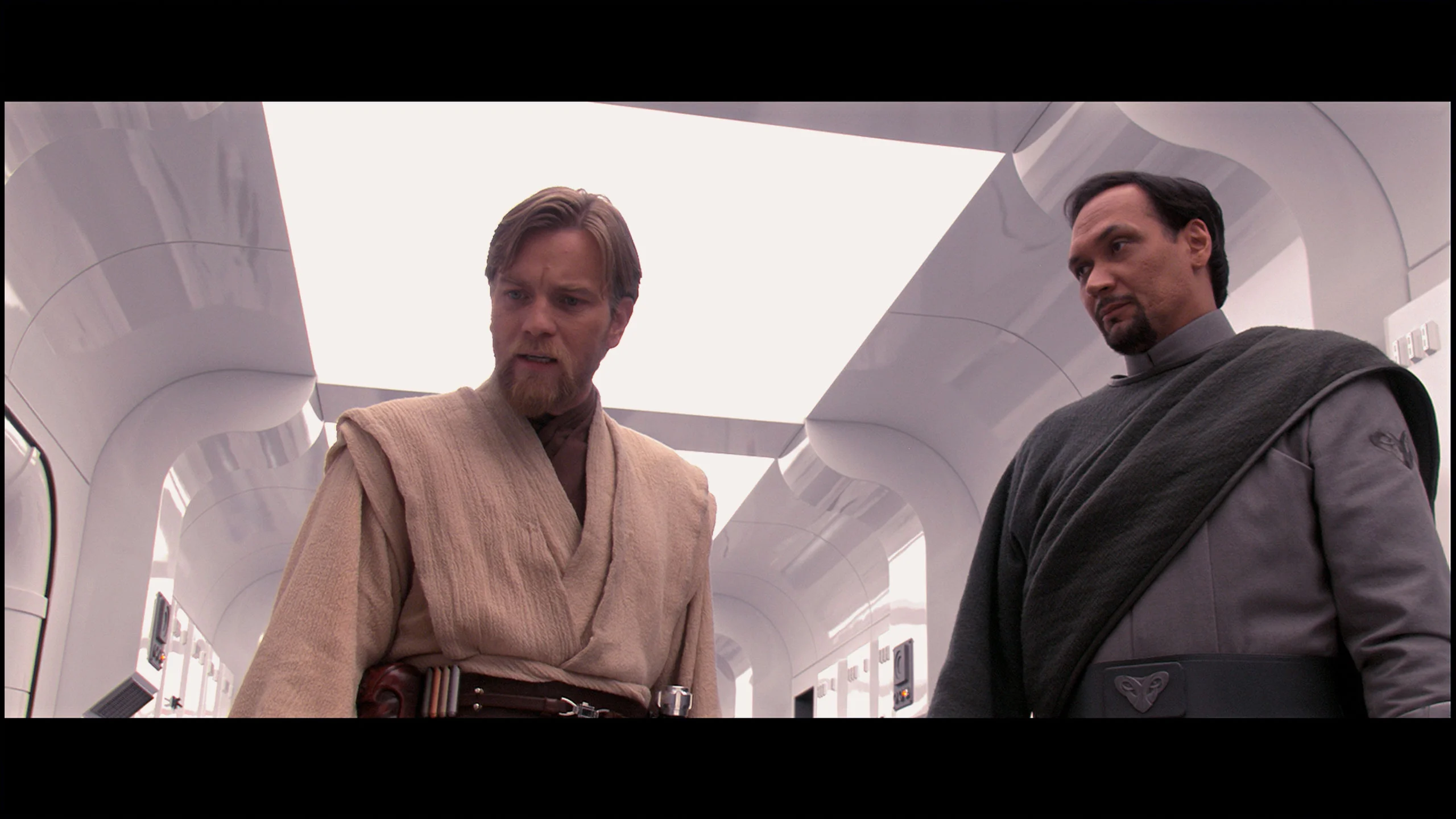

This gallery shows how colors change after professional TV calibration. If you notice the difference, we recommend ordering this service at SkalibrujTV.com.
Factory Mode
After calibration
The IMAX Enhanced mode on the Sony BRAVIA 7 TV is definitely the best mode available on this model, although it is not without its flaws, as its name might suggest. The biggest issue is white balance – both in HD and 4K HDR content, there is a noticeable dominance of the red colour, which causes the image to take on pinkish hues. This is particularly evident on the test image with snow, where the pinkish tint becomes very noticeable. Errors in the Colour Checker test also confirm these deviations – although they are not catastrophic, there is a tendency to lean towards warmer tones. In terms of brightness characteristics, the gamma remains at a decent level with a slight spike but without major issues. However, the biggest challenge is with 4K material. It is clear that the EOTF curve is significantly above the reference graph, making the image appear overly bright.
We tested the QN70F in the best default picture mode, which is Filmmaker Mode. And it must be admitted that in this particular test unit, the factory settings performed quite well. The picture was calm, natural, and despite slight deviations – pleasant to watch. The biggest error was a slight dominance of red in the white balance, which caused a slight pinkish tint over the entire scene. However, it wasn't a glaring flaw – rather subtle and only noticeable when directly compared to a properly calibrated screen. A slightly bigger issue arose in the brightness characteristics. The TV tends to lower the brightness of parts of the image that should be displayed brighter. As a result, some details can appear slightly dimmed – they don't completely disappear, but they don't stand out as clearly as they should. Nonetheless, as for a TV in this range and in these settings – we consider the result a good starting point for further calibration.
Color reproduction after calibration
9.1/10
8.5/10
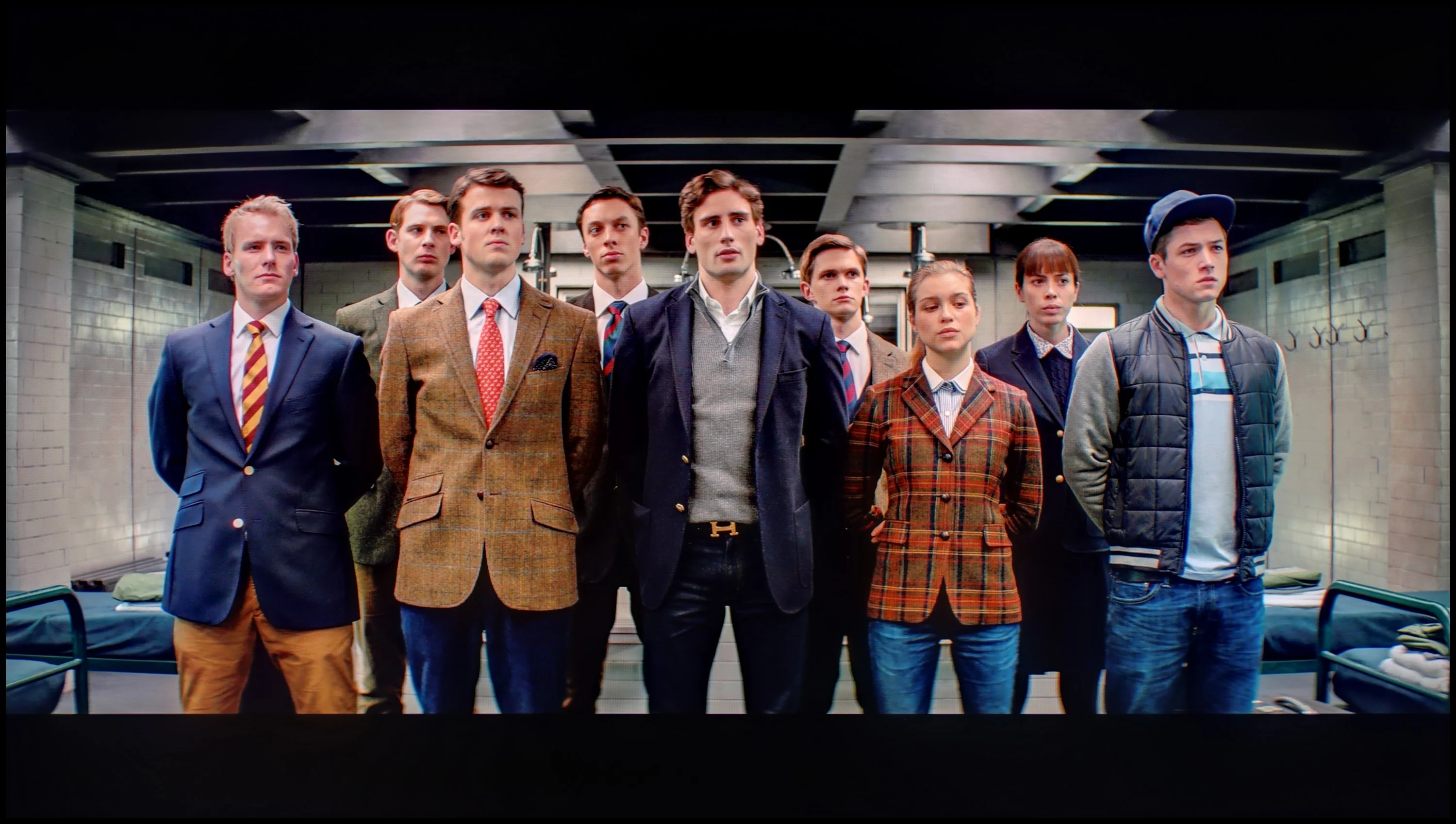
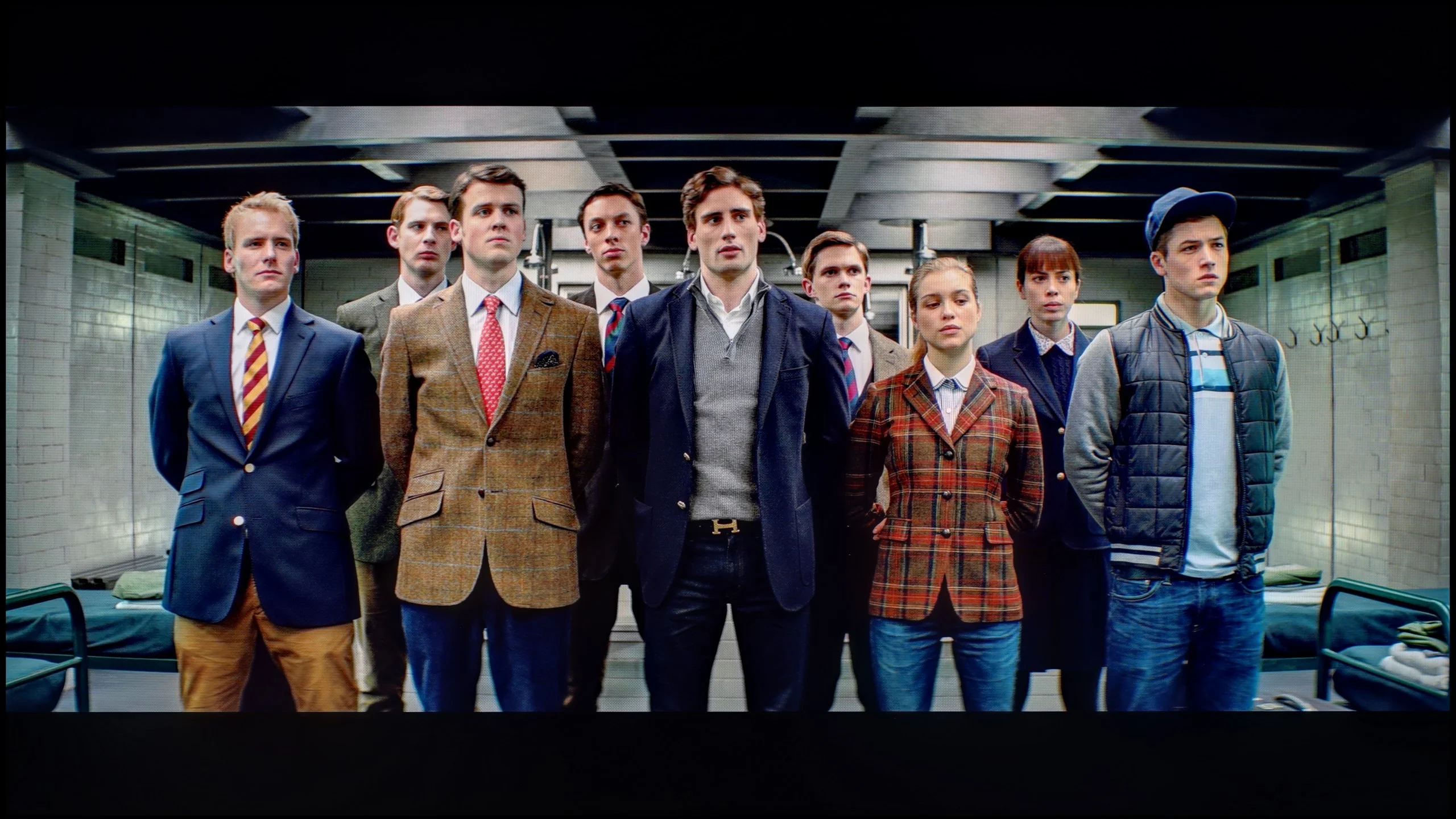
The photos show how movies look on the TV. Pay attention to black detail visibility, colors, and shadow tint.


The photos show how movies look on the TV. Pay attention to black detail visibility, colors, and shadow tint.
Sony BRAVIA XR70 offers a wide range of tools that allow you to customise the image to your own preferences, enabling significant adjustments to the settings. White balance has been freed from the red colour dominance issue – snow no longer takes on pink hues, which was previously noticeable. Although there are slight deviations in the final part of the white balance chart regarding a drop in blue colour, they are acceptable and difficult to notice in everyday use. The Colour Checker test confirms that colour reproduction errors are no longer as pronounced and rarely exceed a value of 2, which is a very good result. As for brightness, gamma, although it didn't require major improvement, has been slightly adjusted. However, the most significant change has been noted in the EOTF curve – the television no longer has issues with excessively brightening the entire image in 4K materials. However, upon closer examination and incorporating the EOTF characteristics in film materials, some limitations of the television become apparent due to the previously discussed dimming algorithm. Some small elements may be slightly more illuminated, but these errors are minor enough that most users won't notice them. Overall, the calibration results are very, very positive.
After calibration, the QN70F shows that it can offer a really high level of colour reproduction. It has managed to nearly perfectly balance the white point, and the values in the Color Checker test dropped below level 3 – that is, below the threshold at which the average eye can notice differences. The image looks natural, and the colours are faithfully reproduced, without excessive saturation or the coolness known from factory settings. It must be acknowledged that Samsung provides very extensive calibration options – not only for enthusiasts but also for professionals. The QN70F takes advantage of this potential and, after appropriate settings, can come close to significantly more expensive models in terms of colour accuracy. The only thing that could still be picked on is the brightness characteristic. There is still a tendency to brighten the smallest sections of the image – particularly those that should remain darker. However, this is a design feature of this model, not a calibration error. Despite this, the final result definitely deserves recognition.
Smoothness of tonal transitions
9/10
9/10
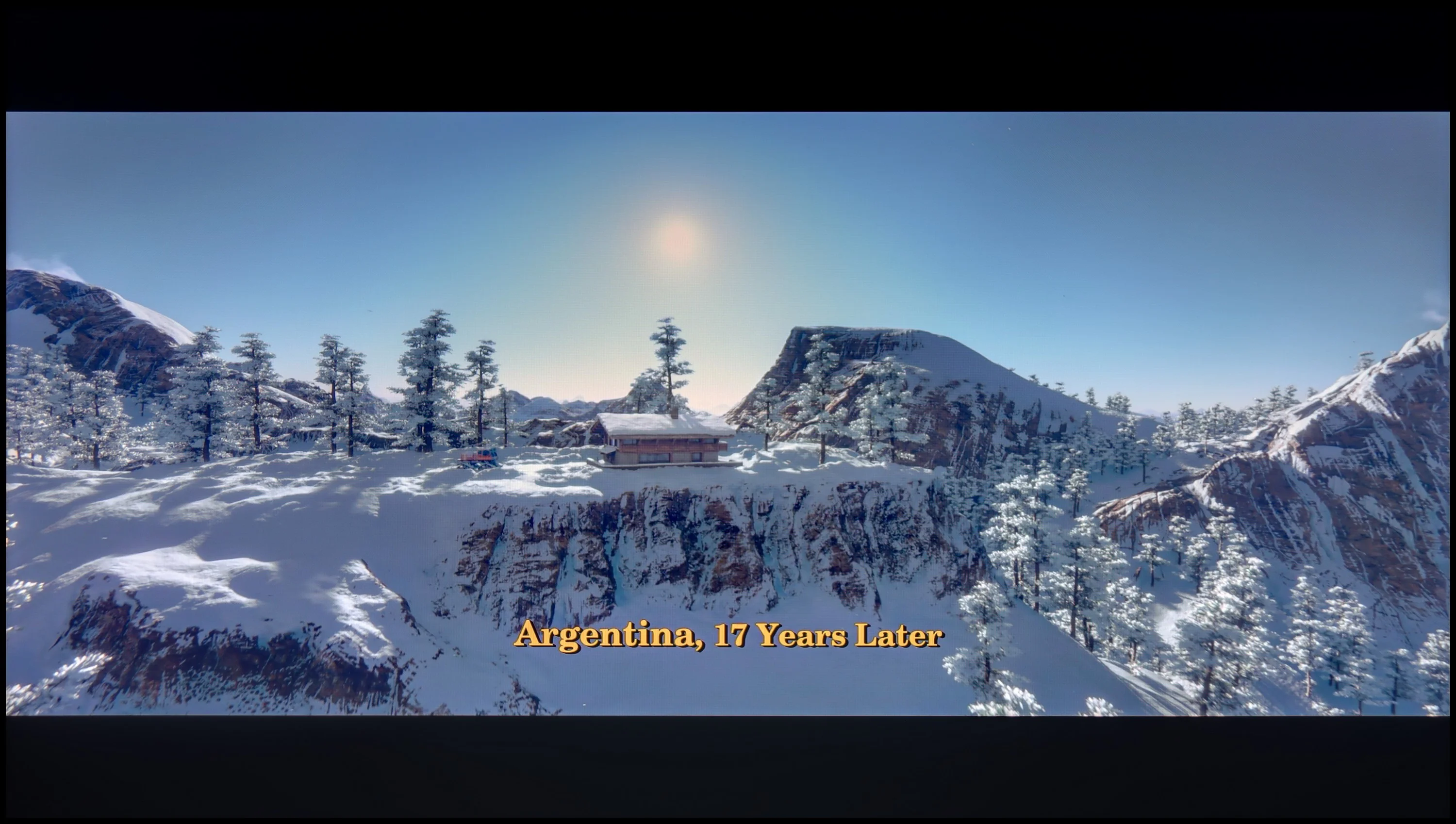

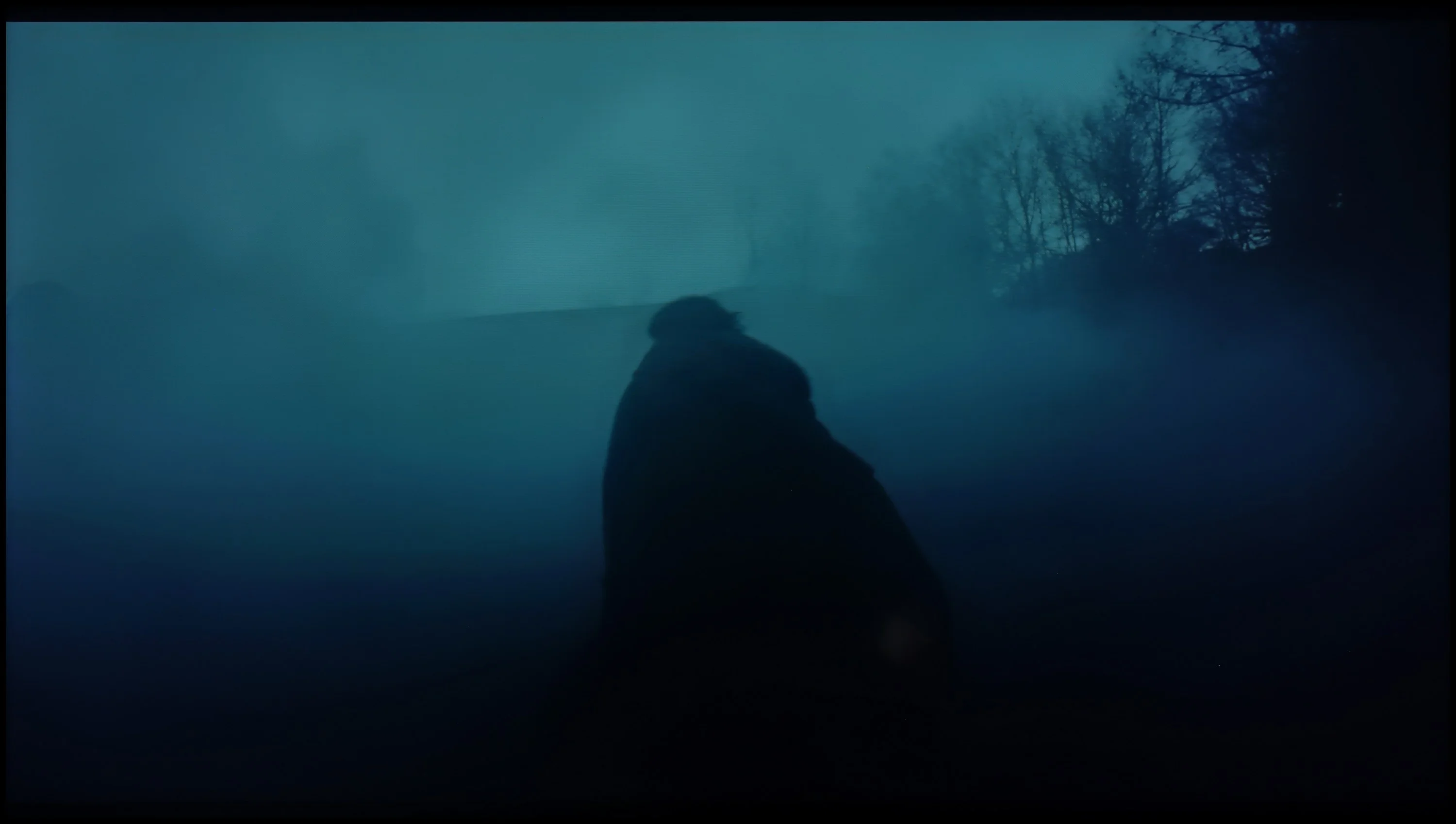
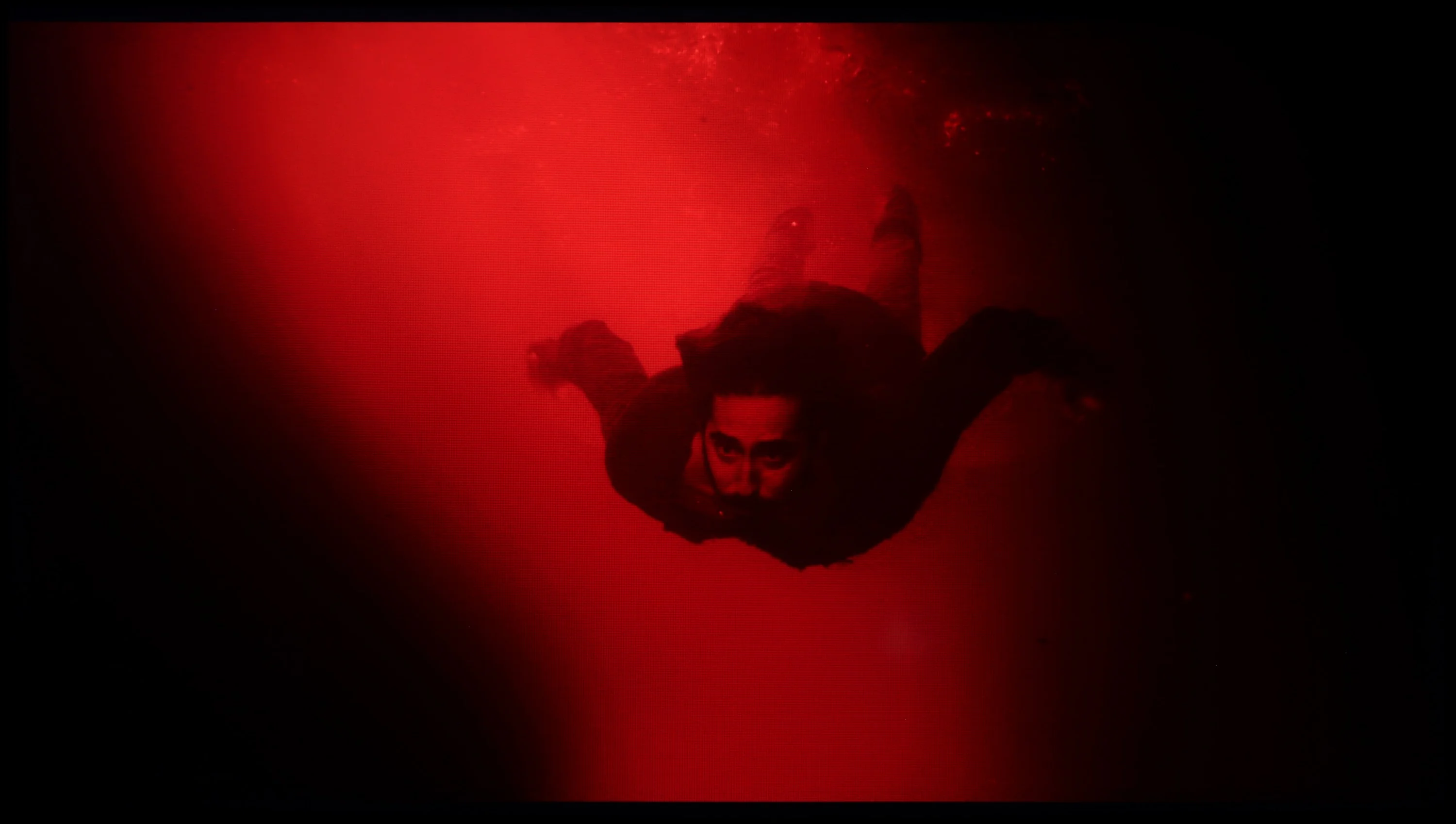
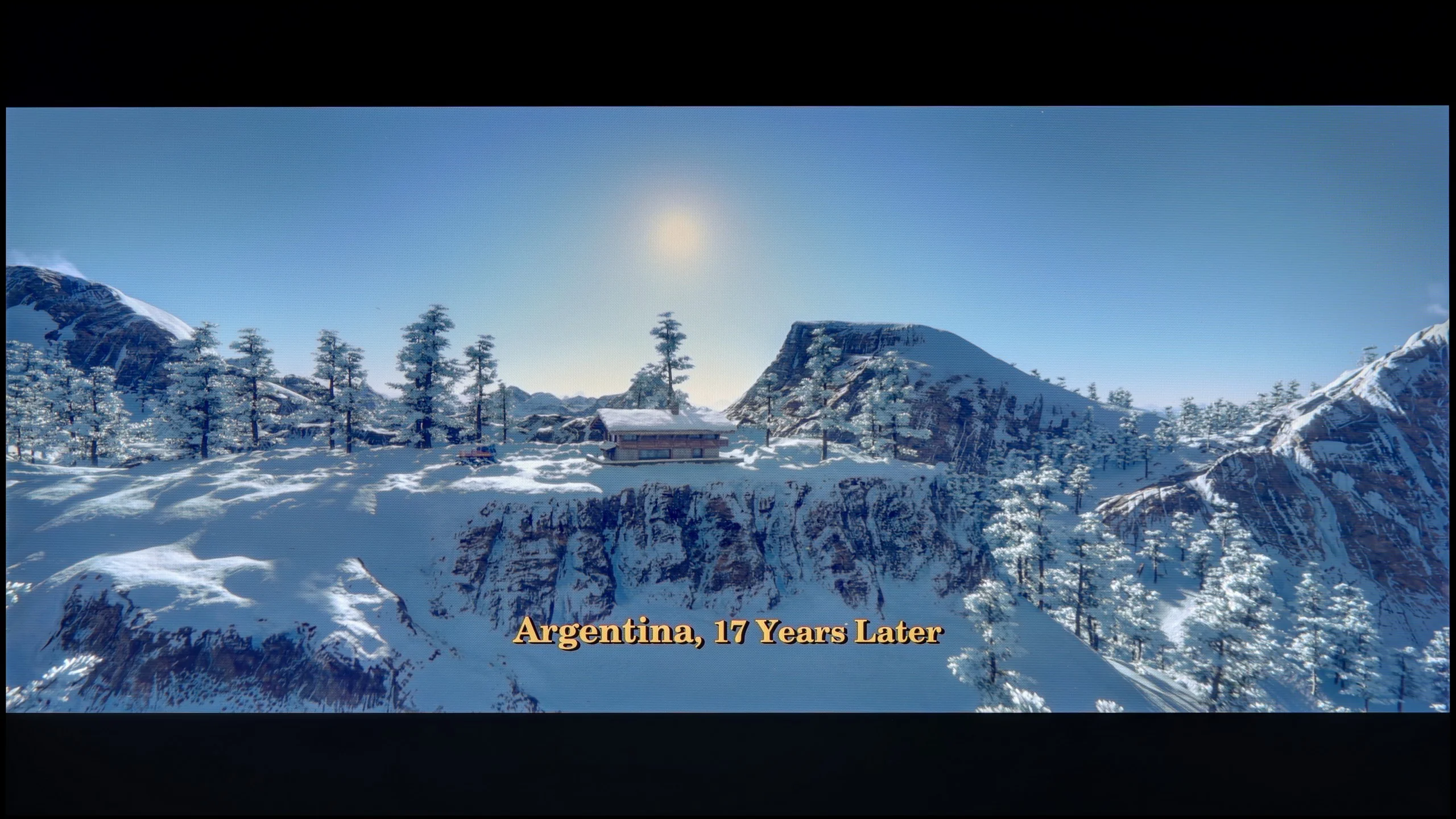
These are selected scenes that show smooth tonal transitions from one color to another. If you see distinct banding, it’s the TV panel’s fault.
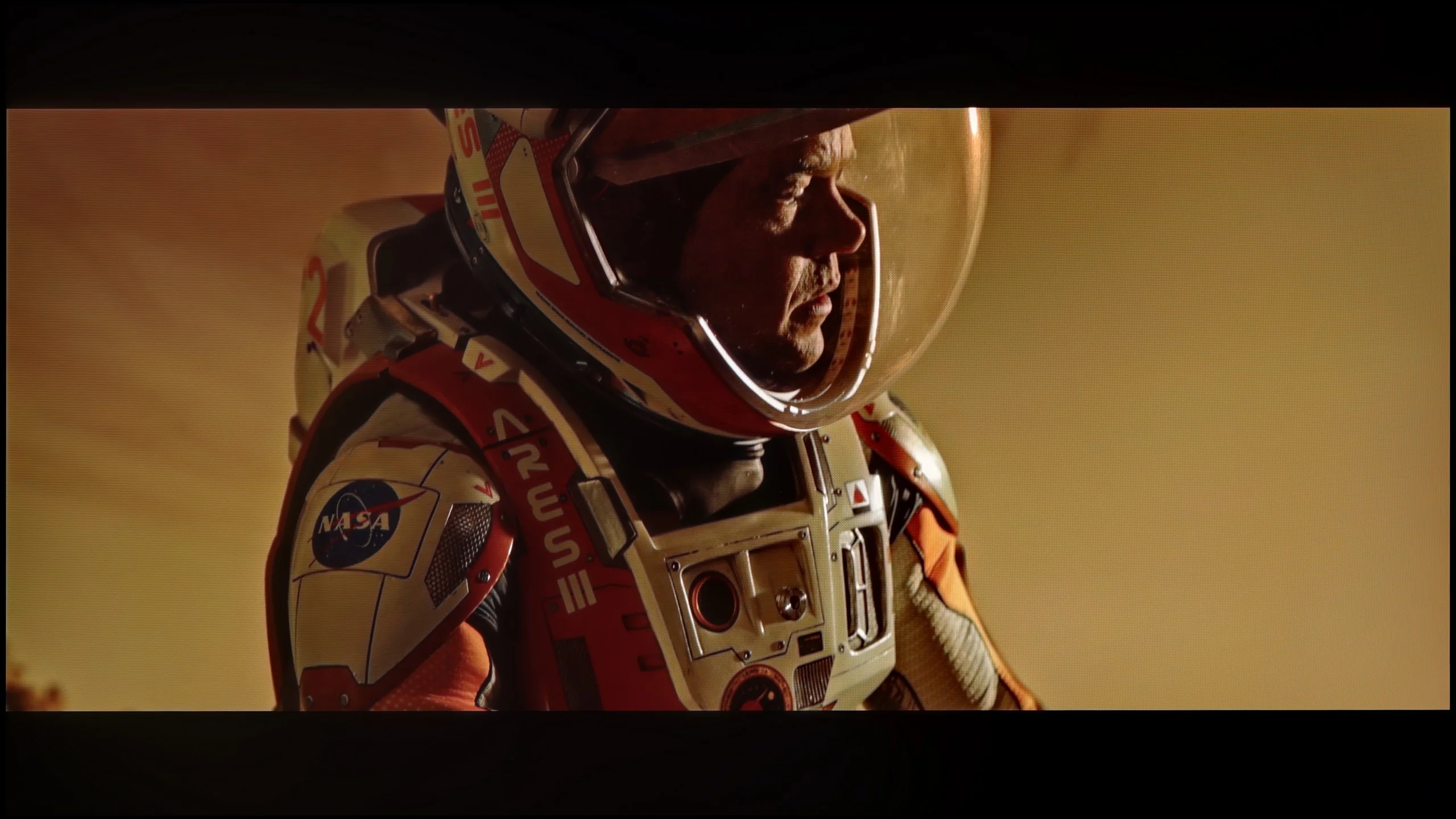
These are selected scenes that show smooth tonal transitions from one color to another. If you see distinct banding, it’s the TV panel’s fault.
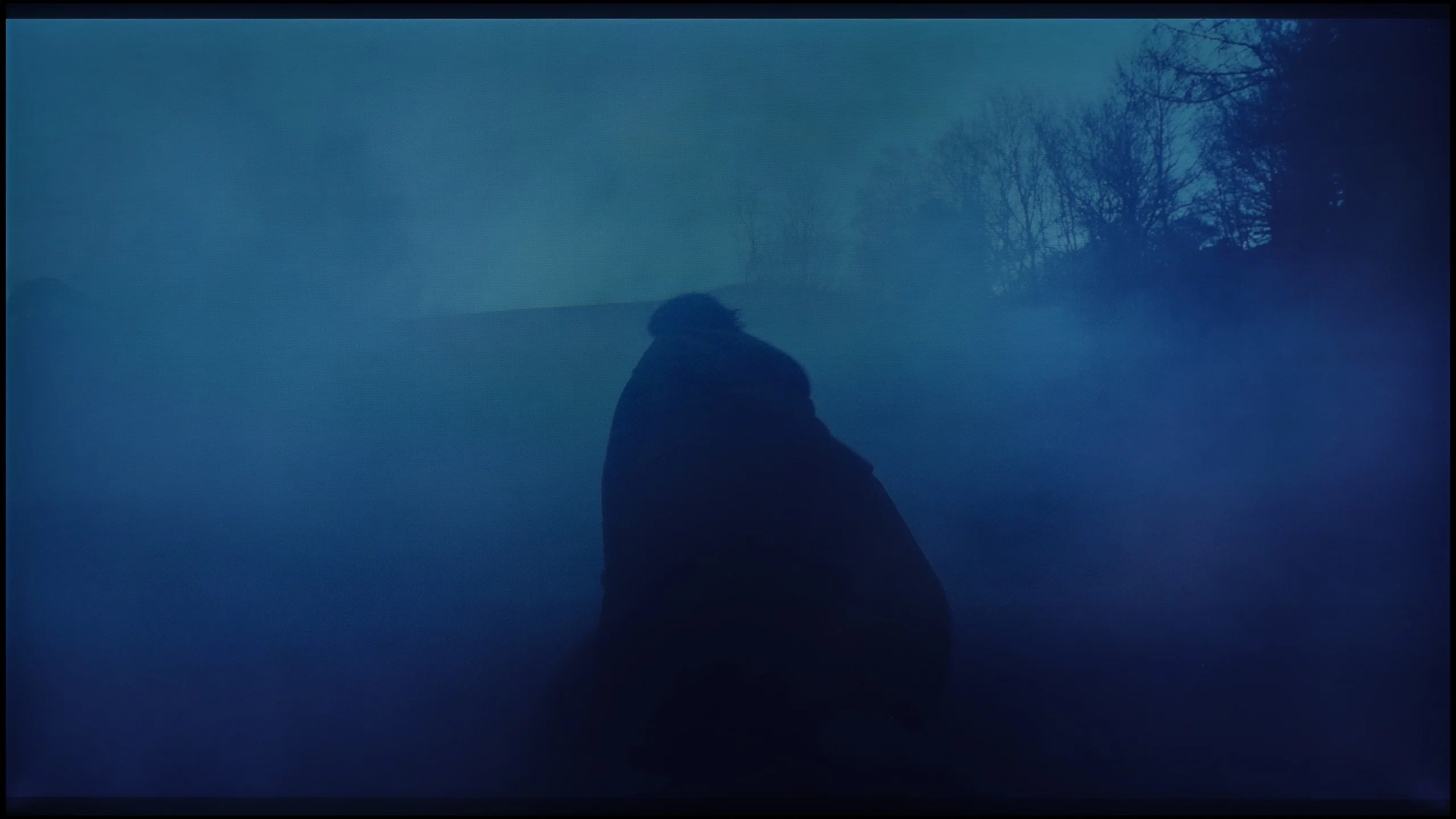
These are selected scenes that show smooth tonal transitions from one color to another. If you see distinct banding, it’s the TV panel’s fault.
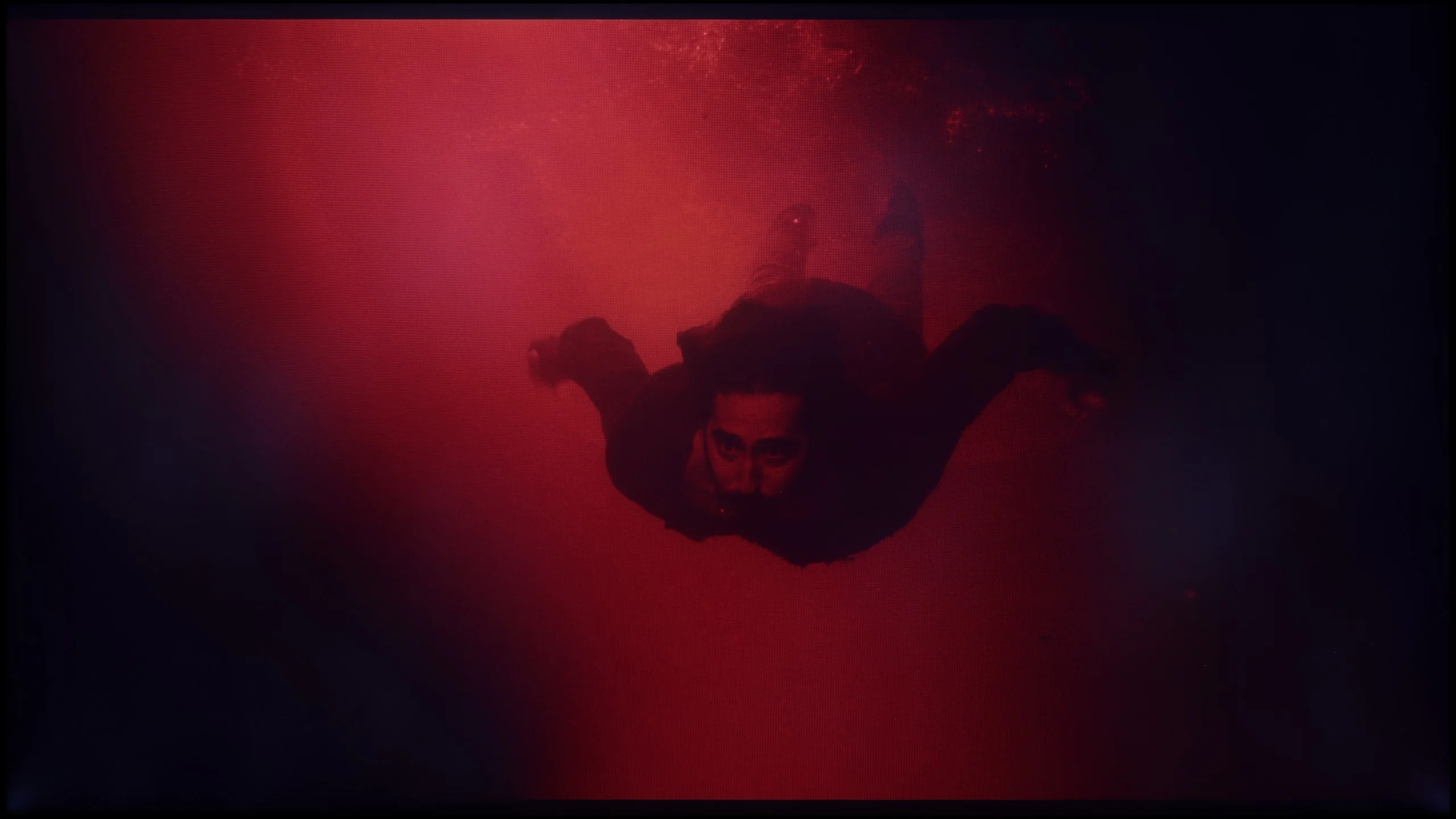
These are selected scenes that show smooth tonal transitions from one color to another. If you see distinct banding, it’s the TV panel’s fault.
The Sony XR70 TV handles gradation exceptionally well. In the test sequence, only a few scenes show slight problems with tonal transitions in darker areas, but most of these issues disappear when the gentle gradation option is activated. Overall, the TV offers excellent gradation that will satisfy even the most demanding users.
In terms of the smoothness of tonal transitions, the QN70F performs really well. Gradients are smooth, and colours blend into each other without distinct thresholds or banding. Even in more challenging movie scenes – particularly those that are very dark – any potential imperfections are minimal, and you really have to pay attention to notice them. In everyday viewing, most users should not encounter any issues with colour blending. The picture looks clean and cohesive, without artificial smoothing or distortions. This is another aspect in which the QN70F impresses positively.
Image scaling and smoothness of tonal transitions
8.5/10
6.9/10


Smooth transition function
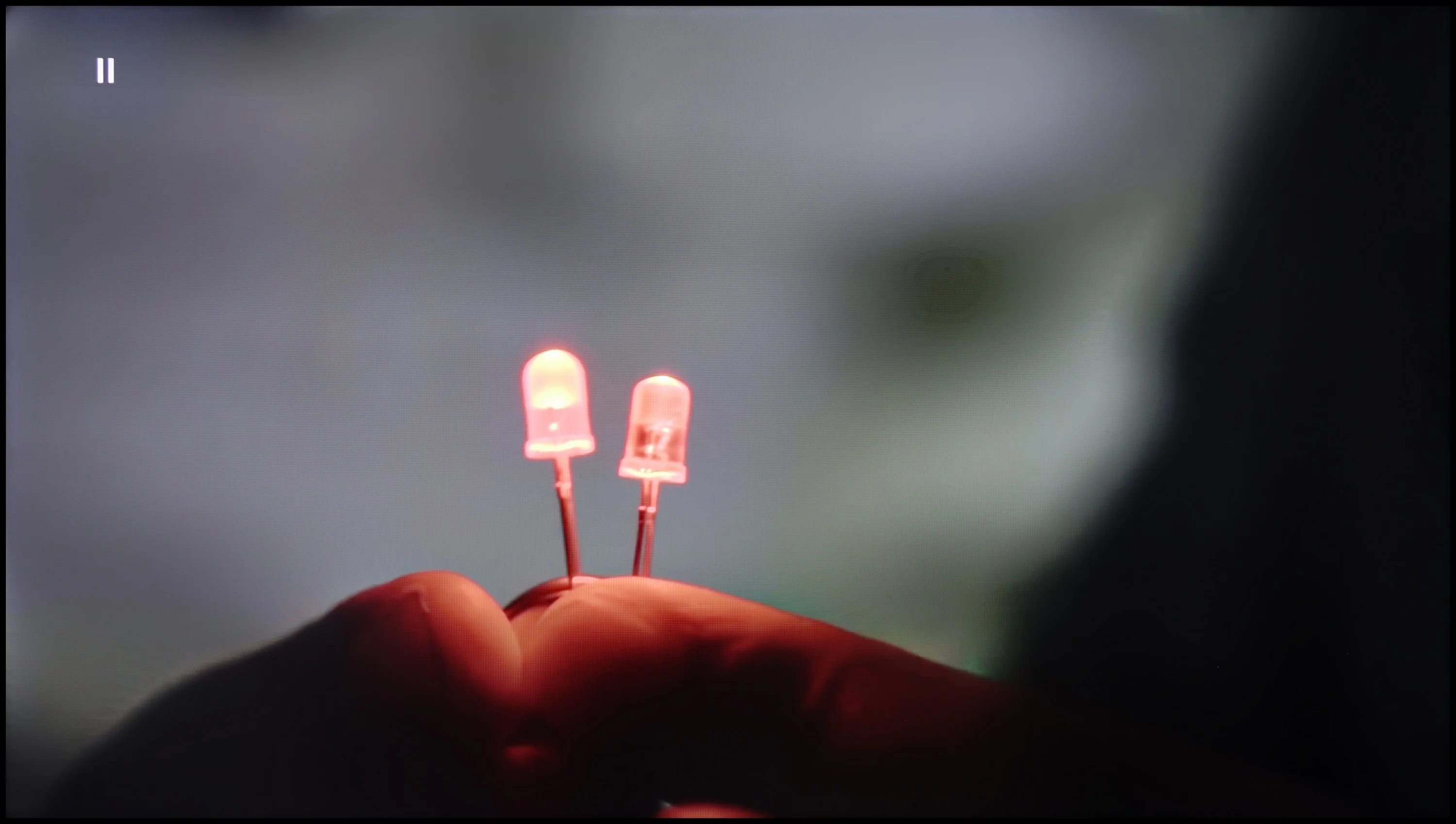
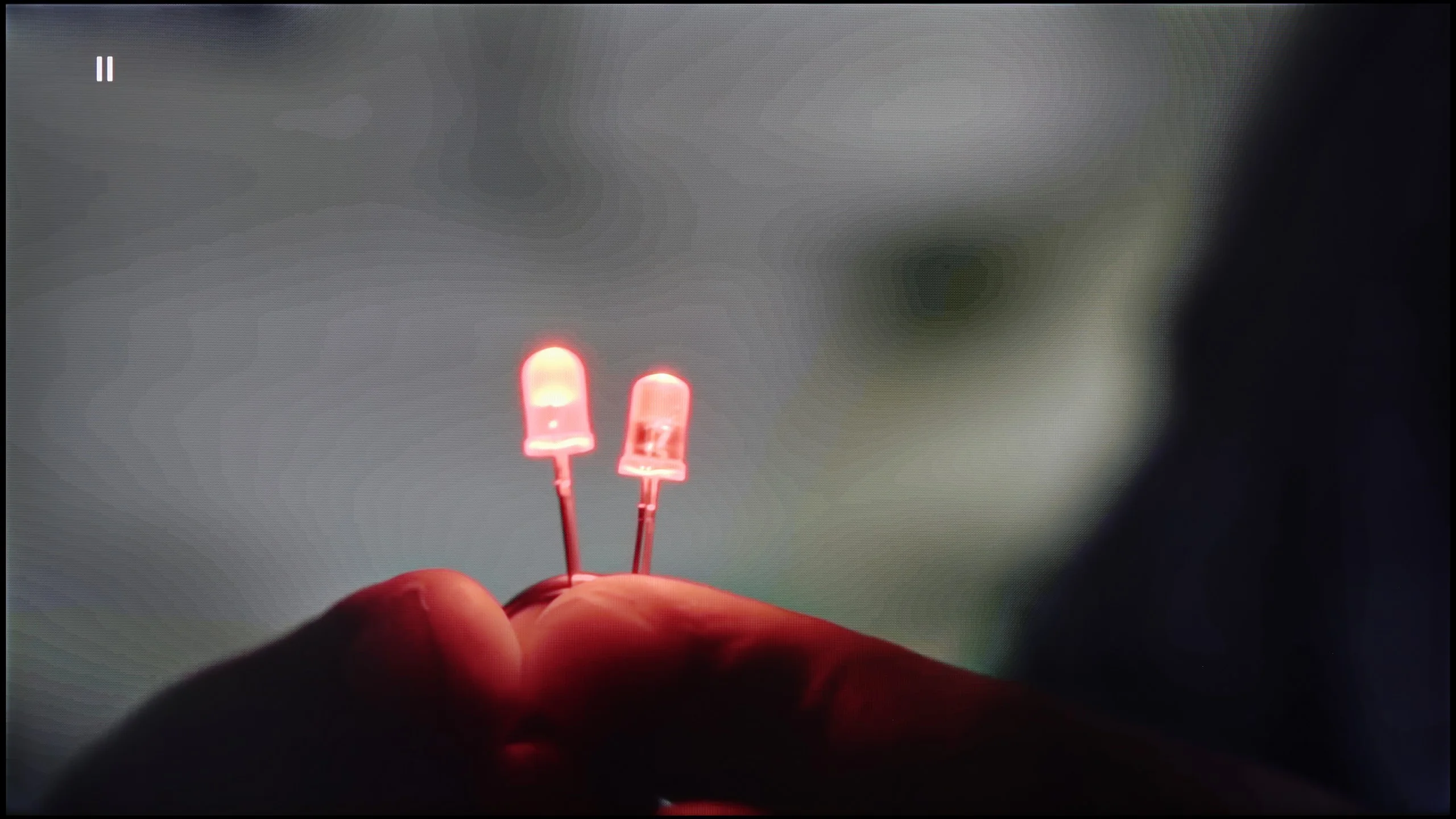
The match photo shows how the TV smooths weak tonal transitions in low-quality video.
Image scaling SD (576i)


The model photo shows how it handles upscaling of SD material.
Since we know that the television handles high-quality content very well, it's worth checking how it performs with lower-quality material. Here, the television shows its potential, and the graphics processor used works remarkably well. On the test screen with the light bulb, there are no issues with colour blending, and the gentle gradation function works very well – we recommend setting it to "Medium".
When it comes to digital processing, or the so-called upscaling, the television sharpens the image quite significantly, which leads to a slight jaggedness, for example on branches in the background, but it doesn't remove desired details. Despite this, the overall appearance is really attractive and may appeal to most users. However, if you prefer a softer, more plastic image, you can reduce this effect in the settings by adjusting the sharpness level to your liking.
Samsung QN70F offers a distortion reduction feature that improves the smoothness of tonal transitions. In "Standard" mode, it works quite well – smoothing out problematic transitions without significantly interfering with the structure of the image. Film grain is partially removed, but details like texture and skin structure remain visible. "High" mode operates much more aggressively. The smoothing is stronger, but at the cost of a noticeable loss of detail. Therefore, in practice, we recommend sticking with the "Standard" setting or turning off this feature altogether. The improvement in gradation may be less spectacular, but the image retains more naturalness.
When it comes to upscaling low-quality content, the QN70F performs very well. Tests with lower resolution images went really well. Despite some slight aliasing of contours, everything looks clean and clear, even if the original content was very poor quality. It's just a pity that the television has an overscan issue that cannot be completely turned off. As a result, images with very low resolution may be slightly cropped, which is mainly noticeable on subtitles or the interface.
Blur and motion smoothness
8.3/10
7.5/10
Blur (native resolution, maximum refresh rate):
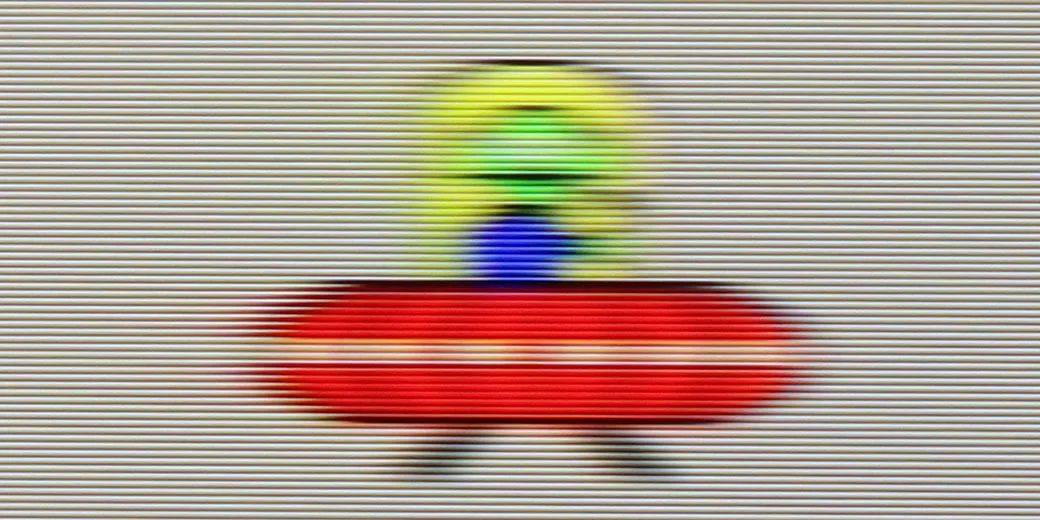
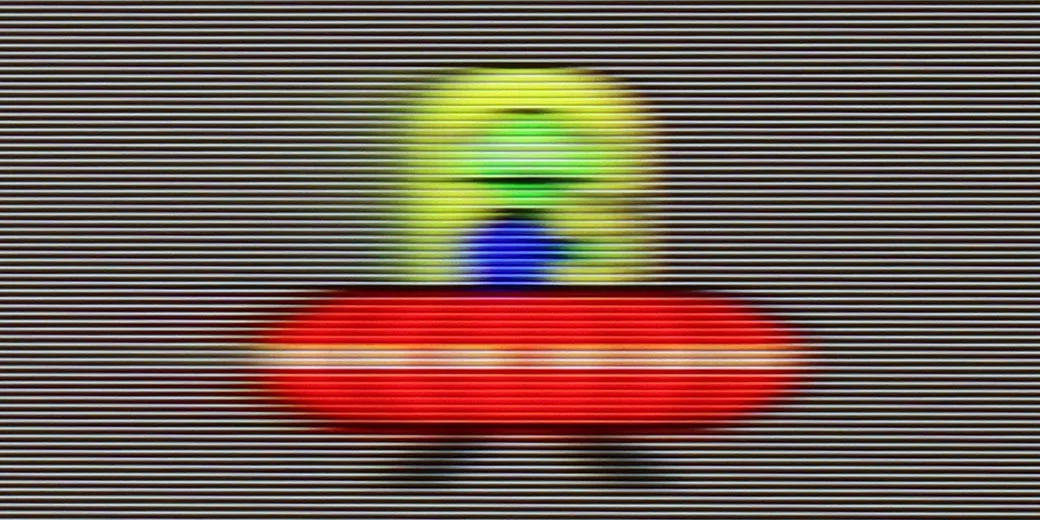
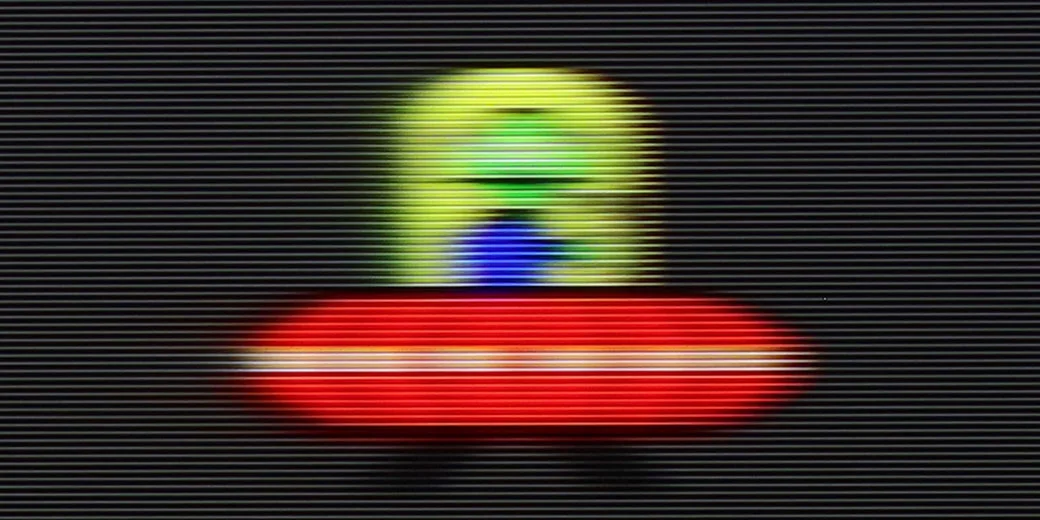
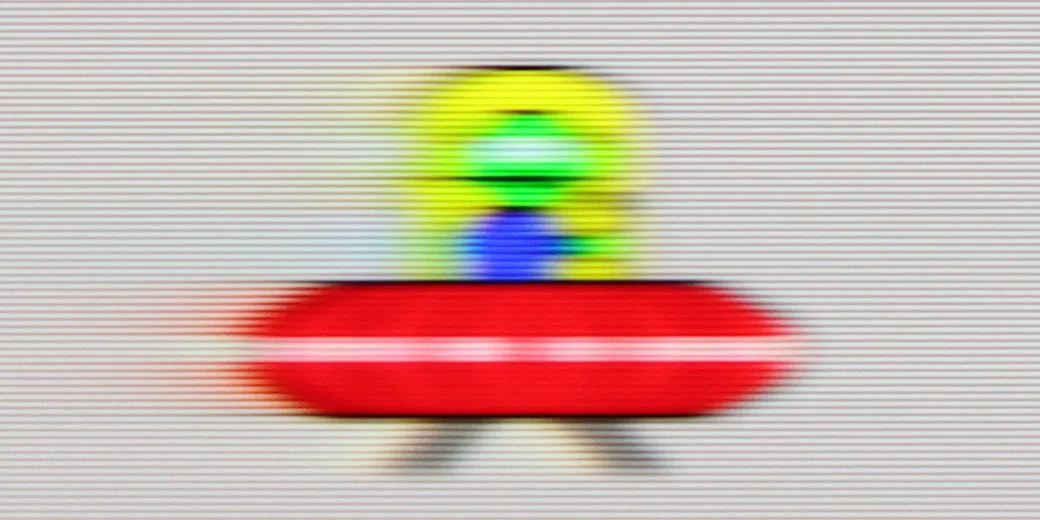
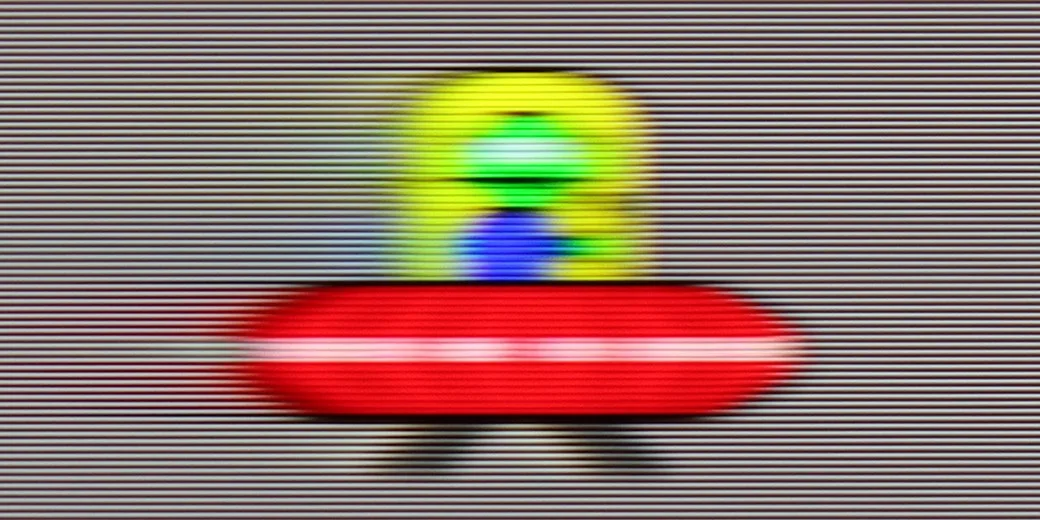
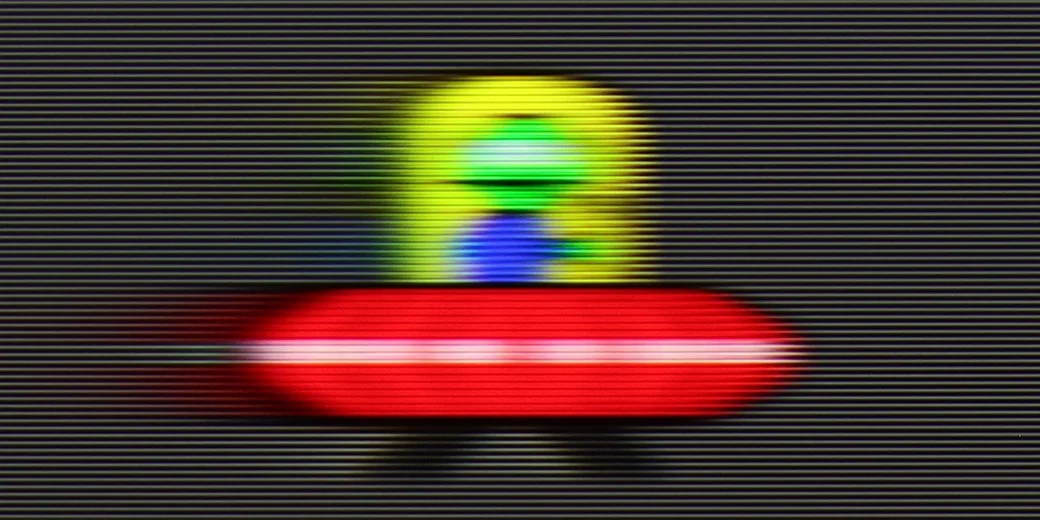
Blur (BFI function enabled):

Image flickers in this mode


Blur ():
Blur (4K 144Hz):
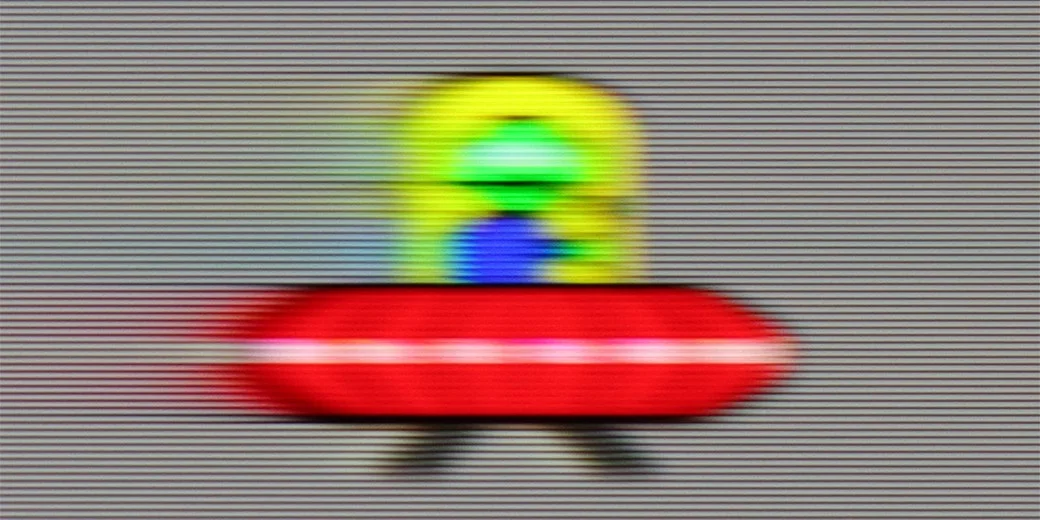
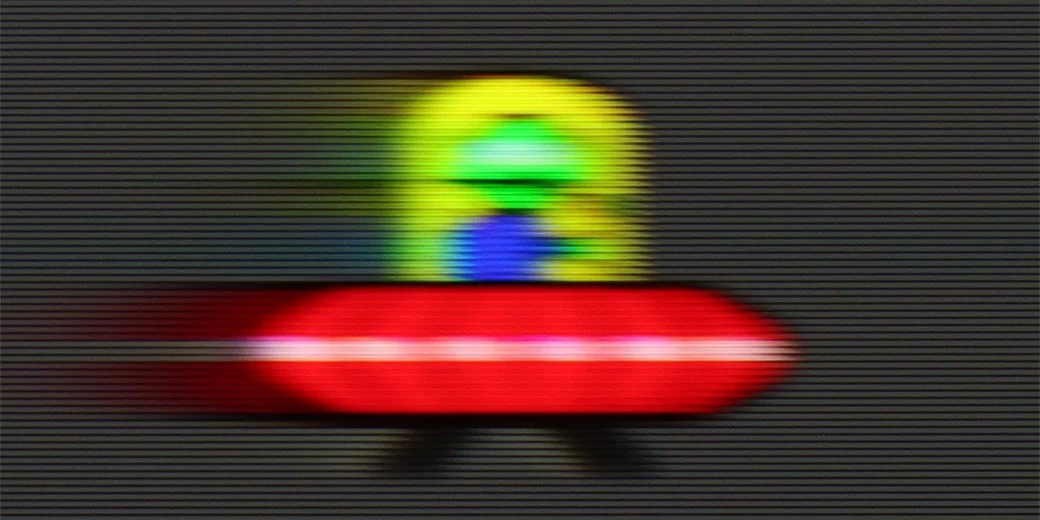
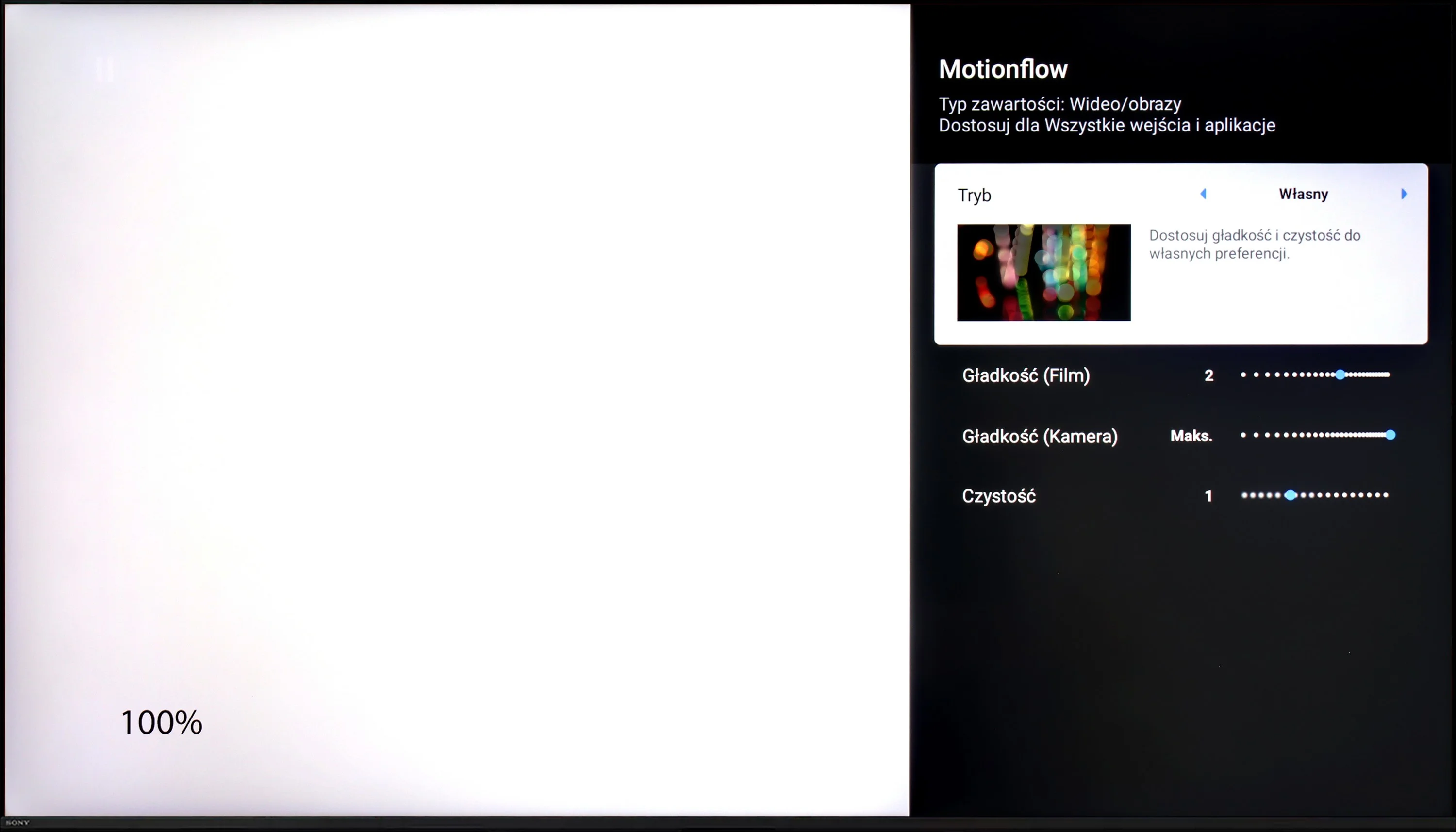
The Sony BRAVIA 7 TV with a 120 Hz panel will satisfy most users in terms of motion fluidity. Additionally, Sony offers a Motion Flow feature that allows for the selection of three different picture settings, adjusting them to personal preferences: Smoothness – Film: This setting improves motion fluidity, giving the image a more cinematic or theatrical quality. Smoothness – Camera: This setting provides even greater fluidity, useful for watching dynamic scenes like sports broadcasts. Clarity: This setting focuses on minimising noise and motion artifacts, resulting in a more stable and clear image.
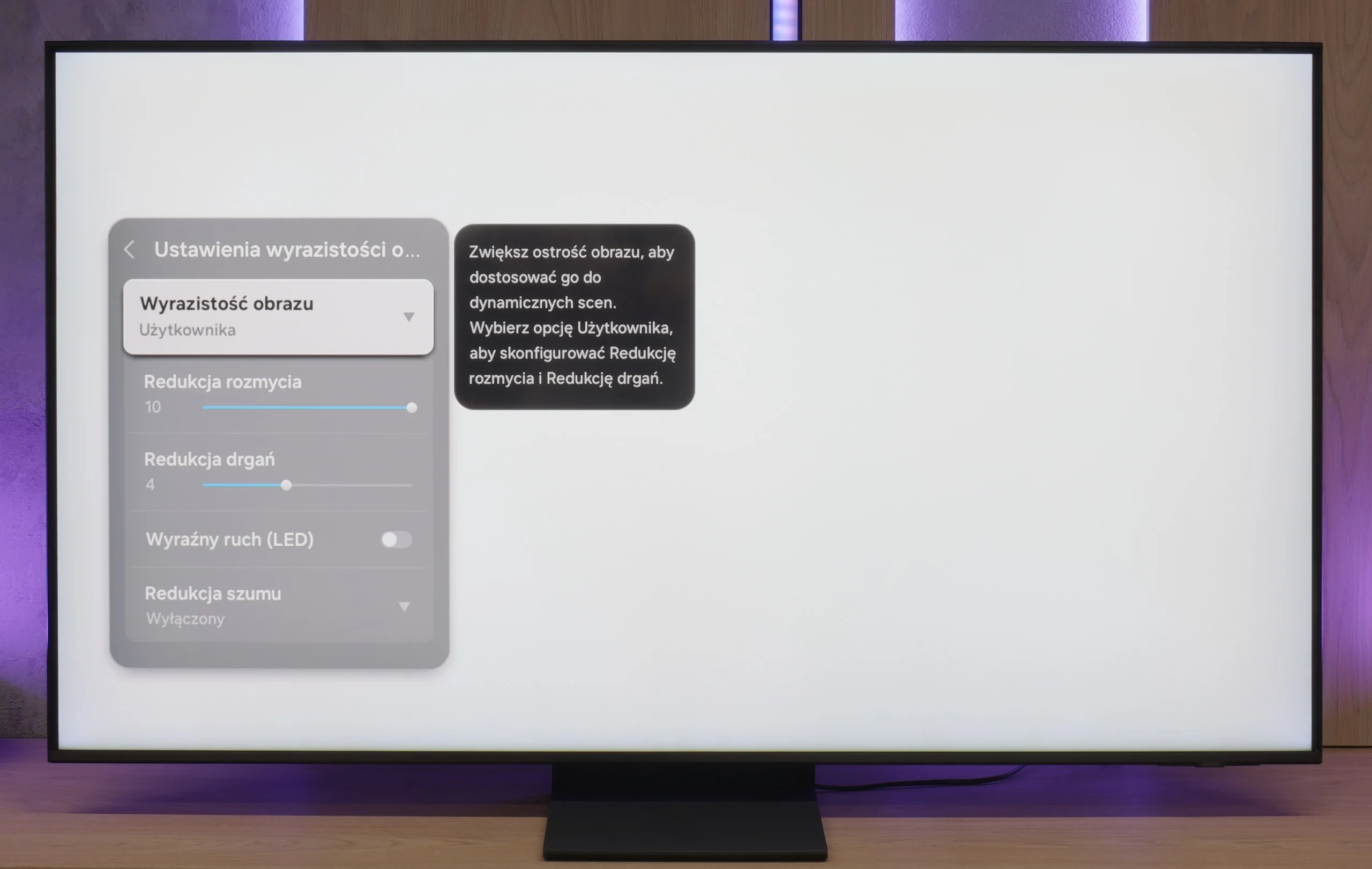
The QN70F is a television with a refresh rate of 144 Hz, which in itself places it among the best when it comes to image smoothness. Whether we're watching fast-paced sports broadcasts or gaming on a console – the picture looks fantastic. There's no sense of stuttering, clipping, or the typical "judder" seen in lower-end models during fast motion. Samsung also allows you to adjust the smoothness to your own preferences. In the picture clarity settings, we find options such as motion blur reduction and judder reduction – each of which can be adjusted independently. This is especially useful when we are watching content with a lower frame rate and want to give it a smoother, more cinematic feel – or conversely, maintain the natural filmic "feel" of 24 frames.
Console compatibility and gaming features
8.1/10
8.2/10
- ALLM
- VRR
- VRR range48 - 120Hz48 - 144Hz
- Dolby Vision Game Mode
- Correct implementation of HGIG
- 1080p@120Hz
- 1440p@120Hz
- 4K@120Hz
- Game bar
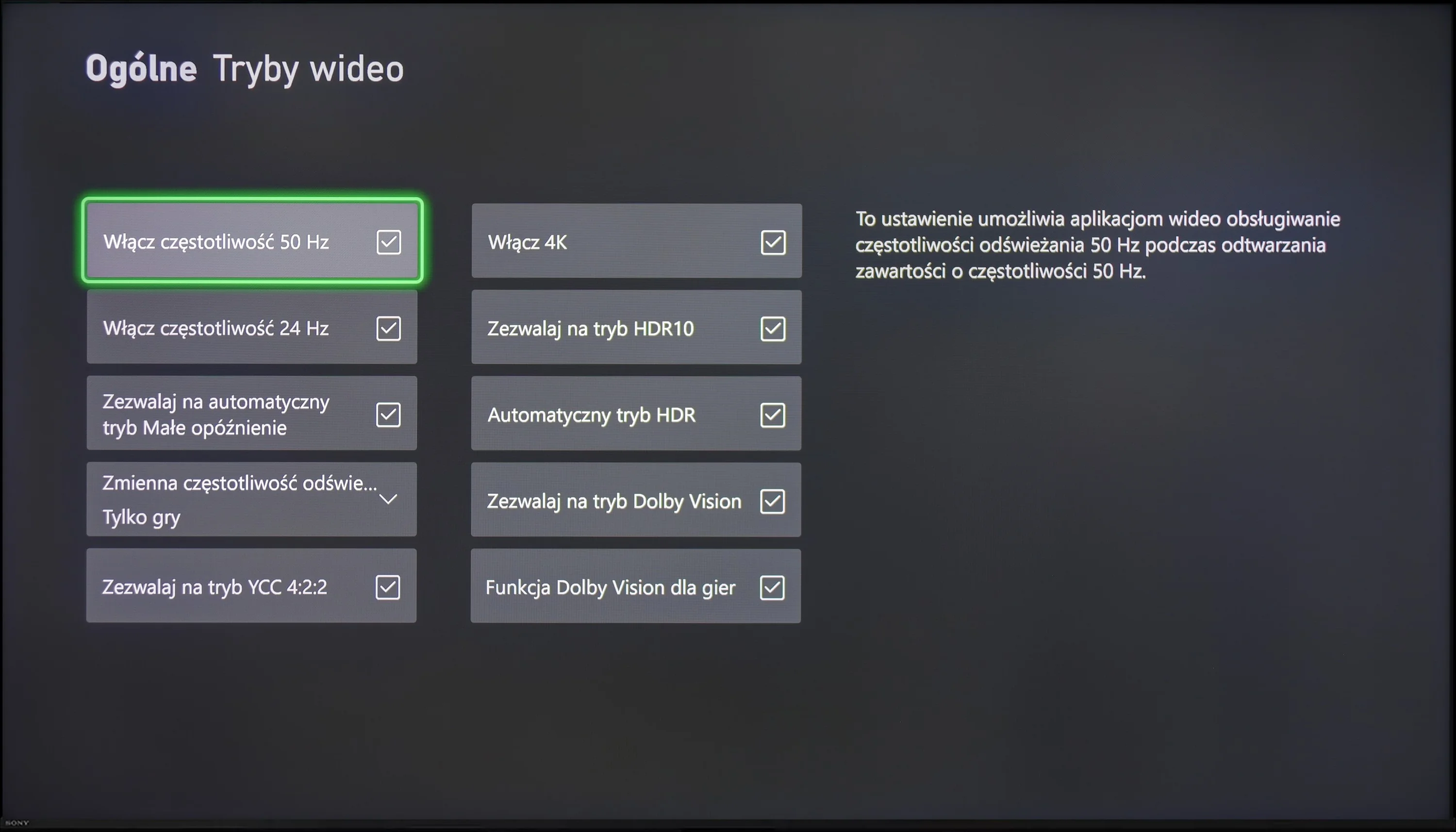
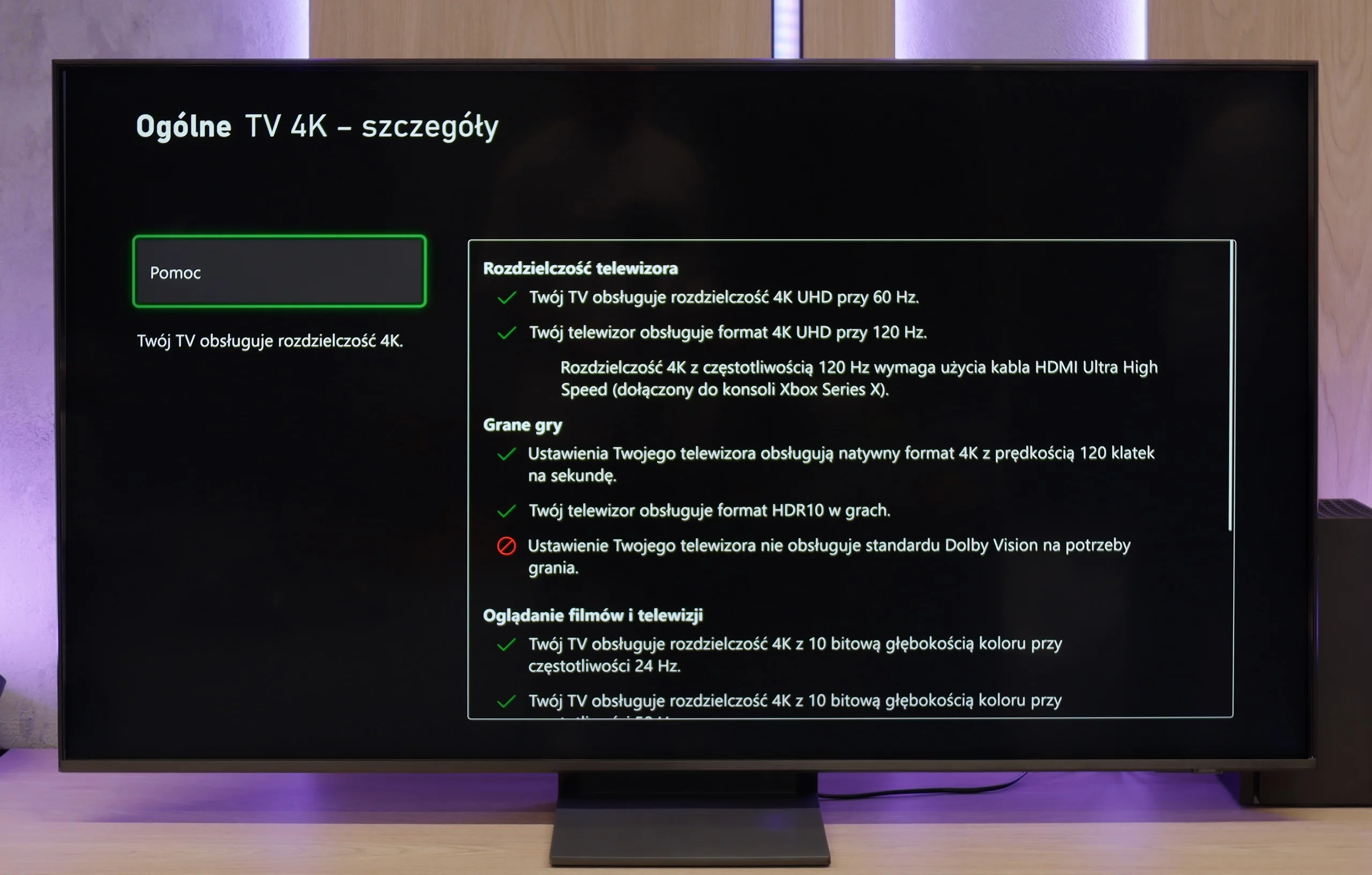
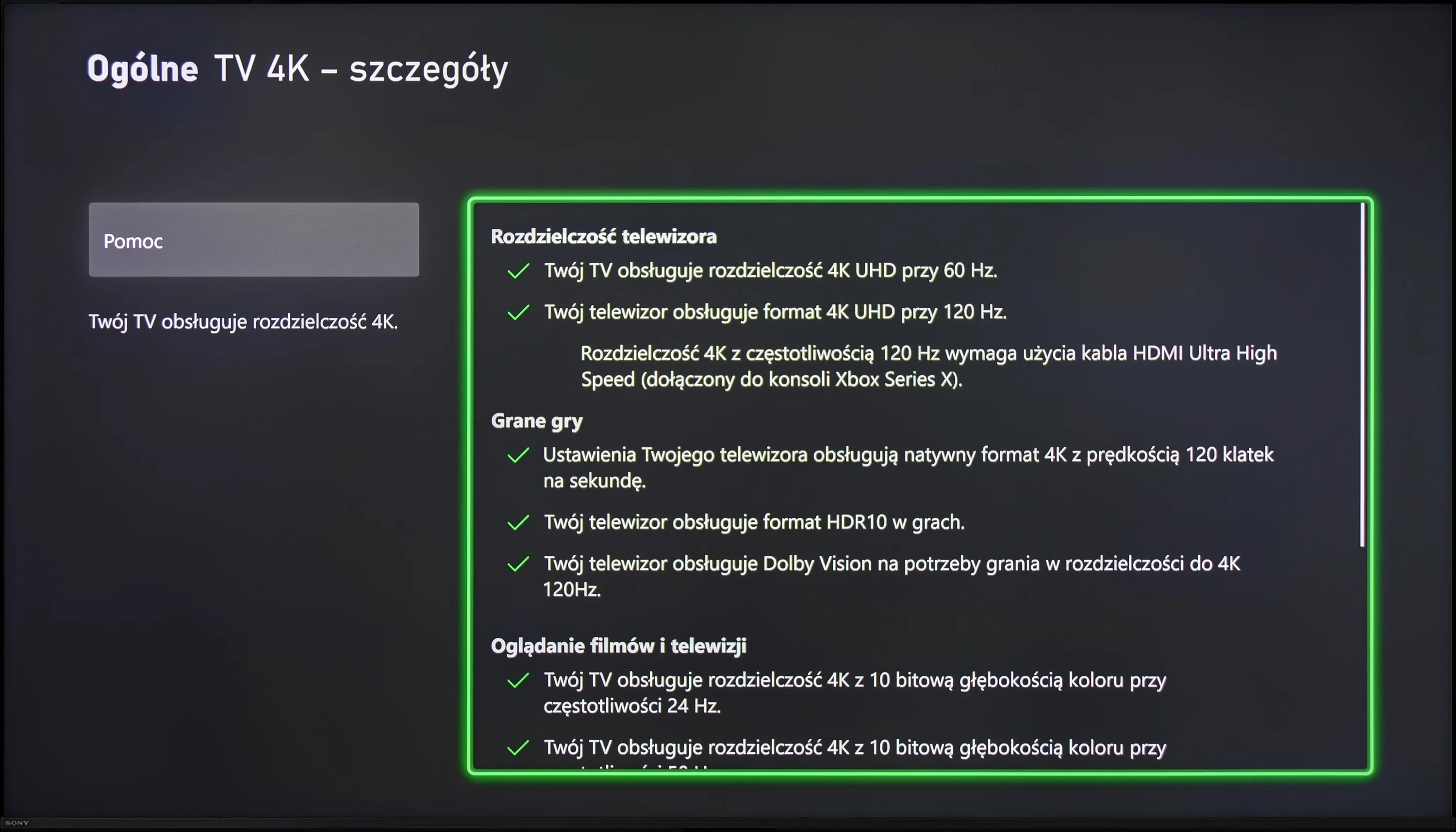
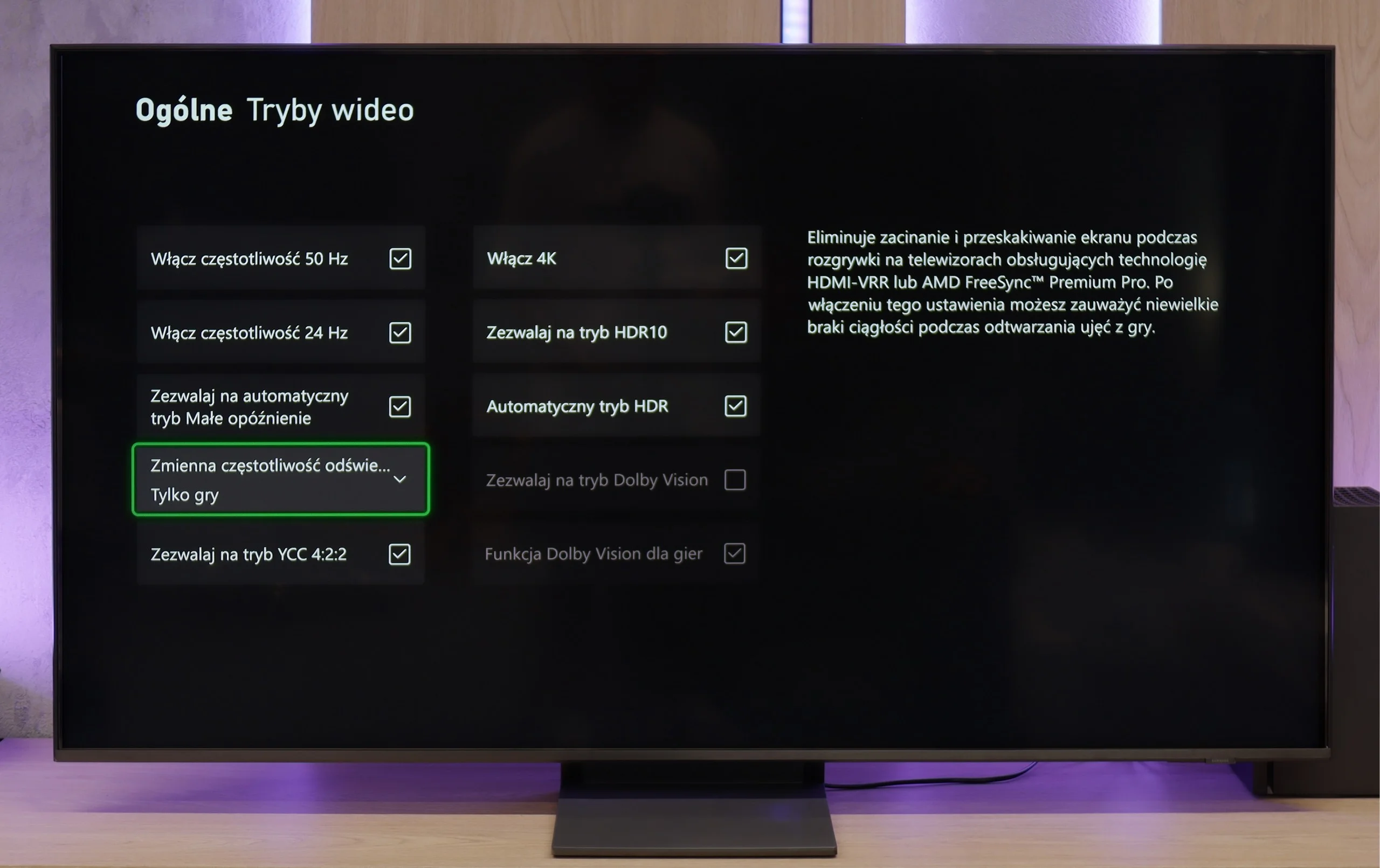
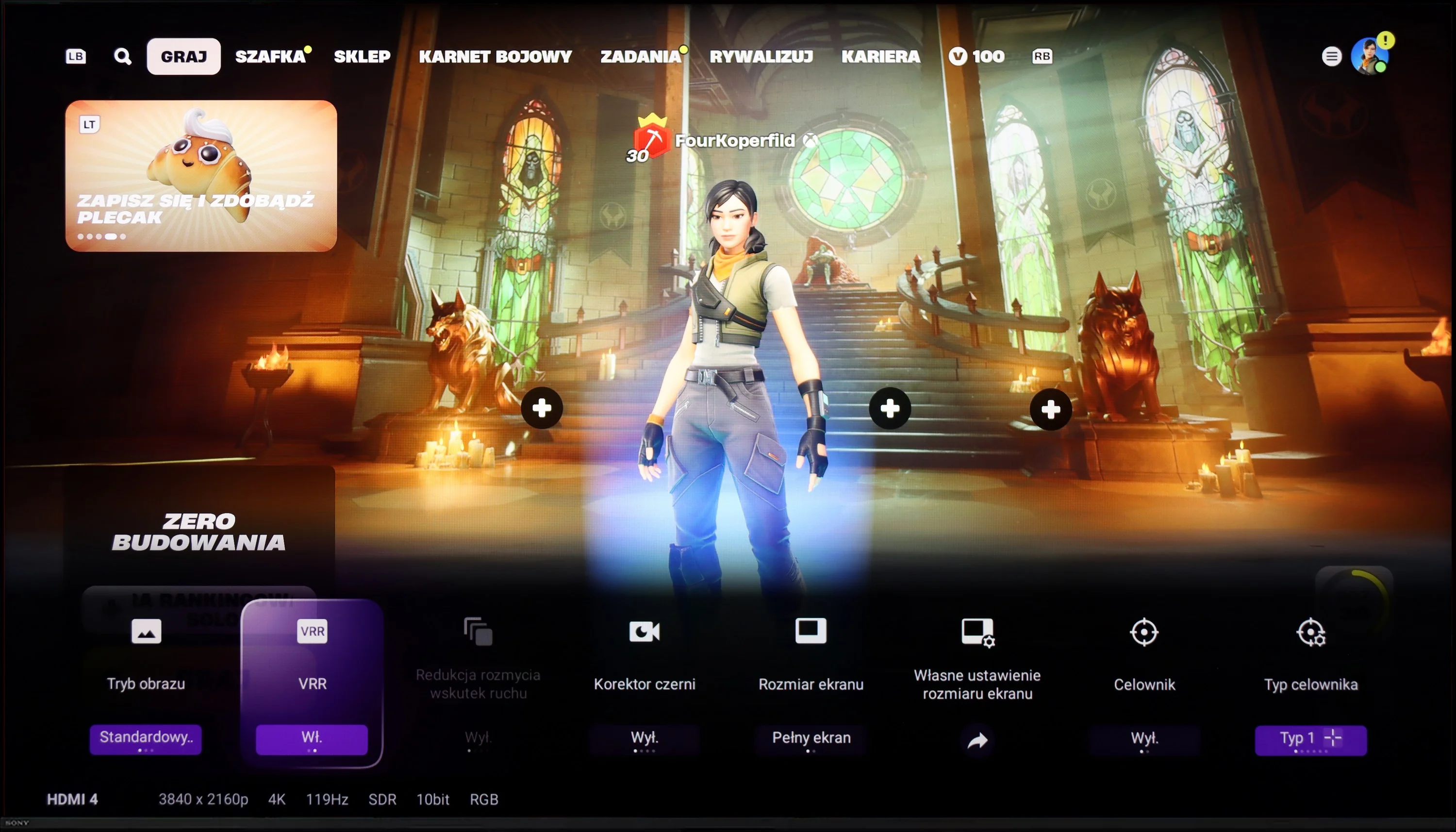
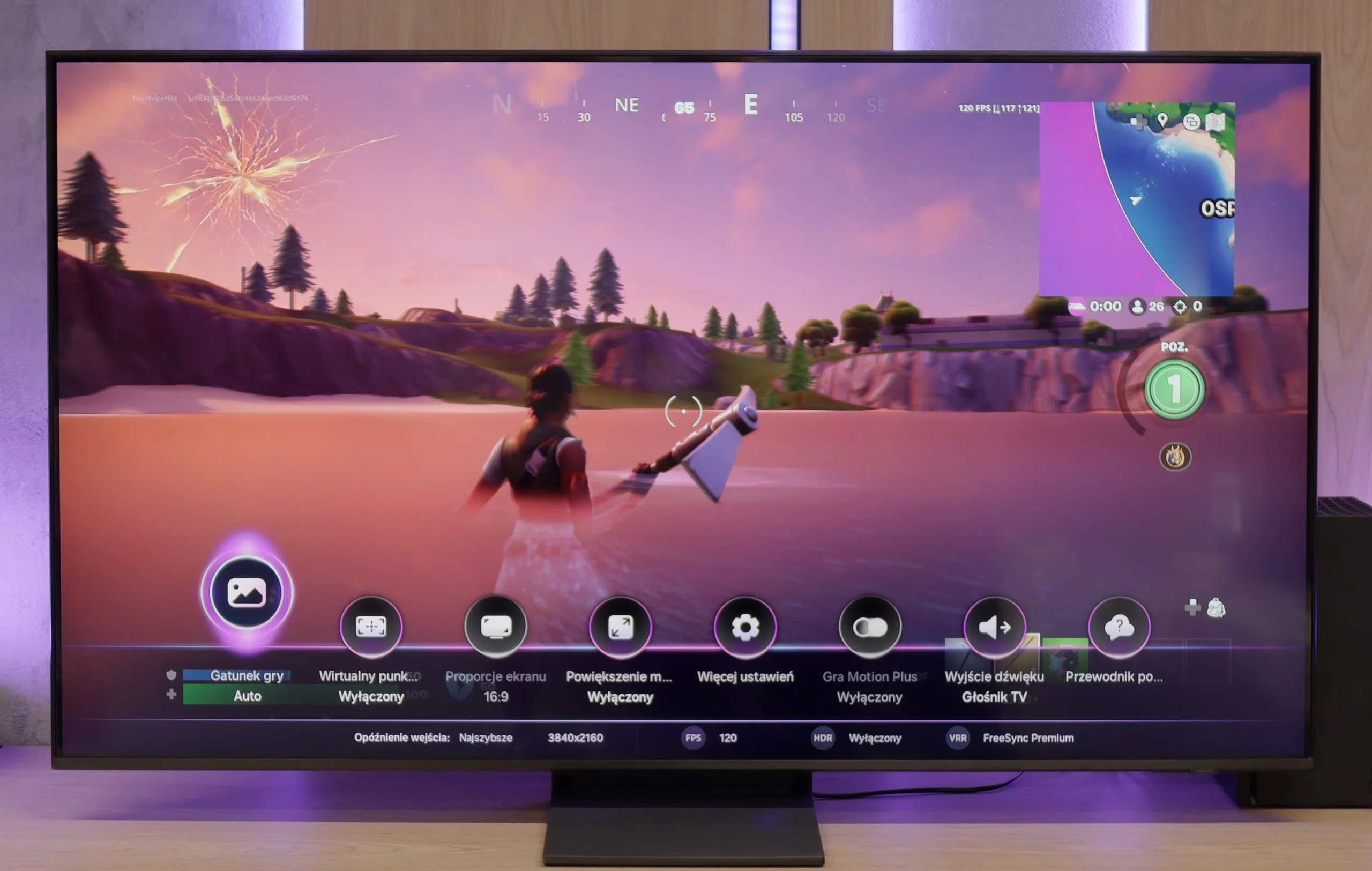
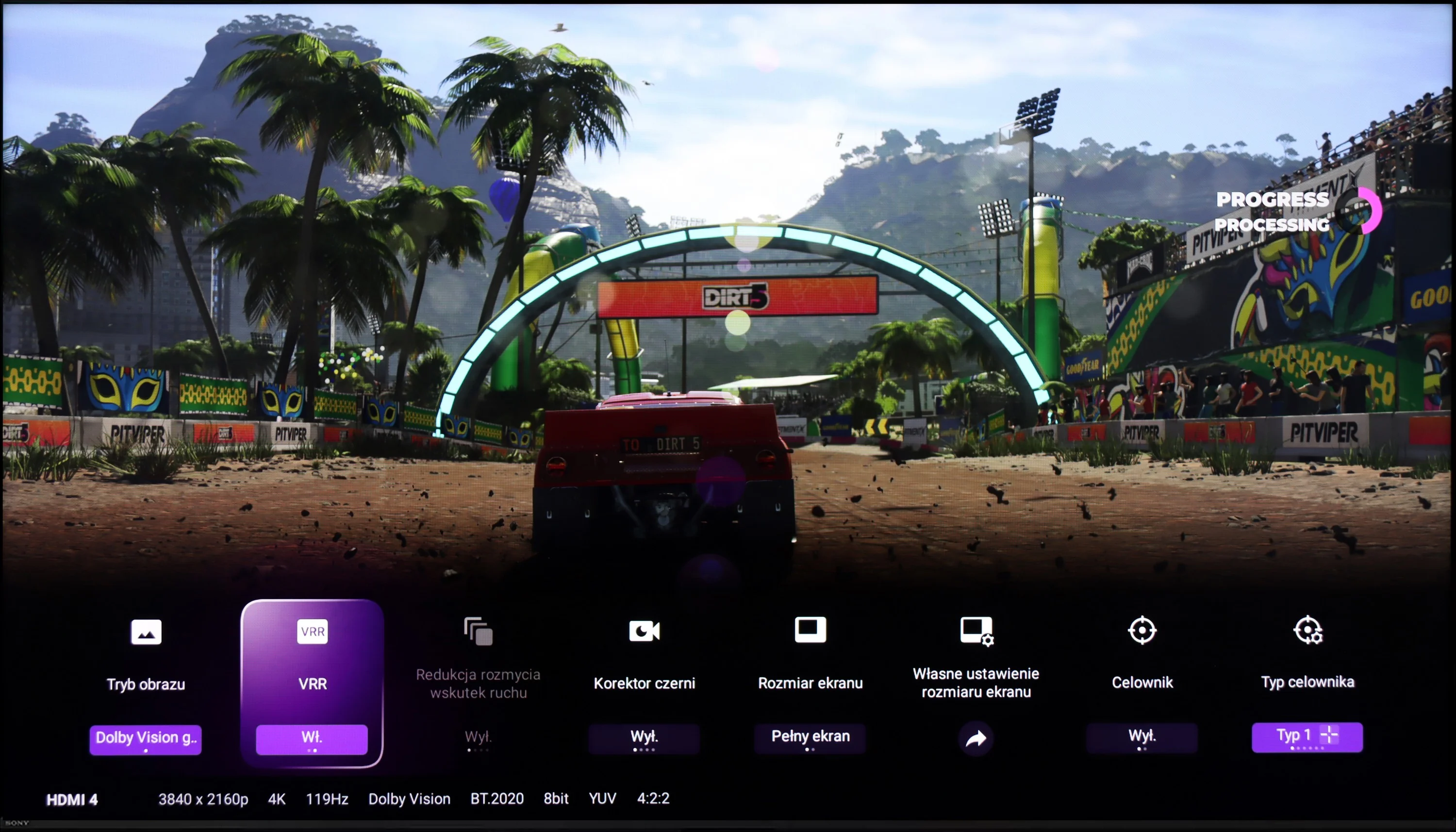
Sony Bravia 7 has significantly improved its capabilities in terms of compatibility with consoles compared to earlier models. The TV supports variable refresh rate (VRR), which eliminates screen tearing, and it syncs with graphics cards to ensure smooth display. The automatic low latency mode (ALLM) effectively reduces input lag, which is crucial in dynamic games. Dolby Vision with low latency further delivers impressive HDR effects that look great during gameplay.
Sony Bravia 7 also offers a Game Bar feature, providing quick access to settings and monitoring parameters while gaming. An interesting option is the ability to enable a virtual on-screen reticle, which can give a slight advantage in shooter games. However, compared to the Bravia 9 model, the HGIG feature in the Bravia 7 doesn't perform as well, which may be noticeable for more demanding gamers – particularly as the HGIG mode is becoming increasingly popular among gamers as the preferred method for reproducing HDR effects.
A downside is the lack of support for 1440p@120 Hz resolution, which could make gaming easier for users with less powerful graphics cards. Additionally, the Sony Bravia 7 is equipped with two HDMI 2.1 ports, one of which is often used to connect an audio system via eARC, limiting the number of available ports for connecting next-gen consoles.
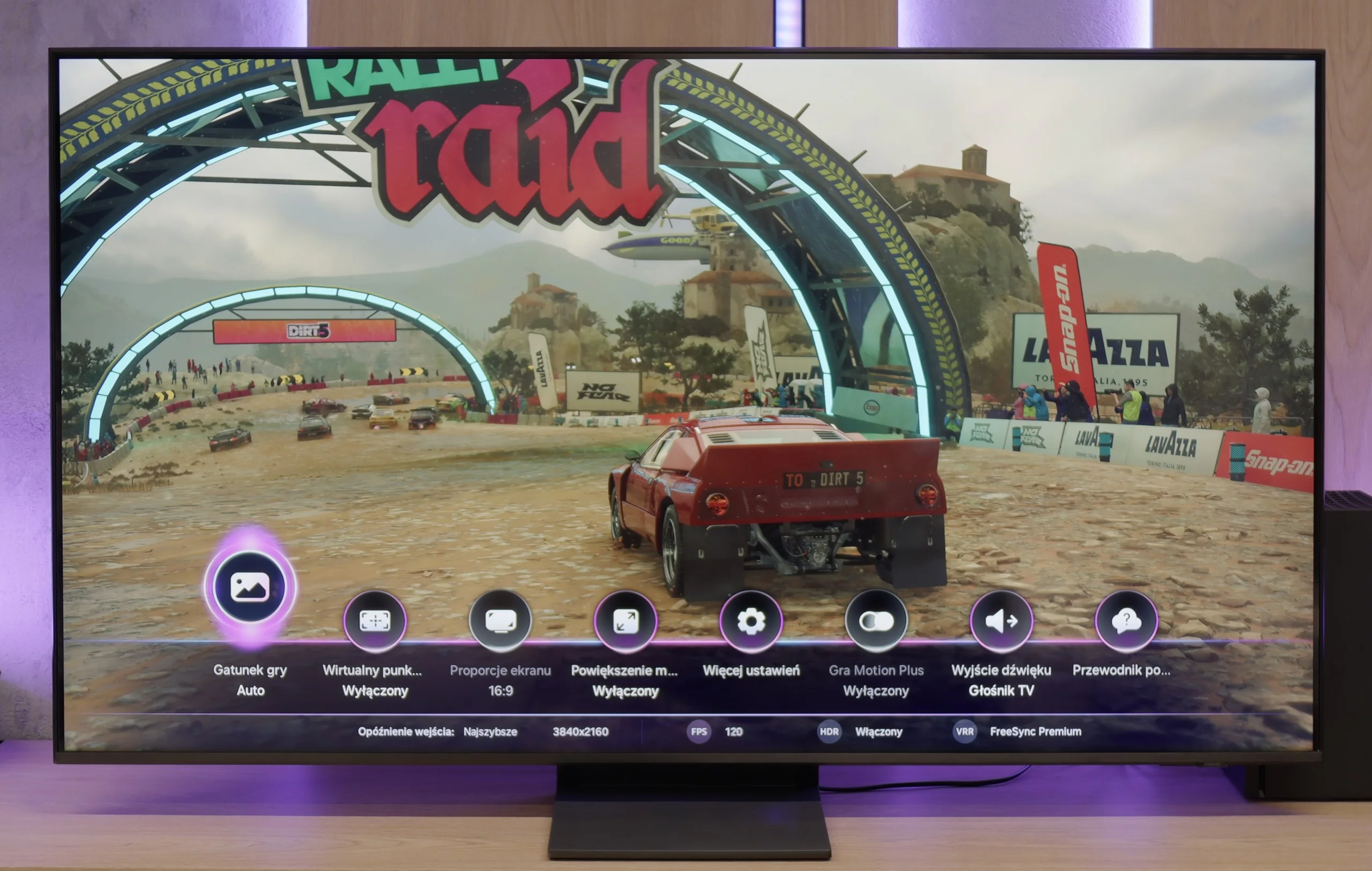
Samsung QN70F is a really solid choice for gamers. It features four HDMI 2.1 ports with full bandwidth of 48 Gbps, which means full support for gaming in 4K at a refresh rate of 144 Hz. Additionally, it comes with all the essential features we expect today: automatic game mode (ALLM), variable refresh rate (VRR), and a very well-designed, intuitive Game Bar with information on the mode, resolution, and frame rate. The Game Motion Plus feature is also noteworthy, allowing artificial frames to be added to games running at 60 fps or less. It works surprisingly well and improves gameplay smoothness without much delay in many titles – especially those where consoles struggle to maintain a stable frame rate.
[UPDATE] We have updated our Samsung TV tests for the 2025 model year due to the release of software version 1131, which restored the crucial gaming feature HGiG.
Unfortunately, there are also some pitfalls. The lack of support for Dolby Vision mode is not surprising – it’s a standard with Samsung. But the absence of the HGiG feature is much more disappointing. What’s worse, it was removed by a software update, leaving users who previously benefited from it quite shocked. Without HGiG, it’s impossible to manually set the maximum HDR brightness from the console, which results in some games appearing slightly overexposed – especially if the TV misinterprets the tonal range. Why has Samsung, a brand that has set standards in gaming features for years, decided to take such a step? It’s hard to say. At the time of writing the review, the tested TV was operating on software version 1110 – and to be honest, if you’re relying on full support for gamers, it’s better to temporarily hold off on updates.
Input lag
9.7/10
10/10
SDR
HDR
Dolby Vision
Sony BRAVIA 7 delivers outstanding results in terms of input lag, especially with 120 Hz materials, where the delay is around 11 ms – this is an excellent result that will satisfy even the most demanding gamers. The Dolby Vision mode also deserves recognition, as it is usually associated with higher input lag, yet here it performs really well, providing a comfortable gaming experience. However, we deducted 0.3 points for results above 20 ms for 60 Hz content, although we believe that for most users, this difference is more of a placebo effect.
The QN70F doesn't disappoint in terms of response time either. For 120 Hz content, the input lag hovers around 8 ms, which can be considered a very good result – especially in the context of online competition or dynamic action games. The screen responds to controller movements almost instantly, with no noticeable delay. This makes for smooth and comfortable gameplay, even in more demanding titles. In this category, Samsung continues to maintain a high standard, and it's hard to find anything that could raise concerns.
Compatibility with PC
7.6/10
8.2/10
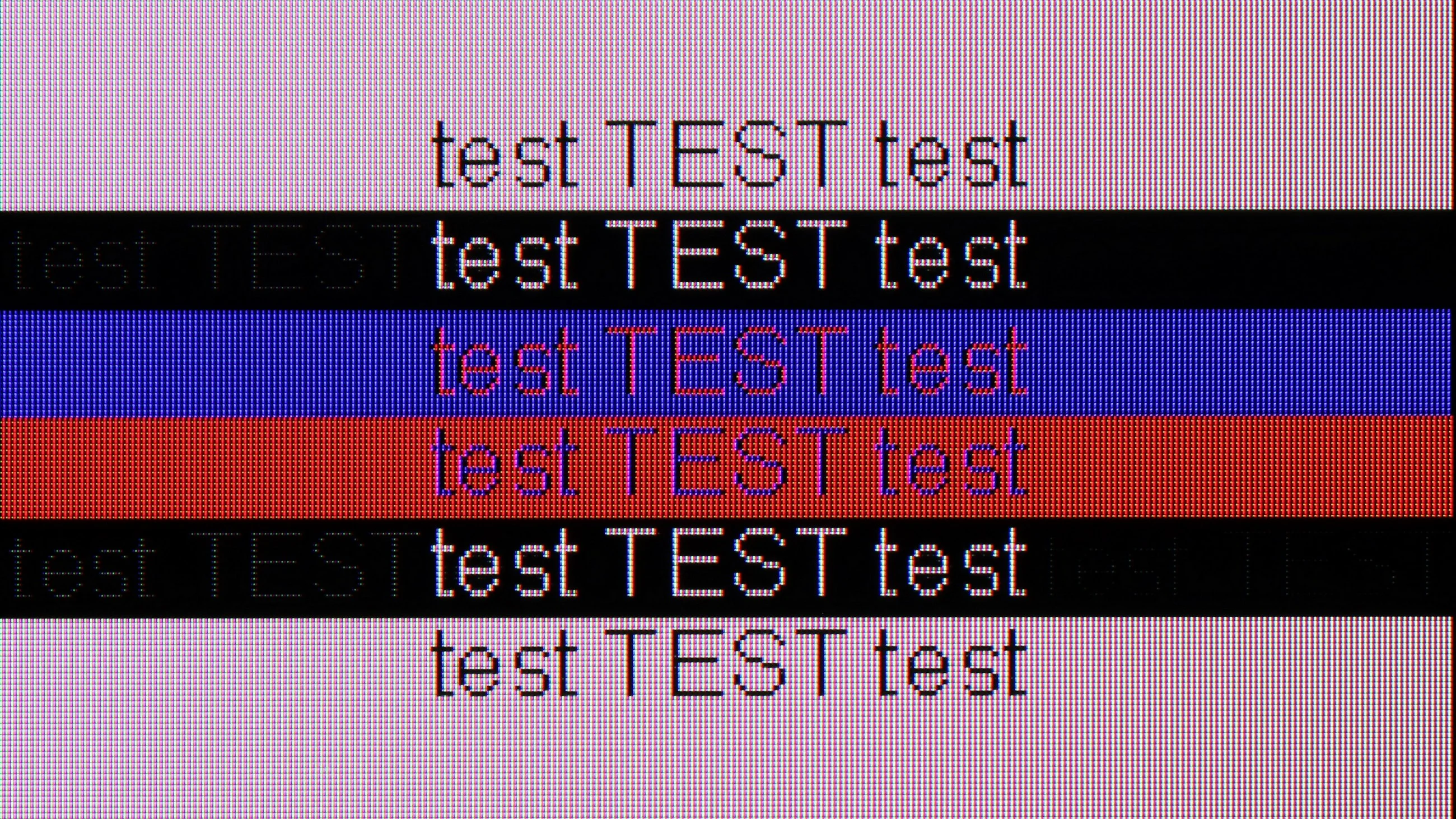
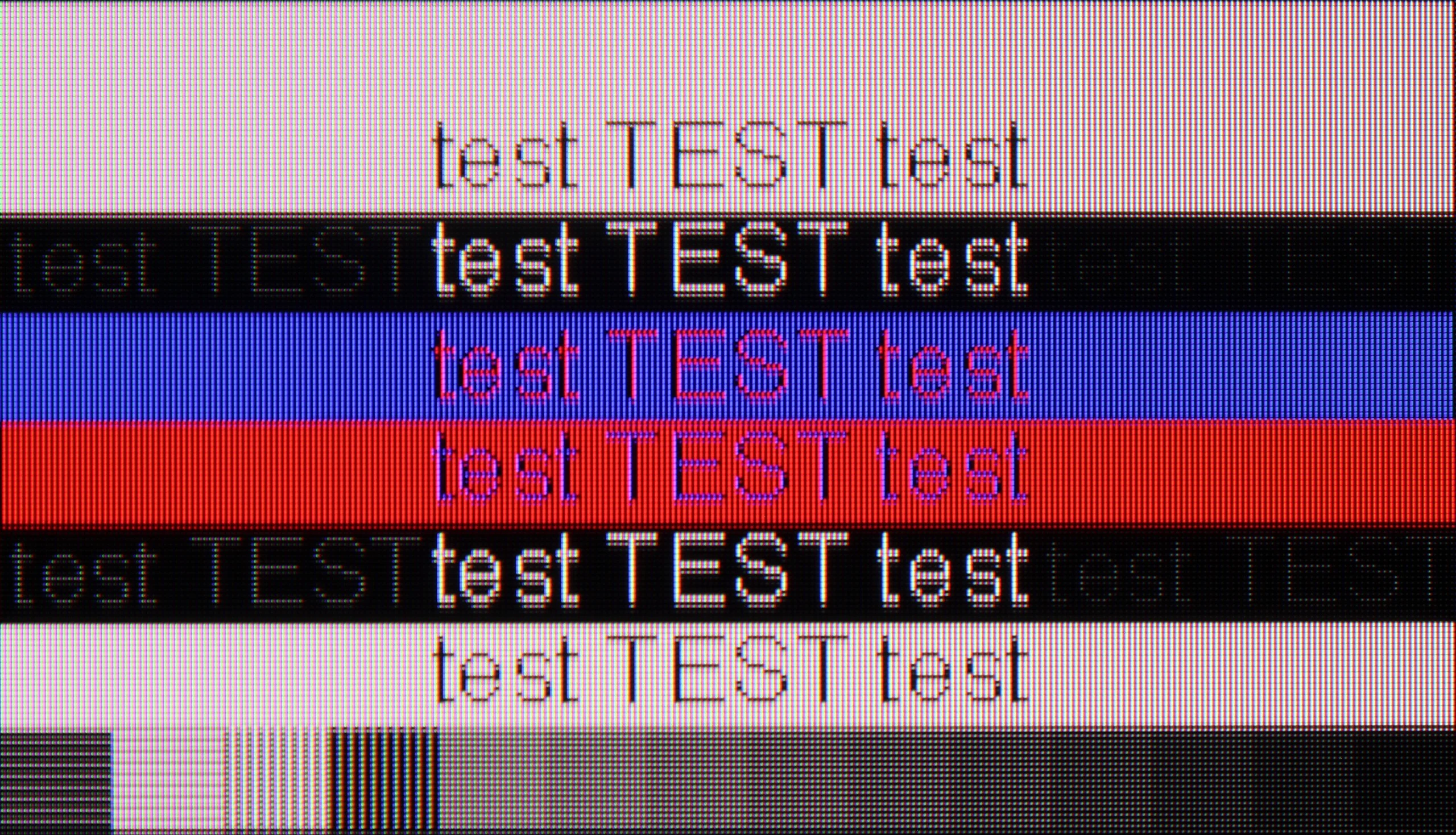
The photo shows the legibility of small fonts. Ideally, lines should be the same thickness on both light and dark text, with minimal pixel gaps.
The Sony BRAVIA 7 television works well with computers, providing clear and legible fonts. An input lag of 11 ms is also an excellent result that will satisfy users using the television for gaming and work. However, it should be mentioned that in the case of grey letters, some slight fading of certain pixels can be observed, which somewhat affects the readability of darker fonts, for which we deducted a few points.
Let's start with the best part when it comes to connecting the QN70F to a computer – that is, gaming. With a refresh rate of 144 Hz, support for G-Sync compatible VRR, and very low input lag, it’s the recipe for almost the perfect screen for PC gamers. In this role, the QN70F really doesn't disappoint – games look smooth, responsiveness is at a very high level, and everything runs steadily.
However, the situation is a bit worse when it comes to working with text. At 4K resolution and a refresh rate of 144 Hz, there is a noticeable slight blurriness in the edges of fonts – text may appear slightly smeared, with a minor “layering” of outlines. This is not a problem that disqualifies the QN70F's usability as a monitor, but those planning to do office work or text editing on this screen should bear this in mind.
Viewing angles
3.4/10
3.1/10
The Sony BRAVIA 7 TV has poor viewing angles, which is typical for VA panels. The picture quickly loses quality when viewed from a greater angle – colours become washed out and contrast decreases. Considering the price of the device, it's a shame that a coating wasn't applied to enhance the viewing angles, which would certainly improve the viewing experience from different spots in the room.
For a VA panel, the viewing angles on the QN70F are typical – meaning rather average. The image quickly loses contrast and saturation when we start looking at the screen from a greater angle. Compared to IPS panels, it performs significantly worse. On the other hand – thanks to this panel, we gain better black levels and higher contrast when viewing straight on, which for many users will be more important than wide visibility from the sides.
Daytime performance
8.4/10
6.3/10
Panel brightness
Samsung Neo QLED QN70F / QN74F / QN77F: 492 cd/m2
Sony Bravia 7 (XR70): 1014 cd/m2
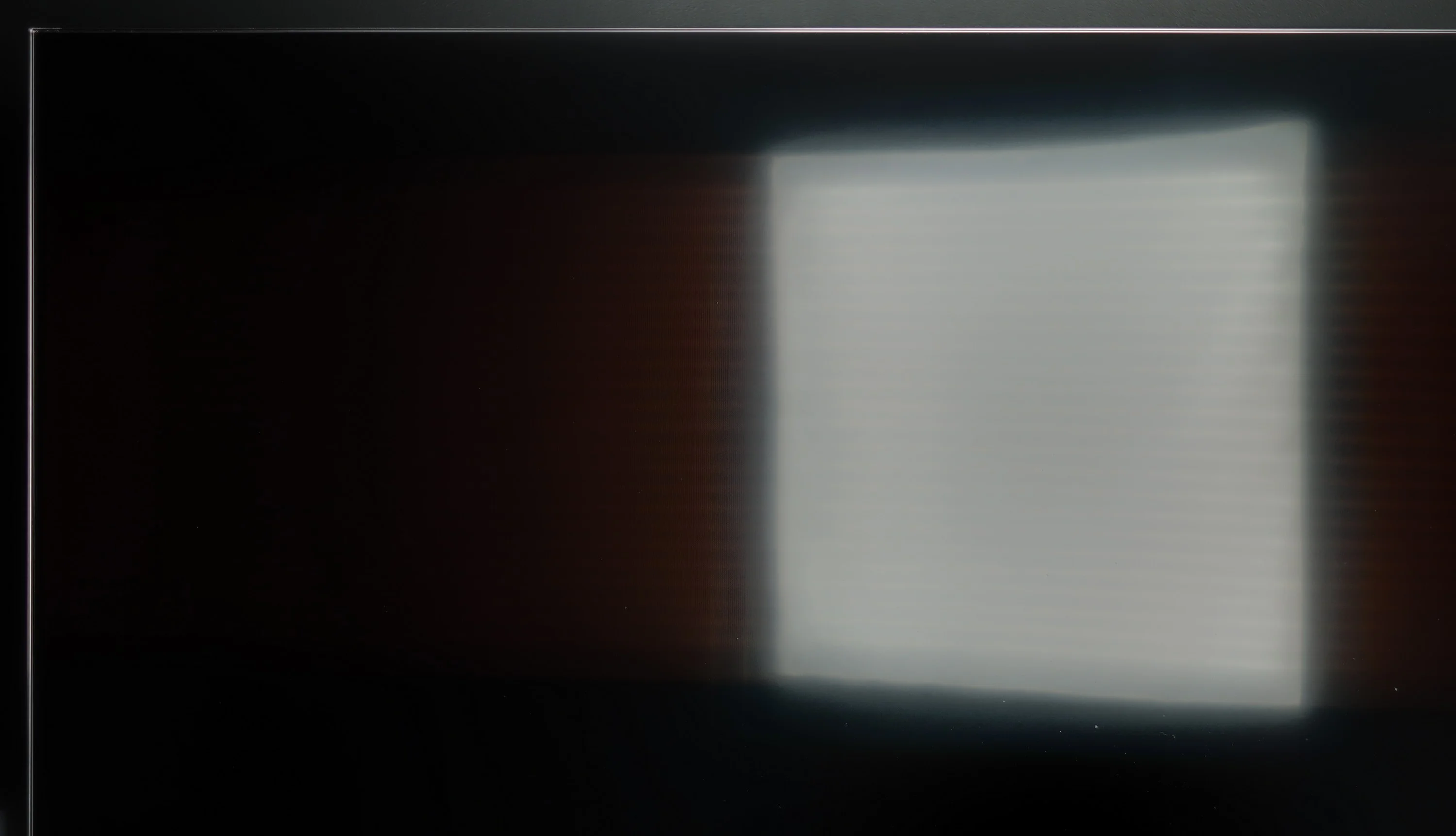
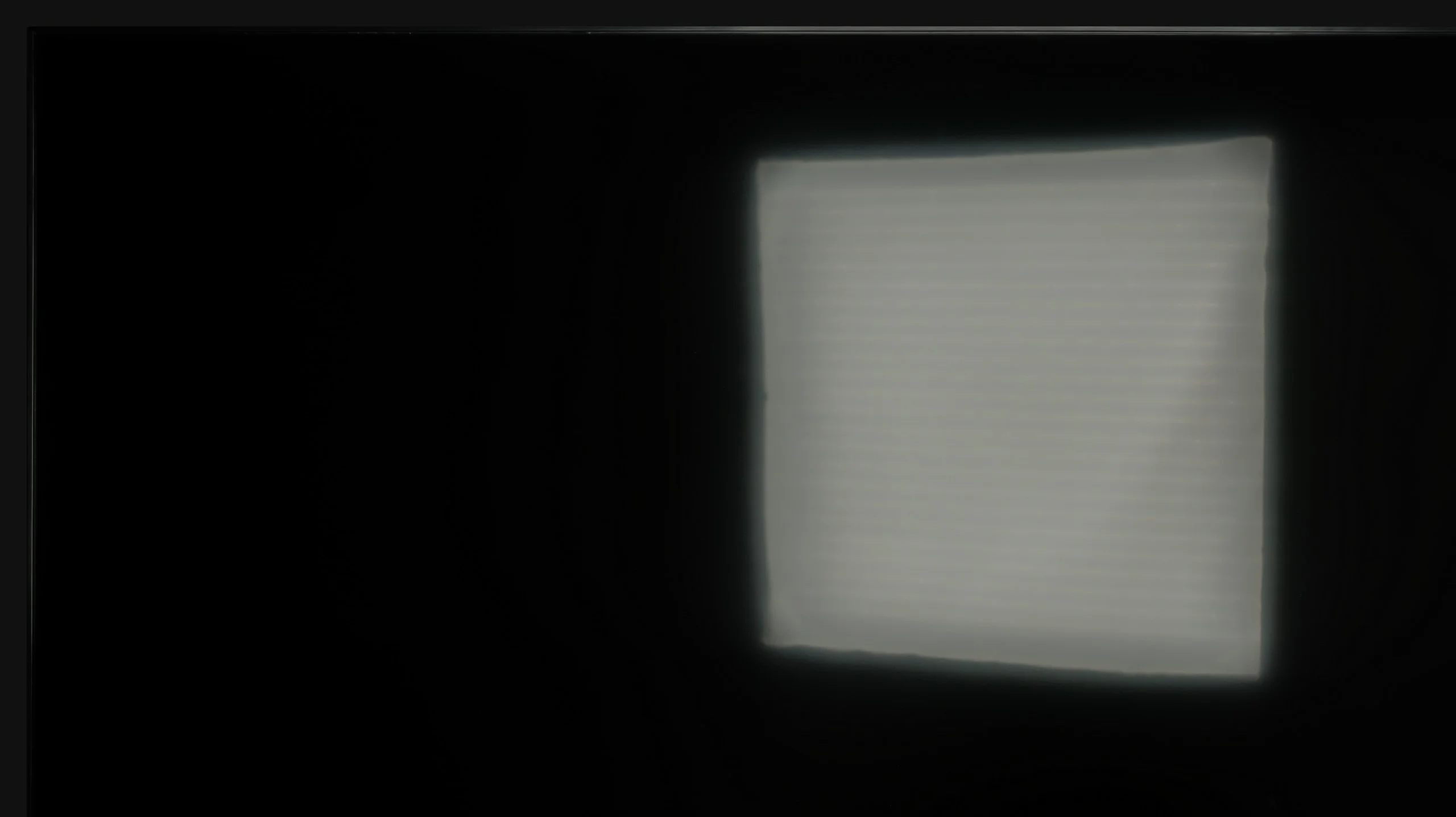
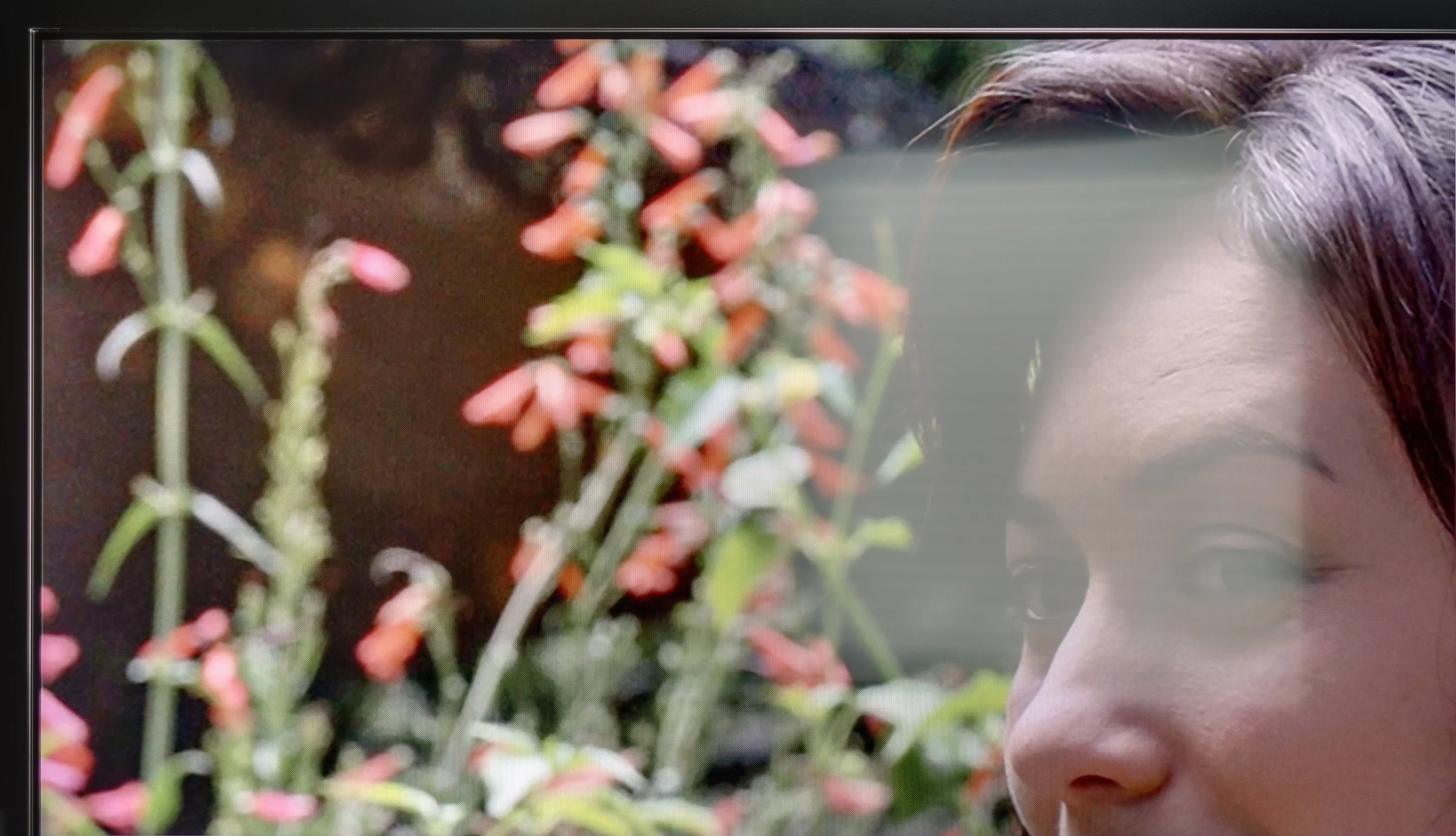
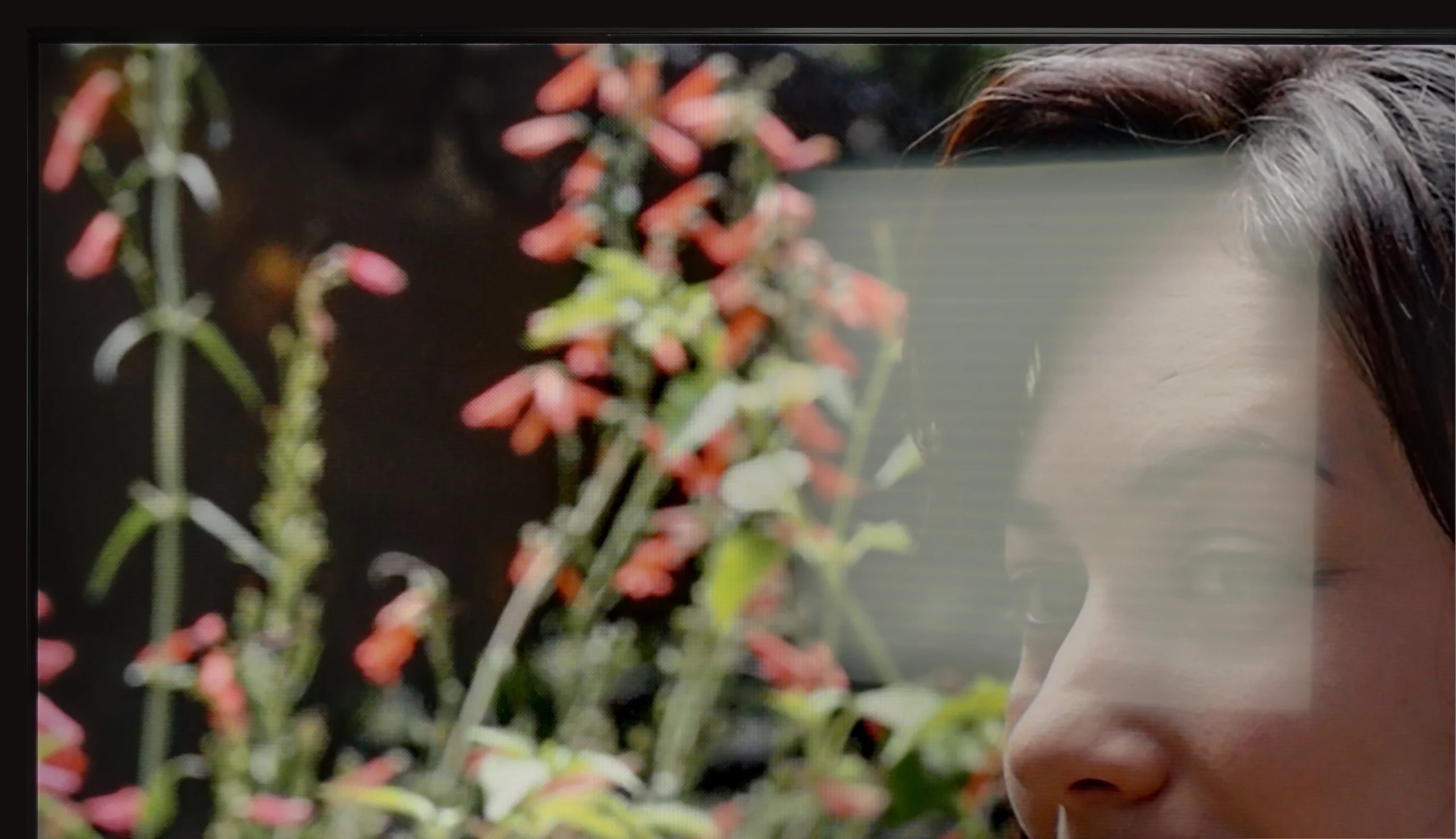
BRAVIA 7 performs exceptionally well in bright surroundings. The satin finish effectively reduces reflections, while causing minimal side blur, resulting in very good visibility during the day. A brightness level of 1000 cd/m² in SDR mode is astonishing and ensures that the picture remains clear even in brightly lit rooms.
The QN70F handles a bright lounge without any issues. The screen has a satin finish that effectively reduces reflections, so you don't have to immediately draw the blinds to see anything. Even when there's quite a bit of light in the room – for example, with a window on the side – the image still looks sharp and vibrant. The brightness is also at a solid level. In SDR mode, the television averages around 500 nits, which is more than adequate for daytime viewing. It may not be the level of top-end models, but in practice – for everyday watching of TV, sports, or YouTube – it performs very well.
Panel details
Subpixel Structure:
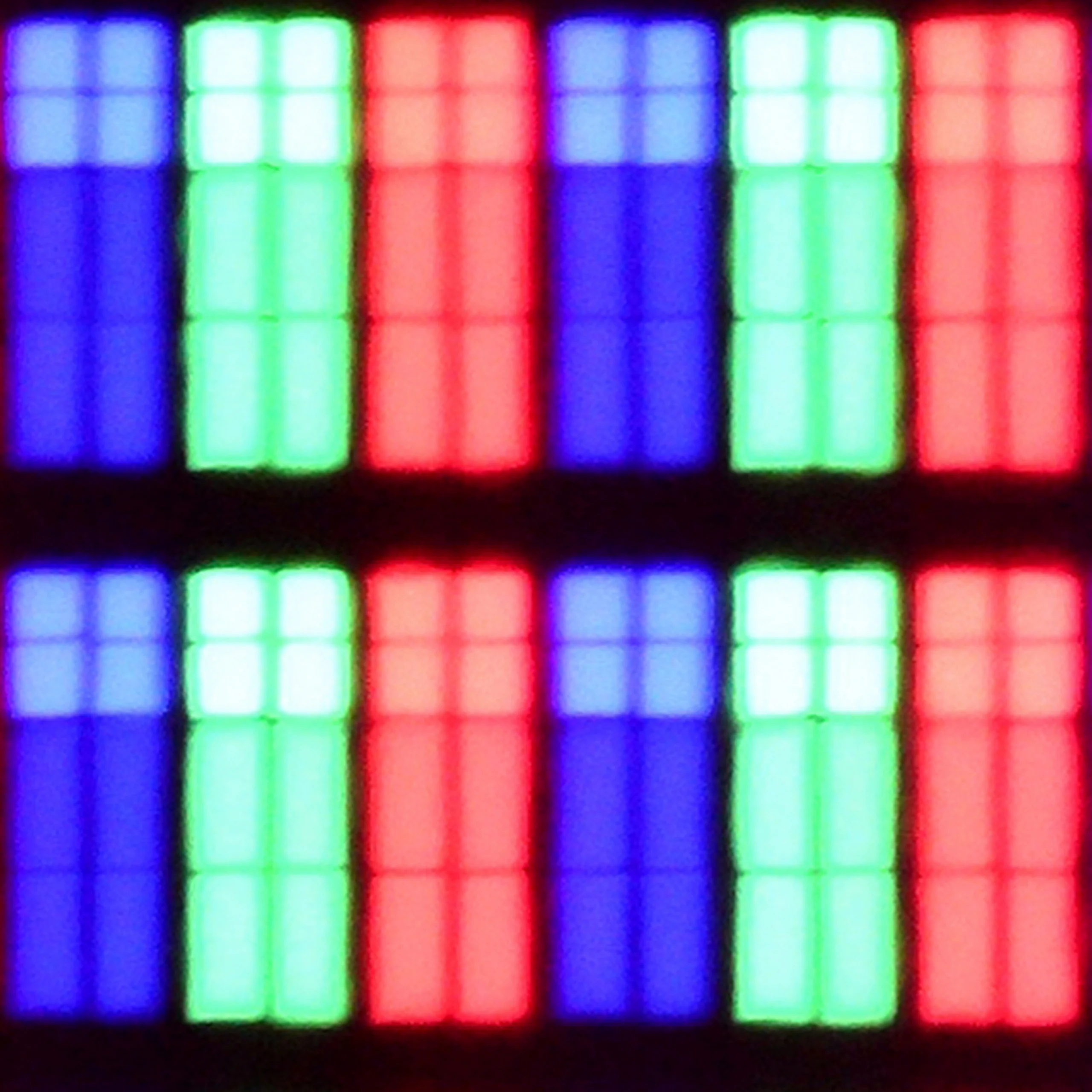
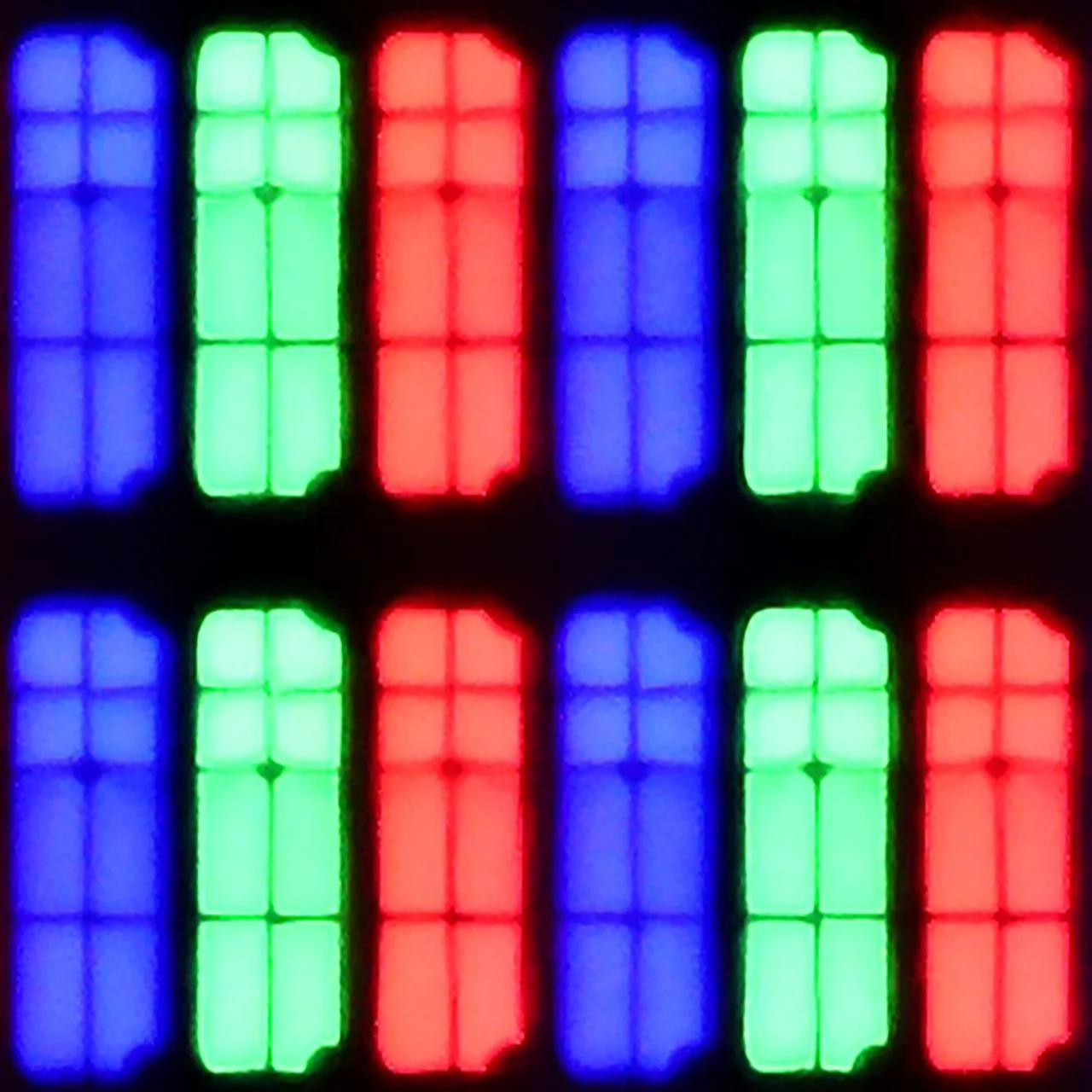
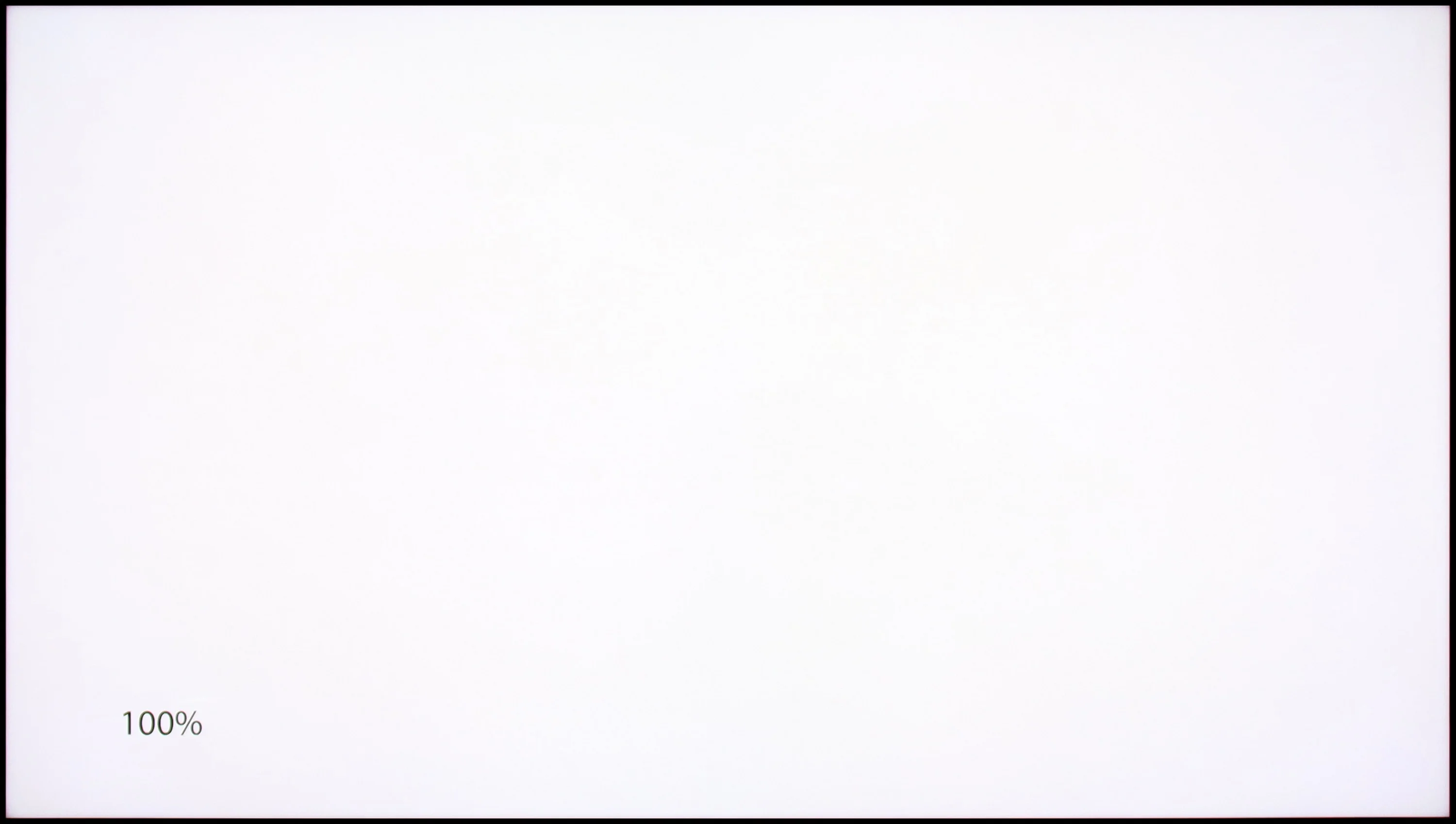
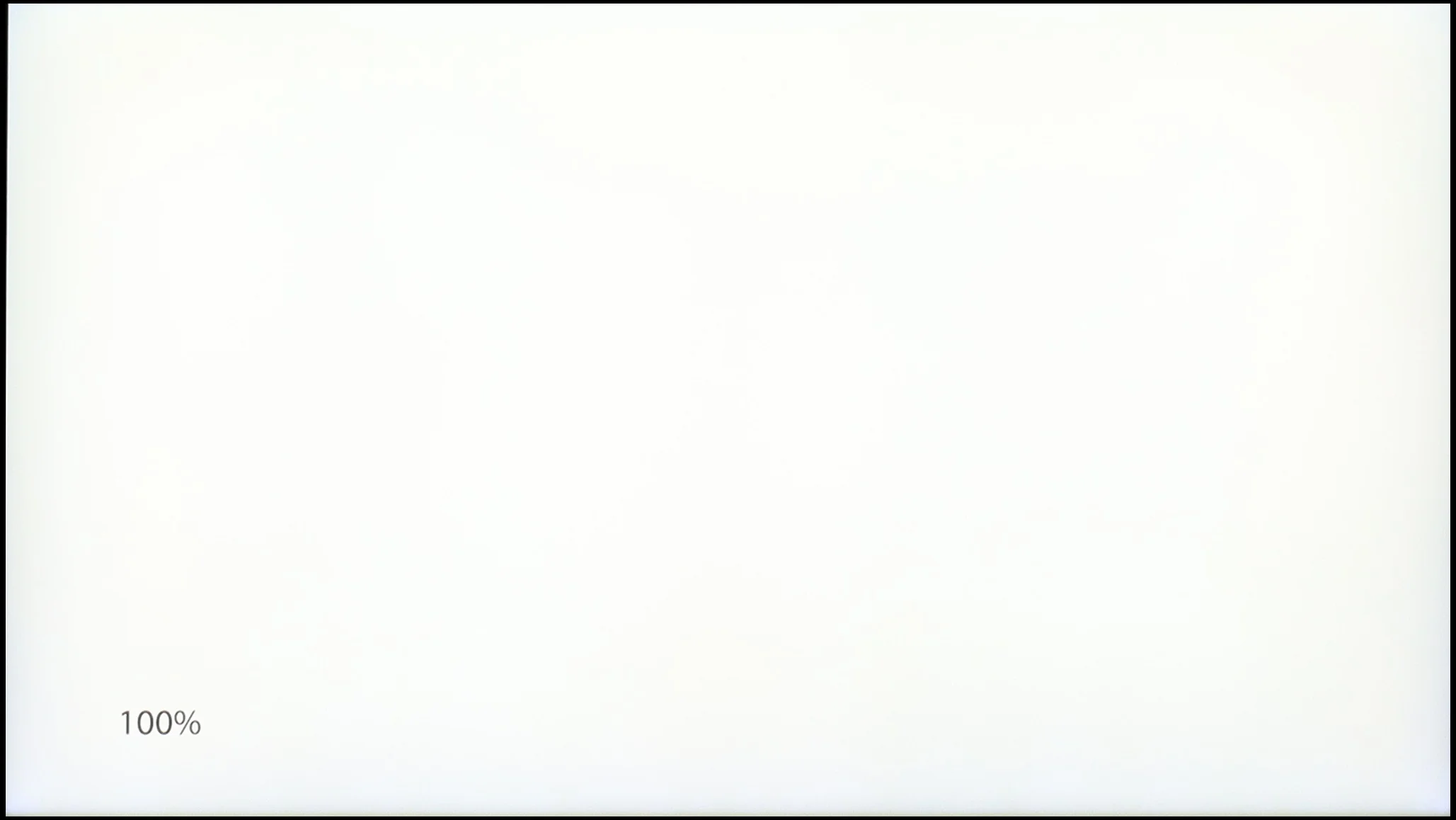
Panel uniformity and thermal imaging:
Sony Bravia 7 (XR70)
Samsung Neo QLED QN70F / QN74F / QN77F
TV features
8.8/10
7.2/10
- SystemGoogle TVTizen
- System performanceGoodGood
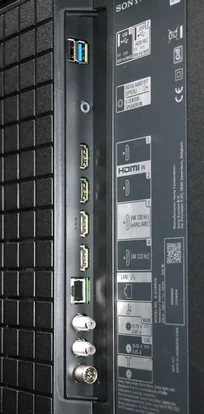
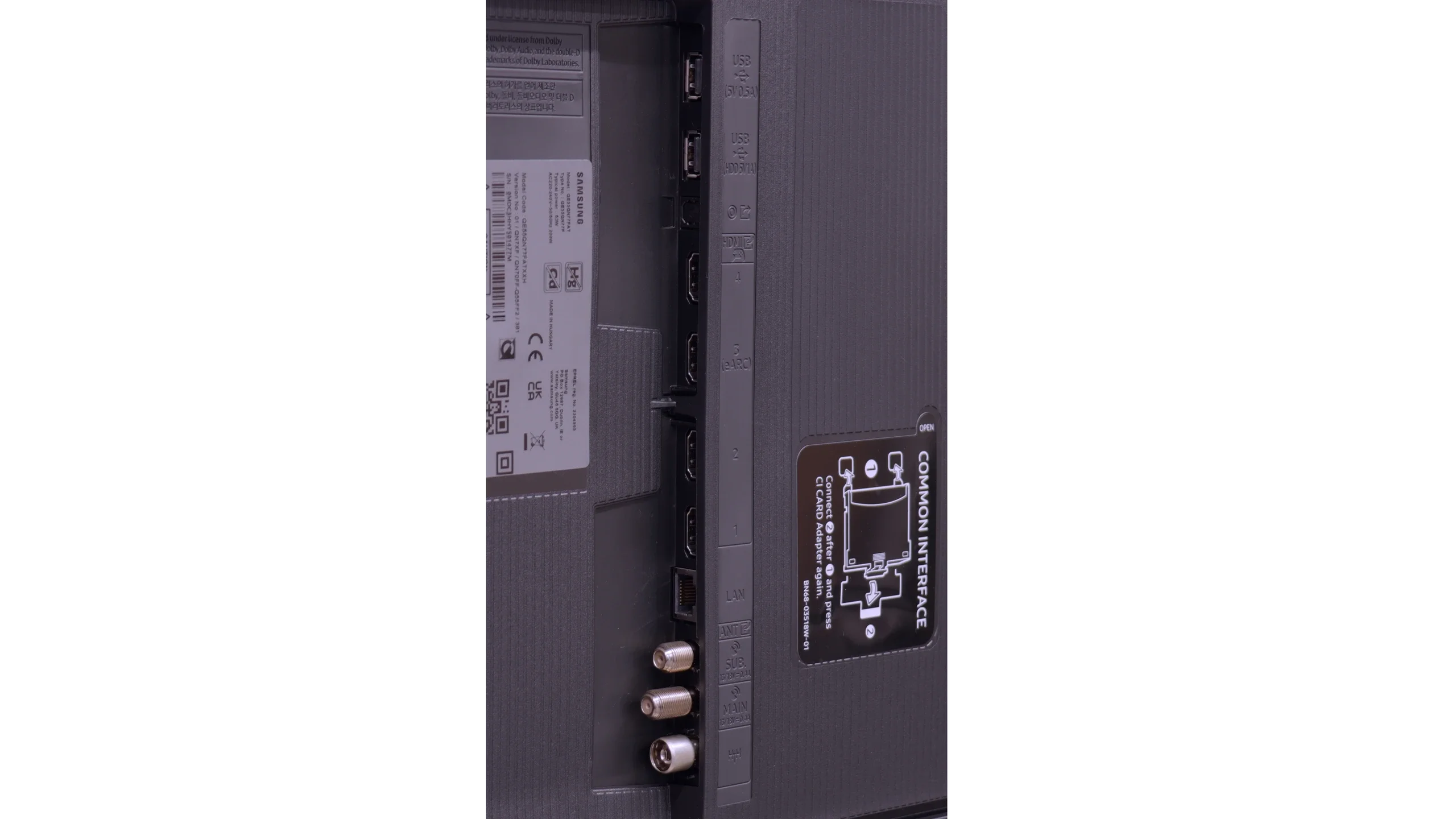
- HDMI inputs2 x HDMI 2.0, 2 x HDMI 2.1 48Gbps0 x HDMI 2.0, 4 x HDMI 2.1 48Gbps
- OutputsToslink (Optical audio), eARC (HDMI), ARC (HDMI)Toslink (Optical audio), eARC (HDMI), ARC (HDMI)
- Network InterfacesWi-Fi 2.4GHz, Wi-Fi 5GHz, Ethernet (LAN) 100MbpsWi-Fi 2.4GHz, Wi-Fi 5GHz, Ethernet (LAN) 100Mbps
- TV receptionDVB-T, DVB-T2, DVB-S, DVB-S2, DVB-CDVB-T, DVB-T2, DVB-S, DVB-S2, DVB-C
Classic features:
- Recording to USB (terrestrial TV)
- Recording programming
- Picture in Picture (PiP)
- RF remote control (no need to aim)
- Backlit remote control
- Teletext
- Audio only mode
- Bluetooth headphones support
- Simultaneous Bluetooth headphones & TV audio
Smart features:
- AirPlay
- Screen mirroring (Windows Miracast)
- Voice search
- Voice search in native language
- Ability to connect a keyboard and mouse
Sound connection options
- HDMI audioeARC (HDMI), ARC (HDMI)eARC (HDMI), ARC (HDMI)
- Other audio outputsToslink (Optical audio)Toslink (Optical audio)
- Wireless audioBluetoothBluetooth
Supported audio formats (external HDMI eARC audio):
- Dolby Digital Plus 7.1
- Dolby True HD 7.1
- Dolby Atmos in Dolby Digital Plus (JOC)
- Dolby Atmos in Dolby True HD
- DTS:X in DTS-HD MA
- DTS-HD Master Audio
Senior accessibility
- Numeric keyboard on TV
- Font size adjustment
- Audio description
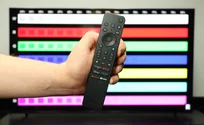
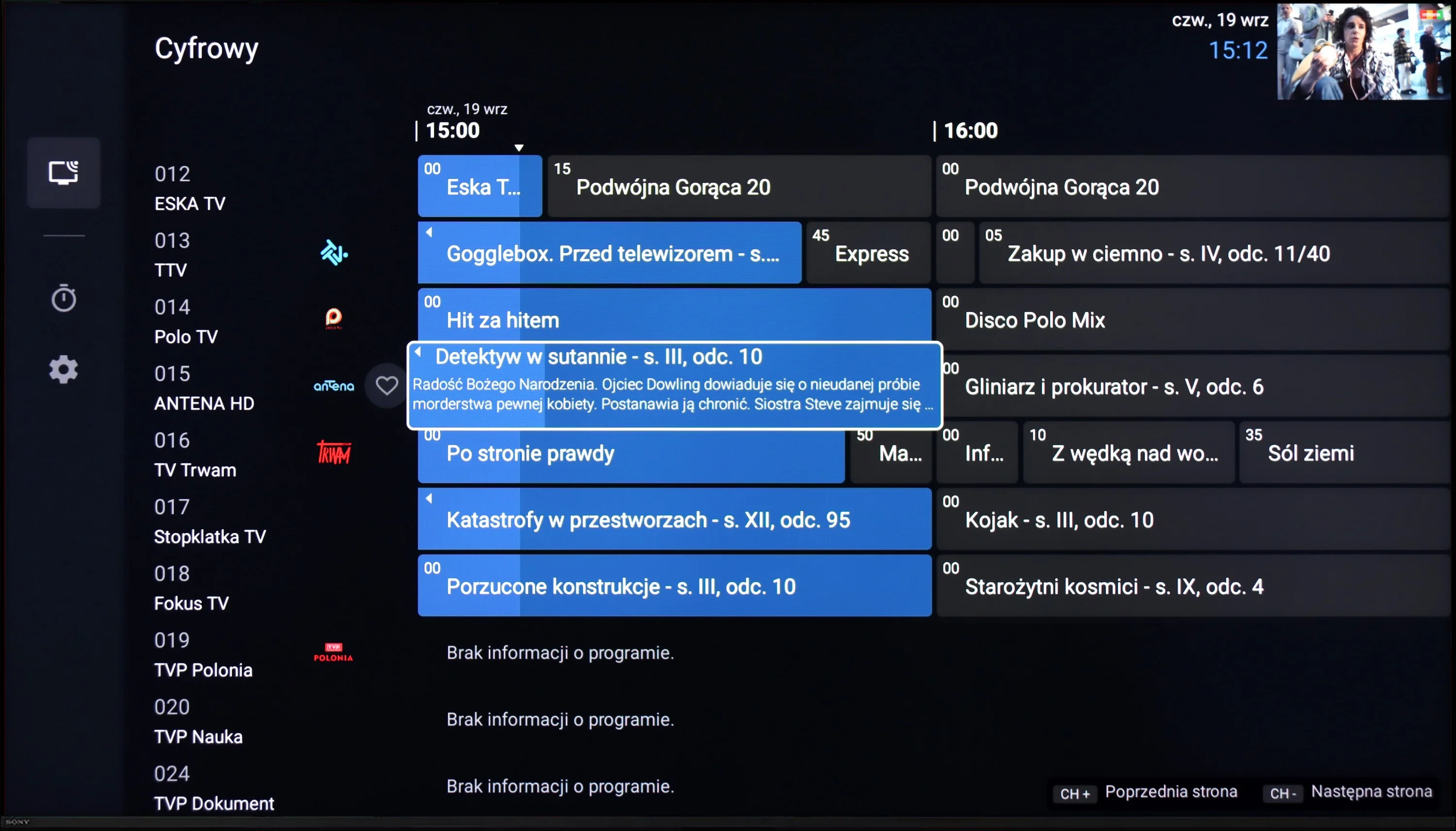
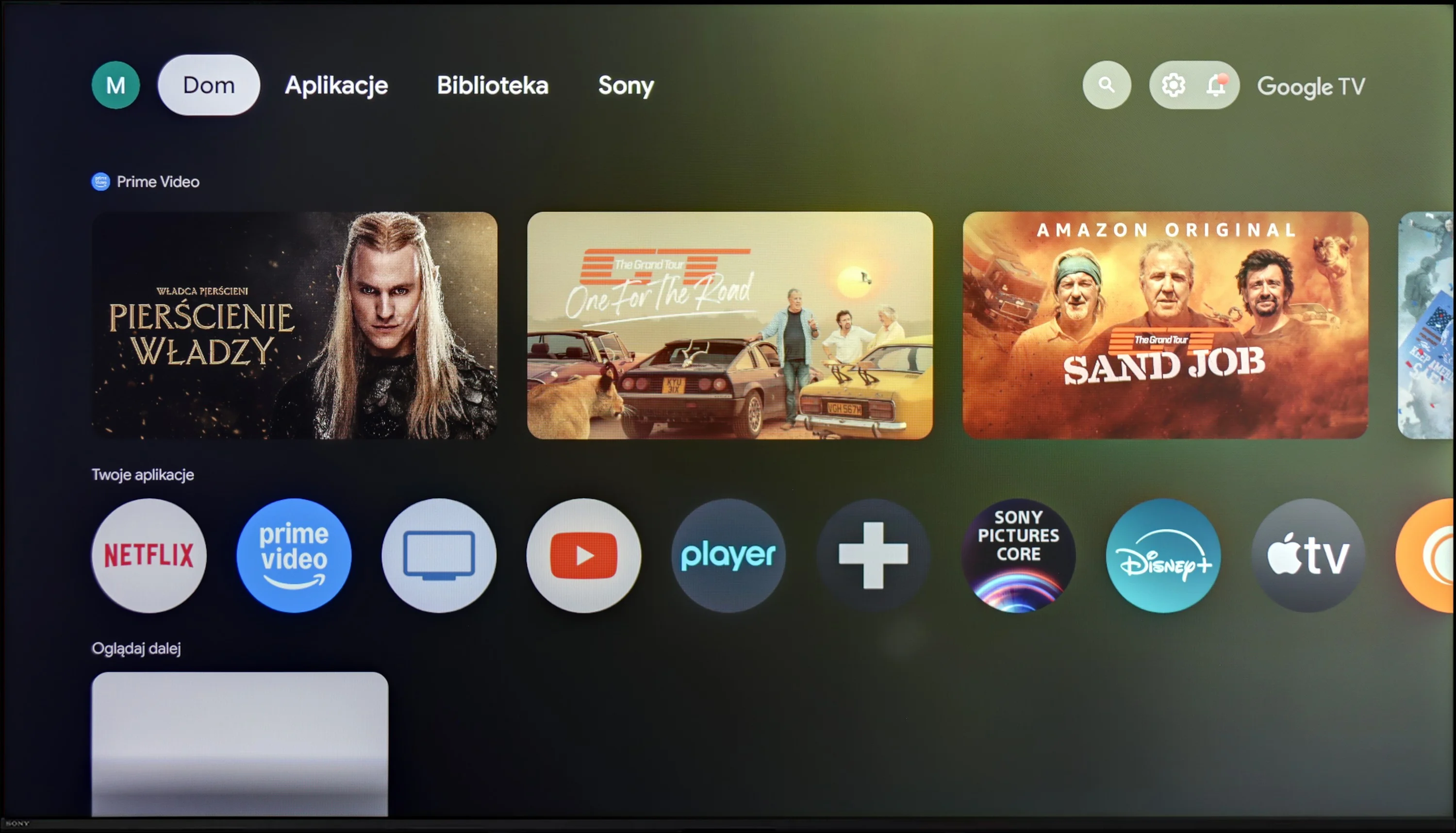
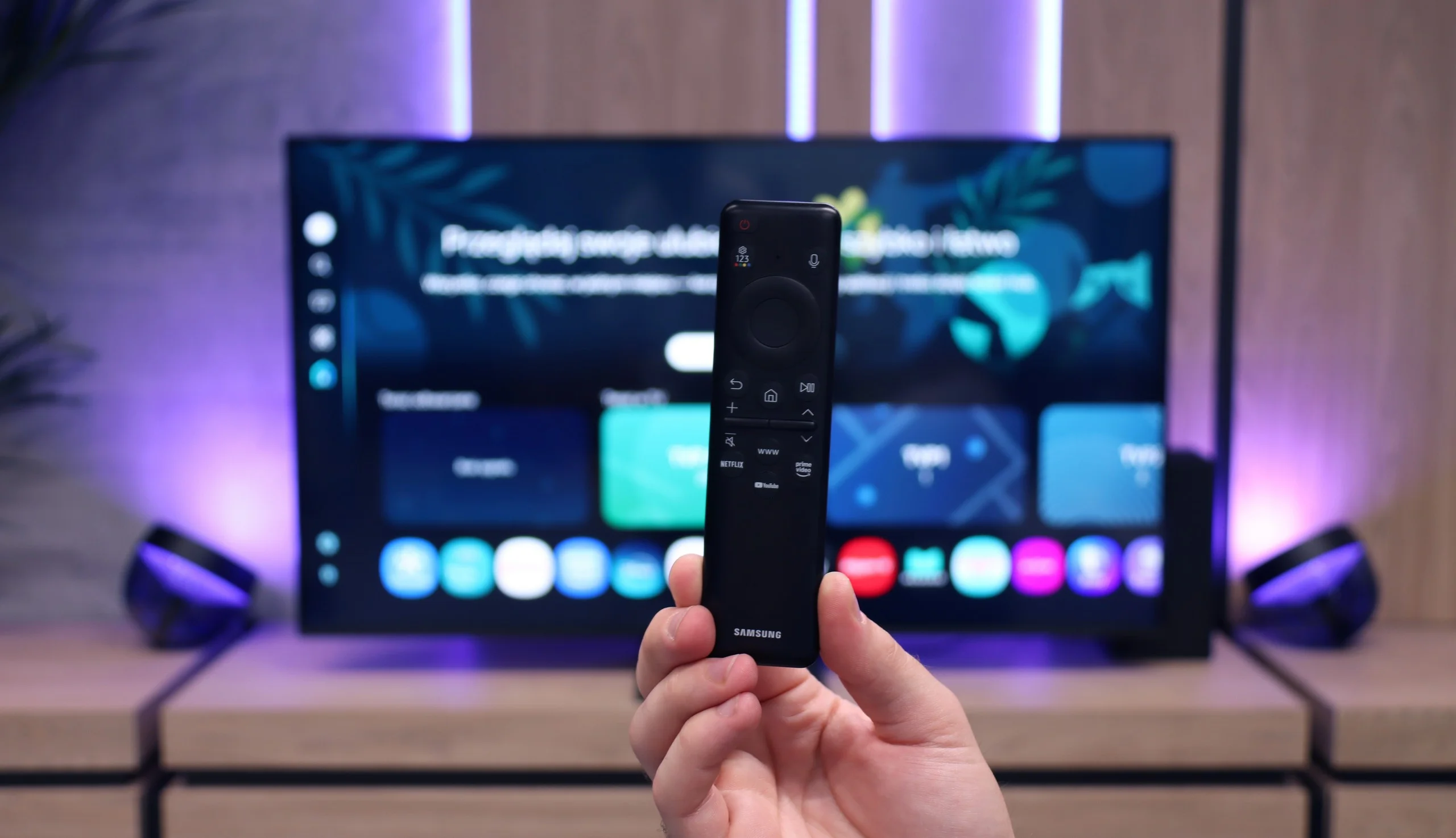
Sony Bravia 7 runs on the Google TV system, which offers an intuitive and fast interface, providing easy access to a plethora of applications. Google Assistant supports Polish language, making the use of the television even more convenient and personalised. The interface is clear, and access to features and applications is quick and seamless. It's worth mentioning the remote, which is rechargeable via USB-C port. Additionally, the remote is backlit, making it significantly easier to use at night.
Sony Bravia 7 offers a wide range of capabilities that will satisfy most users. The ability to record programs and easily connect devices via Bluetooth are major pluses. Unfortunately, it lacks the Picture-in-Picture (PiP) feature, which could be useful for watching two video sources simultaneously.
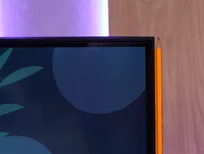
XR70 stands out with its practical and elegant design. The television is equipped with a 4-position stand, allowing it to be adapted to various spaces and settings – this is particularly useful when flexibility in interior arrangement is desired. Additionally, the slim aluminium frame gives the device a modern and stylish appearance. Although it is not as slim as some competing Korean models, it still looks very attractive and sturdy.
Television Features
QN70F does not forget about the classic features that still matter to many users. Onboard, we find, among other things, a picture-in-picture (PiP) mode, thanks to the presence of two tuners, teletext, and a "Sound Only" mode – perfect if we want to use the television like a radio. We can easily pair headphones or a soundbar via Bluetooth, and the remote – despite lacking a numeric keypad – works reliably, allowing control of other devices and additionally does not require us to aim at the screen. It should be noted, however, that like all new Samsung models – we will not find the USB recording feature here. This is a systemic limitation, to which the brand apparently consistently adheres.
Smart TV QN70F – Tizen
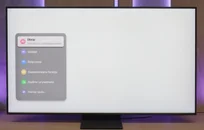
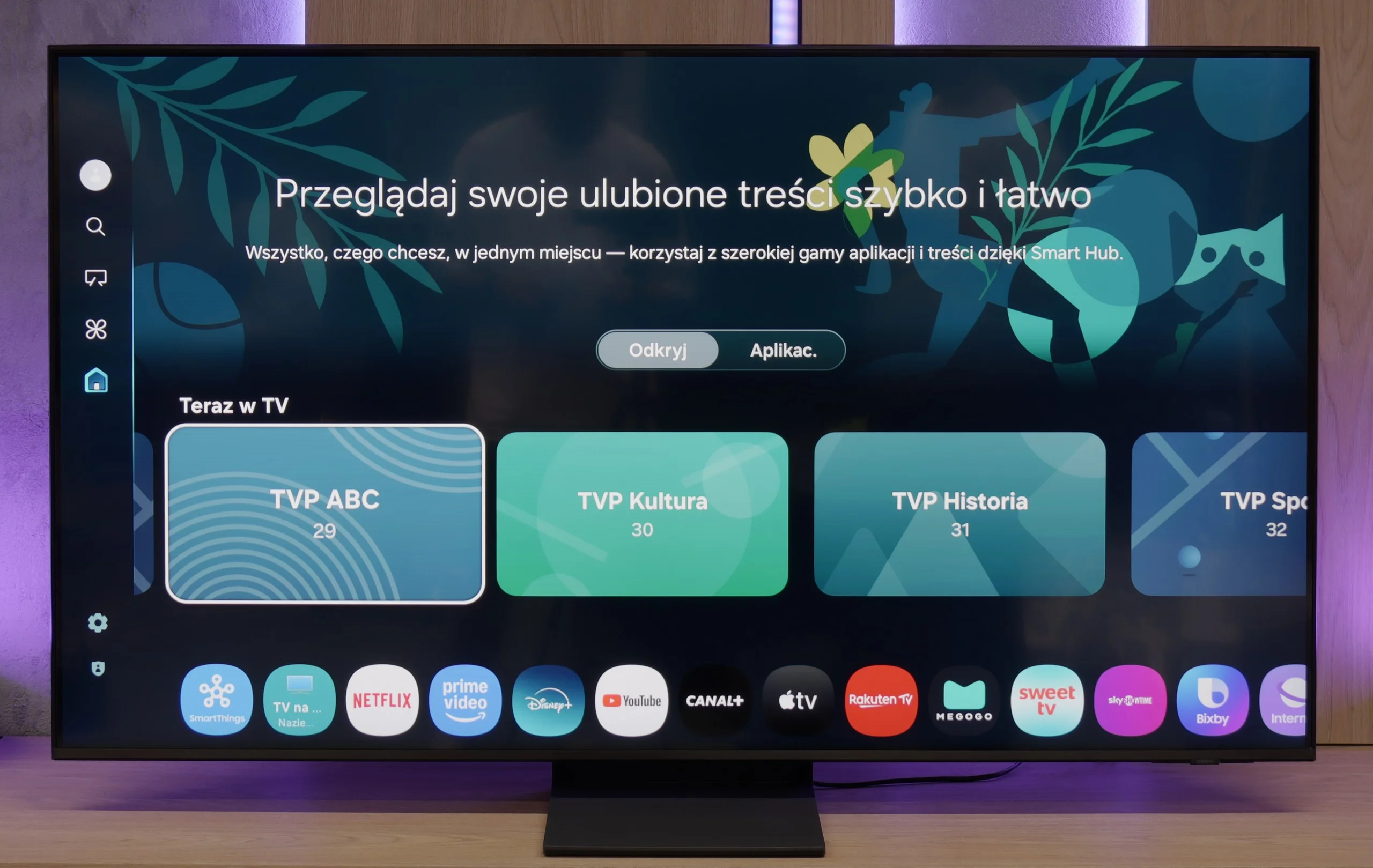
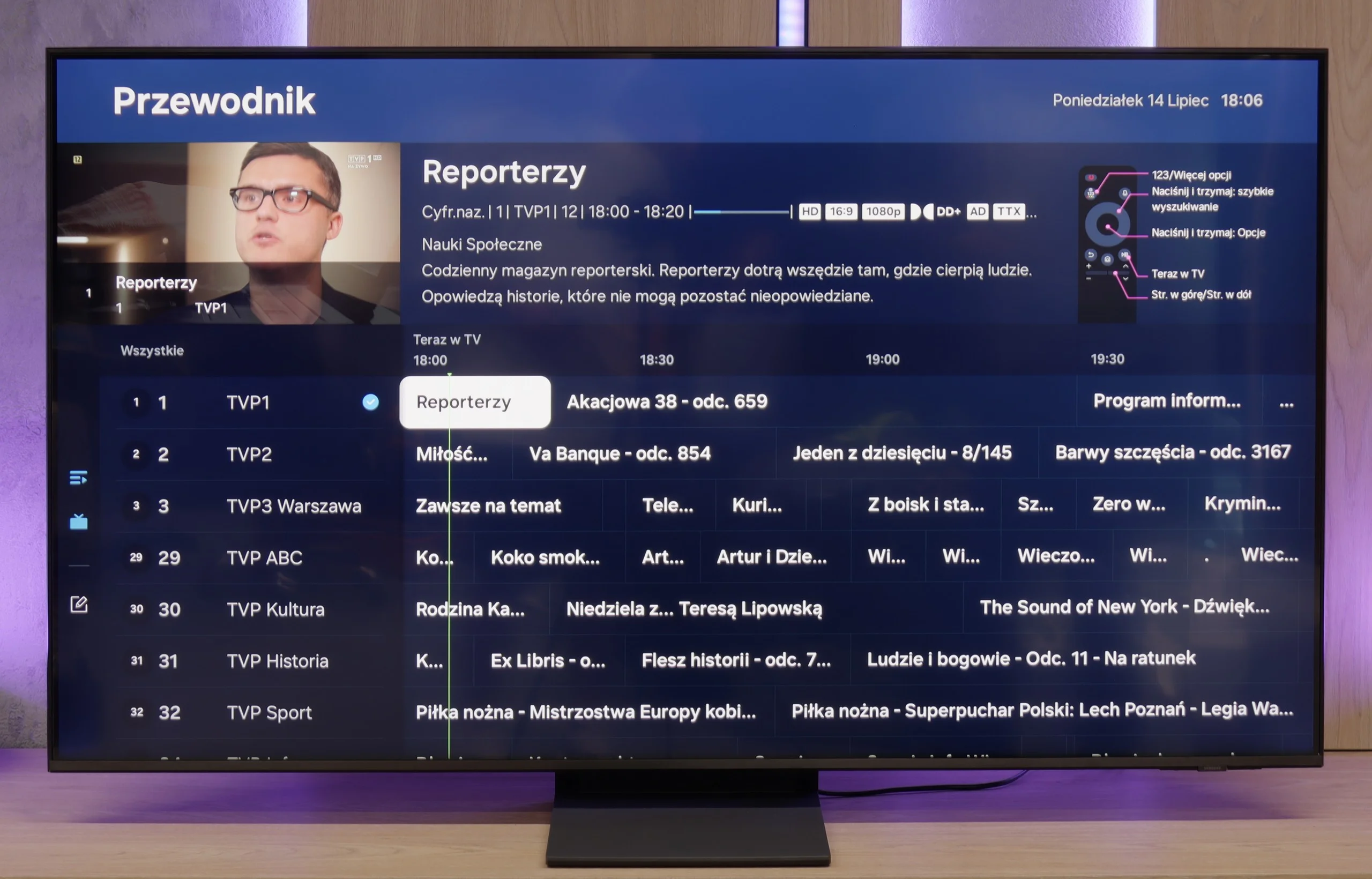
The Tizen system, developed by Samsung for years, is one of the most refined Smart TV interfaces. It is fast, clear, and feature-rich. The QN70F supports voice search (also in Polish), wireless image streaming from a phone (both via AirPlay and Miracast), as well as integration with watches and other devices in the Samsung ecosystem. All of this is tied together by the SmartThings app, which allows you to control devices, automate tasks, and connect devices in one network. (Not just Samsung brand). However, it is not perfect. Tizen is a closed system, so the choice of apps can be somewhat limited – especially compared to Google TV. All the major streaming services are available, but if you are using less popular services, it's worth checking in advance whether they are available in the Samsung store.
Apps
9.6/10
8.7/10






















Playing files from USB
8.6/10
9/10
Supported photo formats:
Maximum photo resolution:
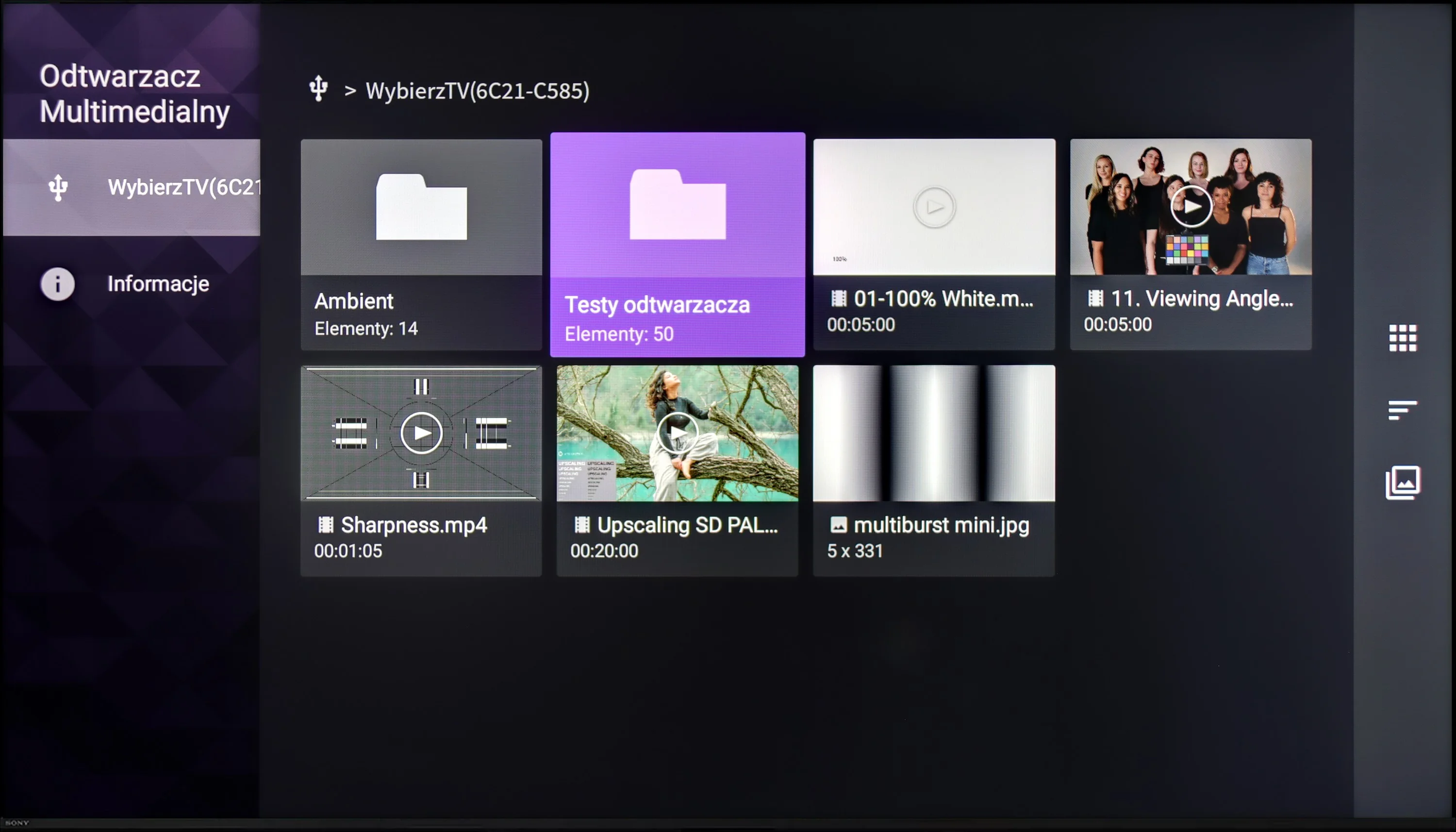
The built-in player handles most popular video and audio formats, allowing you to enjoy a wide range of content without any issues. Although there are minor shortcomings when displaying photos, thanks to the Google TV system, you can easily install other apps that effectively solve this problem and expand the multimedia capabilities of the television.
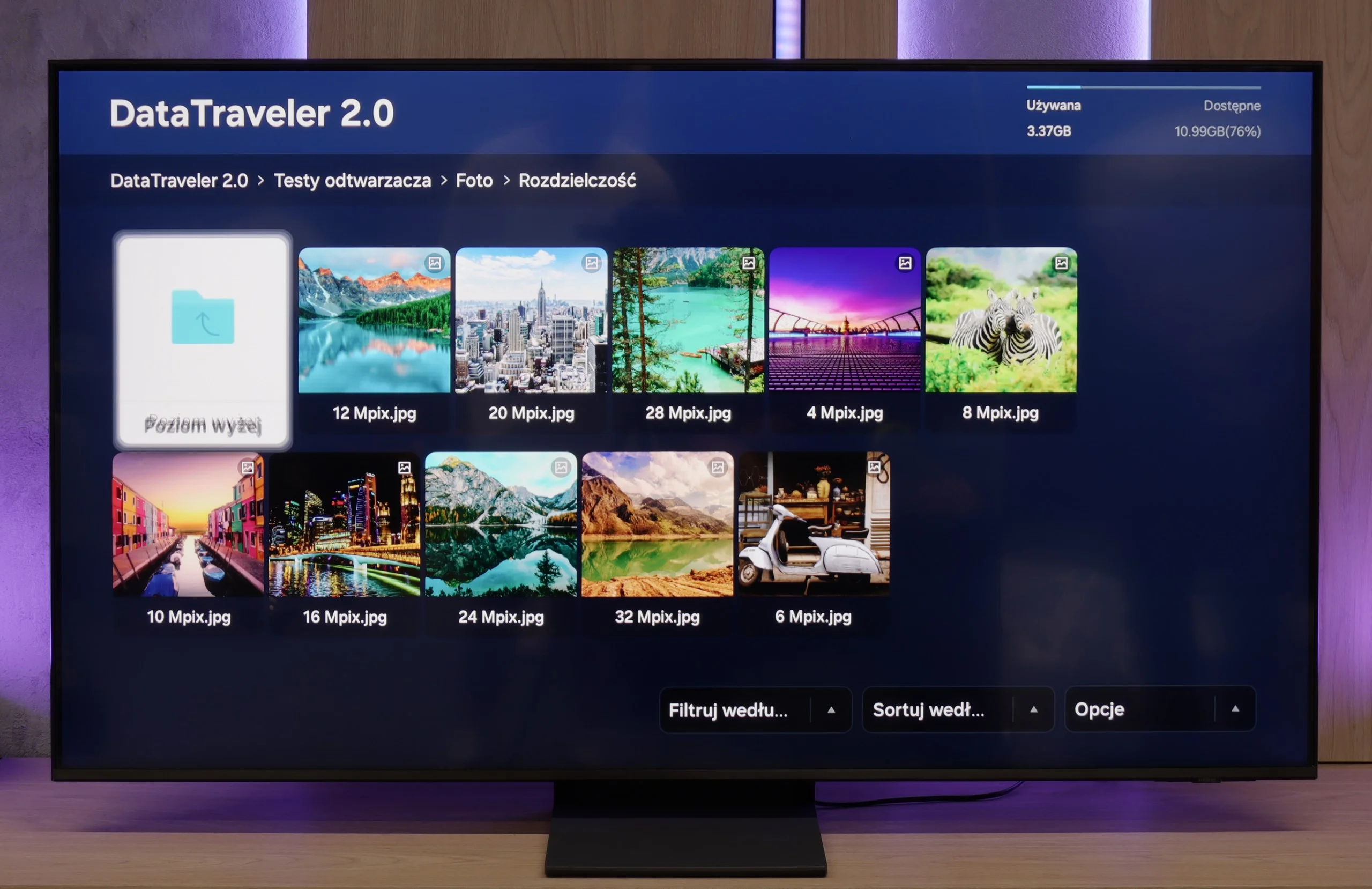
Samsung QN70F handles multimedia playback well – it easily runs photos, music, and videos in the most commonly used formats. During testing, it opened JPG files, MP4s, and TXT subtitles without any trouble, so for most people, this will simply be sufficient. However, there were a few files – despite having the correct extensions – that refused to play. It may be an issue with a particular version of the system, and the problem might disappear after future updates.
Sound
7.8/10
6.4/10
- Maximum volume85dB84dB
- Dolby Digital Plus 7.1
- Dolby True HD 7.1
- Dolby Atmos in Dolby Digital Plus (JOC)
- Dolby Atmos in Dolby True HD
- DTS:X in DTS-HD MA
- DTS-HD Master Audio
Although the Sony Bravia 7 TV is only equipped with a 2-channel speaker system (2.0), each channel has two speakers with a total power of 40 W. This results in really good quality sound, and the bass is noticeable, making watching movies and listening to music more enjoyable.
The Samsung QN70F is quite average in terms of sound, which shouldn't come as a surprise considering the exceptionally slim design of the television. The built-in speakers will adequately handle daily watching of news or simpler content, but it's hard to talk about any depth or spaciousness of sound here. It's simply a compromise that must be accepted when choosing an elegant and thin design over a bulkier casing with a better audio system.
Sound Quality Test
No sound test video
Acoustic Measurements
85dBC (Max)
75dBC
84dBC (Max)
75dBC
Reader comments
Comments are provided by the external service Disqus (Zeta Global). Once loaded, Disqus may set cookies and process data about your activity.
We will remember your choice on this device. Provider's privacy policy