Samsung The Frame 2025 (LS03F) vs Panasonic W92C (Google TV)

Direct comparison

The Frame / LS03FAU

Info

W92C / W94C

Info

Available screen sizes: 43”50”55”65”

Available screen sizes: 55”

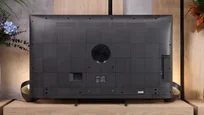
Review Samsung The Frame 2025 (LS03F) Main photo
Review Panasonic W92C (Google TV) Main photo

Panel type: LCD VA

Resolution: 3840x2160

System: Tizen

Model year: 2025

Panel type: LCD IPS

Resolution: 3840x2160

System: Google TV

Model year: 2026

Check how well they match your needs

Take the survey

Overall rating

7.0

7.1

  • Movies and series in UHD quality

    6.8

    6.5

  • Classic TV, YouTube

    6.5

    6.7

  • Sports broadcasts (TV and apps)

    6.4

    6.9

  • Gaming on console

    8.8

    7.8

  • TV as a computer monitor

    8.2

    9.0

  • Watching in bright light

    6.3

    6.8

  • Utility functions

    7.2

    6.6

  • Apps

    8.7

    9.6

  • Sound quality

    6.0

    6.7

Advantages

  • Matte panel effectively reduces reflections

  • Screen customisation option with interchangeable frames + art mode

  • Free add-ons including wall mount + OneConnect module

  • High native contrast

  • Good brightness

  • High refresh rate - 120/144Hz

  • Plenty of features for gamers - VRR, ALLM, Gamebar, proprietary motion smoother functioning in games

  • Matte screen effectively reduces reflections

  • Fast Google TV system with plenty of apps and features

  • Natural colours after calibration

  • Supports Dolby Vision and HDR10+

  • Good viewing angles

  • Very smooth tonal transitions

  • Effective enhancement of lower-quality content

  • Good choice for gamers: 144 Hz and low input lag, 3x HDMI 2.1 48 Gbps

  • Very good text readability from a computer

Disadvantages

  • No DTS support – requires additional hardware for some films on Bluray discs

  • Paid image mode

  • Imprecise local dimming (limited number of zones)

  • Poor out-of-the-box colour accuracy

  • Software bugs

  • Motion handling issues: motion blur and lack of advanced motion interpolation controls

  • Mediocre sound despite the subwoofer

Our verdict

Samsung The Frame 2025 is a TV like no other – and even though competition has emerged, it still does it best. The matte display, flush with the wall, and a single thin cable thanks to the One Connect module make the device resemble a painting more than any other screen. The Art Store app still offers the best art scans on the market (even if they are subscription-based), and with interchangeable frames, we can match the TV to the interior almost like furniture. As for the picture itself, because after all, we are talking about an ordinary TV, there are no significant changes, but also no disappointments compared to last year's LS03D model. The Frame still offers high native contrast and solid brightness at 600 nits, which combined with the matte coating provides very comfortable use during the day. The colours aren't as vibrant as those on glossy screens, but against competitive matte designs – they perform the best. A new feature is the 144 Hz refresh rate, although in practice, it will mainly benefit PC gamers. And indeed – in terms of features for gamers, The Frame has almost everything: low input lag, variable refresh rate (VRR) support, automatic game mode (ALLM), Game Bar, and a one-of-a-kind motion smoother designed for games. Unfortunately, not everything is as perfect as it might seem. Why? Well, because the HGiG mode, which suddenly disappeared from the latest version of the Tizen system, is missing. And Samsung really should respond here, as it is a key element for many gamers when choosing a screen. And we fully understand that. Even though LS03F The Frame 2025 doesn't bring major revolutions, it remains a unique TV that, besides its appearance, offers a quite solid picture and expanded gaming features. It's just a pity that year after year we also get new compromises.

[UPDATE] We have updated our tests of Samsung TVs from the 2025 model year due to the release of software version 1131, which restored the crucial HGiG feature for gamers.

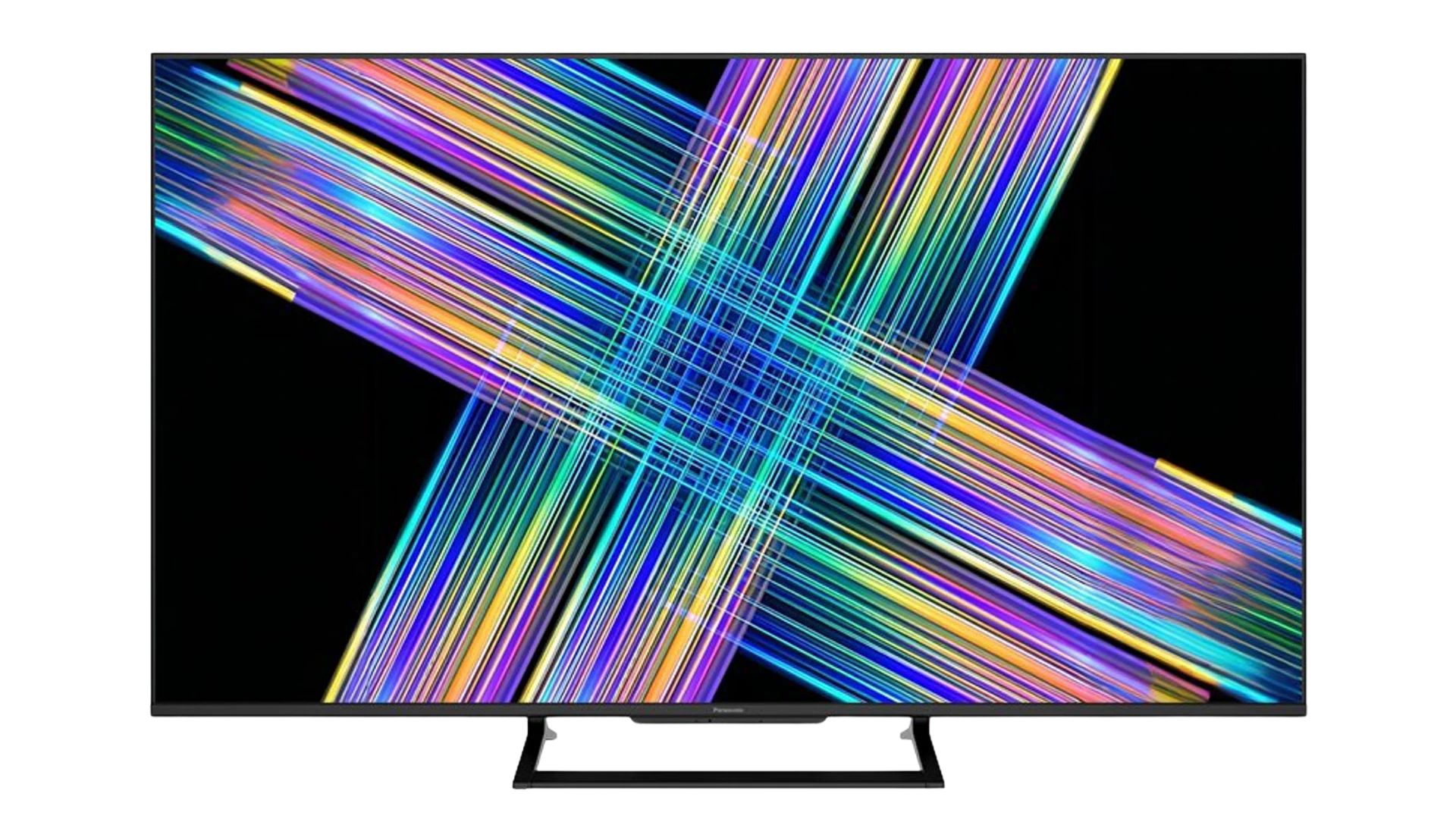
The W92C is the first Panasonic developed in collaboration with Skyworth that we've tested. And it's roughly the change we expected: a bit less of the old Panasonic, but also a few new things that work in its favour. Most welcome is the switch to Google TV. The system runs fast, gives access to the apps you need, and in daily use convinces us more than the previous Fire TV. Paired with a matte screen that handles reflections well, this makes for a comfortable living-room TV where you don't always feel like drawing the curtains before watching.

The longer we used the W92C, the more we appreciated its versatility. It can improve poorer source material quite effectively, and after calibration the picture gains a naturalness that, unfortunately, it lacks on the factory settings, as was the case with older Panasonic models. It also works well for consoles and PCs. It responds quickly to input and the high refresh rate delivers pleasant smooth motion. So the Panasonic makes sense in a home where one screen is used for TV, movies, gaming, and sometimes even... working with text. 🙂

The limitations become more apparent during evening viewing. Black can look good, but a more demanding scene will cause halos around bright objects and the bars above and below the picture to glow. A small number of local dimming zones makes it hard to maintain deep blacks and bright details at the same time. Dolby Vision helps get more out of this screen, but it doesn't remove those limitations. The factory picture tuning is also disappointing, and the automatic brightness shifts we encountered during the review further spoil the user experience. This is where the refinement we expected from the "Panasonic" name is most lacking.

So ultimately the attractiveness of the W92C will come down to price. It's a basic Mini LED and should be priced similarly to competing models with simple local dimming. At that level it would be a sensible proposition, especially for people moving up from a regular LCD. They'll get better blacks, a handy system and a versatile screen that works for both TV and gaming. However, if you have to pay a clear premium for the Panasonic badge, it will be hard to justify. The W92C has enough strengths to hold its own as an inexpensive, versatile TV, but too few advantages to sell itself on the brand alone.

TV appearance

HDMI inputs
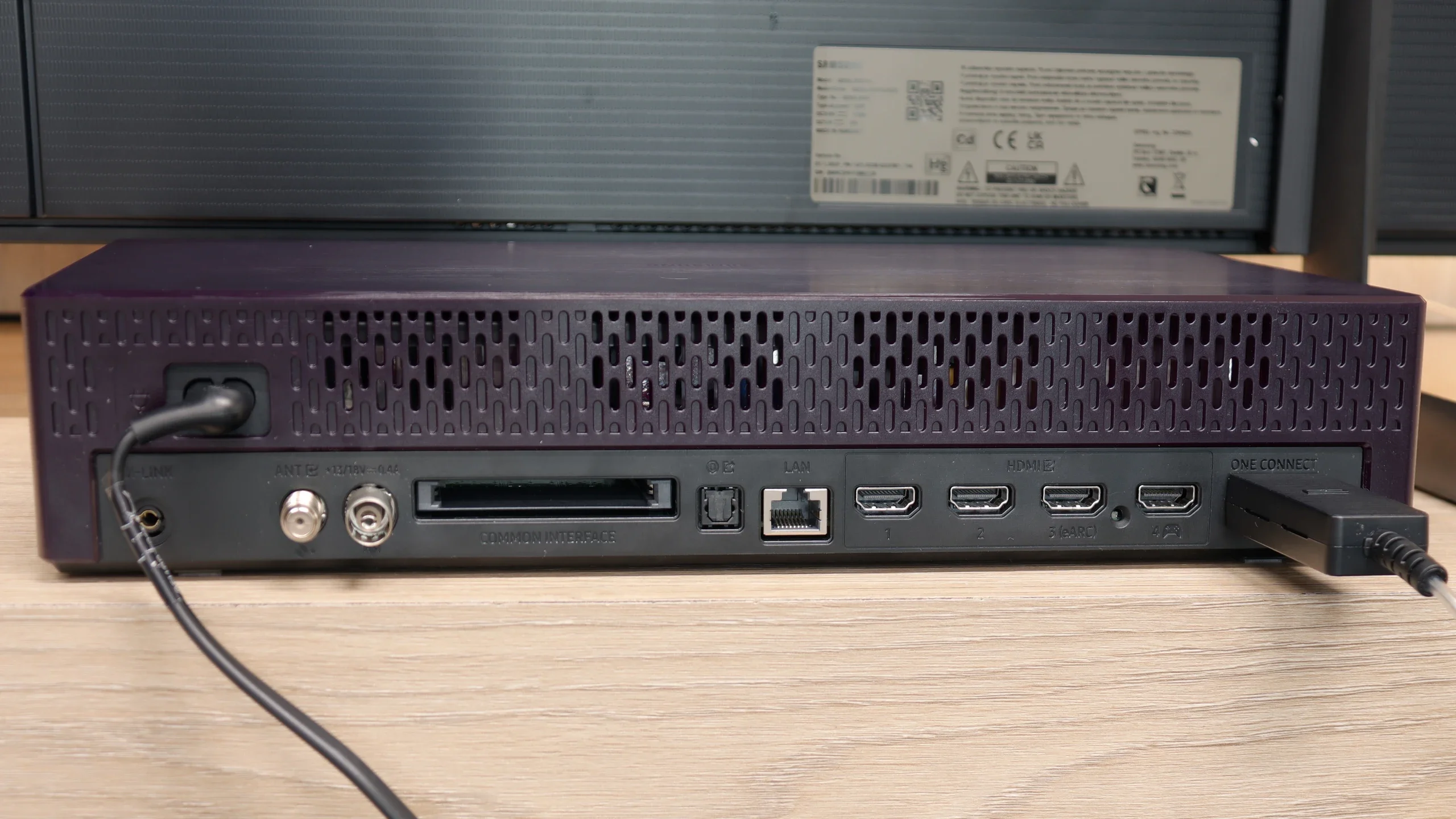
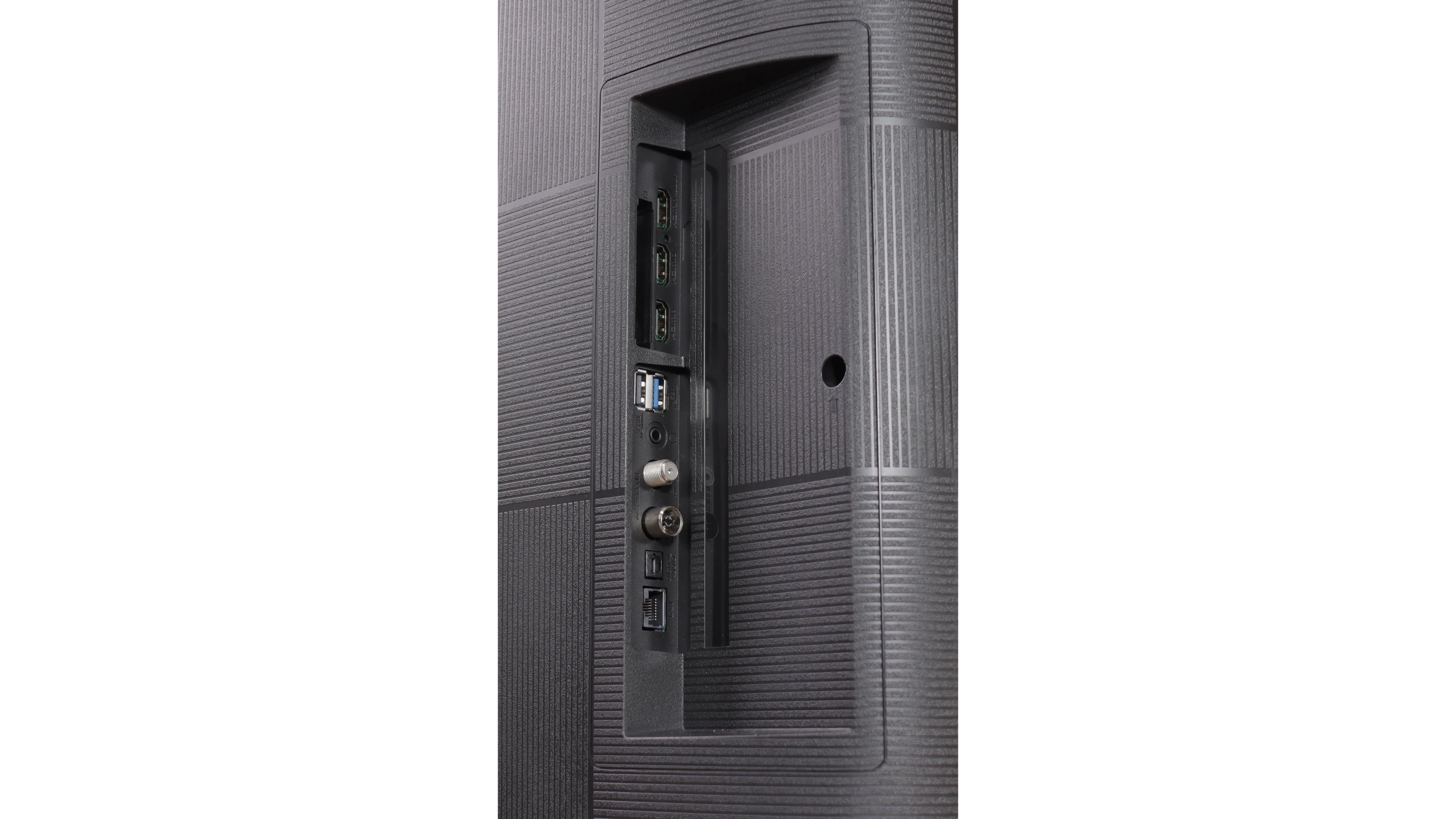
3 x HDMI 2.0, 1 x HDMI 2.1 (40Gbps)
0 x HDMI 2.0, 3 x HDMI 2.1 (48Gbps)
Other inputs
Outputs
Toslink (Optical audio), eARC (HDMI), ARC (HDMI)
Toslink (Optical audio), eARC (HDMI), ARC (HDMI), Mini-Jack (Headphones)
Network Interfaces
Wi-Fi 2.4GHz, Wi-Fi 5GHz
Wi-Fi 2.4GHz, Wi-Fi 5GHz, Ethernet (LAN) 100Mbps
Build quality
Premium
Good
Stand type
Legs
Central
Bezel color
Changeable Frame
Graphite
Stand
Height adjustment
Fixed
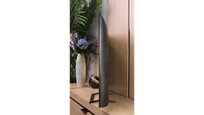
Flat design
Yes
No
Accessories
Stand, Wall bracket, One Connect Box
Stand

Contrast and black detail

6/10

5.2/10

Local dimming function: No

Local dimming function: Yes, number of zones: 91 (7 x 13)

Contrast:

Review Samsung The Frame 2025 (LS03F) Contrast and black detail

Result

4,800:1

Review Samsung The Frame 2025 (LS03F) Contrast and black detail

Result

4,750:1

Review Samsung The Frame 2025 (LS03F) Contrast and black detail

Result

14,900:1

Review Samsung The Frame 2025 (LS03F) Contrast and black detail

Result

4,500:1

Review Samsung The Frame 2025 (LS03F) Contrast and black detail

Result

4,300:1

Review Panasonic W92C (Google TV) Contrast and black detail

Result

24,900:1

Review Panasonic W92C (Google TV) Contrast and black detail

Result

5,050:1

Review Panasonic W92C (Google TV) Contrast and black detail

Result

9,150:1

Review Panasonic W92C (Google TV) Contrast and black detail

Result

2,000:1

Review Panasonic W92C (Google TV) Contrast and black detail

Result

900:1

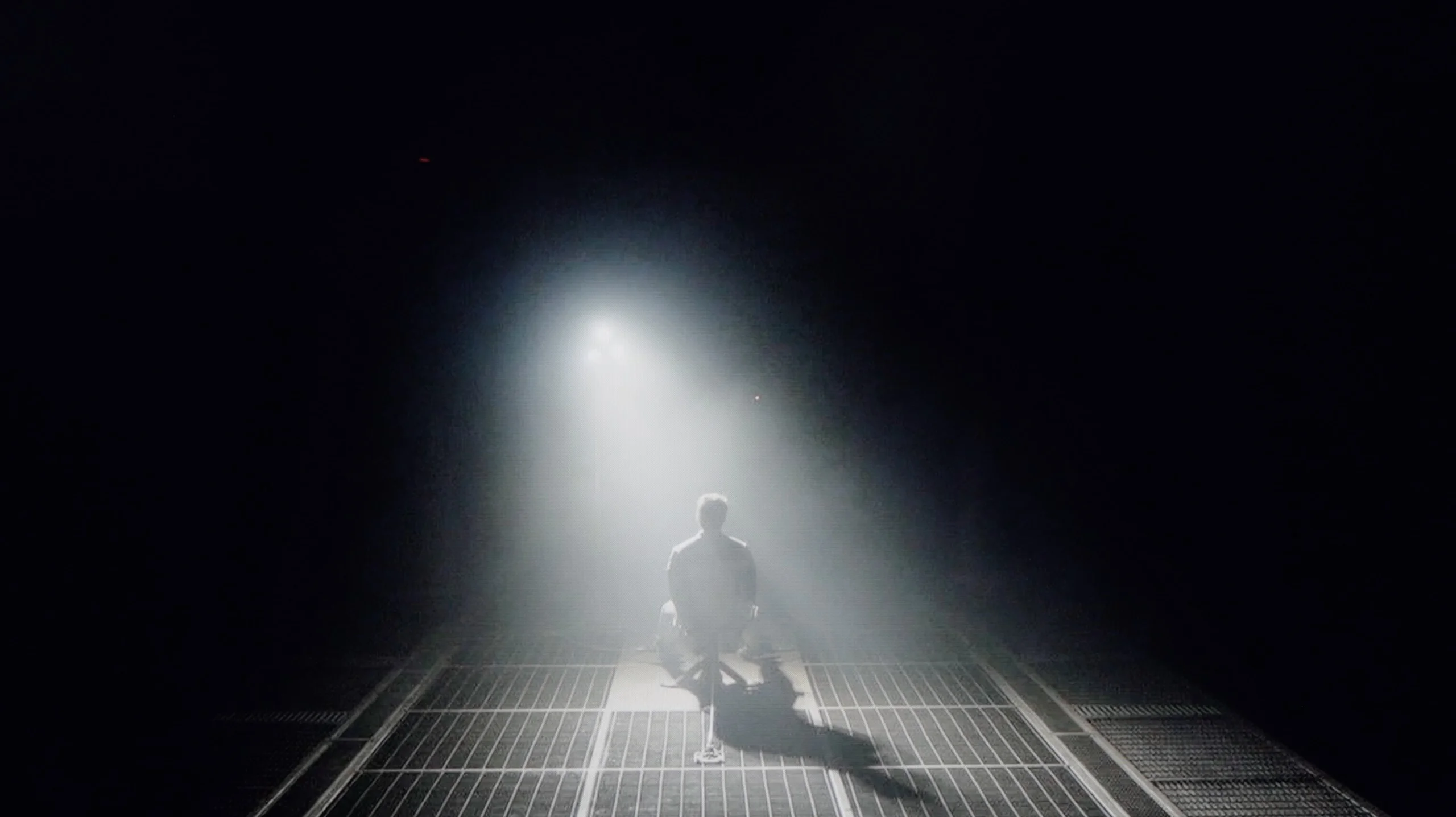
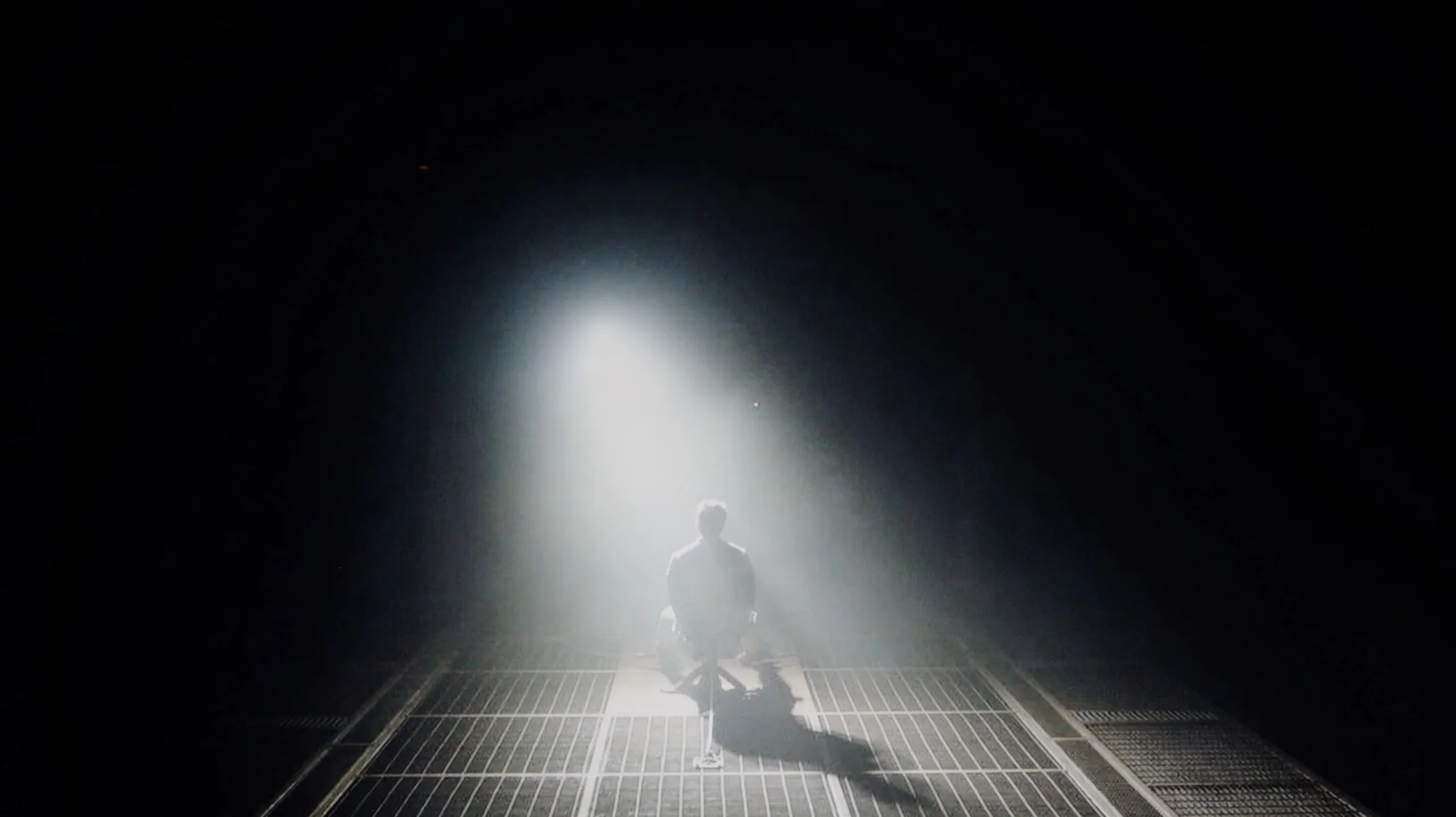
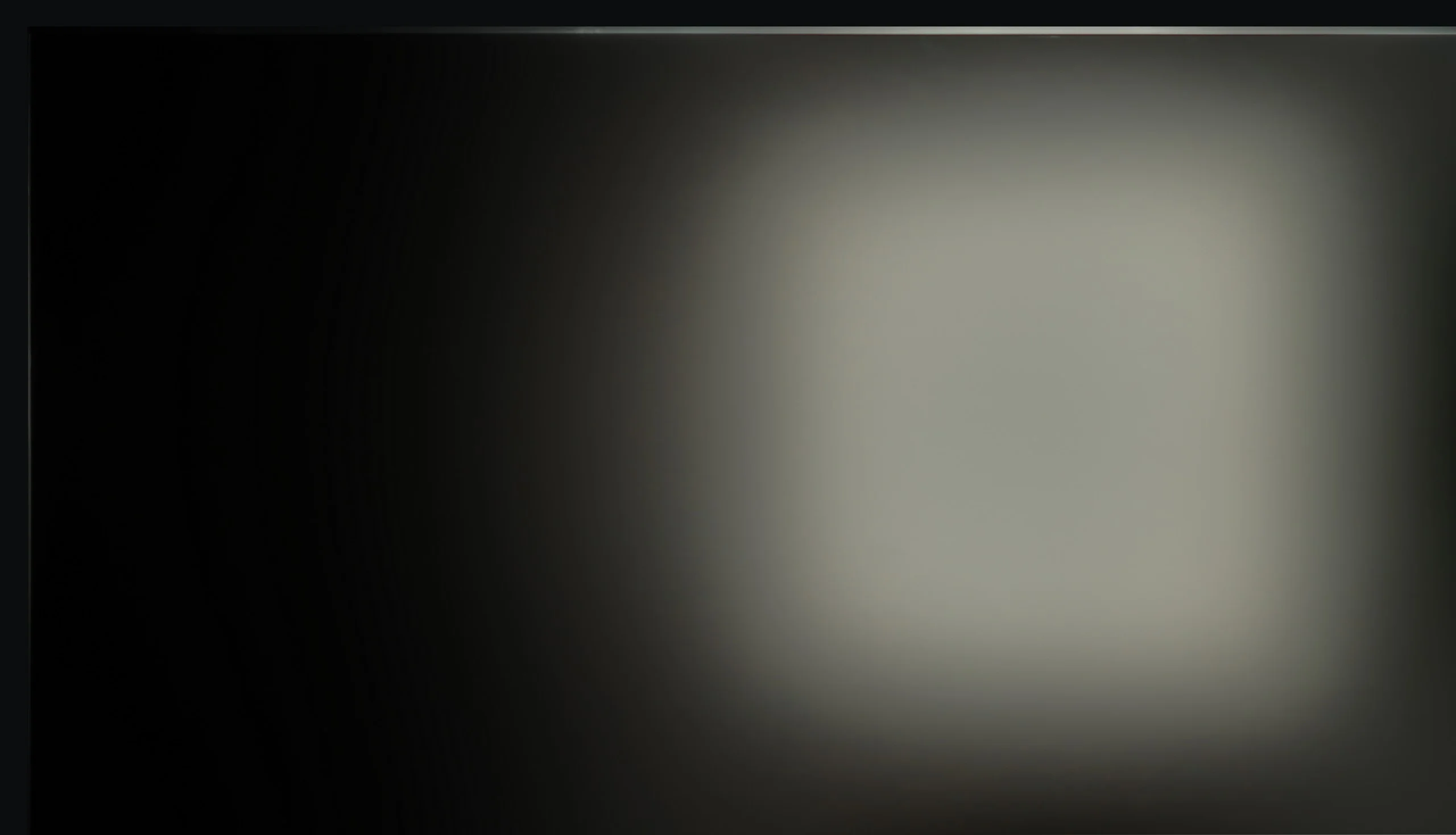
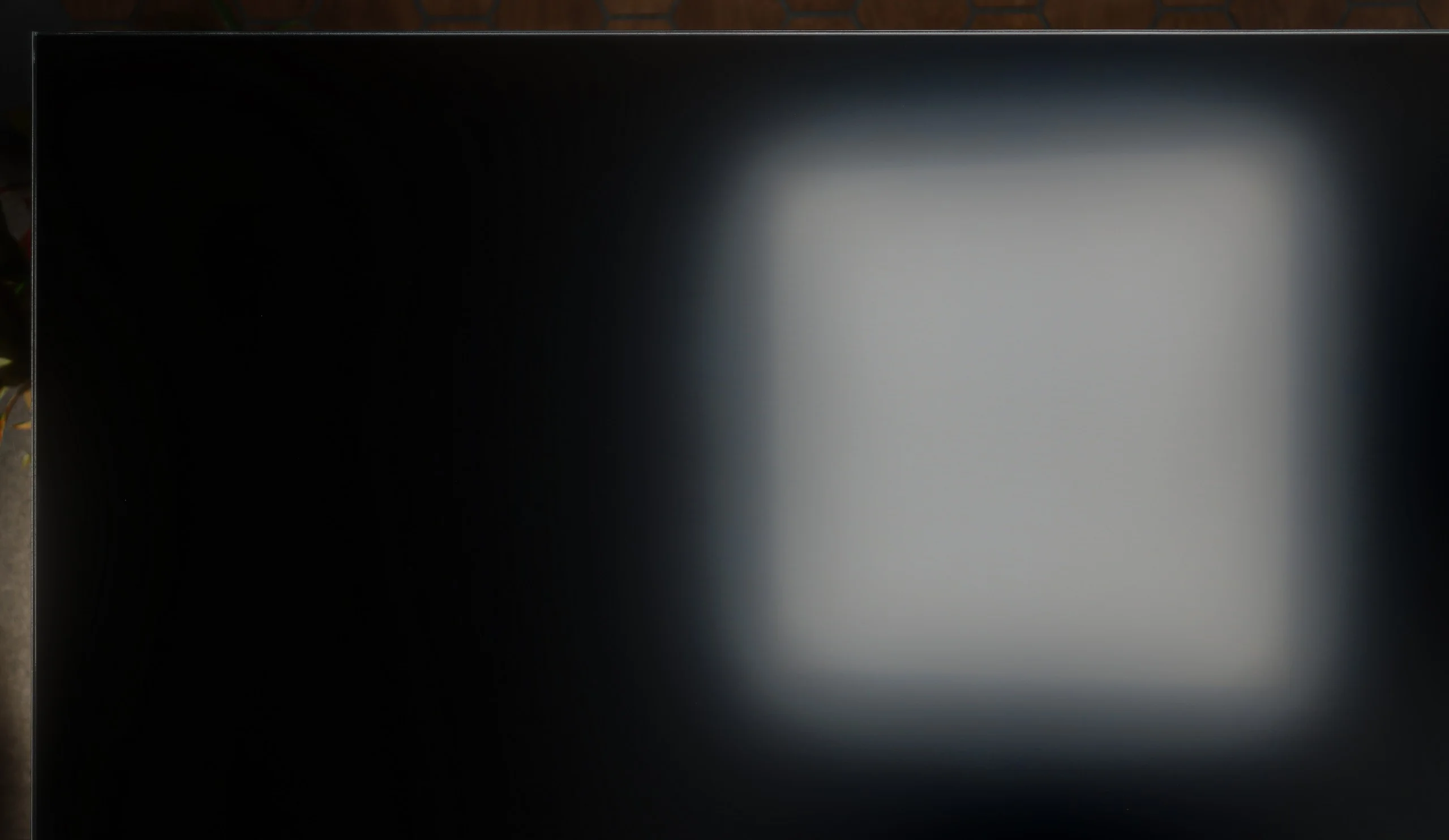
Halo effect and black detail visibility:

Check the visibility of bright lights on a dark background. Mini-LEDs often struggle with this. The photo does not compare black levels – that’s what the video below is for.

The video accurately shows differences in contrast and black levels between TVs, as well as potential issues: halo around bright objects or Mini-LED zone operation visible as brightness jumps.
The year 2025 is shaping up to be quite interesting when it comes to lifestyle televisions. Why? Because Samsung has prepared two versions of the iconic model The Frame – one standard and the other with the addition of "Pro". In this review, we take a look at the version without "Pro", which – as we will soon see – makes a significant difference. The standard model LS03F lacks any local dimming technology, unlike its more expensive sibling. This is important as it affects not only the overall picture quality but primarily how this television handles black levels.
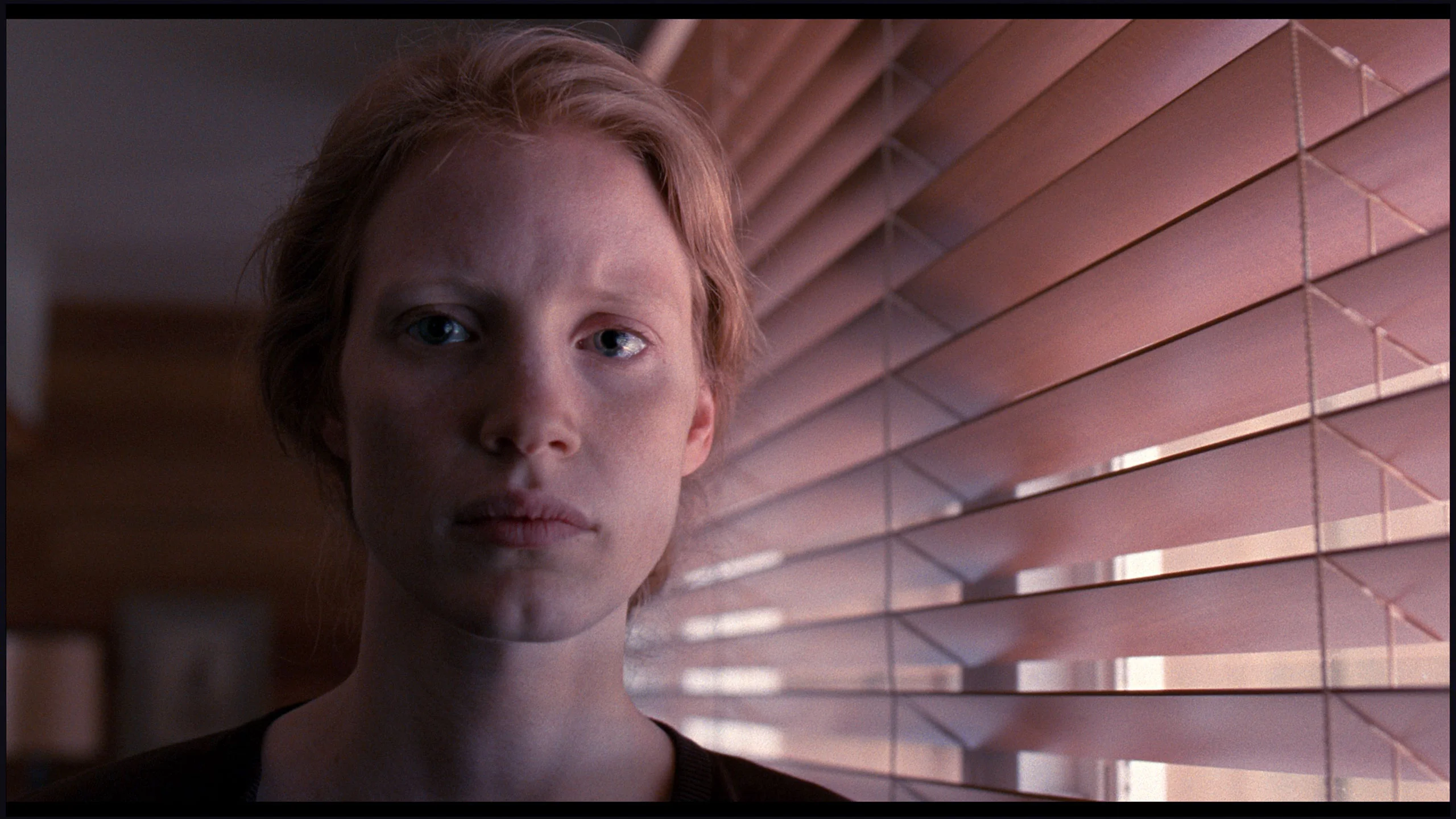
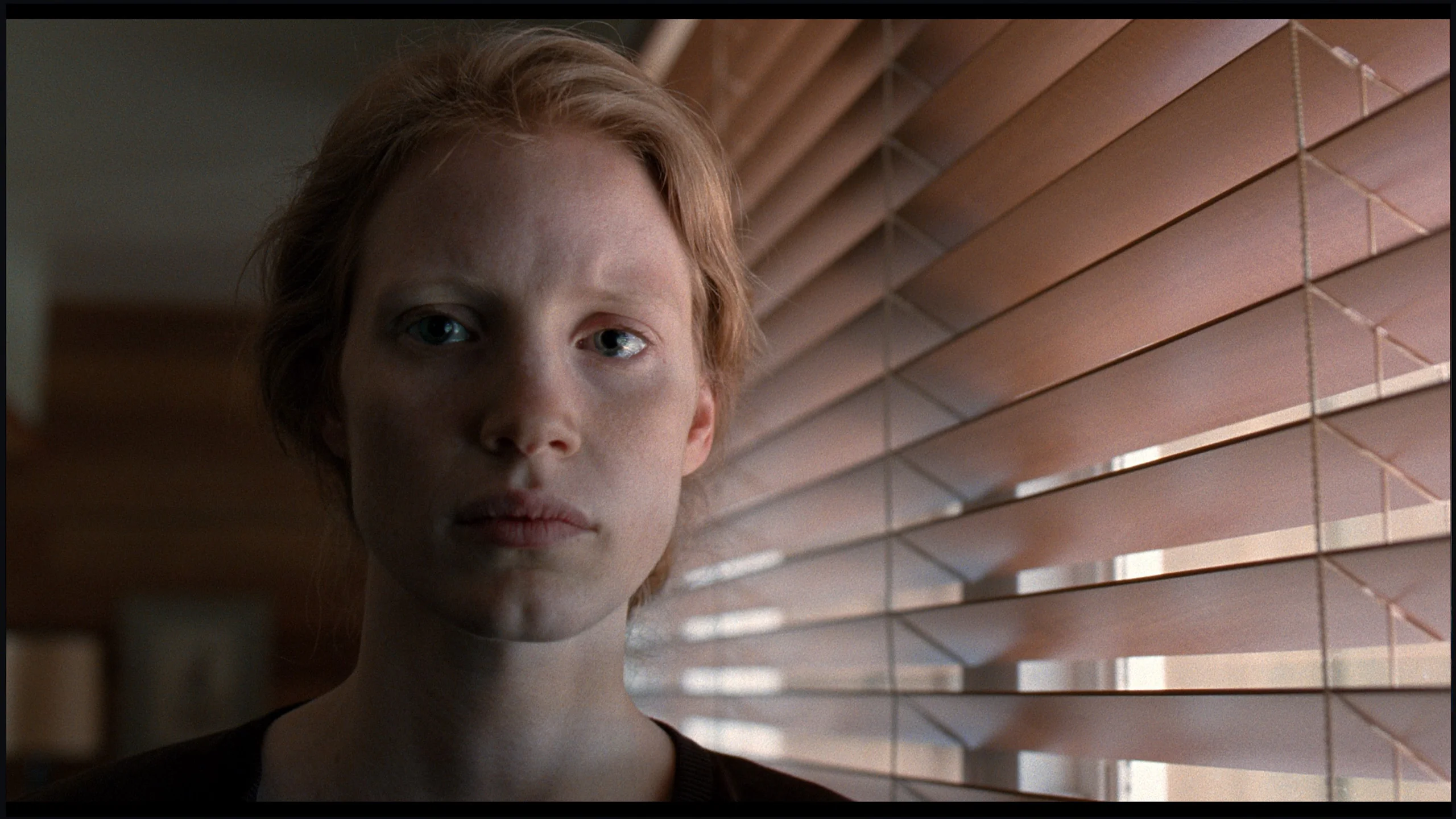
The VA panel used in The Frame 2025 has a high native contrast – and this obviously works in its favour. In the tested movie scenes, details in the dark areas of the image were well visible, nothing blended together, and there was no uniform black/light blob. For the average viewer, this will be perfectly sufficient. But of course, not everything is ideal. The lack of local dimming means that the black levels on this television are not perfectly deep – they resemble a dark navy blue rather than pitch black. Additionally, in our tested unit, we noticed slight blooming on the right side of the screen, but this may simply be the "character" of the unit rather than a rule. Theoretically, one could try to improve the perception of black by backlighting the screen – for example, with an LED strip – but in the case of The Frame, that’s rather impossible, as this television is meant to sit flush against the wall like a piece of art. So to achieve better blacks visible to our eyes, we are forced to watch LS03F with the lights on. Such is the charm of this technology.

Black levels on the Panasonic W92C generally look quite good. That's mainly down to local dimming, and the 55-inch sample we tested uses 91 zones. In simpler scenes the TV can effectively darken the background, and in our easiest test it reached almost 25,000:1 contrast. However, to achieve that level of black you need to set dimming to High. Lower settings leave the backlight too bright.

That comes at a cost in bright parts of the picture. The separation of individual lights remains visible, though you have to look closely to notice it. A lower dimming setting lets those details appear more clearly, but the degradation of blacks is too great to call it a better compromise.

Even on the High setting you can see the limits of the small number of zones. What bothered us most were the bright bands above and below the picture, which in HDR material at times took on a nearly navy tint. Small bright objects also show bright outlines, the so‑called halo effect. On the plus side the backlight is stable: in the helicopter scene we didn't notice any erratic brightening and dimming of successive zones. More zones would help, and the control needs refinement. Moving up from a basic LCD without local dimming can still bring a clear improvement, but for a Mini LED the result leaves a fair amount to be desired.

HDR effect quality

6/10

4.8/10

Supported formats
HDR10, HDR10+, HLG
HDR10, HDR10+, Dolby Vision, HLG
Color gamut coverage
DCI P3: 91.5%, BT.2020: 72.2%
DCI P3: 94.3%, BT.2020: 73.5%

Luminance measurements in HDR:

Review Samsung The Frame 2025 (LS03F) Brightness measurement

Result

642 nit

Review Samsung The Frame 2025 (LS03F) Brightness measurement

Result

589 nit

Review Samsung The Frame 2025 (LS03F) Brightness measurement

Result

574 nit

Review Samsung The Frame 2025 (LS03F) Brightness measurement

Result

584 nit

Review Samsung The Frame 2025 (LS03F) Brightness measurement

Result

631 nit

Review Panasonic W92C (Google TV) Brightness measurement

Result

508 nit

Review Panasonic W92C (Google TV) Brightness measurement

Result

175 nit

Review Panasonic W92C (Google TV) Brightness measurement

Result

348 nit

Review Panasonic W92C (Google TV) Brightness measurement

Result

169 nit

Review Panasonic W92C (Google TV) Brightness measurement

Result

428 nit

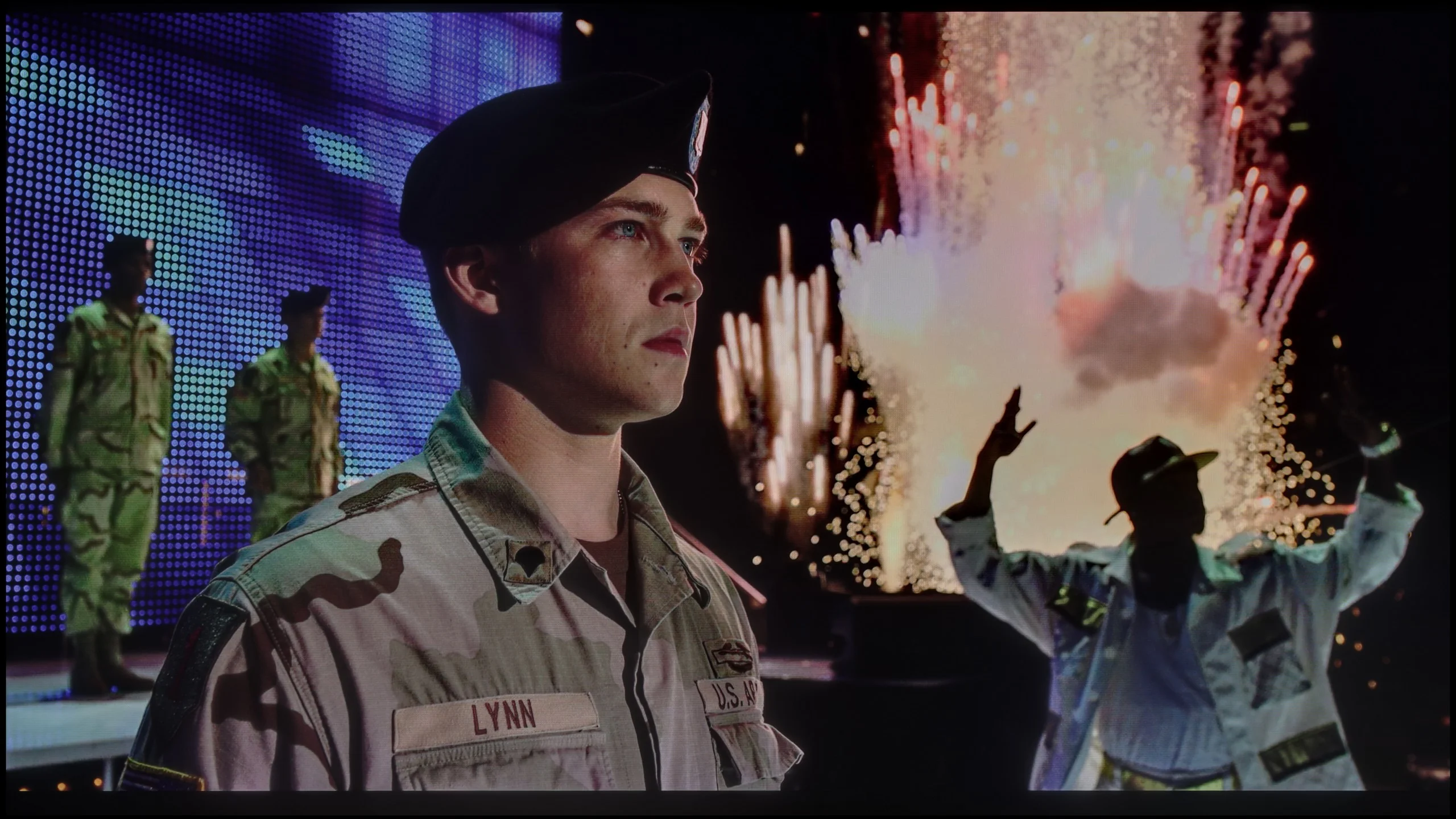
Scene from the movie “Pan” (about 2800 nits)

Scene from the movie “Billy Lynn” (about 1100 nits)

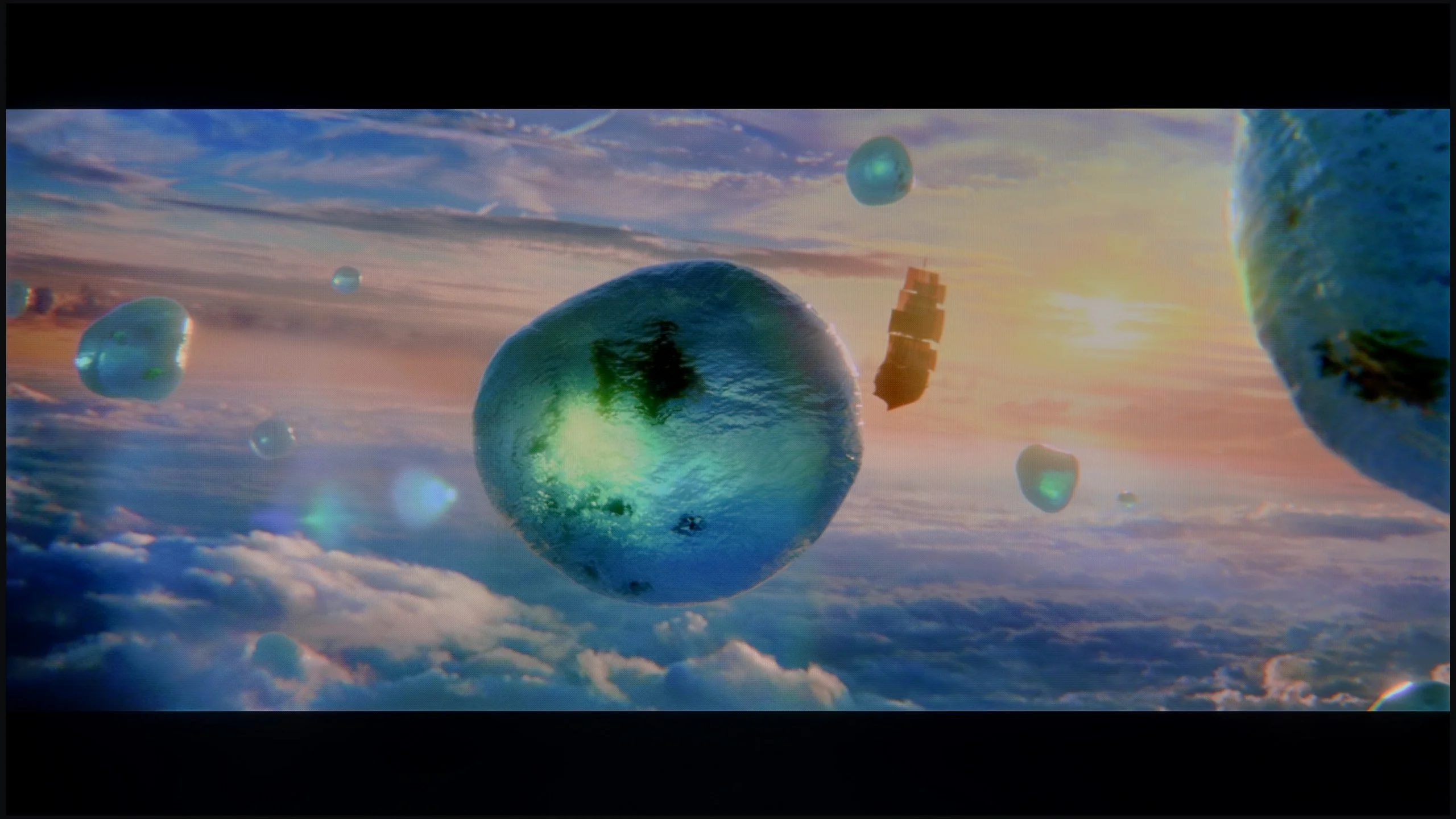
The photos show two HDR10 movies. 'Pan' is one of the brightest productions ever made, while 'Billy Lynn' (soldier) has brightness typical of streaming (Netflix, Prime, HBO MAX). Notice the intensity of effects and detail in whites.

Static HDR10

The photos present the visibility of white details in various HDR formats. They do not show brightness differences between TVs (these can be compared in the previous gallery).

Dynamic: HDR10+

Dynamic: Dolby Vision

The photos present the visibility of white details in various HDR formats. They do not show brightness differences between TVs (these can be compared in the previous gallery).

HDR luminance chart:

Panasonic W92C (Google TV)

Samsung The Frame 2025 (LS03F)

The Frame LS03F is a television that can surprise with its brightness. The maximum luminance reaches around 650 nits, which already looks solid on paper. But as we know – lab tests are one thing, and real film scenes are quite another story. When watching HDR materials in natural conditions, The Frame 2025 maintains very good results. In most film scenes, peak brightness stayed at around 550–650 nits. This is enough to feel the difference between standard picture and that in HDR quality – bright highlights, reflections on water, or moonlight look distinct and impressive.

It's also worth noting that the LS03F is a QLED television, which translates to solid colour saturation. The coverage of the DCI-P3 colour space reaches about 92%, allowing for vibrant, intense colours in HDR content. It's not at the level of top premium models, but for a lifestyle screen – the result truly deserves recognition.

Panasonic W92C osiąga szczytowo około 750 nitów przy wygaszaniu ustawionym na poziom wysoki. Taka jasność pozwala już pokazać wyraźny efekt HDR, jednak w filmach telewizor nie zawsze potrafi ją wykorzystać. W jaśniejszych scenach uzyskujemy około 500 nitów, natomiast niewielkie światła na ciemnym tle potrafią spaść do zaledwie 160–250 nitów. W praktyce oznacza to, że słońce w jasnym ujęciu wygląda dość przekonująco, ale latarka czy drobne rozbłyski w nocnej scenie tracą siłę. To kolejny koszt działania lokalnego wygaszania, które przy ograniczonej liczbie stref przyciemnia również jasne elementy, żeby utrzymać czerń wokół nich.

Podczas testów zauważyliśmy też dziwny błąd oprogramowania. Po przejściu do HDR telewizor samoczynnie zmieniał poziom podświetlenia, ustawiając go na przykład na 53 lub 81 zamiast wartości maksymalnej. Obraz był przez to ciemniejszy, niż pozwalają możliwości matrycy. Wszystkie prezentowane pomiary wykonaliśmy po ręcznym przywróceniu maksymalnego podświetlenia.

Kolory

Za szeroką paletę barw w Panasonicu W92C odpowiada luminofor PFS, który daje efekt podobny do kropek kwantowych stosowanych w ekranach QLED. Zmierzyliśmy pokrycie DCI-P3 na poziomie około 94% oraz 74% szerszej palety BT.2020. Co istotne, wyniki w materiałach filmowych były praktycznie identyczne jak na planszach testowych. To dobry rezultat, dzięki któremu filmy HDR mogą pokazać bogatsze, bardziej nasycone kolory niż na podstawowym ekranie LCD.

Nieco gorzej wypada jasność samych barw. W naszych pomiarach czerwień osiągała około 58% wartości docelowej, a zieleń i niebieski około 66–67%. Telewizor potrafi więc wyświetlić szeroki zakres kolorów, ale najjaśniejsze, intensywnie nasycone fragmenty obrazu nie mają takiej siły jak w ekranach RGB.

Factory color reproduction

7.1/10

4.1/10

This illustrative image shows how colors change after professional calibration. If you can see the difference, you can order it from SkalibrujTV – it's our own service.

Factory mode

After calibration

This illustrative image shows how colors change after professional calibration. If you can see the difference, you can order it from SkalibrujTV – it's our own service.

Factory mode

After calibration

When it comes to picture quality right out of the box, even in Filmmaker mode, which is supposed to be the closest to reference, there were some issues. In both HD and 4K HDR content, we noticed clear deviations in white balance. The picture was heavily skewed towards red and blue, giving the screen a distinctive pinkish hue. This effect was most noticeable in bright scenes – for example, in shots with a lot of white, where neutral light should naturally dominate. In such moments, the screen clearly took on pink tones, which is also evident in the attached comparative photo. As for brightness characteristics – it wasn't as bad as one might expect given such colour inaccuracies. Analysis of the gamma curve and EOTF showed a slight brightening of the image compared to the reference, but not enough to drastically spoil the viewing experience.

We measured the factory colours in Film mode. The W92C also has a "Filmmaker" mode, Filmmaker Mode, but it practically locked all picture settings, so for further testing and calibration we chose a Film mode similar to it. It's better than the other available presets, though unfortunately that doesn't mean it's well calibrated. It's one of the weaker film modes we've tested this year. A shame, because Panasonic has usually given us much better out-of-the-box settings. In SDR material a cool tint is immediately apparent. The white balance has too much blue, and an excess of red relative to green gives the whites a slightly pinkish cast. You can see this in faces too, which don't look as natural as they should. An even bigger problem is the significantly low gamma. Instead of the target 2.4, across most of the scale it sits around 1.9–2.0. In practice the image is overly bright, shadows lose depth and almost every scene looks a bit flat. In HDR there's even more blue, especially in the bright parts of the picture. Here, too, the TV lifts the brightness of darker and mid tones, which is shown by the EOTF curve rising above the reference. That makes some shadow detail easier to see, but the scene loses its proper atmosphere. So we have a similar problem as in SDR: colours that are too cool and an image that's overly bright. For a Panasonic, the W92C's factory settings are simply... disappointing.

Color reproduction after calibration

8/10

7.7/10

The photos show how movies look on the TV. Pay attention to black detail visibility, colors, and shadow tint.

The photos show how movies look on the TV. Pay attention to black detail visibility, colors, and shadow tint.

After calibration, the movie mode gained a completely new quality. The issue of the pink tint, which was previously clearly visible, especially in bright scenes, has been effectively eliminated. Colours started to look significantly more natural, and the white balance no longer dominated the rest of the image. It was no longer the same oversaturated "picture from a box" – everything took on coherence and a cinematic character. Additionally, the tendency of the TV to slightly brighten scenes, previously visible in the EOTF curve analysis, has been partially corrected. Of course, within the limits of what the design allows without local dimming – it's difficult to speak of perfect brightness management here. Nevertheless, the final effect was definitely closer to what one might expect from a mode named Filmmaker.

After calibration the W92C looks noticeably better, especially with SDR material. We managed to equalise the white balance and remove the cool blue cast that had been spoiling virtually every scene. Whites are now neutral and faces have a much more natural colour. We also corrected the gamma, which now holds much closer to the target value of 2.4. That restored depth to the picture and it no longer looks so overly brightened. Colour measurements back up this improvement, and errors are small, so it's hard to criticise the SDR performance.

In HDR we also reduced the excess blue, although some imperfections remain in the very brightest shades. A bigger issue is how the TV manages brightness. Shadows and midtones are lifted, while the brightest highlights actually come out darker than they should. This robs the image of some contrast between dark backgrounds and strong light, which is an important part of the HDR effect. Unfortunately we don't have enough control over this behaviour in the settings. Calibration improves the colours but won't fix the tone mapping and backlight control. That's an operating characteristic of the W92C that Panasonic needs to refine.

Smoothness of tonal transitions

9/10

9.7/10

These are selected scenes that show smooth tonal transitions from one color to another. If you see distinct banding, it’s the TV panel’s fault.

These are selected scenes that show smooth tonal transitions from one color to another. If you see distinct banding, it’s the TV panel’s fault.

These are selected scenes that show smooth tonal transitions from one color to another. If you see distinct banding, it’s the TV panel’s fault.

These are selected scenes that show smooth tonal transitions from one color to another. If you see distinct banding, it’s the TV panel’s fault.

In terms of the smoothness of tonal transitions, the LS03F maintains a high standard – just like last year's models. The television didn’t have any issues during testing of more challenging film scenes, where visible transitions between shades can easily occur. The colour gradation performs very well here – both in lighter and darker parts of the image. We did not observe the typical banding effect or any other disturbances that could be noticeable while watching films. If we were to nitpick, in the most demanding scenes – with subtle transitions and delicate gradients – minor imperfections can be seen. But only if you get really close to the screen and start analysing the image from an unintended distance.

The smoothness of tonal transitions on the W92C is outstanding. It's one of the best results we've seen this year. Regardless of the scene, colours blend smoothly into one another and you can barely see any banding separating individual shades. Panasonic handles both bright skies and darker, more demanding parts of the picture well. There's really little to fault here.

Image scaling and smoothness of tonal transitions

6.7/10

7.8/10

Image without overscan on the SD signal
No
No
Smooth transition function
OK
OK

Smooth transition function

The match photo shows how the TV smooths weak tonal transitions in low-quality video.

Image scaling SD (576i)

The model photo shows how it handles upscaling of SD material.

LS03F is equipped with an NQ4 processor, which is responsible for improving image quality – especially in lower-quality materials. In practice, it works surprisingly well, particularly when it comes to older content and recordings with lower resolution. Activating the "noise reduction" feature delivers noticeable results. The television effectively smooths tonal transitions and removes digital noise that can appear in darker areas of the image. Compared to previous generations, there is a clear improvement – earlier, this feature often smoothed everything too much, including details that it shouldn't have removed. In this year’s model, the smoothing still occurs, but it happens in a much more acceptable way. Textures of materials, skin, or fabric details are not as heavily muted as before – the image retains more naturalness. However, this does not change the fact that film grain is still removed by the television, which may not appeal to everyone. On the other hand, it's no longer such an aggressive intervention as in previous models. It's also worth mentioning that the LS03F may struggle with very weak signals – for example, from VHS tapes or low-resolution video. In such cases, we noticed slight clipping of the image at the edges – the so-called overscan. This can lead to situations where a small part of the image (e.g., subtitles at the bottom edge) gets cut off.

The "Contour smoothing" function is used to improve tonal transitions in lower-quality material. At the medium level it works very effectively and removes visible banding between shades well. It sometimes loses some fine detail, but these aren't things that stand out. The low setting is more cautious and doesn't affect other image elements, but the smoothing itself is much weaker. We'd stick with the medium setting. Another plus is that the function leaves noise and film grain untouched.

Scaling itself also performs quite well. In our shot with the model the details of the clothing and the tree remain clear, so lower-resolution content looks decent on a large screen. There is, however, one drawback: with an SD signal the TV crops the edges of the image, applying so-called overscan. As a result we lose a small portion of the frame.

Blur and motion smoothness

6.9/10

7/10

Maximum refresh rate of the panel
144Hz
144Hz
Film motion smoothing option
OK
OK
Blur reduction option
OK
OK
BFI function 60Hz
Yes, 60Hz (image flickers)
No
BFI function 120Hz
No
No
Brightness drop with BFI
43%
-%

Blur (native resolution, maximum refresh rate):

Blur (BFI function enabled):

Image flickers in this mode

Blur ():

Blur (4K@144Hz):

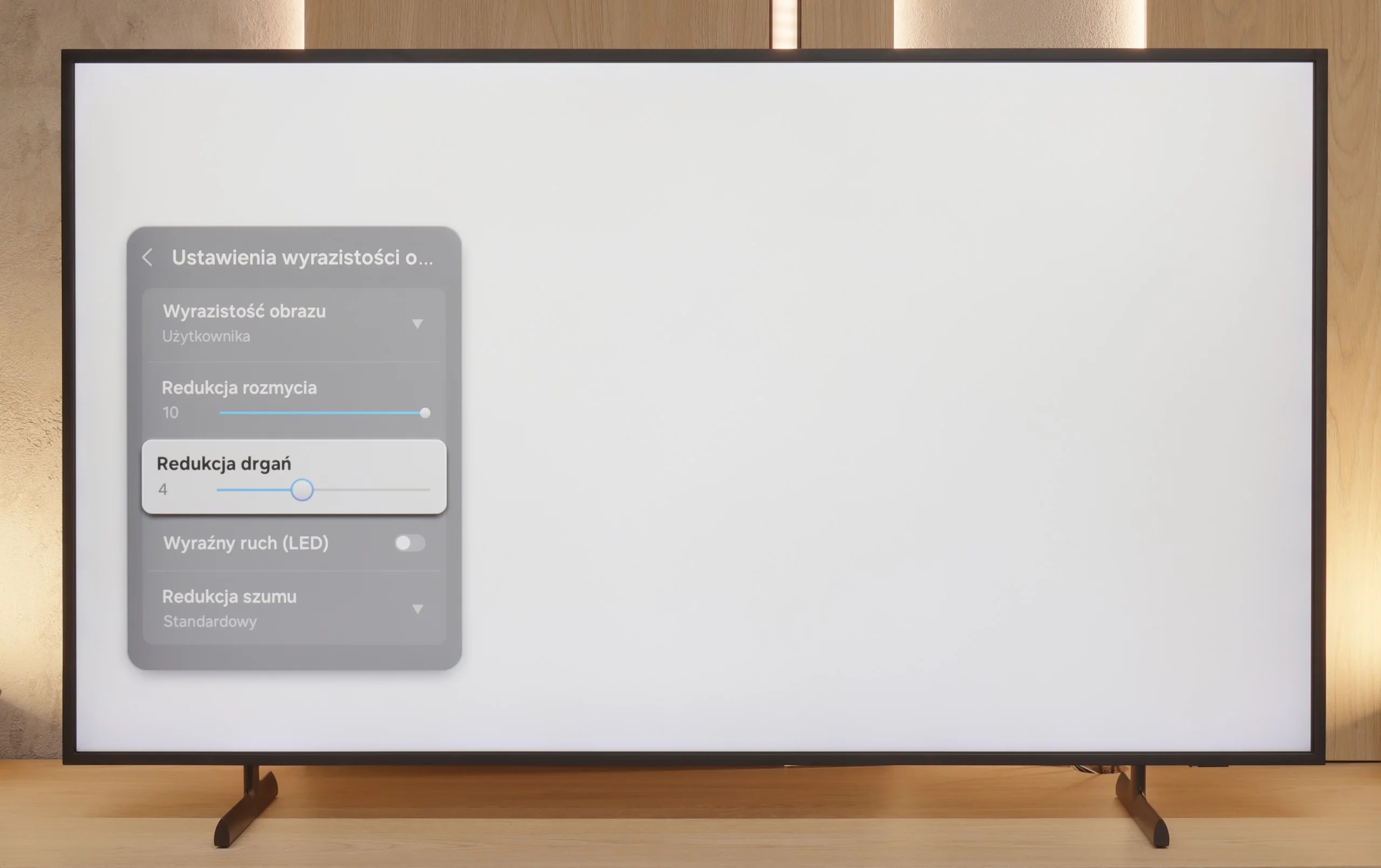
The new feature in The Frame for 2025 is a 144 Hz refresh rate display. Yes – in a television primarily associated with displaying works of art, you can now not only watch Van Gogh, but also comfortably play on a console or follow fast-paced sporting events. This is a significant step towards greater versatility. In the case of Samsung movies, as usual in models with a 120 Hz display and above, it allows you to adjust motion fluidity according to your preferences. You can set a more cinematic reproduction that maintains frame rate or opt for complete image smoothing. The range of options is broad, allowing you to tailor the effect to your tastes – regardless of whether the screening is meant to look like classic cinema or a performance on a modern theatre panel.

*this part of the test refers to the model LS03FAU in sizes 55 and 65 inches, which is equipped with a 144Hz display; the sizes 43 and 50 inches have 60Hz displays, and consequently perform much worse in terms of motion fluidity.

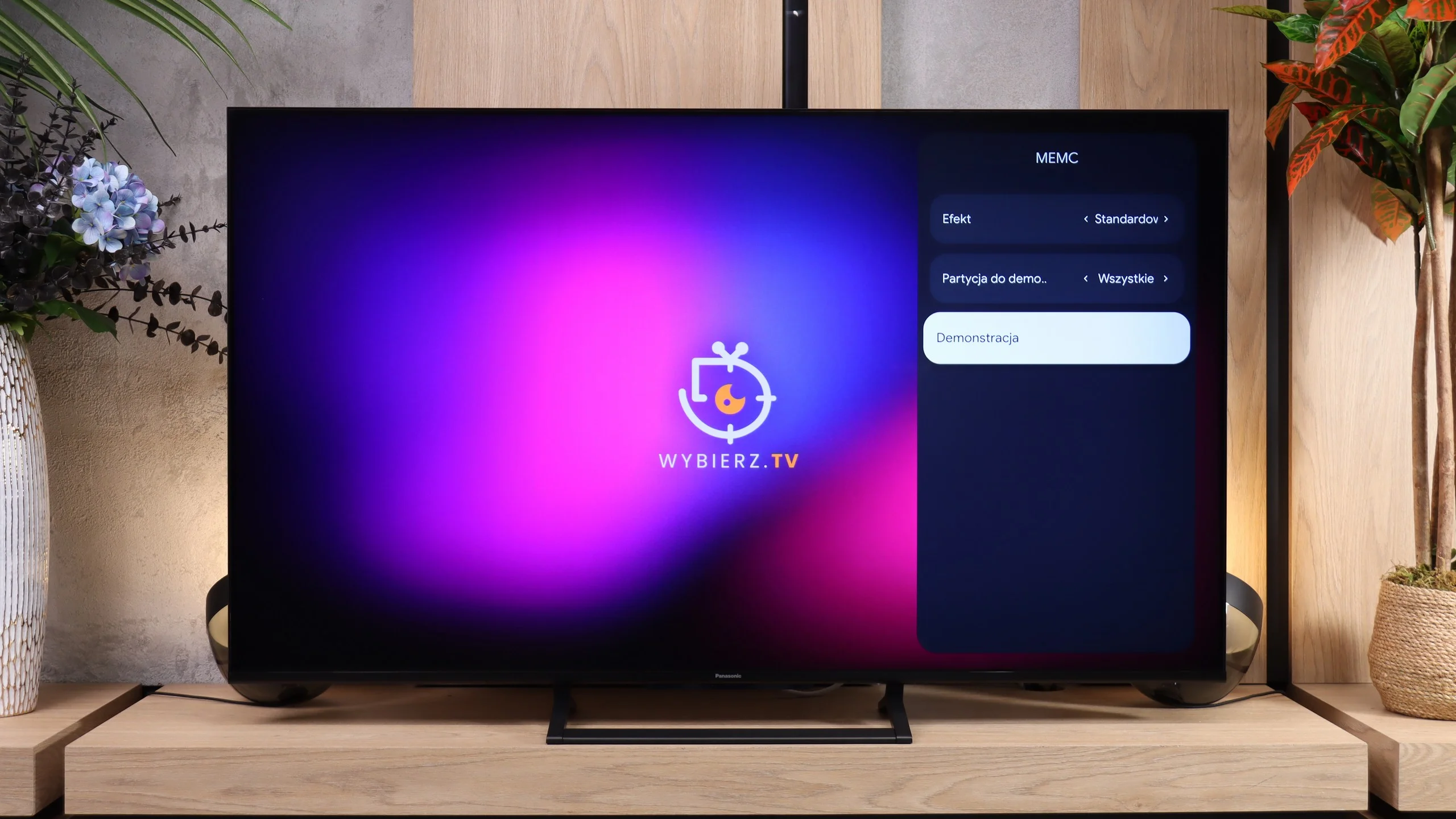
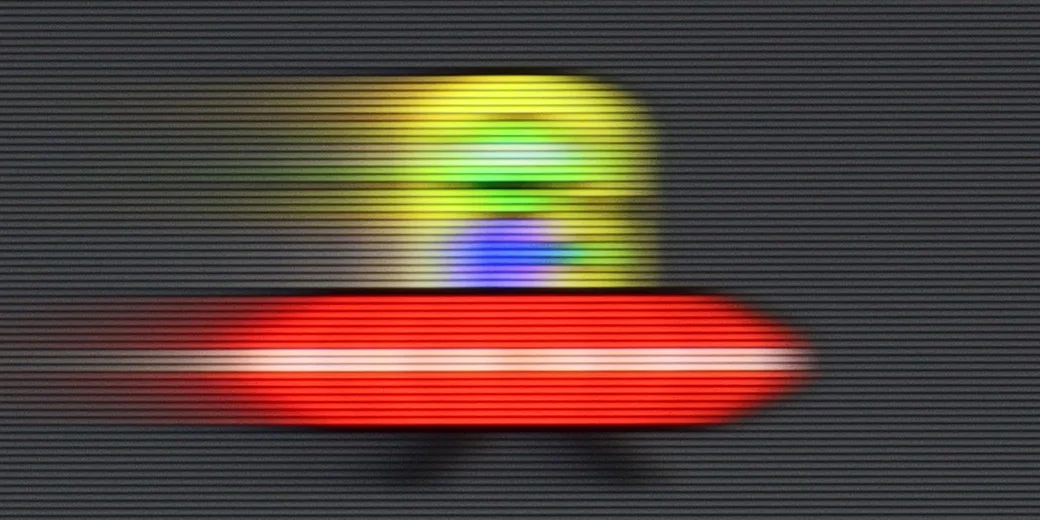
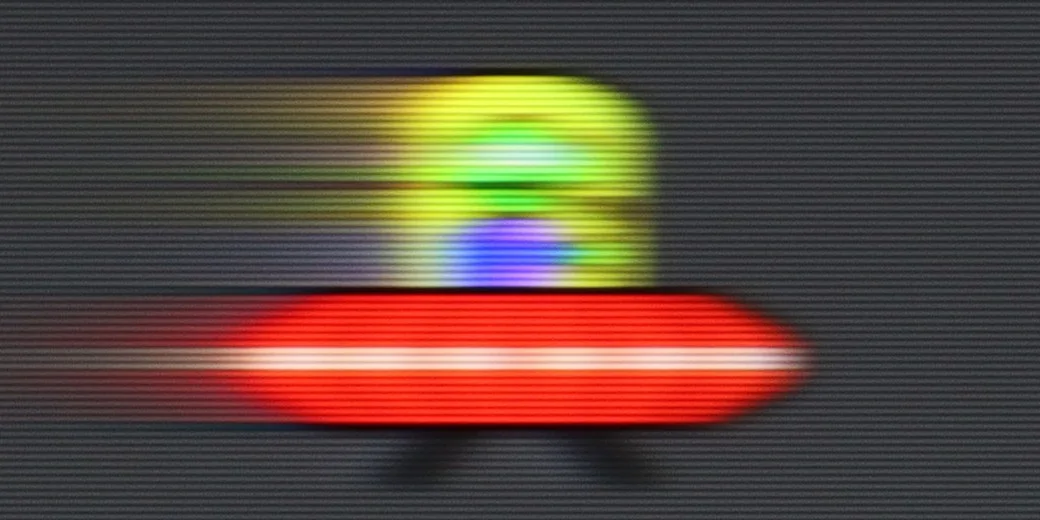
The Panasonic W92C has a 144 Hz panel, which is most useful for PC gaming. For console gaming and sports it's more important how the screen handles 120 Hz. Motion is smooth, though moving objects aren't perfectly sharp. In our UFO test you can see a distinct trail behind it, especially on a dark background. Even so, the W92C is still a better option for fast-paced content than a typical 60 Hz screen. The higher refresh rate gives a noticeable improvement in smoothness, it's just that the panel itself could react faster to colour changes.

Console compatibility and gaming features

9.6/10

8.1/10

  • ALLM
    Yes
    Yes
  • VRR
    Yes
    Yes
  • VRR range
    48 - 144Hz
    48 - 144Hz
  • Dolby Vision Game Mode
    No
    Yes
  • Correct implementation of HGIG
    Yes
    No
  • 1080p@120Hz
    Yes
    Yes
  • 1440p@120Hz
    Yes
    No
  • 4K@120Hz
    Yes
    Yes
  • Game bar
    Yes
    Yes

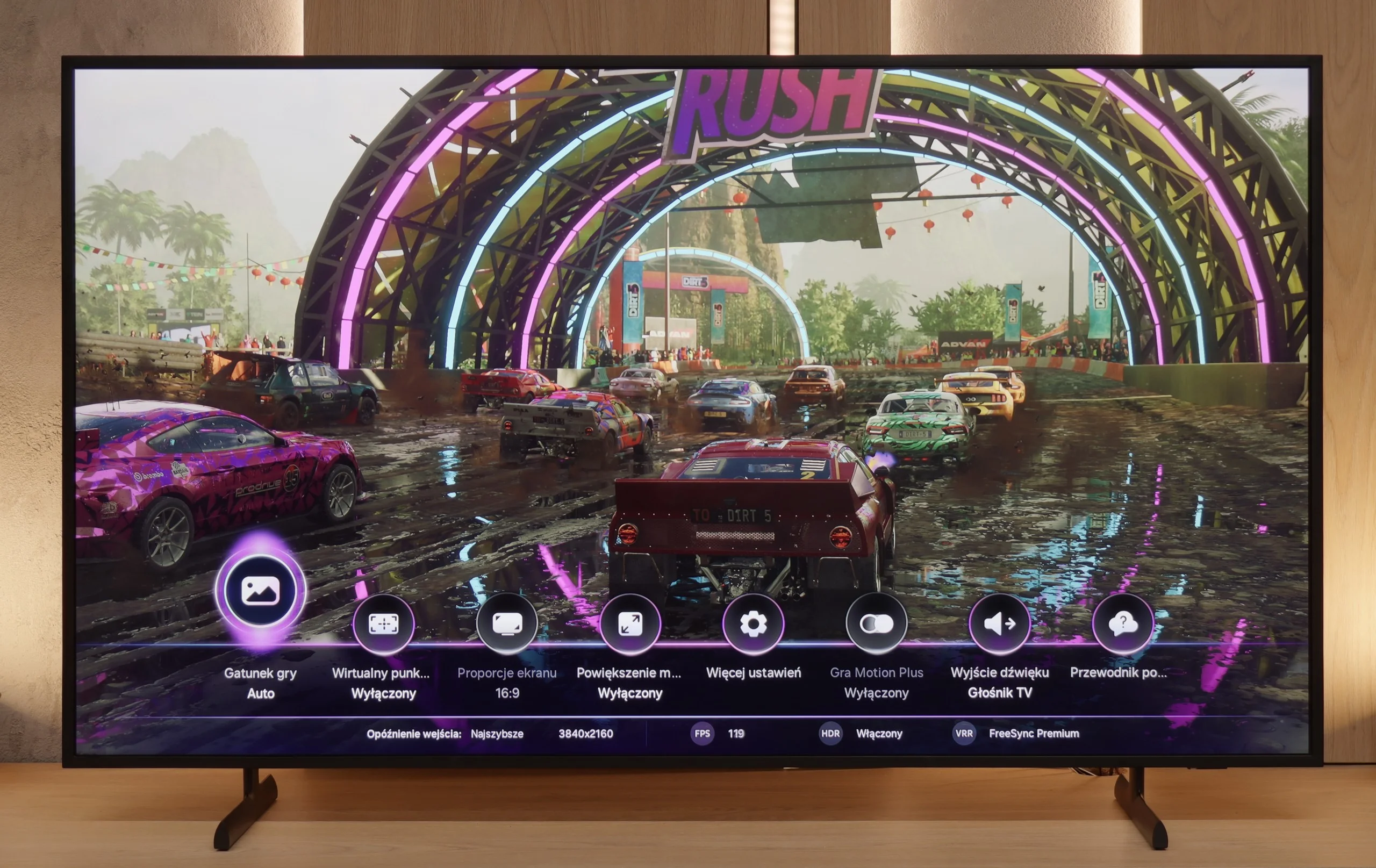
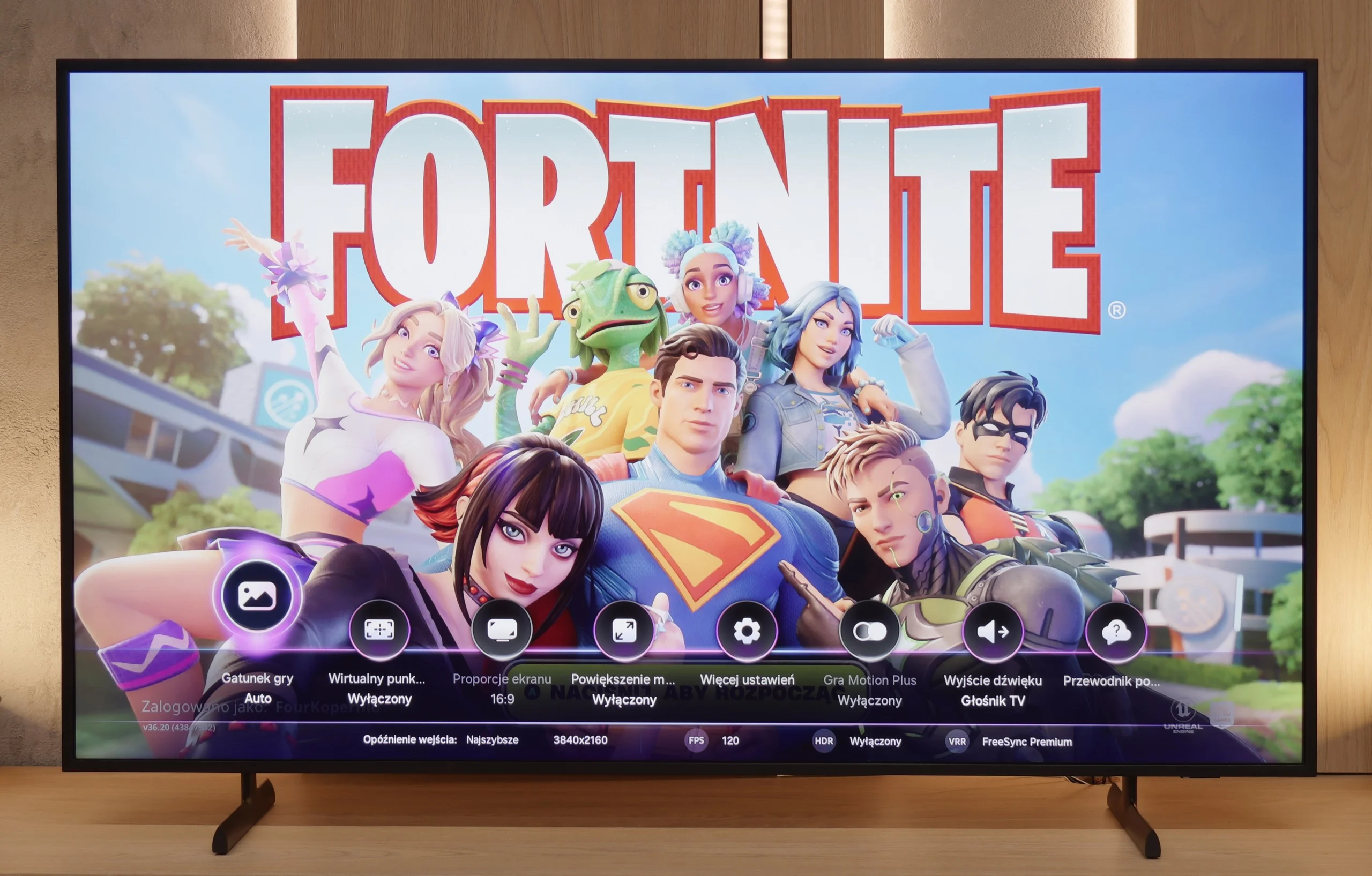
As we mentioned earlier – while The Frame is likely to display images and works of art most of the time, Samsung realised that a Van Gogh enthusiast could equally well be an avid gamer. And it must be said that The Frame 2025 has almost everything it needs to become a full-fledged gaming TV.

Onboard, we find support for ALLM (Auto Low Latency Mode) and Variable Refresh Rate (VRR) thanks to the implementation of one HDMI 2.1 port. The television handles lower resolutions at higher refresh rates with ease and has an extensive Game Bar – already known from other Samsung models – which allows for quick viewing and changing of the most important gaming-related settings. And for that, it scores extra points with us. The proprietary motion smoothing technology, Auto Motion Plus Game, also deserves special mention, which – it’s worth emphasising – works without increasing input lag. Samsung remains the only manufacturer that has managed to implement this feature in a virtually unnoticed way in terms of delays. The result? Much better smoothness in games, especially those that struggle to maintain stable 60 frames. This solution can significantly improve gameplay comfort in more demanding titles – particularly on consoles that don’t always maintain full fluidity, especially in AAA games.

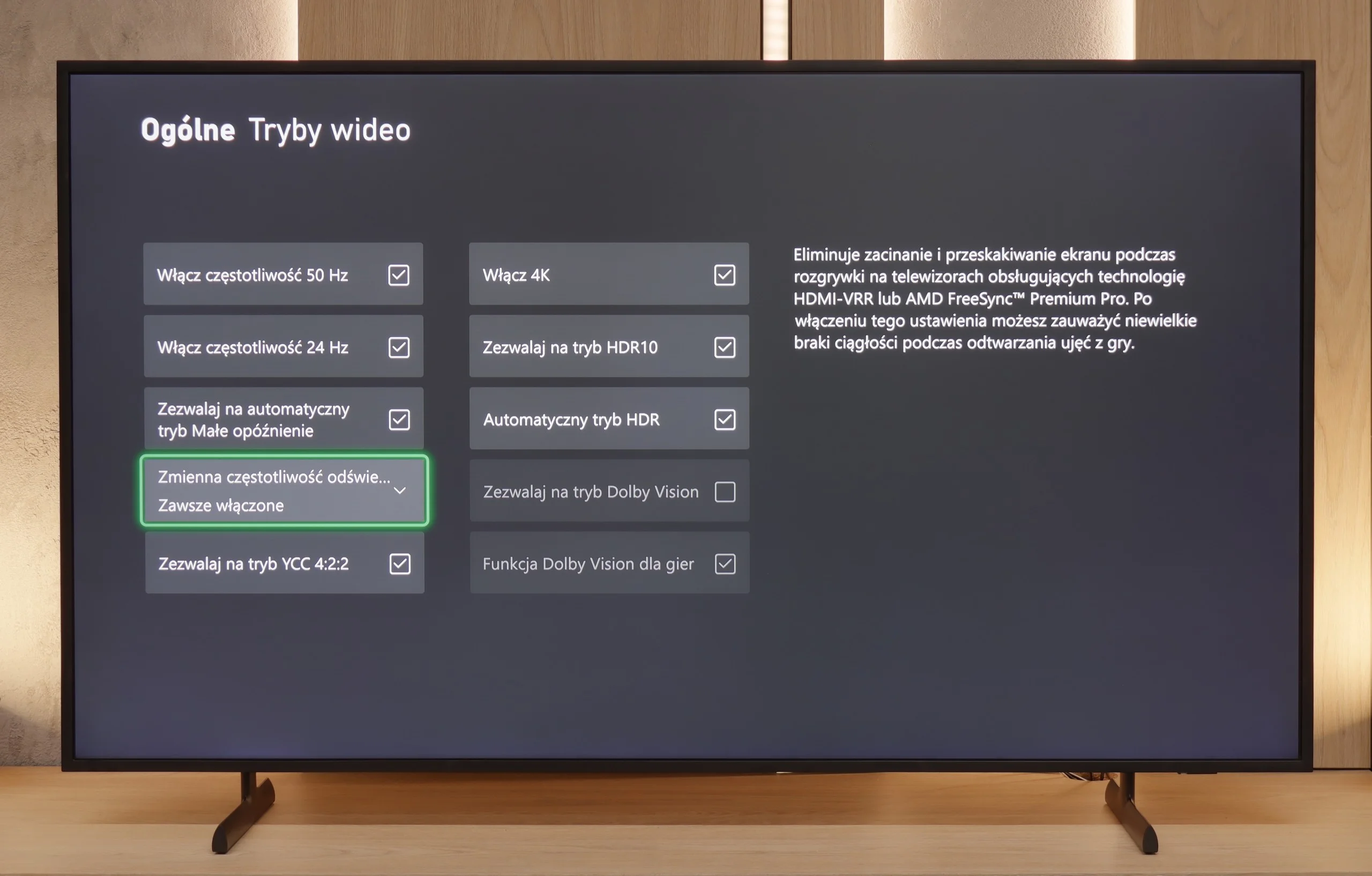
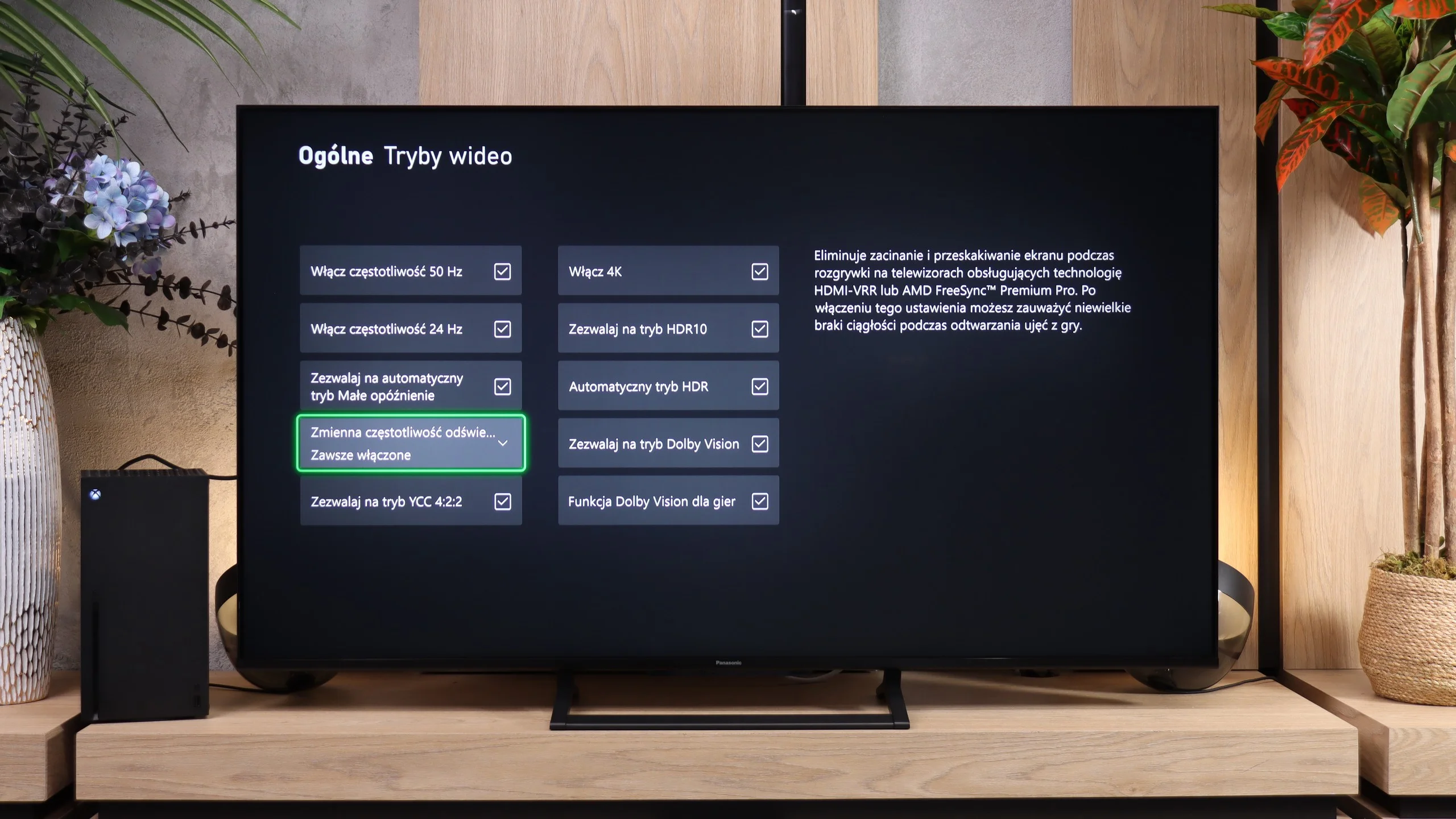
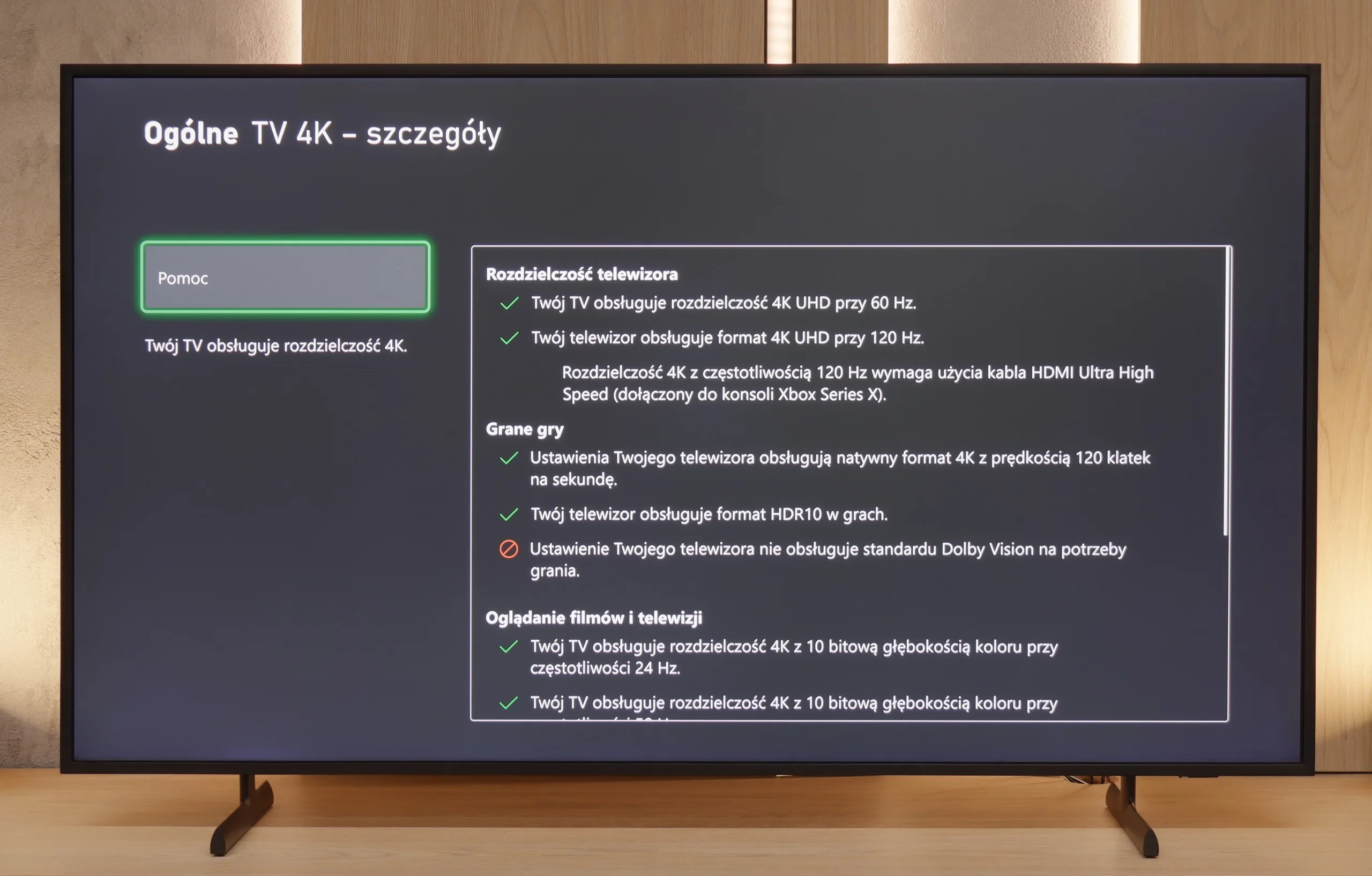
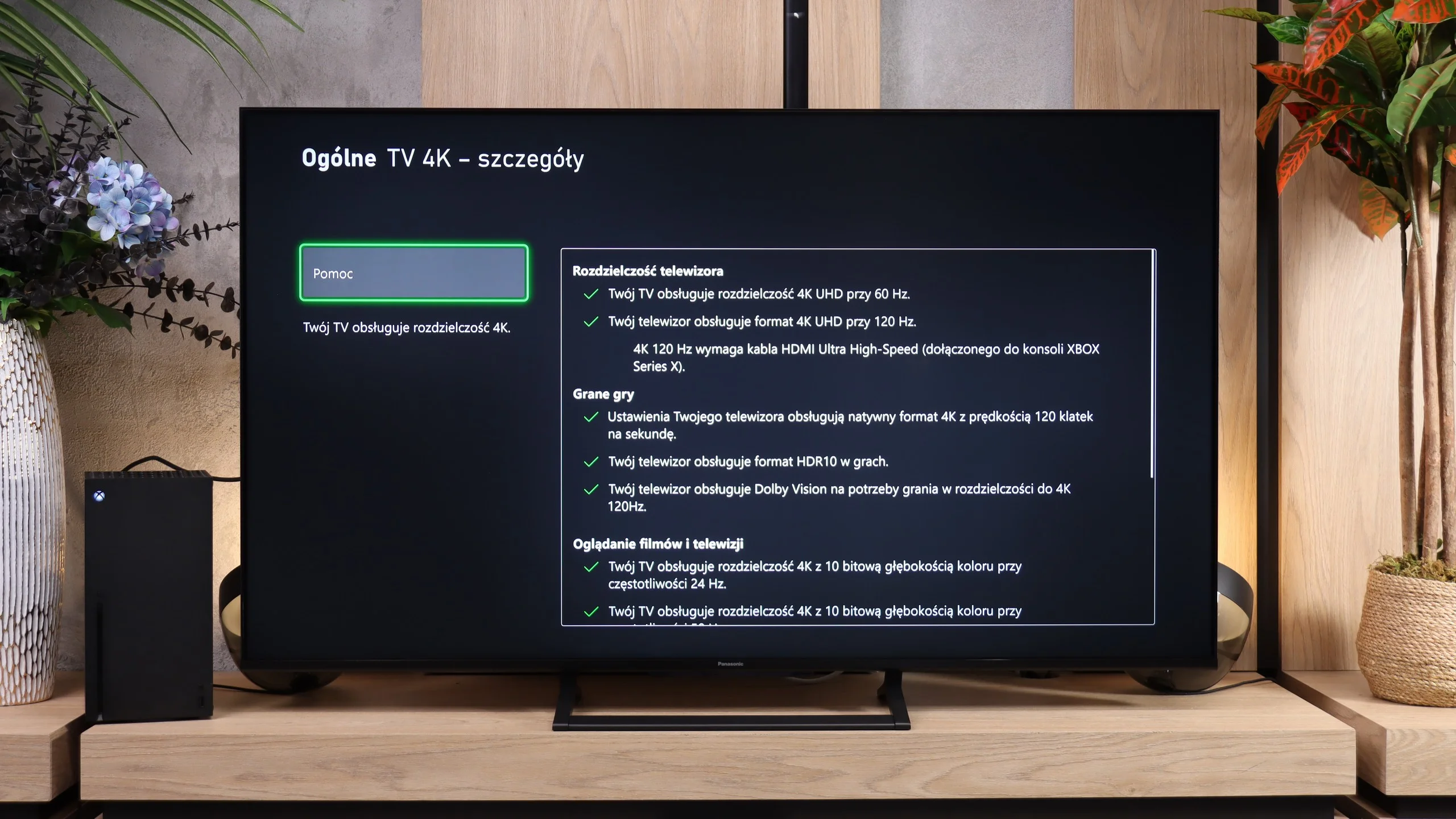
As for the downsides – the lack of Dolby Vision is already regarded as standard in Samsung televisions, so there’s not much to critique here. However, the problem is something completely different. In the latest version of the Tizen system, the HGiG option has disappeared. Literally – it’s gone. This is a significant hindrance when configuring consoles for the correct HDR content display in games. It's hard to understand why such a decision was made, but one thing is certain – this should be fixed as soon as possible. We are talking about a brand that has set standards for years when it comes to gaming on TVs. If HGiG returns – and we hope it will – The Frame LS03F can confidently aspire to the title of a true gaming television. Not just as a wall decoration but as equipment that truly provides joy in gaming.

[UPDATE] We have updated our tests of Samsung televisions from the 2025 model year due to the release of software version 1131, which restored the key gaming feature, HGiG.

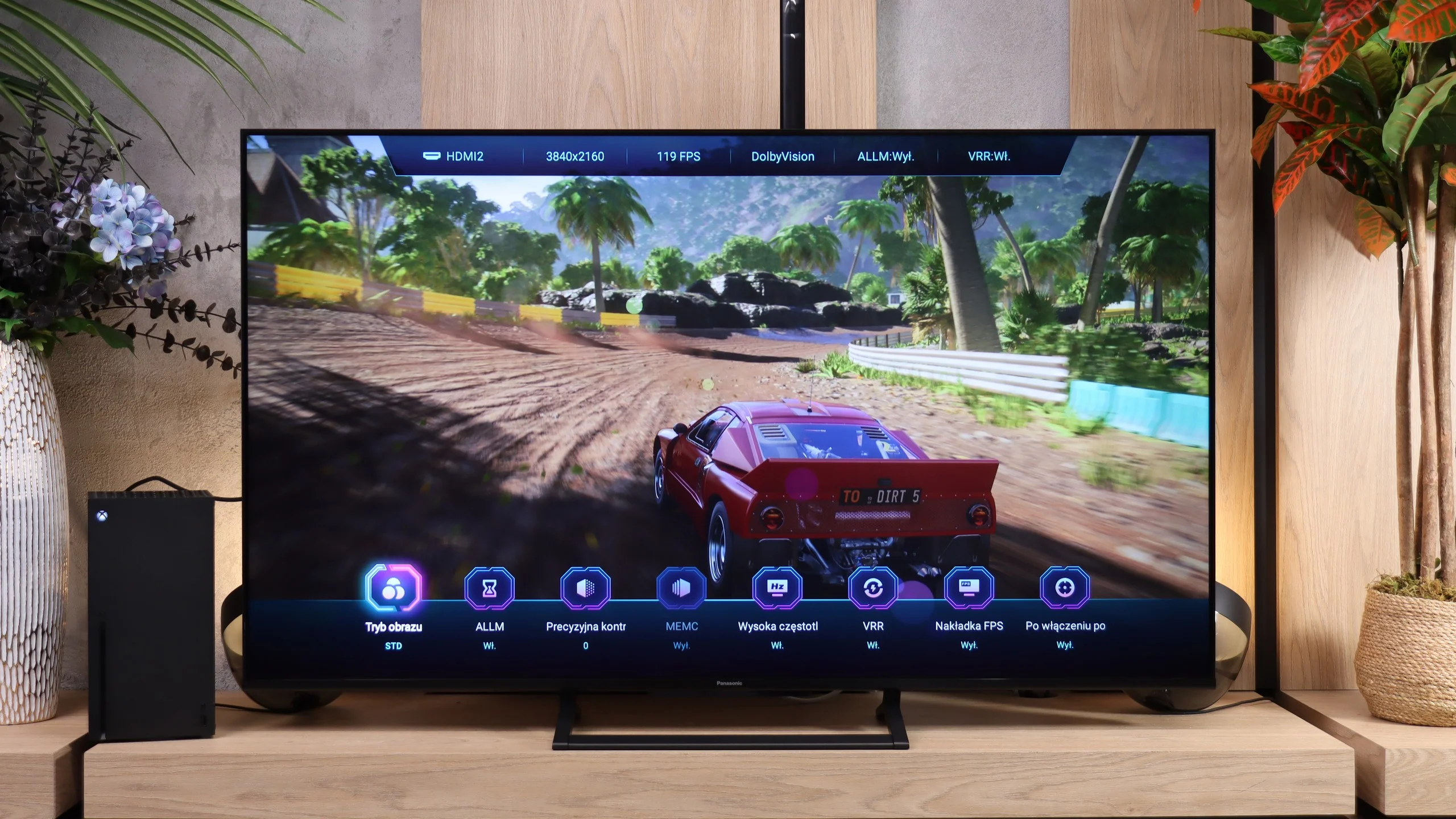
Panasonic W92C has quite a lot to offer gamers. It has three HDMI 2.1 ports with full 48 Gbps bandwidth, supports 4K gaming at 120 Hz, and when connected to a PC allows up to 144 Hz. There’s also VRR from 48 to 144 Hz, which helps keep motion smooth when frame rates vary, and ALLM that automatically switches to low-latency mode. It also supports Dolby Vision for gaming. The new Game Bar deserves special praise. The big circles known from Panasonic TVs with Fire TV have been replaced by a far more organised panel. At the top you see the key signal information, and at the bottom shortcuts to gaming settings. It looks more modern and is much closer to what the biggest competitors offer. Definitely a change for the better. Not everything is in place, though. There’s no properly functioning HGiG, which helps match HDR in games to the screen’s capabilities. The W92C also doesn’t support 1440p at 120 Hz. That’s a shame, because that mode is especially useful on a PC when you want more frames than in 4K but better detail than Full HD.

Input lag

10/10

9.9/10

SDR

1080p60
13 ms
16 ms
1080p120
8 ms
7 ms
2160p60
13 ms
16 ms
2160p120
8 ms
7 ms

HDR

2160p60
13 ms
15 ms
2160p120
8 ms
7 ms
4320p60

Dolby Vision

2160p60 DV
17 ms
2160p120 DV
9 ms

When it comes to input lag, Samsung maintains a very high standard. The LS03F, like most of this year's models from the brand, achieves a score of 8 ms for 4K content, which is practically a benchmark value. This result allows you to play even the most dynamic titles without delays and with complete responsiveness. Well done!

The input lag on the Panasonic W92C is very low. At 60 Hz we measured around 15-16 ms, and at 120 Hz only 7 ms. Controller response is therefore quick, and even in fast-paced games there's little to criticise. Dolby Vision also performs well: 17 ms at 60 Hz and 9 ms at 120 Hz. You can comfortably use any format without worrying that input will become noticeably slower.

Compatibility with PC

8.2/10

9/10

Chroma 444 (max. resolution and refresh rate)
Yes
Yes
Font clarity
Good
Very Good
Readability of dark text and shapes
Average
Very Good
Input lag in PC mode (4K, max. refresh rate)
8ms
7ms
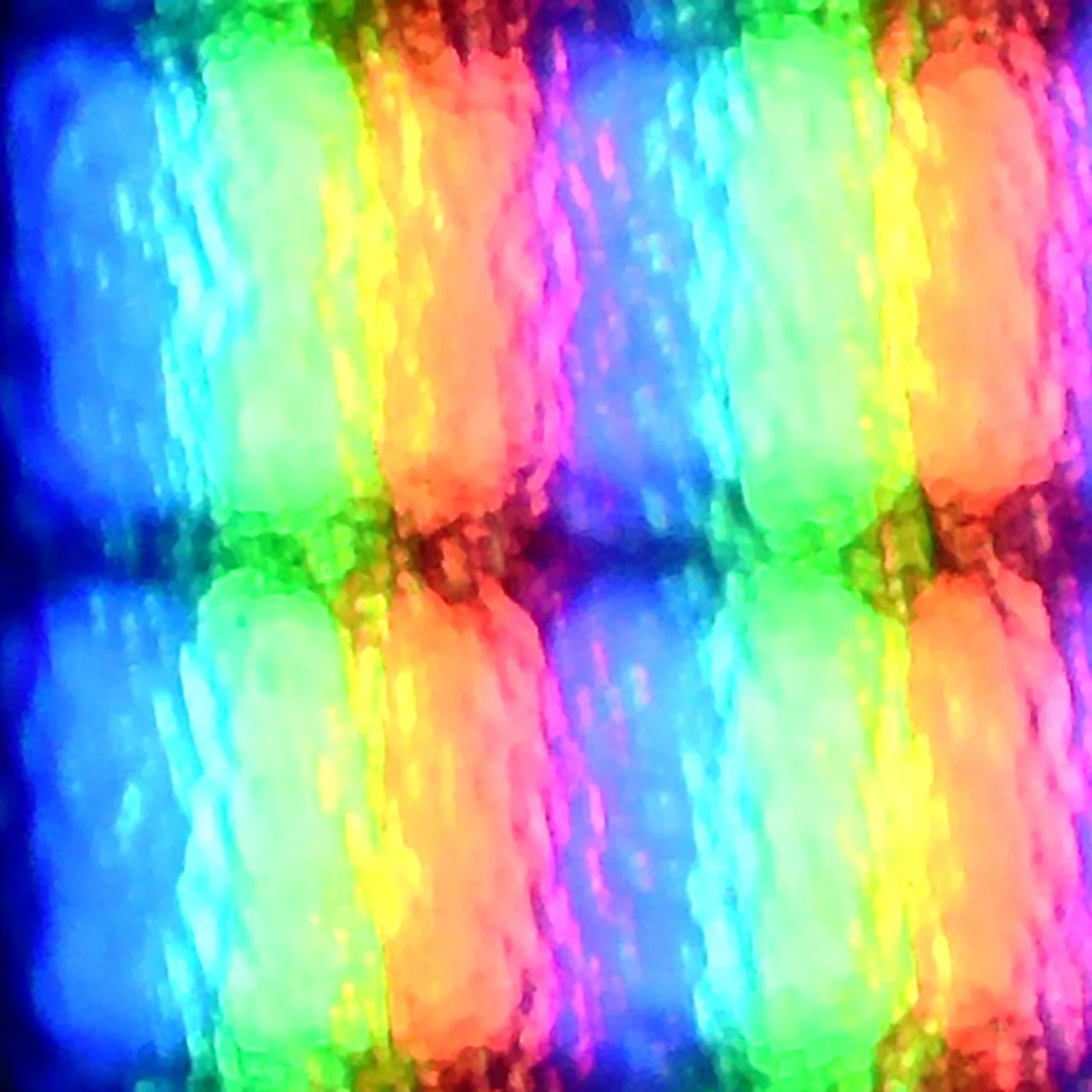
Matrix subpixel arrangement
BGR
RGB
Max refresh rate
144Hz
144Hz
G-Sync
Yes
Yes

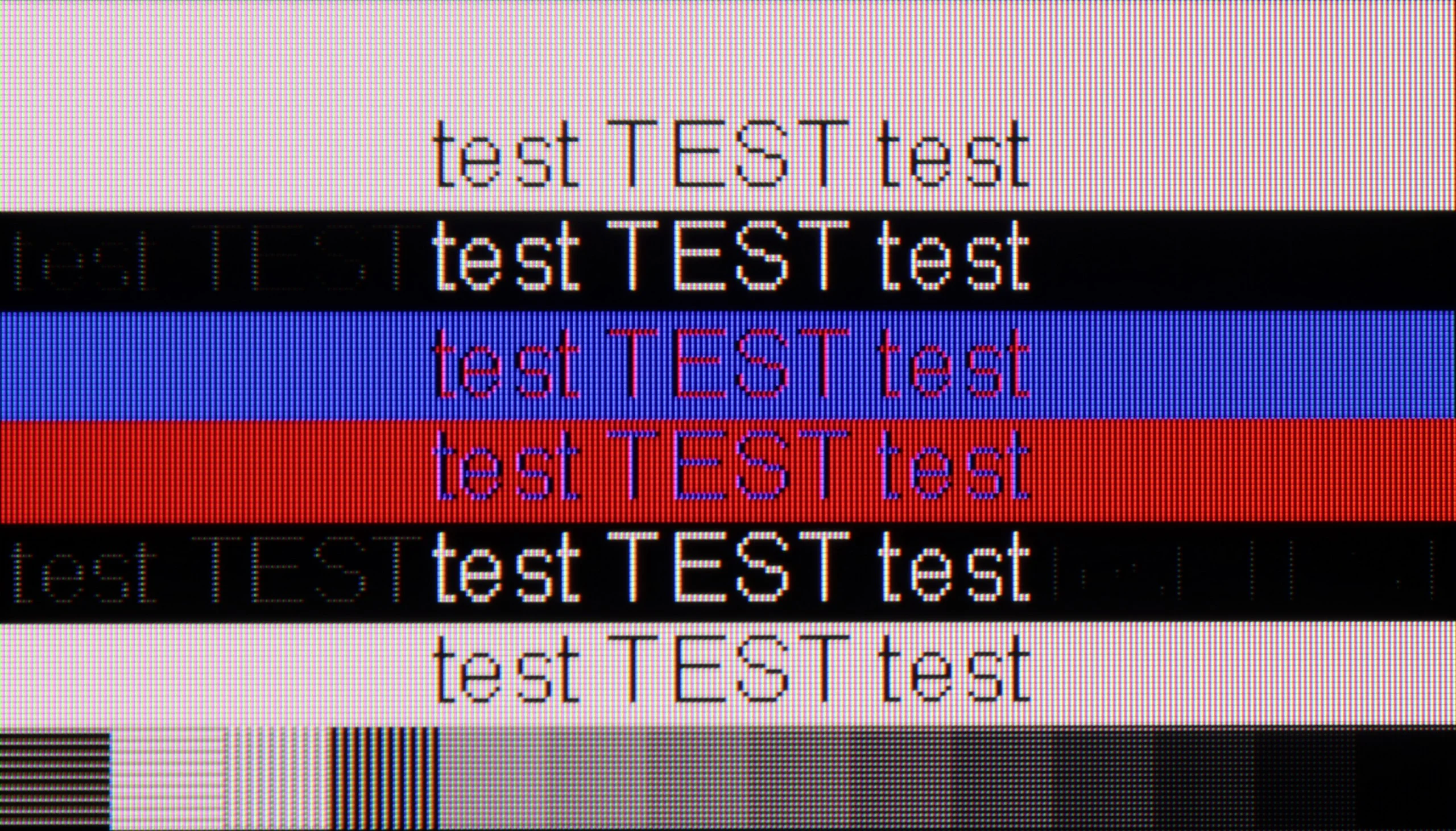
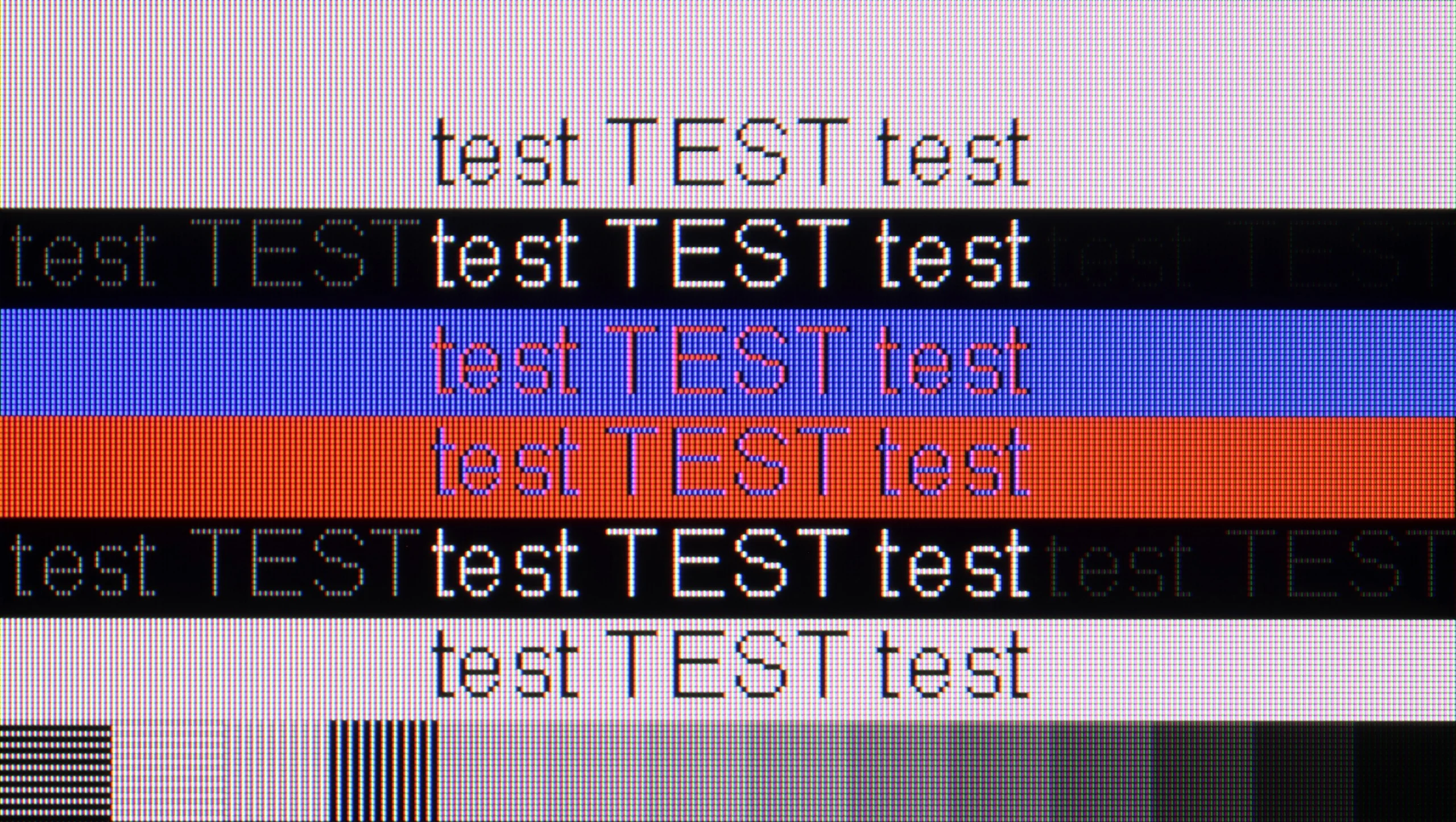
The photo shows the legibility of small fonts. Ideally, lines should be the same thickness on both light and dark text, with minimal pixel gaps.

Collaboration of The Frame 2025 with a computer poses no major issues. Let's start with gaming, as this is where this model shows its strengths – support for 144 Hz signal, low input lag, and compatibility with G-Sync technology (for NVIDIA cards) make it hard not to consider it a full-fledged gaming monitor. It’s one of the more interesting "gaming with PC" televisions available on the market in this class.

When it comes to everyday work, the situation looks just as good. The Frame easily handles chroma 4:4:4, which translates to good font readability and overall user comfort. We only noticed slight issues with dimming very thin lines and dark details on a light background – this effect may occur, particularly when working with small interface elements. In practice, however, with a 55-inch screen and standard office working distances, it will be hard to realistically notice this problem. Nonetheless, it's worth keeping this in mind if the television is to serve as a monitor not only for entertainment but also for precise graphic or text work.

Working with a computer is one of the W92C's stronger points. The fonts look really great. They are sharp, legible and don't lose fine details. This also applies to dark text on a dark background, which some TVs struggle with. It's one of the few panels that handled our font test so well. The RGB subpixel layout and proper support for chroma 4:4:4 help here, even at maximum resolution and refresh rate. There are also plenty of options for gamers. You get 4K at 144 Hz, functioning G-Sync and input lag of 7 ms. So the Panasonic performs well both for working with text and for gaming. You just need to remember the previously mentioned smearing and the lack of support for 1440p at 120 Hz. However, the clarity of the image from a computer is excellent.

Viewing angles

3.5/10

6/10

Brightness drop at an angle of 45 degrees
70%
80%

As one could expect from a VA panel, the viewing angles on The Frame 2025 are at best mediocre. The image loses saturation and contrast when viewed off-axis. It's a shame, because we're talking about a model that displays digital artworks in standby mode – and it's precisely in such moments that wide viewing angles would make the most sense, enhancing the feeling of interacting with a real piece of art rather than just its screen imitation.

Perhaps in the future, manufacturers will decide to introduce special coatings or modified versions of VA panels that improve this aspect – as it would have real significance not only in terms of functionality but also aesthetics for lifestyle televisions.

Panasonic W92C in the 55-inch size offers good viewing angles, which is mainly thanks to the IPS panel used. Because of it, images viewed from the side retain colour and contrast better than on many LCD TVs with Mini LED backlighting that use VA-type panels.

Daytime performance

6.3/10

6.8/10

Panel finish
Matte
Matte
Reflection suppression
Very Good
Very Good
Black levels during daytime
Poor
AbsorptiveBlack-Decent

Panel brightness

Panasonic W92C (Google TV): 555 cd/m2

Samsung The Frame 2025 (LS03F): 596 cd/m2

One of the most distinctive features of The Frame is its matte display – and it must be said that Samsung has really perfected this aspect. From our experience, it's one of the best solutions for reducing reflections, especially direct ones. If reflections on the screen can be irritating, it will be hard to find a better screen in this budget than the matte panel used in Samsung TVs. Of course, this comes with a certain compromise. In very bright sunlight, colours may appear slightly faded, and the image loses a bit of depth. However, this is something we consciously accept when opting for a matte screen – you win some, you lose some. In practice, the colours and contrast on Samsung's matte screen still outperform those on Chinese models such as TCL NXT Vision or Hisense Canvas TV. If effective reduction of reflections is a priority and you want to use the TV also as a “digital artwork” in bright rooms, it’s hard to make a better choice.

The Frame achieves around 600 nits of brightness, which, combined with the matte coating, ensures that the TV performs well in well-lit daytime conditions. It may not be at the level of flagship models, but in everyday use – in a living room with plenty of light – it handles it without any problems.

A matte panel is a big plus for the W92C when watching during the day. It disperses reflections very well, so instead of a clear image of a window or lamp you see a more blurred glow. There's also an average brightness of around 555 nits, which is more than enough for watching TV in a typically bright living room. That doesn't mean light falling on the screen stops being a nuisance. The matte coating scatters it over a larger area, making blacks look greyish and reducing contrast. It's easiest to notice this in dark scenes. Despite that, the combination of decent brightness and effective reflection suppression means the Panasonic is quite well suited to everyday viewing without having to draw the curtains.

Panel details

Backlight Type
QLED
Mini-LED PFS LED
Software version during testing
T-PTMFDEUC-0090-1110.7, E2500007, BT-S
UKN6.260116.086
Image processor

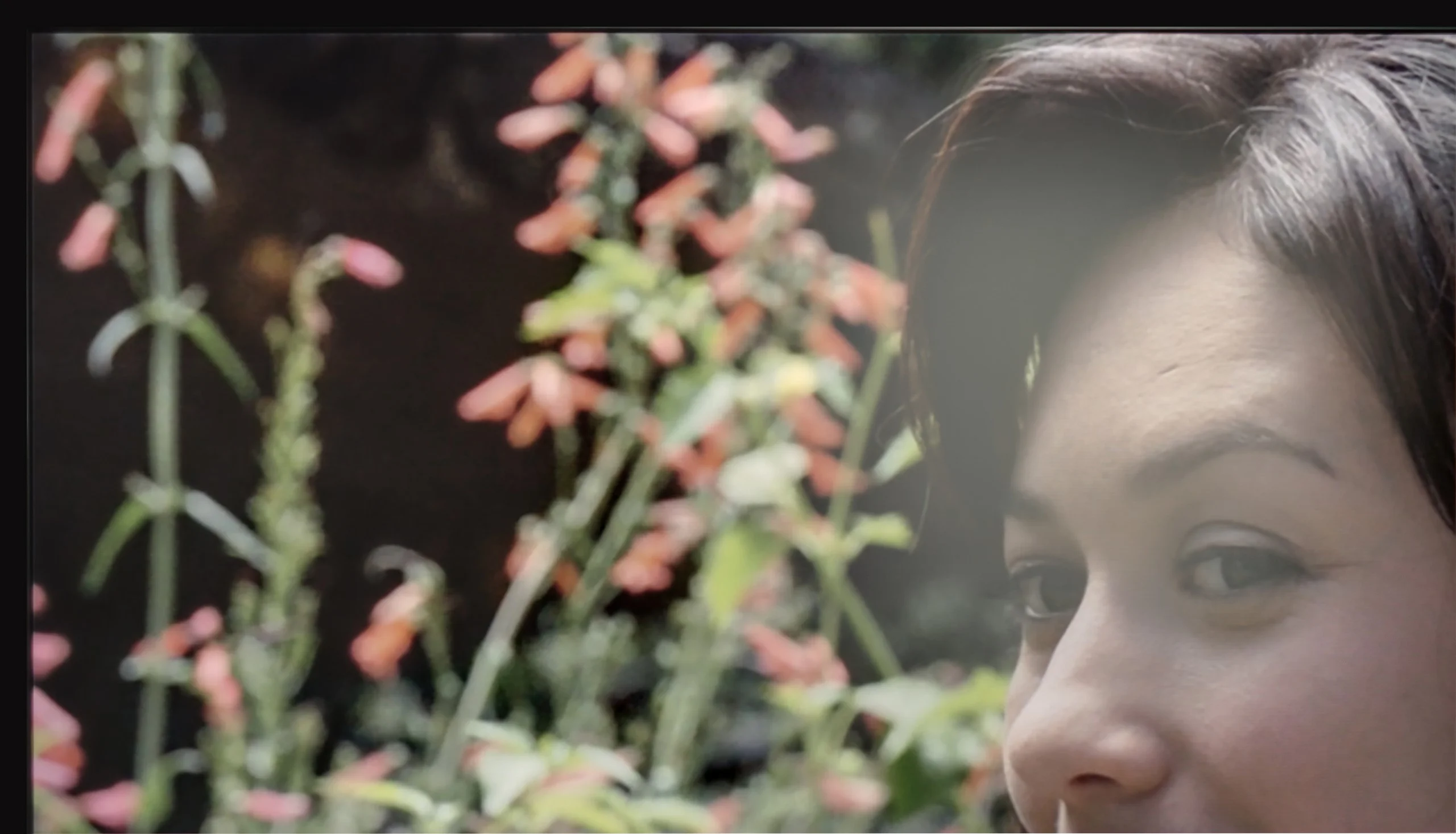
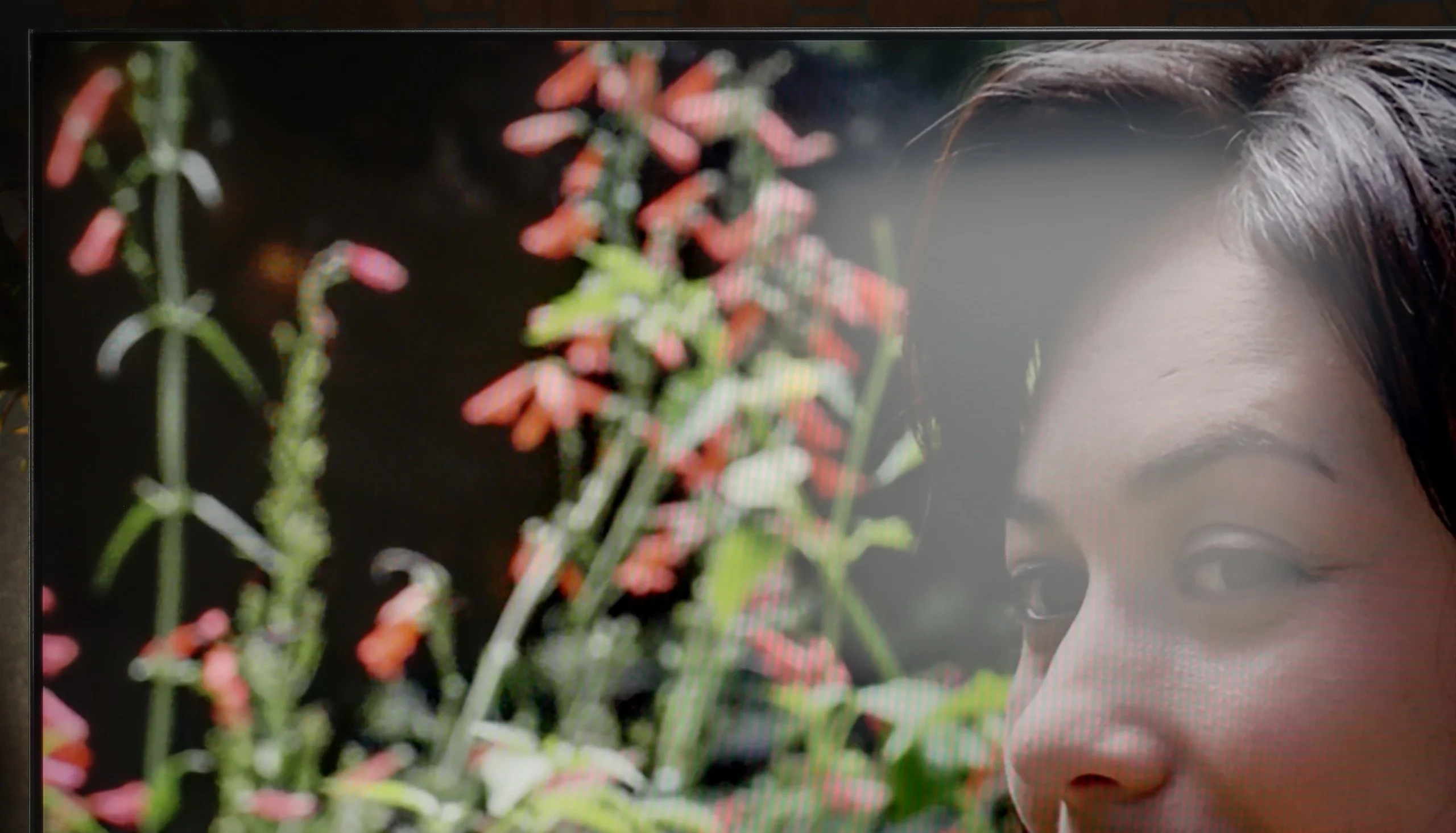
Subpixel Structure:

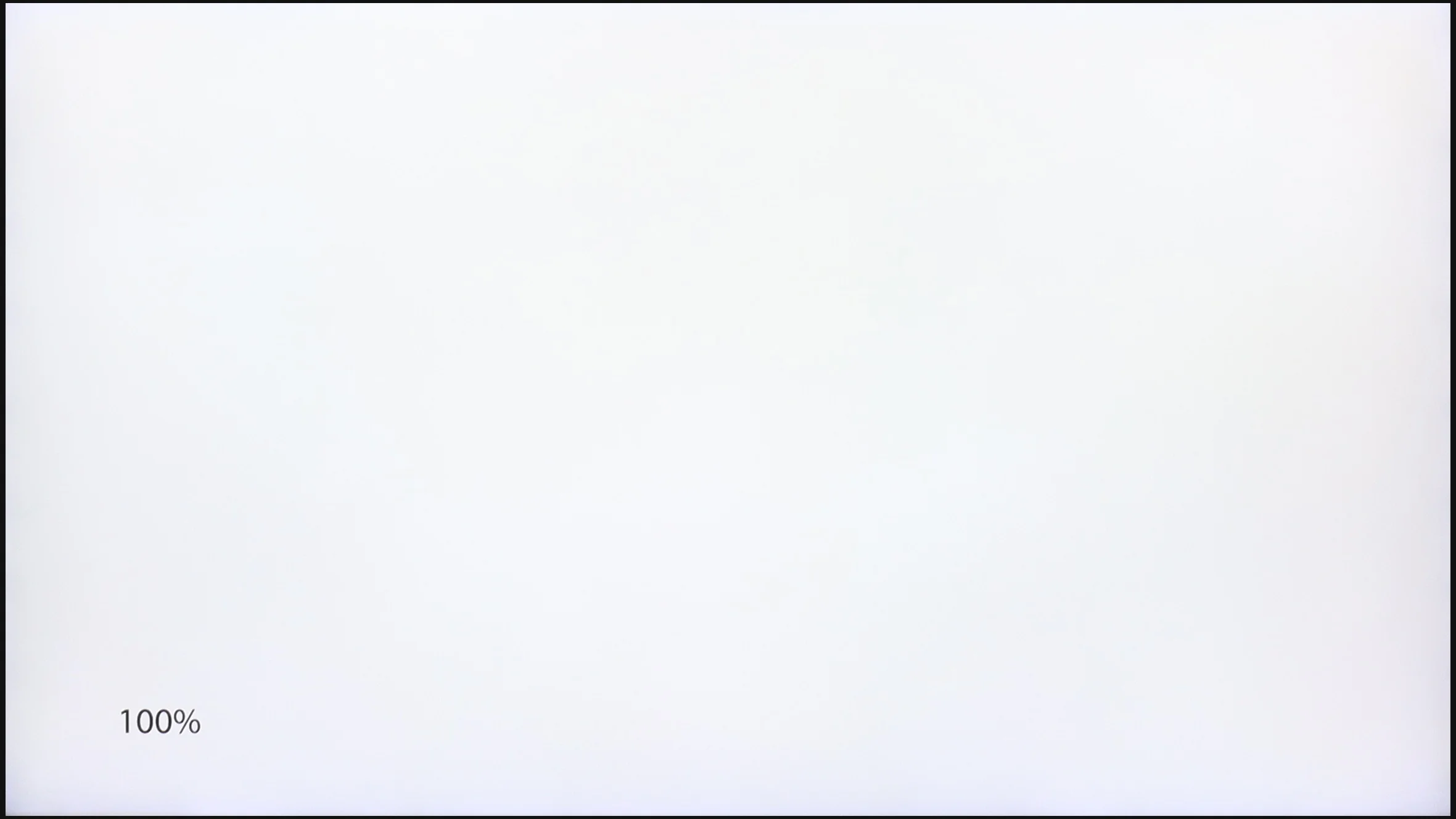
Panel uniformity and thermal imaging:

Review Samsung The Frame 2025 (LS03F) TV Panel details
Review Panasonic W92C (Google TV) TV Panel details

Samsung The Frame 2025 (LS03F)

Panasonic W92C (Google TV)

TV features

7.2/10

6.6/10

  • System
    Tizen
    Google TV
  • System performance
    Good
    Good
  • HDMI inputs
    3 x HDMI 2.0, 1 x HDMI 2.1 40Gbps
    0 x HDMI 2.0, 3 x HDMI 2.1 48Gbps
  • Outputs
    Toslink (Optical audio), eARC (HDMI), ARC (HDMI)
    Toslink (Optical audio), eARC (HDMI), ARC (HDMI), Mini-Jack (Headphones)
  • Network Interfaces
    Wi-Fi 2.4GHz, Wi-Fi 5GHz
    Wi-Fi 2.4GHz, Wi-Fi 5GHz, Ethernet (LAN) 100Mbps
  • TV reception
    DVB-T, DVB-T2, DVB-S, DVB-S2, DVB-C
    DVB-T, DVB-T2, DVB-S, DVB-S2, DVB-C

Classic features:

  • Recording to USB (terrestrial TV)
    No
    No
  • Recording programming
    No
    No
  • Picture in Picture (PiP)
    No
    No
  • RF remote control (no need to aim)
    Yes
    Yes
  • Backlit remote control
    No
    No
  • Teletext
    Yes
    Yes
  • Audio only mode
    Yes
    Yes
  • Bluetooth headphones support
    Yes
    Yes
  • Simultaneous Bluetooth headphones & TV audio
    Yes
    Yes

Smart features:

  • AirPlay
    Yes
    No
  • Screen mirroring (Windows Miracast)
    Yes
    Yes
  • Voice search
    Yes
    Yes
  • Voice search in native language
    Yes
    Yes
  • Ability to connect a keyboard and mouse
    Yes
    Yes
Review Samsung The Frame 2025 (LS03F) TV features
Review Panasonic W92C (Google TV) TV features

Sound connection options

  • HDMI audio
    eARC (HDMI), ARC (HDMI)
    eARC (HDMI), ARC (HDMI)
  • Other audio outputs
    Toslink (Optical audio)
    Toslink (Optical audio), Mini-Jack (Headphones)
  • Wireless audio
    Bluetooth
    Bluetooth

Supported audio formats (external HDMI eARC audio):

  • Dolby Digital Plus 7.1
    Yes
    Yes
  • Dolby True HD 7.1
    No
    Yes
  • Dolby Atmos in Dolby Digital Plus (JOC)
    Yes
    Yes
  • Dolby Atmos in Dolby True HD
    No
    Yes
  • DTS:X in DTS-HD MA
    No
    No
  • DTS-HD Master Audio
    No
    No

Senior accessibility

  • Numeric keyboard on TV
    No
    Yes
  • Font size adjustment
    Yes
    Yes
  • Audio description
    Yes
    Yes

Classic TV Features

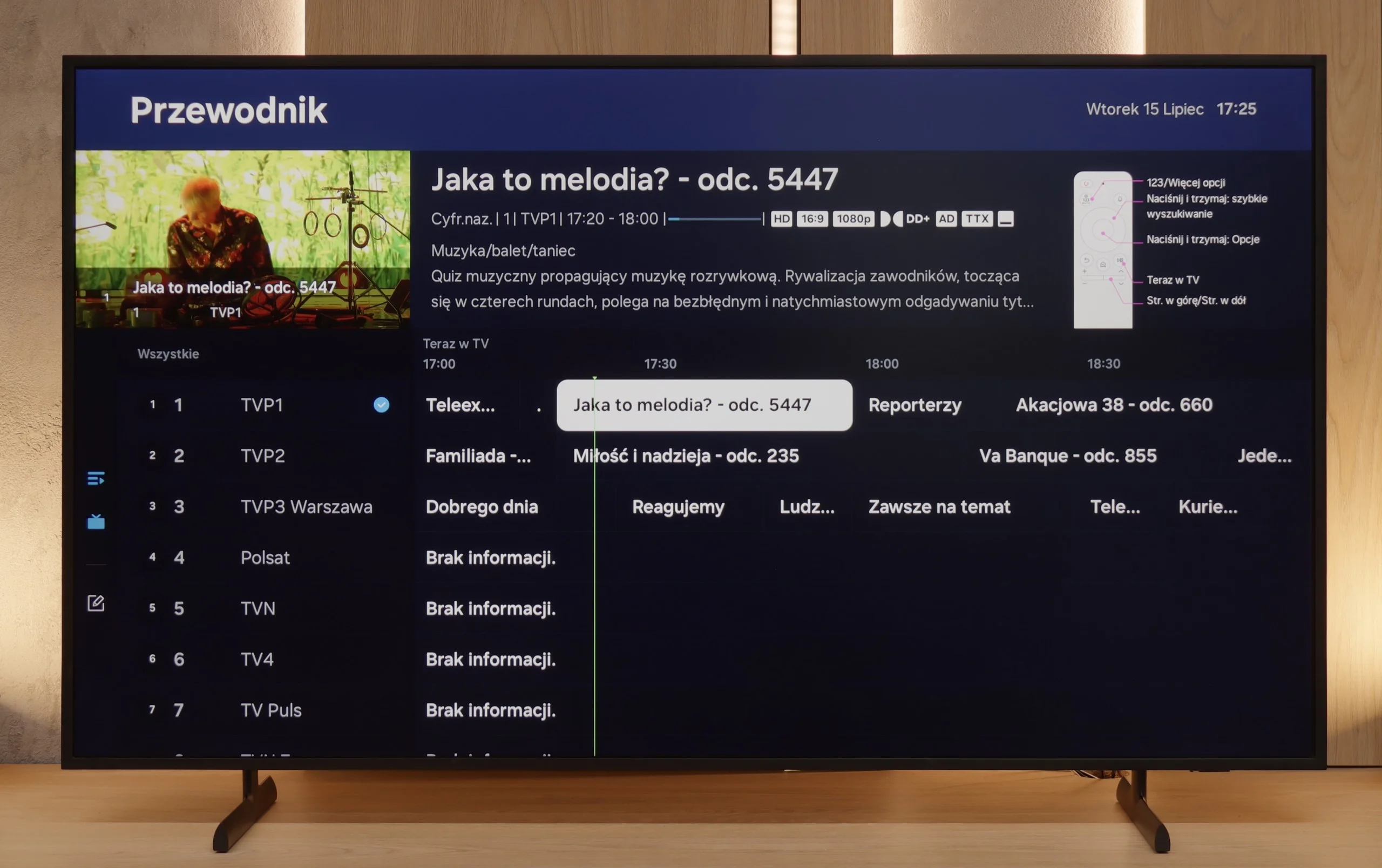
In terms of classic features, The Frame doesn’t stand out in any significant way compared to its competitors. There’s no option for USB recording or PiP (picture in picture), which may be disappointing for some users. On the other hand, the TV allows simultaneous use of speakers and headphones, which can be useful – especially for older users. The EPG, or electronic programme guide, is quite readable, and despite the absence of traditional buttons on the remote, we managed to launch even the teletext. In everyday use, the basic functions work smoothly and without major complaints.

Smart System – Tizen and Apps

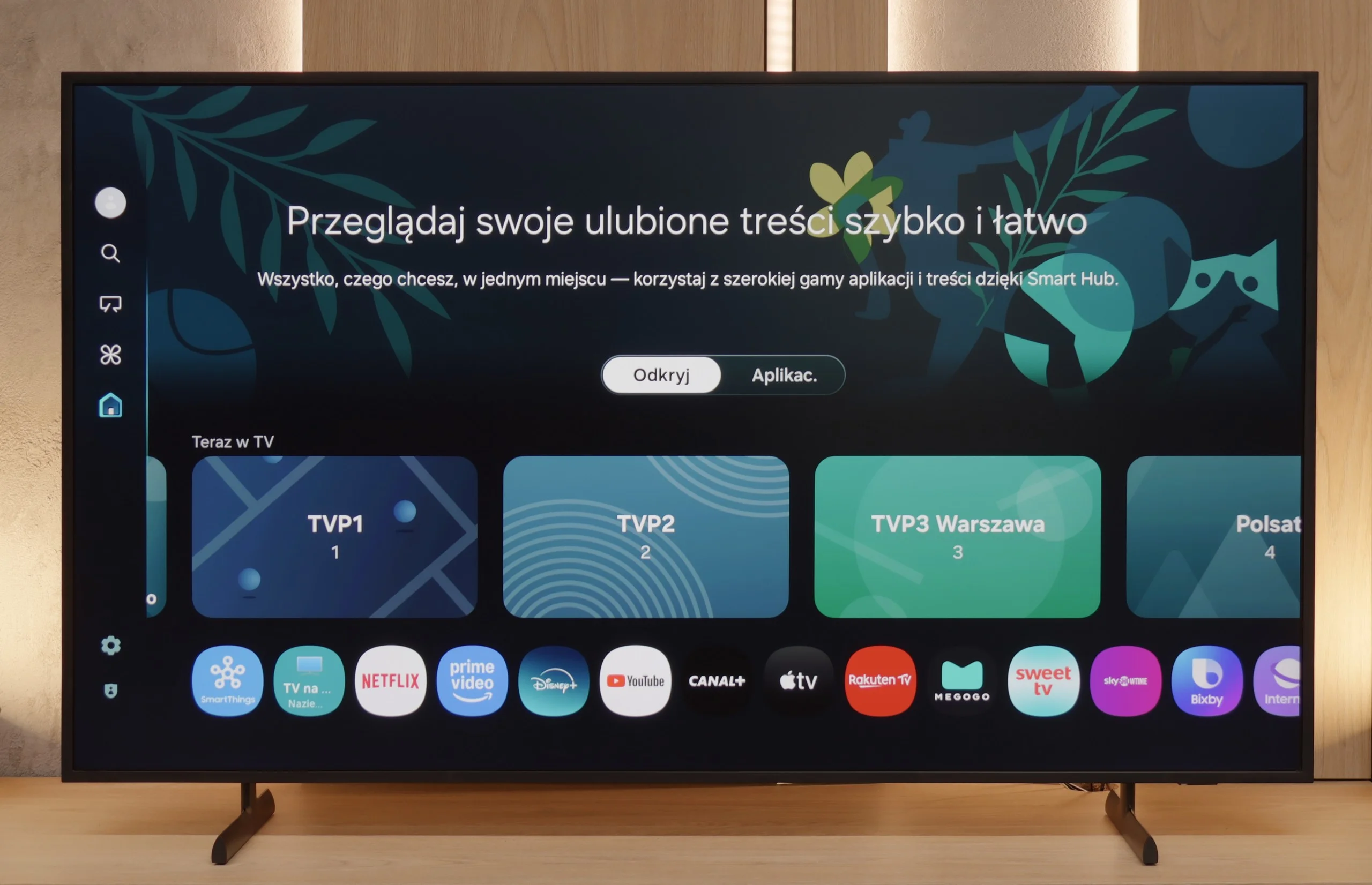
The Frame 2025 runs on the Tizen system, which has been regarded as one of the most refined Smart TV solutions on the market for years. It’s a system designed for devices that are more than just a television – and it has been designed with this spirit in mind. Tizen offers full integration with external devices – supporting both Apple AirPlay and Miracast. Thanks to the SmartThings app, it’s possible to control not only the television but also other devices within the smart home framework. Since last year, Samsung has also been developing its own voice assistant with support for the Polish language, which significantly facilitates operation. However, the greatest strength of the Smart system in The Frame remains the Art Gallery app. Although access to it is paid (via subscription), it offers the best art scans on the market – we’re talking about scans, not just ordinary photos. This makes the effect of a digital painting hanging on the wall appear significantly better than in any other lifestyle TV.

Google TV

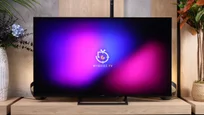
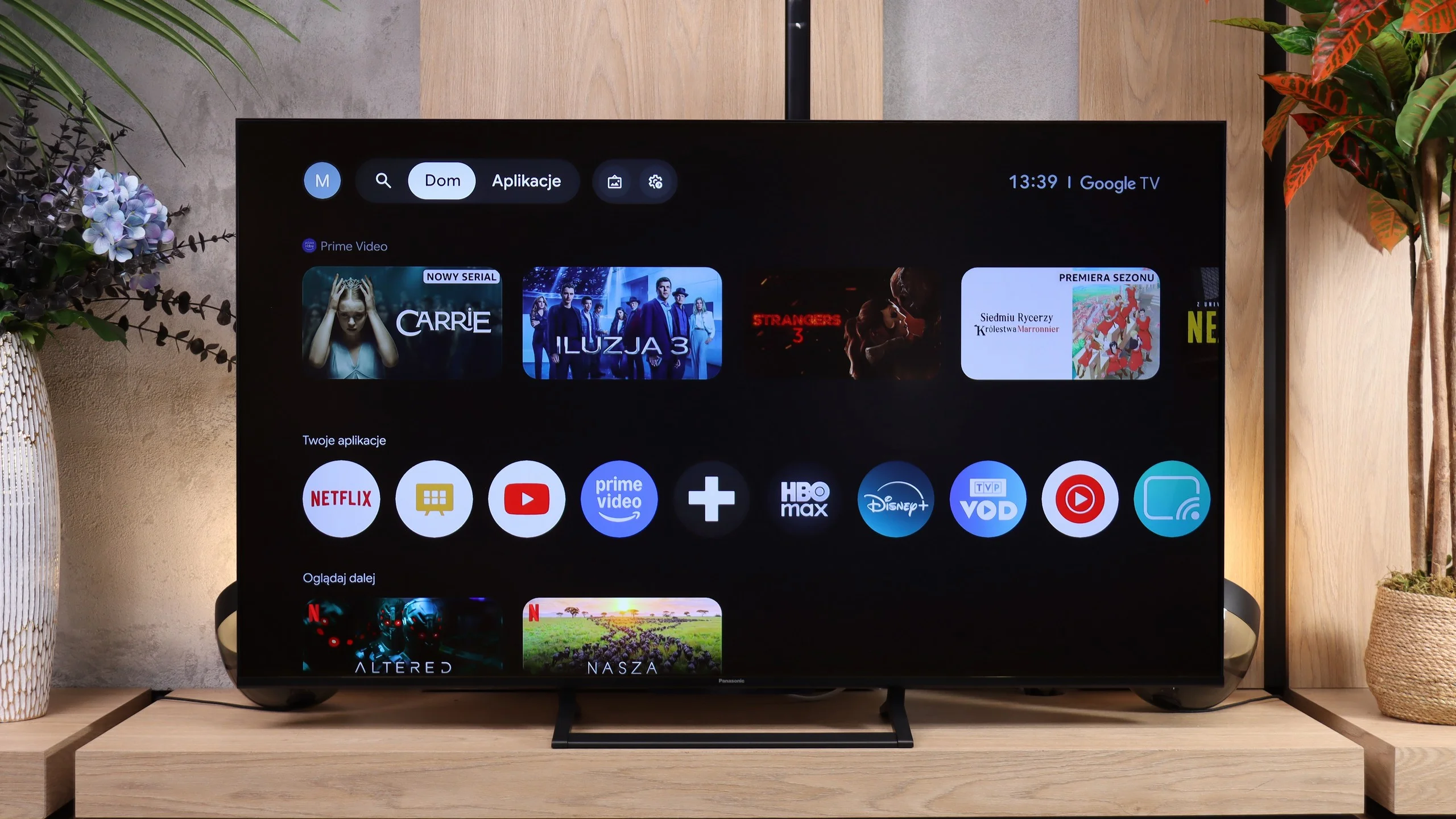
Google TV is a big step forward compared with Panasonic’s older systems, and also improves on the newer Fire TV, which didn’t fully convince us. On the W92C everything runs very smoothly. Navigation through the menus is quick, apps start without long waits, and we found all the services we were interested in. There’s voice search in Polish and Chromecast, which makes casting from your phone easy. It’s a pity there’s no working AirPlay — we couldn’t use it with our newer iPhone.

There were a few minor hiccups. Some Polish translations in the menu sound rather clumsy, and the automatic brightness changes mentioned earlier show the software still needs polishing. Despite that, everyday use is good and the switch to Google TV is definitely one of this model’s strengths.

Classic features

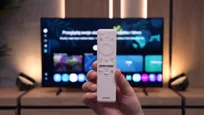
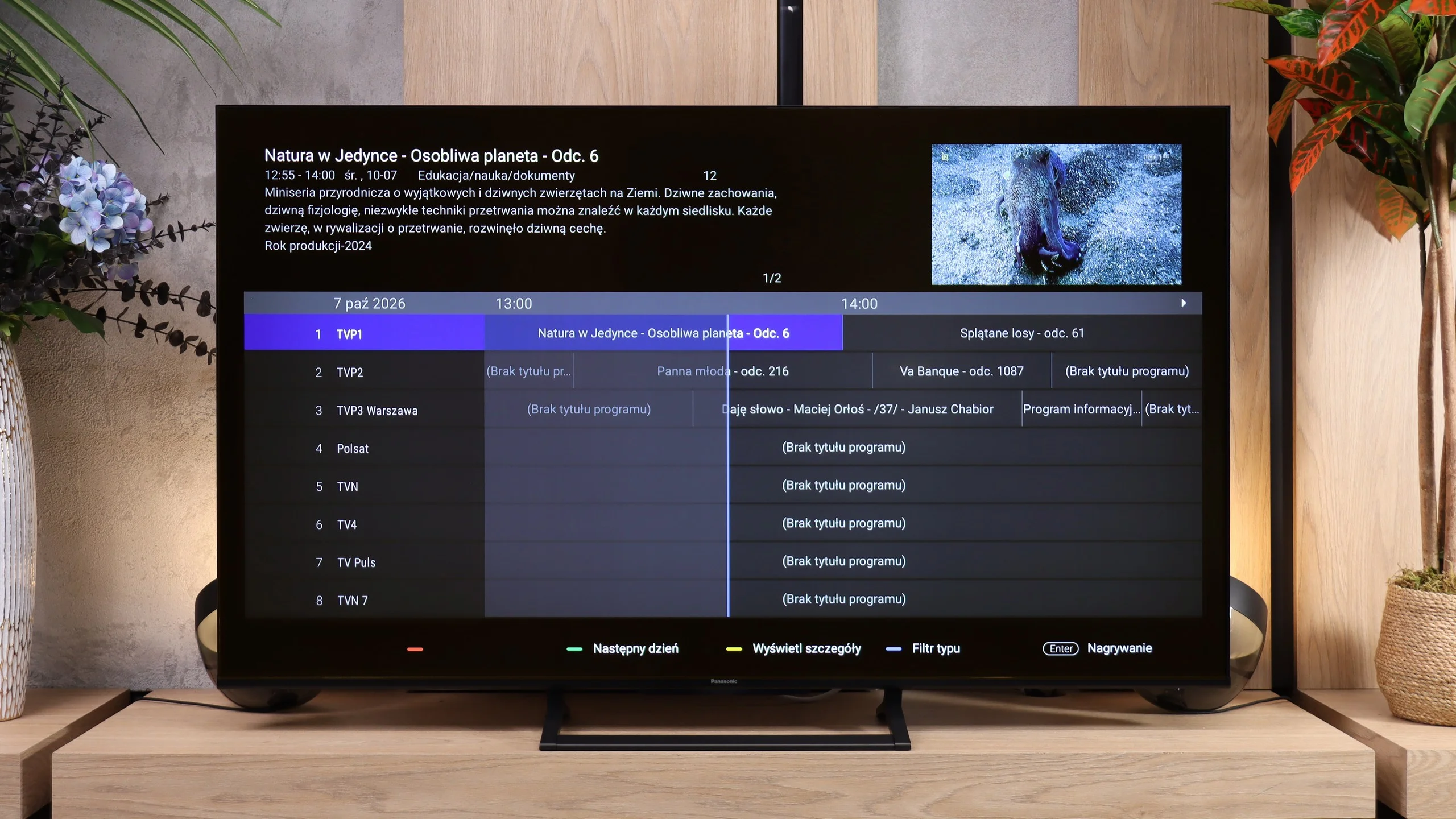
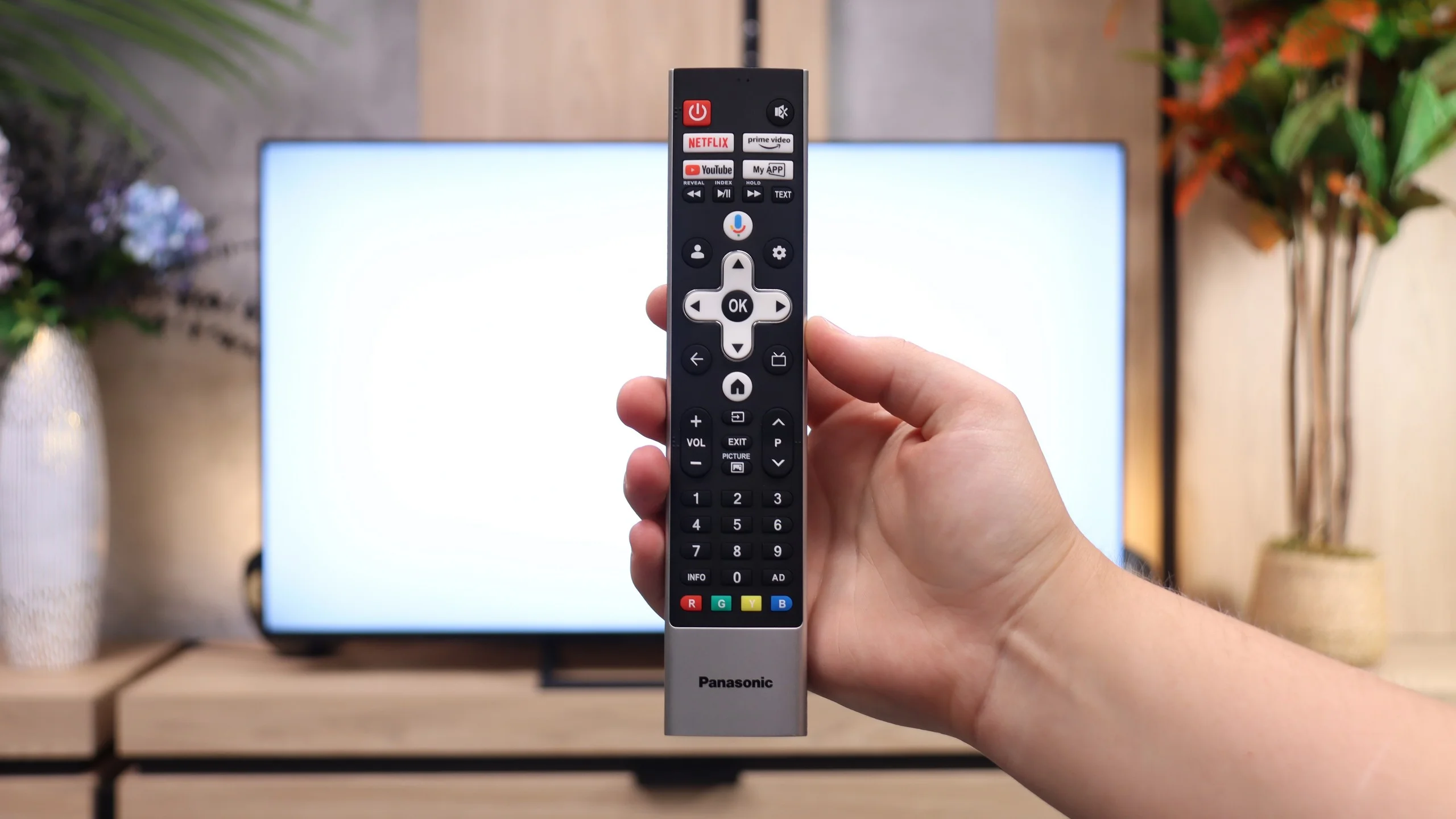
Among the classic features are EPG, teletext and the ability to listen to audio simultaneously through Bluetooth headphones and the TV speakers. Missing, however, are USB recording and picture-in-picture. The remote is simple, has a numeric keypad and doesn’t need to be pointed at the screen. It’s a shame it isn’t backlit, and the build quality could be a bit better. For connecting devices there are three HDMI 2.1 ports with 48 Gb/s bandwidth. There’s also an optical output and eARC, but note the standard 3.5 mm headphone jack. That’s becoming rarer and is useful for wired headphones or older audio systems with analogue inputs.

Apps

8.7/10

9.6/10

OK
Disney_Plus
OK
Amazon_Prime_Video
OK
Player_TVN
OK
Polsat_Box_Go
OK
Canal_Plus_Online
OK
TVP_VOD
OK
Apple_TV_Plus
OK
SkyShowtime
OK
Rakuten
OK
CDA_Premium_Browser
OK
Spotify
No
Tidal
OK
Netflix
OK
YouTube
OK
HBO_MAX
No
Kodi
OK
Apple_music
No
Eleven_sports
OK
Xbox Game Pass
OK
GeForce NOW
OK
Amazon Luna
OK
Boosteroid
No
Steam Link
OK
Disney_Plus
OK
Amazon_Prime_Video
OK
Player_TVN
OK
Polsat_Box_Go
OK
Canal_Plus_Online
OK
TVP_VOD
OK
Apple_TV_Plus
OK
SkyShowtime
OK
Rakuten
OK
CDA_Premium_Browser
OK
Spotify
OK
Tidal
OK
Netflix
OK
YouTube
OK
HBO_MAX
OK
Kodi
No
Apple_music
OK
Eleven_sports
No
Xbox Game Pass
OK
GeForce NOW
No
Amazon Luna
OK
Boosteroid
OK
Steam Link

Playing files from USB

9.1/10

8.7/10

Supported photo formats:

JPEG
Yes
Yes
HEIC
No
No
PNG
Yes
Yes
GIF
No
Yes
WebP
No
No
TIFF
No
No
BMP
Yes
Yes
SVG
No
No

Maximum photo resolution:

4 Mpix
Yes
Yes
6 Mpix
Yes
Yes
8 Mpix
Yes
Yes
10 Mpix
Yes
Yes
12 Mpix
Yes
Yes
16 Mpix
Yes
Yes
20 Mpix
Yes
Yes
24 Mpix
Yes
Yes
28 Mpix
Yes
Yes
32 Mpix
Yes
Yes

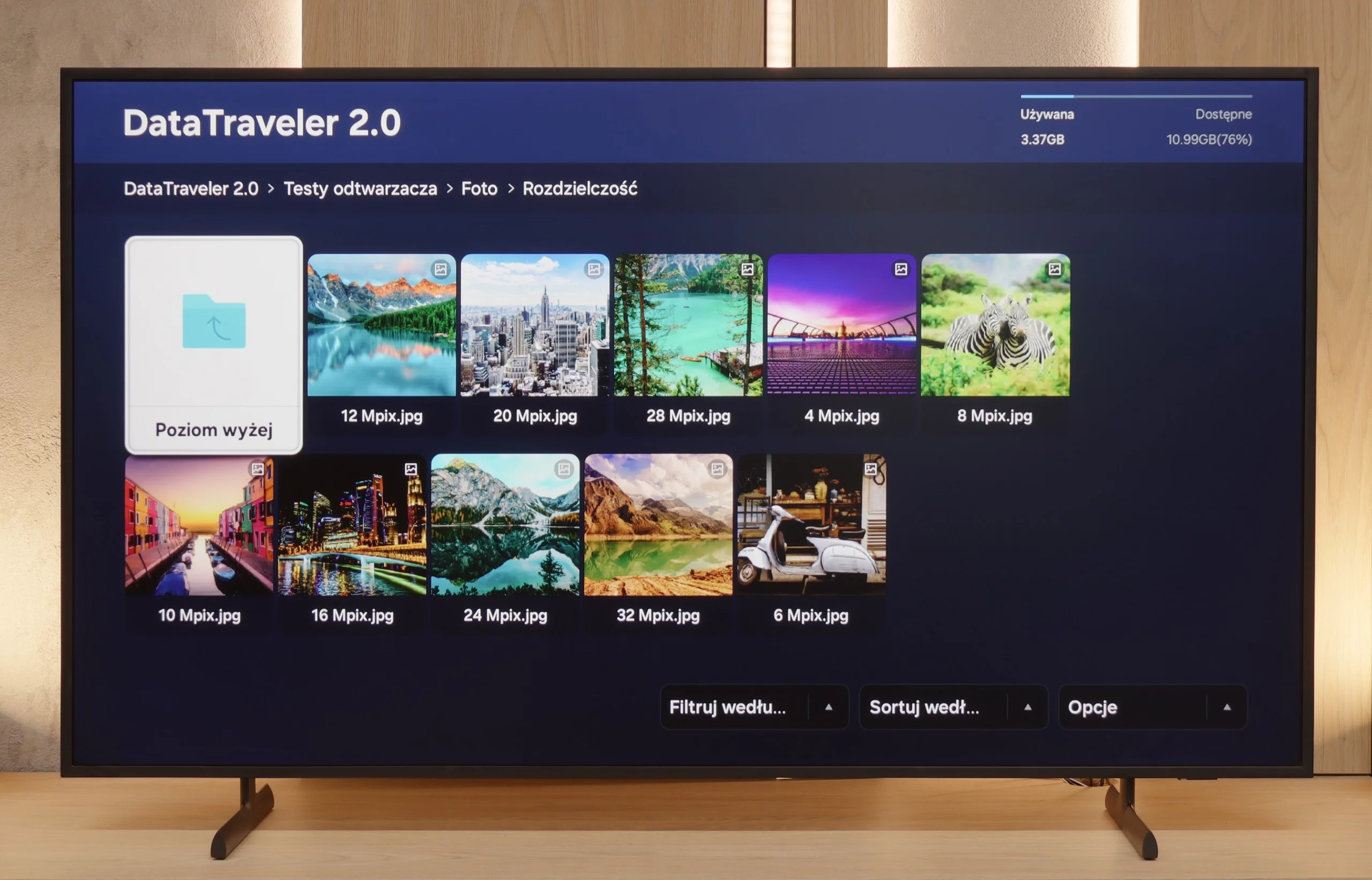
During testing, we didn't notice any major issues with playing files from a USB memory stick. The television handled both video materials and photos well. Of course, there are some exceptions – for example, the lack of support for the HEIC format (used by Apple devices) – but it's hard to consider this surprising. On the positive side, it fully supports high-resolution photos – the television displays high megapixel files without any problems, which can be significant for those wanting to treat The Frame as a digital photo frame as well. However, during testing, we noticed a limitation regarding subtitles – the television only correctly handled files in .txt format. It's worth keeping this in mind and ensuring that downloaded subtitles for films are saved in this format; otherwise, they may simply not display.

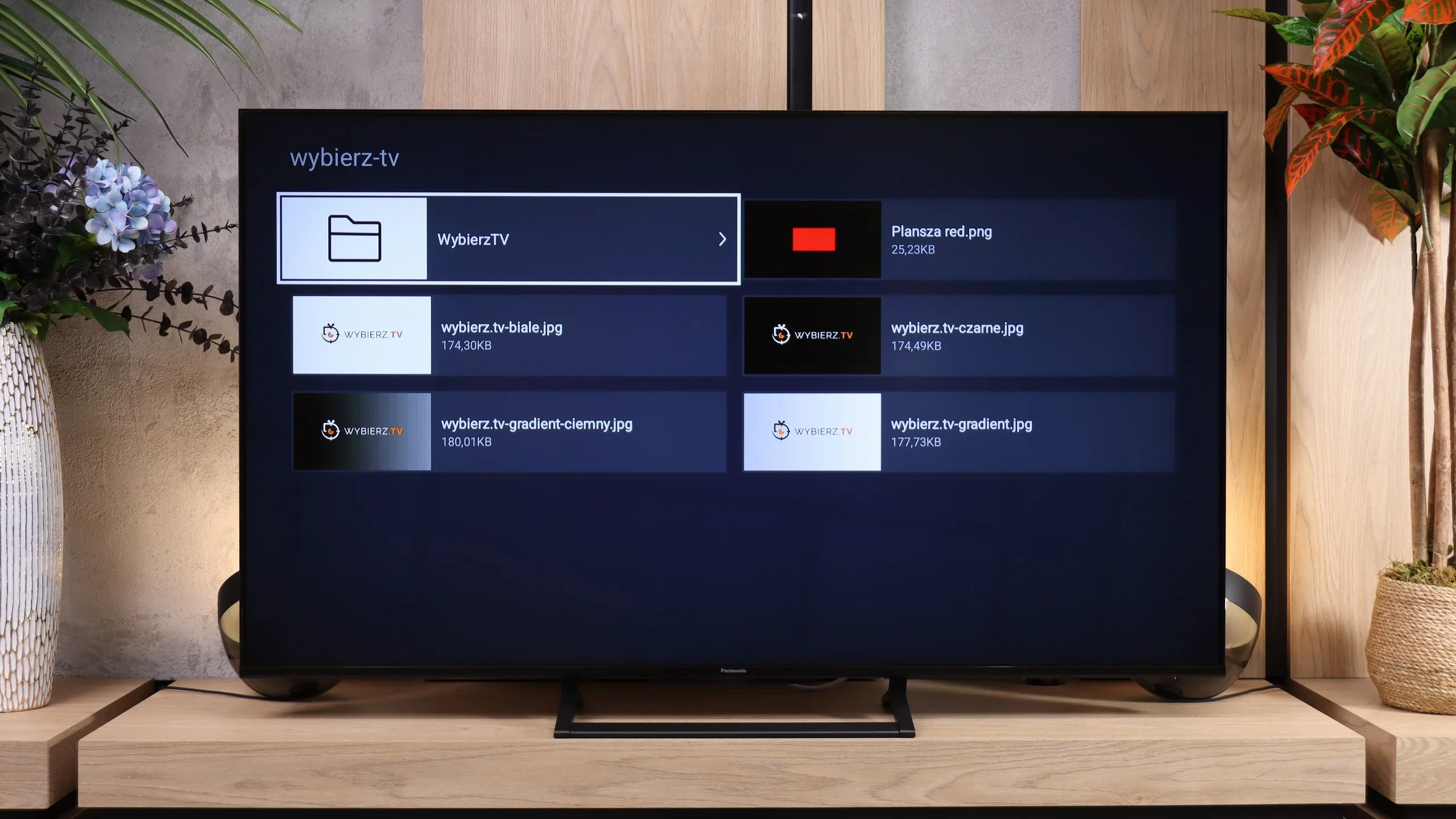
Playback of files from USB works smoothly on the W92C. Media load quickly, operation is simple, and the built-in player handles most common video, photo and music files. It's perfectly adequate for an occasional movie or for browsing photos from a USB stick. Just watch out for subtitles. In our tests the TV wouldn't read .sub and .txt files. It's best to convert them beforehand to the .srt format, which worked correctly, including Polish characters.

Sound

6/10

6.7/10

  • Maximum volume
    -
    94dB
  • Dolby Digital Plus 7.1
    Yes
    Yes
  • Dolby True HD 7.1
    No
    Yes
  • Dolby Atmos in Dolby Digital Plus (JOC)
    Yes
    Yes
  • Dolby Atmos in Dolby True HD
    No
    No
  • DTS:X in DTS-HD MA
    No
    No
  • DTS-HD Master Audio
    No
    No

For such a slim television, the sound is quite decent. It’s full, adequate for everyday viewing, but lacks much excitement – typical of flat designs. There's not much bass, although at times it can be heard. The speakers in a 2.0.2 configuration have a total power of 40 W. (in the 55+ inch version) Unfortunately, the television does not support DTS format, so for movies with that sound, you'll need to rely on external equipment, like a home theatre system. You can connect a soundbar, and thanks to the Q-Symphony feature, the television plays along with it. Samsung also offers visually matching models for The Frame like S700D or S800D, but they are sold separately. (This shouldn’t really surprise anyone😉).

The sound on the Panasonic W92C is rather average. Given the additional rear-mounted subwoofer, we expected a slightly fuller sound. However, the bass is still lacking, which is particularly noticeable in music and in more intense movie scenes. So the subwoofer itself doesn’t deliver as much as one might expect. On the plus side, the volume is impressive. In our measurements the W92C reached about 94 dB, so there’s plenty of headroom. For regular TV viewing this setup will do, but simply turning up the volume won’t make up for the missing low end.

Sound Quality Test

No sound test video

Acoustic Measurements

No acoustic data

94dBC (Max)

75dBC

Reader comments

Comments are provided by the external service Disqus (Zeta Global). Once loaded, Disqus may set cookies and process data about your activity.

We will remember your choice on this device. Provider's privacy policy