Samsung S85H vs SONY BRAVIA 3 II (XR35M2)

Direct comparison

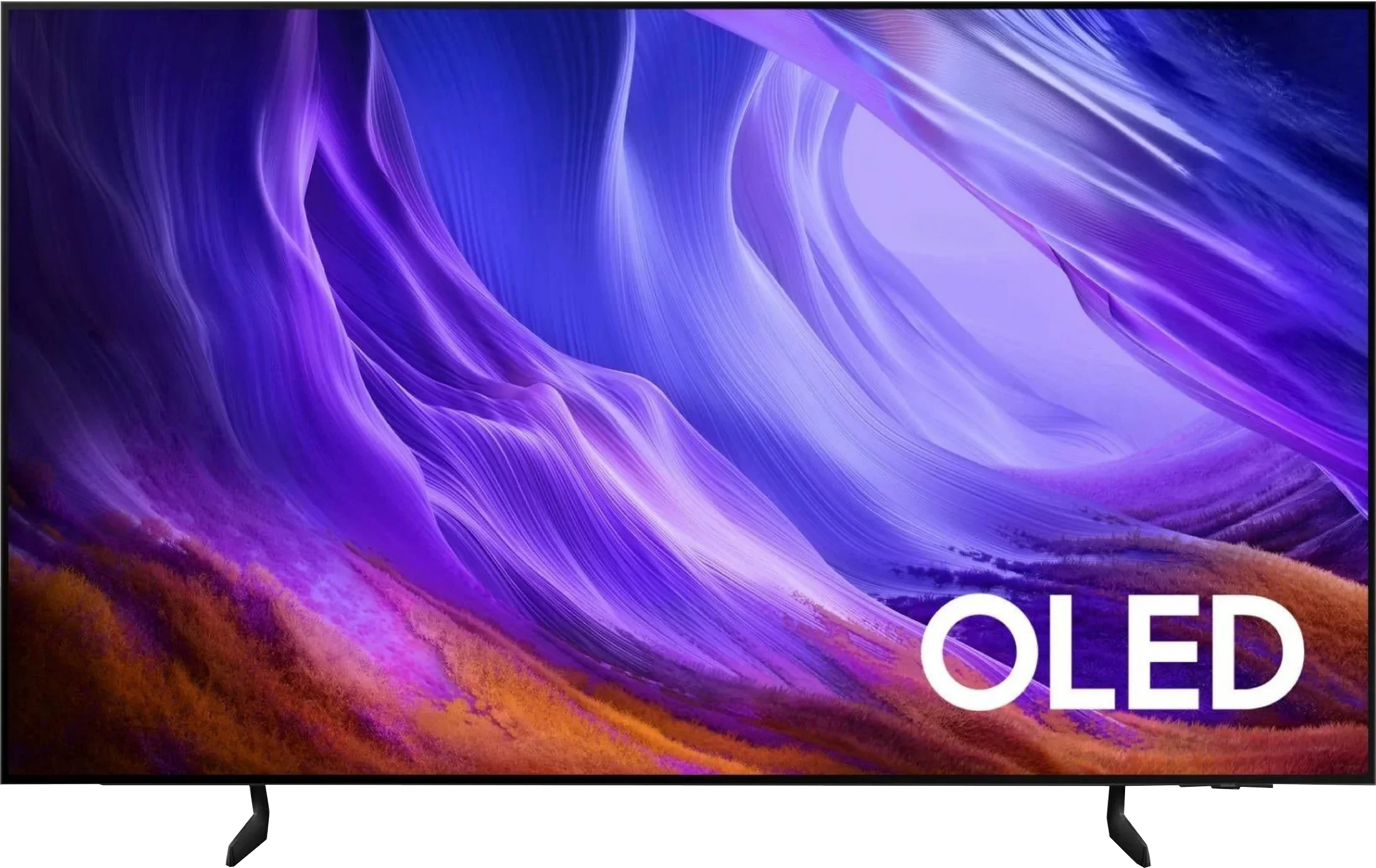
S85H

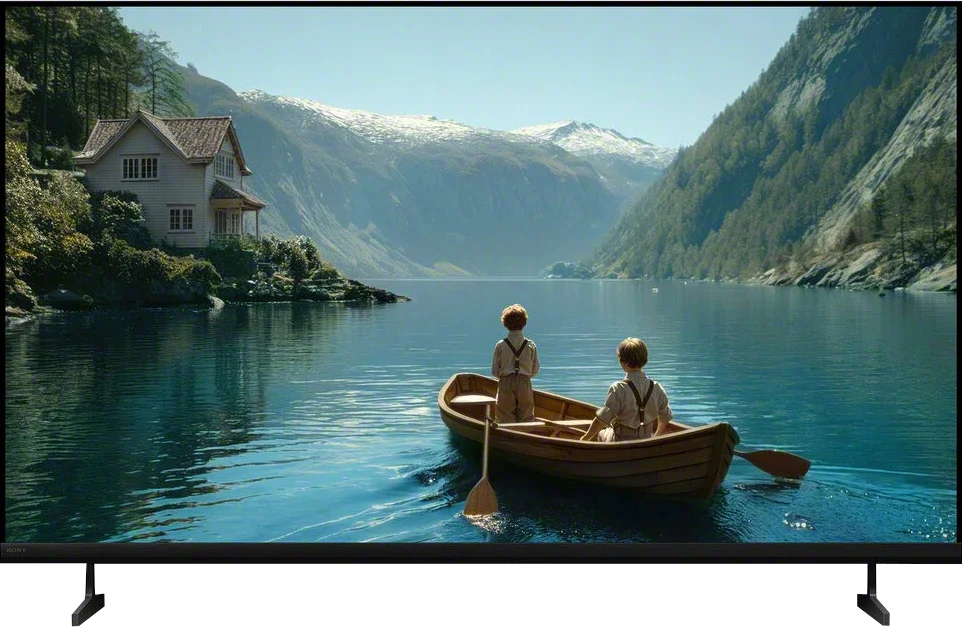
BRAVIA 3 II / XR35M2

Available screen sizes: 48”55”65”77”83”

Available screen sizes: 43”50”55”65”75”85”100”

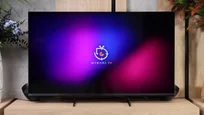
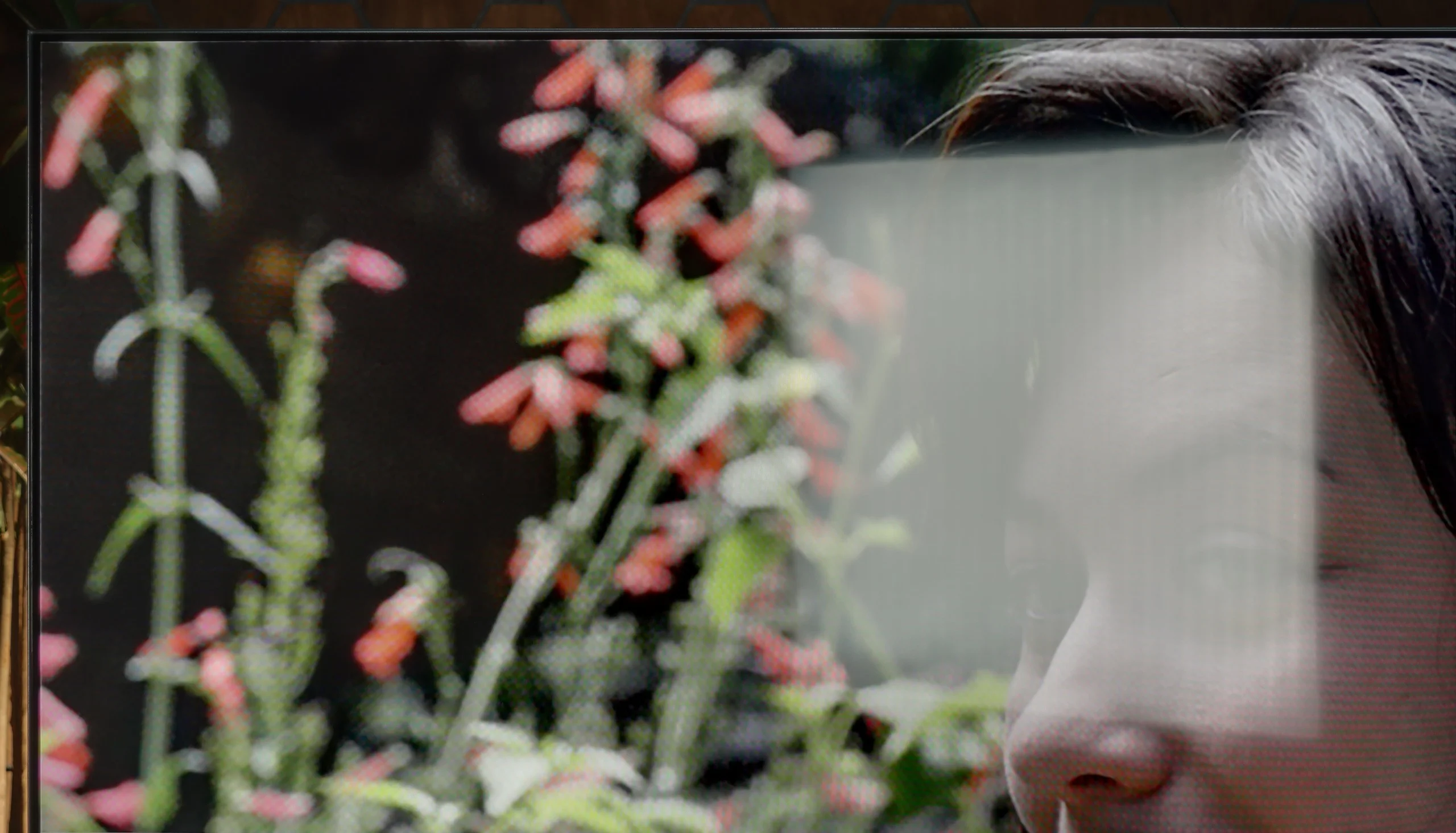
Review Samsung S85H Main photo
Review SONY BRAVIA 3 II (XR35M2) Main photo

Panel type: WRGB OLED

Resolution: 3840x2160

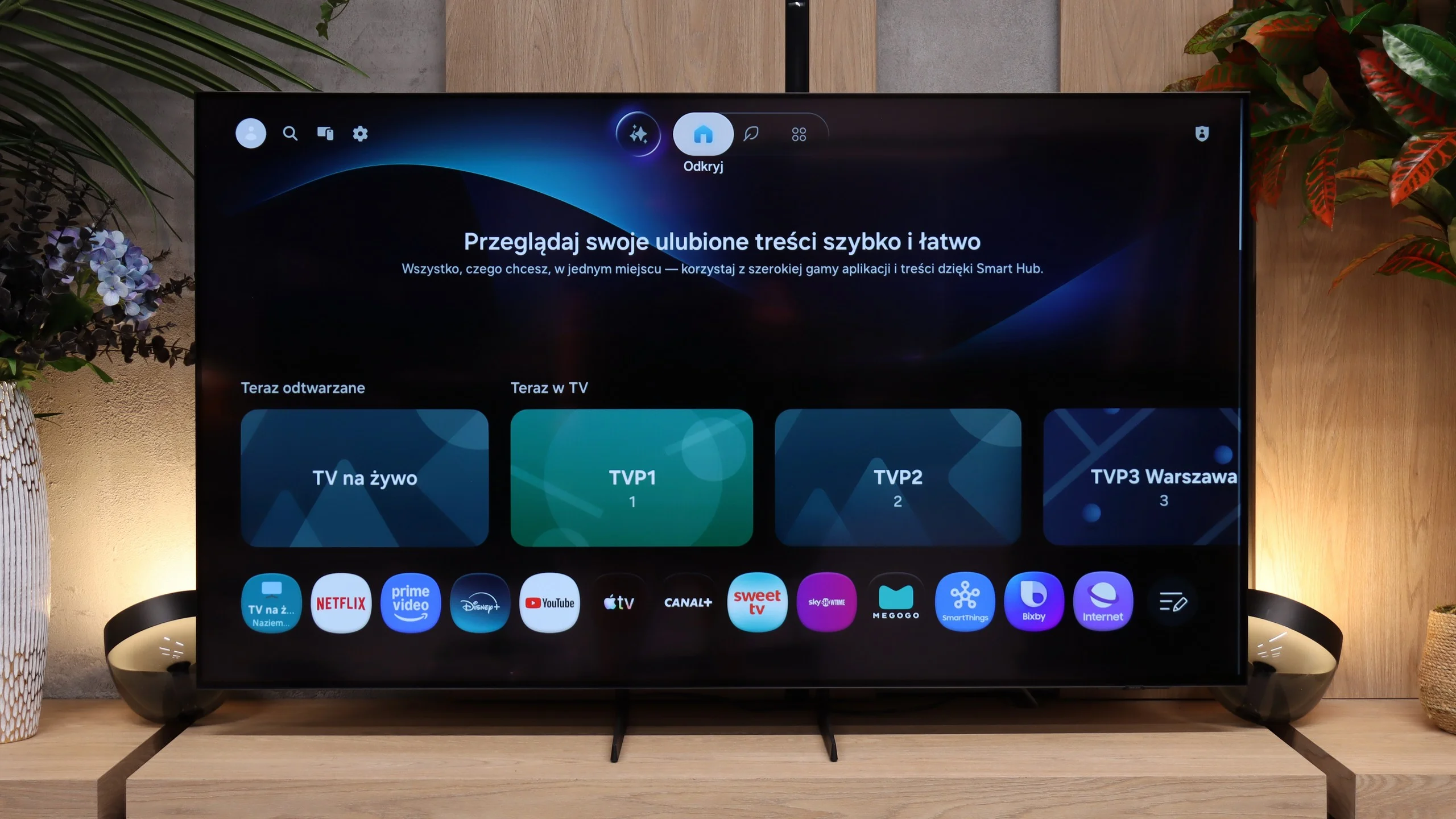
System: Tizen

Model year: 2026

Complete the survey to find out the result

Panel type: LCD VA

Resolution: 3840x2160

System: Google TV

Model year: 2026

Complete the survey to find out the result

Overall rating

7.9

7.0

  • Movies and series in UHD quality

    8.0

    6.5

  • Classic TV, YouTube

    8.6

    6.3

  • Sports broadcasts (TV and apps)

    8.5

    6.7

  • Gaming on console

    9.6

    8.1

  • TV as a computer monitor

    7.6

    7.2

  • Watching in bright light

    5.1

    5.8

  • Utility functions

    7.3

    7.9

  • Apps

    9.3

    9.6

  • Sound quality

    7.2

    6.8

Advantages

  • Perfect blacks and infinite contrast, OLED

  • Decent HDR brightness of up to around 800 nits

  • High image fidelity after calibration

  • Very good motion handling, 120 Hz OLED panel

  • Rich set of gaming features: VRR, Game Bar, low input lag

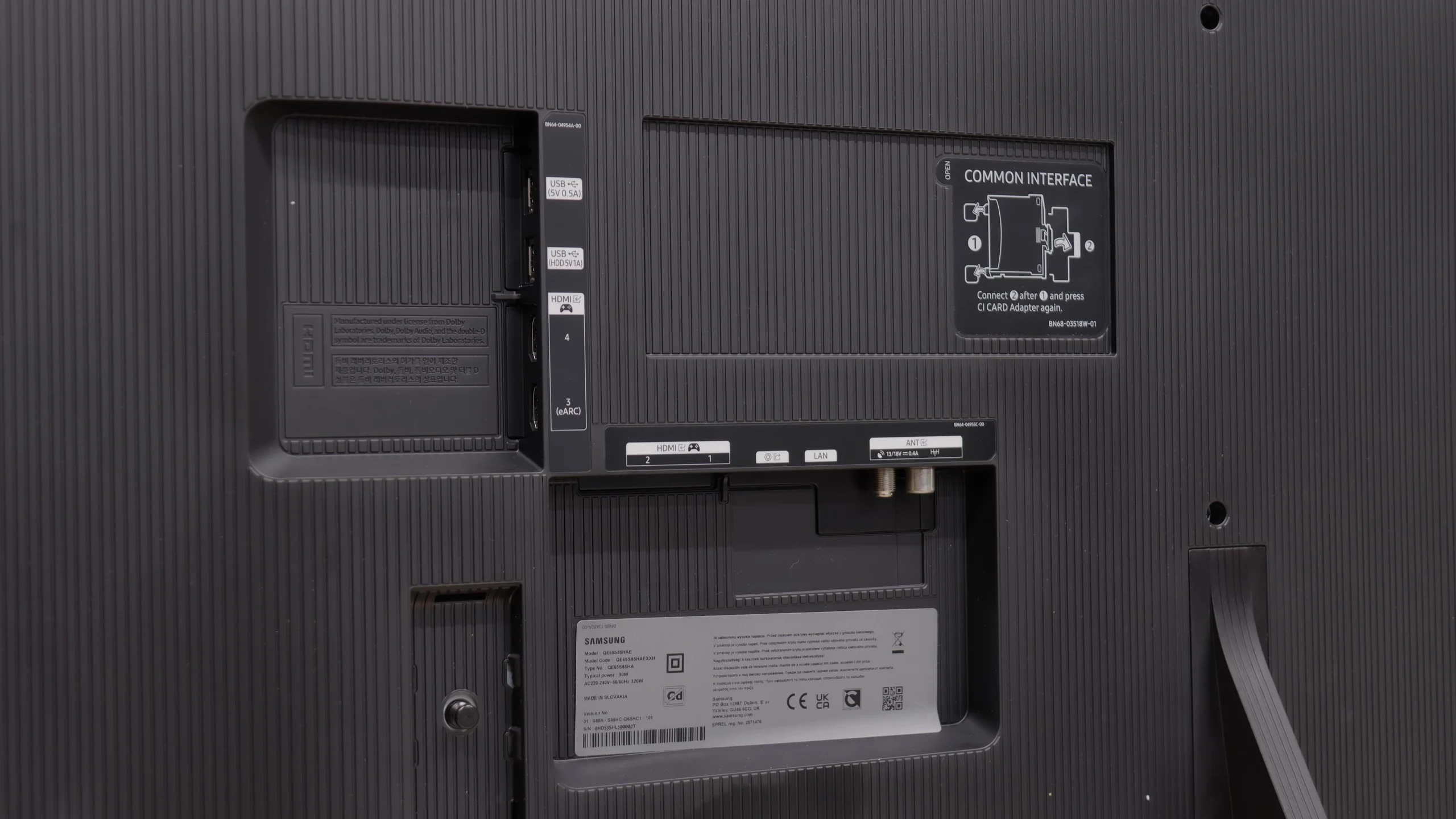
  • 4 HDMI 2.1 ports with full 48 Gbps bandwidth

  • Feature-rich, smoothly running Tizen system

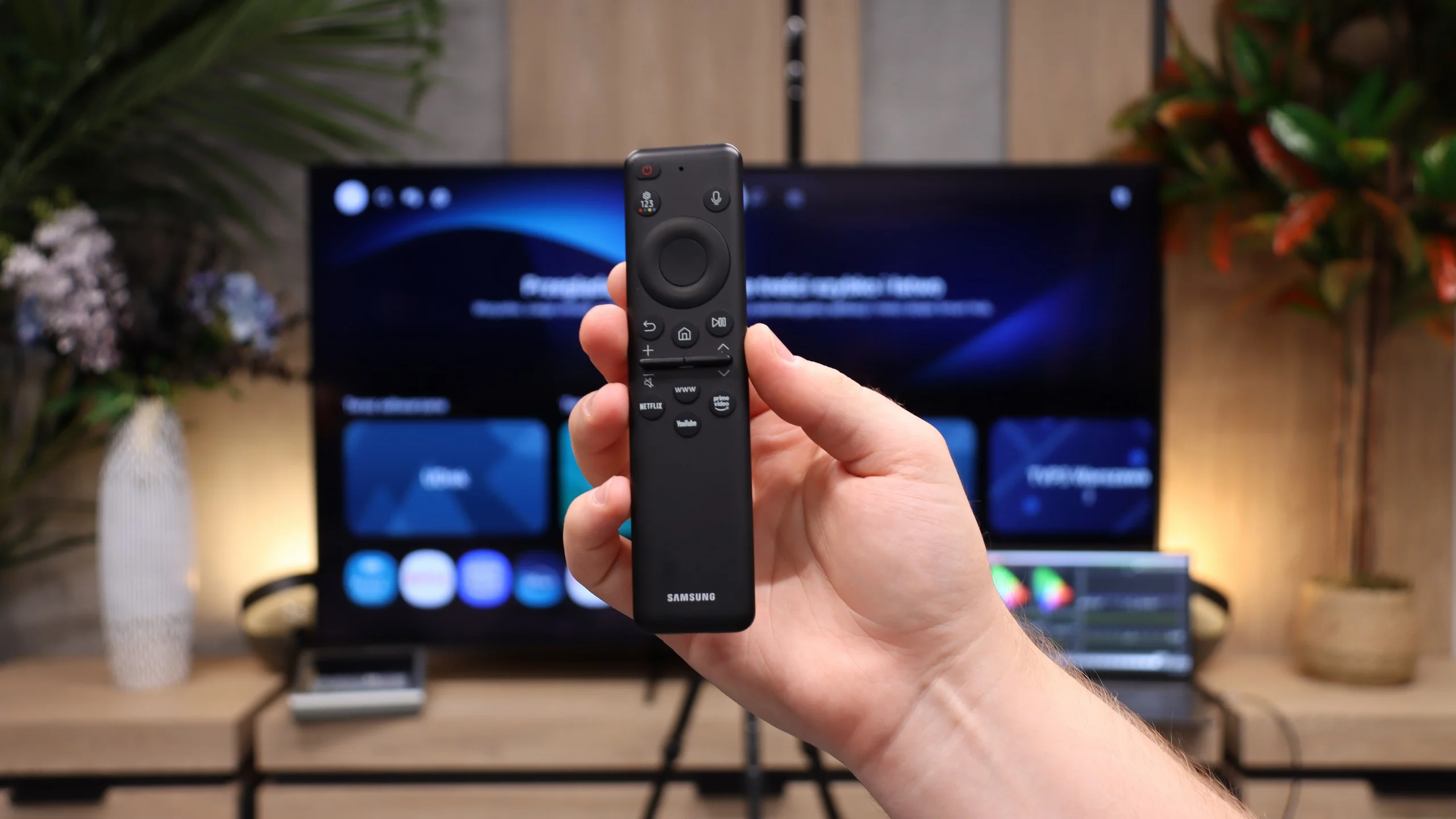
  • Solar-powered remote with many features

  • Support for Dolby Atmos spatial audio

  • Very good motion clarity and exceptionally low motion blur for a 120Hz LCD TV

  • Finally, 4 × HDMI 2.1 48 Gb/s!

  • Lots of gaming features: VRR, ALLM, low input lag

  • Wide colour gamut: QLED (PFS)

  • Dolby Vision support

  • Google TV with a wide range of apps and features

  • Broad audio format support: Dolby Atmos and DTS

  • Record programmes to USB

  • Two remotes included

Disadvantages

No like
  • Poorer anti-reflective performance than its predecessor, a characteristic of the new OLED SE panel

  • Average SDR brightness, best suited to a room with controlled lighting

  • No DTS:X support, mainly a downside for owners of Blu-ray collections

  • No Dolby Vision, not essential but would be welcome 🙂

  • High price for what it offers; for only a little more you can buy the much better BRAVIA 5 model

  • No local dimming

  • No proper HGiG support

  • Average processing of lower-quality source material

Our verdict

Samsung S85H is a very successful continuation of the S85 series and a TV that still performs its main role well: to be an affordable entry into the world of OLEDs. The biggest change from its predecessor is the use of LG Display's new OLED SE panel, but the overall character of this model remains practically unchanged. Its greatest strengths are still perfect blacks, very high contrast and a picture that can look truly excellent in the evening. Add to that good colors and the ability to achieve a high degree of fidelity to the director's vision. The S85H also works very well as a versatile TV. Gamers get four HDMI 2.1 ports, 120 Hz, VRR, very low input lag and Game Motion Plus, so there is little to complain about here. Tizen runs fast and is user-friendly, and the whole system clearly targets users who today mainly use Netflix, YouTube and other streaming services, while traditional broadcast TV is treated as an extra.

However, the new OLED SE panel is not without flaws. This is most noticeable when watching during the day, because its glare handling is worse than previous OLED panels. Its peak brightness is also not high enough for the S85H to perform particularly well in a very sunlit living room. It is still a TV that shows its strengths best in the evening or in a room with at least partial control over ambient light. And that is probably the best way to look at the S85H. It is not an OLED meant to break brightness records or compete with the most expensive panels. It simply aims to offer what people like most about the technology, but at a lower price. Perfect blacks, very good movie picture quality, excellent gaming features and a convenient smart system make the S85H one of the easiest ways to get into OLED without spending a fortune.
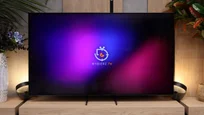
The Sony Bravia 3 II is a TV where you can quickly see what the manufacturer had in mind for this model. It’s meant above all to be a sensible Bravia for gaming, and in that respect the changes are quite significant. Sony has finally fixed one of the biggest headaches of its TVs, namely having only two full HDMI 2.1 ports. This one has four, and that alone makes the Bravia 3 II a much more convenient choice for anyone who wants to connect a lot of gaming gear. Fortunately it’s not limited to gaming. The 120 Hz panel performs very well for motion, motion blur is minimal, and the motion-enhancing systems work surprisingly effectively, at times even better than on Sony’s top sets. That makes sport another use case where the Bravia 3 II feels right at home. Add Google TV with its full suite of apps and features, and in terms of everyday use it’s just the Sony we’ve known for years.

The biggest problem with this model, however, isn’t the TV itself but its current price. The Bravia 3 II is today dangerously close in price to the Bravia 5, and when the extra cost for the higher model is just a few percent, choosing the lower series starts to make less sense. The Bravia 5 already offers a full Mini-LED backlight with local dimming, which is exactly what the Bravia 3 II most lacks for evening viewing and HDR. That’s why we look at this model mainly through the lens of price. The Bravia 3 II itself is a very successful lower-mid-range TV and, at the right price, could easily be one of the more interesting choices for a gamer or sports fan. However, if the gap to the Bravia 5 remains small, it will be hard to recommend it wholeheartedly.

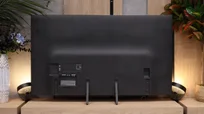
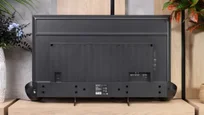
TV appearance

HDMI inputs
0 x HDMI 2.0, 4 x HDMI 2.1 (48Gbps)
Other inputs
Outputs
Toslink (Optical audio), eARC (HDMI), ARC (HDMI)
Network Interfaces
Wi-Fi 2.4GHz, Wi-Fi 5GHz, Ethernet (LAN) 100Mbps
Build quality
Good
Good
Stand type
Legs
Legs
Bezel color
Graphite
Graphite
Stand
Base adjustment
Base adjustment
Accessories
Stand
Two remote controls, Stand

Contrast and black detail

10/10

5.6/10

Local dimming function: No

Contrast:

Review Samsung S85H Contrast and black detail

Result

∞:1

Review Samsung S85H Contrast and black detail

Result

∞:1

Review Samsung S85H Contrast and black detail

Result

∞:1

Review Samsung S85H Contrast and black detail

Result

∞:1

Review Samsung S85H Contrast and black detail

Result

∞:1

Review SONY BRAVIA 3 II (XR35M2) Contrast and black detail

Result

3,050:1

Review SONY BRAVIA 3 II (XR35M2) Contrast and black detail

Result

4,650:1

Review SONY BRAVIA 3 II (XR35M2) Contrast and black detail

Result

5,850:1

Review SONY BRAVIA 3 II (XR35M2) Contrast and black detail

Result

6,400:1

Review SONY BRAVIA 3 II (XR35M2) Contrast and black detail

Result

4,350:1

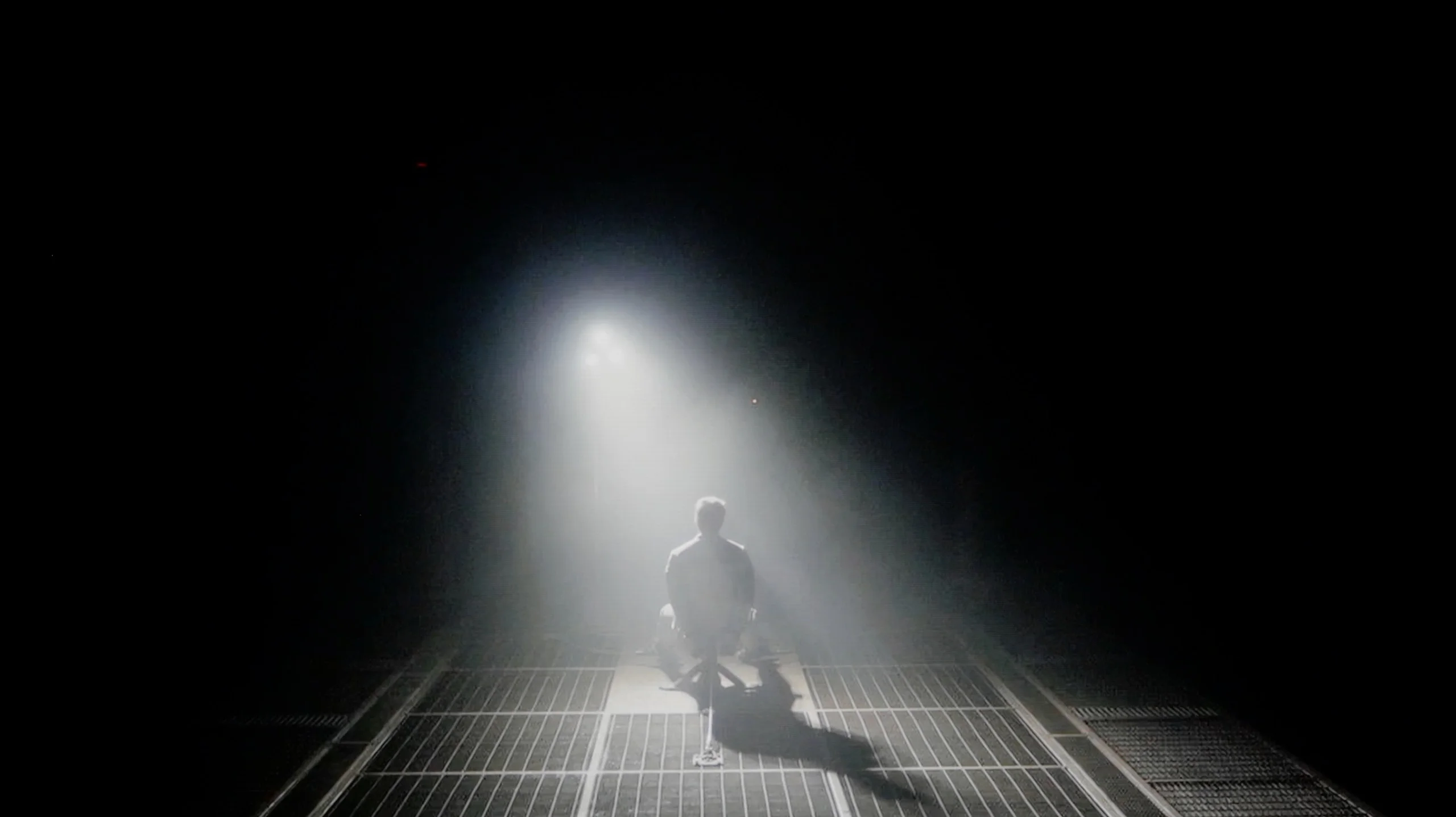
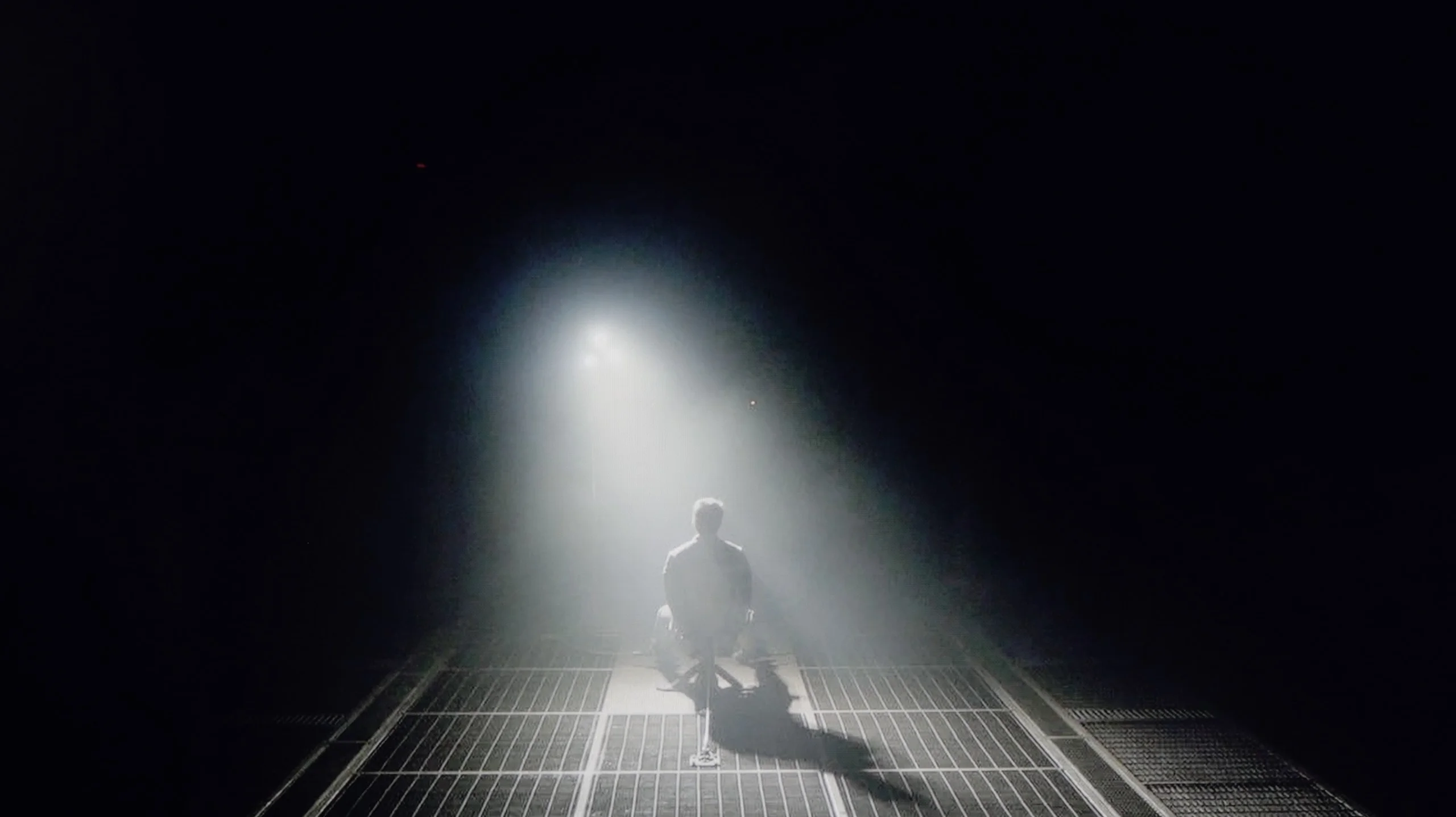
Halo effect and black detail visibility:

Check the visibility of bright lights on a dark background. Mini-LEDs often struggle with this. The photo does not compare black levels – that’s what the video below is for.

The video accurately shows differences in contrast and black levels between TVs, as well as potential issues: halo around bright objects or Mini-LED zone operation visible as brightness jumps.

The switch to LG Display's new WOLED SE panel has essentially changed nothing in terms of black levels and contrast. And it was hard to expect any major improvement here, because it’s still OLED, a technology that can completely switch off each individual pixel. In practice that means perfect black and huge image depth, especially in darker scenes. Black bars are truly black, there’s no haloing around bright elements, and contrast remains practically infinite. Even very expensive Mini-LEDs with thousands of local dimming zones still can’t offer the same precision as the S85H. And that’s exactly its biggest advantage. The S85H may be Samsung’s cheapest OLED, but when it comes to black levels it can show exactly the same as much pricier models using organic panels.

Bravia 3 II uses a VA panel, a solution that by nature delivers significantly better contrast than IPS or ADS panels. In our unit the native contrast ratio was around 5000:1 and, for a TV without local dimming, that's a pretty good result. In practice that means in a lightly lit room blacks can look genuinely decent. Dark parts of the image do not immediately go grey, and night scenes have noticeably more depth than on many TVs with IPS panels. The poorer black performance becomes visible, however, when you turn the lights off. The Bravia 3 II does not have local dimming, so the entire backlight operates in a similar way regardless of what is happening in a given area of the image. In a dark room it is easy to notice that black is no longer truly black but starts to shift towards a dark navy. It is not a level that severely spoils the film, but during an evening viewing the difference compared with Mini-LED, and even more so with an OLED TV, becomes very clear.

HDR effect quality

6.3/10

5.3/10

Supported formats
HDR10, HDR10+, HLG
HDR10, Dolby Vision, HLG
Color gamut coverage
DCI P3: 95.2%, BT.2020: 70.9%
DCI P3: 94.2%, BT.2020: 73.9%

Luminance measurements in HDR:

Review Samsung S85H Brightness measurement

Result

733 nit

Review Samsung S85H Brightness measurement

Result

744 nit

Review Samsung S85H Brightness measurement

Result

837 nit

Review Samsung S85H Brightness measurement

Result

755 nit

Review Samsung S85H Brightness measurement

Result

404 nit

Review SONY BRAVIA 3 II (XR35M2) Brightness measurement

Result

408 nit

Review SONY BRAVIA 3 II (XR35M2) Brightness measurement

Result

430 nit

Review SONY BRAVIA 3 II (XR35M2) Brightness measurement

Result

449 nit

Review SONY BRAVIA 3 II (XR35M2) Brightness measurement

Result

457 nit

Review SONY BRAVIA 3 II (XR35M2) Brightness measurement

Result

455 nit

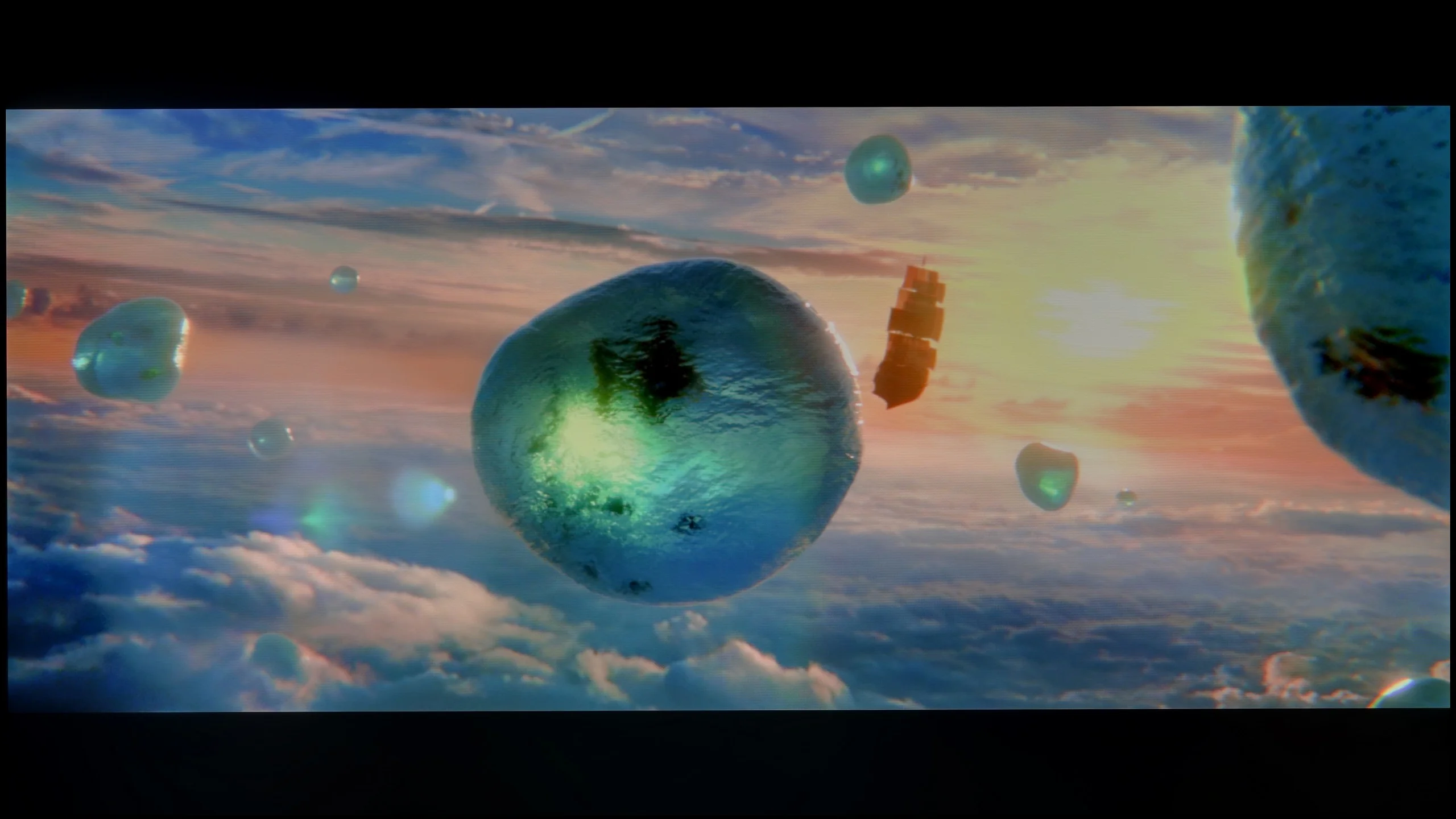
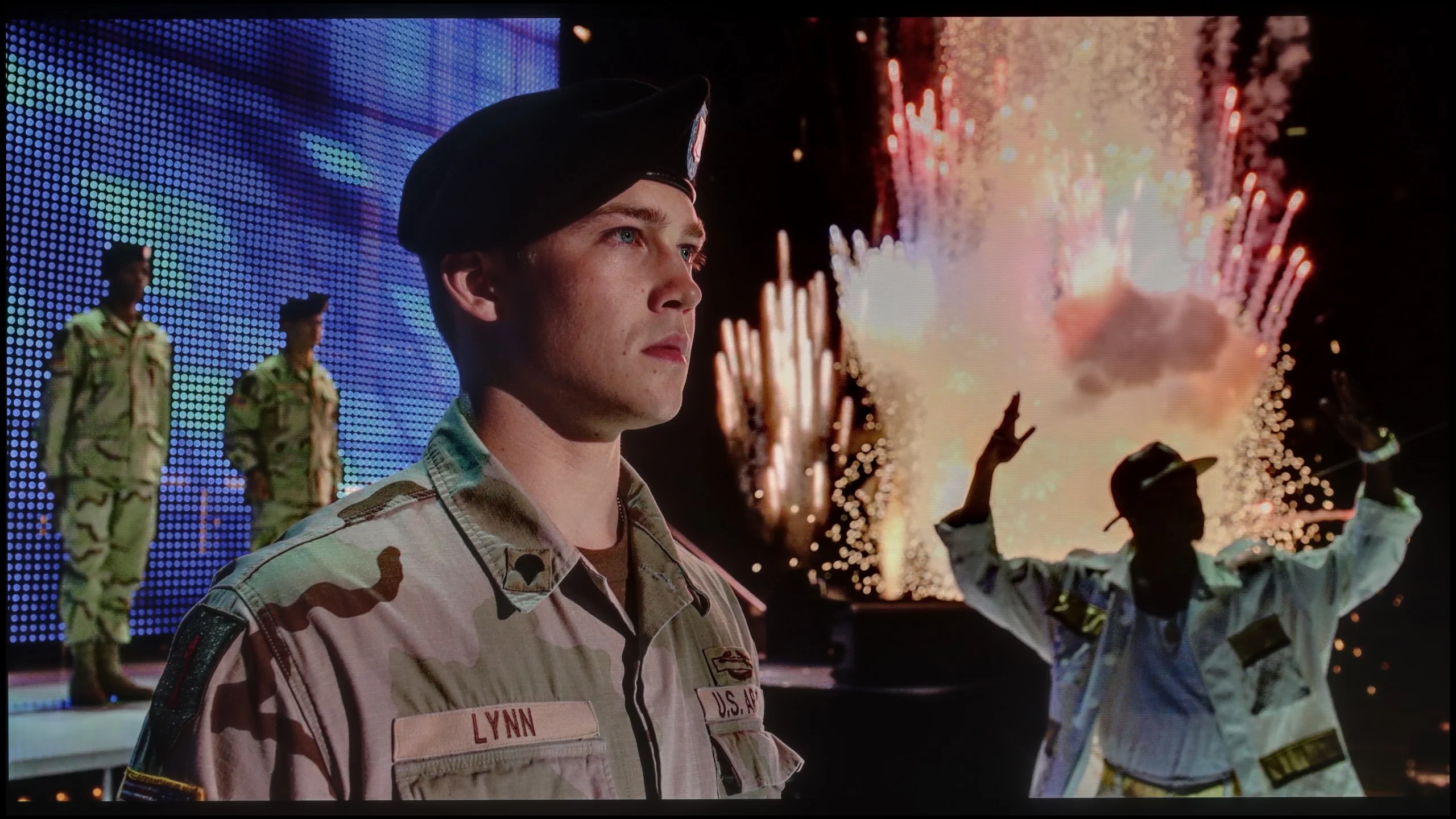
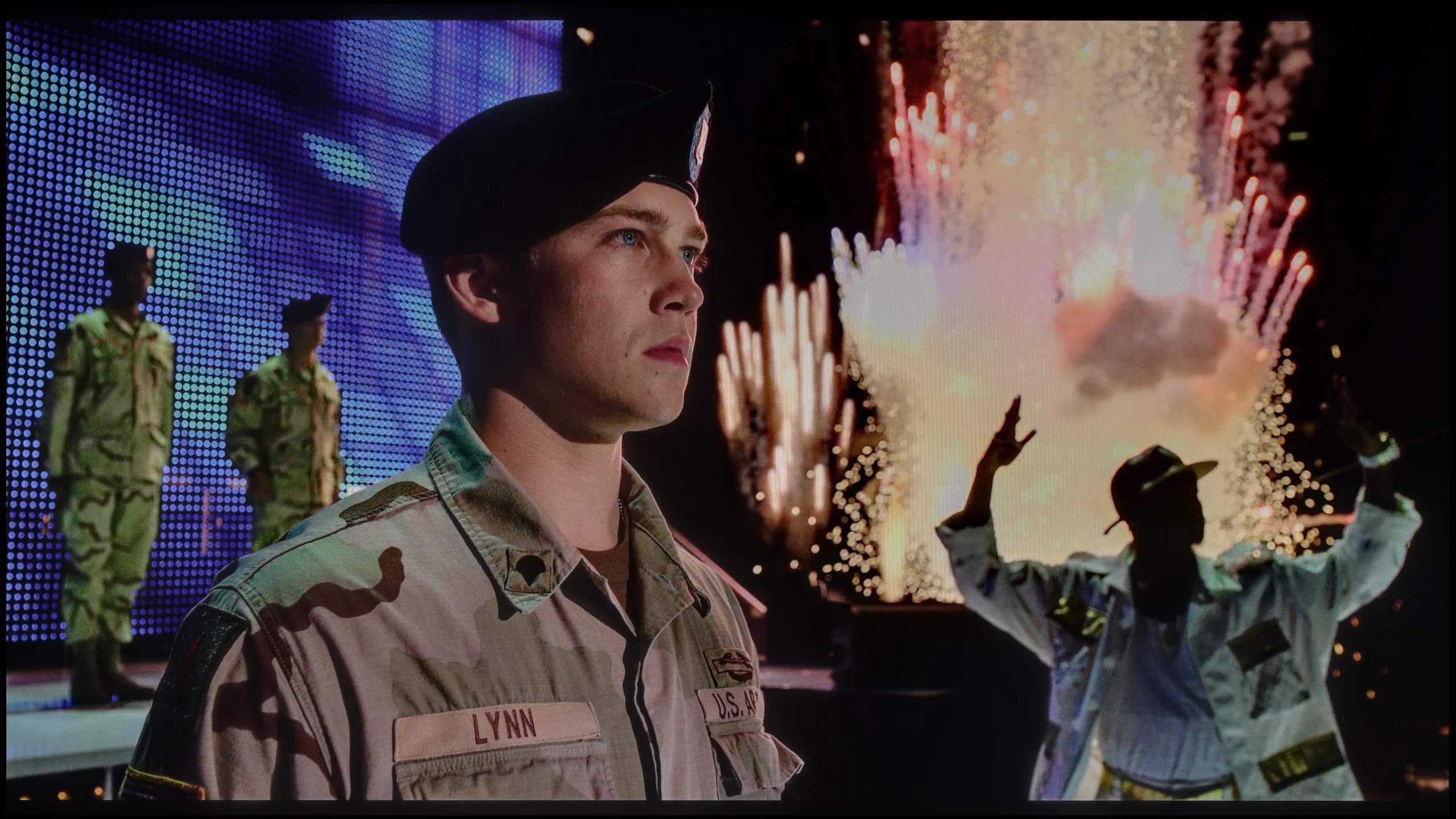
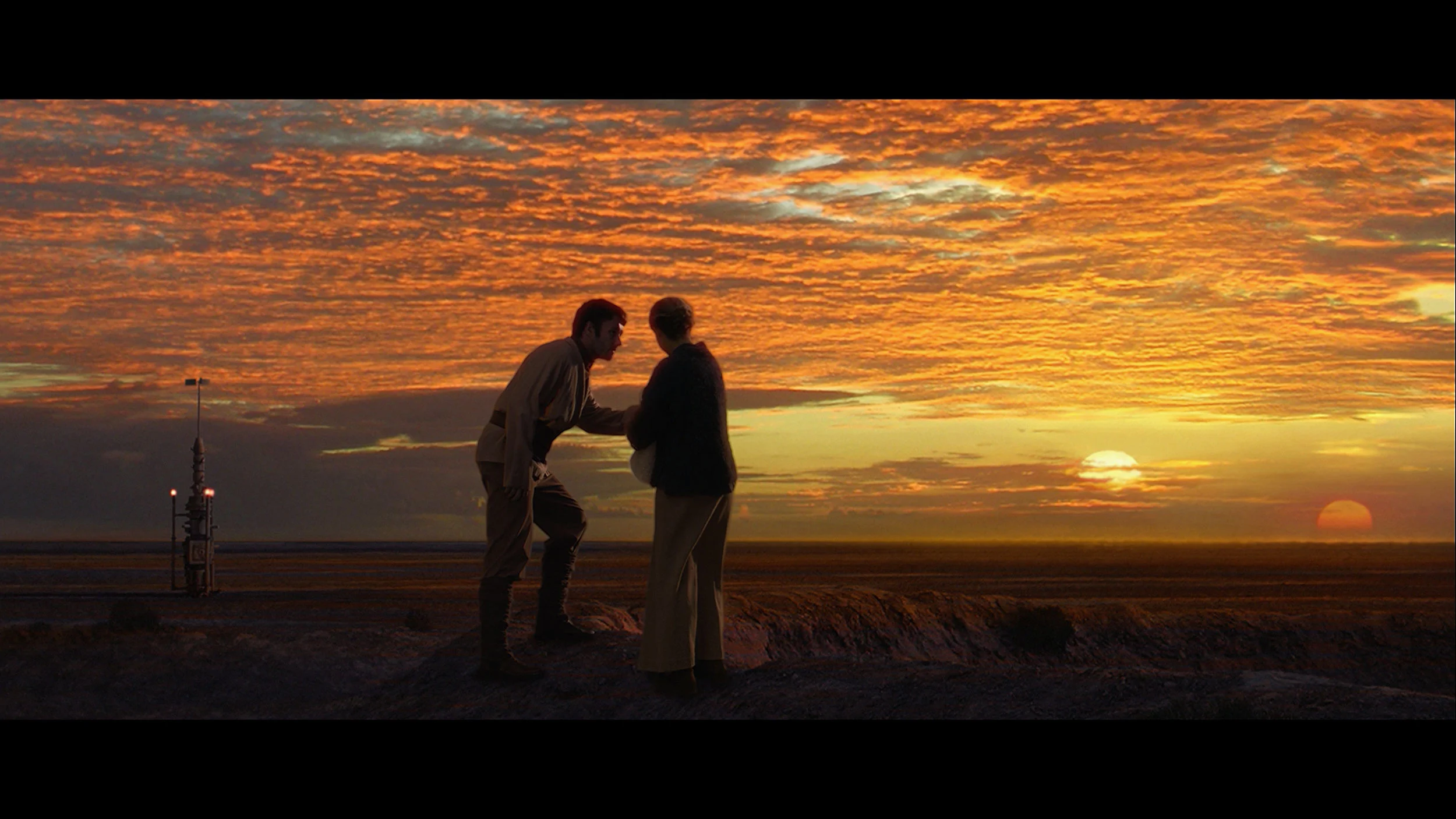
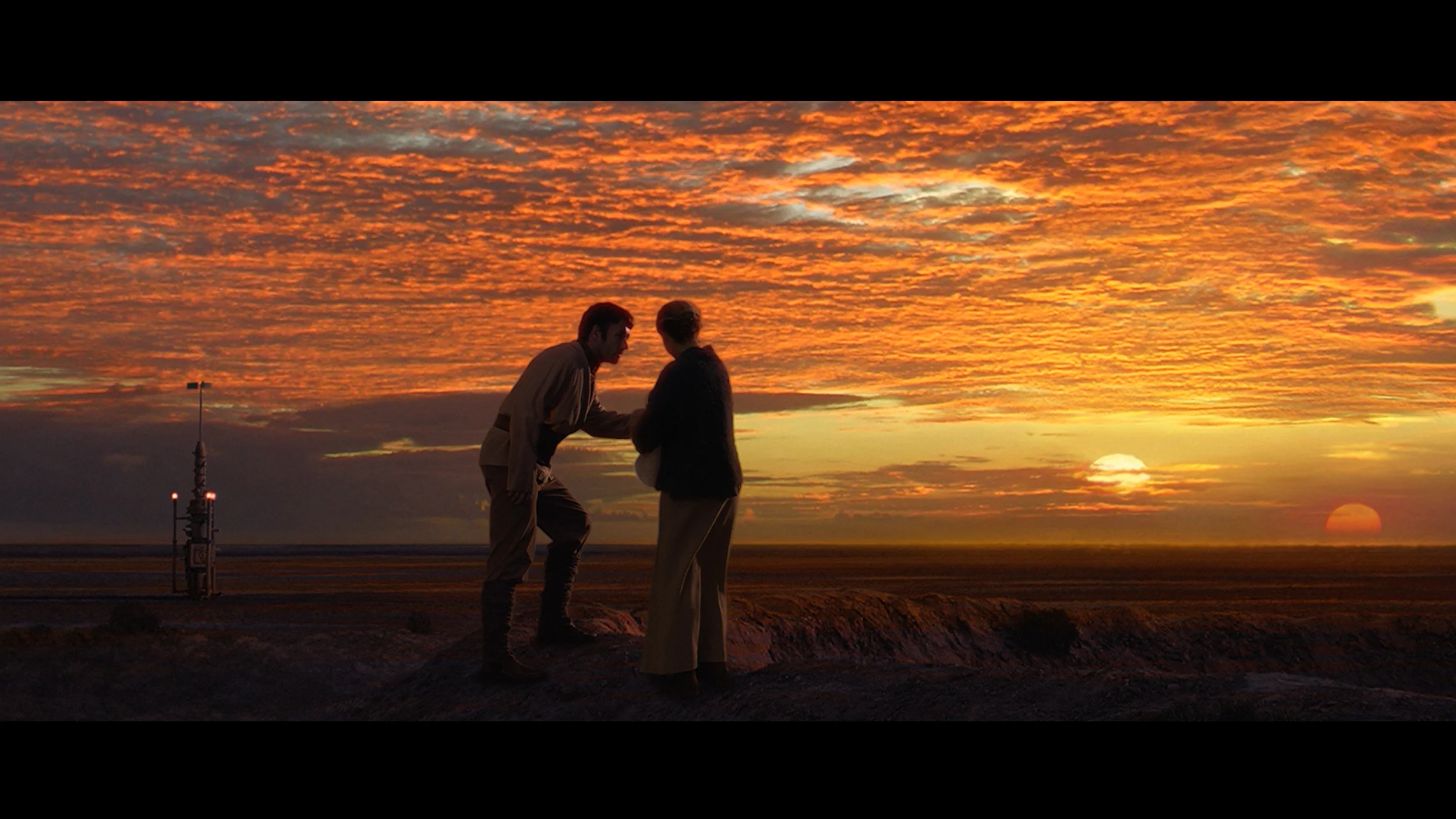
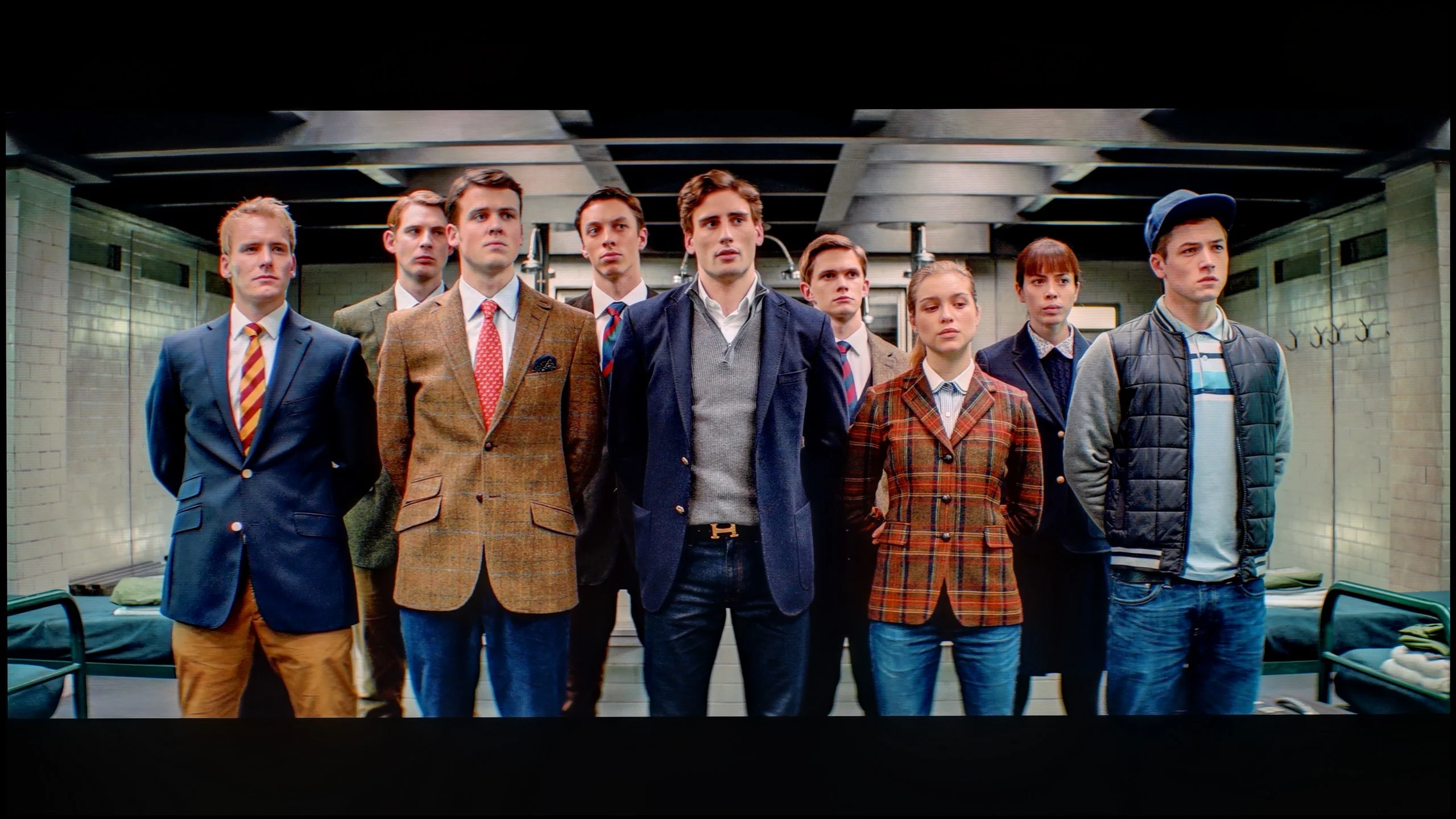
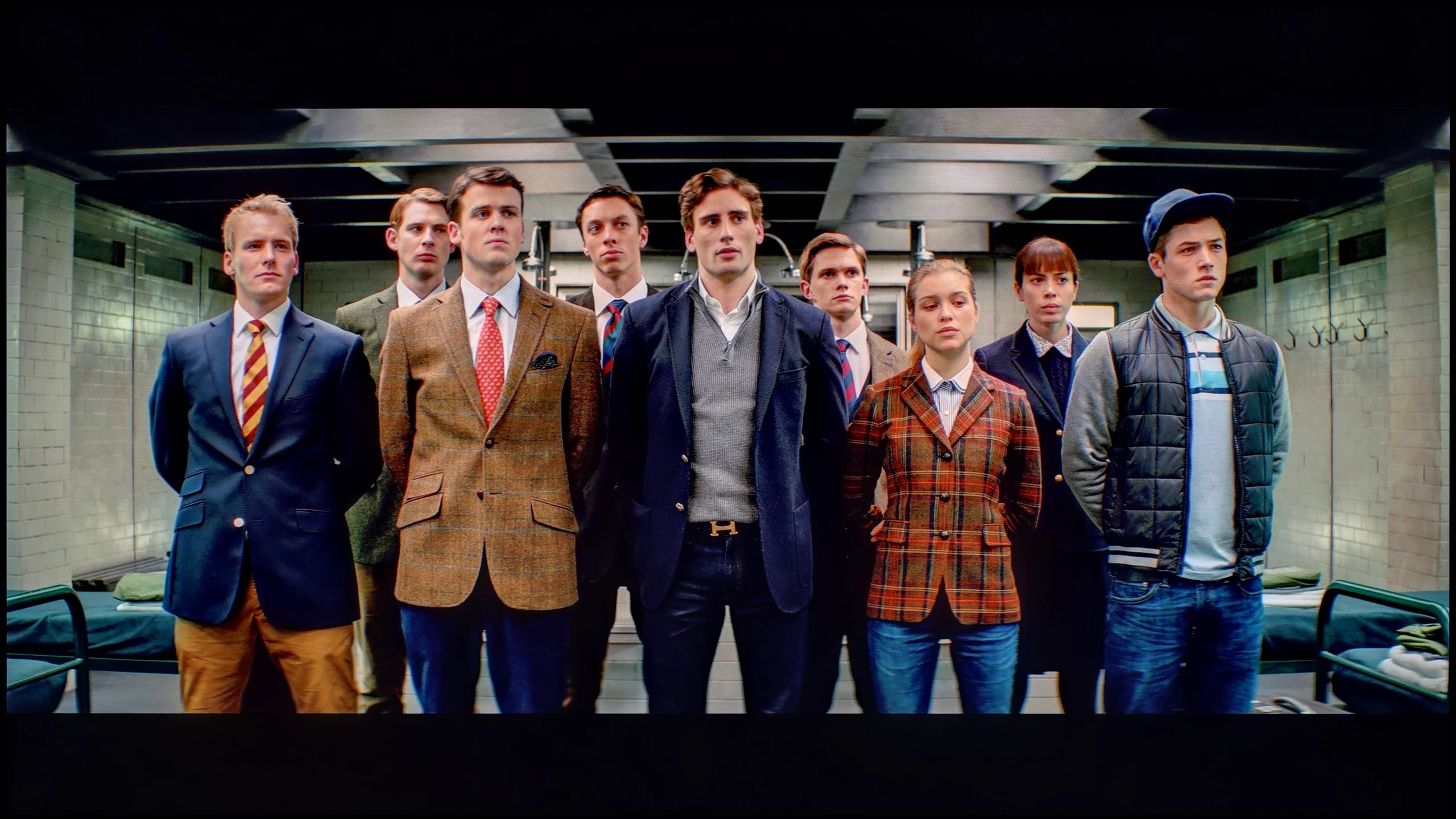
Scene from the movie “Pan” (about 2800 nits)

Scene from the movie “Billy Lynn” (about 1100 nits)

The photos show two HDR10 movies. 'Pan' is one of the brightest productions ever made, while 'Billy Lynn' (soldier) has brightness typical of streaming (Netflix, Prime, HBO MAX). Notice the intensity of effects and detail in whites.

Static HDR10

The photos present the visibility of white details in various HDR formats. They do not show brightness differences between TVs (these can be compared in the previous gallery).

Dynamic: HDR10+

Dynamic: Dolby Vision

The photos present the visibility of white details in various HDR formats. They do not show brightness differences between TVs (these can be compared in the previous gallery).

HDR luminance chart:

SONY BRAVIA 3 II (XR35M2)

Samsung S85H

Luminance of RGB colors

Interestingly, the new WOLED SE panel has brought a slight improvement in brightness to the S85 lineup. In the same film scenes last year’s model sat closer to about 700 nits, while the S85H can reach roughly 800 nits. That’s not a change that completely transforms the HDR experience, but the extra headroom is noticeable, especially with point highlights, reflections or stronger special effects. Around 800 nits is a very good result for an entry-level OLED and in most films it’s enough for HDR to have the necessary punch. Bright elements can clearly stand out against perfect blacks, and that contrast is still doing most of the work here. However, you need to remember the typical limitation of OLED technology. When a very bright scene covers a large portion of the screen, brightness can drop to almost half. This is the result of panel protections that limit its output with large bright areas.

Colours

The S85H can deliver very pleasant, saturated colours and in most HDR films it looks really good in that regard. We measured around 95% coverage of DCI-P3, so the palette most commonly used in films is reproduced to a very high degree. Skin tones, greens and stronger reds still have appropriate intensity and under normal viewing it’s hard to have major complaints. Only when you look more broadly at BT.2020 do the limitations of the new WOLED SE panel become apparent. Coverage was about 70%, a bit less than WOLEDs of the previous generation and noticeably less than QD-OLED panels. In films this isn’t a big loss, since most productions rarely use such heavily saturated colours. You’re more likely to notice it in games, where developers more often opt for more intense colours.

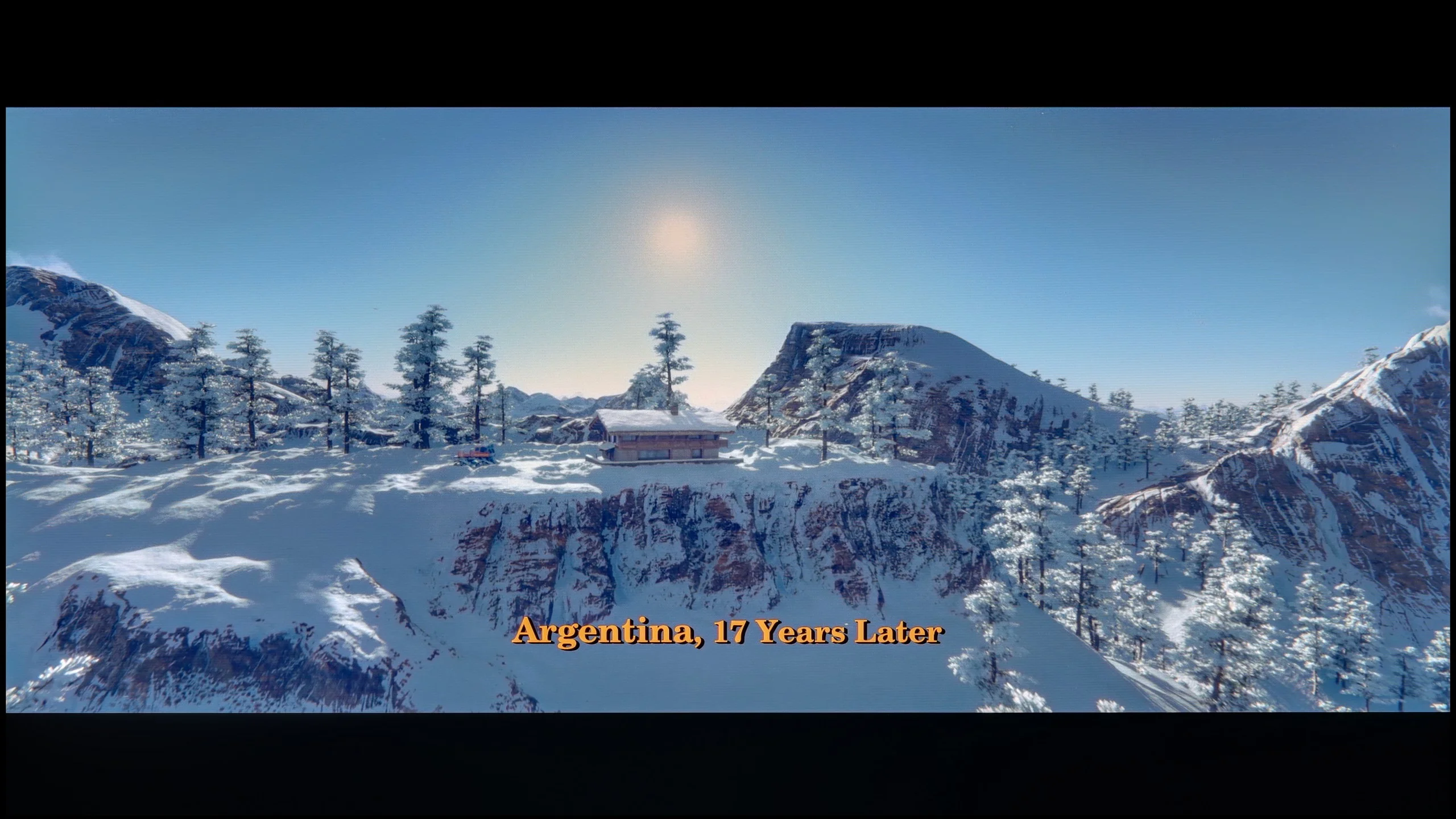
The Bravia 3 II isn't exactly a TV that tries to impress with brightness. In our measurements it reached around 450 nits, so it's well short of the brightest models on the market. That doesn't mean HDR is just a paper feature here. Compared with standard SDR material, the brightest parts of the image can already punch through noticeably, and highlights, light sources and stronger exposures have a bit more energy and stand out better from the rest of the scene. You can see this best in simpler shots where the screen contains lots of bright elements. Then the Bravia 3 II can give a taste of a higher-dynamic-range picture. The problem only starts with more demanding content, where much greater brightness headroom is needed. There the TV quickly shows its limits and instead of bold, spectacular HDR we’re left with a merely competent picture.


Colours

The Bravia 3 II uses a QLED panel, although technically it doesn't employ a traditional quantum-dot layer. Instead Sony has used a PFS phosphor-based solution, which performs a very similar role: it allows for more saturated reds and greens, and thus reproduces a much wider colour gamut. In our measurements coverage of the DCI-P3 gamut was about 94%, and of the very wide BT.2020 around 74.4%. Those are good results for this class of hardware, which means the Bravia 3 II has no problem showing suitably saturated colours in HDR material. Colours don't look washed out, and the more intense hues can look really attractive.

Factory color reproduction

7/10

6.3/10

This gallery shows how colors change after professional TV calibration. If you notice the difference, we recommend ordering this service at SkalibrujTV.com.

Factory Mode

After calibration

This gallery shows how colors change after professional TV calibration. If you notice the difference, we recommend ordering this service at SkalibrujTV.com.

Factory Mode

After calibration

To evaluate colours we of course used Filmmaker mode, and in SDR our S85H unit was set very well from the factory. The largest deviation appears in the white balance, where as brightness increases it starts to lose a bit of blue. In practice this means whites and greys have a slightly warmer tint than they should. However, it's not a big fault and during normal viewing it generally isn't very noticeable. Gamma also stays close to the reference value, so the picture is neither overly bright nor unnecessarily dim. The S85H's SDR picture therefore looks really good straight out of the box. A few more imperfections appear in HDR. Here the white balance shifts more with rising brightness, with blue starting to dominate and the red component clearly lacking. This also results in larger errors in some colours. These aren't yet colour errors that completely change the character of the picture, but in direct comparison with the reference the difference is easier to spot. Overall, Filmmaker mode is a very good starting point before professional calibration.

In Professional mode the Bravia 3 II delivers a fairly good level of colour reproduction straight out of the box. In SDR the most noticeable issue is a slightly low gamma, which makes the midtones a little brighter. The white balance isn't perfect either; as brightness increases a bit of blue and red drops away, so whites can sometimes appear a touch warmer with a faint greenish tint. These aren't mistakes that immediately jump out when watching a film. Average error values hover around 3, so the factory setup can be considered quite good. The situation in HDR is similar. Here too there's a slight lack of blue, so the picture is marginally warmer than the reference, but the difference isn't large enough to be distracting during normal viewing.

Color reproduction after calibration

9.1/10

8/10

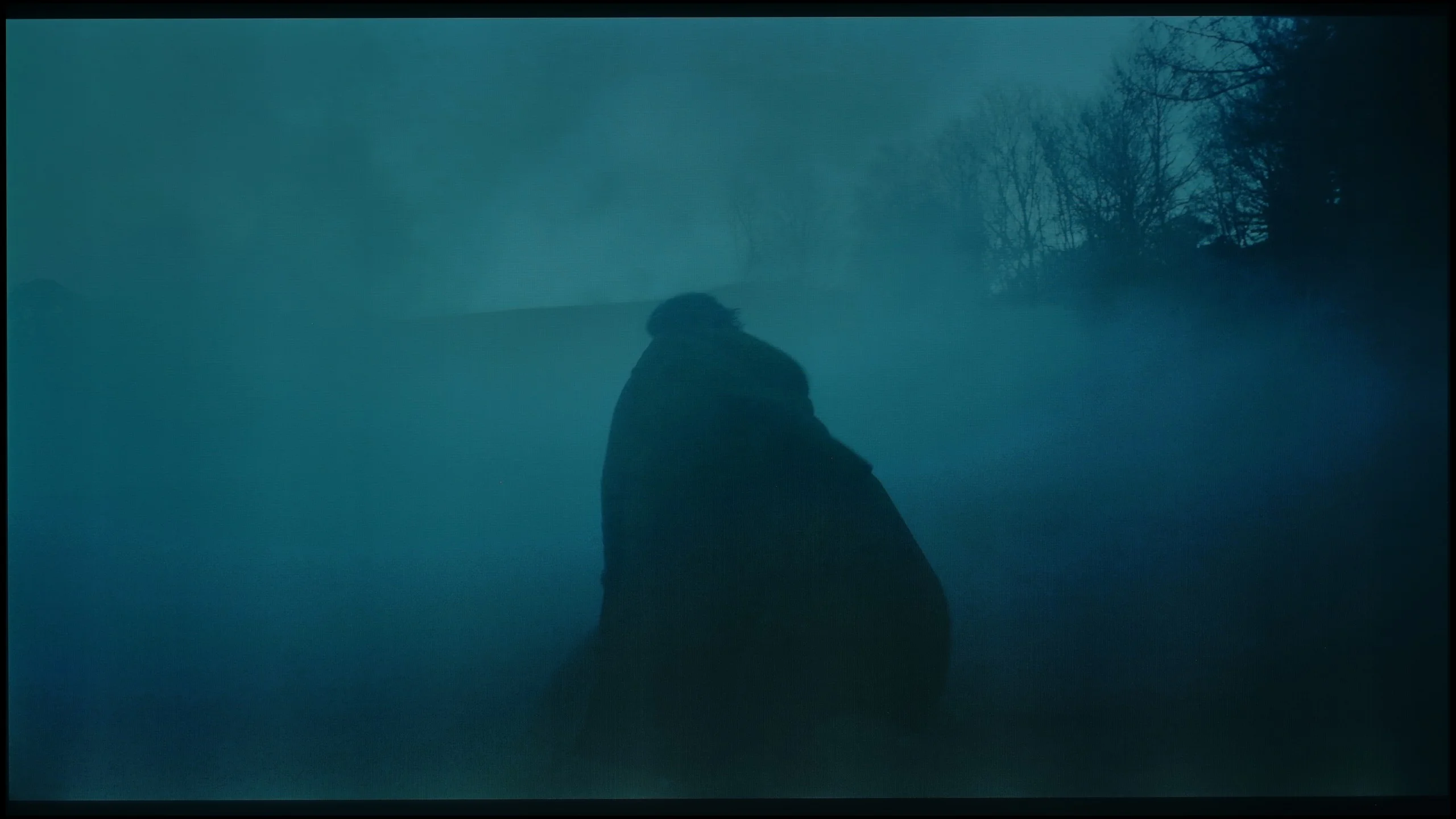
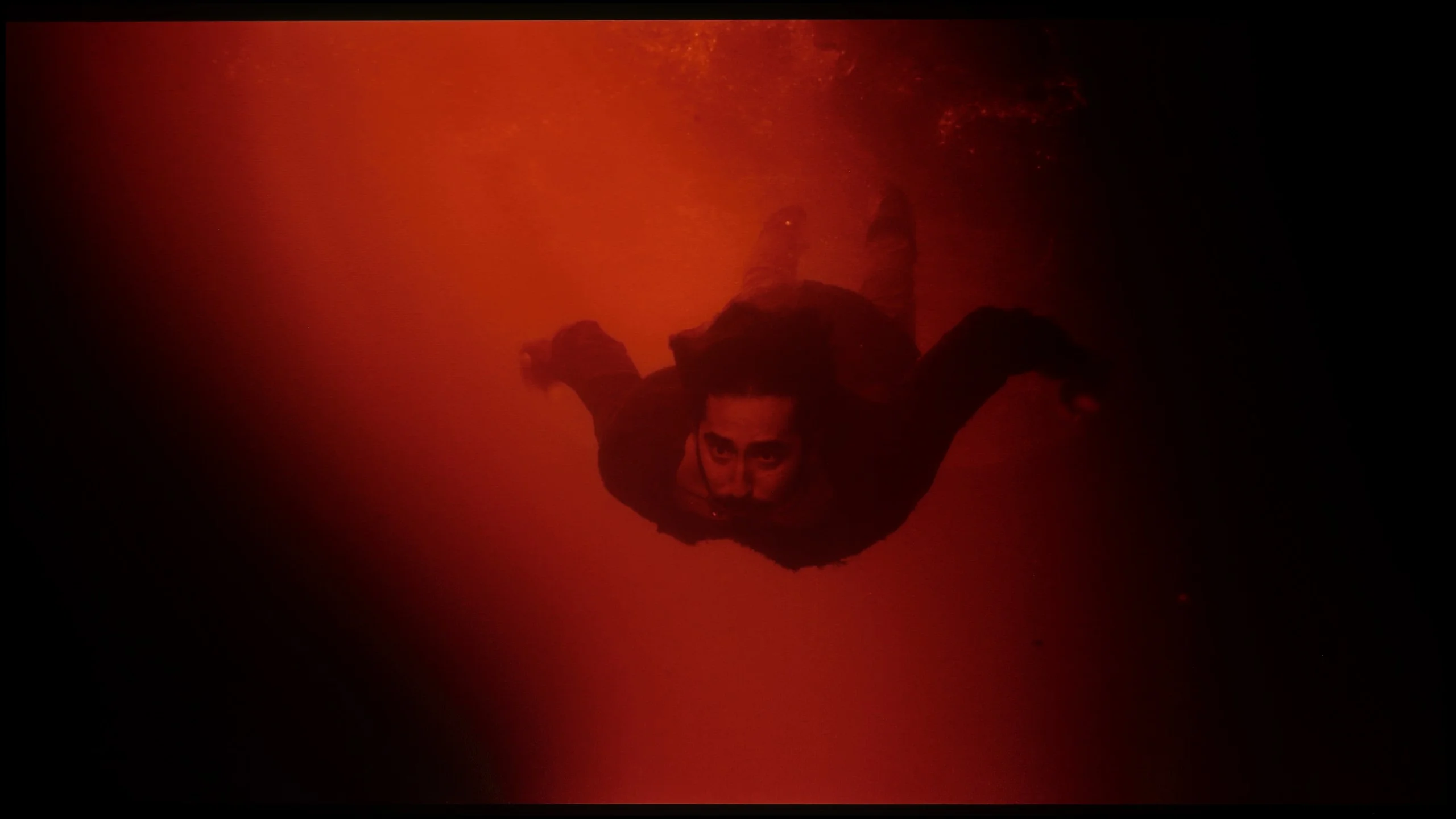
The photos show how movies look on the TV. Pay attention to black detail visibility, colors, and shadow tint.

The photos show how movies look on the TV. Pay attention to black detail visibility, colors, and shadow tint.

Calibration delivers really good results on the S85H. First and foremost, we were able to set the white balance almost perfectly, which removes the slightly too-warm picture tone previously seen in SDR. Colour reproduction also improves significantly, with most errors falling to very low levels, and in everyday viewing it's hard to find any visible inaccuracies. You can also improve HDR quite a bit, although some issues remain that stem from the TV's inherent characteristics. The S85H doesn't always hold the luminance curve perfectly. The darkest parts are slightly boosted, while, as you approach the panel's limits, you can see small deviations in the brightest highlights. Add to that the limited coverage of the wider BT.2020 colour gamut, which of course cannot be overcome by any calibration. Despite that, the end result is very good, and after calibration the S85H can deliver a really well-tuned, natural image.

After calibration you can get a lot out of SDR material. The white balance was set almost perfectly, gamma practically matches the reference value, and average colour errors fell from around 3 to about 1. That’s already the level at which differences from the reference image are very hard to spot in practice. The Bravia 3 II therefore shows that despite its place in Sony’s range it has quite a bit of potential for precise picture tuning. Improvement is also visible in HDR, although here you can’t avoid all the limitations of the TV itself. Once the colours are evened out it’s easier to notice that the EOTF curve in film material runs slightly below the reference value in places, meaning the Bravia 3 II gently darkens parts of the image. That isn’t ideal from a reference point of view, but in this particular TV it also has an advantage. With no local dimming and average black levels this behaviour slightly reduces the visibility of the backlight in darker scenes and helps preserve a stronger sense of contrast. You could say Sony is partly masking the limitations of the panel this way, rather than trying at all costs to stick to the reference brightness.

Smoothness of tonal transitions

7/10

9.5/10

These are selected scenes that show smooth tonal transitions from one color to another. If you see distinct banding, it’s the TV panel’s fault.

These are selected scenes that show smooth tonal transitions from one color to another. If you see distinct banding, it’s the TV panel’s fault.

These are selected scenes that show smooth tonal transitions from one color to another. If you see distinct banding, it’s the TV panel’s fault.

These are selected scenes that show smooth tonal transitions from one color to another. If you see distinct banding, it’s the TV panel’s fault.

The smoothness of tonal transitions is definitely not a strong suit for the S85H compared with other OLEDs. This is most noticeable in bright gradients, where fairly obvious banding appears between successive shades. Instead of a perfectly smooth transition you can see distinct colour bands, and you don't have to look hard to find them. Gradients in motion fare even worse. When tonal transitions move the imperfections become more visible and the image looks simply average in that respect. Dark gradients aren't perfect either. You can also notice irregularities here, so the problem isn't limited to the brightest areas of the picture. Of course, in a normal film you won't see this all the time, but scenes with large areas of similar colour, like sky, fog, sunsets or dark backgrounds, can expose the panel's limitations. Compared with older WOLEDs there's still some improvement, but looking at the TVs we tested this year the S85H is average in this respect, as is its competitor the LG B6 that uses the same panel. And it's one of those characteristics where the difference compared with last year's QD-OLED panel becomes very clear. QD-OLEDs handle the smooth blending of successive shades much better and, in terms of gradation, clearly beat the WOLED SE panel used here.

In terms of the smoothness of tonal transitions, the Bravia 3 II performs very well. In most of the scenes we watched it was hard to notice any problems with the blending of individual shades. Gradients remain smooth both in the bright parts of the image, such as skies or sunsets, and in much more challenging dark shots. The only thing that may stand out in our photos, particularly in the very darkest scenes, is the unevenness of the backlight itself. However, this is not related to colour gradation; it is rather a consequence of using a backlight without local dimming.

Image scaling and smoothness of tonal transitions

7.5/10

6/10

Image without overscan on the SD signal
No
OK
Smooth transition function
OK
OK

Smooth transition function

The match photo shows how the TV smooths weak tonal transitions in low-quality video.

Image scaling SD (576i)

The model photo shows how it handles upscaling of SD material.

Samsung's S85H uses the same proprietary AI processor, AI NQ4 Gen2, as last year’s S85F, and in terms of digital image processing it performs quite well. Upscaling is one of the model's stronger points. Lower-resolution material is well sharpened, edges look natural and the picture doesn't come across as overly artificial. Just remember a common quirk of Samsung TVs: at very low resolutions you can't completely turn off overscan, so the TV may slightly crop the left edge of the picture. The "noise reduction" function, that is smoothing weaker tonal transitions, also works very well. The processor can effectively remove posterisation and other artefacts visible in lower-quality material. However, be careful with the strength of this function, because Samsung can be fairly aggressive here. When it's activated, along with unwanted artefacts, fine details such as skin or clothing texture also start to disappear.

Bravia 3 II is Sony's first TV to use the new MediaTek Pentonic 800 chip, and you can see a few changes in the image processing. Starting with the basics: the upscaling itself is decent. The TV can sensibly upscale lower-resolution material and doesn't have a strong tendency to over‑emphasise jagged edges or other source imperfections. With regular broadcast TV or lower-quality streaming material the picture therefore remains quite attractive.

We have more reservations about the digital image processing. In this model Sony has replaced the well-known "Smooth Gradation" function with a new setting called "Digital Noise Reduction". Its job is basically the same: to smooth out ugly tonal transitions and artifacts caused by heavy compression. Unfortunately, this function performs noticeably worse than before. At the "Large" setting (the only one that had any visible effect) the TV can smooth away too many image elements at once, which causes film grain to disappear and object textures or even skin to start looking unnatural. Worse still, the effect is not particularly stable. When there's more motion in a scene, the function's effect noticeably weakens and at times it looks as if the TV stops intervening in the image altogether. So for everyday viewing we wouldn't recommend using it at a high level. It can help on static shots, but the trade-off is often too much loss of detail.

Blur and motion smoothness

8.5/10

8.2/10

Maximum refresh rate of the panel
120Hz
120Hz
Film motion smoothing option
OK
OK
Blur reduction option
OK
OK
BFI function 60Hz
Yes, 60Hz (image flickers)
Yes, 120Hz (double contours)
BFI function 120Hz
No
Yes, 240Hz (double contours)
Brightness drop with BFI
49%
25%

Blur (native resolution, maximum refresh rate):

Blur (BFI function enabled):

Image flickers in this mode

Blur (4K@60Hz):

Blur ():

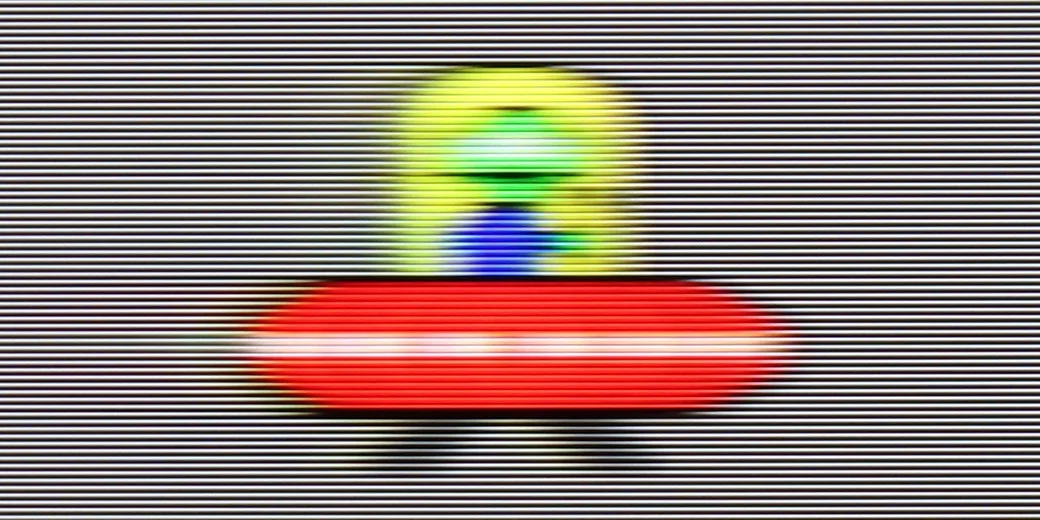
The S85H uses an OLED panel, so it performs brilliantly when it comes to motion blur. Pixels respond almost instantly, so moving objects don't produce the characteristic ghosting seen on some LCD TVs. This is especially noticeable with sport or fast-paced games, where the picture stays very clean even during rapid motion. The panel itself runs at 120 Hz. That's more than enough for movies, TV shows, sport or console gaming. It's a shame Samsung didn't include a higher refresh rate aimed at PC gamers, as more and more TVs now offer 144 or even 165 Hz at 4K. However, that doesn't affect motion handling in films or sport.

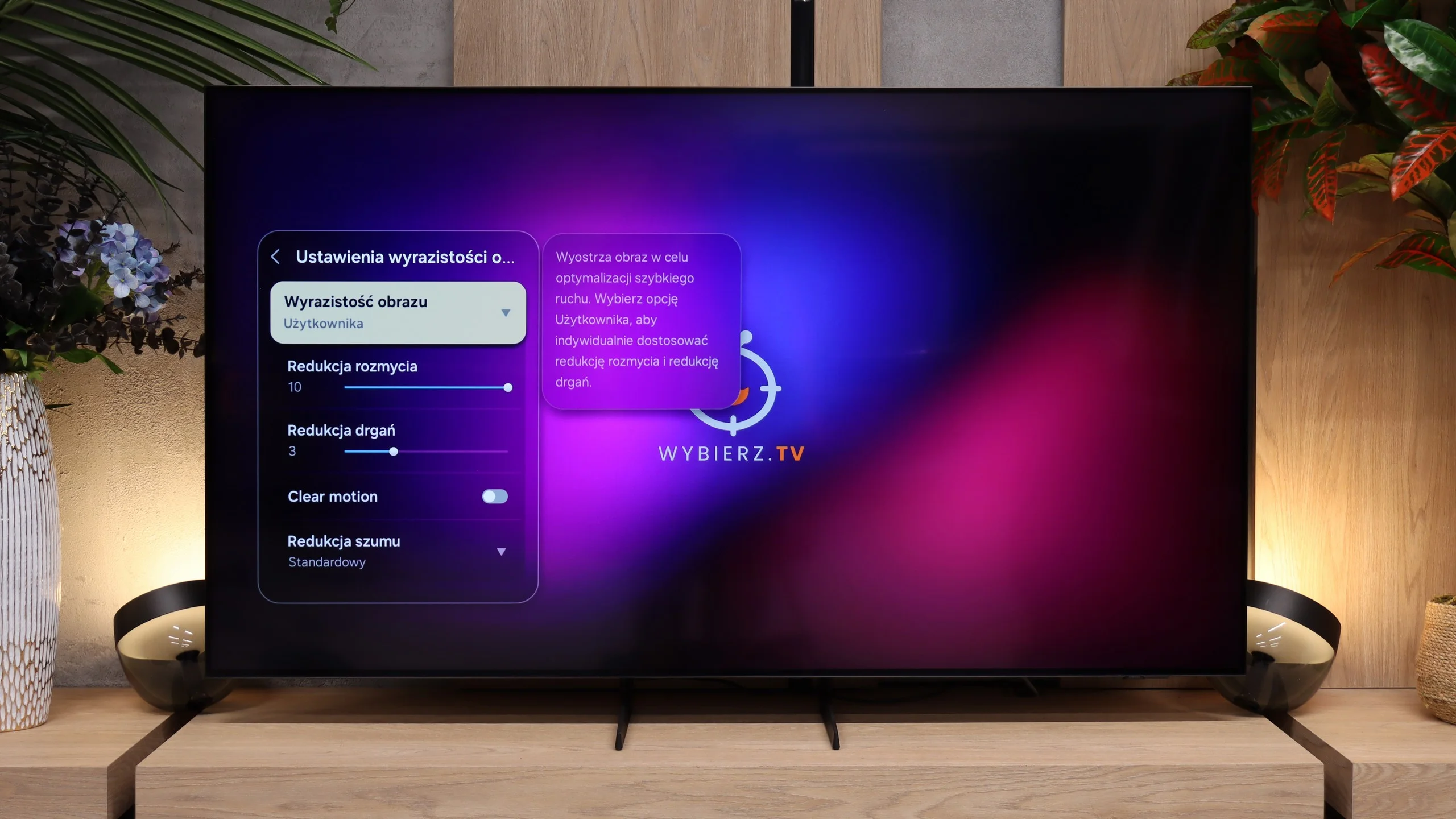
There's also the classic motion smoothing feature with two settings: blur reduction and judder reduction. So you can choose whether films should keep their cinematic 24 frames per second, or whether you'd prefer to smooth them a bit. The S85H gives plenty of freedom here, and the interpolation itself works well and, with sensible settings, doesn't generate too many artefacts.

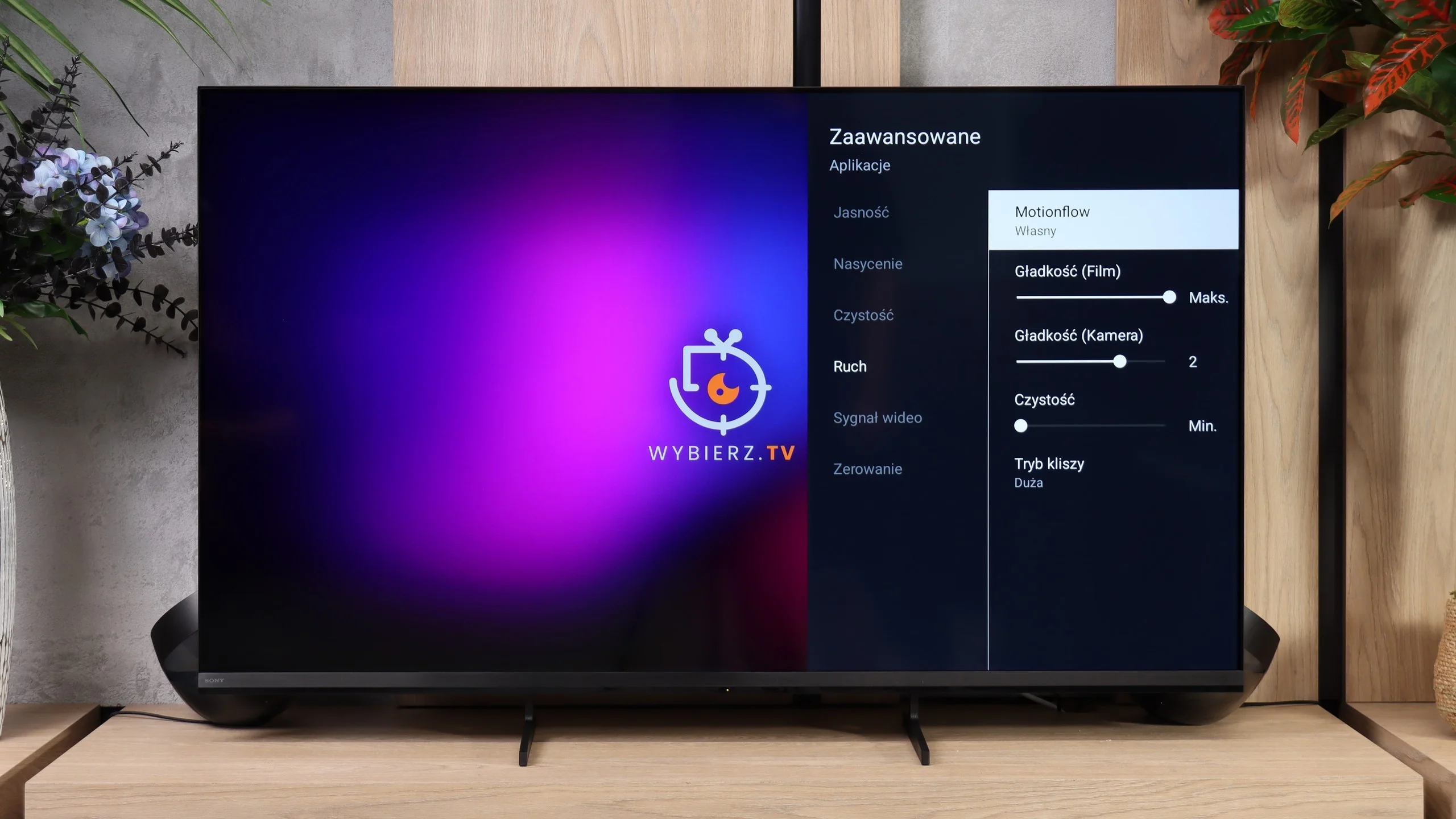
Motion handling is definitely one of the Bravia 3 II's strongest points. The TV uses a 120 Hz VA panel, a solution that by nature, despite the high refresh rate, doesn't always cope well with motion blur. Sony has, however, managed that issue very well here. Fast-moving objects remain sharp, and the characteristic motion trails and blur are reduced to a very low level, if not to zero. It's one of the least motion-blur-prone LCD TVs we've had the chance to test. Interestingly, in this respect the Bravia 3 II can even outperform the much more expensive flagship True RGB series, the Bravia 9 II.

Console compatibility and gaming features

9.6/10

8.1/10

  • ALLM
    Yes
    Yes
  • VRR
    Yes
    Yes
  • VRR range
    48 - 120Hz
    48 - 120Hz
  • Dolby Vision Game Mode
    No
    Yes
  • Correct implementation of HGIG
    Yes
    No
  • 1080p@120Hz
    Yes
    Yes
  • 1440p@120Hz
    Yes
    No
  • 4K@120Hz
    Yes
    Yes
  • Game bar
    Yes
    Yes

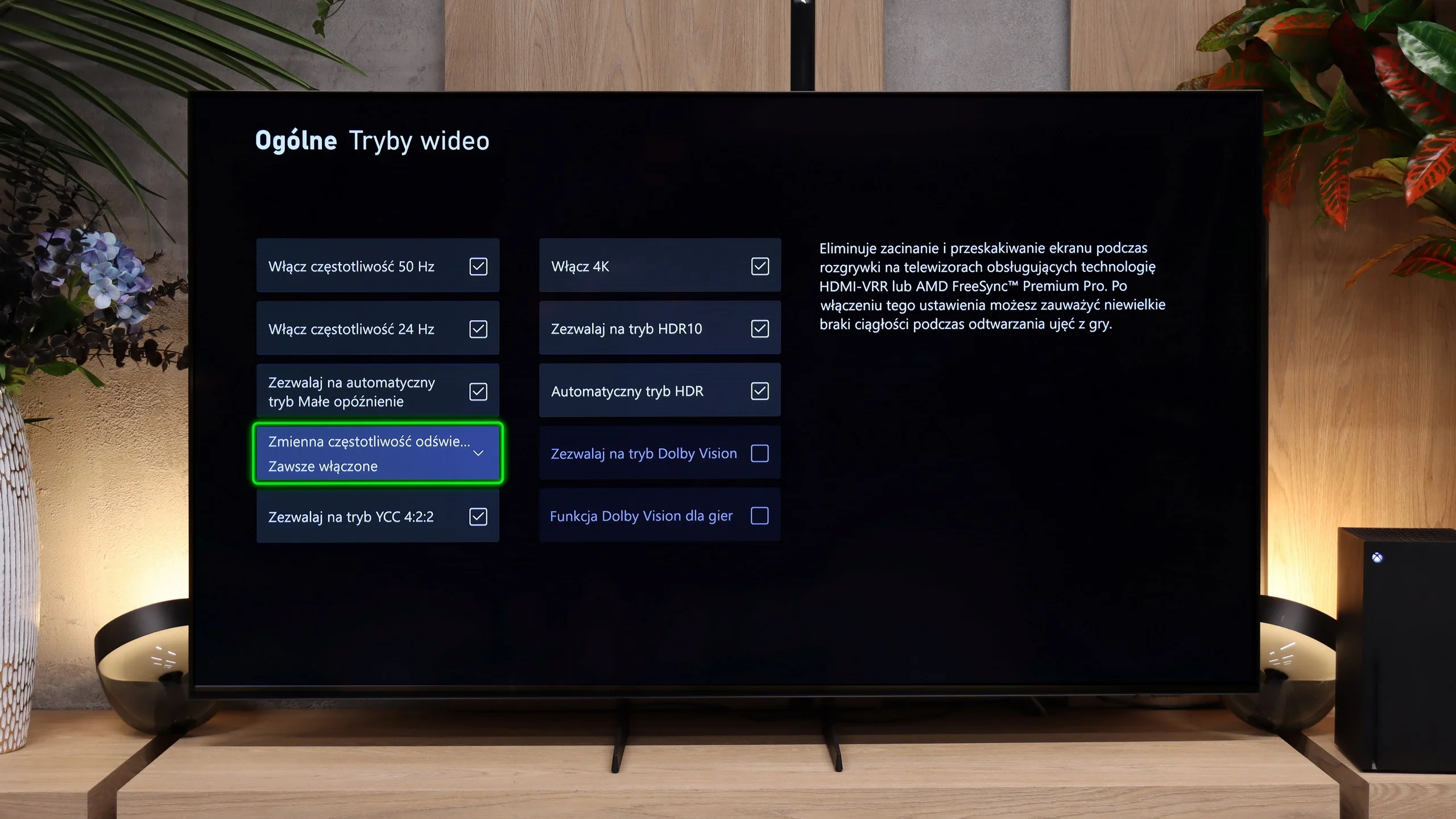
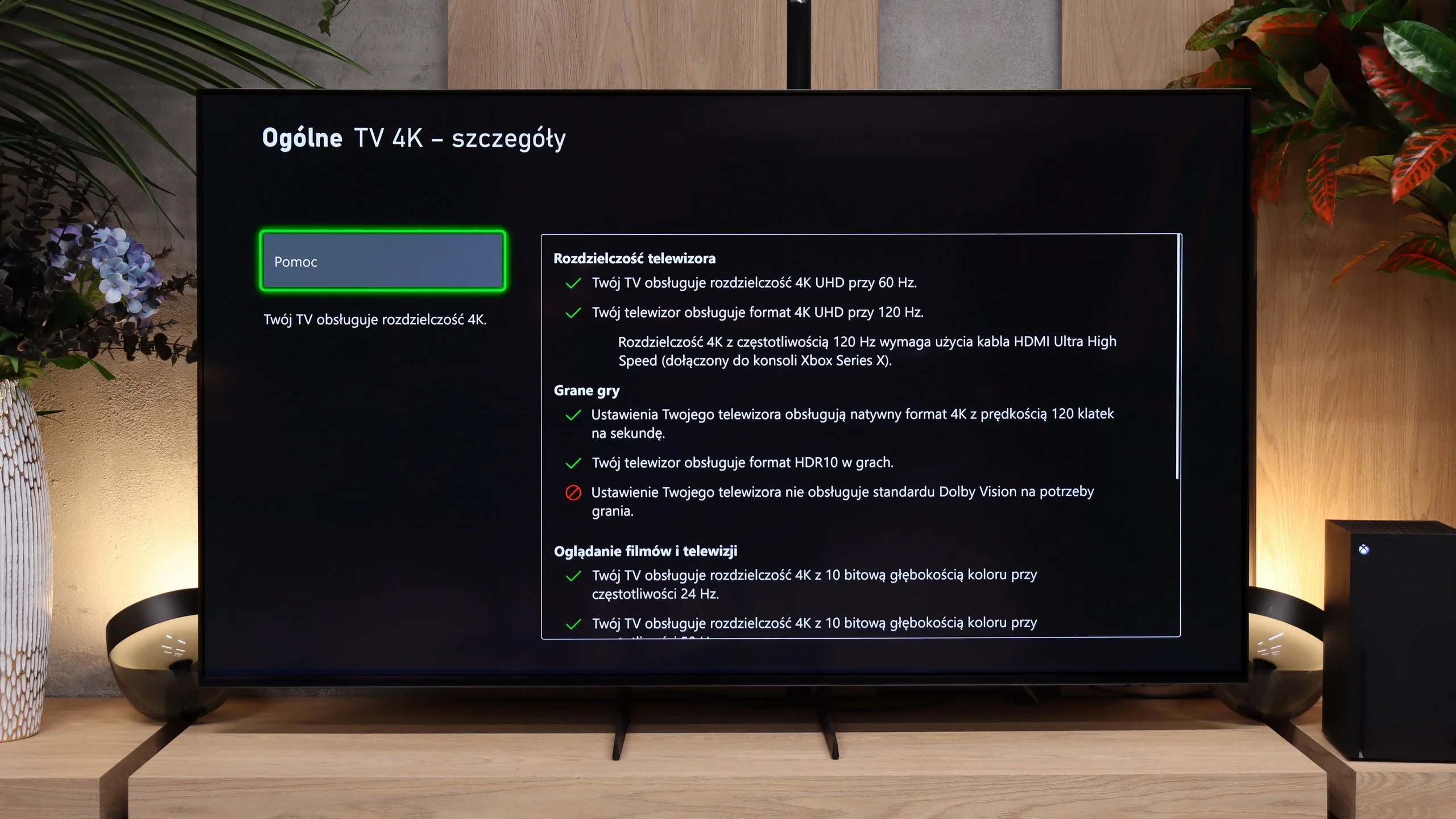
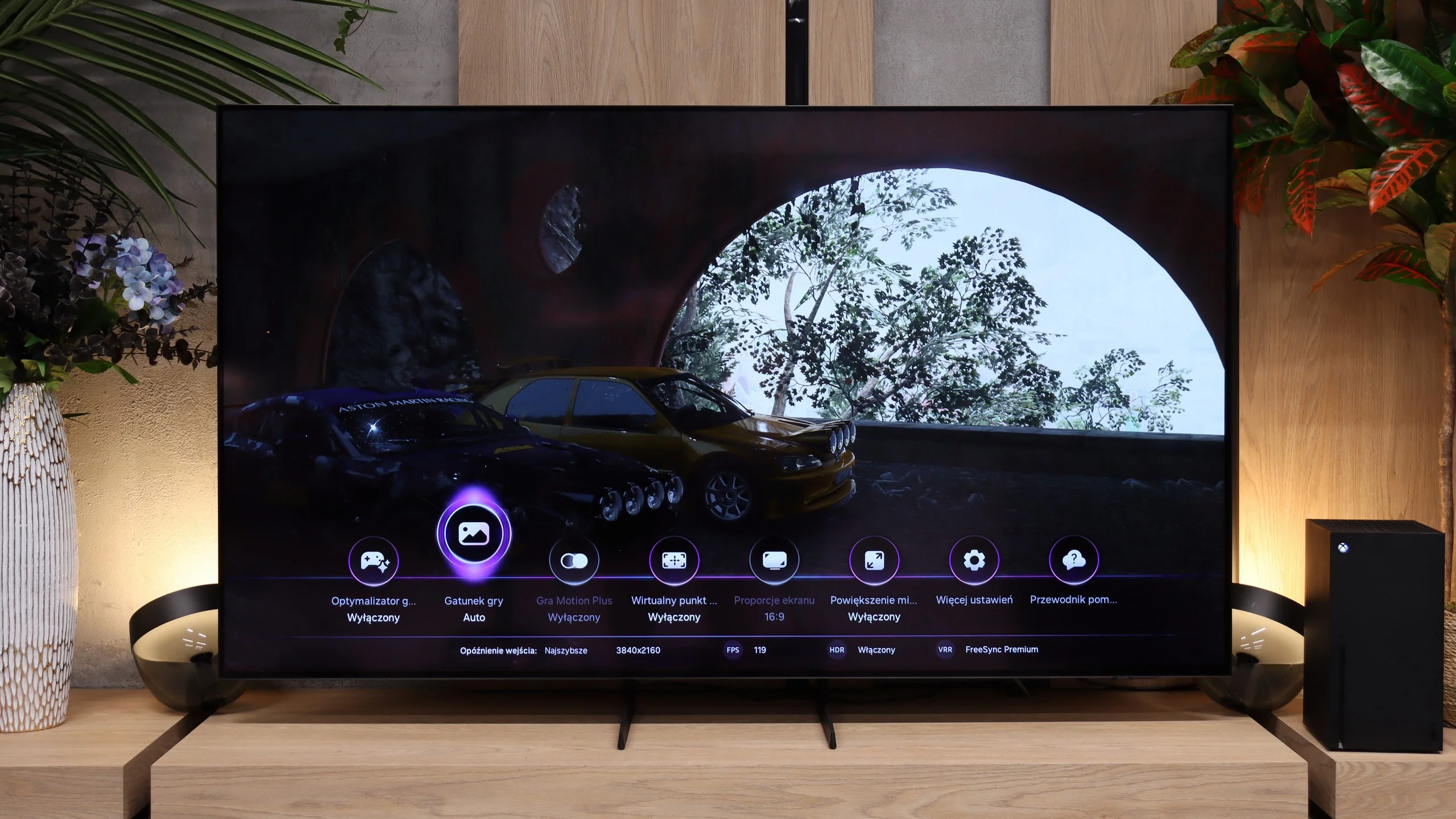
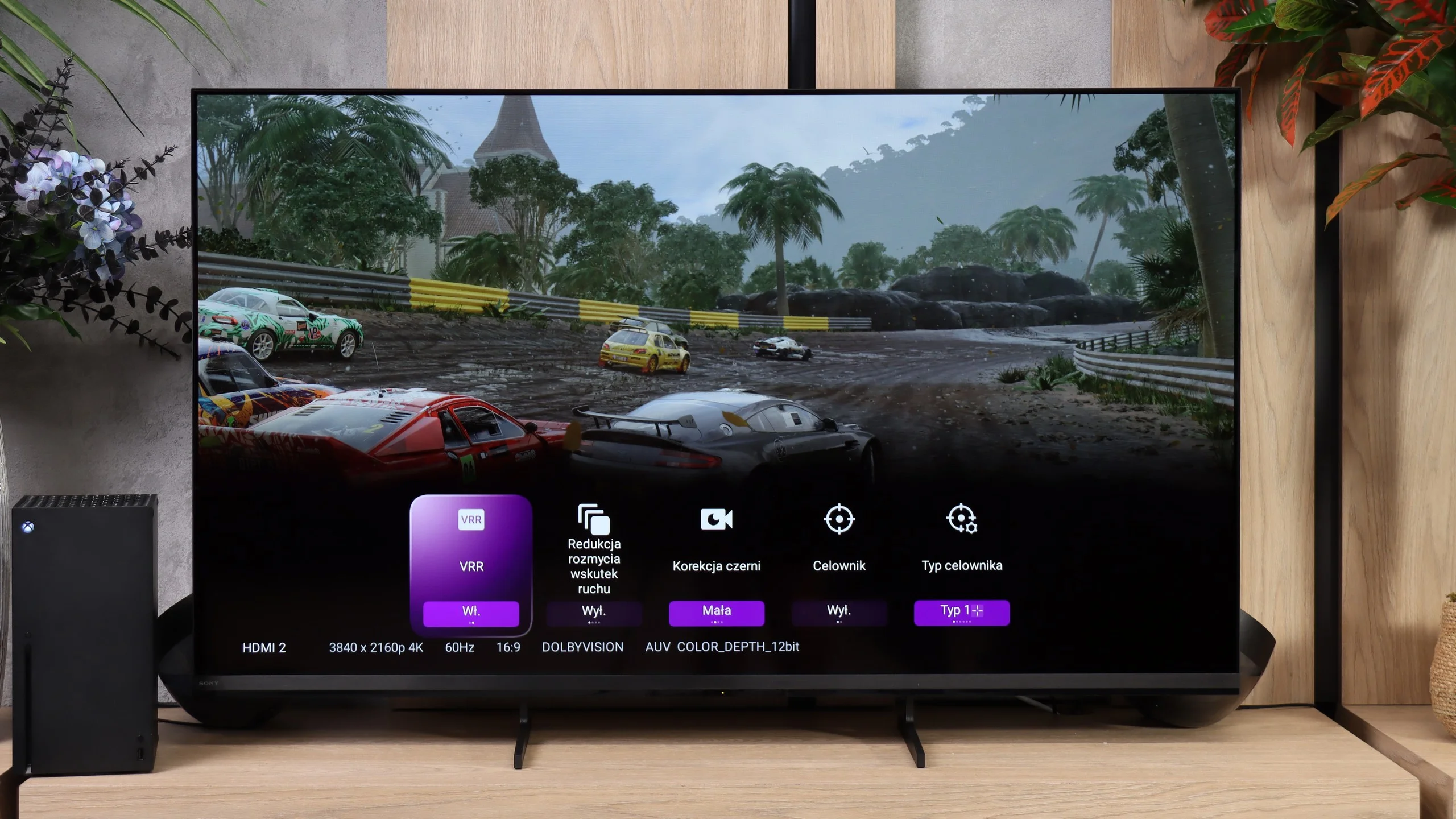
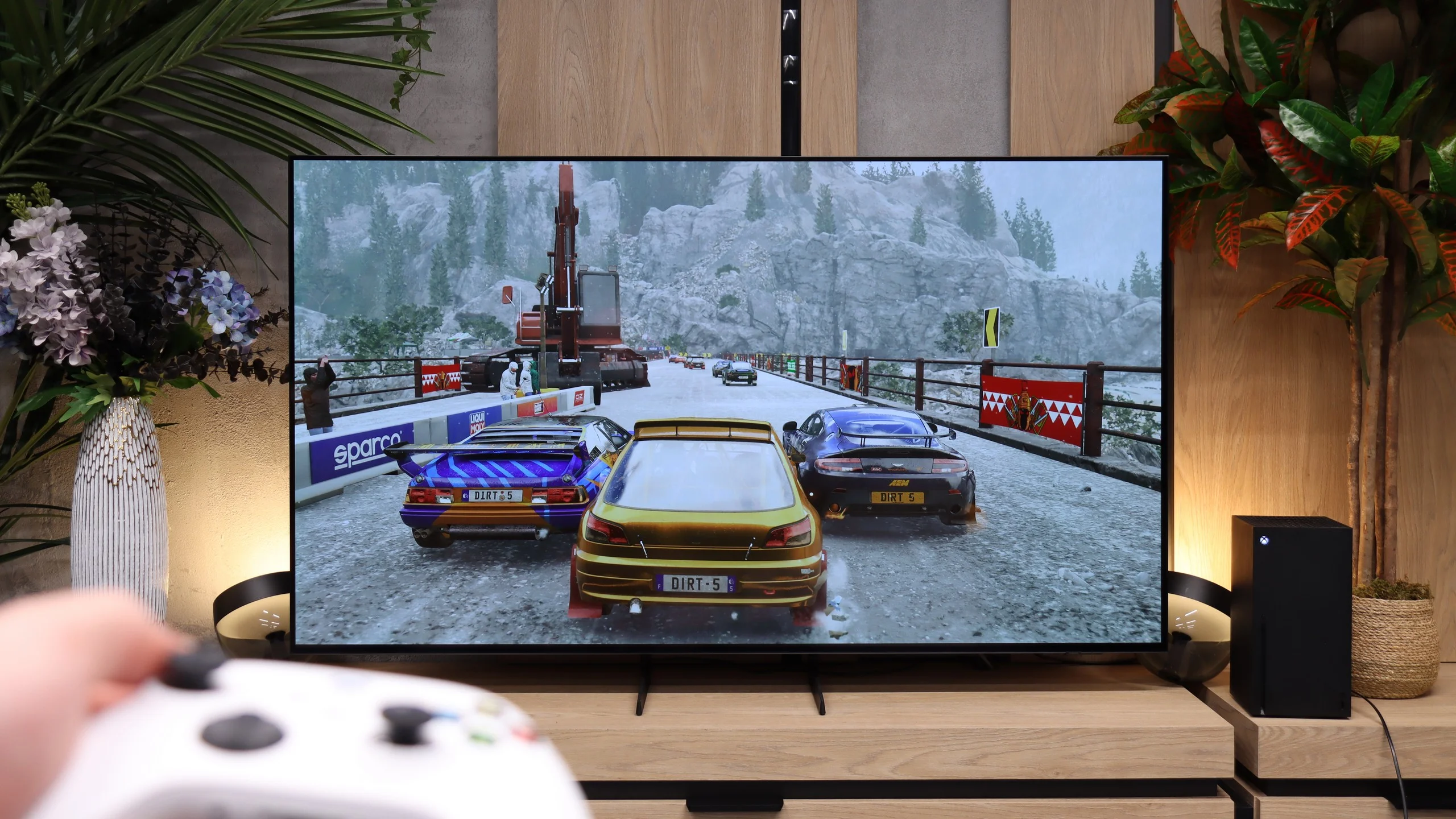
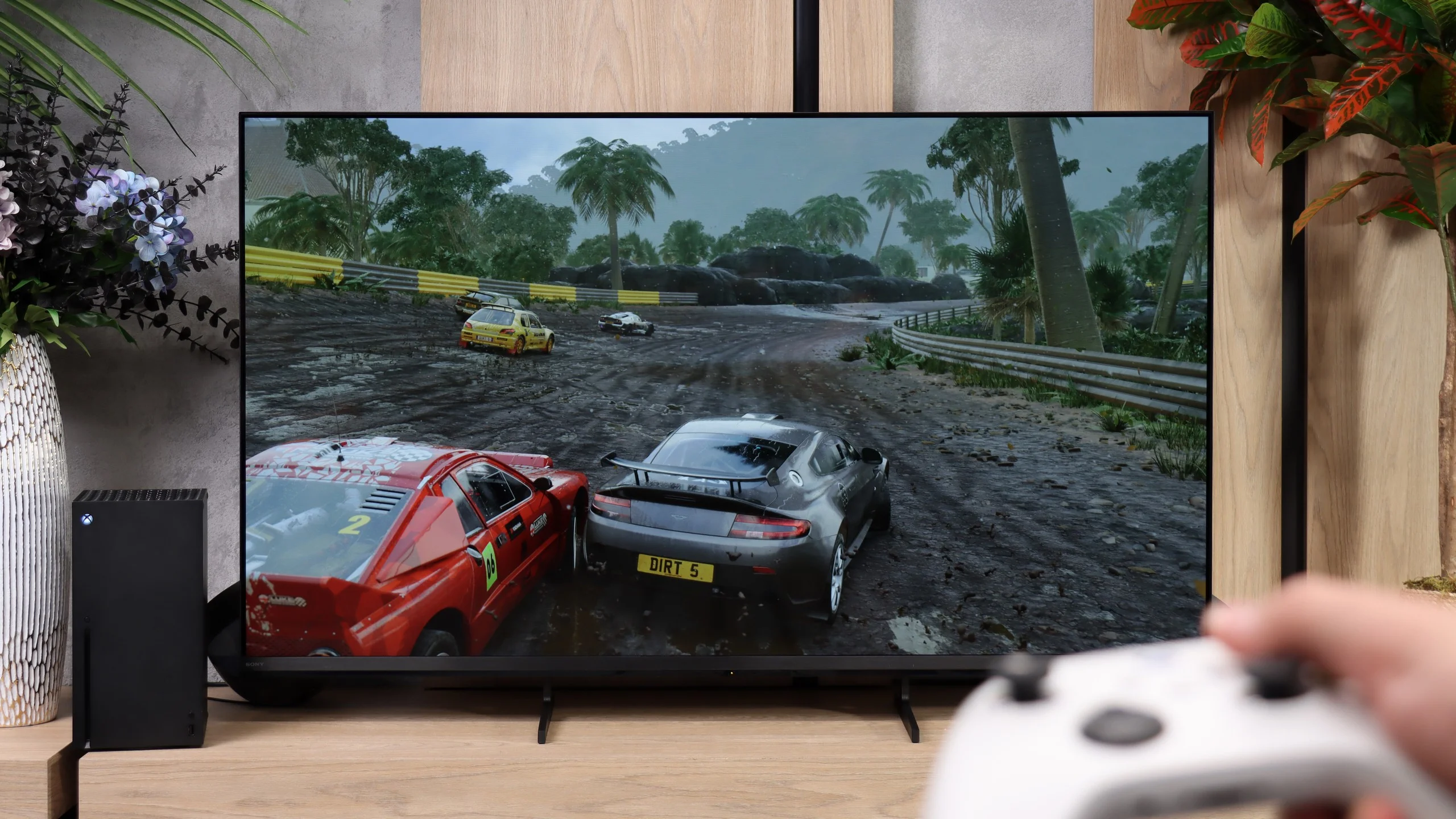
Samsung S85H is very well prepared for gaming, essentially regardless of whether you connect a console or a computer. The manufacturer didn’t skimp on connectors and all four HDMI ports support full HDMI 2.1. That means you can use 4K at 120 Hz, VRR and ALLM without worrying which input to plug your console into. With multiple devices that matters a lot, since you don’t have to choose between a console, a PC or a soundbar connected via eARC. The feature set itself is very complete. The S85H supports VRR, FreeSync and automatic switching to Game Mode, and Samsung also offers its expanded Game Bar, which lets you quickly view the key signal parameters and change settings without leaving the game. The only real omission is Dolby Vision, which will matter mainly for Xbox owners. That’s a typical trait of Samsung TVs. Game Motion Plus performs very well and it’s one of the features that has set Samsung TVs apart for years. It smooths motion in games running at 30 or 60 fps, but does so without as large an increase in input lag as a classic motion interpolator. In practice, for slower-paced games, racing or action titles it can genuinely improve motion perception, especially if you’re sensitive to low frame rates.

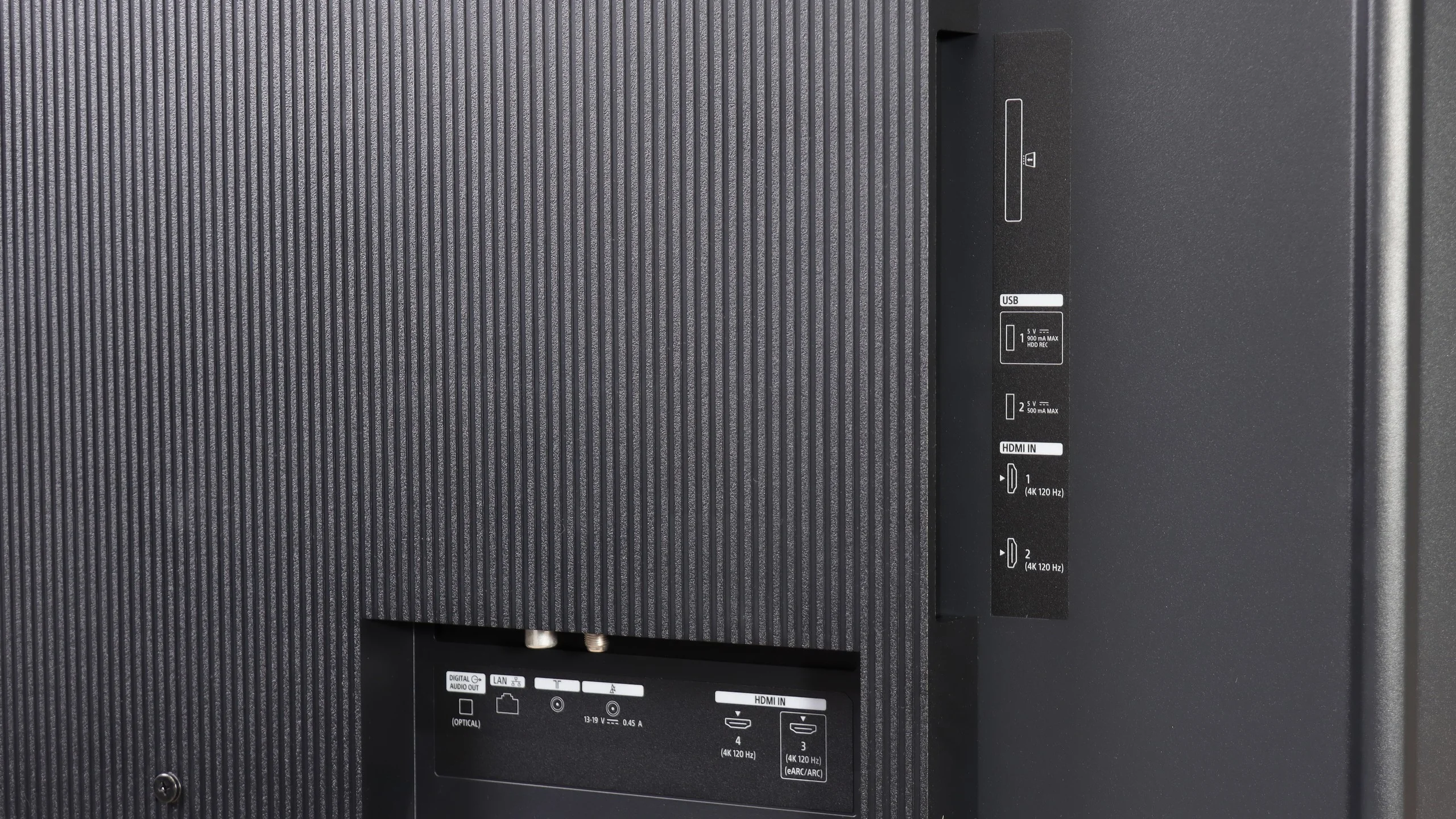
The Sony Bravia 3 II is a very good TV for gamers, although not everything has been solved the way we’d like. The biggest change concerns the connectors. For the first time in a Sony TV we get four full HDMI 2.1 ports with 48 Gb/s bandwidth, thanks to the new MediaTek Pentonic 800 chipset. That removes one of the problems that has hung over this manufacturer’s TVs for years. You can connect several devices at once and on each input use the device’s full capabilities, including VRR and ALLM. There’s also a simple Game Bar that lets you check the key signal parameters and change a few useful settings, such as black level, when you want to improve visibility in darker parts of a game.

There are, however, two limitations worth knowing. The first is the lack of support for 1440p at 120 Hz. That won’t be an issue for everyone, but people using that resolution on a console or PC—for example to get higher frame rates in certain games—will have to choose 1080p. We have more reservations about HGiG support. Sony doesn’t let you disable tone mapping on the Bravia 3 II, so the TV keeps processing HDR even when you’d prefer to leave that task to the console. It’s easiest to spot during HDR setup—the checkerboard test pattern doesn’t disappear at the point where it should based on the TV’s actual capabilities. That doesn’t mean HDR in games will look bad. You just need to set up a little differently and, rather than relying on the pattern, manually set the peak brightness to about 450 nits. So the issue can be worked around, but you should know about it before you start configuring your console.

Input lag

10/10

9.9/10

SDR

1080p60
10 ms
14 ms
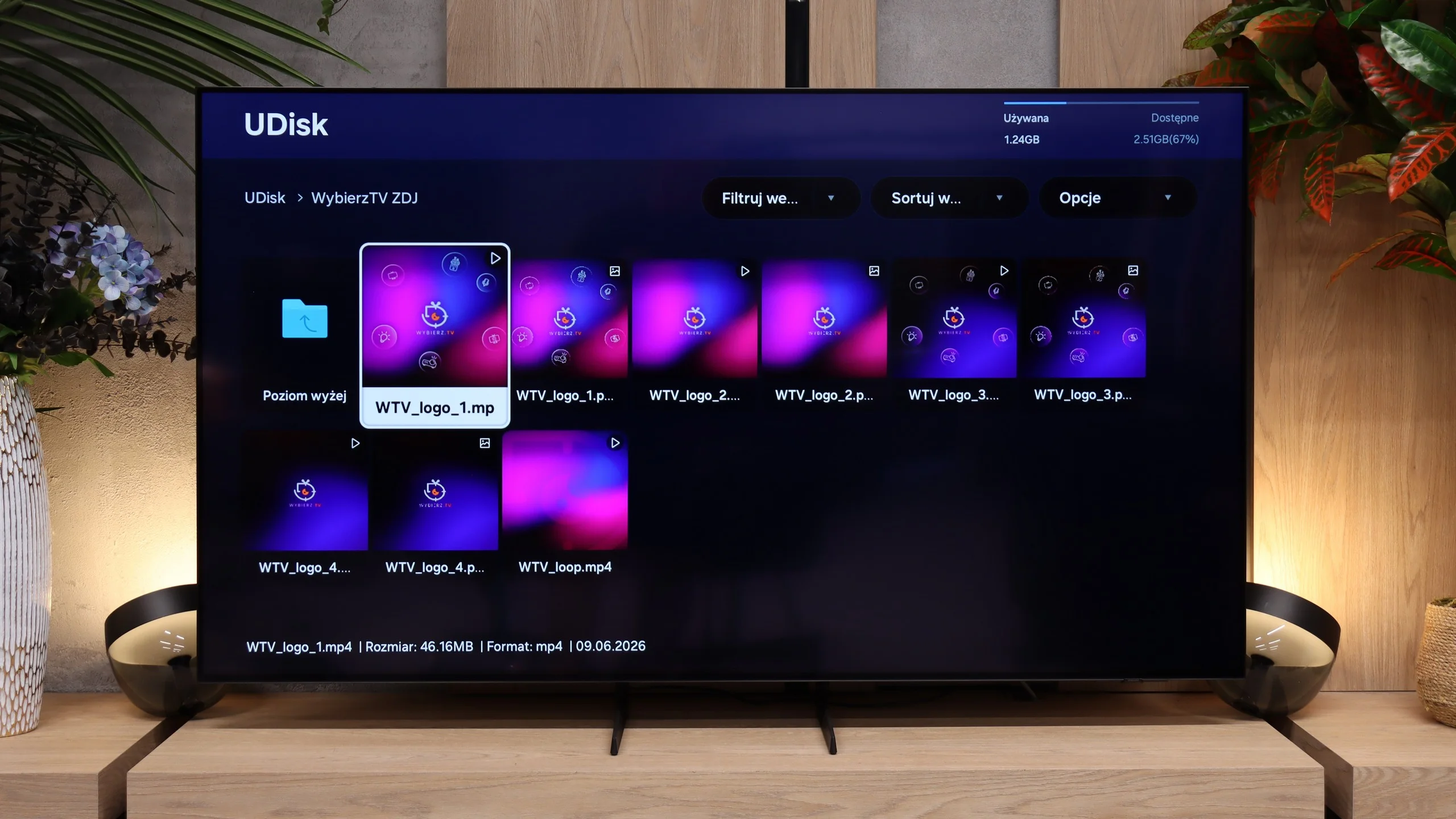
1080p120
5 ms
8 ms
2160p60
10 ms
14 ms
2160p120
5 ms
8 ms

HDR

2160p60
10 ms
14 ms
2160p120
5 ms
8 ms
4320p60

Dolby Vision

2160p60 DV
14 ms
2160p120 DV
8 ms

Samsung S85H also performs very well in terms of input lag. At 120 Hz we measured input lag below 5 ms, which is at a level where the TV's response to controls is practically instantaneous. At 60 Hz the delay is of course higher, but still remains very low, about 10 ms, so in that respect the S85H gives little cause for complaint.

In terms of input lag, the Bravia 3 II performs very well. With a 120 Hz signal latency is about 8 ms, while at 60 Hz it rises to around 14 ms, so in both cases the response to controls is very quick and during normal gameplay you’d be unlikely to notice any delay. It’s also worth noting the TV’s behaviour in Dolby Vision Gaming mode on Xbox. Input lag then remains practically just as low, and until recently Sony used to have a noticeable problem with this.

Compatibility with PC

7.6/10

7.2/10

Chroma 444 (max. resolution and refresh rate)
Yes
Yes
Font clarity
Good
Good
Readability of dark text and shapes
Very Good
Average
Input lag in PC mode (4K, max. refresh rate)
5ms
8ms
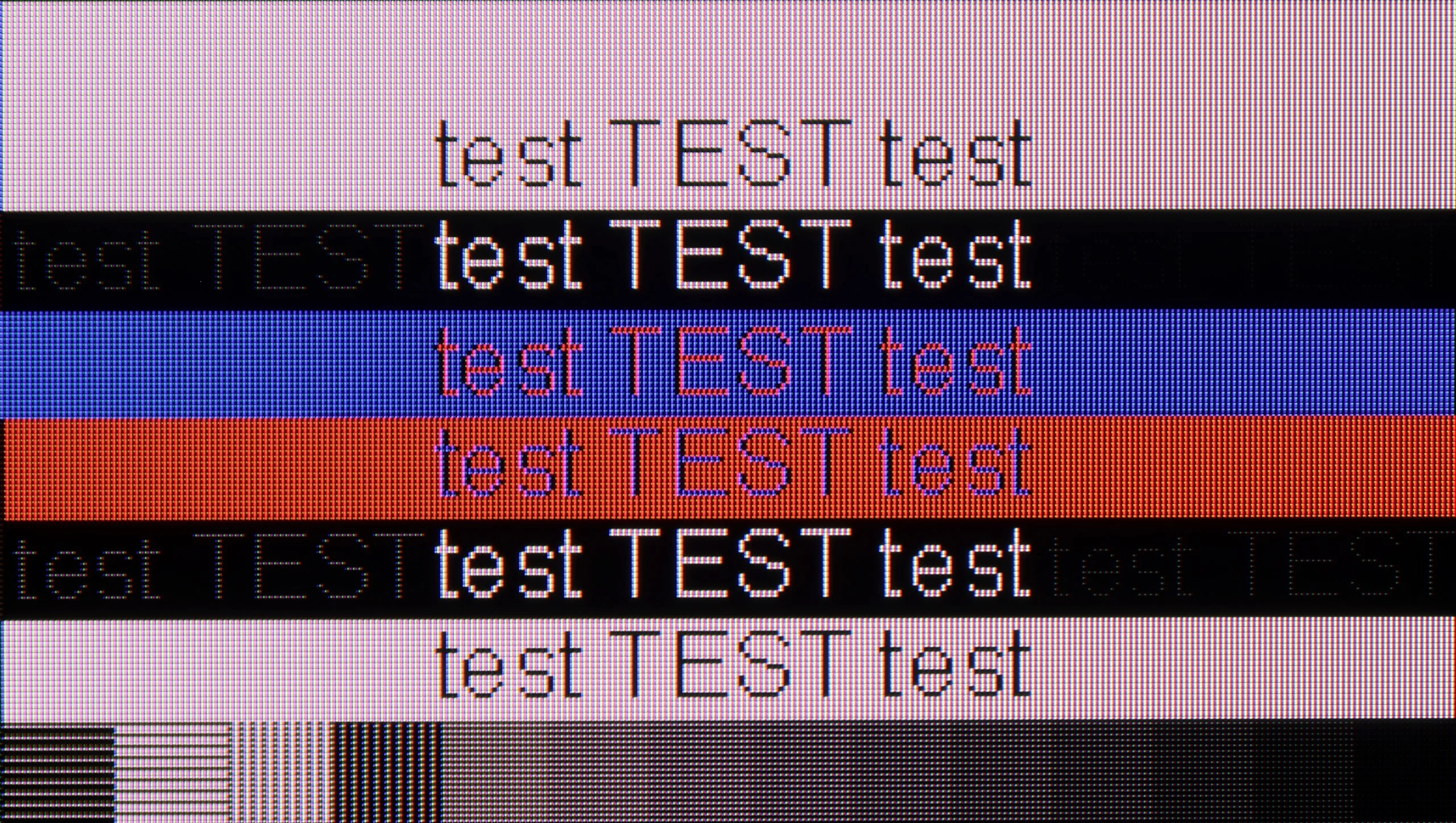
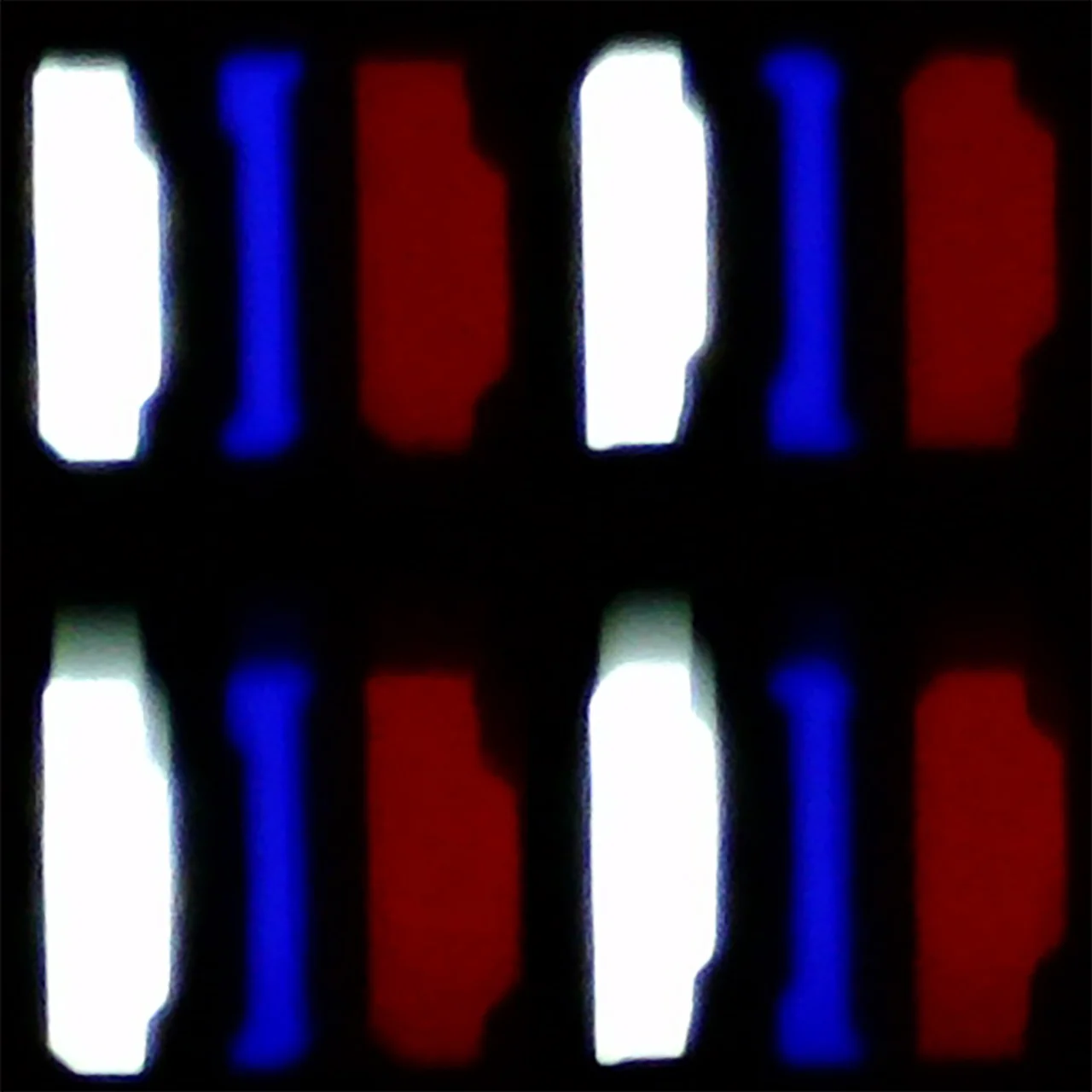
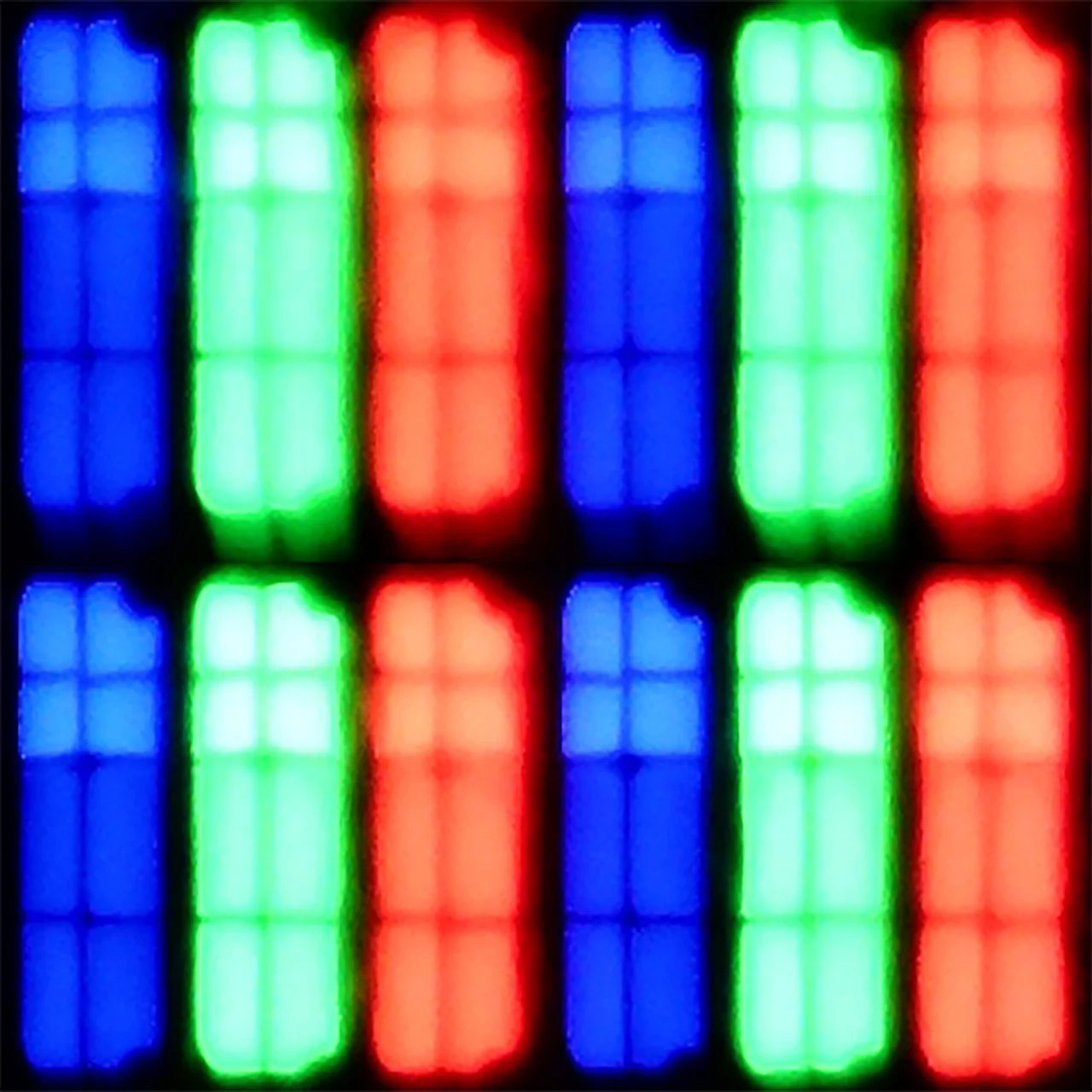
Matrix subpixel arrangement
RGWB
BGR
Max refresh rate
120Hz
120Hz
G-Sync
Yes
Yes

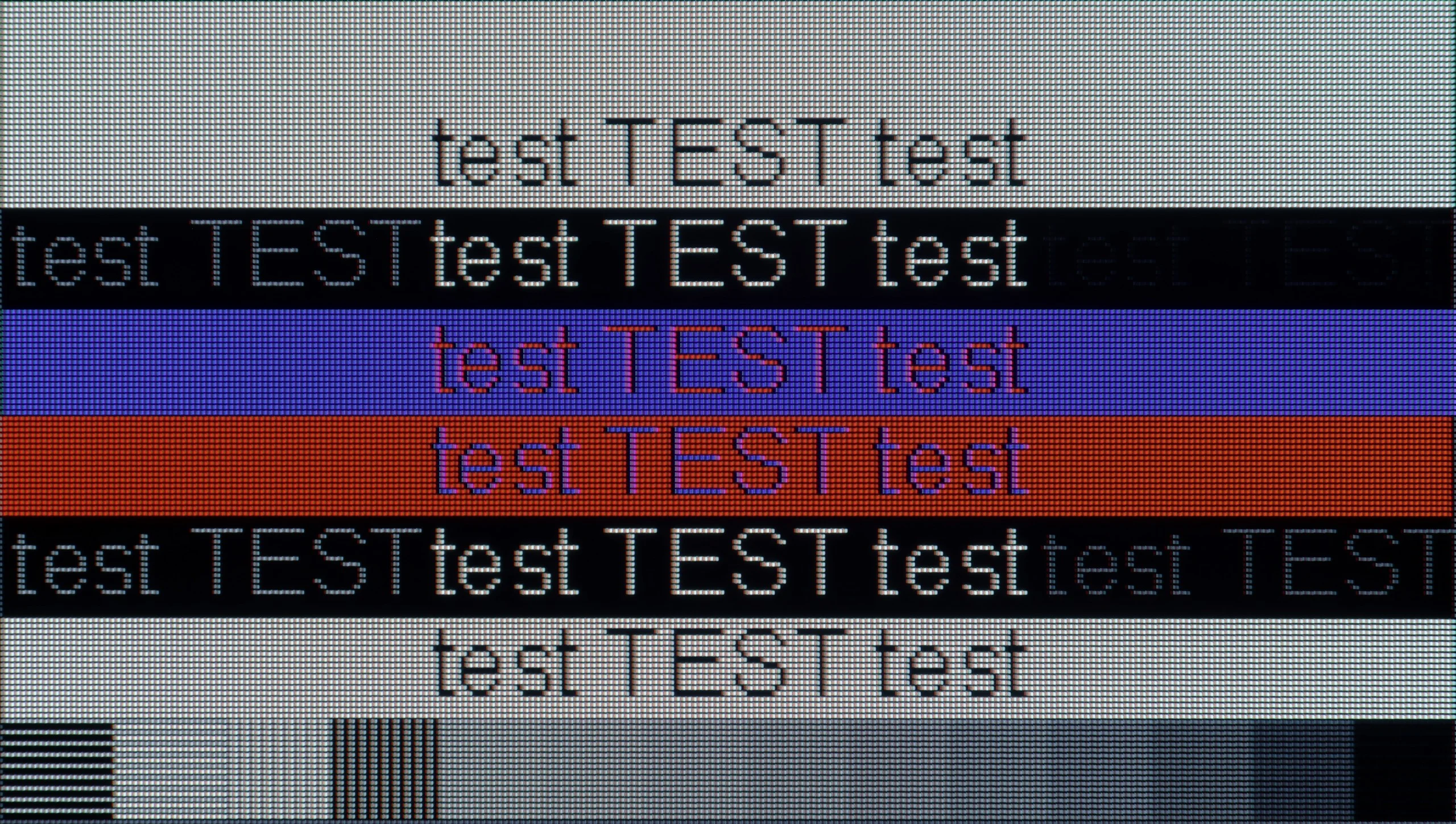
The photo shows the legibility of small fonts. Ideally, lines should be the same thickness on both light and dark text, with minimal pixel gaps.

The Samsung S85H also performs very well as a large PC monitor. Text readability is good and, from the typical viewing distance for such a large screen, text looks really good. You just need to remember the four-subpixel layout of the WOLED panel, which means that up close the edges of letters aren't quite as perfectly sharp as on a traditional RGB monitor. However, that's a characteristic of OLED technology itself and, during normal TV use, it shouldn't be an issue.

The S85H also has plenty to offer PC gamers. You get 120 Hz, G-Sync support, very low input lag and, of course, the lightning-fast response time of the OLED panel. The only thing missing for a truly complete experience is the ability to run the panel at a higher refresh rate. More and more TVs already support 144 or 165 Hz at 4K, so an additional mode like that would be welcome here.

Working with a computer is generally good, although, again, not without a few caveats. The Bravia 3 II correctly handles chroma 4:4:4, so in typical use text and the system interface look sharp and legible. However, grey fonts can draw attention, since their vertical edges may be noticeably brighter than the horizontal ones. On the larger screen this isn't particularly bothersome, but if someone is considering the smaller Bravia 3 II as a monitor for text work, it's worth keeping in mind.

What bothers us more, though, is the lack of additional modes with increased refresh rates. It's not even about 144 or 165 Hz at 4K, but rather the option to get higher smoothness at Full HD. This solution is increasingly appearing in rival TVs (DLG 240Hz), while Sony still does not offer it, even in its pricier models. For most users, 4K at 120 Hz will of course be perfectly sufficient, especially for consoles. But those who also use the TV as a PC gaming monitor may feel somewhat disappointed.

Viewing angles

7.5/10

3.3/10

Brightness drop at an angle of 45 degrees
34%
72%

Viewing angles are one of the big advantages of the S85H and OLED panels in general. Even when you view the screen from well off to the side, the picture still retains good contrast, brightness and colour saturation. In this respect the S85H performs decidedly better than practically any LCD or Mini-LED TV on the market today. Only QD-OLED panels really do even better, keeping colours even more stable at wide angles. Those, however, are only found in higher-end models.

Viewing angles are fairly typical for a VA panel, meaning simply average and, for some, probably poor. The Bravia 3 II looks best when you're sitting directly in front of the screen. As you move to the side, colours start to lose saturation and blacks become greyer. That's unfortunately the price we pay for this panel's high native contrast. Watching with two or three people shouldn't be much of an issue, but with a wide sofa those sitting at the ends will notice a clearly worse image.

Daytime performance

5.1/10

5.8/10

Panel finish
Satin
Satin
Reflection suppression
Average
Decent
Black levels during daytime
Good
Good

Panel brightness

SONY BRAVIA 3 II (XR35M2): 447 cd/m2

Samsung S85H: 350 cd/m2

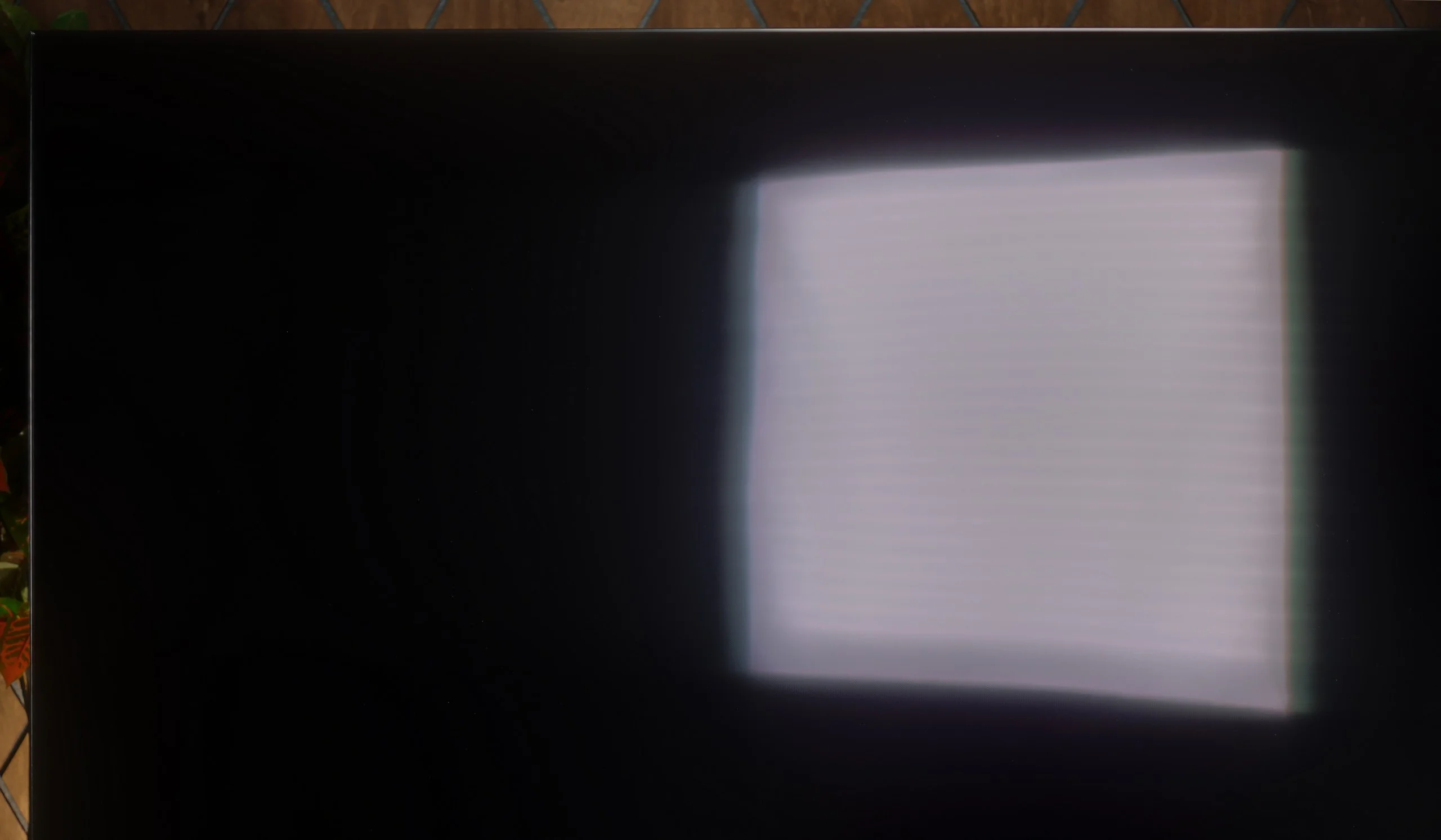
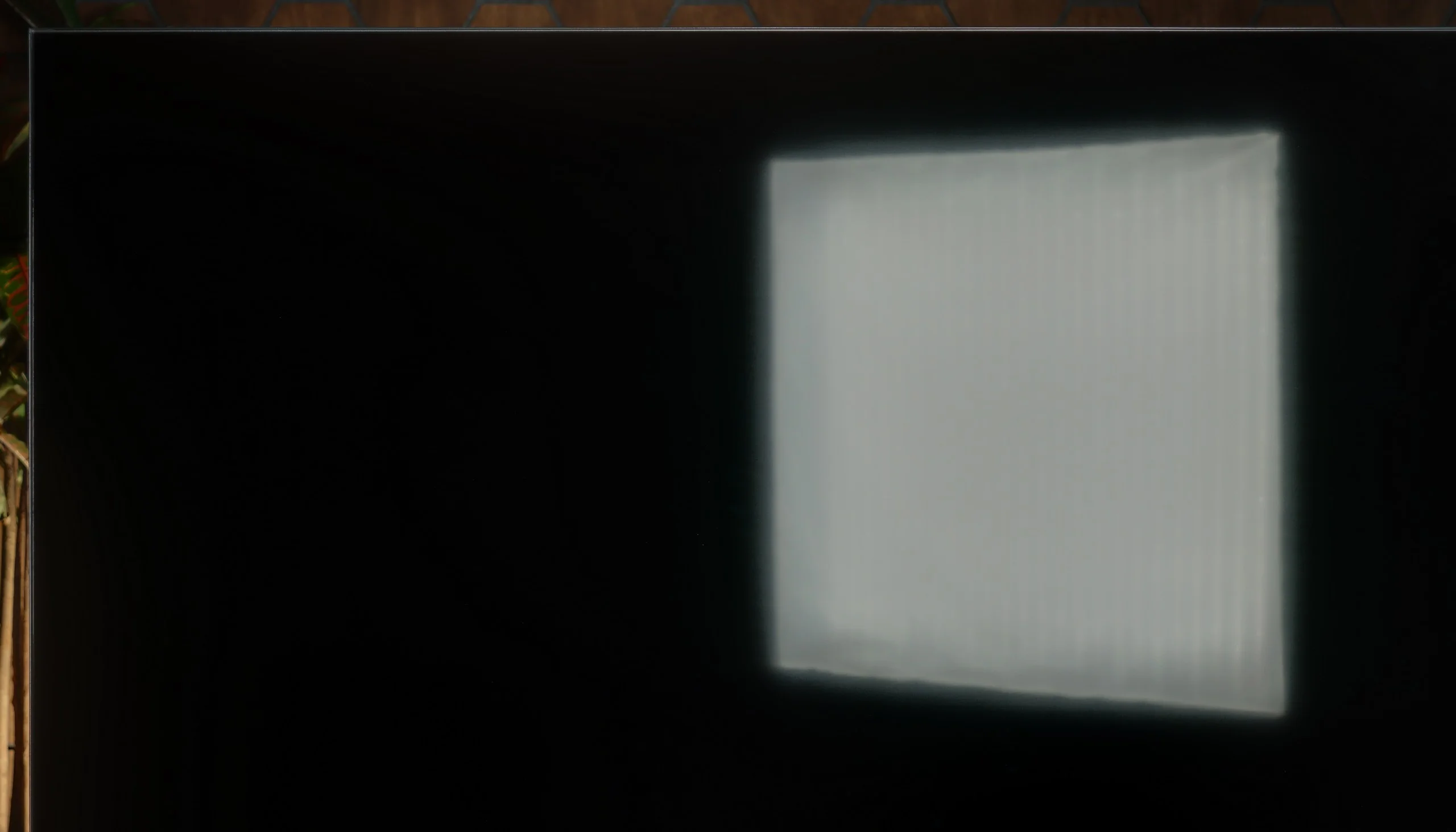
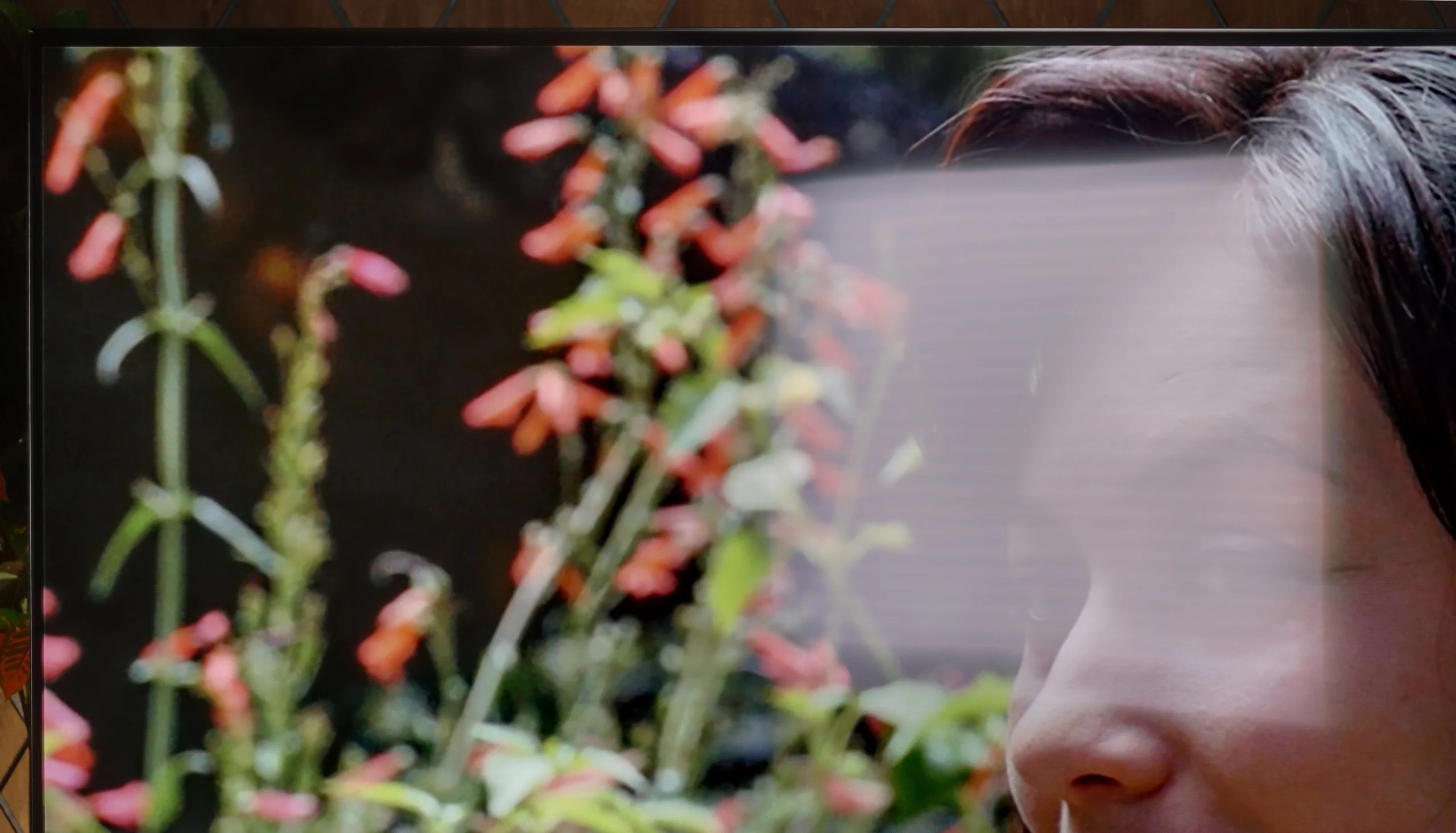
Samsung S85H is a moderately bright TV. In our measurements the average SDR brightness was around 350 nits, so it should be enough for normal daytime viewing unless the TV is in a very sunlit living room. In a moderately lit room the picture remains viewable, but with large windows and light falling directly on the screen the S85H’s capabilities start to run out. We have a few more comments about the WOLED SE panel itself. The panel design change compared with the previous generation has affected how the screen handles reflections, and unfortunately it’s not for the better. Reflections are more noticeable than on earlier WOLED panels. LG Display tried to partly mask this effect with a more satin screen finish that diffuses light, but it doesn’t solve the issue completely. With a strong light source the reflection becomes quite large and a characteristic greyish halo appears around it. Photos clearly show that such a reflection can occupy a large part of the image and strongly affect how it’s perceived. So the S85H doesn’t really change the approach compared with cheaper OLEDs when it comes to daytime viewing. It performs best in the evening or in a room where you have at least partial control over the light. You can still use it comfortably during the day, but it’s definitely not a TV designed for a very bright living room.

During the day the Bravia 3 II performs quite well, although a lot depends on where you place the TV. The satin finish handles reflections reasonably — it doesn't act like a mirror, but strong light sources, particularly a window opposite the screen, can interfere with viewing. On the plus side, the VA panel keeps blacks fairly deep in daylight, so the image doesn't immediately look grey or washed out. The brightness of around 450 nits also helps, and the Bravia 3 II can sustain that regardless of how many bright elements are on-screen. That's more than enough for a typical living room and the picture remains readable during the day. However, if the TV will be placed in a very bright room with large windows and a lot of direct light, you can find models with noticeably more effective coatings and greater brightness headroom.

Panel details

Backlight Type
WRGB OLED
PFS LED
Software version during testing
1204
6140200730
Image processor
PENTONIC 800 4GB RAM

Subpixel Structure:

Panel uniformity and thermal imaging:

Review Samsung S85H TV Panel details
Review SONY BRAVIA 3 II (XR35M2) TV Panel details

Samsung S85H

SONY BRAVIA 3 II (XR35M2)

TV features

7.3/10

7.9/10

  • System
    Tizen
    Google TV
  • System performance
    Very good
    Good
  • HDMI inputs
    0 x HDMI 2.0, 4 x HDMI 2.1 48Gbps
    0 x HDMI 2.0, 4 x HDMI 2.1 48Gbps
  • Outputs
    Toslink (Optical audio), eARC (HDMI), ARC (HDMI)
    Toslink (Optical audio), eARC (HDMI), ARC (HDMI)
  • Network Interfaces
    Wi-Fi 2.4GHz, Wi-Fi 5GHz, Ethernet (LAN) 100Mbps
    Wi-Fi 2.4GHz, Wi-Fi 5GHz, Ethernet (LAN) 100Mbps
  • TV reception
    DVB-T, DVB-T2, DVB-S, DVB-S2, DVB-C
    DVB-T, DVB-T2, DVB-S, DVB-S2, DVB-C

Classic features:

  • Recording to USB (terrestrial TV)
    No
    Yes
  • Recording programming
    No
    Yes
  • Picture in Picture (PiP)
    No
    No
  • RF remote control (no need to aim)
    Yes
    Yes
  • Backlit remote control
    No
    No
  • Teletext
    Yes
    Yes
  • Audio only mode
    Yes
    Yes
  • Bluetooth headphones support
    Yes
    Yes
  • Simultaneous Bluetooth headphones & TV audio
    Yes
    No

Smart features:

  • AirPlay
    Yes
    Yes
  • Screen mirroring (Windows Miracast)
    Yes
    No
  • Voice search
    Yes
    Yes
  • Voice search in native language
    Yes
    Yes
  • Ability to connect a keyboard and mouse
    Yes
    Yes
Review Samsung S85H TV features
Review SONY BRAVIA 3 II (XR35M2) TV features

Sound connection options

  • HDMI audio
    eARC (HDMI), ARC (HDMI)
    eARC (HDMI), ARC (HDMI)
  • Other audio outputs
    Toslink (Optical audio)
    Toslink (Optical audio)
  • Wireless audio
    Bluetooth, Samsung Q-Symphony (Speaker extension)
    Bluetooth, Samsung Q-Symphony (Speaker extension)

Supported audio formats (external HDMI eARC audio):

  • Dolby Digital Plus 7.1
    Yes
    Yes
  • Dolby True HD 7.1
    Yes
    Yes
  • Dolby Atmos in Dolby Digital Plus (JOC)
    Yes
    Yes
  • Dolby Atmos in Dolby True HD
    Yes
    Yes
  • DTS:X in DTS-HD MA
    No
    Yes
  • DTS-HD Master Audio
    No
    Yes

Senior accessibility

  • Numeric keyboard on TV
    No
    Yes
  • Font size adjustment
    Yes
    Yes
  • Audio description
    Yes
    Yes

Tizen

The Samsung S85H runs on Tizen and it's hard to fault its smart features. The system is fast, responsive and offers one of the largest app selections on the market. Besides the major streaming platforms, you'll also find plenty of less popular services, so it's unlikely you'll miss anything essential. Samsung is also expanding SmartThings, integration with other devices and an increasing number of AI-powered features. There are really a lot of capabilities here and some users will probably never even explore half of them. A big plus is Samsung's promised seven years of system updates. For a TV, which we typically keep much longer than a phone or computer, that matters. Tizen should therefore keep receiving new features and fixes for a long time, rather than being abandoned after two or three years. The S85H doesn't feel like a cheaper model either – you essentially get the same extensive ecosystem that Samsung offers in its more expensive TVs.

Traditional features

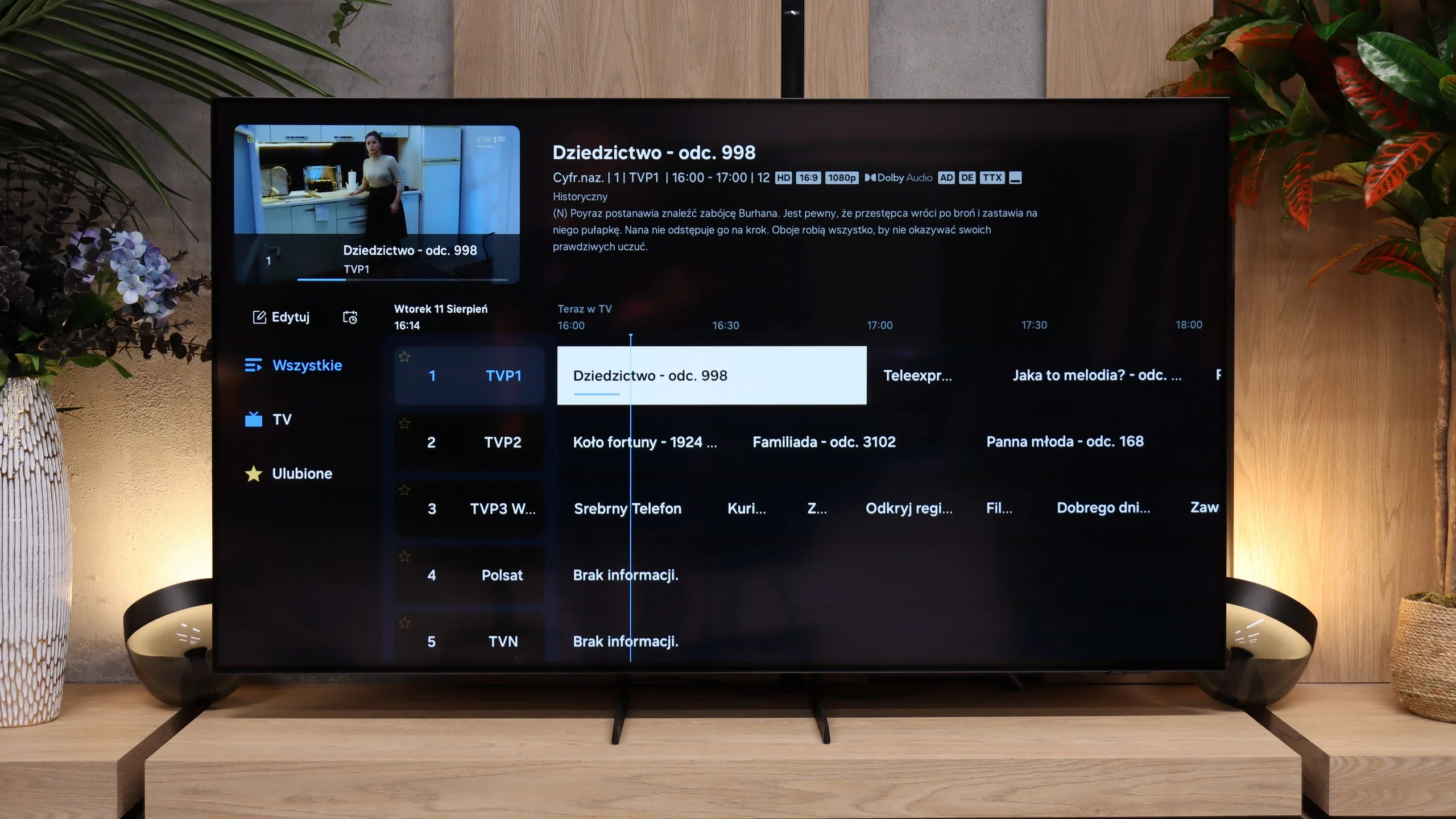
Samsung's approach to traditional TV features looks completely different. It's clear the company has been increasingly prioritising "modern" services over traditional ones for several years. So the S85H isn't a TV that will especially appeal to people used to full-featured handling of regular broadcast TV. The included remote illustrates this well. It's small, minimalist and only has the essential buttons, but lacks a traditional number pad. For streaming this is convenient, but for frequent viewing of traditional broadcast TV without a set-top box, not everyone will like it. It's simply a consequence of the direction Samsung is taking with its TVs...

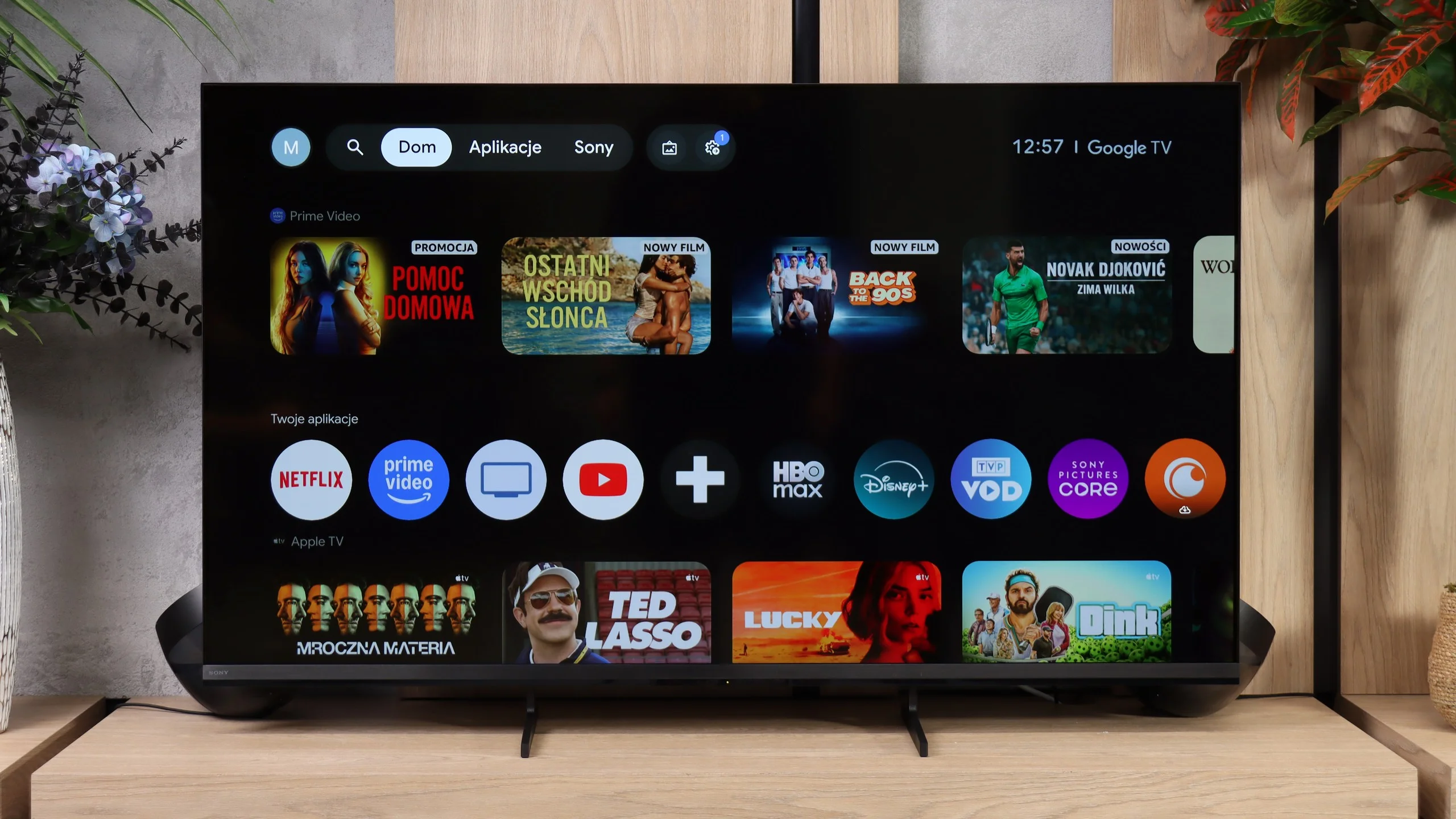
Smart TV features: Google TV

Bravia 3 II runs Google TV and, in terms of capabilities, it’s one of the more fully featured systems you’ll find in TVs today. First and foremost, you get access to a very large number of apps, so beyond the most popular streaming platforms you’ll also find plenty of less obvious services. Sony also supports AirPlay and Chromecast, making it very convenient to cast content from a smartphone. Voice search is good too, powered by Gemini, which handles commands in many languages and can genuinely make using the TV easier. During our tests we did encounter one issue: Bravia 3 II wouldn’t reliably receive a picture from a Windows 11 PC over Miracast. So if you want to use the TV as a secondary screen for a computer, the most reliable solution remains a connection via HDMI.

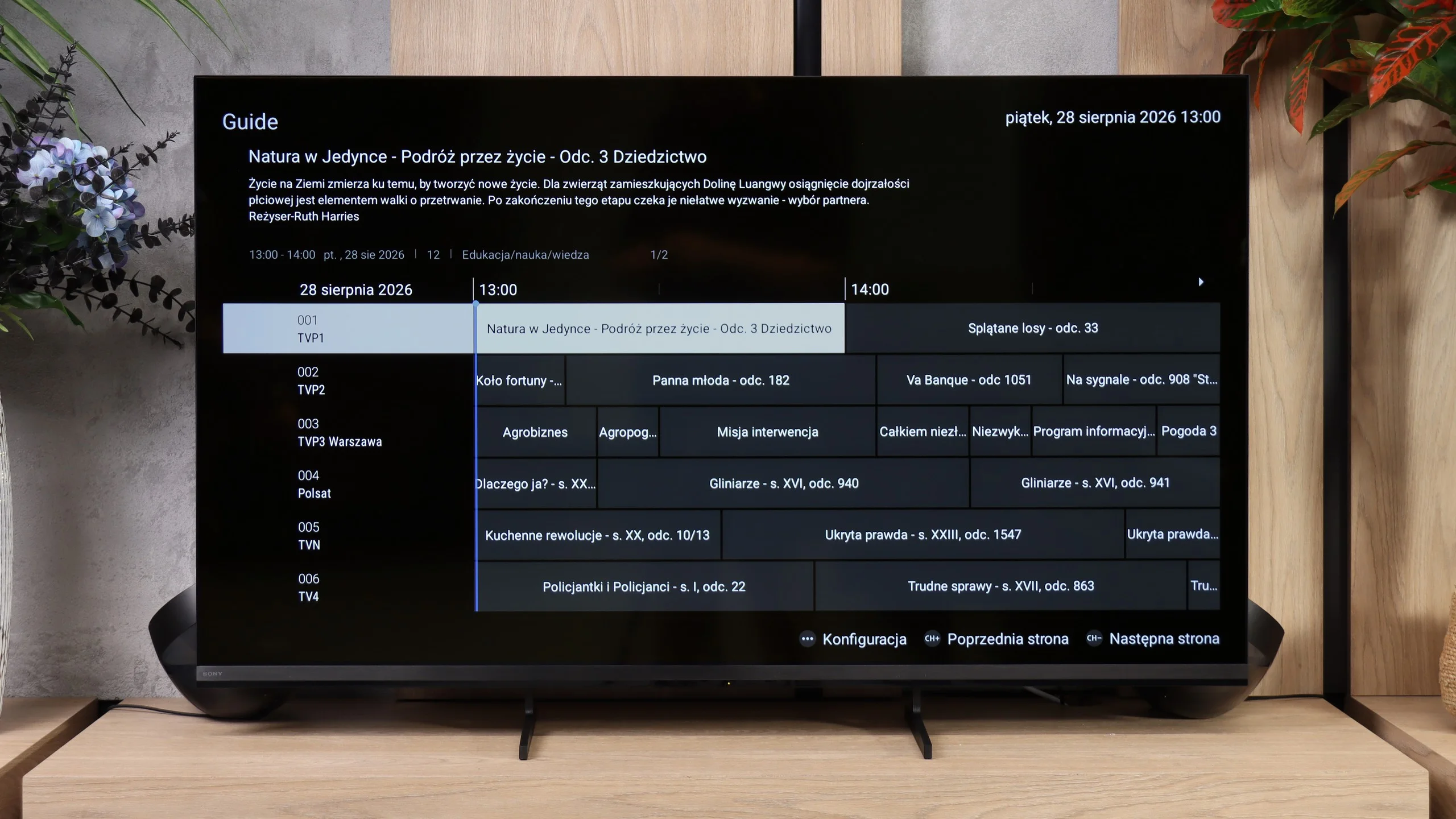
Traditional TV features

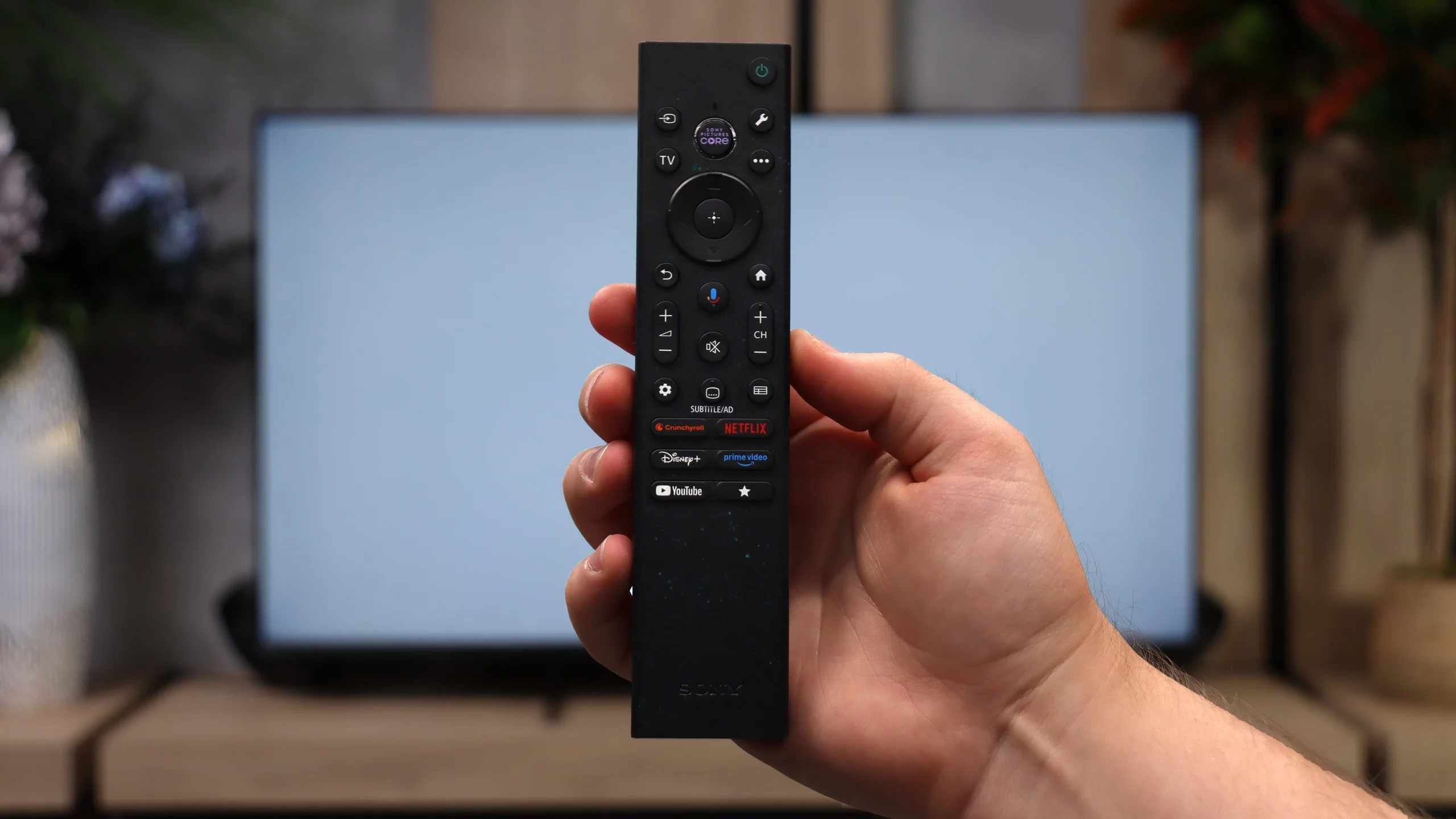
Sony hasn’t forgotten people who still mainly watch regular television. Bravia 3 II supports recording programmes to USB with the ability to schedule them in advance via PVR, which is rare nowadays, especially in cheaper models. There’s also teletext and a clear channel guide, so in terms of basic TV functions we weren’t really missing anything, maybe apart from picture-in-picture (PiP). A curiosity is the two remotes included in the set. The first is modern and pared-back (non-backlit), while the other is a classic design with a full numeric keypad. Although it may look a little old-fashioned, viewers who watch a lot of traditional TV might actually find it more convenient, for example when entering channel numbers.

Apps

9.3/10

9.6/10

OK
Disney_Plus
OK
Amazon_Prime_Video
OK
Player_TVN
OK
Polsat_Box_Go
OK
Canal_Plus_Online
OK
TVP_VOD
OK
Apple_TV_Plus
OK
SkyShowtime
OK
Rakuten
OK
CDA_Premium_Browser
OK
Spotify
No
Tidal
OK
Netflix
OK
YouTube
OK
HBO_MAX
No
Kodi
OK
Apple_music
OK
Eleven_sports
OK
Xbox Game Pass
OK
GeForce NOW
OK
Amazon Luna
OK
Boosteroid
No
Steam Link
OK
Disney_Plus
OK
Amazon_Prime_Video
OK
Player_TVN
OK
Polsat_Box_Go
OK
Canal_Plus_Online
OK
TVP_VOD
OK
Apple_TV_Plus
OK
SkyShowtime
OK
Rakuten
OK
CDA_Premium_Browser
OK
Spotify
OK
Tidal
OK
Netflix
OK
YouTube
OK
HBO_MAX
OK
Kodi
No
Apple_music
OK
Eleven_sports
No
Xbox Game Pass
OK
GeForce NOW
No
Amazon Luna
OK
Boosteroid
OK
Steam Link

Playing files from USB

9.1/10

9.3/10

Supported photo formats:

JPEG
Yes
Yes
HEIC
No
Yes
PNG
Yes
Yes
GIF
No
Yes
WebP
No
Yes
TIFF
No
No
BMP
Yes
Yes
SVG
No
No

Maximum photo resolution:

4 Mpix
Yes
Yes
6 Mpix
Yes
Yes
8 Mpix
Yes
Yes
10 Mpix
Yes
Yes
12 Mpix
Yes
Yes
16 Mpix
Yes
Yes
20 Mpix
Yes
Yes
24 Mpix
Yes
Yes
28 Mpix
Yes
Yes
32 Mpix
Yes
Yes

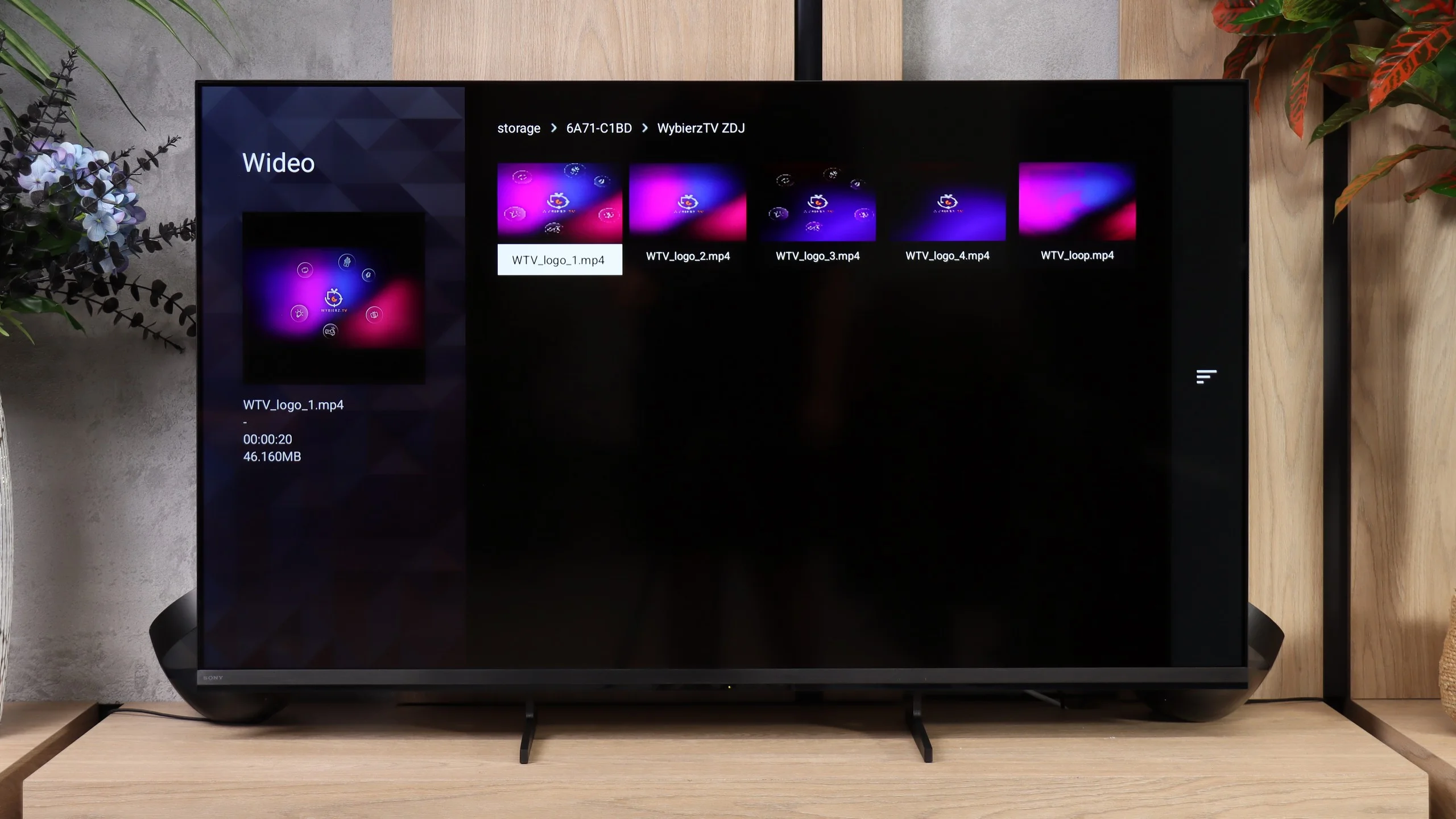
The USB file player on the Samsung S85H works quickly and without major problems. The TV handles both videos and photos well, and with the latter we had no issues with unusual resolutions or high megapixel counts. Subtitle support is also a plus, as Polish characters display correctly and nothing extra needs to be set up. The only thing we really missed was support for HEIC, the image format commonly used by Apple devices. Aside from that, the built-in player performs very well and will be more than enough for most people for everyday use with a USB stick or USB drive.

The Bravia 3 II's built-in player works really well and, during our tests, handled most popular video and audio formats with no trouble. Basically, there's little that would make us install an additional player or use an external device. The only exception might be videos with subtitles saved in .txt format, which the TV doesn't support, but let's be honest, at this point that would be nitpicking.

Sound

7.2/10

6.8/10

  • Maximum volume
    86dB
    87dB
  • Dolby Digital Plus 7.1
    Yes
    Yes
  • Dolby True HD 7.1
    No
    Yes
  • Dolby Atmos in Dolby Digital Plus (JOC)
    Yes
    Yes
  • Dolby Atmos in Dolby True HD
    No
    No
  • DTS:X in DTS-HD MA
    No
    Yes
  • DTS-HD Master Audio
    No
    Yes

Sound-wise the S85H hasn’t really changed compared with its predecessor. It still uses a fairly basic 2.0 setup with a total output of 20 W, which sounds fine and, for such a slim TV, can even add a bit of bass. It’s perfectly adequate for everyday TV viewing, but it doesn’t reach the level of pricier models that can deliver fuller, more immersive sound. With that picture, it practically begs for at least a soundbar. All the more so as the S85H supports Dolby Atmos and Samsung’s proprietary Q-Symphony, which lets a compatible Samsung soundbar work with the TV speakers rather than completely replace them. If you want to get more from this setup for movies, an external sound system is the most sensible addition.

Pod względem dźwięku Bravia 3 II wypada poprawnie, ale trudno powiedzieć o niej coś znacznie więcej. Głośniki dobrze radzą sobie z dialogami i zwykłą telewizją, natomiast zdecydowanie brakuje im niższych częstotliwości. Bas zaczyna szybko tracić energię, przez co przy muzyce, filmach akcji czy grach dźwięk jest dość lekki i brakuje mu uderzenia. Nie jest to oczywiście nic niezwykłego w telewizorach tej klasy, ale jeśli zależy nam na bardziej efektownym brzmieniu, soundbar będzie tutaj bardzo wskazanym dodatkiem.

Znacznie lepiej wygląda kwestia obsługiwanych formatów audio. Bravia 3 II radzi sobie praktycznie ze wszystkim, czego możemy potrzebować, włącznie z Dolby TrueHD, DTS-HD Master Audio czy DTS:X, a więc formatami coraz częściej pomijanymi przez innych producentów. Telewizor może również przesłać je dalej do zewnętrznego zestawu audio. Wyjątkiem jest Dolby Atmos zapisany w Dolby TrueHD, którego wbudowane głośniki nie odtworzą bezpośrednio, ale przy korzystaniu z odpowiedniego soundbara lub amplitunera nie powinno stanowić to większego problemu.

Sound Quality Test

Acoustic Measurements

86dBC (Max)

75dBC

87dBC (Max)

75dBC

Reader comments

Comments are provided by the external service Disqus (Zeta Global). Once loaded, Disqus may set cookies and process data about your activity.

We will remember your choice on this device. Provider's privacy policy