 Direct comparison
Samsung QN80H is a genuinely successful mid-range TV and, in our view, that's how you should look at it. Not as the new Neo QLED flagship, but as the first model in Samsung's lineup that already gives a clear taste of better picture quality. Full-array Mini-LED backlighting, high brightness and well-saturated colours mean that for someone moving up from a regular LCD TV the difference can be really noticeable. A huge plus for this model is that Samsung didn't short-change it on functionality. The QN80H has received almost the same rich feature set as the flagships. So you get a complete gamers’ package led by four HDMI 2.1 ports, plus a blisteringly fast Tizen system that also comes with a guaranteed 7 years of support and updates. Of course, we must remember this isn't a top-tier model. The number of Mini-LED local dimming zones doesn't break any records, so in demanding scenes you can see some compromises in picture quality. There are also small decisions we simply don't like, such as dropping the solar remote in favour of a less elegant battery-powered version. Even so, it's hard to fault the QN80H for performing poorly in any significant area. It's a TV that performs at least well in practically every respect. Those are exactly the expectations you should have. It doesn't try to pass as a flagship, but it doesn't disappoint in any aspect either. These were precisely the results we expected from the "80" series, and those expectations have been met. Is it worth buying? Yes, but a lot will depend on the price. At a suitably attractive price, the QN80H could once again become one of Samsung's most sensible models for people who want to step up to better picture quality without paying extra for the brand's most expensive TVs.
- Matching (Score) |
- Our verdict |
- TV appearance |
- Where to buy |
- Contrast and black detail |
- HDR effect quality |
- Factory color reproduction |
- Color reproduction after calibration |
- Smoothness of tonal transitions |
- Image scaling and smoothness of tonal transitions |
- Blur and motion smoothness |
- Console compatibility and gaming features |
- Input lag |
- Compatibility with PC |
- Viewing angles |
- Daytime performance |
- Panel details |
- TV features |
- Apps |
- Playing files from USB |
- Sound
BRAVIA 2 II / S25M2
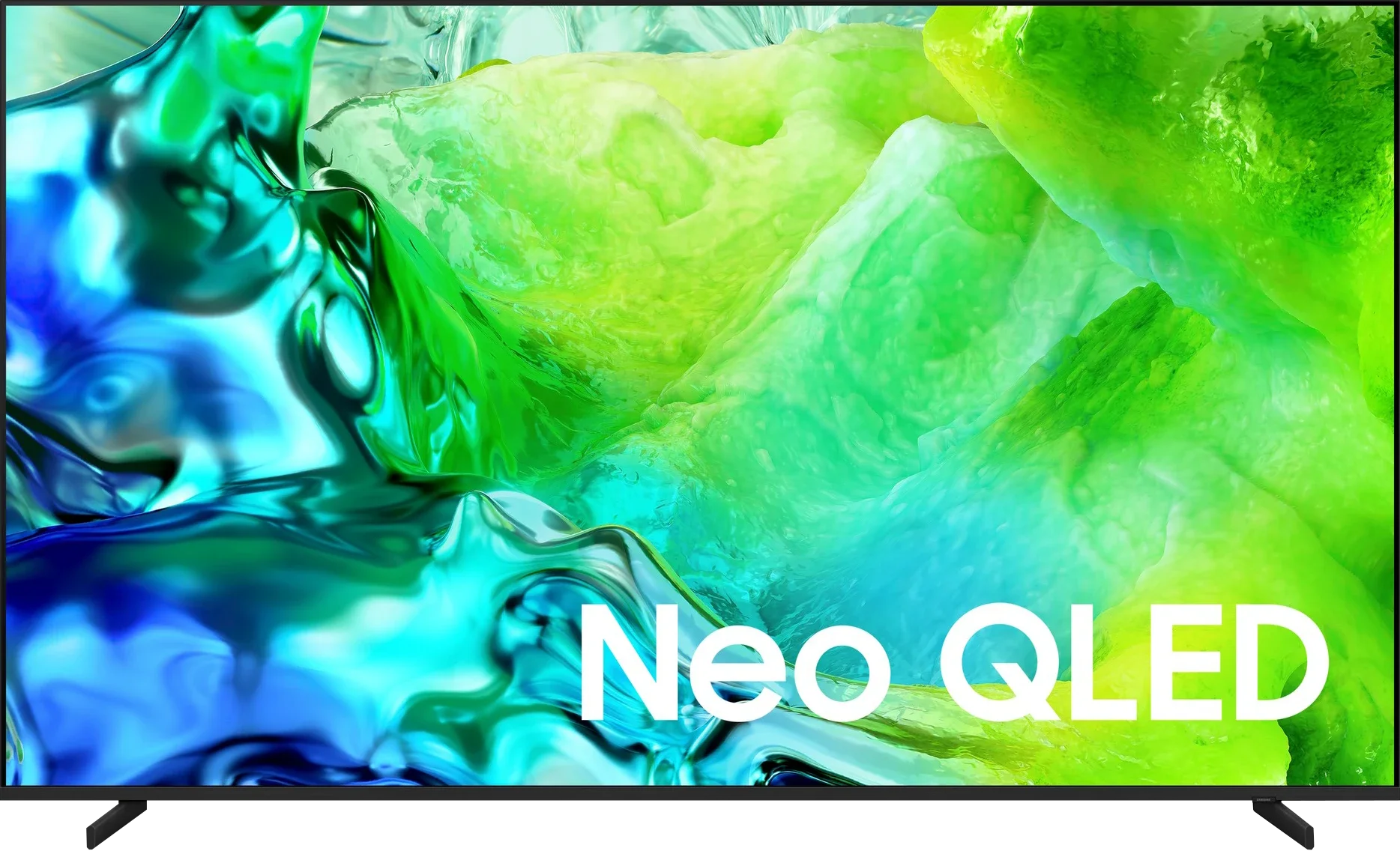
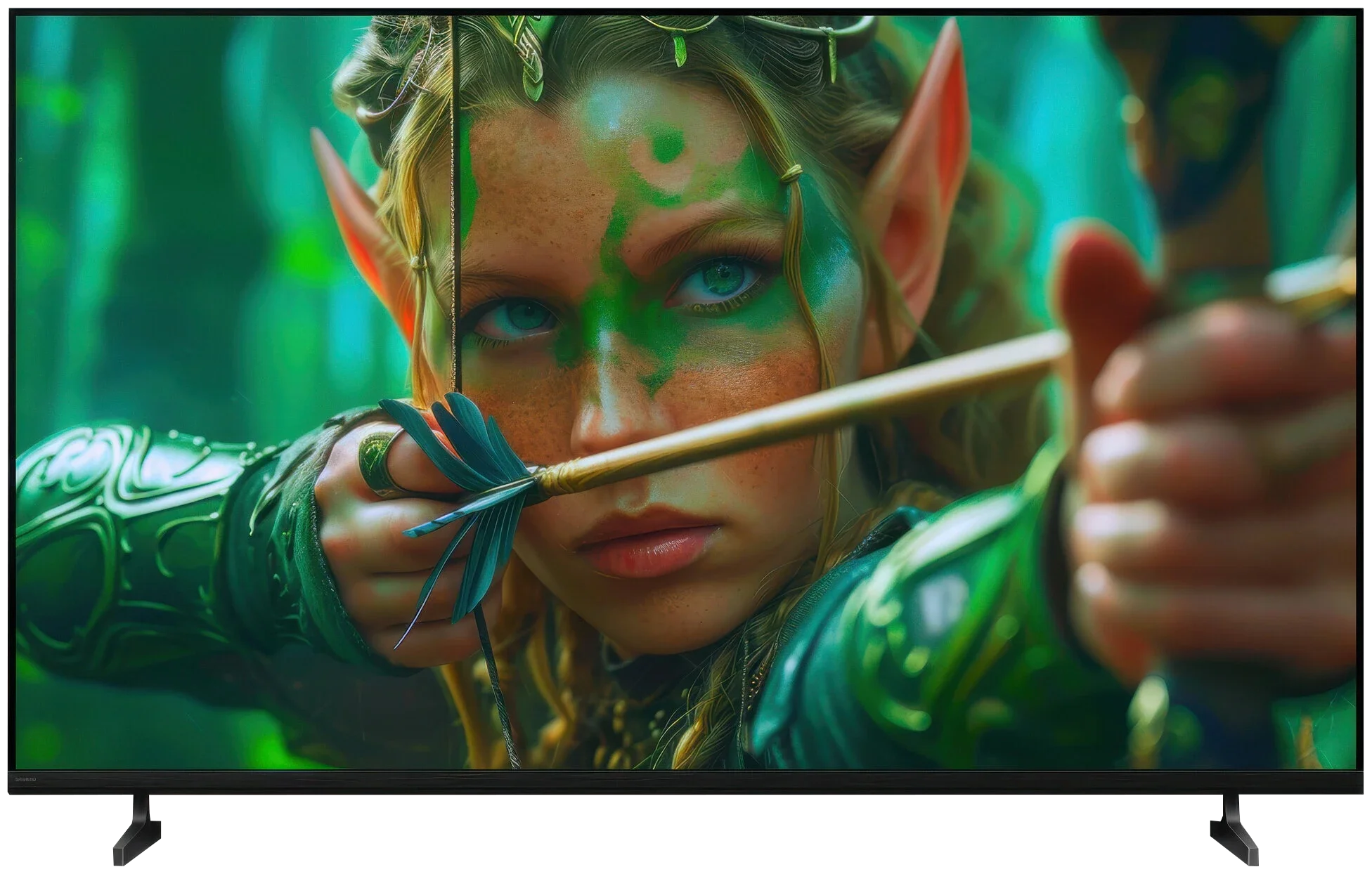
Panel type: LCD VA
Resolution: 3840x2160
System: Tizen
Model year: 2026
Panel type: LCD IPS
Resolution: 3840x2160
System: Google TV
Model year: 2026
Check how well they match your needs
Take the surveyOverall rating
7.3
5.8
 Movies and series in UHD quality
7.0
5.2
 Classic TV, YouTube
6.8
5.2
 Sports broadcasts (TV and apps)
6.8
5.5
 Gaming on console
9.0
6.2
 TV as a computer monitor
8.9
6.0
 Watching in bright light
5.8
4.8
 Utility functions
7.3
6.6
 Apps
9.3
9.6
 Sound quality
7.1
6.1
Complete the survey to find out what fits your preferences
Advantages

Deep blacks thanks to Mini LED backlighting
High brightness, exceeding 1000 nits in HDR
Rich colours thanks to QLED quantum dots
High 144 Hz refresh rate
4x HDMI 2.1 ports
Very low input lag
Extensive gaming features
Fast Tizen OS
Seven years of system support
Very good compatibility with PCs (240 Hz mode, excellent font readability)
Adjustable foot spacing and height
Very good viewing angles (IPS panel)
Google TV with a huge selection of apps
Chromecast and AirPlay
Low input lag
Very good USB file player
Supports audio formats: Dolby (Atmos, TrueHD, Digital), DTS (X, HD)
Two remotes included
Disadvantages

Limited number of dimming zones: 110 on the 65-inch model
Average glare suppression
No USB recording or PIP
Unattractive plastic feet
No solar-powered remote 😓
Too expensive for what it offers!
Very poor black levels and low contrast (IPS panel)
Low brightness of around 320 nits
No support for dynamic HDR formats (Dolby Vision, HDR10+)
Panel limited to 60 Hz
Very limited gaming capabilities
Our verdict
The Sony Bravia 2 II is a TV that’s best suited to simple, everyday use. And we suspect many people will pick it mainly for Google TV. The system gives access to a huge number of apps and streaming services, and you also get Chromecast, AirPlay and convenient voice search. The TV itself may not run as fast as pricier Sony models, but in terms of functionality there’s little to complain about. Importantly, for regular viewing the picture quality is quite decent. The Bravia 2 II handles SDR material especially well — ordinary broadcast TV, YouTube and a lot of older films and series. The out-of-the-box Cinema mode is sensibly tuned, colours look natural and, without much fiddling with the settings, you can just start watching. And that’s where the Bravia 2 II shows its strengths — as a simple smart TV for daily use, rather than a set that aims to dazzle with panel performance.
However, you have to remember that the “Bravia” badge on the case doesn’t automatically mean great picture quality. The Bravia 2 II uses an IPS panel with very low contrast, and that’s its biggest problem. In daylight it’s not so noticeable, but turn the lights off in the evening and black starts to look more like dark grey. Of course, in return you get good viewing angles, so if the TV sits in a large living room and several people watch from different spots, IPS has an advantage. But that comes at the cost of weak blacks. This TV isn’t designed for HDR impact or for more demanding gamers either. Around 300 nits of brightness and a narrow colour gamut mean HDR content doesn’t show much more than SDR. A 60 Hz panel and the lack of broader gaming features also make it clear that gaming isn’t a priority for this model.
And that wouldn’t be a major issue, because we expected that from an entry-level Sony. The biggest problem for the Bravia 2 II, though, is the price. For similar money you can easily find competitor TVs, especially Korean and Chinese brands, that already offer a lot more, ranging from 120 Hz panels to Mini-LED backlights with local dimming. So the Bravia 2 II isn’t a bad TV in itself. It’s simply too expensive for what it offers. If its price were noticeably lower, it would make much more sense as a basic TV for everyday viewing.
TV appearance
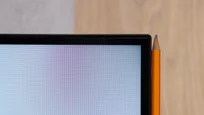
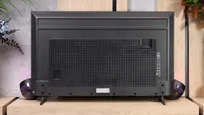

Contrast and black detail
6.7/10
2.7/10
Local dimming function: Yes, number of zones: 110 (10 x 11)
Local dimming function: No
Contrast:


Result
18,900:1

Result
7,100:1

Result
23,200:1

Result
7,750:1

Result
3,800:1
Result
1,150:1
Result
1,200:1
Result
1,450:1
Result
1,400:1
Result
1,100:1
Halo effect and black detail visibility:
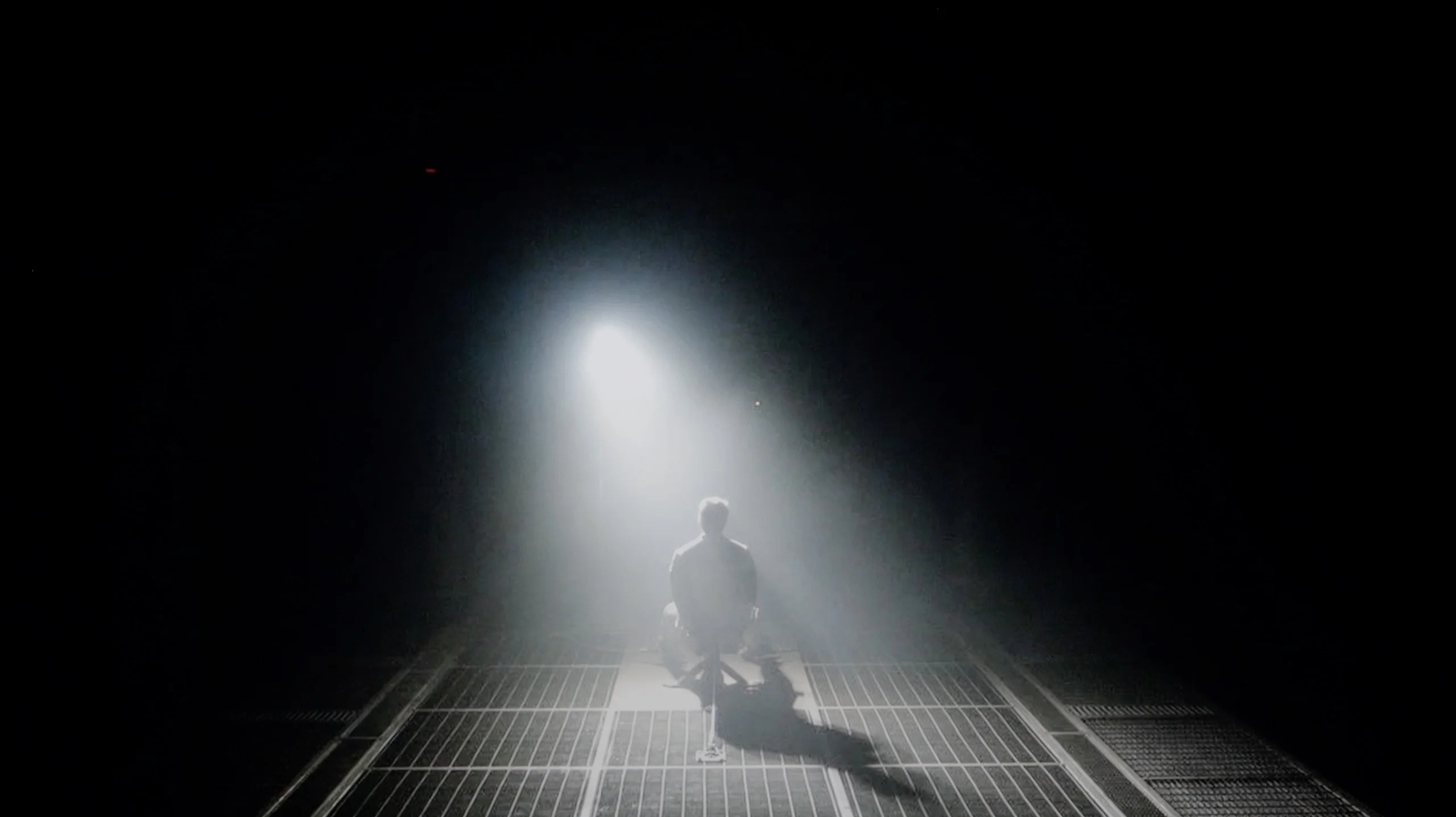
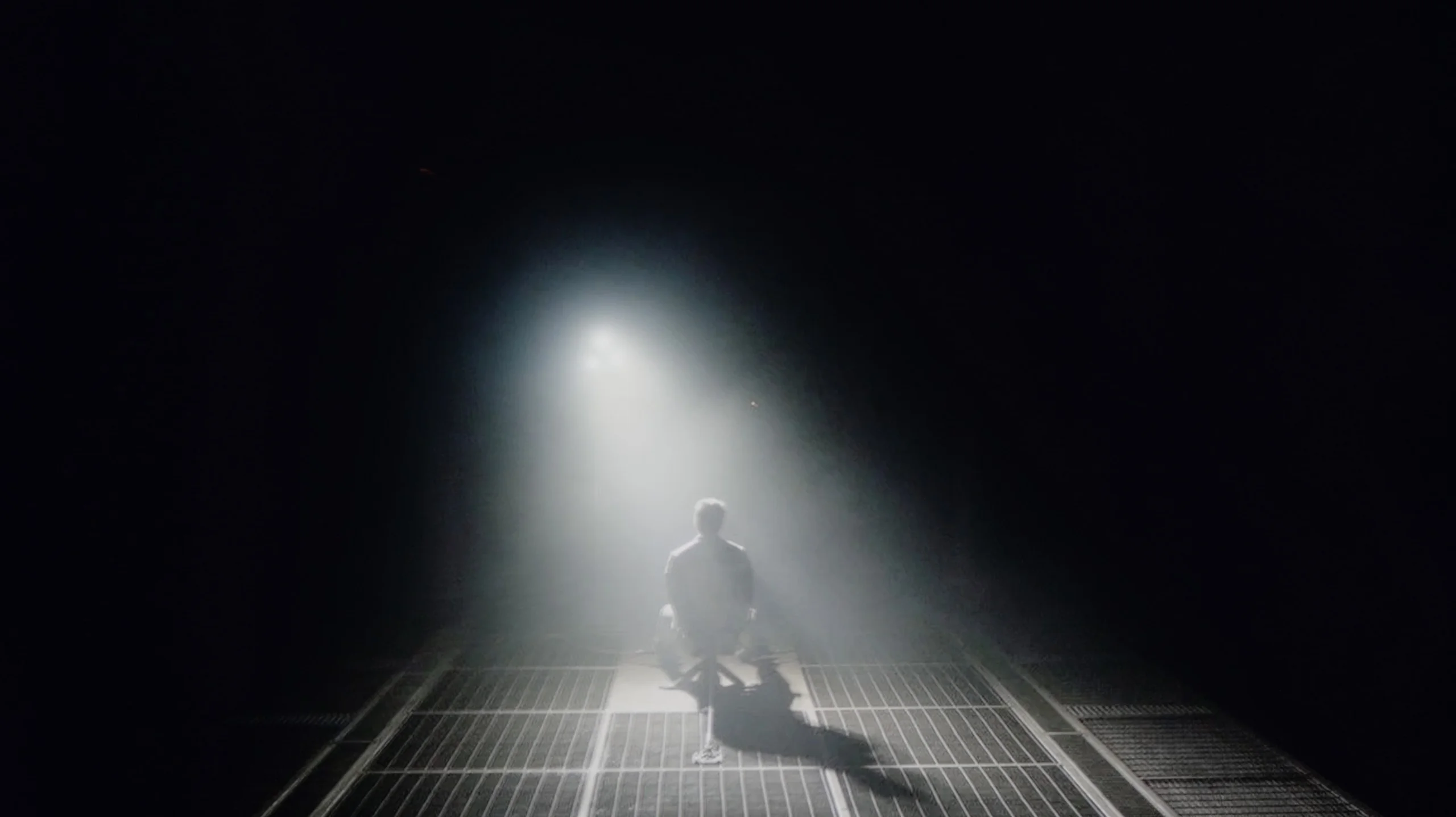
Check the visibility of bright lights on a dark background. Mini-LEDs often struggle with this. The photo does not compare black levels – that’s what the video below is for.
The video accurately shows differences in contrast and black levels between TVs, as well as potential issues: halo around bright objects or Mini-LED zone operation visible as brightness jumps.
QN80H represents the Neo QLED line, which means it features a direct, zoned Mini-LED backlight. In the 65-inch sample we tested we counted exactly 110 local-dimming zones. Against the aggressively priced Chinese competition that number might not sound spectacular, but it’s still vastly better than having no dimming at all or the edge-lit dimming used in lower-tier models. Especially since Samsung paired the QN80H with a high-contrast VA panel. As a result, even with a fairly modest number of zones, the TV can deliver very good results. In our tests on film scenes the QN80H performed solidly, particularly where deep black dominated the screen. In films such as Oblivion the black we measured could be three to four times deeper than the panel’s native capability. That shows the TV can effectively and precisely dim the appropriate areas to produce an image with satisfying contrast. Problems start, however, in more demanding moments. In scenes with a lot of small details on a dark background (the helicopter shot below) QN80H’s biggest weakness becomes apparent. When small but very bright points appear on the screen, the dimming algorithm clearly gets confused. Instead of lighting only those details precisely, the TV brightens almost the whole screen, causing the blacks around them to go very grey. This is a direct consequence of the modest number of dimming zones. One can hope Samsung will optimise the algorithm in future firmware updates. Despite that, we judge the overall contrast positively, especially compared with screens that have no zoned backlight at all.
When it comes to black levels, the Bravia 2 II unfortunately doesn't have much going for it. Sony has used an IPS panel here, which offers one of the lowest native contrasts among LCD panels. In our measurements we saw figures around 1,100:1 to 1,450:1, and unfortunately that's very noticeable when watching. Additionally, the TV lacks any local dimming, so it can't darken only the parts of the screen that should remain dark. In practice, this means that once the lights go out, blacks very quickly shift toward grey and navy. In scenes such as Oblivion or Sicario 2, instead of a deep background we get a noticeably brightened image, which takes away a lot of the atmosphere from evening viewing. Of course an IPS panel also has the advantage of better viewing angles, but in this respect it's hard to call that sufficient compensation. If you're looking for a TV primarily for watching films at night, the Bravia 2 II simply isn't a model we could recommend.
HDR effect quality
5.8/10
4/10
Luminance measurements in HDR:

Result
694 nit

Result
385 nit

Result
703 nit

Result
307 nit

Result
660 nit
Result
294 nit
Result
307 nit
Result
329 nit
Result
330 nit
Result
325 nit
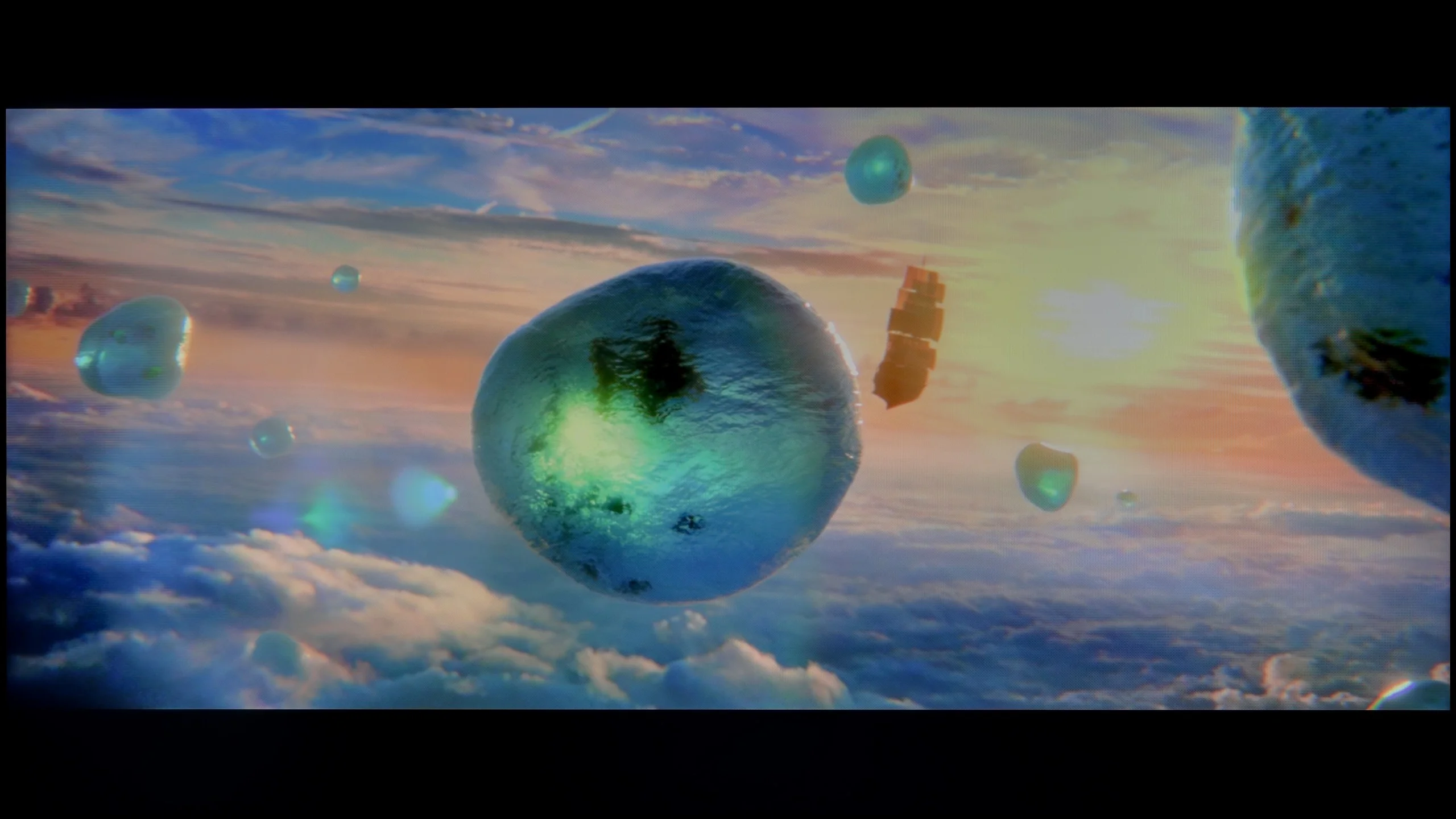
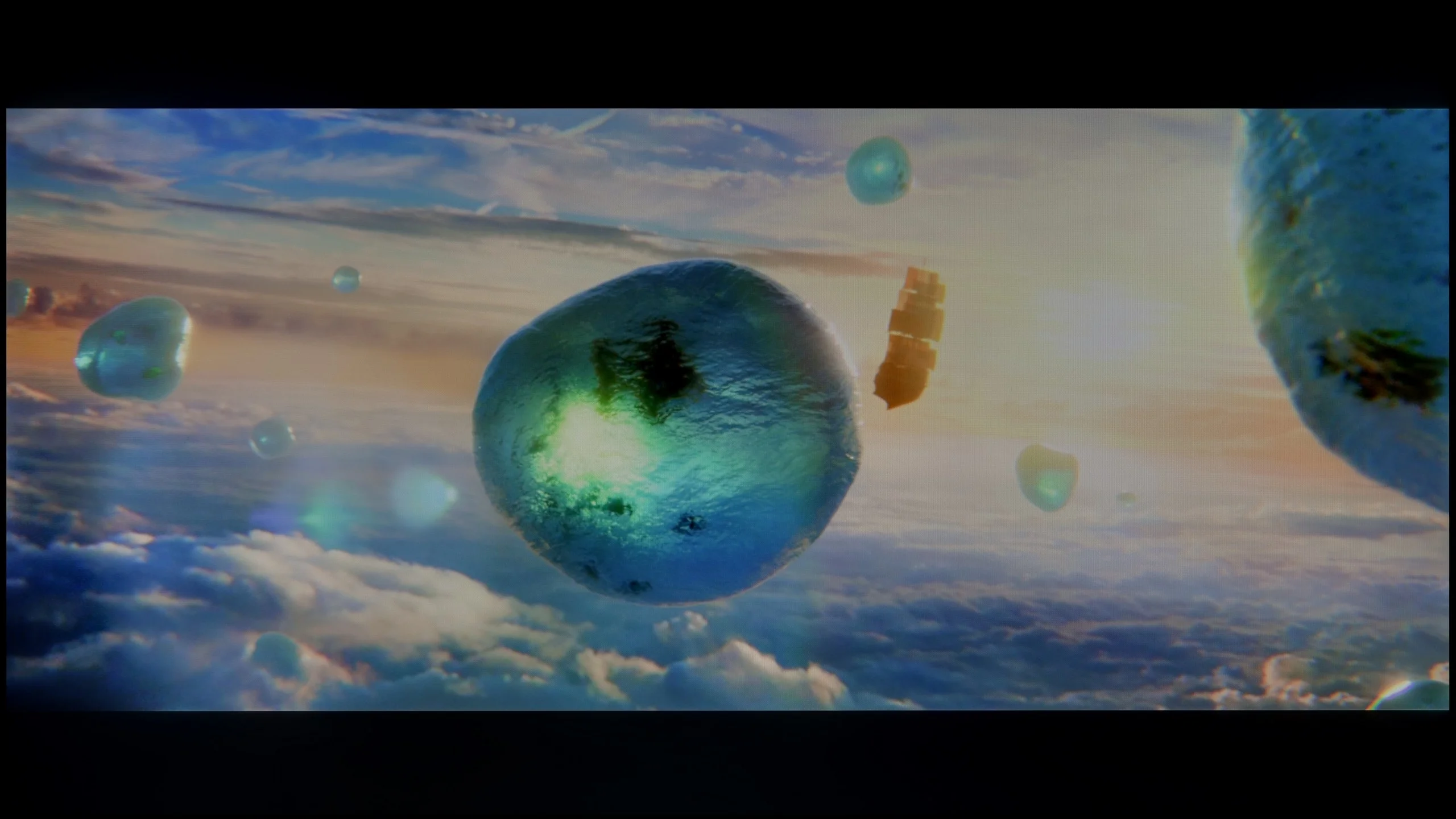
Scene from the movie “Pan” (about 2800 nits)
Scene from the movie “Billy Lynn” (about 1100 nits)
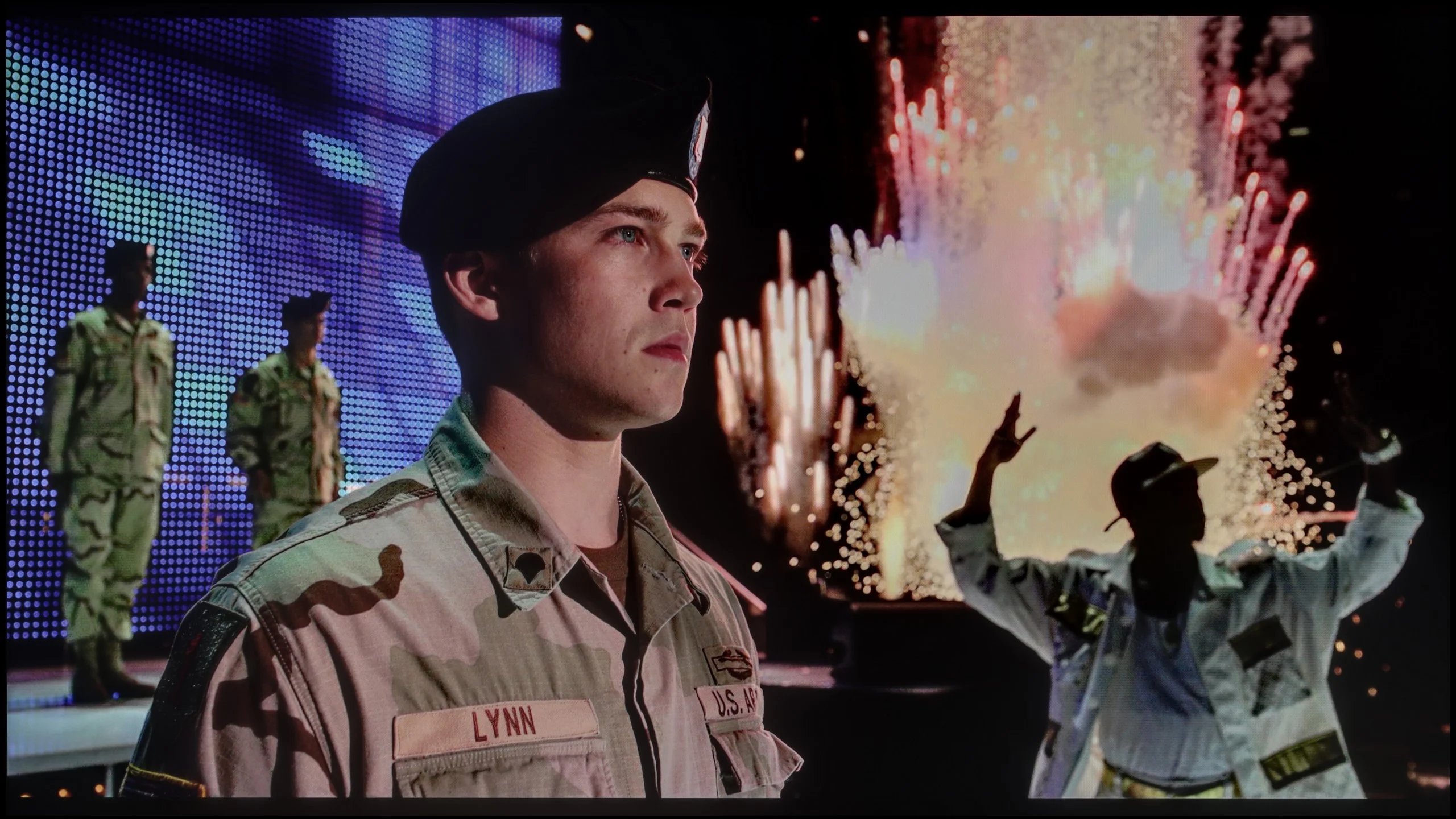
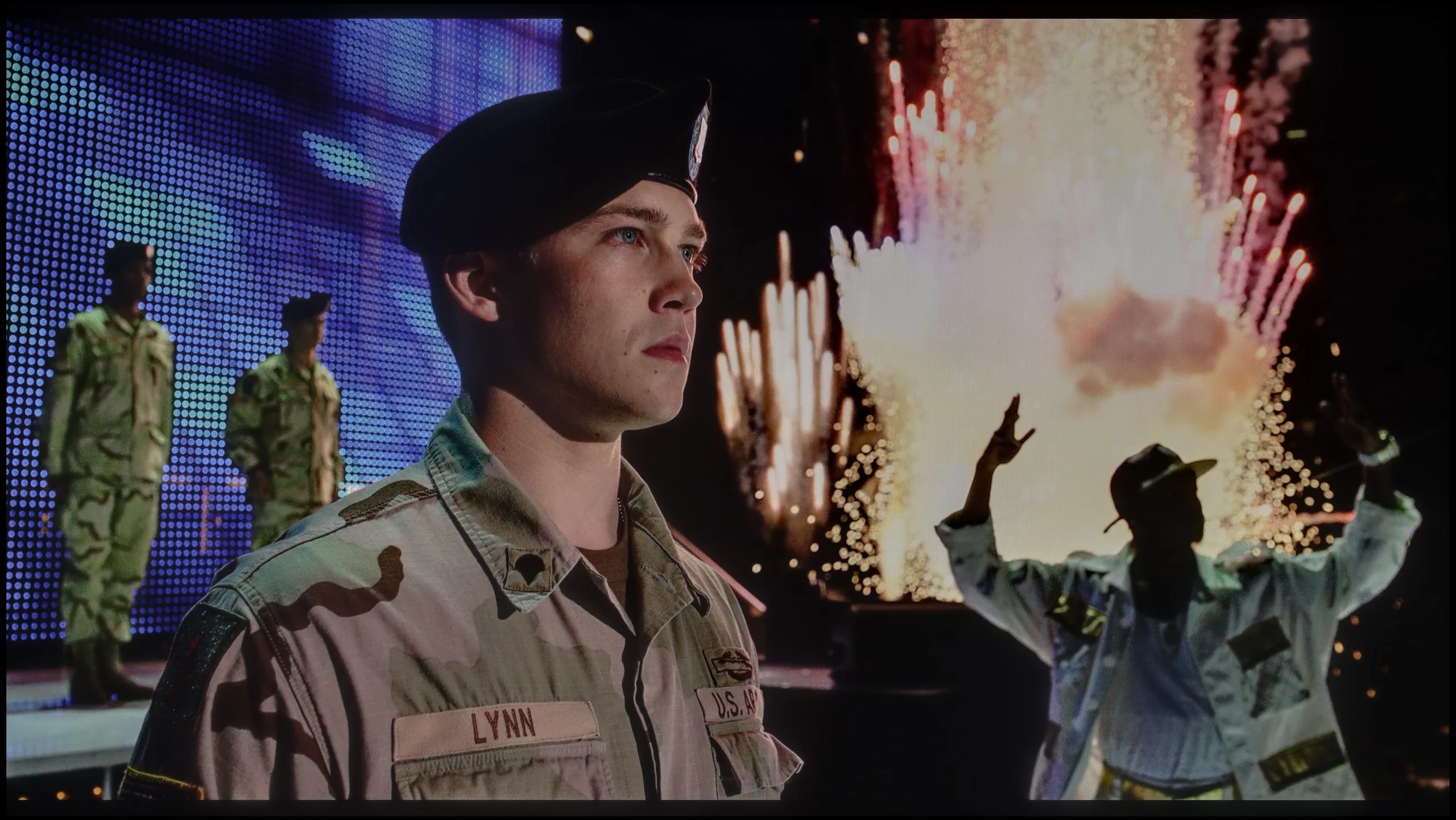
The photos show two HDR10 movies. 'Pan' is one of the brightest productions ever made, while 'Billy Lynn' (soldier) has brightness typical of streaming (Netflix, Prime, HBO MAX). Notice the intensity of effects and detail in whites.
Static HDR10


The photos present the visibility of white details in various HDR formats. They do not show brightness differences between TVs (these can be compared in the previous gallery).
HDR luminance chart:
Sony BRAVIA 2 II (S25M2)
Samsung QN80H
The Samsung QN80H is undoubtedly a bright TV. In synthetic tests it exceeds the 1000‑nit mark, which on paper already promises a solid HDR effect. In practice the screen really shows its stuff, although it can't always fully spread its wings (or its backlight 🤔). The best impression comes from bright, wide shots. Sunlit landscapes or heavily lit scenes look really good on it. Brightness then sits around 700 nits, which delivers a noticeable step up compared with standard SDR. Problems start in dark scenes with small, pinpoint highlights. The QN80H tends to dim those aggressively to protect black depth at all costs. On one hand you get better contrast, on the other... you lose dynamics and the sparkle of fine HDR detail. The TV therefore has plenty of potential, but the local‑dimming algorithm can be too restrictive.
Colour‑gamut coverage
Colour-wise it’s also good. The QN80H uses quantum‑dot technology, and in our measurements it covered 93% of the DCI‑P3 colour space and about 70% of BT.2020. Those results won't drop anyone's jaw today, but in real‑world use they’re more than enough to deliver a vivid and natural picture for most films and series. Colours are suitably saturated and, after proper tuning, they don't look artificial or overly aggressive.
Sony Bravia 2 II isn't a particularly bright TV and unfortunately that's immediately obvious in HDR. In our measurements brightness stayed around 300 to 330 nits, which is far too low for the brightest parts of the image to look truly impactful. In practice HDR here doesn't differ that much from regular SDR. Bright highlights, the sun or lamps are of course visible, but they lack the intensity you'd expect from HDR content. The Bravia 2 II is therefore much better suited to standard SDR material, where its limited brightness will be least noticeable.
Colour gamut coverage
The Sony Bravia 2 II also doesn't impress when it comes to colour. The TV doesn't use any extra gamut-expanding filter, such as the quantum dots found in QLED sets or a PFS phosphor layer. In our measurements it covered about 78% of the DCI-P3 gamut and roughly 57% of the very wide BT.2020. That's definitely too little to deliver truly saturated colours in HDR material. More intense reds, greens or turquoises will simply be less striking than on TVs with an expanded colour gamut. The Bravia 2 II is much better matched to the standard Rec.709 gamut used for films, series and SDR broadcast.
Factory color reproduction
6.1/10
5.3/10
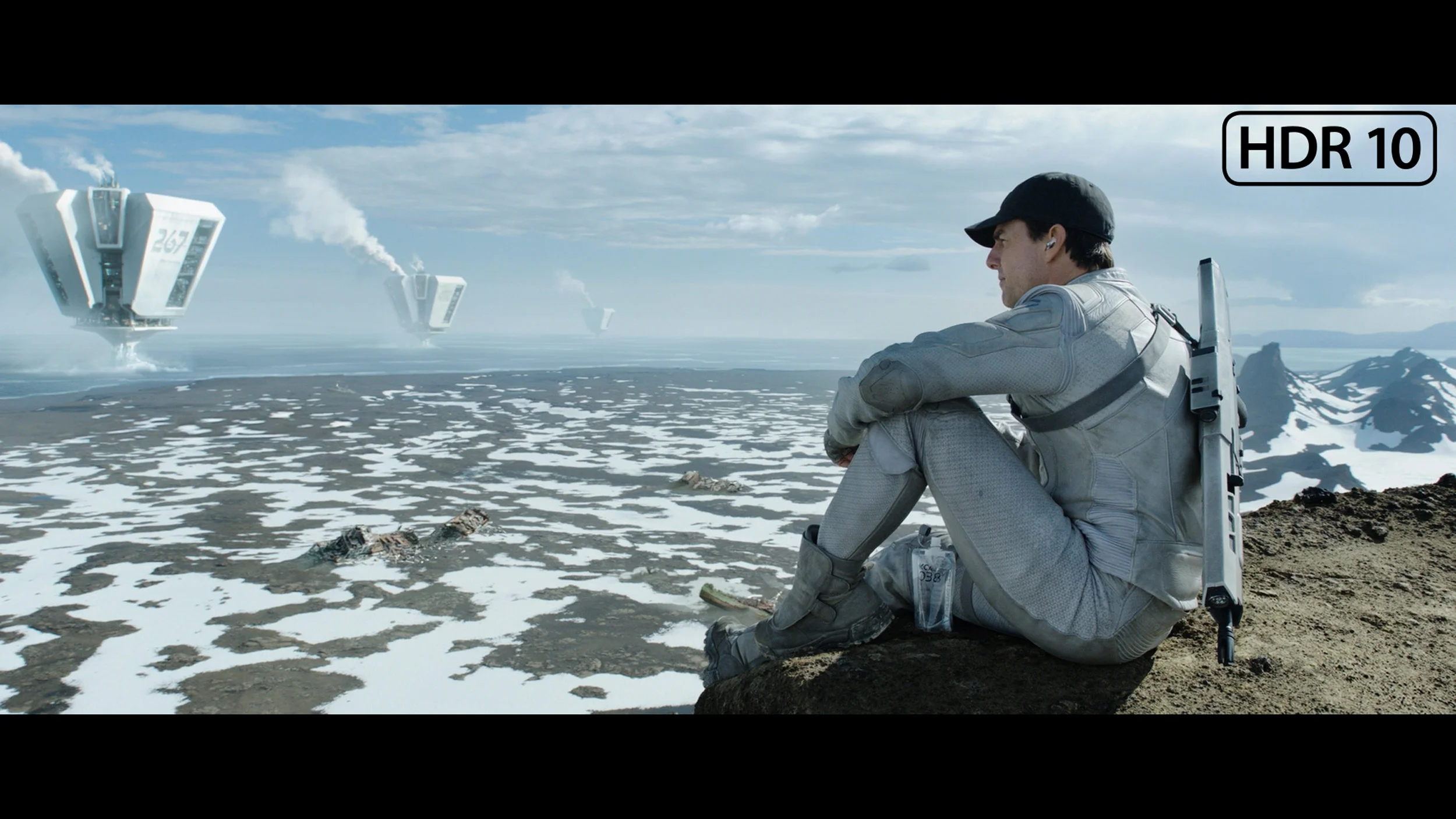
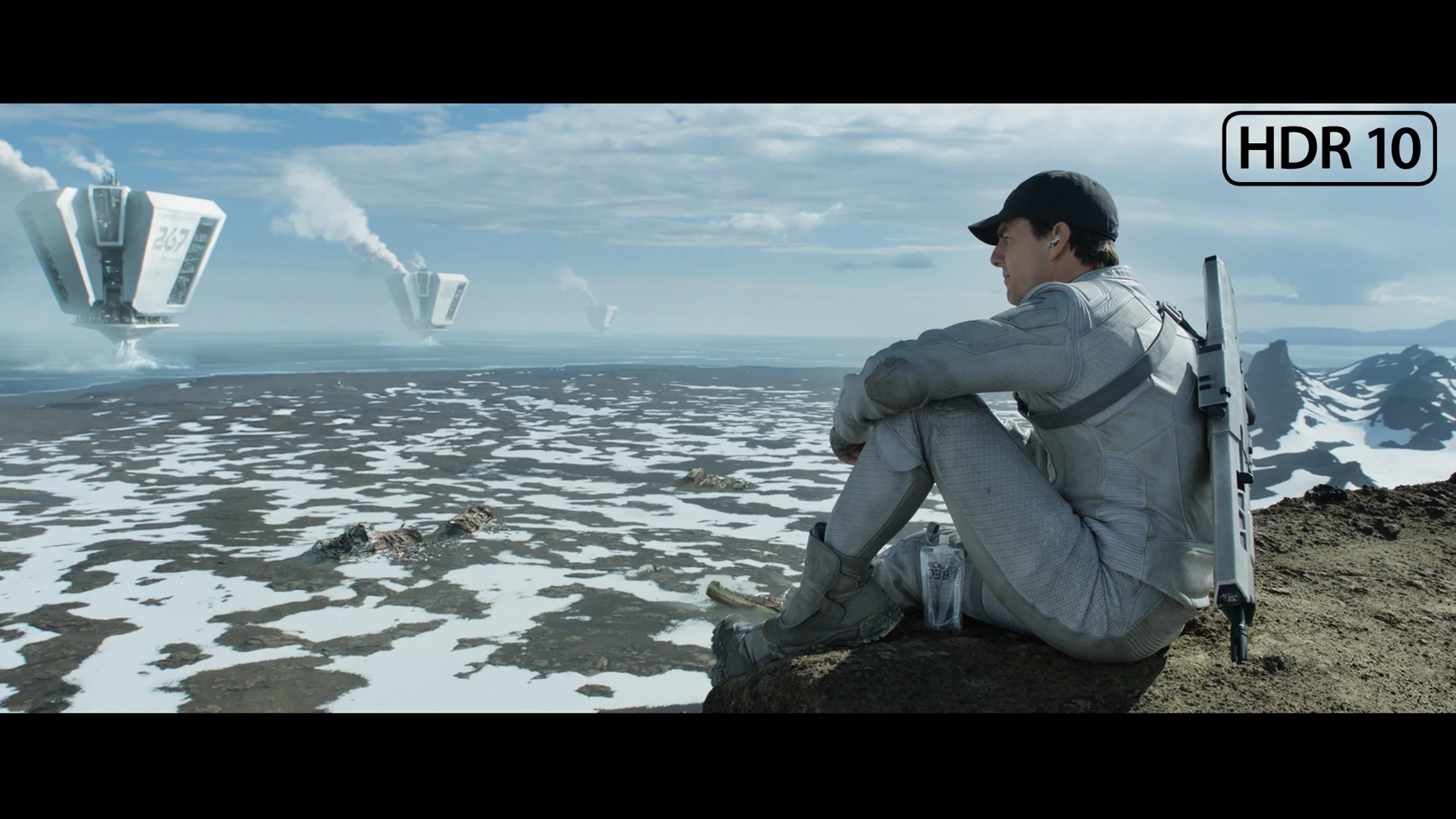
This illustrative image shows how colors change after professional calibration. If you can see the difference, you can order it from SkalibrujTV – it's our own service.
Factory mode
After calibration
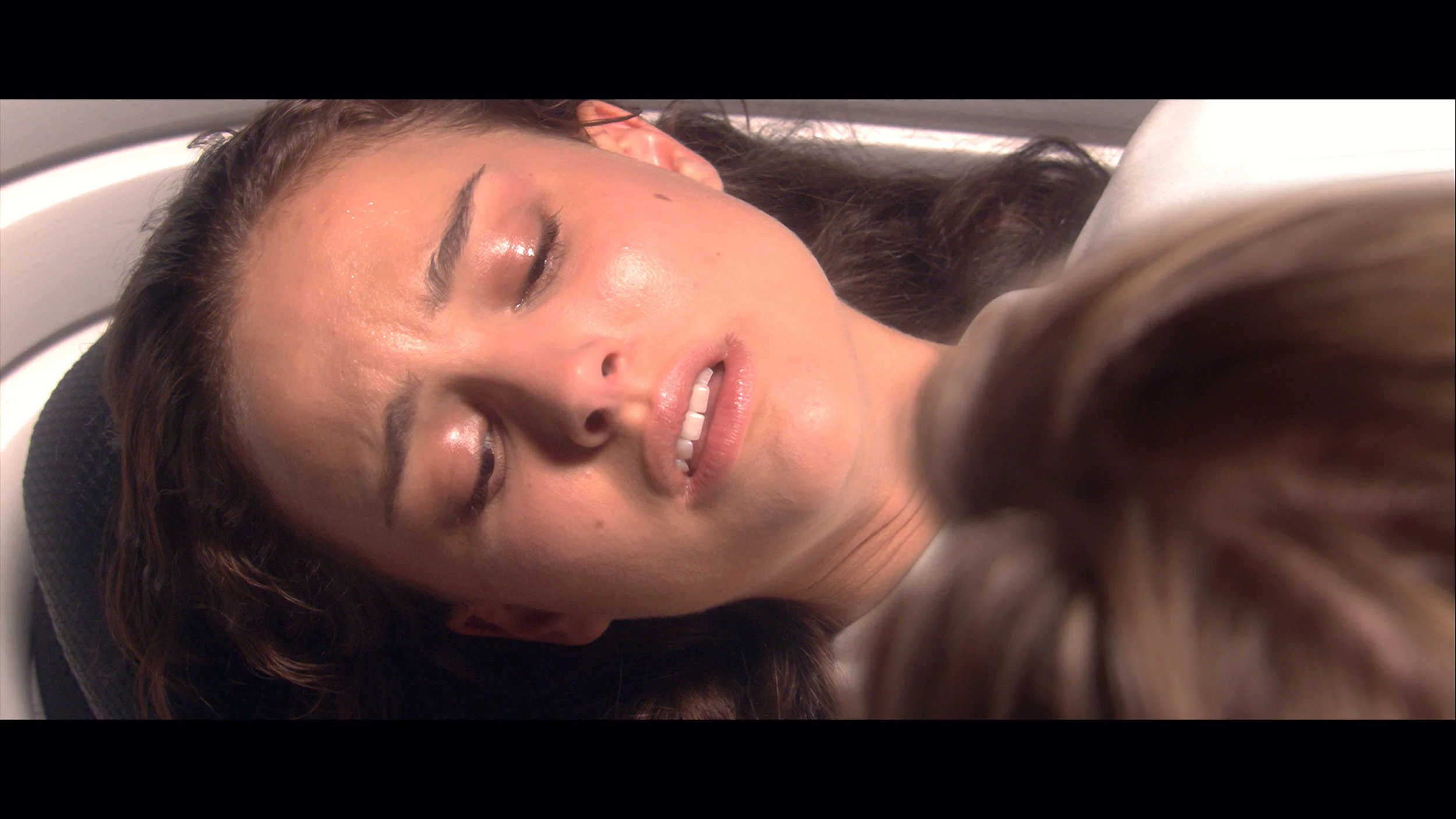
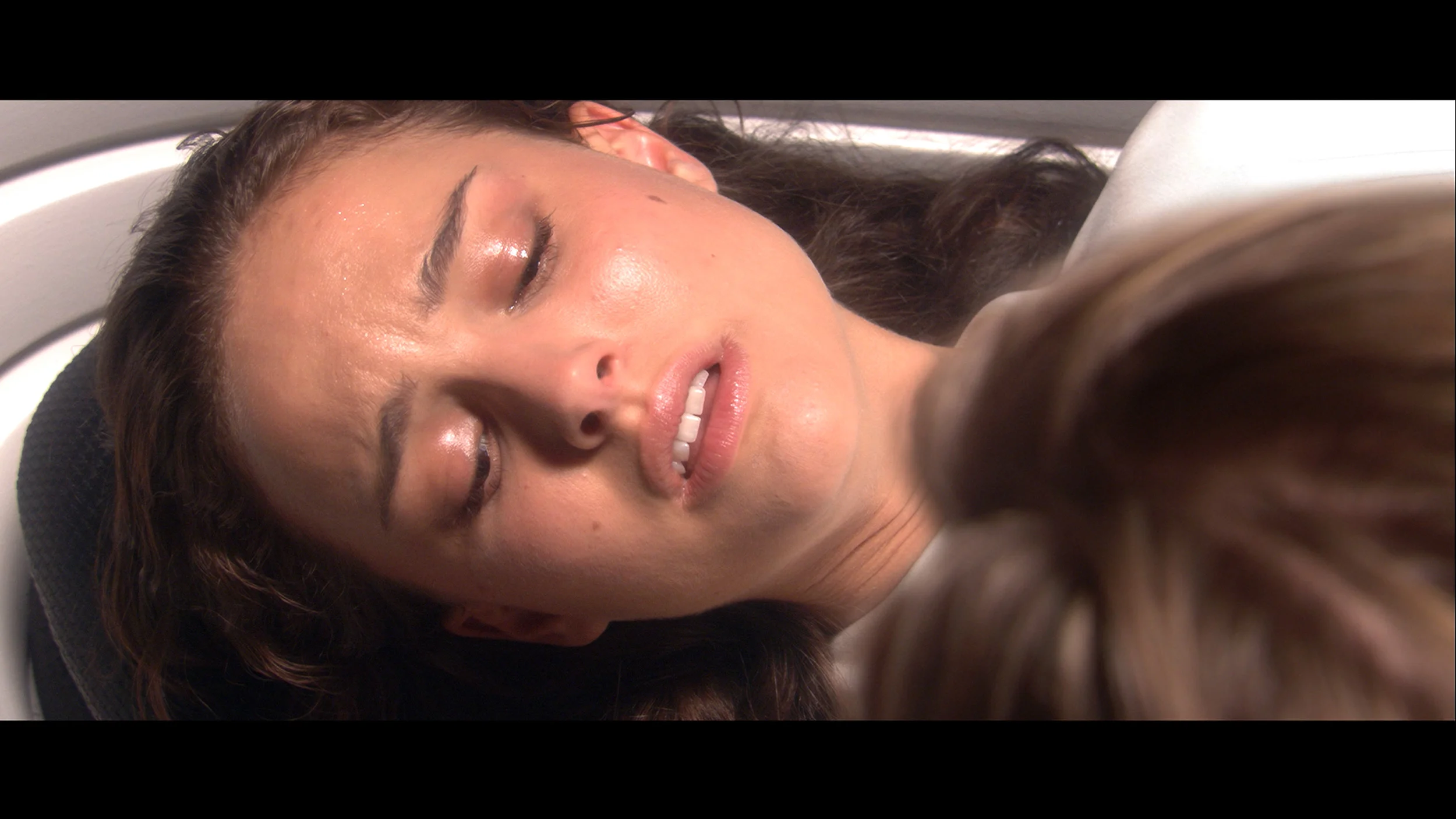
This illustrative image shows how colors change after professional calibration. If you can see the difference, you can order it from SkalibrujTV – it's our own service.
Factory mode
After calibration
The QN80H’s factory settings performed really well, especially compared with most TVs that come through our tests. Of course we took measurements in Filmmaker Mode, and that’s the mode we recommend switching on right after the initial setup. For SDR content our sample was set up surprisingly well. The white balance was very even, colours looked natural, and errors were so small they were hard to spot without test equipment. The only weaker point was the gamma. In brighter parts of the picture the TV brightened them a little too much, so the image sometimes lost some depth. Even so, we wish most TVs looked this good straight out of the box.
It was a bit worse in HDR. The white balance was still set correctly, so the issue wasn’t colour but the way the QN80H managed image brightness. You could see that straight away on the EOTF chart. The TV brightened large parts of scenes too much, causing the brightest elements to blow out. Interestingly, very small highlights were often dimmed too much at the same time. As a result some fine details simply disappeared. The factory Filmmaker mode in HDR isn’t bad, but it’s definitely not as well tuned as it is in SDR.
The out-of-the-box colour reproduction in Kino mode was really quite good, at least for ordinary SDR material. The Bravia 2 II had a slight tendency to boost reds, which made some colours lean a bit warmer, at times with a faint pinkish tint. That wasn't a major fault and during normal viewing the picture still looked fairly natural. There was a bit more going on with image brightness. Looking at the gamma curve, Sony doesn't stick perfectly to the reference value. The darkest areas are slightly lifted, while as brightness increases the gamma gradually rises and a large part of the image becomes darker than it should. However, the difference isn't big enough to seriously bother during everyday watching. Overall, SDR straight out of the box performs quite decently.
The situation is much worse in HDR. We've already mentioned the limited colour gamut, but on top of that the Bravia 2 II quite aggressively manipulates image brightness. The EOTF curve sits below the reference for much of the range, which means the TV renders most mid and brighter parts of the scene darker than the source material intends. Only towards the very end of the range does the curve flatten out, as the panel reaches the limits of its capabilities. Combined with a peak brightness of around 300 nits, this gives HDR that not only lacks much punch but can simply look too dark.
Color reproduction after calibration
8.2/10
7/10
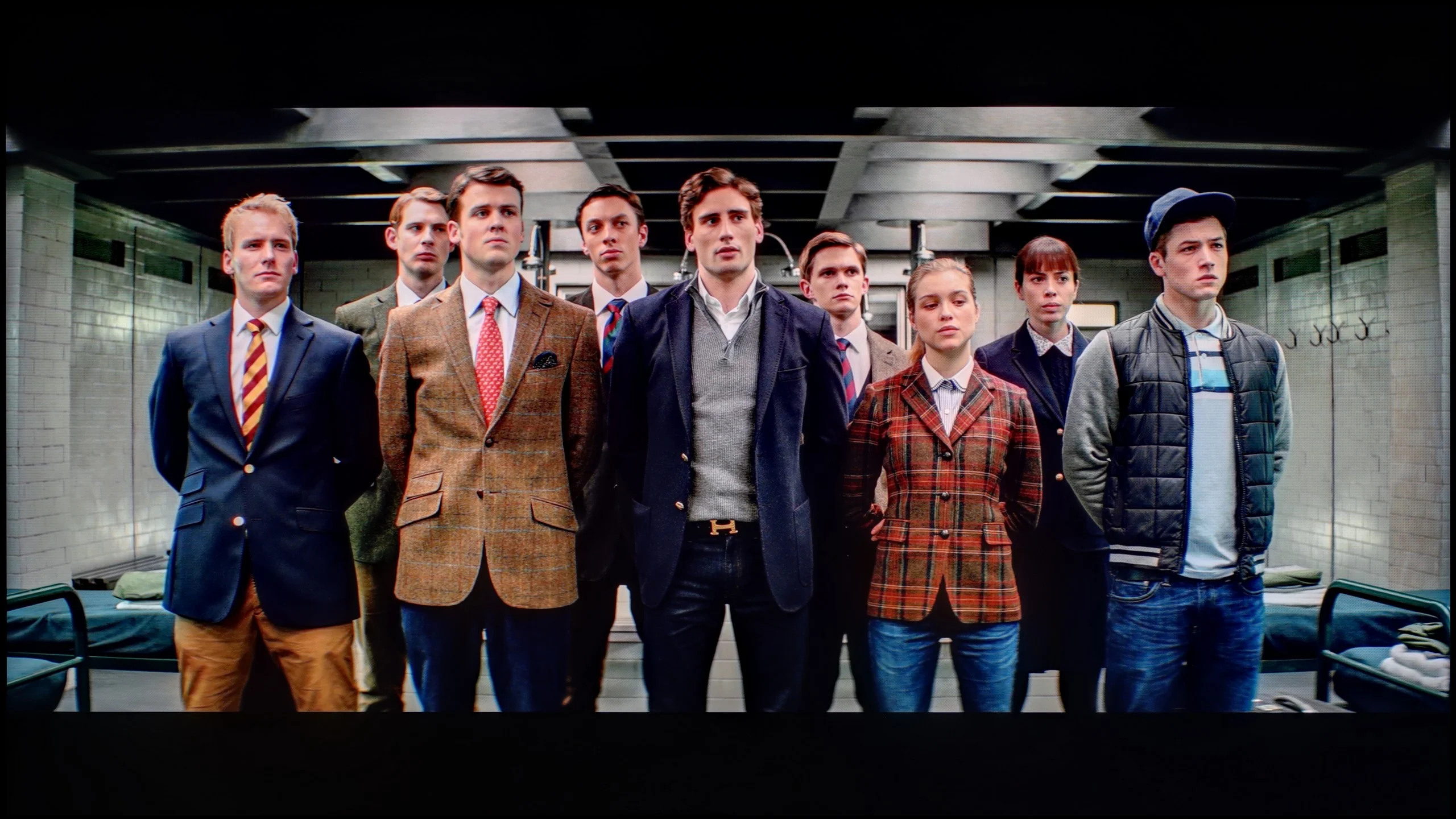
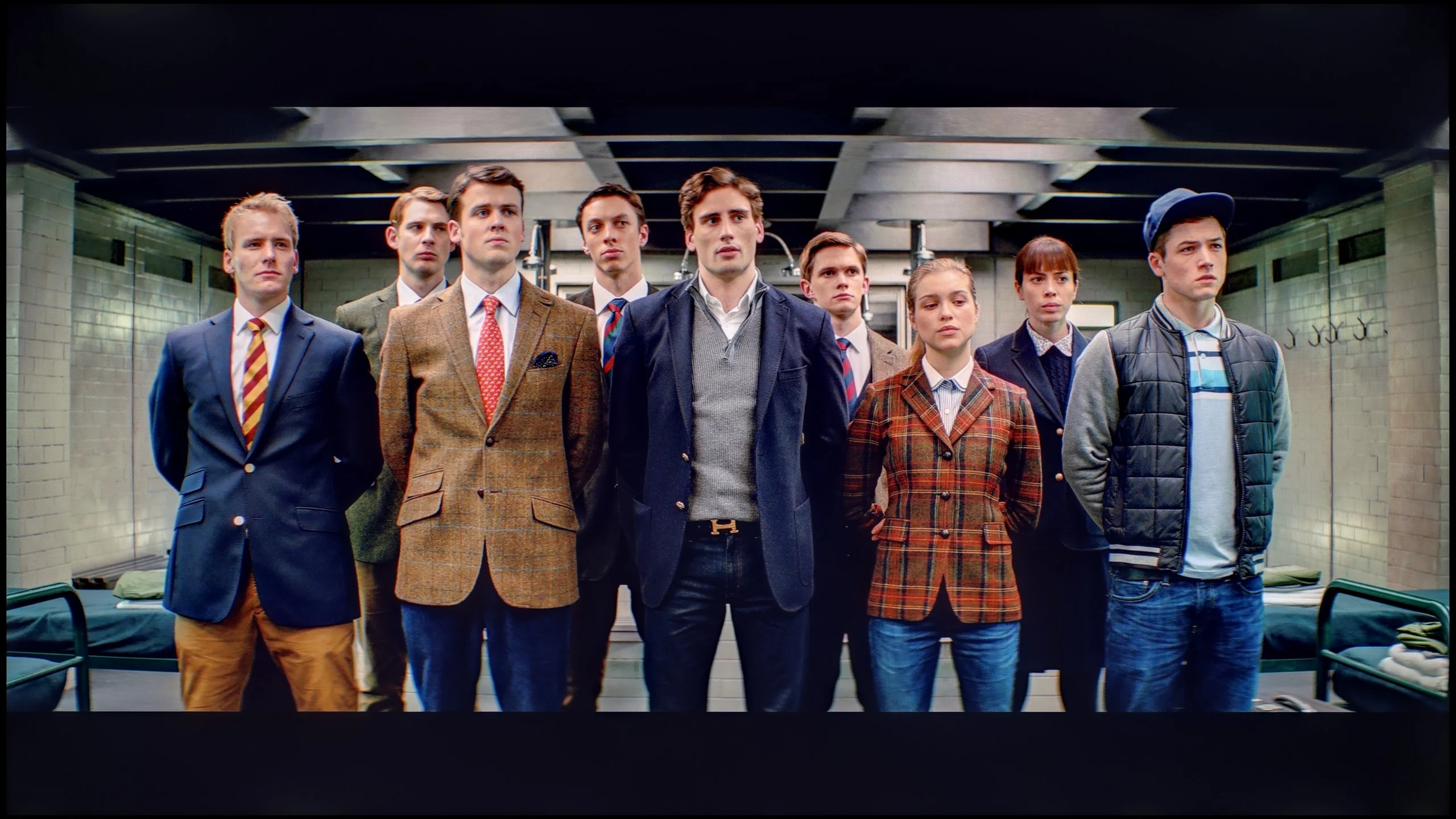
The photos show how movies look on the TV. Pay attention to black detail visibility, colors, and shadow tint.
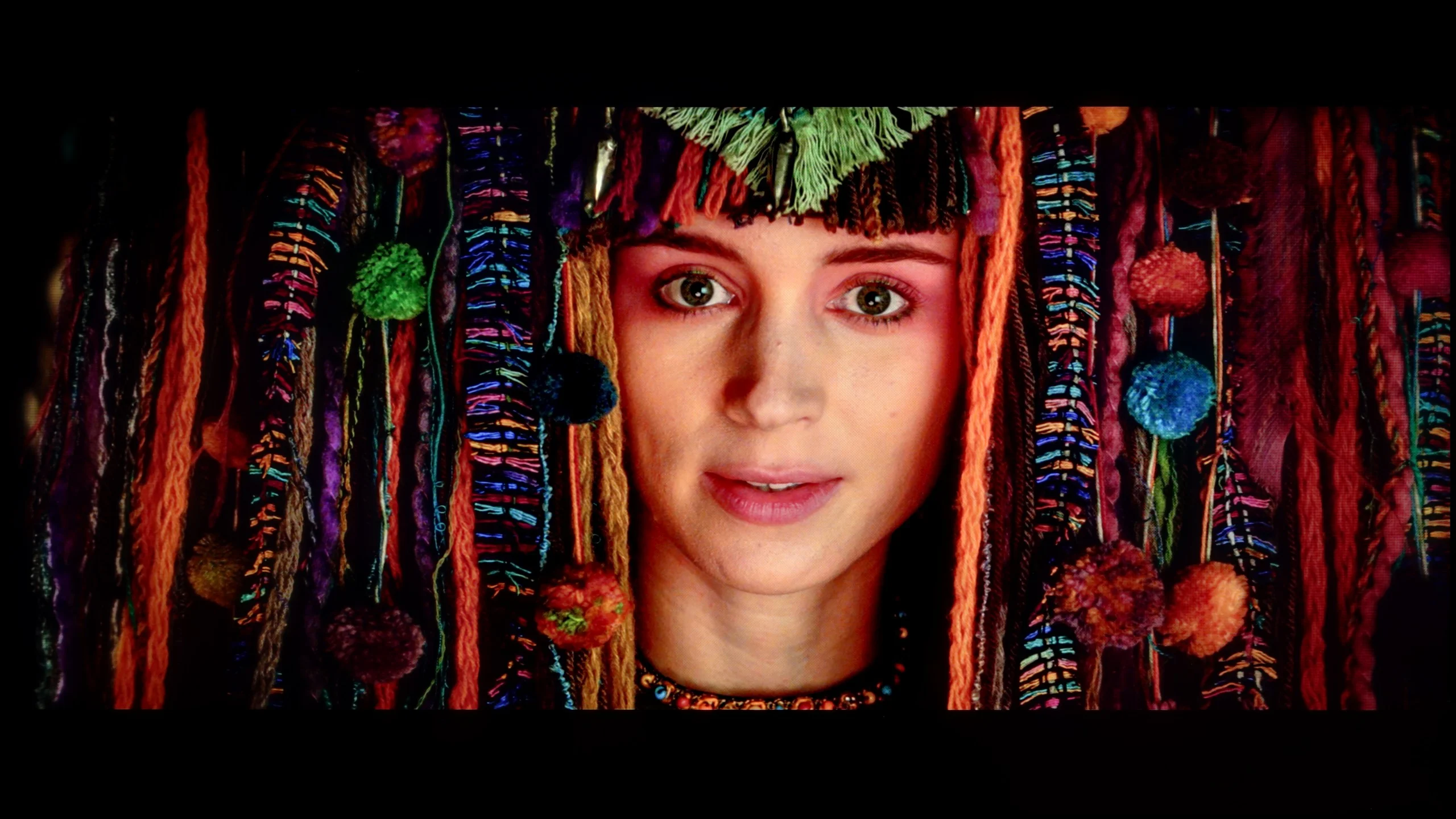

The photos show how movies look on the TV. Pay attention to black detail visibility, colors, and shadow tint.
The biggest difference after calibration was in HDR Filmmaker mode. SDR was already very good out of the box, so we didn't have much work to do there. In HDR, however, we were able to rein in how the QN80H handled brightness; it had been making most scenes too bright. After calibration the picture is calmer, more natural and much closer to a faithful reproduction.
Calibration did a lot for the Bravia 2 II, especially with SDR content. Above all, we managed to even out the white balance and tidy up the gamma, which now stays much closer to the reference value. As a result, the image no longer has the earlier pink cast, and the brightness across different areas is much better organised. You can also see it in the colour errors, which after calibration dropped to a very low level (with only minor issues in the most saturated reds).
We also partly managed to rein in the Bravia 2 II in HDR, especially in the way the TV handles image brightness. However, there is one thing no calibration can fix: the panel's capabilities. A narrow colour gamut means the TV physically can't reproduce the most saturated colours recorded in HDR content. On top of that, the low contrast of the IPS panel causes darker scenes to be covered in a grey haze, which robs colours of some of their depth. So we can improve how the Bravia 2 II uses its capabilities, but we can't overcome the panel's inherent limitations.
Smoothness of tonal transitions
9.5/10
8/10
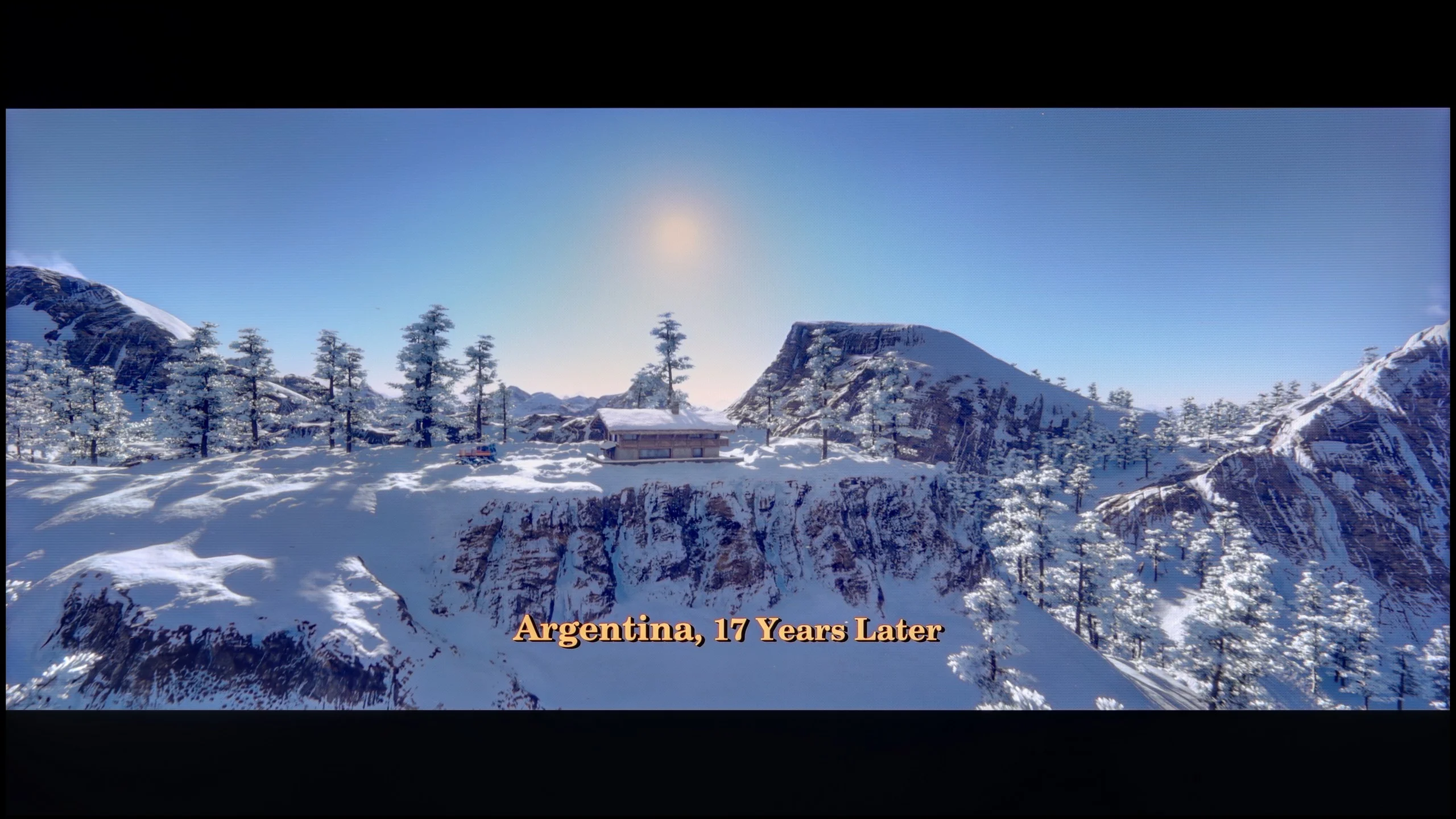
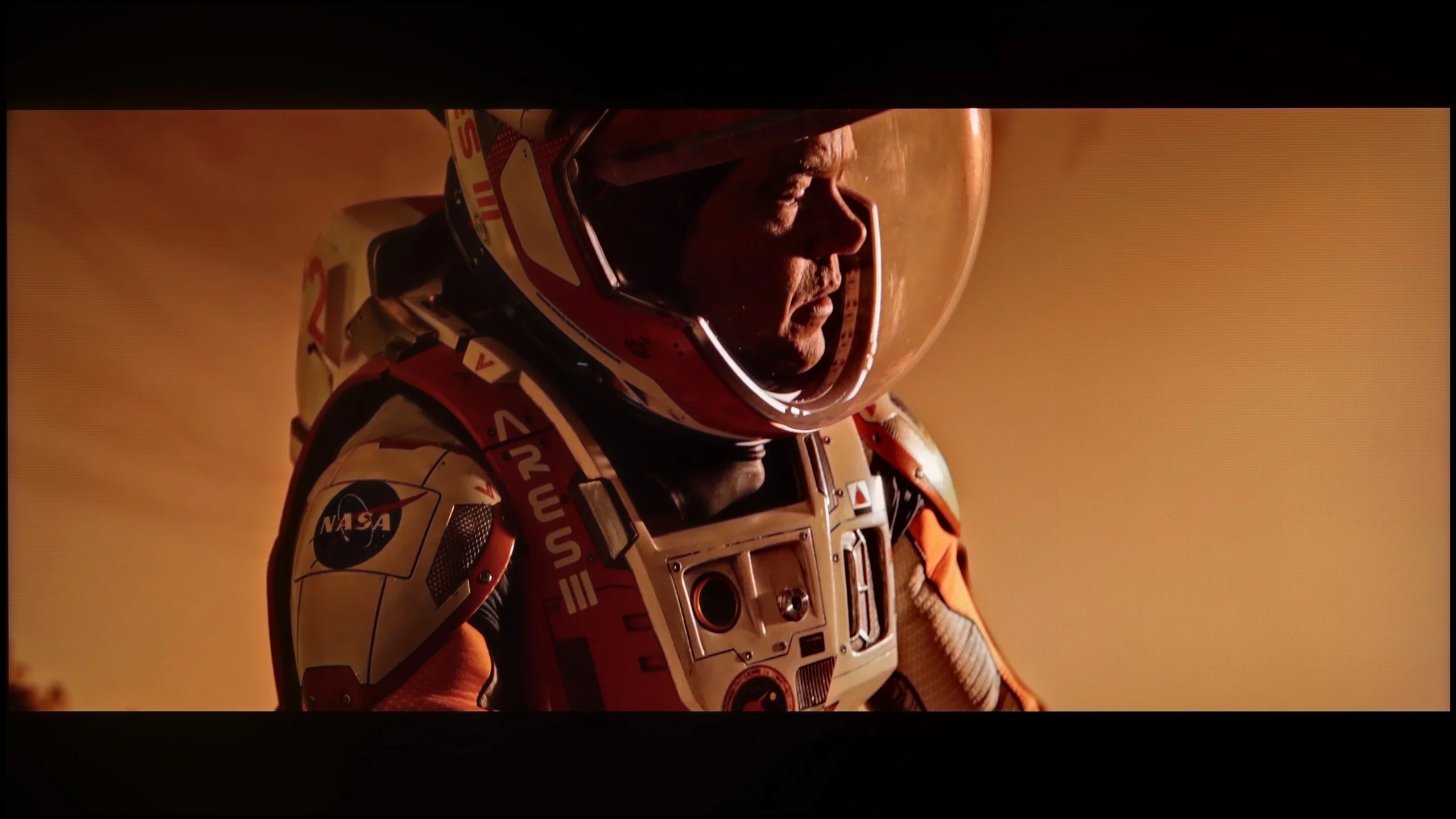
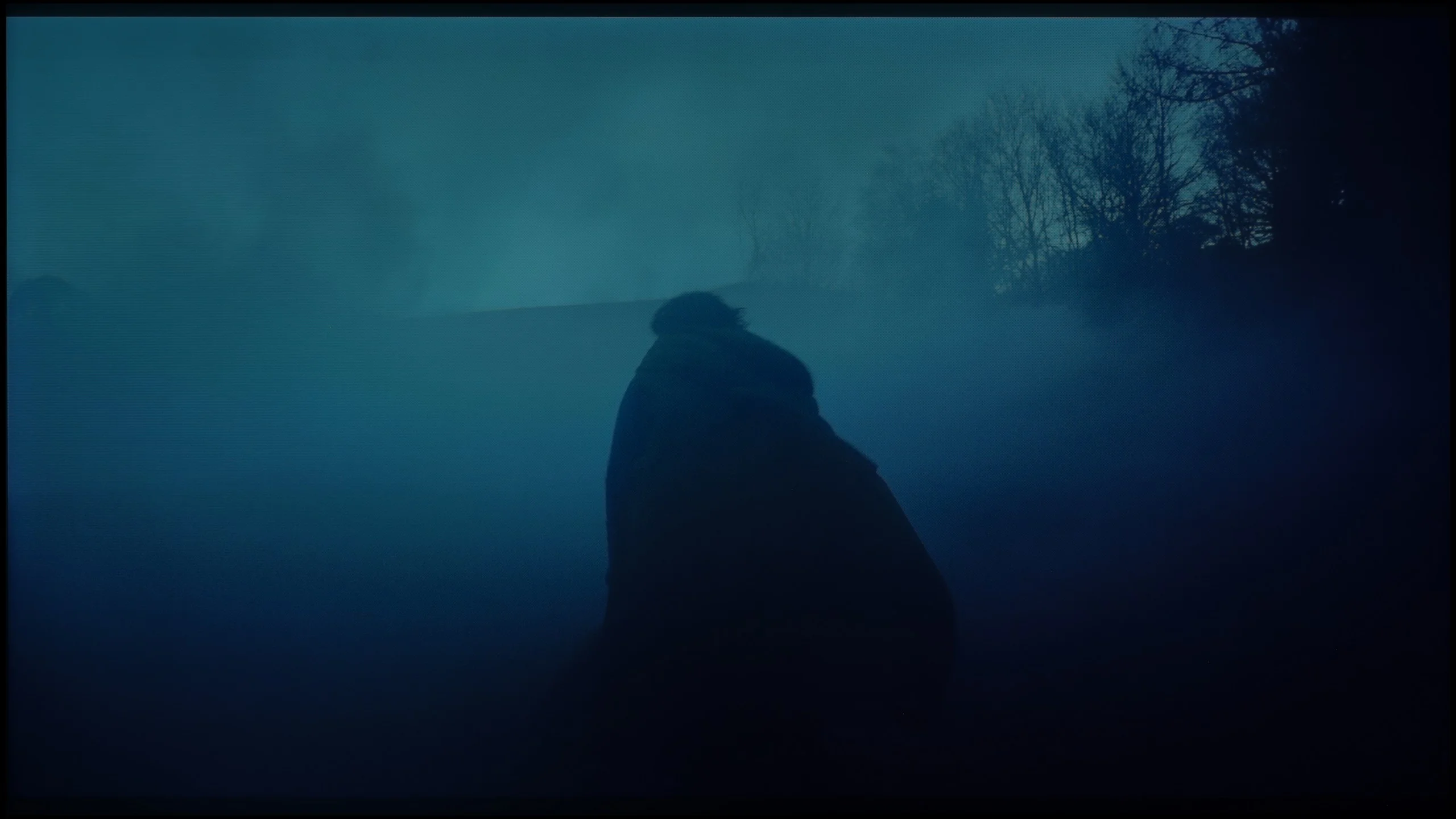
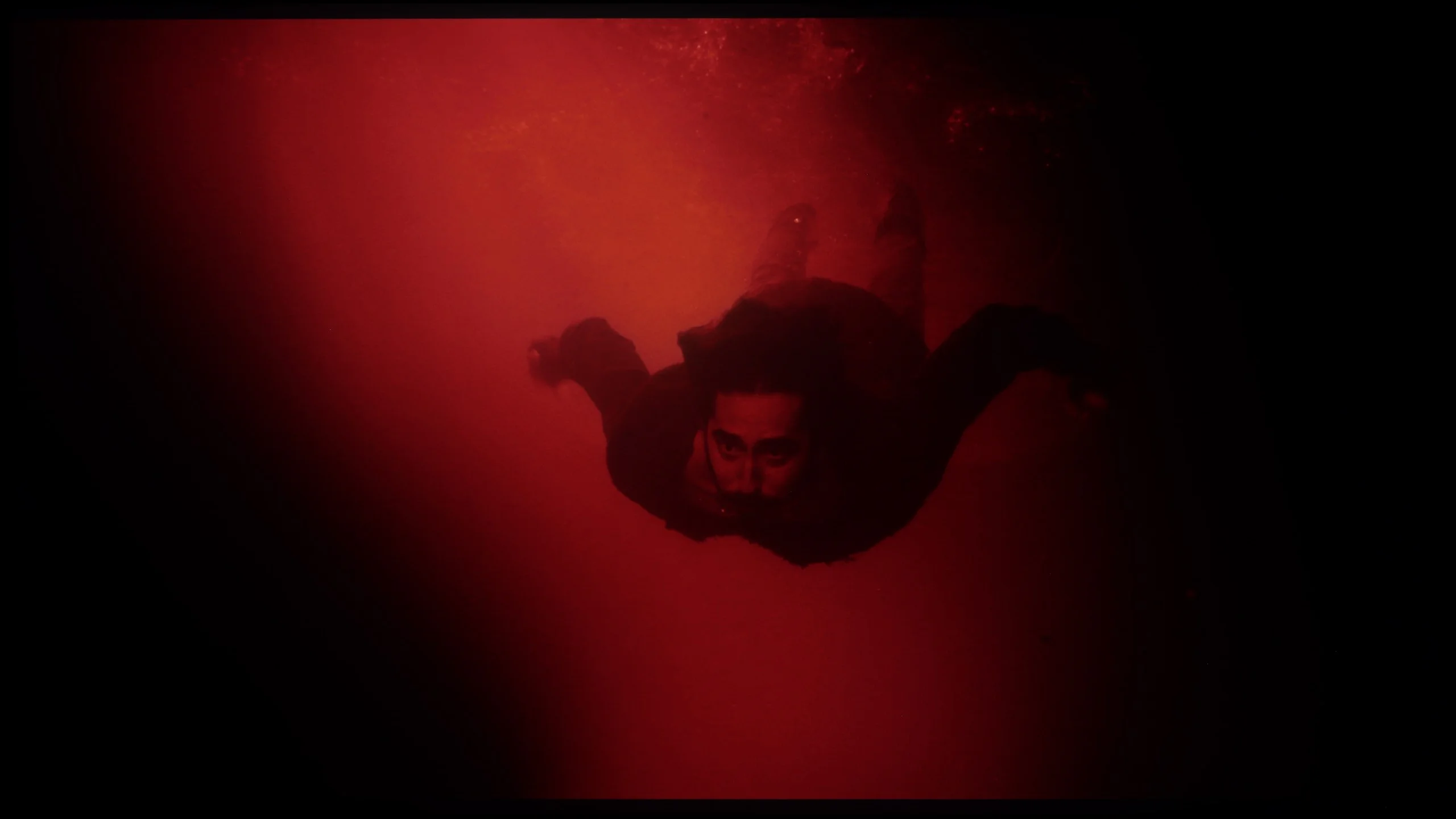
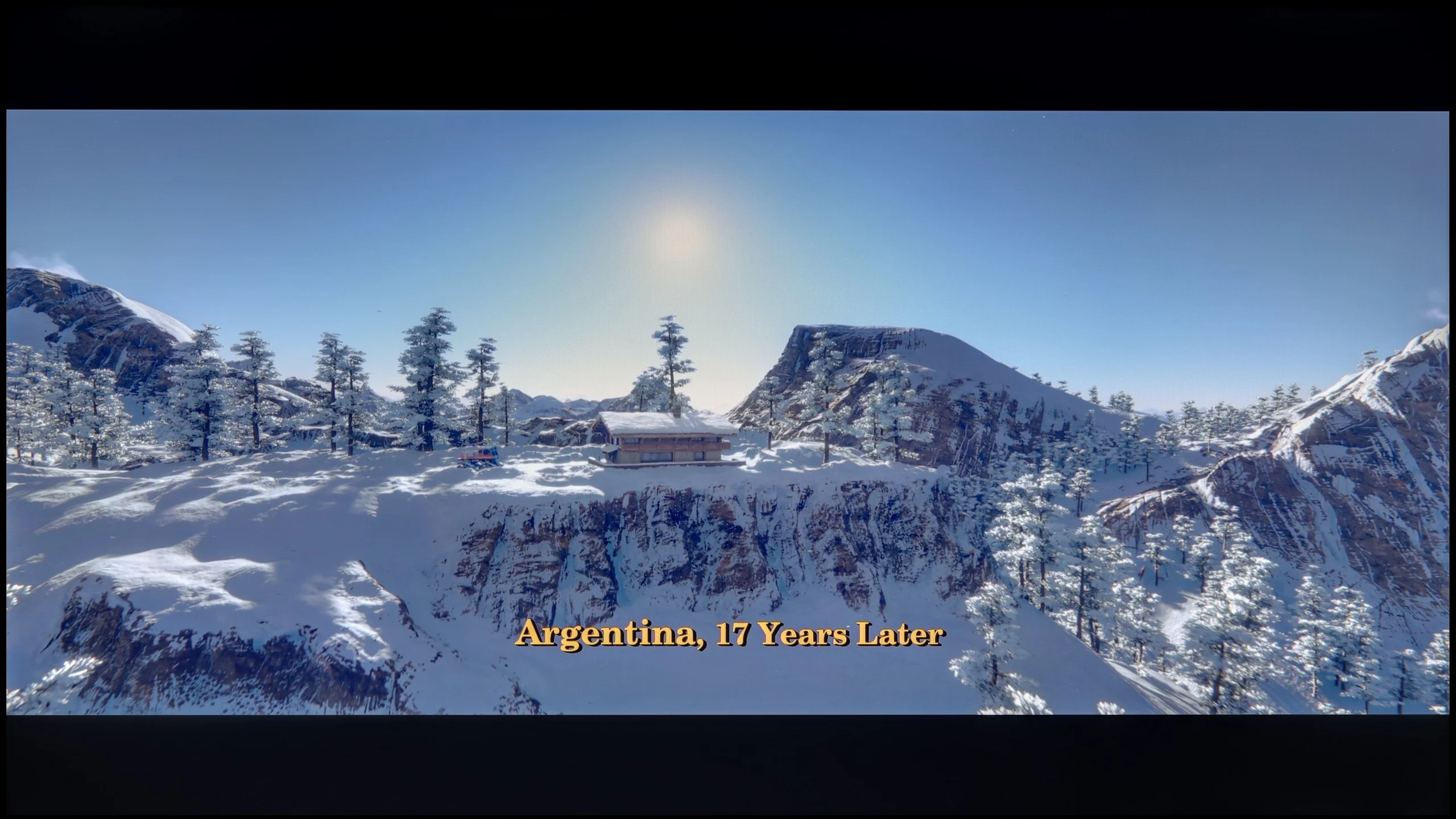
These are selected scenes that show smooth tonal transitions from one color to another. If you see distinct banding, it’s the TV panel’s fault.
These are selected scenes that show smooth tonal transitions from one color to another. If you see distinct banding, it’s the TV panel’s fault.
These are selected scenes that show smooth tonal transitions from one color to another. If you see distinct banding, it’s the TV panel’s fault.
These are selected scenes that show smooth tonal transitions from one color to another. If you see distinct banding, it’s the TV panel’s fault.
Tonal transitions on the Samsung QN80H are very good. Colours of similar hues blend together smoothly, without noticeable banding, blotches or sudden jumps between successive gradation steps. Dark gradients look particularly good, for example shades of grey and transitions just above black. It’s precisely in these areas that many televisions begin to show their weaknesses, whereas the QN80H handles them surprisingly well. Minor imperfections only become visible in very bright scenes, where slight stepping sometimes appears. However, it’s subtle enough that during normal viewing it shouldn’t really bother anyone.
The smoothness of tonal transitions on the Bravia 2 II is pretty good, though it depends a lot on the scene. In brighter parts of the picture the gradation is smooth and it's hard to spot any major issues. It gets worse in very dark shots. In scenes with many dark tones you can already see distinct banding between successive shades. So it's not perfect, but with most everyday content the issue shouldn't be particularly noticeable.
Image scaling and smoothness of tonal transitions
7/10
6/10


Smooth transition function
The match photo shows how the TV smooths weak tonal transitions in low-quality video.
Image scaling SD (576i)


The model photo shows how it handles upscaling of SD material.
The digital image processing in the Samsung QN80H is handled by the second-generation NQ4 AI processor. It's a chip we've already seen in previous Samsung models and it still performs very well, especially with lower-resolution content. The image is effectively upscaled to 4K, but without excessive sharpening and without making it feel like the TV is trying to forcibly enhance the source material.
The "Noise Reduction" feature also proves useful. It can noticeably reduce posterisation and visible banding in lower-quality material, especially in low-bitrate streaming. However, you should remember it doesn't work without side effects. It can remove some film grain and slightly smooth the picture. So with a good-quality source we'd leave this feature turned off. If, however, banding and uneven tonal transitions bother you more than the loss of some grain, "Noise Reduction" can be a really useful addition.
Upscaling on the Bravia 2 II performs quite well and the TV maintains the standard we've come to expect from Sony. Lower-resolution material is sensibly upscaled to 4K, and the image is slightly smoothed without excessive edge sharpening. It's less successful at dealing with content that shows visible compression artefacts. That's down to the "Digital Noise Reduction" function, which on the "High" setting can smooth some ugly banding. The problem is it does so quite aggressively and, along with the imperfections, removes a lot of fine detail, including natural film grain. What's more, when there's more motion on screen its effectiveness drops considerably and the improvement is minimal. For that reason we generally didn't use this feature for everyday viewing.
Blur and motion smoothness
7.8/10
5/10
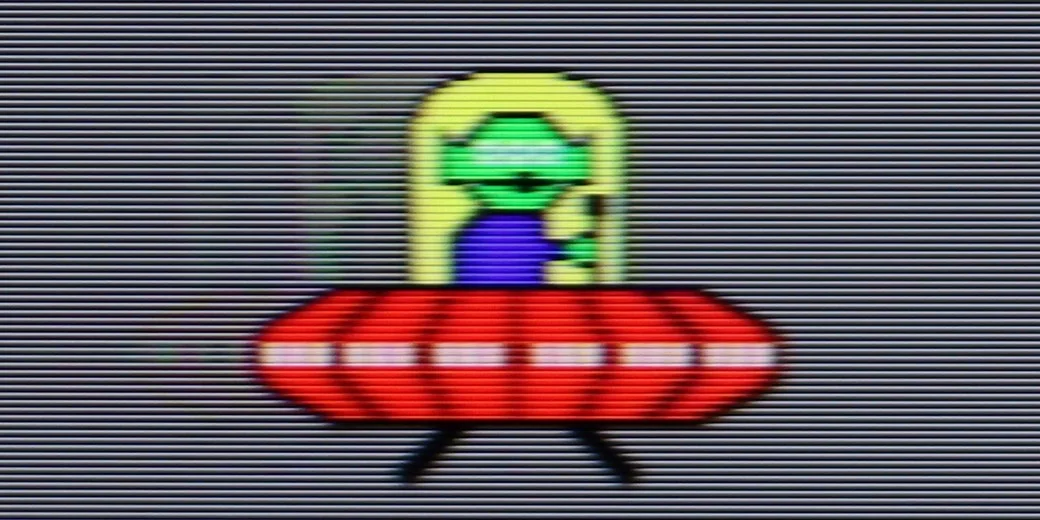
Blur (native resolution, maximum refresh rate):
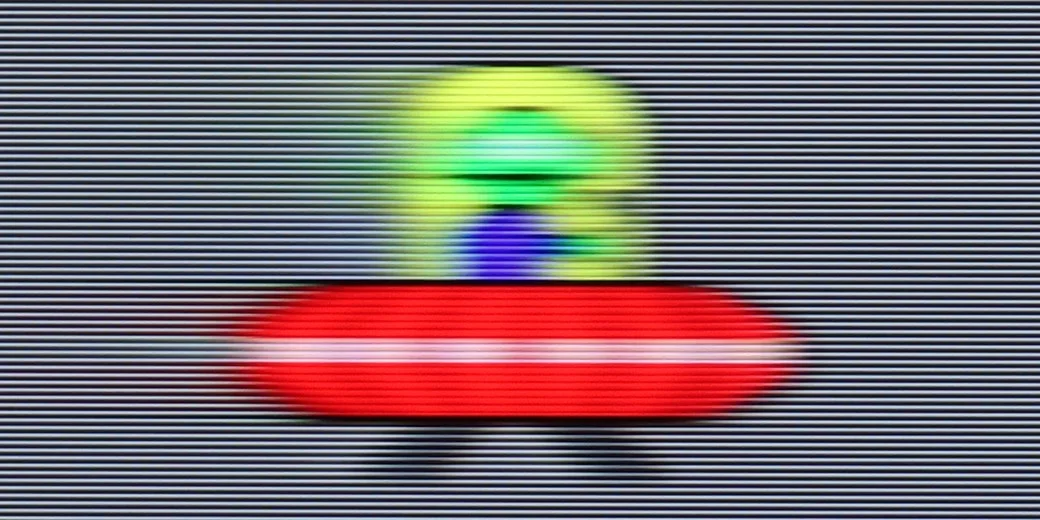
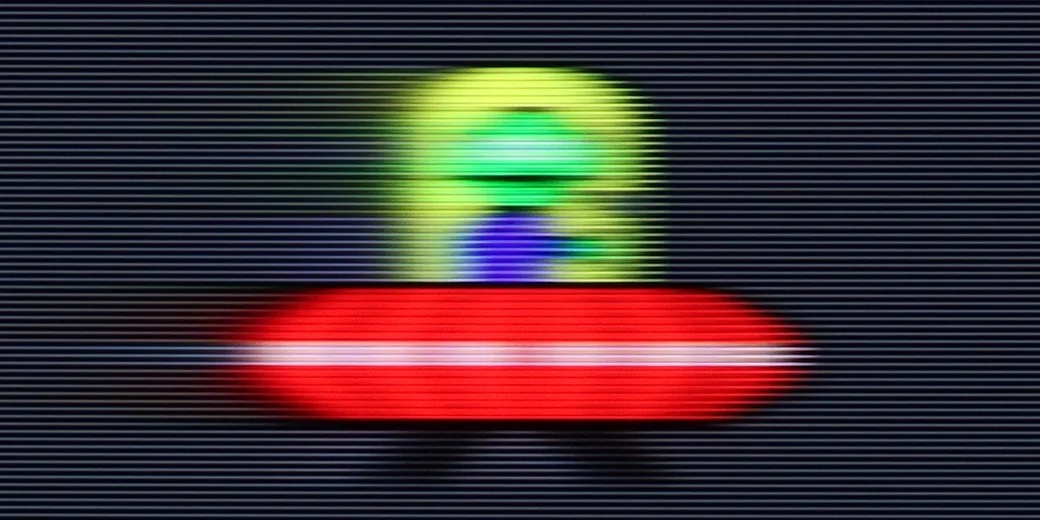
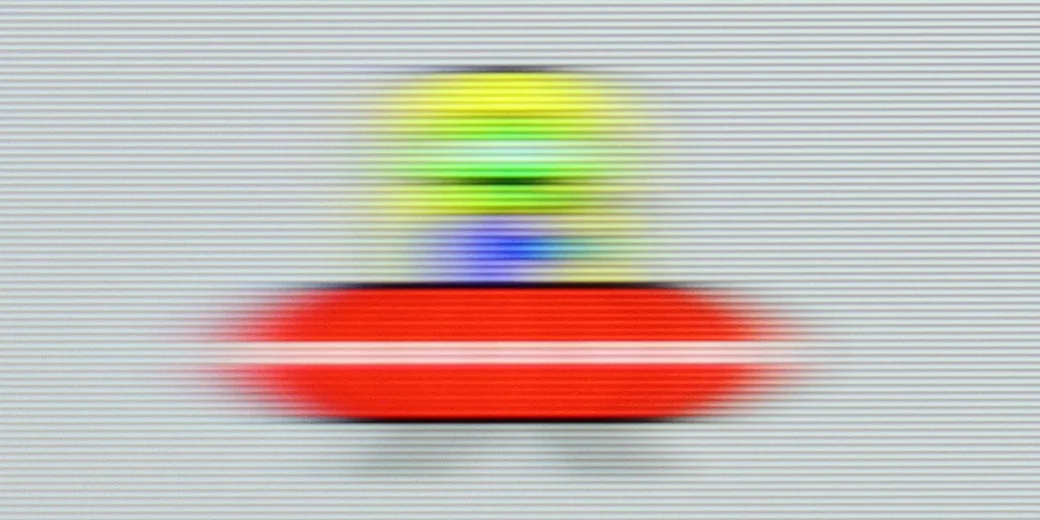
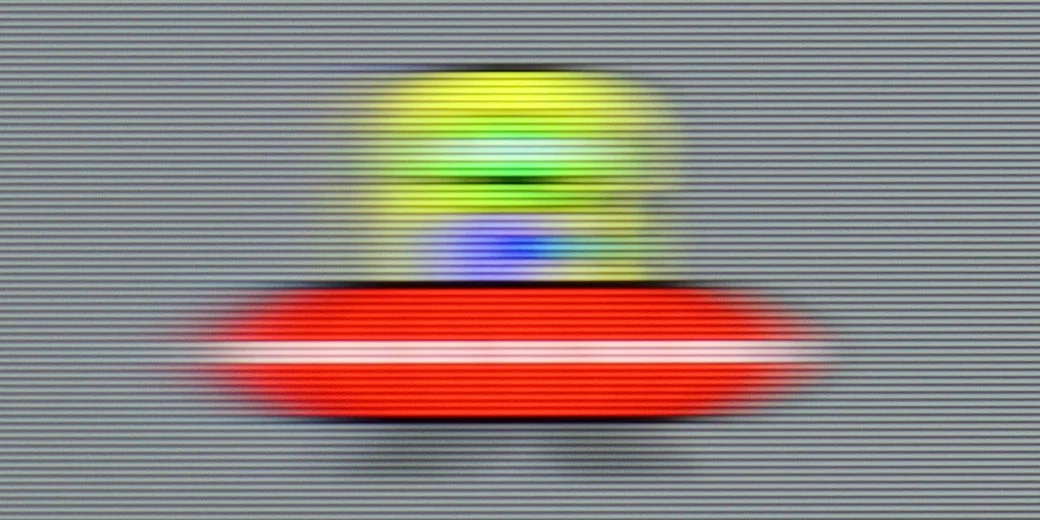
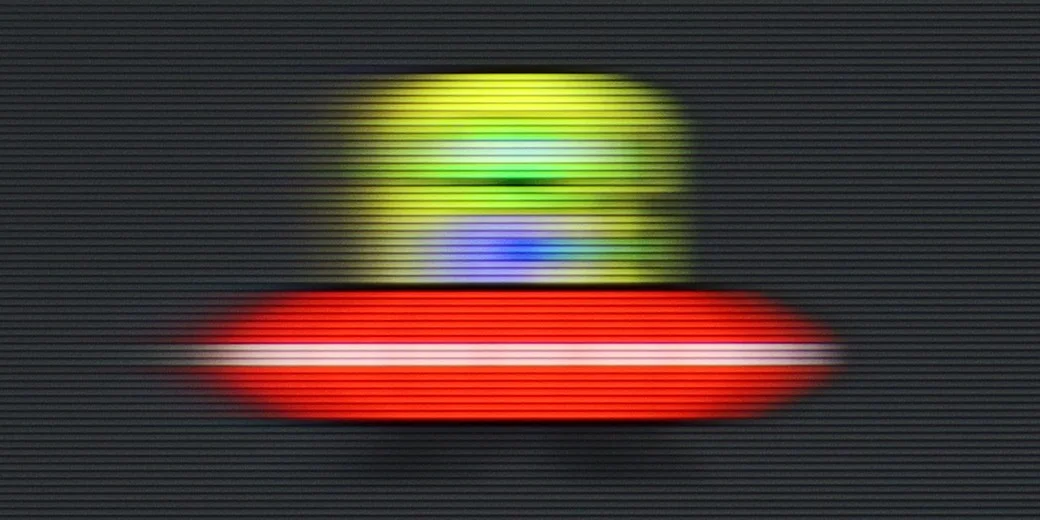
Blur (BFI function enabled):
Image flickers in this mode


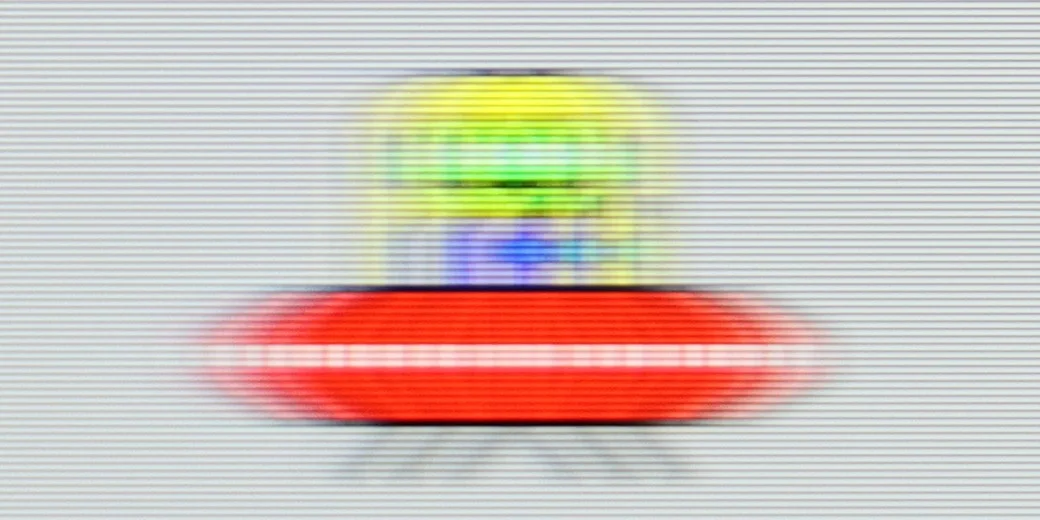
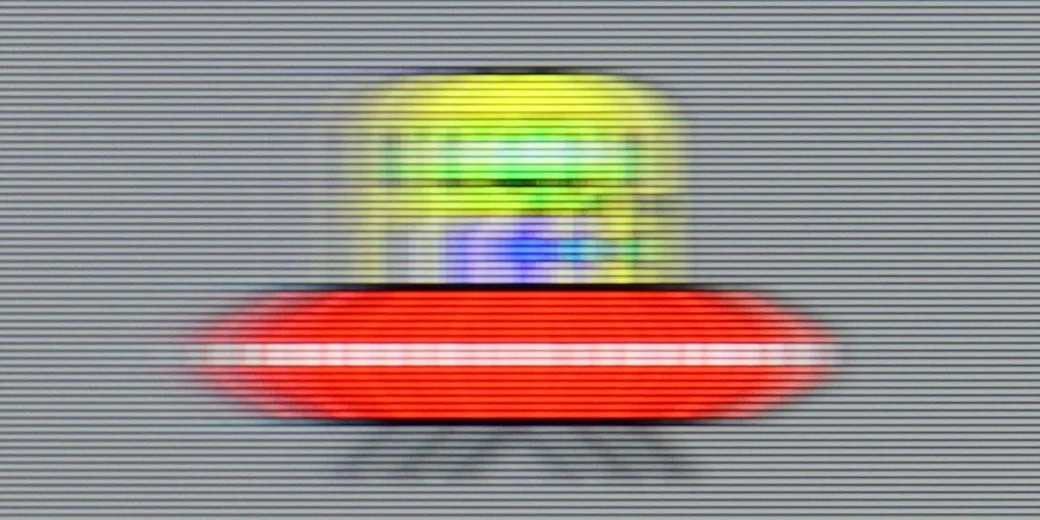
Blur (4K@144Hz):

Blur ():
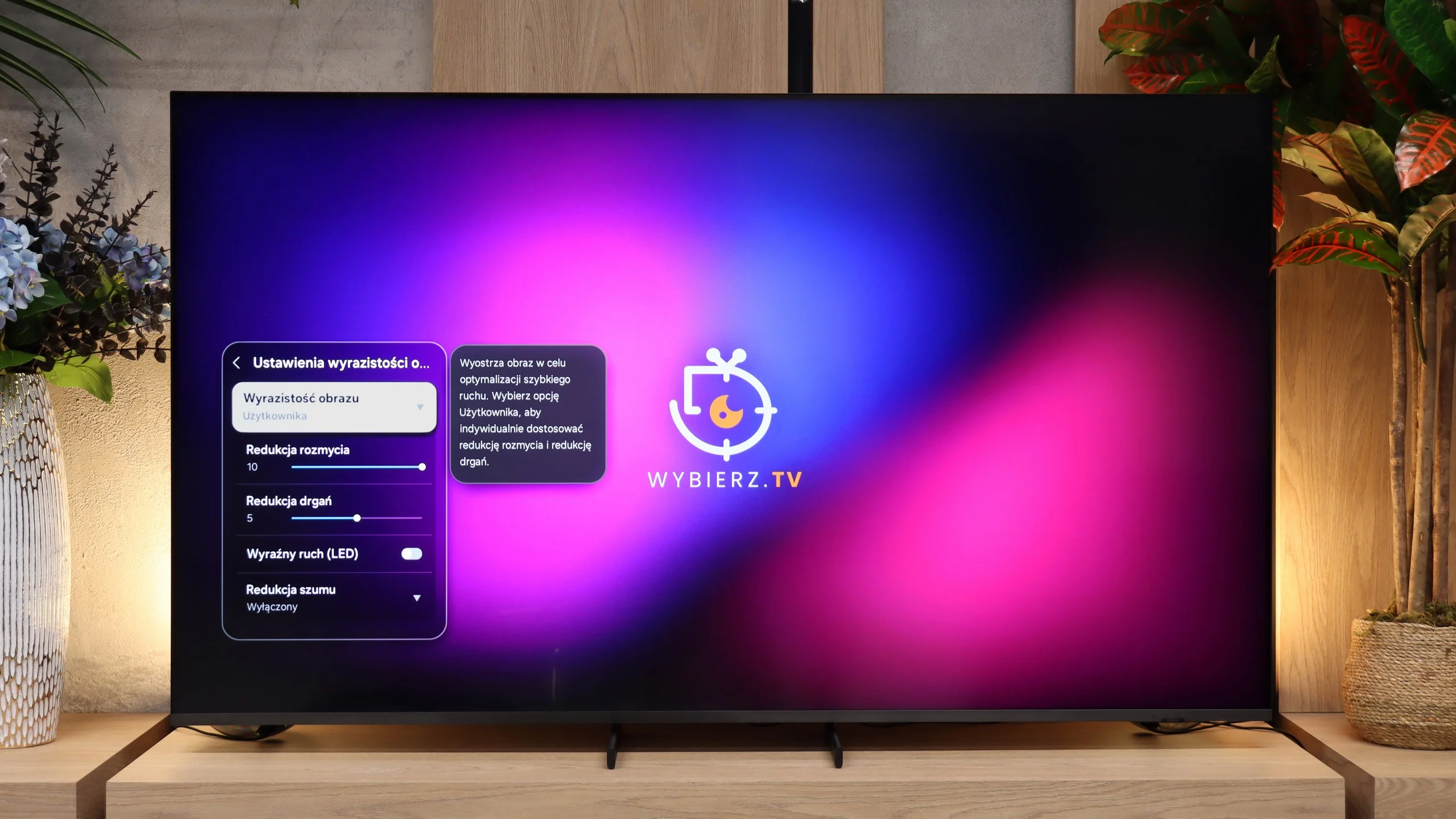
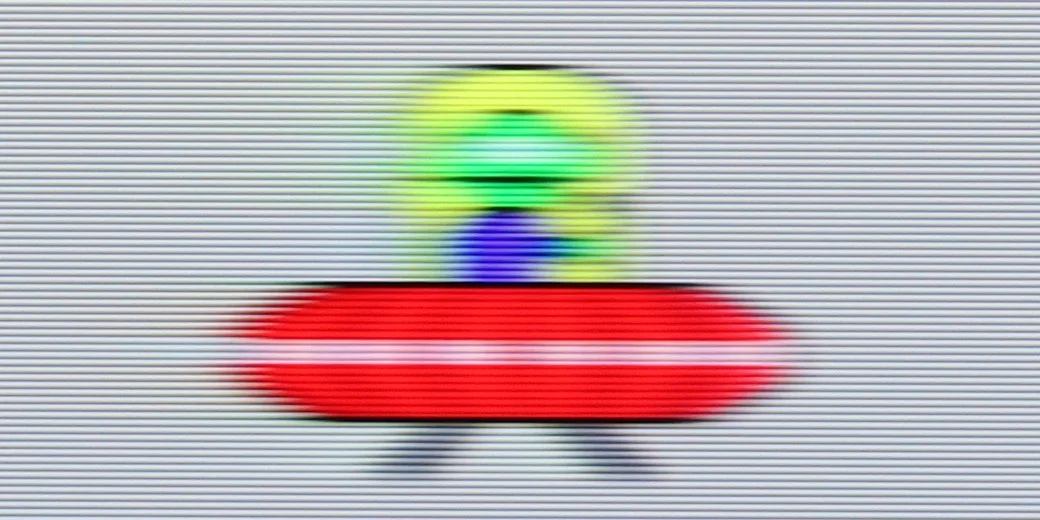
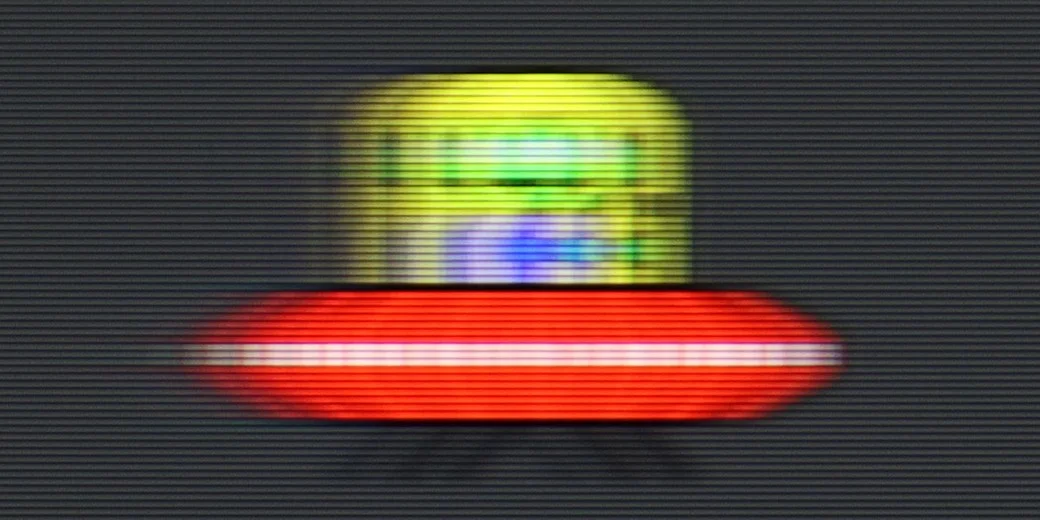
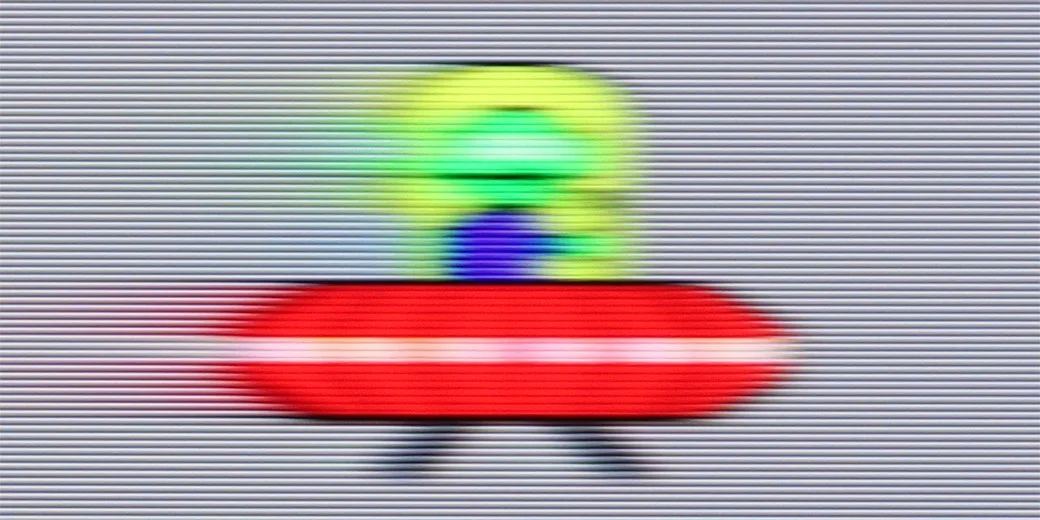
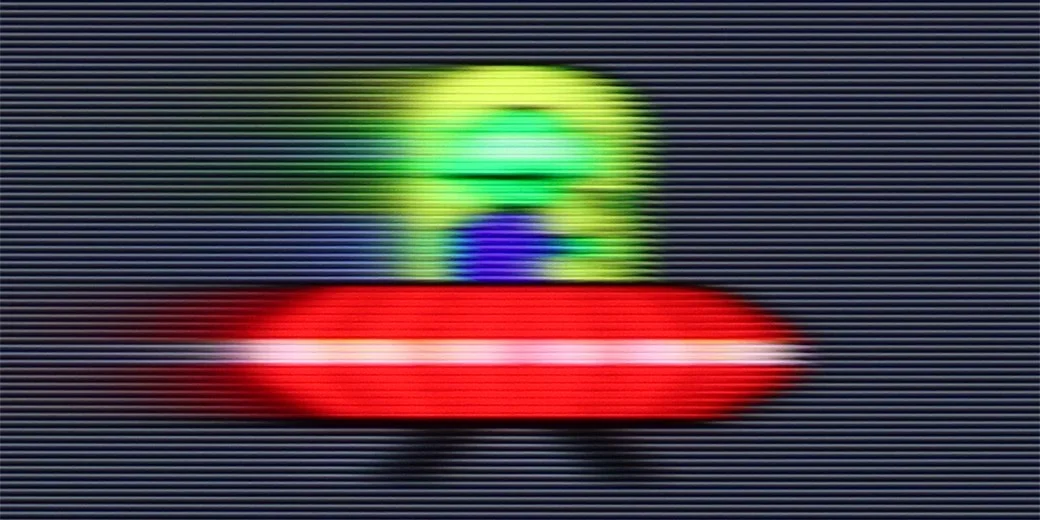
Motion blur and motion handling on the QN80H are really good, mainly thanks to the fast panel. In 4K the screen refreshes the image at up to 144 Hz, and when switched to Full HD and connected to a PC it can reach up to 240 Hz. That's new for Samsung TVs and a handy extra for people who want to use the TV for PC gaming. We were more interested, though, in how the QN80H performs at 120 Hz, because consoles use that refresh rate. It does very well. The panel doesn't suffer much from the smearing typical of VA panels; faint trails behind moving objects are mostly visible on dark backgrounds. That's not something that would interfere with normal sports watching or gaming. The TV also has a motion smoothing system that Samsung calls "Picture Clarity". You can set judder reduction and blur reduction separately, so it's easy to tune it for films, sport or your own preferences.
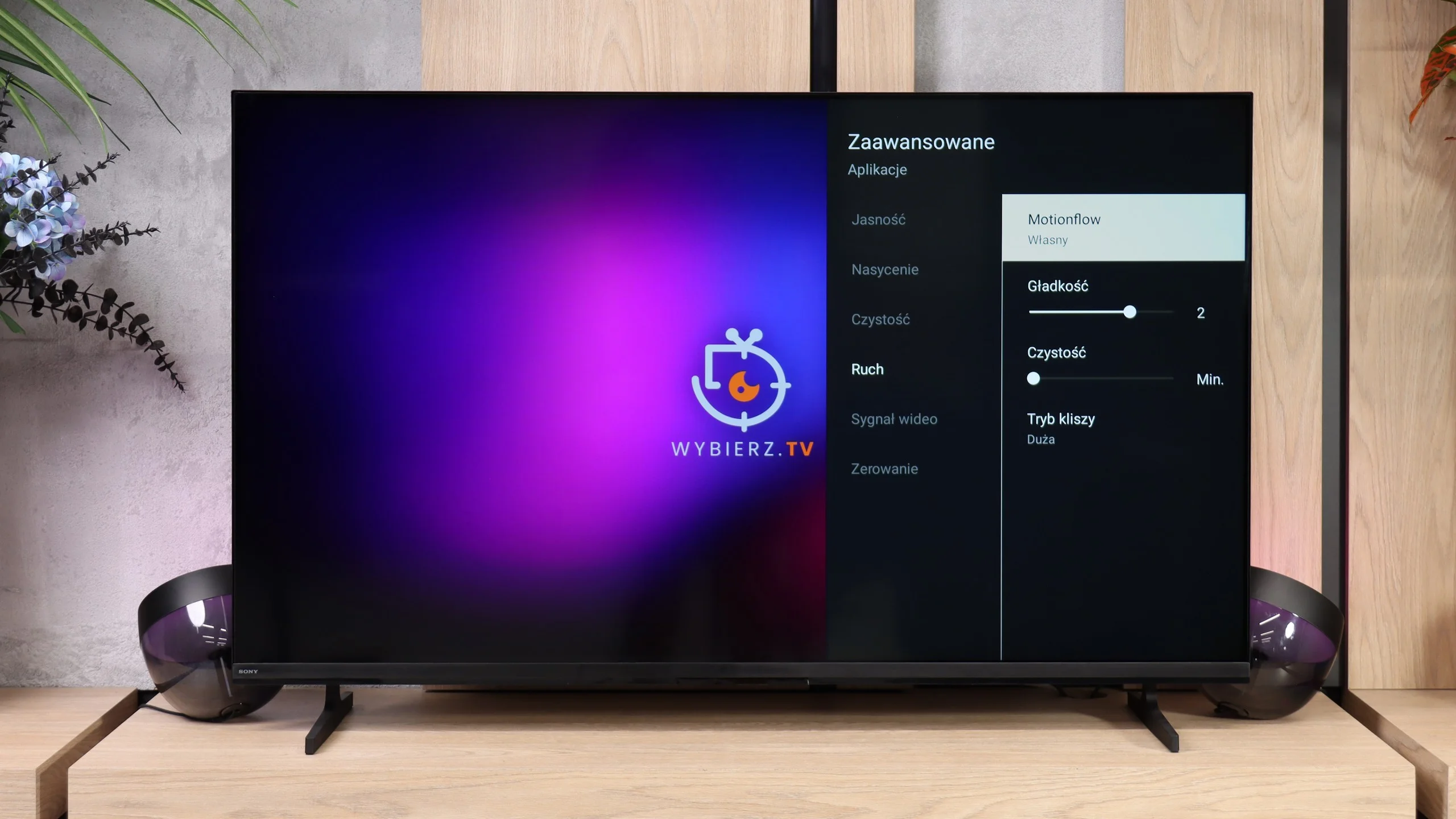
Bravia 2 II uses a 60 Hz panel and, for what it is, handles motion quite well. However, bear in mind it’s an entry-level panel and its limitations are especially noticeable with sports. The TV can’t interpolate 50/60 fps material to a higher refresh rate, so it can’t further improve the sharpness of fast-moving objects. For films and series there’s a conventional motion-smoothing feature that can reduce the judder typical of 24 fps material.
Console compatibility and gaming features
9.6/10
3.3/10
- ALLM
- VRR
- VRR range48 - 240Hz
- Dolby Vision Game Mode
- Correct implementation of HGIG
- 1080p@120Hz
- 1440p@120Hz
- 4K@120Hz
- Game bar
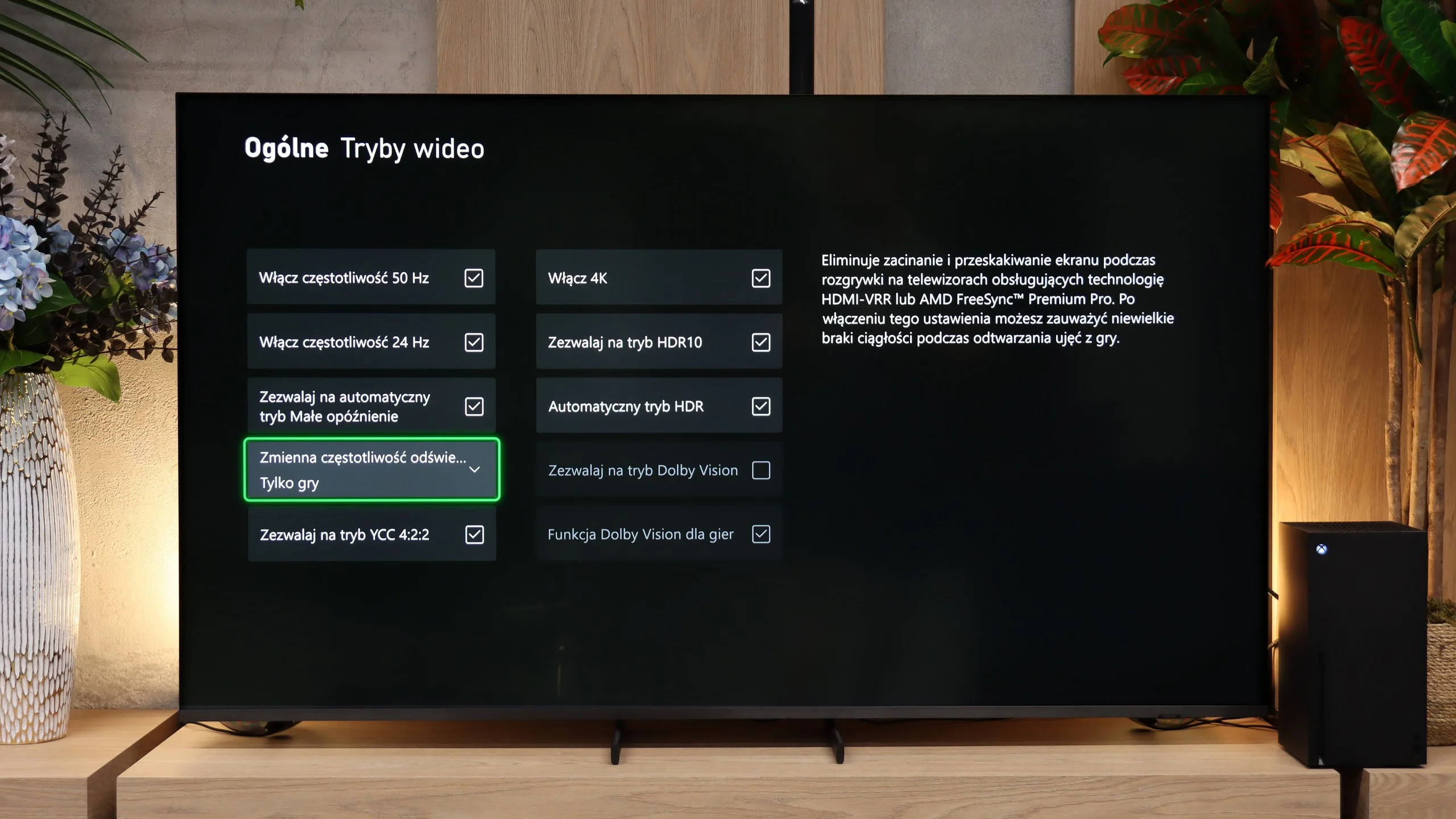
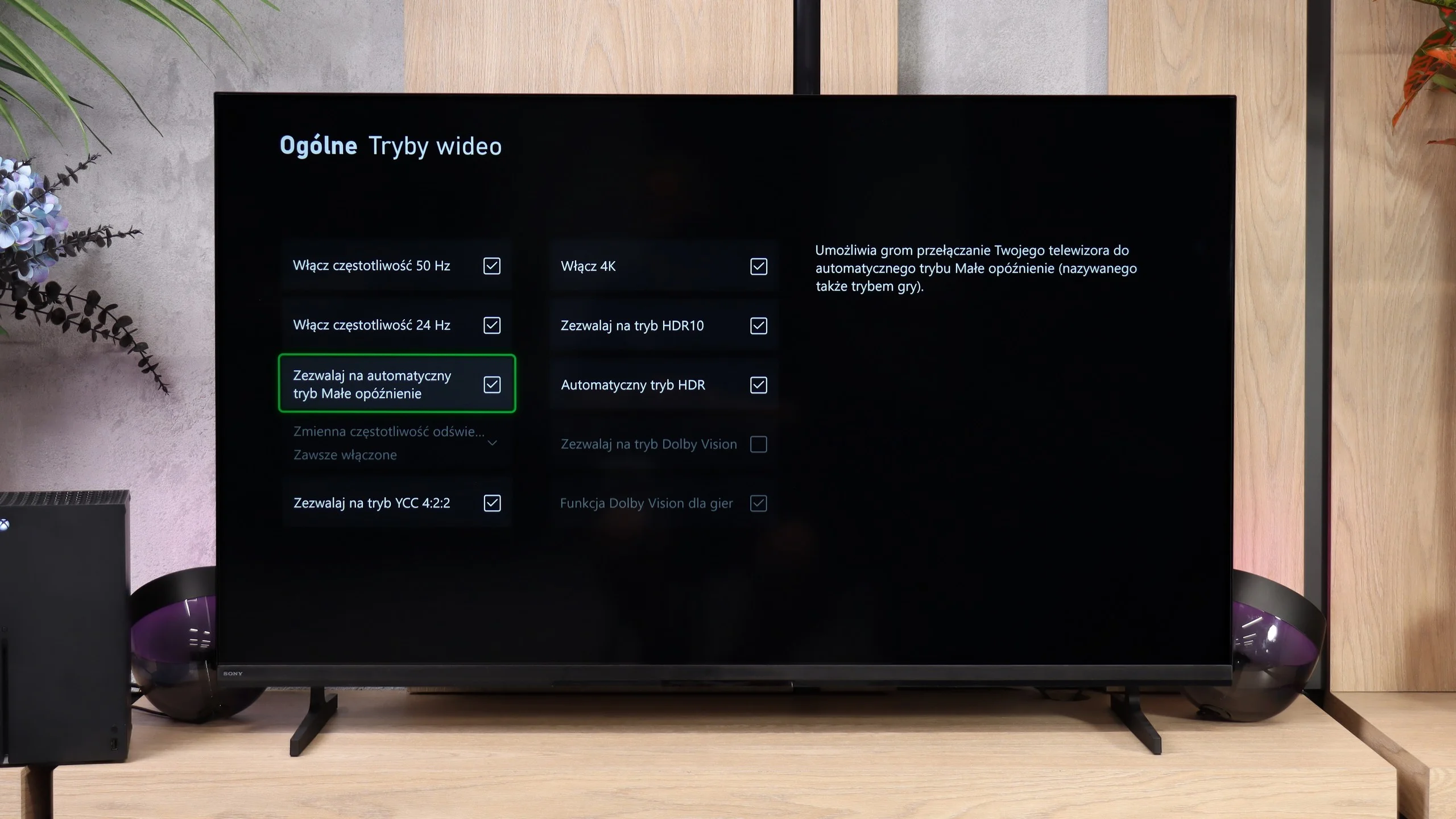
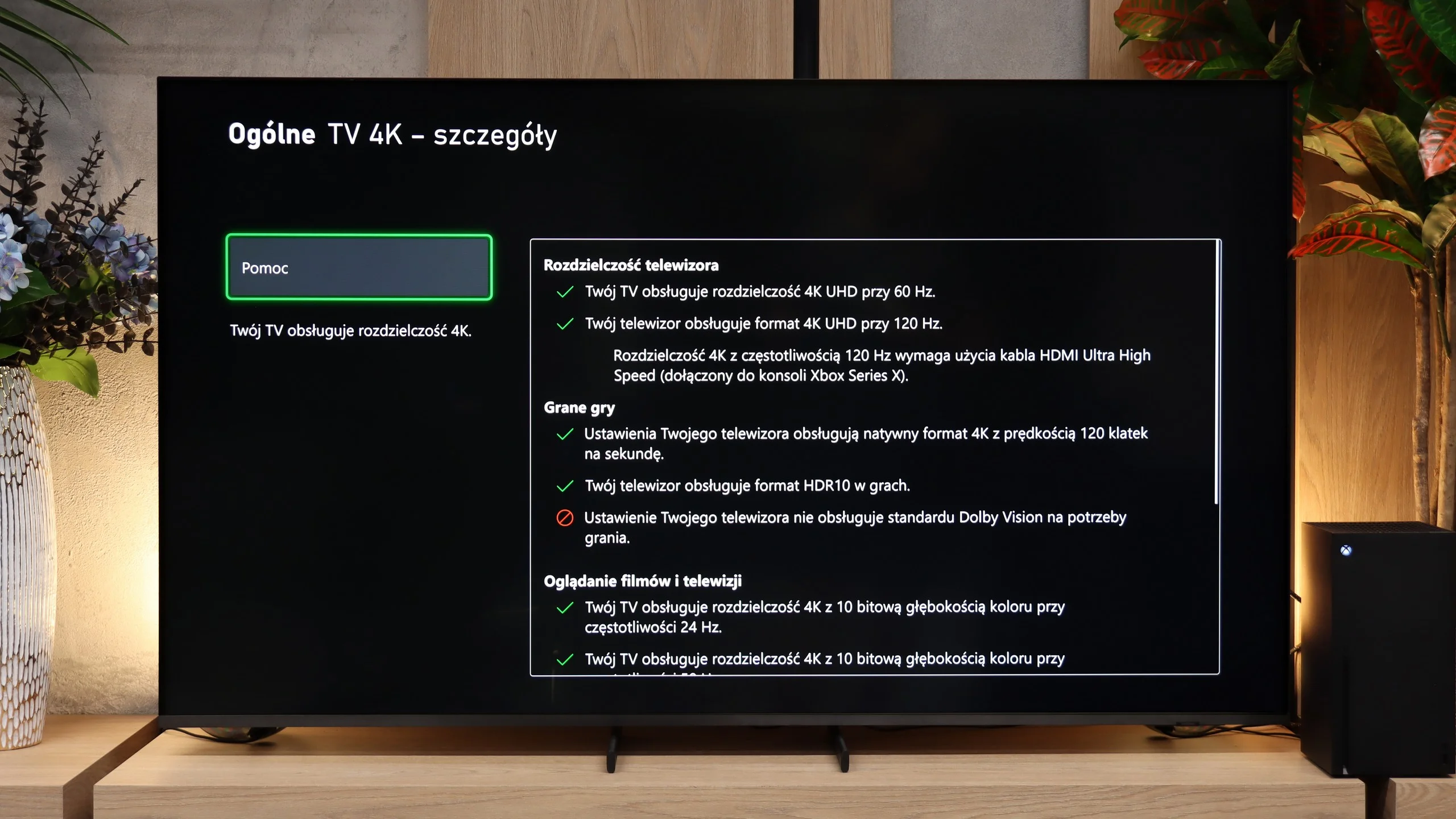
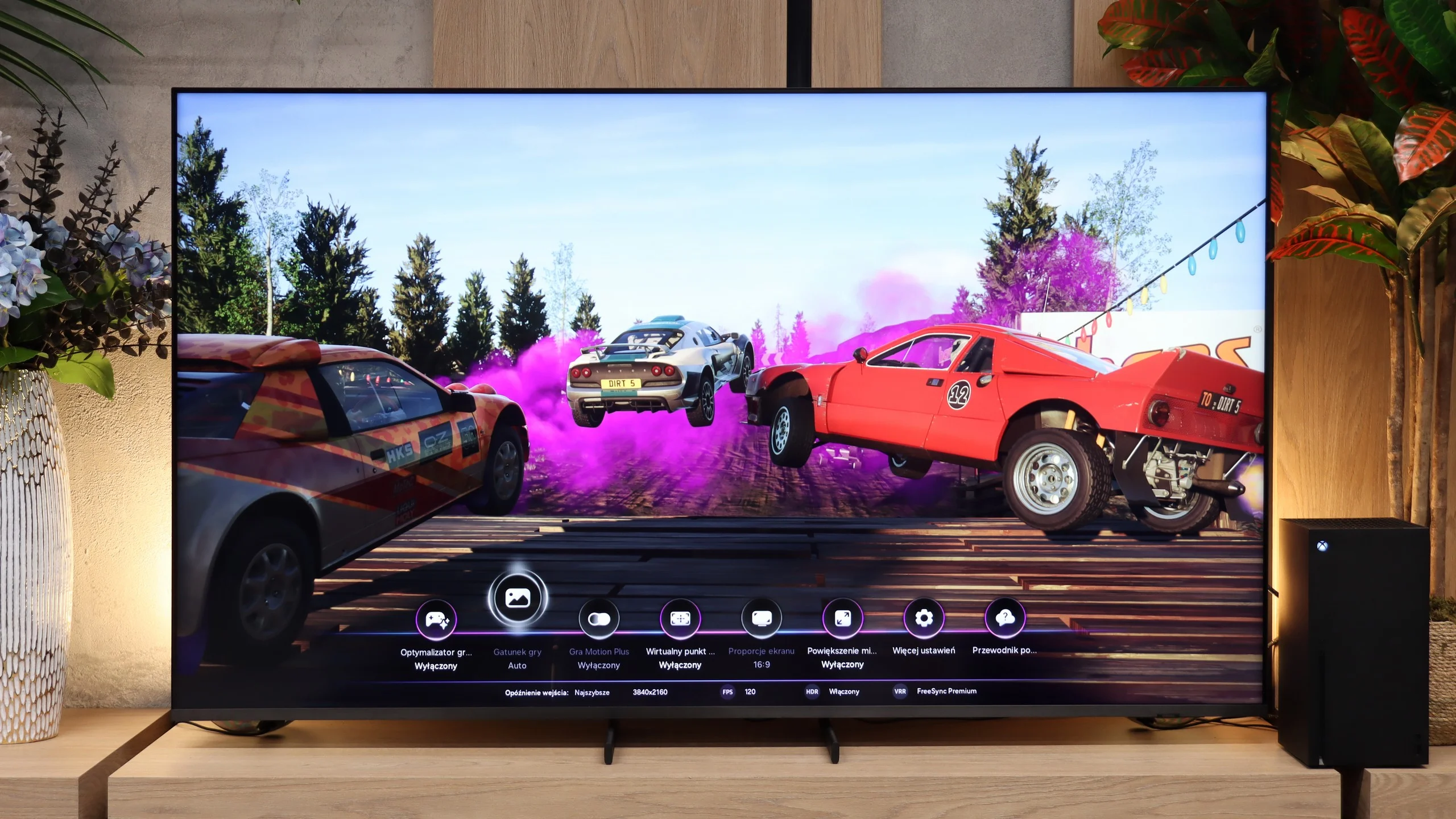
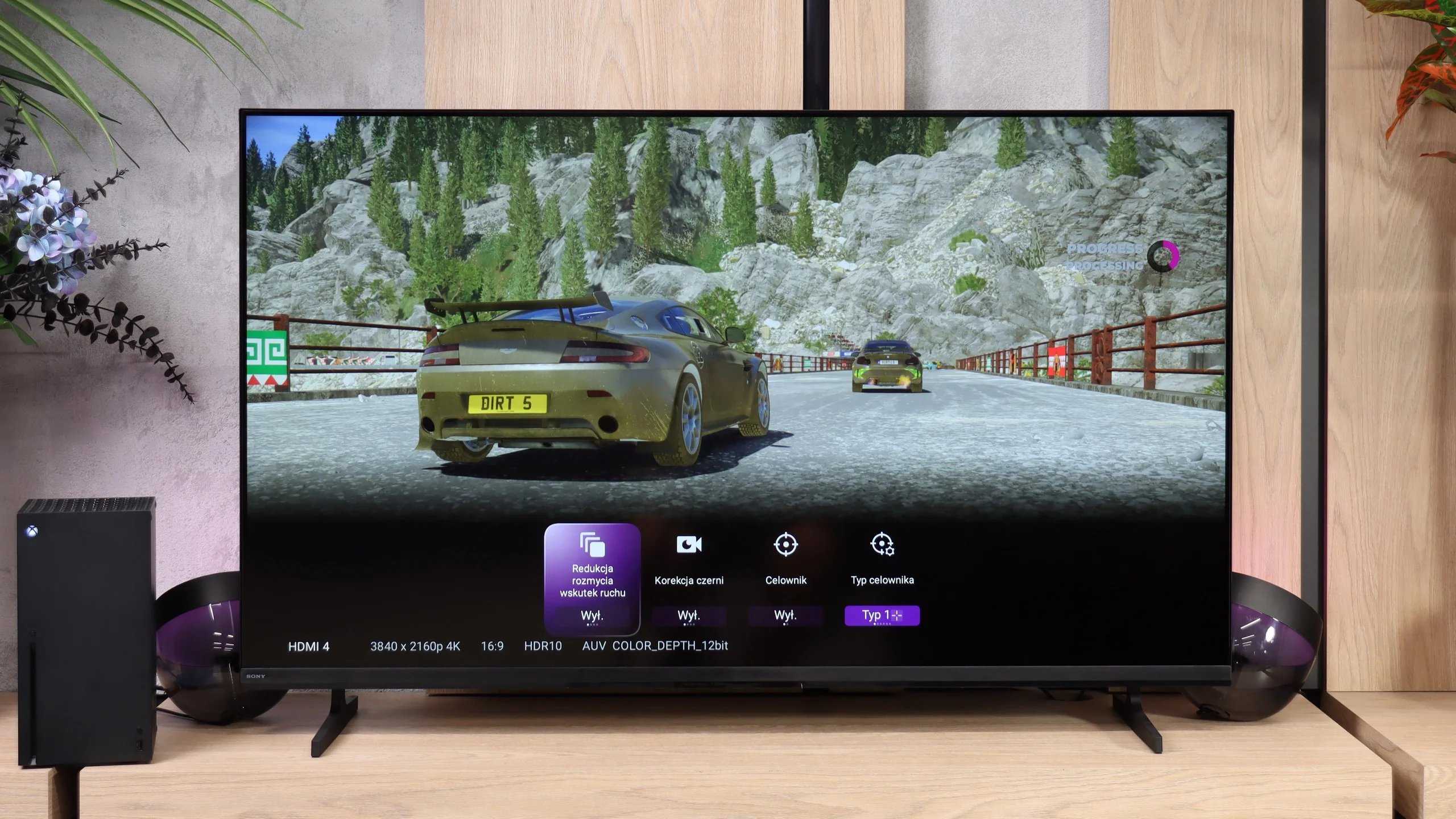
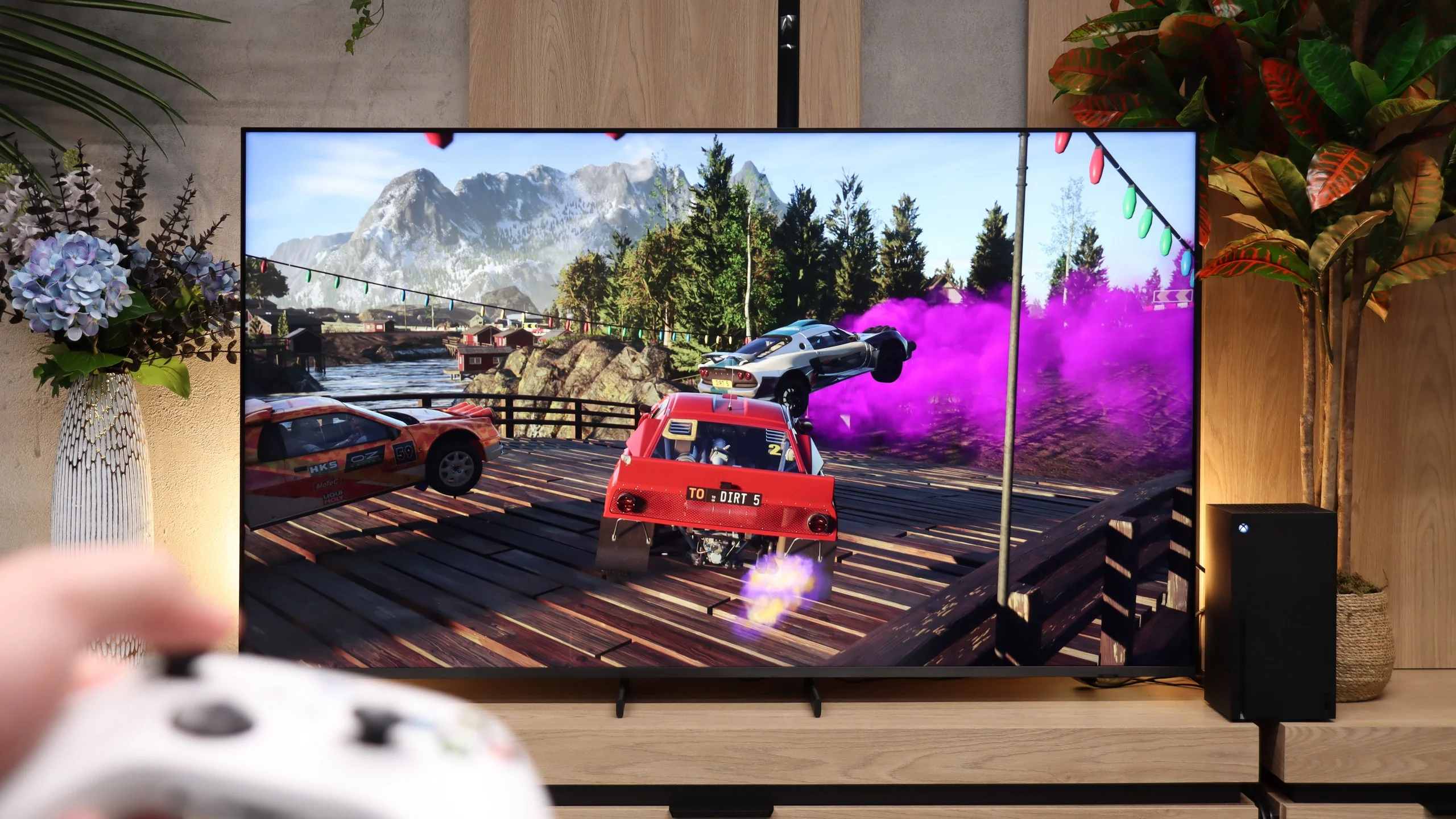
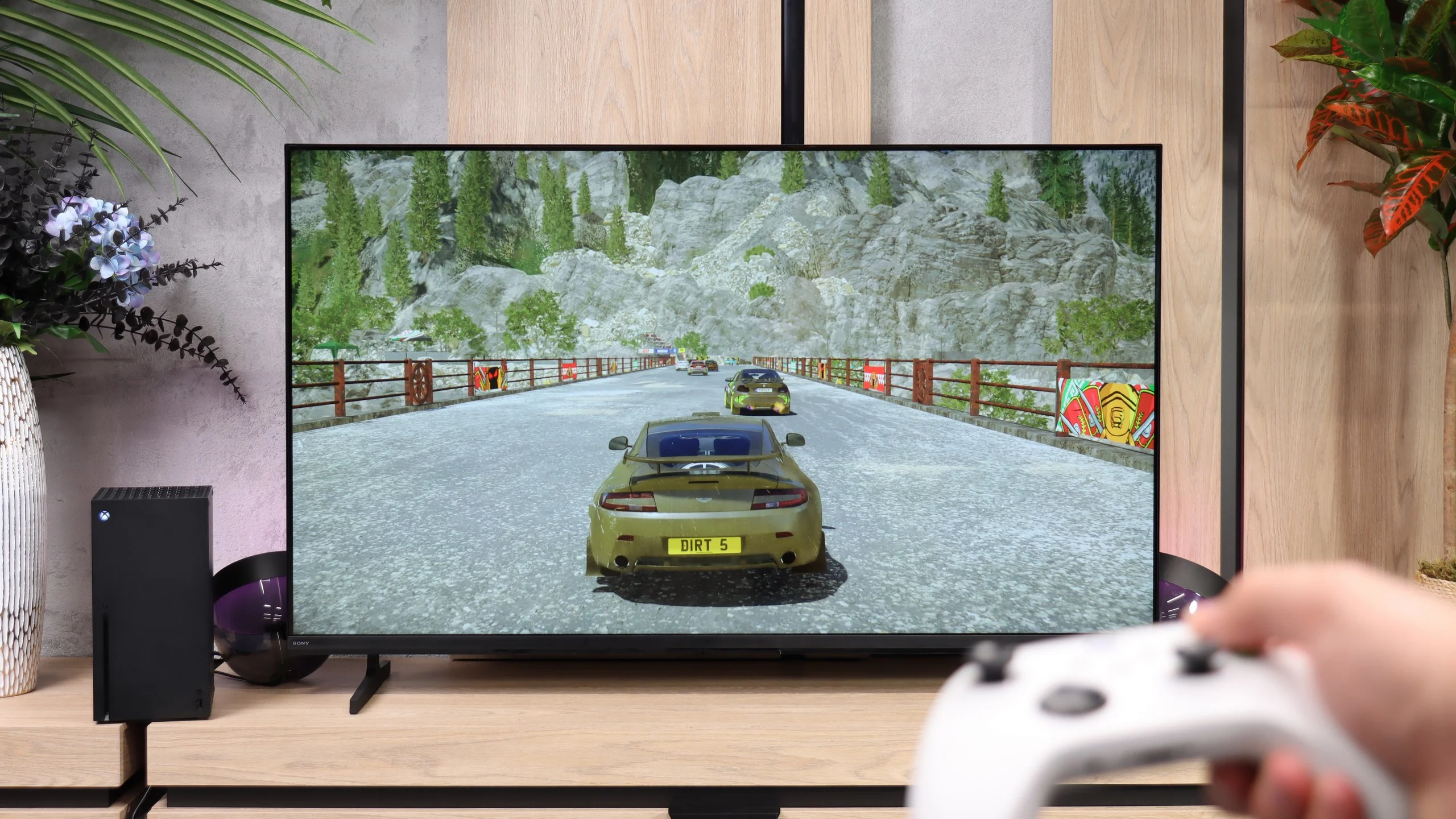
The Samsung QN80H is a TV that performs very strongly when it comes to gamer-focused features. The biggest new feature for 2026 is DLG mode, which allows refresh rates up to 240 Hz when the image is switched to Full HD. It's an option aimed mainly at PC users, but it also shows that Samsung is still investing heavily in the gaming side of its TVs. The list of advantages doesn't end there. The QN80H has four full HDMI 2.1 ports, which at this price point still isn't standard. So you can connect multiple consoles, a PC or a soundbar at once and not worry about which port supports the full video capabilities. The TV also supports VRR, ALLM and HGiG, so it's hard to fault its basic feature set.
A downside is the lack of Dolby Vision, which could matter especially for Xbox Series X owners. However, this isn't a flaw that rules the QN80H out as a gaming TV. Samsung does have a feature that most manufacturers still lack, namely its proprietary motion smoothing, Game Motion Plus. This motion smoother also works in game mode, improving the smoothness of titles running at 30 or 60 frames per second without a drastic increase in input lag. In practice, Game Motion Plus can make a much bigger difference than Dolby's codec, especially in more demanding games that don't offer a 60 fps mode. The image becomes noticeably smoother, while controls remain sufficiently responsive. So despite the lack of Dolby Vision, the QN80H is still one of the best-equipped gaming TVs in its class.
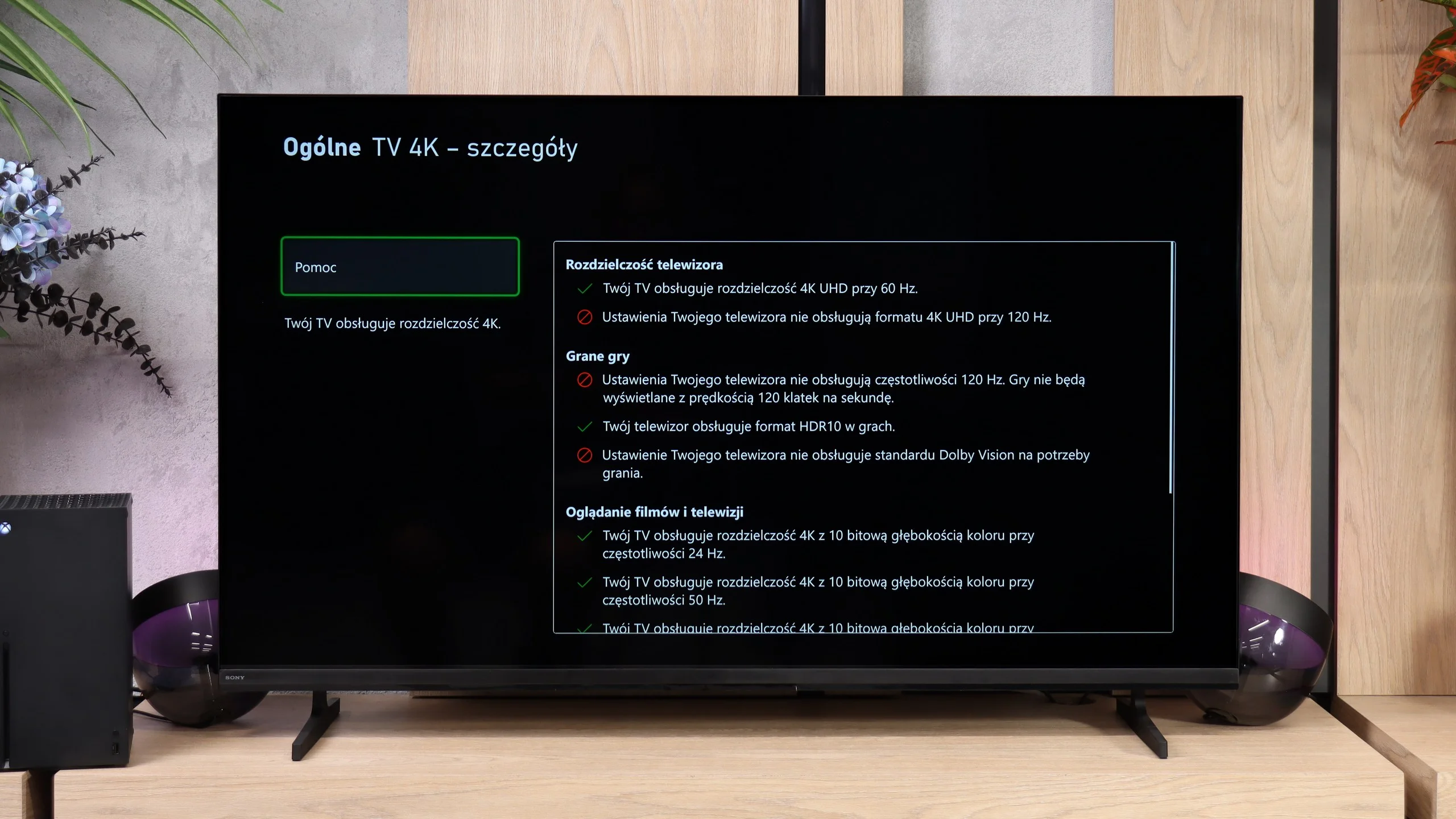
The Bravia 2 II isn’t a TV that’s particularly suited to gaming, and the feature list makes that clear pretty quickly. You basically only get automatic low-latency ALLM and a simple Game Bar where you can view basic signal info and change a few settings. That’s where the positives end. The TV doesn’t support VRR or 120 Hz (not even at lower resolutions) and on top of that it has problems correctly implementing HDR HGIG. It’s fine for occasional console play and, thanks to low input lag, the controls remain responsive, but if you’re after a TV primarily for gaming the Bravia 2 II is a significantly limited choice.
Input lag
10/10
10/10
SDR
HDR
Dolby Vision
Input lag on the QN80H is very good. In Game mode the input lag is around 10 ms, which is exactly what we expect today from the best gaming TVs. In that respect it's hard to fault Samsung. Controls are responsive, controller input is instantaneous and even more demanding players shouldn't experience any discomfort. With the aforementioned Game Motion Plus turned on, input lag rises to about 45 ms. That's a higher value, of course, but still small enough that in slower-paced role‑playing or adventure games the feature remains perfectly usable — especially as you get a much smoother picture in return.
Here the Bravia 2 II performs considerably better. The input lag is only about 11 ms, low enough that you’ll hardly notice any delay while gaming. So even with a modest set of gaming features, the TV will handle regular console gaming without any major issues.
Compatibility with PC
8.9/10
6/10
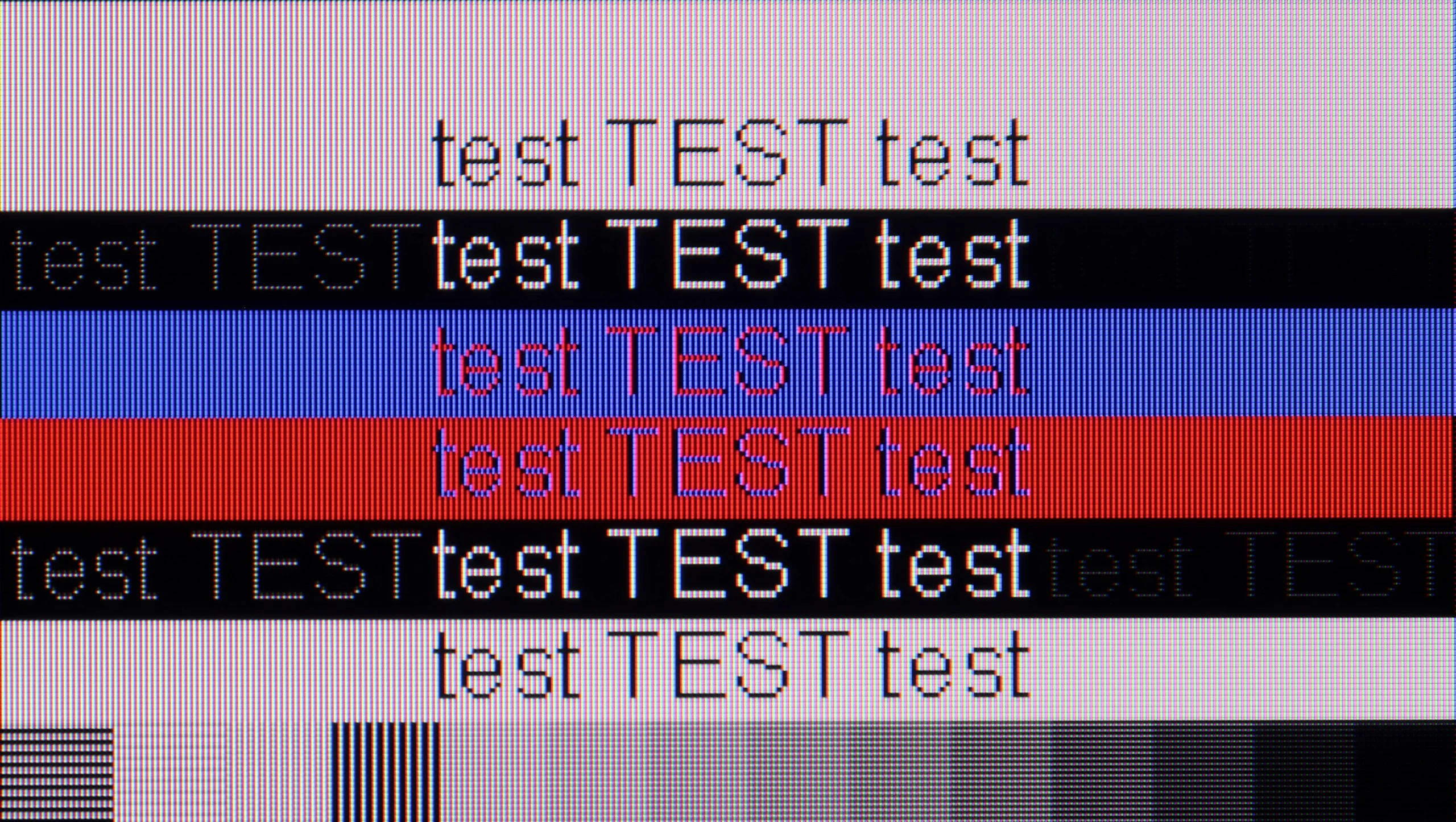
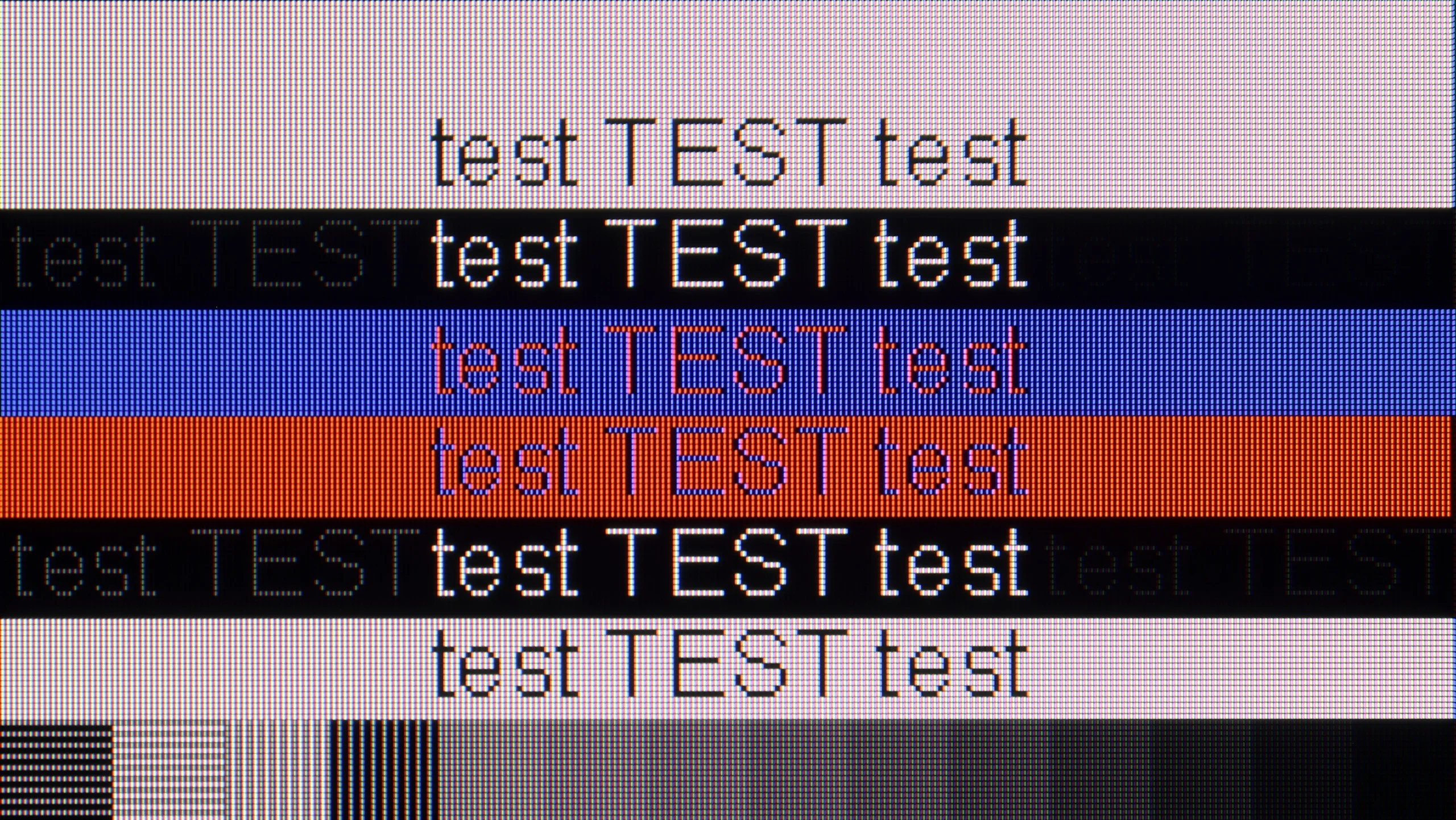
The photo shows the legibility of small fonts. Ideally, lines should be the same thickness on both light and dark text, with minimal pixel gaps.
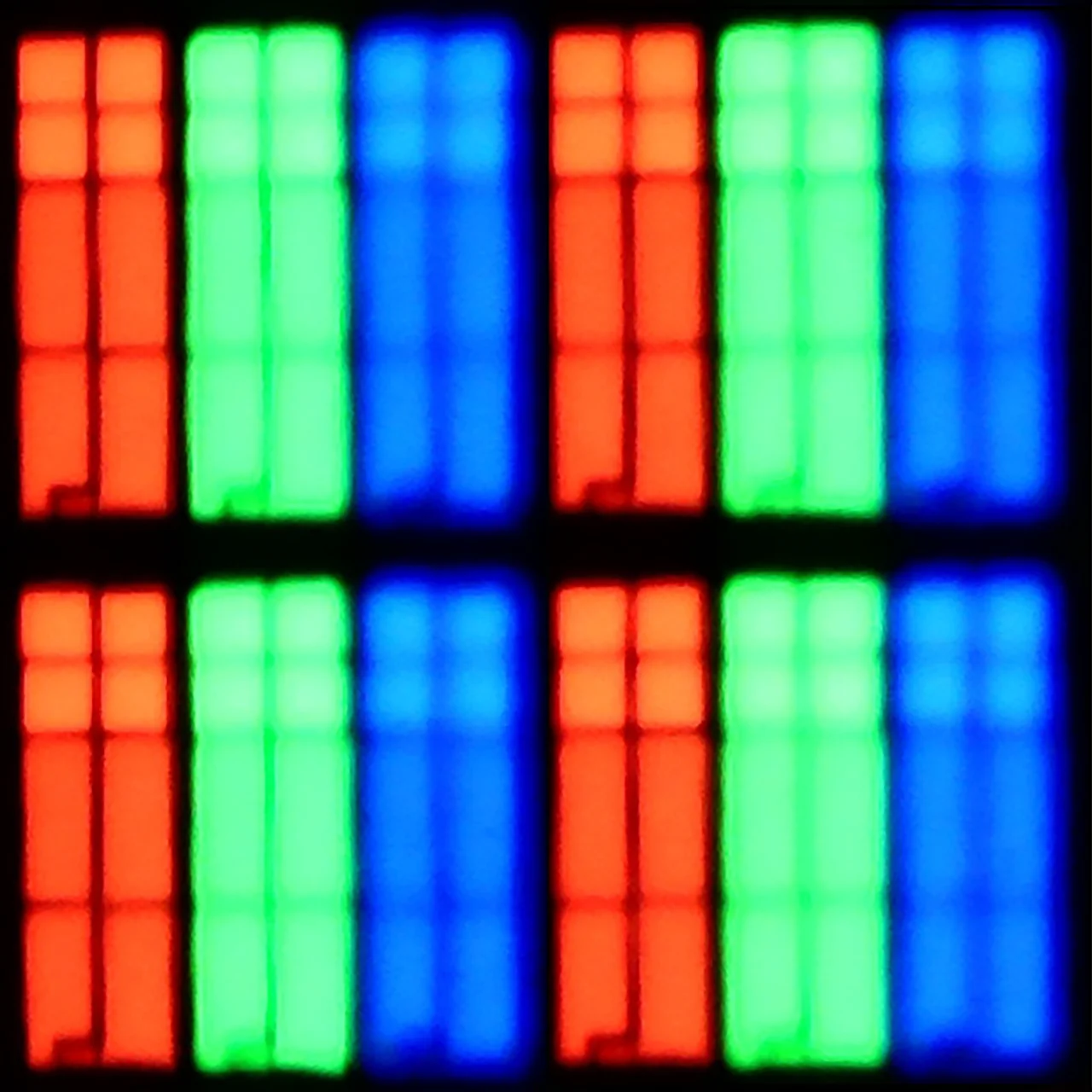
Samsung QN80H will have no trouble doubling as a large monitor. Aside from the already mentioned 144 Hz refresh rate at 4K (and as much as 240 Hz in Full HD!), the TV offers a full suite of gaming features, which when connected to a computer opens up a huge range of possibilities. When working with text, the QN80H also performs excellently. The panel here uses a classic, standard RGB pixel arrangement. Fonts are sharp, clean and very legible. There's no sign of jagged letter edges or odd coloured fringes around text. Of course, few people will buy such a large TV solely for office work. It's worth knowing, however, that for those tasks the QN80H will cope without the slightest hitch.
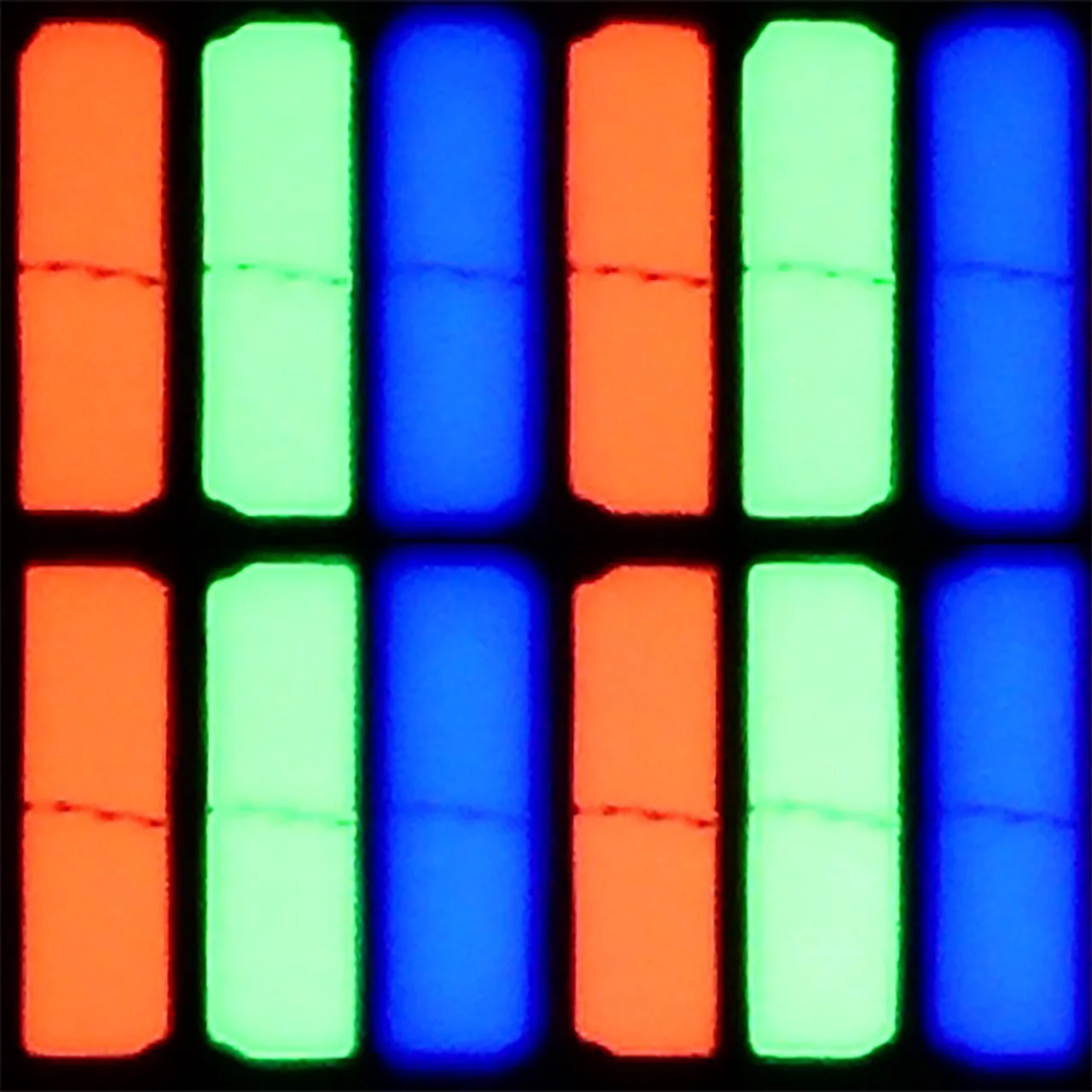
Bravia 2 II handles a computer very well, at least if you think of it as a screen for work. Thanks to its IPS panel and accurate 4:4:4 chroma reproduction, fonts are sharp and readable regardless of their size, shape or colour. That’s particularly good news for people considering the smaller variant and placing it on a desk instead of a classic monitor. It looks much worse, however, from a gaming perspective. The TV doesn’t offer 120 Hz, VRR or other features that would interest more demanding PC gamers. So it’s very good for office work or watching content from a computer, but as a gaming screen it has quite a few limitations.
Viewing angles
3.2/10
6.5/10
Viewing angles are unfortunately the Achilles' heel of the VA panel used here. On one hand such a panel gives the QN80H higher contrast and better blacks, but on the other it means noticeably worse image quality when viewed at an angle than in TVs with IPS or ADS panels. Just sit a little to the side and colours start losing saturation and blacks become lighter. The picture remains readable, but it doesn't look as good as when viewed head-on. So the QN80H is best when most viewers sit as close to the centre of the screen as possible.
Viewing angles are one of the Bravia 2 II's stronger points. Thanks to the IPS panel, colours and brightness remain accurate for quite a while even when we’re not sitting directly in front of the TV. In this area Sony regains some of the points it lost earlier on black levels and contrast. As a result, the Bravia 2 II may be better suited to a larger living room or a room where some people watch the TV from the side, especially if it will mainly be used for everyday TV.
Daytime performance
5.8/10
4.8/10
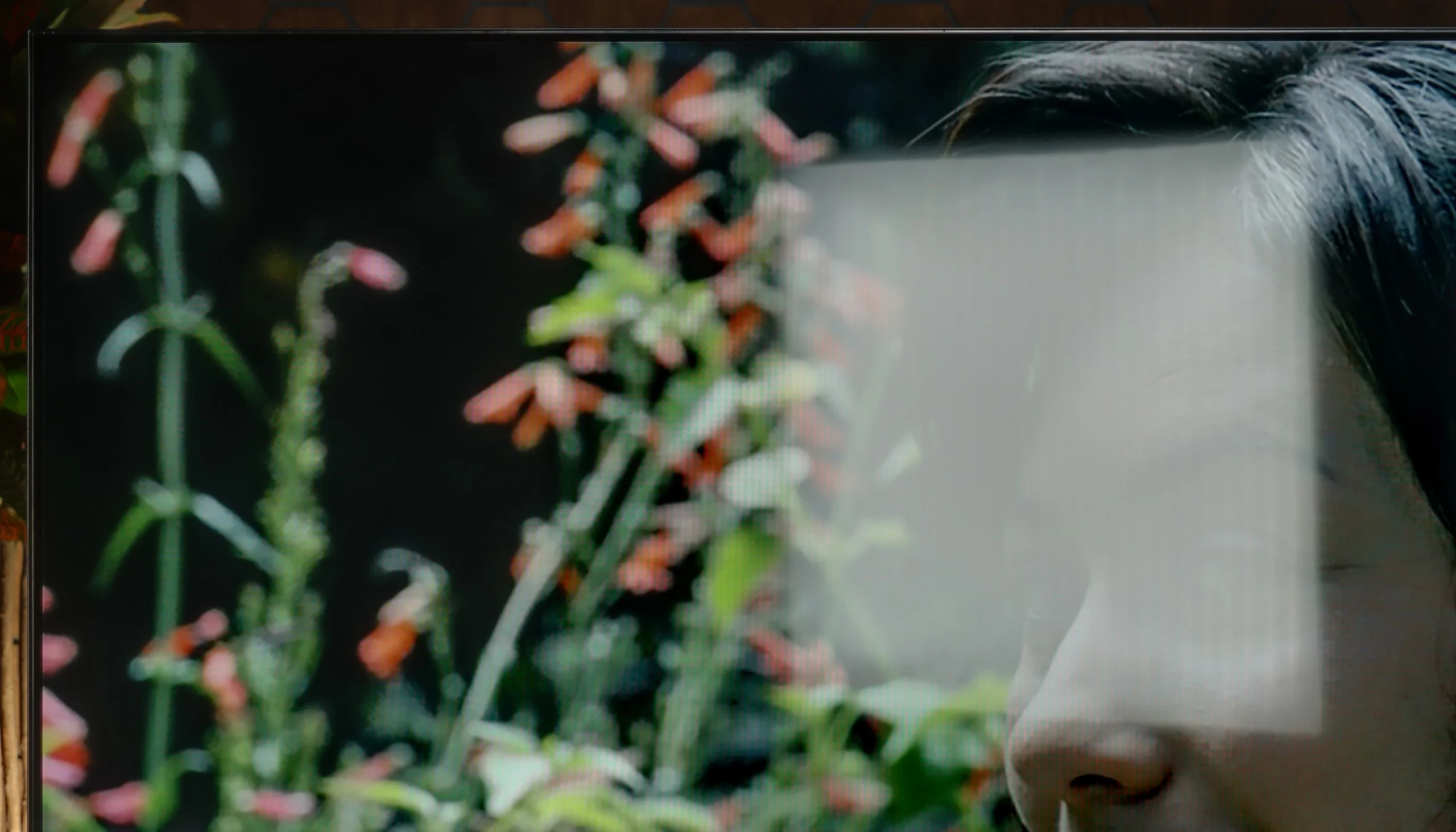
Panel brightness
Sony BRAVIA 2 II (S25M2): 319 cd/m2
Samsung QN80H: 459 cd/m2
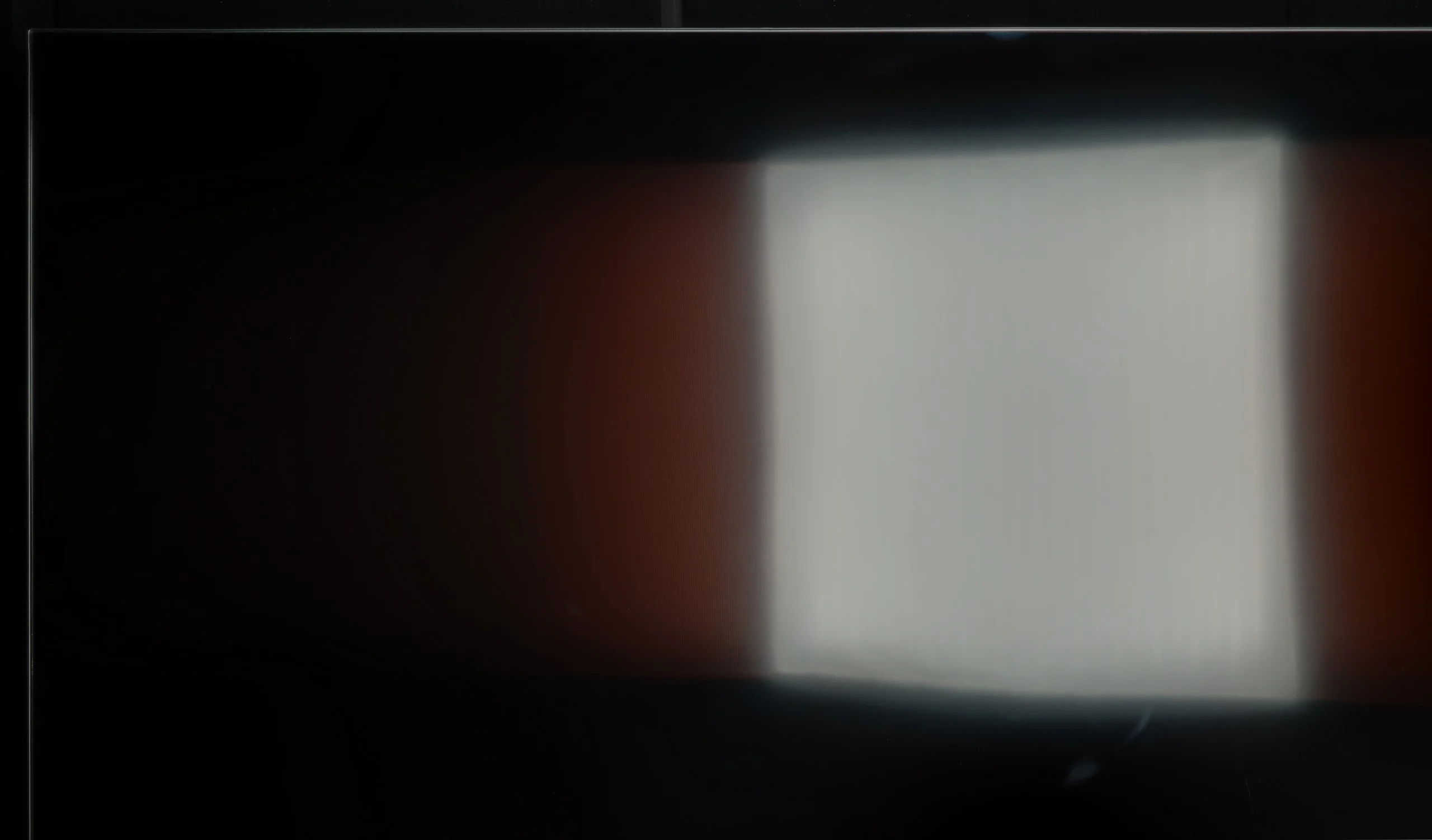
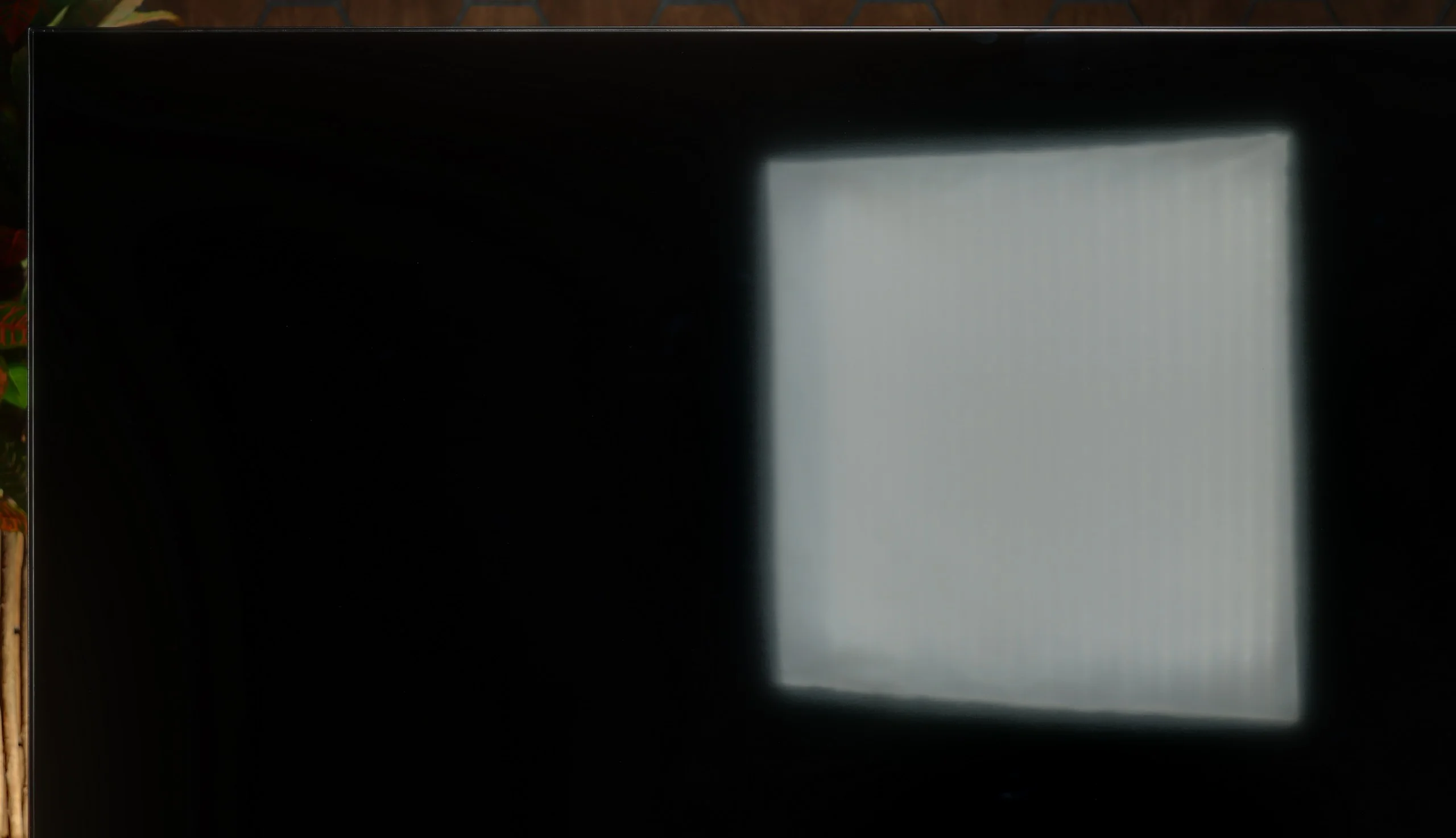
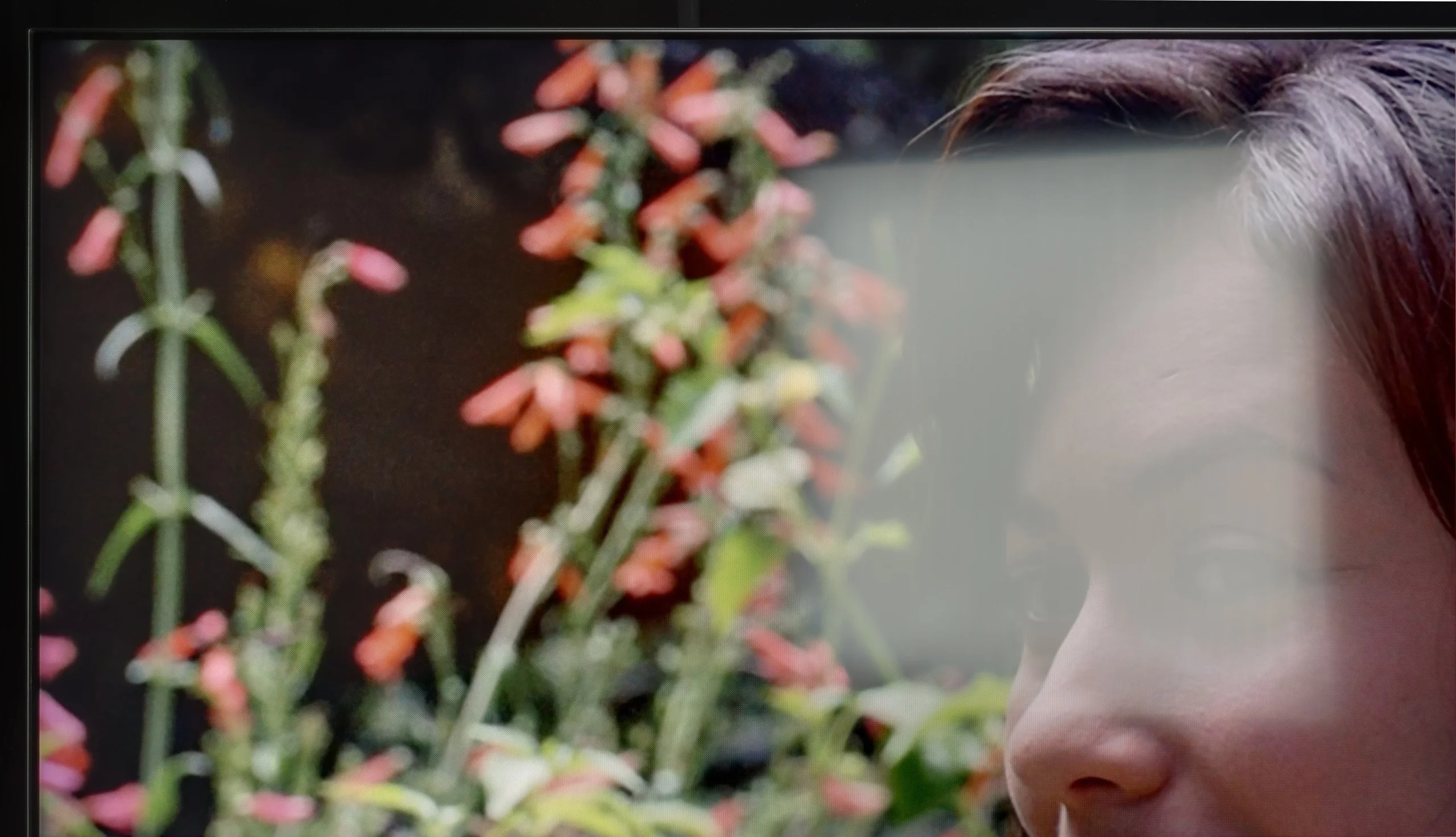
Regarding brightness for everyday content (SDR), the Samsung QN80H is a fairly modest TV. In typical material it reaches around 460 nits. It's not a record result, but it's perfectly adequate for watching in a normally lit living room. The screen coating is more of a drawback. It has a satin finish, so it handles reflections better than a typical glossy panel, but it can still show them quite clearly. What’s more, in this area the QN80H performs slightly worse than last year’s QN80F. While there should be no issues in a moderately bright room, a large window or lamp placed directly opposite the TV can be a real distraction during viewing.
In daylight the Bravia 2 II performs rather average. Brightness of around 320 nits doesn’t leave much headroom, but in a typical, moderately bright living room it’s still enough to keep the picture readable. The screen’s matte coating does a decent job of reducing reflections, though it can’t eliminate them entirely. With strong light falling directly on the screen, there’s simply not enough brightness to effectively cut through the glare. So it will be fine for ordinary daytime viewing, but in a very bright room with lots of windows you may start to notice the limitations of this model.
Panel details
Subpixel Structure:
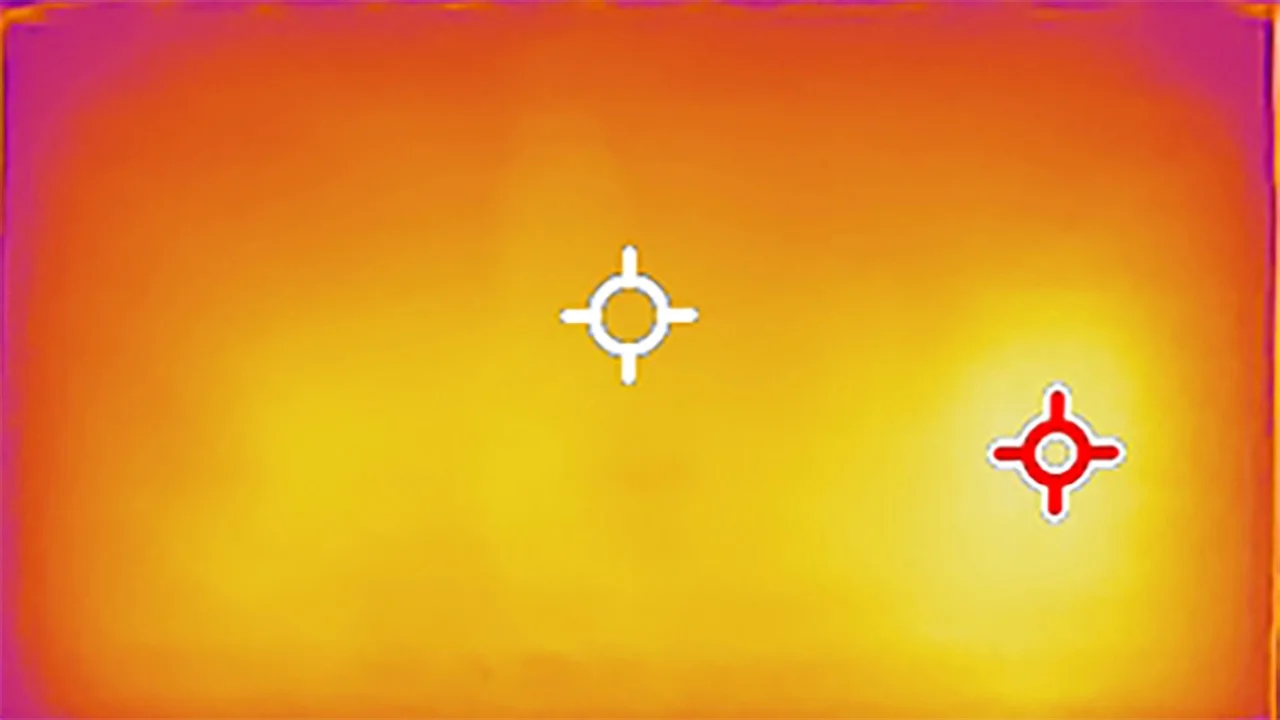
Panel uniformity and thermal imaging:

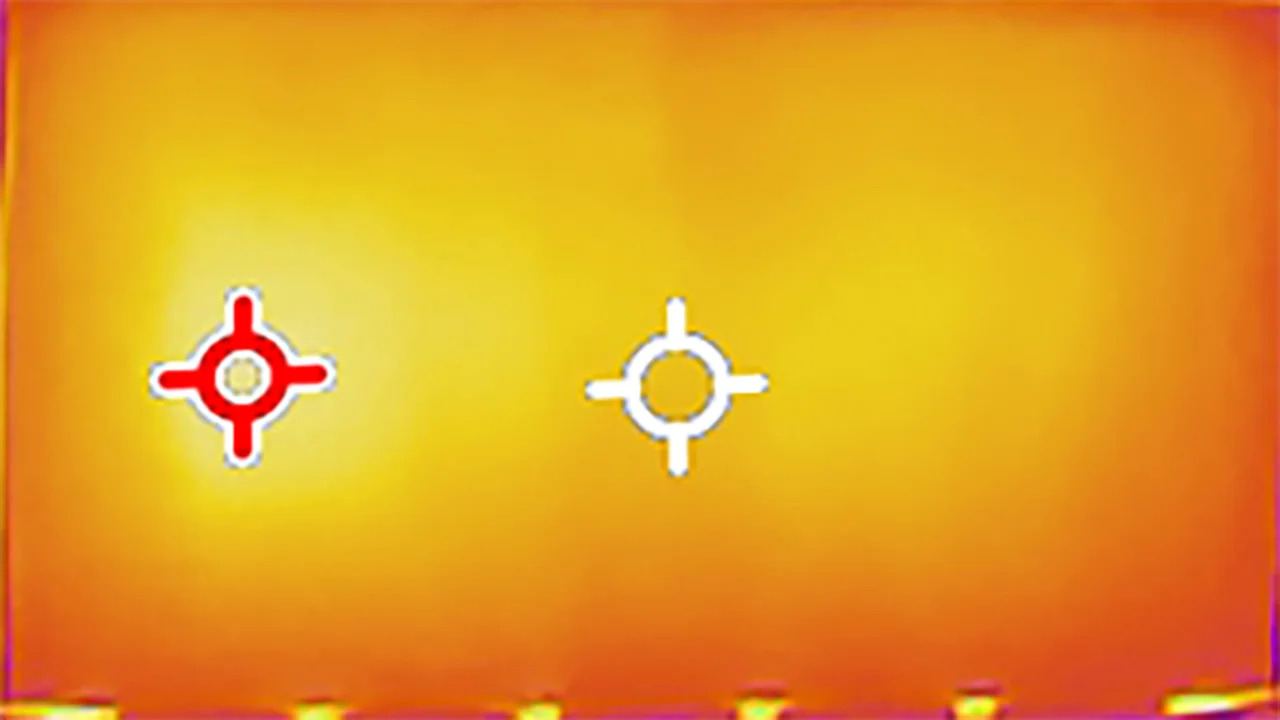
Samsung QN80H
Sony BRAVIA 2 II (S25M2)
TV features
7.3/10
6.6/10
- SystemTizenGoogle TV
- System performanceVery goodDecent
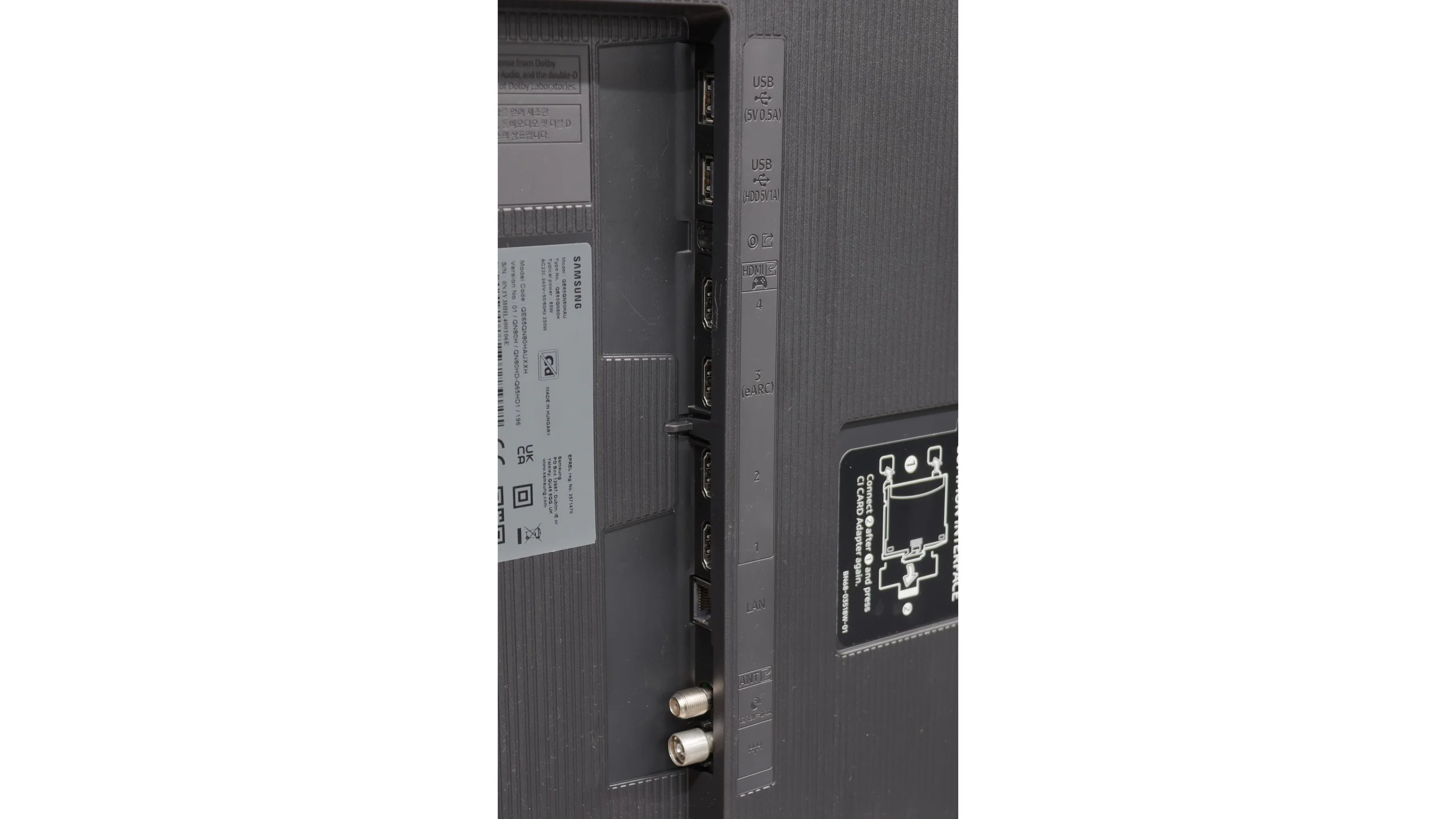
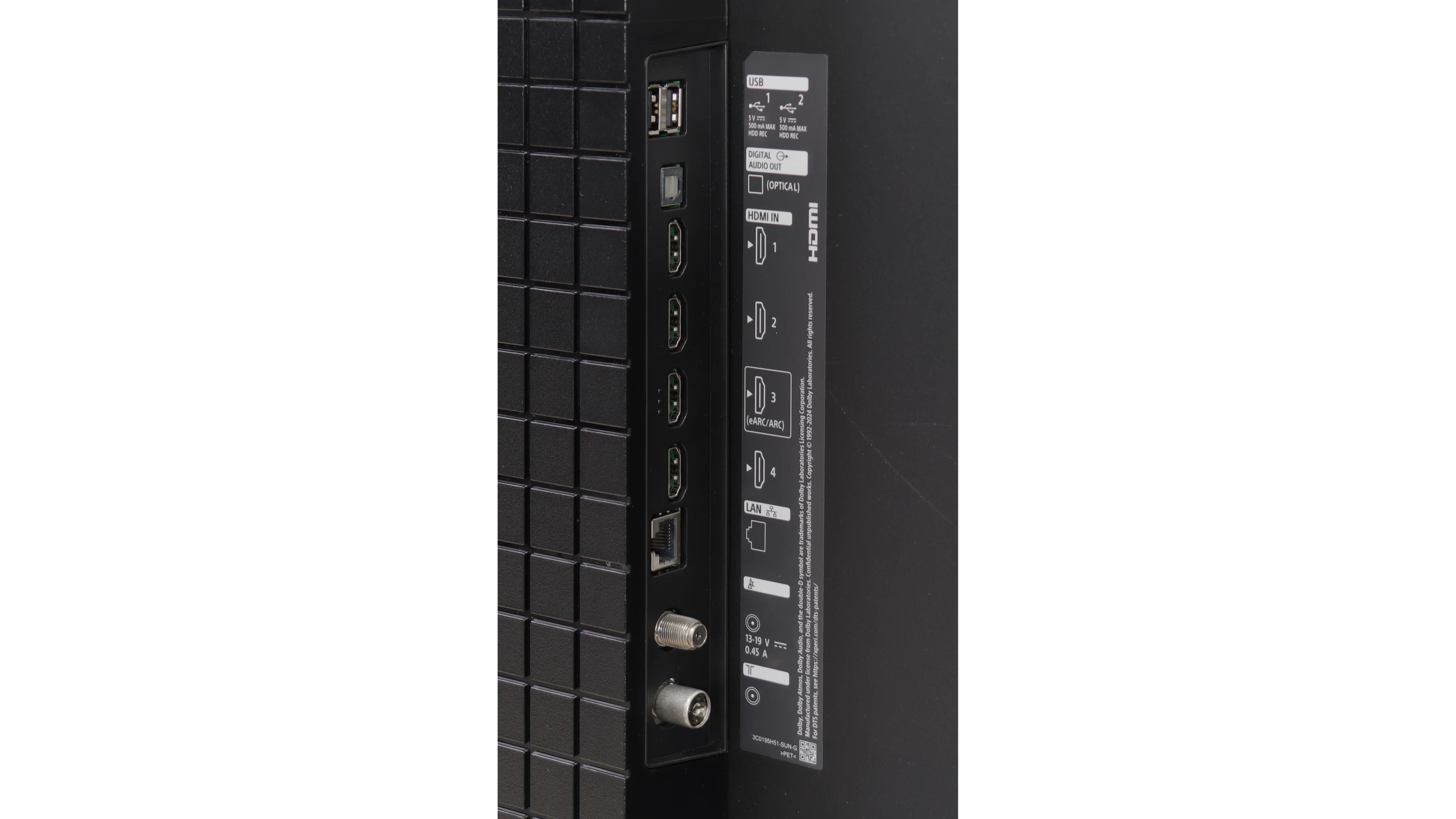
- HDMI inputs0 x HDMI 2.0, 4 x HDMI 2.1 48Gbps4 x HDMI 2.0, 0 x HDMI 2.1
- OutputsToslink (Optical audio), eARC (HDMI), ARC (HDMI)Toslink (Optical audio), eARC (HDMI), ARC (HDMI)
- Network InterfacesWi-Fi 2.4GHz, Wi-Fi 5GHz, Ethernet (LAN) 100MbpsWi-Fi 2.4GHz, Wi-Fi 5GHz, Ethernet (LAN) 100Mbps
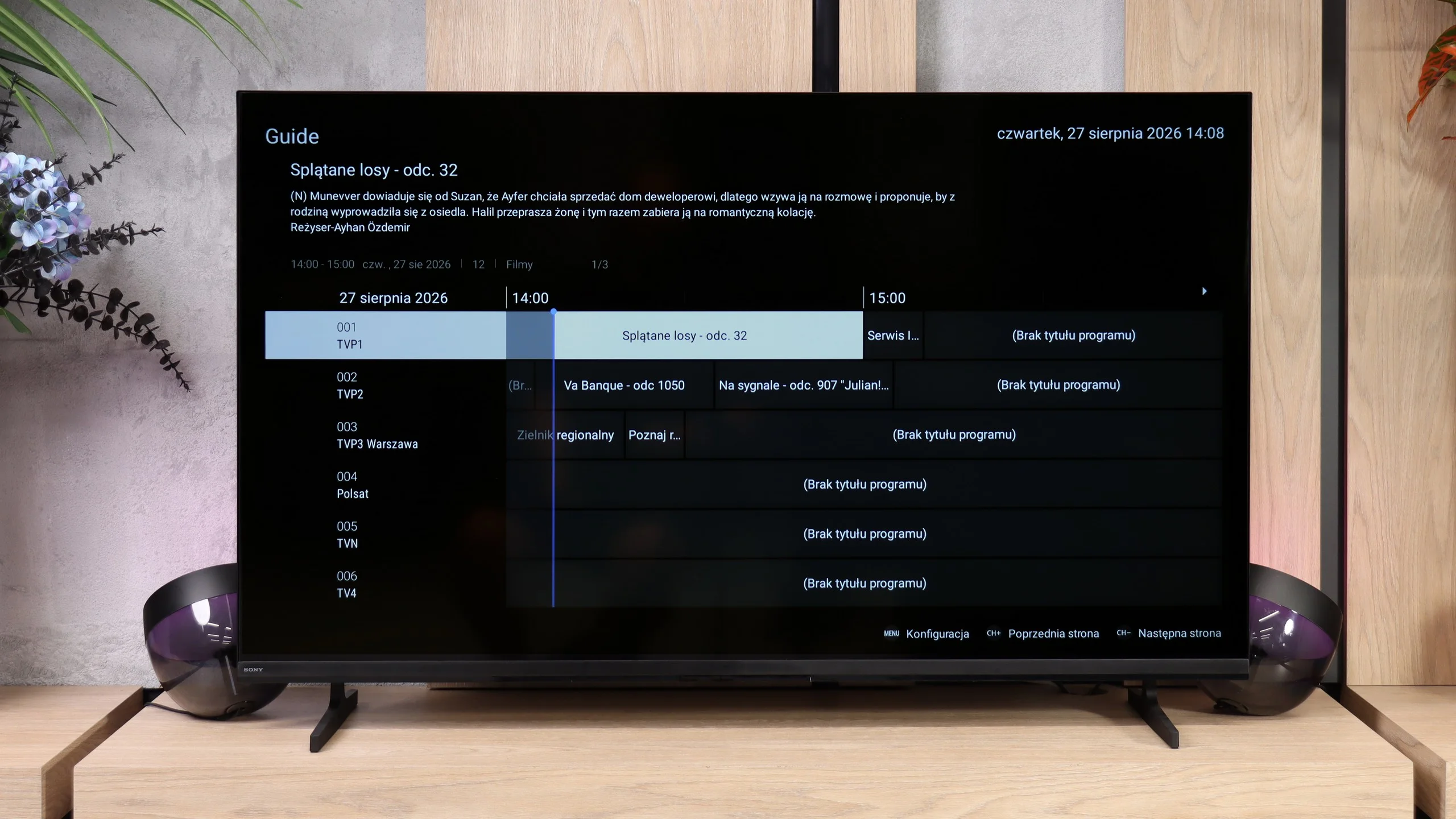
- TV receptionDVB-T, DVB-T2, DVB-S, DVB-S2DVB-T, DVB-T2, DVB-S, DVB-S2, DVB-C
Classic features:
- Recording to USB (terrestrial TV)
- Recording programming
- Picture in Picture (PiP)
- RF remote control (no need to aim)
- Backlit remote control
- Teletext
- Audio only mode
- Bluetooth headphones support
- Simultaneous Bluetooth headphones & TV audio
Smart features:
- AirPlay
- Screen mirroring (Windows Miracast)
- Voice search
- Voice search in native language
- Ability to connect a keyboard and mouse
Sound connection options
- HDMI audioeARC (HDMI), ARC (HDMI)eARC (HDMI), ARC (HDMI)
- Other audio outputsToslink (Optical audio)Toslink (Optical audio)
- Wireless audioBluetooth, Samsung Q-Symphony (Speaker extension)Bluetooth, Samsung Q-Symphony (Speaker extension)
Supported audio formats (external HDMI eARC audio):
- Dolby Digital Plus 7.1
- Dolby True HD 7.1
- Dolby Atmos in Dolby Digital Plus (JOC)
- Dolby Atmos in Dolby True HD
- DTS:X in DTS-HD MA
- DTS-HD Master Audio
Senior accessibility
- Numeric keyboard on TV
- Font size adjustment
- Audio description
Smart TV: Tizen
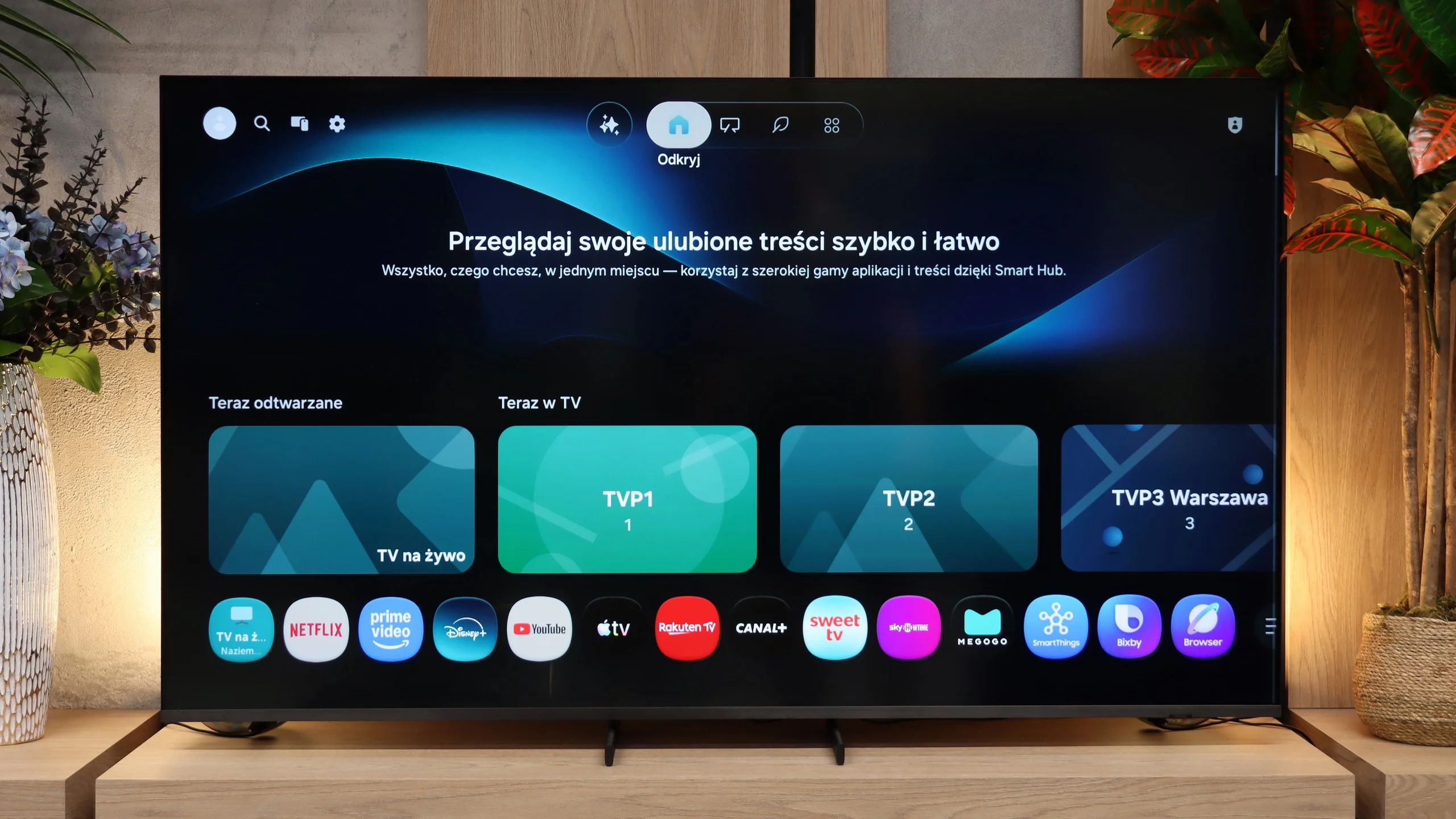
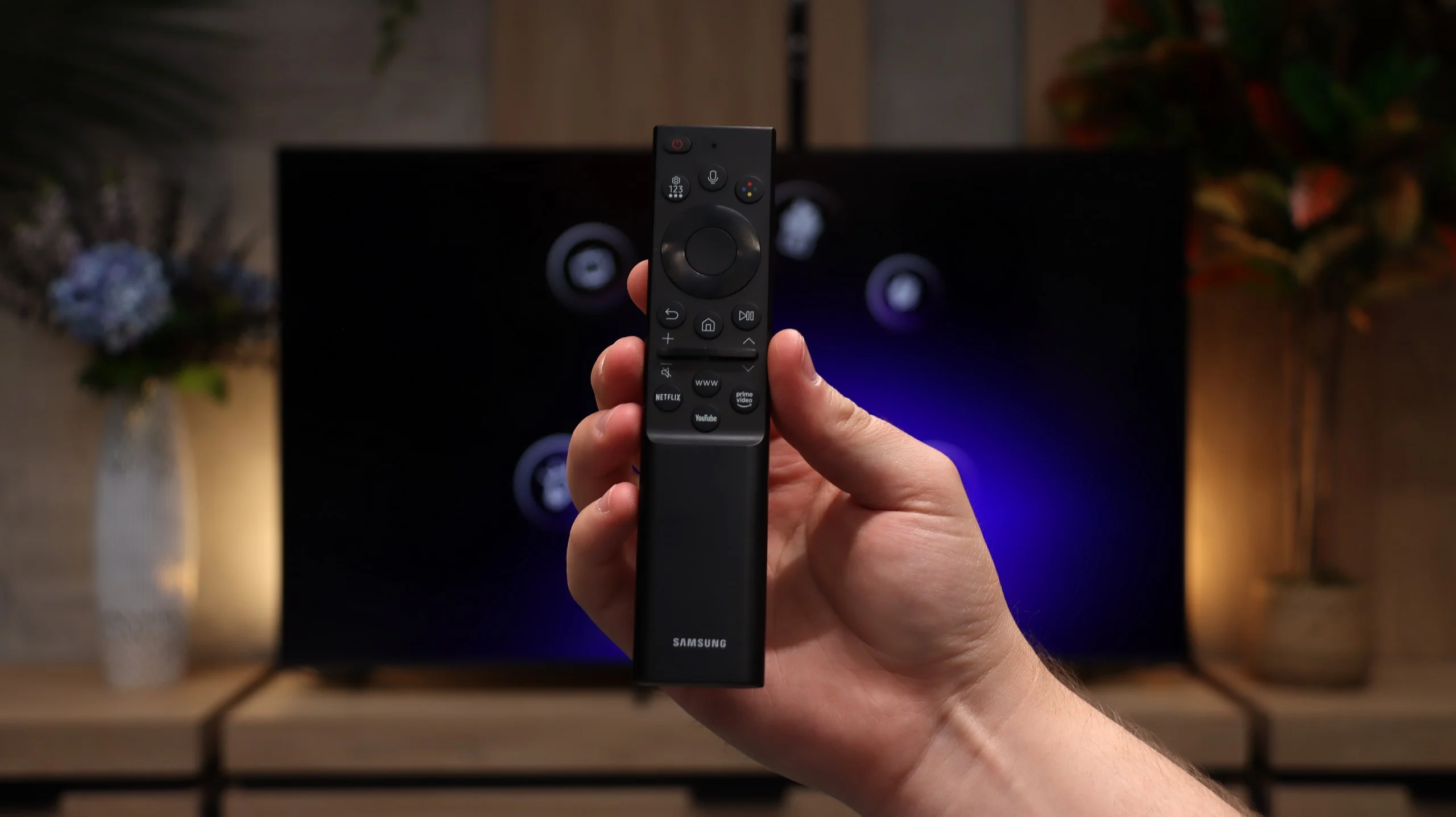
Samsung QN80H traditionally runs on Samsung's proprietary Tizen system. The software is heavily geared towards AI-based solutions and a host of other modern features. As a result, things like AirPlay and screen mirroring from a phone work without any issues. The system itself is fast, menu animations are smooth, and that is a clear plus for this software. Tizen also includes many of Samsung's own services, led by the SmartThings app, which allows convenient management of smart devices throughout the home. Everything is controlled using a small, intuitive remote. Another major plus is that Tizen is currently one of the longest-supported Smart TV systems on the market. Samsung states it will support the device for up to seven years from its launch date.
Classic features
Things look worse when it comes to more traditional TV features. What's missing? The QN80H does not allow recording TV programmes to USB, so there is no PVR function. You also won't find a classic remote with a numeric keypad, which may bother people who still like to change channels directly using numbers (without a set-top box). This year's "80" series also lacks PIP, which was present in earlier models, so there is no way to display two images at once. It's clear Samsung is focusing more on internet features than on solutions aimed at traditional TV users.
Google TV
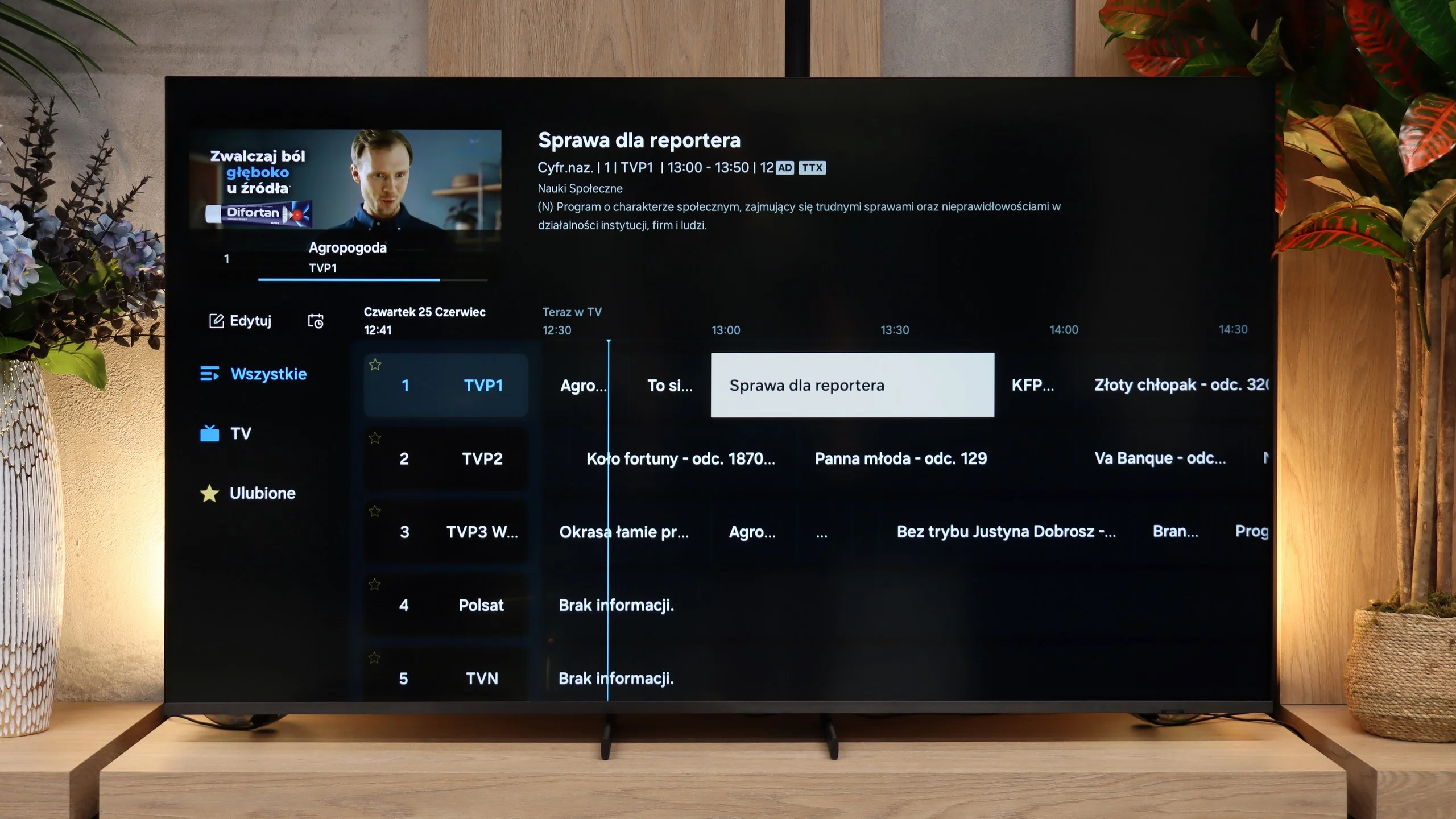
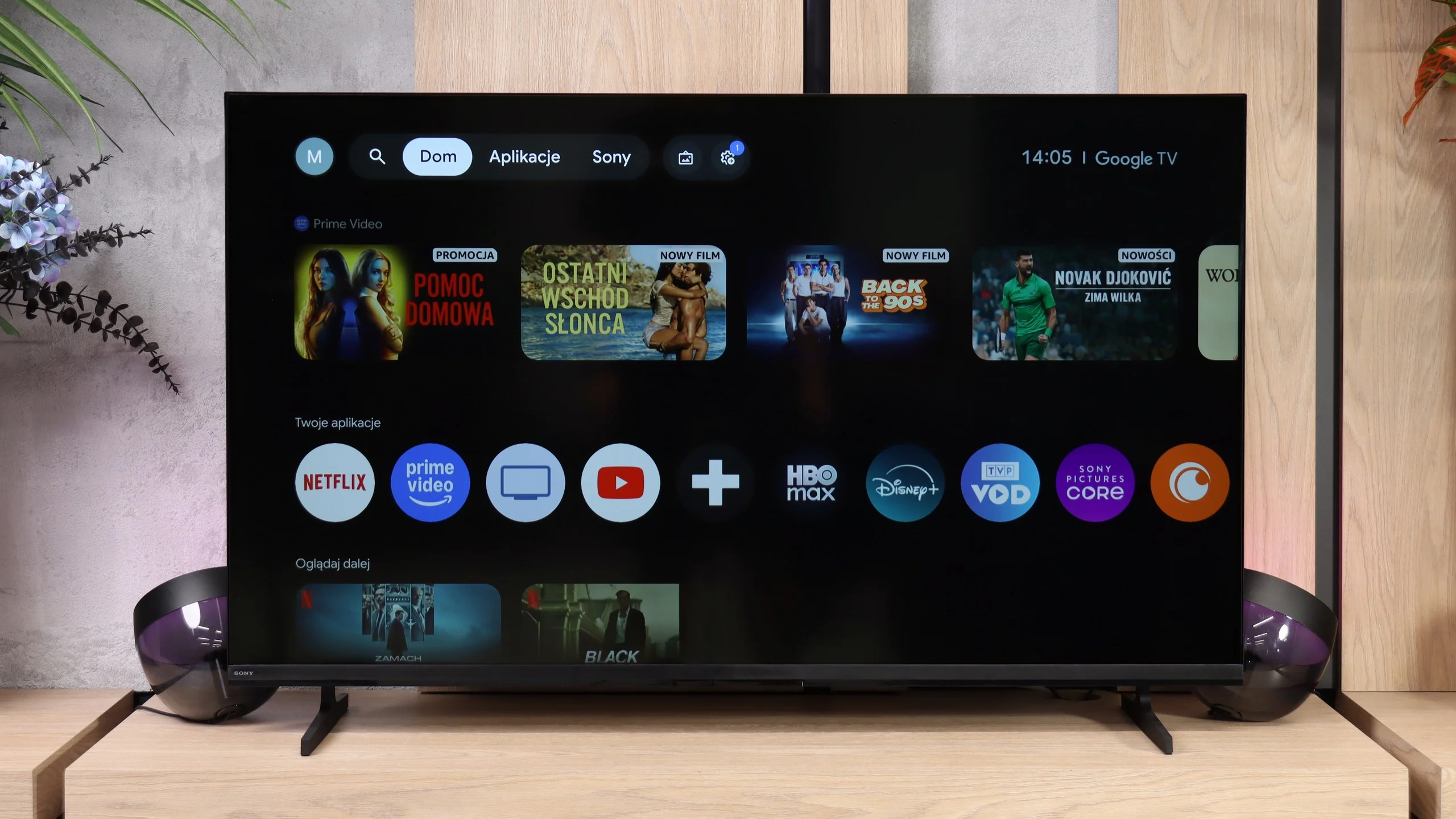
Bravia 2 II runs Google TV, which is definitely one of this model's stronger points. First and foremost, you get a huge range of apps, so accessing popular streaming services is no problem. It also has Chromecast and AirPlay, making it easy to cast content from your phone or other devices. Voice search with Google Assistant/Gemini works very well, including in Polish. The system itself isn't the fastest version of Google TV we've used, and you sometimes have to wait a moment for a response, but overall it performs decently. In terms of features it's hard to complain — especially for one of Sony's more affordable TVs.
Funkcje telewizyjne
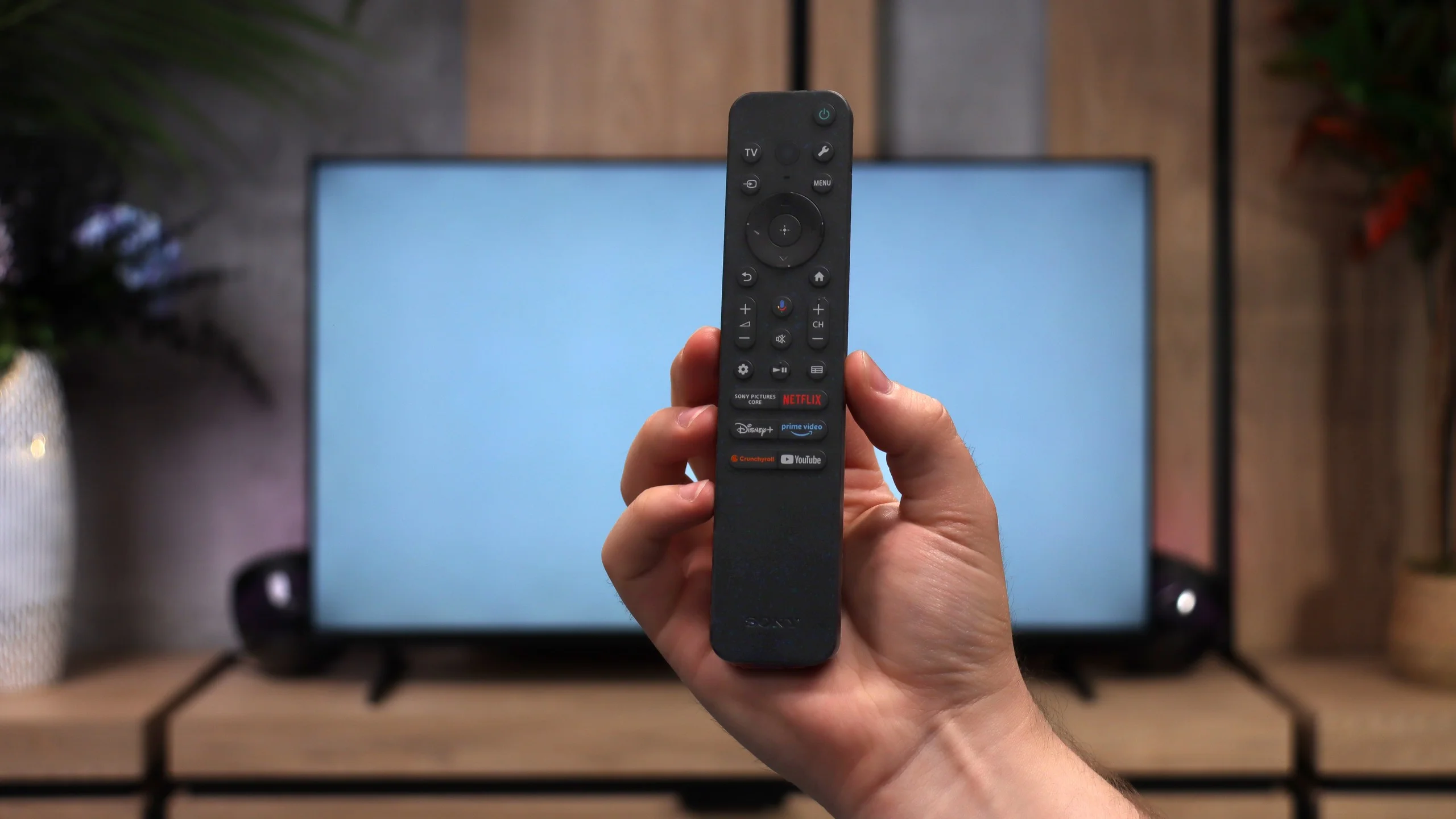
When it comes to traditional TV features, the Bravia 2 II is rather modest. For example, there's no recording to USB or other more advanced extras, so in that respect it's fairly basic. A plus is the inclusion of two remotes. One is modern and simpler, mainly for using the Smart TV, while the other is a classic remote with more buttons, which may be more convenient for people who often watch regular TV. The smaller one works via radio, so you don't have to point it directly at the screen, which is simply more convenient in everyday use.
Apps
9.3/10
9.6/10






















Playing files from USB
9.1/10
9.4/10
Supported photo formats:
Maximum photo resolution:
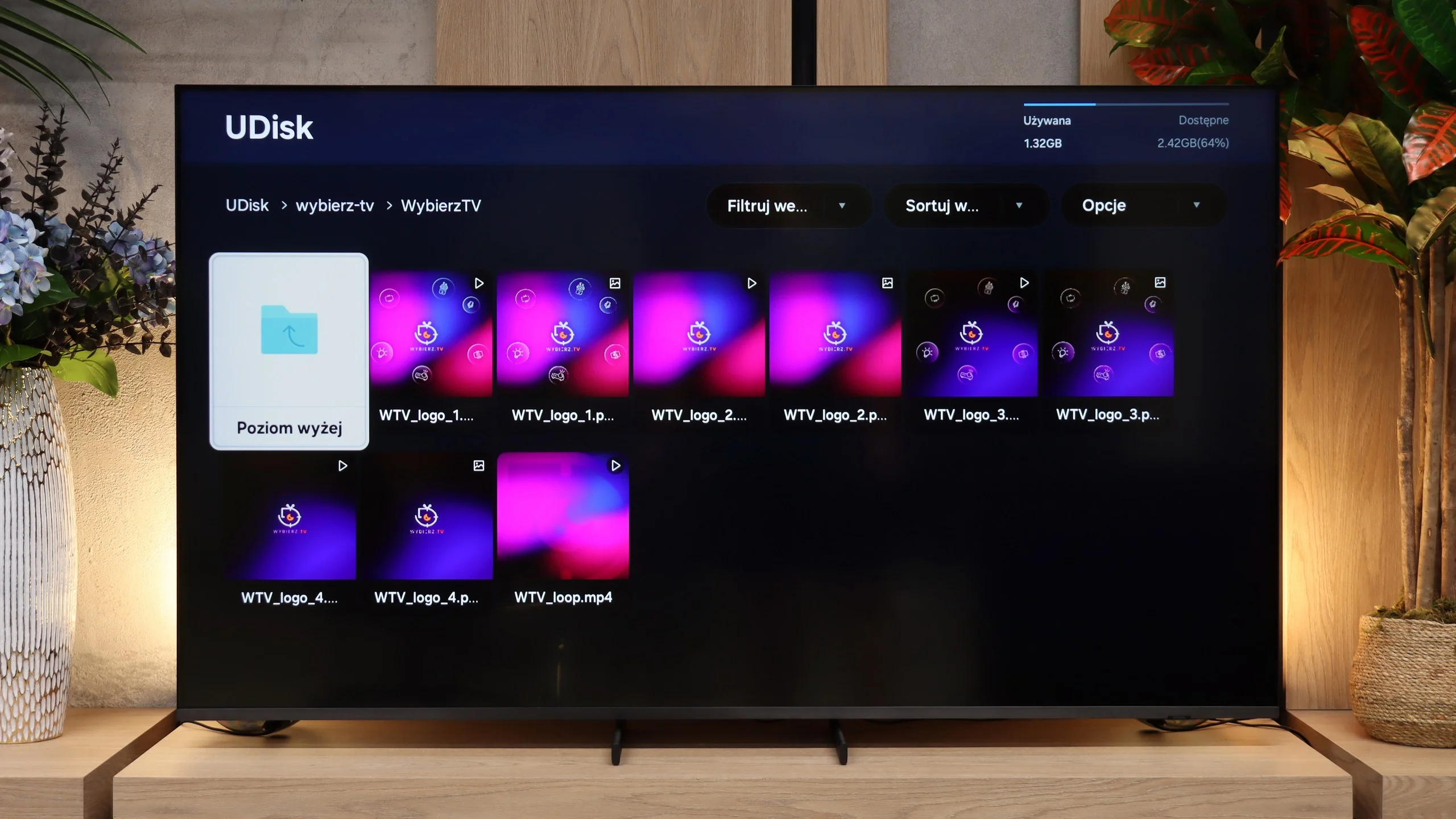
The built-in file player on the QN80H works very well. When you plug in a USB stick or external USB drive, you shouldn't have any trouble playing your own files. The TV supports most popular video, audio and photo formats. What's missing for perfection is broader support for less common photo formats. A good example is HEIC, which Apple devices often use. The QN80H may not be able to open those files.
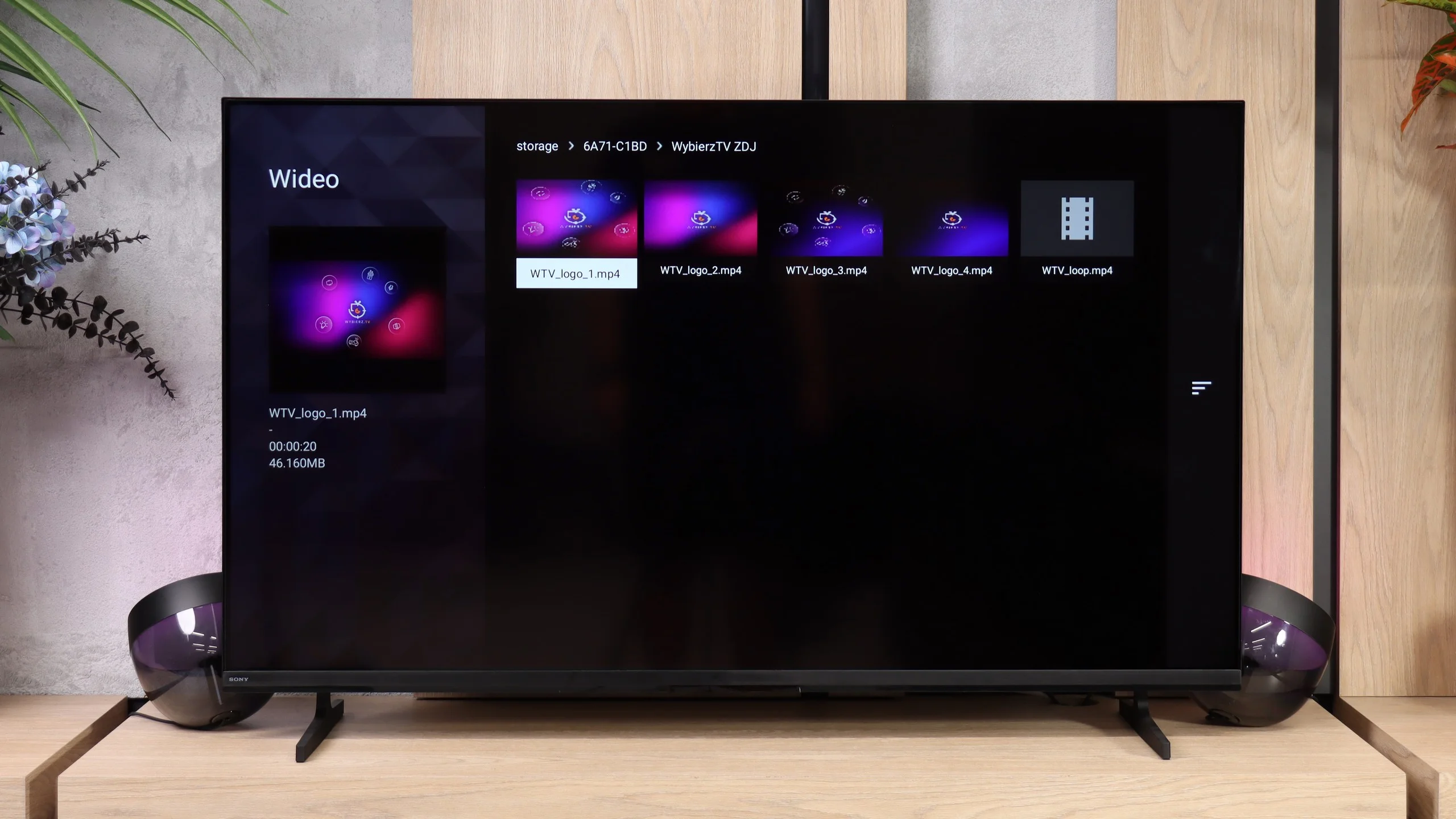
The built-in file player performs very well. The Bravia 2 II opens almost everything you throw at it, from common video files and subtitles to photos and music. Importantly, it also handles more demanding 4K material encoded in HEVC or AV1. Of course, there are a few isolated formats the TV doesn’t support, such as VVC or some less common audio and image files. These are things few people will try to play directly on the TV.
Sound
7.1/10
6.1/10
- Maximum volume86dB92dB
- Dolby Digital Plus 7.1
- Dolby True HD 7.1
- Dolby Atmos in Dolby Digital Plus (JOC)
- Dolby Atmos in Dolby True HD
- DTS:X in DTS-HD MA
- DTS-HD Master Audio
In terms of audio the Samsung QN80H performs fairly well. The 2.0 speaker setup here, with a total power of 30 W, may not be spectacular compared with flagship models, but it's more than enough for everyday TV watching, the news or basic series. If you want a cinema-like experience, the set includes full support for Dolby Atmos. By connecting a suitable soundbar or speakers you can expect a more immersive sound. Samsung also supports Q-Symphony, which lets the TV speakers and a compatible soundbar play together.
An interesting new feature is an AI-based mode. It's a special sports-watching mode called "Football AI". It was designed to use sliders to artificially boost the commentator's voice above the crowd noise or... quite the opposite, mute it and leave just the crowd cheering. Although the algorithm can operate a little clumsily at times, this feature can be a lifesaver, especially if you happen to catch a match with a commentator you particularly don't like... 😉
Sound in the Bravia 2 II is simply adequate for an entry-level TV. It’s more than enough for watching regular TV, like the news, but as with this type of design it mainly lacks bass. You notice it quite quickly with music and even more in action films, where explosions and other heavy effects lack real weight. Sony does deserve praise for its audio format support. When you connect a soundbar or a home theatre system, the TV will pass the key formats over eARC with no trouble, including Dolby Atmos, Dolby TrueHD, DTS-HD Master Audio and DTS:X. It’s especially welcome to see DTS included, which can’t always be taken for granted on rival TVs, even the pricier models.
Sound Quality Test
Acoustic Measurements
86dBC (Max)
75dBC
92dBC (Max)
75dBC
Reader comments
Comments are provided by the external service Disqus (Zeta Global). Once loaded, Disqus may set cookies and process data about your activity.
We will remember your choice on this device. Provider's privacy policy