Samsung QN80F 100" vs Hisense UR8S

Direct comparison

Available screen sizes: 100”

Available screen sizes: 55”65”75”85”100”

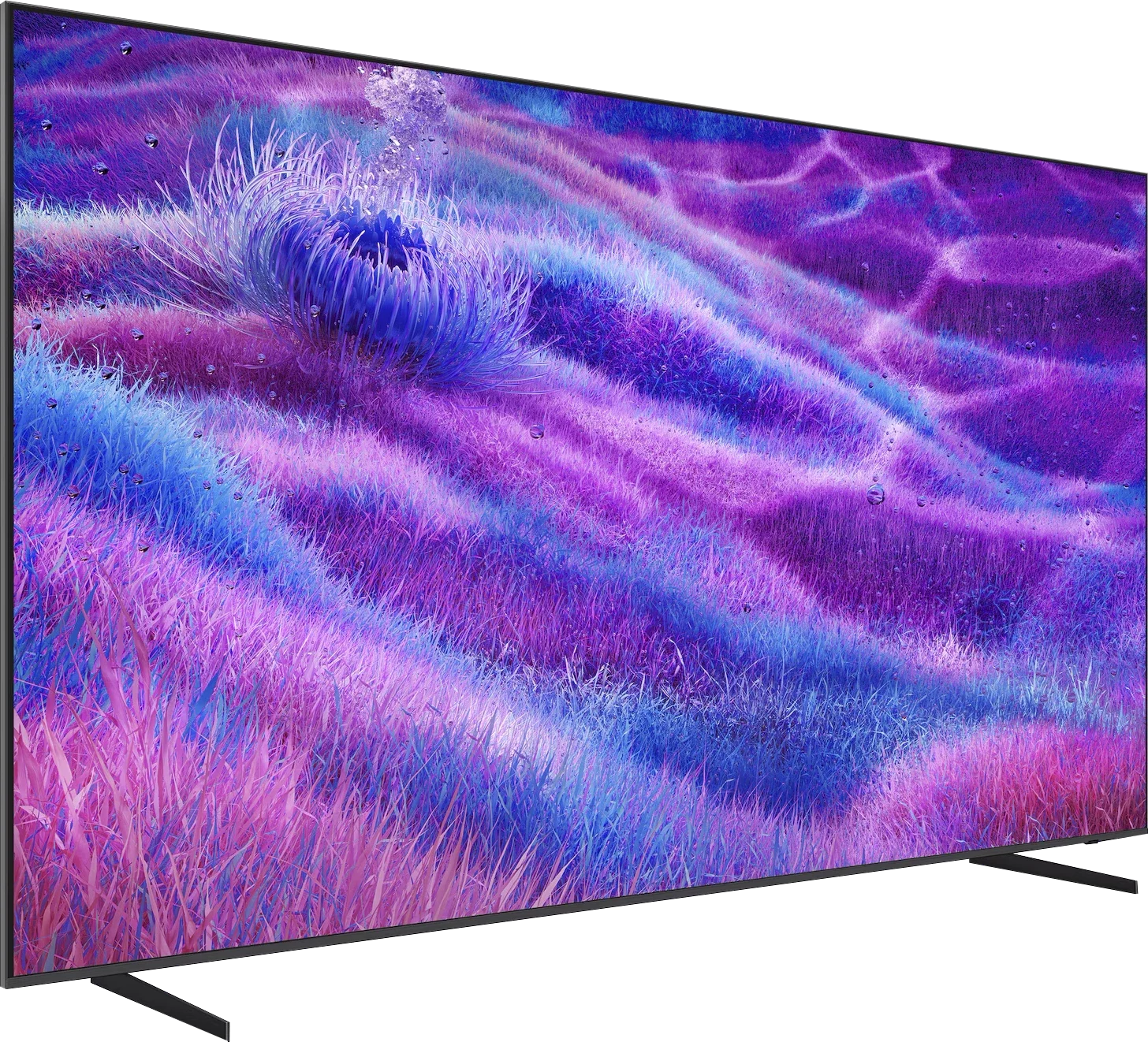
Review Samsung QN80F 100"  Main photo
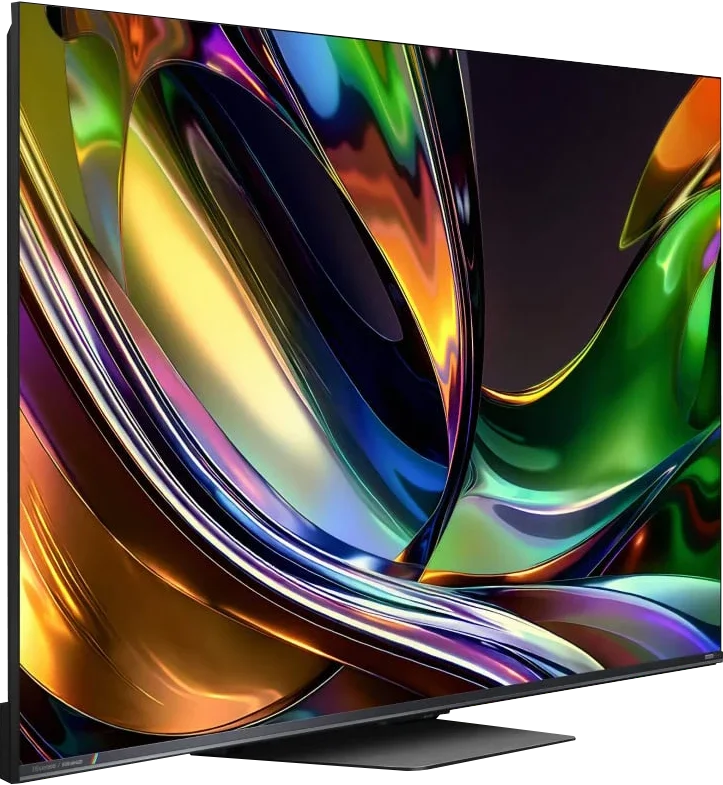
Review Hisense UR8S Main photo

Panel type: LCD VA

Resolution: 3840x2160

System: Tizen

Model year: 2025

Complete the survey to find out the result

Panel type: LCD VA

Resolution: 3840x2160

System: VIDAA

Model year: 2026

Complete the survey to find out the result

Overall rating

7.5

8.2

  • Movies and series in UHD quality

    7.2

    7.4

  • Classic TV, YouTube

    7.0

    7.6

  • Sports broadcasts (TV and apps)

    6.7

    7.4

  • Gaming on console

    8.9

    8.4

  • TV as a computer monitor

    8.6

    8.5

  • Watching in bright light

    7.0

    9.5

  • Utility functions

    7.7

    9.4

  • Apps

    9.3

    8.3

  • Sound quality

    6.7

    7.8

Advantages

  • HDR brightness up to 1300 nits

  • Good black levels - MiniLED with a VA panel

  • Fast 144 Hz panel and 4 HDMI 2.1 ports

  • Many features for gamers: VRR, ALLM, and a great gamebar

  • Low input lag (<10 ms)

  • Fast Tizen operating system with SmartThings support

  • Supports Dolby Atmos

  • Very high contrast and deep blacks

  • High peak brightness

  • Potentially wider colour gamut thanks to RGB backlighting

  • Excellent image processing and upscaling

  • Panel with refresh rate up to 180 Hz

  • Very good gaming performance

  • Good viewing angles for a Mini-LED LCD

  • Matte finish and great performance in daylight

  • Fast VIDAA and lots of user features

  • Support for Dolby Vision, HDR10+, Dolby Atmos and DTS

Disadvantages

No like
  • Poor viewing angles

  • Modest number of dimming zones for a 100" screen

  • Missing Dolby Vision

  • The full potential of RGB Mini-LED isn't always realised in films

  • HDR brightness can deviate from the filmmakers' vision

  • Lack of proper HGiG implementation

  • The VIDAA system is still missing a few apps

Our verdict

QN80F is the first-ever “eighty” from Samsung available in a 100-inch version (previously “just” 98 inches 😉) and is also the model that has entered the series with Mini LED backlighting. It must be said that it performs really well at this scale. Although the number of dimming zones may not impress given such a massive screen, the contrast and blacks are solid, and combined with high brightness, the TV can deliver great experiences when watching movies and series in HDR. The 144 Hz panel ensures smooth motion, and the full set of features for gamers – VRR, ALLM, and Game Motion Plus – makes QN80F hard to label as anything other than a screen designed for both console and PC. Additionally, there's a fast and stable Tizen that provides access to all key apps and can act as a smart home hub via the proprietary SmartThings app. Of course, there are some shortcomings – there’s no Dolby Vision, no USB recording, and the viewing angles at 100 inches can be really problematic. Mini LED also has its limitations, so those expecting absolutely perfect blacks need to keep this in mind. On the other hand, given the current prices of OLEDs in this size, it’s hard to speak of any real competition.

QN80F is a versatile TV, well-crafted and providing plenty of satisfaction for everyday use. Looking at the history of this series, one can be sure that as soon as it appears on reasonable promotions, it will be one of the most interesting options in its class. And if Samsung fine-tunes the minor flaws with updates, this 100-inch beast may turn out to be really hard to beat, much like its smaller variants.
The Hisense UR8S is above all a very versatile, higher-end TV that in most situations simply performs well or very well. It's not a model aimed only at cinema, gaming or watching in a bright living room. Its biggest advantage is that it can combine all those uses in a single set and doesn't have any one obvious weak point. In terms of picture, the UR8S has a lot to offer. Contrast is high, HDR can look very impressive, and the brightness level is more than enough for daytime viewing. Add very good image processing and smooth motion handling. RGB Mini-LED also gives it a very wide colour palette and it's clear this technology has a lot of potential. However, remember it doesn't completely change the character of an LCD TV. In tougher scenes you can still see the limits of local dimming, and very high colour saturation isn't always maintained to the same degree as on simple test patterns.

A major strength of the UR8S is, first and foremost, its everyday usability. The TV works well for sport, is very suitable for gaming, and the high brightness and matte finish make a big difference in a bright room. On top of that, the VIDAA system runs quickly, and Hisense has kept many features that remain useful for normal TV use. That's why we see the UR8S primarily as a TV for people who want one solid screen for everything. RGB Mini-LED is an interesting extra and provides some real benefits, but the technology itself isn't the only reason this model performs well. What really sells it is that it's complete, well equipped and highly versatile.

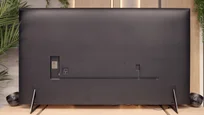
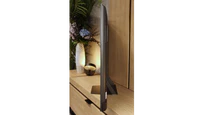
TV appearance

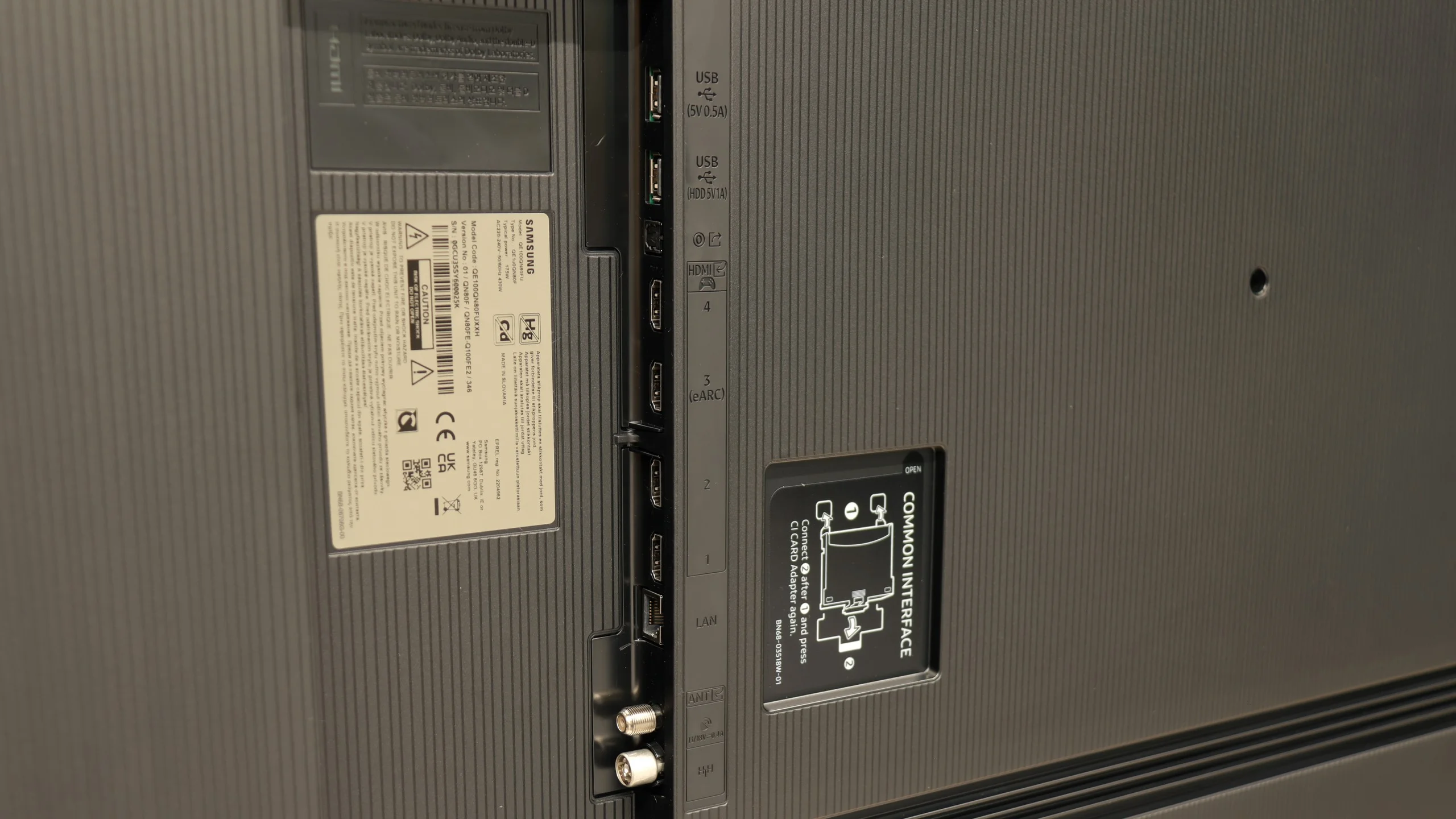
HDMI inputs
0 x HDMI 2.0, 4 x HDMI 2.1 (48Gbps)
Other inputs
Outputs
Toslink (Optical audio), eARC (HDMI), ARC (HDMI)
Network Interfaces
Wi-Fi 2.4GHz, Wi-Fi 5GHz, Ethernet (LAN) 100Mbps
Build quality
Premium
Good
Stand type
Legs
Central
Bezel color
Graphite
Graphite
Stand
Fixed
Height adjustment
Flat design
Yes
No
Accessories
Stand
Stand

Contrast and black detail

7.1/10

8/10

Local dimming function: Yes, number of zones: 120 (10 x 12)

Local dimming function: Yes, number of zones: 936 (26 x 36)

Contrast:

Review Samsung QN80F 100"  Contrast and black detail

Result

94,400:1

Review Samsung QN80F 100"  Contrast and black detail

Result

12,650:1

Review Samsung QN80F 100"  Contrast and black detail

Result

31,750:1

Review Samsung QN80F 100"  Contrast and black detail

Result

7,350:1

Review Samsung QN80F 100"  Contrast and black detail

Result

3,000:1

Review Hisense UR8S Contrast and black detail

Result

267,450:1

Review Hisense UR8S Contrast and black detail

Result

48,550:1

Review Hisense UR8S Contrast and black detail

Result

19,450:1

Review Hisense UR8S Contrast and black detail

Result

14,850:1

Review Hisense UR8S Contrast and black detail

Result

10,800:1

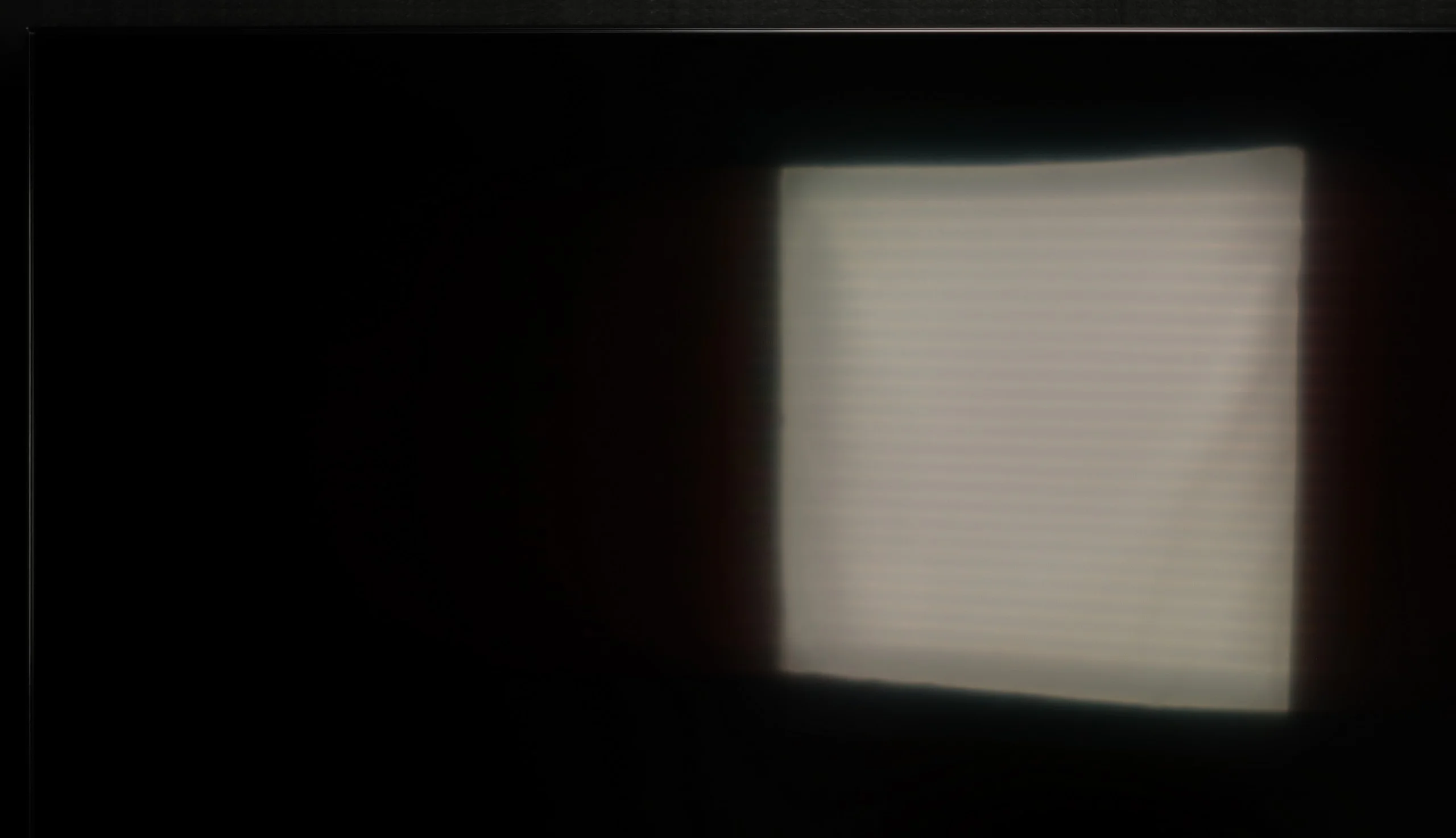
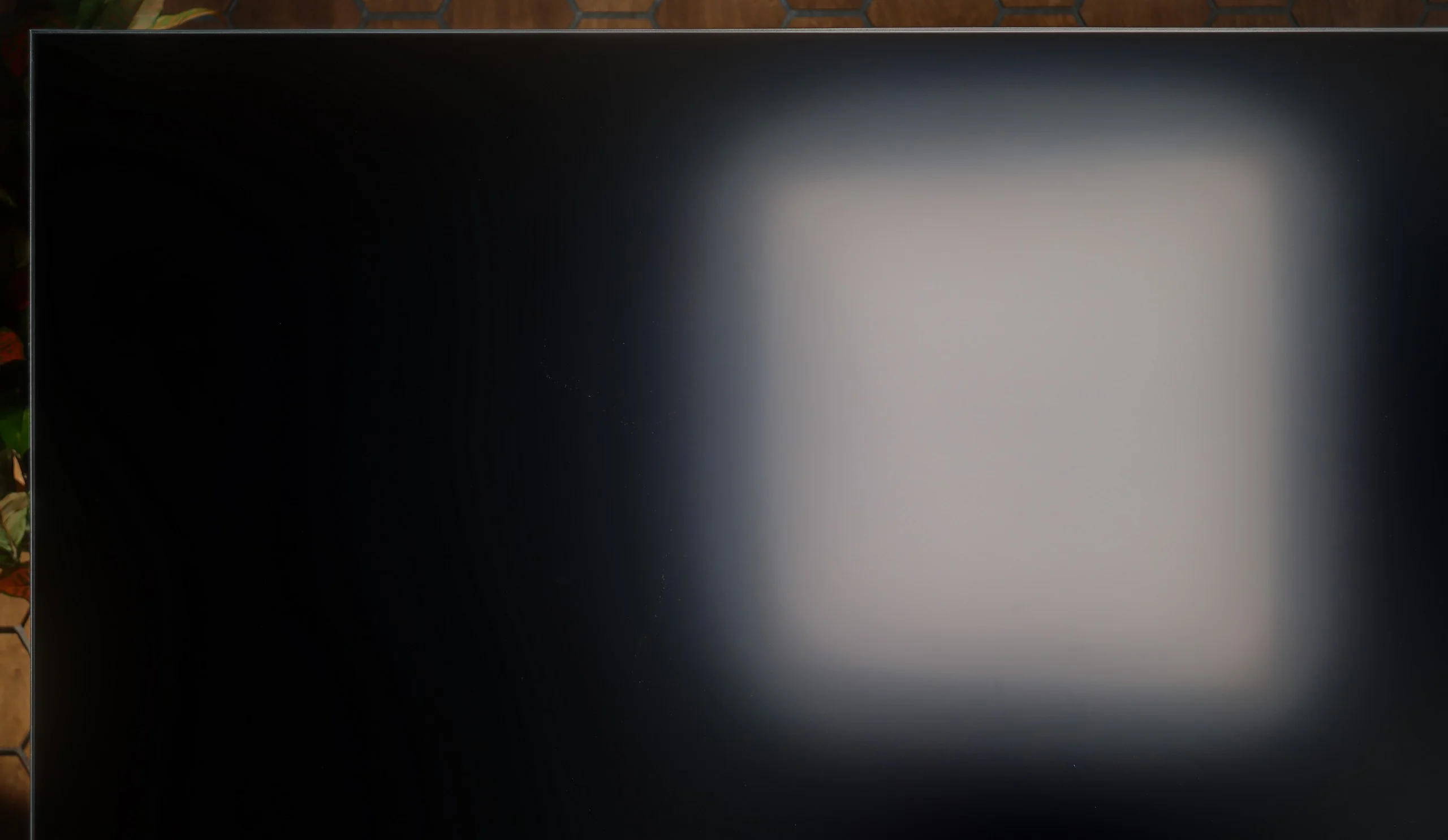
Halo effect and black detail visibility:

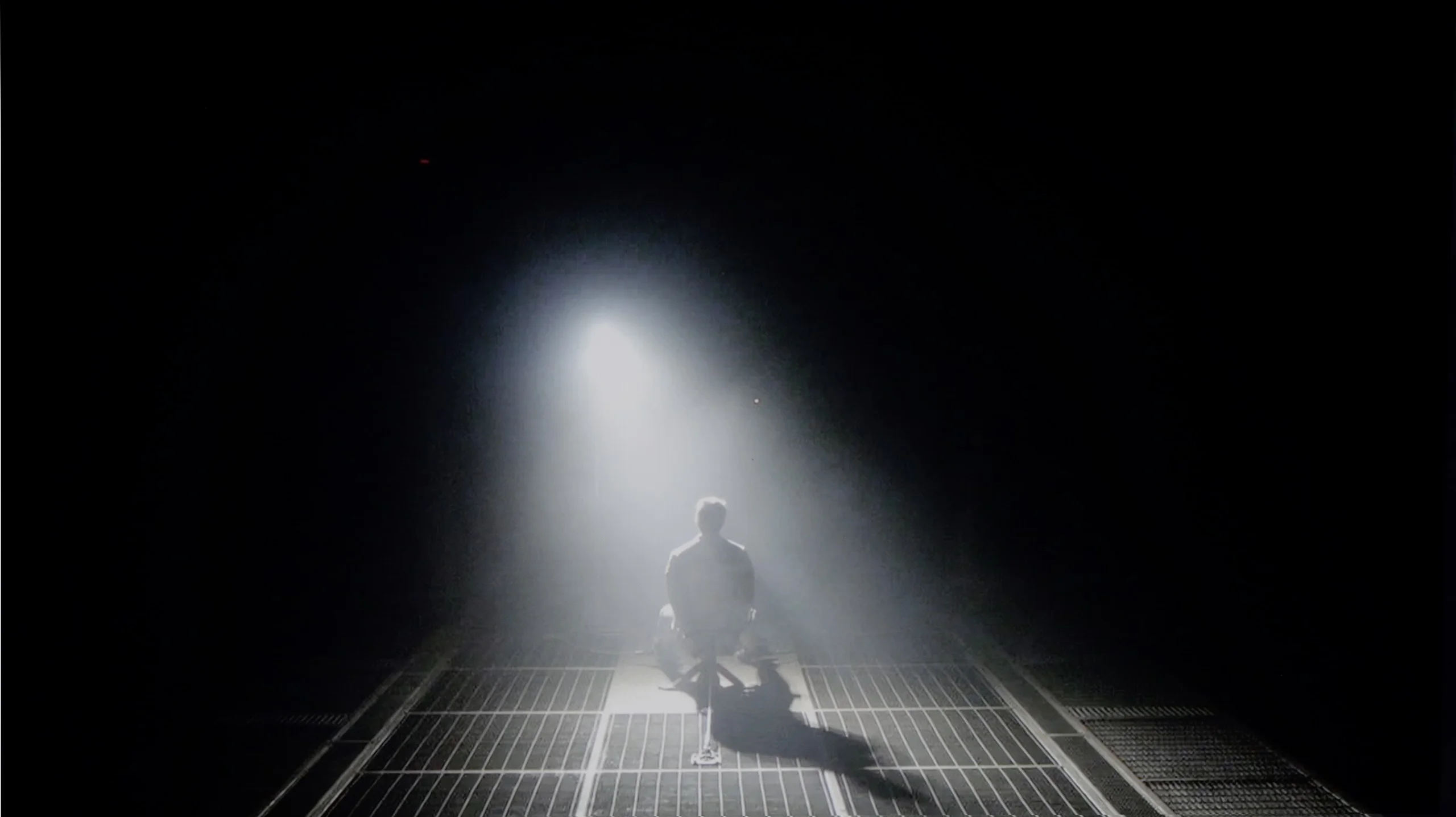
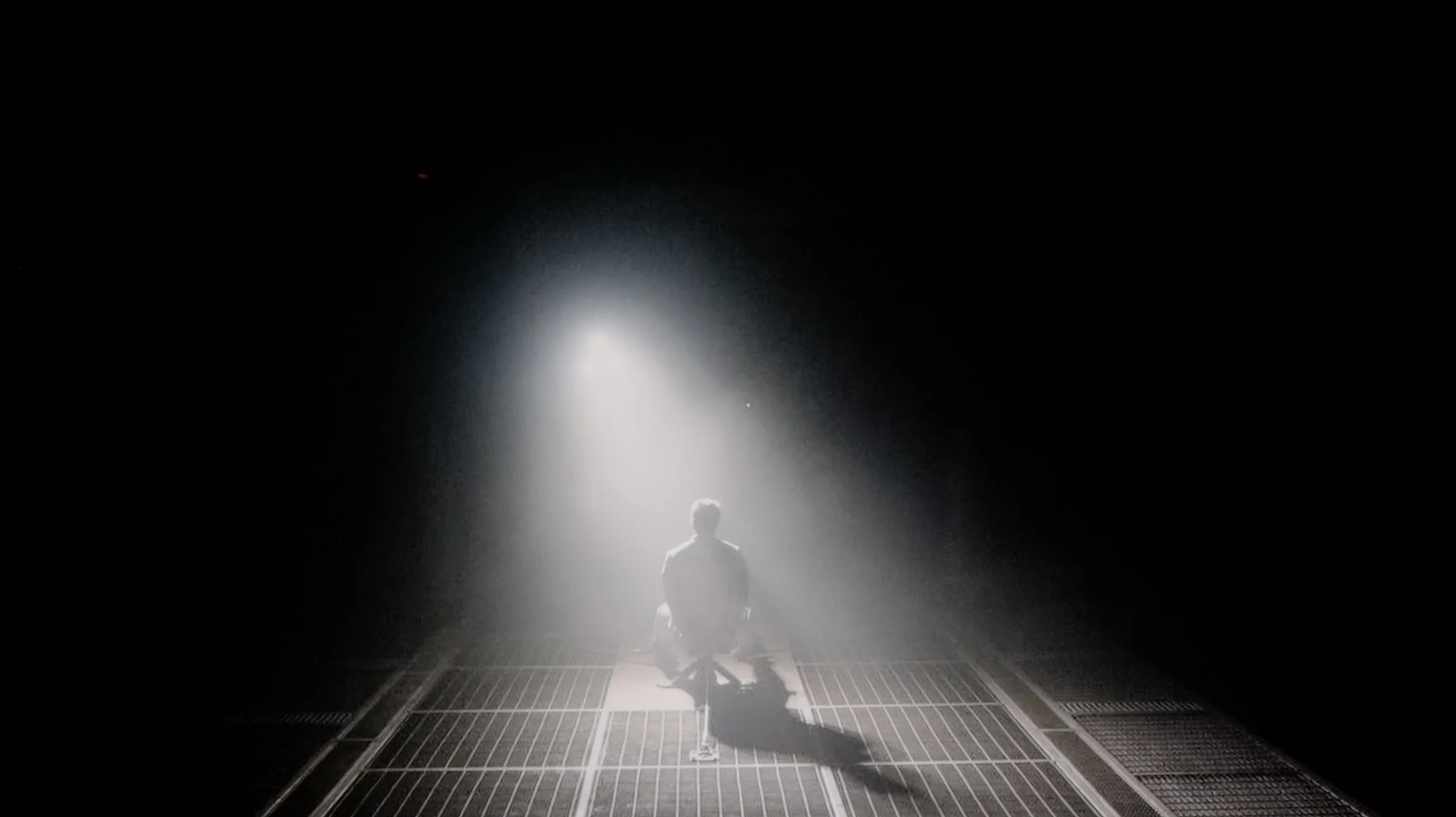
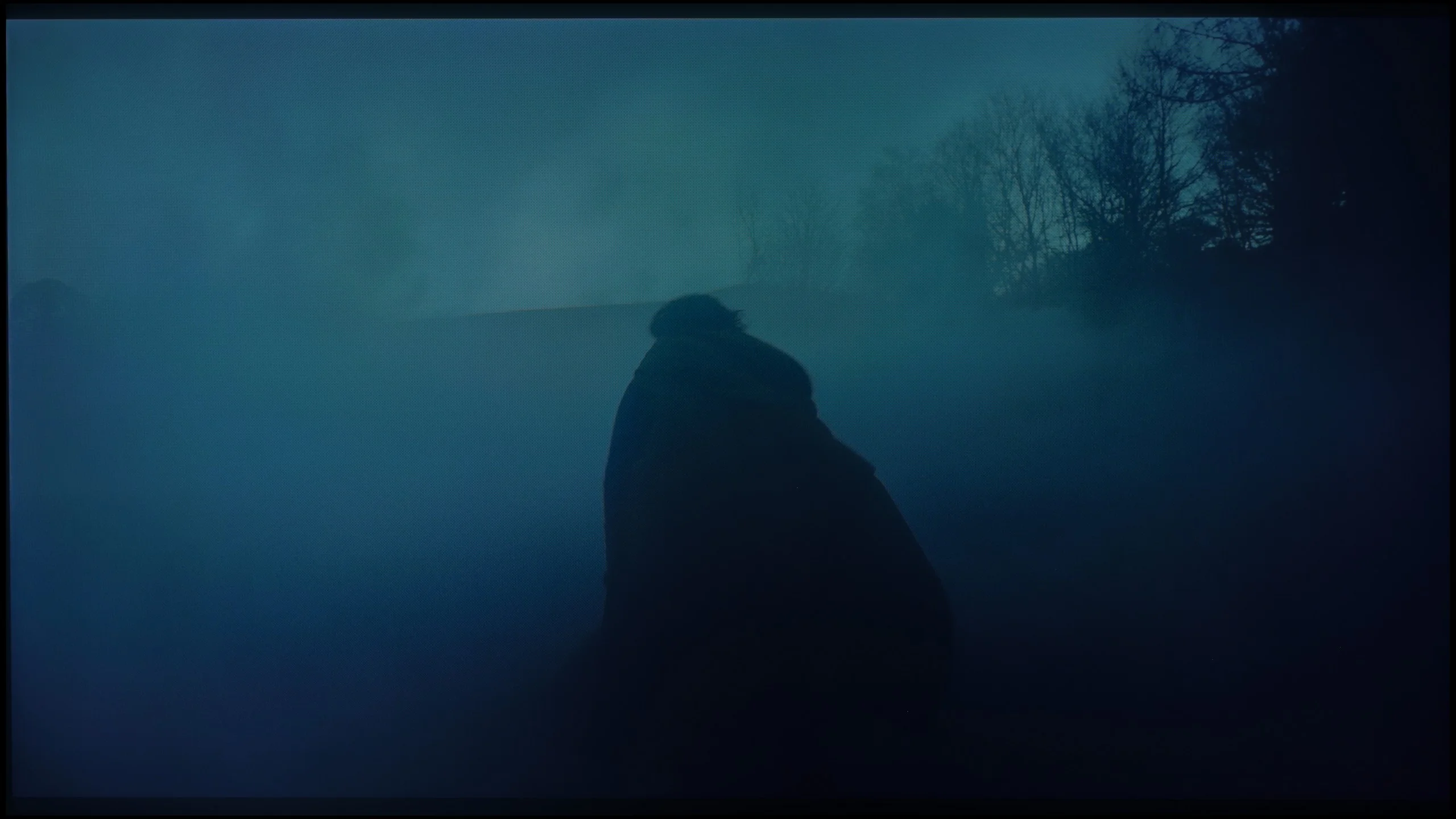
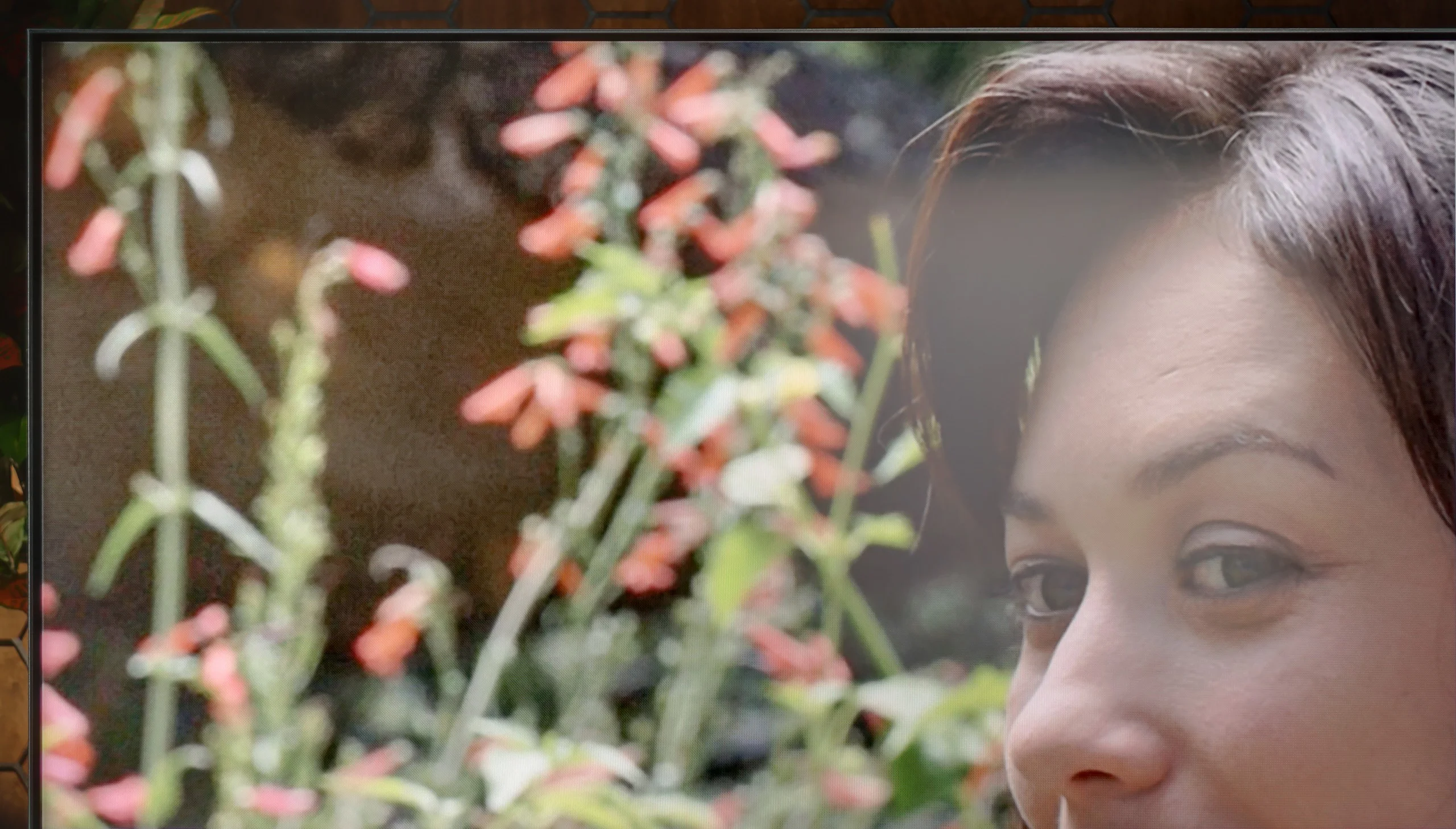
Check the visibility of bright lights on a dark background. Mini-LEDs often struggle with this. The photo does not compare black levels – that’s what the video below is for.

The video accurately shows differences in contrast and black levels between TVs, as well as potential issues: halo around bright objects or Mini-LED zone operation visible as brightness jumps.

QN80F belongs to the NeoQLED family, which are Samsung's TVs based on mini-LED technology. In practice, this means local dimming zones designed to improve contrast and light separation. In the case of the 100-inch version, we have a VA panel combined with around 120 zones – a rather modest result for such a large surface area, though it has to be said that it still translates to noticeably better results than in smaller diagonals. In its best cinematic scenes, the contrast can be really strong – five-digit values are not an exaggeration, and lights separate from blacks in a way that makes a strong impression at first glance. However, you can't fool physics. Given that such a huge screen has to 'work' with a relatively small number of zones, there are moments when the TV struggles with image control. For example, when a multitude of bright, small elements appear on a black background in the film's final scene, you can see halos and blooming around them. This shows that even with a well-crafted algorithm, mini-LED still has its limitations. Generally, though, the contrast can be considered very good, and in everyday viewing, most users will be fully satisfied. Just keep in mind that this model won't provide the absolute black levels known from OLEDs, just like no LCD television will.

We tested the Hisense UR8S in the 65-inch size, and this variant uses a VA panel, so the native contrast is already very good and reaches much higher values than IPS panels. The most important thing, though, is the local dimming. In our unit we counted 936 local dimming zones, and you can clearly see they can significantly help in dark scenes. In films where much of the screen is black, the UR8S performs really well. Blacks are deep, black letterbox bars don't glow navy-blue, and in some shots the effect can even slightly resemble OLED. Of course only slightly, because the difference is still noticeable. You notice it most easily with small, bright elements on a black background. Then a slight halo can appear around the object. It's not large and during normal viewing it shouldn't be very distracting, but it shows we're still dealing with a TV with 936 zones, not a display that can switch off every pixel individually.

HDR effect quality

6.5/10

6/10

Supported formats
HDR10, HDR10+, HLG
HDR10, HDR10+, Dolby Vision, Dolby Vision IQ, HLG
Color gamut coverage
DCI P3: 90.0%, BT.2020: 67.9%
DCI P3: 100.0%, BT.2020: 94.6%

Luminance measurements in HDR:

Review Samsung QN80F 100"  Brightness measurement

Result

1150 nit

Review Samsung QN80F 100"  Brightness measurement

Result

721 nit

Review Samsung QN80F 100"  Brightness measurement

Result

875 nit

Review Samsung QN80F 100"  Brightness measurement

Result

377 nit

Review Samsung QN80F 100"  Brightness measurement

Result

849 nit

Review Hisense UR8S Brightness measurement

Result

1241 nit

Review Hisense UR8S Brightness measurement

Result

269 nit

Review Hisense UR8S Brightness measurement

Result

594 nit

Review Hisense UR8S Brightness measurement

Result

188 nit

Review Hisense UR8S Brightness measurement

Result

1452 nit

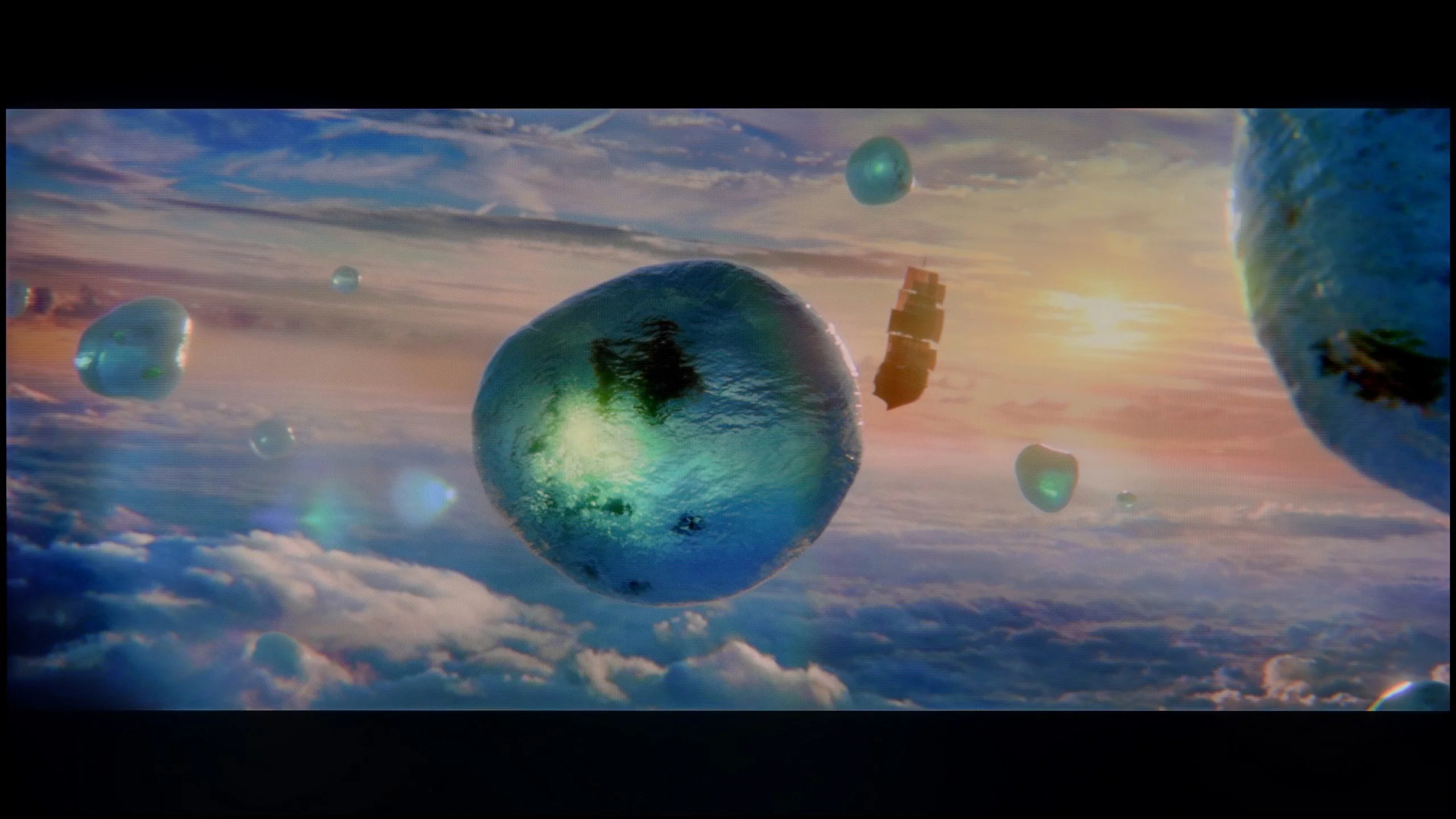
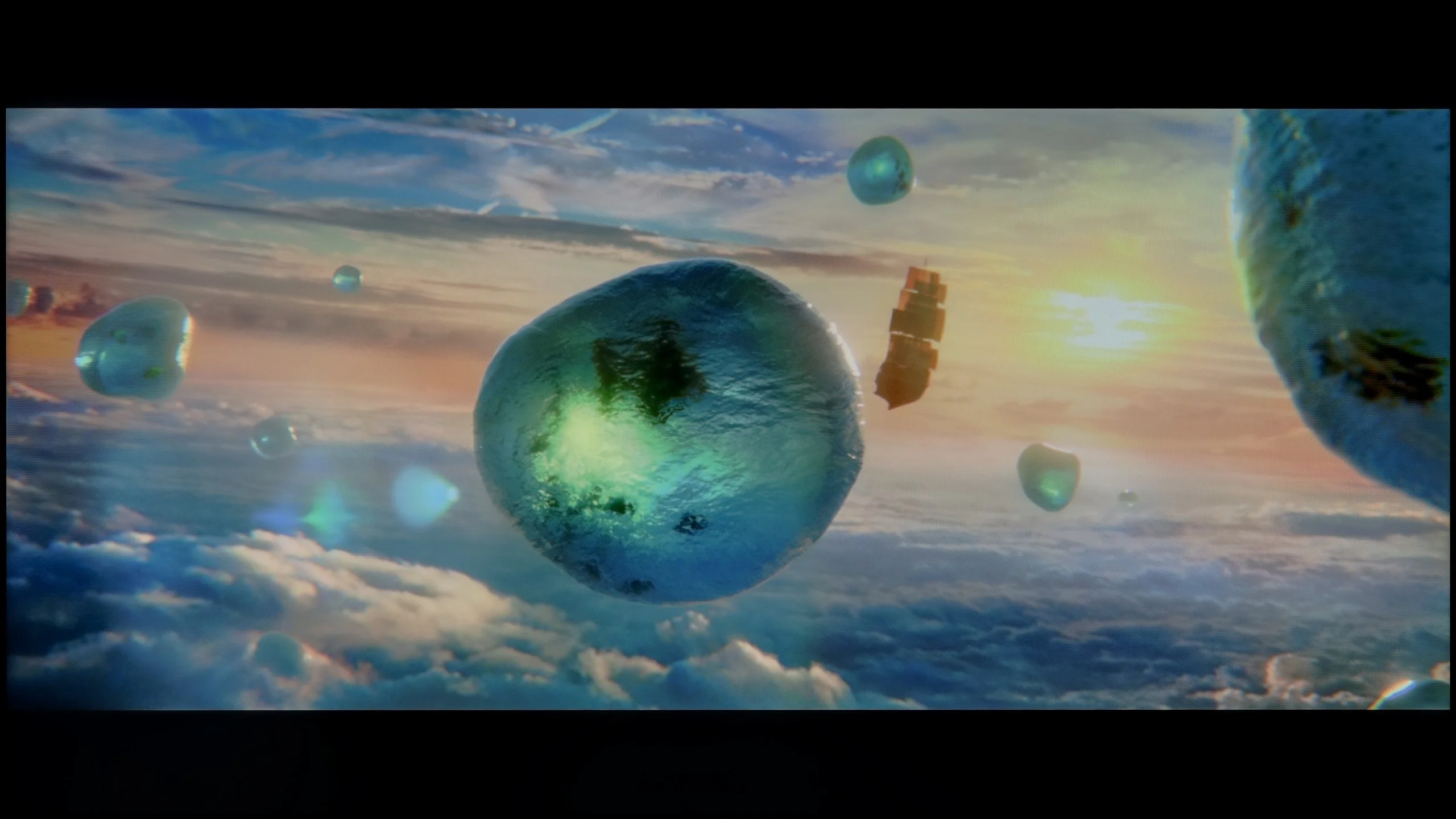
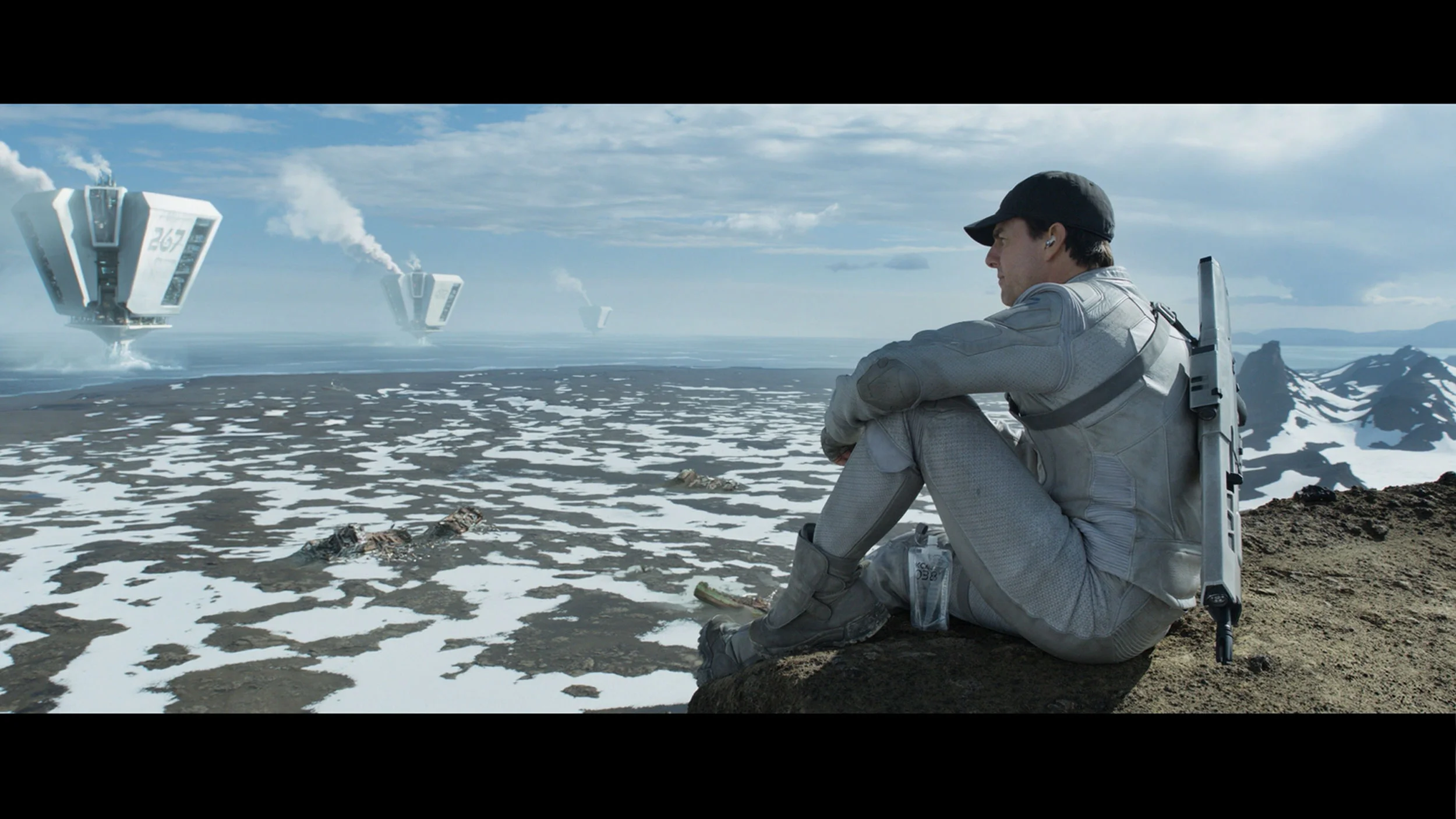
Scene from the movie “Pan” (about 2800 nits)

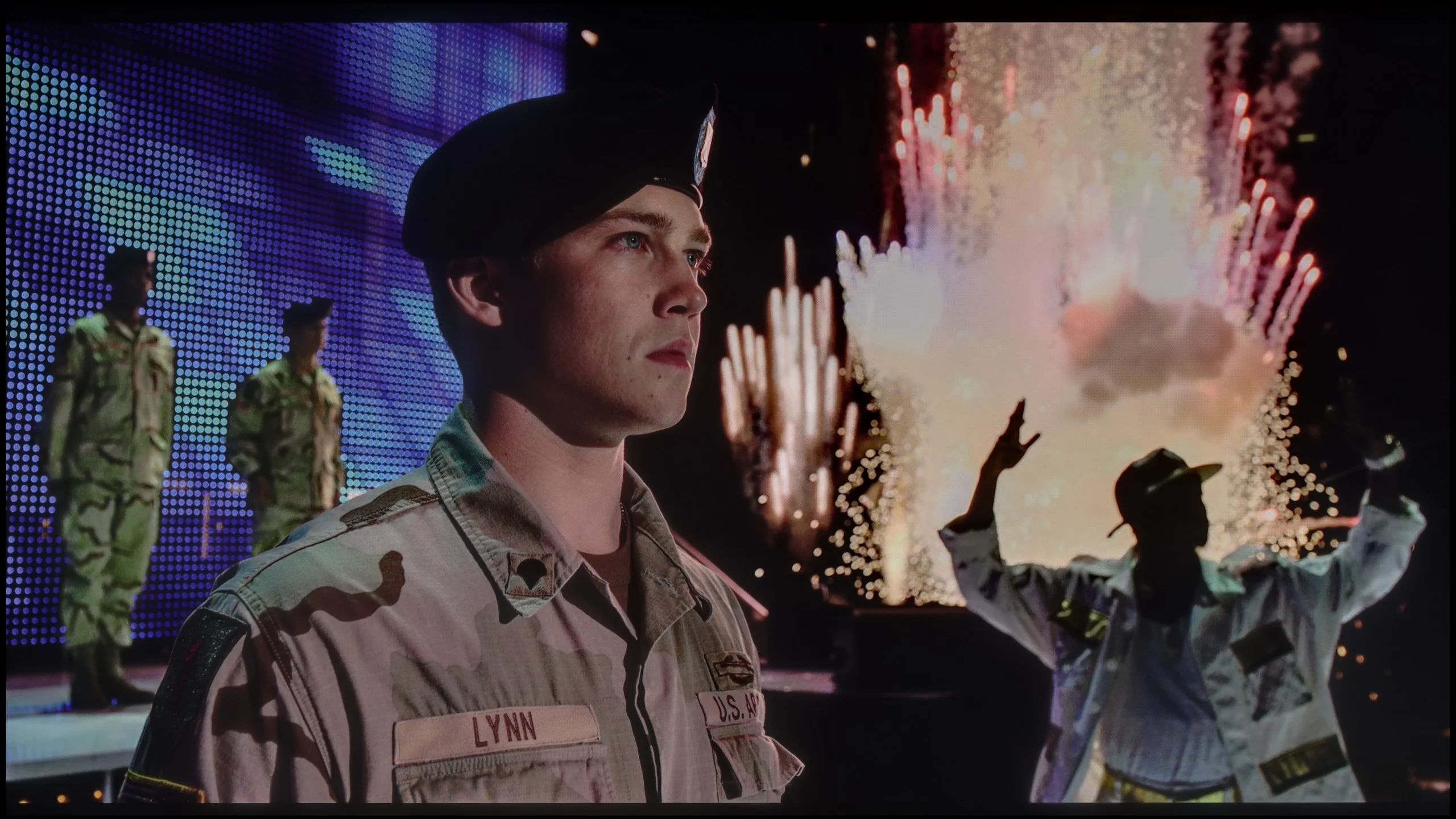
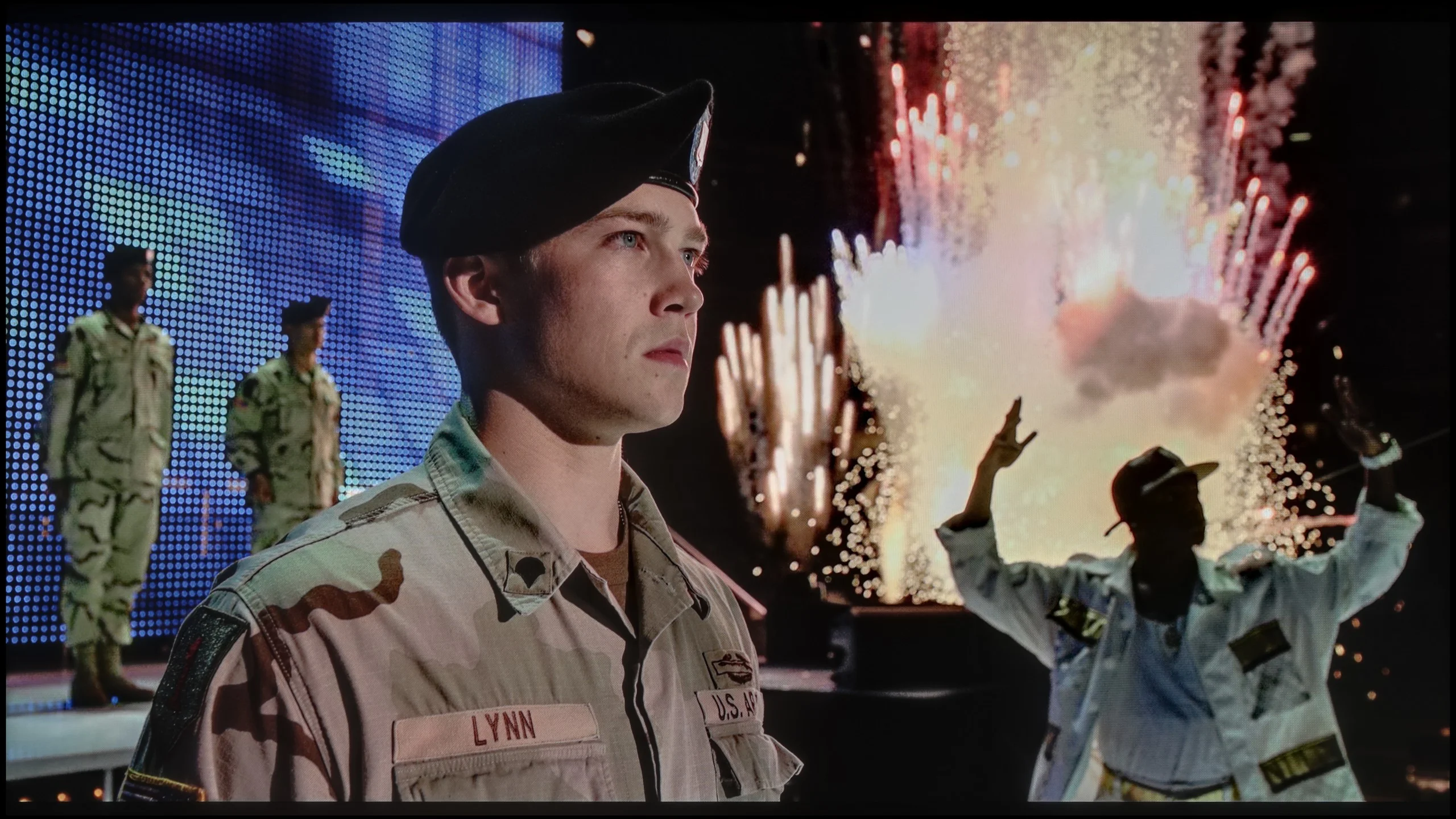
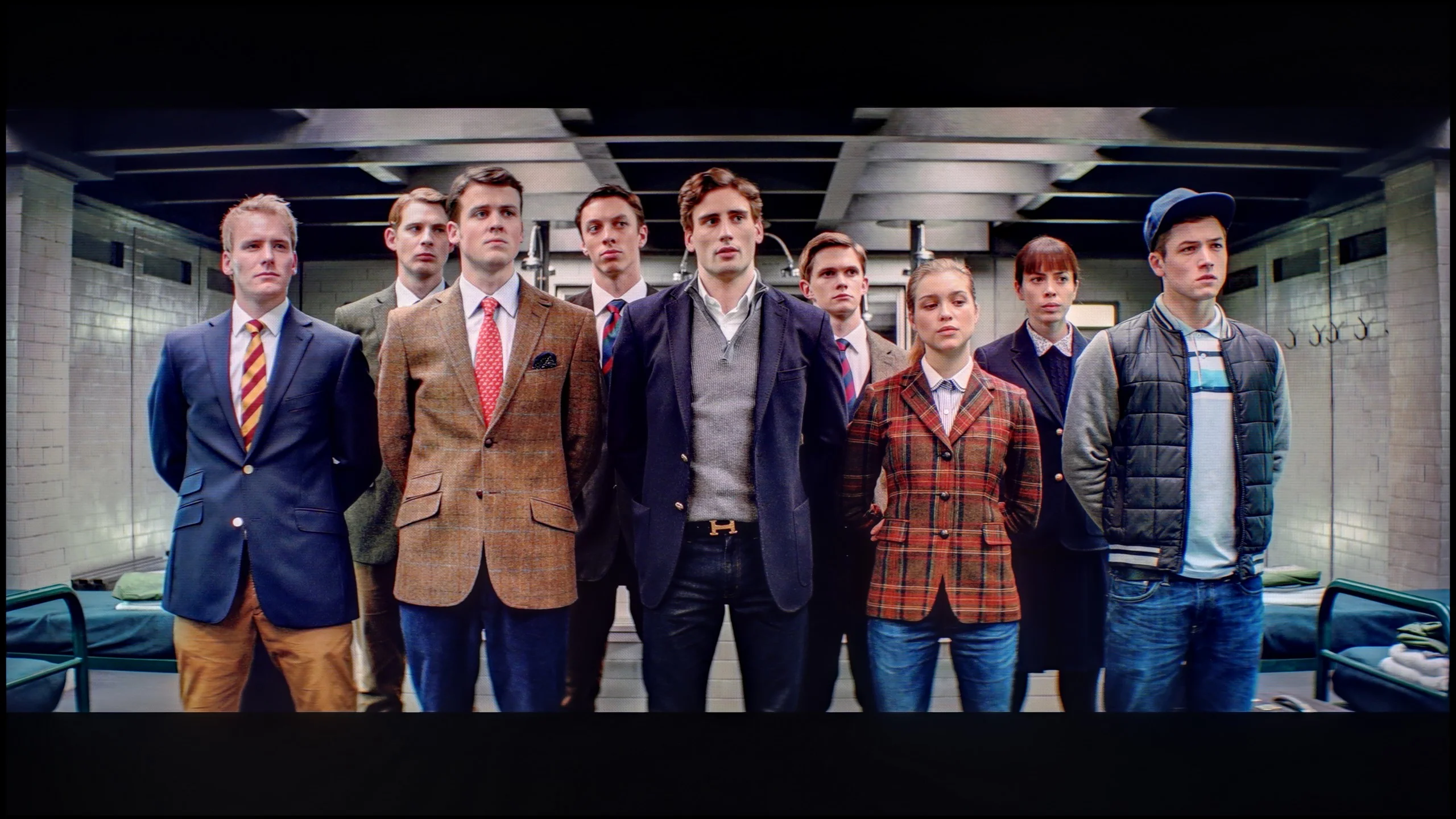
Scene from the movie “Billy Lynn” (about 1100 nits)

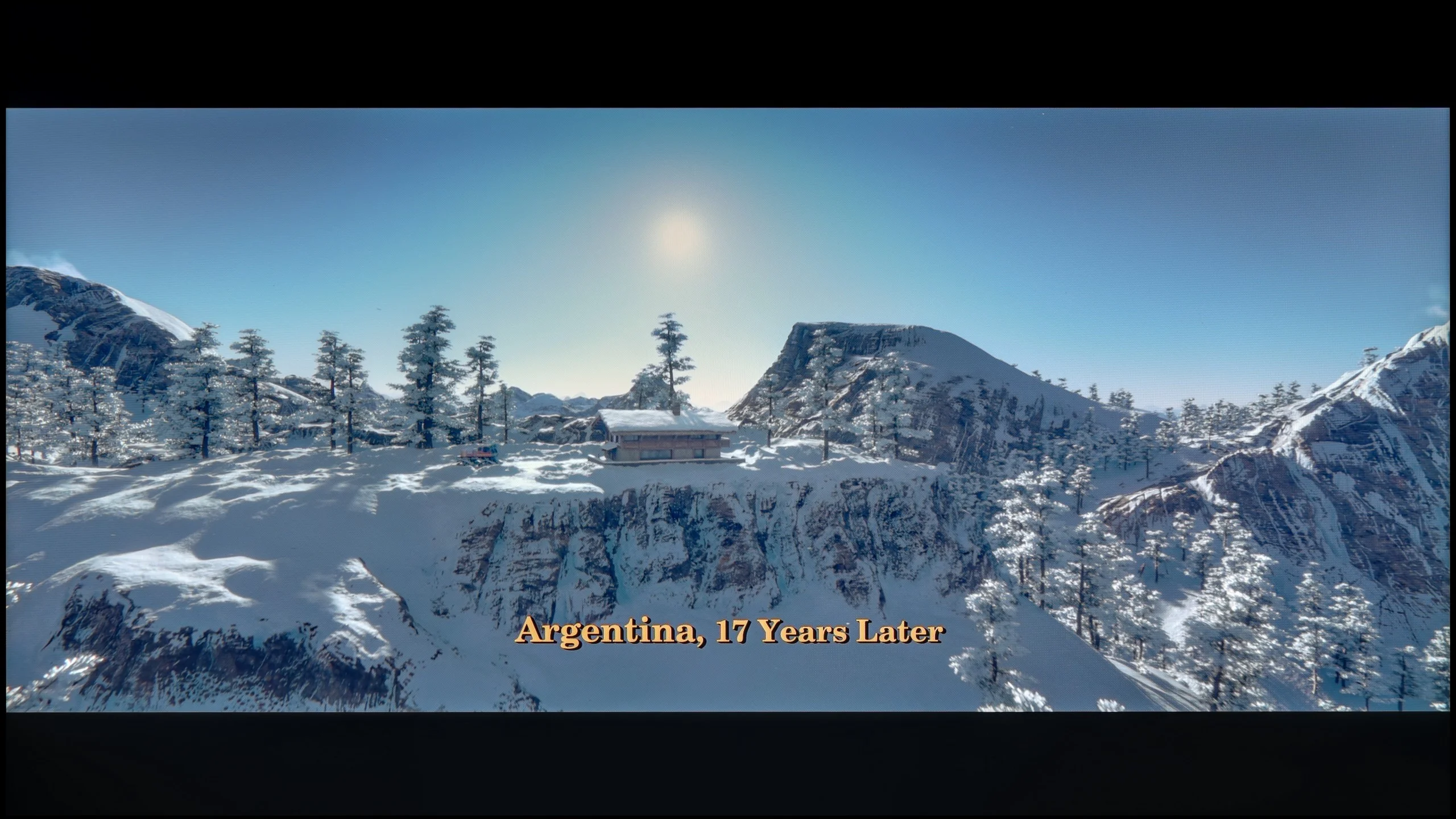
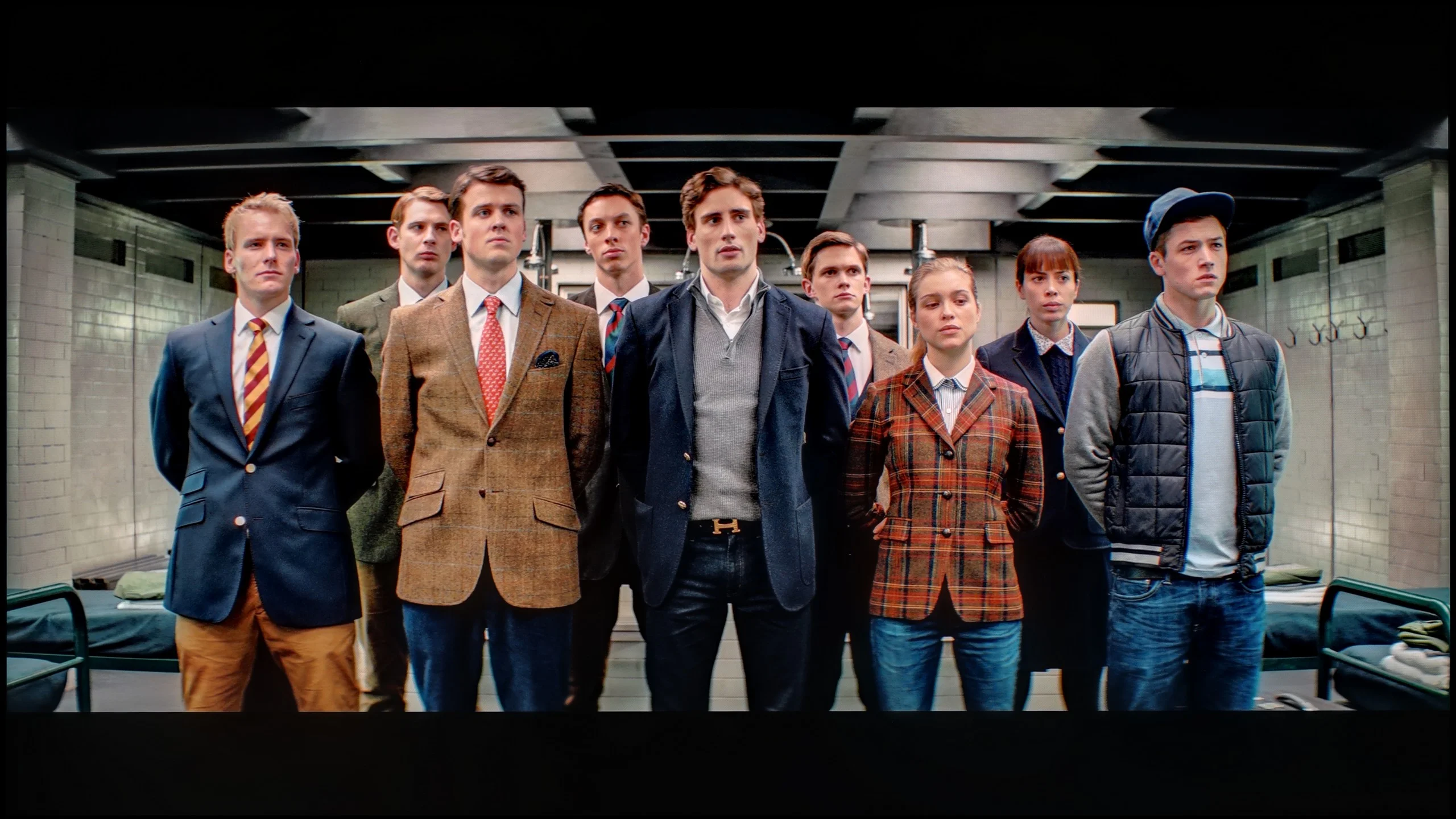
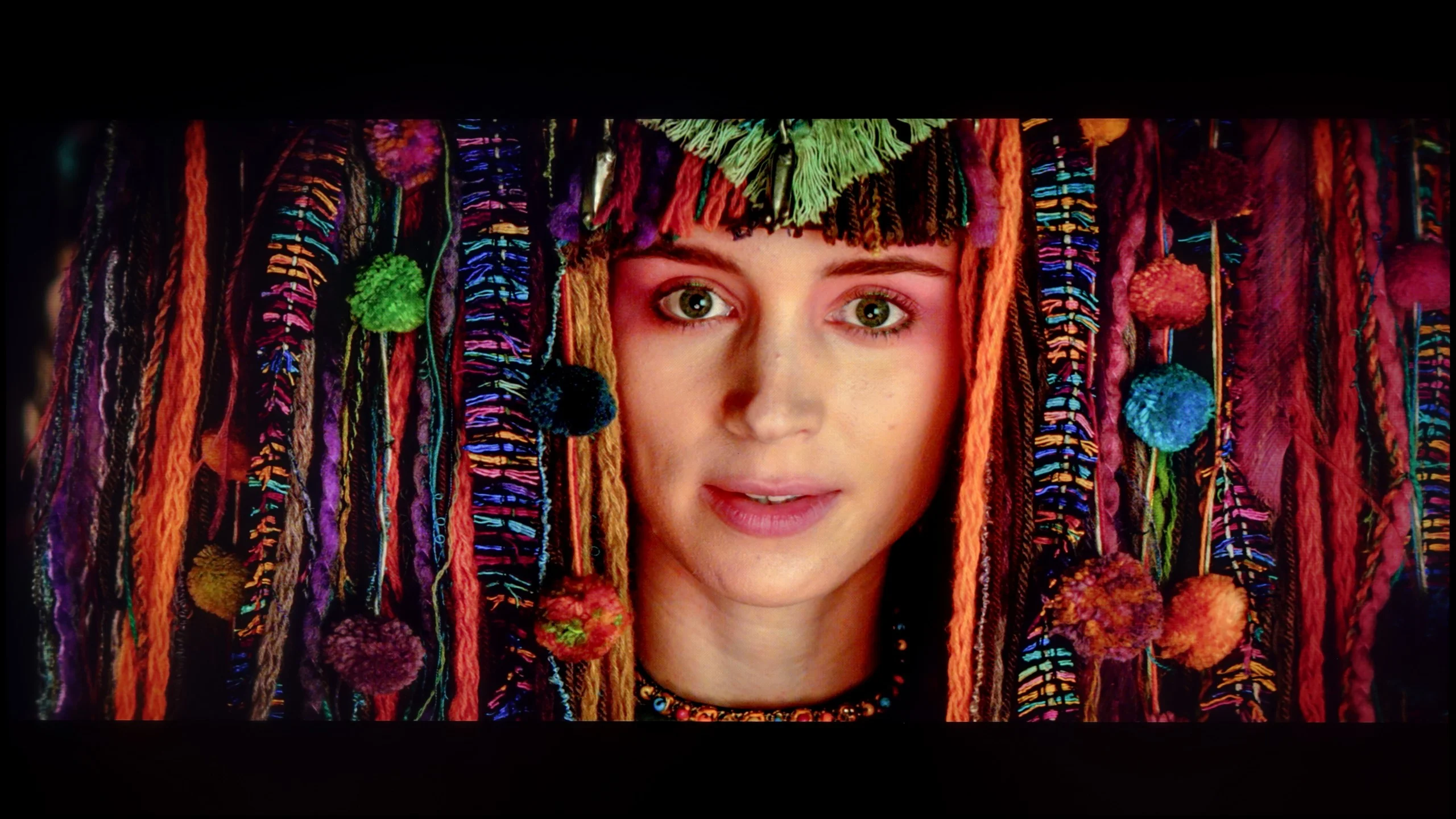
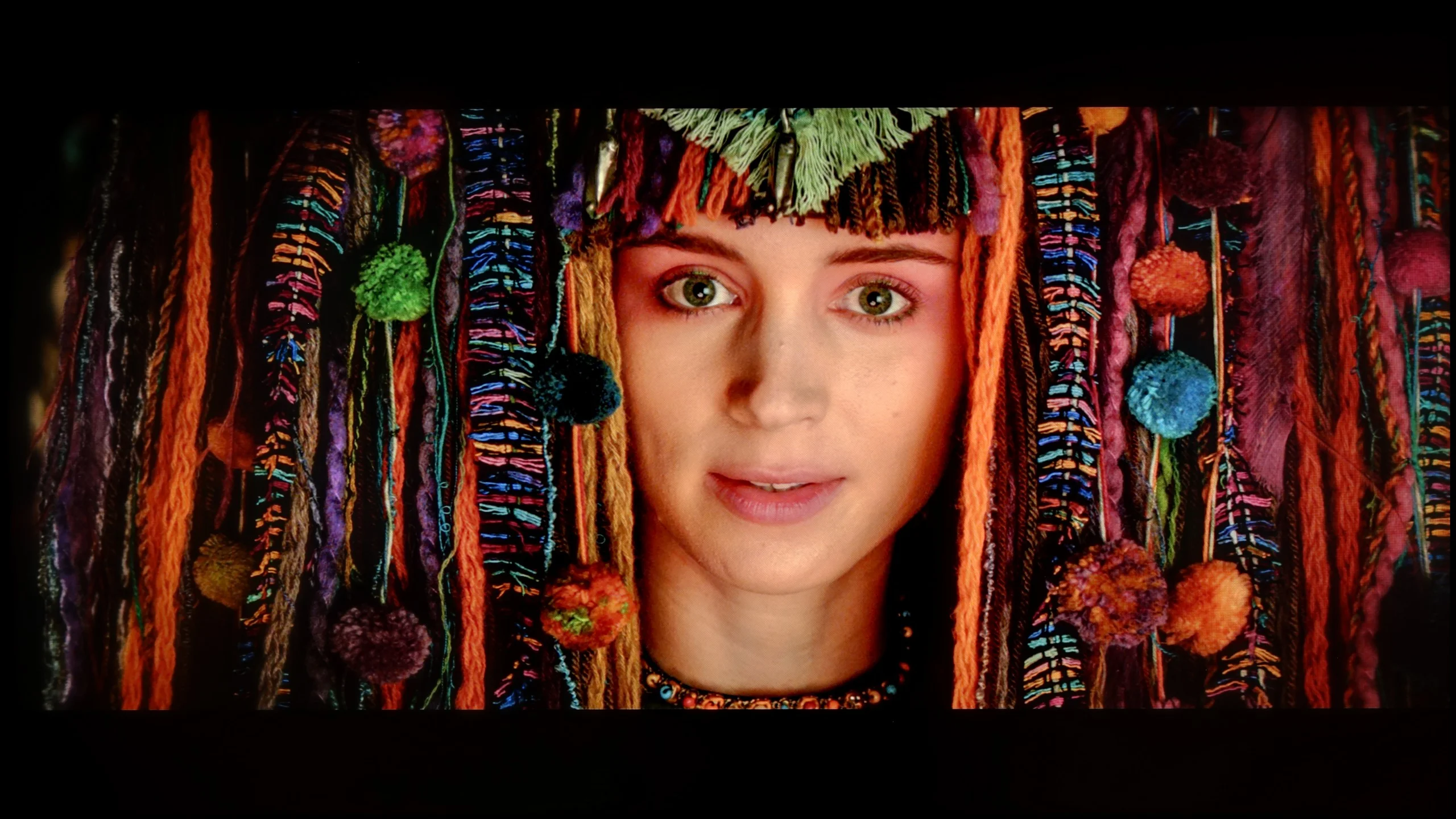
The photos show two HDR10 movies. 'Pan' is one of the brightest productions ever made, while 'Billy Lynn' (soldier) has brightness typical of streaming (Netflix, Prime, HBO MAX). Notice the intensity of effects and detail in whites.

Static HDR10

The photos present the visibility of white details in various HDR formats. They do not show brightness differences between TVs (these can be compared in the previous gallery).

Dynamic: HDR10+

Dynamic: Dolby Vision

The photos present the visibility of white details in various HDR formats. They do not show brightness differences between TVs (these can be compared in the previous gallery).

HDR luminance chart:

Hisense UR8S

Samsung QN80F 100"

When it comes to HDR in Filmmaker mode, the QN80F can make a great first impression. Our lab tests showed that under the best conditions, the TV can achieve brightness exceeding 1200–1300 nits. These are truly remarkable results that make HDR effects in many films look incredible. The TV is simply bright enough that it doesn't have to artificially adapt the image – the bright parts of the scene have the right 'power' and actually look like a light source. Of course, the lab is one thing, and everyday viewing is another. In practice, during film scenes, brightness typically hovers around 700–1100 nits. These are still excellent values that, in most cases, provide a strong sense of realism and make the lights on the screen truly blinding. The problem arises in exceptionally difficult sequences, where, like almost every mini-LED, it reveals its limitations. A good example is Sicario 2: scenes with the helicopter in the night sky look much weaker, and the lights lose intensity, dropping to around 370 nits, making it hard to speak of serious awe. Additionally, there's the issue of colours. Although we are dealing with a QLED, the coverage of the DCI-P3 colour gamut is about 90%. This is a rather average result for a quantum dot TV. In practice, this means that some colours may appear less saturated than we would expect, especially in demanding HDR productions.

UR8S is a higher-end Mini-LED, so you could expect plenty of brightness. Indeed, on a synthetic test pattern peak brightness reached about 2200 nits. That’s a very good result, but as always what the TV does in normal film scenes matters much more. Here the results are a bit more mixed. In bright scenes with lots of light on screen, the UR8S can deliver very strong HDR. Brightness then gets up to around 1500 nits, so the image is very intense and has a lot of punch. It’s worse with small bright elements on a dark background. The TV noticeably dims them to preserve deep blacks and avoid excessive blooming. As a result, things like single stars or small specular highlights can be only around 200 nits. And here HDR is no longer as impressive. So the local dimming algorithm works effectively, but it comes at a cost — sometimes it sacrifices the brightness of small details too much in favour of contrast.

Colours

For RGB Mini-LED TVs, colours should be evaluated a little differently than usual. If we look only at the panel’s capabilities, the UR8S performs excellently. We measured about 94% coverage of BT.2020 and virtually full DCI-P3. Those are among the highest figures currently seen in LCD TVs, and this is where the potential of the RGB backlight is most apparent. The problem is that this potential isn’t always used in real scenes. When we ran the same measurements on patterns overlaid with a film-like background, saturation of some colours started to fall noticeably. Individual zones can’t always control the three RGB components with the same precision when the scene becomes more complex. It’s most noticeable with blue and magenta. On simple test patches they can look very strong, but in tougher scenes samples of those colours clearly shrink. In other words, the UR8S has huge potential, but the TV can’t always take full advantage of it in every scene.

Factory color reproduction

6/10

5.1/10

This gallery shows how colors change after professional TV calibration. If you notice the difference, we recommend ordering this service at SkalibrujTV.com.

Factory Mode

After calibration

This gallery shows how colors change after professional TV calibration. If you notice the difference, we recommend ordering this service at SkalibrujTV.com.

Factory Mode

After calibration

Samsung QN80F performs best in Filmmaker mode, which is designed to faithfully reproduce the creators' intentions. And indeed – this is the mode where the TV shows its potential. But let's not fool ourselves, it’s far from perfect. In SDR content, a significant issue emerged with white balance. Slight deficiencies in green and a clear excess of red caused the screen to take on a pinkish hue. You don't even need measuring tools to notice this – in everyday viewing, the subtly shifted colour palette could be quite noticeable, and in colour checker tests, the colours nearly "jumped" outside their reference fields. With HDR content, the situation looked a bit better, as the white balance was closer to ideal, but another problem emerged – brightness management. The EOTF curve often caused the image to become too bright, which spoiled the impression of contrast, and in dynamic scenes, it led to a slight "flicker" in perception. We've actually mentioned this before in the sections about black levels and HDR. The good news, however, is that Samsung provides plenty of tools for improvement. The QN80F allows for very detailed calibration, including a 20-point white balance. And since the manufacturer has left us with so many options, we decided to see how the TV would perform after a solid correction.

For evaluating the factory colours we used Filmmaker mode, which is supposed to show the image as close as possible to how the content was prepared. And if you look at the white balance alone, the UR8S performs quite well. There’s no strong tint that immediately jumps out, although as brightness increases a bit too much blue and red start to appear, with a corresponding lack of green. Colour errors are therefore visible in measurements, but the image itself doesn’t look bad.

We have much bigger reservations about how the UR8S manages image brightness. In SDR the gamma stays around 1.9–2.0 for most of the range instead of the target 2.4. In practice this simply means the image is too bright, especially in the midtones. Shadows are lifted too much, so the picture loses some depth. A similar tendency is visible in HDR. The EOTF curve sits above the reference value for a large part of the range, so the UR8S again brightens the image more than it should. This isn’t a case of the TV lacking brightness, because it has plenty, but of how it manages that brightness. As a result, HDR material can look very striking, but not always exactly as it should.

Color reproduction after calibration

8.3/10

7.5/10

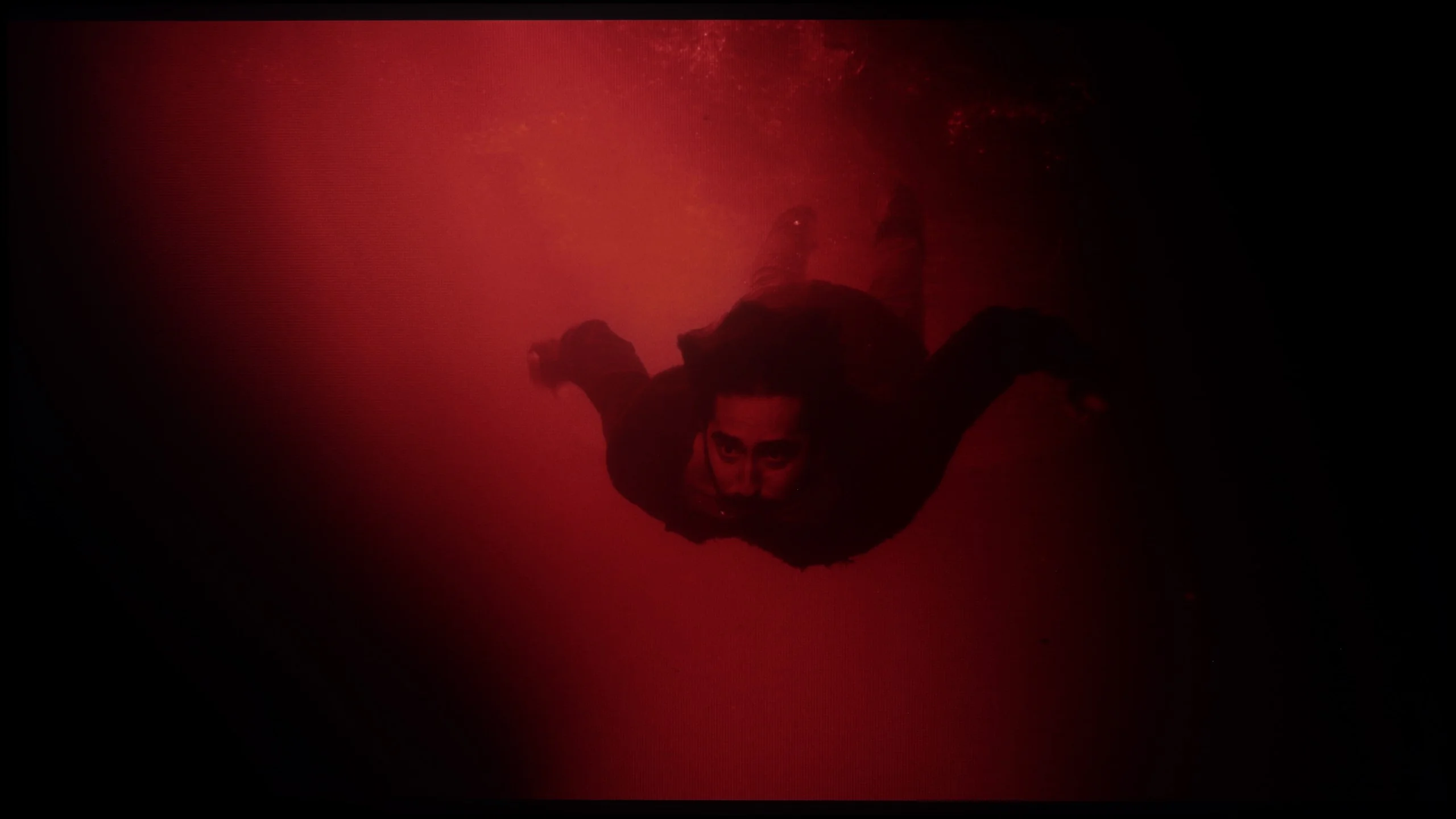
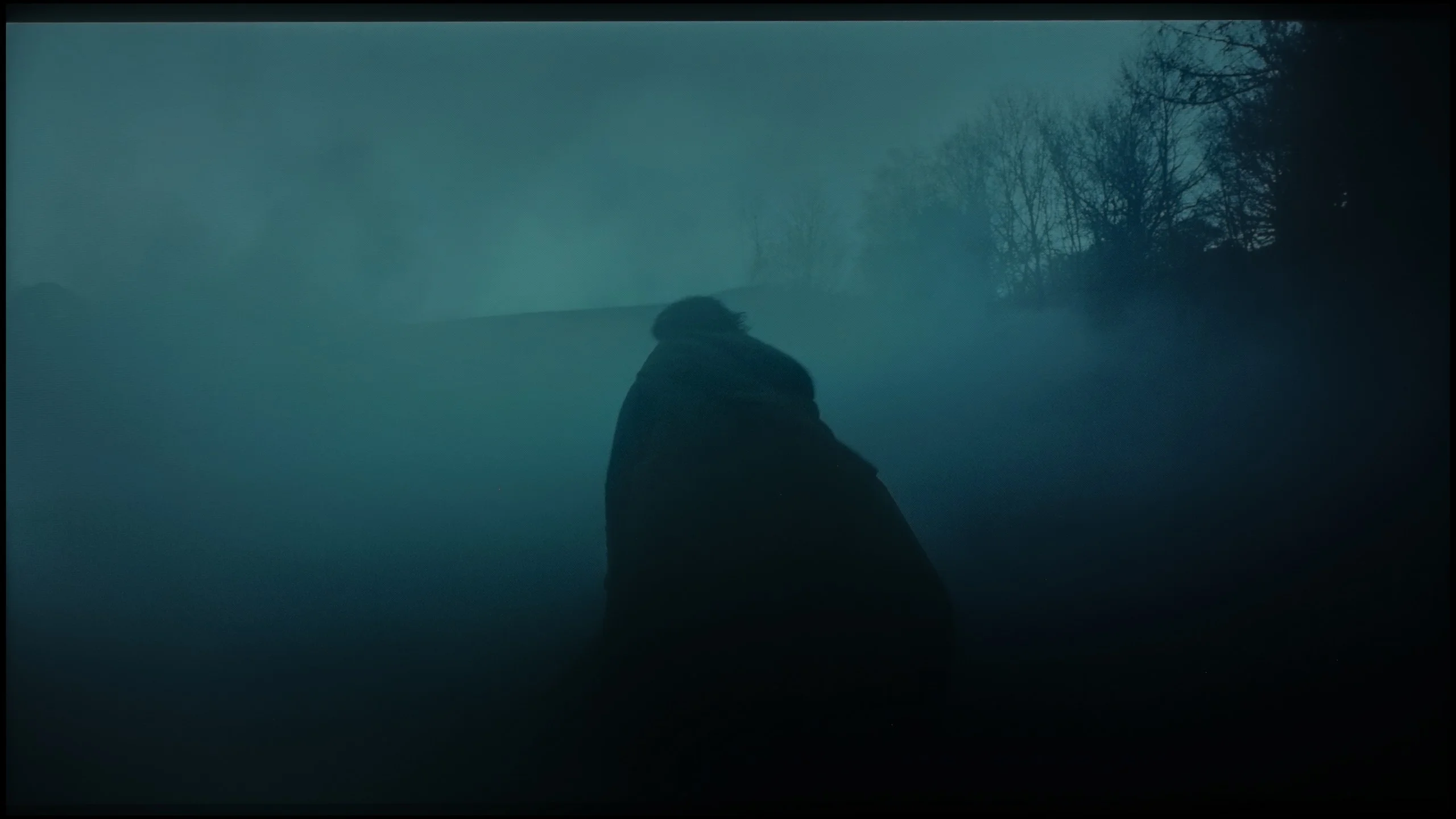
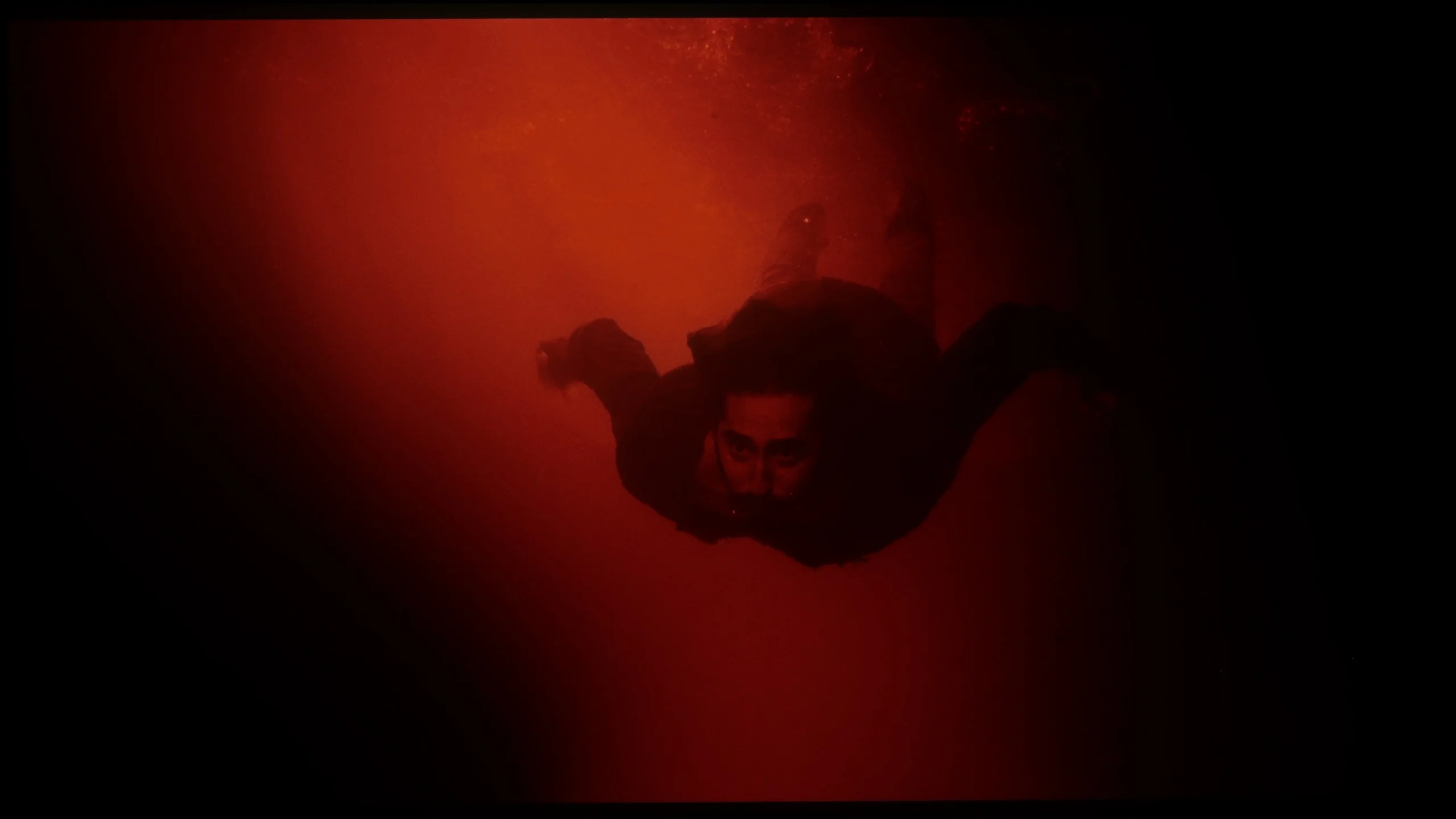
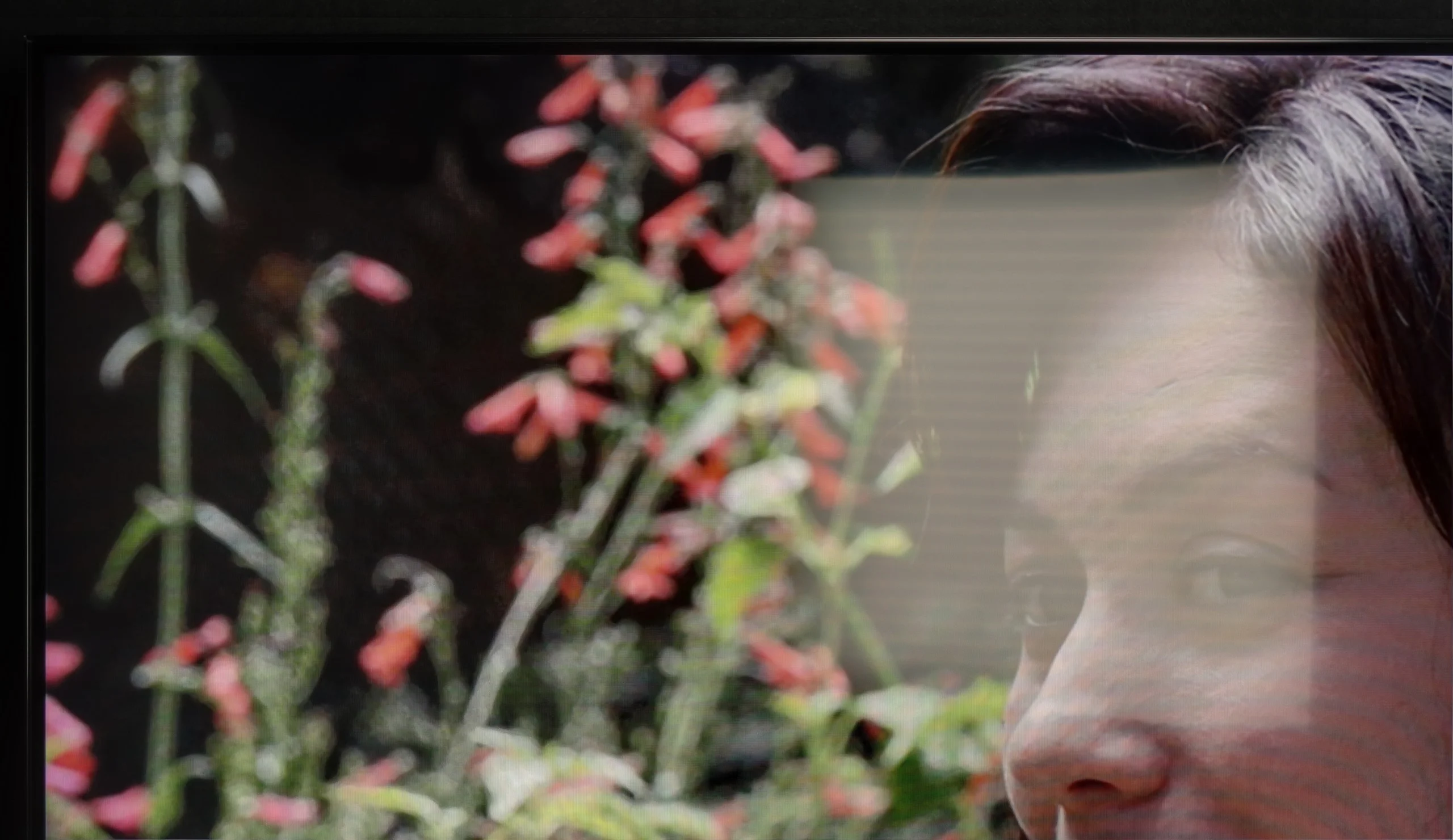
The photos show how movies look on the TV. Pay attention to black detail visibility, colors, and shadow tint.

The photos show how movies look on the TV. Pay attention to black detail visibility, colors, and shadow tint.

After calibrating the QN80F, it immediately showed that it has much more to offer. The pink hue that used to spoil the viewing experience has disappeared, and the white balance finally looks as it should – natural and without excessive deviations. The colours have gained depth, and the image has become more saturated and coherent, making movies simply more enjoyable to watch. It's a bit like taking a light mist off the screen – suddenly everything appears sharper and clearer. Brightness management has also improved. The TV no longer gets lost so easily in dynamic changes, and the EOTF graph shows that the curve tracking is significantly more stable. Of course, there are no miracles – the limited number of zones still means that small, bright elements can be slightly washed out, but that's just a result of the design rather than the settings. After this adjustment, the QN80F feels like a more mature piece of equipment, and watching movies finally provides the satisfaction expected from even a higher-end television.

Hisense offers quite a lot of calibration options, and in SDR you can achieve a really good result with them. After adjustment the white balance is practically even across the whole range, and colour errors fall to very low values. The UR8S can be set very precisely here. HDR looks a little different. The white balance can also be noticeably improved, although at the highest brightness levels larger deviations start to appear. Most interesting, however, is the behaviour of the EOTF curve. Even after correctly setting it on test patterns, the UR8S can still interpret brightness in its own way when watching films. Depending on the scene, parts of the picture are slightly brightened and others darkened compared with how they should look. This shows that the algorithms controlling the backlight have quite a large influence on the final image. Calibration therefore allows colours to be improved very well, but we are not able to completely 'turn off' the way the UR8S manages brightness in HDR.

Smoothness of tonal transitions

9/10

9.3/10

These are selected scenes that show smooth tonal transitions from one color to another. If you see distinct banding, it’s the TV panel’s fault.

These are selected scenes that show smooth tonal transitions from one color to another. If you see distinct banding, it’s the TV panel’s fault.

These are selected scenes that show smooth tonal transitions from one color to another. If you see distinct banding, it’s the TV panel’s fault.

These are selected scenes that show smooth tonal transitions from one color to another. If you see distinct banding, it’s the TV panel’s fault.

In terms of the fluidity of tonal transitions, meaning the blending of colours into one another, the QN80F performs really well. The colour gradients are smooth, the image doesn't break into artificial bands, and the sky or vast shaded surfaces look as they should – without strange patches or interference. It particularly excels in scenes with dark tones, where many televisions can struggle and produce ugly artefacts. Here, everything remains coherent and clear. Admittedly, in the brightest areas, you might occasionally notice slight banding, but that's a detail that only very demanding viewers, analysing the image frame by frame, would pick up. In everyday use, there's practically nothing to complain about. The QN80F gives a sense of confidence that tonal transitions won't be a distraction.

Tonal transitions on the UR8S perform really well. In most scenes colours shift between successive shades practically without any visible steps or banding. This applies to both darker and lighter parts of the picture. Only in very extreme shades of grey can you notice small imperfections. It's a bit worse with Dolby Vision. In the same scenes faint banding is easier to spot, especially in the darker parts of the picture. It's still good, but because of that difference the rating is slightly lower.

Image scaling and smoothness of tonal transitions

7.5/10

8/10

Image without overscan on the SD signal
No
OK
Smooth transition function
OK
OK

Smooth transition function

The match photo shows how the TV smooths weak tonal transitions in low-quality video.

Image scaling SD (576i)

The model photo shows how it handles upscaling of SD material.

With lower quality materials, such as YouTube videos or older television recordings, the QN80F can show both its strengths and weaknesses. If strange colour transitions or artefacts start to appear on the screen, it's worth reaching for the noise reduction feature. The best setting is at the "medium" level – it smooths out problematic segments while not blurring the entire image. However, one compromise must be kept in mind: this feature always removes film grain. If someone enjoys its presence in older productions, it's better to leave the reduction off, as regardless of the setting, the grain simply disappears.

Resolution scaling, or upscaling, is another strong point for Samsung. The QN80F may not be the best television on the market, but it performs very well in its price class, which is crucial for such a large size as a 100-inch screen. Even low-quality materials can gain a second life – the image becomes sharper, more readable, and overall, much more pleasant to view. A weak point remains overscan, which is slight cropping of edges in very low resolutions (e.g., 576p), something that has been a longstanding issue for Samsung. Fortunately, in everyday viewing of HD and 4K content, this is practically of no significance anymore.

The big plus of the UR8S is its use of the MediaTek Pentonic 800 processor, and digital image processing is one of this model’s stronger points. The TV handles smoothing tonal transitions very well, especially with poorer-quality material. The feature responsible for this effect works effectively without overprocessing the picture. Even on a medium setting it can noticeably reduce visible banding and artefacts without heavily blurring details. Upscaling itself also performs very well. Lower-resolution content is displayed cleanly, edges look natural, and the image isn’t over-sharpened. The UR8S simply copes very well with weaker signals, and in that respect it’s one of its clear strengths.
Blur and motion smoothness

7/10

7.8/10

Maximum refresh rate of the panel
144Hz
180Hz
Film motion smoothing option
OK
OK
Blur reduction option
OK
OK
BFI function 60Hz
Yes, 60Hz (image flickers)
Yes, 120Hz (double contours)
BFI function 120Hz
No
Yes, 240Hz (double contours)
Brightness drop with BFI
69%
69%

Blur (native resolution, maximum refresh rate):

Blur (BFI function enabled):

Image flickers in this mode

Blur (4K@144Hz):

Blur (1080P@340Hz):

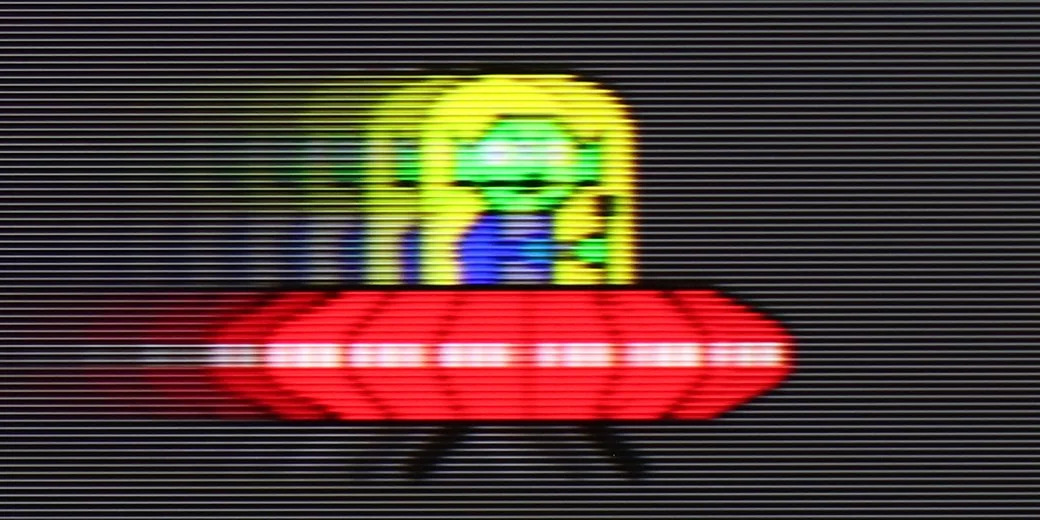
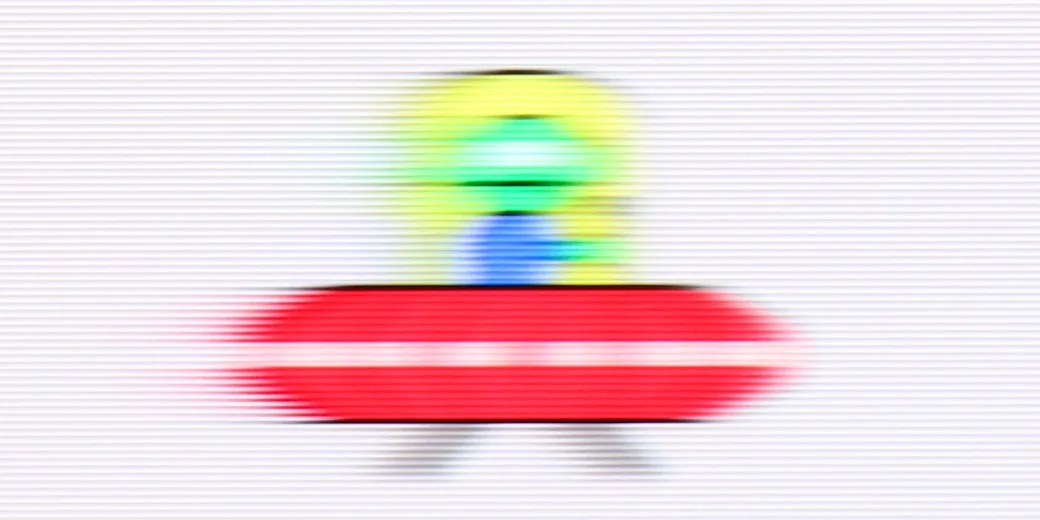
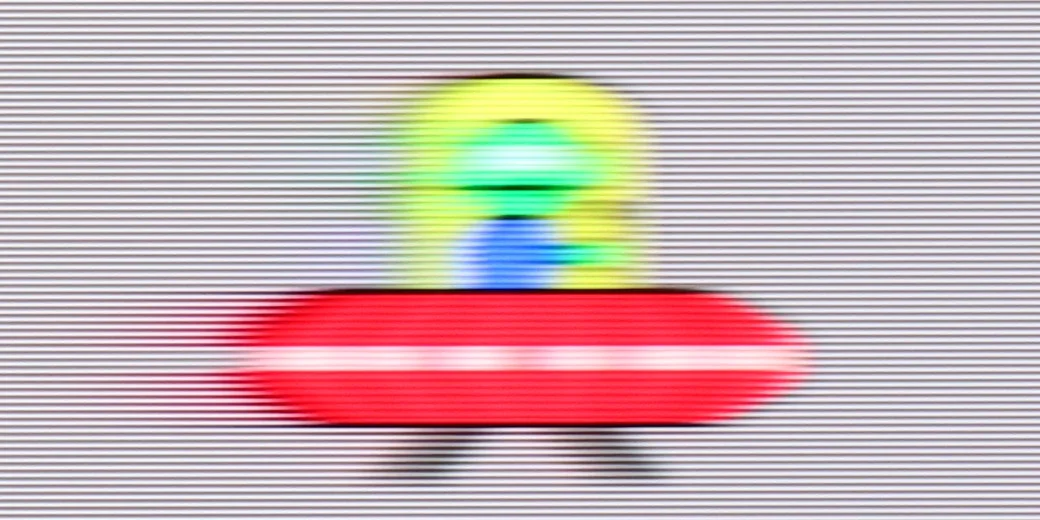
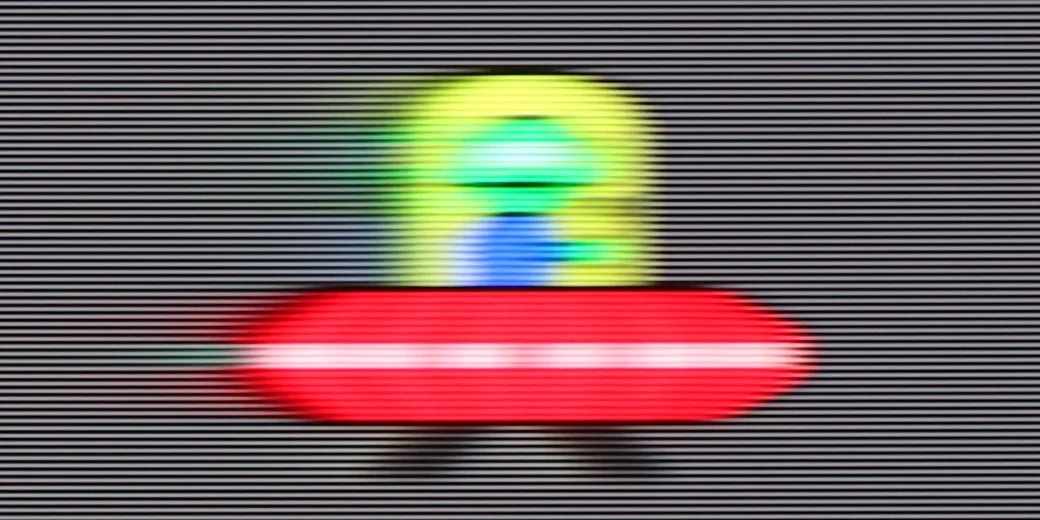
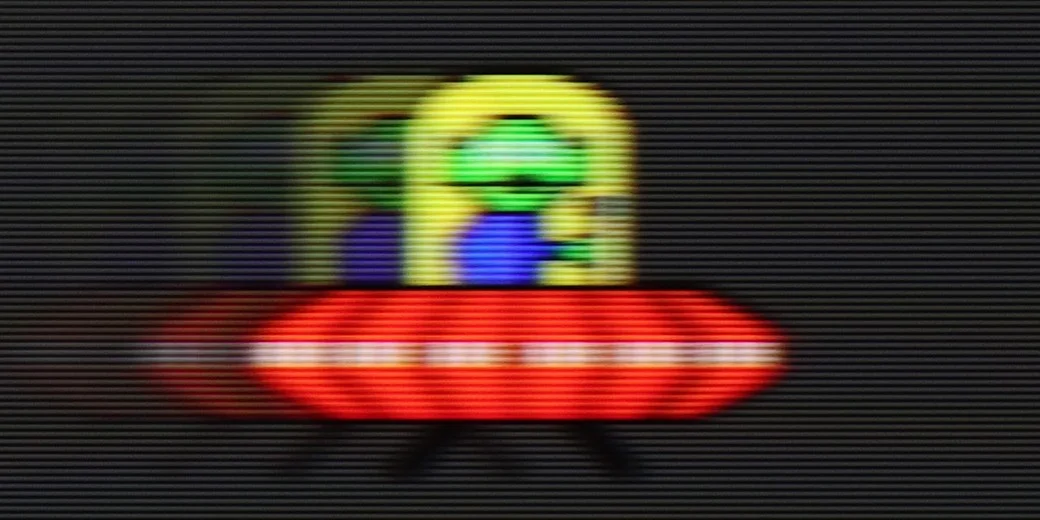
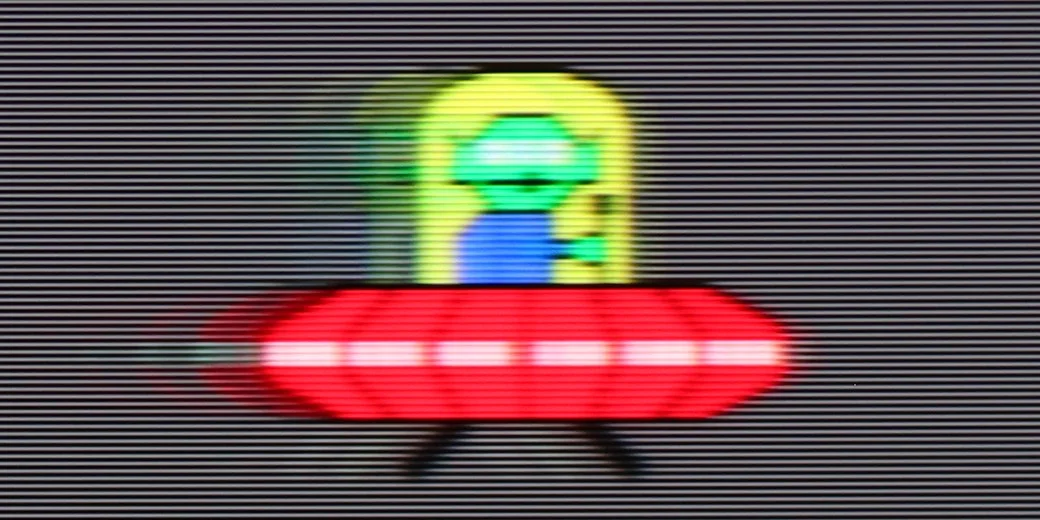
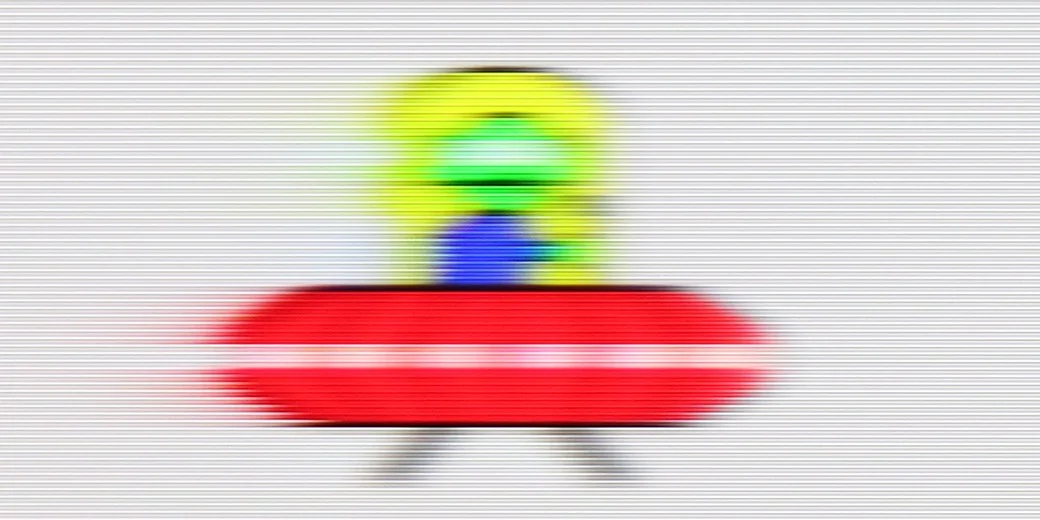
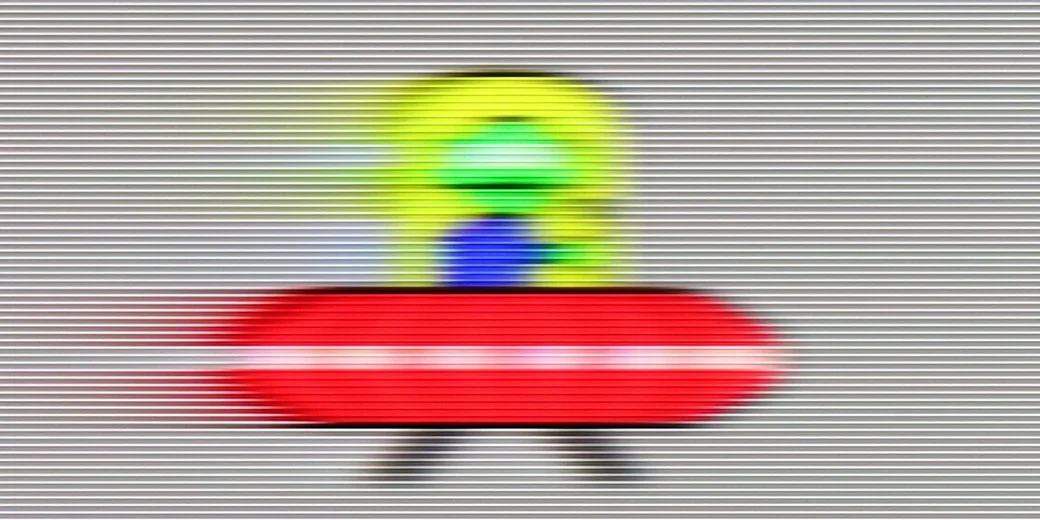
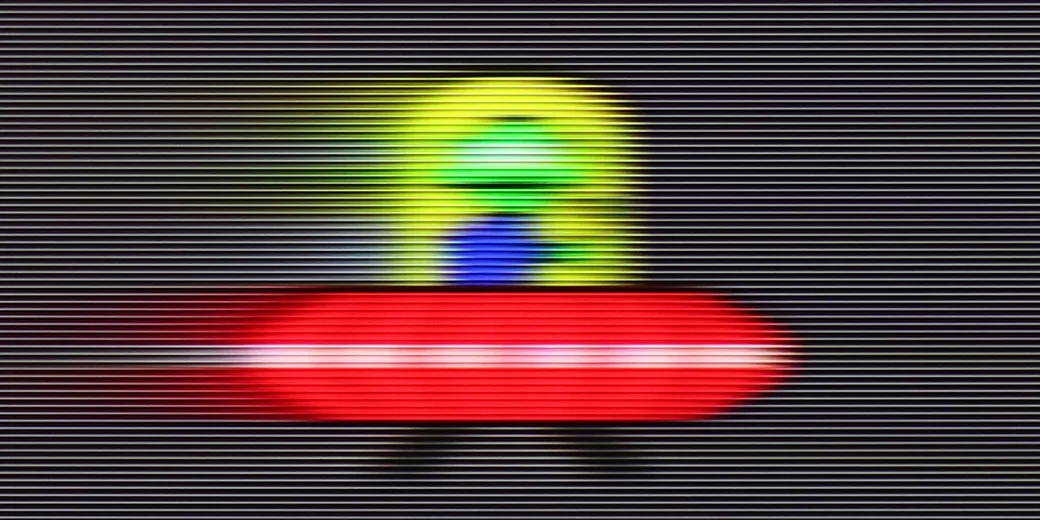
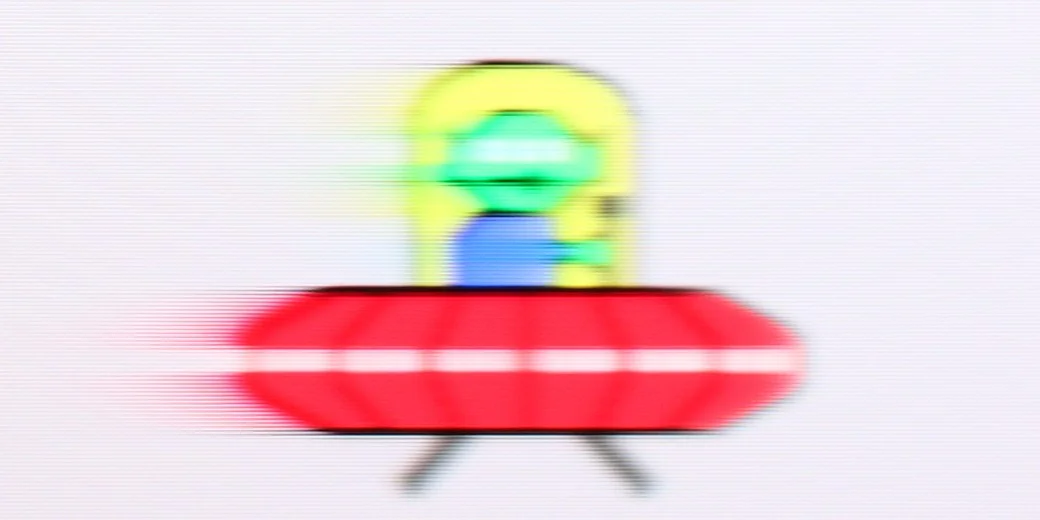
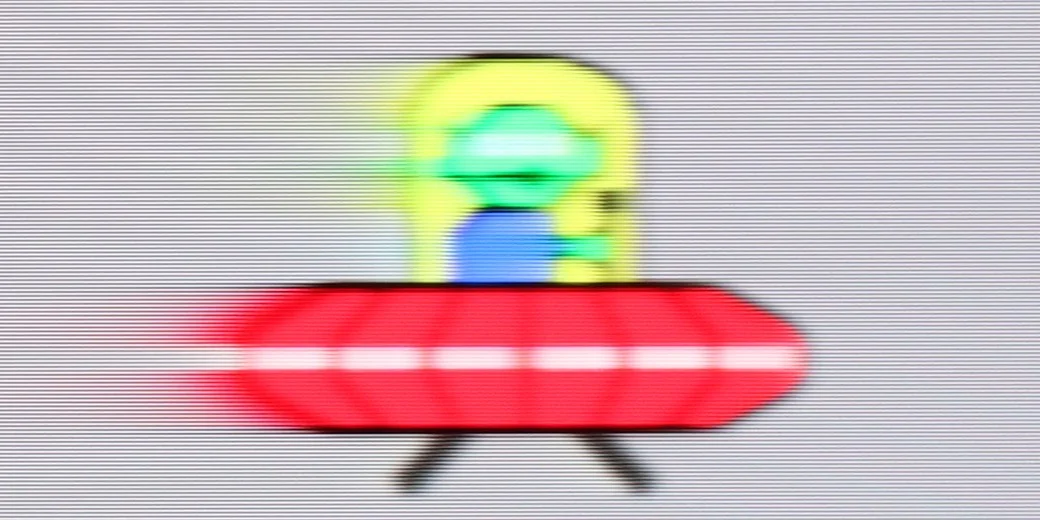
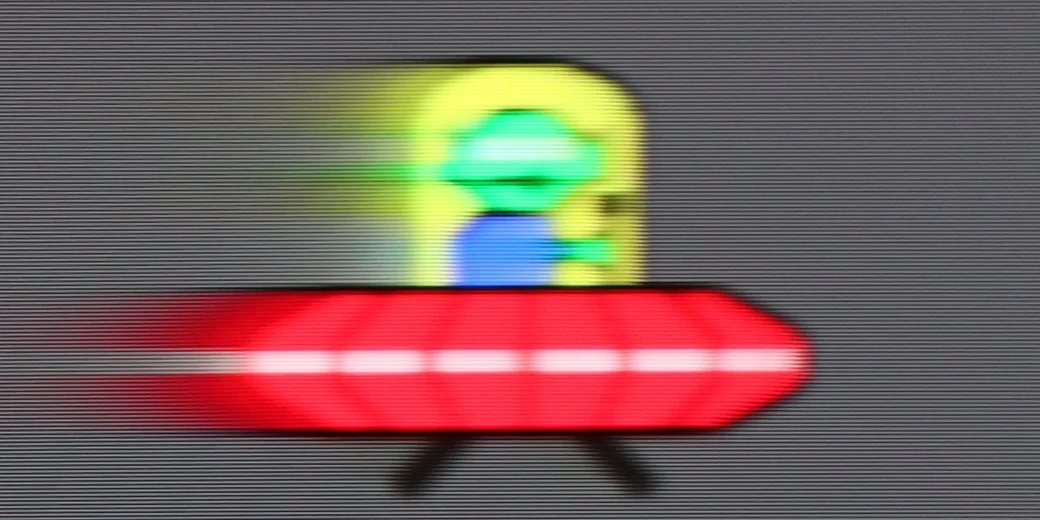
QN80F features a 144 Hz panel, and this is evident in practice – with full refresh, the image is incredibly smooth, and motion blur remains at an acceptable, barely noticeable level. However, this mode is mainly aimed at PC gamers. The most important point of reference in everyday use remains the 120 Hz refresh rate, and here a certain crunch arises. During the UFO test, we noticed ghosting of rapidly moving objects – it looked as if the television had the BFI (Black Frame Insertion) feature permanently enabled, which in practice led to an unpleasant effect of double edges. We still don't know if this is a software issue or a peculiarity of this model, but in its current state, it's hard to commend such behaviour.

The UR8S is equipped with a panel that has a native 180 Hz refresh rate, so right away it offers very strong potential for smooth motion. The panel itself performs really well, although some limitations typical of VA panels are still visible. Smearing is relatively low for this type of screen, but during faster motion, especially on darker backgrounds, it can still be noticed, particularly if you compare the same image to OLED TVs.

Console compatibility and gaming features

9.6/10

8.5/10

  • ALLM
    Yes
    Yes
  • VRR
    Yes
    Yes
  • VRR range
    48 - 144Hz
    48 - 330Hz
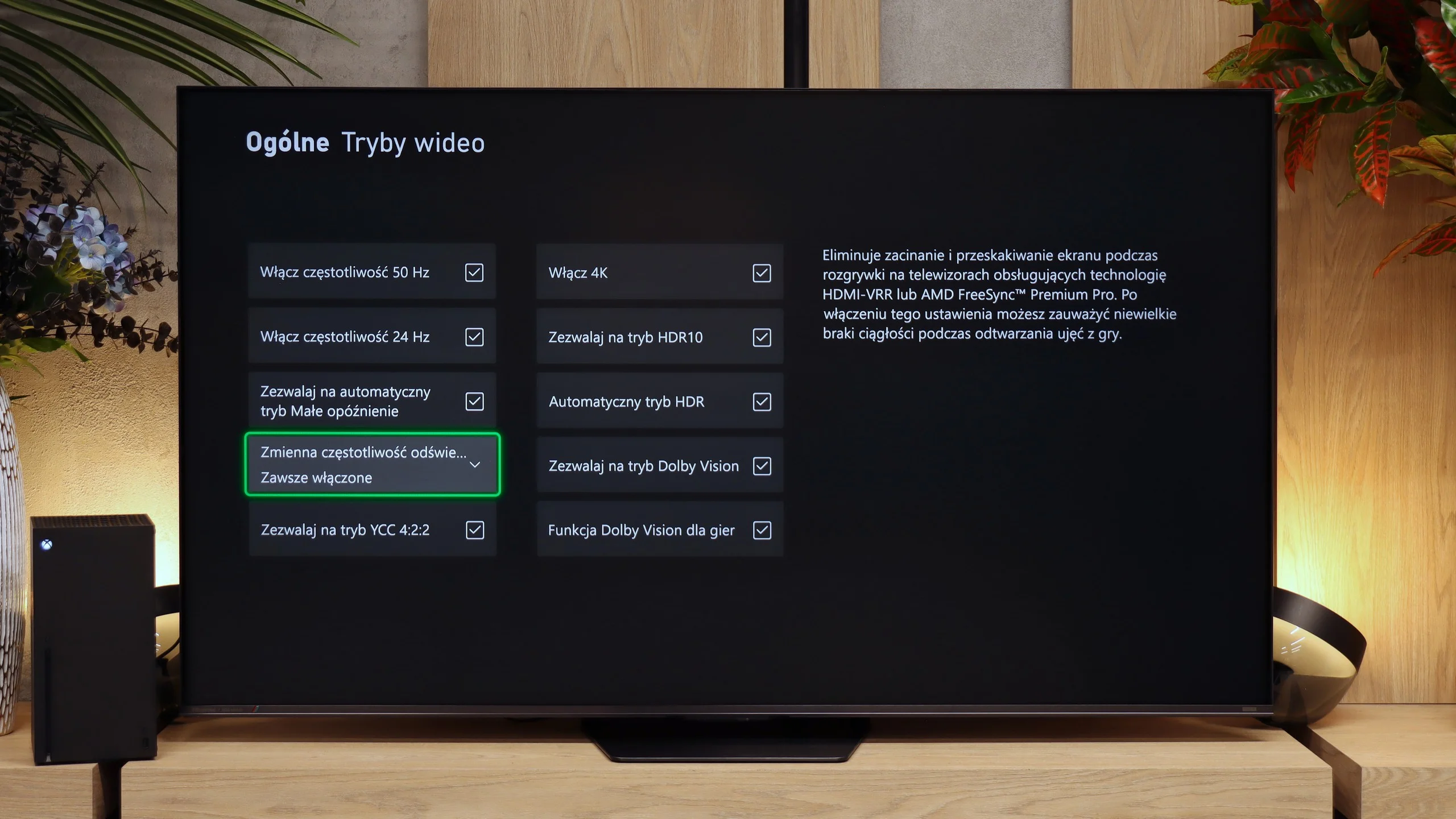
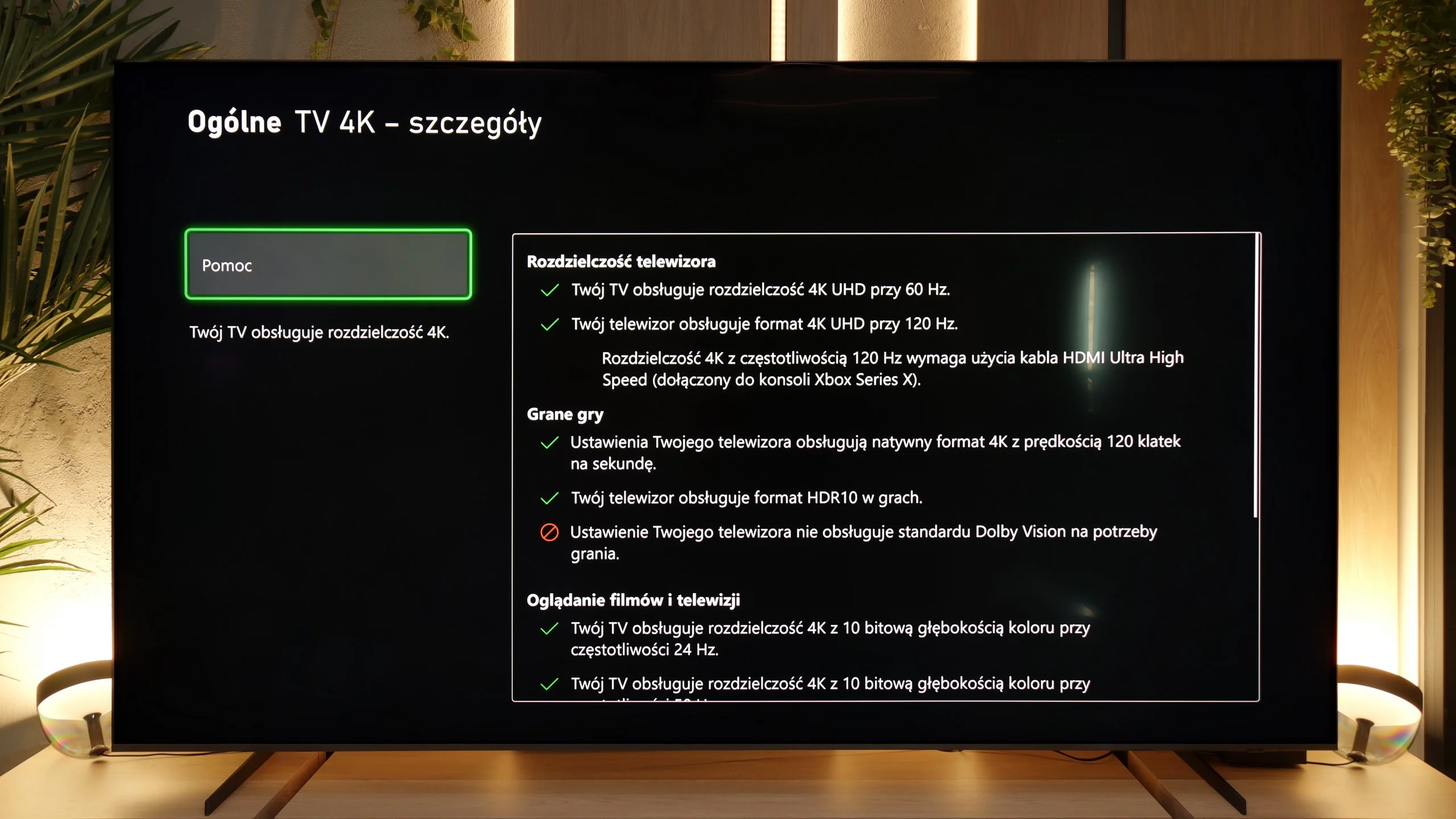
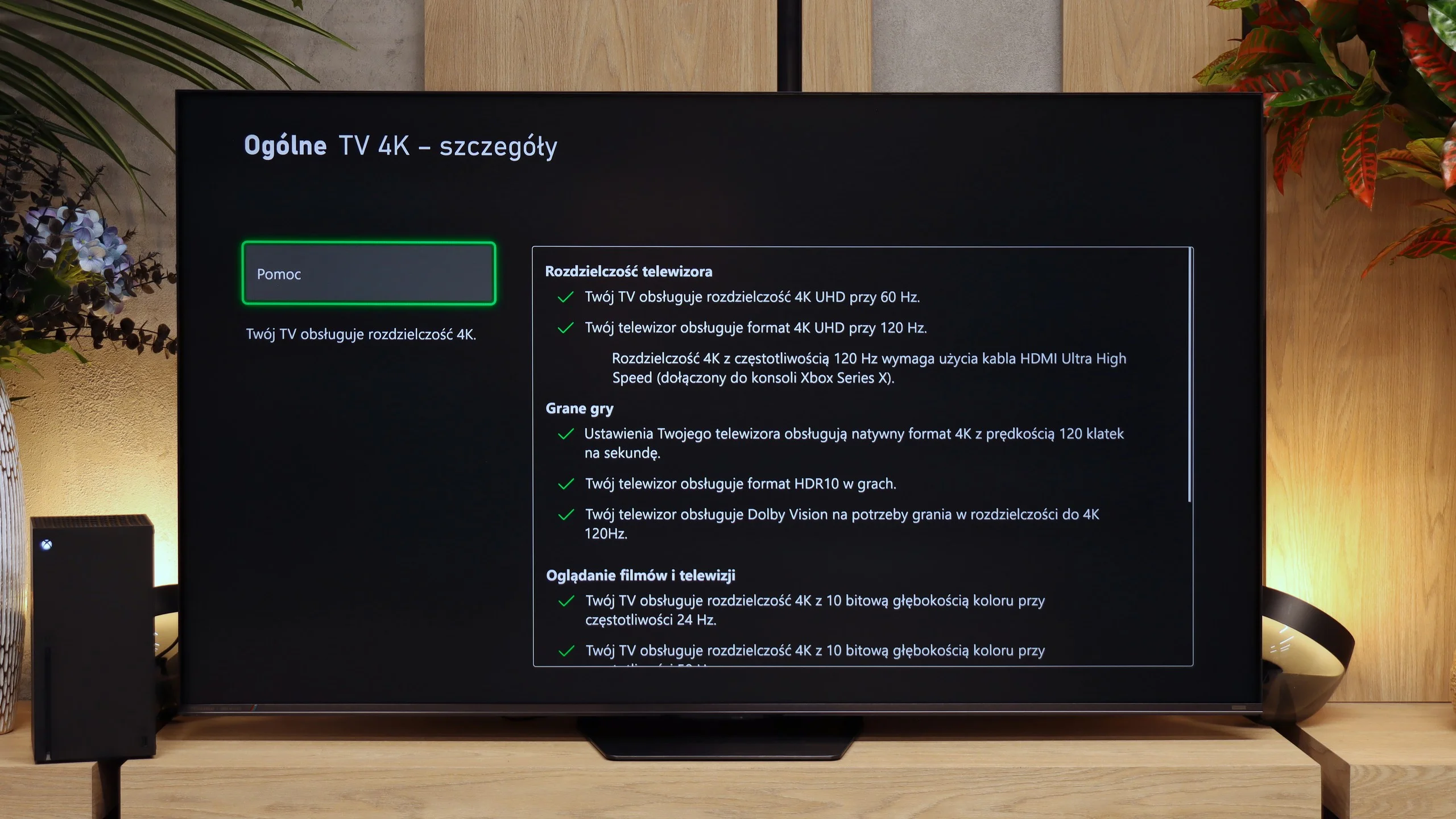
  • Dolby Vision Game Mode
    No
    Yes
  • Correct implementation of HGIG
    Yes
    No
  • 1080p@120Hz
    Yes
    Yes
  • 1440p@120Hz
    Yes
    Yes
  • 4K@120Hz
    Yes
    Yes
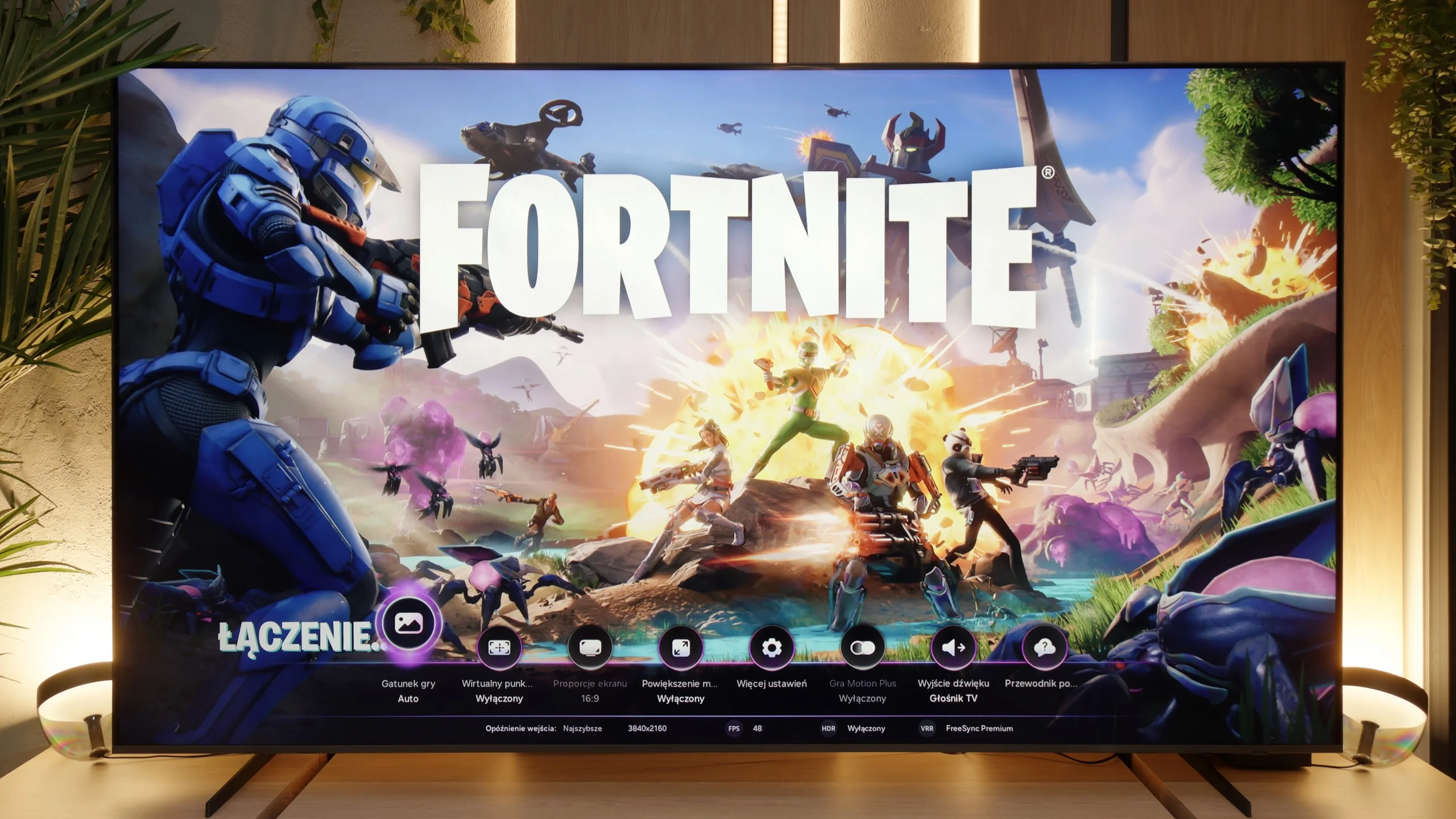
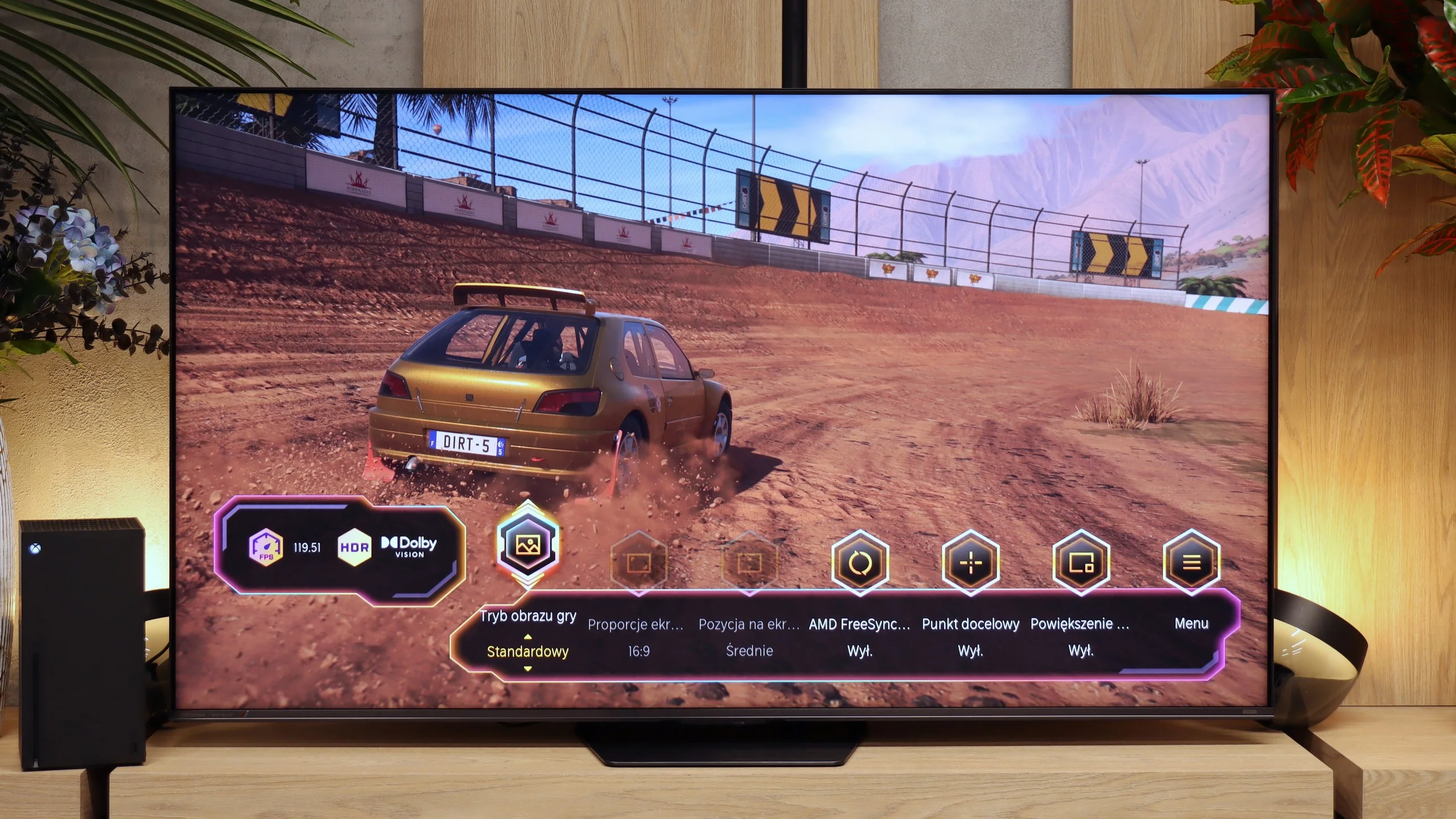
  • Game bar
    Yes
    Yes

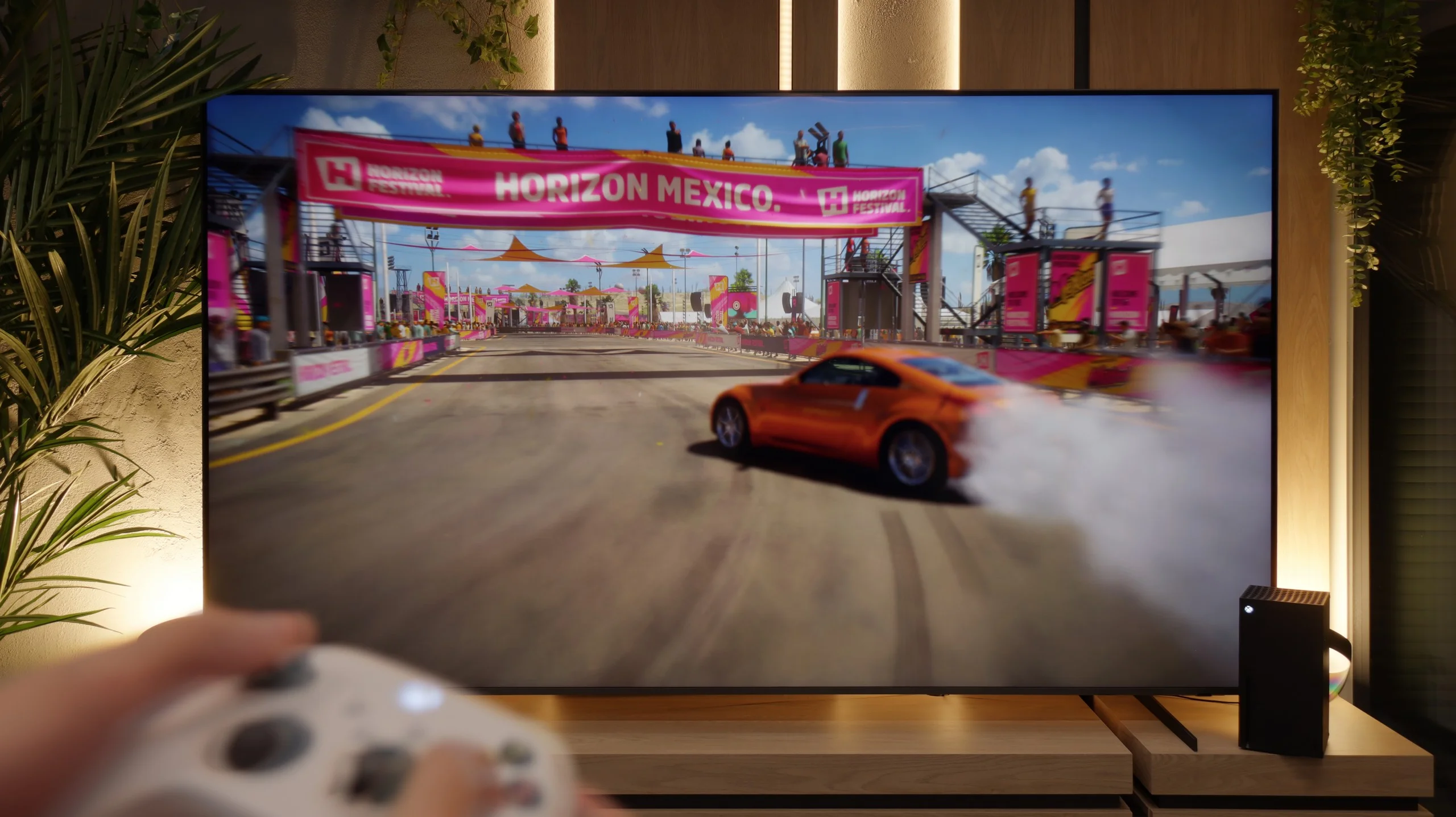
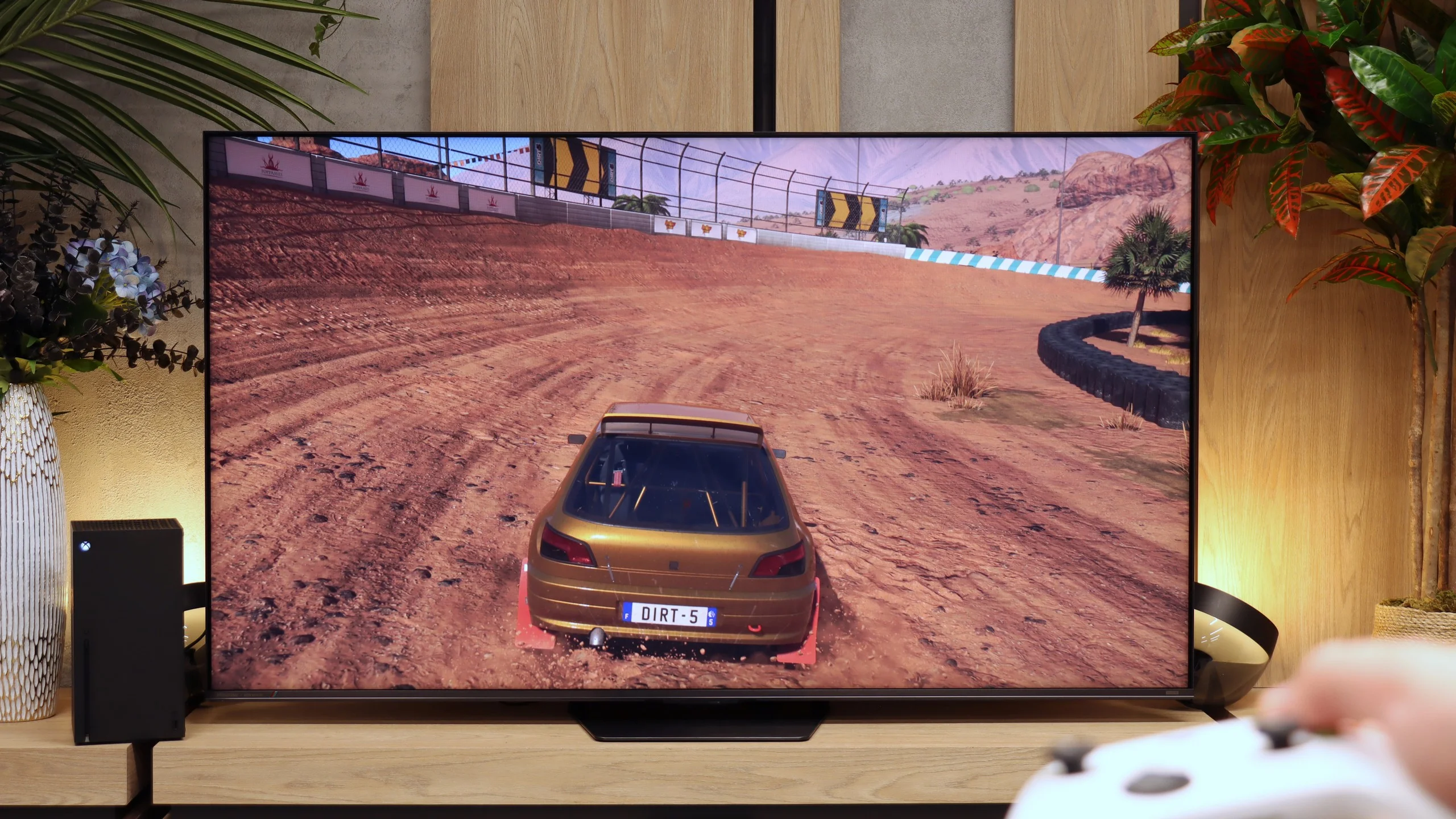
The Samsung QN80F feels like a TV made with gamers in mind. On the list of advantages, we have a 144 Hz display, four fully-fledged HDMI 2.1 ports, complete support for VRR and ALLM, and one of the best-designed game bars on the market. Added to this is the Game Motion Plus motion smoother, which also works in games without actually increasing input lag, making the QN80F a true standout in this category. In practice, this means you can enjoy smoother visuals without losing responsiveness, which is a dream for any console gamer!

As usual with Samsung, there’s a lack of Dolby Vision in games, and this is no longer surprising. What surprised us much more, however, is that in the models from 2025… the HGIG feature has disappeared. It was this feature that allowed consoles like the PlayStation 5 and Xbox Series X to perfectly match HDR tone mapping to the TV's capabilities. In the current firmware of the QN80F, this option is simply missing – it looks more like a mistake than a conscious decision by the manufacturer, but as of the test day, we have to acknowledge that HGIG is not available. Because of this single omission, the QN80F goes from being an almost perfect gaming TV to just “almost” perfect. It’s a significant shame because, apart from this, Samsung has created a model that truly raises the bar in the gaming equipment segment.

[UPDATE] We have updated our tests of Samsung TVs from the 2025 range due to the release of software version 1131, which has restored the crucial feature HGiG for gamers.

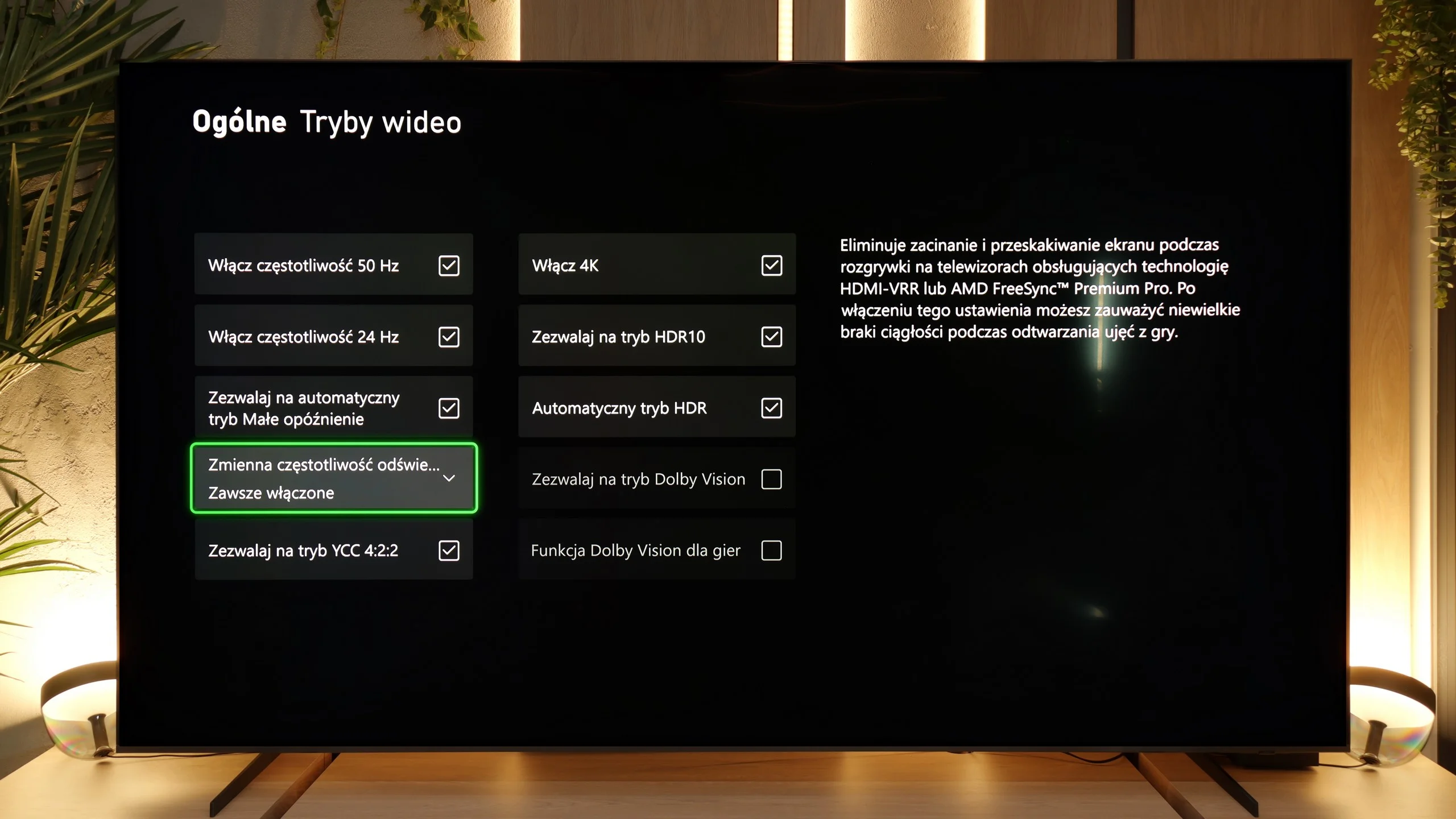
In terms of gamer features the UR8S stacks up really well. The TV supports virtually everything you'd expect from a modern console or PC display. It has ALLM, VRR, and 4K at 120 Hz. There's also Dolby Vision in game mode, so when using, for example, an Xbox Series X you don't have to give up that HDR format. PC gamers get even more options. The panel can run at 4K and 180 Hz, and dropping to Full HD can push the refresh rate as high as 330 Hz. There's also a Game Bar that lets you quickly view key info and change gaming-related settings. The only real shortcoming is a proper implementation of HGiG. When enabled, the TV still interferes with HDR brightness mapping, so we don't get the effect intended by that standard. Apart from that, the UR8S is very well equipped for both consoles and a powerful PC.

Input lag

9.8/10

9.8/10

SDR

1080p60
17 ms
16 ms
1080p120
8 ms
10 ms
2160p60
17 ms
16 ms
2160p120
8 ms
10 ms

HDR

2160p60
17 ms
15 ms
2160p120
8 ms
9 ms
4320p60

Dolby Vision

2160p60 DV
15 ms
2160p120 DV
9 ms

Input lag is something that can ruin the whole fun, but fortunately, there’s nothing to worry about with the QN80F. At 120 Hz, the lag drops below 10 ms, so it feels like the TV doesn’t even exist between the controller and the image. The response is instantaneous, everything happens exactly when we want it to. At 60 Hz, the result is around 17 ms – that’s more, but still within the bounds of full comfort. In practice, console games look and run smoothly, with no annoying lags at all. This is the moment when you can see that Samsung really has put effort into the gaming mode – the QN80F provides a sense of control and speed that one would expect more from a monitor than from a 100-inch behemoth in the living room.

The input lag on the UR8S is very low. With a 60 Hz signal we measured around 15 to 16 ms, while switching to 120 Hz brings the delay down to roughly 9 to 10 ms. Importantly, we recorded similar results with HDR and Dolby Vision, so using those formats does not noticeably increase latency. In practice the response to controls is very fast, and even demanding gamers shouldn't have reason to complain.

Compatibility with PC

8.6/10

8.5/10

Chroma 444 (max. resolution and refresh rate)
Yes
Yes
Font clarity
Very Good
Good
Readability of dark text and shapes
Average
Good
Input lag in PC mode (4K, max. refresh rate)
8ms
9ms
Matrix subpixel arrangement
BGR
BGR
Max refresh rate
144Hz
180Hz
G-Sync
Yes
Yes

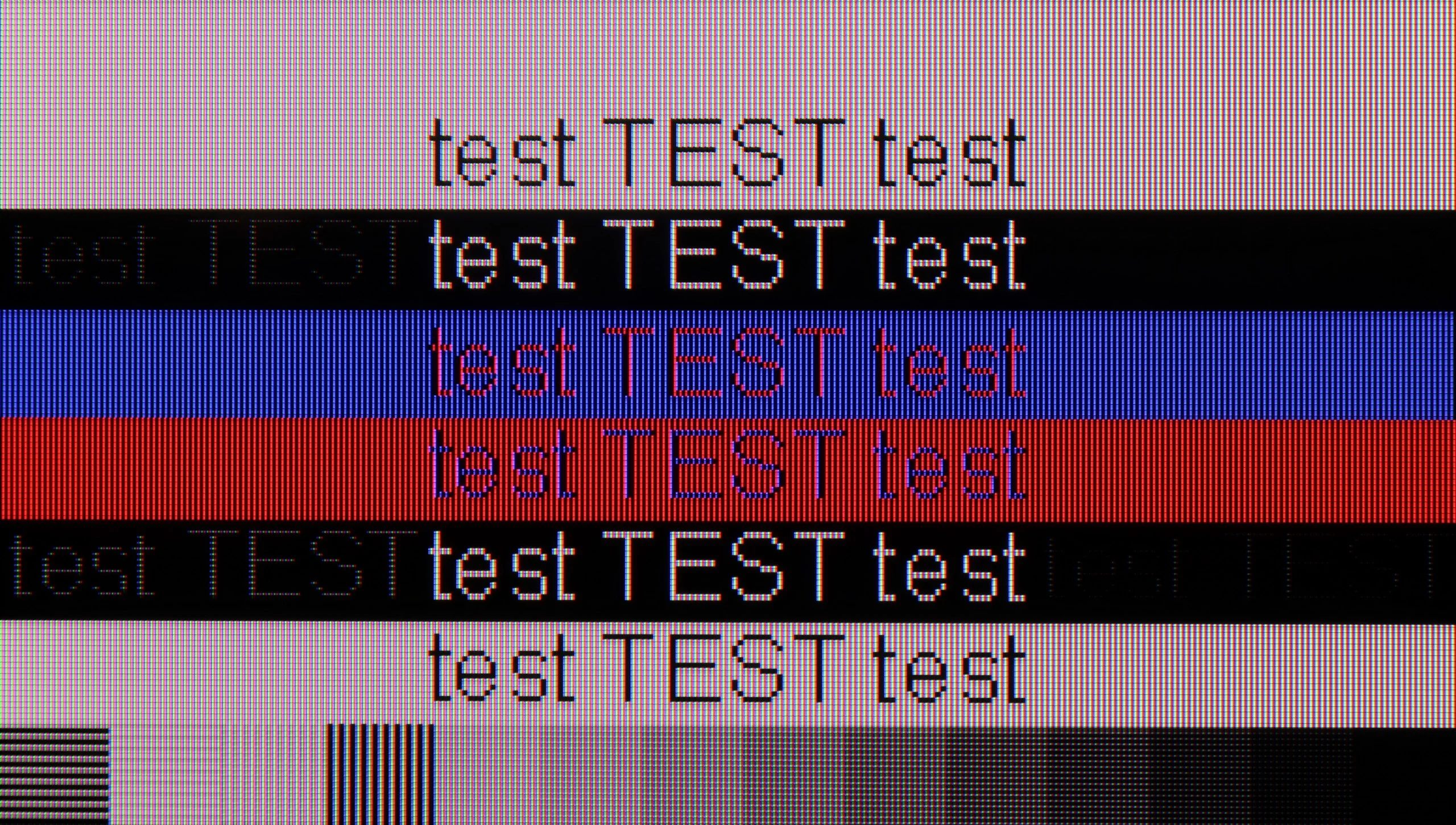
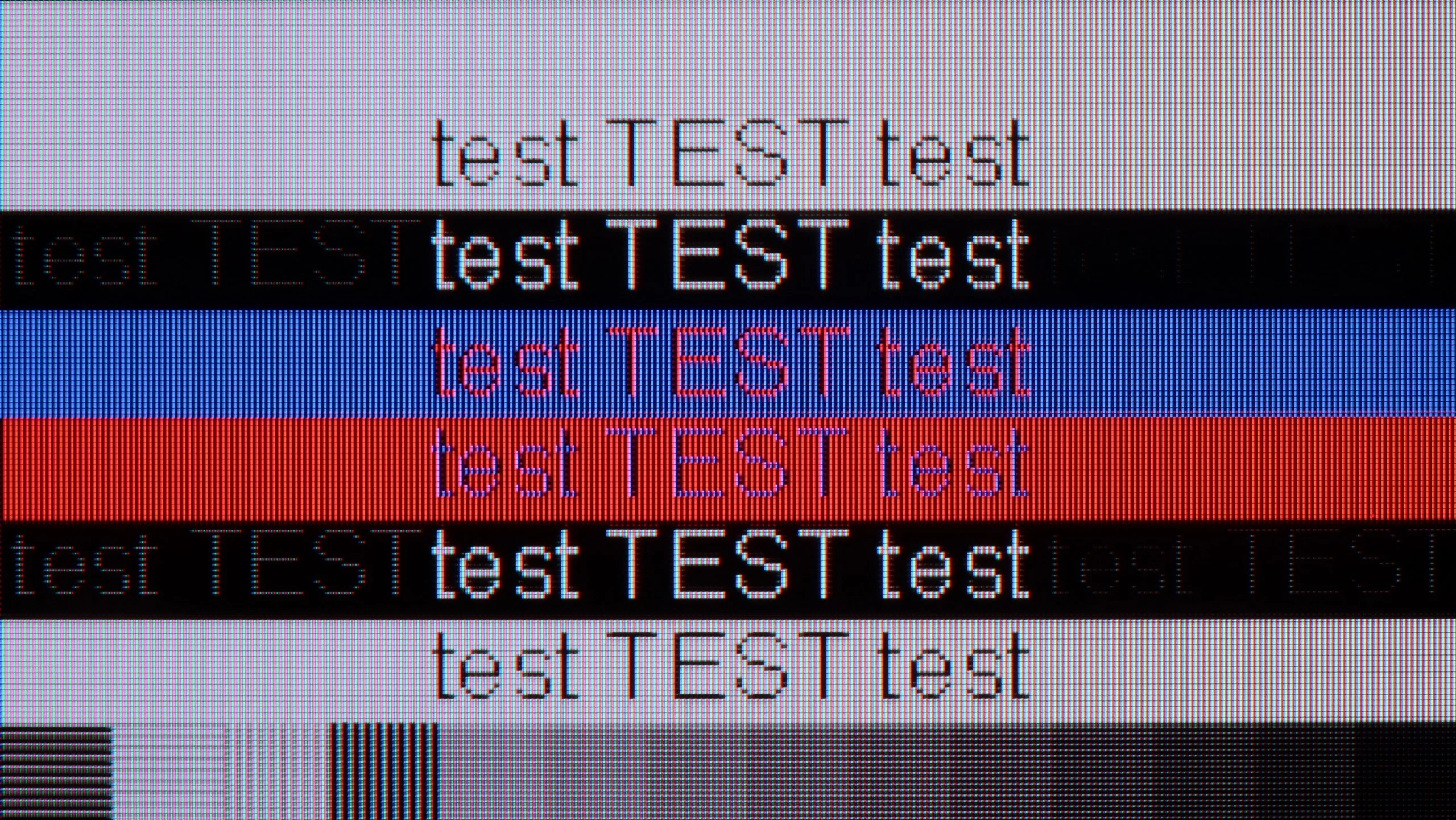
The photo shows the legibility of small fonts. Ideally, lines should be the same thickness on both light and dark text, with minimal pixel gaps.
There’s something a bit odd about collaborating with a PC on the QN80F. When it comes to gaming, there’s no reason to worry: we have full support for 144 Hz, both G-Sync and FreeSync work, and the smoothness is truly impressive. The problem only arises during everyday computer use – particularly when we're looking at fonts instead of games. In 120 Hz mode, the picture looks nearly perfect. The letters are readable and sharp, and the only small detail you might notice is a slight dimming of thin lines. However, that’s a detail that shouldn't interfere with normal usage. Bigger issues arise at 144 Hz, which is meant to be designed for PC gamers. Instead of crystal clear fonts, a strange anomaly appears. The TV adds shadows with tiny dots to them, making the text look just odd. Thankfully, it’s more of a curiosity than a real problem. After all, it’s hard to imagine someone placing a 100-inch giant on their desk and staring at Excel sheets or Word documents from half a metre away. The QN80F is excellent for gaming, and for regular PC use, it’s better to simply stick with 120 Hz mode.
The UR8S also works very well as a large computer monitor. The TV correctly handles 4:4:4 chroma at maximum resolution and refresh rate, so small fonts remain legible and don't have heavily jagged or coloured edges. The BGR subpixel layout used isn't much of an issue here and text still looks good, although nitpicky users will notice they're not perfect.

It also offers a refresh rate of up to 180 Hz at 4K, G-Sync support and very low input lag, which at the maximum refresh rate is about 9 ms. So if you want to use the UR8S not just for a console but also for gaming on a powerful PC, the TV is very well suited to that.

Viewing angles

3.1/10

5.5/10

Brightness drop at an angle of 45 degrees
71%
74%

The viewing angles are unfortunately a weak point of the QN80F. With smaller TVs, it's still bearable, but with a 100-inch model, the flaw becomes much more noticeable. Just sitting slightly off to the side is enough for the edges of the screen to appear fainter than the centre. And when we try to watch something from a greater angle, the image simply loses its charm – colours become washed out, contrast drops, and there's no longer the depth that you see head-on. It's a pity that with such a large screen, Samsung didn't opt for coatings that would expand the angles. This is where they would make the most sense, as it's hard to expect everyone in the living room to sit perfectly in front of the screen. If someone primarily cares about wide angles, they should be looking for mini-LEDs on an IPS panel – these may not have such deep blacks, but in terms of side viewing, they perform much better.

The viewing angles on the UR8S are quite good, helped by the RGB backlight. Thanks to the three-colour LEDs, colours viewed off-axis hold up better than in many conventional Mini-LED TVs that use white or blue backlights. Of course it’s still not on a par with OLED, and even less so with QD-OLED. At wider viewing angles the picture loses a little contrast and saturation, but for an LCD TV the result is genuinely decent.

Daytime performance

7/10

9.5/10

Panel finish
Satin
Matte
Reflection suppression
Decent
Very Good
Black levels during daytime
Very Good
Average

Panel brightness

Hisense UR8S: 1468 cd/m2

Samsung QN80F 100" : 623 cd/m2

The performance of the QN80F during the day is an interesting topic because the 100-inch version differs from the smaller sizes not only in scale but also in the coating used. Samsung has opted for a different type of anti-reflective layer here, and it's fair to say that the effect is not as good as in the smaller models – reflections are somewhat more noticeable, especially with bright light coming in from the window. On the other hand, the manufacturer has found a way around this, as the 100-inch QN80F compensates with its sheer brightness. The average luminance in SDR content exceeds 620 nits, which practically provides a strong reserve for viewing even in brightly lit rooms. In everyday use, the difference between the weaker reflection suppression and higher brightness is practically negated – the television maintains readability and does not lose clarity even in the middle of the day. The end result is that although the coating in this version is not among the best, the high brightness of the QN80F performs better in bright conditions than one might expect.

UR8S handles daytime viewing very well. First, it's a very bright TV — in SDR we measured about 1500 nits, so even with a lot of ambient light the picture remains punchy and readable. Another big plus is the matte coating, which disperses reflections from windows and lamps very effectively. Instead of a distinct reflection on the screen, you see more of a soft glow that is much less distracting while watching. That said, the coating works best when you view the TV head-on. From wider angles it begins to resemble a satin finish and reflections become more pronounced and therefore more intrusive. In a brightly lit room blacks also lose some of their depth, but at such high brightness that's not a major issue. Overall, the UR8S is simply a very good choice for a bright living room.

Panel details

Backlight Type
Mini-LED QLED
Mini-LED RGB
Software version during testing
T-PTMFDEUC-0090-1110.7, E2500007, BT-S
V01.09.60W.Q0624
Image processor

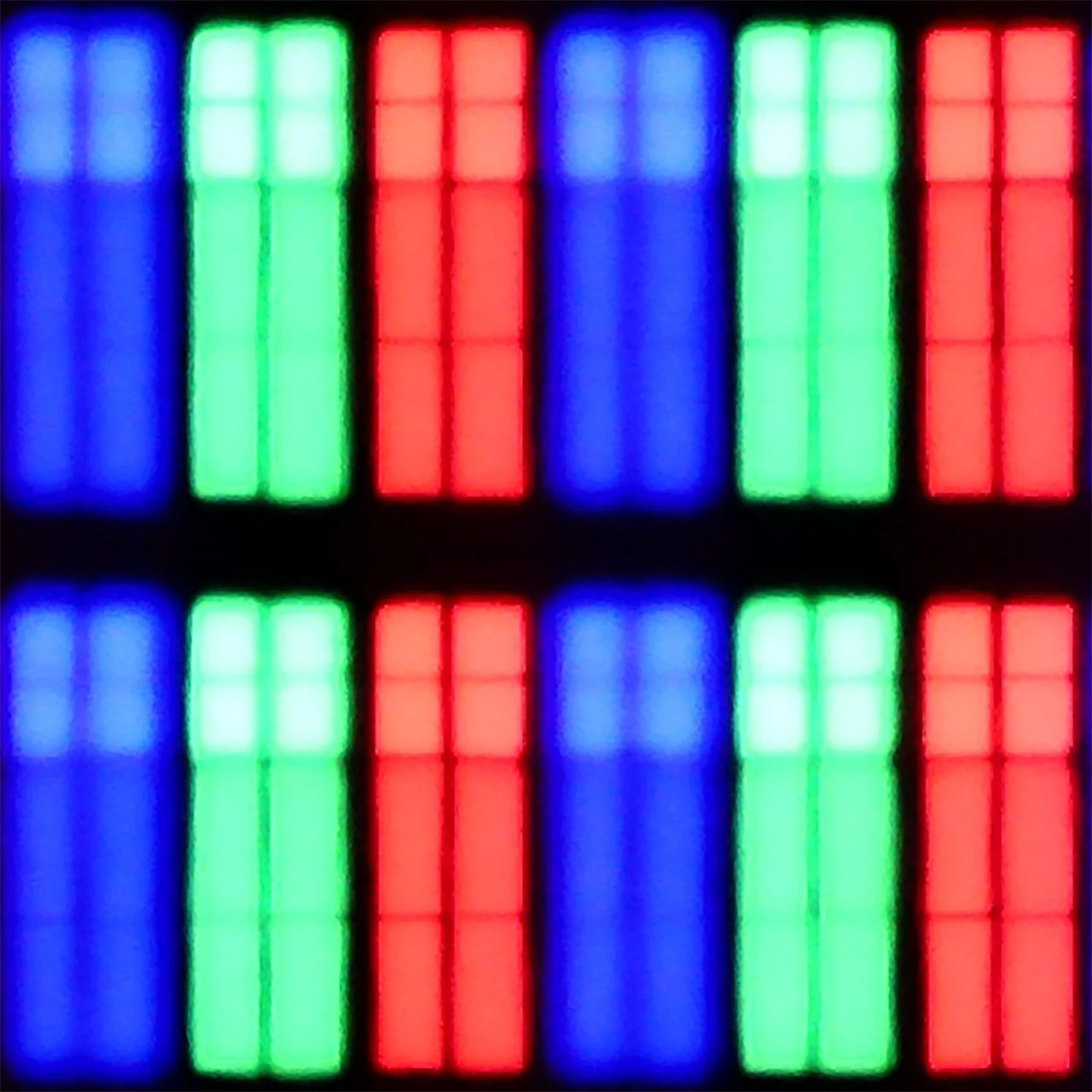
Subpixel Structure:

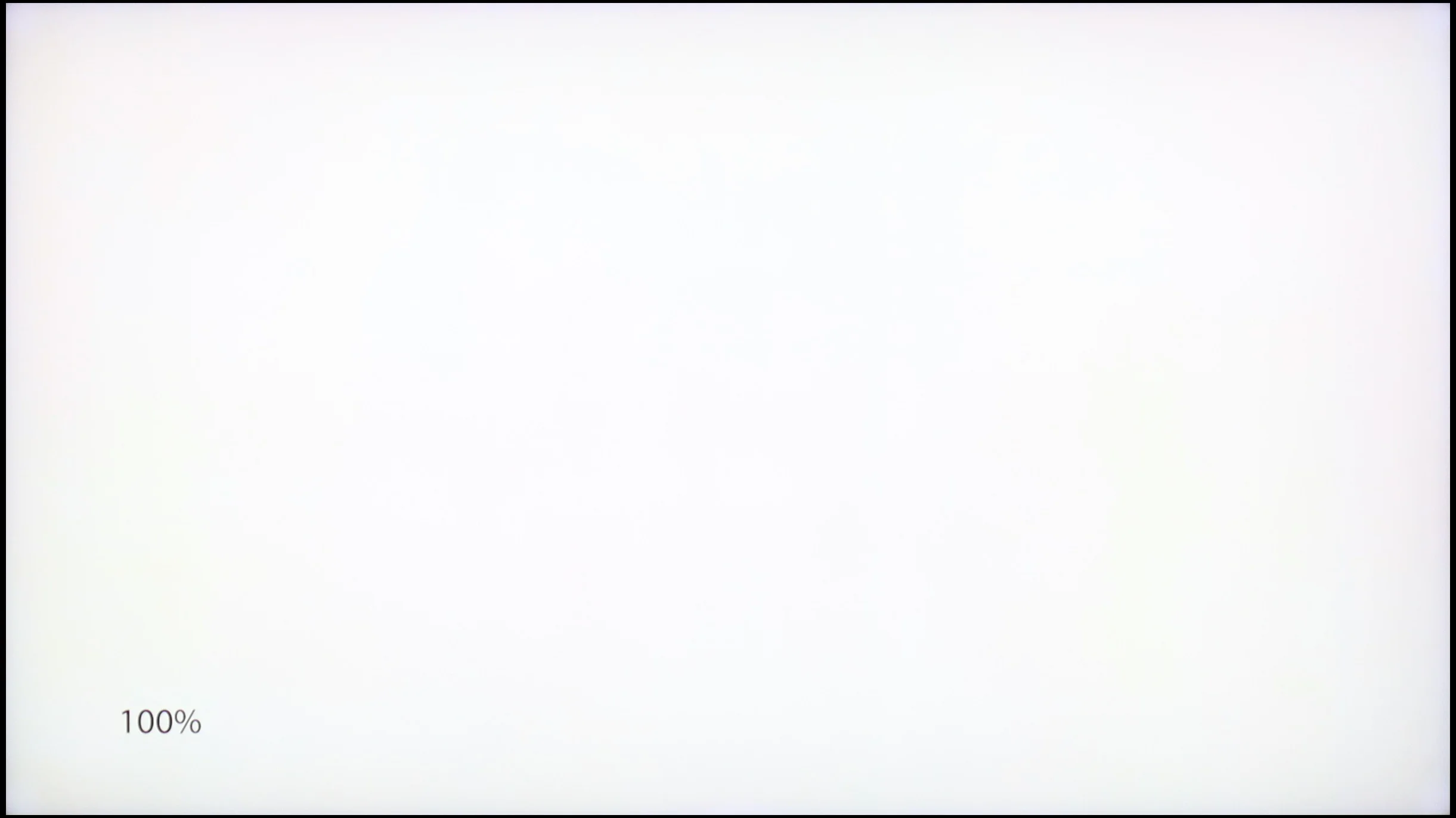
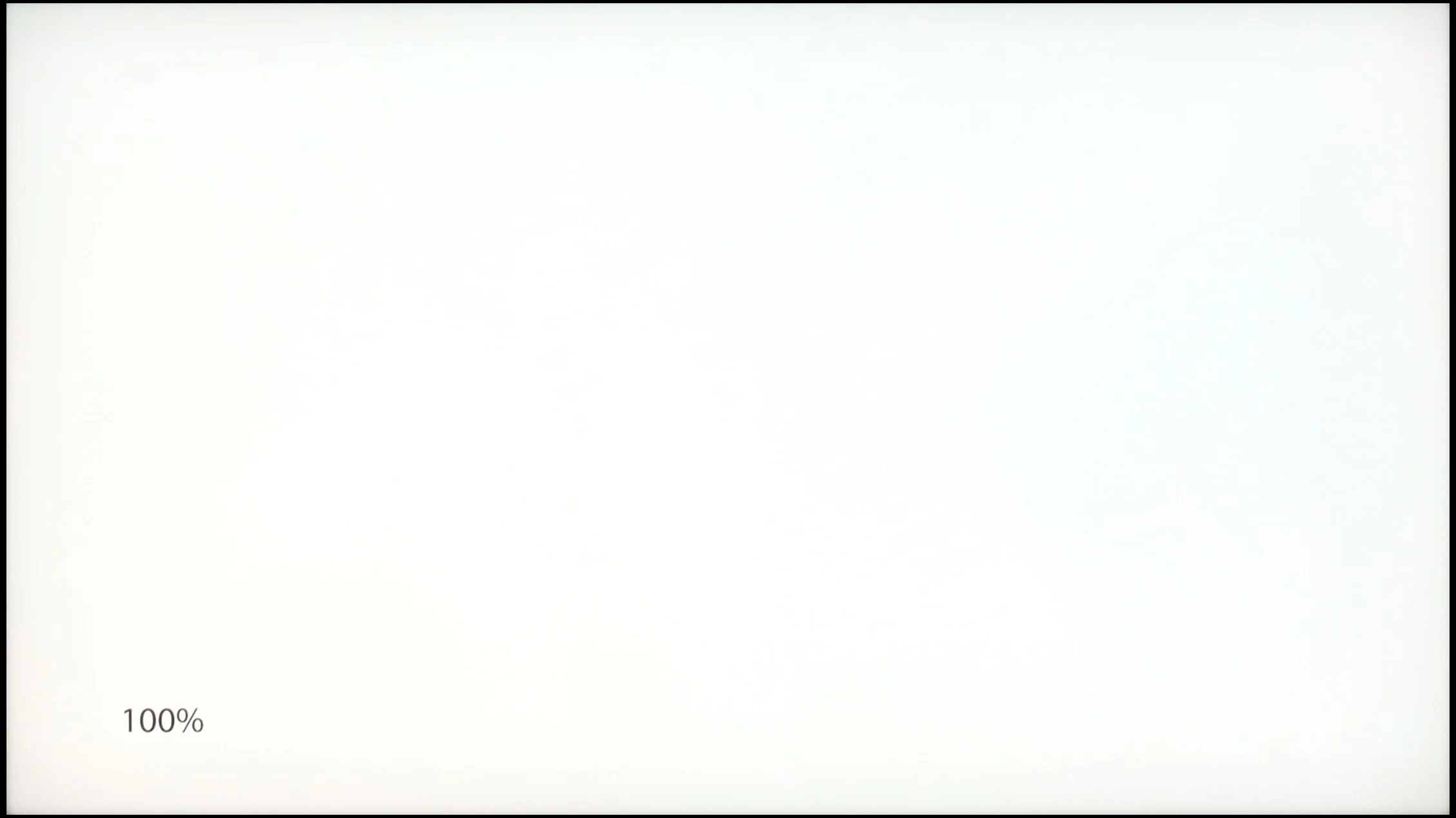
Panel uniformity and thermal imaging:

Review Samsung QN80F 100" TV Panel details
Review Hisense UR8S TV Panel details

Samsung QN80F 100"

Hisense UR8S

TV features

7.7/10

9.4/10

  • System
    Tizen
    VIDAA
  • System performance
    Very good
    Very good
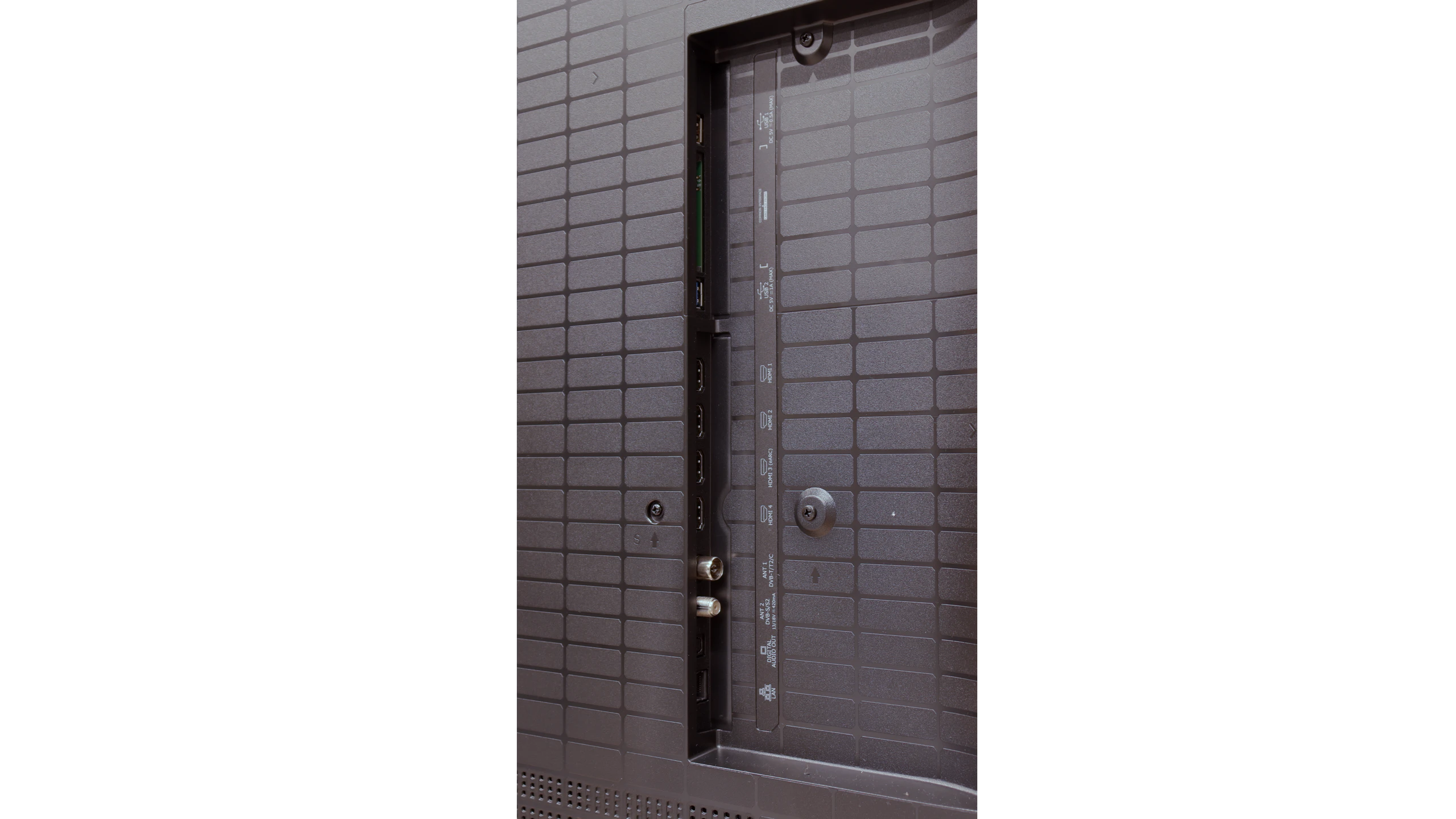
  • HDMI inputs
    0 x HDMI 2.0, 4 x HDMI 2.1 48Gbps
    0 x HDMI 2.0, 4 x HDMI 2.1 48Gbps
  • Outputs
    Toslink (Optical audio), eARC (HDMI), ARC (HDMI)
    Toslink (Optical audio), eARC (HDMI), ARC (HDMI)
  • Network Interfaces
    Wi-Fi 2.4GHz, Wi-Fi 5GHz, Ethernet (LAN) 100Mbps
    Wi-Fi 2.4GHz, Wi-Fi 5GHz, Ethernet (LAN) 100Mbps
  • TV reception
    DVB-T, DVB-T2, DVB-S, DVB-S2, DVB-C
    DVB-T, DVB-T2, DVB-S, DVB-S2, DVB-C

Classic features:

  • Recording to USB (terrestrial TV)
    No
    Yes
  • Recording programming
    No
    Yes
  • Picture in Picture (PiP)
    Yes
    No
  • RF remote control (no need to aim)
    Yes
    Yes
  • Backlit remote control
    No
    Yes
  • Teletext
    Yes
    Yes
  • Audio only mode
    Yes
    Yes
  • Bluetooth headphones support
    Yes
    Yes
  • Simultaneous Bluetooth headphones & TV audio
    Yes
    Yes

Smart features:

  • AirPlay
    Yes
    Yes
  • Screen mirroring (Windows Miracast)
    Yes
    Yes
  • Voice search
    Yes
    Yes
  • Voice search in native language
    Yes
    Yes
  • Ability to connect a keyboard and mouse
    Yes
    Yes
Review Samsung QN80F 100"  TV features
Review Hisense UR8S TV features

Sound connection options

  • HDMI audio
    eARC (HDMI), ARC (HDMI)
    eARC (HDMI), ARC (HDMI)
  • Other audio outputs
    Toslink (Optical audio)
    Toslink (Optical audio)
  • Wireless audio
    Bluetooth, Samsung Q-Symphony (Speaker extension)
    Bluetooth, Samsung Q-Symphony (Speaker extension)

Supported audio formats (external HDMI eARC audio):

  • Dolby Digital Plus 7.1
    Yes
    Yes
  • Dolby True HD 7.1
    Yes
    Yes
  • Dolby Atmos in Dolby Digital Plus (JOC)
    Yes
    Yes
  • Dolby Atmos in Dolby True HD
    Yes
    Yes
  • DTS:X in DTS-HD MA
    No
    Yes
  • DTS-HD Master Audio
    No
    Yes

Senior accessibility

  • Numeric keyboard on TV
    No
    Yes
  • Font size adjustment
    Yes
    Yes
  • Audio description
    Yes
    Yes

SmartTV Features: Tizen

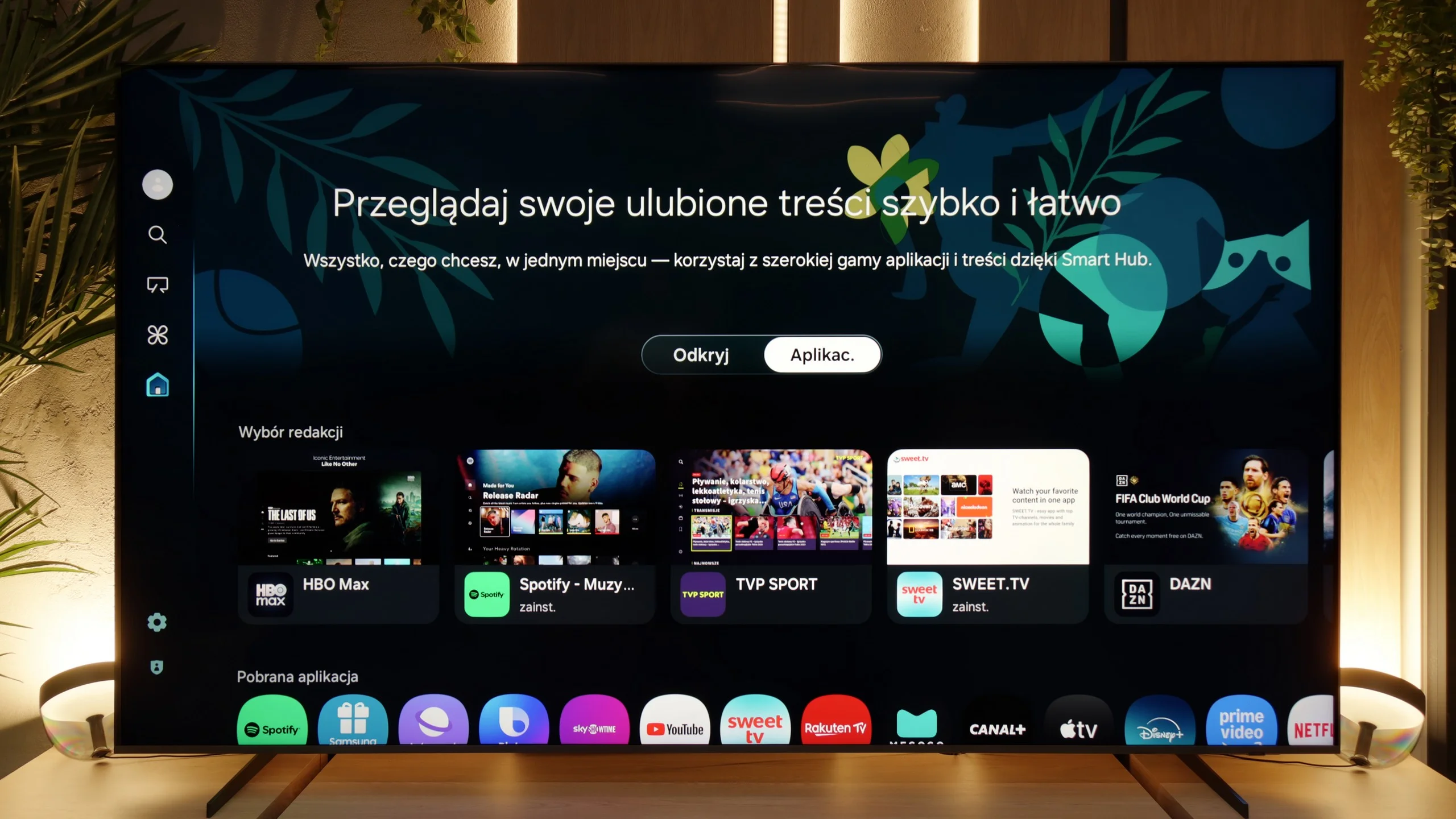
When it comes to smart features, the QN80F has plenty to boast about. Samsung relies on Tizen, and it’s clear that this system has been refined over the years. All the major streaming apps are available, voice search works, and there’s AirPlay and Miracast, so there’s no issue with casting content from your phone or laptop. The most interesting aspect, however, is that the TV can integrate other devices in the home into its ecosystem – with SmartThings and support for the Matter standard, you can connect bulbs, robotic vacuum cleaners, or even devices from other brands. In practice, the QN80F becomes not just a screen for movies, but also a convenient control centre for the entire apartment. Of course, it’s still a closed system, so a few less popular apps might be missing, but let’s be honest – for 99% of users, it has everything they need and even more.

Classic Features

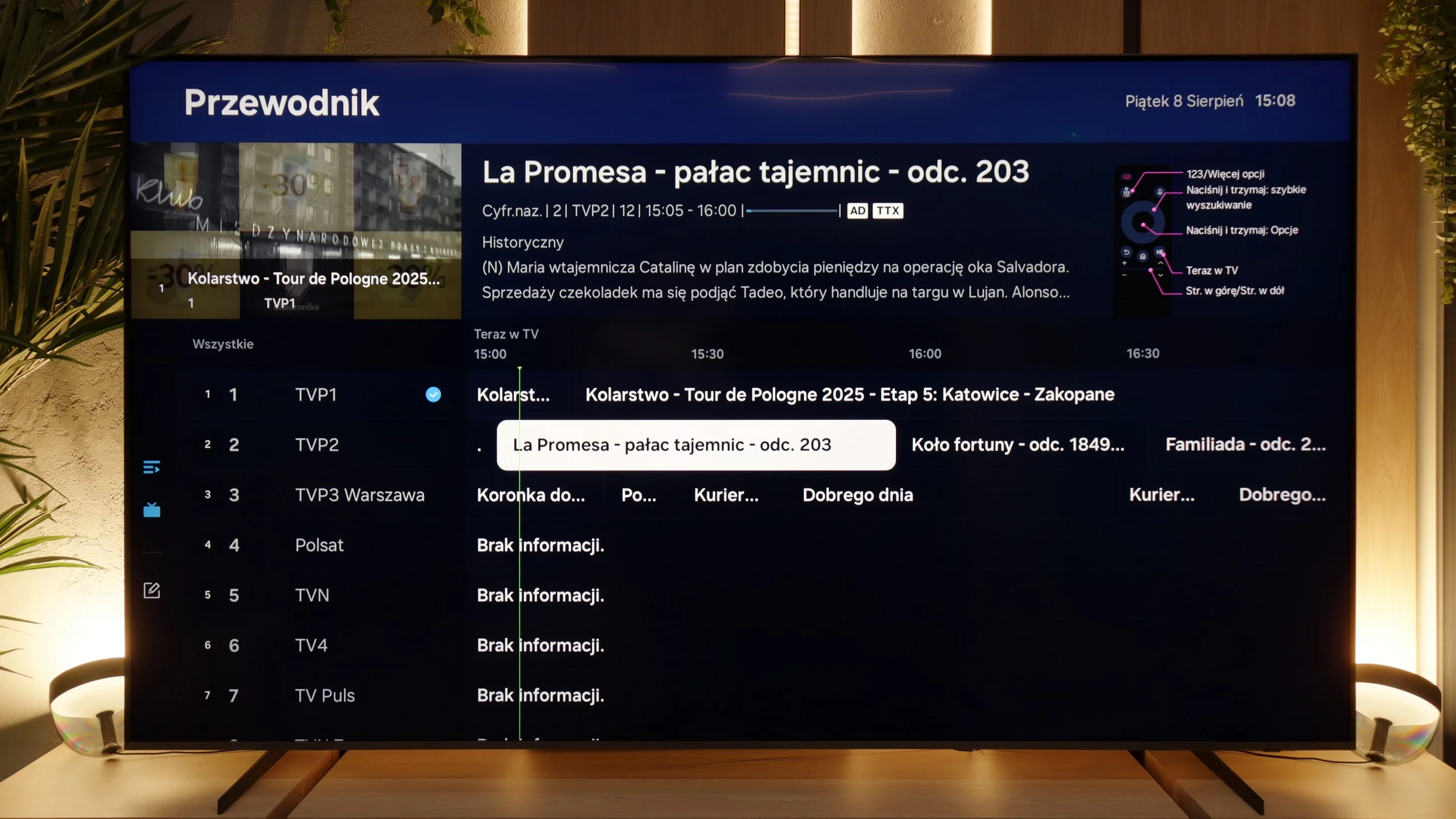
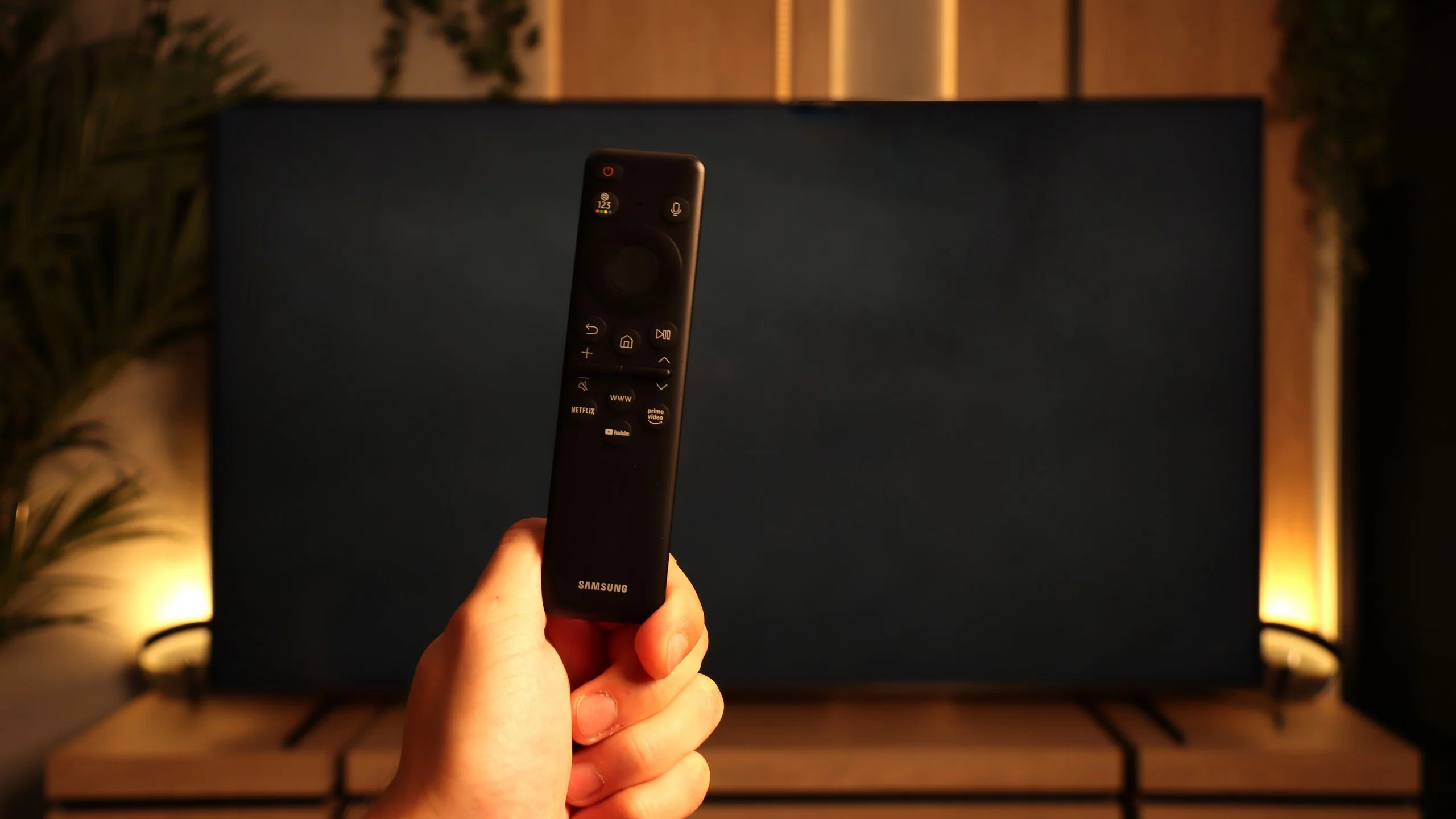
The traditional features on the QN80F perform quite well, although a few things are lacking. On the plus side, it has PiP, or picture-in-picture – a feature that is rarely found these days but can still be very practical. Additionally, we have EPG, still functioning teletext, and Bluetooth support, which makes it easy to pair headphones or a soundbar. On the downside, it lacks USB recording from the built-in tuners, as well as a remote with a traditional numeric keypad. Instead, we get Samsung's signature small remote, which may initially seem too minimalist. It must be noted, however, that this unassuming gadget hides a lot of capabilities and can control other devices, such as satellite decoders, consoles, or Blu-ray players, so in practice, one remote is enough to manage the entire setup in the lounge.

Classic features

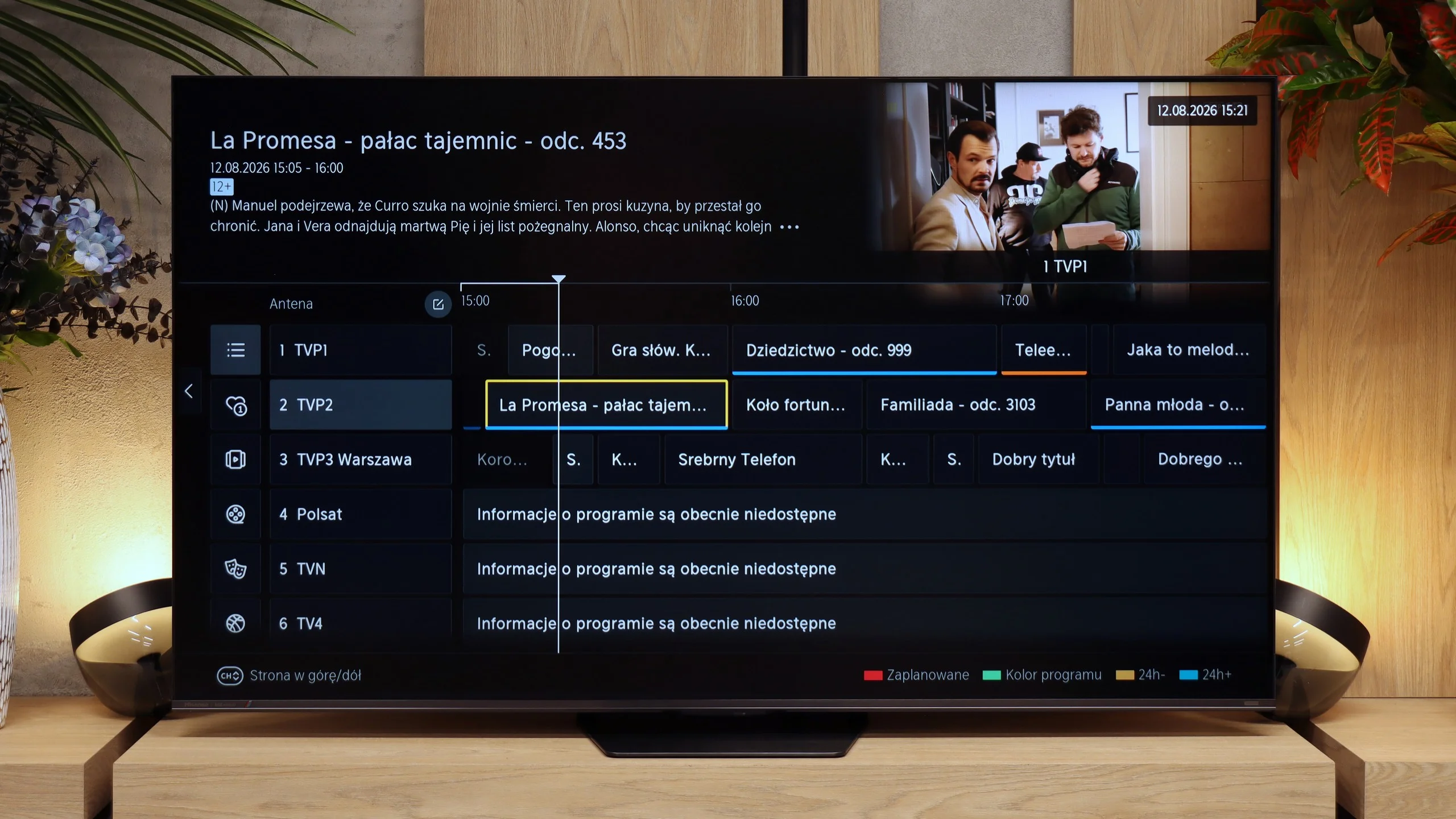
Hisense is one of those manufacturers that, fortunately, hasn’t abandoned the classic TV features. The UR8S lets you record programmes to USB, schedule recordings, has teletext and an "audio-only" mode. You can also use the TV speakers and Bluetooth headphones at the same time. The only real missing feature is picture-in-picture (PiP). The remote control also deserves praise. It’s well made, backlit and has plenty of buttons, so you can access most key functions without digging through menus. It communicates with the TV by radio, so you don’t need to point it directly at the screen.

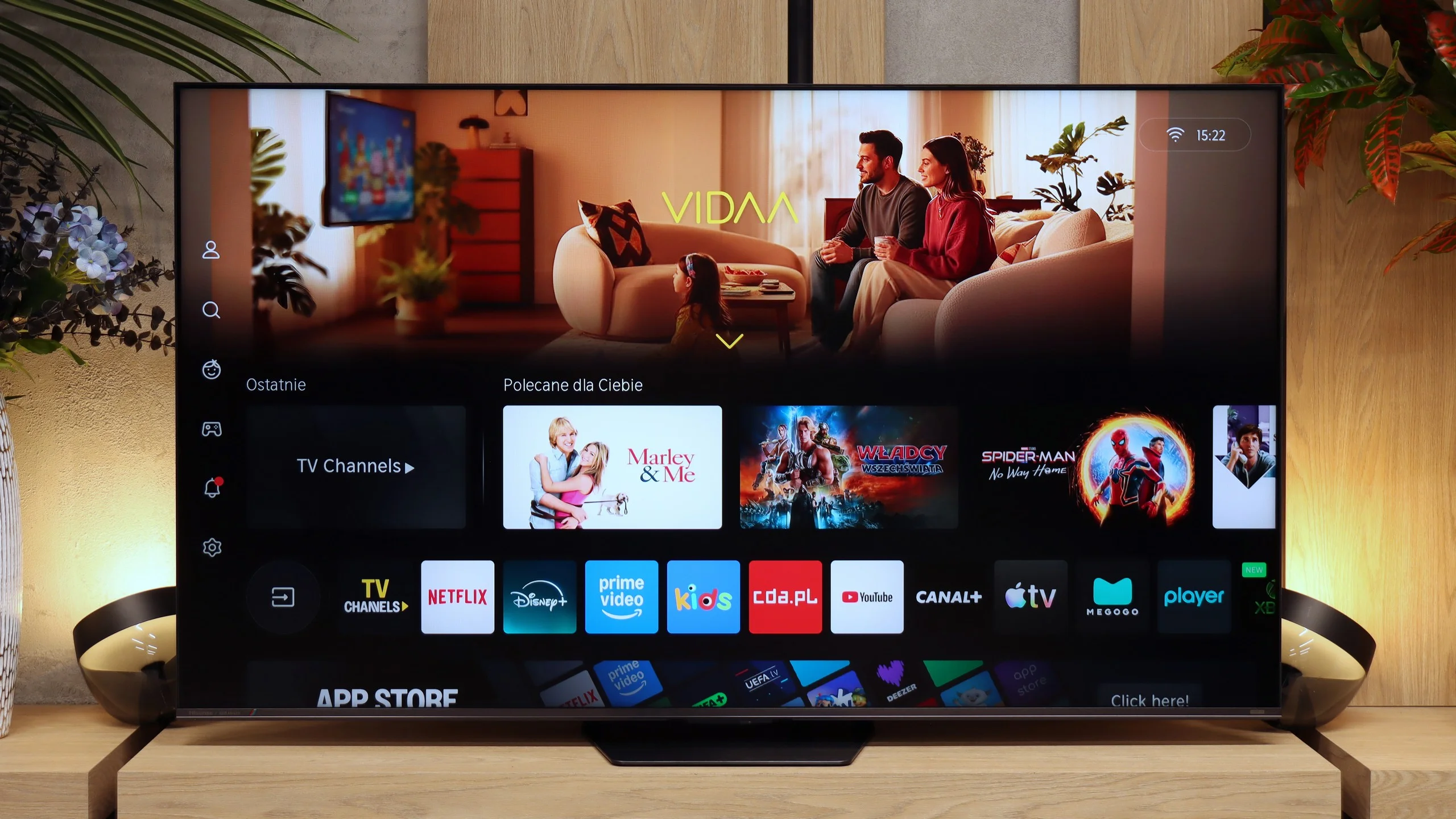
VIDAA system

The VIDAA system on the UR8S is very fast and responsive. Apps launch smoothly, navigating the menus is fluid, and during testing we had no major complaints about its performance. The app library is now large enough to include all the major streaming services. There are also extra Smart features. The UR8S supports AirPlay, Miracast, voice search in Polish and the ability to connect a keyboard and mouse. VIDAA may not offer as much freedom as Google TV, but for everyday TV use it essentially provides everything you need.

Apps

9.3/10

8.3/10

OK
Disney_Plus
OK
Amazon_Prime_Video
OK
Player_TVN
OK
Polsat_Box_Go
OK
Canal_Plus_Online
OK
TVP_VOD
OK
Apple_TV_Plus
OK
SkyShowtime
OK
Rakuten
OK
CDA_Premium_Browser
OK
Spotify
No
Tidal
OK
Netflix
OK
YouTube
OK
HBO_MAX
No
Kodi
OK
Apple_music
OK
Eleven_sports
OK
Xbox Game Pass
OK
GeForce NOW
OK
Amazon Luna
OK
Boosteroid
No
Steam Link
OK
Disney_Plus
OK
Amazon_Prime_Video
OK
Player_TVN
OK
Polsat_Box_Go
OK
Canal_Plus_Online
OK
TVP_VOD
OK
Apple_TV_Plus
OK
SkyShowtime
OK
Rakuten
OK
CDA_Premium_Browser
OK
Spotify
No
Tidal
OK
Netflix
OK
YouTube
OK
HBO_MAX
No
Kodi
No
Apple_music
No
Eleven_sports
OK
Xbox Game Pass
No
GeForce NOW
No
Amazon Luna
OK
Boosteroid
No
Steam Link

Playing files from USB

9/10

8.5/10

Supported photo formats:

JPEG
Yes
Yes
HEIC
No
No
PNG
No
Yes
GIF
No
Yes
WebP
No
Yes
TIFF
No
Yes
BMP
Yes
Yes
SVG
No
No

Maximum photo resolution:

4 Mpix
Yes
Yes
6 Mpix
Yes
Yes
8 Mpix
Yes
Yes
10 Mpix
Yes
No
12 Mpix
Yes
No
16 Mpix
Yes
Yes
20 Mpix
Yes
No
24 Mpix
Yes
No
28 Mpix
Yes
No
32 Mpix
Yes
Yes

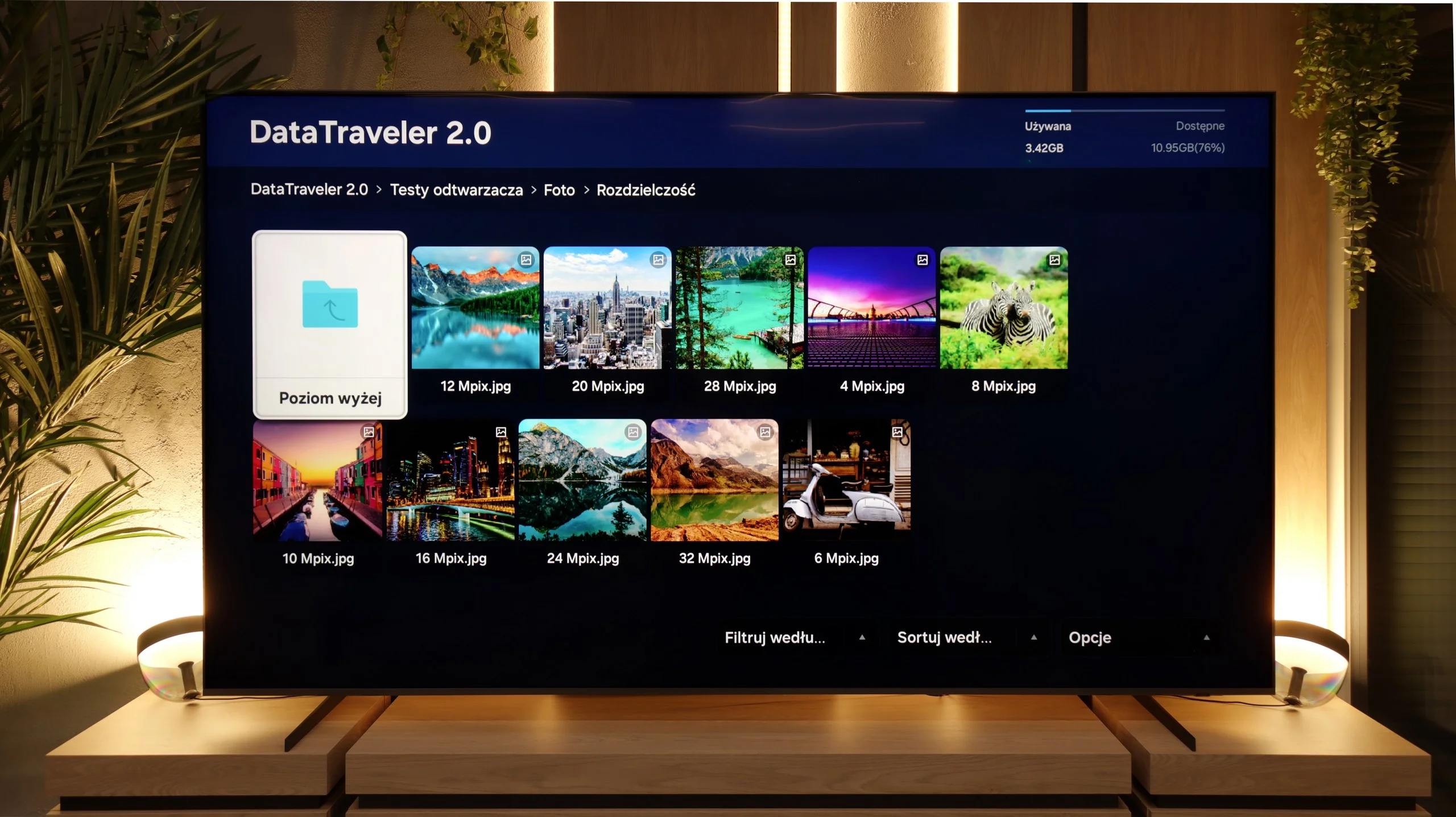
The built-in media player in the QN80F performs decently, but it's hard to talk about full extravagance. It handles movies quite well – easily playing popular video formats, from simple MP4s to heavier containers. It’s not at the level of all-in-one apps like VLC, but it’s sufficient for everyday viewing. Especially since the latest update addressed the issue with supporting various subtitle formats in films. The situation is a bit worse when it comes to photos. Support is basically limited to JPG and BMP, so if someone keeps their photo archive in a different format, they will need to use an additional app or will be forced to convert their photos.

The USB media player works properly and handles most common files without major problems. Our main reservation is the handling of photos. The UR8S is rather selective about image resolutions. For example, it can open 16 or 32 Mpix photos yet refuse to display 10, 12 or 20 Mpix files. It's hard to find any logic in that, so if you often view photos directly from a USB stick you may sometimes run into a file the TV simply won't open.

Sound

6.7/10

7.8/10

  • Maximum volume
    87dB
    92dB
  • Dolby Digital Plus 7.1
    Yes
    Yes
  • Dolby True HD 7.1
    No
    Yes
  • Dolby Atmos in Dolby Digital Plus (JOC)
    Yes
    Yes
  • Dolby Atmos in Dolby True HD
    No
    No
  • DTS:X in DTS-HD MA
    No
    Yes
  • DTS-HD Master Audio
    No
    Yes

QN80F performs well on its own – with a bit of bass, some space thanks to Dolby Atmos, and clear enough that daily watching of movies or series isn’t tiring. But with a 100-inch screen, it's begging for a soundbar. Only then will the scale of image and sound start to align, because while the TV does a decent job, it's hard to expect the built-in speakers to fill such a large living room with sound.

In terms of sound, the UR8S performs very similarly to the lower-tier Hisense U7S Pro, and that's no coincidence. The manufacturer has used practically the same 2.1.2 layout with a total power of 50 W. There's an additional subwoofer at the back of the enclosure, while the other speakers are positioned in the lower part of the TV. For built-in speakers the result is quite good. The subwoofer adds some bass, so the sound isn't as flat as in basic TVs, and the whole setup can also play really loudly. In our measurements the maximum loudness reached about 92 dBC. It's not, of course, a replacement for a good soundbar, but it's perfectly adequate for casual TV watching or YouTube.

Sound Quality Test

Acoustic Measurements

87dBC (Max)

75dBC

92dBC (Max)

75dBC

Reader comments

Comments are provided by the external service Disqus (Zeta Global). Once loaded, Disqus may set cookies and process data about your activity.

We will remember your choice on this device. Provider's privacy policy