 Direct comparison
The SAMSUNG S90D, also known as the S94D, is equipment that repeatedly surprised us positively during our tests. It’s worth mentioning at the outset that depending on the selected size, differences may concern the applied OLED panel. However, regardless of which variant we encounter, one can count on excellent blacks and HDR effects that, thanks to high brightness, make a huge impression. This is one of those TVs that can truly elevate home viewing to a cinematic level. During testing of films and series, we immediately noticed the great colour reproduction and depth of blacks. Dark scenes, which can be problematic on other screens, are full of details and immersive here. Although the factory colour settings could be a bit better, after calibration, the image gained clarity, and the TV showed what it’s really capable of. In terms of everyday usage, we noted that the wide viewing angles allow comfortable watching of content even from less central positions. The Tizen operating system appealed to us – it’s clear, fast, and offers access to the most popular apps. AirPlay works seamlessly, which was a nice addition during testing. And what about image smoothness?... The 144 Hz panel performs excellently. While watching sports, the image was smooth, without the slightest blur. Matches or races felt like we were really in the stands. We also couldn’t skip gaming tests. Low input lag and support for HDMI 2.1 make the S90D/S94D a great choice for gamers. Games ran smoothly, and every movement was displayed with incredible precision. This is equipment that meets the expectations of even the more demanding console users. The SAMSUNG S90D/S94D is a TV that combines excellent picture quality with modern features and versatility. Regardless of whether we're watching films, playing on a console, or simply using apps, this model impresses. In its price range, it’s truly a strong contender.
- Matching (Score) |
- Our verdict |
- TV appearance |
- Where to buy |
- Contrast and black detail |
- HDR effect quality |
- Factory color reproduction |
- Color reproduction after calibration |
- Smoothness of tonal transitions |
- Image scaling and smoothness of tonal transitions |
- Blur and motion smoothness |
- Console compatibility and gaming features |
- Input lag |
- Compatibility with PC |
- Viewing angles |
- Daytime performance |
- Panel details |
- TV features |
- Apps |
- Playing files from USB |
- Sound
S90DAE / S94DAE

W92C / W94C
Available screen sizes: 55”
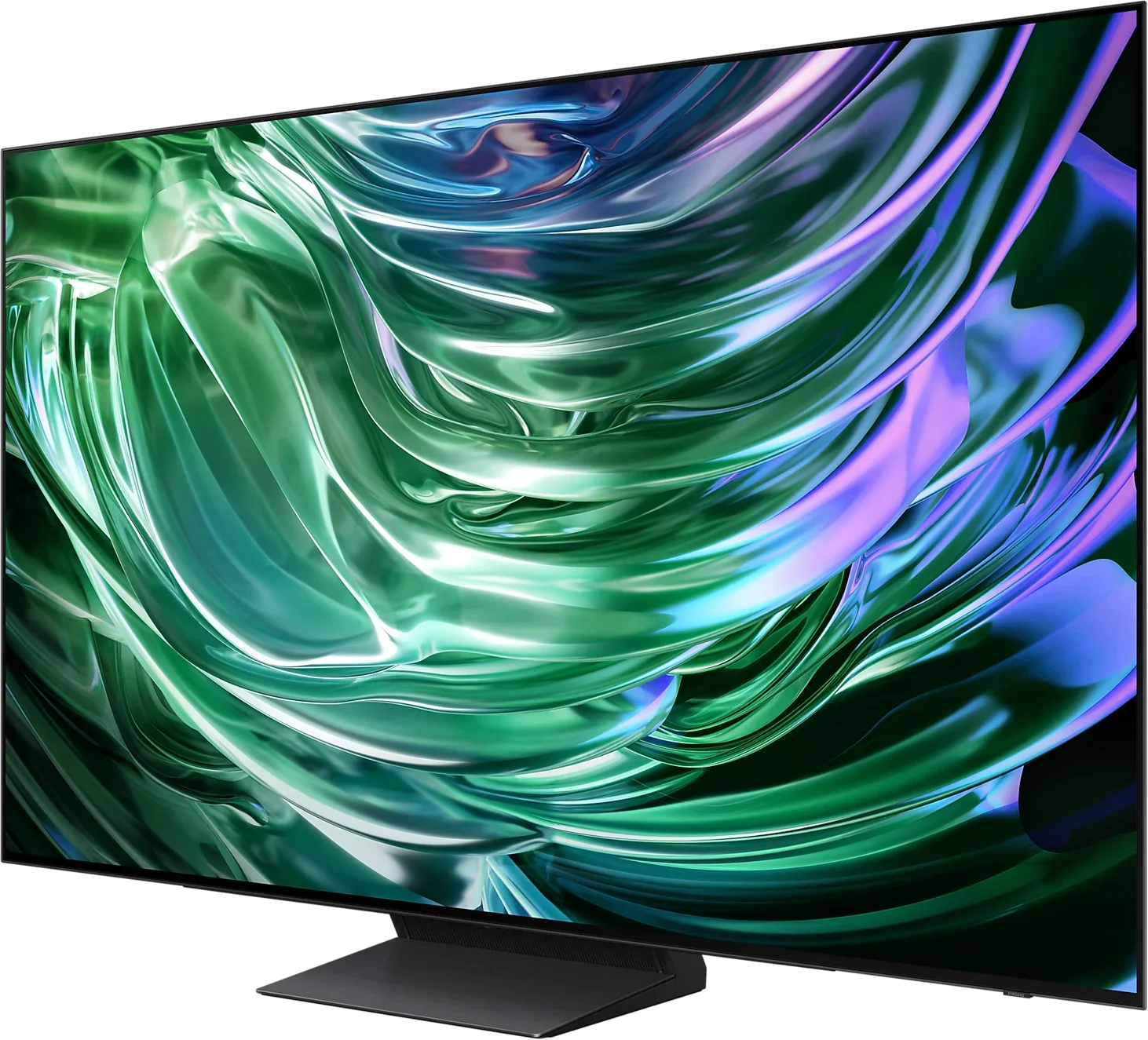
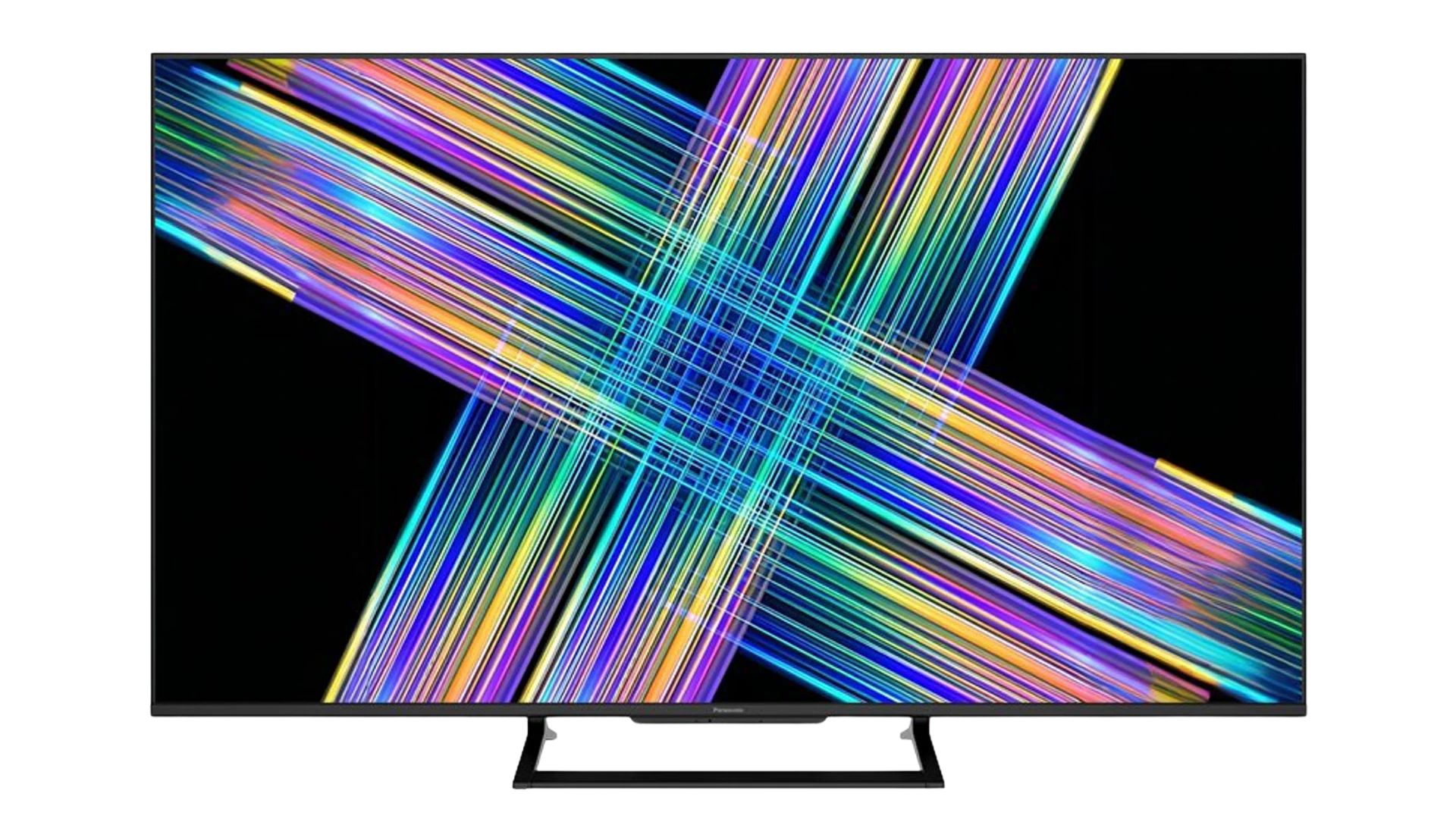
Panel type: WRGB OLED
Resolution: 3840x2160
System: Tizen
Model year: 2024
Complete the survey to find out the result
Panel type: LCD IPS
Resolution: 3840x2160
System: Google TV
Model year: 2026
Complete the survey to find out the result
Overall rating
8.1
7.1
 Movies and series in UHD quality
8.2
6.5
 Classic TV, YouTube
8.7
6.7
 Sports broadcasts (TV and apps)
8.5
6.9
 Gaming on console
9.5
7.8
 TV as a computer monitor
8.6
9.0
 Watching in bright light
6.0
6.8
 Utility functions
7.4
6.6
 Apps
9.3
9.6
 Sound quality
7.4
6.7
Complete the survey to find out what fits your preferences
Advantages

Ideal contrast
Great for 4K content
Perfect for gamers - 144hz, HDMI 2.1, low input lag.
Decent brightness
Advanced and smooth Tizen system
Matte screen effectively reduces reflections
Fast Google TV system with plenty of apps and features
Natural colours after calibration
Supports Dolby Vision and HDR10+
Good viewing angles
Very smooth tonal transitions
Effective enhancement of lower-quality content
Good choice for gamers: 144 Hz and low input lag, 3x HDMI 2.1 48 Gbps
Very good text readability from a computer
Disadvantages

Colours from the box need improvement
Missing Dolby Vision (not necessary at this brightness but it would be appreciated)
Imprecise local dimming (limited number of zones)
Poor out-of-the-box colour accuracy
Software bugs
Motion handling issues: motion blur and lack of advanced motion interpolation controls
Mediocre sound despite the subwoofer
Our verdict
The W92C is the first Panasonic developed in collaboration with Skyworth that we've tested. And it's roughly the change we expected: a bit less of the old Panasonic, but also a few new things that work in its favour. Most welcome is the switch to Google TV. The system runs fast, gives access to the apps you need, and in daily use convinces us more than the previous Fire TV. Paired with a matte screen that handles reflections well, this makes for a comfortable living-room TV where you don't always feel like drawing the curtains before watching.
The longer we used the W92C, the more we appreciated its versatility. It can improve poorer source material quite effectively, and after calibration the picture gains a naturalness that, unfortunately, it lacks on the factory settings, as was the case with older Panasonic models. It also works well for consoles and PCs. It responds quickly to input and the high refresh rate delivers pleasant smooth motion. So the Panasonic makes sense in a home where one screen is used for TV, movies, gaming, and sometimes even... working with text. 🙂
The limitations become more apparent during evening viewing. Black can look good, but a more demanding scene will cause halos around bright objects and the bars above and below the picture to glow. A small number of local dimming zones makes it hard to maintain deep blacks and bright details at the same time. Dolby Vision helps get more out of this screen, but it doesn't remove those limitations. The factory picture tuning is also disappointing, and the automatic brightness shifts we encountered during the review further spoil the user experience. This is where the refinement we expected from the "Panasonic" name is most lacking.
So ultimately the attractiveness of the W92C will come down to price. It's a basic Mini LED and should be priced similarly to competing models with simple local dimming. At that level it would be a sensible proposition, especially for people moving up from a regular LCD. They'll get better blacks, a handy system and a versatile screen that works for both TV and gaming. However, if you have to pay a clear premium for the Panasonic badge, it will be hard to justify. The W92C has enough strengths to hold its own as an inexpensive, versatile TV, but too few advantages to sell itself on the brand alone.
TV appearance
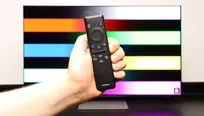

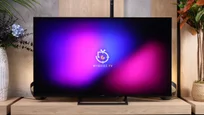
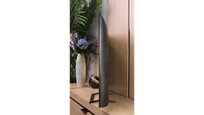

Contrast and black detail
10/10
5.2/10
Local dimming function: Yes, number of zones: 91 (7 x 13)
Contrast:


Result
∞:1

Result
∞:1

Result
∞:1

Result
∞:1

Result
∞:1
Result
24,900:1
Result
5,050:1
Result
9,150:1
Result
2,000:1
Result
900:1
Halo effect and black detail visibility:
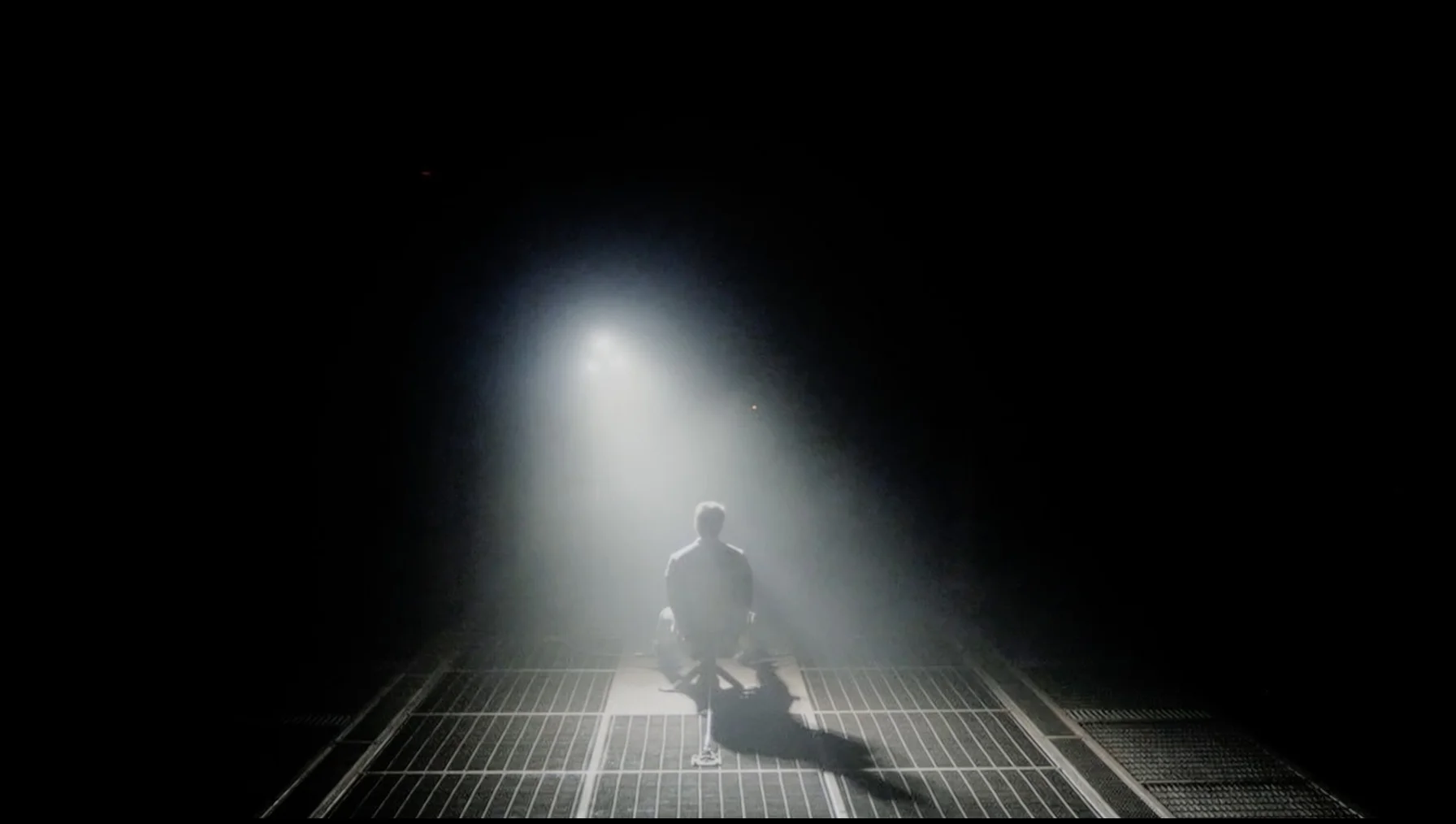
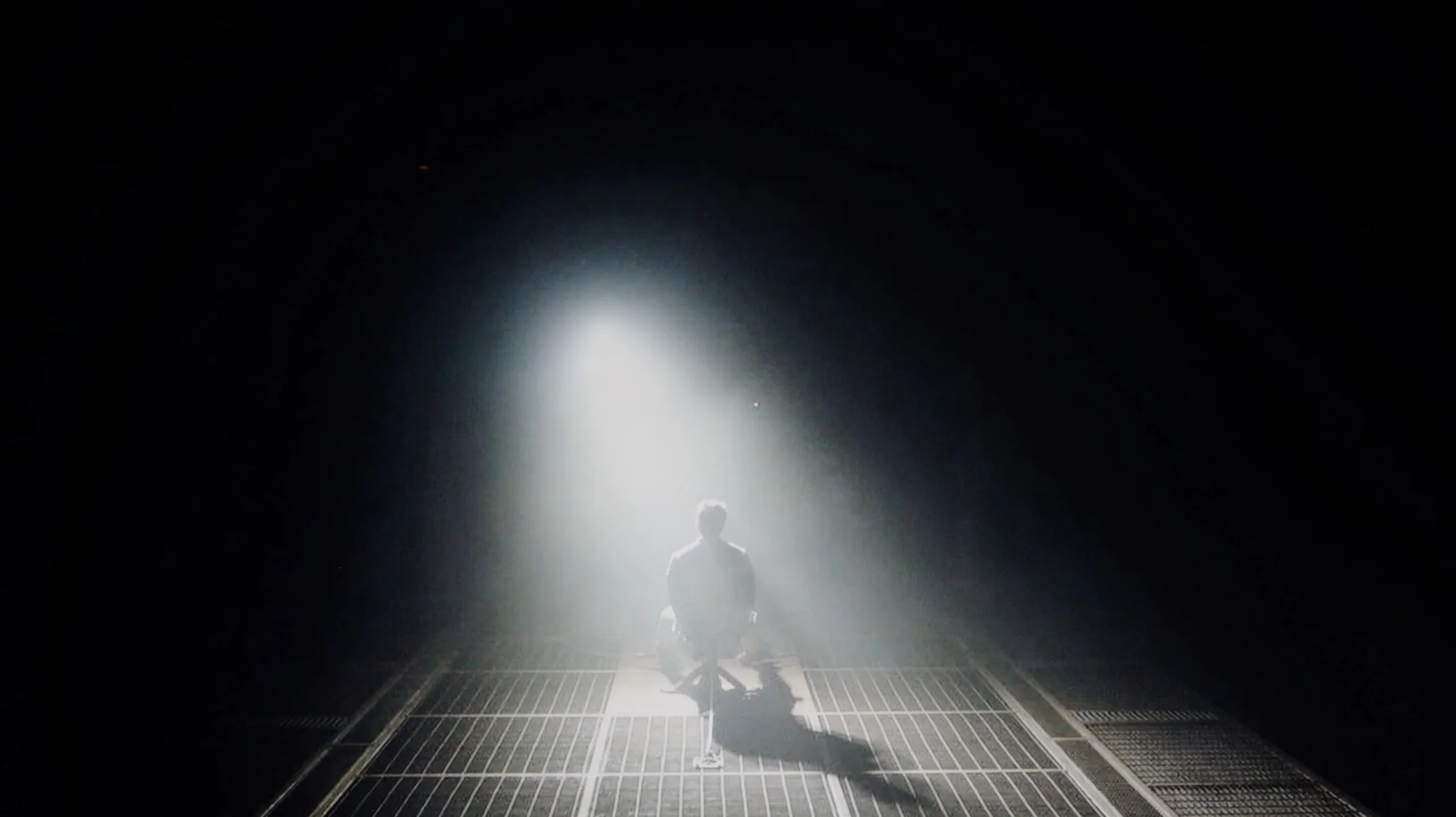
Check the visibility of bright lights on a dark background. Mini-LEDs often struggle with this. The photo does not compare black levels – that’s what the video below is for.
The video accurately shows differences in contrast and black levels between TVs, as well as potential issues: halo around bright objects or Mini-LED zone operation visible as brightness jumps.
Samsung S90D, thanks to its OLED matrix, offers infinite contrast, which is one of its greatest advantages. OLED matrices are characterised by each pixel emitting its own light, allowing for deep blacks and excellent detail reproduction in dark scenes. In contrast to traditional LCD matrices with backlighting, where black often takes on a grey hue due to uneven backlighting, OLED guarantees that switched-off pixels remain completely black. This allows for a very high level of contrast, making images more dynamic and realistic. In the scene from "Oblivion", the Samsung S90D beautifully showcases the high light effect of the lantern, highlighting the intensity and details in the bright parts of the image. Meanwhile, in the film "Sicario 2", you can perfectly see the separation of the helicopter lights from the dark background. A surprising aspect of the S90D model is the fact that Samsung, after years of disputes, decided to use organic matrices produced by LG, in versions with "DAE" endings in their names. Is that a bad thing? No! In terms of contrast, both WOLED and QD-OLED matrices offer the same, which is perfect black.
Black levels on the Panasonic W92C generally look quite good. That's mainly down to local dimming, and the 55-inch sample we tested uses 91 zones. In simpler scenes the TV can effectively darken the background, and in our easiest test it reached almost 25,000:1 contrast. However, to achieve that level of black you need to set dimming to High. Lower settings leave the backlight too bright.
That comes at a cost in bright parts of the picture. The separation of individual lights remains visible, though you have to look closely to notice it. A lower dimming setting lets those details appear more clearly, but the degradation of blacks is too great to call it a better compromise.
Even on the High setting you can see the limits of the small number of zones. What bothered us most were the bright bands above and below the picture, which in HDR material at times took on a nearly navy tint. Small bright objects also show bright outlines, the so‑called halo effect. On the plus side the backlight is stable: in the helicopter scene we didn't notice any erratic brightening and dimming of successive zones. More zones would help, and the control needs refinement. Moving up from a basic LCD without local dimming can still bring a clear improvement, but for a Mini LED the result leaves a fair amount to be desired.
HDR effect quality
6.9/10
4.8/10
Luminance measurements in HDR:

Result
960 nit

Result
990 nit

Result
1098 nit

Result
1042 nit

Result
490 nit
Result
508 nit
Result
175 nit
Result
348 nit
Result
169 nit
Result
428 nit
Scene from the movie “Pan” (about 2800 nits)


Scene from the movie “Billy Lynn” (about 1100 nits)


The photos show two HDR10 movies. 'Pan' is one of the brightest productions ever made, while 'Billy Lynn' (soldier) has brightness typical of streaming (Netflix, Prime, HBO MAX). Notice the intensity of effects and detail in whites.
Static HDR10


The photos present the visibility of white details in various HDR formats. They do not show brightness differences between TVs (these can be compared in the previous gallery).
Dynamic: HDR10+
Dynamic: Dolby Vision


The photos present the visibility of white details in various HDR formats. They do not show brightness differences between TVs (these can be compared in the previous gallery).
HDR luminance chart:
Panasonic W92C (Google TV)
Samsung OLED S90D / S94D (WRGB OLED)
Luminance of RGB colors
In the tested film scenes, the Samsung S90D television achieves impressive brightness results, exceeding the 1000 nit barrier in the first four shots, which can be considered a remarkable outcome. In the case of the last shot, where a full-screen flash of sunlight is visible, the brightness drops to around 500 nit, but it still remains at a very good level. Additionally, the television impresses with a DCI-P3 colour space coverage value of 98%, which guarantees extraordinarily rich and realistic colour reproduction, further enhancing the image quality. This result makes the Samsung S90D an ideal choice for those expecting high-quality images in a variety of lighting conditions.
Panasonic W92C osiąga szczytowo około 750 nitów przy wygaszaniu ustawionym na poziom wysoki. Taka jasność pozwala już pokazać wyraźny efekt HDR, jednak w filmach telewizor nie zawsze potrafi ją wykorzystać. W jaśniejszych scenach uzyskujemy około 500 nitów, natomiast niewielkie światła na ciemnym tle potrafią spaść do zaledwie 160–250 nitów. W praktyce oznacza to, że słońce w jasnym ujęciu wygląda dość przekonująco, ale latarka czy drobne rozbłyski w nocnej scenie tracą siłę. To kolejny koszt działania lokalnego wygaszania, które przy ograniczonej liczbie stref przyciemnia również jasne elementy, żeby utrzymać czerń wokół nich.
Podczas testów zauważyliśmy też dziwny błąd oprogramowania. Po przejściu do HDR telewizor samoczynnie zmieniał poziom podświetlenia, ustawiając go na przykład na 53 lub 81 zamiast wartości maksymalnej. Obraz był przez to ciemniejszy, niż pozwalają możliwości matrycy. Wszystkie prezentowane pomiary wykonaliśmy po ręcznym przywróceniu maksymalnego podświetlenia.
Kolory
Za szeroką paletę barw w Panasonicu W92C odpowiada luminofor PFS, który daje efekt podobny do kropek kwantowych stosowanych w ekranach QLED. Zmierzyliśmy pokrycie DCI-P3 na poziomie około 94% oraz 74% szerszej palety BT.2020. Co istotne, wyniki w materiałach filmowych były praktycznie identyczne jak na planszach testowych. To dobry rezultat, dzięki któremu filmy HDR mogą pokazać bogatsze, bardziej nasycone kolory niż na podstawowym ekranie LCD.
Nieco gorzej wypada jasność samych barw. W naszych pomiarach czerwień osiągała około 58% wartości docelowej, a zieleń i niebieski około 66–67%. Telewizor potrafi więc wyświetlić szeroki zakres kolorów, ale najjaśniejsze, intensywnie nasycone fragmenty obrazu nie mają takiej siły jak w ekranach RGB.
Factory color reproduction
7/10
4.1/10


This gallery shows how colors change after professional TV calibration. If you notice the difference, we recommend ordering this service at SkalibrujTV.com.
Factory Mode
After calibration


This gallery shows how colors change after professional TV calibration. If you notice the difference, we recommend ordering this service at SkalibrujTV.com.
Factory Mode
After calibration
The S90D television has been tested in Filmmaker mode, which offers good colour reproduction, although with some imperfections that may be noticeable to more discerning users. This mode may seem too warm, and users who have switched from Standard mode might experience a slight shock. It’s worth noting that this state of affairs is caused by poor settings, such as in the white balance, rather than the Filmmaker mode itself. In both SDR and HDR content, the device shows drops in blue, causing colours to appear warmer than they should. In practice, this means that certain shades, such as sky blue or skin tones, may appear less natural and more tinged with pink or yellow. The Colour Checker test confirms these deviations, showing shifts towards warmer tones. In SDR content, the gamma chart indicates slight fluctuations, which may result in the image being minimally darker, especially in the shadows. This can affect the clarity of details in darker scenes. Meanwhile, in 4K HDR materials, the EOTF curve is located above the recommended line, leading to some parts of the image being displayed too brightly, which can cause clipping in the brightest areas. Overall, Samsung S90D delivers a solid picture straight out of the box, but for the best results, especially with more demanding content, additional calibration is recommended.
We measured the factory colours in Film mode. The W92C also has a "Filmmaker" mode, Filmmaker Mode, but it practically locked all picture settings, so for further testing and calibration we chose a Film mode similar to it. It's better than the other available presets, though unfortunately that doesn't mean it's well calibrated. It's one of the weaker film modes we've tested this year. A shame, because Panasonic has usually given us much better out-of-the-box settings. In SDR material a cool tint is immediately apparent. The white balance has too much blue, and an excess of red relative to green gives the whites a slightly pinkish cast. You can see this in faces too, which don't look as natural as they should. An even bigger problem is the significantly low gamma. Instead of the target 2.4, across most of the scale it sits around 1.9–2.0. In practice the image is overly bright, shadows lose depth and almost every scene looks a bit flat. In HDR there's even more blue, especially in the bright parts of the picture. Here, too, the TV lifts the brightness of darker and mid tones, which is shown by the EOTF curve rising above the reference. That makes some shadow detail easier to see, but the scene loses its proper atmosphere. So we have a similar problem as in SDR: colours that are too cool and an image that's overly bright. For a Panasonic, the W92C's factory settings are simply... disappointing.
Color reproduction after calibration
8.7/10
7.7/10


The photos show how movies look on the TV. Pay attention to black detail visibility, colors, and shadow tint.


The photos show how movies look on the TV. Pay attention to black detail visibility, colors, and shadow tint.
After calibration, the Samsung S90D TV in movie mode looks even better than one might expect. The white balance for both HD and 4K HDR content has been improved almost to perfection. Although minor errors can still be noticed, they are so minimal that they do not significantly affect the picture quality. Colours are more balanced, leading to a natural reproduction of details, especially in scenes that require a precise colour palette. It is worth noting that this model in this size is equipped with a WOLED panel, which has less coverage of a wide colour gamut and does not offer as rich colours as, for example, the 65-inch version, which is equipped with a QD-OLED panel.
The contrast has also seen a significant improvement. The gamma graph after calibration is much closer to the expected line, providing a better balance between bright and dark areas of the image. The EOTF curve, which showed problems with overexposed scenes before calibration, now demonstrates better results. This effect allows for greater detail to be preserved in the bright parts of the image, especially in HDR materials.
After calibration the W92C looks noticeably better, especially with SDR material. We managed to equalise the white balance and remove the cool blue cast that had been spoiling virtually every scene. Whites are now neutral and faces have a much more natural colour. We also corrected the gamma, which now holds much closer to the target value of 2.4. That restored depth to the picture and it no longer looks so overly brightened. Colour measurements back up this improvement, and errors are small, so it's hard to criticise the SDR performance.
In HDR we also reduced the excess blue, although some imperfections remain in the very brightest shades. A bigger issue is how the TV manages brightness. Shadows and midtones are lifted, while the brightest highlights actually come out darker than they should. This robs the image of some contrast between dark backgrounds and strong light, which is an important part of the HDR effect. Unfortunately we don't have enough control over this behaviour in the settings. Calibration improves the colours but won't fix the tone mapping and backlight control. That's an operating characteristic of the W92C that Panasonic needs to refine.
Smoothness of tonal transitions
7.6/10
9.7/10




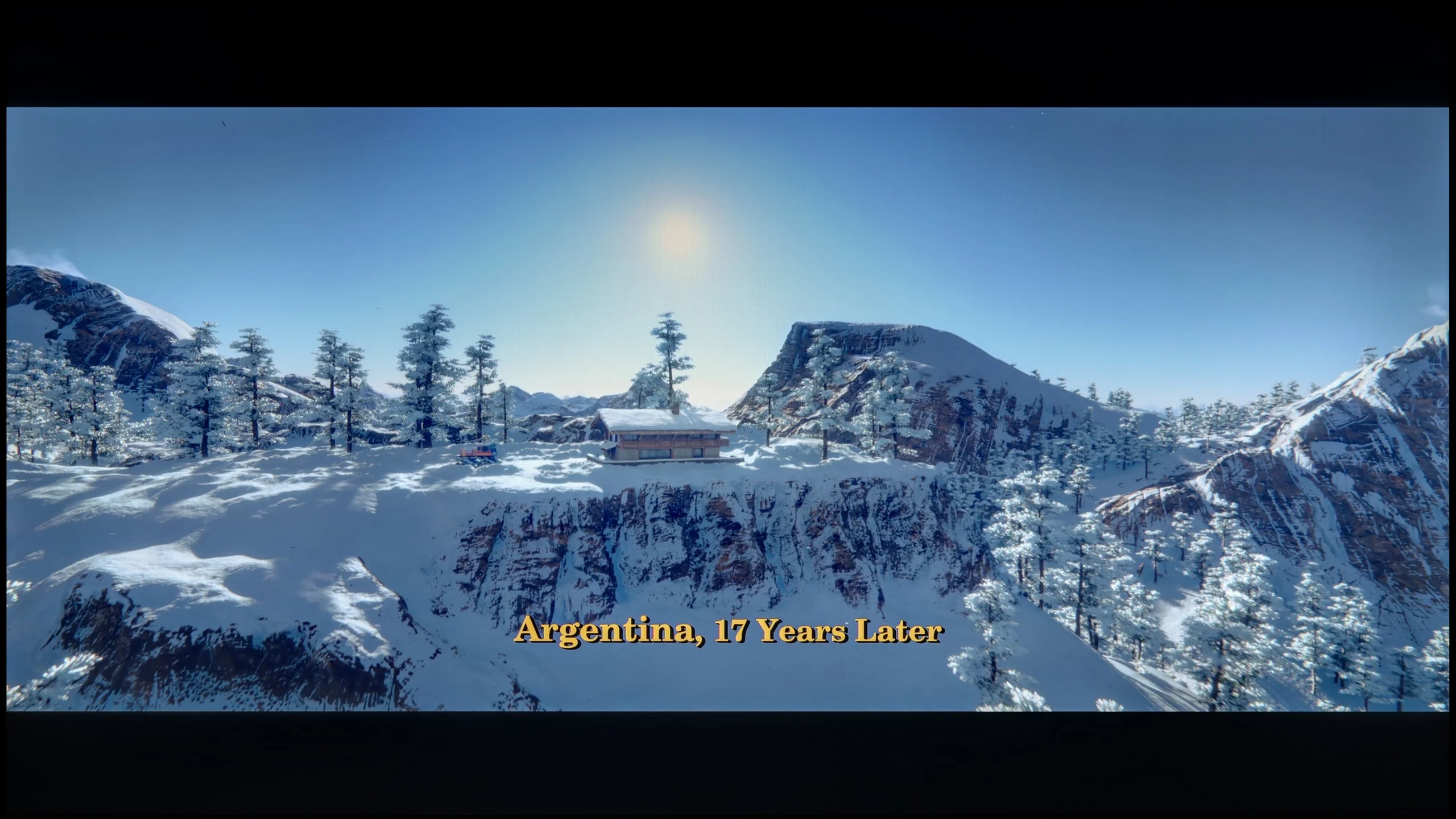
These are selected scenes that show smooth tonal transitions from one color to another. If you see distinct banding, it’s the TV panel’s fault.

These are selected scenes that show smooth tonal transitions from one color to another. If you see distinct banding, it’s the TV panel’s fault.

These are selected scenes that show smooth tonal transitions from one color to another. If you see distinct banding, it’s the TV panel’s fault.

These are selected scenes that show smooth tonal transitions from one color to another. If you see distinct banding, it’s the TV panel’s fault.
The fluidity of tonal transitions in the Samsung S90D television is at a good level, although subtle imperfections are noticeable in places. In most scenes, the tonal transitions are fluid and well-reproduced, providing a natural viewing experience. In more demanding sequences, such as a dark coloured sky, slight issues may arise; however, they do not significantly affect the overall visual experience. In the test scene with dominant red hues, slight cutoffs in the brighter areas can be observed, but they are subtle enough not to disrupt viewing. Overall, the fluidity of tonal transitions in the Samsung S90D television is solid, ensuring a good reception of content.
The smoothness of tonal transitions on the W92C is outstanding. It's one of the best results we've seen this year. Regardless of the scene, colours blend smoothly into one another and you can barely see any banding separating individual shades. Panasonic handles both bright skies and darker, more demanding parts of the picture well. There's really little to fault here.
Image scaling and smoothness of tonal transitions
7.9/10
7.8/10


Smooth transition function
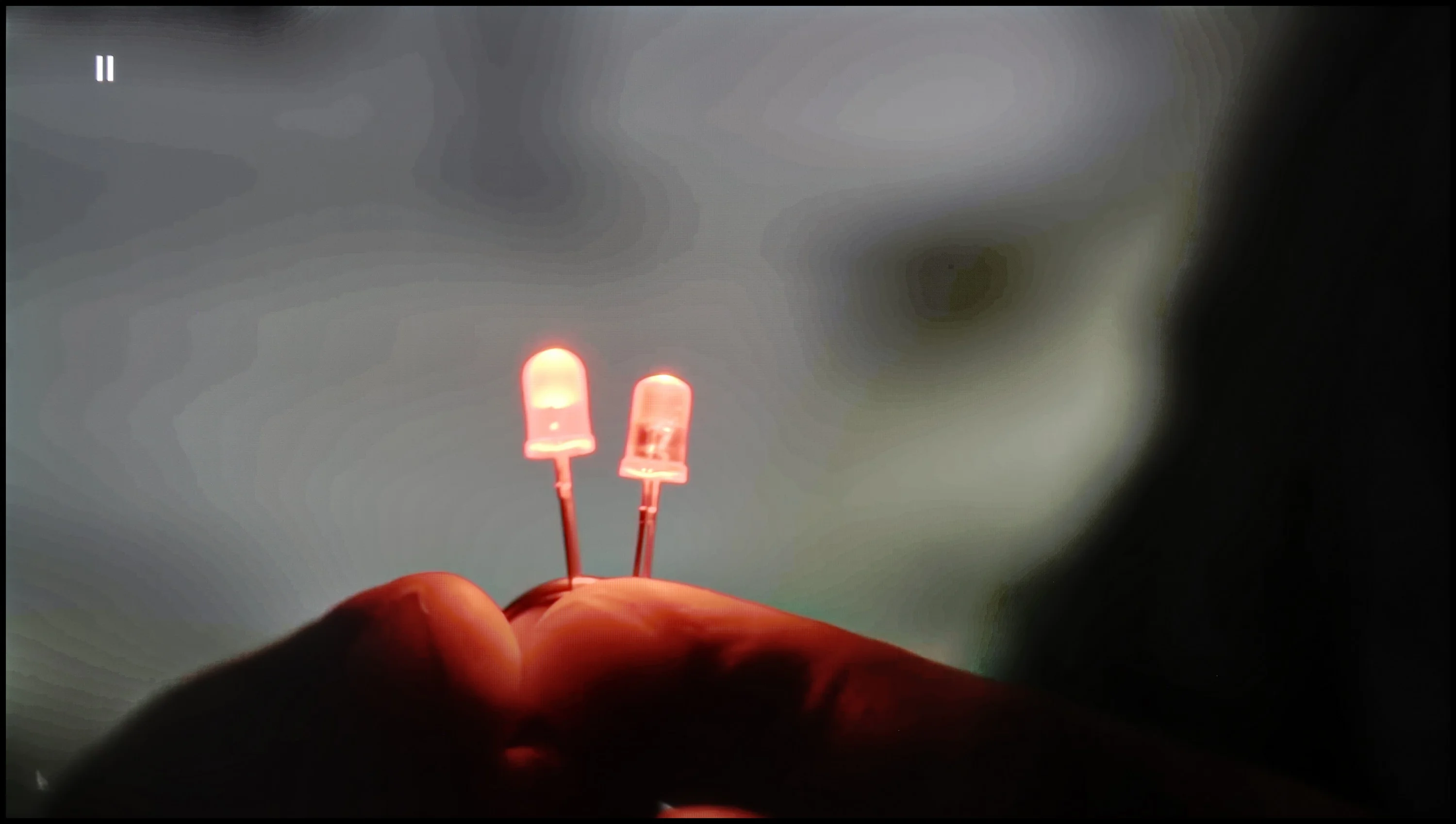
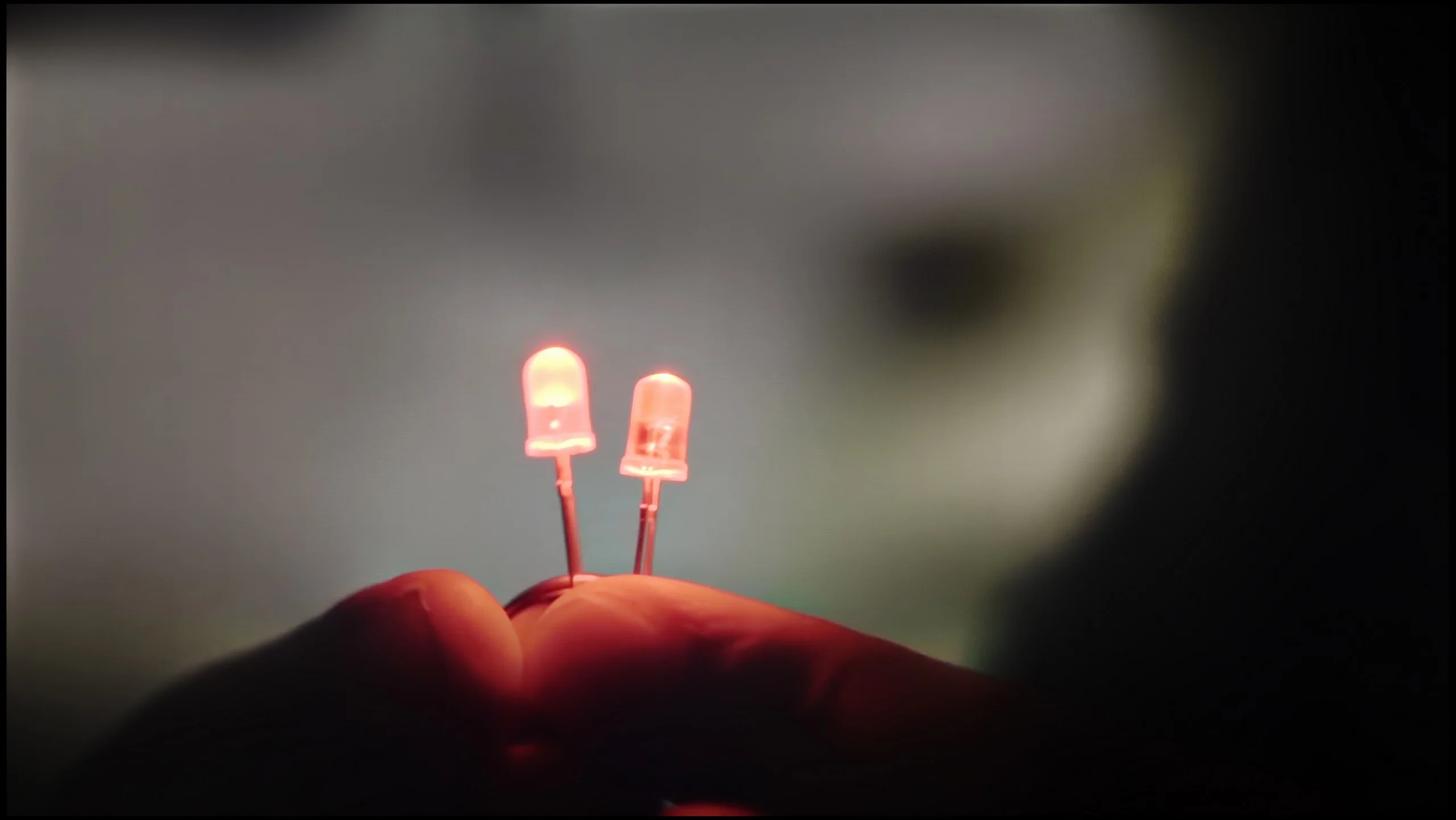
The match photo shows how the TV smooths weak tonal transitions in low-quality video.
Image scaling SD (576i)


The model photo shows how it handles upscaling of SD material.
Television S90D handles tonal transitions very well. Thanks to the technology used, transitions between colours are smoother and more natural. You can also use the noise reduction feature, which further smooths out tonal transitions, which can be useful in certain situations. However, it's worth remembering that turning on noise reduction can also lead to the smoothing out of desirable film grain, thereby reducing the cinematic feel of the image. For this reason, caution is advised when using this feature, as it’s better to leave the natural grain that adds character and authenticity to the content being viewed.
Samsung, as always, does not disappoint and excels in scaling images from lower resolutions. The S90D Samsung TV effectively processes lower resolutions, as seen in the visible image. The outline of the model is clear and accurate and, as a result, looks natural and detailed. Moreover, the branches of the trees are well-represented, showing no significant jaggedness that could degrade image quality. With effective scaling, even materials in lower resolution present attractively on the screen, satisfying users who prefer various sources of content such as regular antenna/cable television.
The "Contour smoothing" function is used to improve tonal transitions in lower-quality material. At the medium level it works very effectively and removes visible banding between shades well. It sometimes loses some fine detail, but these aren't things that stand out. The low setting is more cautious and doesn't affect other image elements, but the smoothing itself is much weaker. We'd stick with the medium setting. Another plus is that the function leaves noise and film grain untouched.
Scaling itself also performs quite well. In our shot with the model the details of the clothing and the tree remain clear, so lower-resolution content looks decent on a large screen. There is, however, one drawback: with an SD signal the TV crops the edges of the image, applying so-called overscan. As a result we lose a small portion of the frame.
Blur and motion smoothness
8.5/10
7/10
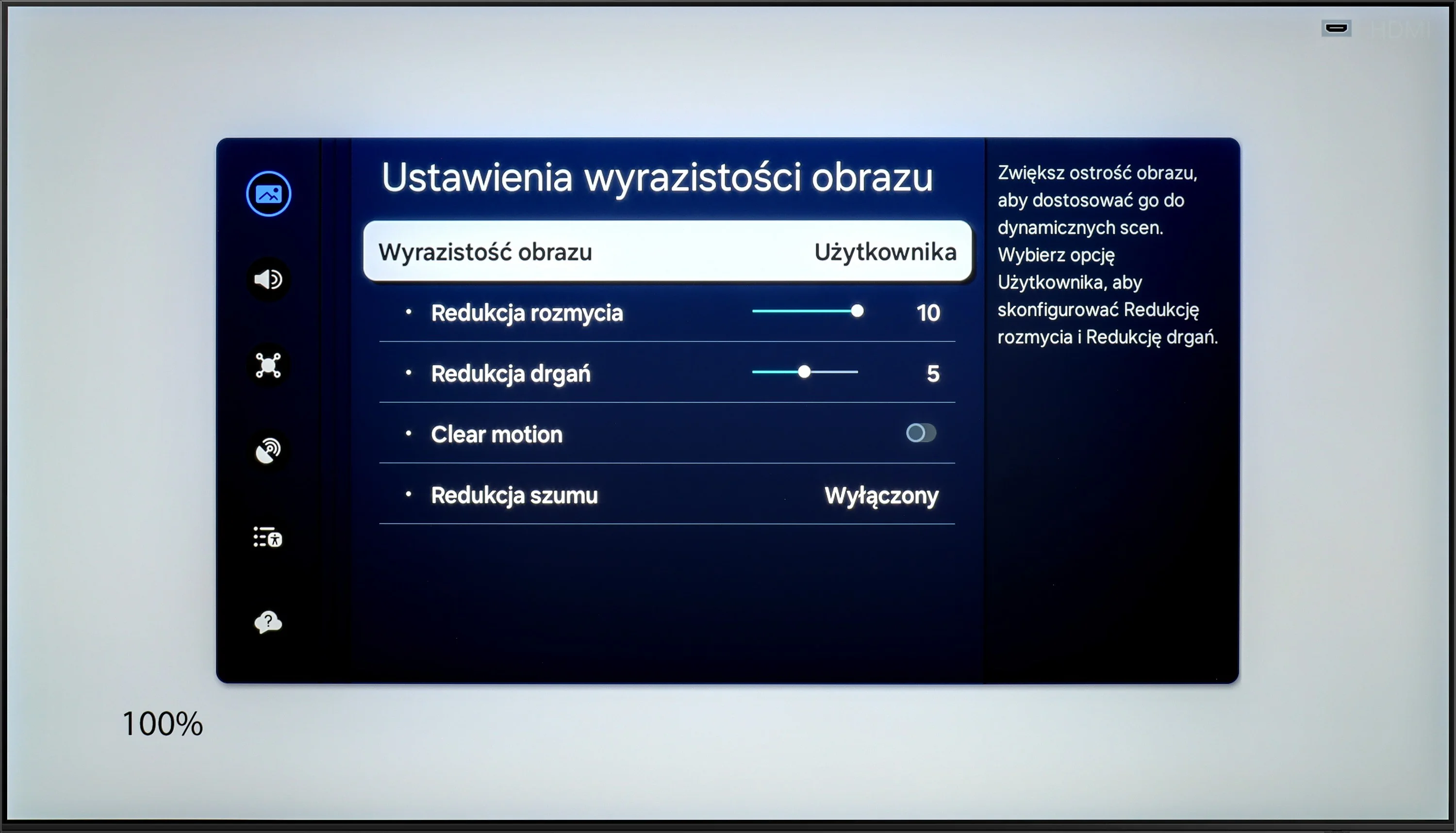
Blur (native resolution, maximum refresh rate):






Blur ():
Blur (4K@144Hz):



Samsung S90D TV is equipped with a 120 Hz panel, with the ability to overclock to 144 Hz with the right PC configuration, providing exceptional motion smoothness. For years, Samsung has offered a variety of ten-point settings for image clarity, allowing users to adjust the display to their preferences. In the UFO test, thanks to the use of an OLED panel, there is no sign of any motion blur. The pixel response is instantaneous and perfectly captures dynamic movements. In this aspect, OLED technology is considered one of the best on the market. The image is incredibly sharp and detailed, even during fast action, making the S90D an ideal choice for gamers and sports enthusiasts.
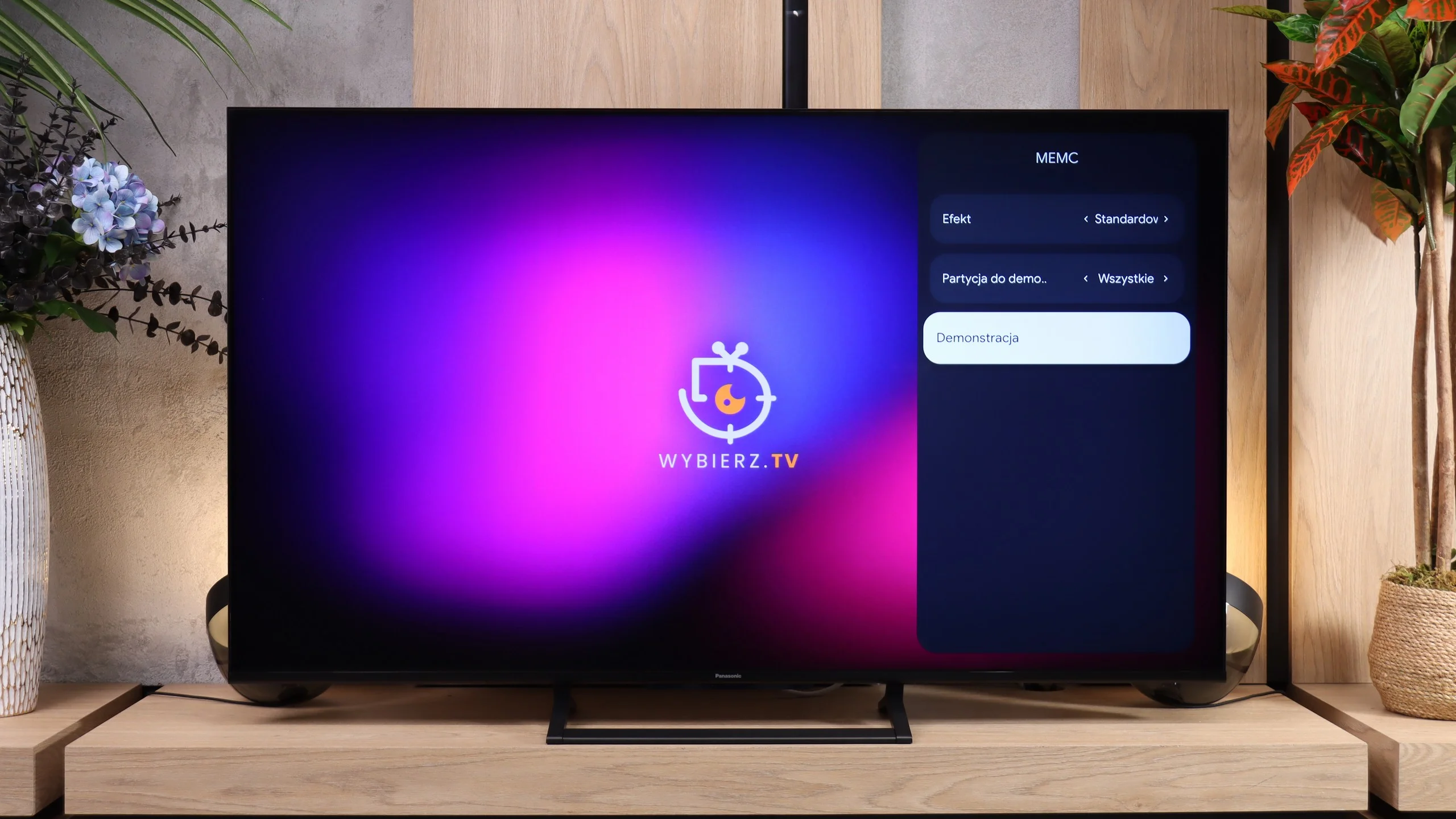
The Panasonic W92C has a 144 Hz panel, which is most useful for PC gaming. For console gaming and sports it's more important how the screen handles 120 Hz. Motion is smooth, though moving objects aren't perfectly sharp. In our UFO test you can see a distinct trail behind it, especially on a dark background. Even so, the W92C is still a better option for fast-paced content than a typical 60 Hz screen. The higher refresh rate gives a noticeable improvement in smoothness, it's just that the panel itself could react faster to colour changes.
Console compatibility and gaming features
9.5/10
8.1/10
- ALLM
- VRR
- VRR range48 - 144Hz48 - 144Hz
- Dolby Vision Game Mode
- Correct implementation of HGIG
- 1080p@120Hz
- 1440p@120Hz
- 4K@120Hz
- Game bar
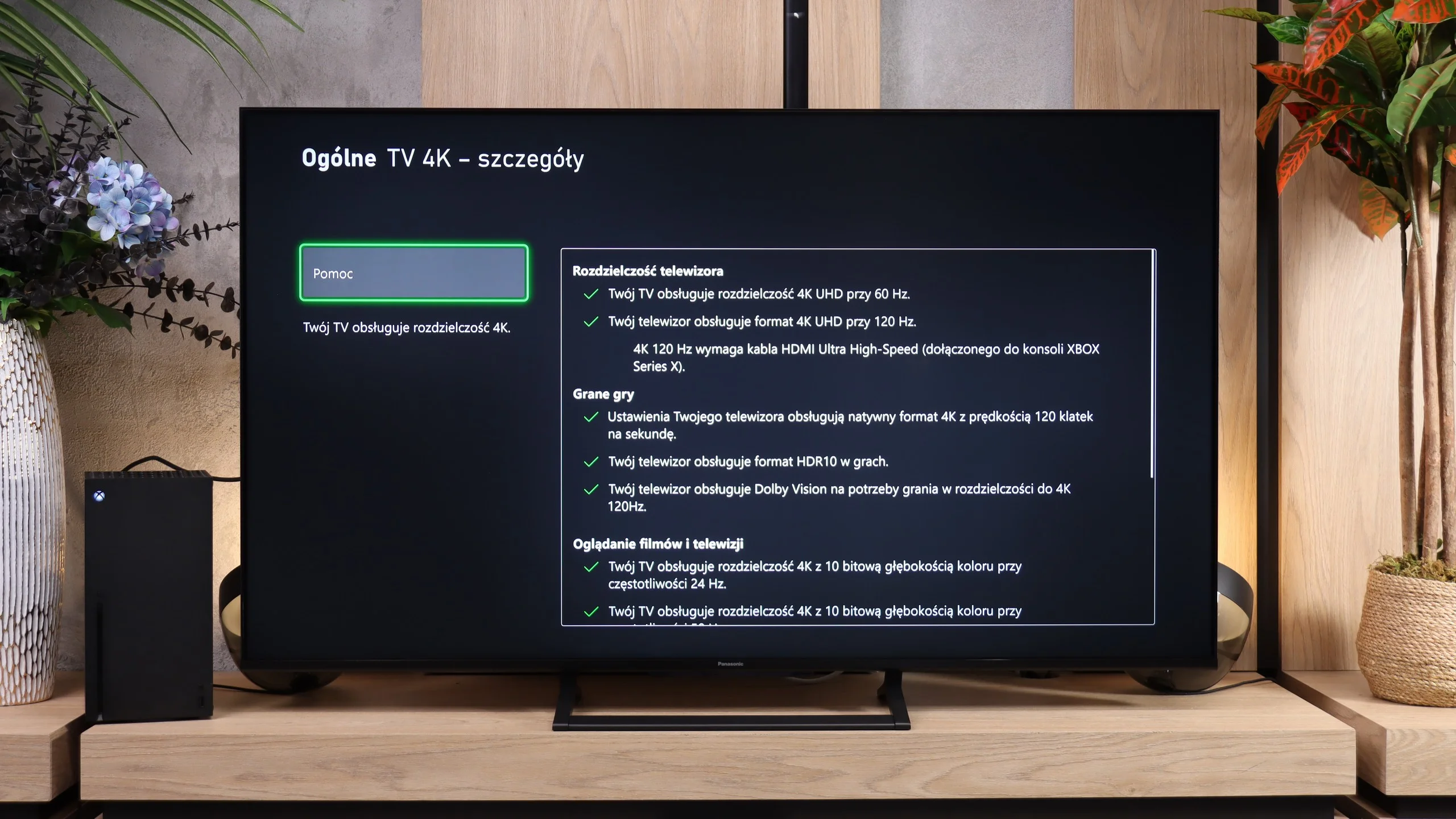
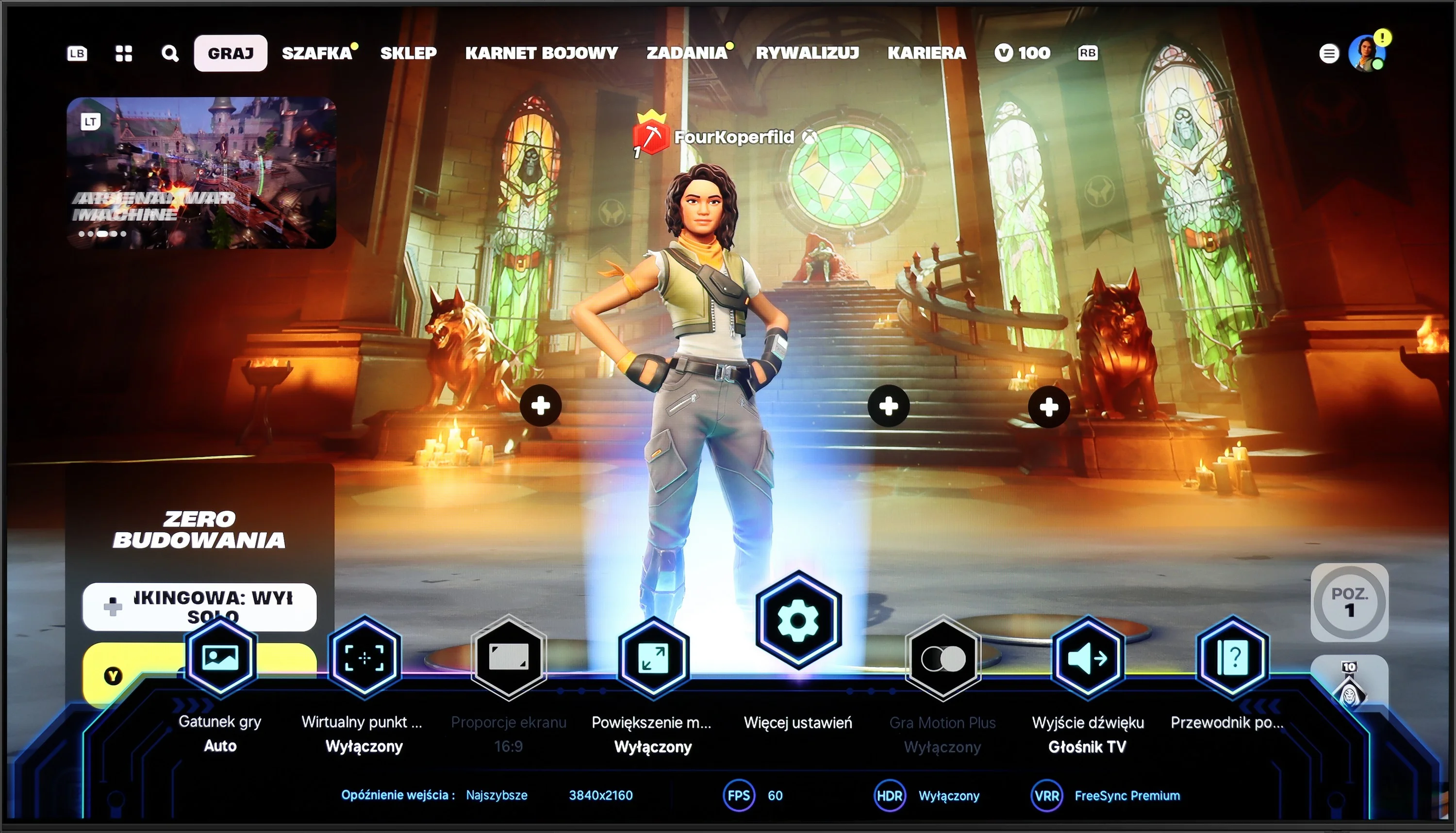
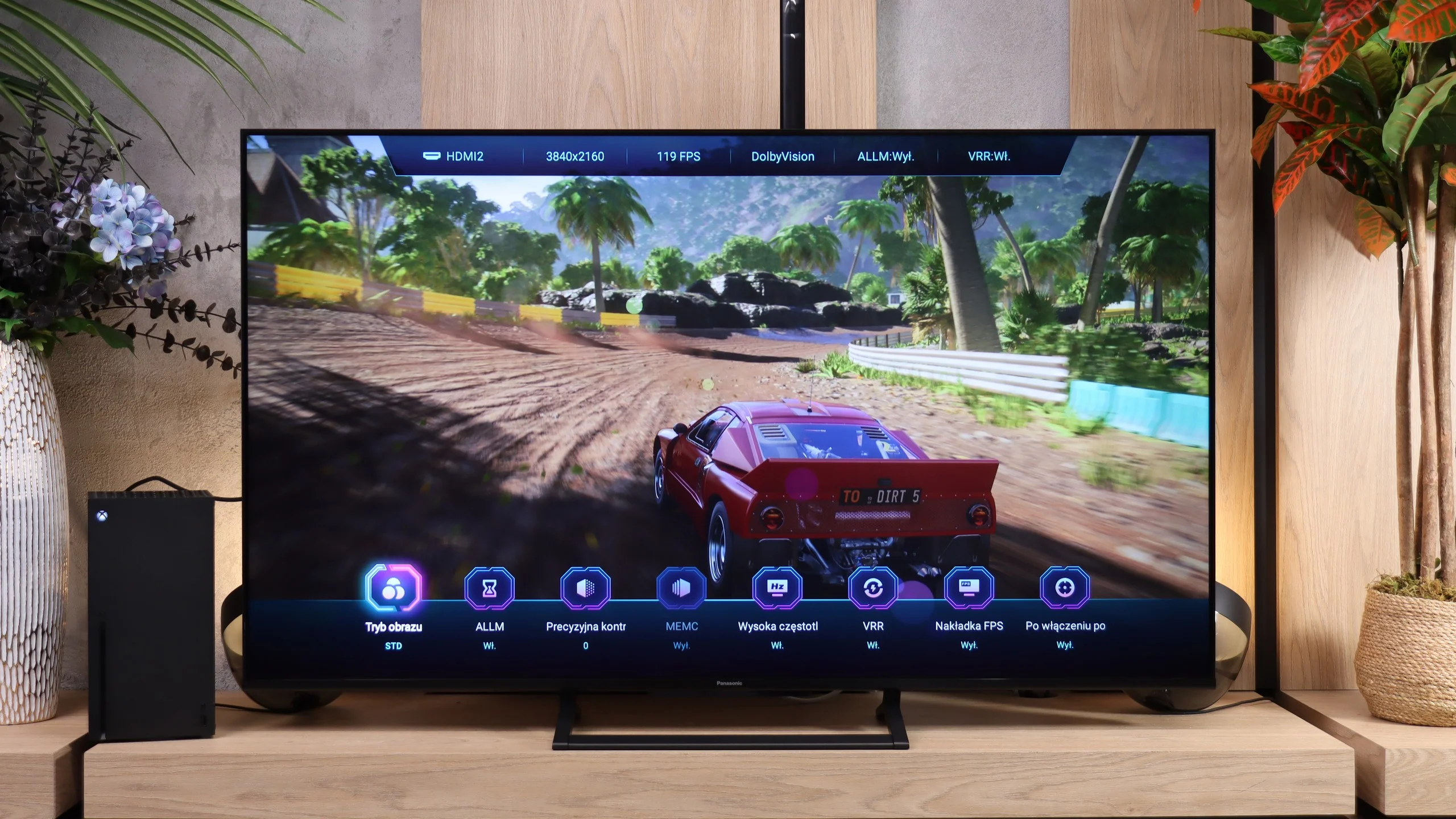
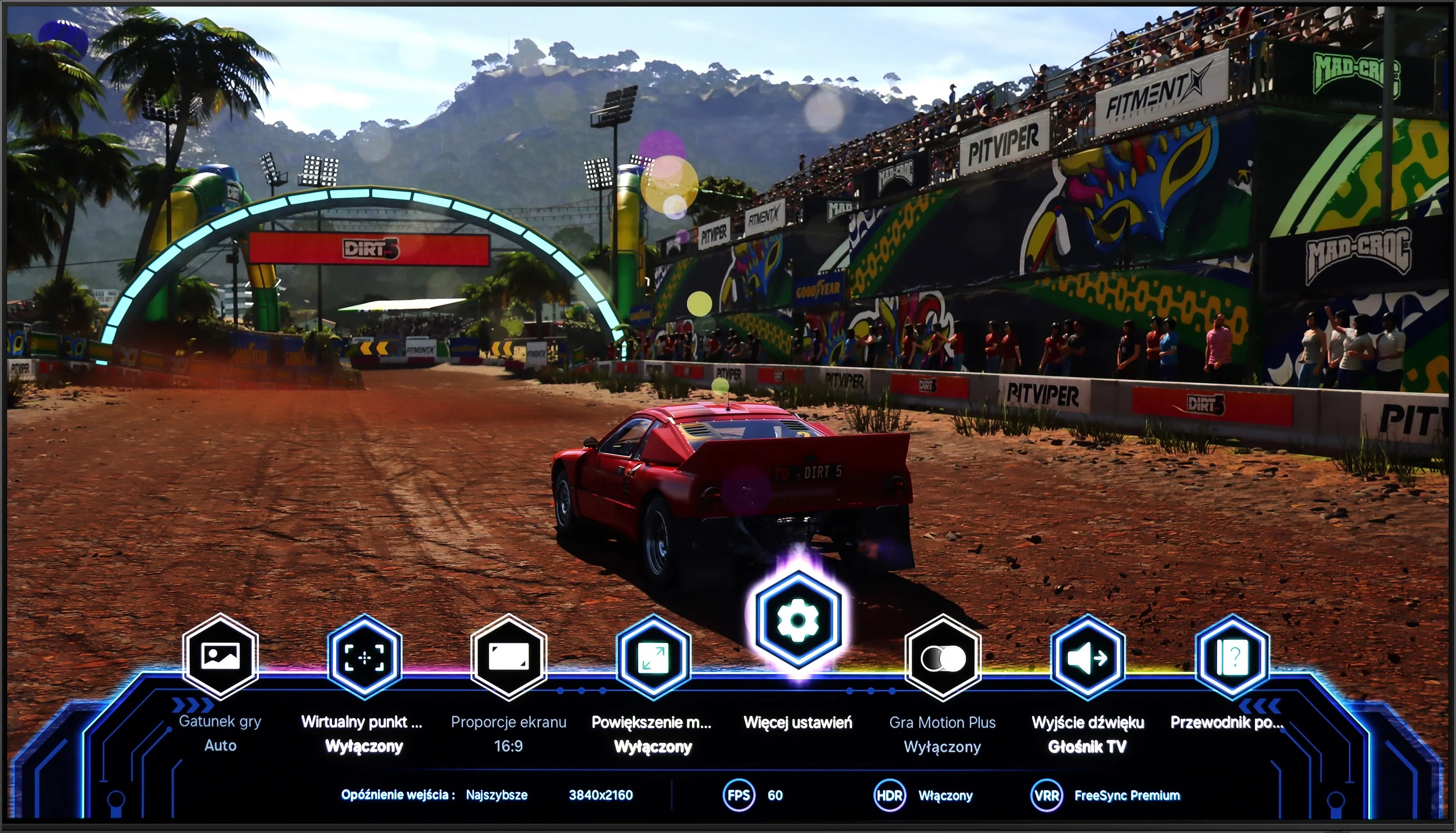
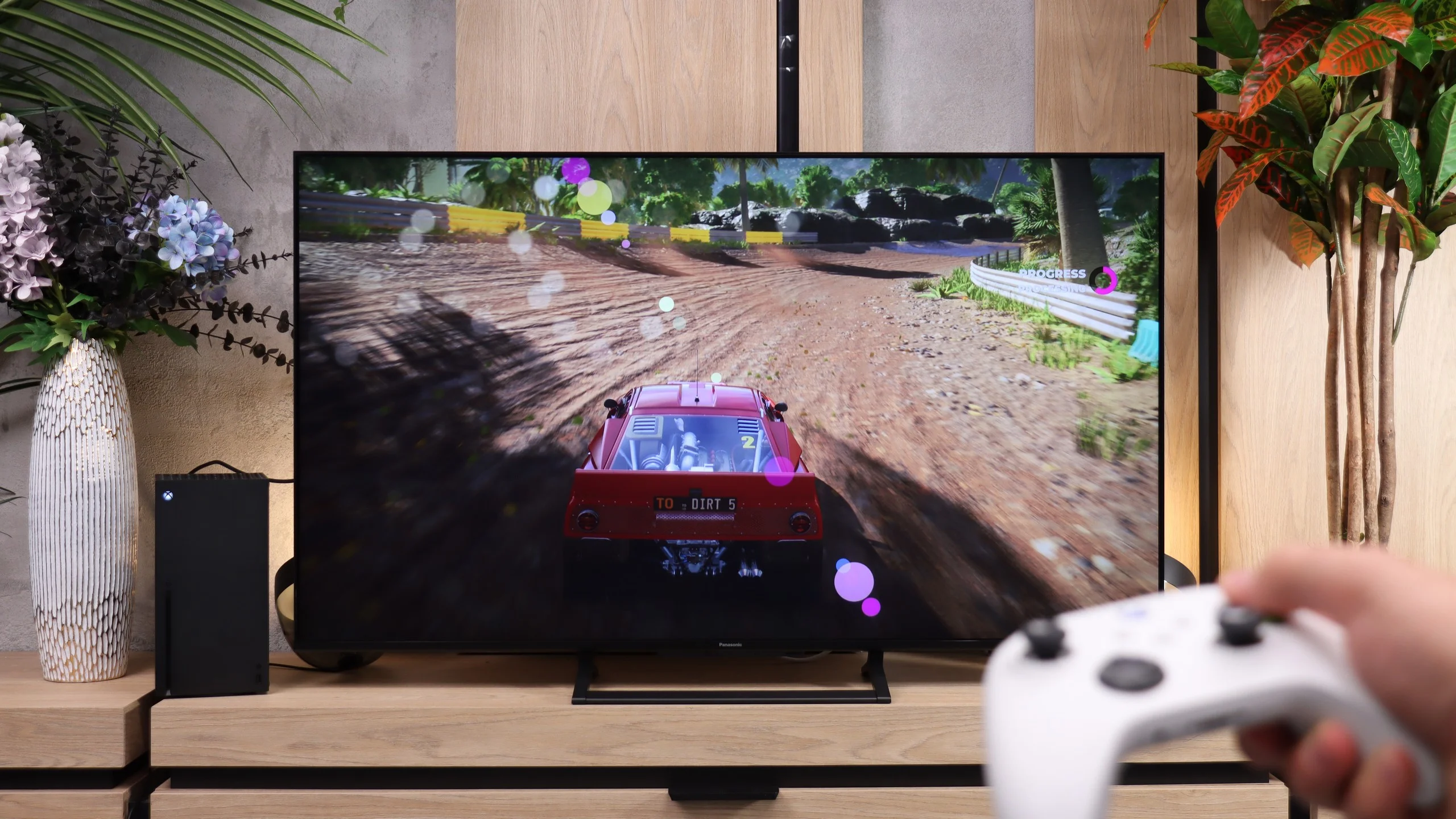
The Samsung S90D television is perfectly adapted to the needs of gamers, offering four HDMI 2.1 ports that support key features such as Auto Low Latency Mode (ALLM), Variable Refresh Rate (VRR), and HDR Gaming Interest Group (HGIG). With these technologies, gamers can enjoy smoother and more responsive gameplay, significantly enhancing comfort and performance during intense gaming sessions. An additional advantage of the television is the special Game Bar, which allows for easy management of game settings. This functionality enables quick adjustments of parameters, such as changing the aspect ratio of the television screen, which can be useful in various games and types of gameplay. Users can easily customise their preferences, making the use of the television while gaming even more convenient and enjoyable. As for PC users, the television pleasantly surprises. When connecting a computer, the panel is able to achieve a refresh rate of 144Hz, and users of Nvidia or AMD graphics cards can enjoy features such as G-Sync and FreeSync. However, it should be noted that the television does not support Dolby Vision, which may be a downside – although it is worth considering that Dolby Vision is not as popular in the context of games as it is in films. Nevertheless, the S90D television still offers excellent features for gamers, making it a great choice for gaming enthusiasts looking for outstanding picture quality and modern technological solutions.
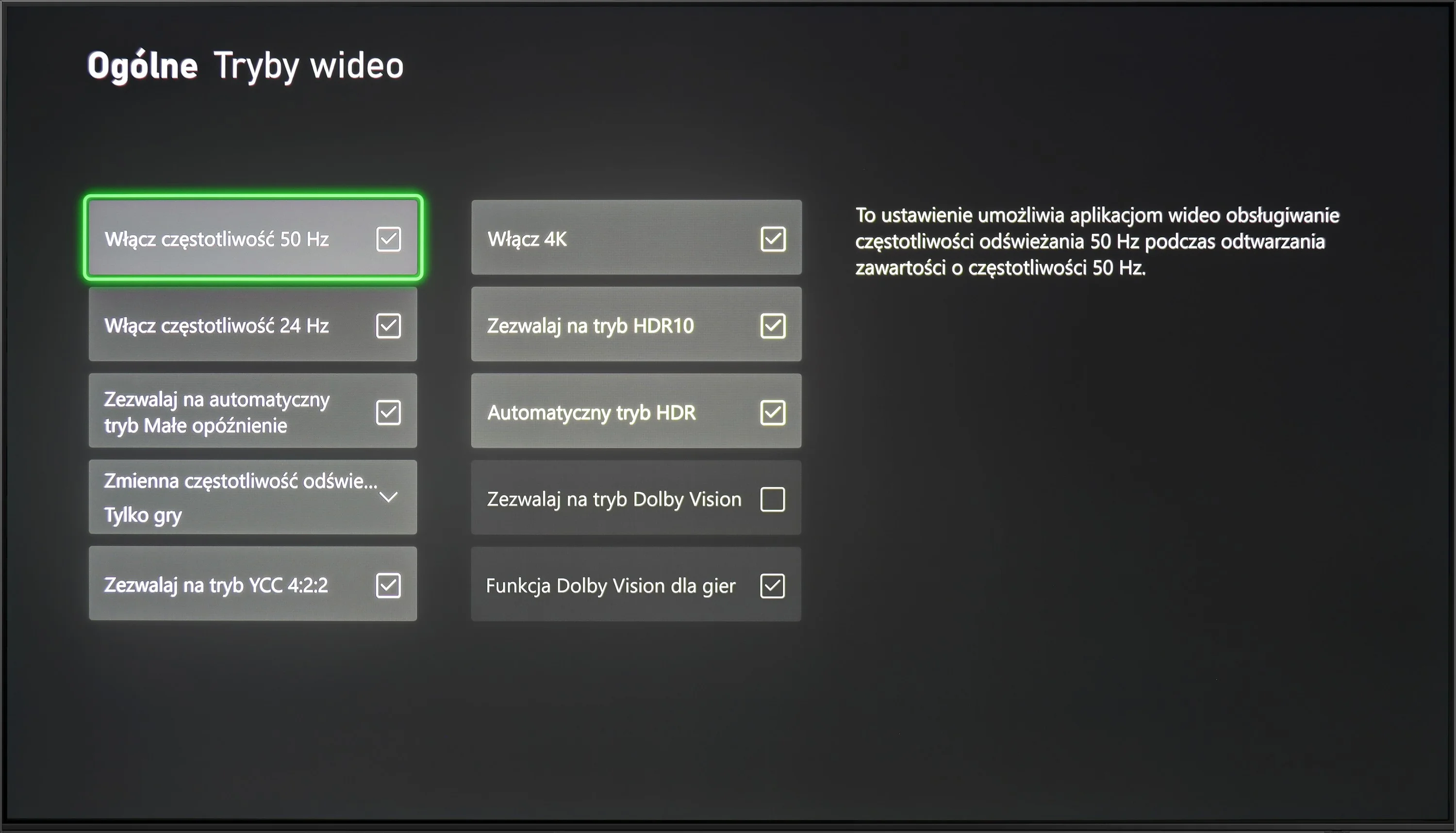
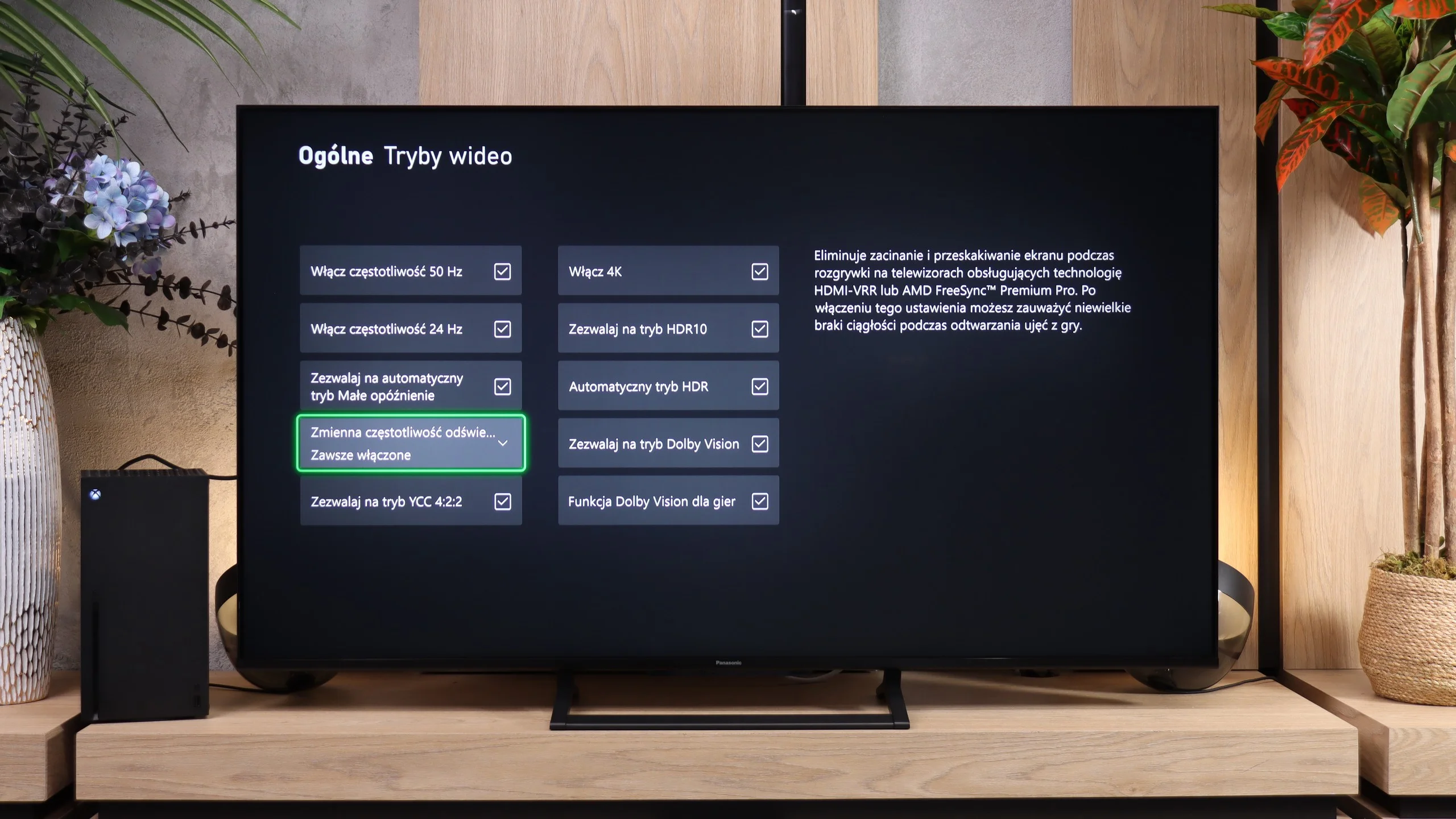
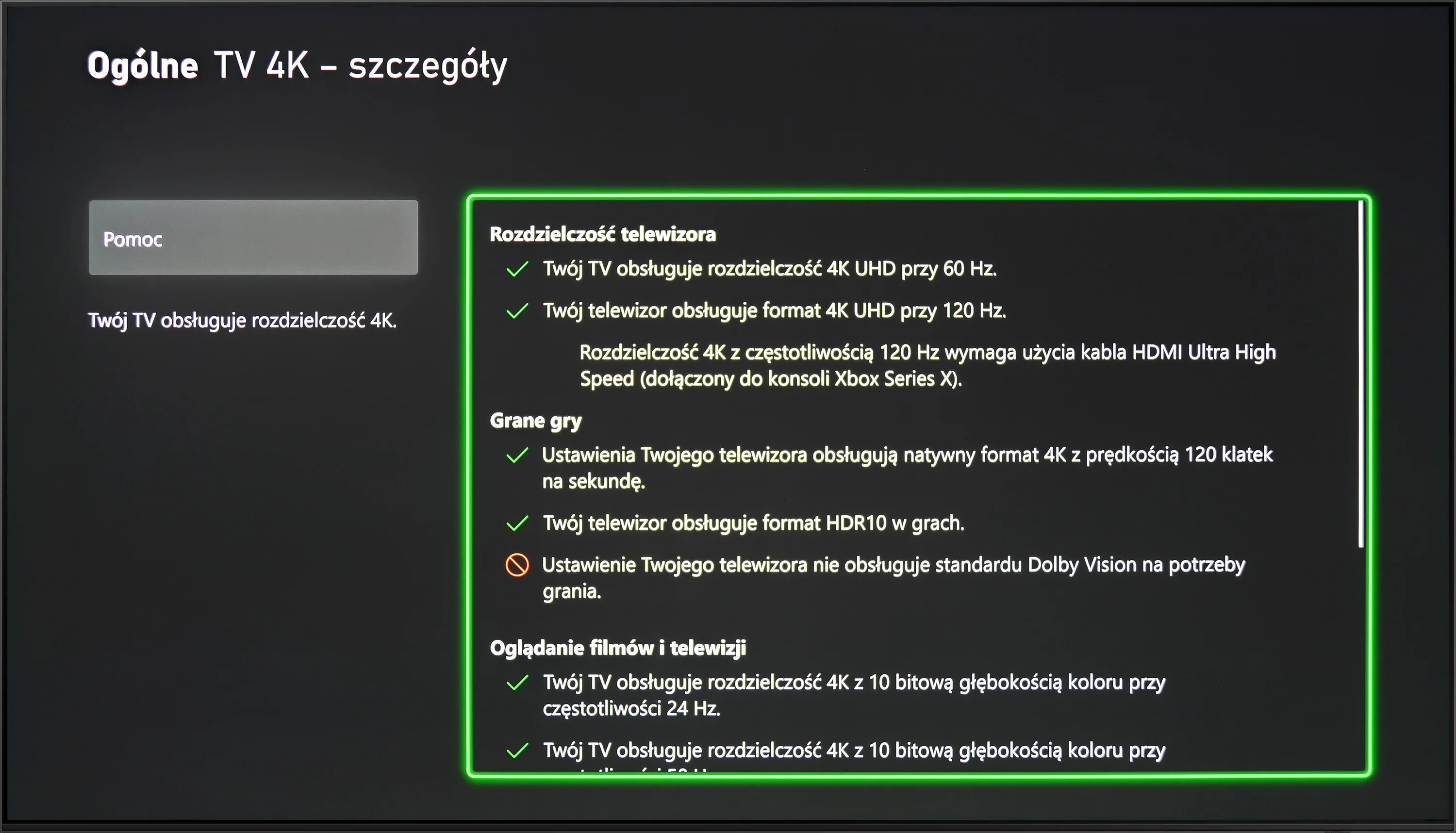
Panasonic W92C has quite a lot to offer gamers. It has three HDMI 2.1 ports with full 48 Gbps bandwidth, supports 4K gaming at 120 Hz, and when connected to a PC allows up to 144 Hz. There’s also VRR from 48 to 144 Hz, which helps keep motion smooth when frame rates vary, and ALLM that automatically switches to low-latency mode. It also supports Dolby Vision for gaming. The new Game Bar deserves special praise. The big circles known from Panasonic TVs with Fire TV have been replaced by a far more organised panel. At the top you see the key signal information, and at the bottom shortcuts to gaming settings. It looks more modern and is much closer to what the biggest competitors offer. Definitely a change for the better. Not everything is in place, though. There’s no properly functioning HGiG, which helps match HDR in games to the screen’s capabilities. The W92C also doesn’t support 1440p at 120 Hz. That’s a shame, because that mode is especially useful on a PC when you want more frames than in 4K but better detail than Full HD.
Input lag
10/10
9.9/10
SDR
HDR
Dolby Vision
The Samsung S90D OLED features an exceptionally low input lag, regardless of resolution or refresh rate, in both SDR and HDR modes. Results around 10 ms are truly impressive and significantly enhance the gaming experience. Such low input lag ensures immediate response to on-screen actions, which is crucial in fast-paced games where every millisecond counts. This allows users to enjoy smoothness and precision, making the Samsung S90D a fantastic choice for those who prioritise gaming performance.
The input lag on the Panasonic W92C is very low. At 60 Hz we measured around 15-16 ms, and at 120 Hz only 7 ms. Controller response is therefore quick, and even in fast-paced games there's little to criticise. Dolby Vision also performs well: 17 ms at 60 Hz and 9 ms at 120 Hz. You can comfortably use any format without worrying that input will become noticeably slower.
Compatibility with PC
8.6/10
9/10
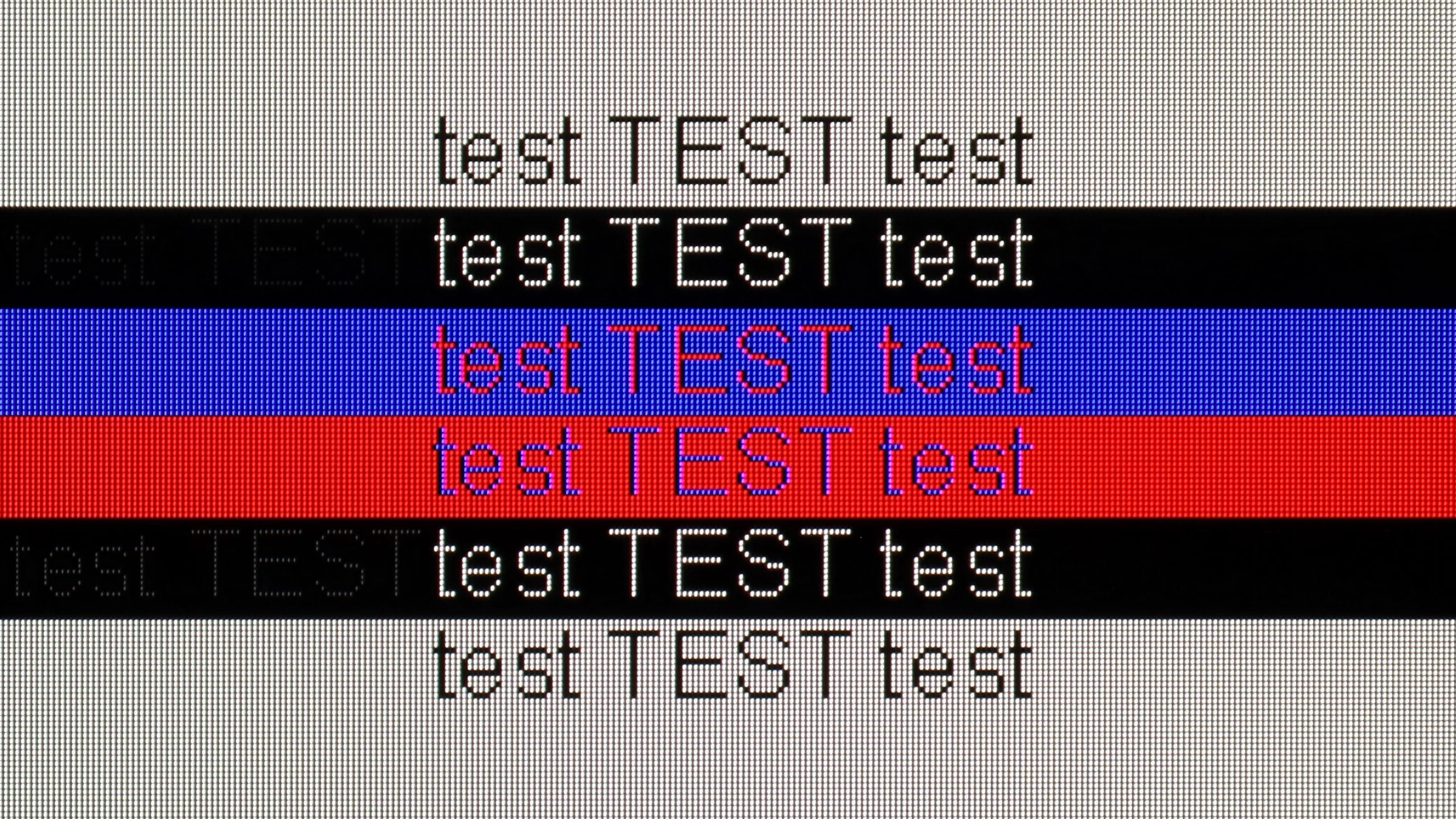
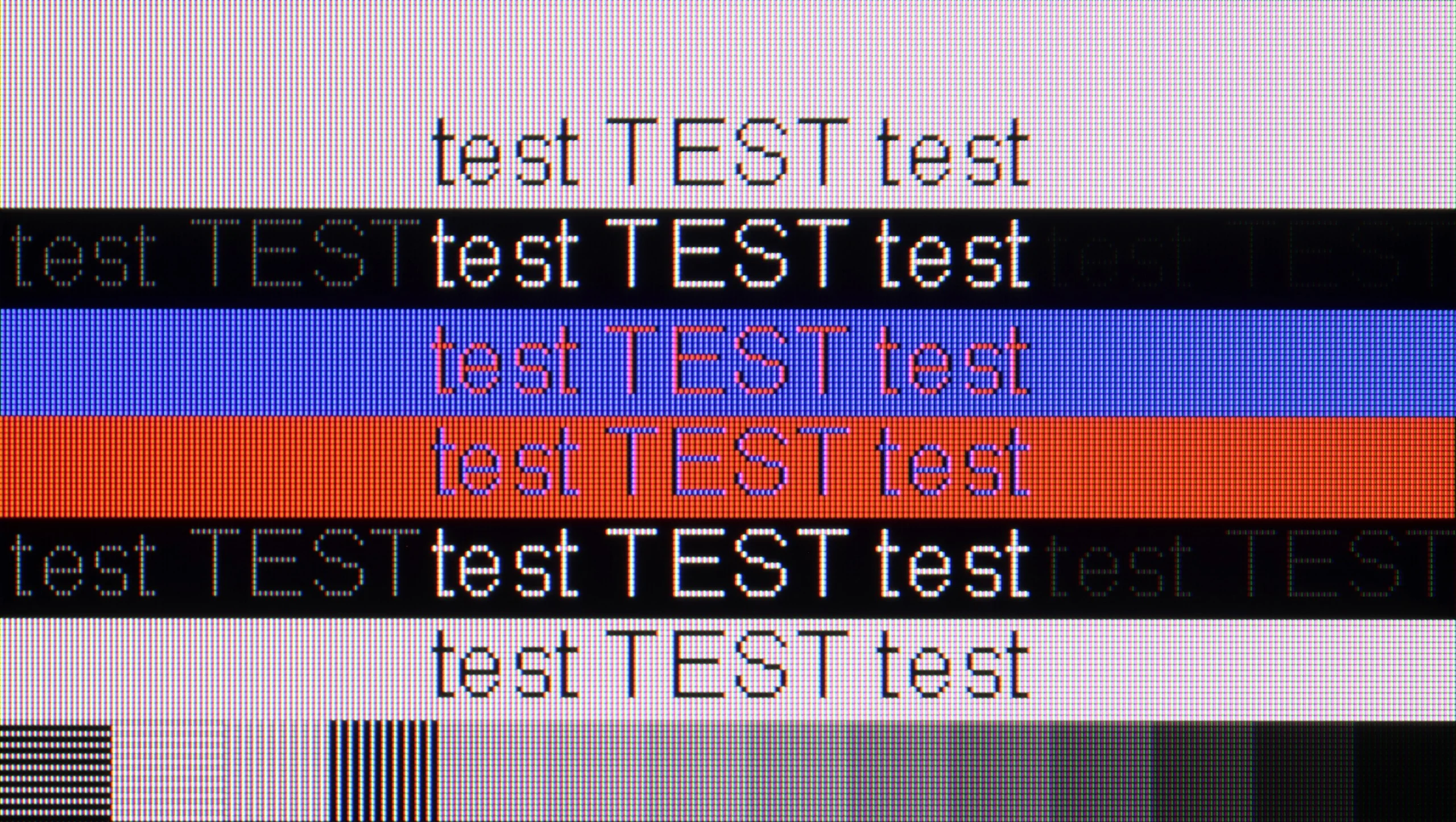
The photo shows the legibility of small fonts. Ideally, lines should be the same thickness on both light and dark text, with minimal pixel gaps.
The Samsung S90D TV works perfectly with a PC. Fonts are clearly visible, which makes reading text and using applications easier. Additionally, it supports chroma 4:4:4 at 4K resolution and a refresh rate of 144 Hz, providing complete colour reproduction and sharpness of image. It is worth highlighting that the input lag of just 5 ms is extremely advantageous, especially for gamers and professionals working with graphics. With such low latency, using the TV as a monitor becomes a pleasure, allowing for comfortable and responsive work. The Samsung S90D TV is an excellent choice for users looking for performance and quality in everyday computer use.
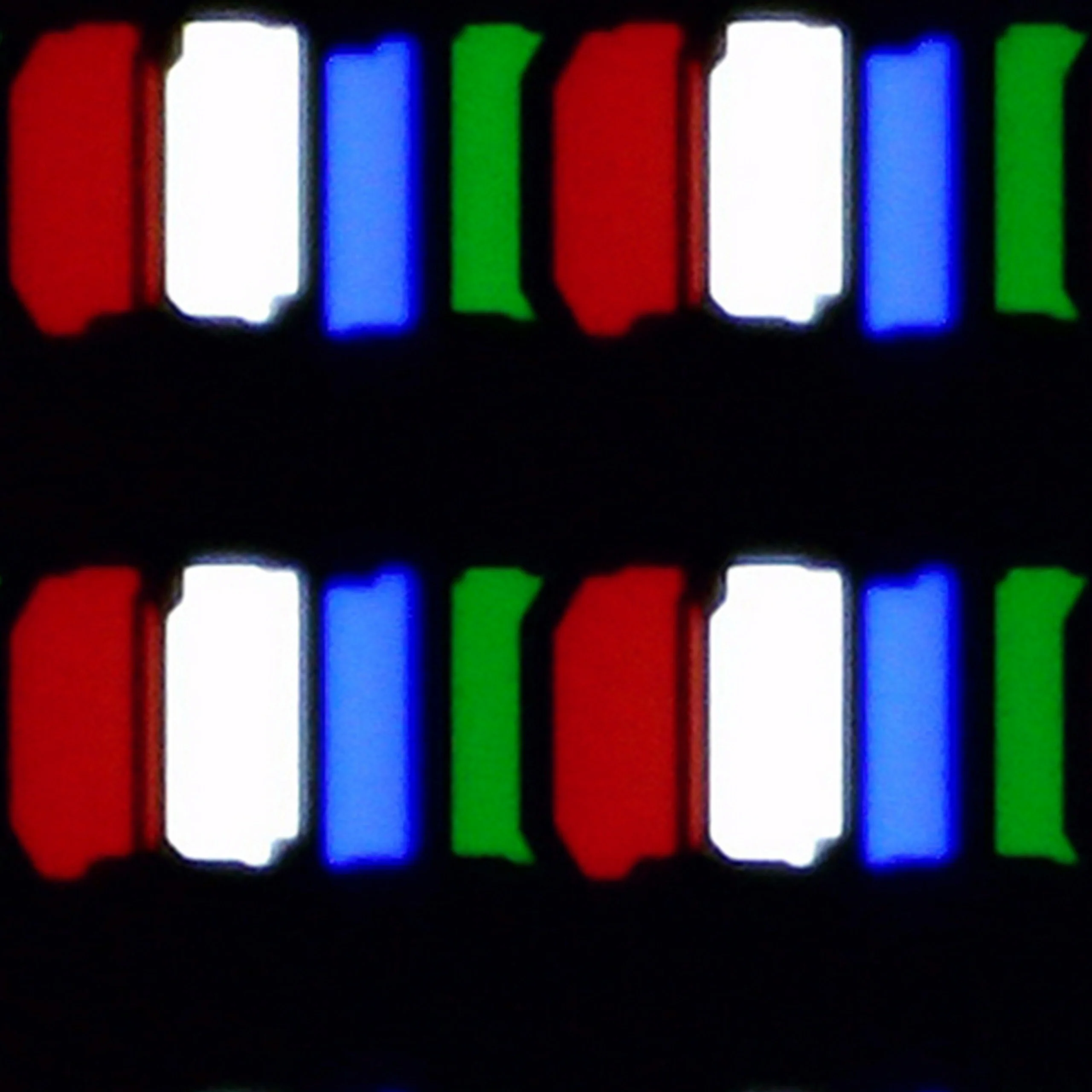
Working with a computer is one of the W92C's stronger points. The fonts look really great. They are sharp, legible and don't lose fine details. This also applies to dark text on a dark background, which some TVs struggle with. It's one of the few panels that handled our font test so well. The RGB subpixel layout and proper support for chroma 4:4:4 help here, even at maximum resolution and refresh rate. There are also plenty of options for gamers. You get 4K at 144 Hz, functioning G-Sync and input lag of 7 ms. So the Panasonic performs well both for working with text and for gaming. You just need to remember the previously mentioned smearing and the lack of support for 1440p at 120 Hz. However, the clarity of the image from a computer is excellent.
Viewing angles
7.6/10
6/10
Viewing angles on the Samsung S90D television, thanks to OLED technology, are unmatched. OLED offers excellent colour and contrast reproduction, even at wide viewing angles, which ensures the picture remains clear and vibrant from almost any perspective. Users can enjoy a consistent visual experience, regardless of where they are watching the screen from. The only televisions that might perform better in this regard are models equipped with MLA (Micro Lens Array) or QD-OLED technology. These innovative solutions further enhance picture quality from various angles, but under standard conditions, OLED remains the leader in viewing angles, providing users with exceptional visual experiences.
Panasonic W92C in the 55-inch size offers good viewing angles, which is mainly thanks to the IPS panel used. Because of it, images viewed from the side retain colour and contrast better than on many LCD TVs with Mini LED backlighting that use VA-type panels.
Daytime performance
6/10
6.8/10
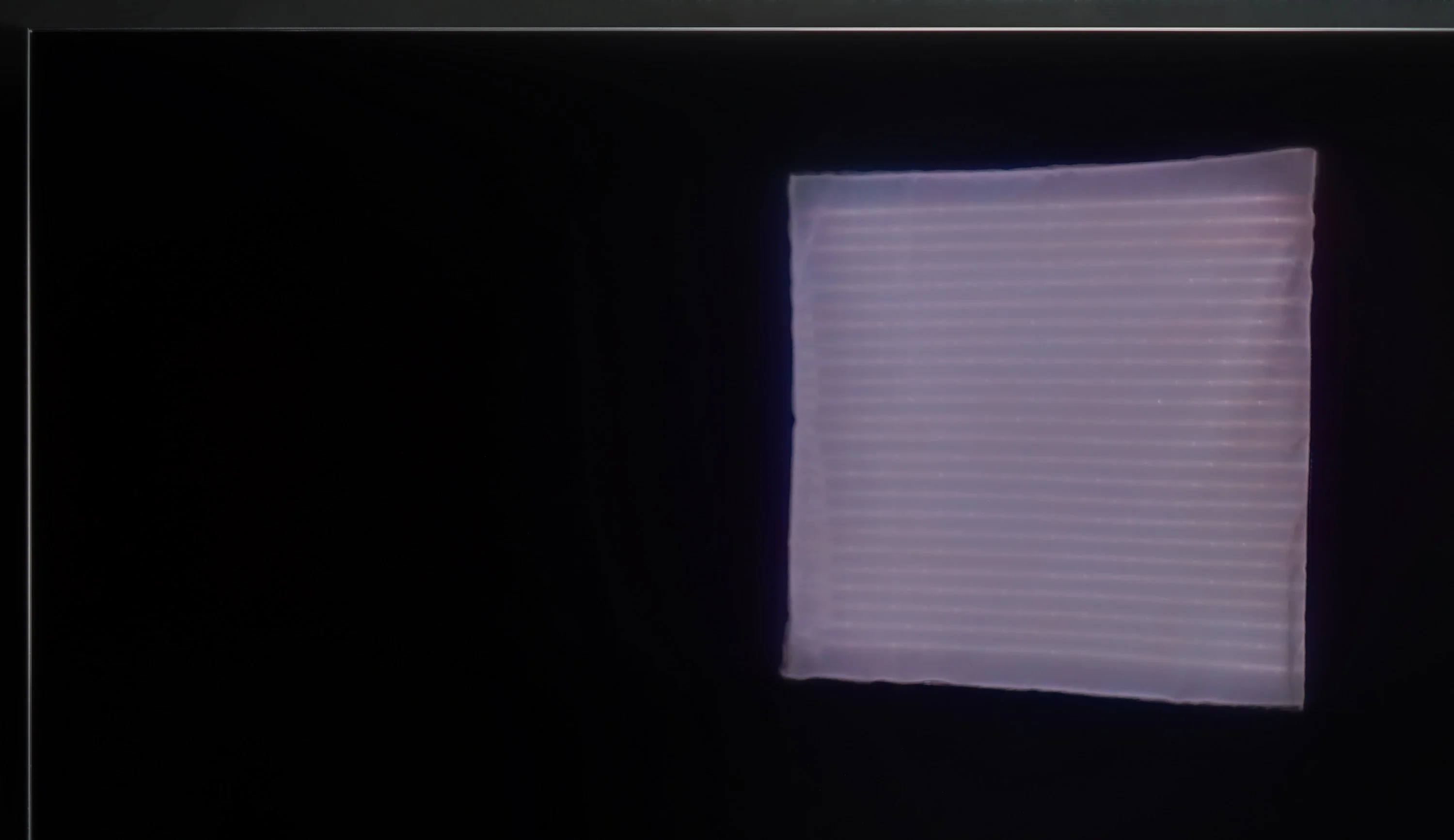
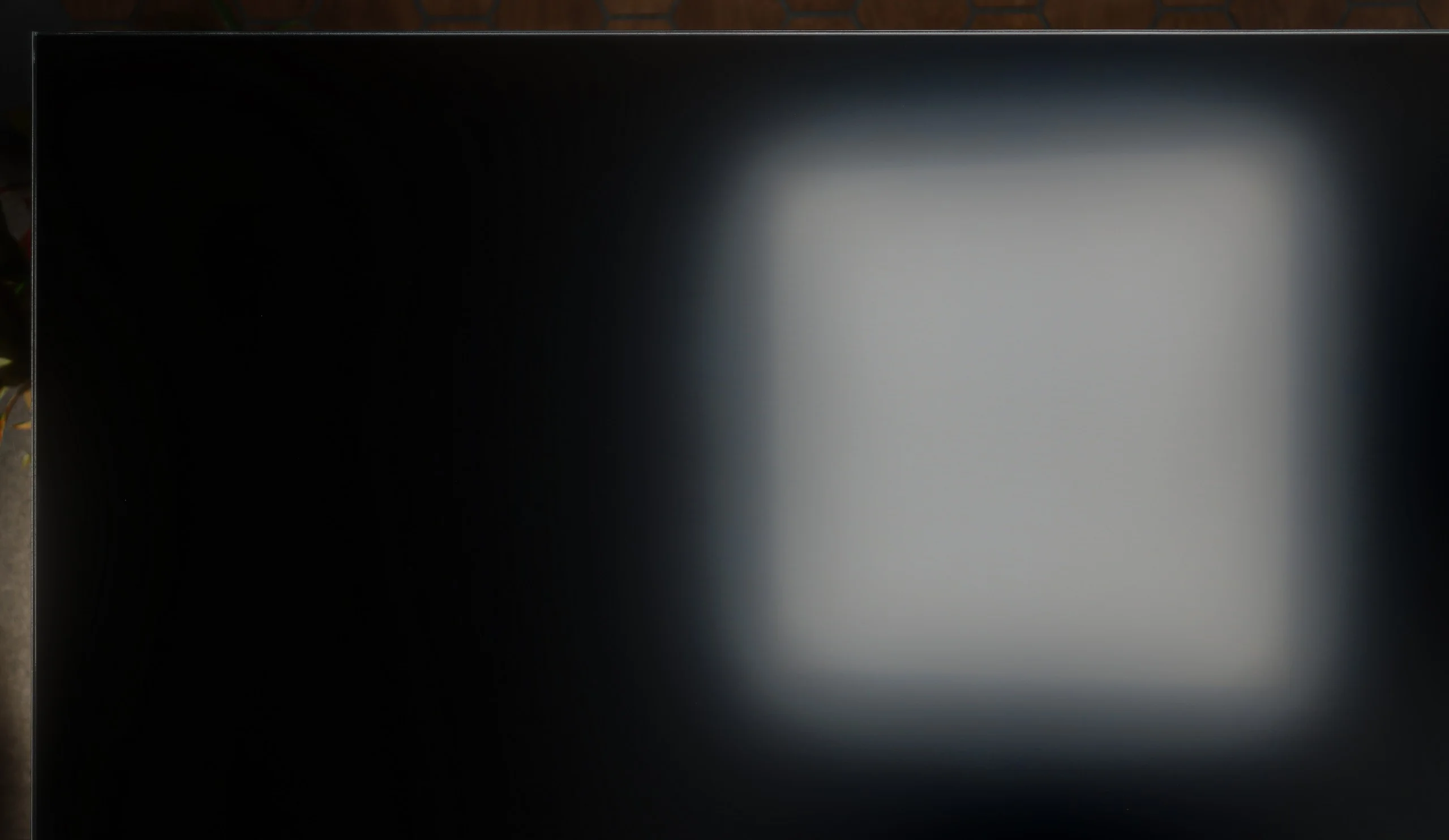
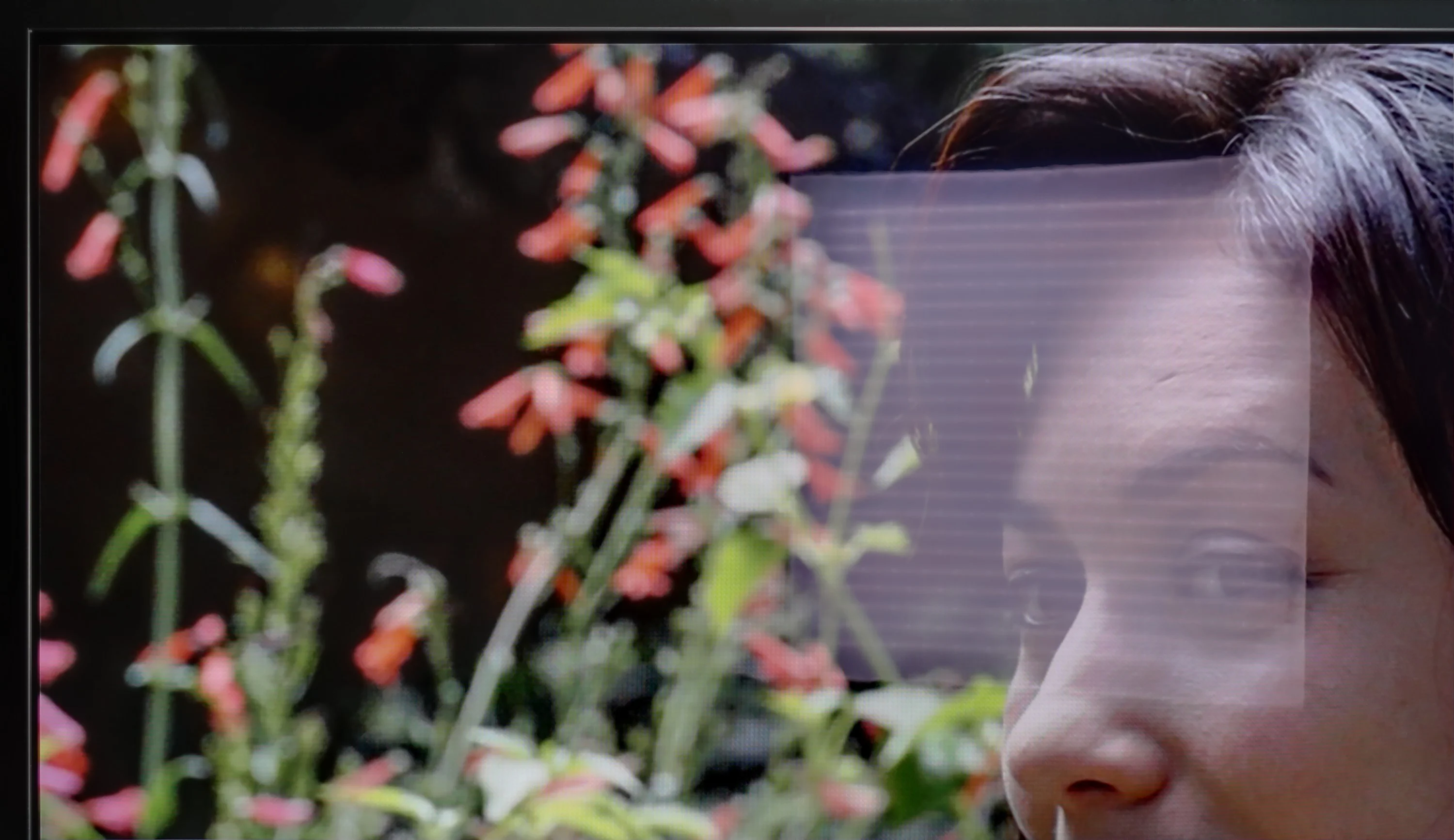
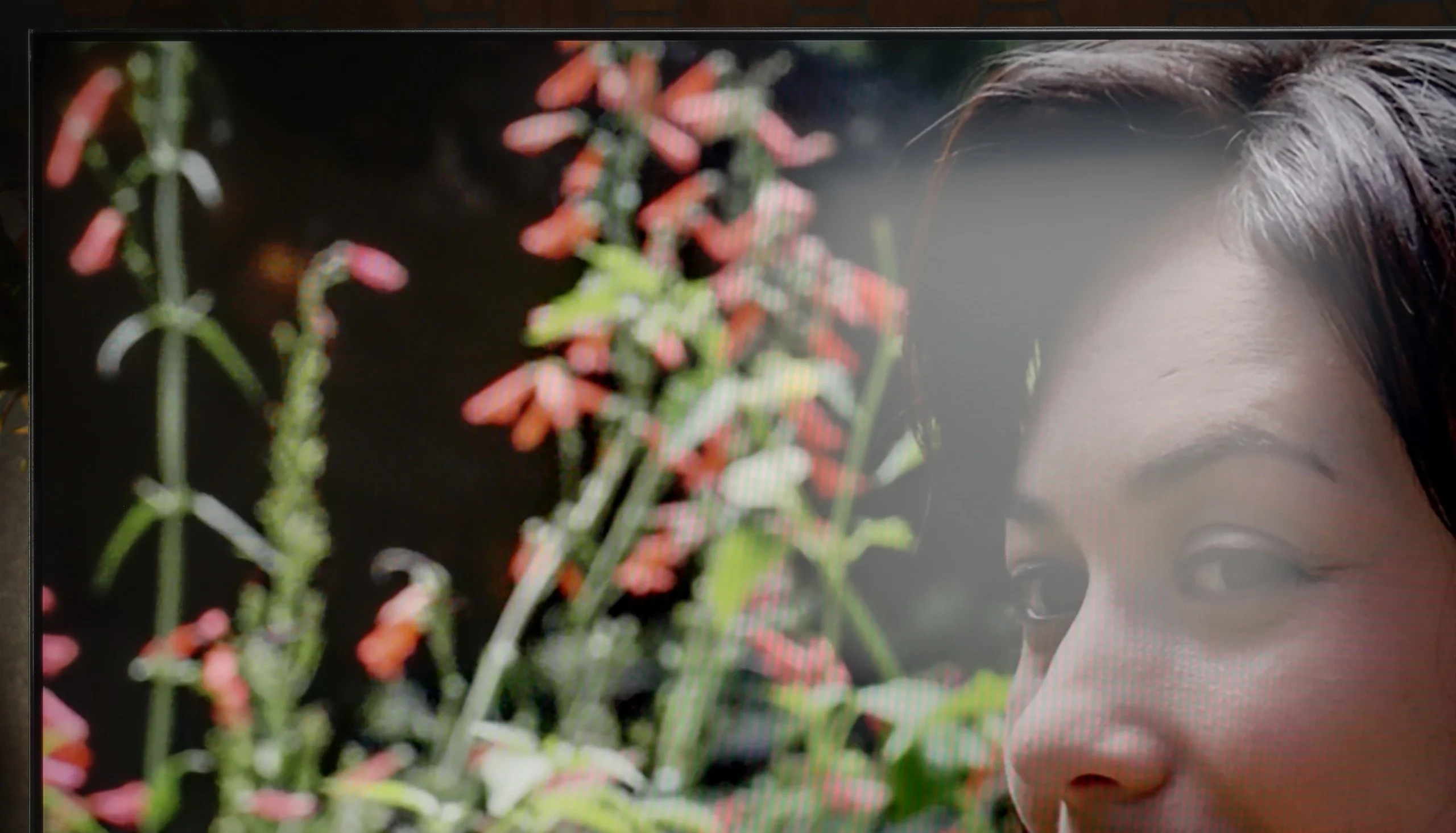
Panel brightness
Panasonic W92C (Google TV): 555 cd/m2
Samsung OLED S90D / S94D (WRGB OLED): 396 cd/m2
When watching during the day, the Samsung S90D performs very well, achieving an average brightness of around 400 nits, which is a very good result for OLED technology. Despite the use of a glossy panel, glare suppression is at a decent level, allowing for comfortable viewing even in bright rooms. The only noticeable downside of this technology, rather than the television itself, is the brightness at 100% white screen fill. In such conditions, OLED may struggle to achieve extremely high brightness. Situations like this can be seen when we want to watch winter sports, such as ski jumping.
A matte panel is a big plus for the W92C when watching during the day. It disperses reflections very well, so instead of a clear image of a window or lamp you see a more blurred glow. There's also an average brightness of around 555 nits, which is more than enough for watching TV in a typically bright living room. That doesn't mean light falling on the screen stops being a nuisance. The matte coating scatters it over a larger area, making blacks look greyish and reducing contrast. It's easiest to notice this in dark scenes. Despite that, the combination of decent brightness and effective reflection suppression means the Panasonic is quite well suited to everyday viewing without having to draw the curtains.
Panel details
Subpixel Structure:
Panel uniformity and thermal imaging:


Samsung OLED S90D / S94D (WRGB OLED)
Panasonic W92C (Google TV)
TV features
7.4/10
6.6/10
- SystemTizenGoogle TV
- System performanceVery goodGood
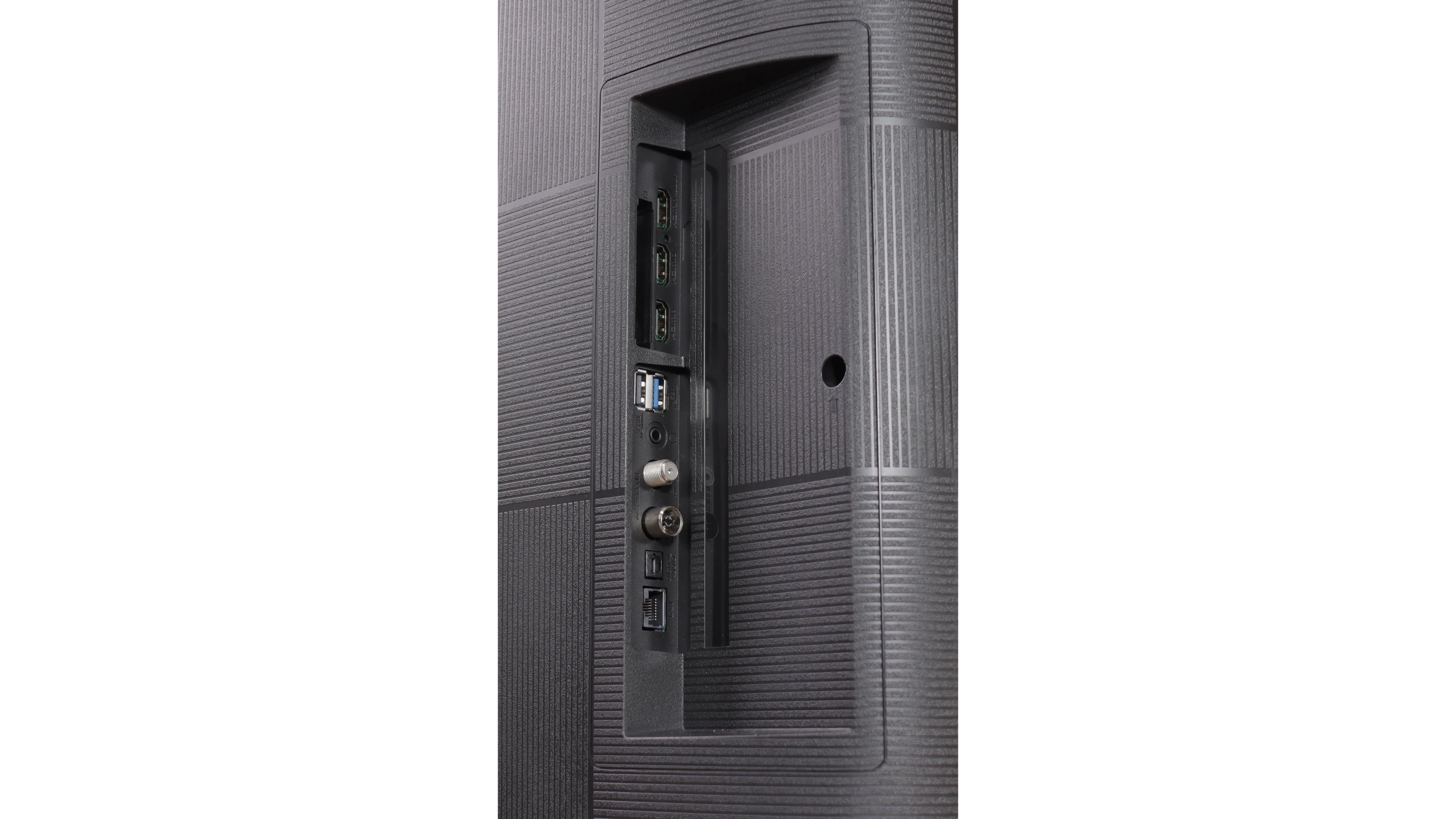
- HDMI inputs0 x HDMI 2.0, 4 x HDMI 2.1 48Gbps0 x HDMI 2.0, 3 x HDMI 2.1 48Gbps
- OutputsToslink (Optical audio), eARC (HDMI), ARC (HDMI)Toslink (Optical audio), eARC (HDMI), ARC (HDMI), Mini-Jack (Headphones)
- Network InterfacesWi-Fi 2.4GHz, Wi-Fi 5GHz, Ethernet (LAN) 100MbpsWi-Fi 2.4GHz, Wi-Fi 5GHz, Ethernet (LAN) 100Mbps
- TV receptionDVB-T, DVB-T2, DVB-S, DVB-S2, DVB-CDVB-T, DVB-T2, DVB-S, DVB-S2, DVB-C
Classic features:
- Recording to USB (terrestrial TV)
- Recording programming
- Picture in Picture (PiP)
- RF remote control (no need to aim)
- Backlit remote control
- Teletext
- Audio only mode
- Bluetooth headphones support
- Simultaneous Bluetooth headphones & TV audio
Smart features:
- AirPlay
- Screen mirroring (Windows Miracast)
- Voice search
- Voice search in native language
- Ability to connect a keyboard and mouse
Sound connection options
- HDMI audioeARC (HDMI), ARC (HDMI)eARC (HDMI), ARC (HDMI)
- Other audio outputsToslink (Optical audio)Toslink (Optical audio), Mini-Jack (Headphones)
- Wireless audioBluetoothBluetooth
Supported audio formats (external HDMI eARC audio):
- Dolby Digital Plus 7.1
- Dolby True HD 7.1
- Dolby Atmos in Dolby Digital Plus (JOC)
- Dolby Atmos in Dolby True HD
- DTS:X in DTS-HD MA
- DTS-HD Master Audio
Senior accessibility
- Numeric keyboard on TV
- Font size adjustment
- Audio description
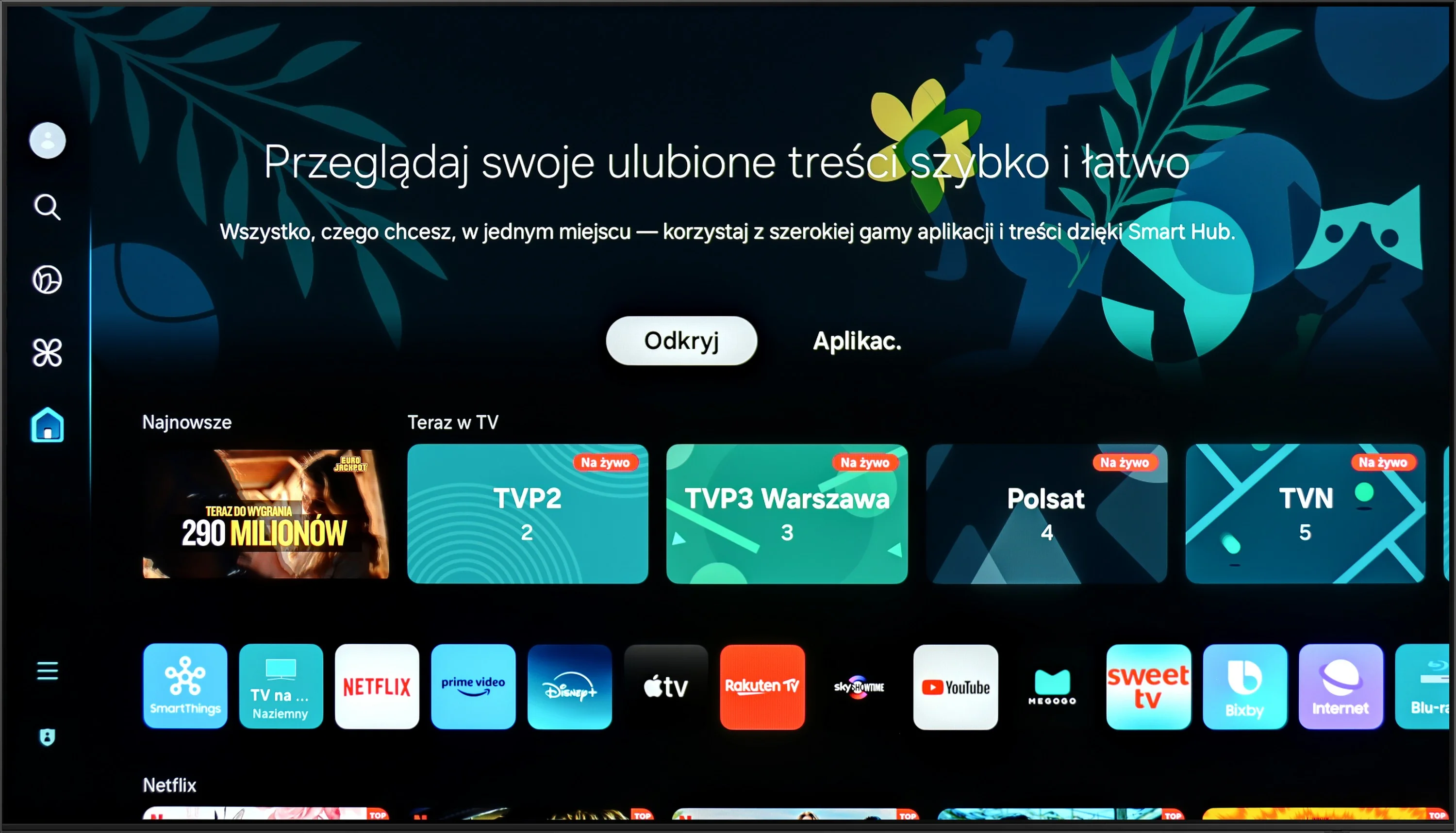
The Samsung S90 television offers a range of features that significantly enhance user comfort and make it an ideal device for entertainment in the comfort of your home. The Tizen system, on which this model is based, is a modern and advanced platform that provides users with an intuitive and smooth experience. Thanks to its user-friendly interface, navigation through applications and settings is quick and intuitive, making it easy for even those who are less tech-savvy to use the television. Tizen supports a rich set of applications, including all popular streaming services such as Netflix, YouTube, and Amazon Prime Video. A new feature for 2024 is the availability of voice search in Polish. It is also worth noting the eco-friendly solar remote, which is not only environmentally friendly but also practical for everyday use. For example, the remote can control multiple devices connected to the television, meaning we do not need to use multiple remotes. Additionally, the television supports AirPlay, allowing for easy content sharing from Apple devices such as iPhone or iPad. The S90D Samsung also allows for the connection of various Bluetooth devices such as mice, keyboards, or headphones, which increases its versatility and allows for the personalisation of user experiences. This way, users can easily adjust their settings to make the most of the television's capabilities. The only downside that can be pointed out is the lack of USB recording support. For some users, this may be a limitation, especially when it comes to archiving favourite shows or movies. Despite this, the Samsung S90D television offers many advanced features and technologies that make it an excellent choice for anyone looking for high-quality entertainment in their home.
Google TV
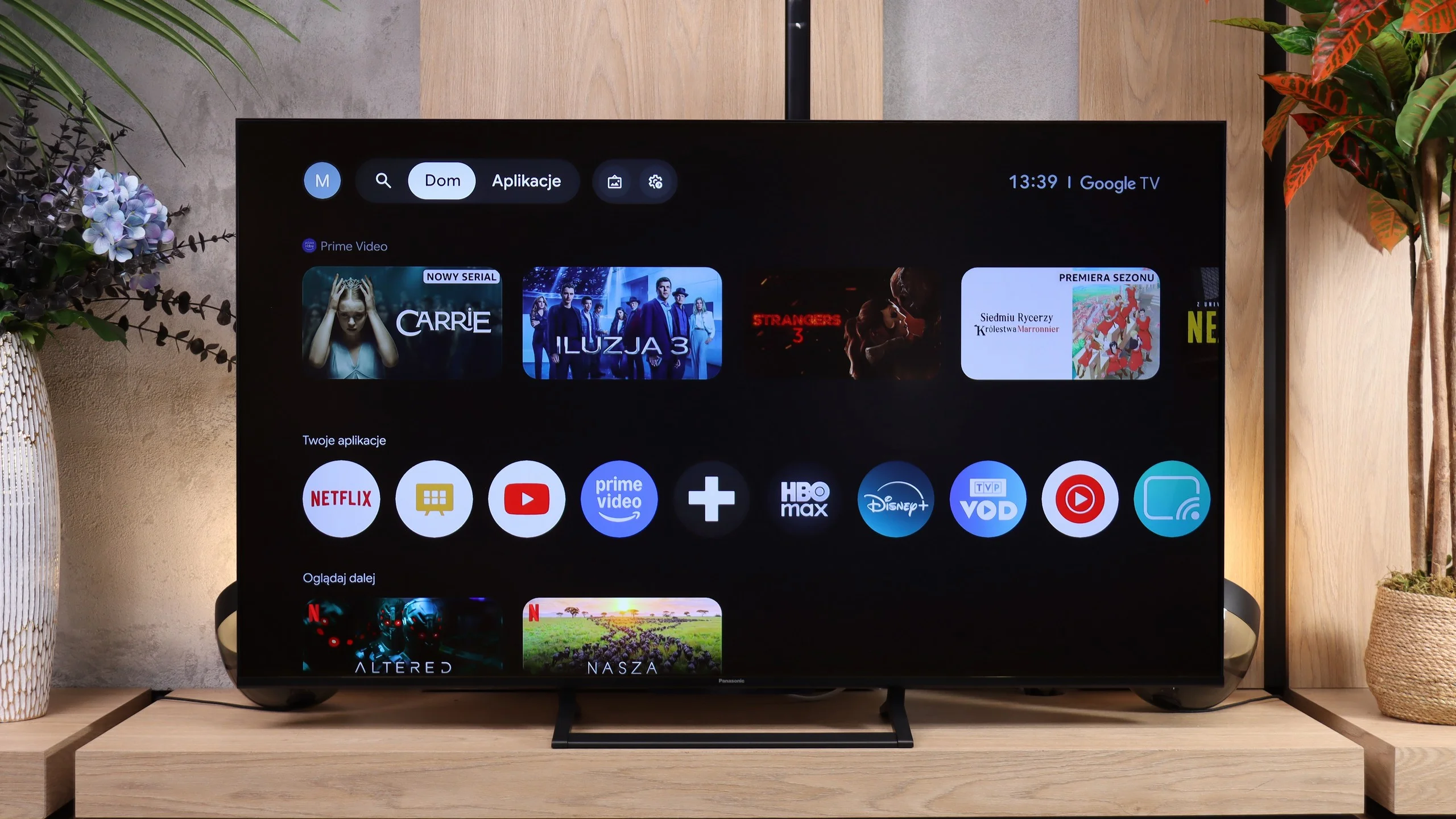
Google TV is a big step forward compared with Panasonic’s older systems, and also improves on the newer Fire TV, which didn’t fully convince us. On the W92C everything runs very smoothly. Navigation through the menus is quick, apps start without long waits, and we found all the services we were interested in. There’s voice search in Polish and Chromecast, which makes casting from your phone easy. It’s a pity there’s no working AirPlay — we couldn’t use it with our newer iPhone.
There were a few minor hiccups. Some Polish translations in the menu sound rather clumsy, and the automatic brightness changes mentioned earlier show the software still needs polishing. Despite that, everyday use is good and the switch to Google TV is definitely one of this model’s strengths.
Classic features
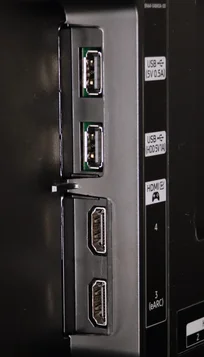
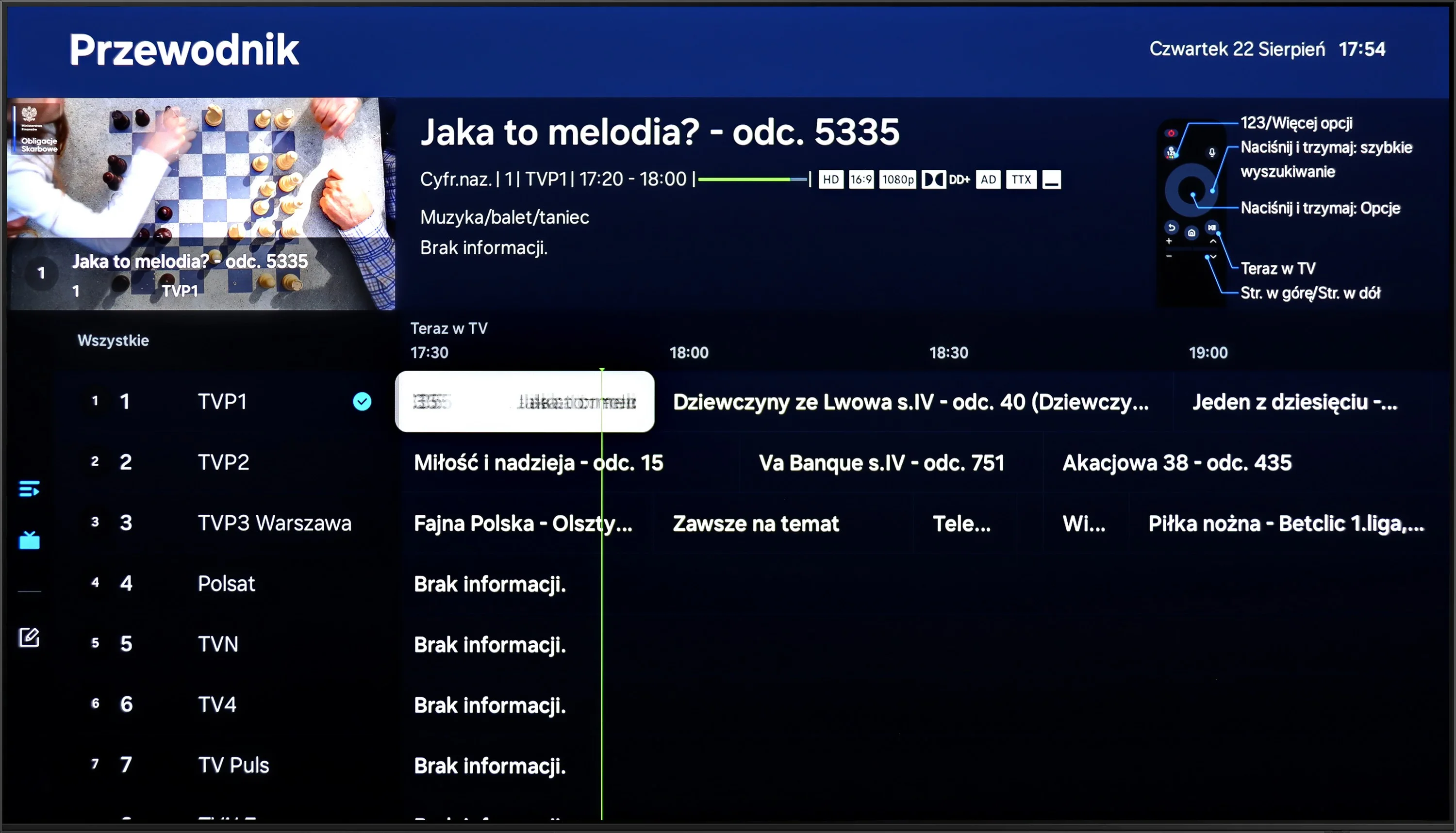
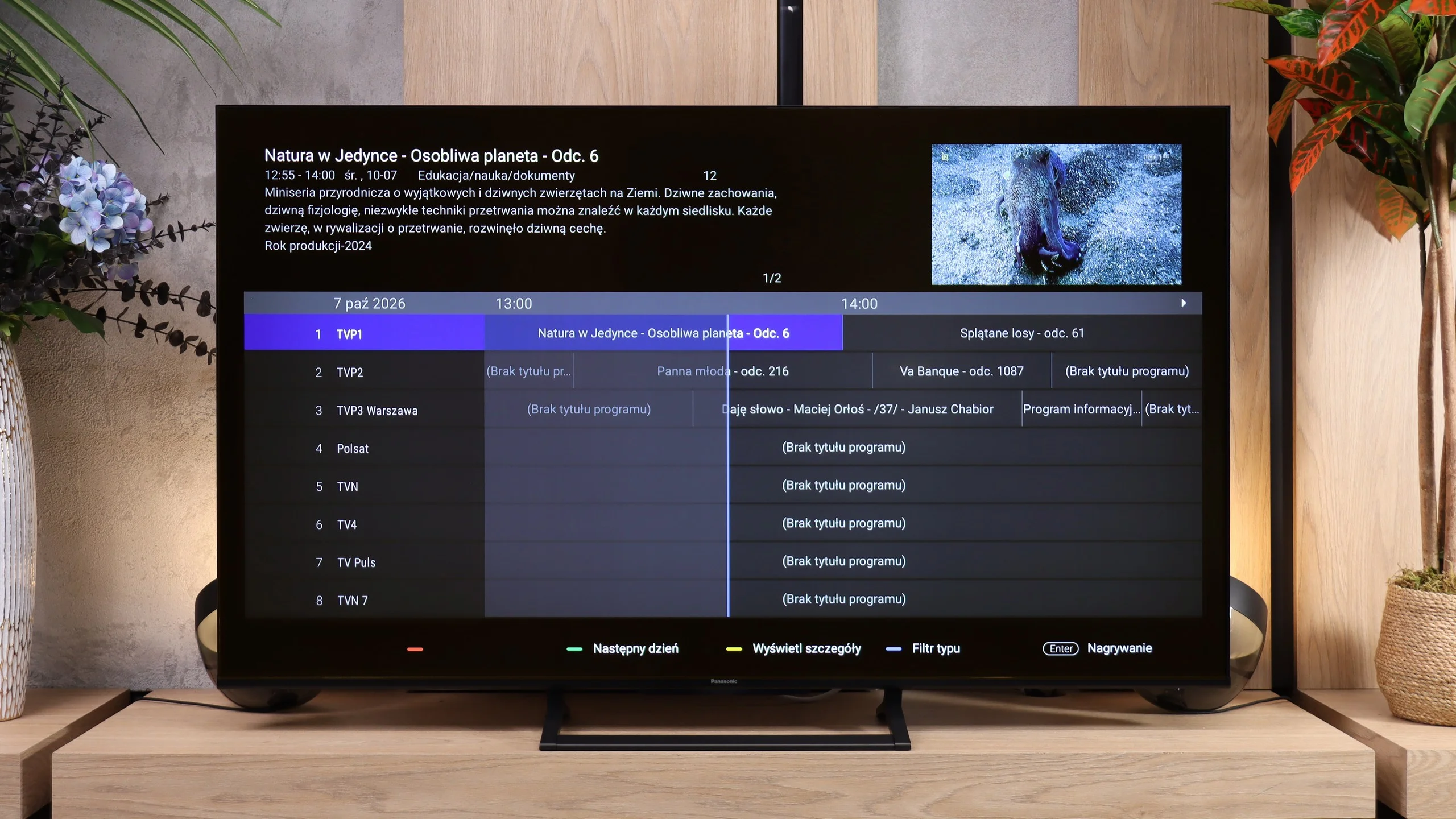
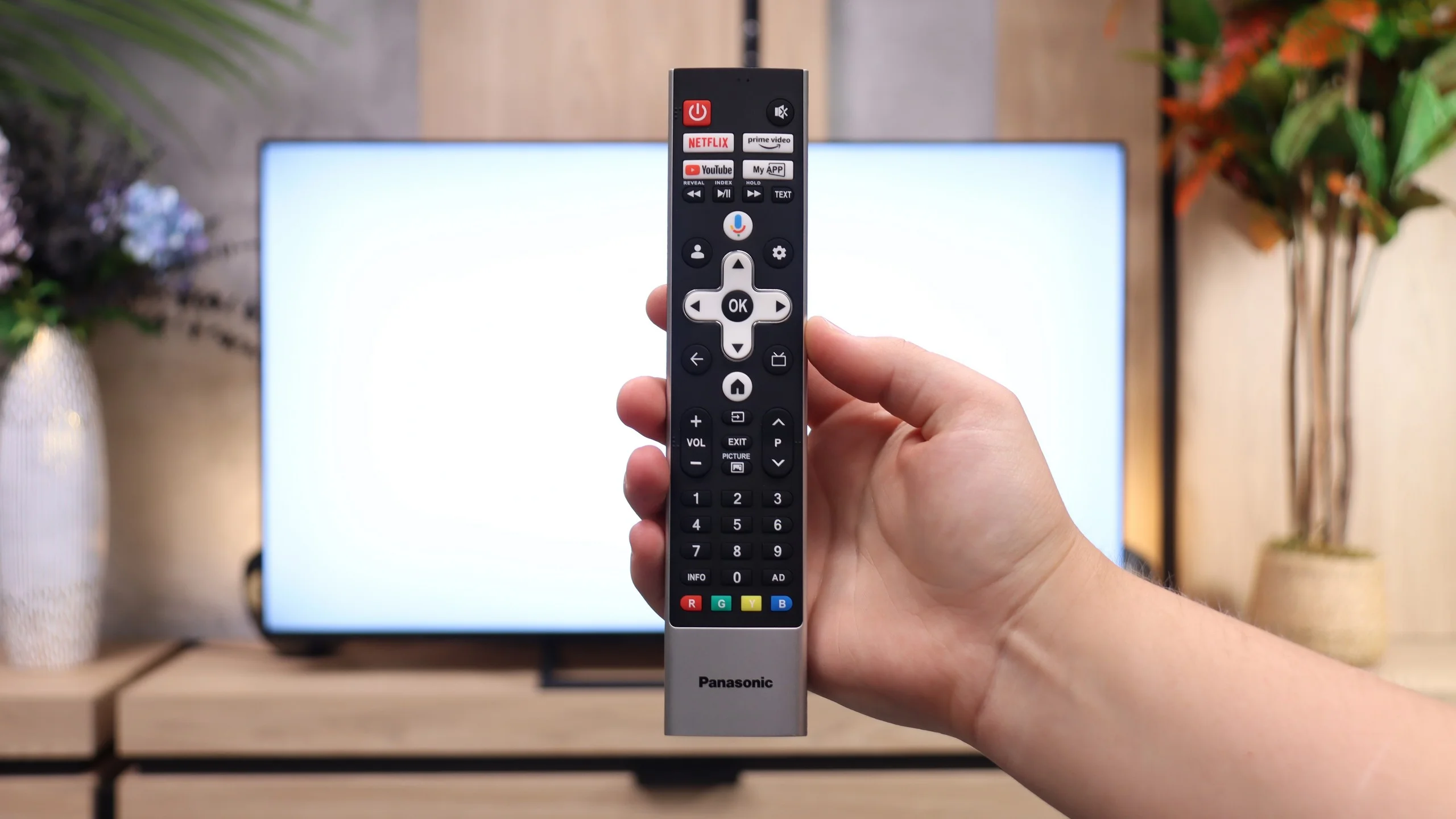
Among the classic features are EPG, teletext and the ability to listen to audio simultaneously through Bluetooth headphones and the TV speakers. Missing, however, are USB recording and picture-in-picture. The remote is simple, has a numeric keypad and doesn’t need to be pointed at the screen. It’s a shame it isn’t backlit, and the build quality could be a bit better. For connecting devices there are three HDMI 2.1 ports with 48 Gb/s bandwidth. There’s also an optical output and eARC, but note the standard 3.5 mm headphone jack. That’s becoming rarer and is useful for wired headphones or older audio systems with analogue inputs.
Apps
9.3/10
9.6/10






















Playing files from USB
9.1/10
8.7/10
Supported photo formats:
Maximum photo resolution:
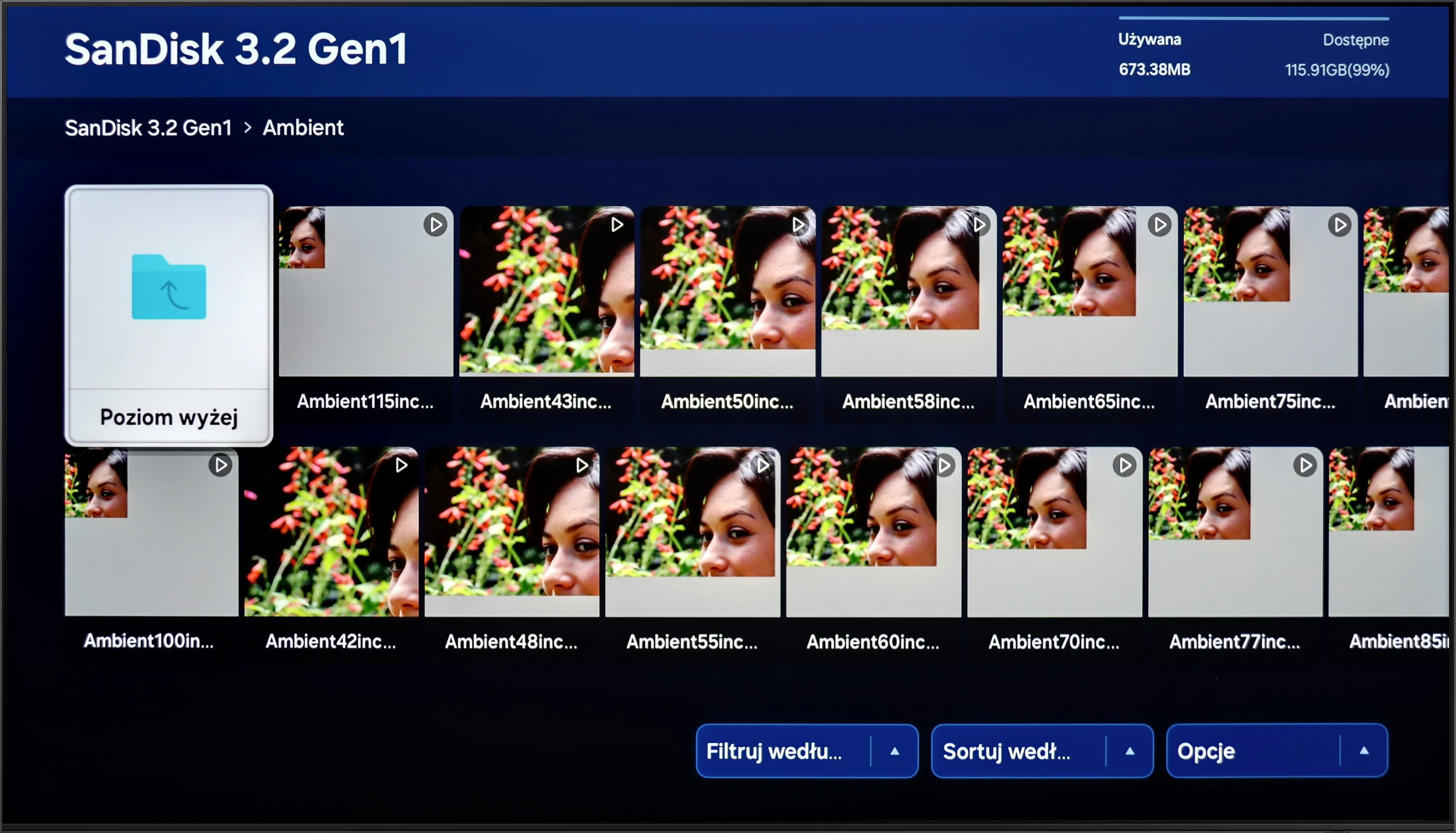
Samsung S90D is equipped with a built-in media player that supports most popular video formats, allowing for convenient playback of films from various sources. The player also supports subtitles in Polish and enables users to customise the font colour, increasing comfort while watching content with subtitles. In terms of image formats, the TV handles many of them, but one of the few downsides is the lack of ability to play the popular PNG format. Nevertheless, the overall playback capabilities of the S90D are at an excellent level.
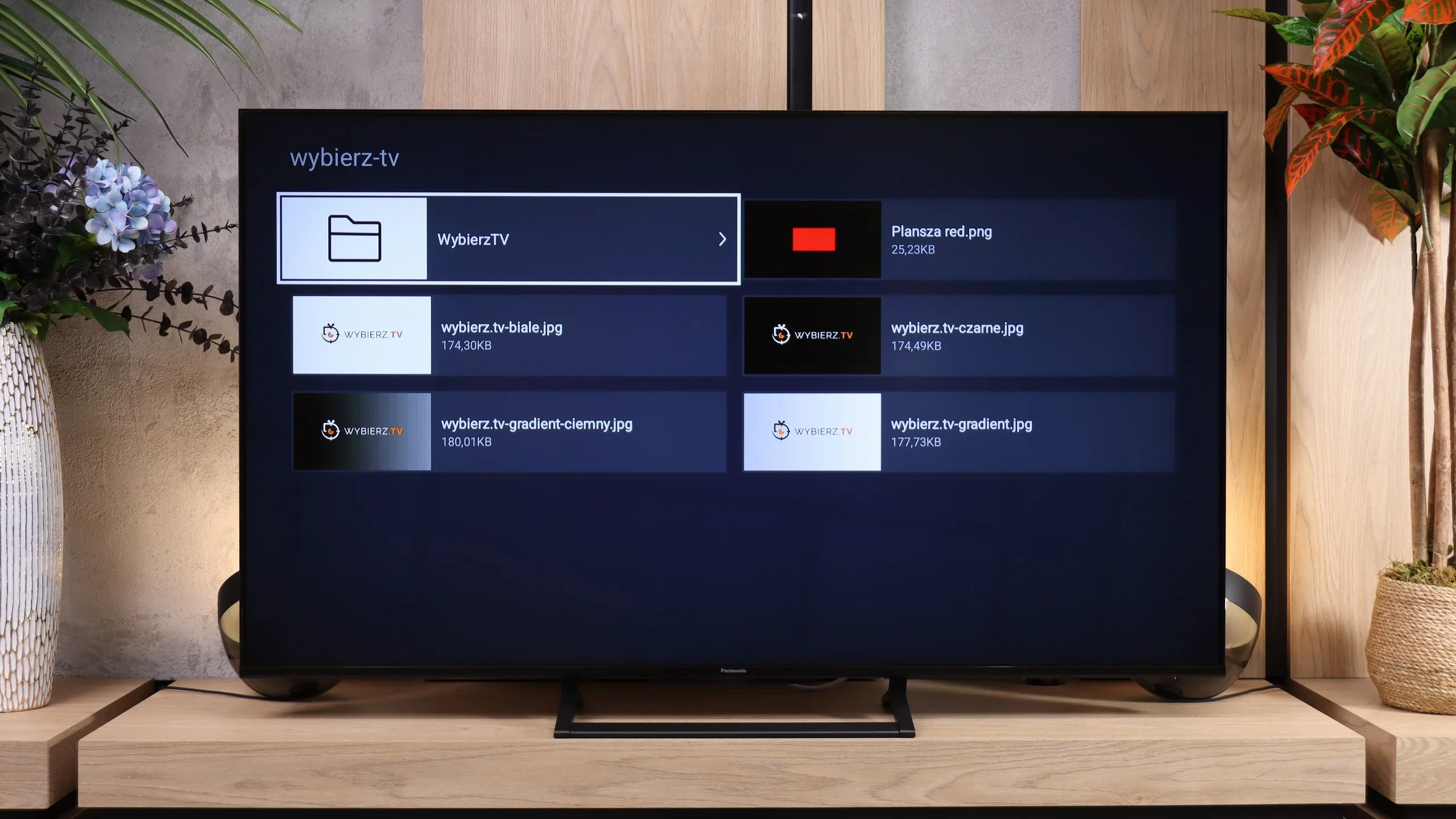
Playback of files from USB works smoothly on the W92C. Media load quickly, operation is simple, and the built-in player handles most common video, photo and music files. It's perfectly adequate for an occasional movie or for browsing photos from a USB stick. Just watch out for subtitles. In our tests the TV wouldn't read .sub and .txt files. It's best to convert them beforehand to the .srt format, which worked correctly, including Polish characters.
Sound
7.4/10
6.7/10
- Maximum volume-94dB
- Dolby Digital Plus 7.1
- Dolby True HD 7.1
- Dolby Atmos in Dolby Digital Plus (JOC)
- Dolby Atmos in Dolby True HD
- DTS:X in DTS-HD MA
- DTS-HD Master Audio
The Samsung S90D TV is equipped with a 2.1 audio system with a total power of 40 W, providing clear and dynamic sound. Thanks to the subwoofer located at the bottom of the casing, the bass is deep and palpable, while the mid and high tones remain well-balanced. It is worth noting that the twin model S94D offers an even more advanced 2.1.2 speaker set with a power of 60 W. If the silver colour of the S94D casing is not an obstacle, and the price difference between these models is minimal, it’s worth considering choosing the version with the digit “4” at the end. Although the TV does not support DTS format, it offers other sound technologies such as Dolby Atmos and Dolby Digital Plus. However, to fully enjoy surround sound, it’s worth considering connecting an external audio system.
The sound on the Panasonic W92C is rather average. Given the additional rear-mounted subwoofer, we expected a slightly fuller sound. However, the bass is still lacking, which is particularly noticeable in music and in more intense movie scenes. So the subwoofer itself doesn’t deliver as much as one might expect. On the plus side, the volume is impressive. In our measurements the W92C reached about 94 dB, so there’s plenty of headroom. For regular TV viewing this setup will do, but simply turning up the volume won’t make up for the missing low end.
Sound Quality Test
No sound test video
Acoustic Measurements
No acoustic data
94dBC (Max)
75dBC
Reader comments
Comments are provided by the external service Disqus (Zeta Global). Once loaded, Disqus may set cookies and process data about your activity.
We will remember your choice on this device. Provider's privacy policy