 Direct comparison
Samsung offers two top models with a 4K resolution when it comes to MiniLED technology. In this test, we took a closer look at the not so "fancy" QN95D and QN90D, which we can also find under the name QN92D. Samsung proudly calls its MiniLED televisions the NeoQLED series. Thanks to this technology, the TV offers excellent contrast and high brightness, making movie watching an experience reminiscent of true cinema. During everyday use, the Tizen system performed excellently. It is fast, intuitive, and allows seamless switching between applications. We also appreciated how well the TV handles lower quality materials – traditional TV or older films looked better than we expected, and the advanced image processing algorithms did their job. This is a TV that can really enhance the viewing experience of content that isn't always in high resolution. The solar remote was a pleasant surprise for us. Although minimalist and with a small number of buttons, it turned out to be very practical – it allowed us to control not just the TV, but also other devices, like the decoder (Canal+) or soundbar. This meant we could reduce the number of remotes on the table, which immediately improved usability. Plus, solar charging – a simple idea that eliminates the need for battery replacements and aligns with eco-friendly trends. As for the picture in different conditions, the TV performs well in both bright and dark rooms. The high brightness and numerous dimming zones handle most content, although sometimes in contrasting scenes a halo effect is noticeable. The colours, however, are vibrant and natural, and the QLED coating gives them intensity. For even better results, we decided on calibration – after which the picture looked even more detailed and natural, which only confirmed our belief that QN92/QN90 is an excellent choice. And what about motion on the screen? It is absolutely fluid. The 144 Hz panel does an excellent job with dynamic scenes – fast actions, sports, games – everything looks natural and without blurring. We particularly appreciated the Auto Motion Plus Game feature, which makes games running at 30 frames look smoother, resembling 45 frames, and at 60 Hz, motion becomes even more natural, as if operating at 90 Hz. For gamers, this is a huge plus, especially since low input lag and features like the game bar further enhance the gaming experience. This is a TV that performs well in any situation – from evening screenings to gaming marathons. QN92D is a practical, well-designed TV that offers a picture quality that's really hard to ignore. An ideal choice for those looking for something more than just a regular screen for everyday content.
- Matching (Score) |
- Our verdict |
- TV appearance |
- Where to buy |
- Contrast and black detail |
- HDR effect quality |
- Factory color reproduction |
- Color reproduction after calibration |
- Smoothness of tonal transitions |
- Image scaling and smoothness of tonal transitions |
- Blur and motion smoothness |
- Console compatibility and gaming features |
- Input lag |
- Compatibility with PC |
- Viewing angles |
- Daytime performance |
- Panel details |
- TV features |
- Apps |
- Playing files from USB |
- Sound
Neo QLED / QN92D / QN90D

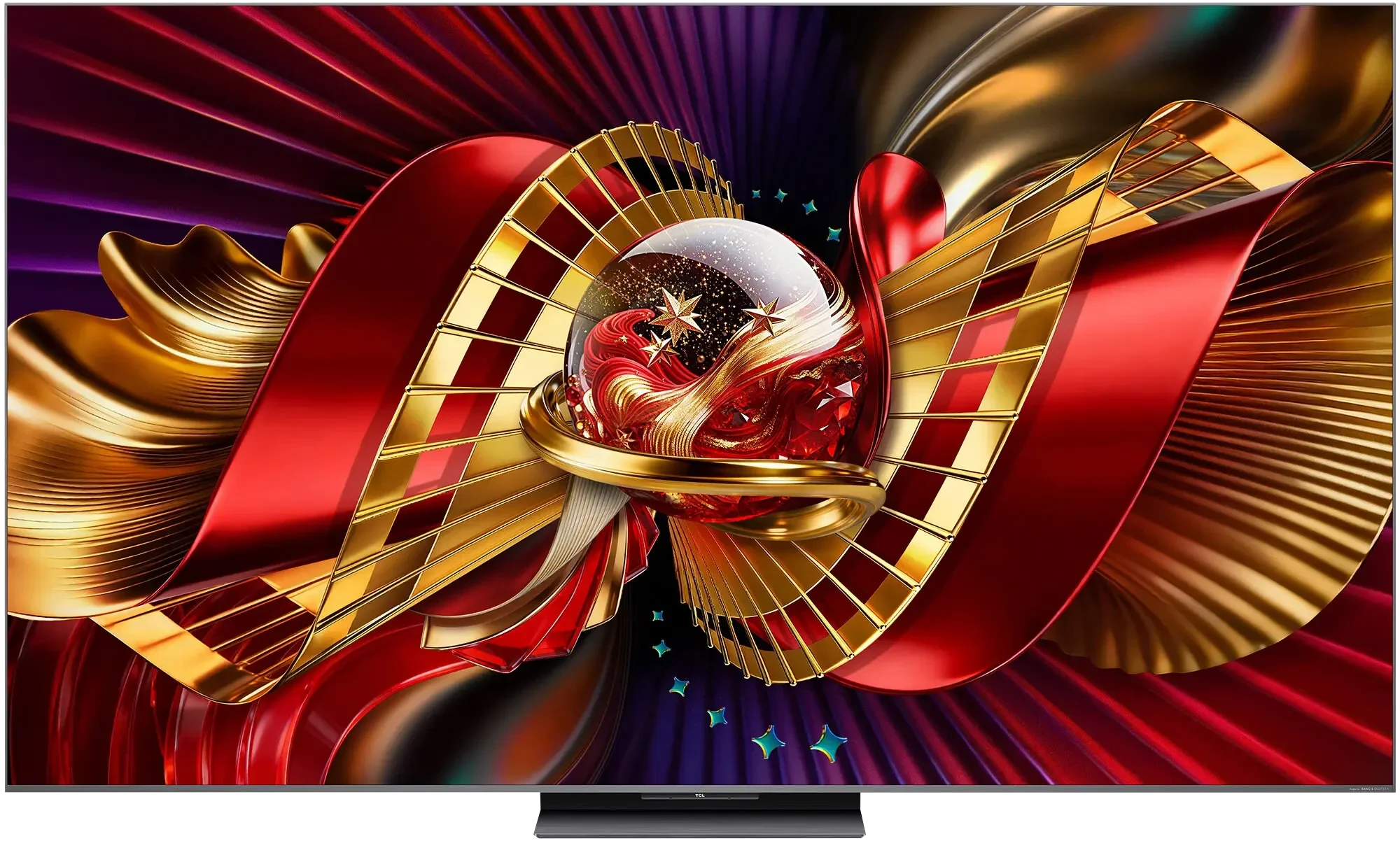
C8L / QM8L
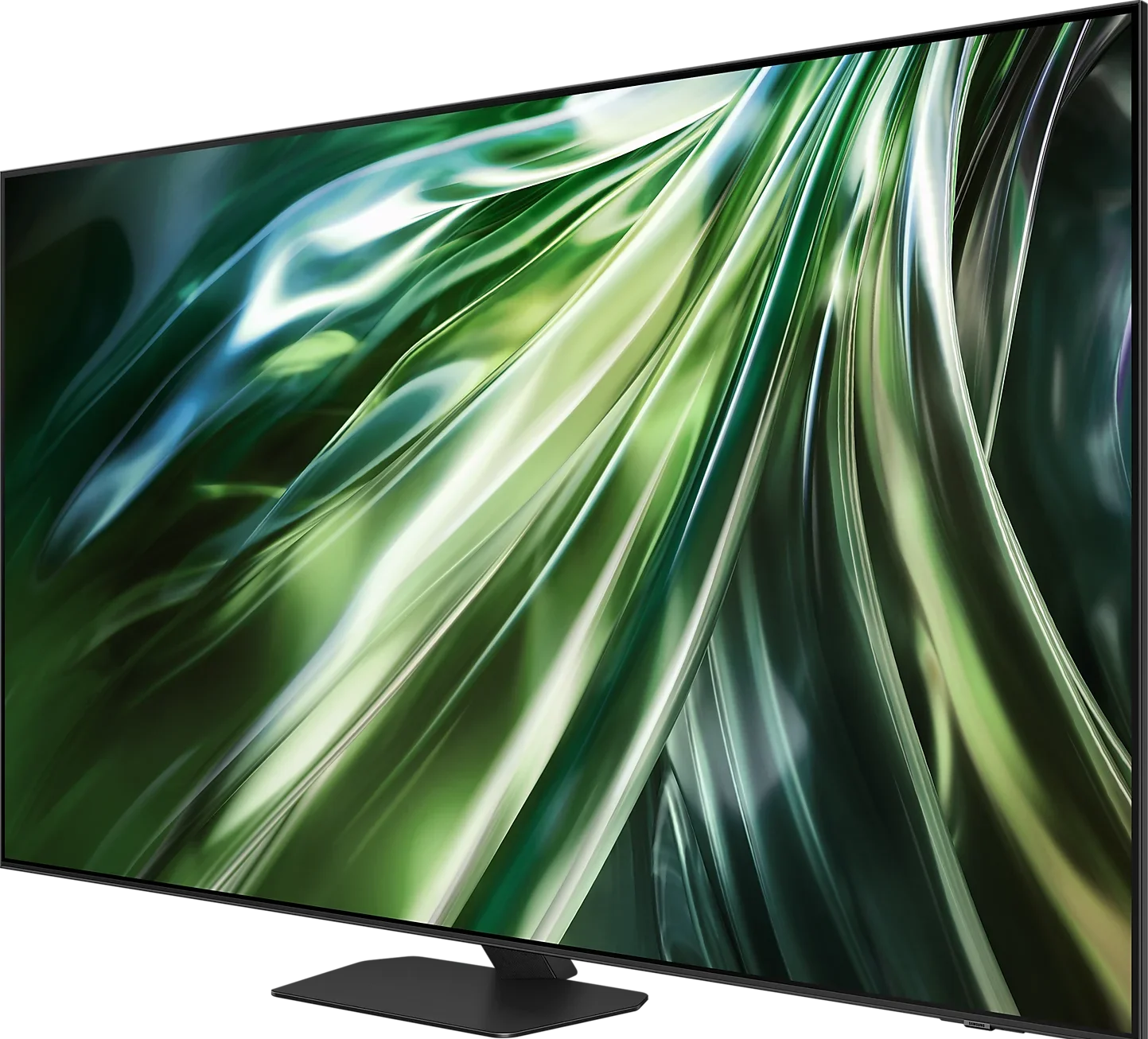
Panel type: LCD VA (wide viewing angle)
Resolution: 3840x2160
System: Tizen
Model year: 2024
Complete the survey to find out the result
Panel type: LCD VA
Resolution: 3840x2160
System: Google TV
Model year: 2026
Complete the survey to find out the result
Overall rating
7.8
8.3
 Movies and series in UHD quality
7.9
7.7
 Classic TV, YouTube
7.9
7.5
 Sports broadcasts (TV and apps)
7.7
7.2
 Gaming on console
9.1
8.9
 TV as a computer monitor
8.6
8.6
 Watching in bright light
6.4
10.0
 Utility functions
7.4
8.3
 Apps
9.3
9.6
 Sound quality
6.9
8.1
Complete the survey to find out what fits your preferences
Advantages

High brightness
Good contrast
Intuitive Tizen operating system
Great for gamers and sports fans (HDMI 2.1, 144Hz, low input lag)
Wide viewing angles - unusual for VA panels
Excellent black levels: Mini-LED backlight
High peak brightness: results reaching nearly 5,000 nits
Outstanding daytime performance: the powerful backlight easily cuts through reflections on the panel
Very good colours: new SQD quantum dots
Pentonic 800 processor: a noticeable improvement in upscaling and digital features
Four full HDMI 2.1 ports
Great gaming specs: impressively low input lag (below 10 ms), up to 288 Hz refresh with VRR, and support for HGiG and Dolby Vision Gaming
Google TV: the system runs fast and lets you install lots of apps
Good sound: audio by premium brand Bang & Olufsen
Disadvantages

No recording function
No support for DTS format - may be problematic for those using Blu-ray
Lack of fidelity to the creator's intent: the TV tends to boost brightness
Slight smearing
Our verdict
The TCL C8L is without doubt one of the most intriguing Mini-LED TVs to reach our lab this year. It stands out above all for an excellent price-to-performance ratio. TCL has already got us used to aggressively priced screens, but with the C8 series the company pushes that even further. At a price that would typically only buy a mid-range model—or possibly two models like the C8K—here you get features and specs on par with top-tier sets. A new image processor, four full HDMI 2.1 ports, support for extreme refresh rates and huge peak brightness thanks to a very large number of dimming zones are hard to ignore.
That said, looking at the whole picture, we need to be honest about this TV’s character. The C8L is built more to deliver a “spectacular” image than a rigorously faithful one. What do we mean? The software and algorithms controlling the Mini-LED backlight zones are tuned to favour showiness, so the picture is bright, contrasty and strikingly saturated. And what does that mean in practice? The TV tends to interpret the image on its own rather than stick to certain studio standards. For most users seeking bigger thrills from films or games, that effect will be a plus. By contrast, purists and fans of perfectly natural images (people like us 😉) may find it too aggressive and at odds with the director’s intent. So we’ll leave the final judgement on that to you.
Overall, despite this character, the TCL C8L is a TV we can, and in fact must, recommend with a clear conscience. It’s above all a premium product that gets practically everything right, almost to the point of pain. We’d treat certain imperfections simply as characteristics of the set rather than faults—mainly because of technological limits that all Mini-LED TVs from every manufacturer have already taught us to expect. Ultimately, software polish has done a lot for the new C8, giving us a mature, assured and nearly complete TV.
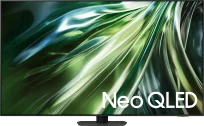
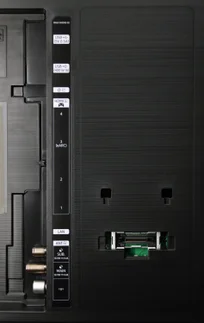
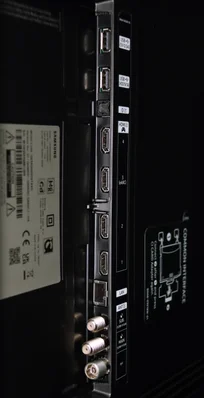
TV appearance

Contrast and black detail
7.9/10
8/10
Local dimming function: Yes, number of zones: 504 (36 x 14)
Local dimming function: Yes, number of zones: 2040 (34 x 60)
Contrast:


Result
∞:1

Result
69,000:1

Result
∞:1

Result
5,500:1

Result
2,700:1
Result
156,600:1
Result
59,250:1
Result
17,400:1
Result
23,650:1
Result
9,250:1
Halo effect and black detail visibility:
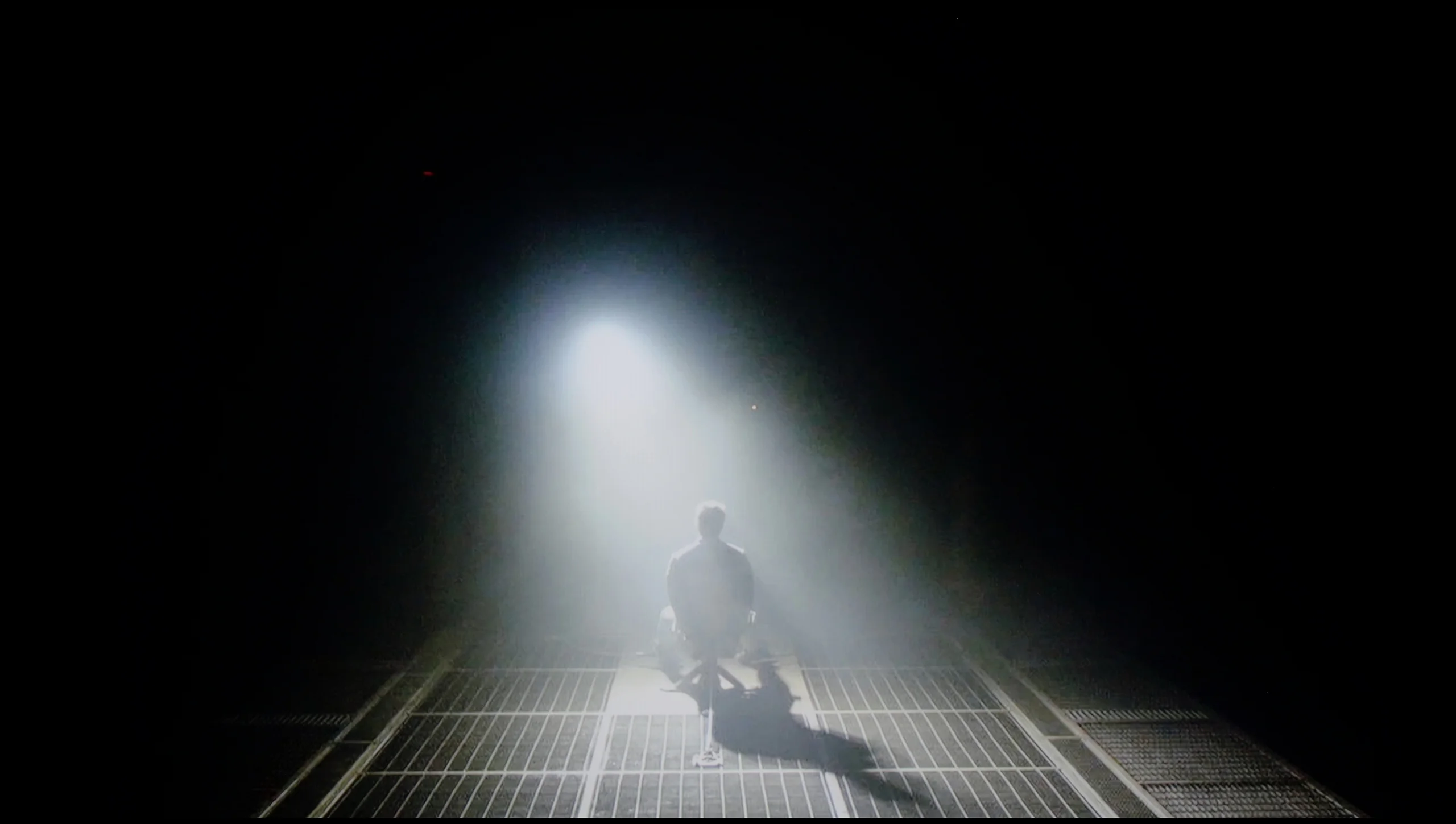
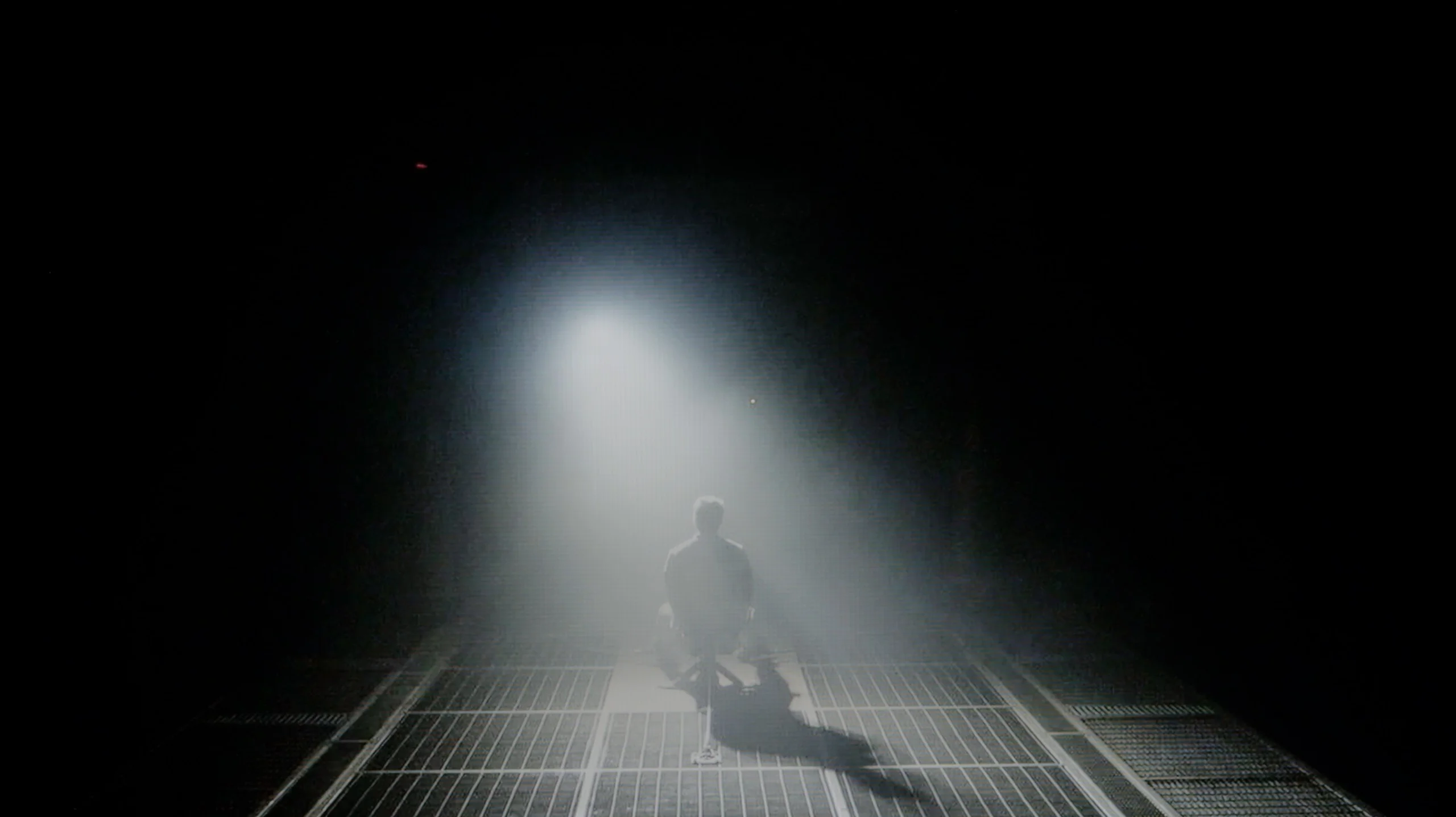
Check the visibility of bright lights on a dark background. Mini-LEDs often struggle with this. The photo does not compare black levels – that’s what the video below is for.
The video accurately shows differences in contrast and black levels between TVs, as well as potential issues: halo around bright objects or Mini-LED zone operation visible as brightness jumps.
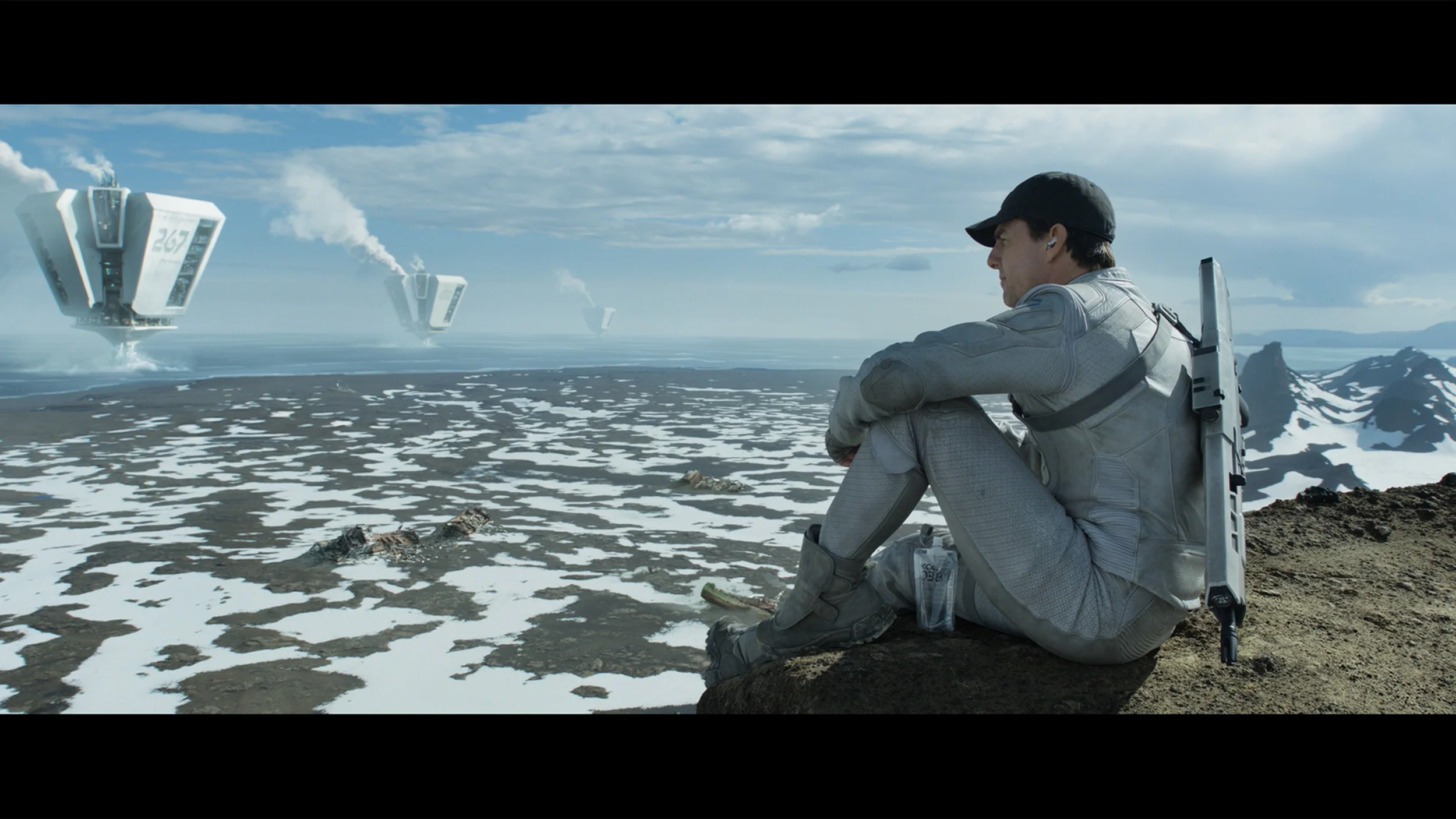
Samsung QN92D is one of the top models of NeoQLED 4K (mini LED) from the Korean manufacturer for 2024. Although it does not offer as many dimming zones as its more refined sibling Samsung QN92D, the number of 504 dimming zones in the 55-inch version is still impressive. The VA panel works well with this solution, providing excellent results in terms of contrast. The contrast in Samsung QN92D is outstanding for a non-OLED television. Even in difficult scenes, like those from the movies "Oblivion" or "Arrival," the contrast is nearly infinite and can compete with the best televisions in the OLED segment, which is quite unusual among LED-lit televisions. However, mini LED diodes have their limitations compared to organic panels, which can lead to some issues. For example, on the last test screen from Pioneer, the television has significant difficulties. This may be due to a very aggressive dimming algorithm, which sometimes causes the mini LED diodes to struggle with what to do – whether to illuminate certain elements or maintain the blacks. Despite these drawbacks, Samsung QN92D is one of the best LCD televisions in terms of contrast and blacks.
One thing the C8L certainly can't be denied is its impressive specification. In the 65-inch variant we tested: the manufacturer squeezed in as many as 2,040 independent local dimming zones (that number of course rises or falls with the screen diagonal). Such a dense packing of light-emitting elements has a direct impact on black depth. The contrast we measured in film scenes reached impressive five- and six-figure-to-one values, which for LCD is an outstanding result. Is the algorithm perfect? Not entirely. On small bright elements shown on a dark background a trained eye will still notice a slight halo effect and moments when zones wake up, which is a natural characteristic of Mini-LED technology. That said, the black levels on this model will be more than satisfactory for most viewers.
*Our review applies to the 65-inch variant. We believe results will be similar for larger sizes. The exception may be the 55-inch version, which has the weakest specifications in the series.
Size | Local dimming zones |
55C8L | 1,008 zones |
65C8L | 2,040 zones (tested model) |
75C8L | 2,584 zones |
85C8L | 3,200 zones |
98C8L | 4,032 zones |
HDR effect quality
6.7/10
7.3/10
Luminance measurements in HDR:

Result
1947 nit

Result
617 nit

Result
738 nit

Result
271 nit

Result
1479 nit
Result
1637 nit
Result
701 nit
Result
1428 nit
Result
405 nit
Result
1728 nit
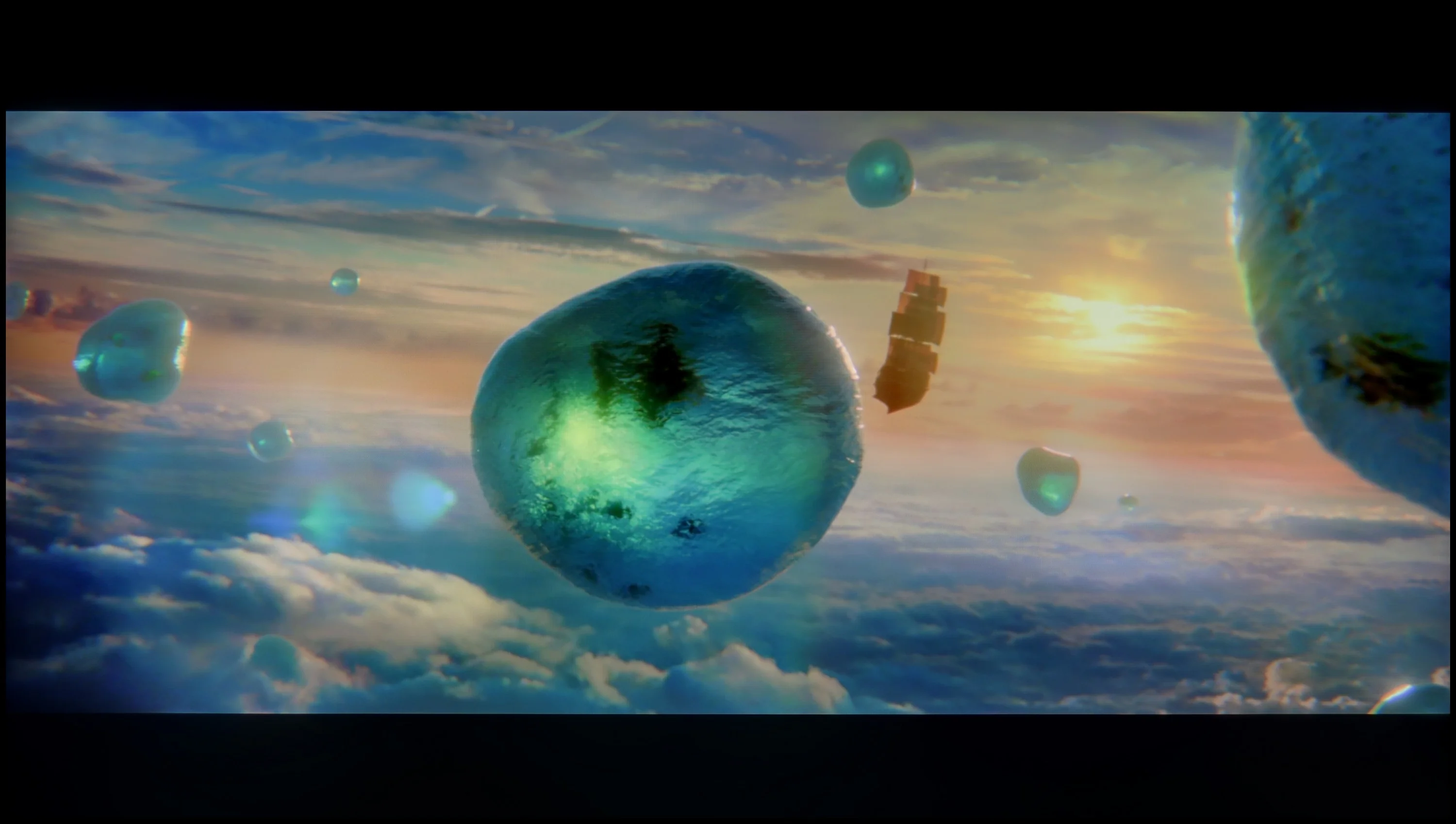
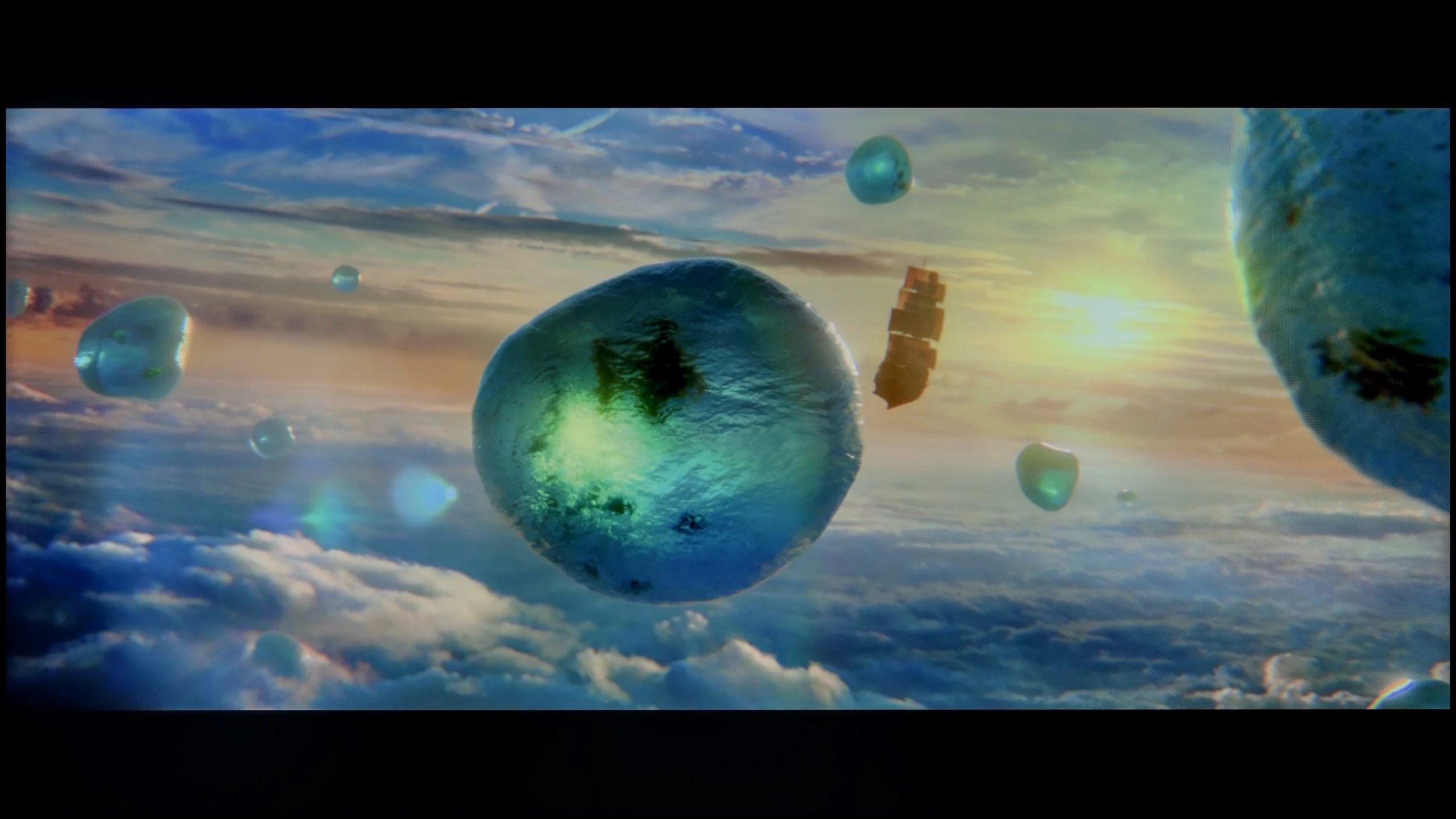
Scene from the movie “Pan” (about 2800 nits)
Scene from the movie “Billy Lynn” (about 1100 nits)
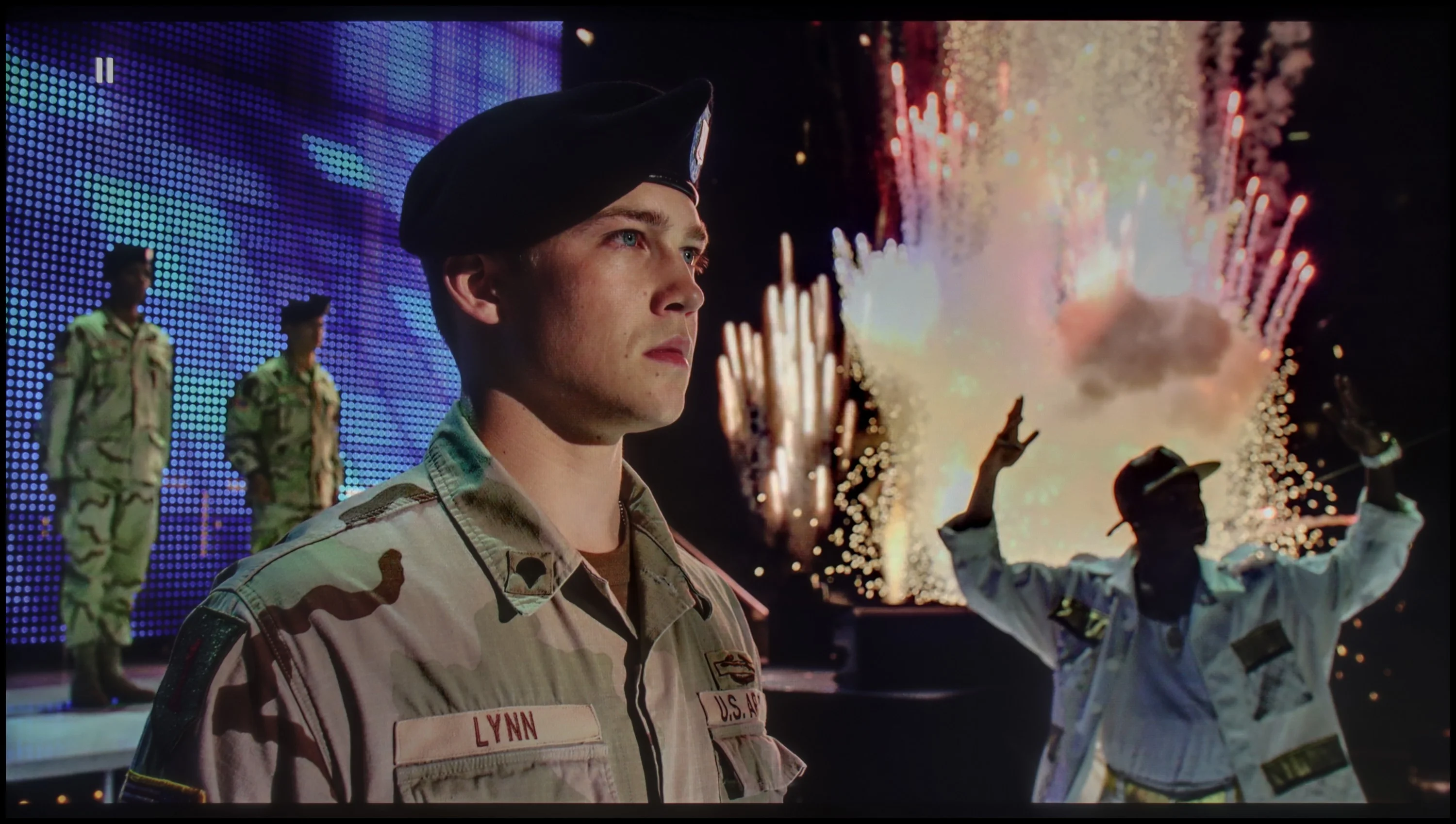
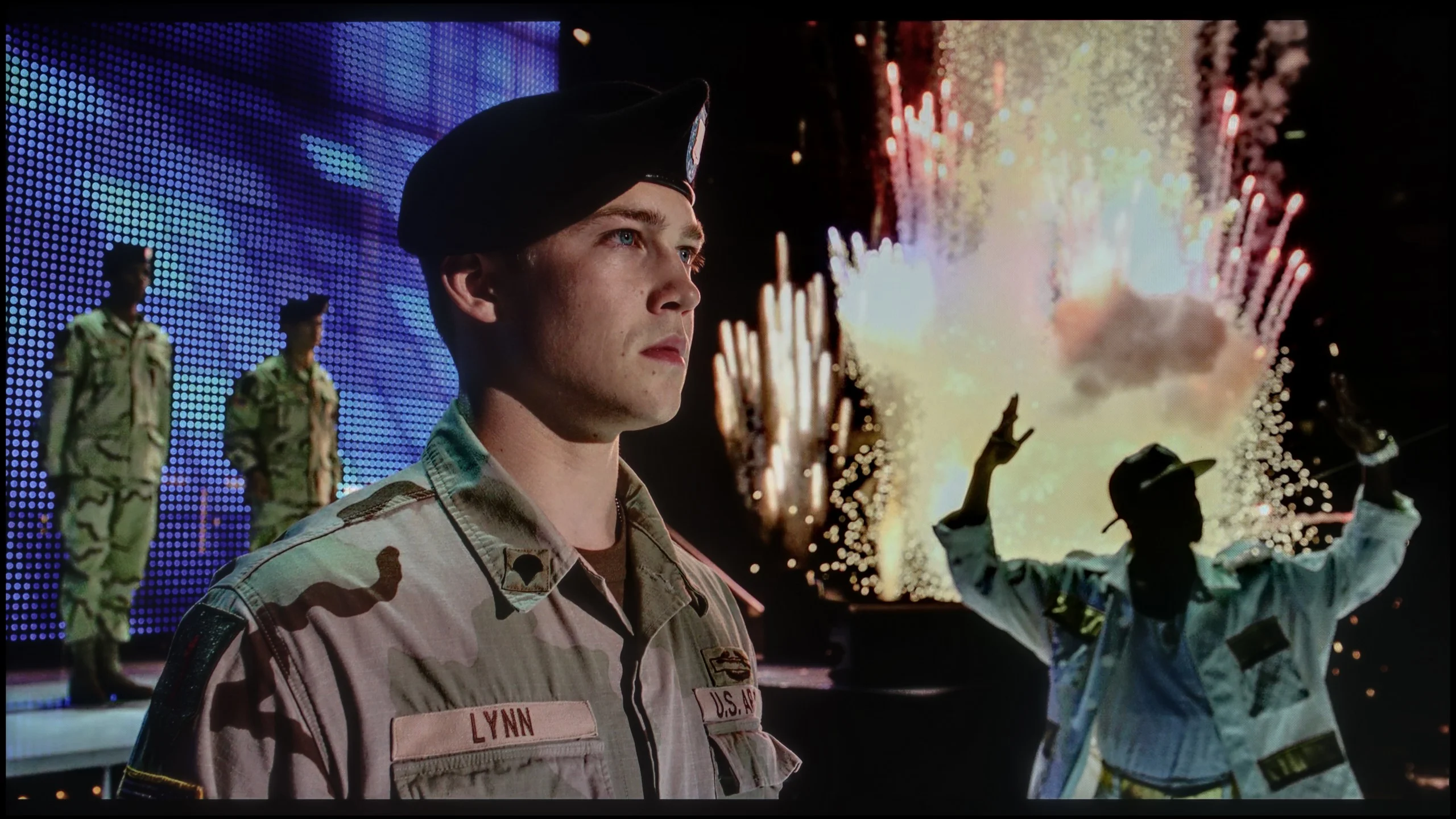
The photos show two HDR10 movies. 'Pan' is one of the brightest productions ever made, while 'Billy Lynn' (soldier) has brightness typical of streaming (Netflix, Prime, HBO MAX). Notice the intensity of effects and detail in whites.
Static HDR10


The photos present the visibility of white details in various HDR formats. They do not show brightness differences between TVs (these can be compared in the previous gallery).
Dynamic: HDR10+
Dynamic: Dolby Vision


The photos present the visibility of white details in various HDR formats. They do not show brightness differences between TVs (these can be compared in the previous gallery).
HDR luminance chart:
TCL C8L / QM8L
Samsung Neo QLED QN90D / QN92D
During synthetic tests, Samsung QN92D showed its incredible capabilities in terms of brightness. The charts clearly indicate that the television can achieve an impressive 2000 nits, giving it a solid power base to compete with the best models on the market. Such a result places it at the forefront, especially in the context of displaying HDR content, where brightness plays a key role. However, what happens when we move the tests to real film scenes? In favourable conditions, such as the first scene from the movie Life of Pi or the last scene, where the image is completely flooded with light, Samsung QN92D can achieve almost laboratory results, impressing with its brightness. The situation looks different when small, bright objects appear on a dark background, as in the fourth scene from the movie Sicario. In such cases, the television doesn't perform as well – brightness drops several times, and maximum values in the best conditions are around 600 NITS. Similar to contrast, these limitations arise from the use of an aggressive local dimming algorithm. This algorithm aims to reduce the 'halo' effect around bright objects on a dark background, but often at the expense of overall brightness. As a result, while the television performs well in bright scenes, its ability to display full brightness is limited when it comes to small, vivid elements.
When it comes to HDR, the TCL C8L turns out to be a hellishly bright television – and I mean that literally. On a synthetic test pattern of 5%, our measuring equipment indicated a result exceeding 4500 nits. That's an almost cosmic result, considering that reference director's monitors, which we often refer to in our materials, usually operate around 4000 nits. Does this mean the C8L breaks barriers and climbs to the technological peak of Mini-LED? Not quite. Dry synthetic tests are one thing, and real film images are another. In real, varied scenes, the C8L hits around 1600 nits at its peak. That's still a very good result, ensuring a very high level of HDR dynamics, but it's clearly lower than what the manufacturer boasts in the specifications. The trouble begins with very small bursts of light – then the brightness can drastically drop to around 600 nits. The algorithm does everything it can to maintain deep blacks and minimise halo effect, but it does so at the cost of HDR impact. This is ideal evidence that laboratory test patterns rarely correlate with what we ultimately see on the screen.
Huge applause is due for colour reproduction, all thanks to the new generation of SQD (Super Quantum Dot) quantum dots. The coverage of the DCI-P3 palette reaches 97%, but the jaw-dropping measurements come from the notoriously demanding BT.2020 space. The C8L achieves an impressive 90% in this area, placing it alongside today’s top screens that feature RGB backlighting. Importantly, unlike some screens with Micro/Mini RGB backlighting, this effect is stable regardless of the scene being displayed. Of course, it’s important to remember that content mastered for such a wide gamut in films or series is still a rarity. However, the very fact that the panel has such a "reserve of colours" deserves huge admiration.
Factory color reproduction
6.1/10
5.3/10
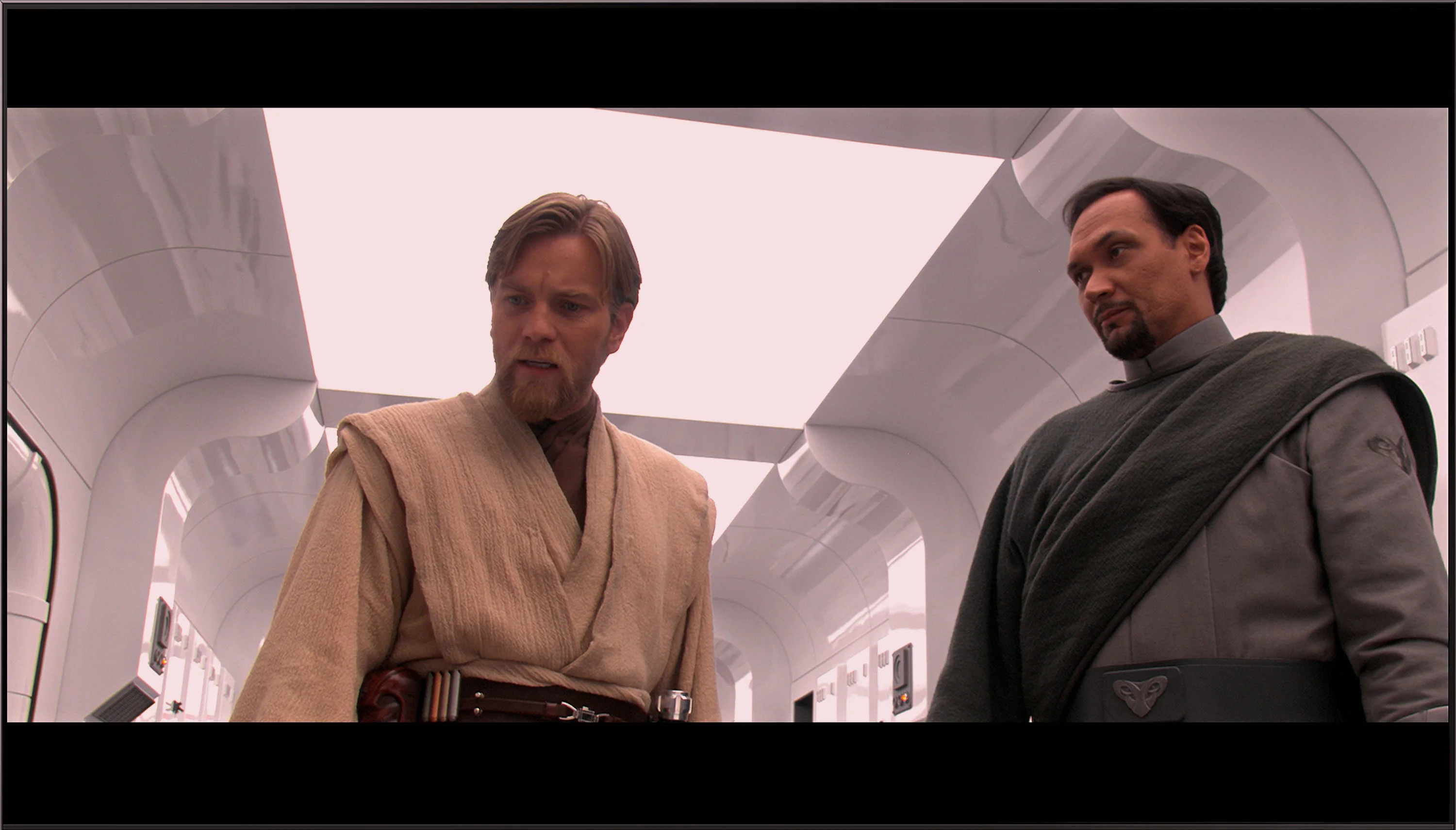
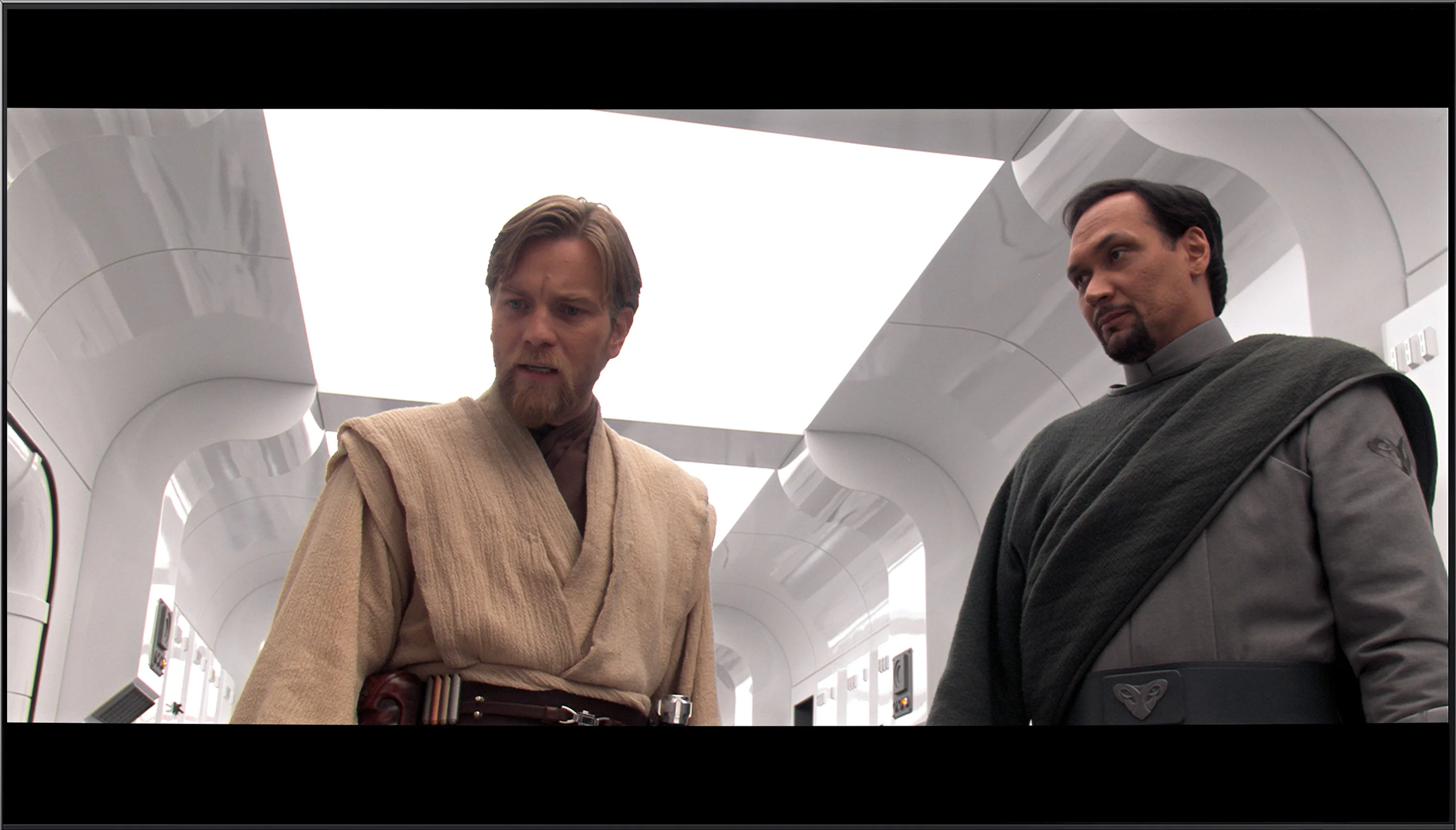
This gallery shows how colors change after professional TV calibration. If you notice the difference, we recommend ordering this service at SkalibrujTV.com.
Factory Mode
After calibration
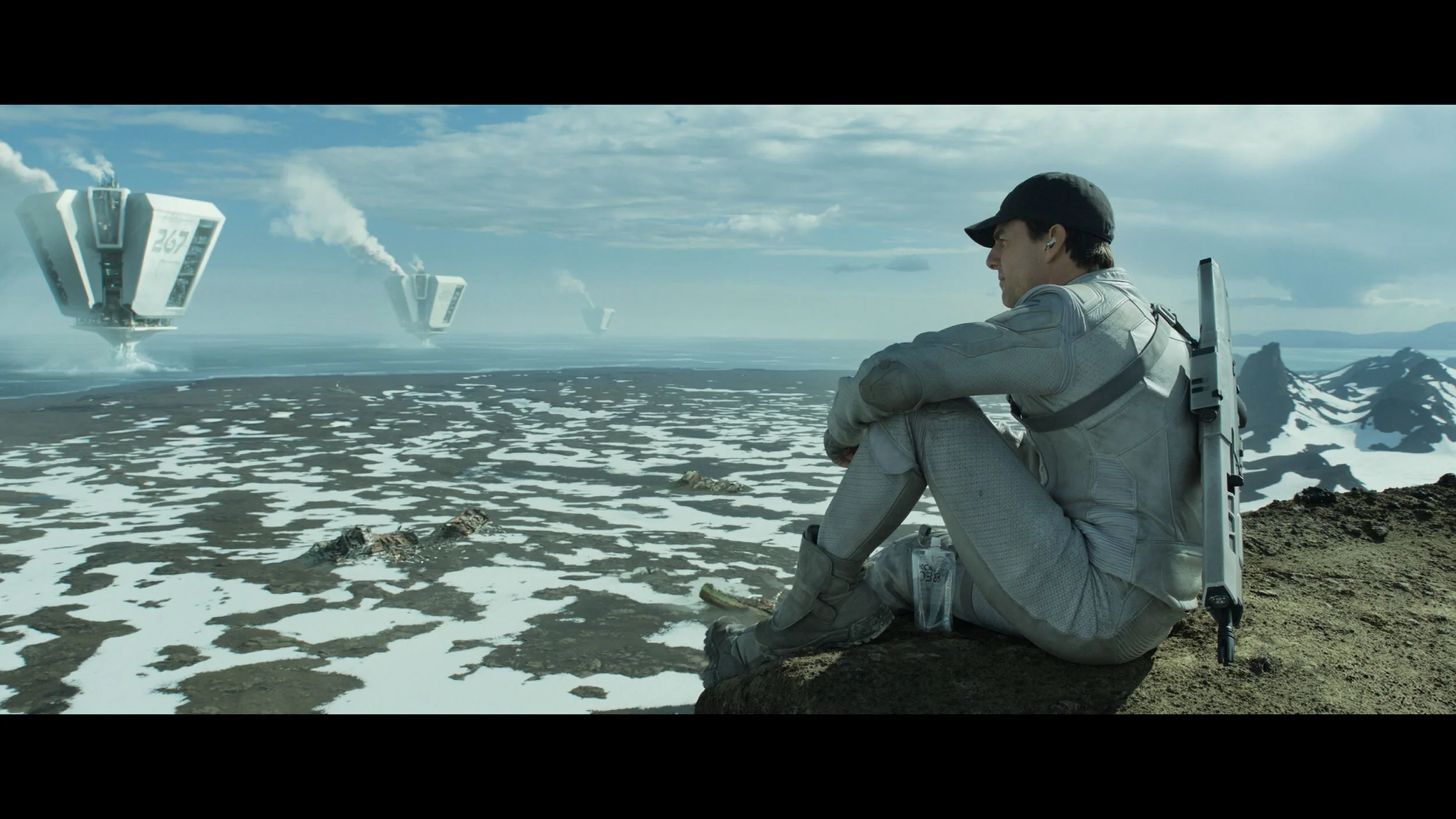
This gallery shows how colors change after professional TV calibration. If you notice the difference, we recommend ordering this service at SkalibrujTV.com.
Factory Mode
After calibration
The best mode that reproduces colours best on the Samsung QN92D has consistently been the Filmmaker mode for years. While it generally offers decent colour quality, it is not free from significant issues. Let's start with the analysis of HD/SDR image quality. The biggest challenge here is the white balance – the graphs show considerable instability, with a clear dominance of red making the image too warm. This distortion causes hues to be unnaturally shifted towards warmer tones, which can negatively affect the perception of materials with natural colours. Contrast, based on the gamma chart, although not the worst, remains far from ideal, impacting the overall image quality, especially in darker scenes.
This issue also persists with 4K materials, such as series or films of higher quality. In this case, the white balance also turns out to be faulty, with noticeable deficiencies in blue and red colour, leading to tonal shifts. Tests using the Colour Checker tool confirm these problems – all colours tend to skew towards yellow shades, further distorting the natural appearance of the image. Although the Filmmaker mode is one of the best available modes for watching cinematic content, it still requires improvements, especially in terms of colour accuracy and white balance.
We tested the TCL C8L in the best factory mode available in the TV's menu for picture fidelity. I’m of course talking about Filmmaker Mode, which was introduced into this brand’s software relatively recently (a year ago in the K series). Thanks to it, the average user can get pretty good colour reproduction straight out of the box, although it’s certainly not perfectly tuned. Looking at the factory white balance of our unit, in both SDR and HDR content, there was a clear lack of the red component, which made the picture noticeably cooler and slightly shifted towards bluish‑green hues. The issue of brightness management is also ambiguous, as we mentioned earlier. While in SDR content the linearity of the gamma parameter is really good and consistently holds the reference value of 2.4, things are much worse in HDR. Tracking the EOTF curve clearly shows the TV’s brightness is considerably boosted across the range, which can make the final image overly bright and inconsistent with the creators’ intent, and that is in a mode that by definition should avoid this. Of course, like every unit in our lab, this one was also subjected to professional calibration, and you can find the results below.
Color reproduction after calibration
8.7/10
7.5/10
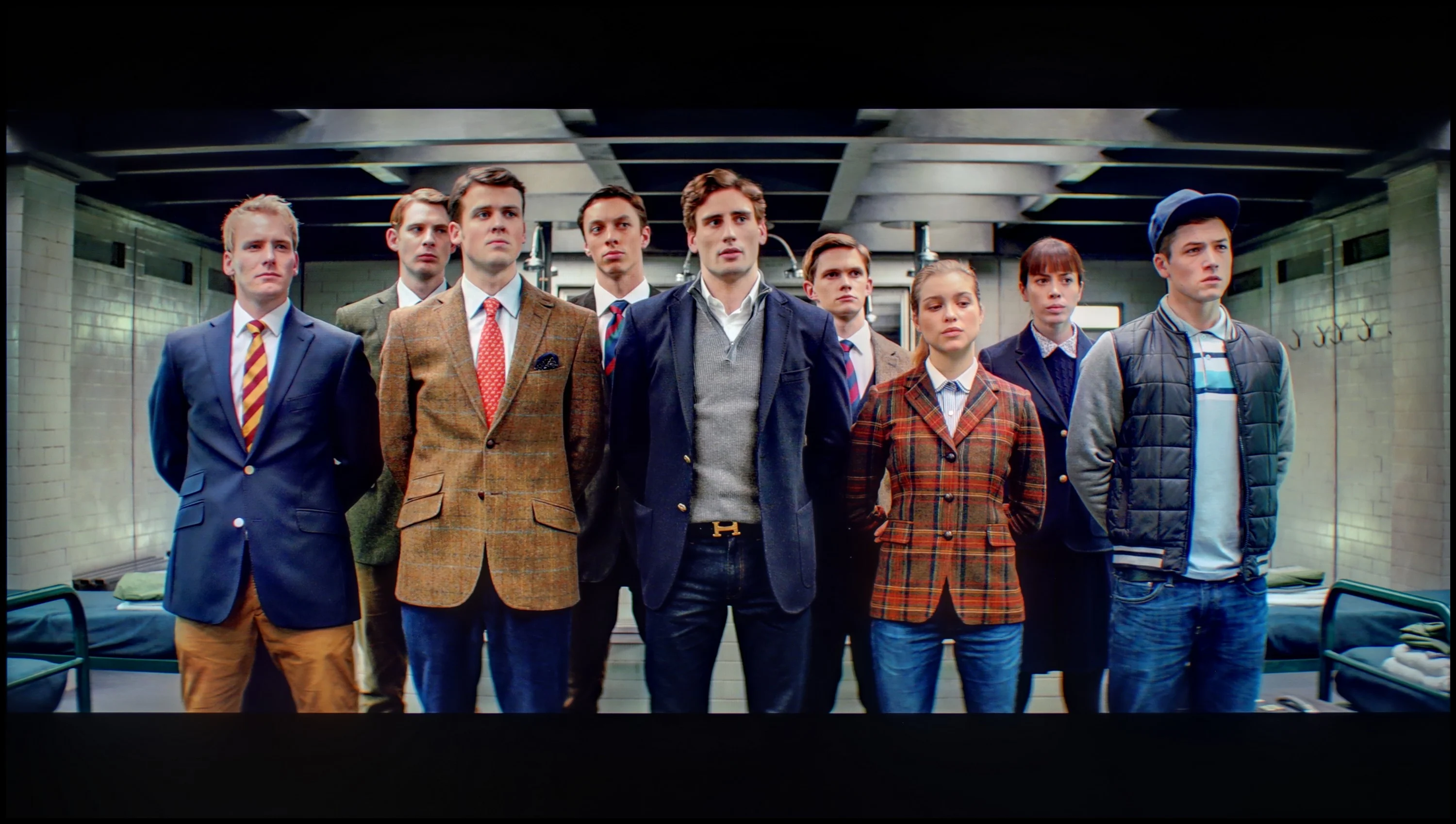
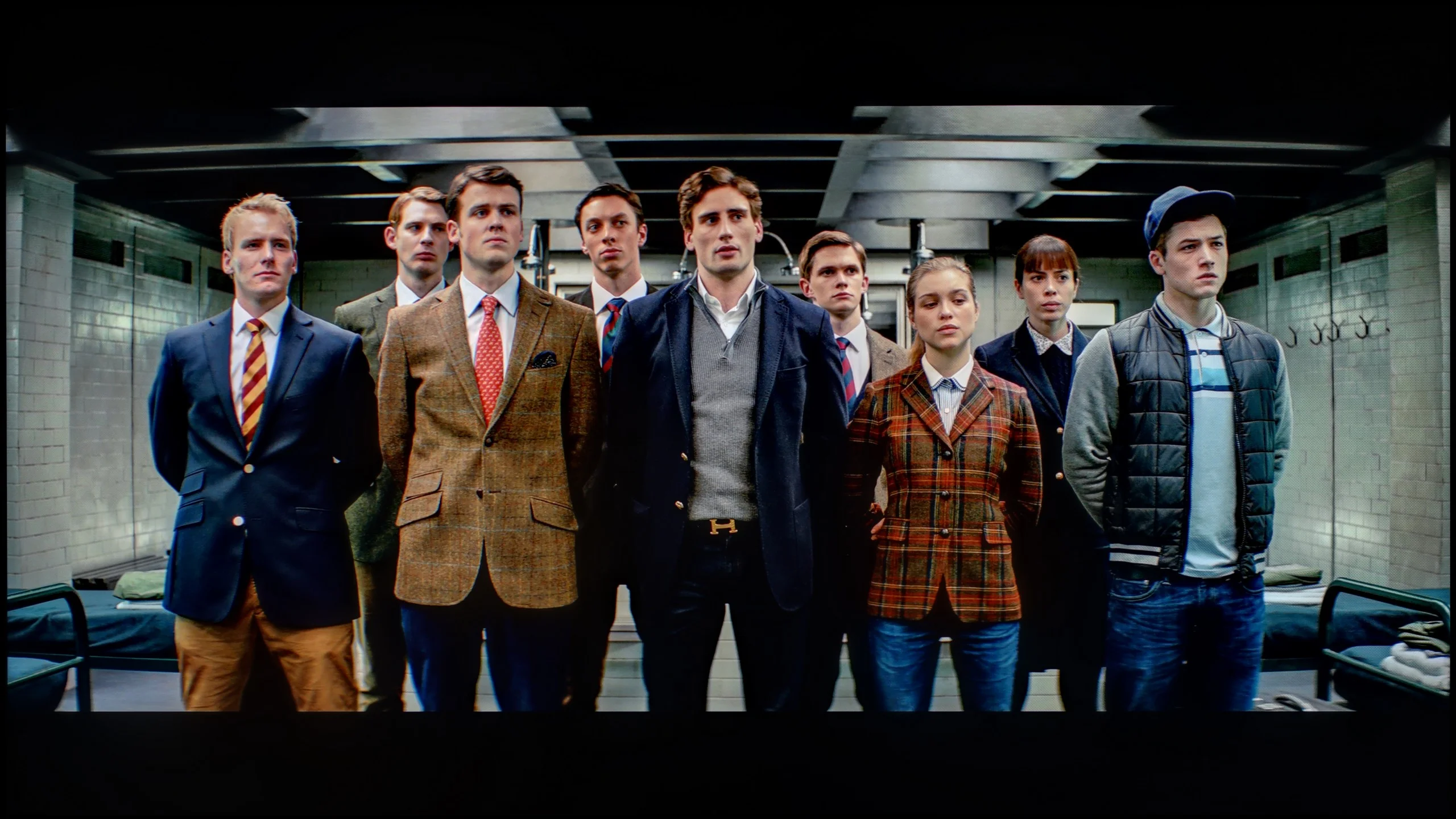
The photos show how movies look on the TV. Pay attention to black detail visibility, colors, and shadow tint.
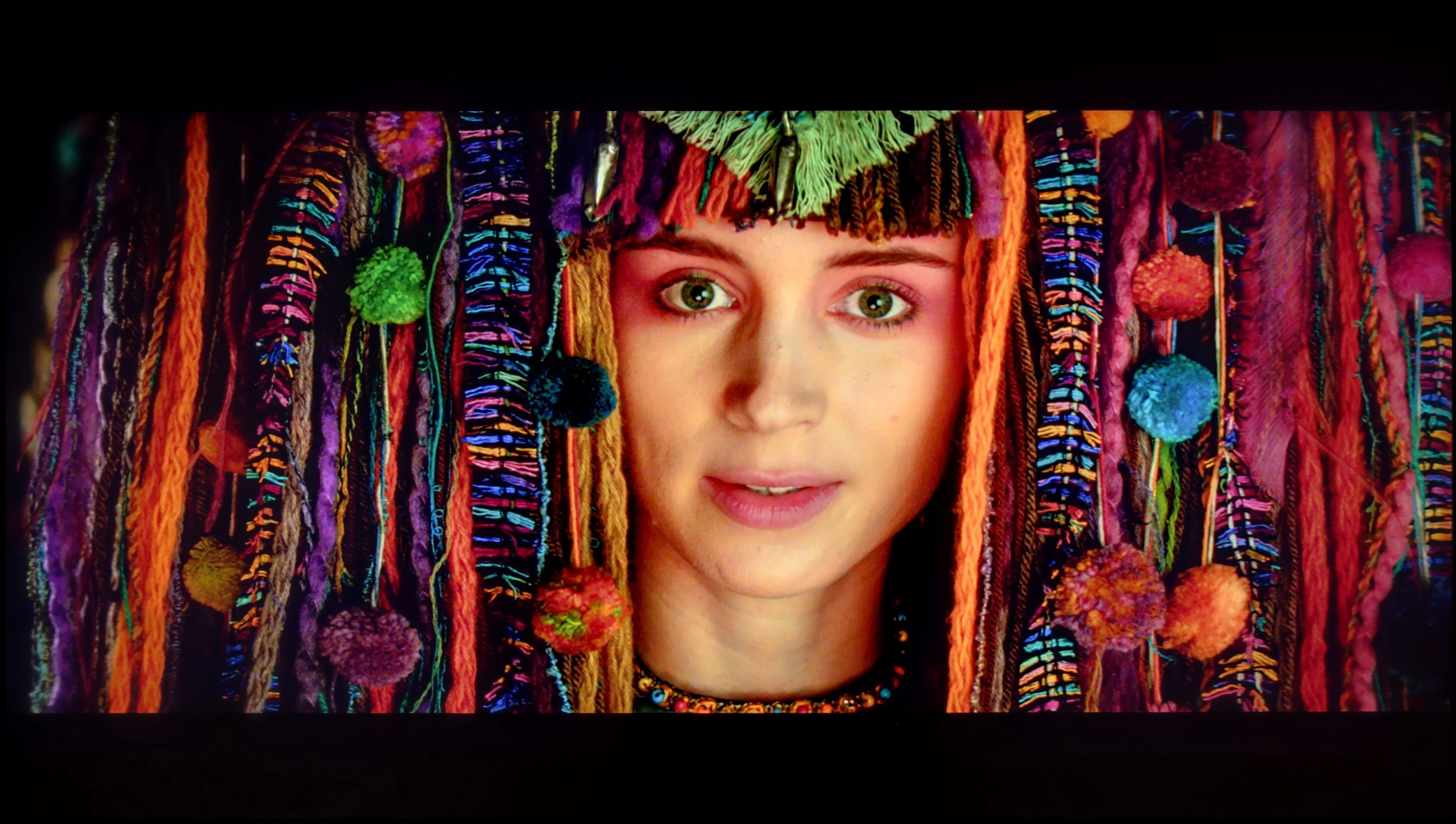
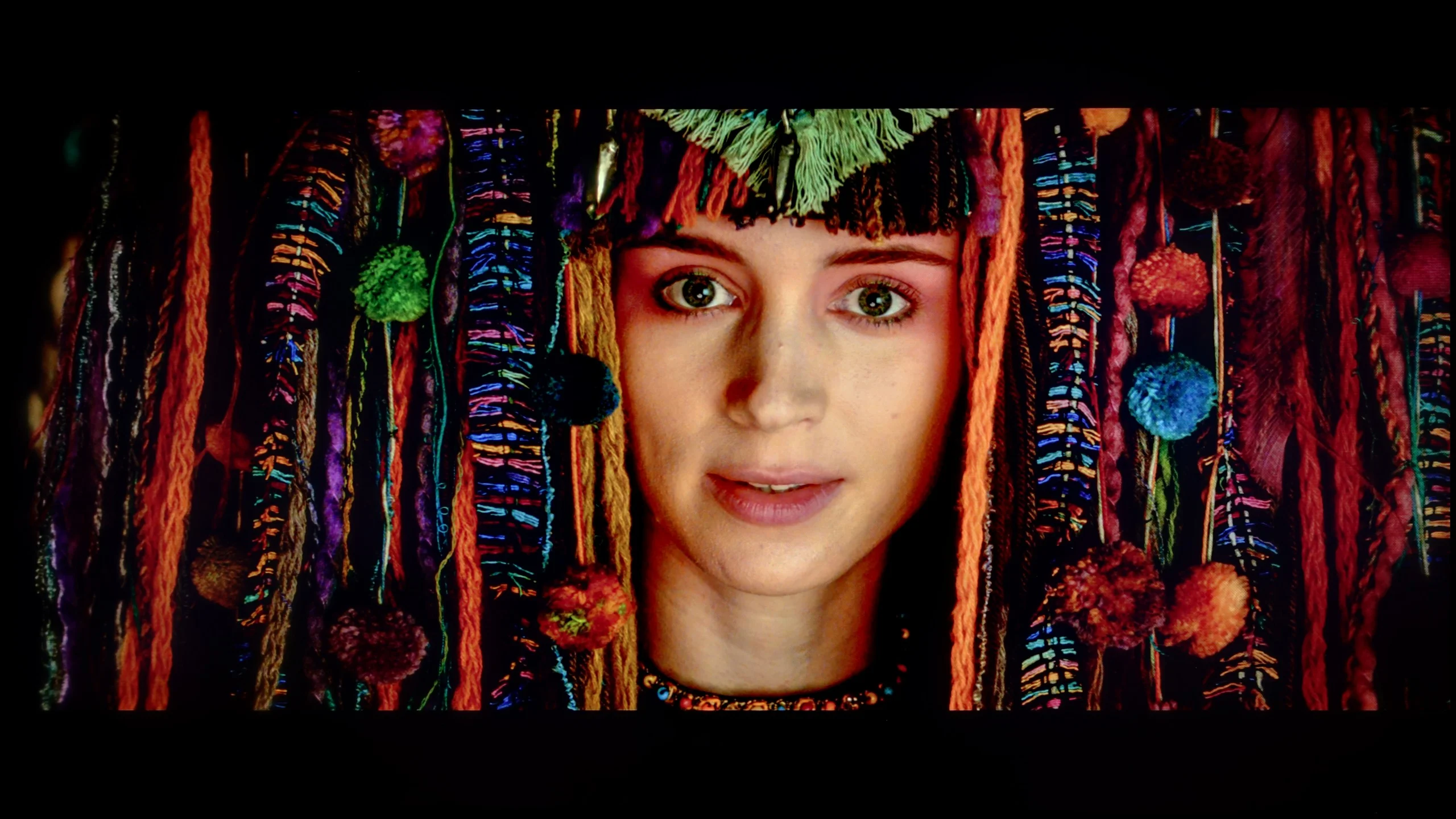
The photos show how movies look on the TV. Pay attention to black detail visibility, colors, and shadow tint.
After calibration, the Filmmaker mode on the Samsung QN92D television shows significant improvement, particularly in the SDR content range. The white balance has been greatly enhanced – the previous colour misalignment and dominance of red have been eliminated, resulting in a more natural colour reproduction. In terms of brightness, although the gamma chart did not require significant adjustments, it has been stabilised, which affects the overall picture quality.
Regarding high-quality materials, the white balance has also improved in this case. However, it is worth noting the contrast. The EOTF curve, which illustrates the values in this area, appears correct at first glance. However, upon closer inspection, the television struggles to maintain appropriate contrast in film materials. The EOTF curve reveals some discrepancies, suggesting that despite the progress, there are still areas that require improvement in this aspect. The television continues to strive for excellence in contrast reproduction. A strength of this television is the saturation of colours. Skin tones are rendered very well, and although some colours may be slightly oversaturated, the overall effect looks really attractive – the colours appear rich and vibrant.
Despite some shortcomings in contrast, after calibration, the Filmmaker mode on the Samsung QN92D offers excellent image quality, with natural colour reproduction, making it a great choice for watching movies.
As you can see, the results of a professional calibration of the TCL C8L are genuinely promising, thanks to the extensive adjustment tools the manufacturer made available in the menu. Most importantly, we were able to fully correct the white balance, eliminating a lack of red so the image finally stopped drifting into unwanted, cool tones. After this step, errors in the ColorChecker test fell to near-reference values, regularly sitting below a Delta E threshold of 2, which is under the level noticeable to the human eye.
Since the test patterns look so perfect, you might ask: why then the lower final score in this category? The answer lies in the brightness management discussed earlier. Although the menu includes sliders that let you precisely straighten the EOTF curve on synthetic signals, when confronted with real film material (I recommend turning the EOTF filter on when watching films), it becomes clear that the TV in most scenarios still responds to HDR metadata in its own way. As a result, the image can be a touch too bright and not in line with the creators' intent, and it was precisely for this lack of repeatability with real-world films that we had to dock the C8L a few points.
Smoothness of tonal transitions
9/10
9/10
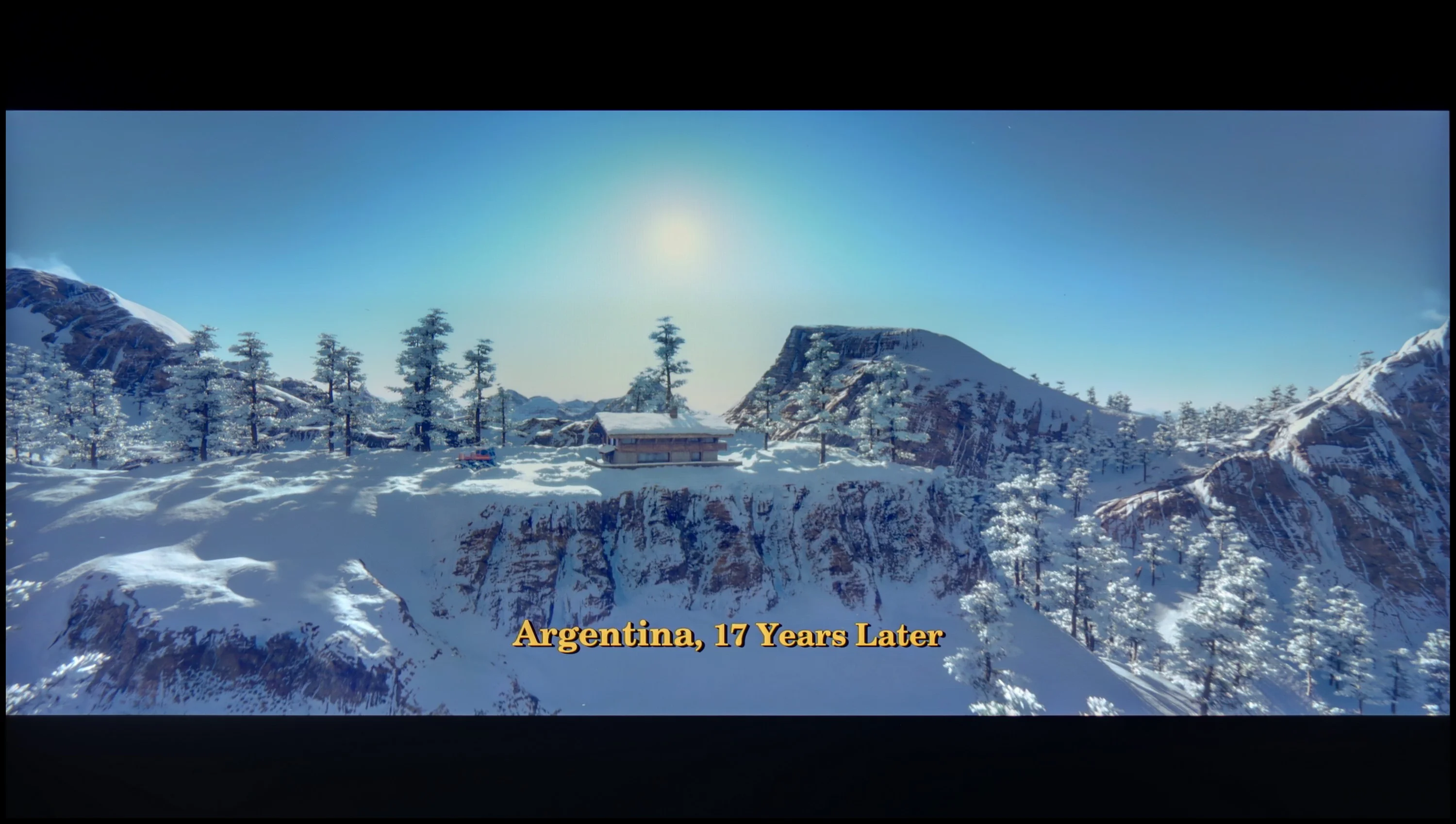

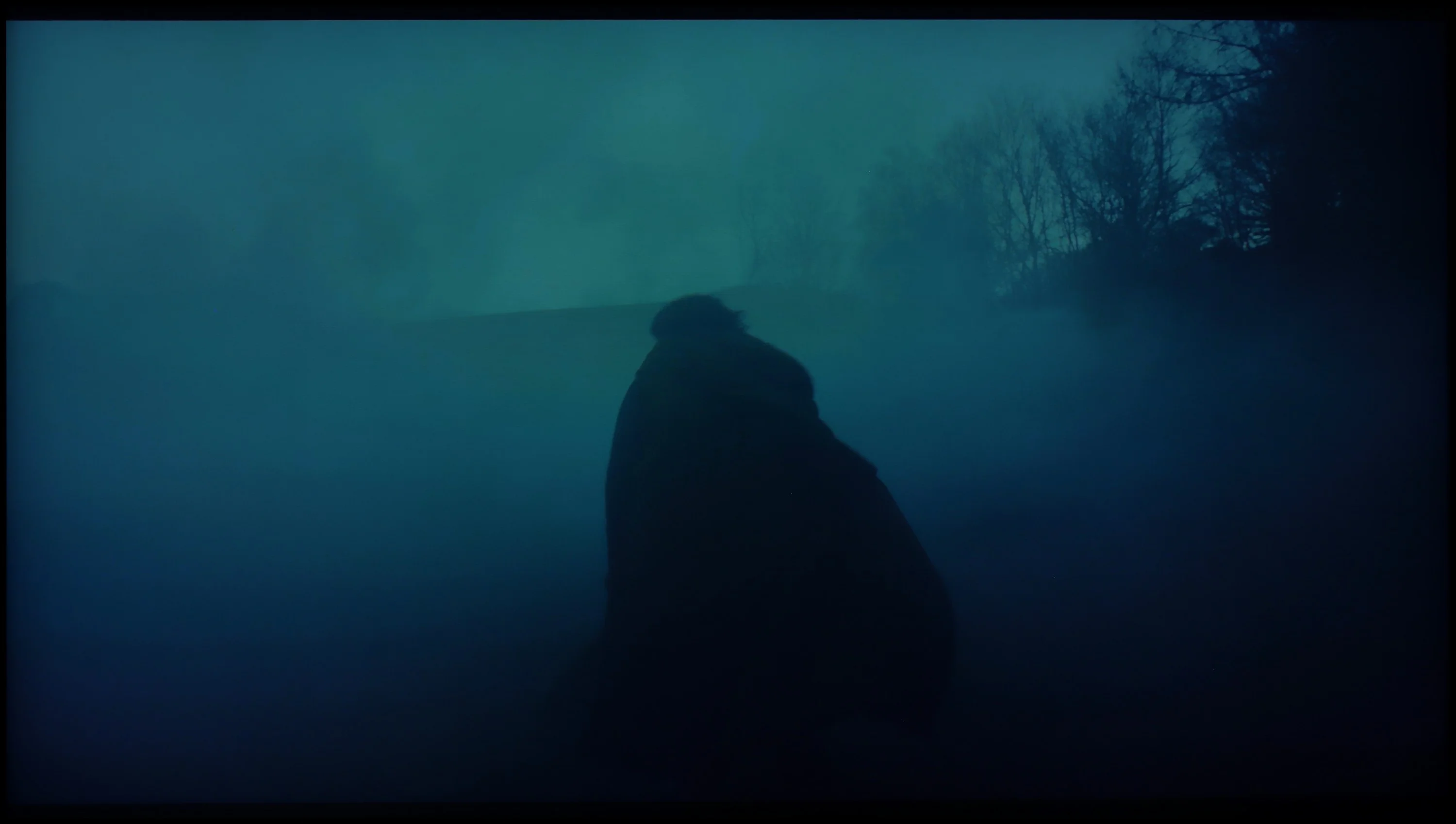
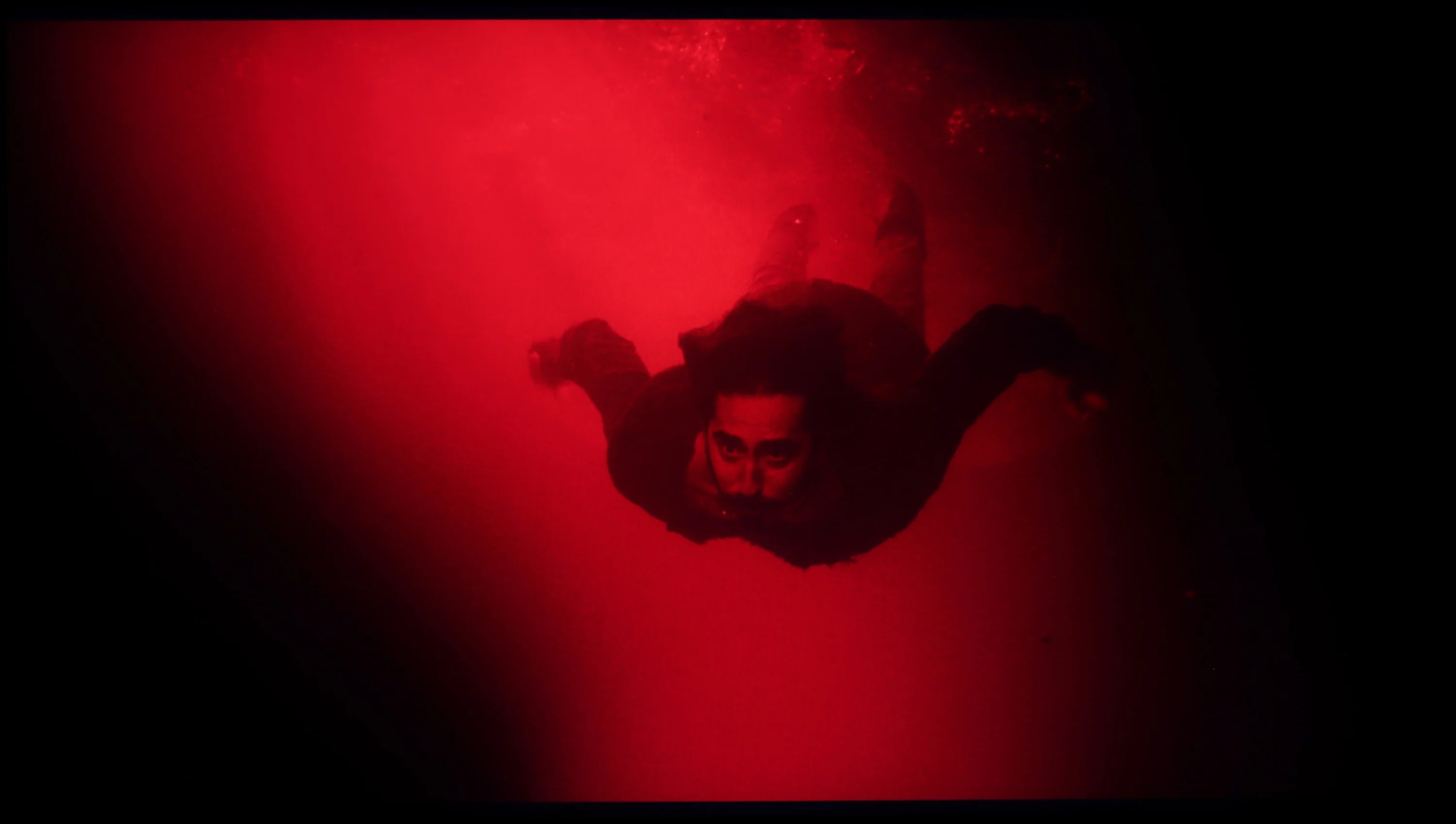
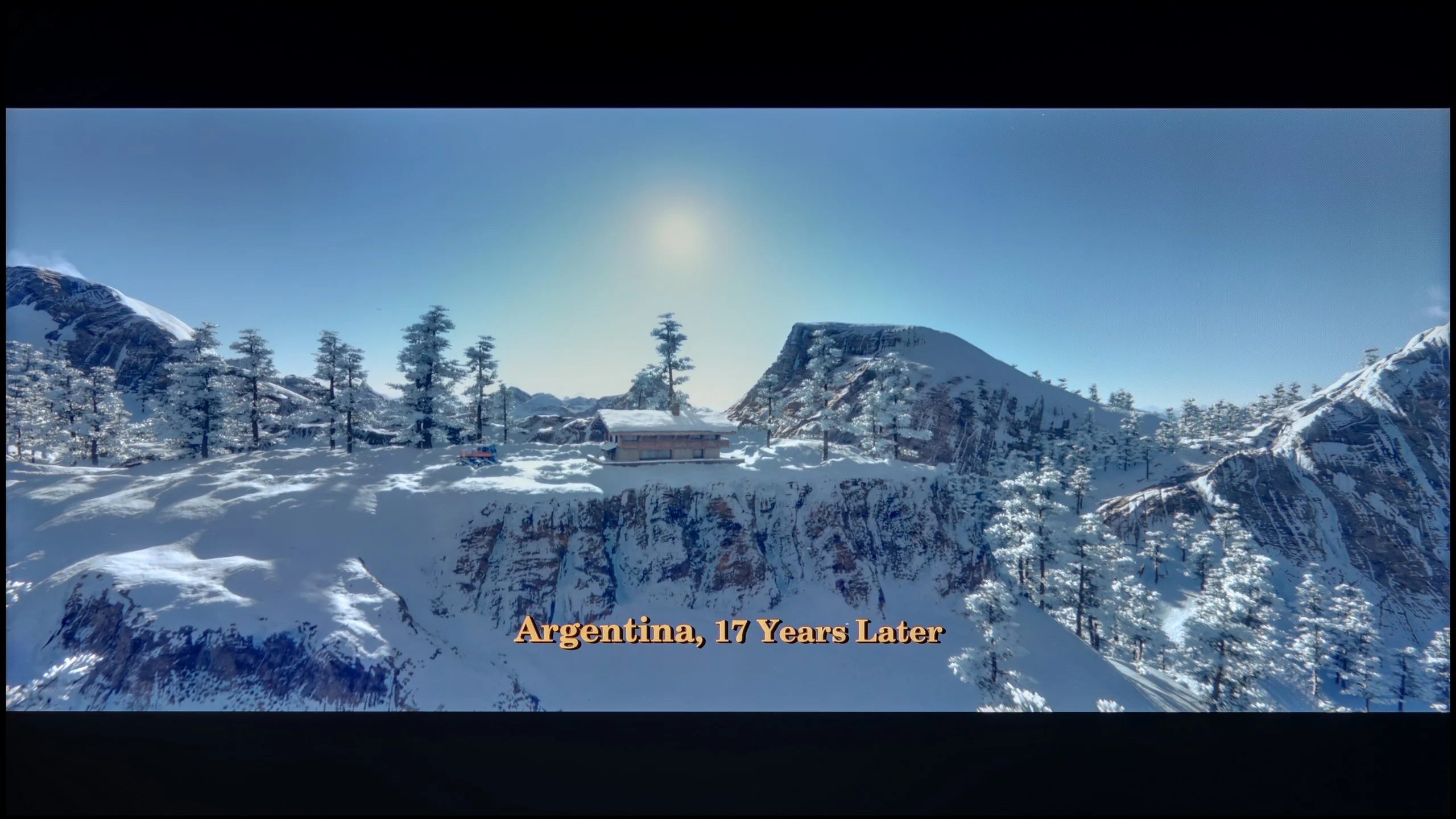
These are selected scenes that show smooth tonal transitions from one color to another. If you see distinct banding, it’s the TV panel’s fault.
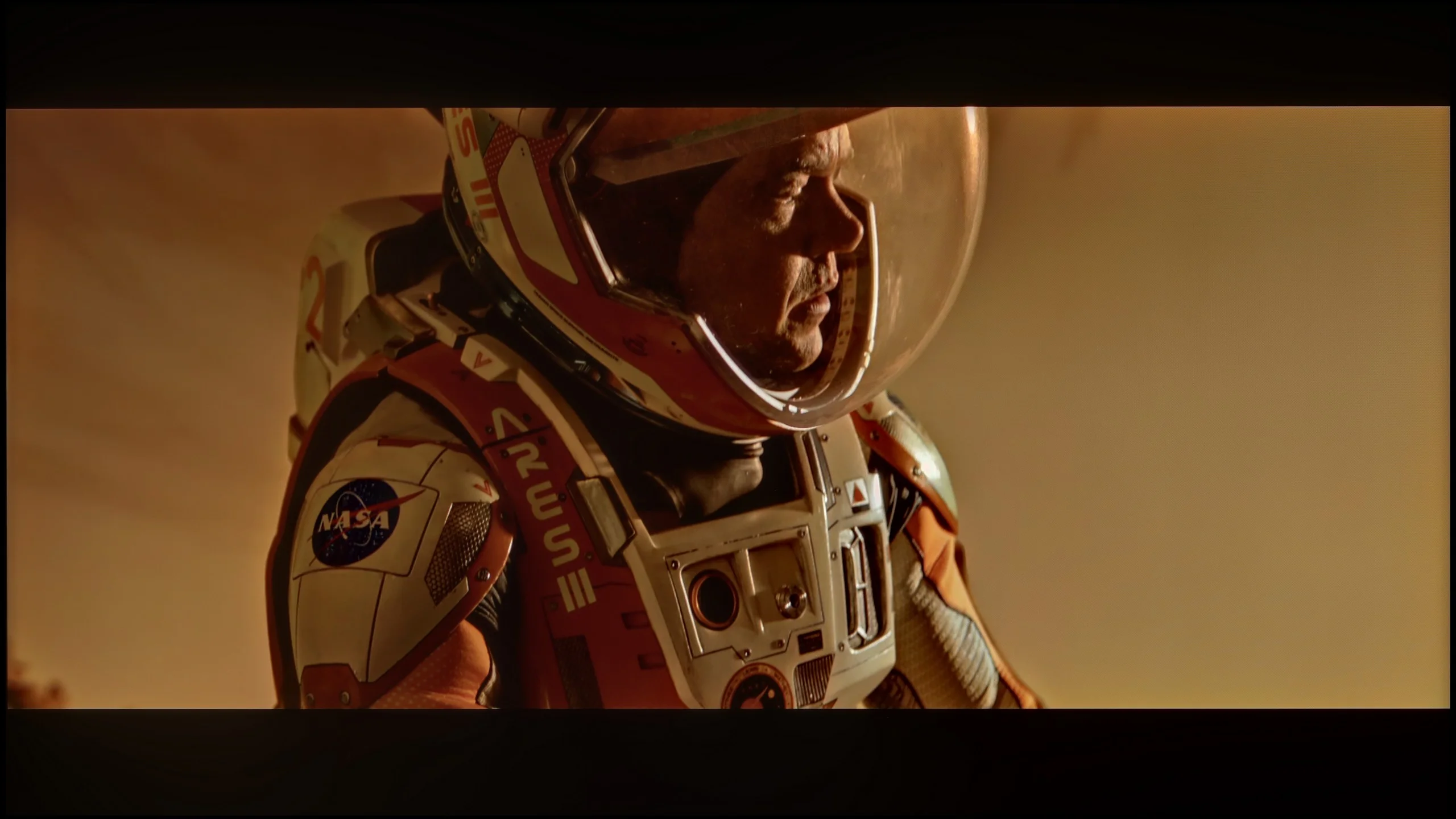
These are selected scenes that show smooth tonal transitions from one color to another. If you see distinct banding, it’s the TV panel’s fault.
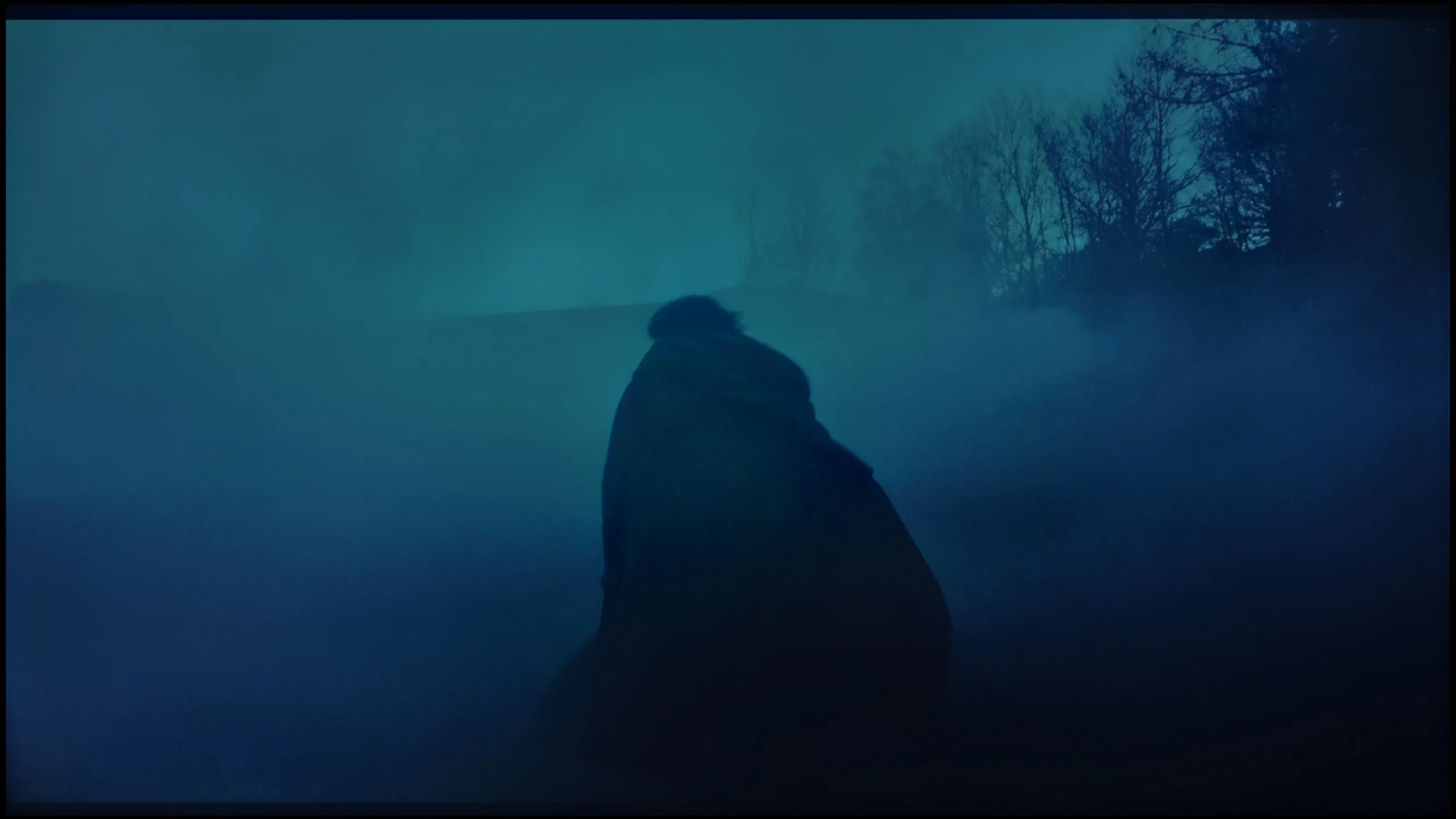
These are selected scenes that show smooth tonal transitions from one color to another. If you see distinct banding, it’s the TV panel’s fault.
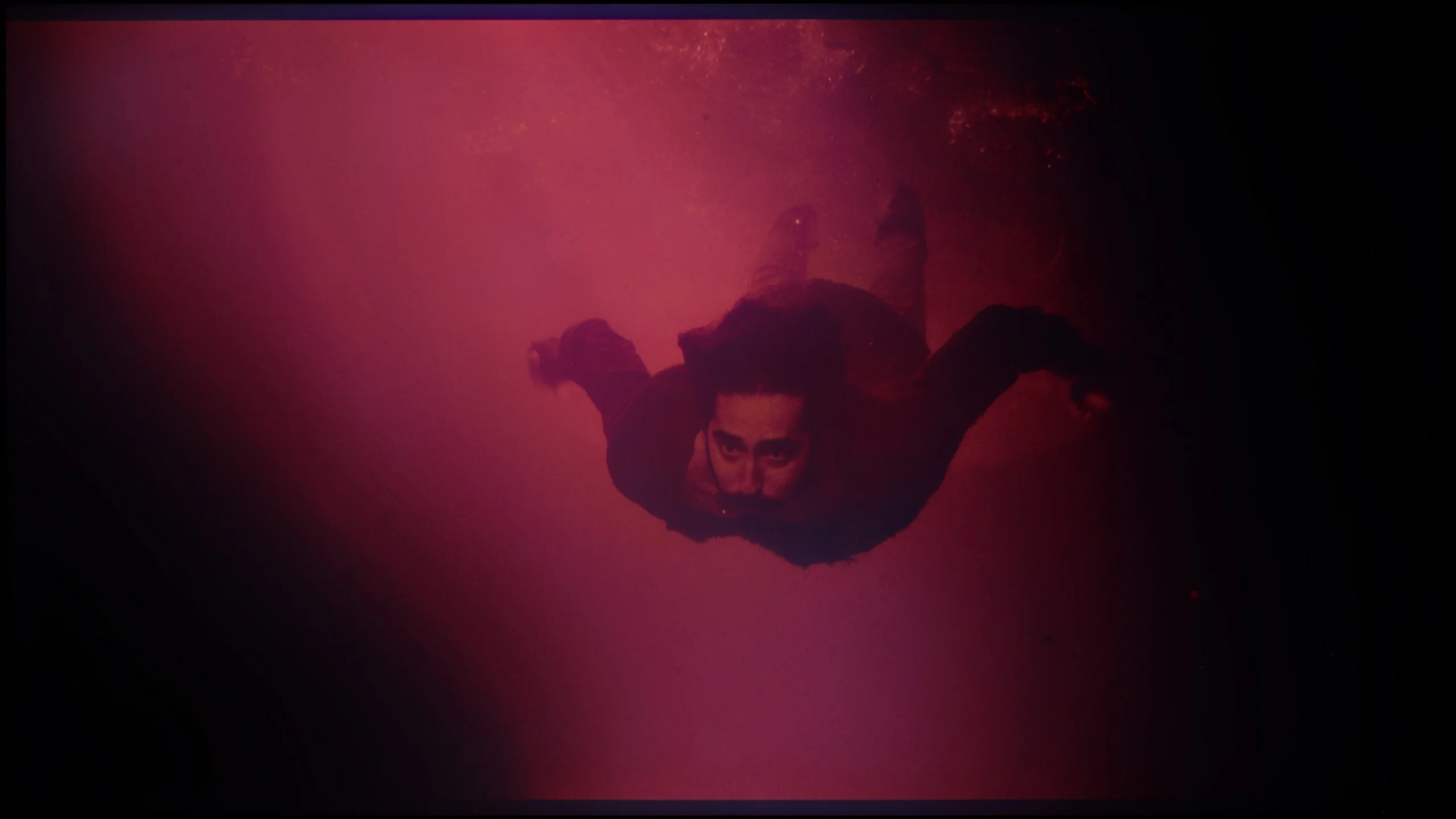
These are selected scenes that show smooth tonal transitions from one color to another. If you see distinct banding, it’s the TV panel’s fault.
The fluidity of tonal transitions on the Samsung QN92D TV is excellent, making the image look exceptionally natural, without visible disturbances. In scenes with complex colour gradations, the TV performs brilliantly, providing smooth and uniform transitions. Competing OLED TVs in a similar price range could successfully take a cue from this, as the Samsung QN92D offers quality that places it on par with models equipped with QD-OLED panels.
We rate the C8L's tonal transitions as almost exemplary. A well-tuned panel together with the algorithms means the TV handles posterization, that ugly, banded separation of individual shades, very well. Subtle, minimal errors and small shortcomings in gradation are noticeable only in extremely dark, demanding scenes. Overall, when watching high-quality content at native resolution, colour transitions are exceptionally smooth and natural.
Image scaling and smoothness of tonal transitions
7.2/10
8/10

Smooth transition function
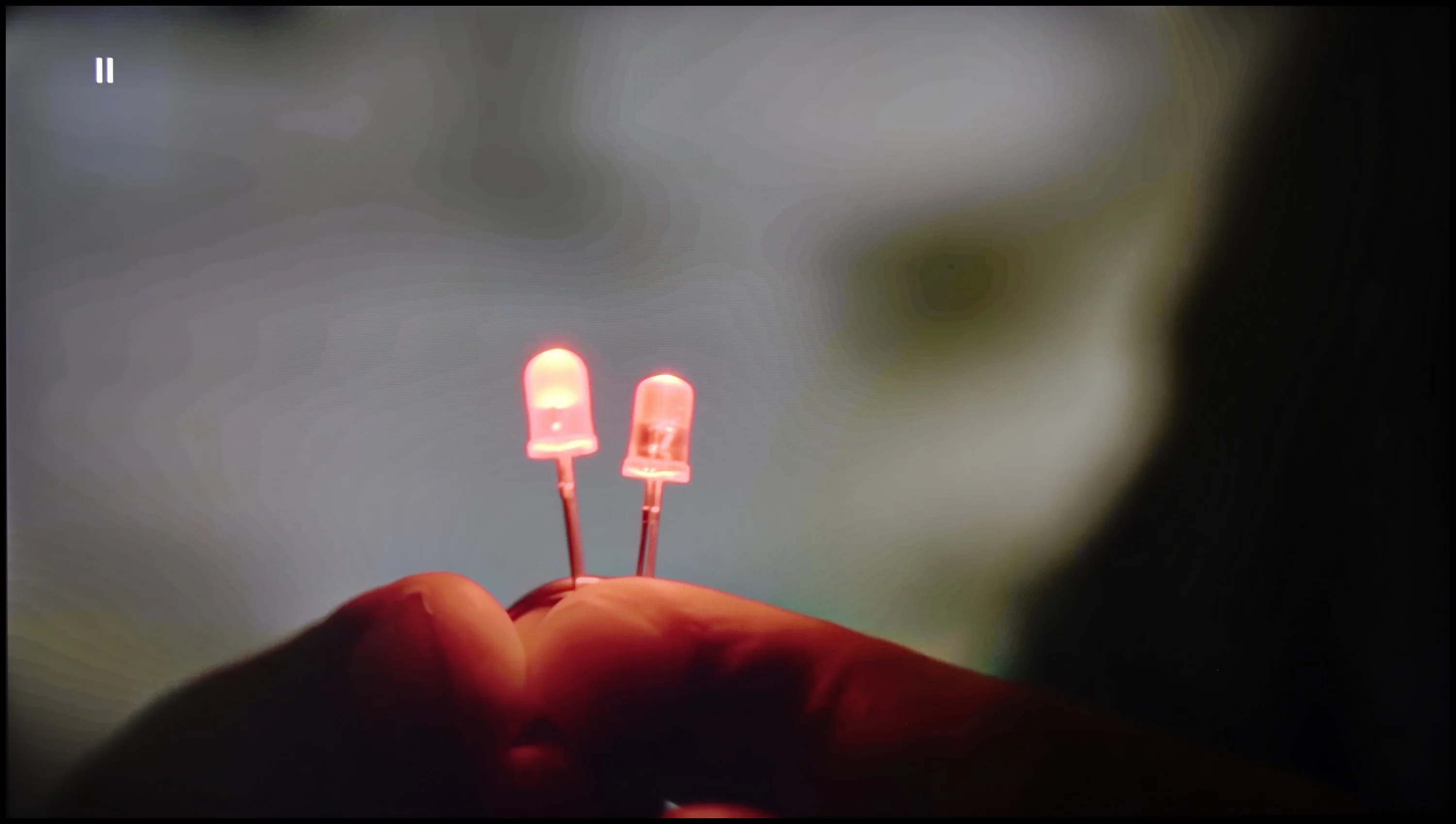
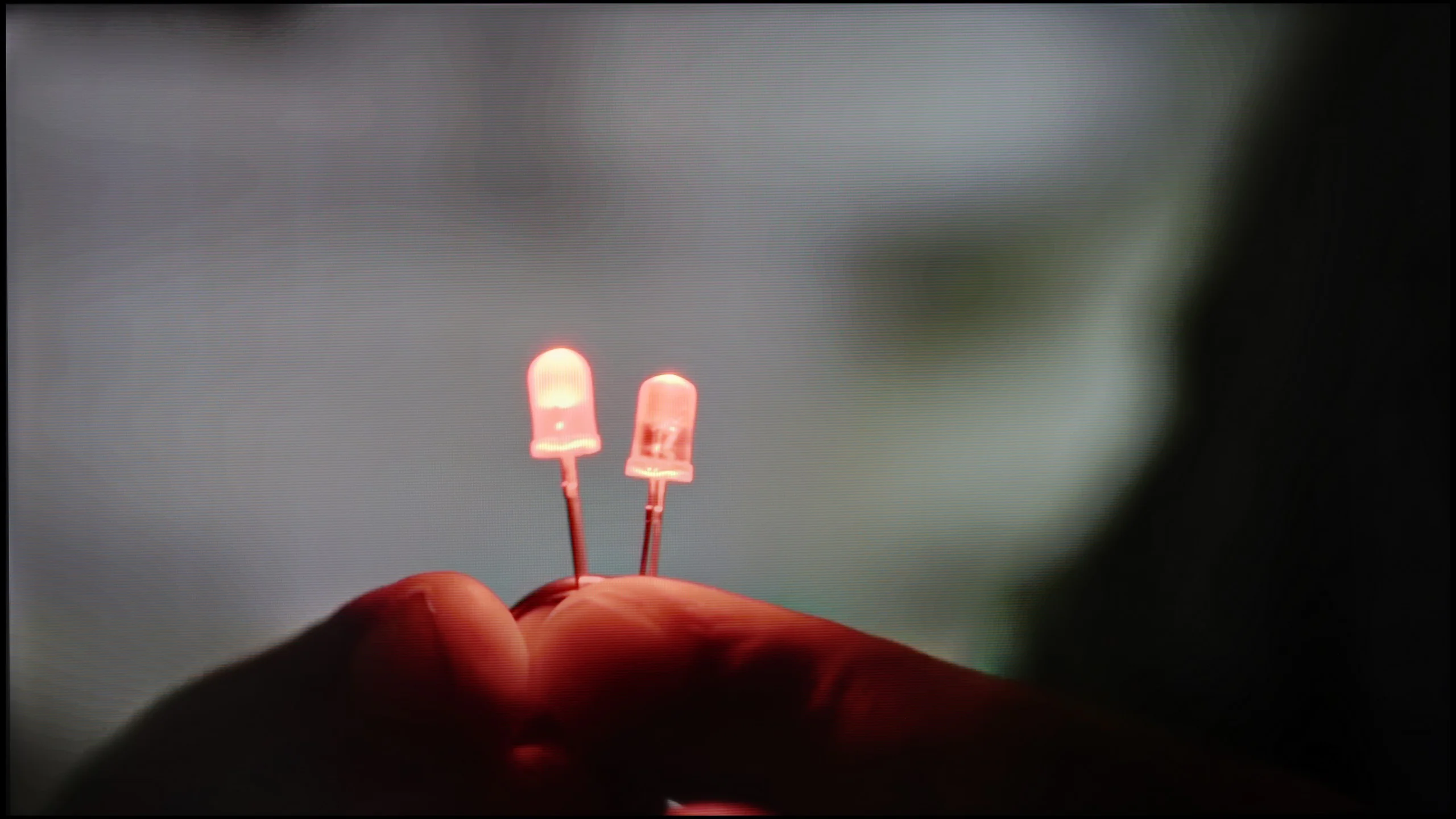
The match photo shows how the TV smooths weak tonal transitions in low-quality video.
Image scaling SD (576i)
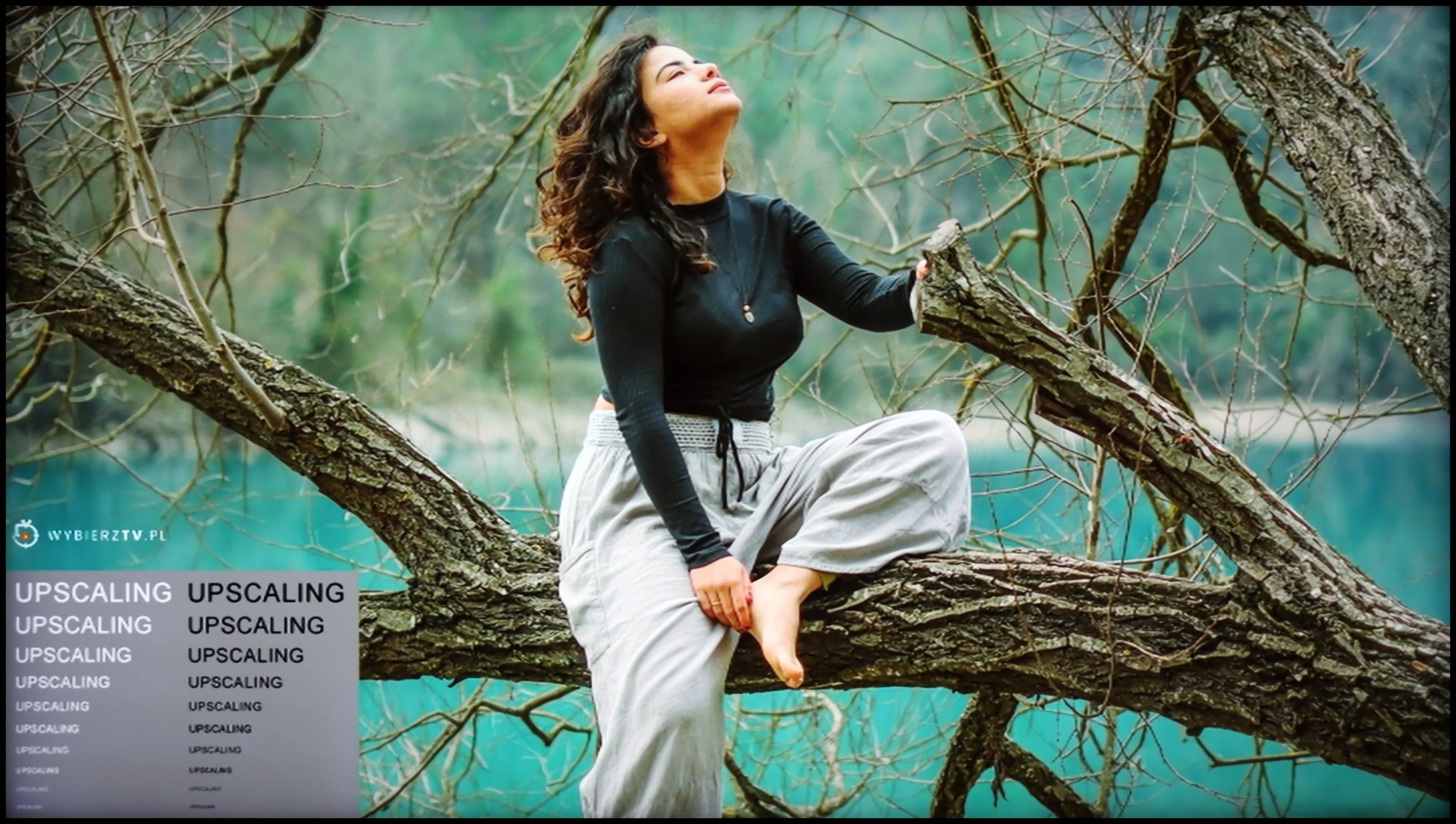

The model photo shows how it handles upscaling of SD material.
Let's check how the Samsung QN92D TV performs with tonal transitions in very poor quality materials. The noise reduction feature shows good effectiveness, improving the fluidity of tonal transitions even in difficult conditions. However, it should be noted that, similar to other Samsung TVs, the effectiveness of this feature can lead to the removal of desirable elements, such as film grain, which can sometimes affect the authenticity of the image.
When it comes to digital processing, the Samsung QN92D TV also performs excellently. During tests, the image looked very good, with the model presented in a natural and correct way. Details, such as branches in the background, were reproduced with great precision, highlighting the TV's ability to enhance the quality of low-resolution materials.
This year the C8 series and the higher-end models have probably received the biggest and most eagerly awaited upgrade in TCL's history, and it's to do with digital image processing. The C8L is the entry-level model in the manufacturer's line-up to be fitted with the latest flagship MediaTek Pentonic 800 chipset (shown in the menu as MT9655). It is thanks to its processing power that the feature called "Gradual Smoothing" finally works the way it should. The algorithm effectively removes unwanted posterization (ugly tonal transitions / colour banding) from the picture, doing so intelligently enough that it does not degrade the sharpness of other details.
The processor also handles upscaling lower-resolution content to 4K very well. Although judging this element can be purely academic, because the differences between today's TVs in this class are very subtle. The most important point is that TCL finally has nothing to be ashamed of compared with the competition.
Blur and motion smoothness
7.5/10
7.7/10
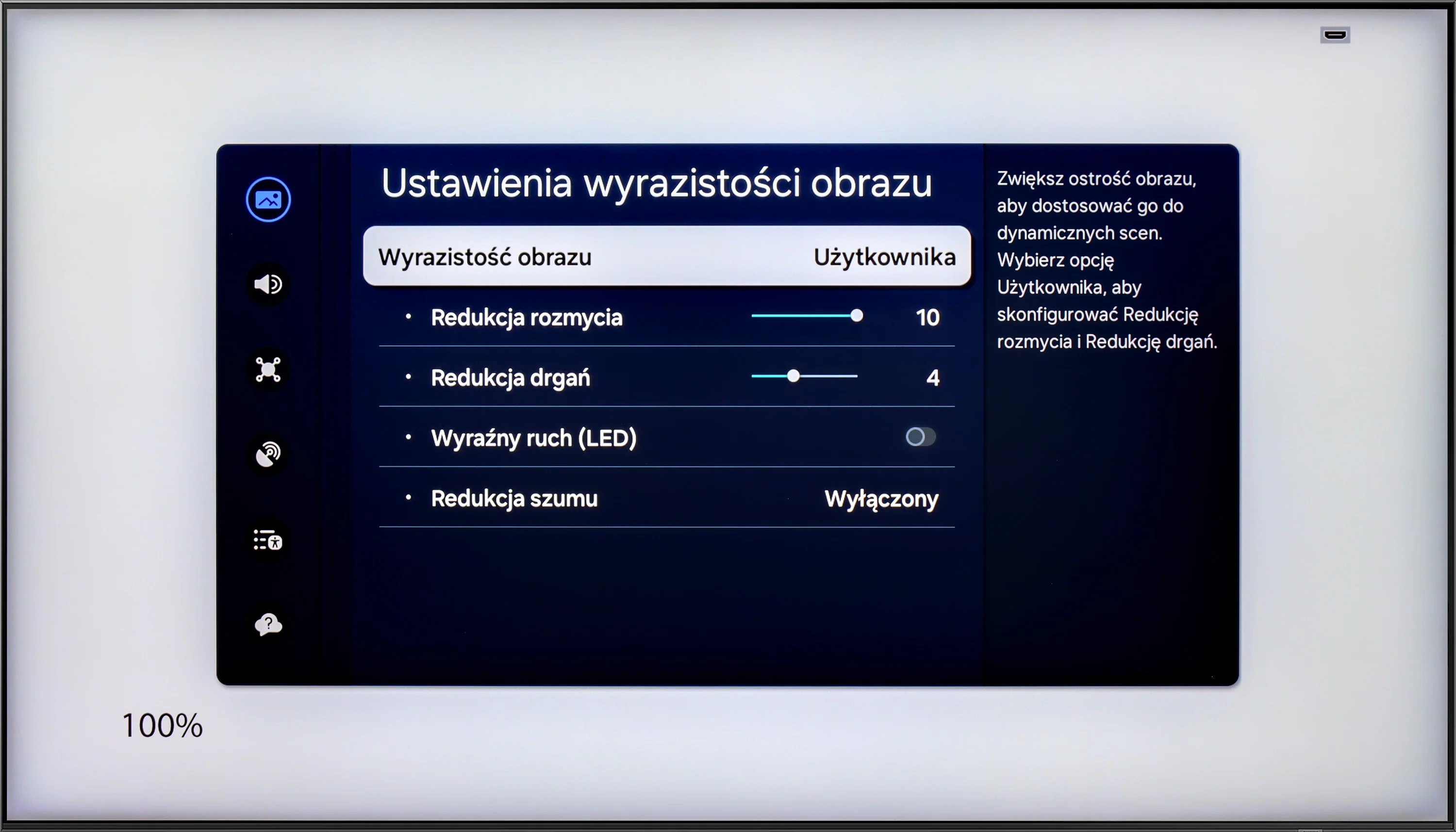
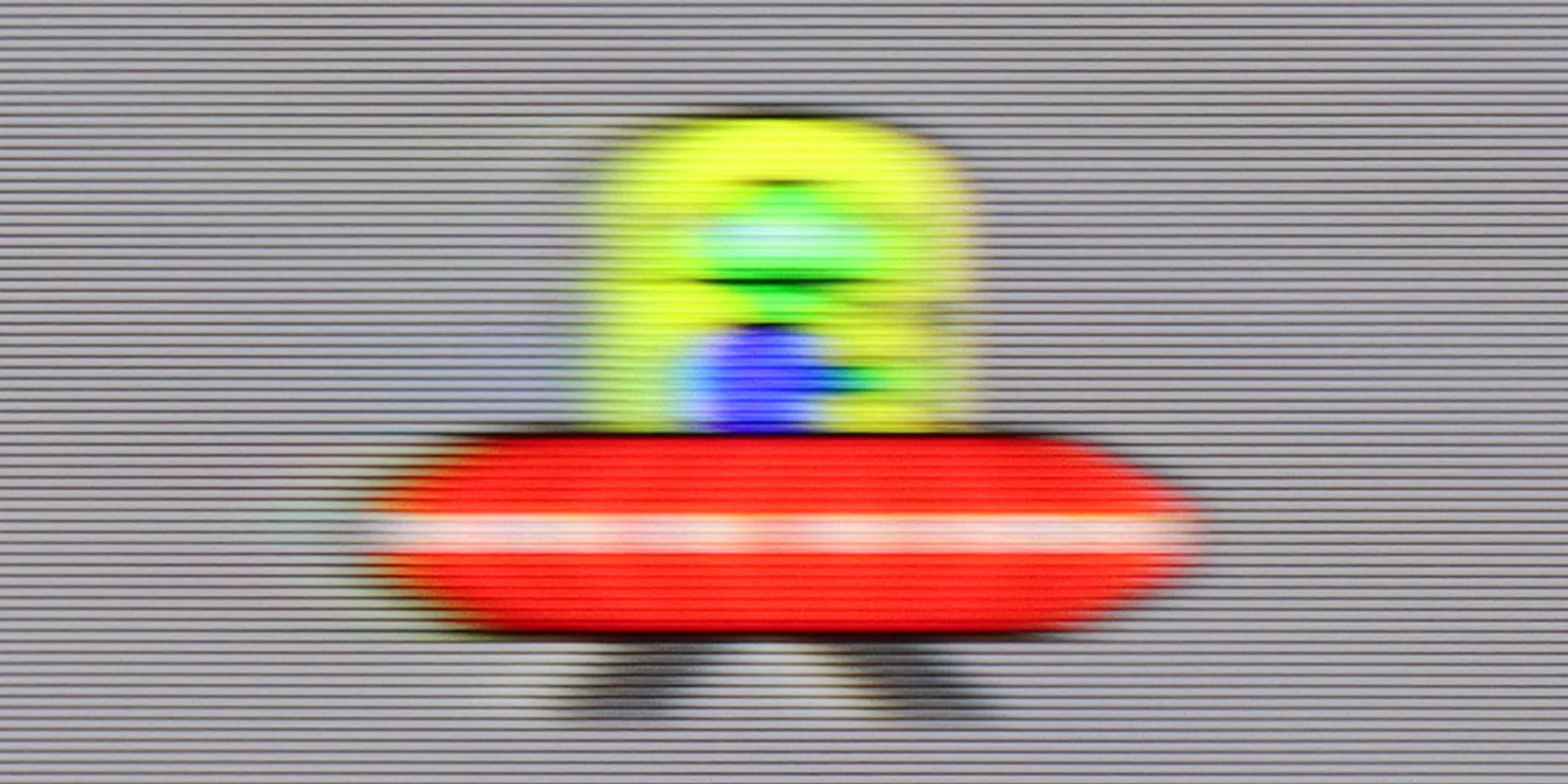
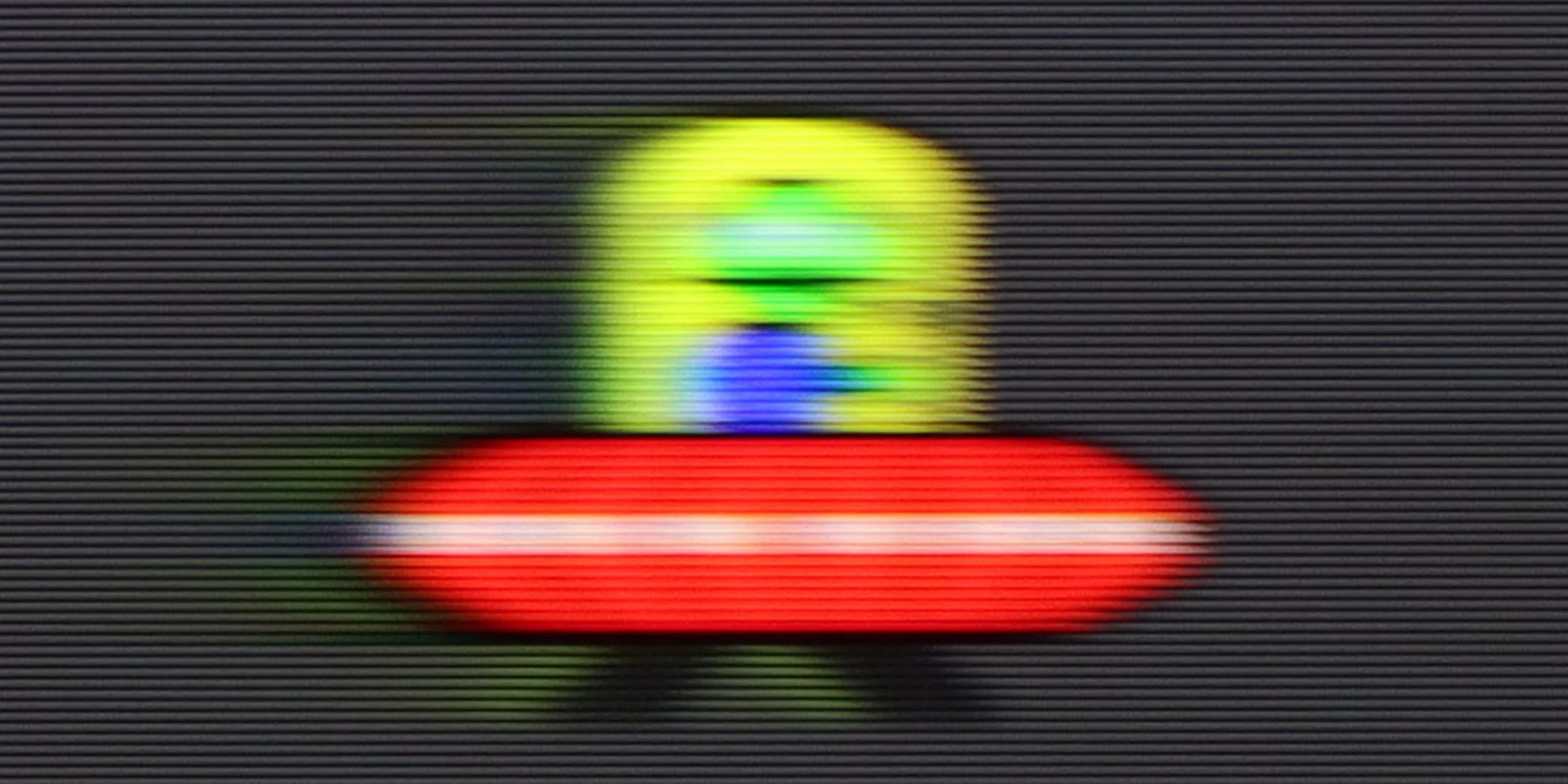
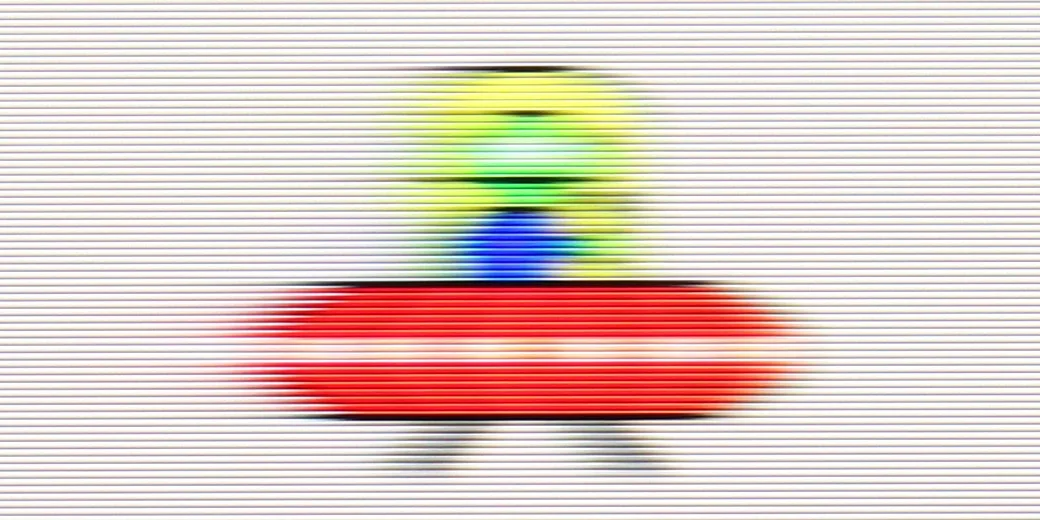
Blur (native resolution, maximum refresh rate):

Blur (BFI function enabled):
Image flickers in this mode





Blur ():
Blur (1080p@288Hz):


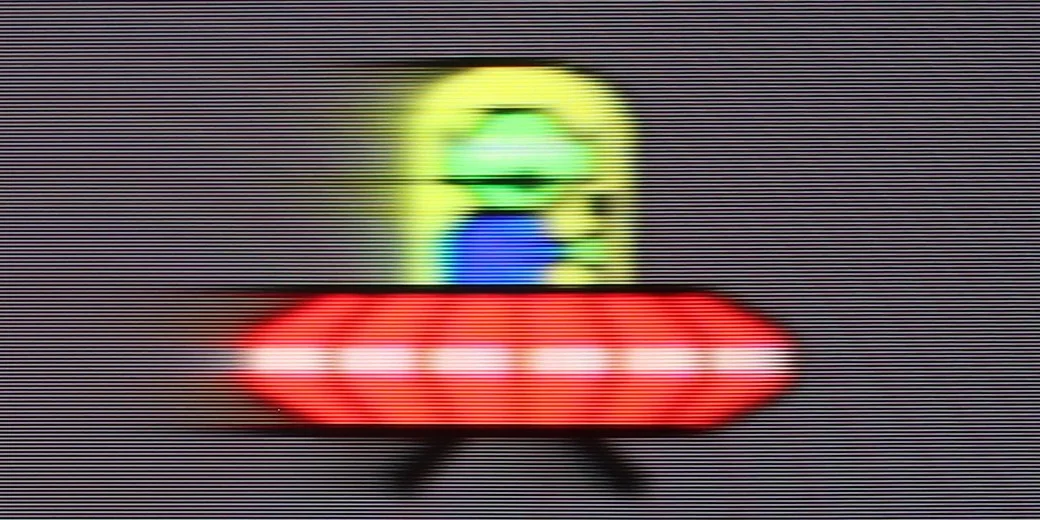
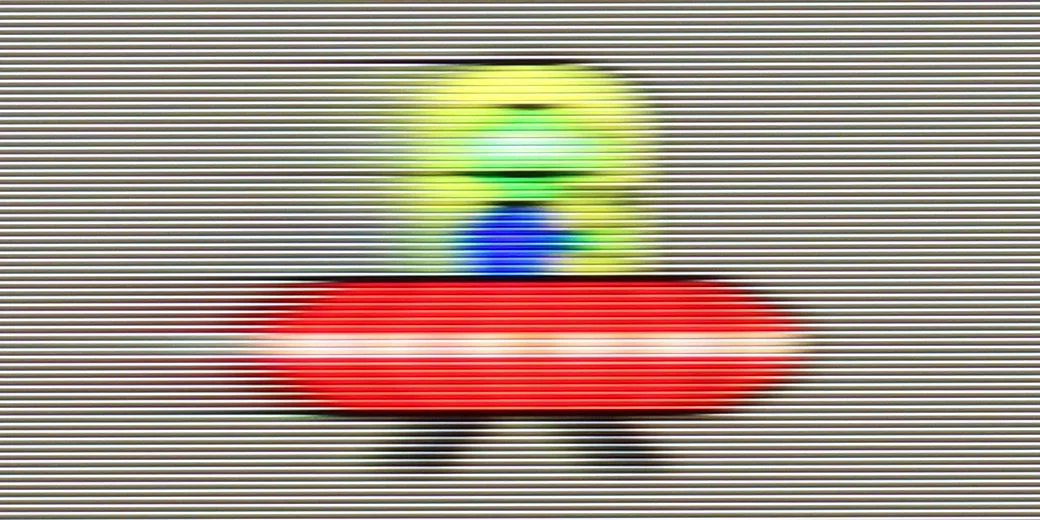
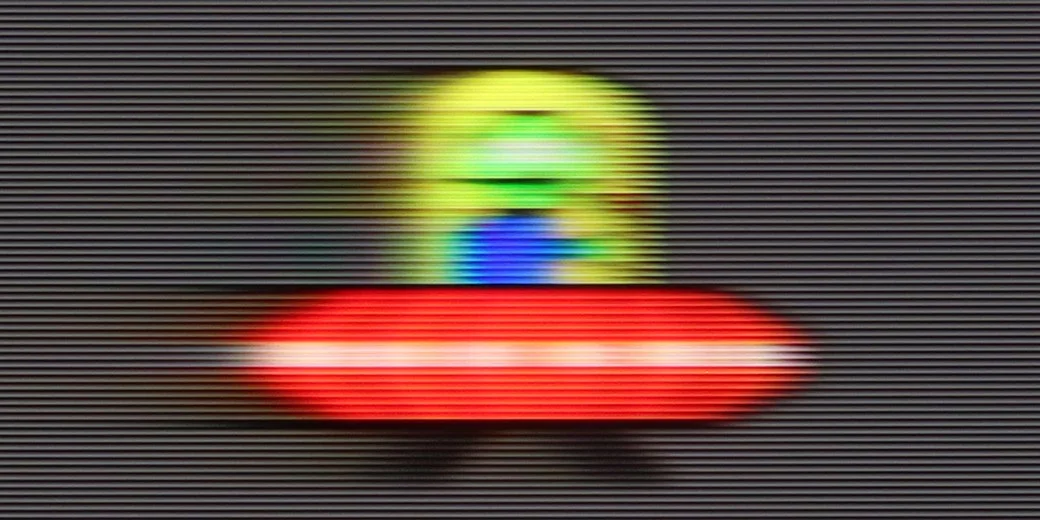
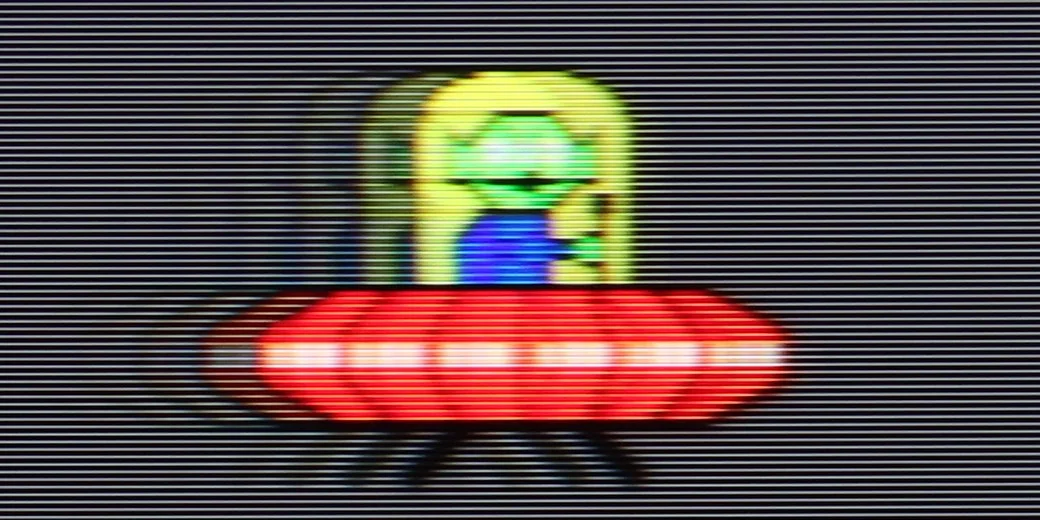
The Samsung QN92D television is equipped with a 144 Hz panel; however, when watching content using the smoothness feature, the maximum refresh rate is 120 Hz. As a result, both gamers and sports enthusiasts will be satisfied with the picture quality. It’s also worth mentioning the available options for image enhancement, such as the "motion blur and judder reduction" feature, which allows users to adjust smoothness to their individual preferences on a 10-point scale. Motion blur reduction increases the sharpness of fast-moving objects, while judder reduction smooths out motion, eliminating the "stutter" effect. With these advanced settings, one can achieve optimal visual experiences, making the Samsung QN92D perfect for both dynamic scenes and intense gaming.
In terms of motion blur, the television performs really well, and it’s hard to pick faults. The only note we might have is a slight overshoot effect noticeable on dark backgrounds during our test with "Ufoludkiem." Nevertheless, thanks to the advanced smoothness settings, the Samsung QN92D excels in both dynamic scenes and intense gaming.
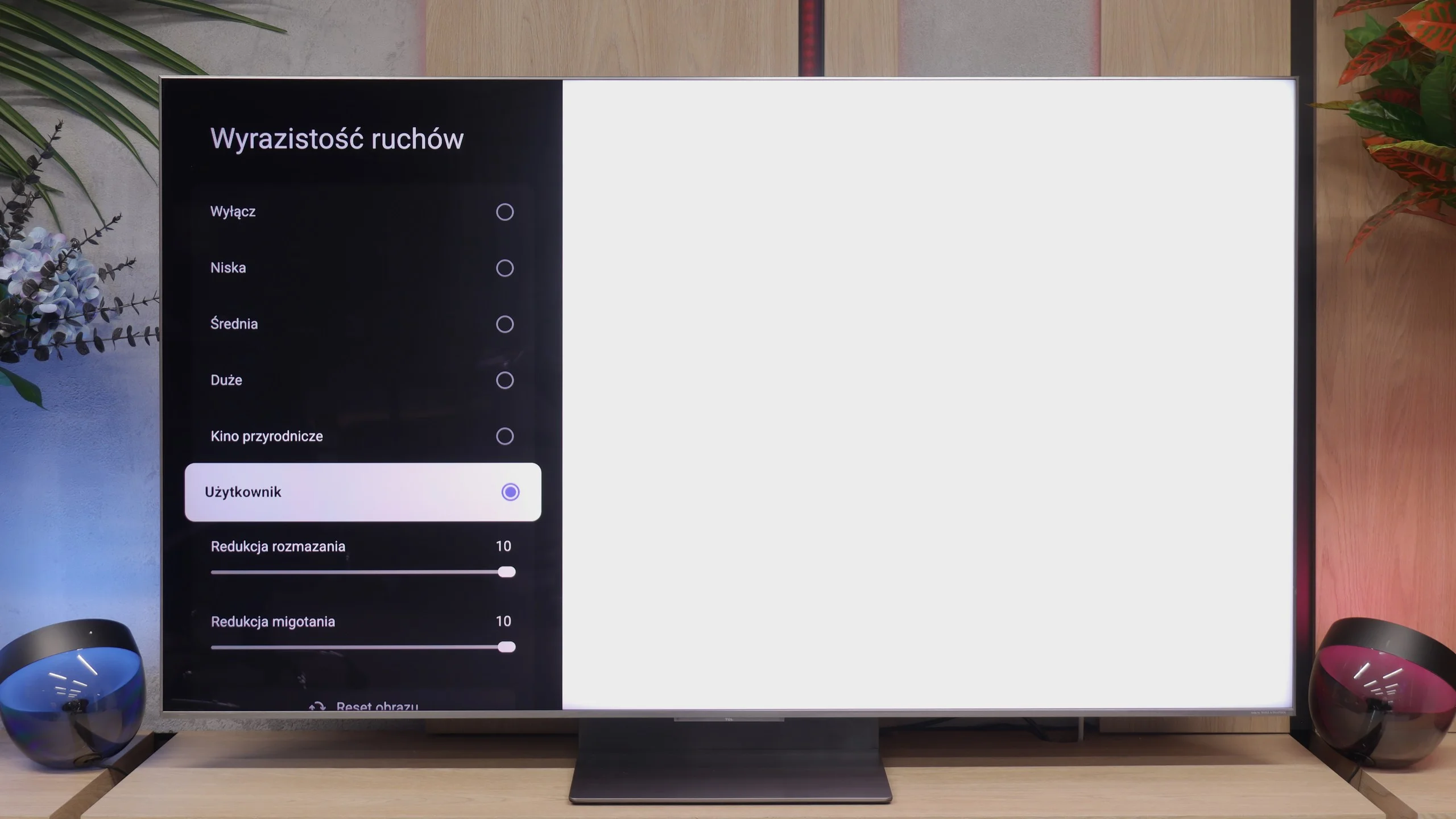
The TCL C8L is equipped with a fast panel with a native 144 Hz refresh rate. That spec will be most appreciated by demanding PC gamers, while most users, relying on consoles or TV broadcasts, will use a steady 120 Hz. And it is at 120 Hz that the motion-processing algorithms take care of image processing for films, series and sports. In the TV's menu you'll find a "Motion Clarity" option that lets you customise the motion smoothing to your preferences. The algorithms handle both cinematic productions at 24 or 30 frames per second and fast-paced sports broadcasts at 50 or 60 frames per second, maintaining the right level of smoothness.
Console compatibility and gaming features
9.5/10
9.8/10
- ALLM
- VRR
- VRR range48 - 144Hz48 - 288Hz
- Dolby Vision Game Mode

- Correct implementation of HGIG
- 1080p@120Hz
- 1440p@120Hz
- 4K@120Hz
- Game bar
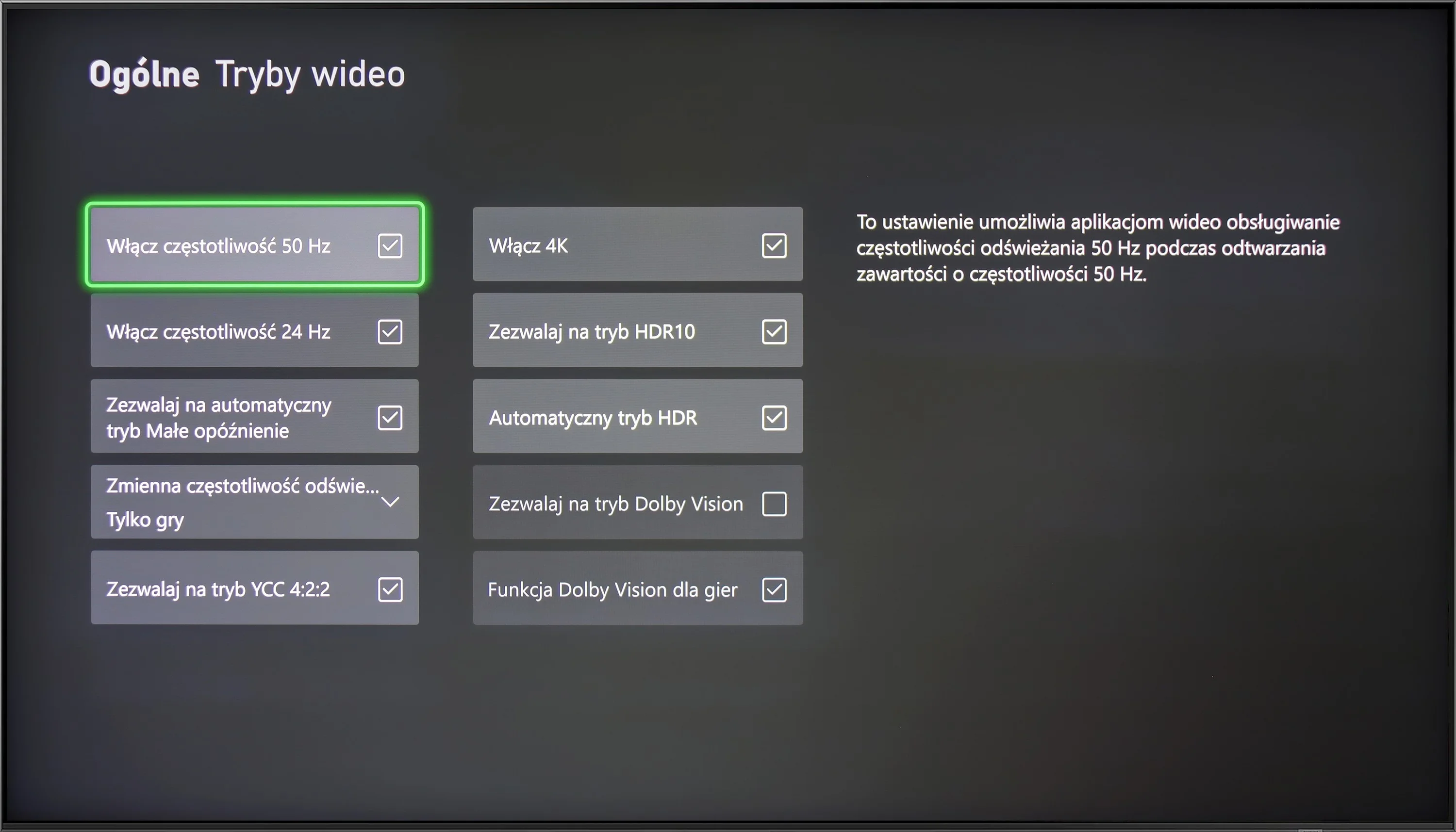
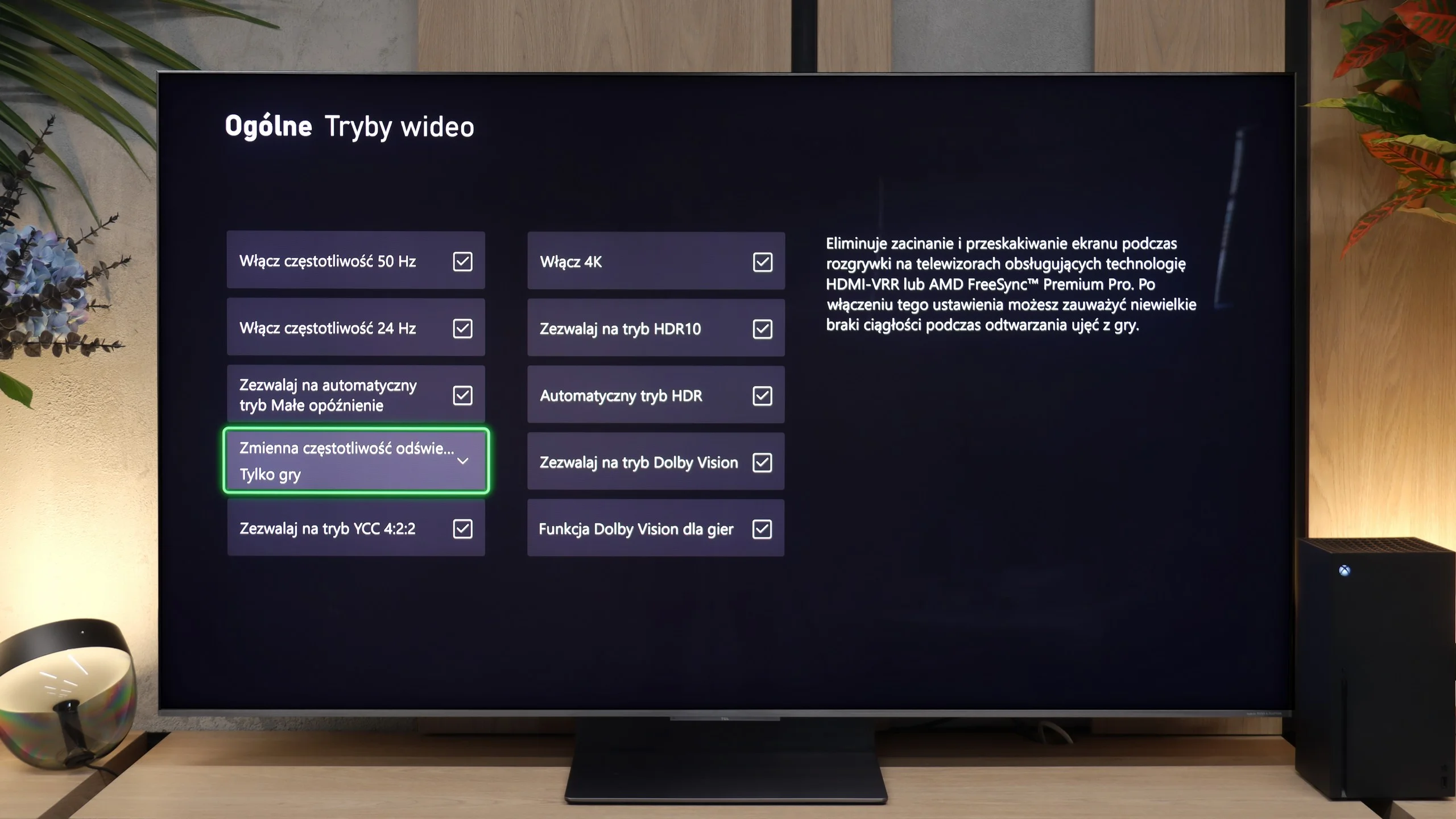
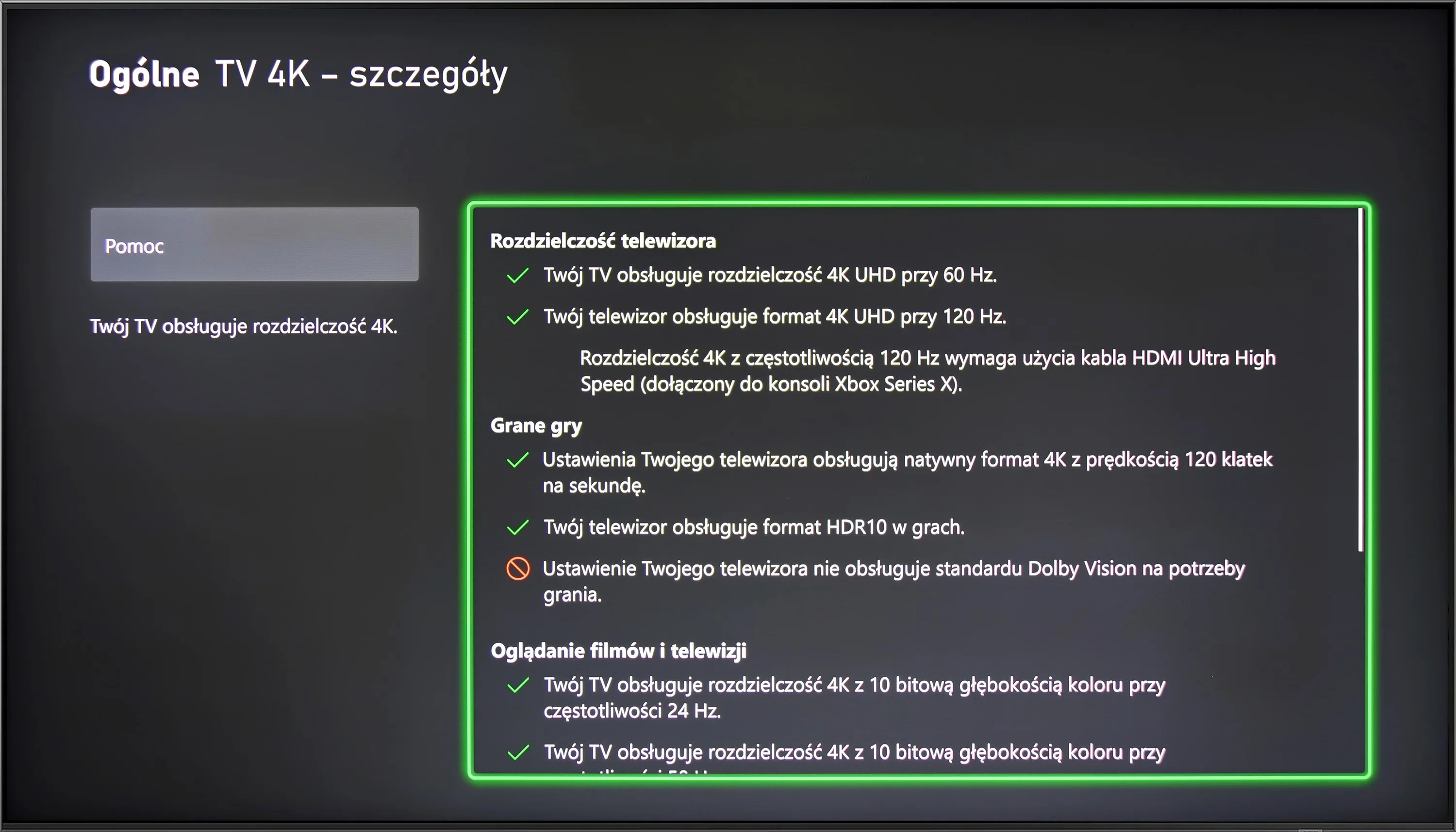
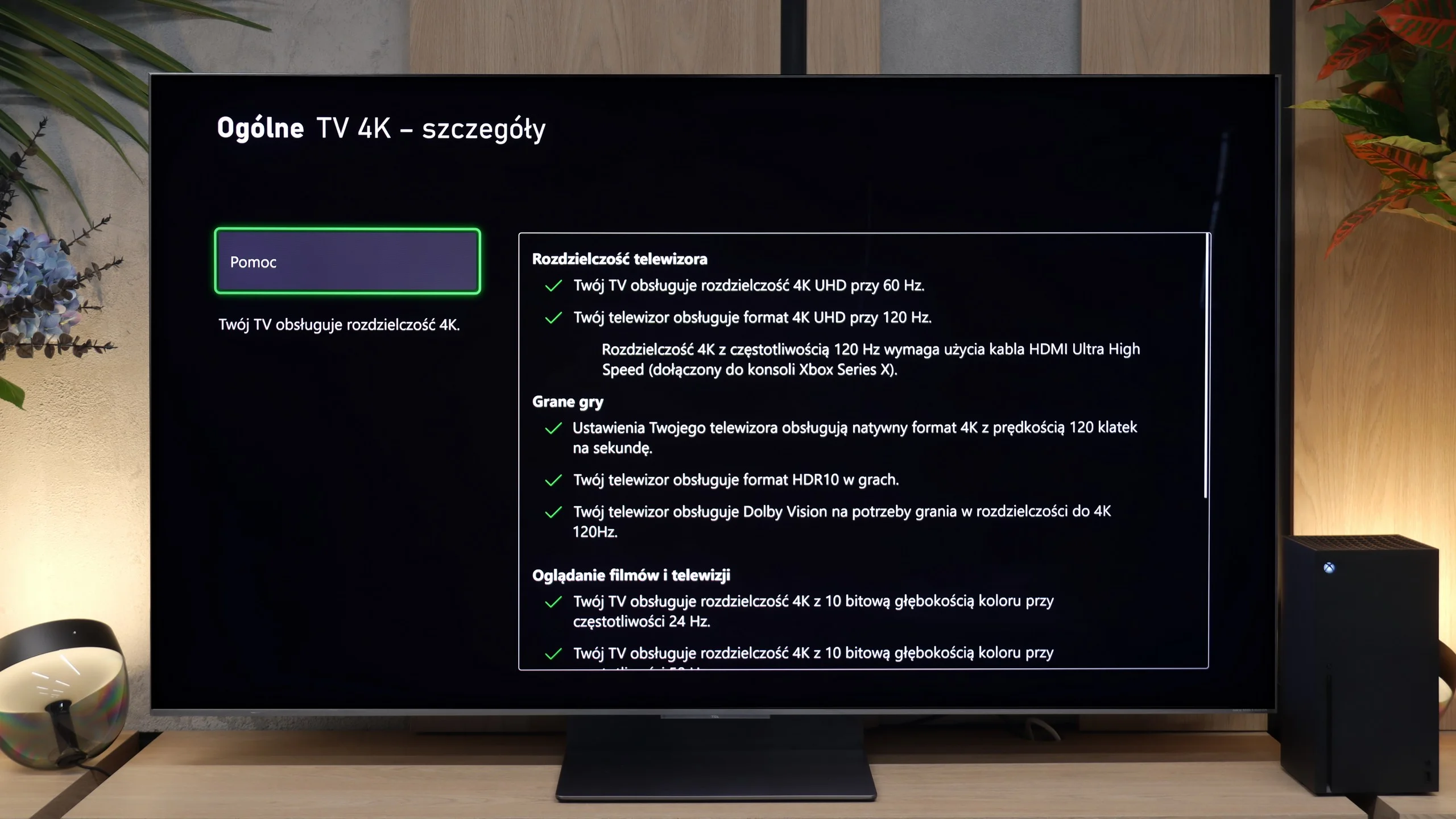
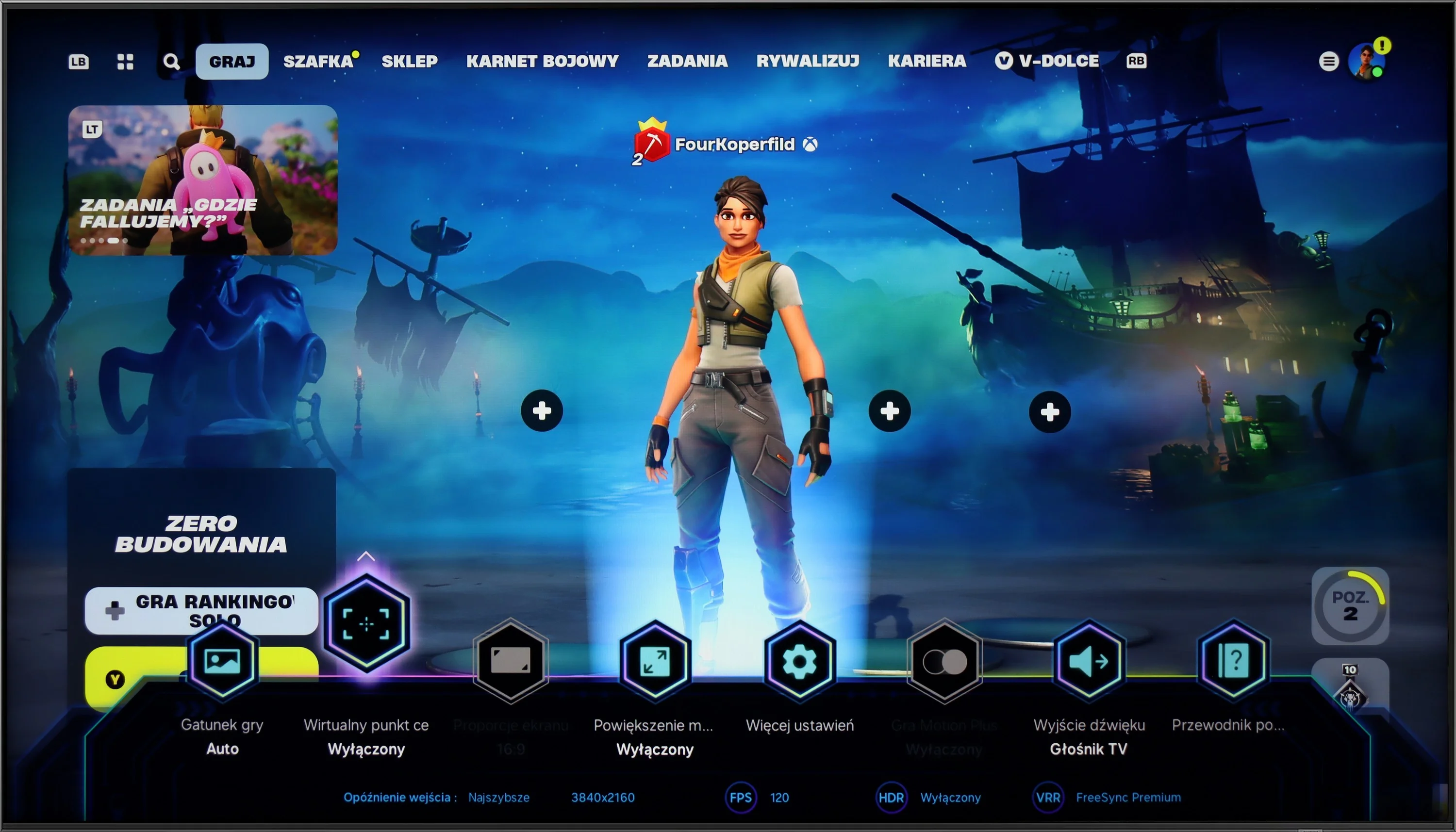
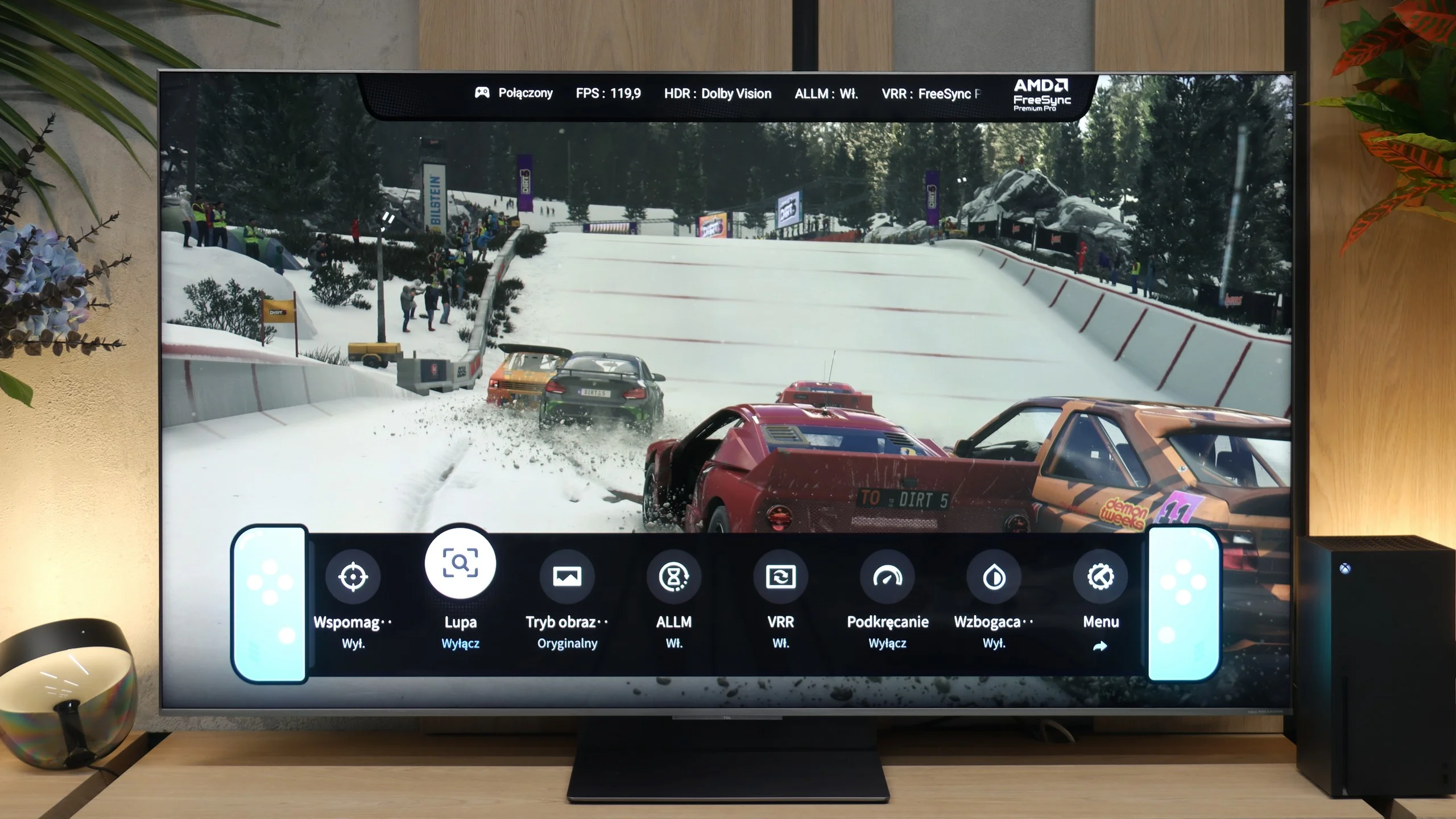
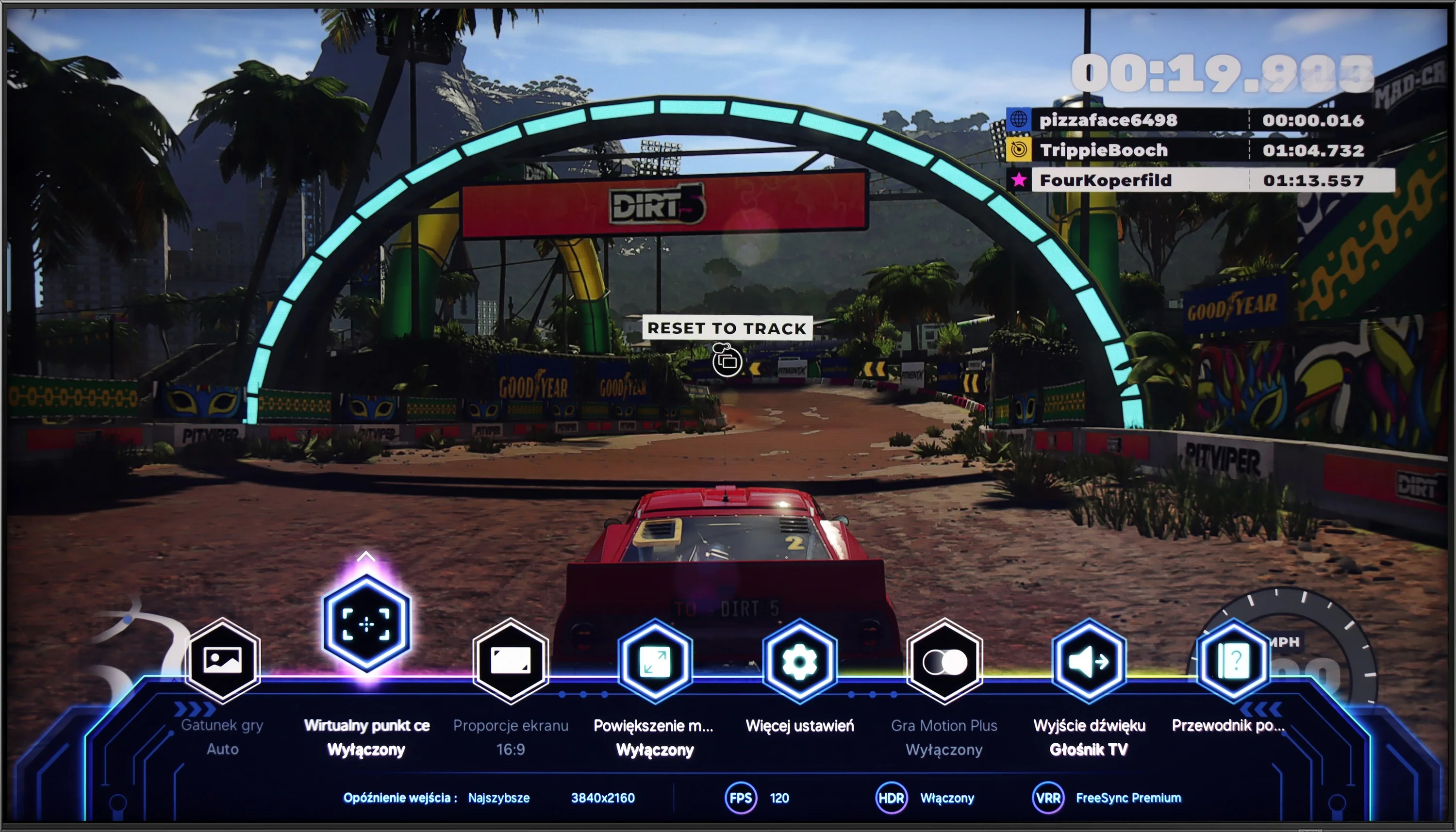
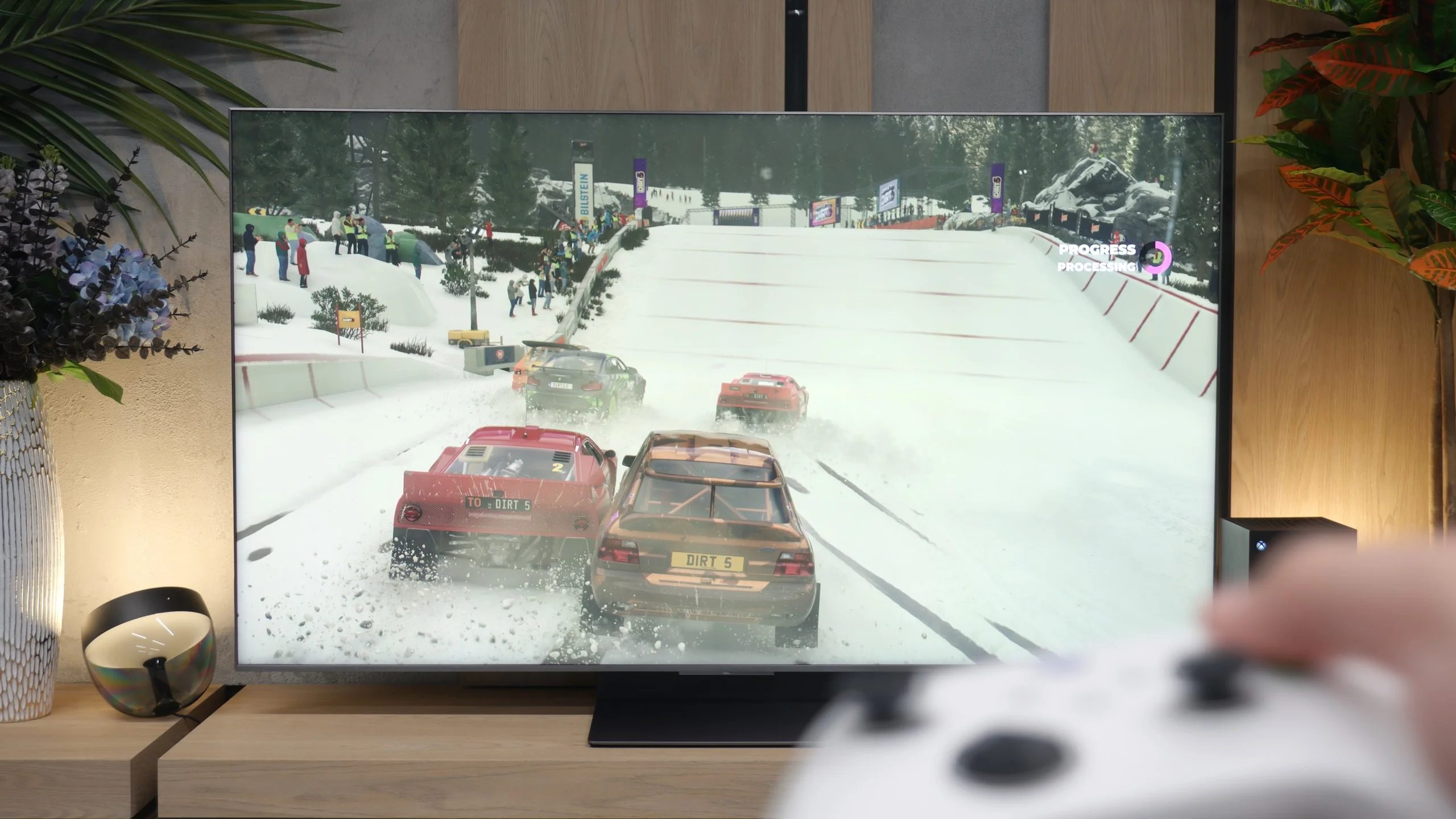
The television Samsung QN92/QN90 is an excellent choice for avid gamers, deserving of the highest recommendations. This model offers practically all the features available on the market in terms of gaming, making gameplay even more exciting. One of the key differentiators is the 120 Hz panel, which ensures exceptional motion smoothness, crucial during dynamic action games. The television also boasts low input lag, guaranteeing instant reactions to player commands. Additionally, technologies such as VRR (Variable Refresh Rate) and ALLM (Auto Low Latency Mode) adjust the refresh rate and automatically switch the television to game mode, translating to even better gaming experiences. Another advantage is the Xbox app, which allows gaming of favourite titles directly on the television, eliminating the need for a console. This is a typical feature of Samsung televisions, making them exceptional in the gaming world.
Auto Motion Plus Game is a feature that really deserves praise for Samsung. It is a motion smoother that works wonderfully in games, creating the impression of a higher frame rate – a 30 frames per second image looks like 45, and 60 Hz becomes close to 90 Hz. Importantly, this feature does not introduce significant lag (input lag does not exceed 25 ms), so it does not negatively affect gameplay comfort, unlike many other smoothers available on the market. This allows gamers to enjoy a much smoother image without compromising responsiveness.
For gamers – especially for owners of powerful PCs and multiple consoles simultaneously – the TCL C8L is a true beast. This is the first model in this manufacturer's lineup that is equipped with four full HDMI 2.1 ports with a maximum bandwidth of 48 Gbps. This is directly due to the use of the new Pentonic 800 processor, which we've mentioned before. Additionally, the TV seamlessly supports practically every gaming feature. It has an automatic game mode (ALLM) that reduces latency to minimal levels, as well as full variable refresh rate (VRR) operating in an impressive range of up to 288 Hz. It also supports standards such as G-Sync and FreeSync from Nvidia and AMD. When it comes to image display standards, there are no compromises either: the C8L offers complete support for HDR formats in gaming, including gaming Dolby Vision and the HGiG profile. We can conveniently manage all these features from a very readable gamer bar (Game Bar), which we can customise according to our own preferences. From a purely gaming perspective, the C8L really has no flaws – well, maybe apart from the previously mentioned slight ghosting. But other than that? It’s a no-nonsense machine for gamers.
Input lag
9.9/10
10/10
SDR
HDR
Dolby Vision
The input lag category is crucial for gamers, and the Samsung QN90D performs exceptionally well in this aspect. Input lag values below 13 ms are impressive, meaning that the delay between pressing a button on the controller and the reaction on the screen is minimal. Such a low value allows for smooth and responsive gaming experiences, which will certainly please both casual gamers and professionals for whom every millisecond of reaction time matters. This makes the Samsung QN92D an excellent choice for those who value precision and speed in gameplay.
In lab tests we measured Input Lag at under 10 ms. For gamers this means a completely imperceptible delay. Importantly, that result can be improved further by forcing the PC to use a refresh rate above 120 Hz. We also give a big plus to the Dolby Vision Game mode, where the lag is just as low as in standard SDR or HDR10 modes.
Compatibility with PC
8.6/10
8.6/10
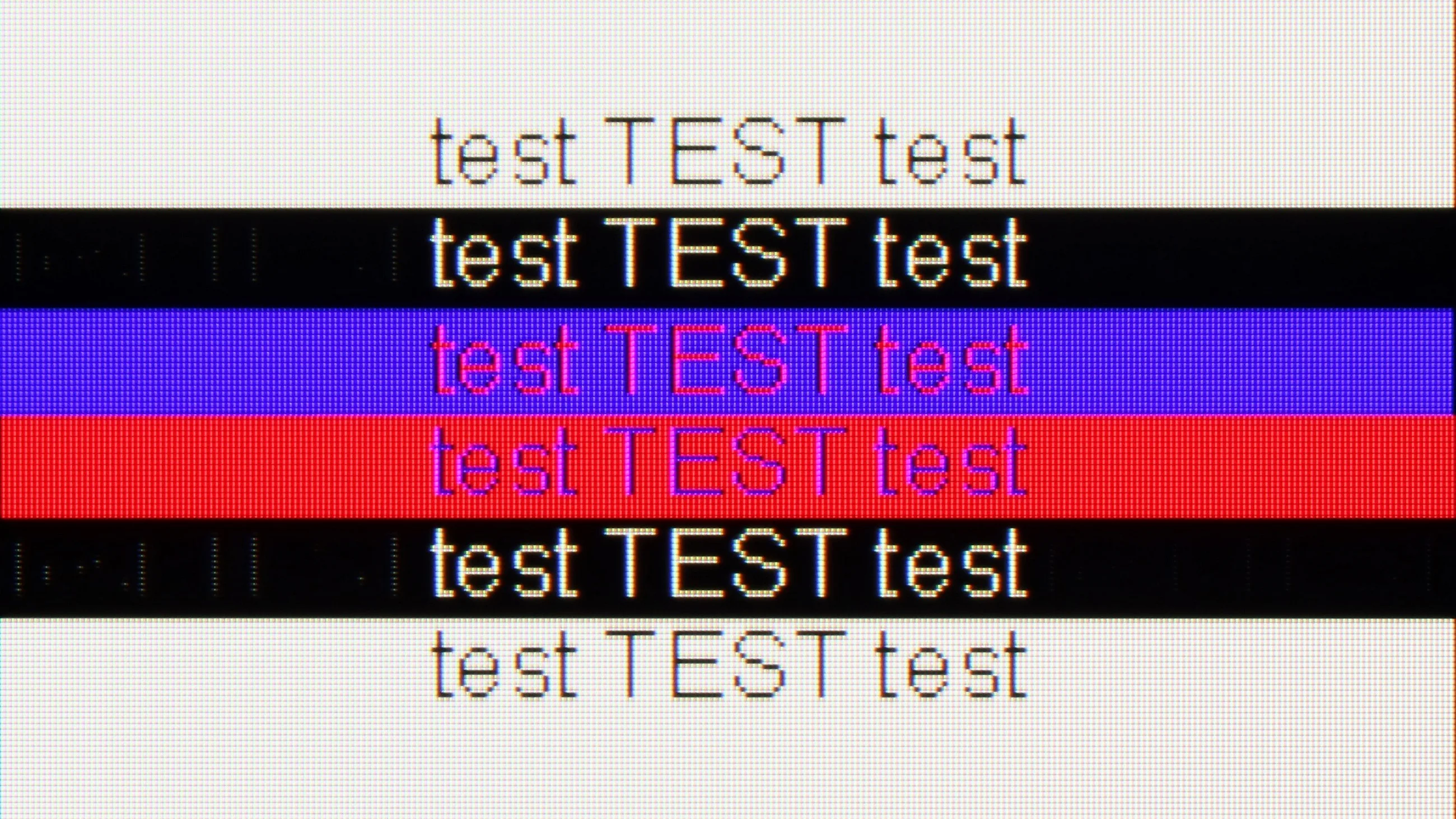
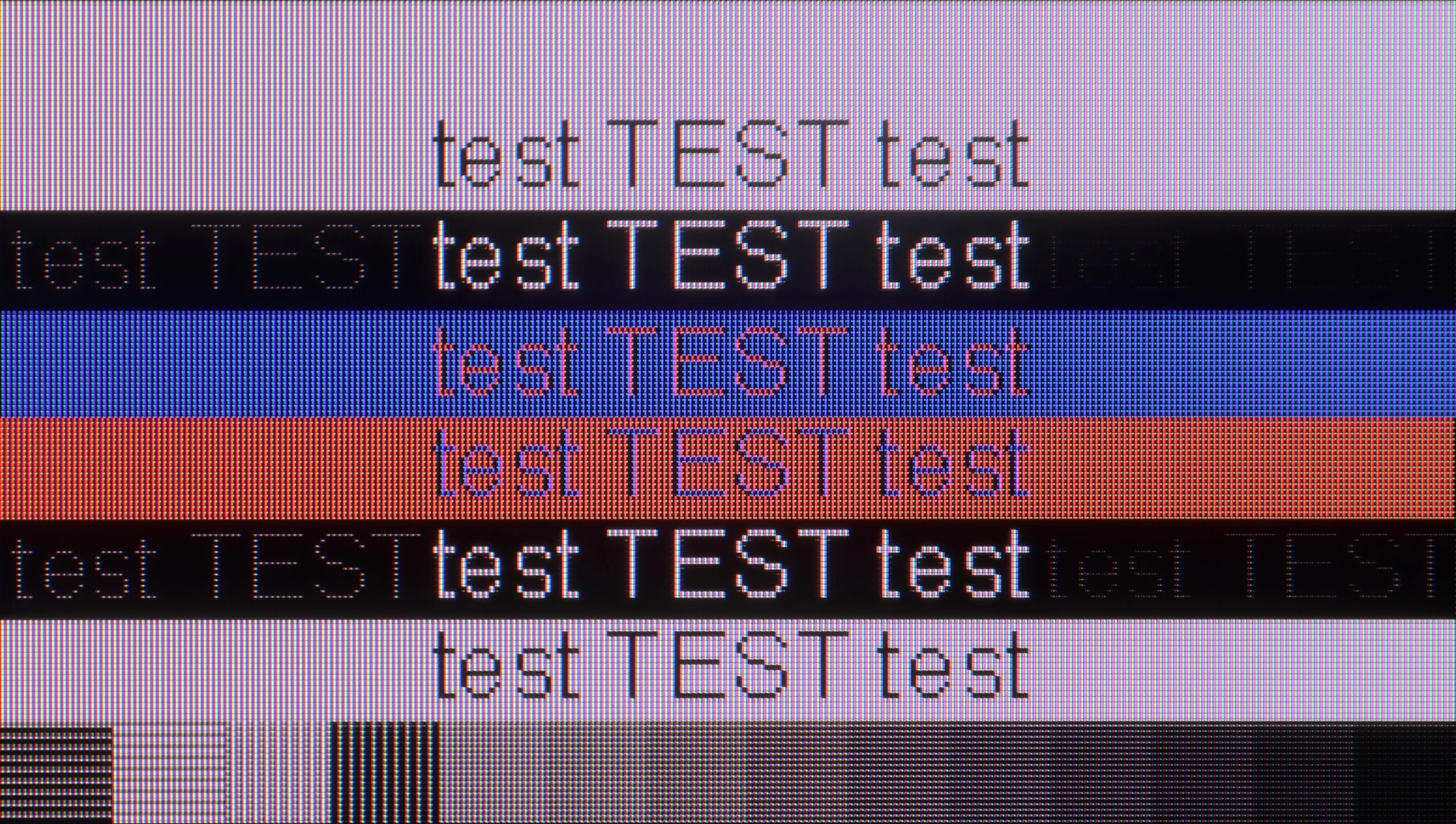
The photo shows the legibility of small fonts. Ideally, lines should be the same thickness on both light and dark text, with minimal pixel gaps.
The television stands out with its high performance, supporting chroma 4:4:4 and offering exceptionally low input lag. These features allow users to enjoy fluidity and responsiveness, making it an excellent choice for office work and everyday applications. However, one noticeable drawback is the poor visibility of horizontal lines on dark backgrounds. On the test screen, letters on the right side appear more like vertical lines, which can be frustrating for some users. Nonetheless, the television generally works well with a computer, providing comfort in carrying out daily tasks. It’s also worth mentioning in this paragraph the "Remote PC" feature; thanks to Microsoft’s collaboration with the Korean giant, we can seamlessly pair Windows PCs and use Office 360 apps.
The TCL C8L is very well suited as a large-format monitor. The TV supports refresh rates up to 288 Hz at Full HD resolution, which esports fans and owners of less powerful graphics cards in AAA games will appreciate. It also works seamlessly with AMD FreeSync and Nvidia G-Sync frame synchronisation systems. Importantly for text work, the C8L renders most fonts correctly and legibly. Up close you can notice minimal errors in the rendering of letter edges and a slight grain around them, but the issue disappears (or rather becomes much less noticeable) once you sit at a normal, recommended viewing distance from the screen.
Viewing angles
7.1/10
4.5/10
In the case of TVs with VA panels, you can usually expect limited viewing angles, however Samsung QN90D surprises in this category. Thanks to the applied coating that widens the viewing angles, the TV offers really good performance, which is rarely seen in devices with this type of panels. Although VA panels are typically not the best in this regard, in this model the image remains clear and saturated even when viewed from the side, making it a great choice for larger rooms and group viewing.
The TCL C8L uses a VA panel, which by nature isn't known for wide viewing angles. In this case the manufacturer has fitted its proprietary WHVA 2.0 panel from TCL CSOT. As a result the viewing angles are noticeably better than with typical VA panels, which is definitely a plus. Colour and contrast don't degrade as drastically when you move slightly off-axis as they do on most LCD screens. Overall it's still a step behind IPS panels, and even more so OLED screens, but for a VA LCD panel the improvement is quite marked.
Daytime performance
6.4/10
10/10
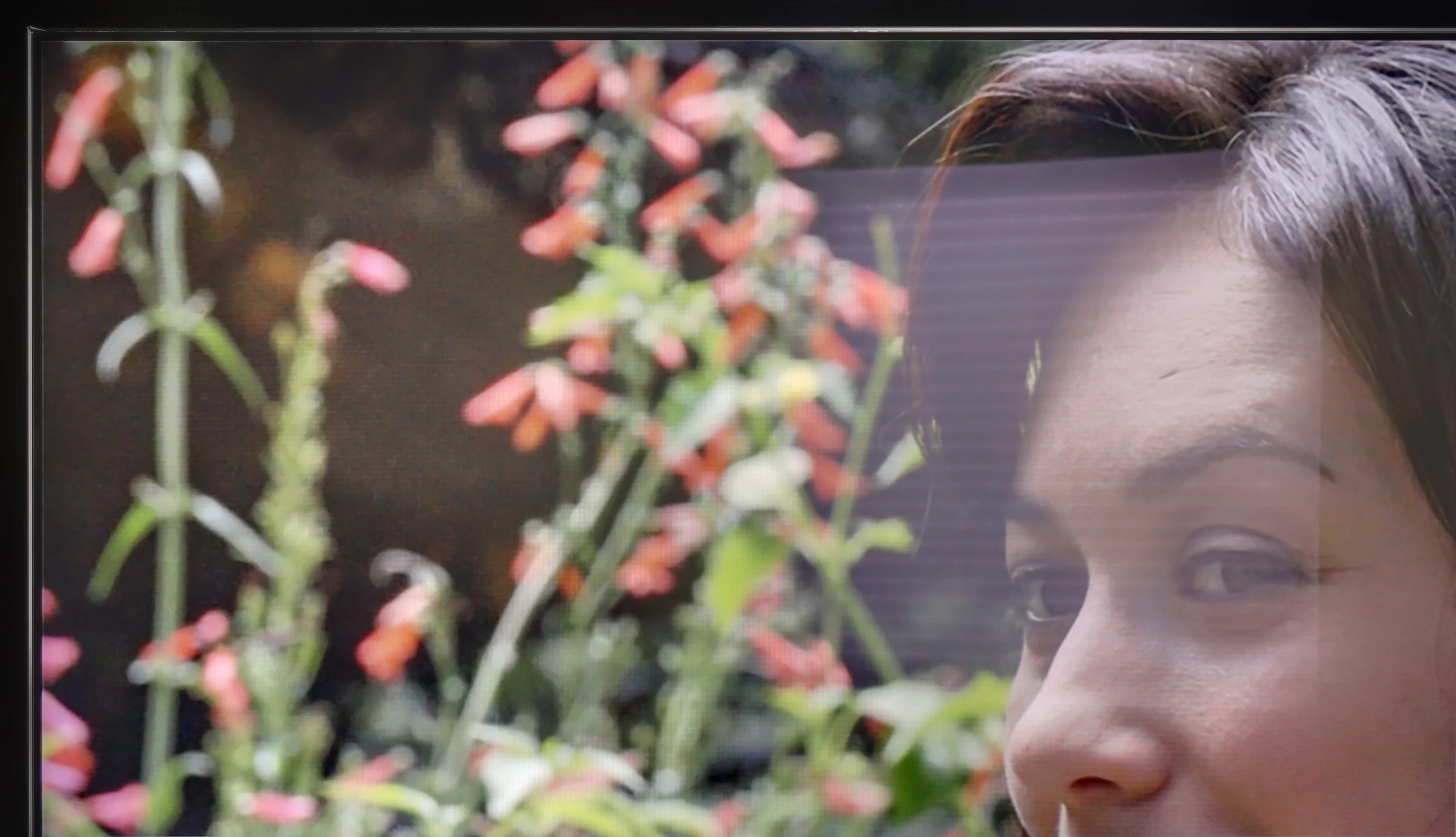
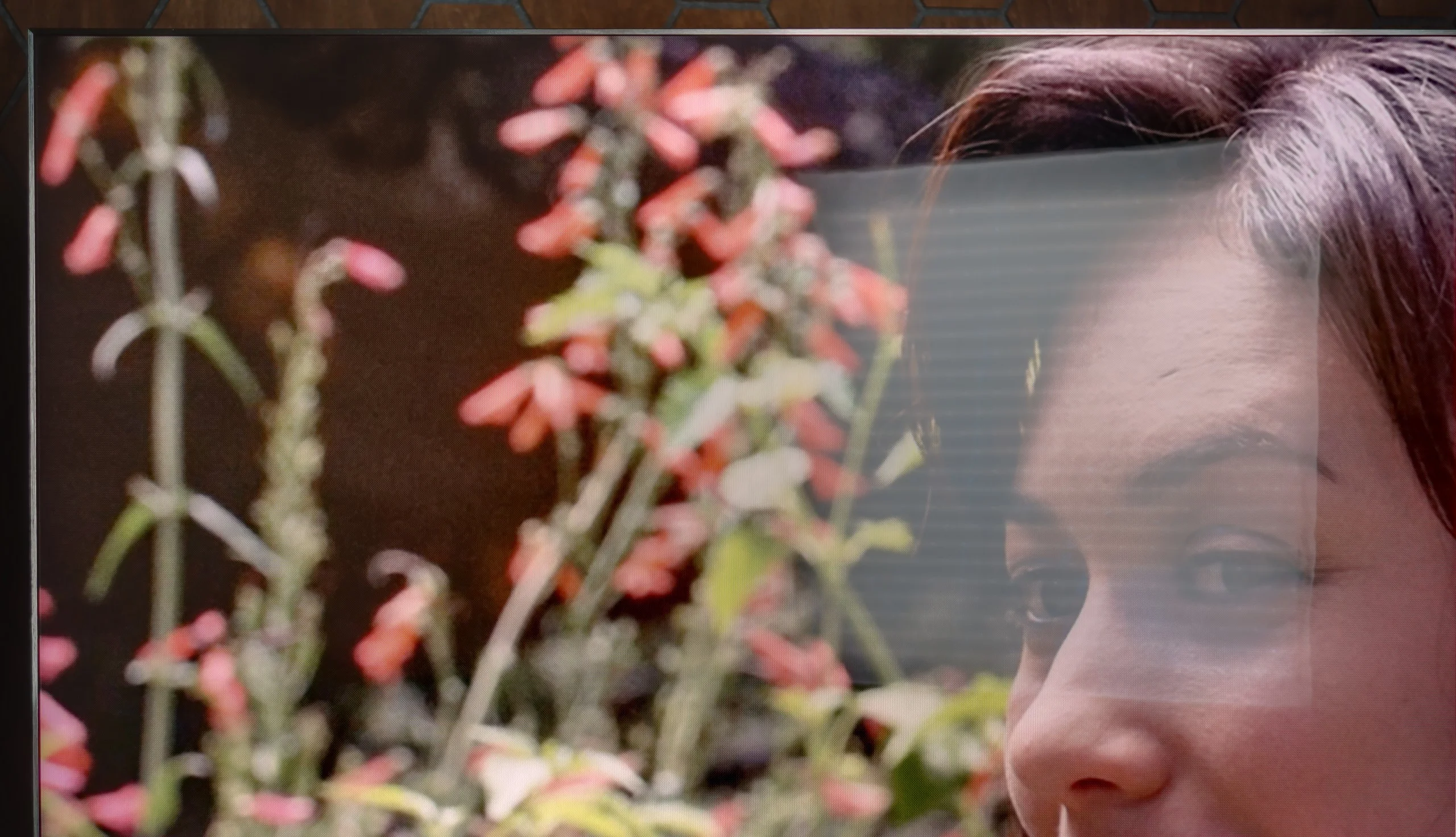
Panel brightness
TCL C8L / QM8L : 1651 cd/m2
Samsung Neo QLED QN90D / QN92D: 629 cd/m2
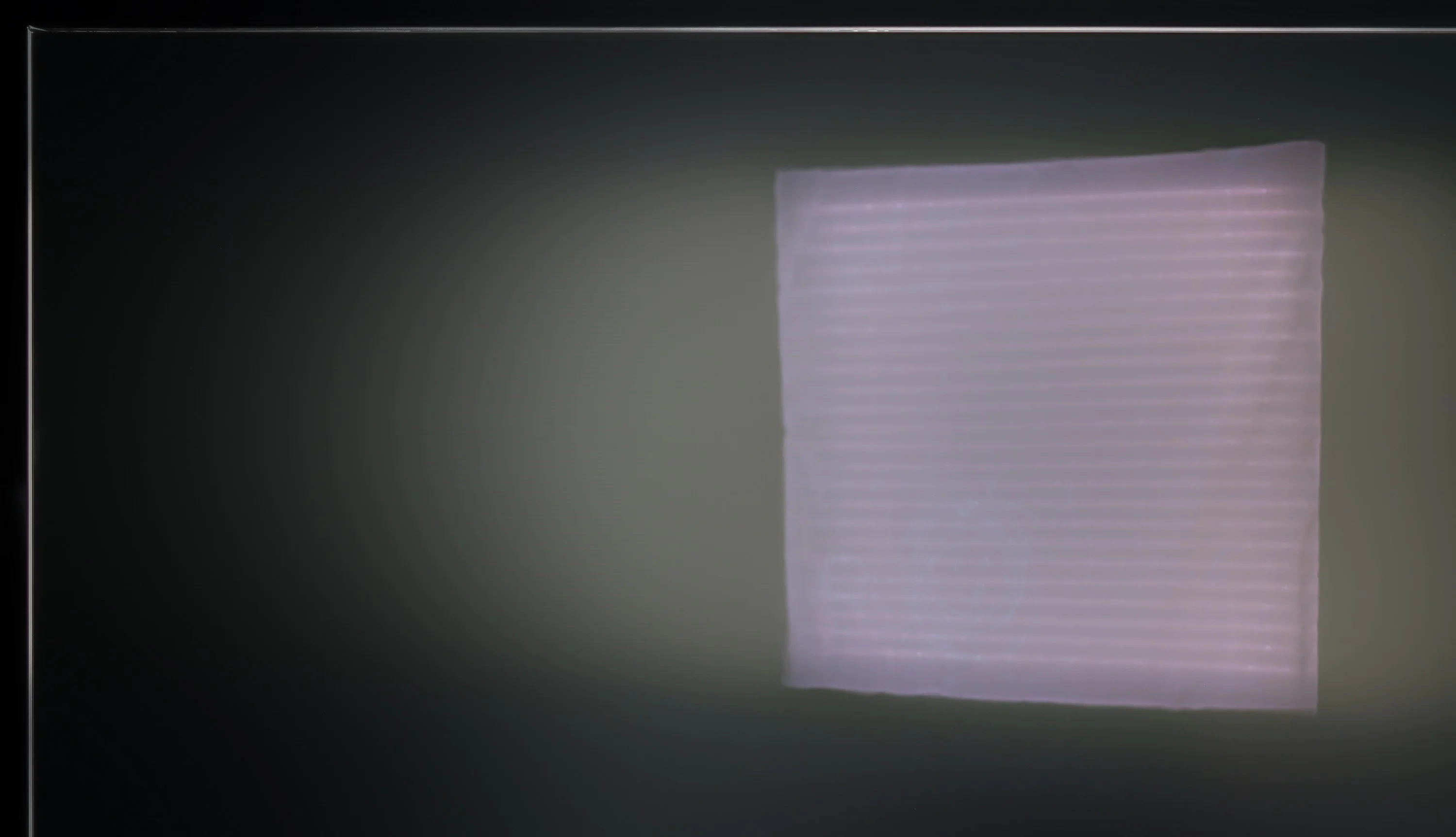
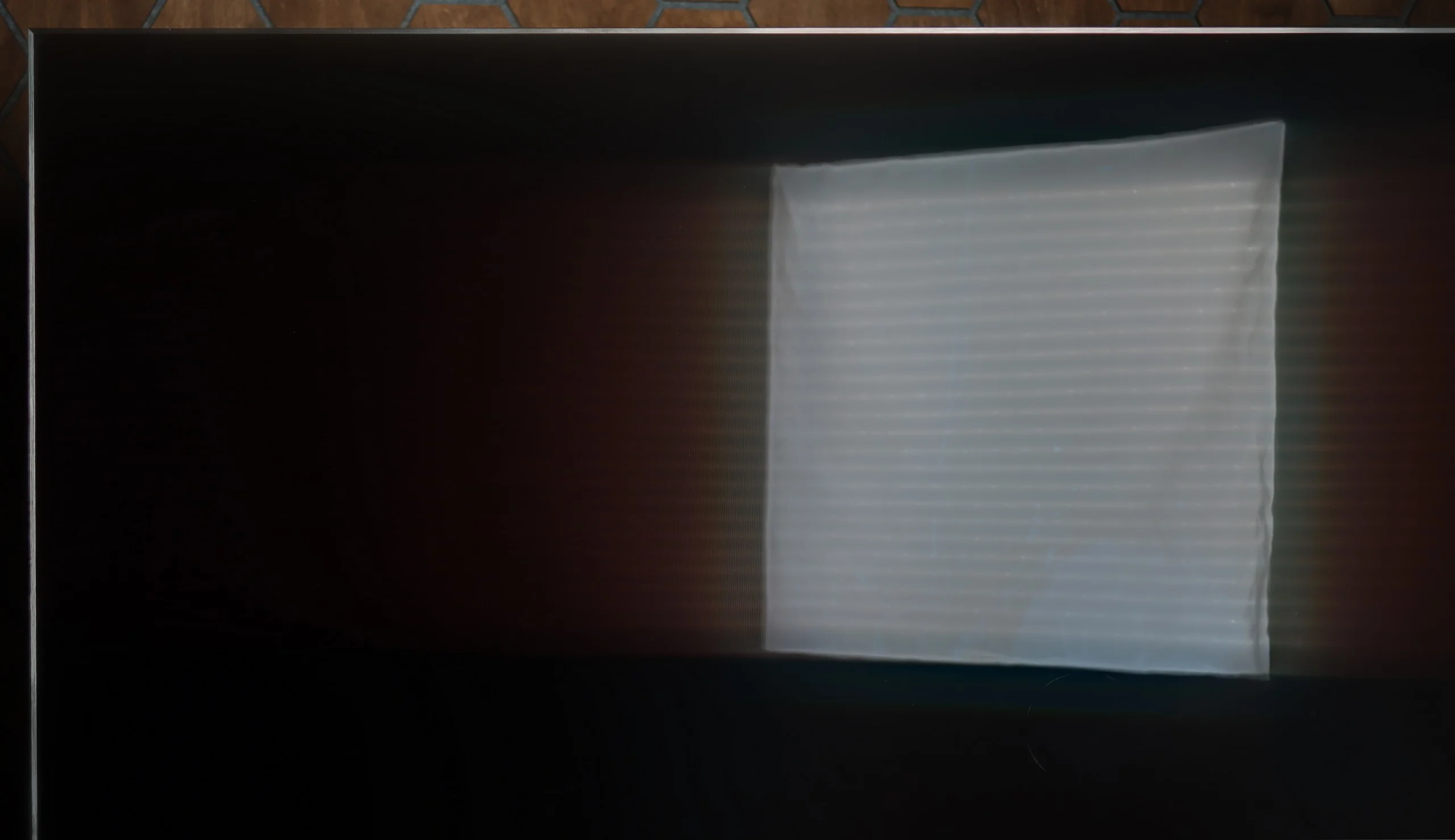
The television performs well in bright rooms due to its high brightness, especially when watching standard television. A constant brightness level of 600 nits ensures excellent visibility even in intense daylight. Unfortunately, despite the use of a satin finish, handling reflections is average, which can affect viewing comfort. An additional downside is the matrix that improves viewing angles, which causes reflections of sunlight to spread vertically, potentially further reducing viewing comfort in a bright environment.
The TCL C8L is one of the brightest TVs we've tested so far. As you can see on the brightness chart (or rather, you might not), its peak brightness reaches an astronomical 5,000 nits (exactly 4862)! Although that number falls to around 600 nits with a full‑screen white pattern, the TV's daytime performance makes it safe to say this screen is practically perfect for very bright, sun‑drenched living rooms. While the glossy panel used here doesn't suppress reflections as effectively as matte screens, the display's sheer output can cut through most unwanted reflections from windows or other artificial light sources such as lamps.
Panel details
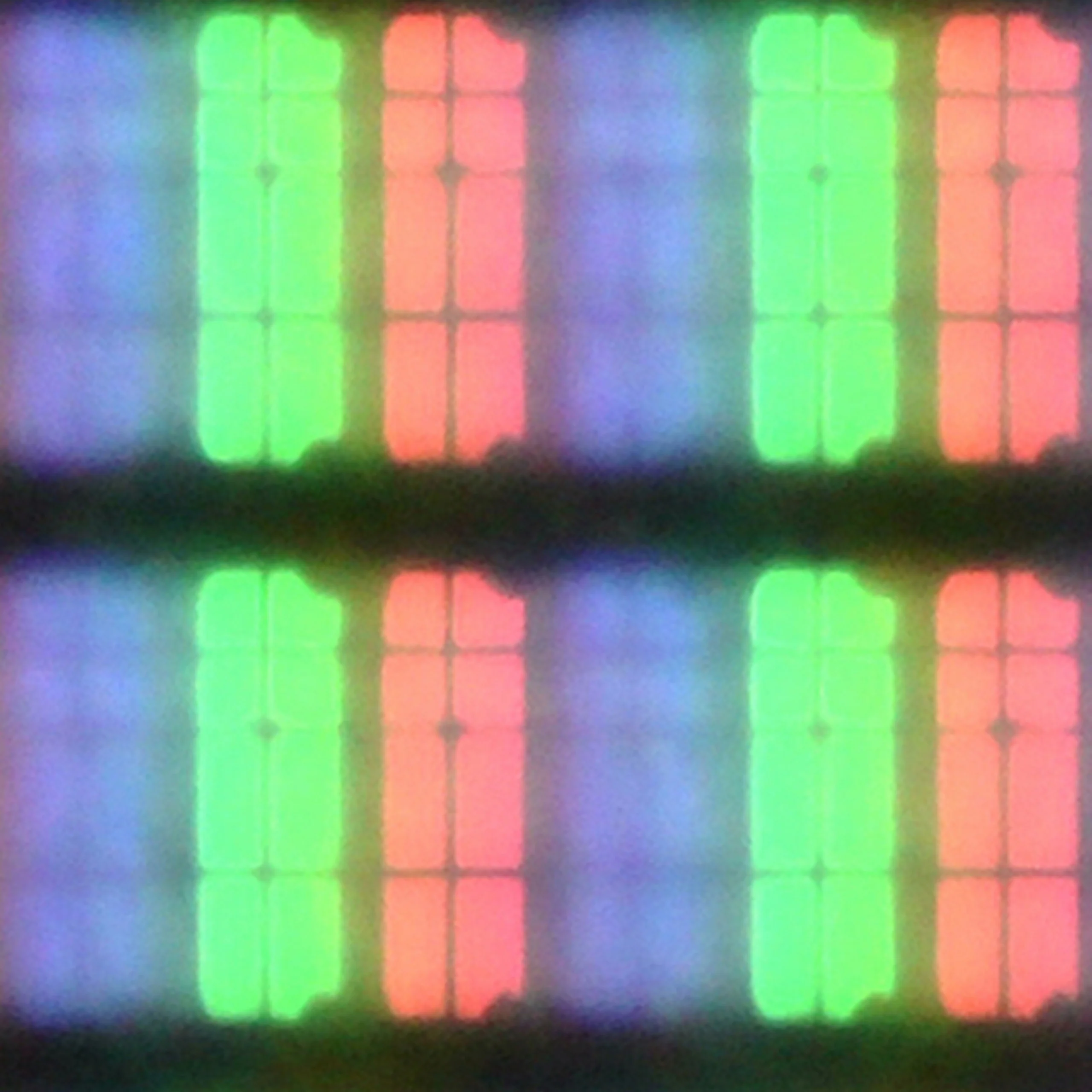
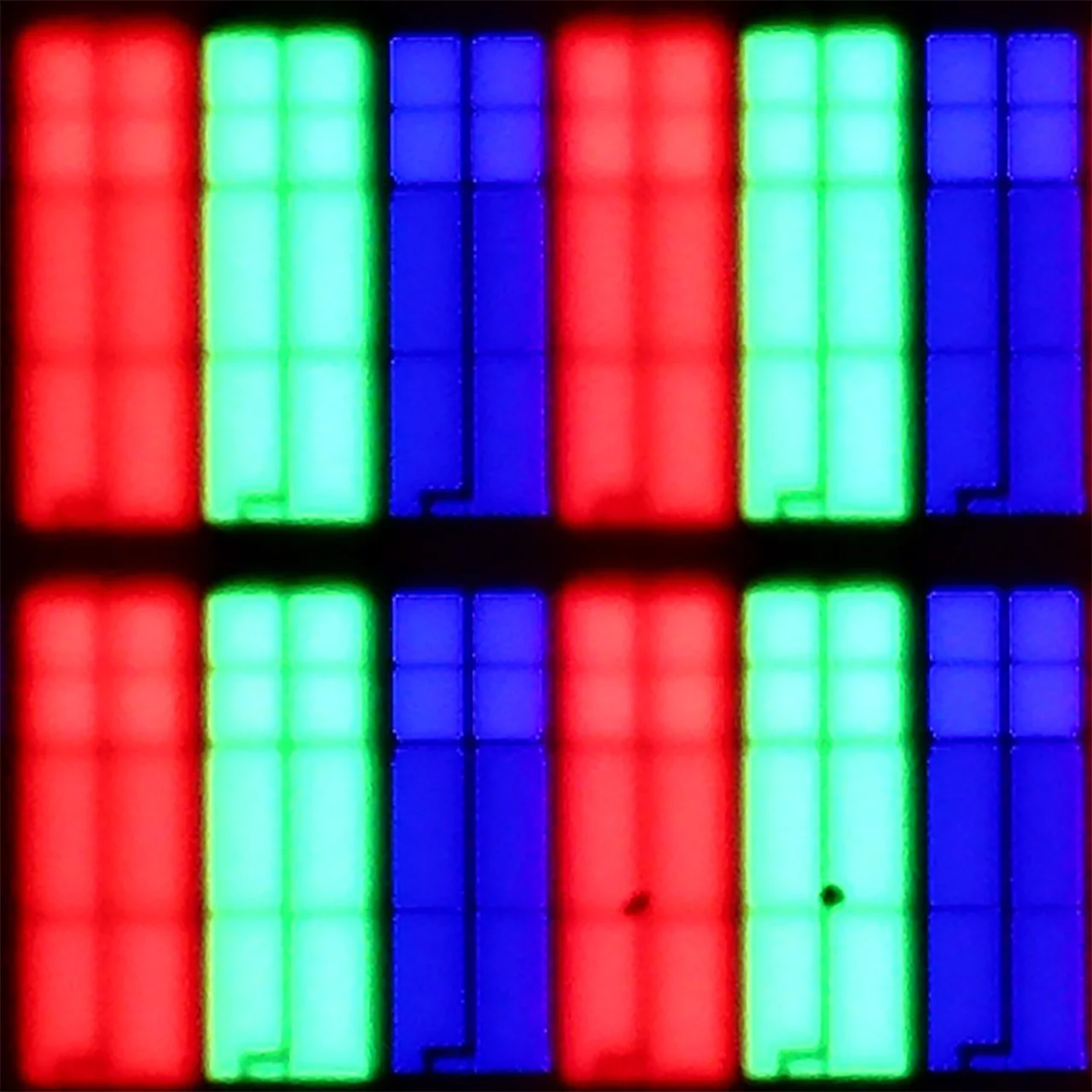
Subpixel Structure:
Panel uniformity and thermal imaging:
Samsung Neo QLED QN90D / QN92D
TCL C8L / QM8L
TV features
7.4/10
8.3/10
- SystemTizenGoogle TV
- System performanceVery goodVery good
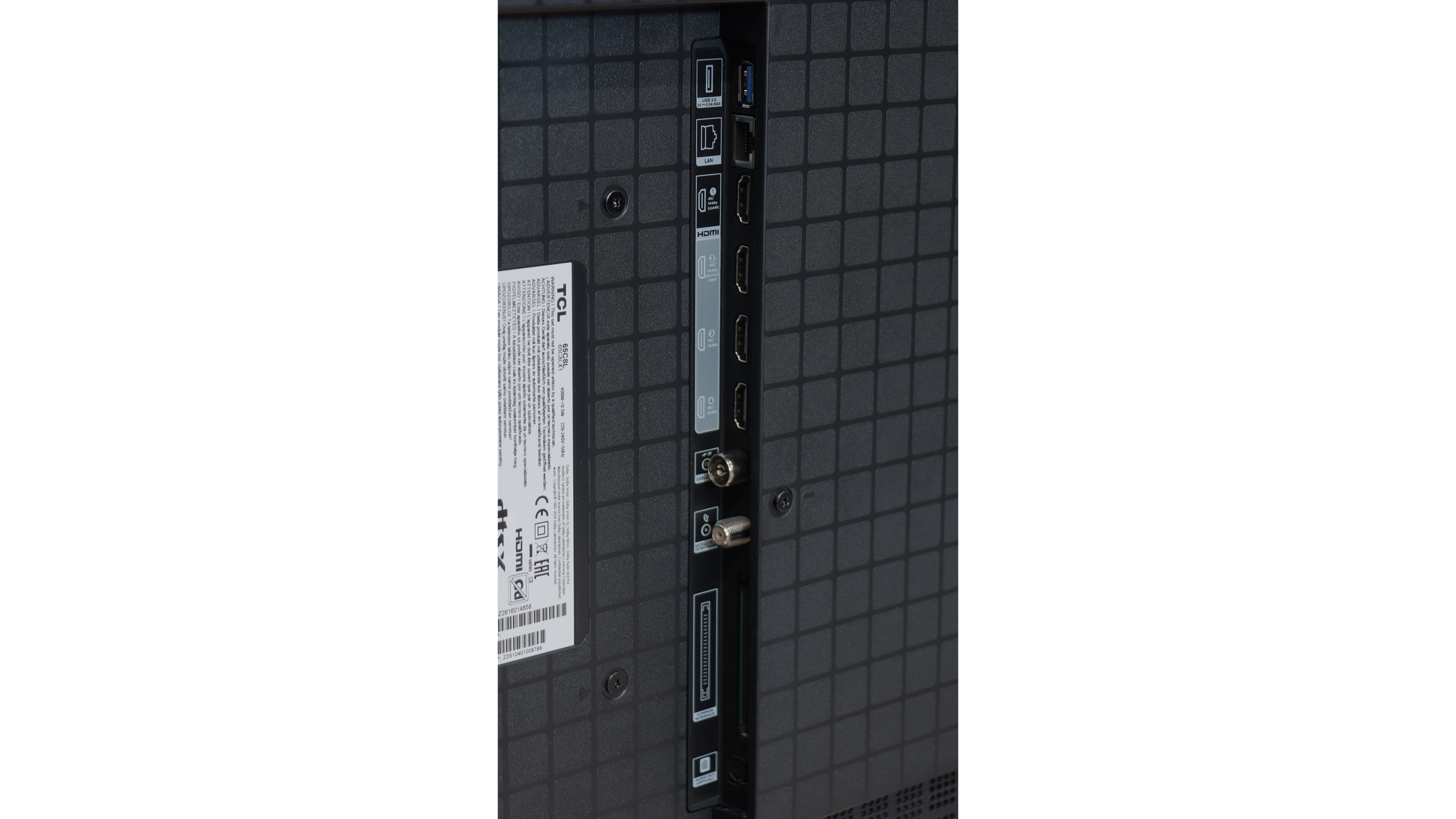
- HDMI inputs0 x HDMI 2.0, 4 x HDMI 2.1 48Gbps0 x HDMI 2.0, 4 x HDMI 2.1 48Gbps
- OutputsToslink (Optical audio), eARC (HDMI), ARC (HDMI)Toslink (Optical audio), eARC (HDMI), ARC (HDMI)
- Network InterfacesWi-Fi 2.4GHz, Wi-Fi 5GHz, Ethernet (LAN) 100MbpsWi-Fi 2.4GHz, Wi-Fi 5GHz, Ethernet (LAN) 100Mbps
- TV receptionDVB-T, DVB-T2, DVB-S, DVB-S2, DVB-CDVB-T, DVB-T2, DVB-S, DVB-S2, DVB-C
Classic features:
- Recording to USB (terrestrial TV)
- Recording programming
- Picture in Picture (PiP)
- RF remote control (no need to aim)
- Backlit remote control
- Teletext
- Audio only mode
- Bluetooth headphones support
- Simultaneous Bluetooth headphones & TV audio
Smart features:
- AirPlay
- Screen mirroring (Windows Miracast)
- Voice search
- Voice search in native language
- Ability to connect a keyboard and mouse
Sound connection options
- HDMI audioeARC (HDMI), ARC (HDMI)eARC (HDMI), ARC (HDMI)
- Other audio outputsToslink (Optical audio)Toslink (Optical audio)
- Wireless audioBluetoothBluetooth
Supported audio formats (external HDMI eARC audio):
- Dolby Digital Plus 7.1
- Dolby True HD 7.1
- Dolby Atmos in Dolby Digital Plus (JOC)
- Dolby Atmos in Dolby True HD
- DTS:X in DTS-HD MA
- DTS-HD Master Audio
Senior accessibility
- Numeric keyboard on TV
- Font size adjustment
- Audio description
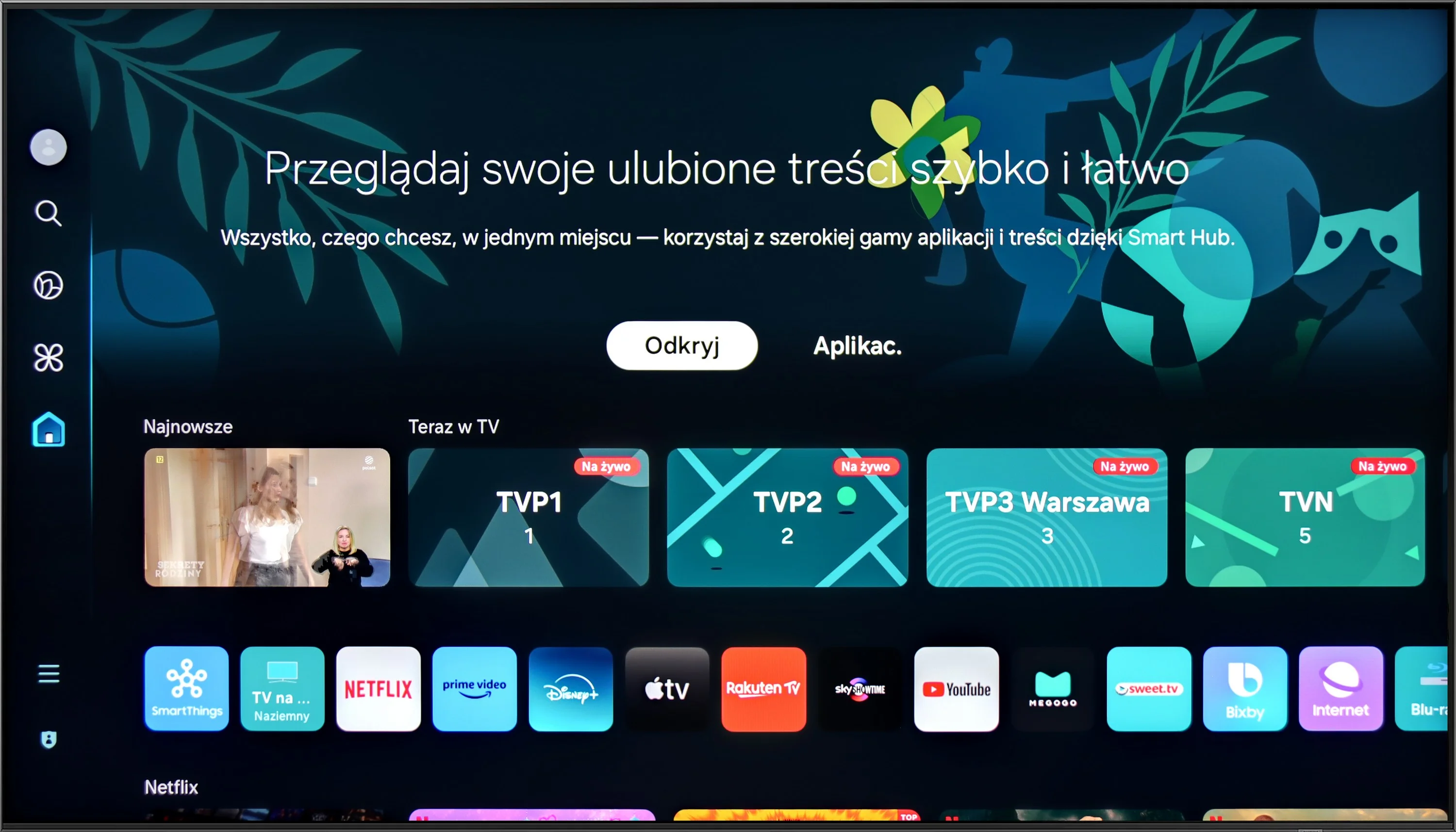
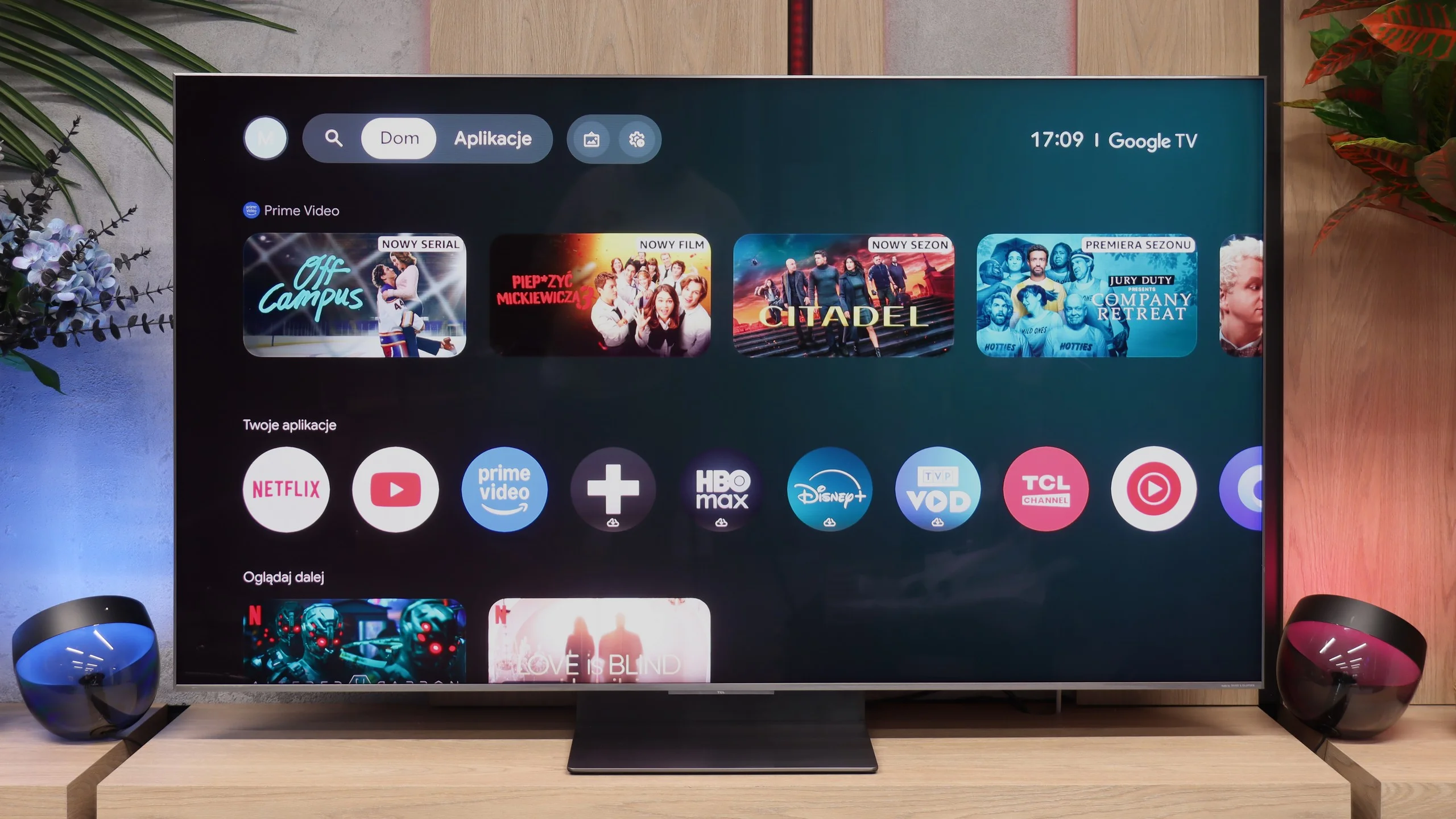
The Samsung QN92D television features a modern Tizen operating system, which offers users an intuitive and visually appealing environment. Tizen ensures smooth and fast navigation through applications, significantly enhancing the comfort of using the television. With an extensive ecosystem, users can easily connect the QN92D to other devices. The television supports many features that make everyday use easier, such as controlling set-top boxes with the remote, eliminating the need for multiple remotes. With AirPlay functionality, Apple device users can effortlessly stream multimedia from their iPhone. Additionally, there is a remote PC feature that allows users to access their computer on a large screen, as well as the Office 365 application, making the QN92D an ideal solution for both work and entertainment.
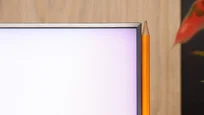
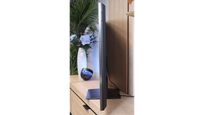
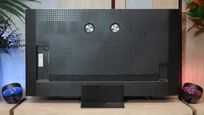
Furthermore, like many Samsung televisions, the QN92D offers Ambient Mode, which allows users to customise the appearance of the television to blend in with its surroundings. Users can display a variety of images or information, turning the television into an elegant part of the interior decor, even when not in use. Speaking of decor, it’s certainly worth mentioning the device's appearance. It is really very slim, around 2cm at its thickest point, which is impressive. The metal frame definitely gives the impression of a premium device, and the stand included in the box is sturdy.
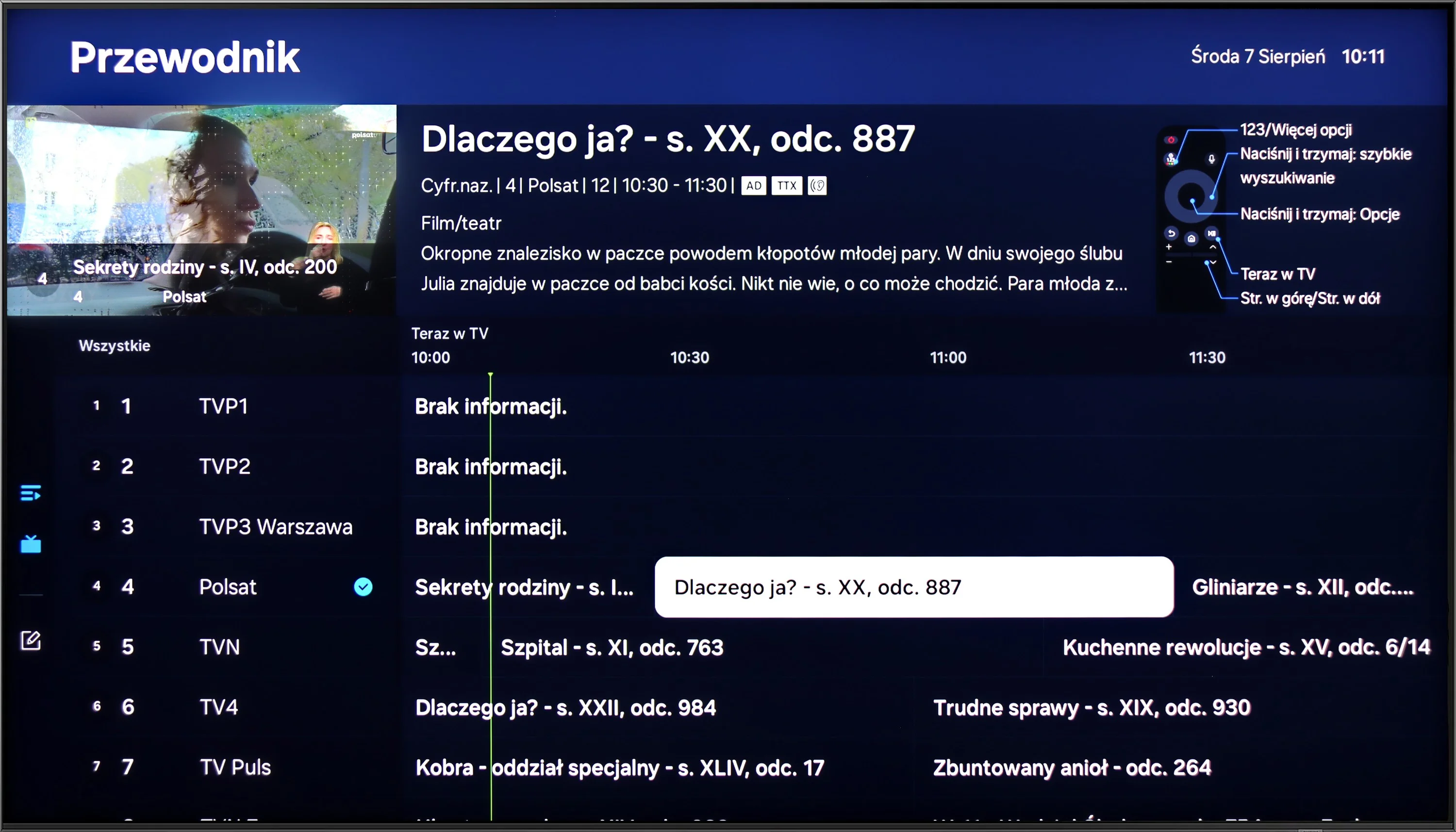
However, for those using traditional television, the QN92D may prove to be a bit disappointing, as there is no television programme recording function available in the Polish market. Nevertheless, the television offers a Picture-in-Picture (PiP) feature that allows for simultaneous viewing of two programmes at the same time. The Samsung QN92D is a television with rich functionality that caters to both gaming enthusiasts and multimedia users, and it aesthetically fits into modern interiors.
SmartTV: Google TV
You can still come across older comments online about the TCL brand where users complained about sluggish performance or occasional freezes of the Google TV interface. With the C8L model there’s clearly been a big step forward. Thanks to the new processor and a number of fixes, Google TV’s stability and responsiveness are at a very high level. We can easily compare the polish of this system with closed systems like Tizen or webOS found in competing flagship models. On board is a full feature set, led by the updated Gemini voice system.
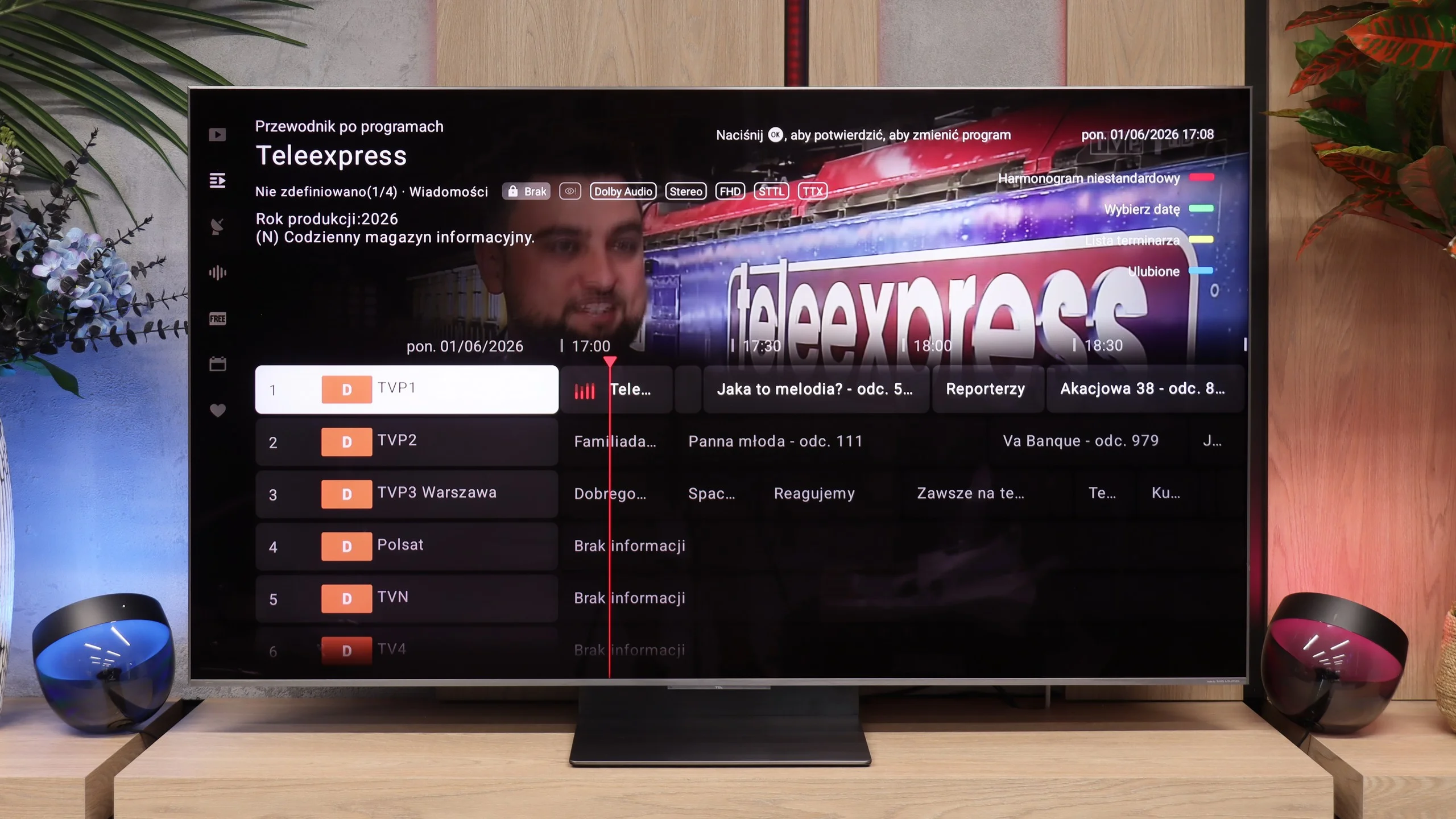
Television features
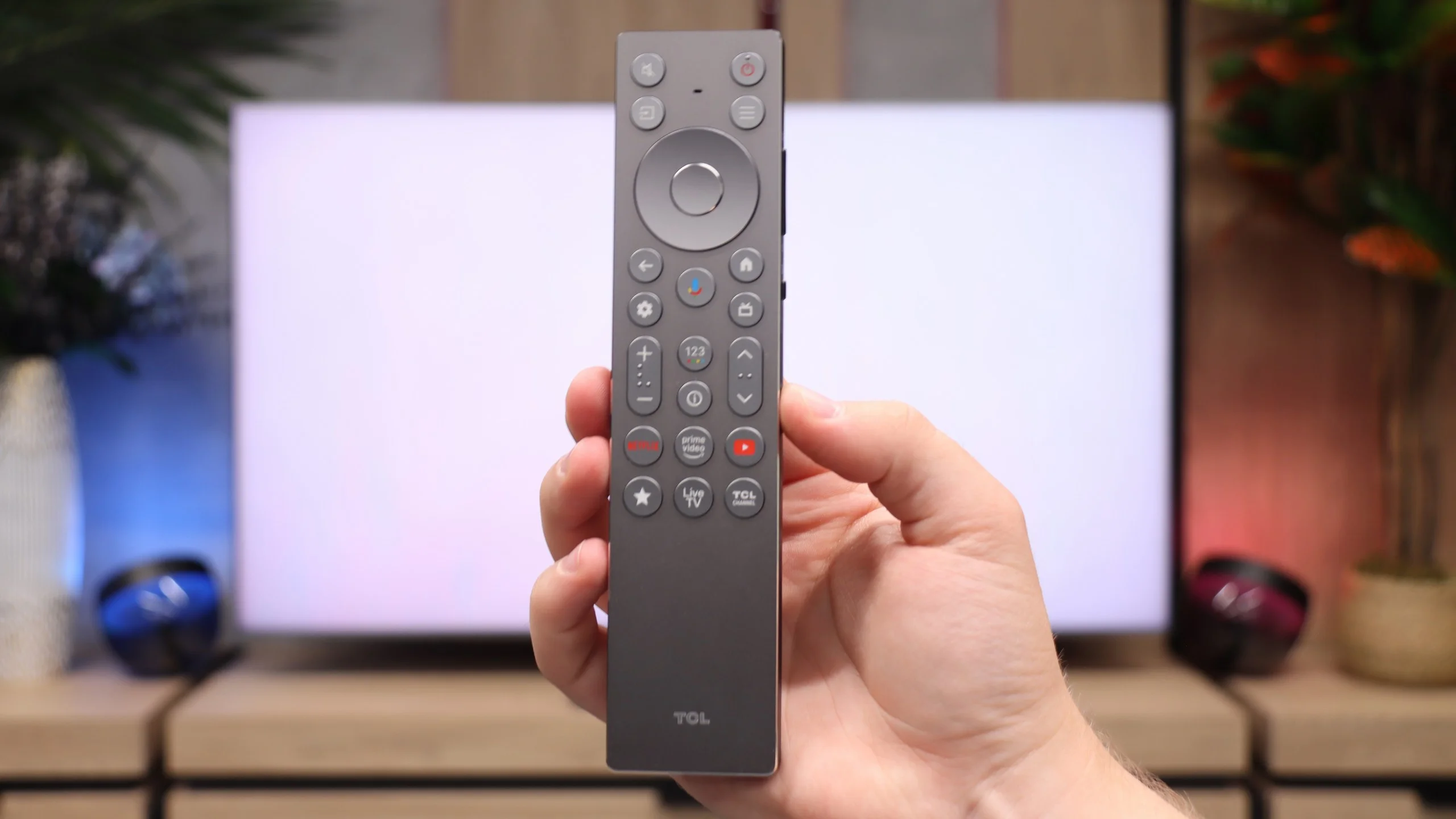
When it comes to traditional TV duties, the C8L simply does its job reliably as a TV 😉. You’ll find classic, standard features such as a Bluetooth module for easy pairing of wireless headphones and the still-present teletext for the built-in tuners. It’s obvious, however, that this model is designed primarily for modern streaming platforms. You can see that in the minimalist, modern remote, which, unlike the cheaper C7L, has no traditional numeric keypad.
Apps
9.3/10
9.6/10






















Playing files from USB
9.1/10
9.4/10
Supported photo formats:
Maximum photo resolution:
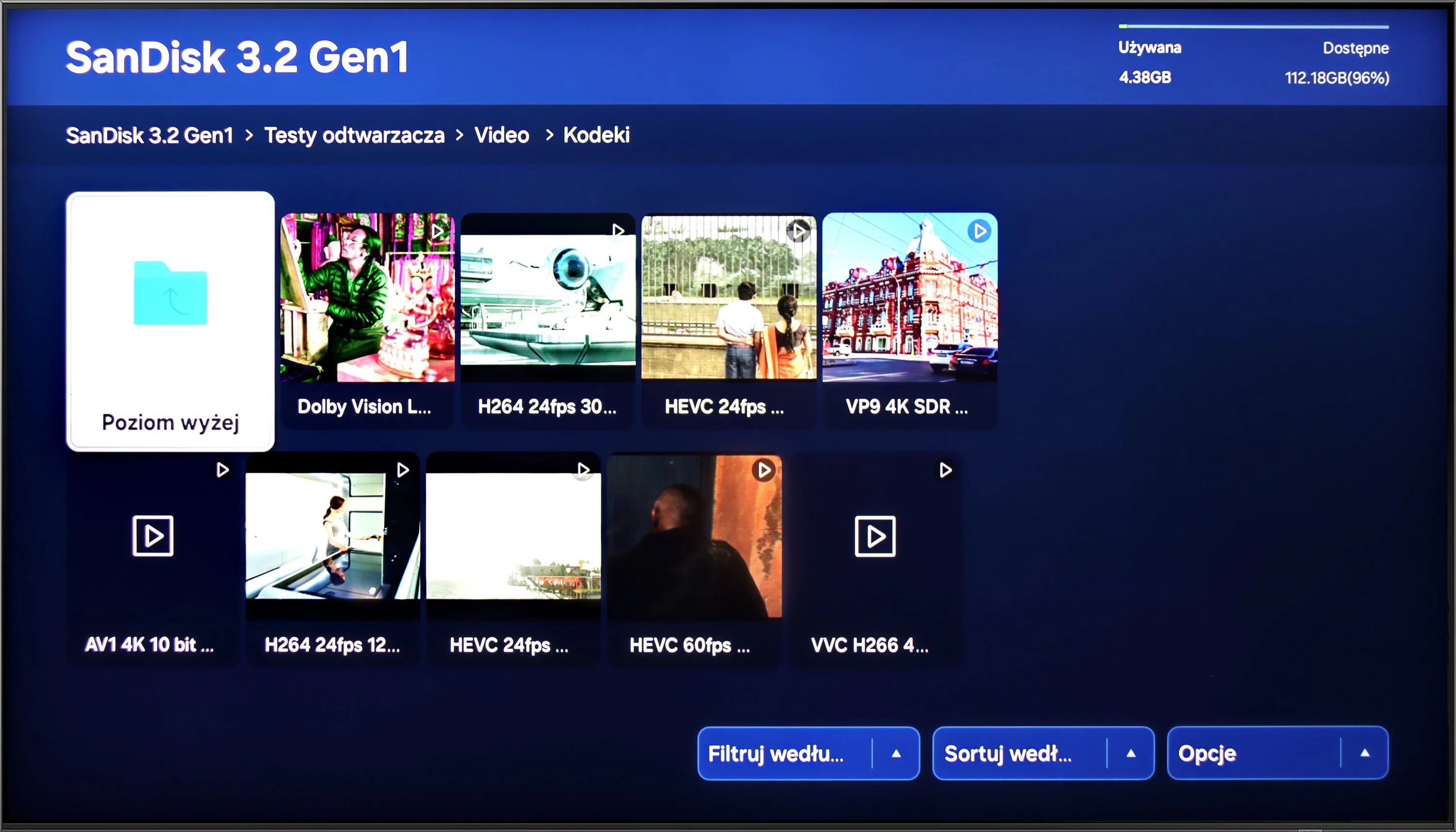
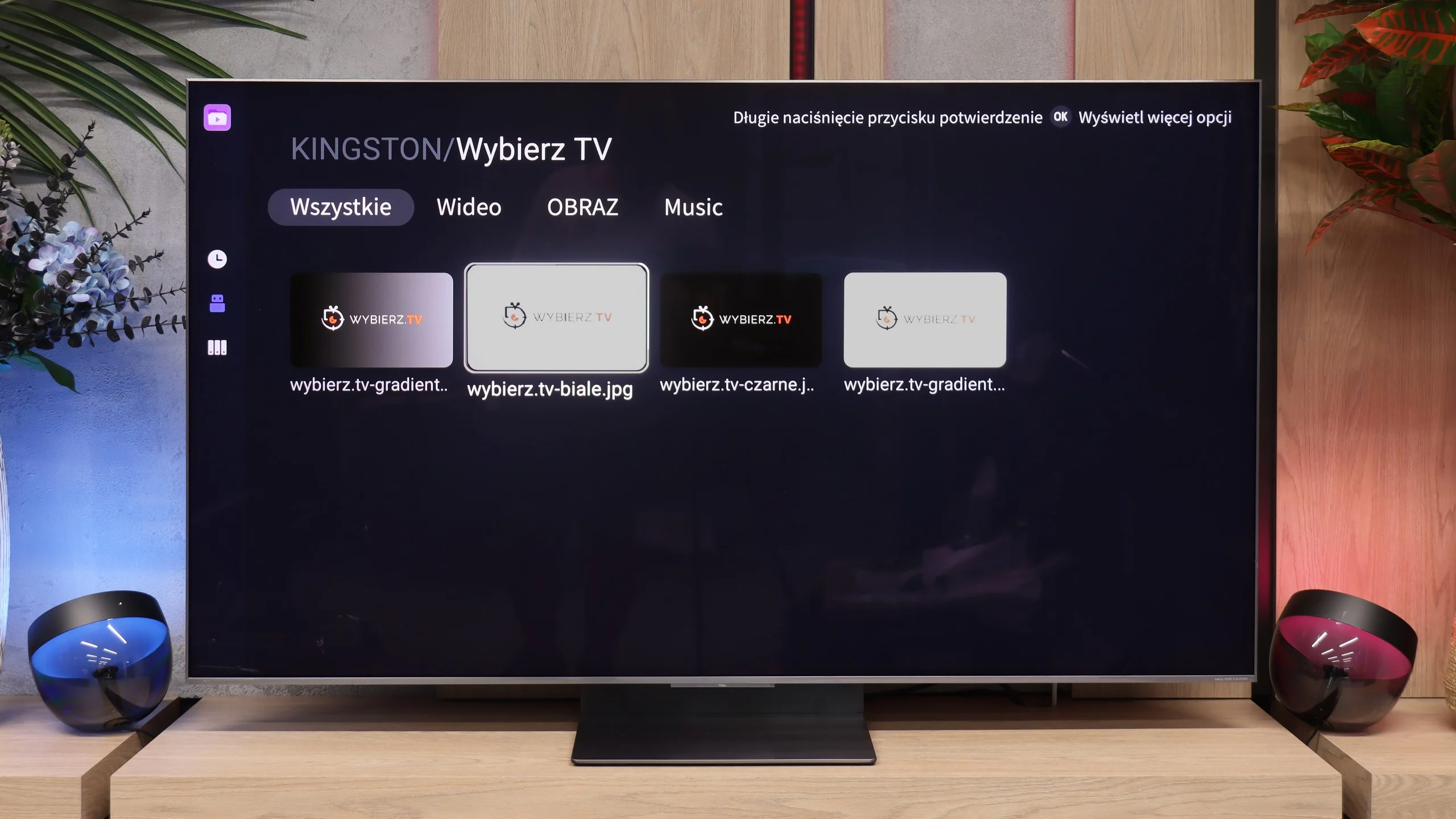
The built-in player in QN90D should satisfy a large portion of users. It will easily handle most popular video and audio formats. However, more demanding users may notice some shortcomings – it is not possible to play photos in HEIC format, which is popular on Apple devices, as well as several other, less common photo formats.
The built-in USB media player handles everyday tests without a hitch. It's pleasing that the TV natively and efficiently opens even less common image formats, such as Apple's HEIC. We did run into a few formats that the stock app couldn't handle, but on Google TV that's not an issue. A huge advantage of this system is the ability to install any third-party player (e.g. VLC) directly from the Google Play store, which often completely solves file compatibility problems.
Sound
6.9/10
8.1/10
- Maximum volume-78dB
- Dolby Digital Plus 7.1
- Dolby True HD 7.1
- Dolby Atmos in Dolby Digital Plus (JOC)
- Dolby Atmos in Dolby True HD
- DTS:X in DTS-HD MA
- DTS-HD Master Audio
The television is equipped similarly to the QN95 with a speaker system featuring a 4.2.2 layout with a total power of 70W (the exception is the 50' variant with a 2.2 layout and the 43' with a 2.0 layout). Despite its very slim casing, the television sounds loud and clear, and the overall sound is well balanced. Points were deducted as per standard practice for every other Samsung model for the lack of support for the DTS format. It's also worth mentioning the proprietary Q-Symphony feature, which allows you to synchronise the sound of the television with a Samsung soundbar.
It might seem that, sound-wise, the TCL C8L would perform exactly the same as last year's C8K. After all, on board you'll again find an audio system branded Bang & Olufsen in a 6.2.2 layout, with the same power and the same system features, namely Beosonic technology. Nothing could be further from the truth. The new generation sounded noticeably better in our listening tests. Why is that? Honestly, from a purely hardware point of view we don't know, but it's clear on the charts from our measurements. Perhaps TCL simply managed to improve the speakers' performance with a new software update and better speaker tuning.
But as we always say, they are still TV speakers. We believe anyone who wants to fully enjoy this TV's potential will still need to buy a good soundbar or a home theatre system. The C8L offers full support for audio codecs such as Dolby Atmos and the niche DTS. Only by connecting an external audio setup will you be able to get true, spatial sound from films and games and complement what you see on the TV.
Sound Quality Test
No sound test video
Acoustic Measurements
No acoustic data
78dBC (Max)
75dBC
Reader comments
Comments are provided by the external service Disqus (Zeta Global). Once loaded, Disqus may set cookies and process data about your activity.
We will remember your choice on this device. Provider's privacy policy