 Direct comparison
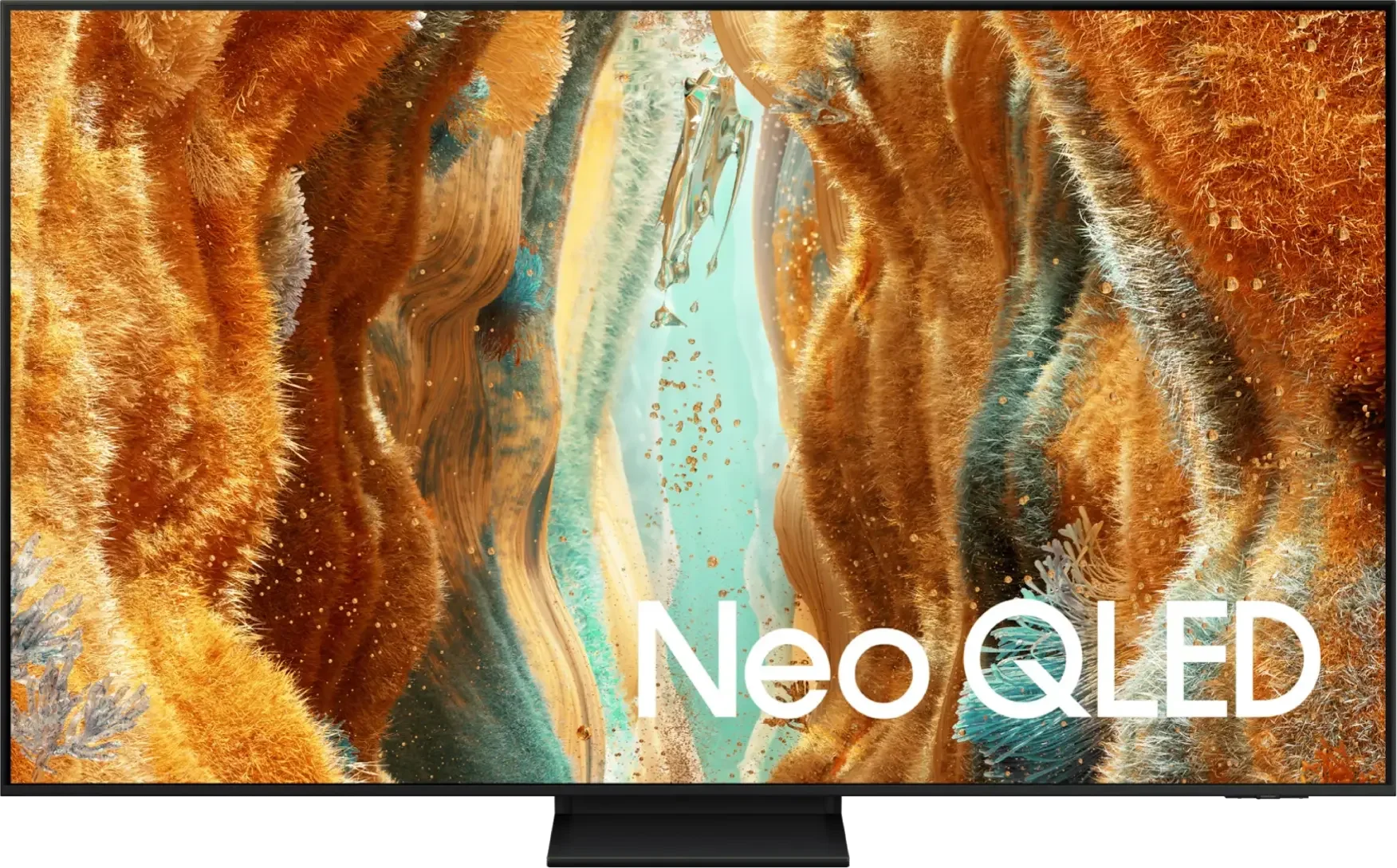
Samsung QN70F is a pretty decent mid-range TV. Its strongest point is definitely the smoothness of the image – thanks to the 144 Hz panel, low input lag, and a host of extras for gamers, we have here the recipe for nearly an ideal gaming screen. It will work just as well for sports fans – the image is fast, clear, and it doesn't tear. When it comes to image quality – it's really not bad. The VA panel delivers good blacks, brightness is above average, and colours look great after calibration. Samsung markets the QN70F as Neo QLED, which means Mini LED, and in a way, you can look at it that way – but only partially. The backlighting is edge-lit, so it’s far from full-fledged Mini LEDs with local dimming. It's a shame because marketing has its way, and the user might feel a bit misled. There are also some minor drawbacks – no USB recording, no DTS support. But still, the QN70F leaves a really good impression. It might not be a “true” Mini LED, but for its price, it's a solid piece of television – especially for gamers and those who enjoy fast, dynamic content.
- Matching (Score) |
- Our verdict |
- TV appearance |
- Where to buy |
- Contrast and black detail |
- HDR effect quality |
- Factory color reproduction |
- Color reproduction after calibration |
- Smoothness of tonal transitions |
- Image scaling and smoothness of tonal transitions |
- Blur and motion smoothness |
- Console compatibility and gaming features |
- Input lag |
- Compatibility with PC |
- Viewing angles |
- Daytime performance |
- Panel details |
- TV features |
- Apps |
- Playing files from USB |
- Sound

Check the best price offer:
Samsung Neo QLED QN70F / QN74F / QN77F(paid link)QN70F / QN74F / QN77F

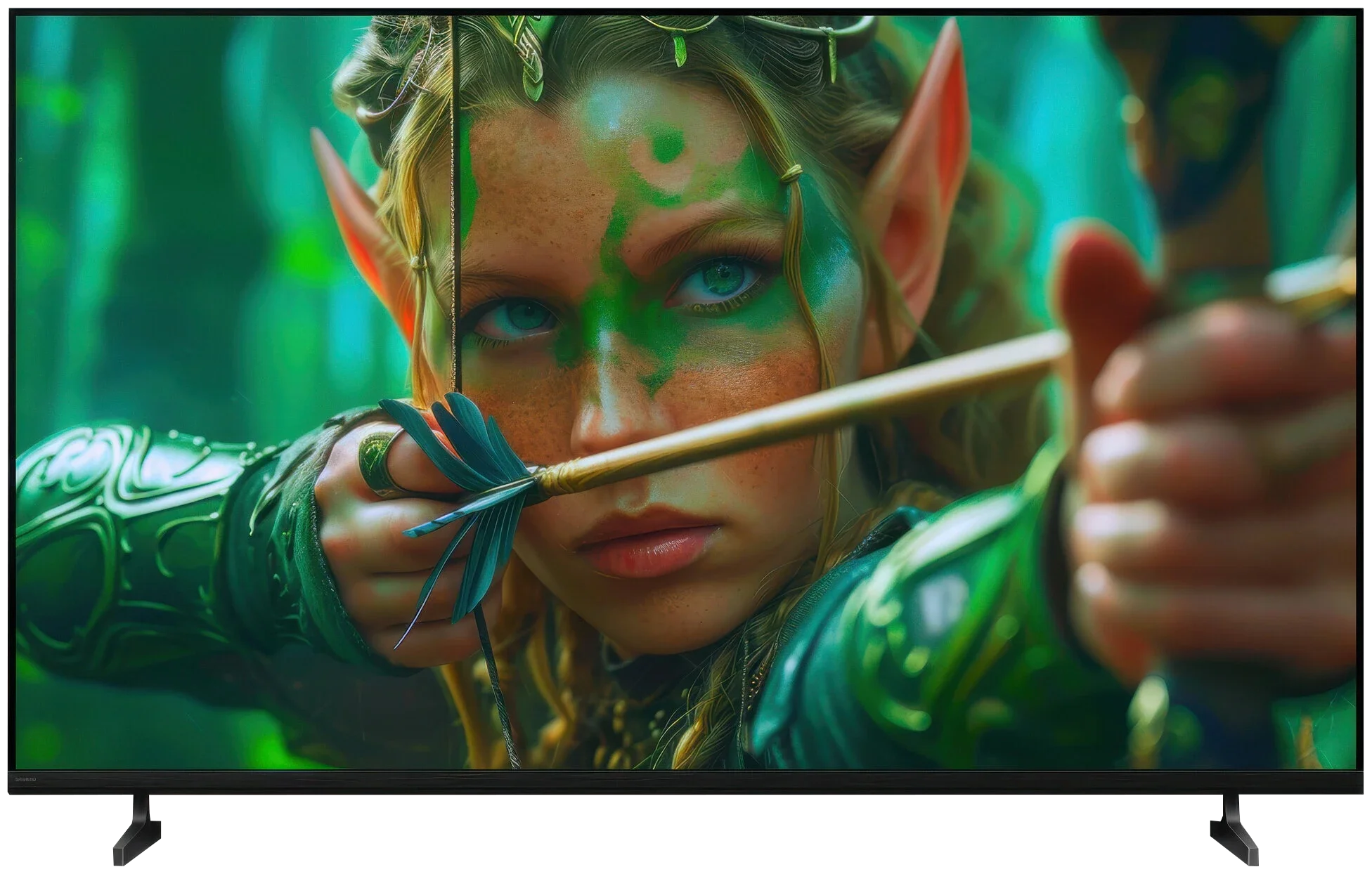
BRAVIA 2 II / S25M2
Panel type: LCD VA
Resolution: 3840x2160
System: Tizen
Model year: 2025
Complete the survey to find out the result
Panel type: LCD IPS
Resolution: 3840x2160
System: Google TV
Model year: 2026
Complete the survey to find out the result
Overall rating
7.1
5.8
 Movies and series in UHD quality
6.7
5.2
 Classic TV, YouTube
6.6
5.2
 Sports broadcasts (TV and apps)
6.7
5.5
 Gaming on console
8.5
6.2
 TV as a computer monitor
8.2
6.0
 Watching in bright light
6.3
4.8
 Utility functions
7.2
6.6
 Apps
8.7
9.6
 Sound quality
6.4
6.1
Complete the survey to find out what fits your preferences
Advantages

Great black levels and contrast
Above average panel brightness
High refresh rate of 144Hz
Many features for gamers: ALLM, VRR, Game Bar, etc.
Low input lag
4 HDMI 2.1 ports
Feature-rich and smooth Tizen operating system
Super slim design
Very good viewing angles (IPS panel)
Google TV with a huge selection of apps
Chromecast and AirPlay
Low input lag
Very good USB file player
Supports audio formats: Dolby (Atmos, TrueHD, Digital), DTS (X, HD)
Two remotes included
Disadvantages

No USB recording function
No DTS format
Symbolic local dimming (Is it really MINI-LED?)
Too expensive for what it offers!
Very poor black levels and low contrast (IPS panel)
Low brightness of around 320 nits
No support for dynamic HDR formats (Dolby Vision, HDR10+)
Panel limited to 60 Hz
Very limited gaming capabilities
Our verdict
The Sony Bravia 2 II is a TV that’s best suited to simple, everyday use. And we suspect many people will pick it mainly for Google TV. The system gives access to a huge number of apps and streaming services, and you also get Chromecast, AirPlay and convenient voice search. The TV itself may not run as fast as pricier Sony models, but in terms of functionality there’s little to complain about. Importantly, for regular viewing the picture quality is quite decent. The Bravia 2 II handles SDR material especially well — ordinary broadcast TV, YouTube and a lot of older films and series. The out-of-the-box Cinema mode is sensibly tuned, colours look natural and, without much fiddling with the settings, you can just start watching. And that’s where the Bravia 2 II shows its strengths — as a simple smart TV for daily use, rather than a set that aims to dazzle with panel performance.
However, you have to remember that the “Bravia” badge on the case doesn’t automatically mean great picture quality. The Bravia 2 II uses an IPS panel with very low contrast, and that’s its biggest problem. In daylight it’s not so noticeable, but turn the lights off in the evening and black starts to look more like dark grey. Of course, in return you get good viewing angles, so if the TV sits in a large living room and several people watch from different spots, IPS has an advantage. But that comes at the cost of weak blacks. This TV isn’t designed for HDR impact or for more demanding gamers either. Around 300 nits of brightness and a narrow colour gamut mean HDR content doesn’t show much more than SDR. A 60 Hz panel and the lack of broader gaming features also make it clear that gaming isn’t a priority for this model.
And that wouldn’t be a major issue, because we expected that from an entry-level Sony. The biggest problem for the Bravia 2 II, though, is the price. For similar money you can easily find competitor TVs, especially Korean and Chinese brands, that already offer a lot more, ranging from 120 Hz panels to Mini-LED backlights with local dimming. So the Bravia 2 II isn’t a bad TV in itself. It’s simply too expensive for what it offers. If its price were noticeably lower, it would make much more sense as a basic TV for everyday viewing.
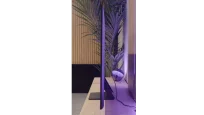
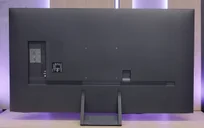
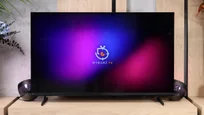
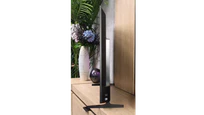
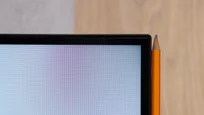
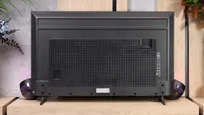
TV appearance

Contrast and black detail
6.2/10
2.7/10
Local dimming function: Yes, number of zones: 20 (1 x 20)
Local dimming function: No
Contrast:


Result
9,200:1

Result
7,000:1

Result
5,350:1

Result
5,700:1

Result
5,300:1
Result
1,150:1
Result
1,200:1
Result
1,450:1
Result
1,400:1
Result
1,100:1
Halo effect and black detail visibility:
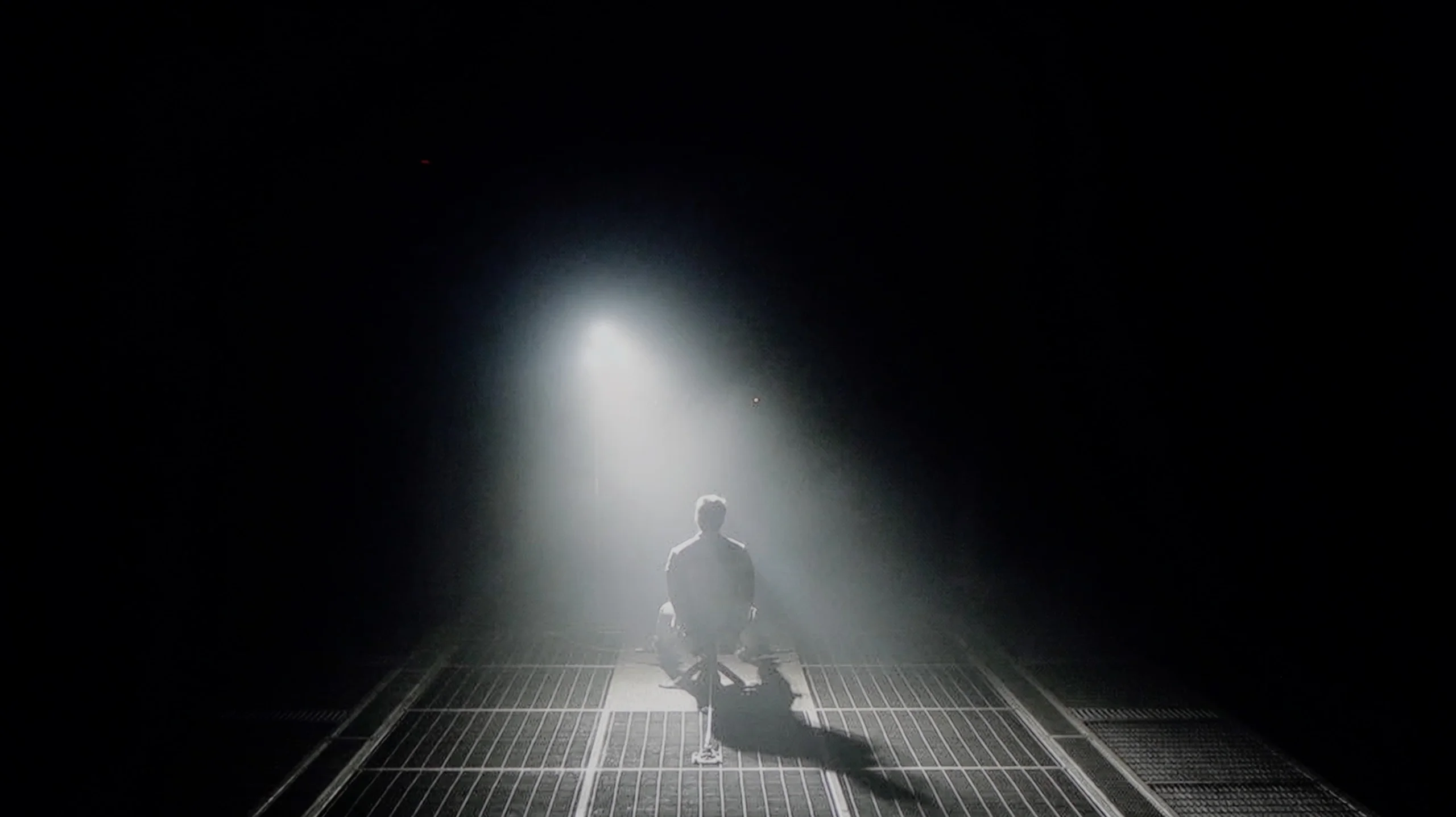
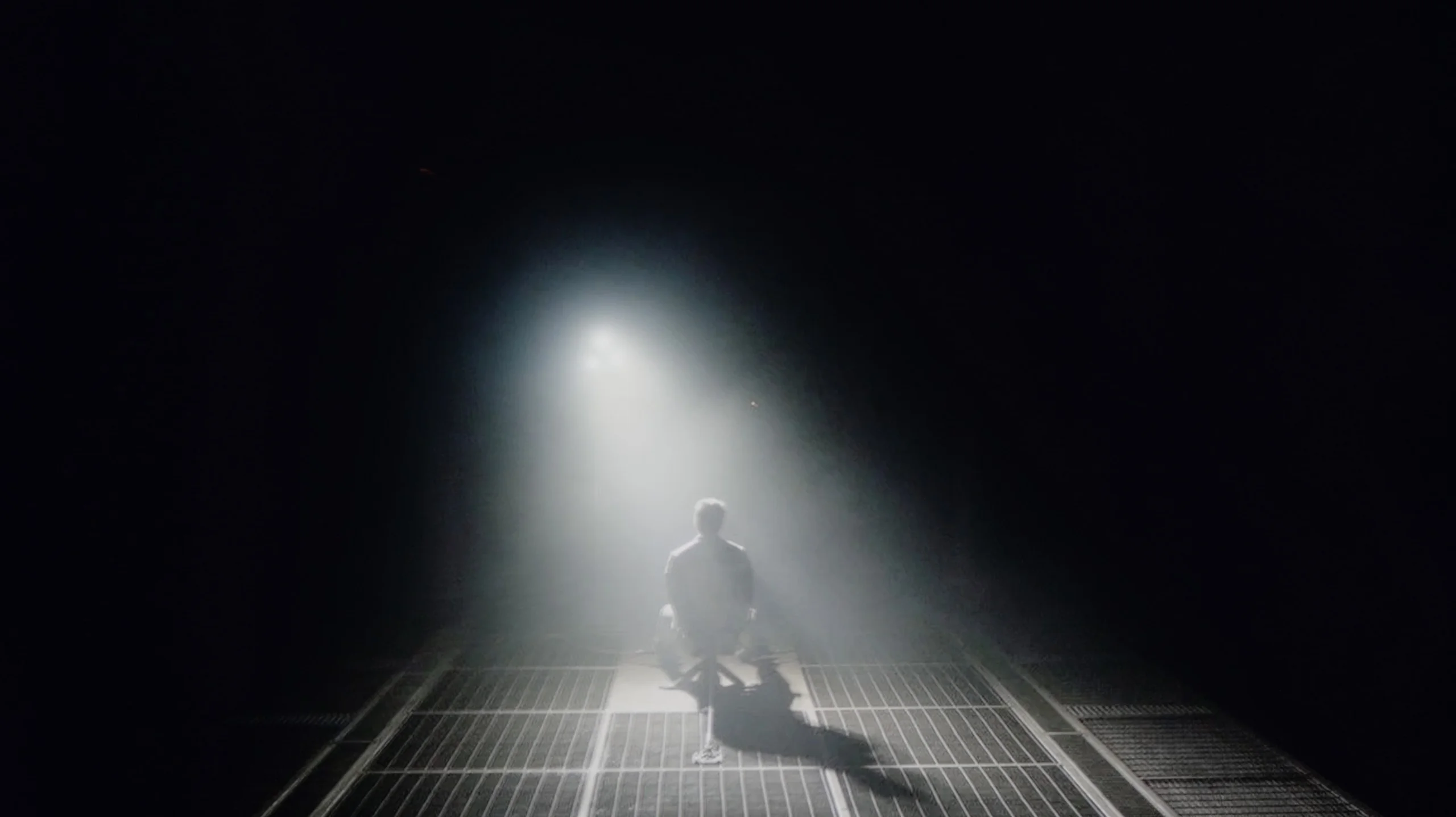
Check the visibility of bright lights on a dark background. Mini-LEDs often struggle with this. The photo does not compare black levels – that’s what the video below is for.
The video accurately shows differences in contrast and black levels between TVs, as well as potential issues: halo around bright objects or Mini-LED zone operation visible as brightness jumps.
QN70F is equipped with a VA panel, which offers a high native contrast – a good starting point for black, especially for evening viewing. But theoretically, this is just the beginning of its capabilities. The television is branded as Neo QLED, which means it features Mini LED technology and a local dimming system. And indeed – the QN70F has such a function. The problem is that we’re not talking about classic local dimming with LEDs placed directly behind the panel. Instead, edge lighting with an overall dimming mechanism, known as global dimming, has been used. The effect of this is that instead of selective brightness control in individual zones, the entire screen is slightly dimmed when a dark scene appears. In practical terms, this means the contrast is average compared to Mini LED models that offer true local dimming. The black isn't bad – that’s thanks to the VA panel itself – but one can't speak of the precise light control that advanced systems with multiple zones provide. And here arises the question: is the QN70F series of televisions really a Mini LED television, or just a marketing variation on the Q70 series? Looking at the technical aspects – it’s hard to consider this model a full-fledged representative of this technology. But in everyday use, the black looks decent and for many people it can be fully satisfying.
When it comes to black levels, the Bravia 2 II unfortunately doesn't have much going for it. Sony has used an IPS panel here, which offers one of the lowest native contrasts among LCD panels. In our measurements we saw figures around 1,100:1 to 1,450:1, and unfortunately that's very noticeable when watching. Additionally, the TV lacks any local dimming, so it can't darken only the parts of the screen that should remain dark. In practice, this means that once the lights go out, blacks very quickly shift toward grey and navy. In scenes such as Oblivion or Sicario 2, instead of a deep background we get a noticeably brightened image, which takes away a lot of the atmosphere from evening viewing. Of course an IPS panel also has the advantage of better viewing angles, but in this respect it's hard to call that sufficient compensation. If you're looking for a TV primarily for watching films at night, the Bravia 2 II simply isn't a model we could recommend.
HDR effect quality
5.6/10
4/10
Luminance measurements in HDR:

Result
619 nit

Result
449 nit

Result
500 nit

Result
422 nit

Result
483 nit
Result
294 nit
Result
307 nit
Result
329 nit
Result
330 nit
Result
325 nit
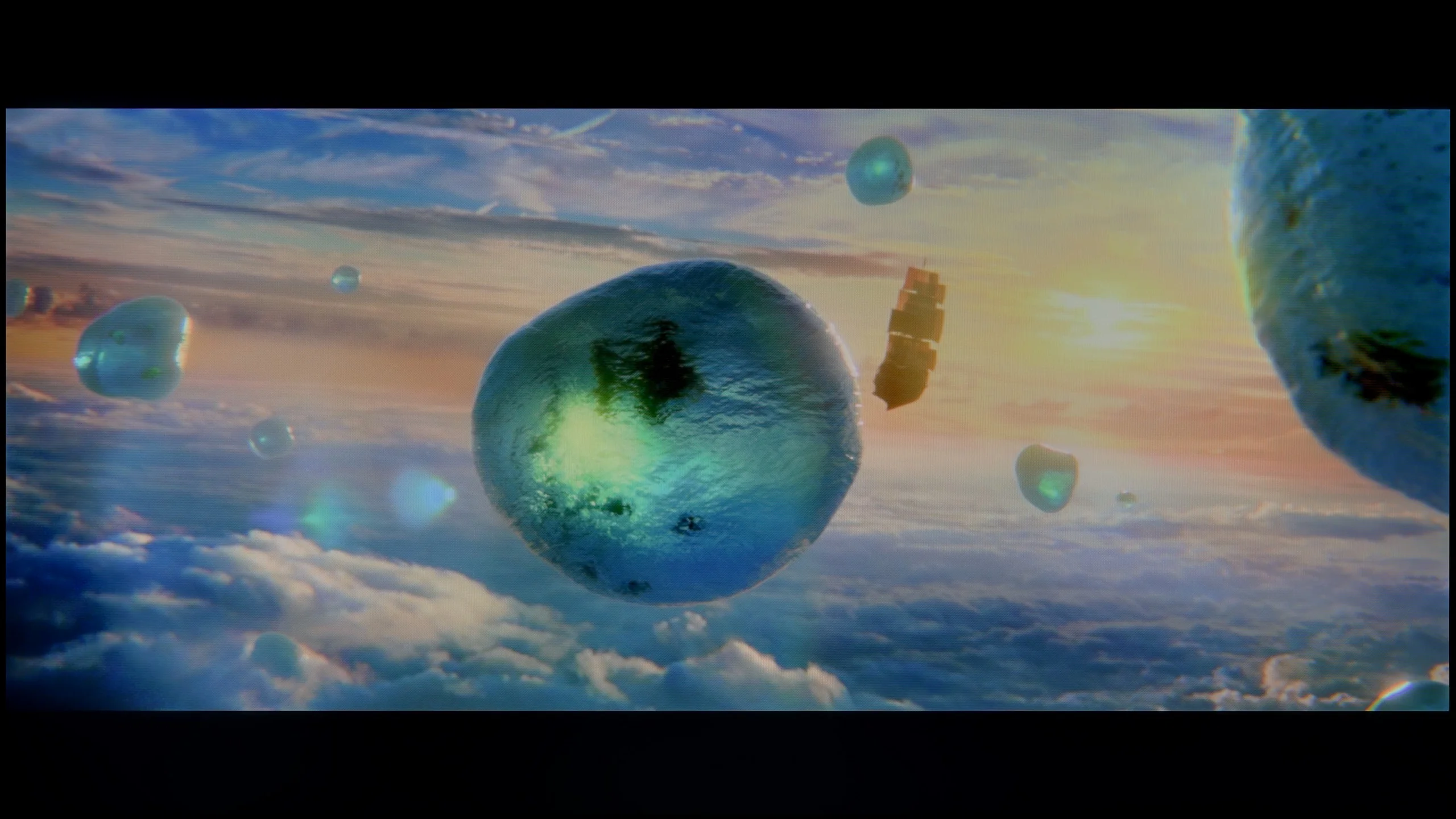
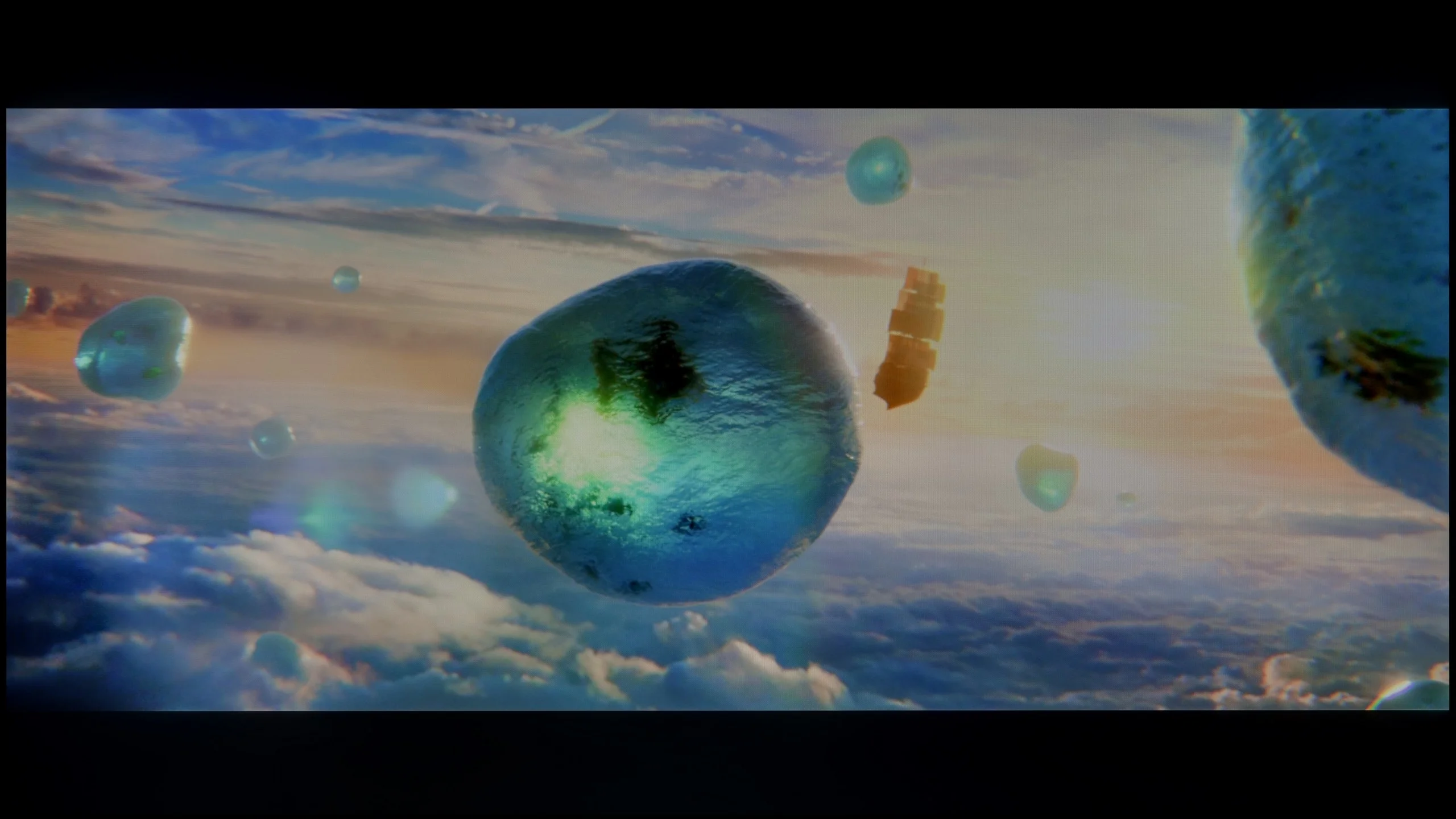
Scene from the movie “Pan” (about 2800 nits)
Scene from the movie “Billy Lynn” (about 1100 nits)

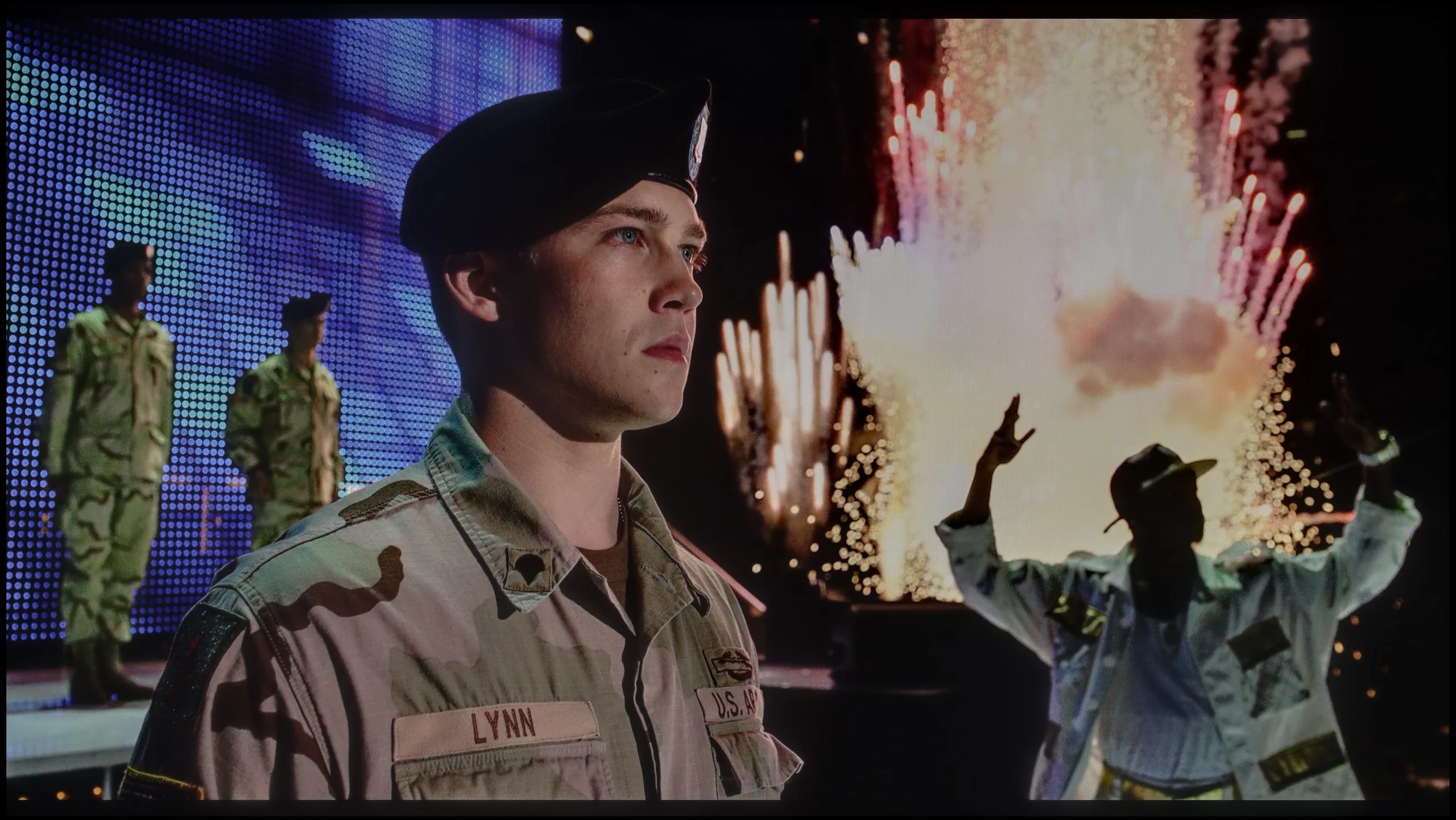
The photos show two HDR10 movies. 'Pan' is one of the brightest productions ever made, while 'Billy Lynn' (soldier) has brightness typical of streaming (Netflix, Prime, HBO MAX). Notice the intensity of effects and detail in whites.
Static HDR10


The photos present the visibility of white details in various HDR formats. They do not show brightness differences between TVs (these can be compared in the previous gallery).
HDR luminance chart:
Sony BRAVIA 2 II (S25M2)
Samsung Neo QLED QN70F / QN74F / QN77F
QN70F is a television that can positively surprise when it comes to brightness. In ideal testing conditions, it reaches even 800 nits, which – for this price range – is a really solid value. Of course, that’s a result from test patterns, so we decided to check how it performs in practice, on real films. Here, the television somewhat tempers its capabilities. In most of the tested scenes – e.g. in "The Meg" – the actual HDR brightness remained around 500 nits. That’s still a decent result, allowing you to enjoy HDR effects, although it’s far from perfection. On the other hand, we have a QLED screen with a quantum dot layer, which means very good colour reproduction capabilities. Colours are vivid and saturated. QN70F covers about 94% of the DCI-P3 colour space, and in the wider BT.2020 palette, it exceeds 75%, so in this respect, there’s nothing to be ashamed of.
Sony Bravia 2 II isn't a particularly bright TV and unfortunately that's immediately obvious in HDR. In our measurements brightness stayed around 300 to 330 nits, which is far too low for the brightest parts of the image to look truly impactful. In practice HDR here doesn't differ that much from regular SDR. Bright highlights, the sun or lamps are of course visible, but they lack the intensity you'd expect from HDR content. The Bravia 2 II is therefore much better suited to standard SDR material, where its limited brightness will be least noticeable.
Colour gamut coverage
The Sony Bravia 2 II also doesn't impress when it comes to colour. The TV doesn't use any extra gamut-expanding filter, such as the quantum dots found in QLED sets or a PFS phosphor layer. In our measurements it covered about 78% of the DCI-P3 gamut and roughly 57% of the very wide BT.2020. That's definitely too little to deliver truly saturated colours in HDR material. More intense reds, greens or turquoises will simply be less striking than on TVs with an expanded colour gamut. The Bravia 2 II is much better matched to the standard Rec.709 gamut used for films, series and SDR broadcast.
Factory color reproduction
7/10
5.3/10
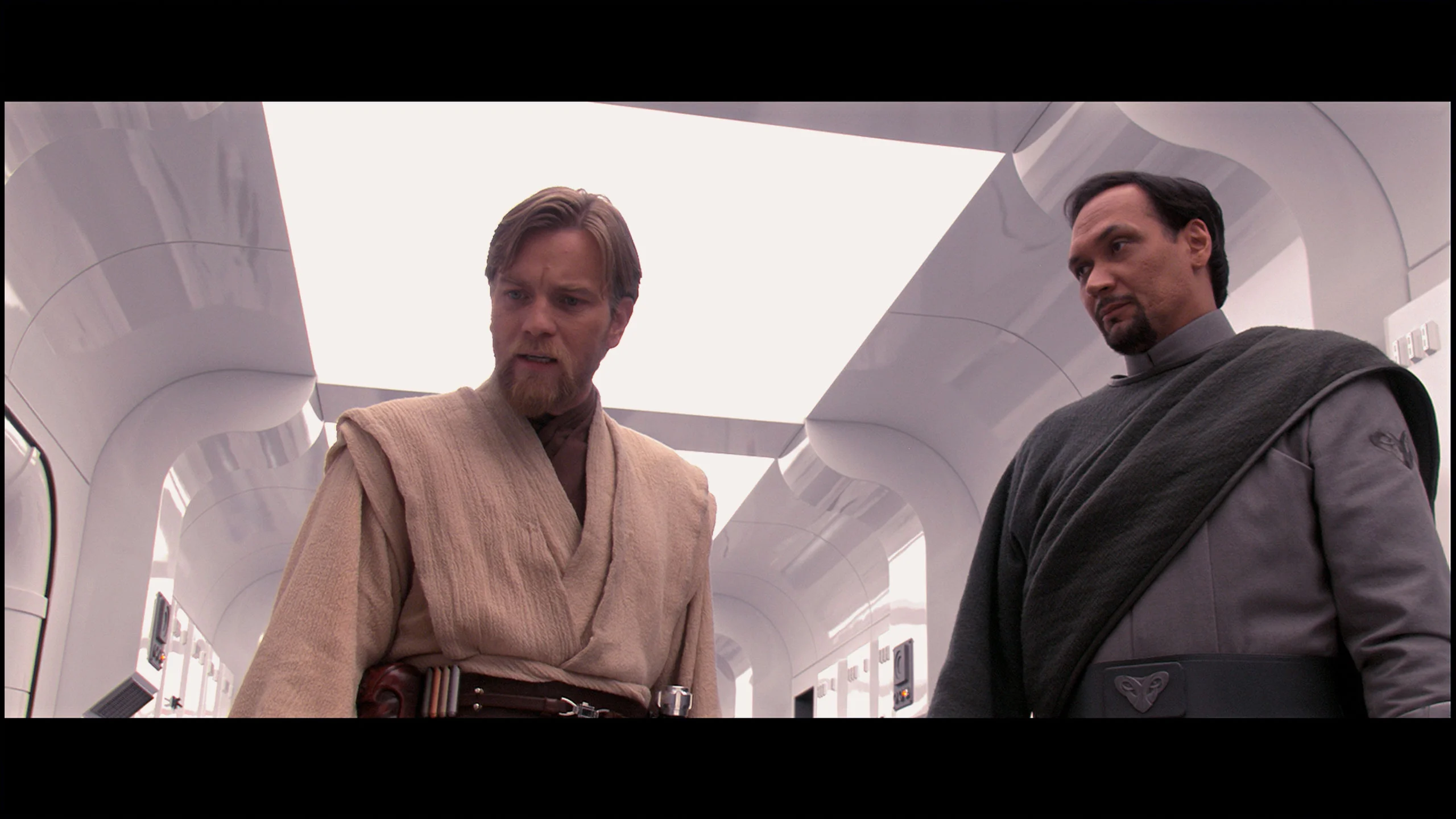
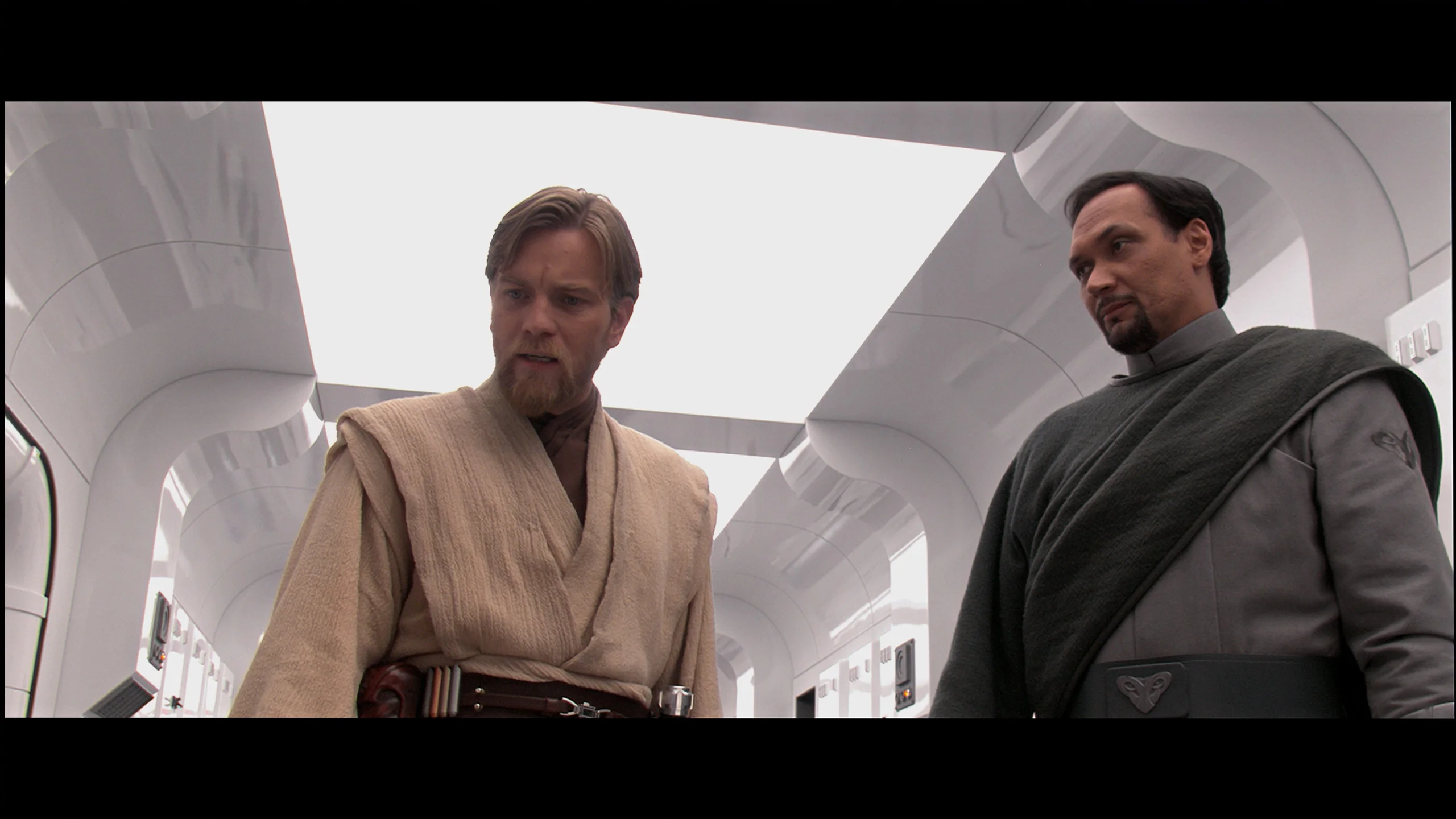
This gallery shows how colors change after professional TV calibration. If you notice the difference, we recommend ordering this service at SkalibrujTV.com.
Factory Mode
After calibration


This gallery shows how colors change after professional TV calibration. If you notice the difference, we recommend ordering this service at SkalibrujTV.com.
Factory Mode
After calibration
We tested the QN70F in the best default picture mode, which is Filmmaker Mode. And it must be admitted that in this particular test unit, the factory settings performed quite well. The picture was calm, natural, and despite slight deviations – pleasant to watch. The biggest error was a slight dominance of red in the white balance, which caused a slight pinkish tint over the entire scene. However, it wasn't a glaring flaw – rather subtle and only noticeable when directly compared to a properly calibrated screen. A slightly bigger issue arose in the brightness characteristics. The TV tends to lower the brightness of parts of the image that should be displayed brighter. As a result, some details can appear slightly dimmed – they don't completely disappear, but they don't stand out as clearly as they should. Nonetheless, as for a TV in this range and in these settings – we consider the result a good starting point for further calibration.
The out-of-the-box colour reproduction in Kino mode was really quite good, at least for ordinary SDR material. The Bravia 2 II had a slight tendency to boost reds, which made some colours lean a bit warmer, at times with a faint pinkish tint. That wasn't a major fault and during normal viewing the picture still looked fairly natural. There was a bit more going on with image brightness. Looking at the gamma curve, Sony doesn't stick perfectly to the reference value. The darkest areas are slightly lifted, while as brightness increases the gamma gradually rises and a large part of the image becomes darker than it should. However, the difference isn't big enough to seriously bother during everyday watching. Overall, SDR straight out of the box performs quite decently.
The situation is much worse in HDR. We've already mentioned the limited colour gamut, but on top of that the Bravia 2 II quite aggressively manipulates image brightness. The EOTF curve sits below the reference for much of the range, which means the TV renders most mid and brighter parts of the scene darker than the source material intends. Only towards the very end of the range does the curve flatten out, as the panel reaches the limits of its capabilities. Combined with a peak brightness of around 300 nits, this gives HDR that not only lacks much punch but can simply look too dark.
Color reproduction after calibration
8.5/10
7/10


The photos show how movies look on the TV. Pay attention to black detail visibility, colors, and shadow tint.


The photos show how movies look on the TV. Pay attention to black detail visibility, colors, and shadow tint.
After calibration, the QN70F shows that it can offer a really high level of colour reproduction. It has managed to nearly perfectly balance the white point, and the values in the Color Checker test dropped below level 3 – that is, below the threshold at which the average eye can notice differences. The image looks natural, and the colours are faithfully reproduced, without excessive saturation or the coolness known from factory settings. It must be acknowledged that Samsung provides very extensive calibration options – not only for enthusiasts but also for professionals. The QN70F takes advantage of this potential and, after appropriate settings, can come close to significantly more expensive models in terms of colour accuracy. The only thing that could still be picked on is the brightness characteristic. There is still a tendency to brighten the smallest sections of the image – particularly those that should remain darker. However, this is a design feature of this model, not a calibration error. Despite this, the final result definitely deserves recognition.
Calibration did a lot for the Bravia 2 II, especially with SDR content. Above all, we managed to even out the white balance and tidy up the gamma, which now stays much closer to the reference value. As a result, the image no longer has the earlier pink cast, and the brightness across different areas is much better organised. You can also see it in the colour errors, which after calibration dropped to a very low level (with only minor issues in the most saturated reds).
We also partly managed to rein in the Bravia 2 II in HDR, especially in the way the TV handles image brightness. However, there is one thing no calibration can fix: the panel's capabilities. A narrow colour gamut means the TV physically can't reproduce the most saturated colours recorded in HDR content. On top of that, the low contrast of the IPS panel causes darker scenes to be covered in a grey haze, which robs colours of some of their depth. So we can improve how the Bravia 2 II uses its capabilities, but we can't overcome the panel's inherent limitations.
Smoothness of tonal transitions
9/10
8/10
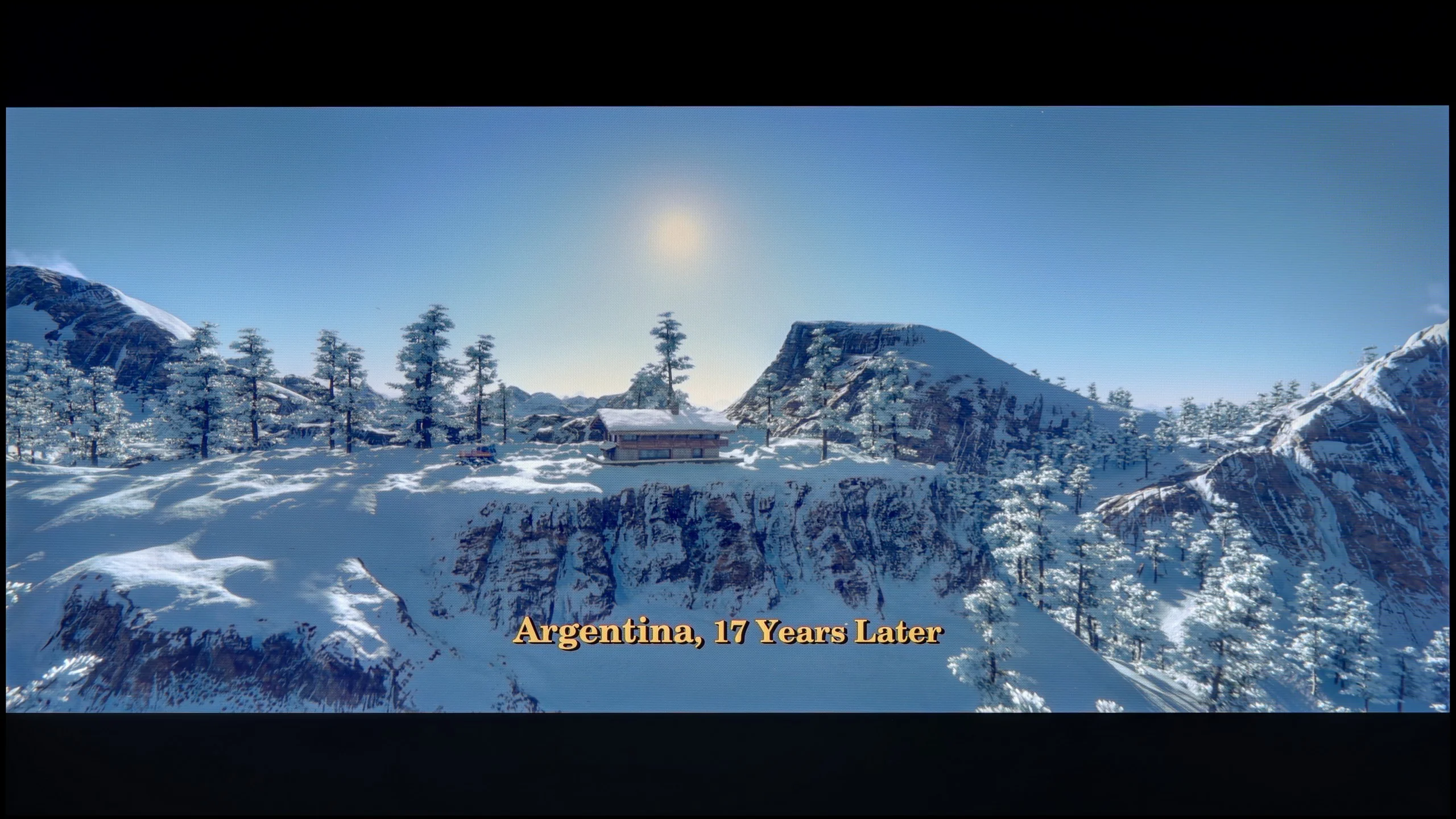
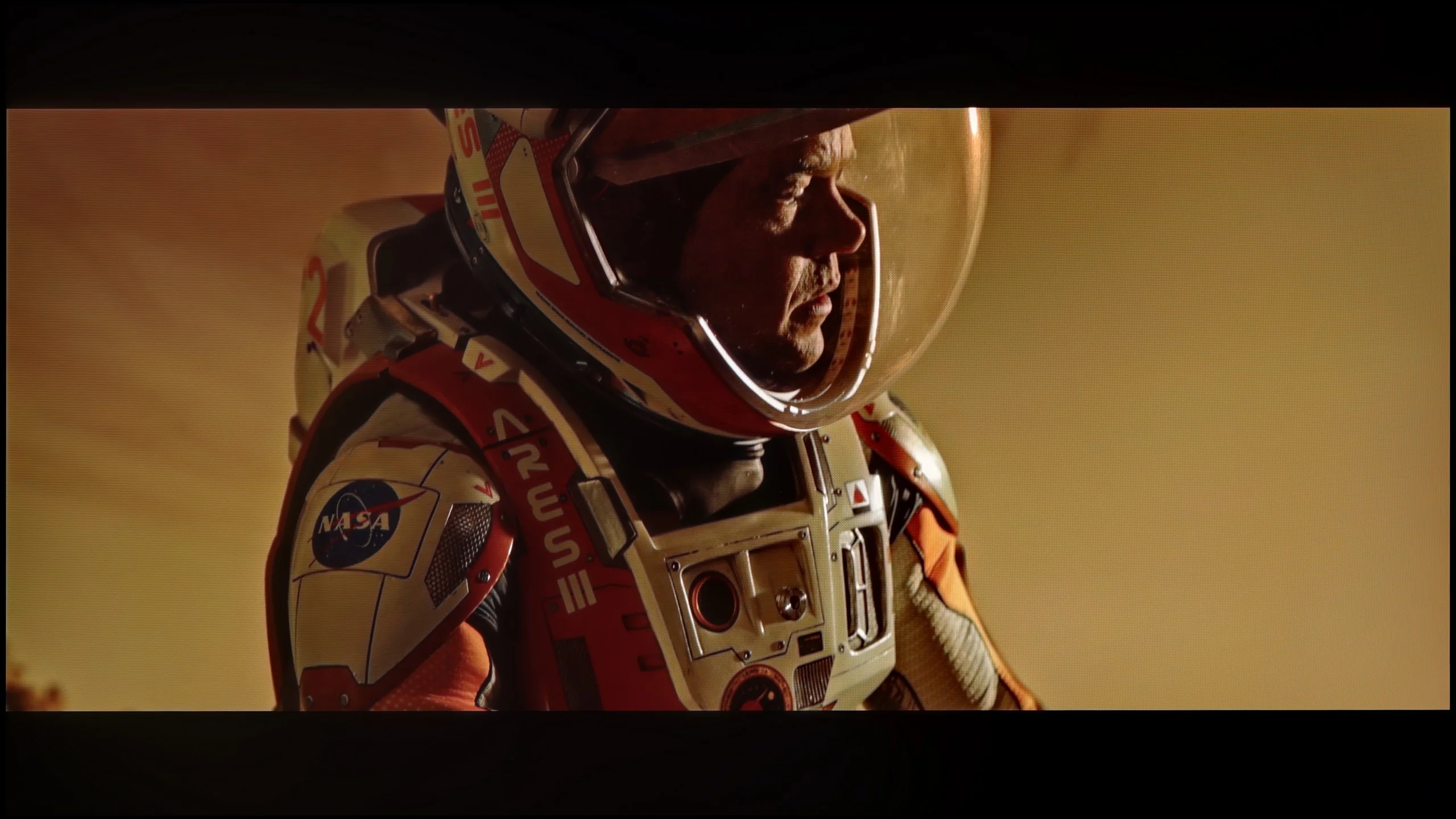
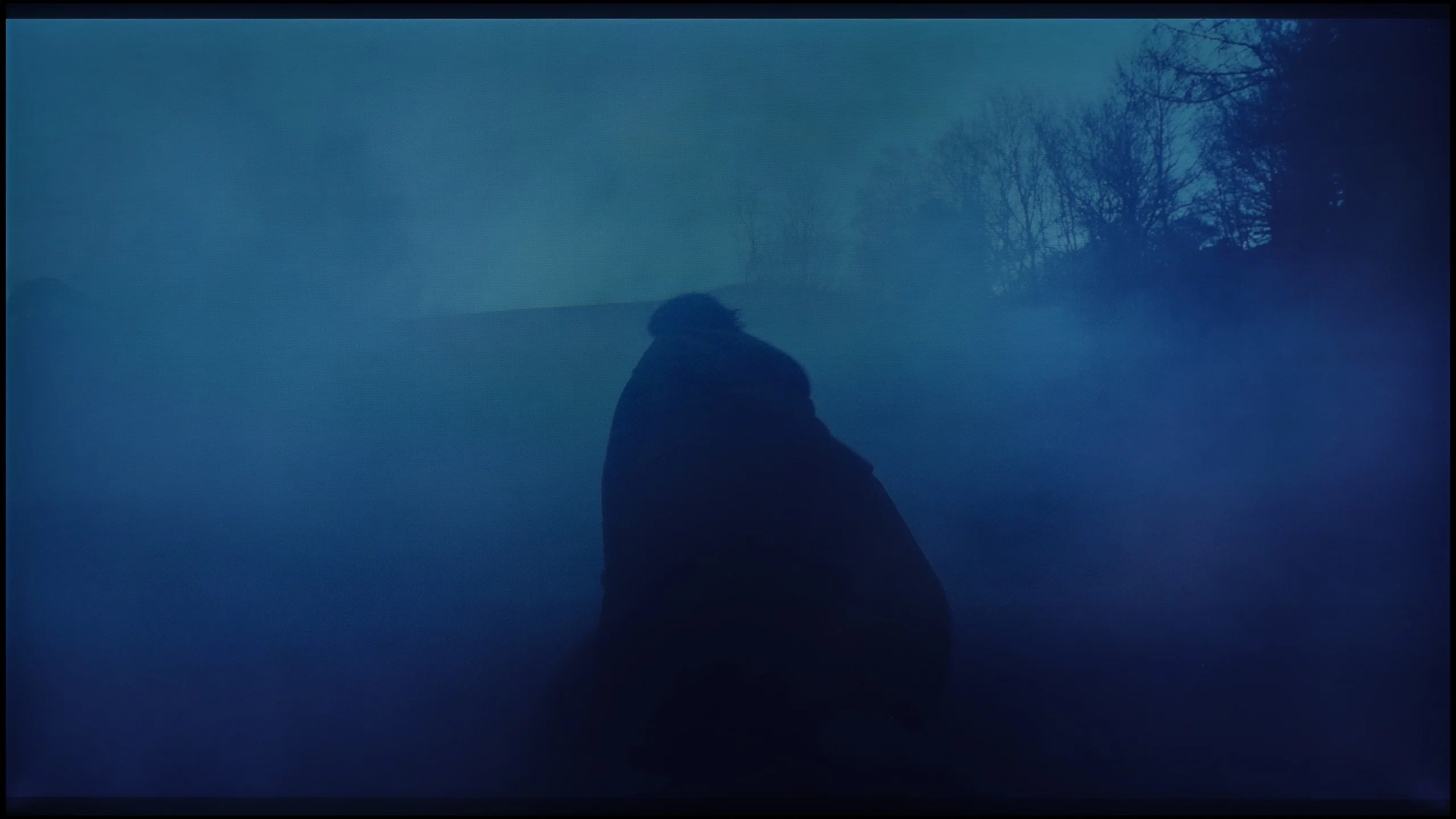
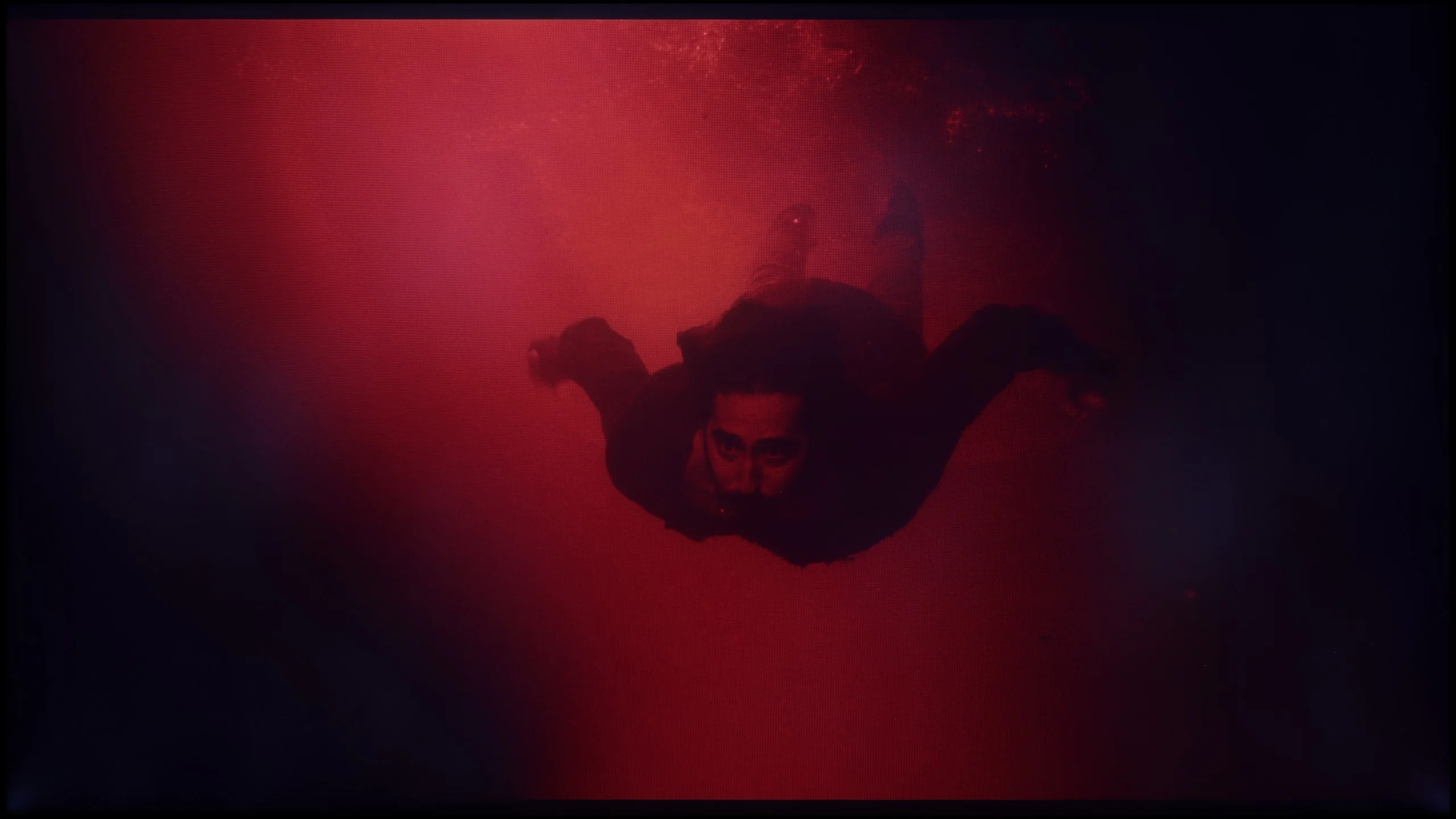
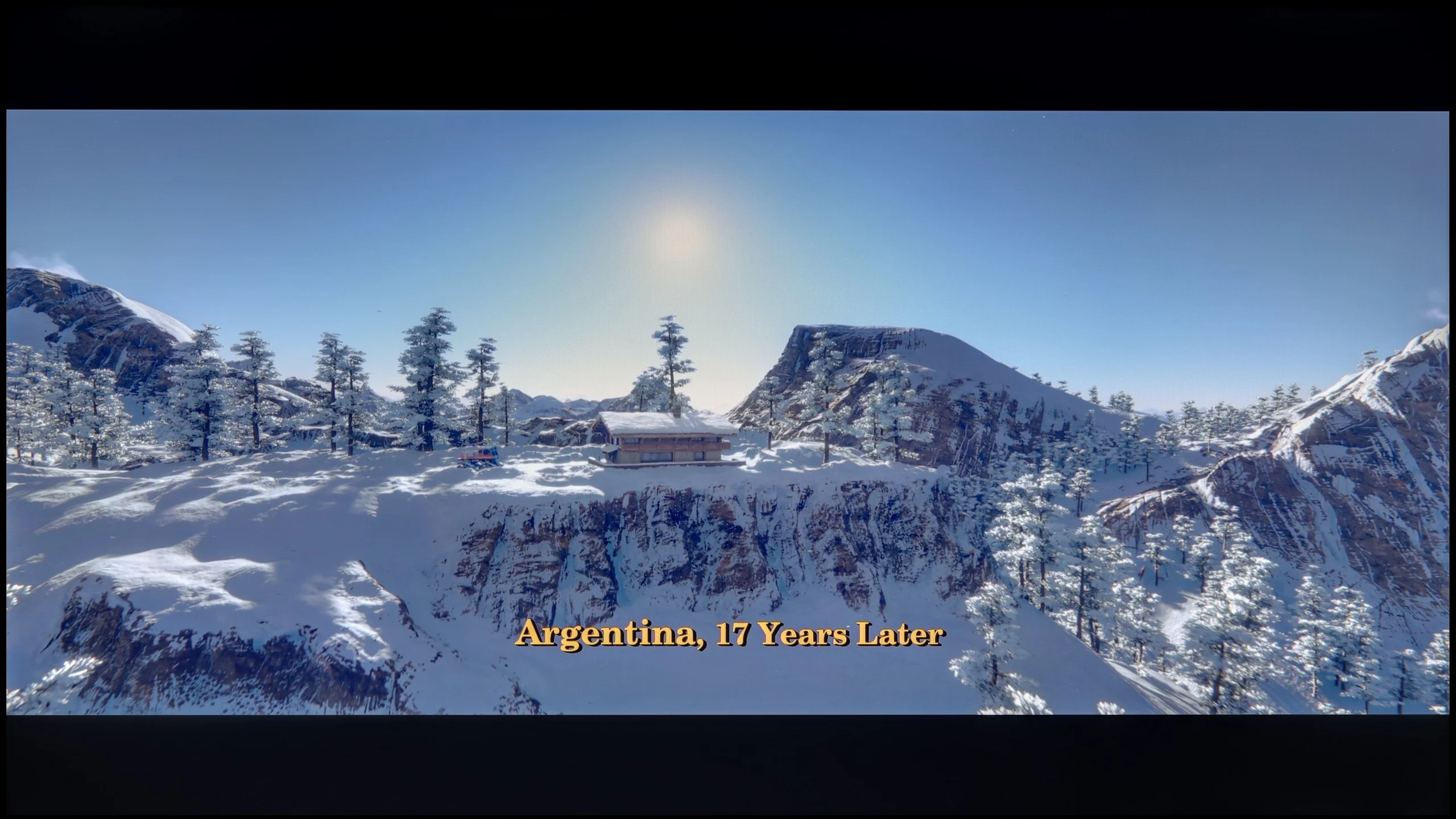
These are selected scenes that show smooth tonal transitions from one color to another. If you see distinct banding, it’s the TV panel’s fault.
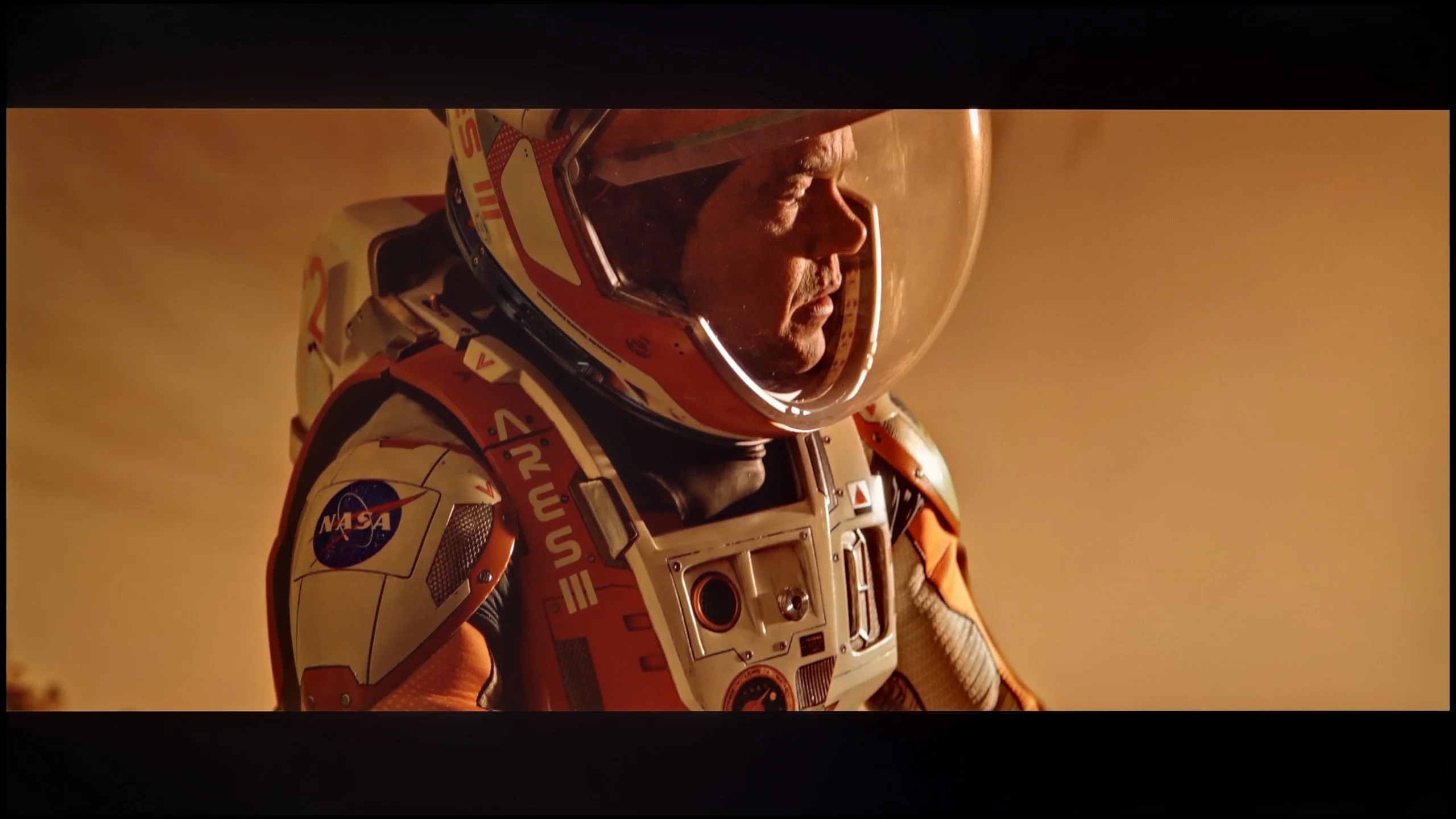
These are selected scenes that show smooth tonal transitions from one color to another. If you see distinct banding, it’s the TV panel’s fault.
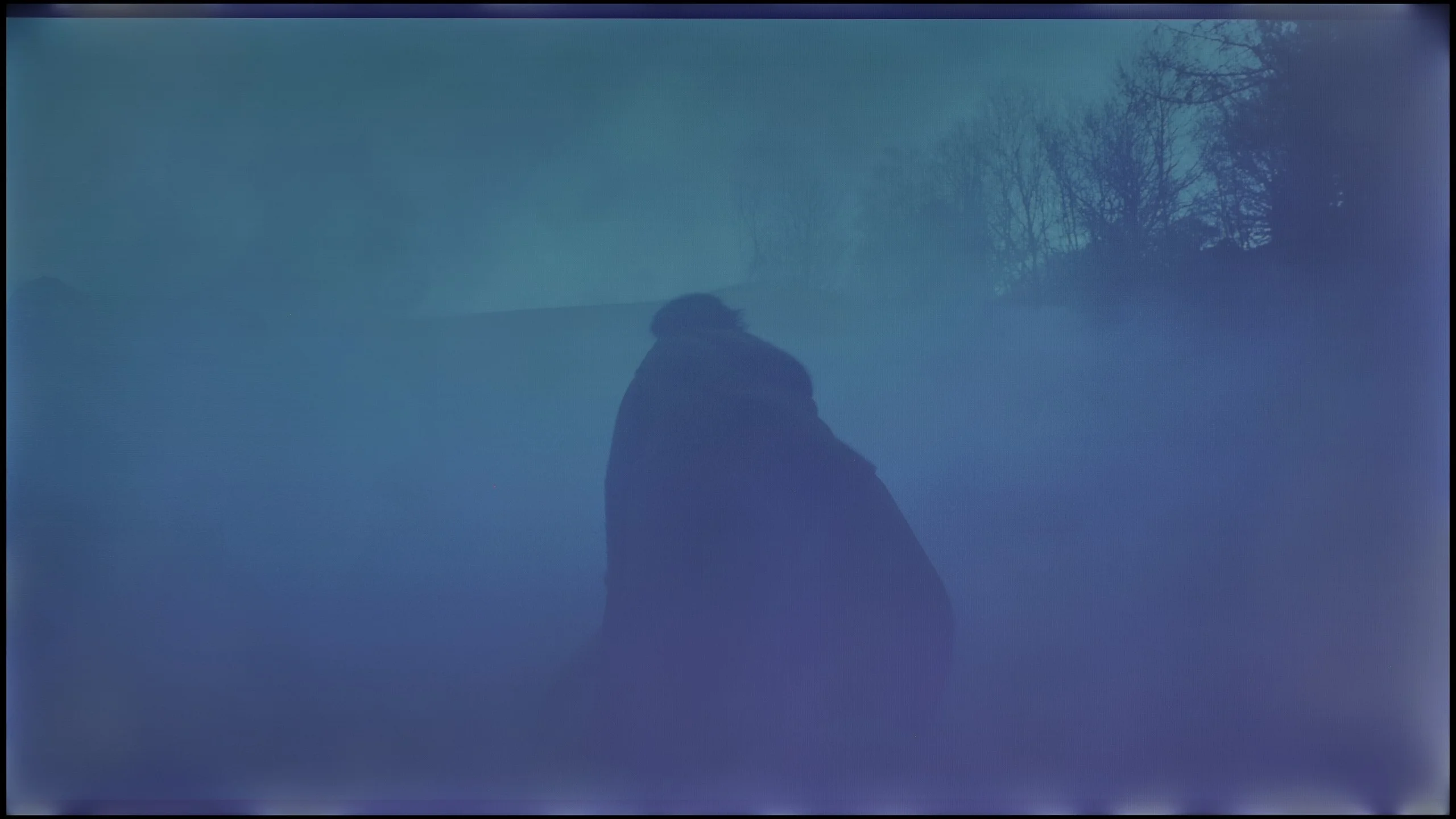
These are selected scenes that show smooth tonal transitions from one color to another. If you see distinct banding, it’s the TV panel’s fault.
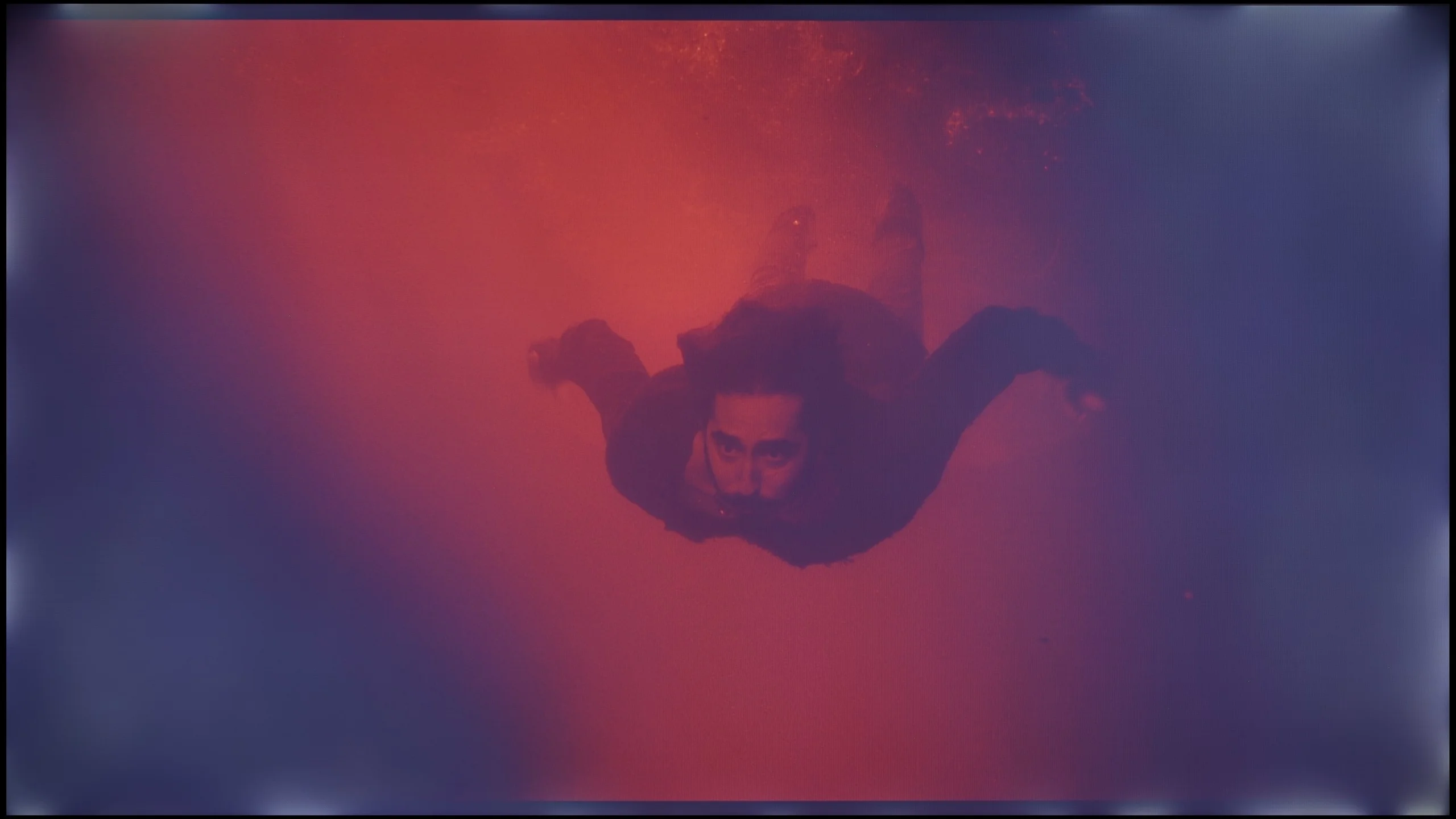
These are selected scenes that show smooth tonal transitions from one color to another. If you see distinct banding, it’s the TV panel’s fault.
In terms of the smoothness of tonal transitions, the QN70F performs really well. Gradients are smooth, and colours blend into each other without distinct thresholds or banding. Even in more challenging movie scenes – particularly those that are very dark – any potential imperfections are minimal, and you really have to pay attention to notice them. In everyday viewing, most users should not encounter any issues with colour blending. The picture looks clean and cohesive, without artificial smoothing or distortions. This is another aspect in which the QN70F impresses positively.
The smoothness of tonal transitions on the Bravia 2 II is pretty good, though it depends a lot on the scene. In brighter parts of the picture the gradation is smooth and it's hard to spot any major issues. It gets worse in very dark shots. In scenes with many dark tones you can already see distinct banding between successive shades. So it's not perfect, but with most everyday content the issue shouldn't be particularly noticeable.
Image scaling and smoothness of tonal transitions
6.9/10
6/10


Smooth transition function
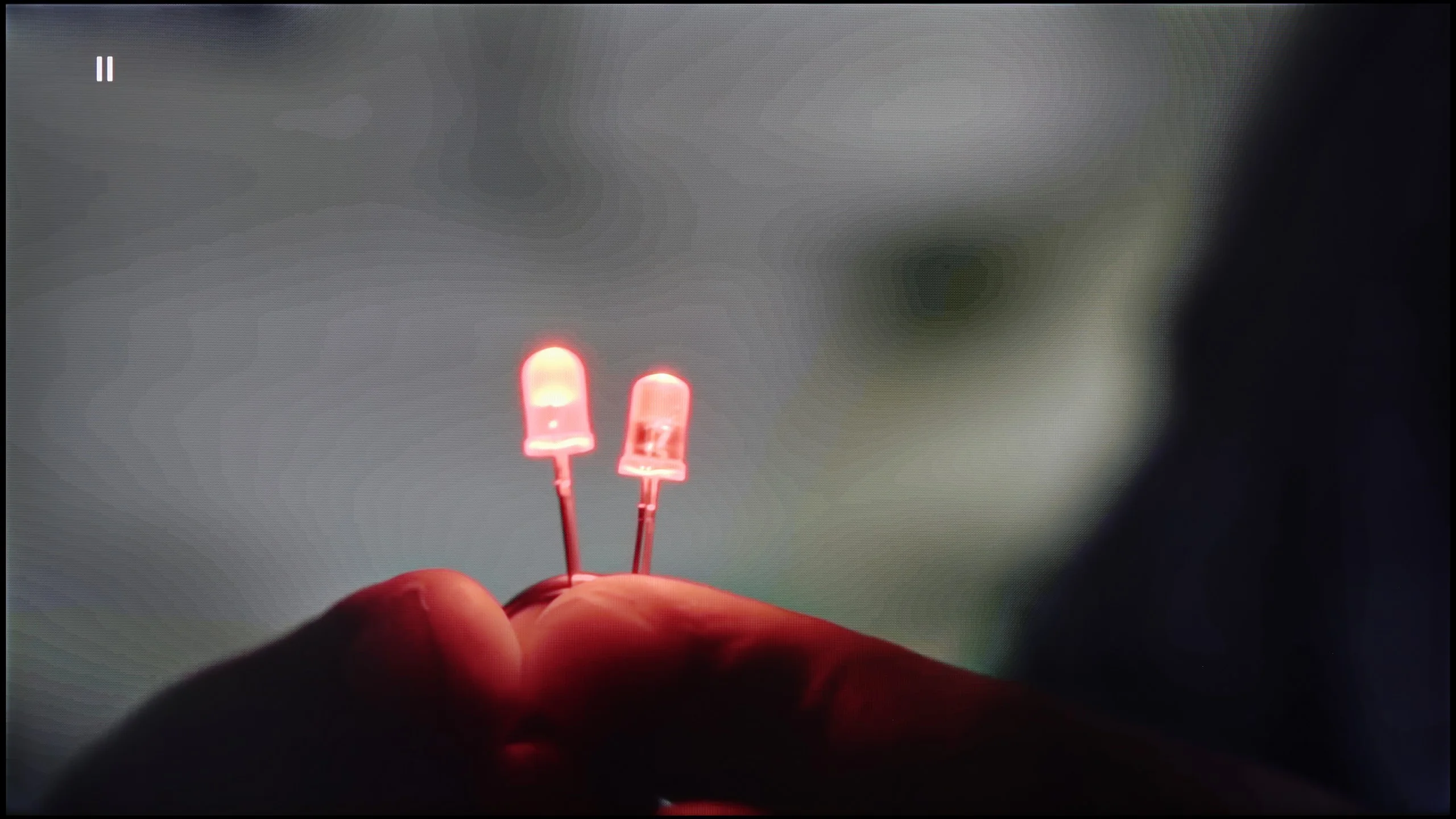
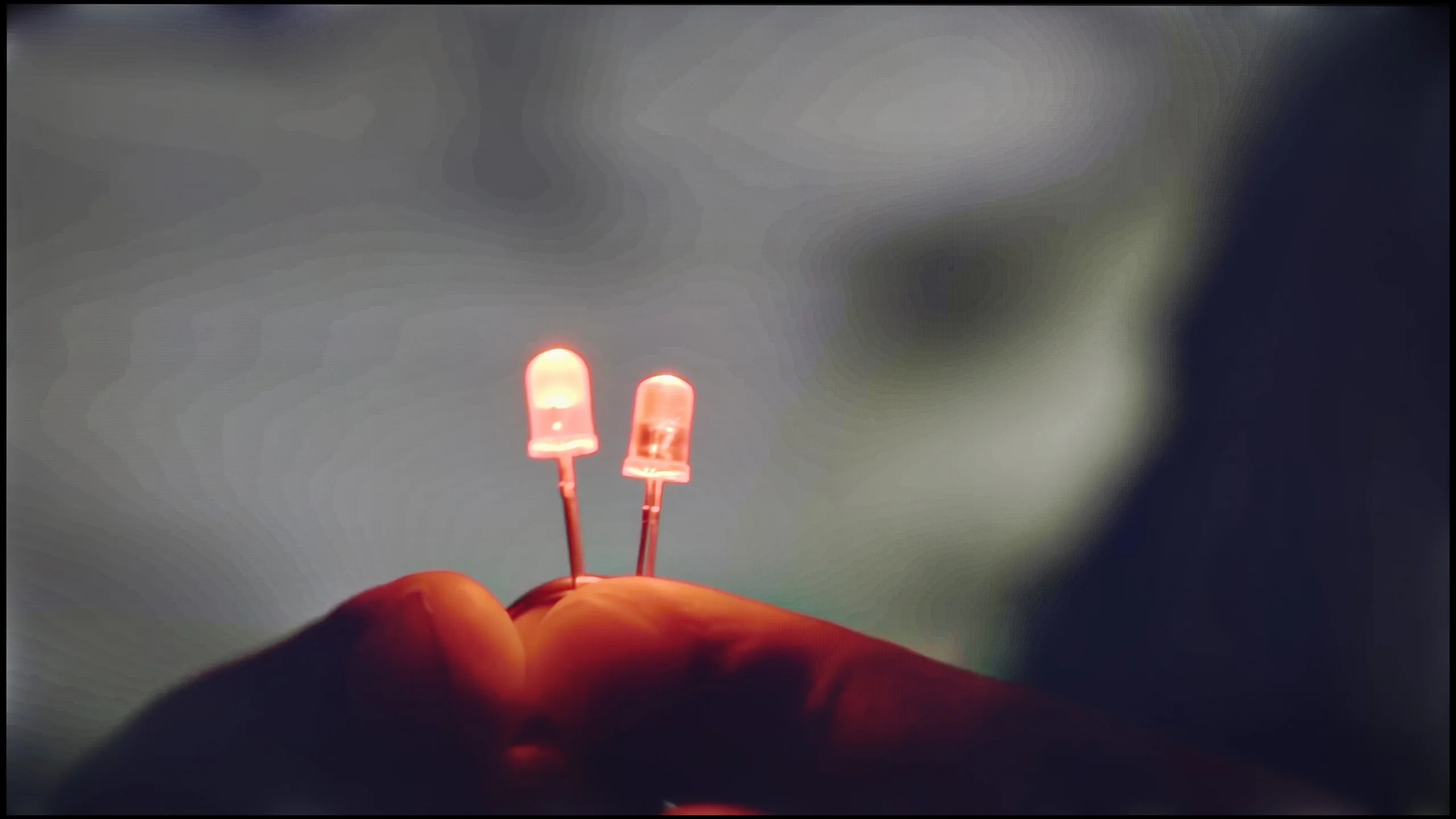
The match photo shows how the TV smooths weak tonal transitions in low-quality video.
Image scaling SD (576i)


The model photo shows how it handles upscaling of SD material.
Samsung QN70F offers a distortion reduction feature that improves the smoothness of tonal transitions. In "Standard" mode, it works quite well – smoothing out problematic transitions without significantly interfering with the structure of the image. Film grain is partially removed, but details like texture and skin structure remain visible. "High" mode operates much more aggressively. The smoothing is stronger, but at the cost of a noticeable loss of detail. Therefore, in practice, we recommend sticking with the "Standard" setting or turning off this feature altogether. The improvement in gradation may be less spectacular, but the image retains more naturalness.
When it comes to upscaling low-quality content, the QN70F performs very well. Tests with lower resolution images went really well. Despite some slight aliasing of contours, everything looks clean and clear, even if the original content was very poor quality. It's just a pity that the television has an overscan issue that cannot be completely turned off. As a result, images with very low resolution may be slightly cropped, which is mainly noticeable on subtitles or the interface.
Upscaling on the Bravia 2 II performs quite well and the TV maintains the standard we've come to expect from Sony. Lower-resolution material is sensibly upscaled to 4K, and the image is slightly smoothed without excessive edge sharpening. It's less successful at dealing with content that shows visible compression artefacts. That's down to the "Digital Noise Reduction" function, which on the "High" setting can smooth some ugly banding. The problem is it does so quite aggressively and, along with the imperfections, removes a lot of fine detail, including natural film grain. What's more, when there's more motion on screen its effectiveness drops considerably and the improvement is minimal. For that reason we generally didn't use this feature for everyday viewing.
Blur and motion smoothness
7.5/10
5/10
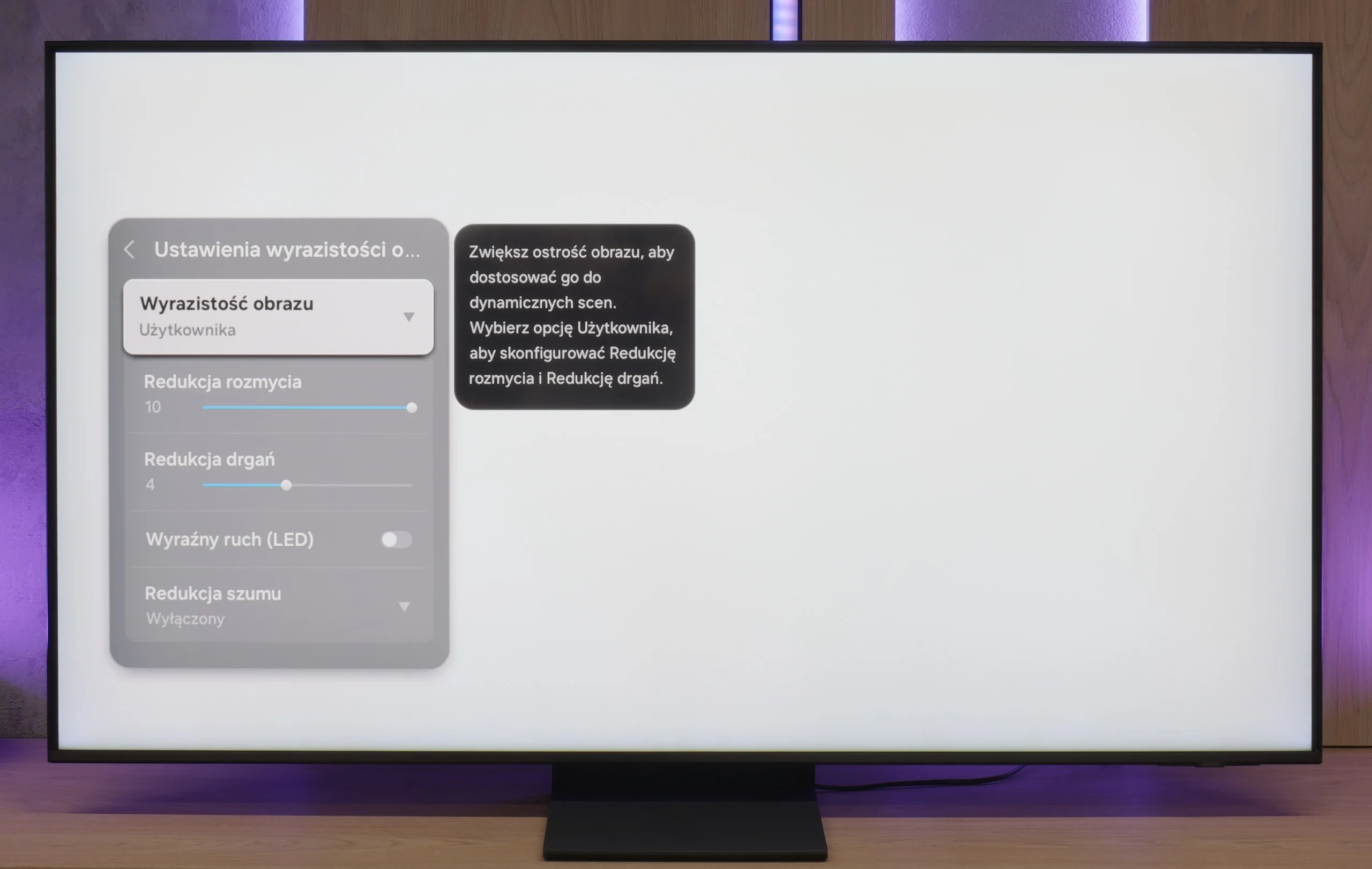
Blur (native resolution, maximum refresh rate):
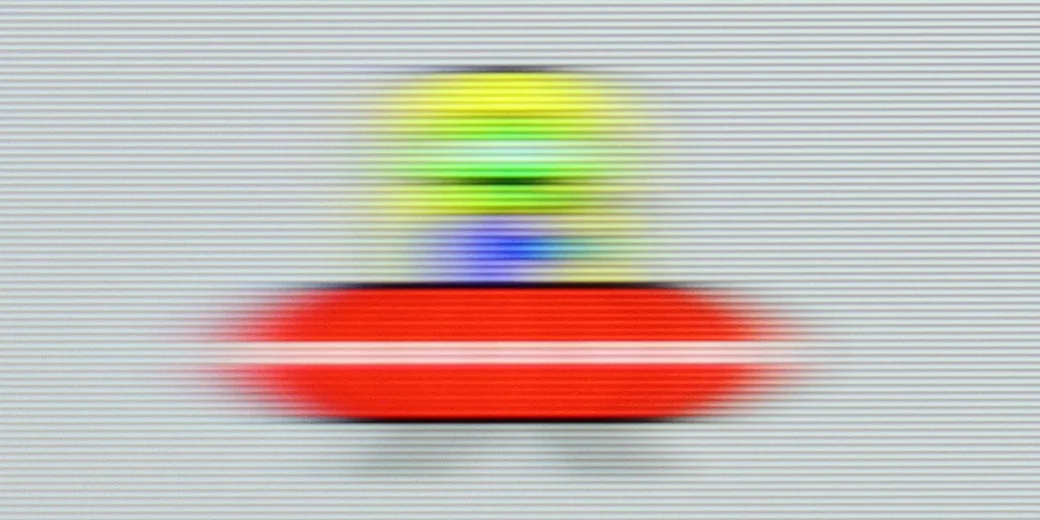
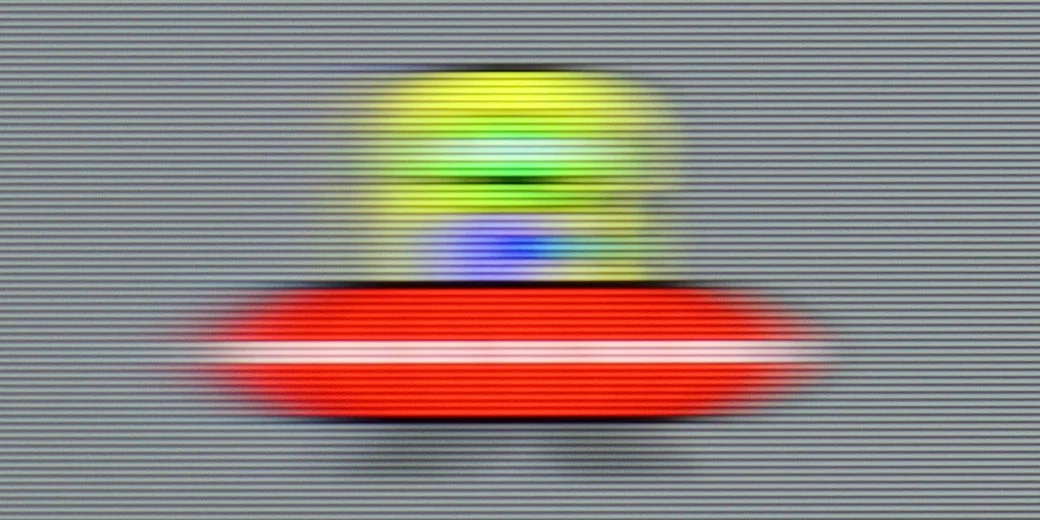
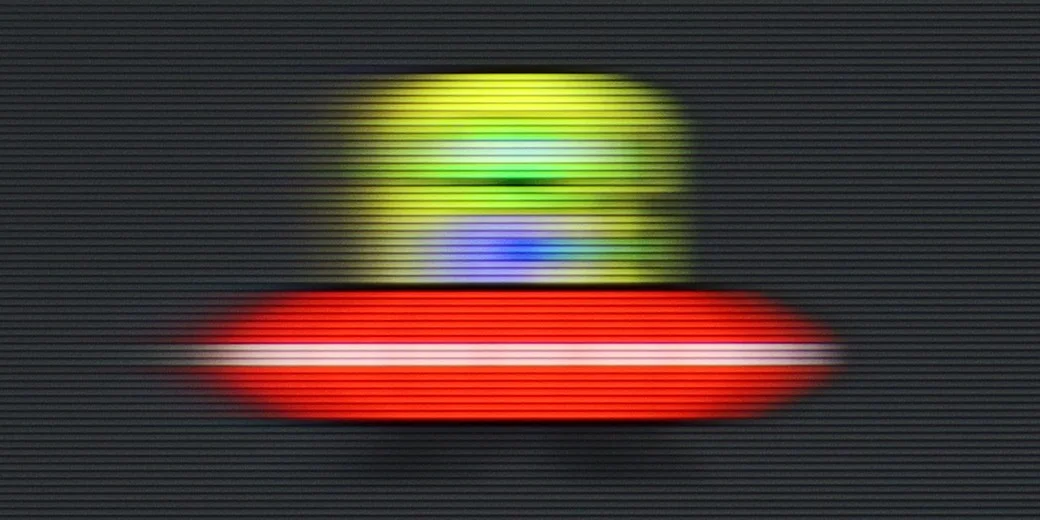
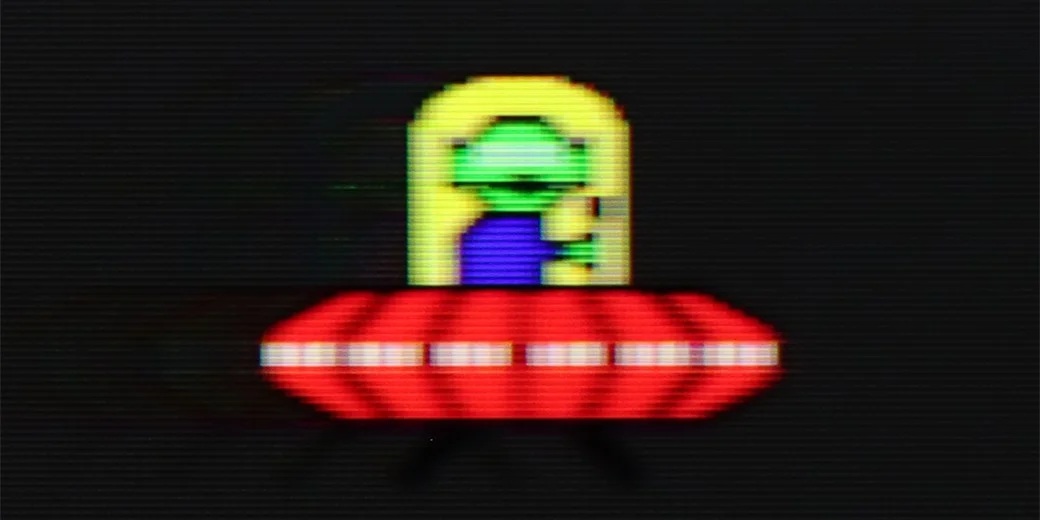
Blur (BFI function enabled):
Image flickers in this mode


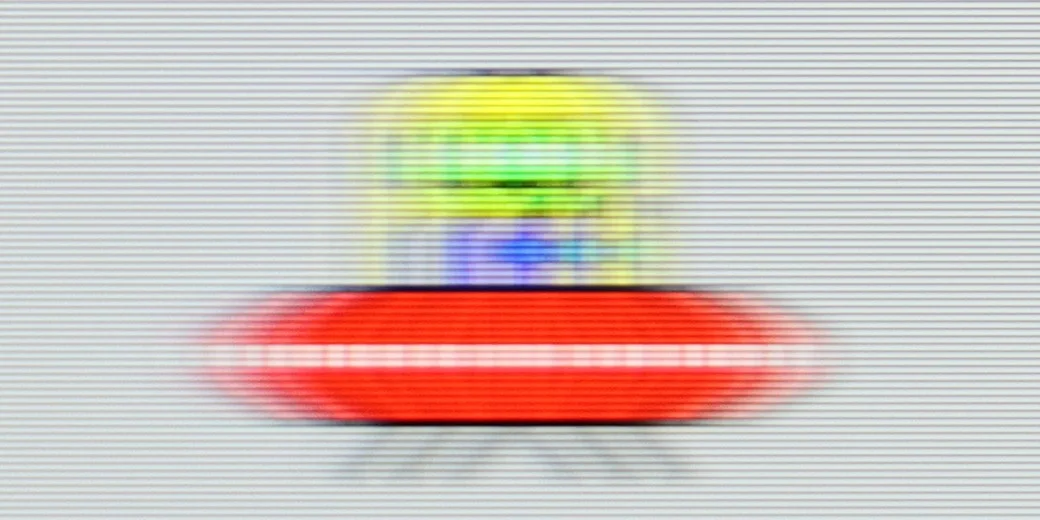
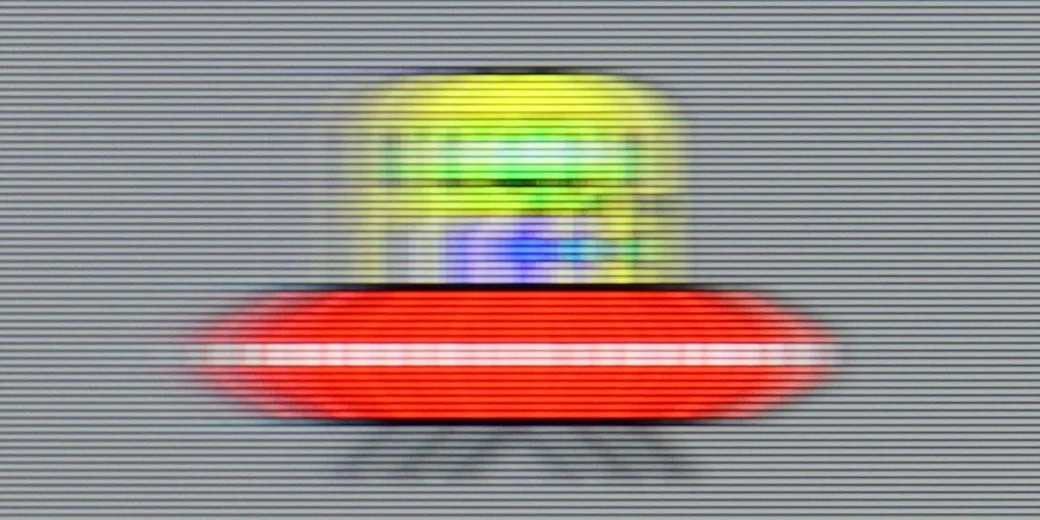
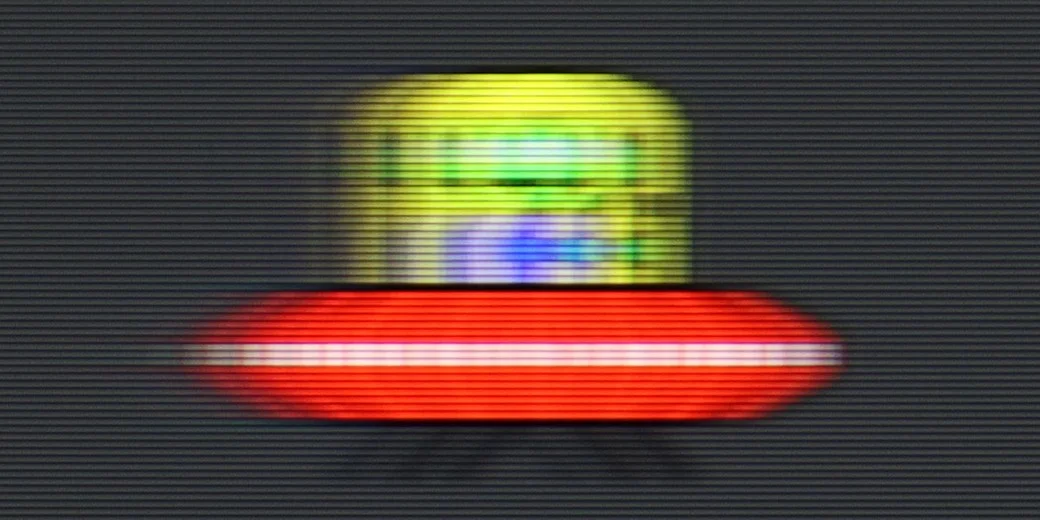
Blur (4K 144Hz):
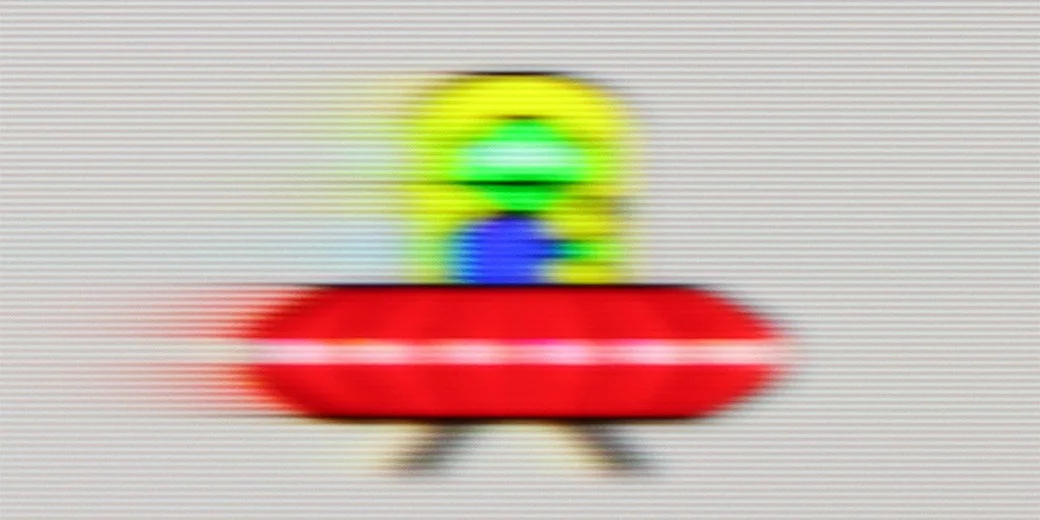
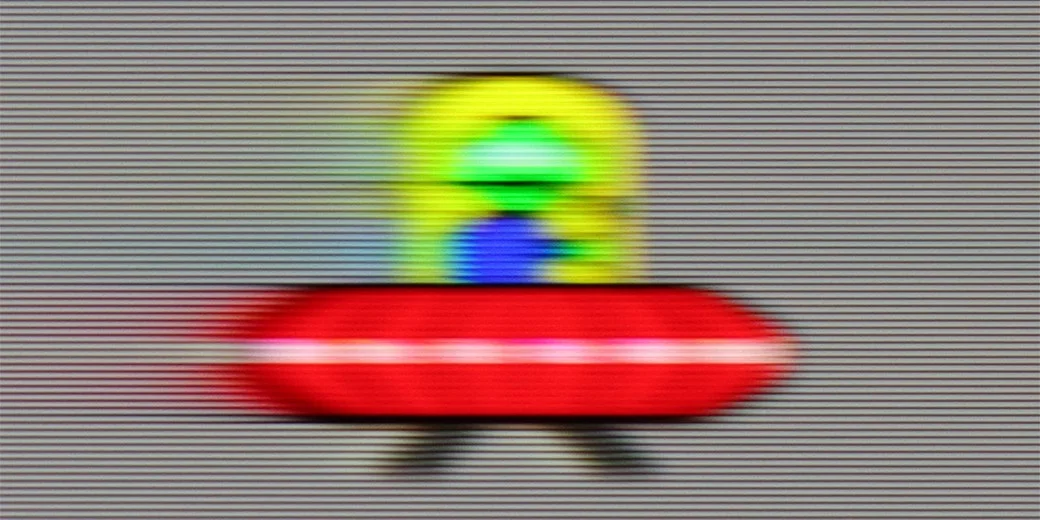
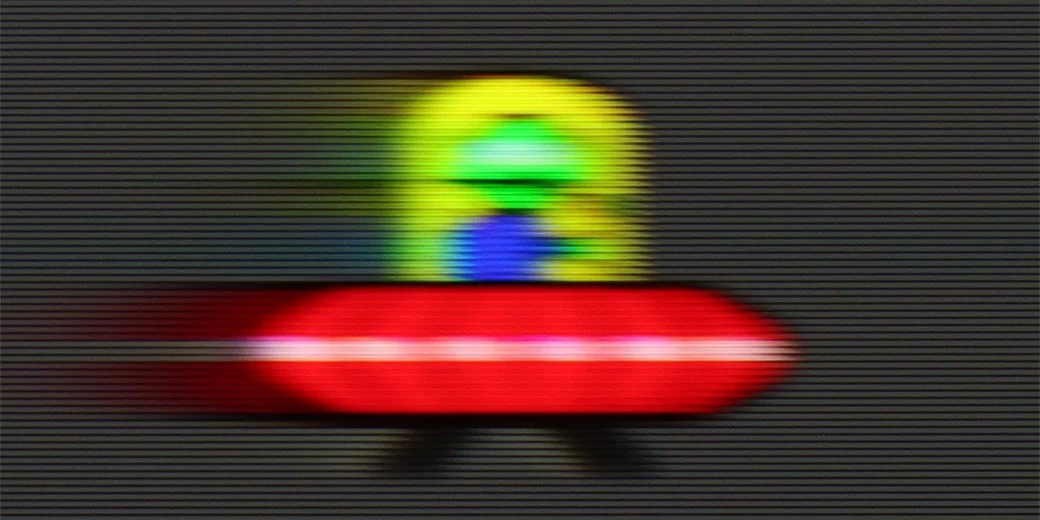
Blur ():
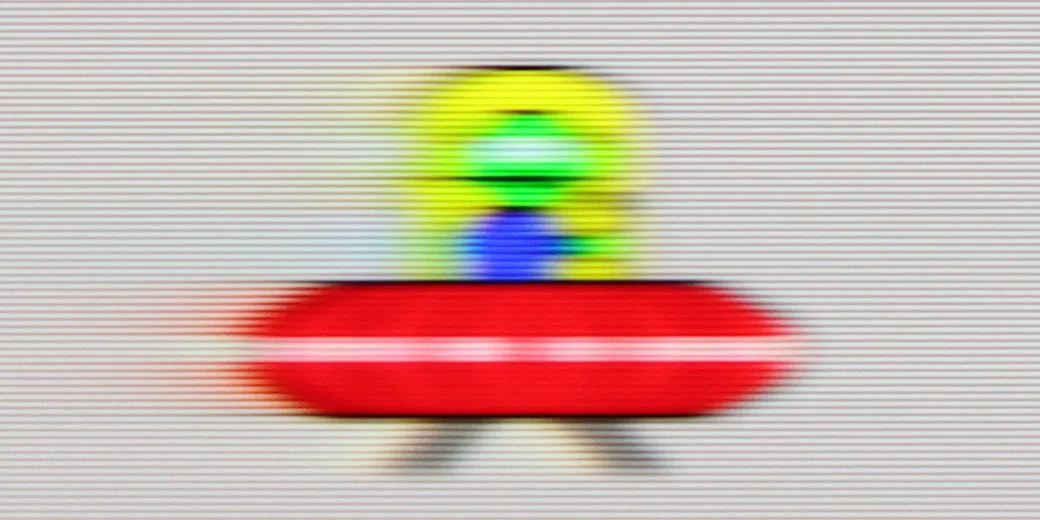
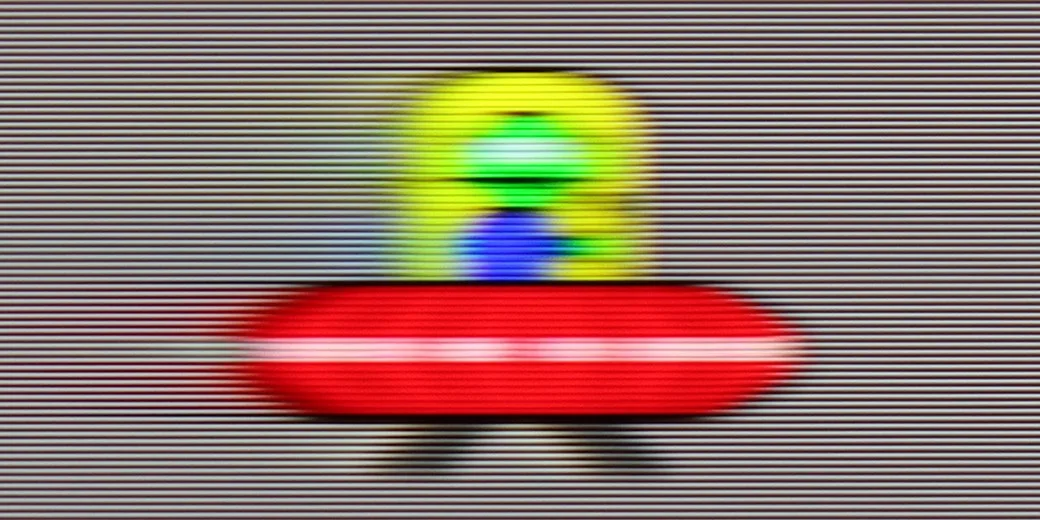
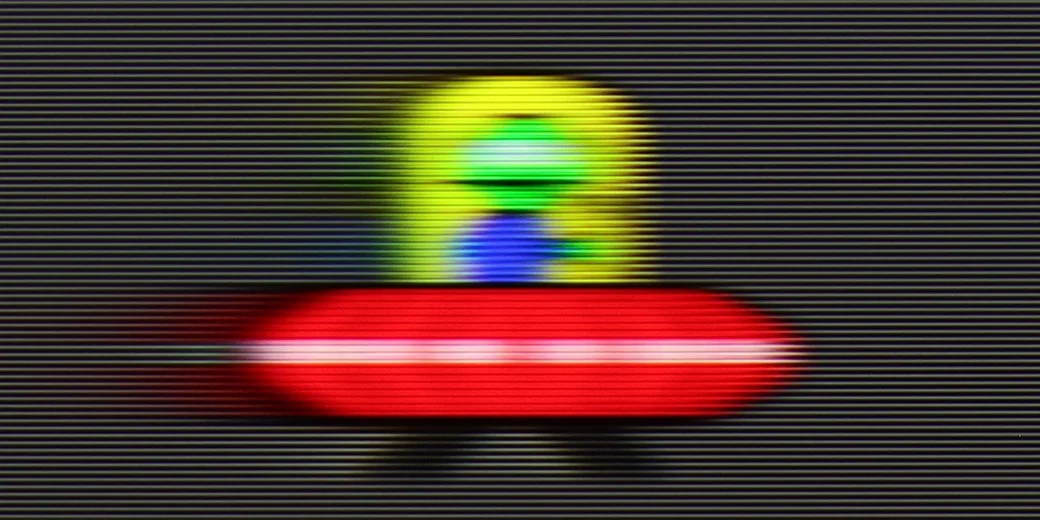
The QN70F is a television with a refresh rate of 144 Hz, which in itself places it among the best when it comes to image smoothness. Whether we're watching fast-paced sports broadcasts or gaming on a console – the picture looks fantastic. There's no sense of stuttering, clipping, or the typical "judder" seen in lower-end models during fast motion. Samsung also allows you to adjust the smoothness to your own preferences. In the picture clarity settings, we find options such as motion blur reduction and judder reduction – each of which can be adjusted independently. This is especially useful when we are watching content with a lower frame rate and want to give it a smoother, more cinematic feel – or conversely, maintain the natural filmic "feel" of 24 frames.
Bravia 2 II uses a 60 Hz panel and, for what it is, handles motion quite well. However, bear in mind it’s an entry-level panel and its limitations are especially noticeable with sports. The TV can’t interpolate 50/60 fps material to a higher refresh rate, so it can’t further improve the sharpness of fast-moving objects. For films and series there’s a conventional motion-smoothing feature that can reduce the judder typical of 24 fps material.
Console compatibility and gaming features
8.2/10
3.3/10
- ALLM
- VRR
- VRR range48 - 144Hz
- Dolby Vision Game Mode
- Correct implementation of HGIG
- 1080p@120Hz
- 1440p@120Hz
- 4K@120Hz
- Game bar
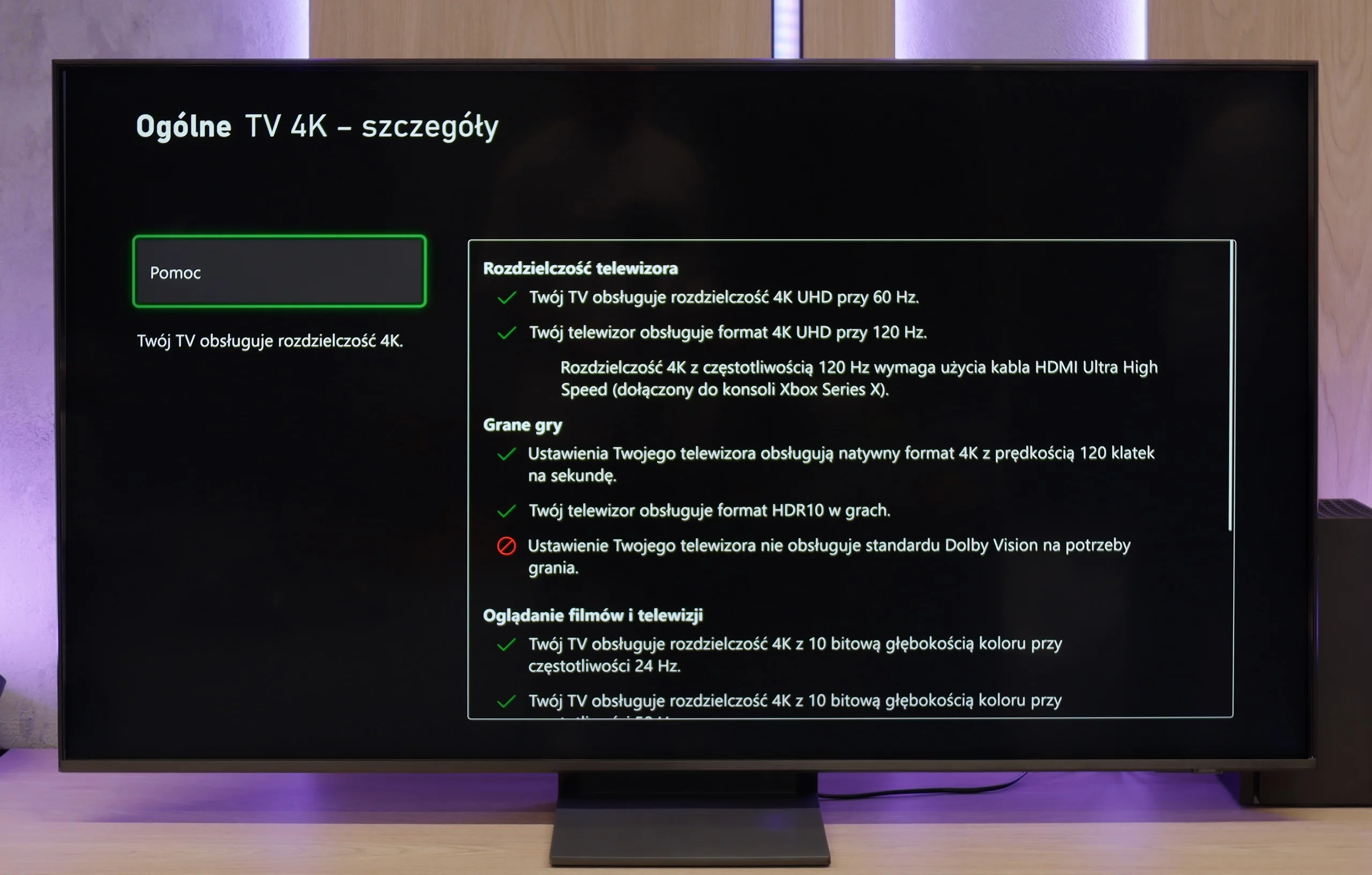
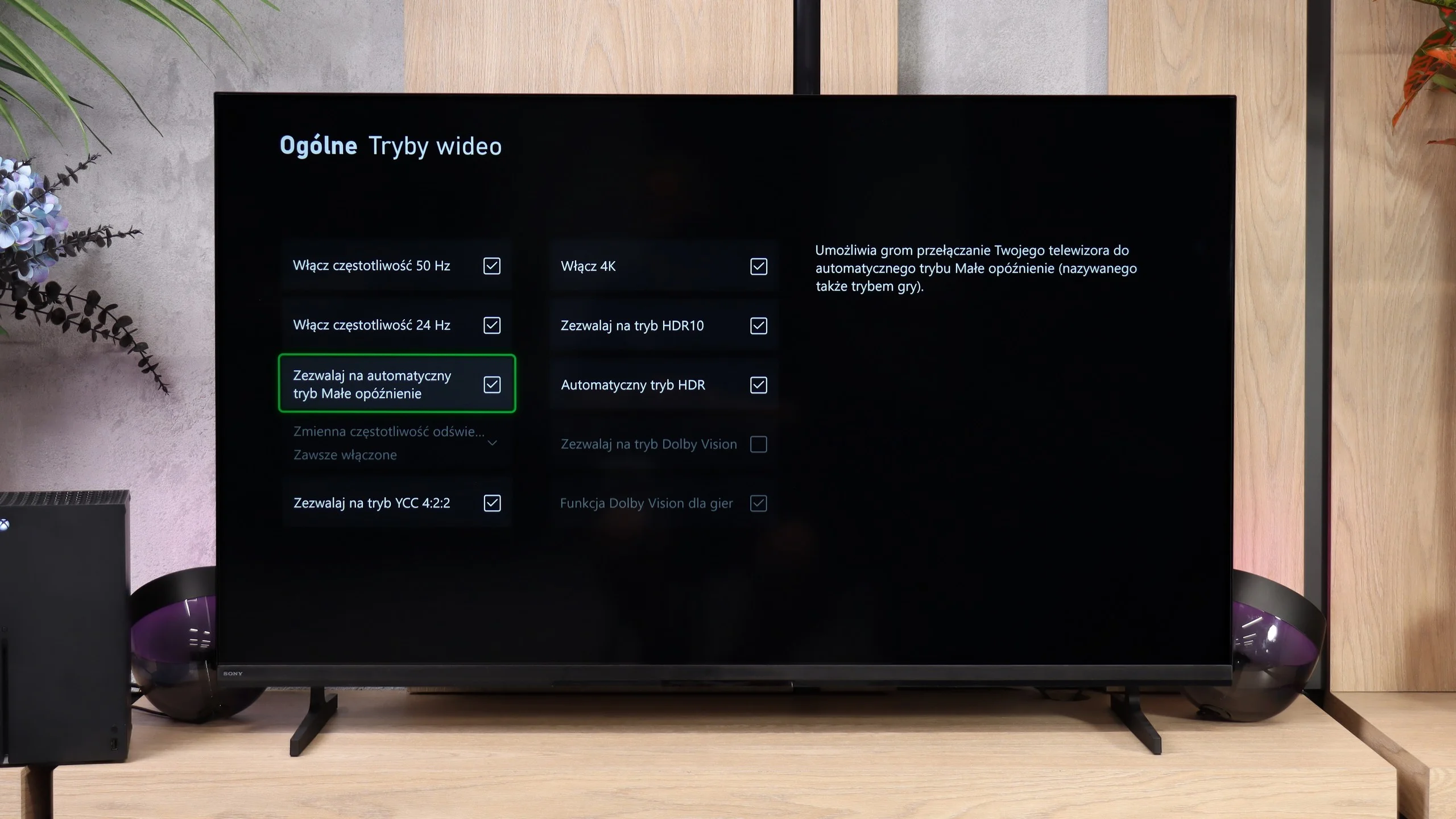
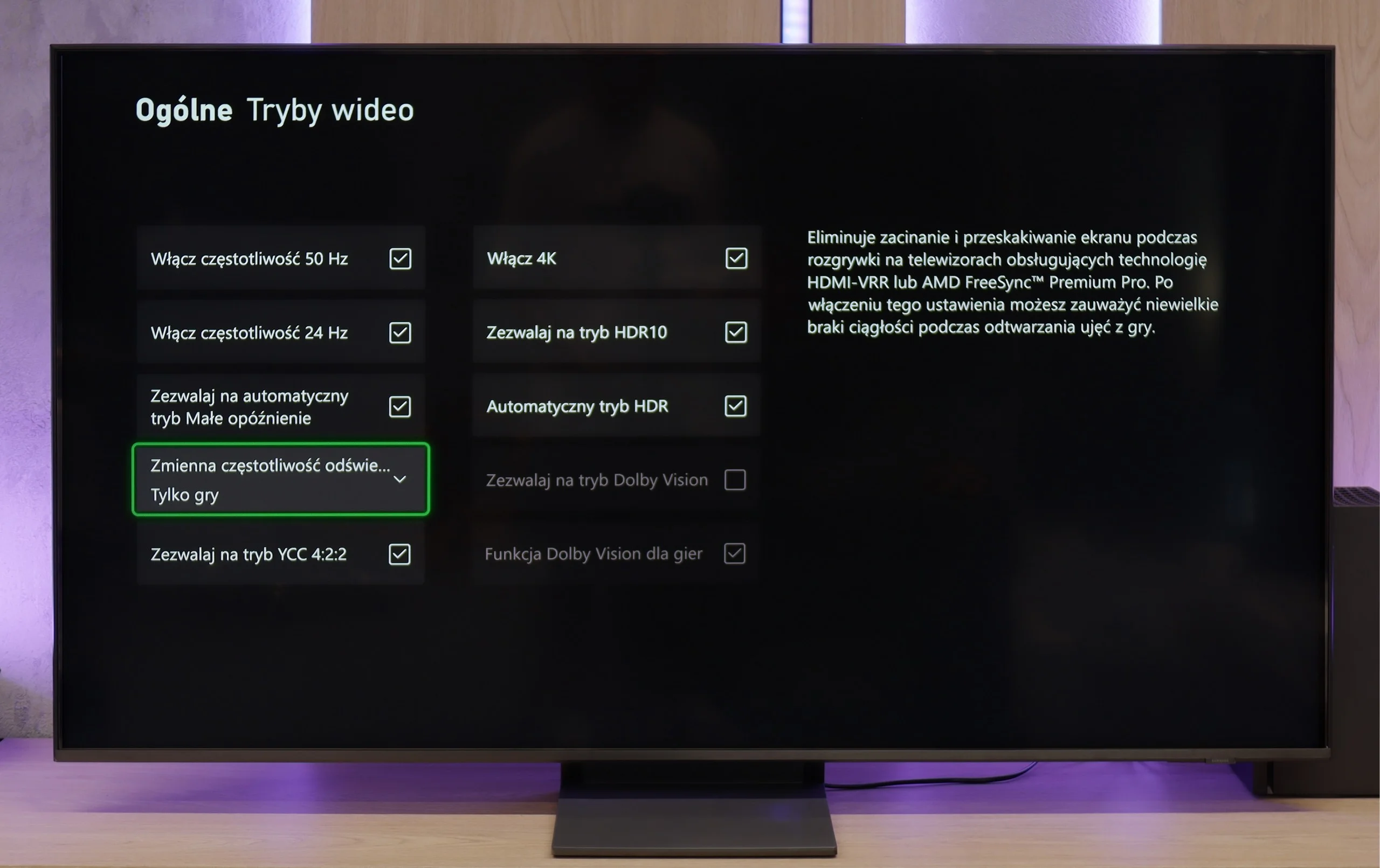
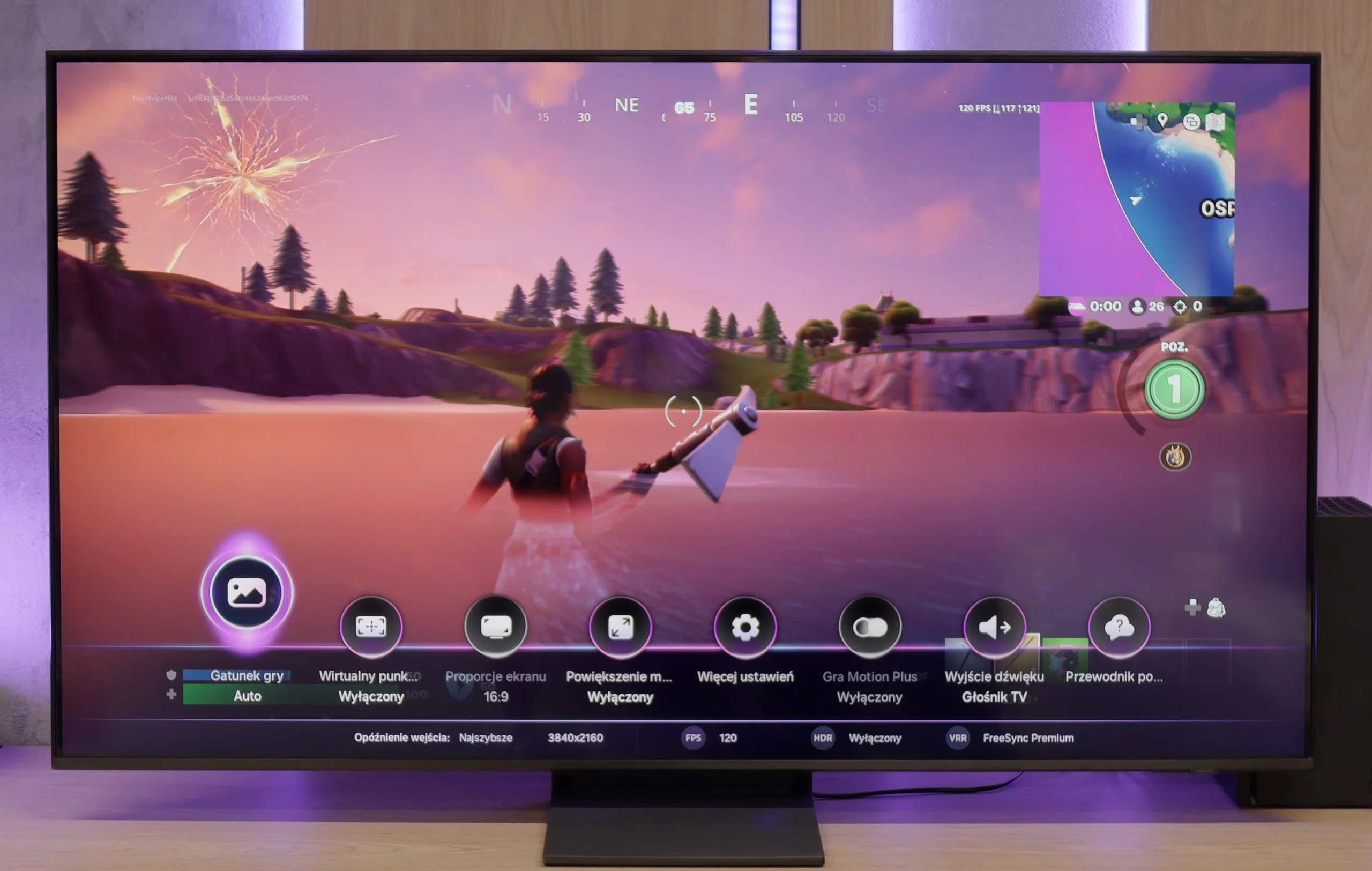
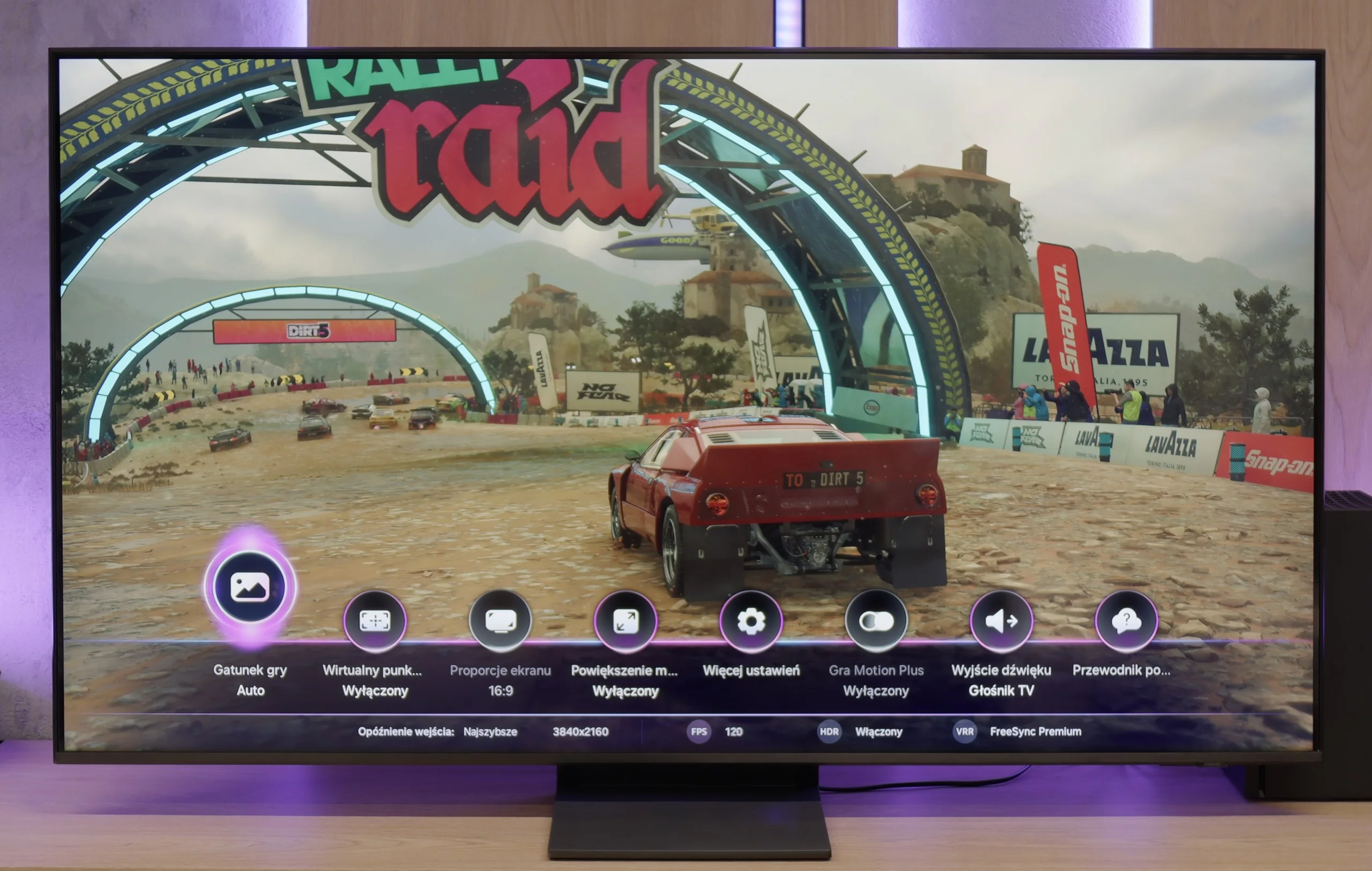
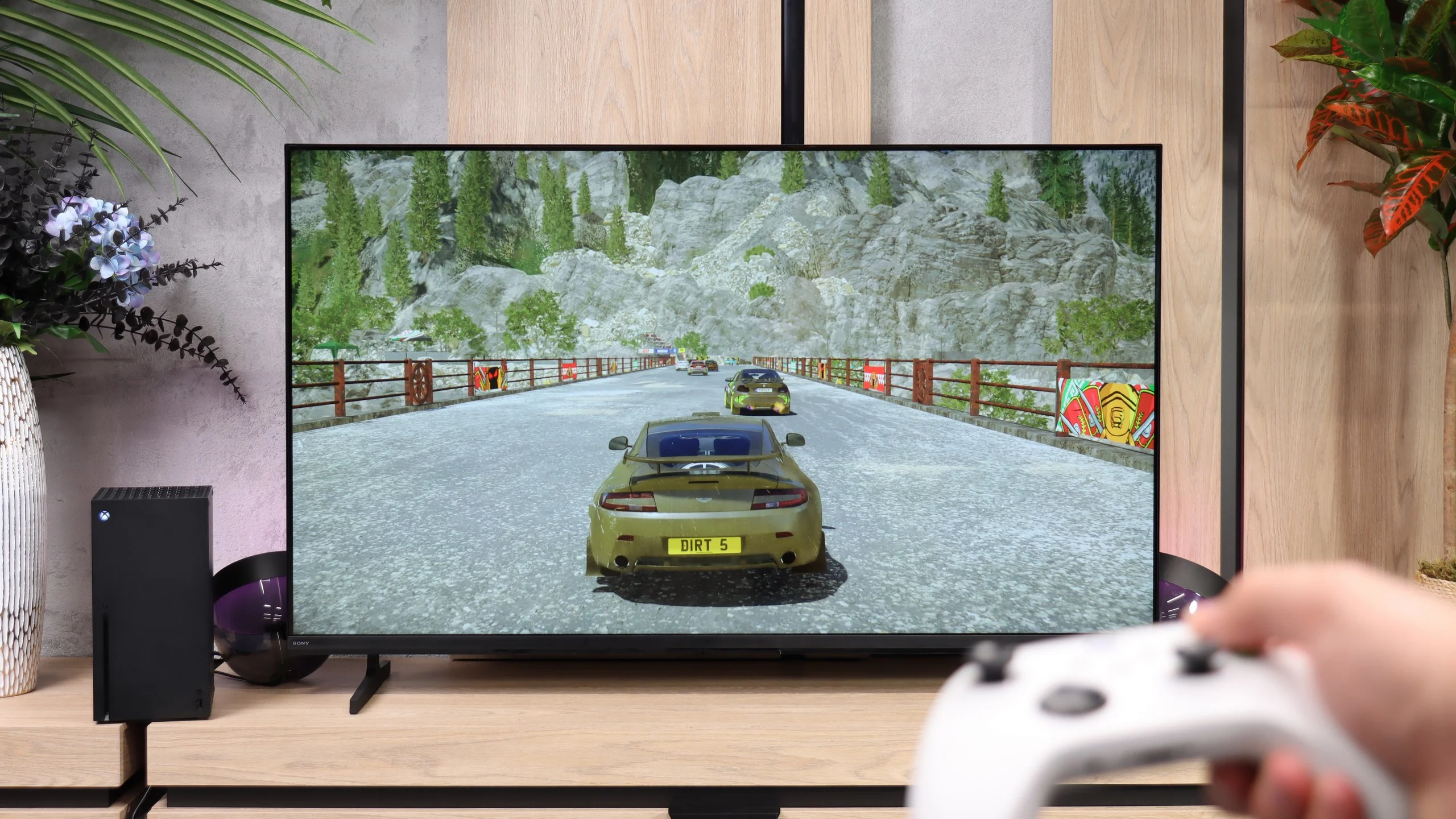
Samsung QN70F is a really solid choice for gamers. It features four HDMI 2.1 ports with full bandwidth of 48 Gbps, which means full support for gaming in 4K at a refresh rate of 144 Hz. Additionally, it comes with all the essential features we expect today: automatic game mode (ALLM), variable refresh rate (VRR), and a very well-designed, intuitive Game Bar with information on the mode, resolution, and frame rate. The Game Motion Plus feature is also noteworthy, allowing artificial frames to be added to games running at 60 fps or less. It works surprisingly well and improves gameplay smoothness without much delay in many titles – especially those where consoles struggle to maintain a stable frame rate.
[UPDATE] We have updated our Samsung TV tests for the 2025 model year due to the release of software version 1131, which restored the crucial gaming feature HGiG.
Unfortunately, there are also some pitfalls. The lack of support for Dolby Vision mode is not surprising – it’s a standard with Samsung. But the absence of the HGiG feature is much more disappointing. What’s worse, it was removed by a software update, leaving users who previously benefited from it quite shocked. Without HGiG, it’s impossible to manually set the maximum HDR brightness from the console, which results in some games appearing slightly overexposed – especially if the TV misinterprets the tonal range. Why has Samsung, a brand that has set standards in gaming features for years, decided to take such a step? It’s hard to say. At the time of writing the review, the tested TV was operating on software version 1110 – and to be honest, if you’re relying on full support for gamers, it’s better to temporarily hold off on updates.
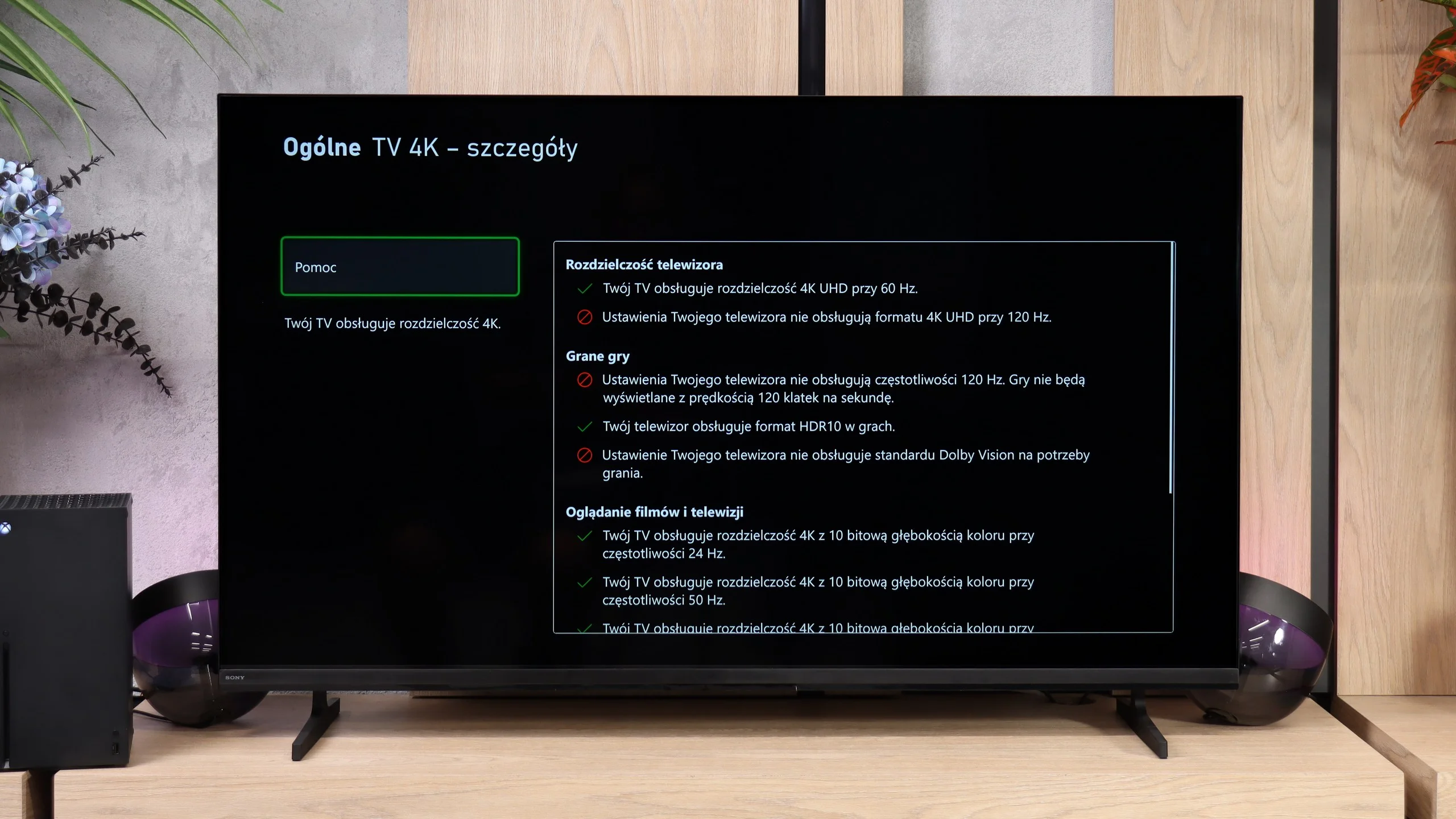
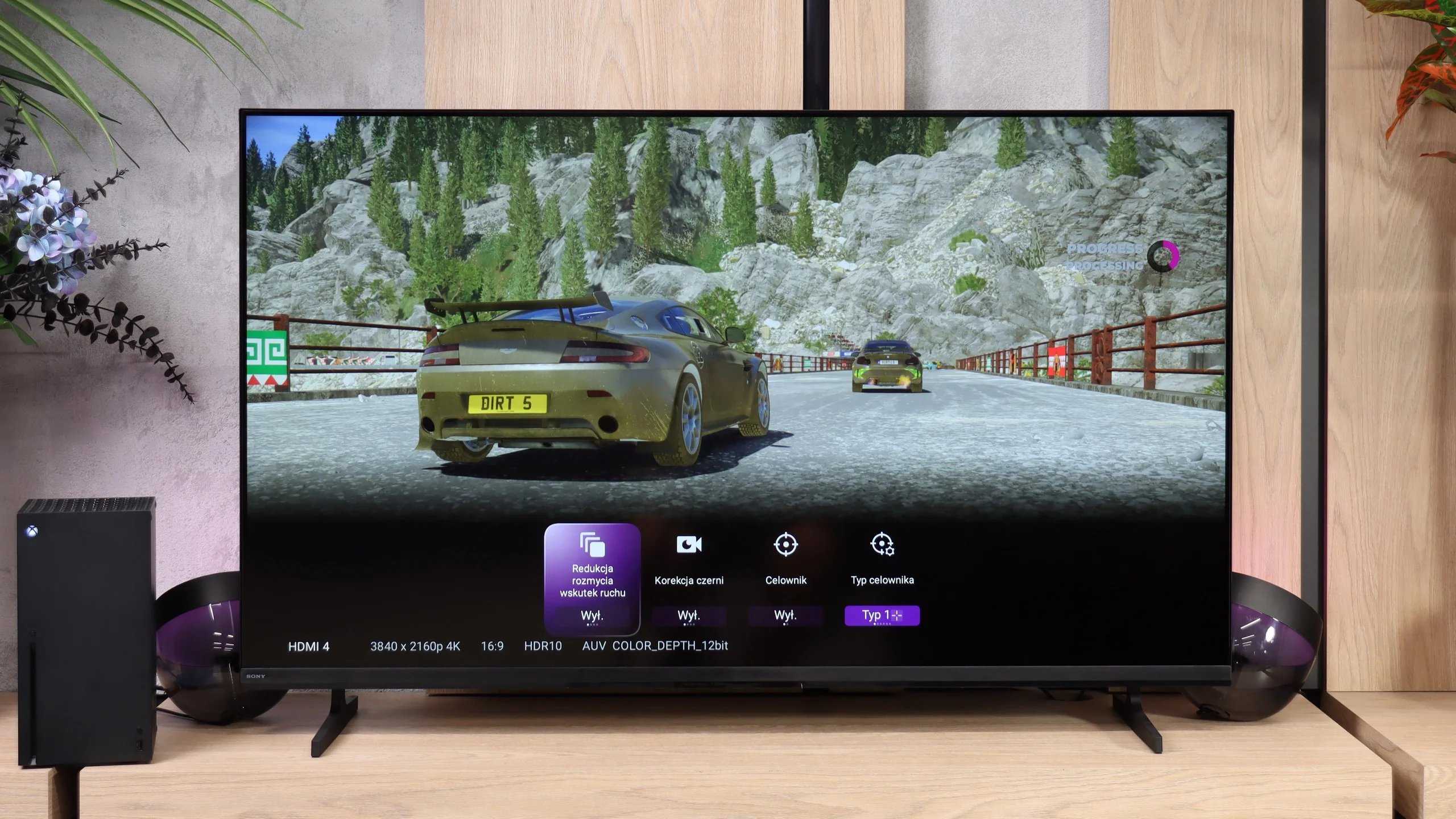
The Bravia 2 II isn’t a TV that’s particularly suited to gaming, and the feature list makes that clear pretty quickly. You basically only get automatic low-latency ALLM and a simple Game Bar where you can view basic signal info and change a few settings. That’s where the positives end. The TV doesn’t support VRR or 120 Hz (not even at lower resolutions) and on top of that it has problems correctly implementing HDR HGIG. It’s fine for occasional console play and, thanks to low input lag, the controls remain responsive, but if you’re after a TV primarily for gaming the Bravia 2 II is a significantly limited choice.
Input lag
10/10
10/10
SDR
HDR
Dolby Vision
The QN70F doesn't disappoint in terms of response time either. For 120 Hz content, the input lag hovers around 8 ms, which can be considered a very good result – especially in the context of online competition or dynamic action games. The screen responds to controller movements almost instantly, with no noticeable delay. This makes for smooth and comfortable gameplay, even in more demanding titles. In this category, Samsung continues to maintain a high standard, and it's hard to find anything that could raise concerns.
Here the Bravia 2 II performs considerably better. The input lag is only about 11 ms, low enough that you’ll hardly notice any delay while gaming. So even with a modest set of gaming features, the TV will handle regular console gaming without any major issues.
Compatibility with PC
8.2/10
6/10
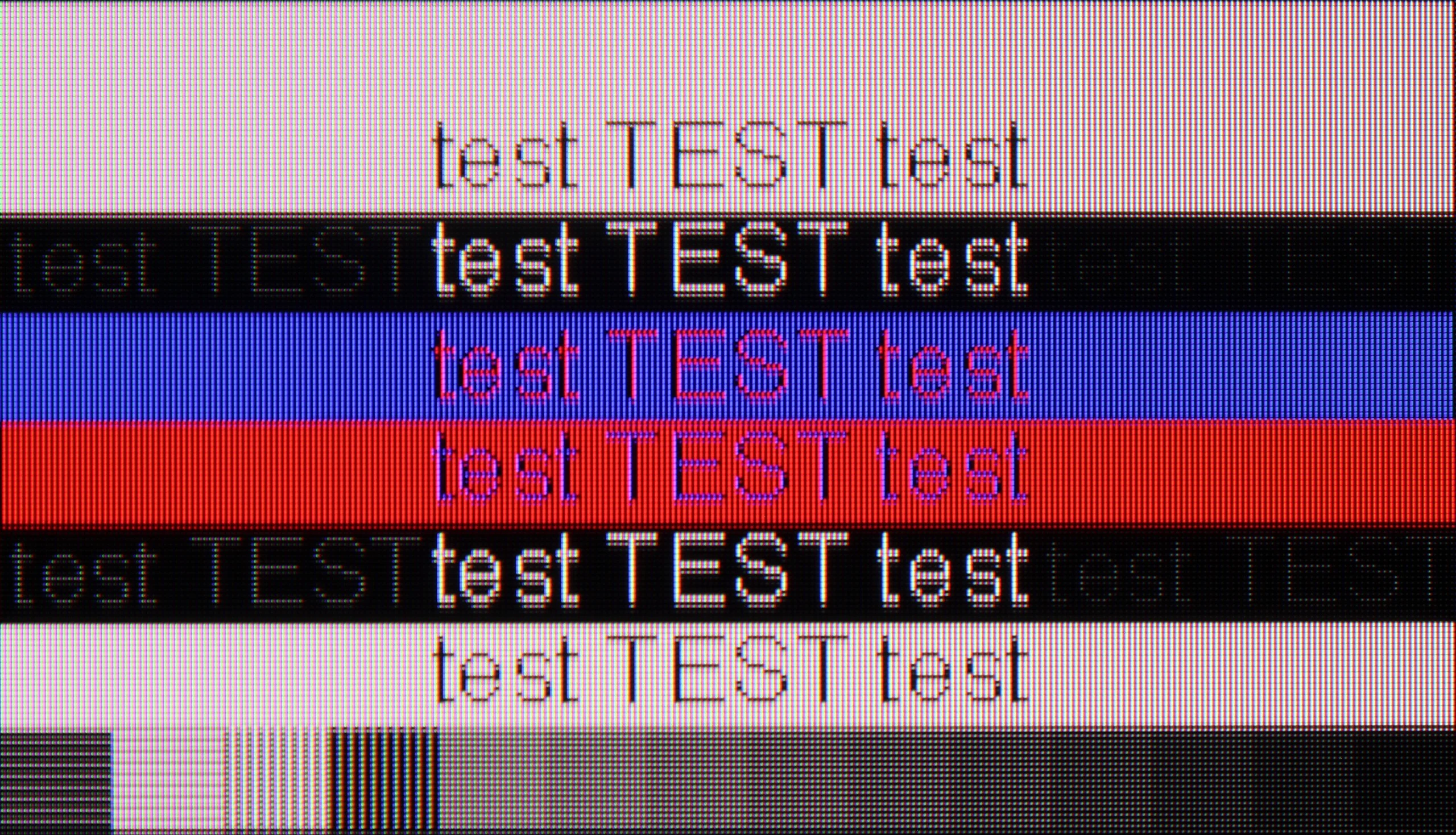
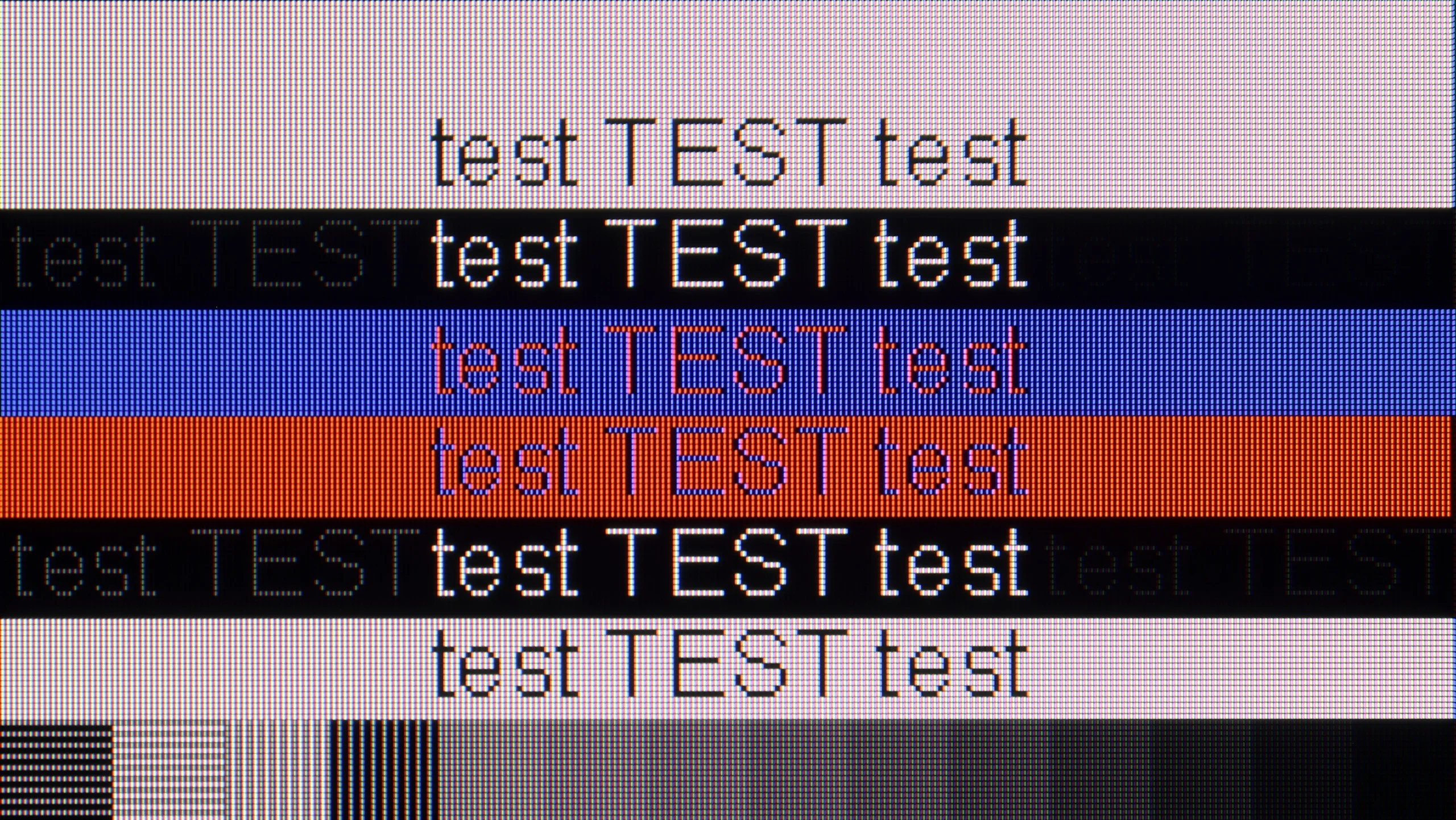
The photo shows the legibility of small fonts. Ideally, lines should be the same thickness on both light and dark text, with minimal pixel gaps.
Let's start with the best part when it comes to connecting the QN70F to a computer – that is, gaming. With a refresh rate of 144 Hz, support for G-Sync compatible VRR, and very low input lag, it’s the recipe for almost the perfect screen for PC gamers. In this role, the QN70F really doesn't disappoint – games look smooth, responsiveness is at a very high level, and everything runs steadily.
However, the situation is a bit worse when it comes to working with text. At 4K resolution and a refresh rate of 144 Hz, there is a noticeable slight blurriness in the edges of fonts – text may appear slightly smeared, with a minor “layering” of outlines. This is not a problem that disqualifies the QN70F's usability as a monitor, but those planning to do office work or text editing on this screen should bear this in mind.
Bravia 2 II handles a computer very well, at least if you think of it as a screen for work. Thanks to its IPS panel and accurate 4:4:4 chroma reproduction, fonts are sharp and readable regardless of their size, shape or colour. That’s particularly good news for people considering the smaller variant and placing it on a desk instead of a classic monitor. It looks much worse, however, from a gaming perspective. The TV doesn’t offer 120 Hz, VRR or other features that would interest more demanding PC gamers. So it’s very good for office work or watching content from a computer, but as a gaming screen it has quite a few limitations.
Viewing angles
3.1/10
6.5/10
For a VA panel, the viewing angles on the QN70F are typical – meaning rather average. The image quickly loses contrast and saturation when we start looking at the screen from a greater angle. Compared to IPS panels, it performs significantly worse. On the other hand – thanks to this panel, we gain better black levels and higher contrast when viewing straight on, which for many users will be more important than wide visibility from the sides.
Viewing angles are one of the Bravia 2 II's stronger points. Thanks to the IPS panel, colours and brightness remain accurate for quite a while even when we’re not sitting directly in front of the TV. In this area Sony regains some of the points it lost earlier on black levels and contrast. As a result, the Bravia 2 II may be better suited to a larger living room or a room where some people watch the TV from the side, especially if it will mainly be used for everyday TV.
Daytime performance
6.3/10
4.8/10
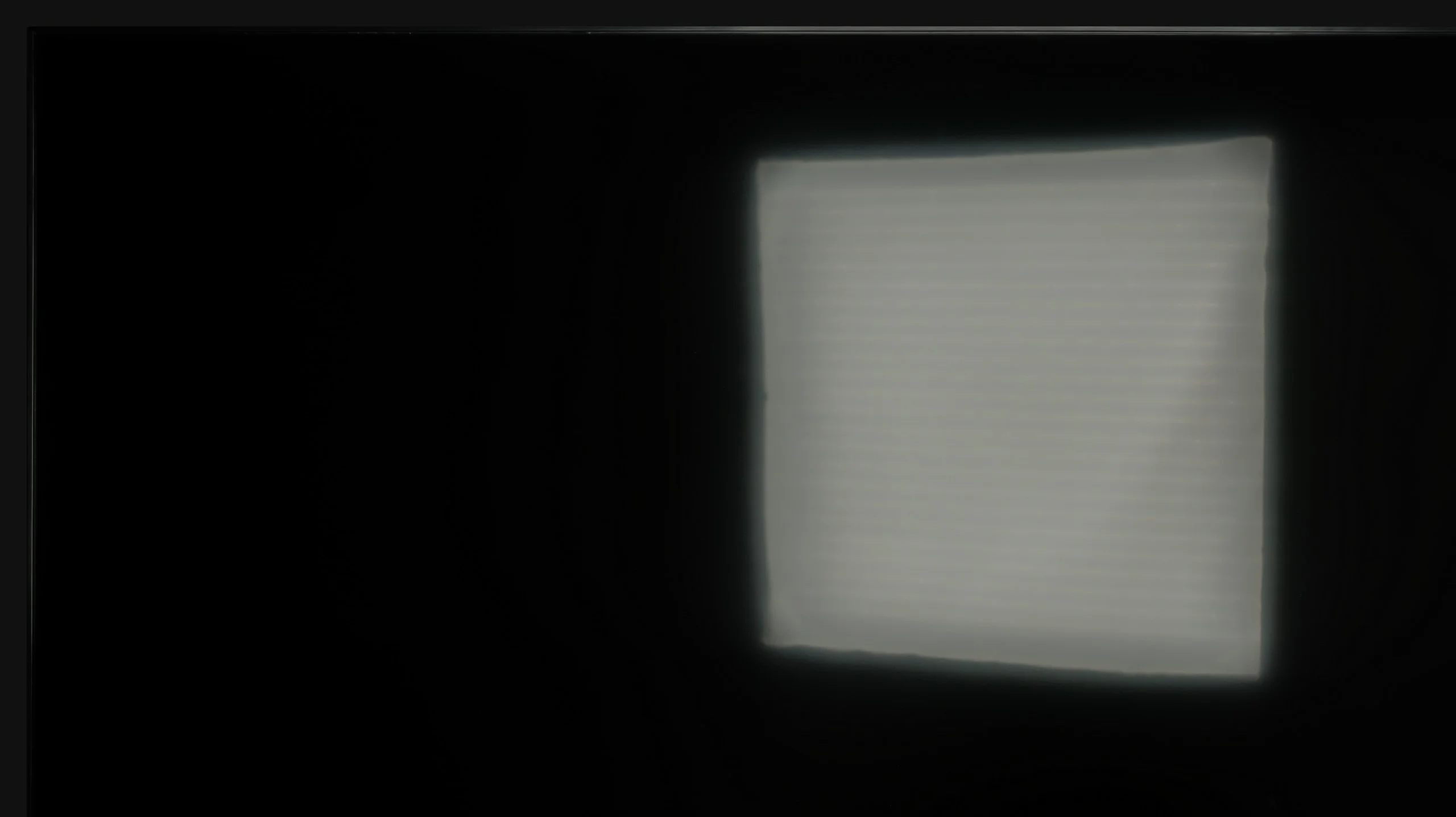
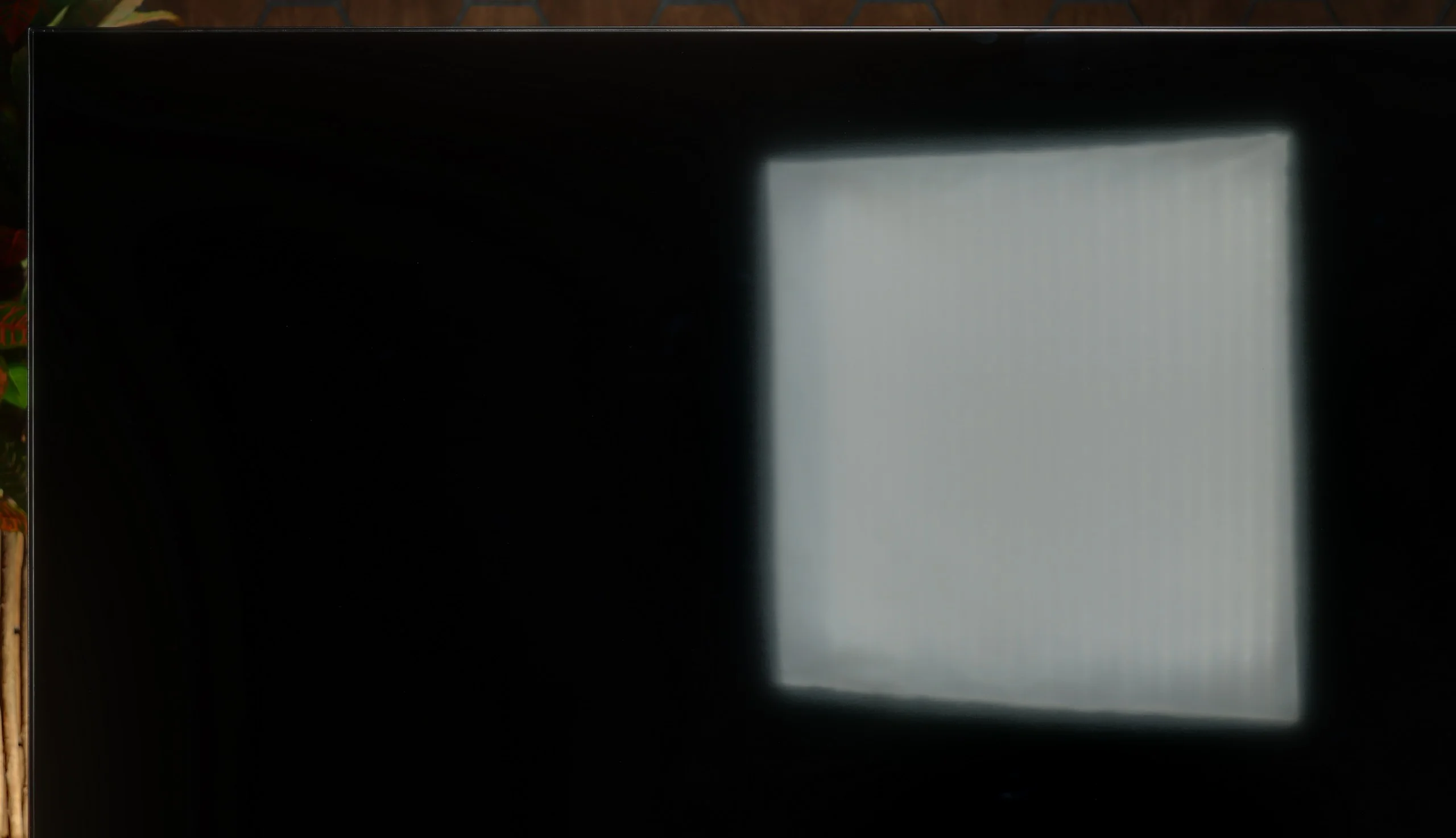
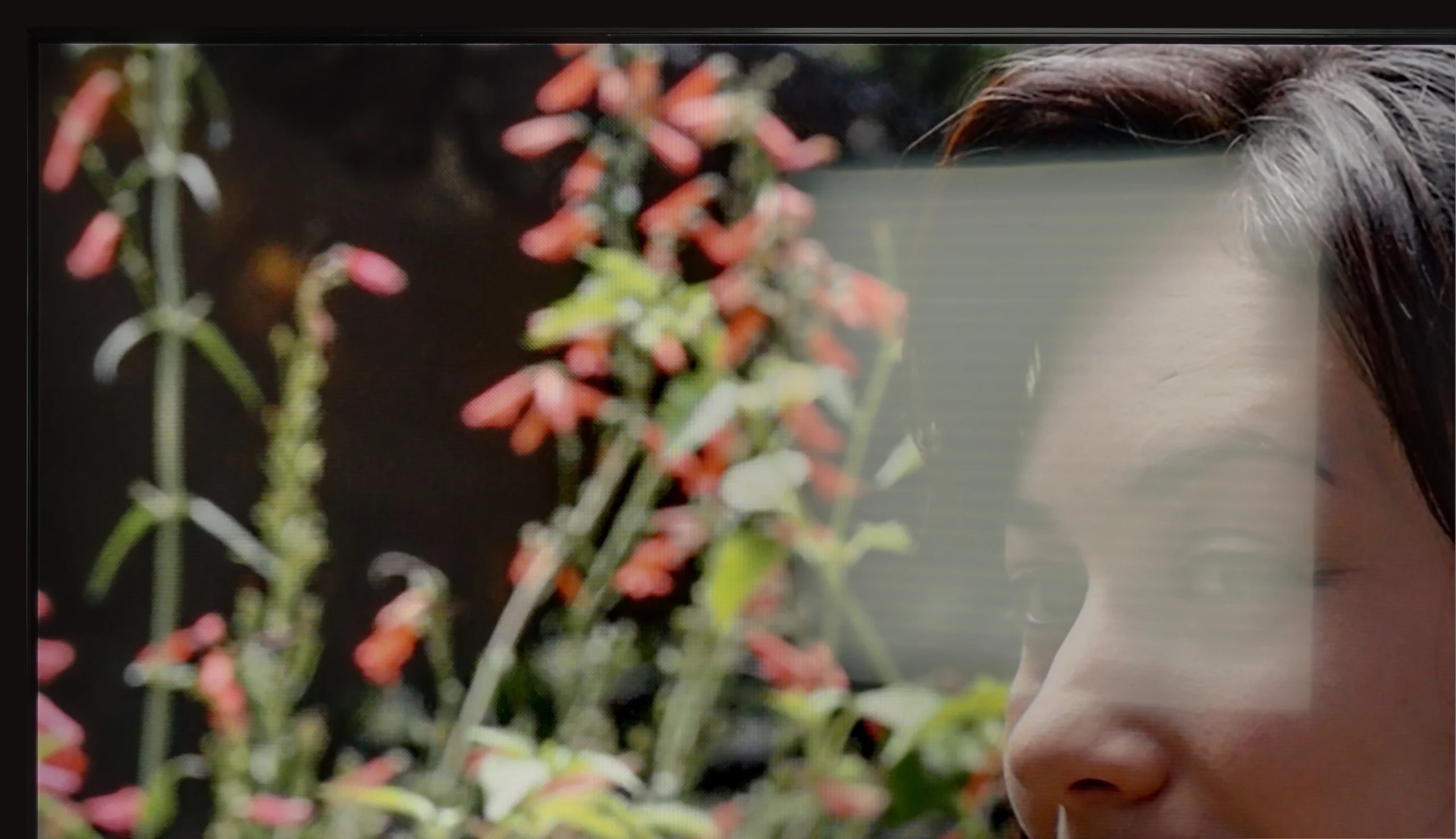
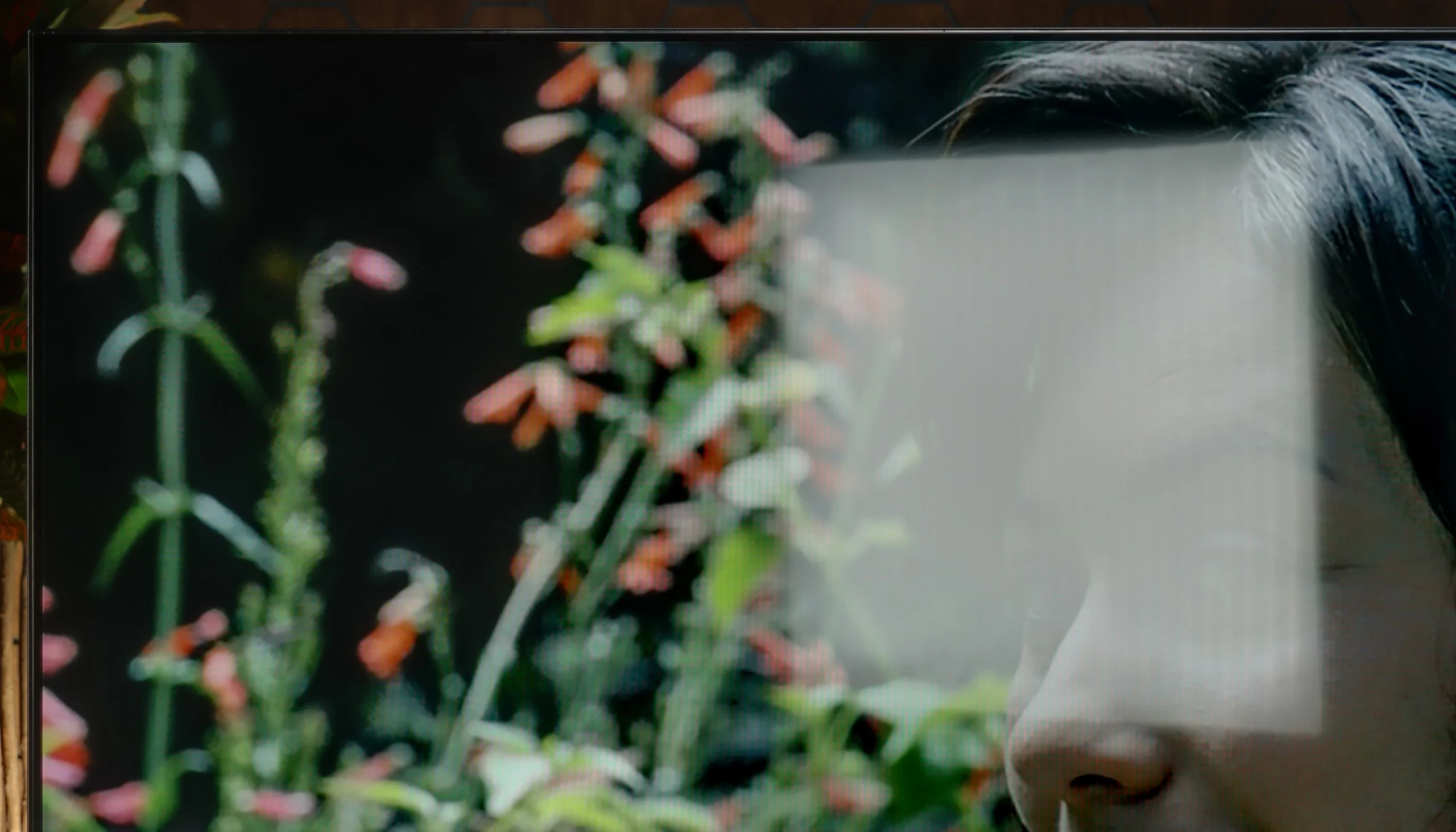
Panel brightness
Sony BRAVIA 2 II (S25M2): 319 cd/m2
Samsung Neo QLED QN70F / QN74F / QN77F: 492 cd/m2
The QN70F handles a bright lounge without any issues. The screen has a satin finish that effectively reduces reflections, so you don't have to immediately draw the blinds to see anything. Even when there's quite a bit of light in the room – for example, with a window on the side – the image still looks sharp and vibrant. The brightness is also at a solid level. In SDR mode, the television averages around 500 nits, which is more than adequate for daytime viewing. It may not be the level of top-end models, but in practice – for everyday watching of TV, sports, or YouTube – it performs very well.
In daylight the Bravia 2 II performs rather average. Brightness of around 320 nits doesn’t leave much headroom, but in a typical, moderately bright living room it’s still enough to keep the picture readable. The screen’s matte coating does a decent job of reducing reflections, though it can’t eliminate them entirely. With strong light falling directly on the screen, there’s simply not enough brightness to effectively cut through the glare. So it will be fine for ordinary daytime viewing, but in a very bright room with lots of windows you may start to notice the limitations of this model.
Panel details
Subpixel Structure:
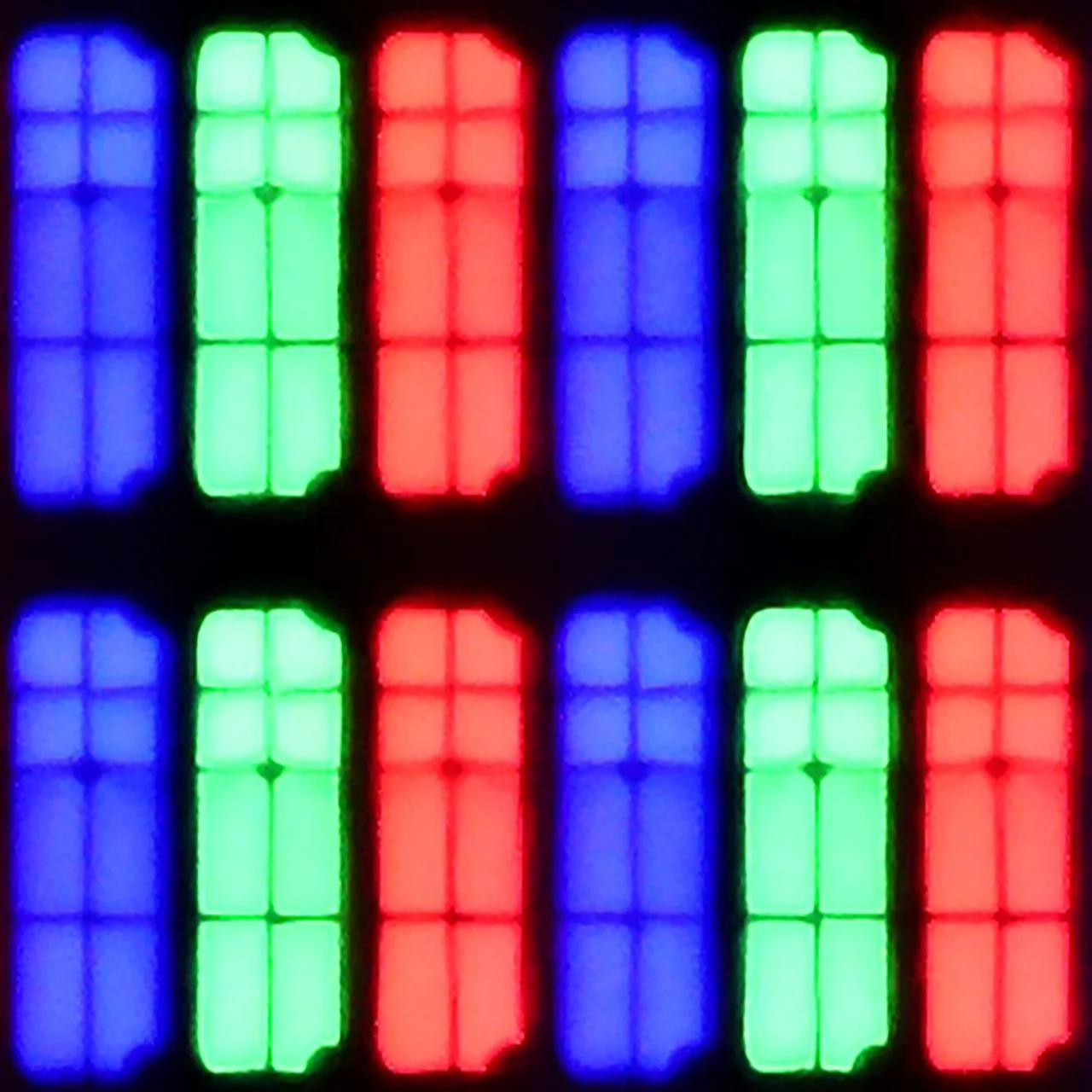
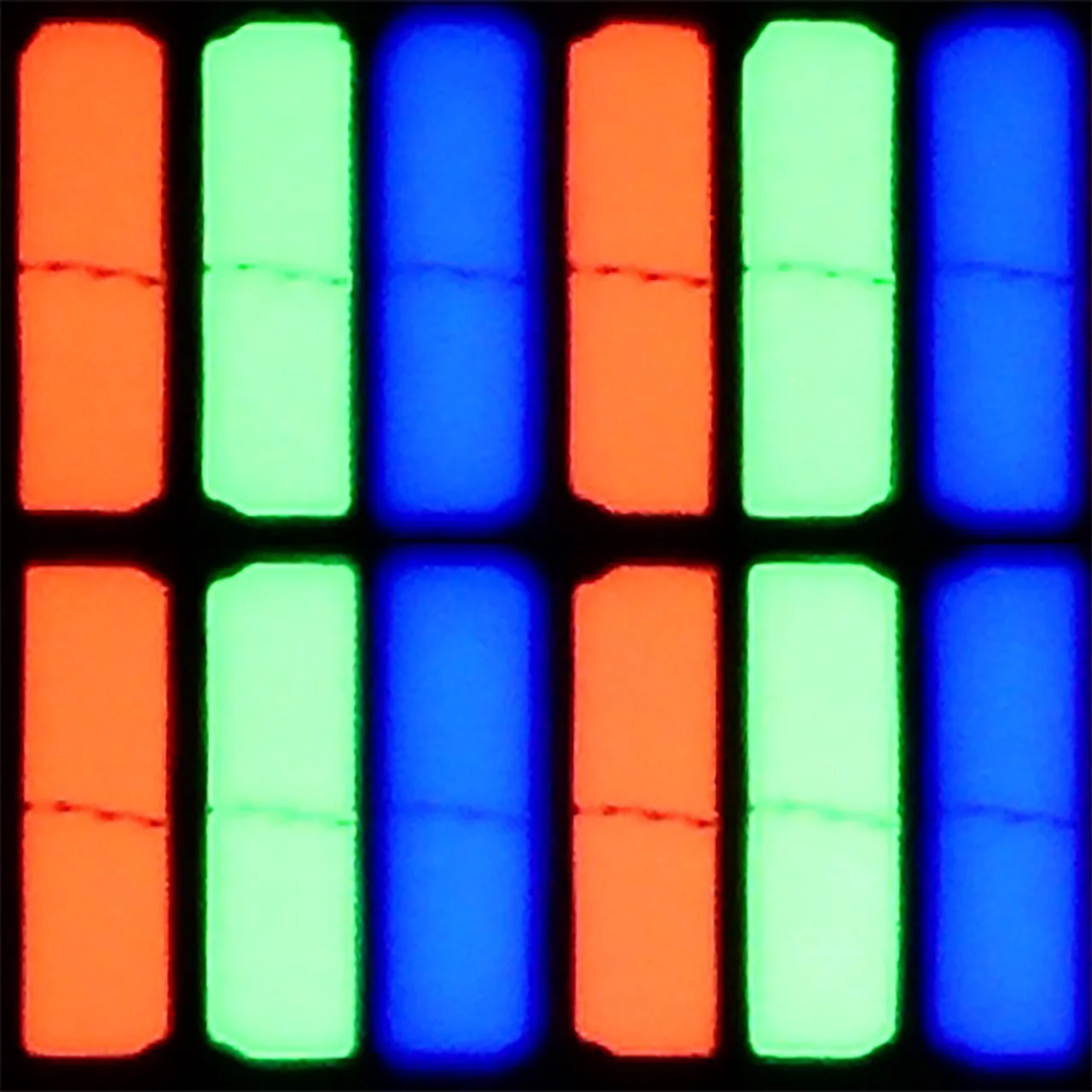
Panel uniformity and thermal imaging:


Samsung Neo QLED QN70F / QN74F / QN77F
Sony BRAVIA 2 II (S25M2)
TV features
7.2/10
6.6/10
- SystemTizenGoogle TV
- System performanceGoodDecent
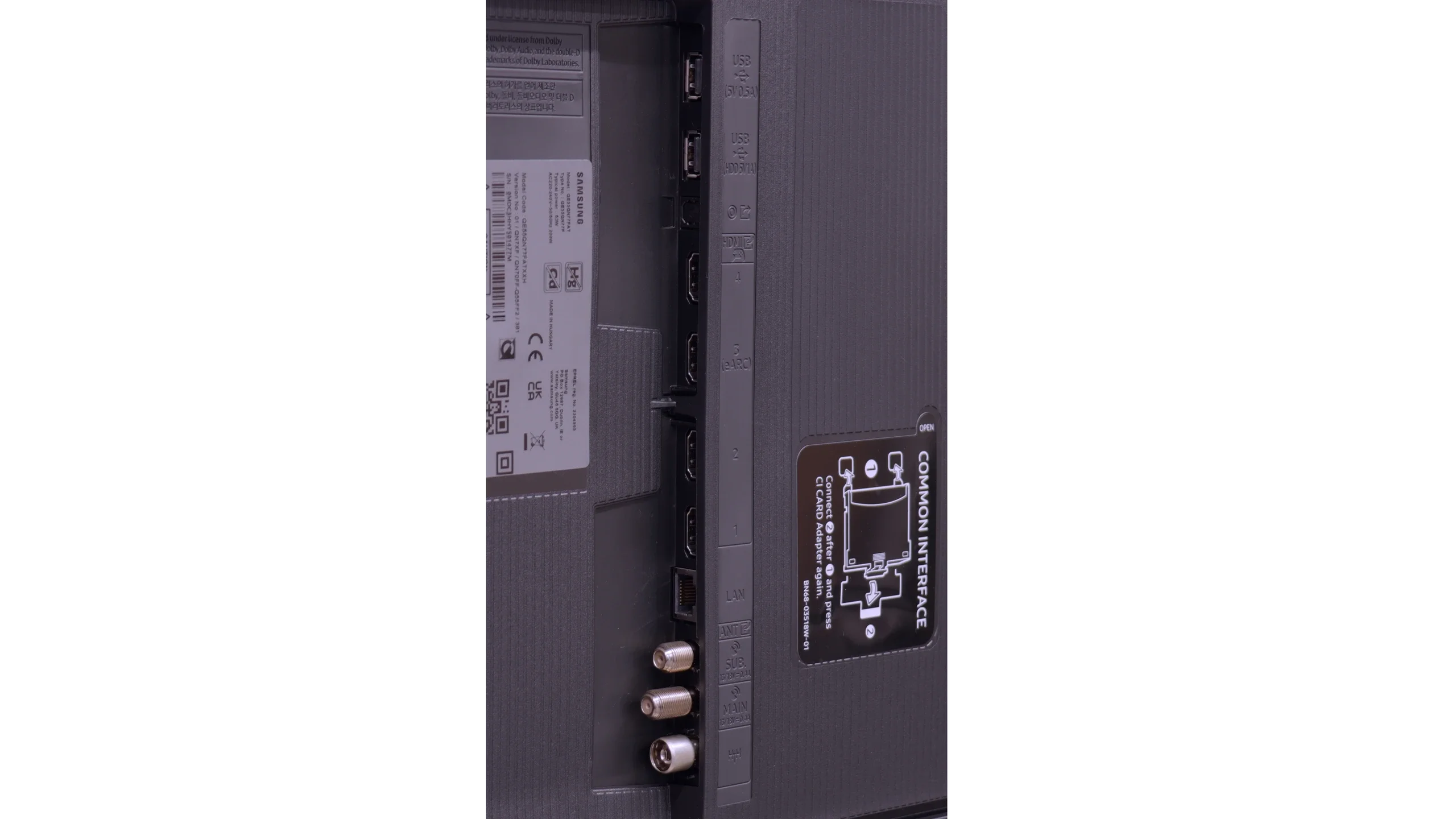
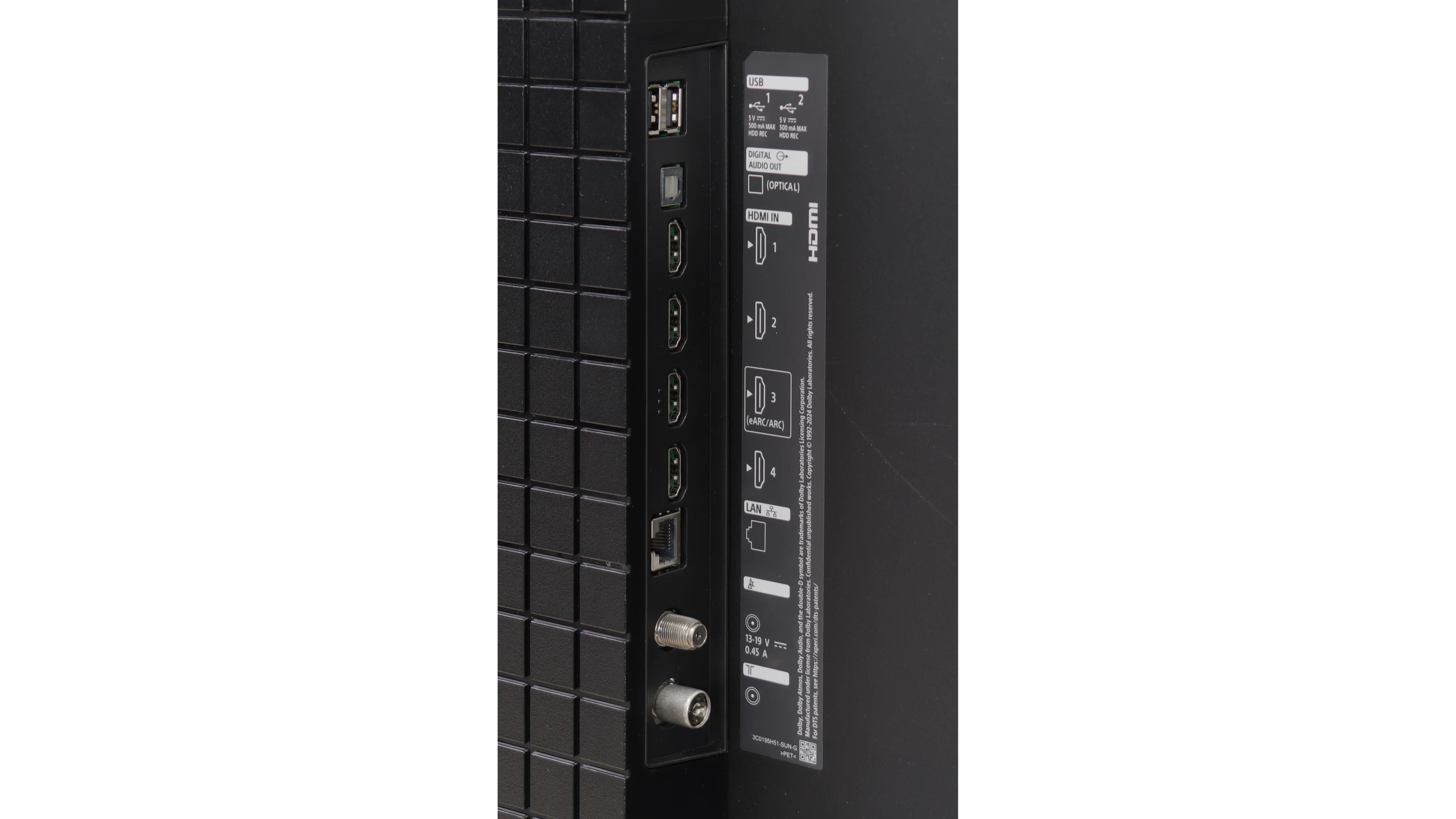
- HDMI inputs0 x HDMI 2.0, 4 x HDMI 2.1 48Gbps4 x HDMI 2.0, 0 x HDMI 2.1
- OutputsToslink (Optical audio), eARC (HDMI), ARC (HDMI)Toslink (Optical audio), eARC (HDMI), ARC (HDMI)
- Network InterfacesWi-Fi 2.4GHz, Wi-Fi 5GHz, Ethernet (LAN) 100MbpsWi-Fi 2.4GHz, Wi-Fi 5GHz, Ethernet (LAN) 100Mbps
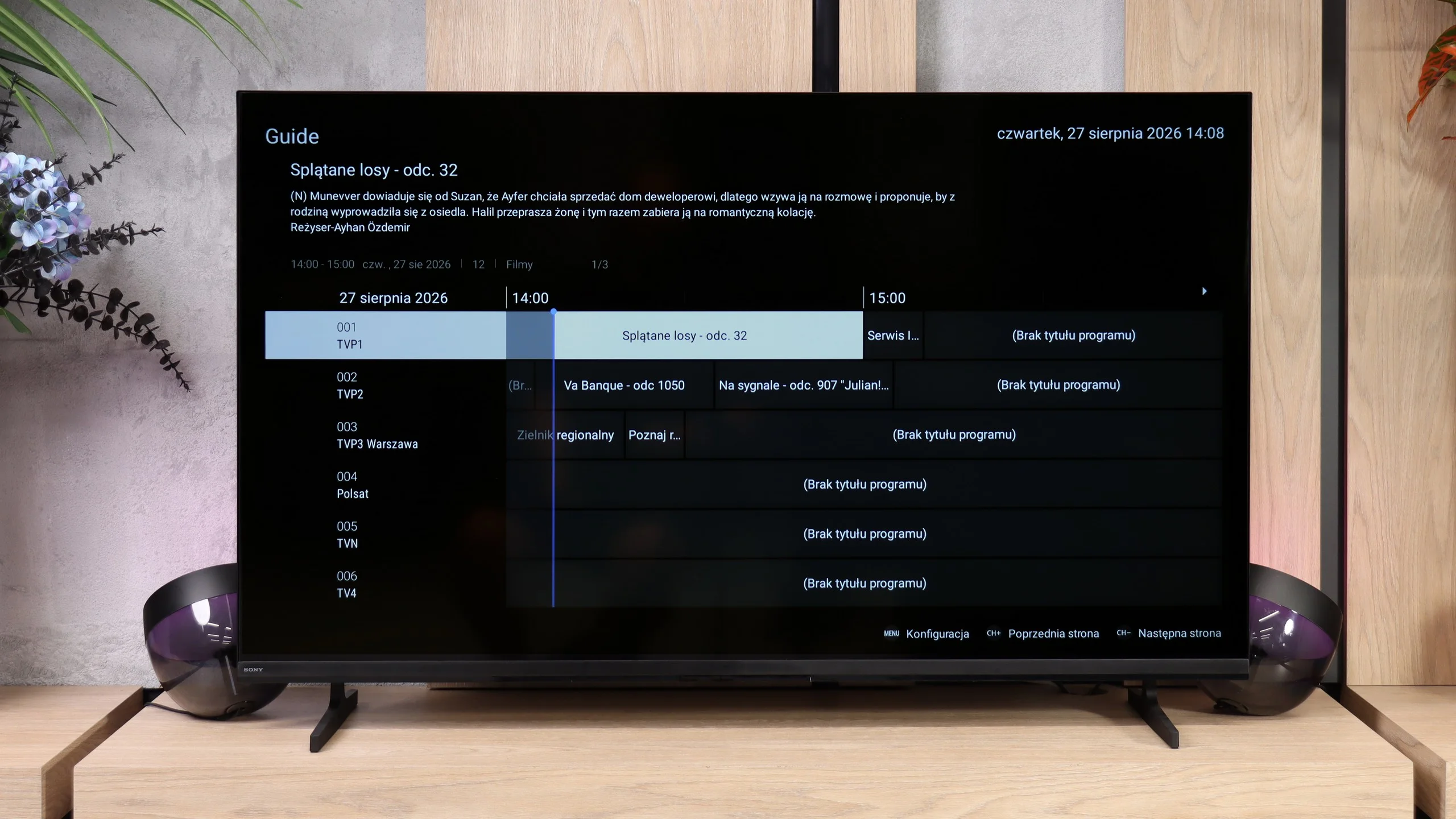
- TV receptionDVB-T, DVB-T2, DVB-S, DVB-S2, DVB-CDVB-T, DVB-T2, DVB-S, DVB-S2, DVB-C
Classic features:
- Recording to USB (terrestrial TV)
- Recording programming
- Picture in Picture (PiP)
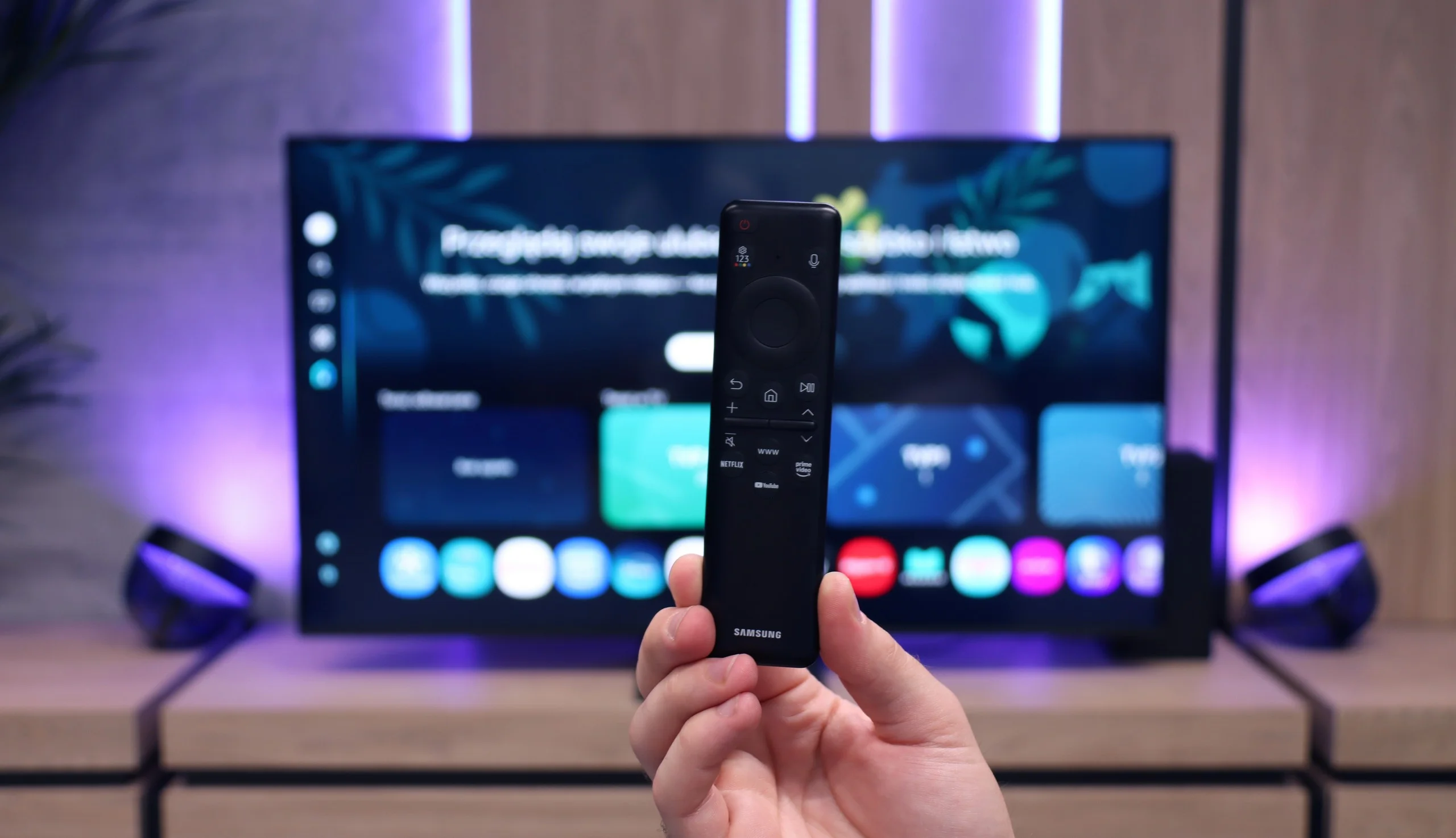
- RF remote control (no need to aim)
- Backlit remote control
- Teletext
- Audio only mode
- Bluetooth headphones support
- Simultaneous Bluetooth headphones & TV audio
Smart features:
- AirPlay
- Screen mirroring (Windows Miracast)
- Voice search
- Voice search in native language
- Ability to connect a keyboard and mouse
Sound connection options
- HDMI audioeARC (HDMI), ARC (HDMI)eARC (HDMI), ARC (HDMI)
- Other audio outputsToslink (Optical audio)Toslink (Optical audio)
- Wireless audioBluetoothBluetooth
Supported audio formats (external HDMI eARC audio):
- Dolby Digital Plus 7.1
- Dolby True HD 7.1
- Dolby Atmos in Dolby Digital Plus (JOC)
- Dolby Atmos in Dolby True HD
- DTS:X in DTS-HD MA
- DTS-HD Master Audio
Senior accessibility
- Numeric keyboard on TV
- Font size adjustment
- Audio description
Television Features
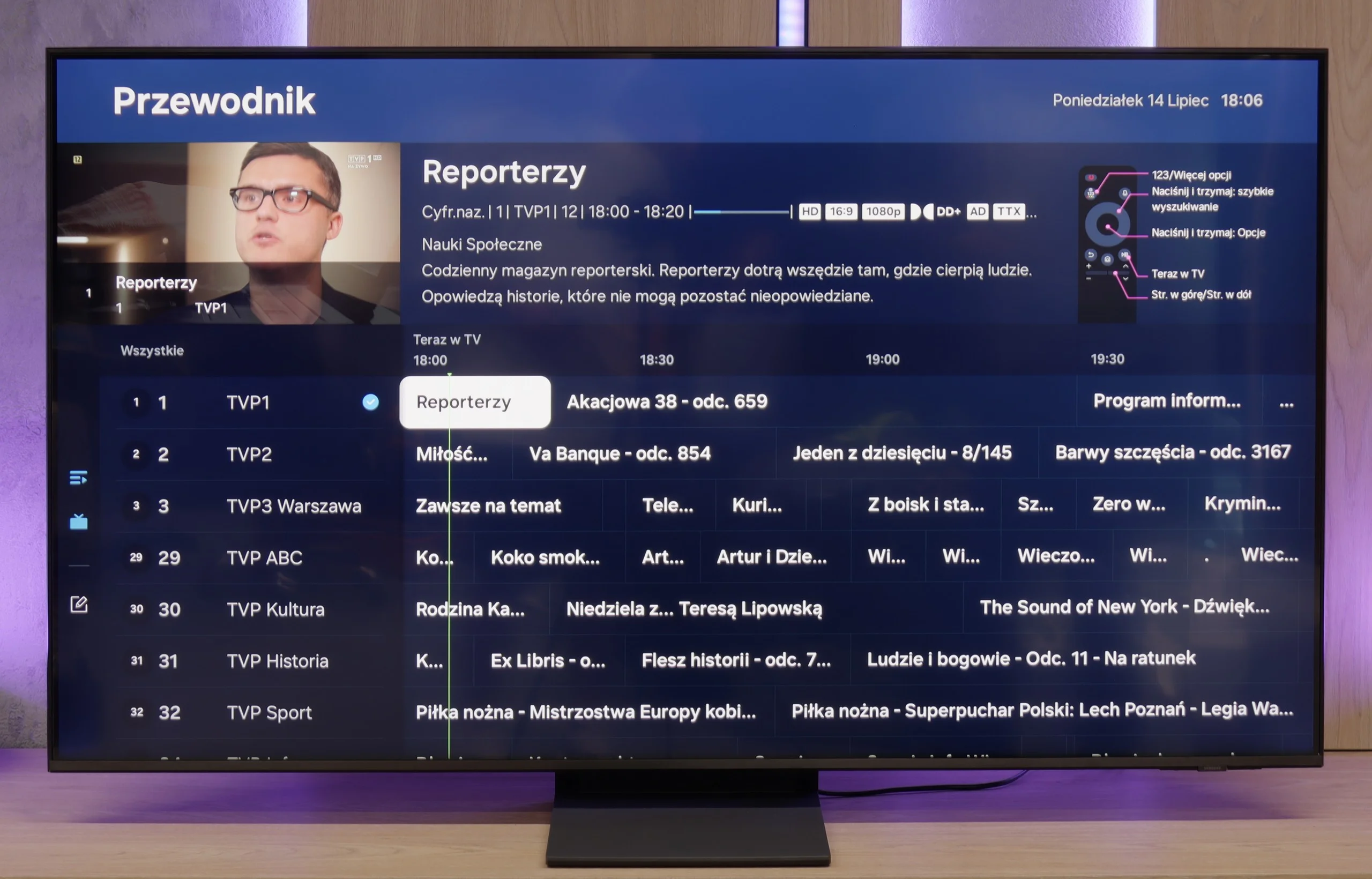
QN70F does not forget about the classic features that still matter to many users. Onboard, we find, among other things, a picture-in-picture (PiP) mode, thanks to the presence of two tuners, teletext, and a "Sound Only" mode – perfect if we want to use the television like a radio. We can easily pair headphones or a soundbar via Bluetooth, and the remote – despite lacking a numeric keypad – works reliably, allowing control of other devices and additionally does not require us to aim at the screen. It should be noted, however, that like all new Samsung models – we will not find the USB recording feature here. This is a systemic limitation, to which the brand apparently consistently adheres.
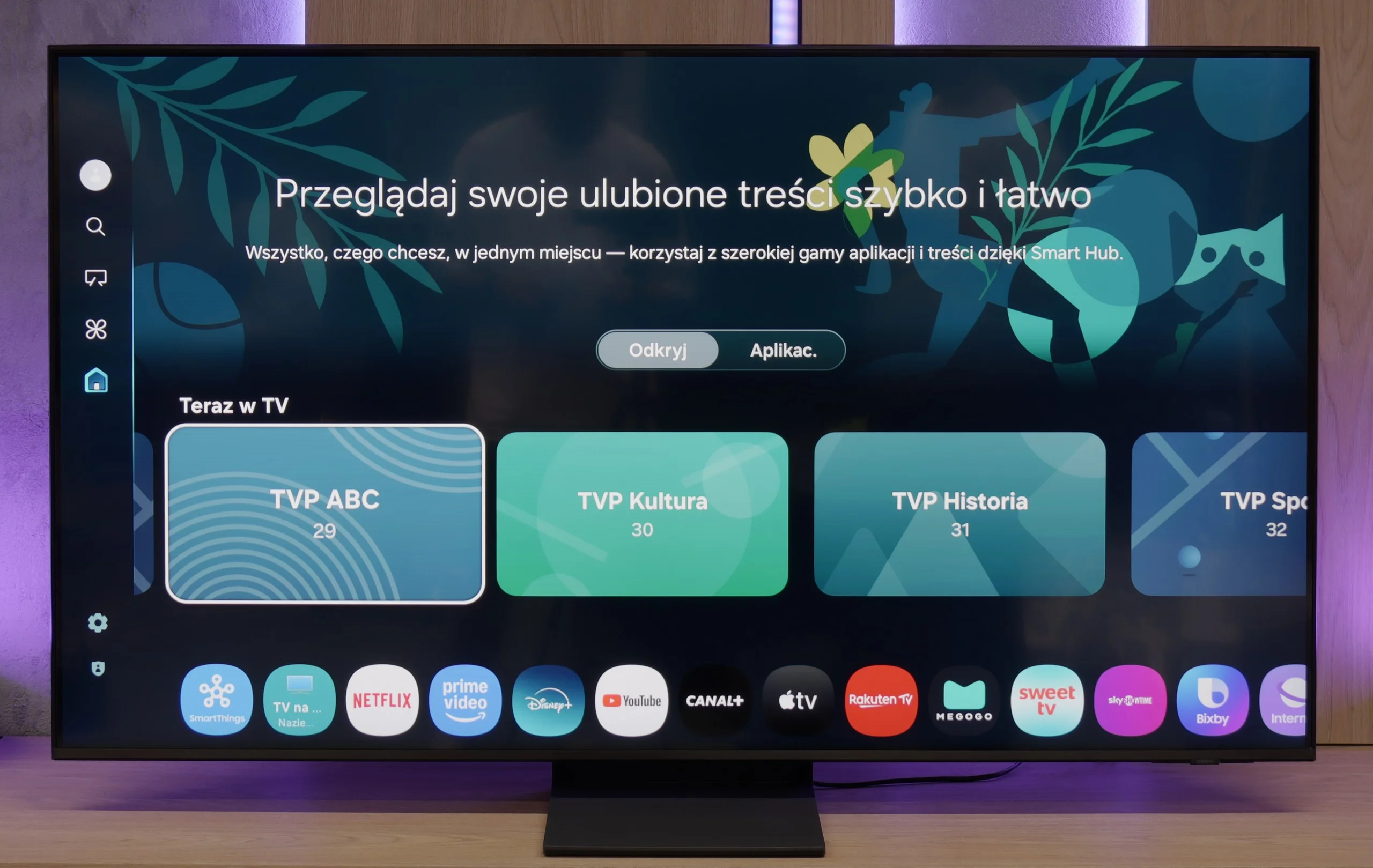
Smart TV QN70F – Tizen
The Tizen system, developed by Samsung for years, is one of the most refined Smart TV interfaces. It is fast, clear, and feature-rich. The QN70F supports voice search (also in Polish), wireless image streaming from a phone (both via AirPlay and Miracast), as well as integration with watches and other devices in the Samsung ecosystem. All of this is tied together by the SmartThings app, which allows you to control devices, automate tasks, and connect devices in one network. (Not just Samsung brand). However, it is not perfect. Tizen is a closed system, so the choice of apps can be somewhat limited – especially compared to Google TV. All the major streaming services are available, but if you are using less popular services, it's worth checking in advance whether they are available in the Samsung store.
Google TV
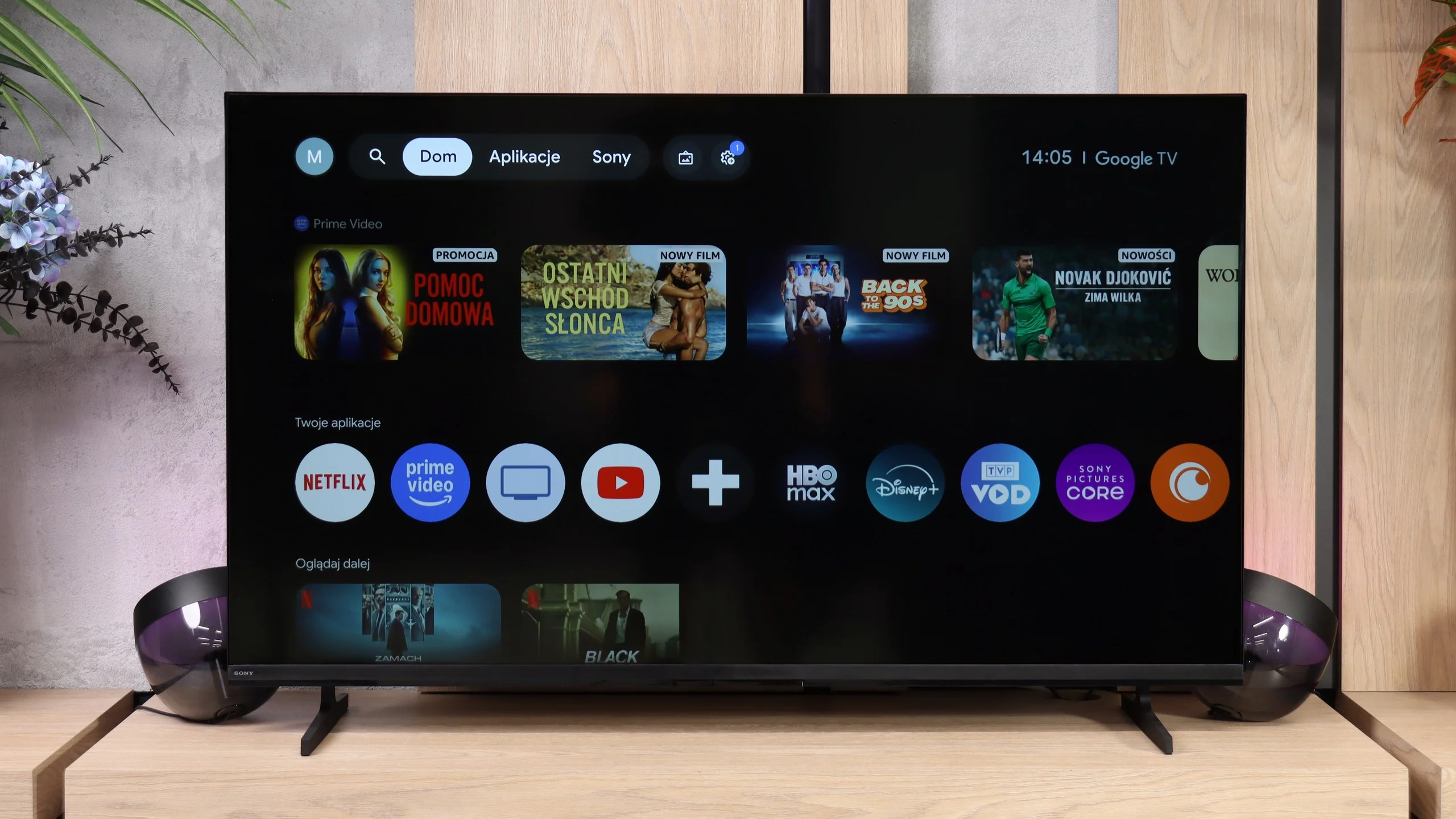
Bravia 2 II runs Google TV, which is definitely one of this model's stronger points. First and foremost, you get a huge range of apps, so accessing popular streaming services is no problem. It also has Chromecast and AirPlay, making it easy to cast content from your phone or other devices. Voice search with Google Assistant/Gemini works very well, including in Polish. The system itself isn't the fastest version of Google TV we've used, and you sometimes have to wait a moment for a response, but overall it performs decently. In terms of features it's hard to complain — especially for one of Sony's more affordable TVs.
Funkcje telewizyjne
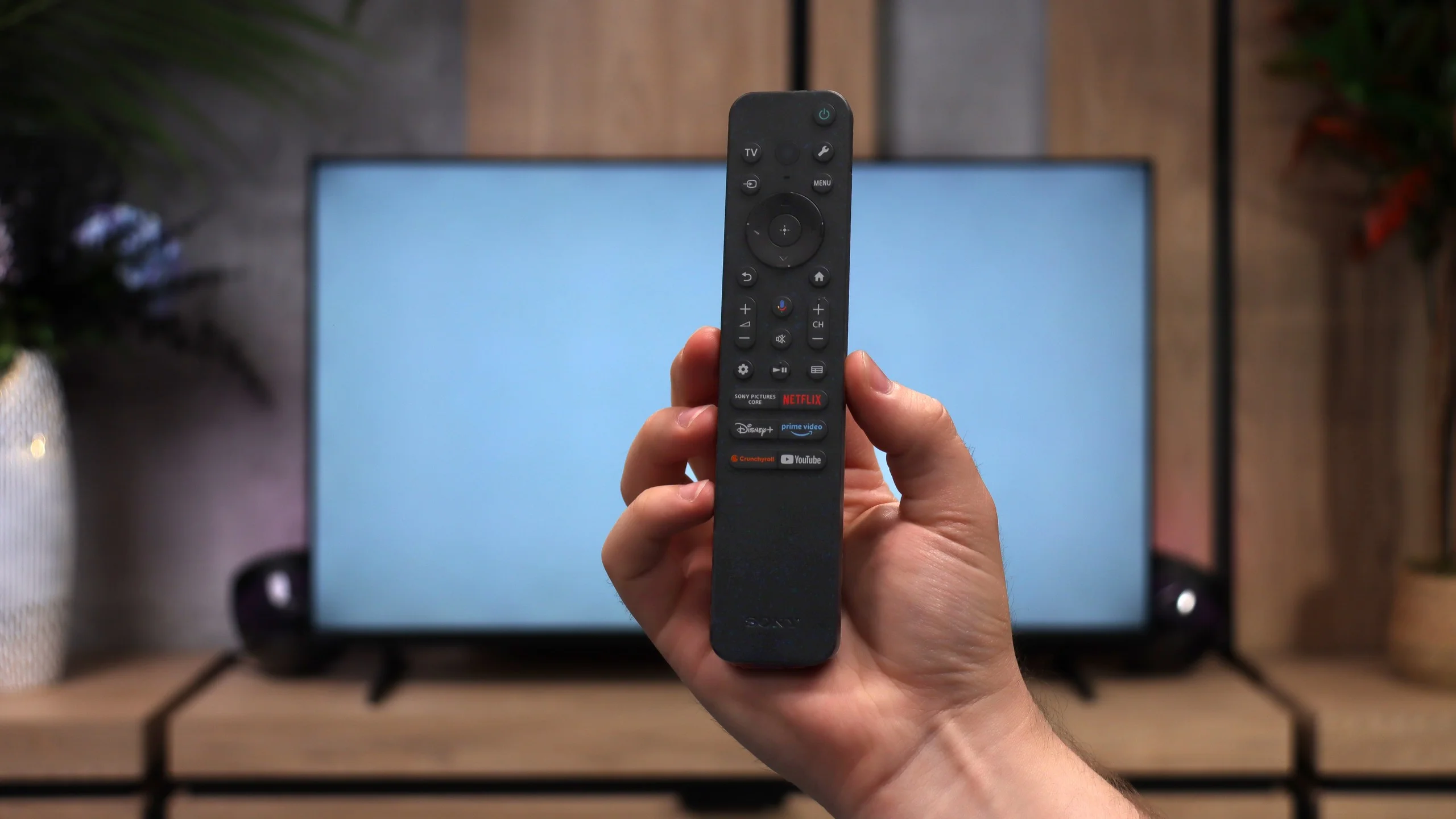
When it comes to traditional TV features, the Bravia 2 II is rather modest. For example, there's no recording to USB or other more advanced extras, so in that respect it's fairly basic. A plus is the inclusion of two remotes. One is modern and simpler, mainly for using the Smart TV, while the other is a classic remote with more buttons, which may be more convenient for people who often watch regular TV. The smaller one works via radio, so you don't have to point it directly at the screen, which is simply more convenient in everyday use.
Apps
8.7/10
9.6/10






















Playing files from USB
9/10
9.4/10
Supported photo formats:
Maximum photo resolution:
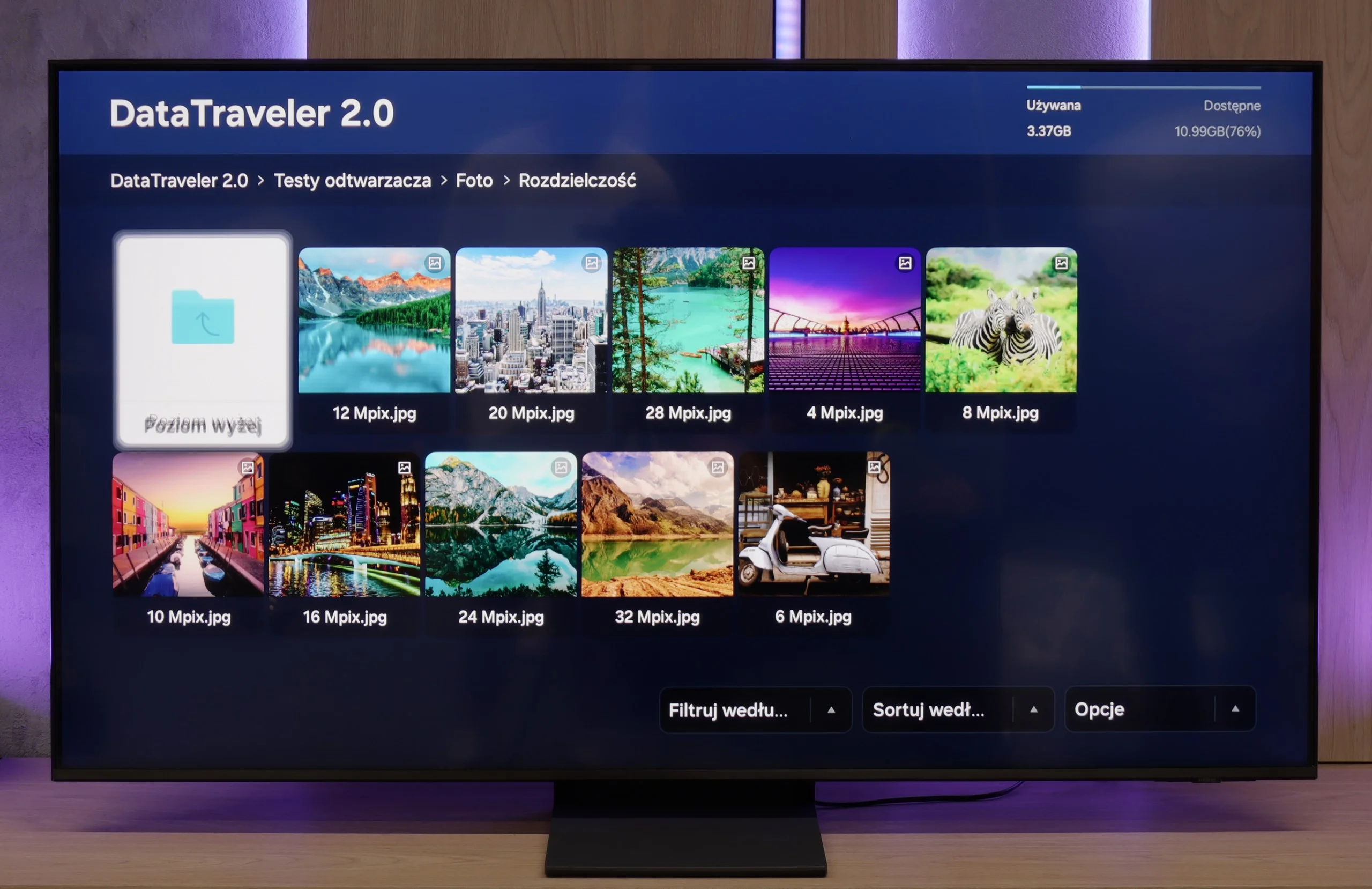
Samsung QN70F handles multimedia playback well – it easily runs photos, music, and videos in the most commonly used formats. During testing, it opened JPG files, MP4s, and TXT subtitles without any trouble, so for most people, this will simply be sufficient. However, there were a few files – despite having the correct extensions – that refused to play. It may be an issue with a particular version of the system, and the problem might disappear after future updates.
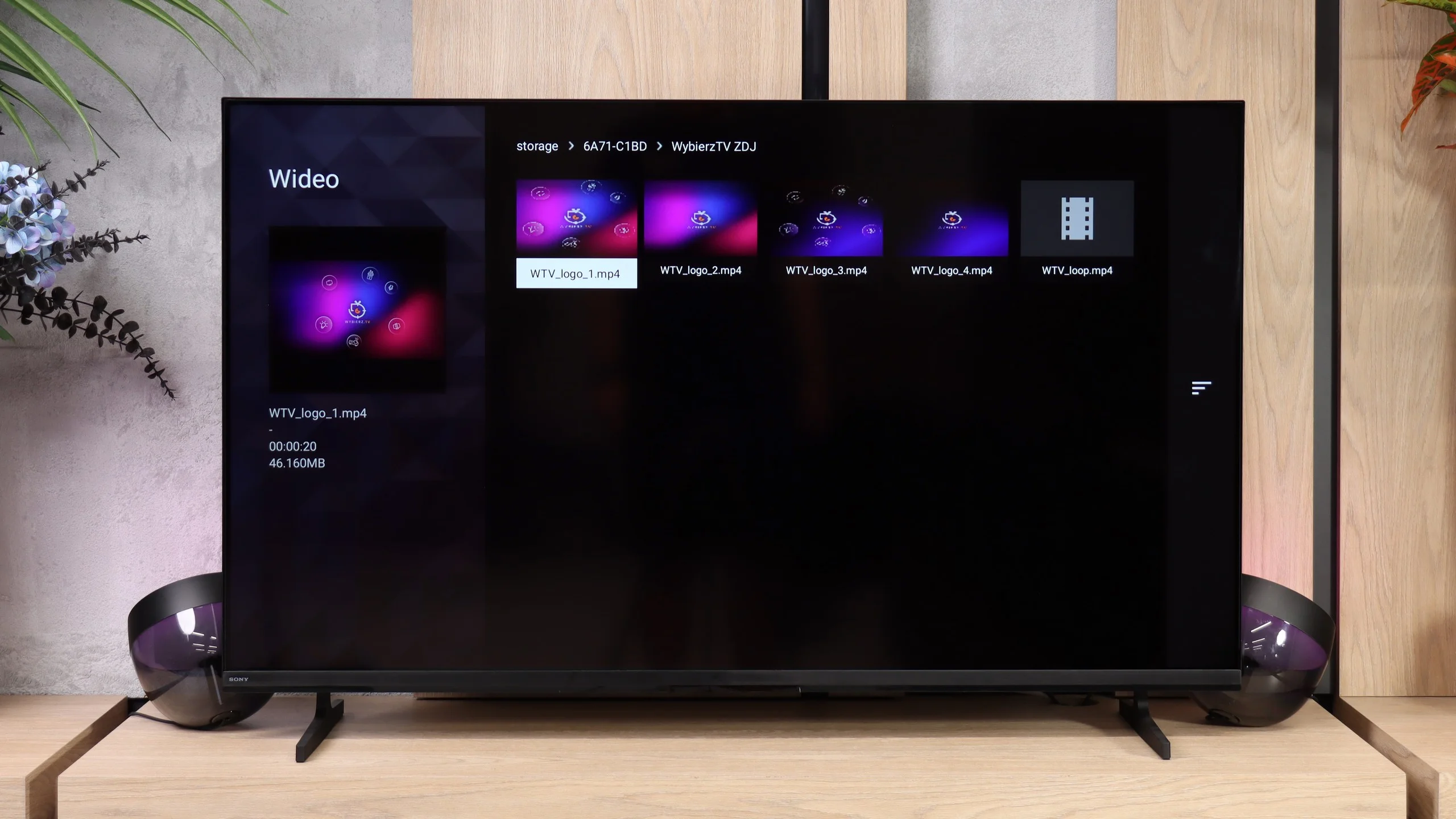
The built-in file player performs very well. The Bravia 2 II opens almost everything you throw at it, from common video files and subtitles to photos and music. Importantly, it also handles more demanding 4K material encoded in HEVC or AV1. Of course, there are a few isolated formats the TV doesn’t support, such as VVC or some less common audio and image files. These are things few people will try to play directly on the TV.
Sound
6.4/10
6.1/10
- Maximum volume84dB92dB
- Dolby Digital Plus 7.1
- Dolby True HD 7.1
- Dolby Atmos in Dolby Digital Plus (JOC)
- Dolby Atmos in Dolby True HD
- DTS:X in DTS-HD MA
- DTS-HD Master Audio
The Samsung QN70F is quite average in terms of sound, which shouldn't come as a surprise considering the exceptionally slim design of the television. The built-in speakers will adequately handle daily watching of news or simpler content, but it's hard to talk about any depth or spaciousness of sound here. It's simply a compromise that must be accepted when choosing an elegant and thin design over a bulkier casing with a better audio system.
Sound in the Bravia 2 II is simply adequate for an entry-level TV. It’s more than enough for watching regular TV, like the news, but as with this type of design it mainly lacks bass. You notice it quite quickly with music and even more in action films, where explosions and other heavy effects lack real weight. Sony does deserve praise for its audio format support. When you connect a soundbar or a home theatre system, the TV will pass the key formats over eARC with no trouble, including Dolby Atmos, Dolby TrueHD, DTS-HD Master Audio and DTS:X. It’s especially welcome to see DTS included, which can’t always be taken for granted on rival TVs, even the pricier models.
Sound Quality Test
Acoustic Measurements
84dBC (Max)
75dBC
92dBC (Max)
75dBC
Reader comments
Comments are provided by the external service Disqus (Zeta Global). Once loaded, Disqus may set cookies and process data about your activity.
We will remember your choice on this device. Provider's privacy policy