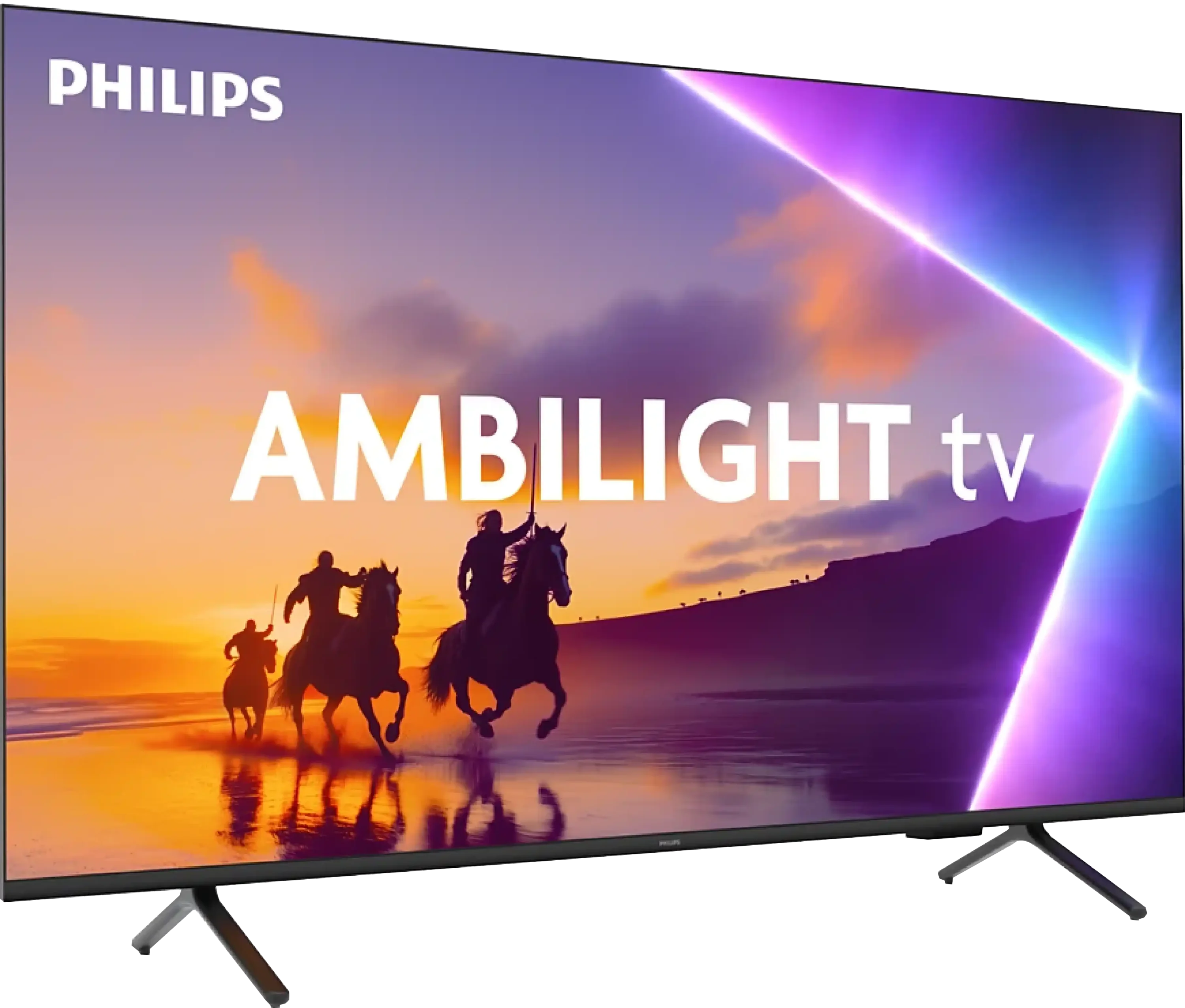
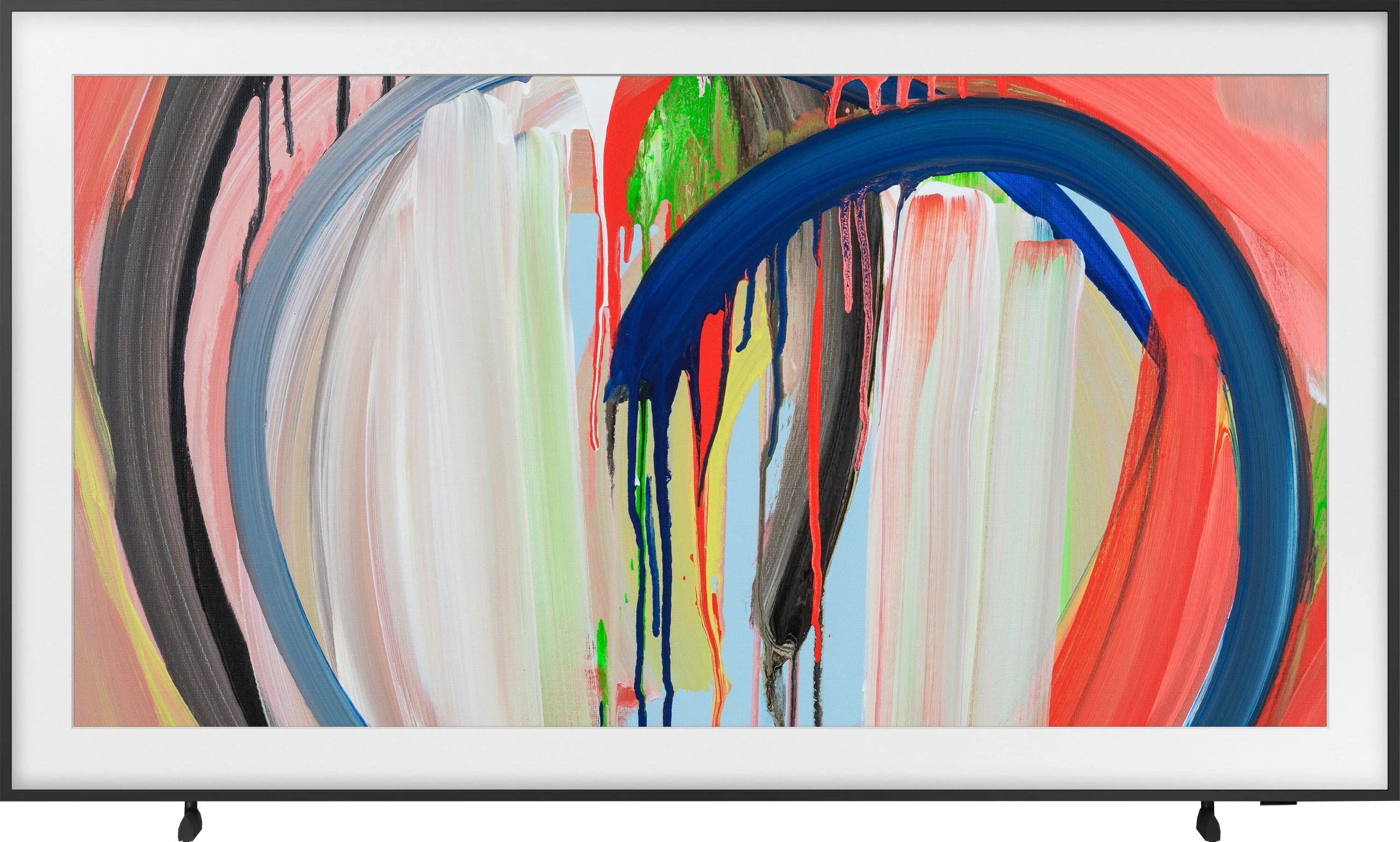
Philips PUS8500 vs Samsung The Frame 2026 (LS03H)

Direct comparison

PUS8500 / PUS8560 / PUS8510 / PUS8600

Info

The Frame / LS03HAU

Info

Available screen sizes: 43”50”55”65”75”85”

Available screen sizes: 55”65”

Panel type: LCD VA

Resolution: 3840x2160

System: Titan OS

Model year: 2025

Complete the survey to find out the result

Panel type: LCD VA

Resolution: 3840x2160

System: Tizen

Model year: 2026

Complete the survey to find out the result

Overall rating

5.8

7.1

  • Movies and series in UHD quality

    5.6

    6.7

  • Classic TV, YouTube

    6.2

    6.4

  • Sports broadcasts (TV and apps)

    5.3

    6.3

  • Gaming on console

    6.7

    8.8

  • TV as a computer monitor

    5.6

    8.0

  • Watching in bright light

    4.9

    6.7

  • Utility functions

    4.8

    7.7

  • Apps

    6.7

    9.3

  • Sound quality

    6.2

    6.0

Advantages

  • Ambilight System

  • High native contrast - VA panel

  • Low input lag

  • Essential features for gamers: ALLM and VRR

  • Full support for audio formats: Dolby Atmos and DTS

  • Backlit remote with numerical keypad

  • Matte screen finish – performs well in a bright living room

  • Unique art-on-the-wall design

  • One Connect module makes connecting devices easier

  • Wall mount included

  • Art mode with motion sensor

  • Changeable bezel colours

  • High brightness, about 650 nits

  • Rich colours, QLED

  • High refresh rates: 144 Hz at 4K and 240 Hz at Full HD

  • Extensive gaming features: VRR, ALLM, HGiG, FreeSync, G‑Sync and low input lag

  • Tizen with a large selection of apps, AirPlay and SmartThings

Disadvantages

No like
  • Average panel brightness

  • The TitanOS system feels unfinished (some features don't work, gaps in applications)

  • Infrared remote control

  • Font readability issues (PC)

  • No local dimming, average black levels and contrast

  • Smearing on the VA panel, especially in dark scenes

  • Only one HDMI 2.1 port

  • Full access to the Art Store requires an additional subscription

  • Average, fairly flat sound

Our verdict

Ambilight because that's exactly where we need to start, it's the biggest reason to buy the PUS8500. The three-sided backlighting on the TV looks fantastic, especially in the evening. It creates atmosphere, masks contrast imperfections, and makes viewing simply more enjoyable. Even if the black isn’t perfect here, at high contrast the native VA panel is just good. On top of that, there’s really decent input lag and several gaming features like ALLM and VRR. Although there’s no HDMI 2.1 or 120Hz panel, casual gaming should be a pleasure. Especially since it plays responsively and without delays. Let’s add full support for audio formats – it includes both Dolby Atmos and DTS, so soundbar owners also have something to be happy about.

But let’s not kid ourselves – this is still a budget TV, and at times that’s quite obvious. Brightness is average – not so weak that you can't watch anything, but if you hit an exceptionally sunny day, watching under such conditions without blinds can be problematic. However, in our opinion, the biggest disappointment with the PUS8560 is the Titan OS operating system. Despite the fact that the system debuted some time ago, some things just didn’t work – for example, screen mirroring from a phone despite the manufacturer stating that this feature is present. There are fewer apps than the competition, and the system itself feels a bit clunky. Generally, it seems to do something already, but it clearly lacks refinement.

Of course, this isn’t a TV meant to compete with top models. But if someone is looking for something simple, with the cool atmosphere that the Ambilight system provides, it’s quite a fair proposition. You just need to know what to expect and accept the compromises, of which there are plenty here.
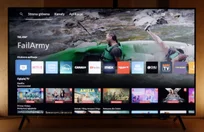

Samsung The Frame 2026 is still a TV aimed at a fairly specific type of buyer. If your main priority is having a screen that looks good in your interior, hangs almost flush against the wall, and doesn’t simply turn into a large black rectangle when switched off, there are very few TVs on the market that execute this idea quite as well. The matte screen, interchangeable bezels, external One Connect box, and extensive Art Mode allow The Frame to genuinely become part of the room rather than just another TV sitting in the living room. And that’s exactly where we see its biggest appeal.

Importantly, though, that doesn’t mean design is all you’re getting. The Frame performs really well in bright rooms. Its matte coating is very effective at reducing reflections, brightness reaching around 650 nits is enough for comfortable daytime viewing, and the wide colour gamut means colourful content, animation, and brighter HDR scenes can look very impressive. On top of that, there’s 144Hz support at 4K and, for the first time, up to 240Hz at Full HD. VRR, ALLM, FreeSync, G-Sync, HGiG, low input lag, and an extensive Game Bar make The Frame a much more capable gaming TV than its “artistic” character might suggest.

The biggest compromises become apparent when you look at it as a TV primarily intended for home cinema. The Frame has no local dimming, so blacks become noticeably raised in dark scenes, and this is where the difference compared with good Mini LED and OLED TVs is most obvious. HDR therefore looks best with bright and colourful content, while evening movie sessions in a dark room are definitely not its strongest suit. There is also noticeable motion blur and only one full-bandwidth HDMI 2.1 port on the One Connect box, which may be frustrating for some users, especially gamers.

The Frame 2026, then, isn’t a TV for someone looking for the absolute best picture quality in its price range. There are models that offer deeper blacks or a more impactful HDR experience. But if the TV is meant to become part of a well-designed living room, is often used during the day, displays artwork, and at the same time needs to perform well with a wide variety of content, The Frame still makes a lot of sense. Samsung has barely changed its formula here, but it’s easy to see why — the “picture on the wall” concept is still executed extremely well. Owners of the previous model have little reason to upgrade, but for new buyers looking for this particular combination of design and TV functionality, it remains one of the most interesting options on the market.

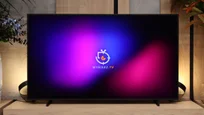
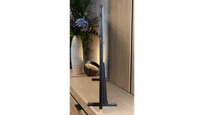
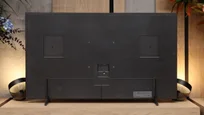
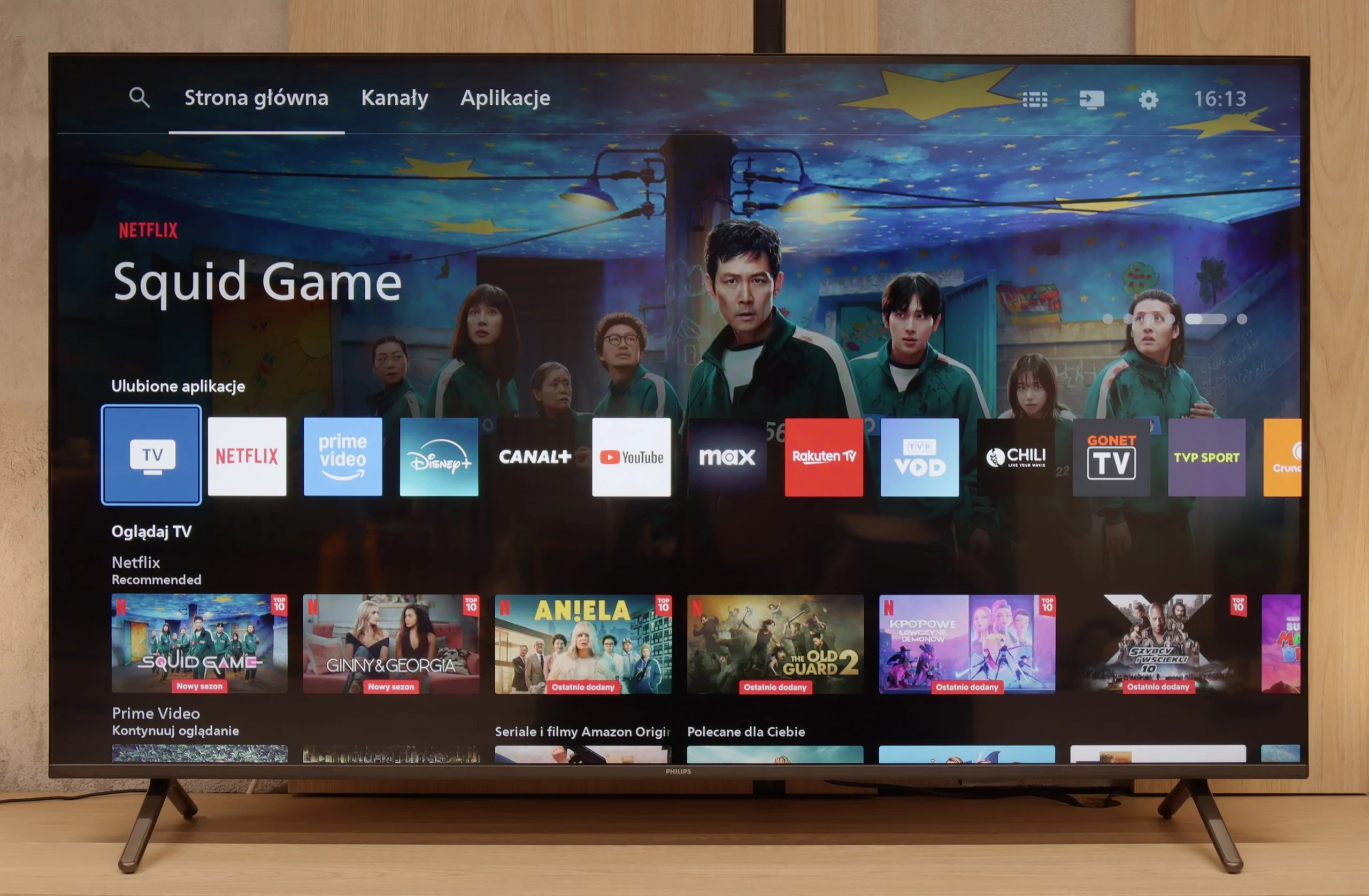
TV appearance

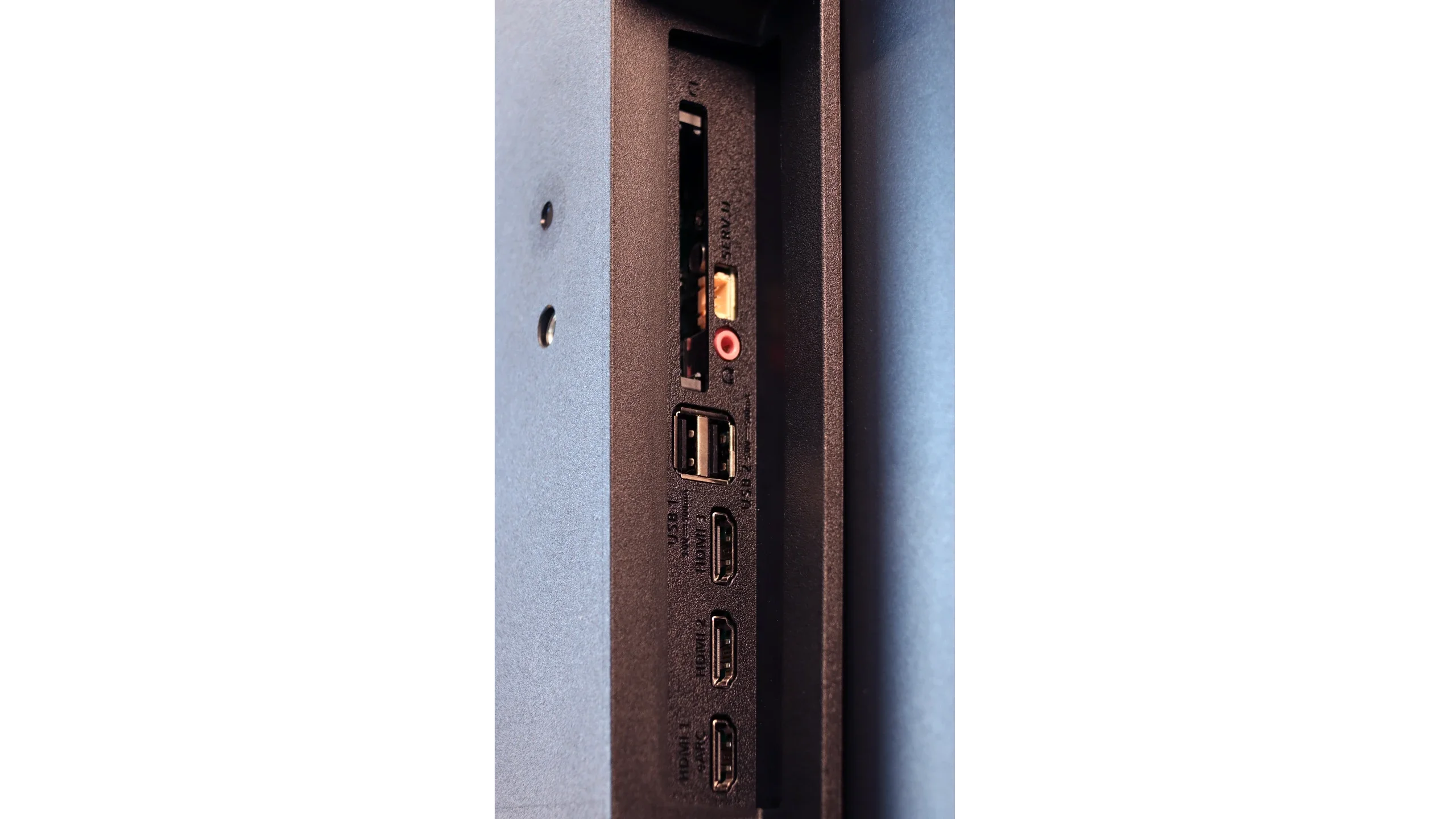
HDMI inputs
3 x HDMI 2.0, 0 x HDMI 2.1
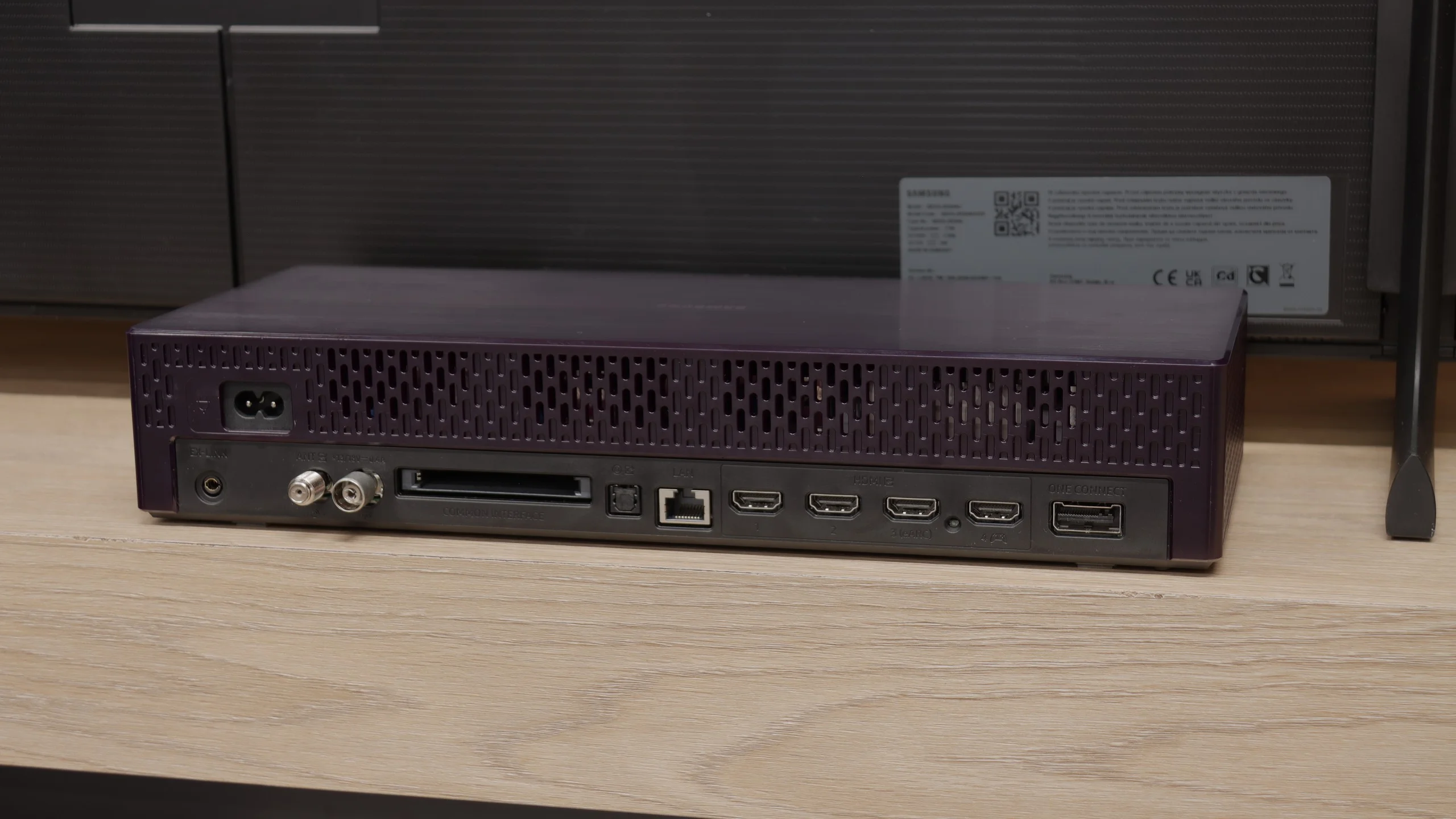
3 x HDMI 2.0, 1 x HDMI 2.1 (40Gbps)
Other inputs
USB-C
Outputs
Toslink (Optical audio), eARC (HDMI), ARC (HDMI), Mini-Jack (Headphones)
Toslink (Optical audio), eARC (HDMI), ARC (HDMI)
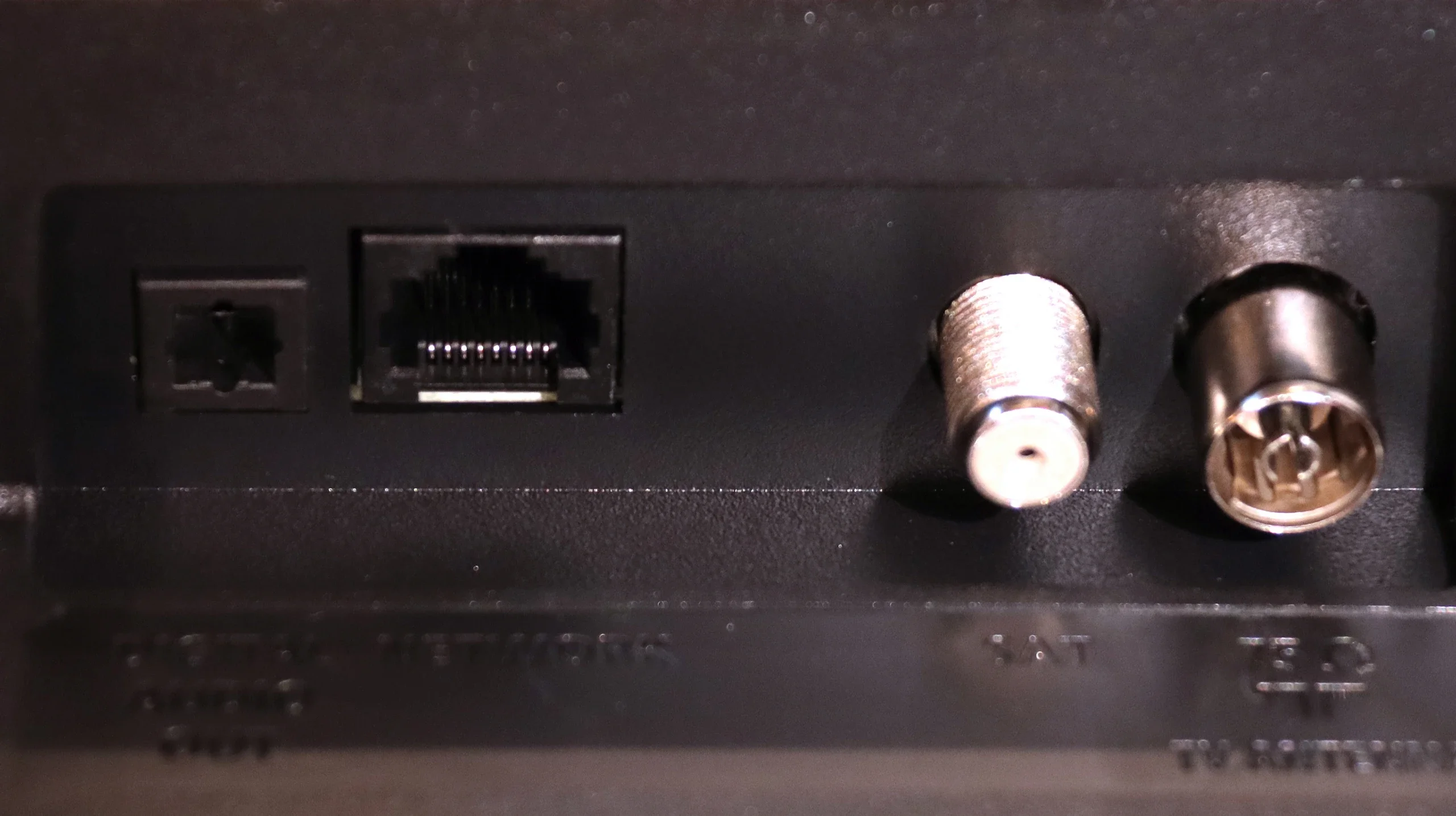
Network Interfaces
Wi-Fi 2.4GHz, Wi-Fi 5GHz, Ethernet (LAN) 100Mbps
Build quality
Average
Premium
Stand type
Legs
Legs
Bezel color
Graphite
Changeable Frame
Stand
Base adjustment
Height adjustment
Flat design
No
Yes
Accessories
Stand
Stand, Wall bracket, One Connect Box

Contrast and black detail

6.1/10

6/10

Local dimming function: No

Local dimming function: No

Contrast:

Review Philips PUS8500  Contrast and black detail

Result

6,000:1

Review Philips PUS8500  Contrast and black detail

Result

5,950:1

Review Philips PUS8500  Contrast and black detail

Result

6,250:1

Review Philips PUS8500  Contrast and black detail

Result

5,950:1

Review Philips PUS8500  Contrast and black detail

Result

5,750:1

Review Samsung The Frame 2026 (LS03H) Contrast and black detail

Result

6,300:1

Review Samsung The Frame 2026 (LS03H) Contrast and black detail

Result

6,800:1

Review Samsung The Frame 2026 (LS03H) Contrast and black detail

Result

5,500:1

Review Samsung The Frame 2026 (LS03H) Contrast and black detail

Result

5,950:1

Review Samsung The Frame 2026 (LS03H) Contrast and black detail

Result

4,050:1

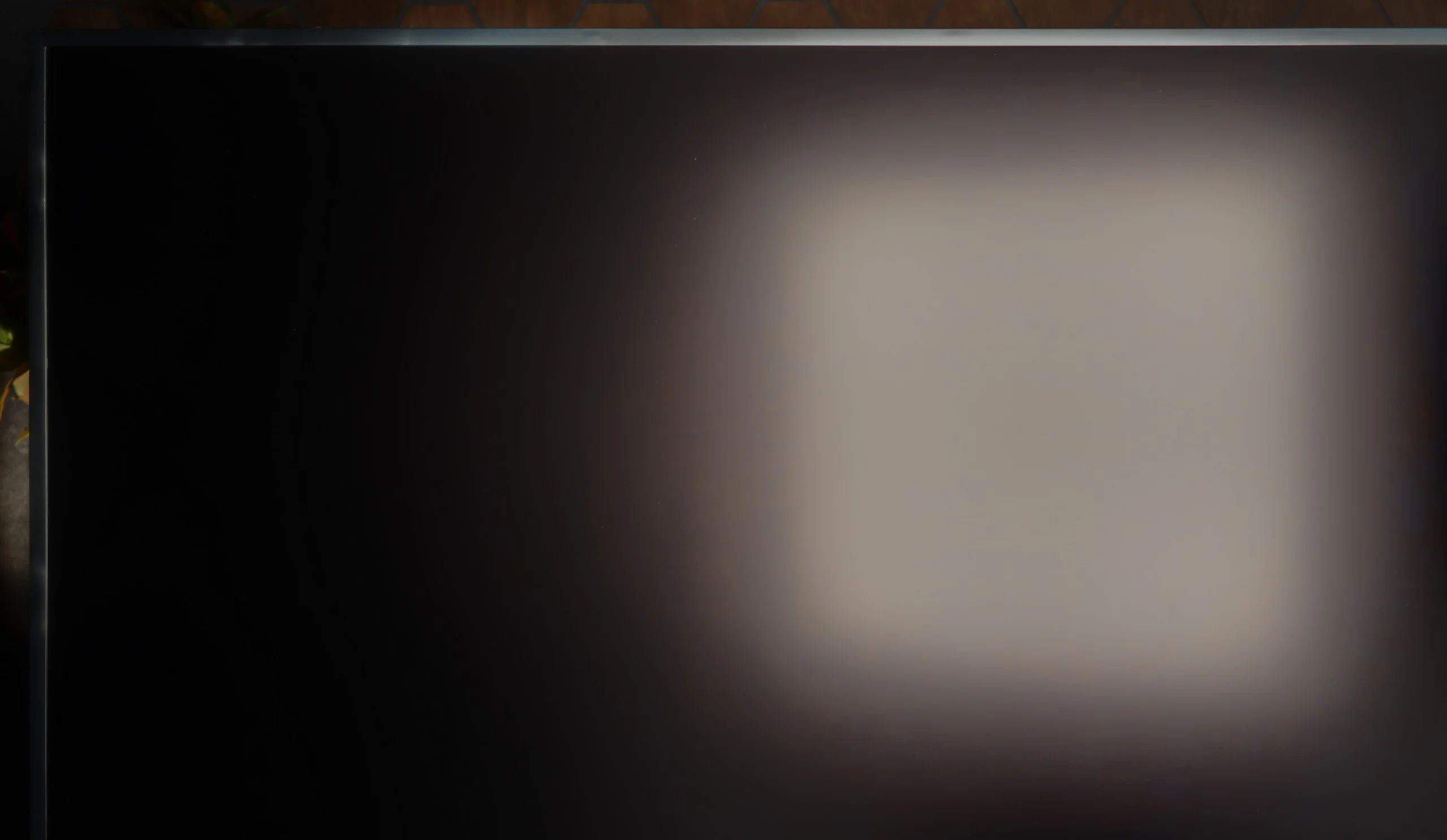
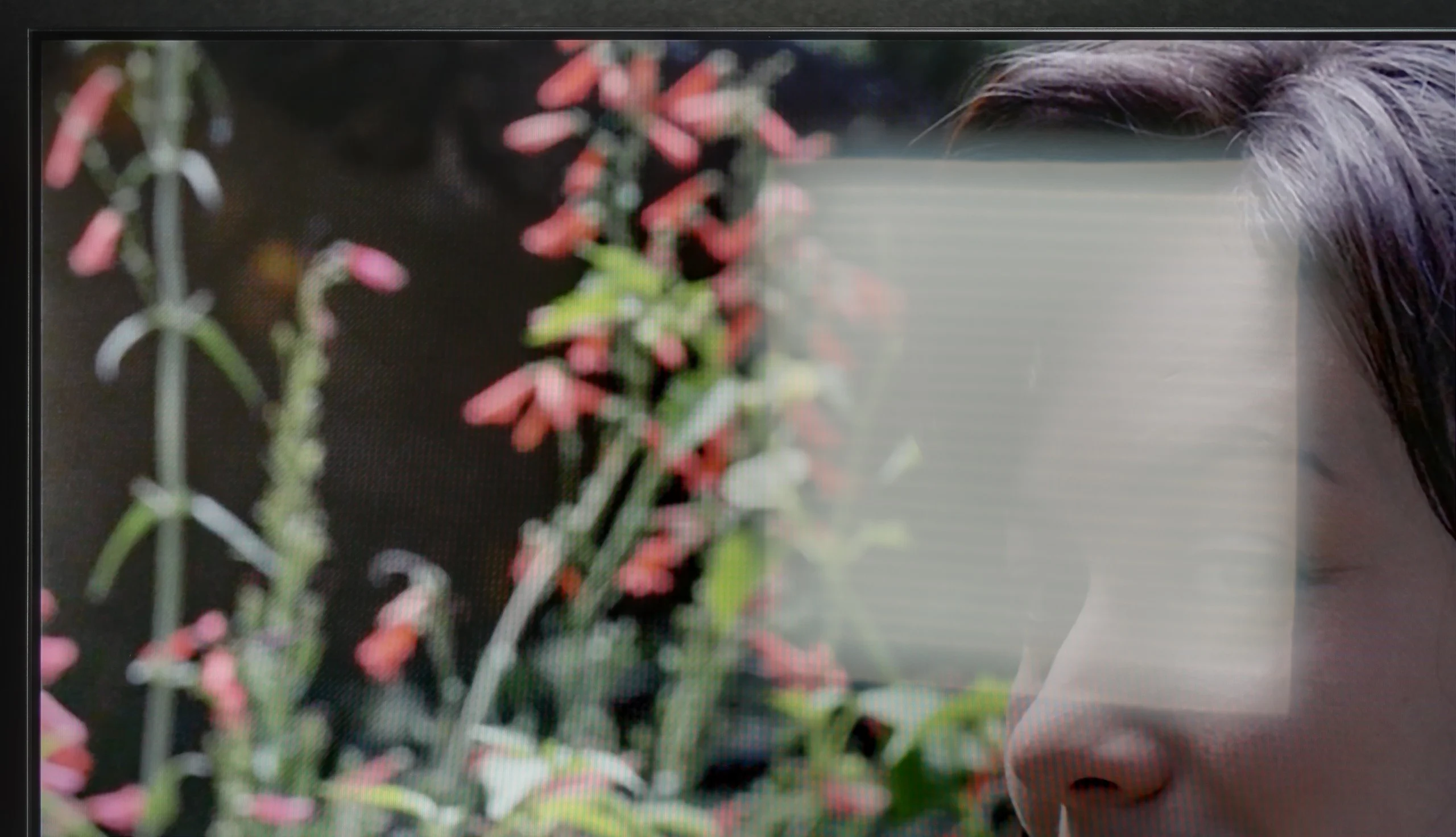
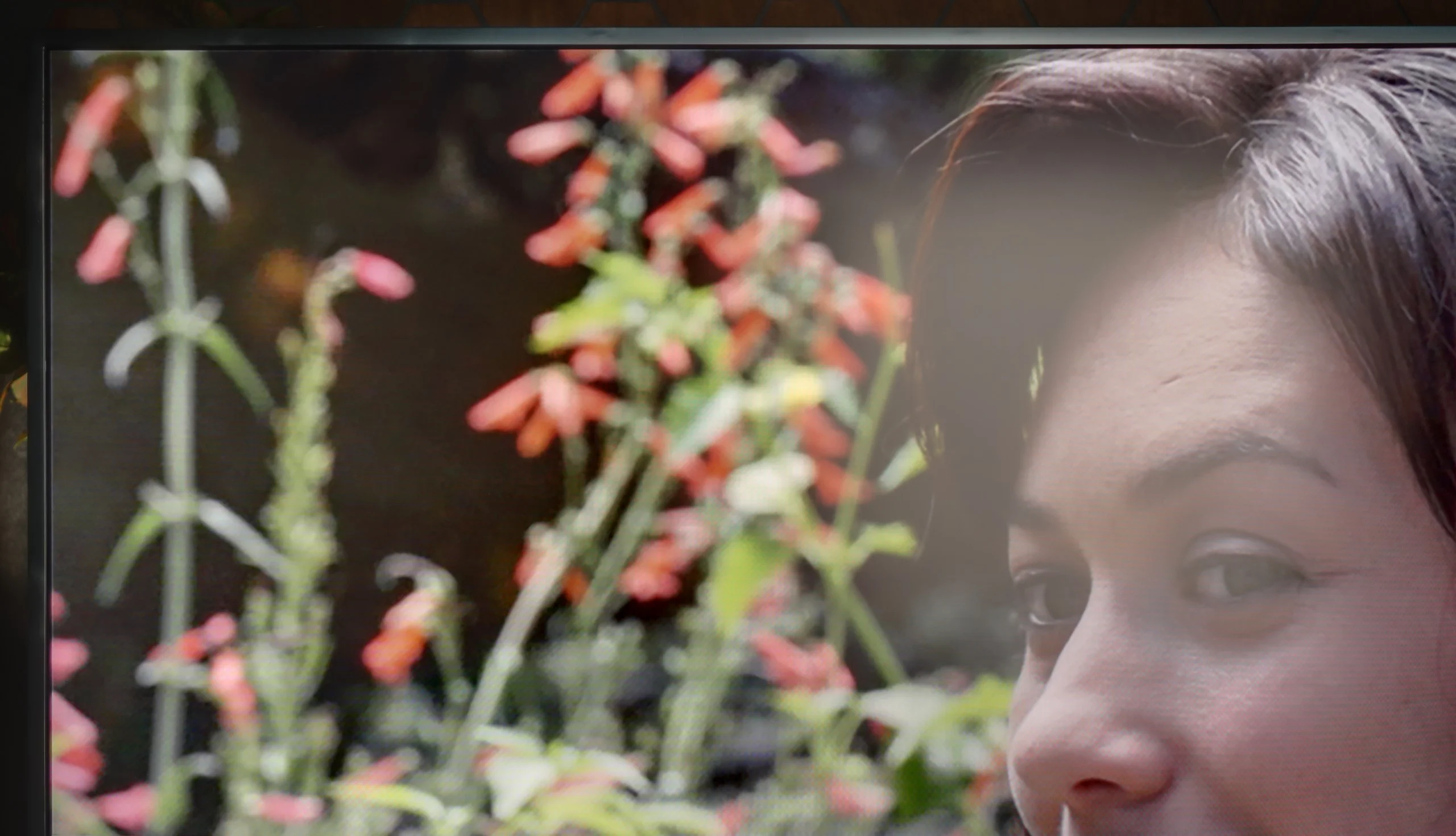
Halo effect and black detail visibility:

Check the visibility of bright lights on a dark background. Mini-LEDs often struggle with this. The photo does not compare black levels – that’s what the video below is for.

The video accurately shows differences in contrast and black levels between TVs, as well as potential issues: halo around bright objects or Mini-LED zone operation visible as brightness jumps.

Philips PUS8560 in the size version we tested is equipped with a VA panel. This means that black levels – for an LCD TV – can be considered decent. And that is indeed the case with this model. Both blacks and the overall impression of contrast in the movie scenes we tested are really quite good – the image doesn't bleed, and details are visible even in more challenging segments.

But the panel alone is not everything. Unfortunately, the PUS8500 does not come with local dimming (which is a given looking at the TV segment), so one has to reckon with the fact that in completely dark conditions, black can resemble shades of navy more than true black. On the other hand – and here's a plus for Philips – the Ambilight system does an excellent job. The backlighting really affects the perception of contrast. As a result, even if technically the black isn't perfect, the subjective experience of the picture becomes much more enjoyable. For many people, that's enough to make an evening viewing really spectacular.

Samsung The Frame 2026 uses a VA panel but doesn't have local dimming. That means the TV can't dim selected parts of the screen. The backlight therefore works fairly evenly across the whole panel. The VA panel itself gives some advantage over IPS or ADS screens. Blacks are noticeably better, and the picture doesn't look as washed out when watching in the evening. That doesn't change the fact that, in terms of contrast, The Frame performs fairly averagely. You can see this most clearly in dark scenes. If a bright object appears on a black background, the TV can't dim the area around it. The black then takes on a more navy tone and the image loses depth. It's similar with films that have black bars. With the lights off it's quite easy to notice that the bars aren't truly black. In simpler, brighter scenes the issue is much less noticeable. So during regular TV, sport or daytime viewing, contrast is unlikely to be a major problem. It looks worse for evening viewing sessions, especially if you've previously been using an OLED or a good Mini-LED. The difference in black levels to The Frame's disadvantage is then very noticeable.

HDR effect quality

4.8/10

6.1/10

Supported formats
HDR10, HDR10+, HLG
HDR10, HDR10+, HLG
Color gamut coverage
DCI P3: 90.4%, Bt.2020: 65.8%
DCI P3: 93.7%, Bt.2020: 71.8%

Luminance measurements in HDR:

Review Philips PUS8500  Brightness measurement

Result

273 nit

Review Philips PUS8500  Brightness measurement

Result

300 nit

Review Philips PUS8500  Brightness measurement

Result

324 nit

Review Philips PUS8500  Brightness measurement

Result

343 nit

Review Philips PUS8500  Brightness measurement

Result

334 nit

Review Samsung The Frame 2026 (LS03H) Brightness measurement

Result

587 nit

Review Samsung The Frame 2026 (LS03H) Brightness measurement

Result

609 nit

Review Samsung The Frame 2026 (LS03H) Brightness measurement

Result

599 nit

Review Samsung The Frame 2026 (LS03H) Brightness measurement

Result

648 nit

Review Samsung The Frame 2026 (LS03H) Brightness measurement

Result

663 nit

Scene from the movie “Pan” (about 2800 nits)

Scene from the movie “Billy Lynn” (about 1100 nits)

The photos show two HDR10 movies. 'Pan' is one of the brightest productions ever made, while 'Billy Lynn' (soldier) has brightness typical of streaming (Netflix, Prime, HBO MAX). Notice the intensity of effects and detail in whites.

Static HDR10

The photos present the visibility of white details in various HDR formats. They do not show brightness differences between TVs (these can be compared in the previous gallery).

Dynamic: HDR10+

Dynamic: HDR10+

The photos present the visibility of white details in various HDR formats. They do not show brightness differences between TVs (these can be compared in the previous gallery).

HDR luminance chart:

Samsung The Frame 2026 (LS03H)

Philips PUS8500

When it comes to HDR performance on the PUS8560, it's safe to say that it's rather average. The brightness of the panel is around 350 nits, so we consider this to be the absolute minimum for watching content in this format. However, it’s not a result that will impress viewers looking for the best possible picture.

On the plus side, it's worth noting that the PUS8500 series – including the PUS8560/12 tested here – is marketed as a QLED television. And indeed, we can expect a wider colour gamut here. This model is equipped with an additional filter (PFS), and the DCI-P3 coverage of around 90% should suffice for most users. This filter operates very similarly to quantum dots. As a result, colours are quite well-saturated. It's not an outstanding result, but it's entirely sufficient for watching movies and series from streaming platforms.

The Frame 2026 is a genuinely bright TV. Its peak brightness reaches around 650 nits and, importantly, it maintains similar levels regardless of the type of scene being displayed. It doesn’t really matter whether we’re watching a very bright full-screen image or just a small highlight occupying part of the screen. The backlight remains powerful, allowing bright parts of the image to stand out clearly.

This gives The Frame a solid foundation for HDR. Bright highlights can look impactful, and the picture doesn’t appear flat or overly dim. Unfortunately, there is a compromise. Without local dimming, the TV cannot darken the black areas surrounding very bright objects.

This is clearly visible in scenes 2 and 4 of our test procedure. Bright elements look impressive, but at the same time, the blacks around them become noticeably raised. As a result, the image loses some of its depth, especially when watching in a dark room. This is why The Frame performs best with HDR in bright and moderately bright scenes, where its high brightness works to its advantage. In darker scenes, the situation is quite the opposite.

Colours

The Frame also performs well when it comes to colour reproduction. As a QLED TV, it can display a wide colour gamut and produce rich, saturated colours. DCI-P3 coverage reaches around 94%, while BT.2020 comes in at around 72%. These are good results, and you can see the difference in actual content.

Colours look vivid without appearing washed out, particularly in bright and colourful scenes. Animations and other content with plenty of saturated colours can look really good on The Frame. With this type of material, the TV shows one of its stronger sides.

Factory color reproduction

6.2/10

7.1/10

This gallery shows how colors change after professional TV calibration. If you notice the difference, we recommend ordering this service at SkalibrujTV.com.

Factory Mode

After calibration

This gallery shows how colors change after professional TV calibration. If you notice the difference, we recommend ordering this service at SkalibrujTV.com.

Factory Mode

After calibration

We tested the television on the best available factory settings, that is, in Film/Filmmaker mode – this is the mode we recommend for everyday viewing. Unfortunately, it is not without its flaws. Both in HD and HDR content, the image had a distinct tendency to pinkness, caused by an excess of red and blue in the white balance. Another issue turned out to be excessive brightness of the image, as confirmed by both the gamma graph and the EOTF curve. This characteristic was responsible for the loss of detail and washed-out colours in more challenging HDR scenes we mentioned earlier. All of this led to quite significant colour reproduction errors – in extreme cases, the delta E value exceeded 7, while the threshold for visibility of errors for the human eye is about 3. This situation can be improved through calibration, and you can read about its effects below.

For assessing the factory colour setup we chose the Filmmaker Mode. If you’re encountering it for the first time, it’s a mode designed to reproduce films and TV shows as faithfully as possible. The TV then turns off most additional image enhancers, and the colours and luminance response are intended to be as close as possible to what the creators intended. And it must be said that The Frame 2026 performs quite well in this respect straight out of the box. The biggest deviation is seen in the white balance. As brightness increases, blue starts to fall short and there’s a slight increase in green. As a result, the image shifts towards warmer tones. So white isn’t perfectly neutral, and in some scenes you can notice a subtly warmer cast.

The luminance response, both gamma and EOTF, looks pretty good. Through most of the range they stay fairly close to the target, although larger deviations are visible in the darkest parts of the image. In practice, some shadow details emerging from black may therefore be a bit more pronounced. However, it’s not an error that jumps out during normal viewing. Overall, Filmmaker Mode is a good starting point here. However, the factory picture is a bit too warm and not all hues land exactly where they should.

Color reproduction after calibration

8.4/10

8/10

The photos show how movies look on the TV. Pay attention to black detail visibility, colors, and shadow tint.

The photos show how movies look on the TV. Pay attention to black detail visibility, colors, and shadow tint.

The Dutch manufacturer offers quite a large dose of settings in its products, so as usual, we decided to tinker with them a bit. The effects are immediately noticeable – we managed to correct the white balance, which made the image cease to appear overly pinkish. The brightness characteristics were also partially equalised, of course within the limits that the television itself allows. The picture is no longer so excessively brightened, and the overall reception after calibration is definitely better than in the factory settings of the Filmmaker mode.

You could only nitpick about the characteristics of the EOTF curve, which still indicates that the image tends to brighten HDR content. Despite our efforts, the darkest parts of the scenes can still be too bright, and the brightest ones do not always reach their full contrast potential. However, it must be clearly stated that we are dealing with a typically budget-oriented design – one cannot expect reference-quality rendering of HDR content from it.

Calibration has definitely helped this model – it improved the balance, toned down the aggressive colour palette, and brought the image closer to what one can expect from a well-configured movie mode. However, there are certain limitations that cannot be overcome.

After calibration we mainly managed to remove that warmer tint and better even out the white balance. We also smoothed the brightness response a bit, which made the picture more neutral and predictable. There are, however, things calibration won't fix. It's mainly the black performance, which comes from the backlight design and the lack of local dimming. In some scenes the blacks will therefore still be slightly lifted, and you just have to accept that. It's more a characteristic of this model than something you can fix with the settings. HDR is also somewhat limited. Samsung doesn't give full freedom to work across the widest colour gamut here, so not all colours can be reproduced perfectly. In normal viewing it will probably be hard to notice, but it's worth being aware of.

Smoothness of tonal transitions

6.3/10

8.5/10

These are selected scenes that show smooth tonal transitions from one color to another. If you see distinct banding, it’s the TV panel’s fault.

These are selected scenes that show smooth tonal transitions from one color to another. If you see distinct banding, it’s the TV panel’s fault.

These are selected scenes that show smooth tonal transitions from one color to another. If you see distinct banding, it’s the TV panel’s fault.

These are selected scenes that show smooth tonal transitions from one color to another. If you see distinct banding, it’s the TV panel’s fault.

The PUS8560 handles colour blending into smooth gradients very well. During testing, the image appeared coherent and natural, with serious issues regarding tonal transitions occurring only in very dark scenes – for example, in a shot with red water, where subtle cut-offs between colours could be observed. However, these are rather exceptions that don’t spoil the perception of most content. It’s worth mentioning another phenomenon that has a greater impact on image quality – this relates to the so-called dithering, which is a slight “tingling” visible on solid backgrounds. This effect can be particularly noticeable in high-quality materials and may slightly detract from the impression of image clarity. It is for this fault that we deducted some points in the rating.

Gradation in The Frame 2026 performs well, though not perfectly. In bright tonal transitions you can notice slight issues and occasional mild banding. These aren't faults that seriously affect normal viewing, but they can be picked up on our test patterns and in more demanding scenes. We'd rate the bright-tone gradation at roughly 7.5-8 out of 10.

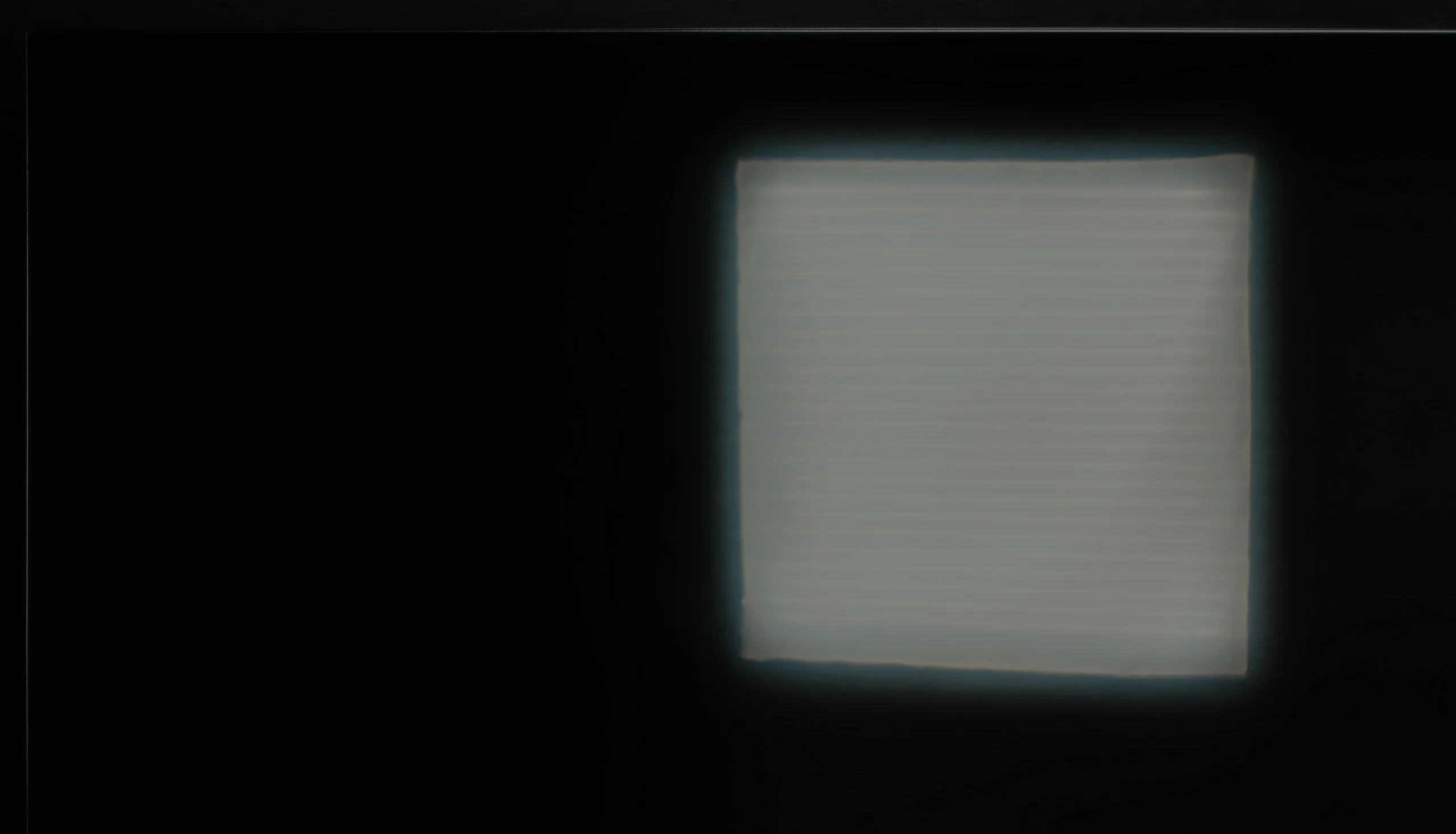
Interestingly, gradation looks much better in the dark parts of the image. Here the transitions are very smooth and it's hard to find clear signs of posterization. That's the opposite of many LCD TVs, where the near-black areas usually cause more problems. In photos of dark scenes you can, however, spot some image irregularities. They don't come from the gradation itself but from panel uniformity and the backlight. Unfortunately, in that respect our sample of The Frame wasn't perfect, so in very dark shots you could see brighter and darker patches from the backlight.

Image scaling and smoothness of tonal transitions

6.5/10

7/10

Image without overscan on the SD signal
OK
No
Smooth transition function
OK
OK

Smooth transition function

The match photo shows how the TV smooths weak tonal transitions in low-quality video.

Image scaling SD (576i)

The model photo shows how it handles upscaling of SD material.

Philips PUS8560 offers a deinterlacing function, hidden under the name “distortion reduction”. And while it indeed serves its purpose, smoothing out problematic tonal transitions, it operates a bit too broadly. In practice, it affects not just colourful gradients but also softens faces, clothing textures, and furniture surfaces. This undermines the authenticity of the image – especially in films where natural texture is of great importance. However, if someone is looking for smoothing at any cost, it’s best to set this option to “Low”. For cinema image enthusiasts – we definitely do not recommend it.

On the plus side, the quality of scaling older materials is worth noting – the PUS8560 model handles them surprisingly well. The image retains a natural softness without artificially boosted sharpness. It’s also worth mentioning that the TV correctly displays very low-resolution content, avoiding issues with image cropping (so-called overscan).

As with many of Samsung’s newer TVs, this one also uses the NQ4 AI processor, albeit the older, second-generation version. I must admit it handles digital image processing quite well. Lower-resolution material is sharpened effectively, and when upscaled to 4K it still looks natural. The TV can also tidy up weaker sources a bit, such as older recordings or lower-quality broadcasts. That doesn’t, of course, mean it will suddenly turn poor footage into true 4K, but at close viewing distances the difference compared with simpler models with weaker processors is easy to spot. Edges are clearer and fine details aren’t lost as much to signal compression.

Samsung also provides a few extra picture-enhancing features, but as usual it’s best to use them sparingly. At stronger settings, noise reduction can very effectively reduce posterisation, but it also noticeably interferes with the image. The picture then starts to look quite artificial, for example by heavily smoothing faces. So these features make most sense with really poor sources when all the noise is very distracting.

Blur and motion smoothness

4/10

6.8/10

Maximum refresh rate of the panel
60Hz
144Hz
Film motion smoothing option
No
OK
Blur reduction option
No
OK
BFI function 60Hz
No
Yes, 60Hz (image flickers)
BFI function 120Hz
No
No
Brightness drop with BFI
-%
41%

Blur (native resolution, maximum refresh rate):

Blur (BFI function enabled):

Image flickers in this mode

Blur ():

Blur (1080p@240Hz):

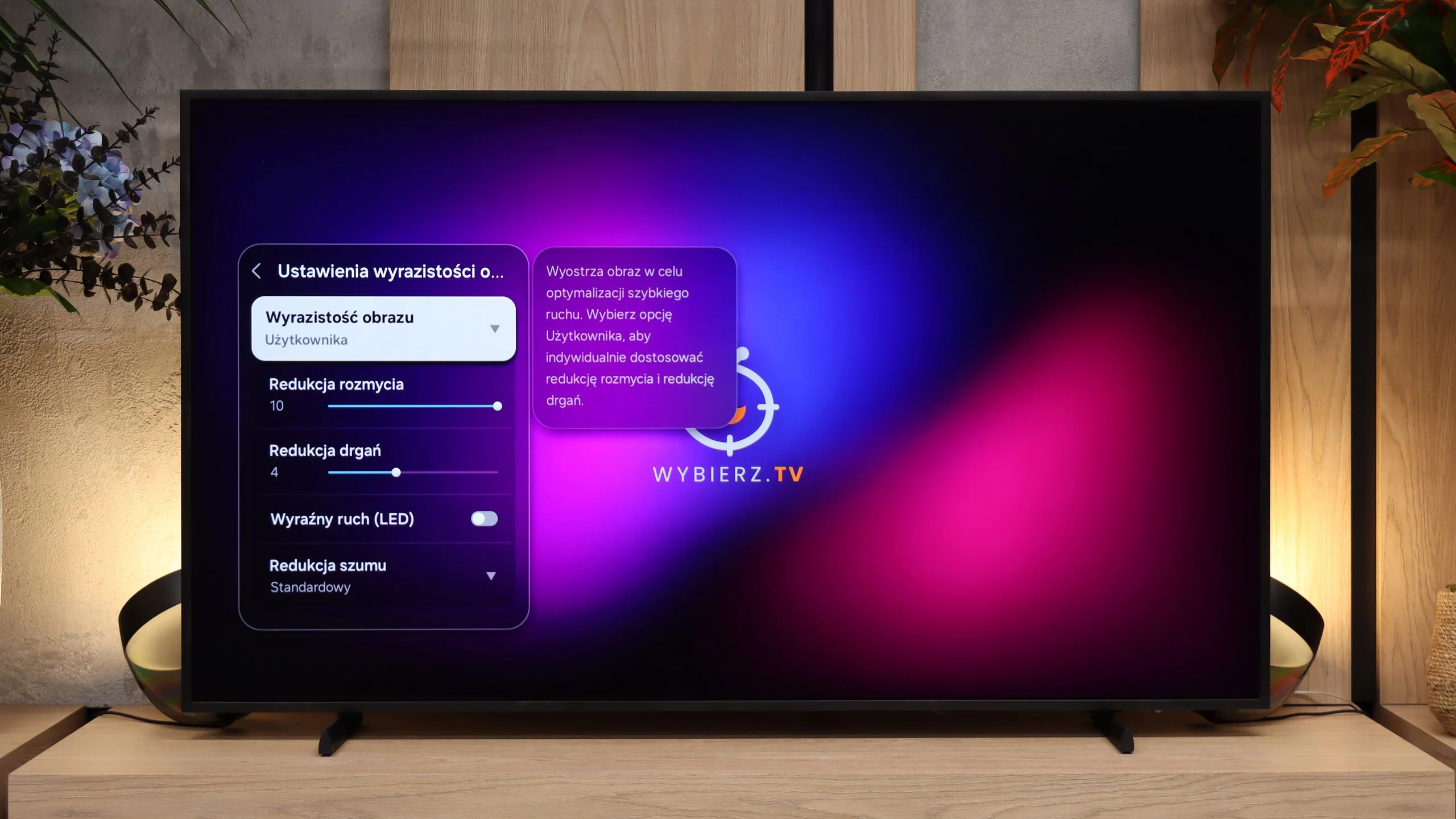
The Philips PUS8560 is a television equipped with a 60 Hz refresh rate panel, which already limits its capabilities for displaying dynamic content right from the start. Watching sports or playing on a console is not one of the more enjoyable experiences. The situation is further worsened by the absence of any option to improve film fluidity. In the menu, you won’t find settings that would allow for the activation of motion smoothing or even a slight motion blur for films recorded at 24 frames per second. You can imagine the effect. The image can appear choppy, especially in shots with panoramic camera movements.

Samsung again used a panel here with a maximum refresh rate of 144 Hz. Refresh rates up to 120 Hz mainly offer greater flexibility with high-motion content. The TV can use additional motion smoothing systems that can improve smoothness in sports and other fast-paced content. However, a high refresh rate alone does not solve everything. The Frame still uses a VA panel, which has a fairly slow response time, resulting in quite pronounced motion blur. With fast-moving objects, especially against dark backgrounds, the trails are easy to notice. There's also a slight double-imaging of edges, which can be visible even after turning off additional motion enhancement systems. We already saw similar behaviour in last year's The Frame 2025, and it's a shame Samsung hasn't fixed this. The 144 Hz itself provides a good foundation, but the panel's response time still limits this TV.

Console compatibility and gaming features

4.7/10

9.6/10

  • ALLM
    Yes
    Yes
  • VRR
    Yes
    Yes
  • VRR range
    48 - 60Hz
    48 - 240Hz
  • Dolby Vision Game Mode
    No
    No
  • Correct implementation of HGIG
    No
    Yes
  • 1080p@120Hz
    No
    Yes
  • 1440p@120Hz
    No
    Yes
  • 4K@120Hz
    No
    Yes
  • Game bar
    Yes
    Yes

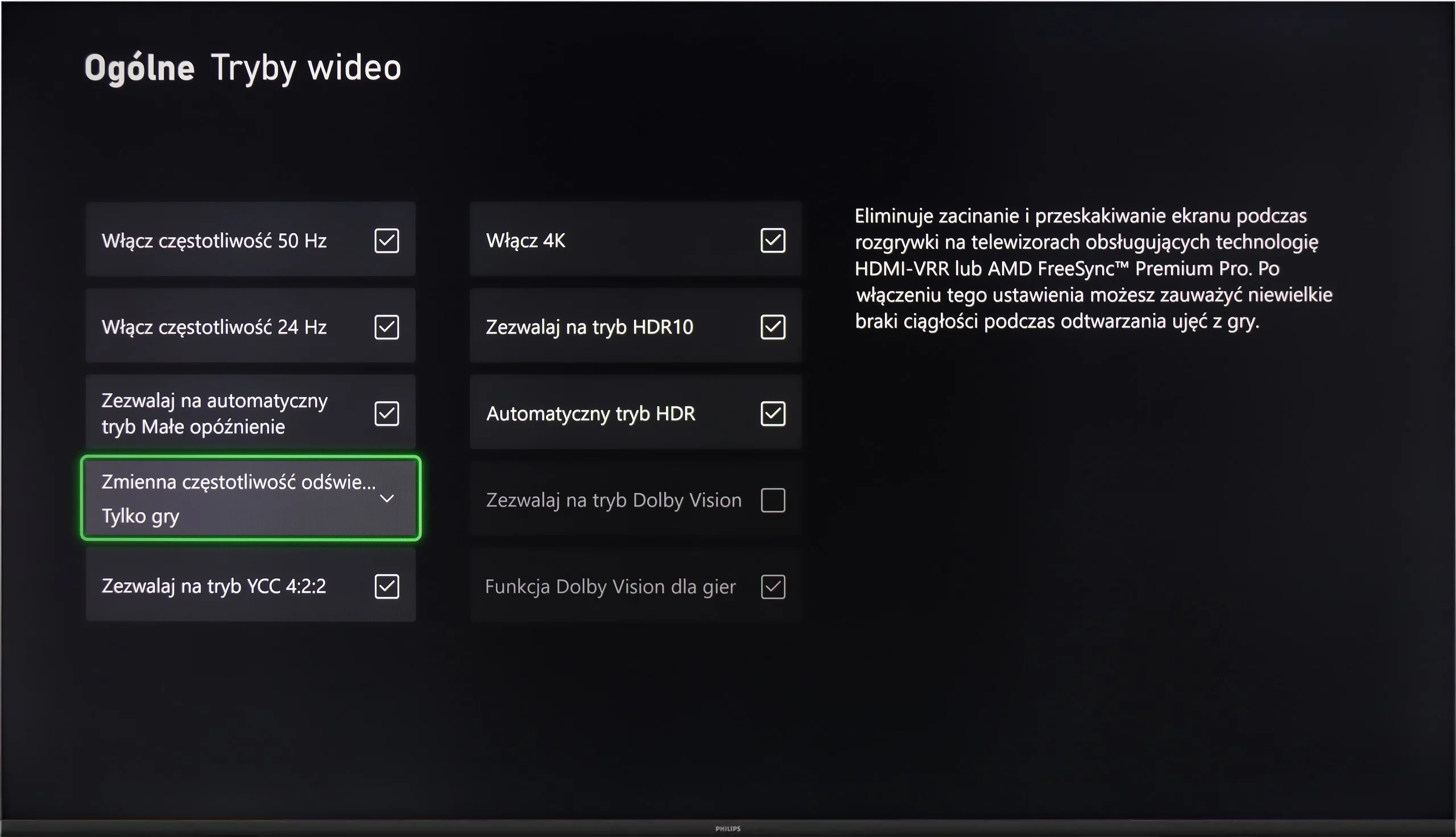
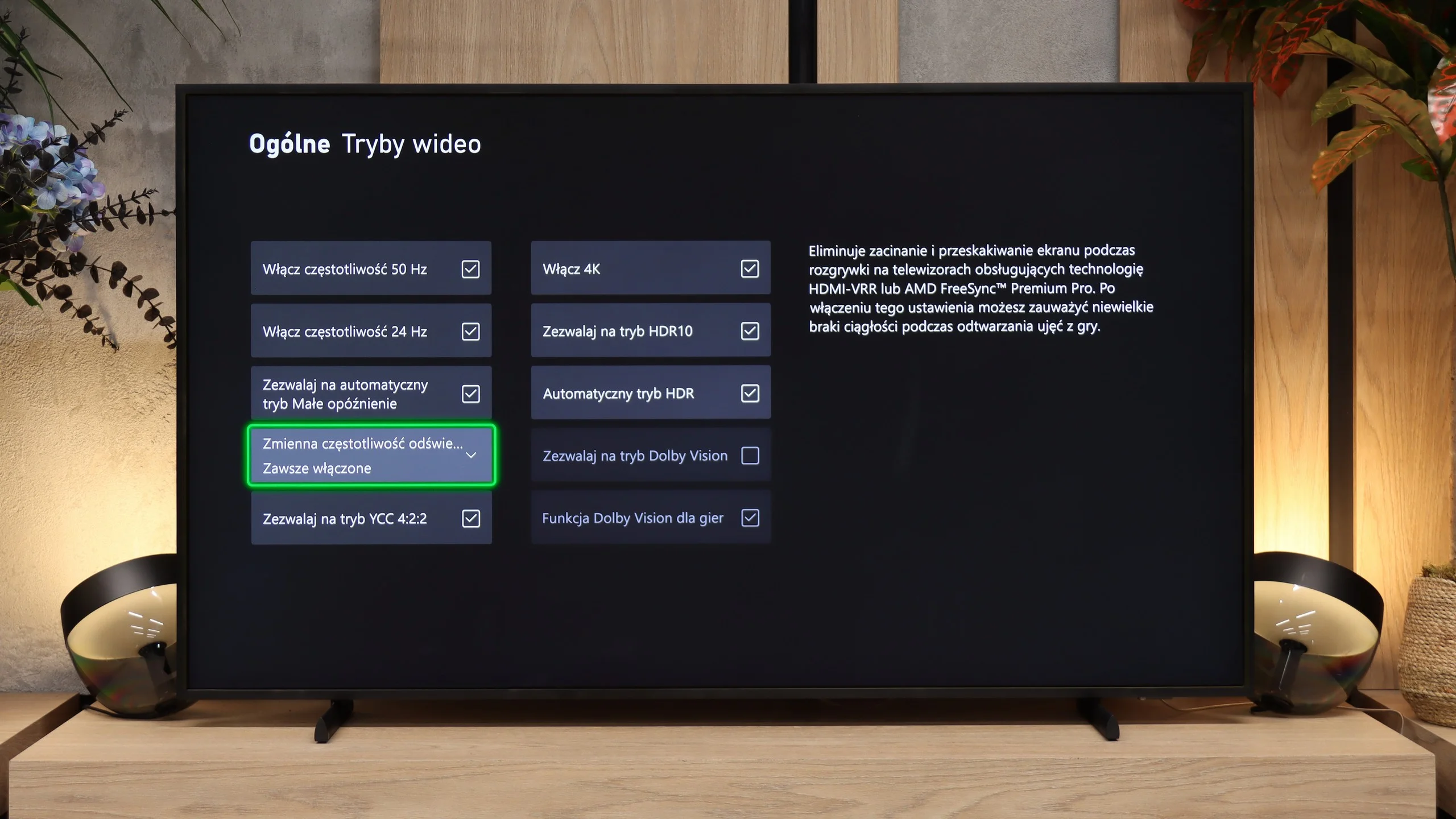
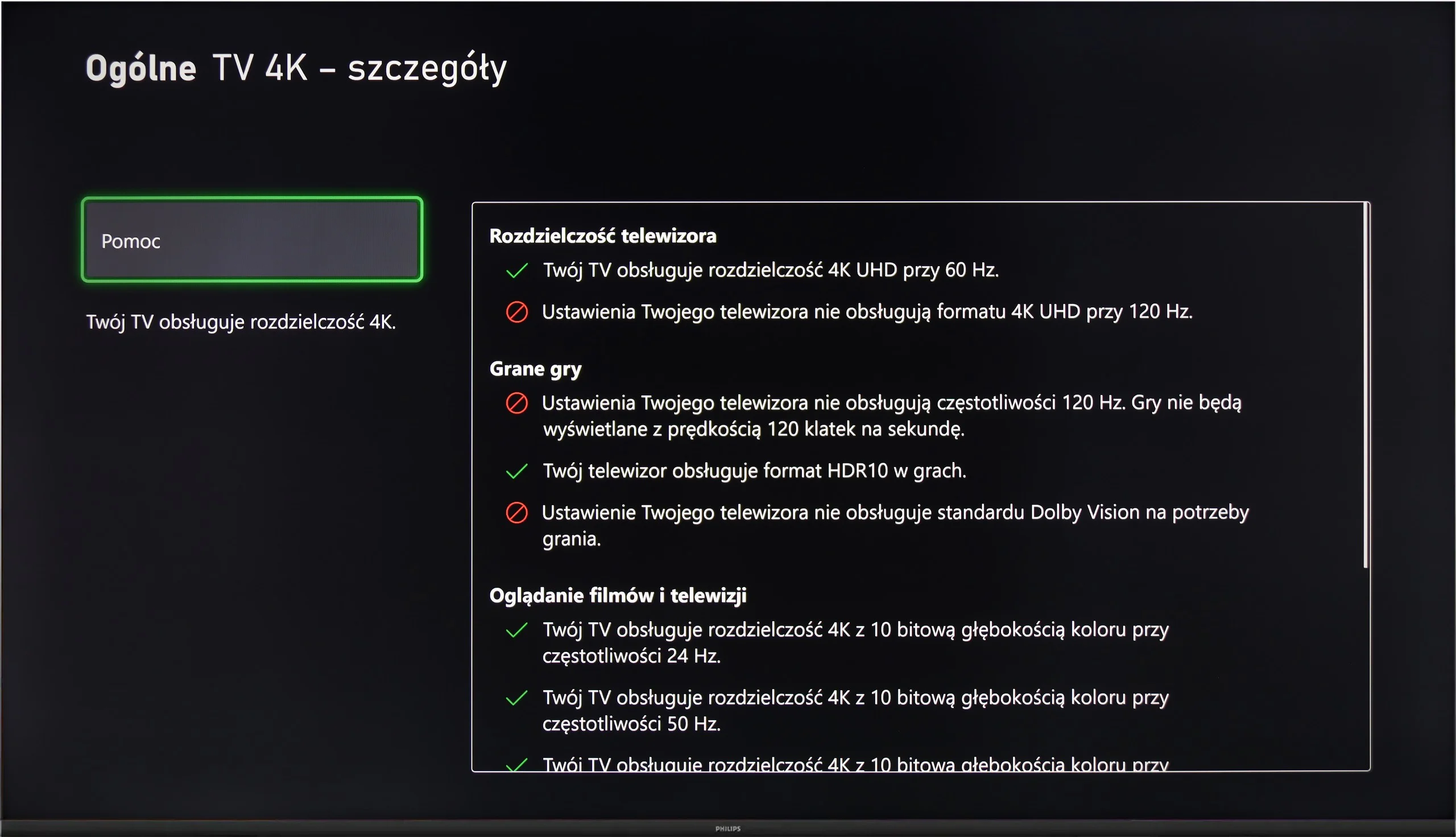
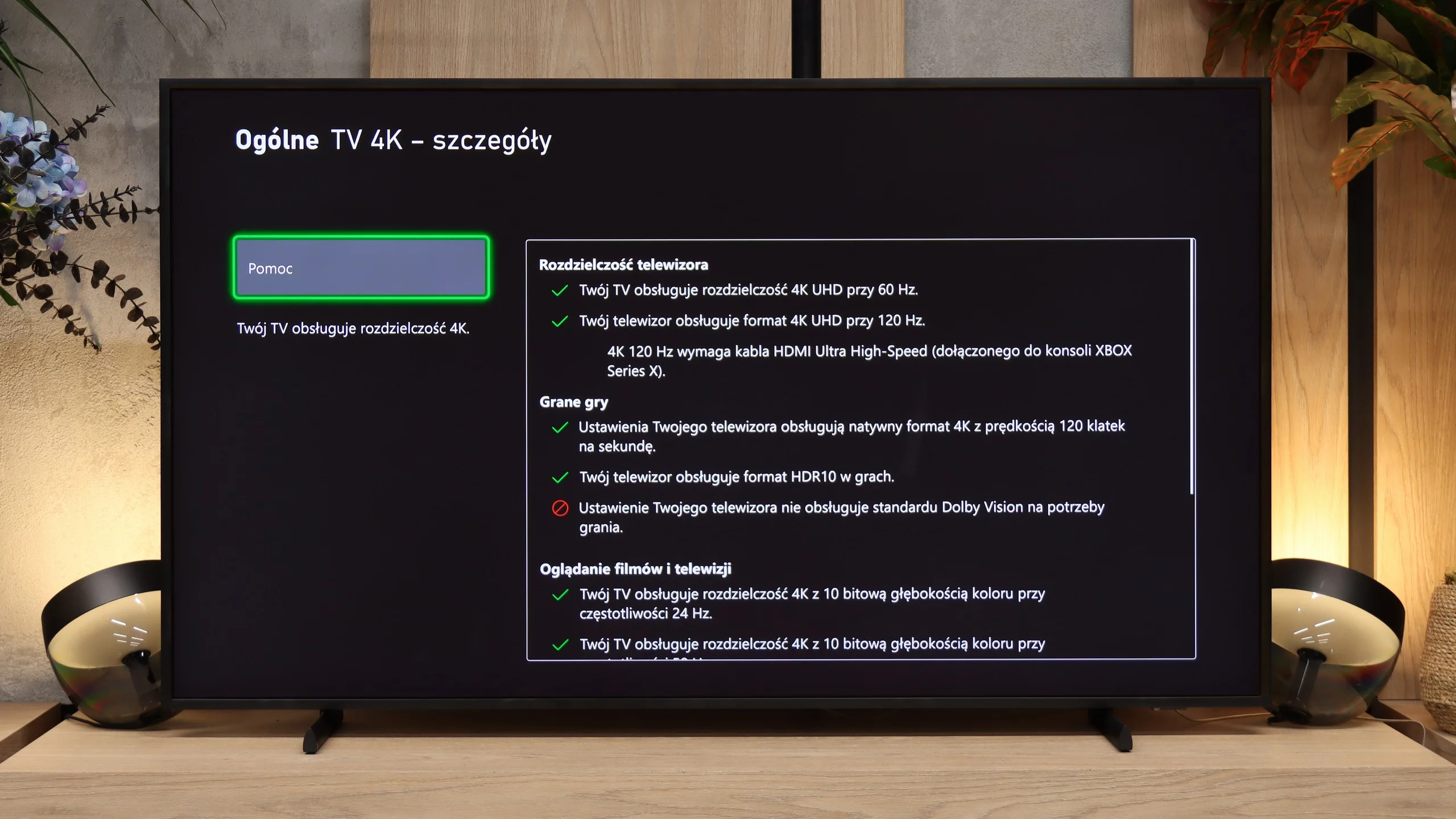
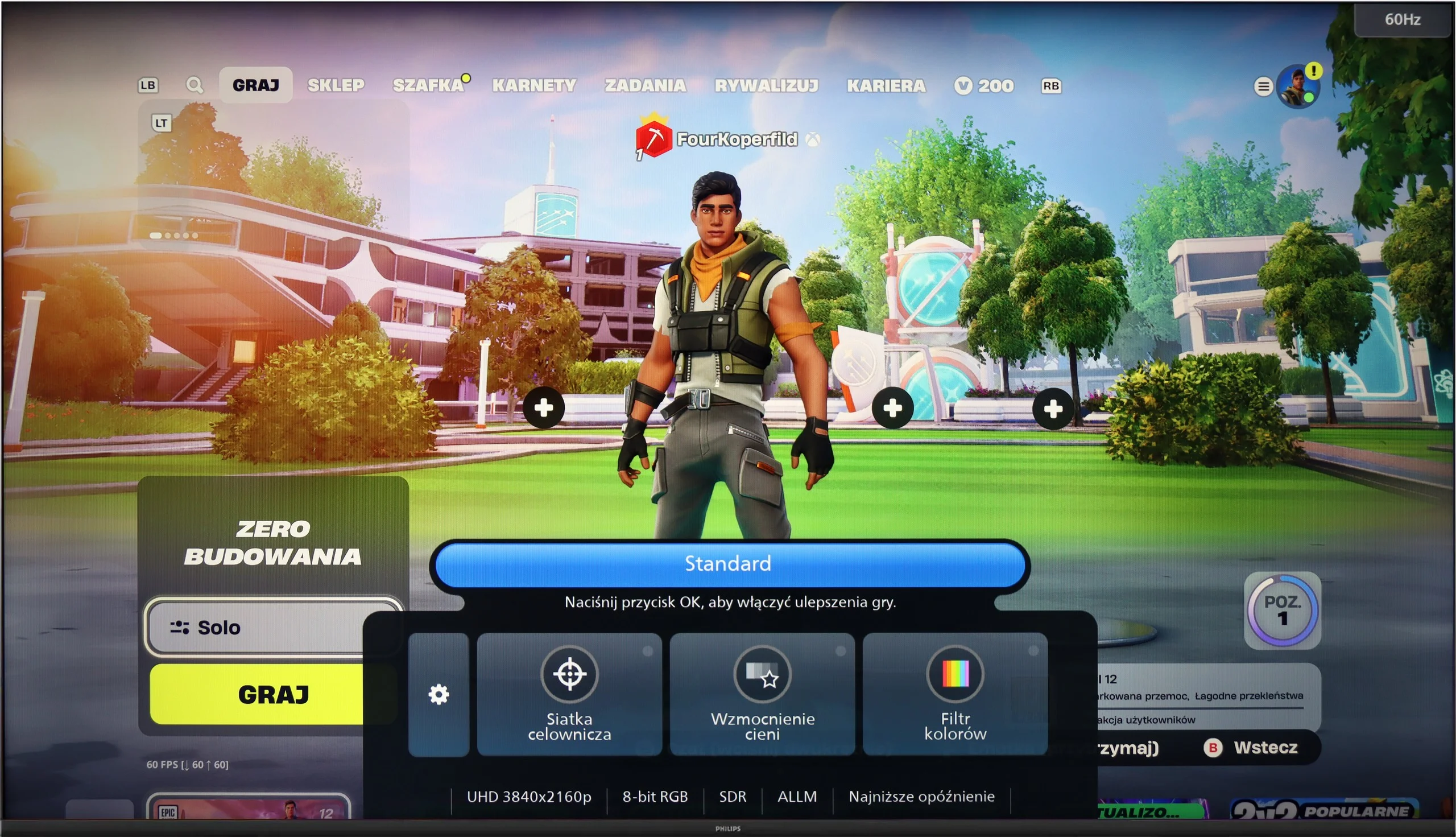
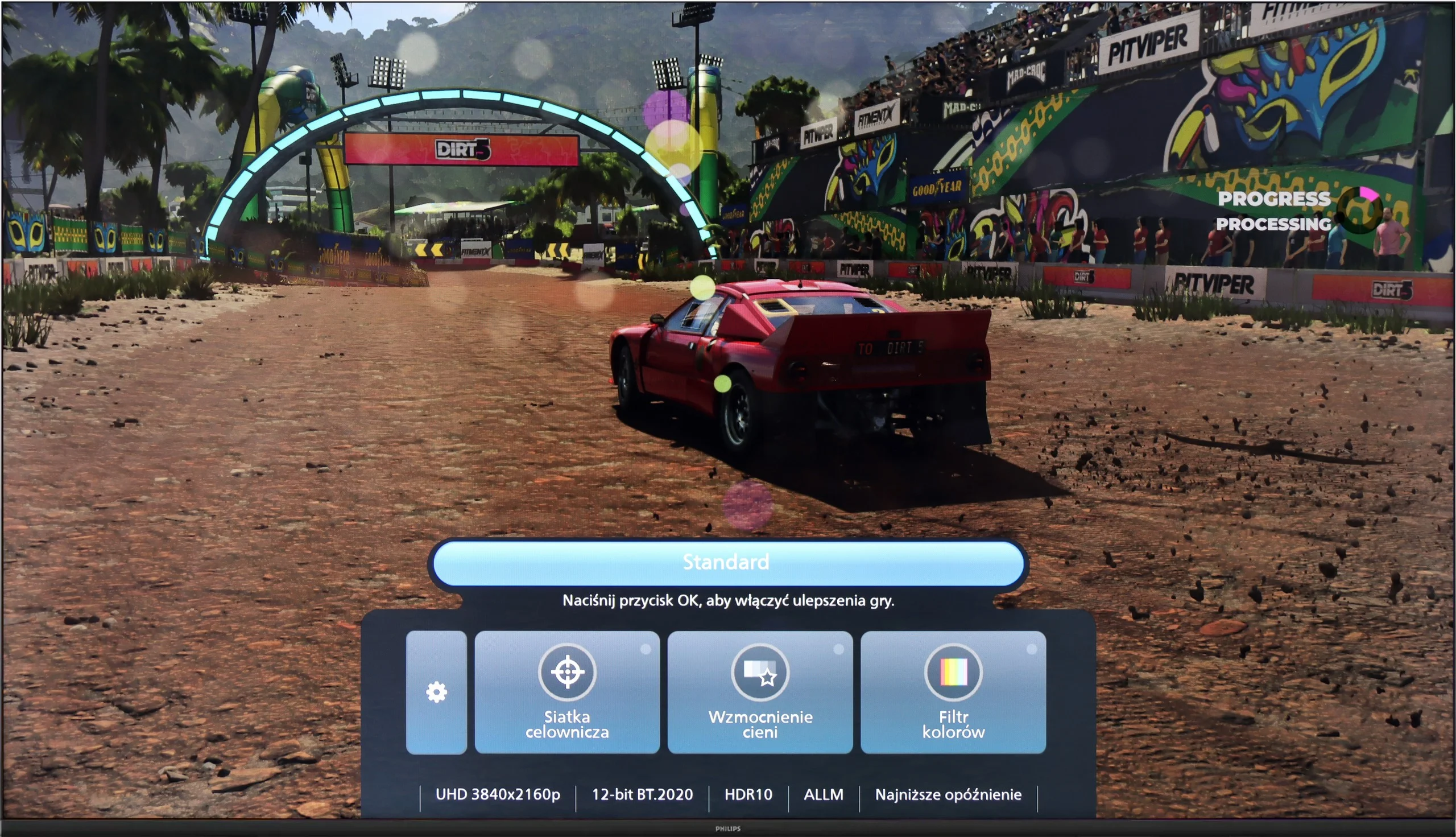
Although the Philips PUS8560 is not designed with gamers in mind, the manufacturer has equipped it with a few features that may prove useful when connecting a console. Onboard, we find automatic switching to game mode (ALLM), as well as a simple connection status information bar – the so-called Game Bar. It doesn't make a particularly visual impression, but it serves its purpose. The presence of variable refresh rate (VRR), operating in the range of 48 to 60 Hz, may come as a surprise. This is not a wide range, but for less demanding games or titles with unstable frame rates, VRR can help reduce the tearing effect. However, this is the only element that can be considered beyond the minimum.

It must be clearly stated that the PUS8560 is not equipment for gamers looking for a responsive screen and full support for modern console features. It lacks HDMI 2.1 ports, the refresh rate is limited to 60 Hz, and the panel's response time is not among the fastest. This model may at best suit people who play occasionally and want to enjoy the Ambilight system.

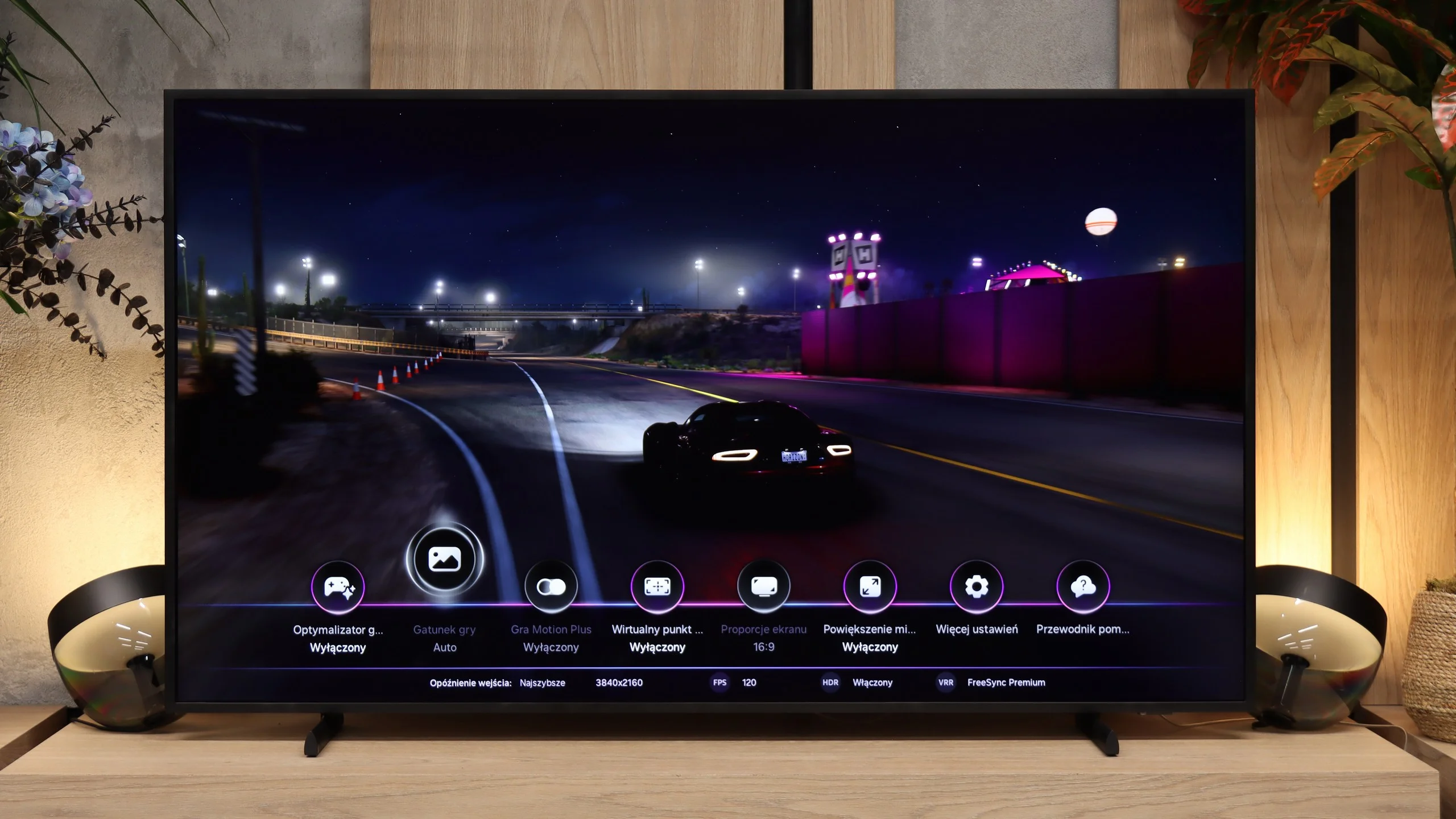
When it comes to gaming features, The Frame is practically on par with Samsung’s flagship TVs. Once a console is connected, the TV automatically switches to Game Mode thanks to ALLM, so there’s no need to change the settings manually every time. There’s also VRR, which matches the screen’s refresh rate to the frame rate generated by the console or PC. When the frame rate drops, this helps prevent the characteristic screen tearing that can otherwise occur.

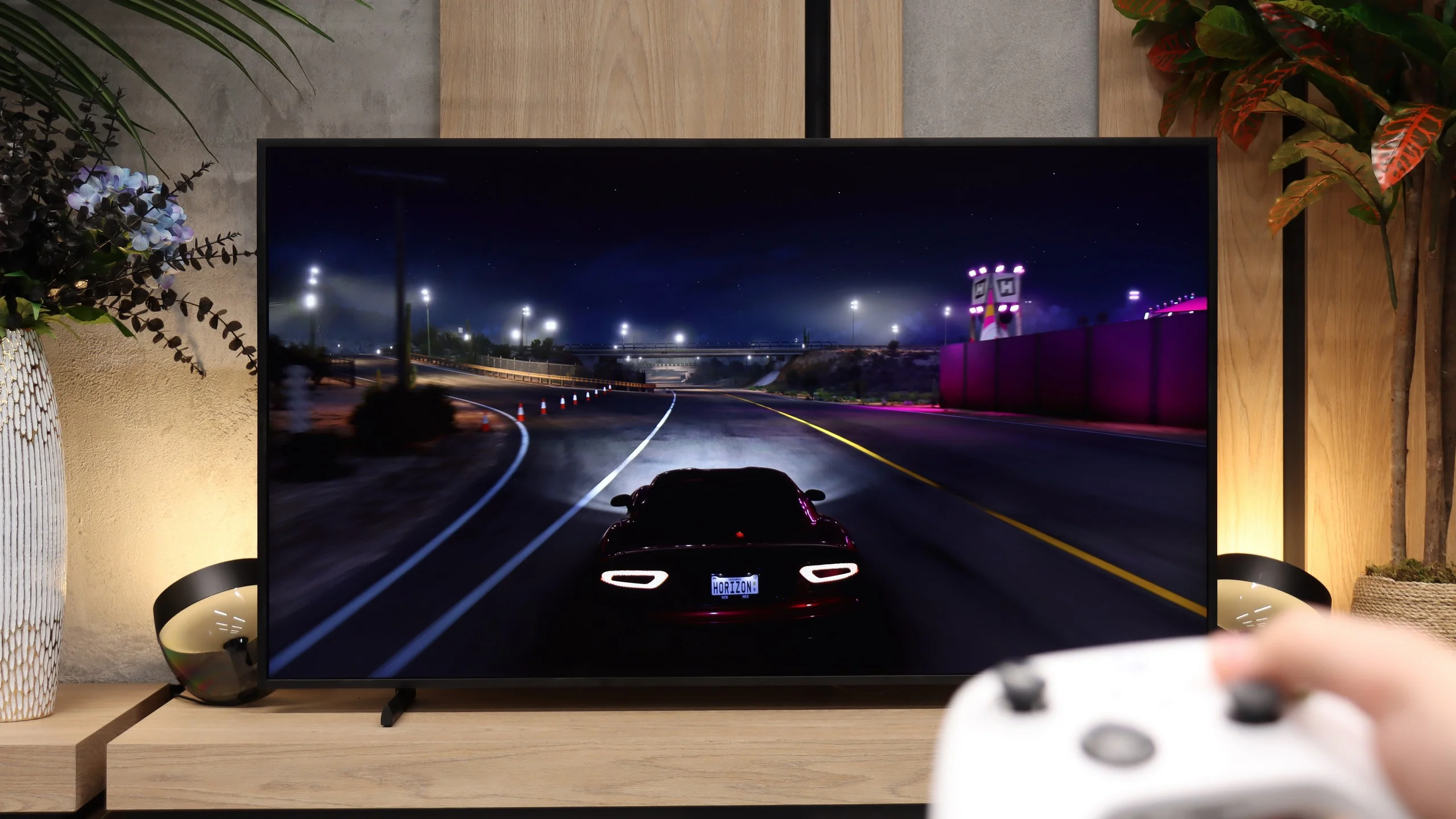
The Frame naturally supports 4K at 120Hz, allowing you to take advantage of higher frame rates on the PlayStation 5 and Xbox Series X. HGiG also works correctly. Once HDR has been properly calibrated on the console, the TV doesn’t try to additionally brighten the image on its own, so bright highlights in games are displayed as they should be.

Samsung also includes its Game Bar. This quick-access menu can be opened without leaving the game and lets you check things like VRR operation or the current frame rate, while also giving you quick access to the most important gaming settings. PC users get even more flexibility, as the Full HD mode mentioned earlier allows the refresh rate to be increased all the way up to 240Hz.

There is really only one feature missing, and by now it’s something we’ve come to expect from Samsung TVs: Dolby Vision Gaming. Xbox owners will notice this the most, as Xbox consoles can actually use Dolby Vision in supported games.

There is one more limitation worth mentioning that applies specifically to this model. The One Connect box has only one HDMI 2.1 port, so this is the only input you can use for a console or PC if you want to play at 4K 120Hz. Fortunately, Samsung hasn’t combined this port with eARC. This means you can connect a soundbar separately to HDMI 3 and still keep the full-bandwidth HDMI 2.1 port available for your console.

Input lag

10/10

9.9/10

SDR

1080p60
13 ms
14 ms
1080p120
8 ms
2160p60
13 ms
14 ms
2160p120
8 ms

HDR

2160p60
12 ms
14 ms
2160p120
8 ms
4320p60

Dolby Vision

2160p60 DV
2160p120 DV

The input lag on the PUS8560 is very good. When we previously mentioned that this screen is rather for the "casual gamer", there's nothing to be ashamed of in this regard – even compared to screens aimed at gamers. Results around 12 ms are truly remarkable, allowing for an enjoyable responsive gameplay experience. It doesn't matter whether we're playing in Full HD or 4K – the lag remains equally low, so if you're after a fast reaction time, the PUS8560 definitely won't disappoint in this area.

Those who worried that the additional One Connect module might cause greater delay between our action on the controller and what happens on screen can rest easy. The input lag we measured is as low as in other Samsung TVs.

At a 60 Hz signal it's about 15 ms, and when switching to 120 Hz it drops to around 8 ms. Those are very good results, so the delay is hard to notice in practice, even in fast-paced games. The One Connect module itself doesn't introduce any noticeable issue.

Compatibility with PC

5.6/10

8/10

Chroma 444 (max. resolution and refresh rate)
Yes
Yes
Font clarity
Very Good
Average
Readability of dark text and shapes
Poor
Good
Input lag in PC mode (4K, max. refresh rate)
13ms
8ms
Matrix subpixel arrangement
BGR
BGR
Max refresh rate
60Hz
144Hz
G-Sync
No
Yes

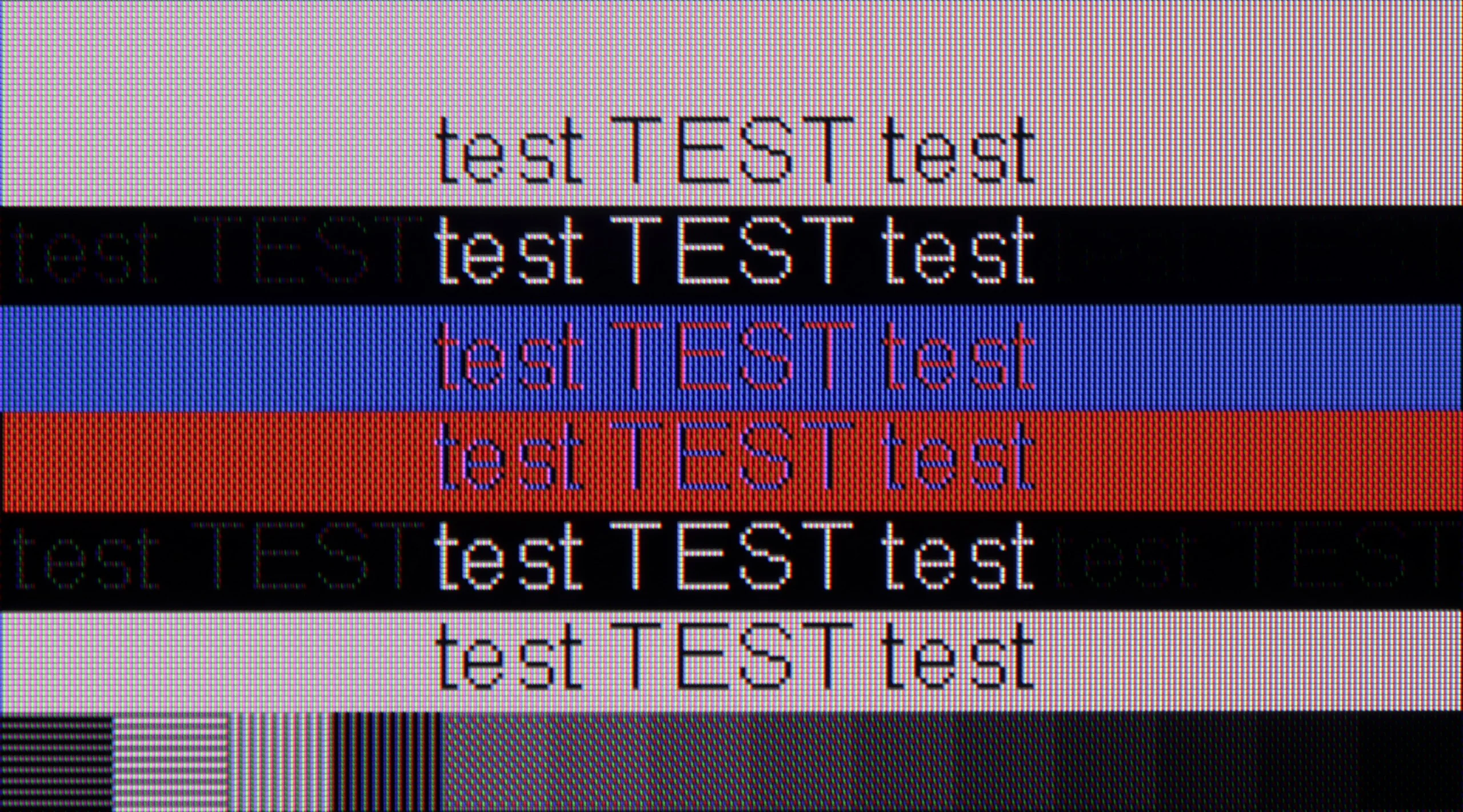
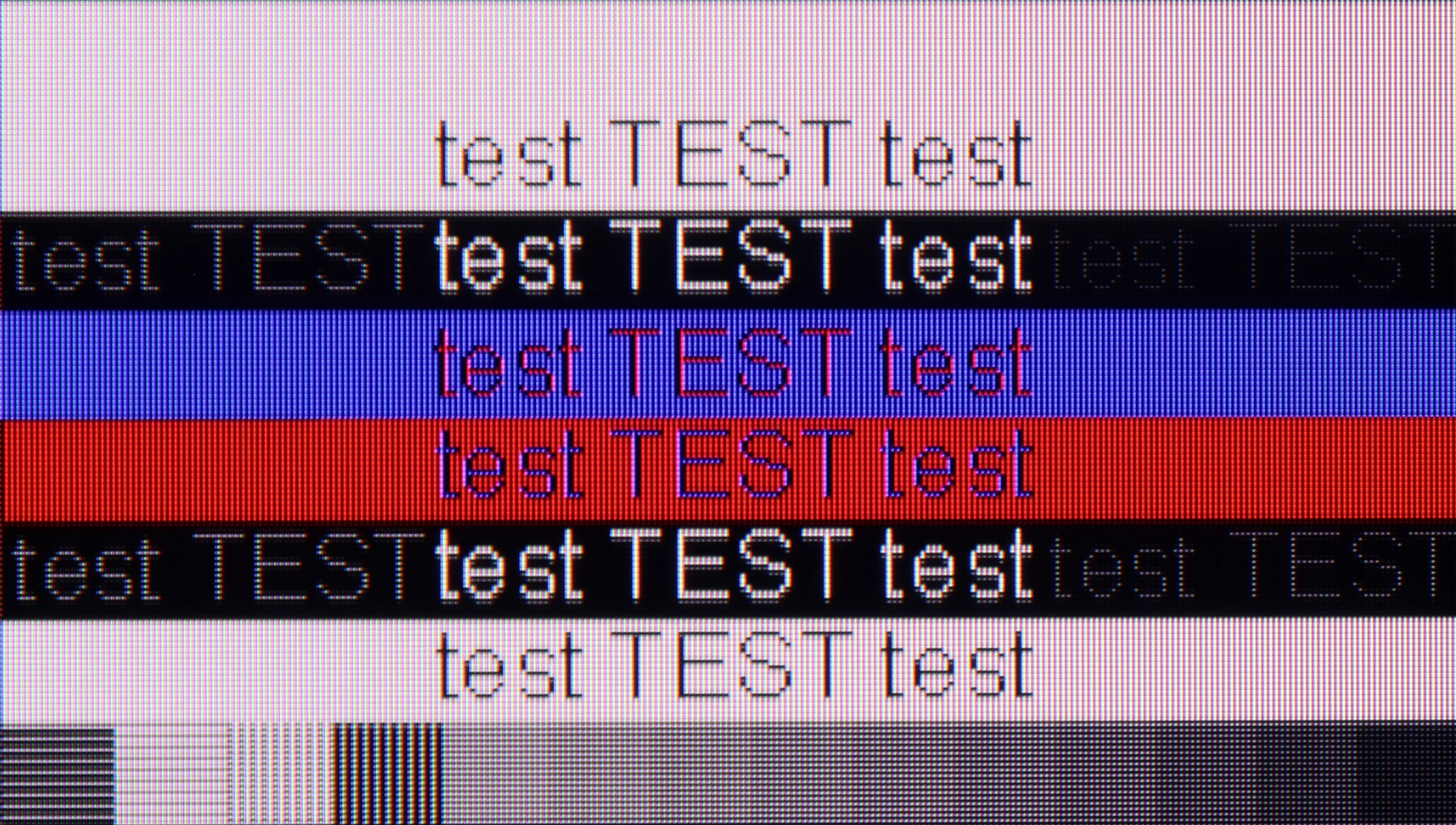
The photo shows the legibility of small fonts. Ideally, lines should be the same thickness on both light and dark text, with minimal pixel gaps.

If we're talking about working with a PC on the PUS8560, it looks… quite strange. Chroma 4:4:4 is present in “Monitor” mode, but there’s a problem with grey fonts – not all subpixels light up, which makes the text appear jagged. Meanwhile, in “Game” mode, chroma 4:4:4 disappears, but the grey fonts look correct. In practice, we are therefore forced to juggle settings if we want to have perfectly readable text all the time. And what about gaming on a computer? Here our opinion remains unchanged compared to consoles – it’s possible, but without fireworks. There’s no variable refresh rate for G-SYNC graphics cards, and the refresh rate itself remains relatively low. On the plus side, we can once again highlight the very low input lag, which saves the situation in fast-paced games.

In this category you could jokingly say the new The Frame gives with one hand and takes with the other. If we look purely at PC gaming, it performs really well. It offers 144 Hz at 4K or even 240 Hz in Full HD, plus support for G-Sync and FreeSync and very low input lag. The Frame can easily serve as a large gaming monitor and there’s little to complain about. On the other hand, we got the impression that font readability in the new model has slightly worsened. When you look at text up close you can notice extra fringing along the bottom edges of letters caused by the behaviour of individual subpixels. This gives a slight impression of softened text. Of course this is mainly an issue for people who would actually want to use The Frame as a desktop monitor, for example for working with text. At a typical viewing distance the problem is practically impossible to notice. And let’s be honest, it’s hard to imagine anyone putting a 55- or 65-inch The Frame on their desk.

Viewing angles

3.3/10

3.1/10

Brightness drop at an angle of 45 degrees
68%
72%

The viewing angles on the PUS8560 are exactly what you'd expect from a VA panel - it's not the best. The image loses quality even with a slight shift off-axis – colours become washed out, and blacks start to resemble a dark navy. This is, of course, the price for the better contrast that VA offers head-on. In the case of our 55-inch model, it can still be acceptable, especially if the TV is positioned perfectly in front of the couch. But with larger screens or a less central setup in the living room – it could be a problem for comfortable viewing.

Viewing angles are not a strong point of this model. Compared with LCD TVs with IPS panels, and even more so with OLEDs, the picture degrades fairly quickly when viewed at an angle.

Daytime performance

4.9/10

6.7/10

Panel finish
Satin
Matte
Reflection suppression
Decent
Very Good
Black levels during daytime
Good
Average

Panel brightness

Samsung The Frame 2026 (LS03H): 617 cd/m2

Philips PUS8500 : 331 cd/m2

The PUS8560 performs reasonably well during the day... moderately. The satin finish of the panel does a pretty good job of reducing reflections, which means that light from windows or lamps doesn't interfere too much. The black levels also look decent for a VA panel – even in daylight, there aren't significant contrast losses. But the magic fades when it gets really bright. The panel's brightness is around 300 nits, which is definitely too little to speak of full comfort in a heavily sunlit room. In such conditions, the PUS8560 simply needs to be complemented with blinds – otherwise, the picture starts to look quite washed out.

The Frame is, by design, a TV that will often be used in a bright living room, and its matte finish suits that very well. The screen effectively diffuses reflections, so a window or a lit lamp doesn't turn into a clear mirror. In that respect it's really good and it's one of this model's stronger points. The matte finish does have a downside. Strong light falling directly on the screen scatters over a larger area and slightly raises the black level. During the day blacks therefore don't look as "deep" as at night, especially when the room is very bright. But we think that's a fair compromise. Working in The Frame's favour is its high brightness. The TV has enough brightness so the image doesn't wash out and remains clearly visible during the day. Overall, it's a good TV for a bright living room, especially if reflections bother you more.

Panel details

Backlight Type
PFS LED
QLED
Software version during testing
TPN256E_V056.002.127.051
1204
Image processor

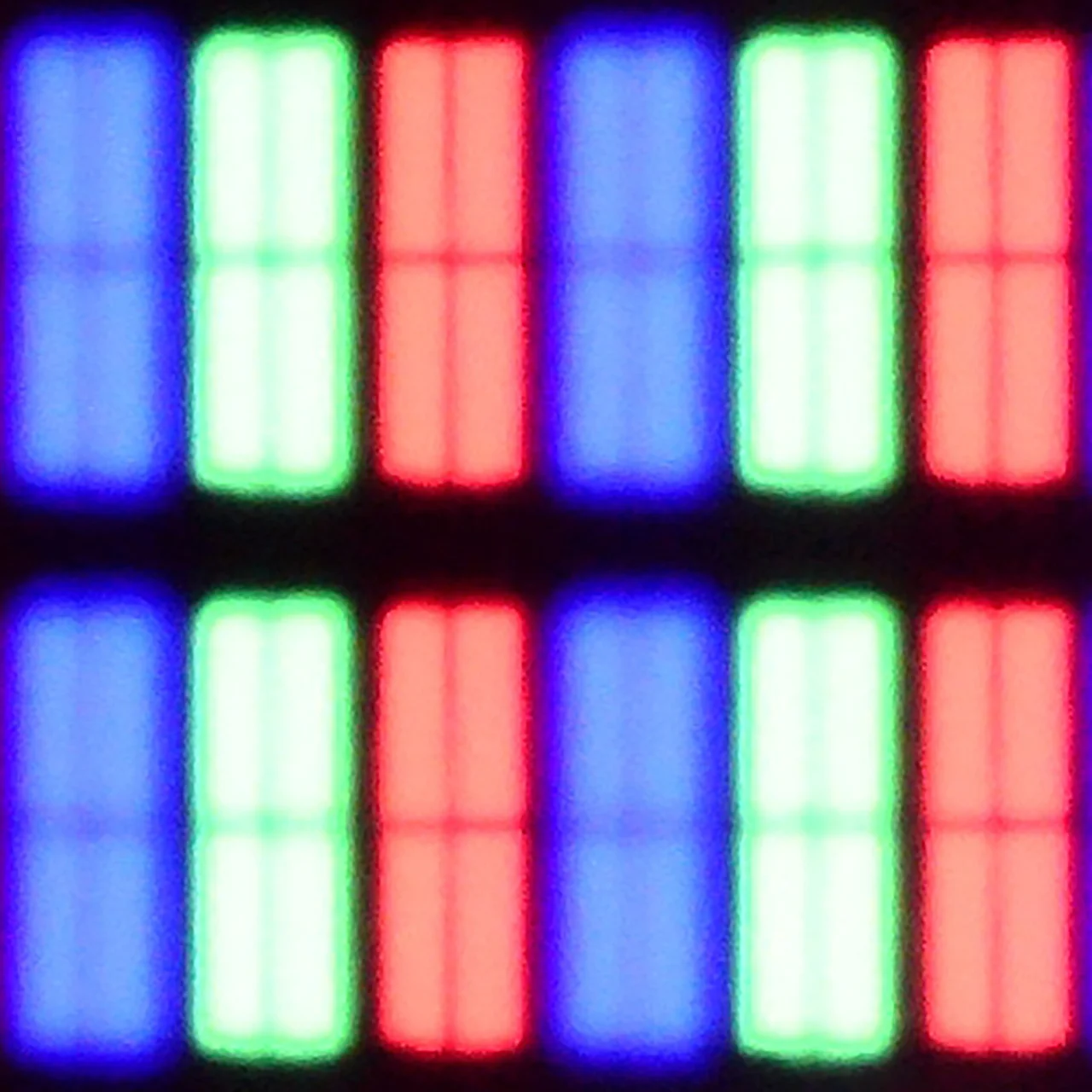
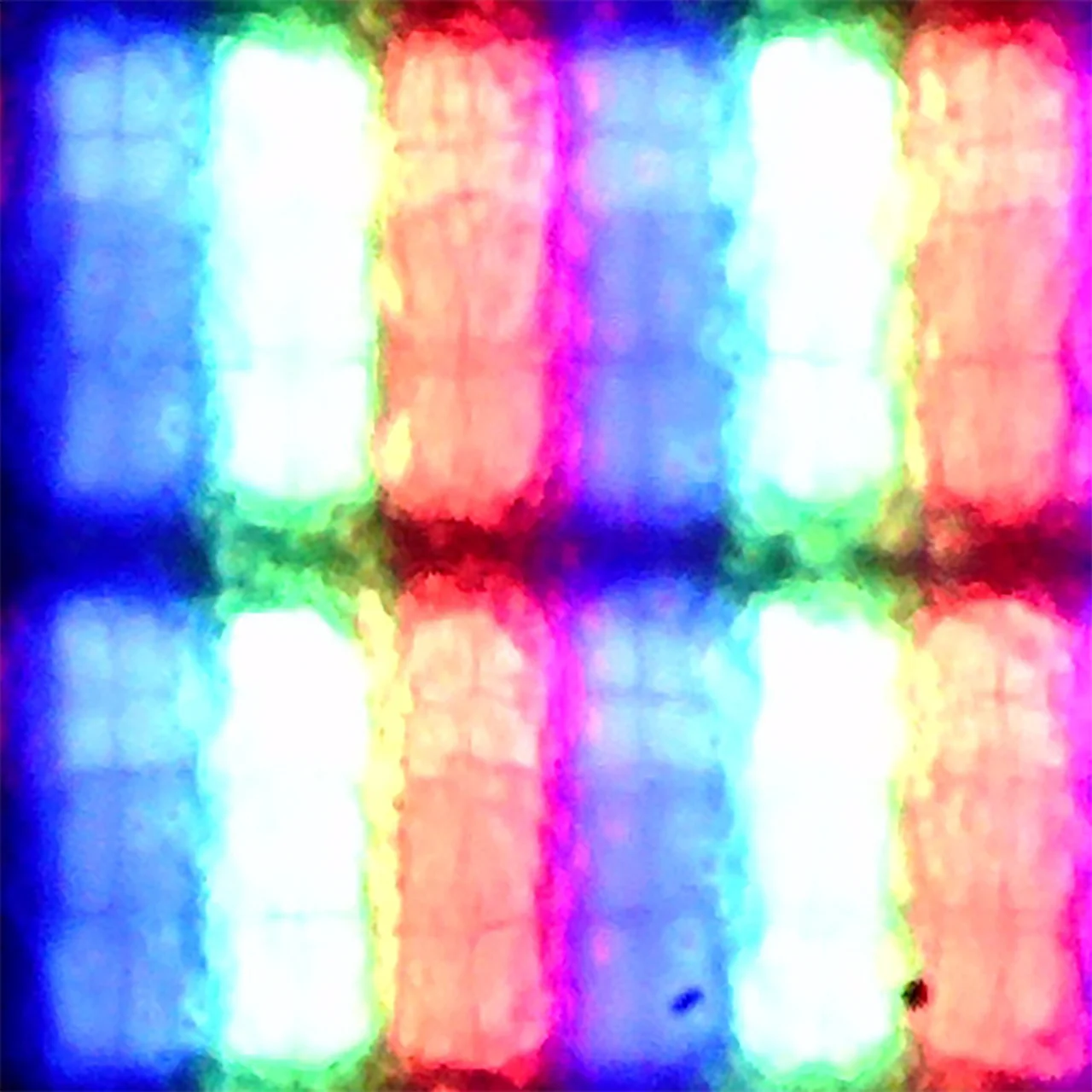
Subpixel Structure:

Panel uniformity and thermal imaging:

Review Philips PUS8500 TV Panel details
Review Samsung The Frame 2026 (LS03H) TV Panel details

Philips PUS8500

Samsung The Frame 2026 (LS03H)

TV features

4.8/10

7.7/10

  • System
    Titan OS
    Tizen
  • System performance
    Average
    Good
  • HDMI inputs
    3 x HDMI 2.0, 0 x HDMI 2.1
    3 x HDMI 2.0, 1 x HDMI 2.1 40Gbps
  • Other inputs
    USB-C
  • Outputs
    Toslink (Optical audio), eARC (HDMI), ARC (HDMI), Mini-Jack (Headphones)
    Toslink (Optical audio), eARC (HDMI), ARC (HDMI)
  • Network Interfaces
    Wi-Fi 2.4GHz, Wi-Fi 5GHz, Ethernet (LAN) 100Mbps
    Wi-Fi 2.4GHz, Wi-Fi 5GHz, Ethernet (LAN) 100Mbps
  • TV reception
    DVB-T, DVB-T2, DVB-S, DVB-S2, DVB-C
    DVB-T, DVB-T2, DVB-S, DVB-S2, DVB-C

Classic features:

  • Recording to USB (terrestrial TV)
    No
    No
  • Recording programming
    No
    No
  • Picture in Picture (PiP)
    No
    No
  • RF remote control (no need to aim)
    No
    Yes
  • Backlit remote control
    Yes
    No
  • Teletext
    Yes
    Yes
  • Audio only mode
    Yes
    Yes
  • Bluetooth headphones support
    Yes
    Yes
  • Simultaneous Bluetooth headphones & TV audio
    No
    Yes

Smart features:

  • AirPlay
    No
    Yes
  • Screen mirroring (Windows Miracast)
    No
    Yes
  • Voice search
    Yes
    Yes
  • Voice search in native language
    No
    Yes
  • Ability to connect a keyboard and mouse
    Yes
    Yes
Review Philips PUS8500  TV features
Review Samsung The Frame 2026 (LS03H) TV features

Sound connection options

  • HDMI audio
    eARC (HDMI), ARC (HDMI)
    eARC (HDMI), ARC (HDMI)
  • Other audio outputs
    Toslink (Optical audio), Mini-Jack (Headphones)
    Toslink (Optical audio)
  • Wireless audio
    Bluetooth
    Bluetooth

Supported audio formats (external HDMI eARC audio):

  • Dolby Digital Plus 7.1
    Yes
    Yes
  • Dolby True HD 7.1
    Yes
    Yes
  • Dolby Atmos in Dolby Digital Plus (JOC)
    Yes
    Yes
  • Dolby Atmos in Dolby True HD
    Yes
    Yes
  • DTS:X in DTS-HD MA
    Yes
    No
  • DTS-HD Master Audio
    Yes
    No

Senior accessibility

  • Numeric keyboard on TV
    Yes
    No
  • Font size adjustment
    No
    Yes
  • Audio description
    Yes
    Yes

Classic TV Features:

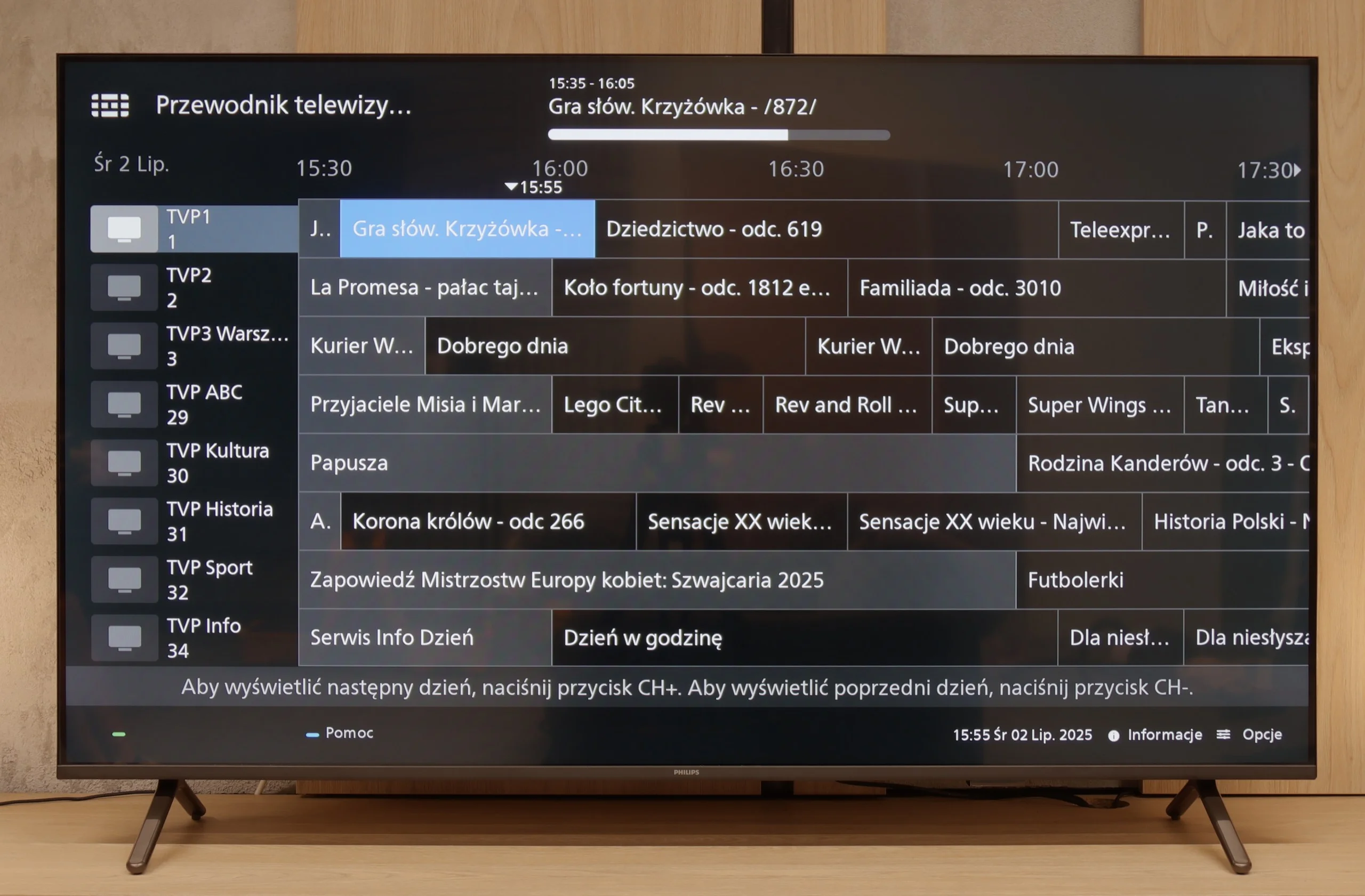
If you’re looking for a TV that, in the basic sense, “works” – the PUS8560 will fill that role. In terms of classic features, we have a rather minimalist set. On the plus side, there’s an electronic program guide (EPG), teletext, a backlit remote with a classic numeric keypad, and a headphone jack input. It sounds a bit like a dream set for seniors – and there’s some truth to that. However, it must be said clearly: this is a TV with very limited capabilities. We won’t find USB recording from DVB tuners here, and there’s no Picture-in-Picture mode or other conveniences known from more expensive models.

Smart TV:

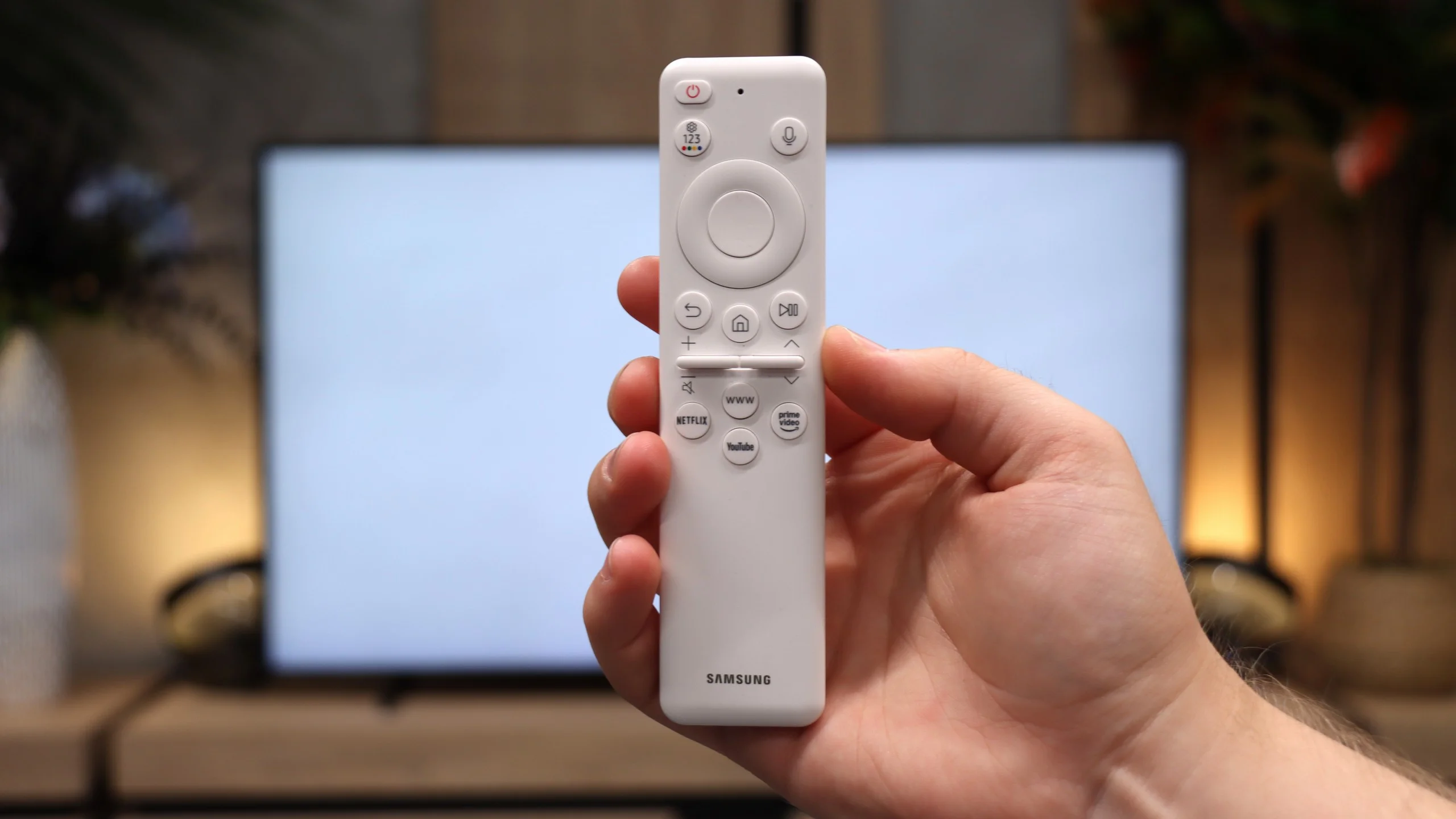
How does SmartTV fare on the PUS8560? Well, it gets a bit trickier here. The PUS8560 runs on the Titan OS, which in this particular implementation posed significant issues. Some functions, though present “on paper,” simply didn’t work. For example: Wireless screen mirroring features like Chromecast or Miracast – we tried to activate them with several different phones and laptops… without success. Perhaps this will be fixed in the future, but at the time of testing – it didn’t work. Also, the speed of the system left much to be desired – switching applications or home screens was simply slow. A substantial portion of the functions in the menu seem to be heavily hidden in the depths of a poorly organised system. To make matters worse, the library of available applications is quite limited. Although the situation with apps is better than last year, it’s still far from ideal. A modern remote tries to save the situation – slim, elegant, backlit and really well-made. Unfortunately, it operates on classic infrared, so you have to aim it at the screen. The only exception is voice control, which works via Bluetooth… it’s just a pity it doesn’t support Polish.

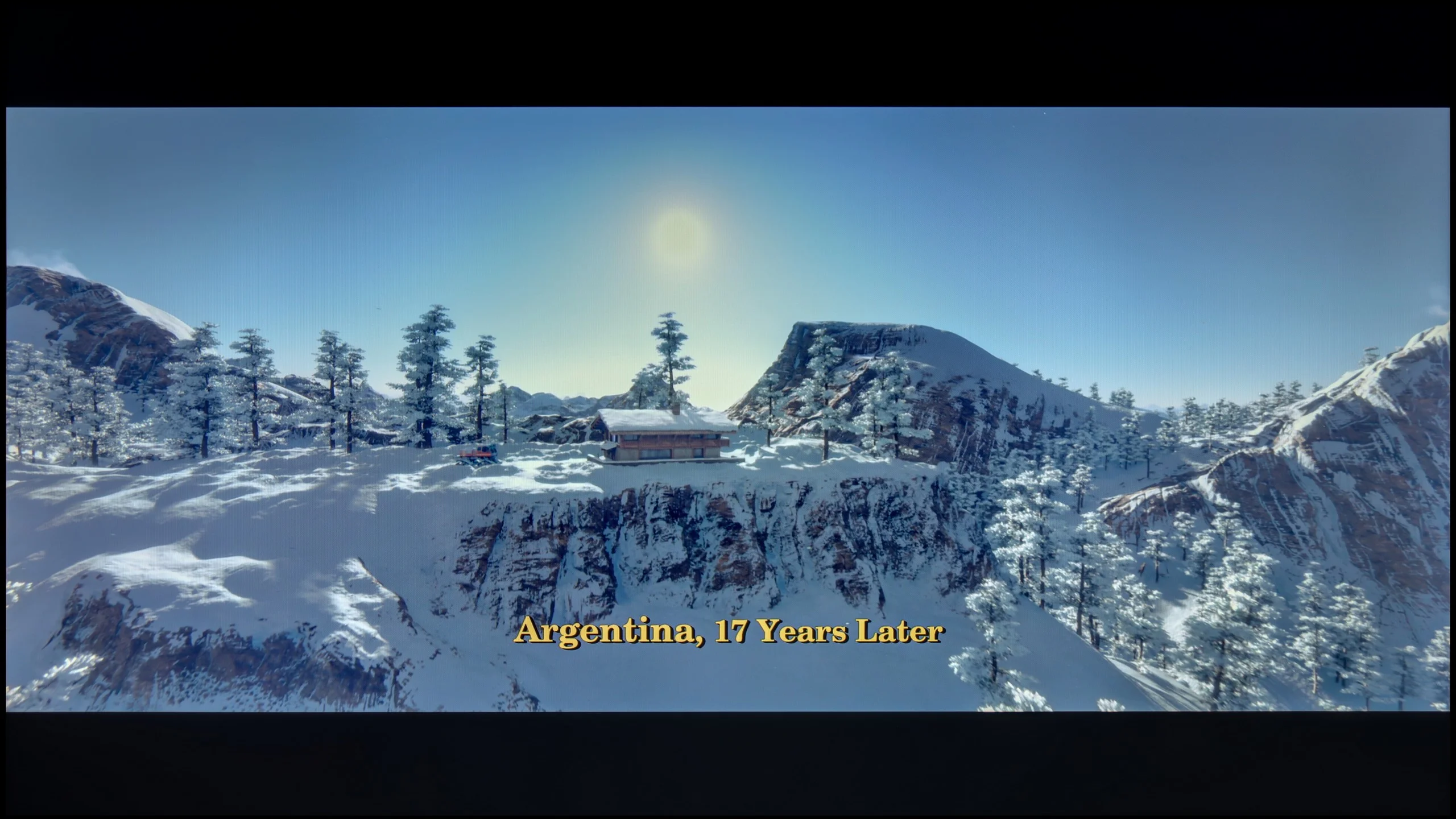

Operating System: Tizen

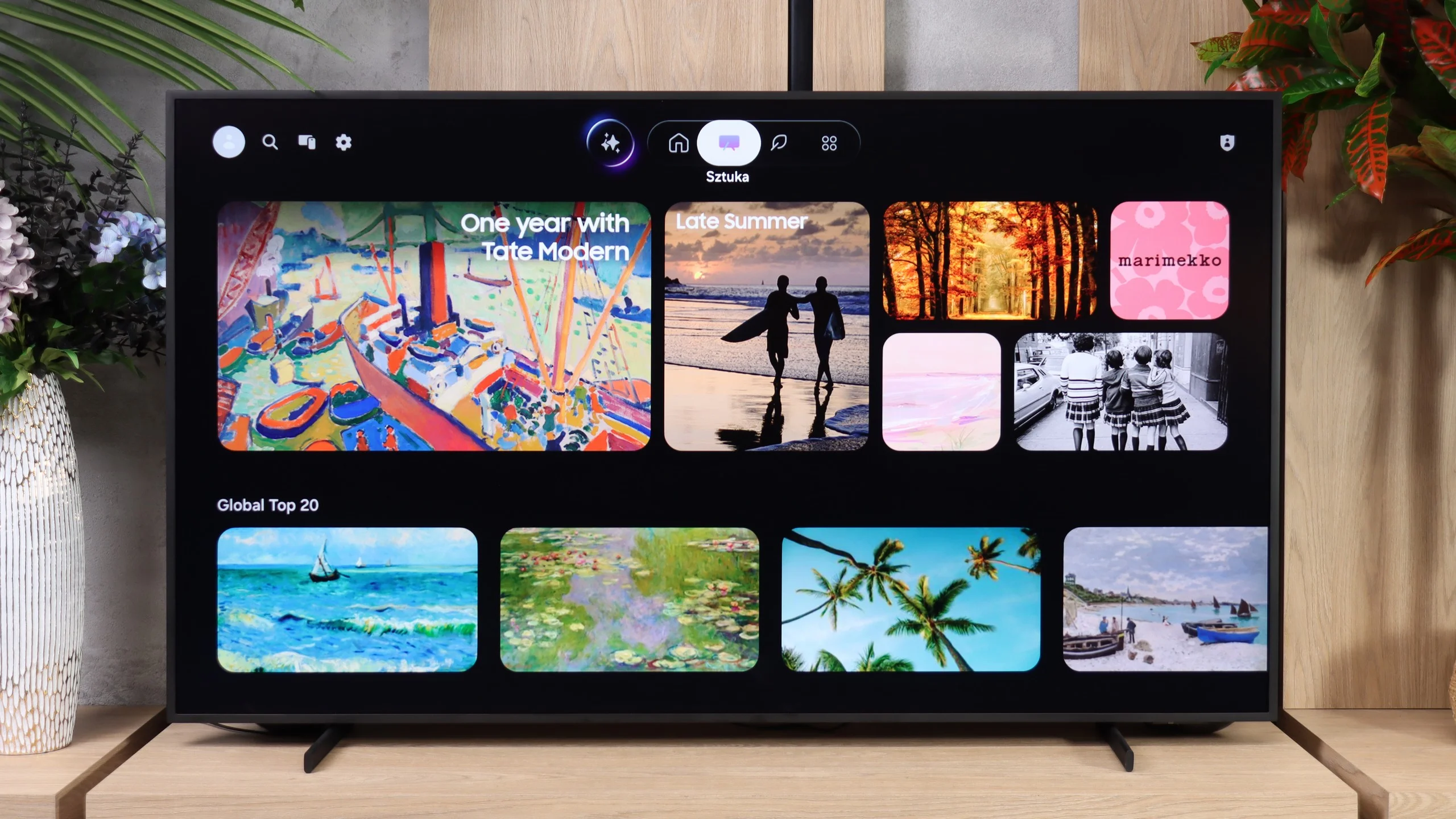
Samsung The Frame 2026 runs on the familiar Tizen operating system, so when it comes to Smart TV features, you get pretty much everything you would expect from a modern TV. There is a wide selection of streaming apps, AirPlay, SmartThings, and the ability to cast content from a smartphone. The system itself is fast and responsive, while the menu layout is very similar to what you’ll find on other Samsung TVs.


When it comes to traditional TV features, things are a little more basic. The Frame doesn’t really stand out in this area, focusing primarily on its online features and lifestyle-oriented functionality.

Art Mode

The key feature, of course, remains Art Mode. It allows The Frame to display artwork or your own photos when you’re not watching TV, effectively turning the screen into part of your interior. The matte screen coating plays an important role here, as it helps the displayed artwork look less like an image shown on a glowing TV screen.

Another interesting addition is the motion sensor, something you won’t normally find on other TVs. It’s worth pointing out that this is not the same thing as the ambient light sensor. The latter adjusts the screen brightness to match the conditions in the room, while the motion sensor detects whether someone is nearby. If the room is empty, the TV can automatically turn Art Mode off and then switch it back on when you return. This means the screen doesn’t have to stay on all the time.

Another feature that works particularly well with this model is One Connect. In our opinion, it makes a lot of sense on a TV like The Frame, which is designed to sit as close to the wall as possible. All the main cables are connected to a separate box, while only a single cable runs to the screen itself. It’s simply a very convenient solution.

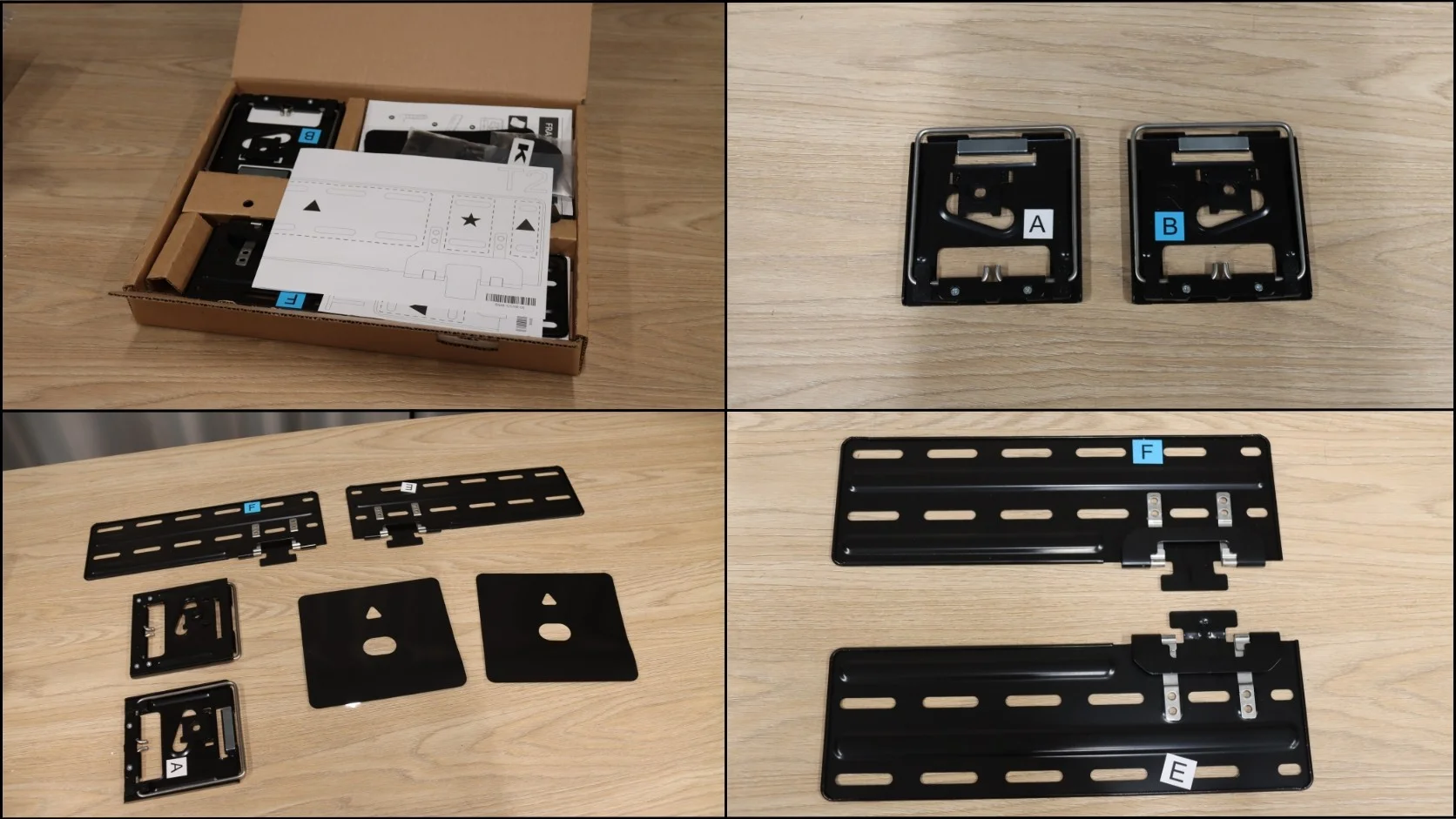
It’s also worth mentioning that Samsung includes a dedicated wall mount in the box. That might sound obvious, but it really isn’t. With the flagship S99H, for example, which also puts a strong emphasis on flush wall mounting and blending into the interior, the appropriate wall mount has to be purchased separately. With The Frame, it’s included, so you can save yourself a bit of extra money right from the start.

*The Art Mode photo was taken on The Frame Pro 2026. It looks identical on the standard The Frame — we have to admit that we simply forgot to take a photo of it during testing. 😉

Apps

6.7/10

9.3/10

OK
Disney_Plus
OK
Amazon_Prime_Video
OK
Player_TVN
OK
Polsat_Box_Go
OK
Canal_Plus_Online
OK
TVP_VOD
No
Apple_TV_Plus
No
SkyShowtime
OK
Rakuten
OK
CDA_Premium_Browser
No
Spotify
No
Tidal
OK
Netflix
OK
YouTube
OK
HBO_MAX
No
Kodi
No
Apple_music
No
Eleven_sports
No
Xbox Game Pass
No
GeForce NOW
No
Amazon Luna
OK
Boosteroid
No
Steam Link
OK
Disney_Plus
OK
Amazon_Prime_Video
OK
Player_TVN
OK
Polsat_Box_Go
OK
Canal_Plus_Online
OK
TVP_VOD
OK
Apple_TV_Plus
OK
SkyShowtime
OK
Rakuten
OK
CDA_Premium_Browser
OK
Spotify
No
Tidal
OK
Netflix
OK
YouTube
OK
HBO_MAX
No
Kodi
OK
Apple_music
OK
Eleven_sports
OK
Xbox Game Pass
OK
GeForce NOW
OK
Amazon Luna
OK
Boosteroid
No
Steam Link

Playing files from USB

8/10

9.1/10

Supported photo formats:

JPEG
Yes
Yes
HEIC
No
No
PNG
Yes
Yes
GIF
Yes
No
WebP
No
No
TIFF
No
No
BMP
Yes
Yes
SVG
No
No

Maximum photo resolution:

4 Mpix
Yes
Yes
6 Mpix
Yes
Yes
8 Mpix
Yes
Yes
10 Mpix
No
Yes
12 Mpix
No
Yes
16 Mpix
Yes
Yes
20 Mpix
No
Yes
24 Mpix
No
Yes
28 Mpix
No
Yes
32 Mpix
Yes
Yes

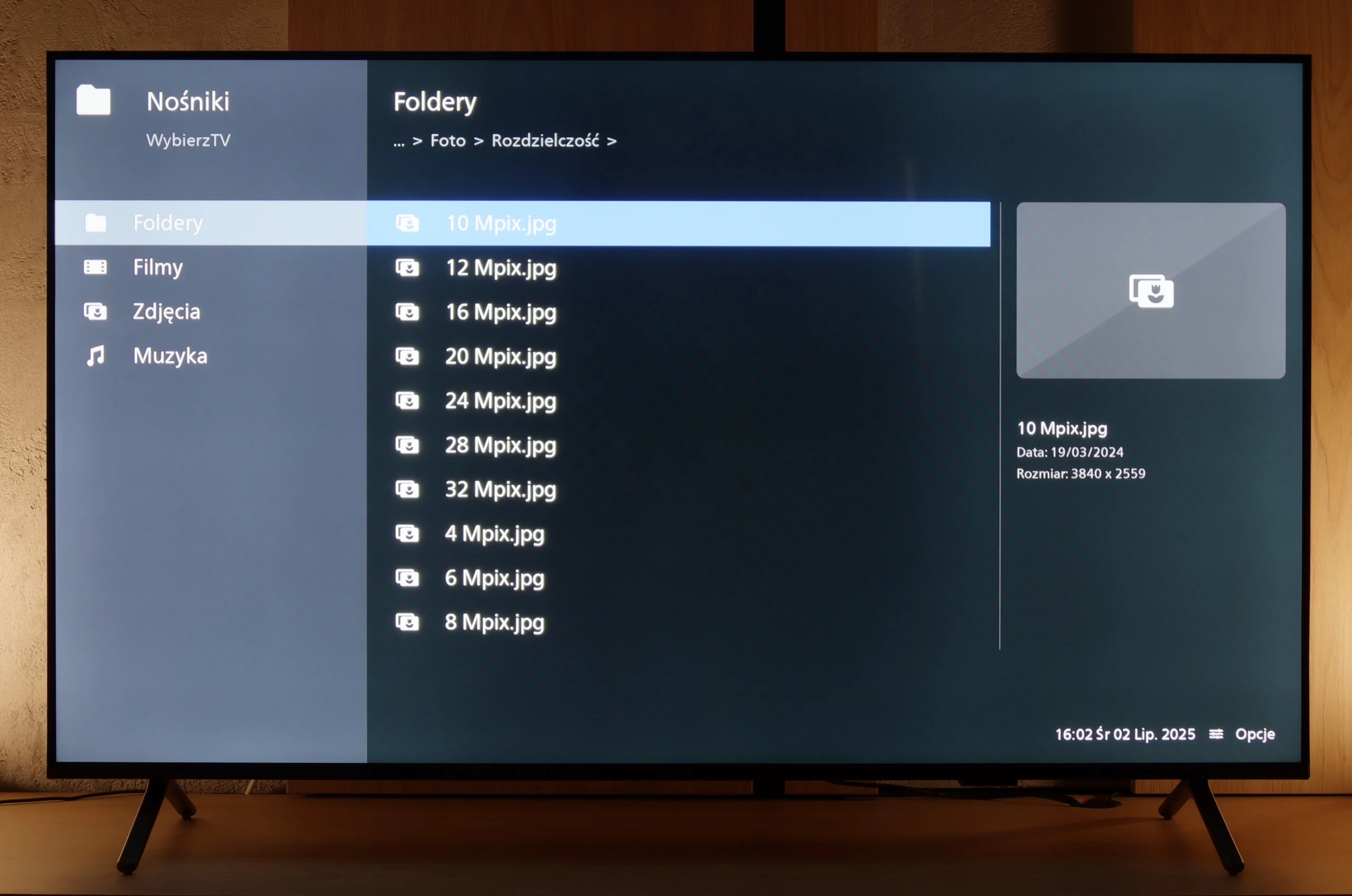
PUS8560 handles most popular video and audio formats from USB memory without much hassle, so there's no need to elaborate on individual compatibilities. In everyday use, it should just work – and it does. The only thing worth noting is the handling of images. Although the television easily recognises popular extensions, with very high resolution graphic files, there are times when some images simply won't display. It might not be a major issue, but it's good to keep it in mind, especially if we want to view photographs straight from the camera. Besides that, PUS8560 shouldn't have any major problems playing files from USB.

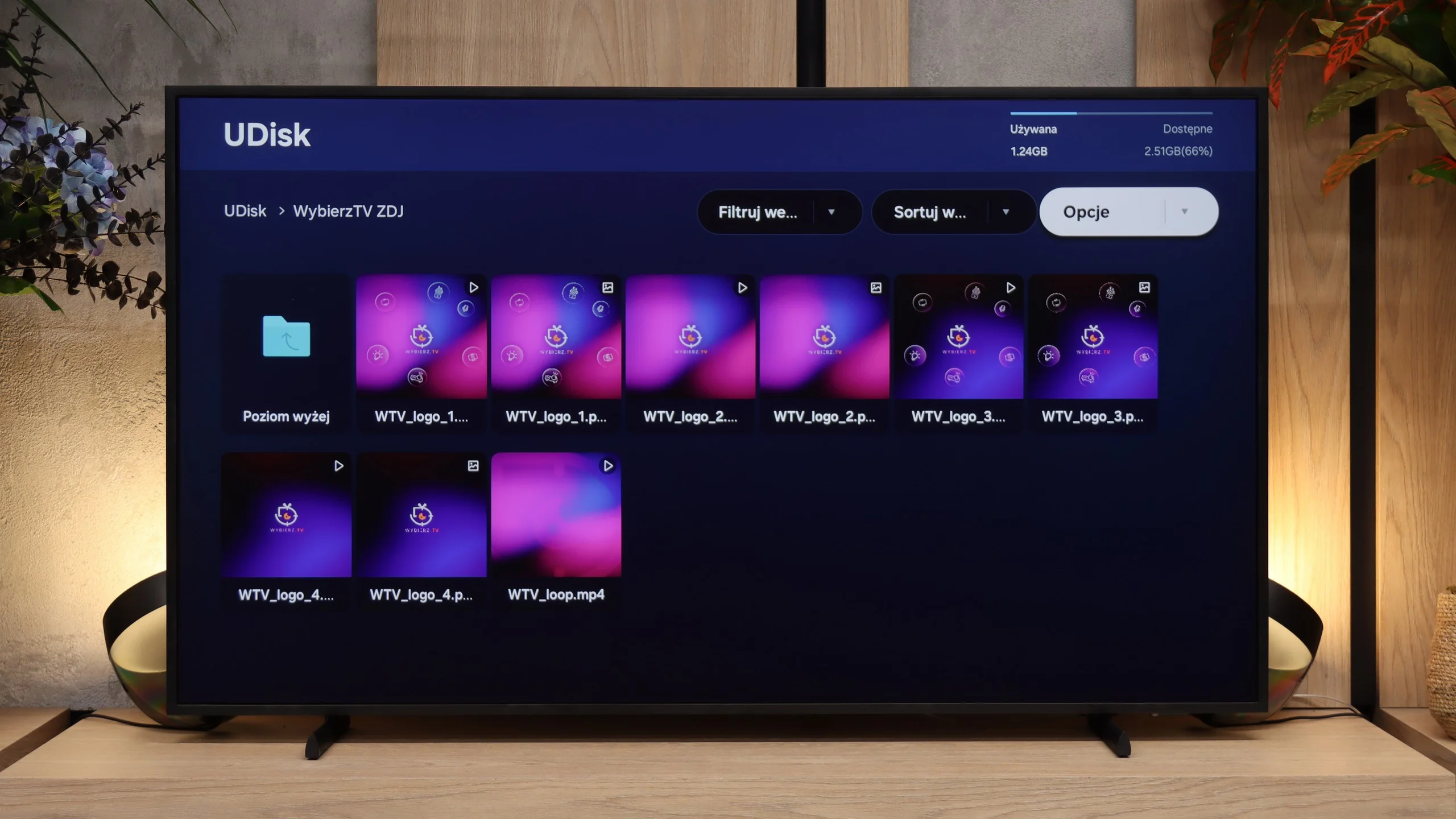
When it comes to playing files from USB, The Frame performs adequately. The TV handles the main video, photo and audio formats with no trouble, so in everyday use there shouldn't be many surprises. However, we again ran into problems with the HEIC format, which is common on Apple devices. Photos saved in that format couldn't be opened correctly, which can be annoying if you often transfer photos directly from an iPhone. Apart from that, the media player operated without any major issues.

Sound

6.2/10

6/10

  • Maximum volume
    -
    90dB
  • Dolby Digital Plus 7.1
    Yes
    Yes
  • Dolby True HD 7.1
    Yes
    No
  • Dolby Atmos in Dolby Digital Plus (JOC)
    Yes
    Yes
  • Dolby Atmos in Dolby True HD
    Yes
    No
  • DTS:X in DTS-HD MA
    Yes
    No
  • DTS-HD Master Audio
    Yes
    No

The television sounds quite pleasant, and it can confidently be said that the audio level will be fully adequate for most users – for both watching daily programs and enjoying an evening binge of a series. Moreover, it's a nice surprise that even in such an affordable Philips series, they decided to acquire licenses for full audio formats such as Dolby Atmos and DTS. This is great news for home theatre and soundbar owners, as it means complete compatibility and no need to "fiddle around" with connecting external devices.

Despite using a 40W 2.0.2 speaker system, which on paper is slightly better than what you’ll find in many standard TVs, the sound quality is fairly average. Our biggest issue is that it simply sounds flat. As with most very slim TVs, there isn’t much bass or depth.

Fortunately, the midrange and treble are reproduced well enough. Dialogue is clear, and at normal listening volumes there are no major distortions. For watching the news or regular TV, the built-in speakers are perfectly adequate. With movies, music, or games, however, you’ll quickly start to miss a fuller and more powerful sound.

For that reason, we would definitely recommend pairing The Frame with a soundbar or external speakers. Samsung also offers an increasing number of audio products designed specifically with lifestyle TVs in mind, including the slim S800 series, as well as Music Frame and Music Studio speakers, which visually complement The Frame particularly well.

Sound Quality Test

No sound test video

Acoustic Measurements

No acoustic data

90dBC (Max)

75dBC

Reader comments

Comments are provided by the external service Disqus (Zeta Global). Once loaded, Disqus may set cookies and process data about your activity.

We will remember your choice on this device. Provider's privacy policy