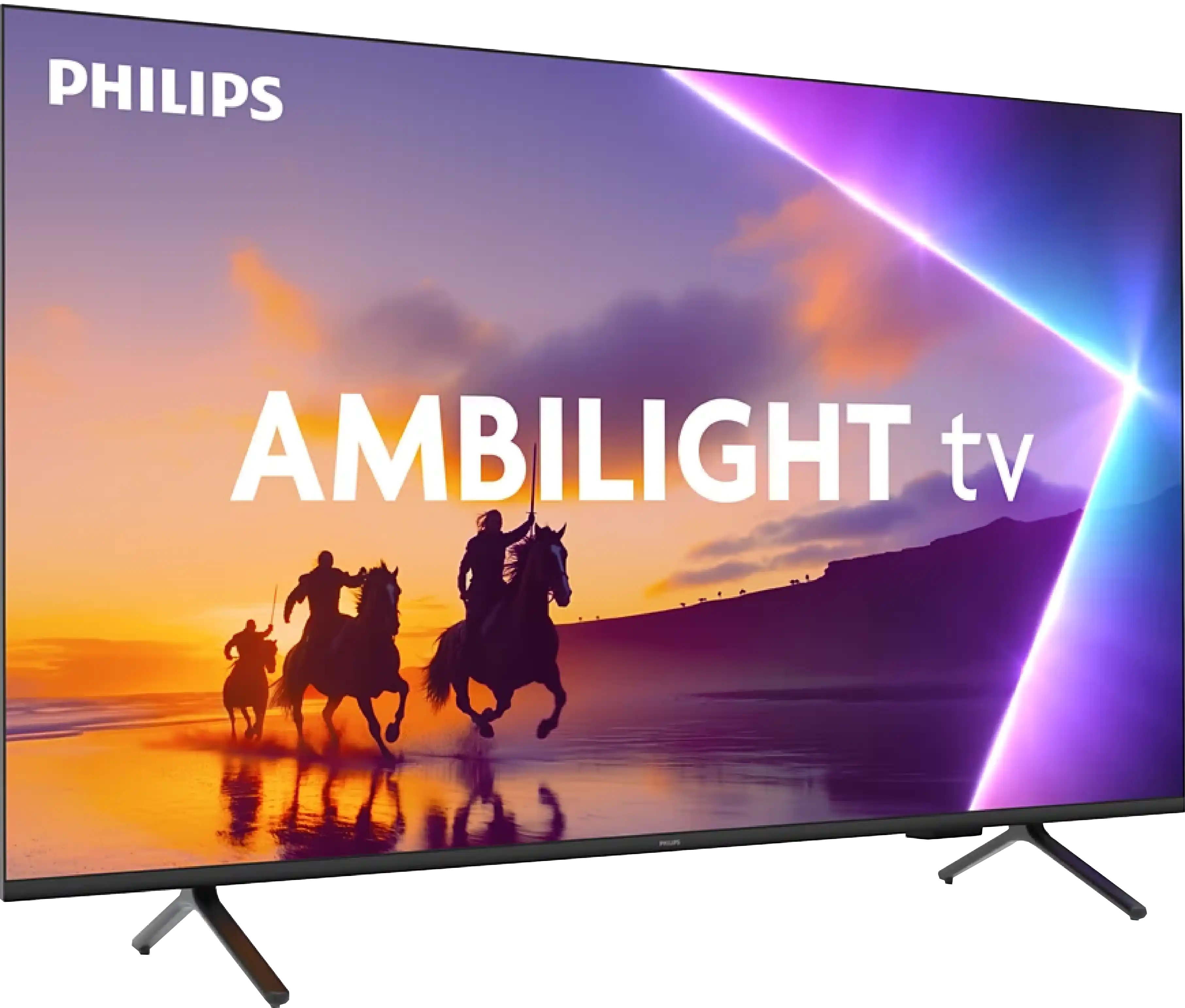
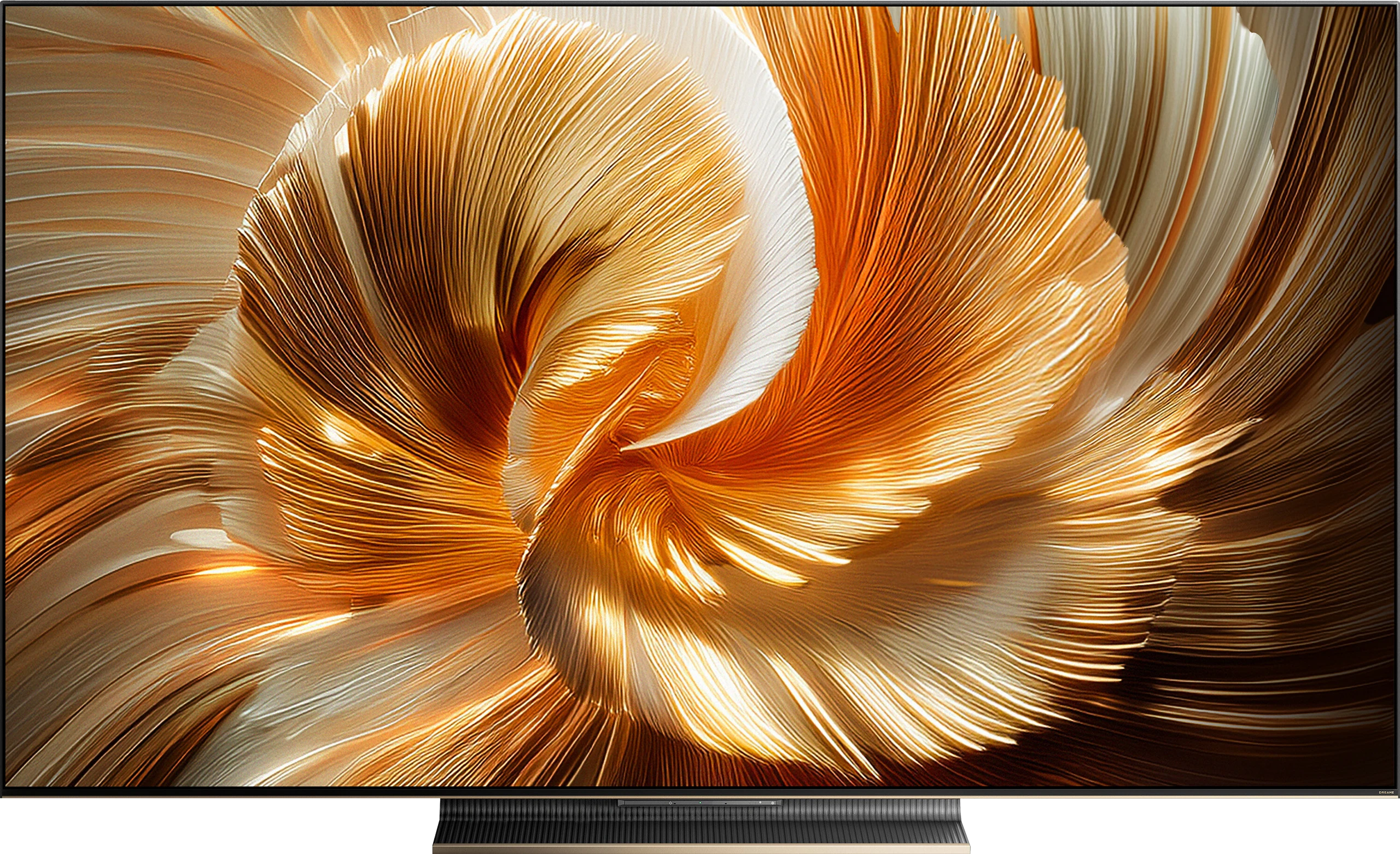
Philips PUS8500 vs Dreame S100

Direct comparison

PUS8500 / PUS8560 / PUS8510 / PUS8600

Info

Available screen sizes: 43”50”55”65”75”85”

Available screen sizes: 55”65”75”

Panel type: LCD VA

Resolution: 3840x2160

System: Titan OS

Model year: 2025

Complete the survey to find out the result

Panel type: LCD IPS

Resolution: 3840x2160

System: Google TV

Model year: 2026

Complete the survey to find out the result

Overall rating

5.8

6.8

  • Movies and series in UHD quality

    5.6

    5.9

  • Classic TV, YouTube

    6.2

    6.2

  • Sports broadcasts (TV and apps)

    5.3

    6.8

  • Gaming on console

    6.7

    7.5

  • TV as a computer monitor

    5.6

    7.6

  • Watching in bright light

    4.9

    6.0

  • Utility functions

    4.8

    5.9

  • Apps

    6.7

    9.6

  • Sound quality

    6.2

    8.3

Advantages

  • Ambilight System

  • High native contrast - VA panel

  • Low input lag

  • Essential features for gamers: ALLM and VRR

  • Full support for audio formats: Dolby Atmos and DTS

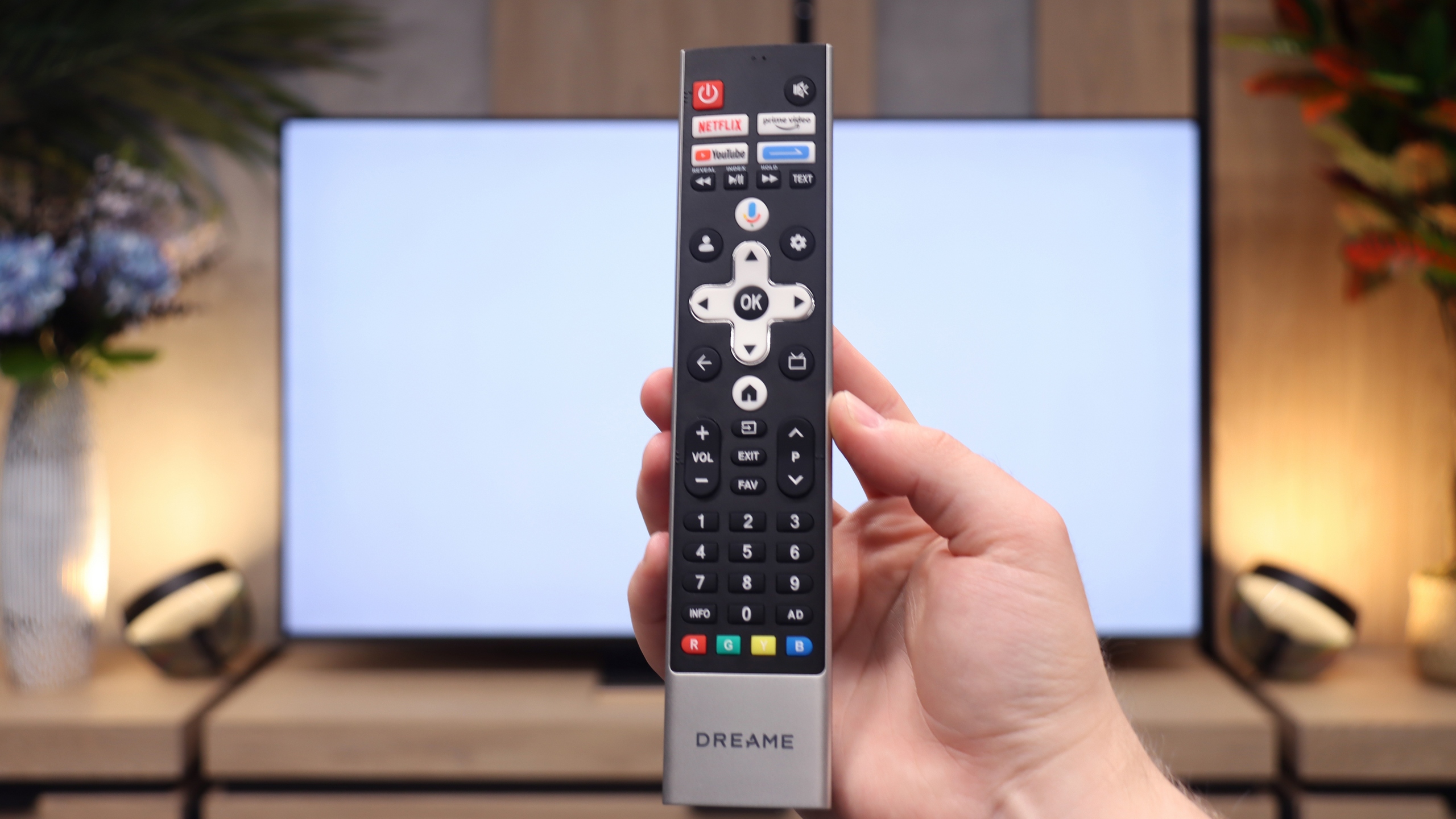
  • Backlit remote with numerical keypad

  • Great viewing angles (thanks to the ADS panel)

  • Pretty good blacks thanks to Mini-LED backlighting

  • Good colours thanks to the PFS filter (advertised as QLED)

  • High motion fluidity (144 Hz panel)

  • Low input lag (in game mode)

  • A lot of gaming features, including two HDMI 2.1 ports (VRR, ALLM, and Game Bar)

  • Google TV system with a rich library of apps

  • Good sound thanks to the built-in “soundbar”

Disadvantages

No like
  • Average panel brightness

  • The TitanOS system feels unfinished (some features don't work, gaps in applications)

  • Infrared remote control

  • Font readability issues (PC)

  • Underdeveloped local dimming algorithms (can cause annoying brightness drops)

  • Outdated image processor and poor digital processing of the Google TV system

  • Software bugs, occasional stuttering

  • Useless Filmmaker mode (completely blocks any changes to picture settings)

  • Poor HDR format implementation in games (no HGiG support and high input lag in Dolby Vision mode)

Our verdict

Ambilight because that's exactly where we need to start, it's the biggest reason to buy the PUS8500. The three-sided backlighting on the TV looks fantastic, especially in the evening. It creates atmosphere, masks contrast imperfections, and makes viewing simply more enjoyable. Even if the black isn’t perfect here, at high contrast the native VA panel is just good. On top of that, there’s really decent input lag and several gaming features like ALLM and VRR. Although there’s no HDMI 2.1 or 120Hz panel, casual gaming should be a pleasure. Especially since it plays responsively and without delays. Let’s add full support for audio formats – it includes both Dolby Atmos and DTS, so soundbar owners also have something to be happy about.

But let’s not kid ourselves – this is still a budget TV, and at times that’s quite obvious. Brightness is average – not so weak that you can't watch anything, but if you hit an exceptionally sunny day, watching under such conditions without blinds can be problematic. However, in our opinion, the biggest disappointment with the PUS8560 is the Titan OS operating system. Despite the fact that the system debuted some time ago, some things just didn’t work – for example, screen mirroring from a phone despite the manufacturer stating that this feature is present. There are fewer apps than the competition, and the system itself feels a bit clunky. Generally, it seems to do something already, but it clearly lacks refinement.

Of course, this isn’t a TV meant to compete with top models. But if someone is looking for something simple, with the cool atmosphere that the Ambilight system provides, it’s quite a fair proposition. You just need to know what to expect and accept the compromises, of which there are plenty here.
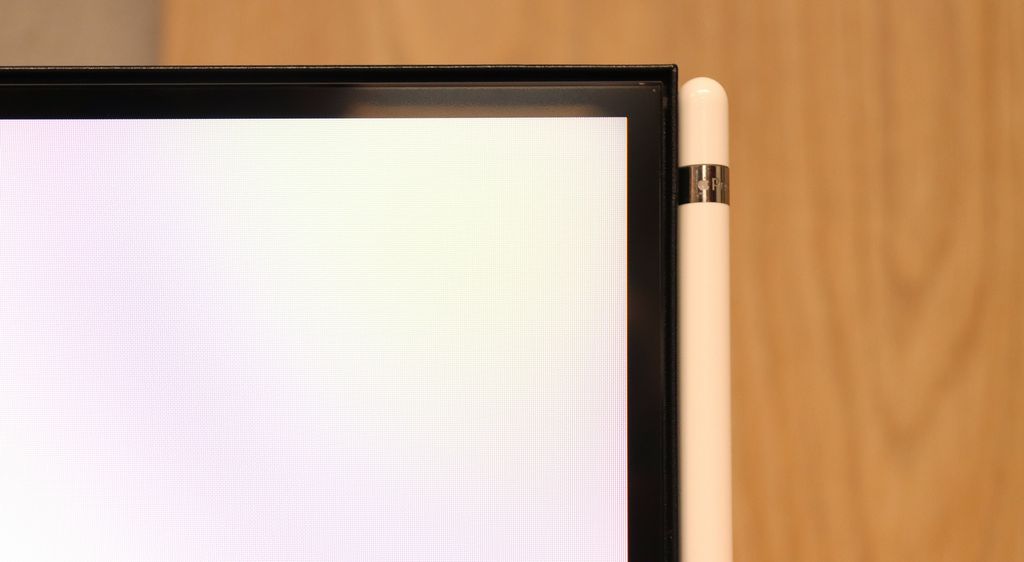
Dreame S100 is a successful, though still somewhat rough debut in the Mini-LED segment. Hardware-wise, the TV stands up for itself: Mini-LED technology with local dimming provides a deep and appealing black for the average viewer, and the IPS/ADS panel offers brilliant viewing angles. This is an interesting combination, as it is extremely rare in the LCD TV segment, which will certainly please those with wide living rooms or large corner sofas. If we add to this a full gaming package (HDMI 2.1, 144 Hz), the Google TV system with an almost endless number of apps, and very strong 4.1.2 audio with 70 W power, which performs well above the market average, we have an incredibly versatile screen.

Where's the catch? In the software. Unfortunately, the Dreame S100 suffers from typical “growing pains” – the outdated processor struggles with advanced digital processing, and the local dimming algorithms can be frustrating in more demanding scenes. Additionally, the Google TV system itself can occasionally experience slight stutters. So if you're looking for a well-equipped Mini-LED for a wide living room and are willing to overlook its minor system hiccups that the manufacturer can hopefully fix with future updates – this is a very interesting option. The hardware potential is huge, although the software still needs some final polishing.

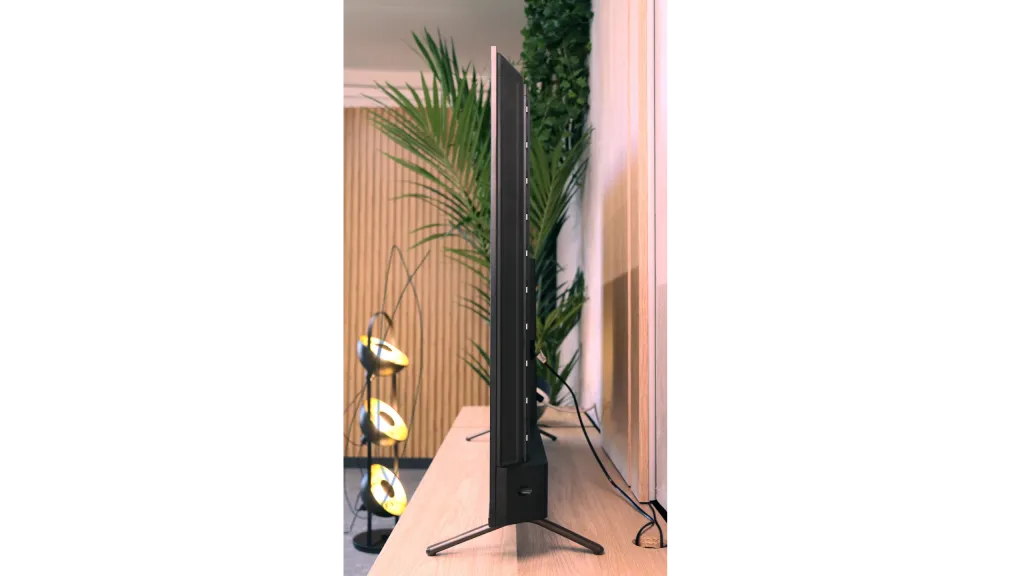
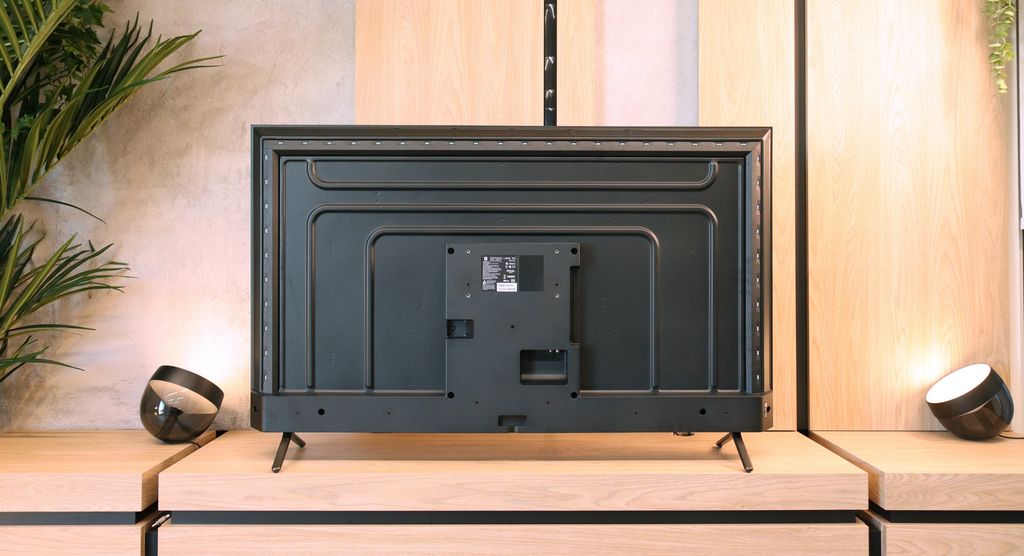
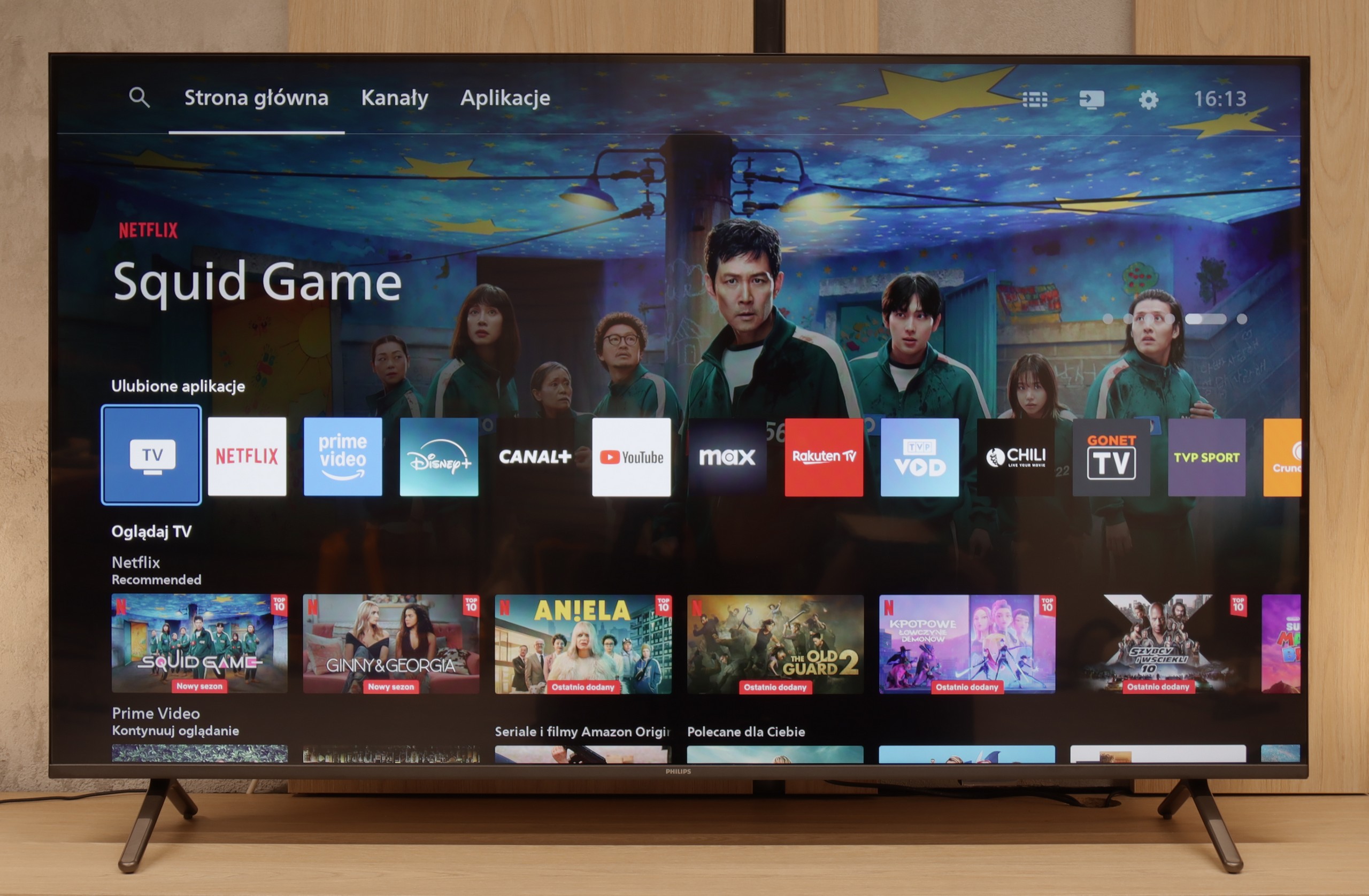
TV appearance

HDMI inputs
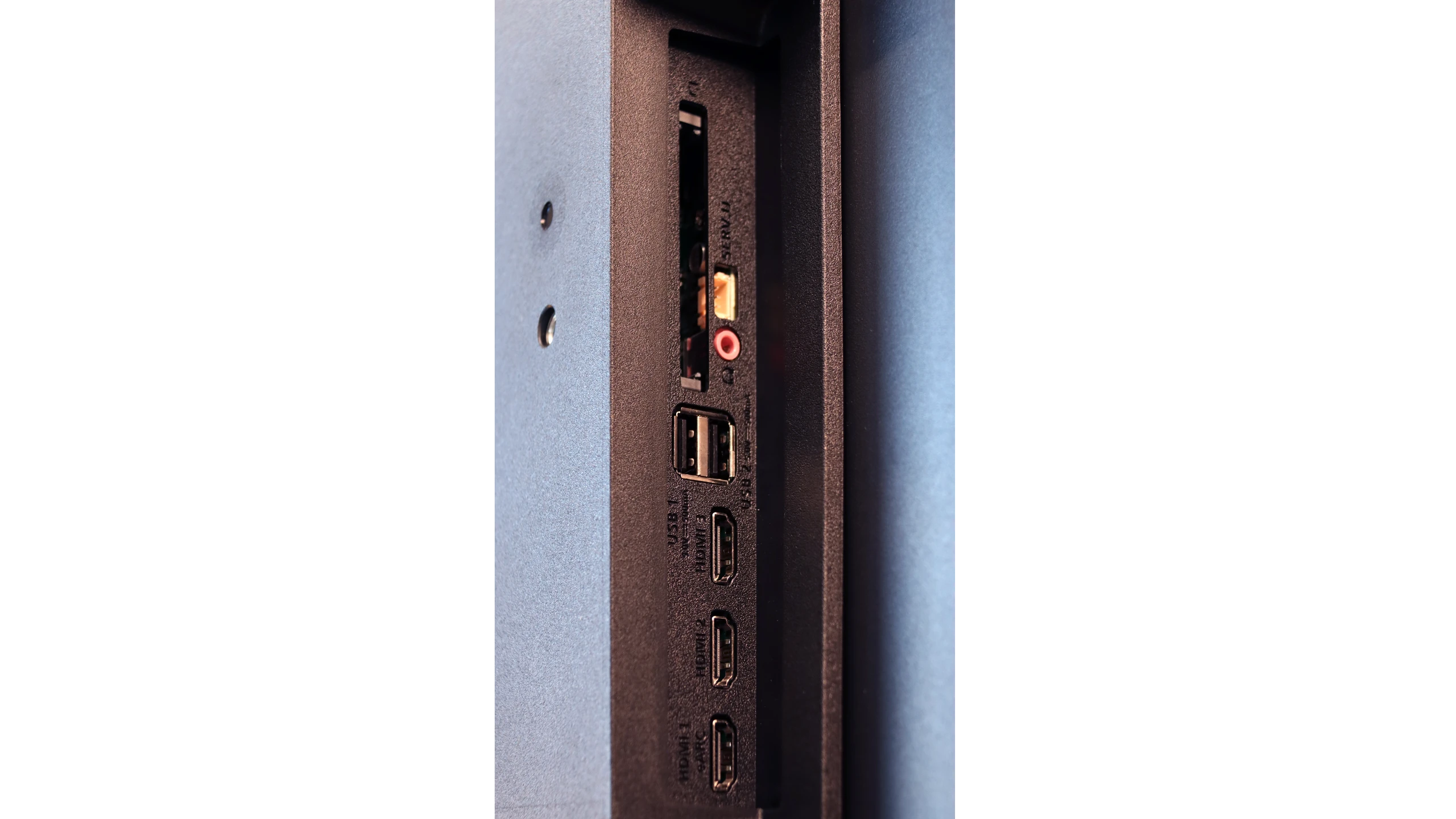
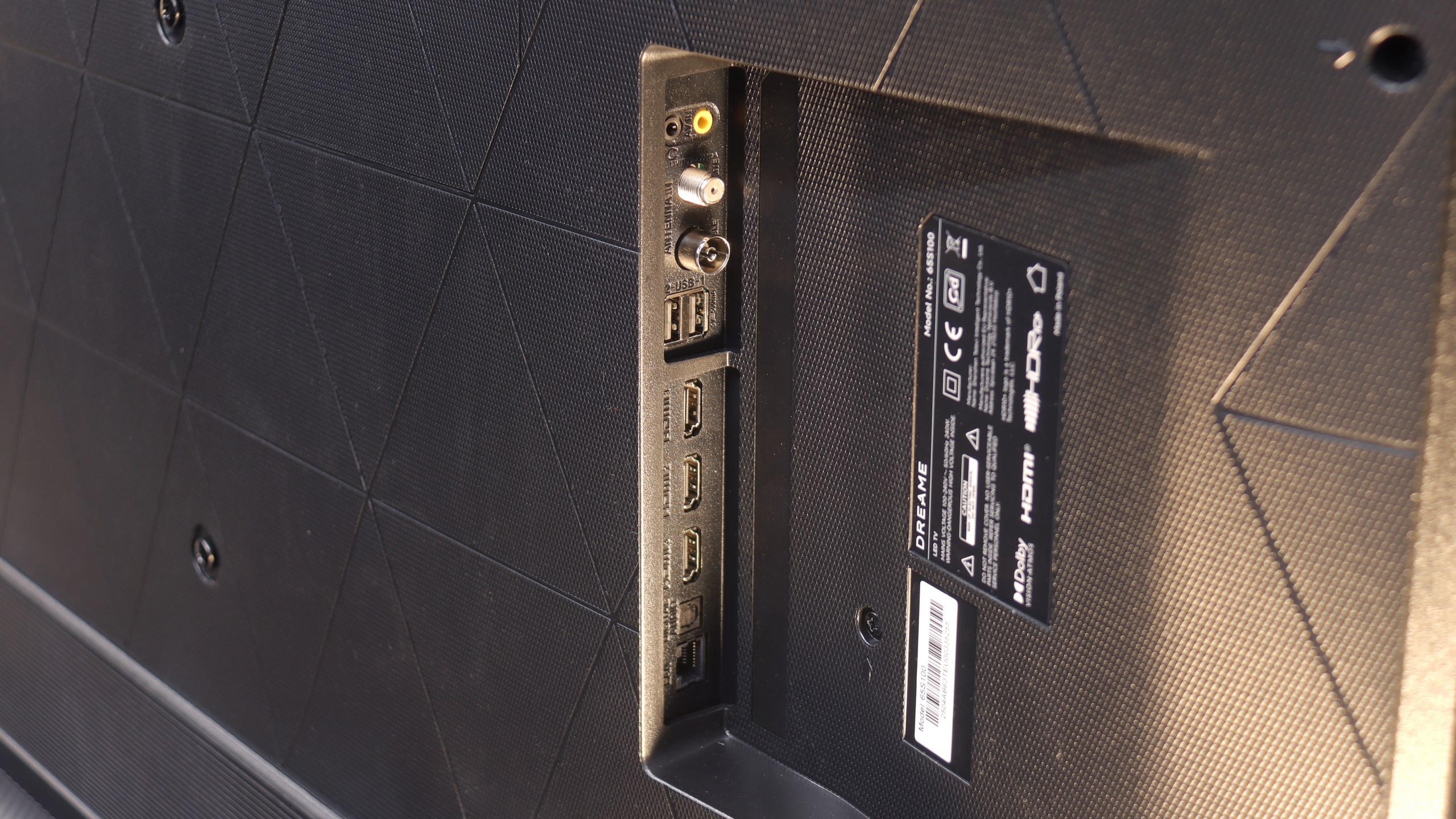
3 x HDMI 2.0, 0 x HDMI 2.1
1 x HDMI 2.0, 2 x HDMI 2.1 (40Gbps)
Other inputs
RCA (Chinch)
Outputs
Toslink (Optical audio), eARC (HDMI), ARC (HDMI), Mini-Jack (Headphones)
Network Interfaces
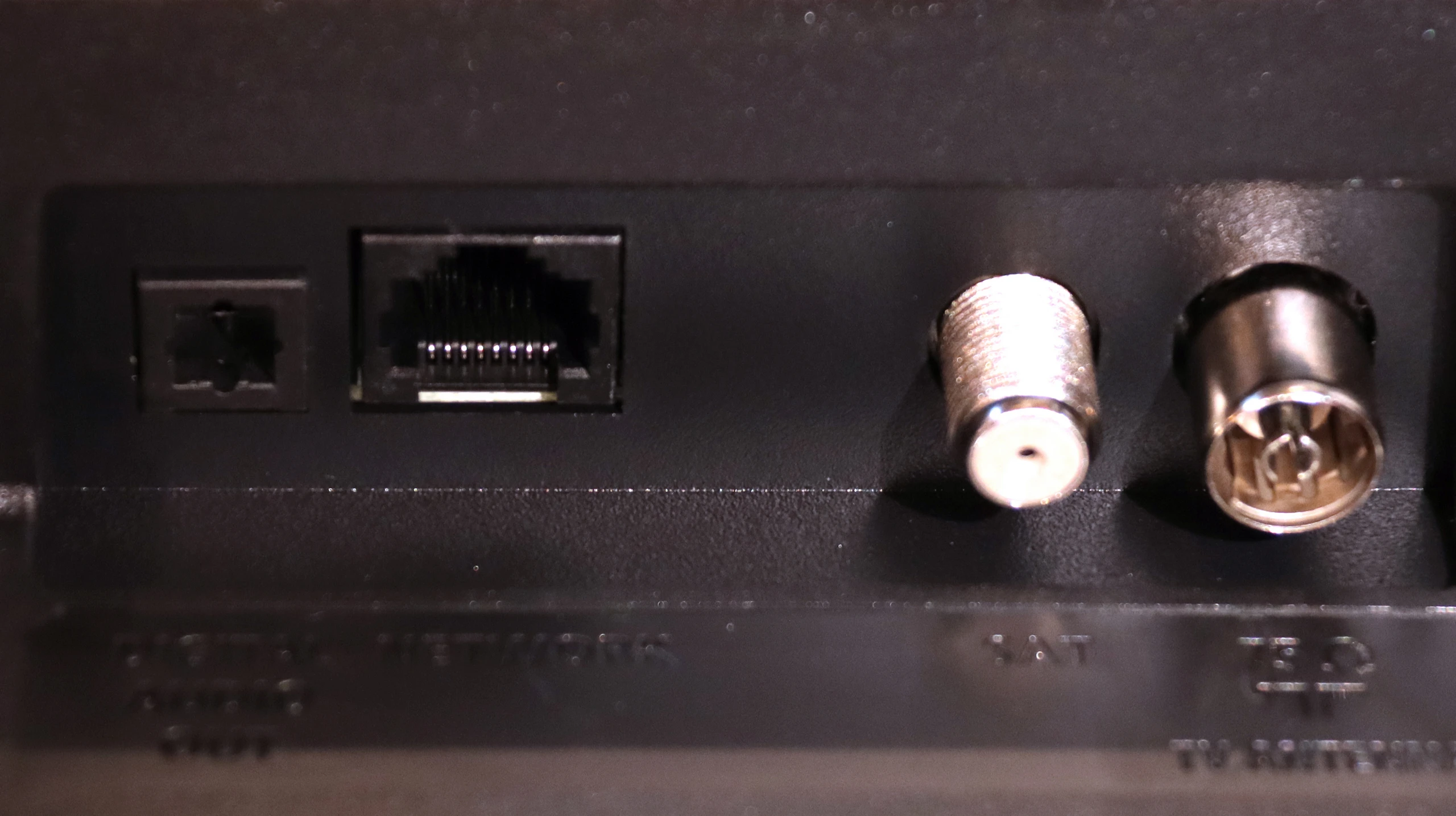
Wi-Fi 2.4GHz, Wi-Fi 5GHz, Ethernet (LAN) 100Mbps
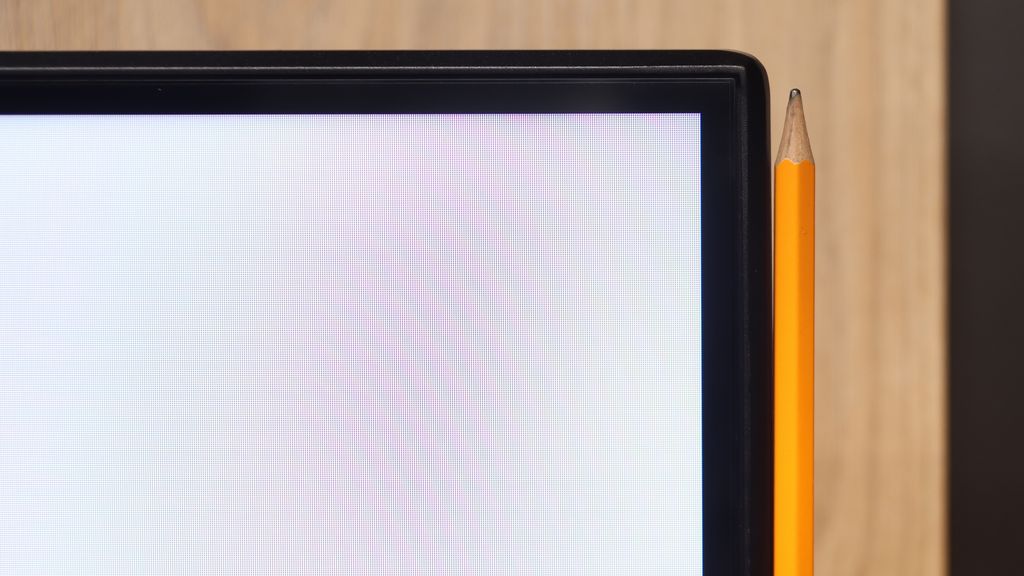
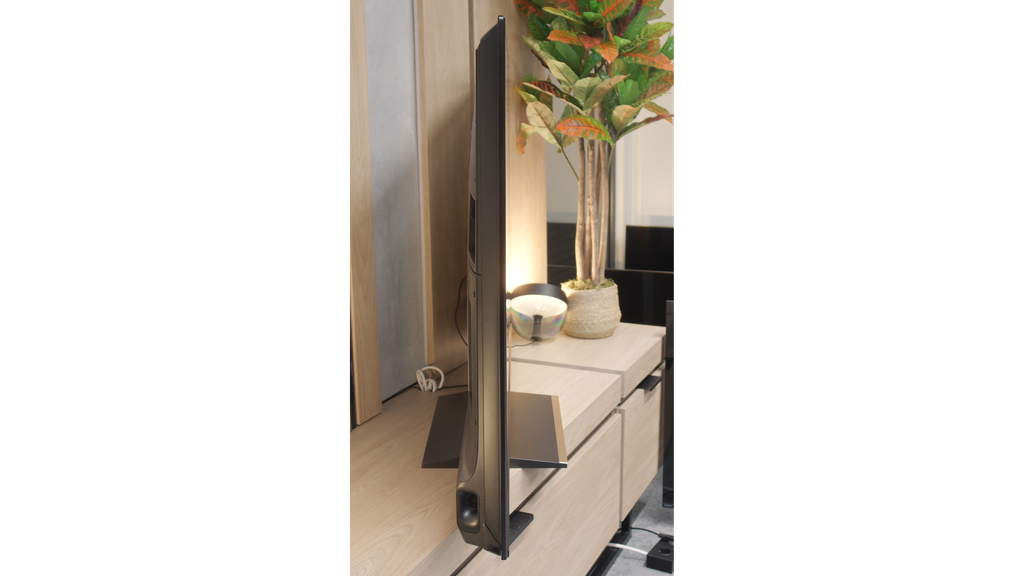
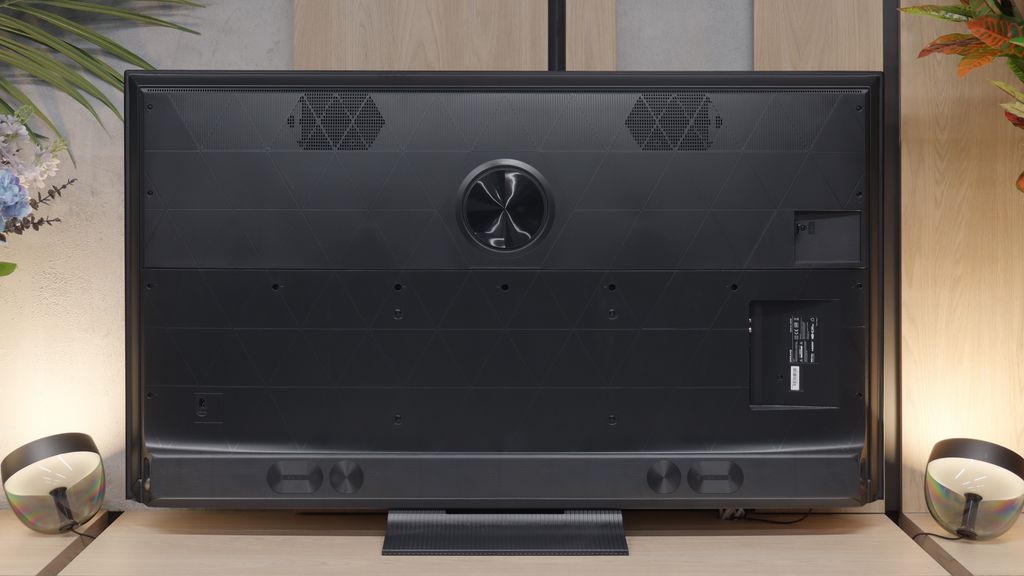
Build quality
Average
Good
Stand type
Legs
Central
Bezel color
Graphite
Black
Stand
Base adjustment
Fixed
Accessories
Stand
Stand

Contrast and black detail

6.1/10

5.9/10

Local dimming function: No

Local dimming function: Yes, number of zones: 160 (10 x 16)

Contrast:

Review Philips PUS8500  Contrast and black detail

Result

6,000:1

Review Philips PUS8500  Contrast and black detail

Result

5,950:1

Review Philips PUS8500  Contrast and black detail

Result

6,250:1

Review Philips PUS8500  Contrast and black detail

Result

5,950:1

Review Philips PUS8500  Contrast and black detail

Result

5,750:1

Review Dreame S100 Contrast and black detail

Result

32,850:1

Review Dreame S100 Contrast and black detail

Result

11,800:1

Review Dreame S100 Contrast and black detail

Result

6,900:1

Review Dreame S100 Contrast and black detail

Result

2,650:1

Review Dreame S100 Contrast and black detail

Result

1,700:1

Halo effect and black detail visibility:

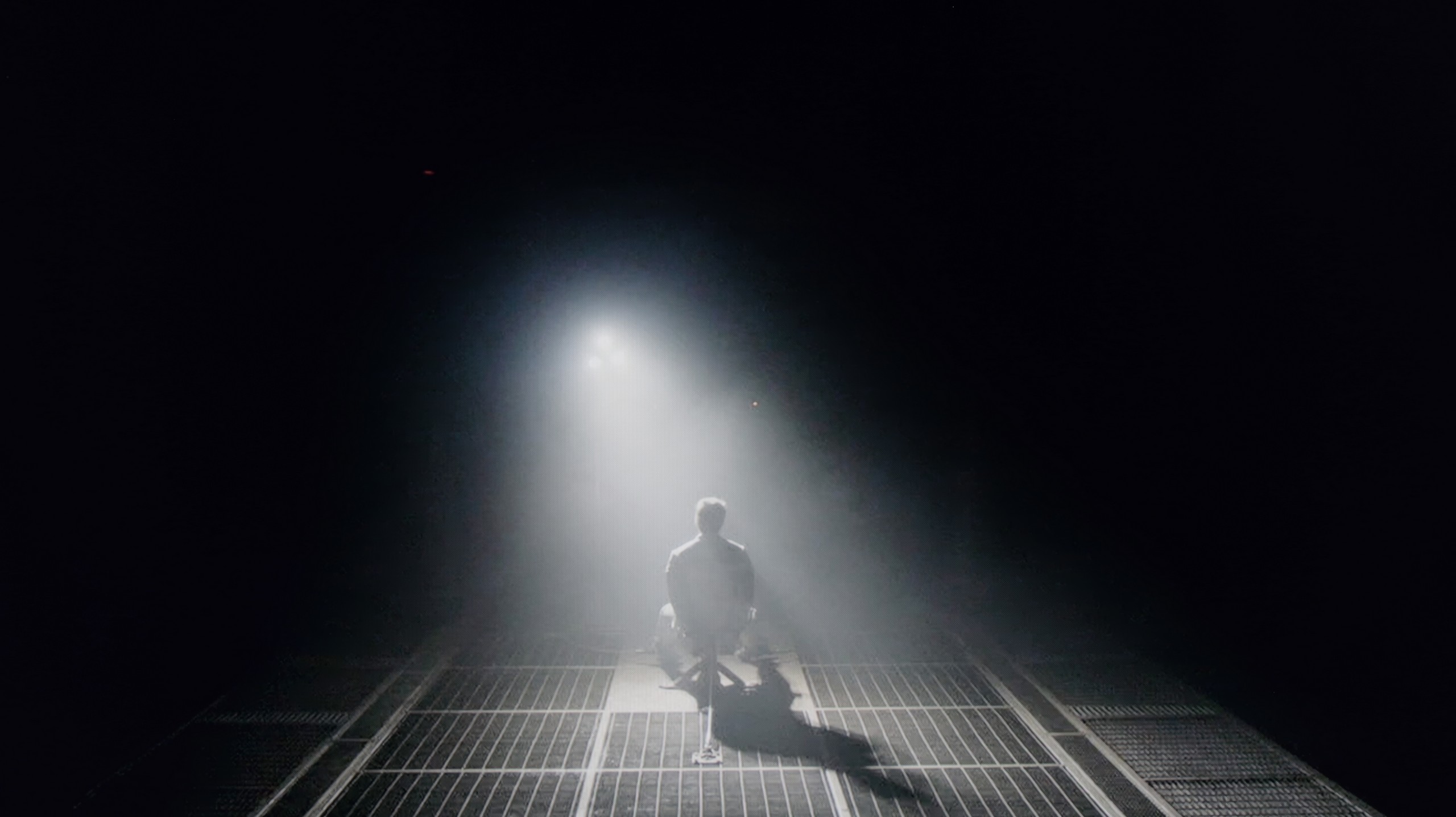
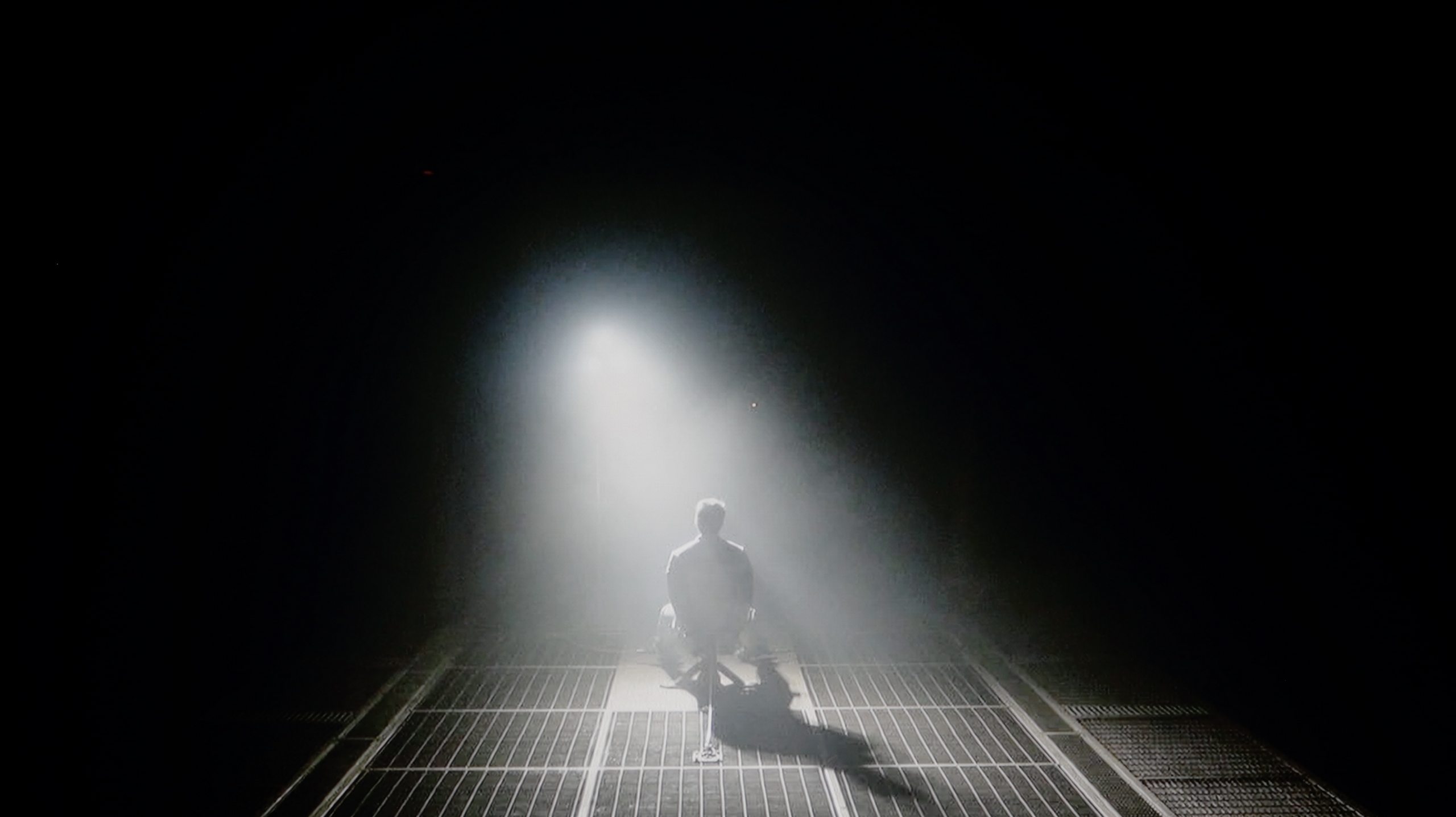
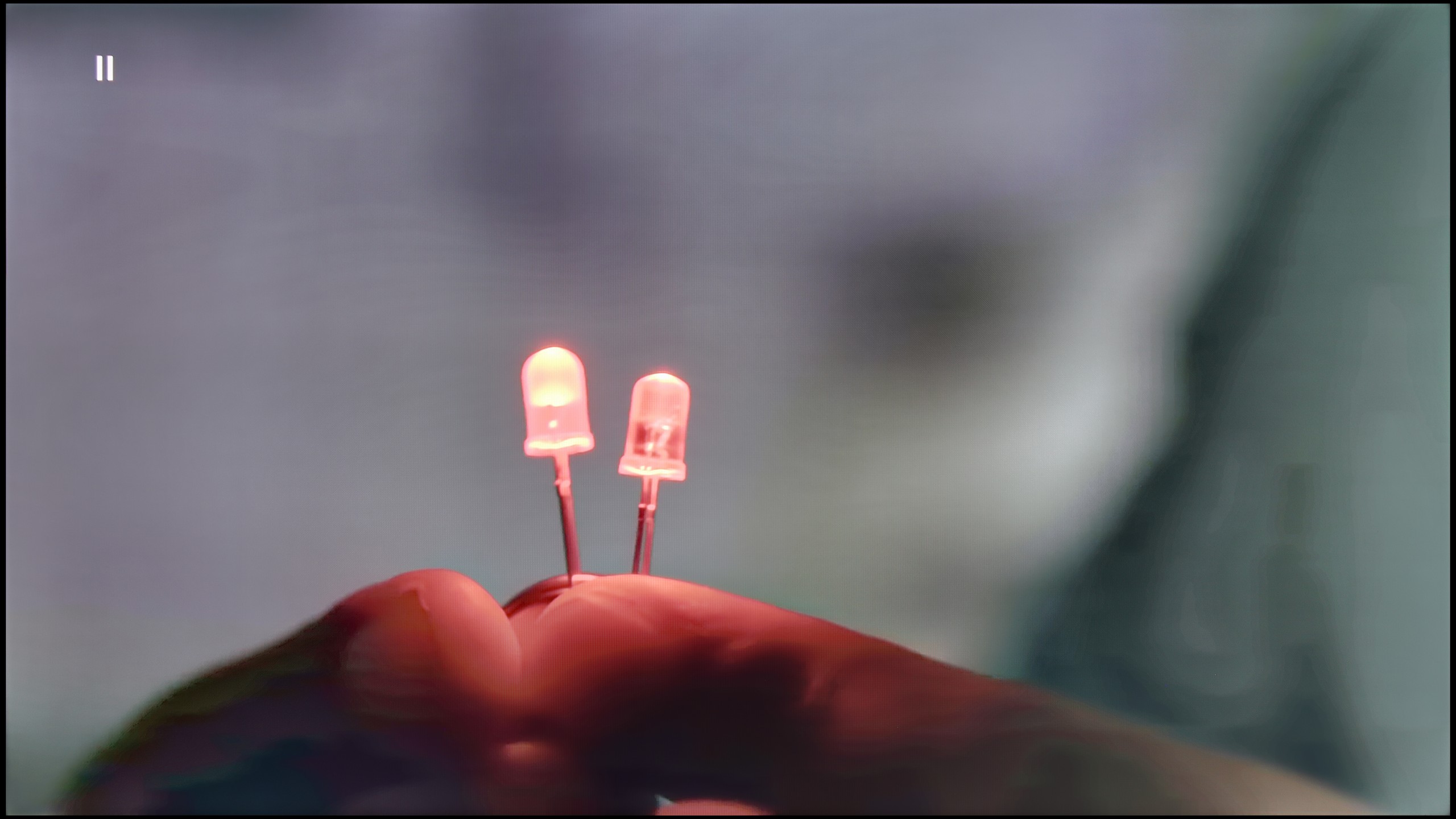
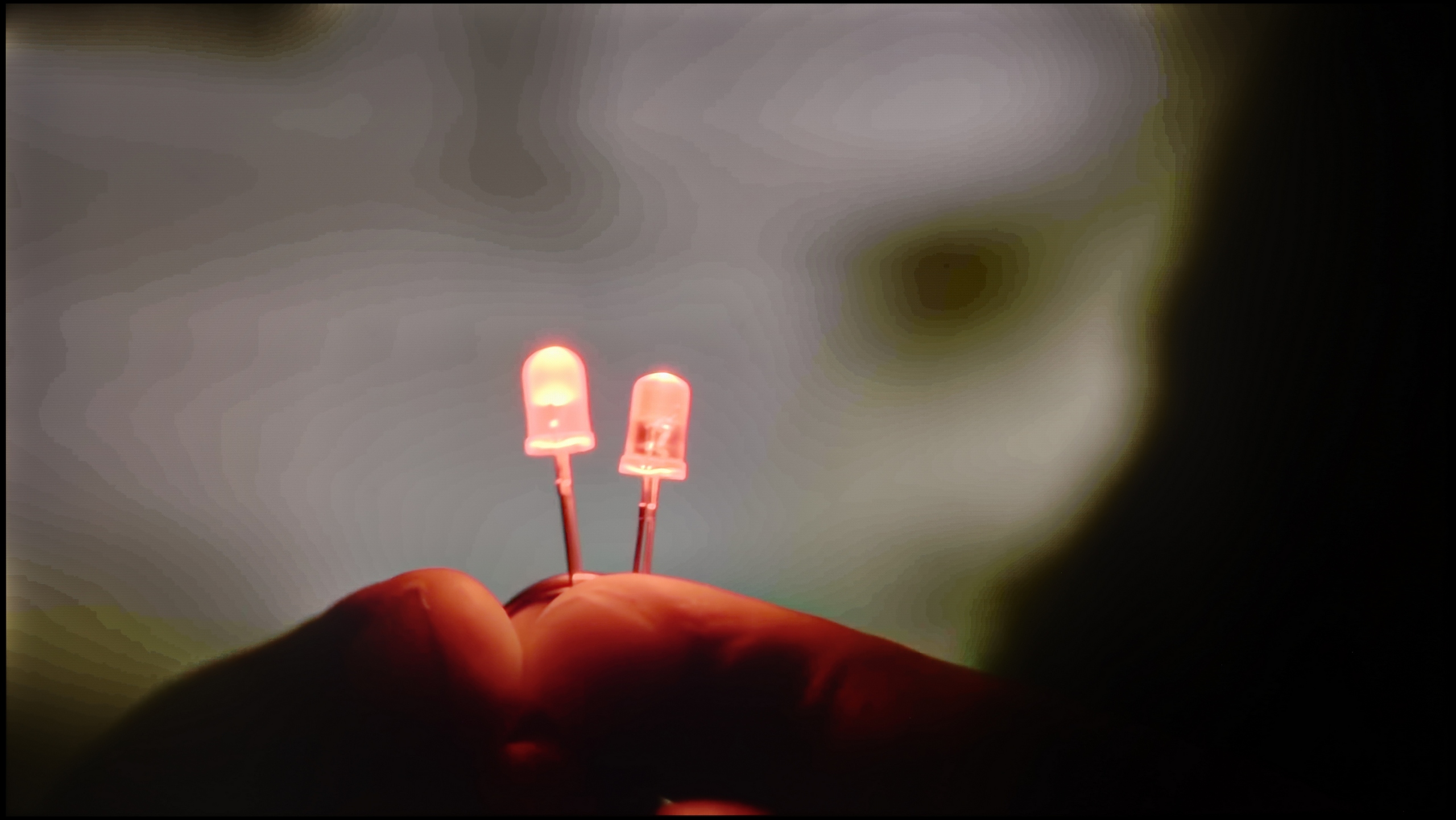
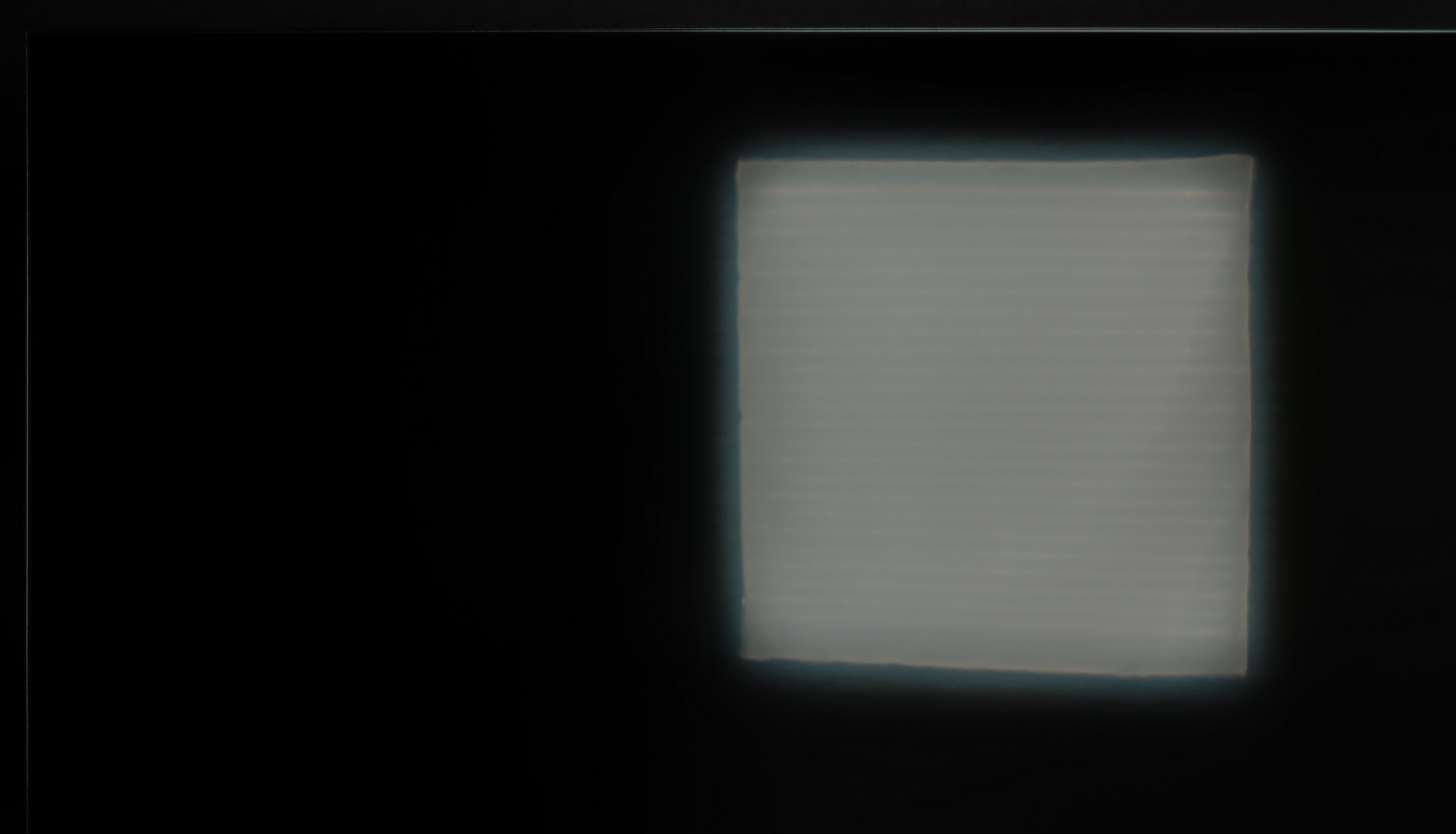
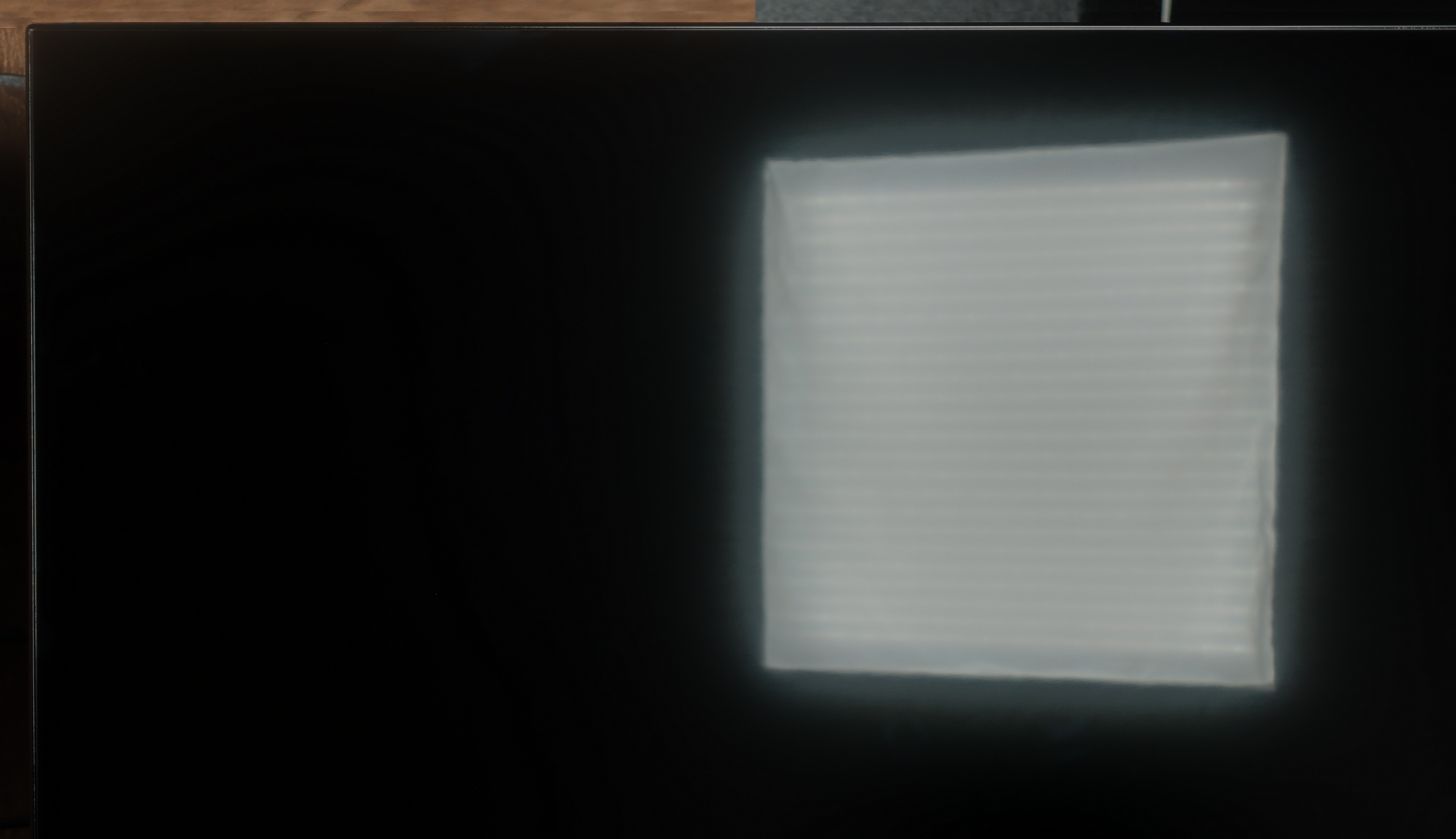
Check the visibility of bright lights on a dark background. Mini-LEDs often struggle with this. The photo does not compare black levels – that’s what the video below is for.

The video accurately shows differences in contrast and black levels between TVs, as well as potential issues: halo around bright objects or Mini-LED zone operation visible as brightness jumps.

Philips PUS8560 in the size version we tested is equipped with a VA panel. This means that black levels – for an LCD TV – can be considered decent. And that is indeed the case with this model. Both blacks and the overall impression of contrast in the movie scenes we tested are really quite good – the image doesn't bleed, and details are visible even in more challenging segments.

But the panel alone is not everything. Unfortunately, the PUS8500 does not come with local dimming (which is a given looking at the TV segment), so one has to reckon with the fact that in completely dark conditions, black can resemble shades of navy more than true black. On the other hand – and here's a plus for Philips – the Ambilight system does an excellent job. The backlighting really affects the perception of contrast. As a result, even if technically the black isn't perfect, the subjective experience of the picture becomes much more enjoyable. For many people, that's enough to make an evening viewing really spectacular.

The Dreame S100 is a Mini-LED television that features an IPS/ADS panel in its 65" version. This type of panel doesn't inherently offer the best contrast on the market, but thanks to a fairly dense Mini-LED backlight, the black levels in this model are actually quite impressive. In less demanding scenes, the contrast can reach values of 30,000:1. This is a result several times higher and practically impossible to achieve for any type of LCD panel without local dimming technology. This means that the black levels and contrast in the S100 will be quite appealing for the less demanding viewer.

Unfortunately, in more challenging scenes where a considerable number of small elements appear against a black background, the local dimming algorithms in the Dreame S100 don't perform perfectly. The TV can either dim excessively, making the blacks really deep but rendering almost nothing visible on the screen, or go the other way – showcasing a vast amount of detail, but resulting in very poor contrast. The blacks in very demanding scenes around bright objects then take on a greyish hue (halo effect). This is a typical limitation of Mini-LED televisions in the lower and mid-range segments, and unfortunately, the Dreame S100 is no exception, doing particularly poorly in this regard. However, it should be noted that overall, the contrast and black levels here are definitely better than those found in LCD televisions without any form of local dimming technology.

HDR effect quality

4.8/10

3.4/10

Supported formats
HDR10, HDR10+, HLG
HDR10, HDR10+, Dolby Vision, HLG
Color gamut coverage
DCI P3: 90.4%, Bt.2020: 65.8%
DCI P3: 94.6%, Bt.2020: 71.6%

Luminance measurements in HDR:

Review Philips PUS8500  Brightness measurement

Result

273 nit

Review Philips PUS8500  Brightness measurement

Result

300 nit

Review Philips PUS8500  Brightness measurement

Result

324 nit

Review Philips PUS8500  Brightness measurement

Result

343 nit

Review Philips PUS8500  Brightness measurement

Result

334 nit

Review Dreame S100 Brightness measurement

Result

503 nit

Review Dreame S100 Brightness measurement

Result

71 nit

Review Dreame S100 Brightness measurement

Result

241 nit

Review Dreame S100 Brightness measurement

Result

42 nit

Review Dreame S100 Brightness measurement

Result

589 nit

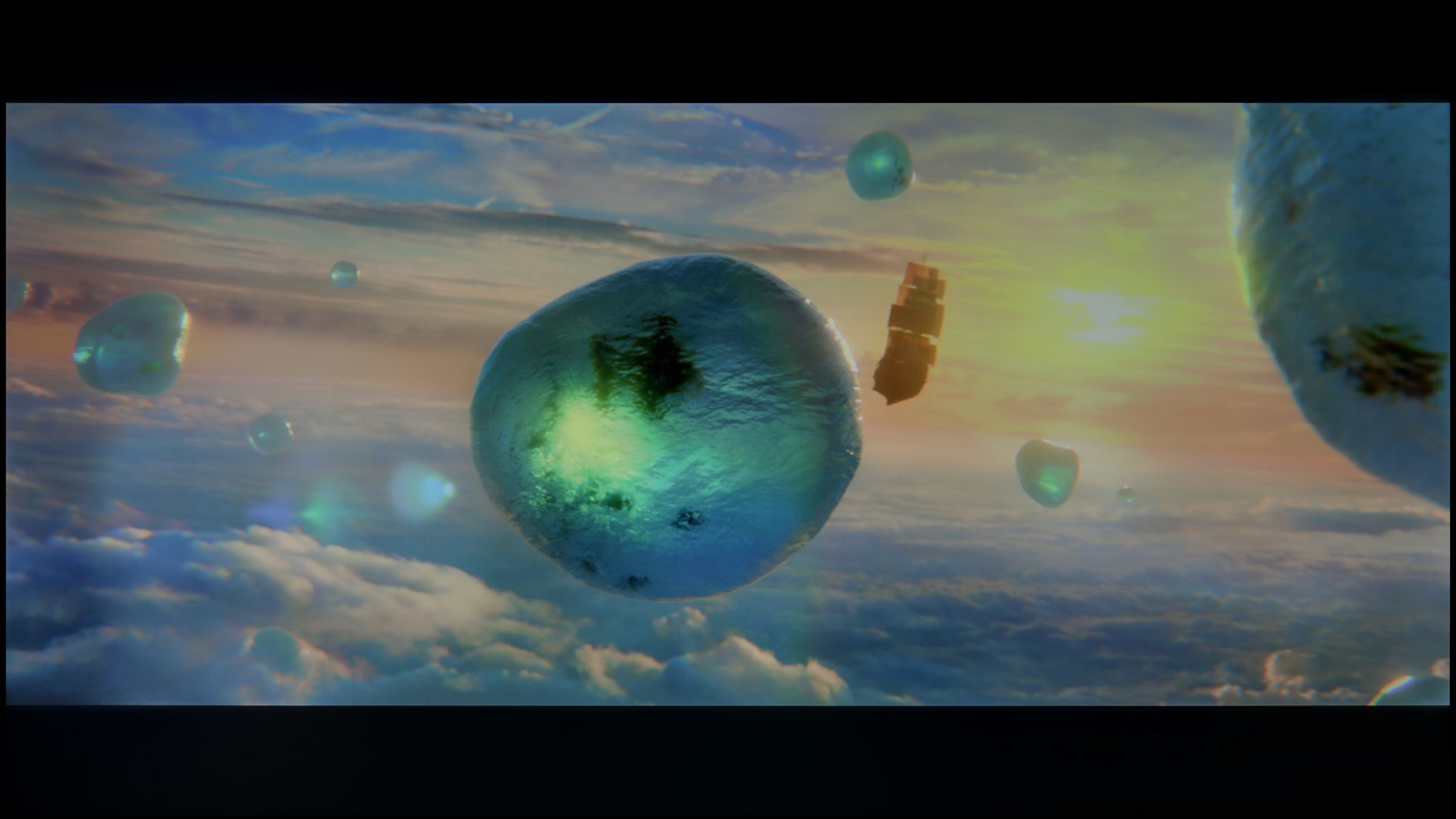
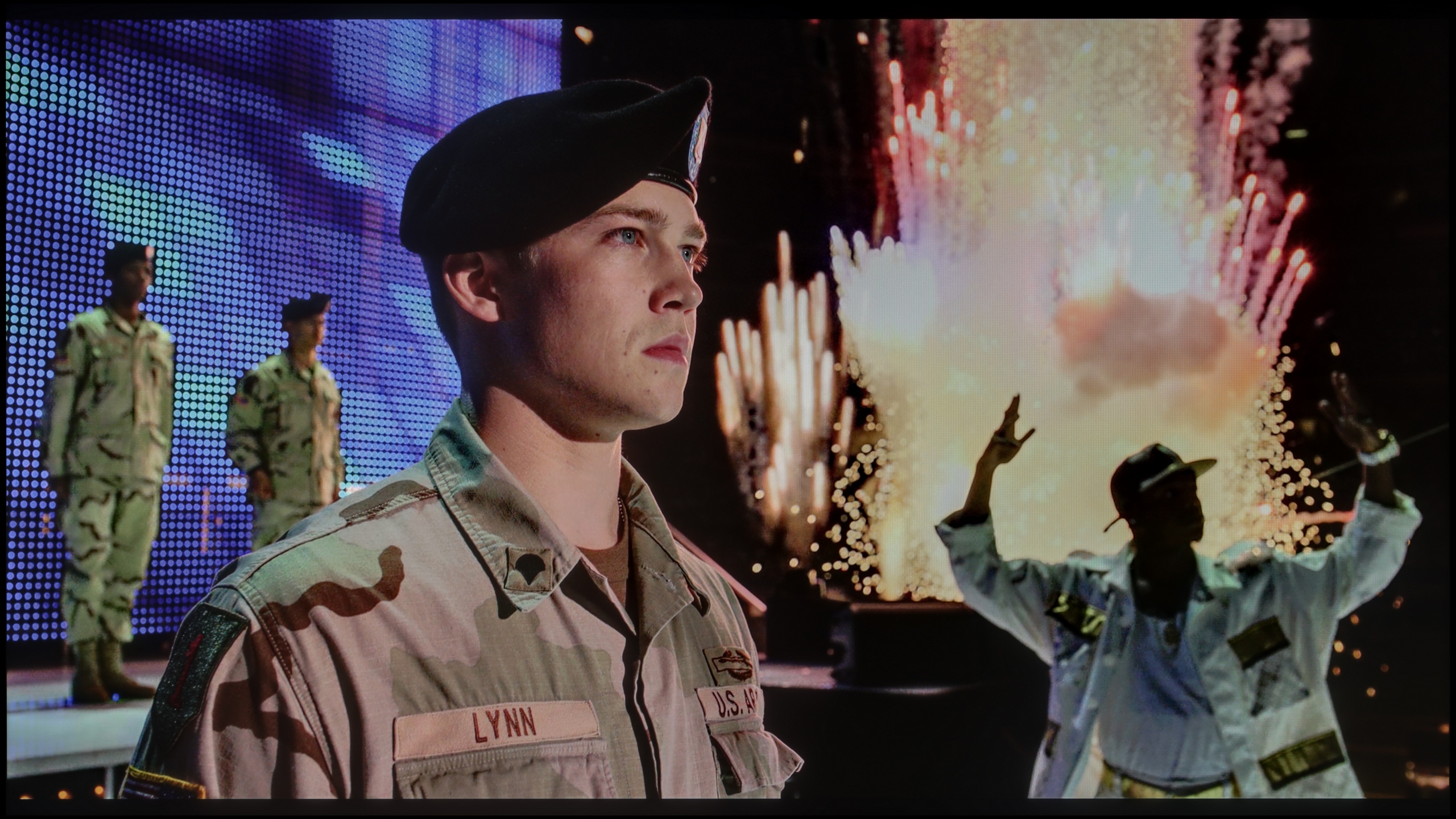
Scene from the movie “Pan” (about 2800 nits)

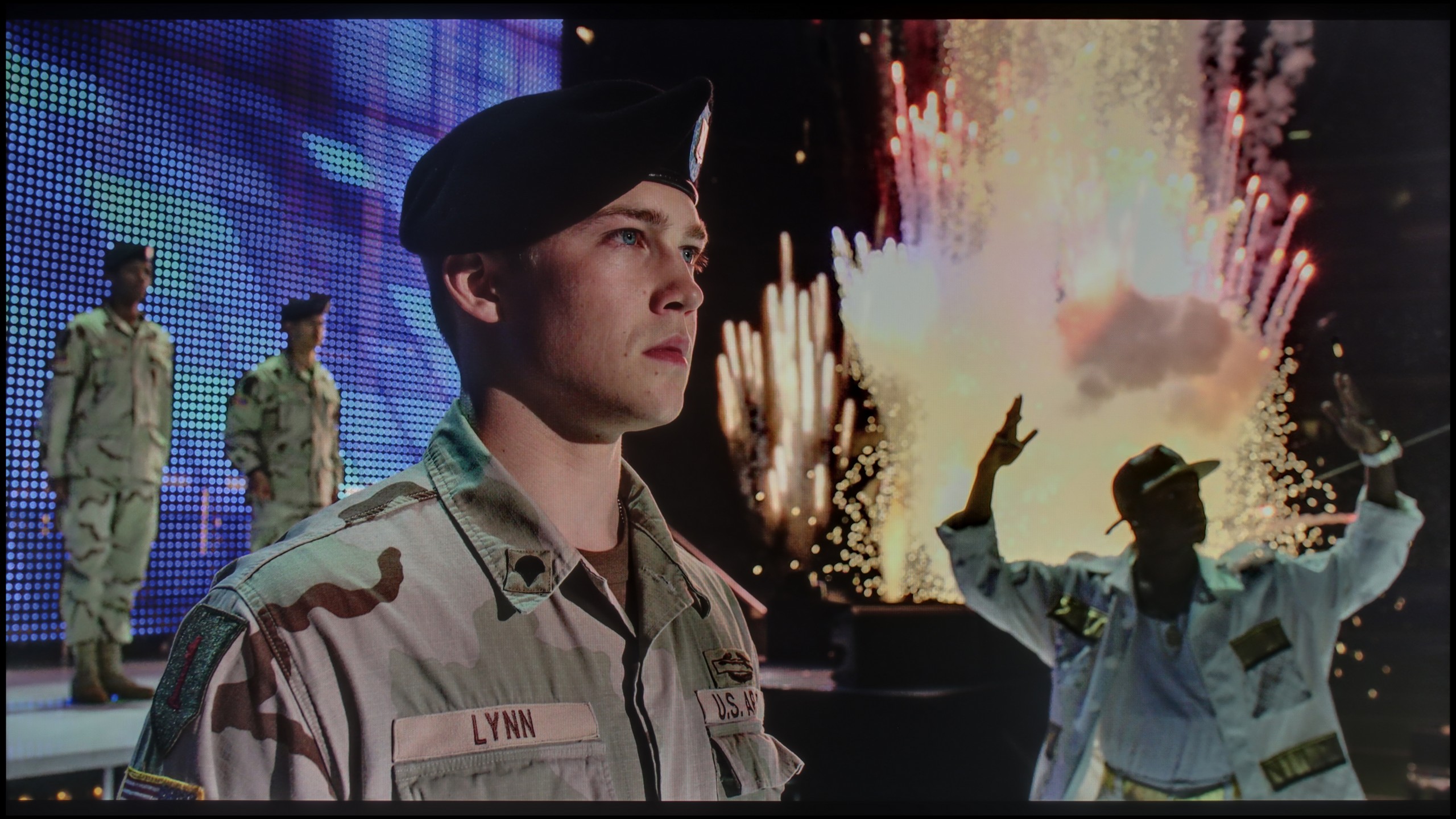
Scene from the movie “Billy Lynn” (about 1100 nits)

The photos show two HDR10 movies. 'Pan' is one of the brightest productions ever made, while 'Billy Lynn' (soldier) has brightness typical of streaming (Netflix, Prime, HBO MAX). Notice the intensity of effects and detail in whites.

Static HDR10

The photos present the visibility of white details in various HDR formats. They do not show brightness differences between TVs (these can be compared in the previous gallery).

Dynamic: HDR10+

Dynamic: Dolby Vision

The photos present the visibility of white details in various HDR formats. They do not show brightness differences between TVs (these can be compared in the previous gallery).

HDR luminance chart:

Dreame S100

Philips PUS8500

When it comes to HDR performance on the PUS8560, it's safe to say that it's rather average. The brightness of the panel is around 350 nits, so we consider this to be the absolute minimum for watching content in this format. However, it’s not a result that will impress viewers looking for the best possible picture.

On the plus side, it's worth noting that the PUS8500 series – including the PUS8560/12 tested here – is marketed as a QLED television. And indeed, we can expect a wider colour gamut here. This model is equipped with an additional filter (PFS), and the DCI-P3 coverage of around 90% should suffice for most users. This filter operates very similarly to quantum dots. As a result, colours are quite well-saturated. It's not an outstanding result, but it's entirely sufficient for watching movies and series from streaming platforms.
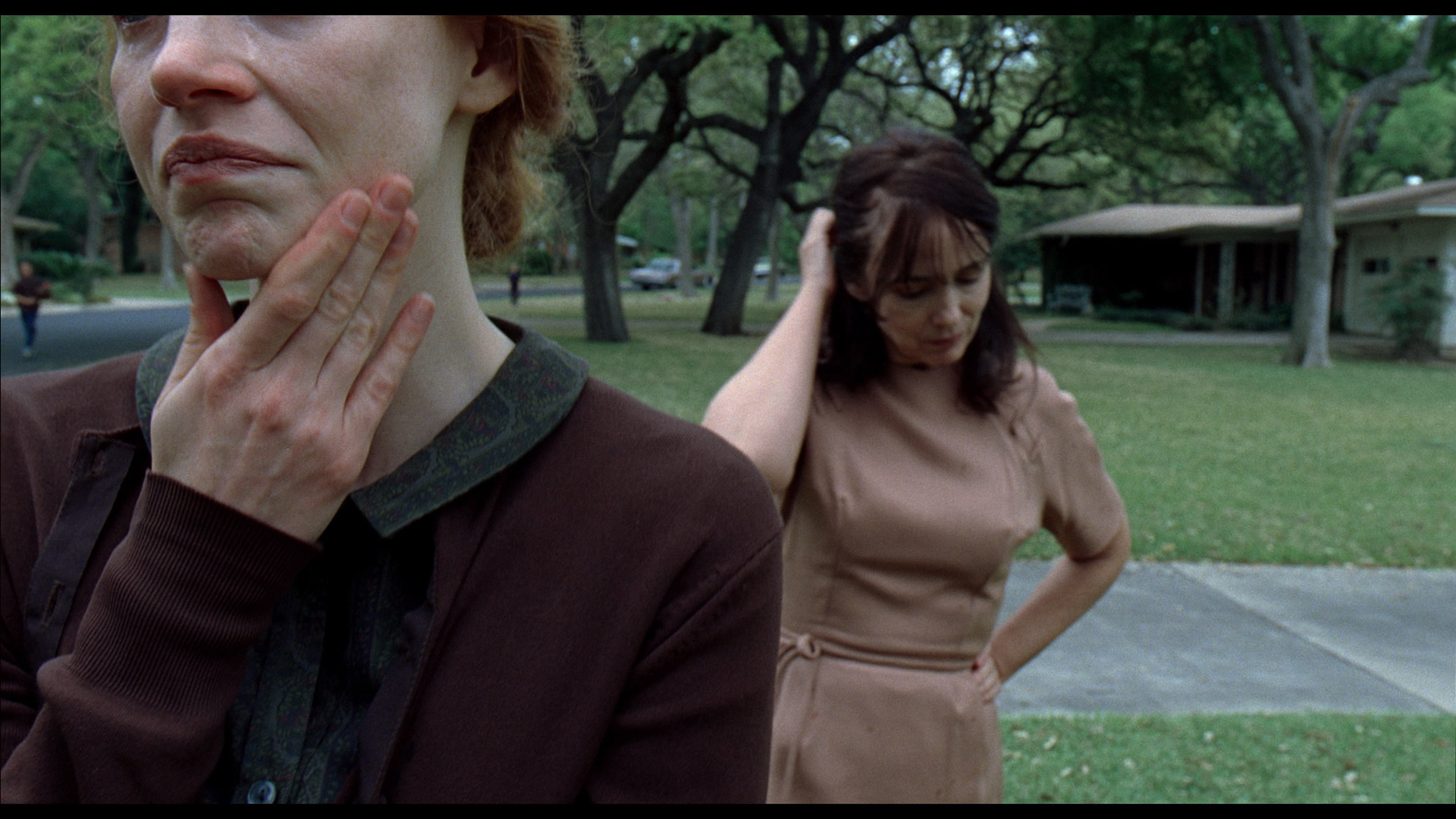
The Dreame S100 is a relatively bright television. In movie mode, the brightness we measured reached around 600 nits. This is a really good result, although not the highest considering the competition in this price range. In full-screen scenes, it's clear that the television can generate an image that hits the mark in terms of brightness. Unfortunately, when more complex scenes appeared on the screen, the local dimming algorithm in this model tried above all to maintain the deepest blacks. However, this came at the expense of the HDR effect – and in a drastic way. In such scenes, the brightness of the bright elements fell below 100 nits, which is a downright tragic result, far from any HDR effect. This aspect can be improved, but there are caveats. You just need to change the local dimming setting in the television's menu; however, then the blacks in such scenes simply turn grey. It's a pity that Dreame wasn't able to refine the local dimming algorithms better, and the S100 is another example that the number of local dimming zones doesn't always translate into a better picture. As a consolation, it's worth noting that the Dreame S100 is marketed as a 'QLED' type television, although it actually uses a PFS LED filter. As a result, the colours are appropriately saturated, and our measured DCI-P3 colour gamut coverage exceeded 94%.

Factory color reproduction

6.2/10

5/10

This gallery shows how colors change after professional TV calibration. If you notice the difference, we recommend ordering this service at SkalibrujTV.com.

Factory Mode

After calibration

This gallery shows how colors change after professional TV calibration. If you notice the difference, we recommend ordering this service at SkalibrujTV.com.

Factory Mode

After calibration

We tested the television on the best available factory settings, that is, in Film/Filmmaker mode – this is the mode we recommend for everyday viewing. Unfortunately, it is not without its flaws. Both in HD and HDR content, the image had a distinct tendency to pinkness, caused by an excess of red and blue in the white balance. Another issue turned out to be excessive brightness of the image, as confirmed by both the gamma graph and the EOTF curve. This characteristic was responsible for the loss of detail and washed-out colours in more challenging HDR scenes we mentioned earlier. All of this led to quite significant colour reproduction errors – in extreme cases, the delta E value exceeded 7, while the threshold for visibility of errors for the human eye is about 3. This situation can be improved through calibration, and you can read about its effects below.

We tested the Dreame S100 in "movie" mode and definitely recommend using this setting for watching all kinds of content. Interestingly, in the deeper settings of the TV, we also find a dedicated "Filmmaker" mode, which is now available from almost every manufacturer. However, in the case of the Dreame S100, we do not recommend using it – it blocks all settings related to the picture and does not allow for any configuration in the menu - not even a motion smoother. So how do the factory colours fare in the S100? Not too bad, but not great either. The TV itself had a noticeable blue tint, which is clearly evident in our white balance measurements. As a result, the picture was artificially brightened, and the colours had a slight bluish tint. This is also confirmed by the Color Checker palette, which showed how the colour samples leaned towards blue, generating quite significant colour errors. On the other hand, the picture looked definitely better in HDR mode, where the colour errors were not as prominent, although they were still far from ideal. Here, the white balance was also too heavily skewed towards blue, causing quite significant errors in color reproduction.

Color reproduction after calibration

8.4/10

7.5/10

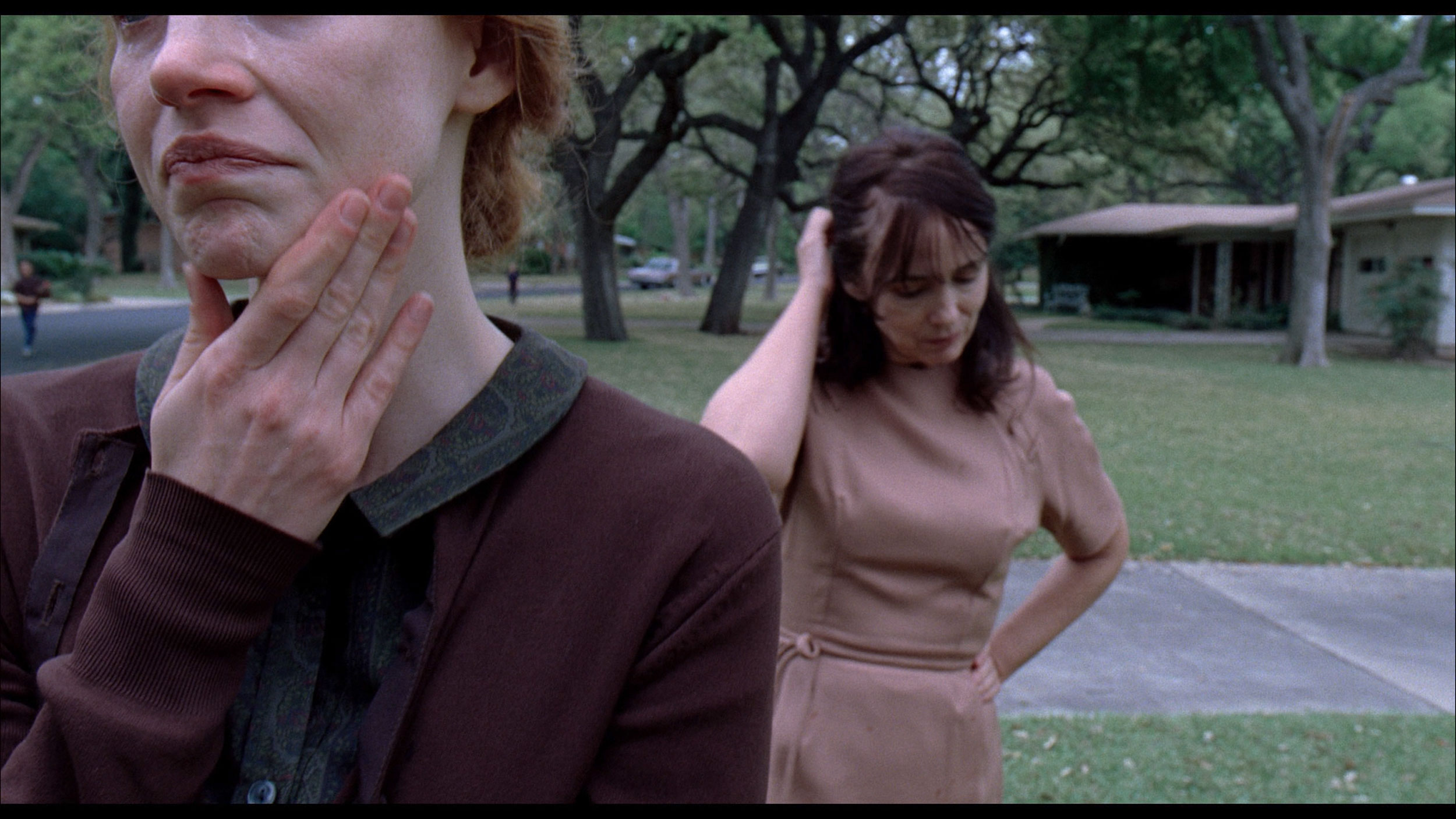
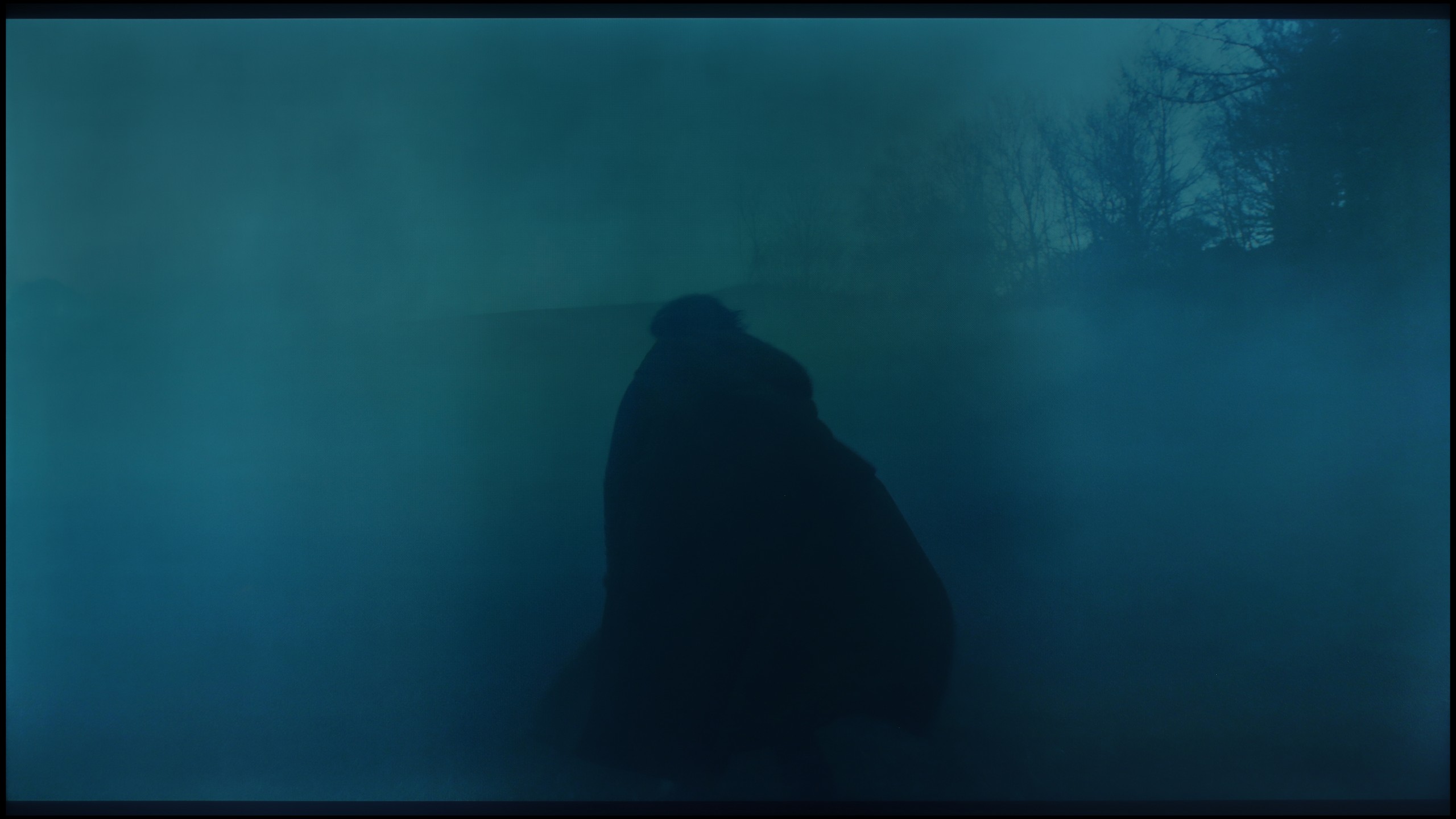
The photos show how movies look on the TV. Pay attention to black detail visibility, colors, and shadow tint.

The photos show how movies look on the TV. Pay attention to black detail visibility, colors, and shadow tint.

The Dutch manufacturer offers quite a large dose of settings in its products, so as usual, we decided to tinker with them a bit. The effects are immediately noticeable – we managed to correct the white balance, which made the image cease to appear overly pinkish. The brightness characteristics were also partially equalised, of course within the limits that the television itself allows. The picture is no longer so excessively brightened, and the overall reception after calibration is definitely better than in the factory settings of the Filmmaker mode.

You could only nitpick about the characteristics of the EOTF curve, which still indicates that the image tends to brighten HDR content. Despite our efforts, the darkest parts of the scenes can still be too bright, and the brightest ones do not always reach their full contrast potential. However, it must be clearly stated that we are dealing with a typically budget-oriented design – one cannot expect reference-quality rendering of HDR content from it.

Calibration has definitely helped this model – it improved the balance, toned down the aggressive colour palette, and brought the image closer to what one can expect from a well-configured movie mode. However, there are certain limitations that cannot be overcome.

The Dreame S100 has proven to be a device very amenable to professional calibration. In its menu, we found a plethora of advanced options that allowed us to effectively correct factory errors. Thanks to the advanced white balance correction – both in SDR and HDR content – we completely eliminated excess blue components. The image instantly became much more natural and pleasant to view. After fully tuning the colours, the errors in the Color Checker test dropped below a Delta E value of 2-3. For the average viewer, this means that any colour distortions became almost impossible to see with the naked eye. It's really a nice surprise, as often new brands in the TV market have significant problems with the correct implementation and functioning of sliders in the calibration menu. Here, everything worked as it should. The only thing we need to criticise is the way the TV manages its brightness in HDR. Due to the specific nature of the local dimming algorithms, our measured EOTF curve shows anomalies. In places where high highlights should appear, there is a slight bump in the curve above the reference line. In practice, this results in unnatural brightening of certain, the brightest elements in movies or games. Despite this minor flaw, professional calibration brings a huge, very positive change to this model.

Smoothness of tonal transitions

6.3/10

8/10

These are selected scenes that show smooth tonal transitions from one color to another. If you see distinct banding, it’s the TV panel’s fault.

These are selected scenes that show smooth tonal transitions from one color to another. If you see distinct banding, it’s the TV panel’s fault.

These are selected scenes that show smooth tonal transitions from one color to another. If you see distinct banding, it’s the TV panel’s fault.

These are selected scenes that show smooth tonal transitions from one color to another. If you see distinct banding, it’s the TV panel’s fault.

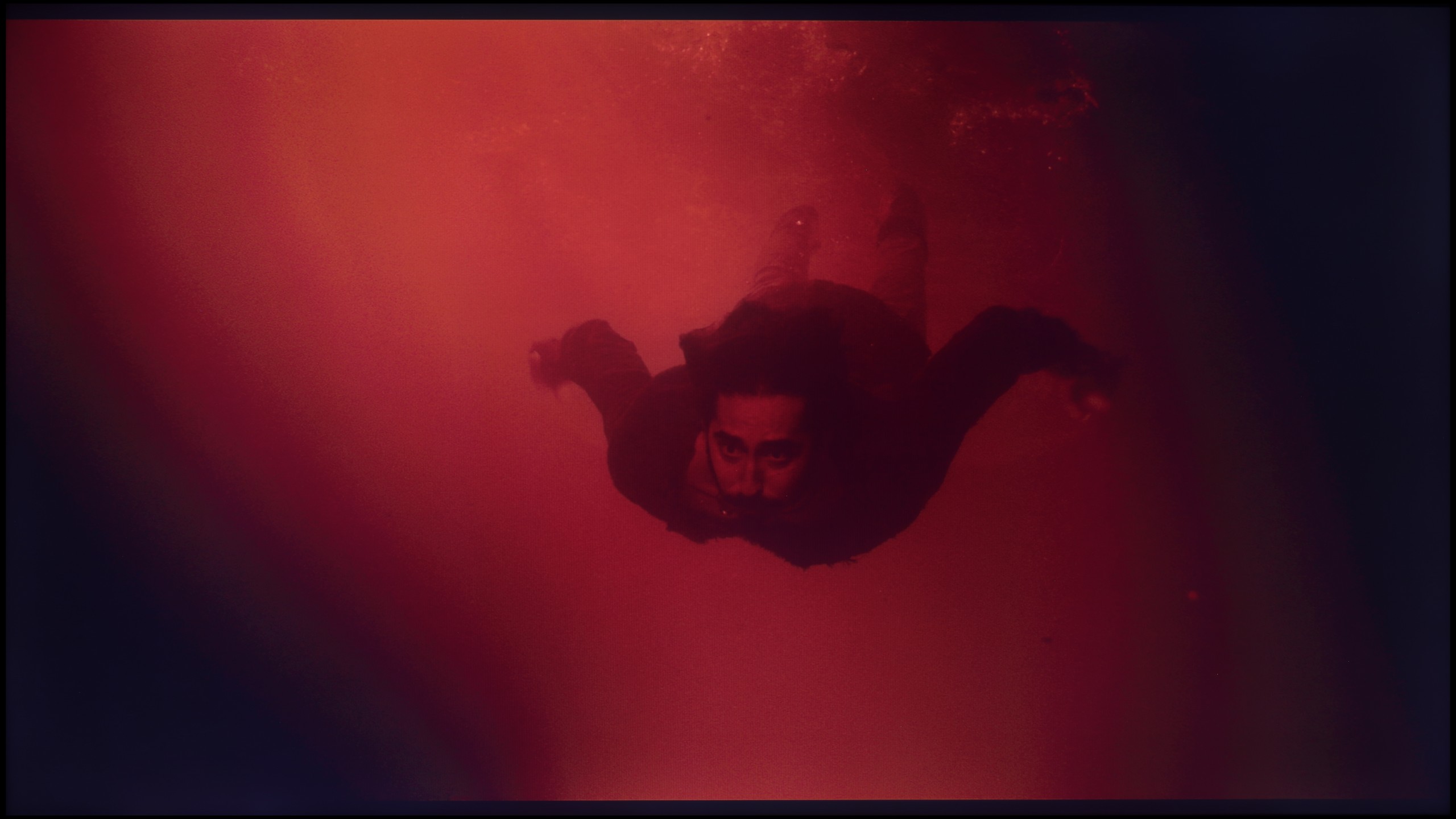
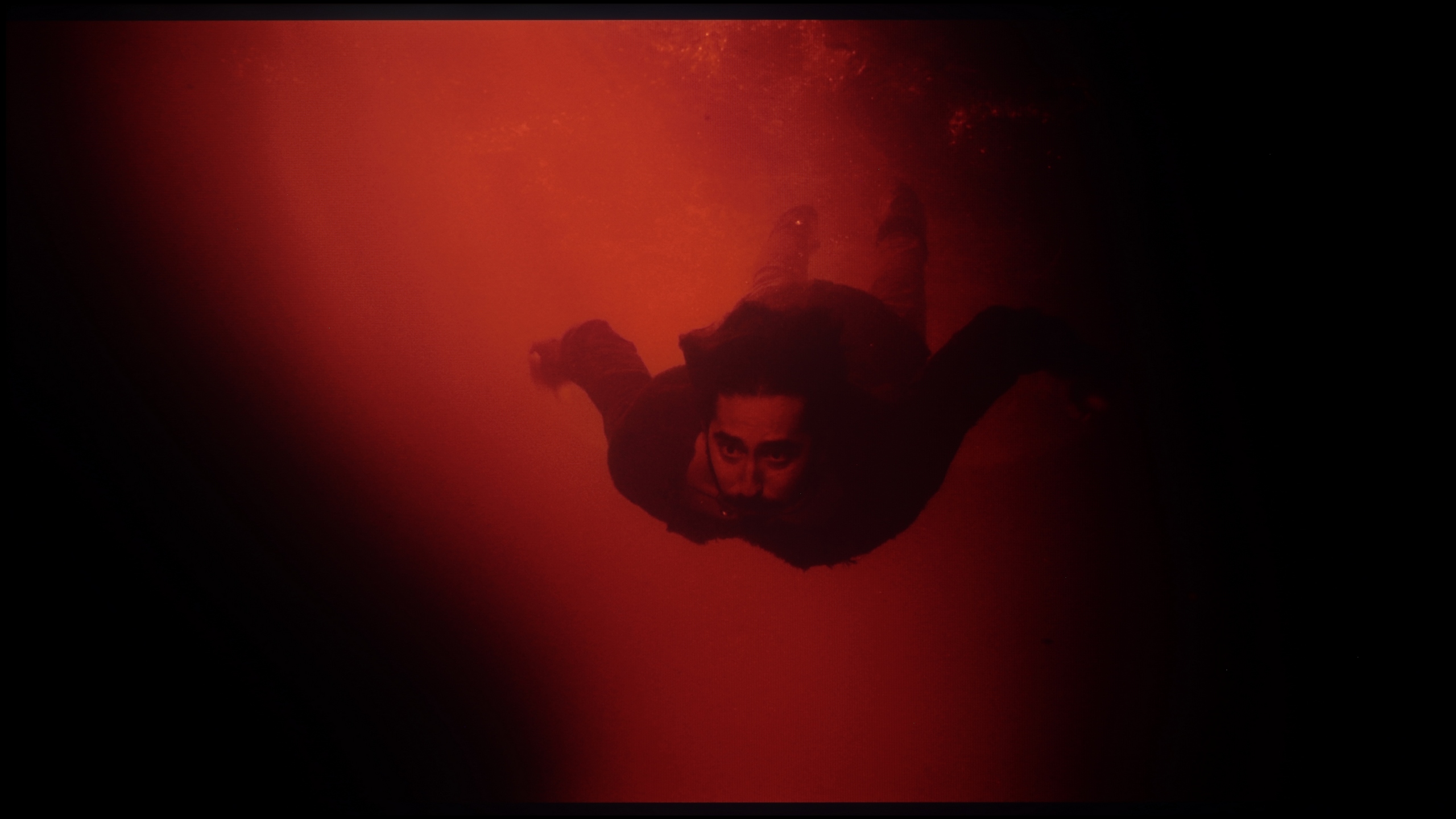
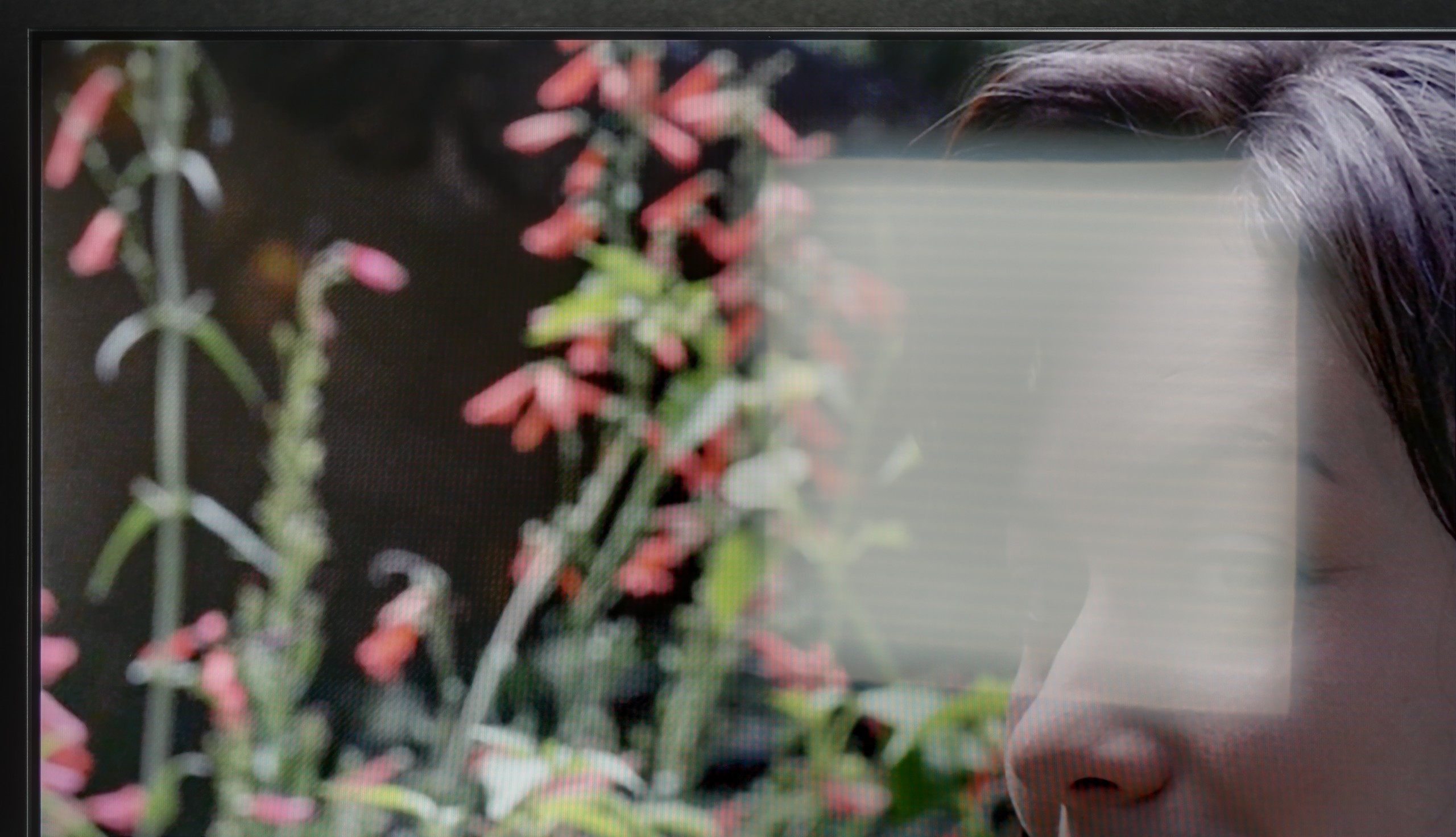
The PUS8560 handles colour blending into smooth gradients very well. During testing, the image appeared coherent and natural, with serious issues regarding tonal transitions occurring only in very dark scenes – for example, in a shot with red water, where subtle cut-offs between colours could be observed. However, these are rather exceptions that don’t spoil the perception of most content. It’s worth mentioning another phenomenon that has a greater impact on image quality – this relates to the so-called dithering, which is a slight “tingling” visible on solid backgrounds. This effect can be particularly noticeable in high-quality materials and may slightly detract from the impression of image clarity. It is for this fault that we deducted some points in the rating.

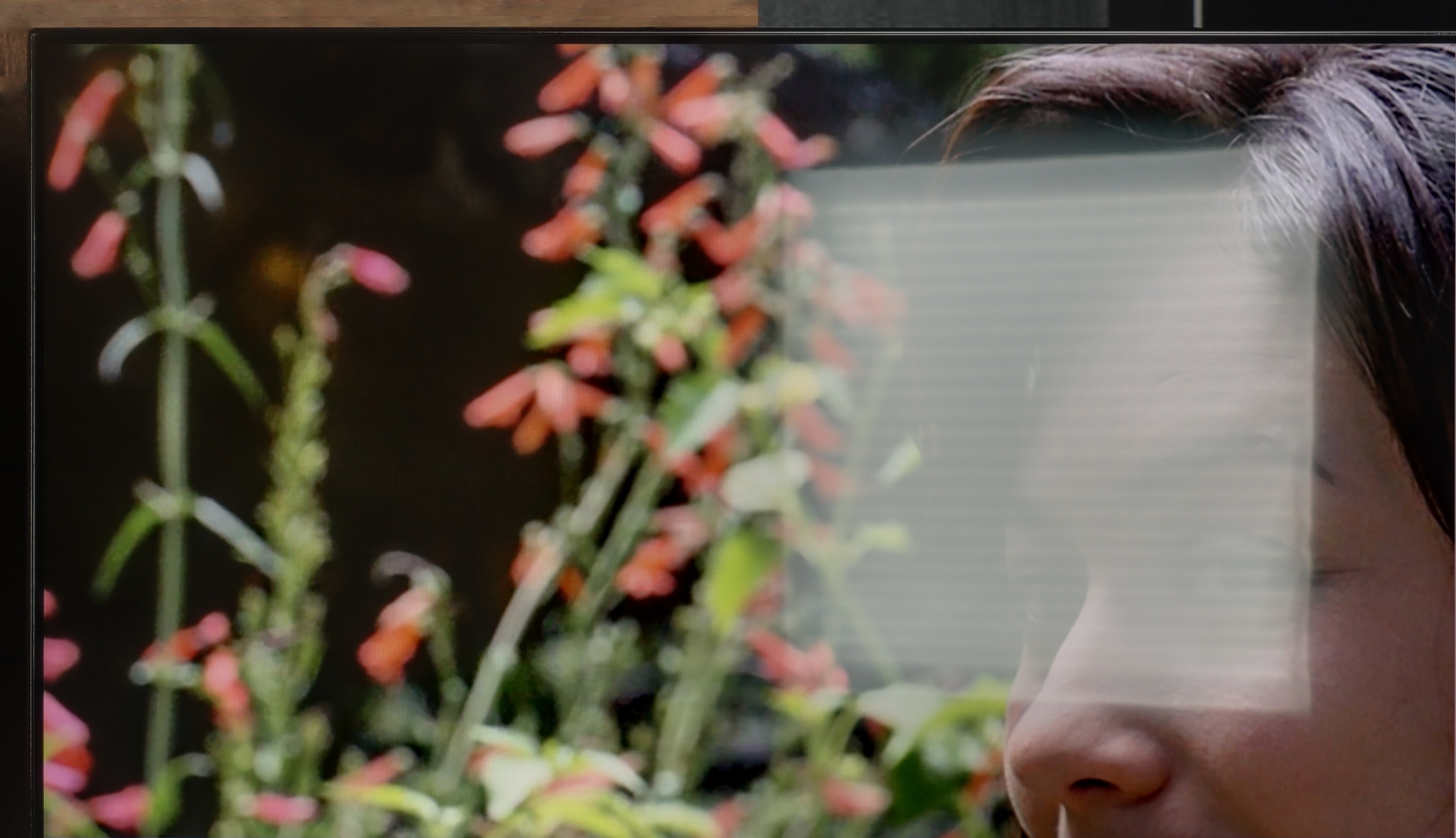
The transition between individual shades on the Dreame S100 is quite good. Analyzing most content in HDR10 format, we did not notice significant issues with banding. Only some very extreme and dark scenes revealed the problem of shade stepping. The situation is somewhat worse for content in Dolby Vision format*. Here, the colour gradation clearly deteriorates, and the tonal transitions from one colour to another are more visible and stand out from each other. Thus, the rating of this element on our site is slightly lower when we take into account viewing (on streaming platforms) in this format.

*we'll add the photos after modifying the site 😉

Image scaling and smoothness of tonal transitions

6.5/10

4/10

Image without overscan on the SD signal
OK
OK
Smooth transition function
OK
OK

Smooth transition function

The match photo shows how the TV smooths weak tonal transitions in low-quality video.

Image scaling SD (576i)

The model photo shows how it handles upscaling of SD material.

Philips PUS8560 offers a deinterlacing function, hidden under the name “distortion reduction”. And while it indeed serves its purpose, smoothing out problematic tonal transitions, it operates a bit too broadly. In practice, it affects not just colourful gradients but also softens faces, clothing textures, and furniture surfaces. This undermines the authenticity of the image – especially in films where natural texture is of great importance. However, if someone is looking for smoothing at any cost, it’s best to set this option to “Low”. For cinema image enthusiasts – we definitely do not recommend it.

On the plus side, the quality of scaling older materials is worth noting – the PUS8560 model handles them surprisingly well. The image retains a natural softness without artificially boosted sharpness. It’s also worth mentioning that the TV correctly displays very low-resolution content, avoiding issues with image cropping (so-called overscan).

For scaling and digital processing in the Dreame S100, the technology used is proudly called Dreamind™ Pro AI by the manufacturer. However, it must be clearly stated that this is not a proprietary processor but rather a marketing term for a chip from MediaTek – specifically, the model MT5889. Unfortunately, we are talking about a rather outdated unit from a time when MediaTek lagged significantly behind the competition in terms of performance. This, unfortunately, has a direct impact on the image, as this chip also handles that. The upscaling in the S100 is fairly average, and the processor has a tendency to artificially over-sharpen edges (fortunately, this can be somewhat tempered with the sharpness slider in the menu). In the options, we also find a feature called "Contour Smoothing," which theoretically is supposed to improve tonal transitions. In practice, it contributes almost no improvement – setting it to any level rarely eliminates visible colour banding, but it can unnecessarily blur elements of the image that should remain sharp.

Another issue is the phenomenon of overscan (cropping the edges of the frame), which is practically visible all the time. Although there is the possibility to set the screen to display the full frame in low-resolution materials, it requires activating the aforementioned Filmmaker mode. And as you may know, this mode completely blocks any changes to other sliders in the picture menu. In our test tables, we noted that the television offers an option to disable overscan, as such a function technically exists in the system – however, in everyday use, while maintaining reasonable picture settings, you will not be able to take advantage of it.

Blur and motion smoothness

4/10

7.7/10

Maximum refresh rate of the panel
60Hz
144Hz
Film motion smoothing option
No
OK
Blur reduction option
No
OK
BFI function 60Hz
No
No
BFI function 120Hz
No
No
Brightness drop with BFI
-%
-%

Blur (native resolution, maximum refresh rate):

Blur ():

Blur (4K@144Hz):

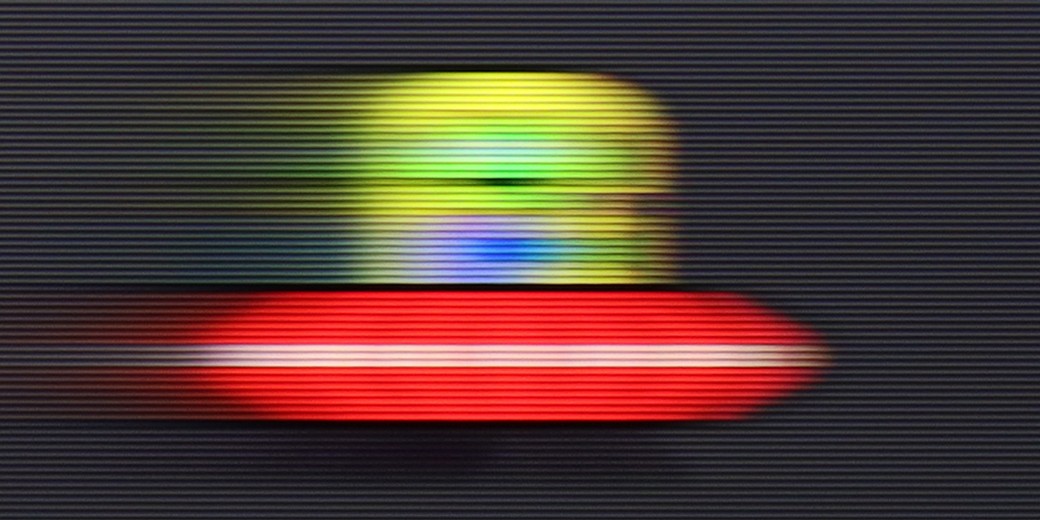
The Philips PUS8560 is a television equipped with a 60 Hz refresh rate panel, which already limits its capabilities for displaying dynamic content right from the start. Watching sports or playing on a console is not one of the more enjoyable experiences. The situation is further worsened by the absence of any option to improve film fluidity. In the menu, you won’t find settings that would allow for the activation of motion smoothing or even a slight motion blur for films recorded at 24 frames per second. You can imagine the effect. The image can appear choppy, especially in shots with panoramic camera movements.

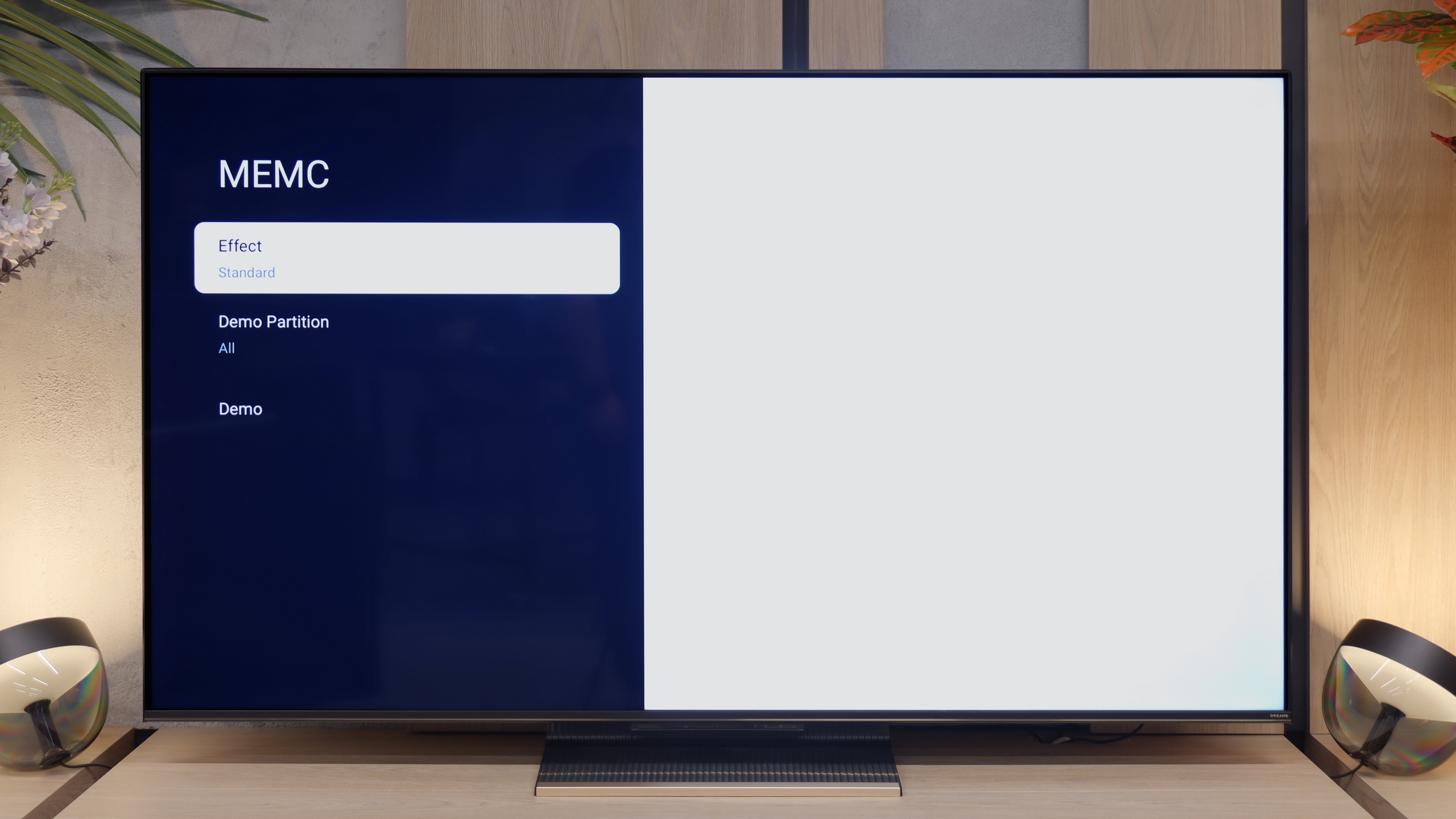
When it comes to motion fluidity, the Dreame S100 performs really well. It features a 144 Hz refresh rate panel, although in reality, the vast majority of people using it in a conventional way will still be limited to 120 Hz (as this is what today's hardware allows aside from PCs). Thanks to the high refresh rate, the image in motion remains really sharp, largely due to the well-functioning MEMC motion smoother. In the menu, we find predefined modes that enable the TV to efficiently generate artificial frames, which effectively enhances the fluidity of dynamic sports shots, but also helps eliminate motion judder in film and TV series material recorded at 24 frames.

Console compatibility and gaming features

4.7/10

7.8/10

  • ALLM
    Yes
    Yes
  • VRR
    Yes
    Yes
  • VRR range
    48 - 60Hz
    48 - 144Hz
  • Dolby Vision Game Mode
    No
    Warning Yes, high input lag
  • Correct implementation of HGIG
    No
    No
  • 1080p@120Hz
    No
    Yes
  • 1440p@120Hz
    No
    No
  • 4K@120Hz
    No
    Yes
  • Game bar
    Yes
    Yes

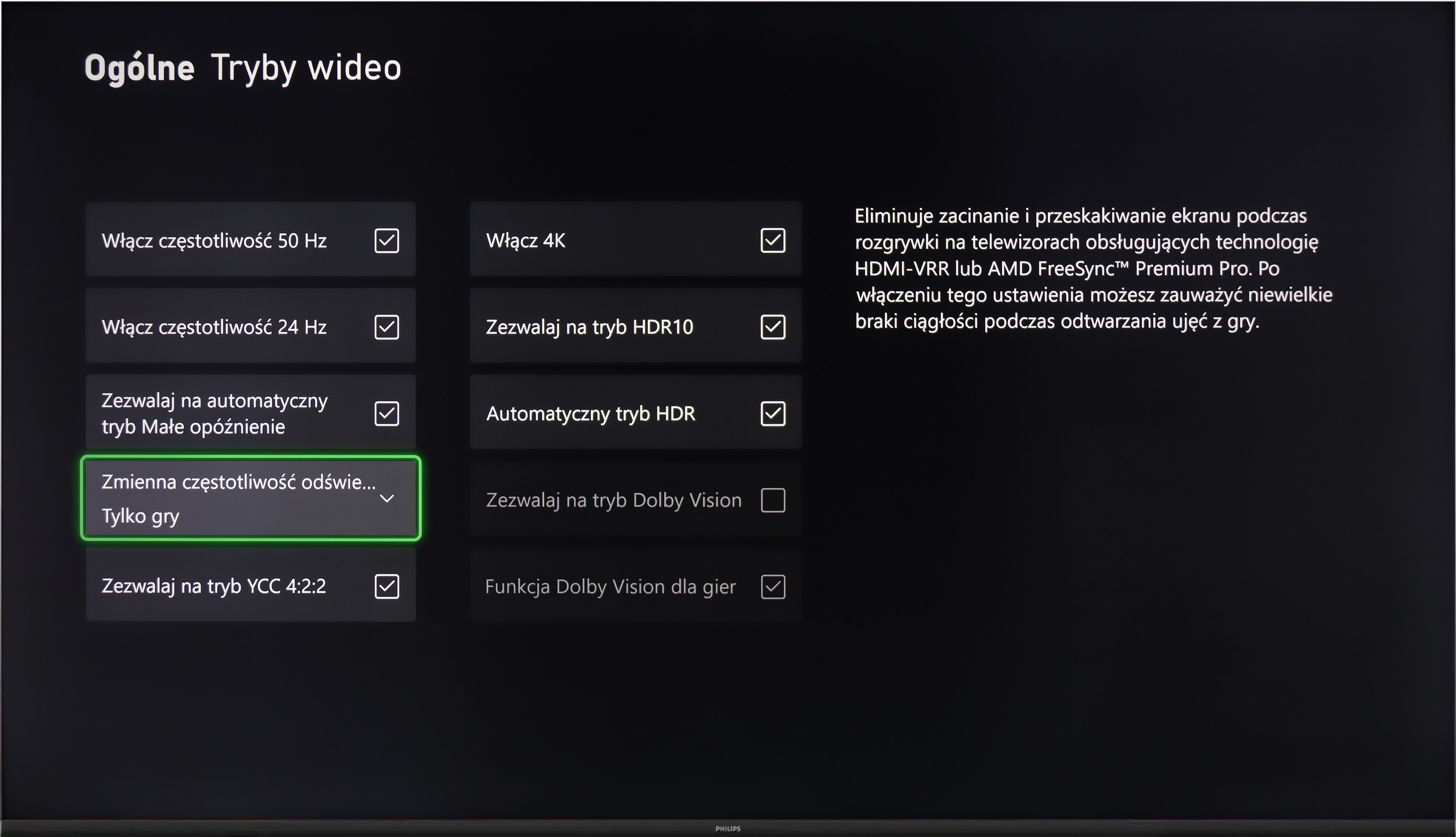
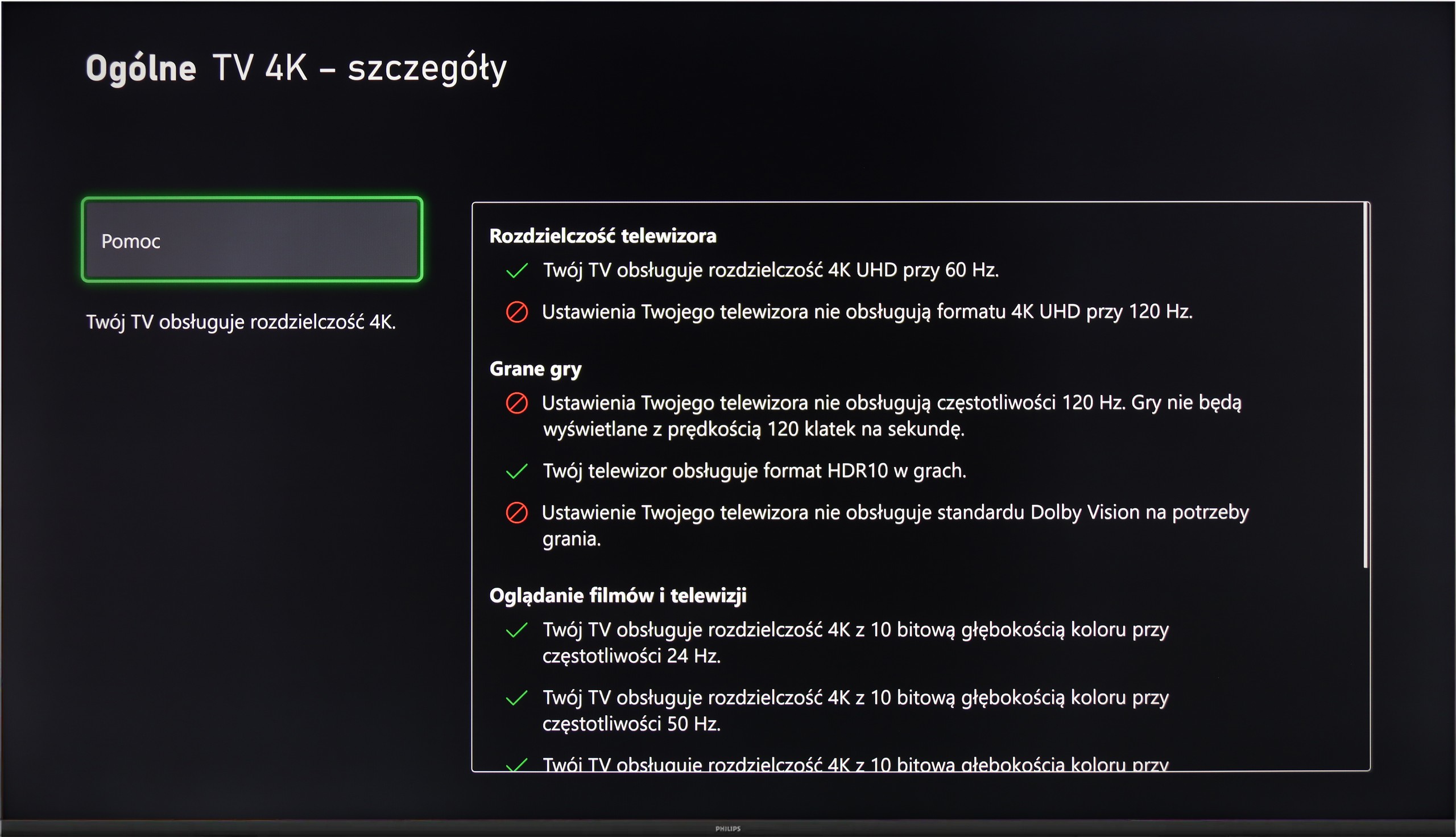
Although the Philips PUS8560 is not designed with gamers in mind, the manufacturer has equipped it with a few features that may prove useful when connecting a console. Onboard, we find automatic switching to game mode (ALLM), as well as a simple connection status information bar – the so-called Game Bar. It doesn't make a particularly visual impression, but it serves its purpose. The presence of variable refresh rate (VRR), operating in the range of 48 to 60 Hz, may come as a surprise. This is not a wide range, but for less demanding games or titles with unstable frame rates, VRR can help reduce the tearing effect. However, this is the only element that can be considered beyond the minimum.

It must be clearly stated that the PUS8560 is not equipment for gamers looking for a responsive screen and full support for modern console features. It lacks HDMI 2.1 ports, the refresh rate is limited to 60 Hz, and the panel's response time is not among the fastest. This model may at best suit people who play occasionally and want to enjoy the Ambilight system.

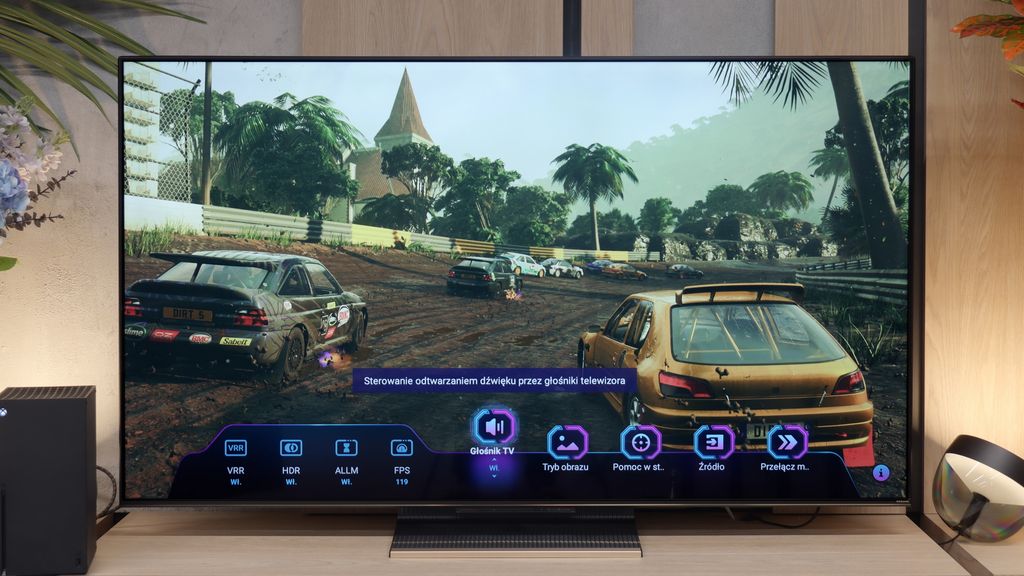
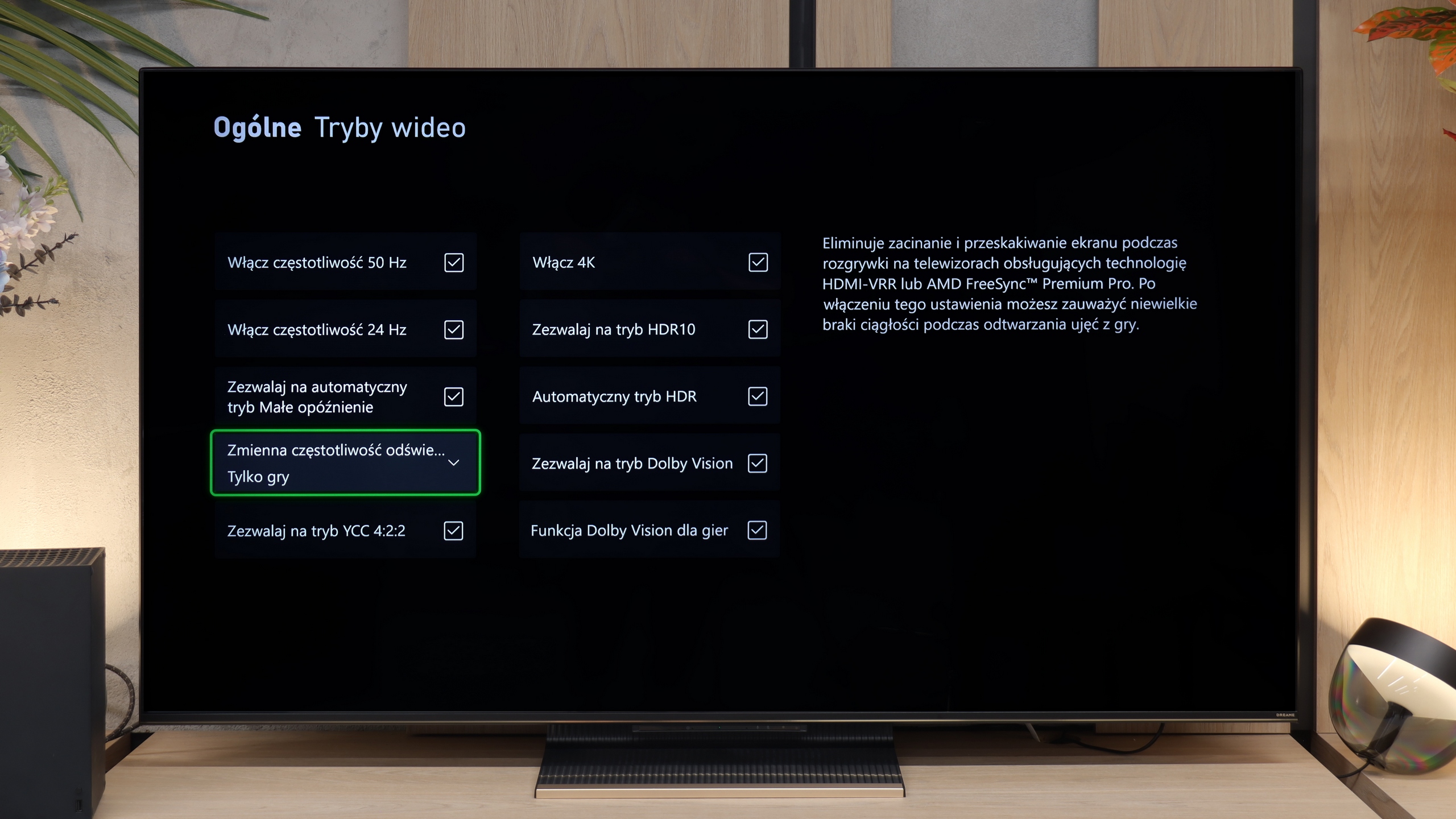
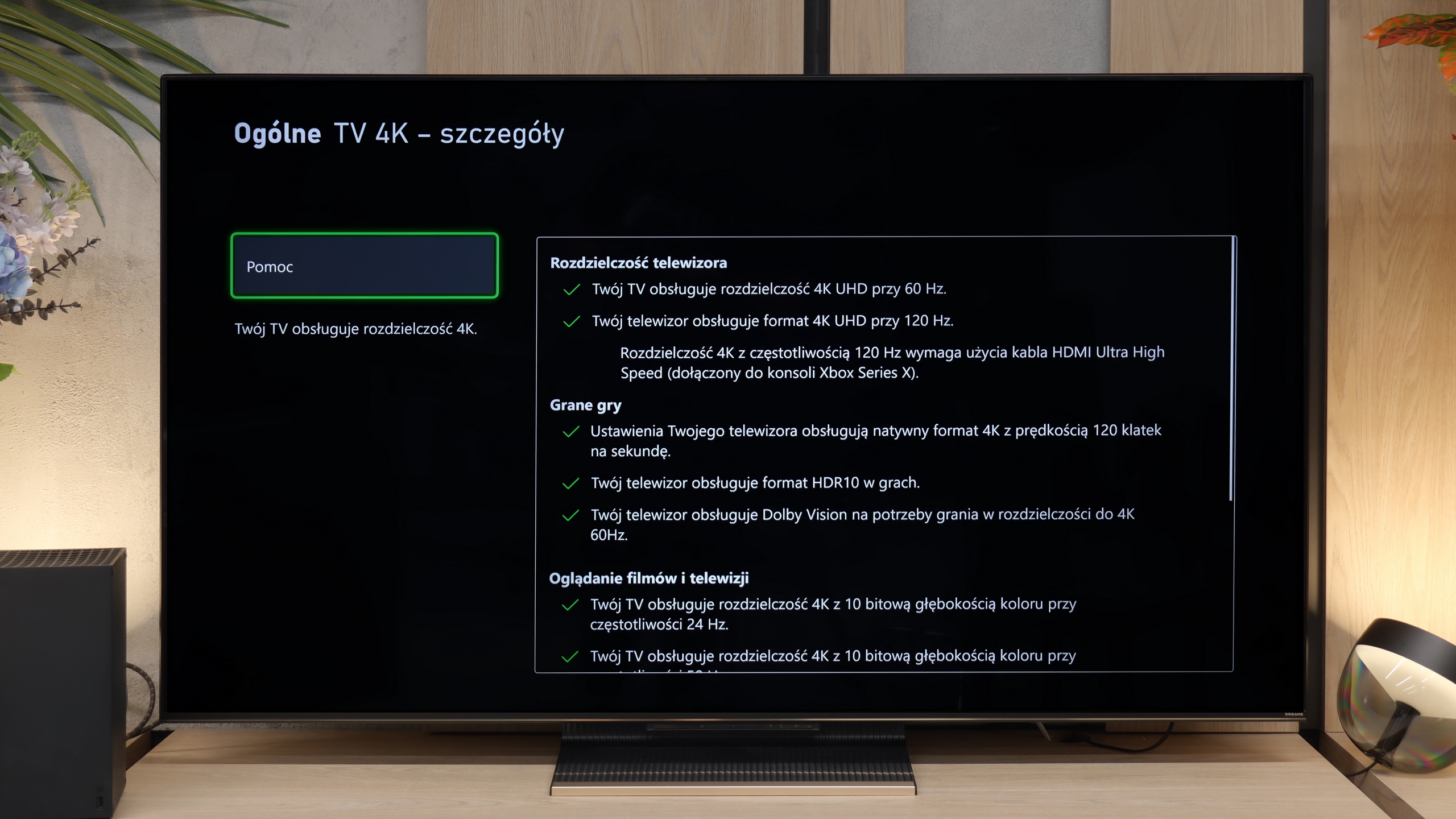
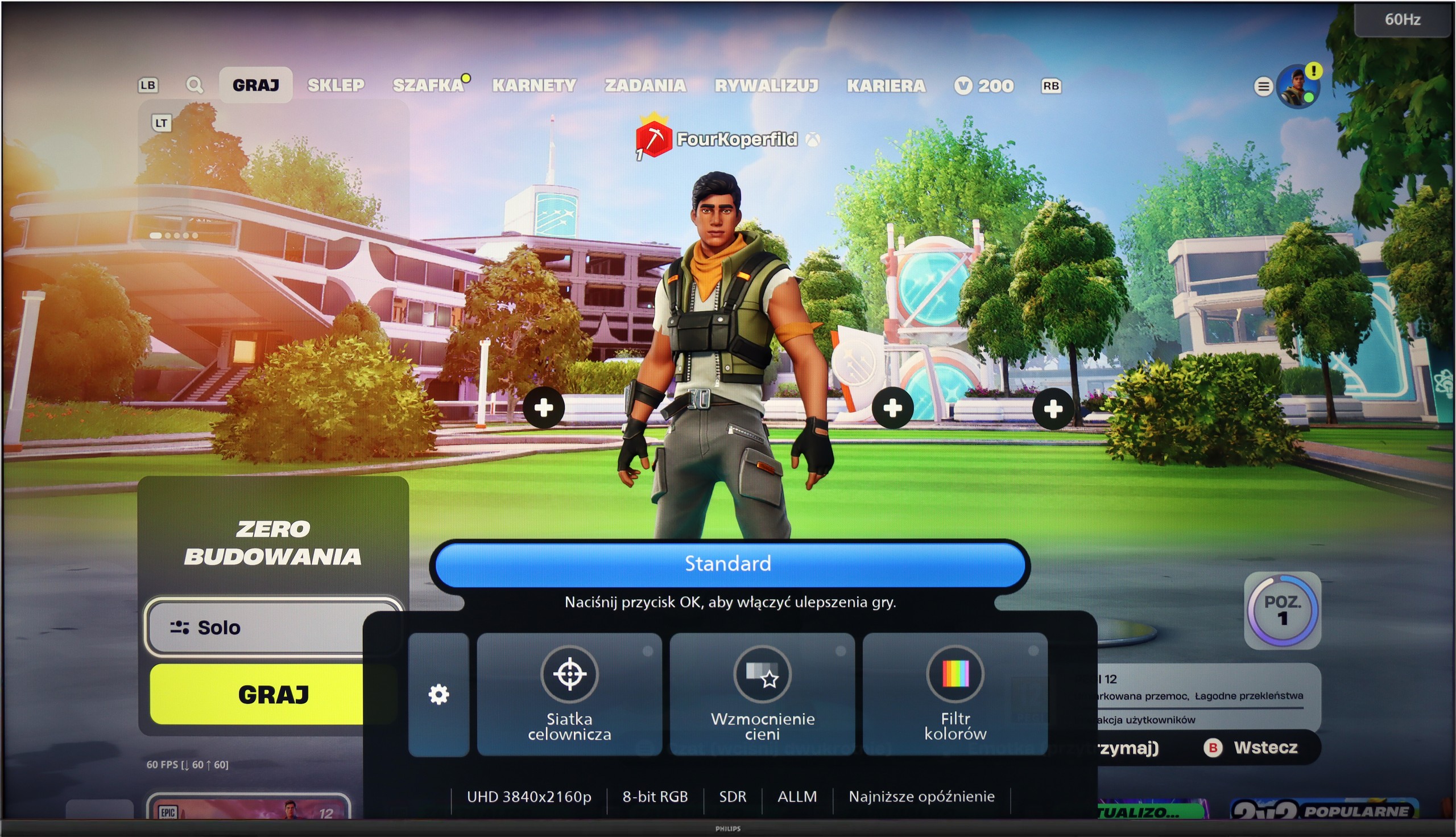
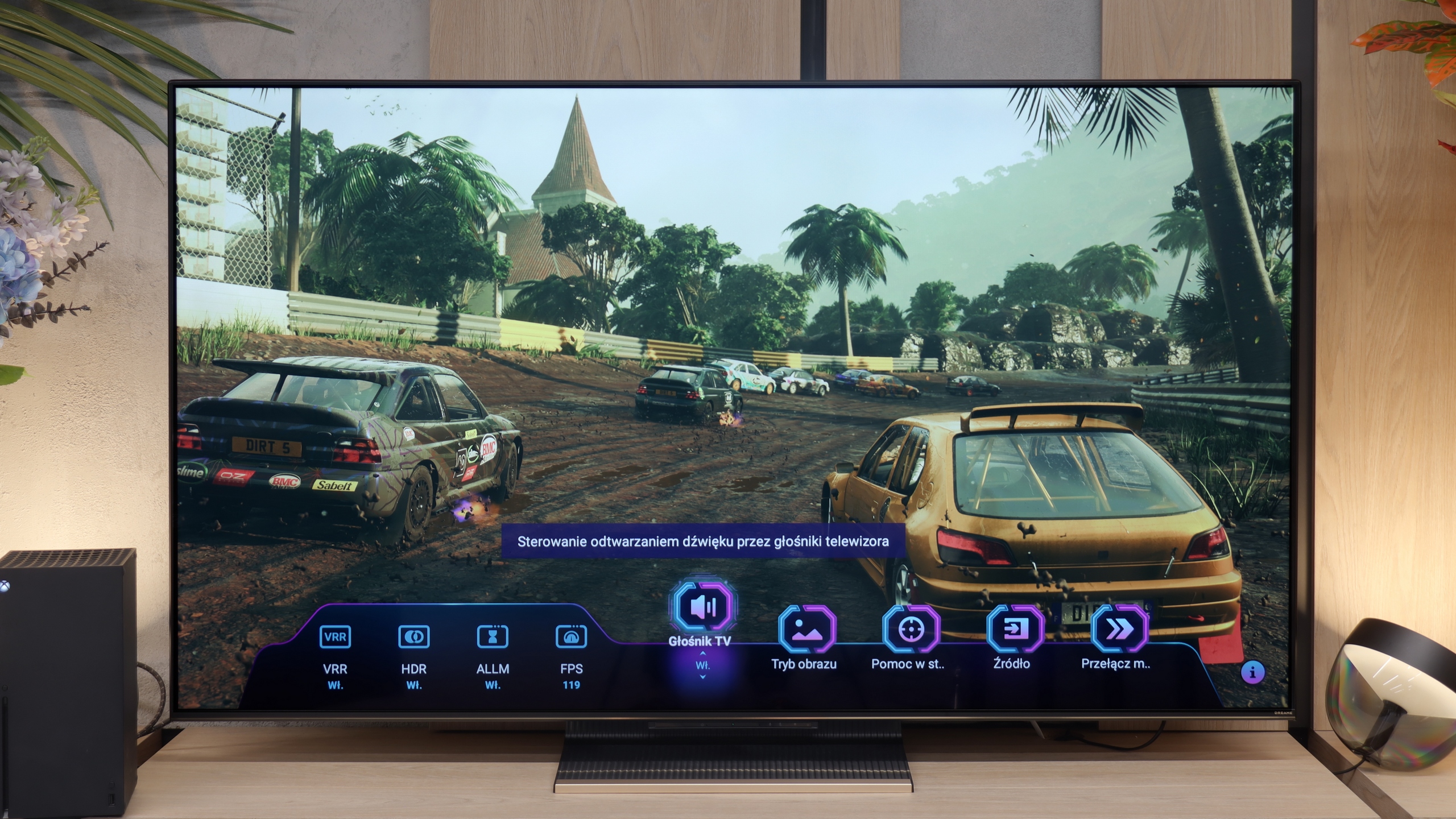
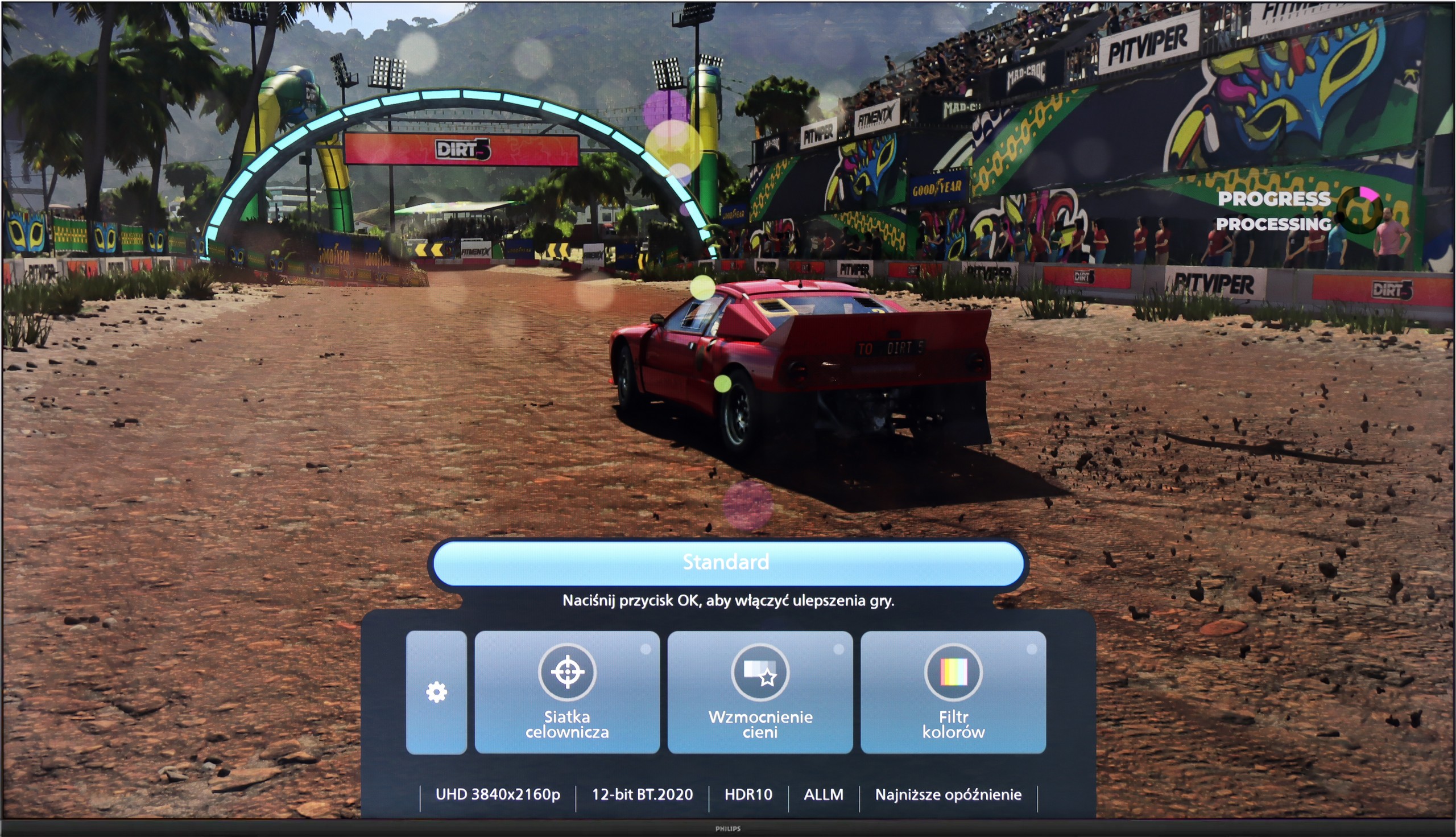
The Dreame S100 seems almost like the ideal screen for gamers. The television is equipped with 2 HDMI 2.1 ports with a bandwidth of 40 Gbps, allowing features such as automatic game mode (ALLM) or VRR frame synchronization in the range of 48-144 Hz to work seamlessly on consoles. On board, we also find a well-designed gaming panel (Game Bar). It allows you to continuously preview the most important parameters - from the activated picture modes, to the number of frames rendered by the console, right through to the option of adding a crosshair in the centre of the screen. All of this looks great on paper; however, the biggest issue with the S100 is its implementation of HDR in games. The television does not have a correctly implemented HGiG format. This means a clueless user may misconfigure the console during the initial setup of the screen. Poor configuration can result in an image that is too dark or overexposed (as a guideline: we suggest setting the brightness in the Xbox console menu to around 600 nits, and in the PS5 to 12 clicks). The Dolby Vision format also proves problematic, as it often did not activate at all on the XBOX – Dreame S100 line. And when it was eventually activated, playing was impossible due to the very high input lag often exceeding 100ms. If the manufacturer manages to improve the HDR gaming experience with an update, the S100 will be truly outstanding hardware for gamers. For now, however, compromises must be accepted.

Input lag

10/10

9.2/10

SDR

1080p60
13 ms
15 ms
1080p120
6 ms
2160p60
13 ms
15 ms
2160p120
6 ms

HDR

2160p60
12 ms
15 ms
2160p120
6 ms
4320p60

Dolby Vision

2160p60 DV
127 ms
2160p120 DV
18 ms

The input lag on the PUS8560 is very good. When we previously mentioned that this screen is rather for the "casual gamer", there's nothing to be ashamed of in this regard – even compared to screens aimed at gamers. Results around 12 ms are truly remarkable, allowing for an enjoyable responsive gameplay experience. It doesn't matter whether we're playing in Full HD or 4K – the lag remains equally low, so if you're after a fast reaction time, the PUS8560 definitely won't disappoint in this area.

Aside from the previously mentioned issue with Dolby Vision, the input lag on the Dreame S100 is really very low. Values of around 5-6 ms at a refresh rate of 120 Hz and 12-15 ms for 60 Hz are such excellent results that even a professional gamer won't be able to feel any delay during gameplay. The response to movements on the controller is almost instantaneous here.

Compatibility with PC

5.6/10

7.6/10

Chroma 444 (max. resolution and refresh rate)
Yes
No
Font clarity
Very Good
Average
Readability of dark text and shapes
Poor
Very Good
Input lag in PC mode (4K, max. refresh rate)
13ms
6ms
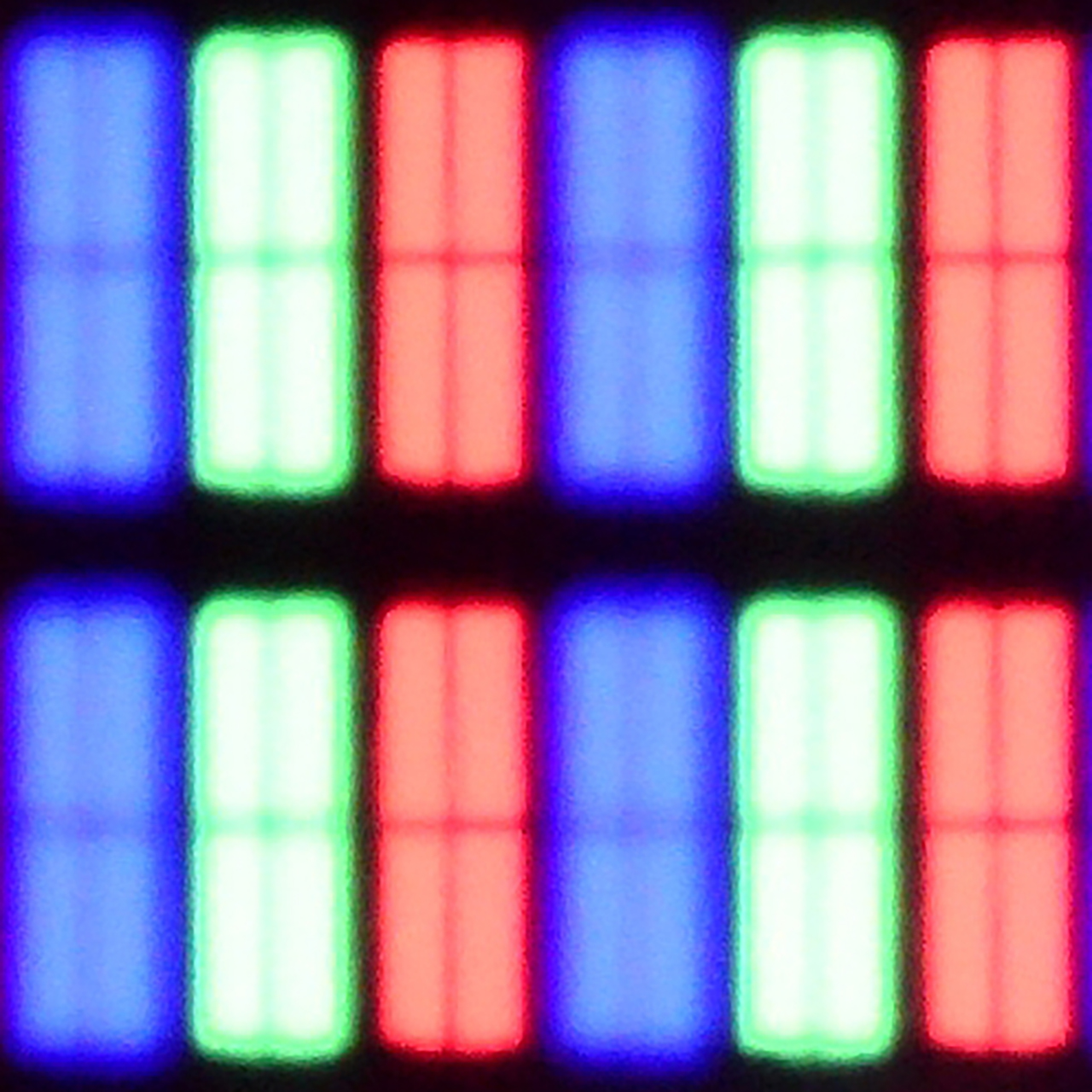
Matrix subpixel arrangement
BGR
RGB
Max refresh rate
60Hz
144Hz
G-Sync
No
Yes

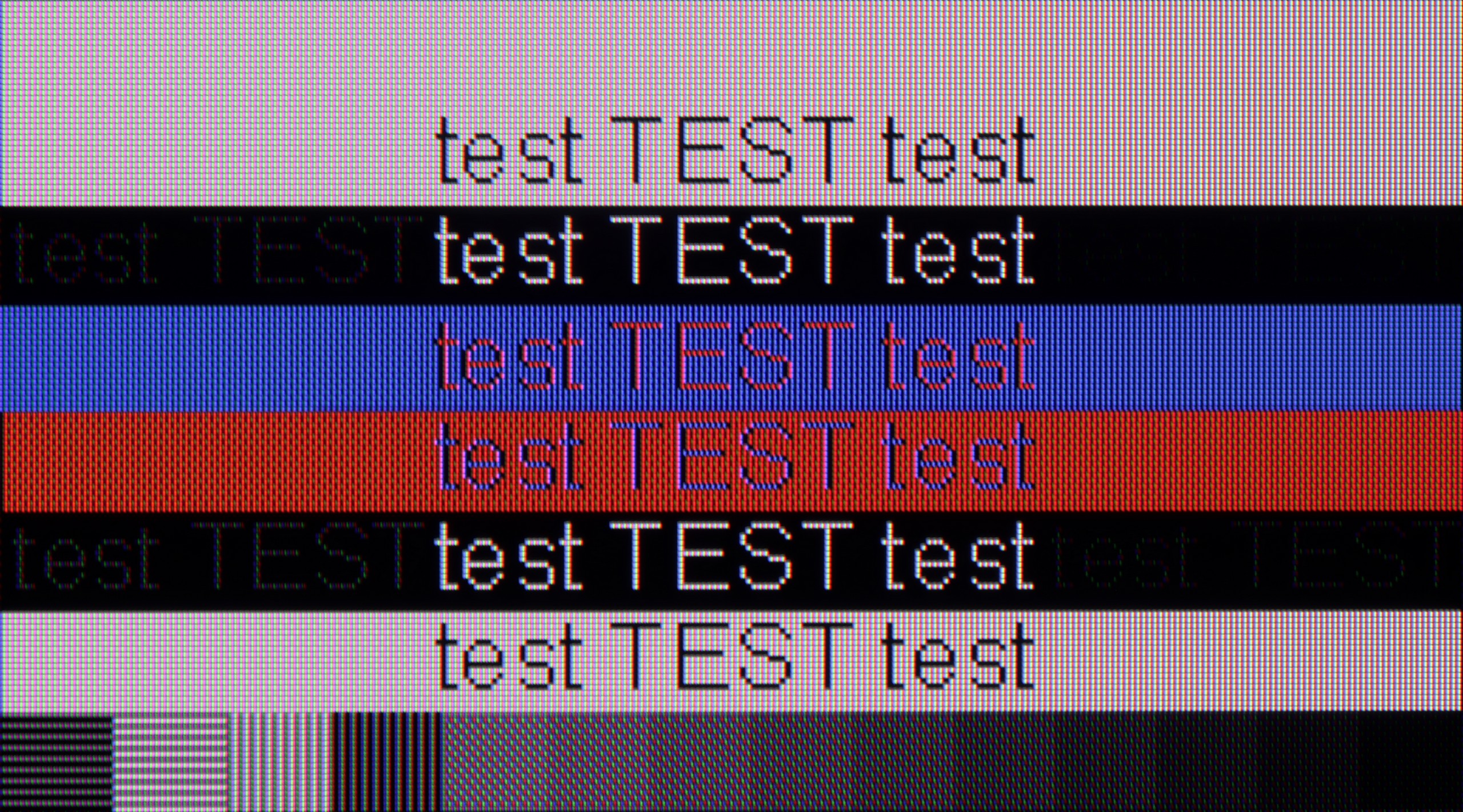
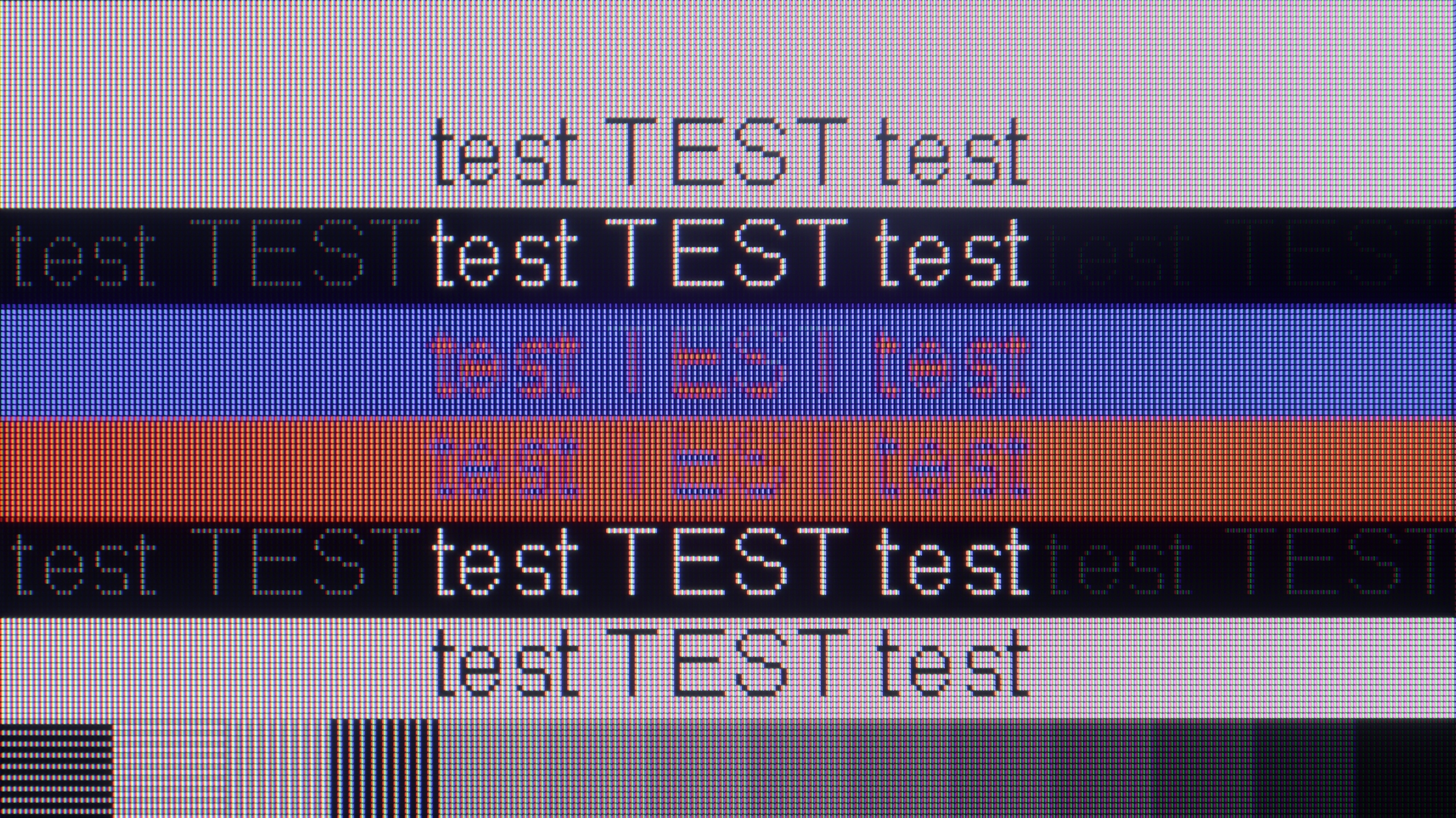
The photo shows the legibility of small fonts. Ideally, lines should be the same thickness on both light and dark text, with minimal pixel gaps.

If we're talking about working with a PC on the PUS8560, it looks… quite strange. Chroma 4:4:4 is present in “Monitor” mode, but there’s a problem with grey fonts – not all subpixels light up, which makes the text appear jagged. Meanwhile, in “Game” mode, chroma 4:4:4 disappears, but the grey fonts look correct. In practice, we are therefore forced to juggle settings if we want to have perfectly readable text all the time. And what about gaming on a computer? Here our opinion remains unchanged compared to consoles – it’s possible, but without fireworks. There’s no variable refresh rate for G-SYNC graphics cards, and the refresh rate itself remains relatively low. On the plus side, we can once again highlight the very low input lag, which saves the situation in fast-paced games.

The Dreame S100 works well as a large gaming monitor. It has a 144 Hz refresh rate and easily supports G-Sync and FreeSync. However, problems arise when you want to use it for text work. Due to a software bug, the TV struggles with full colour sampling (Chroma 4:4:4) at 120 Hz and 144 Hz refresh rates, resulting in blurry fonts. To make the text perfectly sharp, you need to manually lower the refresh rate to 60 Hz in Windows. This is quite an annoying solution that forces constant jumping between settings if you want to use this screen for both work and gaming.

Viewing angles

3.3/10

6.6/10

Brightness drop at an angle of 45 degrees
68%
68%

The viewing angles on the PUS8560 are exactly what you'd expect from a VA panel - it's not the best. The image loses quality even with a slight shift off-axis – colours become washed out, and blacks start to resemble a dark navy. This is, of course, the price for the better contrast that VA offers head-on. In the case of our 55-inch model, it can still be acceptable, especially if the TV is positioned perfectly in front of the couch. But with larger screens or a less central setup in the living room – it could be a problem for comfortable viewing.

The viewing angles on the Dreame S100 are really good, thanks to the ADS panel. Unlike VA panels, this type of screen allows you to watch the image from a wide angle without noticeable loss of colour saturation and brightness. This comes at the expense of worse native contrast, but for most viewers (especially those with a wide couch) this will be quite a good compromise. There is a lack of Mini-LED TVs with good viewing angles at a reasonable price on the market today, so the S100 nicely fills this niche.

Daytime performance

4.9/10

6/10

Panel finish
Satin
Satin
Reflection suppression
Decent
Decent
Black levels during daytime
Good
Good

Panel brightness

Dreame S100: 463 cd/m2

Philips PUS8500 : 331 cd/m2

The PUS8560 performs reasonably well during the day... moderately. The satin finish of the panel does a pretty good job of reducing reflections, which means that light from windows or lamps doesn't interfere too much. The black levels also look decent for a VA panel – even in daylight, there aren't significant contrast losses. But the magic fades when it gets really bright. The panel's brightness is around 300 nits, which is definitely too little to speak of full comfort in a heavily sunlit room. In such conditions, the PUS8560 simply needs to be complemented with blinds – otherwise, the picture starts to look quite washed out.

The Dreame S100 works well in most living rooms during the day. The television is equipped with a satin screen coating – while it may not perfectly eliminate reflections, it does a great job of preserving colour saturation, which doesn’t fade when the room is bright. In terms of pure brightness, the S100 has a moderately bright screen. It can reach about 600 nits peak in SDR format. This level allows it to be placed in typically sunlit rooms, although – let’s be honest – it’s not a brightness demon, and it may struggle a bit with direct, harsh sunlight.

Panel details

Backlight Type
PFS LED
Mini-LED PFS LED
Software version during testing
TPN256E_V056.002.127.051
RTMA.250416.179
Image processor
mt5889 3GB RAM

Subpixel Structure:

Panel uniformity and thermal imaging:

Review Philips PUS8500 TV Panel details
Review Dreame S100 TV Panel details

Philips PUS8500

Dreame S100

TV features

4.8/10

5.9/10

  • System
    Titan OS
    Google TV
  • System performance
    Average
    Decent
  • HDMI inputs
    3 x HDMI 2.0, 0 x HDMI 2.1
    1 x HDMI 2.0, 2 x HDMI 2.1 40Gbps
  • Other inputs
    RCA (Chinch)
  • Outputs
    Toslink (Optical audio), eARC (HDMI), ARC (HDMI), Mini-Jack (Headphones)
    Toslink (Optical audio), eARC (HDMI), ARC (HDMI), Mini-Jack (Headphones)
  • Network Interfaces
    Wi-Fi 2.4GHz, Wi-Fi 5GHz, Ethernet (LAN) 100Mbps
    Wi-Fi 2.4GHz, Wi-Fi 5GHz, Ethernet (LAN) 100Mbps
  • TV reception
    DVB-T, DVB-T2, DVB-S, DVB-S2, DVB-C
    DVB-T, DVB-T2, DVB-S, DVB-S2, DVB-C

Classic features:

  • Recording to USB (terrestrial TV)
    No
    No
  • Recording programming
    No
    No
  • Picture in Picture (PiP)
    No
    No
  • RF remote control (no need to aim)
    No
    Yes
  • Backlit remote control
    Yes
    No
  • Teletext
    Yes
    No
  • Audio only mode
    Yes
    Yes
  • Bluetooth headphones support
    Yes
    Yes
  • Simultaneous Bluetooth headphones & TV audio
    No
    No

Smart features:

  • AirPlay
    No
    No
  • Screen mirroring (Windows Miracast)
    No
    Yes
  • Voice search
    Yes
    Yes
  • Voice search in native language
    No
    Yes
  • Ability to connect a keyboard and mouse
    Yes
    Yes
Review Philips PUS8500  TV features
Review Dreame S100 TV features

Sound connection options

  • HDMI audio
    eARC (HDMI), ARC (HDMI)
    eARC (HDMI), ARC (HDMI)
  • Other audio outputs
    Toslink (Optical audio), Mini-Jack (Headphones)
    Toslink (Optical audio), Mini-Jack (Headphones)
  • Wireless audio
    Bluetooth
    Bluetooth

Supported audio formats (external HDMI eARC audio):

  • Dolby Digital Plus 7.1
    Yes
    Yes
  • Dolby True HD 7.1
    Yes
    Yes
  • Dolby Atmos in Dolby Digital Plus (JOC)
    Yes
    Yes
  • Dolby Atmos in Dolby True HD
    Yes
    Yes
  • DTS:X in DTS-HD MA
    Yes
    No
  • DTS-HD Master Audio
    Yes
    No

Senior accessibility

  • Numeric keyboard on TV
    Yes
    Yes
  • Font size adjustment
    No
    No
  • Audio description
    Yes
    Yes

Classic TV Features:

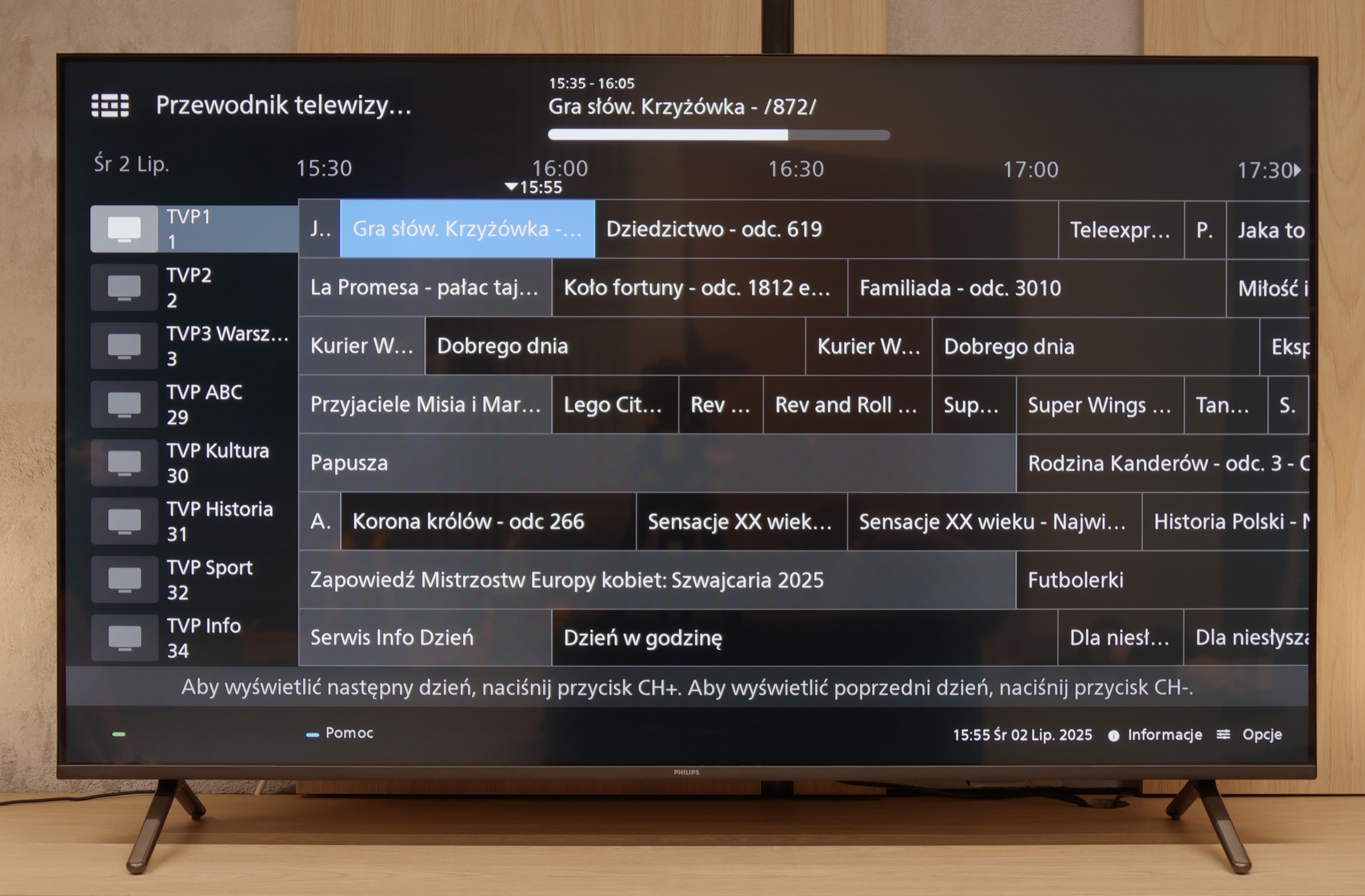
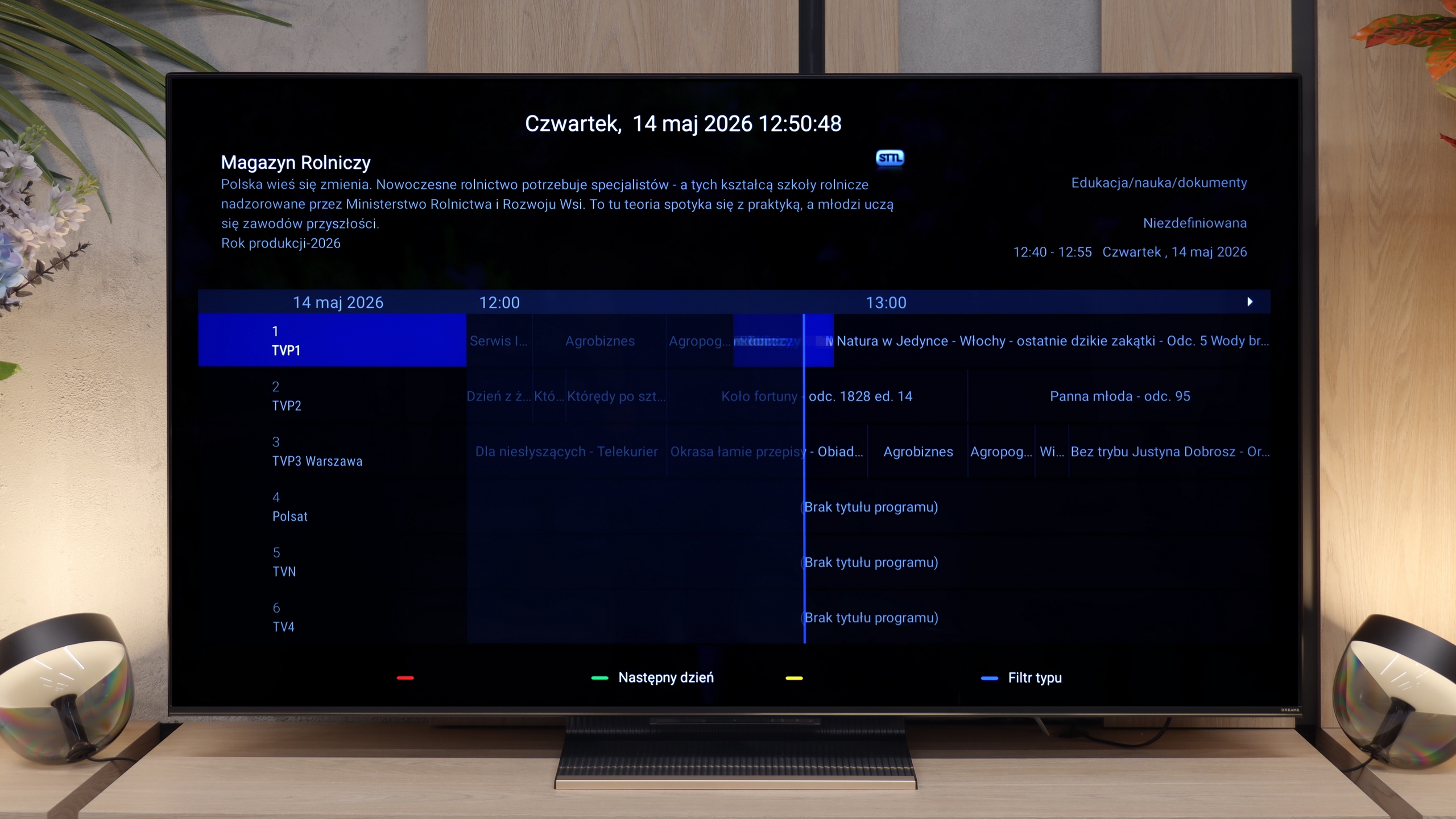
If you’re looking for a TV that, in the basic sense, “works” – the PUS8560 will fill that role. In terms of classic features, we have a rather minimalist set. On the plus side, there’s an electronic program guide (EPG), teletext, a backlit remote with a classic numeric keypad, and a headphone jack input. It sounds a bit like a dream set for seniors – and there’s some truth to that. However, it must be said clearly: this is a TV with very limited capabilities. We won’t find USB recording from DVB tuners here, and there’s no Picture-in-Picture mode or other conveniences known from more expensive models.

Smart TV:

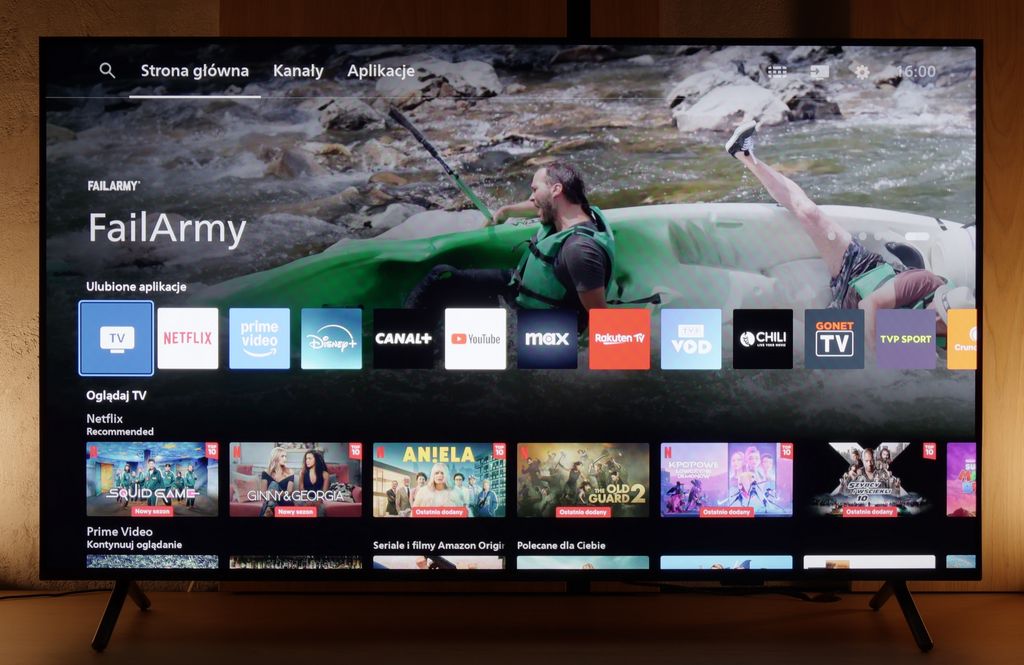
How does SmartTV fare on the PUS8560? Well, it gets a bit trickier here. The PUS8560 runs on the Titan OS, which in this particular implementation posed significant issues. Some functions, though present “on paper,” simply didn’t work. For example: Wireless screen mirroring features like Chromecast or Miracast – we tried to activate them with several different phones and laptops… without success. Perhaps this will be fixed in the future, but at the time of testing – it didn’t work. Also, the speed of the system left much to be desired – switching applications or home screens was simply slow. A substantial portion of the functions in the menu seem to be heavily hidden in the depths of a poorly organised system. To make matters worse, the library of available applications is quite limited. Although the situation with apps is better than last year, it’s still far from ideal. A modern remote tries to save the situation – slim, elegant, backlit and really well-made. Unfortunately, it operates on classic infrared, so you have to aim it at the screen. The only exception is voice control, which works via Bluetooth… it’s just a pity it doesn’t support Polish.
Smart TV: Google TV

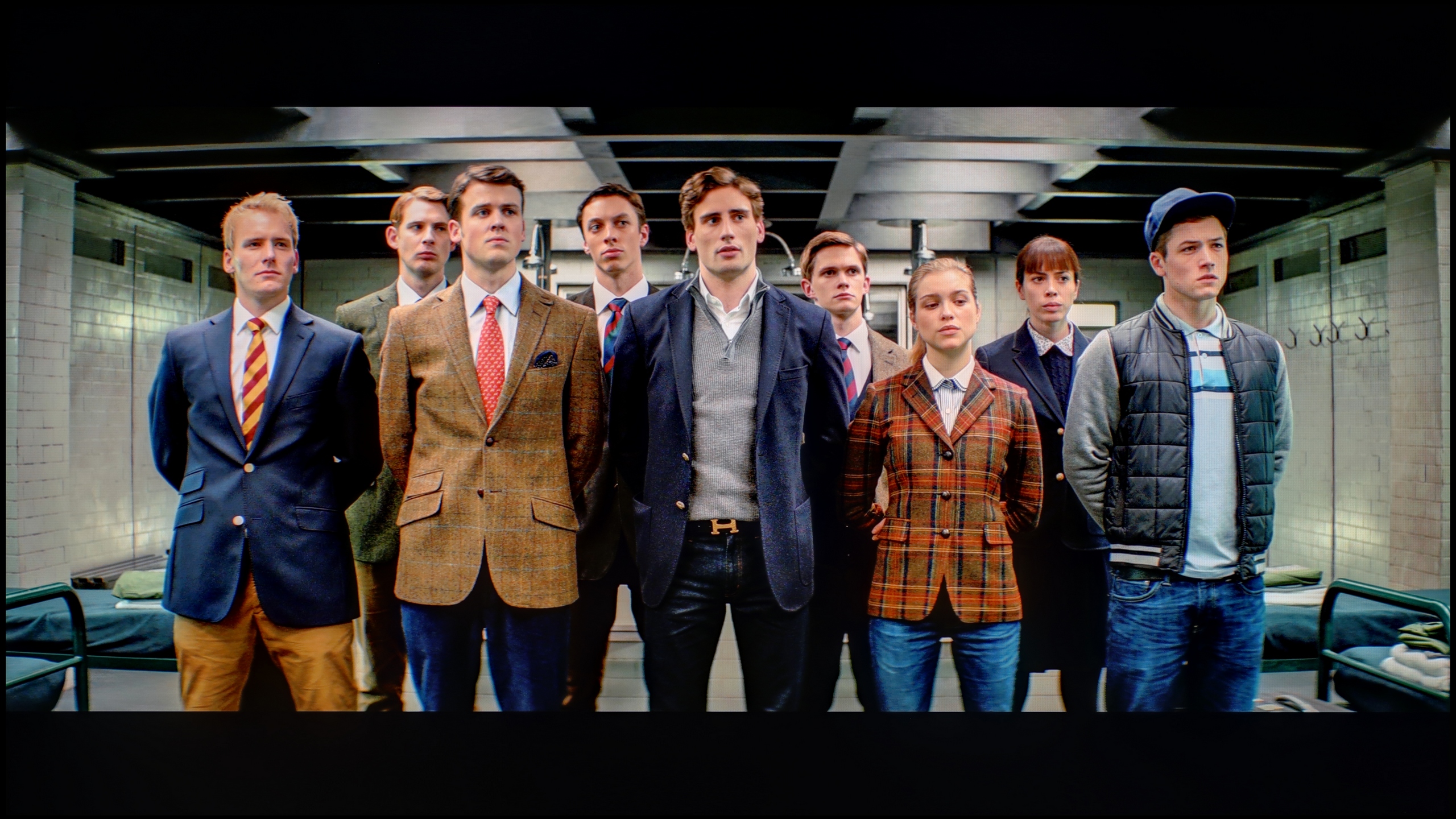
Dreame S100 uses the Google TV operating system. This is great news for anyone looking for a television with access to almost all streaming apps on the market. The system itself runs quite smoothly, although it does experience slight stutters now and then – which is par for the course in most Chinese TVs with Google software. On board, we find almost every necessary Smart TV feature, including screen mirroring and voice search using Google Assistant. Unfortunately, the Dreame S100 lacks support for AirPlay, making it difficult for iPhone users to easily share content from their phones.

Television Features

Unfortunately, the Dreame S100 is not a television designed for traditional TV viewers. Aside from basic options like connecting headphones and a rather simple remote control equipped with a numeric keypad, there are practically no additional features to facilitate the daily viewing of traditional channels. The only pleasant and increasingly rare addition is the presence of a physical minijack headphone output. This allows for connecting older wired headphones or analogue audio sets.

Apps

6.7/10

9.6/10

OK
Disney_Plus
OK
Amazon_Prime_Video
OK
Player_TVN
OK
Polsat_Box_Go
OK
Canal_Plus_Online
OK
TVP_VOD
No
Apple_TV_Plus
No
SkyShowtime
OK
Rakuten
OK
CDA_Premium_Browser
No
Spotify
No
Tidal
OK
Netflix
OK
YouTube
OK
HBO_MAX
No
Kodi
No
Apple_music
No
Eleven_sports
No
Xbox Game Pass
No
GeForce NOW
No
Amazon Luna
OK
Boosteroid
No
Steam Link
OK
Disney_Plus
OK
Amazon_Prime_Video
No
Player_TVN
OK
Polsat_Box_Go
OK
Canal_Plus_Online
OK
TVP_VOD
OK
Apple_TV_Plus
OK
SkyShowtime
OK
Rakuten
OK
CDA_Premium_Browser
OK
Spotify
OK
Tidal
OK
Netflix
OK
YouTube
OK
HBO_MAX
OK
Kodi
No
Apple_music
OK
Eleven_sports
No
Xbox Game Pass
OK
GeForce NOW
No
Amazon Luna
OK
Boosteroid
OK
Steam Link

Playing files from USB

8/10

8.3/10

Supported photo formats:

JPEG
Yes
Yes
HEIC
No
No
PNG
Yes
Yes
GIF
Yes
Yes
WebP
No
No
TIFF
No
No
BMP
Yes
Yes
SVG
No
No

Maximum photo resolution:

4 Mpix
Yes
Yes
6 Mpix
Yes
Yes
8 Mpix
Yes
Yes
10 Mpix
No
Yes
12 Mpix
No
Yes
16 Mpix
Yes
Yes
20 Mpix
No
Yes
24 Mpix
No
Yes
28 Mpix
No
Yes
32 Mpix
Yes
Yes

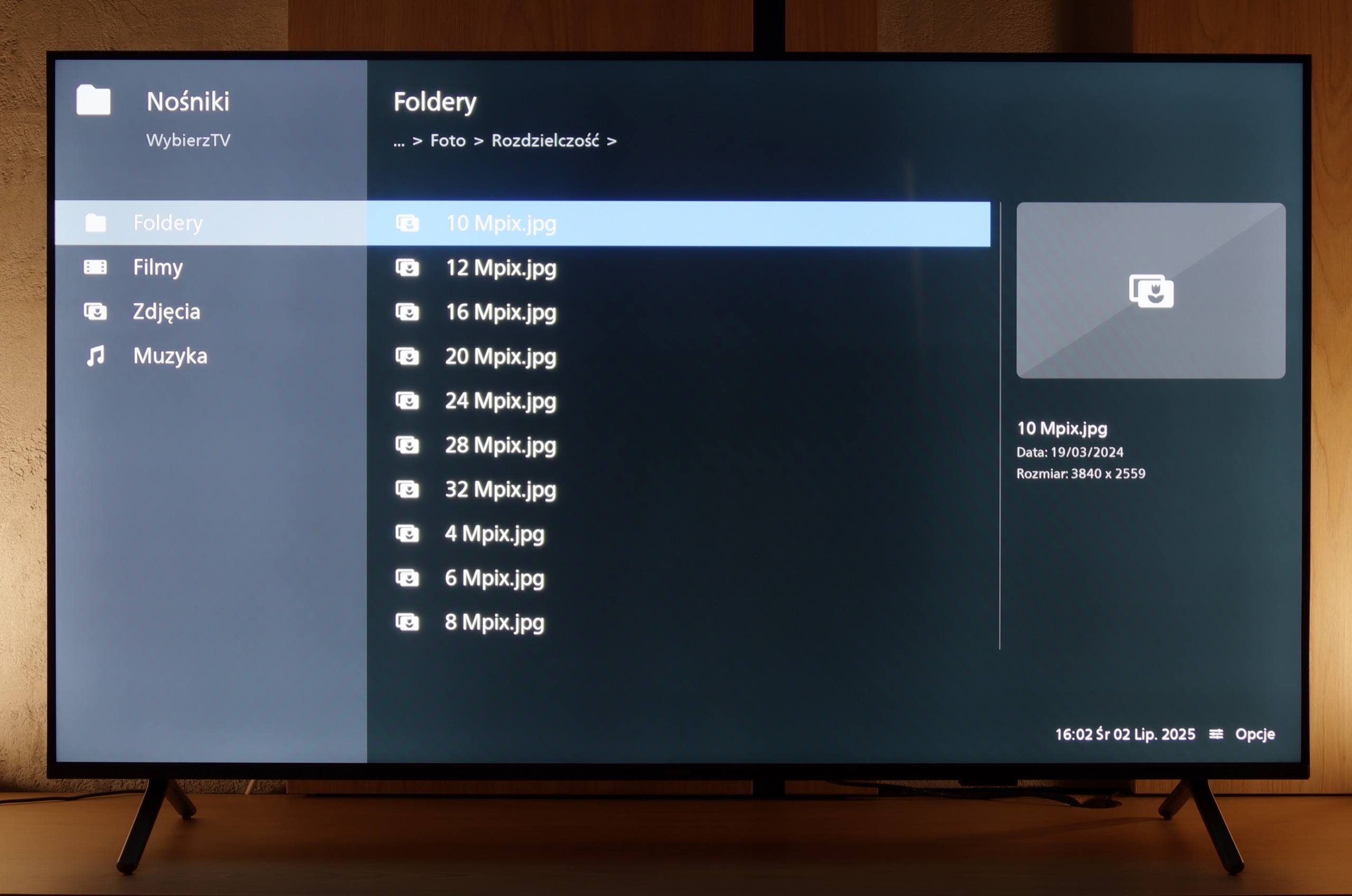
PUS8560 handles most popular video and audio formats from USB memory without much hassle, so there's no need to elaborate on individual compatibilities. In everyday use, it should just work – and it does. The only thing worth noting is the handling of images. Although the television easily recognises popular extensions, with very high resolution graphic files, there are times when some images simply won't display. It might not be a major issue, but it's good to keep it in mind, especially if we want to view photographs straight from the camera. Besides that, PUS8560 shouldn't have any major problems playing files from USB.

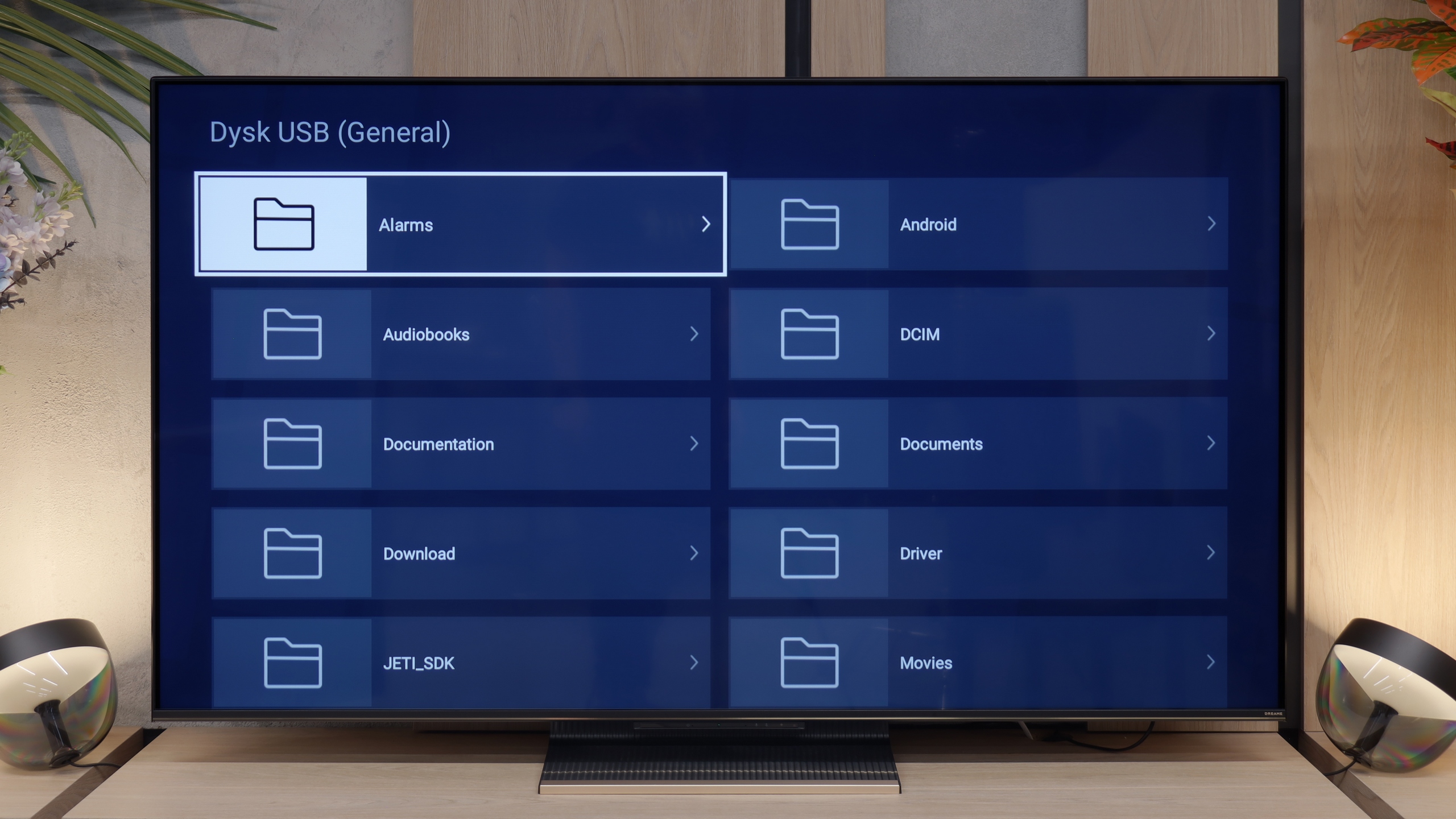
The built-in media player works well and handled most files we provided from our USB drive without any issues. However, there were times when the app experienced slight stutters, and selected movies or photos only loaded after a few seconds. If the factory player turns out to be not very intuitive or lacks advanced features, the Google TV system saves the day. You just need to go to the app store and install any external media playback program (e.g. VLC) that will resolve this issue.

Sound

6.2/10

8.3/10

  • Maximum volume
    -
    84dB
  • Dolby Digital Plus 7.1
    Yes
    Yes
  • Dolby True HD 7.1
    Yes
    No
  • Dolby Atmos in Dolby Digital Plus (JOC)
    Yes
    Yes
  • Dolby Atmos in Dolby True HD
    Yes
    No
  • DTS:X in DTS-HD MA
    Yes
    No
  • DTS-HD Master Audio
    Yes
    No

The television sounds quite pleasant, and it can confidently be said that the audio level will be fully adequate for most users – for both watching daily programs and enjoying an evening binge of a series. Moreover, it's a nice surprise that even in such an affordable Philips series, they decided to acquire licenses for full audio formats such as Dolby Atmos and DTS. This is great news for home theatre and soundbar owners, as it means complete compatibility and no need to "fiddle around" with connecting external devices.
The sound quality of the Dreame S100 is one of the biggest advantages of this model – it's really good. The TV is equipped with a 4.1.2 speaker system with a total power of 70 W. The sound is clear, with a noticeably defined bass, which is confirmed by our acoustic measurements. The large drivers positioned on the sides of the casing effectively widen the soundstage. As a result, we get a noticeably more spacious sound compared to standard 20-watt 2.0 systems. The device supports Dolby Atmos encoding, so we can easily play spatial audio tracks from streaming platforms without the need to purchase an external soundbar. Unfortunately, it lacks support for the DTS format – that's a downside, although it must be honestly admitted that this standard is increasingly being abandoned by most manufacturers. On the plus side, the audio connection options are good. The Dreame S100 can be easily connected to newer home theatres or soundbars via the HDMI eARC port or optical output. A nice and increasingly rare addition is the classic minijack headphone socket, which allows older audio sets to gain a new life.

Sound Quality Test

No sound test video

Acoustic Measurements

No acoustic data

84dBC (Max)

75dBC