 Direct comparison
The Philips PUS8209 is a model that stands out primarily due to its unique Ambilight system. The three-sided backlighting behind the television dynamically adjusts to the image, adding an exceptional atmosphere while watching movies or gaming. This solution, for which Philips is renowned, makes a difference and could be a great choice for those looking for something more unique for everyday use. In terms of picture quality, the television performs quite well, especially in this price range. The VA panel provides solid contrast and decent black levels, which is particularly effective in the evenings in dimly lit rooms. Watching movies in such conditions is truly enjoyable, although the screen brightness (280 nits) leaves much to be desired – in bright rooms, the picture can look washed out, and HDR content does not impress. When it comes to gaming, the PUS8209 also has a few advantages. Support for VRR, ALLM, and a low input lag of 13 ms makes gameplay smooth and responsive. Of course, this is not hardware for advanced gamers, but for those who occasionally pick up a controller, it should suffice. The biggest downside is the operating system, Titan OS. Many popular apps are missing, and the interface doesn't always run as smoothly as one would like. The remote control, which requires pointing at the television, can be frustrating, especially in situations where quick access is expected. In summary: the Philips PUS8209 is a television that works well for basic applications. Ambilight adds uniqueness and enhances the atmosphere while watching. In everyday use or occasional gaming, it does the job, but its limitations – particularly in screen brightness and operating system – may be problematic for more demanding users. If we are looking for straightforward equipment with an unusual visual addition, this model is worth considering.
- Matching (Score) |
- Our verdict |
- TV appearance |
- Where to buy |
- Contrast and black detail |
- HDR effect quality |
- Factory color reproduction |
- Color reproduction after calibration |
- Smoothness of tonal transitions |
- Image scaling and smoothness of tonal transitions |
- Blur and motion smoothness |
- Console compatibility and gaming features |
- Input lag |
- Compatibility with PC |
- Viewing angles |
- Daytime performance |
- Panel details |
- TV features |
- Apps |
- Playing files from USB |
- Sound
PUS8209
U85X1
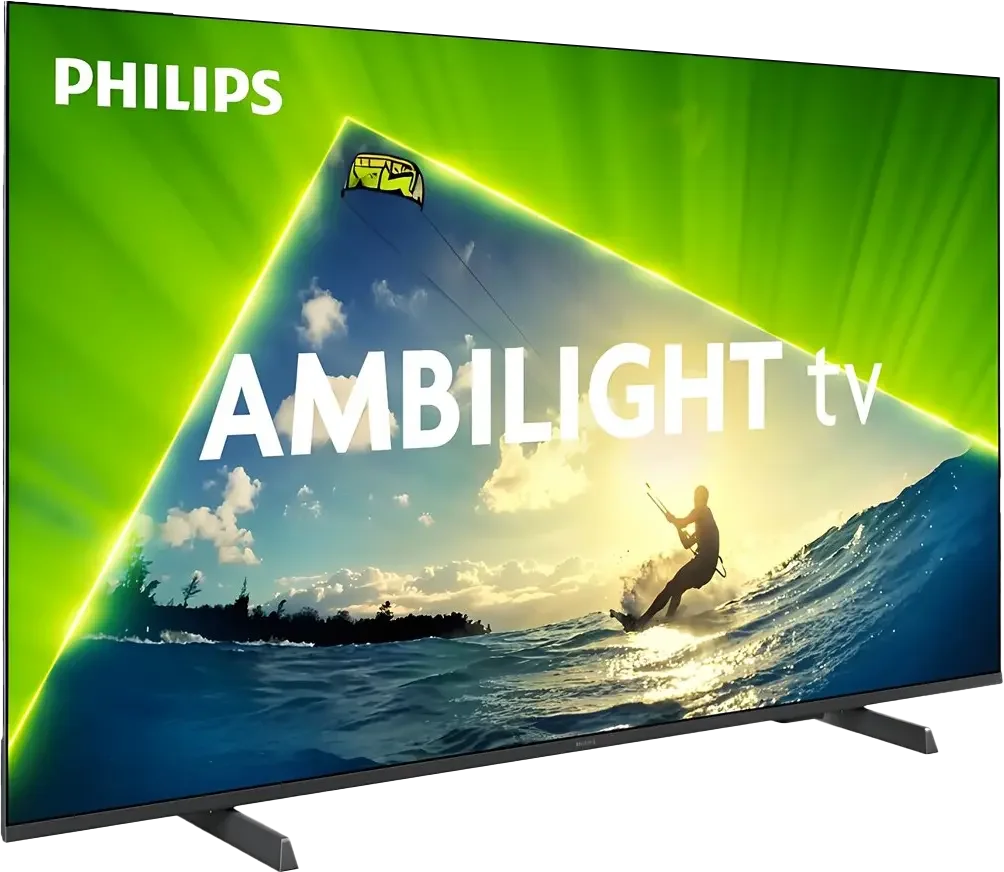
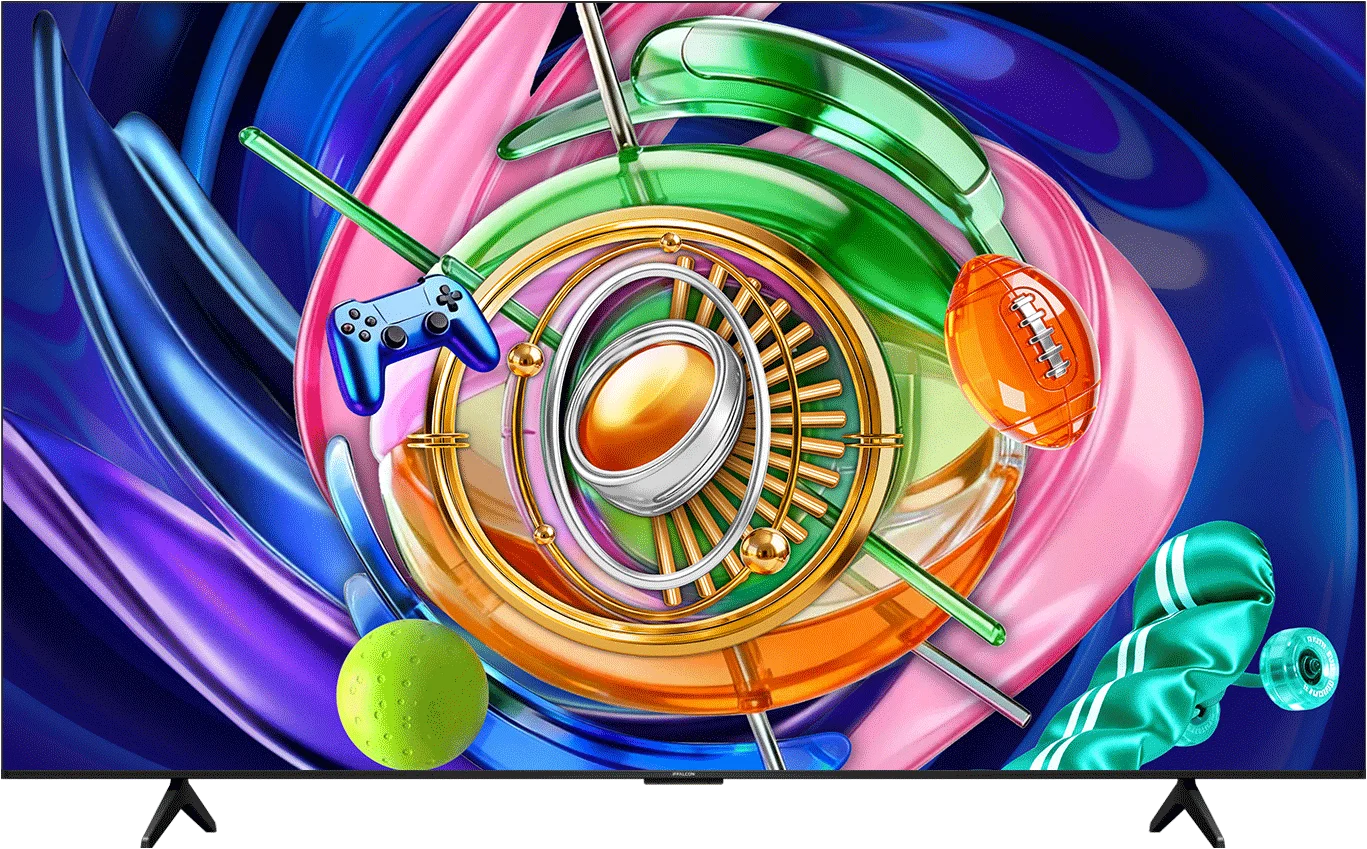
Panel type: LCD VA
Resolution: 3840x2160
System: Titan OS
Model year: 2024
Panel type: LCD VA
Resolution: 3840x2160
System: Google TV
Model year: 2026
Check how well they match your needs
Take the surveyOverall rating
5.3
6.9
 Movies and series in UHD quality
5.4
6.2
 Classic TV, YouTube
6.1
6.3
 Sports broadcasts (TV and apps)
4.9
6.1
 Gaming on console
6.6
8.4
 TV as a computer monitor
2.0
8.6
 Watching in bright light
4.4
5.6
 Utility functions
4.7
7.6
 Apps
6.7
9.6
 Sound quality
5.0
6.9
Complete the survey to find out what fits your preferences
Advantages

High native contrast
Three-sided Ambilight system – unique backlighting for the wall behind the TV that enhances immersion while watching
Low input lag – around 13 ms
Has essential features for gamers - VRR and ALLM
Support for Polish characters and subtitle customization – built-in player allows for changing the colour and size of the font
Support for Dolby Atmos and DTS – wide range of supported audio codecs
Good contrast and blacks: VA panel with MINI-LED local dimming zones
High HDR brightness: solid 650 nits
Decent colours: thanks to the PFS filter (according to the manufacturer QLED)
Awesome for gamers: full HDMI 2.1, 144Hz and very low input lag along with VRR/ALLM features
Great as a monitor: 240Hz mode, support for G-SYNC/FreeSync
Powerful sound – dedicated subwoofer delivers a tangible bass experience
Versatile Smart TV – advanced Google TV system with full AirPlay support
Disadvantages

Titan OS operating system – limited number of applications
Poor brightness (280 nits) – issues with viewing in bright conditions
Poor viewing angles – typical of VA panels,
Issues with font rendering
Visible smudging
Backlight management could be better
Poor viewing angles – typical VA panel colour degradation when viewed from the side
Software bugs – inaccurate menu translations and occasional drops in system smoothness
Our verdict
iFFALCON U85X is a device that draws heavily from the technological solutions of its parent brand, TCL. It's hard not to get the impression that in terms of pure technical specs, we are dealing with an almost faithful copy of the successful C6K series (C69K/Q6C), although visually, the designers opted for references to the more budget-friendly P line. This specific combination makes the television do exactly what we expect from a solid Mini-LED, but at an even lower price. It provides very good contrast and a vivid HDR effect, which is directly due to the impressive number of local dimming zones. It’s worth highlighting that like the C series models, the iFFALCON U85X proves to be exceptionally tailored to the needs of gamers. Here you’ll find nearly every feature necessary for comfortable gaming, from full support for HDMI 2.1 ports to ALLM and VRR technologies for console owners, and even excellent compatibility with PCs. As a monitor, the device performs excellently not only due to its support for refresh rates up to 240Hz but also thanks to a very sharp and readable font, which is not always a given in the world of televisions. Of course, it is not a perfect model, as it shares the same set of advantages and disadvantages as its TCL counterpart – mainly concerning issues with the panel, such as noticeable motion blur and aggressive brightness management in HDR. Nonetheless, it creates an incredibly interesting mix that makes us seriously consider the purpose of iFFALCON as a separate entity, since the same product could successfully debut with a full TCL logo on the casing. Despite this, we have no major objections to the device itself; it is truly a model worthy of attention, provided you can buy it, as currently, it's quite difficult to obtain.
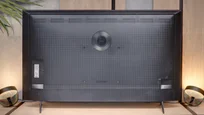
TV appearance




Contrast and black detail
6.6/10
7.3/10
Local dimming function: No
Local dimming function: Yes, number of zones: 224 (14 x 16)
Contrast:


Result
8,050:1

Result
7,300:1

Result
10,200:1

Result
9,050:1

Result
8,200:1
Result
113,850:1
Result
24,800:1
Result
10,950:1
Result
7,000:1
Result
6,050:1
Halo effect and black detail visibility:
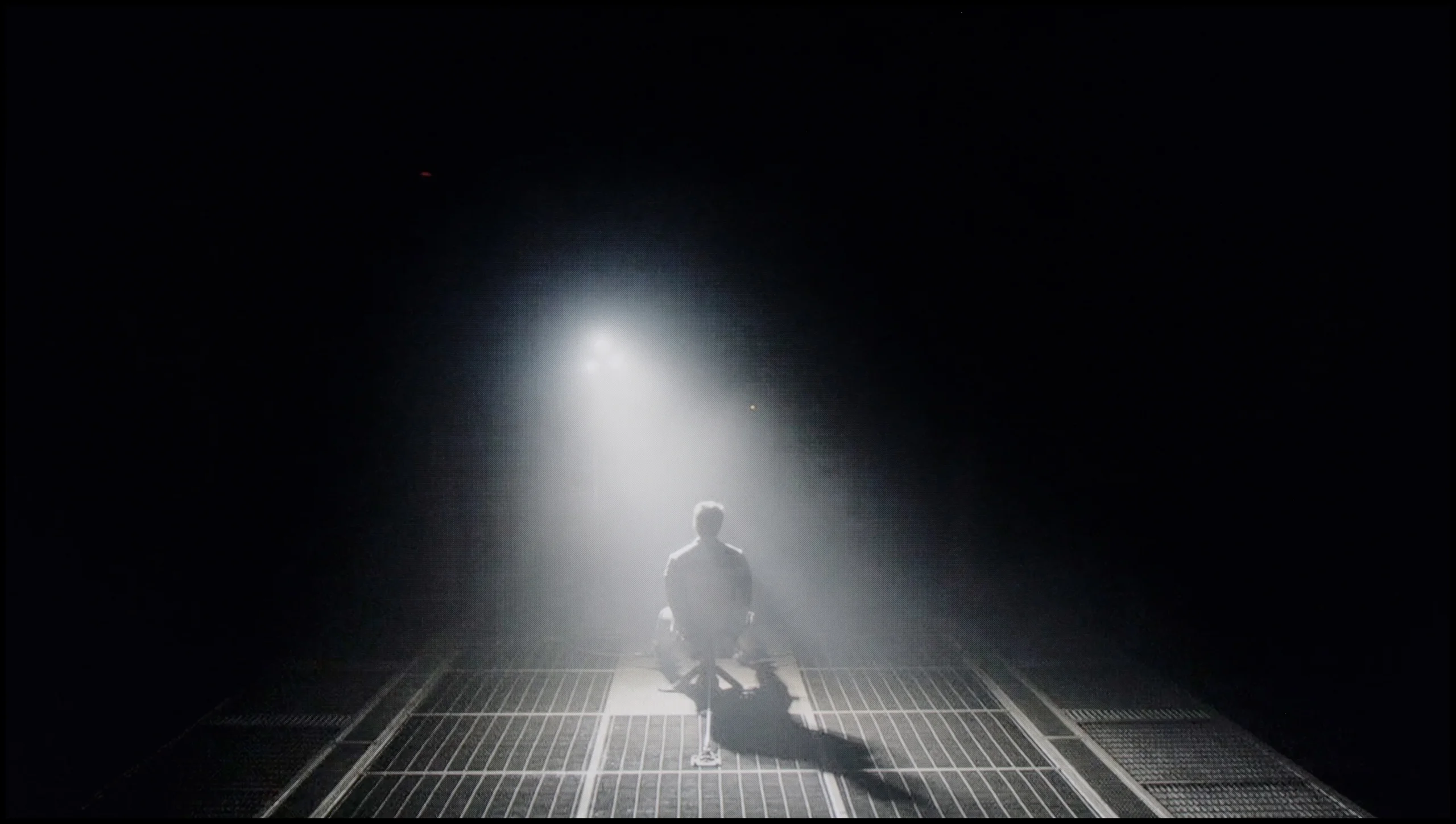
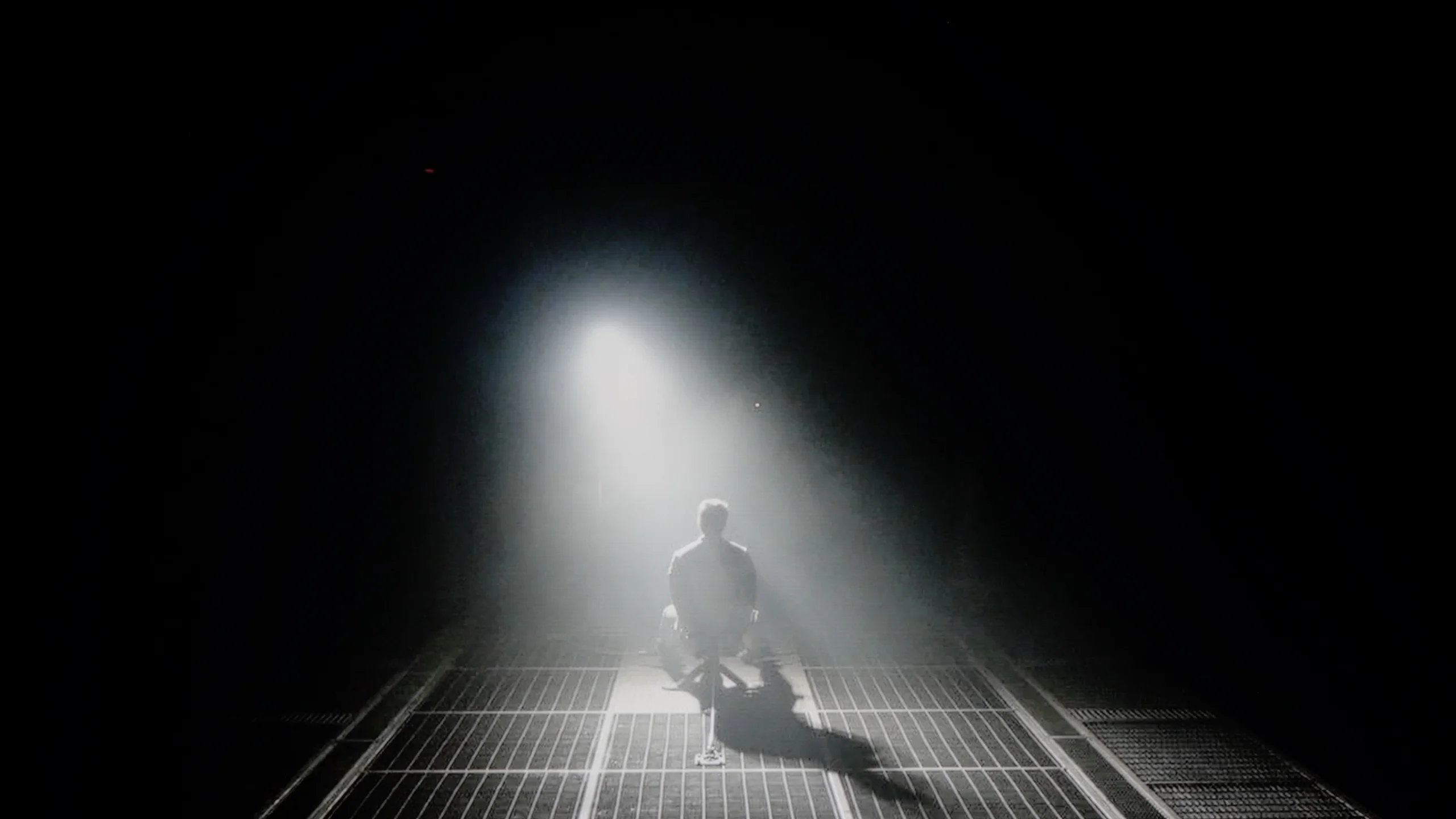
Check the visibility of bright lights on a dark background. Mini-LEDs often struggle with this. The photo does not compare black levels – that’s what the video below is for.
The video accurately shows differences in contrast and black levels between TVs, as well as potential issues: halo around bright objects or Mini-LED zone operation visible as brightness jumps.
Philips PUS8209 positively surprised us in terms of contrast, which is quite solid for its price class. Thanks to the use of a VA panel, it managed to achieve a contrast ratio of 8000:1, which is considered a very good result in this price category. In tests using scenes from the film Oblivion, the television performed well, offering visible light separation. Three independent light sources in the test scene were reproduced without major issues. Similarly, in the case of the film Sicario 2, the black levels, while not perfect, present reasonably well, allowing for the distinction of details in the darker areas of the image. The lack of local dimming technology is noticeable, however, the manufacturer has implemented a "global dimming" feature. This mechanism allows the television to automatically darken or brighten the entire screen depending on the content, which somewhat improves the perception of contrast. Philips PUS8209 offers solid contrast and decent results in tests. Although it lacks the precision of local dimming, its capabilities at this price point are satisfactory and will please most users.
In terms of black levels and contrast, the 65-inch iFFALCON U85X proves to be almost a faithful replica of the solutions known from the TCL C6K and C69K series, offering the same number of 224 local dimming zones arranged in a 14x16 layout. Thanks to the use of a VA panel and such a solid number of zones, the device can generate an image with impressive depth, where our measurements in real film scenes indicated a contrast exceeding 100,000:1. Of course, at this class of equipment, local dimming doesn’t always exhibit perfect precision, so in more challenging shots with bright details against a dark background, we must reckon with the occurrence of halo effects, or subtle glows around objects. Nevertheless, the overall quality of black levels is very high and will certainly satisfy most users looking for cinematic experiences. The image certainly appears to have greater depth than solutions without any local dimming technology.
HDR effect quality
3.8/10
4.7/10
Luminance measurements in HDR:

Result
231 nit

Result
268 nit

Result
278 nit

Result
274 nit

Result
281 nit
Result
627 nit
Result
165 nit
Result
390 nit
Result
124 nit
Result
528 nit
Scene from the movie “Pan” (about 2800 nits)


Scene from the movie “Billy Lynn” (about 1100 nits)


The photos show two HDR10 movies. 'Pan' is one of the brightest productions ever made, while 'Billy Lynn' (soldier) has brightness typical of streaming (Netflix, Prime, HBO MAX). Notice the intensity of effects and detail in whites.
Static HDR10


The photos present the visibility of white details in various HDR formats. They do not show brightness differences between TVs (these can be compared in the previous gallery).
Dynamic: HDR10+
Dynamic: Dolby Vision


The photos present the visibility of white details in various HDR formats. They do not show brightness differences between TVs (these can be compared in the previous gallery).
HDR luminance chart:
IFFALCON U85X
Philips PUS8209
Unfortunately, this is where the problems start. A maximum brightness of 280 nits is definitely too low to experience the true effect of HDR. In practice, the image resembles standard SDR more, so it's hard to talk about deeper visual experiences. On the plus side, the colour gamut coverage is 91.4% DCI-P3, which will be sufficient for most films. It's also worth noting that the image is stable and there are no issues with sudden brightness or colour changes. Overall, HDR on this television is more of a formality than an actual added value. If we're looking for genuine HDR emotions, this model may not meet expectations.
iFFALCON U85 handles HDR in a rather dual manner – on one hand, it can surprise with a solid peak brightness of around 650 nits, which places it significantly above average in this price segment. This is particularly evident in bright, full-screen scenes. Examples from movies like Life of Pi or the final test sequences from The Meg prove that the television can maintain the power and essence of the HDR effect when the entire panel needs to “ignite,” providing truly satisfying experiences. However, problems arise in high-contrast scenes, where smaller, bright details appear on the screen; the dimming algorithms prioritise black depth so much that they can crush the brightness of small bright points down to just 100 nits, drastically lowering the image dynamics and depriving us of the real “bite” we expect from HDR standards. However, the question of colours remains a sweetener, as thanks to the use of the PFS phosphor filter (marketed as QLED by the manufacturer), they look very good, achieving nearly 94% coverage of the DCI-P3 colour gamut, which allows for a rich and vivid image in most content.
Factory color reproduction
6/10
4.8/10


This illustrative image shows how colors change after professional calibration. If you can see the difference, you can order it from SkalibrujTV – it's our own service.
Factory mode
After calibration


This illustrative image shows how colors change after professional calibration. If you can see the difference, you can order it from SkalibrujTV – it's our own service.
Factory mode
After calibration
Philips PUS8209 offers many picture modes, but the best of them, without a doubt, is the Filmmaker mode. Despite its proud name, it has its distinct problems. For HD content, the white balance is characterised by a strong dominance of red, causing the image to be significantly warmer than it should be in reality. The brightness characteristic (gamma), although correct in mid-tones, has serious issues at the beginning and end of the graph. Drops in shadows result in a loss of detail in dark areas, and spikes in bright areas make some elements look unnatural.
For high-quality content in 4K HDR, the situation reverses. In this case, blue dominates, leading to an artificial image boost effect, reminiscent of unnatural retail settings. Such an image looks unappealing and does not align with the creators' intentions. An additional problem is the EOTF curve, responsible for brightness in HDR materials. It deviates significantly from the reference graph, causing the image to appear too dark, stripping depth and detail from HDR content.
Against this backdrop, the errors in the Color Checker test and deviations in colour palette reproduction are exceptionally large, which further negatively affects the overall image quality. The Filmmaker mode, while the best among those available, requires substantial corrections to truly convey the full vision of the director.
We tested the factory colours in the iFFALCON U85X model in “Film” mode, which is definitely the most accurate among all available settings, although it is still far from perfect. The main issue that catches the eye in both SDR and HDR content is the improper white balance – an excess of blue and red contributes to a slight purple tint in the image, detracting from the naturalness of the film scenes. An even greater challenge is how the television manages its brightness. Analysing the gamma chart for SDR signal, we noticed significant instability: instead of adhering to the standard value of 2.4, the device oscillates around 2.2, then suddenly makes an unnatural jump to around 3.0. In practice, this leads to confusing effects – large, bright surfaces on the screen appear too dark, while smaller elements are unnecessarily brightened. A similar characteristic can be found in the EOTF curve, which makes the image unpredictable and loses its cinematic authenticity.
Color reproduction after calibration
8.3/10
7.5/10


The photos show how movies look on the TV. Pay attention to black detail visibility, colors, and shadow tint.


The photos show how movies look on the TV. Pay attention to black detail visibility, colors, and shadow tint.
After calibration, the white balance for HD and 4K content has significantly improved. While we haven't achieved a perfectly flat characteristic, the result is definitely better than before. The image on the television no longer appears either artificially warm or overly cold, which significantly enhances the naturalness of the displayed content. The brightness characteristic (gamma) has also been adjusted – the most significant issues at the beginning and end of the graph have been mitigated. The EOTF curve, which is responsible for brightness in 4K HDR materials, has been stabilised, eliminating problems with excessive dimming of the image. In the colour palette test, some imperfections can still be seen due to the average coverage of the wide colour gamut, which is a limitation of the hardware itself. Nevertheless, the final result is clearly better than pre-calibration – the image looks more natural and approaches the expectations for Filmmaker mode.
After professional calibration of the movie mode, we must admit that the effect is more than satisfactory – the iFFALCON U85X undergoes a true transformation here. Colour errors in SDR content have dropped to a level below 2, making them practically undetectable to the human eye. We managed to set the white balance almost perfectly, and brightness management (gamma) has become almost exemplary. As a result, with standard quality materials, the television simply looks perfect and it's hard to fault it.
In the case of HDR signal, the situation has also improved significantly, although here the nature of the device is a bit more noticeable. Colour errors have been reduced to around 3, which is an outstanding result in this price range. It's worth taking a look at the EOTF chart (available on the right side of the screen in filters: 4K HDR, gamma / EOTF) to see what is not immediately apparent regarding brightness management by the U85. Though the reference line looks decent, in actual film scenes the television still interprets the signal “in its own way” due to very aggressive local dimming zone algorithms. Does that disqualify this model for watching HDR content? Absolutely not. It’s simply a typical issue with nearly every Mini-LED that has to balance high brightness with the attempt to maintain deep blacks. One just needs to be aware of these technical limitations, which are unavoidable in this segment.
Smoothness of tonal transitions
6.5/10
7/10


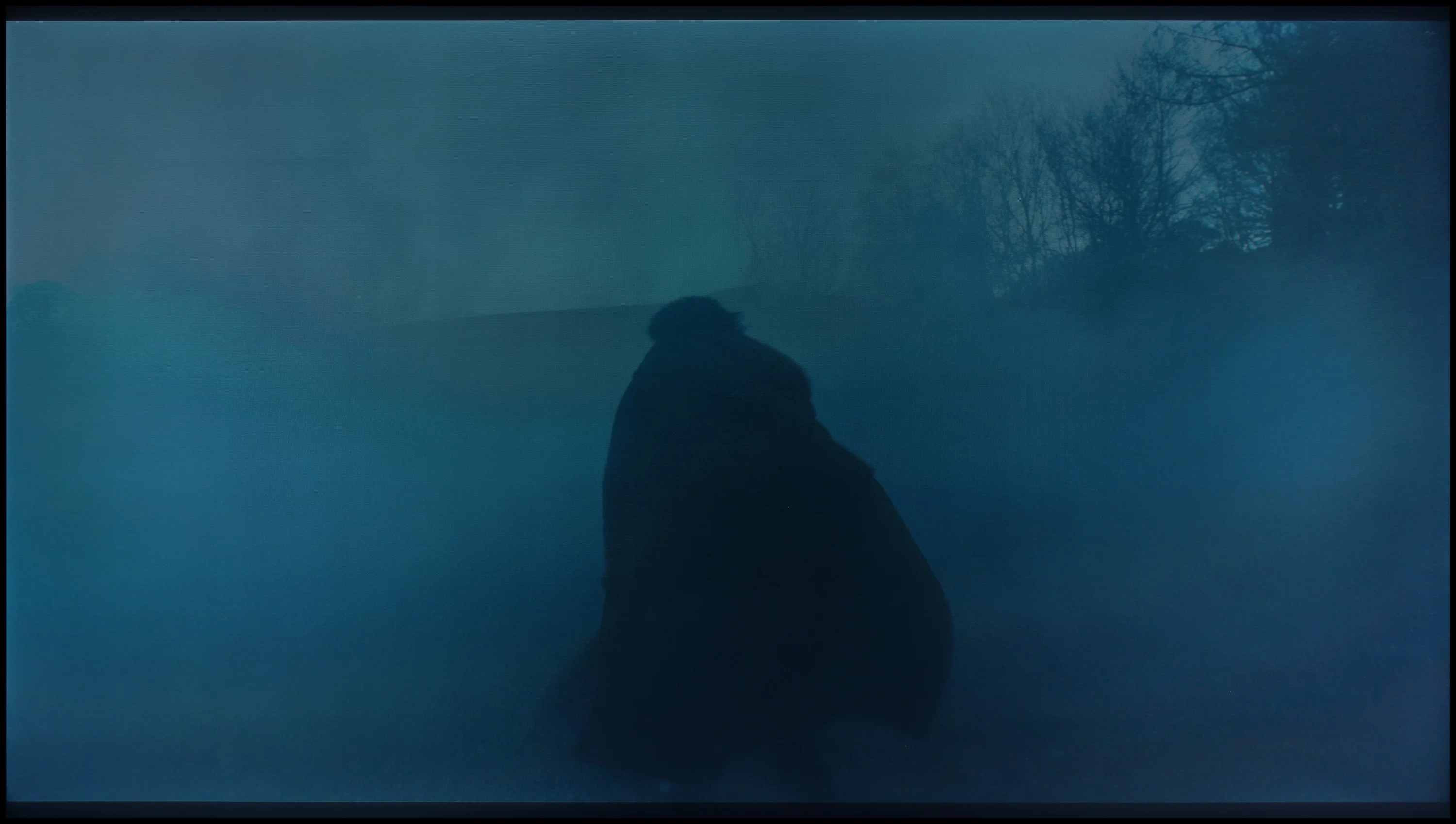
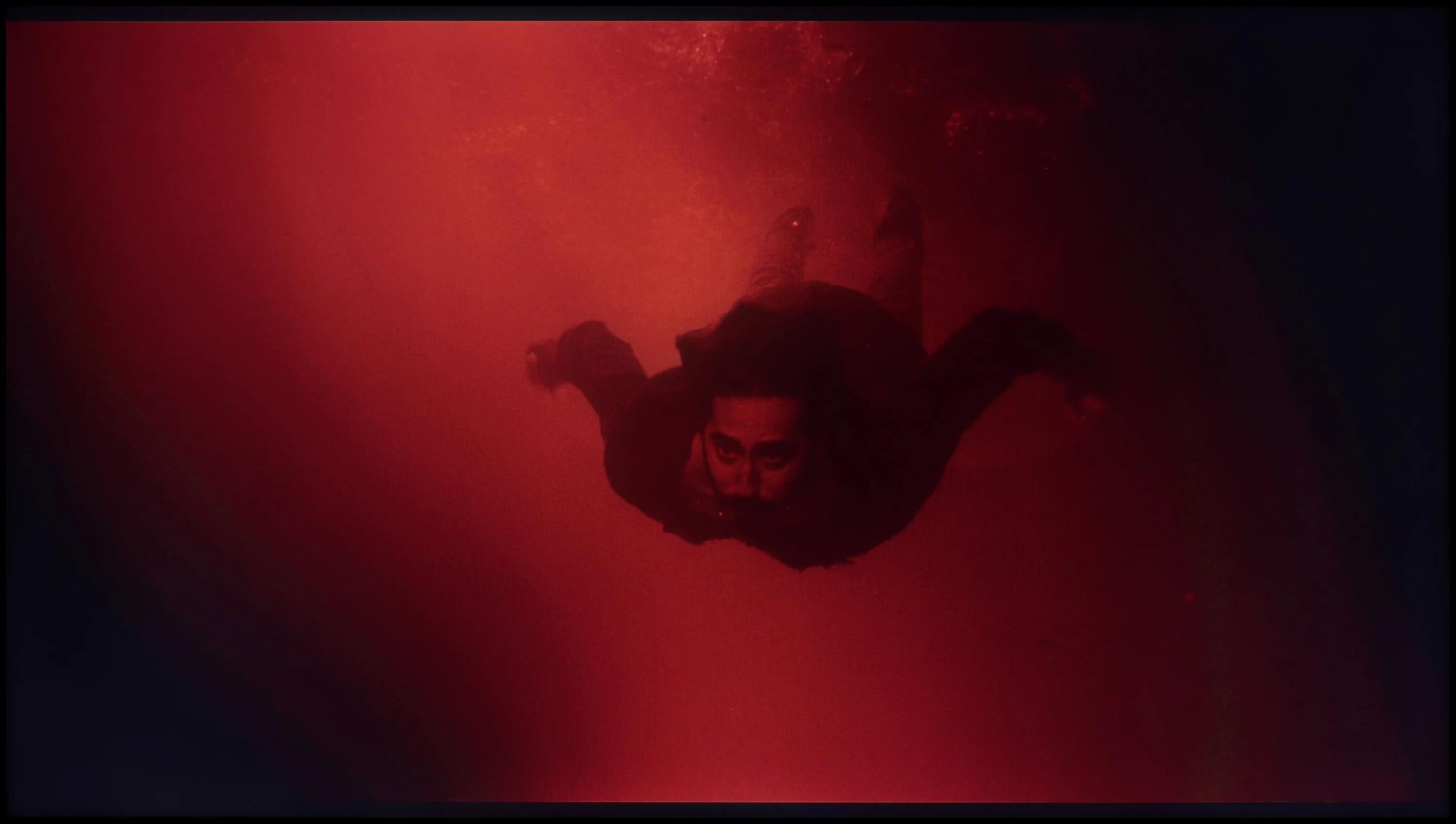
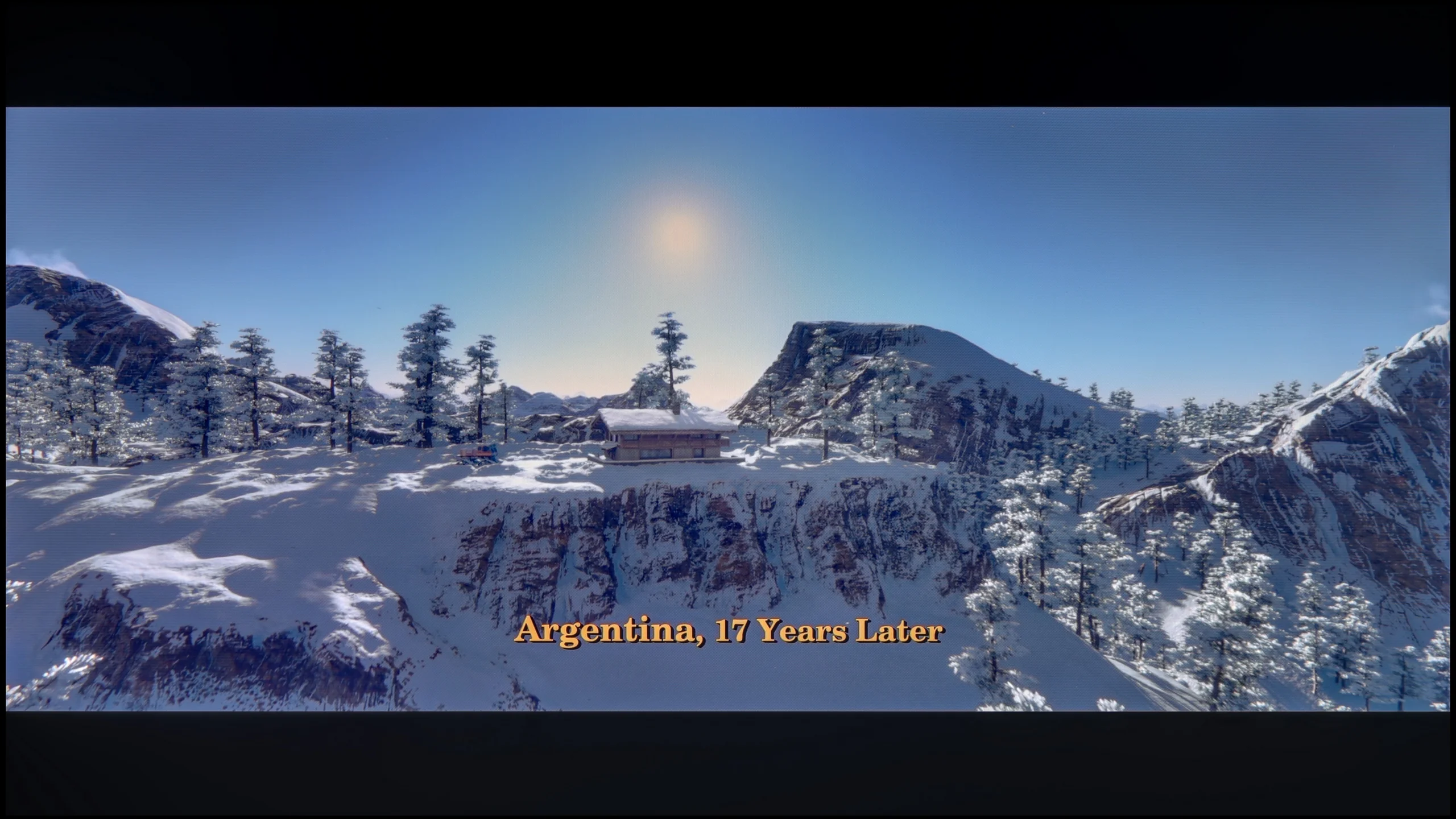
These are selected scenes that show smooth tonal transitions from one color to another. If you see distinct banding, it’s the TV panel’s fault.

These are selected scenes that show smooth tonal transitions from one color to another. If you see distinct banding, it’s the TV panel’s fault.
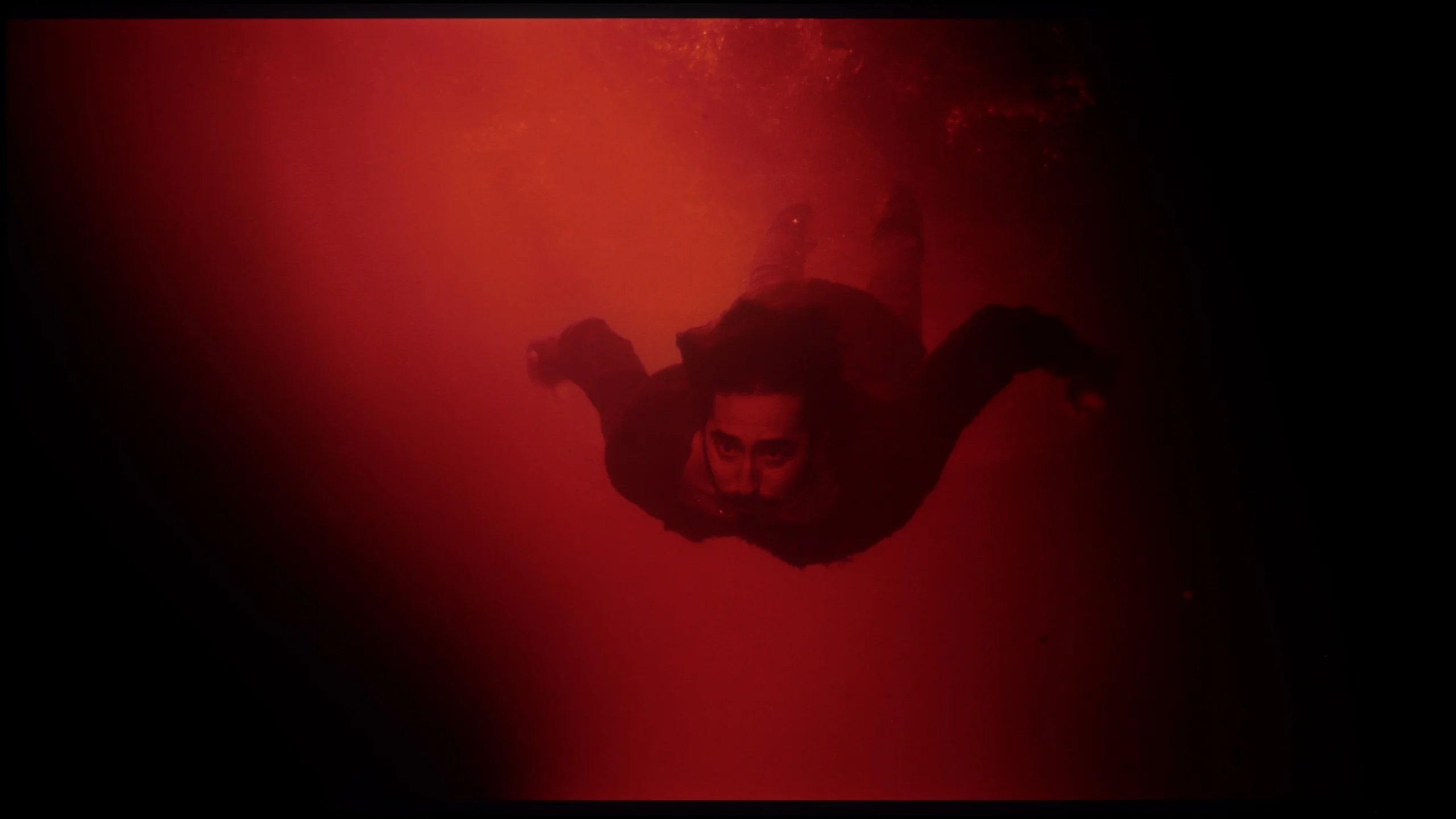
These are selected scenes that show smooth tonal transitions from one color to another. If you see distinct banding, it’s the TV panel’s fault.
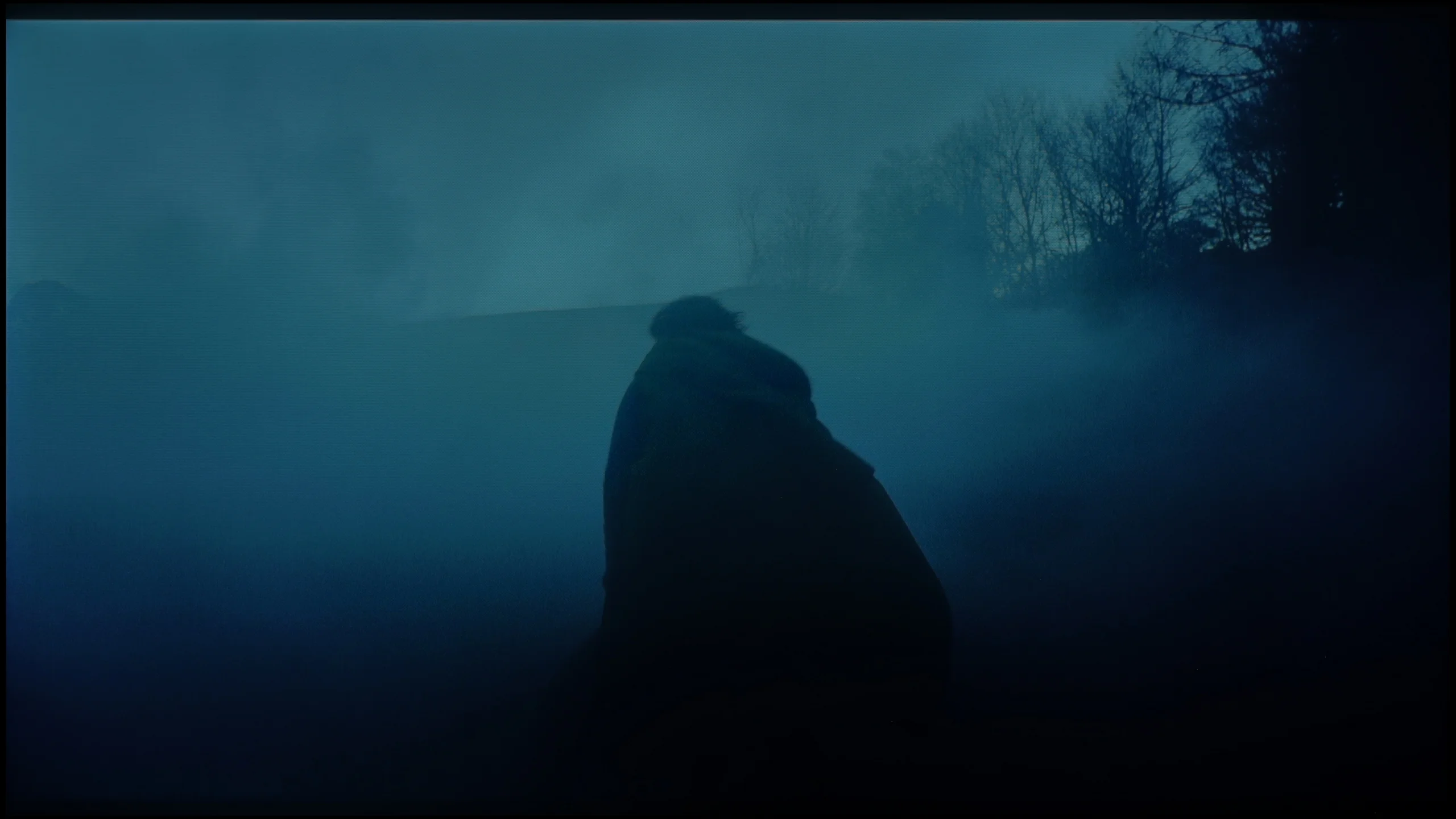
These are selected scenes that show smooth tonal transitions from one color to another. If you see distinct banding, it’s the TV panel’s fault.
Philips PUS8209 presents a decent gradation in bright scenes, where the tonal transitions are smooth enough not to be jarring. Unfortunately, in darker scenes, such as red water, the TV struggles noticeably. Issues with blending shades and a lack of precision in reproducing subtle colour differences are very apparent here.
In terms of tonal transition fluidity, the iFFALCON U85X performs quite decently. In most scenes, the gradients are nearly unnoticeable, so the annoying "banding" of colours shouldn't be obvious during everyday viewings, for example, on YouTube. However, it must be honestly admitted that in very dark frames, the image is not always perfectly smooth, and certain imperfections in the transitions between shades can be observed. Nonetheless, this result is more than satisfactory and does not spoil the overall impression of the image.
Image scaling and smoothness of tonal transitions
5.5/10
5/10

Smooth transition function
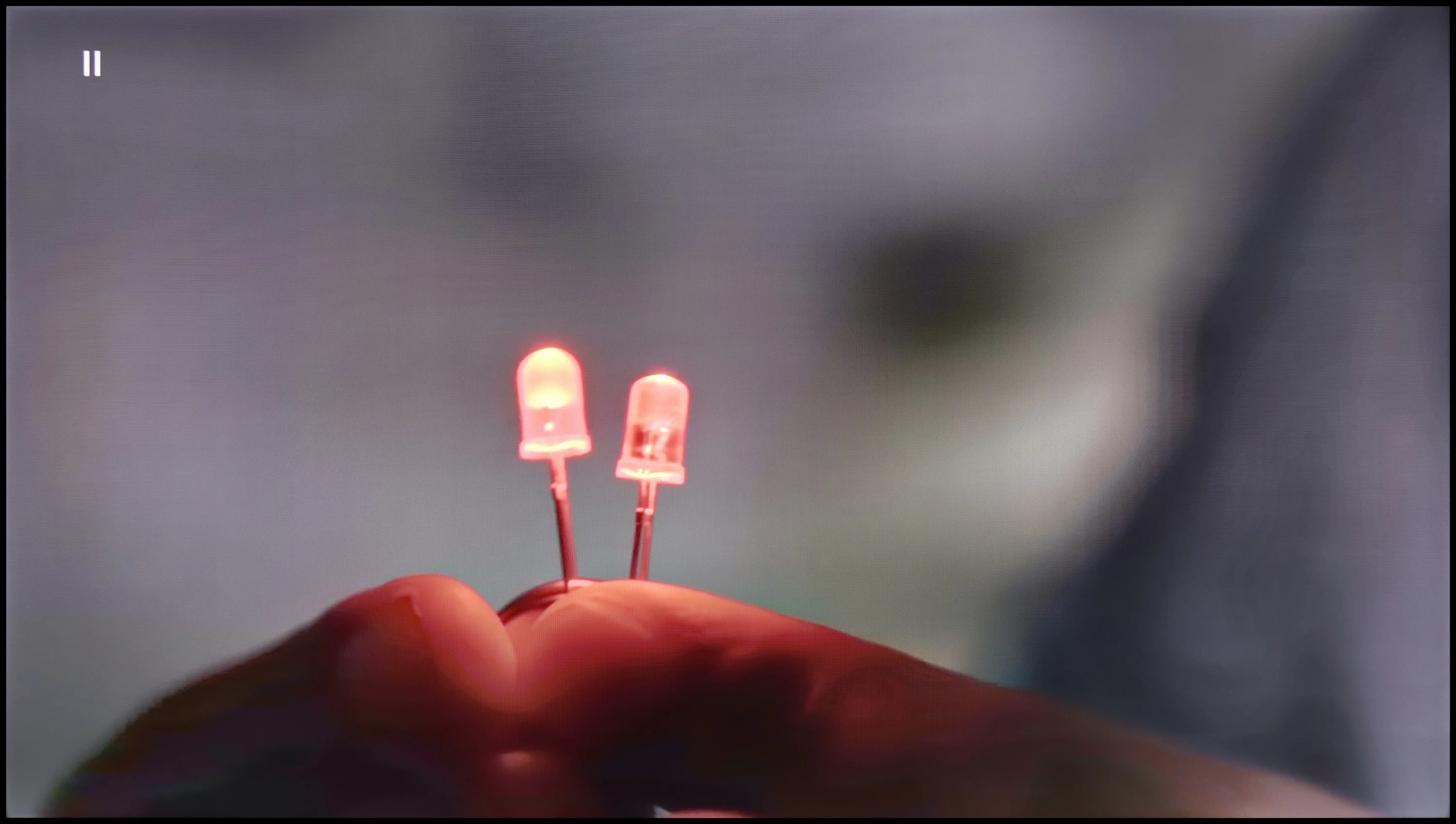
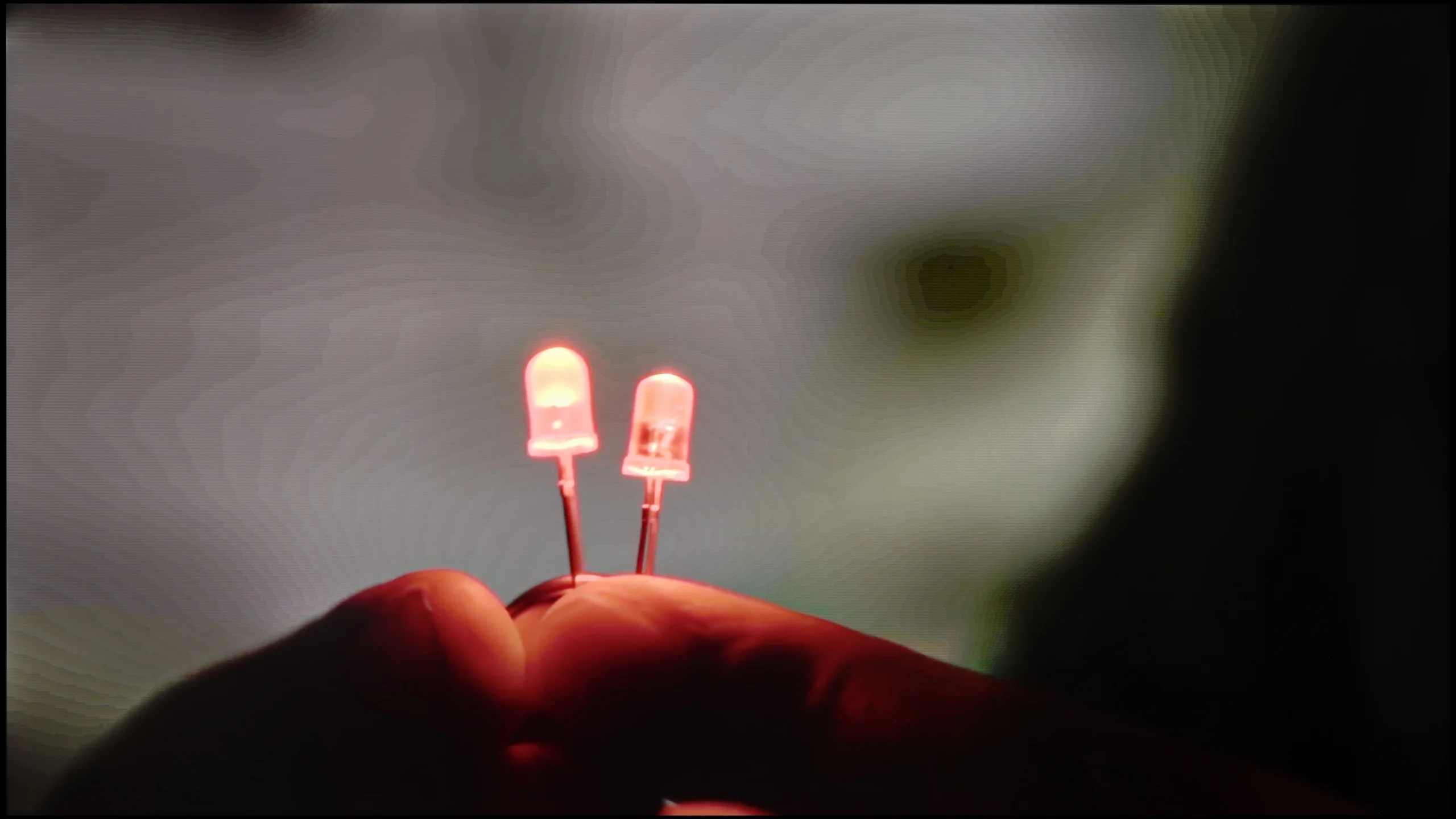
The match photo shows how the TV smooths weak tonal transitions in low-quality video.
Image scaling SD (576i)


The model photo shows how it handles upscaling of SD material.
The television offers a “Distortion Reduction” feature that effectively improves the gradation of tonal transitions, particularly when set to the minimum level. Unfortunately, this comes at a cost – the feature also smooths out details like material textures. On the plus side, it’s worth noting that the operation of this option does not negatively affect the film grain, which remains intact.
As for image scaling (upscaling), the television generates a plastic, soft image that generally looks pleasant. However, in the background, issues with aliasing of certain elements, such as branches or small details, can sometimes be noticed, which may decrease the quality of the reception. Despite these minor imperfections, the overall experience of scaling is satisfactory.
When it comes to scaling images to 4K resolution, the iFFALCON U85X performs solidly. The device effectively boosts low-quality signals, making even older materials look clean and clear on the 4K panel. At extremely low resolutions, such as 480p, you can notice slightly jagged edges (especially on thin lines), but let’s be honest – this is a scenario you'll only encounter while watching very old recordings, so in everyday use, it’s not a real issue.
On the other hand, the digital processing aimed at smoothing tonal transitions performs significantly worse. Although the menu features a function called “Gradual Smoothing”, its effectiveness is at least debatable. In practice, it does not effectively eliminate banding (colour stepping) and, worse yet, can cause more harm than good. This filter can be too aggressive where it shouldn’t be, artificially smoothing out details that shouldn’t be touched, such as the natural texture of the face or the fine details of skin texture. Instead of improving quality, this function can give the image an unnatural, “plastic” look, so it’s best to use it with caution or, preferably: leave it turned off.
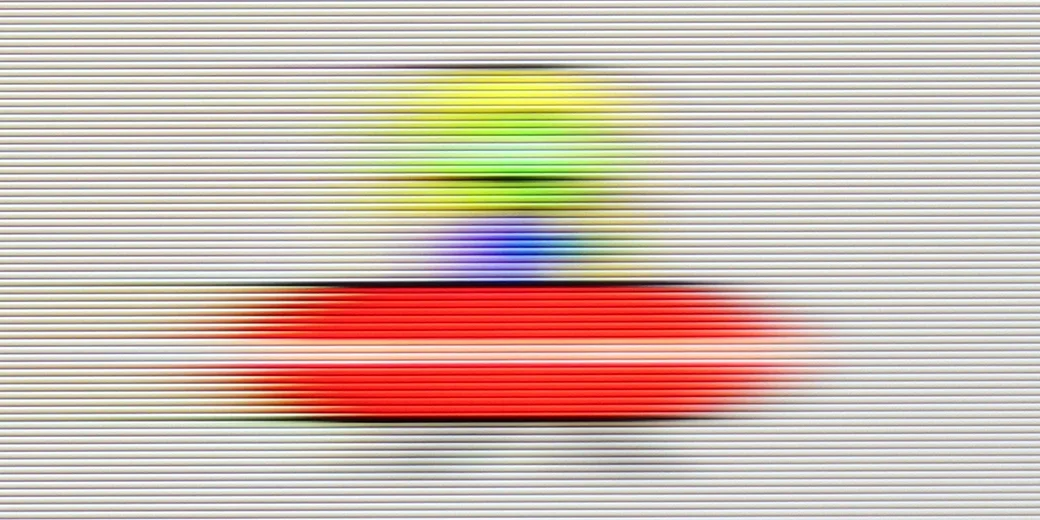
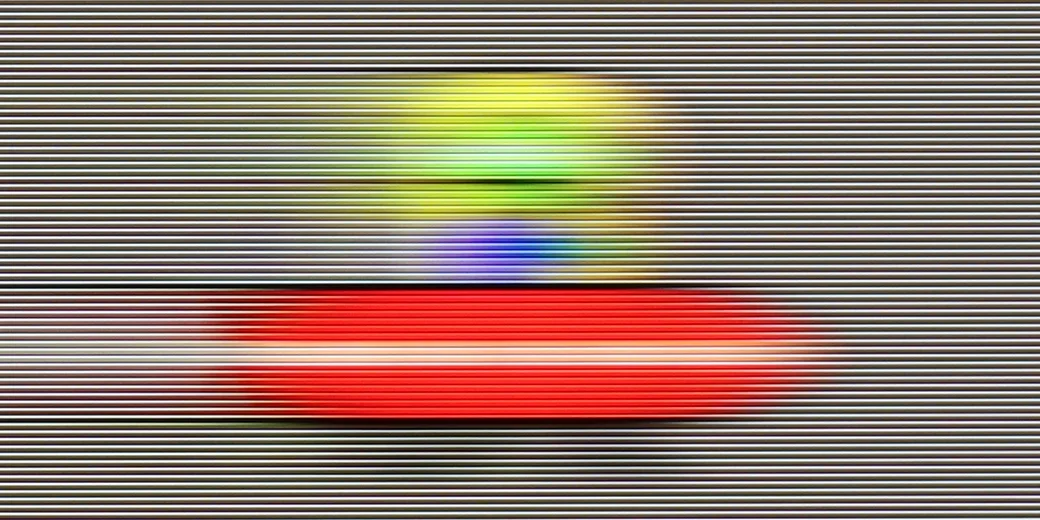
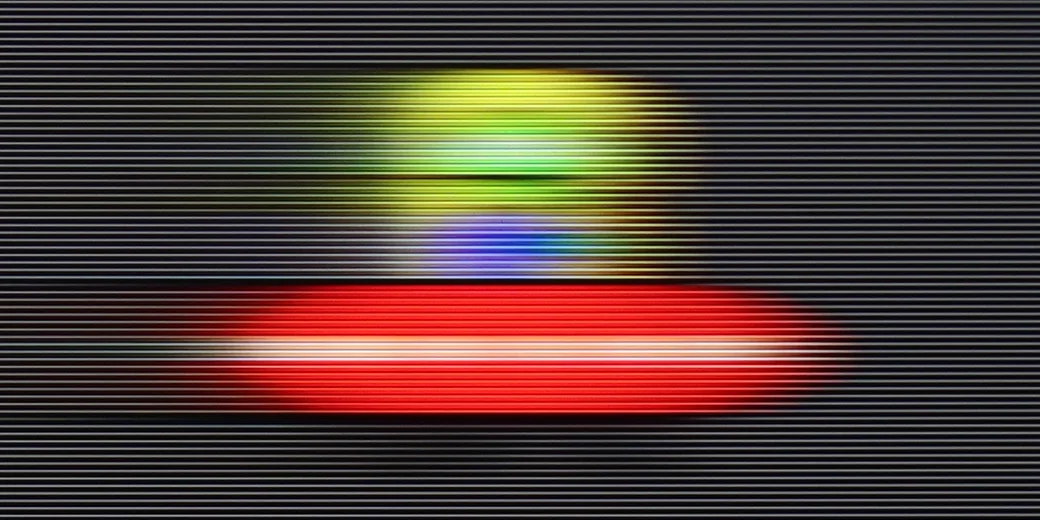
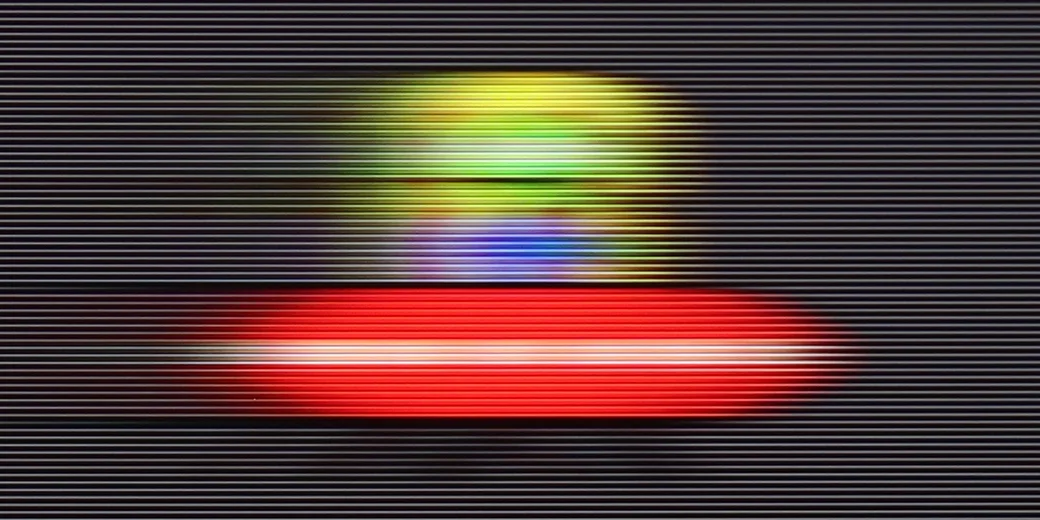
Blur and motion smoothness
3.8/10
6.8/10

Blur (native resolution, maximum refresh rate):


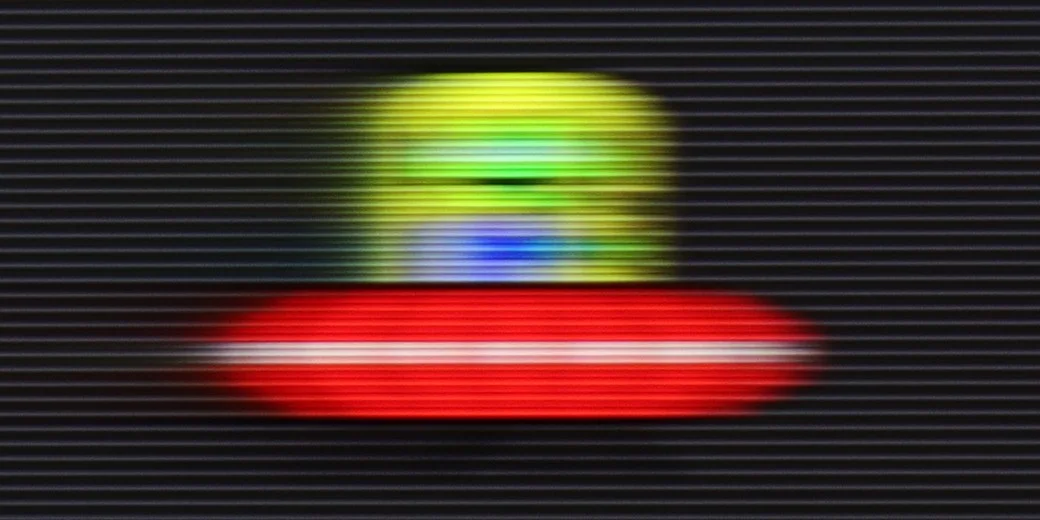
Blur (BFI function enabled):


Blur ():
Blur (4K@144Hz):
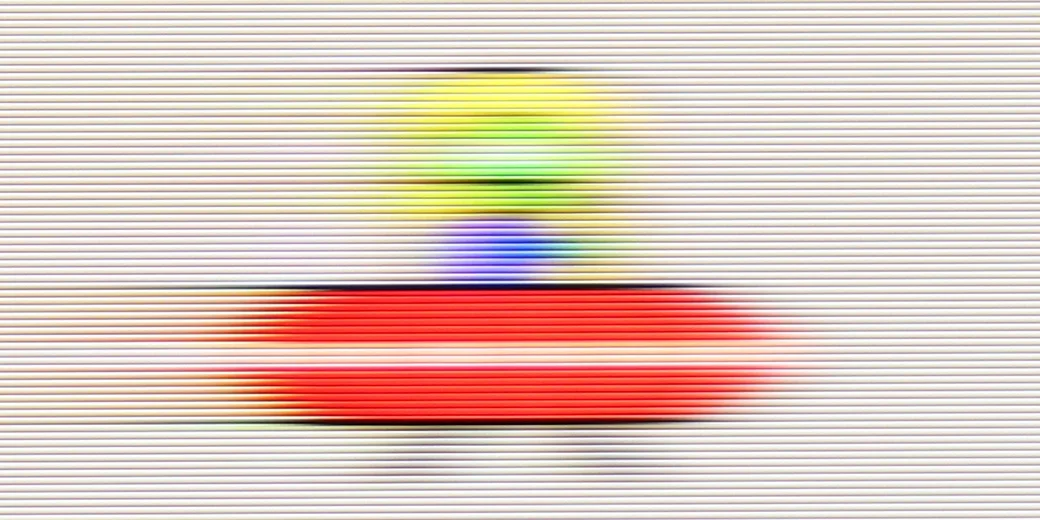

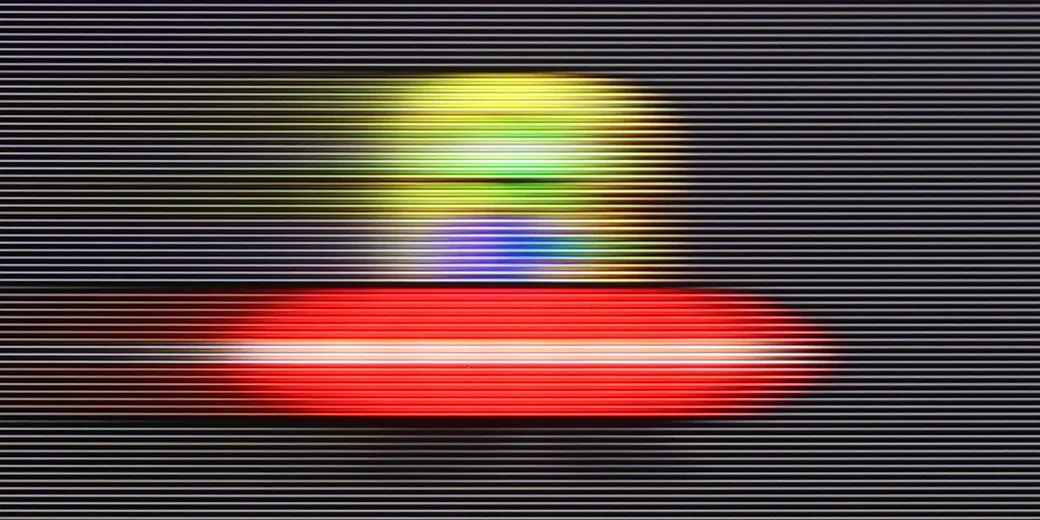
The 60 Hz panel in the Philips PUS8209 is mainly suited for watching movies, but here you can also feel a certain shortcoming. The television does not offer any motion smoothing that would allow you to adjust the fluidity of the picture to individual preferences, which for some users may be disappointing.
Unlike budget constructions that can resemble a slideshow in dynamic sports scenes, the iFFALCON U85X is a heavyweight player equipped with a panel featuring a native refresh rate of 144Hz. It's worth remembering that in the realm of movies, series, or sports, we'll predominantly operate at 120Hz due to the specifics of image enhancement systems. Such a fast panel is excellent news for gamers and sports fans, as it opens the door to advanced motion settings that simply aren't available in cheaper 60Hz models.
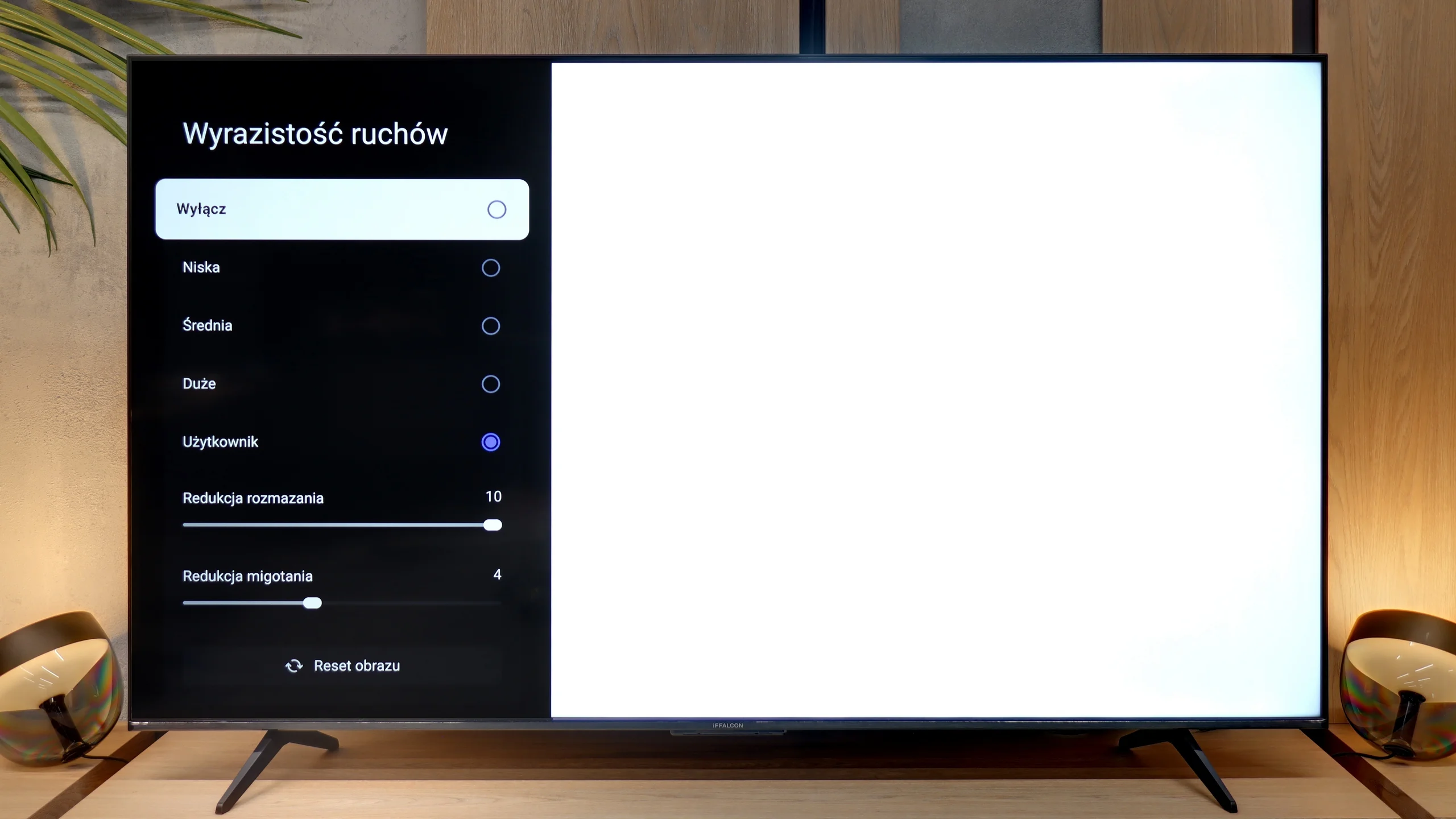
Everything is managed from the menu “Motion Clarity”, where instead of using ready-made, often overly aggressive modes, we strongly recommend a custom configuration based on two sliders. The most important of these, Flicker Reduction, is responsible for fluidity in films – here, it's best to aim for a value around 4, which helps maintain the natural, cinematic character of motion without falling into the artificial “soap opera effect.” Meanwhile, the first slider, Motion Blur Reduction, is key to success in sports broadcasts. In this case, it's worth going all out and setting it to maximum, ensuring that the image remains sharp during fast-paced action on the field, while annoying ghosting is eliminated.
Console compatibility and gaming features
4.7/10
9.8/10
- ALLM
- VRR
- VRR range48 - 60Hz48 - 240Hz
- Dolby Vision Game Mode
- Correct implementation of HGIG
- 1080p@120Hz
- 1440p@120Hz
- 4K@120Hz
- Game bar
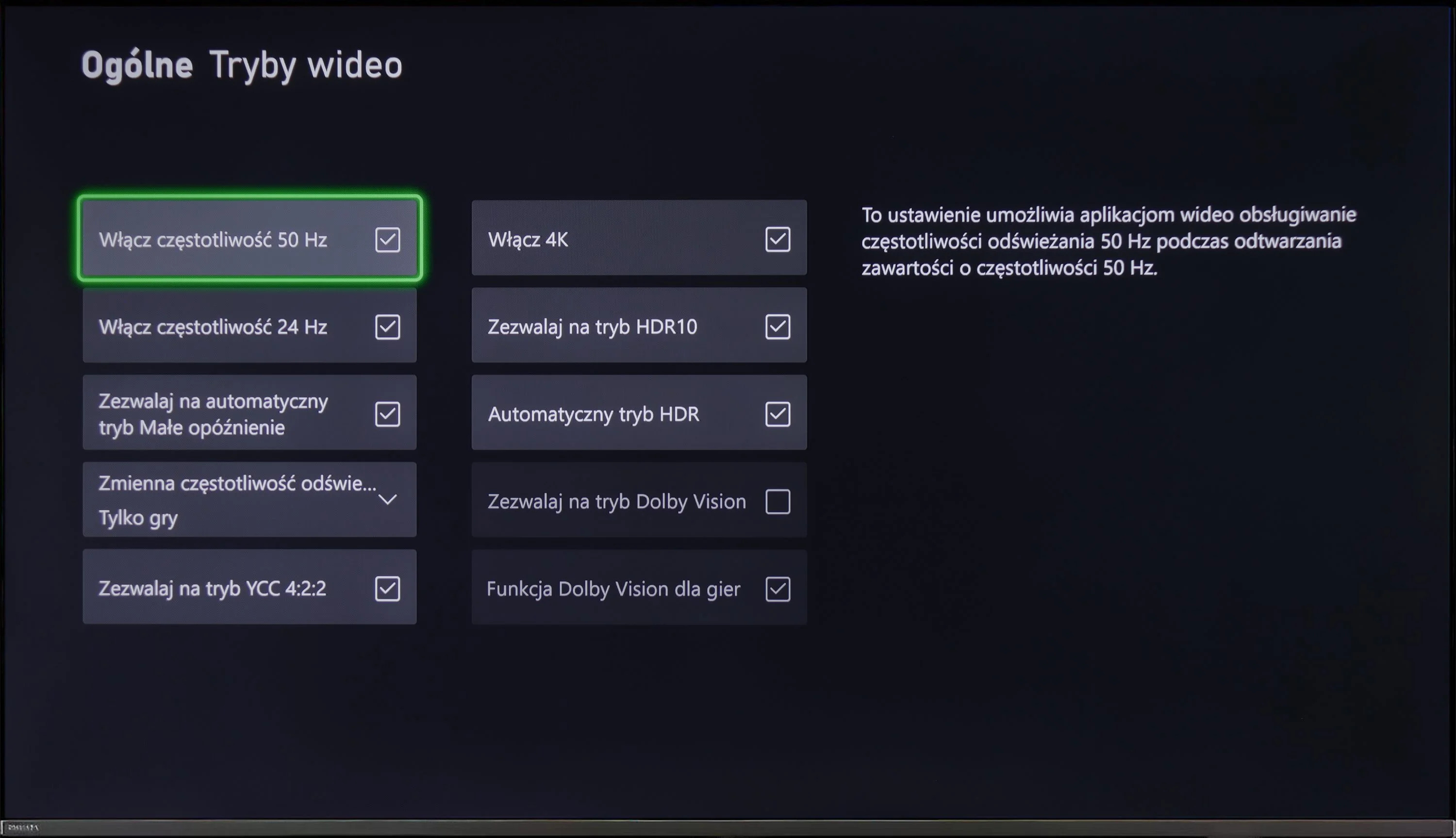
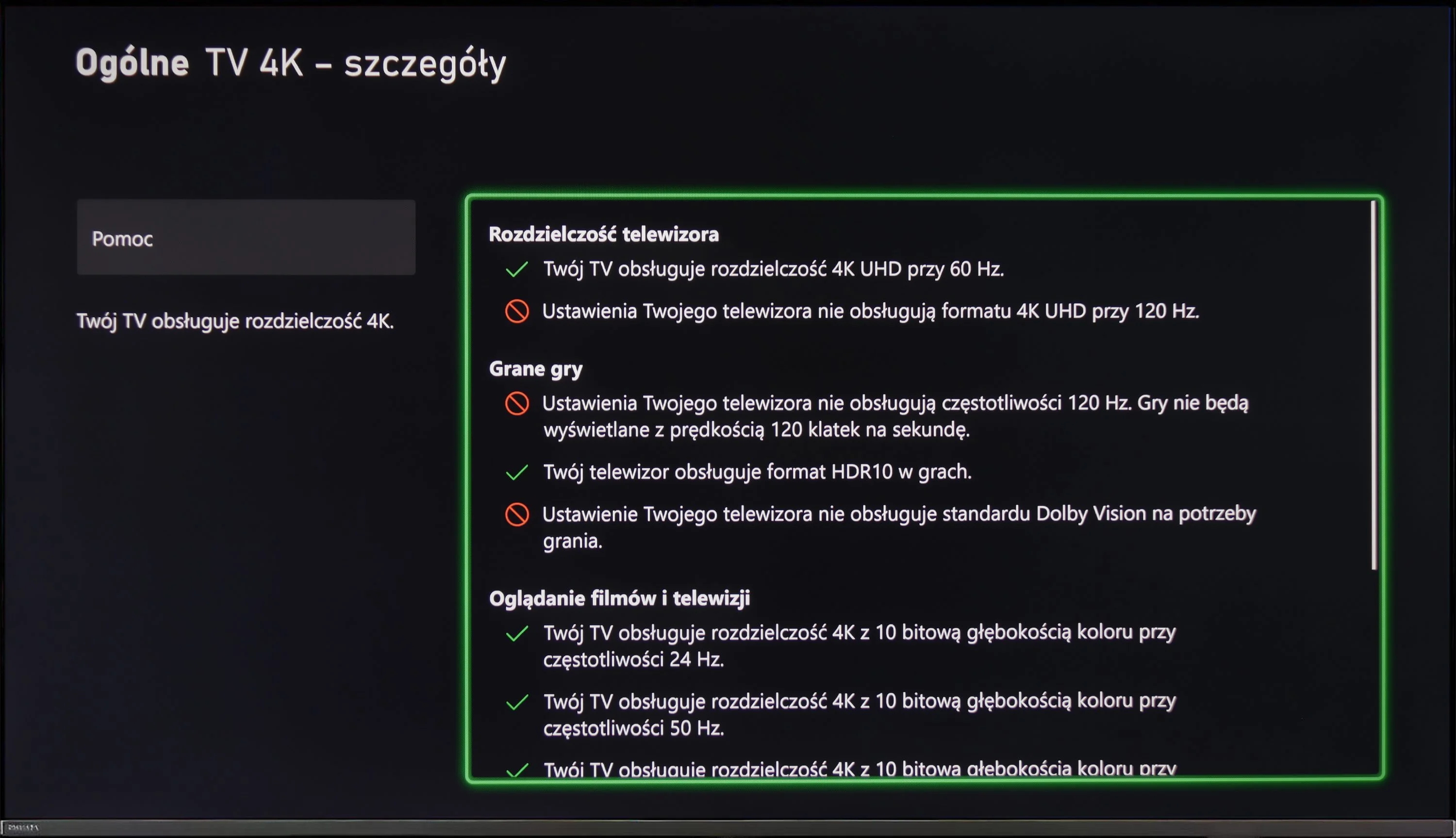
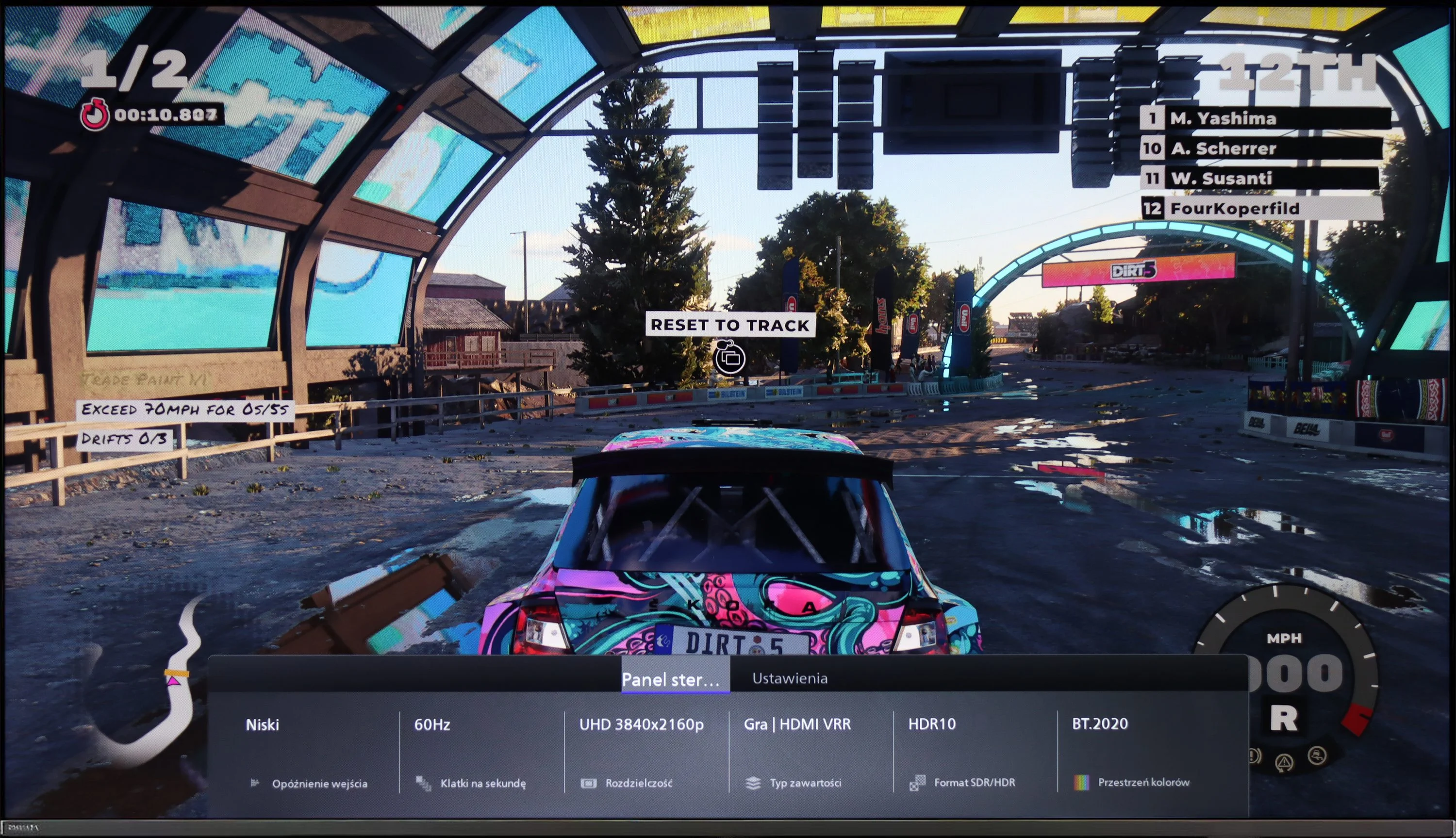
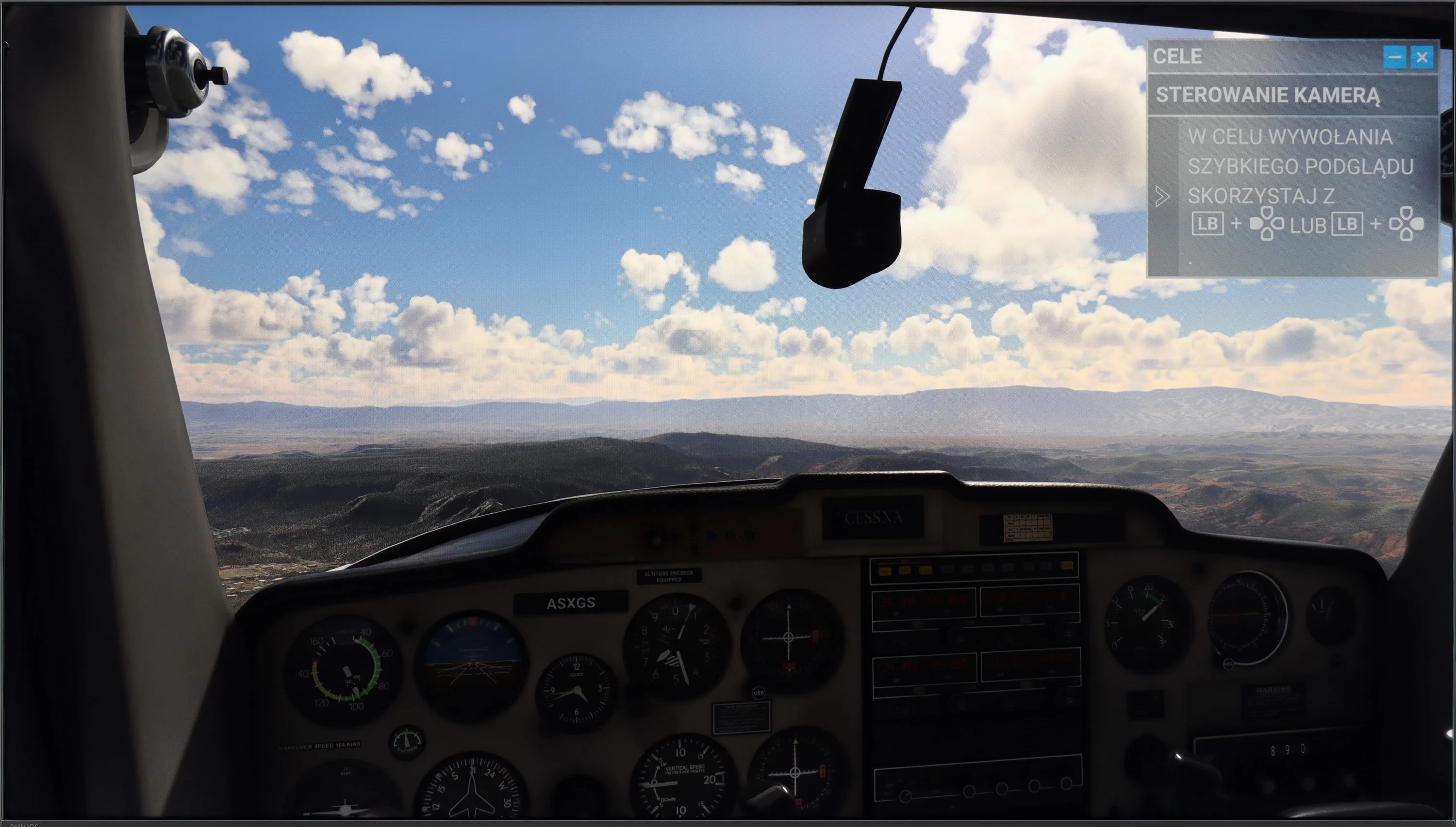
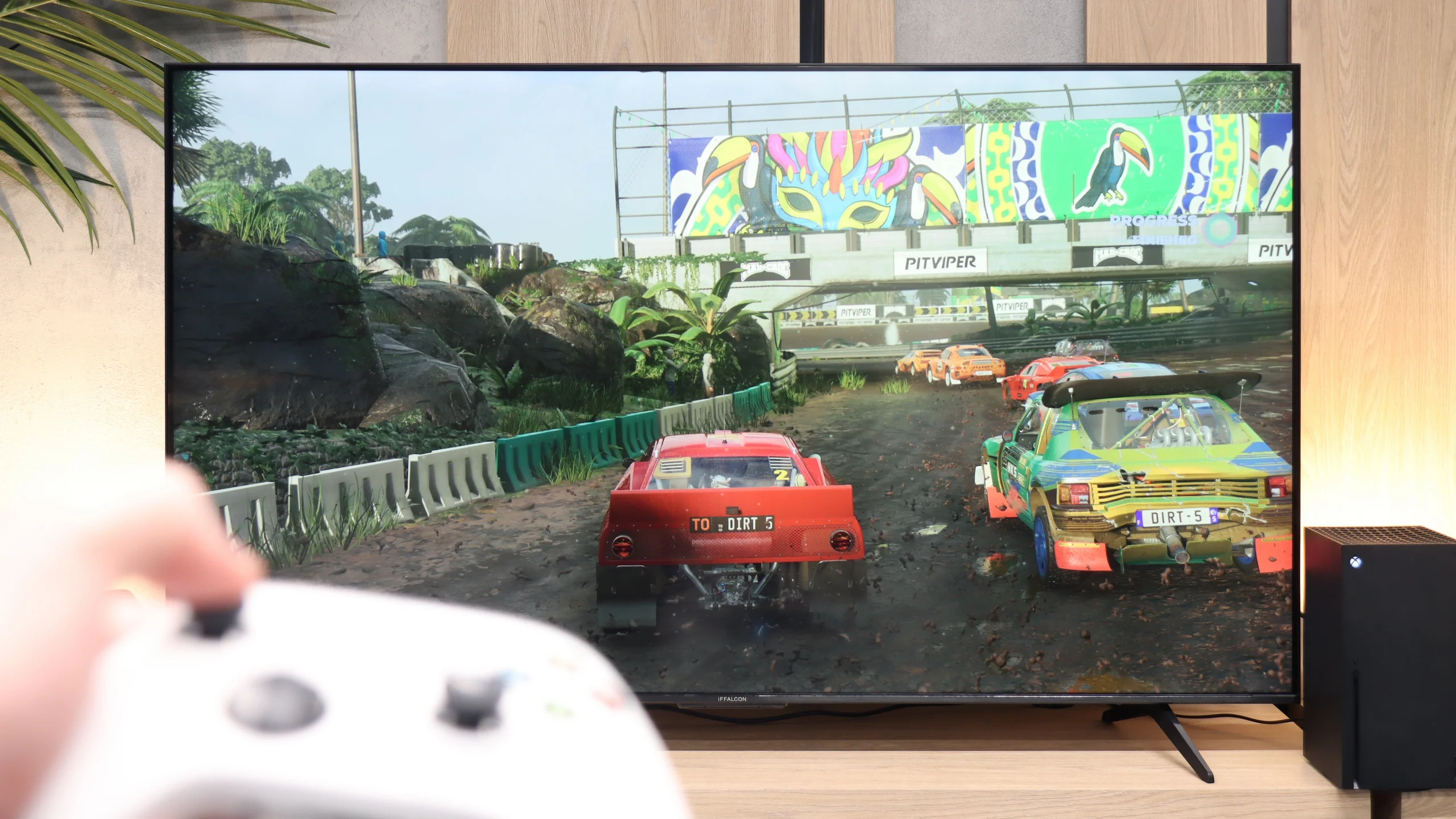
Philips PUS8209 offers basic features useful for gamers, such as variable refresh rate (VRR), automatic low latency mode (ALLM), and Game Bar, which makes managing settings easier.
Unfortunately, due to the 60 Hz panel, the TV will not meet the expectations of more demanding gamers who are looking for higher fluidity and precision of image. Additionally, this model does not support any HDR mode dedicated to gaming, such as HGiG or Dolby Vision, which further limits its capabilities in this regard.
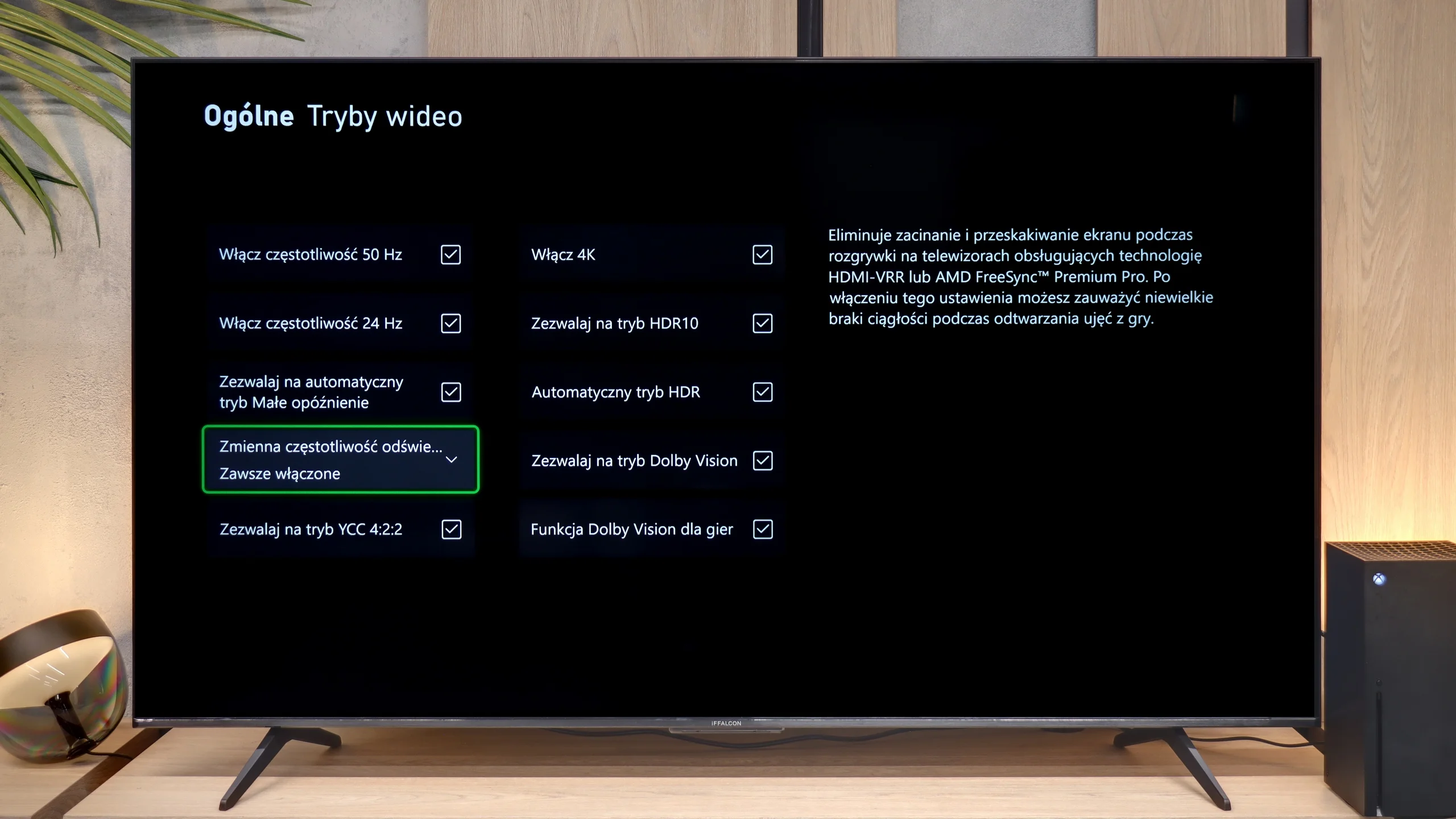
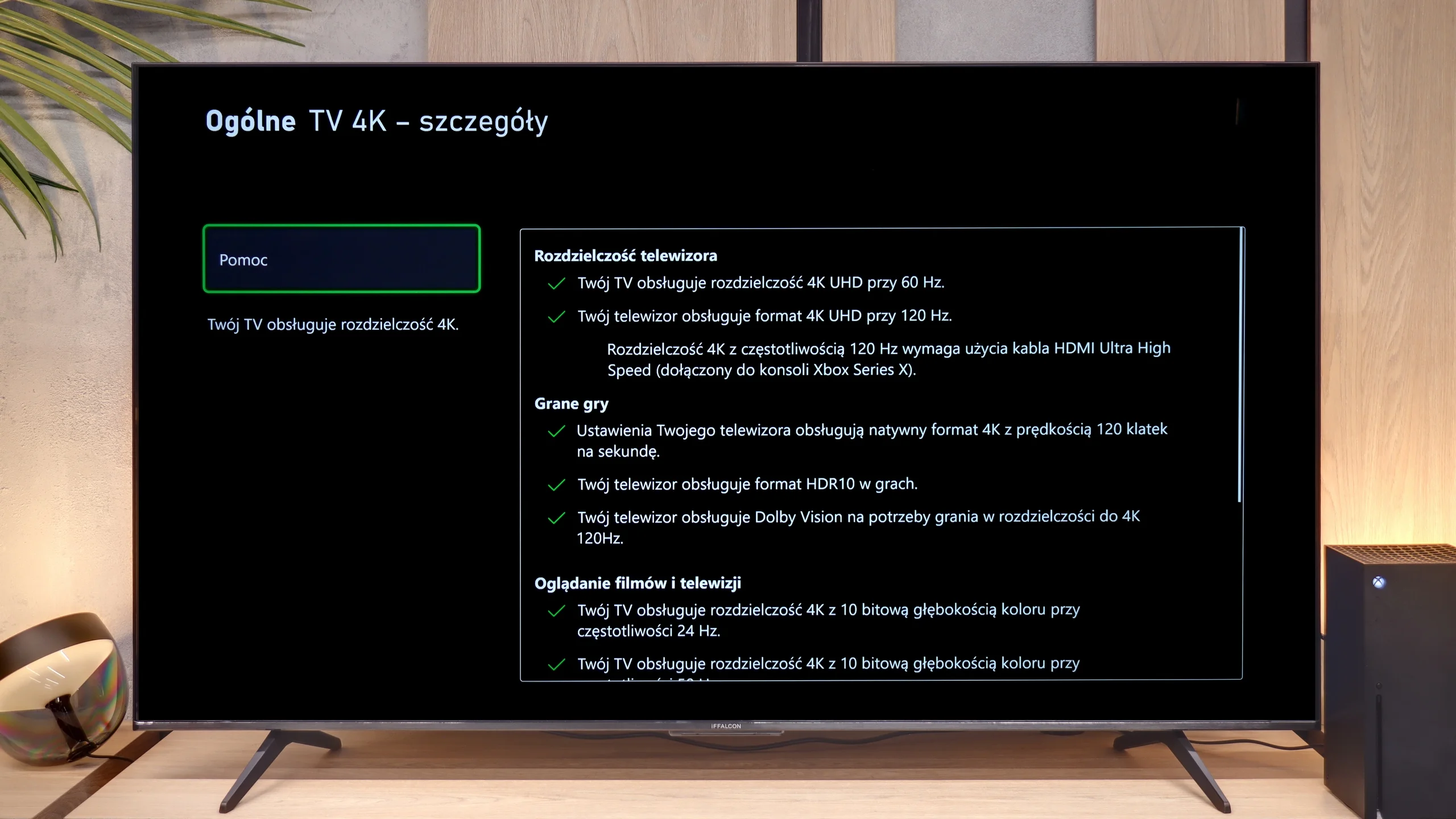
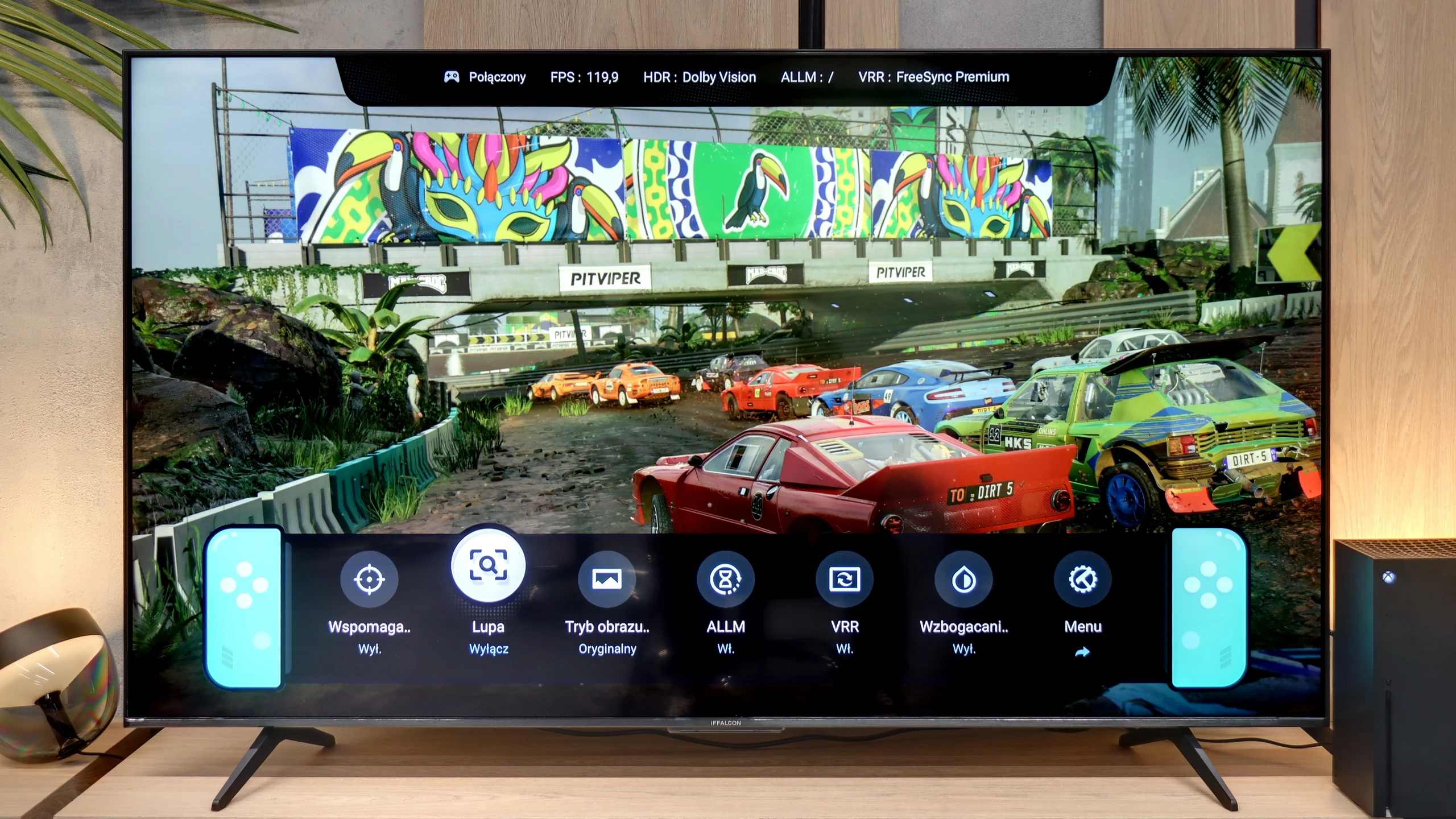
iFFALCON U85X is an outstanding piece of gear for gamers that has pretty much everything you could ask for from a modern screen for console or PC. It features two full-fledged HDMI 2.1 ports with a full bandwidth of 48 Gbps, which opens the door to key technologies such as VRR and ALLM, ensuring smooth gameplay without screen tearing and with minimal lag. The TV effortlessly handles high refresh rates at various resolutions, and a real curiosity is the mode that allows for up to 240Hz when dropping down to Full HD quality. Everything is managed by the Game Bar (which is a faithful copy from TCL), allowing for instant switching of picture modes, personalization of the interface appearance, or even adding a virtual crosshair in the middle of the screen.
Input lag
10/10
9.8/10
SDR
HDR
Dolby Vision
Input lag in the Philips PUS8209 is one of its strongest points. With a value of around 13 ms, the TV provides a very quick response time, which should satisfy most gamers, both casual and more advanced. Such a result allows for comfortable gameplay even in dynamic games.
The complement to the gaming arsenal is the outstanding latency results we measured in our tests. With a standard 60Hz signal, the input lag is just 17 ms, which is a completely safe value for comfortable gameplay, while switching to 120Hz reduces the lag to an impressive 9 ms. A nice fact is that these excellent parameters do not deteriorate even in Dolby Vision mode. In many televisions, activating this format still comes with additional processor overhead and increased lag, but here the engineers at TCL (or iFFALCON) have done a great job.
Compatibility with PC
2/10
8.6/10
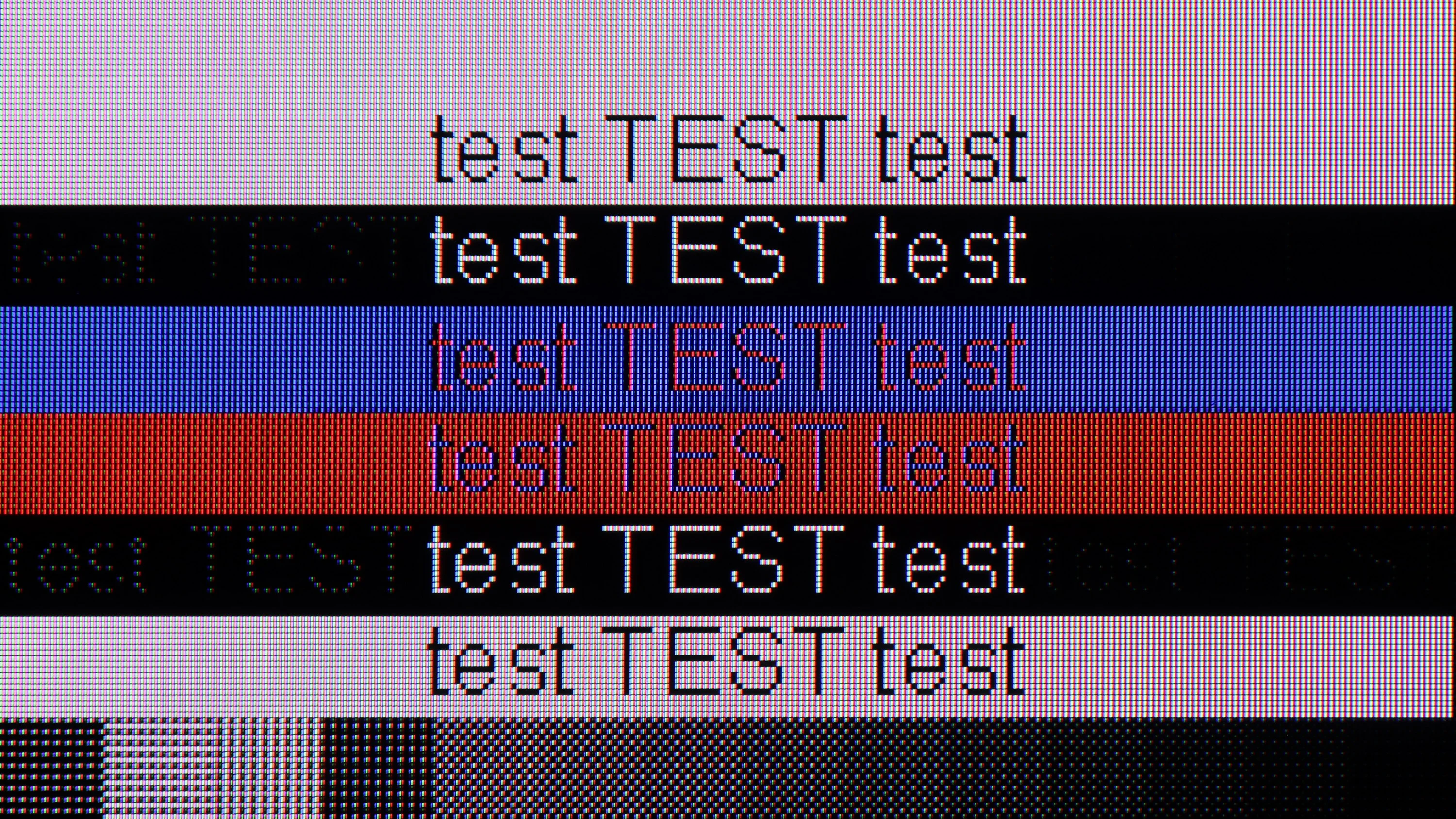
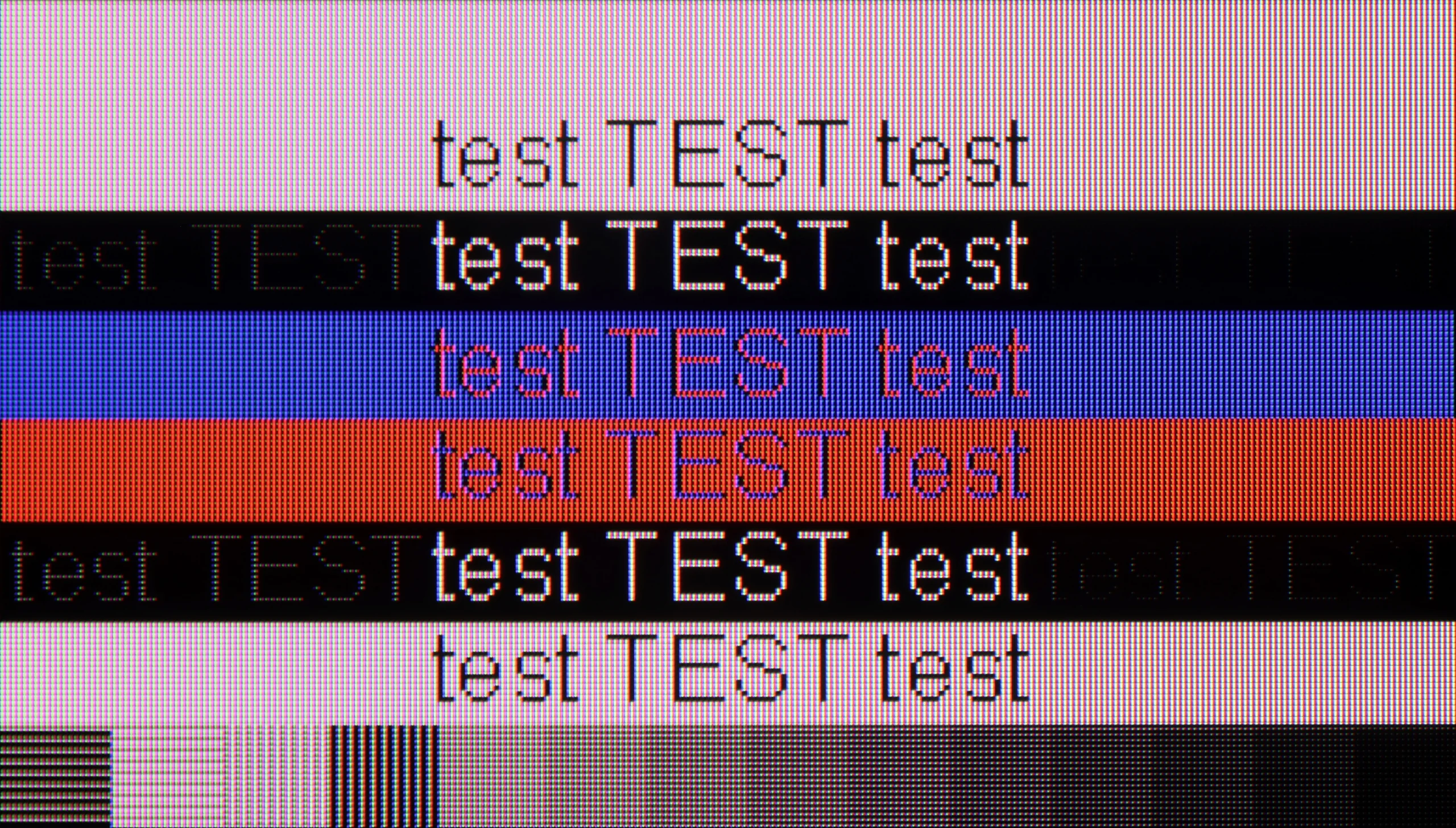
The photo shows the legibility of small fonts. Ideally, lines should be the same thickness on both light and dark text, with minimal pixel gaps.
On paper, collaboration with a PC seems promising, particularly due to support for 4:4:4 chroma, which should ensure good font readability and detail reproduction. In practice, however, the television has significant issues with displaying text, especially on dark backgrounds, where the so-called pixelation is clearly visible, negatively impacting work comfort.
Additionally, the lack of support for technologies like G-Sync means that gaming smoothness when connected to a PC leaves much to be desired, making this model less attractive for users looking for a television for gaming on a computer.
iFFALCON U85X is also an excellent candidate for a powerful computer monitor, offering a work culture that's hard to find in typical televisions. The readability of fonts is at an almost exemplary level – although due to the nature of the VA panel, it's not as crystal clear as in IPS panels, the difference becomes practically unnoticeable to the human eye when viewed from a distance of over one meter. The device natively supports a resolution of 4K at 144Hz refresh rate, but the real ace up its sleeve is the 240Hz mode (available at lower resolutions), which makes this giant an excellent tool for dynamic e-sports titles, where refresh rate takes priority over pixel count. Almost most importantly for PC users, such high performance is fully supported by frame synchronization technologies like NVIDIA G-Sync and AMD FreeSync, effectively eliminating screen tearing and ensuring perfect fluidity regardless of the graphics card used.
Viewing angles
2.1/10
3.1/10
The viewing angles on the Philips PUS8209 are poor, which is typical for a VA panel. When watched at an angle, the brightness of the image drops significantly, and the colours lose their depth, which can greatly affect viewing comfort, especially in larger groups or in an unusual setup of the television in relation to the viewer.
When it comes to viewing angles, the iFFALCON U85X doesn't surprise us – it's just poor, which is a typical characteristic of VA panels. We have to treat this as a natural and conscious compromise: by choosing a panel with high contrast and deep blacks, we almost always sacrifice wide angles (only in top-tier series do manufacturers use special coatings to improve this feature). You can't cheat physics in this price segment, because while sitting directly in front of the TV the picture looks stunning, it only takes a slight lean to the side for the colours to start losing their saturation. If you're planning evening screenings with a larger group, it's worth ensuring that everyone sits as close to the central axis of the screen as possible.
Daytime performance
4.4/10
5.6/10
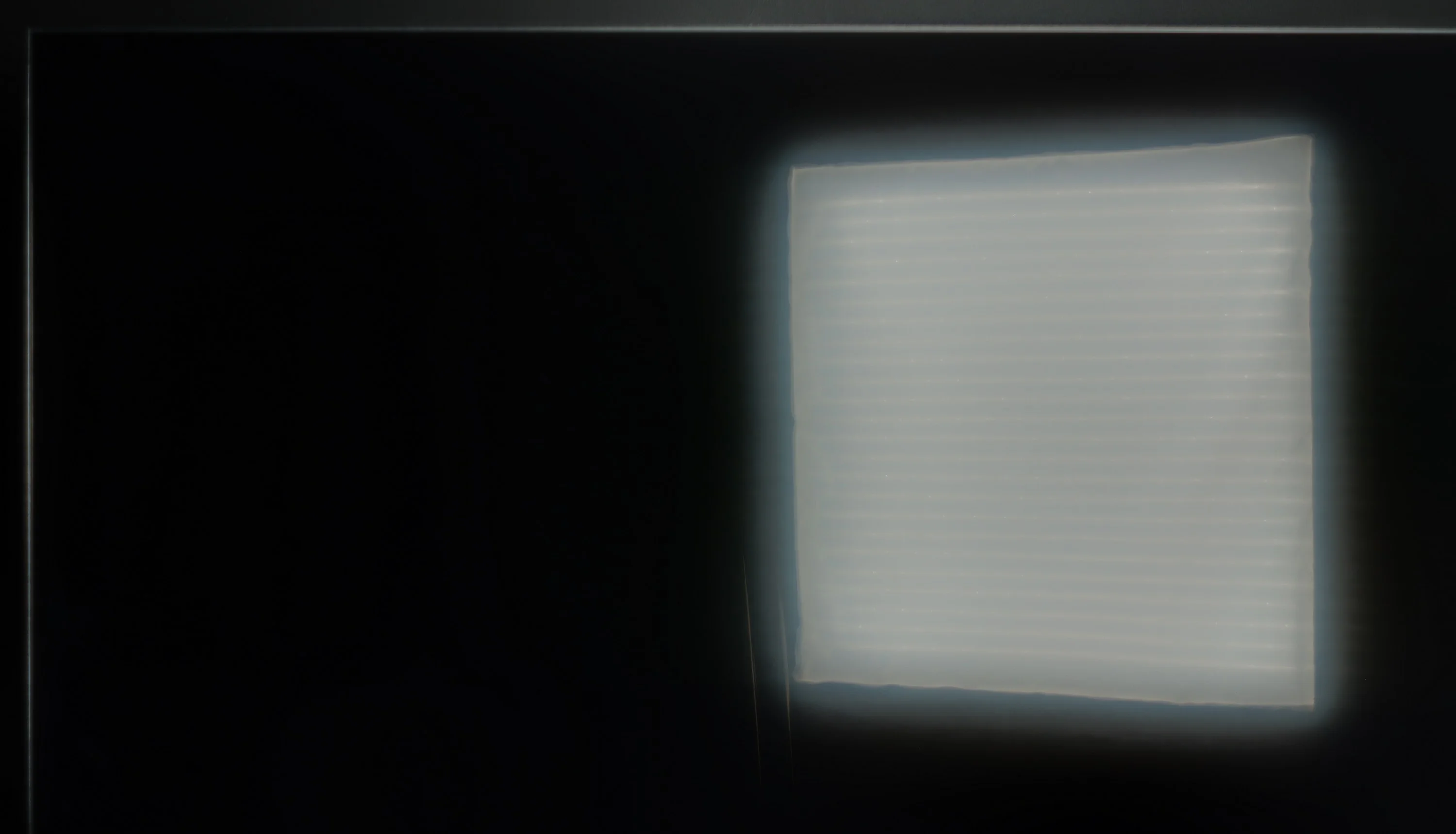
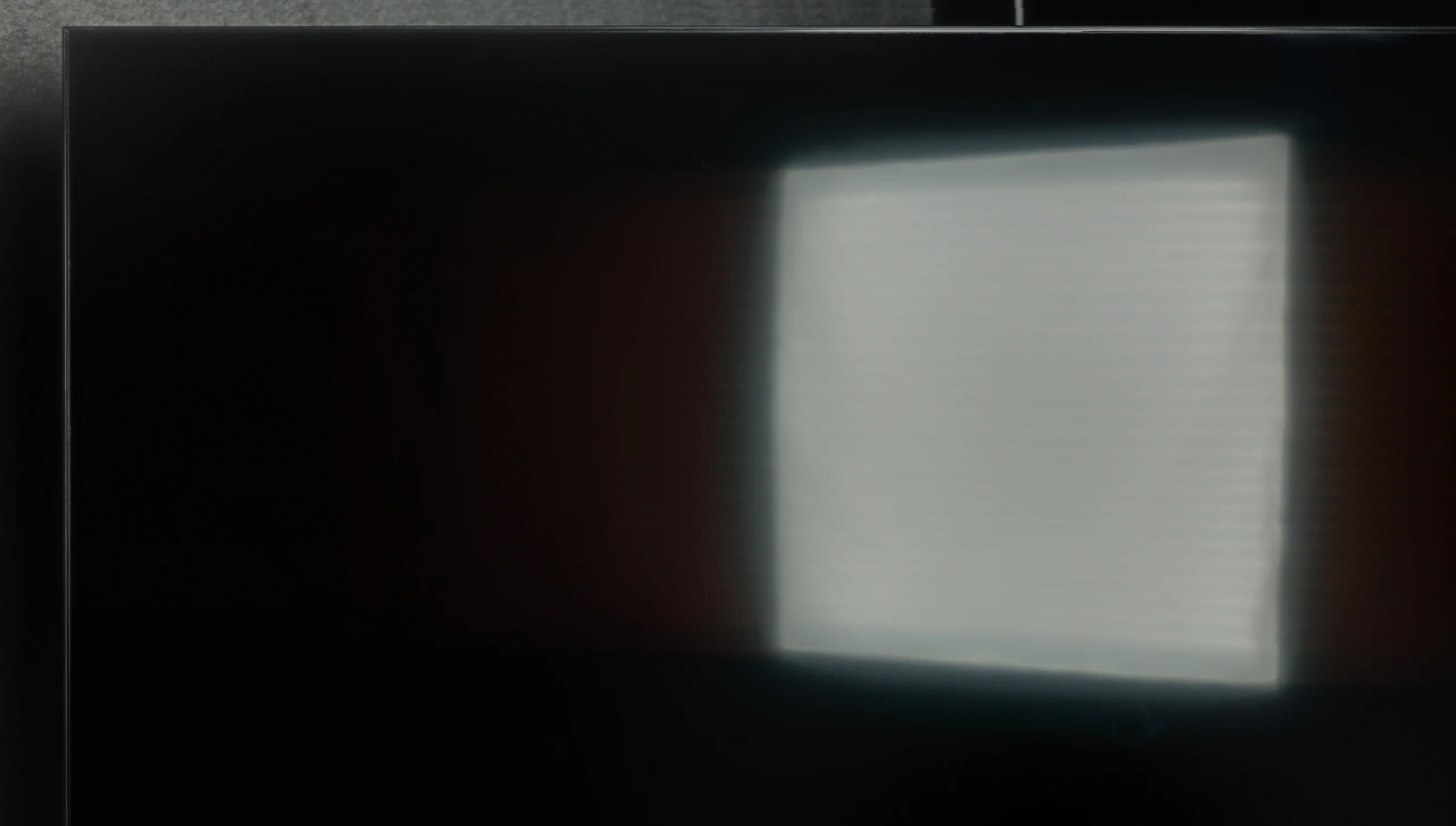
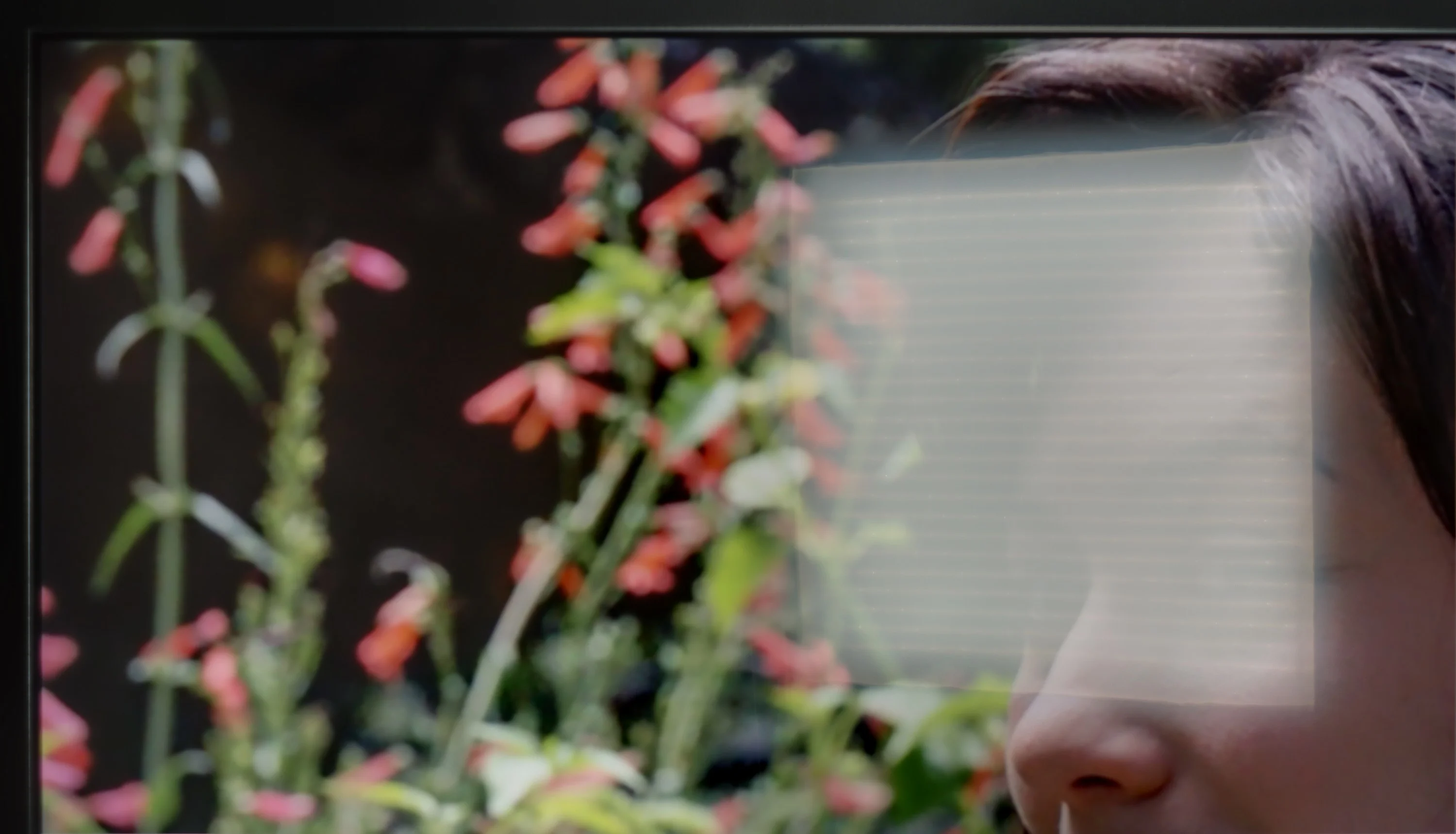
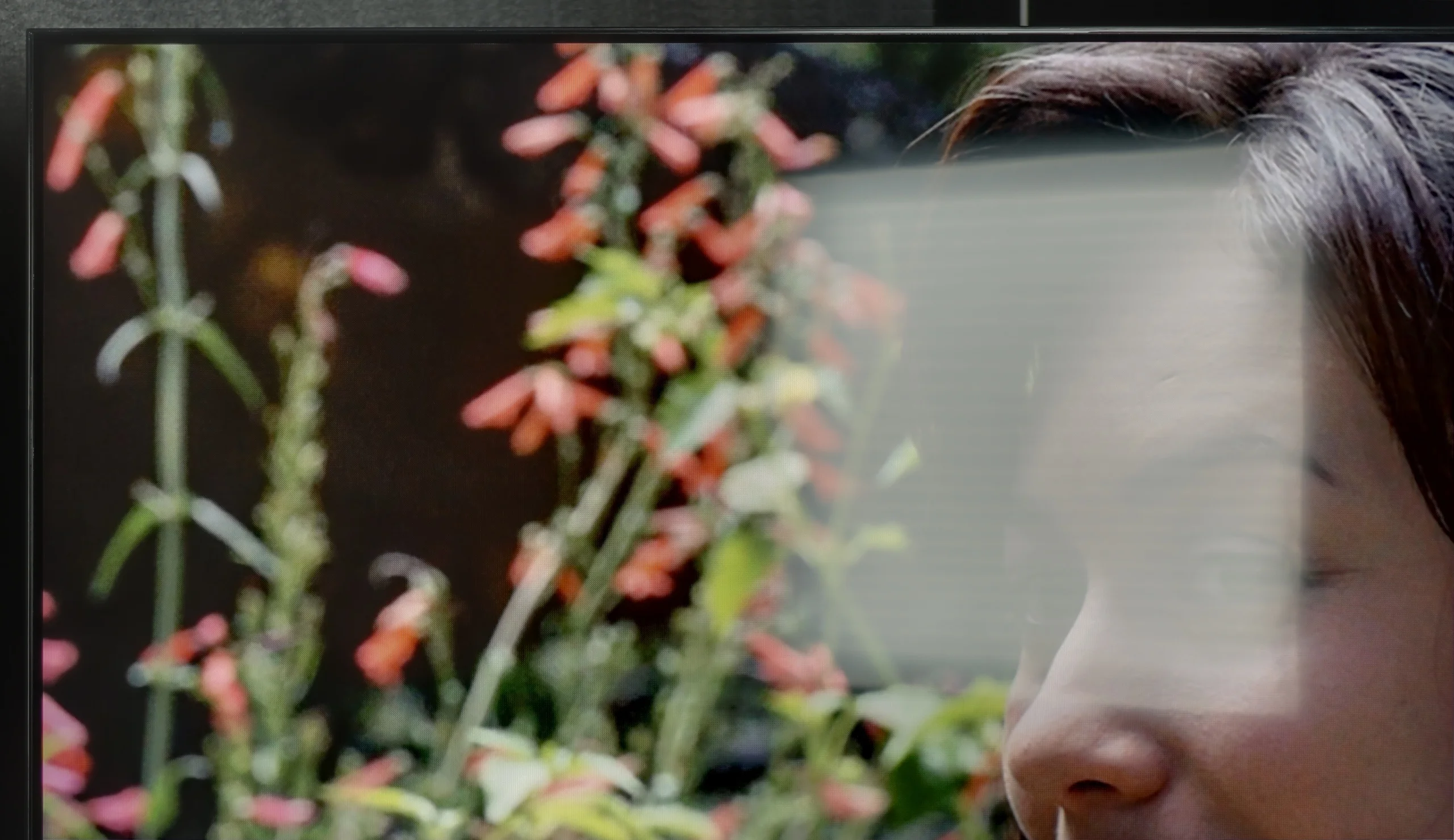
Panel brightness
IFFALCON U85X: 419 cd/m2
Philips PUS8209: 277 cd/m2
The Philips PUS8209 features a satin screen coating that only moderately suppresses reflections, which may be inadequate in bright room lighting. However, the biggest issue is the low brightness at just 280 nits. In practice, this means that watching content during the day, especially in strong sunlight, can be a challenge as the picture appears too dark to provide comfortable viewing.
In a bright room, the iFFALCON U85X performs moderately well, thanks to the satin finish of the panel. It does a quite decent job of suppressing direct light reflections, which helps us avoid the annoying mirror effect, although under stronger lighting, you can notice the characteristic warm "spills" of light around the reflecting objects. It's not quite at the level of top panels with the most advanced filters, but the lack of high gloss makes daytime use much less bothersome. As for pure brightness in SDR mode, which is for television, the TV achieves an average brightness of around 420 nits. This isn't an outstanding result that would allow for battling direct sunlight hitting the screen, but it's more than sufficient for comfortable viewing in a moderately sunny living room.
Panel details
Subpixel Structure:
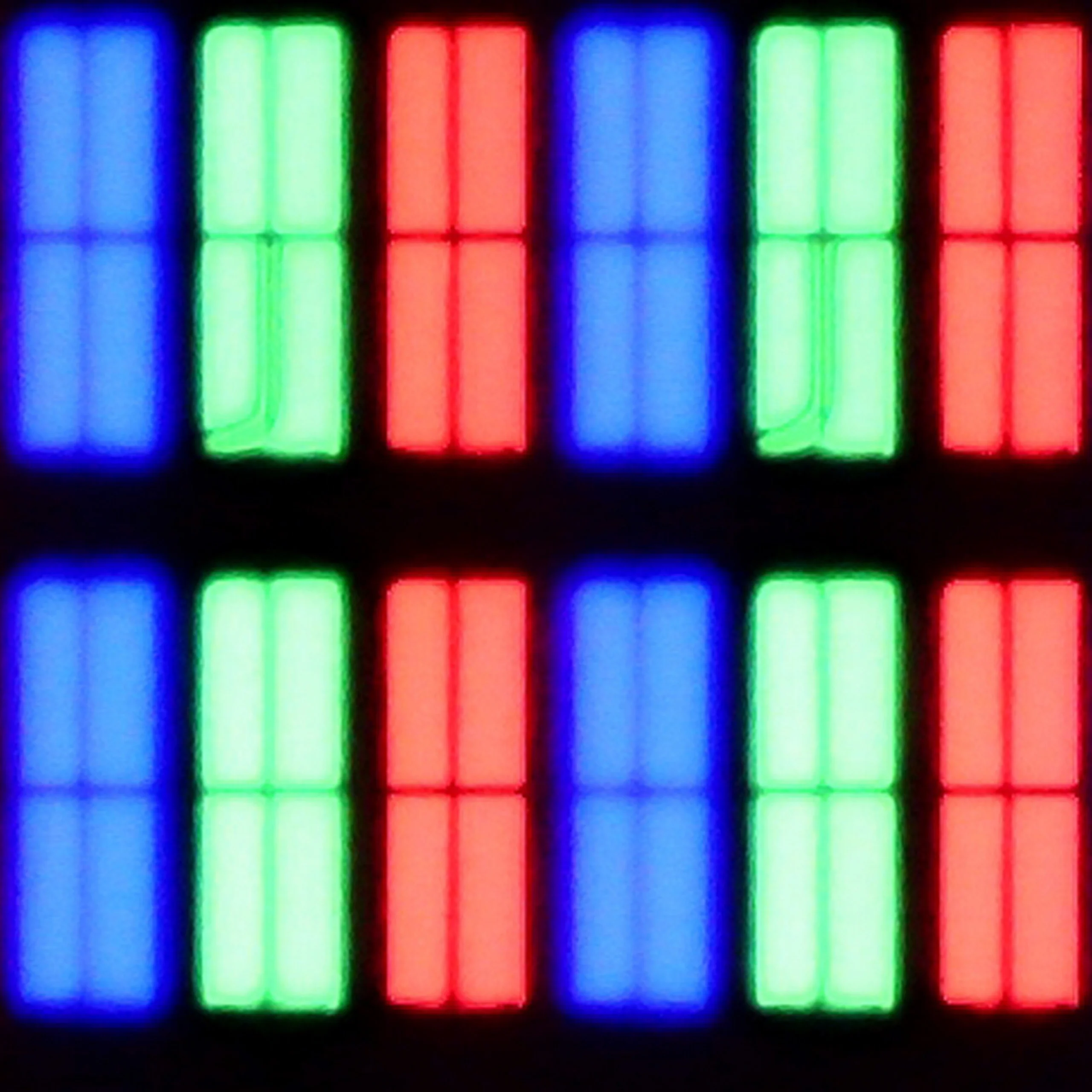
Panel uniformity and thermal imaging:
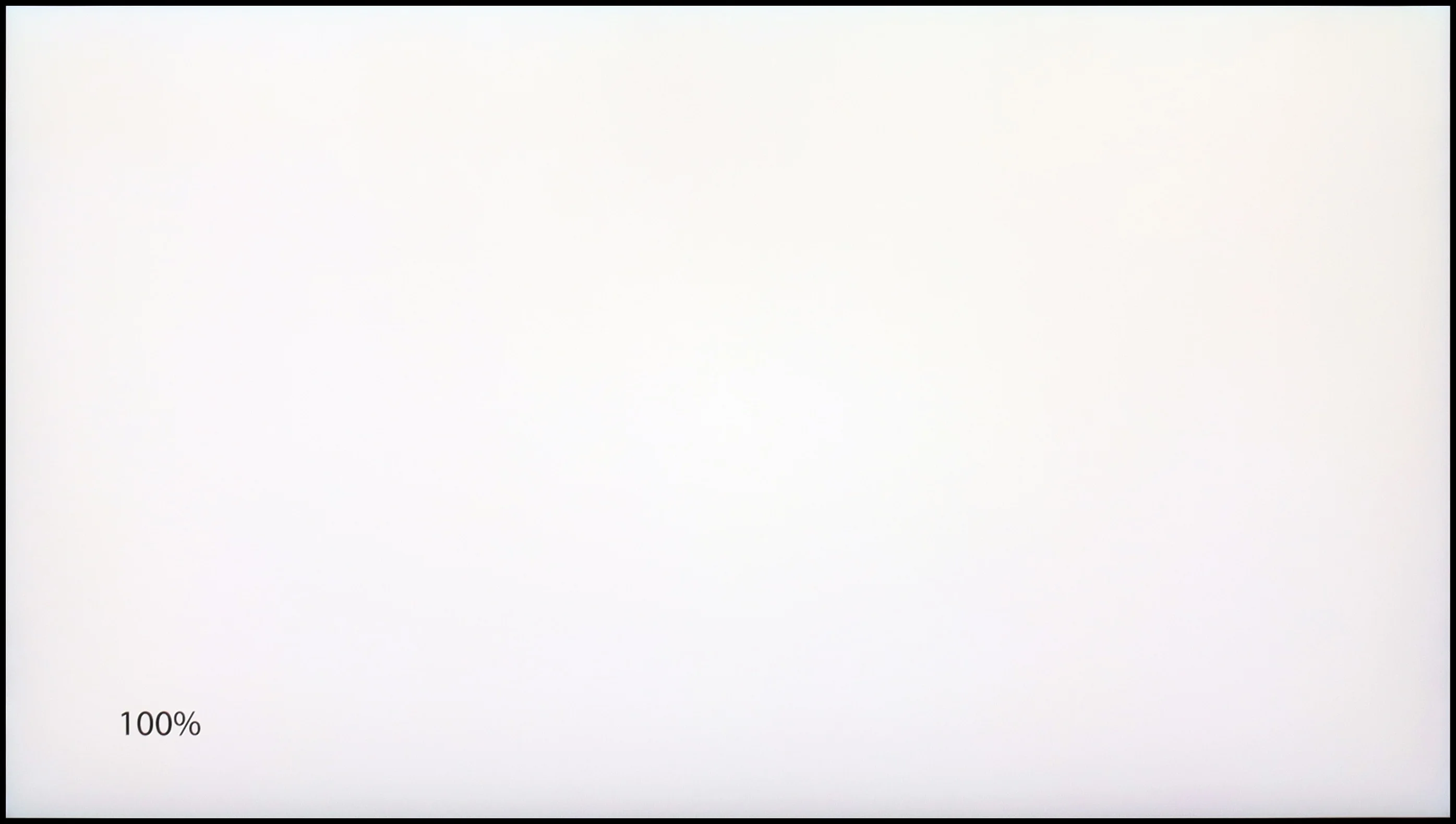

TV features
4.7/10
7.6/10
- SystemTitan OSGoogle TV
- System performancePoorDecent
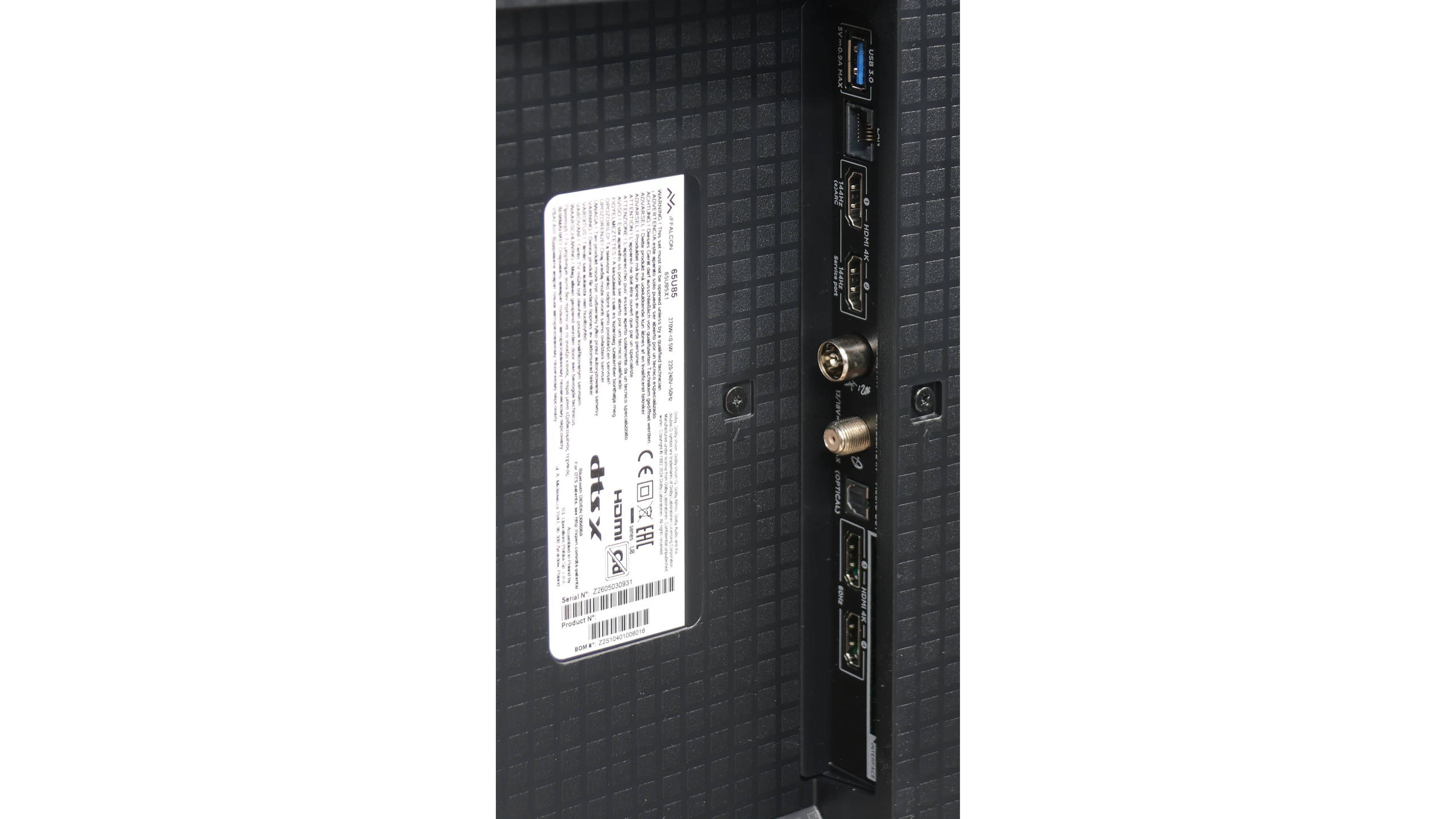
- HDMI inputs3 x HDMI 2.0, 0 x HDMI 2.12 x HDMI 2.0, 2 x HDMI 2.1 48Gbps
- OutputseARC (HDMI), ARC (HDMI)Toslink (Optical audio), eARC (HDMI)
- Network InterfacesWi-Fi 2.4GHz, Ethernet (LAN) 100MbpsWi-Fi 2.4GHz, Wi-Fi 5GHz, Ethernet (LAN) 100Mbps
- TV receptionDVB-T, DVB-T2, DVB-S, DVB-S2, DVB-CDVB-T, DVB-T2, DVB-S, DVB-S2, DVB-C
Classic features:
- Recording to USB (terrestrial TV)
- Recording programming
- Picture in Picture (PiP)
- RF remote control (no need to aim)
- Backlit remote control
- Teletext
- Audio only mode
- Bluetooth headphones support
- Simultaneous Bluetooth headphones & TV audio
Smart features:
- AirPlay
- Screen mirroring (Windows Miracast)
- Voice search
- Voice search in native language
- Ability to connect a keyboard and mouse
Sound connection options
- HDMI audioeARC (HDMI), ARC (HDMI)eARC (HDMI)
- Other audio outputsToslink (Optical audio)
- Wireless audio
Supported audio formats (external HDMI eARC audio):
- Dolby Digital Plus 7.1
- Dolby True HD 7.1
- Dolby Atmos in Dolby Digital Plus (JOC)
- Dolby Atmos in Dolby True HD
- DTS:X in DTS-HD MA
- DTS-HD Master Audio
Senior accessibility
- Numeric keyboard on TV
- Font size adjustment
- Audio description
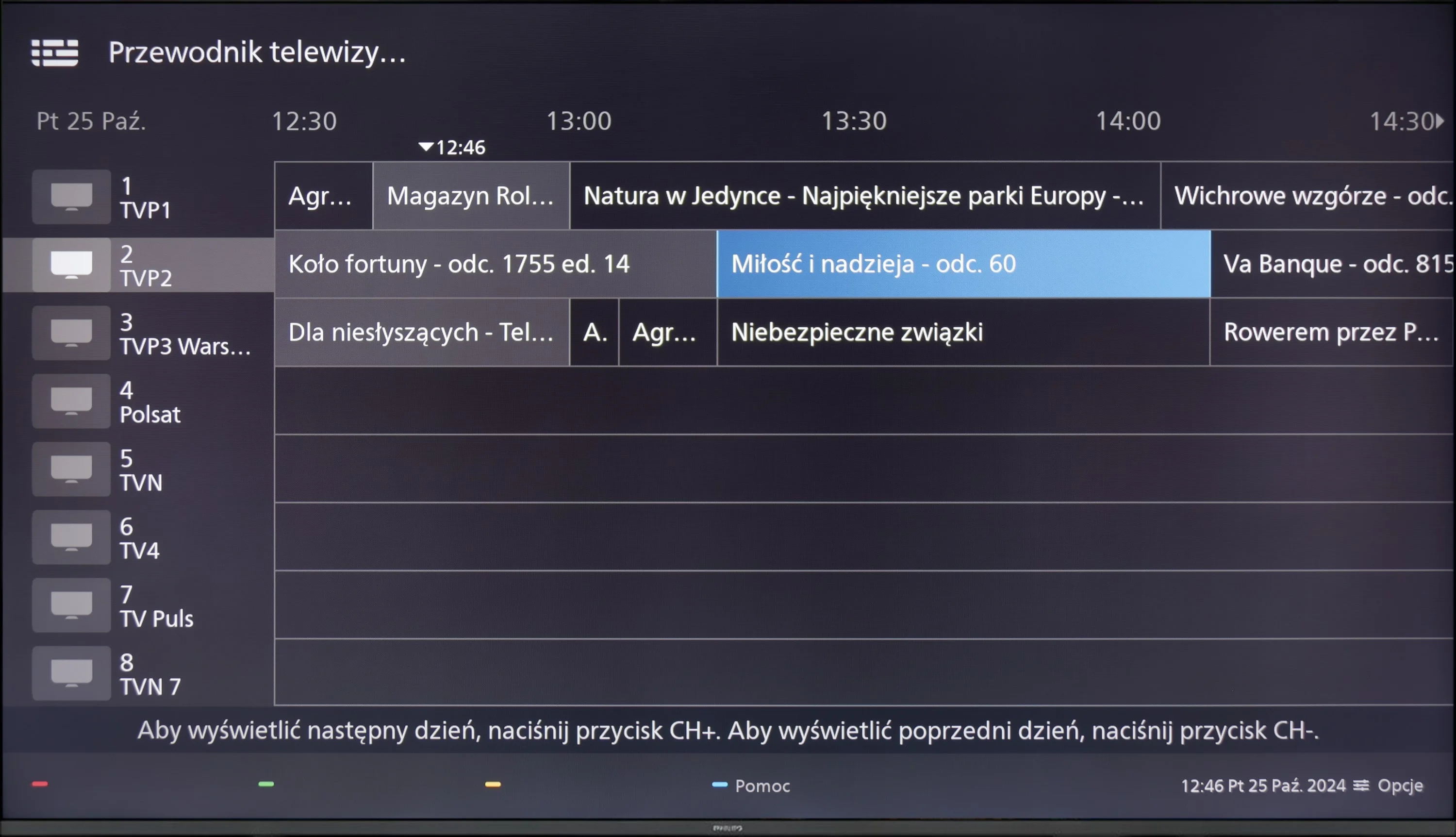
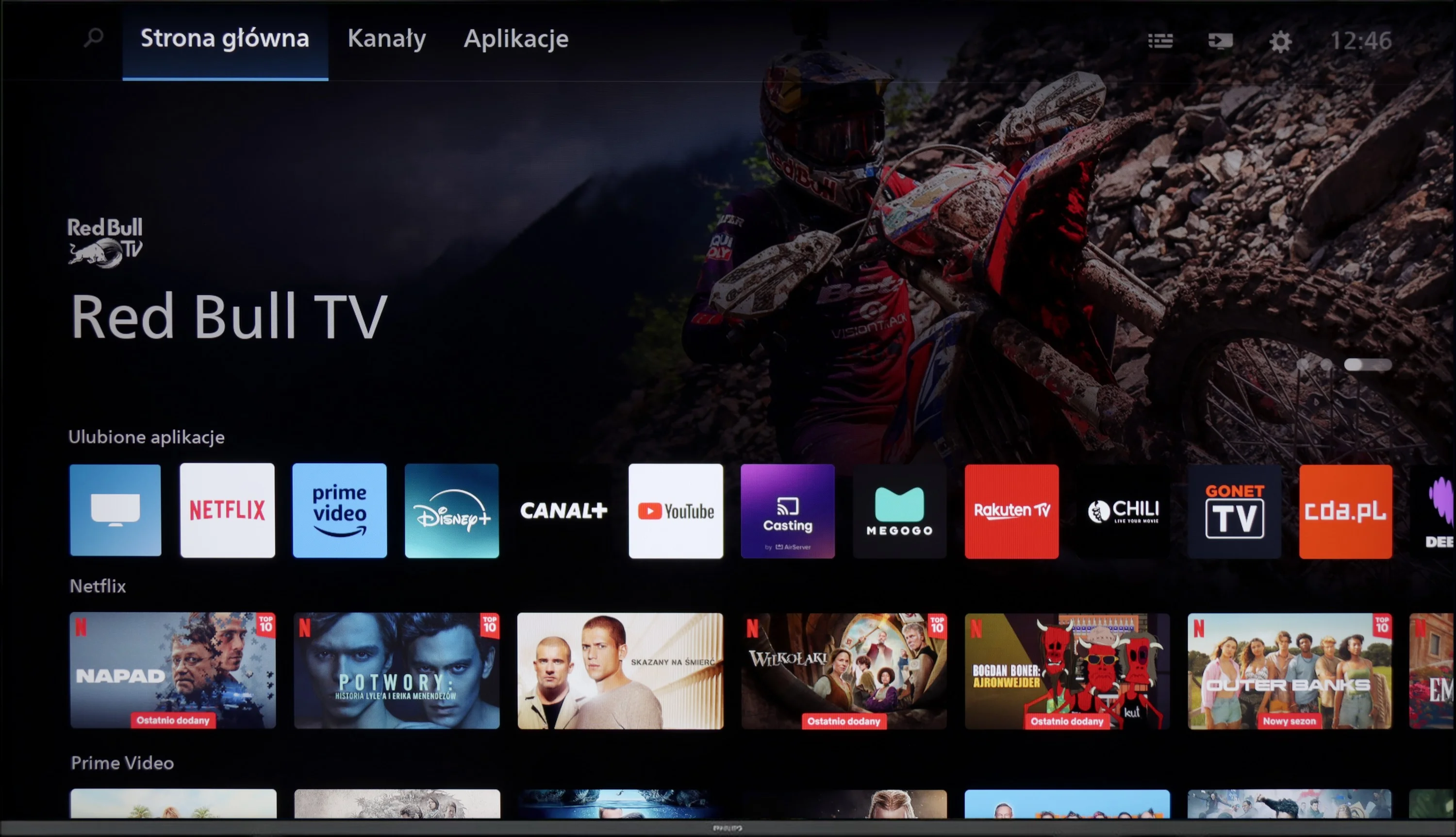
Philips PUS8209 uses the Titan OS operating system, which, while simple to use, remains limited in terms of functionality. The available number of applications is small compared to more developed ecosystems like Google TV, which may be disappointing for users accustomed to broader capabilities. Additionally, the lack of support for AirPlay restricts compatibility with Apple devices, reducing the flexibility of the television in streaming content. The remote, though interesting, requires aiming at the screen, which may not appeal to everyone.
The absence of more advanced features such as PiP (Picture-in-Picture) or program recording further limits the device's capabilities in everyday use.
Philips PUS8209 is a television that catches attention with its interesting feature of a three-sided Ambilight system, which is a dynamic backlighting of the wall behind the television that adjusts its colours and intensity to the content displayed on the screen. This effect creates the impression of greater image depth and enhances immersion, especially in darkened rooms. Unfortunately, its potential is limited by the Titan OS operating system, which leaves much to be desired. The limited number of applications and the lack of support for popular features such as AirPlay can be a significant drawback for more demanding users. While Ambilight distinguishes this model from the competition, shortcomings in the operating system significantly affect the overall functionality of the television.
Smart Features
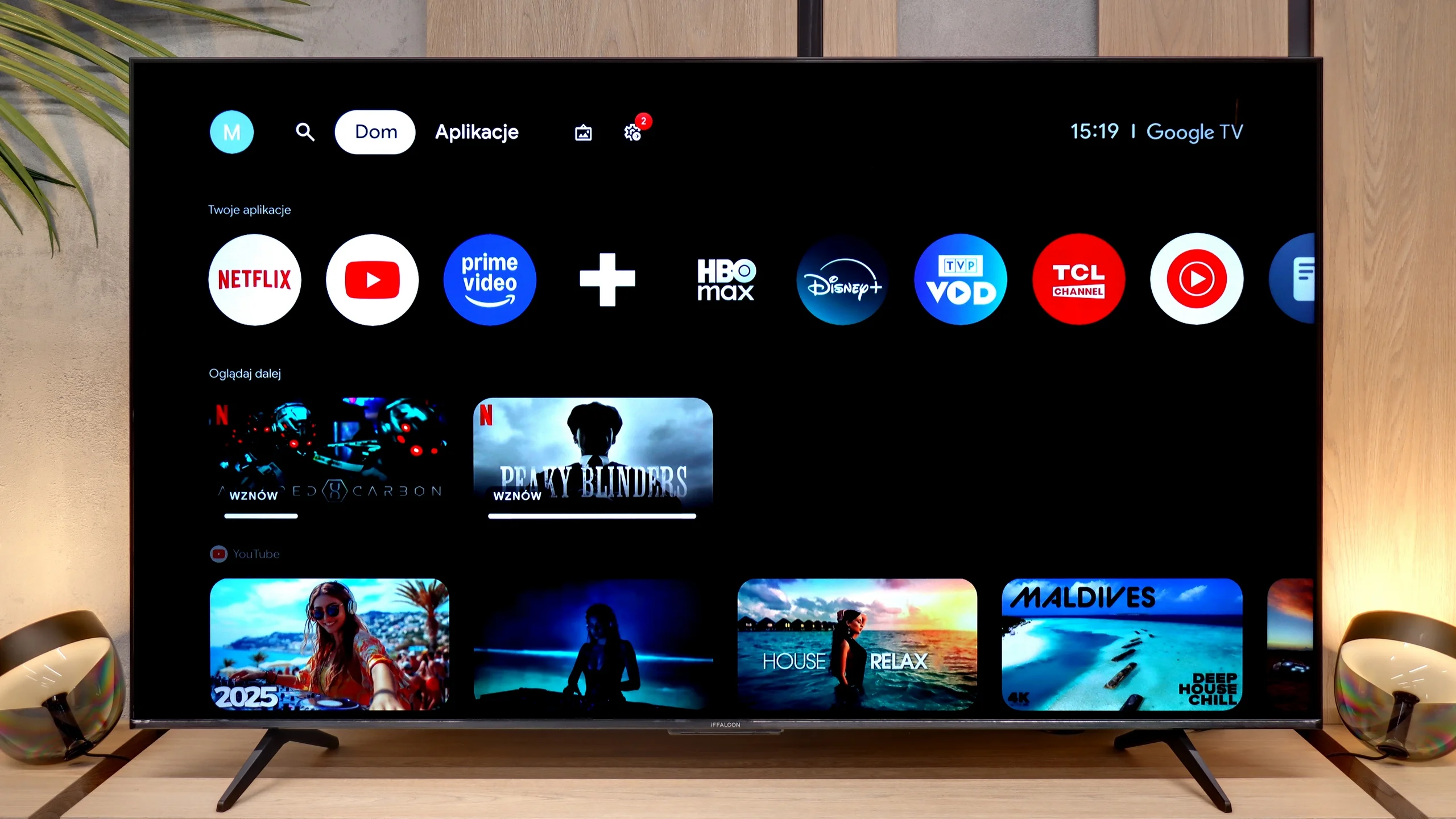
Like products under the TCL brand, the iFFALCON U85X benefits from the Google TV system. This means access to an almost unlimited library of apps, from the most popular VOD services to niche tools, as well as full integration with Google voice assistants and Gemini. Apple ecosystem users have not been overlooked either – the TV easily works with their devices thanks to the built-in AirPlay feature. The system itself runs quite smoothly, although it cannot be denied that it inherits some issues known from TCL models. The interface can sometimes “catch its breath” and needs a moment to think, and the Polish translations in the deeper corners of the menu can be quite strange and at times illogical.
Classic Features
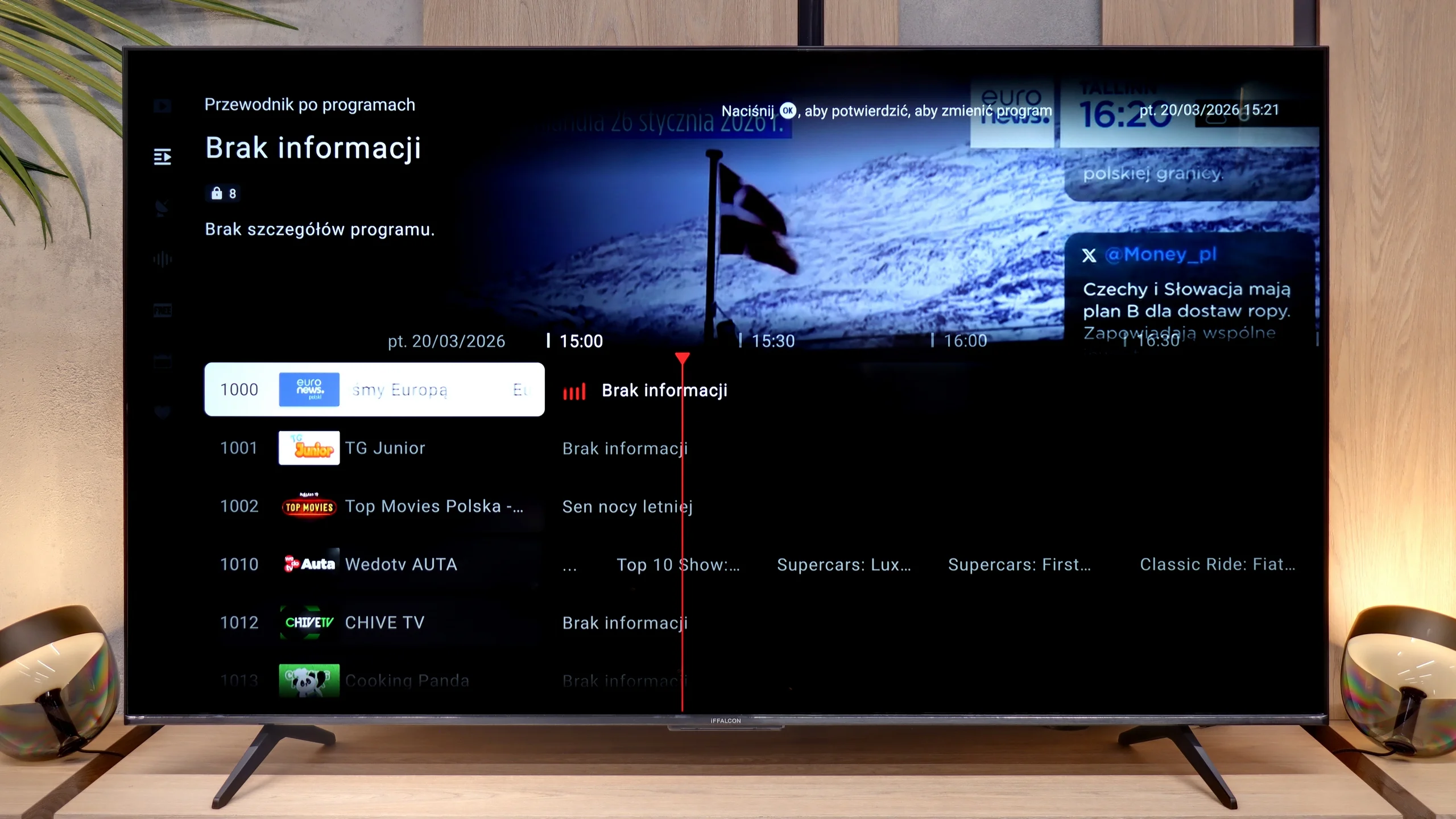
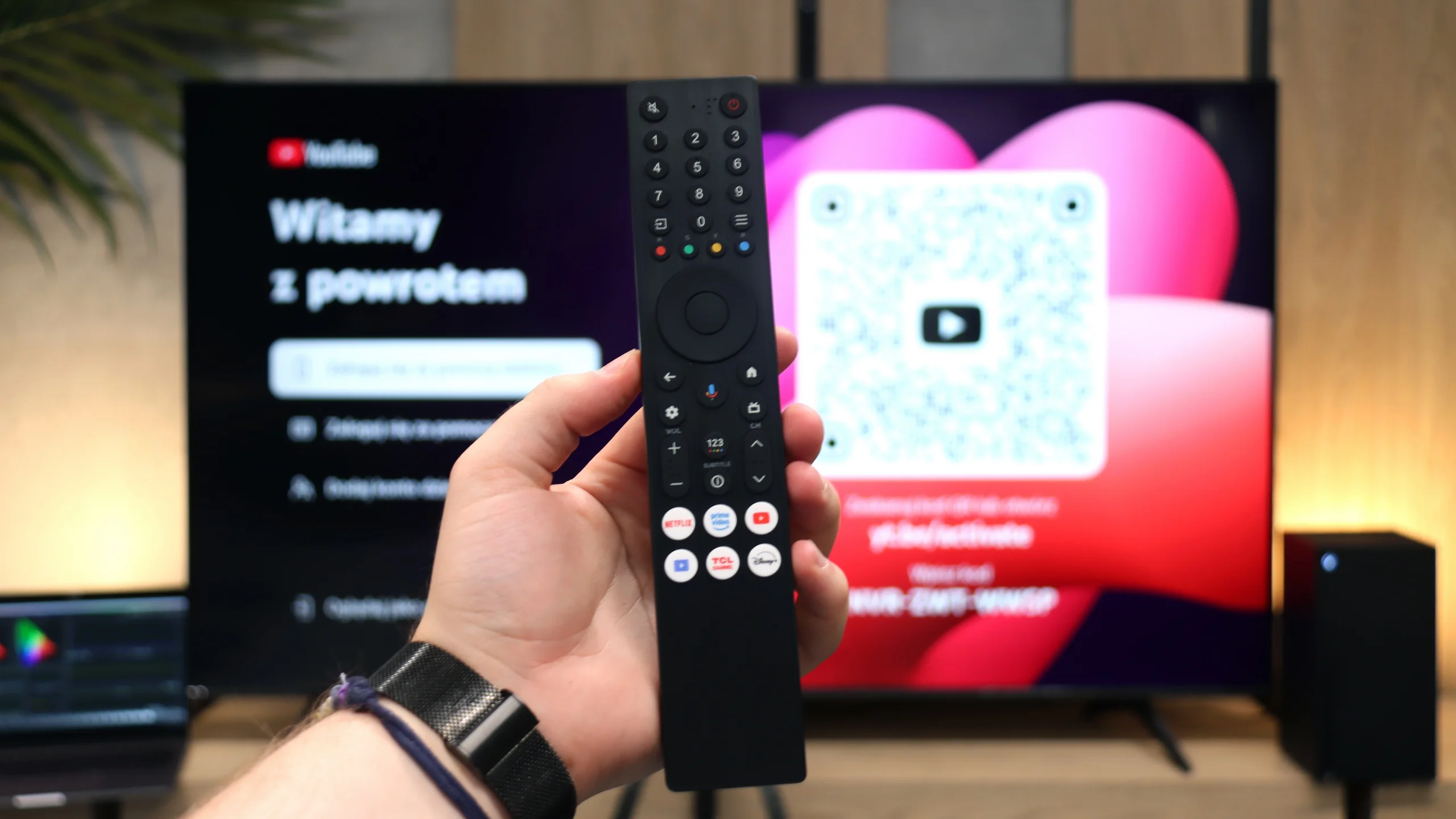
In the realm of traditional television functions, the iFFALCON U85X doesn’t strive for any extravagance and offers the absolute minimum, which may be a disappointment for more demanding users of traditional cable or satellite. One will look in vain for features such as recording programs to external USB storage or picture-in-picture (PiP) mode that would allow tracking two sources simultaneously. From the more “modern” classics, we only get the ability to wirelessly connect headphones via Bluetooth and teletext support. The remote control also doesn’t pretend to be a modern gadget from the future; it’s a classic design with a full numeric keypad that facilitates quick channel switching, but visually it is far behind minimalist trends.
Apps
6.7/10
9.6/10






















Playing files from USB
8/10
9.2/10
Supported photo formats:
Maximum photo resolution:
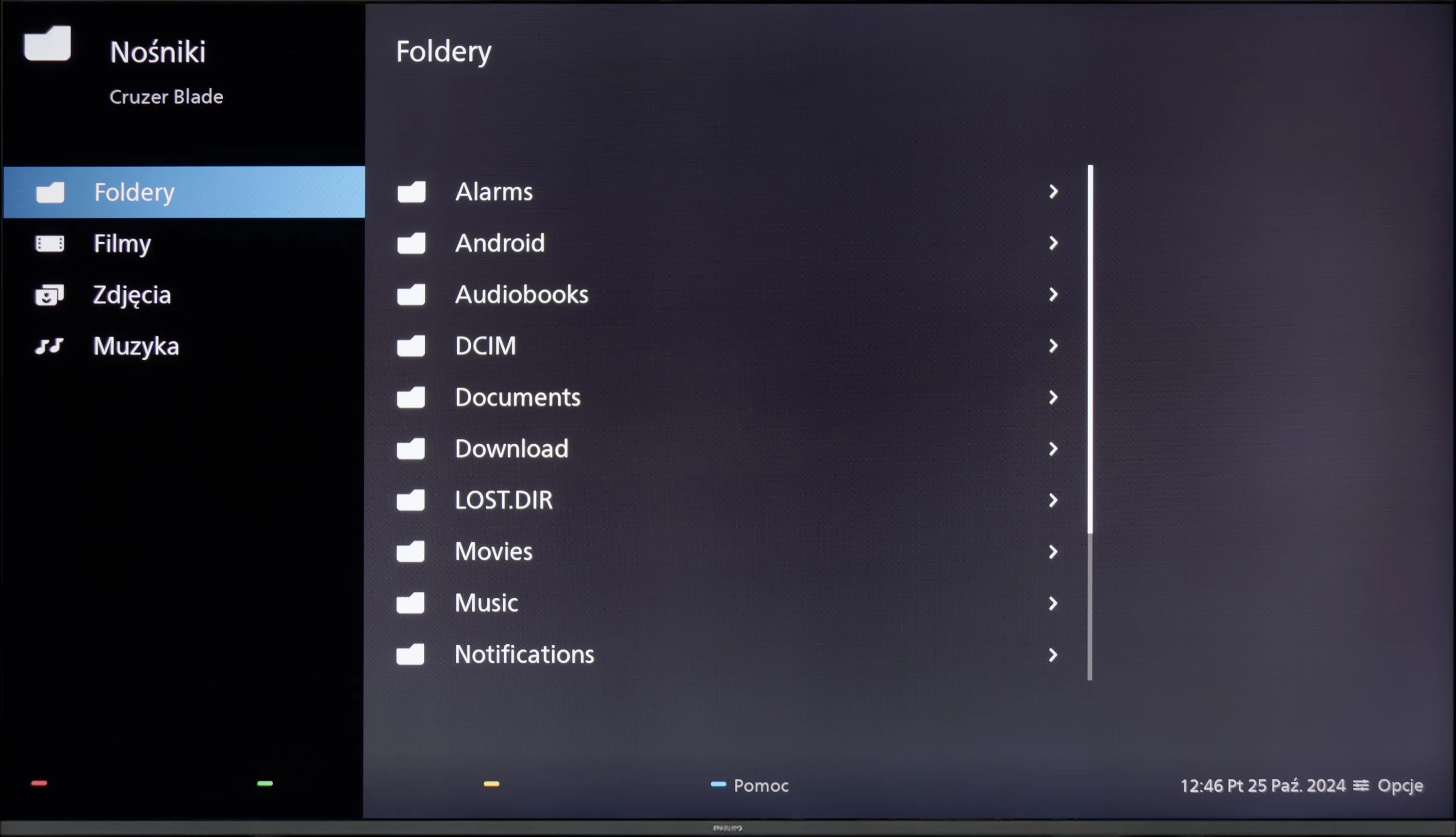
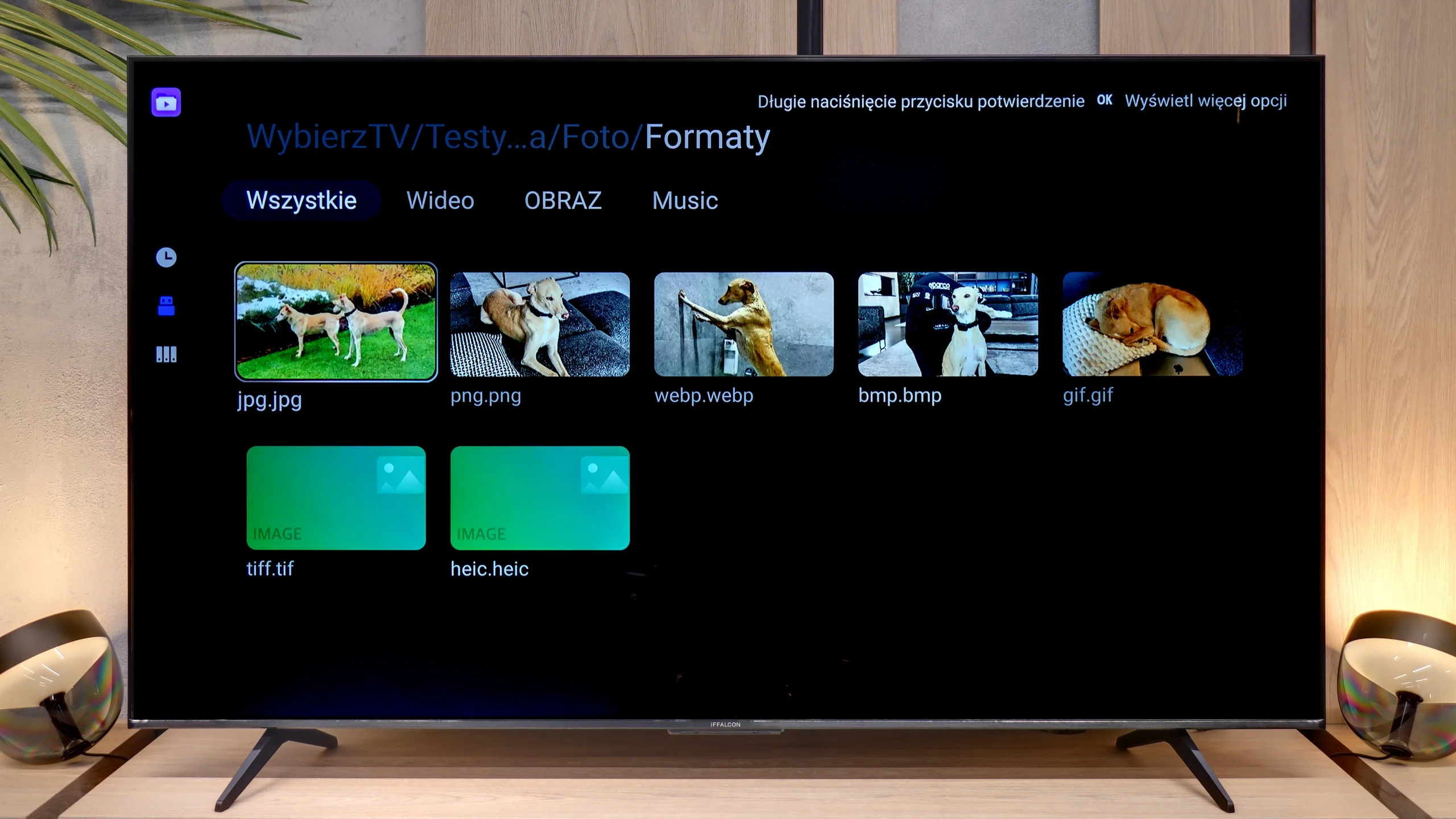
The built-in media player in the Philips PUS8209 performs well in everyday use. It smoothly handles Polish characters in subtitles and allows for adjustments to the colour and size of the font, which significantly enhances the comfort of using this feature. More demanding users may notice some limitations in the supported file formats, however, for most applications in everyday use, this player should be fully sufficient.
Playing files from a pen drive is no challenge for the iFFALCON U85X – the built-in player handles almost every audio and video format we threw at it during testing without a hitch. The only drawback we could point out is the support for external subtitles; while popular formats like .sub and .srt work flawlessly, the TV can be temperamental with .txt files. Fortunately, thanks to the presence of Google TV, this problem can be quickly resolved by installing a third-party app like VLC. Still, for most users, the factory tool will likely be more than sufficient to enjoy their own media library without unnecessary fuss.
Sound
5/10
6.9/10
- Maximum volume-83dB
- Dolby Digital Plus 7.1
- Dolby True HD 7.1
- Dolby Atmos in Dolby Digital Plus (JOC)
- Dolby Atmos in Dolby True HD
- DTS:X in DTS-HD MA
- DTS-HD Master Audio
The sound on the Philips PUS8209 can be described as average, typical for televisions in this price range. The 2x10 W speakers do not offer exceptional quality or depth; however, they are sufficient for everyday TV watching. On the plus side, it should be noted that there is a wide range of supported audio codecs, such as Dolby Atmos and DTS, which can significantly enhance audio quality when paired with external sound systems, like soundbars or home theatre setups.
iFFALCON U85X proves that the absence of Onkyo or Bang & Olufsen logos on the casing doesn't necessarily mean flat and shrill sound. The audio system in this model delivers surprisingly solid performance, largely thanks to the dedicated subwoofer located on the back of the device. Our acoustic measurements confirm that the low end starts to "respond." This distinct "bump" on the graph is what provides the noticeable bass that often lacks in televisions, adding weight and depth to movies and music. The only criticism might be that such bass can overshadow the high tones, making them seem somewhat recessed. Overall, it can reach a volume of up to 83 dBC, which is more than enough to fill a larger living room.
Sound Quality Test
No sound test video
Acoustic Measurements
No acoustic data
83dBC (Max)
75dBC
Reader comments
Comments are provided by the external service Disqus (Zeta Global). Once loaded, Disqus may set cookies and process data about your activity.
We will remember your choice on this device. Provider's privacy policy