 Direct comparison
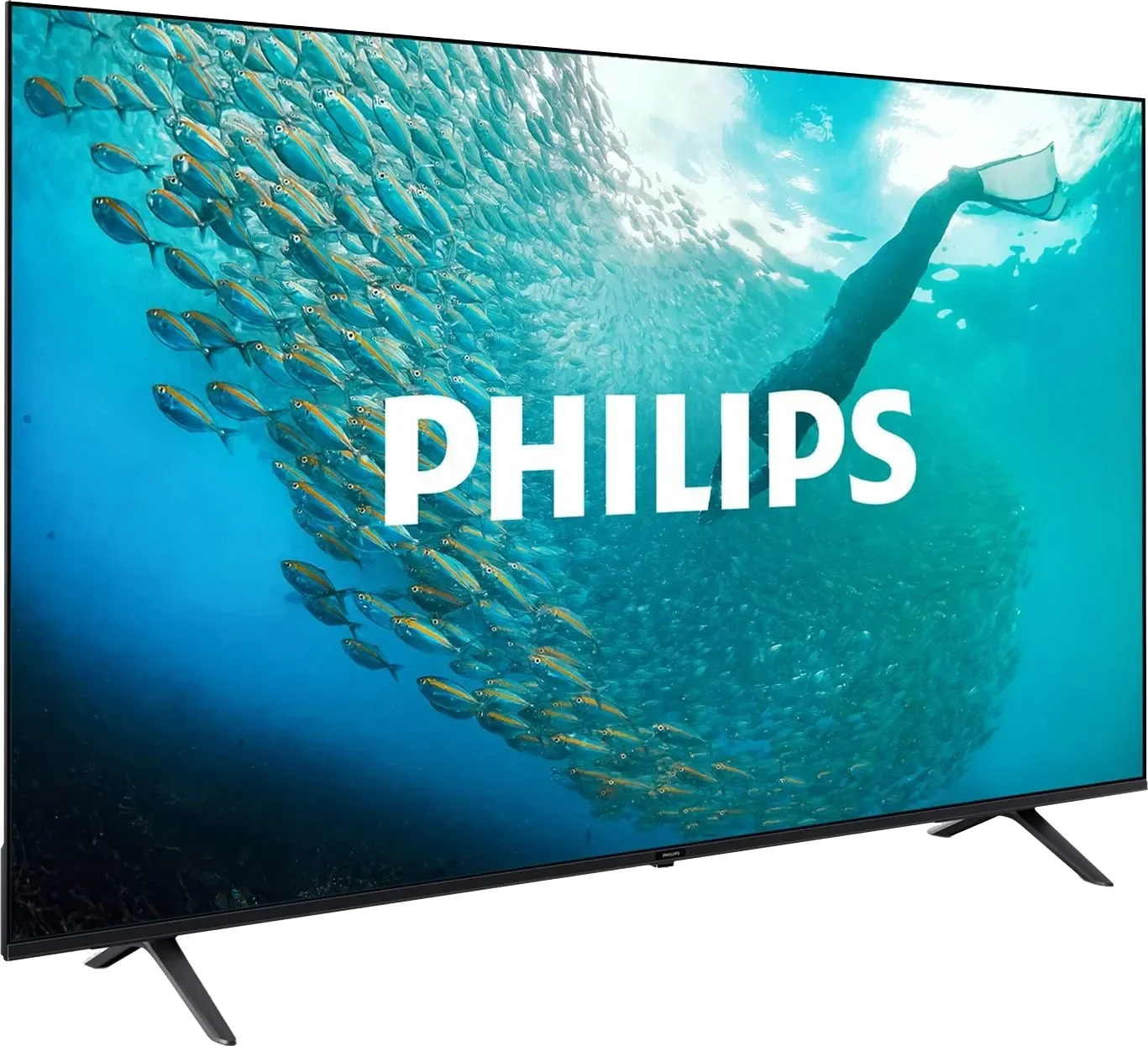
Philips PUS7009 with a VA panel is a television that will best suit casual users who primarily use it for watching television, browsing photos, or using basic applications. Thanks to the VA panel, it offers significantly better contrast and deeper blacks compared to the IPS version, making it a better choice for watching movies in darker rooms. Features such as ALLM, VRR, and Game Bar provide satisfactory compatibility with consoles, making it a solid option for less demanding gamers. In terms of picture quality, Philips PUS7009 with a VA panel offers better black levels than the IPS variant, but it is still not without its flaws. Low brightness and lack of Dolby Vision support mean that the television does not handle more demanding HDR scenes well. Philips' proprietary operating system, TitanOS, still leaves much to be desired. Although it provides access to basic applications, its limitations and lack of intuitiveness can be frustrating for more advanced users. At this price point, it is worth considering other models (listed below) that will better meet the demands in terms of picture quality and multimedia features.
- Matching (Score) |
- Our verdict |
- TV appearance |
- Where to buy |
- Contrast and black detail |
- HDR effect quality |
- Factory color reproduction |
- Color reproduction after calibration |
- Smoothness of tonal transitions |
- Image scaling and smoothness of tonal transitions |
- Blur and motion smoothness |
- Console compatibility and gaming features |
- Input lag |
- Compatibility with PC |
- Viewing angles |
- Daytime performance |
- Panel details |
- TV features |
- Apps |
- Playing files from USB |
- Sound
Available screen sizes: 50”
Panel type: LCD VA
Resolution: 3840x2160
System: Titan OS
Model year: 2024
Complete the survey to find out the result
Panel type: LCD VA
Resolution: 3840x2160
System: Tizen
Model year: 2025
Complete the survey to find out the result
Overall rating
5.3
6.3
 Movies and series in UHD quality
4.9
6.3
 Classic TV, YouTube
5.4
6.0
 Sports broadcasts (TV and apps)
5.0
5.1
 Gaming on console
6.6
7.2
 TV as a computer monitor
2.0
6.0
 Watching in bright light
4.4
5.6
 Utility functions
6.3
7.3
 Apps
6.7
9.3
 Sound quality
5.6
6.0
Complete the survey to find out what fits your preferences
Advantages

Good native contrast - better than in the IPS matrix variant
Dynamic tone mapping improves image quality in demanding scenes
Okay for casual gamers - VRR, ALLM, low input lag
Supports all popular audio formats, including Dolby and DTS
Solid contrast thanks to the VA panel
Pretty good brightness in SDR and HDR (up to about 500 nits)
Satin finish does well with reflections
Tizen operating system – fast, intuitive, with a rich app selection
Solar remote with USB-C charging
Integration with the SmartThings ecosystem
Great input lag
Good font readability when working with a PC, suitable as a text work monitor
Adjustable stand on multiple planes
Disadvantages

Very low brightness (250 nits)
Poorly developed operating system - TitanOS
No support for Dolby Vision
Worse viewing angles than the variants 43' and 55'
Severely limited features for gamers
No USB recording or PiP functionality
Average digital image processing
Our verdict
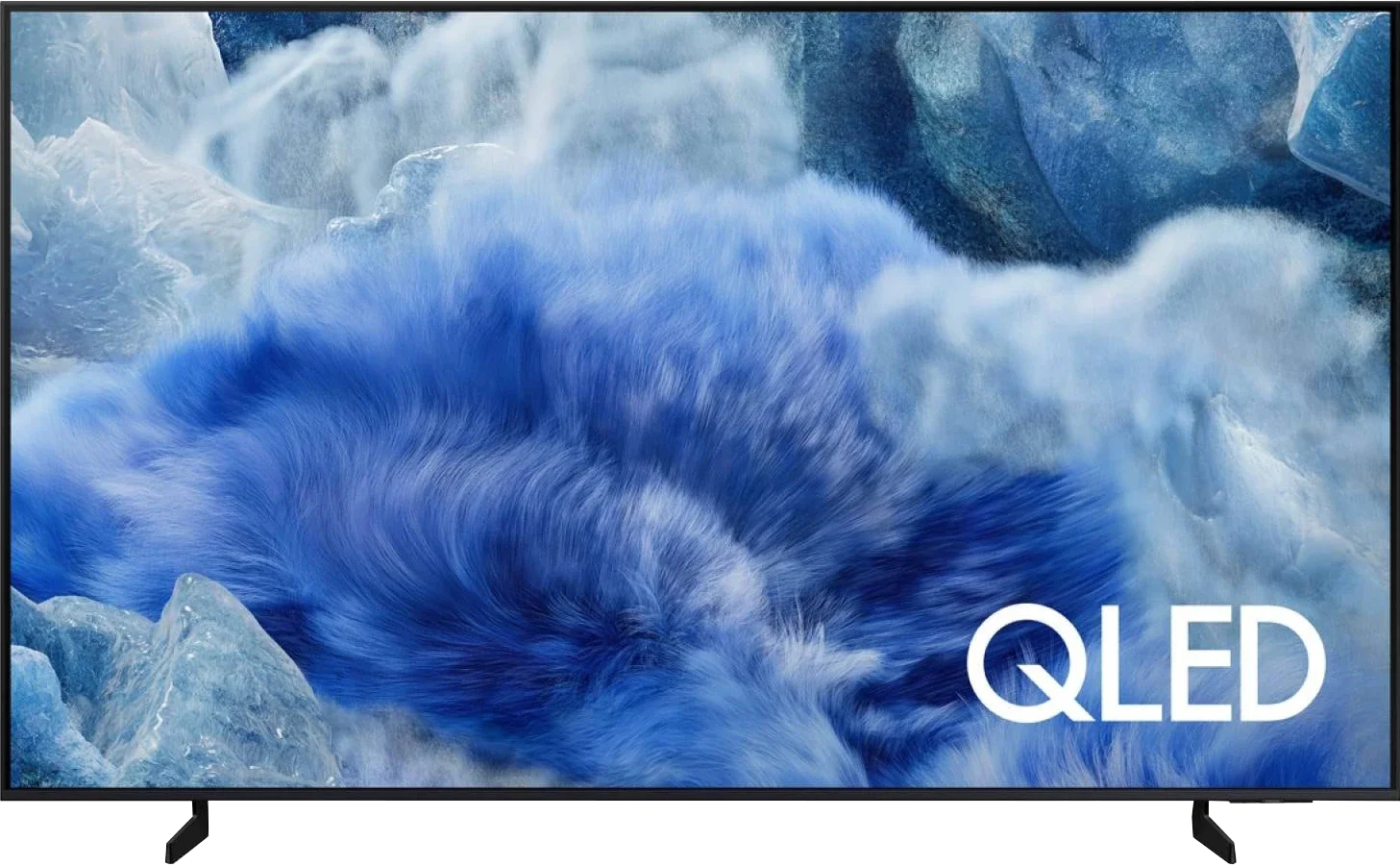
Samsung Q8F is quite a successful continuation of the Q67D model. It offers similar image quality in HDR content, and with a brightness of around 500 nits, it creates an effect that is hard to call ordinary. The support for the HDR10+ format also helps, which has been competing with Dolby Vision for some time and provides comparable experiences in many productions. The contrast is another plus – for a VA panel, it holds up well and allows for enjoyable blacks in movies and series. However, the biggest asset of the Q8F remains its operating system. Tizen runs quickly, provides access to many applications, and works well with the SmartThings ecosystem, so the TV can easily be integrated into a larger network of home devices. Interestingly, the Q8F also has a niche use – thanks to very good font readability, it works excellently as a screen for text work. Additionally, the adjustable stand allows the TV to be placed on virtually any desk or in a narrower TV cabinet. The biggest drawback, in our opinion, is not the image quality itself – as it's hard to expect miracles in this price class – but rather what has happened to the features for gamers. Due to updates, options such as VRR and HGiG, which were available even in simpler constructions in previous generations, have disappeared. In fact, the manufacturer even boasts about the availability of these features in their catalogue. This makes it hard to recommend the Q8F to anyone planning to connect a console and counting on full support for new technologies. Therefore, the Q8F is a TV that can appeal – primarily due to its design, above-average image quality, and efficient Tizen system. But at the same time, a step backward compared to its predecessor is evident. Let's hope Samsung can quickly rectify these shortcomings, as otherwise, even such a successful “everyday” TV may leave some users feeling unsatisfied.
[UPDATE] We have updated our 2025 Samsung TV reviews following the release of firmware version 1131, which officially restores the essential HGiG (HDR Gaming Interest Group) support.
TV appearance





Contrast and black detail
5.4/10
5.5/10
Local dimming function: No
Local dimming function: No
Contrast:


Result
4,250:1

Result
4,600:1

Result
3,800:1

Result
4,200:1

Result
4,250:1
Result
5,200:1
Result
4,650:1
Result
3,650:1
Result
4,100:1
Result
4,150:1
Halo effect and black detail visibility:
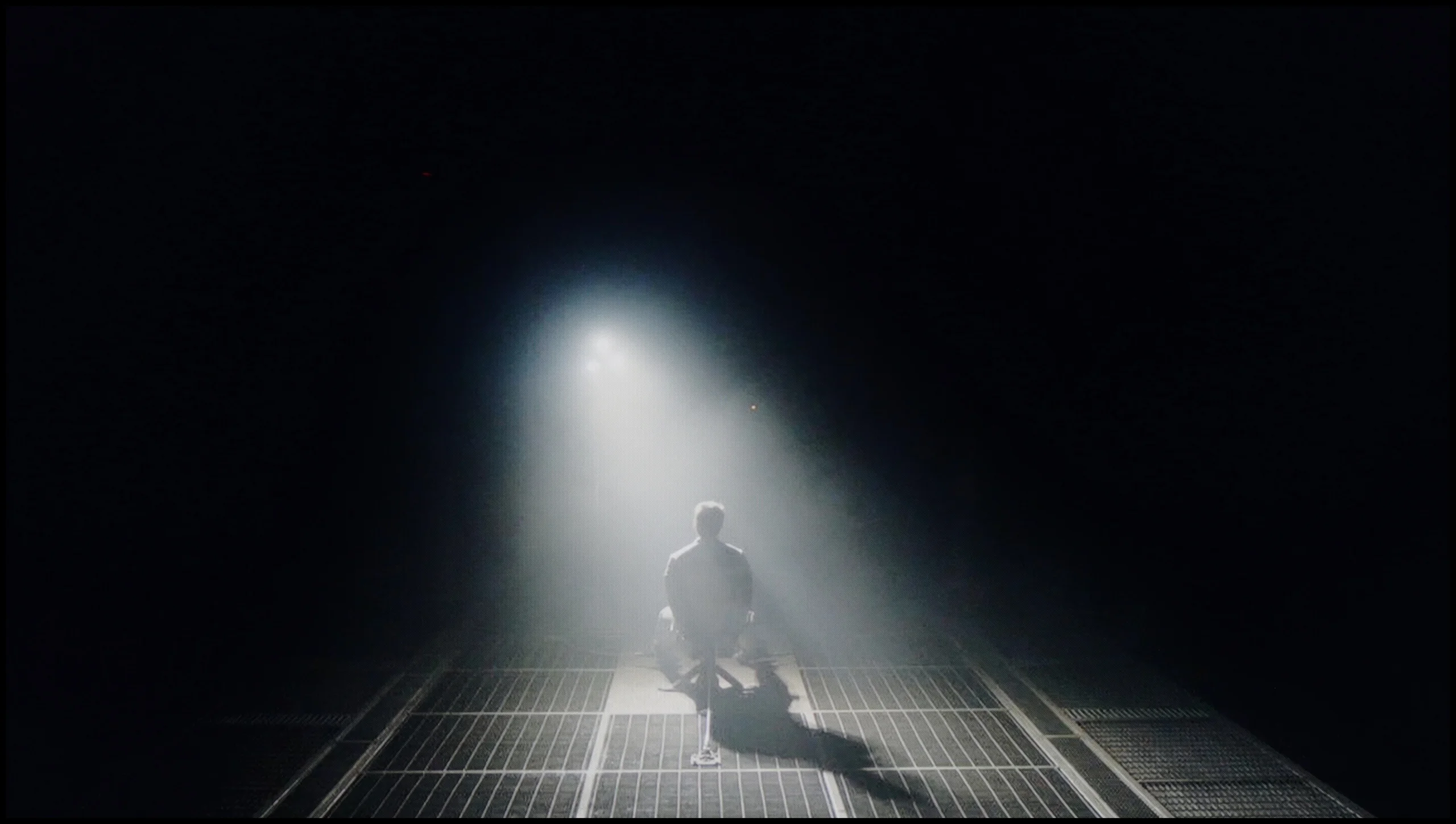
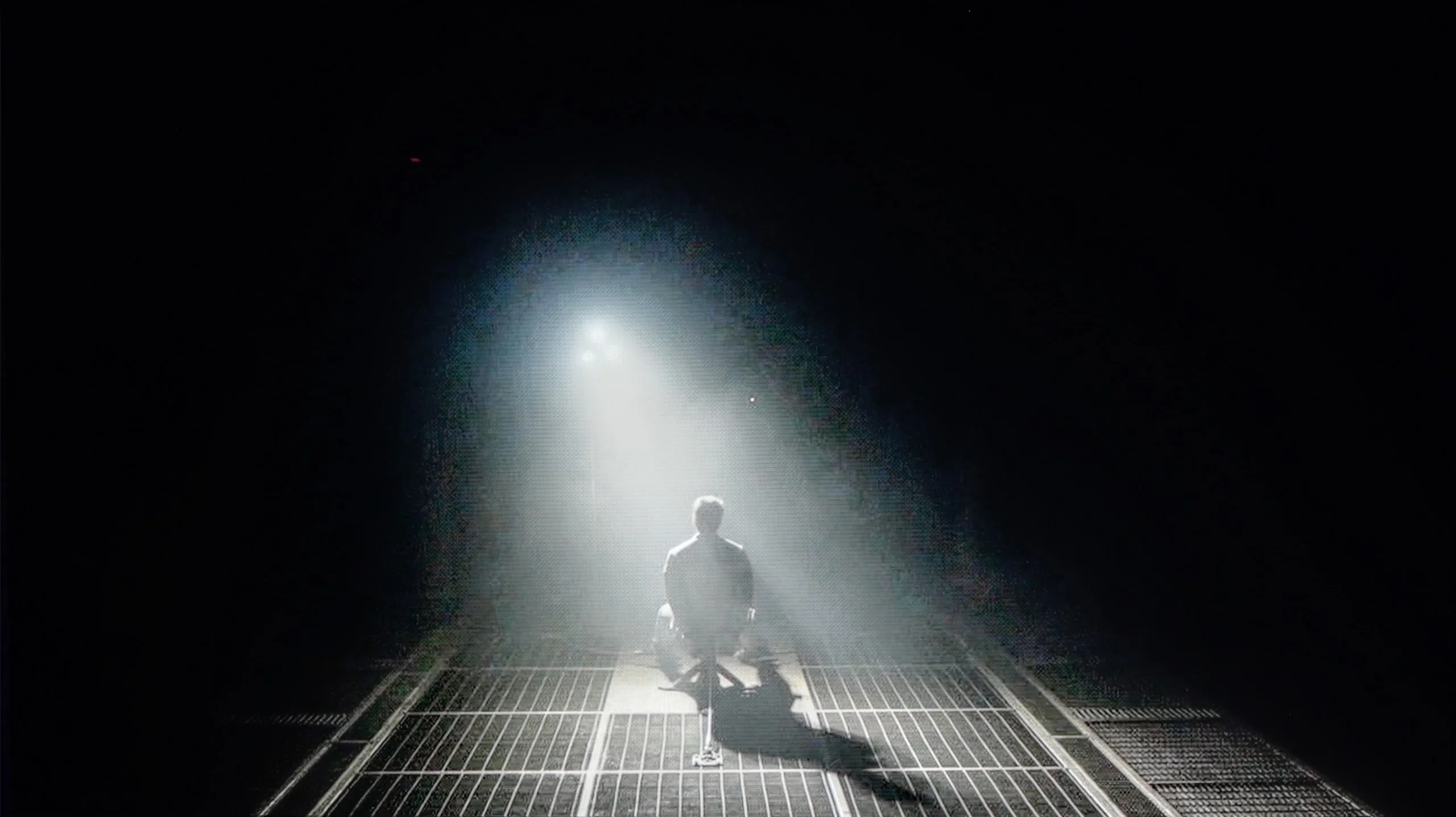
Check the visibility of bright lights on a dark background. Mini-LEDs often struggle with this. The photo does not compare black levels – that’s what the video below is for.

The video accurately shows differences in contrast and black levels between TVs, as well as potential issues: halo around bright objects or Mini-LED zone operation visible as brightness jumps.
Philips PUS7009 in the 50' variant uses a VA panel, which offers better contrast and deeper blacks compared to the IPS panel variant, albeit with some limitations. Due to its price, this model does not feature local dimming technology, which affects the quality of blacks in challenging scenes. For example, in the film The Revenant, one can notice that the blacks take on a shade of navy blue, which prevents complete immersion in the film's atmosphere. Nevertheless, compared to the IPS version, the difference is noticeable in favour of the VA panel, which handles darker scenes significantly better, providing a more satisfying picture in poorly lit rooms.
Samsung Q8F uses a VA LCD panel, which immediately puts it in a good position regarding contrast. By nature, such panels offer deeper blacks than IPS panels, and you can actually see this effect here. On test patterns, the contrast ranged from about 4000:1 to even 6000:1, which practically results in a surprisingly engaging image, especially in a slightly dimmed living room. Of course, this is not the level of LCD screens with local dimming, let alone OLED — sometimes the blacks can verge on a shade of navy, and the overall image can appear flat. However, Samsung employs a simple trick: so-called global dimming, which dims the entire screen when there are many dark sections. The effect can be impressive, but it comes at the cost of losing some details, which may not appeal to everyone. Nevertheless, the Q8F still performs significantly better than televisions with IPS panels, offering solid contrast and blacks that can immerse you in the cinematic atmosphere.
HDR effect quality
3.4/10
5.2/10
Luminance measurements in HDR:

Result
229 nit

Result
210 nit

Result
241 nit

Result
234 nit

Result
240 nit
Result
473 nit
Result
417 nit
Result
457 nit
Result
210 nit
Result
471 nit
Scene from the movie “Pan” (about 2800 nits)


Scene from the movie “Billy Lynn” (about 1100 nits)


The photos show two HDR10 movies. 'Pan' is one of the brightest productions ever made, while 'Billy Lynn' (soldier) has brightness typical of streaming (Netflix, Prime, HBO MAX). Notice the intensity of effects and detail in whites.
Static HDR10


The photos present the visibility of white details in various HDR formats. They do not show brightness differences between TVs (these can be compared in the previous gallery).
Dynamic: HDR10+
Dynamic: HDR10+


The photos present the visibility of white details in various HDR formats. They do not show brightness differences between TVs (these can be compared in the previous gallery).
HDR luminance chart:
Samsung Q8F
Philips PUS7009 (VA)
In terms of HDR effect quality, Philips PUS7009 performs very poorly. A brightness level of 250 nits does not allow for an enjoyable HDR experience, and the image resembles more of a standard SDR. There’s no mention of dynamic effects or vivid bursts of light. The coverage of the DCI-P3 colour gamut is only 75%, which is definitely insufficient. The lack of full colour coverage means that the colours are not as vibrant as they should be, resulting in a flat and unconvincing image. There are no aspects of this model that could be praised in the context of HDR.
In terms of brightness, the Samsung Q8F performs surprisingly well for a TV without local dimming. It measures up to 500 nits, which in practice means that most movie and series scenes look pleasant, and it cannot be faulted for lacking the "HDR effect." In films like Life of Pi or The Meg, the screen can burst with bright light, delivering a level of lighting effect that is satisfying. It struggles more in challenging moments—such as dark scenes with single bright points. The global dimming used causes the TV to darken the image to maintain deep blacks, but at the expense of detail brightness. This is clearly visible in the scene from Sicario 2, where the brightness of the helicopter lights dropped to around 200 nits. This is a deliberate design choice that gives the impression of deeper blacks but takes some shine away from individual elements, and one should simply keep that in mind. Regarding colour reproduction, the Q8F uses quantum dot technology, which expands the colour gamut. A coverage of the DCI-P3 palette at 91% can be considered a decent result, although it is not a record-breaking figure compared to other QLEDs.
Factory color reproduction
4/10
4.6/10


This gallery shows how colors change after professional TV calibration. If you notice the difference, we recommend ordering this service at SkalibrujTV.com.
Factory Mode
After calibration


This gallery shows how colors change after professional TV calibration. If you notice the difference, we recommend ordering this service at SkalibrujTV.com.
Factory Mode
After calibration
The television was tested in movie mode, which - despite its name - does not provide correct image display. The white balance in both 4K HDR and HD/SDR content shows drops in the red color, making the image cooler and the colors lose their natural warmth. The gamma brightness characteristic and EOTF curve confirm that the television struggles to maintain appropriate brightness - it excessively boosts it, resulting in an unnaturally washed-out image. This effect can be seen in the comparisons below, where everything looks as if a milky filter has been applied. Additionally, the limited coverage of a wide color gamut does not contribute positively to quality - color checker tests indicate significant color fluctuations, making it difficult to achieve faithful image reproduction.
We decided to check out the Filmmaker mode because right out of the box it gave us the best picture. However, that doesn't mean it was perfect. The white balance had too much of a blue and red tint, causing the whites to lean towards a slight purple-pink hue. Such imbalance affected the visibility of virtually all colours, which is clearly seen in the comparison photo below. The brightness characteristics in SDR content were quite well calibrated, although in HDR materials we noticed that the TV didn't always handle its global dimming well — at times the screen was too dim, while at other times it could suddenly brighten up. Fortunately, issues related to colours can be effectively corrected with calibration tools, so we decided to get to work.
Color reproduction after calibration
5.7/10
7.8/10


The photos show how movies look on the TV. Pay attention to black detail visibility, colors, and shadow tint.


The photos show how movies look on the TV. Pay attention to black detail visibility, colors, and shadow tint.
After calibration, the image significantly improved, especially in terms of white balance, which is now more stable, and the hues have gained a natural quality, eliminating the previous impression of an overly cool image. The calibration brought noticeable benefits in tonal quality – shadows and midtones are now more realistic, and the overall appearance seems more harmonious. Unfortunately, hardware limitations still affect image quality. Brightness characteristics remain problematic, despite our efforts, and due to poor coverage of the DCI-P3 and BT.2020 colour gamut, delta E errors are still at a high level. Although calibration improved some aspects, the television still does not provide full satisfaction.
After calibration, we managed to correct the white balance to almost perfection. Older SDR content looks fantastic — most errors are within a value of 2, which is definitely below the threshold of human perceptibility. In HDR, we also brought the white balance to an acceptable level, but a different problem arises here. So why are there still relatively large errors in colour reproduction? This is mainly due to the limited colour palette and the way the television manages brightness. The global dimming technique used does not give the user control in the settings, so analysing the EOTF curve in HDR films, it's clear that the Q8F can modify luminance on its own. This can be seen as a limitation, but still, the image after calibration is much more enjoyable to watch than in the factory version.
Smoothness of tonal transitions
7.6/10
9/10
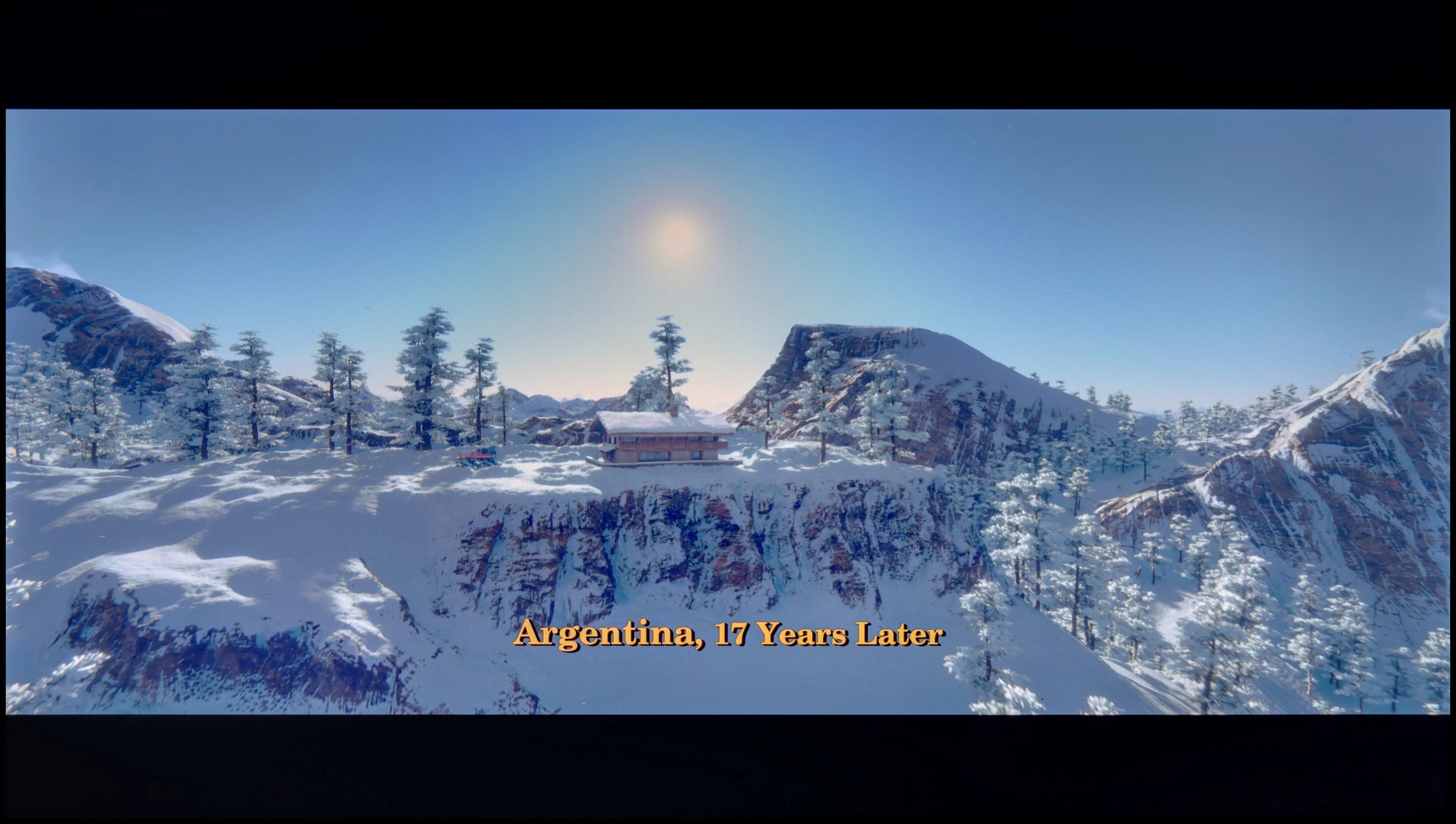



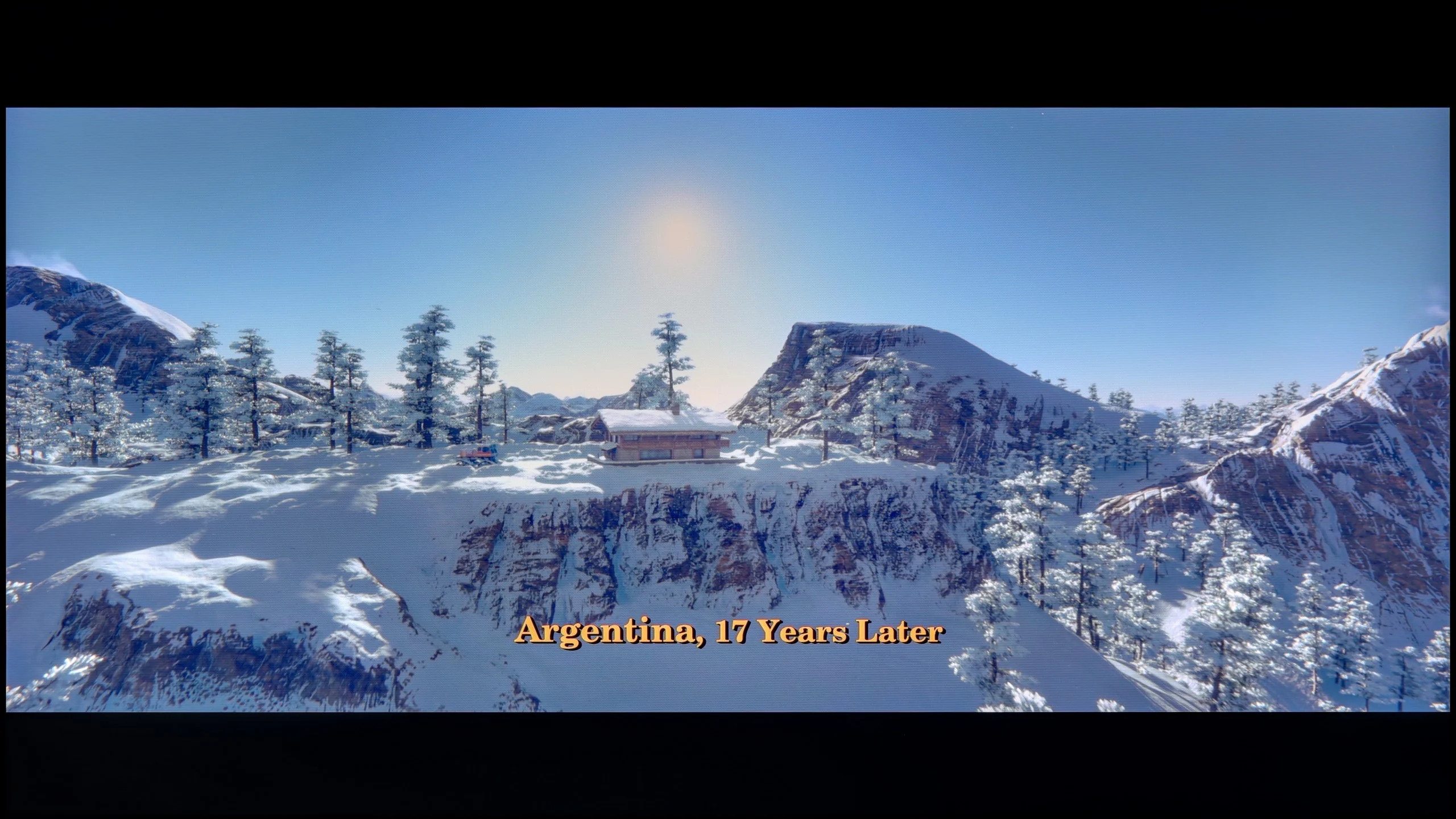
These are selected scenes that show smooth tonal transitions from one color to another. If you see distinct banding, it’s the TV panel’s fault.

These are selected scenes that show smooth tonal transitions from one color to another. If you see distinct banding, it’s the TV panel’s fault.

These are selected scenes that show smooth tonal transitions from one color to another. If you see distinct banding, it’s the TV panel’s fault.
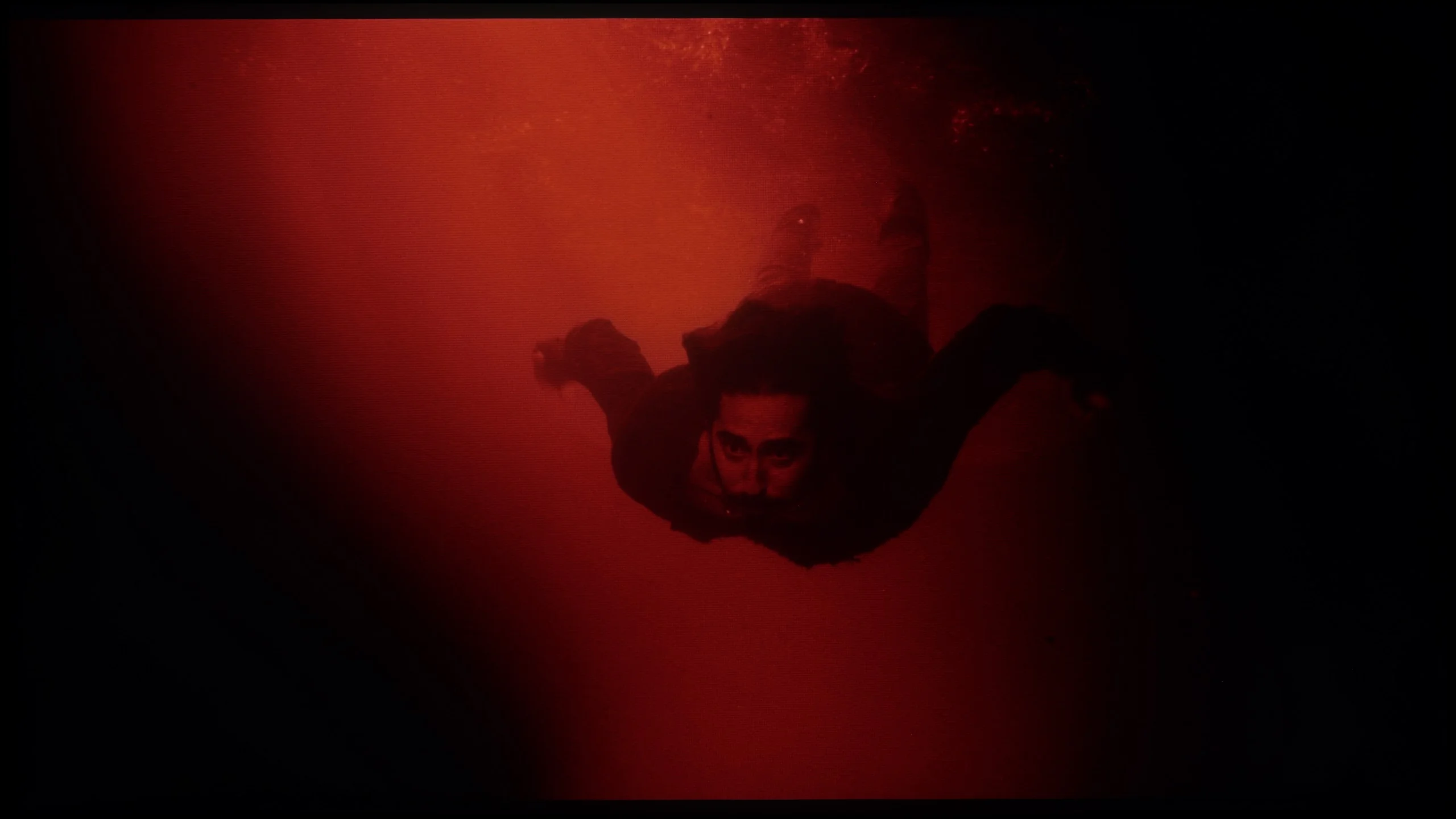
These are selected scenes that show smooth tonal transitions from one color to another. If you see distinct banding, it’s the TV panel’s fault.
The gradation of tonal transitions in the Philips PUS7009 TV is at a decent level and does not exhibit serious flaws that could affect viewing comfort. Although upon closer inspection, one can notice minor imperfections in bright and colourful transitions, they are minimal enough that most viewers are unlikely to notice them. The version with the VA panel performs slightly worse in this regard, however, the differences are subtle enough that they shouldn't bother the average user.
The fluidity of tonal transitions in the Q8F performs really well. The television beautifully blends colours, both in bright segments of the sky and in darker scenes, where visible "steps" in colour can easily occur. Admittedly, sporadic errors do happen, but you have to look closely to catch them. In practice, while watching movies or series, the picture looks cohesive and doesn’t get distracted by any artefacts. Therefore, the rating in this category had to be high. 😉
Image scaling and smoothness of tonal transitions
6/10
5/10


Smooth transition function
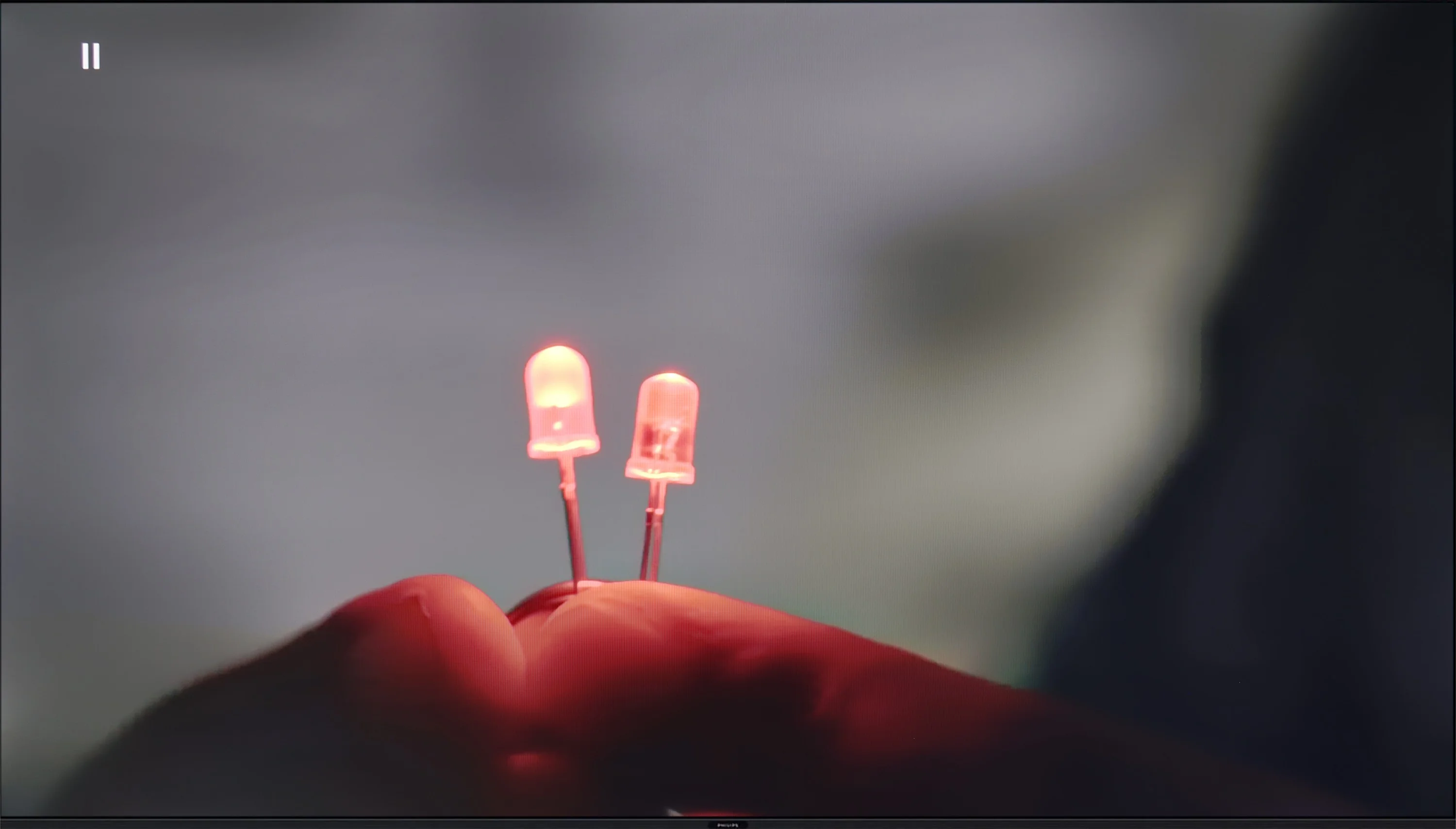
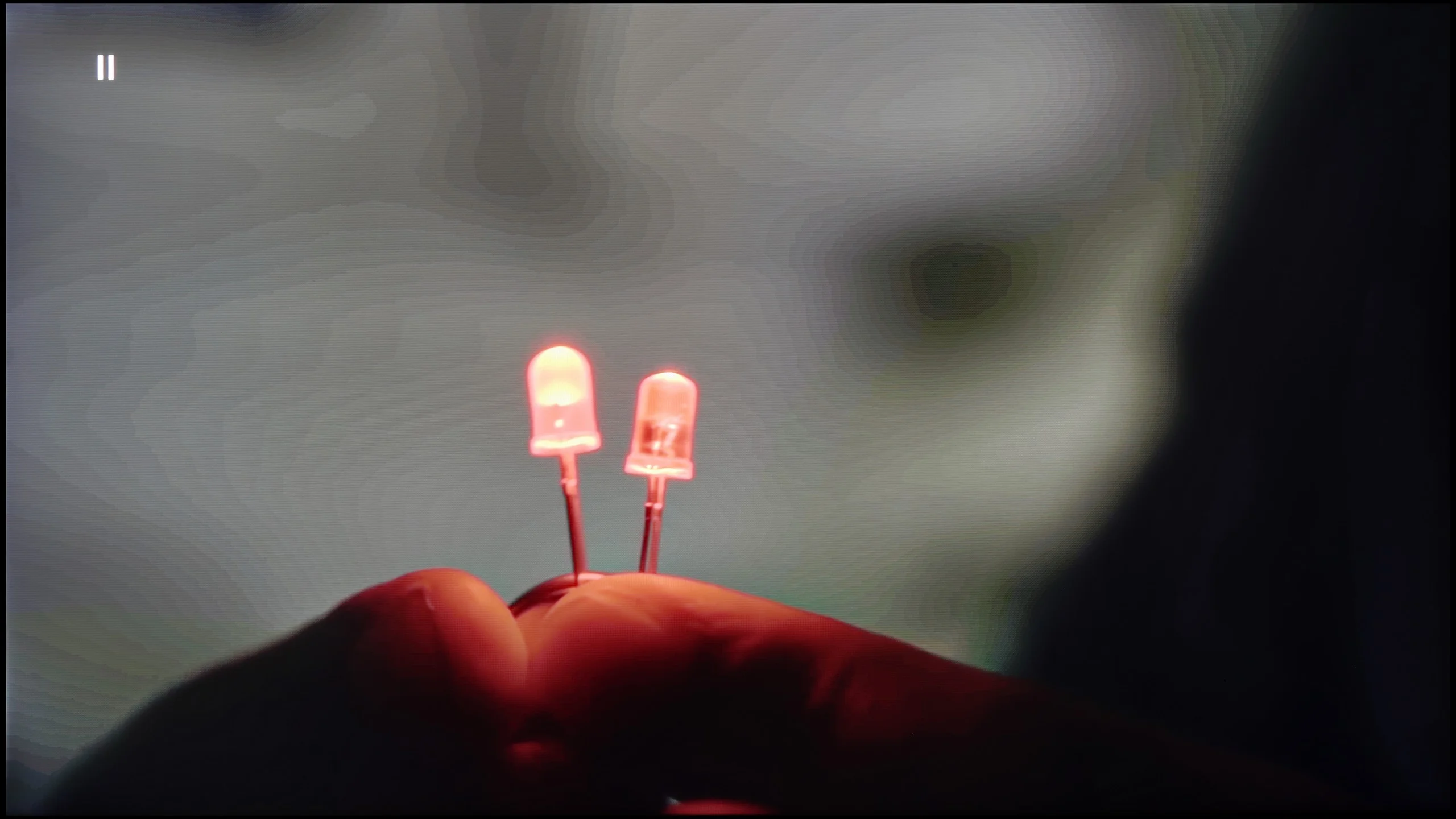
The match photo shows how the TV smooths weak tonal transitions in low-quality video.
Image scaling SD (576i)


The model photo shows how it handles upscaling of SD material.
When it comes to tonal transitions in low-quality material, the function called "Distortion Reduction" (setting “minimum”) effectively improves the gradation, eliminating unsightly tonal transitions. However, this setting on Philips televisions is quite aggressive – while it does not blur grain or good quality material, it can introduce unwanted effects and blur elements that should remain clear with a poorer signal.
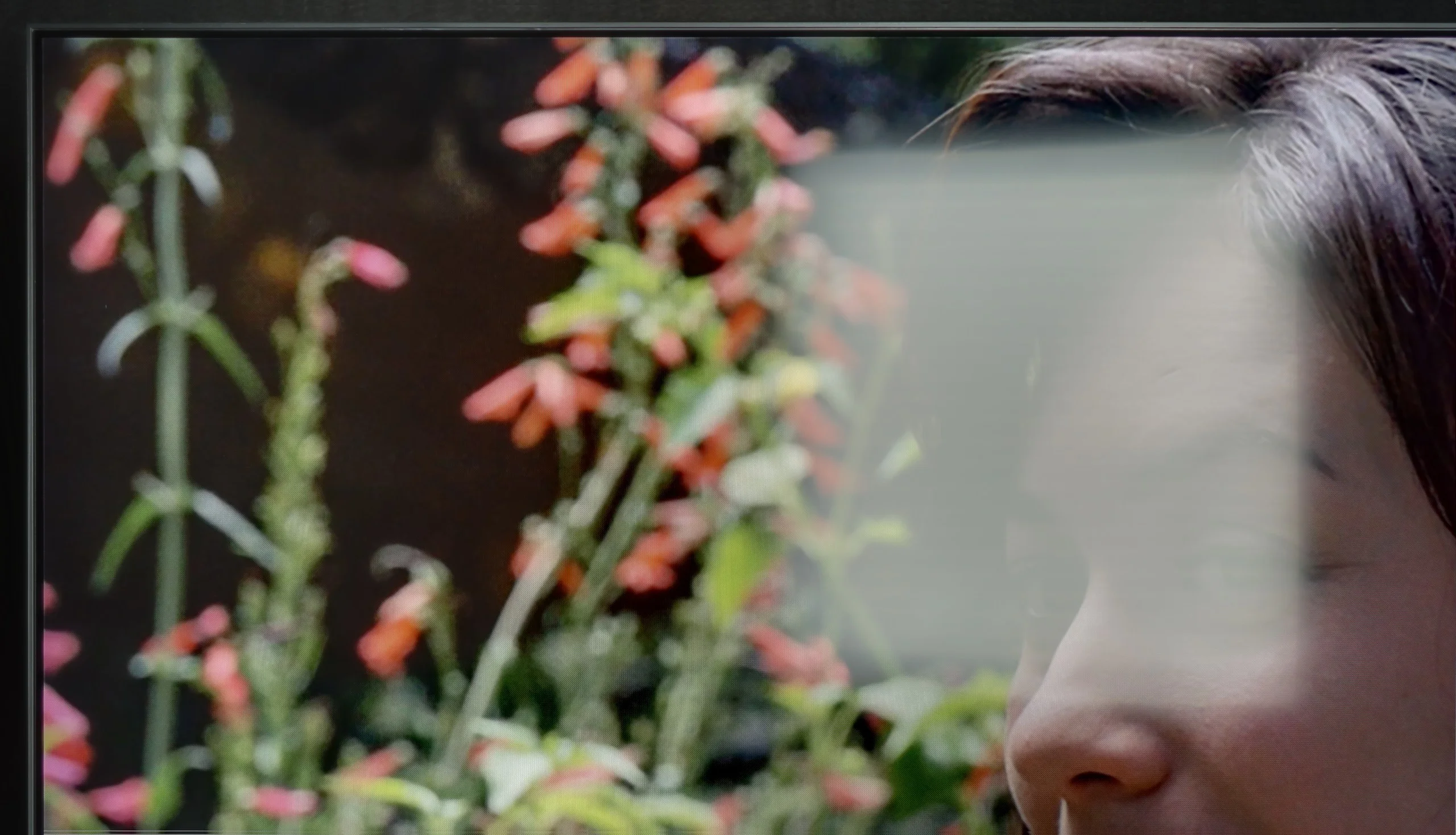
In terms of image scaling, Philips PUS7009 performs reasonably well. A major advantage is the lack of cropped edges of the image, meaning no overscan, which allows for displaying the full frame without losses. The image is noticeably enhanced, making characters and backgrounds, such as the model or branches in the background, appear quite detailed and natural, even with lower quality signals. Although scaling is not perfect, as it can remove desired details in the distance, the results are good enough to satisfy most users.
Let's see how the Q8F handles older content, which often has poor quality. Starting with the positives: the upscaling works really well. The TV performs nicely with both classic television and materials from YouTube, not giving the impression that we're dealing with something completely unattractive. It struggles more with content in very low resolutions, such as 576p — the image can be cropped, and unfortunately, the overscan phenomenon cannot be disabled. Moreover, the digital processing does not look great either. The noise reduction feature, instead of removing unwanted artefacts, smooths out almost everything: film grain (which many viewers desire) disappears along with the texture of the image, and actors' faces start to resemble characters from cheap Turkish soap operas. It's hard to consider this option useful — it's best left completely off. Perhaps Samsung will refine the function’s performance in updates, but for now, it’s difficult to view it as anything other than an unnecessary addition.
Blur and motion smoothness
4.9/10
4.5/10
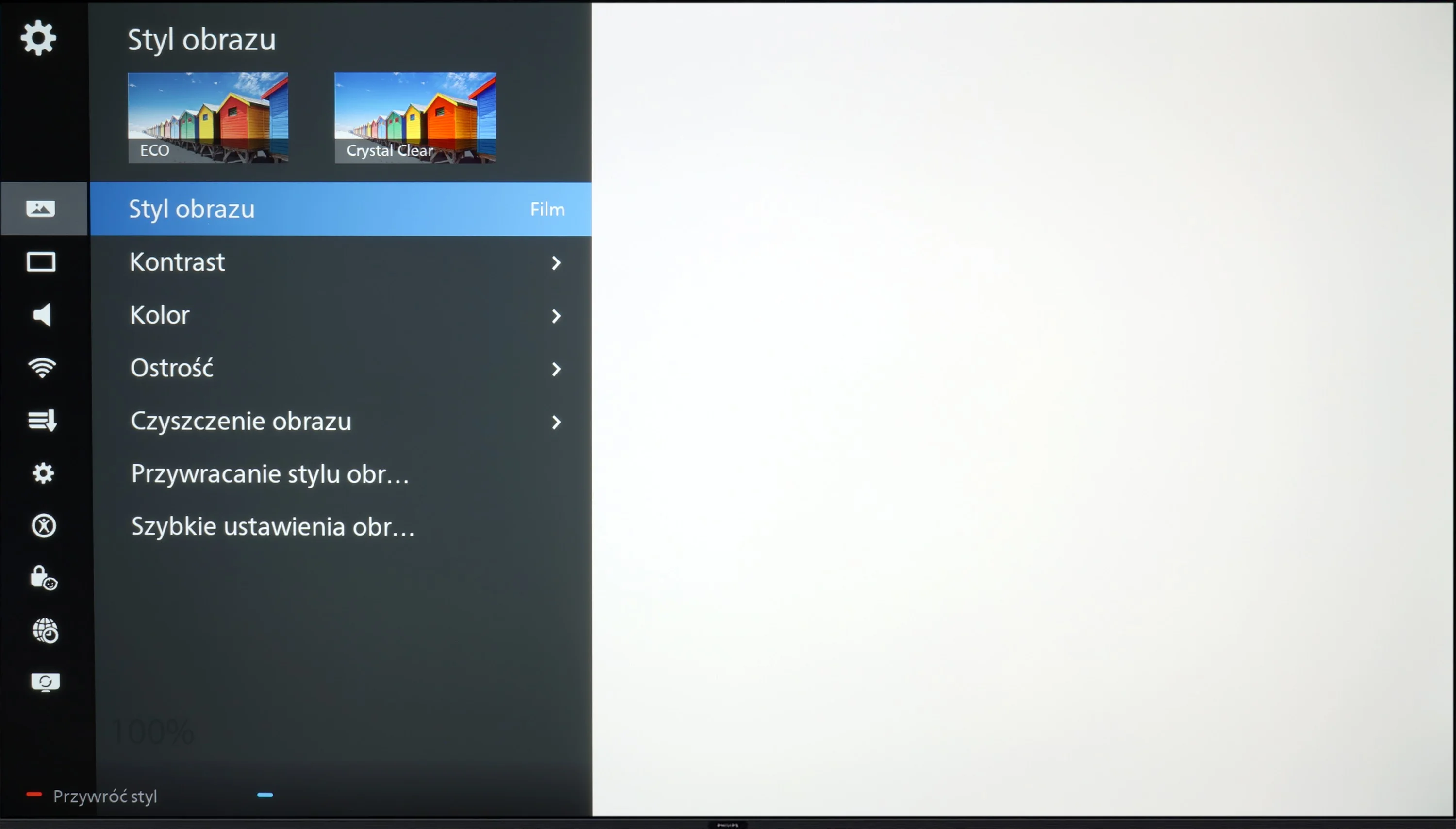
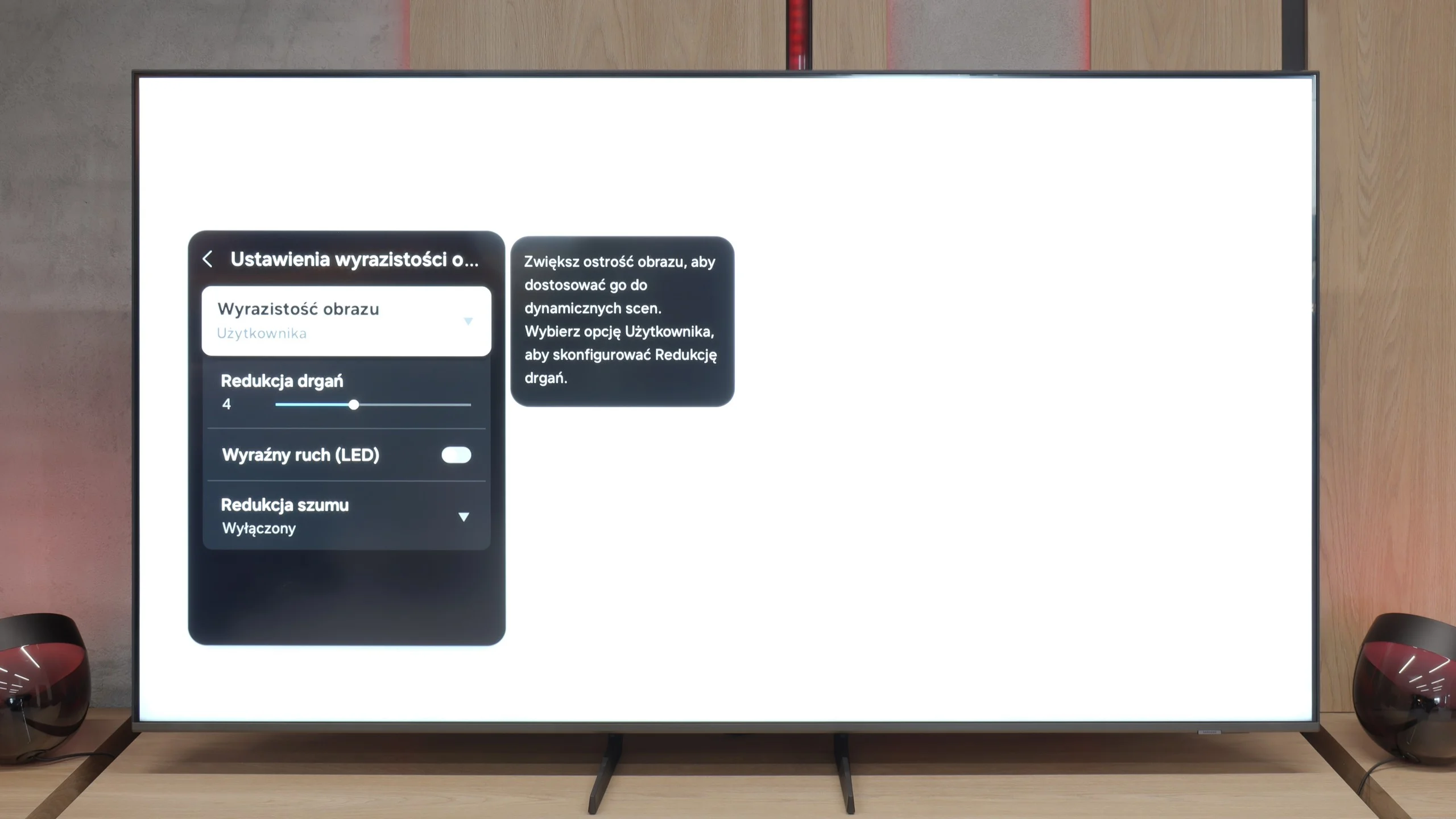
Blur (native resolution, maximum refresh rate):






Blur (BFI function enabled):



Philips PUS7009 does not have motion smoothing features, which means there's no option to adjust the picture for a choppier or smoother, theatrical effect. Such features could positively affect the viewing of dynamic scenes. In terms of motion blur, this model is equipped with a 60 Hz VA panel, which delivers slightly worse results than the IPS panel variant. The VA panel introduces minimally greater motion blur, although the differences are not significant and should not pose a problem for most viewers.
Due to the applied 60 Hz panel, it's hard to call the Q8F a television made for gaming or watching sports. The panel isn't particularly fast, making motion blur clearly visible. If you were expecting a spectacular, almost 'stadium-like' experience during broadcasts, you might feel a bit disappointed. Fortunately, for movies and series, Samsung hasn't given up on the motion smoothing function. It's nothing more than a smoother that allows for improved fluidity of productions recorded at 24 or 30 frames per second. This way, you can decide for yourself whether you prefer a more fluid, 'television-like' image or to retain the cinematic character. It all depends on the viewer's preferences, and the ability to adjust this parameter is undoubtedly a plus.
Console compatibility and gaming features
4.7/10
5/10
- ALLM
- VRR
- VRR range48 - 60Hz
- Dolby Vision Game Mode
- Correct implementation of HGIG
- 1080p@120Hz
- 1440p@120Hz
- 4K@120Hz
- Game bar
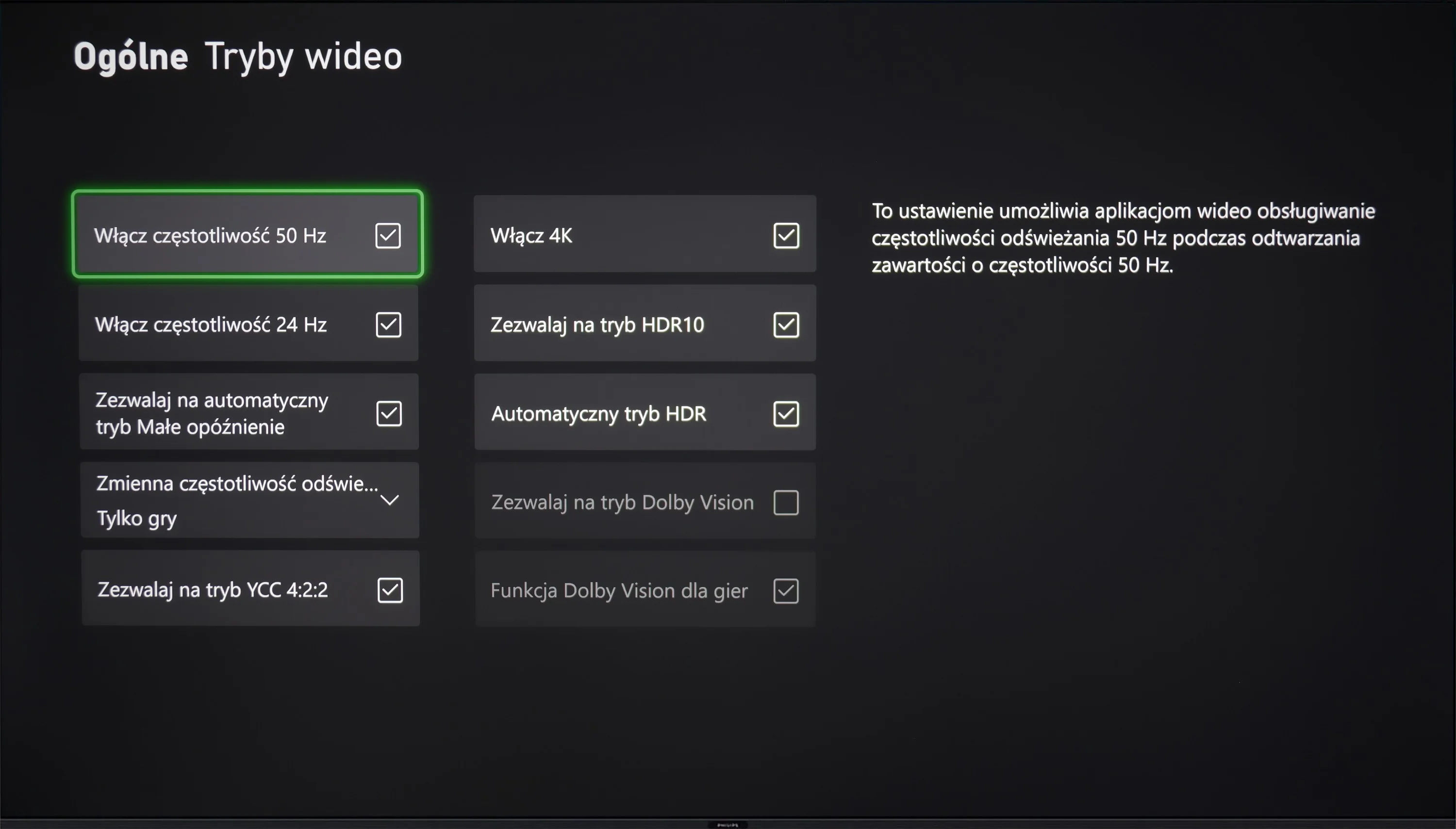
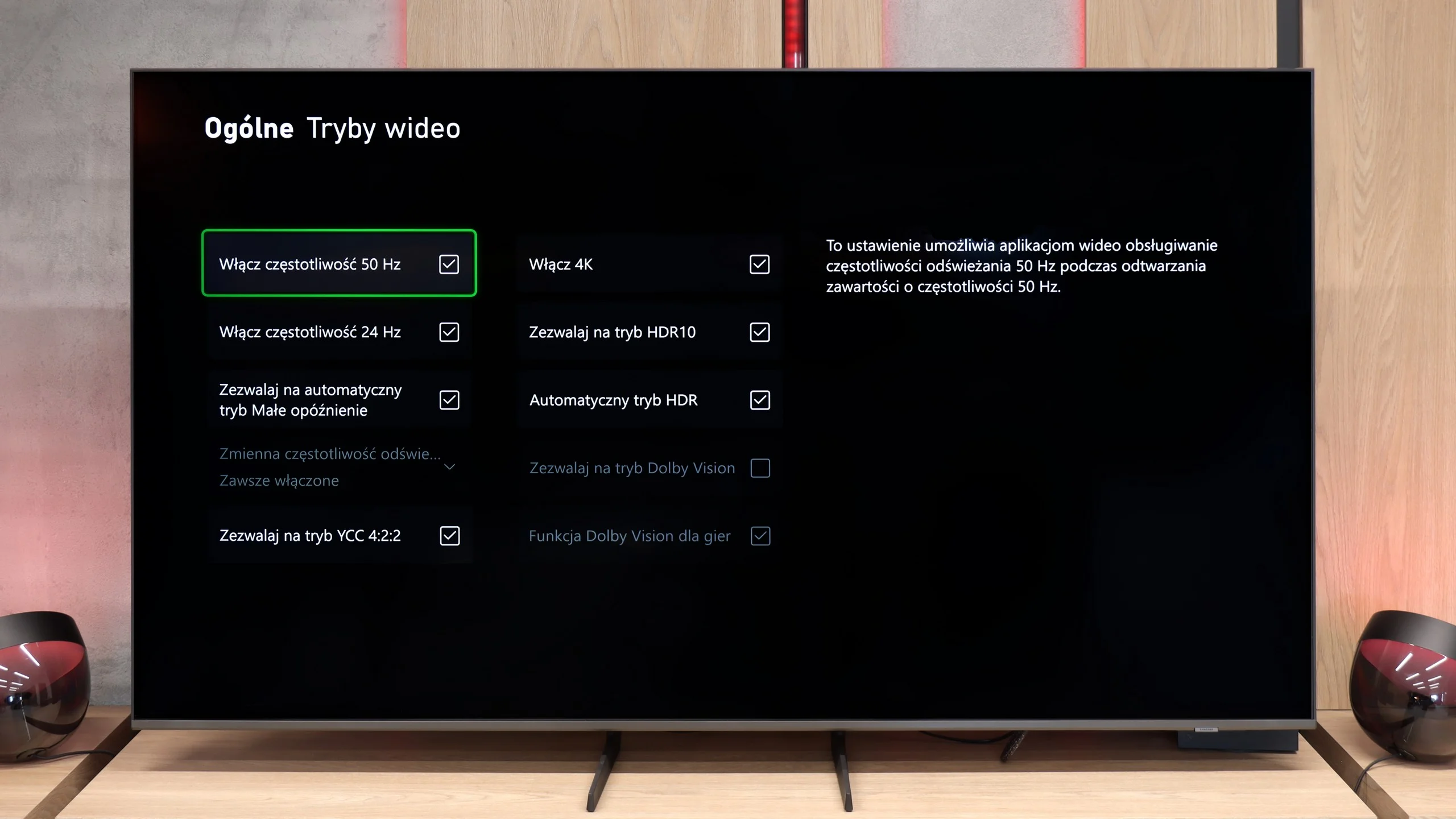
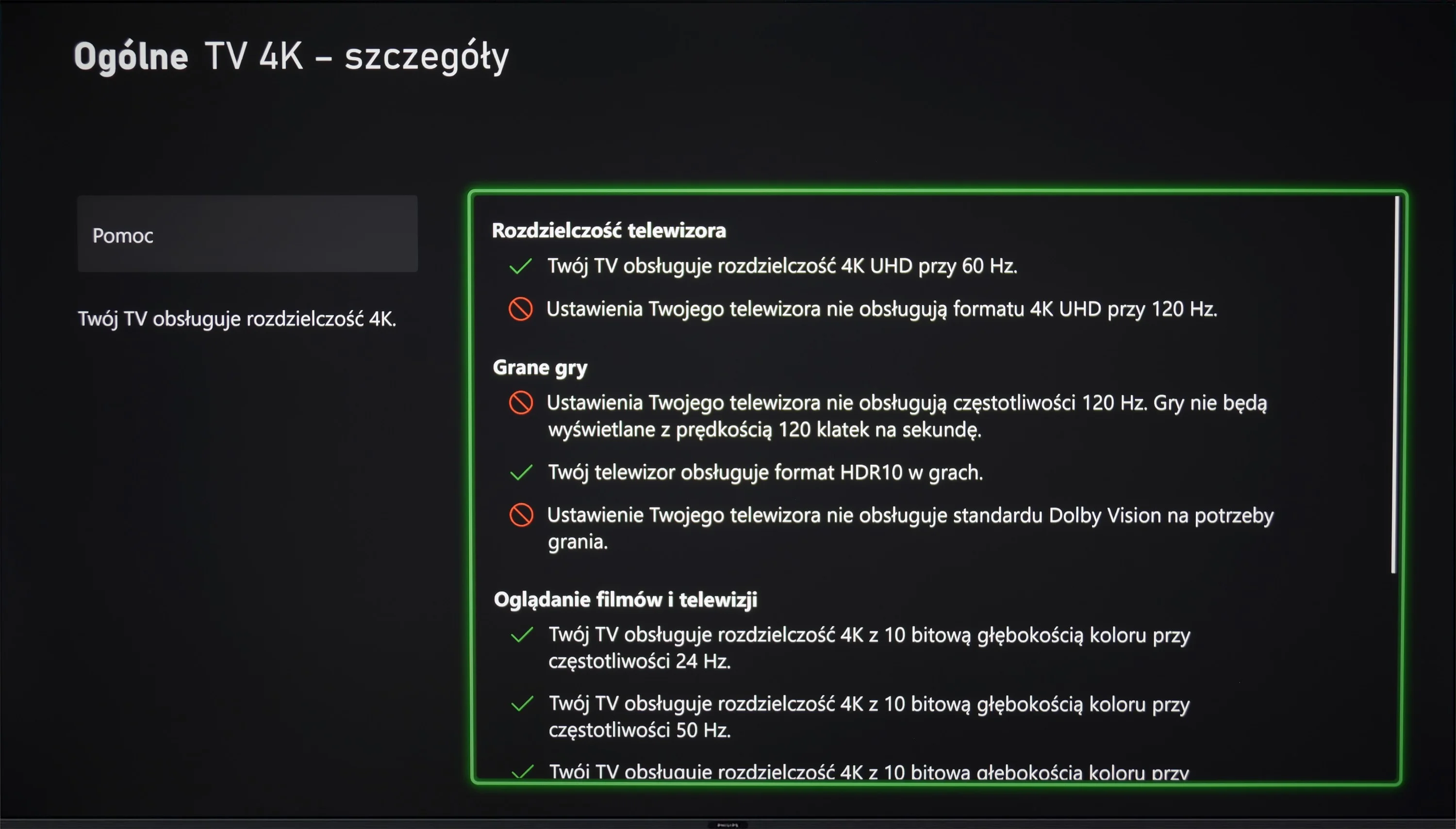
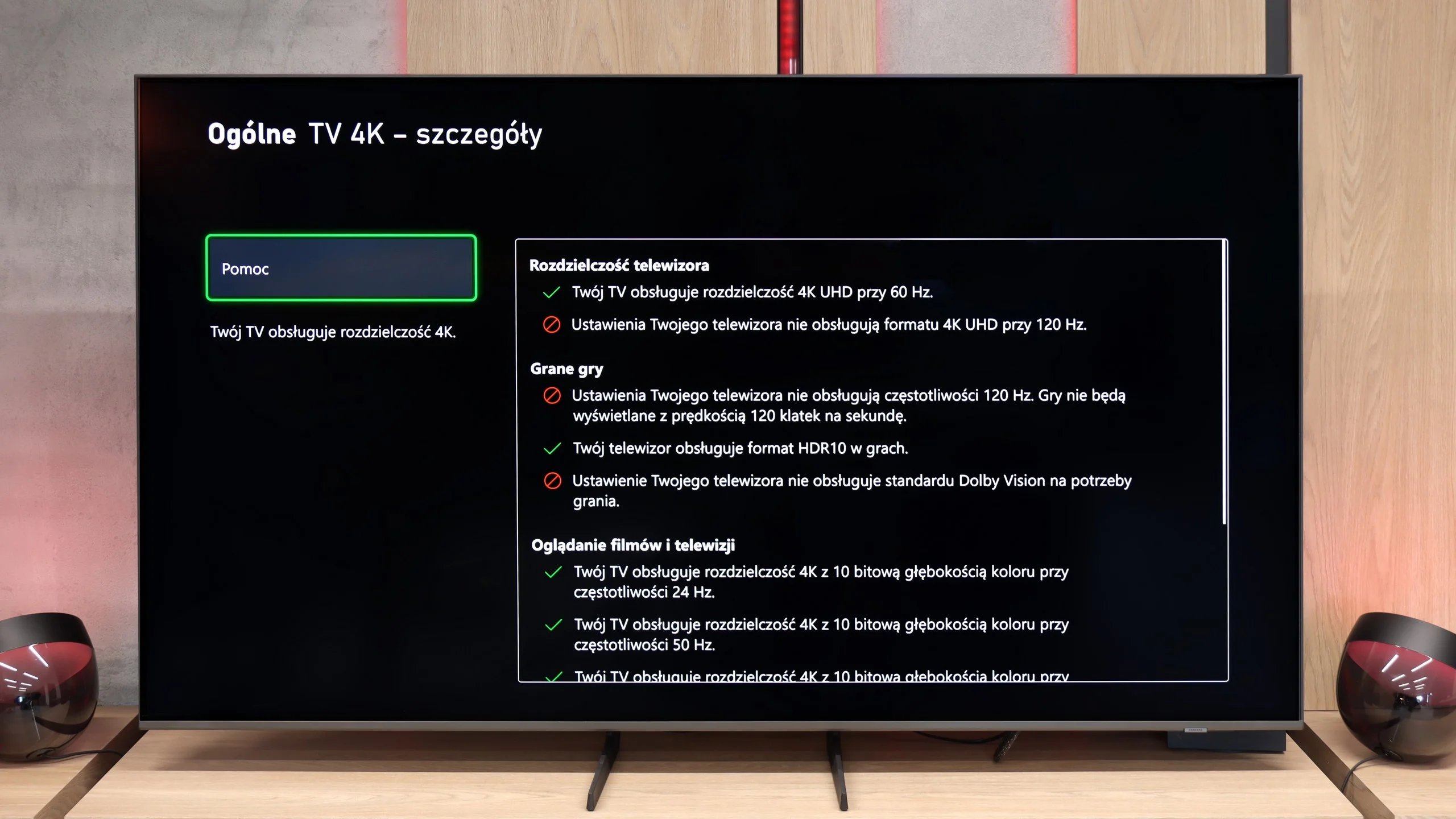
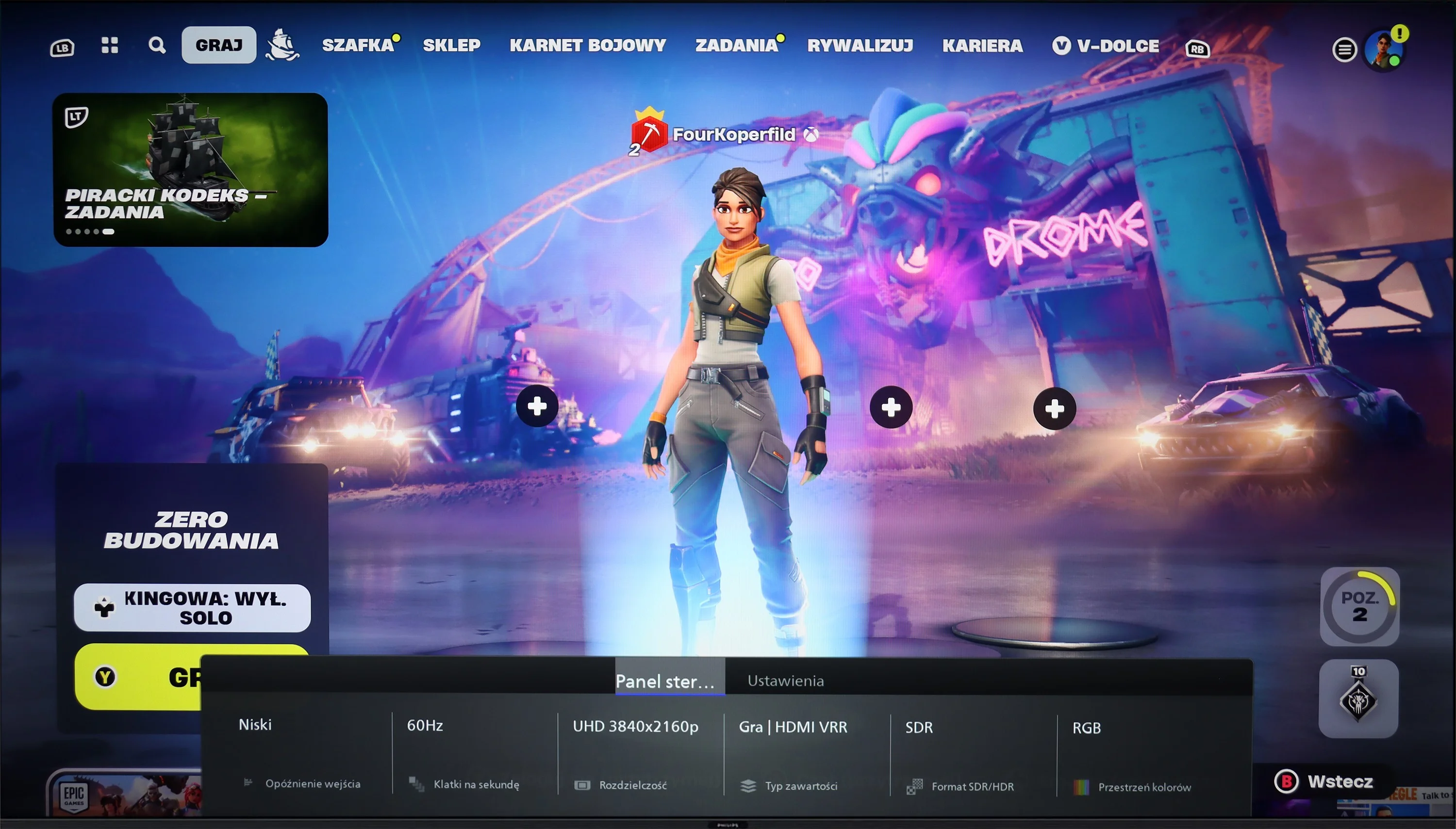
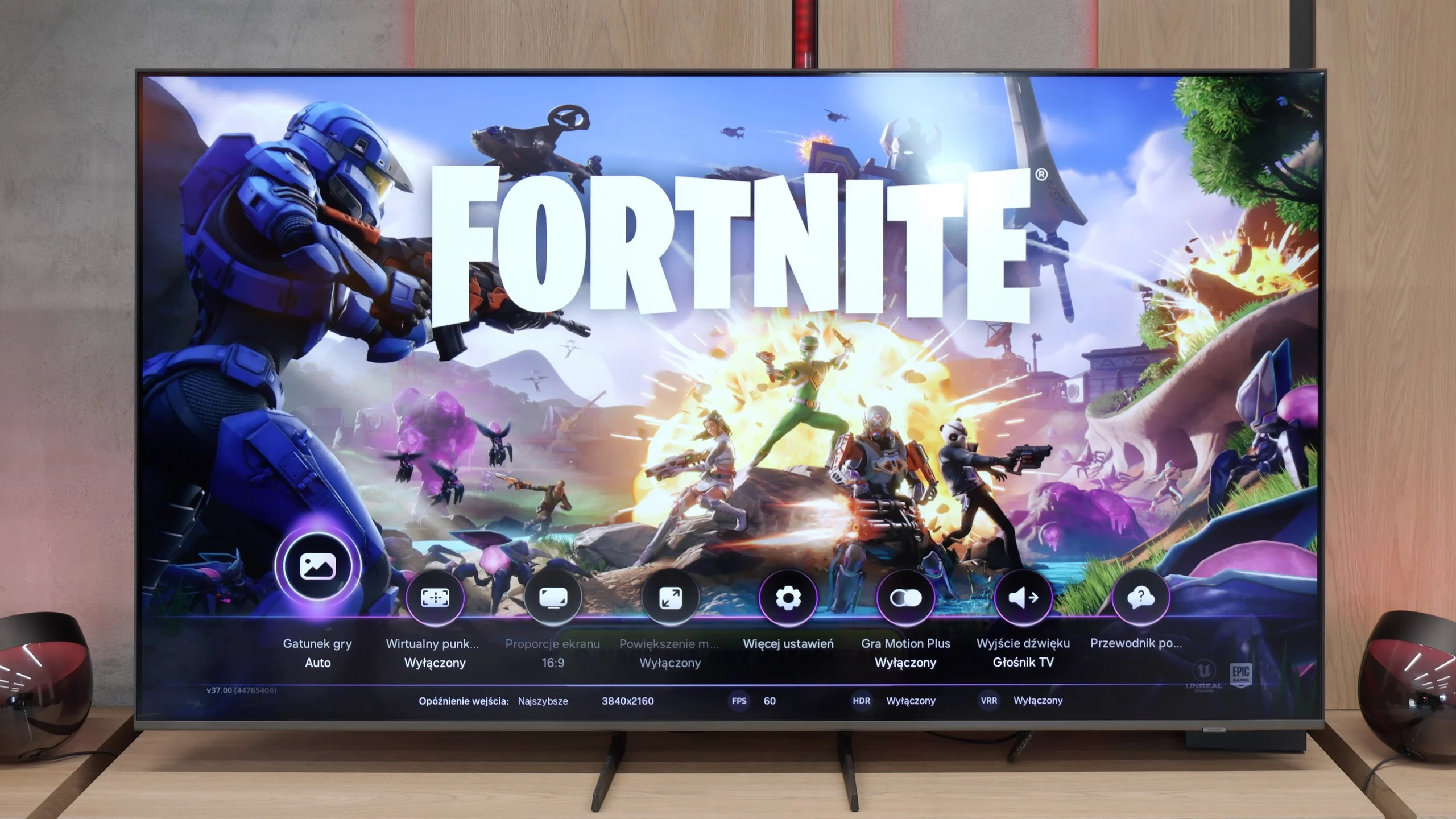
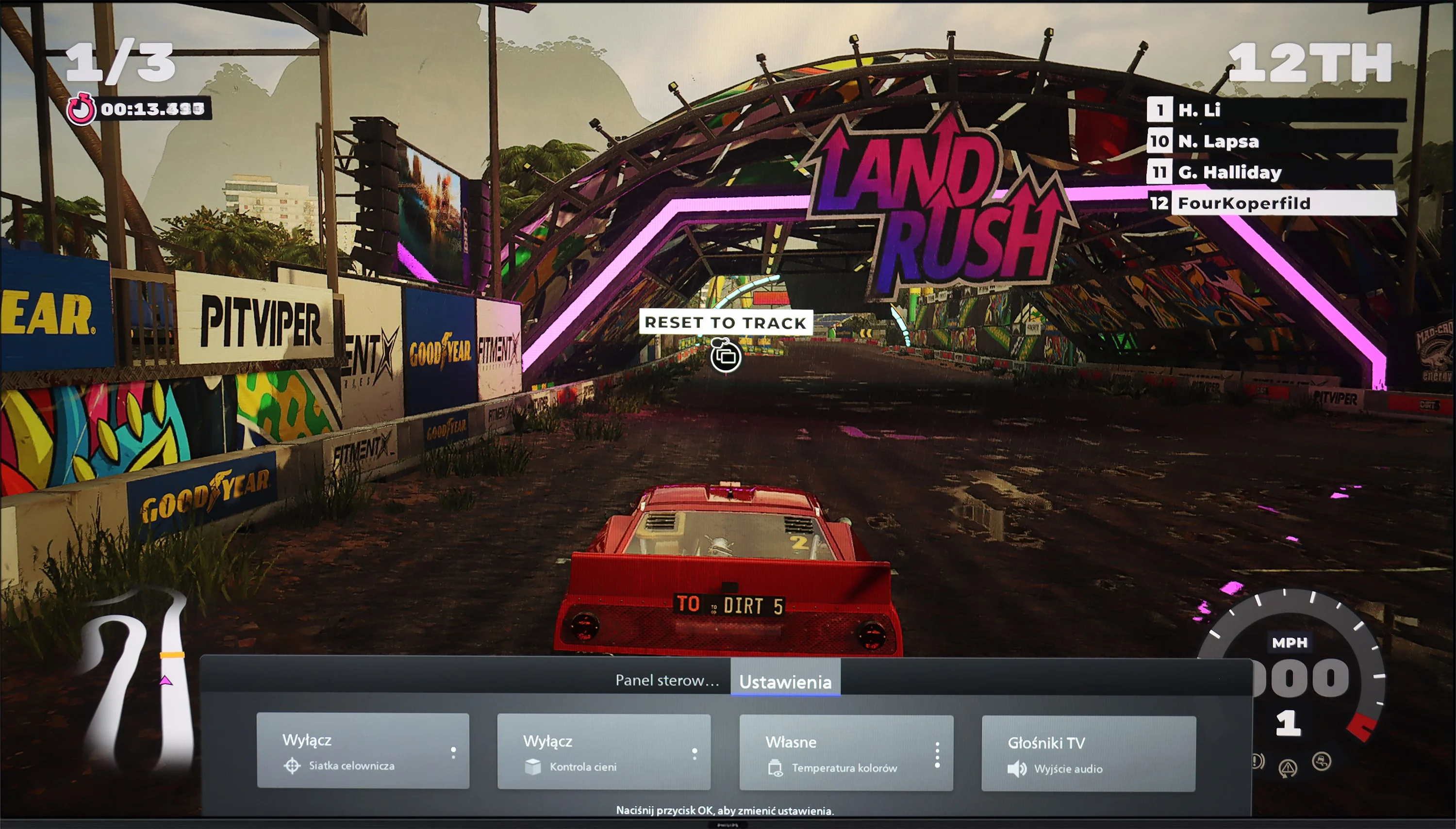
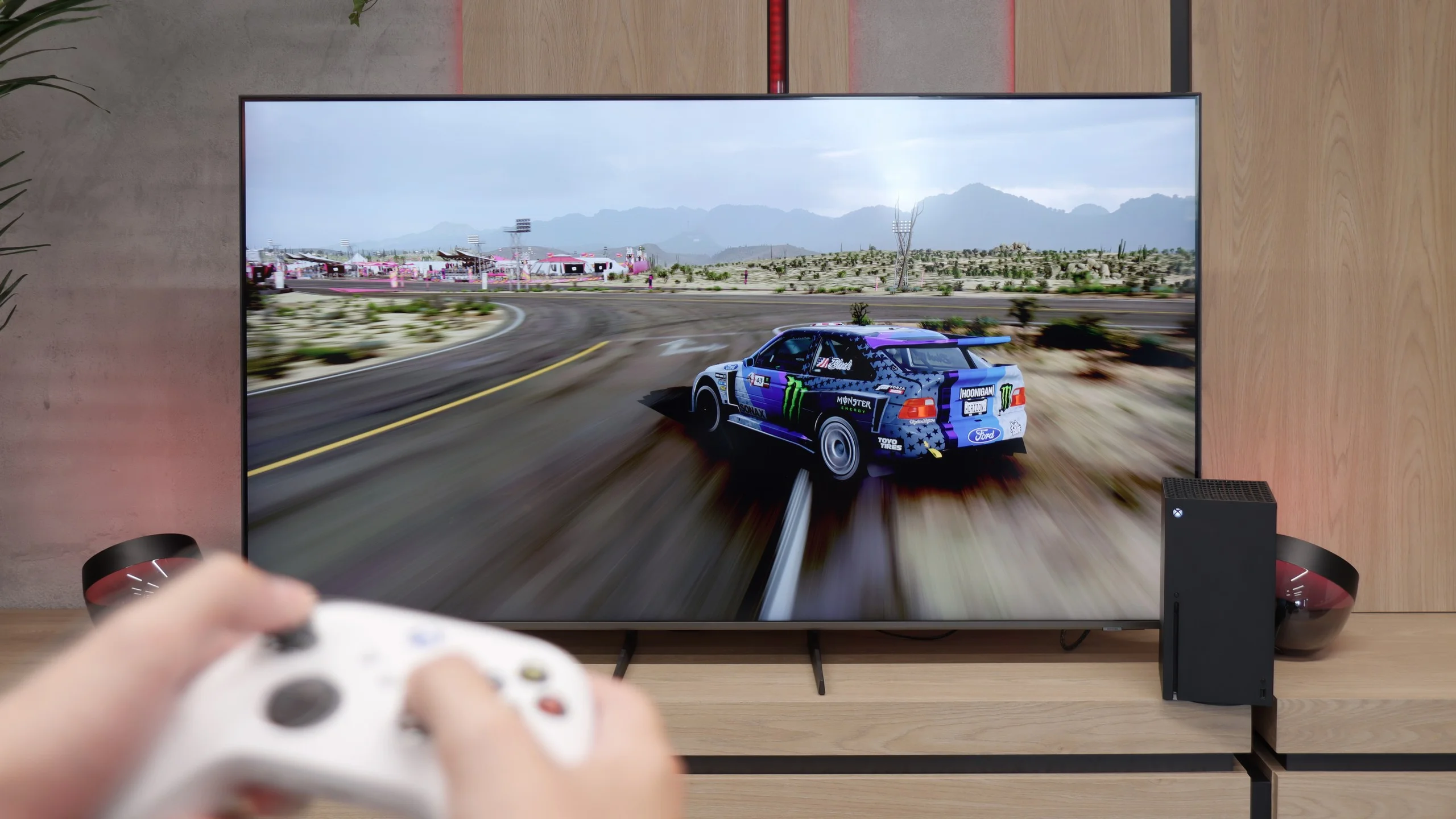
In terms of compatibility with consoles, Philips PUS7009 is likely to satisfy casual gamers. Although equipped with HDMI 2.0, it offers features such as ALLM (Auto Low Latency Mode), VRR (Variable Refresh Rate), and Game Bar. ALLM automatically switches the TV to low latency mode, which speeds up responses during gaming, and VRR adjusts the refresh rate to minimise screen tearing. The Game Bar provides quick access to game settings and monitors key parameters, although visually it falls short compared to competing solutions. However, more demanding gamers may feel underwhelmed. Philips PUS7009 does not support advanced HDR formats in games, and the 60 Hz panel limits its ability to display smooth and detailed images in dynamic scenes, which may not satisfy fans of fast-paced action games.
It's not entirely clear what Samsung has messed up this year with its TVs, but the Q8F isn't free from all the confusion with updates and shortcomings. While its older cousin, the Q67D, could still be recommended with a clear conscience to casual gamers, it's hard to find a reason to do so here. Aside from the automatic game mode and the attractively designed Game Bar, we get practically nothing that could appeal to gamers. The lack of proper HGiG implementation is a major issue, especially since the feature simply disappeared after the 1126 update. The situation with VRR is even worse. Even though it appears in the manufacturer's brochures and shows up in the Game Bar, we couldn't get it to work. The Xbox Series X console wouldn't allow it to be activated at all, and the option remained greyed out and inactive. It's difficult to praise such a TV even to casual gamers, which is a shame because Samsung has had a strong selling point in the gaming segment for years.
[UPDATE] We have updated our 2025 Samsung TV reviews following the release of firmware version 1131, which officially restores the essential HGiG (HDR Gaming Interest Group) support.
Input lag
10/10
9.9/10
SDR
HDR
Dolby Vision
Input lag in Philips PUS7009 is at a very good level – it's only 11 ms for supported resolutions. For most gamers, this low level of latency should be satisfactory, providing smooth and responsive experiences during gameplay.
Fortunately, when it comes to gaming, Samsung didn't try to "improve" anything and the input lag remained at an excellent level. Results hovering around 10–15 ms mean that the delays are practically unnoticeable. The controls are instant, and the responses from the console or computer appear on the screen without any noticeable delay. In this regard, the Q8F performs exceptionally well and it's hard to fault it.
Compatibility with PC
2/10
6/10
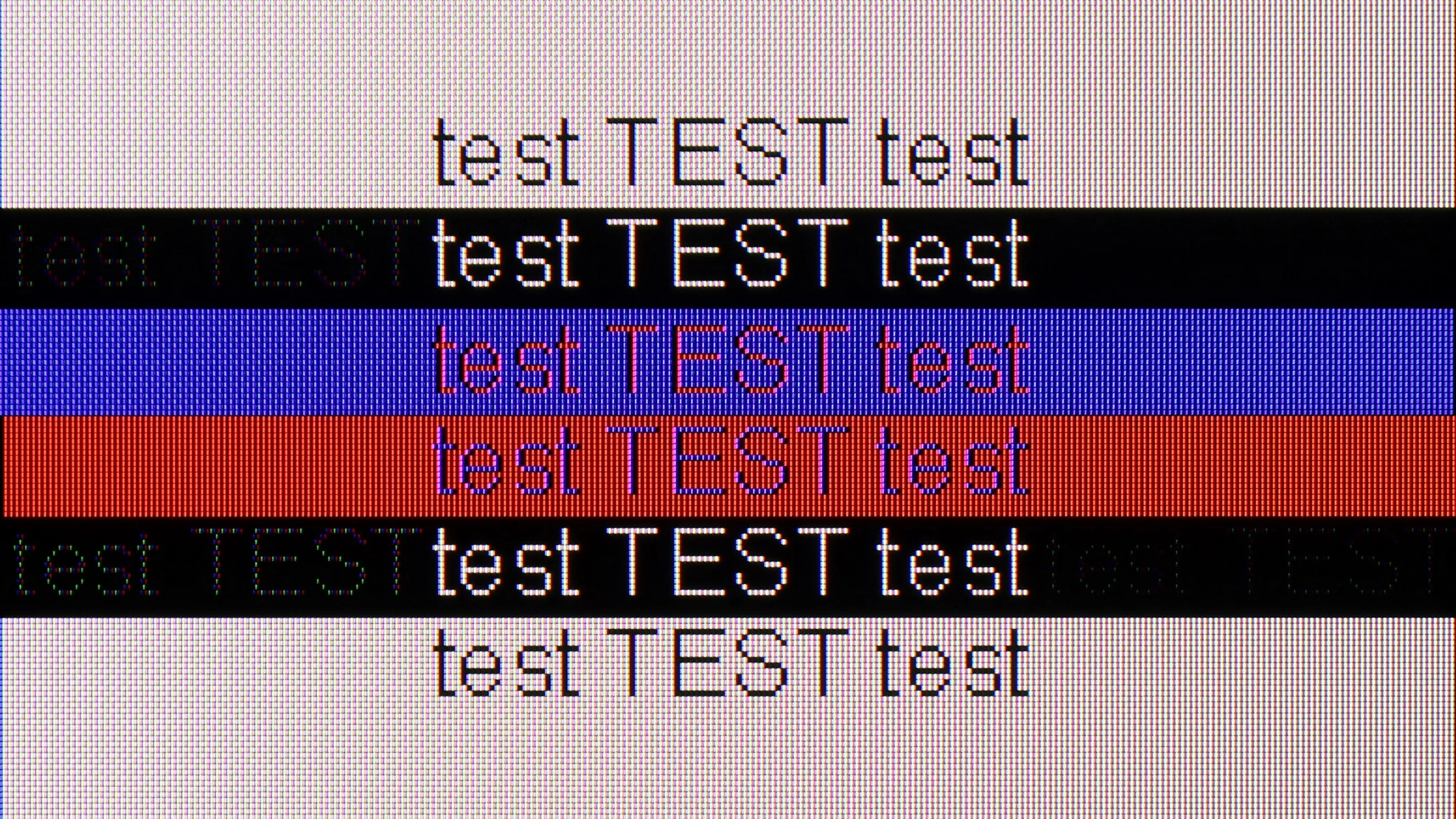
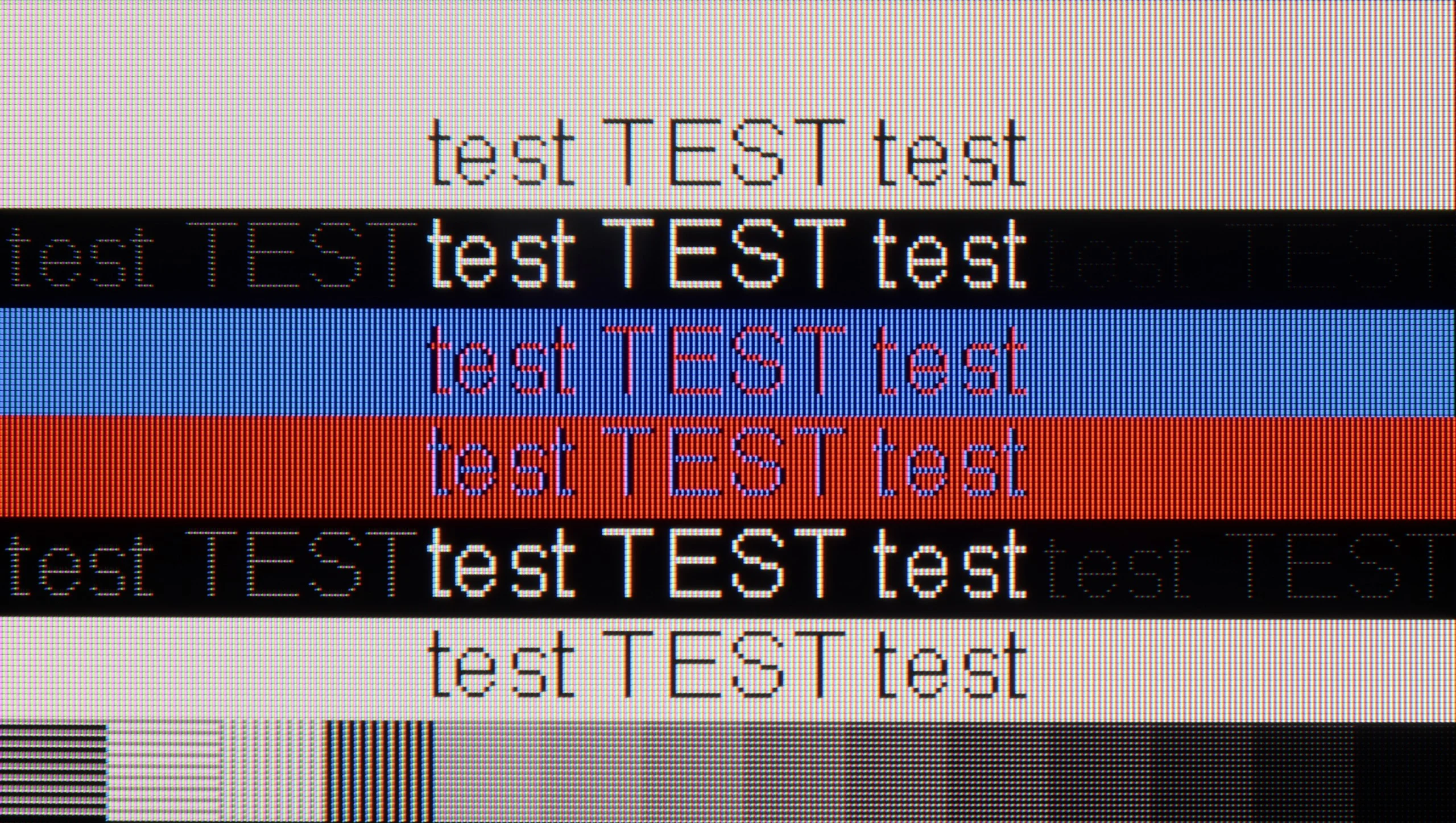
The photo shows the legibility of small fonts. Ideally, lines should be the same thickness on both light and dark text, with minimal pixel gaps.
When it comes to working with PCs, the VA panel variant in Philips PUS7009 is not suitable for text work, despite supporting chroma 4:4:4. The visibility of fonts is at an average satisfactory level. The biggest issue is their display on a dark background – text appears "pixelated," and the letters have a multicoloured texture, which significantly hinders comfortable work with documents and text editing.
While playing on the Q8F isn't exactly the most attractive option—it's lacking modes with lower resolution and higher refresh rates, plus there are issues with VRR (G-Sync) and the panel is limited to 60 Hz—it performs excellently as a monitor for work. Font readability is at a very high level, so working with text or spreadsheets in Excel is a pure pleasure. In this regard, the Q8F could be a viable alternative to a large office monitor.
Viewing angles
3.4/10
3.4/10
The viewing angles on the Philips PUS7009 with a VA panel are noticeably worse compared to the version with an IPS panel, which is due to the inherent limitations of VA technology. When viewed at an angle, colours quickly lose their vibrancy, and contrast dramatically falls, making the image appear washed out and less readable. For individuals who plan to watch the television from various spots in the room, this can be a significant issue, especially compared to IPS panels, which offer far better viewing angles and a more consistent picture even when viewed from the side.
The viewing angles on the Q8F can be described as average, resulting from the applied VA matrix. Watching the television head-on, the picture looks very good, but just shifting slightly to the side causes it to start fading and losing contrast. Colours gradually lose their saturation, and black takes on a greyish hue. This is a typical limitation of this type of panel, and it’s hard to expect miracles here. Compared to IPS matrices, the difference is clear — while these have weaker contrast, they hold colour better at an angle. The Q8F is best suited for a classic setup, where viewers sit centrally in front of the screen. If you’re planning screenings with a larger group, with people spread wider across the living room, the effect may not be as satisfying.
Daytime performance
4.4/10
5.6/10
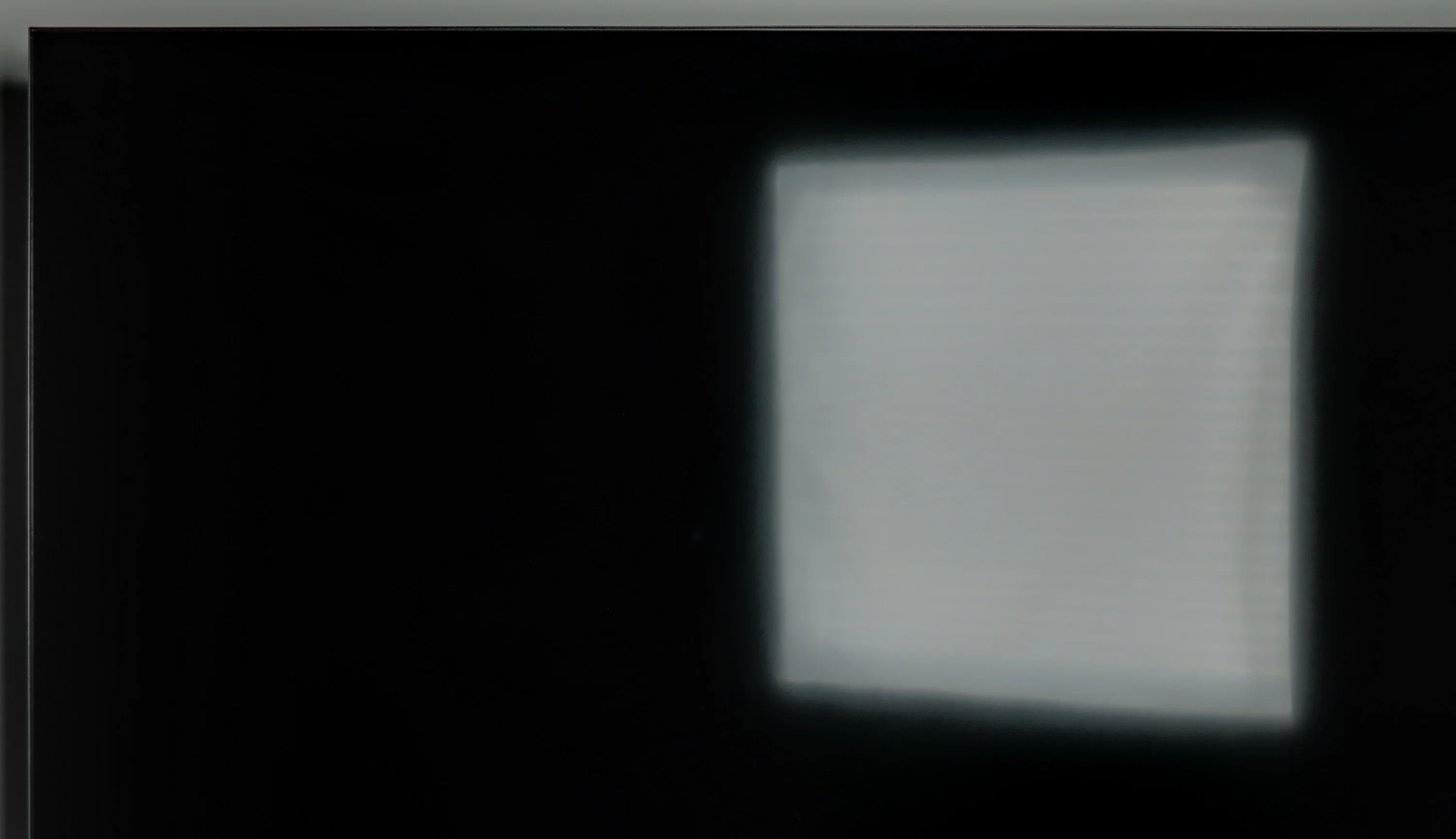
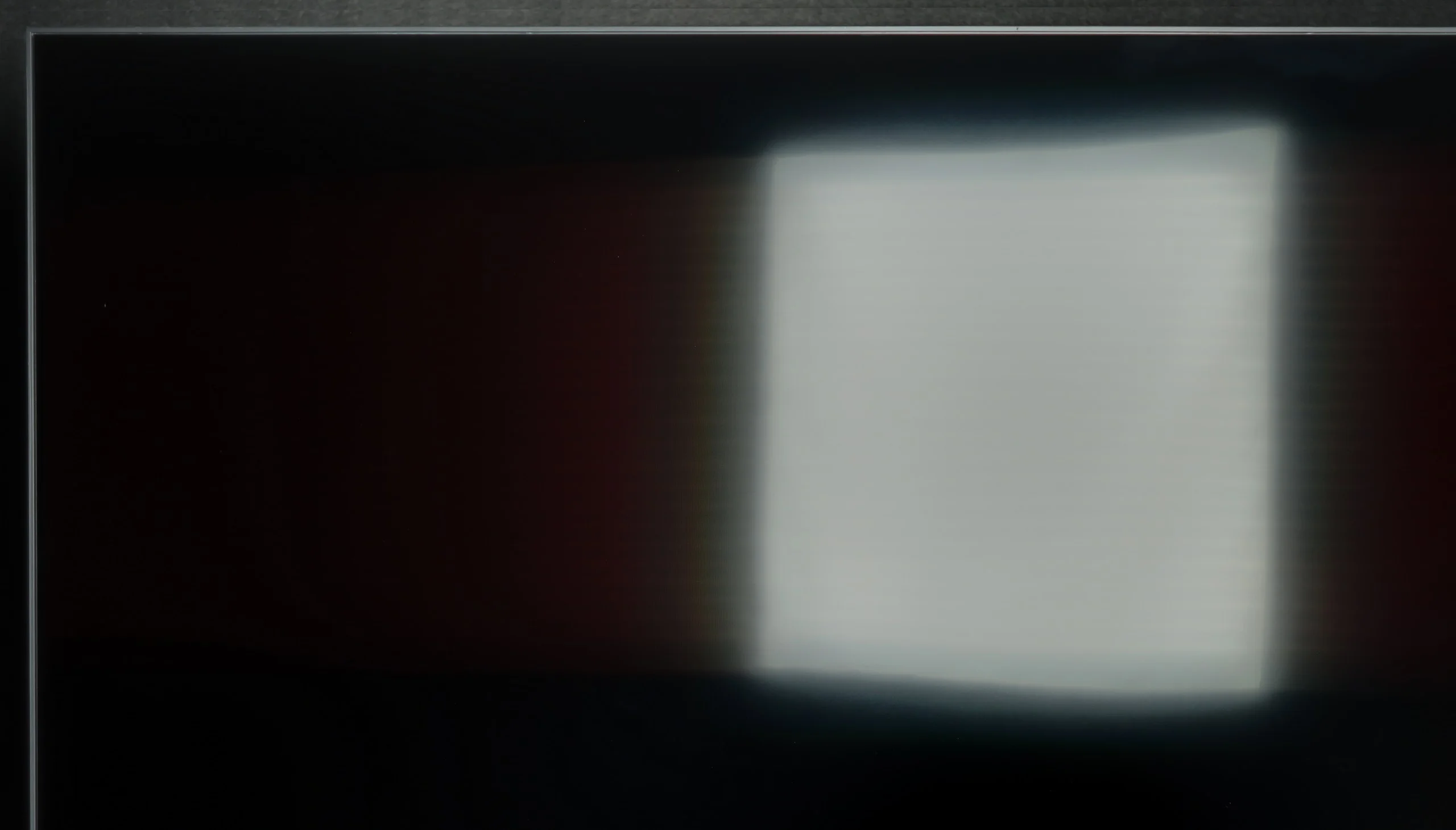
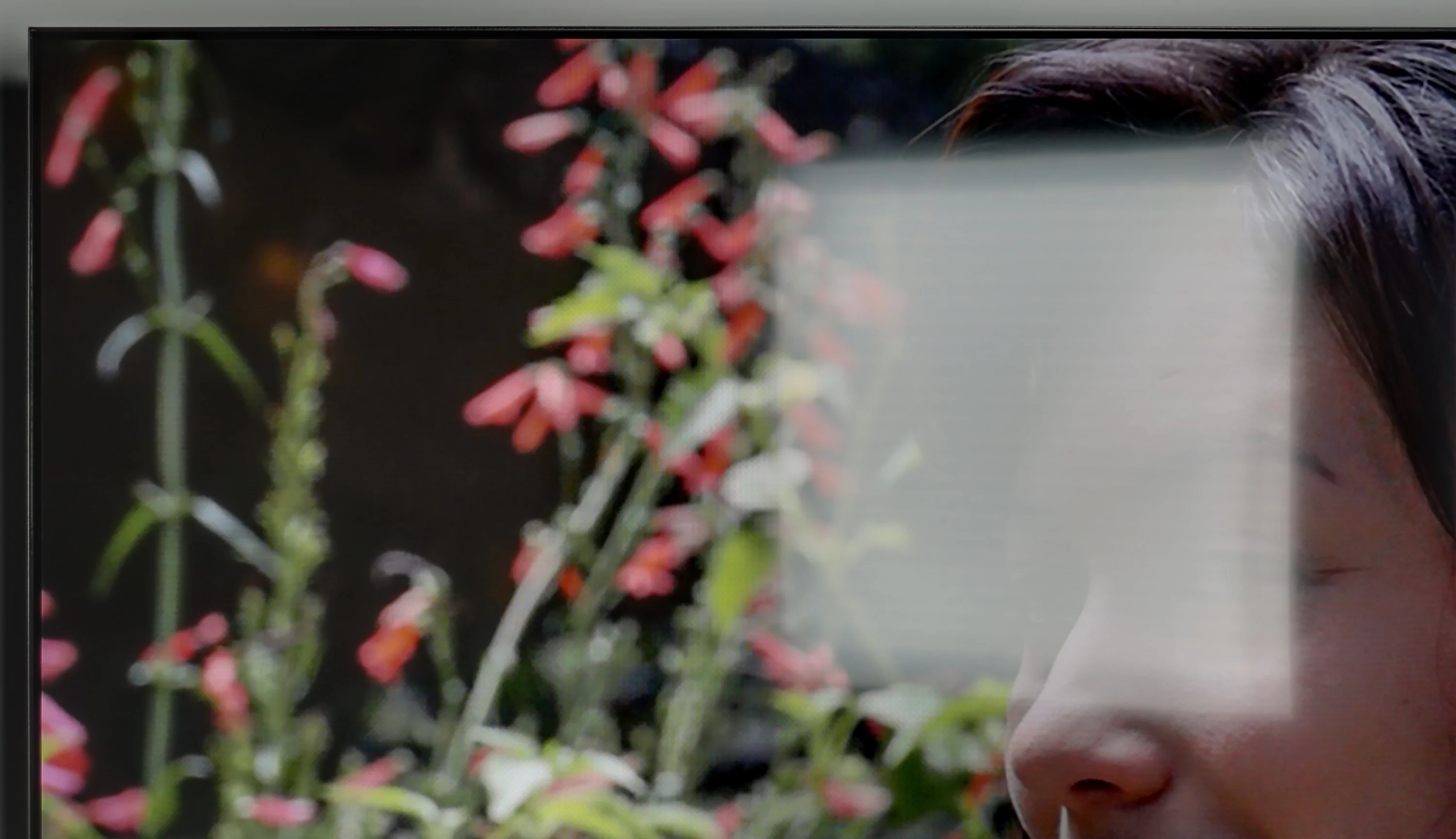
Panel brightness
Samsung Q8F: 430 cd/m2
Philips PUS7009 (VA): 280 cd/m2
Although the panel in the Philips PUS7009 is equipped with a satin finish that effectively reduces reflections, the brightness level of 280 nits in SDR mode is simply too low for the TV to perform well in bright rooms. As a result, in heavily illuminated conditions, details on the screen may be difficult to see, which diminishes comfort during daytime use.
The Q8F performs quite well during the day. Its brightness hovers around 450 nits, which proves to be a sufficient level for moderately bright living rooms. It's not a TV that will win a battle against sunlight streaming directly through the window, but in typical home conditions, the picture remains clear and appealing. A big plus is the satin finish of the panel, which effectively reduces light reflections and helps maintain colour saturation even when the room is bright. This makes watching series during the day or evening sports broadcasts with the lights on no problem. The Q8F doesn't aspire to be a cinema TV in full sunlight, but as a daily screen in normal home conditions, it performs really well.
Panel details
Subpixel Structure:
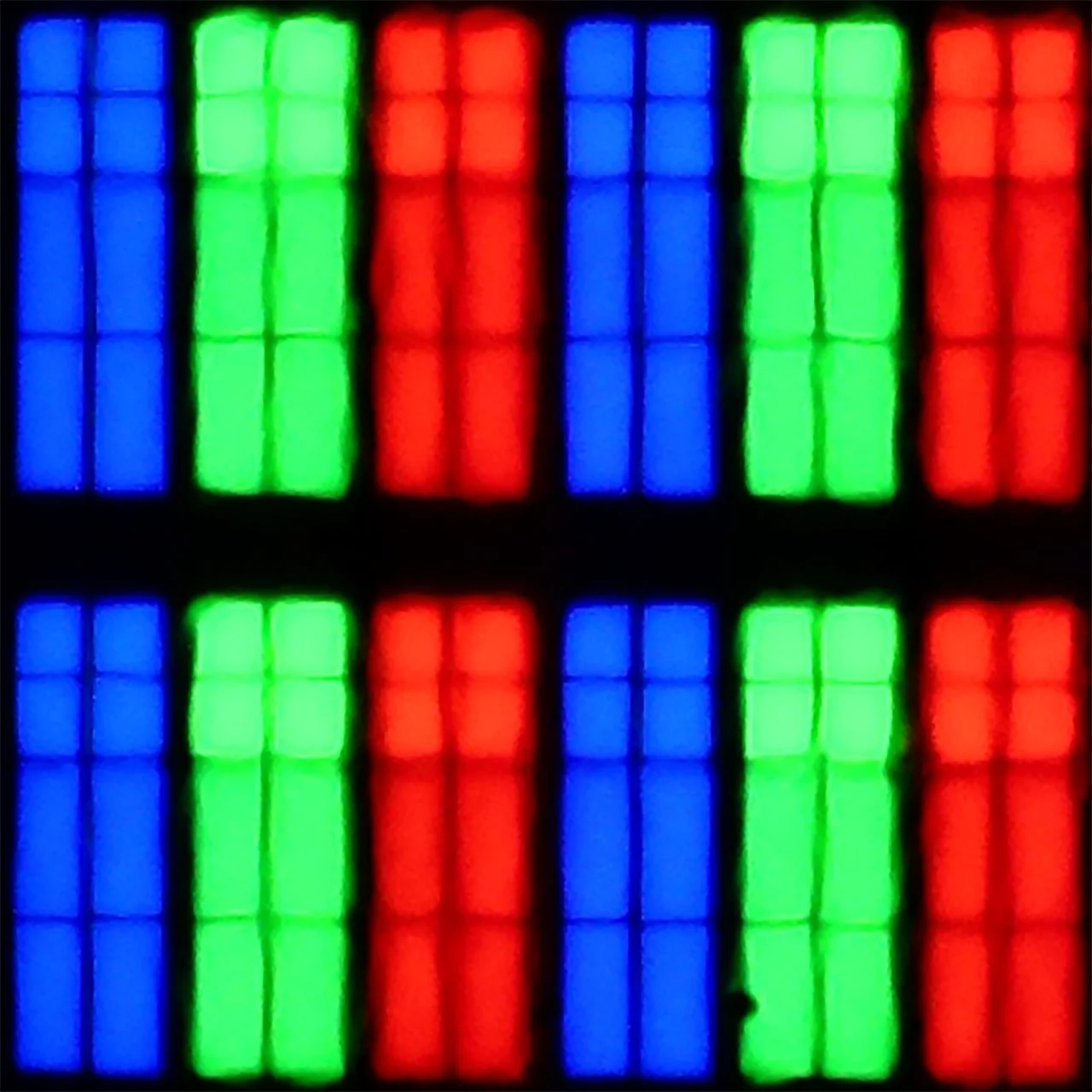
Panel uniformity and thermal imaging:


TV features
6.3/10
7.3/10
- SystemTitan OSTizen
- System performancePoorGood
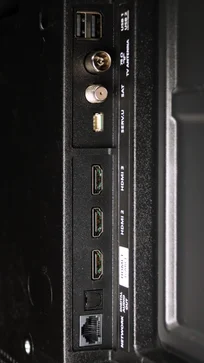
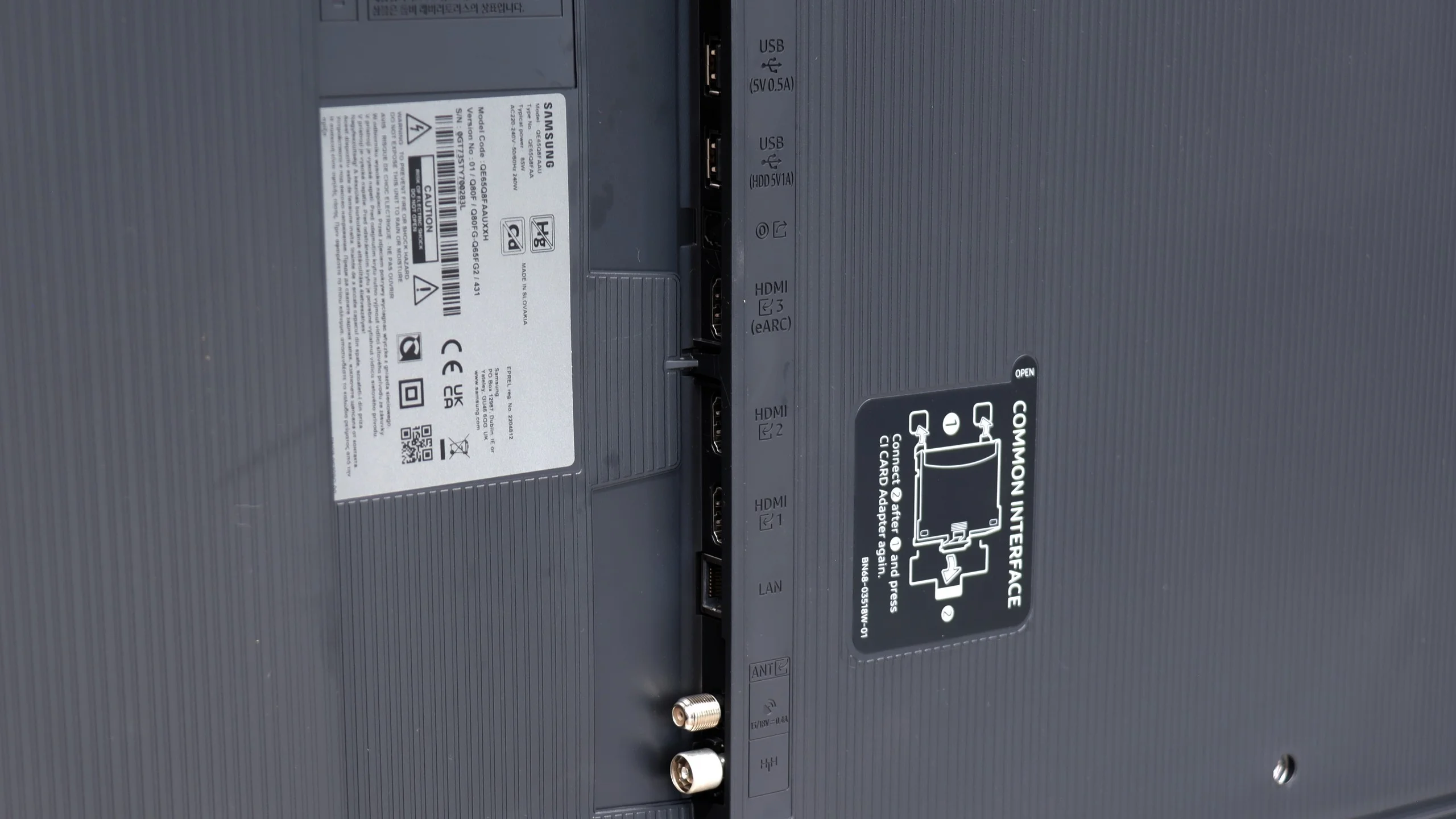
- HDMI inputs3 x HDMI 2.0, 0 x HDMI 2.13 x HDMI 2.0, 0 x HDMI 2.1
- OutputsToslink (Optical audio), eARC (HDMI), ARC (HDMI)Toslink (Optical audio), eARC (HDMI), ARC (HDMI)
- Network InterfacesWi-Fi 2.4GHz, Wi-Fi 5GHz, Ethernet (LAN) 100MbpsWi-Fi 2.4GHz, Wi-Fi 5GHz, Ethernet (LAN) 100Mbps
- TV receptionDVB-T, DVB-T2, DVB-S, DVB-S2, DVB-CDVB-T, DVB-T2, DVB-S, DVB-S2, DVB-C
Classic features:
- Recording to USB (terrestrial TV)
- Recording programming
- Picture in Picture (PiP)
- RF remote control (no need to aim)
- Backlit remote control
- Teletext
- Audio only mode
- Bluetooth headphones support
- Simultaneous Bluetooth headphones & TV audio
Smart features:
- AirPlay
- Screen mirroring (Windows Miracast)
- Voice search
- Voice search in native language
- Ability to connect a keyboard and mouse
Sound connection options
- HDMI audioeARC (HDMI), ARC (HDMI)eARC (HDMI), ARC (HDMI)
- Other audio outputsToslink (Optical audio)Toslink (Optical audio)
- Wireless audioBluetoothBluetooth
Supported audio formats (external HDMI eARC audio):
- Dolby Digital Plus 7.1
- Dolby True HD 7.1
- Dolby Atmos in Dolby Digital Plus (JOC)
- Dolby Atmos in Dolby True HD
- DTS:X in DTS-HD MA
- DTS-HD Master Audio
Senior accessibility
- Numeric keyboard on TV
- Font size adjustment
- Audio description
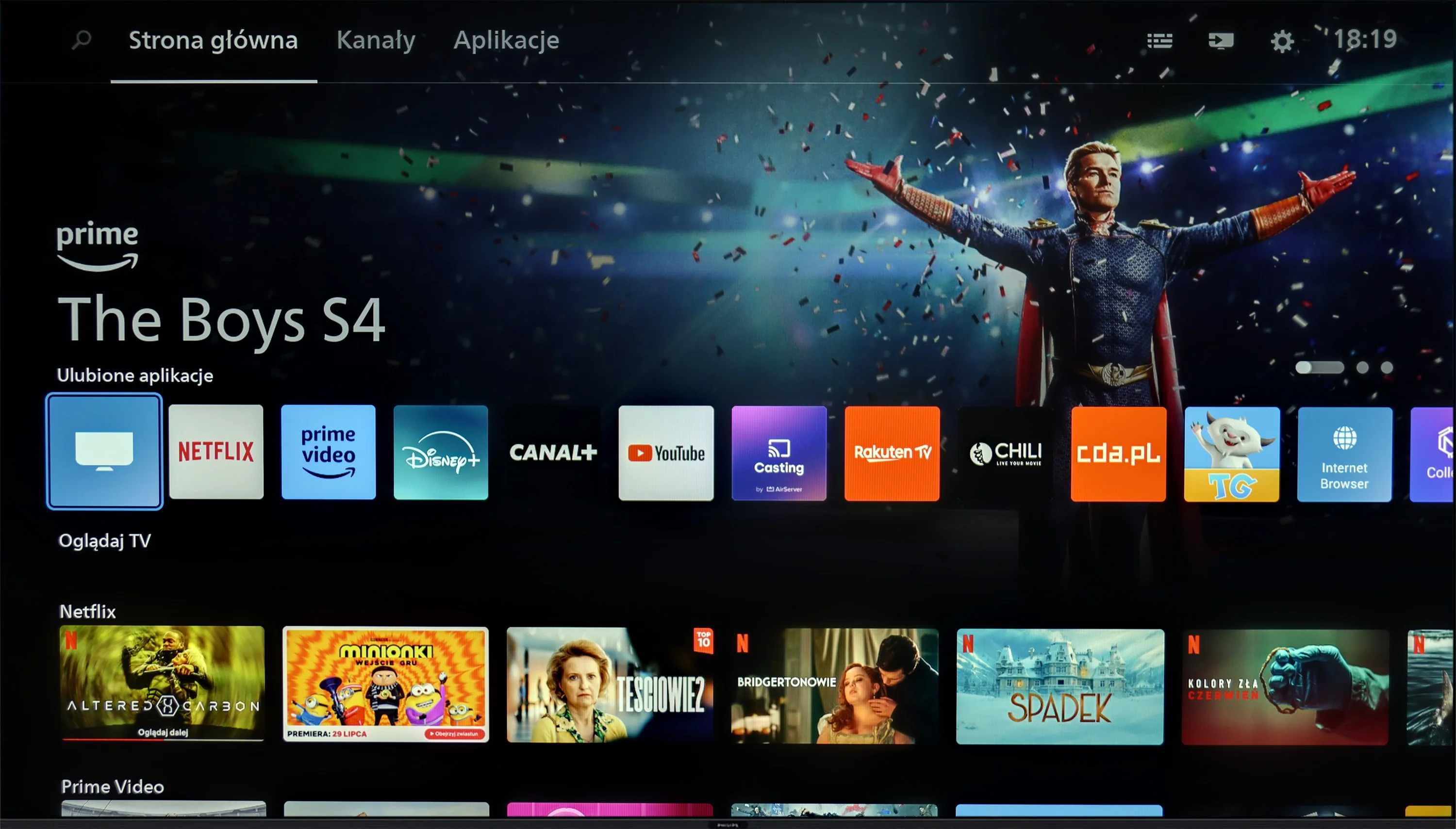
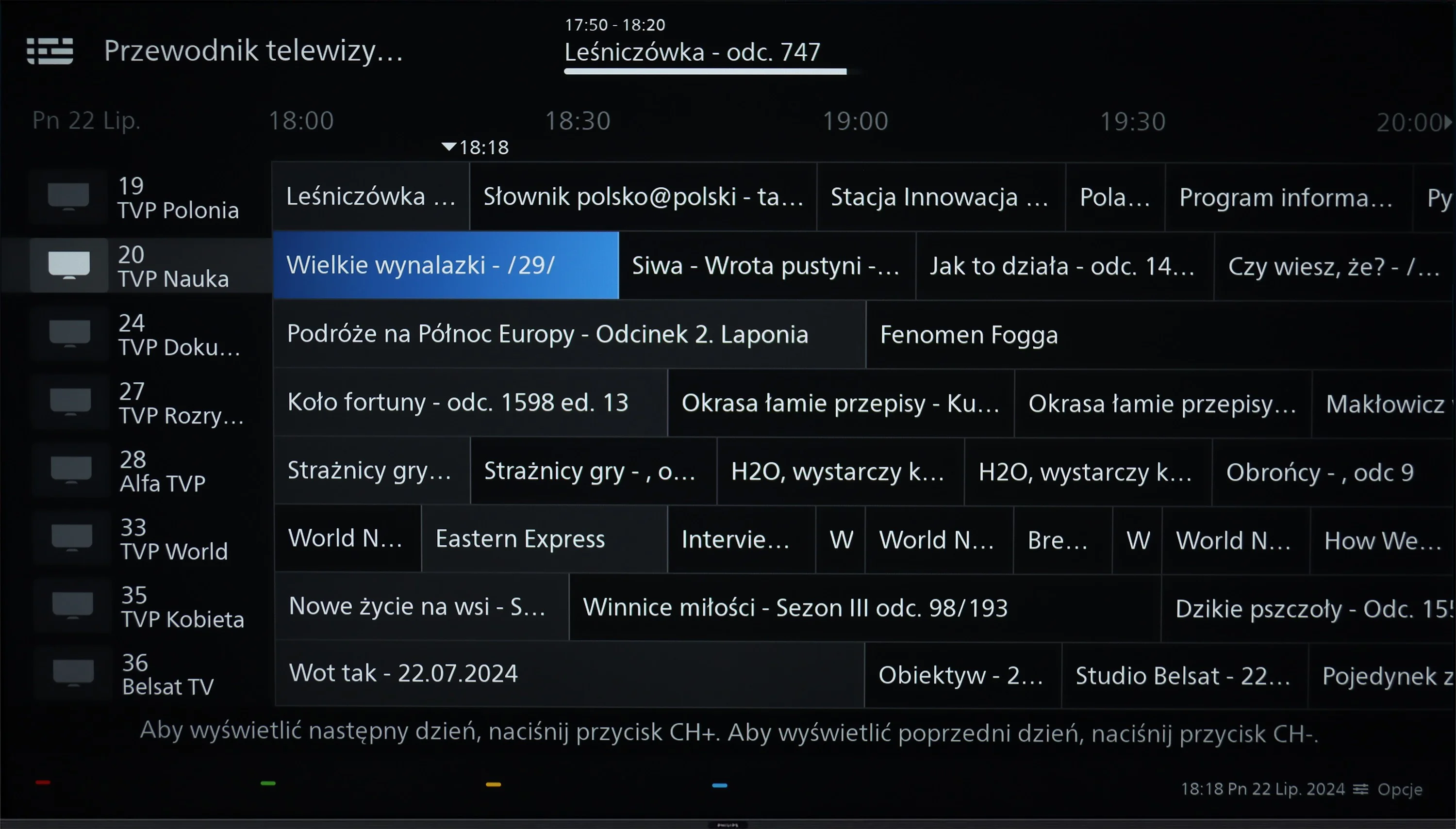
Philips has decided this year to change its approach to the operating system, replacing the previous open system GoogleTV with its proprietary TitanOS. As is often the case with new solutions, TitanOS is struggling with typical growing pains. It currently offers only basic applications, and the app store leaves much to be desired, which may disappoint users expecting a rich selection of programs. Additionally, the lack of support for AirPlay and the inability to record to USB are further limitations that could impact the overall user experience.
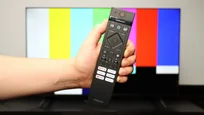
One interesting feature of the models with TitanOS is the new remote, which is very convenient to use thanks to its backlighting. Unfortunately, its wireless operation is not entirely consistent. The hybrid design means that sometimes you need to aim at the TV, and other times you don’t – it depends on the buttons being used. It’s just plain annoying.
On the plus side, there is support for Bluetooth, allowing you to connect a mouse or other peripheral devices. This is particularly useful when using the browser, which could serve as an alternative due to the limited availability of applications in the TitanOS app store.
SmartTV Features: Tizen
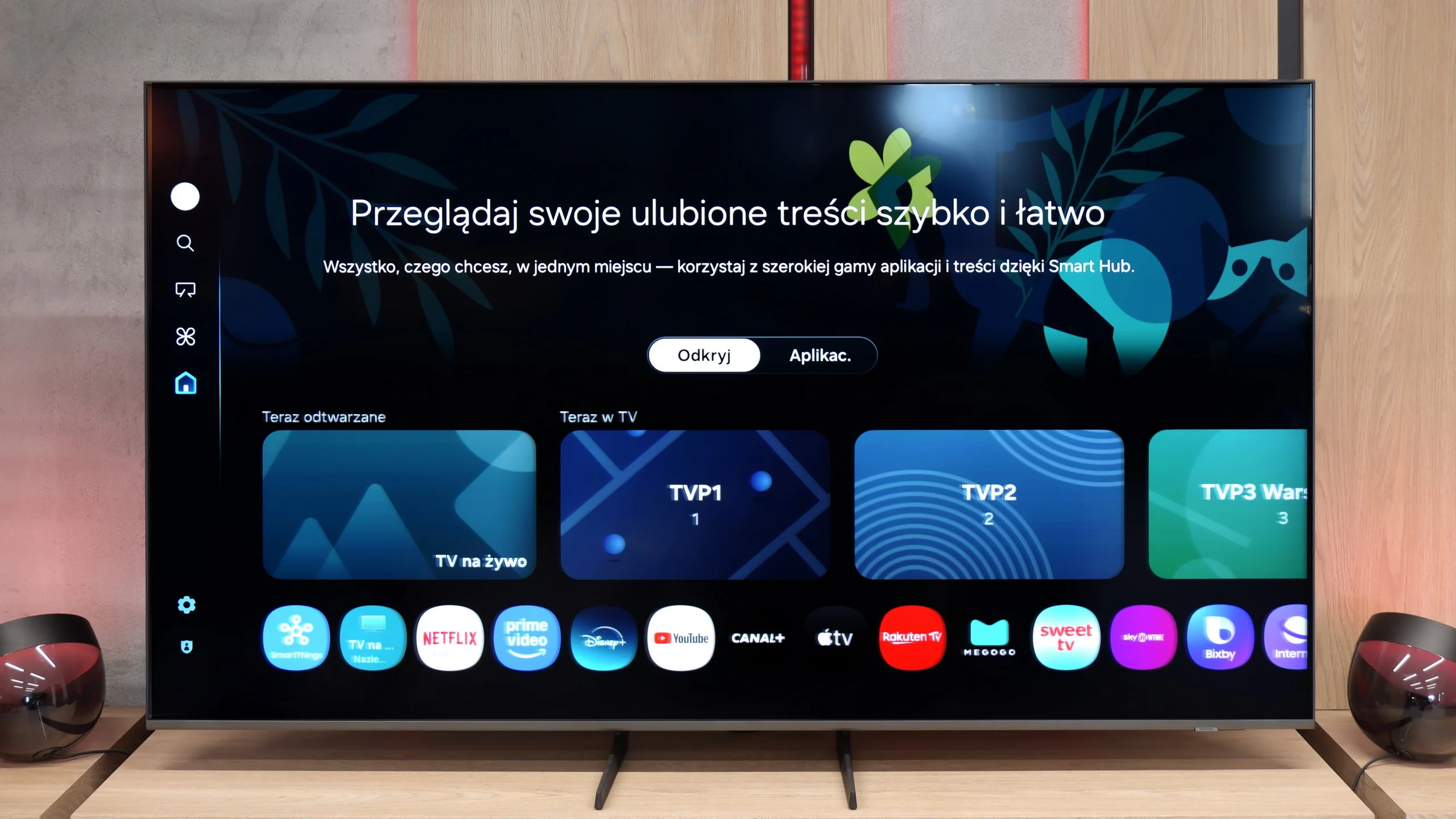
In terms of smart features, the Q8F is right up there with what Samsung has made us accustomed to. It comes with the Tizen system – fast, intuitive, and well integrated with other devices. AirPlay, screen mirroring, and simple voice commands work seamlessly, so the basics are ticked off perfectly. Added to this is SmartThings, an app that turns the TV into the hub of a home ecosystem. You can connect a washing machine, vacuum cleaner, light bulbs, or speakers and control everything from one place, including the TV. There are also plenty of apps in Tizen for watching movies and series – Netflix, YouTube, Disney+, and Prime Video are all readily available. However, it should be noted that Tizen is a closed system, so if someone is hoping to install less popular programs, they might be disappointed.
Traditional Television
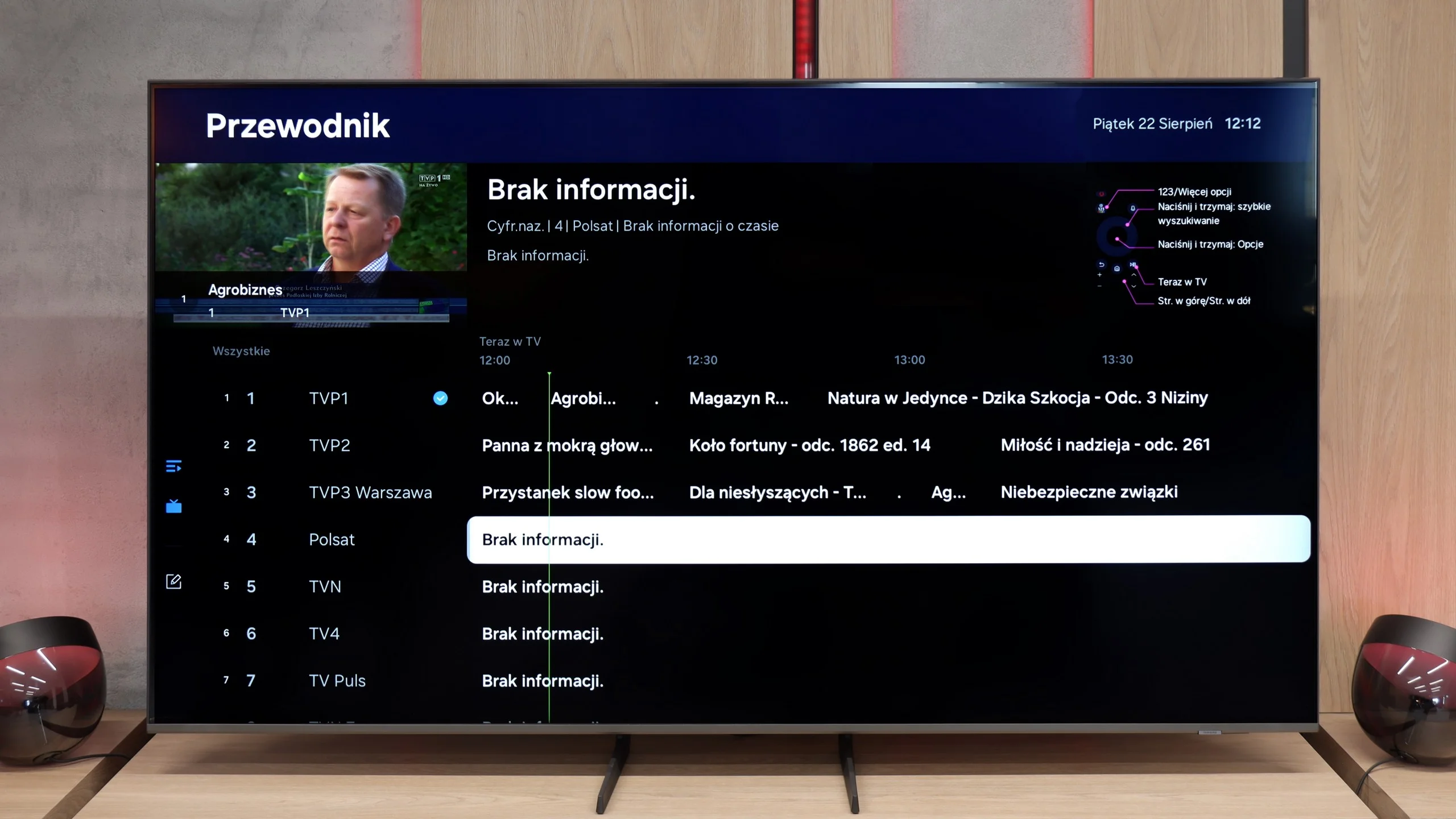
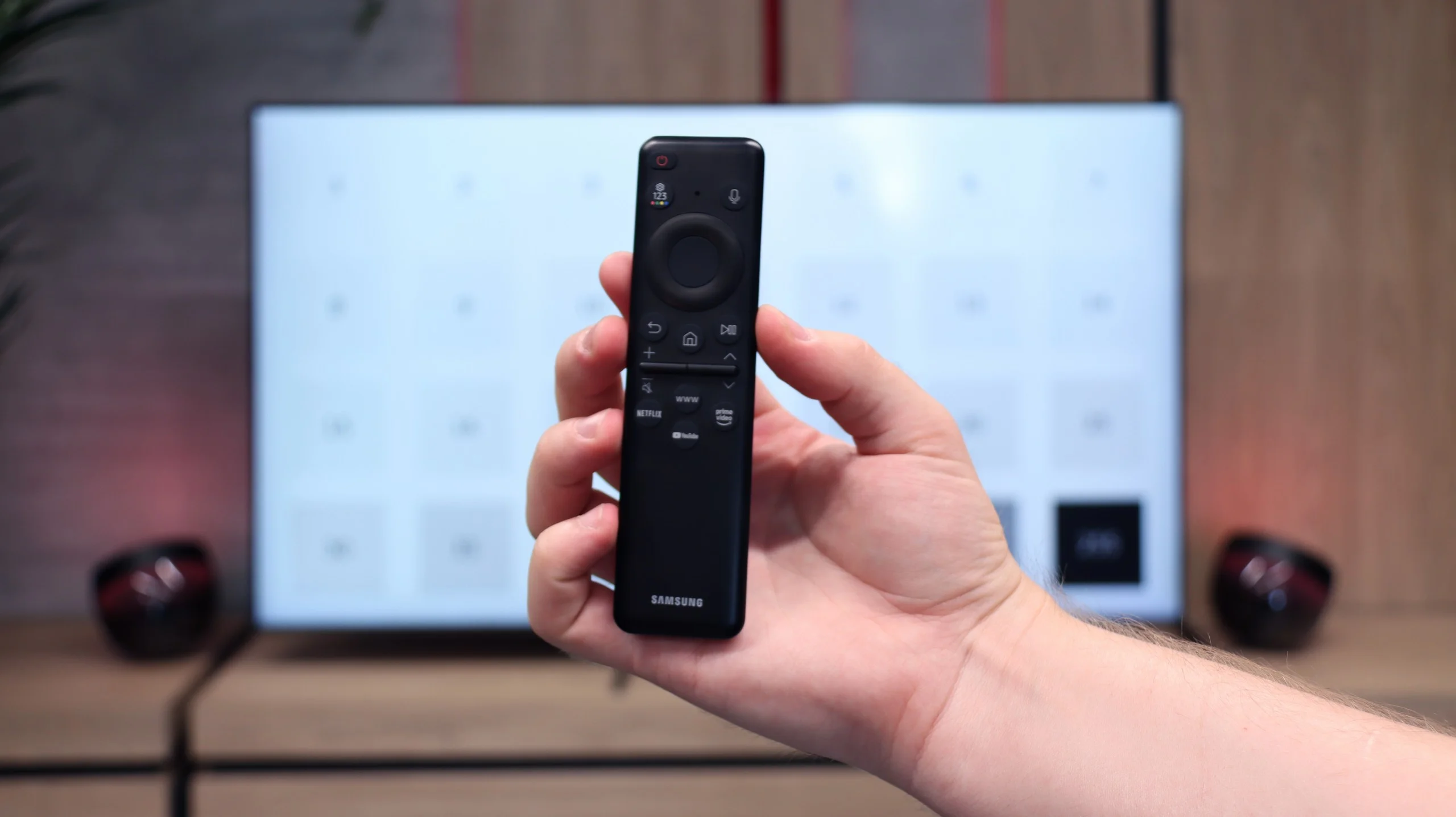
Traditional television falls short. The Q8F simply serves as a screen here – it will display the picture, but additional features like USB recording or PiP mode are absent. The remote is small and very minimalist. It looks modern and can be charged via solar batteries on the back cover or through USB-C, but it's worth noting that it might not suit everyone – particularly older users may miss traditional buttons. However, it's fair to say that Samsung has been consistently steering its TVs (and competitors who are copying some of their ideas) towards the smart home direction rather than towards devices "for grandma and grandpa". Given the enormous popularity of the brand, one can assume that most users, even the older ones, have already gotten used to the fact that the era of remotes with a whole range of rubber buttons is slowly coming to an end.
Apps
6.7/10
9.3/10






















Playing files from USB
8.2/10
9.1/10
Supported photo formats:
Maximum photo resolution:
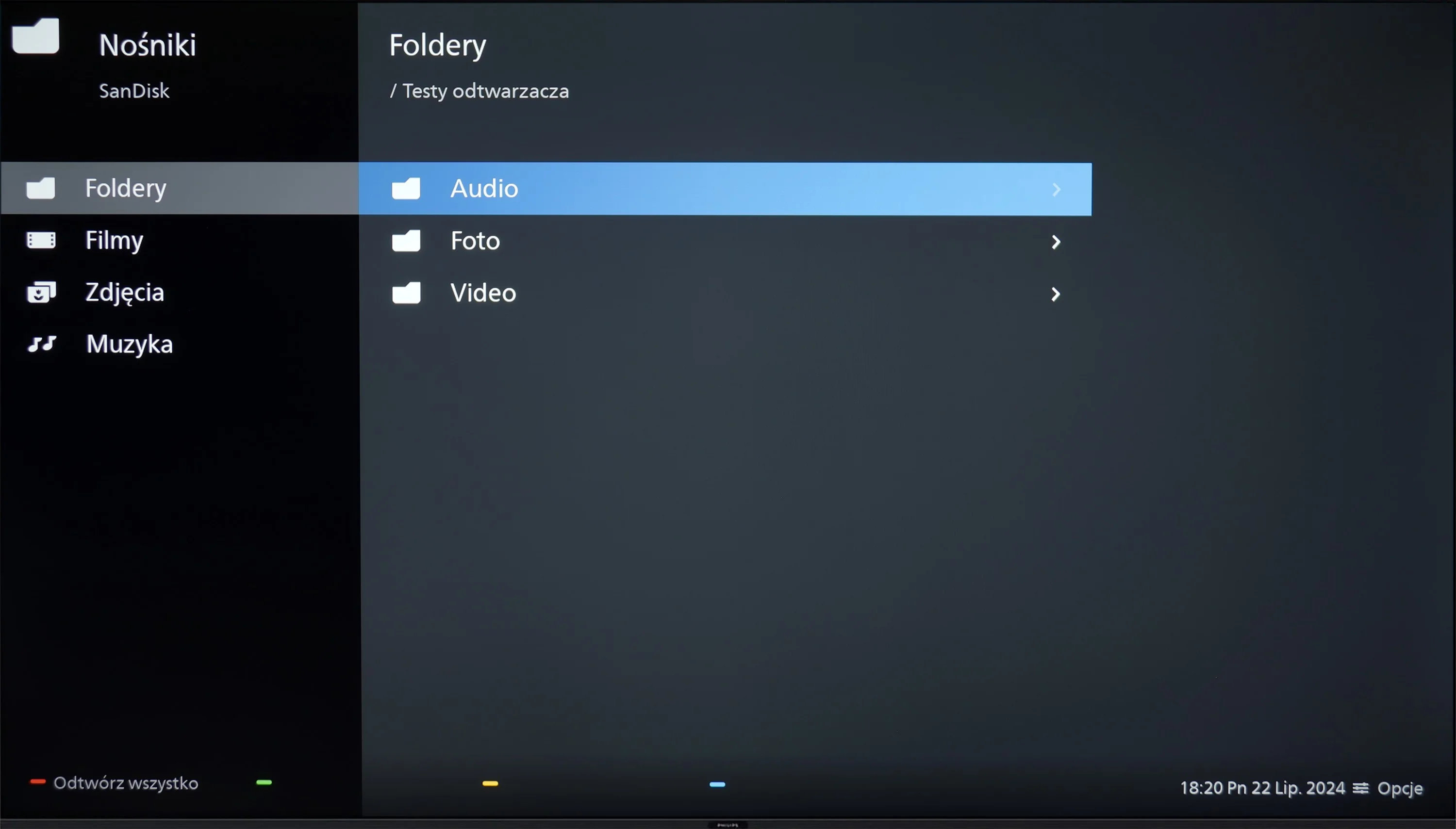
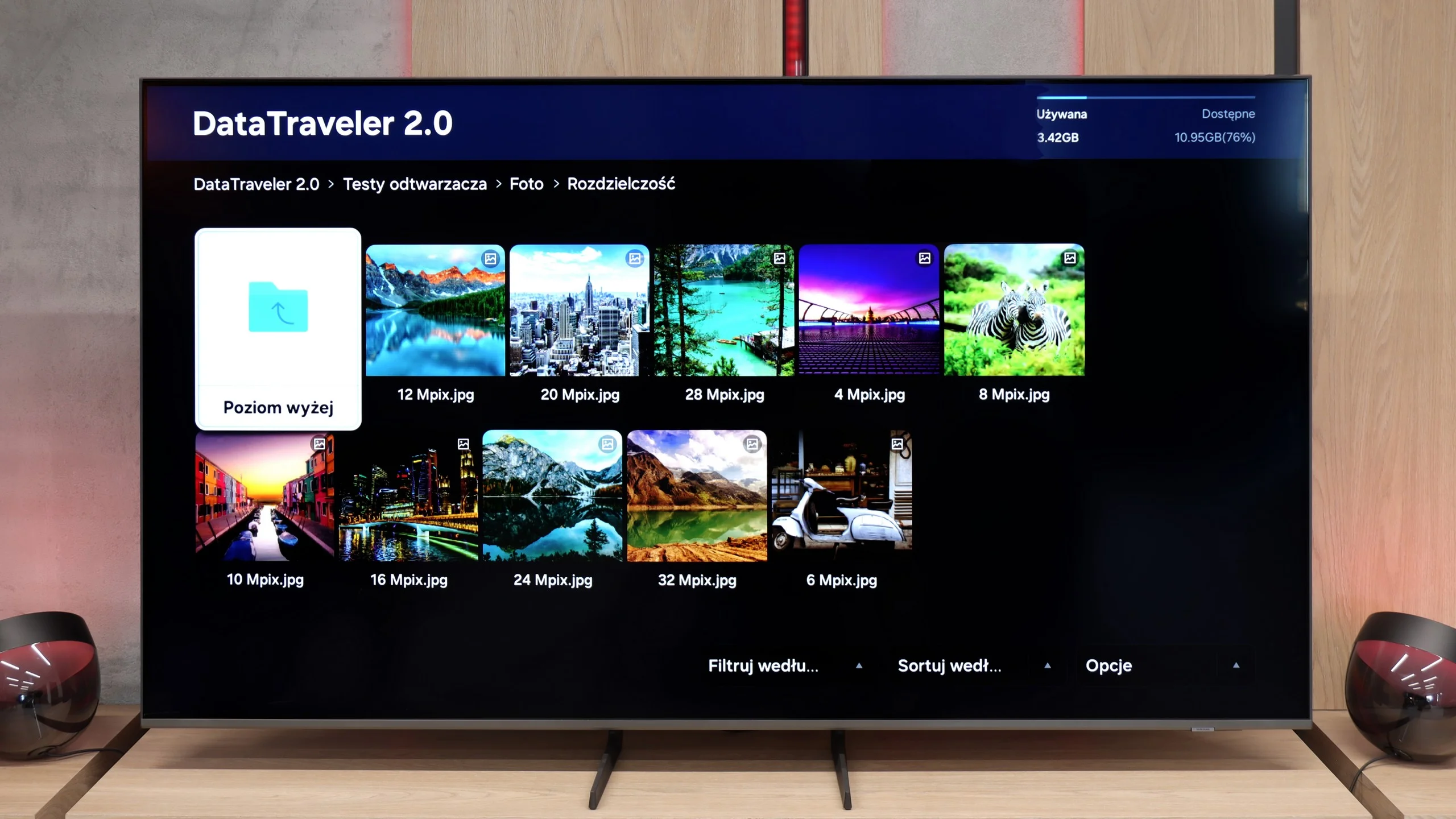
In terms of playback from USB, Philips PUS7009 performs quite decently. The TV plays most popular photo, audio, and video formats, and an added advantage is the support for Polish subtitles and the ability to change fonts. Unfortunately, it has issues with playing certain photo resolutions.
Samsung Q8F handles playback of files from USB quite efficiently. It supports almost all popular video formats as well as photos, so you can easily load a holiday movie or a family album. There are occasional exceptions with less popular photo formats, but the essential JPEG works flawlessly, which will be crucial for most users. It's a shame that Tizen doesn't allow the installation of alternative players, such as VLC. Then even less popular formats wouldn't pose any problem.
Sound
5.6/10
6/10
- Maximum volume-84dB
- Dolby Digital Plus 7.1
- Dolby True HD 7.1
- Dolby Atmos in Dolby Digital Plus (JOC)
- Dolby Atmos in Dolby True HD
- DTS:X in DTS-HD MA
- DTS-HD Master Audio
The sound on the Philips PUS7009 is rather flat and doesn't stand out compared to other televisions. Nevertheless, it's worth noting that the TV supports all popular audio formats, including Dolby and DTS, which is a plus in terms of compatibility with various sound sources.
The sound on the Q8F can be described as acceptable. You can hear a slightly defined bass, but it's really minimal – the slim design of the television simply doesn't allow the pair of 2 × 10 W speakers to spread their wings. This is a typical scenario for most televisions: if someone cares about truly cinematic experiences, it's worth considering a soundbar. Samsung has a really wide range in this category across different budgets, so it's easy to find something suitable. The television itself is fine for watching traditional TV and series occasionally, but you wouldn't expect much in terms of audio excitement.
Acoustic Measurements
No acoustic data
84dBC (Max)
75dBC
Reader comments
Comments are provided by the external service Disqus (Zeta Global). Once loaded, Disqus may set cookies and process data about your activity.
We will remember your choice on this device. Provider's privacy policy