webOS System and Smart Features
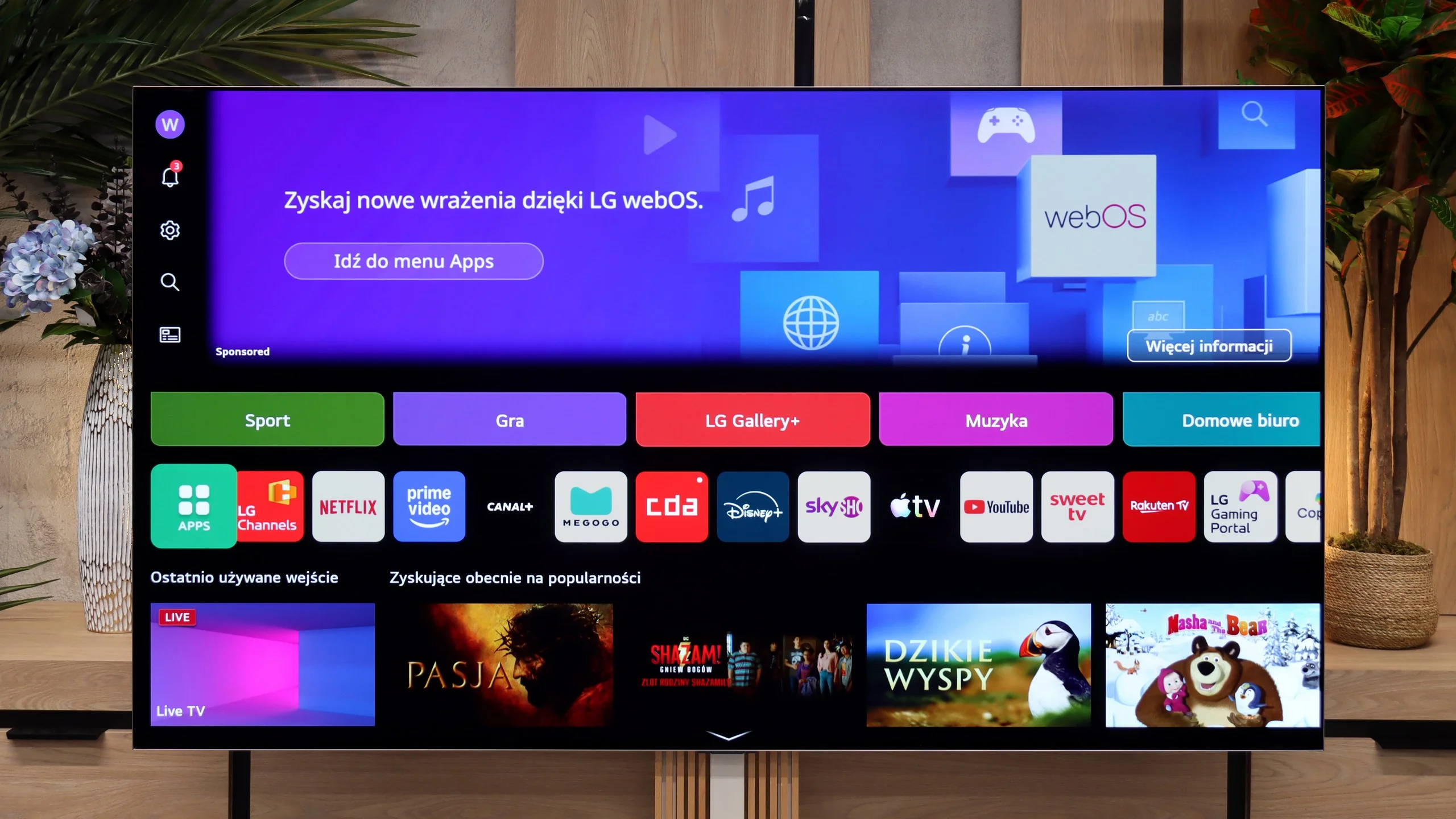
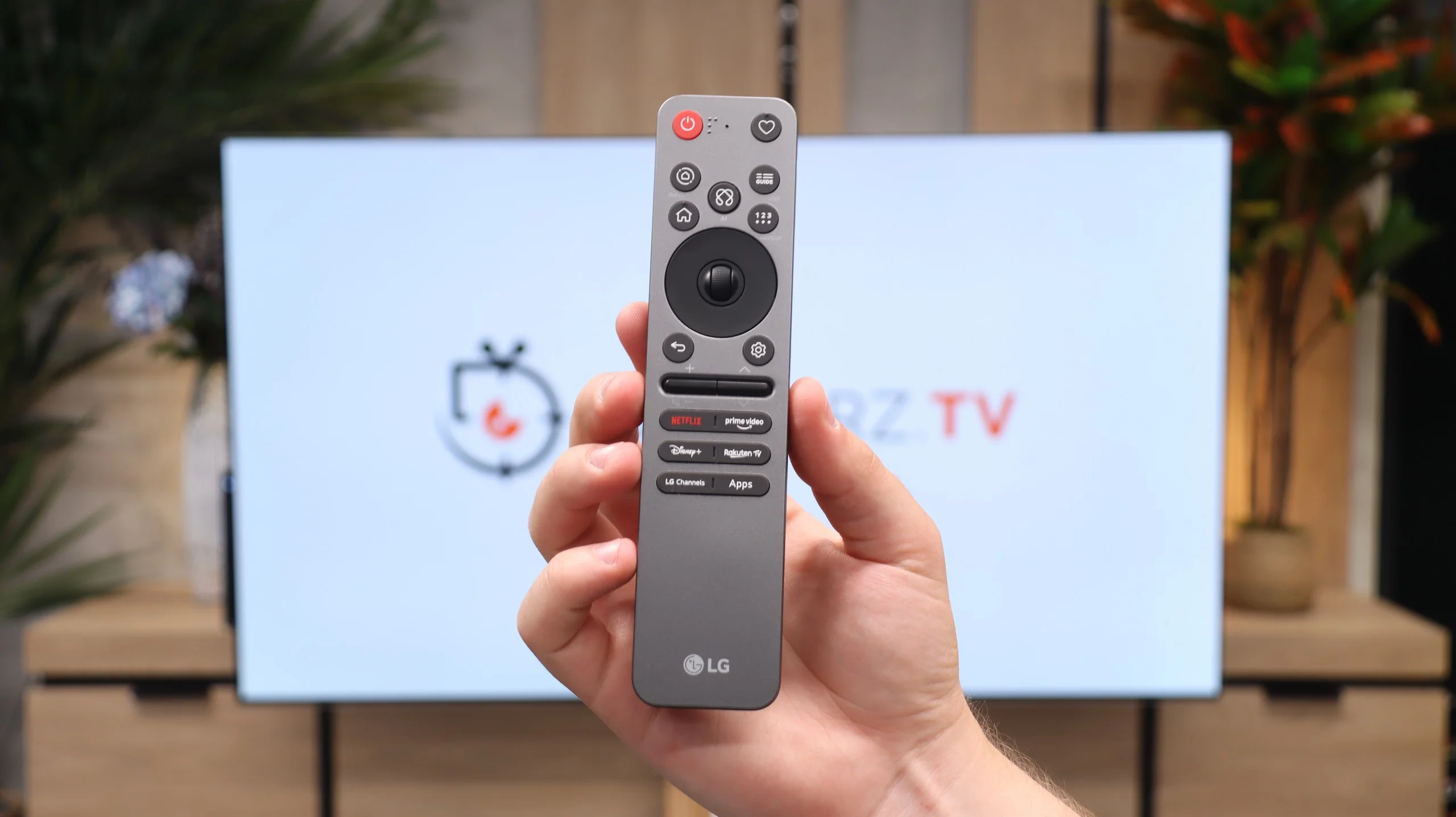
The television runs on the latest version of the webOS system. Although it is a closed platform, it supports absolutely all the key streaming apps on the market. You can also easily access useful wireless connectivity features like built-in Chromecast, AirPlay, and classic screen mirroring. However, the biggest standout feature of the LG platform is the brilliant Magic remote. While it is quite compact and lacks a physical numeric keypad, it does something that competitors still can't replicate – it functions like a wireless mouse. It is equipped with a gyroscope, allowing you to move an intuitive cursor across the screen, which dramatically speeds up entering passwords or navigating menus. Additionally, LG has one of the best voice assistants for controlling the device, and this combination with the Magic remote provides excellent capabilities for navigating the system. The only thing that can be quite irritating here is the intrusive ads and sponsored tiles, as LG increasingly clutters the main screen of the system. Despite this, the lack of Google TV is not a detriment to the G6 – considering the smooth operation of webOS, one can confidently say it is even an advantage.
Features for Traditionalists
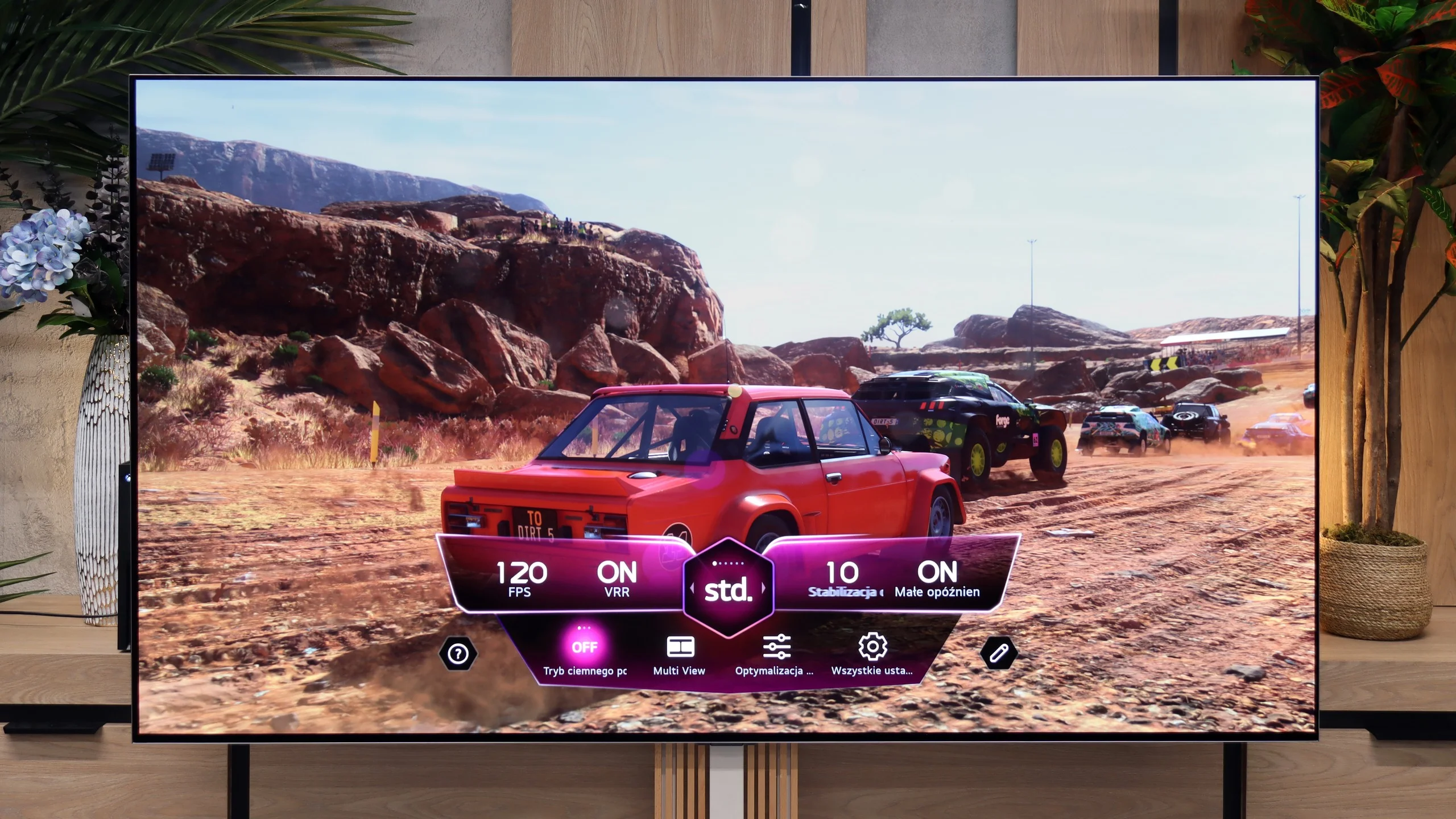
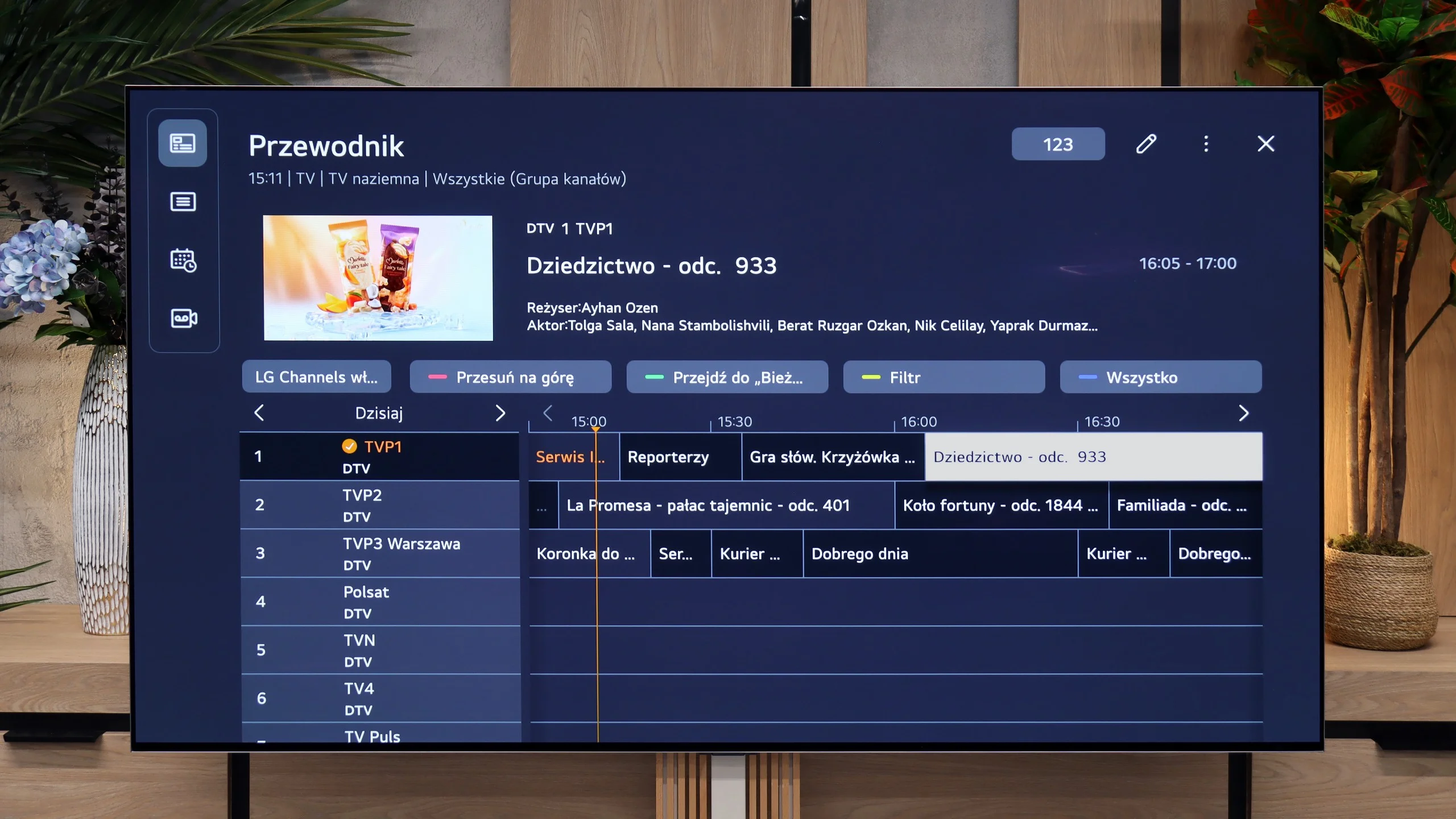
In terms of traditional television, the LG G6 also performs excellently and does not forget about traditional users. Despite the minimalist remote, it includes a plethora of useful features. The manufacturer did not skip on the PVR function, which allows recording programs from the built-in tuners directly to external USB storage or a hard drive. We also have a smoothly functioning TimeShift for pausing live TV and a recording scheduling option. These features can prove to be a great advantage during the upcoming FIFA World Cup, when matches will be played late in the evening and we may not be able to watch them live. Of course, standard features are also included, such as the ability to connect wireless headphones via Bluetooth.
Tizen and Smart TV features
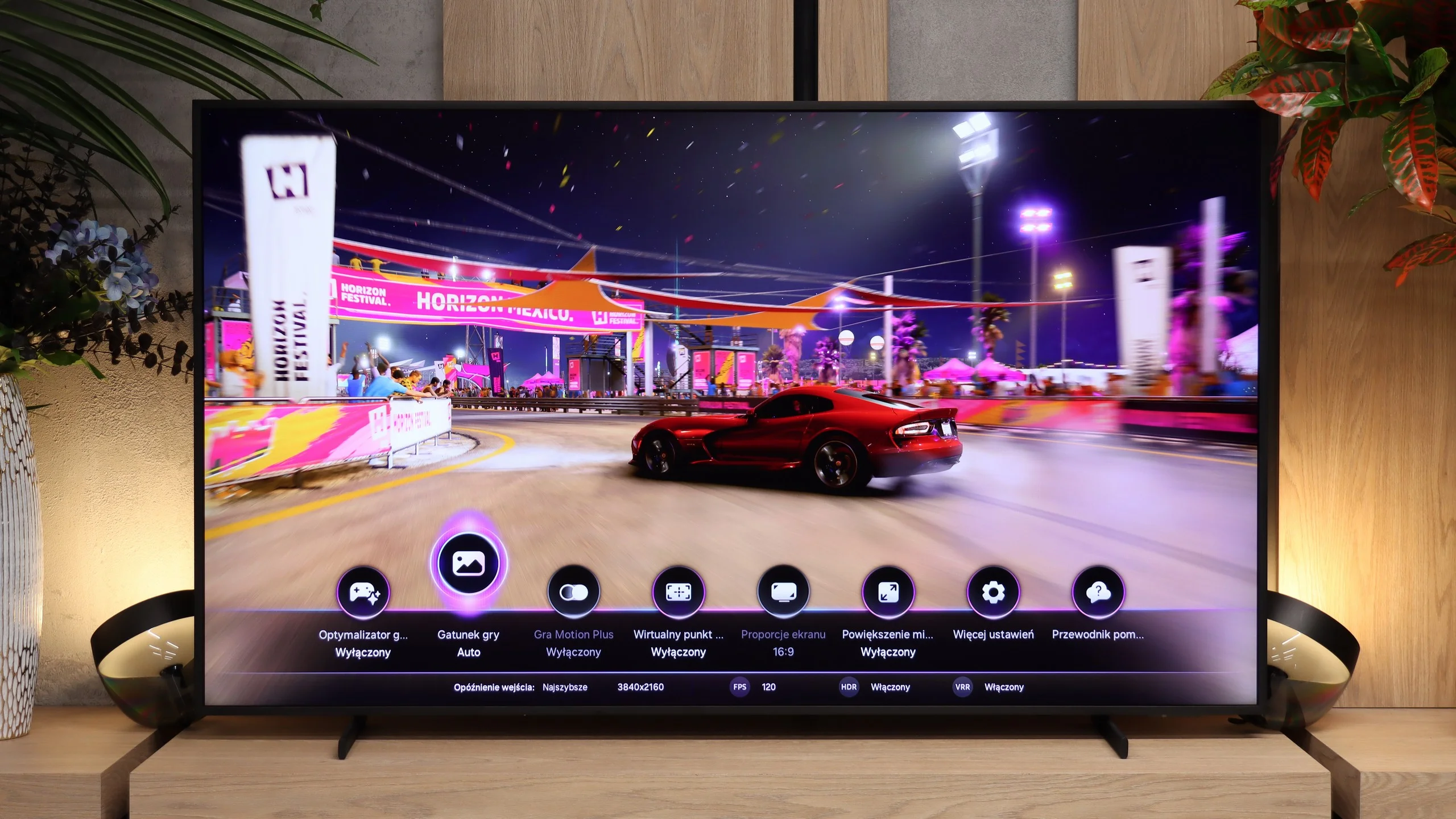
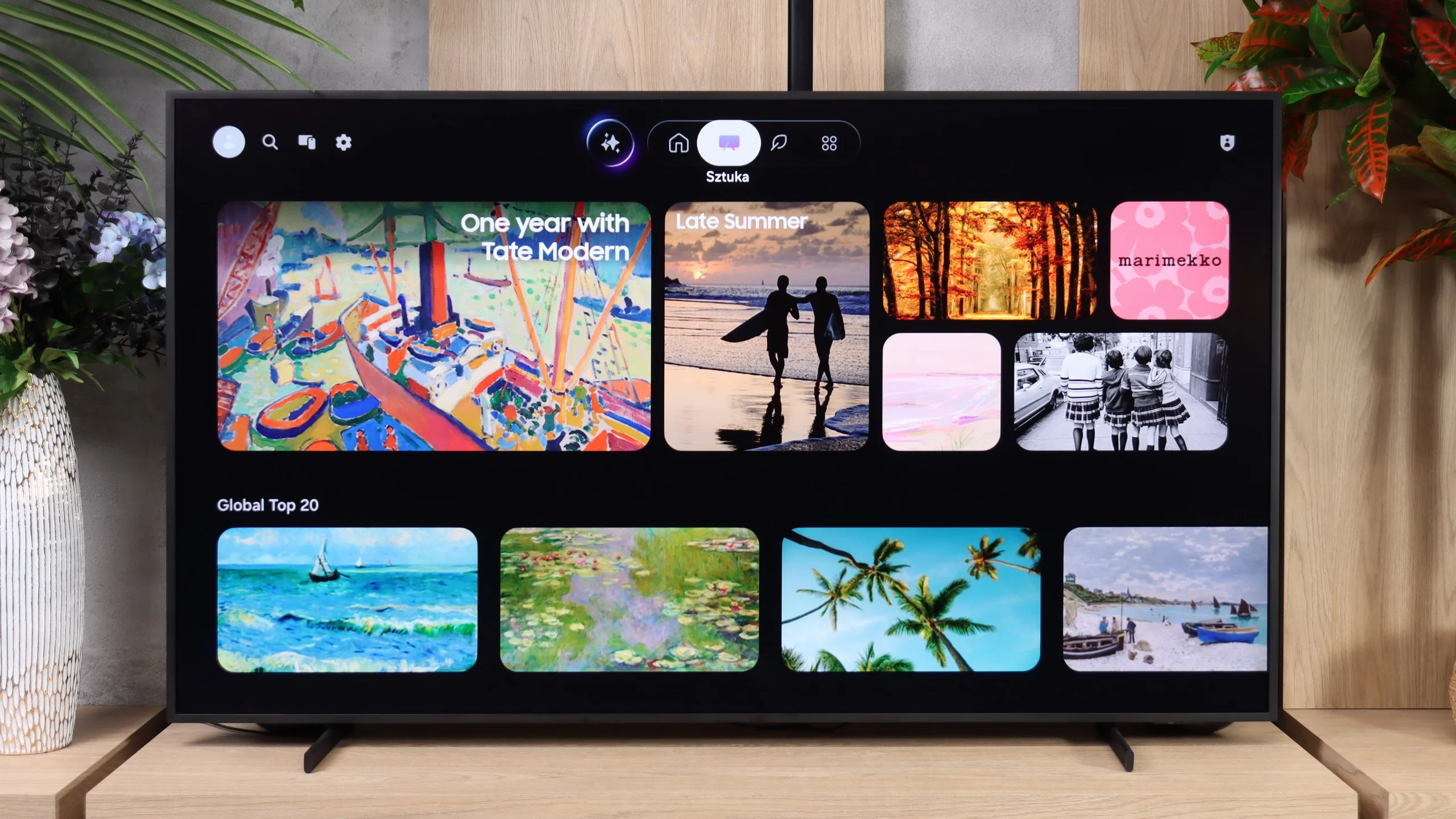
Tizen is, of course, behind the Smart TV features. The system runs smoothly and offers a very large selection of streaming apps. It also supports AirPlay, Miracast and voice search in Polish. In that respect The Frame Pro is not especially different from other new Samsungs – you simply get the manufacturer's feature-rich, well-working system.
Art Mode and Art Store
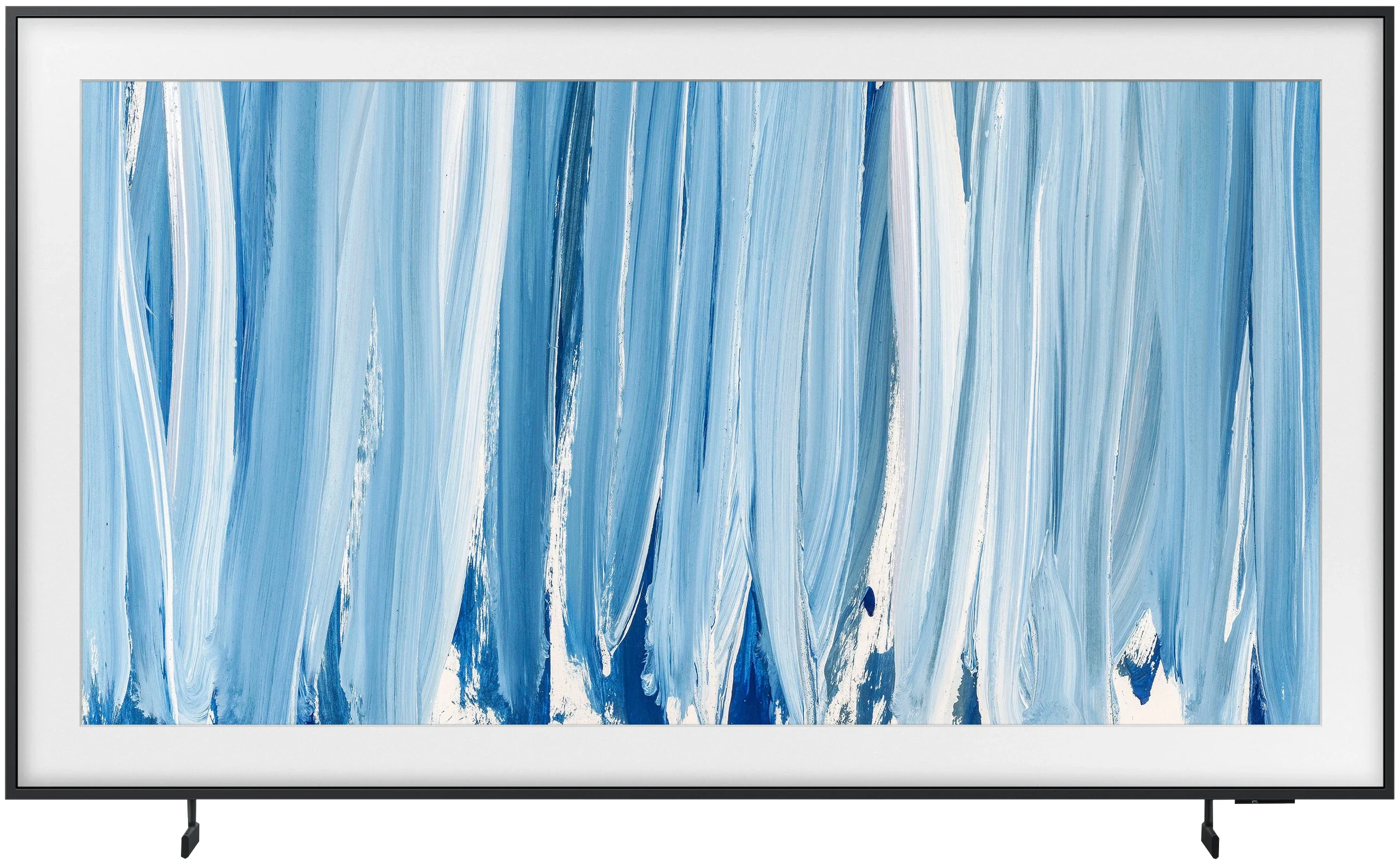
Far more interesting is Art Mode, since it's one of the most important features of the whole Frame series. When turned off, the TV can display paintings, photos or graphics instead of a black screen and can genuinely do a good job of imitating a classic picture hanging on the wall. Samsung provides access to the Art Store, where the selection is really large and the materials themselves are prepared to very high quality. The problem is that full access requires a subscription, and in our view that's a significant drawback for a TV whose main selling point is this feature. Fortunately we're not limited to the Art Store. You can upload your own photos or artwork, so nothing stops you from finding a high-resolution piece yourself and displaying it on the screen. The automation of this mode is also handled very interestingly. The Frame Pro not only has an ambient light sensor to adapt the look of the displayed image to the room, but also a presence sensor. The TV can therefore detect that someone is in the room and automatically activate Art Mode.
Classic features
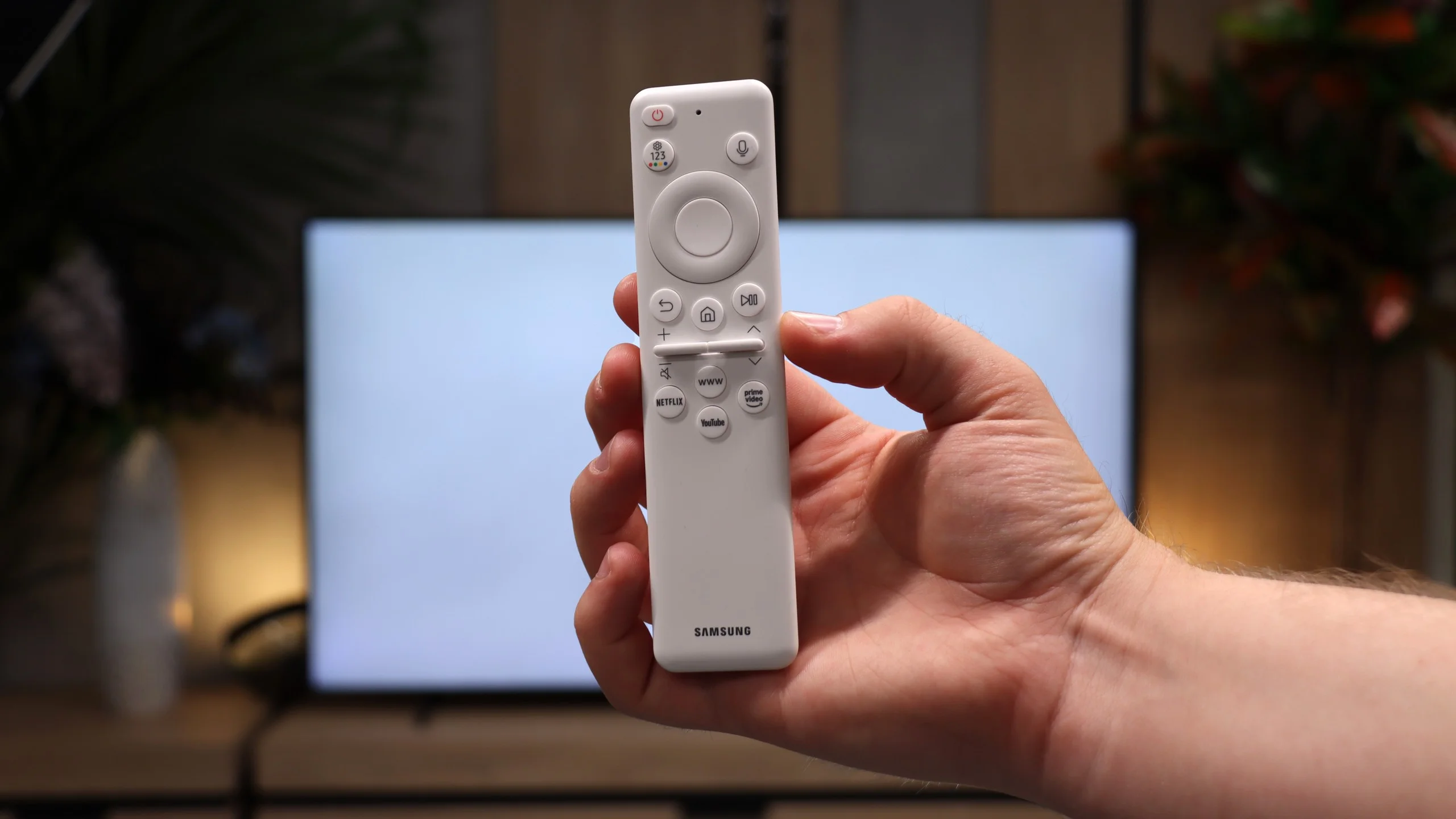
As for classic TV features, The Frame Pro offers a rather basic set of conveniences. We have DVB-T/T2, DVB-S/S2 and DVB-C tuners, teletext, a sound-only mode and the ability to use Bluetooth headphones and the TV speakers at the same time. Missing, however, are USB programme recording, PiP and a more advanced remote, for example one with a numeric keypad. The remote works via radio, so you don't need to point it at the screen.
 Direct comparison