 Direct comparison
LG G4 is a strong contender for being the best television of 2024. Thanks to the combination of OLED black and MLA technology, we will get an incredibly dynamic and vibrant image that will surely captivate us completely. LG G4 is also proof that televisions equipped with an OLED panel supported by MLA technology are indeed suitable for viewing in bright rooms. The operating system, while not as open as the competition, allows for many possibilities. Its greatest advantage is the well-known remote with a cursor, which makes controlling the unit (in our opinion) one of the most convenient on the market. Factory colour reproduction, although not at a high level, after undergoing calibration, can be considered almost reference-quality, providing a truly cinematic image. No wonder post-production studios choose televisions from this manufacturer. They uniquely offer such a deep capability to adjust the image, thanks to 3D LUT calibration. It seems that the biggest (and perhaps only) drawback of this television is the tonal transitions, which, while far from perfect, cannot be said to detract from the viewing experience. The remedy is provided by the manufacturer themselves, and enabling the "Smooth Gradation" function will remove the vast majority of any choppiness. LG G4 also performs exceptionally well when watching all kinds of sports or other dynamic scenes. The motion smoother is incredibly advanced and allows for adjustment of smoothness to suit individual needs. Thanks to HDMI 2.1 ports with full functionality and the manufacturer's attention, the tested television will find its place in the homes of many passionate gamers. Each of the essential features works flawlessly, and the low input lag in every mode is very pleasing. In summary, LG G4 is an incredibly versatile television, allowing for entertainment in excellent quality both at night and during the day.
- Matching (Score) |
- Our verdict |
- TV appearance |
- Where to buy |
- Contrast and black detail |
- HDR effect quality |
- Factory color reproduction |
- Color reproduction after calibration |
- Smoothness of tonal transitions |
- Image scaling and smoothness of tonal transitions |
- Blur and motion smoothness |
- Console compatibility and gaming features |
- Input lag |
- Compatibility with PC |
- Viewing angles |
- Daytime performance |
- Panel details |
- TV features |
- Apps |
- Playing files from USB |
- Sound
G45 / G42

QN80F
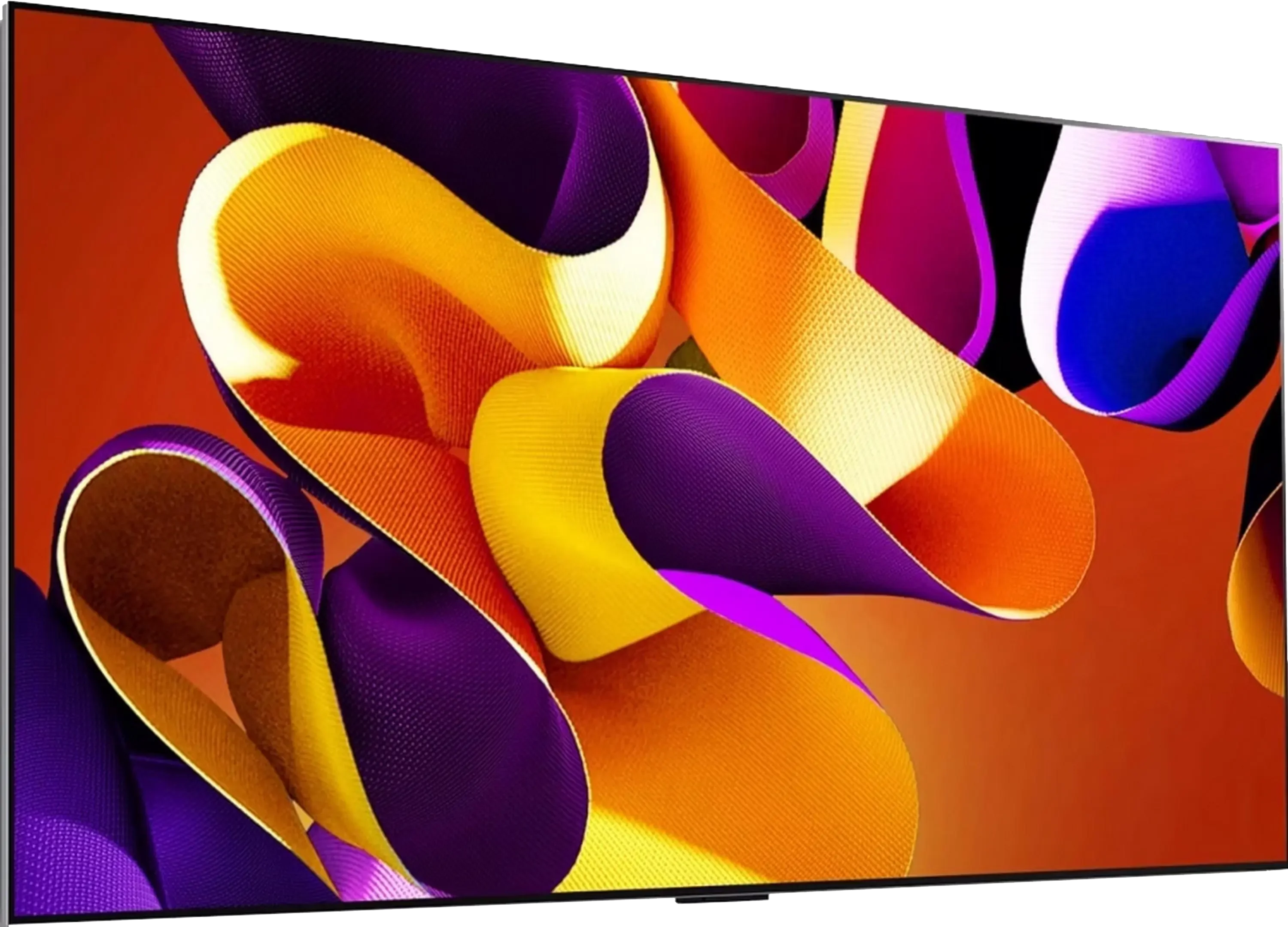
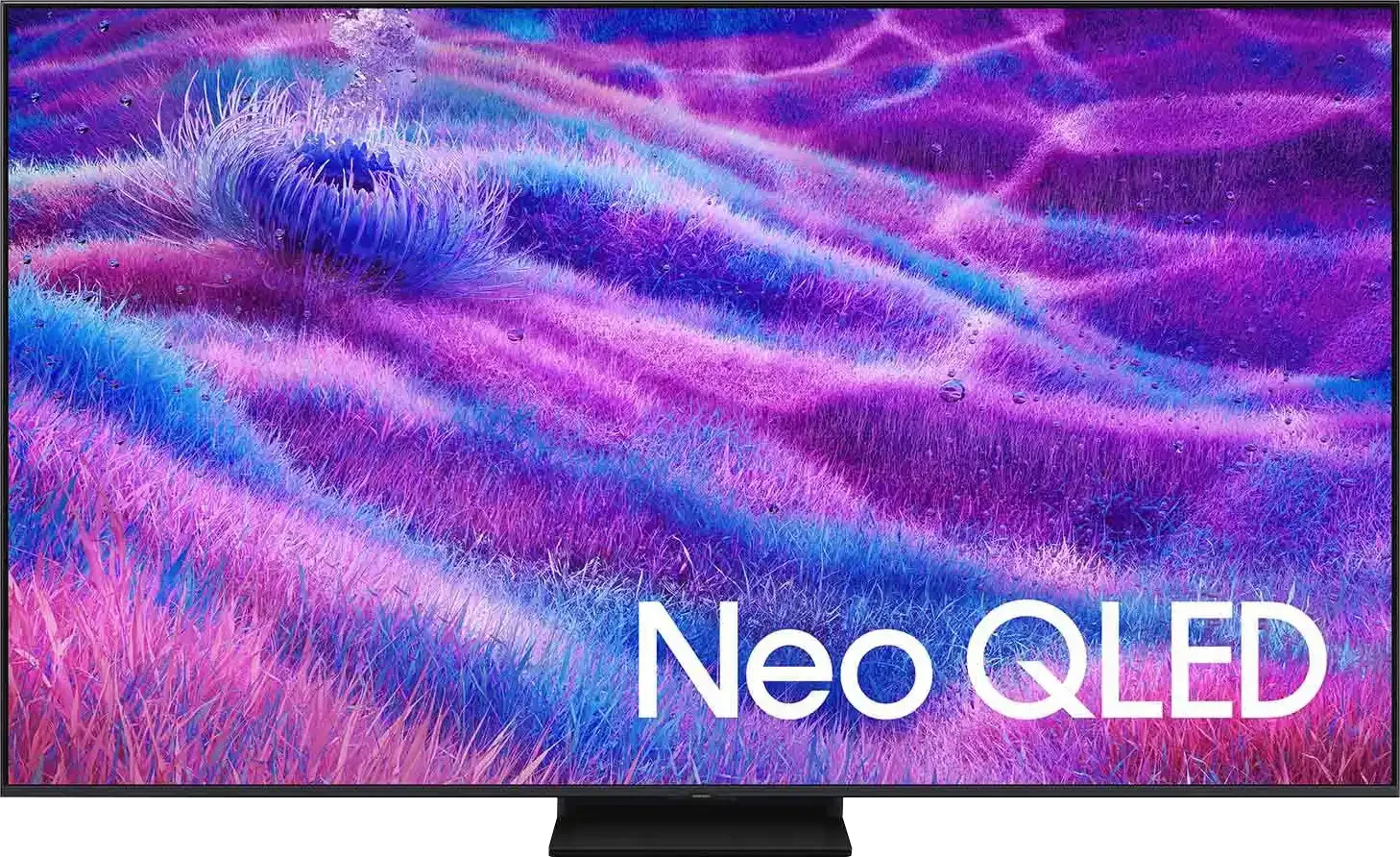
Panel type: WRGB OLED
Resolution: 3840x2160
System: WebOS
Model year: 2024
Complete the survey to find out the result
Panel type: LCD VA
Resolution: 3840x2160
System: Tizen
Model year: 2025
Complete the survey to find out the result
Overall rating
8.5
7.4
 Movies and series in UHD quality
8.6
6.9
 Classic TV, YouTube
9.1
6.8
 Sports broadcasts (TV and apps)
9.0
6.7
 Gaming on console
9.5
8.9
 TV as a computer monitor
8.6
8.8
 Watching in bright light
5.8
6.6
 Utility functions
9.0
7.7
 Apps
9.1
9.3
 Sound quality
8.6
6.7
Complete the survey to find out what fits your preferences
Advantages

Phenomenal image fidelity to the director's intent
Reference colour reproduction post-calibration
Very high brightness in HDR content
Outstanding compatibility with consoles and computers
The panel effectively suppresses light reflections
Perfect viewing angles
Great black levels and contrast - VA panel combined with MINI-LED backlighting.
Excellent brightness - up to 1000 nits in HDR
Fast and responsive panel - 144 Hz
Robust support for gamers - 4xHDMI 2.1, VRR, ALLM, GameBar, Game Motion Plus
Very good usability in daylight
Advanced Tizen operating system
Easy to use
PiP function
Disadvantages

Visible tonal transitions
Sound of the built-in audio system - it could be better in this class of television
No DTS format support – a limitation when connecting a home theatre system
No USB recording function
Relatively few dimming zones
Our verdict
QN80F is the first in the history of Samsung's "eighty range" to feature Mini LED backlighting. And it does it really well. Although the number of dimming zones isn't staggering, the black levels are solid, and in combination with high brightness, it allows for a very decent picture in HDR content. Additionally, there's a 144 Hz panel that provides excellent motion fluidity, and the gaming features – VRR, ALLM, Game Motion Plus – make the QN80F an option truly designed for those gaming on consoles or PCs. The television operates quickly and responsively, and the Tizen system runs like lightning – whether you’re searching for apps or switching sources. Is there anything to nitpick? Of course, as always – there are shortcomings in the system (like USB recording), DTS support is absent, and Mini LED comes with its own limitations. But the QN80F is a fantastic everyday television – versatile, refined, and... with great price potential. Looking at the history of this series, we can expect that this "eighty" will still shake things up once it hits the first reasonable promotions. And then it could be virtually unbeatable at its price – especially if Samsung fixes the minor teething issues.
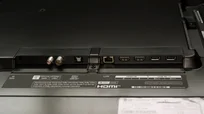
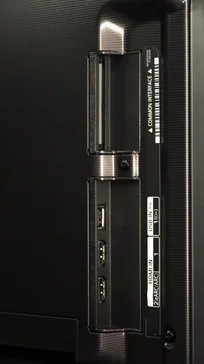
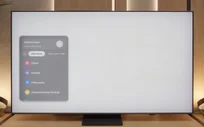
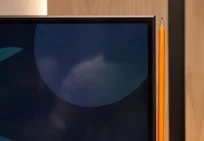
TV appearance
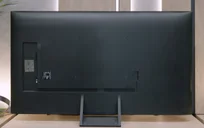
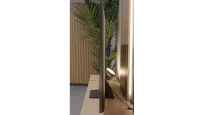

Contrast and black detail
10/10
6.8/10
Local dimming function: Yes, number of zones: 88 (8 x 11)
Contrast:


Result
∞:1

Result
∞:1

Result
∞:1

Result
∞:1

Result
∞:1
Result
34,100:1
Result
8,200:1
Result
32,500:1
Result
4,550:1
Result
3,800:1
Halo effect and black detail visibility:
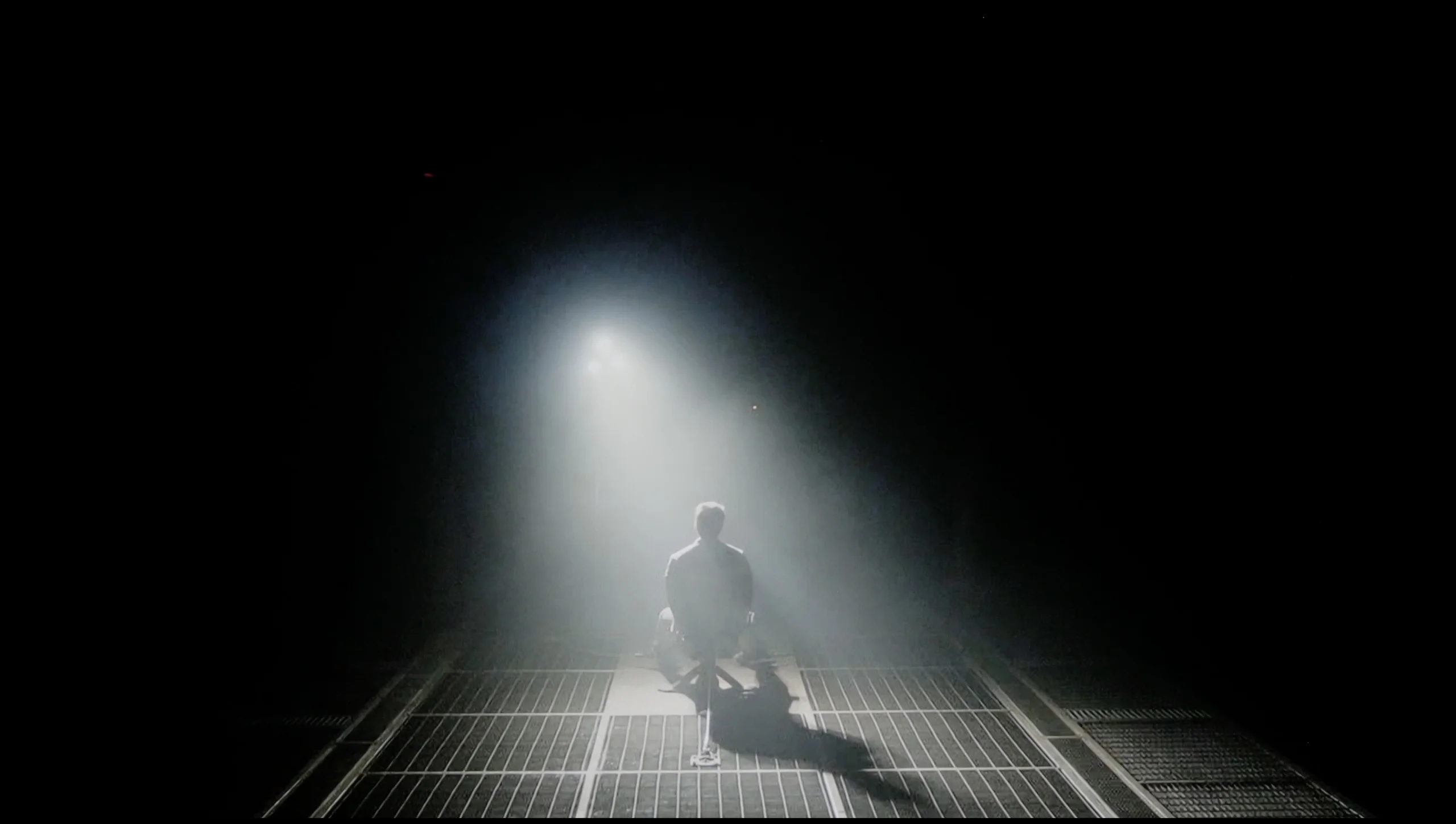
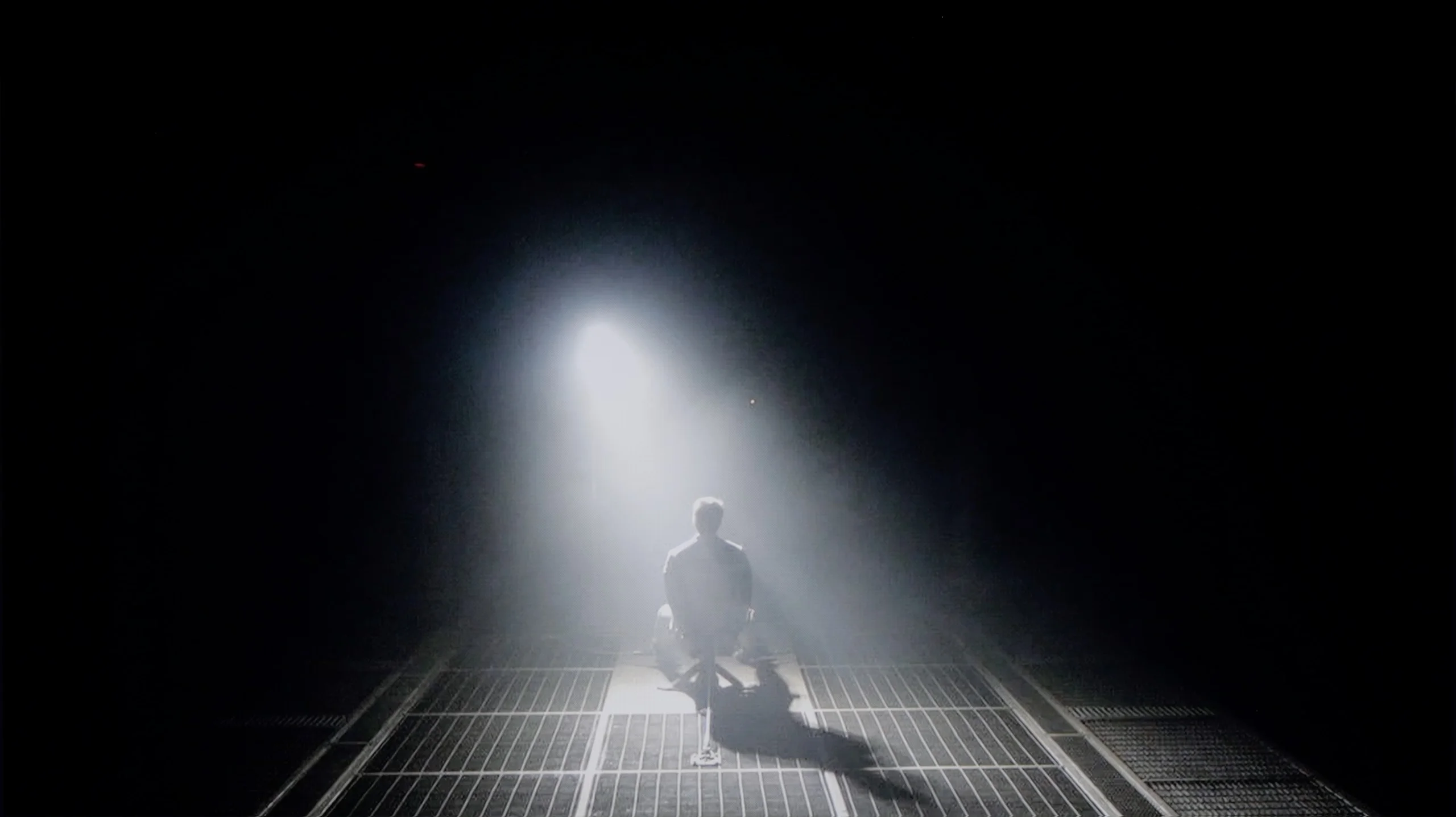
Check the visibility of bright lights on a dark background. Mini-LEDs often struggle with this. The photo does not compare black levels – that’s what the video below is for.
The video accurately shows differences in contrast and black levels between TVs, as well as potential issues: halo around bright objects or Mini-LED zone operation visible as brightness jumps.
LG G4, with its OLED panels produced for over 10 years, delivers perfect contrast, black levels, and detail reproduction in the darkest scenes. It's worth noting that the panel itself is equipped with MLA (Micro Lens Array) technology, which LG showcased just a year ago with the launch of its predecessor. The use of an organic panel not only allows for achieving pitch-black blacks but also provides extraordinary immersion and a three-dimensional effect in the image, which is hard to find even in the best Mini LED TVs. Such image quality is closely linked to OLED panel technology, as each pixel is controlled by an electrical impulse rather than shading filters on the panel. Therefore, if we want to achieve black, the pixel is simply turned off. This is very evident in test images, where the spotlight provides high brightness while being perfectly separated from each other. The situation remains unchanged in the challenging scene from "Sicario 2," where no imperfections from zone dimming can be seen, which we might encounter in LCD TVs.
QN80F is a representative of the Neo QLED series, meaning it is a television with Mini LED backlighting. Unlike its cheaper cousin, the QN70F model, the diodes here are placed directly behind the panel (instead of at the edges), which gives a solid advantage from the start when it comes to contrast control. In the 65-inch variant we tested, we counted 88 dimming zones – a result that may not be very impressive, but as it turned out, sufficient to achieve quite decent results.
In tests based on scenes from films such as Oblivion or The Meg, the QN80F performed well – blacks were deep, and the overall image consistency was eye-catching. However, in more demanding moments (e.g., scenes with a large number of bright details on a dark background), a halo effect appeared. This is where the limitation of the number of zones comes into play – bright elements could bleed around, and some details in dark areas became less visible. In one scene with a helicopter (The Meg), we even noticed slight brightness flickering, as if the television was trying its best to maintain visibility of the details at the expense of black depth.
However, these are not issues exclusive to this model – the halo effect or contrast drops in very complex scenes are something that most Mini LED televisions struggle with, even the more expensive ones. In its class, the QN80F still performs positively and offers noticeably better contrast than the QN70F model with edge lighting. For most users, this will be a level more than sufficient – although not perfect.
HDR effect quality
7.9/10
5.8/10
Luminance measurements in HDR:

Result
1474 nit

Result
1467 nit

Result
1403 nit

Result
1441 nit

Result
850 nit
Result
799 nit
Result
533 nit
Result
717 nit
Result
245 nit
Result
656 nit
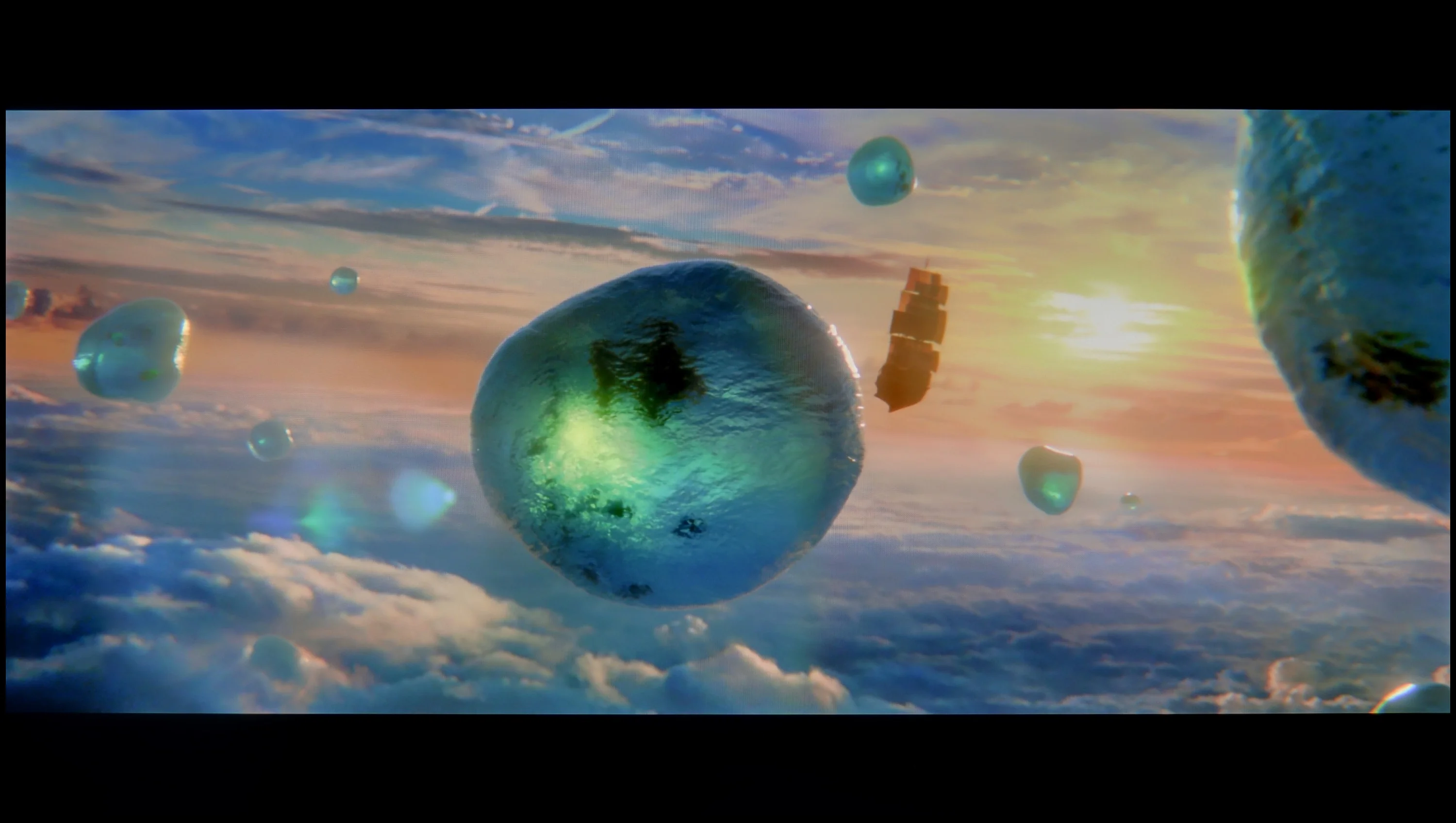
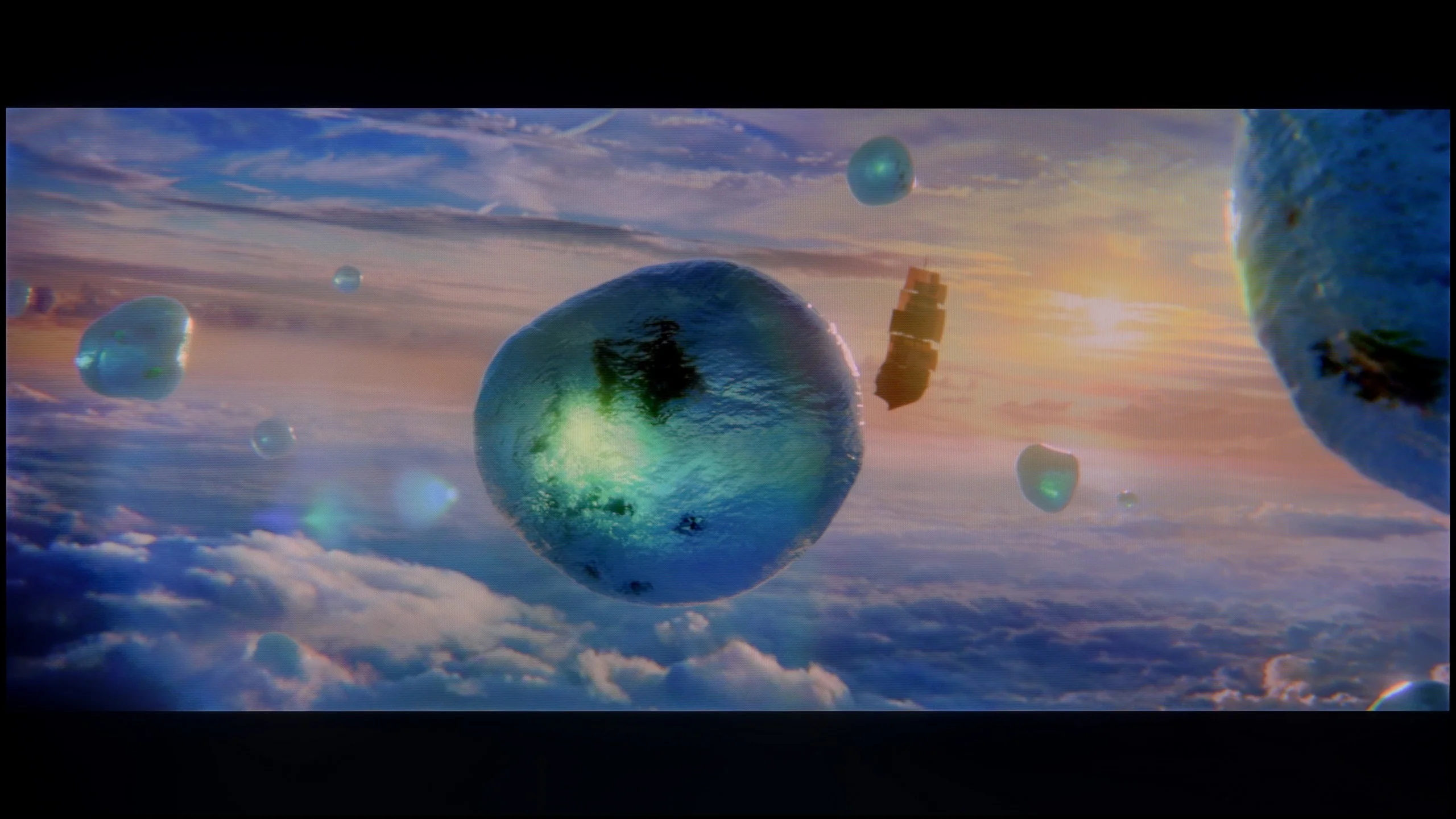
Scene from the movie “Pan” (about 2800 nits)
Scene from the movie “Billy Lynn” (about 1100 nits)
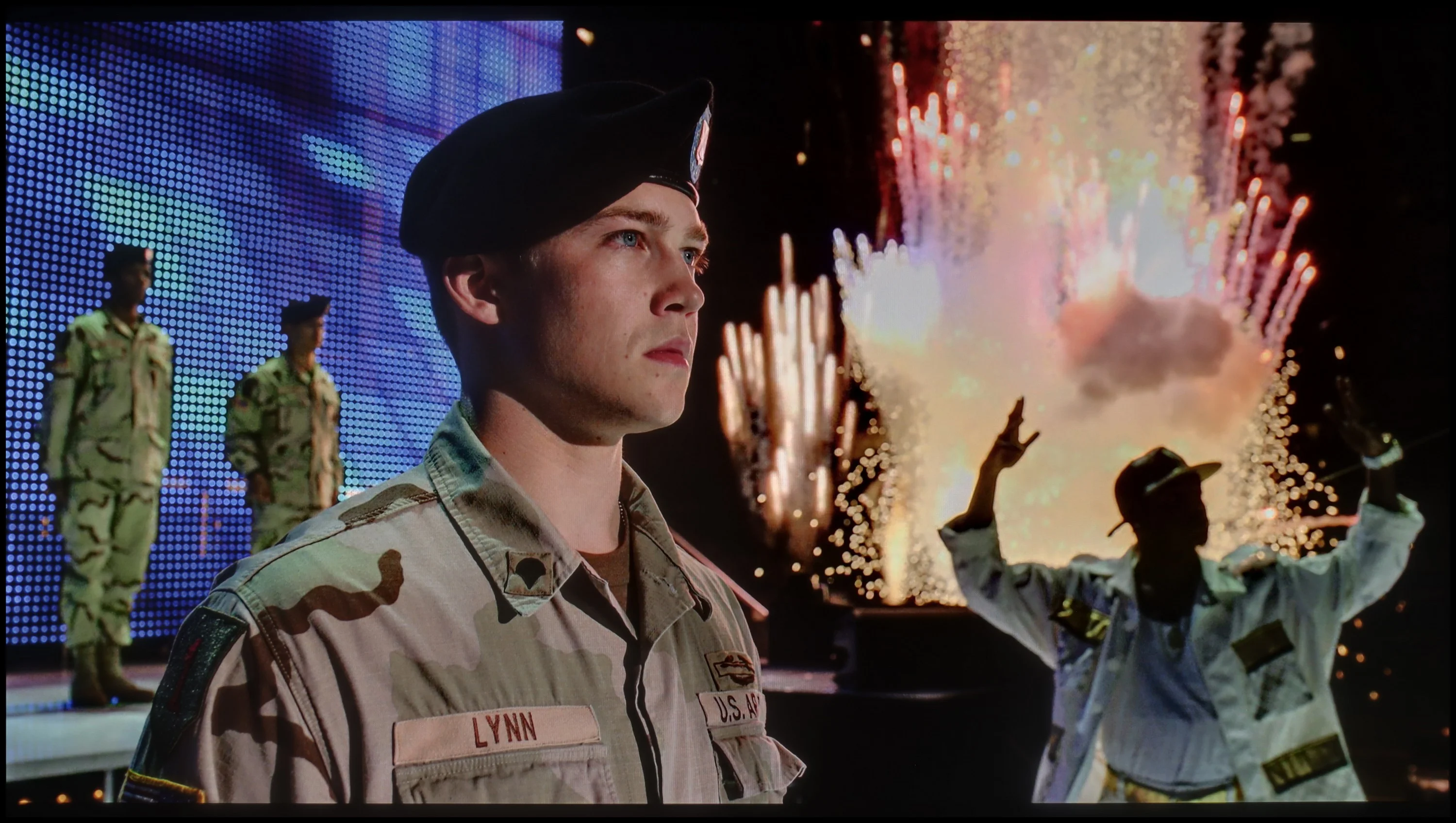
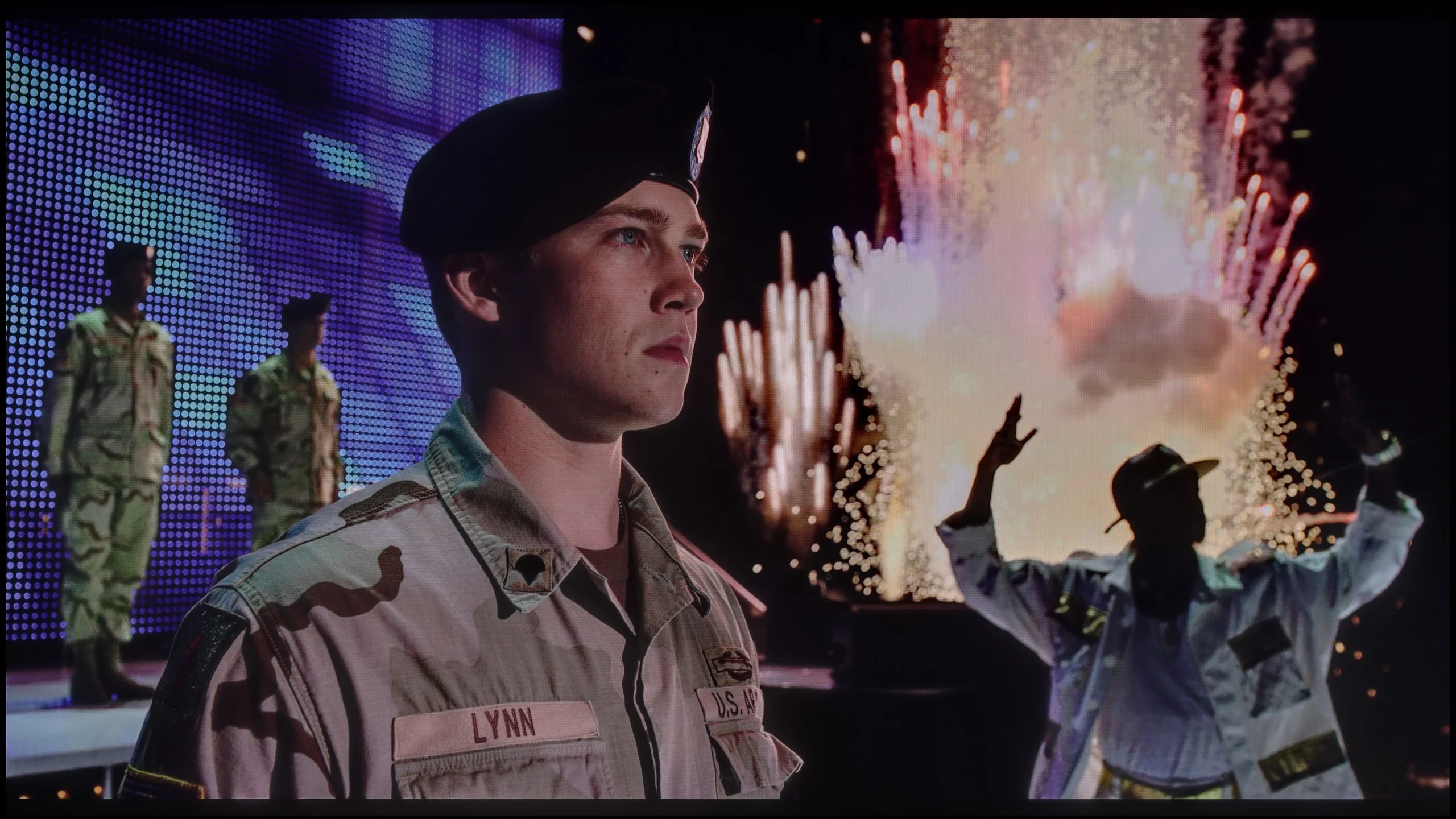
The photos show two HDR10 movies. 'Pan' is one of the brightest productions ever made, while 'Billy Lynn' (soldier) has brightness typical of streaming (Netflix, Prime, HBO MAX). Notice the intensity of effects and detail in whites.
Static HDR10

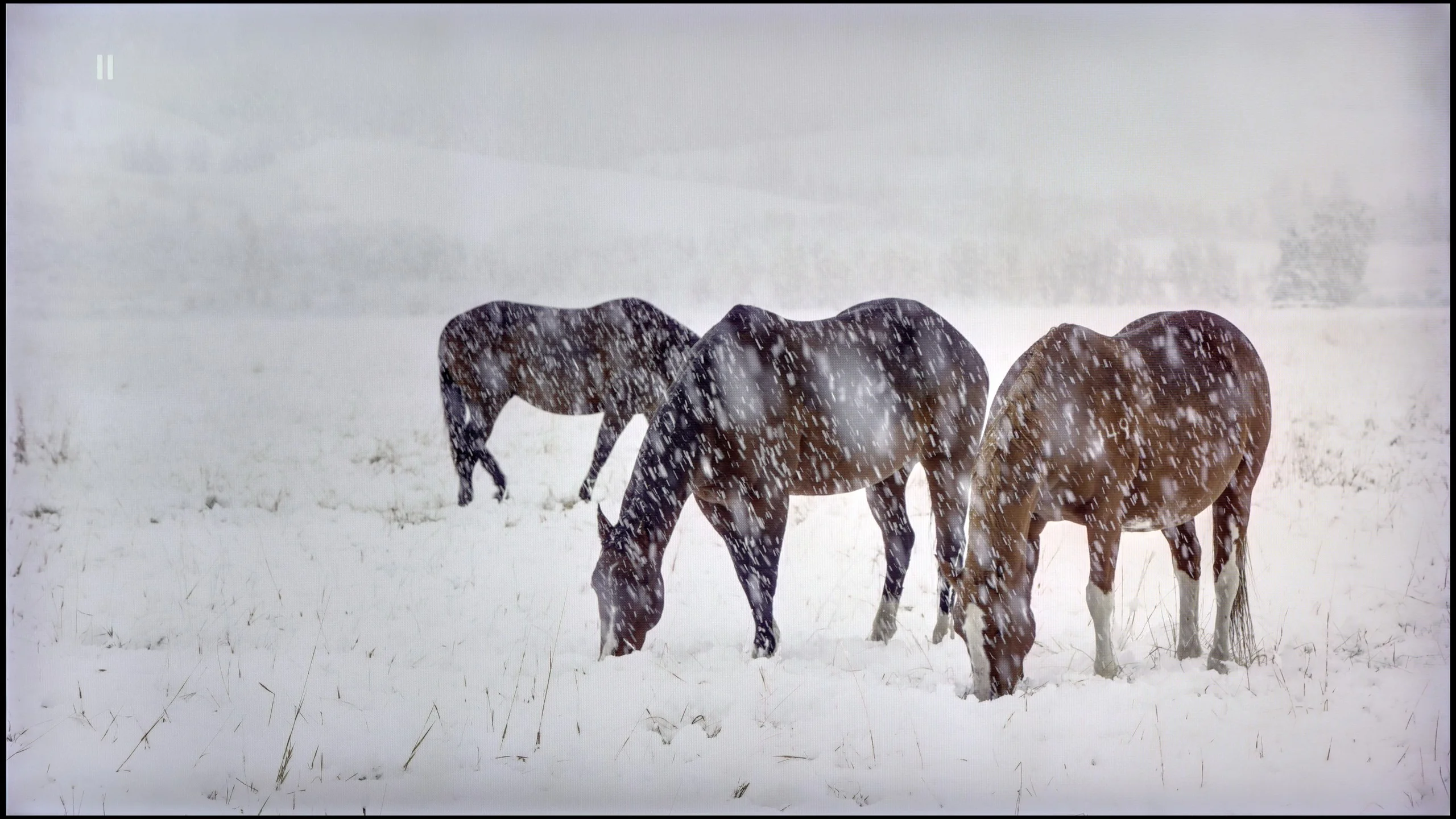
The photos present the visibility of white details in various HDR formats. They do not show brightness differences between TVs (these can be compared in the previous gallery).
Dynamic: Dolby Vision
Dynamic: HDR10+

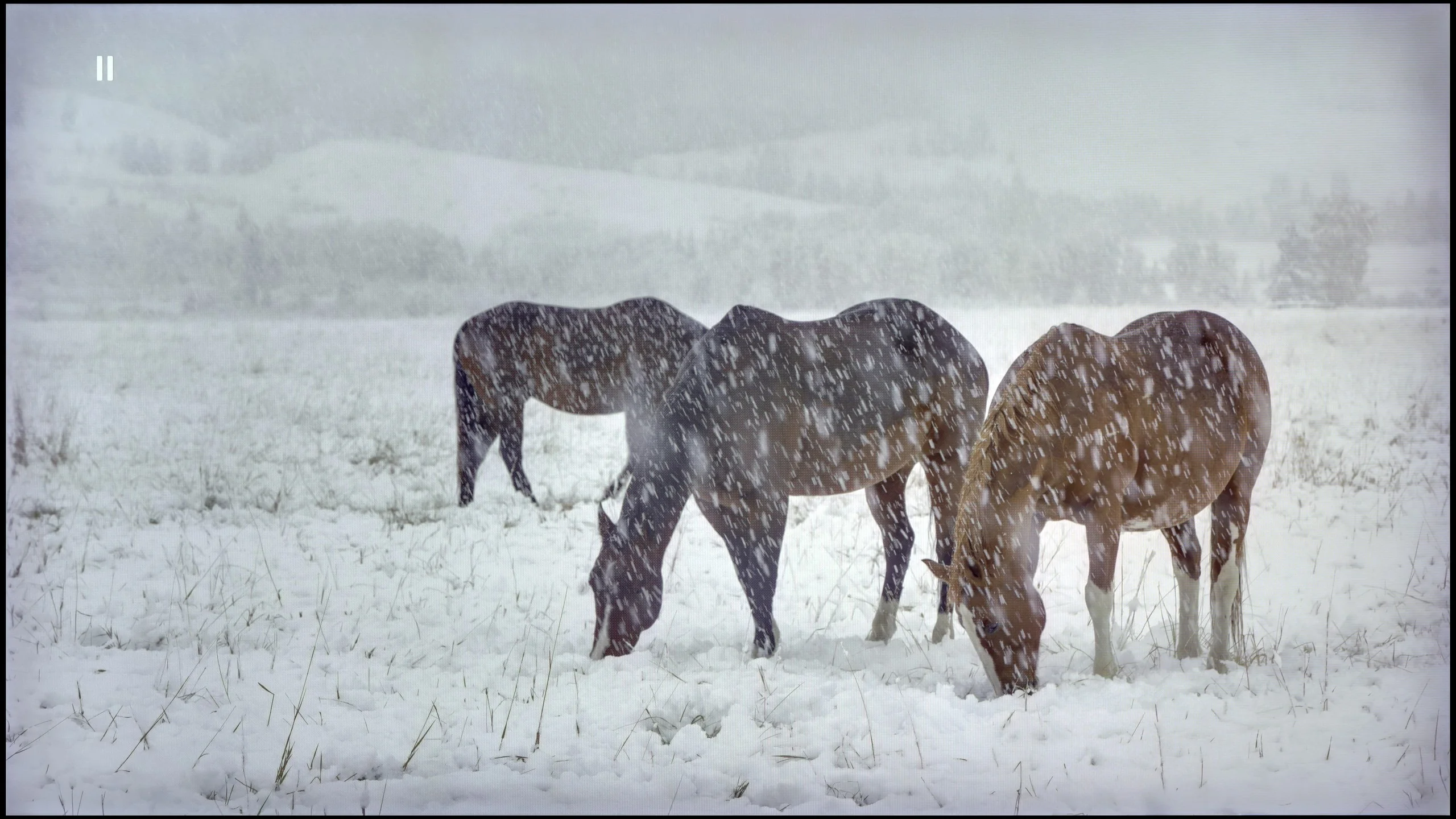
The photos present the visibility of white details in various HDR formats. They do not show brightness differences between TVs (these can be compared in the previous gallery).
HDR luminance chart:
SAMSUNG QN80F
LG OLED G4
Luminance of RGB colors
LG G4 guarantees an incredibly vibrant HDR effect, placing the television firmly at the top of the rankings. The highest model in the manufacturer's 2024 portfolio, equipped with the second generation of microlens technology (MLA), has achieved a maximum brightness level of 1474 nits in real scenes. The only area where the product of the Korean manufacturer may fall short compared to LCD televisions with Mini LED backlighting is during a full-screen scene featuring a lot of white. If we were to disregard the latter scene, the average result would be even higher. It's also worth mentioning scenes with very fine details, where each one shone at full intensity, which is not as evident in non-OLED televisions. The combination of such brightness and wide coverage of the DCI-P3 color space ensures that HDR materials are more engaging than ever before.
QN80F is quite a bright screen – in synthetic tests, it reached nearly 1000 nits, which allows for reasonable expectations of HDR content. And indeed, in many scenes, the TV can truly shine. Sequences with a lot of light – like shots from the movie Life of Pi or wide, bright surfaces in The Meg – look impressive. Brightness stays around 700 nits, which provides a solid effect, enough to feel the true "HDR magic." Unfortunately, not every scene looks this good. In content with small, bright details on a dark background, like in Sicario 2, the TV can struggle – it can significantly dim individual elements, sometimes to the point where they disappear from the image. This is a result of the limited number of dimming zones, forcing the device into compromises: either stick to inky blacks or sacrifice some detail. QN80F usually chooses the former. As a consolation, it offers quite decent coverage of a wide color palette – DCI-P3 at 93%. It's not the highest score on the market, but it's more than enough for most content on streaming platforms.
Factory color reproduction
8.4/10
6/10


This gallery shows how colors change after professional TV calibration. If you notice the difference, we recommend ordering this service at SkalibrujTV.com.
Factory Mode
After calibration
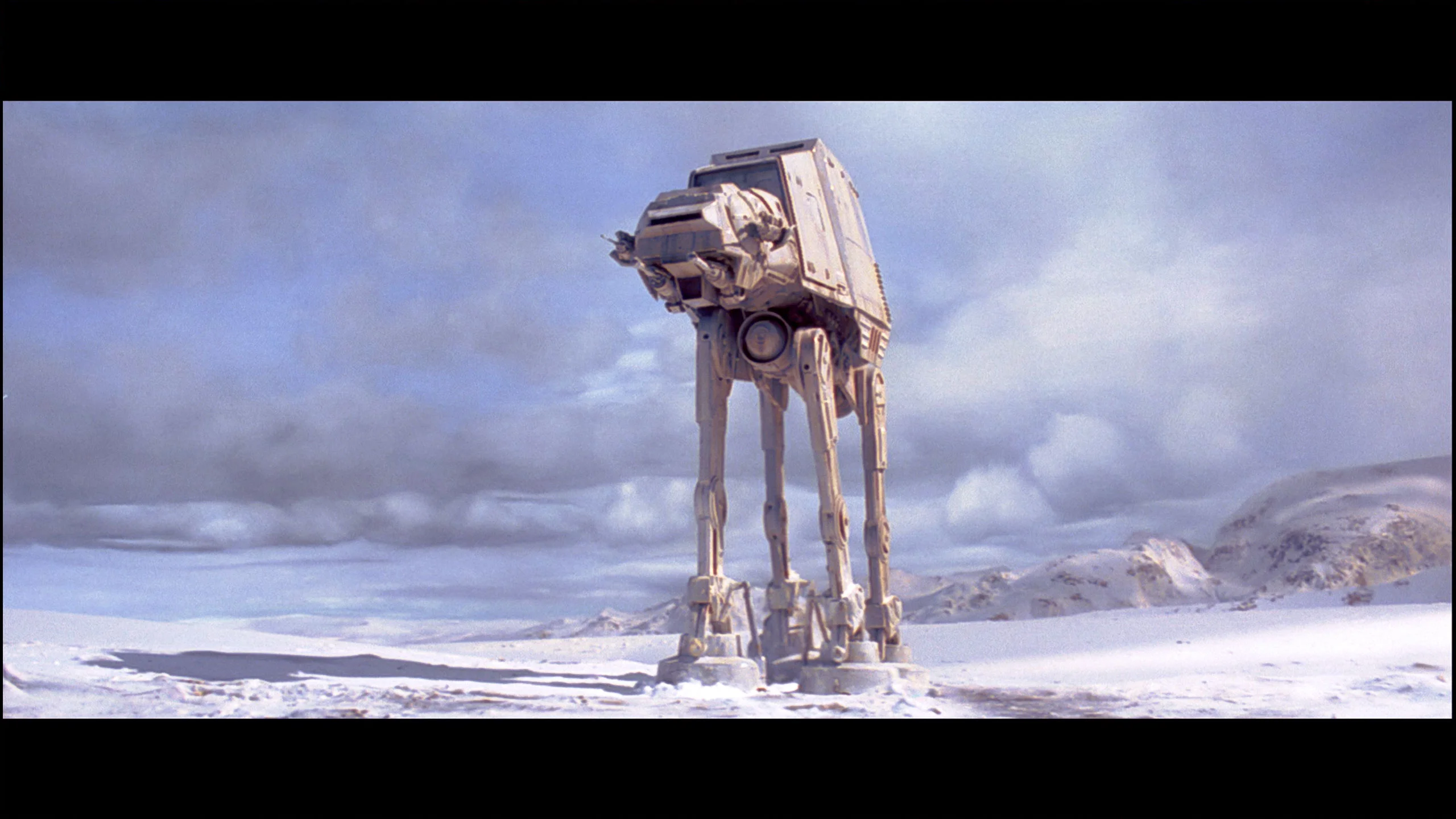
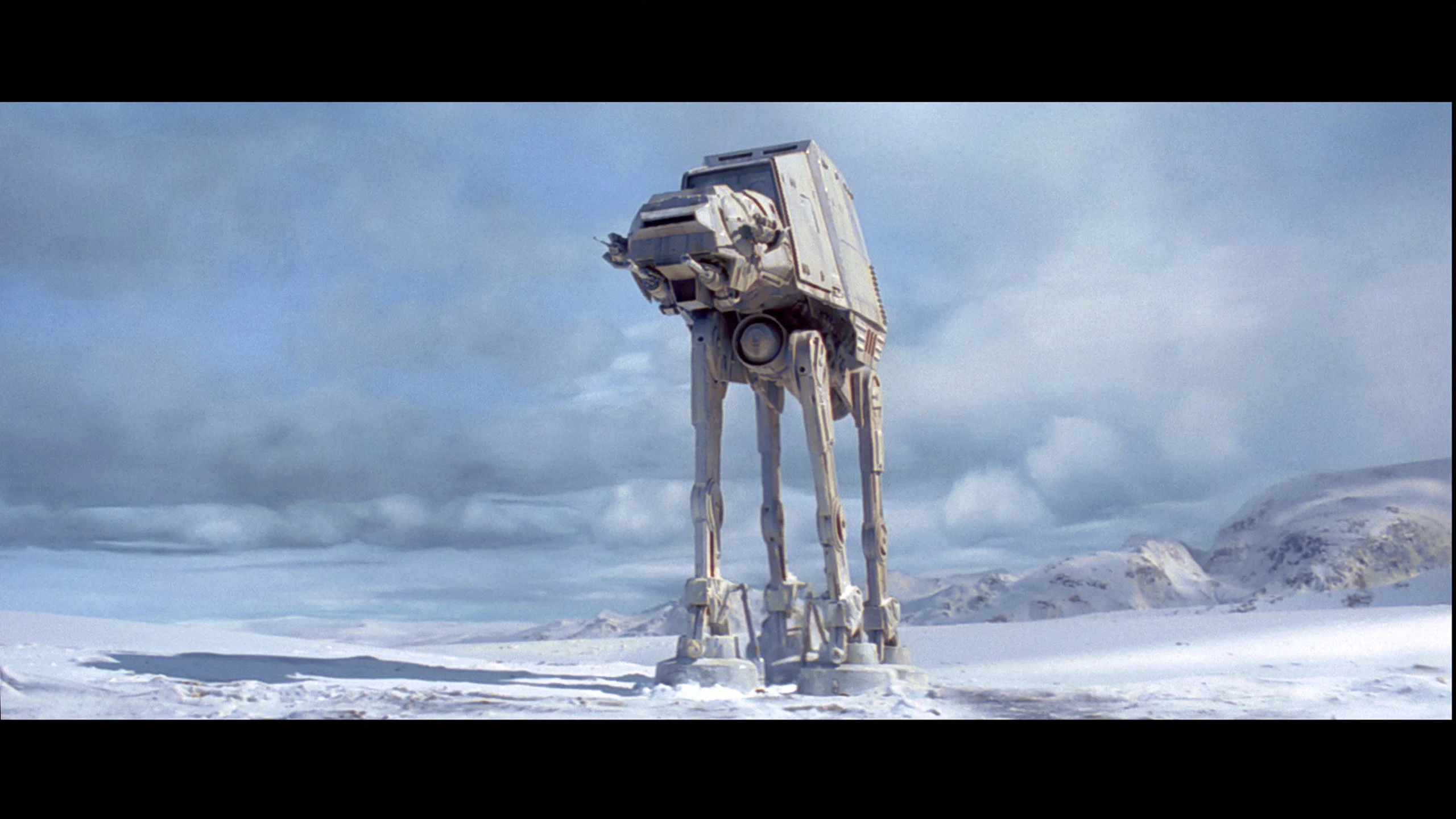
This gallery shows how colors change after professional TV calibration. If you notice the difference, we recommend ordering this service at SkalibrujTV.com.
Factory Mode
After calibration
The best factory mode in terms of colour reproduction was "Filmmaker". This is the one we used during our tests. Let's check how its characteristics looked before the calibration process. Taking a closer look at the white balance first, we can notice a significant dominance of red and green colour. As a result, the image had a warm yellow tint. This is the kind of characteristic we usually observe in "Cinema", "Filmmaker", or similarly named modes. The effect of such a colour balance was clearly visible in both SDR and HDR content, which, after switching from "Standard" mode, was distinctly yellowed. Now let's move on to two graphs that are responsible for brightness characteristics, and consequently, image contrast. The first one (Gamma), representing materials with a standard colour palette, performed decently. For most of the time, the midtones and bright whites were represented very accurately, however, it noticeably lost the darkest details which blended into a black patch. On the other hand, HDR materials, represented by the EOTF curve graph, exhibited a significant drop in contrast due to a strong boost in brightness. There was also an issue with the colours themselves as seen on the "ColorChecker" graph since they were noticeably undersaturated.
We always test TVs in the best available factory mode – for the Samsung QN80F, this is the Filmmaker mode, and indeed, it provides the settings closest to the creators' intentions. However, this doesn’t mean everything looks perfect. In SDR content, the biggest issue was an unbalanced white balance – slight deficiencies in green and a noticeable excess of red led to noticeable colour errors, and one could say the screen had a pinkish hue. This was clearly visible in the colour checker test, where colours “escaped” outside their target fields – to such an extent that a sensitive viewer's eye could catch it even without the help of a meter.
In HDR content, the white balance was much better, but another issue arose – brightness management. The EOTF curve caused an overly bright image most of the time, which affected the perception of contrast and made the screen slightly “flicker” during dynamic changes in light. We’ve already discussed this in the paragraphs about black levels and HDR. Fortunately, Samsung offers users plenty of options. The QN80F features a rich set of calibration options, including a 20-point white balance – which is why we decided to check what this TV is really capable of after a proper calibration.
Color reproduction after calibration
9.5/10
8.3/10
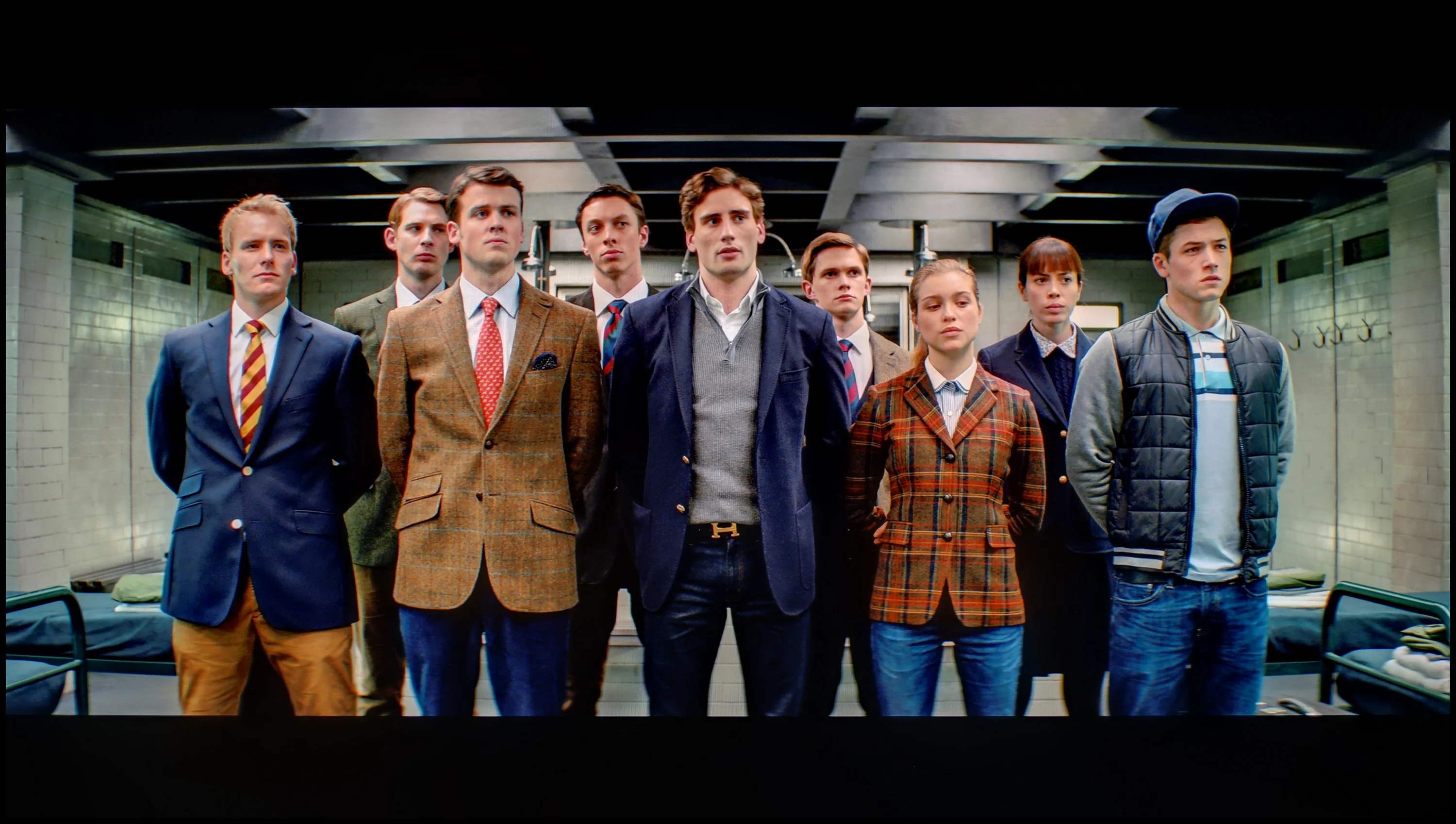
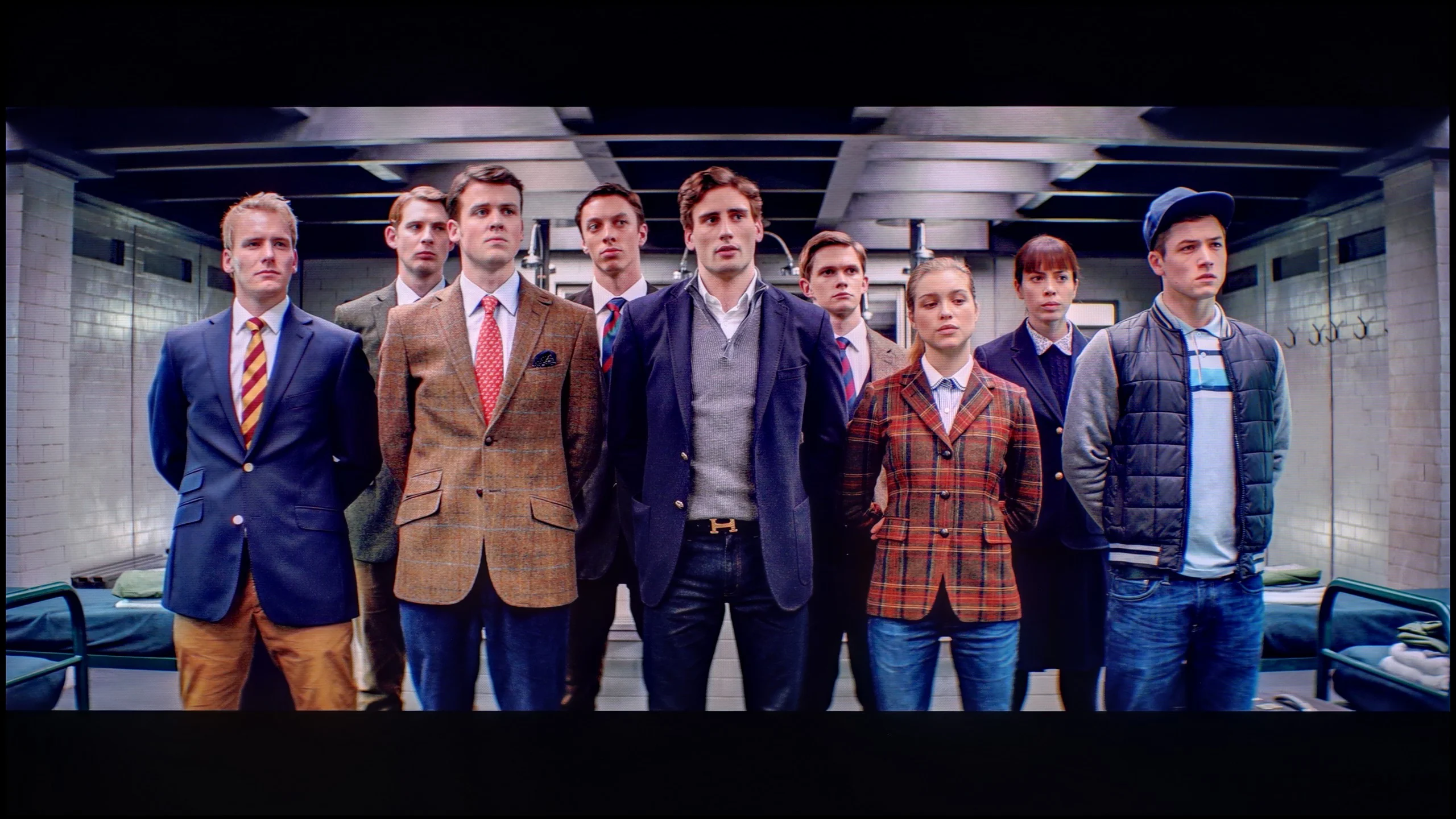
The photos show how movies look on the TV. Pay attention to black detail visibility, colors, and shadow tint.
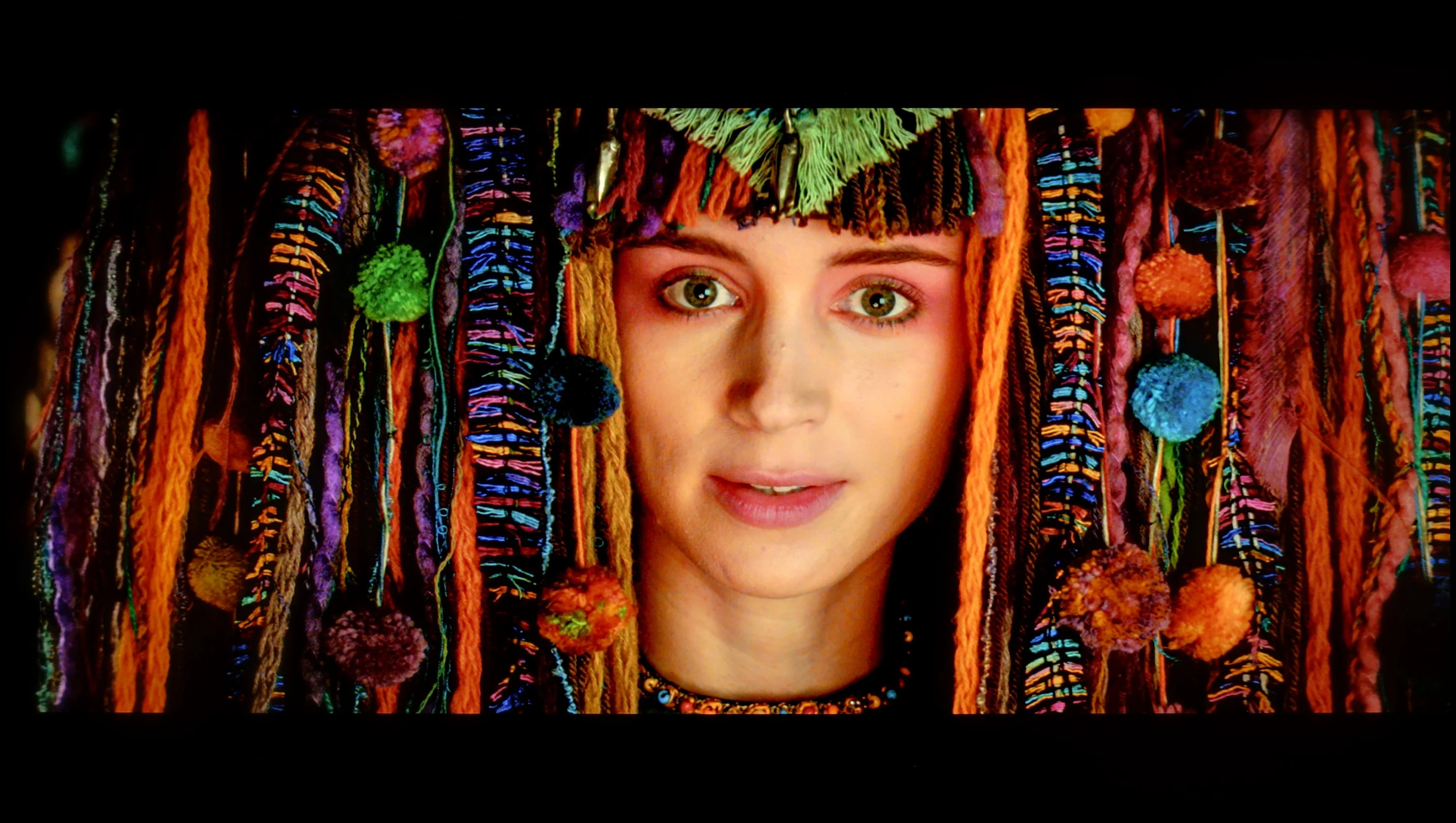
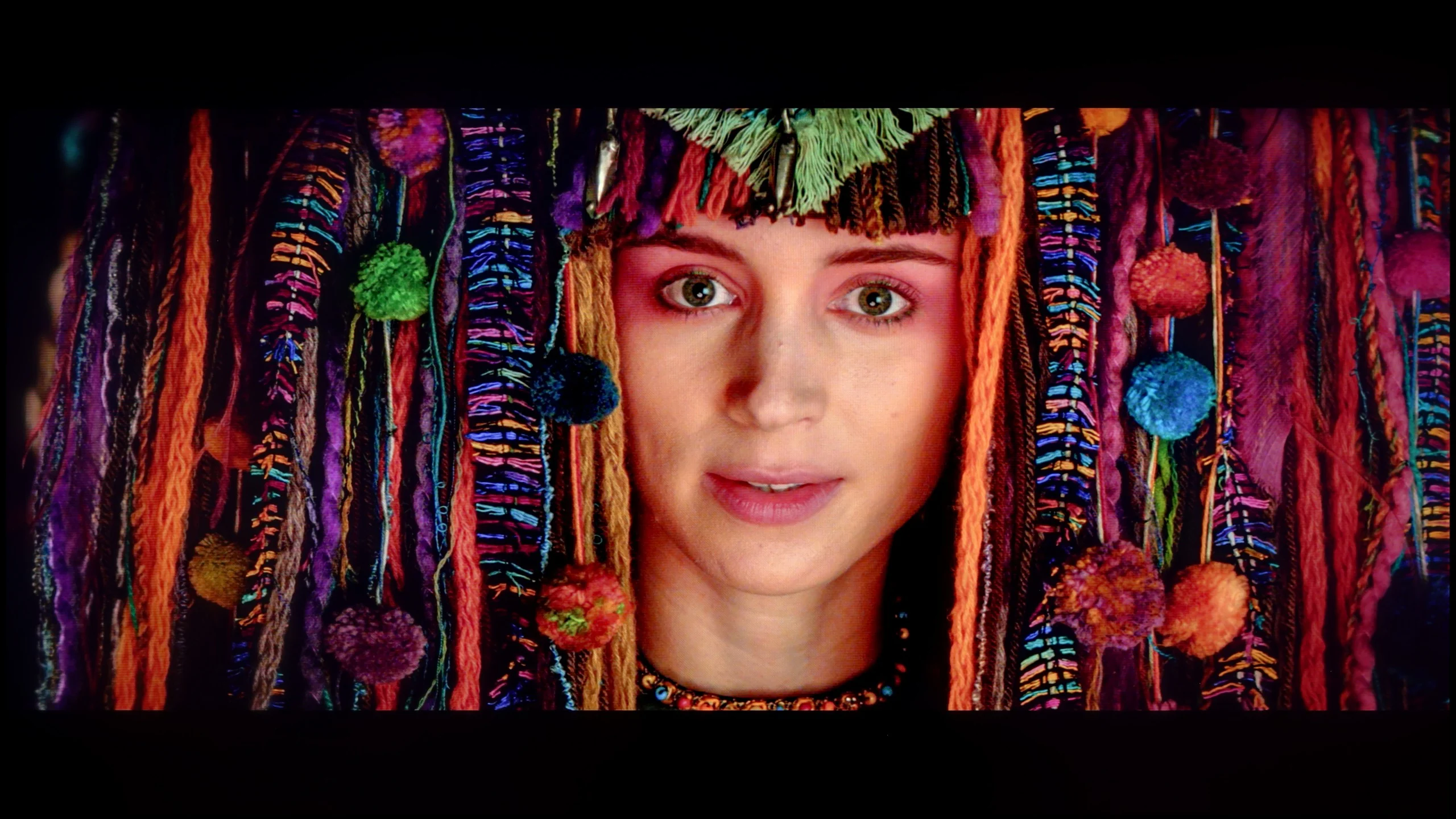
The photos show how movies look on the TV. Pay attention to black detail visibility, colors, and shadow tint.
The manufacturer has been implementing extensive support for the calibration process in their LG televisions for many years. Therefore, we used 2- and 20-point grey scale adjustments along with an advanced CMS (Color Management System) and got to work. As you can see, thanks to the procedure carried out, each of the parameters has significantly improved. The use of tools has resulted in extremely beneficial effects, which include: studio colour reproduction, recovery of details in dark areas of the image, appropriate brightness characteristics, and proper colour saturation. Thus, we have maximised our approach to the reference image, or the one that the film director saw on the preview monitor. It is worth noting that the LG G4 televisions are the only ones that allow for even deeper intervention in image quality due to the capability to calibrate with 3D LUT matrices. However, this solution is recommended only for post-production or graphic studios.
After conducting a thorough calibration, it was possible to bring most image parameters to a really good level. The white balance in both SDR and HDR presents itself almost perfectly – the image is natural, neutral, and free from the previously noticeable redness. Colours have gained depth, and the overall visual experience has become more pleasant and cohesive. It was also possible to partially manage brightness, which in the factory version could cause issues. The EOTF chart shows that the television performs much better with brightness after calibration – there is no longer excessive dimming of certain elements. In films, it can still be noticed that the QN80F has a tendency to slightly brighten the smallest bright details – this is already a consequence of the device's construction and the limited number of dimming zones. In short: not everything can be overcome, but what was possible has been improved. After calibration, the QN80F makes a really good impression, looking simply more mature and professional.
Smoothness of tonal transitions
6.2/10
9/10
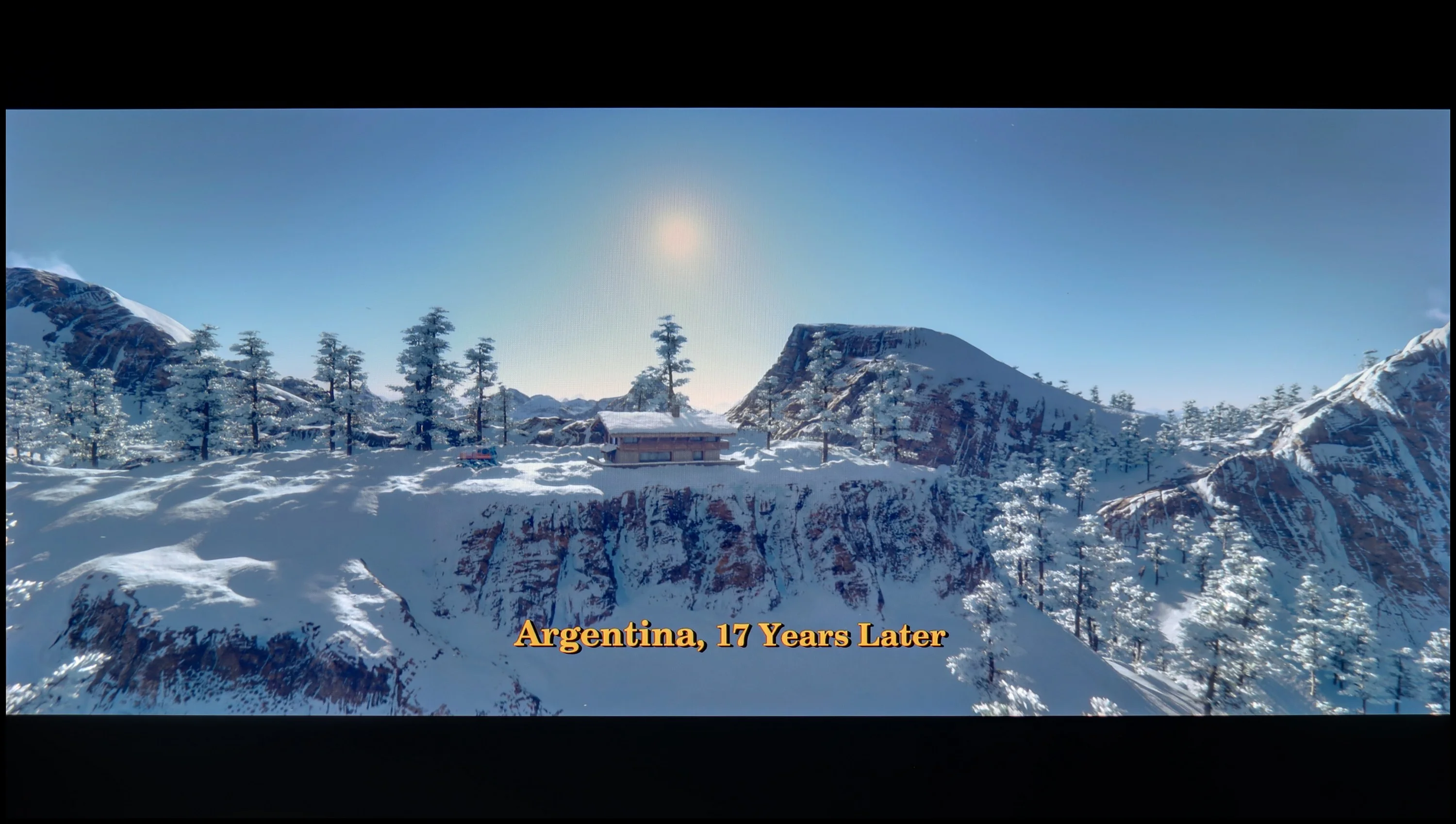
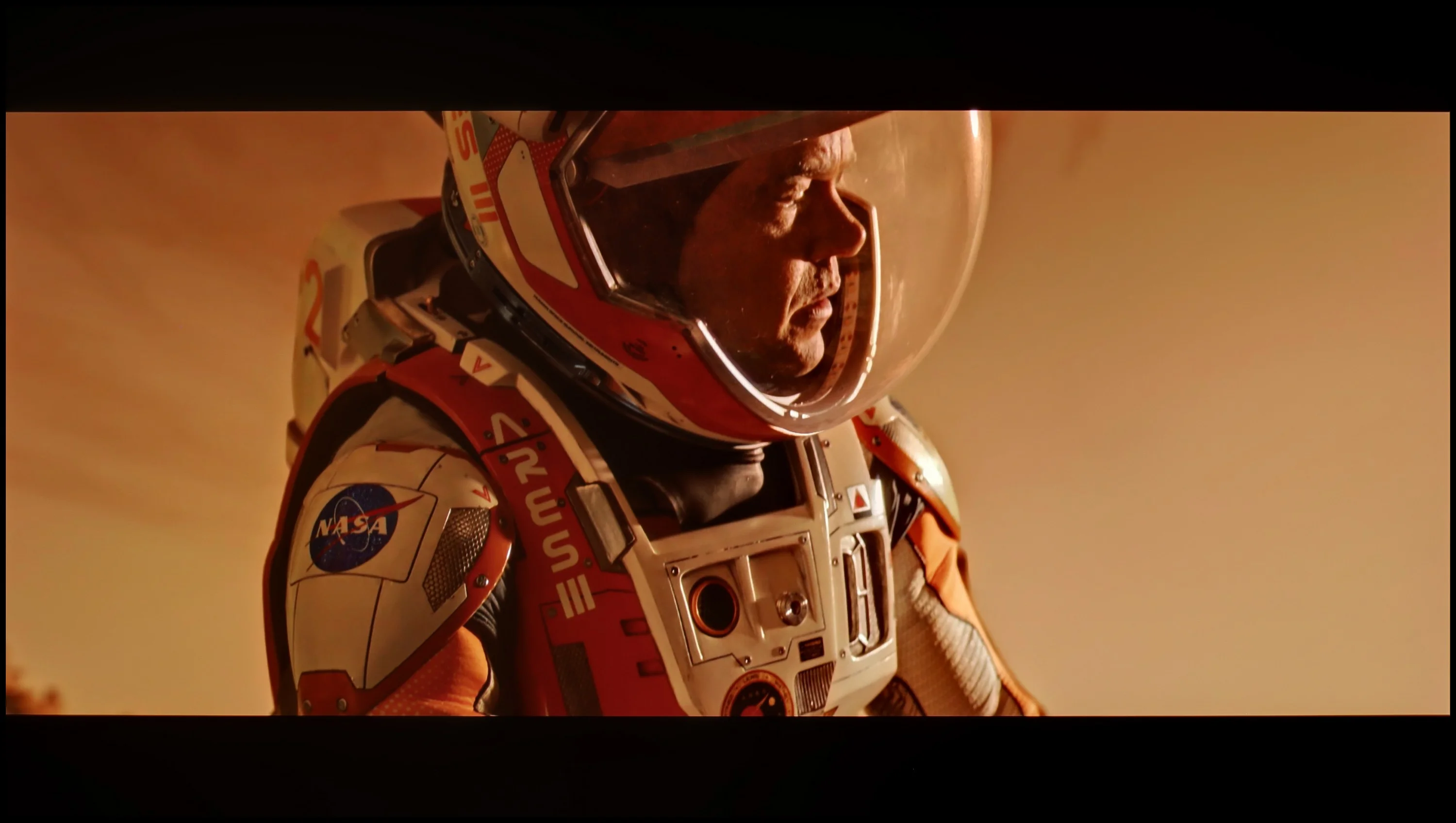
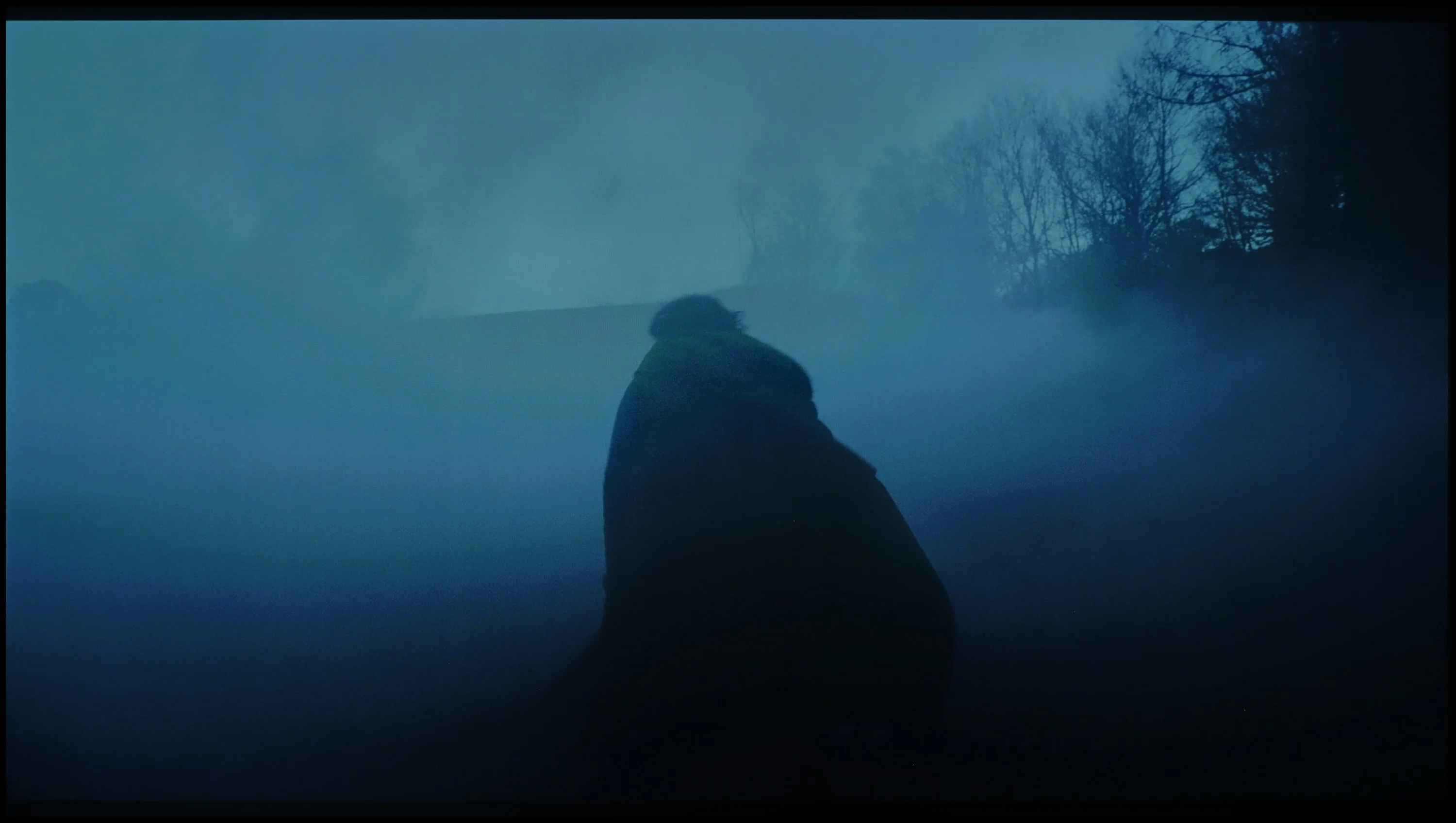
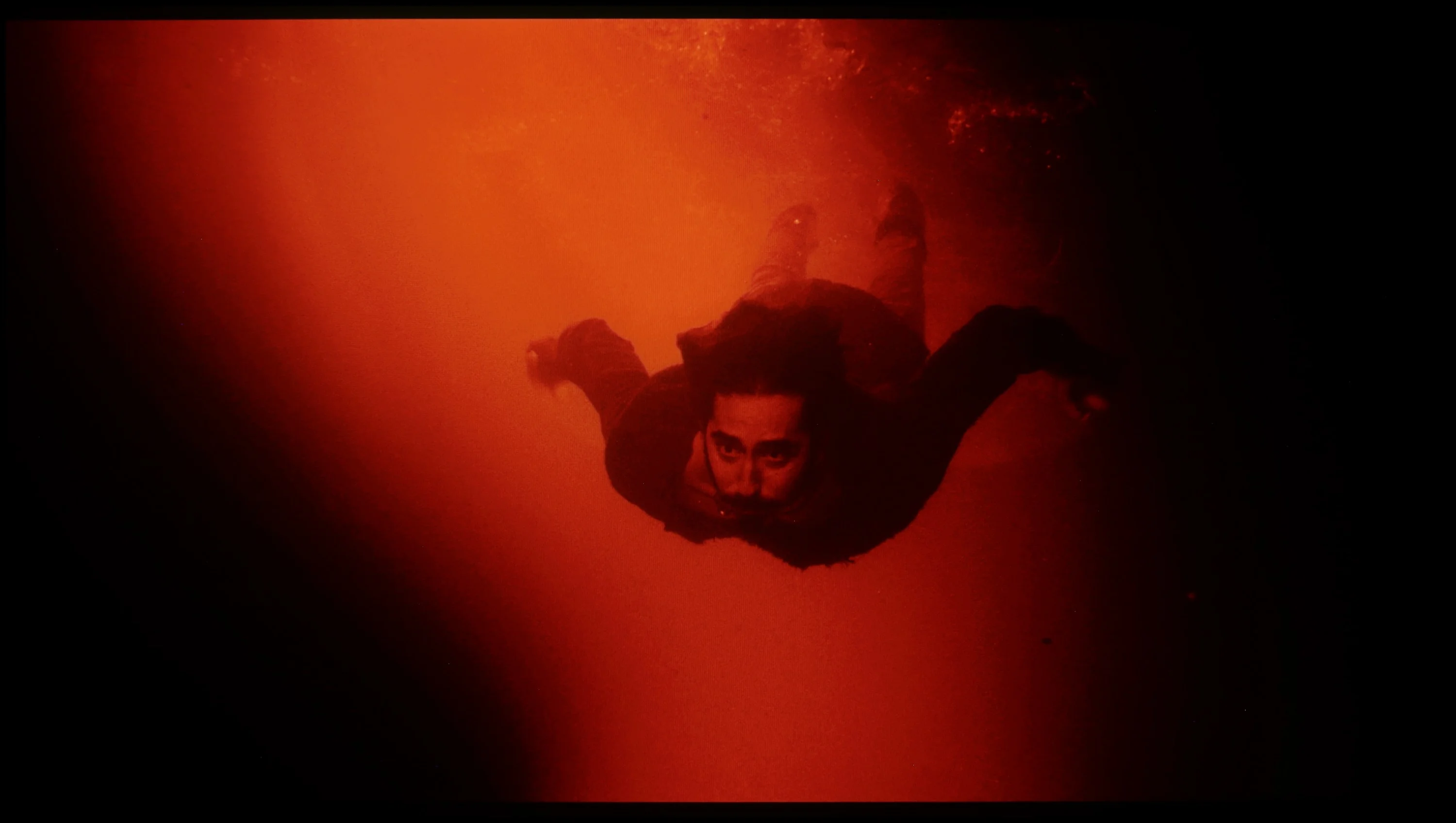
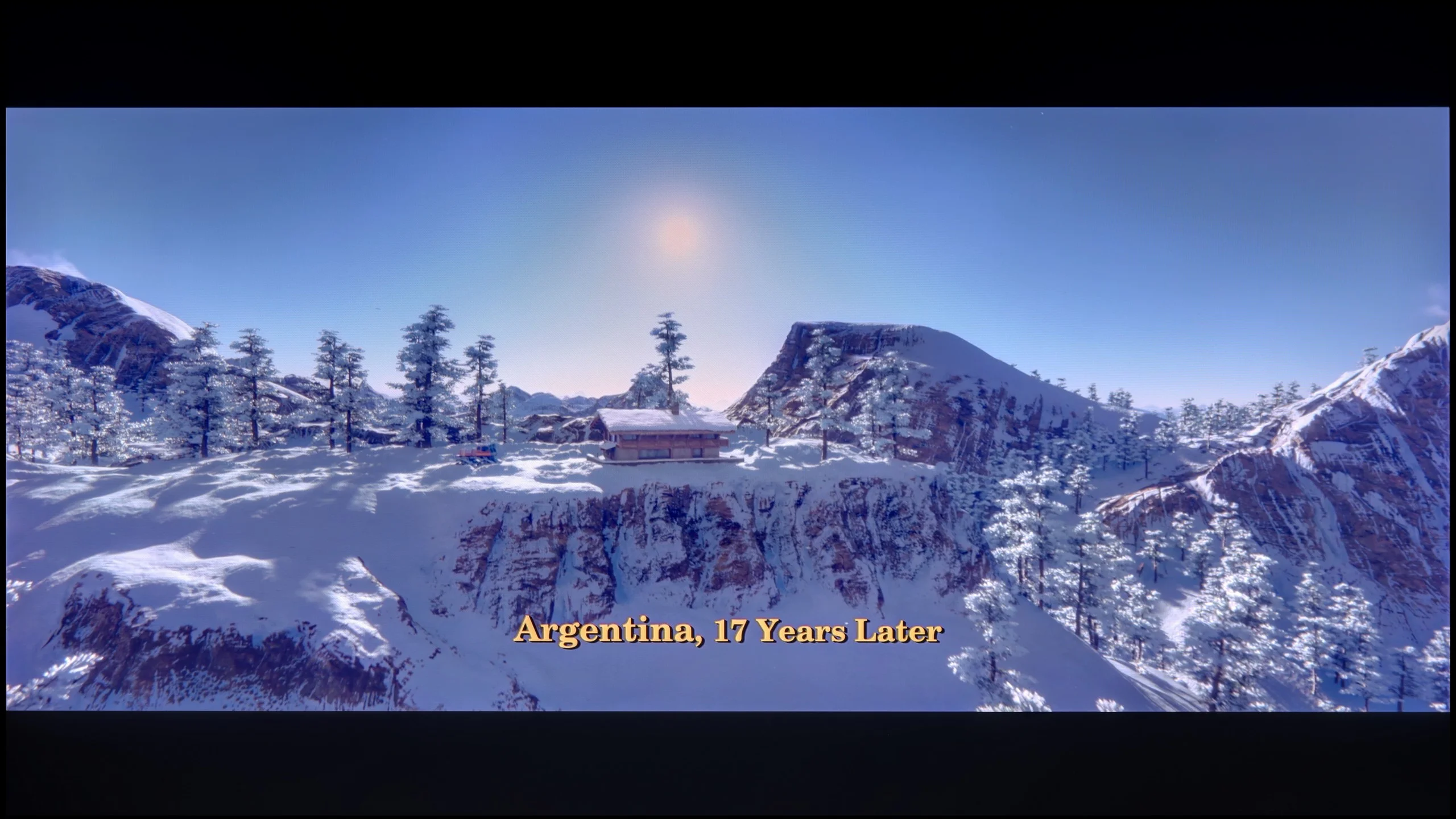
These are selected scenes that show smooth tonal transitions from one color to another. If you see distinct banding, it’s the TV panel’s fault.
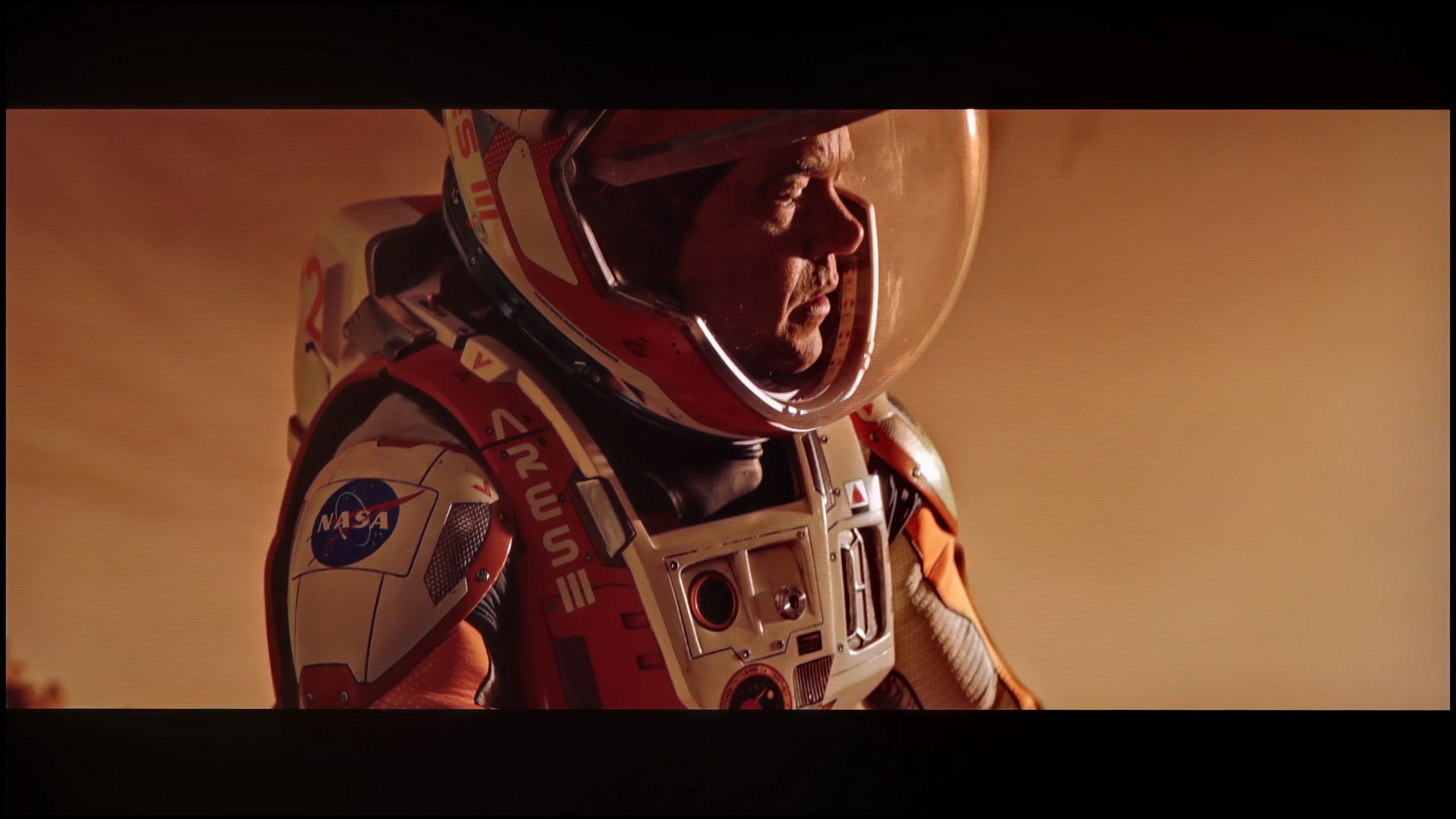
These are selected scenes that show smooth tonal transitions from one color to another. If you see distinct banding, it’s the TV panel’s fault.
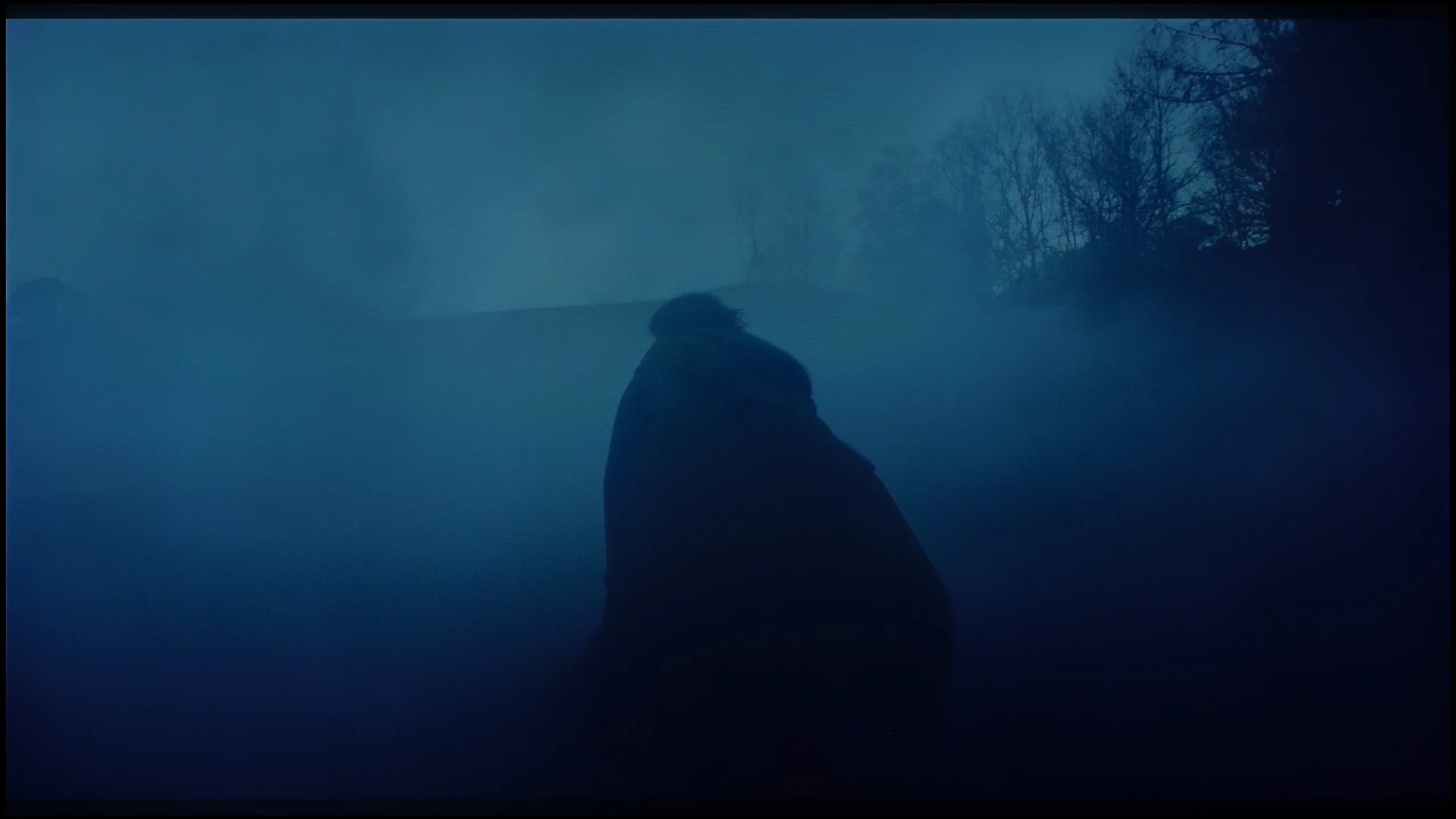
These are selected scenes that show smooth tonal transitions from one color to another. If you see distinct banding, it’s the TV panel’s fault.
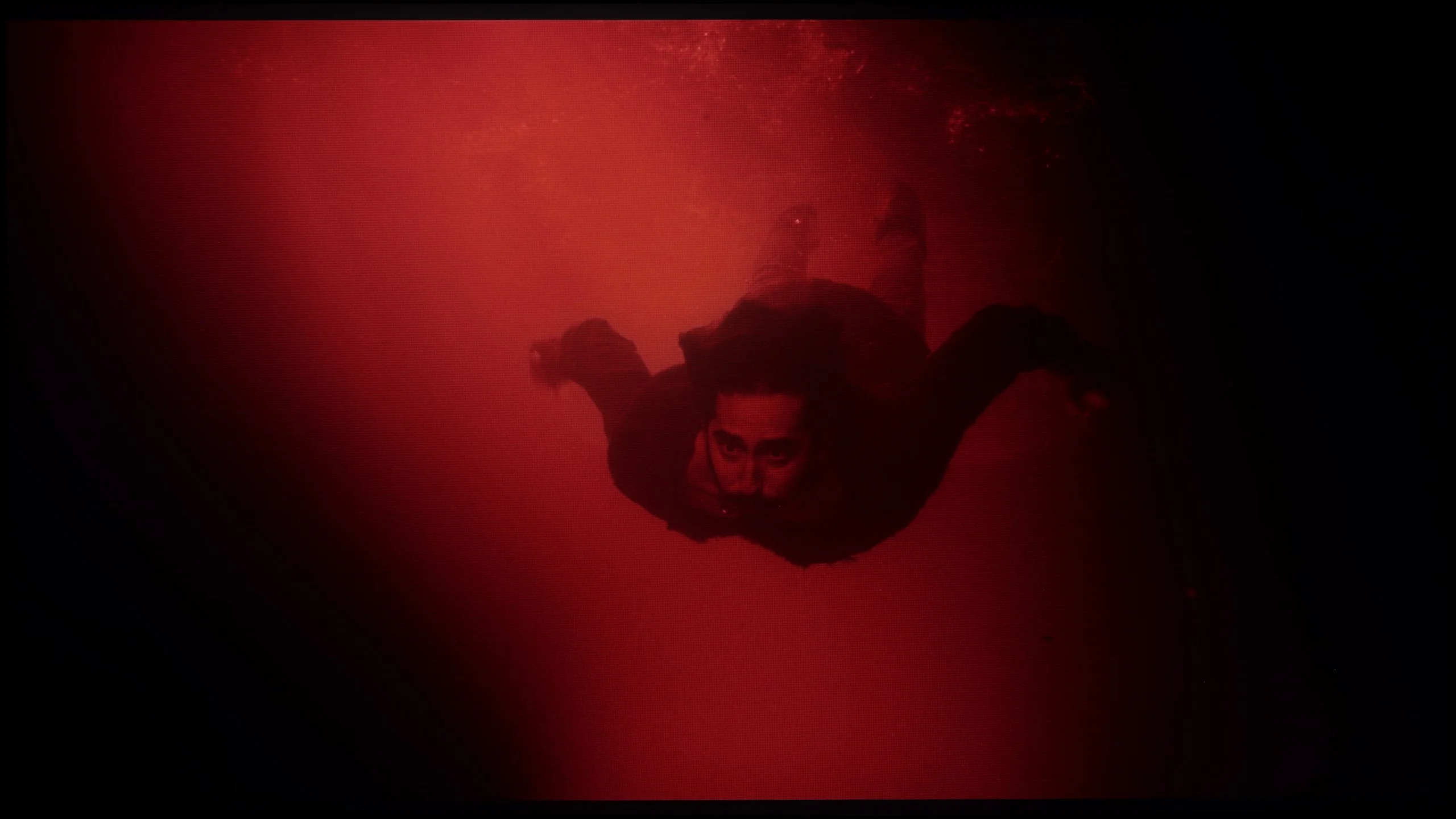
These are selected scenes that show smooth tonal transitions from one color to another. If you see distinct banding, it’s the TV panel’s fault.
The tonal transitions presented on LG G4 are not among the top performers. Each scene played from a BluRay disc with 10-bit HDR exhibited noticeable choppiness in the colour transitions. This was particularly evident in the case of the film "The Green Knight," where issues related to posterisation were especially pronounced. This effect could also be observed in films with moderate to high brightness, such as "The Martian" or "Kingsman," which is rarely seen in televisions (especially of this class), which took us by surprise. Such results suggest that in scenes with low luminance and a lot of black, this issue will be troublesome, even for a layman.
In this regard, the QN80F really delivers. Transitions between colours are smooth, nothing tears, and there are no annoying bands in the sky or strange spots in the shadows. Movie scenes in darker tones performed particularly well – and that's where most televisions start to struggle. If you really focus, you might notice slight banding in the brightest areas, but that's really stretching it. In everyday viewing, no one should have a problem with this. To put it simply: the tonal transitions are so good that you can forget about them – and just enjoy the movie.
Image scaling and smoothness of tonal transitions
8.2/10
7/10


Smooth transition function
The match photo shows how the TV smooths weak tonal transitions in low-quality video.
Image scaling SD (576i)


The model photo shows how it handles upscaling of SD material.
The tested television did not perform well with content rich in tonal transitions, resulting in a strong posterisation effect. However, there is a partial remedy for this ailment. The manufacturer has equipped the LG G4 with a smoothing system called "Gentle Gradation," which we can apply at three levels: Low, Medium, and High. Each of these options guarantees quite high smoothing effectiveness on bright colours, though low on darker ones. We recommend primarily using the first one due to the fact that the other two interfere with directorial intentions, removing film grain.
When watching lower-quality content, the efficiency of the television during upscaling is extremely important. The image from the tested television is sharp and clear. However, attention should be paid to the jagged edges of fine details and minor issues around characters, such as the creation of a halo effect, which occurs due to the sharpening imposed by the LG G4 even when the slider is set to the lowest value, which is 0. It is worth noting that this is a change in relation to the LG G3, which did not impose such strong image sharpening, even when the appropriate slider was set to position 0.
If you notice strange colour transitions or unwanted artefacts while watching lower quality materials – for example from YouTube – it's worth checking the settings and enabling the noise reduction feature. In our opinion, the best setting is at the 'medium' level – it effectively smooths out problematic colour transitions without overly blurring the entire image. However, it's important to know one thing: this option tends to remove film grain. If someone values preserving that effect (e.g., in older films), it's better to simply turn it off – regardless of the level, the grain always disappears.
Regarding resolution scaling (also known as upscaling), Samsung – as usual – performs very well in this area. The QN80F doesn't quite match the top models costing tens of thousands, but for its price class, it performs impressively. Materials of very poor quality (e.g., from SD television or older video files) are noticeably improved and look surprisingly decent. The only noticeable downside is the typical Samsung issue with overscan – which is a slight cropping of the image edges at very low resolutions, such as 576p.
Blur and motion smoothness
8.5/10
7.5/10
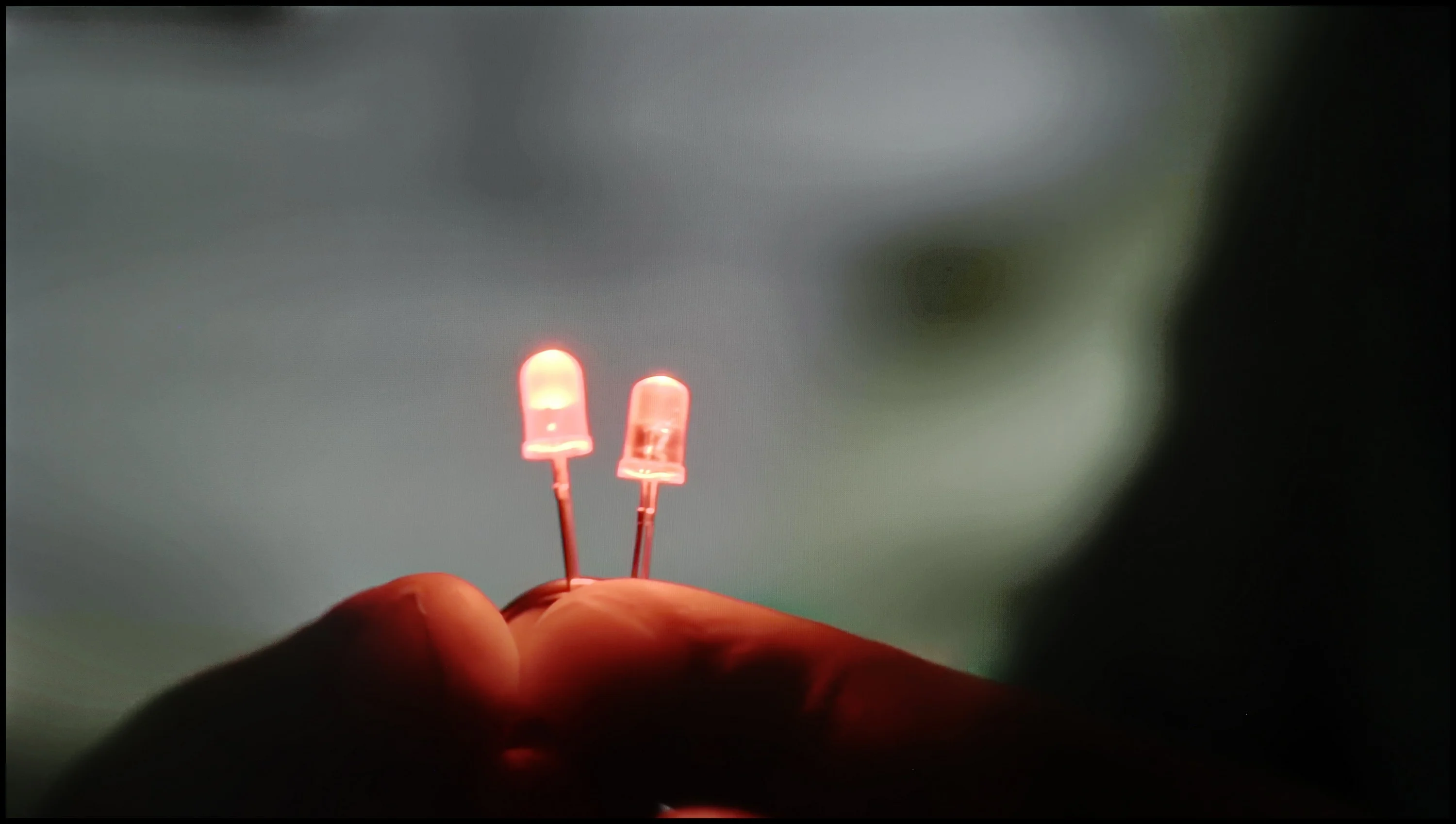
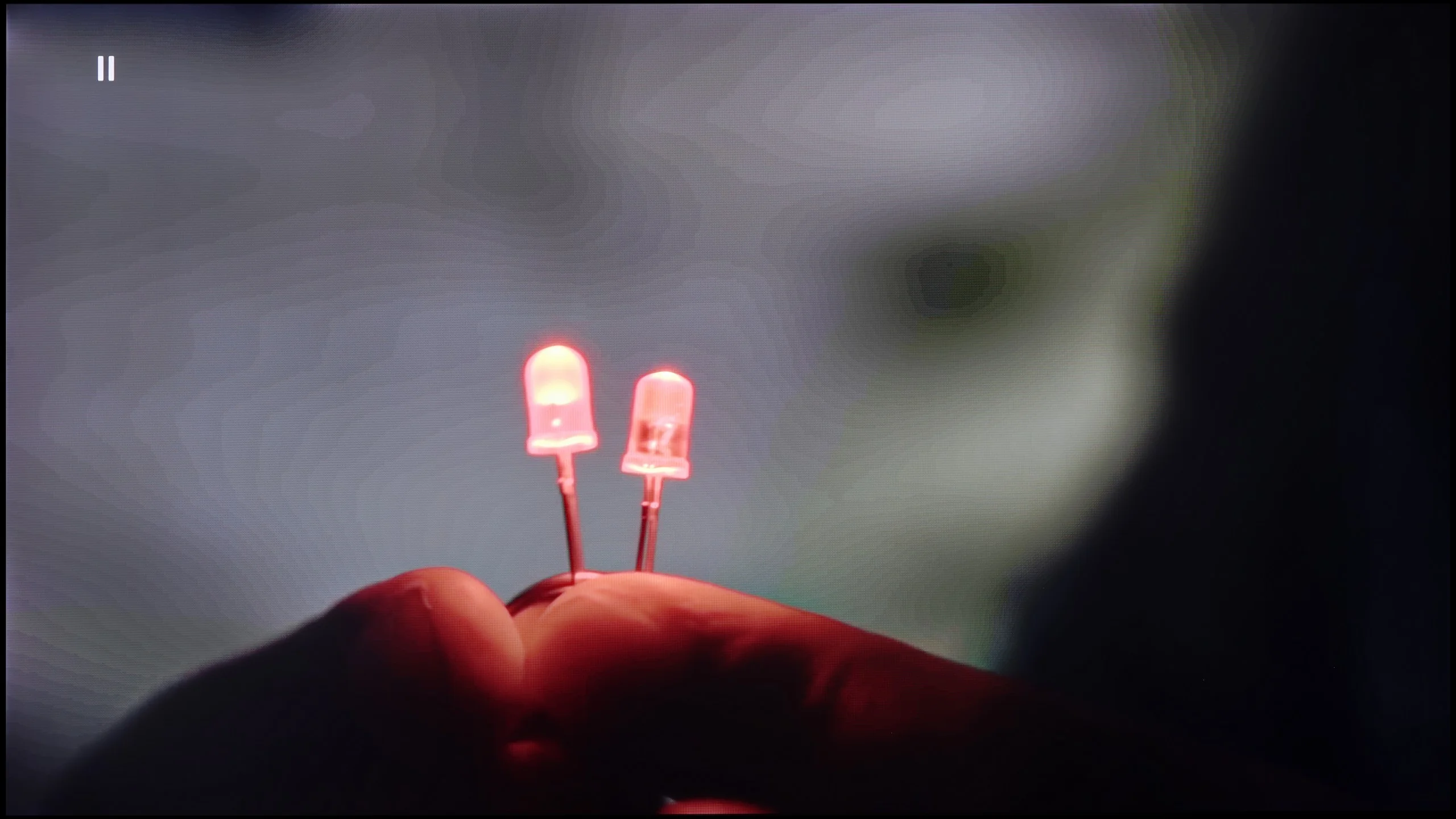
Blur (native resolution, maximum refresh rate):
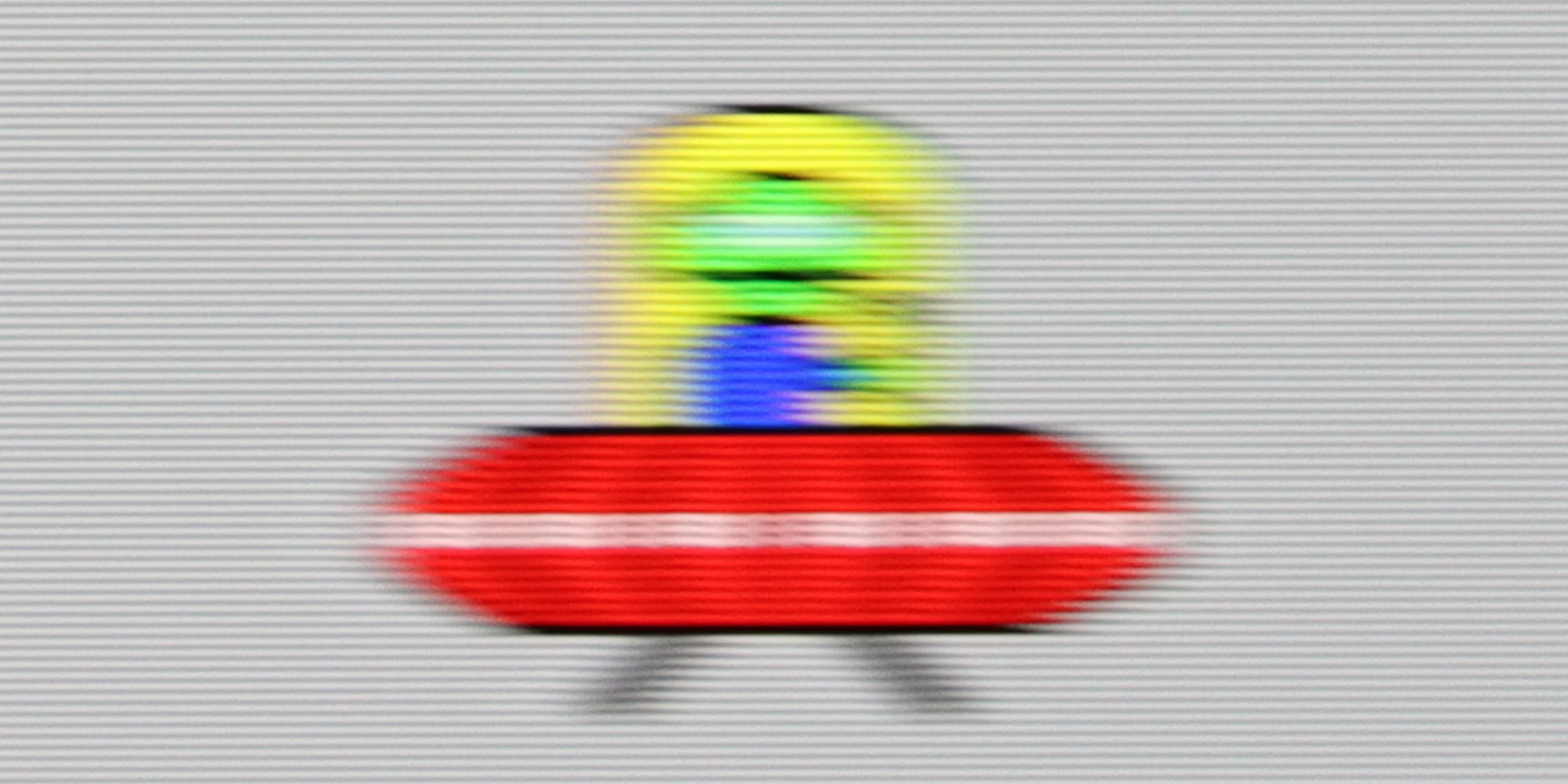
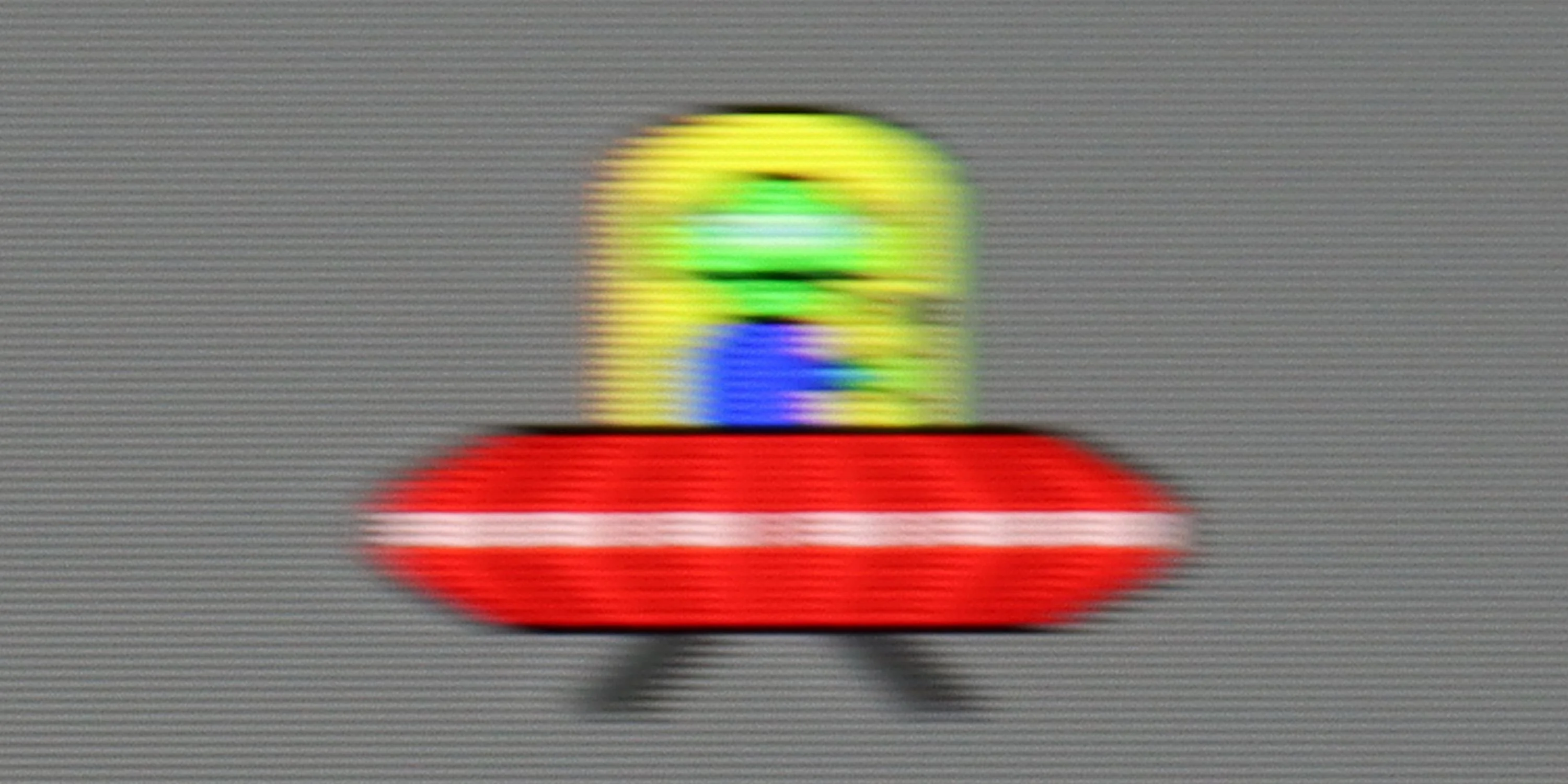
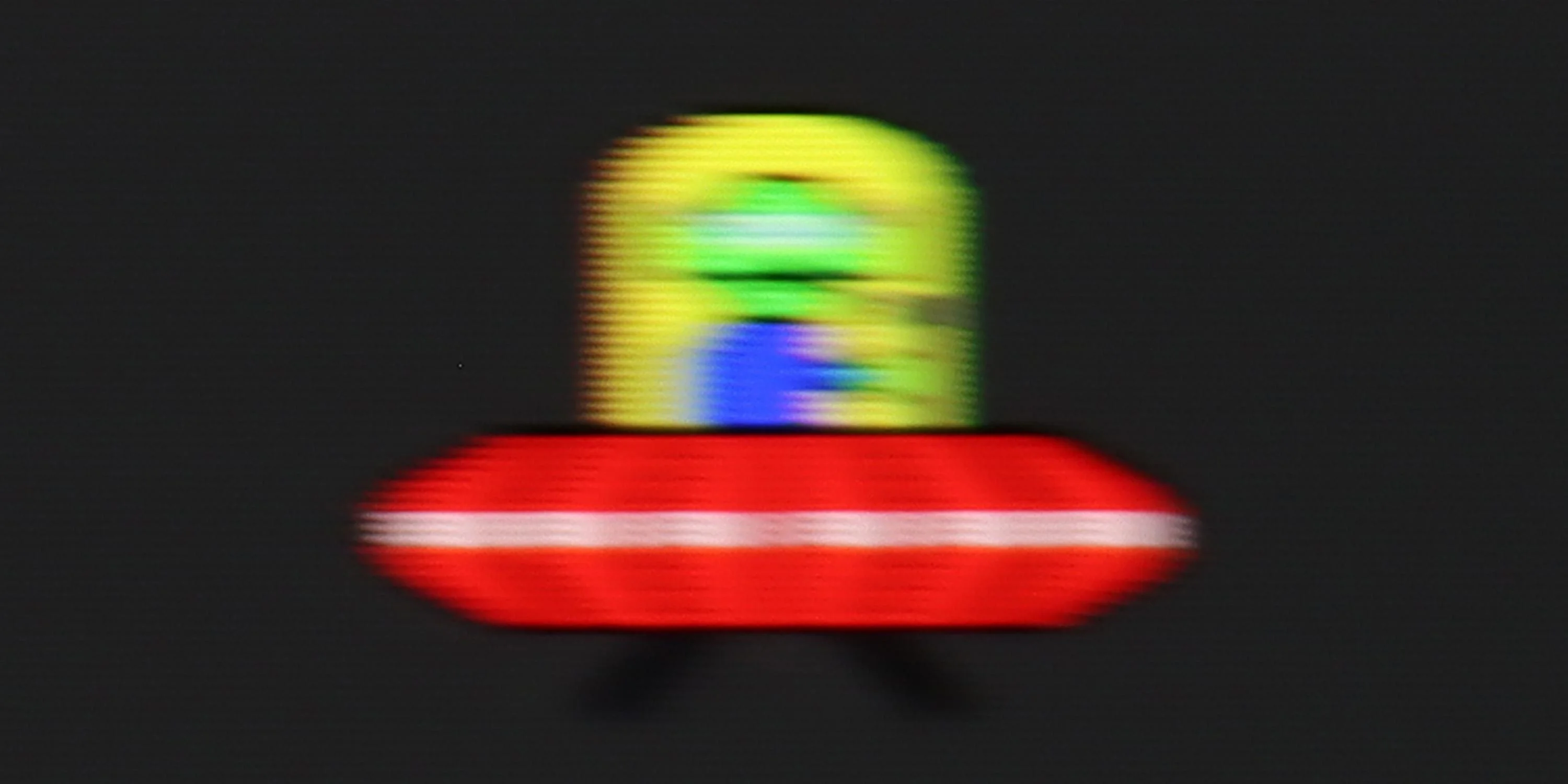
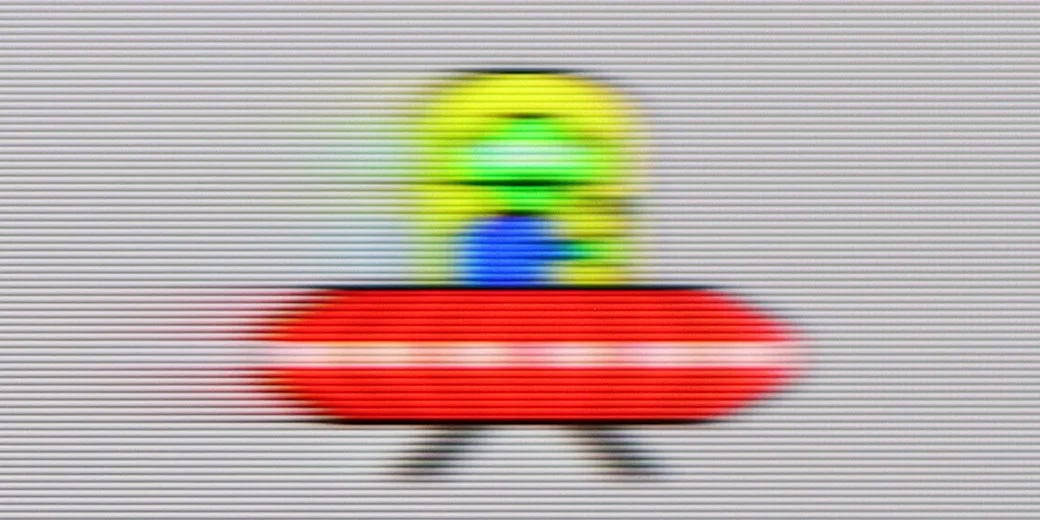
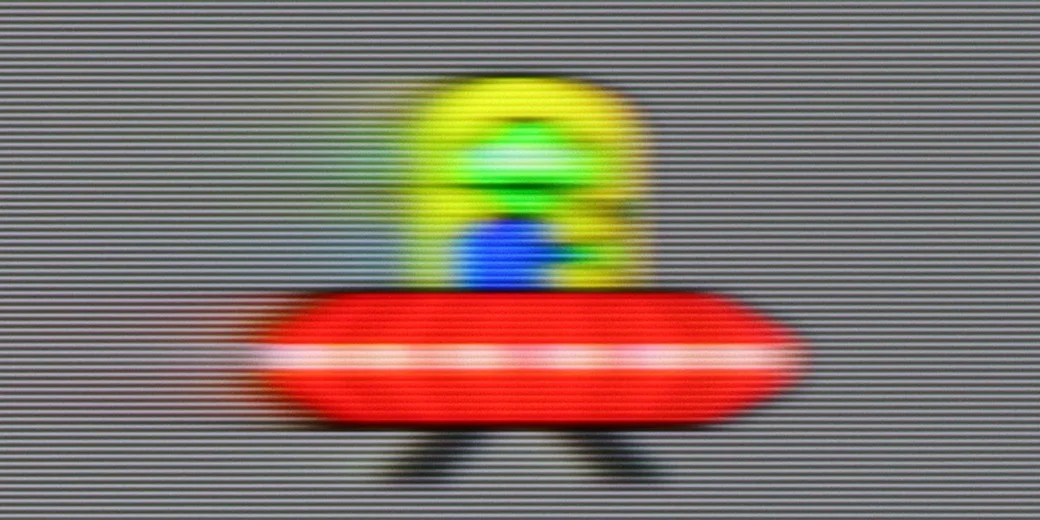
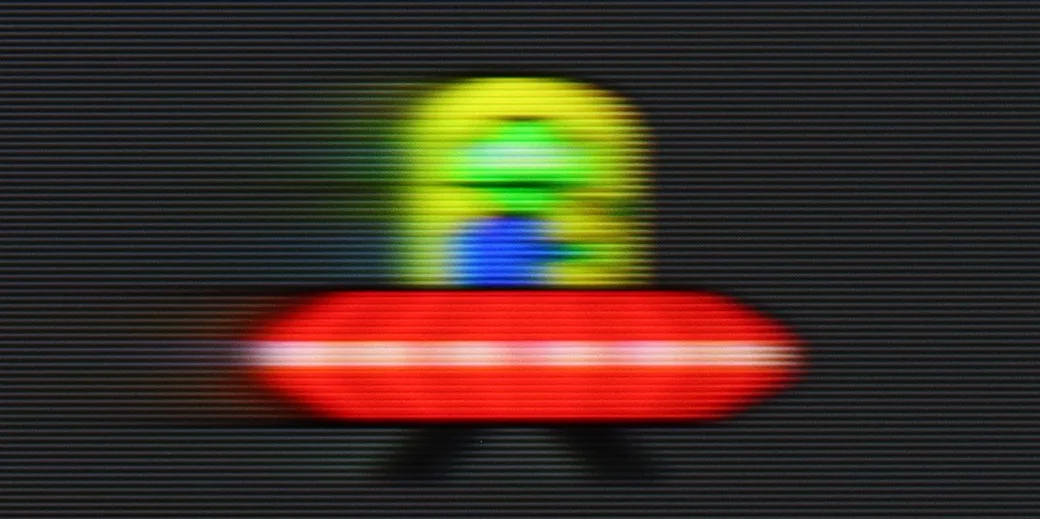
Blur (BFI function enabled):
Image flickers in this mode
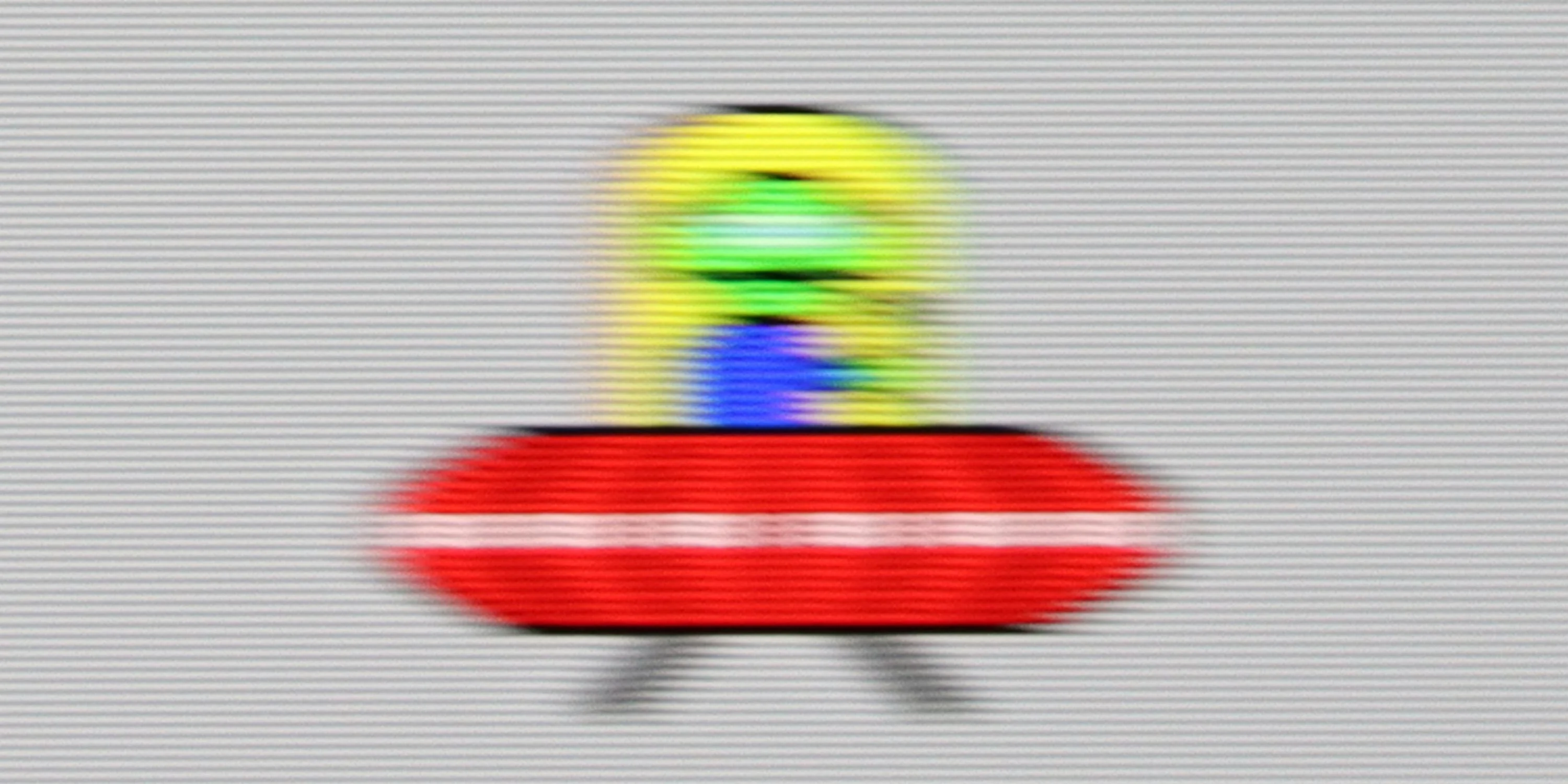
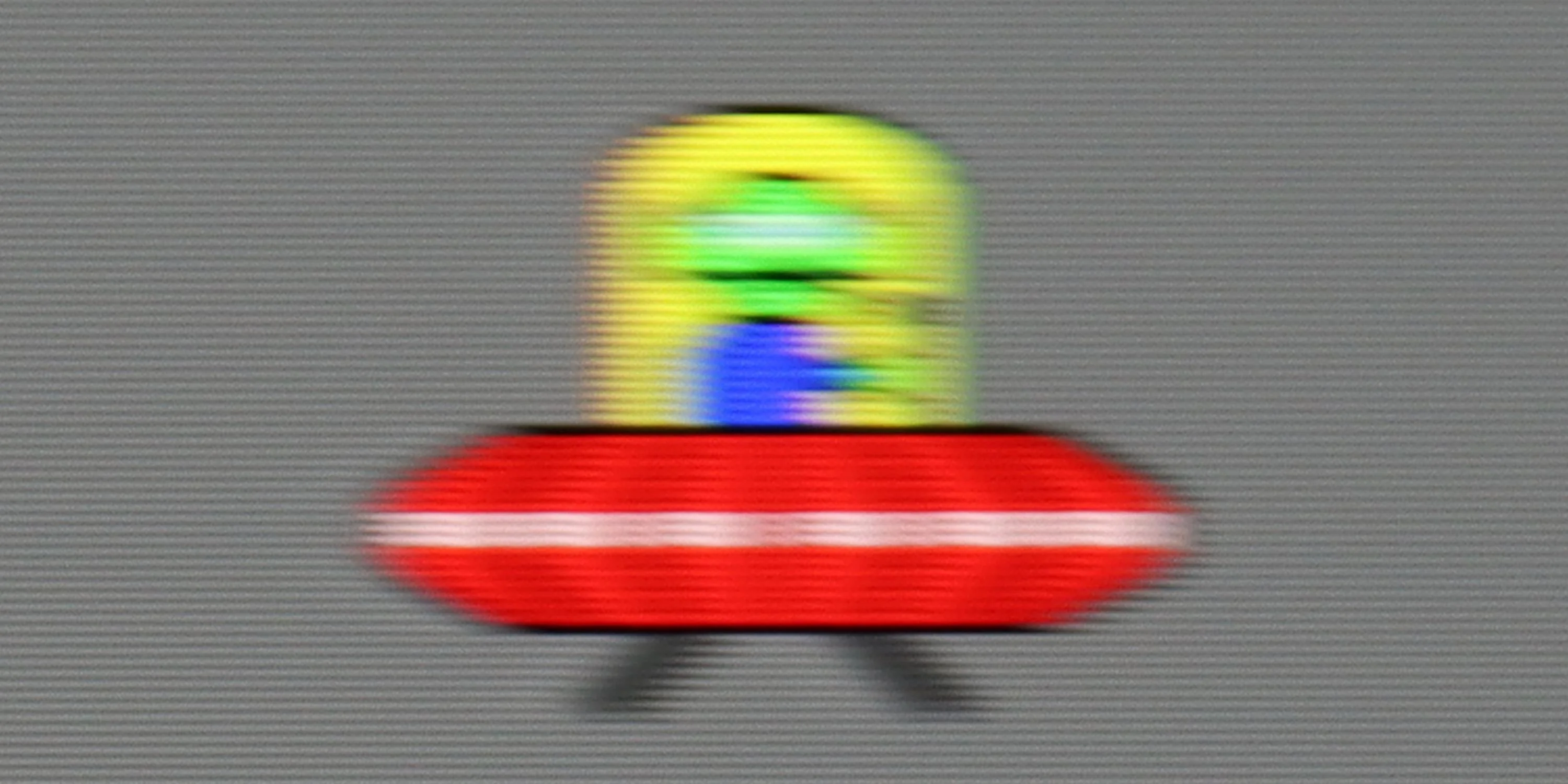
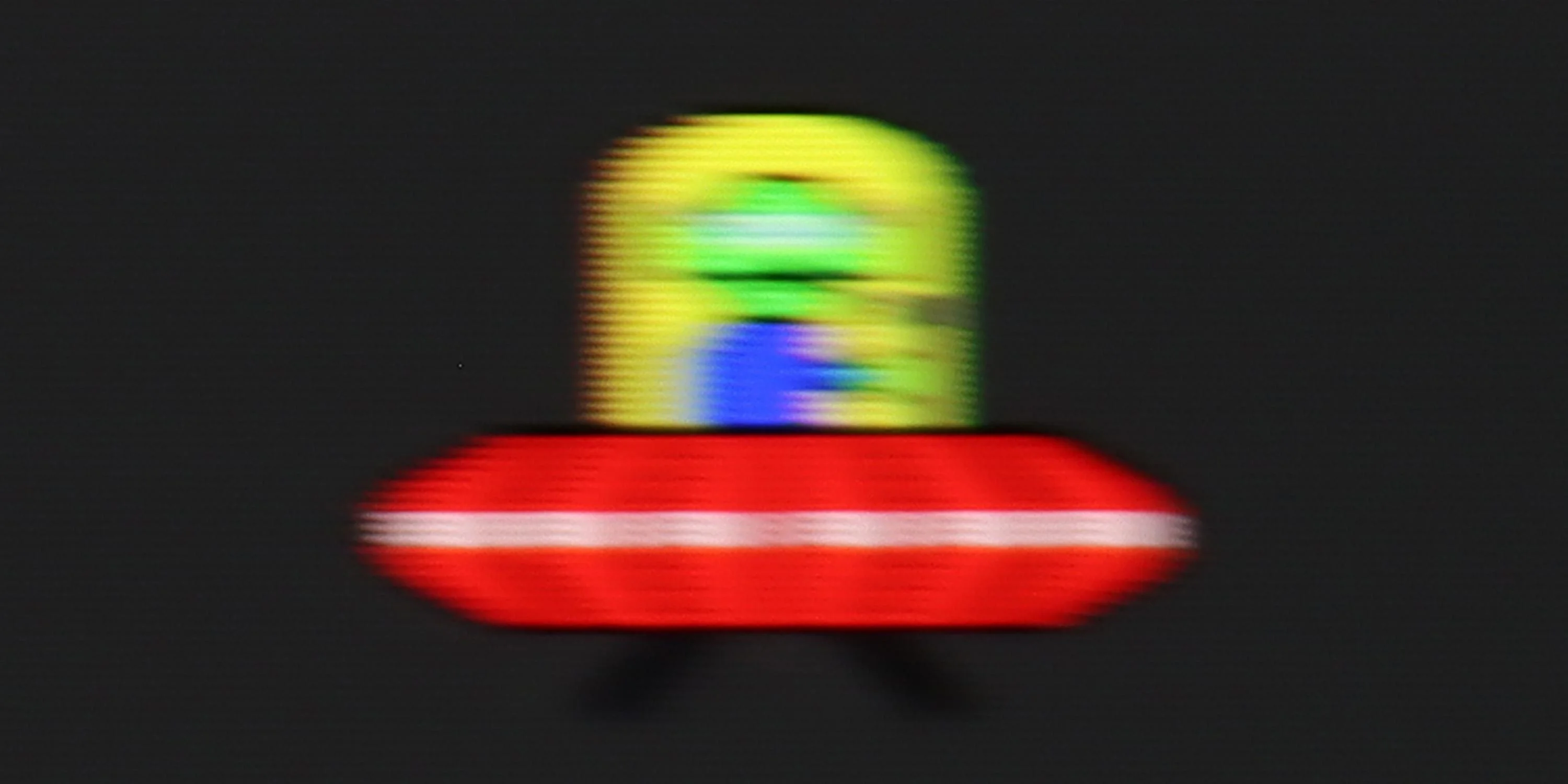
Image flickers in this mode

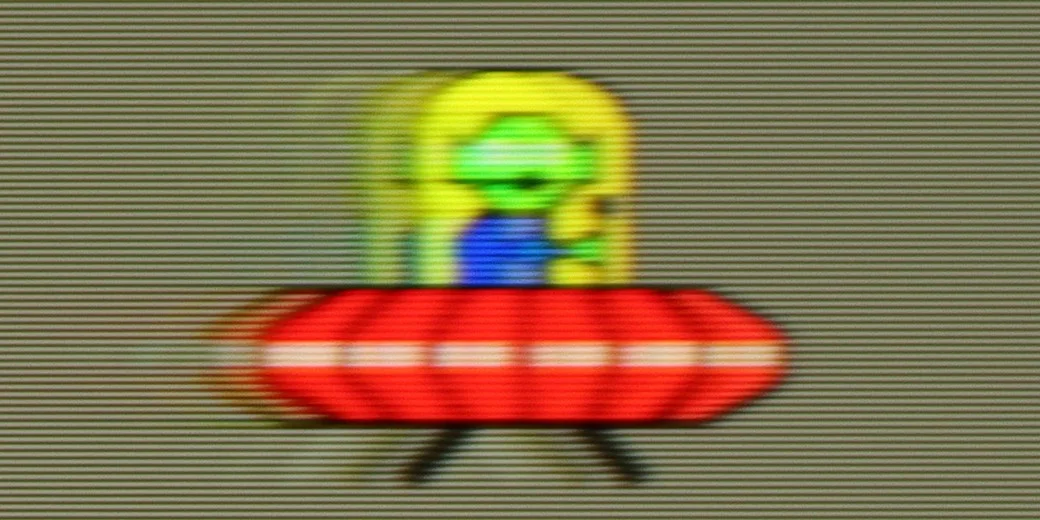
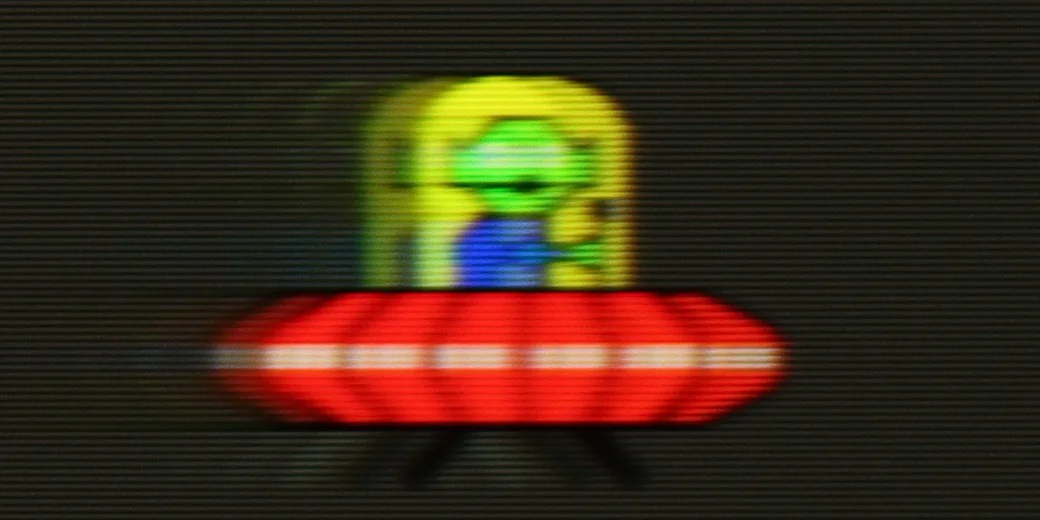
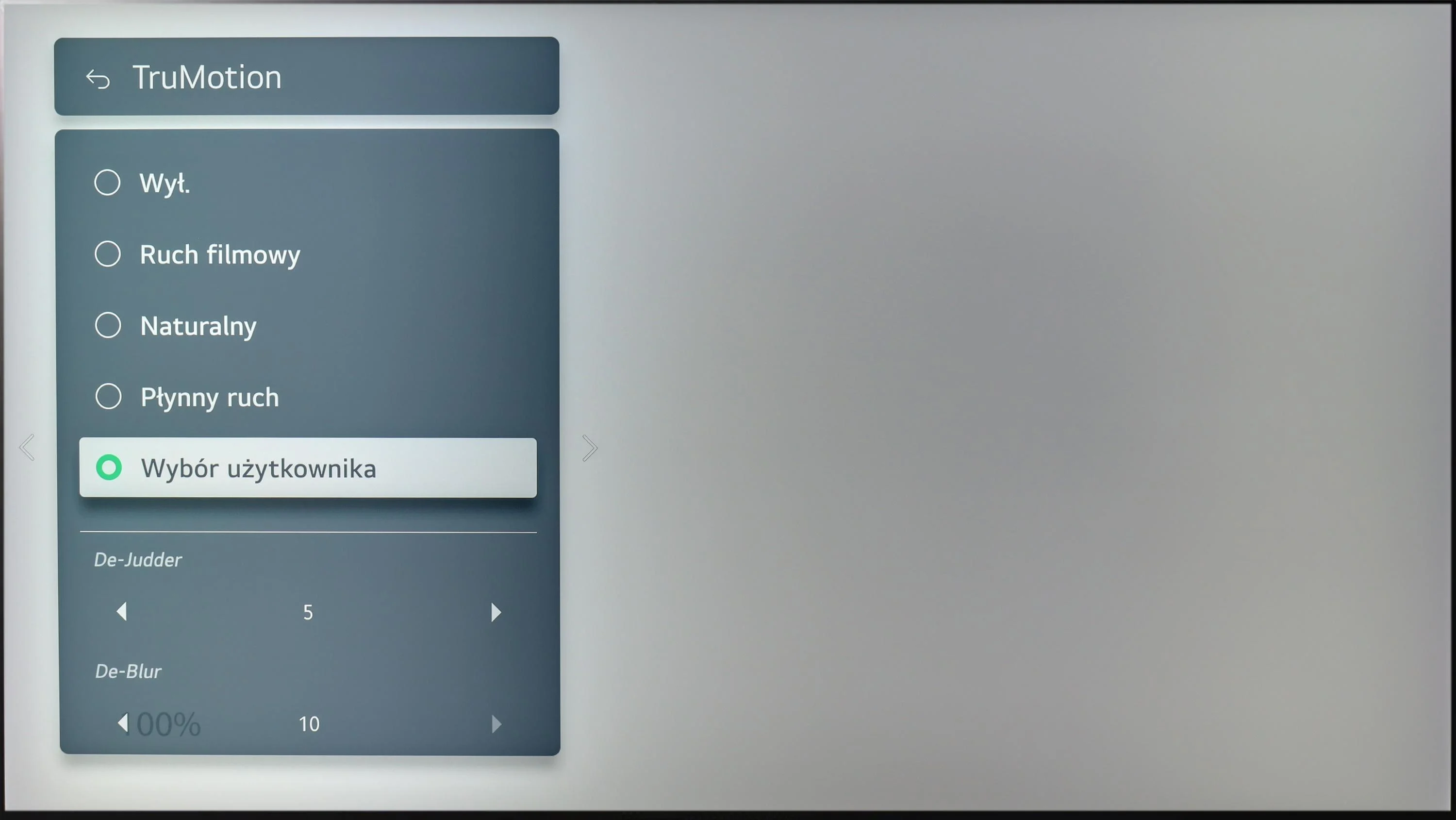
The maximum refresh rate that we can set on the LG G4 is 144 Hz. Naturally, this is only possible by connecting the LG G4 to a very powerful PC. Otherwise, we will be operating at a maximum refresh rate of 120 Hz, which is recommended if we primarily want to watch sports or content with high motion dynamics. For those who require high fluidity of image, the manufacturer has implemented a multi-level motion smoother called "TrueMotion". It has been divided into two separate sliders that adjust the sharpness of moving images (De-Blur) and judder (De-Judder). Both sliders can be set in the range from 0 to 10, with each increment affecting the degree of smoothing, so everyone can find their sweet spot.
The LG OLED G4 panel features an average response time of 0.78 ms (which directly results from our measurements), allowing for an incredibly clear image, unattainable by LCD televisions, which have response times of even several milliseconds. This is clearly visible in the "UFO Test" images, showing the absence of any trailing blur behind the object. Furthermore, the LG OLED G4 test showed that the television offers the ability to precisely adjust motion smoothing functionality, allowing users to choose the ideal level of image interpolation. We particularly appreciated this during fast-paced action in video games, where the LG G4 performed exceptionally well, minimising any blurriness. Thanks to OLED technology, this model eliminates so-called ghosting, ensuring that the image remains sharp even in the most dynamic sports or movie scenes.
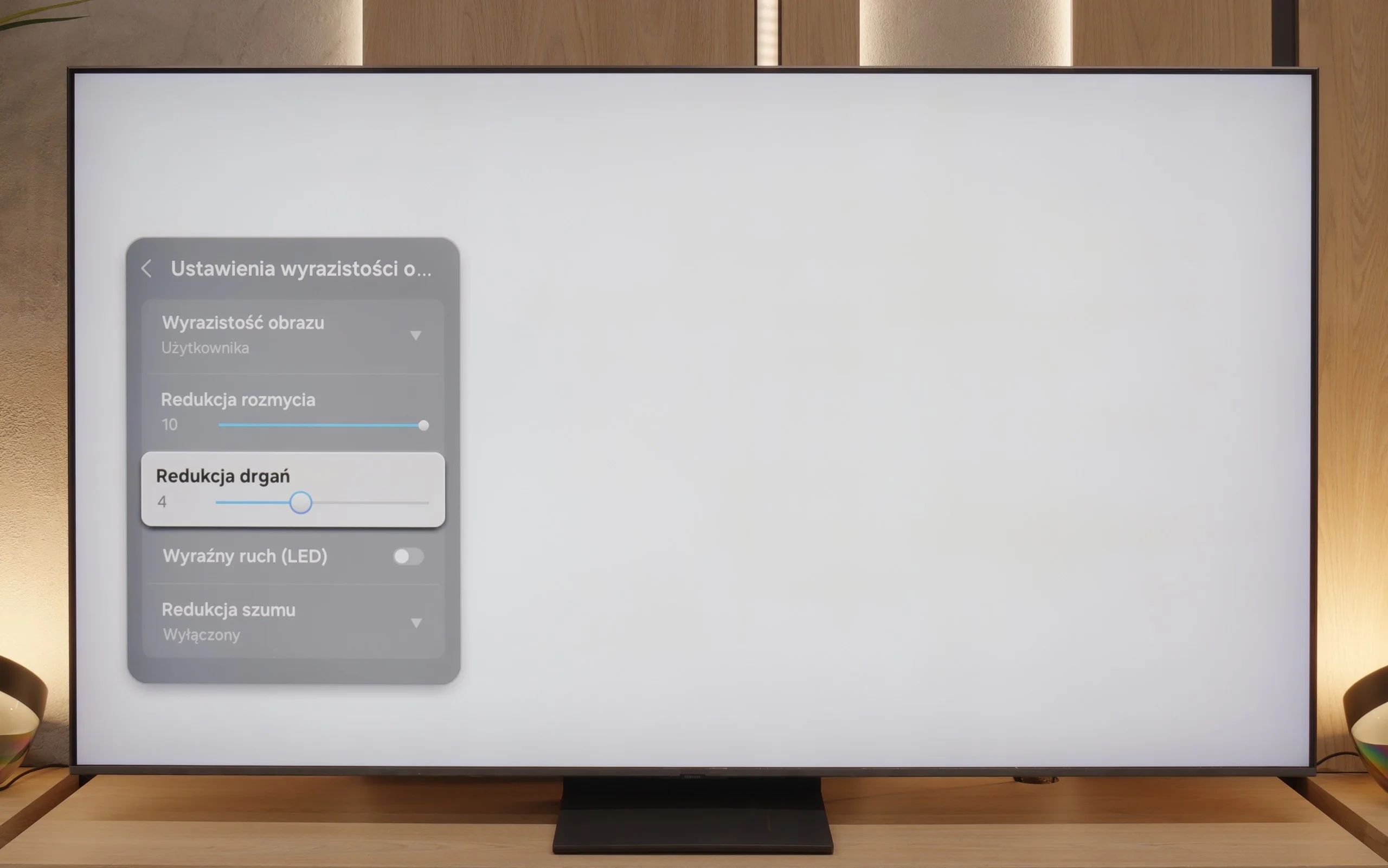
QN80F is truly a “fast” TV. The panel used offers a refresh rate of up to 144 Hz, which in practice means that the screen keeps up with the action – whether we’re watching a movie, playing games, or browsing dynamic content online. The image doesn’t stutter, isn’t overly blurred, and everything simply looks smooth and pleasing to the eye. Of course, the manufacturer hasn’t forgotten about cinema fans – in the settings, we find an option to adjust motion smoothness, allowing us to tailor the effect to our own preferences. You can leave a more “frame-y” look (for those who enjoy the classic film vibe) or crank up the smoothness to a higher level to achieve a theatrical smoothing effect. Importantly, the choice is ours. Watching movies and playing on the QN80F is just plain fun.
Console compatibility and gaming features
10/10
9.6/10
- ALLM
- VRR
- VRR range40 - 144Hz48 - 144Hz
- Dolby Vision Game Mode
- Correct implementation of HGIG
- 1080p@120Hz
- 1440p@120Hz
- 4K@120Hz
- Game bar
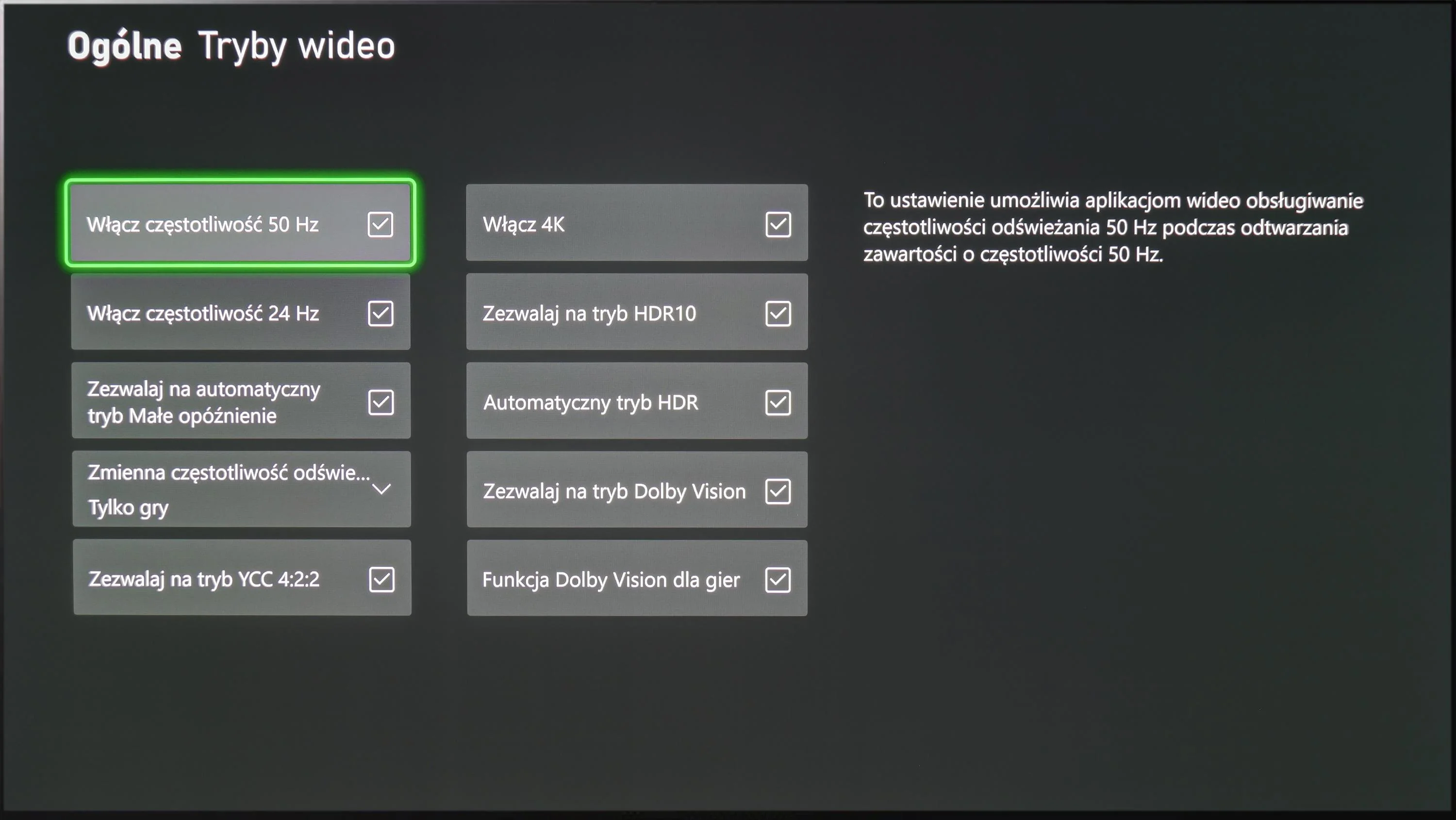
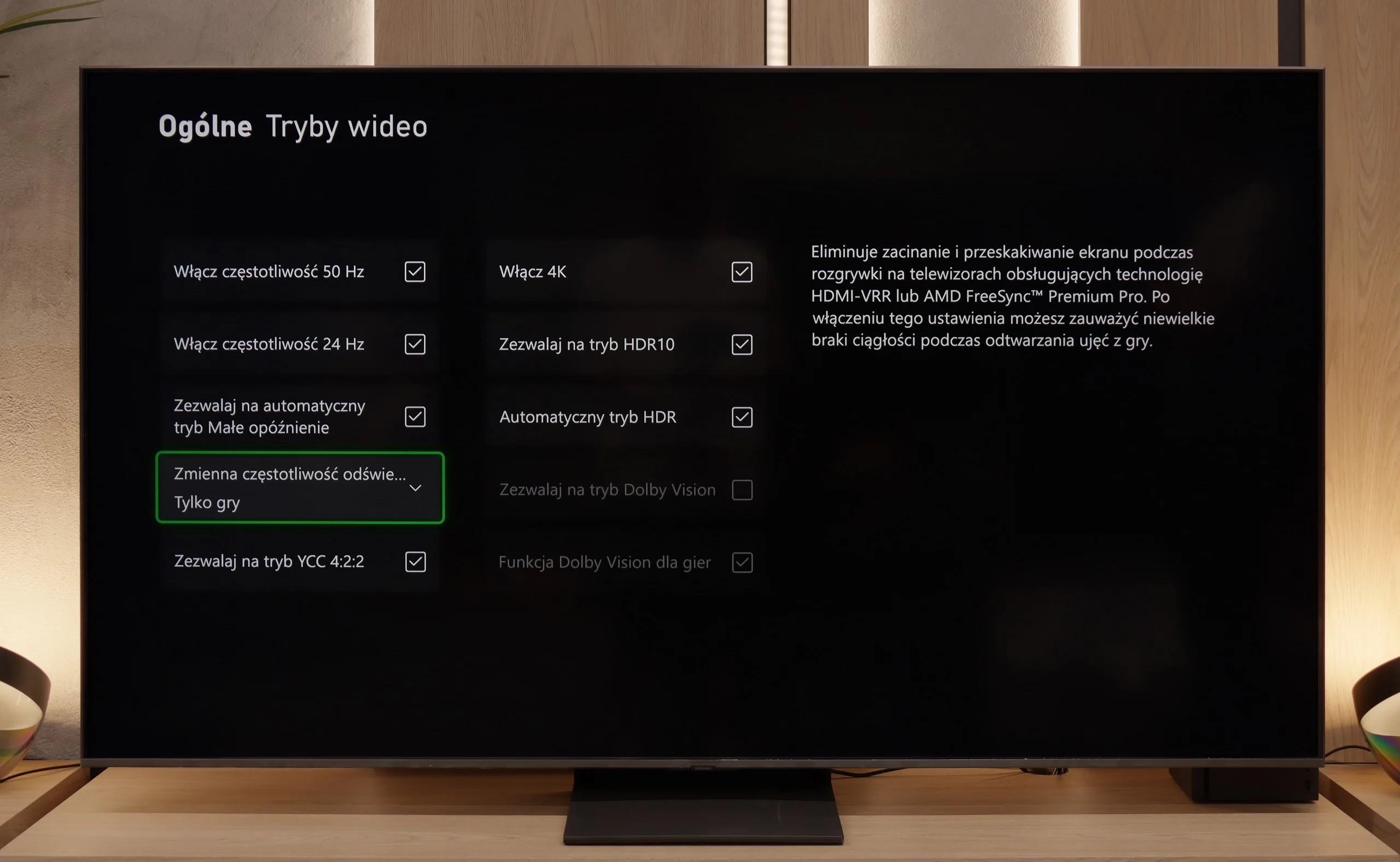
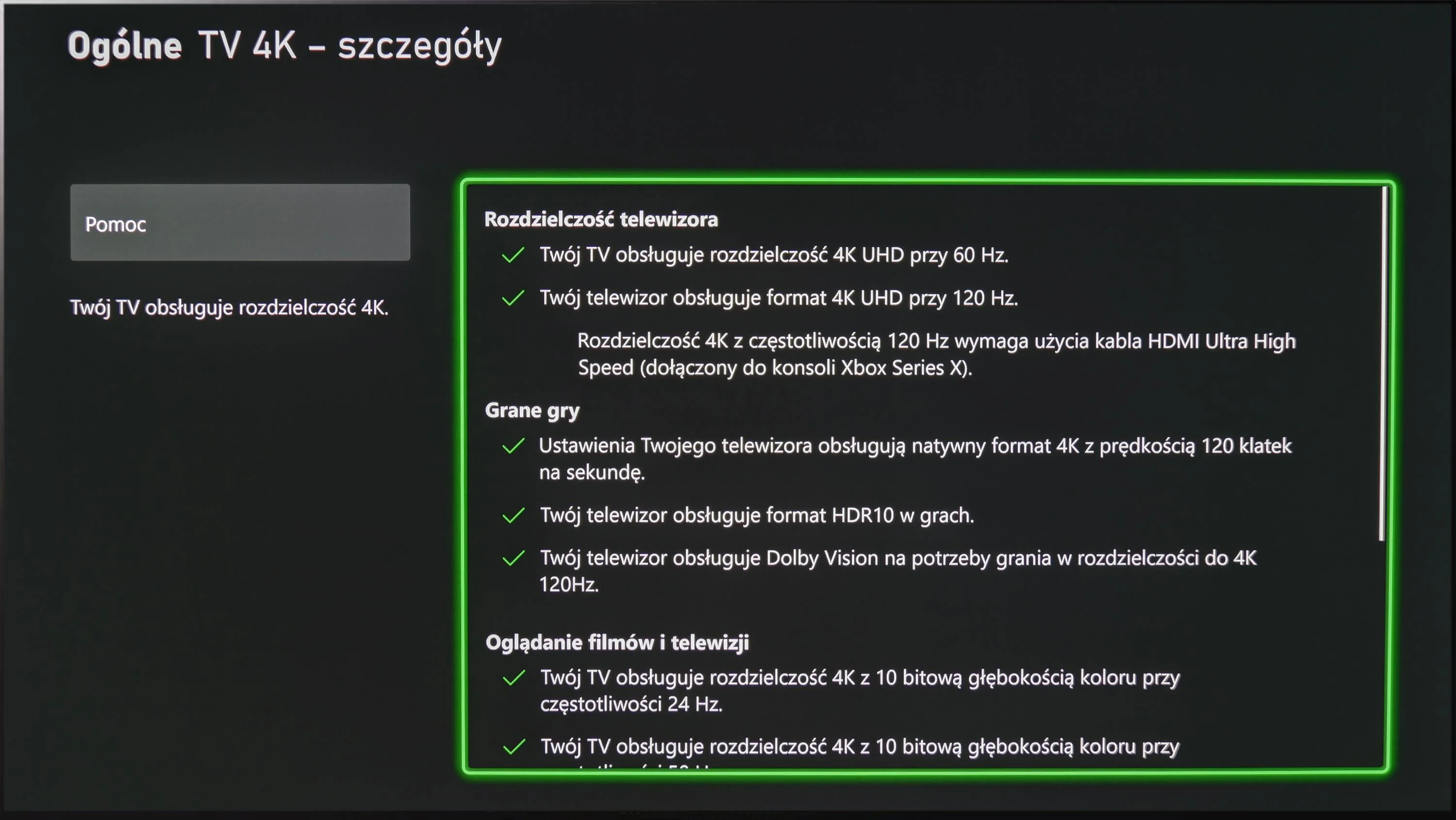
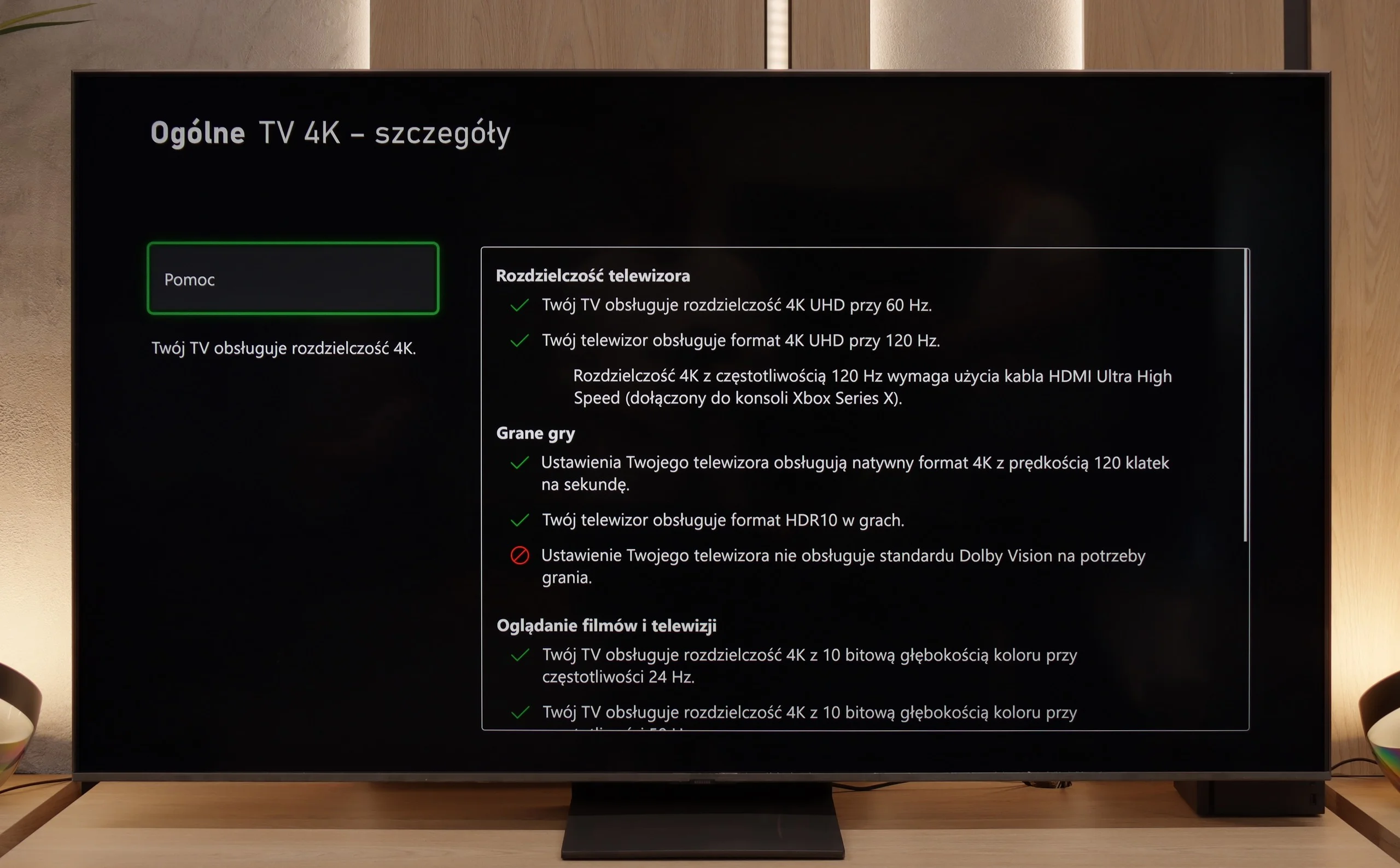
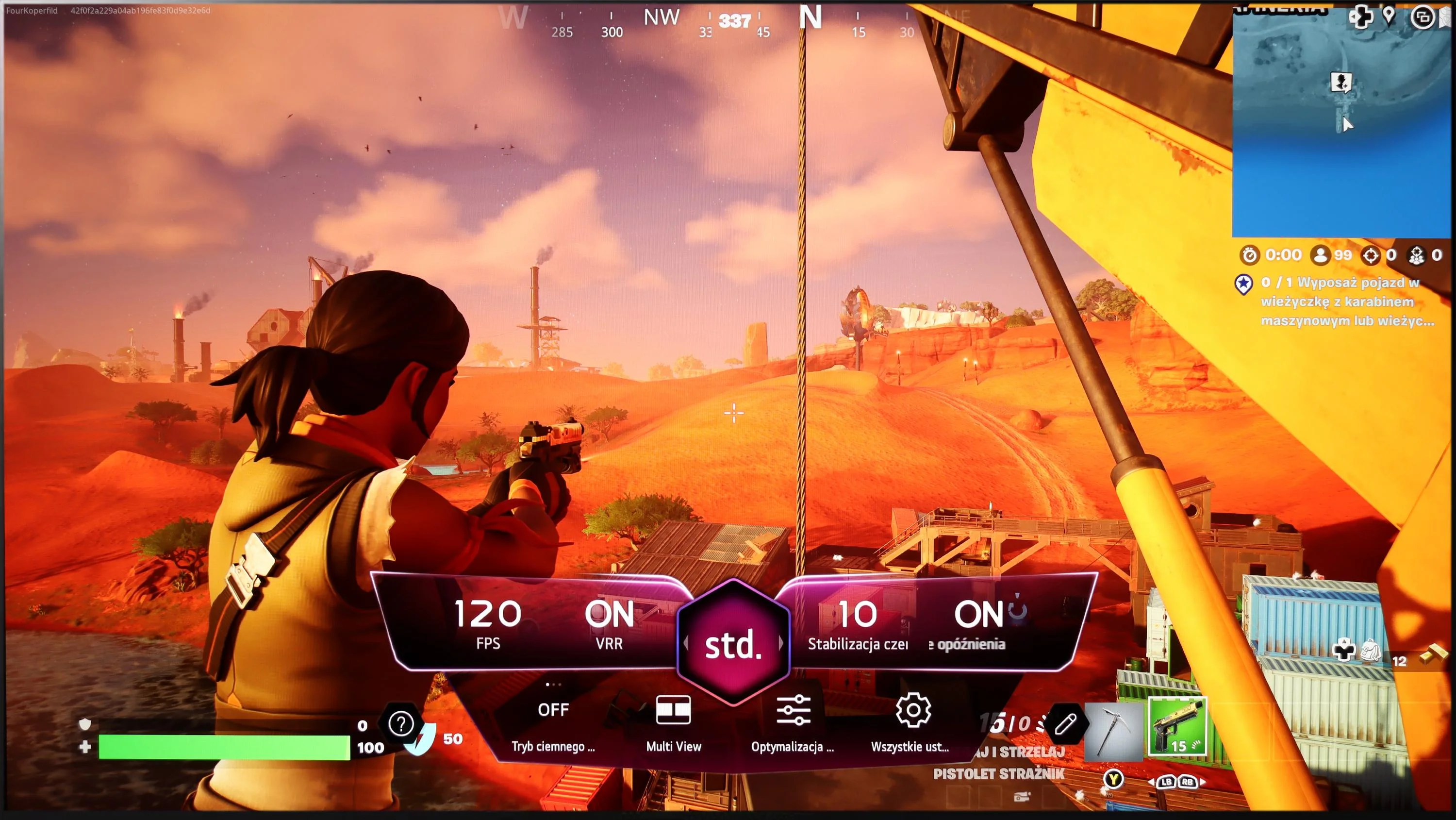
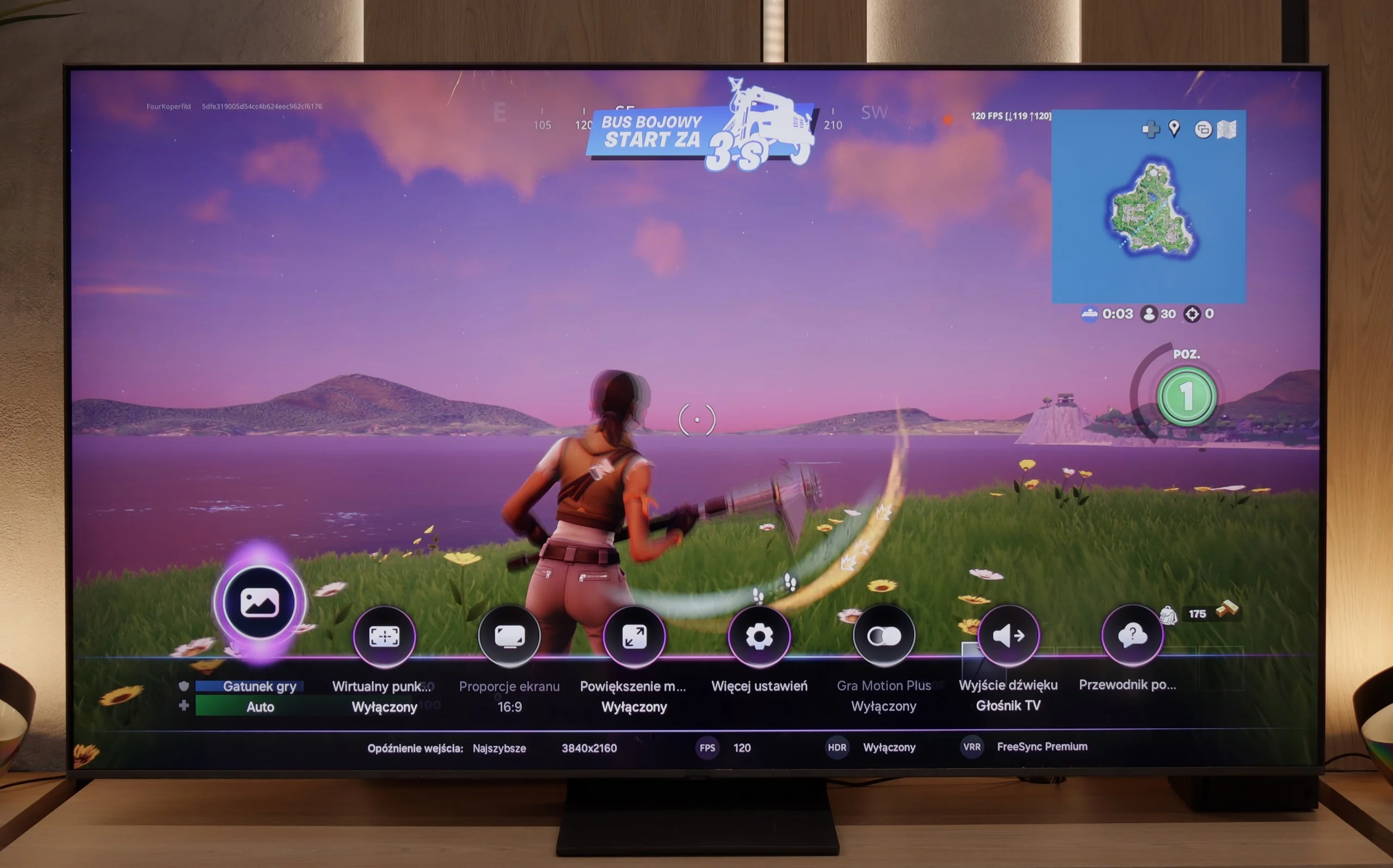
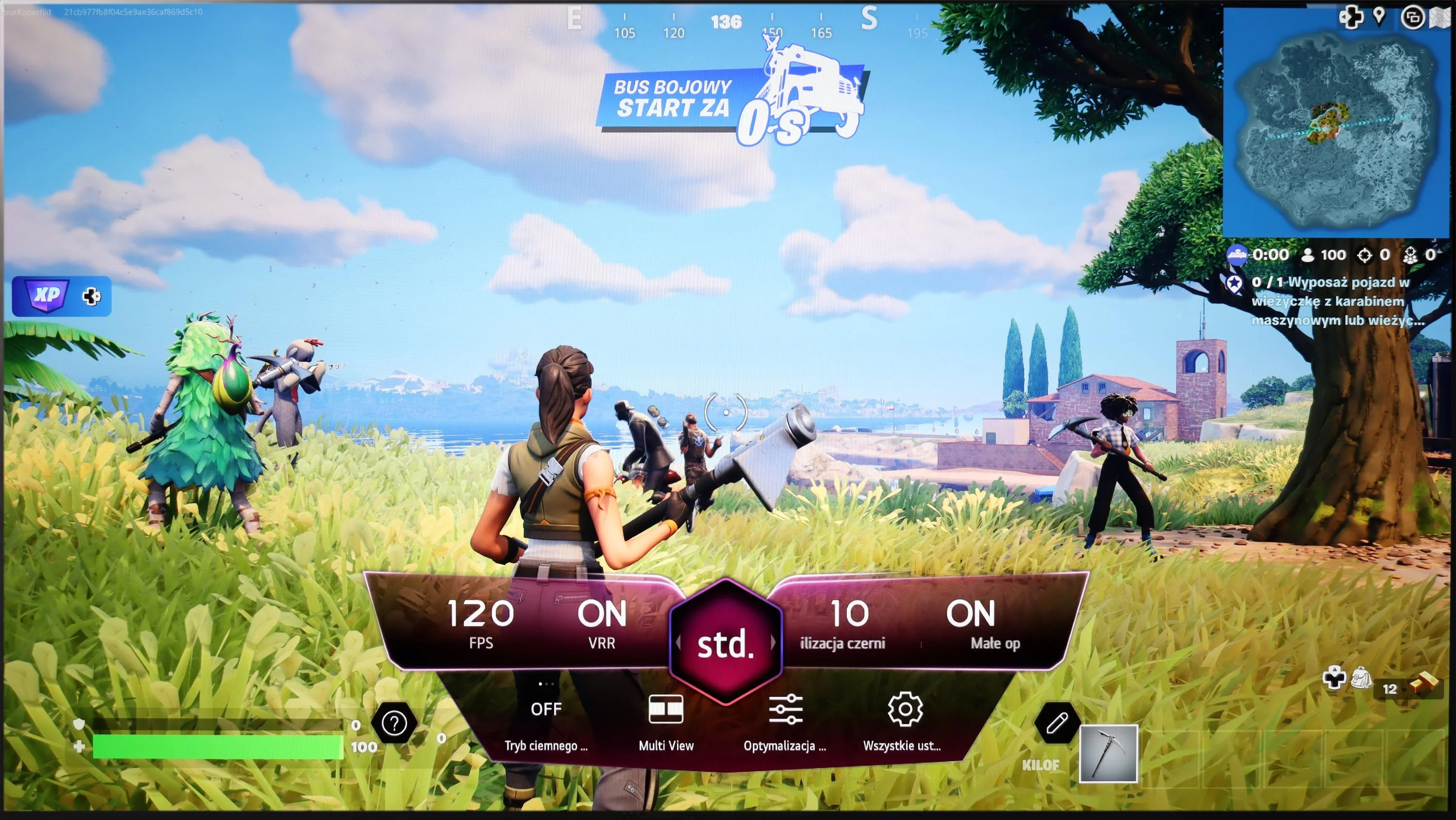
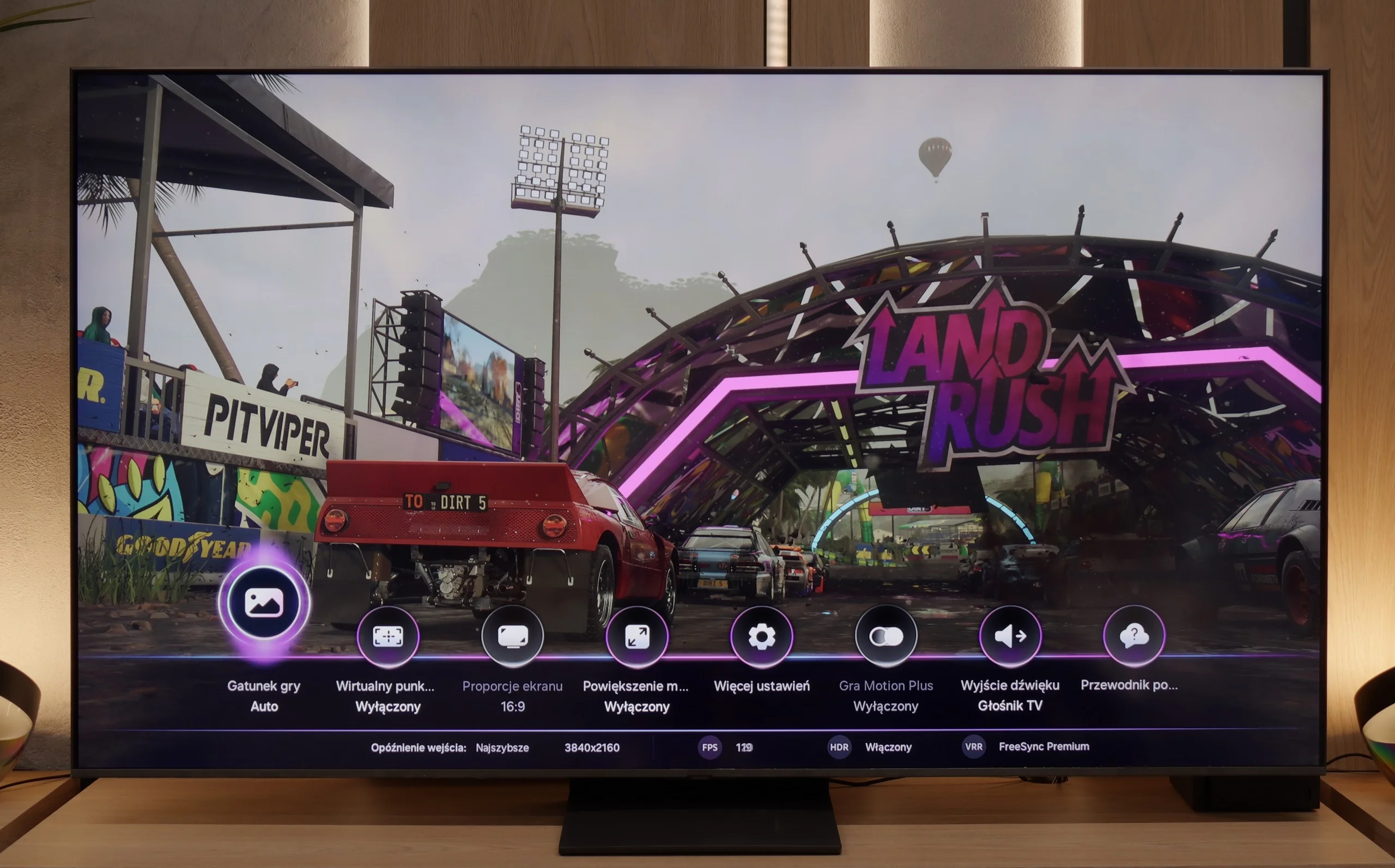
The LG G4 television supports all features that make up the HDMI 2.1 standard. During testing, each feature activated without any issues, which allows us to consider the television as designed for gaming. Its performance will certainly be appreciated by both console users and those connecting the LG G4 to a computer. It’s also worth mentioning the proper implementation of the HGIG (HDR Gaming Interest Group) mode, which ensures that games mastered to brightness levels beyond the maximum luminance of the LG G4 will correctly map tones, keeping the game image true to the original.
A nice touch is the presence of a special GameBar that we can bring up at any moment to check game parameters, but most importantly, to change them quickly. More importantly, turning on VRR technology does not degrade contrast, which is often a problem in televisions with local dimming or Mini LED backlighting. Of course, this is thanks to the OLED panel itself, characterised by pixel self-emissiveness. As a journalistic note, we will only mention a slight grey flicker, which, however, is somewhat normal when VRR is enabled.
In summary, the LG G4, like practically all OLED televisions, is an ideal product for all kinds of gaming and online competitions. With full HDMI 2.1 ports with a complete bandwidth of 48 Gbit, features such as VRR, ALLM, G-Sync, FreeSync, or HDR Dolby Vision gameplay will bring a lot of joy.
Samsung QN80F is a television that delivers on almost every front when it comes to gaming. It features a 144 Hz panel, four fully-fledged HDMI 2.1 ports, support for gamers with variable refresh rate (VRR), automatic game mode (ALLM), and even one of the best-designed gamebars on the market. The icing on the cake is the motion smoother which – uniquely in the world – works in games without significantly increasing input lag. Sounds like an almost perfect gaming TV? And indeed, it is almost that.
[UPDATE] We have updated our Samsung TV tests from the 2025 model year due to the release of firmware version 1131, which restored the crucial gaming feature HGiG.
As usual, Samsung doesn’t support Dolby Vision in games, but that’s no longer surprising. However, what is much more surprising is that... the HGIG feature has disappeared – meaning the system that allows the console (e.g., PlayStation 5 or Xbox Series X) to accurately match HDR tone mapping to the capabilities of the television. In the latest firmware update for the 2025 models, this option simply vanished. It looks more like a bug than a deliberate move, but it must be honestly noted that at the time of writing the review, the HGIG feature is simply absent.
And it’s precisely because of this one absence that the QN80F goes from being an almost perfect gaming television to a “nearly” perfect device. What a shame – because everything else indicated that Samsung could once again set the bar very high in this generation.
Input lag
10/10
9.8/10
SDR
HDR
Dolby Vision
The input lag of the LG G4 is impressively low in every scenario. Even the most dedicated gamers will surely appreciate the very low input lag at demanding 4K 120 Hz settings with HDR, which is just 5 ms. It's also worth noting that the lag at the same settings, but with Dolby Vision HDR enabled, remains unchanged, which is not as obvious with the competition. Therefore, it deserves the highest rating and recommendation.
The QN80F doesn't disappoint when it comes to response time. The input lag for 120 Hz content drops below 10 ms, which can be considered an almost perfect result – it's hard to expect more in this class of televisions. Gaming is smooth, responsive, and without delays that could annoy even the most sensitive players. For 60 Hz material, the lag is higher, around 19 ms, but this is a completely natural phenomenon and still falls within comfortable limits.
Compatibility with PC
8.6/10
8.8/10
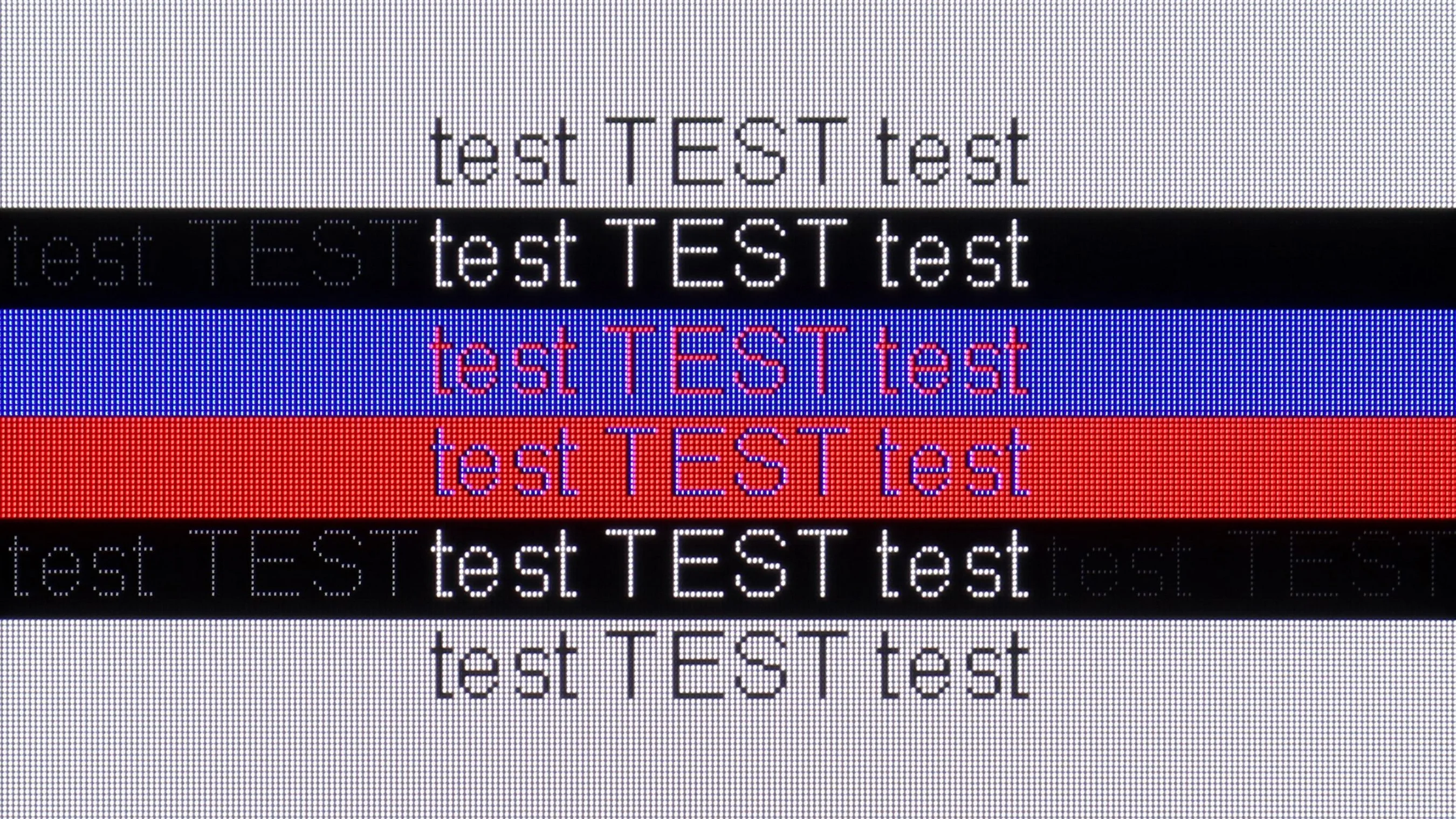
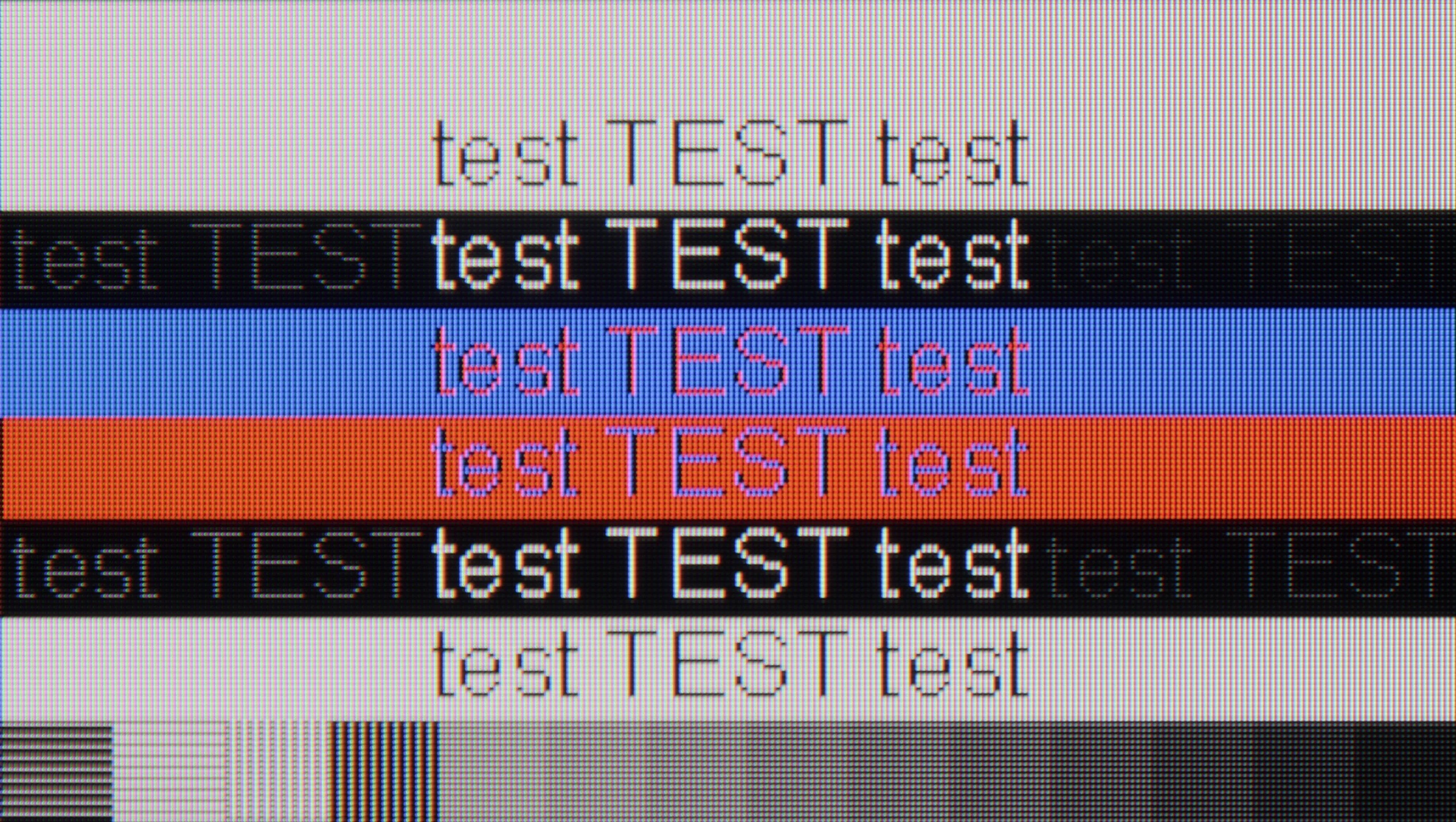
The photo shows the legibility of small fonts. Ideally, lines should be the same thickness on both light and dark text, with minimal pixel gaps.
LG G4 paired with a PC performs excellently, thanks to an incredibly low latency of just 5 ms, which is practically instantaneous response between the mouse, eye, and screen. A crucial aspect while working on the screen is the readability of text, which is very good in the case of the tested television.
The RWBG pixel arrangement has no significant impact on the display of fonts or letters, which is a considerable advantage over Samsung's QD-OLED matrices. Users of both Windows-based PCs and macOS will surely be pleased with the performance on the tested LG G4 television.
Playing on the QN80F with a computer connected is pure delight. The television works seamlessly with NVIDIA graphics cards (thanks to G-Sync support) and AMD (thanks to FreeSync Premium), and the 144 Hz refresh rate only enhances comfort during fast-paced gaming. Everything works right away, without unnecessary fiddling with settings – just as it should.
When it comes to work, it's very good as well. The readability of fonts is high, and texts look sharp and clear. With very thin horizontal lines, you might notice slight imperfections or shadows, but honestly – you have to take a good look. Unless, like us, you sometimes like to examine the screen with a magnifying glass… then you might spot something 😉.
Viewing angles
9.7/10
3.1/10
The undisputed advantage of OLED screens equipped with MLA technology is their performance when viewing from various angles. To the naked eye, there are no noticeable changes, regardless of where we are watching from. This type of screen maintains consistent brightness, saturation, and white hue, unlike LCD matrices or OLEDs without micro-lens technology (MLA). The only matrices that can match them are those produced by Samsung Displays, using quantum dots, namely QD-OLED.
QN80F, like most TVs with a VA panel, isn't impressive in terms of viewing angles. Just tilt a bit to the side, and you'll notice a significant drop in brightness and lost colour saturation. The image loses its "depth" and "vividness", and darker scenes may appear slightly washed out. However, this is a typical characteristic of VA panels, which offer significantly better native contrast compared to IPS panels in return. In short: you win some, you lose some. If you're sitting directly in front of the screen – there won't be any issues. But when watching together in a larger group, it's worth keeping this in mind.
Daytime performance
5.8/10
6.6/10
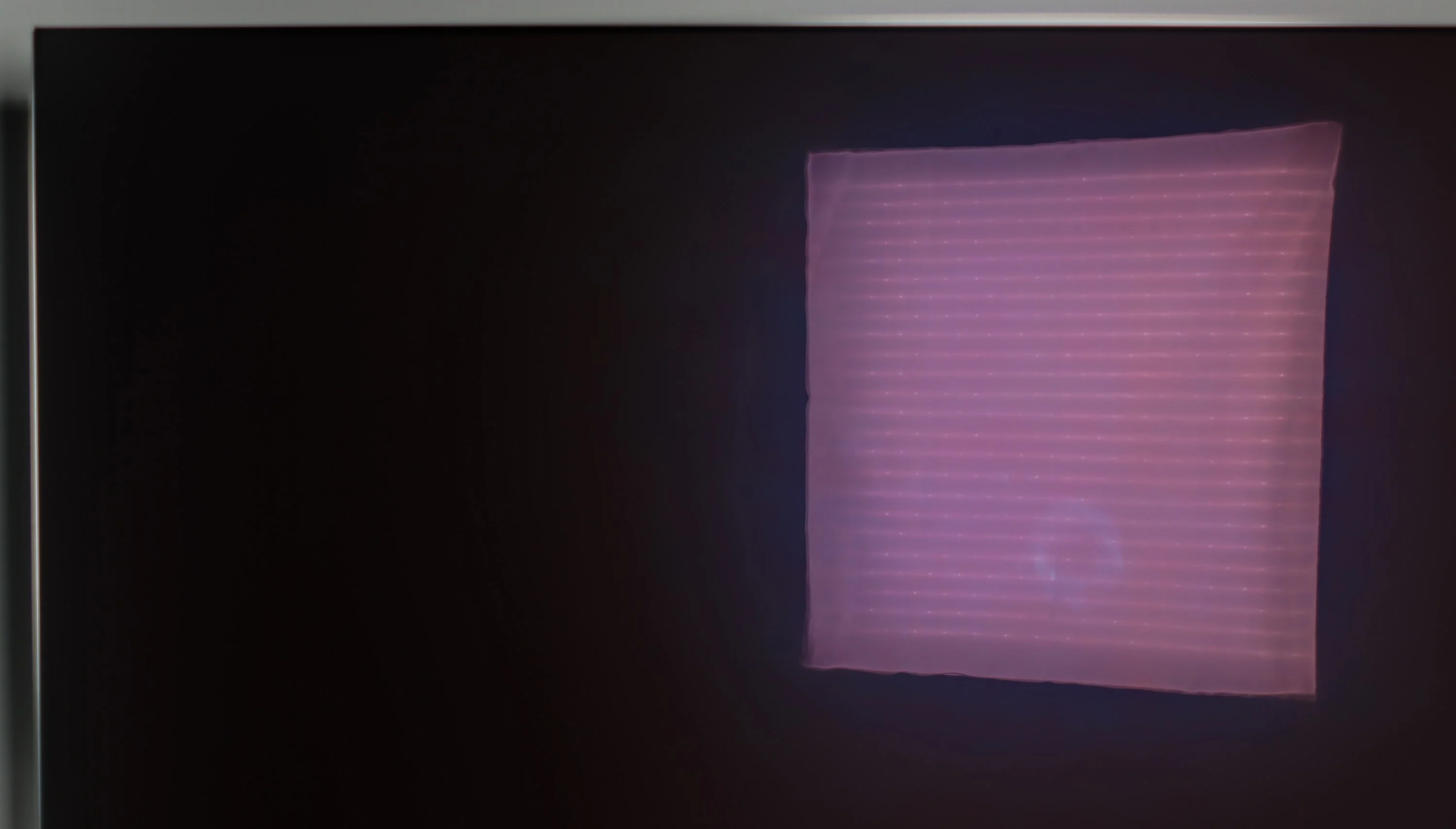
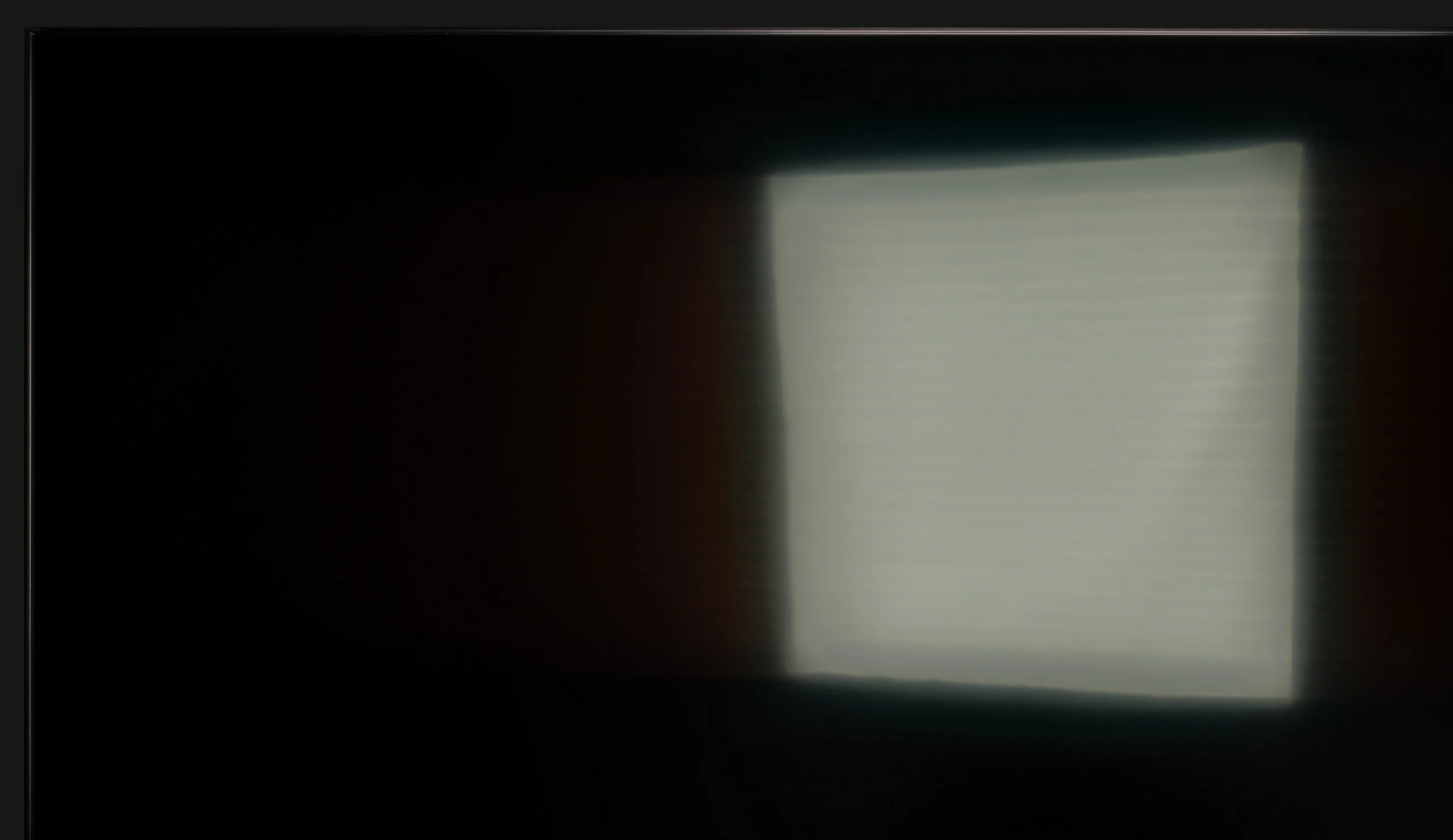
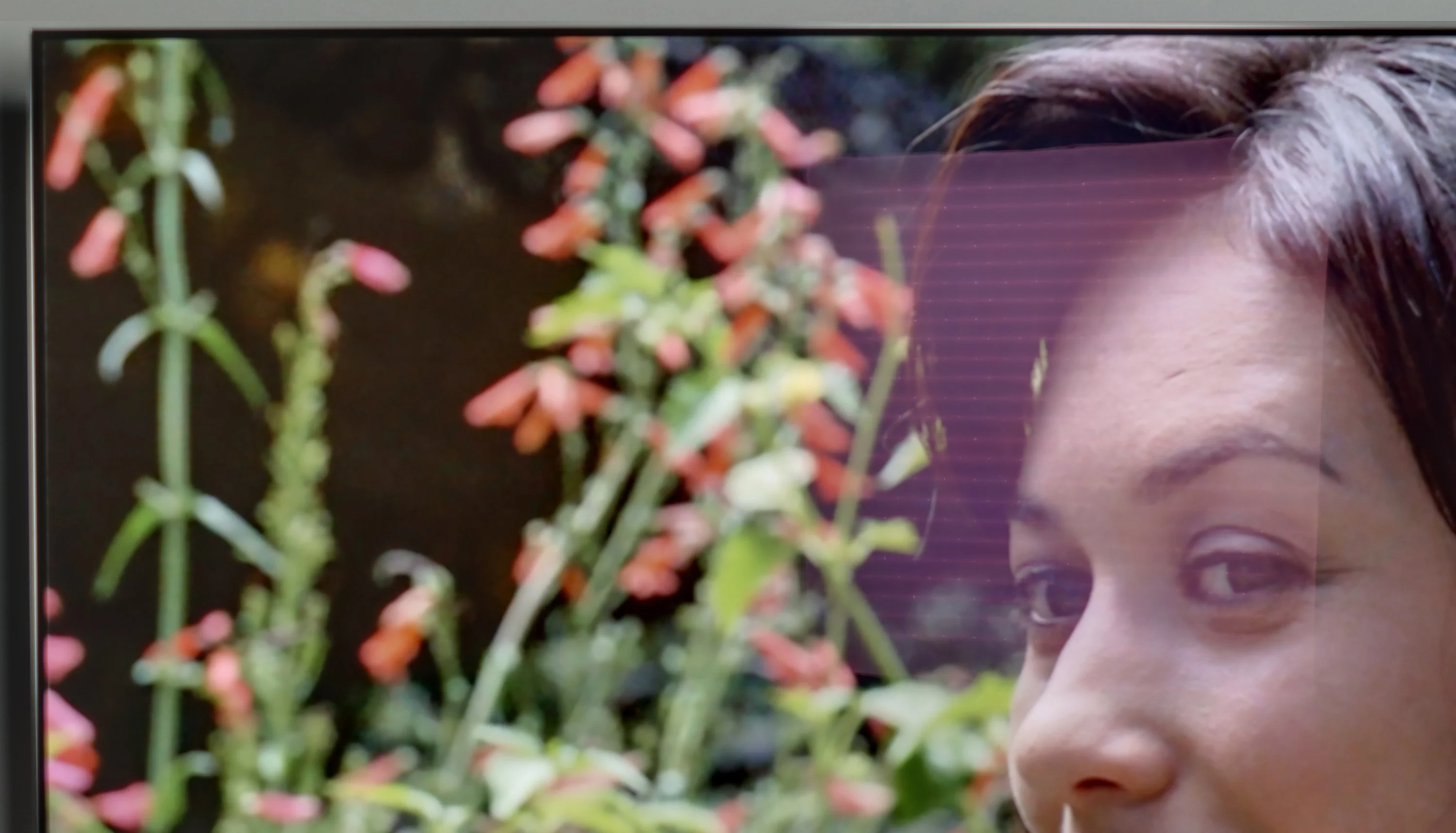
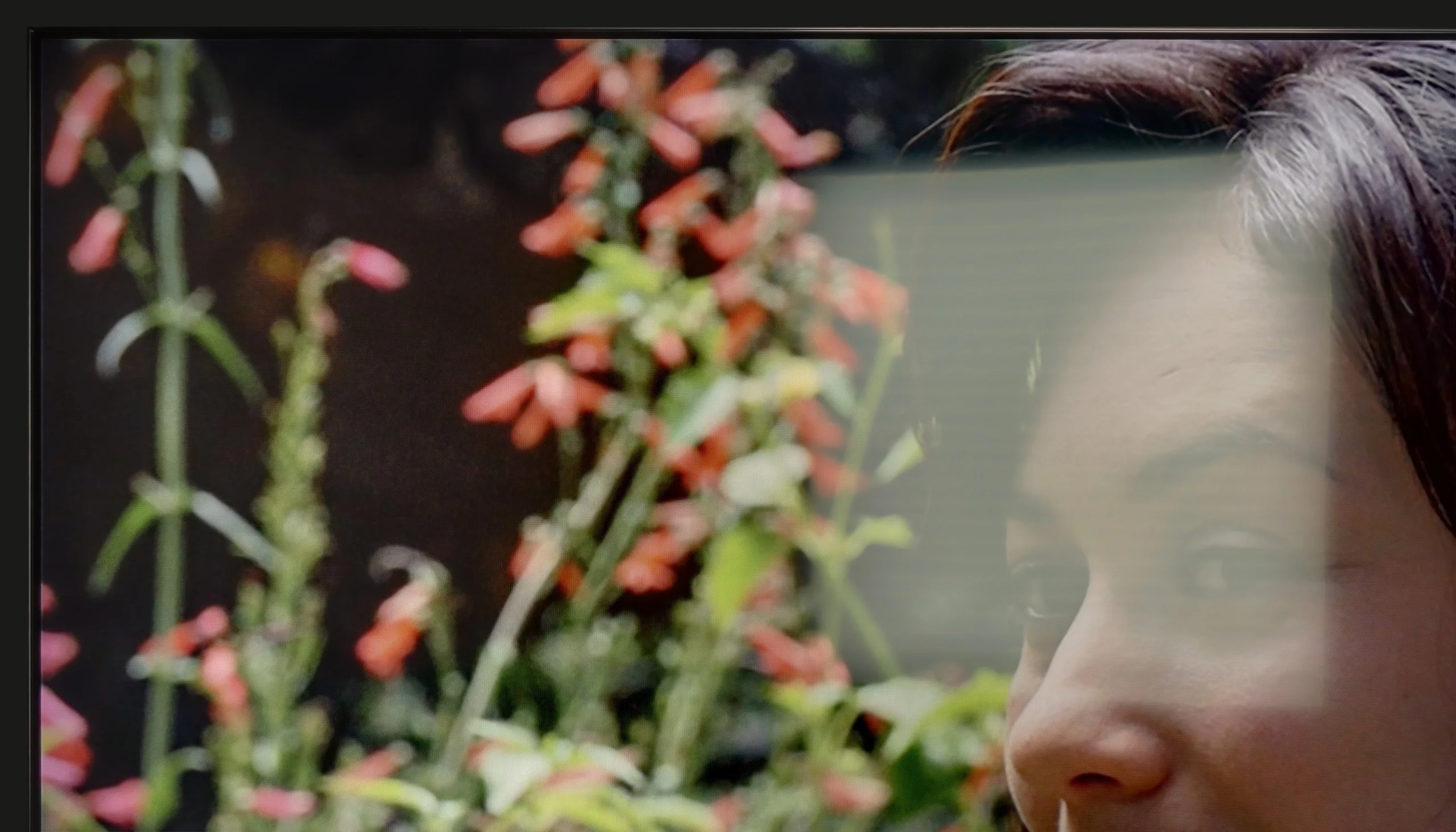
Panel brightness
SAMSUNG QN80F: 543 cd/m2
LG OLED G4: 482 cd/m2
The glossy coating of the display in LG G4, although it may sound like a downside, is actually quite the opposite. Thanks to it, the LG G4 television maintains very high efficiency and effectively suppresses all reflections, "holding" them only at their source. It's also worth mentioning the quality of black during the day, which in the case of WRGB displays produced by LG Displays is outstanding. OLED MLA displays, despite their many advantages, are somewhat inferior in this case, but still better in the context of competition from Samsung, whose QD-OLED displays fade under light. The combination of brightness at around 500 nits and the glossy coating allows for daytime viewing of the television, unless the user has a living room with large glazing.
QN80F is really a bright television. The average brightness in SDR material is around 550 nits, regardless of the scene, which practically means that you can comfortably watch content even in a well-lit room – and there’s no need to close the blinds every time we turn on a film. The new satin coating on the panel also deserves praise, as it handles glare much better compared to last year's QN80D. Reflections are less bothersome, and the screen maintains readability in various lighting conditions. It’s hard to nitpick here – the QN80F performs simply brilliantly during the day.
Panel details
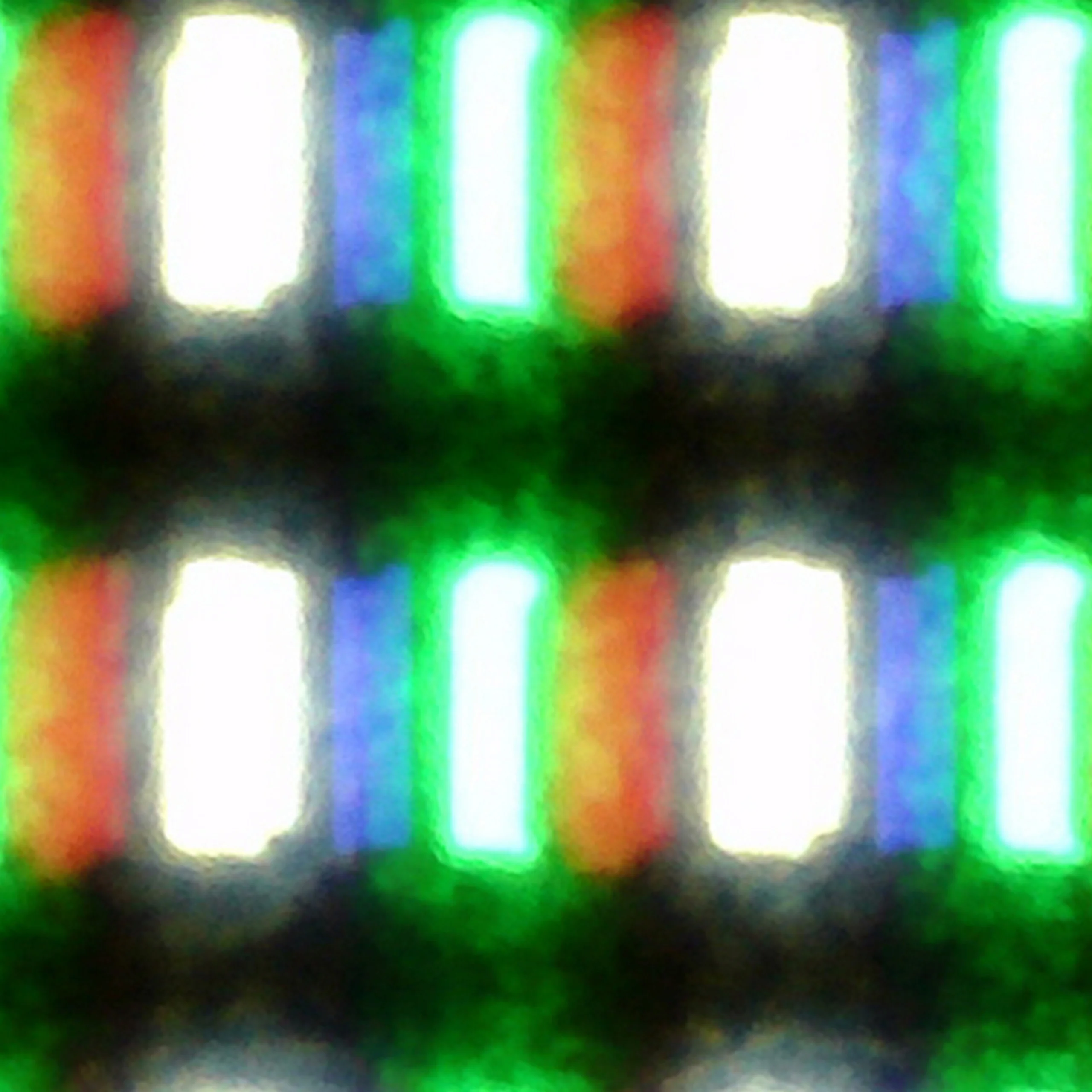
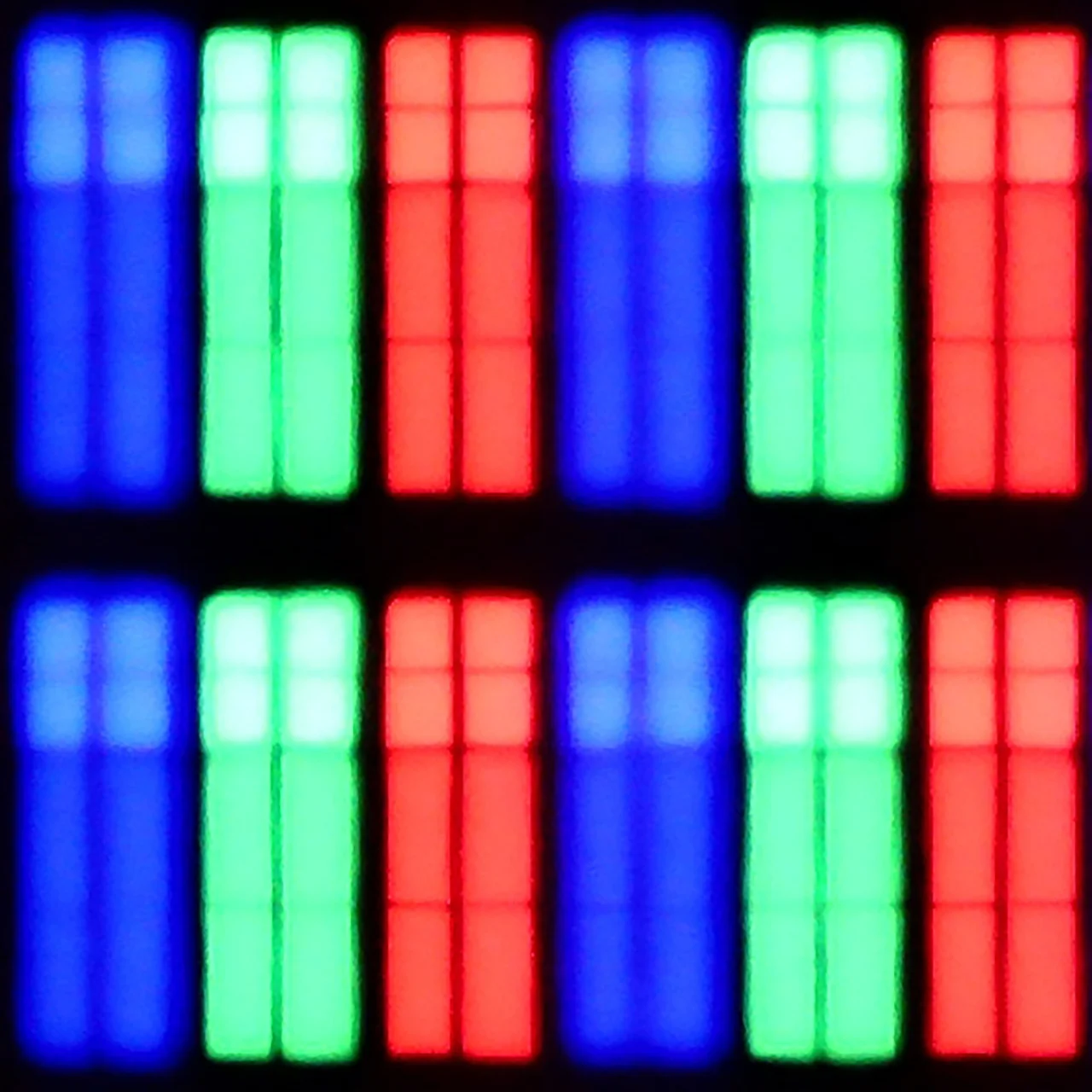
Subpixel Structure:
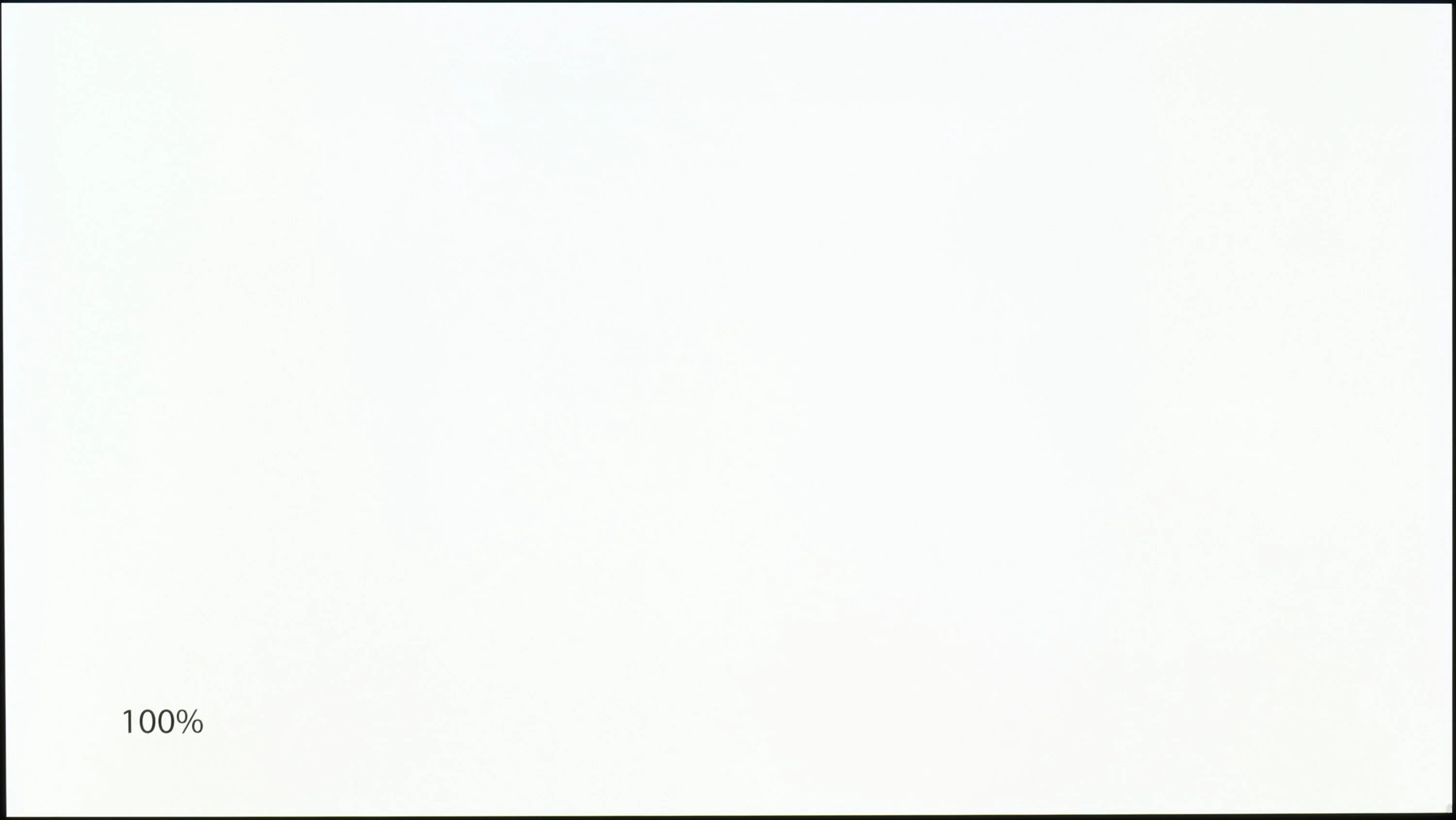
Panel uniformity and thermal imaging:
LG OLED G4
SAMSUNG QN80F
TV features
9/10
7.7/10
- SystemWebOSTizen
- System performanceVery goodVery good
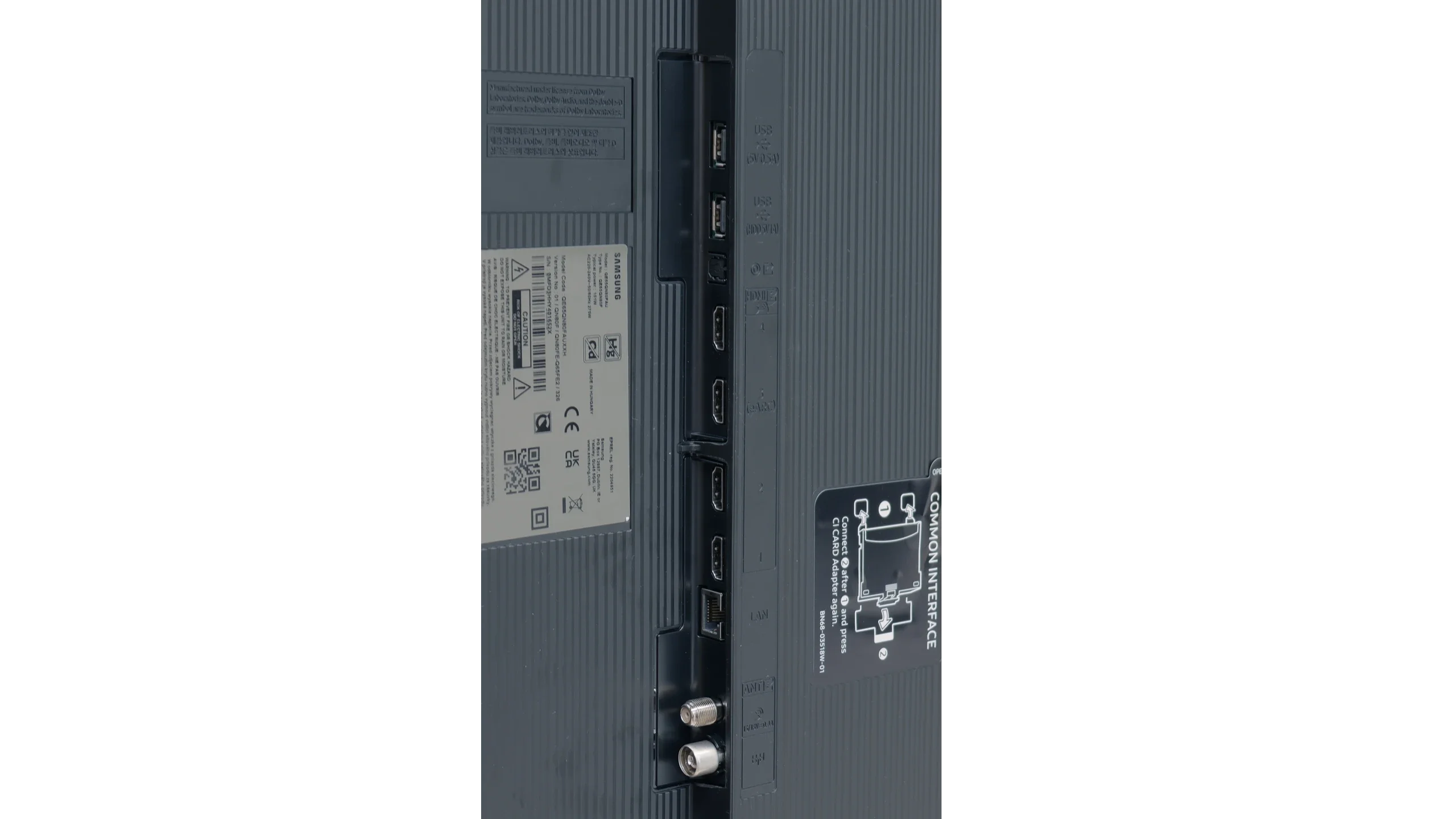
- HDMI inputs0 x HDMI 2.0, 4 x HDMI 2.1 48Gbps0 x HDMI 2.0, 4 x HDMI 2.1 48Gbps
- OutputsToslink (Optical audio), eARC (HDMI), ARC (HDMI)Toslink (Optical audio), eARC (HDMI), ARC (HDMI)
- Network InterfacesWi-Fi 2.4GHz, Wi-Fi 5GHz, Ethernet (LAN) 100MbpsWi-Fi 2.4GHz, Wi-Fi 5GHz, Ethernet (LAN) 100Mbps
- TV receptionDVB-T, DVB-T2, DVB-S, DVB-S2, DVB-CDVB-T, DVB-T2, DVB-S, DVB-S2, DVB-C
Classic features:
- Recording to USB (terrestrial TV)
- Recording programming
- Picture in Picture (PiP)
- RF remote control (no need to aim)
- Backlit remote control
- Teletext
- Audio only mode
- Bluetooth headphones support
- Simultaneous Bluetooth headphones & TV audio
Smart features:
- AirPlay
- Screen mirroring (Windows Miracast)
- Voice search
- Voice search in native language
- Ability to connect a keyboard and mouse
Sound connection options
- HDMI audioeARC (HDMI), ARC (HDMI)eARC (HDMI), ARC (HDMI)
- Other audio outputsToslink (Optical audio)Toslink (Optical audio)
- Wireless audioBluetoothBluetooth
Supported audio formats (external HDMI eARC audio):
- Dolby Digital Plus 7.1
- Dolby True HD 7.1
- Dolby Atmos in Dolby Digital Plus (JOC)
- Dolby Atmos in Dolby True HD
- DTS:X in DTS-HD MA
- DTS-HD Master Audio
Senior accessibility
- Numeric keyboard on TV
- Font size adjustment
- Audio description
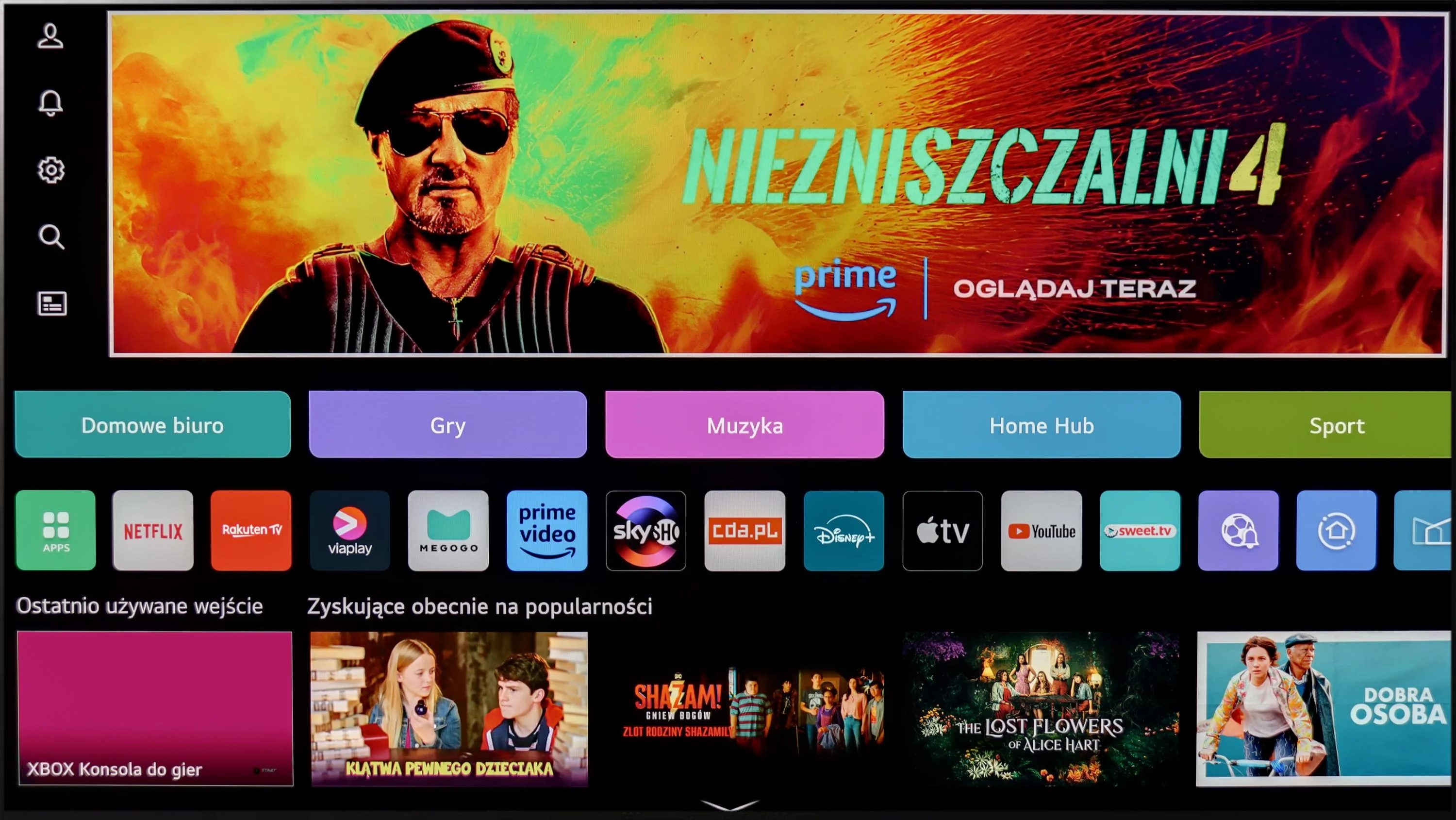
LG uses the well-known proprietary system WebOS, which has been around for many years. The system offers virtually all the essential applications, and those that are missing can be counted on one hand, such as CDA or KODI.
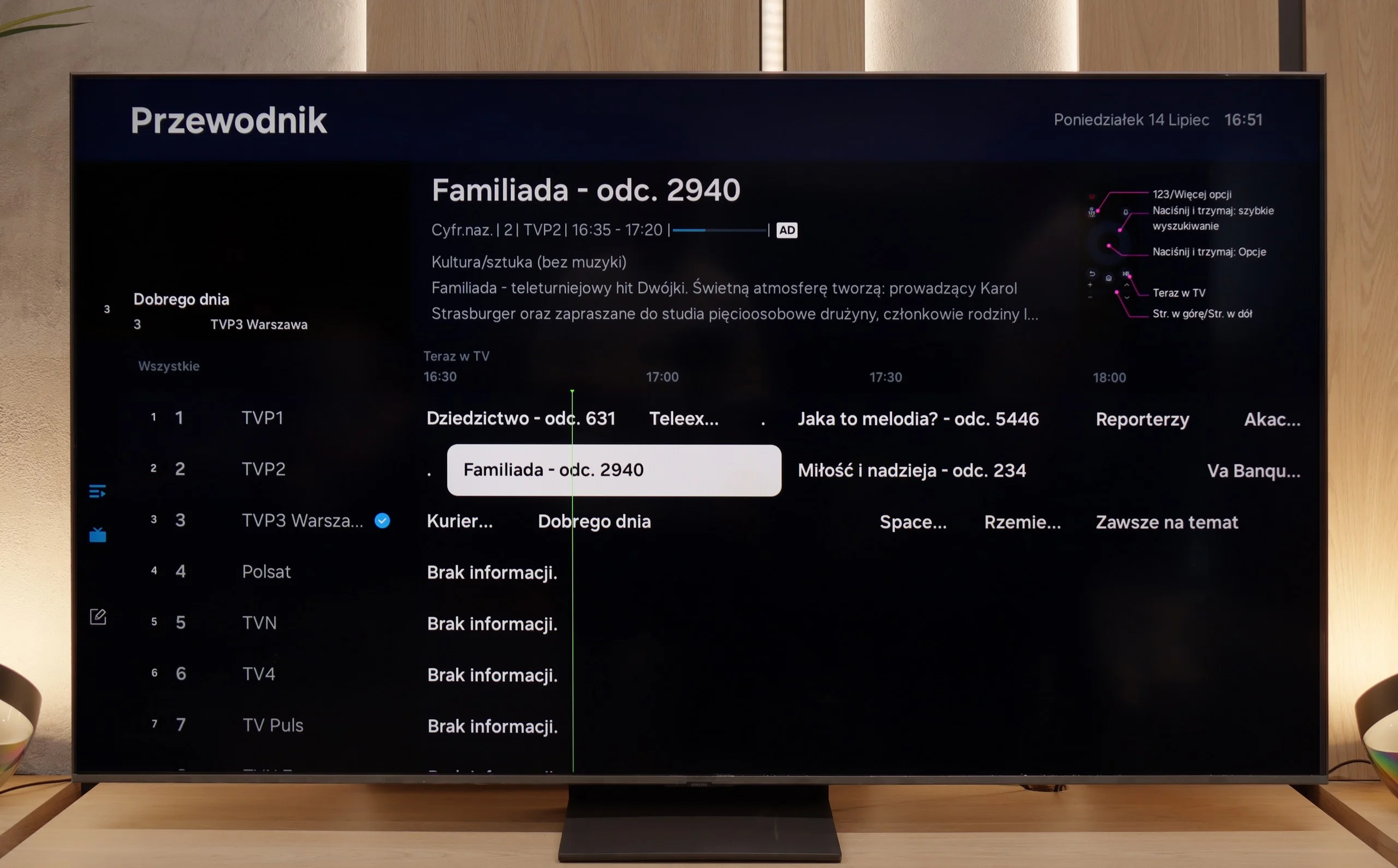
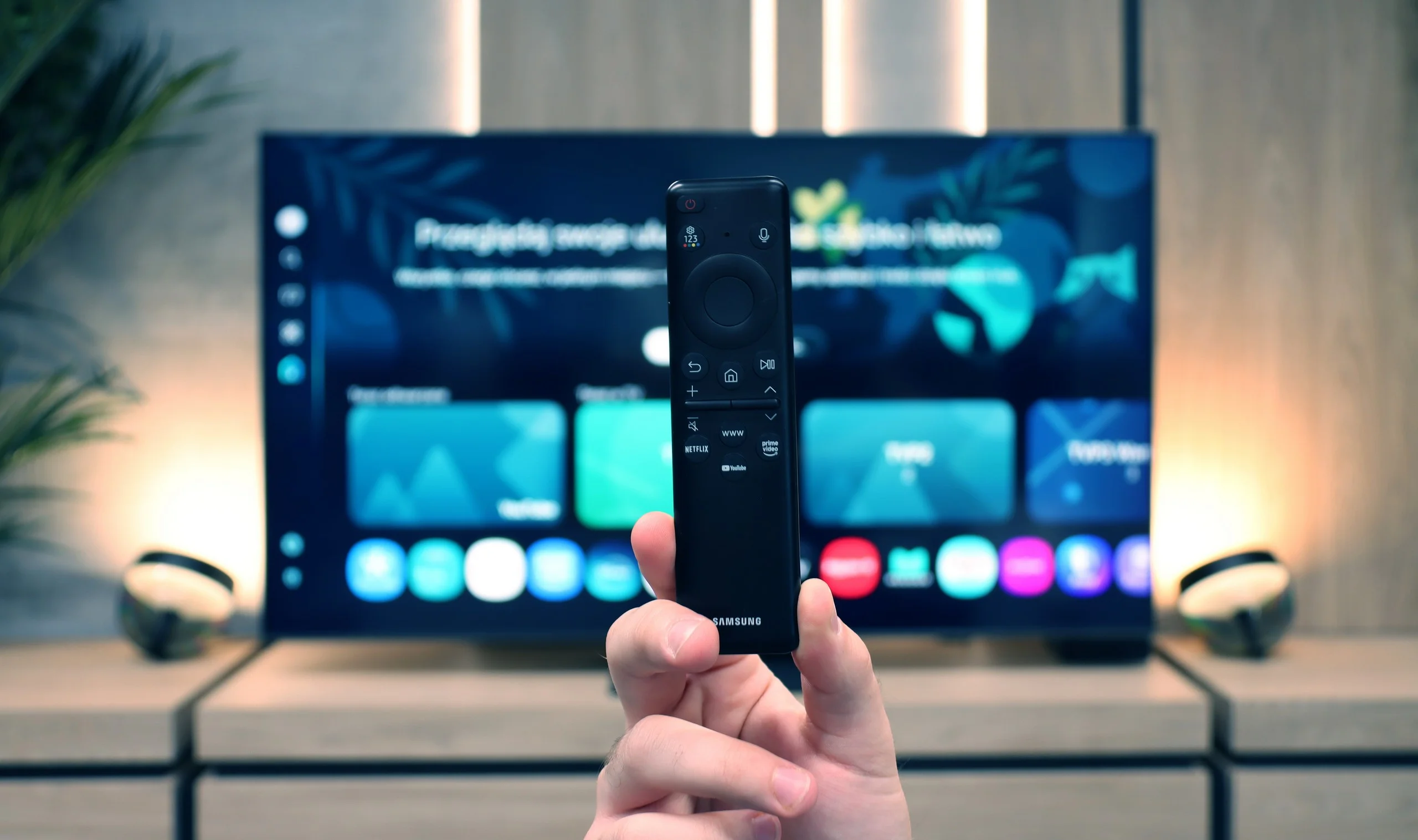
WebOS also provides the highly valued ability to perform operations using a cursor that appears when the remote control is moved. The convenience of such a feature is invaluable when entering queries or passwords for portals. WebOS, like most systems, also supports functions such as screen mirroring, AirPlay, voice search in Polish, and the ability to connect headphones via Bluetooth. On a more practical note, WebOS allows us to use both headphones and the TV speaker LG G4 simultaneously, which will certainly be a significant advantage for those with hearing disabilities. Among the more interesting features, particularly appreciated by sports fans, is the option to enable an alert for upcoming matches, ensuring that we never miss a broadcast. The home panel also deserves praise, allowing for control of all smart devices connected to the home network. For example, the end of a laundry cycle will be signalled by a notification in the top right corner.
In summary, the WebOS system, although less known and with some limitations compared to Android TV, offers stable and fast operation and supports most features that users might need. It is a solid solution for those looking for a simple and effective operating system in a television.
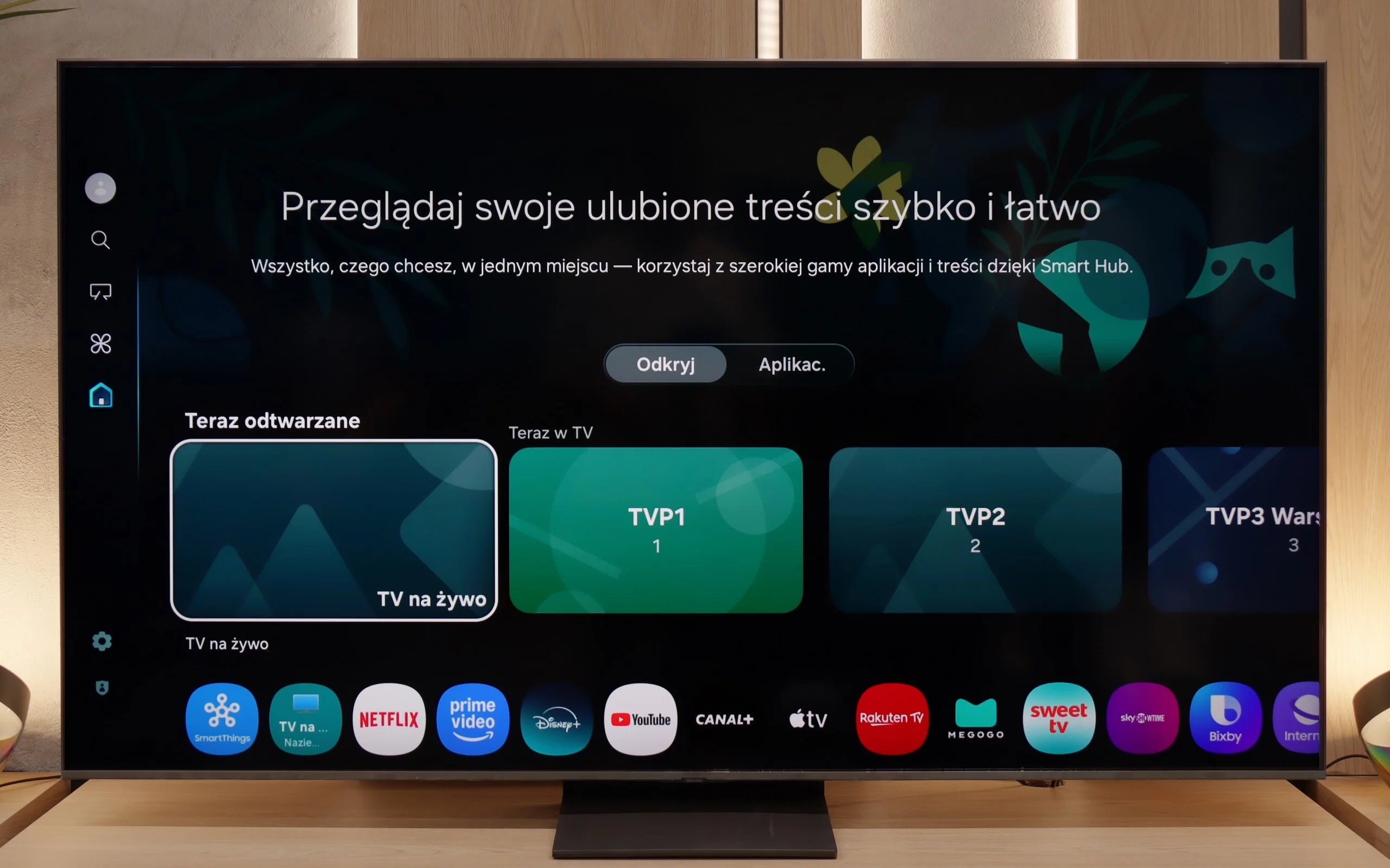
SmartTV QN80F: Tizen
When it comes to smart features, the QN80F has nothing to be ashamed of. On the contrary – Tizen is one of the richest operating systems in terms of functionality. We have voice search, AirPlay support, Miracast and all the major streaming platforms at our fingertips. But Samsung's real advantage reveals itself in the smart home – SmartThings. Not only can you sync light bulbs and vacuum robots, but you can also integrate devices from other manufacturers, thanks to support for the Matter standard. And suddenly it turns out that the QN80F can serve as a home command centre. There is just one "but" – Tizen is a closed system, so we might not find a few lesser-known apps. However, in practice, it still has everything that 99% of users need.
Classic TV features:
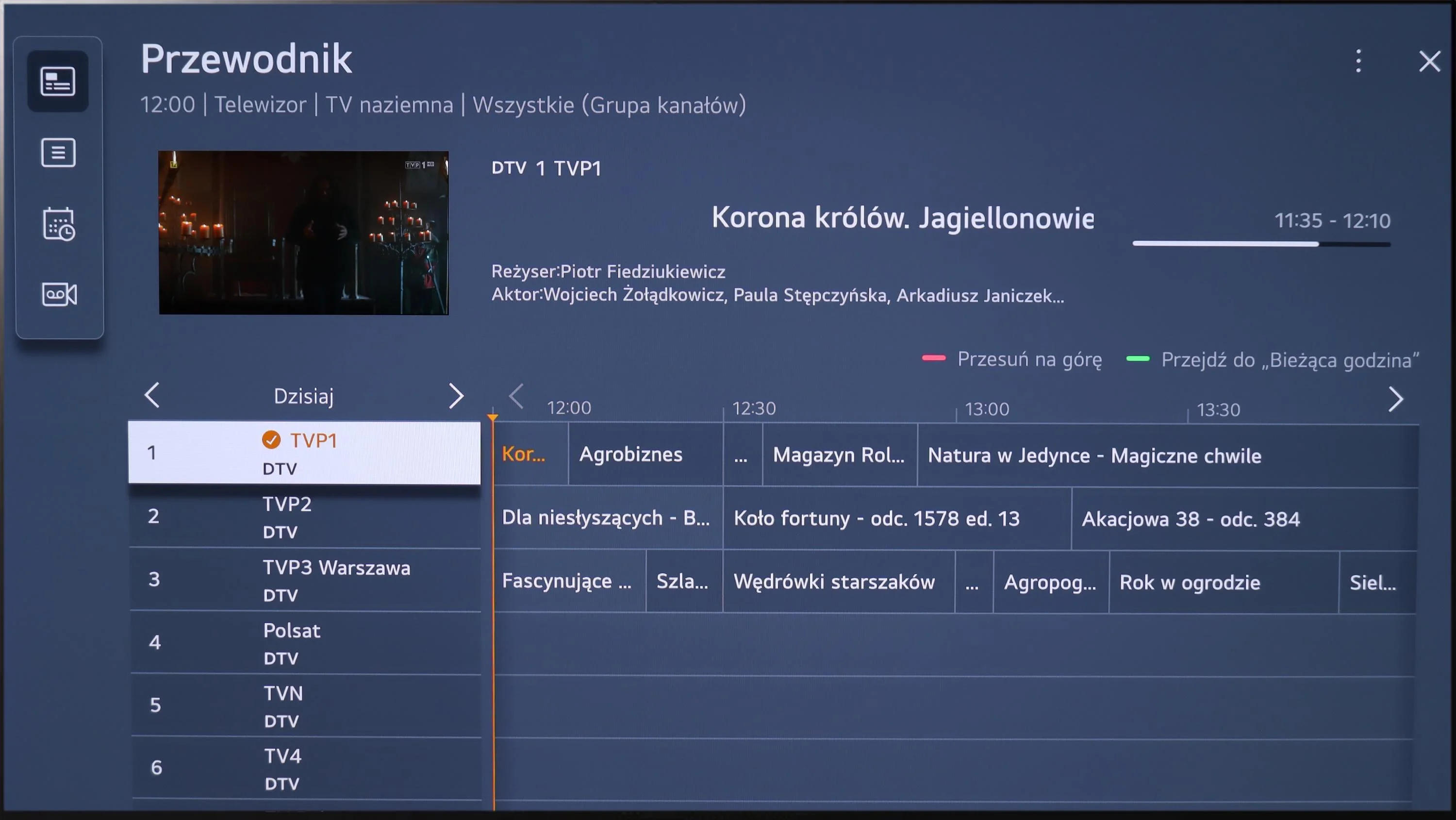
When it comes to classic features, it’s just as good – well, almost. The QN80F supports Picture-in-Picture, a rare but still useful PiP feature. We'll easily find EPG, the good old teletext (yes, it works!) and the ability to connect external devices via Bluetooth – whether it's headphones or a soundbar. Unfortunately, it lacks the option to record to USB from the built-in tuners. This is a small annoyance, especially since competitors in a similar price range are increasingly offering this feature. It may not be a must-have function, but since everything else works so well, it’s a shame it's missing that finishing touch.
Apps
9.1/10
9.3/10






















Playing files from USB
8.5/10
9/10
Supported photo formats:
Maximum photo resolution:
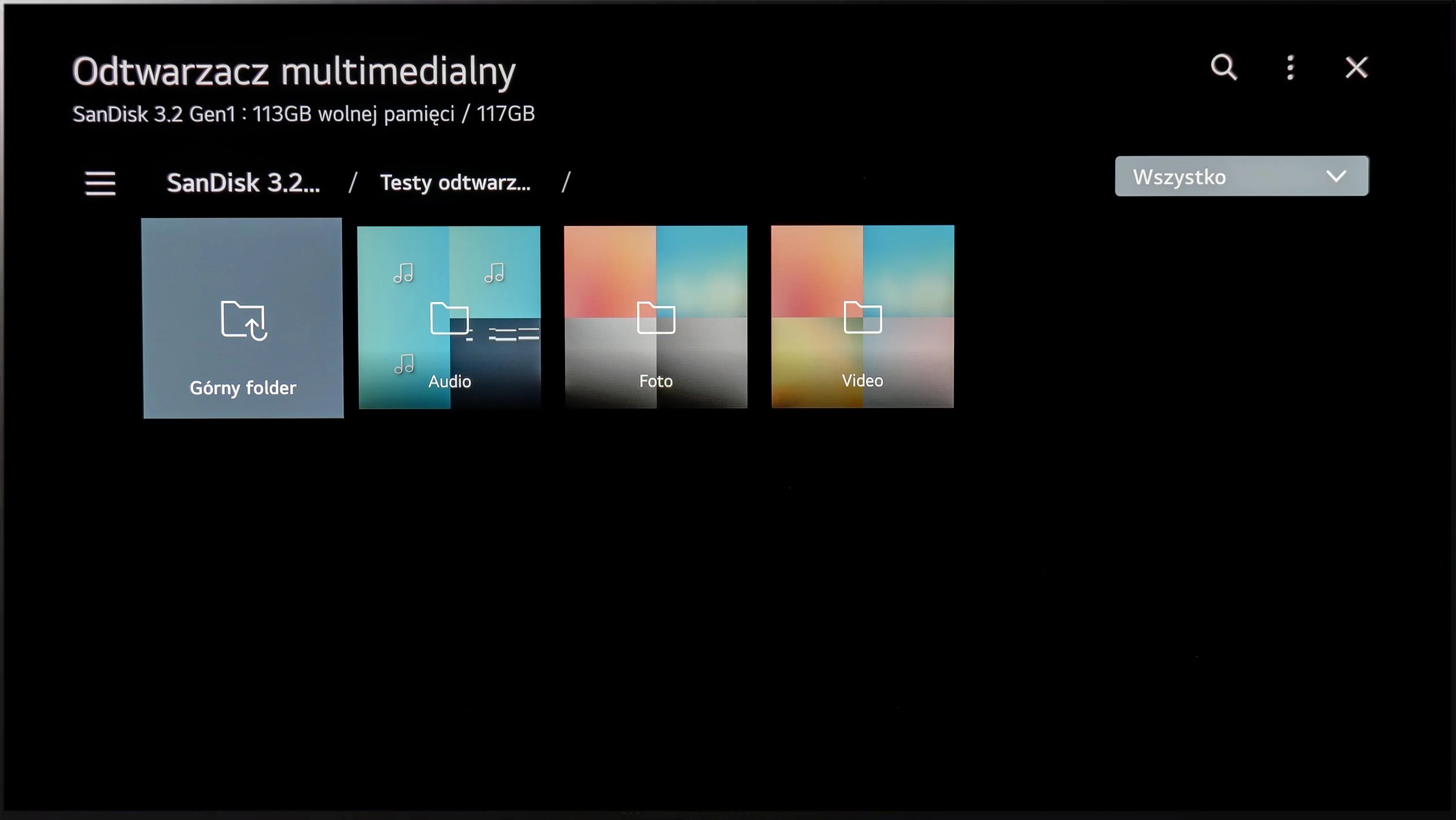
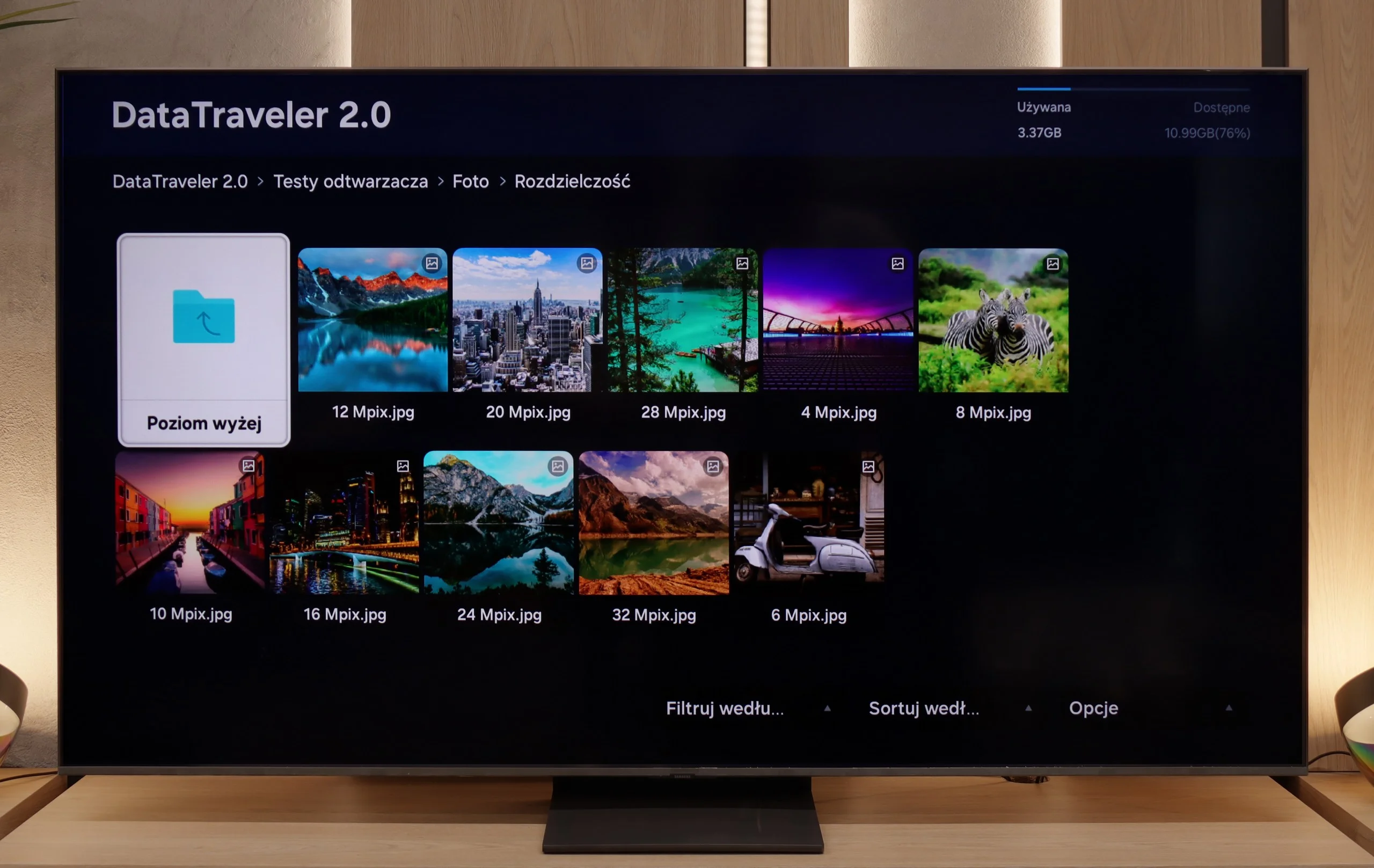
The default file player on the LG G4 performs quite well with most photos, although it's surprising to find a lack of several equally popular ones. It can successfully play videos recorded in virtually all the most popular formats, including Dolby Vision. The only codec that the G4 cannot play is H.266 VVC, although this is currently quite rarely used. However, it's important to note the supported photo formats, of which there are only two: JPEG and PNG. Users of Apple phones may feel disappointed by the lack of support for the HEIC format, which is the default format when taking photos. The remedy for this is to use the built-in AirPlay feature. Lastly, we should also mention the lack of support for TXT subtitles.
The built-in media player in the QN80F handles most popular video formats – from classic MP4 to more demanding containers. It may not be as versatile as VLC, but for home use, it’s more than sufficient. The situation is worse with photos – here, unfortunately, it’s quite limited. Support mainly includes the JPG format, but hey, at least that’s the most important one 👌. During our tests, there was also a minor issue with subtitles. The QN80F only handled the simple text format .txt – unfortunately, other, more advanced formats (like .srt or .sub) were not recognized.
Sound
8.6/10
6.7/10
- Maximum volume-87dB
- Dolby Digital Plus 7.1
- Dolby True HD 7.1
- Dolby Atmos in Dolby Digital Plus (JOC)
- Dolby Atmos in Dolby True HD
- DTS:X in DTS-HD MA
- DTS-HD Master Audio
The assessment of sound quality is always subjective. However, we must give credit to LG G4 for maintaining a fairly good level of sound clarity. The biggest drawback of the built-in audio system in the television is the low bass range. However, it’s important to look at this from a different perspective — anyone opting for this television will likely have a home theatre system. The key in this case will be broad support for audio codecs, including DTS-HD Master Audio and Dolby Atmos.
For a TV of this class, the QN80F sounds surprisingly good. It supports the Dolby Atmos format, which is worth noting as this is still not obvious in many models in this range. Unlike the thinner QN70F, here you can even feel a slight bass – all thanks to the thicker casing, which simply provides more space for the sound to "breathe". It's perfectly adequate for everyday viewing and series, and with the right settings, you could even consider listening to music without the need to connect external equipment. But – as is the case with Samsung, there is unfortunately a lack of support for the DTS:X format, so if we are using audio devices that support this format, we will first need to connect them to the amplifier and only then to the TV.
Sound Quality Test
No sound test video
Acoustic Measurements
No acoustic data
87dBC (Max)
75dBC
Reader comments
Comments are provided by the external service Disqus (Zeta Global). Once loaded, Disqus may set cookies and process data about your activity.
We will remember your choice on this device. Provider's privacy policy