Classic TV Features:
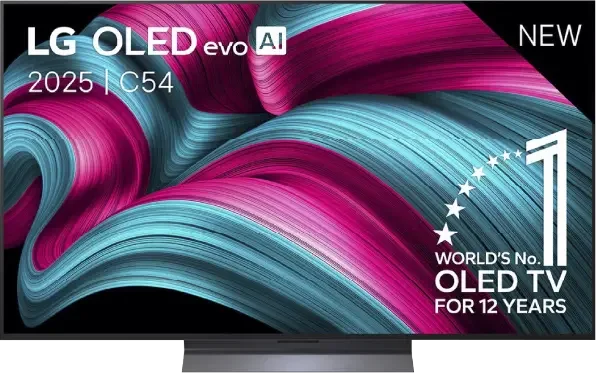
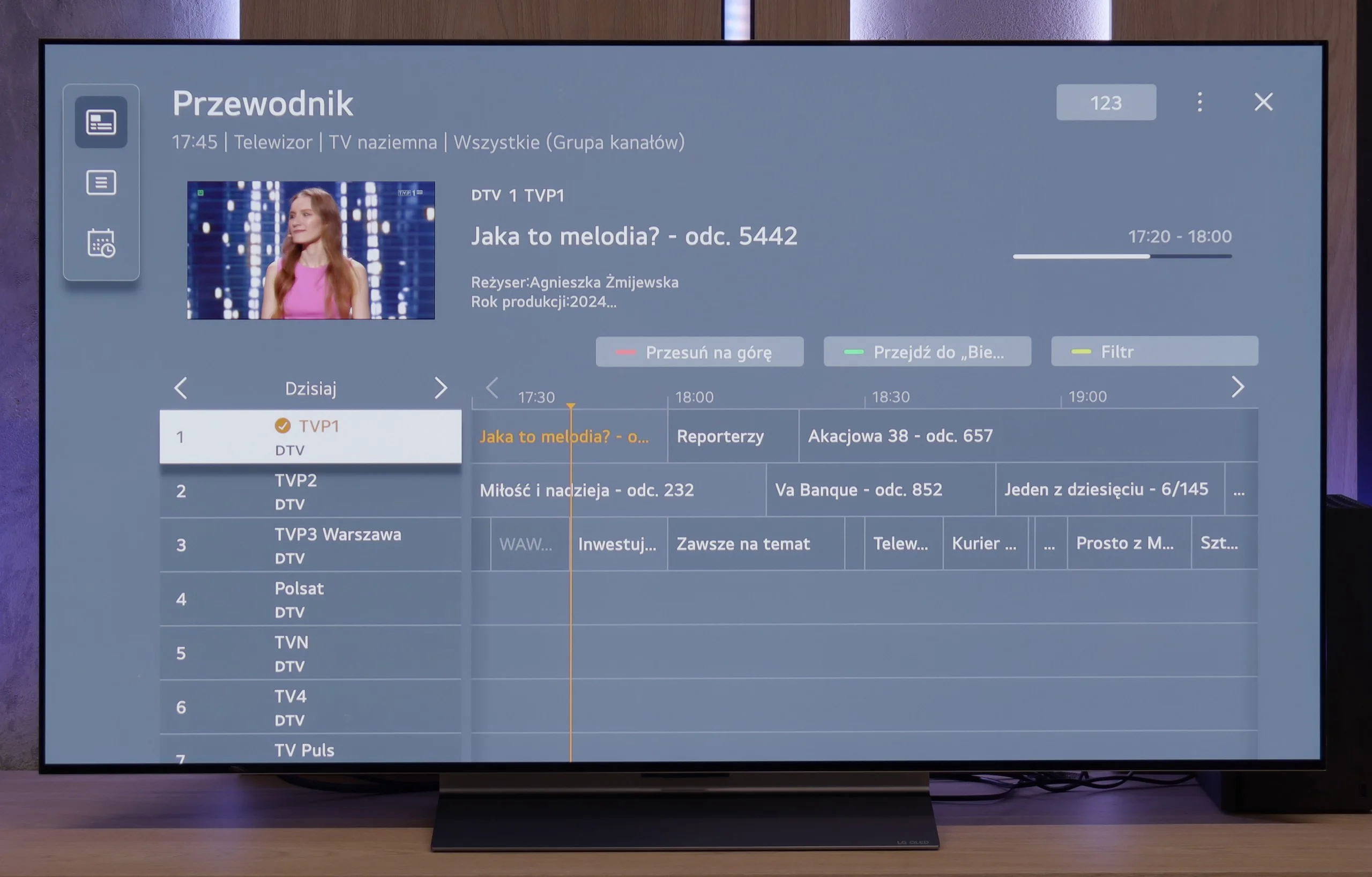
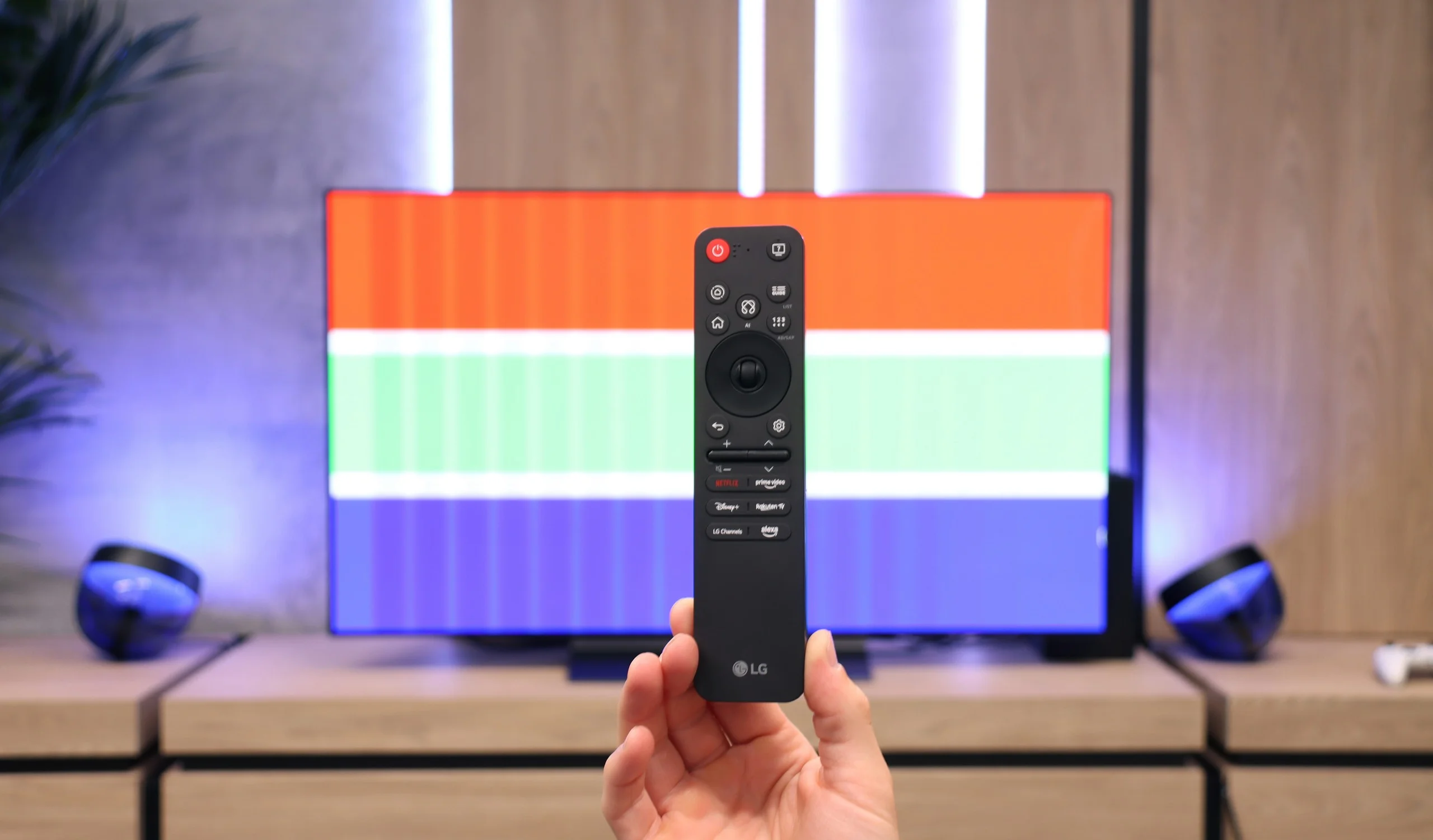
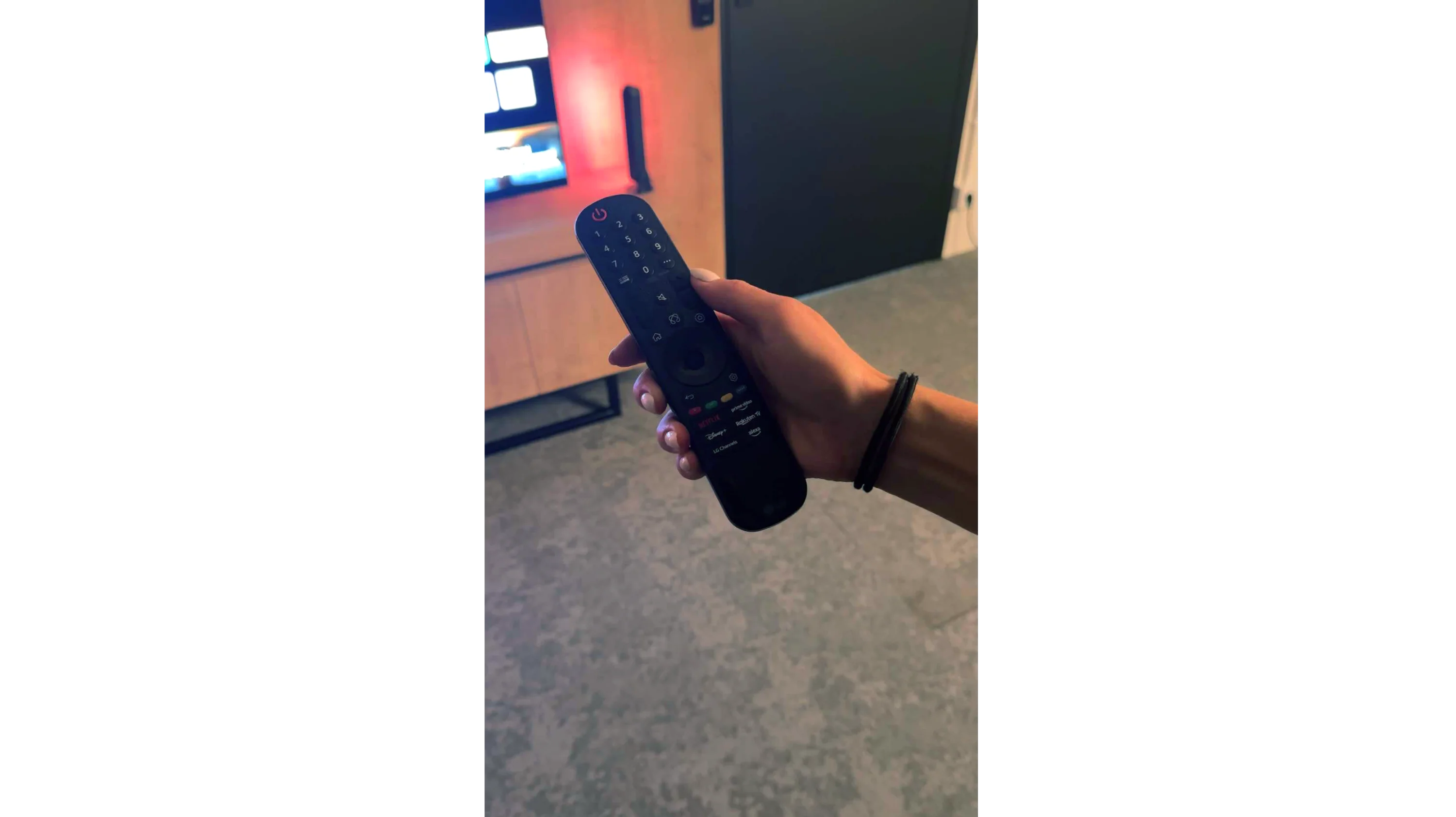
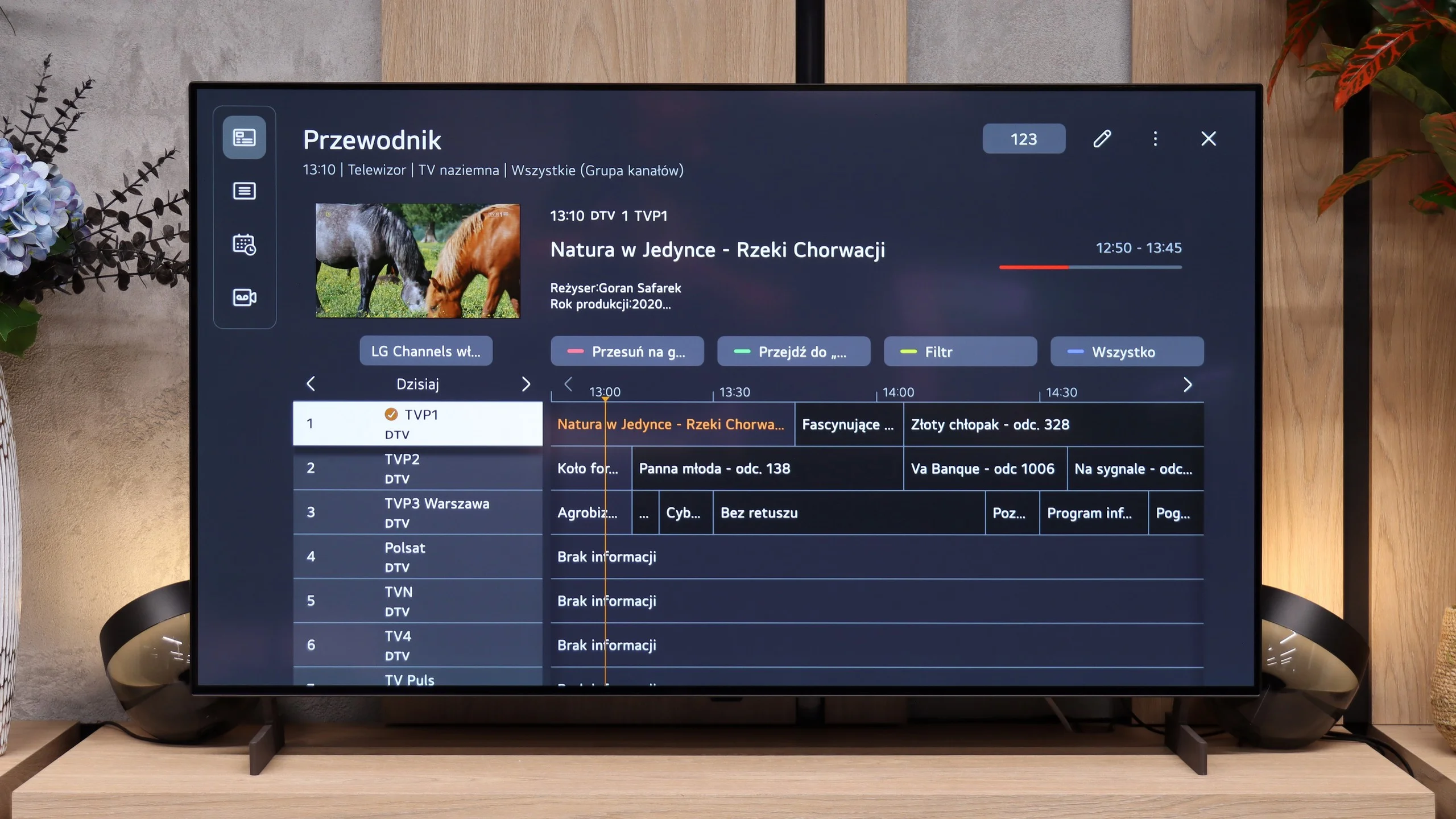
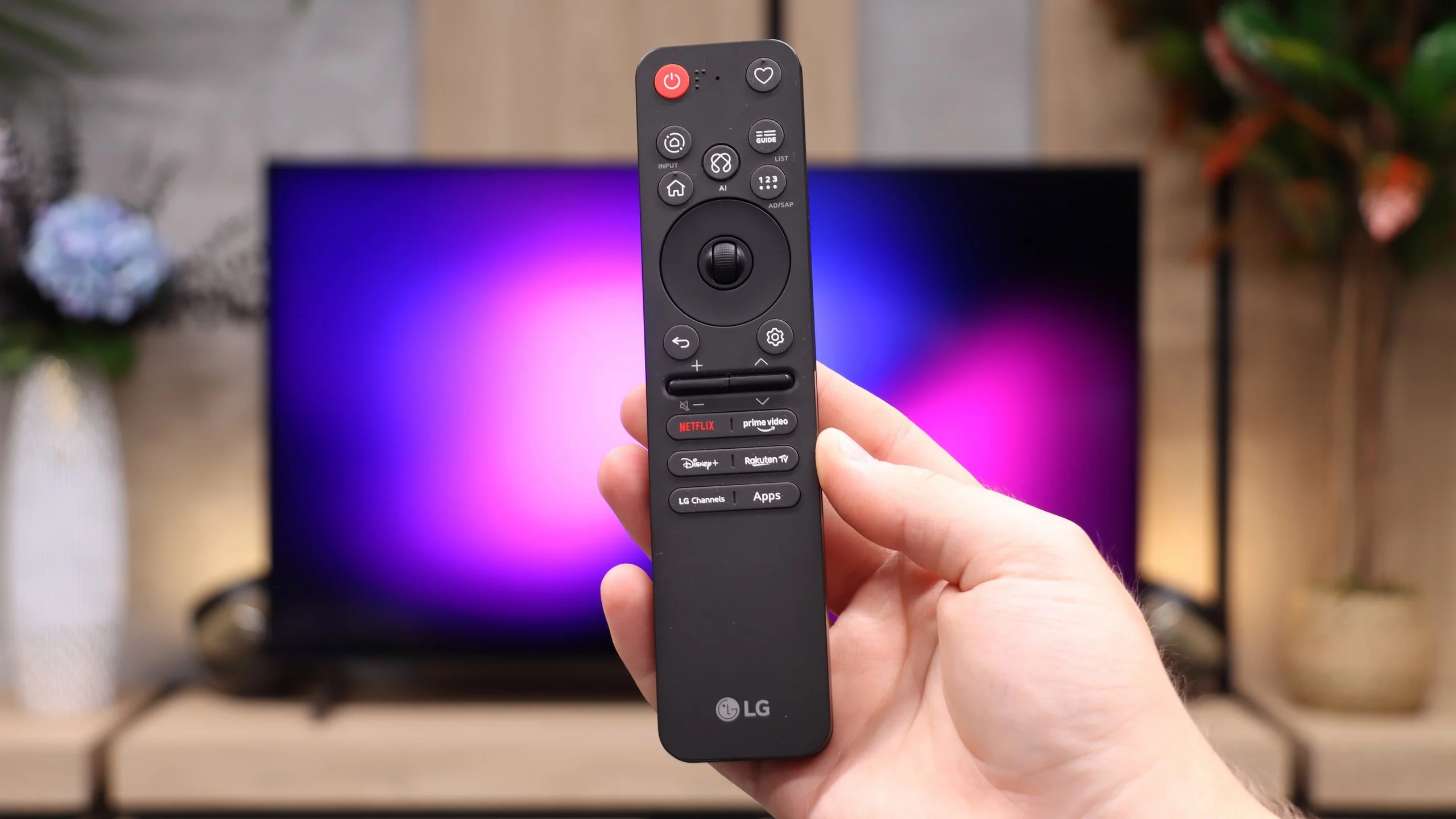
In terms of classic TV functionalities, the LG C5 performs really well. Here, we have the option to record programs to USB from built-in DVB-T(2) tuners, support for teletext, an EPG channel list, and seamless pairing of headphones via Bluetooth. For many users, these are still very important elements of everyday TV use – and LG doesn’t fall short in this area, except for the PIP function. It is worth noting the topic of the remote, or rather... the different versions of the remote. In our test, we used the C54 model, which is equipped with the new version of the Magic remote. It somewhat resembles Samsung's minimalist approach – there’s no numeric keypad or "source" button, but it looks modern and is comfortable for everyday use. Conversely, other variants, such as C5ELB, may be sold with an older version of the remote – a more classic one, with more buttons and a numeric keypad. Some may consider it more practical, while others see it as outdated. In short: quite a bit of confusion, so it's worth checking the model suffix before purchase.
Smart TV:
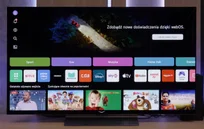
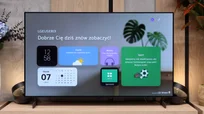
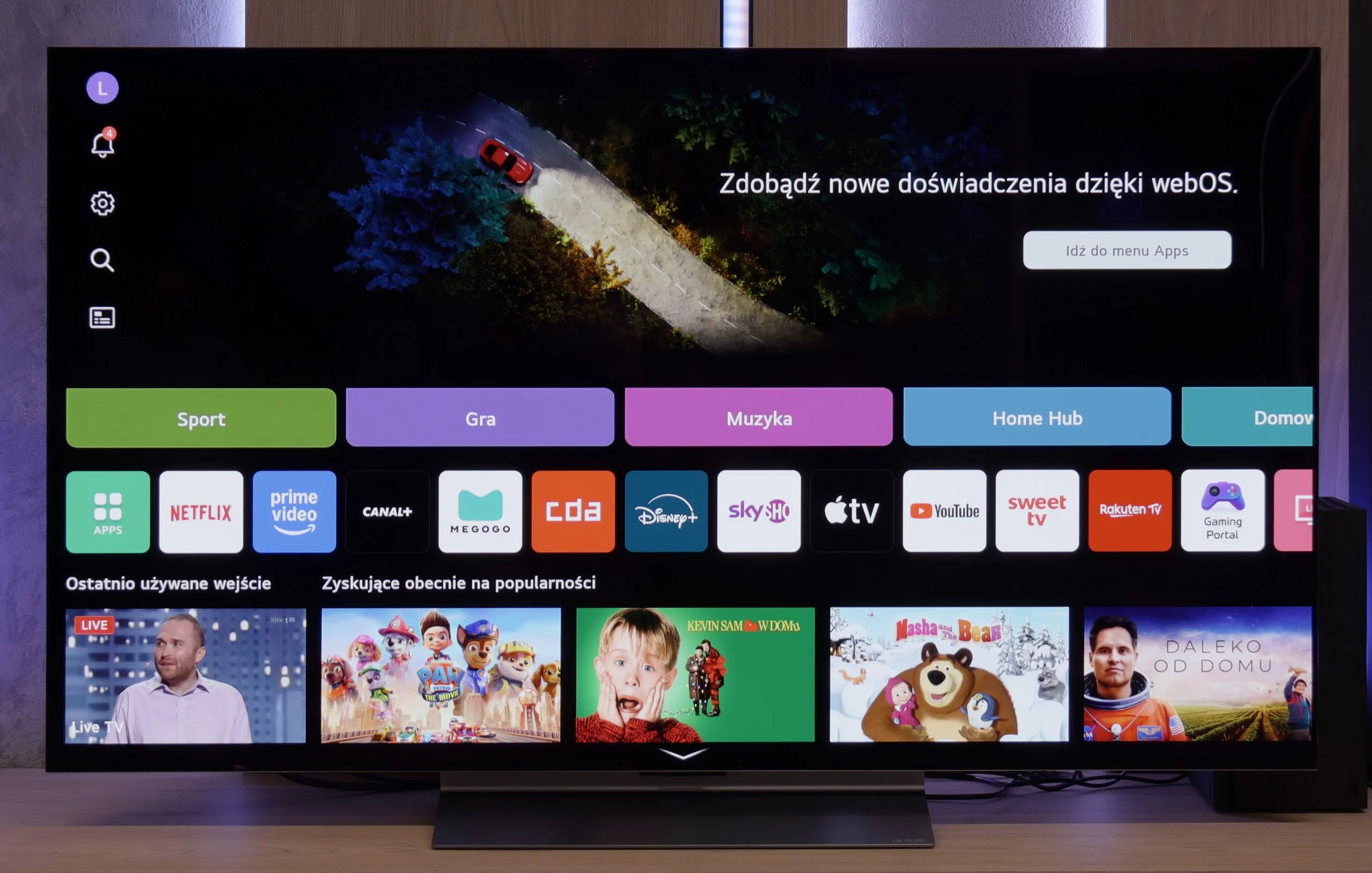
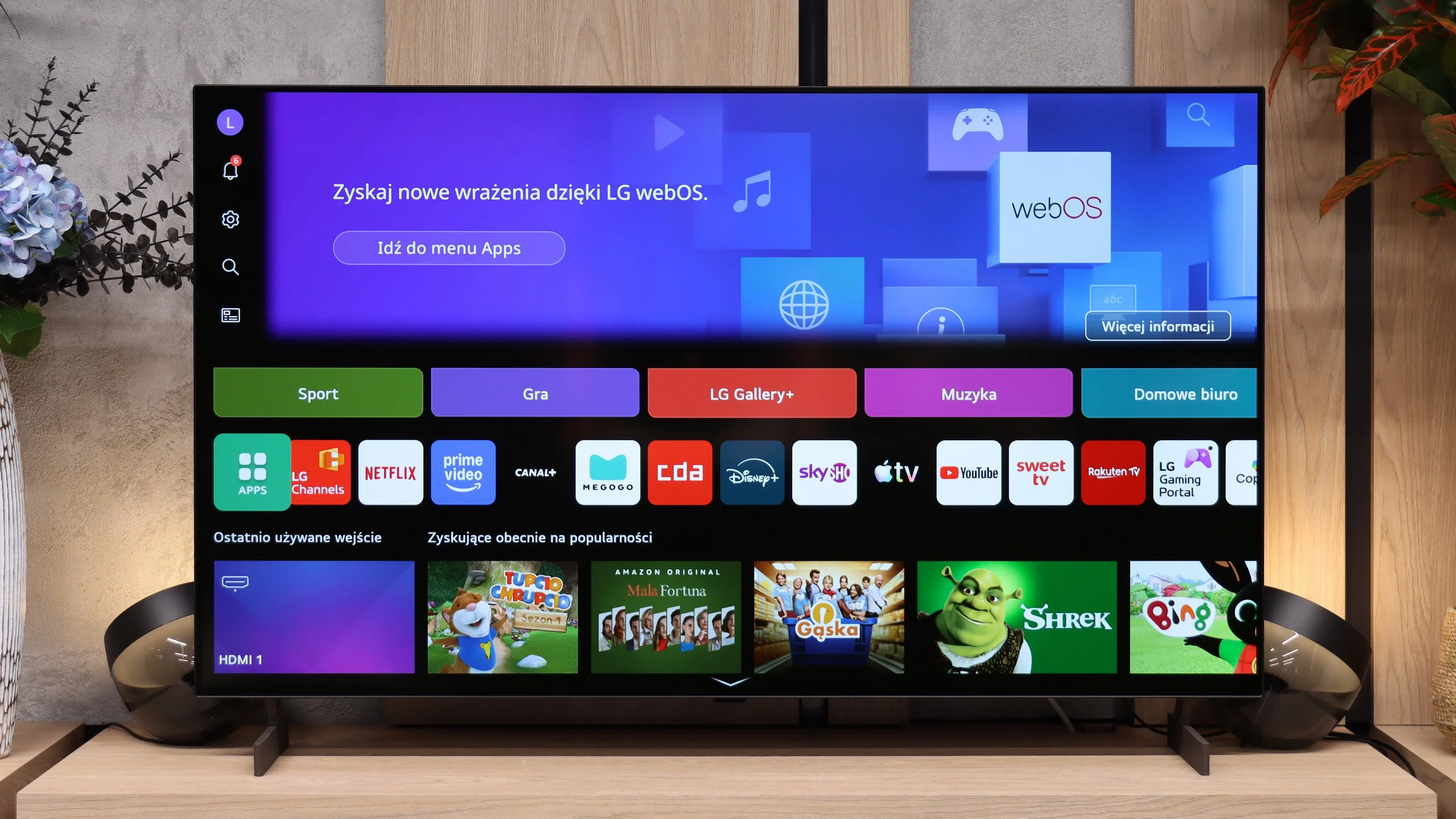
Regardless of the version of the remote, we’re operating the same system – WebOS. This is one of the most enjoyable solutions in the Smart TV world. The intuitive menu, fast performance, and support for popular features, such as AirPlay, screen mirroring, or voice assistant, make the system perform very well in everyday use. Additionally, controlling the cursor using the gyroscope in the Magic remote remains one of the most convenient forms of navigation in TVs. There are really quite a few applications here – Netflix, Disney+, HBO Max, Apple TV, and many more. However, one must remember that this is not a system based on Android/Google TV, so it may happen that we simply cannot find some less popular app in the LG store.
SmartTV: webOS
LG B6 uses webOS, LG’s proprietary platform. Its biggest advantage remains the control method. The included Magic Remote works like a mouse. Just move your wrist to move the cursor across the screen and point at items that interest you. At first it may seem unusual, but it quickly proves very convenient, especially when entering text, selecting apps or navigating a complex menu. The remote itself is quite minimalist and doesn't offer many traditional buttons, but the cursor control largely makes up for that. On the other hand, if you don't want to wave your hand to enter letters, you can simply speak the desired phrase to the remote and the AI voice assistant will provide suitable recommendations.
In terms of available apps, it's hard to fault webOS. You'll find practically all the major streaming services here, as well as extras such as AirPlay, screen mirroring and Chromecast. The TV therefore works well with both Apple phones and Android devices. It's just a pity the system doesn't run on the B6 as smoothly as on higher-tier models. At times it can respond with a slight delay, and the home screen is overloaded with recommendations, tiles and ads. That doesn't make webOS unusable, but it could certainly be more organised.
Classic features
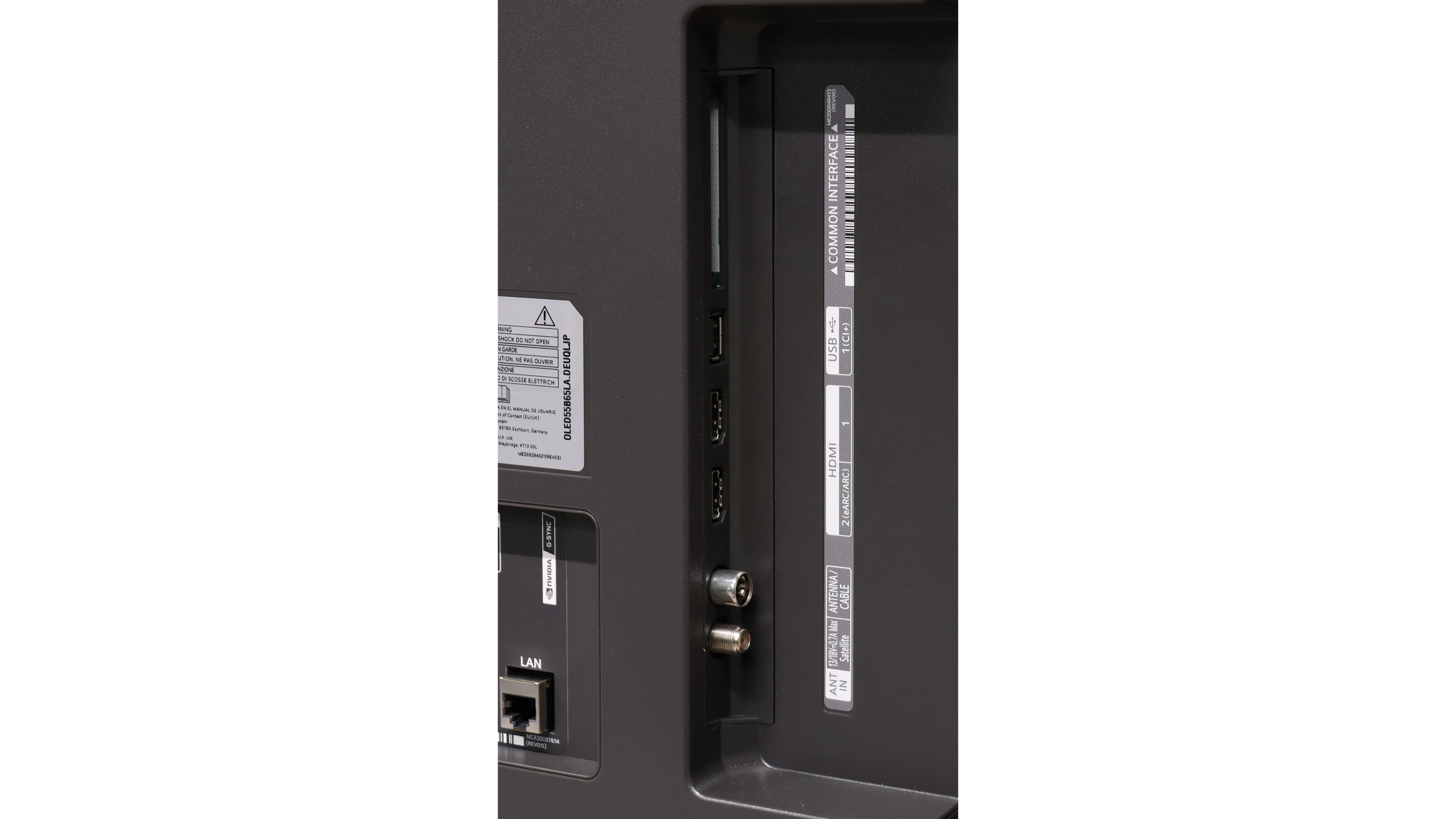
The classic TV features, which many manufacturers are slowly beginning to forget, perform very well. The LG B6 allows, among other things, recording programmes to a connected drive or USB stick. The PVR function also works with a scheduler, so a recording can be planned in advance from the TV guide. This is handy when you want to save an episode, a match or another event broadcast while you're away. There's also a clear channel guide and smooth support for terrestrial, cable and satellite TV. For those who still regularly watch traditional television, the B6 is therefore a relatively complete device, as long as the absence of teletext isn't an issue.
 Direct comparison