 Direct comparison
LG OLED B4 is an exceptionally versatile device in the semi-premium category. For how else can you describe an OLED television that is so well-priced, and whose price, as history shows, will quickly drop? Perfect blacks and contrast are two things that inevitably hypnotise, and we are sure that anyone who has ever owned a device with this panel will not be able to return to LCD units. The brightness results of the TV in HDR content may seem quite low, however, in this case, due to such a panel, they will appear optically much higher. It is worth noting their stability and uniformity in practically every scene. In this case, a minor downside is the brightness of full-frame content filled with a lot of white. However, we do not consider this a serious issue, as there are not many such instances. The factory colour reproduction also deserves praise, which in our unit is quite decent, but one cannot help but recall the beneficial effect calibration had on the image, allowing the director's intentions to be conveyed in full. LG B4 will be an excellent choice for all sorts of gamers, as well as sports fans. The former will certainly appreciate the rich support in the form of all the conveniences arising from the HDMI 2.1 standard. Meanwhile, the latter will enjoy the advanced motion smoother with multi-level adjustment. And finally, it is impossible not to mention the convenience resulting from the remote control with a built-in gyroscope, which allows it to function like a mouse. The WebOS system, which we will navigate, is incredibly smooth and responsive. It offers a multitude of applications that will be more than sufficient for the vast majority of users. The heart of the LG B4 TV is the advanced Alpha processor, which is responsible for image smoothness and advanced signal analysis. In summary: who is the LG OLED B4 for? It is the perfect device for those expecting the highest possible image quality within a given budget, but not only that. The LG B4 clearly stands out from the competition at its price point, which cannot offer such high-quality image in this price range.
- Matching (Score) |
- Our verdict |
- TV appearance |
- Where to buy |
- Contrast and black detail |
- HDR effect quality |
- Factory color reproduction |
- Color reproduction after calibration |
- Smoothness of tonal transitions |
- Image scaling and smoothness of tonal transitions |
- Blur and motion smoothness |
- Console compatibility and gaming features |
- Input lag |
- Compatibility with PC |
- Viewing angles |
- Daytime performance |
- Panel details |
- TV features |
- Apps |
- Playing files from USB |
- Sound
B46 / B42 / B43

BRAVIA 2 II / S25M2
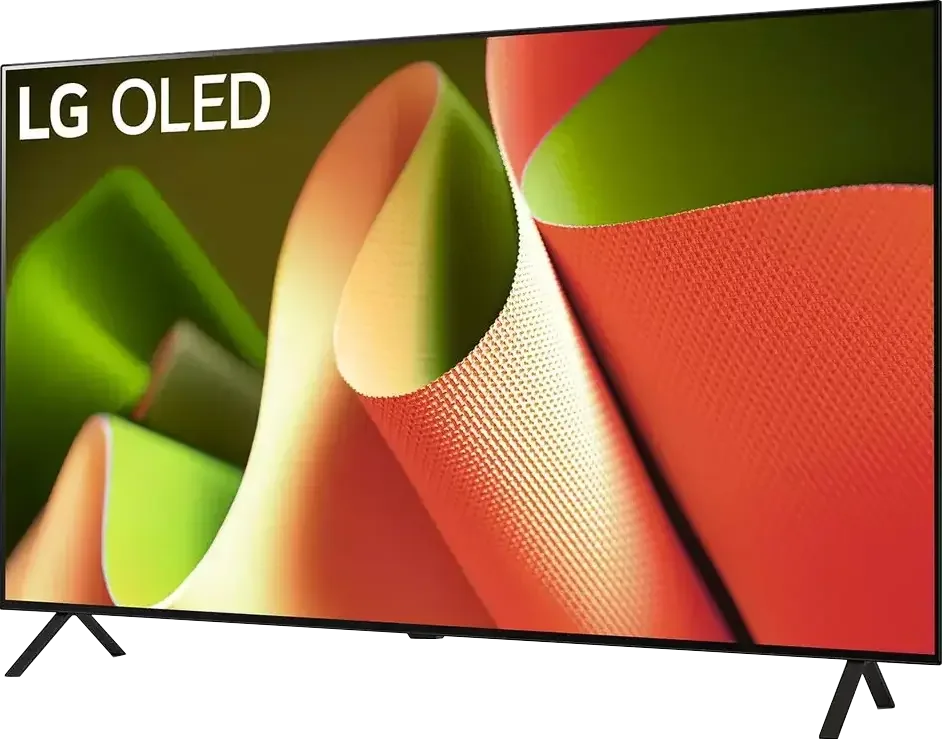
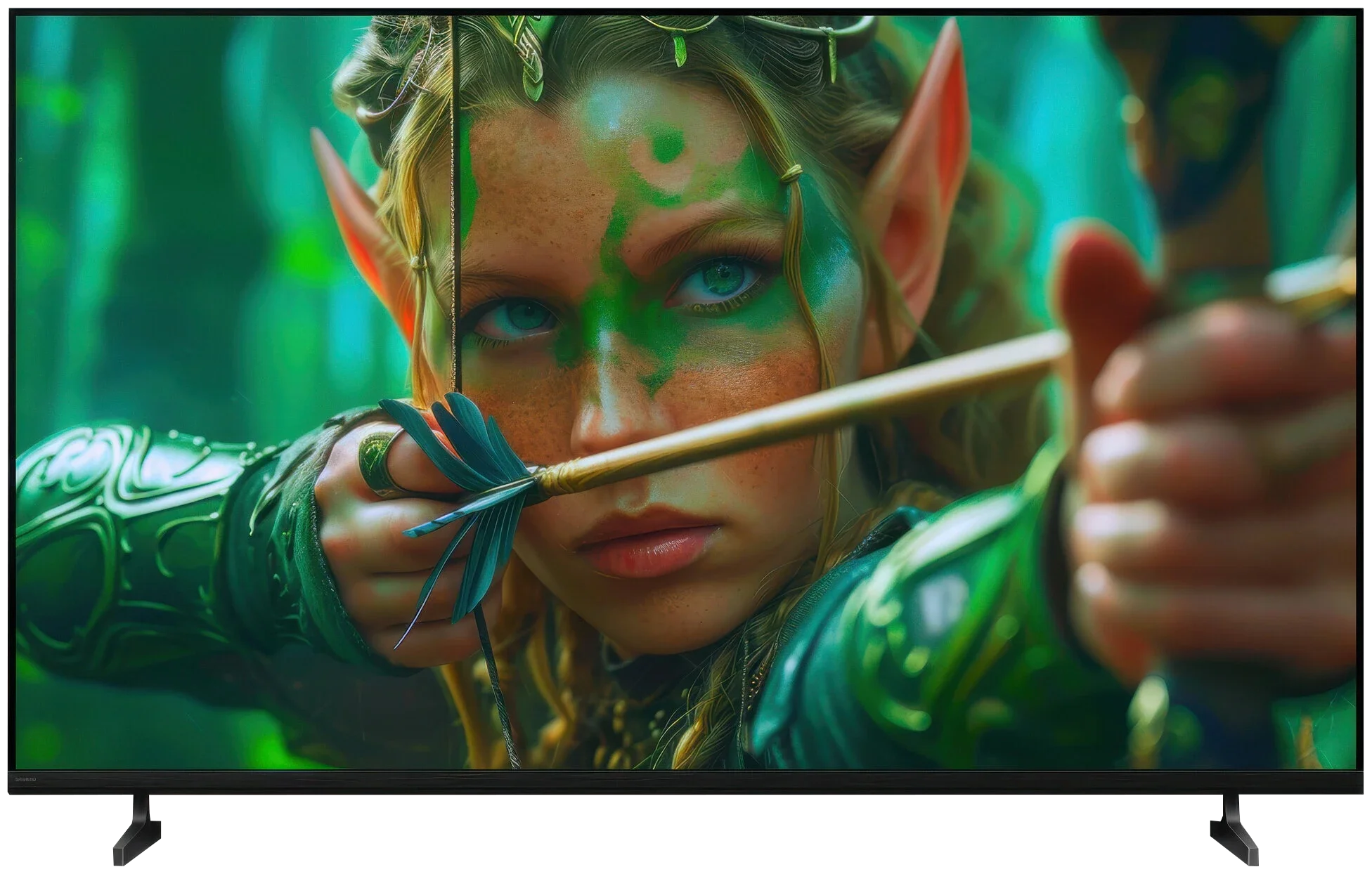
Panel type: WRGB OLED
Resolution: 3840x2160
System: WebOS
Model year: 2024
Panel type: LCD IPS
Resolution: 3840x2160
System: Google TV
Model year: 2026
Check how well they match your needs
Take the surveyOverall rating
8.1
5.8
 Movies and series in UHD quality
8.1
5.2
 Classic TV, YouTube
8.8
5.2
 Sports broadcasts (TV and apps)
8.6
5.5
 Gaming on console
9.3
6.2
 TV as a computer monitor
7.6
6.0
 Watching in bright light
5.7
4.8
 Utility functions
8.9
6.6
 Apps
9.1
9.6
 Sound quality
7.1
6.1
Complete the survey to find out what fits your preferences
Advantages

Reference colour reproduction after calibration
Very good image compliance with the director's intentions
Excellent compatibility with consoles and PCs
Advanced motion smoothing system
Deep and vivid image
Developed WebOs system and "mouse" remote
Very good viewing angles (IPS panel)
Google TV with a huge selection of apps
Chromecast and AirPlay
Low input lag
Very good USB file player
Supports audio formats: Dolby (Atmos, TrueHD, Digital), DTS (X, HD)
Two remotes included
Disadvantages

Visible tonal transitions
Too expensive for what it offers!
Very poor black levels and low contrast (IPS panel)
Low brightness of around 320 nits
No support for dynamic HDR formats (Dolby Vision, HDR10+)
Panel limited to 60 Hz
Very limited gaming capabilities
Our verdict
The Sony Bravia 2 II is a TV that’s best suited to simple, everyday use. And we suspect many people will pick it mainly for Google TV. The system gives access to a huge number of apps and streaming services, and you also get Chromecast, AirPlay and convenient voice search. The TV itself may not run as fast as pricier Sony models, but in terms of functionality there’s little to complain about. Importantly, for regular viewing the picture quality is quite decent. The Bravia 2 II handles SDR material especially well — ordinary broadcast TV, YouTube and a lot of older films and series. The out-of-the-box Cinema mode is sensibly tuned, colours look natural and, without much fiddling with the settings, you can just start watching. And that’s where the Bravia 2 II shows its strengths — as a simple smart TV for daily use, rather than a set that aims to dazzle with panel performance.
However, you have to remember that the “Bravia” badge on the case doesn’t automatically mean great picture quality. The Bravia 2 II uses an IPS panel with very low contrast, and that’s its biggest problem. In daylight it’s not so noticeable, but turn the lights off in the evening and black starts to look more like dark grey. Of course, in return you get good viewing angles, so if the TV sits in a large living room and several people watch from different spots, IPS has an advantage. But that comes at the cost of weak blacks. This TV isn’t designed for HDR impact or for more demanding gamers either. Around 300 nits of brightness and a narrow colour gamut mean HDR content doesn’t show much more than SDR. A 60 Hz panel and the lack of broader gaming features also make it clear that gaming isn’t a priority for this model.
And that wouldn’t be a major issue, because we expected that from an entry-level Sony. The biggest problem for the Bravia 2 II, though, is the price. For similar money you can easily find competitor TVs, especially Korean and Chinese brands, that already offer a lot more, ranging from 120 Hz panels to Mini-LED backlights with local dimming. So the Bravia 2 II isn’t a bad TV in itself. It’s simply too expensive for what it offers. If its price were noticeably lower, it would make much more sense as a basic TV for everyday viewing.
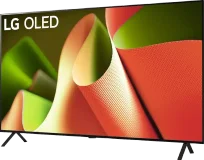
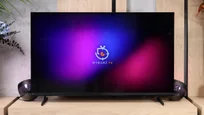
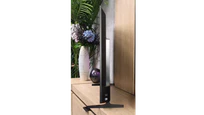
TV appearance
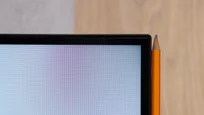
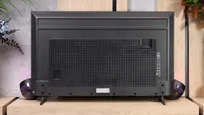

Contrast and black detail
10/10
2.7/10
Local dimming function: No
Contrast:


Result
∞:1

Result
∞:1

Result
∞:1

Result
∞:1

Result
∞:1
Result
1,150:1
Result
1,200:1
Result
1,450:1
Result
1,400:1
Result
1,100:1
Halo effect and black detail visibility:
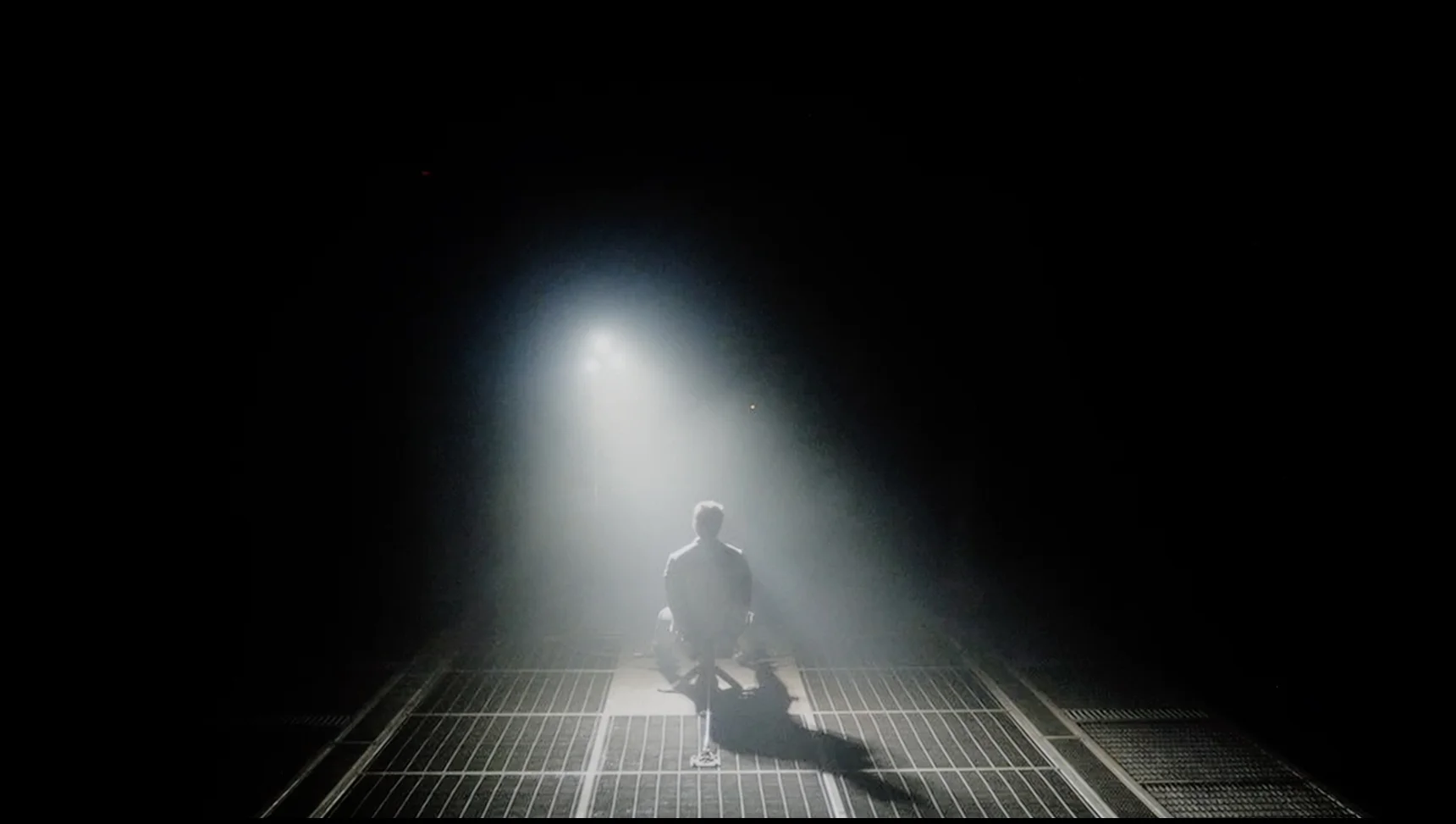
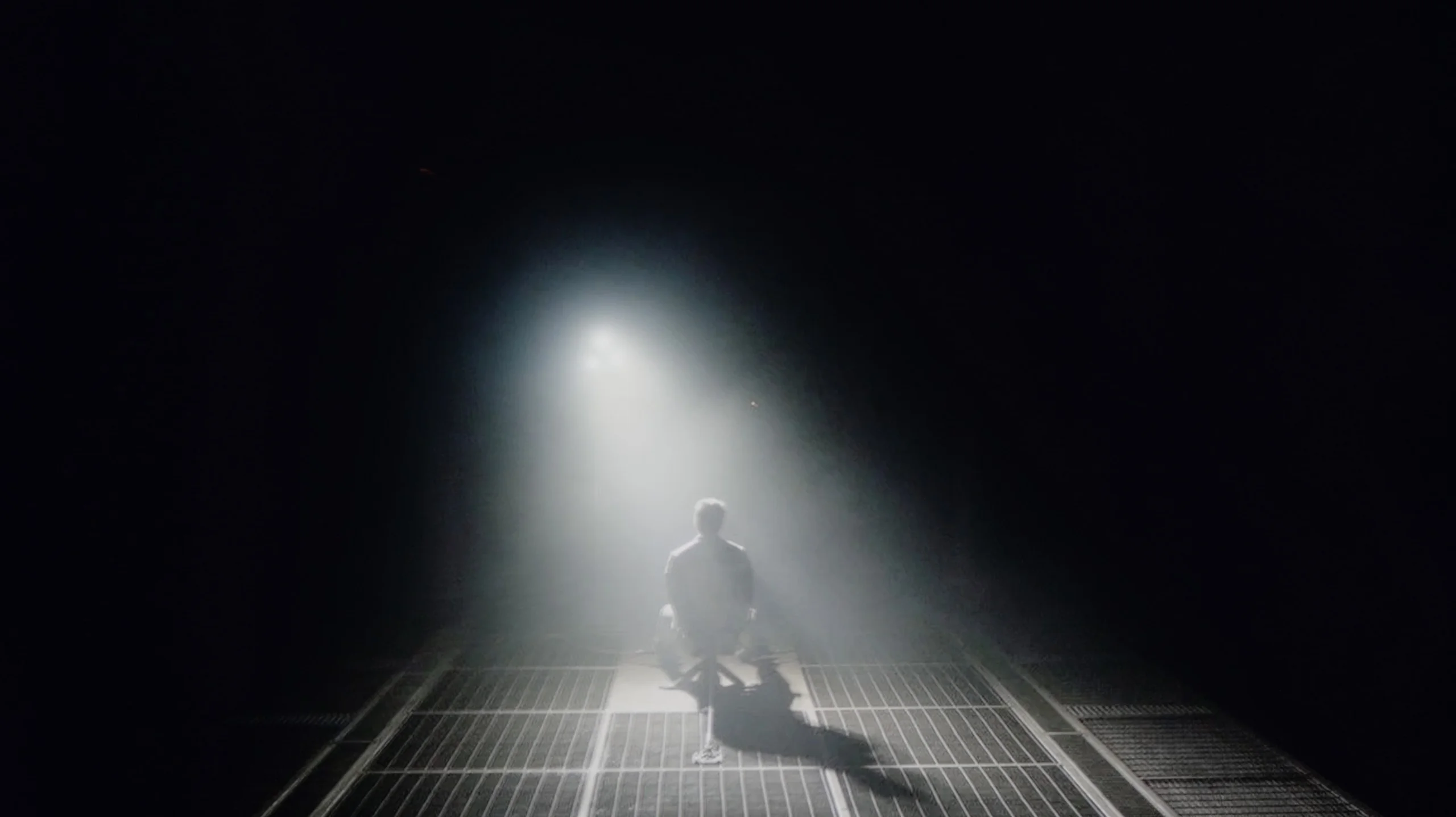
Check the visibility of bright lights on a dark background. Mini-LEDs often struggle with this. The photo does not compare black levels – that’s what the video below is for.
The video accurately shows differences in contrast and black levels between TVs, as well as potential issues: halo around bright objects or Mini-LED zone operation visible as brightness jumps.
LG B4 uses OLED panels produced by LG Displays. The use of this type of panel gives us perfect contrast and black levels. Thanks to these conditions, the image is incredibly three-dimensional, almost as if it were three-dimensional. The manufacturer's series with the letter "B" has always been the ideal solution for those seeking very good image quality while not wanting to pay extra for features that are only available in higher series. Therefore, these models have been somewhat of a dark horse in this price range, as their competitive pricing primarily allowed them to compete with Mini LED televisions. It’s not hard to say that these models have won these battles due to the absence of characteristic flaws found in LCD receivers with multi-zone backlighting, such as blooming/halo effects or dimming of images with fine bright details. And as we can see in the test scenes from the films "Oblivion" and "Sicario 2," the image quality stands at the highest level. Looking at the first one, we see a spectacular play of lights that, despite their brightness, are perfectly separated from each other. Even the more difficult scene with the helicopter poses no problem for LG B4, showcasing a wealth of detail and the specific colour grading characteristic of this title.
When it comes to black levels, the Bravia 2 II unfortunately doesn't have much going for it. Sony has used an IPS panel here, which offers one of the lowest native contrasts among LCD panels. In our measurements we saw figures around 1,100:1 to 1,450:1, and unfortunately that's very noticeable when watching. Additionally, the TV lacks any local dimming, so it can't darken only the parts of the screen that should remain dark. In practice, this means that once the lights go out, blacks very quickly shift toward grey and navy. In scenes such as Oblivion or Sicario 2, instead of a deep background we get a noticeably brightened image, which takes away a lot of the atmosphere from evening viewing. Of course an IPS panel also has the advantage of better viewing angles, but in this respect it's hard to call that sufficient compensation. If you're looking for a TV primarily for watching films at night, the Bravia 2 II simply isn't a model we could recommend.
HDR effect quality
6.3/10
4/10
Luminance measurements in HDR:

Result
664 nit

Result
650 nit

Result
677 nit

Result
662 nit

Result
410 nit
Result
294 nit
Result
307 nit
Result
329 nit
Result
330 nit
Result
325 nit
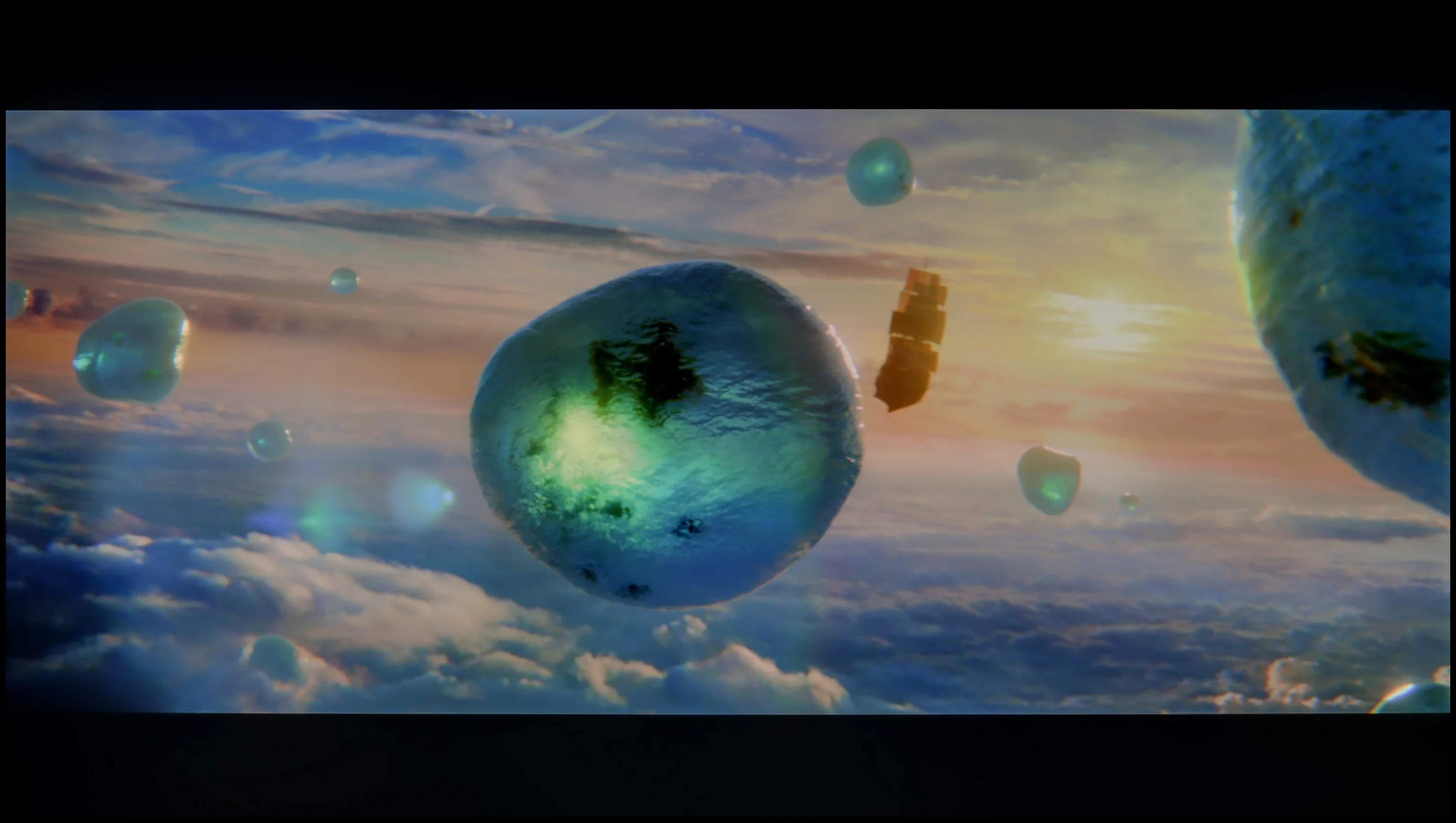
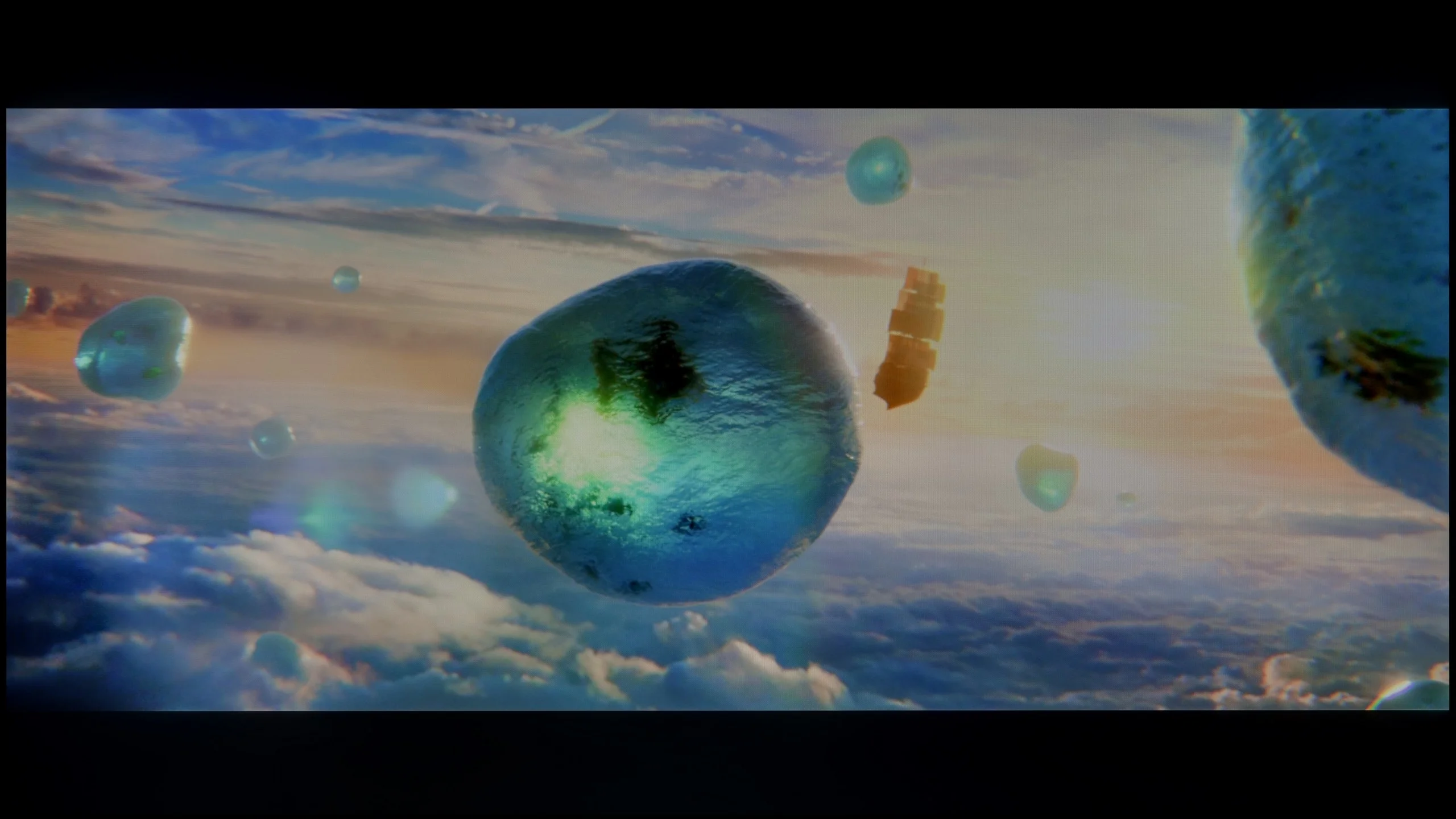
Scene from the movie “Pan” (about 2800 nits)
Scene from the movie “Billy Lynn” (about 1100 nits)
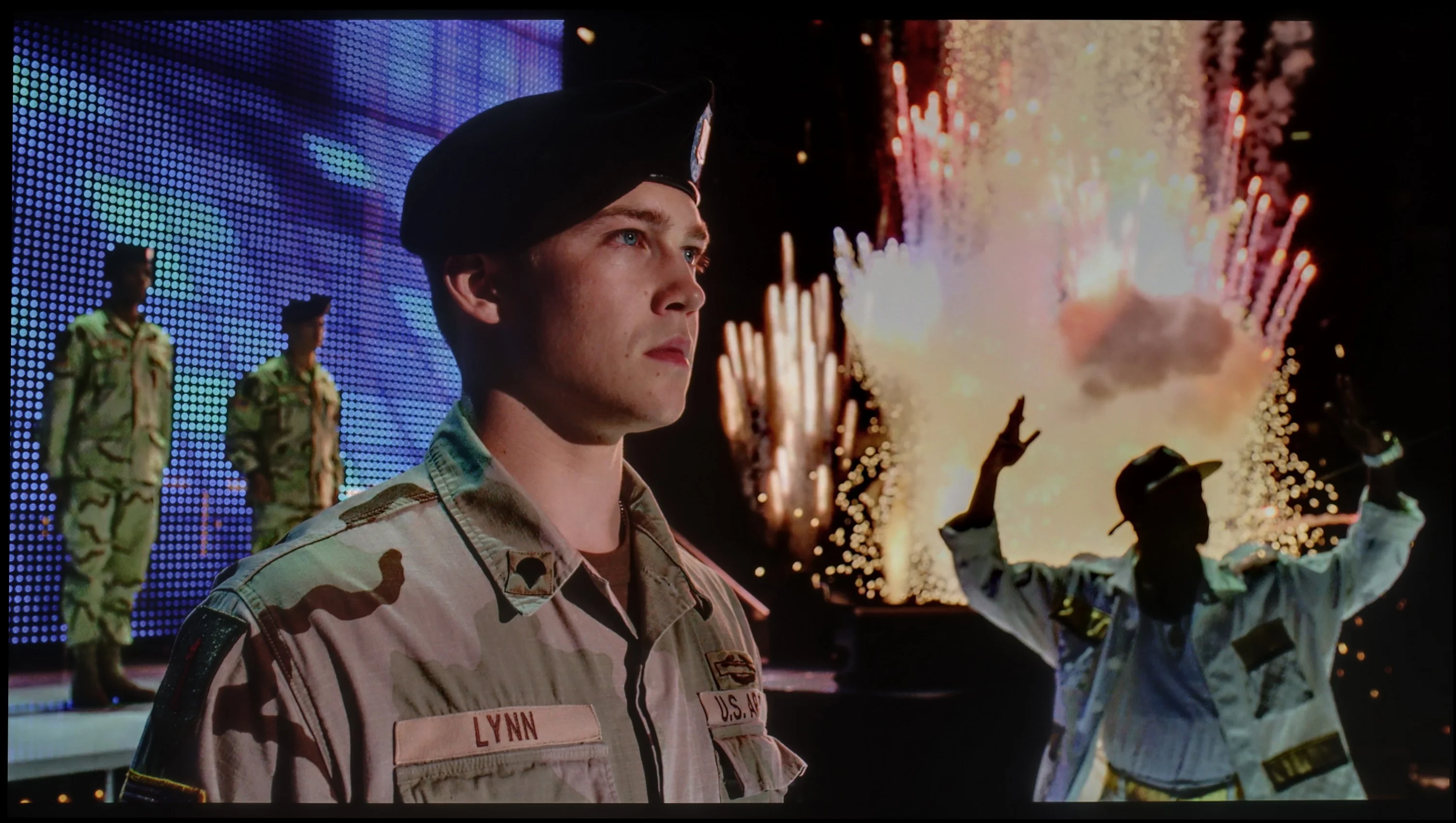
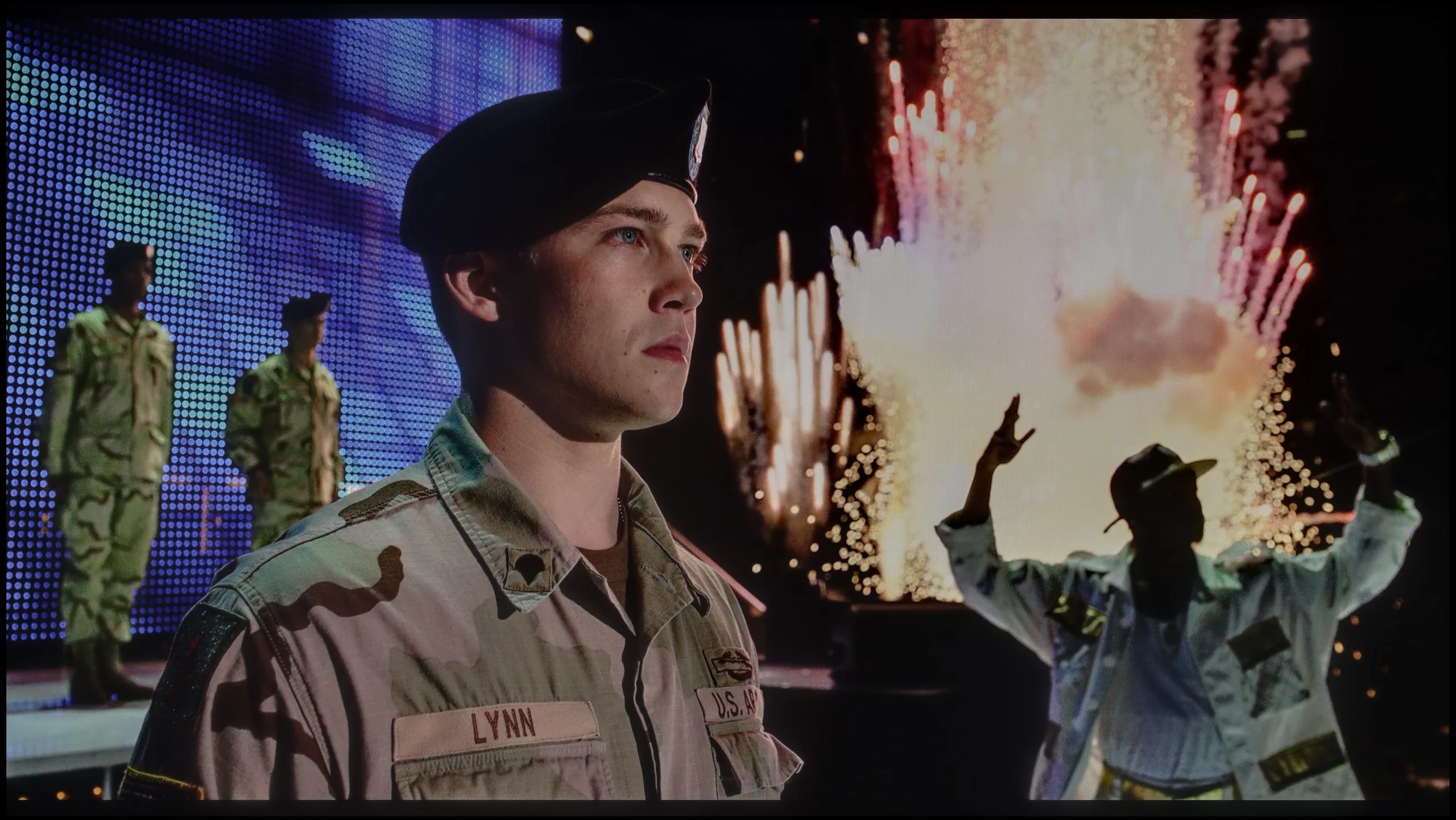
The photos show two HDR10 movies. 'Pan' is one of the brightest productions ever made, while 'Billy Lynn' (soldier) has brightness typical of streaming (Netflix, Prime, HBO MAX). Notice the intensity of effects and detail in whites.
Static HDR10


The photos present the visibility of white details in various HDR formats. They do not show brightness differences between TVs (these can be compared in the previous gallery).
HDR luminance chart:
Sony BRAVIA 2 II (S25M2)
LG 55 B4
Luminance of RGB colors
The brightness results in HDR materials LG B4 are very good. It is true that none of them exceed 1000 nits, although the luminance stability is excellent and looks practically the same in every scenario. The only moment where the tested television performs worse is the last scene, although this should not come as a surprise. Large frames filled with a lot of white have always been, and will likely continue to be, somewhat of a weakness for OLED televisions. However, the combination of perfect contrast, black levels, and brightness in the LG B4 allows for a full spectrum of the HDR effect. Additionally, the incredibly high coverage of the DCI-P3 colour gamut, which reached 99%, deserves recognition. As a result, colours look incredibly vibrant and stunning.
Sony Bravia 2 II isn't a particularly bright TV and unfortunately that's immediately obvious in HDR. In our measurements brightness stayed around 300 to 330 nits, which is far too low for the brightest parts of the image to look truly impactful. In practice HDR here doesn't differ that much from regular SDR. Bright highlights, the sun or lamps are of course visible, but they lack the intensity you'd expect from HDR content. The Bravia 2 II is therefore much better suited to standard SDR material, where its limited brightness will be least noticeable.
Colour gamut coverage
The Sony Bravia 2 II also doesn't impress when it comes to colour. The TV doesn't use any extra gamut-expanding filter, such as the quantum dots found in QLED sets or a PFS phosphor layer. In our measurements it covered about 78% of the DCI-P3 gamut and roughly 57% of the very wide BT.2020. That's definitely too little to deliver truly saturated colours in HDR material. More intense reds, greens or turquoises will simply be less striking than on TVs with an expanded colour gamut. The Bravia 2 II is much better matched to the standard Rec.709 gamut used for films, series and SDR broadcast.
Factory color reproduction
8.4/10
5.3/10
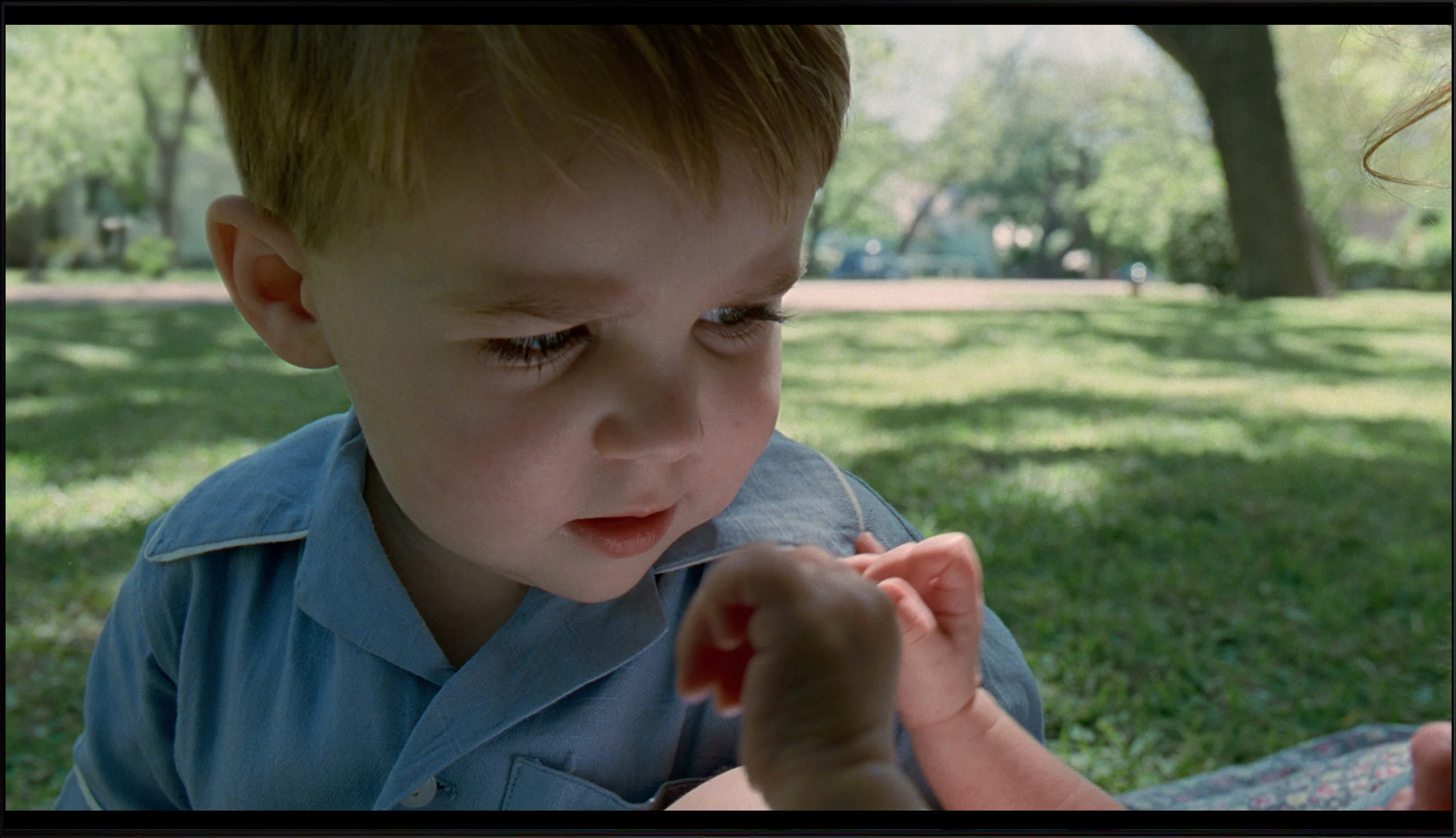
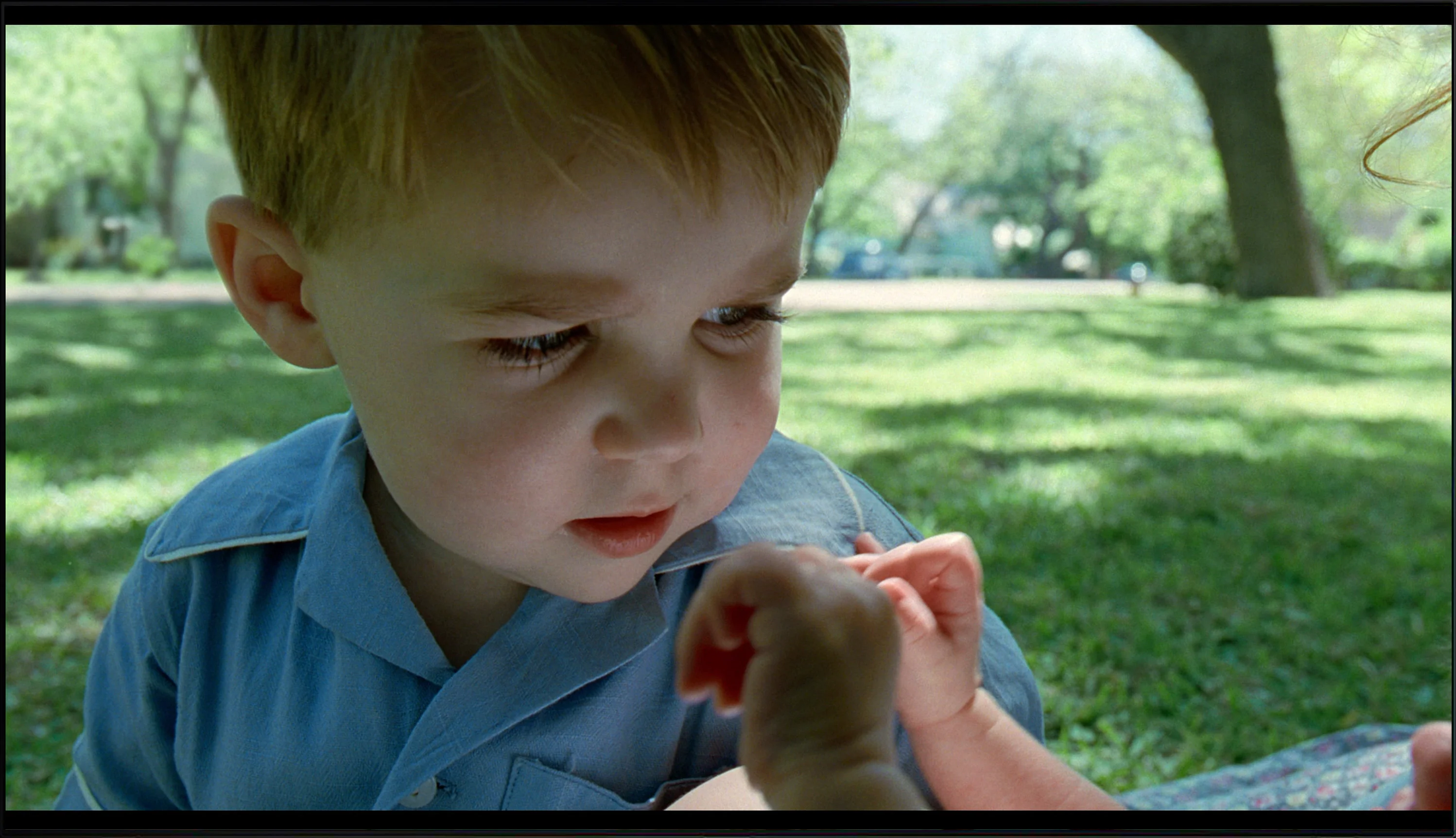
This illustrative image shows how colors change after professional calibration. If you can see the difference, you can order it from SkalibrujTV – it's our own service.
Factory mode
After calibration
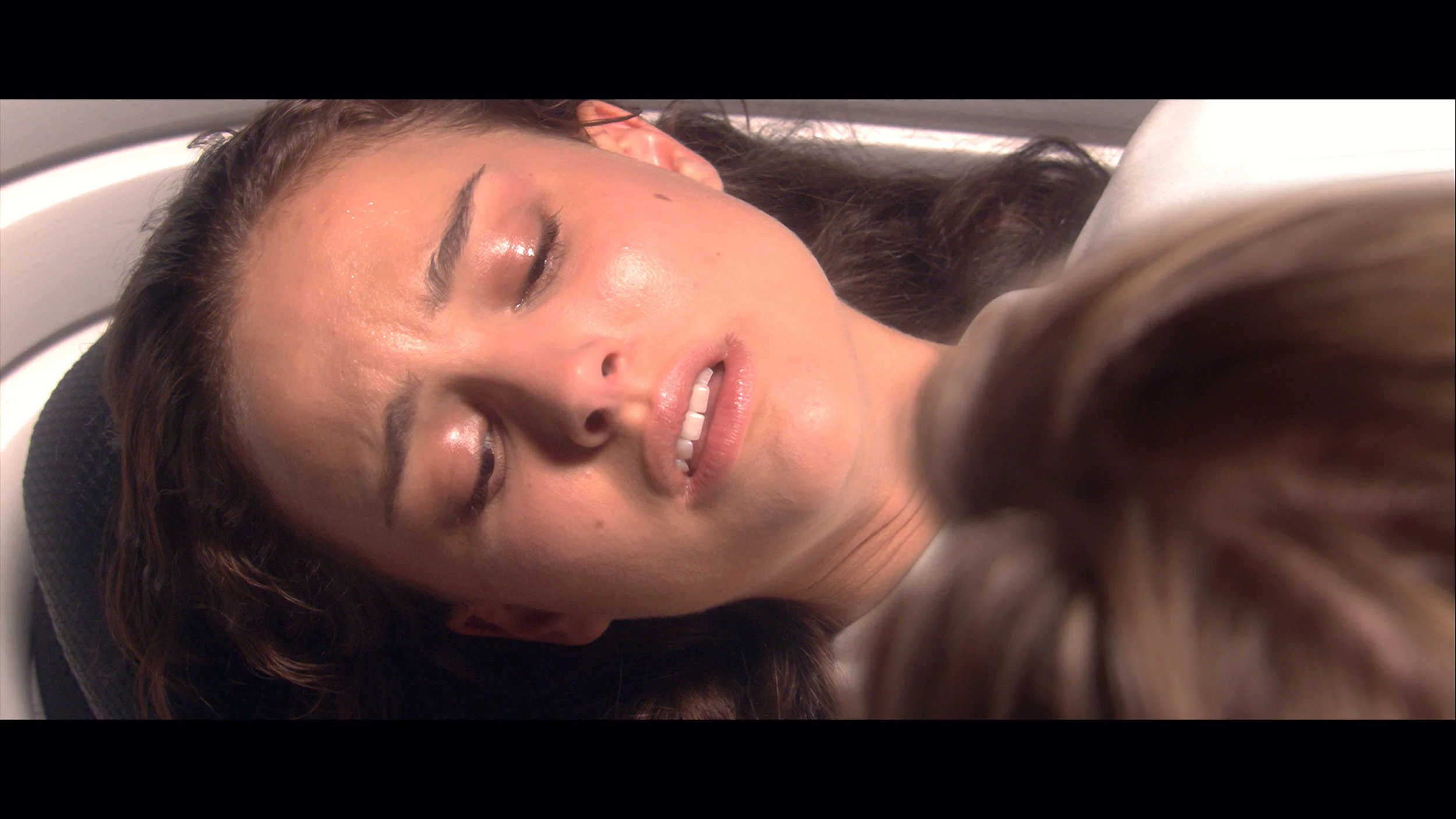
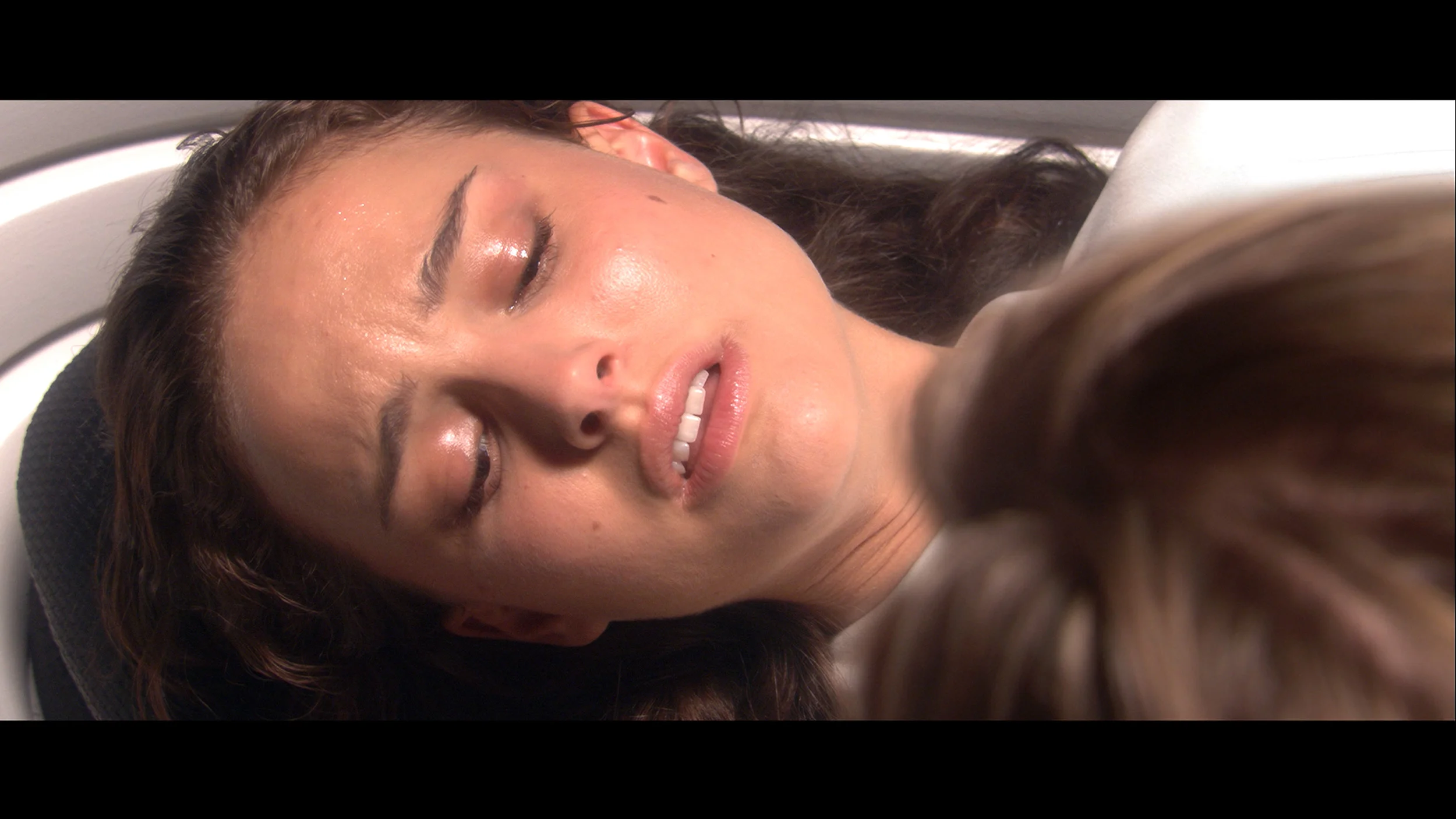
This illustrative image shows how colors change after professional calibration. If you can see the difference, you can order it from SkalibrujTV – it's our own service.
Factory mode
After calibration
The best factory mode prepared by the manufacturer is "Filmmaker," and we used it throughout the entire testing procedure. We must admit that the unit we received straight out of the box had quite decent colour reproduction. The biggest issue in both SDR and HDR content turned out to be white balance. In the former, there was a strong dominance of red, resulting in a noticeable yellow tint in the displayed image, particularly evident on skin tones and whites. In high-quality materials, this colour was also pronounced, but due to a lack of blue, there were also signs of green visible. Besides these shortcomings, we also encountered issues with greyscale and the colours themselves.
The out-of-the-box colour reproduction in Kino mode was really quite good, at least for ordinary SDR material. The Bravia 2 II had a slight tendency to boost reds, which made some colours lean a bit warmer, at times with a faint pinkish tint. That wasn't a major fault and during normal viewing the picture still looked fairly natural. There was a bit more going on with image brightness. Looking at the gamma curve, Sony doesn't stick perfectly to the reference value. The darkest areas are slightly lifted, while as brightness increases the gamma gradually rises and a large part of the image becomes darker than it should. However, the difference isn't big enough to seriously bother during everyday watching. Overall, SDR straight out of the box performs quite decently.
The situation is much worse in HDR. We've already mentioned the limited colour gamut, but on top of that the Bravia 2 II quite aggressively manipulates image brightness. The EOTF curve sits below the reference for much of the range, which means the TV renders most mid and brighter parts of the scene darker than the source material intends. Only towards the very end of the range does the curve flatten out, as the panel reaches the limits of its capabilities. Combined with a peak brightness of around 300 nits, this gives HDR that not only lacks much punch but can simply look too dark.
Color reproduction after calibration
9.3/10
7/10
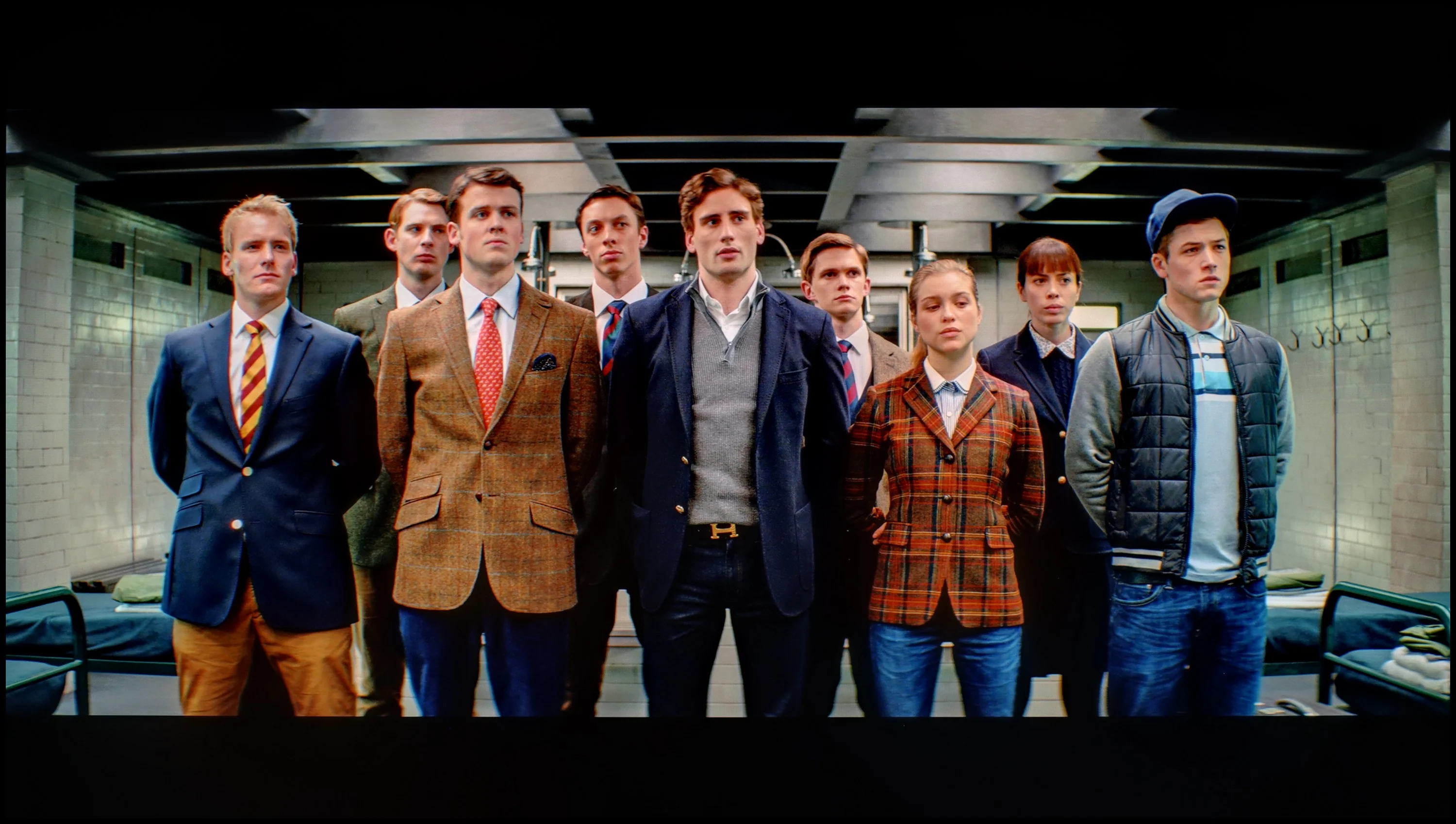
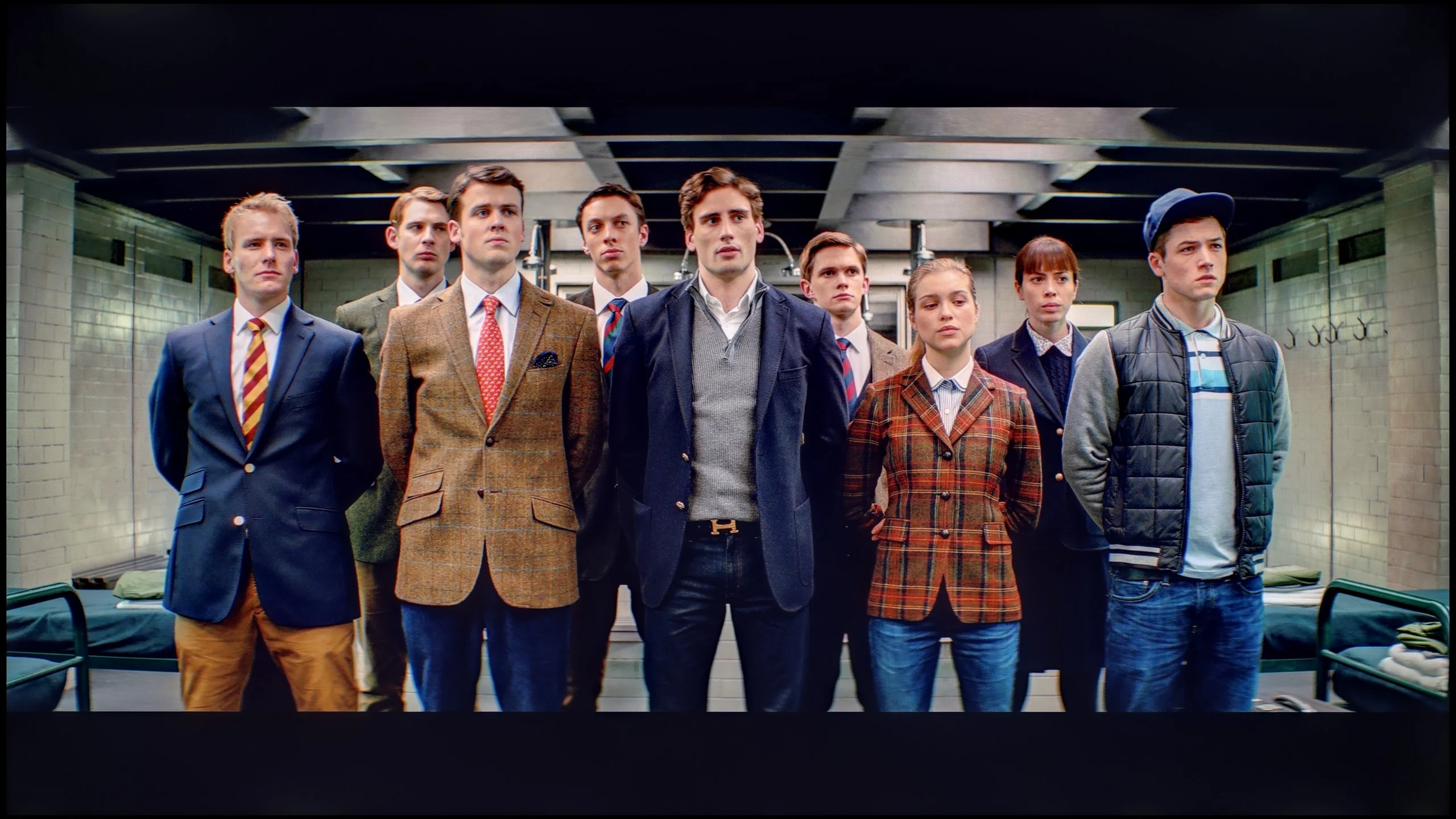
The photos show how movies look on the TV. Pay attention to black detail visibility, colors, and shadow tint.
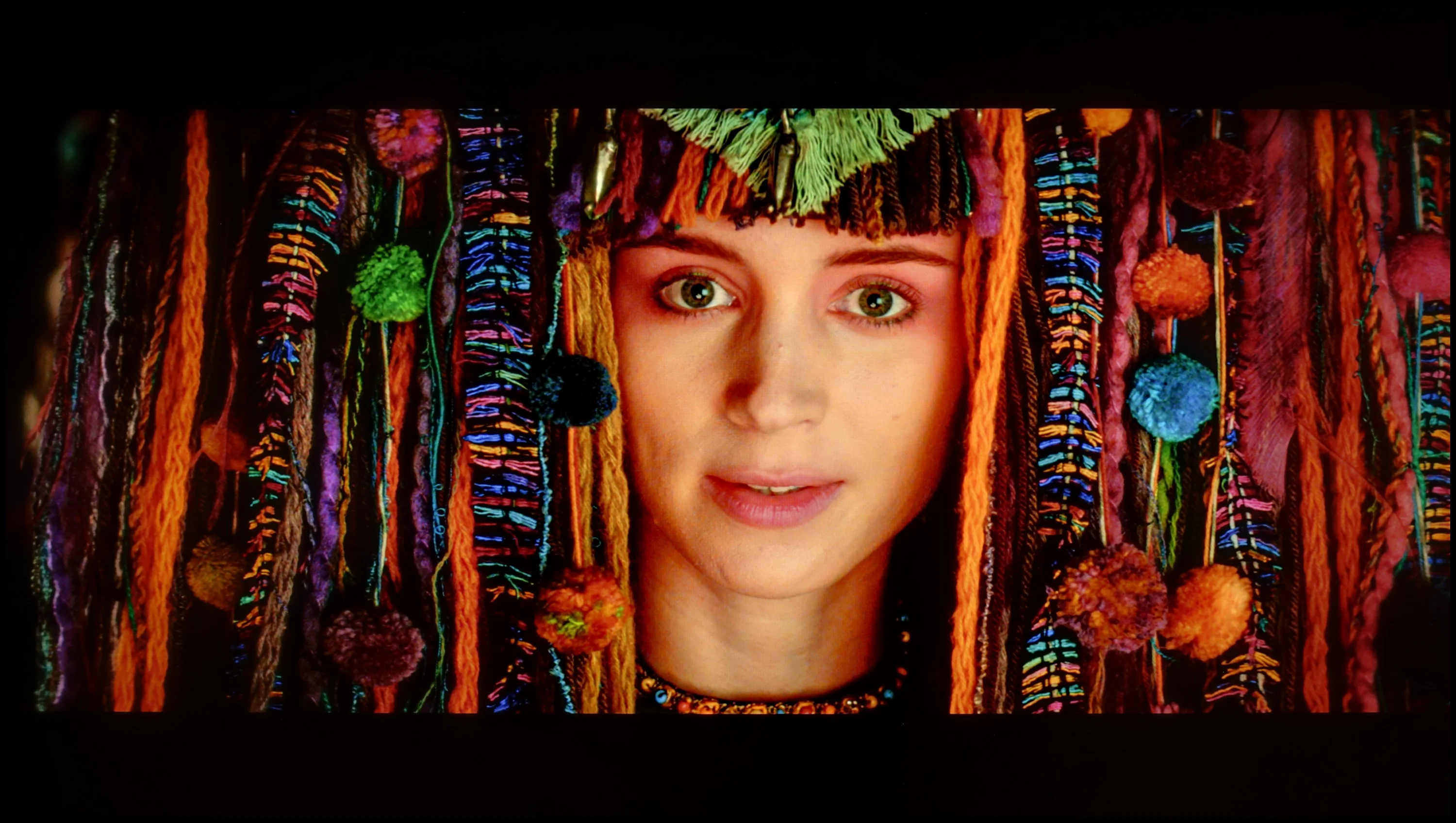

The photos show how movies look on the TV. Pay attention to black detail visibility, colors, and shadow tint.
LG B4 has been providing very advanced calibration tools in its TVs for years. We can even say that as the only manufacturer on the market, it allows for such deep intervention in image adjustment. Thanks to these, we were able to calibrate the device so well. The evidence of this is the extremely low deltaE errors, which can be said to stand at a reference level. Both SDR and HDR materials now look exactly as the film director intended. It is no coincidence that TVs of this brand are most often used as preview screens for various graphic or post-production studios.
Calibration did a lot for the Bravia 2 II, especially with SDR content. Above all, we managed to even out the white balance and tidy up the gamma, which now stays much closer to the reference value. As a result, the image no longer has the earlier pink cast, and the brightness across different areas is much better organised. You can also see it in the colour errors, which after calibration dropped to a very low level (with only minor issues in the most saturated reds).
We also partly managed to rein in the Bravia 2 II in HDR, especially in the way the TV handles image brightness. However, there is one thing no calibration can fix: the panel's capabilities. A narrow colour gamut means the TV physically can't reproduce the most saturated colours recorded in HDR content. On top of that, the low contrast of the IPS panel causes darker scenes to be covered in a grey haze, which robs colours of some of their depth. So we can improve how the Bravia 2 II uses its capabilities, but we can't overcome the panel's inherent limitations.
Smoothness of tonal transitions
7.4/10
8/10
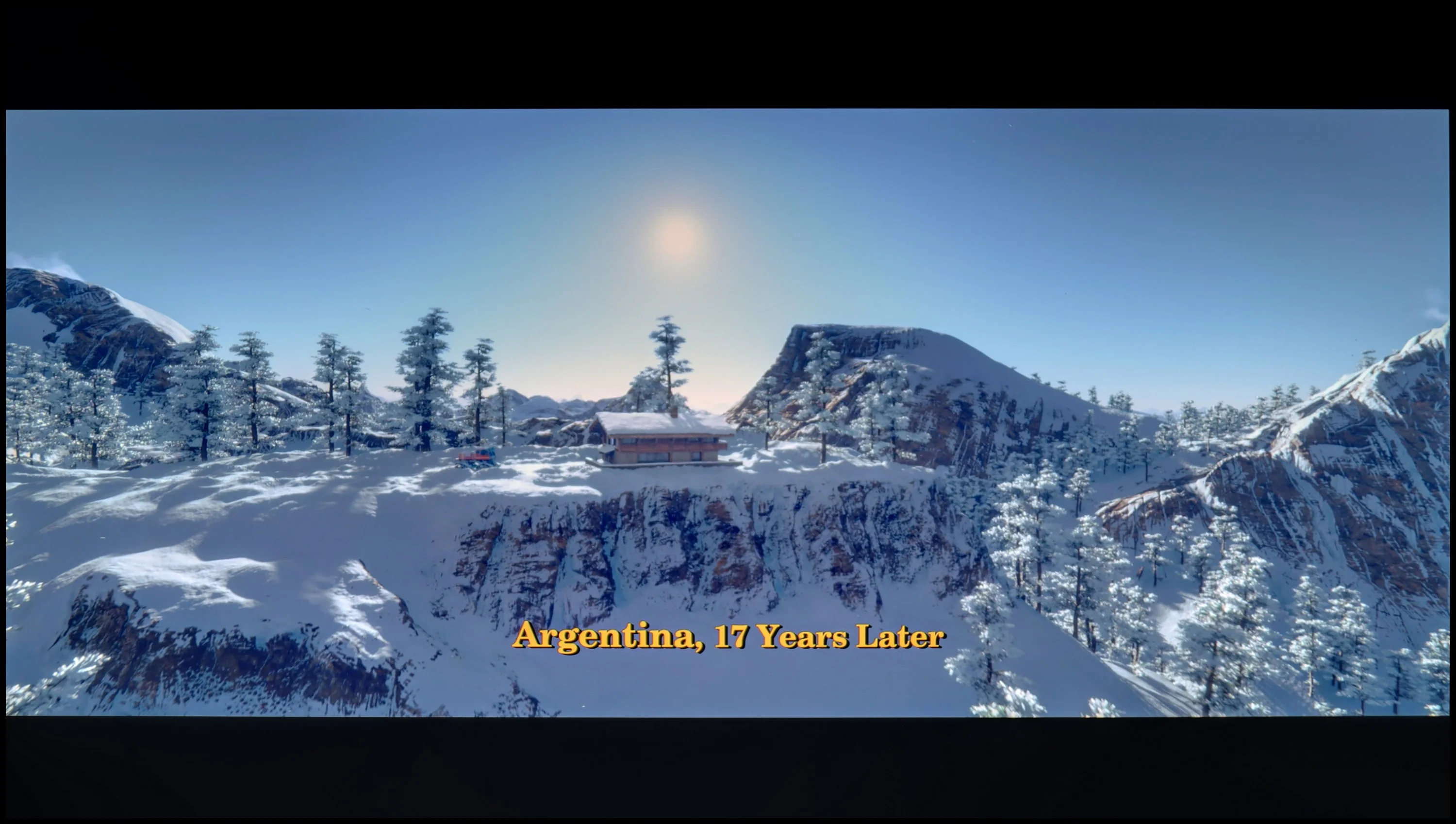
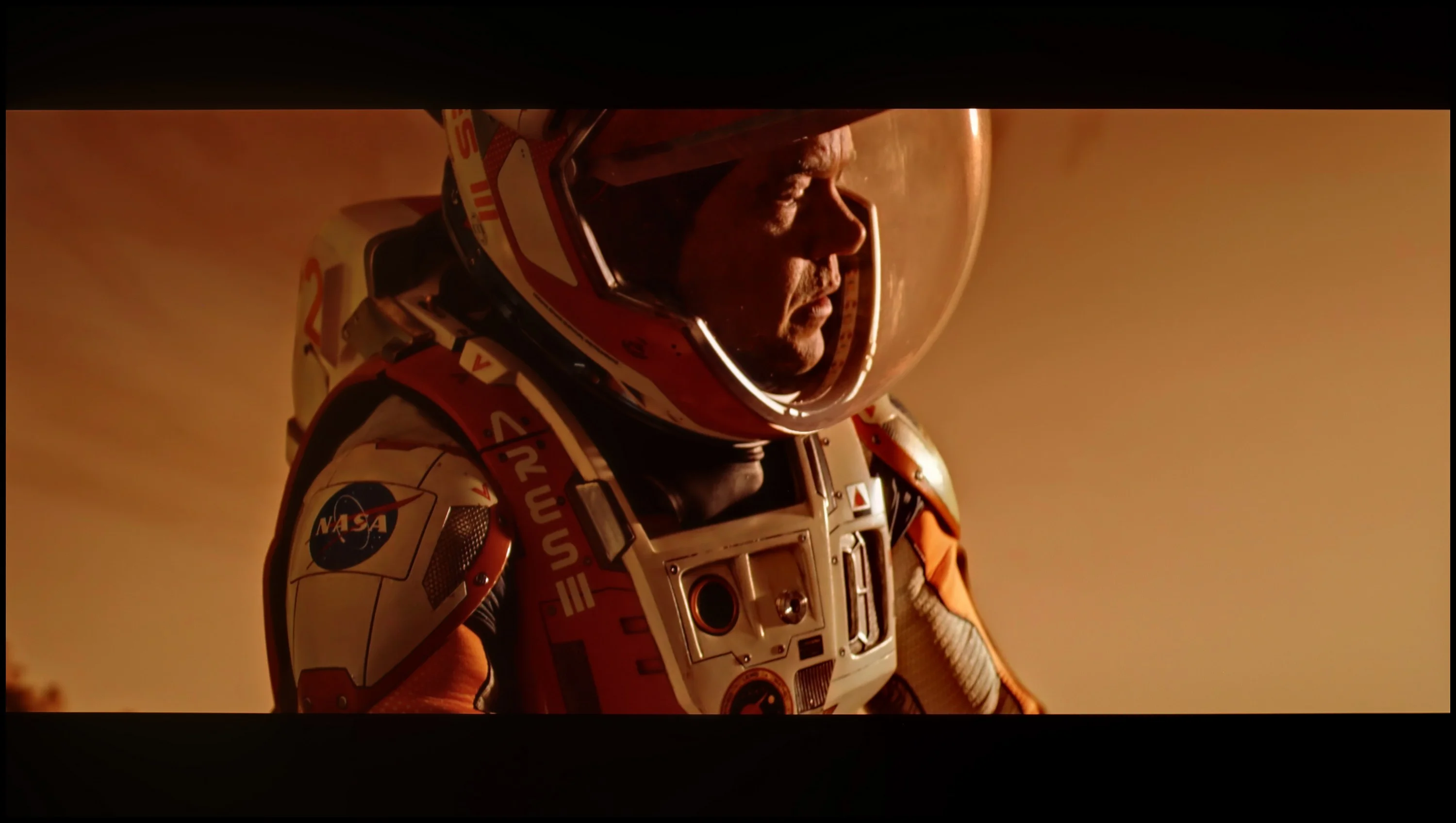
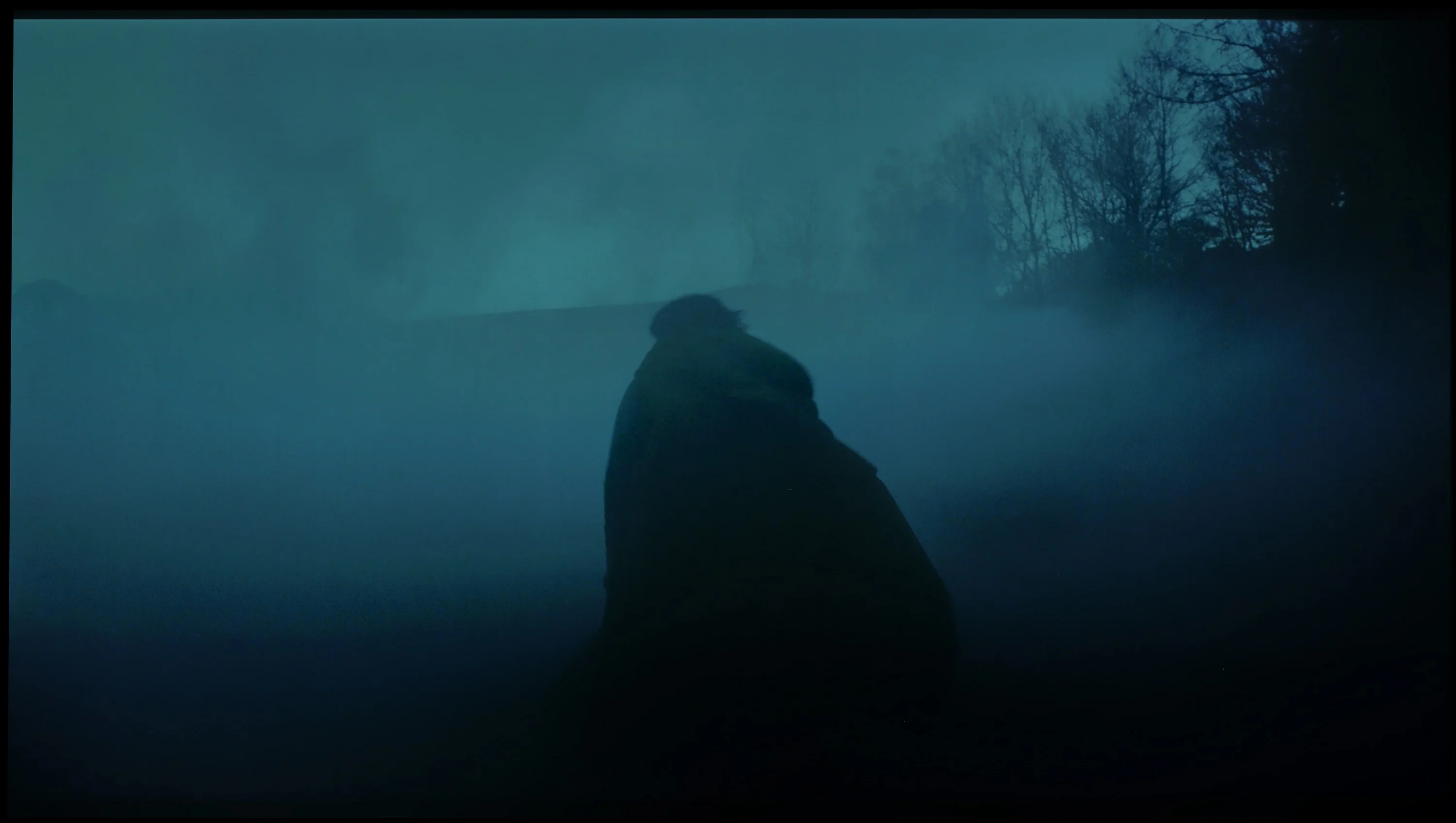
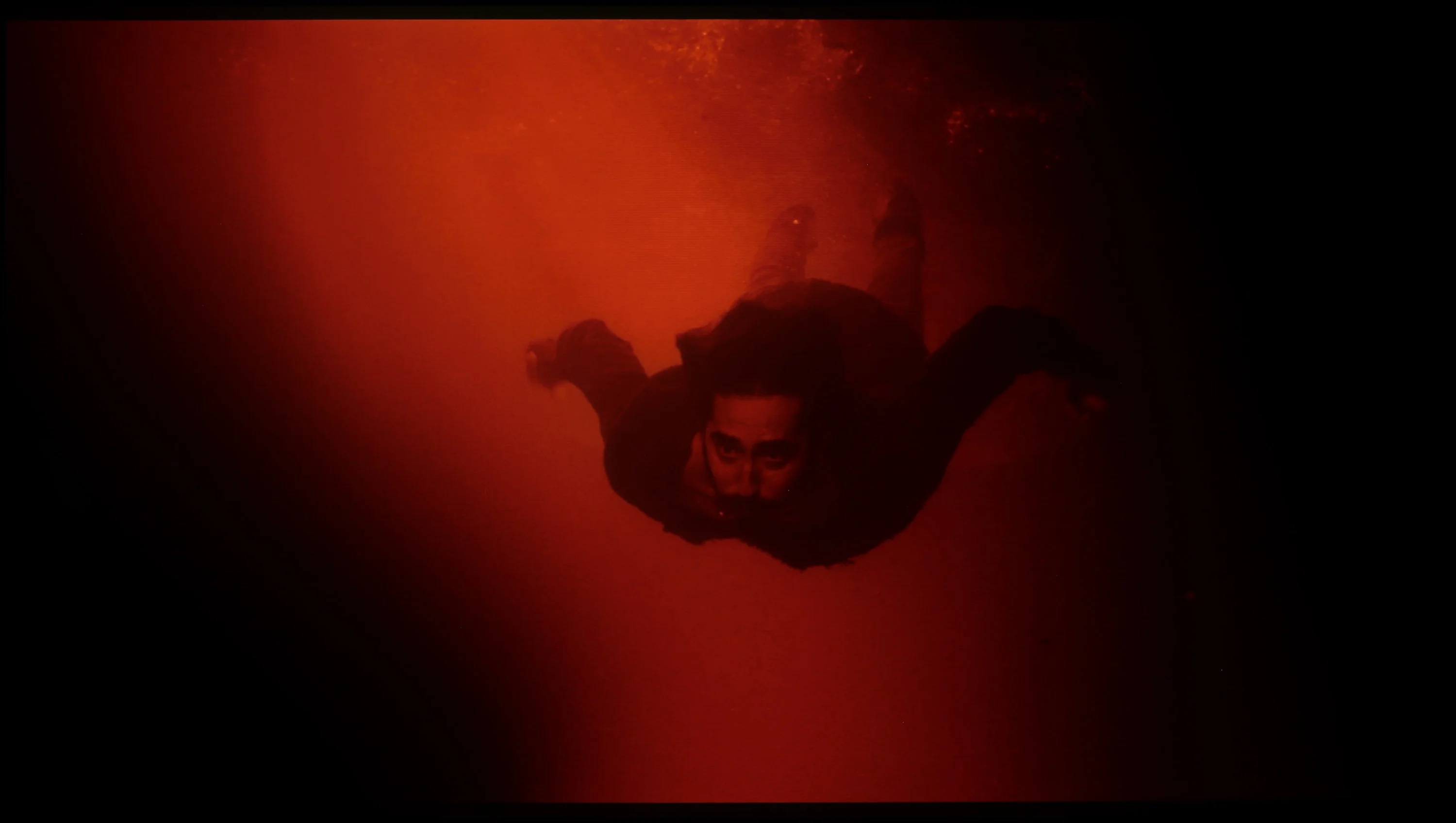
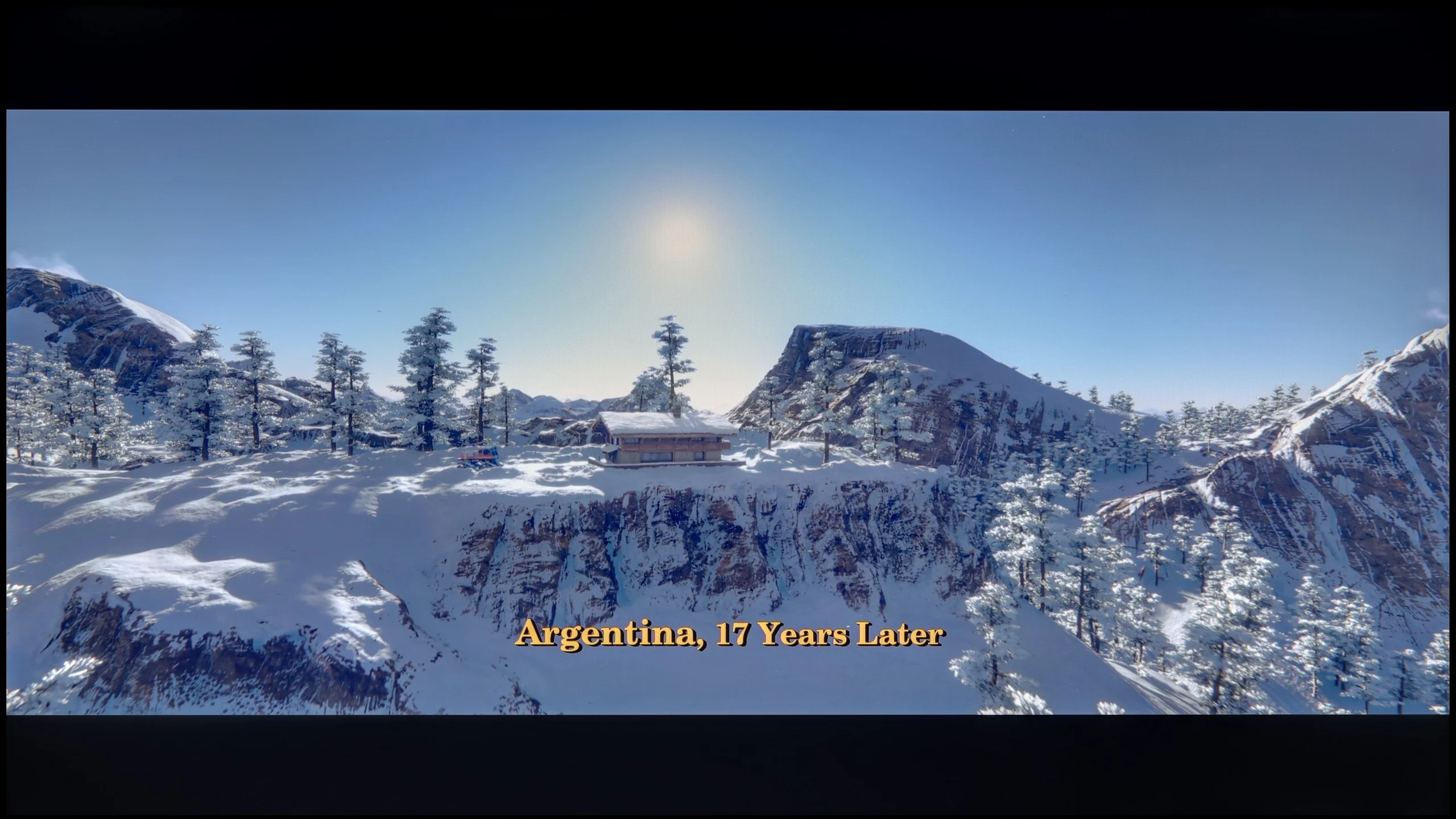
These are selected scenes that show smooth tonal transitions from one color to another. If you see distinct banding, it’s the TV panel’s fault.
These are selected scenes that show smooth tonal transitions from one color to another. If you see distinct banding, it’s the TV panel’s fault.
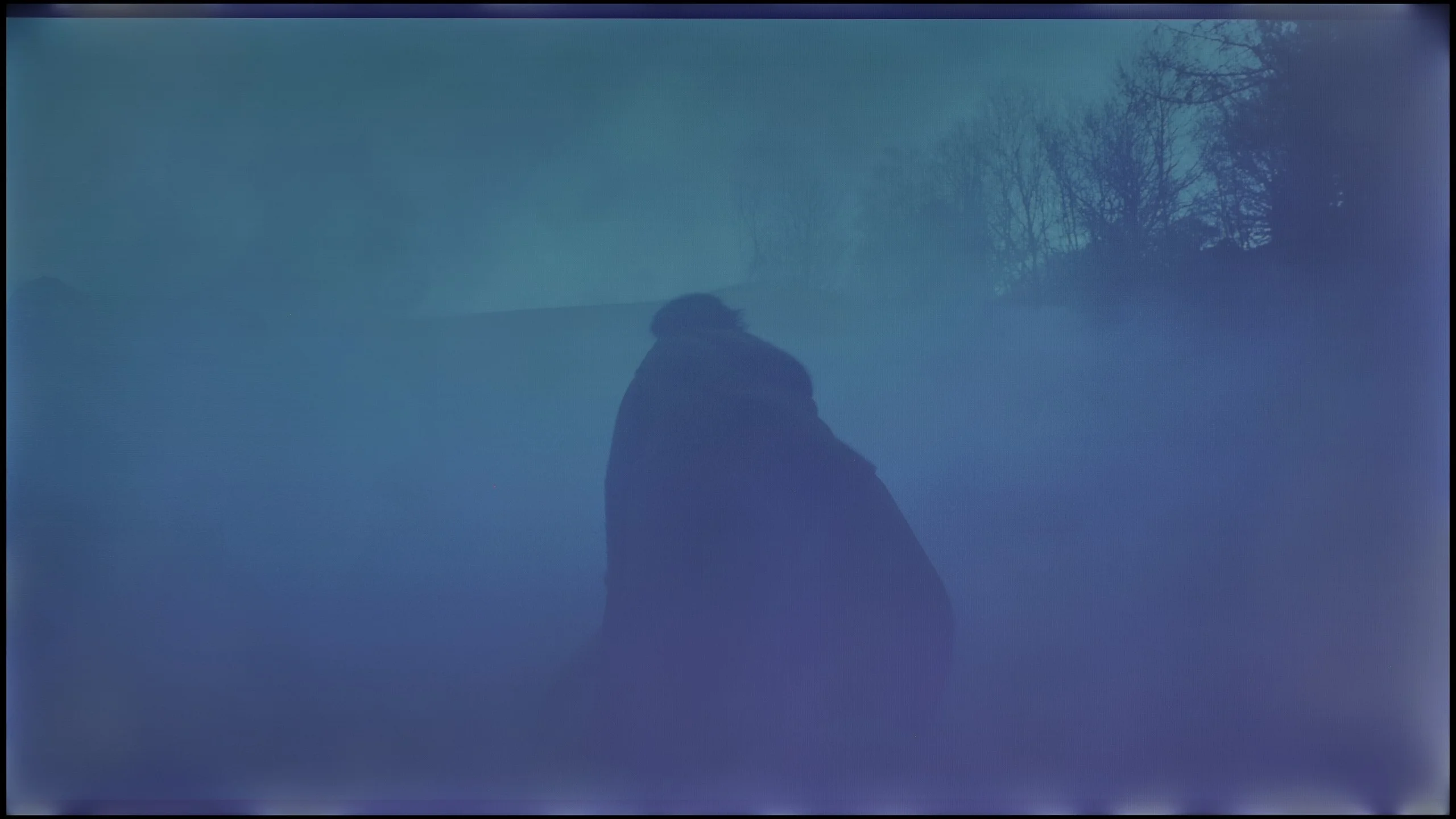
These are selected scenes that show smooth tonal transitions from one color to another. If you see distinct banding, it’s the TV panel’s fault.
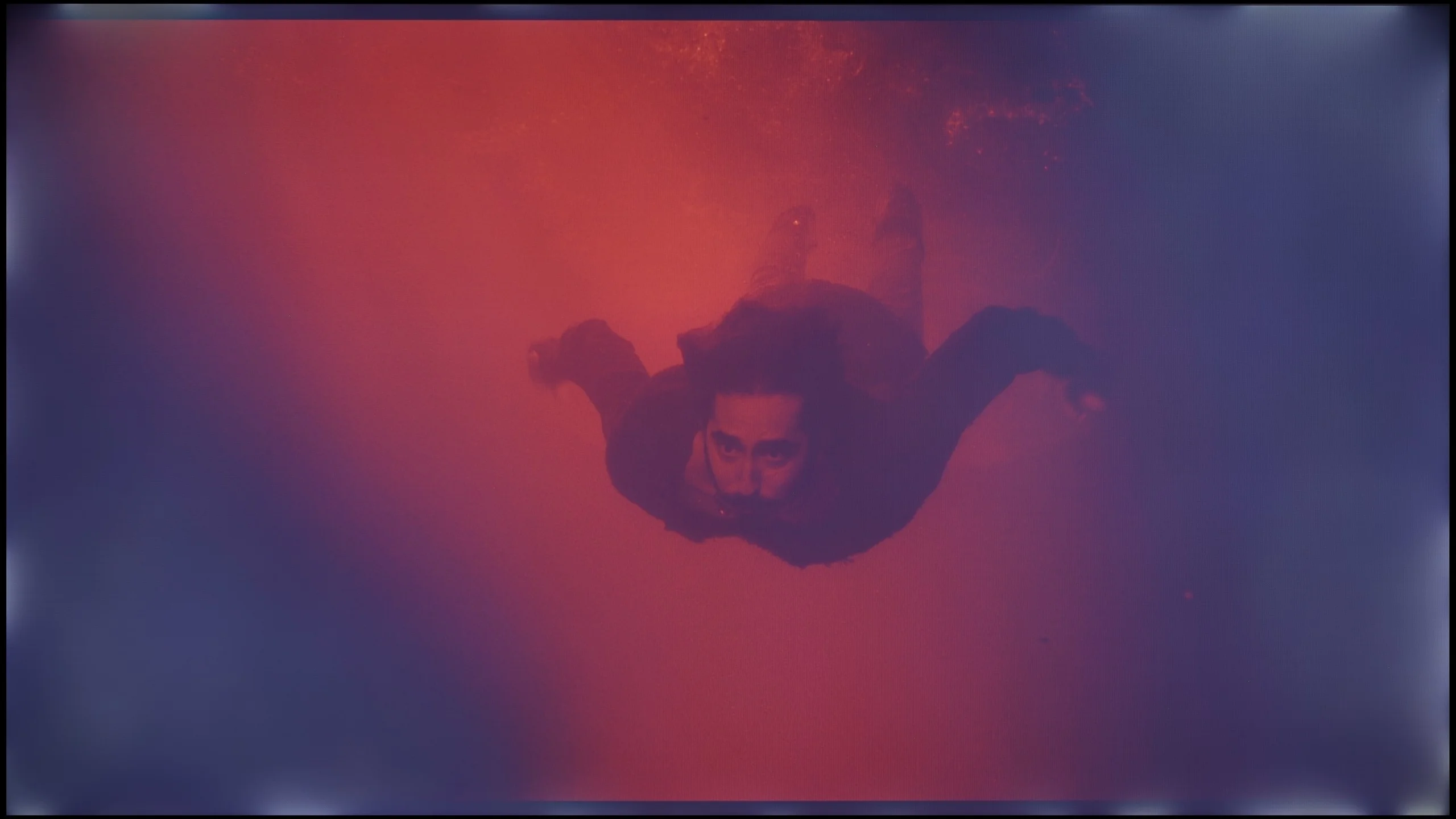
These are selected scenes that show smooth tonal transitions from one color to another. If you see distinct banding, it’s the TV panel’s fault.
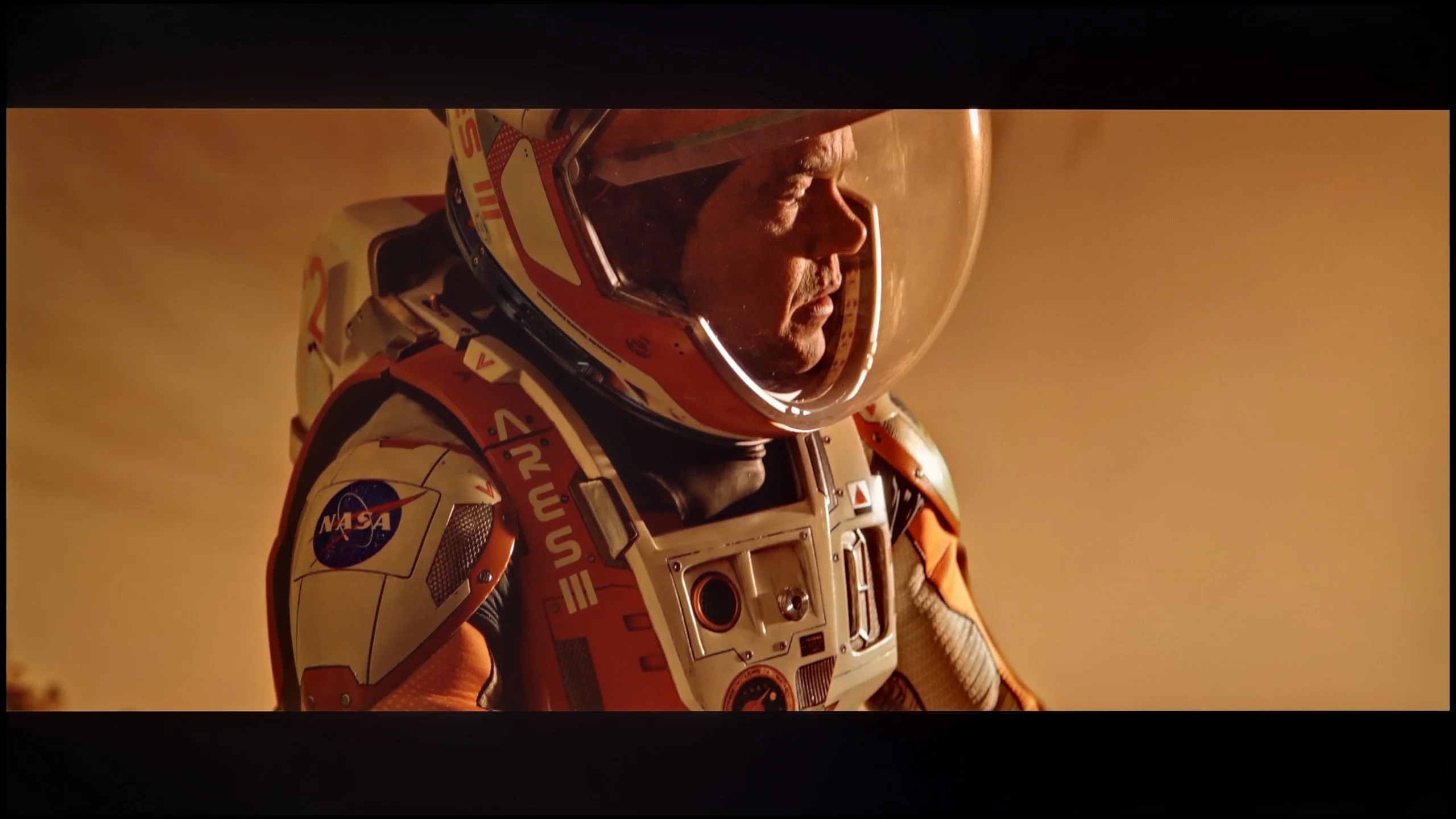
The smoothness of tonal transitions, often overlooked in various tests on competitive portals, is an equally important aspect of image quality assessment. It is particularly crucial when watching materials that feature a wealth of colours and many intricate effects, where textures blend together. This often leads to what's known as colour banding, or a lack of smooth gradation. The tested television handles tonal transition smoothing quite well. However, it's worth noting that it has its weaker moments, such as the bright colourful sky in the film "Kingsman" or "The Martian." These, however, are not issues that detract from the viewing pleasure. Therefore, we assess the quality of tonal transitions in LG B4 positively.
The smoothness of tonal transitions on the Bravia 2 II is pretty good, though it depends a lot on the scene. In brighter parts of the picture the gradation is smooth and it's hard to spot any major issues. It gets worse in very dark shots. In scenes with many dark tones you can already see distinct banding between successive shades. So it's not perfect, but with most everyday content the issue shouldn't be particularly noticeable.
Image scaling and smoothness of tonal transitions
7.9/10
6/10

Smooth transition function
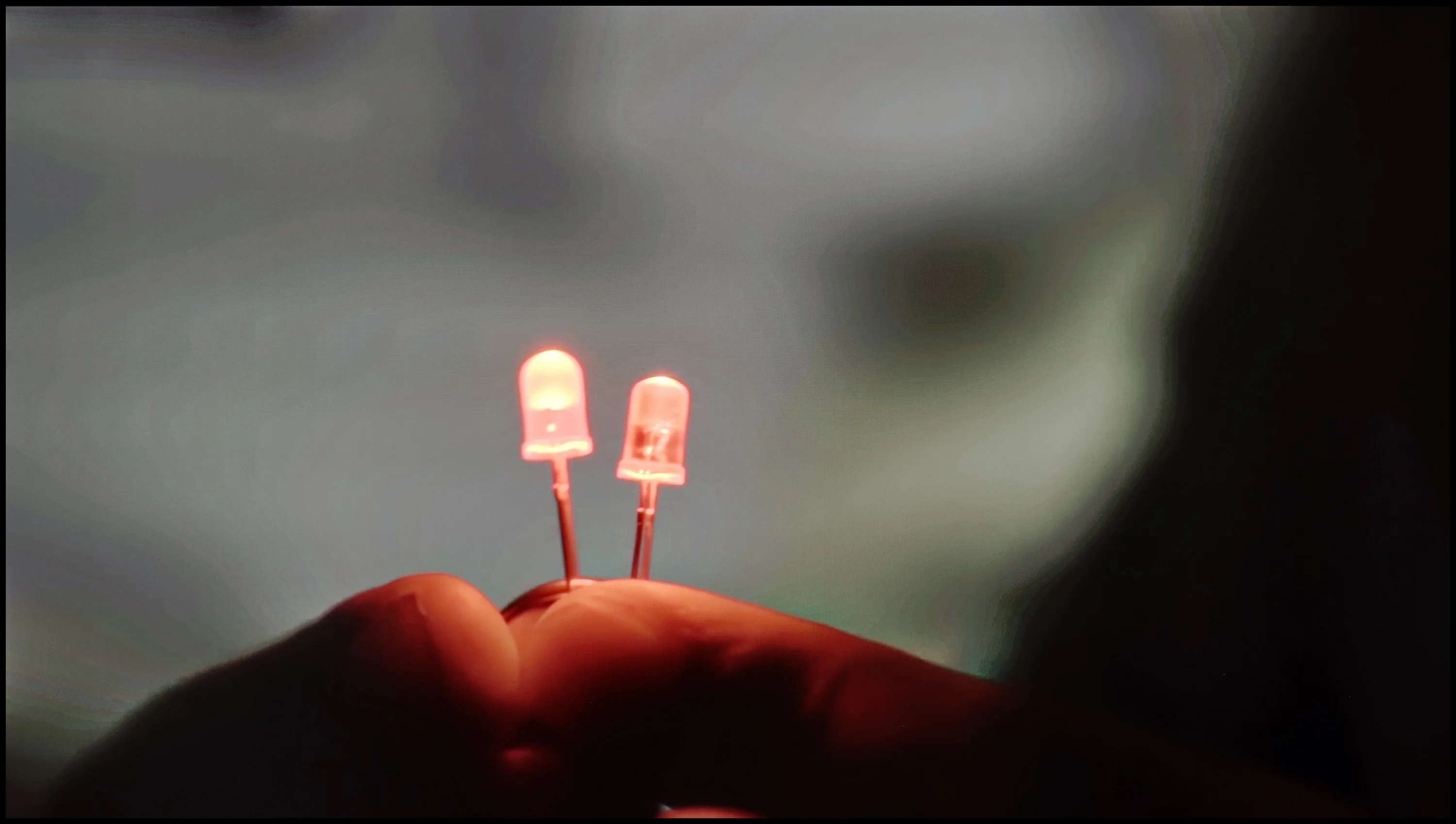
The match photo shows how the TV smooths weak tonal transitions in low-quality video.
Image scaling SD (576i)


The model photo shows how it handles upscaling of SD material.
In this paragraph, we will take another look at the tonal transition smoothing feature, but we will also check how the TV handles lower quality material. As we have managed to check, the setting responsible for smooth gradation works quite effectively, although it has its weaker moments. While the feature works well with SDR content, it becomes less useful with HDR content. Even at the lowest of options, it blurs essential details, so we advise against using it.
The image scaling on LG B4 is rated fairly moderately positively. Although there is no edge splitting, the image itself is naturally "soft". We can change this by adjusting the sharpness slider.
Upscaling on the Bravia 2 II performs quite well and the TV maintains the standard we've come to expect from Sony. Lower-resolution material is sensibly upscaled to 4K, and the image is slightly smoothed without excessive edge sharpening. It's less successful at dealing with content that shows visible compression artefacts. That's down to the "Digital Noise Reduction" function, which on the "High" setting can smooth some ugly banding. The problem is it does so quite aggressively and, along with the imperfections, removes a lot of fine detail, including natural film grain. What's more, when there's more motion on screen its effectiveness drops considerably and the improvement is minimal. For that reason we generally didn't use this feature for everyday viewing.
Blur and motion smoothness
8.5/10
5/10

Blur (native resolution, maximum refresh rate):

Blur (BFI function enabled):

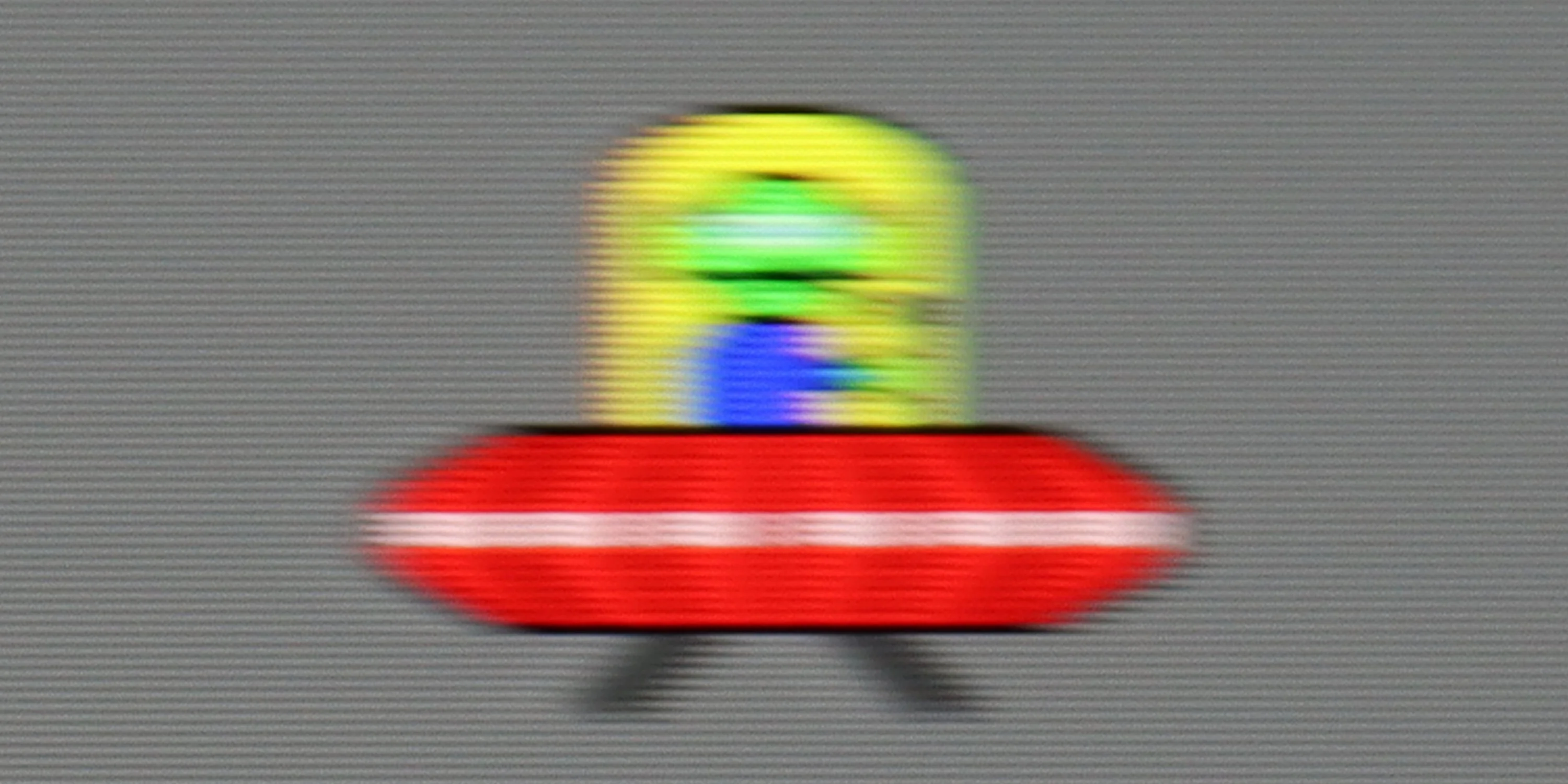
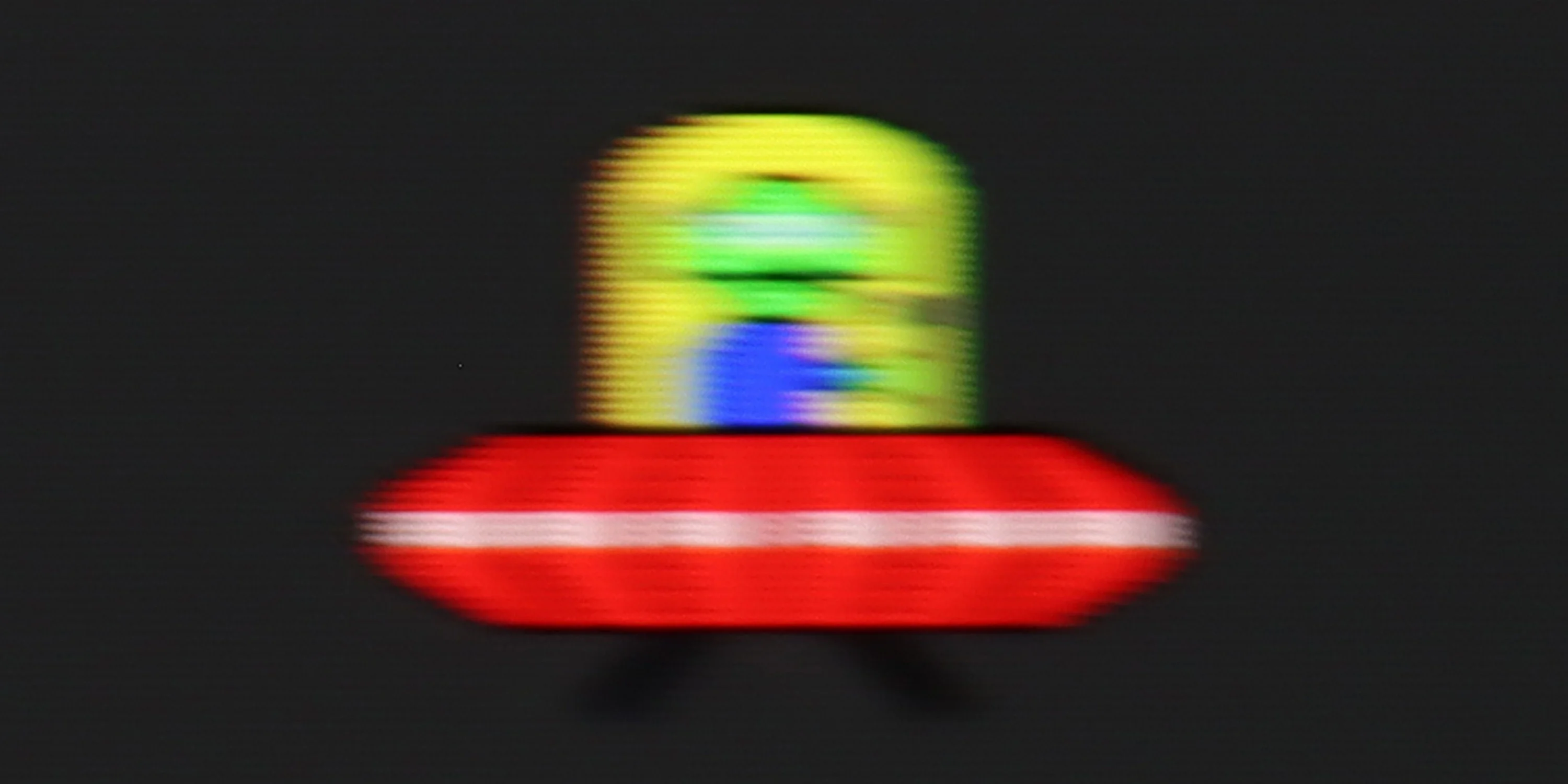
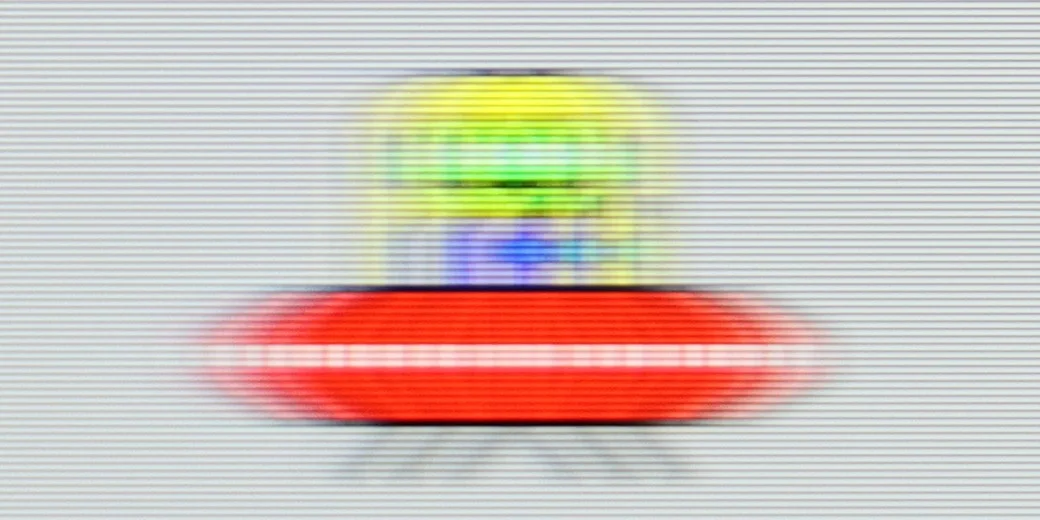
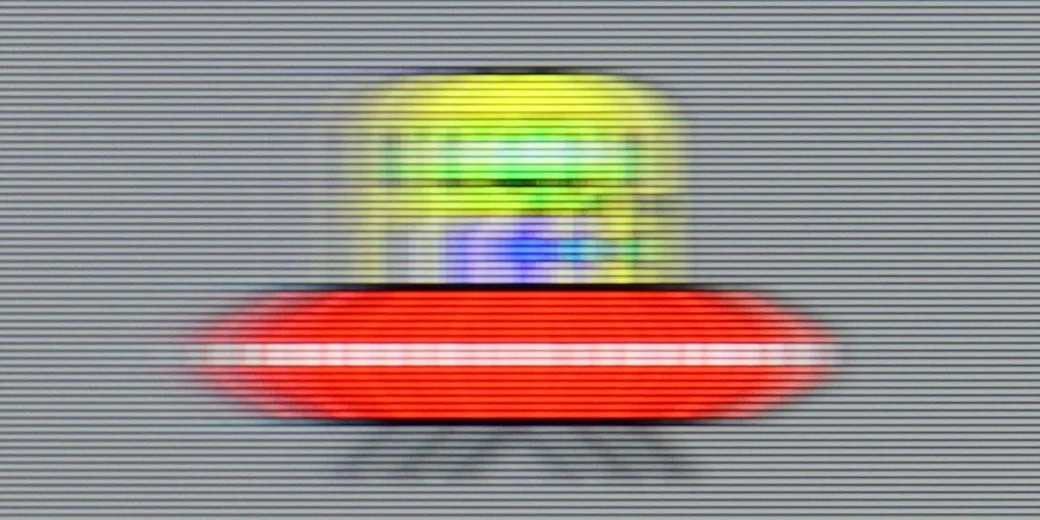
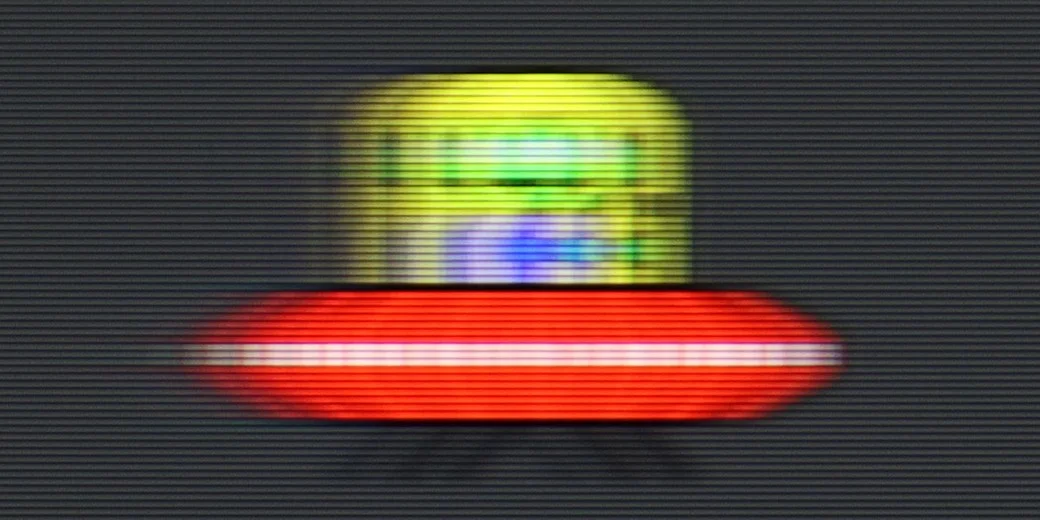
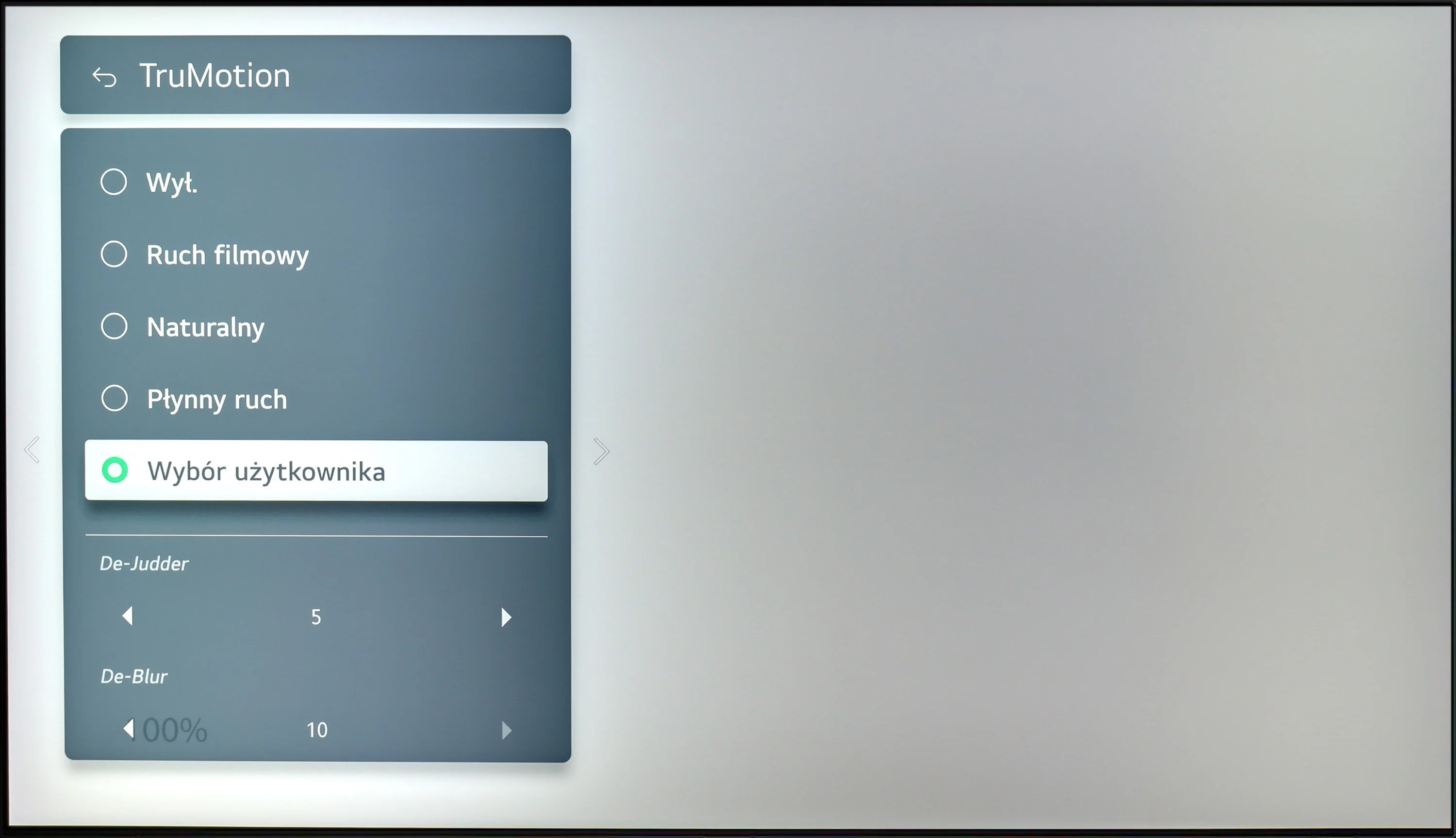
The maximum refresh rate we can set on the LG B4 is 120 Hz. This is the absolute minimum for those who require high image smoothness. The manufacturer has implemented a multi-level motion smoother called "TruMotion". It has been divided into two separate sliders that adjust the sharpness of moving images (De-Blur) and stuttering (De-Judder). Both sliders can be set in the range from 0 to 10, with each level affecting the degree of smoothness, so everyone can find their sweet spot.
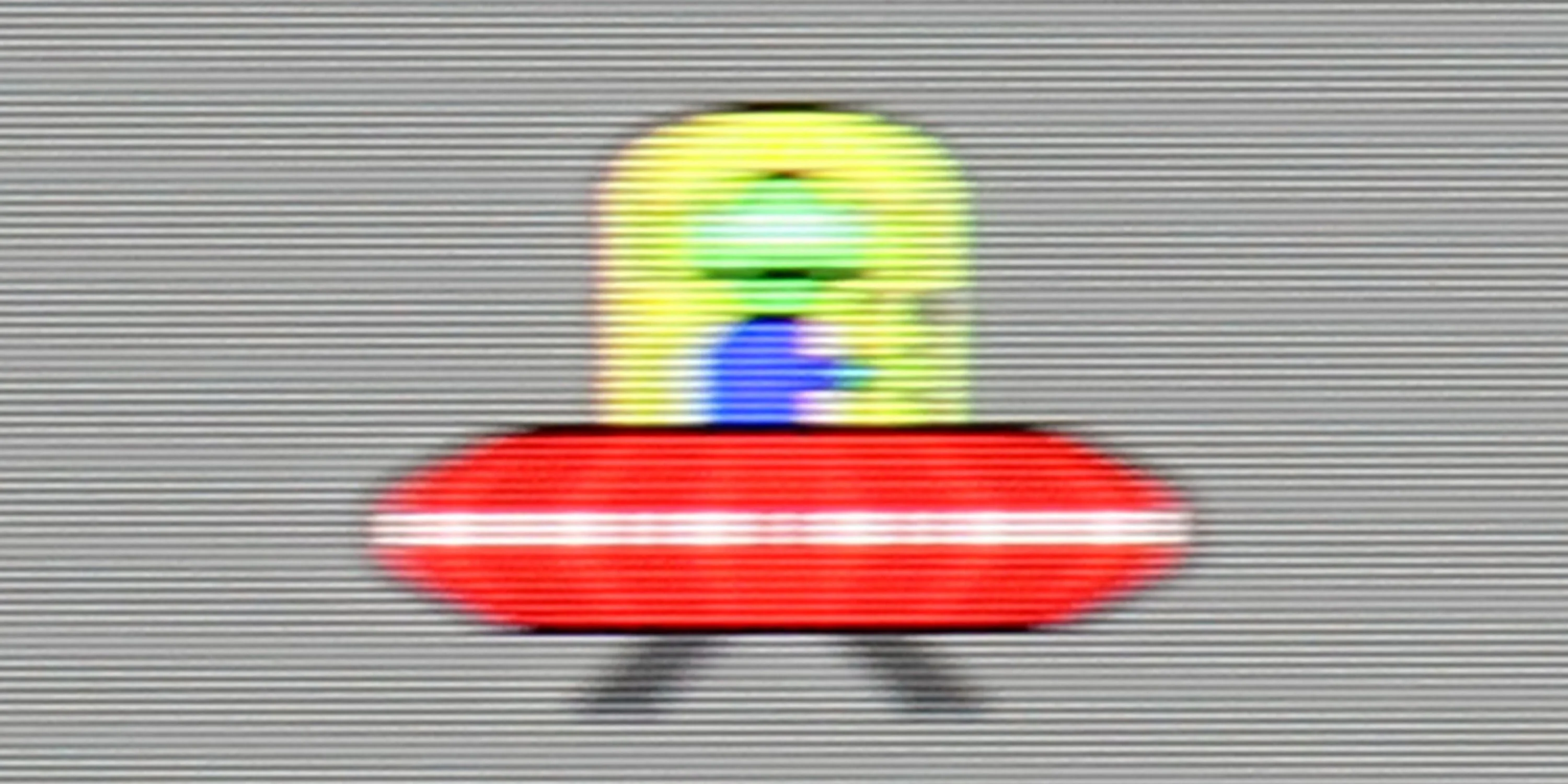
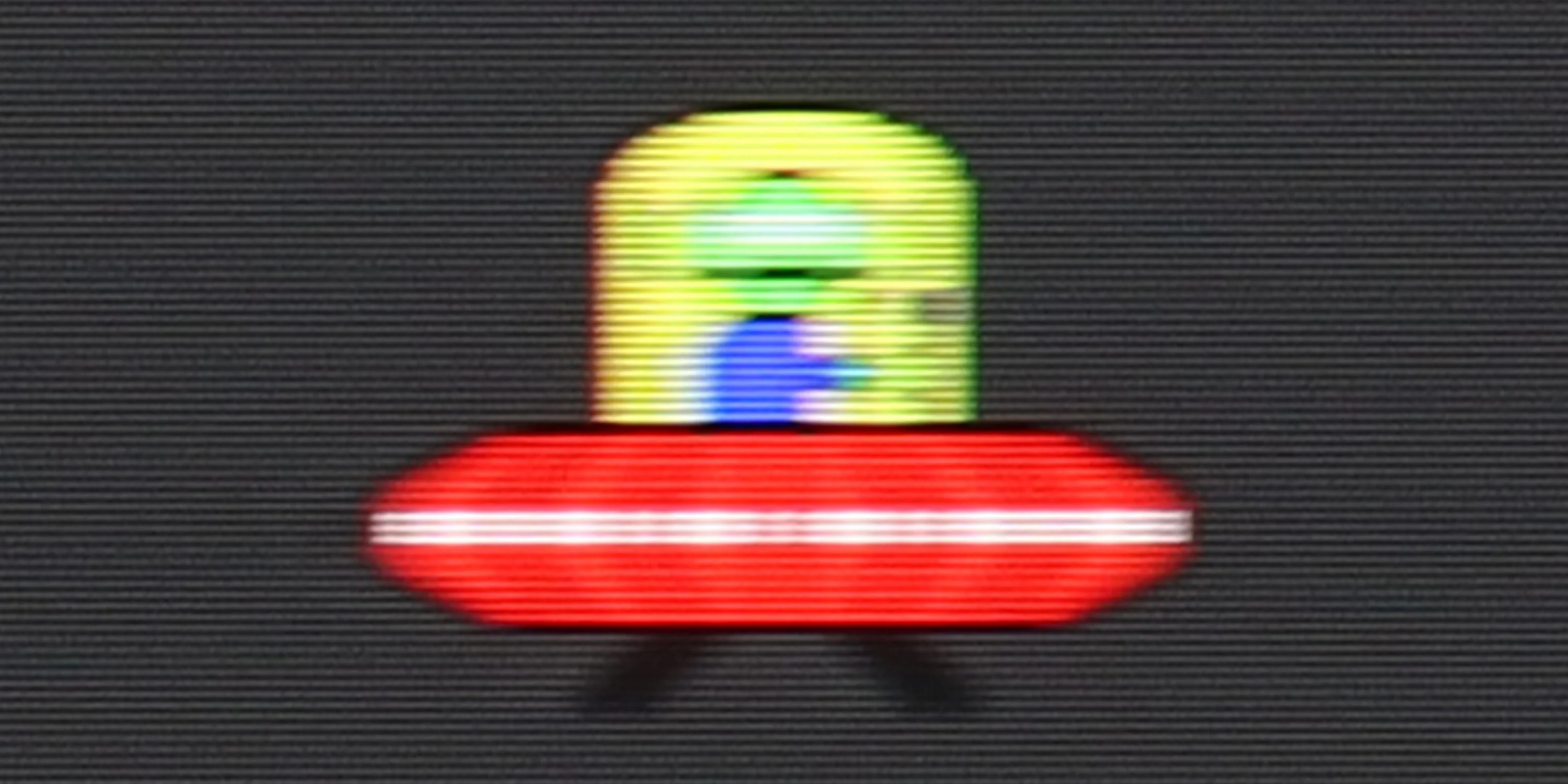
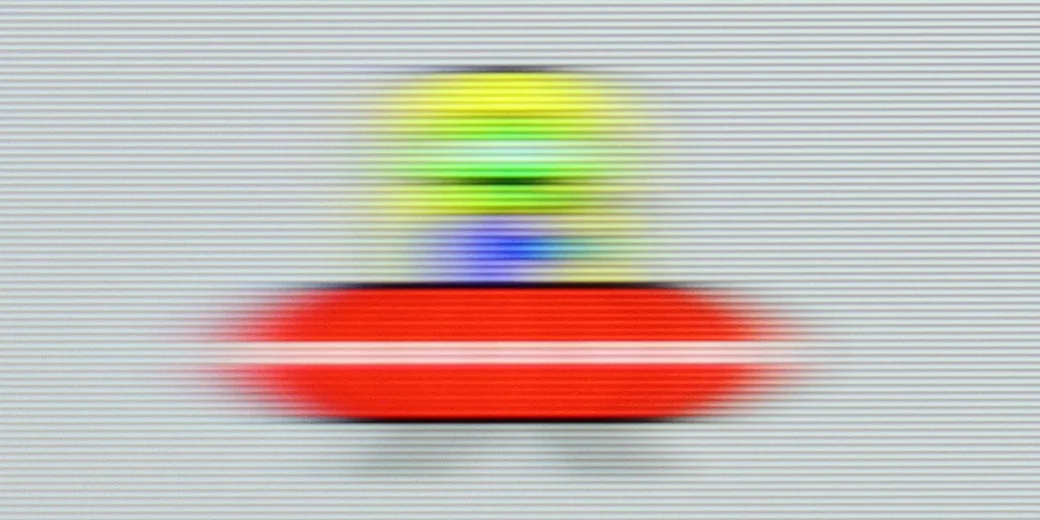
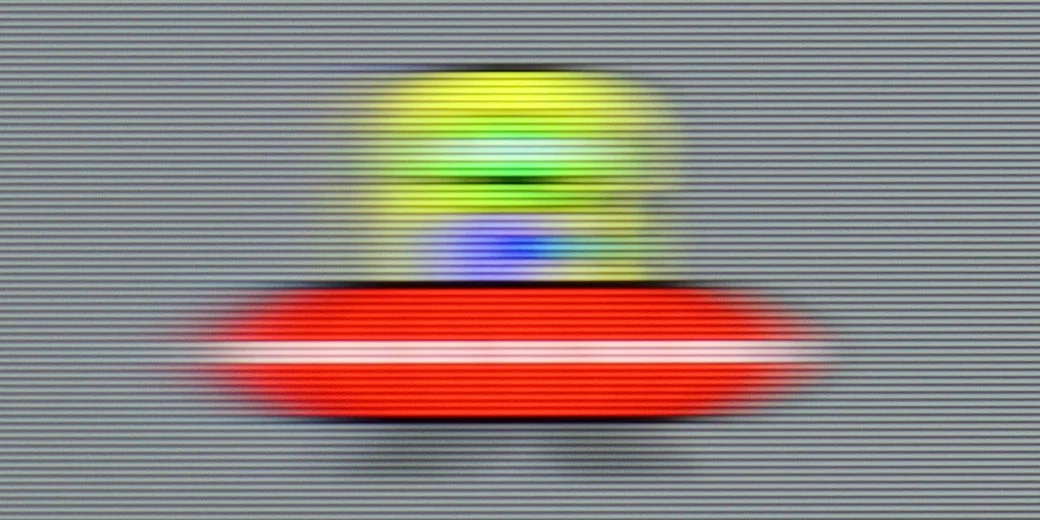
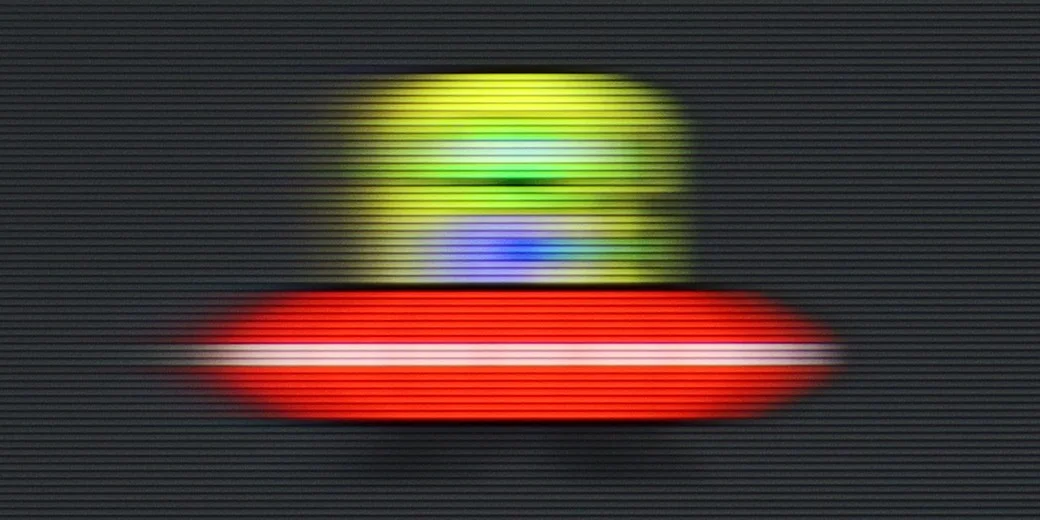
The LG OLED B4 panel features an average response time of 0.1 ms (which directly results from our measurements), allowing for an incredibly clear image, unattainable for LCD TVs, which have response times of even several milliseconds. This can be clearly seen in images from the "UFO Test", showing no trace of blur trailing behind the object.
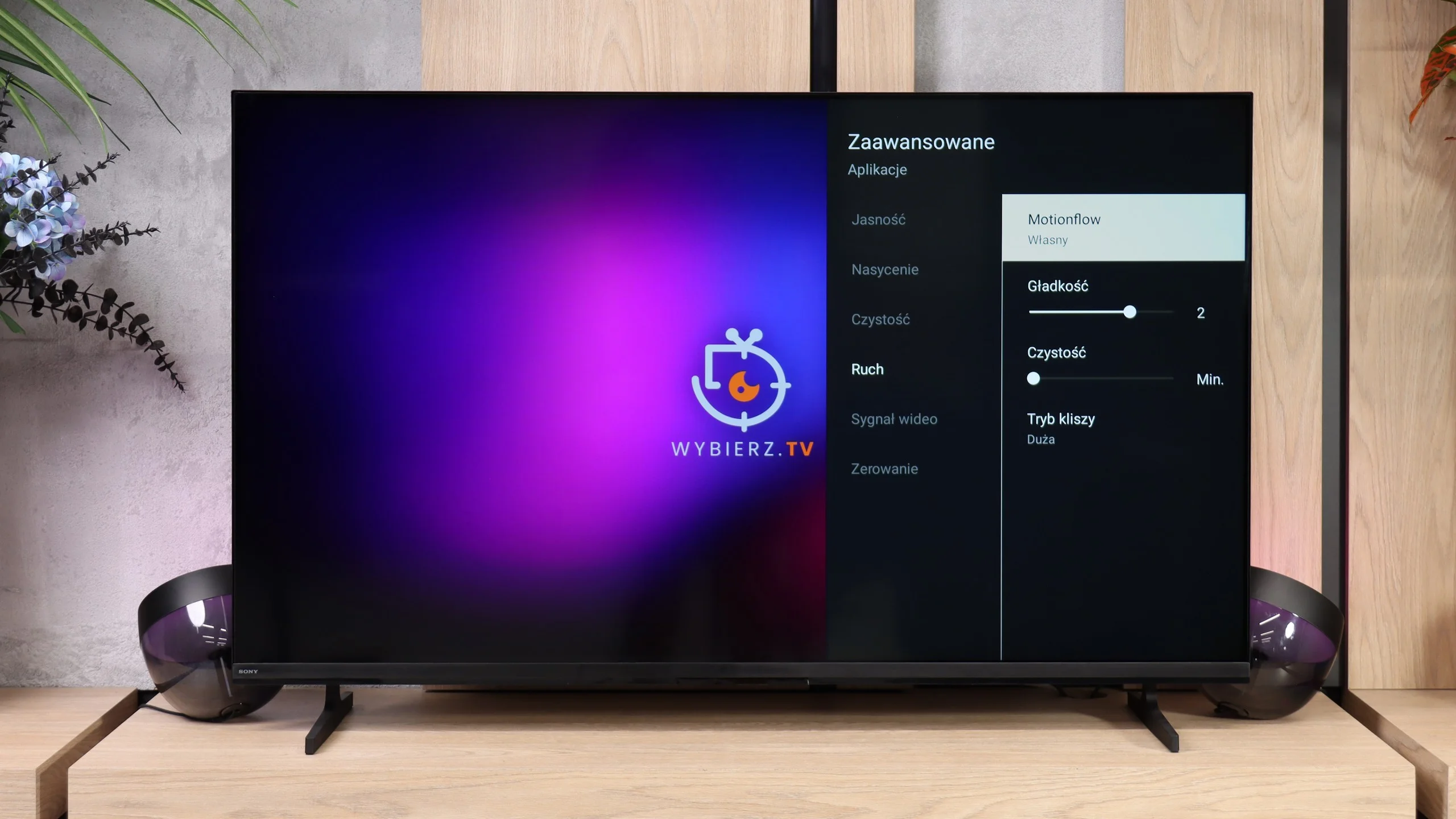
Bravia 2 II uses a 60 Hz panel and, for what it is, handles motion quite well. However, bear in mind it’s an entry-level panel and its limitations are especially noticeable with sports. The TV can’t interpolate 50/60 fps material to a higher refresh rate, so it can’t further improve the sharpness of fast-moving objects. For films and series there’s a conventional motion-smoothing feature that can reduce the judder typical of 24 fps material.
Console compatibility and gaming features
10/10
3.3/10
- ALLM
- VRR
- VRR range40 - 120Hz
- Dolby Vision Game Mode
- Correct implementation of HGIG
- 1080p@120Hz
- 1440p@120Hz
- 4K@120Hz
- Game bar
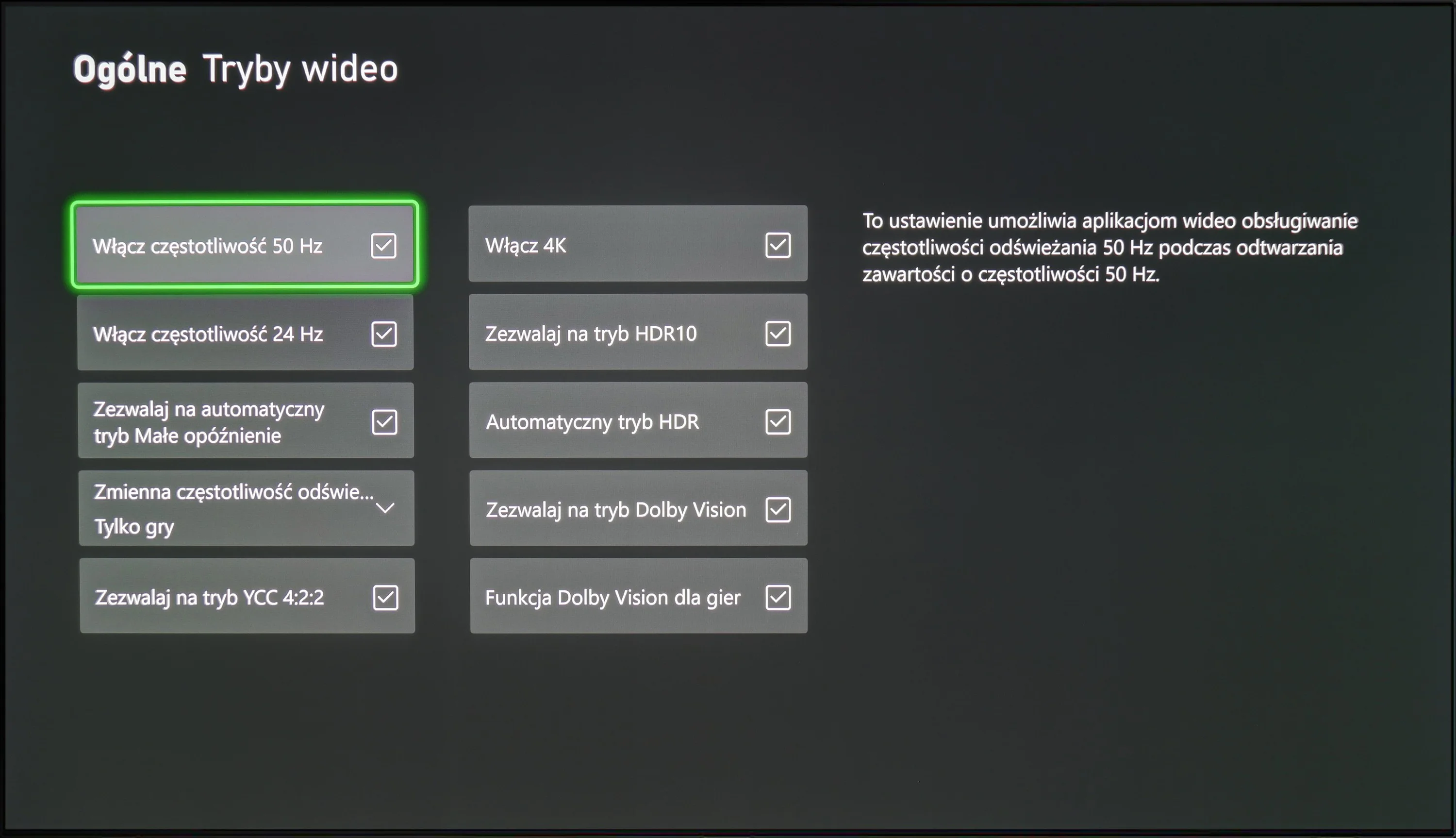
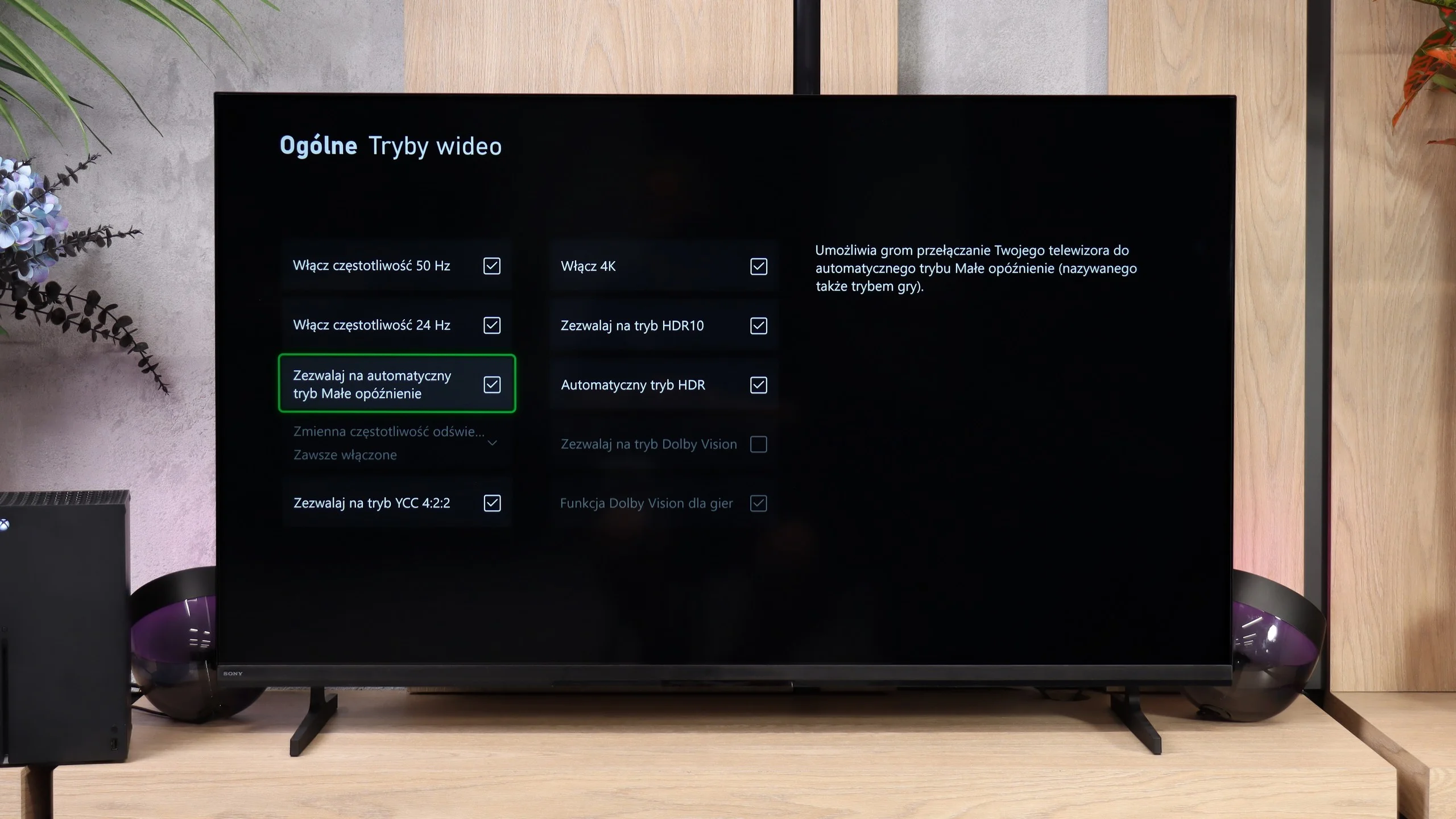
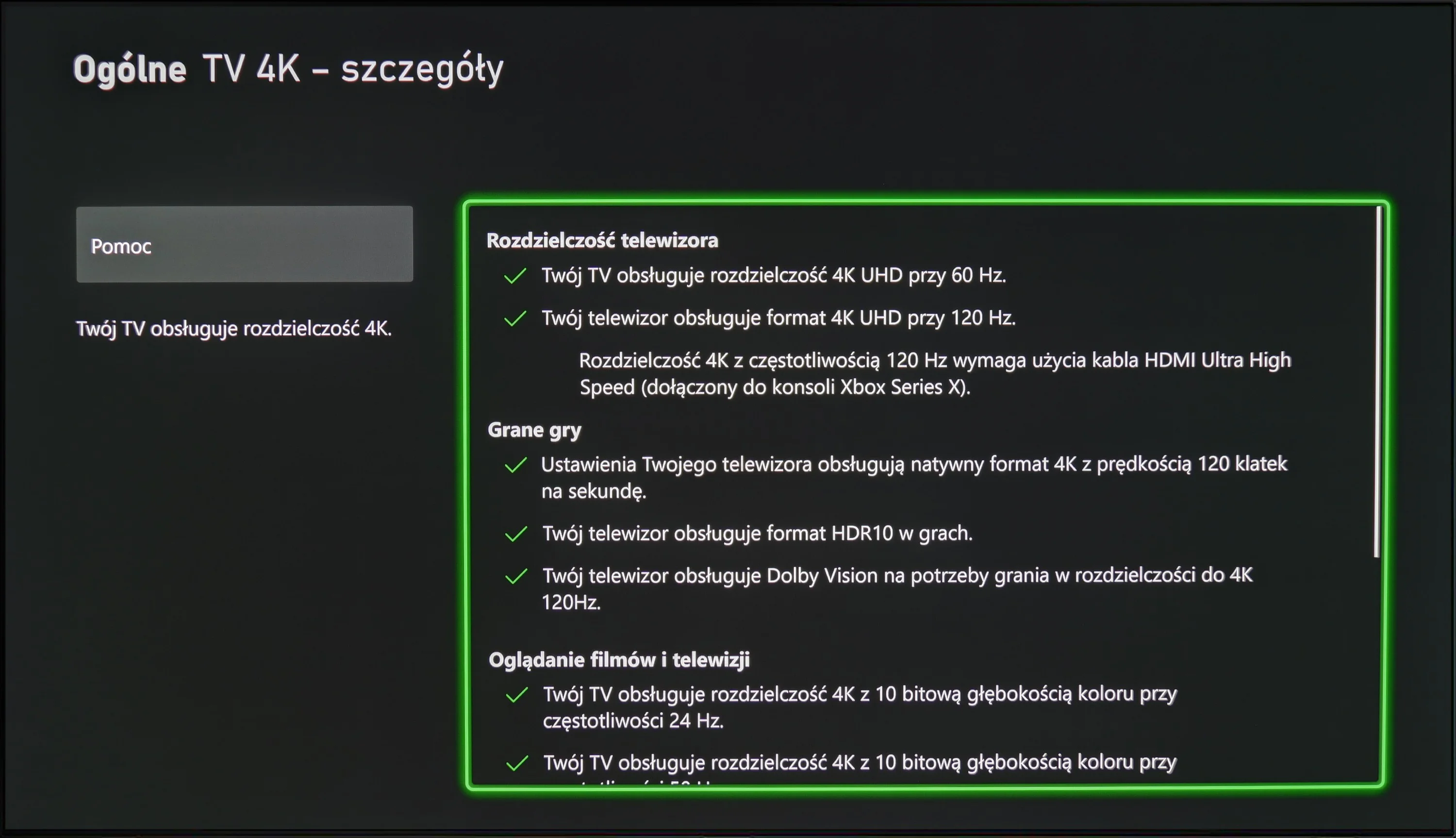
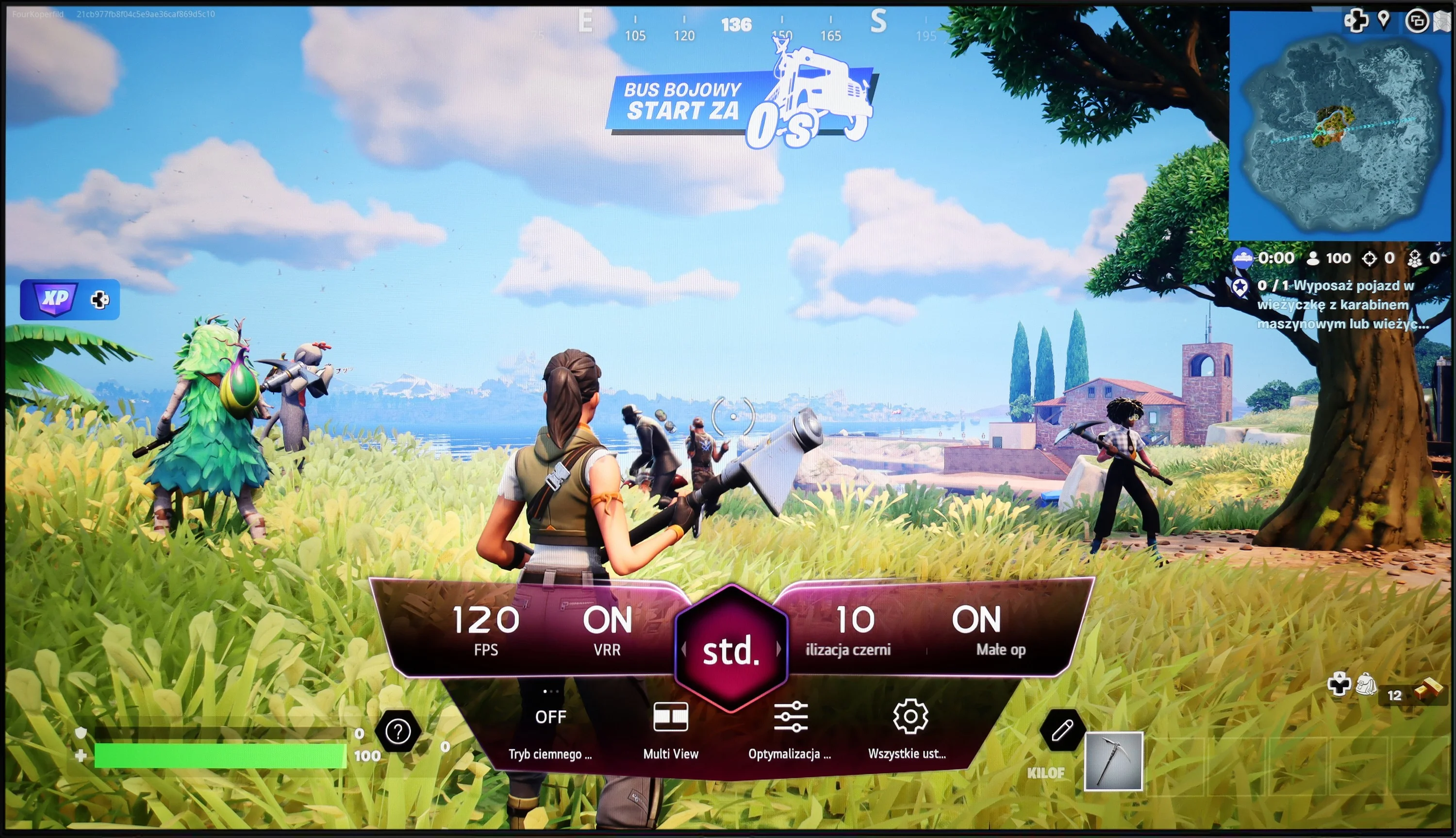
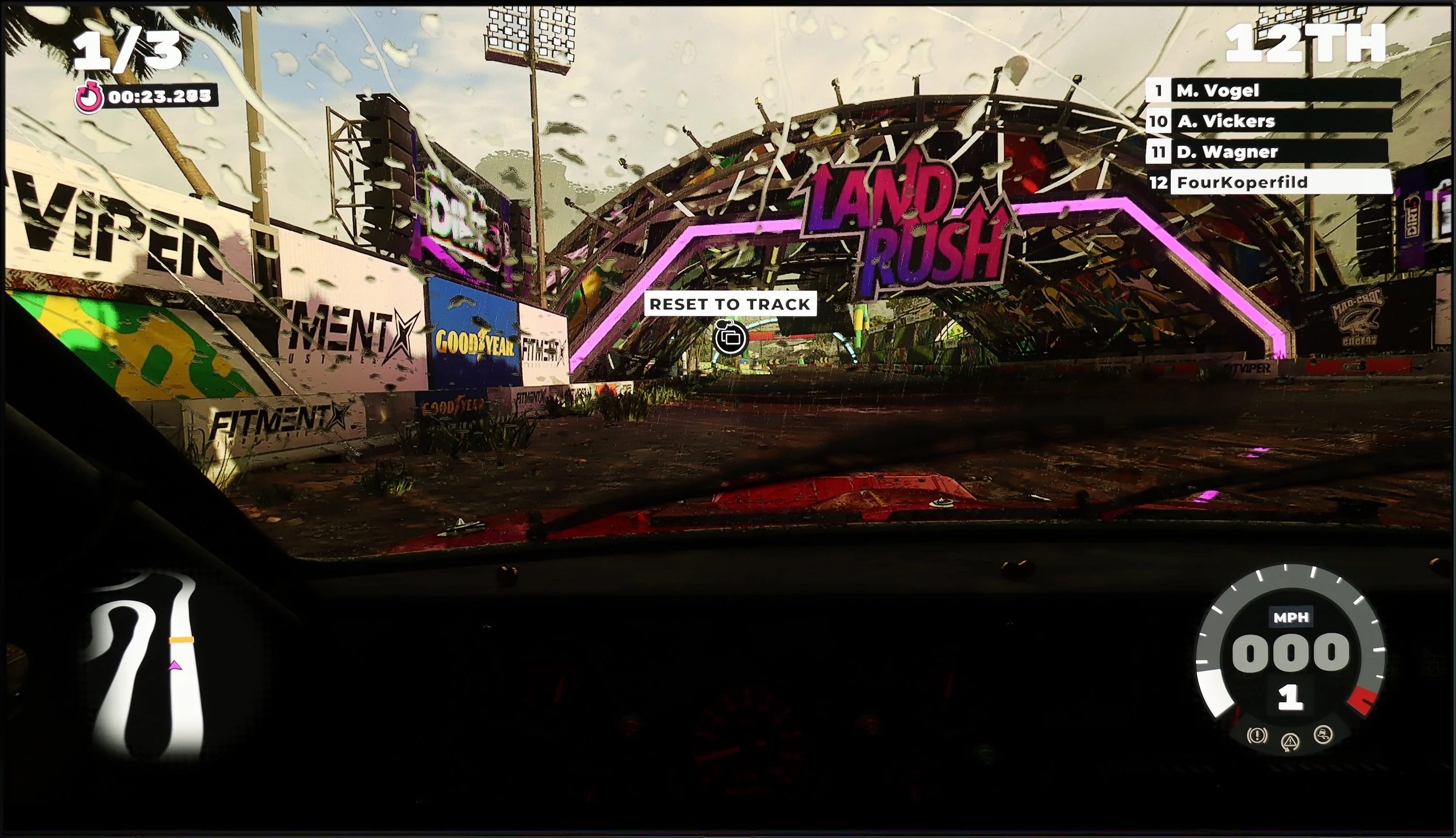
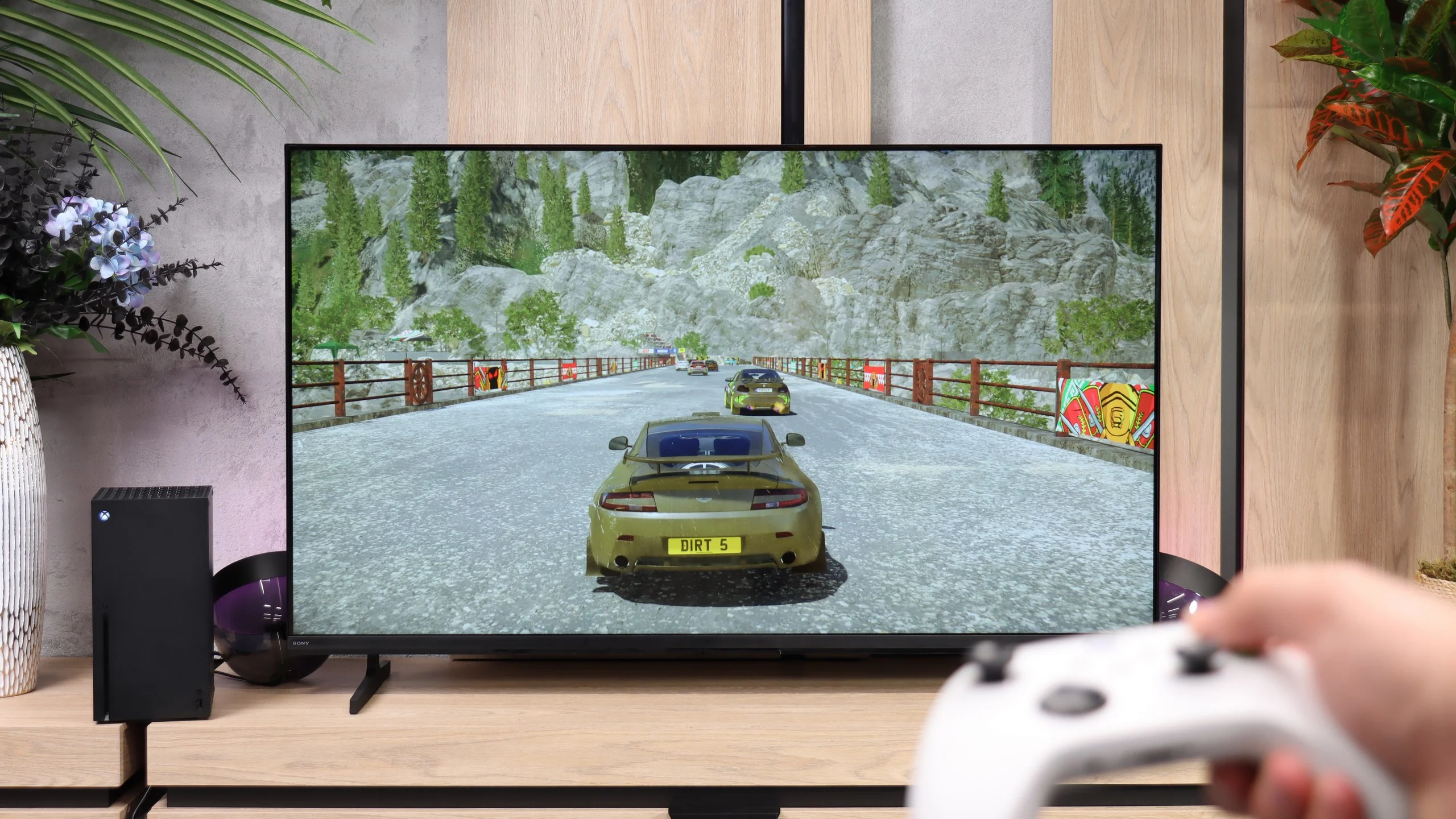
The LG B4 television is equipped with four full-fledged HDMI 2.1 ports with a full bandwidth of 48Gbps. All functions corresponding to this standard activated without any issues, and throughout the entire testing procedure, they caused no problems. The combination of such extensive functionality and low input lags leads us to say that the tested television is truly designed for gaming. This is not surprising, considering that the manufacturer has always placed great emphasis on this. Therefore, we can enjoy both a properly implemented HGIG mode and gameplay in Dolby Vision with low latency. Such a tandem will surely attract the attention of all passionate gamers for whom quality is the most important.
A standard feature in televisions from the Korean manufacturer is also the implementation of GameBar, allowing for quick adjustments of settings "on the fly," without the need to exit the game. It also enables image adjustments for individuals with visual impairments, which is an extremely nice touch. Another important piece of information is that when the VRR technology is turned on, we will not experience a drop in contrast. This is, of course, due to the construction of the panel and the lack of conventional backlighting. However, it is normal for shades of grey to flicker slightly, although this is a characteristic feature of this function regardless of the manufacturer and the television.
In summary: The LG B4, like all OLEDs from the manufacturer equipped with 120Hz panels and HDMI 2.1 ports, creates a harmonious whole with the console. In practice, it is a complete television, and if we expect the highest possible efficiency in gaming, the B4 will be the ideal choice.
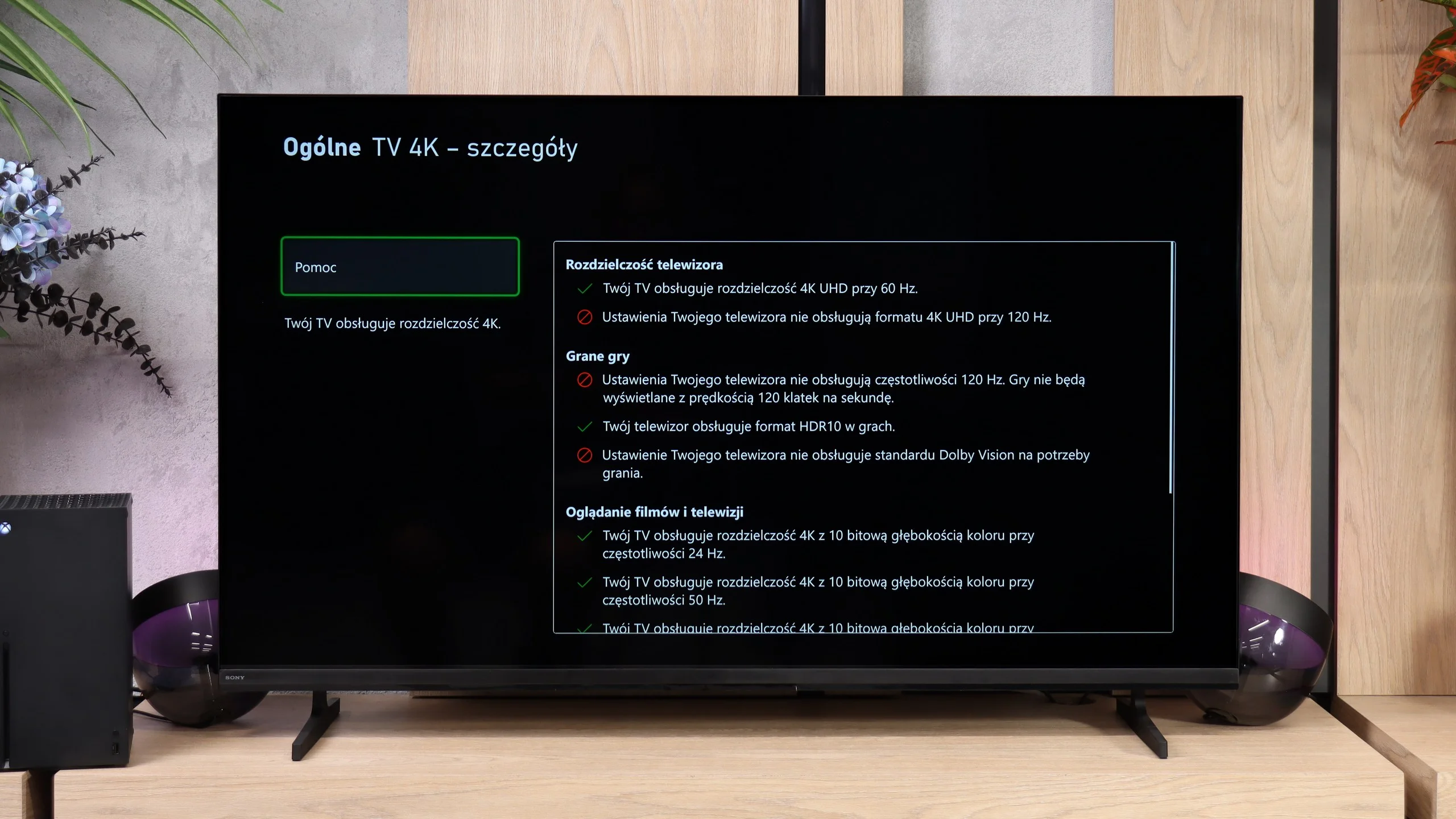
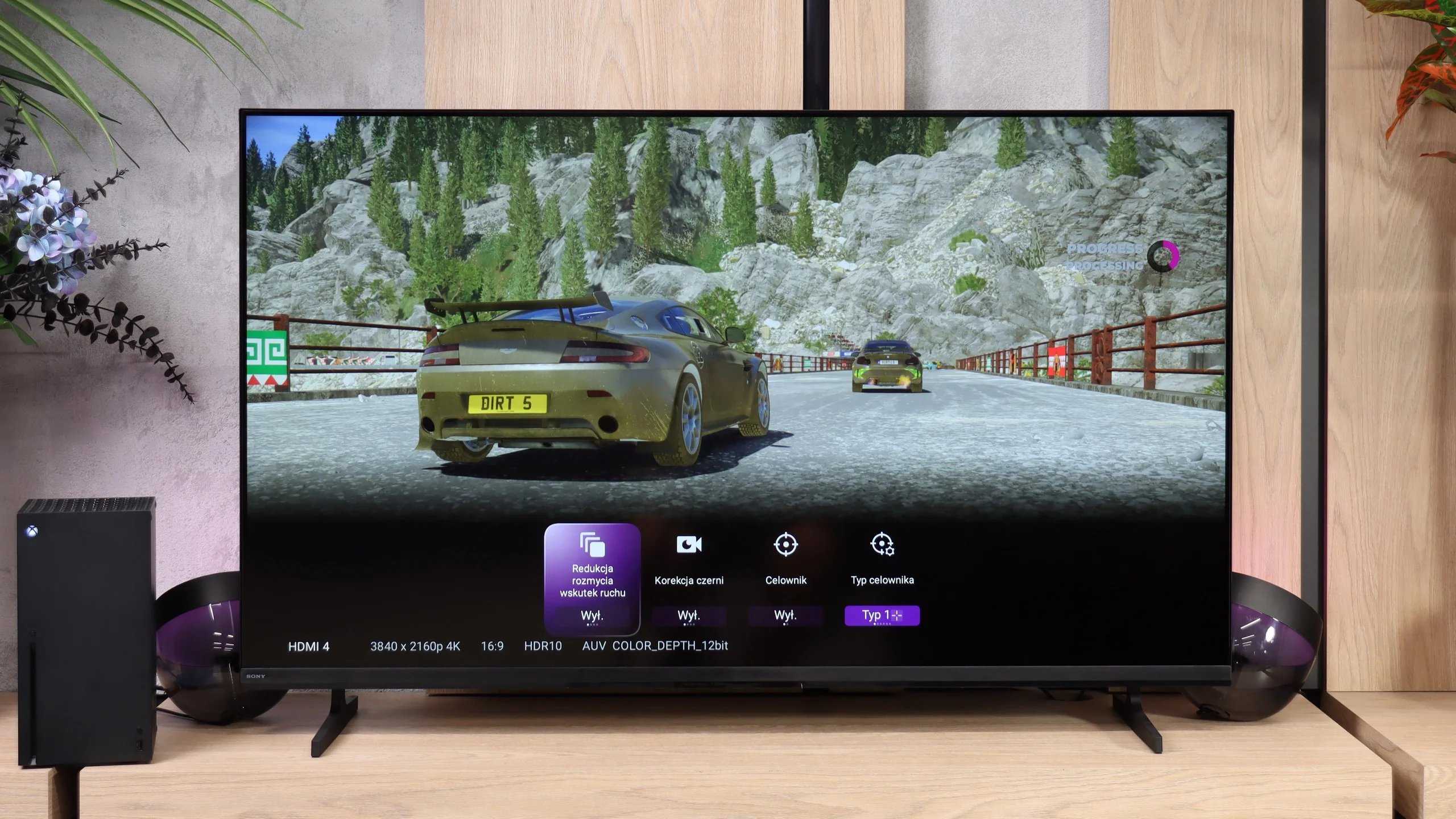
The Bravia 2 II isn’t a TV that’s particularly suited to gaming, and the feature list makes that clear pretty quickly. You basically only get automatic low-latency ALLM and a simple Game Bar where you can view basic signal info and change a few settings. That’s where the positives end. The TV doesn’t support VRR or 120 Hz (not even at lower resolutions) and on top of that it has problems correctly implementing HDR HGIG. It’s fine for occasional console play and, thanks to low input lag, the controls remain responsive, but if you’re after a TV primarily for gaming the Bravia 2 II is a significantly limited choice.
Input lag
10/10
10/10
SDR
HDR
Dolby Vision
Delay times for LG B4 are incredibly low in every scenario. Even the most passionate gamers will certainly appreciate the very low input lag of just 5 ms at demanding settings of 4K 120 Hz with HDR. It's also worth noting that the latency at the same settings, but with Dolby Vision HDR enabled, remains unchanged, which is not as obvious with the competition. Therefore, it deserves the highest rating and recommendation.
Here the Bravia 2 II performs considerably better. The input lag is only about 11 ms, low enough that you’ll hardly notice any delay while gaming. So even with a modest set of gaming features, the TV will handle regular console gaming without any major issues.
Compatibility with PC
7.6/10
6/10
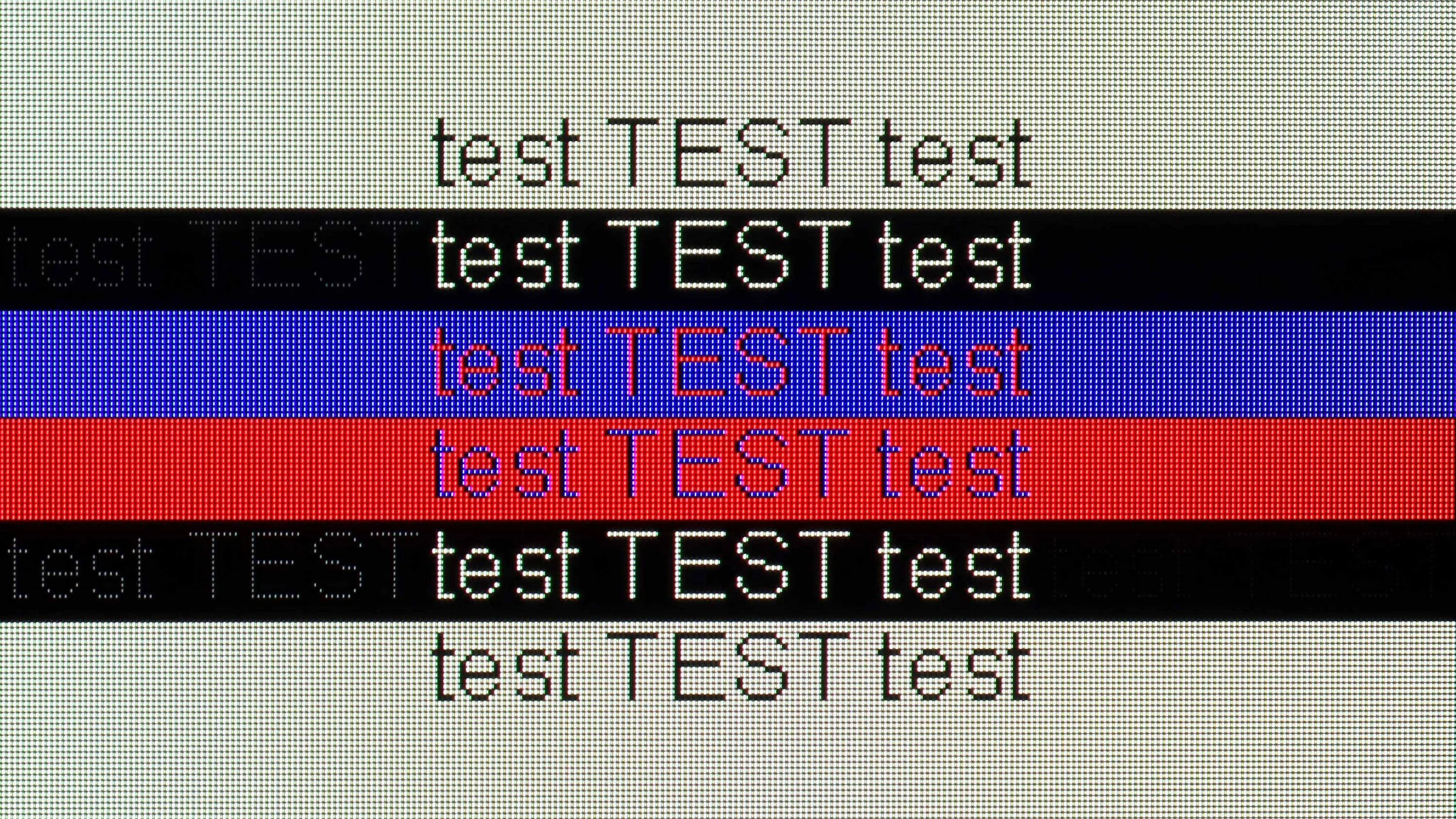
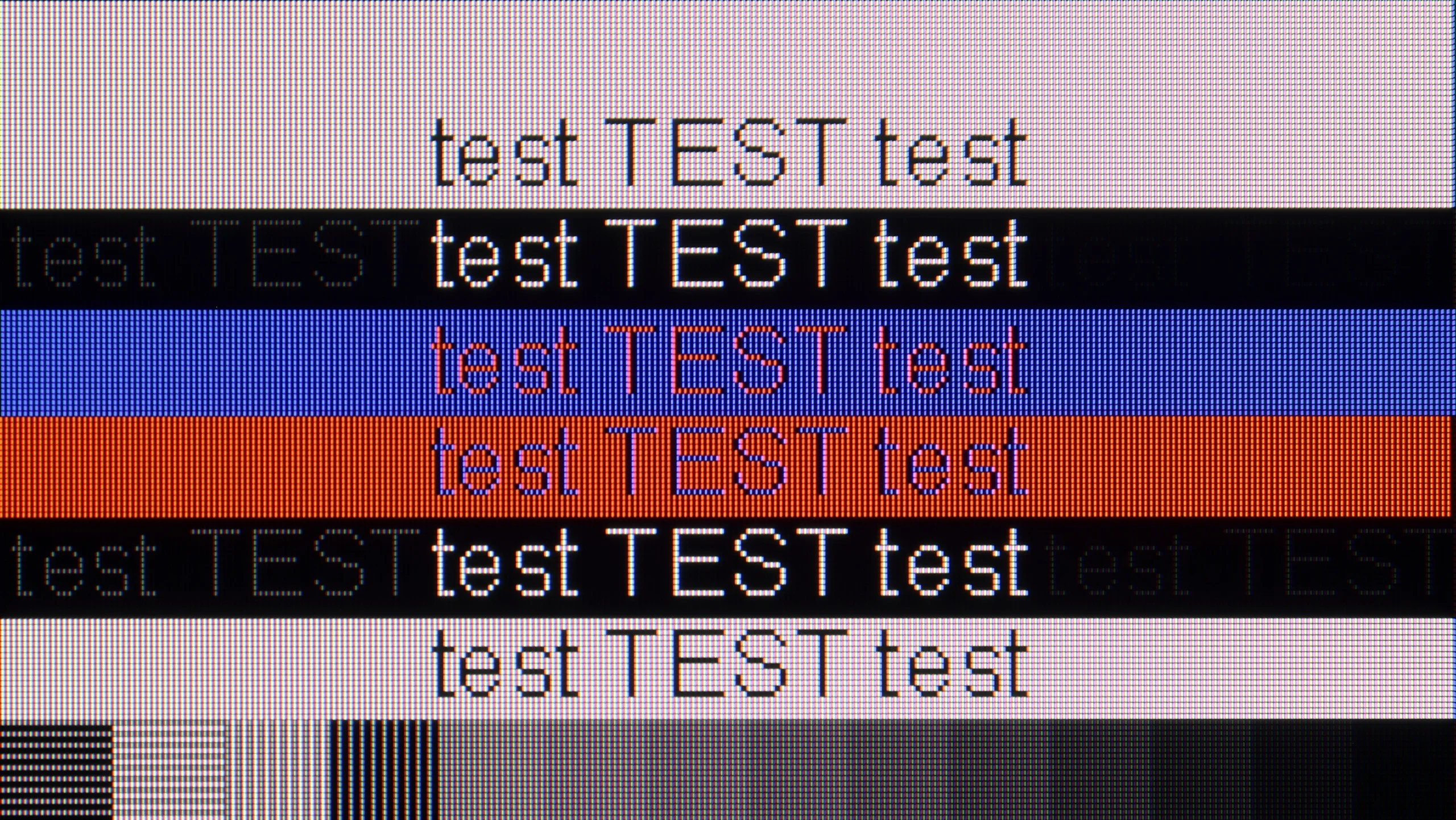
The photo shows the legibility of small fonts. Ideally, lines should be the same thickness on both light and dark text, with minimal pixel gaps.
LG B4 paired with a PC performs excellently due to its very low latency of just 13.5 ms, which is virtually instant response between the mouse, the eye, and the screen. A crucial aspect of working on a display is readability, which in the case of the tested television is very good. However, it's worth noting that to achieve sharp fonts, you need to enable the passthrough option in the settings.
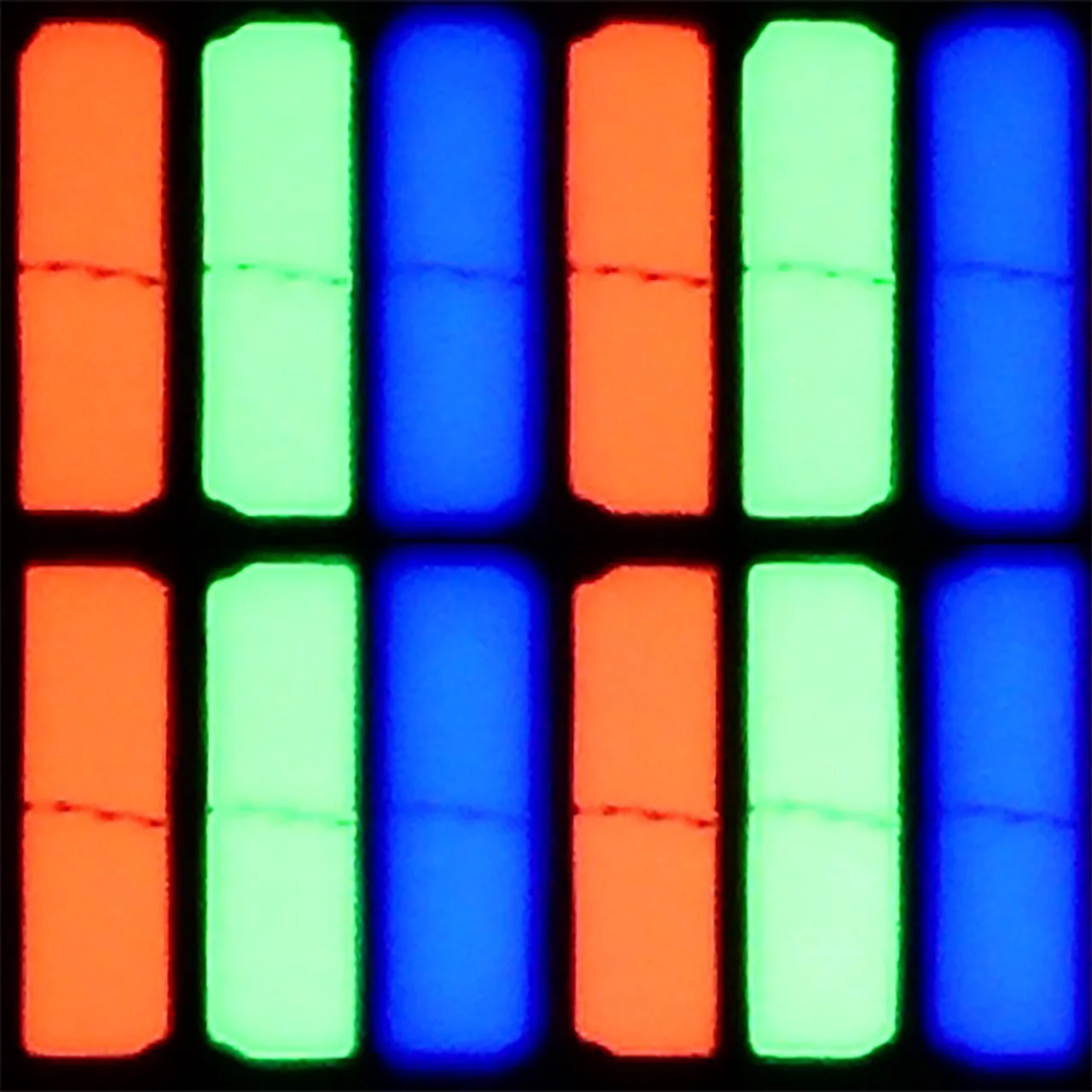
The RWBG pixel layout does not significantly affect the display of fonts or letters, which is a notable advantage over Samsung's QD-OLED matrices. Users of both Windows and macOS equipped computers will certainly be pleased with the performance on the tested television screen.
Bravia 2 II handles a computer very well, at least if you think of it as a screen for work. Thanks to its IPS panel and accurate 4:4:4 chroma reproduction, fonts are sharp and readable regardless of their size, shape or colour. That’s particularly good news for people considering the smaller variant and placing it on a desk instead of a classic monitor. It looks much worse, however, from a gaming perspective. The TV doesn’t offer 120 Hz, VRR or other features that would interest more demanding PC gamers. So it’s very good for office work or watching content from a computer, but as a gaming screen it has quite a few limitations.
Viewing angles
7.4/10
6.5/10
The undeniable advantage of OLED panels is their efficiency in group viewing, meaning from different angles. LG B4 maintains very good contrast, colour saturation, and fidelity. While it may not match organic TVs supported by MLA technology, it cannot be said that anyone who purchases the device has been dissatisfied with the results. However, it should be noted that at sharp angles, a slight greenish tint can be observed. This is a characteristic feature of WRGB panels from LG, without the aforementioned micro-lens technology, and unfortunately, there is nothing that can be done about it.
Viewing angles are one of the Bravia 2 II's stronger points. Thanks to the IPS panel, colours and brightness remain accurate for quite a while even when we’re not sitting directly in front of the TV. In this area Sony regains some of the points it lost earlier on black levels and contrast. As a result, the Bravia 2 II may be better suited to a larger living room or a room where some people watch the TV from the side, especially if it will mainly be used for everyday TV.
Daytime performance
5.7/10
4.8/10
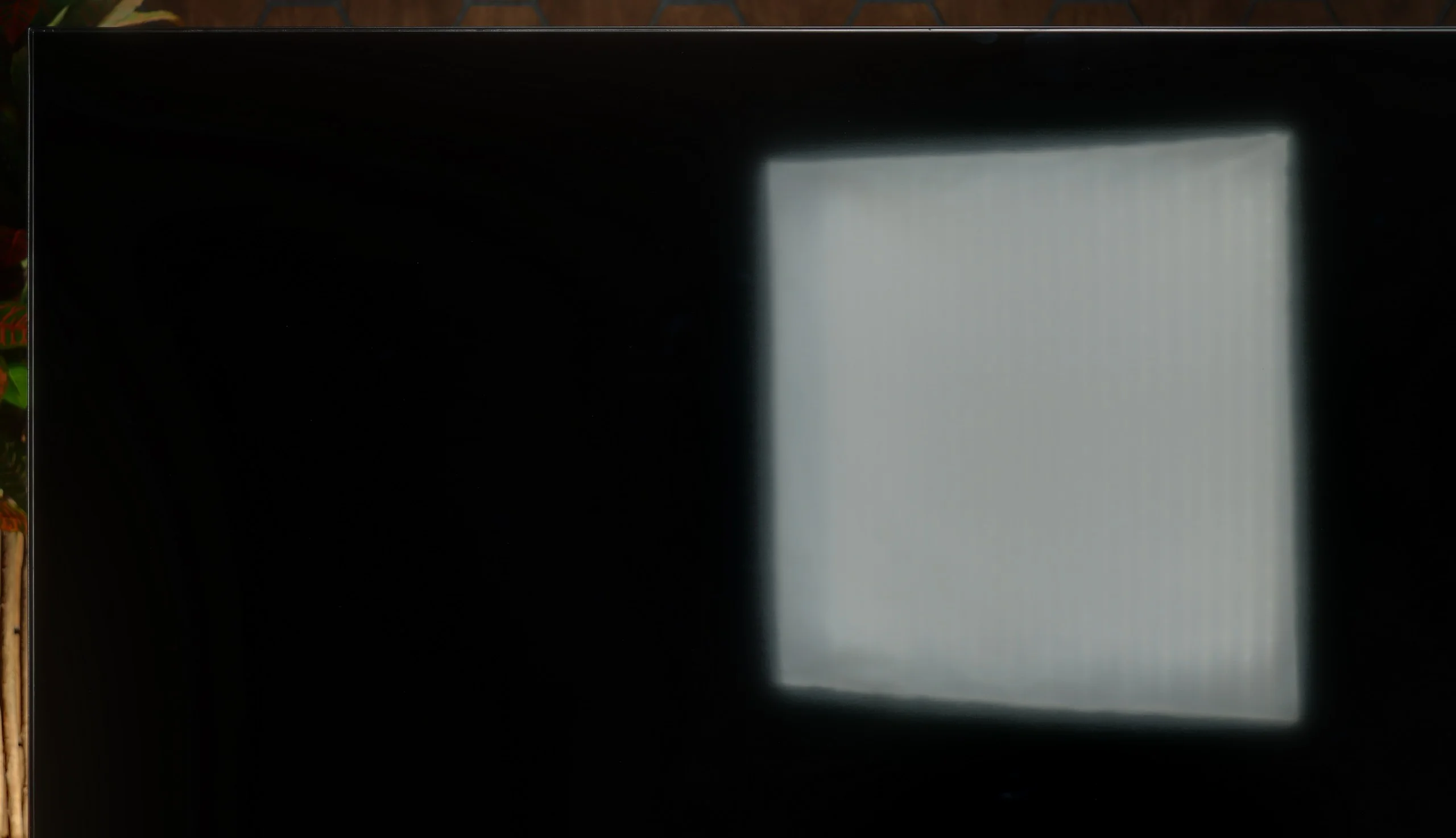
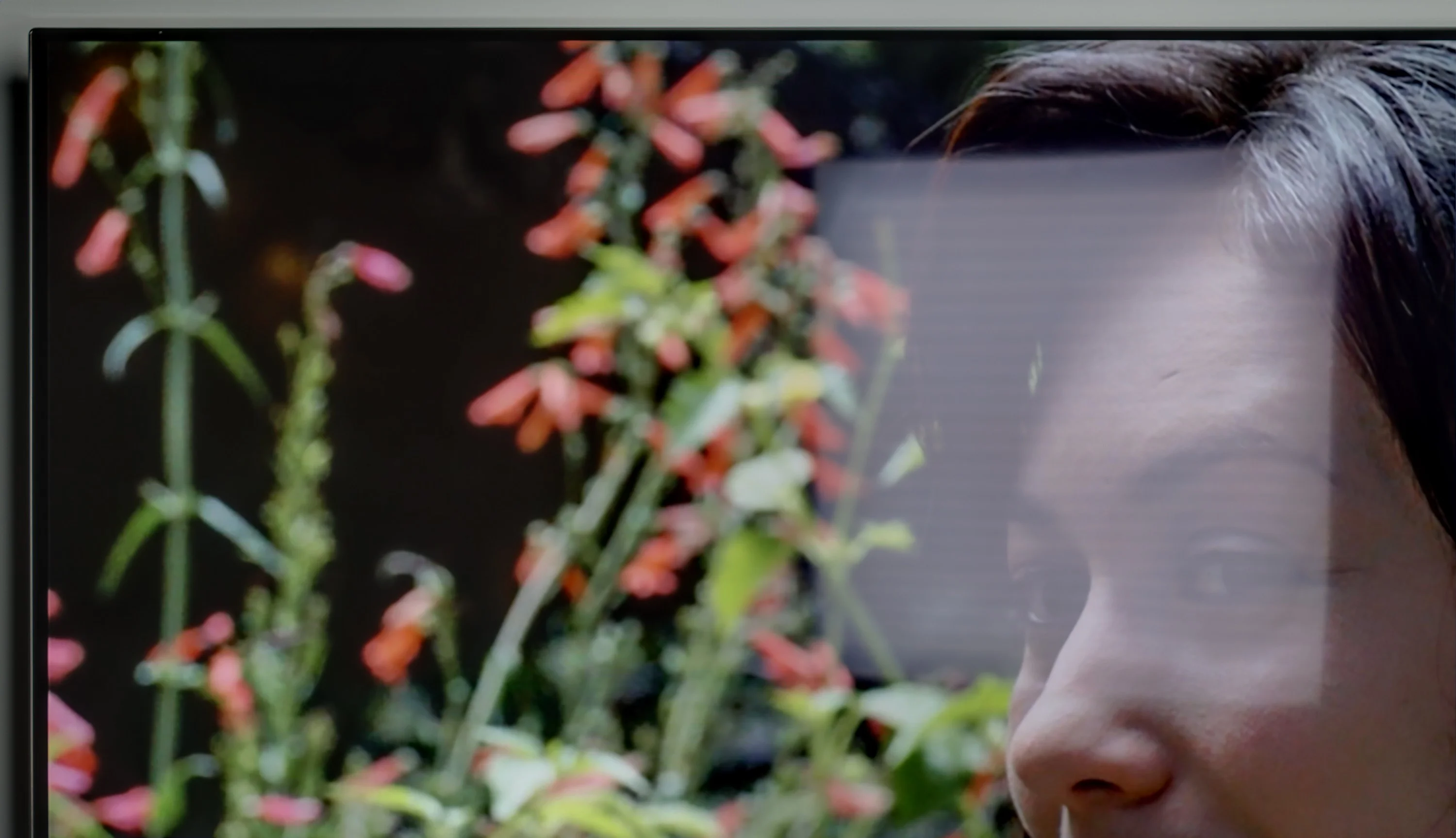
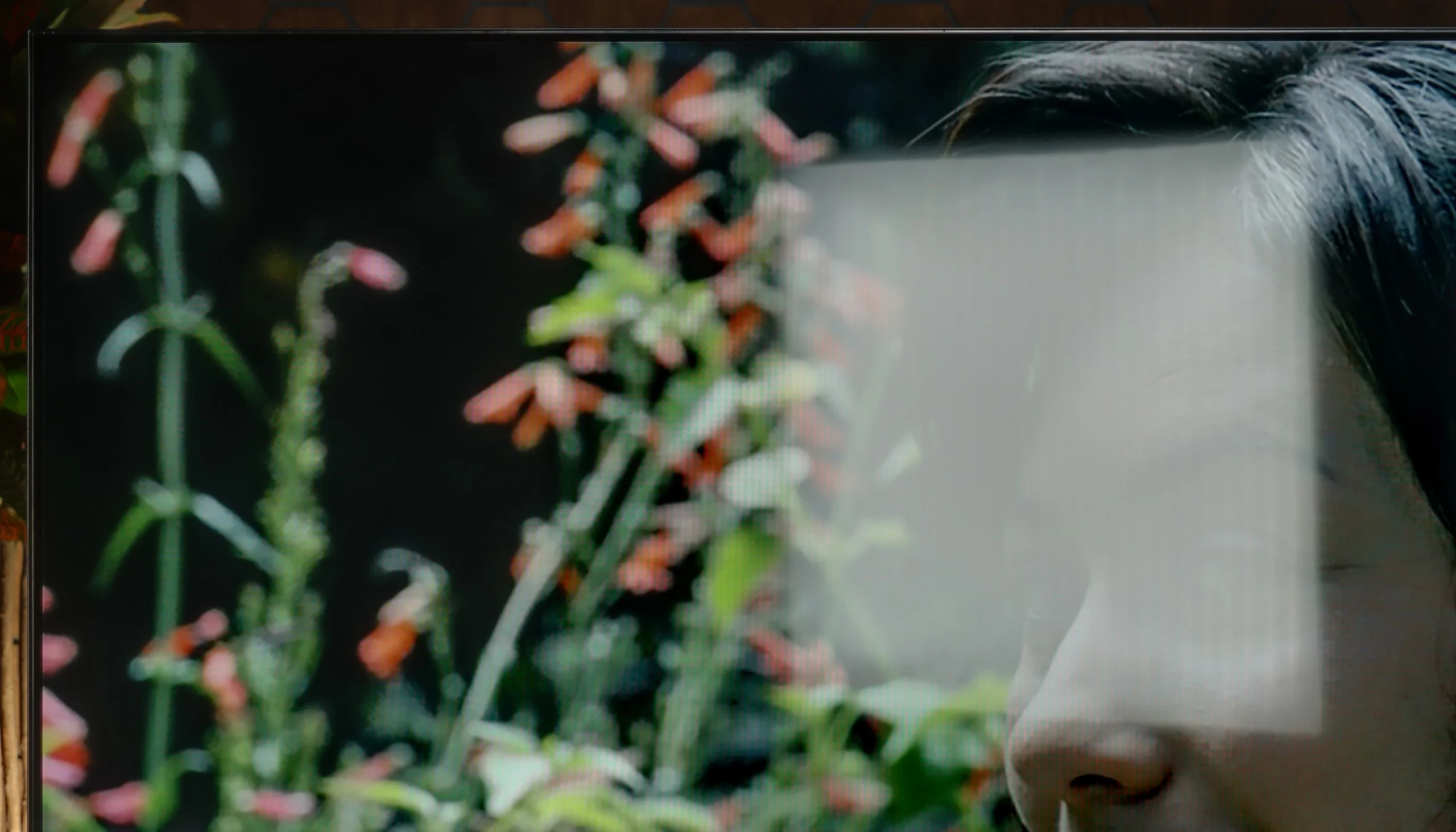
Panel brightness
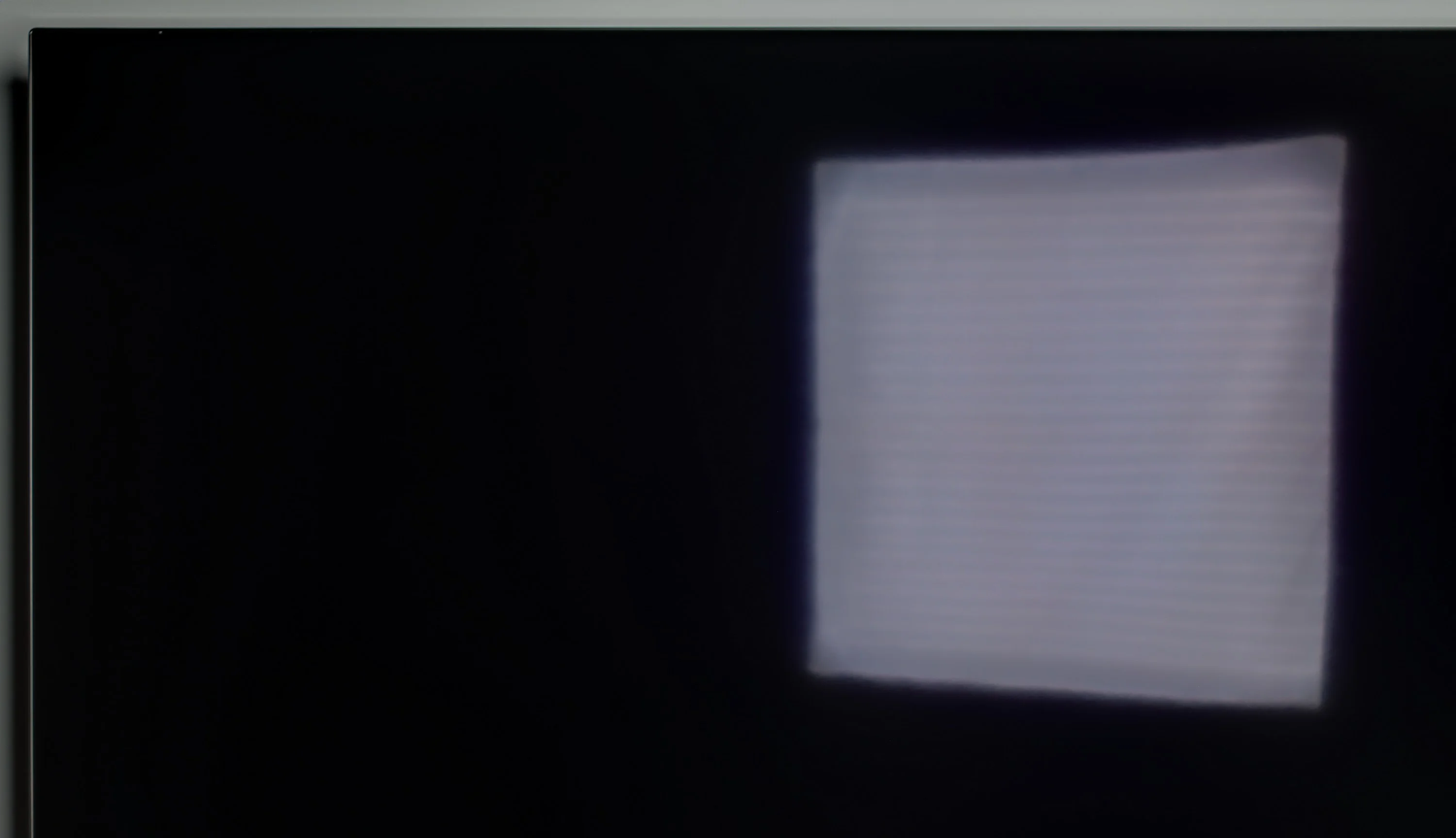
Sony BRAVIA 2 II (S25M2): 319 cd/m2
LG 55 B4: 374 cd/m2
The maximum brightness of the TV in SDR materials is 370 nits. For an OLED TV, this is a very good result, allowing for quite comfortable viewing during the day. There are two things worth noting. The first is the rather average handling of reflections caused by the satin finish of the panel, which means that direct light hitting the TV can be quite intrusive. The second issue is the screen brightness at 100% white fill, hovering around 260 nits, which is an outstanding result, as until recently, OLED TVs in this range could "boast" a brightness two times lower. This means that conditions for watching, for example, winter sports, will be very good.
In daylight the Bravia 2 II performs rather average. Brightness of around 320 nits doesn’t leave much headroom, but in a typical, moderately bright living room it’s still enough to keep the picture readable. The screen’s matte coating does a decent job of reducing reflections, though it can’t eliminate them entirely. With strong light falling directly on the screen, there’s simply not enough brightness to effectively cut through the glare. So it will be fine for ordinary daytime viewing, but in a very bright room with lots of windows you may start to notice the limitations of this model.
Panel details
Subpixel Structure:
Panel uniformity and thermal imaging:


LG 55 B4
Sony BRAVIA 2 II (S25M2)
TV features
8.9/10
6.6/10
- SystemWebOSGoogle TV
- System performanceGoodDecent
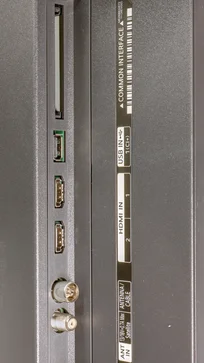
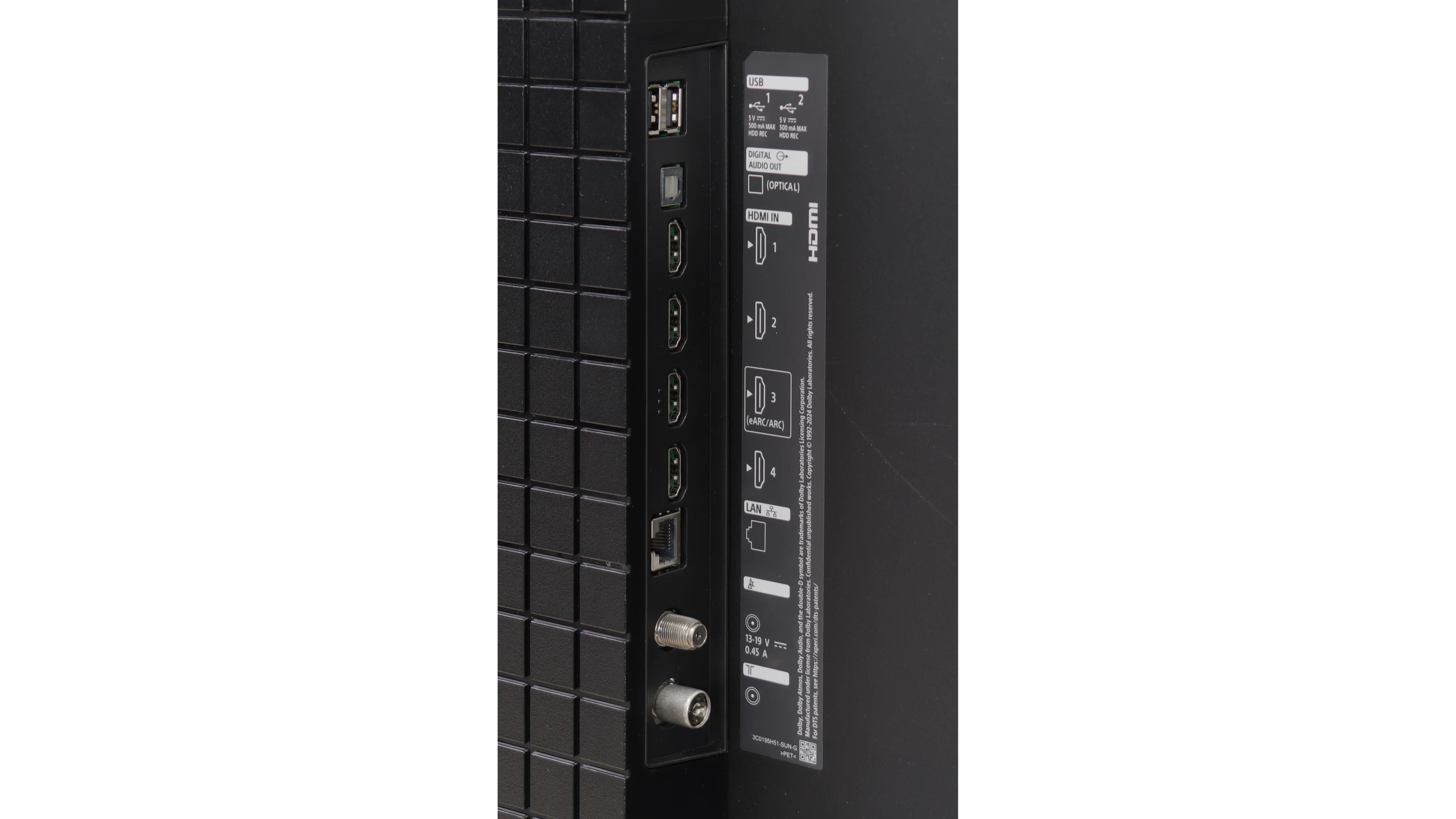
- HDMI inputs0 x HDMI 2.0, 4 x HDMI 2.1 48Gbps4 x HDMI 2.0, 0 x HDMI 2.1
- OutputsToslink (Optical audio), eARC (HDMI), ARC (HDMI)Toslink (Optical audio), eARC (HDMI), ARC (HDMI)
- Network InterfacesWi-Fi 2.4GHz, Wi-Fi 5GHz, Ethernet (LAN) 100MbpsWi-Fi 2.4GHz, Wi-Fi 5GHz, Ethernet (LAN) 100Mbps
- TV receptionDVB-T, DVB-T2, DVB-S, DVB-S2, DVB-CDVB-T, DVB-T2, DVB-S, DVB-S2, DVB-C
Classic features:
- Recording to USB (terrestrial TV)
- Recording programming
- Picture in Picture (PiP)
- RF remote control (no need to aim)
- Backlit remote control
- Teletext
- Audio only mode
- Bluetooth headphones support
- Simultaneous Bluetooth headphones & TV audio
Smart features:
- AirPlay
- Screen mirroring (Windows Miracast)
- Voice search
- Voice search in native language
- Ability to connect a keyboard and mouse
Sound connection options
- HDMI audioeARC (HDMI), ARC (HDMI)eARC (HDMI), ARC (HDMI)
- Other audio outputsToslink (Optical audio)Toslink (Optical audio)
- Wireless audioBluetoothBluetooth
Supported audio formats (external HDMI eARC audio):
- Dolby Digital Plus 7.1
- Dolby True HD 7.1
- Dolby Atmos in Dolby Digital Plus (JOC)
- Dolby Atmos in Dolby True HD
- DTS:X in DTS-HD MA
- DTS-HD Master Audio
Senior accessibility
- Numeric keyboard on TV
- Font size adjustment
- Audio description
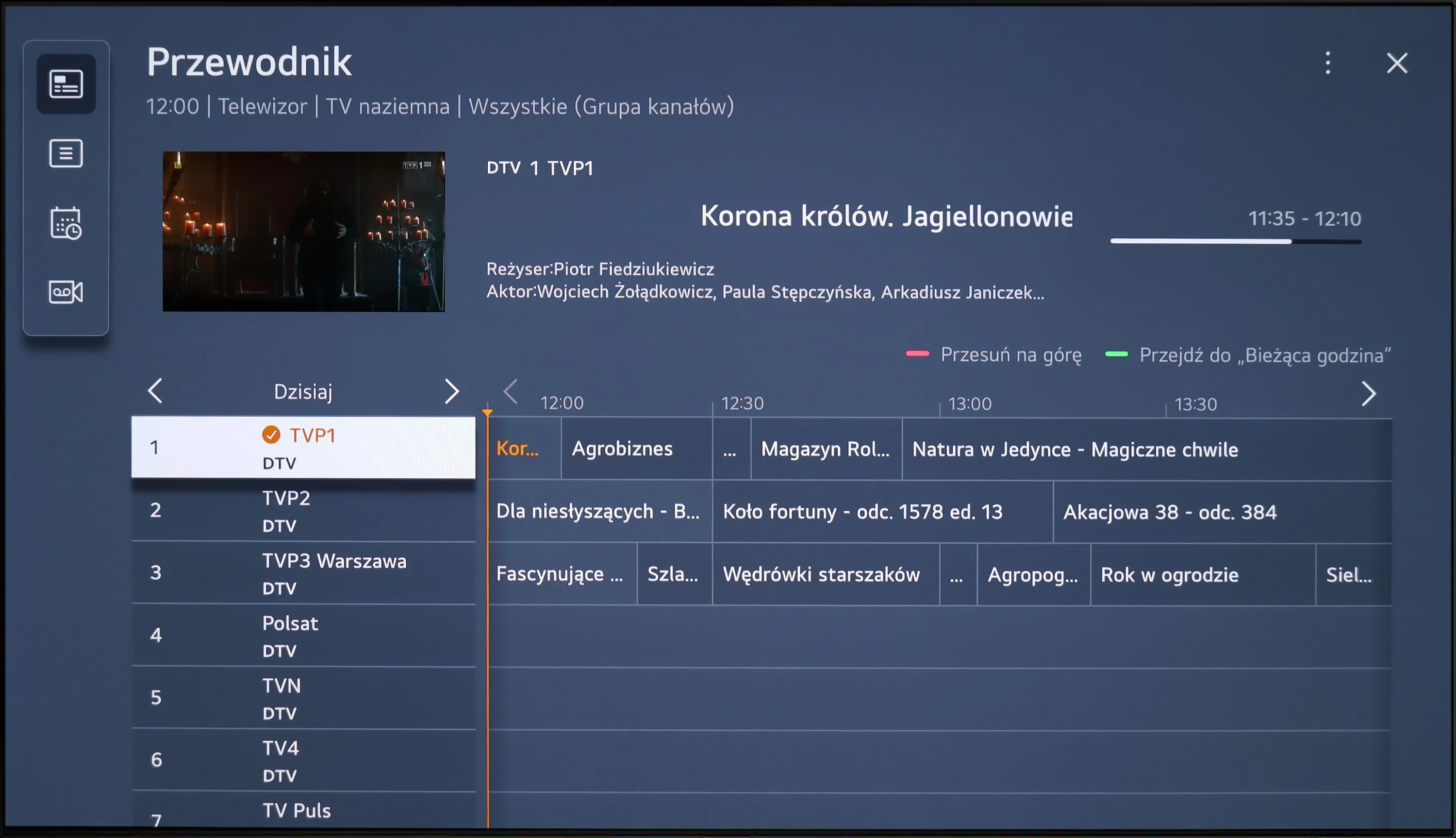
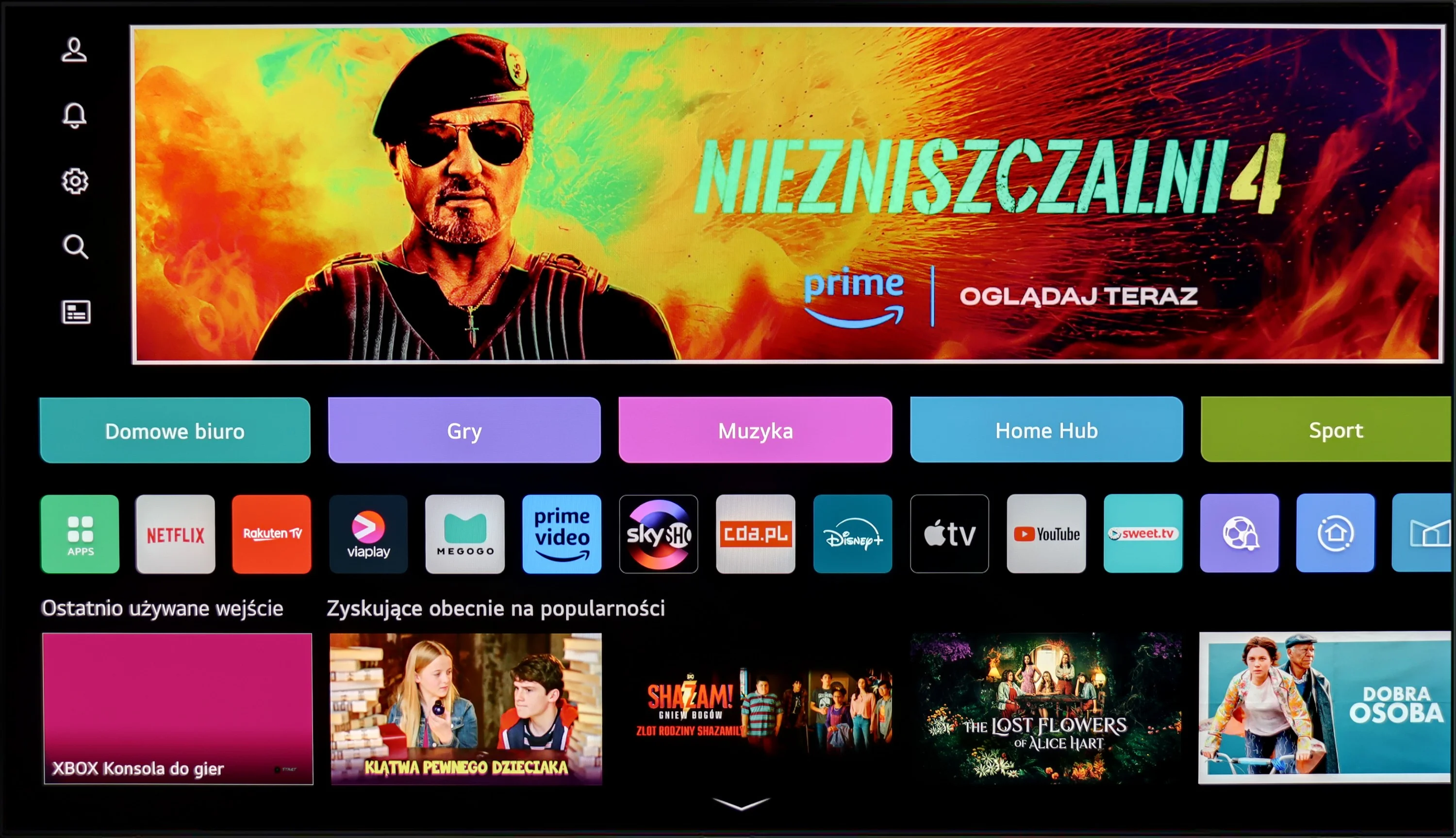
LG B4 uses the well-known proprietary WebOS system that has been around for many years. The system itself offers virtually all the most important applications, and those that are missing can be counted on one hand, such as CDA or KODI.
WebOS also features a highly valued ability to perform operations using a cursor that appears when the remote is in motion. The convenience of such a function is invaluable when entering queries or passwords for portals. WebOS, like most systems, also supports features such as screen mirroring, AirPlay, voice search in Polish, and the ability to connect headphones via Bluetooth. More down-to-earth things, WebOS allows us to use headphones and the TV's speakers simultaneously, which will surely be a great assistance for people with hearing disabilities. Among the more interesting features that will primarily appeal to sports fans, there is the option to turn on an alert informing about an upcoming match, ensuring that we never miss a broadcast. The home panel also deserves praise, allowing control of all smart devices connected to the home network. For example, the end of a washing cycle will be signalled by a notification in the top right corner.
In summary, the WebOS system, although less known and having certain limitations compared to Android TV, offers stable and fast operation and supports most features that users might need. It is a solid solution for those looking for a simple and effective operating system in a television.
Google TV
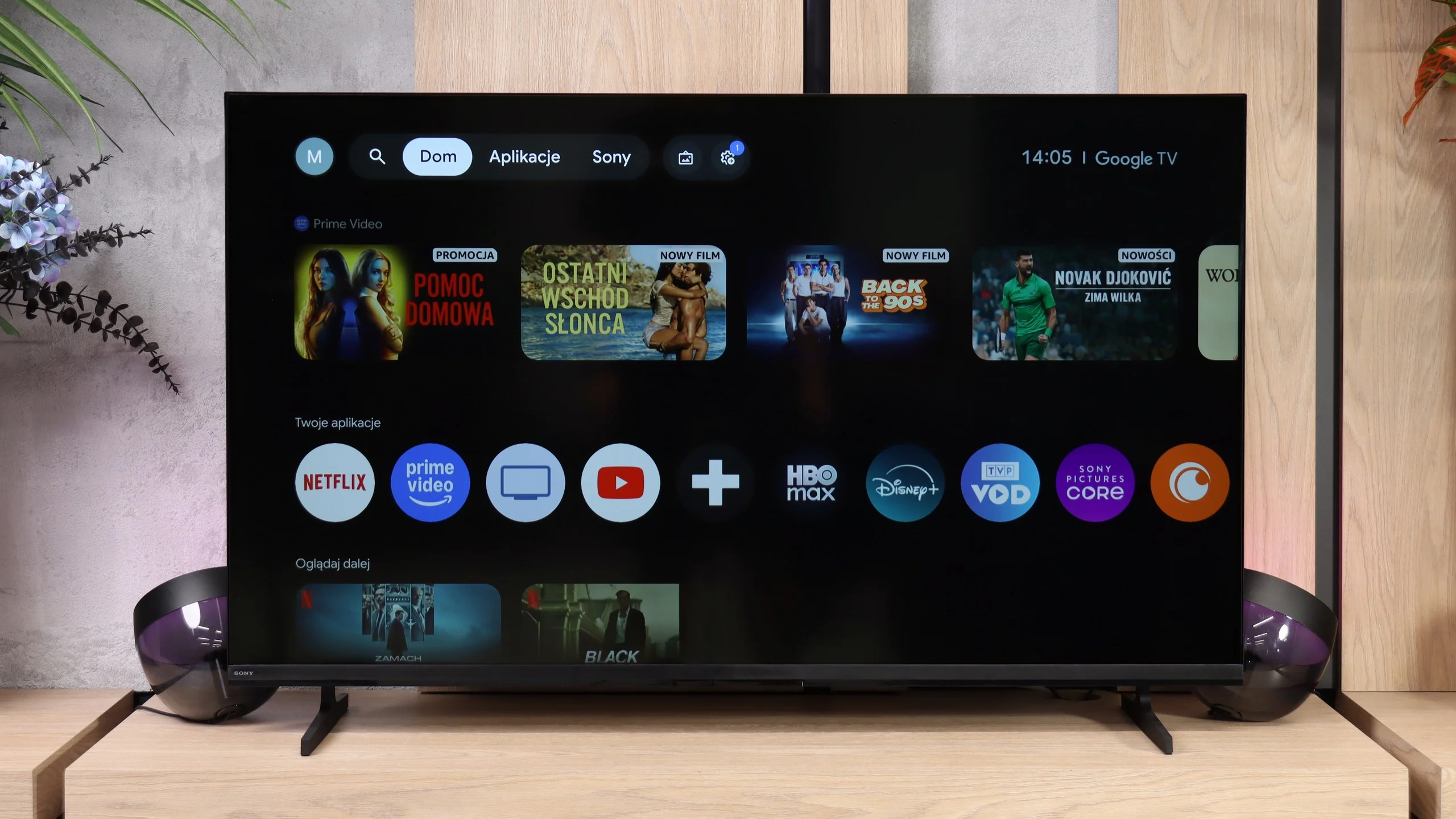
Bravia 2 II runs Google TV, which is definitely one of this model's stronger points. First and foremost, you get a huge range of apps, so accessing popular streaming services is no problem. It also has Chromecast and AirPlay, making it easy to cast content from your phone or other devices. Voice search with Google Assistant/Gemini works very well, including in Polish. The system itself isn't the fastest version of Google TV we've used, and you sometimes have to wait a moment for a response, but overall it performs decently. In terms of features it's hard to complain — especially for one of Sony's more affordable TVs.
Funkcje telewizyjne
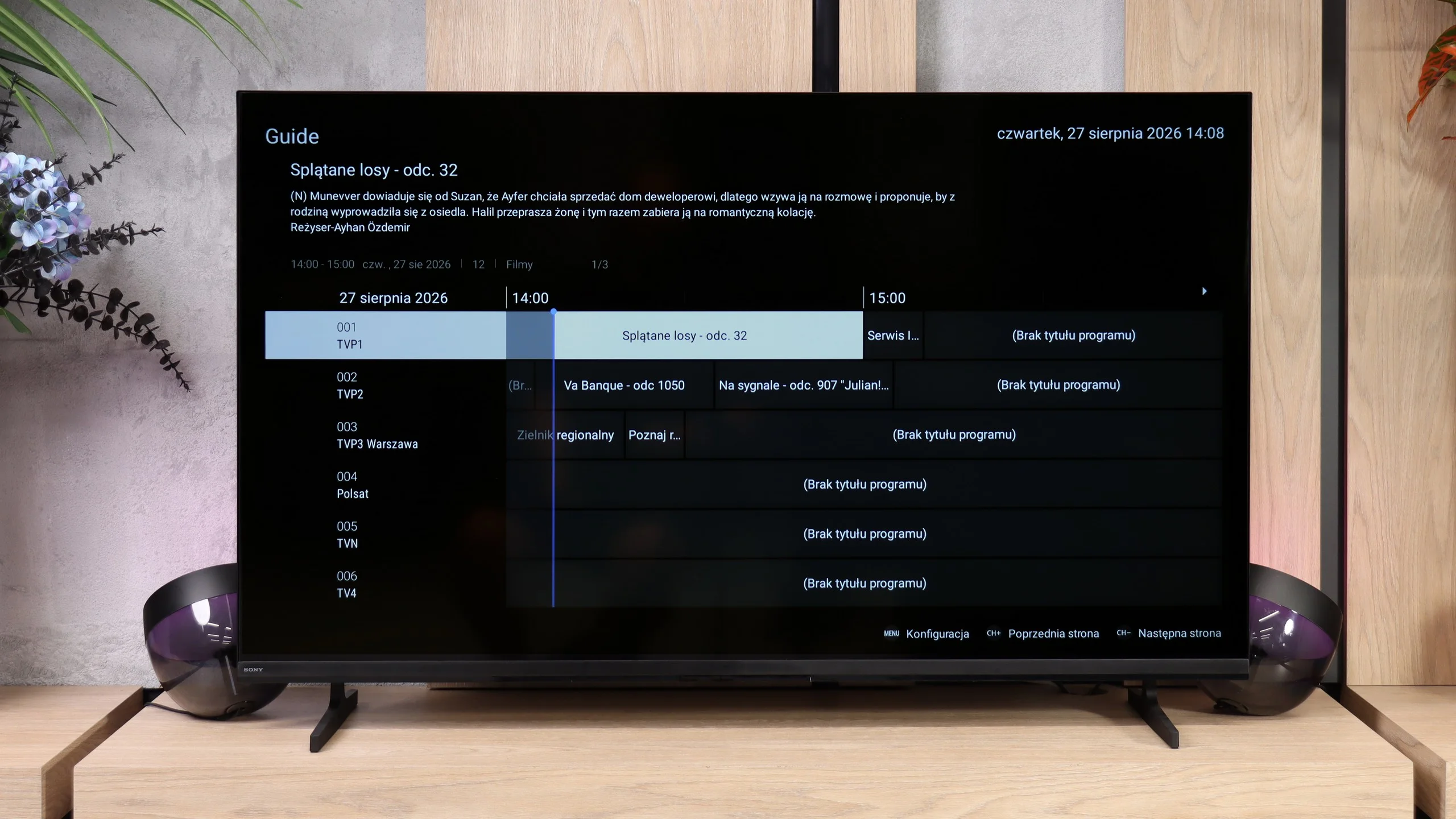
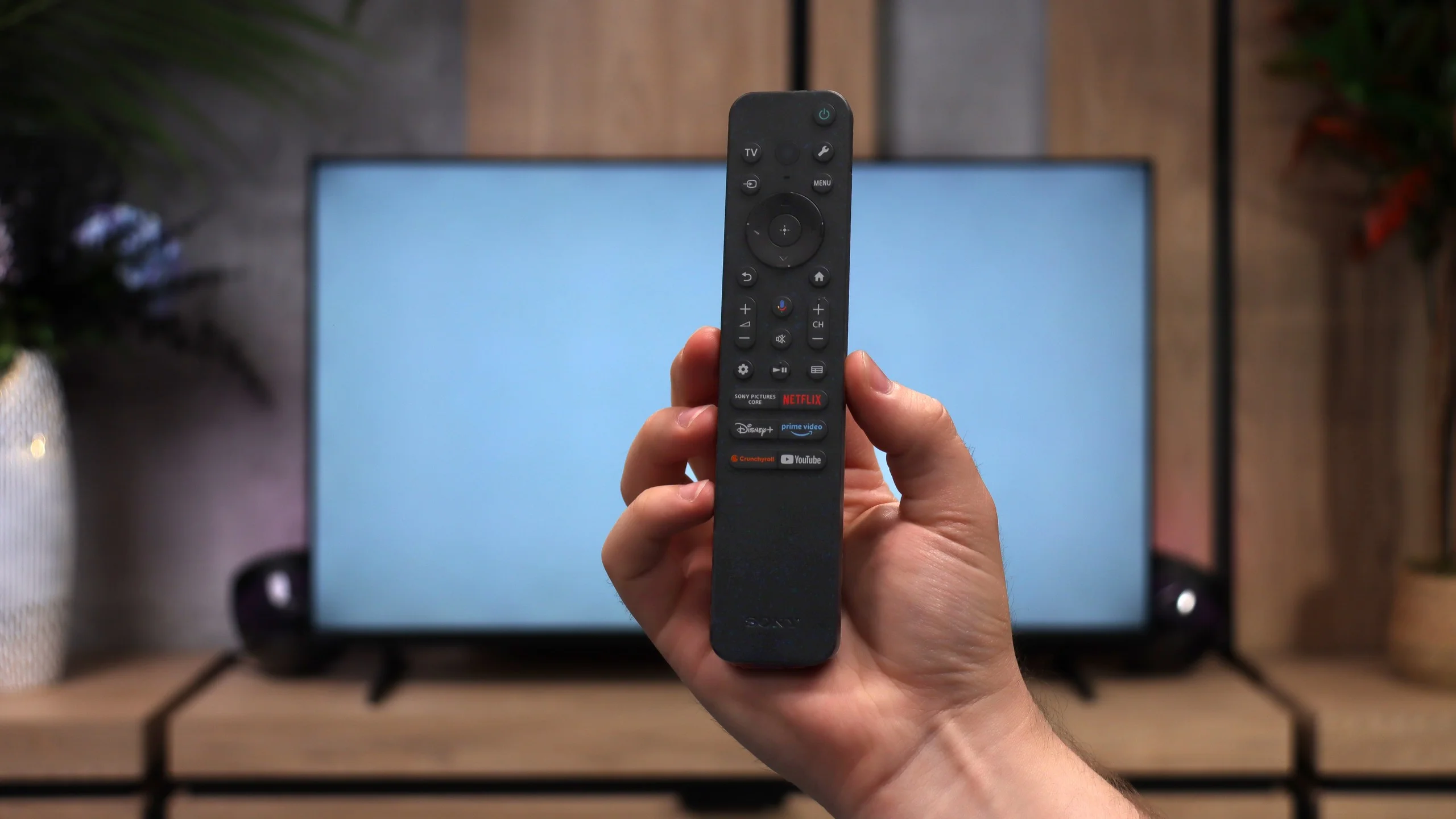
When it comes to traditional TV features, the Bravia 2 II is rather modest. For example, there's no recording to USB or other more advanced extras, so in that respect it's fairly basic. A plus is the inclusion of two remotes. One is modern and simpler, mainly for using the Smart TV, while the other is a classic remote with more buttons, which may be more convenient for people who often watch regular TV. The smaller one works via radio, so you don't have to point it directly at the screen, which is simply more convenient in everyday use.
Apps
9.1/10
9.6/10






















Playing files from USB
8.5/10
9.4/10
Supported photo formats:
Maximum photo resolution:
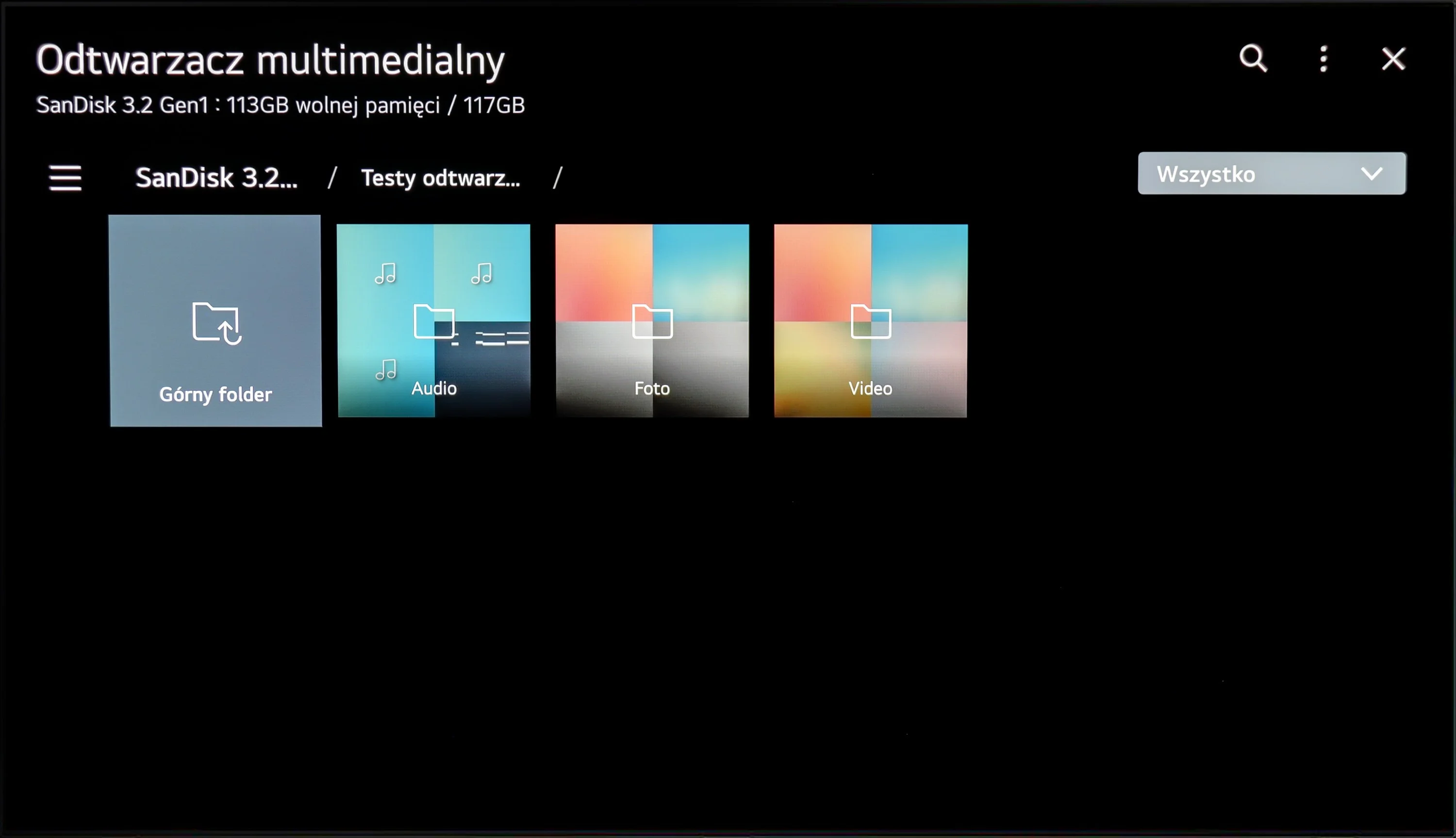
The default file player in LG B4 definitely handles most photos quite well, although it's surprising that some equally popular ones are missing. We can successfully play videos recorded in practically all the most popular formats, including Dolby Vision. The only codec that LG B4 won’t play is H.266 VVC, although this is currently rather unused. However, it’s worth noting the supported photo formats, which are just two: JPEG and PNG. Apple phone users may feel disappointed by the lack of support for the HEIC format, which is the default format when taking photos. The remedy for this is to use the built-in AirPlay feature. We should also mention the lack of TXT subtitle support.
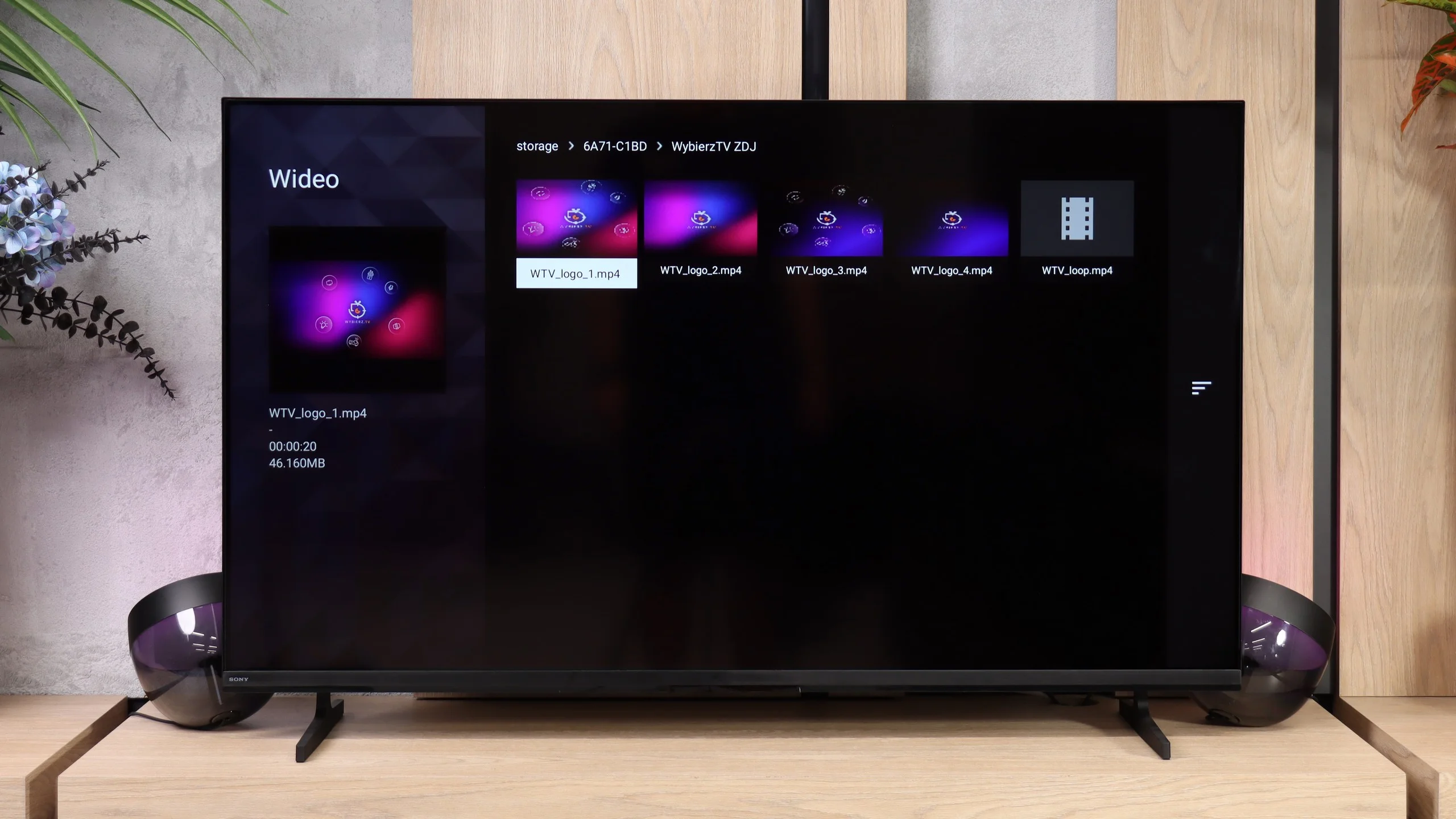
The built-in file player performs very well. The Bravia 2 II opens almost everything you throw at it, from common video files and subtitles to photos and music. Importantly, it also handles more demanding 4K material encoded in HEVC or AV1. Of course, there are a few isolated formats the TV doesn’t support, such as VVC or some less common audio and image files. These are things few people will try to play directly on the TV.
Sound
7.1/10
6.1/10
- Maximum volume-92dB
- Dolby Digital Plus 7.1
- Dolby True HD 7.1
- Dolby Atmos in Dolby Digital Plus (JOC)
- Dolby Atmos in Dolby True HD
- DTS:X in DTS-HD MA
- DTS-HD Master Audio
The audio system built into the LG OLED B4 can be considered quite decent. We can say that it holds up fairly well in its price range. The bass is quite noticeable, but it doesn't overpower the other frequencies. It can be said that the sound is reasonably well balanced. We believe that those opting for this class of display are, or will be, in possession of an appropriate audio system. Therefore, the presence of DTS-HD Master Audio and Dolby Atmos codecs is not insignificant.
Sound in the Bravia 2 II is simply adequate for an entry-level TV. It’s more than enough for watching regular TV, like the news, but as with this type of design it mainly lacks bass. You notice it quite quickly with music and even more in action films, where explosions and other heavy effects lack real weight. Sony does deserve praise for its audio format support. When you connect a soundbar or a home theatre system, the TV will pass the key formats over eARC with no trouble, including Dolby Atmos, Dolby TrueHD, DTS-HD Master Audio and DTS:X. It’s especially welcome to see DTS included, which can’t always be taken for granted on rival TVs, even the pricier models.
Sound Quality Test
No sound test video
Acoustic Measurements
No acoustic data
92dBC (Max)
75dBC
Reader comments
Comments are provided by the external service Disqus (Zeta Global). Once loaded, Disqus may set cookies and process data about your activity.
We will remember your choice on this device. Provider's privacy policy