 Direct comparison
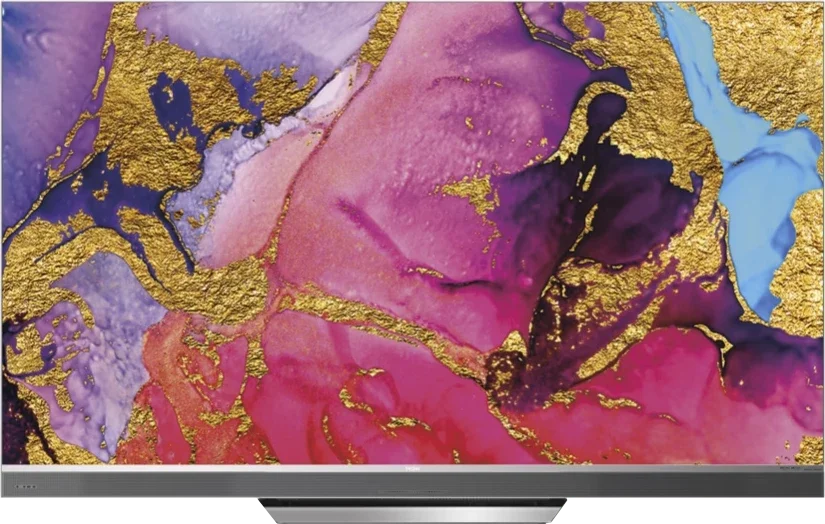
Haier M95E is on paper a television that looks like the dream come true for every bargain hunter. When we look at the specifications – a Mini LED panel with hundreds of zones, a massive brightness exceeding 1500 nits, a QLED 144Hz matrix, phenomenally low input lag, and sound branded by Harman Kardon – everything screams "flagship!". So we are dealing with a device that theoretically should take on the most expensive players in the market. Unfortunately, if you read our review carefully, you'll need to pay close attention because you'll notice one word that repeats almost in every paragraph: "but...". And it is this word that perfectly sums up this model. M95E is a television of gigantic contradictions and wasted potential, where almost every advantage is brutally countered by a fundamental flaw in the software. So we have hundreds of dimming zones, but the algorithms controlling them create a distracting disco on the screen. We have phenomenal HDR brightness, but the television completely struggles with tone mapping and burns out details. We have an ultra-fast, non-tearing 144Hz matrix, but motion smoothness improvement systems for movies practically do not exist. We have an excellent package for gamers, but without HGiG and with font display issues. Finally, we have amazing sound, but packaged in a clunky and irritating Smart TV system. That is exactly why the Haier M95E is such a frustrating device. It’s a story about fantastic hardware that lacked the final, most important polish – refined software.
- Matching (Score) |
- Our verdict |
- TV appearance |
- Where to buy |
- Contrast and black detail |
- HDR effect quality |
- Factory color reproduction |
- Color reproduction after calibration |
- Smoothness of tonal transitions |
- Image scaling and smoothness of tonal transitions |
- Blur and motion smoothness |
- Console compatibility and gaming features |
- Input lag |
- Compatibility with PC |
- Viewing angles |
- Daytime performance |
- Panel details |
- TV features |
- Apps |
- Playing files from USB |
- Sound
M95 / M95EUX
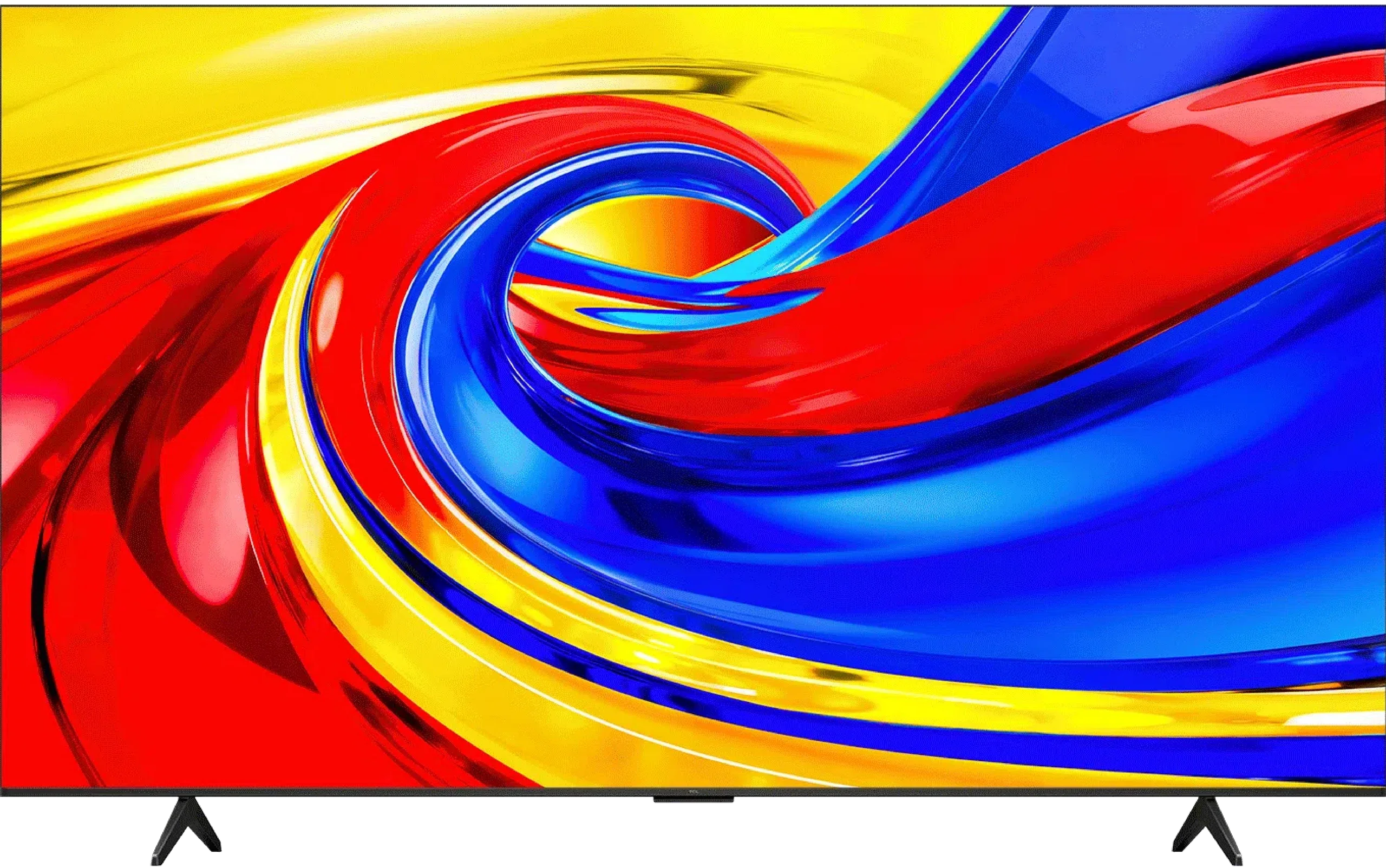
P7L / P79L

Available screen sizes: 65”
Panel type: LCD VA
Resolution: 3840x2160
System: Google TV
Model year: 2025
Complete the survey to find out the result
Panel type: LCD VA
Resolution: 3840x2160
System: Google TV
Model year: 2026
Complete the survey to find out the result
Overall rating
7.3
6.3
 Movies and series in UHD quality
6.9
5.8
 Classic TV, YouTube
6.1
6.0
 Sports broadcasts (TV and apps)
5.6
5.7
 Gaming on console
8.0
7.3
 TV as a computer monitor
6.6
5.8
 Watching in bright light
8.5
5.2
 Utility functions
6.3
7.0
 Apps
9.6
9.6
 Sound quality
9.2
6.2
Complete the survey to find out what fits your preferences
Advantages

Phenomenal sound: Built-in audio system from Harman Kardon
Very high brightness: up to 1700 nits
Good panel for gaming and sports: 144Hz, low motion blur
Low input lag: below 10 ms (at 120Hz)
Complete gaming package: Two HDMI 2.1 ports, support for 4K@144Hz, VRR (G-Sync) and ALLM provide a solid foundation for consoles and PCs
Excellent tonal smoothness: The TV handles gradients and colour transitions beautifully
Wide colour gamut (QLED): 96% DCI-P3 coverage ensures vibrant and rich colours
Support for Dolby Vision and HDR10+
Good contrast thanks to a VA panel
Rich colours: QLED (PFS)
Support for Dolby Vision and HDR10+
Audio format support: Dolby Atmos and DTS:X
Advanced gaming features: VRR, ALLM
Low input lag
120Hz support at lower resolutions
Google TV with a wide selection of apps
Disadvantages

Very underdeveloped dimming algorithms are the biggest drawback. The Mini LED zones "dance" on the screen.
Clunky functioning Google TV system: The entire interface operates slowly, has annoying stutters, and sometimes experiences errors.
Non-functioning motion smoothing in movies.
Average performance with PC: At 120Hz and 144Hz, the TV struggles with sharp font rendering.
Very high price for the current state of the product.
Low brightness
Poor viewing angles
Average sound quality
Our verdict
The TCL P7L is a solid budget TV that shows you can get more than just a basic screen for a relatively low price. It doesn't match pricier Mini-LEDs or OLEDs, but in its class it has plenty to offer. Its VA panel delivers decent blacks and contrast, so evening viewing doesn't look as flat as on many cheap IPS models. Colours also look good after calibration. For watching movies and TV shows it's a very capable base, and Google TV gives access to a wide selection of apps and streaming services. The biggest surprise is its gaming abilities. The P7L responds quickly to controller input, supports VRR and automatically switches into game mode. It even offers Dolby Vision Gaming and a Game Bar with settings at hand. What's more, by dropping the resolution to 1080p or 1440p you can play at 120 Hz. In 4K it’s limited to 60 Hz, so you have to choose between finer detail and smoother motion, but it's great to have that choice at this price.
TCL also handles lower-quality source material quite well. Lower-resolution content looks acceptable, and the banding reduction (smoothing tonal transitions) really helps cut visible bands between shades. Its HDR handling is also commendable. The TV sensibly maps content to its capabilities and tries to preserve highlight detail instead of turning bright areas into blobs of white. Dolby Vision helps further, often producing noticeably better results than HDR10. That doesn't mean the HDR effect is awe-inspiring. The P7L's biggest limitation is brightness. Small highlights and reflections lack the punch you'll see on more expensive screens, even if their detail remains visible. For the same reason the TV struggles in a brightly sunlit living room. It performs much better in a moderately lit room.
So the P7L has its limits, but it's hard to argue with its value for money. It's fine for everyday viewing, doesn't restrict your choice of apps and gives surprisingly generous freedom for gaming. If you're after an affordable TV and can accept its flaws, the TCL P7L is a model worth considering.
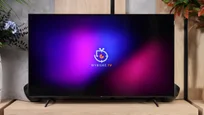
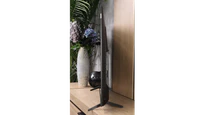
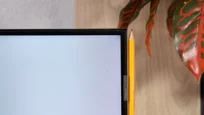
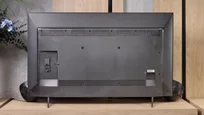
TV appearance



Contrast and black detail
6.8/10
6.1/10
Local dimming function: Yes, number of zones: 576 (24 x 24)
Local dimming function: No
Contrast:


Result
152,100:1

Result
36,400:1

Result
37,800:1

Result
13,850:1

Result
5,350:1
Result
7,550:1
Result
7,350:1
Result
5,150:1
Result
6,600:1
Result
4,250:1
Halo effect and black detail visibility:
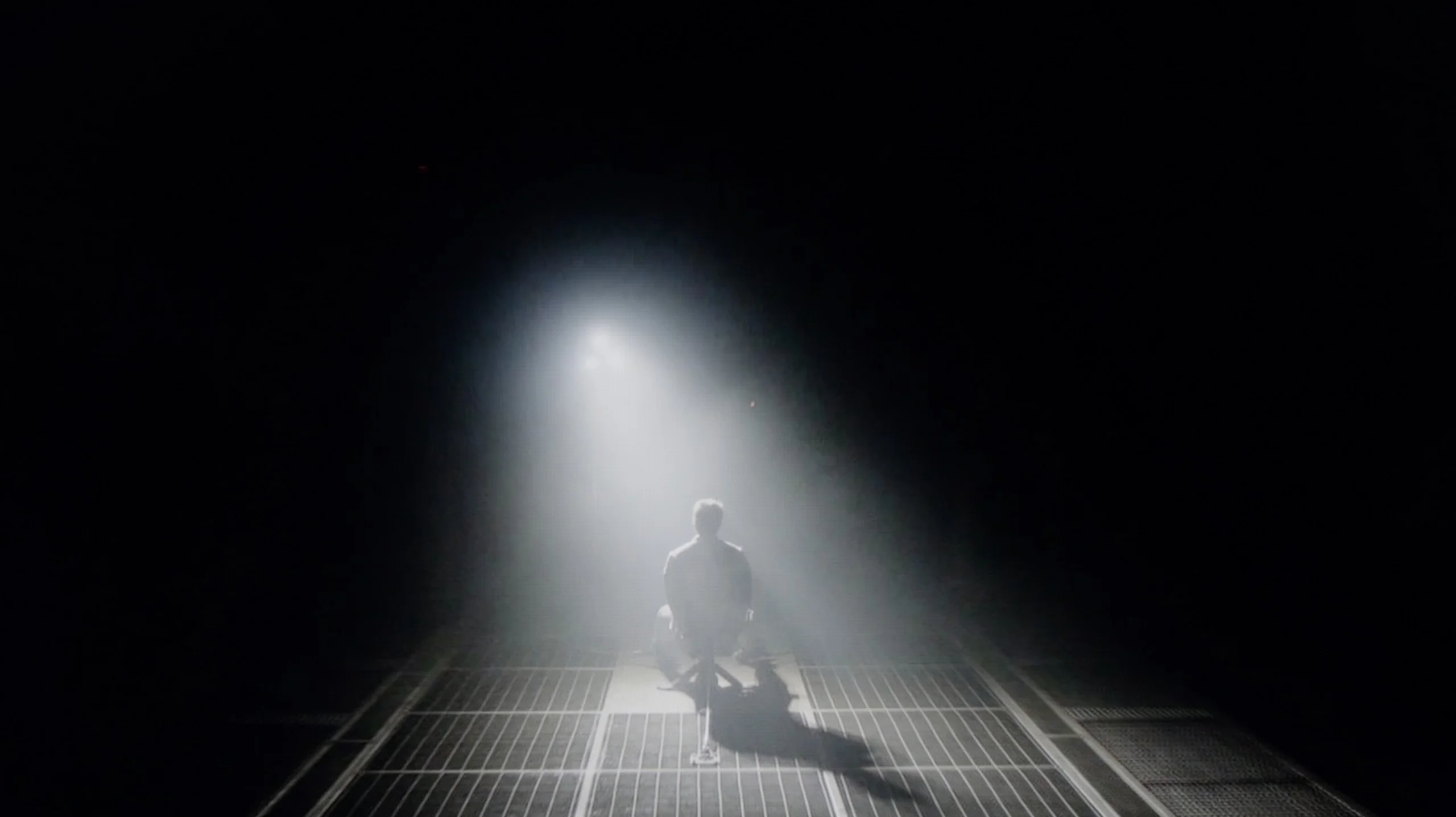
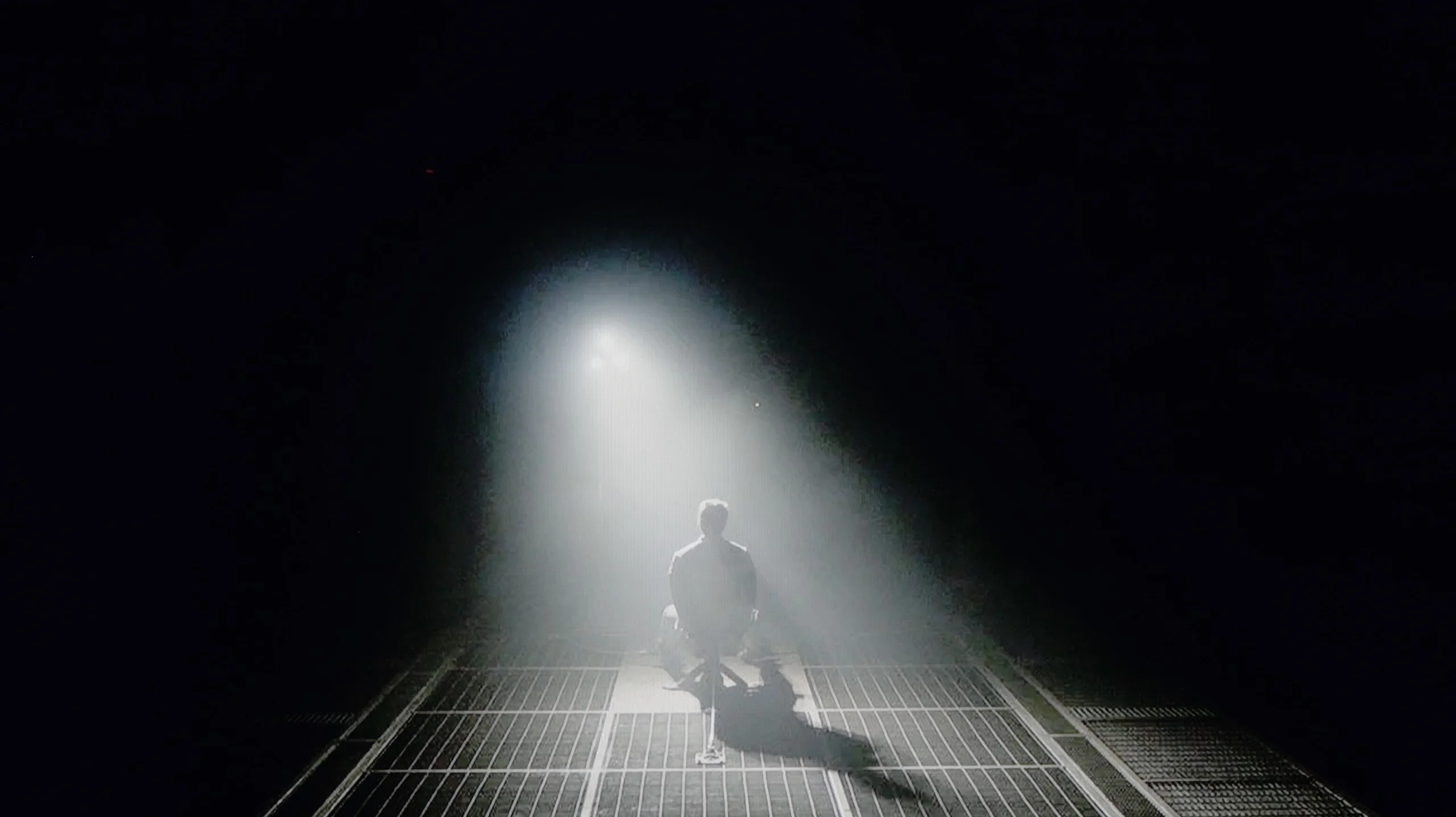
Check the visibility of bright lights on a dark background. Mini-LEDs often struggle with this. The photo does not compare black levels – that’s what the video below is for.
Getting to the point, which is the evaluation of black levels and contrast, we need to start with the specifications that truly impress on paper. The Haier M95E is a Mini LED design, armed with an impressive array of 576 independent dimming zones in its 65-inch version (a symmetrical layout of 24x24). When we combine this technology with a VA panel, known for its native deep blacks, our expectations for image quality immediately rise. And indeed, as long as we feed the TV with static test patterns, everything looks phenomenal. The contrast measurements are so remarkable that the M95E almost throws down the gauntlet to the most expensive players in the market. Unfortunately, this enthusiasm lasts only until we switch on the first random movie material.
As soon as motion appears on the screen – and we're not even talking about wild chases, but just ordinary dialogue or camera pans – a fundamental weakness of the unfinished backlighting algorithms becomes apparent. If you remember our tests of the Xiaomi S MINI-LED 2025 model, history is dangerously repeating itself. The dimming zones seem to have a life of their own, hosting a sort of "light disco." Chaotic flashes and visible pumping of the backlight are unfortunately very distracting and pull you out of the viewing experience, creating a massive HALO effect. Importantly, we conducted the tests on the "High" dimming setting. It turned out that in our unit, this was the only mode in which the zones actually performed sensibly with HDR content without causing a drastic drop in overall brightness. All of this leads to one conclusion: The M95E has enormous but completely untapped hardware potential. It clearly lacked hours spent fine-tuning the software, which forced us to lower the score in this crucial category.
The TCL P7L can surprise with quite respectable blacks, mainly thanks to its VA panel. The panel itself offers contrast of around 4500:1, clearly better than typical IPS screens. The TV also uses global backlight control, so in darker scenes it can drive black levels even lower, and in our measurements it produced results that exceeded the panel's native capabilities.
However, this is not the local dimming seen on Mini LED TVs. The P7L can't dim small parts of the image separately, so when a bright element appears the whole backlight has to run at a similar level. In more demanding scenes the difference compared with models that have zoned dimming becomes apparent fairly quickly, and in a completely dark room blacks can tend to take on a navy tint. Despite these limitations we rate the P7L's overall contrast positively, especially given the segment it occupies.
HDR effect quality
6.8/10
4.5/10
Luminance measurements in HDR:

Result
1147 nit

Result
629 nit

Result
1025 nit

Result
682 nit

Result
881 nit
Result
250 nit
Result
300 nit
Result
368 nit
Result
297 nit
Result
347 nit
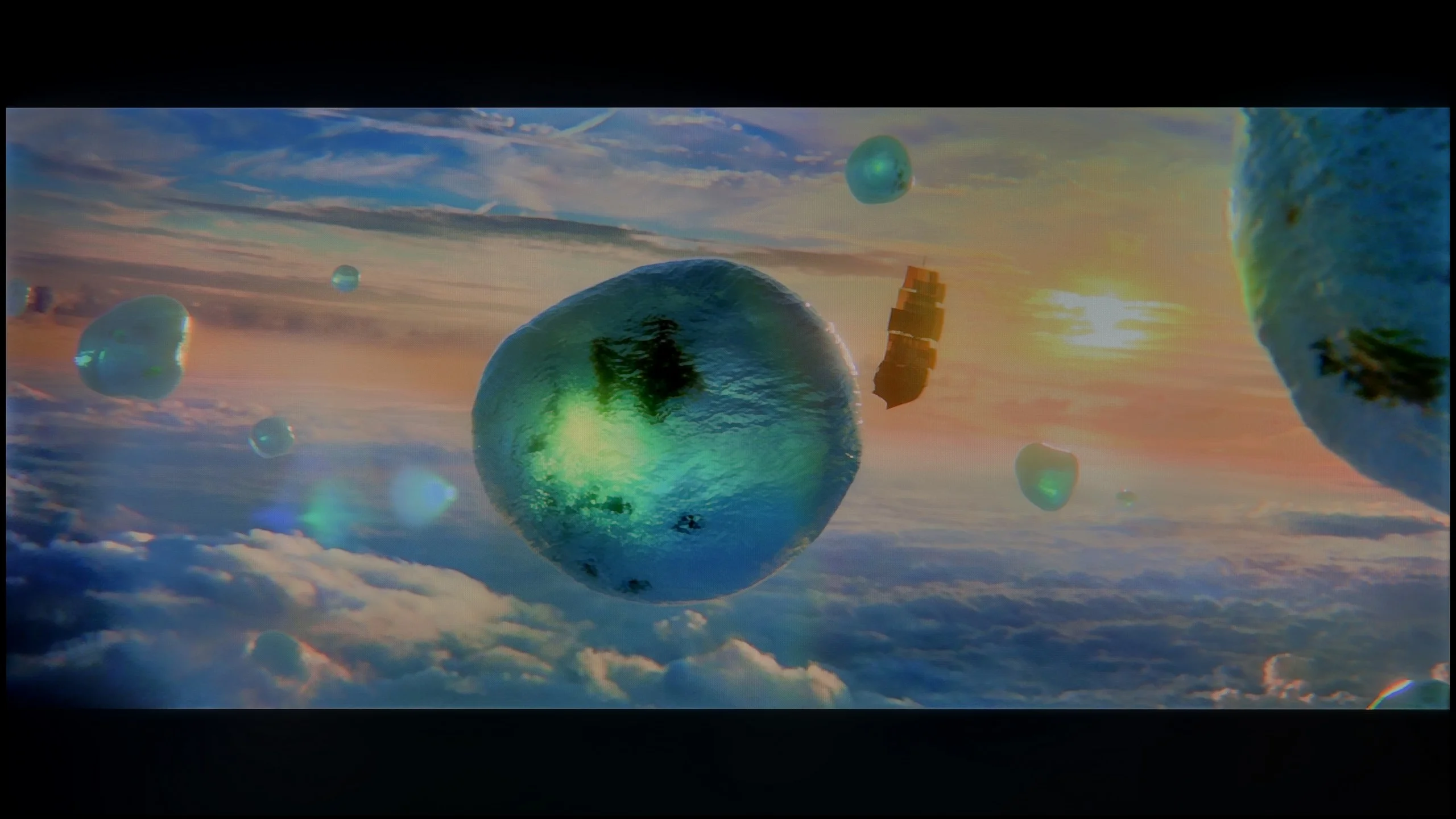
Scene from the movie “Pan” (about 2800 nits)

Scene from the movie “Billy Lynn” (about 1100 nits)
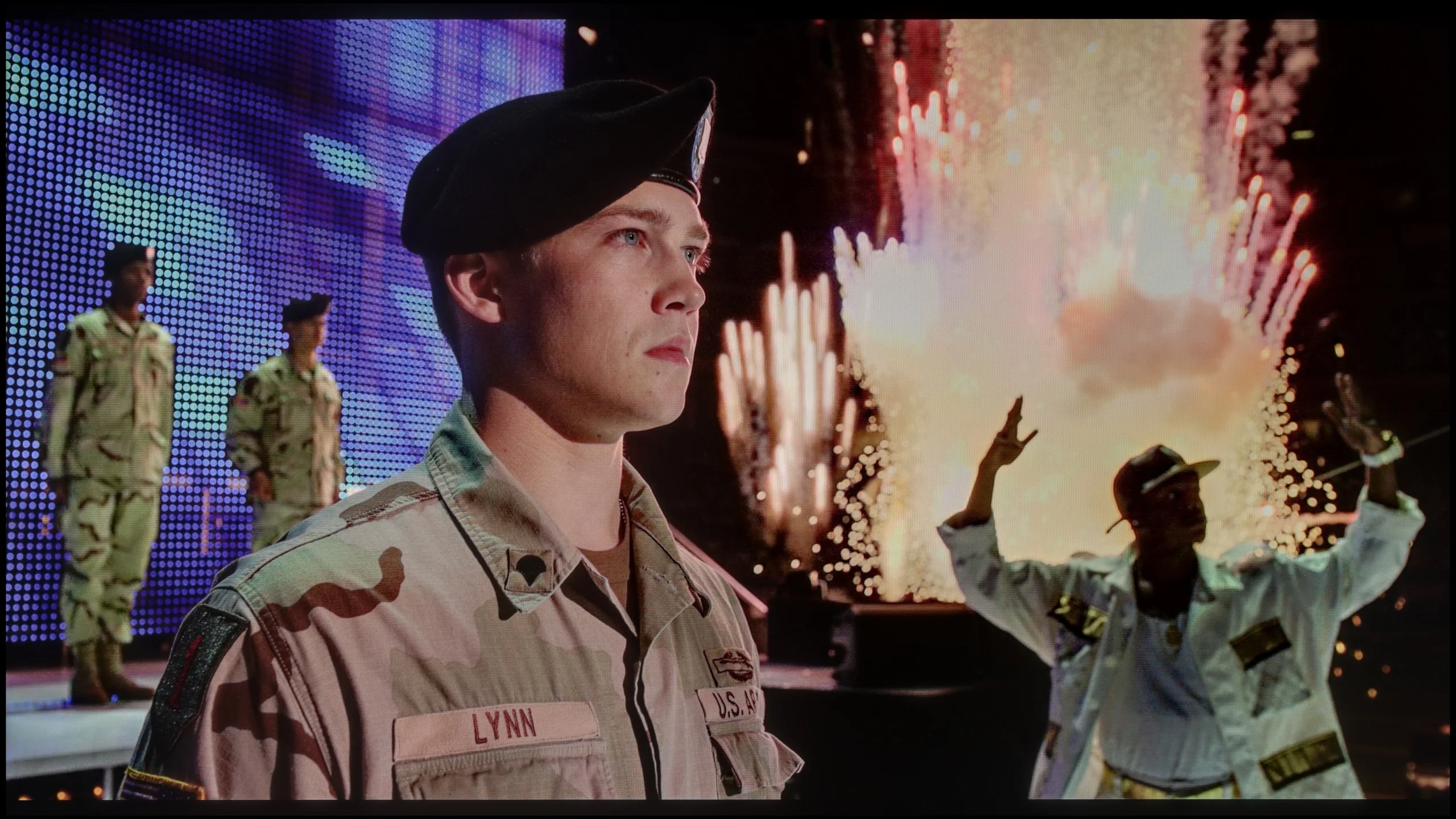
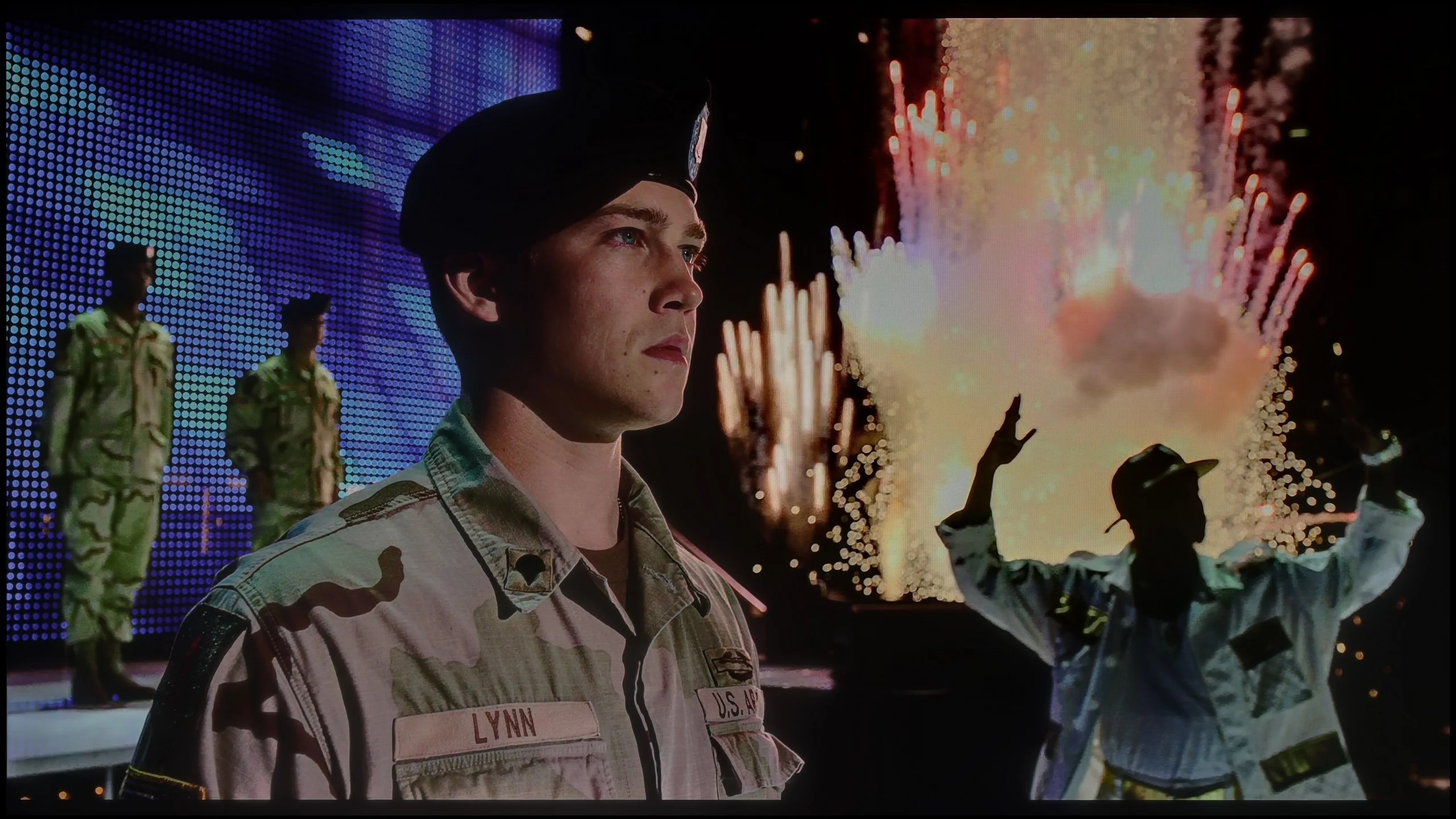
The photos show two HDR10 movies. 'Pan' is one of the brightest productions ever made, while 'Billy Lynn' (soldier) has brightness typical of streaming (Netflix, Prime, HBO MAX). Notice the intensity of effects and detail in whites.
Static HDR10
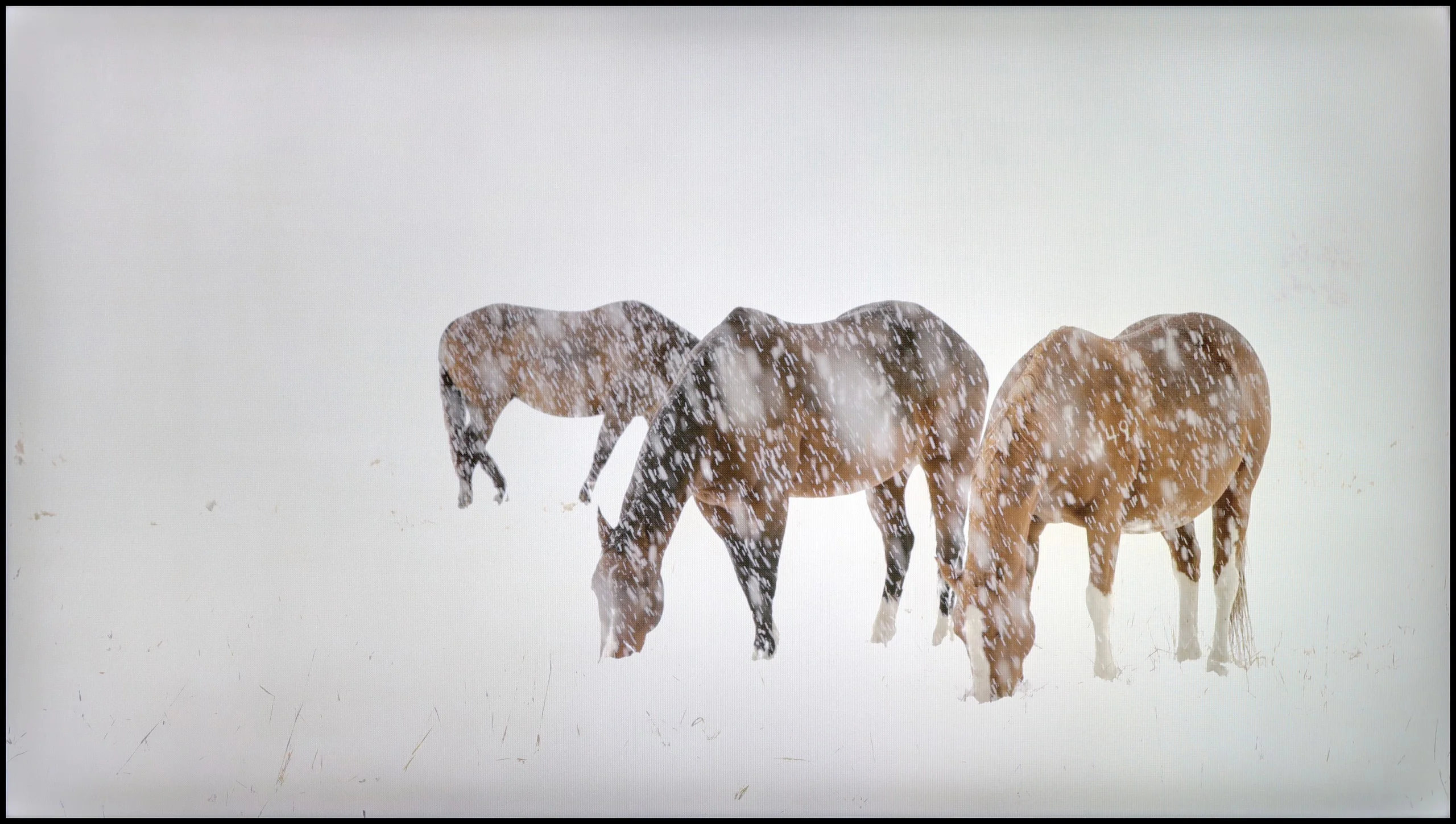
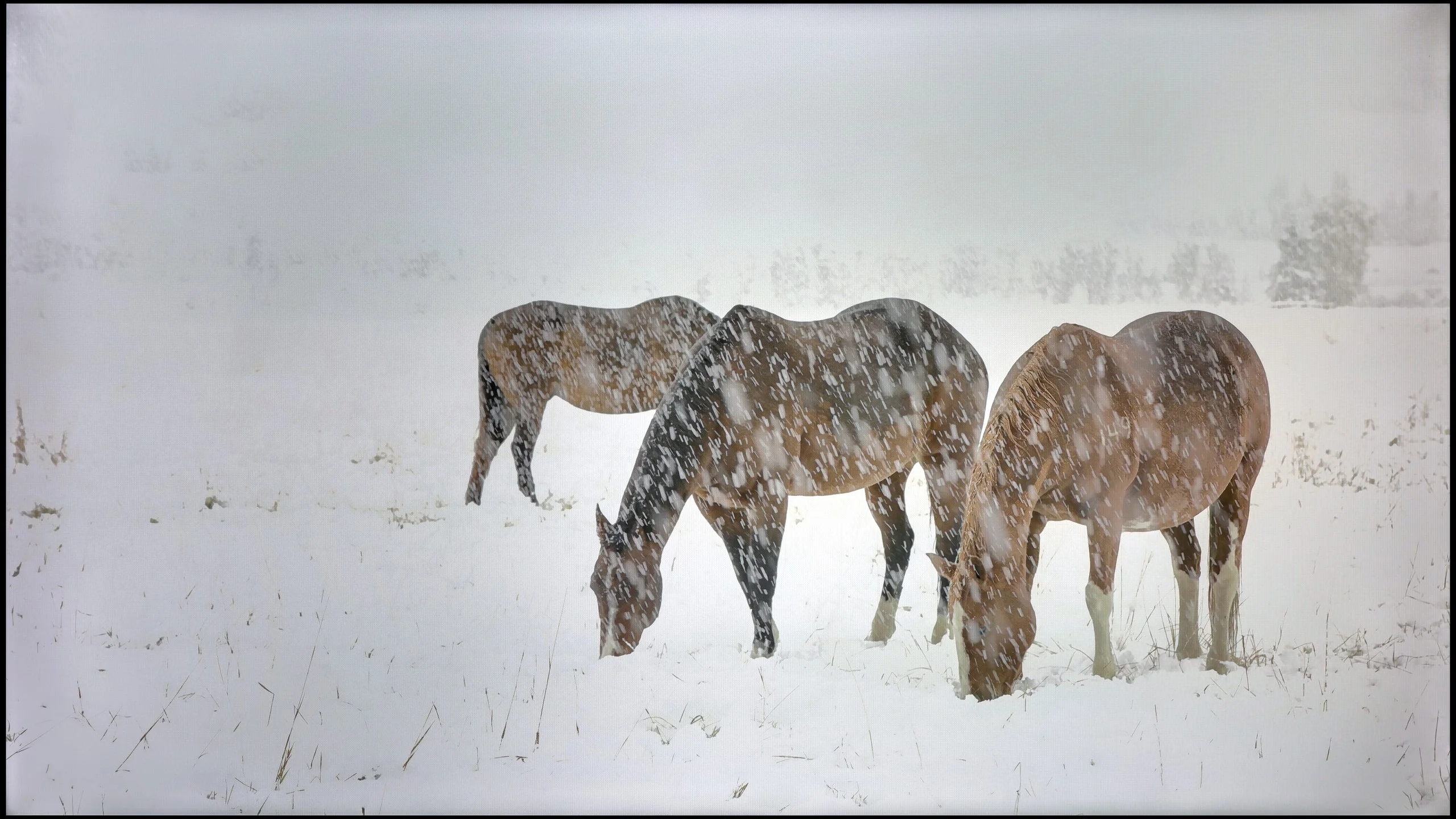
The photos present the visibility of white details in various HDR formats. They do not show brightness differences between TVs (these can be compared in the previous gallery).
Dynamic: Dolby Vision
Dynamic: Dolby Vision
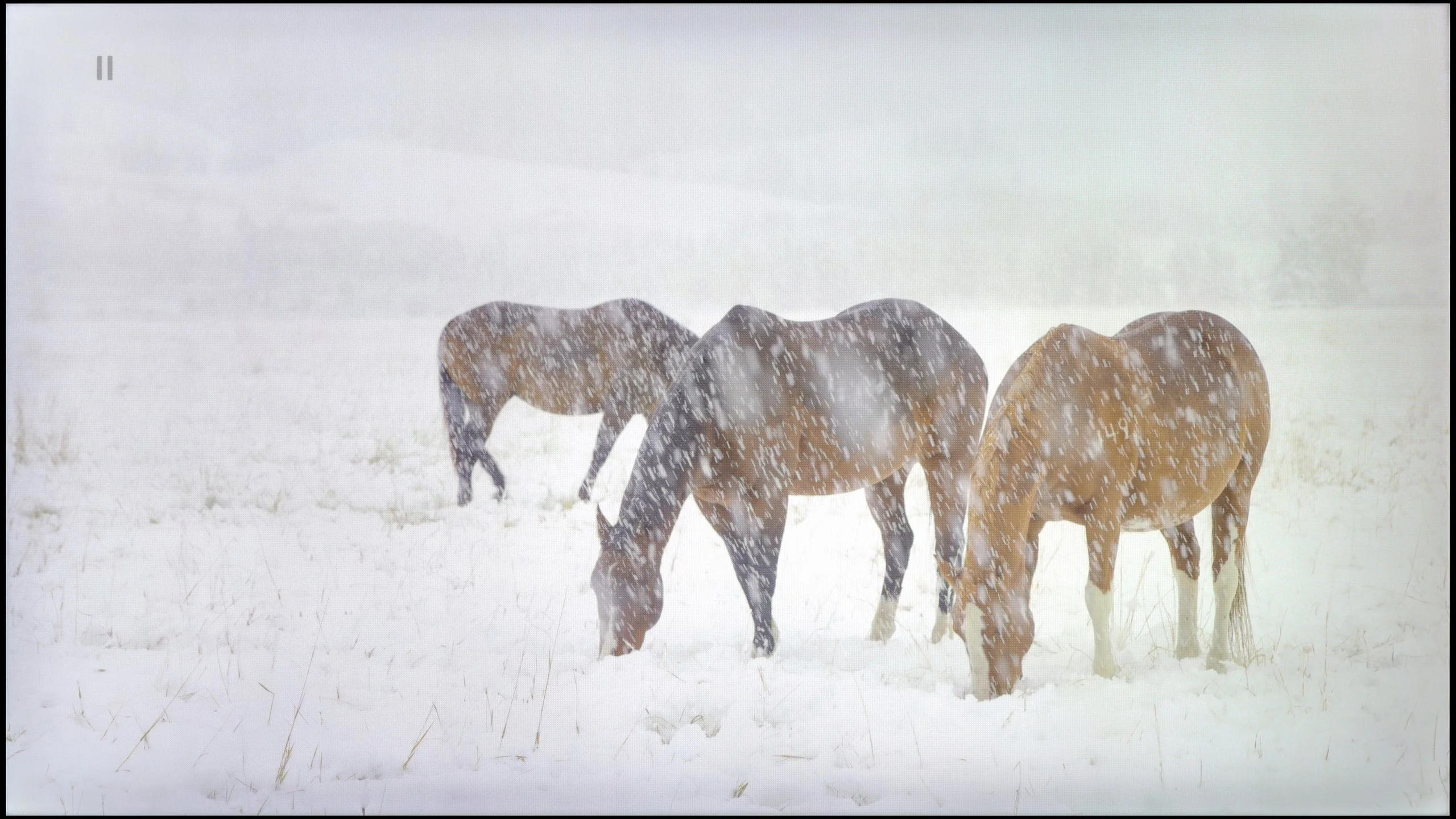

The photos present the visibility of white details in various HDR formats. They do not show brightness differences between TVs (these can be compared in the previous gallery).
HDR luminance chart:
TCL P7L / P79L
Haier M95E
If there is one category where the Haier M95E absolutely shines, it is the HDR effect, powered by the raw power of the backlight. This television cannot be denied its reputation as a truly bright device. In both most film scenes and during our synthetic measurements, the panel easily reached, and often exceeded, the threshold of 1200-1500 nits. This directly translates to the viewing experience – the image has punch and truly allows one to feel the magic of materials recorded in this format. However, one must be aware of a certain compromise. When particularly demanding shots filled with small but intense bright points appear on the screen, the M95E, while not losing its resonance and not dimming, pays a different price for it. A very strong and noticeably distracting halo effect is generated around these bright elements. It is evident that the algorithms controlling dimming have been programmed to prioritise brightness and the visibility of the smallest details, even if this comes at the cost of perfect black levels. We are not entirely convinced that this is the healthiest approach; nonetheless, it must be admitted that the general capabilities of the M95E in this regard are indeed substantial. A huge positive is that we are dealing with a Mini LED QLED construction. The use of a quantum dot layer brings measurable benefits in the form of wide coverage of the colour palette, which in our tests reached nearly 96% of the DCI-P3 space. This guarantees that the television has full predispositions for displaying vibrant and appropriately saturated colours.
The biggest limitation of the TCL P7L in HDR is simply brightness. The TV doesn't have much luminance headroom, so strong highlights, sunlight or small light sources can't clearly "pop" out of the image. As a result, even well-produced HDR material looks fairly restrained and, in terms of dynamics, is closer to good SDR than to what brighter models show. That doesn't mean the P7L completely fails at HDR; the issue is mainly a lack of sufficient backlight power. Looking at colours, the situation is a bit better. The TV covers roughly 91% of the DCI‑P3 gamut and about 68% of the wide BT.2020 space, so for its price class the colour range is quite decent. TCL markets this model as QLED, although the nature of the solution used is closer to a PFS phosphor‑based backlight than a classic quantum dot layer. What matters most to the viewer is the effect: more saturated colours are on offer.
Factory color reproduction
4.6/10
5.4/10
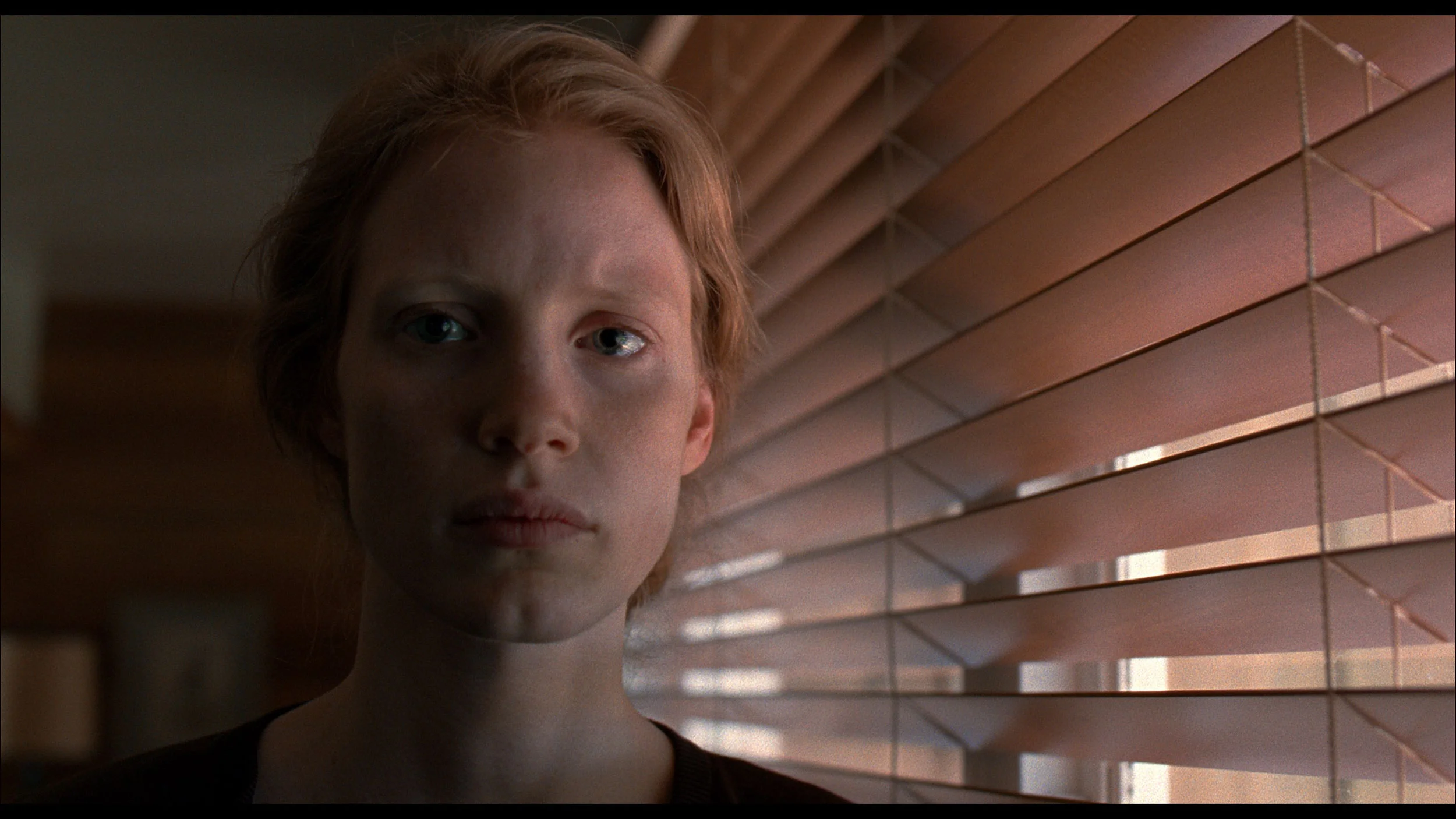
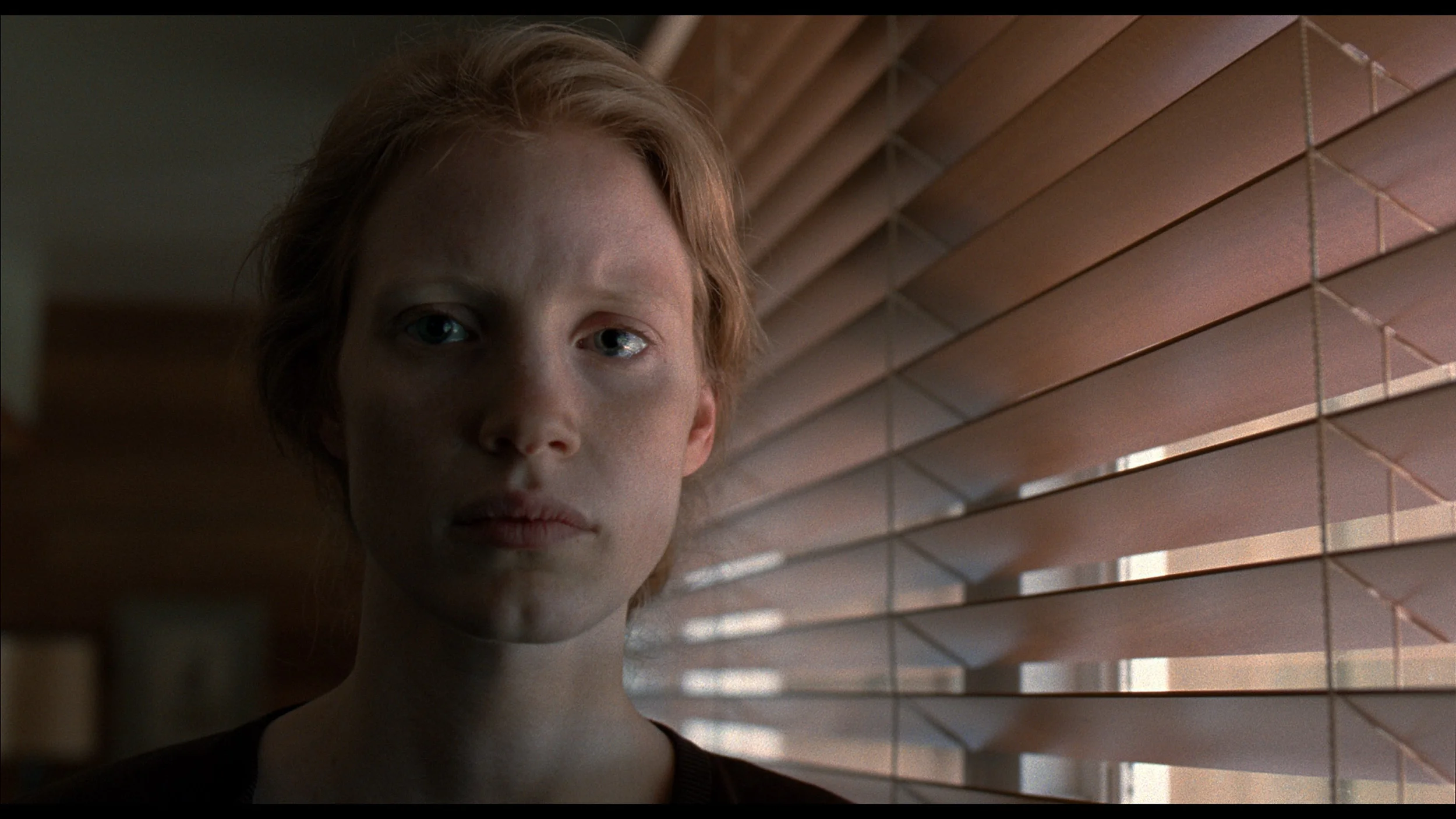
This gallery shows how colors change after professional TV calibration. If you notice the difference, we recommend ordering this service at SkalibrujTV.com.
Factory Mode
After calibration


This gallery shows how colors change after professional TV calibration. If you notice the difference, we recommend ordering this service at SkalibrujTV.com.
Factory Mode
After calibration
Each TV is evaluated primarily based on its default cinematic mode – in this case, "Movie" – which theoretically should be the "best" and most accurate straight out of the box. Unfortunately, with the Haier M95E, the word "best" is absolutely not synonymous with the word "good." Even during SDR viewing, the picture revealed evident issues: white balance skewed too far towards red, and excessive, unnatural colour saturation led to noticeable colour deviations. Worse still, the M95E also struggles with brightness management (gamma curve), excessively darkening the entire scene. Such behaviour is hard to commend, as it directly leads to the merging of details in shadows, which irretrievably disappear into a black void.
However, the real disaster arrived when switching to HDR content, still remaining in "Movie" mode. It's hard to guess who came up with such a fantastic idea – or perhaps it was simply a complete oversight by Haier's engineers during this stage – but instead of cinematic accuracy, the image started to resemble a vivid "Dynamic" mode. The white balance exposed significant issues with blue color, which in turn resulted in unnatural sharpness and artificial over-brightening of the entire scene. As if that wasn't enough, the EOTF curve's characteristics mercilessly revealed that the TV also had fundamental issues with managing the local dimming system in this setting. We haven’t calibrated many Haier TVs in our career, but we know for sure already that the M95E definitely needs it.
In Film mode the TCL P7L performs quite decently without major tweaks, especially with ordinary SDR material. The white balance is relatively even, although as brightness increases there’s a slight rise in red and blue and a bit too little green. That doesn’t create a strongly visible colour cast and most colours remain close to their reference points. The Colour Checker confirms this, with a large portion of errors falling below the level that should particularly bother during normal viewing. We have more remarks about the gamma response. In the darkest parts of the image the TV drives it noticeably above the reference, so some shadow detail may be a little too dim. The curve then settles and for much of the range it’s close to the intended targets. As a result SDR generally looks natural, but in dark scenes the P7L can lose some subtlety.
In HDR the factory setup is less precise. As brightness increases the excess blue becomes more pronounced, so the picture can look cooler than it should. The number of larger colour deviations also rises, especially in brighter colours. The EOTF curve itself is handled fairly conservatively, with the TV showing the image darker than the reference over much of the range. For such an inexpensive model, the factory Film mode settings are not bad.
Color reproduction after calibration
6/10
7/10
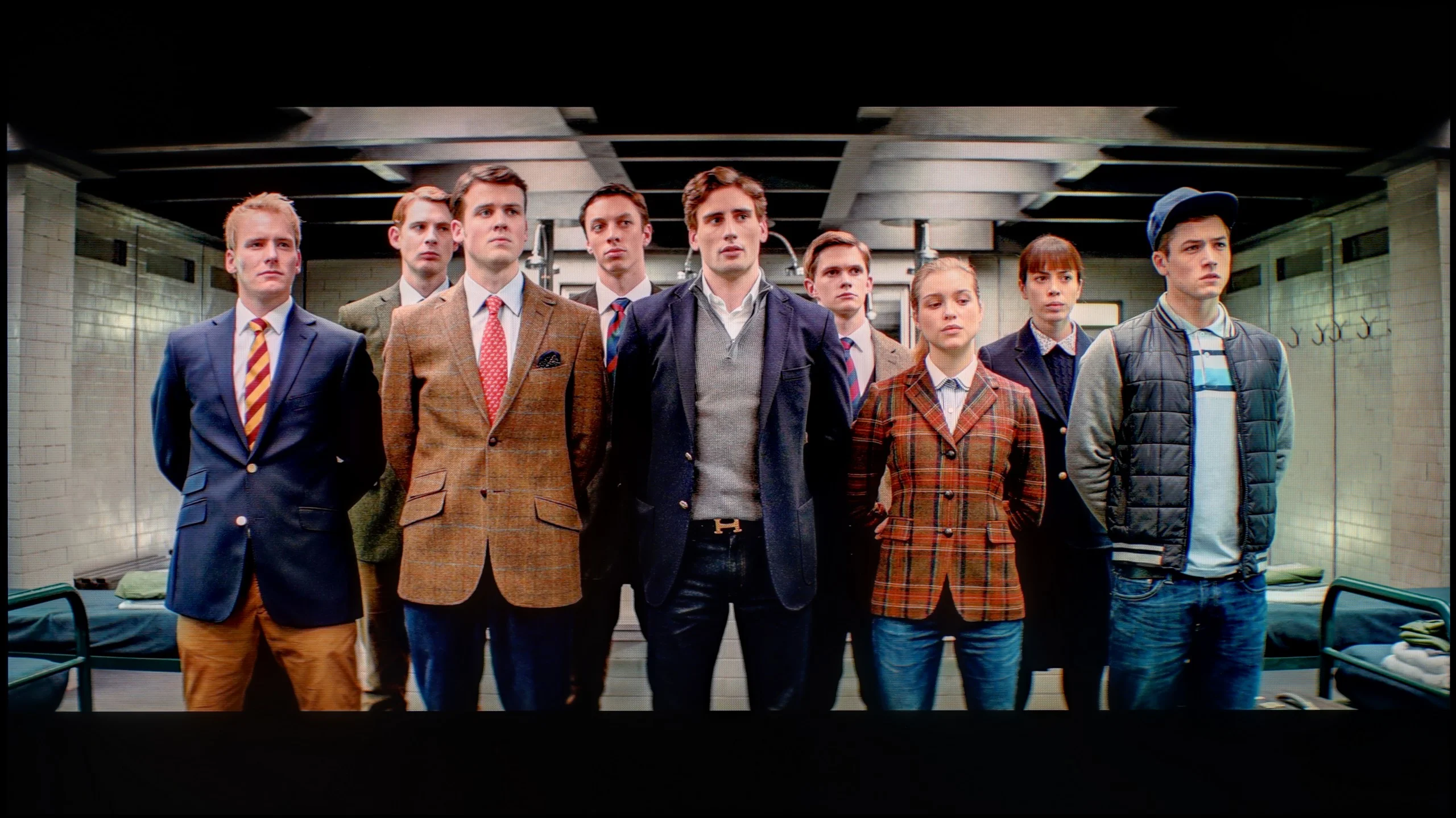
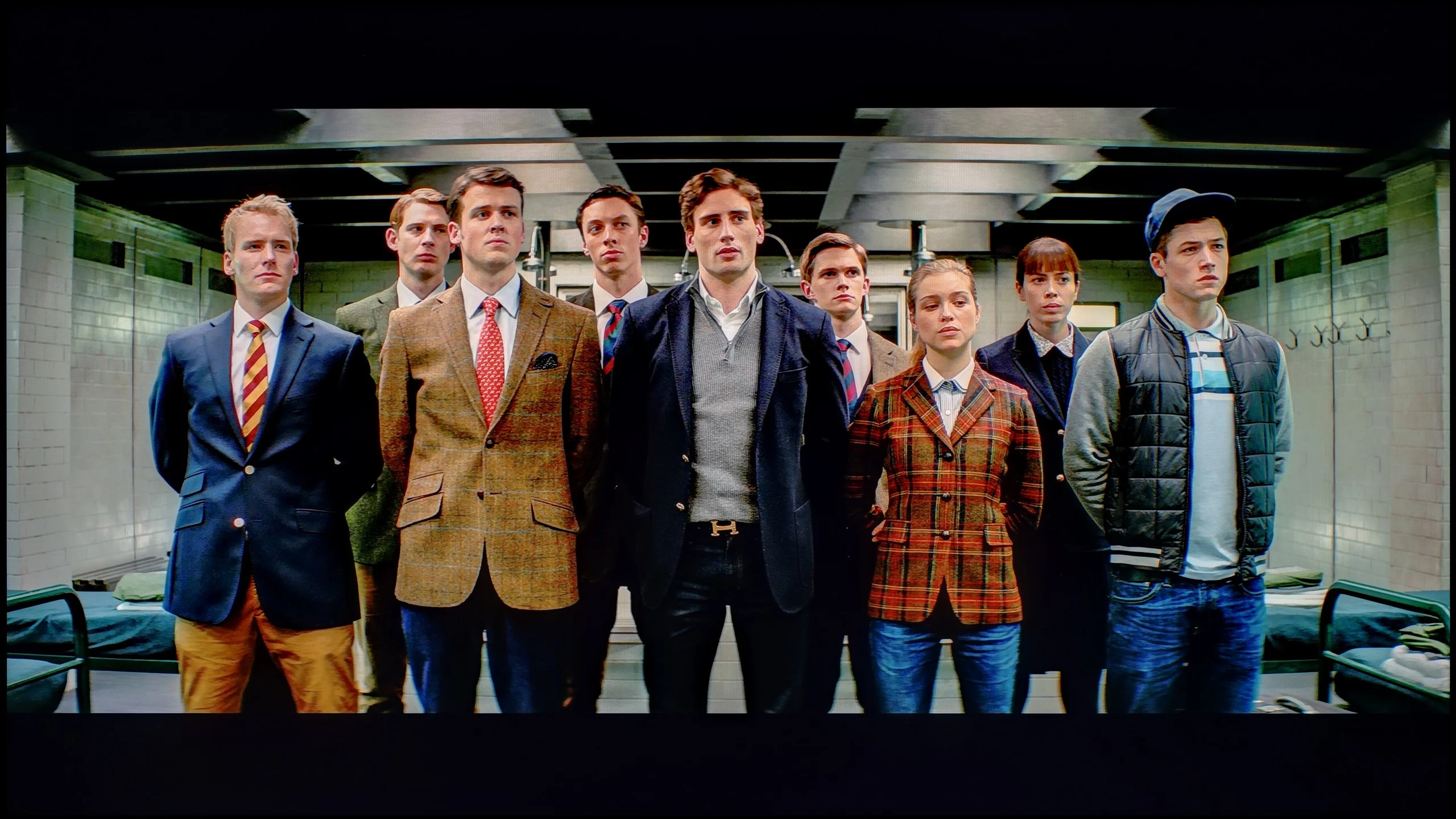
The photos show how movies look on the TV. Pay attention to black detail visibility, colors, and shadow tint.


The photos show how movies look on the TV. Pay attention to black detail visibility, colors, and shadow tint.
The calibration process left us with extremely mixed feelings. On one hand, we noted considerable success in the area of colour. By using the options available in the menu, we managed to tame the white balance and bring it down to an acceptable level. As a result, SDR content finally freed itself from the irritating red dominance, and the HDR image stopped resembling the vivid, retail demonstration mode. The entire colour palette and its saturation were also clearly corrected – maybe not perfectly, but to the extent that the software allowed, and the difference was visible to the naked eye.
And on this, unfortunately, our list of corrections pretty much ends, as M95E simply didn't allow for any more. As we signalled earlier, most settings related to the brightness of the image do not respond to our commands at all. This means that we were not able to control its fundamental characteristics in any way – neither the gamma curve nor the EOTF. In practice, the television still tends to darken details in SDR content, which was confirmed by the inflated gamma, merging details in the shadows. Meanwhile, the EOTF curve in HDR mode still mercilessly exposed all those previously mentioned problems with chaotic local dimming management. And although the calibration process itself achieved a lot, removing most of the colour issues, in the end, we had to capitulate.
After calibration the TCL P7L can produce a genuinely pleasant picture, especially with conventional SDR material. We managed to even out the white balance very well, and the gamma curve now tracks close to the target value of 2.4. This is also evident in the colour measurements, as most errors have fallen significantly and in everyday viewing it’s hard to notice any major inaccuracies. Films, series, YouTube and regular TV therefore look more natural, without unnecessary warmth or a cool tint. For a model at this price point the SDR result is really very good.
In HDR the situation becomes more complicated. Calibration improved the white balance and corrected some deviations, but here the panel’s limitations become increasingly apparent. The P7L has relatively limited brightness and can’t sustain appropriate luminance for more saturated colours, so some errors remain even after careful tuning. In other words, settings can improve how the TV interprets the signal, but you can’t overcome its physical capabilities. That’s why calibration is most worthwhile for SDR on this model.
Smoothness of tonal transitions
9.4/10
7/10
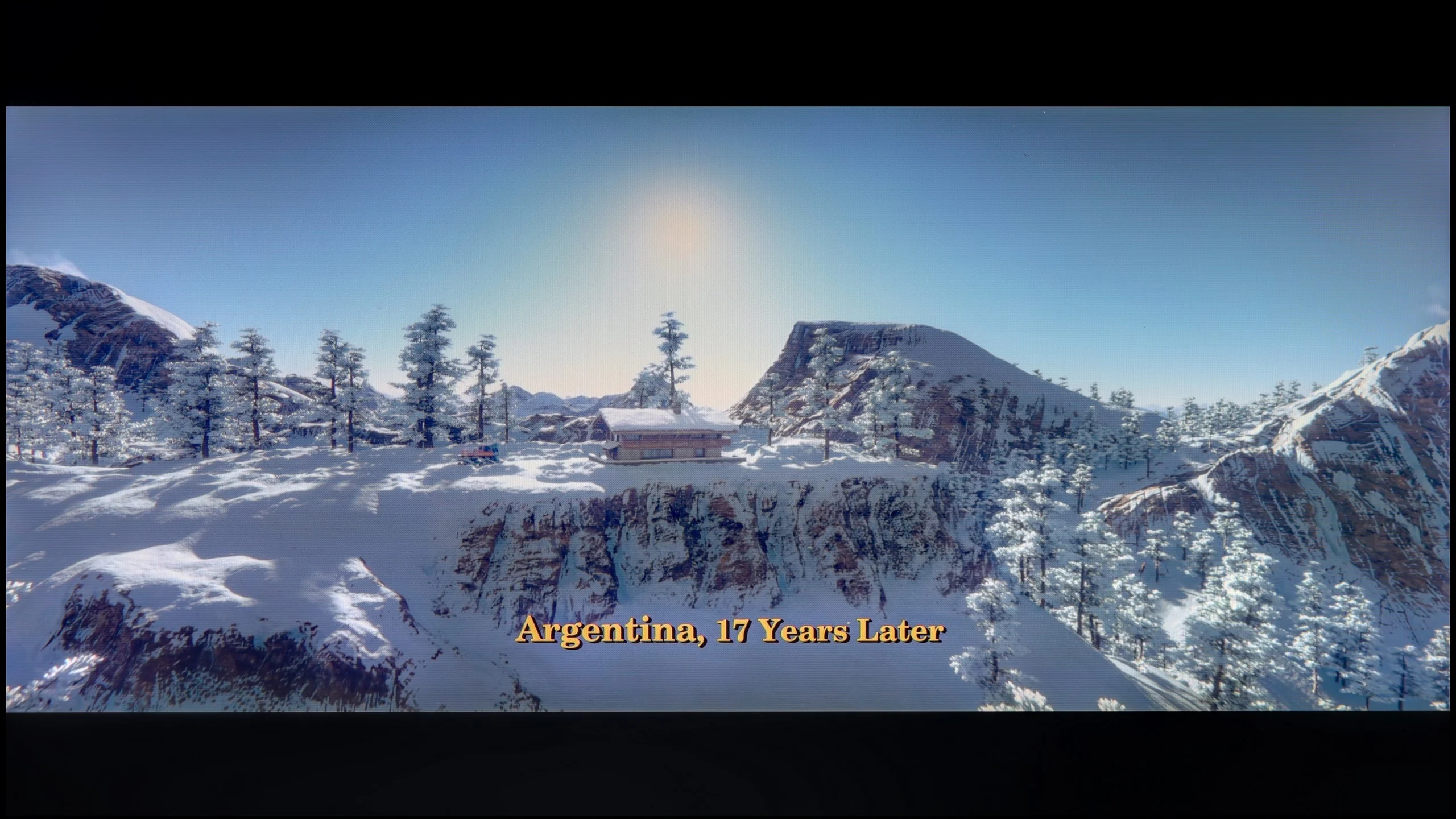
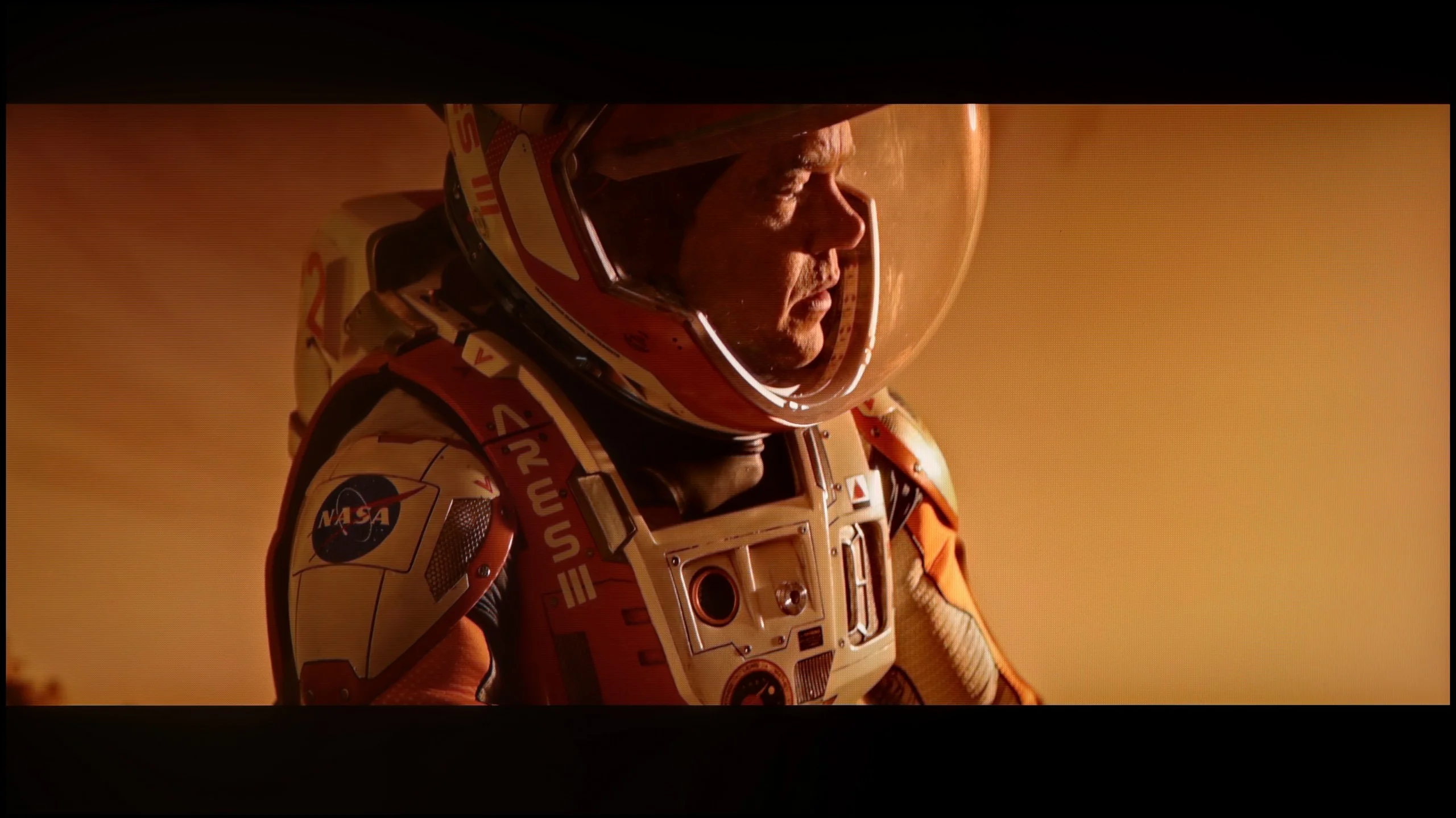
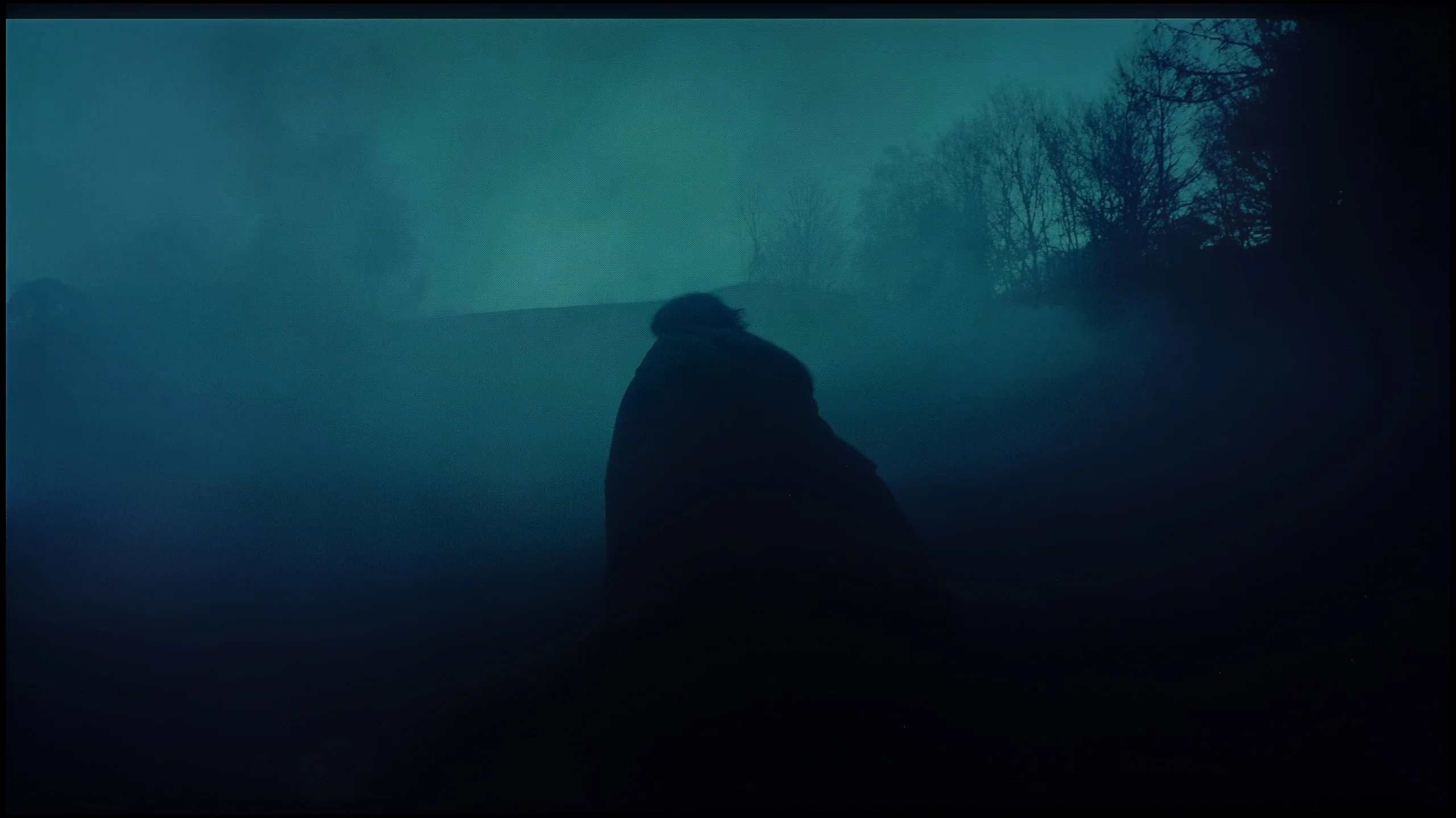
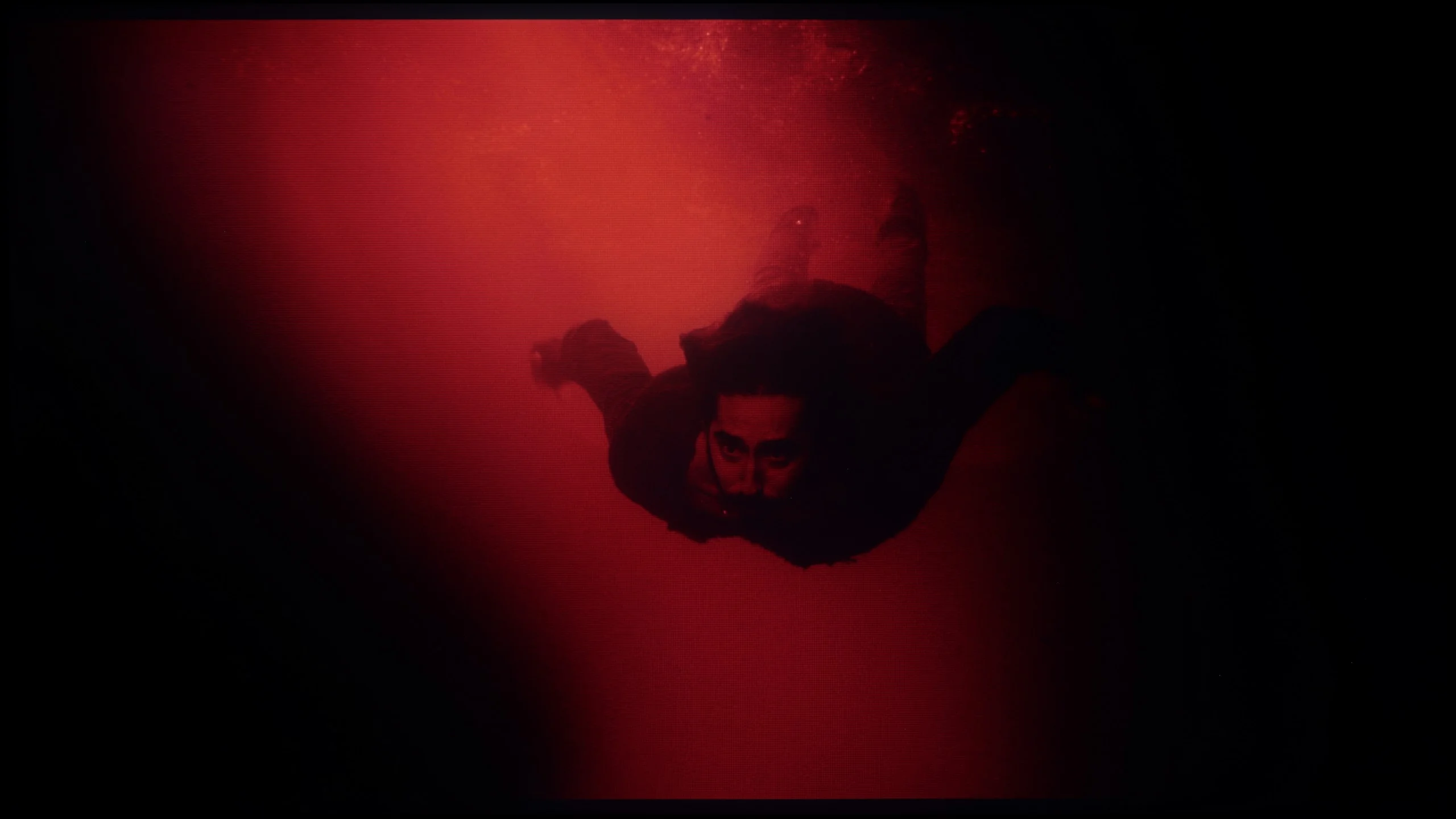
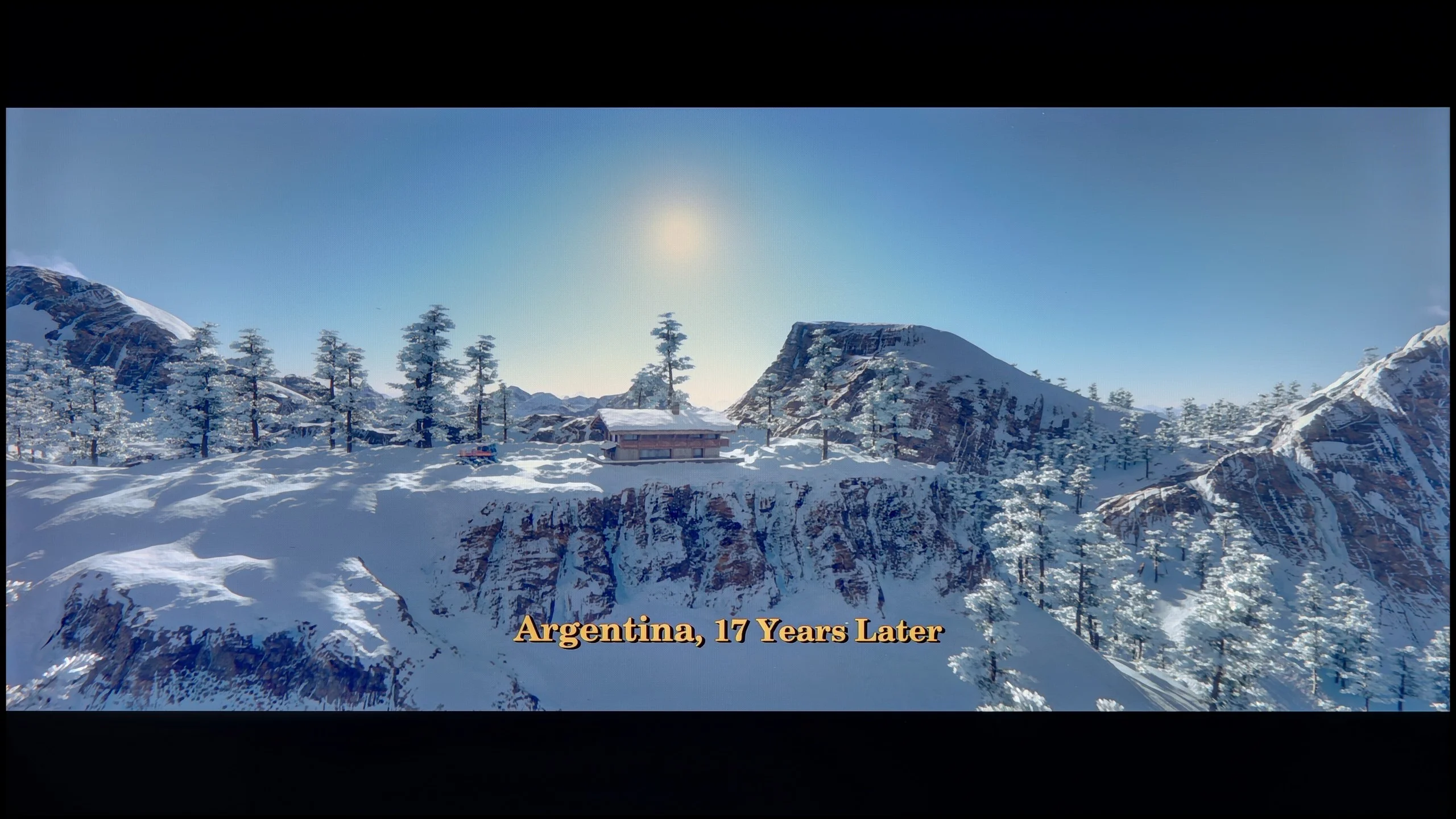
These are selected scenes that show smooth tonal transitions from one color to another. If you see distinct banding, it’s the TV panel’s fault.
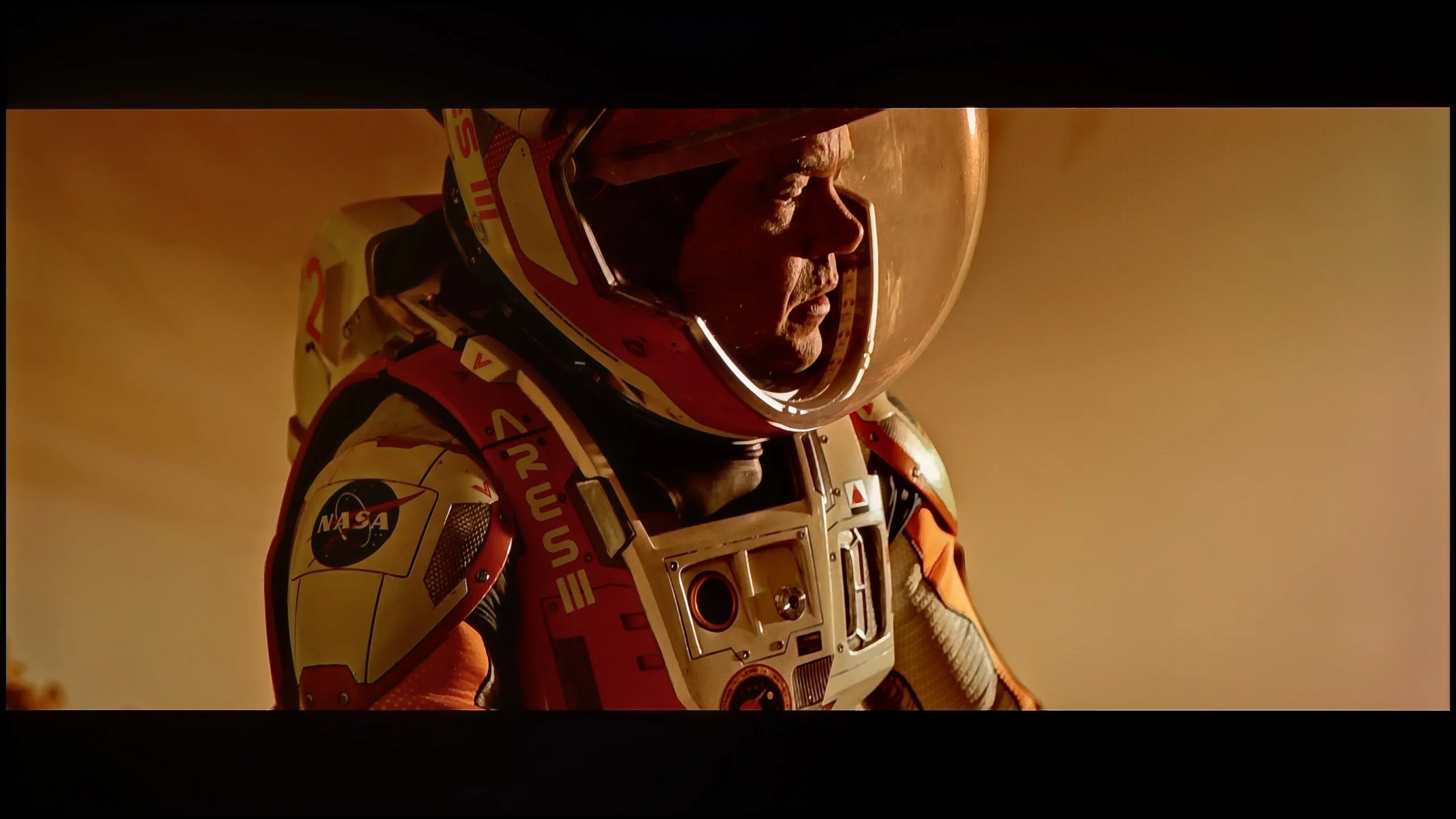
These are selected scenes that show smooth tonal transitions from one color to another. If you see distinct banding, it’s the TV panel’s fault.
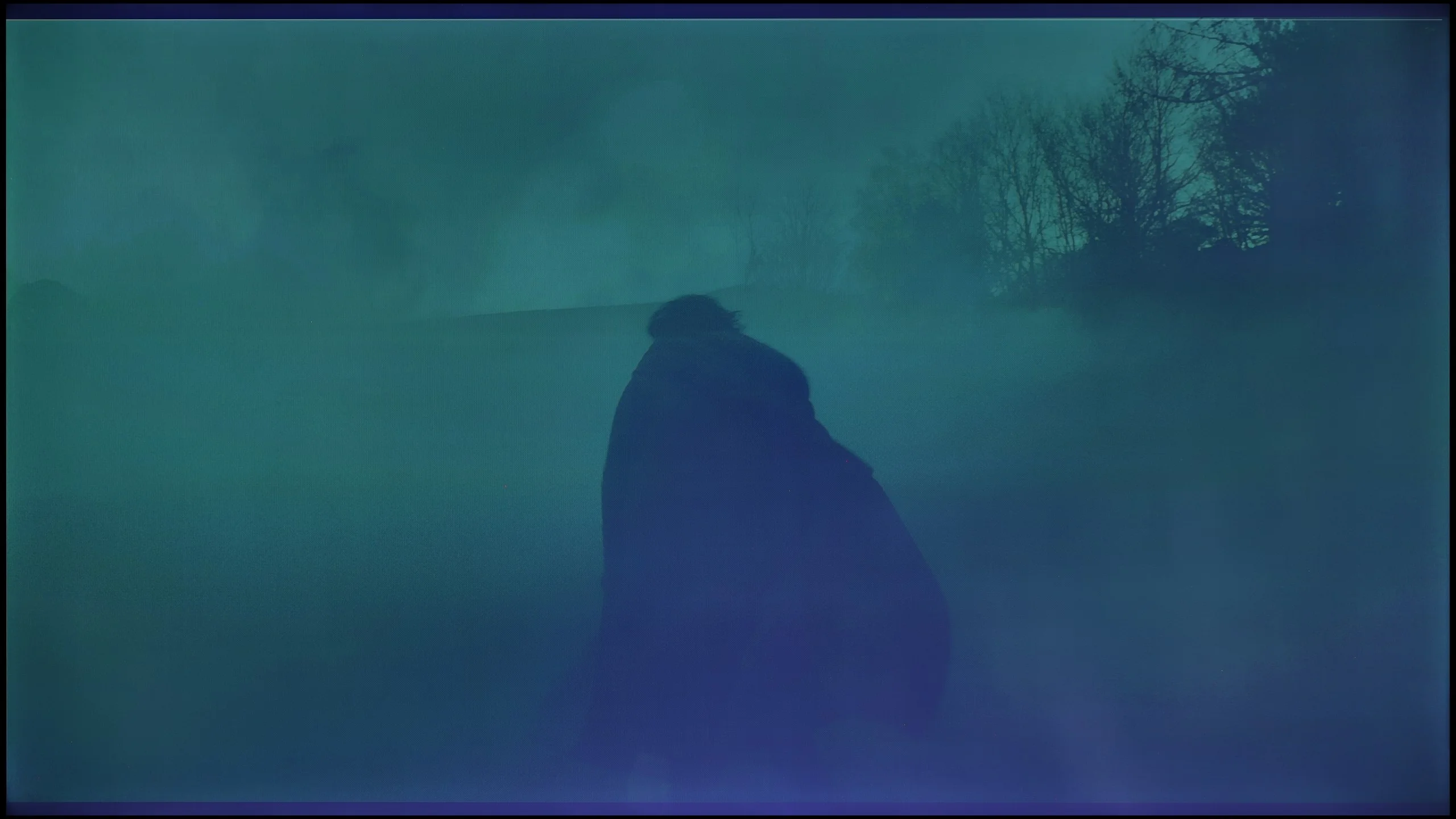
These are selected scenes that show smooth tonal transitions from one color to another. If you see distinct banding, it’s the TV panel’s fault.
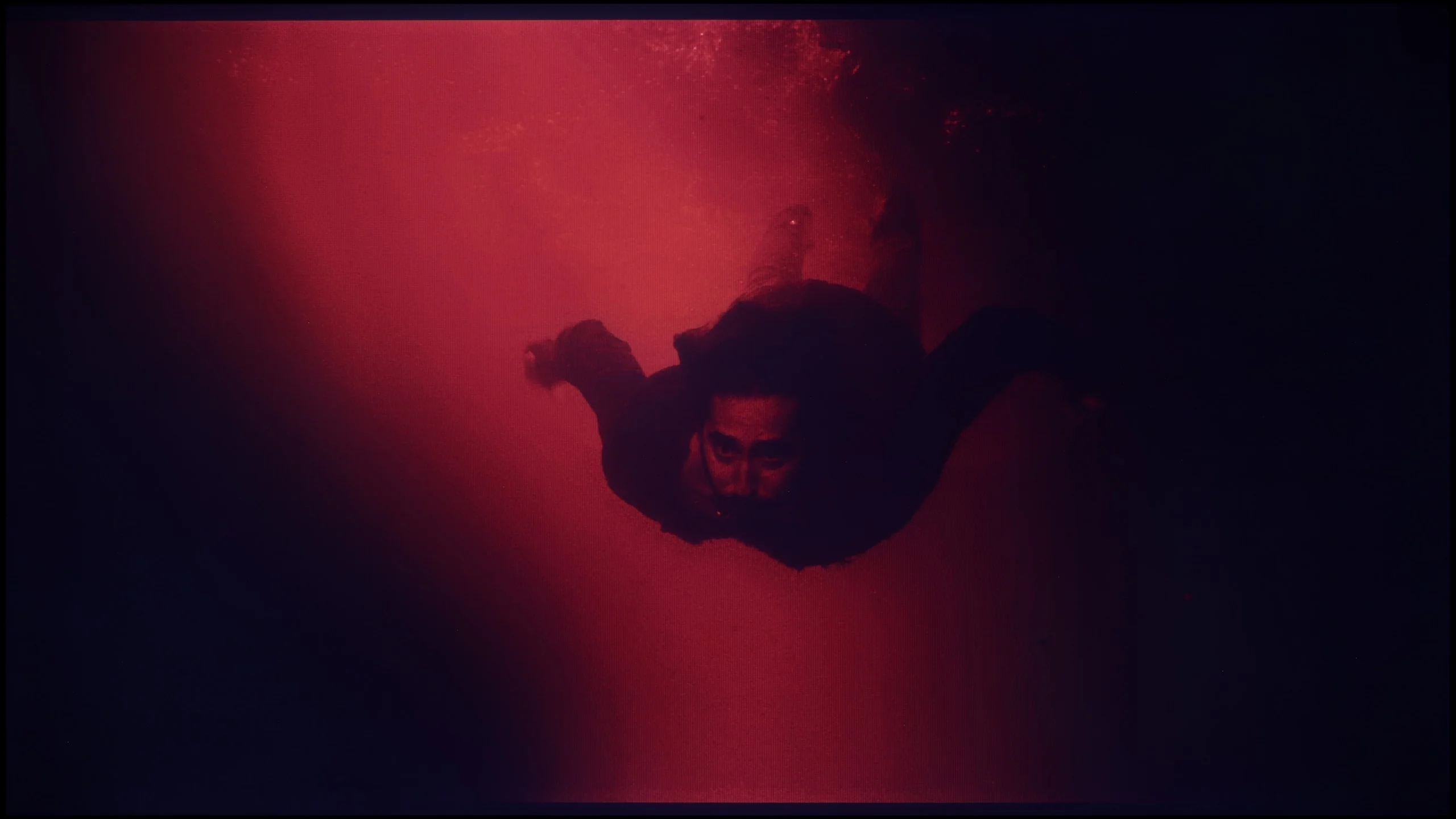
These are selected scenes that show smooth tonal transitions from one color to another. If you see distinct banding, it’s the TV panel’s fault.
We are now moving on to a category that has proven to be one of the strongest features of the model tested. The fluidity of tonal transitions, or the ability to smoothly blend similar shades, is at a very high level here. The Haier M95E excels at reproducing gradients, even in the most demanding dark scenes, where many televisions can already show unsightly banding (posterization). Although we did notice minimal shortcomings in very bright areas of the image, these are errors so minor that they do not spoil the overall excellent impression. In this particular competition, the M95E deserves one of the highest ratings on our portal.
The smoothness of tonal transitions on the TCL P7L is pretty good, but not in every scene. In brighter scenes the TV handles it really well, as shifts between neighbouring shades are gentle, and on skies, bright walls or subtle gradients it's hard to spot anything that would noticeably distract while watching. It gets worse in darker parts of the picture. That's where visible joins between colours and consecutive grey levels appear more often. In dark scenes you can therefore see characteristic banding or more obvious "steps" where the transition should be smoother. It's not a constant problem, but with lower-quality source material or scenes containing a lot of subtle shading it can stand out.
Image scaling and smoothness of tonal transitions
5/10
7/10

Smooth transition function
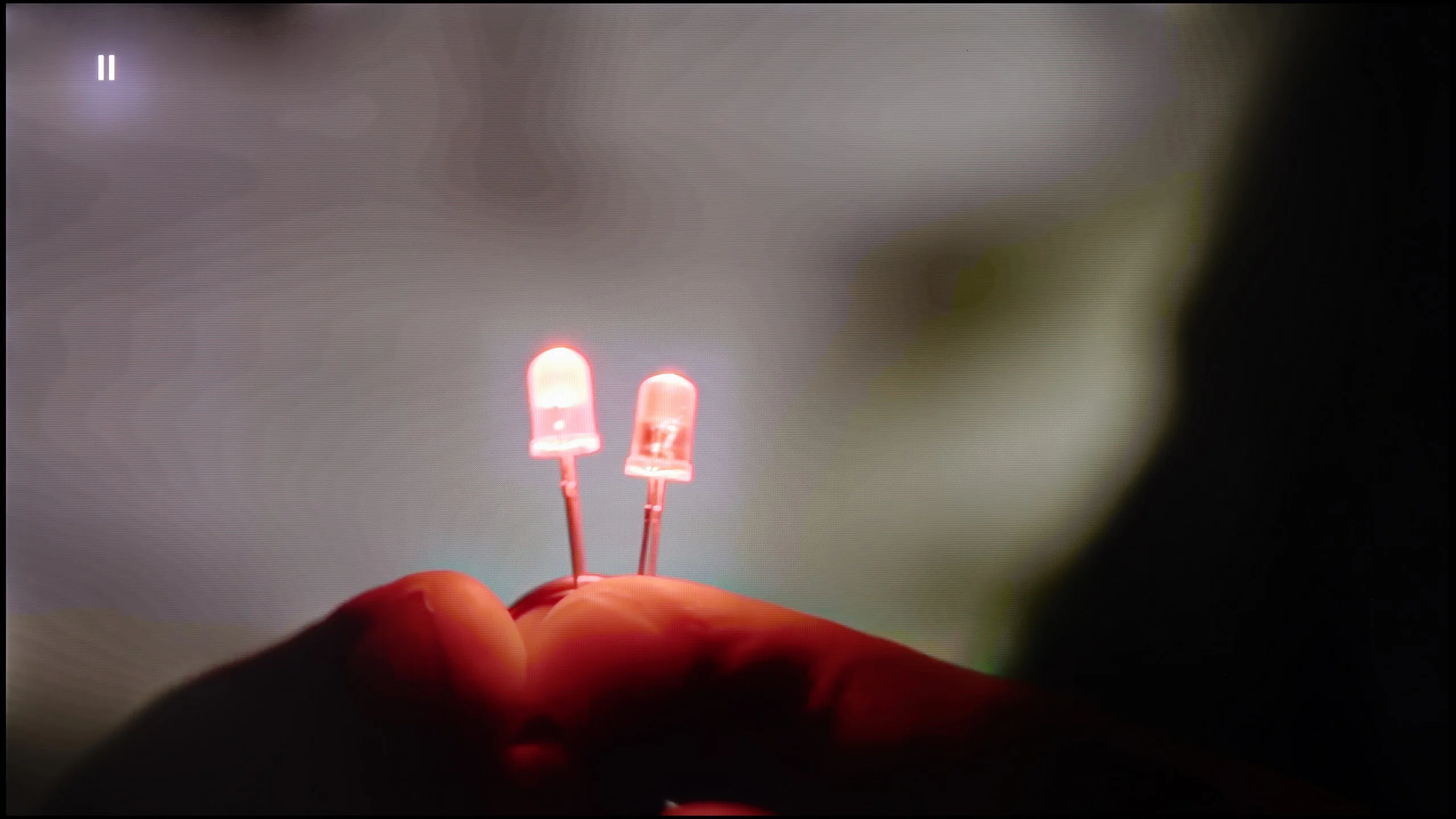
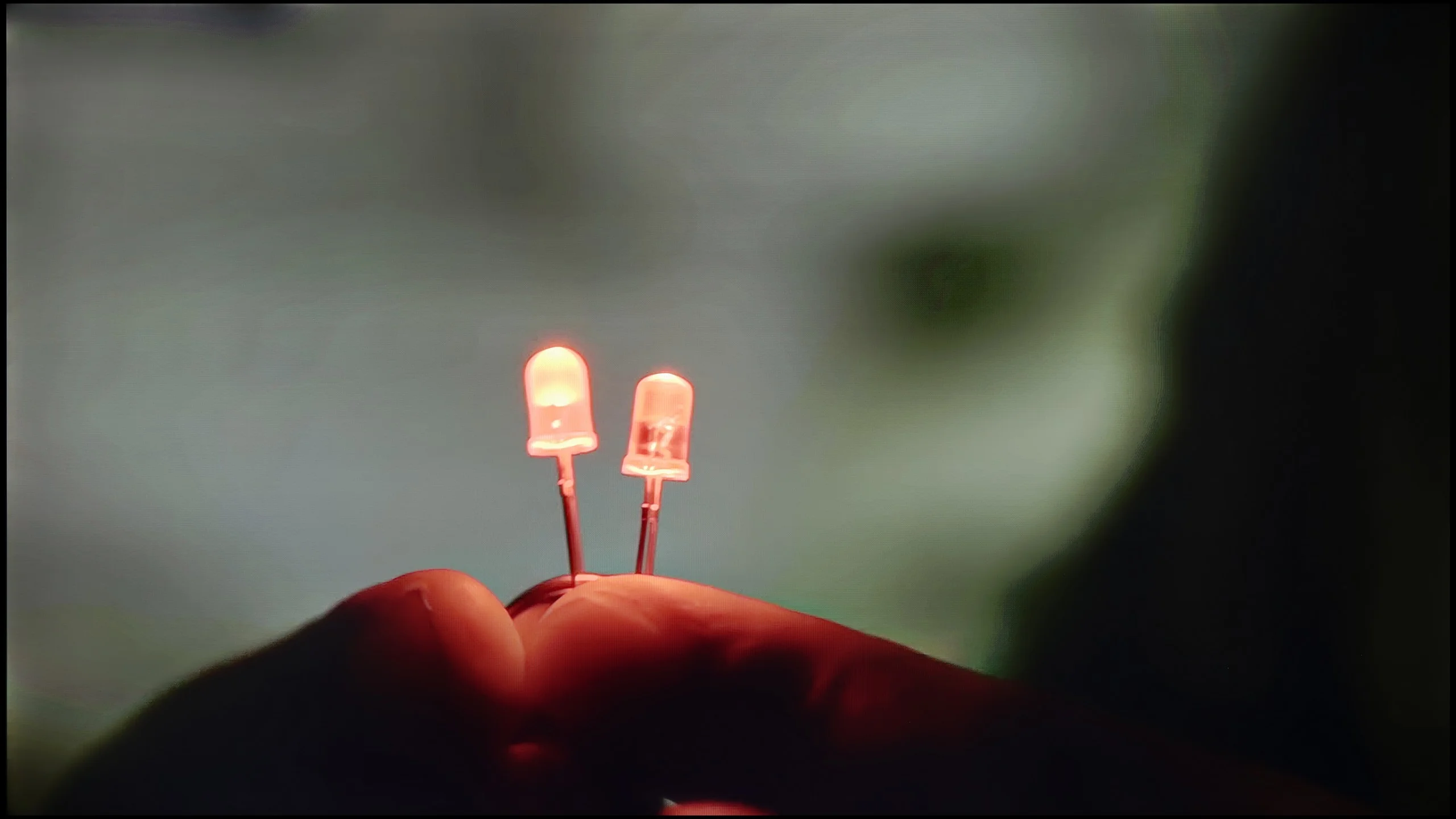
The match photo shows how the TV smooths weak tonal transitions in low-quality video.
Image scaling SD (576i)
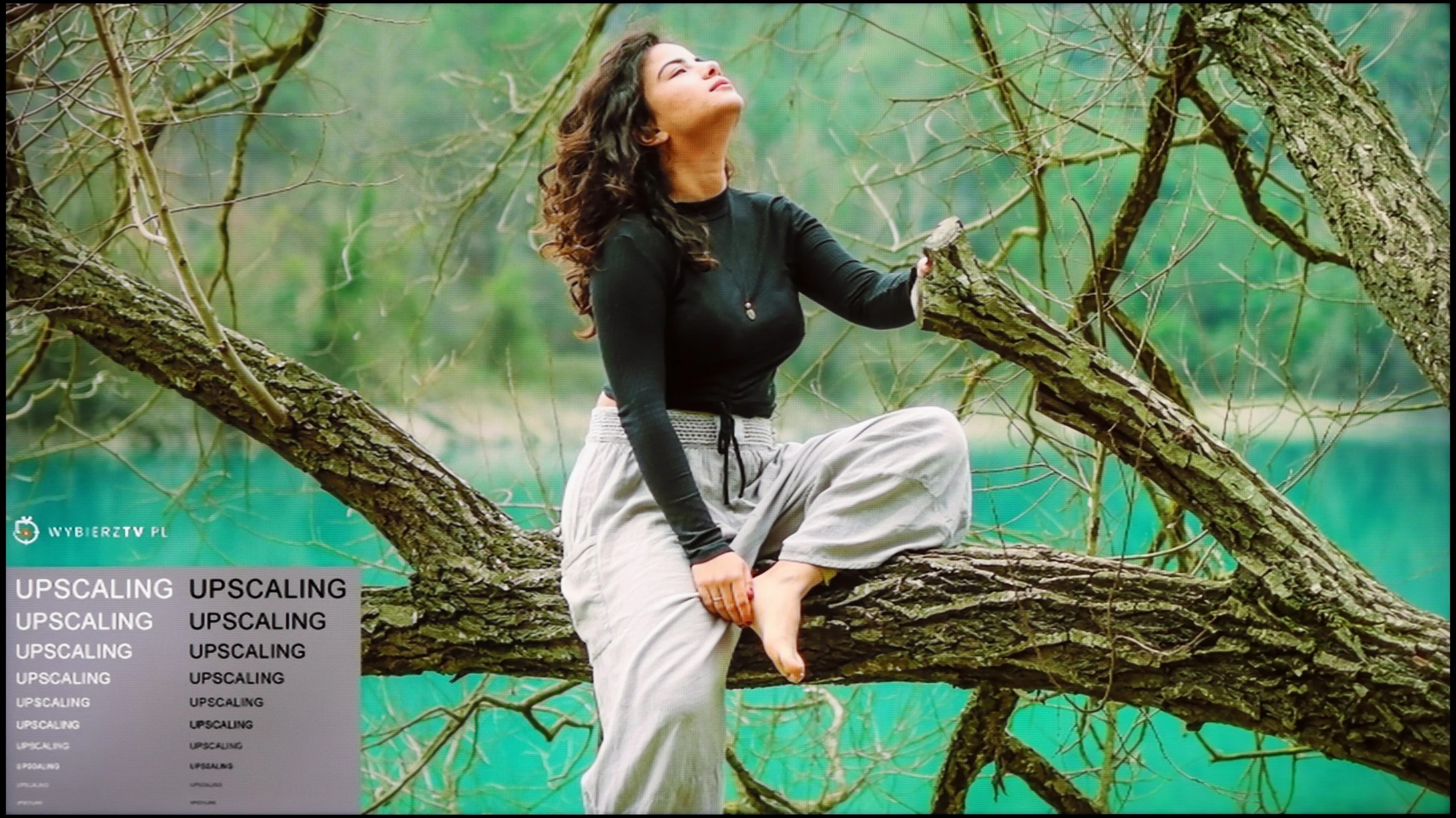
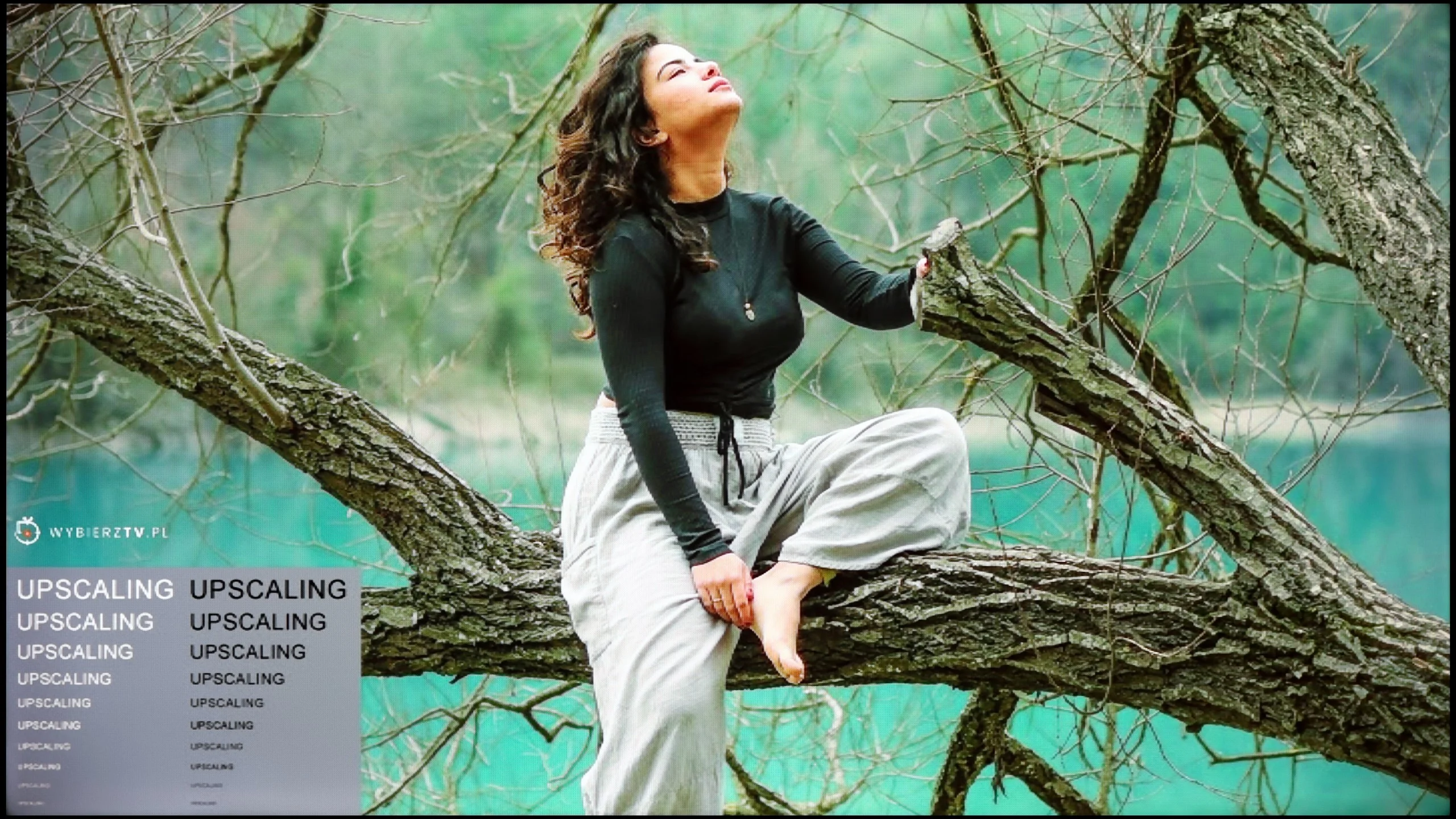
The model photo shows how it handles upscaling of SD material.
No worries, but what happens to those colour transitions when lower quality material with compression artifacts comes on screen? Unfortunately, we have some bad news for you. Even though in the menu we can find an option responsible for smoothing tonal transitions in older content, we definitely DO NOT RECOMMEND using it. Its activation causes an avalanche of additional, nasty artifacts, noticeably blurring the entire image, and ironically – it often doesn’t even remove those unwanted “jaggies” it was meant to tackle. This feature might as well not exist at all.
We can write many more warm words about the overall upscaling, which is the process of raising lower resolutions to the native 4K matrix. The image after upscaling looks really decent – it’s neither overly jagged nor artificially smoothed. In this particular area, the M95E really does the job.
In this respect the TCL P7L performs surprisingly well, especially for such an inexpensive TV. The banding reduction feature, which in many budget models does little or nothing, actually manages to improve the picture here. It doesn't remove all banding completely, but it can noticeably reduce posterisation and make trickier gradients look more natural. In this price segment that's a genuinely pleasant surprise.
The upscaling itself also looks good. Lower-resolution material is upscaled properly, without excessive sharpening or adding artificial edges around objects. Of course the P7L won't turn a very poor source into a 4K-quality picture, but for regular TV the result is simply solid. For a model at this price point there are few major complaints to make.
Blur and motion smoothness
6.5/10
5.5/10

Blur (native resolution, maximum refresh rate):

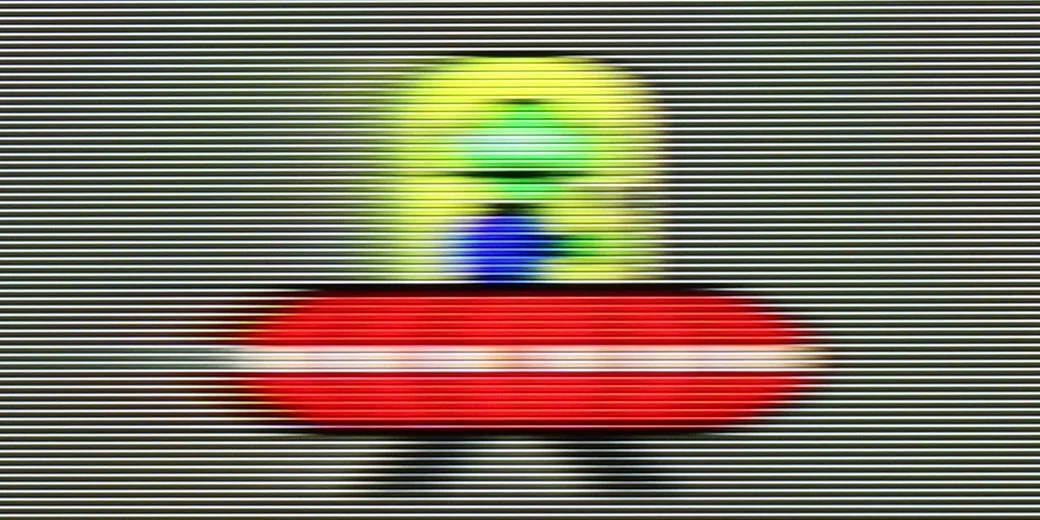
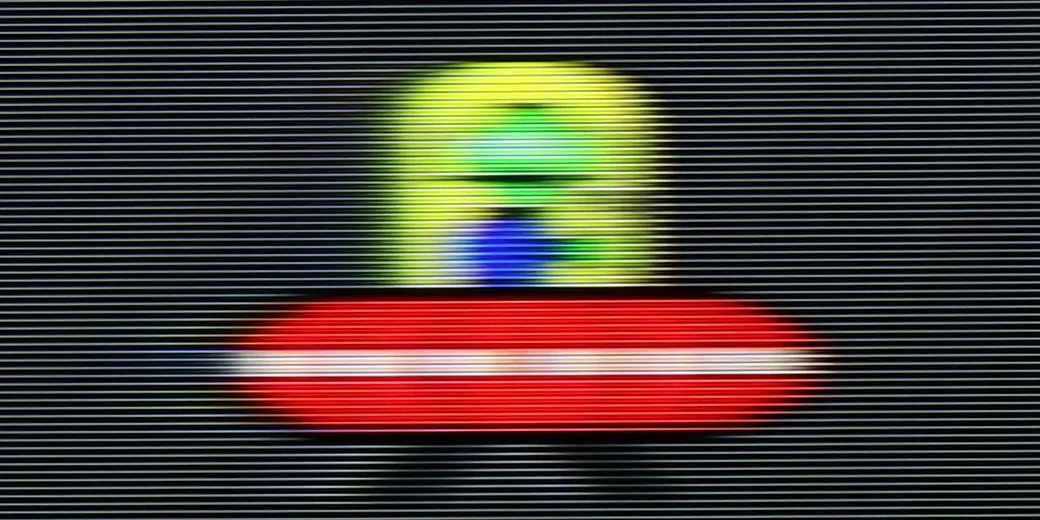
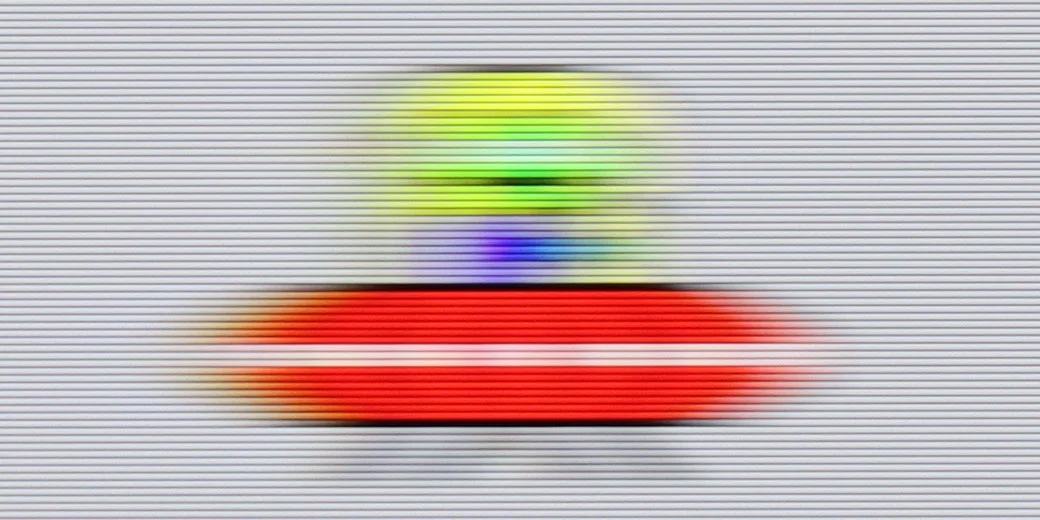
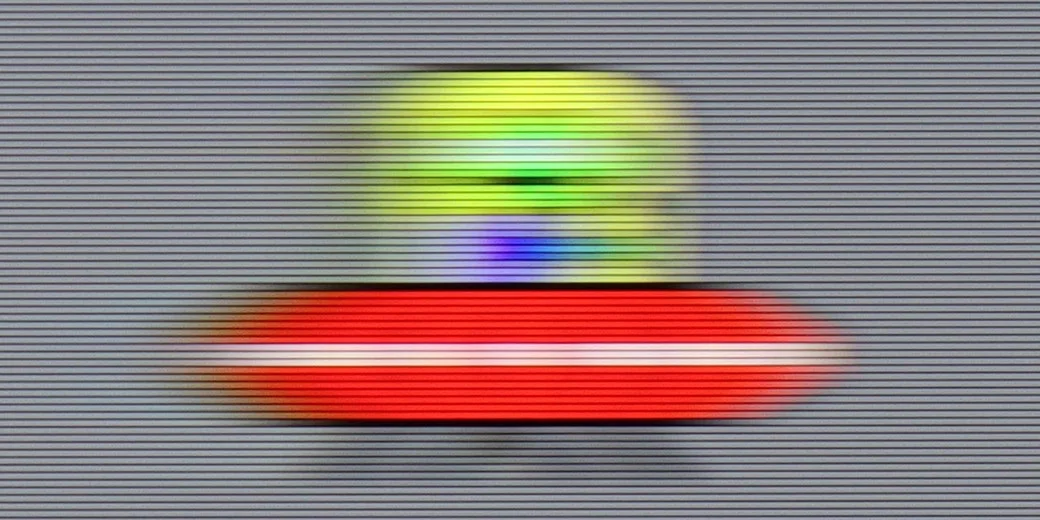
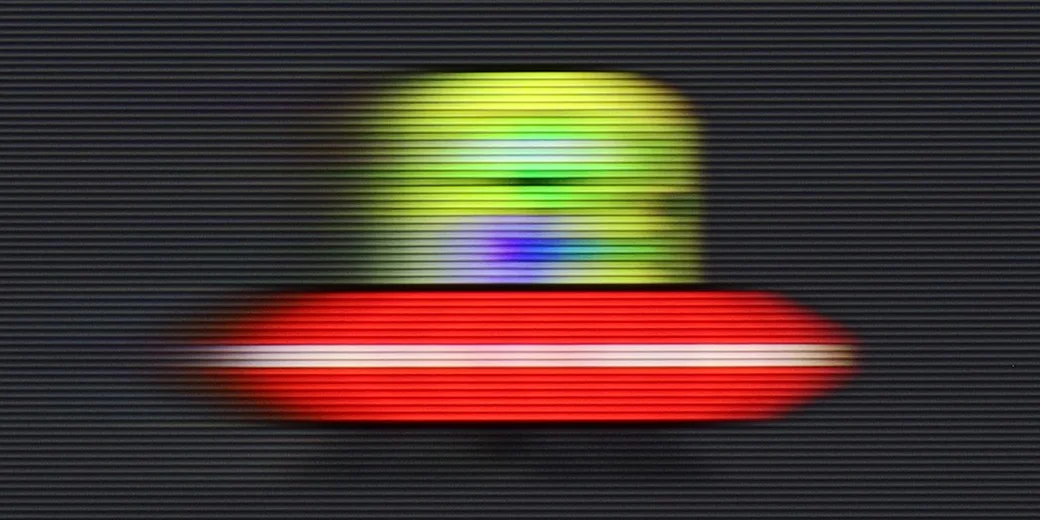
Blur (4K@144Hz):
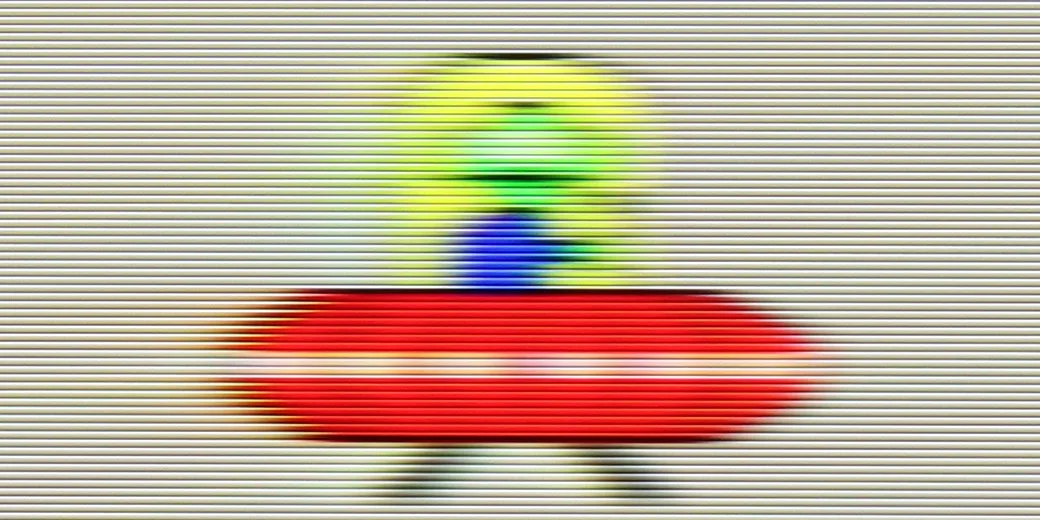
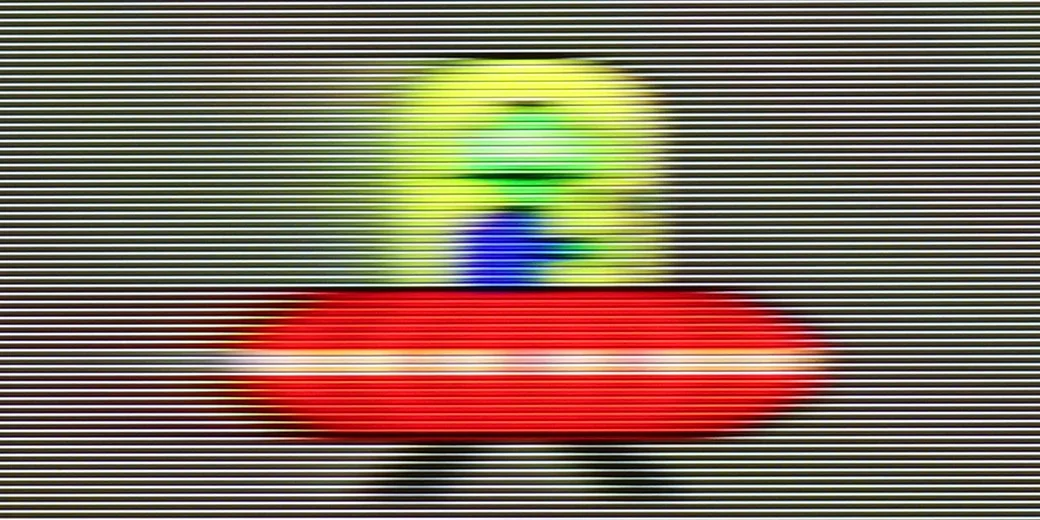
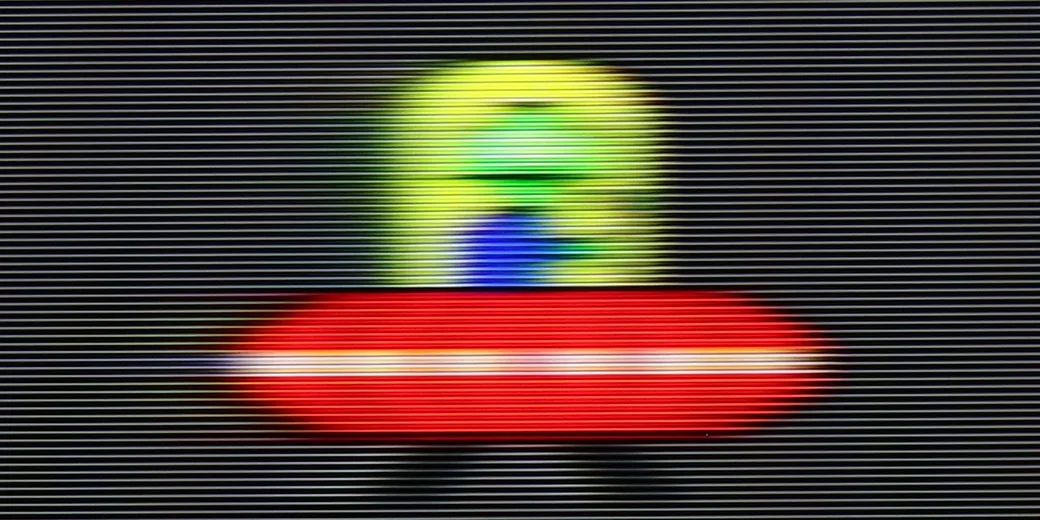
Blur (1440p@120Hz):
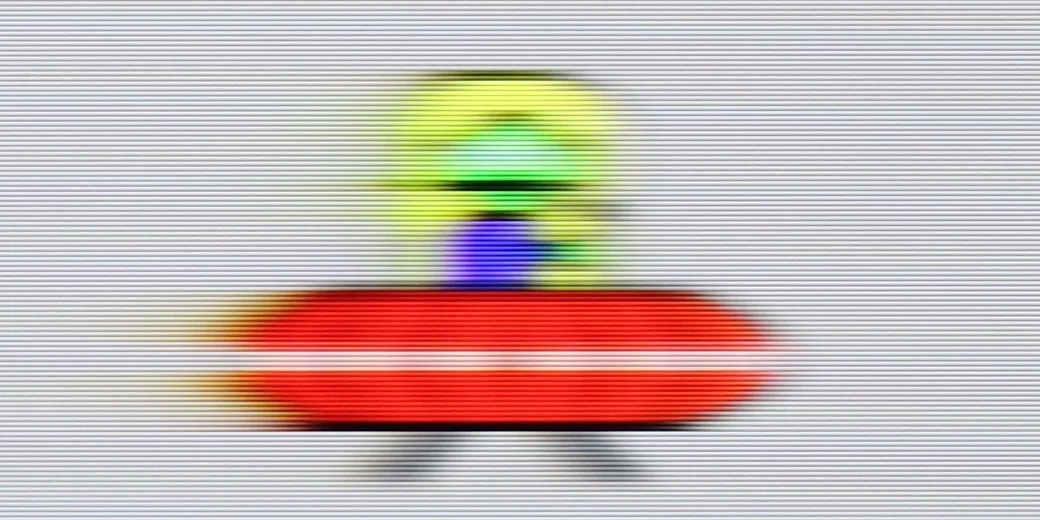
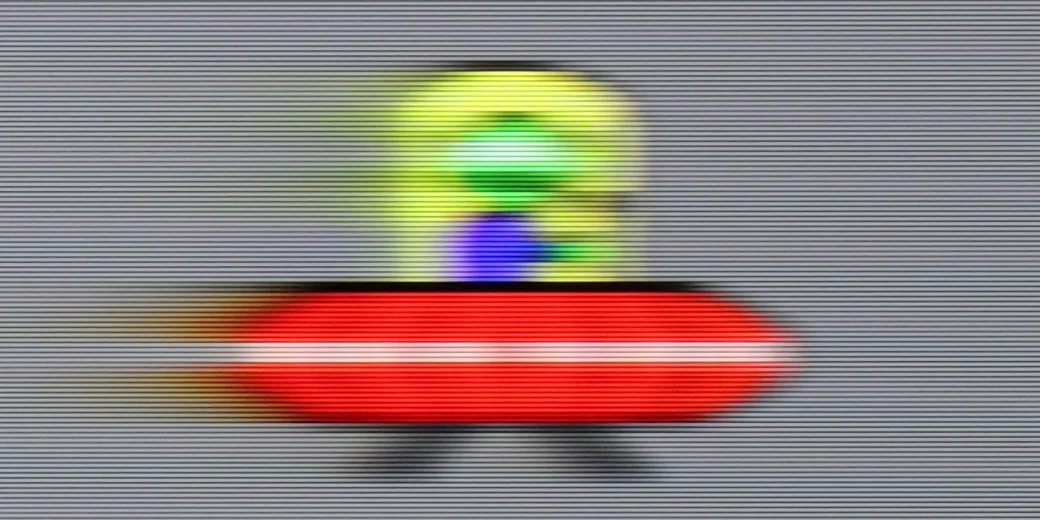
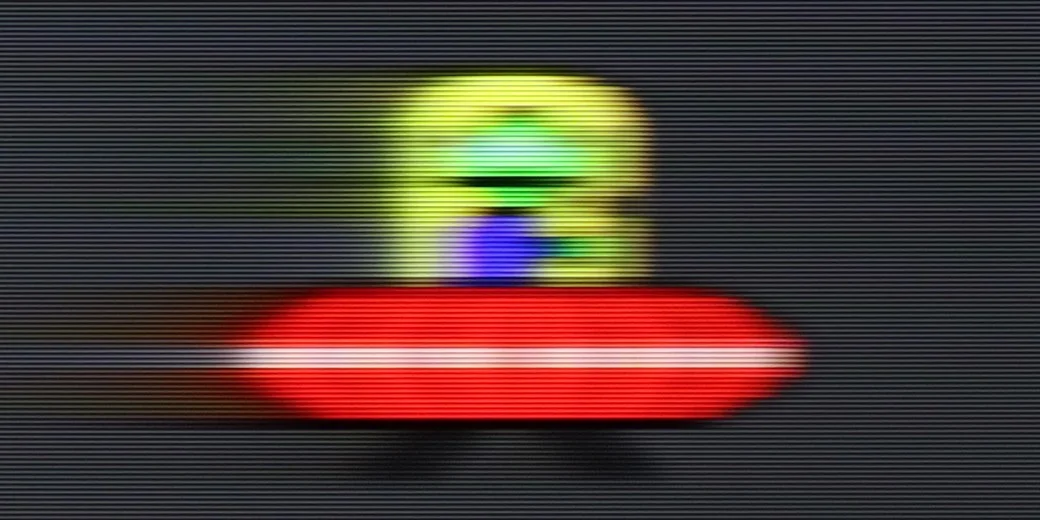
In terms of motion fluidity and blurring, our feelings are quite mixed because the M95E is a paradox television. Let's start with absolute admiration: the heart of the device is its 144Hz panel, but what really impresses is its performance with 120Hz content, which is crucial for sports and console gaming. We must state with complete certainty that Haier has equipped it with one of the best VA panels currently available on the market when it comes to minimising blurring. It is rare to encounter an LCD panel that offers such clear, sharp, and ghosting-free motion. In this regard, the M95E is simply phenomenal.
And that is why the unpleasant surprise waiting for us on the software side is so painful. It turns out that this fantastic hardware potential is completely underutilised because the TV virtually offers no functioning options for improving fluidity. The smoothing systems that should help with lower frame rate content can indeed be found in the menu, but they essentially do not respond to our settings. The conclusion is brutally simple: if you intend to watch high fluidity materials, you must be sure that the source is broadcasting them in native 120. In every other case, you will have to come to terms with a rather harsh, stuttering image, as the M95E will not help smooth it out in any way.
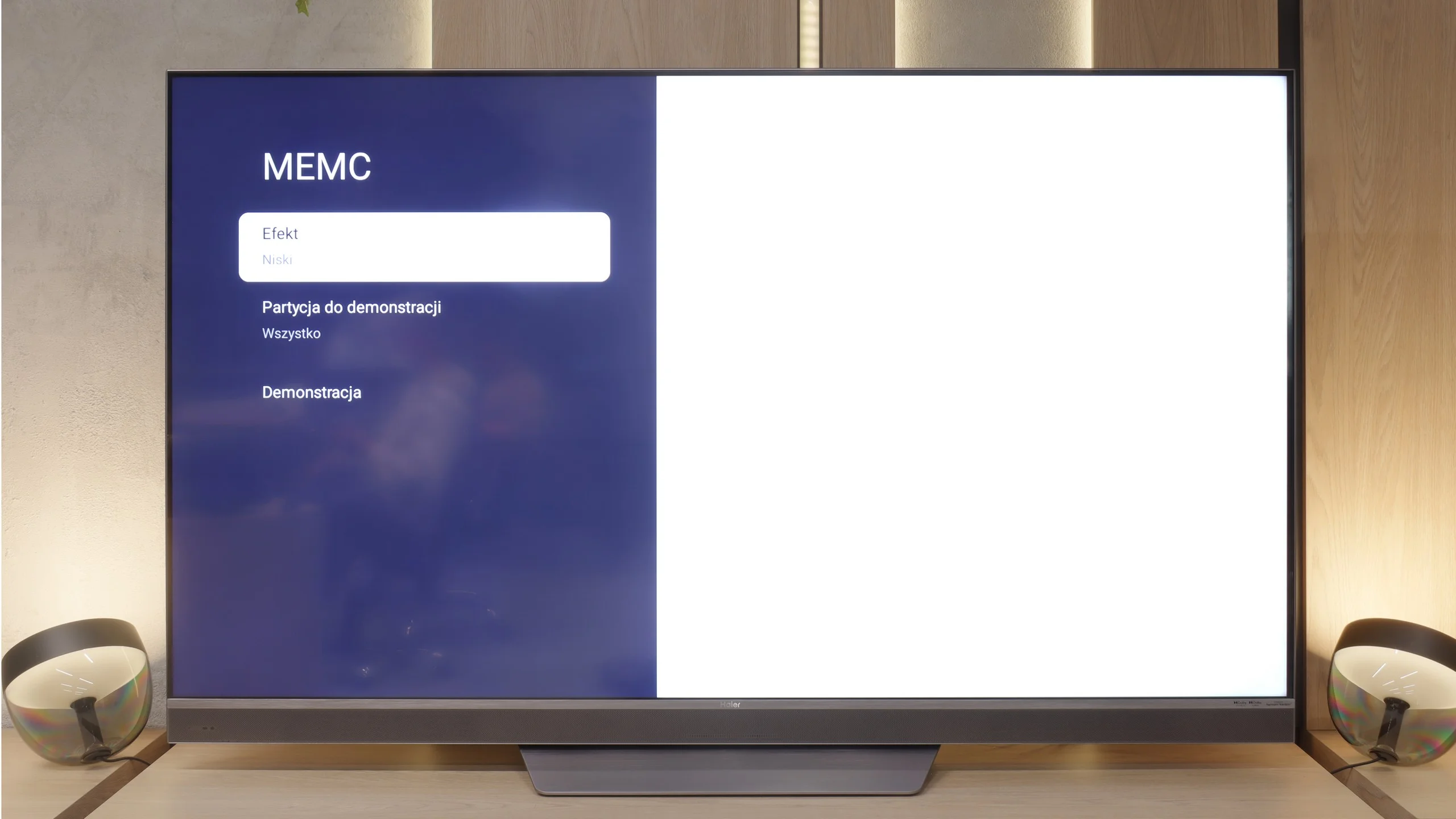
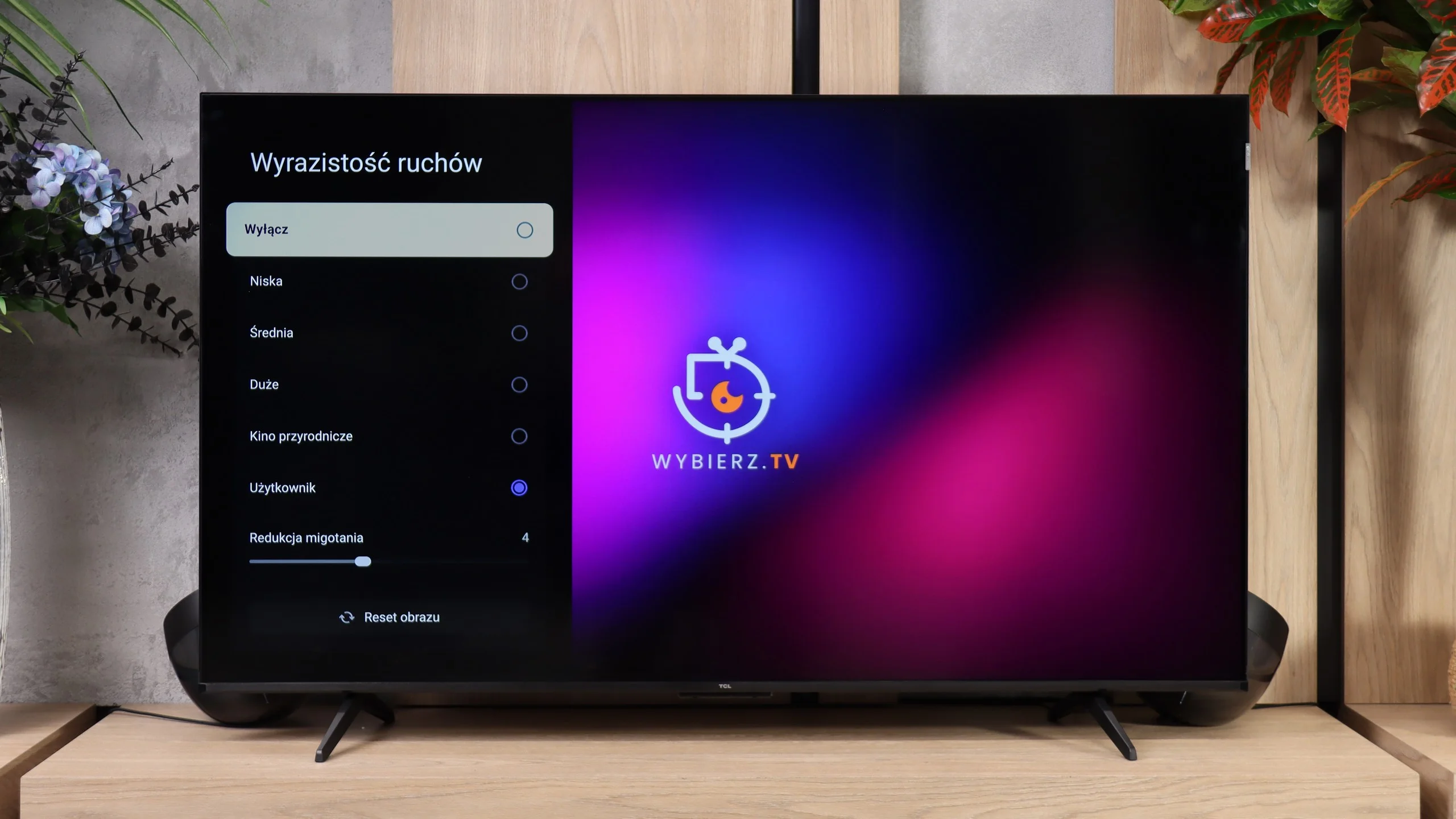
TCL P7L uses a native 60 Hz panel at 4K resolution, and that's how it should be treated in everyday use. For movies the TV mainly offers frame interpolation, so it can smooth motion and reduce noticeable judder, but it doesn't deliver the smoothness typical of true 120 Hz panels.
Console compatibility and gaming features
8.1/10
6.7/10
- ALLM
- VRR
- VRR range48 - 144Hz48 - 120Hz
- Dolby Vision Game Mode
- Correct implementation of HGIG
- 1080p@120Hz
- 1440p@120Hz
- 4K@120Hz
- Game bar
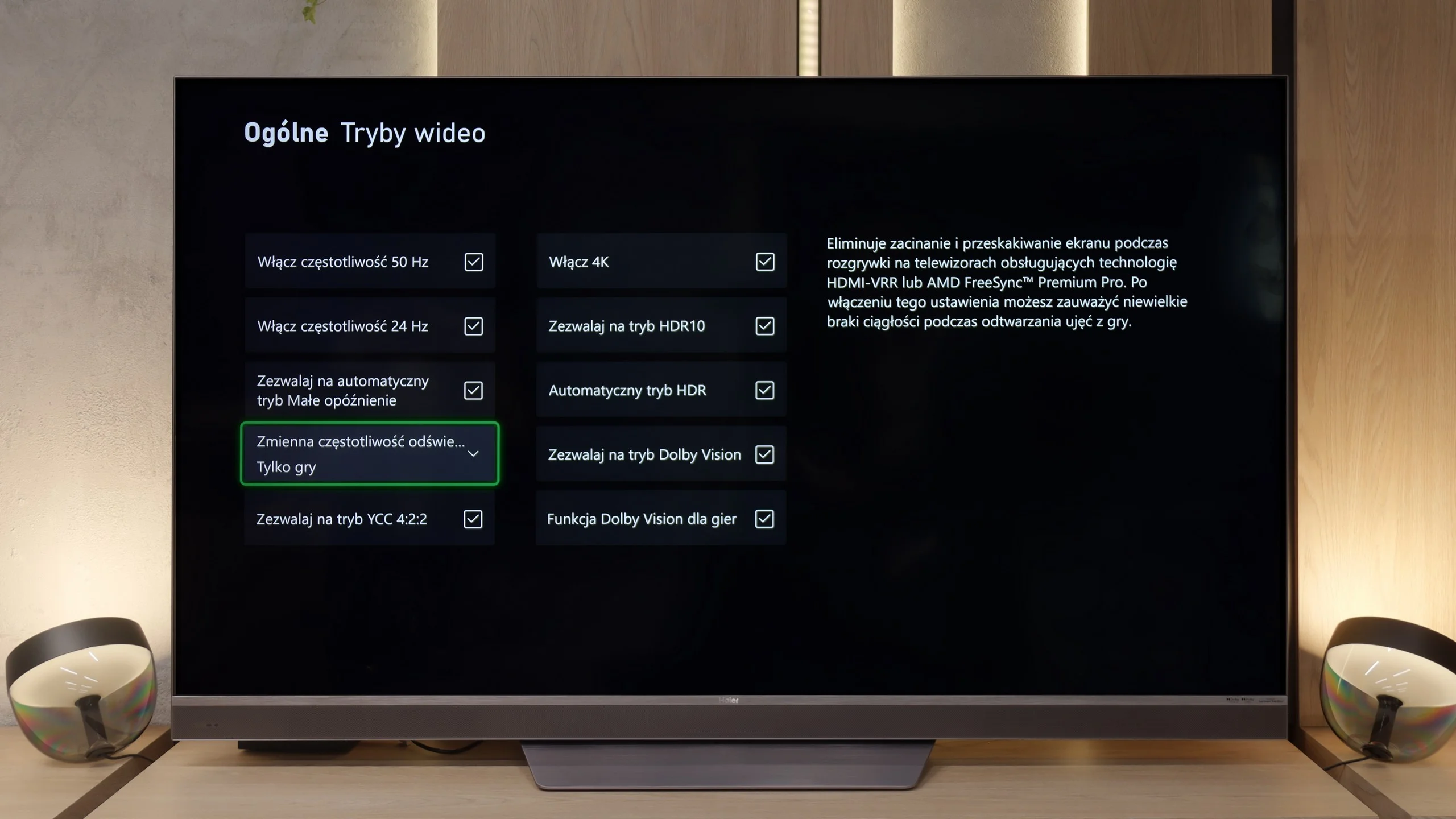
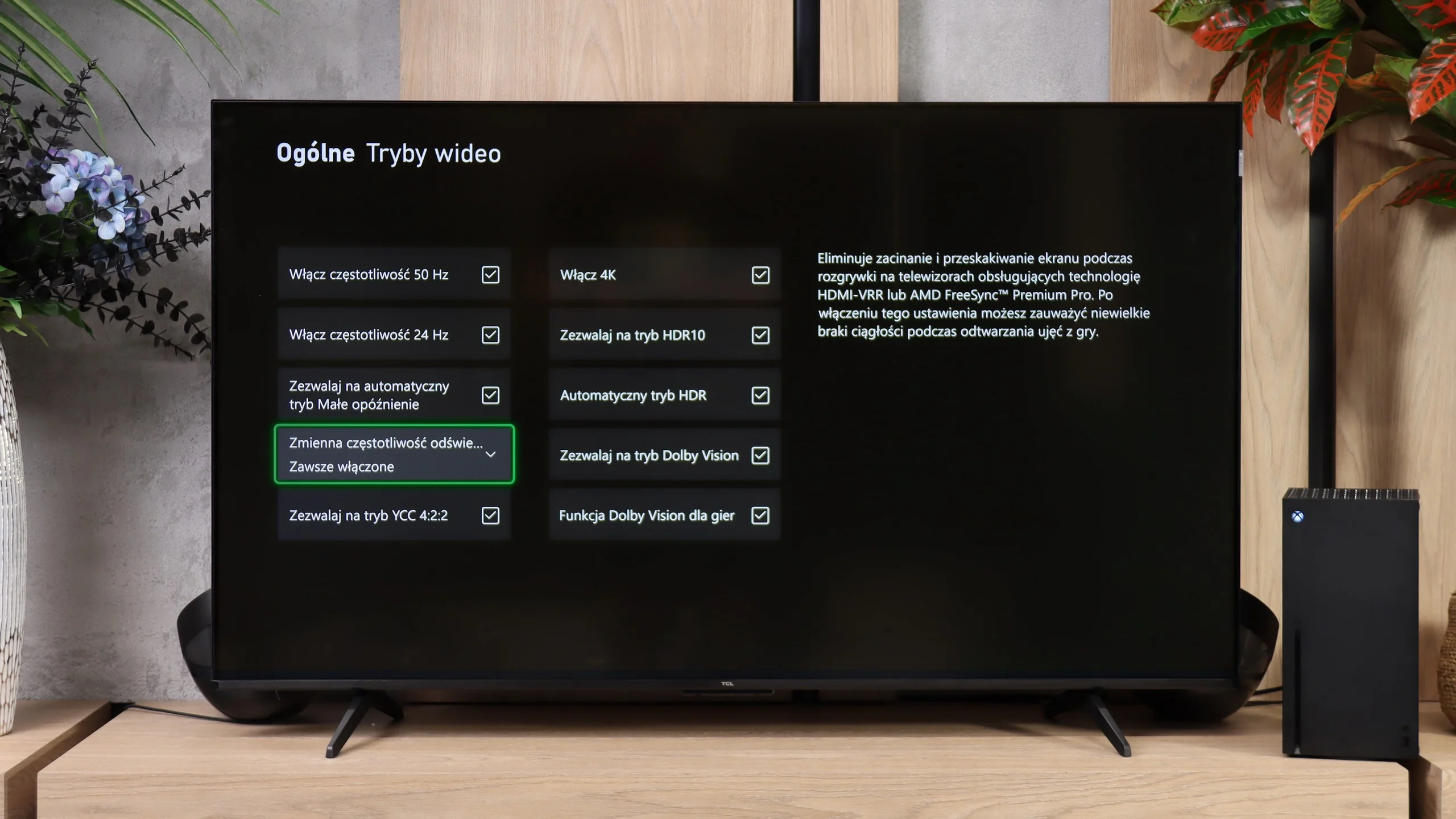
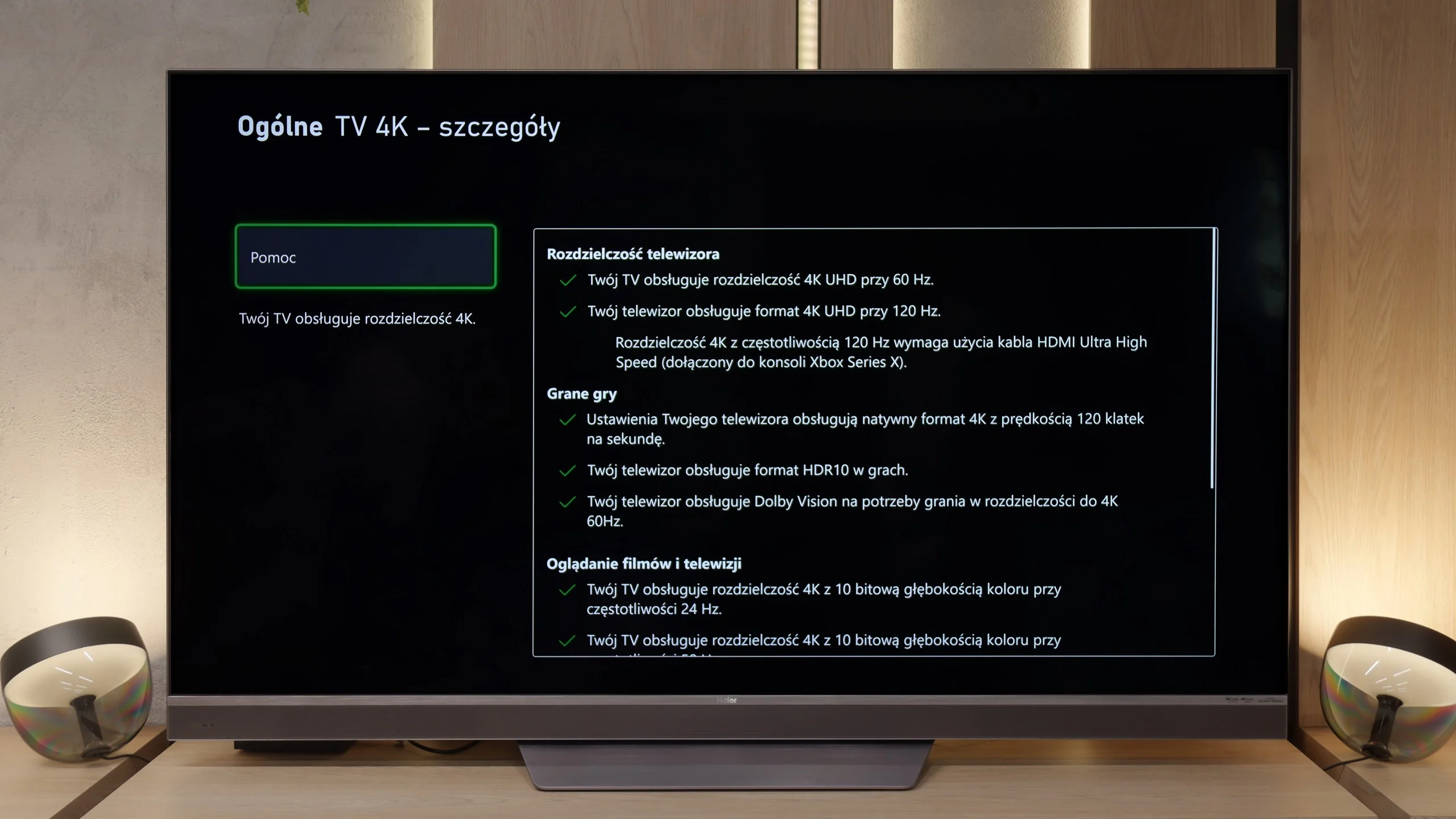
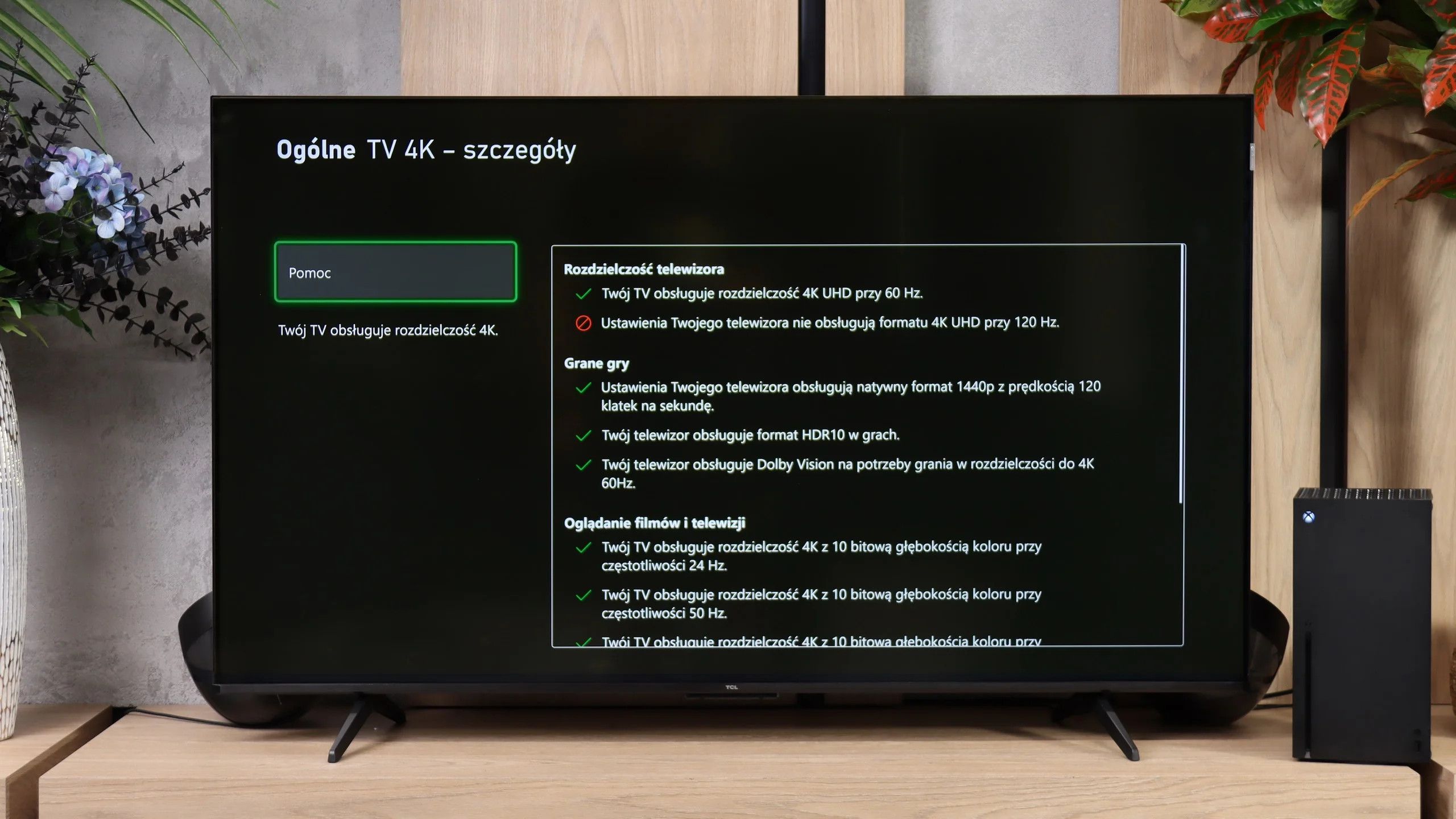
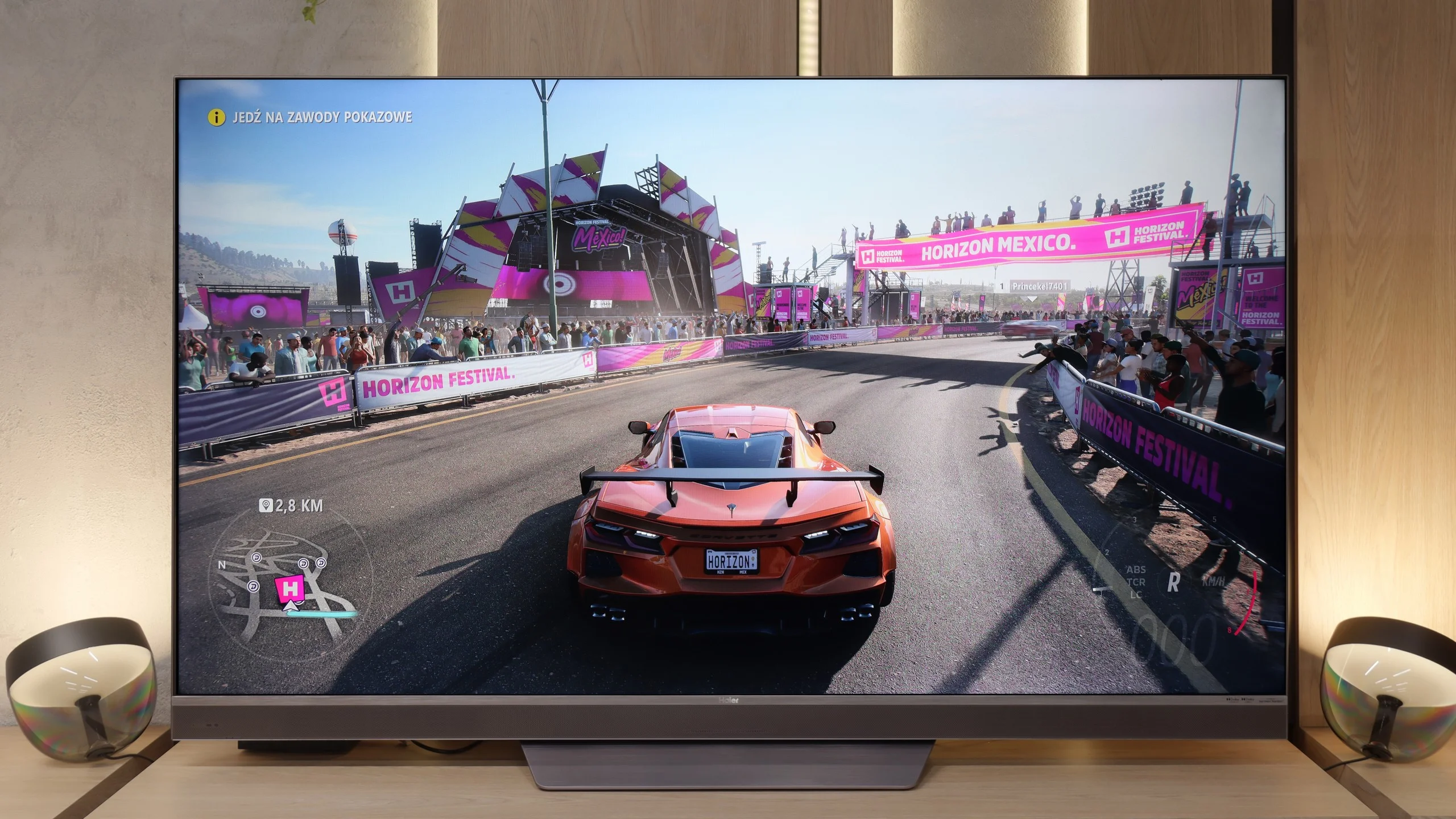
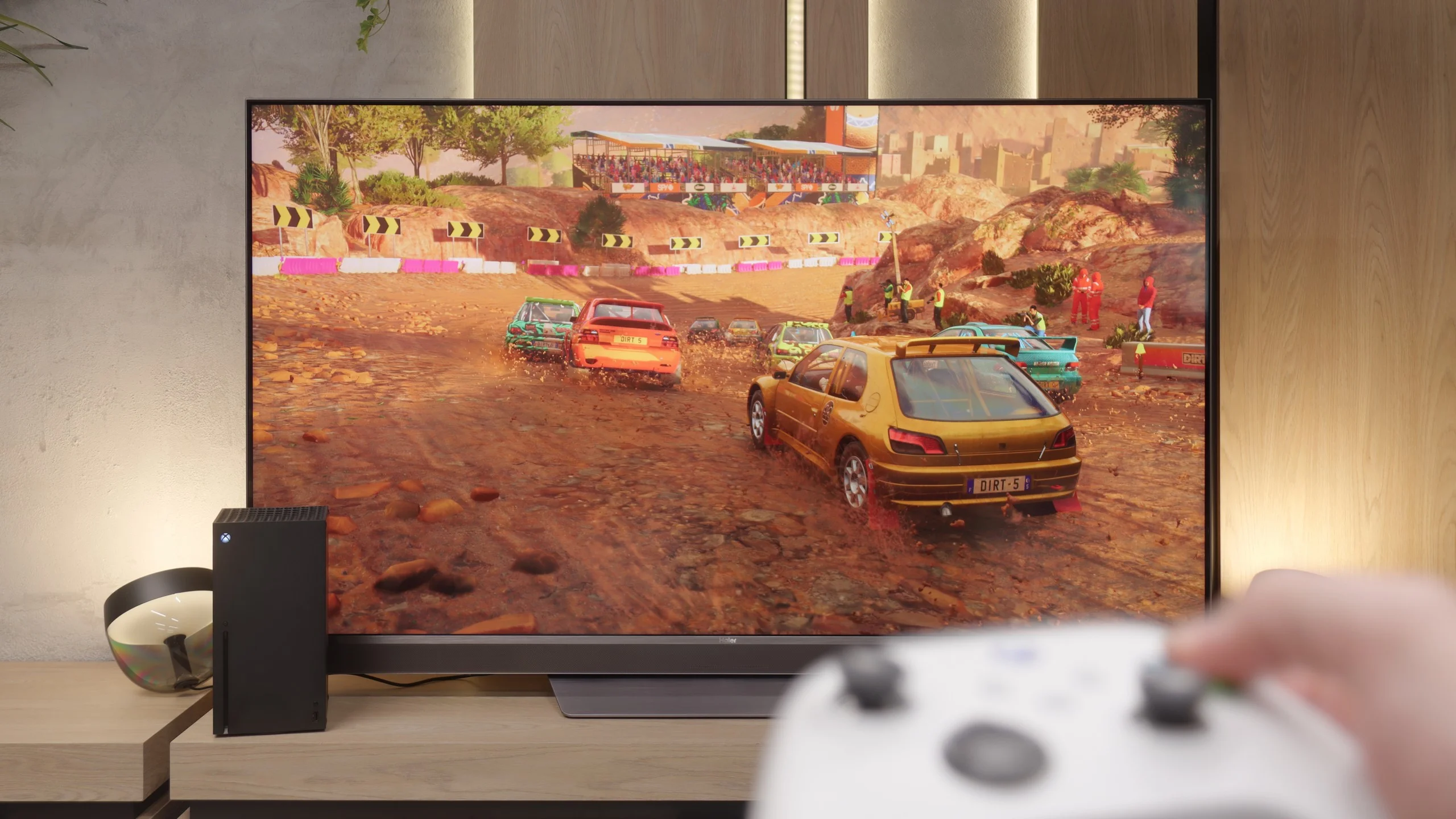
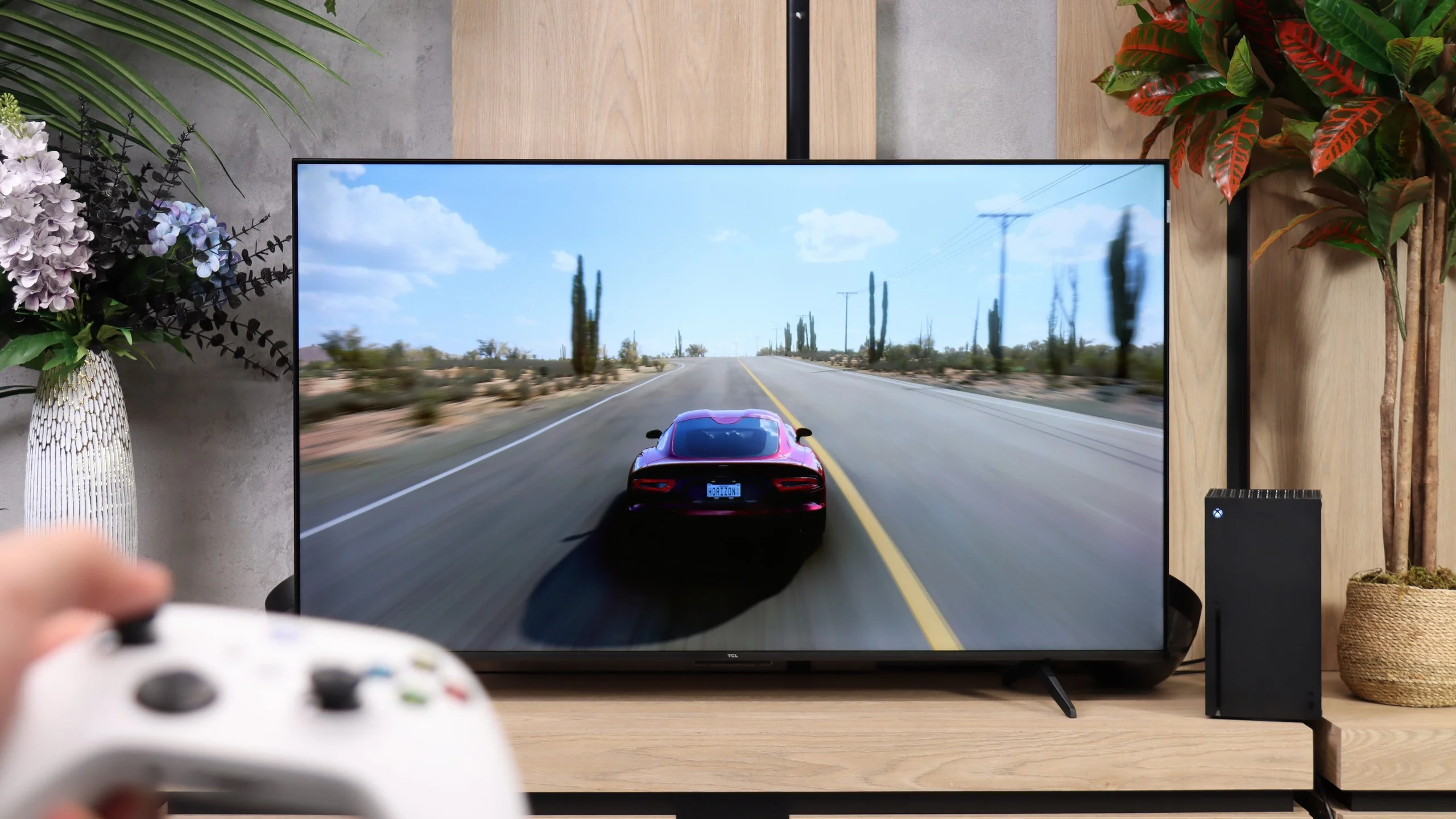
When it comes to features for gamers, the Haier M95E offers some strong arguments. First and foremost, it is fully prepared for the new generation of consoles and powerful gaming PCs. It comes equipped with two full-fledged HDMI 2.1 ports, which effortlessly handle 4K signals at 120Hz and even allow gaming at 144Hz. This is the foundation that guarantees us full utilisation of our available hardware. Furthermore, the key technologies work flawlessly here. The TV accurately detects the console and automatically switches to low-latency mode (ALLM), so we don’t have to fiddle with the settings. The frame syncing (VRR) also works efficiently, eliminating annoying tearing when the game’s smoothness slightly drops. Considering the exceptionally low motion blur of the panel, which we've already mentioned, the M95E creates a truly comfortable and responsive gaming environment. Of course, it's not a perfect package. A dedicated "Game Bar", which is a handy menu for gamers, would be useful, but that's really just a nice extra. A more serious omission is the lack of support for the HGiG standard, which impedes the perfect HDR configuration on consoles and can lead to overexposure. Despite these shortcomings, the core "gaming package" that the M95E offers is really solid and fully functional.
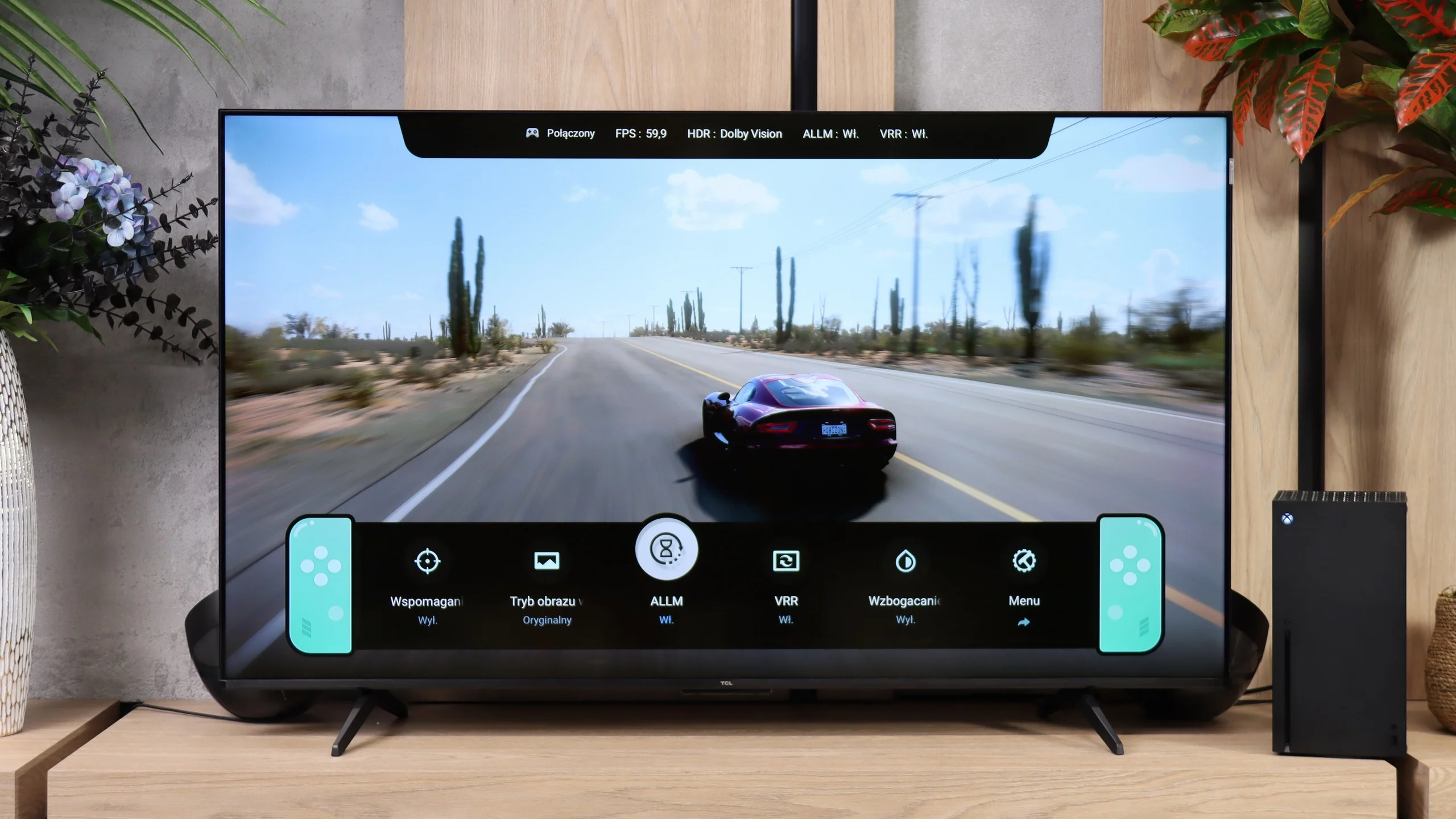
For such an inexpensive TV, the P7L has quite a lot to offer gamers. It has ALLM, VRR and Dolby Vision in games, and TCL also includes its Game Bar, where you can quickly check key information or change some settings without leaving the game. Not everything is perfect, though, because HGiG doesn't work here as it should, but at this price point it's hard to complain much about the feature set. The most interesting part comes when you give up 4K. At that resolution the TV runs at up to 60 Hz, but at 1440p and 1080p it can already display at 120 Hz. And that's not just a spec-sheet curiosity. In fast-paced games that support that frame rate the difference in smoothness is genuinely noticeable, so if you care more about smoother motion than maximum image sharpness, that mode can make a lot of sense. Of course, that doesn't make the P7L a true 120 Hz TV. Still, it's precisely these extra modes that make the P7L perform really well for gaming.
Input lag
9.8/10
10/10
SDR
HDR
Dolby Vision
The key parameter for any gamer, often more important than colours or contrast, is responsiveness. In this category, the Haier M95E absolutely takes no prisoners. The input lag, measured by us, for a 120Hz signal was below 10 milliseconds. This result is among the absolute market leaders, placing this model on par with dedicated gaming monitors. In practice, this means an immediate response to every movement of the controller, keyboard, or mouse.
As far as latency goes, the TCL P7L performs very well. With a 60 Hz signal, input lag is around 13 ms, whether you're playing in SDR, HDR or Dolby Vision. That's a level where delay should be practically unnoticeable during normal gaming. It gets even better when you switch the TV to 120 Hz at a lower resolution. Then input lag drops to about 9 ms, which nicely complements the modes described above. For gamers, that's another reason why, despite the P7L's budget nature, it's quite well prepared in this respect.
Compatibility with PC
6.6/10
5.8/10
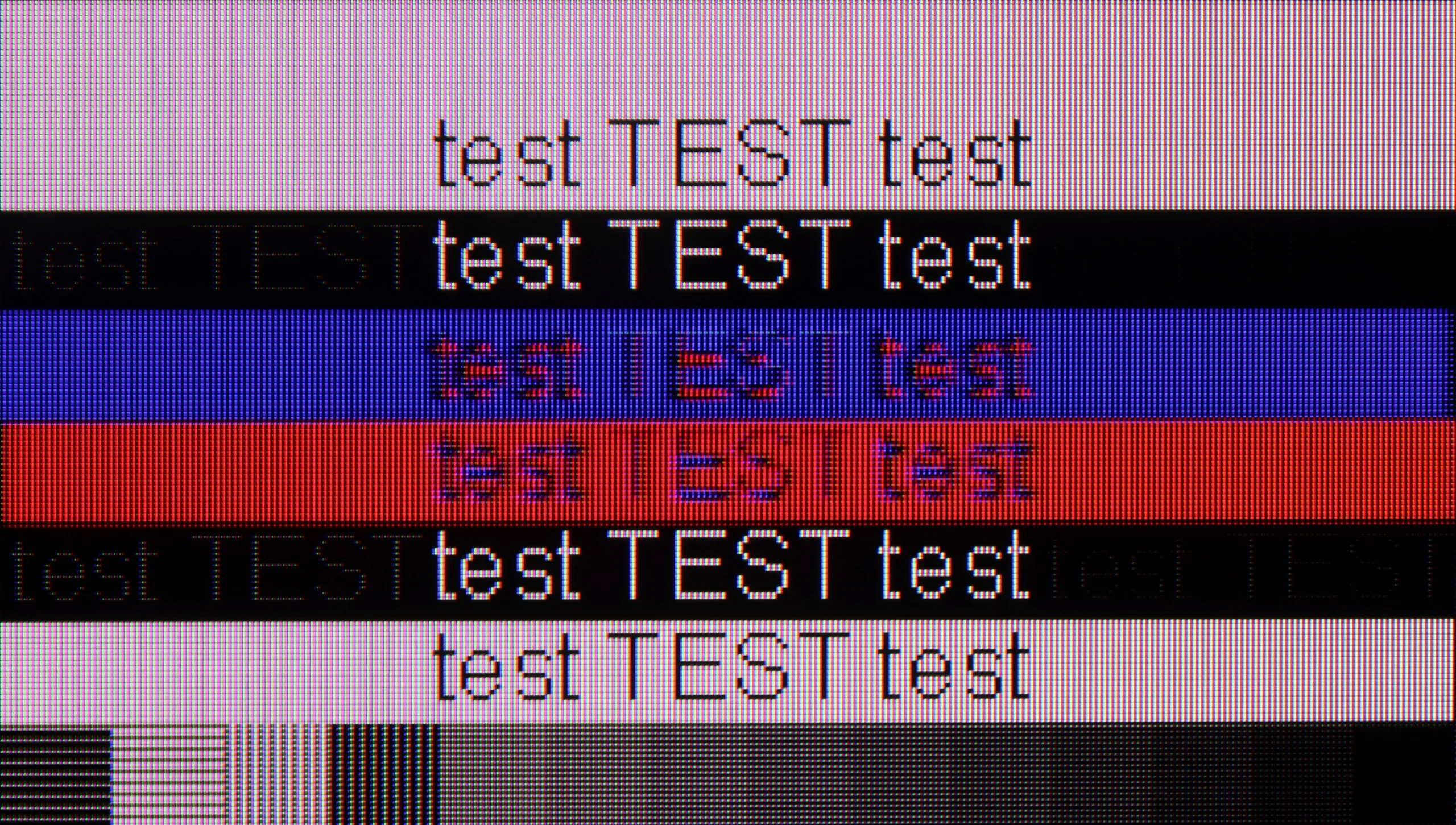
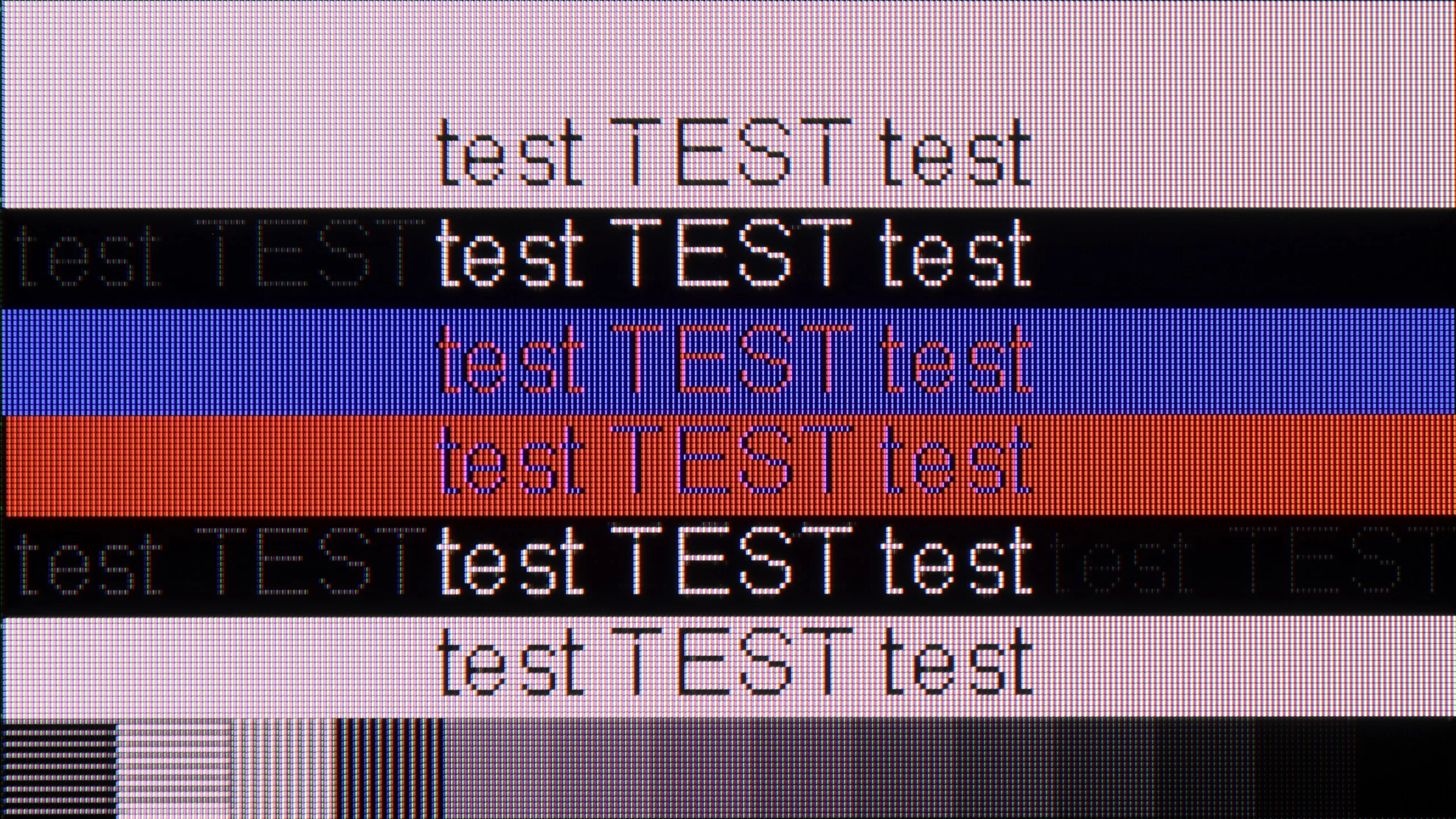
The photo shows the legibility of small fonts. Ideally, lines should be the same thickness on both light and dark text, with minimal pixel gaps.
As a monitor for PC gaming, the M95E performs exceptionally well. We have full support for 144Hz, there’s VRR, and consequently, it also supports G-Sync. In this regard – it’s great. Perhaps that’s why you’re surprised by our “average” rating in this category. The reason is simple: while it excels at gaming, regular text work doesn’t fare as well. At the 120Hz or 144Hz setting, the TV’s ability to display fonts is, quite frankly, poor. The text is blurred, and the coloured letters become smeared due to the lack of full Chroma 4:4:4 support. Interestingly, there is a workaround – simply switch the computer to 60Hz mode, and everything returns to normal, with the fonts becoming sharp. The only downside is that this forces us to constantly juggle settings every time we want to stop gaming and do a bit of work.
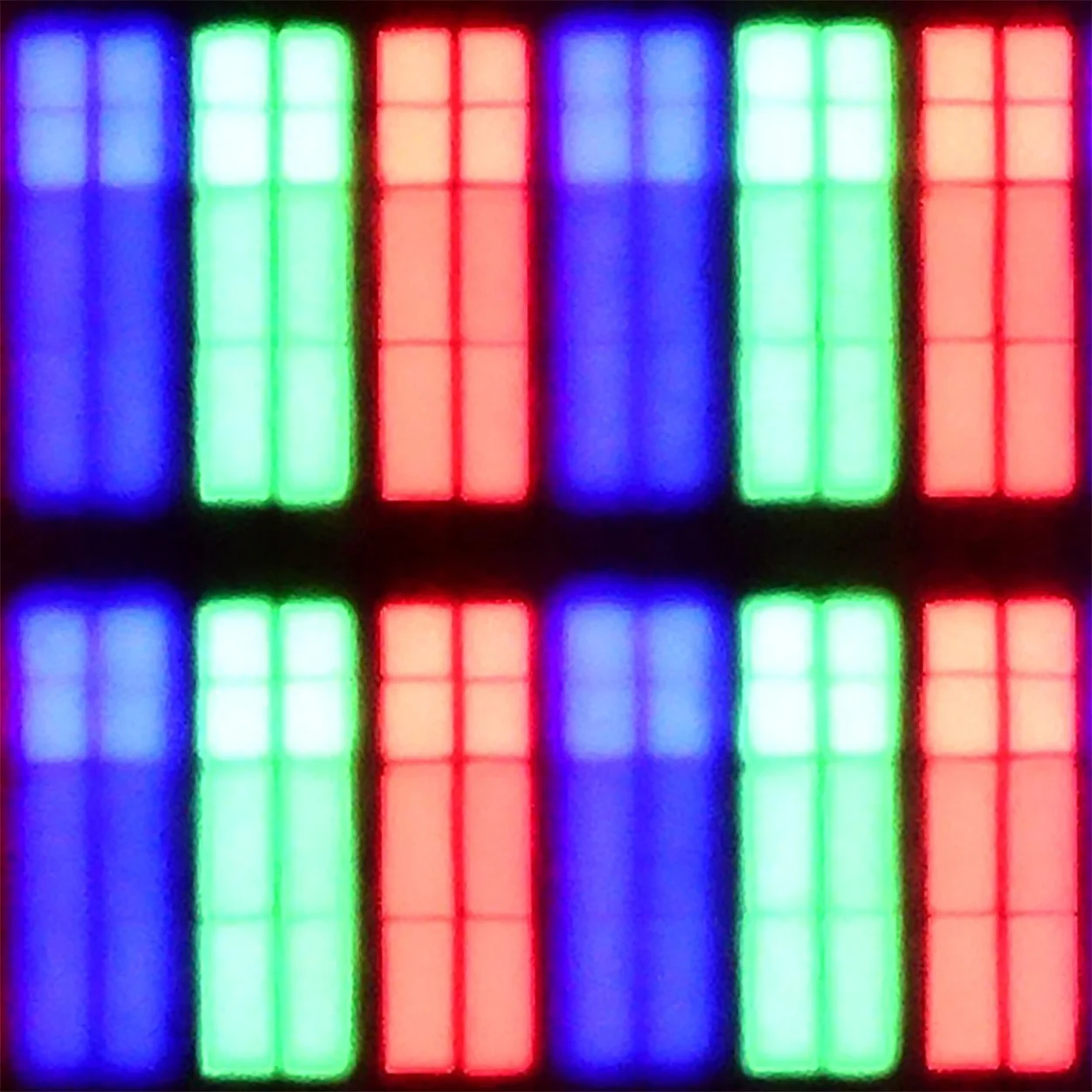
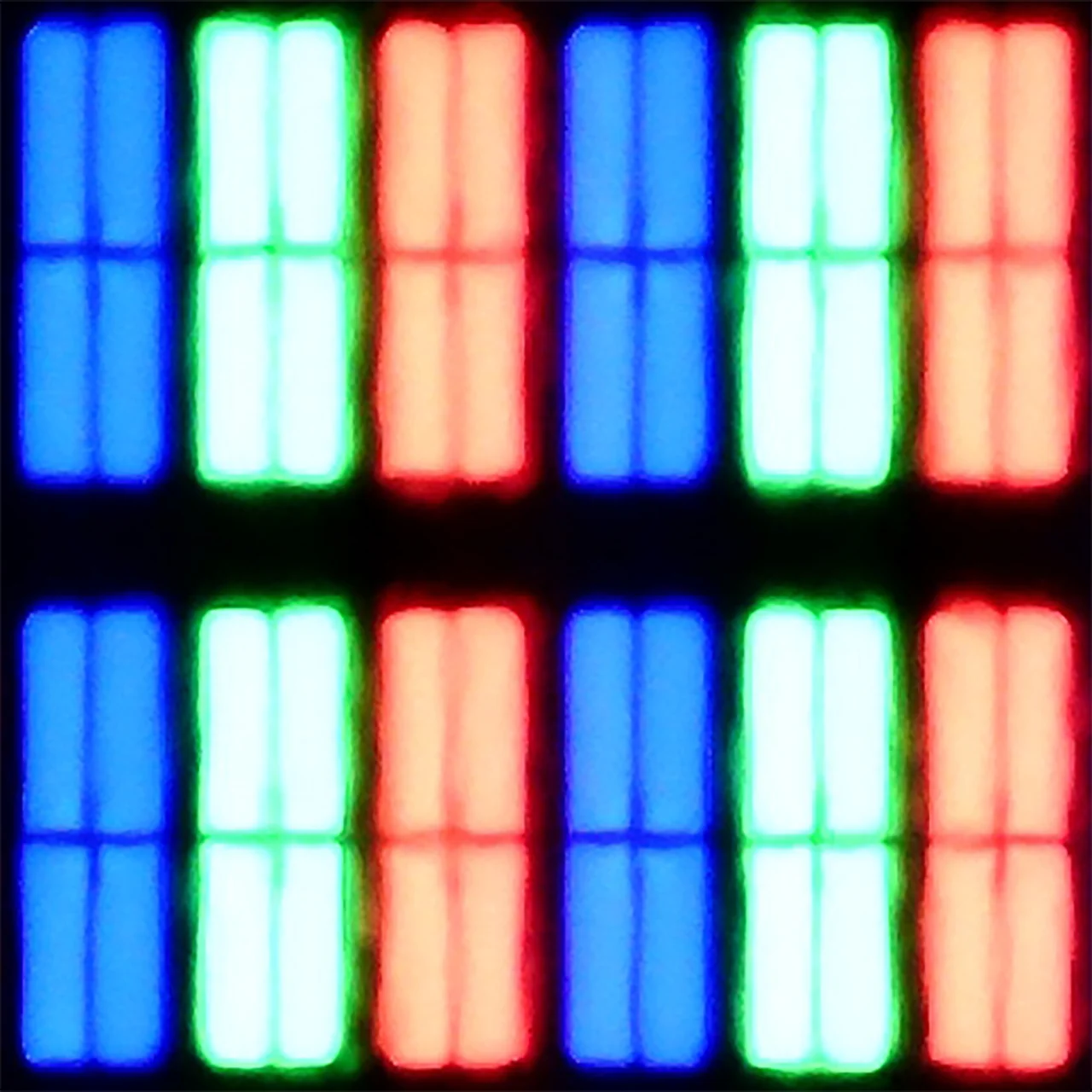
For office work the TCL P7L is unlikely to be the first choice. The TV correctly handles 4:4:4 chroma, so the text itself remains fairly sharp, but the BGR subpixel layout causes some issues with its appearance. On the vertical edges of letters you can notice minor artefacts and characteristic "dots" that can be distracting when sitting close to the screen. For occasional use of a browser or documents this isn't a big problem, but as a monitor for daily text work the P7L performs rather averagely.
It looks much better for gaming on a PC. Low input lag and support for G-Sync and VRR mean the TV works well with a graphics card, and at lower resolutions you can also take advantage of 120 Hz. In 4K we're still limited to 60 Hz, but if the computer is mainly for gaming, the P7L makes a lot more sense in that role than as a typical work monitor.
Viewing angles
3.1/10
3.2/10
The issue of viewing angles brings no surprises here – they are simply poor. Haier M95E uses a VA panel, so as you move away from the centre of the screen, the image quickly loses colour saturation, and contrast clearly fades. However, this is a typical and fully expected characteristic of this technology, so it's hard to consider it a significant drawback – this type of panel is just like that.
Viewing angles on the TCL P7L are rather poor, which is typical for a VA panel. It's the VA panel that gives the TV higher contrast and deeper blacks, but the price for that is a noticeable drop in picture quality when you view the screen from the side. Move just a little off-axis and colours start to lose saturation and blacks look greyer. So the P7L works best when you're seated as directly in front of the screen as possible. With a larger sofa and several people watching, the outer seats will be noticeably less comfortable.
Daytime performance
8.5/10
5.2/10
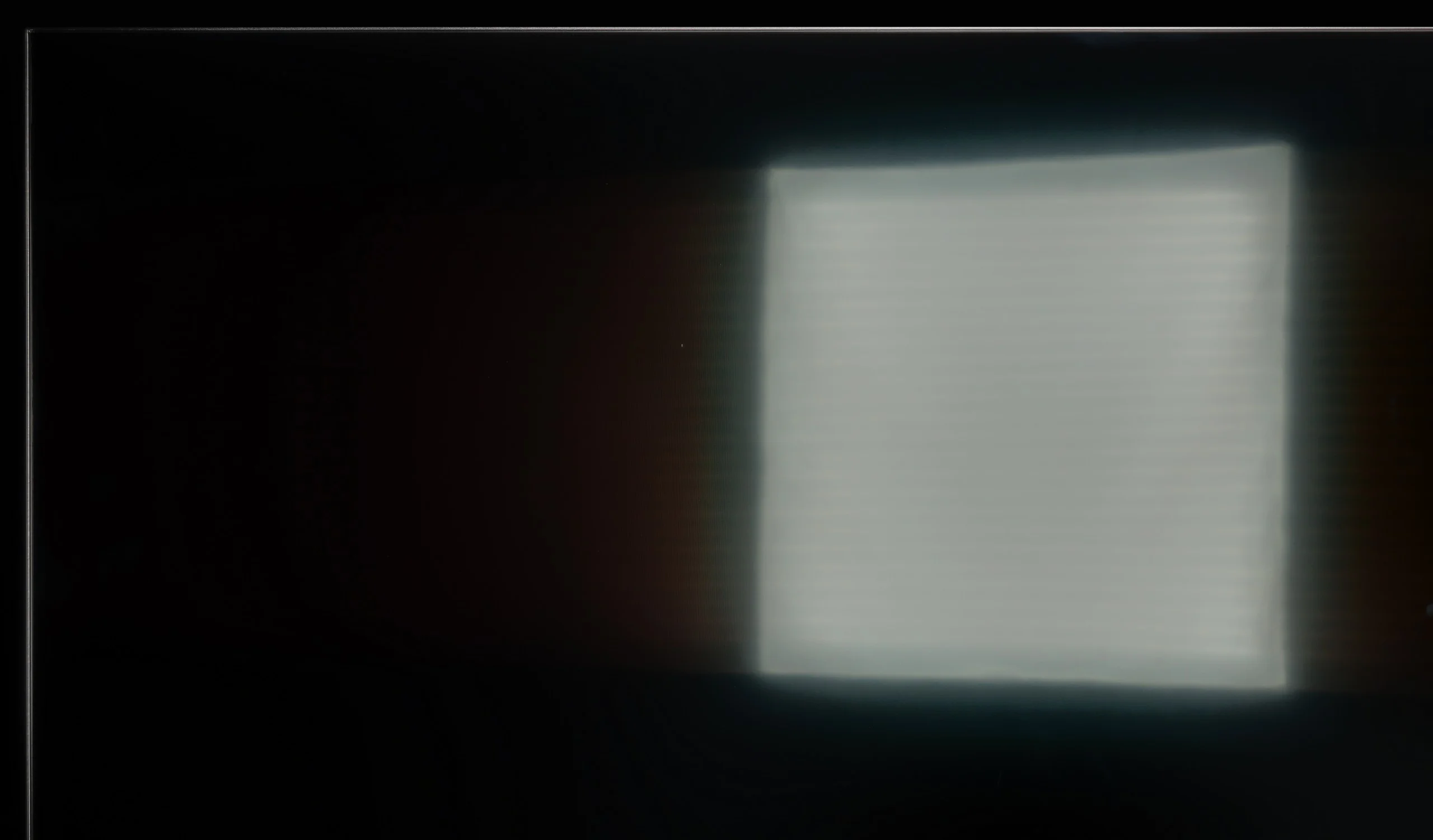
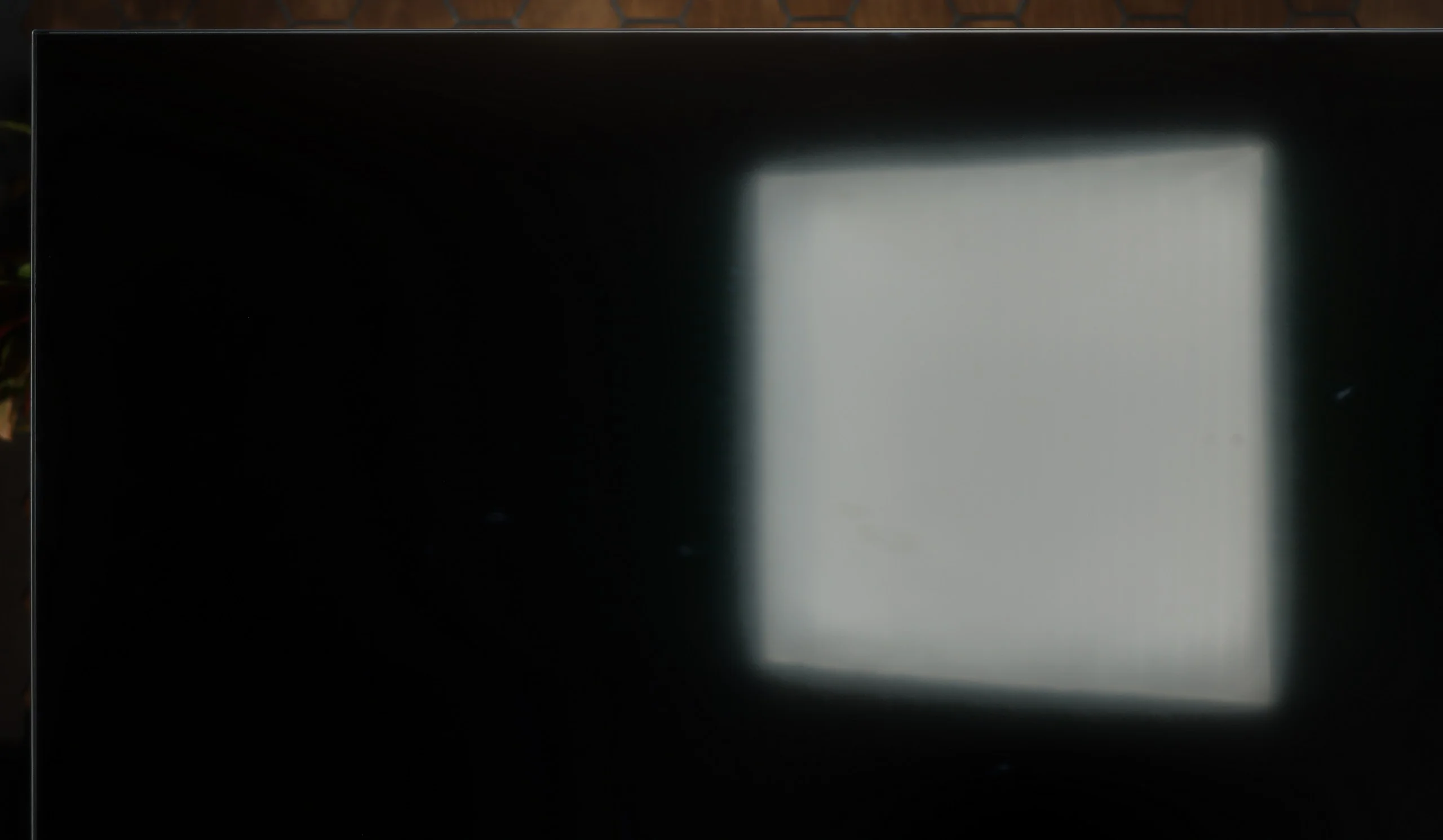
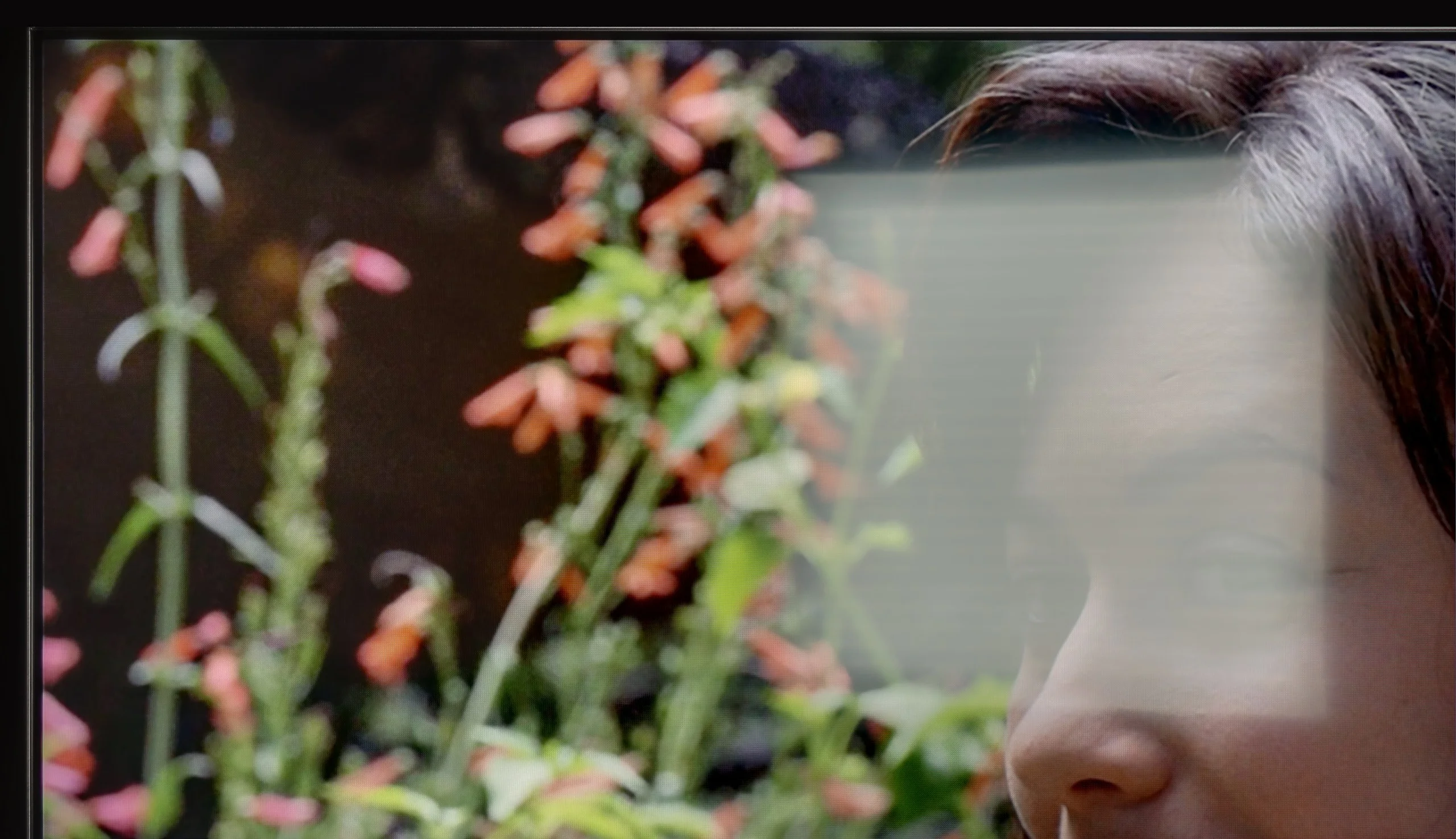
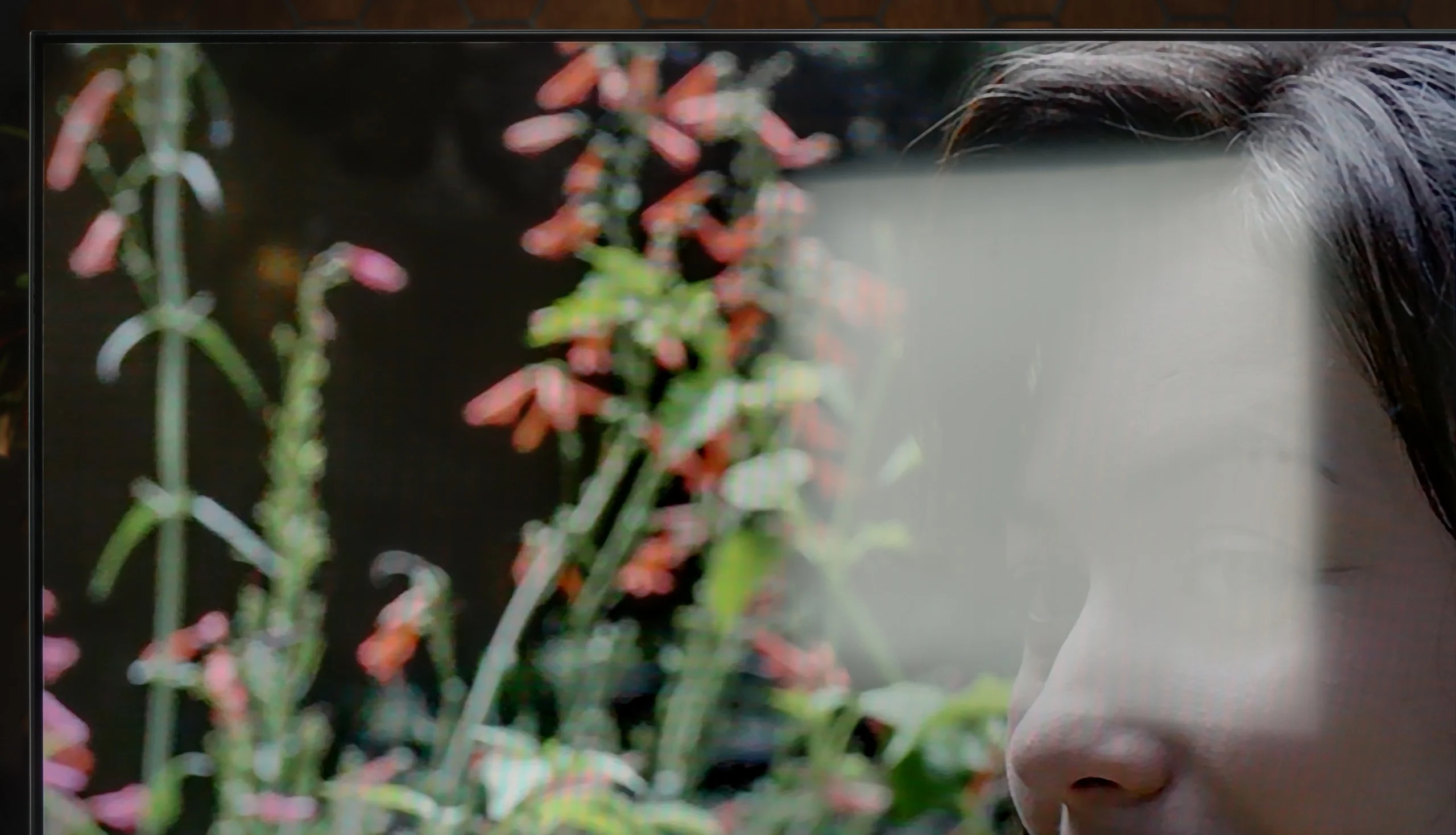
Panel brightness
TCL P7L / P79L: 364 cd/m2
Haier M95E: 1039 cd/m2
If you're looking for a TV for a bright living room, the Haier M95E is one of the stronger contenders. Its performance in daytime conditions is thanks primarily to its very high brightness. In SDR mode, the panel averages over 1000 nits, which is a result that easily allows it to 'cut through' the light coming into the room, even in very challenging conditions. And although the M95E doesn't have some revolutionary, super-matte anti-reflective coating, its raw backlight strength is more than enough to make it an excellent choice for daytime viewing.
By day the TCL P7L performs quite respectably, although a lot depends on how the TV is positioned relative to windows. The satin screen coating does a good job of diffusing reflections, so under normal living-room light the picture stays readable and doesn’t immediately turn into a mirror. Black levels also hold up well and don’t lose as much depth in daylight. The limitation is brightness. Around 360 nits is enough for normal viewing in a moderately lit room, but with strong sunlight falling directly on the screen the P7L starts to lose out to its surroundings. It will be fine for a typical living room, but if the TV will sit opposite a large window or you mainly watch in a very bright room, it’s worth keeping that in mind.
Panel details
Subpixel Structure:
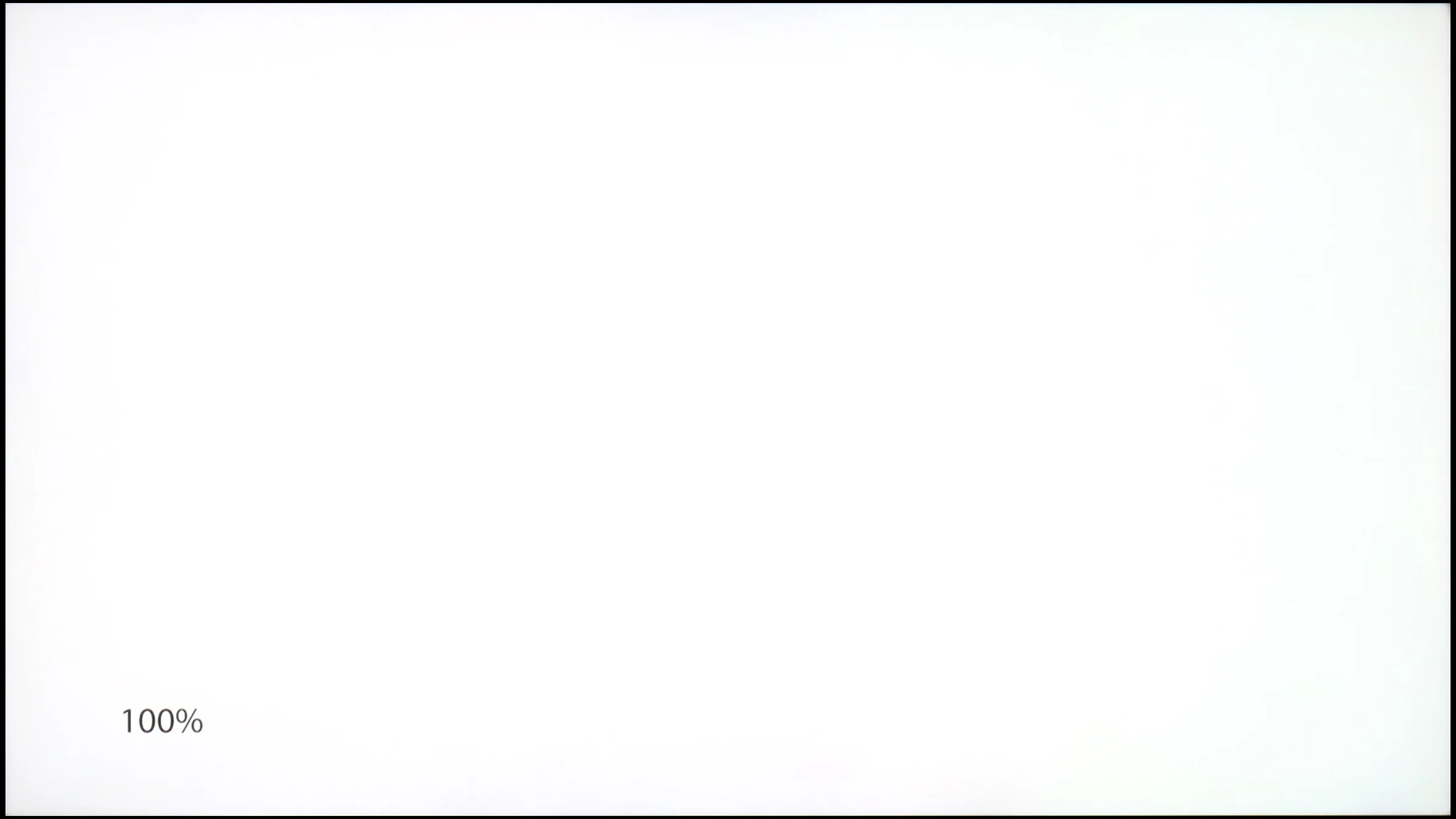
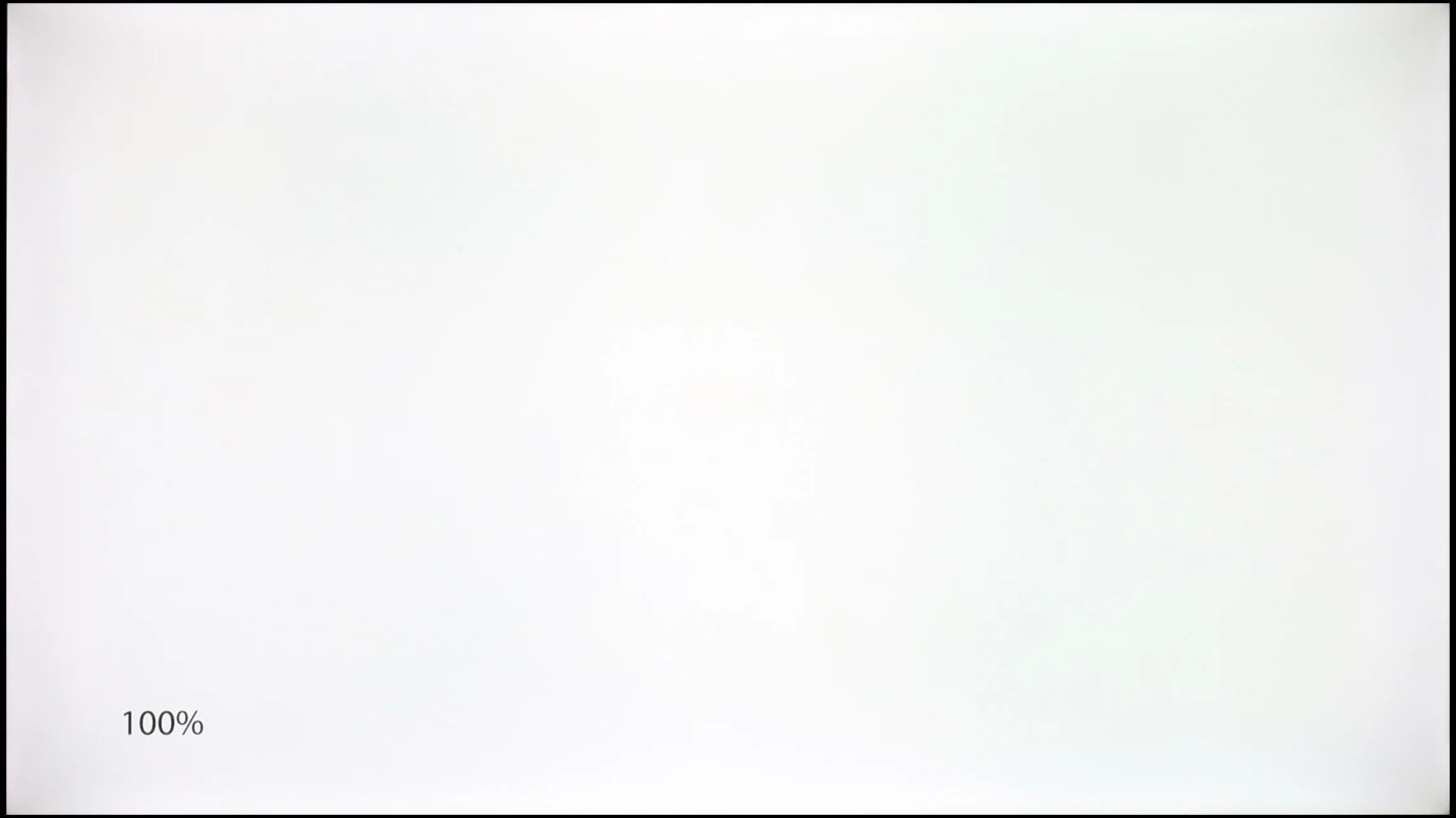
Panel uniformity and thermal imaging:
Haier M95E
TCL P7L / P79L
TV features
6.3/10
7/10
- SystemGoogle TVGoogle TV
- System performanceGoodDecent
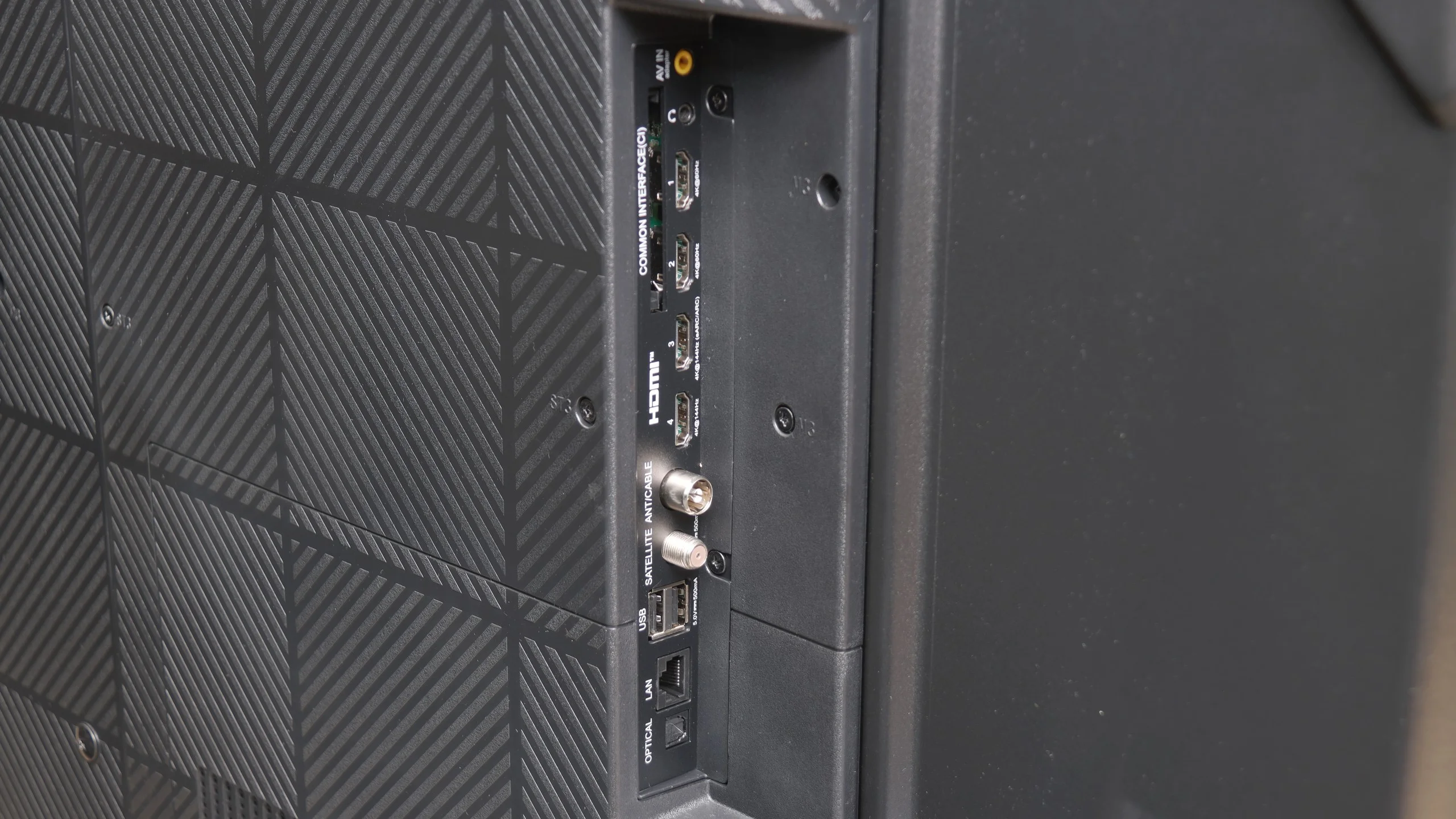
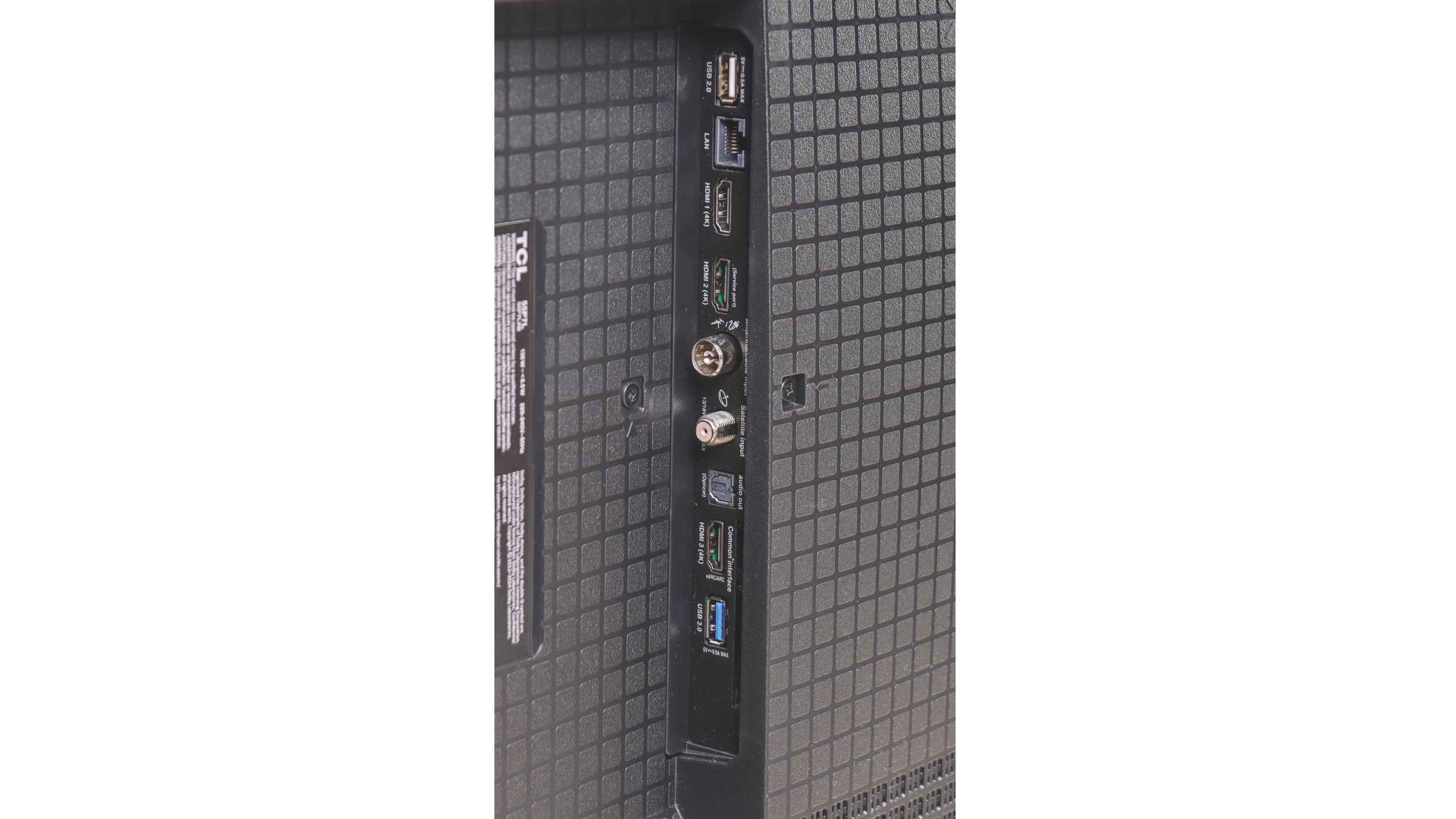
- HDMI inputs2 x HDMI 2.0, 2 x HDMI 2.13 x HDMI 2.0, 0 x HDMI 2.1
- Other inputsRCA (Chinch)
- OutputsToslink (Optical audio), eARC (HDMI), ARC (HDMI), Mini-Jack (Headphones)Toslink (Optical audio), eARC (HDMI), ARC (HDMI)
- Network InterfacesWi-Fi 2.4GHz, Wi-Fi 5GHz, Ethernet (LAN) 100MbpsWi-Fi 2.4GHz, Wi-Fi 5GHz, Ethernet (LAN) 100Mbps
- TV receptionDVB-T, DVB-T2, DVB-S, DVB-S2, DVB-CDVB-T, DVB-T2, DVB-S, DVB-S2, DVB-C
Classic features:
- Recording to USB (terrestrial TV)
- Recording programming
- Picture in Picture (PiP)
- RF remote control (no need to aim)
- Backlit remote control
- Teletext
- Audio only mode
- Bluetooth headphones support
- Simultaneous Bluetooth headphones & TV audio
Smart features:
- AirPlay
- Screen mirroring (Windows Miracast)
- Voice search
- Voice search in native language
- Ability to connect a keyboard and mouse
Sound connection options
- HDMI audioeARC (HDMI), ARC (HDMI)eARC (HDMI), ARC (HDMI)
- Other audio outputsToslink (Optical audio), Mini-Jack (Headphones)Toslink (Optical audio)
- Wireless audioBluetoothBluetooth
Supported audio formats (external HDMI eARC audio):
- Dolby Digital Plus 7.1
- Dolby True HD 7.1
- Dolby Atmos in Dolby Digital Plus (JOC)
- Dolby Atmos in Dolby True HD
- DTS:X in DTS-HD MA
- DTS-HD Master Audio
Senior accessibility
- Numeric keyboard on TV
- Font size adjustment
- Audio description
Classic Features of M95E
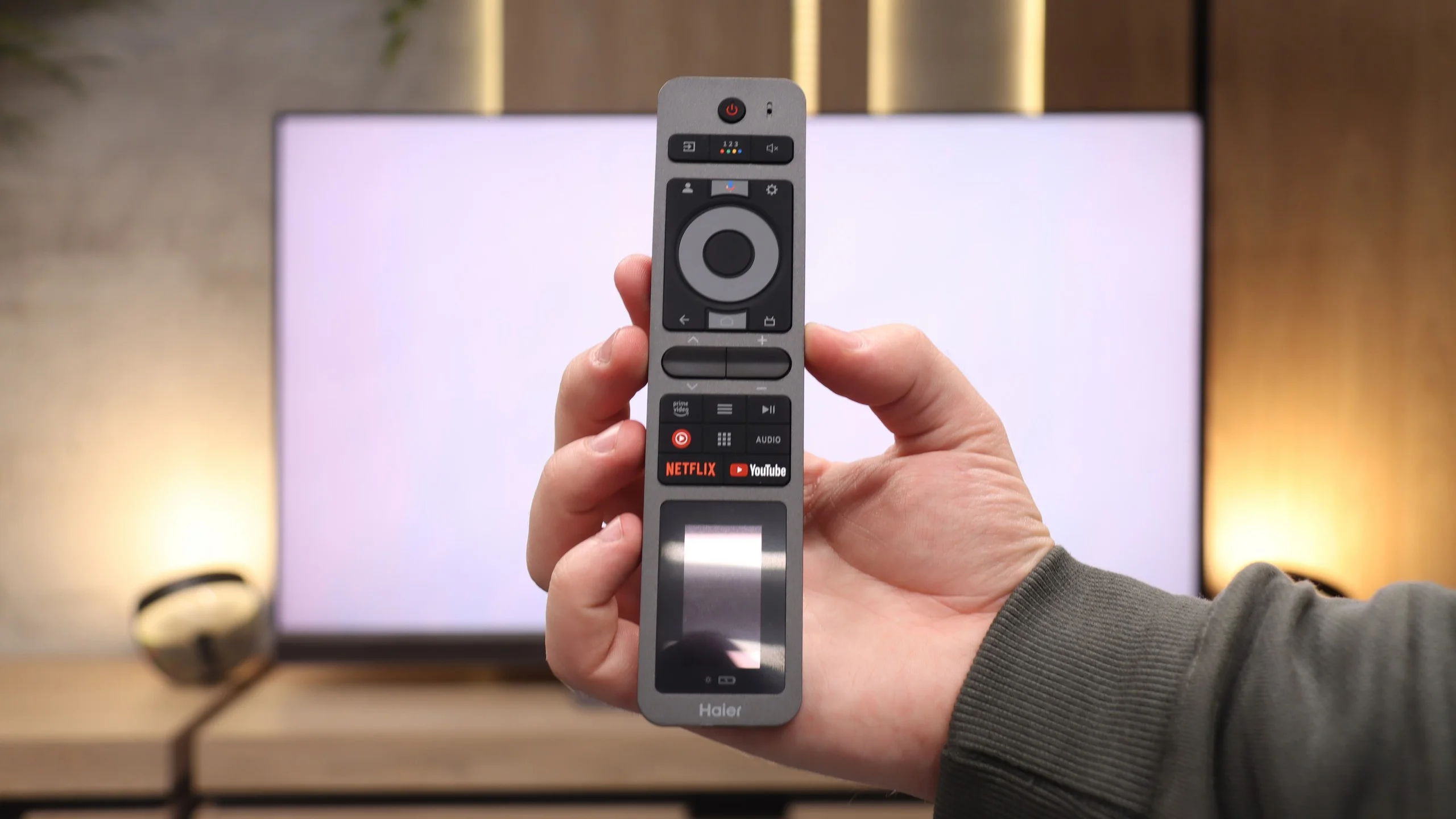
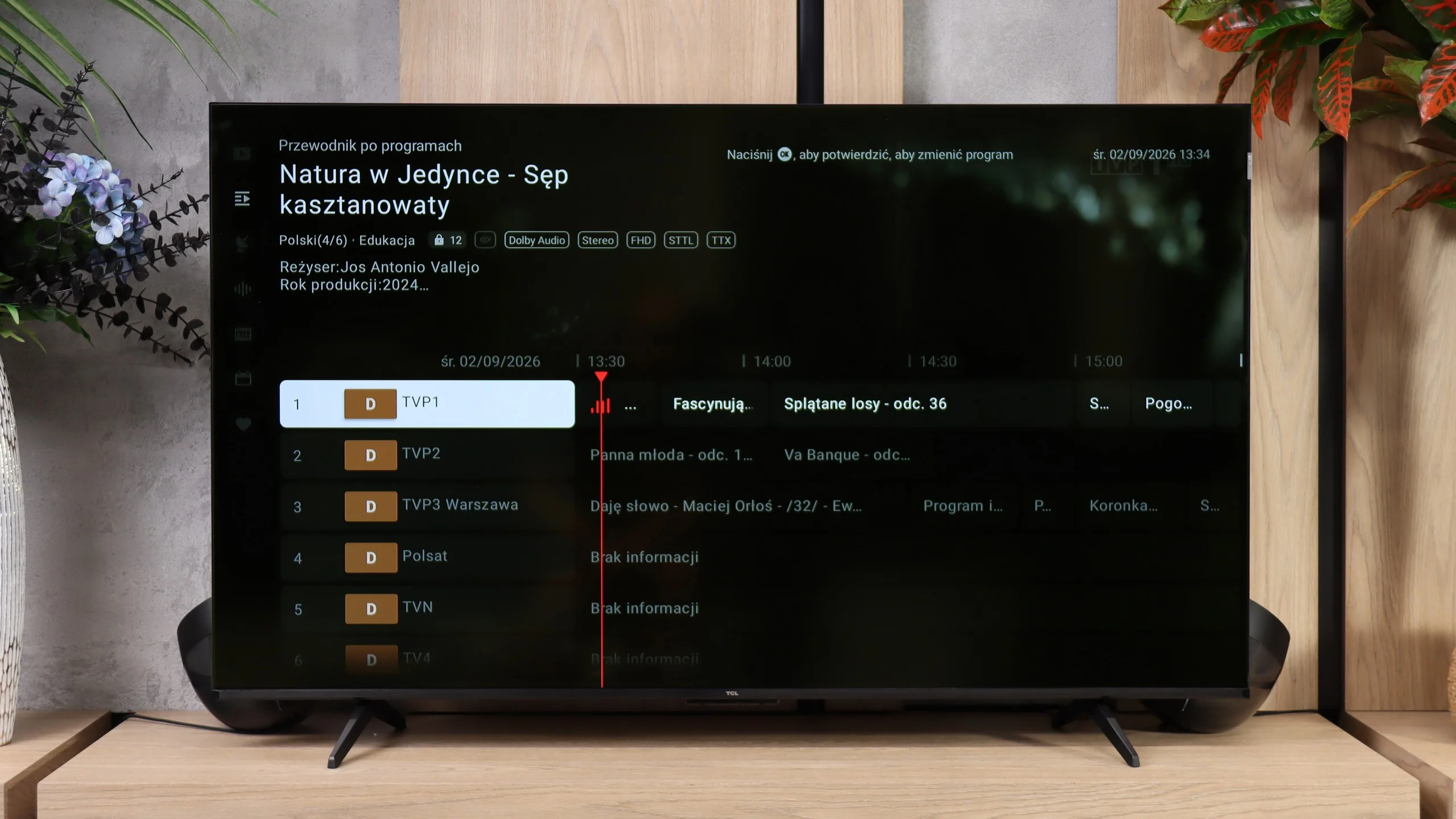
When it comes to classic television features, the M95E falls, to put it mildly, short. The only plus in this category is that we actually get a remote in the package, although it has a rather awkward shape and isn't the most comfortable. The real trouble began when we tried to search for terrestrial TV channels – the receiver stubbornly refused to connect to any antenna throughout the testing period. To be sure, we checked the same setup on another television, where everything worked flawlessly, which eliminates any fault on our part. Generally, apart from the fact that it has Bluetooth and a physical mini-jack headphone output, it's hard to commend the M95E for anything here.
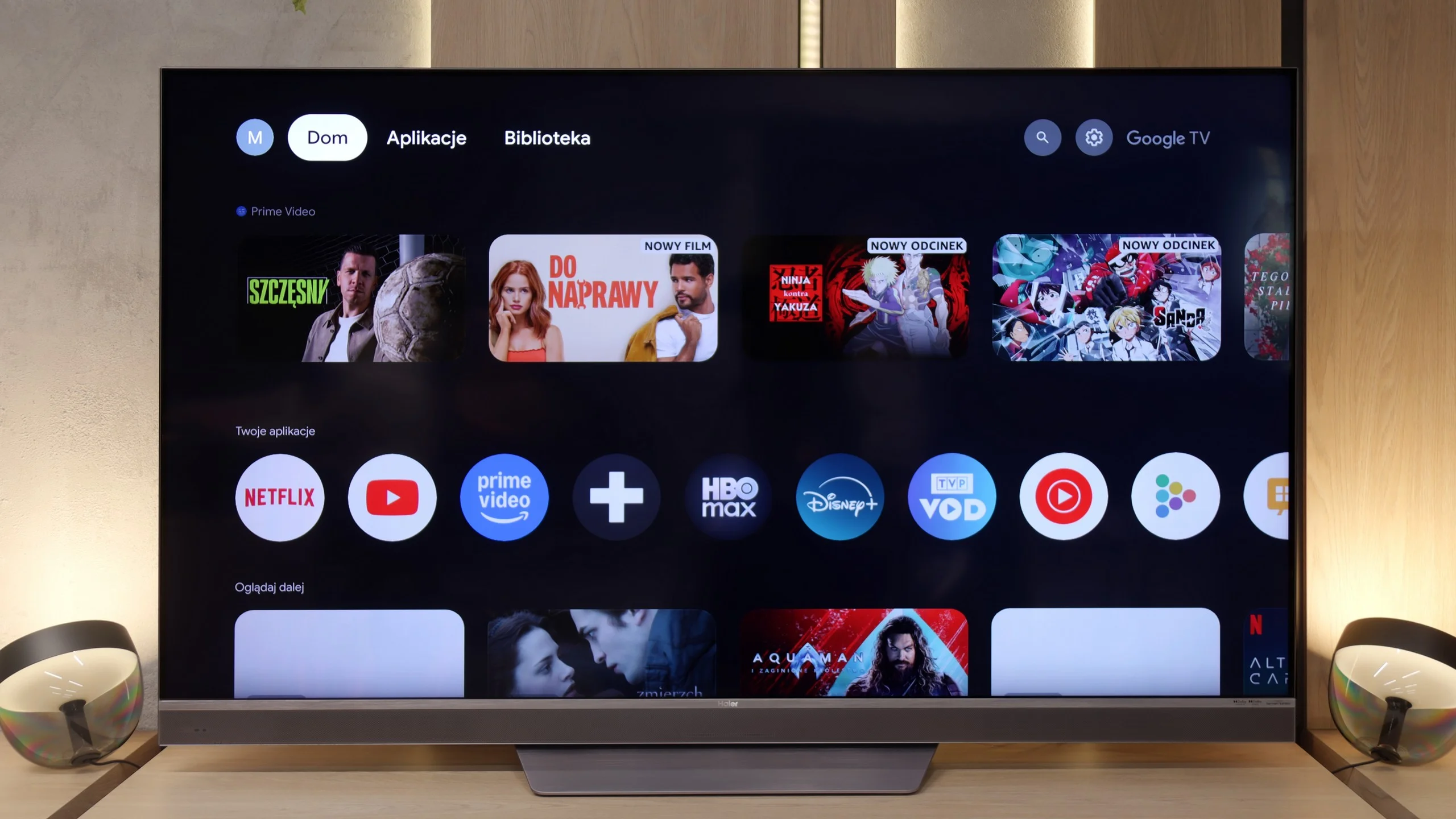
Operating System: Google TV
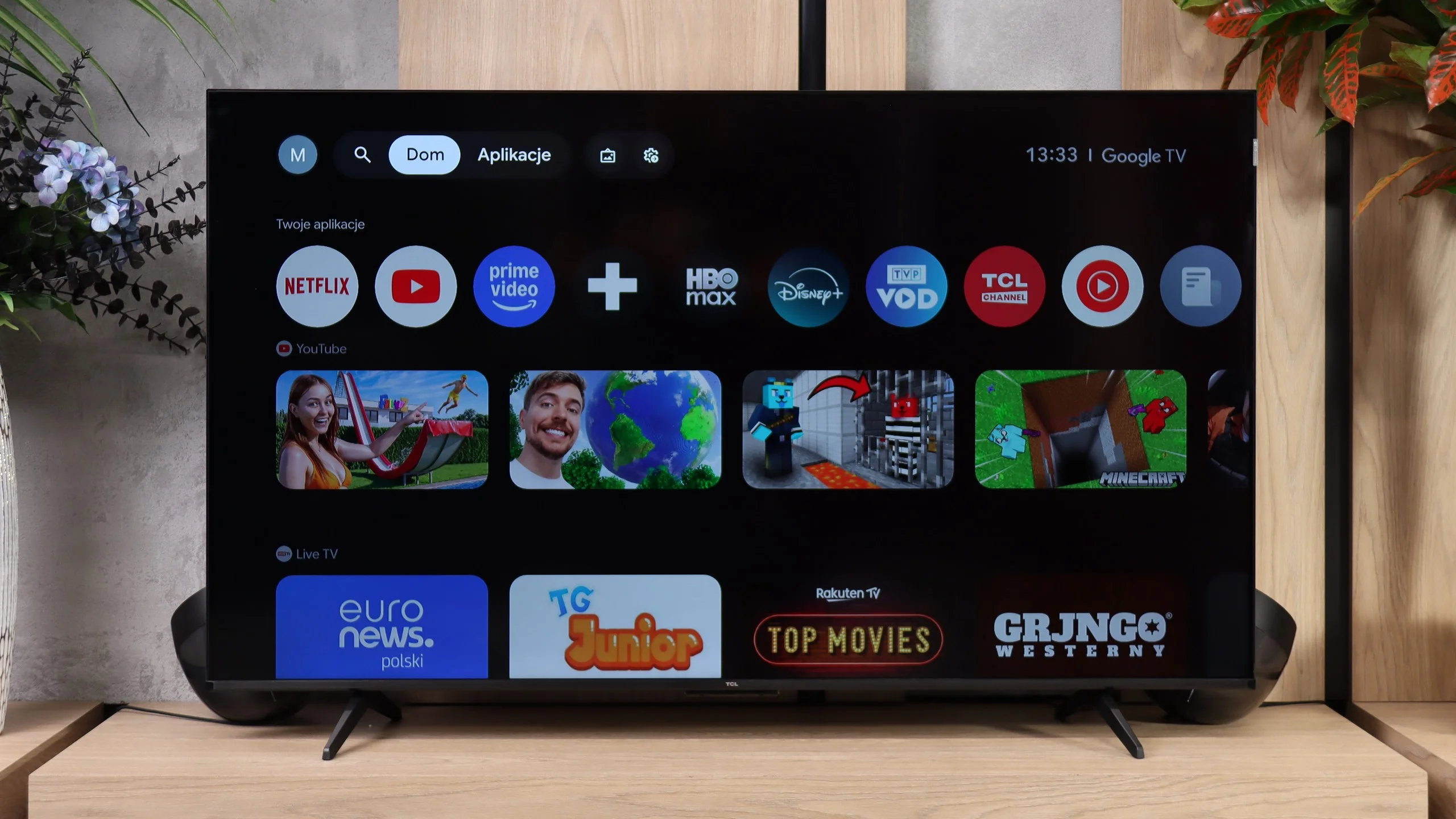
Well, you might ask, what about Smart features? After all, Google TV is a system that offers fantastic possibilities. That's true, generally it does. And indeed, the M95E features the same vast library of applications and access to a voice assistant as any other manufacturer. The downside is that these benefits end with this model's version of the system. On our unit, the software simply operated sluggishly. We encountered frustrating bugs, and the entire interface would regularly stutter at the most inappropriate moments, which effectively discouraged us from using it.
Smart TV
TCL P7L runs on Google TV, and that's definitely one of the model's stronger points. The system gives access to virtually all popular streaming apps, and it also supports AirPlay, screen casting from other devices and voice search, including Polish. The interface itself runs fine. It's not as fast as on pricier TVs, but in everyday use it shouldn't be particularly annoying.
TV features
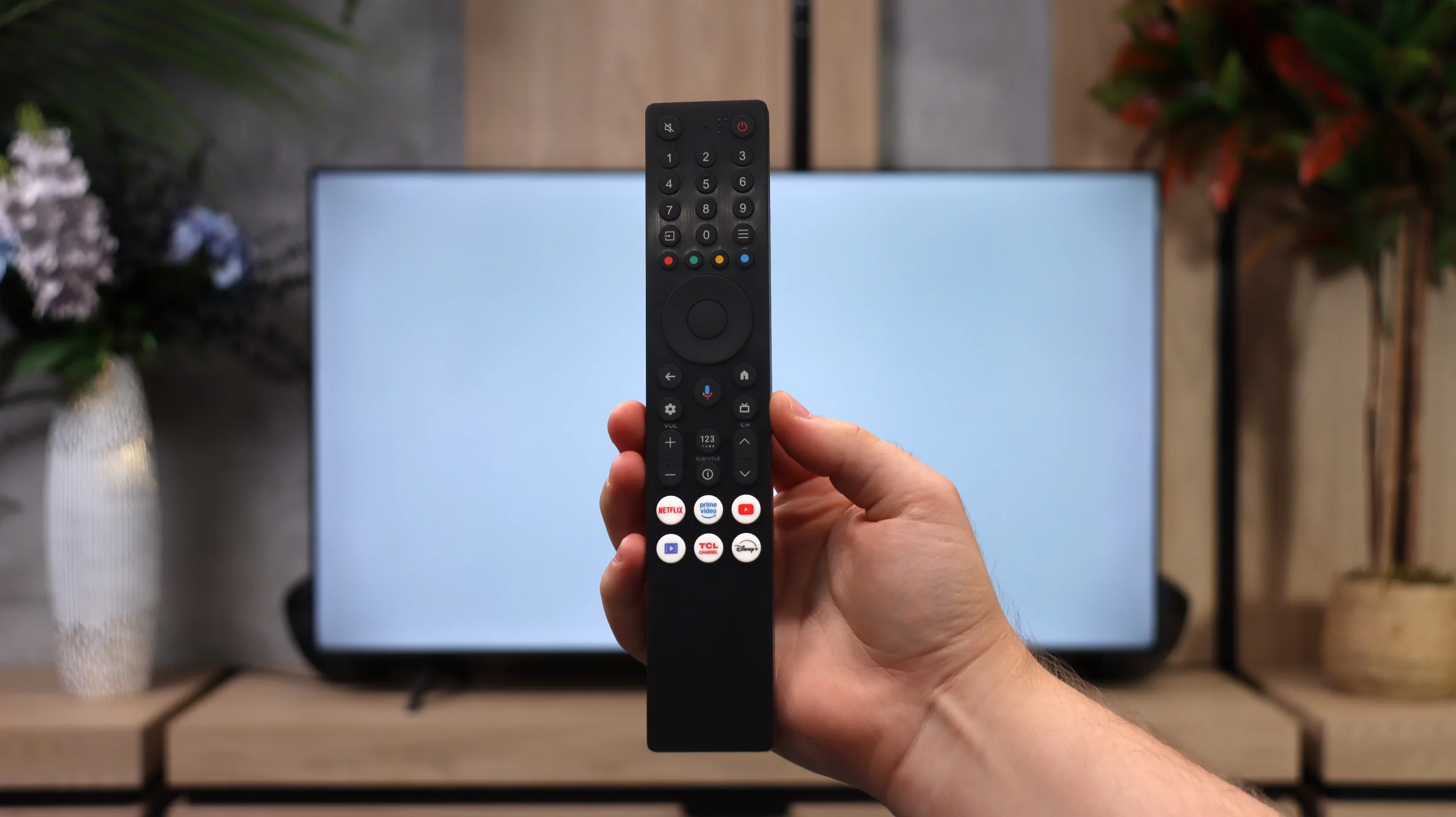
When it comes to more traditional features, the P7L is clearly a more basic TV. There's no USB recording, no scheduled recordings and no picture-in-picture, so people used to those extras on older TVs may miss them. What remains are the basics: teletext, an audio-only mode, support for Bluetooth headphones and the ability to play sound through the TV speakers and headphones at the same time. The remote works over radio, so you don't have to point it directly at the screen, which is simply more convenient in daily use.
Apps
9.6/10
9.6/10






















Playing files from USB
9.5/10
8.7/10
Supported photo formats:
Maximum photo resolution:
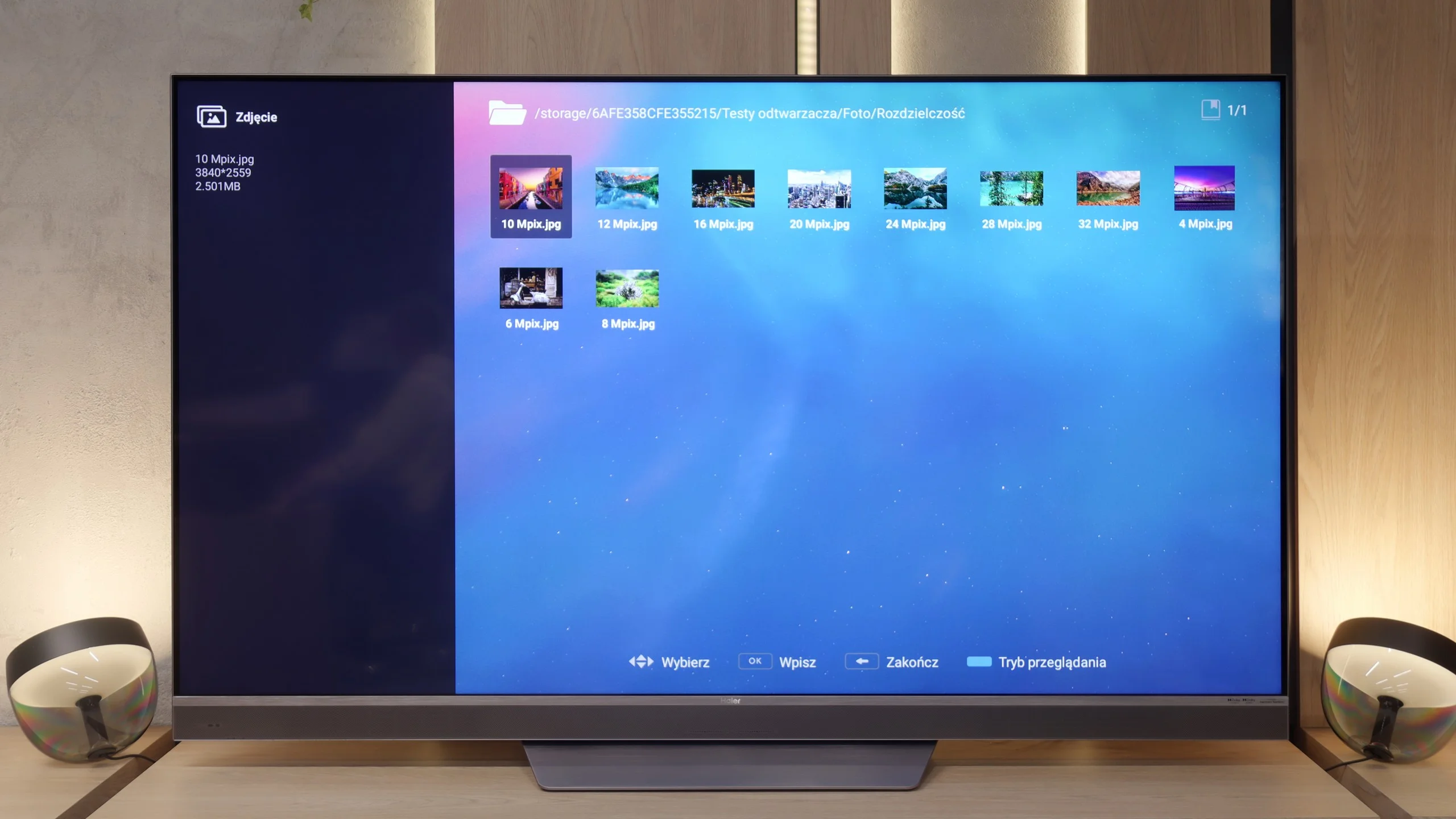
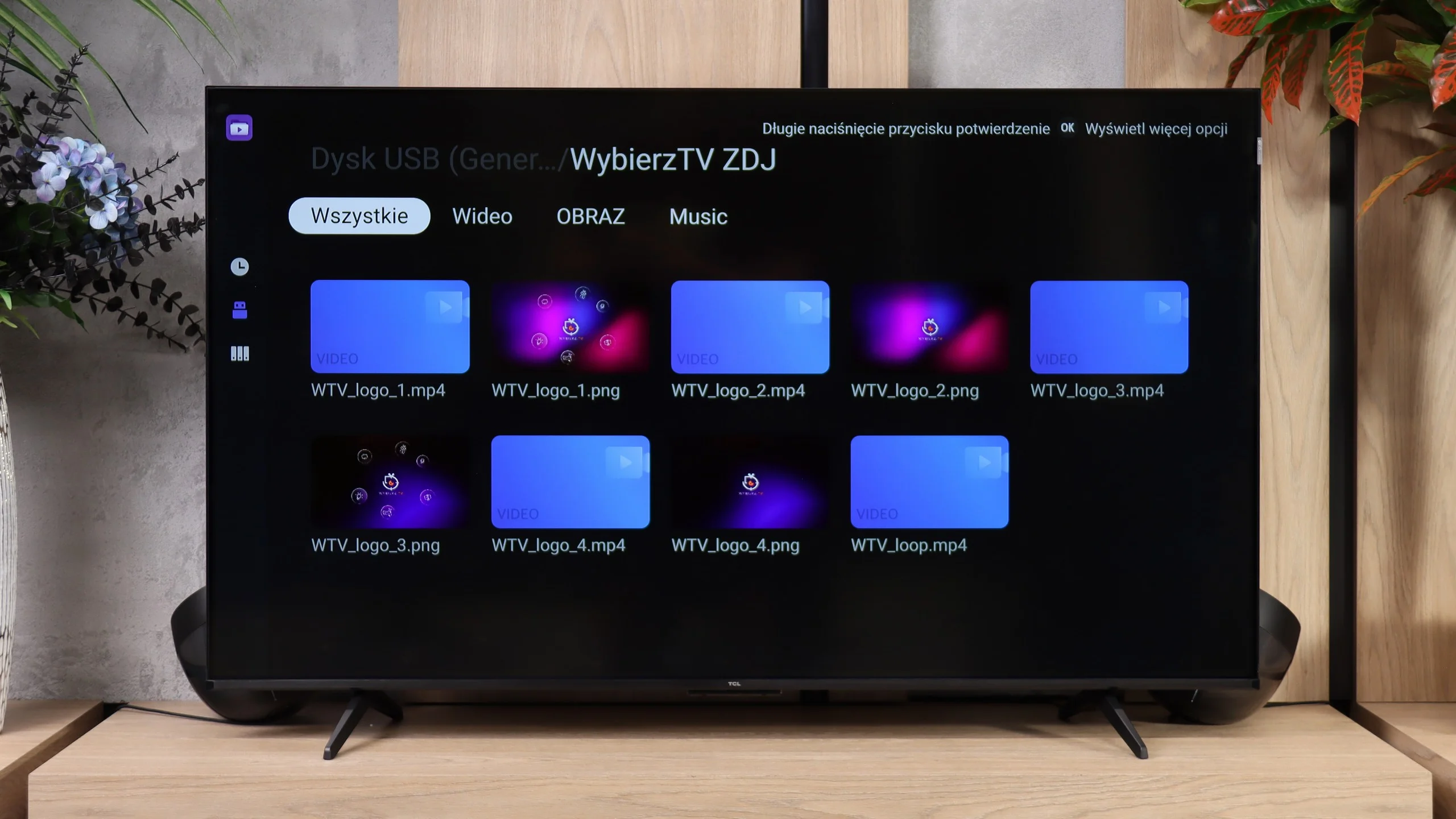
In such an underdeveloped and clunky system, we weren't expecting any positive surprises. Yet, the built-in USB file player turned out to be a real gem. To our surprise, the app operated smoothly and flawlessly handled playback of all the major formats we threw at it. It's one of the few elements of the M95E software that seems to work exactly as it should.
The built-in file player in the TCL P7L performs quite well. The TV handles most common video and subtitle formats and also plays 4K material encoded with newer codecs without any trouble. For occasional viewing of movies from a USB stick or an external drive it is more than enough, and there is little to complain about in that respect. What proved most annoying, however, was photo playback. The P7L did not always open higher-resolution files correctly and was rather selective, with some large photos working and others not. So if you plan to frequently browse photos from your camera or phone on the TV, it’s worth keeping that in mind.
Sound
9.2/10
6.2/10
- Maximum volume87dB89dB
- Dolby Digital Plus 7.1
- Dolby True HD 7.1
- Dolby Atmos in Dolby Digital Plus (JOC)
- Dolby Atmos in Dolby True HD
- DTS:X in DTS-HD MA
- DTS-HD Master Audio
After all this tally of shortcomings and wasted potential, we move on to a category that is like a breath of fresh air. The sound on the Haier M95E is simply phenomenal. We can confidently say that it's one of the best sounding TVs to grace our office this year. The integrated soundbar, proudly positioned at the front, plays really clearly and evenly, delivering us crisp dialogues and selective high tones. The real magic also comes from the back of the casing – that’s where two additional subwoofers are located, providing a surprisingly strong and pleasant bass. Of course, we will be realists. We are still talking about the capabilities of the speakers built into the TV and there’s no comparison with a decent external audio system. Nevertheless, as far as integrated solutions go, the M95E sounds really very good and leaves most of the competition far behind.
The sound on the TCL P7L is fairly conventional for a budget TV. The speakers can get quite loud and dialogue is clear, but they lack depth and, above all, bass. For regular TV, YouTube or news, that setup is perfectly adequate, but in films and music you quickly notice the sound is fairly flat and thin. On the plus side, it supports a wide range of formats, including Dolby Atmos and DTS. However, the TV itself can’t create a full spatial effect from those formats, so if you want stronger sound, especially in the low end, a soundbar will be a much better choice.
Sound Quality Test
Acoustic Measurements
87dBC (Max)
75dBC
89dBC (Max)
75dBC
Reader comments
Comments are provided by the external service Disqus (Zeta Global). Once loaded, Disqus may set cookies and process data about your activity.
We will remember your choice on this device. Provider's privacy policy