Haier M95E is on paper a television that looks like the dream come true for every bargain hunter. When we look at the specifications – a Mini LED panel with hundreds of zones, a massive brightness exceeding 1500 nits, a QLED 144Hz matrix, phenomenally low input lag, and sound branded by Harman Kardon – everything screams "flagship!". So we are dealing with a device that theoretically should take on the most expensive players in the market. Unfortunately, if you read our review carefully, you'll need to pay close attention because you'll notice one word that repeats almost in every paragraph: "but...". And it is this word that perfectly sums up this model. M95E is a television of gigantic contradictions and wasted potential, where almost every advantage is brutally countered by a fundamental flaw in the software. So we have hundreds of dimming zones, but the algorithms controlling them create a distracting disco on the screen. We have phenomenal HDR brightness, but the television completely struggles with tone mapping and burns out details. We have an ultra-fast, non-tearing 144Hz matrix, but motion smoothness improvement systems for movies practically do not exist. We have an excellent package for gamers, but without HGiG and with font display issues. Finally, we have amazing sound, but packaged in a clunky and irritating Smart TV system. That is exactly why the Haier M95E is such a frustrating device. It’s a story about fantastic hardware that lacked the final, most important polish – refined software.
- Matching (Score) |
- Our verdict |
- TV appearance |
- Where to buy |
- Contrast and black detail |
- HDR effect quality |
- Factory color reproduction |
- Color reproduction after calibration |
- Smoothness of tonal transitions |
- Image scaling and smoothness of tonal transitions |
- Blur and motion smoothness |
- Console compatibility and gaming features |
- Input lag |
- Compatibility with PC |
- Viewing angles |
- Daytime performance |
- Panel details |
- TV features |
- Apps |
- Playing files from USB |
- Sound
Haier M95E vs Hisense U7S Pro
 Direct comparison
M95 / M95EUX
U7S PRO / U77S PRO

Available screen sizes: 65”
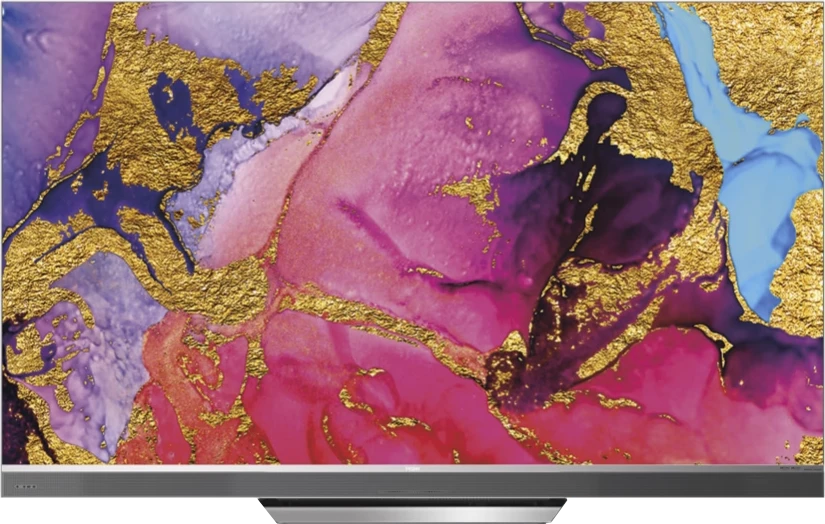
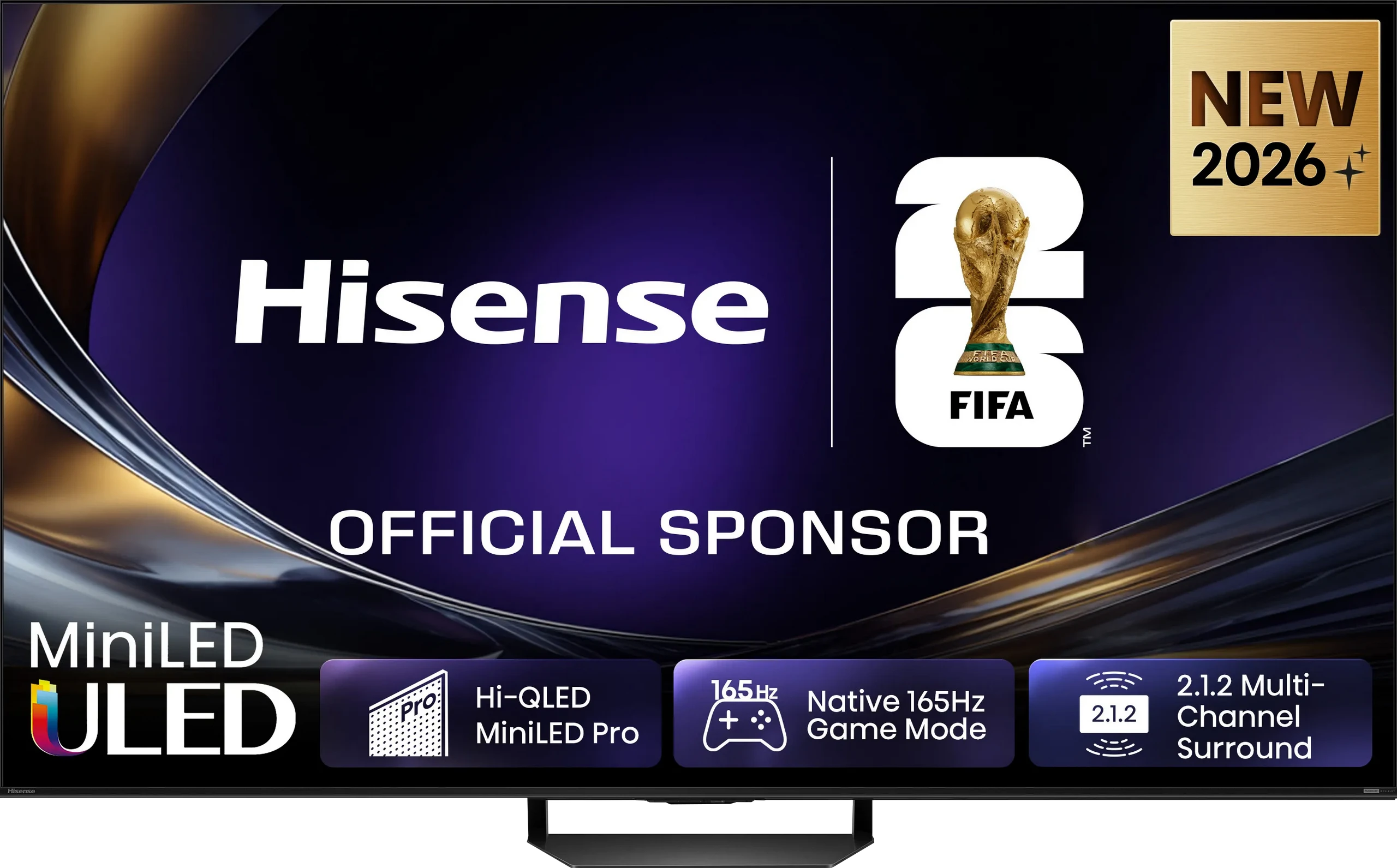
Panel type: LCD VA
Resolution: 3840x2160
System: Google TV
Model year: 2025
Complete the survey to find out the result
Panel type: LCD VA
Resolution: 3840x2160
System: VIDAA
Model year: 2026
Complete the survey to find out the result
Overall rating
7.3
7.7
 Movies and series in UHD quality
 6.9
7.3
 Classic TV, YouTube
 6.1
7.1
 Sports broadcasts (TV and apps)
 5.6
6.8
 Gaming on console
 8.0
8.3
 TV as a computer monitor
 6.6
8.4
 Watching in bright light
 8.5
8.1
 Utility functions
 6.3
9.4
 Apps
Apps 9.6
7.7
 Sound quality
 9.2
7.8
Complete the survey to find out what fits your preferences
Advantages

Phenomenal sound: Built-in audio system from Harman Kardon
Very high brightness: up to 1700 nits
Good panel for gaming and sports: 144Hz, low motion blur
Low input lag: below 10 ms (at 120Hz)
Complete gaming package: Two HDMI 2.1 ports, support for 4K@144Hz, VRR (G-Sync) and ALLM provide a solid foundation for consoles and PCs
Excellent tonal smoothness: The TV handles gradients and colour transitions beautifully
Wide colour gamut (QLED): 96% DCI-P3 coverage ensures vibrant and rich colours
Support for Dolby Vision and HDR10+
Very high brightness: Over 2200 nits in HDR
Good black levels and contrast: VA panel (65") + 960 Mini-LED zones
QLED: Wide colour gamut coverage
Outstanding upscaling: Very good processing of weaker signals
Perfect for bright living rooms: High brightness + matte panel
Rich format support: Dolby Vision, HDR10+, Dolby Atmos, DTS:X
Powerful gaming features: 4x HDMI 2.1 (48 Gbps), up to 330 Hz, low input lag, Game Bar
Exceptional sound: Built-in subwoofer + Devialet tuning
Remote: Solar panel, USB-C, backlighting, numeric keypad
Recording programs to USB
Disadvantages

Very underdeveloped dimming algorithms are the biggest drawback. The Mini LED zones "dance" on the screen.
Clunky functioning Google TV system: The entire interface operates slowly, has annoying stutters, and sometimes experiences errors.
Non-functioning motion smoothing in movies.
Average performance with PC: At 120Hz and 144Hz, the TV struggles with sharp font rendering.
Very high price for the current state of the product.
No support for HGiG format (consoles)
App deficiencies: Limited availability of some apps in the HomeOS / VIDAA system
Poor image at an angle: additionally, the matte screen loses its ability to minimise reflections
Our verdict
The Hisense U7S Pro is undoubtedly a successful model, but it’s designed for specific tasks. Its absolute domain is bright, sunlit living rooms. Thanks to its powerful brightness (over 2200 nits in HDR) and matte screen, you can count on a comfortable picture during the day – no squinting or battling reflections. This excellent daytime performance goes hand in hand with rich features. We get great upscaling for lower-quality content (e.g. traditional TV), a brilliant remote, and sound refined by Devialet. Importantly, this bright screen also squeezes out maximum features for gamers, with four HDMI 2.1 ports, VRR, ALLM, and refresh rates up to 330 Hz! All these features make it a true monster for consoles or PCs, provided we overlook its lack of support for the HGiG format. However, while the TV shines (or “mattes”? 😉) during the day, certain compromises emerge after dark. Even though the screen received a significant upgrade compared to last year's model in terms of the number of Mini-LED dimming zones, there is no noticeable improvement in black quality in the new generation. Generally, it is good, but there are times when it feels like the algorithms can't quite handle such a large number of dimming points. It’s clear that – like every Mini-LED – the U7S Pro struggles against OLEDs during nighttime viewing. Nonetheless, it remains a very versatile, well-equipped television for everyday use. So, if you’re looking for a TV that will give you a satisfying picture at any time of day and don’t want to pay as much as for the top models, this one will be an excellent choice.
TV appearance
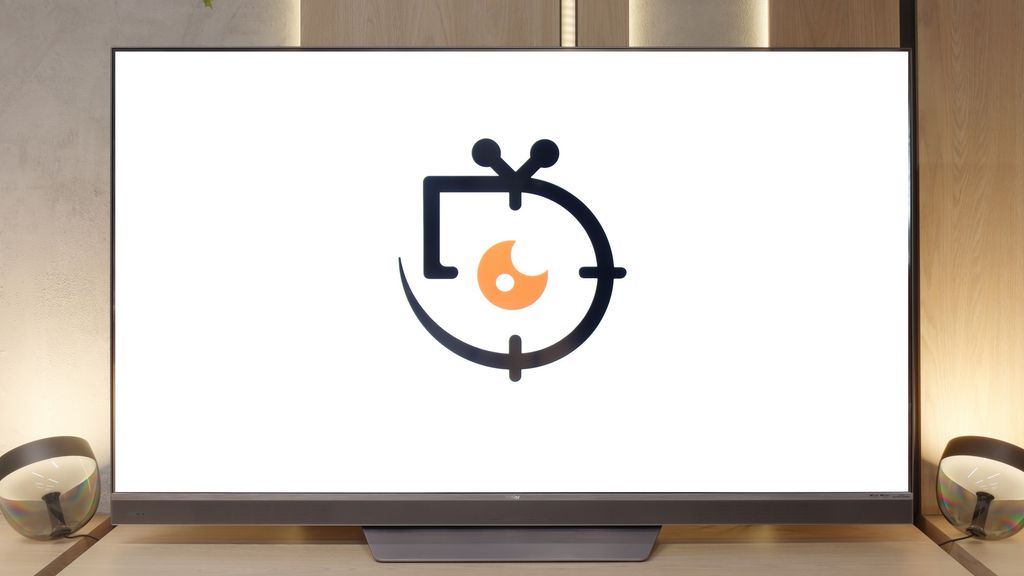
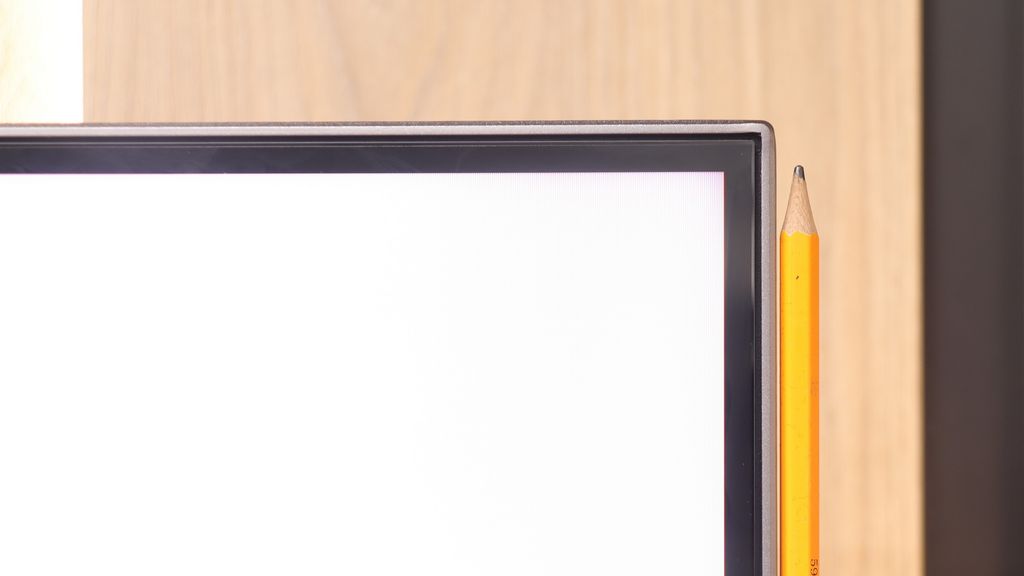
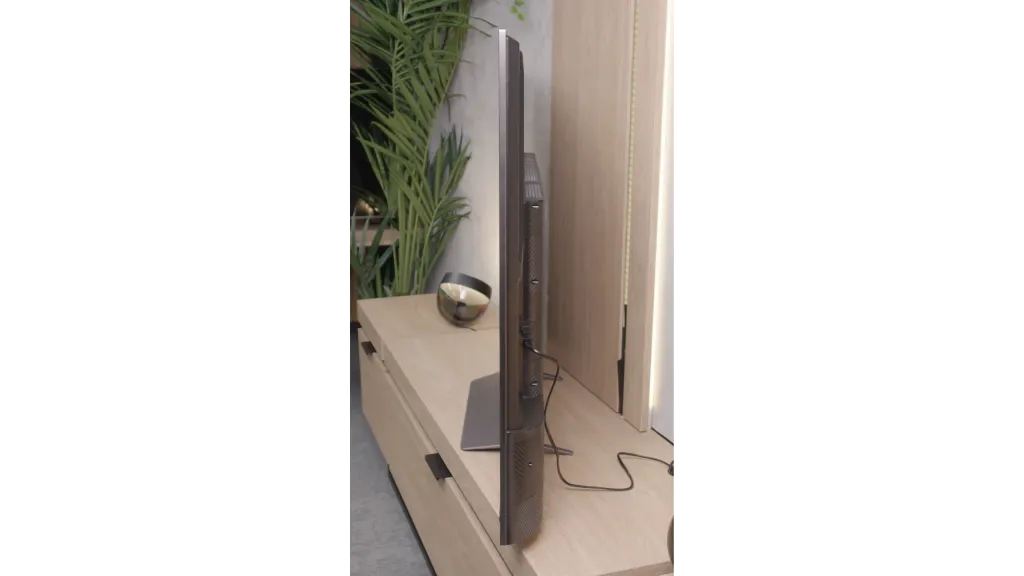
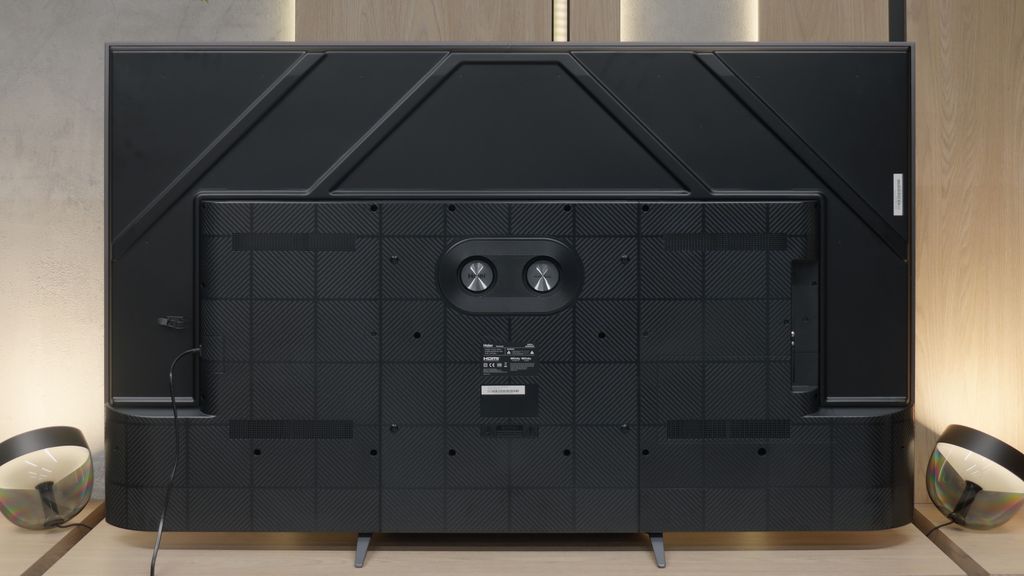
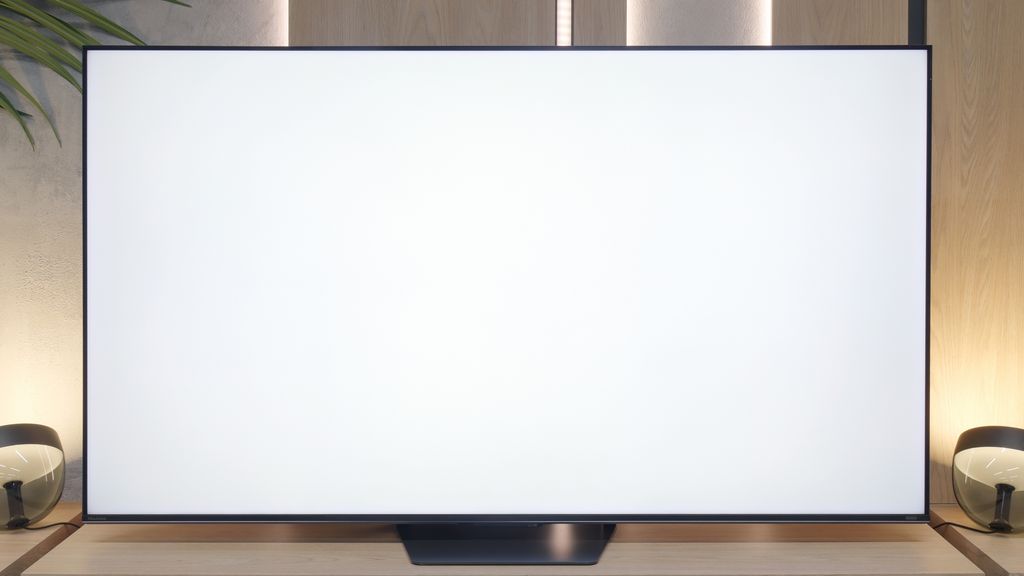
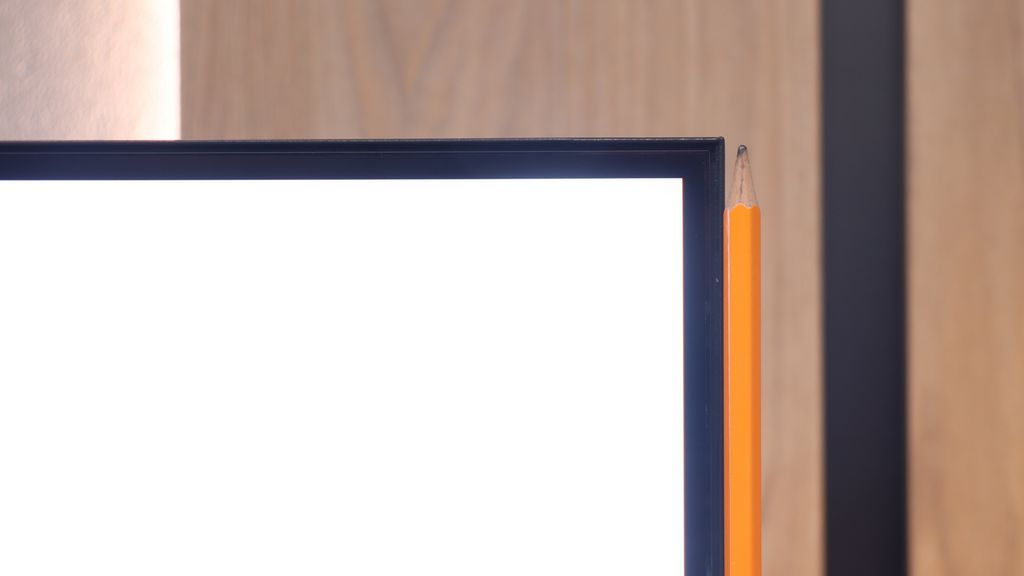
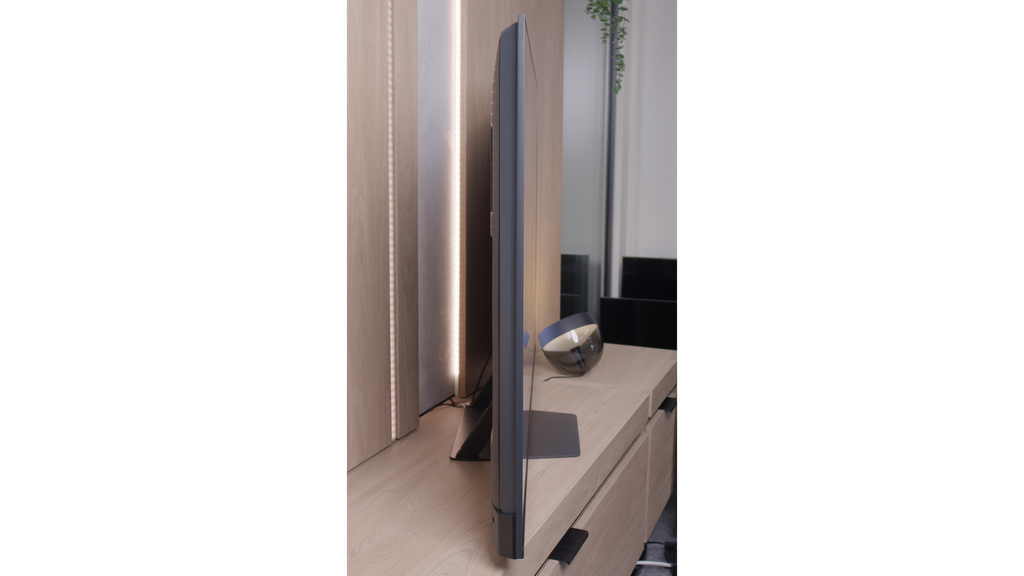
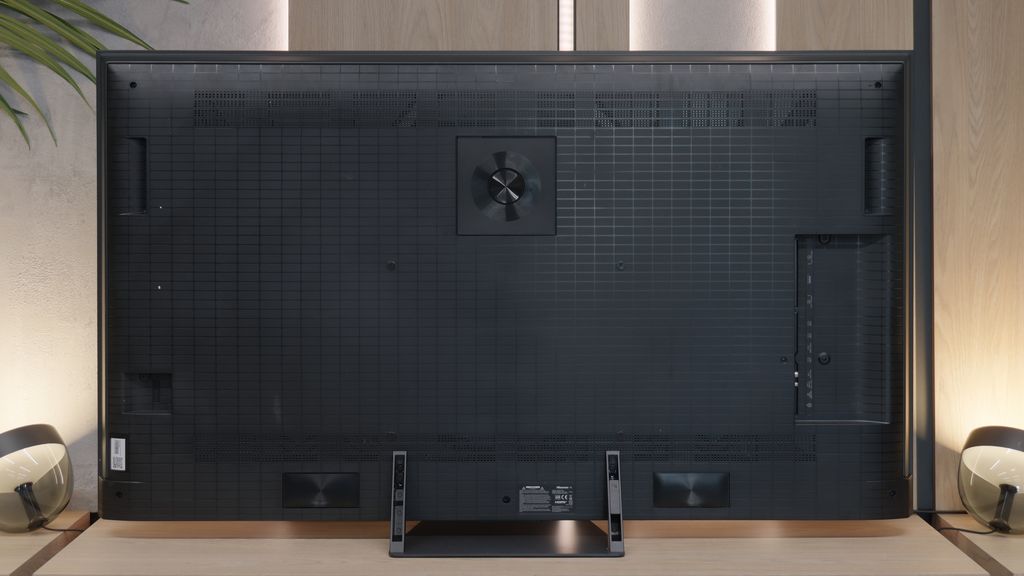

Contrast and black detail
6.8/10
7.5/10
Local dimming function: Yes, number of zones: 576 (24 x 24)
Local dimming function: Yes, number of zones: 960 (24 x 40)
Contrast:


Result
152,100:1

Result
36,400:1

Result
37,800:1

Result
13,850:1

Result
5,350:1
Result
346,350:1
Result
13,500:1
Result
19,050:1
Result
9,950:1
Result
6,450:1
Halo effect and black detail visibility:
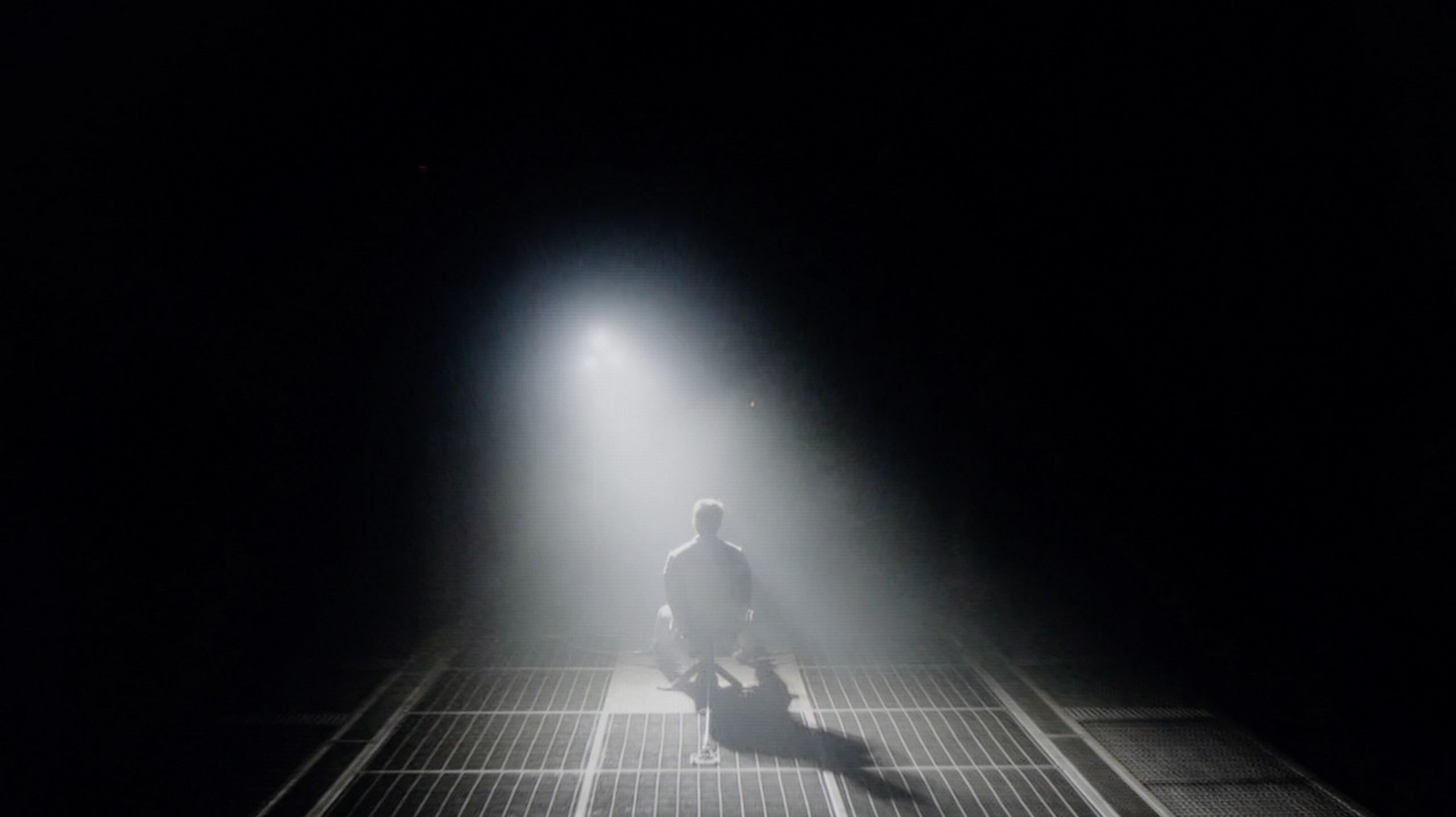
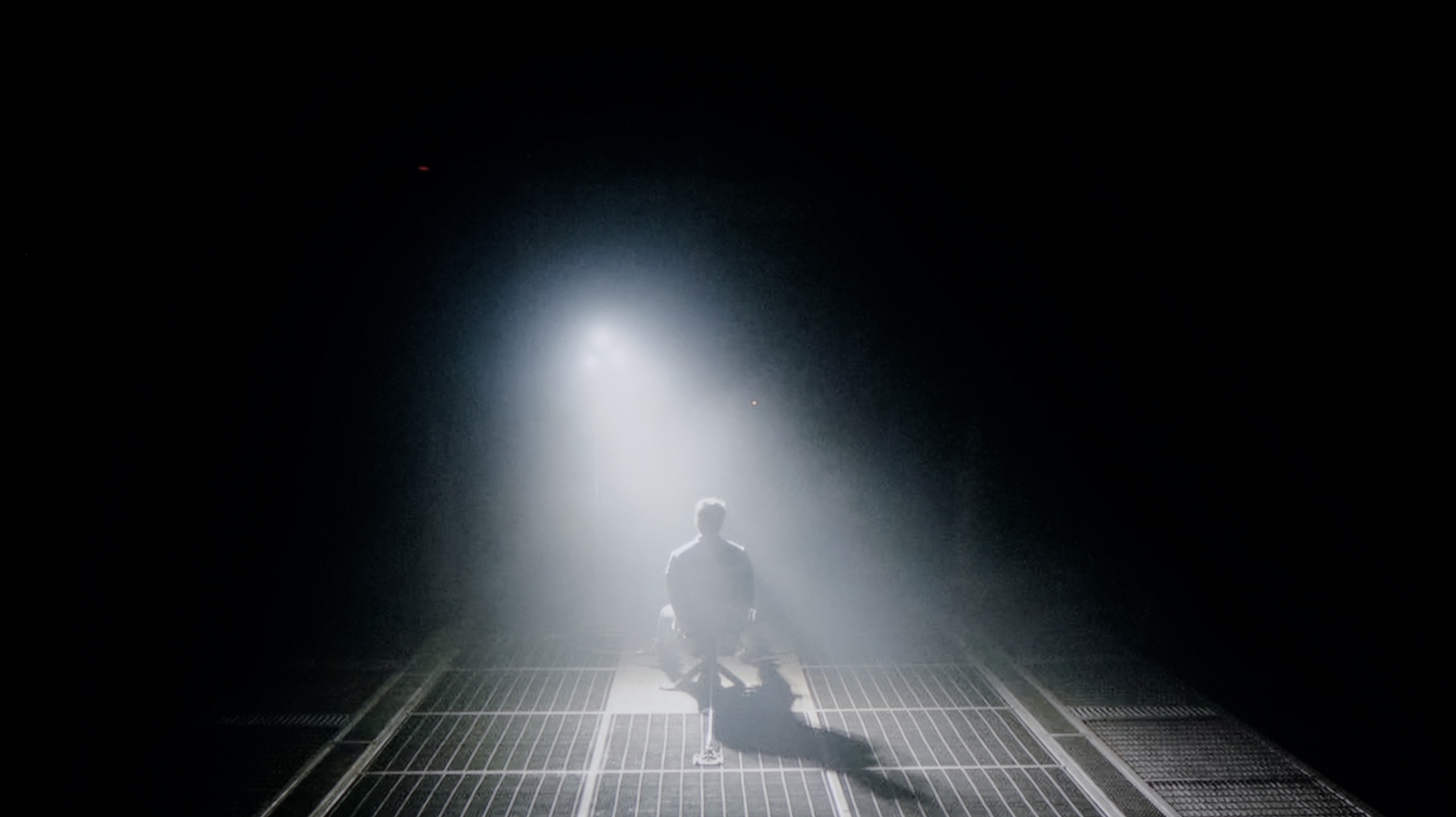
Check the visibility of bright lights on a dark background. Mini-LEDs often struggle with this. The photo does not compare black levels – that’s what the video below is for.
The video accurately shows differences in contrast and black levels between TVs, as well as potential issues: halo around bright objects or Mini-LED zone operation visible as brightness jumps.
Getting to the point, which is the evaluation of black levels and contrast, we need to start with the specifications that truly impress on paper. The Haier M95E is a Mini LED design, armed with an impressive array of 576 independent dimming zones in its 65-inch version (a symmetrical layout of 24x24). When we combine this technology with a VA panel, known for its native deep blacks, our expectations for image quality immediately rise. And indeed, as long as we feed the TV with static test patterns, everything looks phenomenal. The contrast measurements are so remarkable that the M95E almost throws down the gauntlet to the most expensive players in the market. Unfortunately, this enthusiasm lasts only until we switch on the first random movie material.
As soon as motion appears on the screen – and we're not even talking about wild chases, but just ordinary dialogue or camera pans – a fundamental weakness of the unfinished backlighting algorithms becomes apparent. If you remember our tests of the Xiaomi S MINI-LED 2025 model, history is dangerously repeating itself. The dimming zones seem to have a life of their own, hosting a sort of "light disco." Chaotic flashes and visible pumping of the backlight are unfortunately very distracting and pull you out of the viewing experience, creating a massive HALO effect. Importantly, we conducted the tests on the "High" dimming setting. It turned out that in our unit, this was the only mode in which the zones actually performed sensibly with HDR content without causing a drastic drop in overall brightness. All of this leads to one conclusion: The M95E has enormous but completely untapped hardware potential. It clearly lacked hours spent fine-tuning the software, which forced us to lower the score in this crucial category.
The U7S Pro in the 65" variant we tested uses a VA panel and has as many as 960 local dimming zones. Thanks to the combination of such a panel (which has a high native contrast) and a large number of zones, blacks are really very good here. In dark scenes, watched with a slight light on, the effect can even resemble OLED TVs – as our first test scene from the movie Oblivion brilliantly demonstrated. Unfortunately, when more fine, bright elements appear on a dark background, the local dimming algorithm begins to show its weaknesses. The contrast can clearly drop then, and a "halo" effect, or characteristic glow (known as blooming), becomes noticeable around bright objects. However, this is a natural feature of Mini-LED TVs resulting from the physical limitations of this technology – while there are many dimming zones, there will always be fewer than independent pixels in an OLED, so it is physically impossible to completely avoid this. Interestingly, although the new U7S Pro model has almost twice as many local dimming zones as last year's U7Q Pro, it did not bring any significant improvement in this aspect in practice.
HDR effect quality
6.8/10
6.7/10
Luminance measurements in HDR:

Result
1147 nit

Result
629 nit

Result
1025 nit

Result
682 nit

Result
881 nit
Result
1041 nit
Result
458 nit
Result
1104 nit
Result
528 nit
Result
897 nit
Scene from the movie “Pan” (about 2800 nits)


Scene from the movie “Billy Lynn” (about 1100 nits)


The photos show two HDR10 movies. 'Pan' is one of the brightest productions ever made, while 'Billy Lynn' (soldier) has brightness typical of streaming (Netflix, Prime, HBO MAX). Notice the intensity of effects and detail in whites.
Static HDR10


The photos present the visibility of white details in various HDR formats. They do not show brightness differences between TVs (these can be compared in the previous gallery).
Dynamic: Dolby Vision
Dynamic: Dolby Vision


The photos present the visibility of white details in various HDR formats. They do not show brightness differences between TVs (these can be compared in the previous gallery).
HDR luminance chart:
Hisense U7S Pro
Haier M95E
If there is one category where the Haier M95E absolutely shines, it is the HDR effect, powered by the raw power of the backlight. This television cannot be denied its reputation as a truly bright device. In both most film scenes and during our synthetic measurements, the panel easily reached, and often exceeded, the threshold of 1200-1500 nits. This directly translates to the viewing experience – the image has punch and truly allows one to feel the magic of materials recorded in this format. However, one must be aware of a certain compromise. When particularly demanding shots filled with small but intense bright points appear on the screen, the M95E, while not losing its resonance and not dimming, pays a different price for it. A very strong and noticeably distracting halo effect is generated around these bright elements. It is evident that the algorithms controlling dimming have been programmed to prioritise brightness and the visibility of the smallest details, even if this comes at the cost of perfect black levels. We are not entirely convinced that this is the healthiest approach; nonetheless, it must be admitted that the general capabilities of the M95E in this regard are indeed substantial. A huge positive is that we are dealing with a Mini LED QLED construction. The use of a quantum dot layer brings measurable benefits in the form of wide coverage of the colour palette, which in our tests reached nearly 96% of the DCI-P3 space. This guarantees that the television has full predispositions for displaying vibrant and appropriately saturated colours.
Let's start with the fact that the U7S Pro is an impressively bright television – in calibrated mode, our measurement equipment indicated a staggering 2200 nits of peak brightness! This is an absolutely remarkable result, considering this model is positioned rather as a mid-range option.
However, as we know, peak brightness on test patterns is one thing, and actual movie scenes are another. Unfortunately, in real video materials, the backlight power clearly drops. Admittedly, in the most demanding moments, the television can still exceed the 1000-nit barrier – which is still an excellent result, perfectly aligned with the mastering standards of most HDR films – but the real challenge comes from aggressively tuned local dimming algorithms. Because of these, small bright details, such as stars or the moon in the night sky, become noticeably dimmed. The television tries to maintain deep blacks at all costs, which is of course understandable, but unfortunately, this comes at the expense of the dynamics and brilliance of the HDR effect itself.
It's worth praising the colour reproduction. The new U7S Pro is a QLED type construction that provides a very wide coverage of the colour palette. Unlike last year's model (U7Q Pro), this year's variant is a "true" QLED, not a solution based on a PFS filter. As a result, color saturation has significantly increased, and the coverage of the most demanding BT.2020 space has exceeded the 81% barrier.
Factory color reproduction
4.6/10
4.7/10
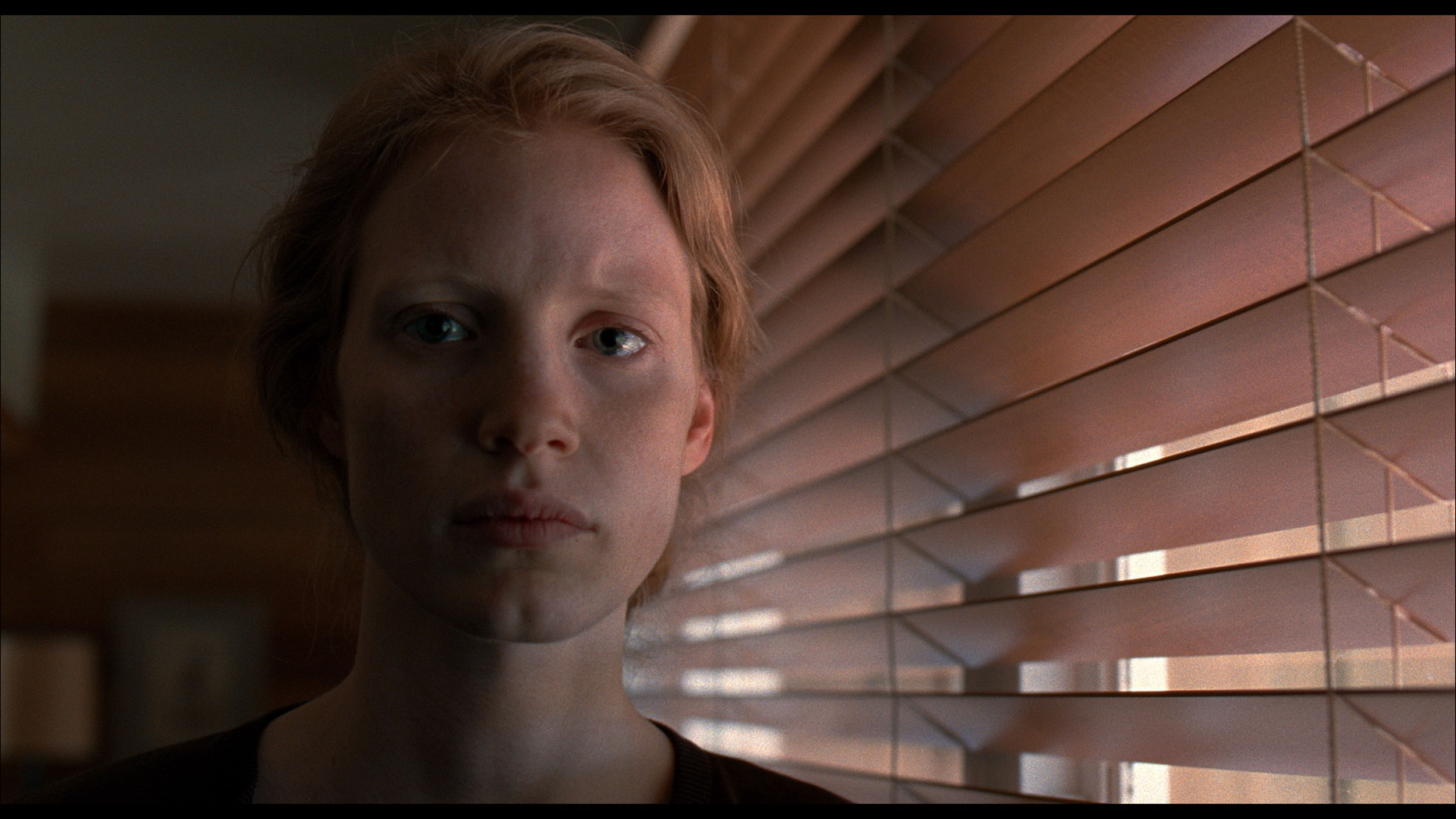
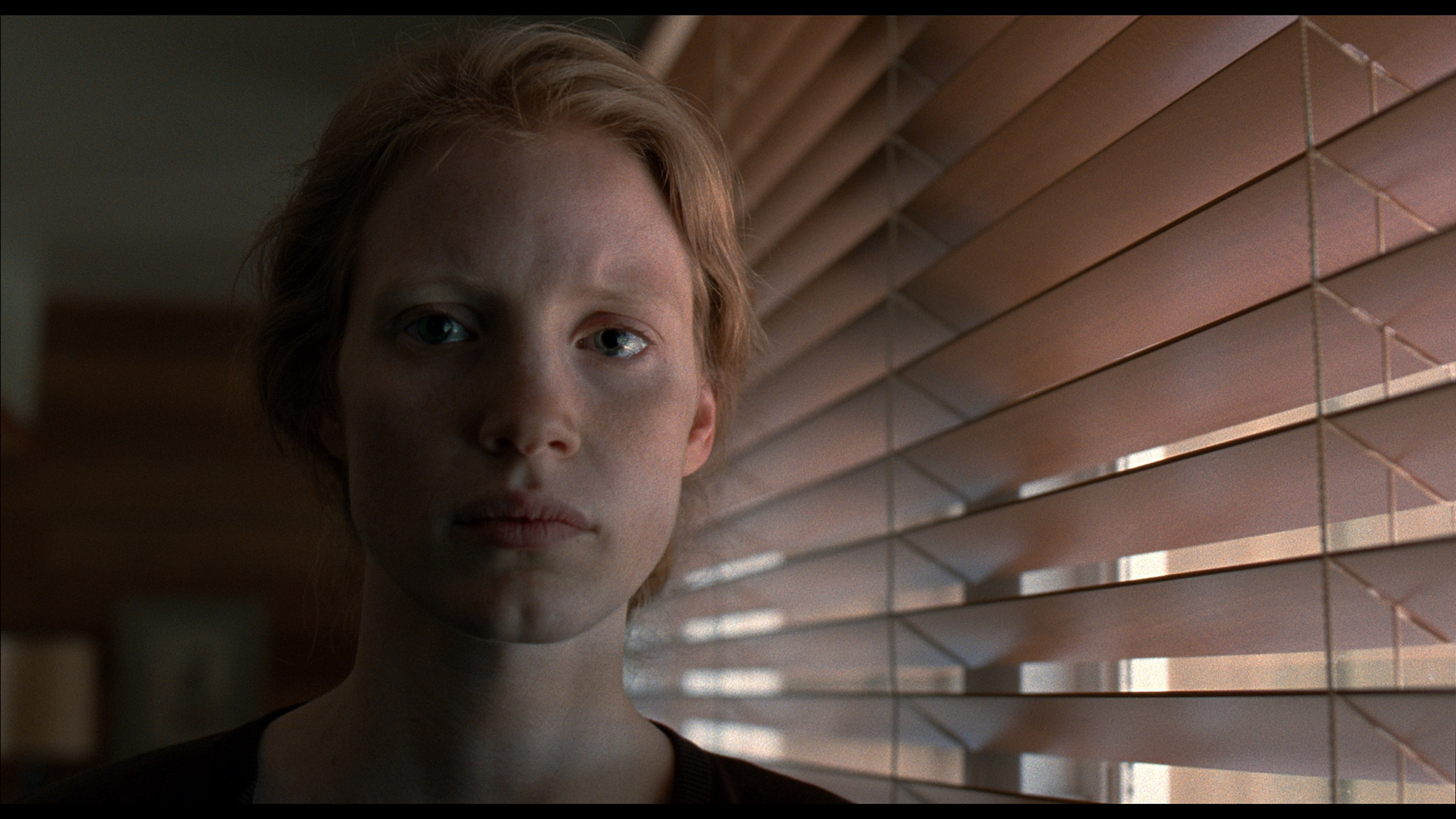
This gallery shows how colors change after professional TV calibration. If you notice the difference, we recommend ordering this service at SkalibrujTV.com.
Factory Mode
After calibration


This gallery shows how colors change after professional TV calibration. If you notice the difference, we recommend ordering this service at SkalibrujTV.com.
Factory Mode
After calibration
Each TV is evaluated primarily based on its default cinematic mode – in this case, "Movie" – which theoretically should be the "best" and most accurate straight out of the box. Unfortunately, with the Haier M95E, the word "best" is absolutely not synonymous with the word "good." Even during SDR viewing, the picture revealed evident issues: white balance skewed too far towards red, and excessive, unnatural colour saturation led to noticeable colour deviations. Worse still, the M95E also struggles with brightness management (gamma curve), excessively darkening the entire scene. Such behaviour is hard to commend, as it directly leads to the merging of details in shadows, which irretrievably disappear into a black void.
However, the real disaster arrived when switching to HDR content, still remaining in "Movie" mode. It's hard to guess who came up with such a fantastic idea – or perhaps it was simply a complete oversight by Haier's engineers during this stage – but instead of cinematic accuracy, the image started to resemble a vivid "Dynamic" mode. The white balance exposed significant issues with blue color, which in turn resulted in unnatural sharpness and artificial over-brightening of the entire scene. As if that wasn't enough, the EOTF curve's characteristics mercilessly revealed that the TV also had fundamental issues with managing the local dimming system in this setting. We haven’t calibrated many Haier TVs in our career, but we know for sure already that the M95E definitely needs it.
We've tested the U7S Pro model – as we always do – in the best factory-tuned picture mode, which is Filmmaker Mode. We can assess the displayed colours in two ways. The most disappointing was the profile intended for watching SDR content, that is, traditional television, YouTube, and other less demanding materials. The picture was clearly too yellow, which was a direct consequence of a poorly set white balance. As our graphs show, there is a huge deficiency of the blue component here, which drastically affected the overall colour temperature. This is clearly evident on the ColorChecker charts and the colour palette graphs, where most samples leaned towards yellow. Fortunately, the factory HDR mode performed much better – there the colour errors hovered around a Delta E value of 3, which is already a really solid result.
Color reproduction after calibration
6/10
7.5/10
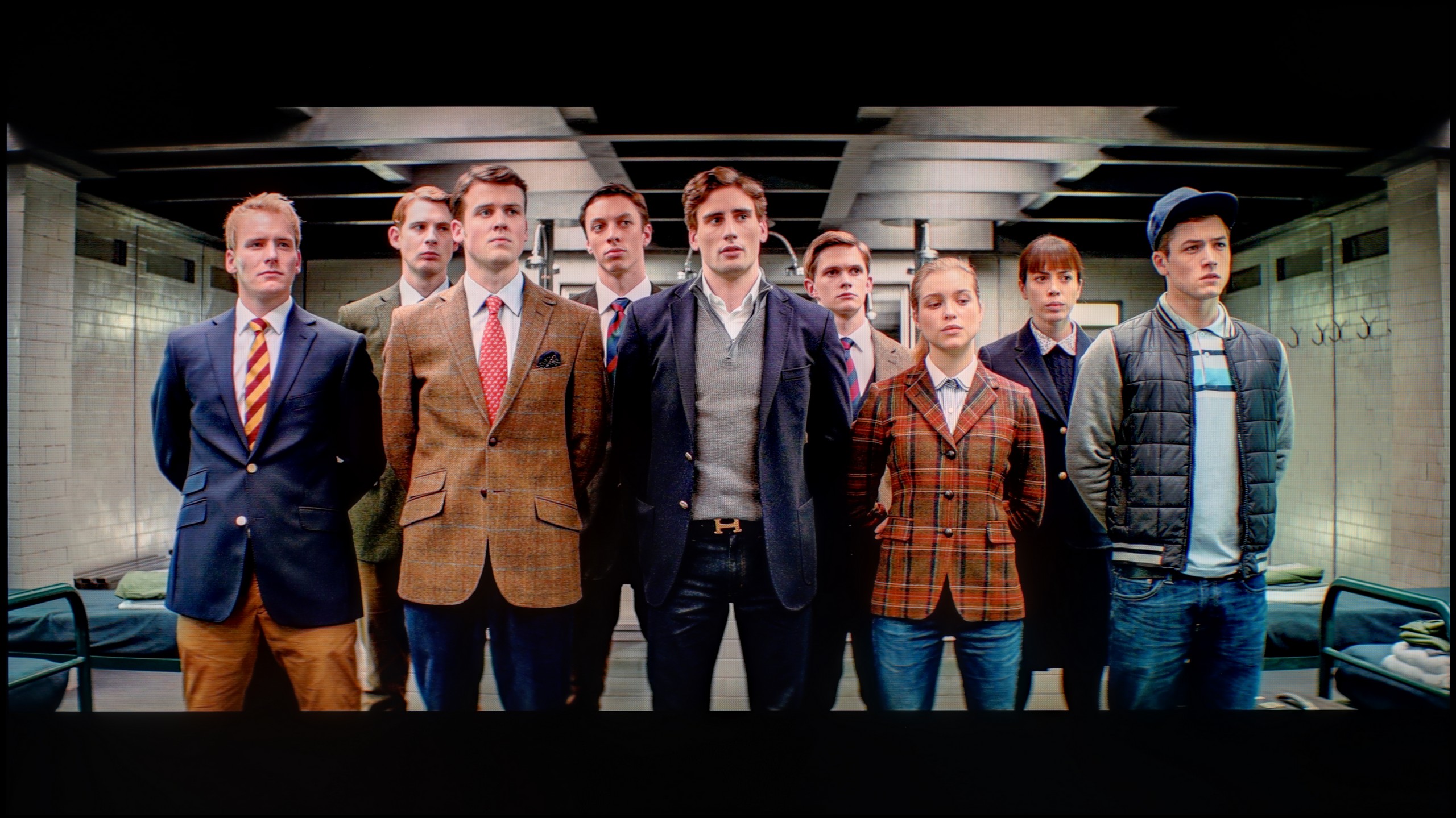
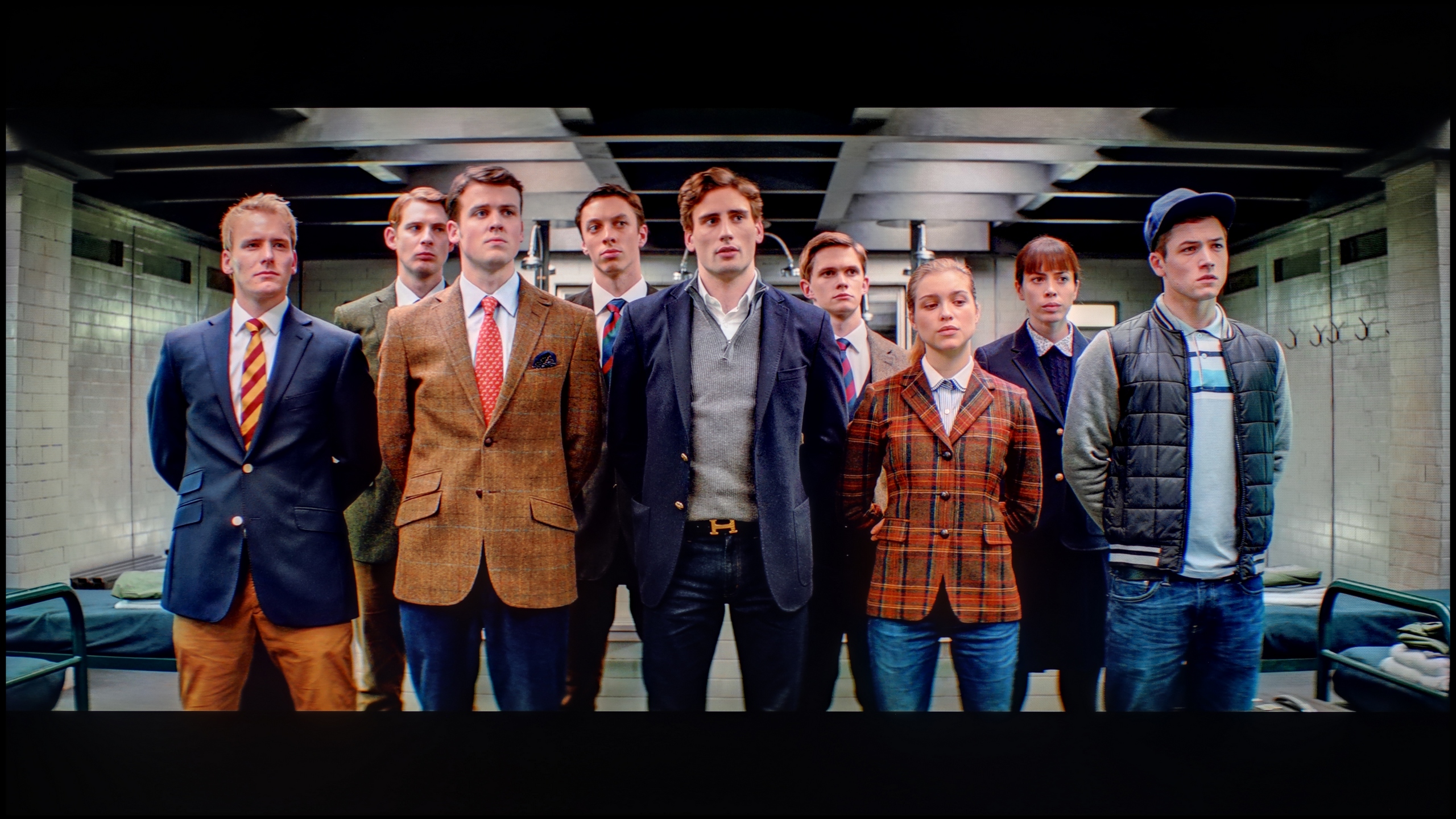
The photos show how movies look on the TV. Pay attention to black detail visibility, colors, and shadow tint.


The photos show how movies look on the TV. Pay attention to black detail visibility, colors, and shadow tint.
The calibration process left us with extremely mixed feelings. On one hand, we noted considerable success in the area of colour. By using the options available in the menu, we managed to tame the white balance and bring it down to an acceptable level. As a result, SDR content finally freed itself from the irritating red dominance, and the HDR image stopped resembling the vivid, retail demonstration mode. The entire colour palette and its saturation were also clearly corrected – maybe not perfectly, but to the extent that the software allowed, and the difference was visible to the naked eye.
And on this, unfortunately, our list of corrections pretty much ends, as M95E simply didn't allow for any more. As we signalled earlier, most settings related to the brightness of the image do not respond to our commands at all. This means that we were not able to control its fundamental characteristics in any way – neither the gamma curve nor the EOTF. In practice, the television still tends to darken details in SDR content, which was confirmed by the inflated gamma, merging details in the shadows. Meanwhile, the EOTF curve in HDR mode still mercilessly exposed all those previously mentioned problems with chaotic local dimming management. And although the calibration process itself achieved a lot, removing most of the colour issues, in the end, we had to capitulate.
We do know, however, that the company Hisense is capable of much more – as previous generations have proven – which is why we simply couldn’t leave the factory flaws of the U7S Pro model unaddressed in everyday content. As always in such cases, we had the television undergo professional calibration. The conclusions? This process brought about a colossal change. After manually adjusting the white balance and compensating for deficiencies in the blue component, the annoying yellow tint disappeared as if by magic. White became naturally clean, and skin tones gained the proper, healthy hue. Importantly, the calibration not only tamed the capricious SDR mode but also maximised the potential of the panel, reducing average colour reproduction errors to values nearly imperceptible to the human eye. The only thing we need to criticise after the whole process is the very nature of the Mini-LED backlighting and its specific interaction with the HDR signal. The aggressively tuned local dimming algorithms significantly interfere with the EOTF brightness curve. As a result, the backlighting doesn’t always work perfectly with the creator’s intent – depending on the scene being watched, the curve can noticeably run either above or below the reference, occasionally disrupting the ideal dynamic of HDR images.
Smoothness of tonal transitions
9.4/10
9.5/10
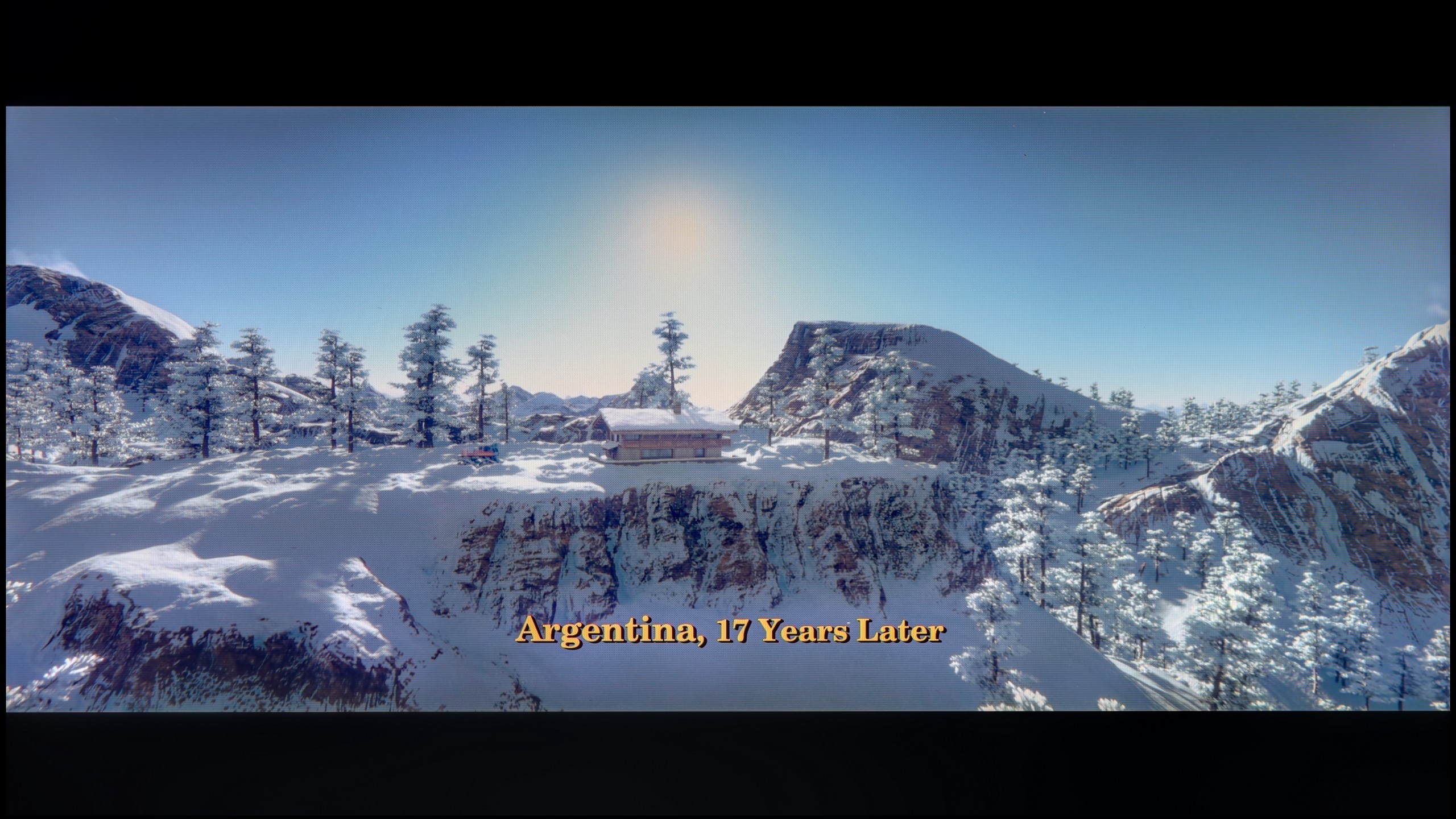

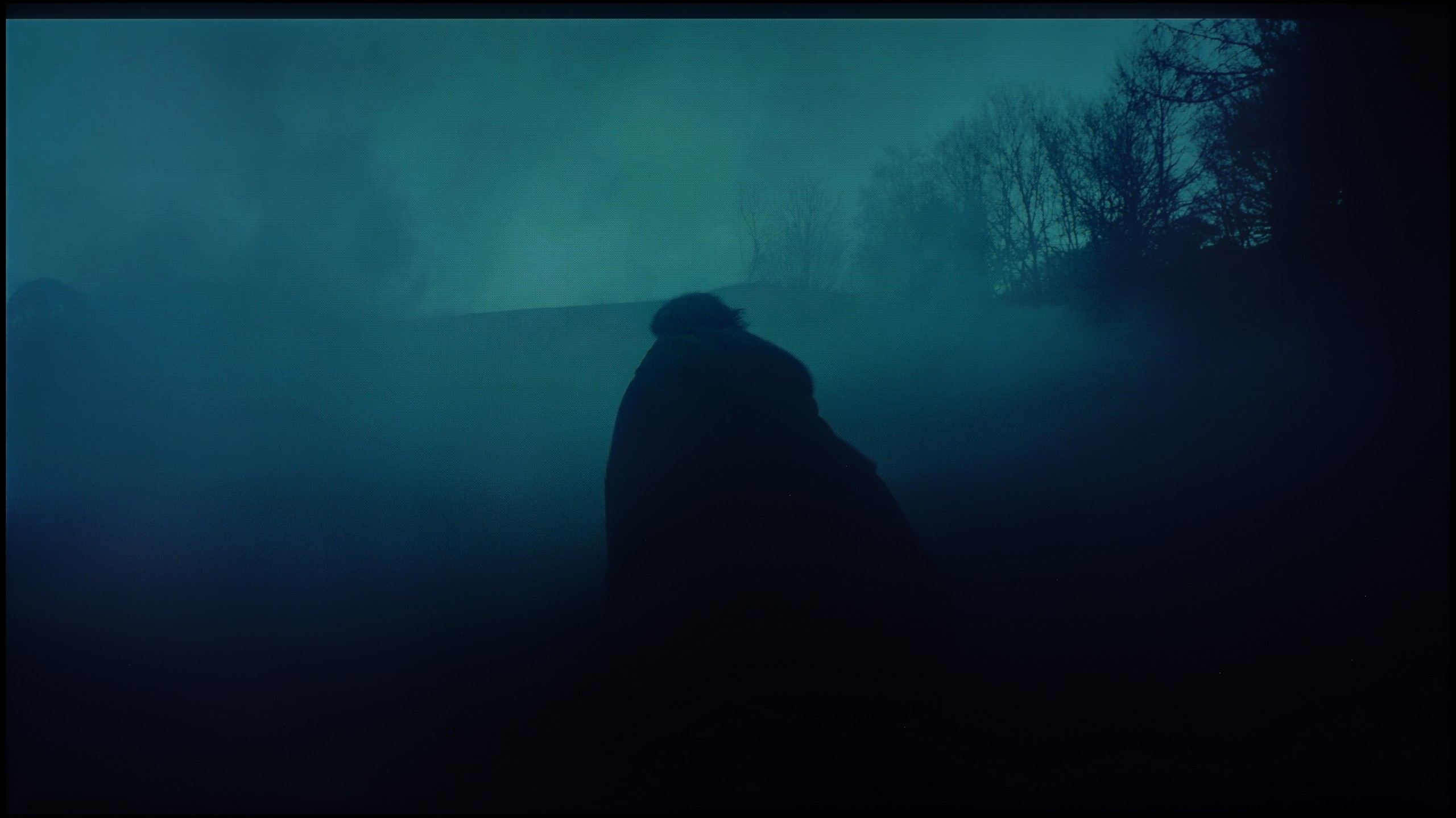
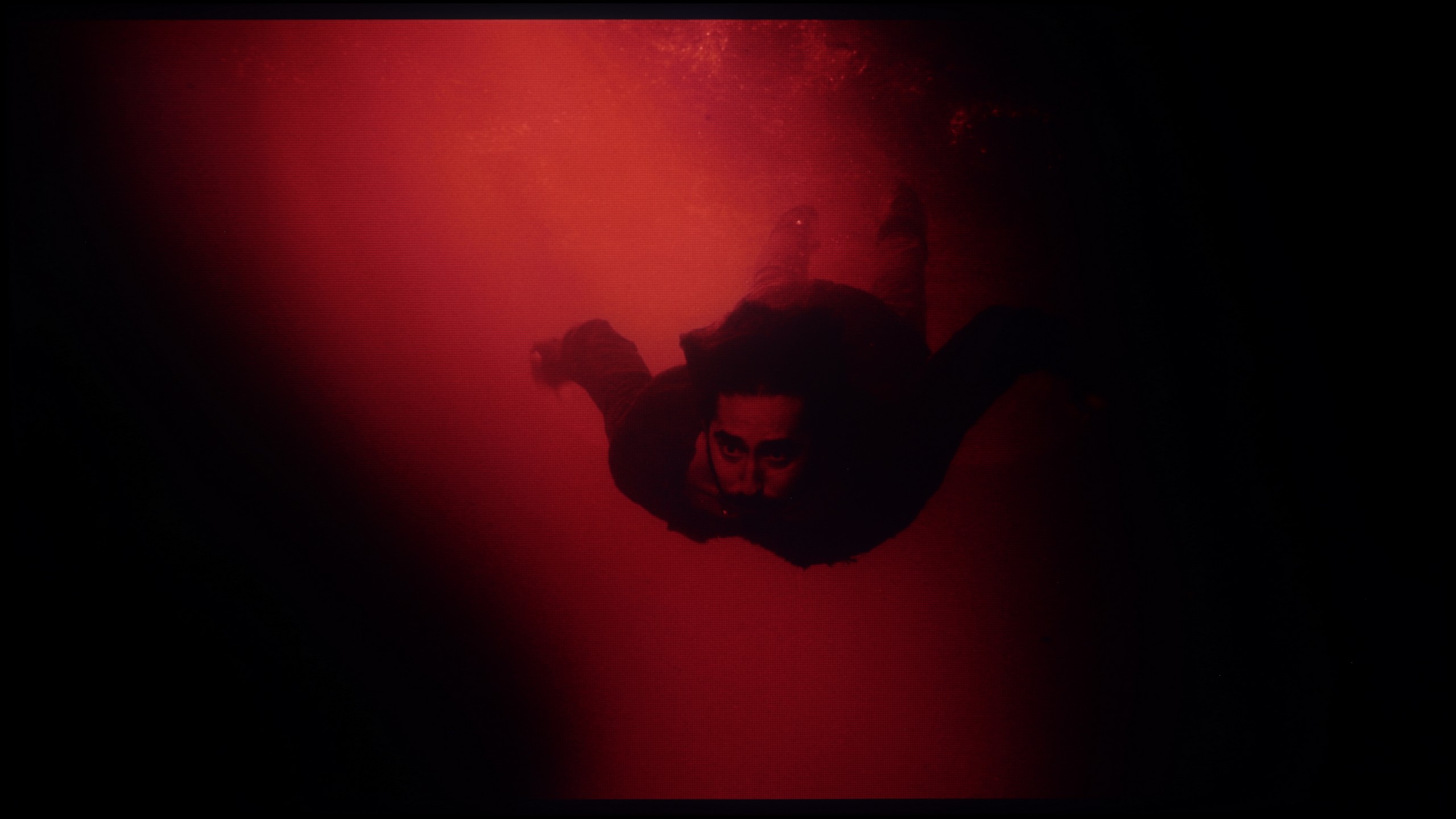
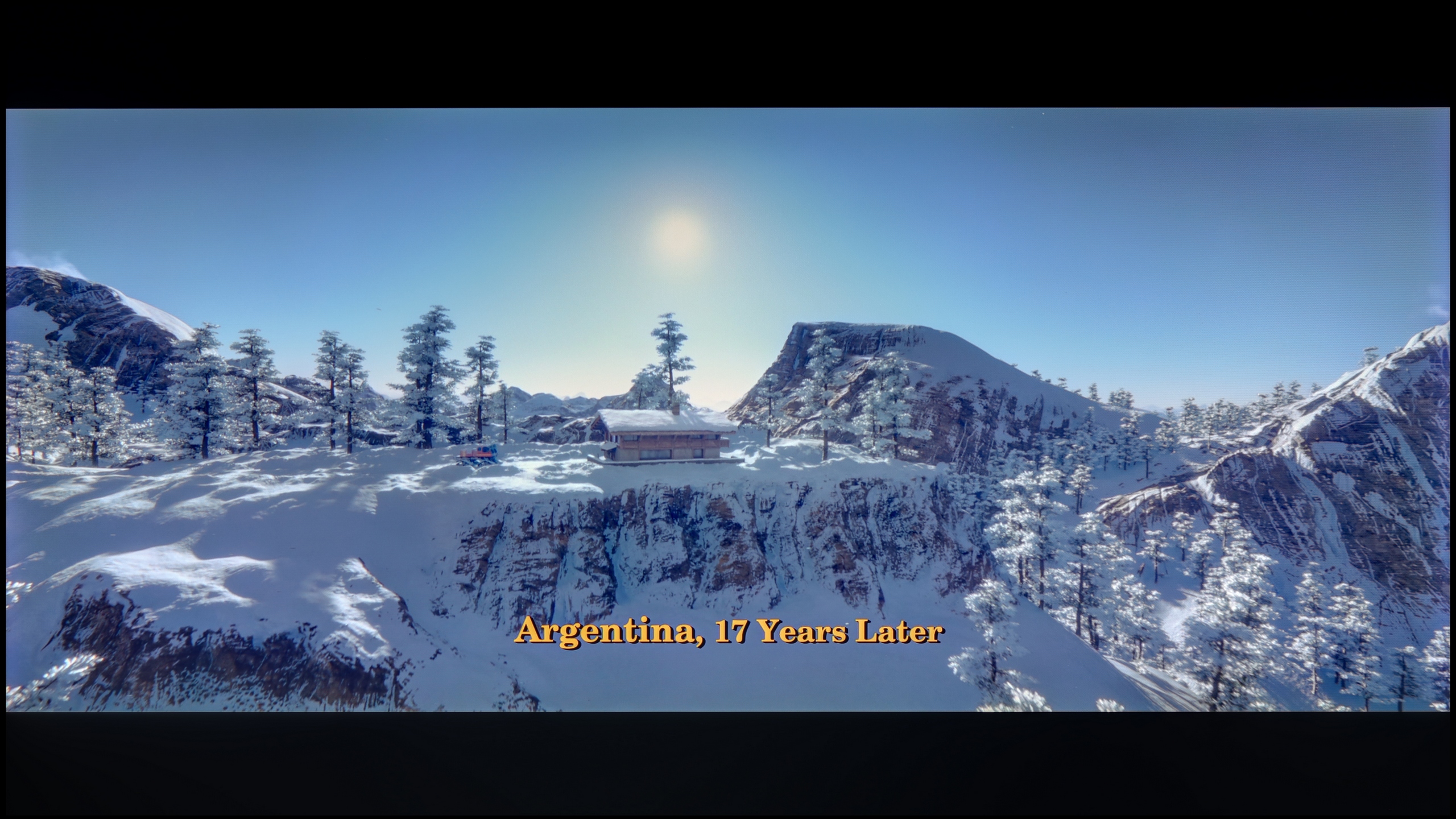
These are selected scenes that show smooth tonal transitions from one color to another. If you see distinct banding, it’s the TV panel’s fault.

These are selected scenes that show smooth tonal transitions from one color to another. If you see distinct banding, it’s the TV panel’s fault.
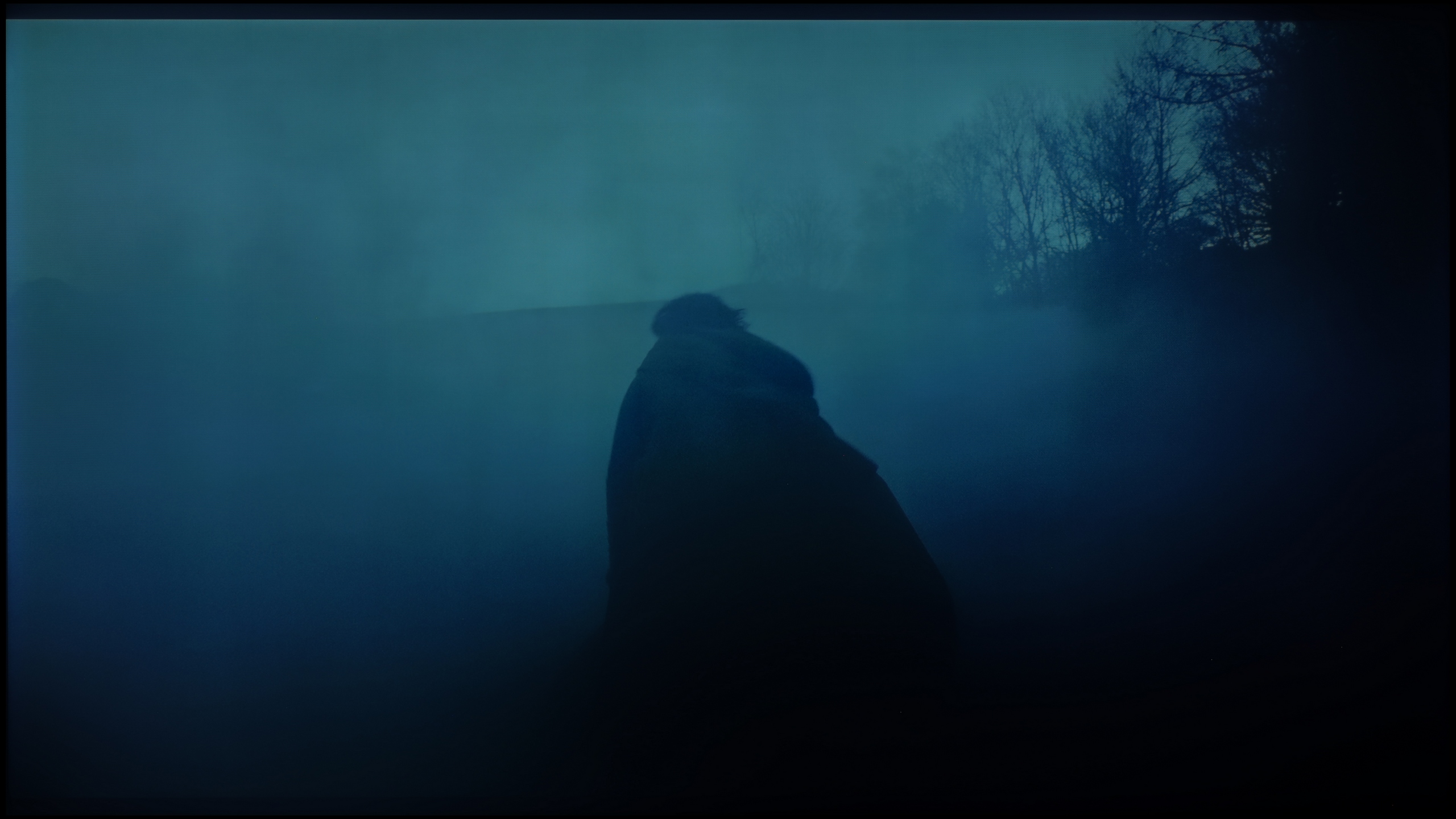
These are selected scenes that show smooth tonal transitions from one color to another. If you see distinct banding, it’s the TV panel’s fault.
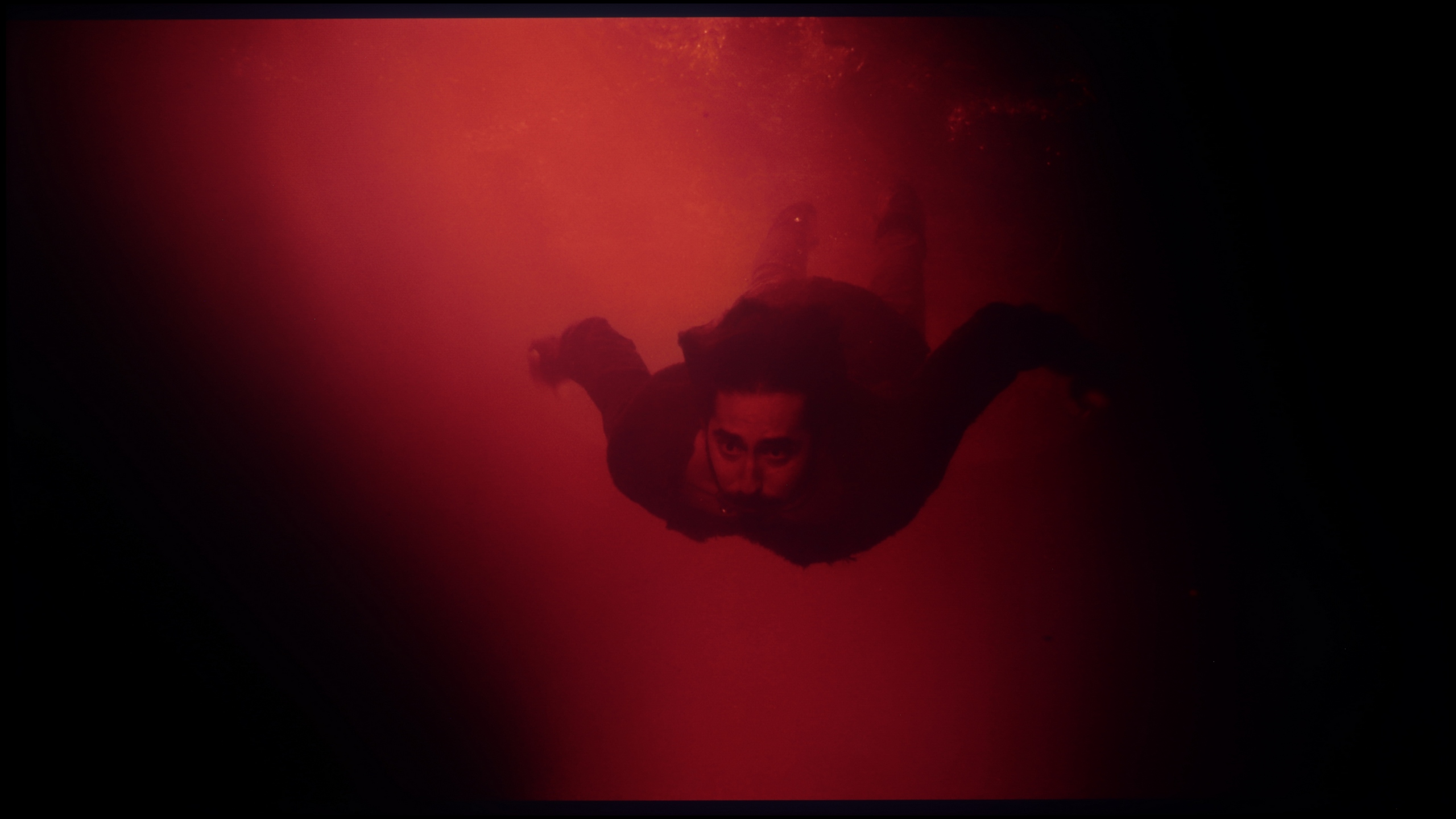
These are selected scenes that show smooth tonal transitions from one color to another. If you see distinct banding, it’s the TV panel’s fault.
We are now moving on to a category that has proven to be one of the strongest features of the model tested. The fluidity of tonal transitions, or the ability to smoothly blend similar shades, is at a very high level here. The Haier M95E excels at reproducing gradients, even in the most demanding dark scenes, where many televisions can already show unsightly banding (posterization). Although we did notice minimal shortcomings in very bright areas of the image, these are errors so minor that they do not spoil the overall excellent impression. In this particular competition, the M95E deserves one of the highest ratings on our portal.
Digital image processing has been a true hallmark of Hisense for some time now. In the U7S Pro model, we did not notice any serious issues with so-called color banding, or posterization effect. The individual shades transition nearly perfectly and smoothly into one another, without the annoying effect of jagged edges or visible "steps" on gradients.
Image scaling and smoothness of tonal transitions
5/10
7.8/10

Smooth transition function
The match photo shows how the TV smooths weak tonal transitions in low-quality video.
Image scaling SD (576i)


The model photo shows how it handles upscaling of SD material.
No worries, but what happens to those colour transitions when lower quality material with compression artifacts comes on screen? Unfortunately, we have some bad news for you. Even though in the menu we can find an option responsible for smoothing tonal transitions in older content, we definitely DO NOT RECOMMEND using it. Its activation causes an avalanche of additional, nasty artifacts, noticeably blurring the entire image, and ironically – it often doesn’t even remove those unwanted “jaggies” it was meant to tackle. This feature might as well not exist at all.
We can write many more warm words about the overall upscaling, which is the process of raising lower resolutions to the native 4K matrix. The image after upscaling looks really decent – it’s neither overly jagged nor artificially smoothed. In this particular area, the M95E really does the job.
The digital processing of lower quality signals is at a very high level here, all thanks to the MediaTek Pentonic 800 processor used in the U7S Pro. The upscaling also performs well, which is the TV's ability to enhance lower resolution signals to 4K. We did not notice any unnatural, sharp contours on the screen, and our test image featuring a model simply looked appealing.
Blur and motion smoothness
6.5/10
7.4/10
Blur (native resolution, maximum refresh rate):


Blur (BFI function enabled):



Blur (4K@144Hz):
Blur (1080P@330Hz):



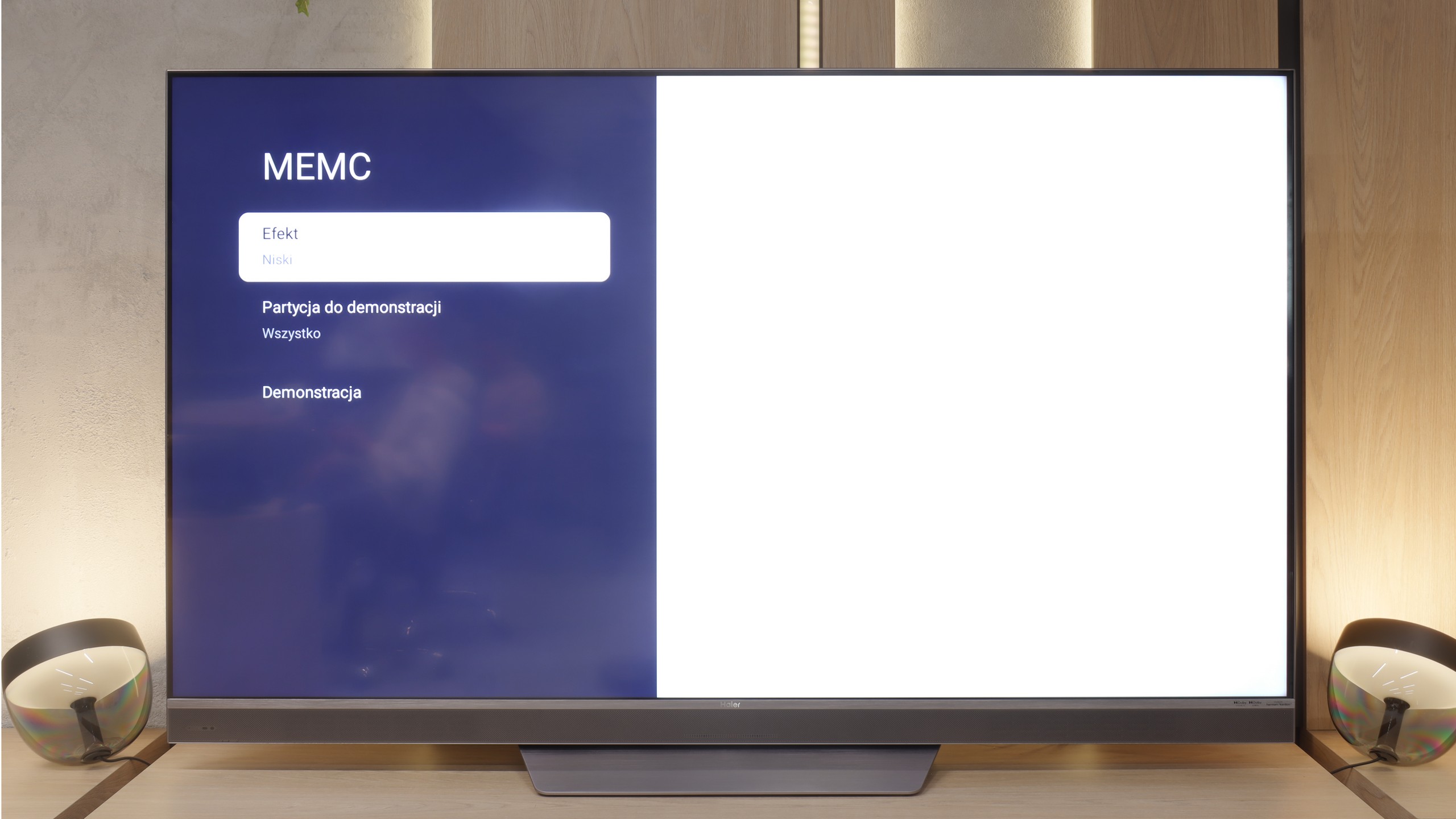
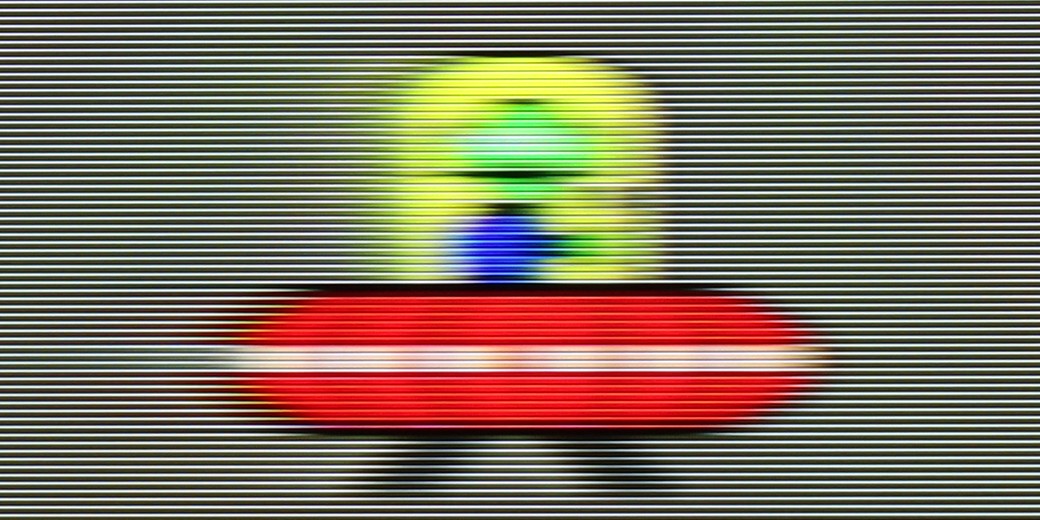
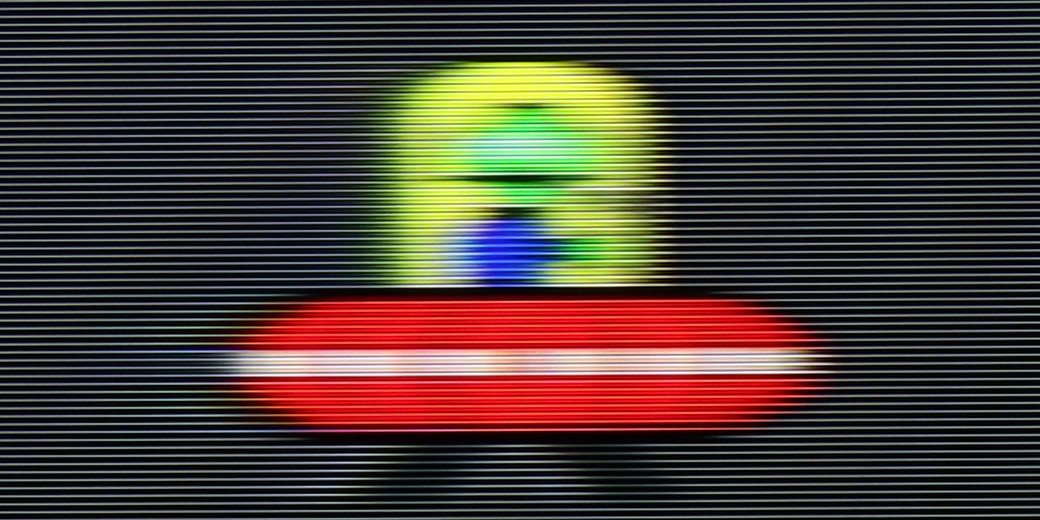
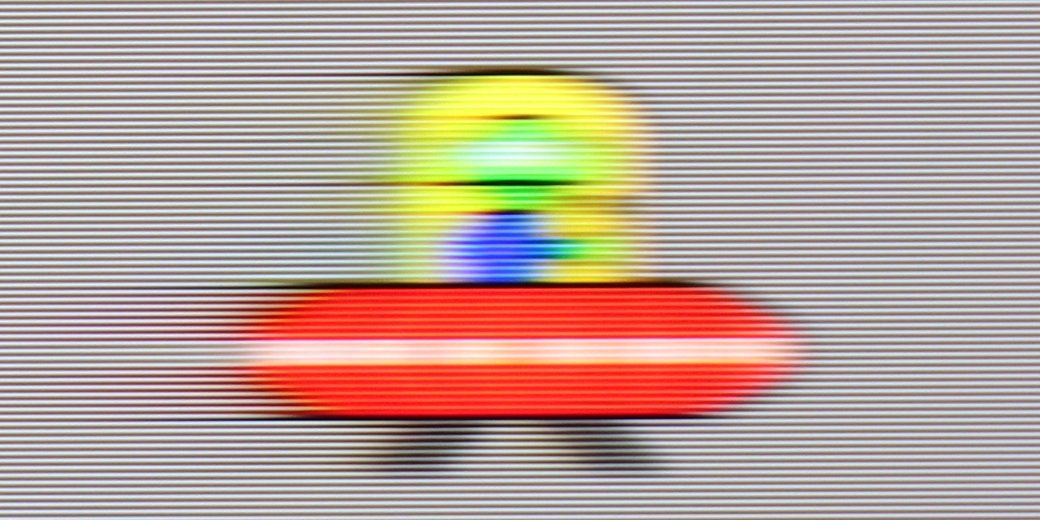
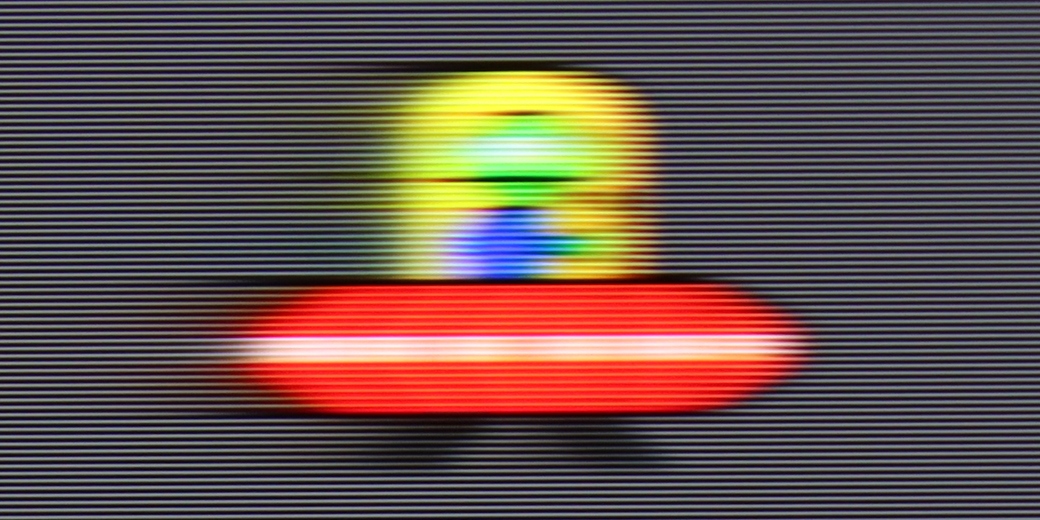
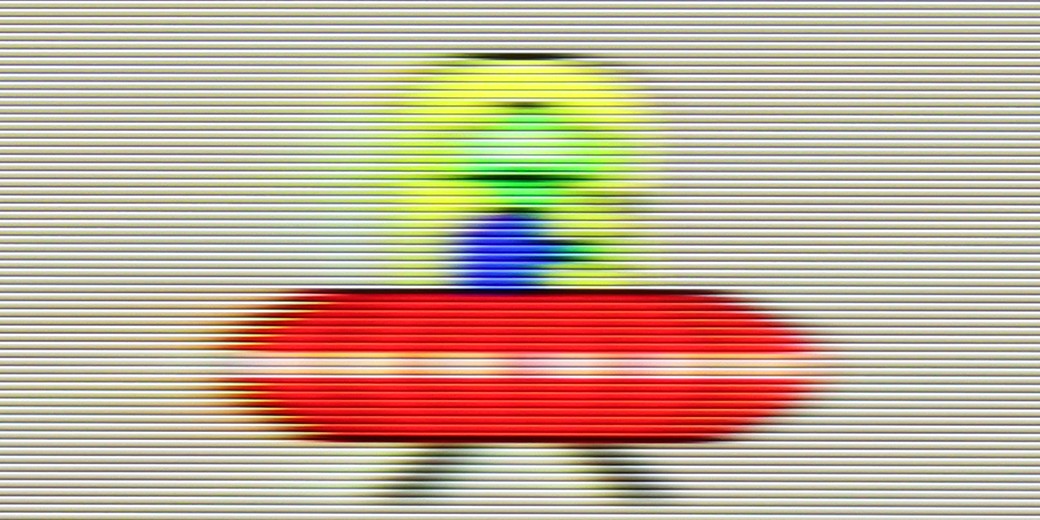
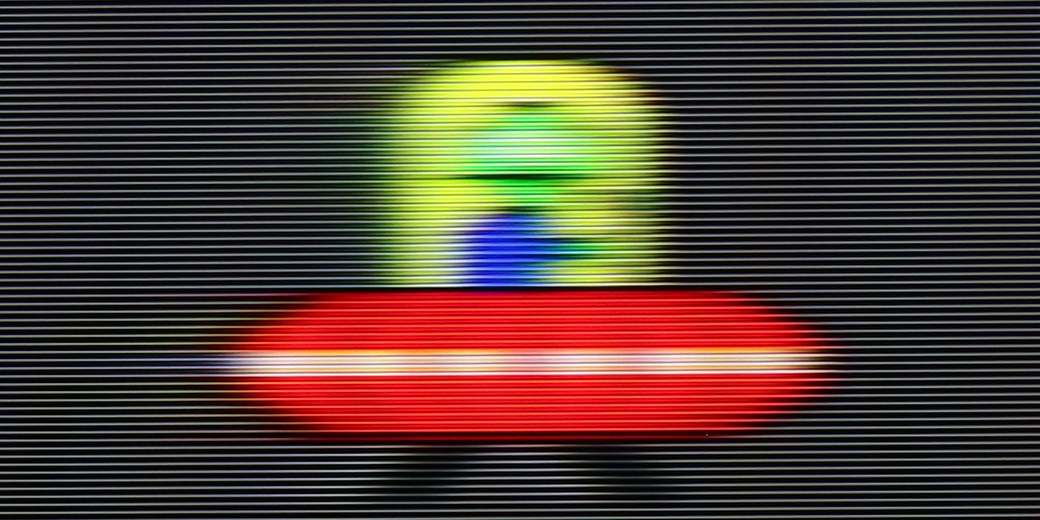
In terms of motion fluidity and blurring, our feelings are quite mixed because the M95E is a paradox television. Let's start with absolute admiration: the heart of the device is its 144Hz panel, but what really impresses is its performance with 120Hz content, which is crucial for sports and console gaming. We must state with complete certainty that Haier has equipped it with one of the best VA panels currently available on the market when it comes to minimising blurring. It is rare to encounter an LCD panel that offers such clear, sharp, and ghosting-free motion. In this regard, the M95E is simply phenomenal.
And that is why the unpleasant surprise waiting for us on the software side is so painful. It turns out that this fantastic hardware potential is completely underutilised because the TV virtually offers no functioning options for improving fluidity. The smoothing systems that should help with lower frame rate content can indeed be found in the menu, but they essentially do not respond to our settings. The conclusion is brutally simple: if you intend to watch high fluidity materials, you must be sure that the source is broadcasting them in native 120. In every other case, you will have to come to terms with a rather harsh, stuttering image, as the M95E will not help smooth it out in any way.
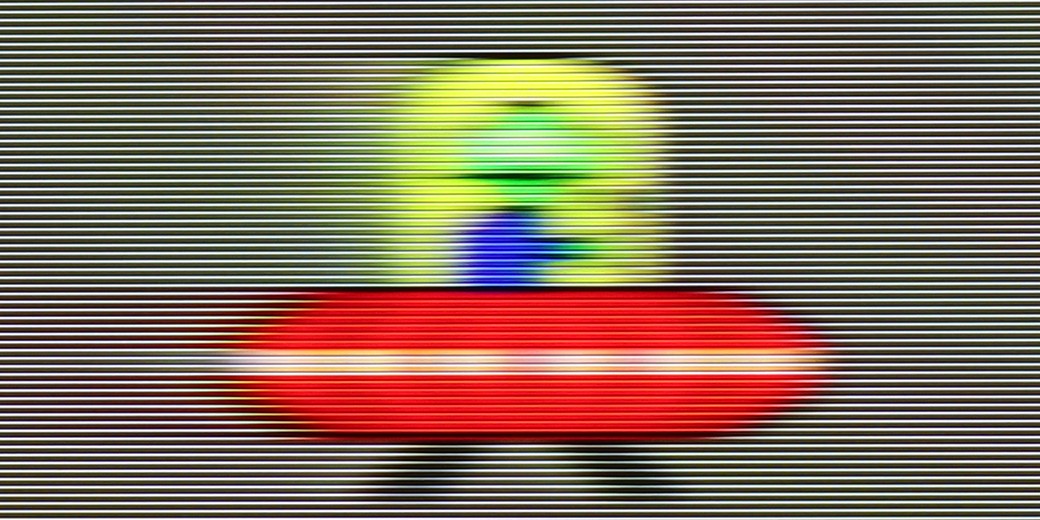
Hisense U7S Pro uses a panel with a maximum refresh rate of 165 Hz in 4K, and in gaming mode, it can even reach 330 Hz at Full HD resolution. However, it is important to remember that these highest numbers do not have much significance in everyday usage, as most content supports a maximum of 120 Hz (e.g., when playing on a console). Nevertheless, the TV handles motion quite well and performs really well for an LCD construction.
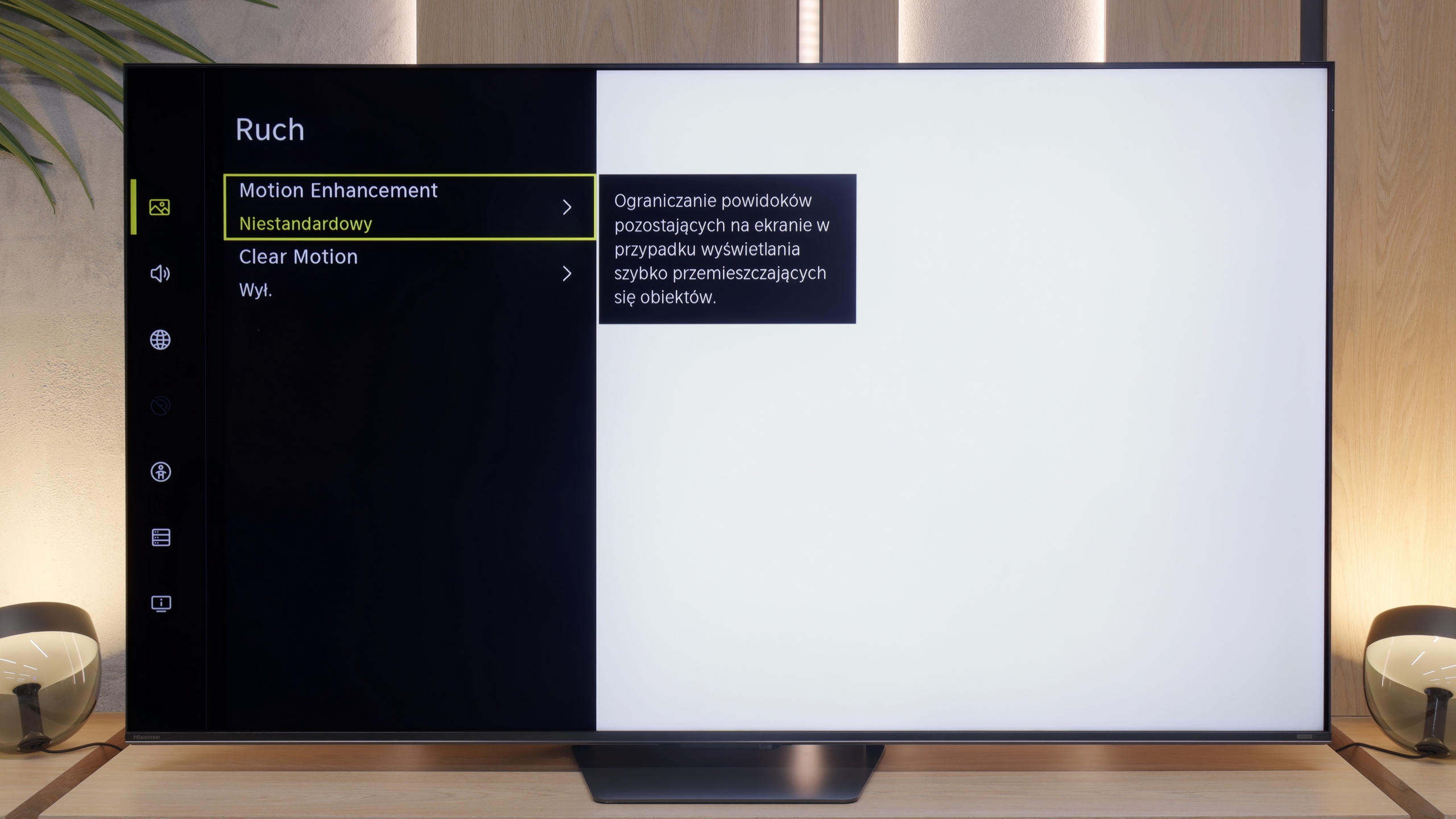
It's hard to fault the fluidity. In the menu, we find a motion smoother called "Motion Enhancement," which has two sliders: motion blur reduction and judder reduction. They allow for manual configuration of the smoother, which works well in both movies and sports, effectively enhancing the raw TV signal.
Console compatibility and gaming features
8.1/10
8.5/10
- ALLM
- VRR
- VRR range48 - 144Hz48 - 330Hz
- Dolby Vision Game Mode
- Correct implementation of HGIG

- 1080p@120Hz
- 1440p@120Hz
- 4K@120Hz
- Game bar
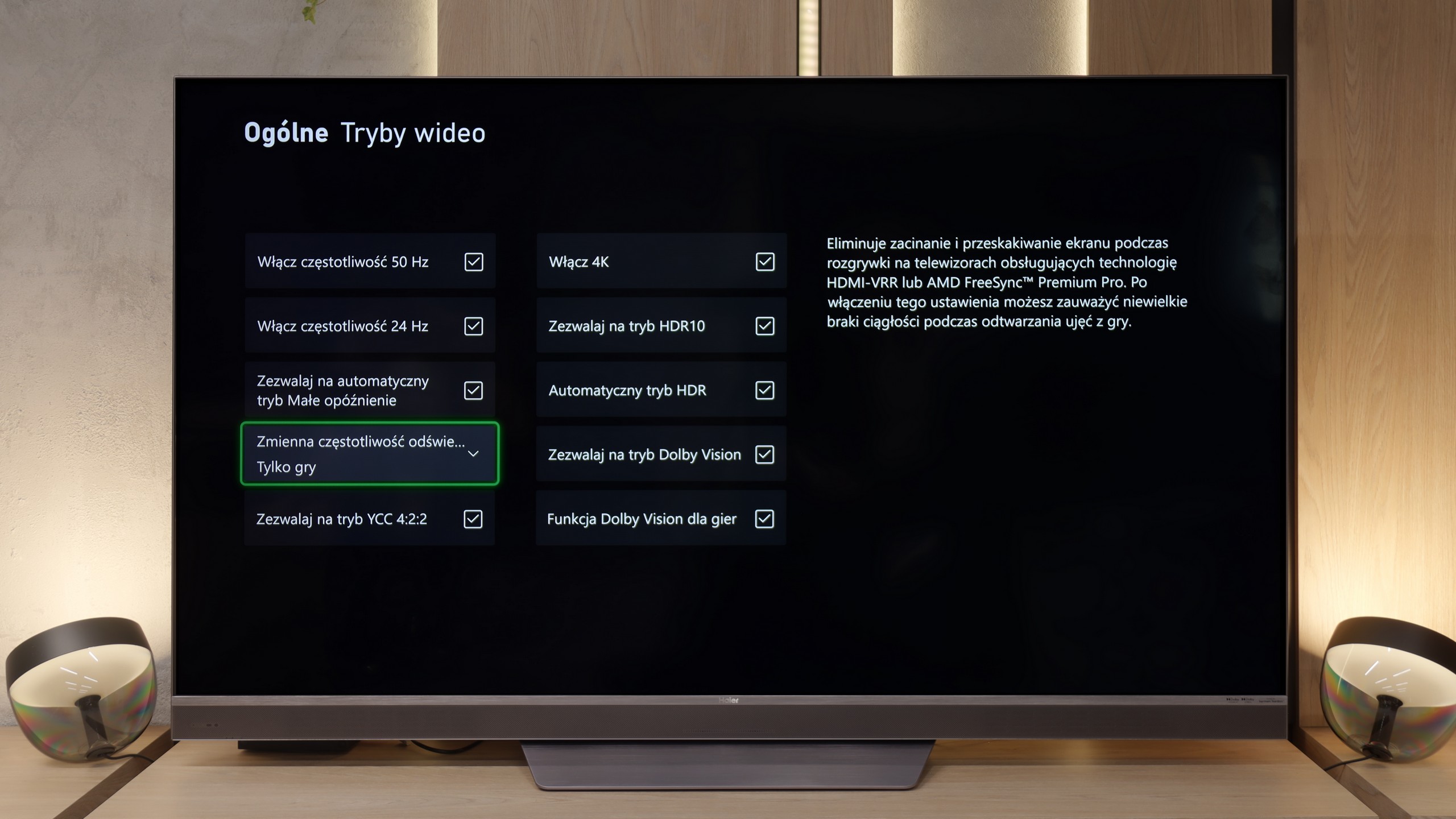
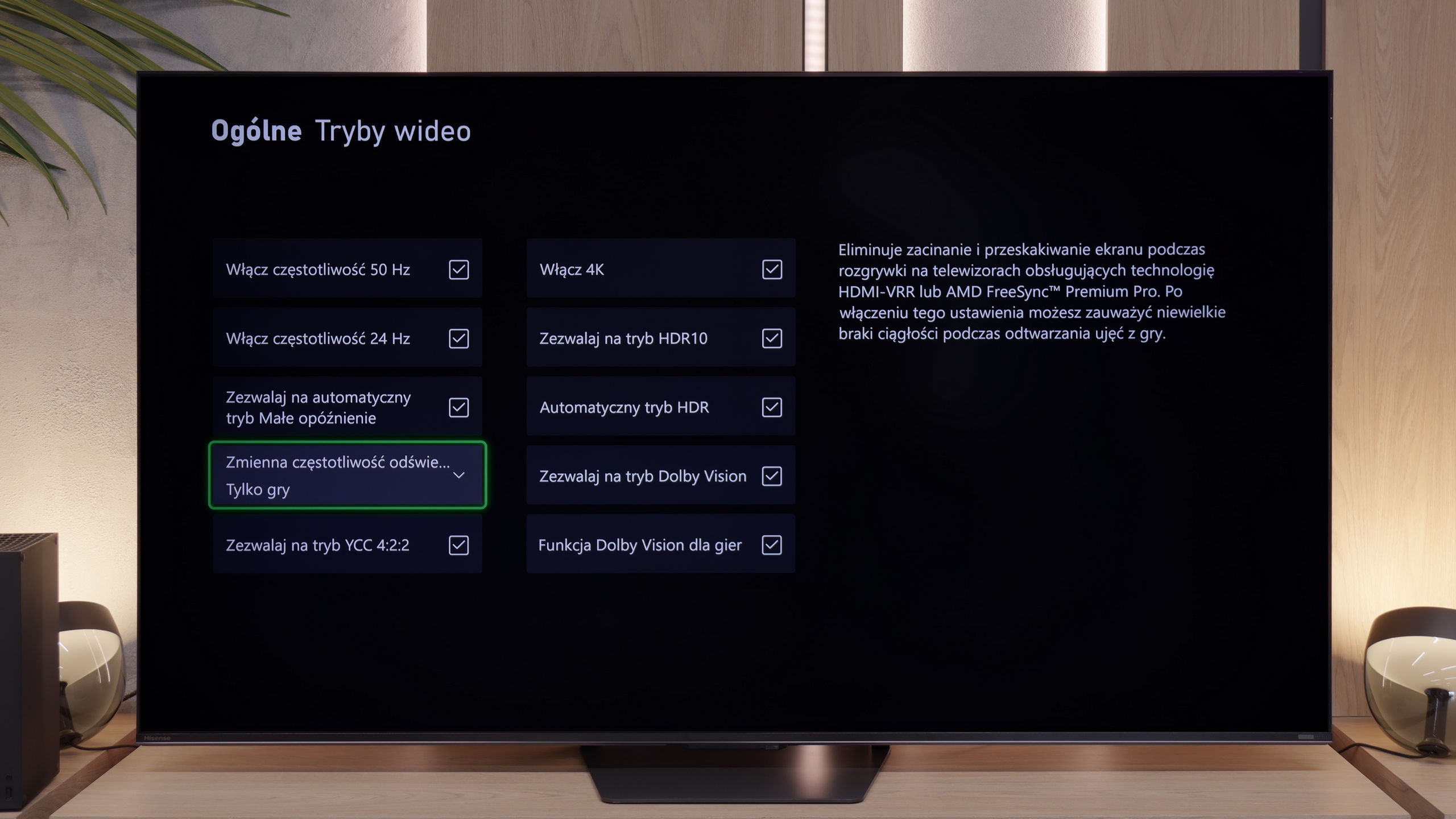
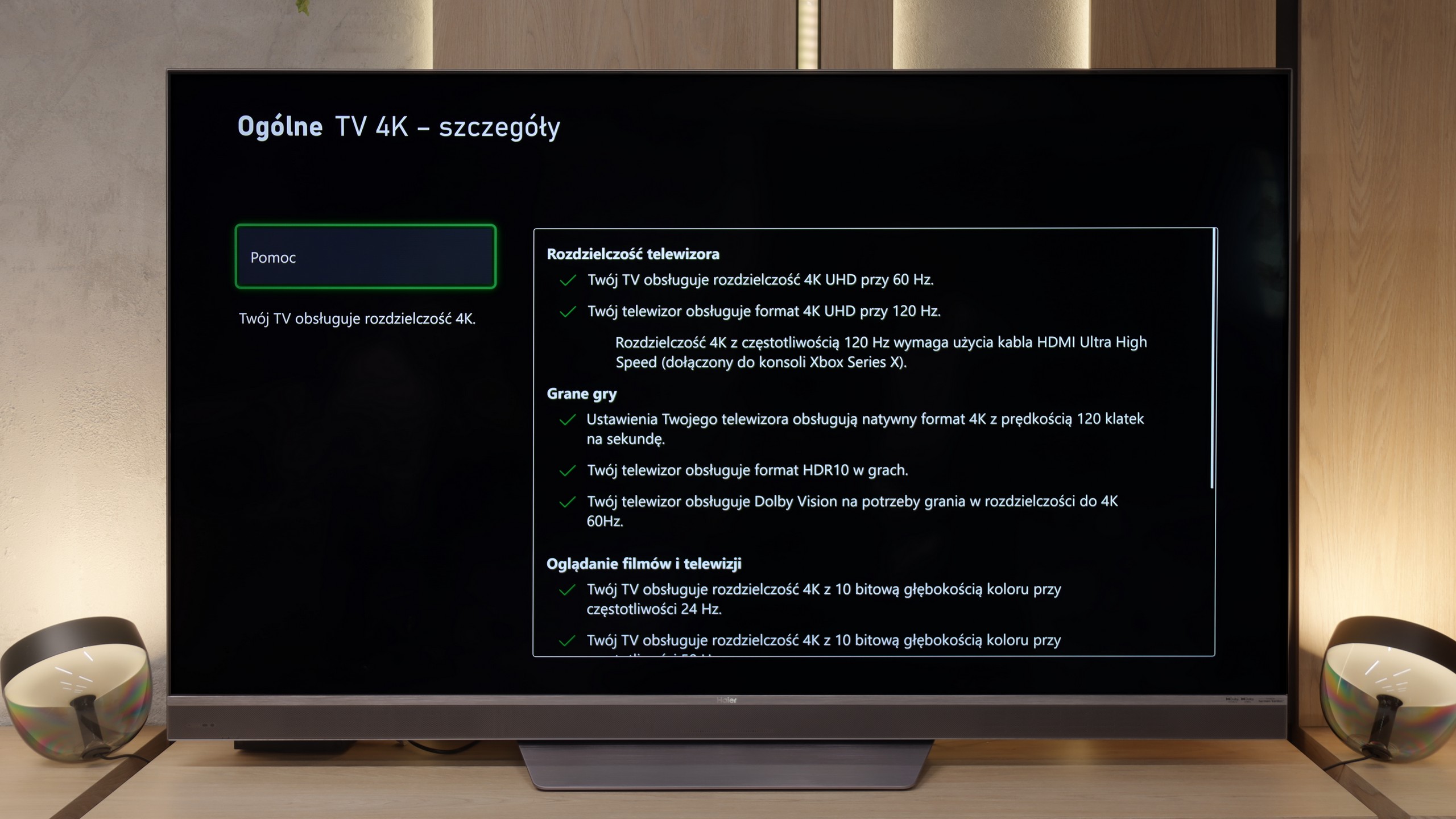
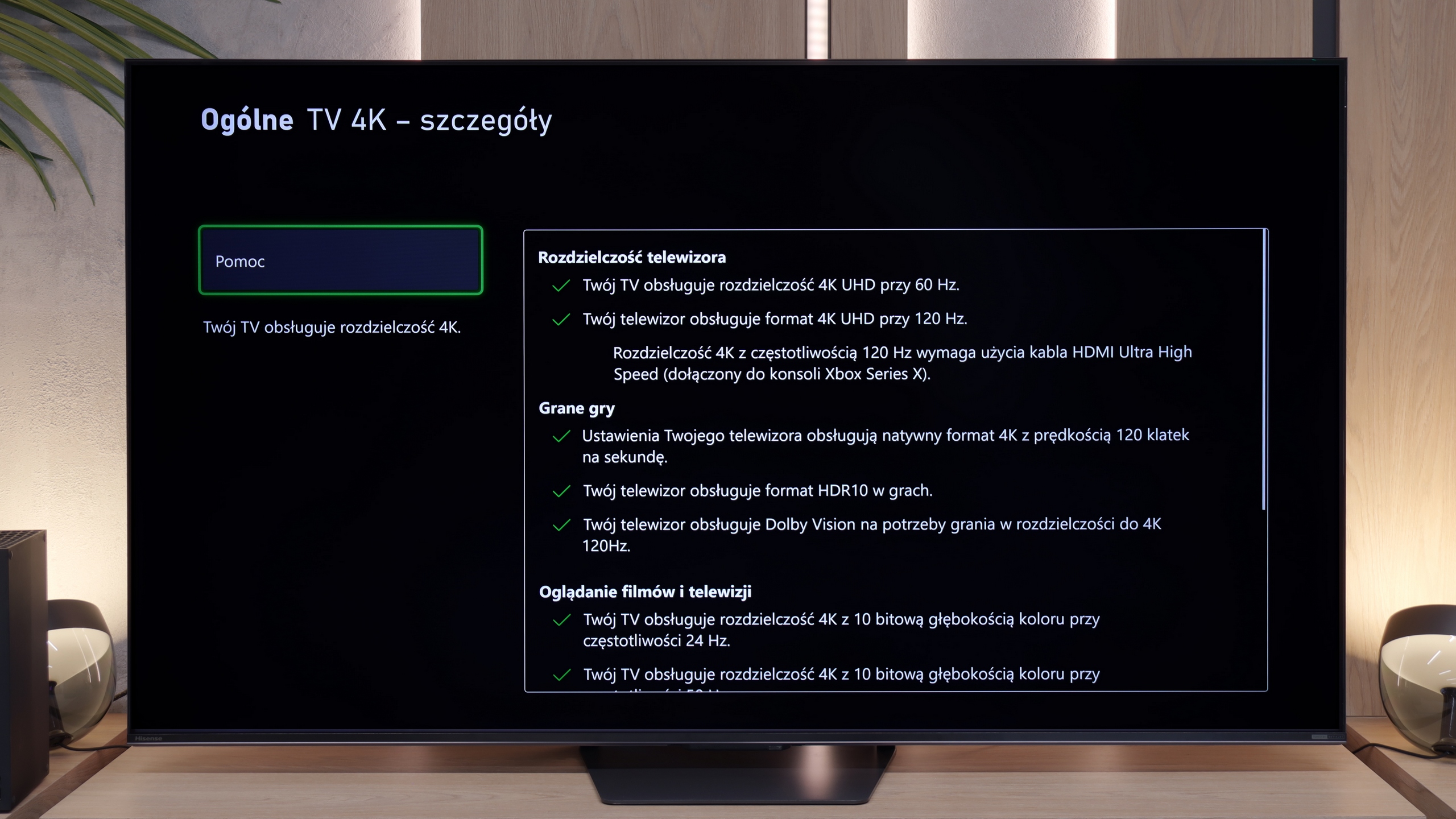
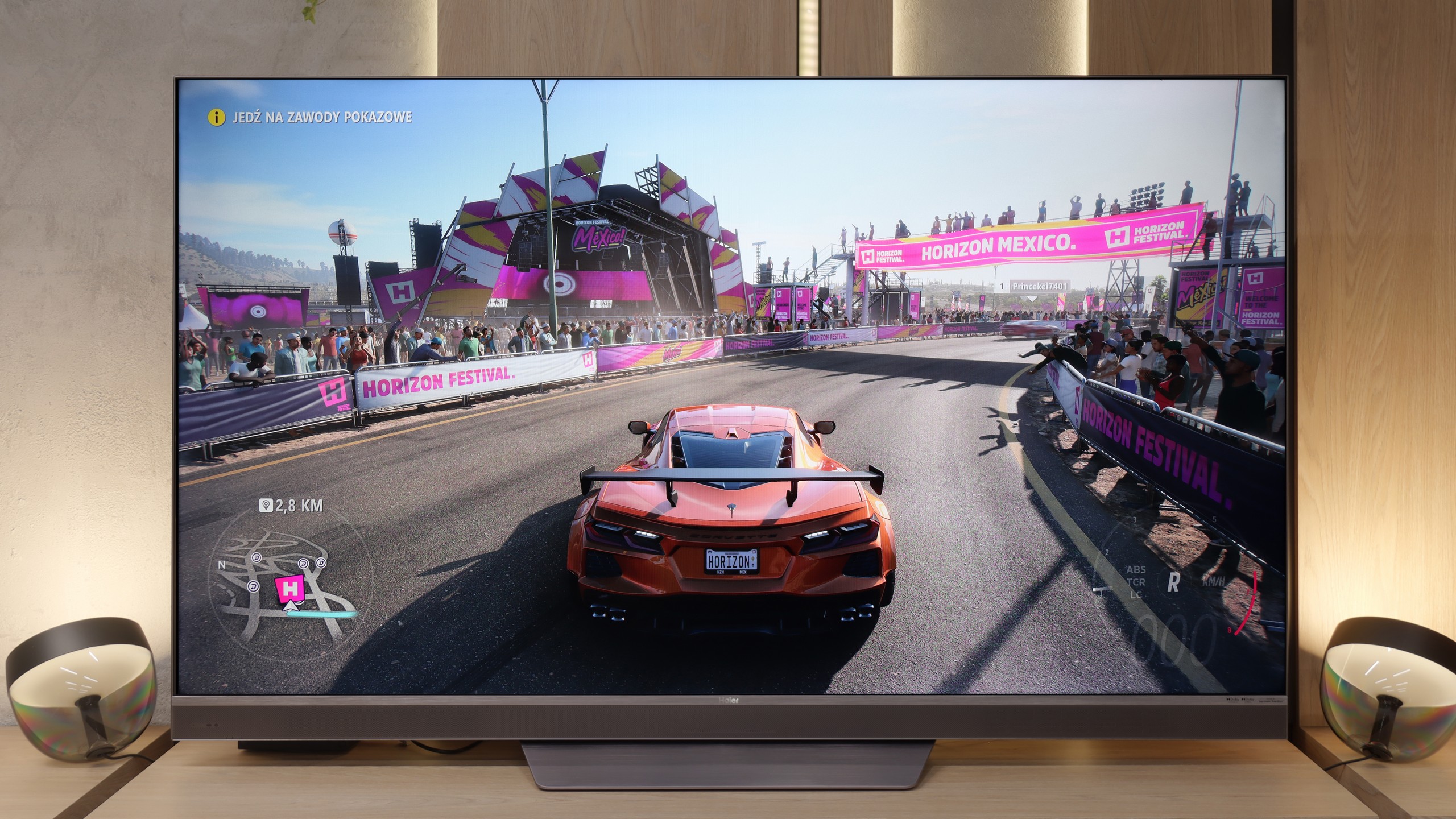
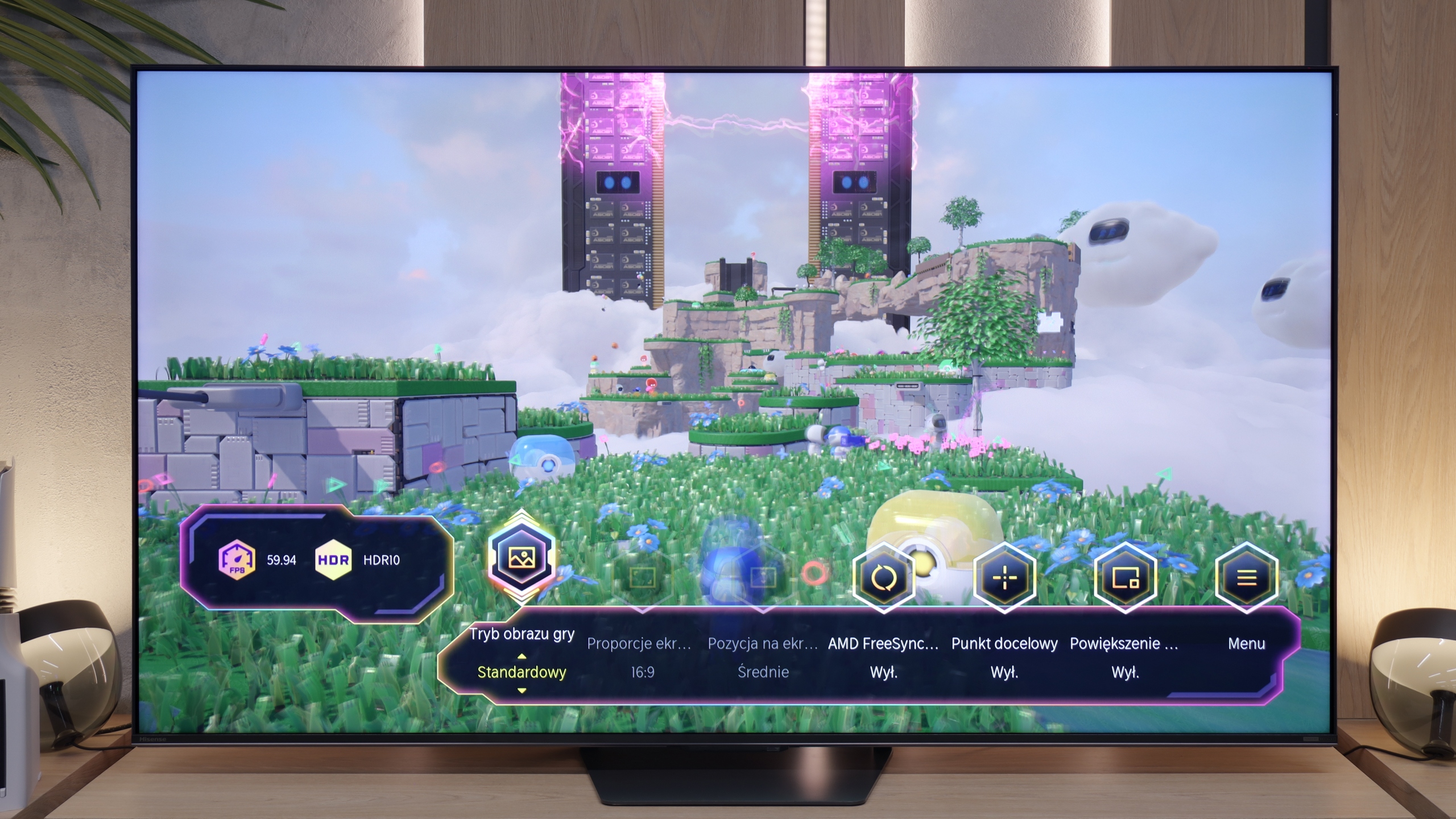
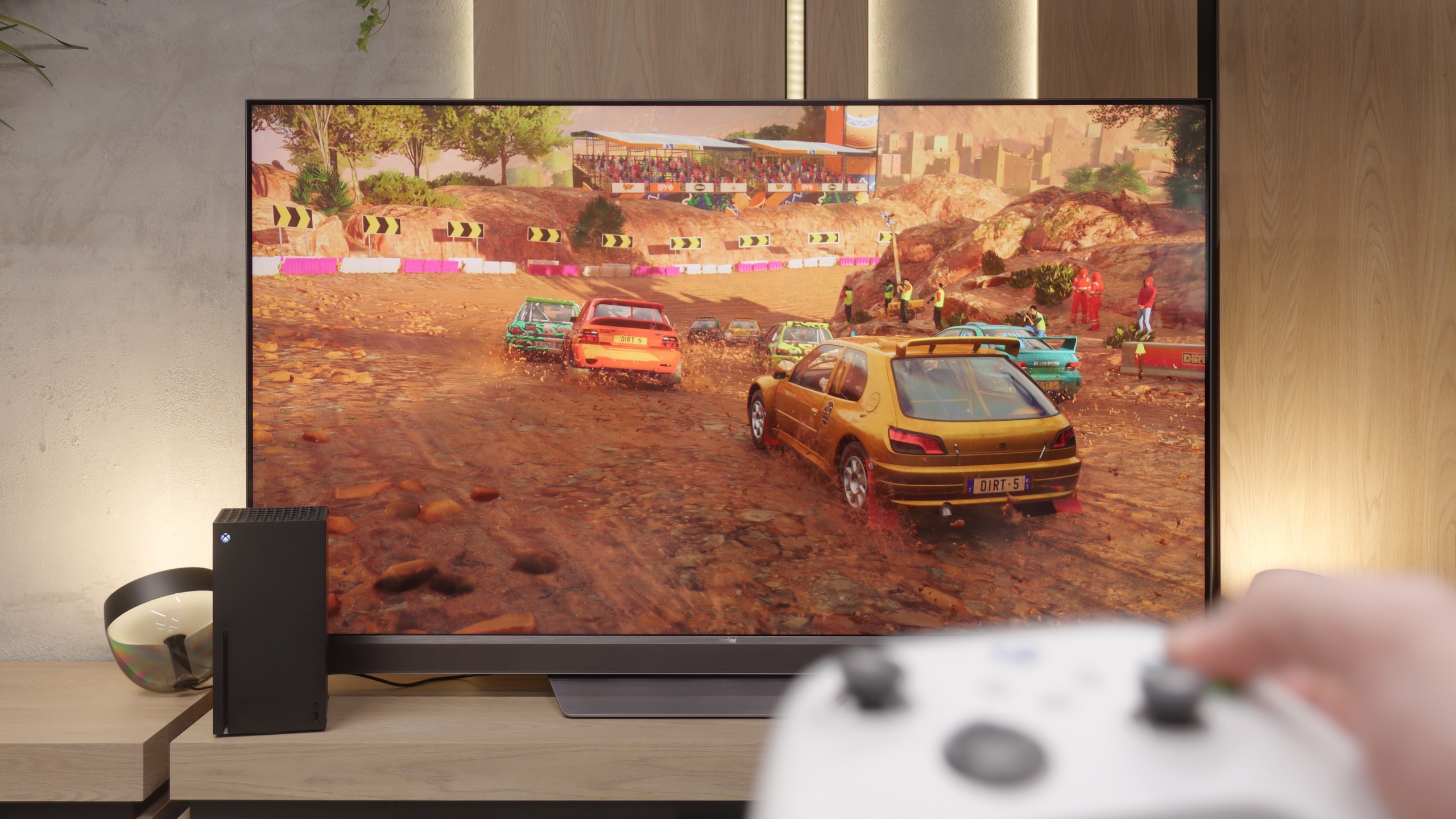
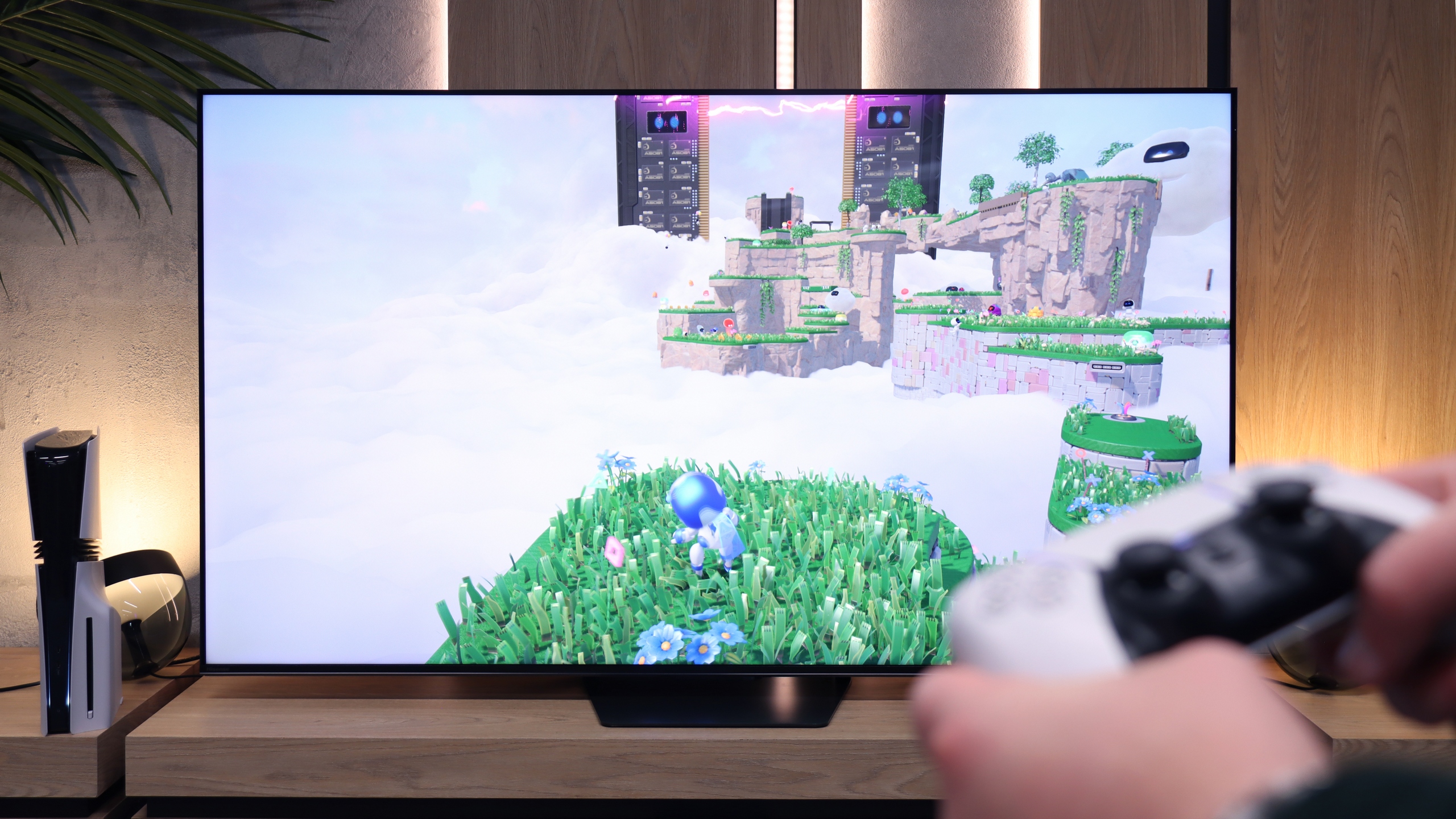
When it comes to features for gamers, the Haier M95E offers some strong arguments. First and foremost, it is fully prepared for the new generation of consoles and powerful gaming PCs. It comes equipped with two full-fledged HDMI 2.1 ports, which effortlessly handle 4K signals at 120Hz and even allow gaming at 144Hz. This is the foundation that guarantees us full utilisation of our available hardware. Furthermore, the key technologies work flawlessly here. The TV accurately detects the console and automatically switches to low-latency mode (ALLM), so we don’t have to fiddle with the settings. The frame syncing (VRR) also works efficiently, eliminating annoying tearing when the game’s smoothness slightly drops. Considering the exceptionally low motion blur of the panel, which we've already mentioned, the M95E creates a truly comfortable and responsive gaming environment. Of course, it's not a perfect package. A dedicated "Game Bar", which is a handy menu for gamers, would be useful, but that's really just a nice extra. A more serious omission is the lack of support for the HGiG standard, which impedes the perfect HDR configuration on consoles and can lead to overexposure. Despite these shortcomings, the core "gaming package" that the M95E offers is really solid and fully functional.
If you're planning to connect a console or PC to the U7S Pro, you'll be more than pleased – this TV is great gear for gamers. Hisense hasn't held back, featuring 4 HDMI 2.1 ports with full bandwidth of 48 Gbps. So you don't have to juggle cables, as each port will handle the full suite of features. We have an automatic game mode (ALLM) and VRR, which operates over a wide range from 48 Hz to a whopping 330 Hz. Of course, that 330 Hz is currently just a gimmick for owners of powerful PCs, as consoles will cap at 120 Hz, but it's good to have that headroom for the future. The Game Bar also works really well when gaming. It's a handy menu bar for gamers, where you can quickly change the picture mode, turn on a crosshair in the middle of the screen, and even switch the display aspect ratio to ultra-wide, which PC simulation fans will appreciate. The only downside worth noting is the incorrect implementation of the HGiG format in games. The issue is that the TV ignores instructions from the console regarding the image generated in HDR10 and constantly butts in, trying to "enhance" the image in its own way. This makes proper HDR configuration in the console menu (where brightness is set on the logo/checkerboard) a bit more challenging.
Input lag
9.8/10
9.7/10
SDR
HDR
Dolby Vision
The key parameter for any gamer, often more important than colours or contrast, is responsiveness. In this category, the Haier M95E absolutely takes no prisoners. The input lag, measured by us, for a 120Hz signal was below 10 milliseconds. This result is among the absolute market leaders, placing this model on par with dedicated gaming monitors. In practice, this means an immediate response to every movement of the controller, keyboard, or mouse.
When it comes to delays, it's really good. Results below 10 ms for content at 120 Hz are great news because the response to moving the stick or pressing a button on the pad is immediate. At the standard 60 Hz, the delay increases to around 18 ms – that's still low enough that even a hardcore gamer won't notice it. The only thing you could nitpick about here is playing with Dolby Vision turned on. In that case, the input lag can jump to about 30 ms. However, it must be honestly admitted that these are still not values we would consider bad or that would hinder comfortable gameplay.
Compatibility with PC
6.6/10
8.4/10
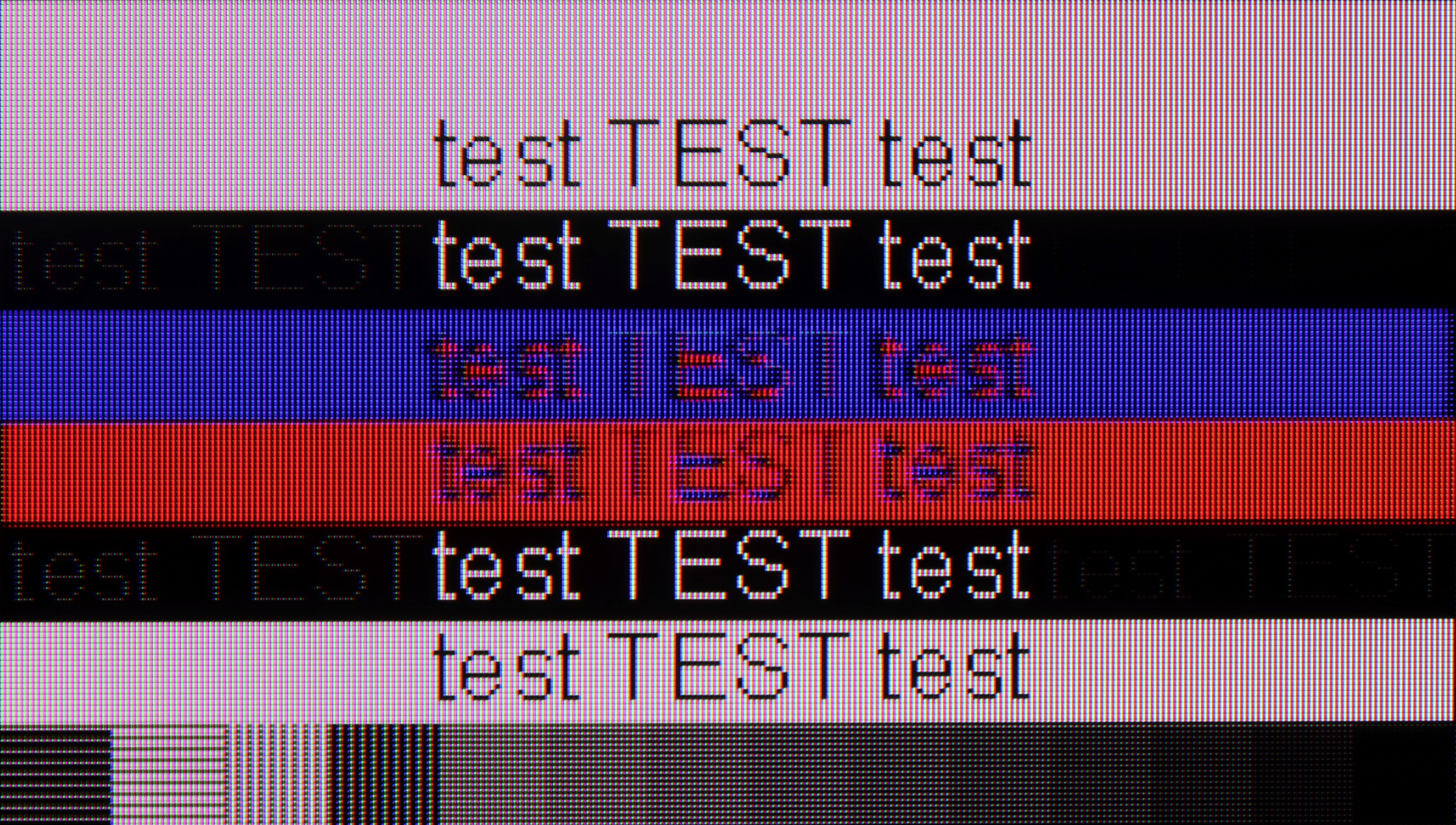
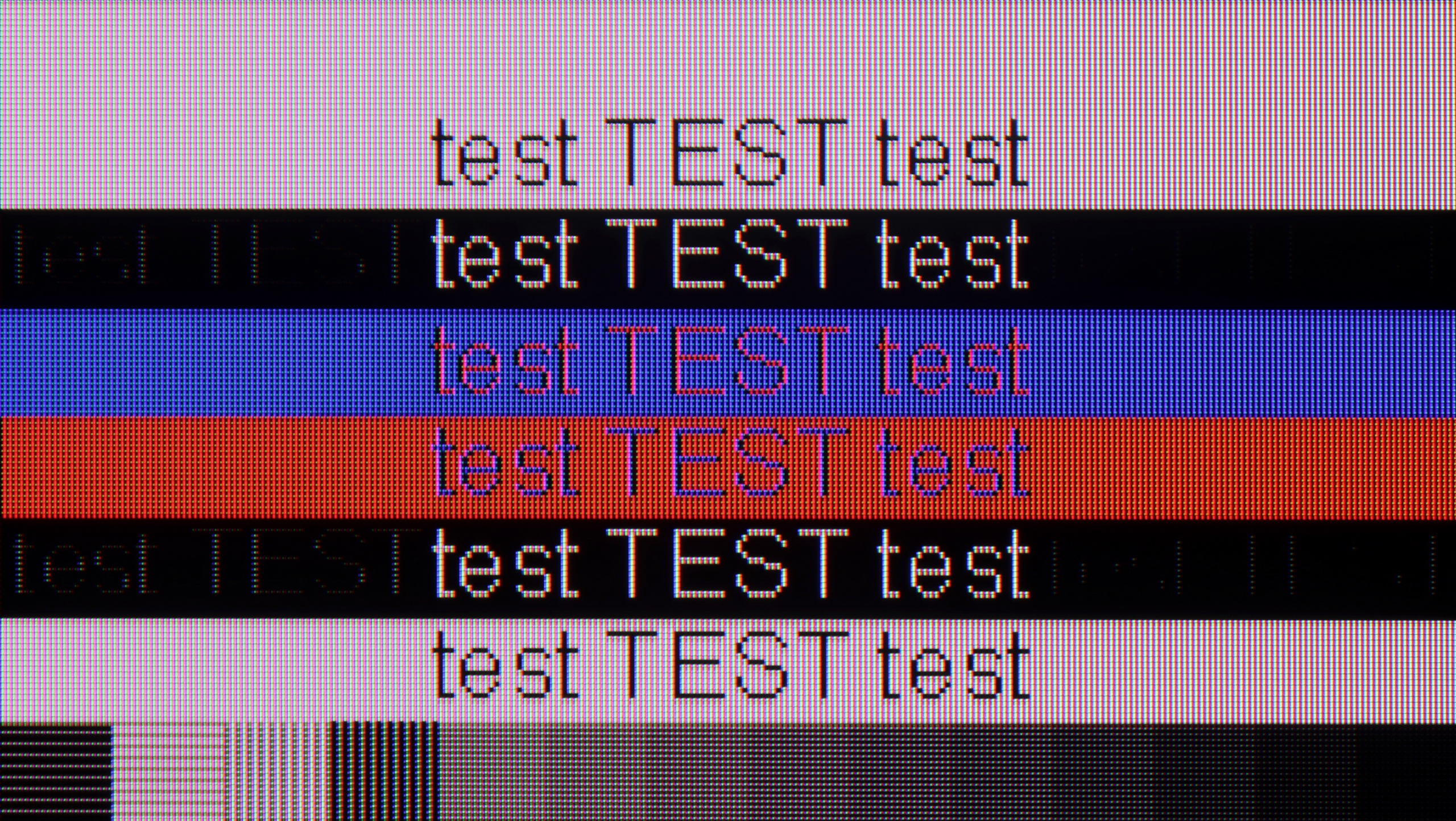
The photo shows the legibility of small fonts. Ideally, lines should be the same thickness on both light and dark text, with minimal pixel gaps.
As a monitor for PC gaming, the M95E performs exceptionally well. We have full support for 144Hz, there’s VRR, and consequently, it also supports G-Sync. In this regard – it’s great. Perhaps that’s why you’re surprised by our “average” rating in this category. The reason is simple: while it excels at gaming, regular text work doesn’t fare as well. At the 120Hz or 144Hz setting, the TV’s ability to display fonts is, quite frankly, poor. The text is blurred, and the coloured letters become smeared due to the lack of full Chroma 4:4:4 support. Interestingly, there is a workaround – simply switch the computer to 60Hz mode, and everything returns to normal, with the fonts becoming sharp. The only downside is that this forces us to constantly juggle settings every time we want to stop gaming and do a bit of work.
U7S Pro, as we mentioned before, is great gear for gamers – including PC gamers. The TV has an impressive refresh rate of 165 Hz at 4K resolution, and when it’s switched down to Full HD, it can even reach 330 Hz! These values are typically found in monitors, not TVs! Plus, the TV works seamlessly with Nvidia or AMD graphics cards thanks to G-Sync and FreeSync.
Regarding text clarity on the desktop, it’s quite good – the TV supports full colour sampling (Chroma 4:4:4), so fonts should be sharp and clear. However, there is a slight catch: text readability significantly worsens when the TV is running in 165 Hz or 144 Hz mode. To fix this and achieve much better, sharper fonts, it’s best to simply change the refresh rate in Windows settings to 120 Hz.
Viewing angles
3.1/10
3.2/10
The issue of viewing angles brings no surprises here – they are simply poor. Haier M95E uses a VA panel, so as you move away from the centre of the screen, the image quickly loses colour saturation, and contrast clearly fades. However, this is a typical and fully expected characteristic of this technology, so it's hard to consider it a significant drawback – this type of panel is just like that.
Unfortunately, the U7S Pro does not offer the best viewing angles on the market. This is due to the VA panel used here, which, unlike IPS or ADS panels, shows significantly greater image degradation when viewed from the side. Colours lose their saturation, and contrast clearly drops. Interestingly, this characteristic applies not only to the panel itself but also to the external screen layer. The matte coating used here loses its "matte qualities" at large angles and starts to behave more like a glossy screen. Instead of diffusing light, it begins to reflect it more strongly, which can increase discomfort when used in a sunlit room. Therefore, to enjoy the best image quality and lack of reflections, it is best to sit directly in front of the screen when using the U7S Pro, if possible.
Daytime performance
8.5/10
8.1/10
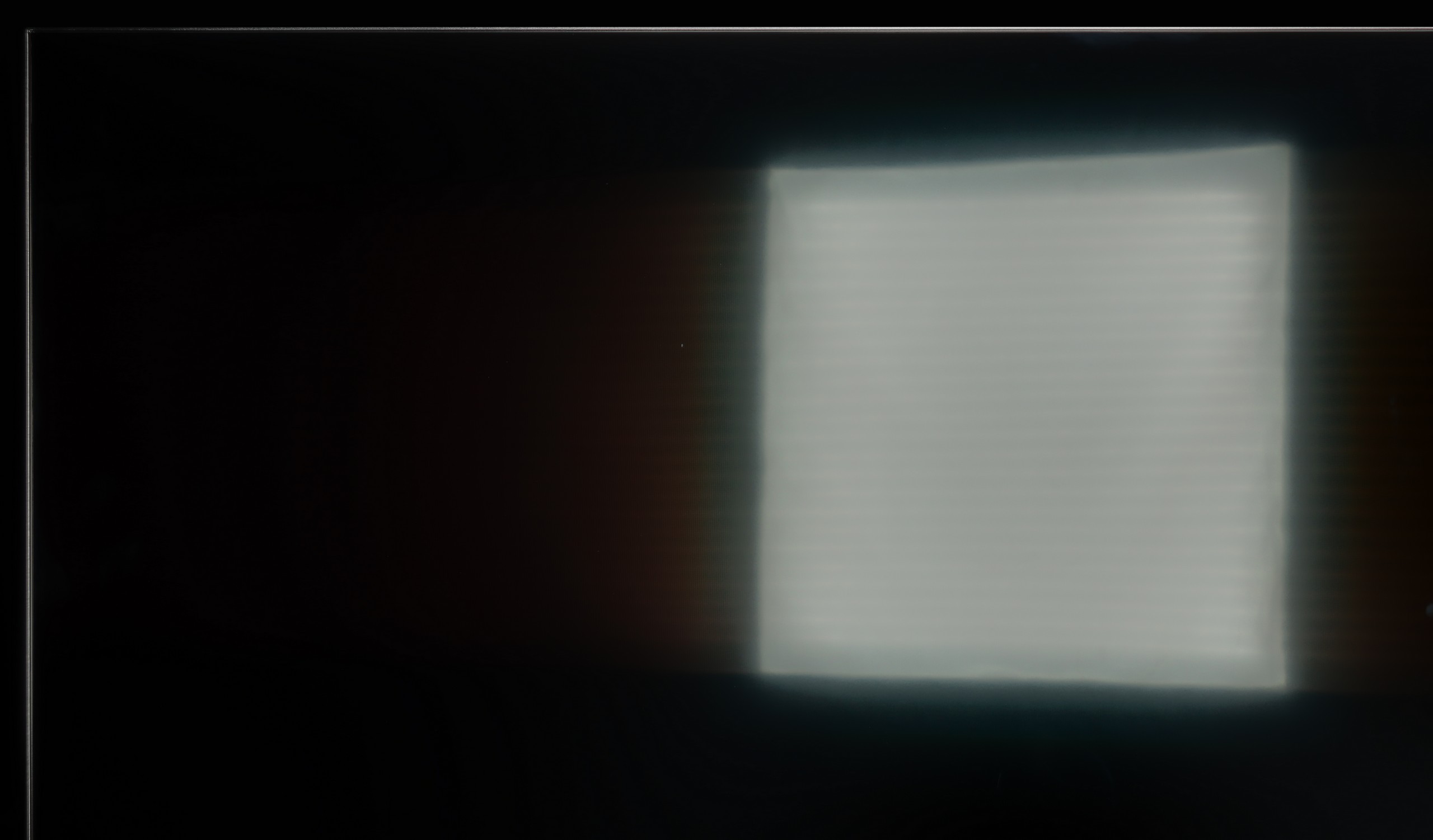
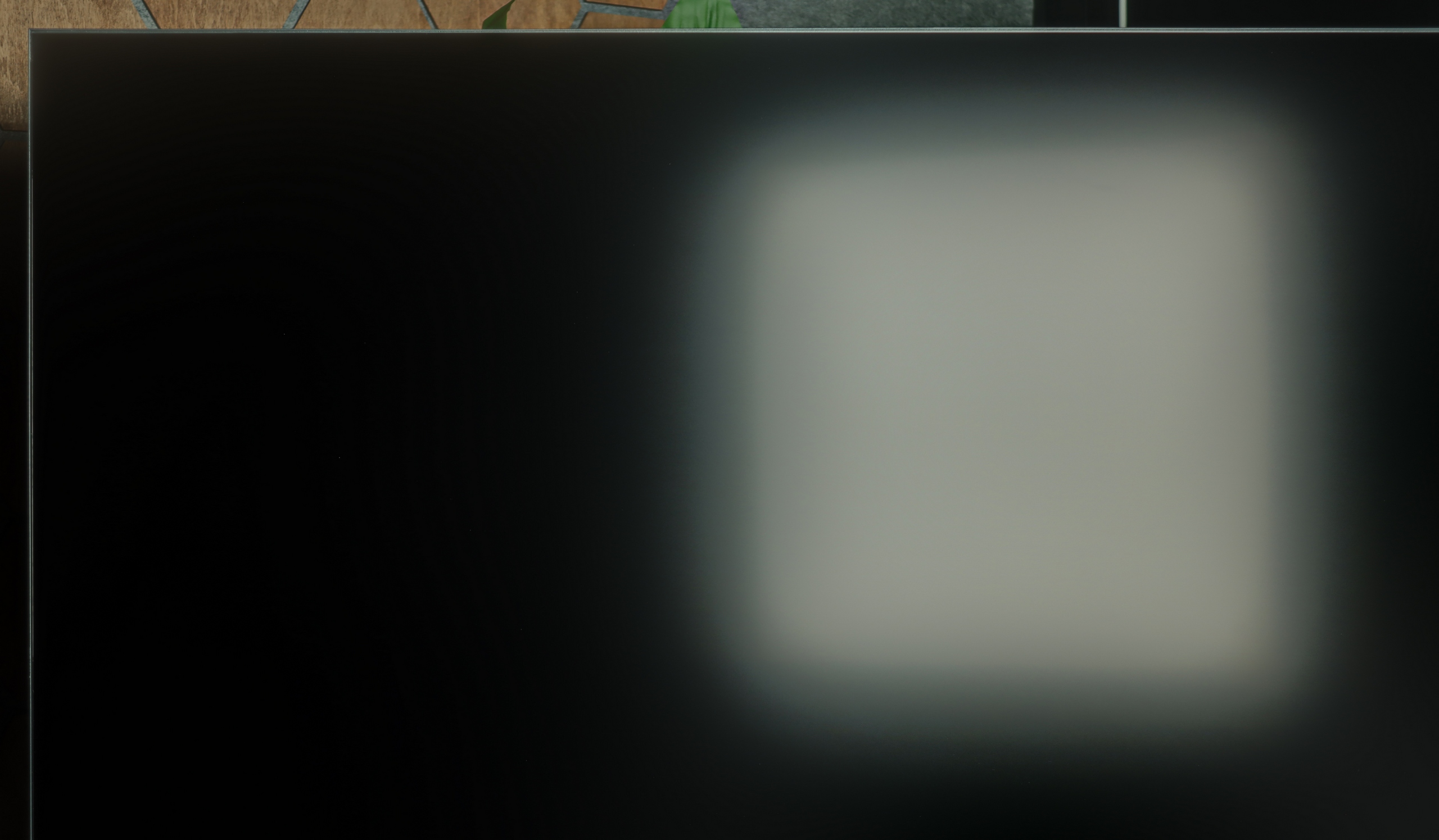


Panel brightness
Hisense U7S Pro: 903 cd/m2
Haier M95E: 1039 cd/m2
If you're looking for a TV for a bright living room, the Haier M95E is one of the stronger contenders. Its performance in daytime conditions is thanks primarily to its very high brightness. In SDR mode, the panel averages over 1000 nits, which is a result that easily allows it to 'cut through' the light coming into the room, even in very challenging conditions. And although the M95E doesn't have some revolutionary, super-matte anti-reflective coating, its raw backlight strength is more than enough to make it an excellent choice for daytime viewing.
The U7S Pro performs exceptionally well in brightly lit living rooms, thanks to the new matte screen coating. In this year's model, it effectively suppresses reflections from direct light hitting the television. While it may not be the deepest matte available on the market, it proves effective in most scenarios. However, it's important to keep in mind the aforementioned trait: when seated at an angle, the coating drastically loses its properties, and the screen begins to resemble a satin-gloss finish. So, if we have windows positioned at an unfortunate angle, those sitting on the side of the couch may struggle with noticeable reflections. Despite this minor inconvenience, the U7S Pro is still a fantastic choice for a bright living room. Besides the coating itself, its main advantage is its extreme brightness. In typical television content (SDR), the screen can achieve an average of up to 900 nits. This is an outstanding result that positions this model at the very top of the market.
Panel details
Subpixel Structure:
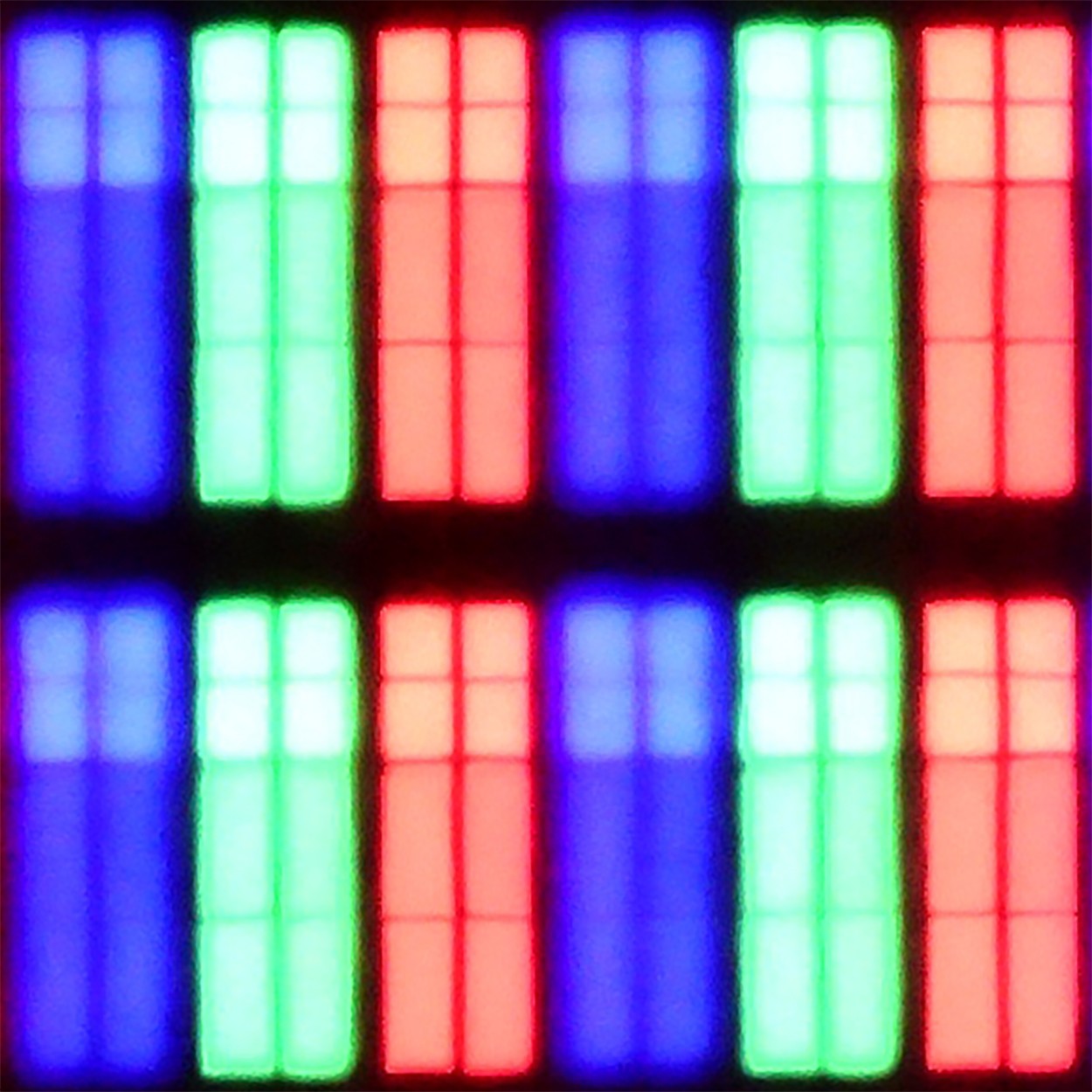
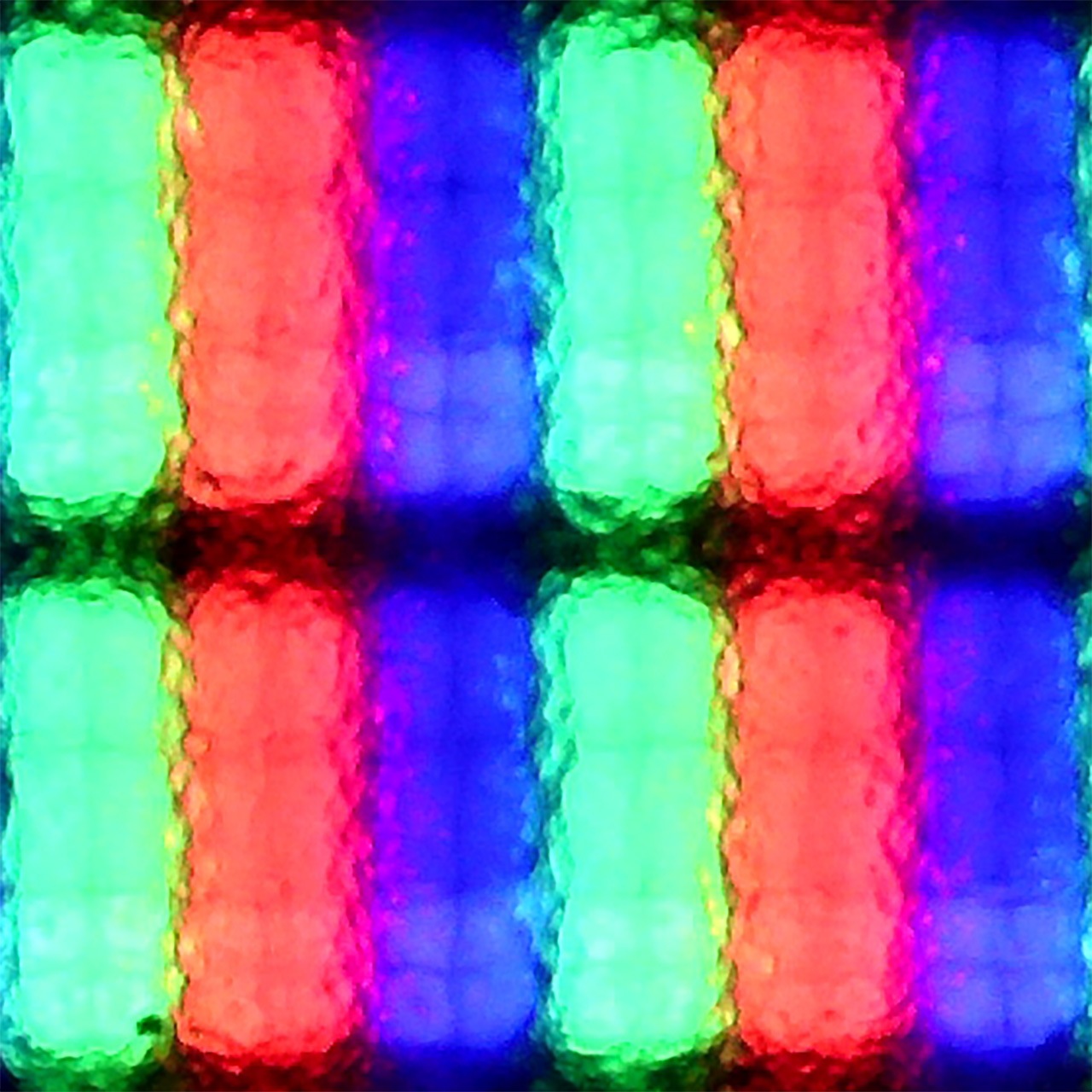
Panel uniformity and thermal imaging:


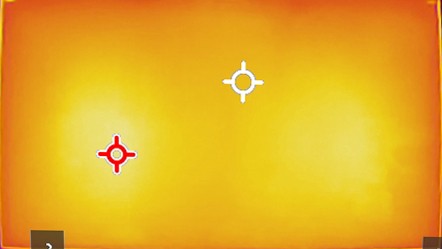
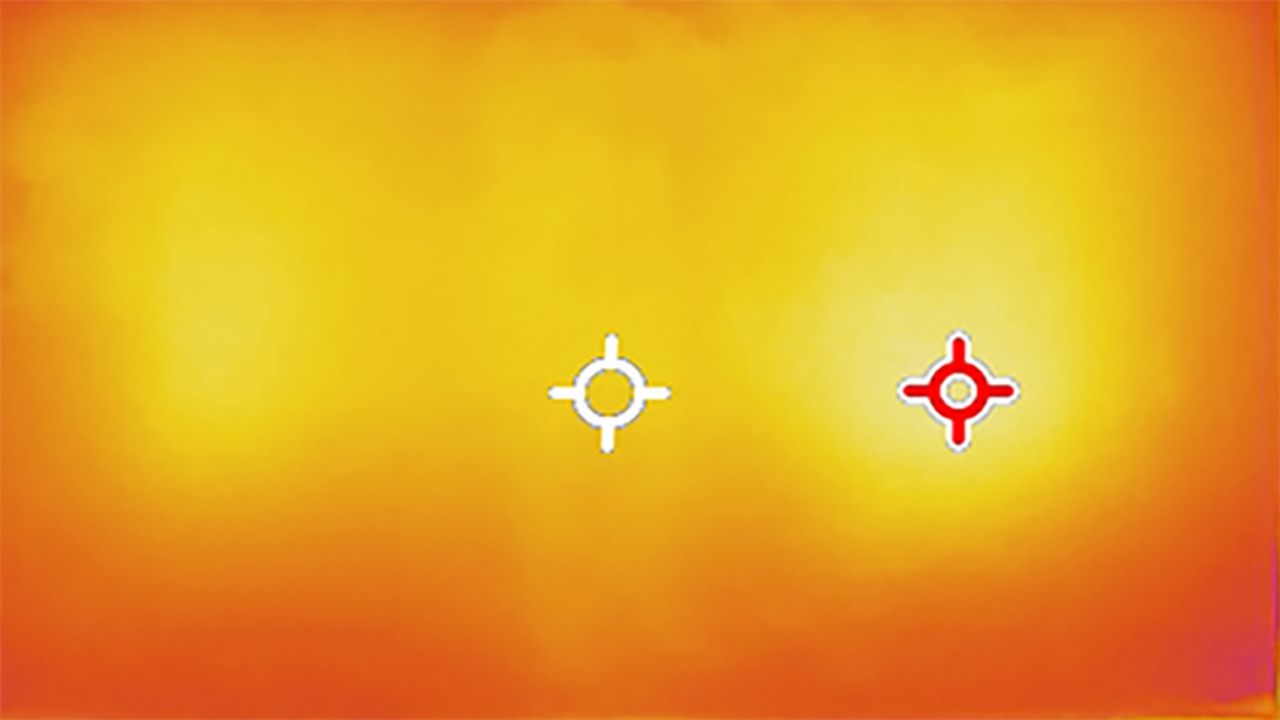
Haier M95E
Hisense U7S Pro
TV features
6.3/10
9.4/10
- SystemGoogle TVVIDAA
- System performanceGoodGood
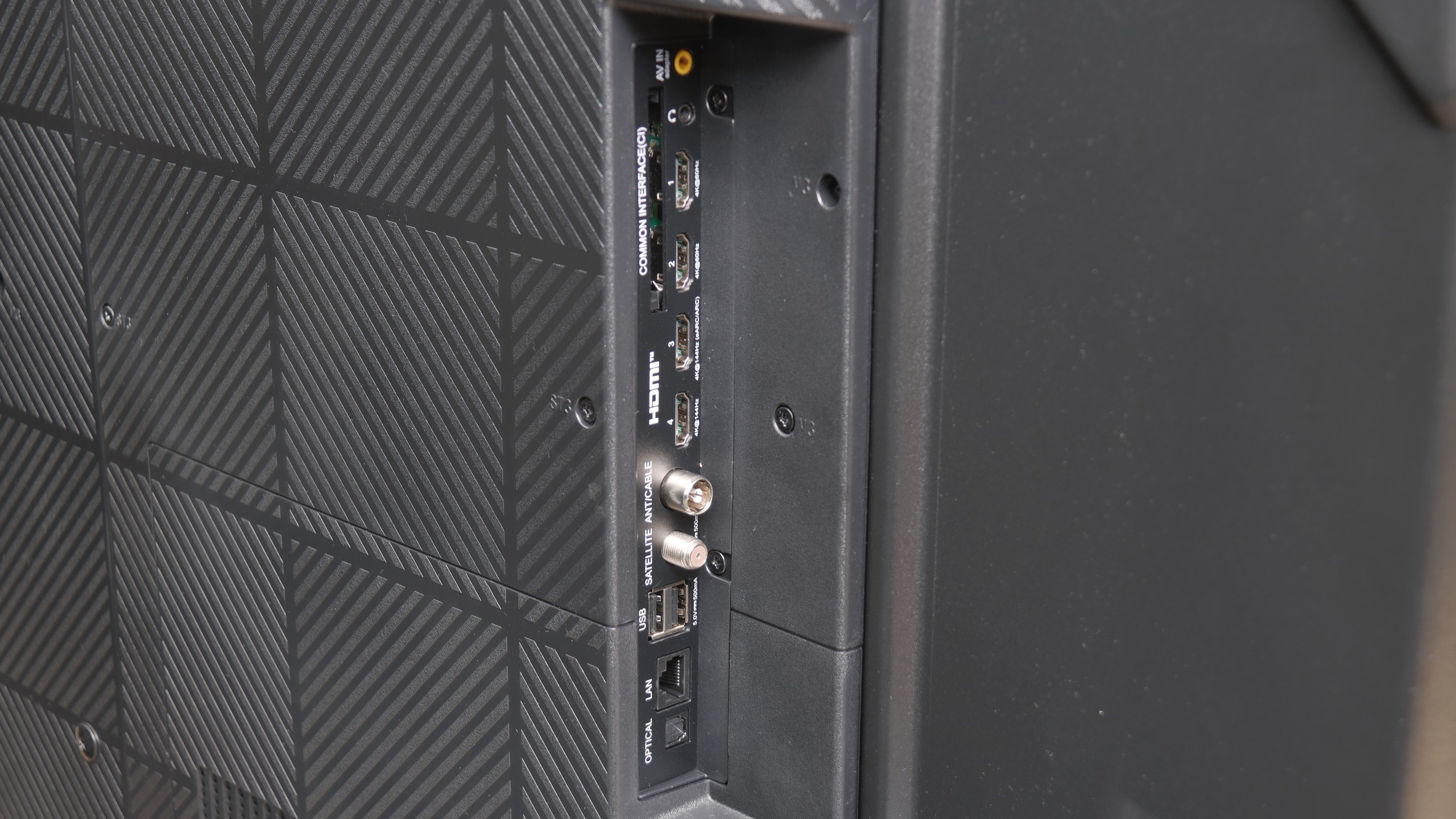
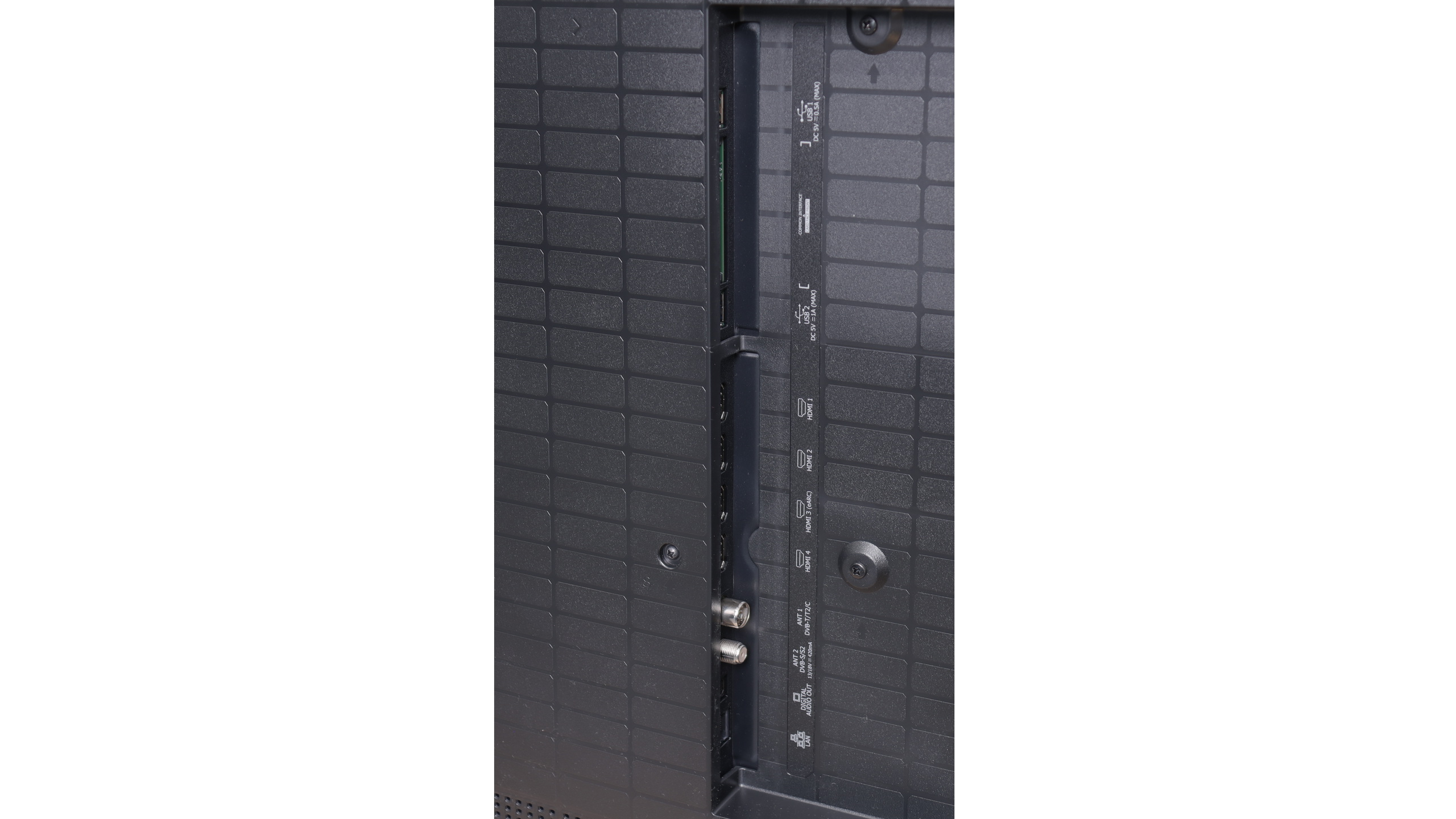
- HDMI inputs2 x HDMI 2.0, 2 x HDMI 2.10 x HDMI 2.0, 4 x HDMI 2.1 48Gbps
- Other inputsRCA (Chinch)
- OutputsToslink (Optical audio), eARC (HDMI), ARC (HDMI), Mini-Jack (Headphones)Toslink (Optical audio), eARC (HDMI), ARC (HDMI)
- Network InterfacesWi-Fi 2.4GHz, Wi-Fi 5GHz, Ethernet (LAN) 100MbpsWi-Fi 2.4GHz, Wi-Fi 5GHz, Ethernet (LAN) 100Mbps
- TV receptionDVB-T, DVB-T2, DVB-S, DVB-S2, DVB-CDVB-T, DVB-T2, DVB-S, DVB-S2, DVB-C
Classic features:
- Recording to USB (terrestrial TV)
- Recording programming
- Picture in Picture (PiP)
- RF remote control (no need to aim)
- Backlit remote control
- Teletext
- Audio only mode
- Bluetooth headphones support
- Simultaneous Bluetooth headphones & TV audio
Smart features:
- AirPlay
- Screen mirroring (Windows Miracast)
- Voice search
- Voice search in native language
- Ability to connect a keyboard and mouse
Sound connection options
- HDMI audioeARC (HDMI), ARC (HDMI)eARC (HDMI), ARC (HDMI)
- Other audio outputsToslink (Optical audio), Mini-Jack (Headphones)Toslink (Optical audio)
- Wireless audioBluetoothBluetooth
Supported audio formats (external HDMI eARC audio):
- Dolby Digital Plus 7.1
- Dolby True HD 7.1
- Dolby Atmos in Dolby Digital Plus (JOC)
- Dolby Atmos in Dolby True HD
- DTS:X in DTS-HD MA
- DTS-HD Master Audio
Senior accessibility
- Numeric keyboard on TV
- Font size adjustment
- Audio description
Classic Features of M95E
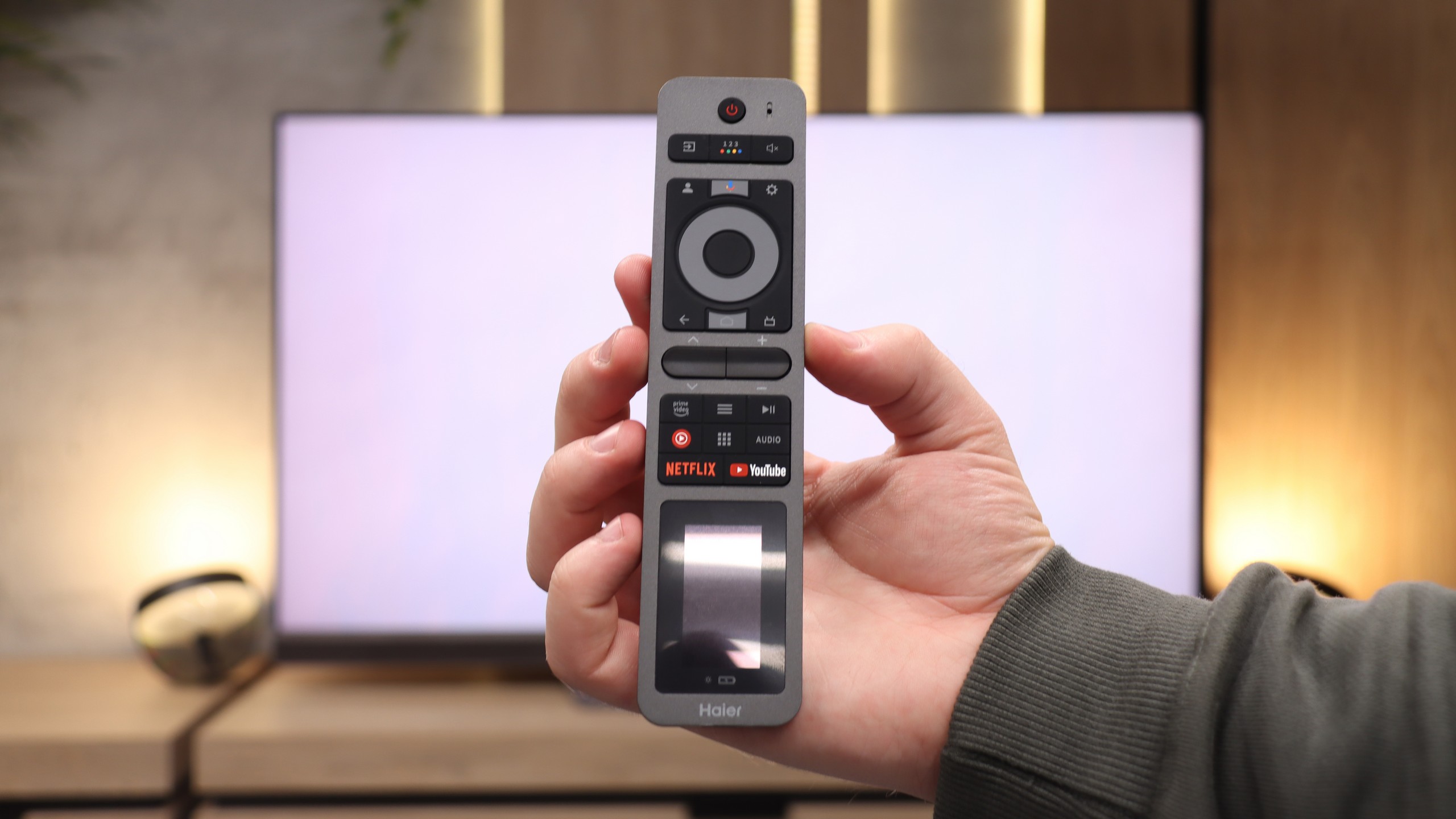
When it comes to classic television features, the M95E falls, to put it mildly, short. The only plus in this category is that we actually get a remote in the package, although it has a rather awkward shape and isn't the most comfortable. The real trouble began when we tried to search for terrestrial TV channels – the receiver stubbornly refused to connect to any antenna throughout the testing period. To be sure, we checked the same setup on another television, where everything worked flawlessly, which eliminates any fault on our part. Generally, apart from the fact that it has Bluetooth and a physical mini-jack headphone output, it's hard to commend the M95E for anything here.
Operating System: Google TV
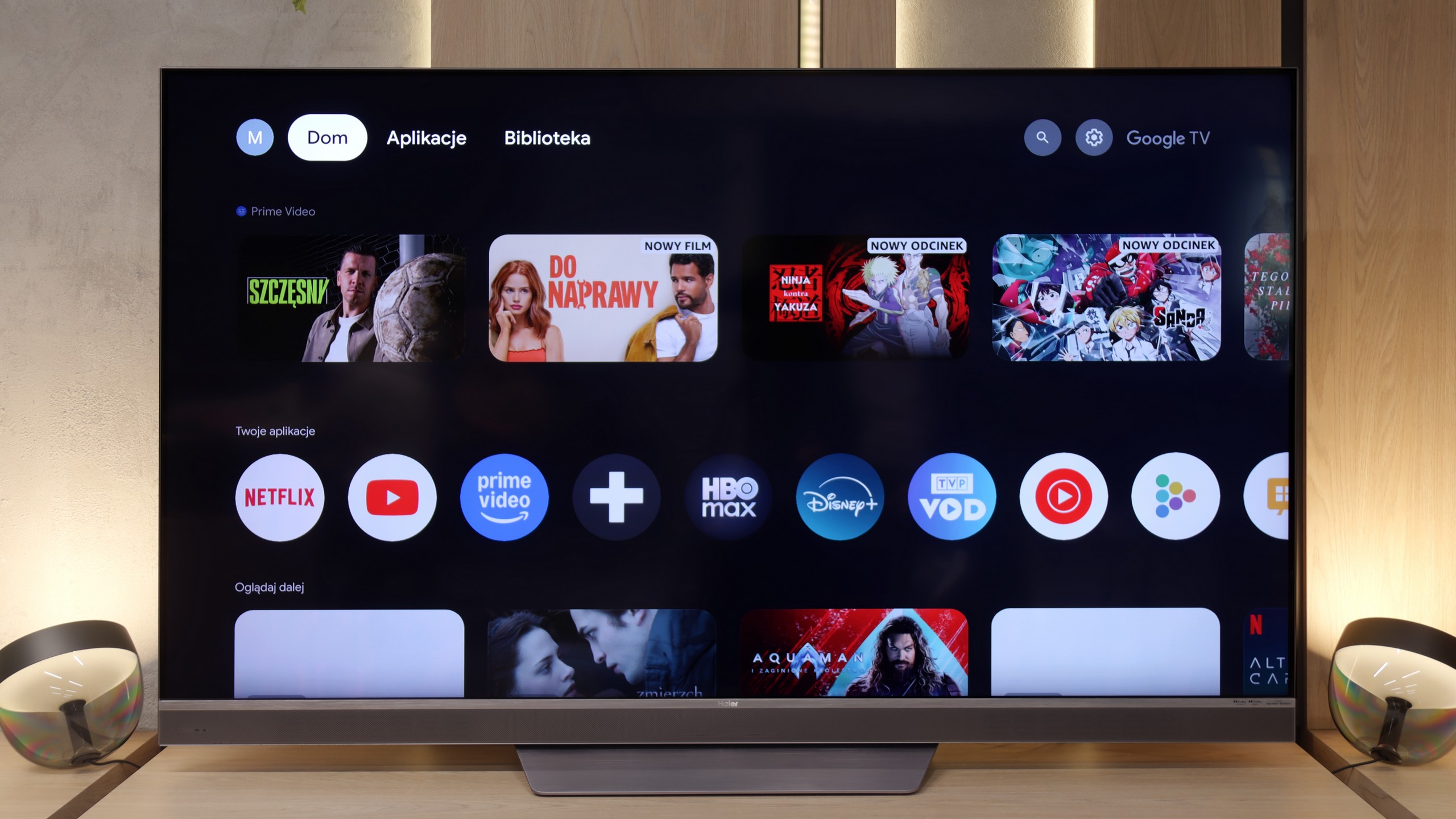
Well, you might ask, what about Smart features? After all, Google TV is a system that offers fantastic possibilities. That's true, generally it does. And indeed, the M95E features the same vast library of applications and access to a voice assistant as any other manufacturer. The downside is that these benefits end with this model's version of the system. On our unit, the software simply operated sluggishly. We encountered frustrating bugs, and the entire interface would regularly stutter at the most inappropriate moments, which effectively discouraged us from using it.
SmartTV: Vidaa / HomeOS
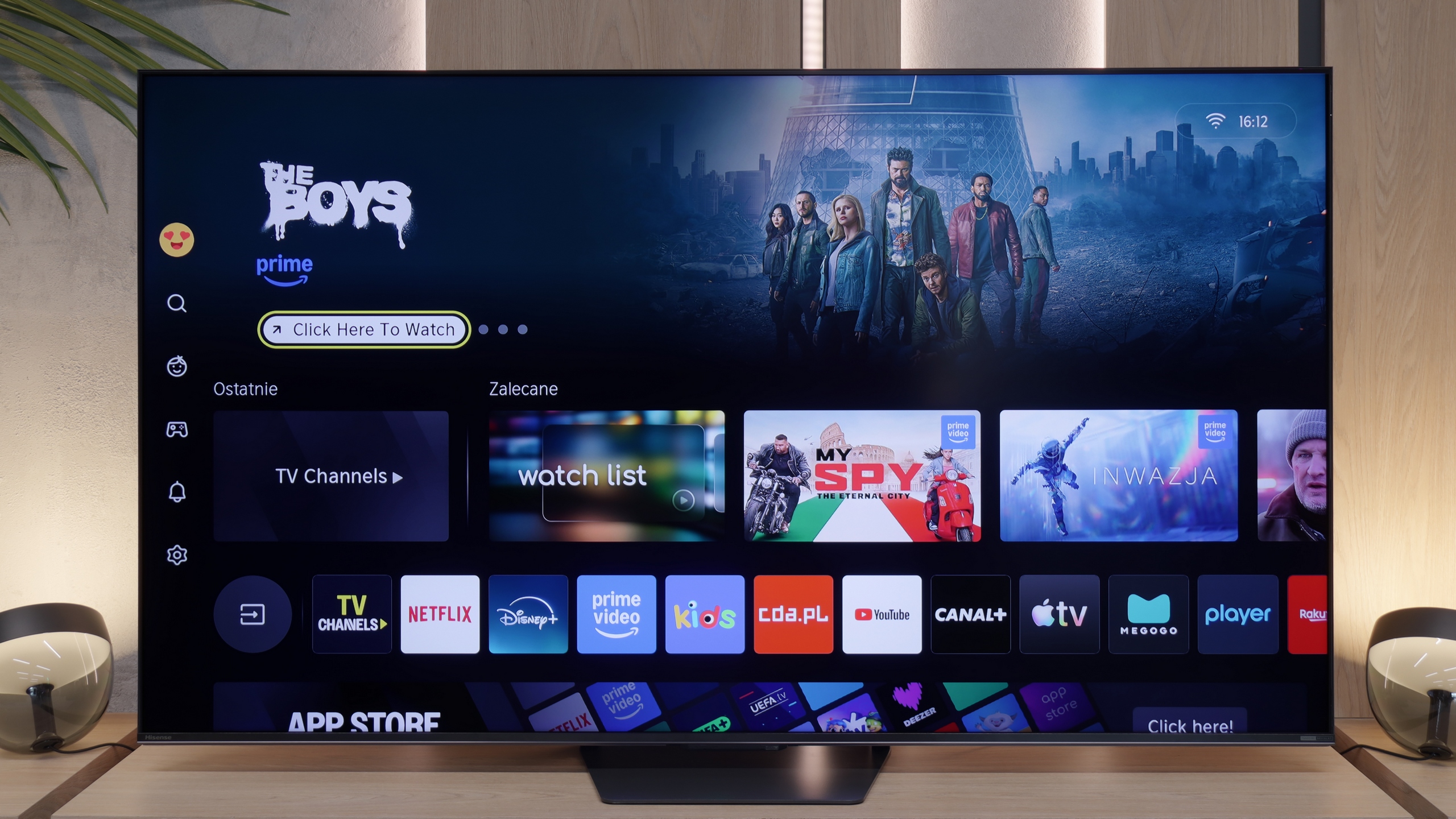
Hisense U7S Pro on our European market traditionally relies on its proprietary system. This year, Vidaa underwent rebranding and changed its name to "HomeOS". When it comes to the appearance of the system itself, there are no major revolutions – instead of purple accents, we simply have yellow. The system operates really smoothly and responsively. The television supports all typical Smart TV functions, such as AirPlay, screen mirroring, and voice search. Interestingly, the new voice assistant is based on artificial intelligence, so its responses are primarily driven by AI. The only criticism that can be levelled at the Vidaa system is that it does not offer the broadest library of applications. At least, this is the case at the time of writing this review, which is in May 2026. (Application list at the bottom).
TV Features
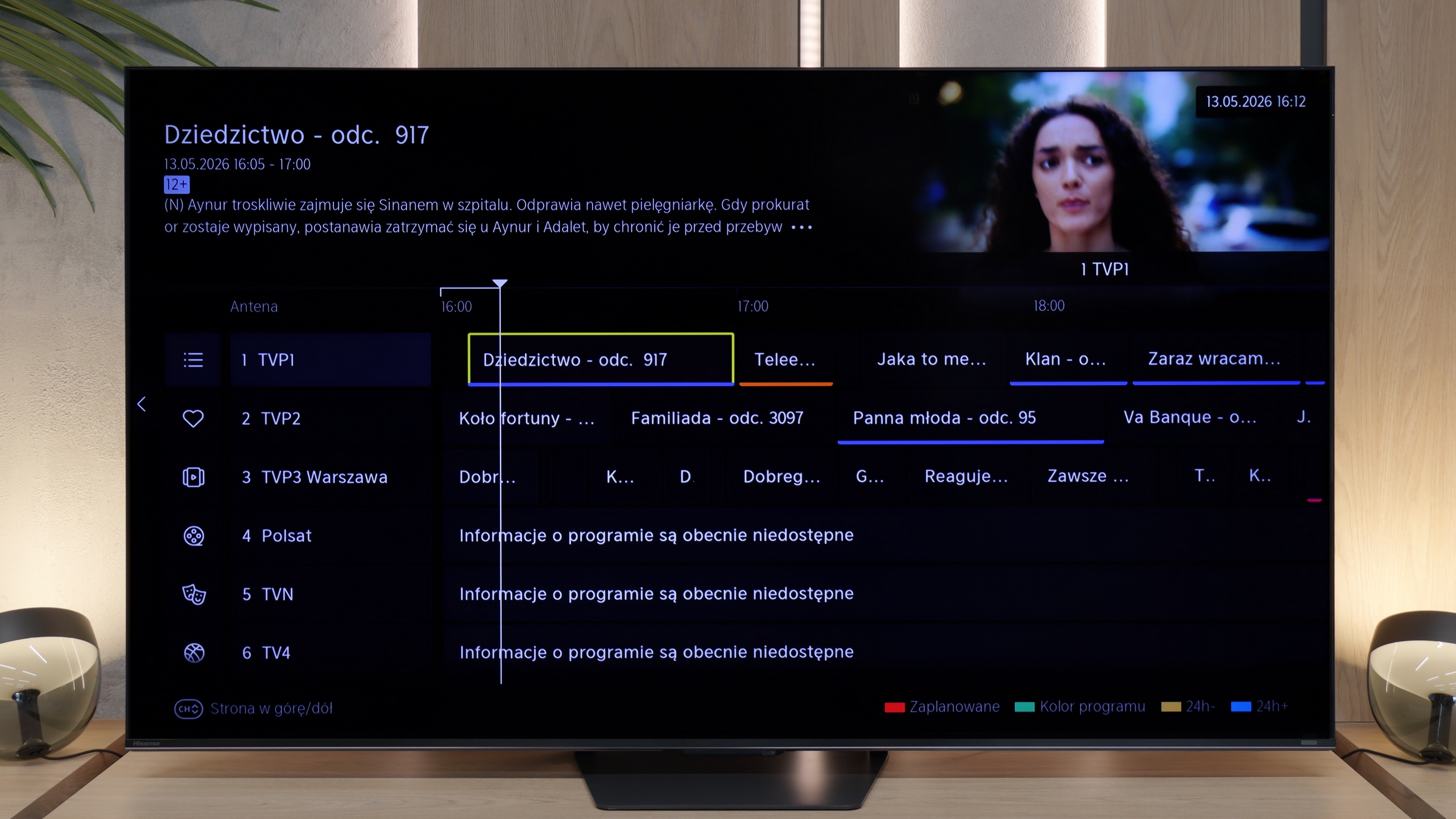
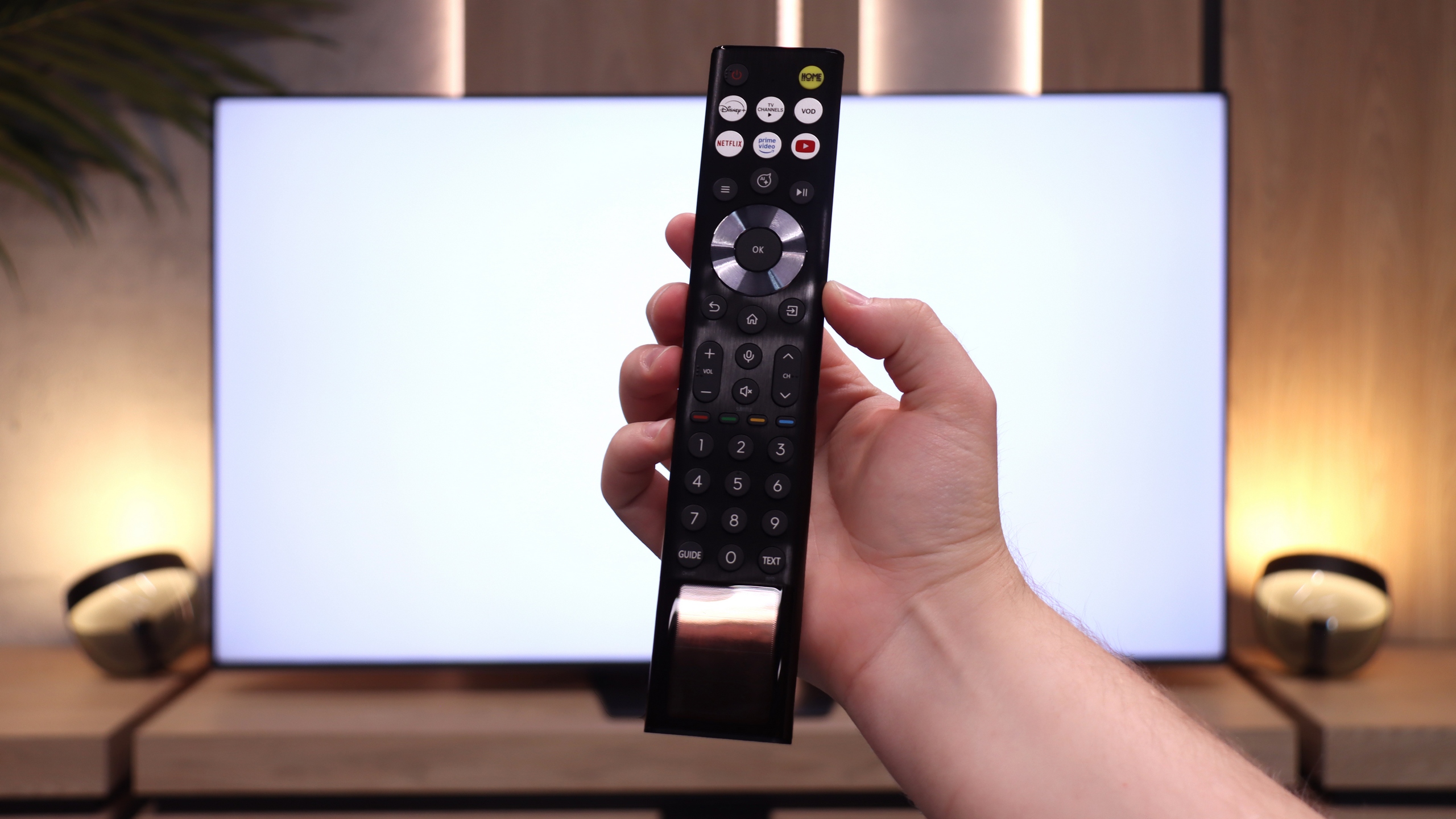
The U7S Pro also performs well as a traditional television for watching regular broadcasts, mainly thanks to the remote control with a physical numeric keypad that comes in the box. With this, you can easily and quickly enter the number of the station you’re interested in. In the evenings, there's no need to click blindly, as the operational part of the remote is backlit. Additionally, you don’t have to worry about batteries – the remote is equipped with a solar panel, and if necessary, it can simply be recharged using a USB-C port. It’s also worth mentioning that the HomeOS system (i.e. Vidaa) offers a program recording function from the built-in tuner directly onto a USB stick or drive, as well as the option to schedule recordings. This is a big plus, as such functionality is quite rare these days, and it will certainly please those who use antenna television.
Apps
9.6/10
7.7/10






















Playing files from USB
9.5/10
8.3/10
Supported photo formats:
Maximum photo resolution:
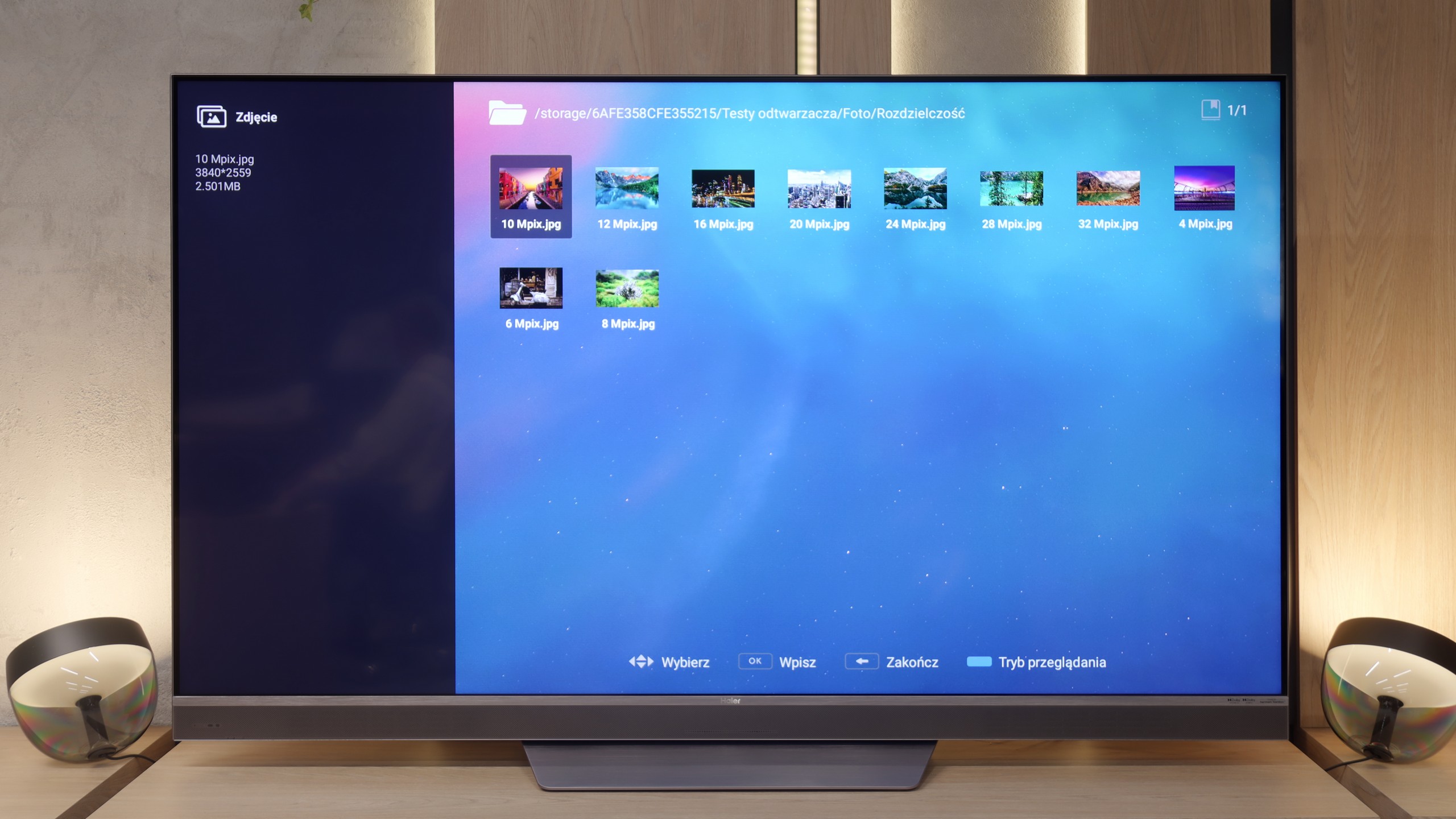
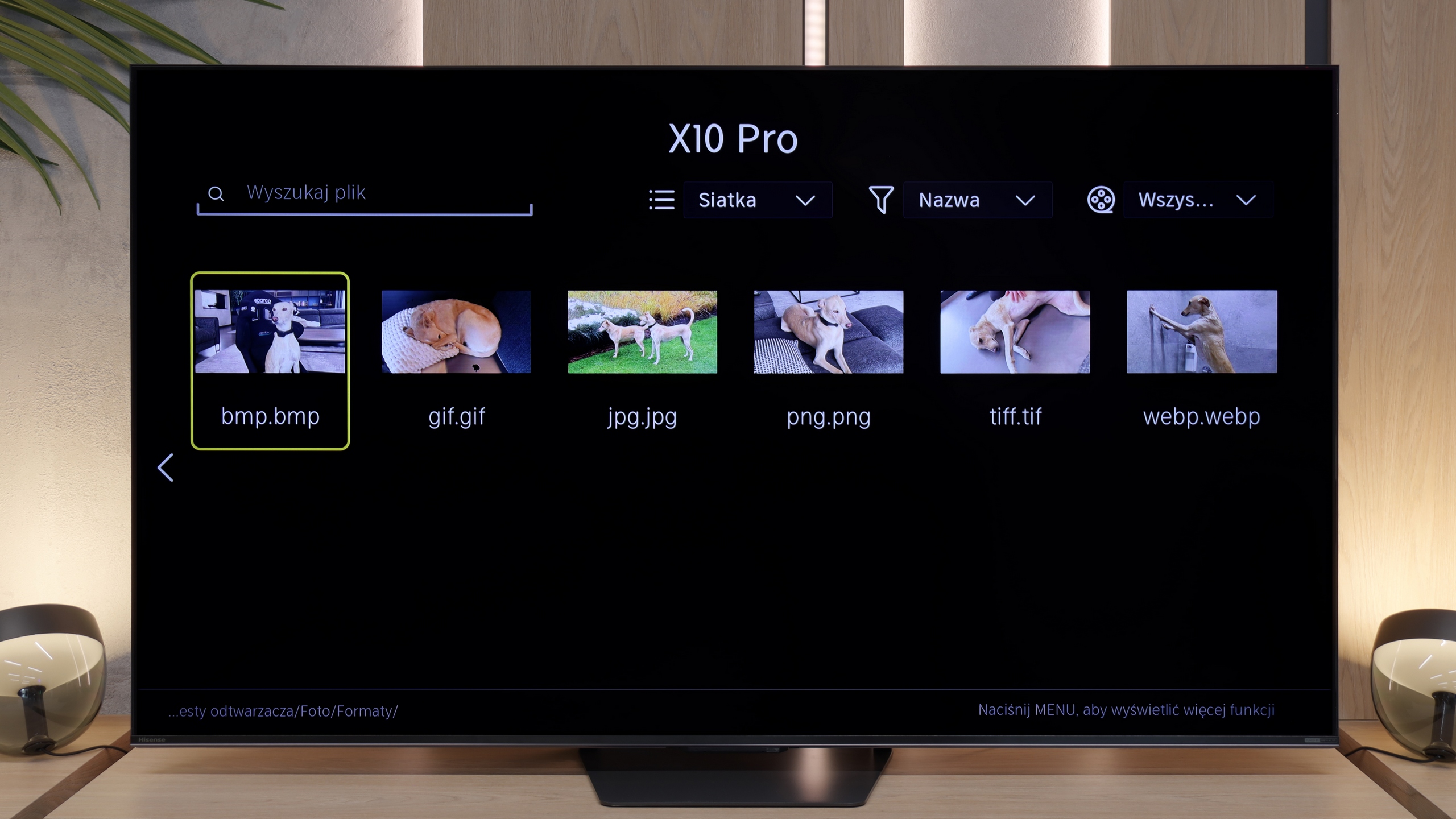
In such an underdeveloped and clunky system, we weren't expecting any positive surprises. Yet, the built-in USB file player turned out to be a real gem. To our surprise, the app operated smoothly and flawlessly handled playback of all the major formats we threw at it. It's one of the few elements of the M95E software that seems to work exactly as it should.
Playing files from a pendrive on the U7S Pro isn't much of a problem. The TV handles the majority of files in photo, audio, or video format without any fuss. However, we have some concerns about the resolution of supported images – it is quite limited. It's worth noting because during testing, images with resolutions such as 12, 20, or 24 Mpix simply wouldn't play from the built-in player.
Sound
9.2/10
7.8/10
- Maximum volume87dB85dB
- Dolby Digital Plus 7.1
- Dolby True HD 7.1
- Dolby Atmos in Dolby Digital Plus (JOC)
- Dolby Atmos in Dolby True HD
- DTS:X in DTS-HD MA
- DTS-HD Master Audio
After all this tally of shortcomings and wasted potential, we move on to a category that is like a breath of fresh air. The sound on the Haier M95E is simply phenomenal. We can confidently say that it's one of the best sounding TVs to grace our office this year. The integrated soundbar, proudly positioned at the front, plays really clearly and evenly, delivering us crisp dialogues and selective high tones. The real magic also comes from the back of the casing – that’s where two additional subwoofers are located, providing a surprisingly strong and pleasant bass. Of course, we will be realists. We are still talking about the capabilities of the speakers built into the TV and there’s no comparison with a decent external audio system. Nevertheless, as far as integrated solutions go, the M95E sounds really very good and leaves most of the competition far behind.
The sound on the U7S Pro is really good, definitely above average. Hisense has changed the design of the casing compared to the U7Q Pro model, and now at the back, we find a built-in subwoofer, which is a bass speaker. Thanks to this, the bass is well audible. The Chinese manufacturer is heavily promoting its collaboration this year with engineers from Devialet, who were responsible for the audio tuning in this model. Evidence of this is the previously mentioned logo on the casing. The only thing we have to criticise is the TV’s performance at full power. At maximum volume (set to 100%), the casing vibrates unpleasantly, and the annoying creaking of plastic is clearly audible. Fortunately, lowering the volume to around 80% completely eliminates this problem.
Sound Quality Test
Acoustic Measurements
87dBC (Max)
75dBC
85dBC (Max)
75dBC