- Matching (Score) |
- Our verdict |
- Competing TVs |
- TV appearance |
- Where to buy |
- Contrast and black detail |
- HDR effect quality |
- Factory color reproduction |
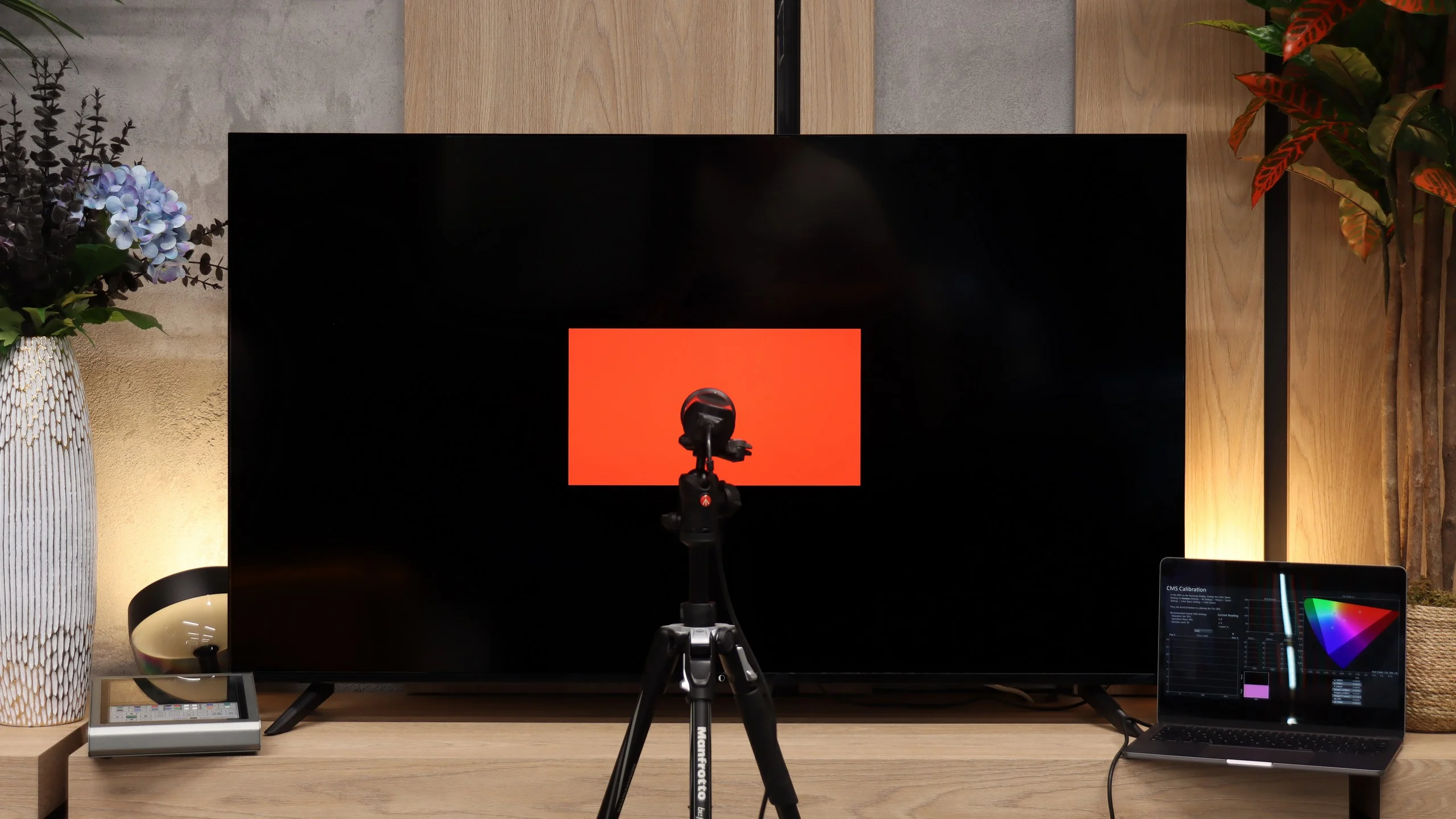
- Color reproduction after calibration |
- Smoothness of tonal transitions |
- Image scaling and smoothness of tonal transitions |
- Blur and motion smoothness |
- Console compatibility and gaming features |
- Input lag |
- Compatibility with PC |
- Viewing angles |
- Daytime performance |
- TV features |
- Apps |
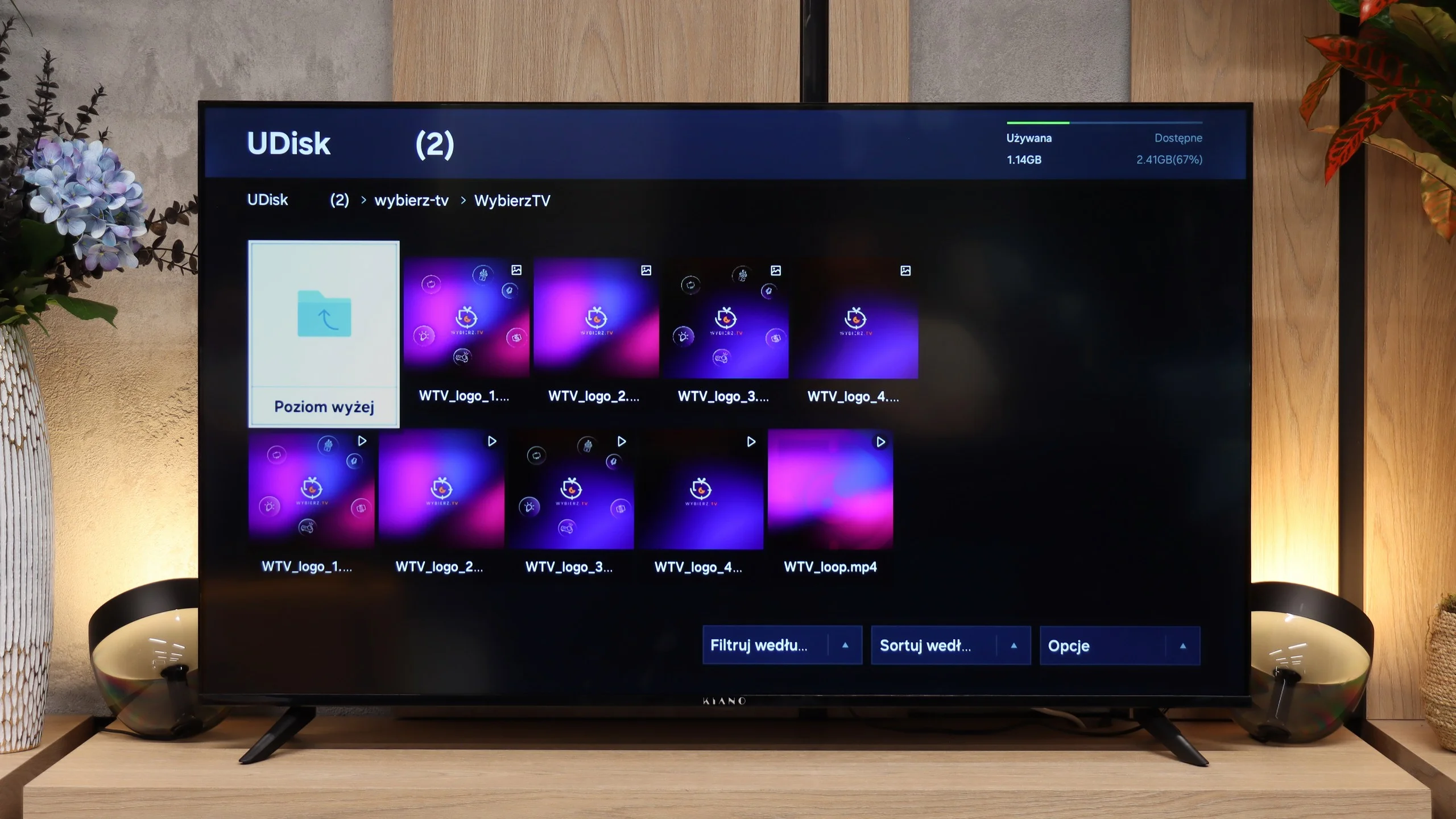
- Playing files from USB |
- Sound |
- Panel details
Kiano Elegance (Tizen OS Powered by Samsung) Review
Available screen sizes:
Complete the survey to find out the result
Panel type: LCD VA Refresh rate: 60Hz Brand: KIANO Resolution: 3840x2160 System: Tizen Model year: 2026
This review is an English translation of the Polish original. Read the original on Wybierz.tv.
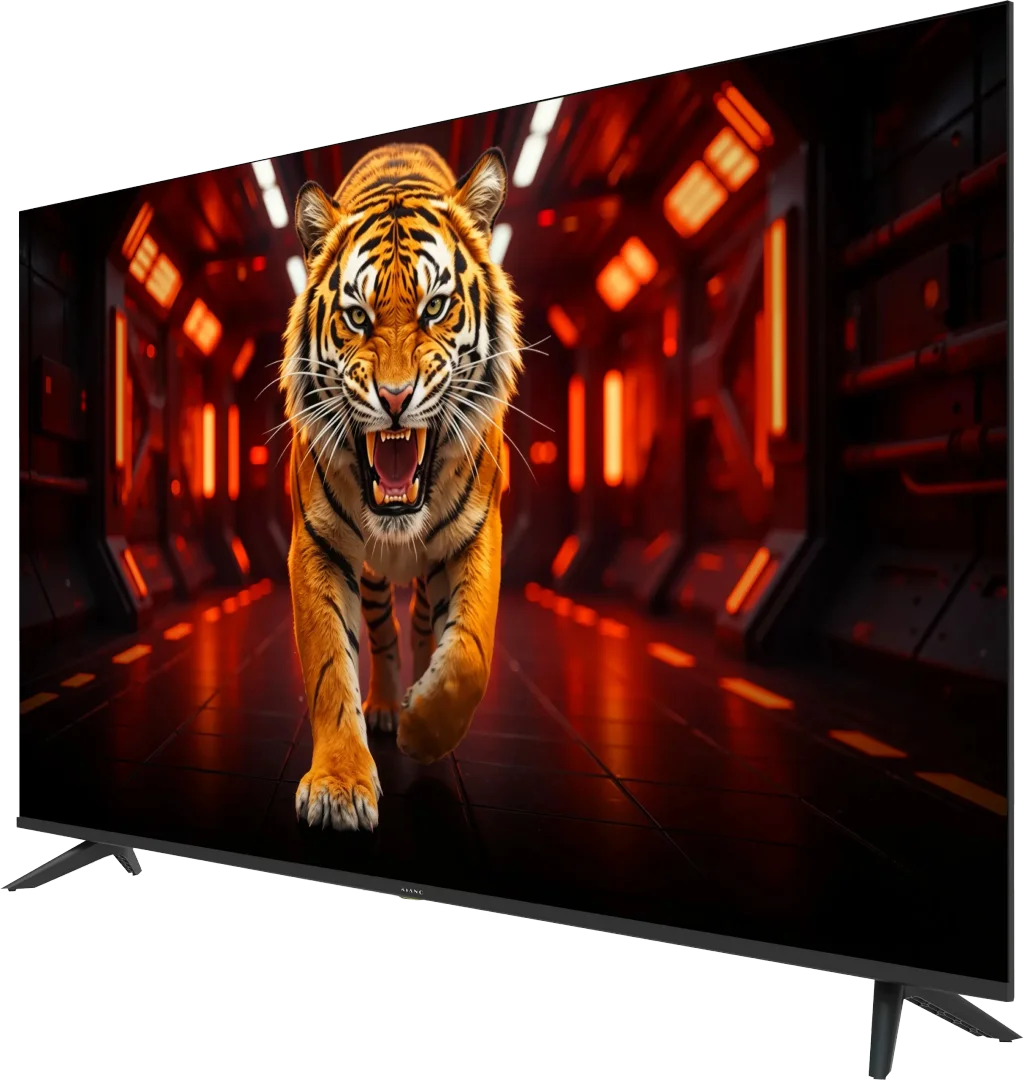
Kiano TVs are usually associated with lower-end offerings, and the Elegance model is no different. It's an affordable television meant primarily to handle basic tasks and provide access to the most popular Smart TV features. But there is one thing that really sets it apart from most budget TVs from lesser-known brands. Instead of the Google TV that’s common in this segment, Kiano chose Tizen OS, the platform well known from Samsung TVs. It's a rather unusual combination, so we were all the more curious to see how it performs in practice.
KIANO Elegance - Our verdict
4.9
Overall rating
Kiano Elegance is primarily aimed at people who want to spend as little as possible on a TV while still having convenient access to popular apps. The use of Tizen is a big plus here, since you get the system known from Samsungs and don't have to immediately buy a streaming stick or set-top box to watch movies or shows. At a low enough price, that could be reason enough to consider this model. The digital picture processing also deserves praise; in its operation it resembles the solutions used in entry-level Samsung sets. Kiano quite effectively smooths unwanted color banding in poorer sources, so heavily compressed footage looks better. It's not perfect, of course, but remember how tight the budget is. The very fact that this feature actually helps is worthy of recognition.
Unfortunately, the operating system doesn't make the Kiano run as smoothly as Samsung TVs. Sometimes you have to wait for a response, and the USB player can take a very long time to open files. The savings are also visible in the build quality and the panel's capabilities. Low brightness makes watching in a sunny room difficult and prevents HDR from looking impressive, while faster motion suffers from noticeable smearing. On top of that, the sound is weak, so buying separate speakers or a soundbar can quickly become another expense.
So Kiano Elegance mainly makes sense when it is clearly cheaper than the competition. It can be sufficient for daily channels or as a second TV in the home, but if only a small extra amount separates it from a basic model by a better-known manufacturer, we think it's worth paying the difference. Tizen and decent picture processing are strengths of this Kiano, but they don't make up for all the cutbacks. It's better to compare final prices than to assume that a TV with Samsung's system will provide the same level of user comfort.
Advantages

Low price
Tizen OS with a wide selection of popular apps
Decent contrast thanks to a VA panel
Effective digital image processing (a feature rarely found at this price)
Low input lag
Very good text readability when connected to a computer
Support for AirPlay and wireless screen mirroring
Disadvantages

Low brightness
No wide color gamut (no QLED / PFS)
Poor motion handling: noticeable motion blur, a 60 Hz panel and no motion interpolation
No gaming features
Slow responsiveness
Very poor sound
Average build quality
 Movies and series in UHD quality
4.8
 Classic TV, YouTube
5.4
 Sports broadcasts (TV and apps)
3.9
 Gaming on console
5.3
 TV as a computer monitor
6.0
 Watching in bright light
3.7
 Utility functions
5.1
 Apps
Apps8.8
 Sound quality
3.6
Complete the survey to find out what fits your preferences
KIANO Elegance - Competing TVs in this price range
KIANO Elegance - TV appearance
HDMI inputs: 3 x HDMI 2.0, 0 x HDMI 2.1 Other inputs: RCA (Chinch) Outputs: SPDIF (Coaxial audio), eARC (HDMI), ARC (HDMI) Network Interfaces: Wi-Fi 2.4GHz, Wi-Fi 5GHz, Ethernet (LAN) 100Mbps
Build quality: Average
Stand type: Legs
Bezel color: Black

Stand: Fixed
Flat design: No
Accessories: Stand
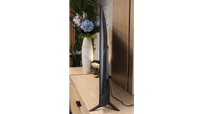
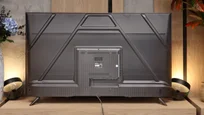
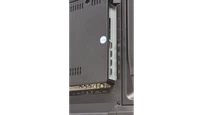
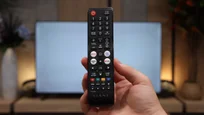
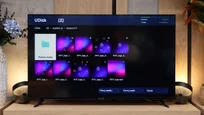
Kiano Elegance really doesn't stand out from other budget TVs. On the front there are relatively slim black bezels surrounding the screen on three sides. As usual, the bottom edge is a bit thicker and made of fairly mediocre plastic. The back of the TV also reveals the price bracket we're in. The chassis is quite thick, largely made from a single piece of stamped sheet metal, and the electronics sit in a clearly protruding section of the housing. You can also see some shortcomings in the fit and finish of the individual parts. The bezels don't sit perfectly everywhere, and the materials used are simply cheap. Especially the lower plastic trim, which picks up fine scratches very easily. So this isn't a TV that will impress with its build quality, but it's hard to call that a big surprise. In this price range you can expect a construction of this quality.
Buy at the best price
Select size:

KIANO Elegance - Contrast and black detail
4.8/10
Local dimming function: No


Result
3,350:1

Result
3,350:1

Result
2,650:1

Result
3,650:1

Result
2,400:1

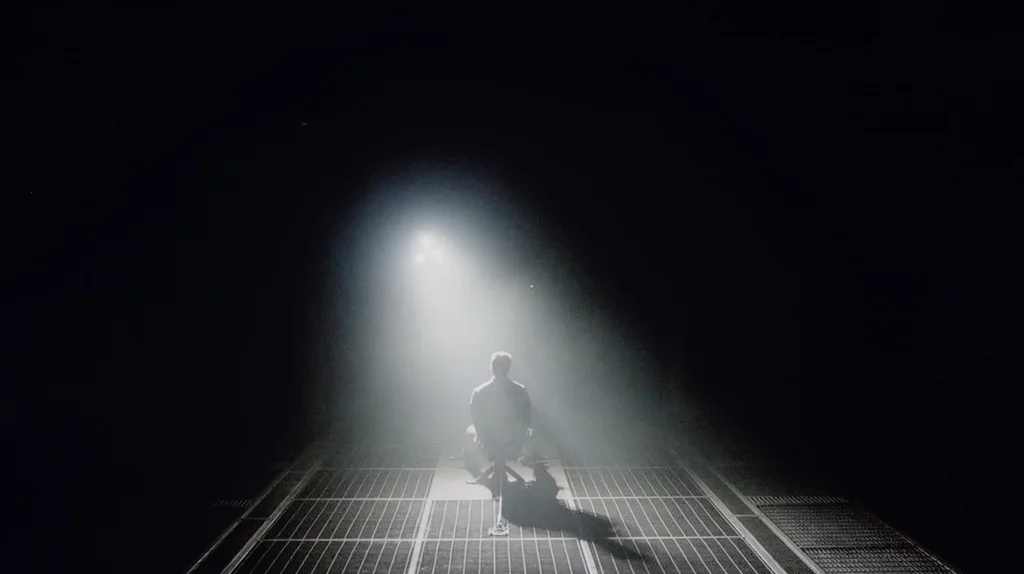
The 55-inch version of the Kiano Elegance we tested uses a VA panel, which by itself delivers fairly good blacks. We measured contrast at about 4000:1, a figure typical for this kind of panel and noticeably better than in TVs using IPS or ADS panels. That gives the picture decent depth in the evening, and blacks aren't as heavily brightened. You should remember, however, that the Elegance uses a conventional backlight without local dimming. That means the backlight is always on and the TV can't dim selected parts of the screen. In that respect the difference compared with even basic Mini LED models is already clear. There, individual backlight zones can dim independently, so blacks in dark scenes can be much deeper. Kiano doesn't have those capabilities, but for a basic LCD TV its native contrast is quite respectable.
Halo effect and black detail visibility:
KIANO Elegance - HDR effect quality
3/10
Supported formats: HDR10, HDR10+, HLG
Luminance measurements in HDR:

Result
158 nit

Result
172 nit

Result
193 nit

Result
180 nit

Result
205 nit
The HDR effect on the Kiano Elegance is essentially nonexistent. The TV is simply too dim to produce any noticeable step up in quality compared with standard SDR. Our measurements show a brightness of around 200 nits, which is definitely too low for bright elements, such as various lighting effects, to actually stand out on screen. HDR content will therefore be played back, but without the impact this format should deliver. In addition, the Kiano Elegance doesn't use any extra wide color-gamut technology, such as quantum dots or even a PFS filter. As a result, some of the intense colors encoded in HDR films cannot be shown with proper saturation. Especially in more colorful productions, it's clear the image is simply poorer than on TVs with a wide color gamut. The Kiano Elegance is therefore much better suited to ordinary SDR material, like TV, YouTube, or older movies and series. Their demands are much lower and much more in line with this TV's capabilities.
BT.2020 color gamut coverage and primary color luminance
| Data set | BT.2020 | P3 | R | G | B |
|---|---|---|---|---|---|
| Synthetic patterns | 60.0% | 81.9% | 45% | 48% | 50% |
| Film measurements | 60.1% | 81.9% | 44% | 47% | 50% |
 BT.2020
 BT.2020 and P3 – average color gamut coverage (percent of the target gamut).
R, G, B – average primary color luminance relative to target (percent).
Scene from the movie “Pan” (about 2800 nits)

Scene from the movie “Billy Lynn” (about 1100 nits)

When you compare the Kiano Elegance to a better TV, and even more so to a reference monitor, the limitations we mentioned earlier become apparent very quickly. A lack of adequate brightness and color saturation shows up in most HDR content, even in the less demanding material. Bright elements don’t have enough punch, and vivid colors are noticeably paler than they should be. On the plus side, you can credit Kiano with not trying to artificially make up for its shortcomings. It doesn’t over-process the image and reasonably adapts the content to its capabilities. As a result, the brightest highlights are not often severely blown out, and the overall picture remains readable. So it looks better than measurements alone might suggest. Still, it’s not the kind of image that should make you think of true HDR.
HDR luminance chart:
Interestingly, according to the manufacturer the Kiano Elegance shouldn’t support either HDR10+ or Dolby Vision. In practice, though, we managed to play HDR10+ content and the TV recognized it without any problem. That said, it didn’t amount to much. The picture looked virtually the same as plain HDR10. There were still plenty of blown-out highlights, and the TV didn’t do a noticeably better job of adapting the image to its limited capabilities. It’s a bit of a shame, because on such a dim TV dynamic metadata could have helped a lot. Dolby Vision or a well-functioning HDR10+ would allow better adjustment of the brightness of individual scenes and get a bit more out of this screen.
Static HDR10

Dynamic: HDR10+

Factory color reproduction
4.8/10
In Film mode the colors on the Kiano Elegance look quite decent, especially for a TV at this price point. That doesn't mean the image is correctly calibrated out of the box. The clearest example is the white balance, which was lacking in red. As a result the picture had a slightly cooler cast, and some skin tones and warmer colors didn't look as natural as they should. Both the SDR gamma and the EOTF curve in HDR were set too high. Simply put, the TV brightened the image more than the source material intended. In SDR this produced a slightly brighter, more "television-like" picture, but it also robbed it of some depth. In HDR the same behavior amplified the panel's own limitations, because at such low brightness the TV had even less headroom to correctly show brighter parts of the image. The biggest limitations, however, appeared in HDR. The color gamut encoded in that kind of content often exceeds the capabilities of the Kiano Elegance, which doesn't use any gamut-expansion solution. More saturated reds, greens, and blues are therefore displayed much more muted than they should be. In less demanding scenes this isn't yet very noticeable, but with more colorful films the difference compared to TVs with a wide color gamut becomes very apparent.


Color reproduction after calibration
6.5/10
Contrary to appearances, even a cheap TV like the Kiano Elegance offers quite a few calibration options. We were especially successful in improving the white balance. After correction, the cooler cast disappeared and colors became noticeably more natural. We also managed to better set the gamma and the overall picture characteristics in SDR. Despite our efforts, it quickly became clear that further limitations no longer stem from the settings themselves but from the TV's capabilities. In SDR the Kiano can look really decent. TV broadcasts, YouTube, sports, or older movies can have natural colors and a pleasant image. It's much worse in HDR. Here calibration alone can't make up for the lack of brightness and a wide color gamut. The TV simply can't reproduce some of the more saturated colors or sufficiently strong highlights. So while you can get a really respectable picture in SDR, HDR still remains clearly beyond its capabilities.


KIANO Elegance - Smoothness of tonal transitions
8.5/10
Kiano Elegance handles color gradation quite well. In most scenes the transitions between individual shades are smooth and you don't see strong banding or obvious bands that can be a problem in the cheapest TVs. The biggest limitations only show up in darker scenes. With very subtle transitions in grays or shadows you can notice slight posterization and color breakup. However, it's not something that will be noticeable all the time. In typical content Kiano performs quite decently in this regard, especially considering its price.








Image scaling and smoothness of tonal transitions
6.5/10
 Smooth transition function
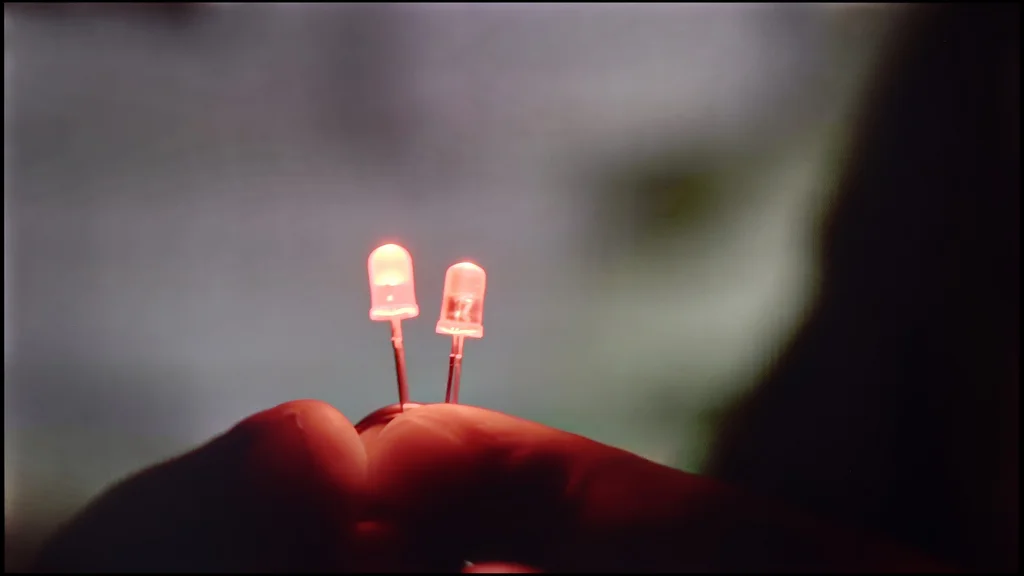
For a relatively inexpensive TV, the upscaling and digital image processing in the Kiano Elegance are actually quite good. The scaling of lower-resolution material itself is decent. It’s not, of course, at the level of the best TVs on the market, but regular broadcast TV or Full HD content looks pretty good on a 4K screen. We were even more surprised by its ability to smooth unwanted tonal transitions. Many TVs in this price range either don’t offer a similar feature at all or it’s practically invisible. Using noise reduction similar to that found in Samsung TVs, Kiano can quite effectively mask heavy compression, color banding, and other imperfections in weaker sources. There’s just one catch. The feature works fairly aggressively and, along with the imperfections, can also remove some fine detail or natural film grain. So with good-quality material we’d generally leave it off. However, if you’re watching older recordings, heavily compressed broadcast TV, or low-quality internet sources, it’s worth experimenting with. In those conditions it can actually improve the perceived image quality.
KIANO Elegance - Blur and motion smoothness
2/10
Maximum refresh rate of the panel: 60Hz
Film motion smoothing option: No
Blur reduction option: No
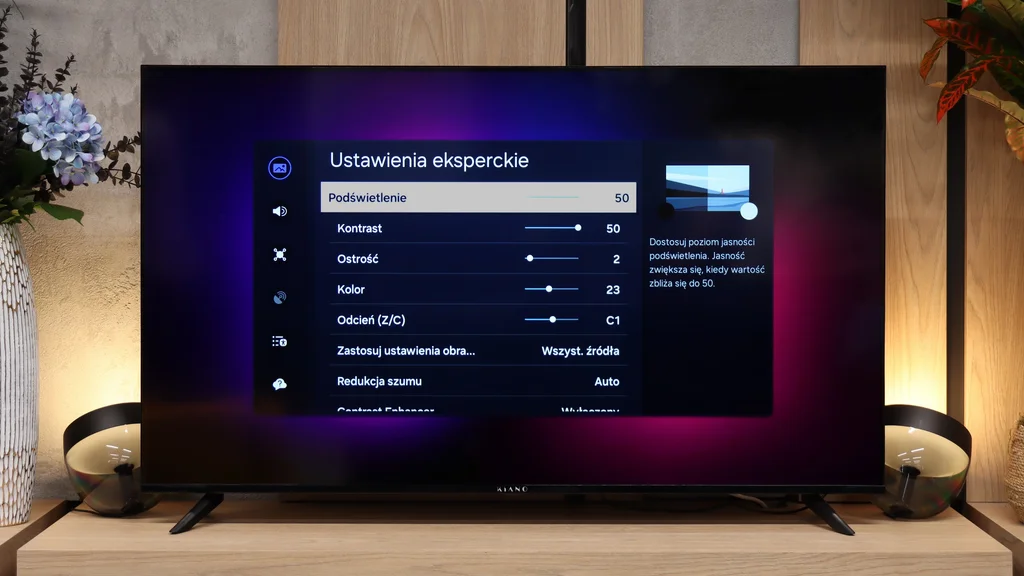
In terms of motion handling, the Kiano Elegance performs rather poorly. The TV uses a 60 Hz panel, but at this price point that's not surprising. What’s more bothersome is the complete lack of any motion-smoothing feature. In practice this means the TV displays content at exactly the frame rate it was recorded at. That’s not a huge problem for movies, but with sports or fast panning shots it becomes obvious that motion isn’t particularly smooth.
Blur (native resolution, maximum refresh rate):



Smearing is also noticeable. The VA panel isn't among the fastest, so you can see a fairly pronounced "trail" behind moving objects, especially on dark backgrounds.
KIANO Elegance - Console compatibility and gaming features
1.6/10
 ALLM:
No
ALLM:
No - VRR:
No
- VRR range:
No
- Dolby Vision Game Mode:
No
- Correct implementation of HGIG:
No
- 1080p@120Hz:
No
- 1440p@120Hz:
No
- 4K@120Hz:
No
- Game bar:
No
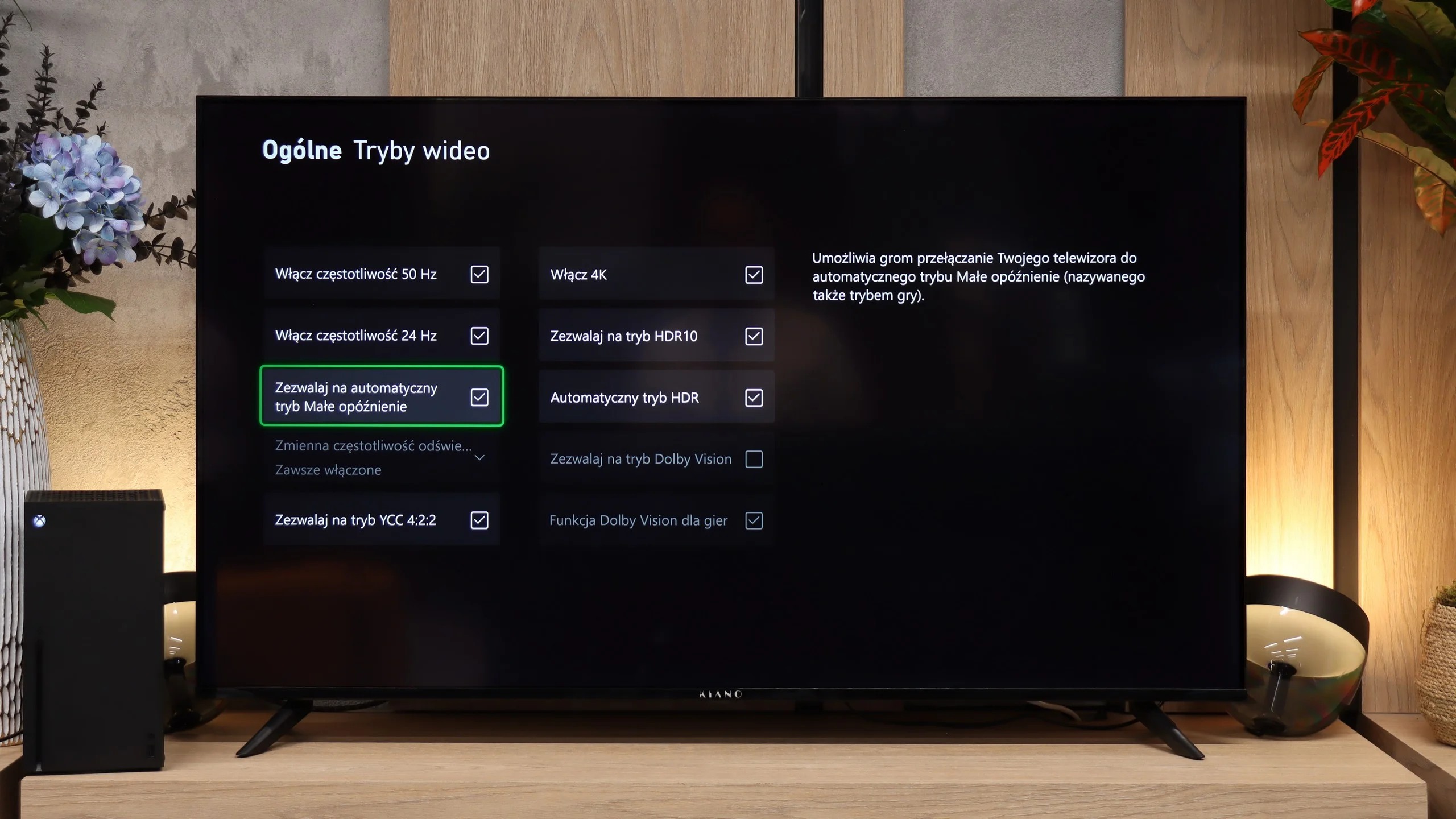
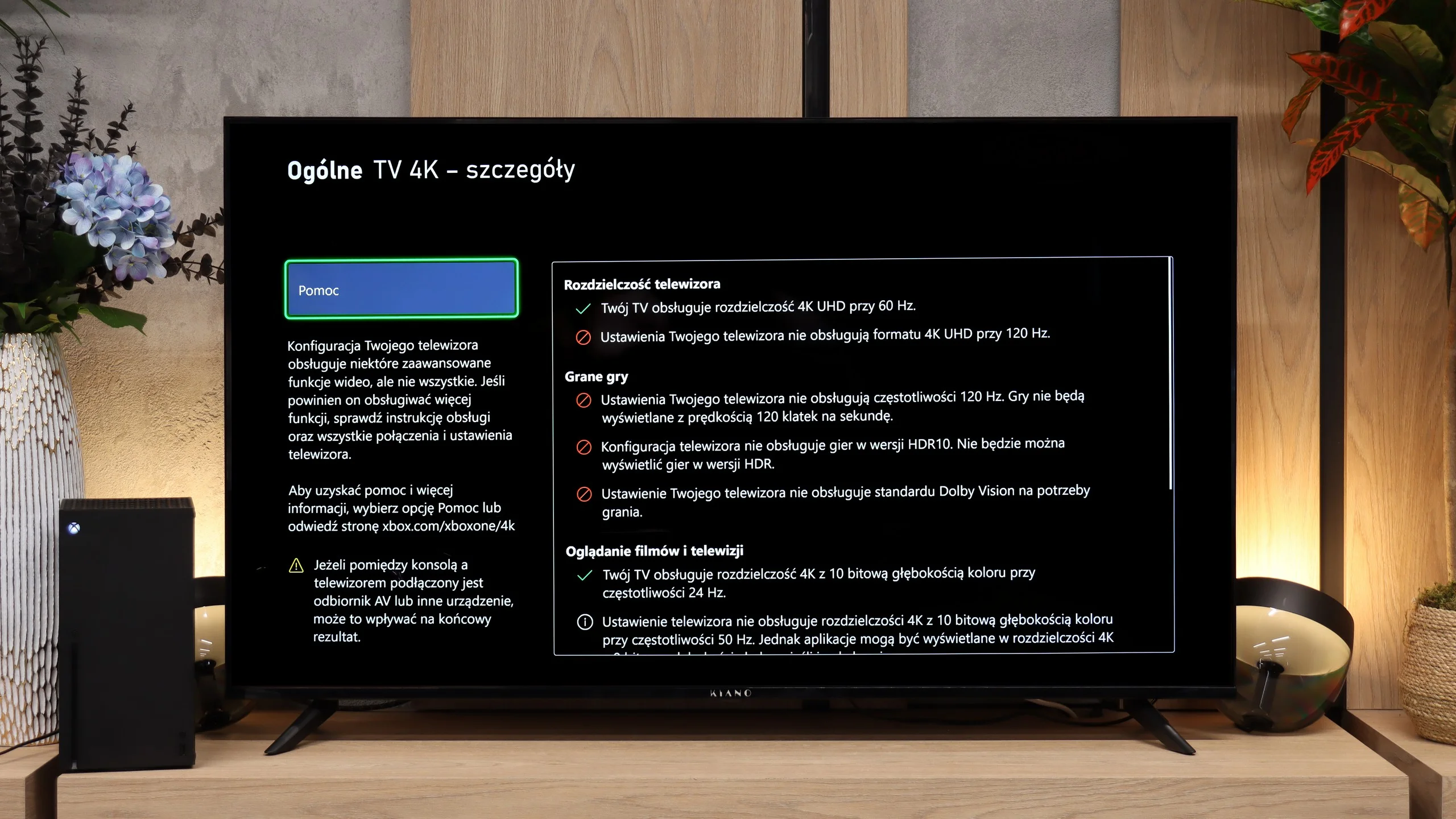
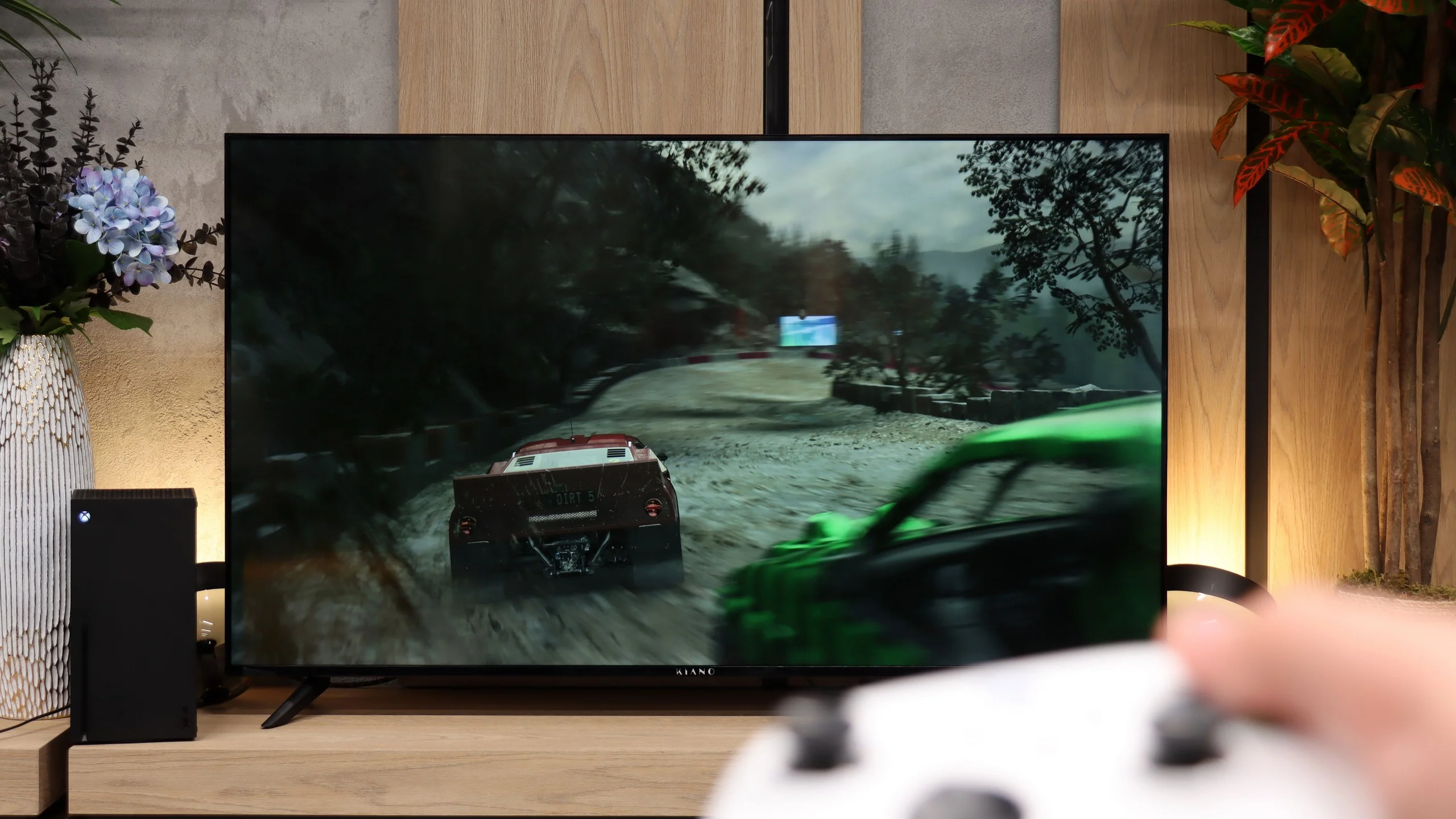
The Kiano Elegance will let you plug in a console and play, but that's basically where its ambitions end. The panel supports a maximum of 60 Hz and it also lacks VRR, which helps with frame-rate drops. It doesn't even have ALLM, i.e. automatic switching to a low-latency mode, so you'll have to take care of the TV's settings yourself. That's a shame, especially since input lag is low in the right mode. If a console is one of the main reasons you're buying a TV, it's worth looking for something more capable.

KIANO Elegance - Input lag
9.8/10
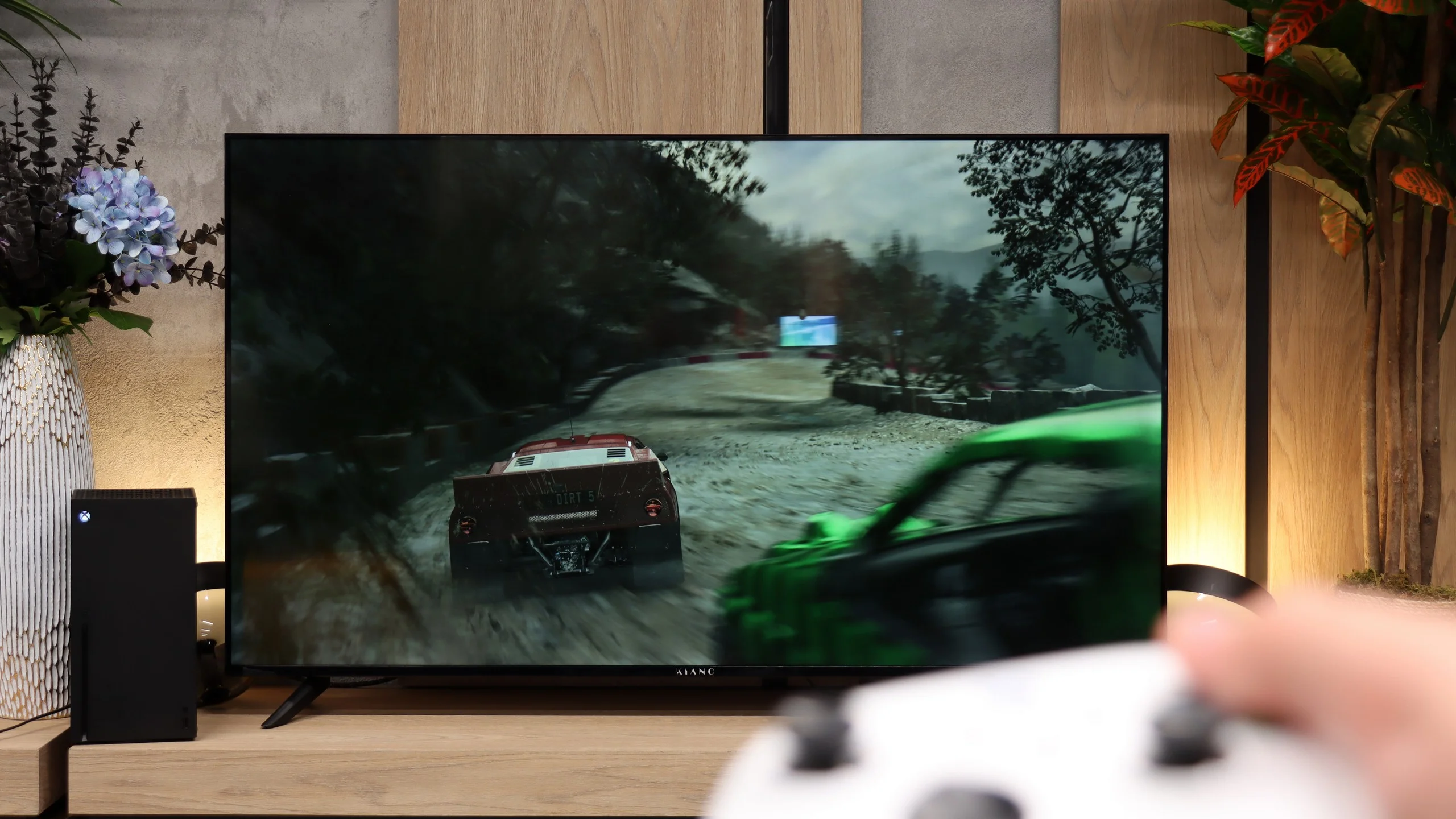
Although there are few features for gamers, the Kiano Elegance performs very well in terms of input lag. We measured about 14-15 ms at 60 Hz, in both Full HD and 4K. Enabling HDR doesn't degrade the result either. Controller input is therefore quick, and while gaming you won't feel the TV noticeably delaying your inputs. That's one of this model's strongest points.
| SDR | HDR | Dolby Vision |
|---|---|---|
| 1080p60: 15 ms | 2160p60: 15 ms | |
| 2160p60: 14 ms |

KIANO Elegance - Compatibility with PC
6/10
Chroma 444 (max. resolution and refresh rate): Yes
Font clarity: Very Good
Readability of dark text and shapes: Very Good
Input lag in PC mode (4K, max. refresh rate): 15ms
Matrix subpixel arrangement: BGR
Max refresh rate: 60Hz
G-Sync: No
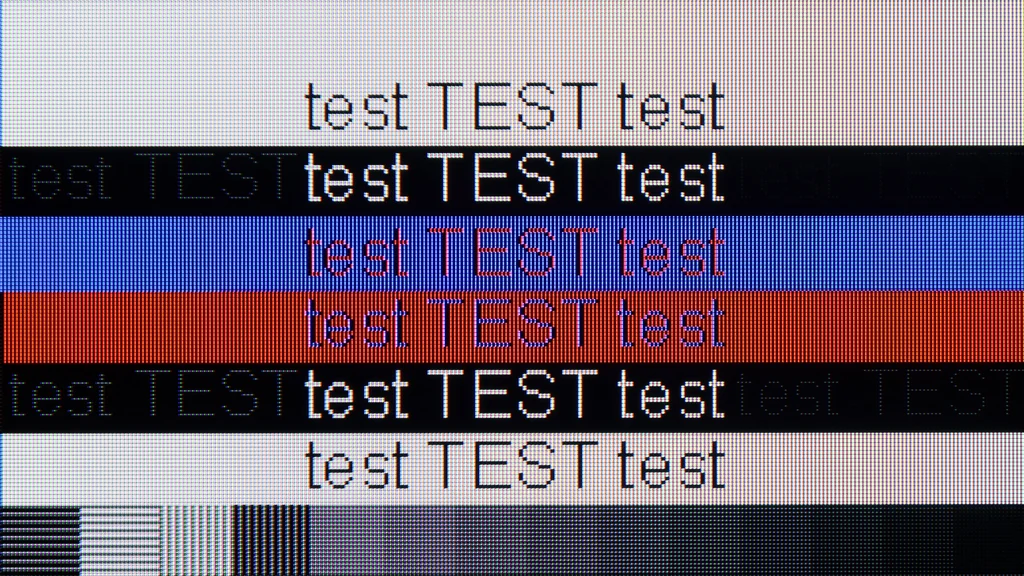
For browsing the web, reading documents, or displaying an image from a laptop, the Kiano Elegance performs quite well. It supports 4:4:4 chroma subsampling, so small, colorful text remains legible. There are also no major issues with rendering dark text. Despite using a BGR subpixel layout, font readability in our tests was very good.
When gaming on a PC, however, the limitations described earlier return. The refresh rate is limited to 60 Hz, and G-Sync is not supported. Low input lag, at around 15 ms, provides responsive controls, but it won't improve the sharpness of moving objects. As a large screen for basic use the Kiano is adequate, but there are better options for fast-paced games.
KIANO Elegance - Viewing angles
2.8/10
Brightness drop at an angle of 45 degrees: 63%
The Kiano Elegance is best viewed while sitting directly in front of the screen. When you move to the side, colors noticeably lose saturation and the image becomes much less contrasty. At a 45-degree angle we measured a drop in brightness of about 63%, so the difference is hard to miss. This is a typical weakness of VA panels, which you should consider if the TV will be placed by a wide sofa or watched from different parts of the room.
KIANO Elegance - Daytime performance
3.7/10
Panel finish: Satin
Reflection suppression: Decent
Black levels during daytime: AbsorptiveBlack-Decent
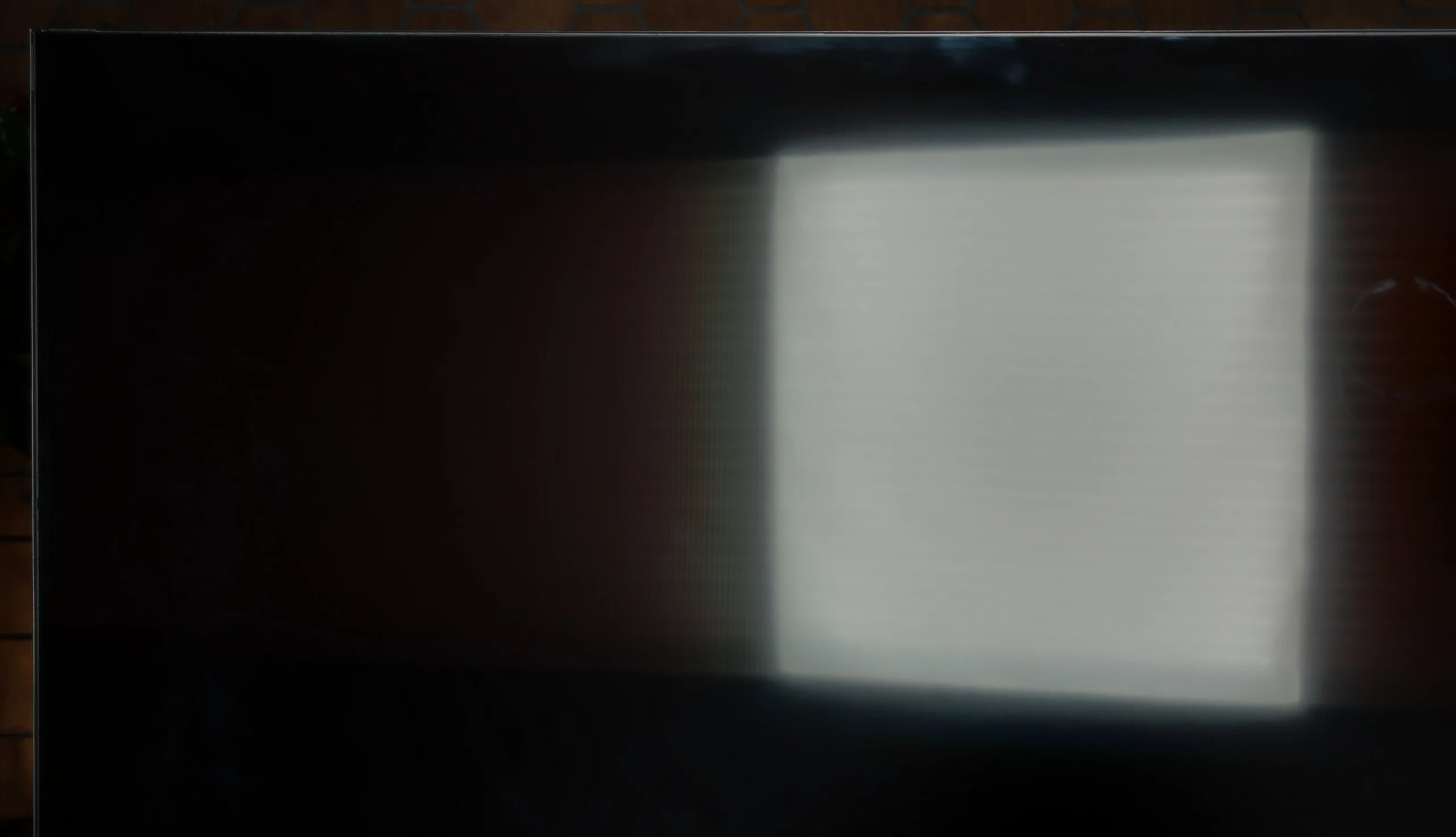
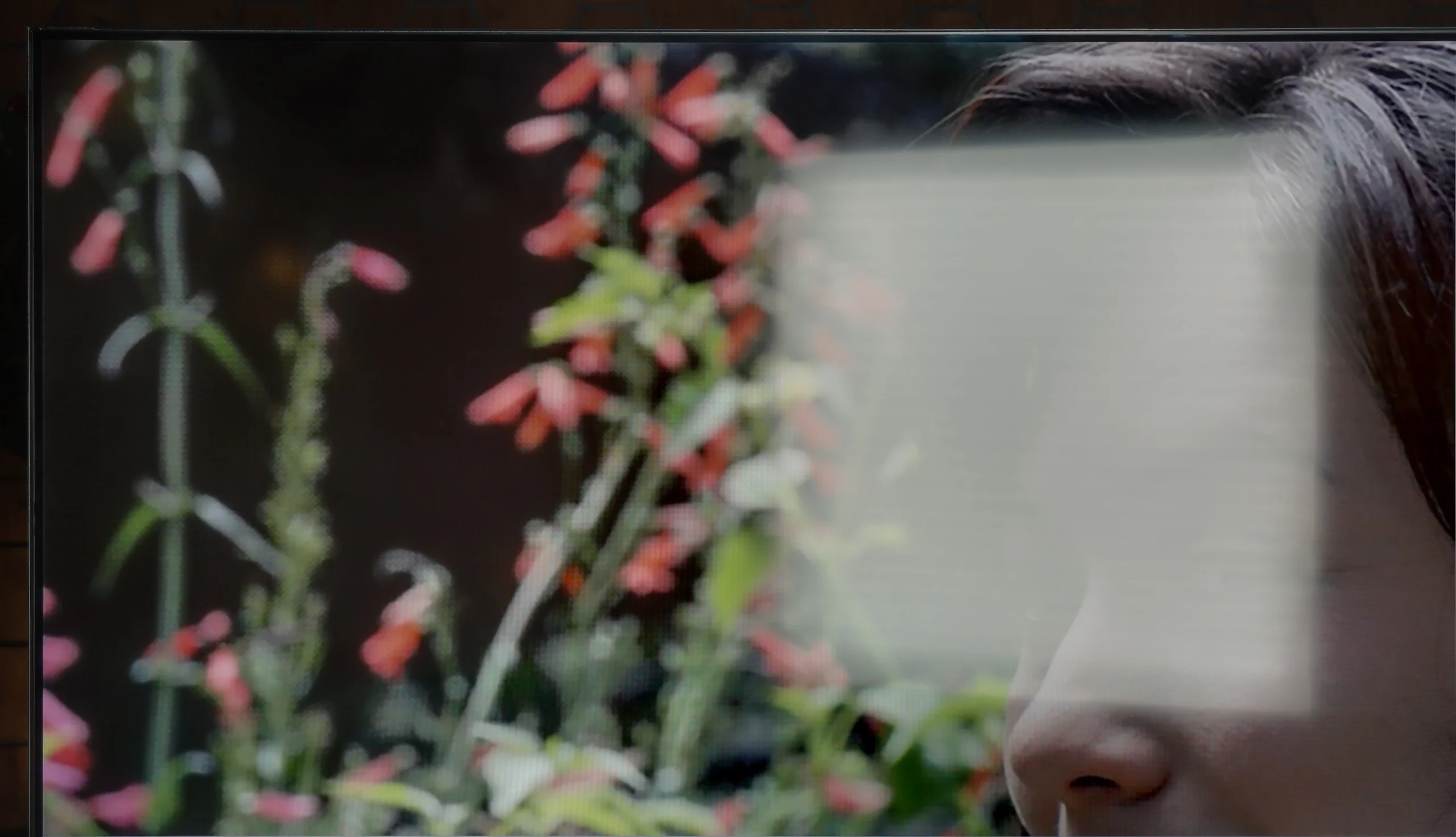
The Kiano Elegance is simply too dim for a very sunlit living room. Average brightness is about 215 nits, so during the day the picture is easily washed out by light coming through the windows. Especially with darker movies you may need to close the blinds. The satin coating does a decent job of reducing reflections, and black levels in a lit room don't look bad, but that's not enough to make up for the low brightness. The TV is much better suited to a less sunlit room or to evening viewing.
Panel brightness
Kiano Elegance (Tizen OS Powered by Samsung): 215 cd/m2
KIANO Elegance - TV features
5.1/10
System: Tizen
System performance: Average
- HDMI inputs: 3 x HDMI 2.0, 0 x HDMI 2.1
- Other inputs: RCA (Chinch)
- Outputs: SPDIF (Coaxial audio), eARC (HDMI), ARC (HDMI)
- Network Interfaces: Wi-Fi 2.4GHz, Wi-Fi 5GHz, Ethernet (LAN) 100Mbps
- TV reception: DVB-T, DVB-T2, DVB-S, DVB-S2, DVB-C
Classic features:
- Recording to USB (terrestrial TV): No
- Recording programming: No
- Picture in Picture (PiP): No
- RF remote control (no need to aim): Infrared
- Backlit remote control: No
- Teletext: Yes
- Audio only mode: Yes
- Bluetooth headphones support: Yes
- Simultaneous Bluetooth headphones & TV audio: Yes
Smart features:
- AirPlay: Yes
- Screen mirroring (Windows Miracast): Yes
- Voice search: No
- Voice search in native language: No
- Ability to connect a keyboard and mouse: Yes
Tizen on the Kiano TV
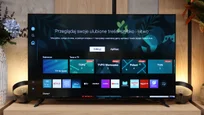
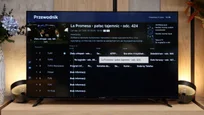
Tizen is one of the main reasons to consider this model. It provides access to many popular apps, so you don't need to buy a separate streaming device just to watch TV series or YouTube. However, keep in mind that the same system doesn't mean the same level of usability as in more expensive Samsungs. On the Kiano, responsiveness is average and you may have to wait a moment for the menu to react. There is no voice search, so titles must be entered with the remote. A convenient addition is AirPlay and the ability to wirelessly cast video from a computer.
Daily use
Basic TV functions are present, but there is no USB recording of programs or picture-in-picture. The remote works via infrared, so you need to point it at the TV, and its buttons are not backlit. A useful feature is the ability to use Bluetooth headphones and the speakers at the same time. That way one person can listen to the program through headphones (for example, an older viewer) without cutting audio for other household members. For connecting devices there are three HDMI 2.0 inputs, which are enough for 4K at 60 Hz. You can connect a soundbar via eARC, and an analog RCA input is provided for older equipment.
Sound connection options
HDMI audio:
Other audio outputs:
- Coaxial: Yes
Wireless audio:
- Bluetooth: Yes
Supported audio formats (external HDMI eARC audio):
- Dolby Digital Plus 7.1: Yes
- Dolby True HD 7.1: No
- Dolby Atmos in Dolby Digital Plus (JOC): Yes
- Dolby Atmos in Dolby True HD: No
- DTS:X in DTS-HD MA: No
- DTS-HD Master Audio: No
Senior accessibility
- Numeric keyboard on TV: Yes
- Font size adjustment: Yes
- Audio description: Yes
KIANO Elegance - Apps
8.8/10






















KIANO Elegance - Playing files from USB
8/10
| Maximum photo resolution: | Supported photo formats: |
|---|---|
| 4 Mpix | JPEG |
| 6 Mpix | HEIC |
| 8 Mpix | PNG |
| 10 Mpix | GIF |
| 12 Mpix | WebP |
| 16 Mpix | TIFF |
| 20 Mpix | BMP |
| 24 Mpix | SVG |
| 28 Mpix | |
| 32 Mpix |
The USB player in the Kiano Elegance supports most common formats, so opening typical movies, photos, or music usually shouldn't be a problem. However, using it is another matter. During testing it had its "moments of weakness" and could take a very long time to open individual files. Sometimes it took so long that you might start to wonder whether the TV was still loading something or had already frozen. It's fine for occasional playback from a USB flash drive, but browsing a larger collection may require a lot of patience.
KIANO Elegance - Sound
3.6/10
88dB
Maximum volume

Supported codecs (TV speakers)
Dolby Digital Plus 7.1
Dolby True HD 7.1
Dolby Atmos in Dolby Digital Plus (JOC)
Dolby Atmos in Dolby True HD
DTS:X in DTS-HD MA
DTS-HD Master Audio
Sound is one of the weaker aspects of the Kiano Elegance. The TV can get quite loud, it measured 88 dB, but volume does not translate into sound quality. For regular TV viewing you can stick with the built-in speakers, but for movies or music it's worth budgeting for a separate sound system. Connecting a soundbar via HDMI eARC should not be a problem. The TV also supports Dolby Atmos over Dolby Digital Plus, but it does not play Dolby TrueHD or DTS-HD tracks.
Sound Quality Test:
Acoustic Measurements
88dBC (Max)
75dBC
KIANO Elegance - Panel details
Software version during testing: T-24RSSFUCVTDEUC-1201.0
Panel uniformity and thermal imaging:

Backlight Type: White LED

Founder and originator of the "ChooseTV" portal

Journalist, reviewer, and columnist for the "ChooseTV" portal

michal-woloszyn-title
Reader comments
Comments are provided by the external service Disqus (Zeta Global). Once loaded, Disqus may set cookies and process data about your activity.
We will remember your choice on this device. Provider's privacy policy
See articles related to Kiano Elegance (Tizen OS Powered by Samsung):

 1/16/2025

3/24/2026
1/29/2025
4/22/2025

1/15/2025