Google TV
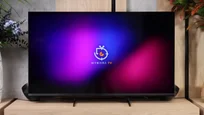
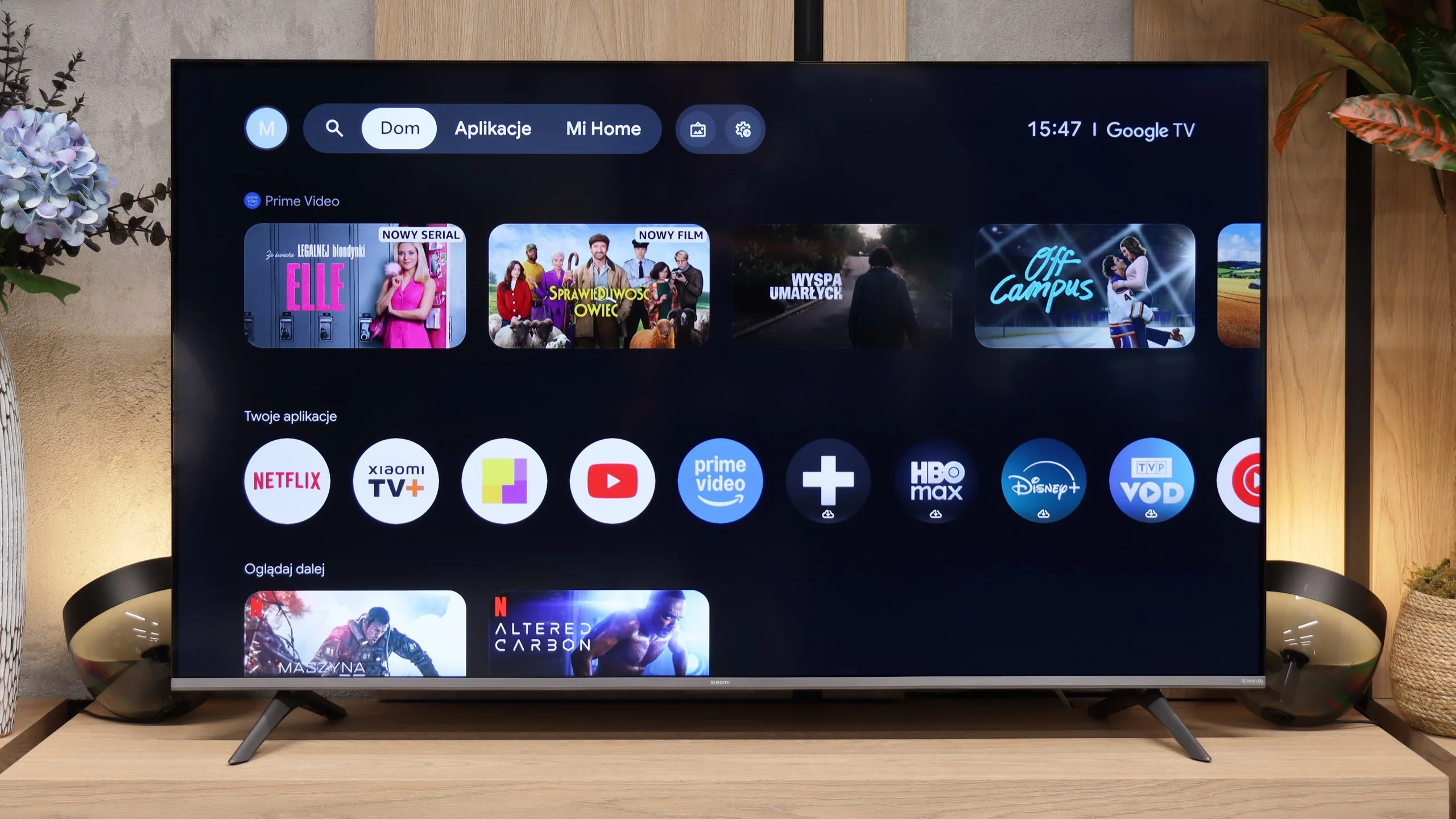
The Xiaomi S Mini 2026 runs on Google TV, which remains one of the most feature-rich Smart TV platforms. You’ll find practically all the most popular apps here, such as Netflix, YouTube, Prime Video, Disney+, HBO Max and Canal+, and thanks to the Google Play Store you can install many other apps as well. It also supports Google Assistant, Chromecast and the ability to control the TV from your smartphone.
Unfortunately, on the smaller models the system doesn’t run as smoothly as we’d expect. Switching between apps or navigating the menu can take a moment, and the interface sometimes responds with a slight delay. It’s not at a level that makes the TV unusable, but compared with the competition it’s clear this isn’t the fastest version of Google TV on the market.
Classic features
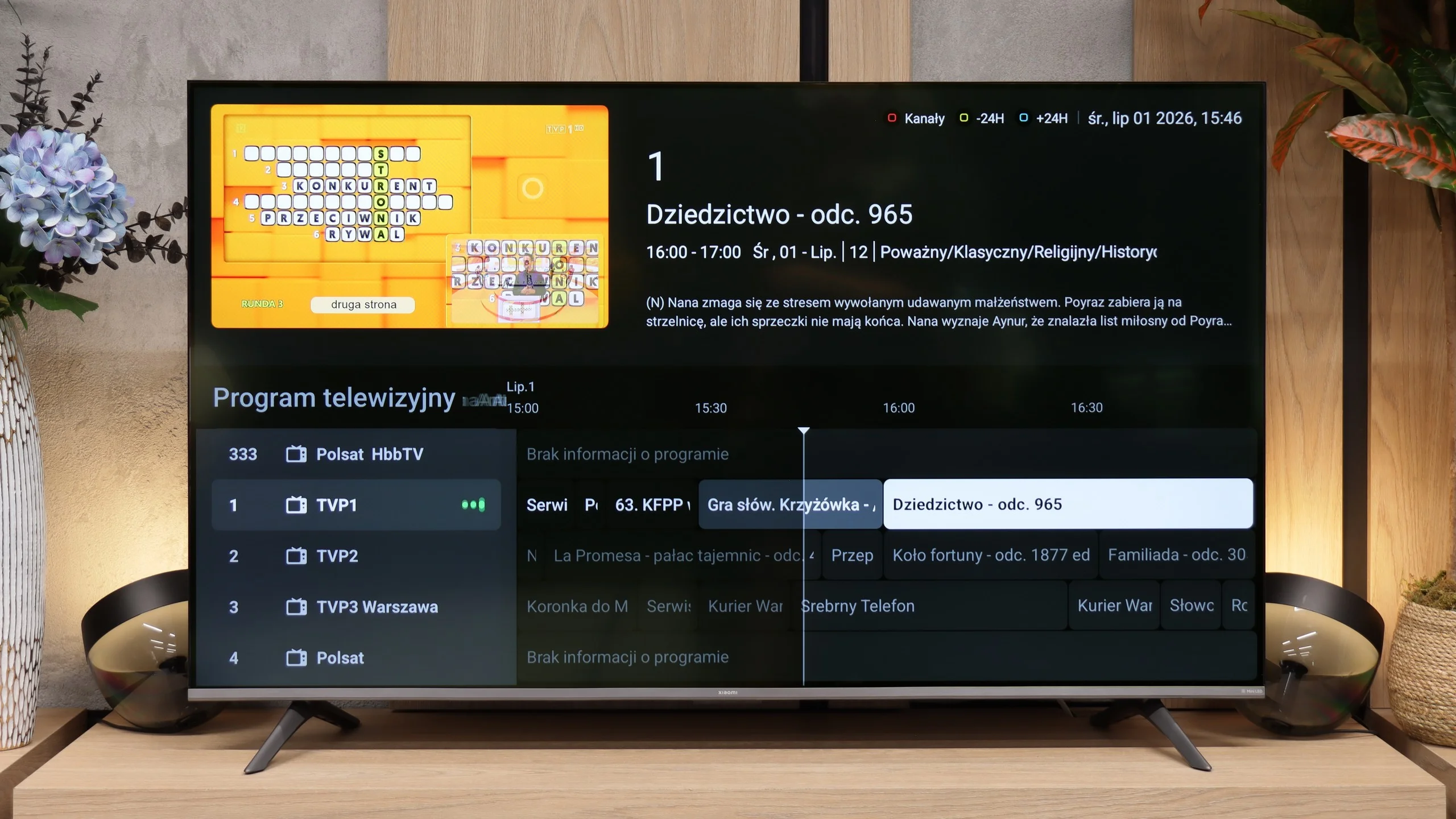
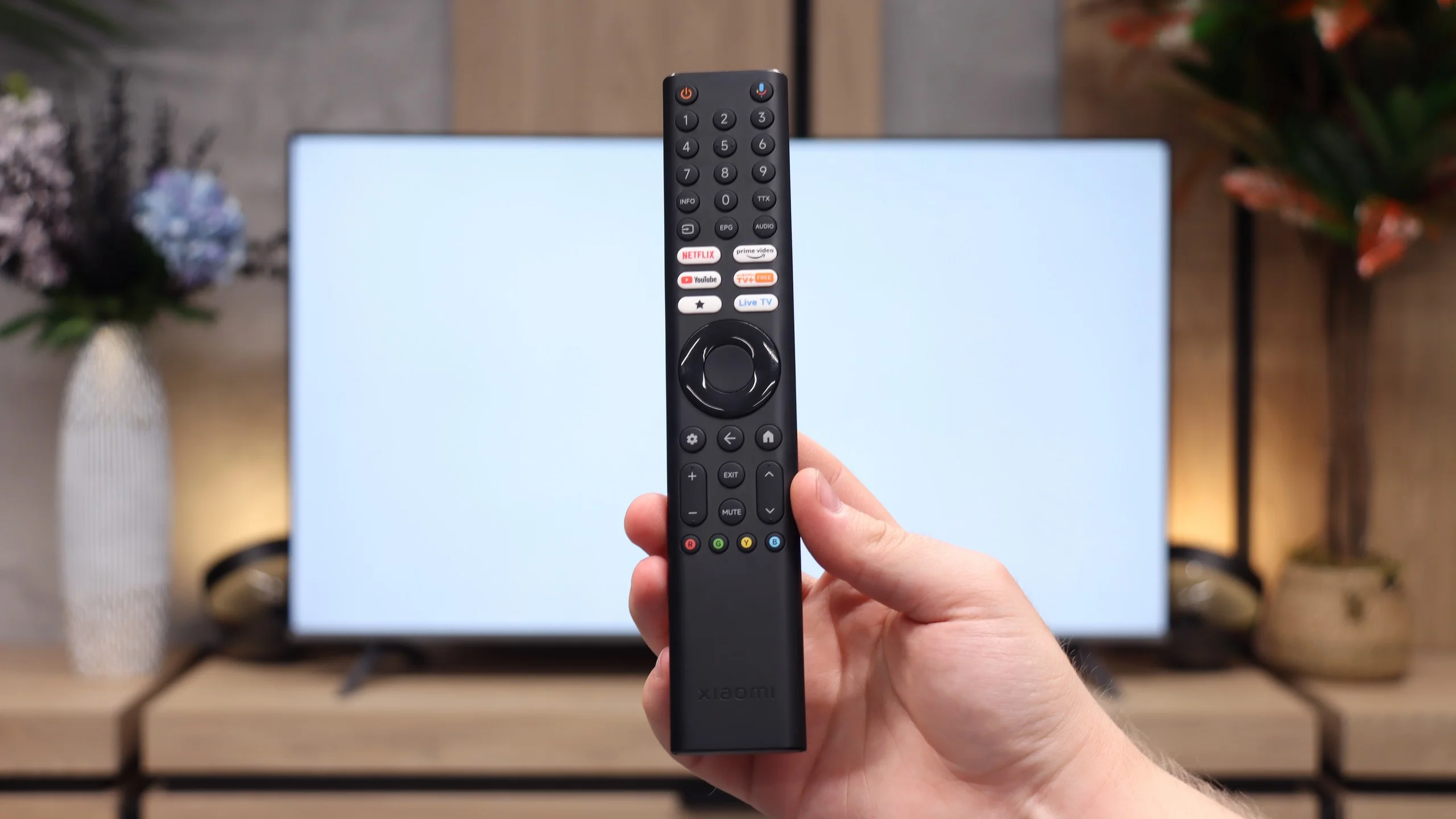
If you mainly use linear TV, Xiaomi doesn’t offer anything beyond what you’d expect from a modern TV. You get an electronic program guide (EPG) and teletext. The manufacturer also includes a remote with a traditional numeric keypad, which is becoming rarer these days but will still be a convenient solution for many people when changing channels.
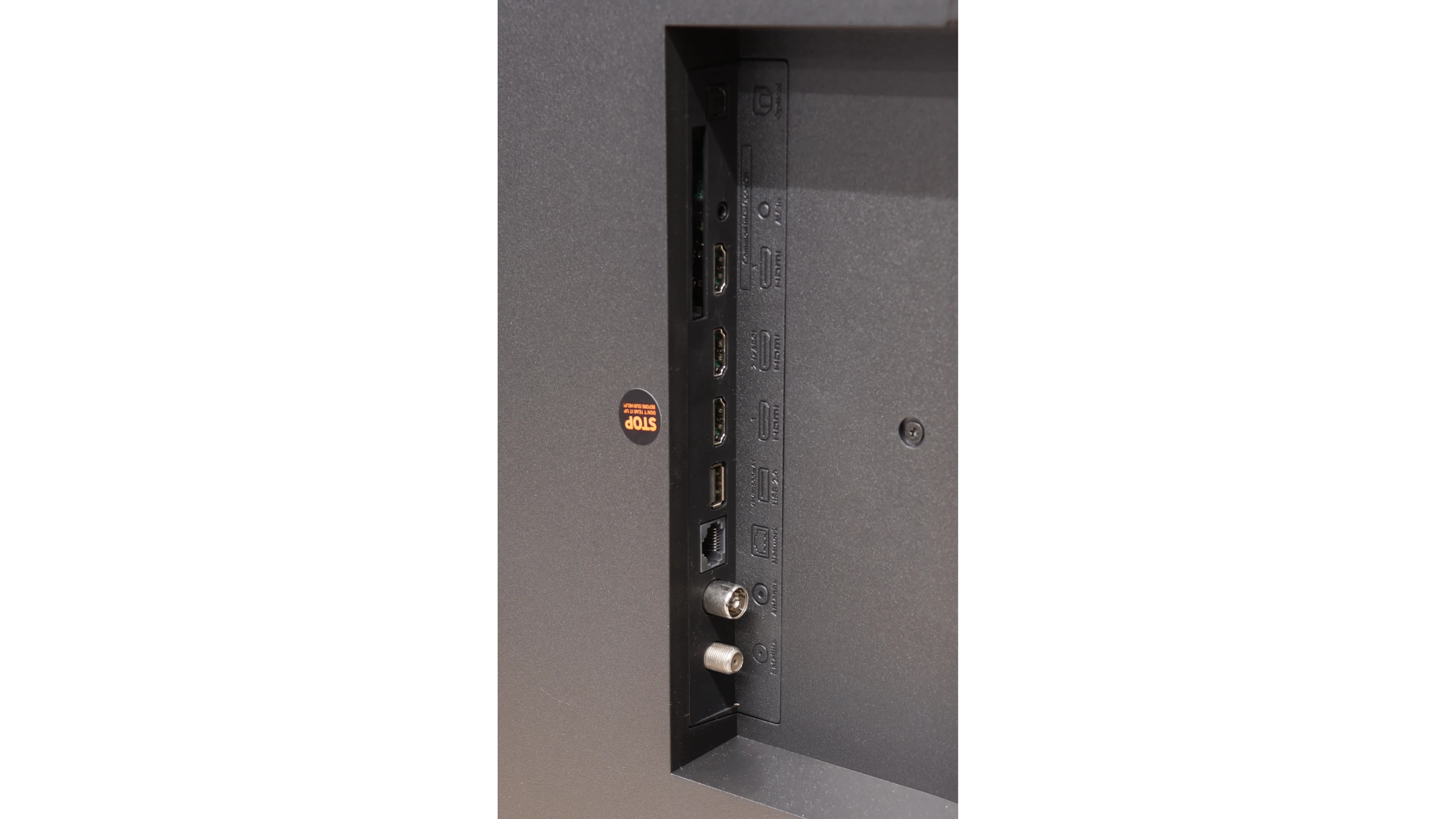
Noteworthy is the presence of an analog 3.5 mm headphone jack. This is a feature that is disappearing from TVs year by year in favor of only digital audio outputs. Because of it, you can easily connect older wired headphones or speakers without needing additional adapters.
Smart TV Features: Google TV
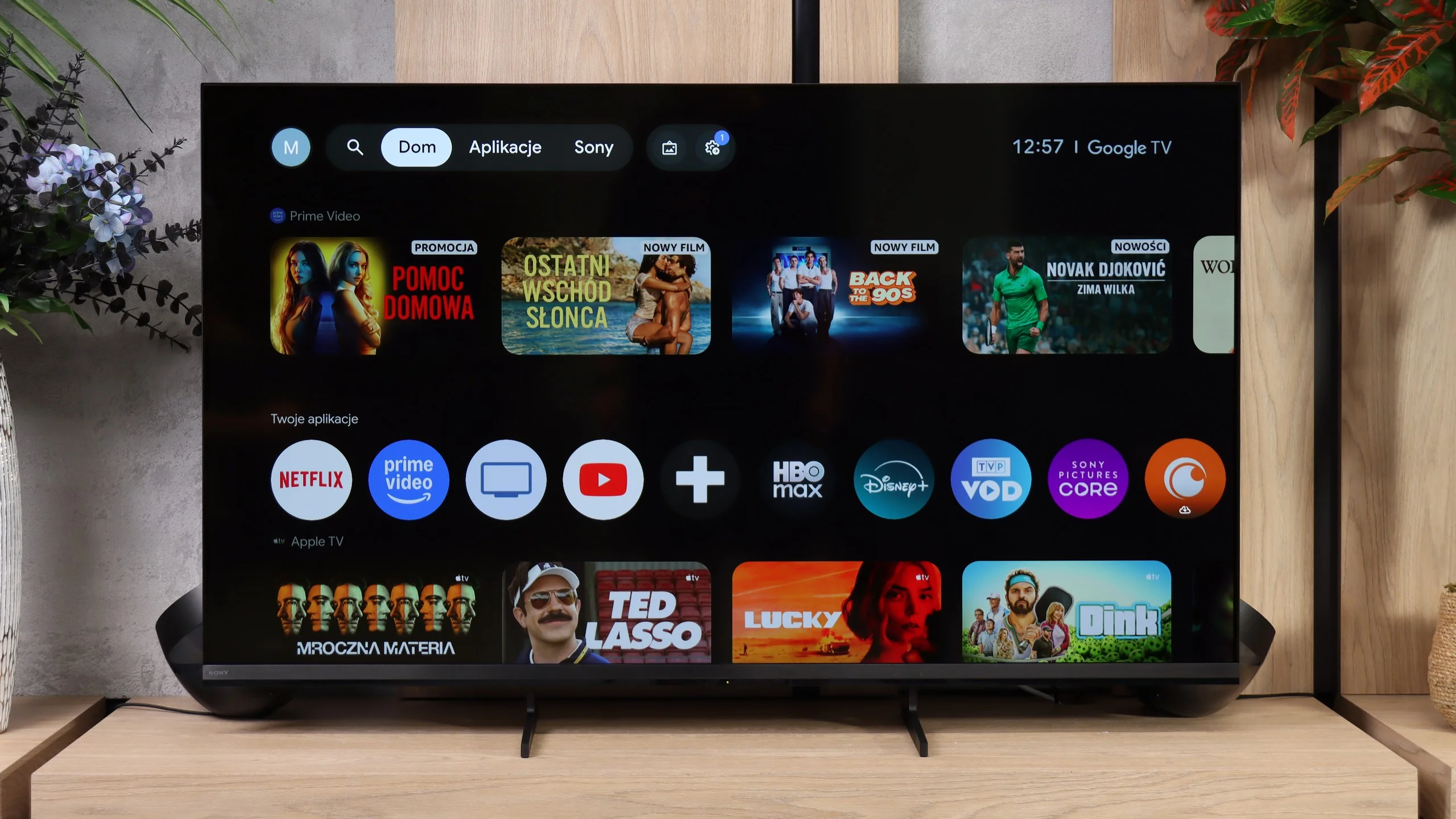
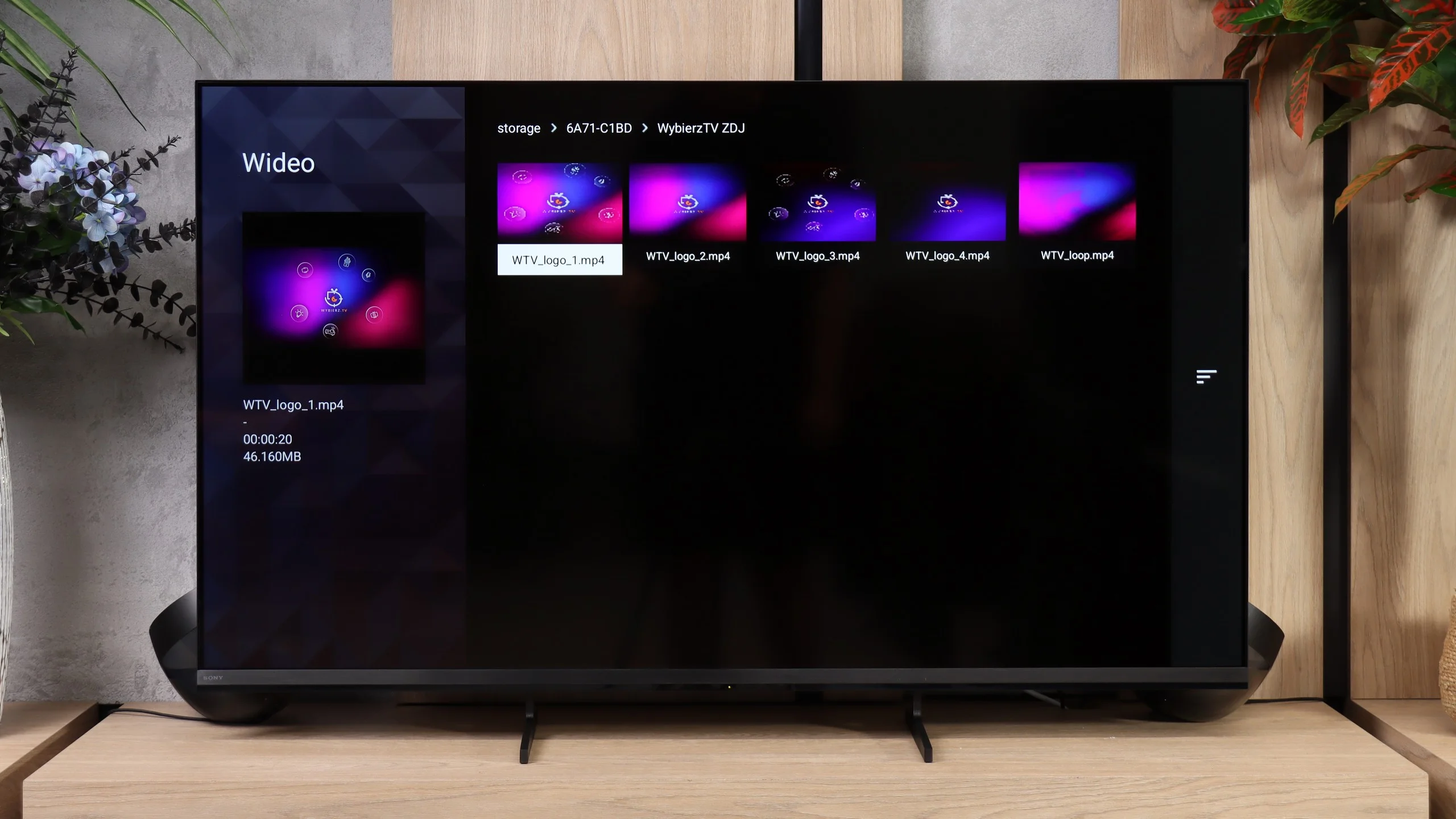
The Bravia 3 II runs on Google TV and, in terms of capabilities, it’s one of the more feature-rich systems currently found in TVs. First and foremost, it offers access to a very large number of apps, so in addition to the most popular streaming platforms you’ll also find many less obvious services without much trouble. Sony also supports AirPlay and Chromecast, making it very convenient to cast content from a smartphone. Voice search also performs well, backed by Gemini, which handles commands in multiple languages and can genuinely make using the TV easier. However, during our tests we ran into one problem: the Bravia 3 II would not correctly receive a picture from a Windows 11 PC via Miracast. So if you want to use the TV as a secondary display for a computer, the safest solution is still a connection via HDMI.
Classic TV features
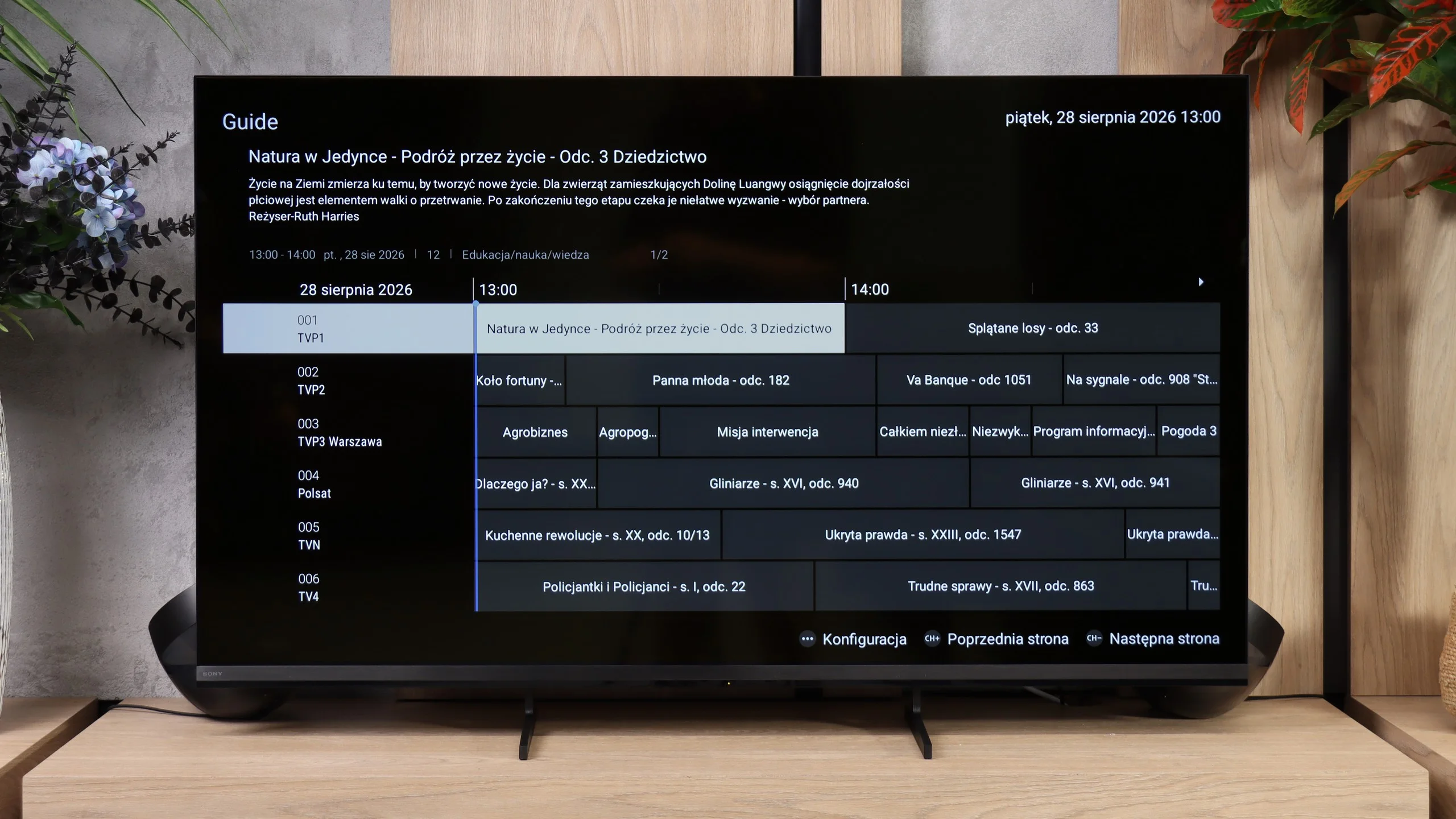
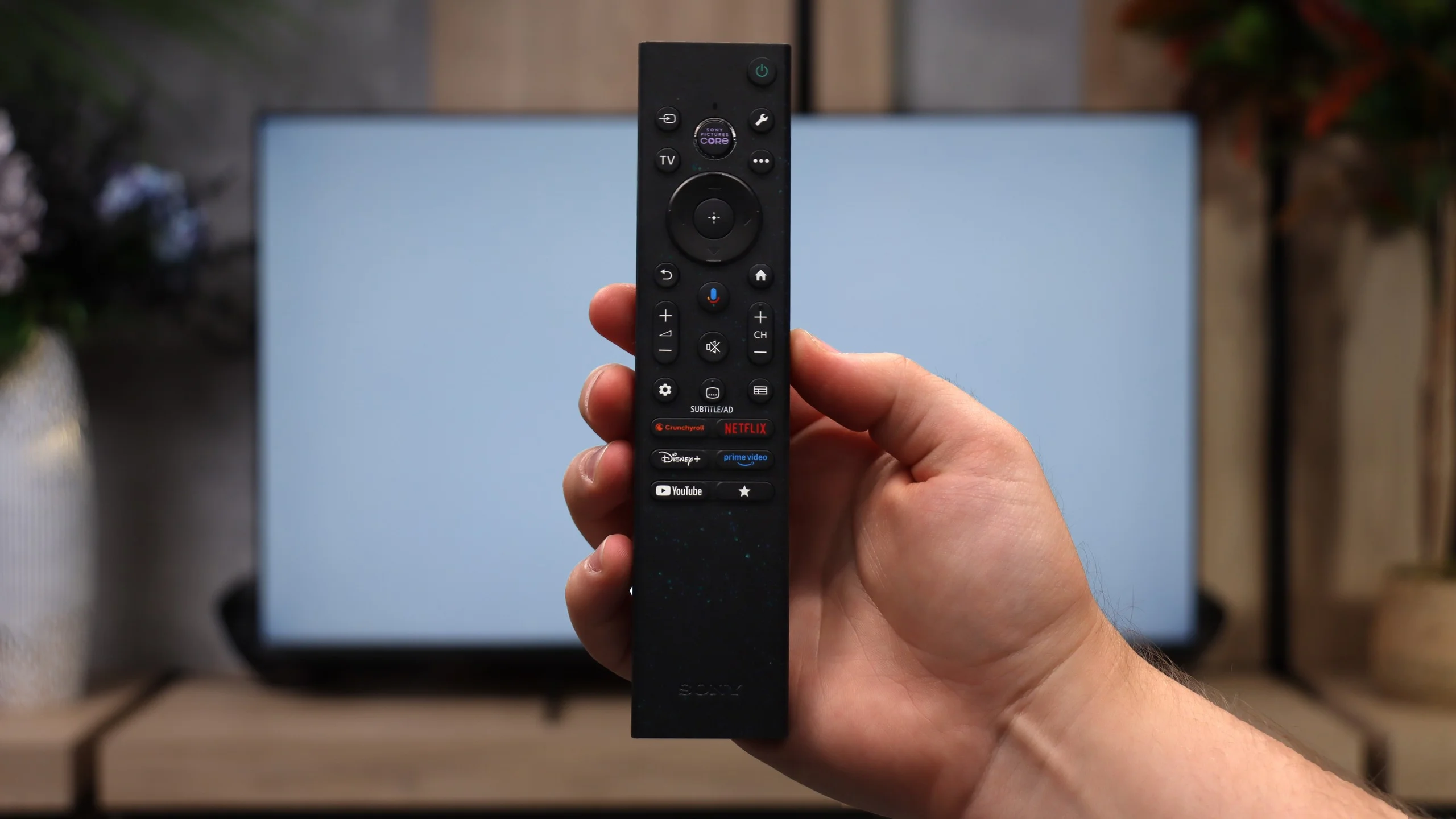
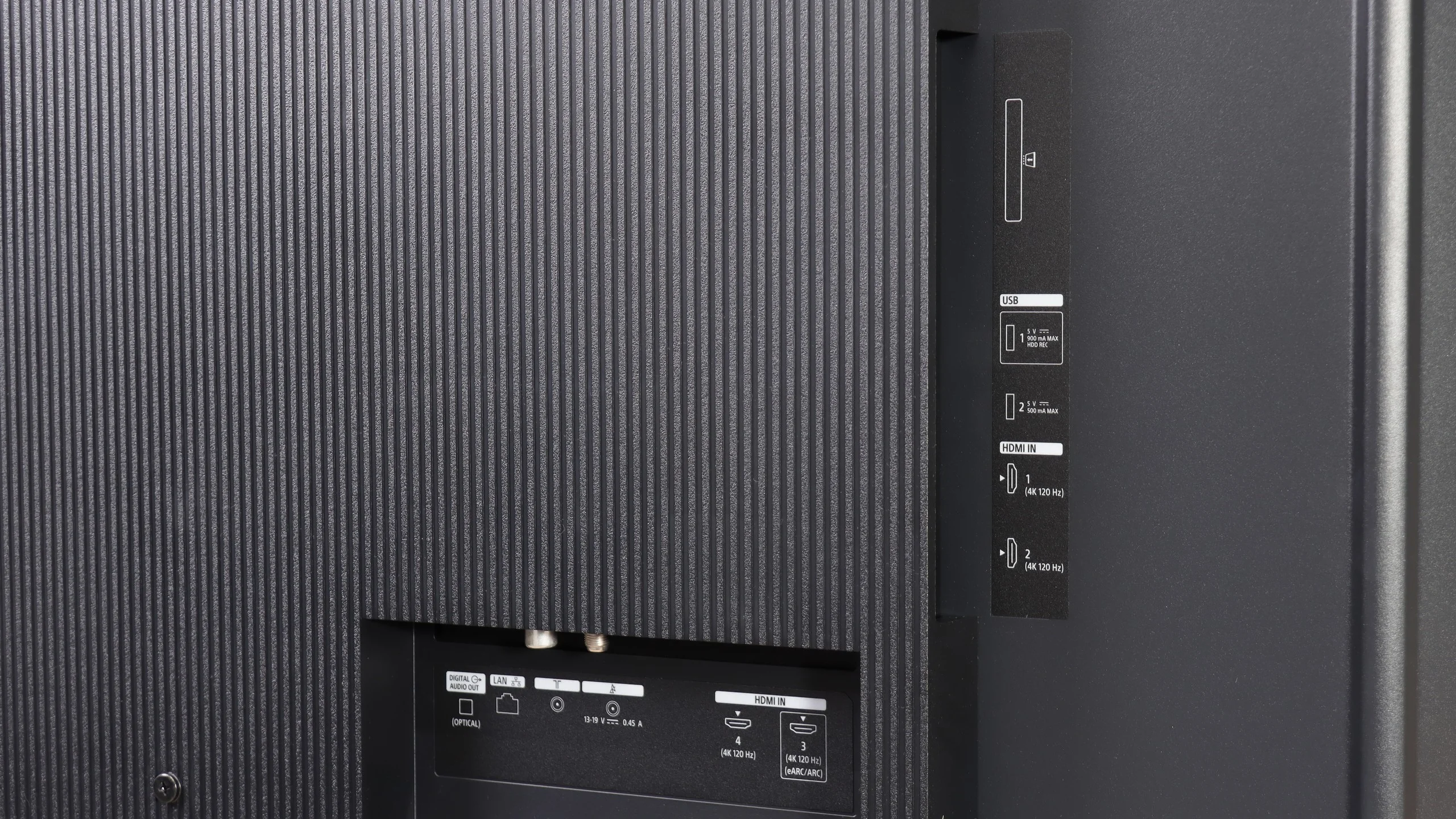
Sony also hasn’t forgotten users who still primarily use regular broadcast TV. The Bravia 3 II supports recording programs to USB, including the ability to schedule recordings via PVR, which is rare these days, especially in cheaper models. There is also teletext and a clear channel guide, so in terms of basic TV functions we really lacked nothing here, perhaps except for picture-in-picture (PiP). It’s notable that the set includes two remote controls. The first is modern and simplified (the non-backlit version), while the second is a classic design with a full numeric keypad. And although it may look a bit old-fashioned, viewers who watch a lot of traditional TV may actually find it more convenient, for example when entering channel numbers.
 Direct comparison