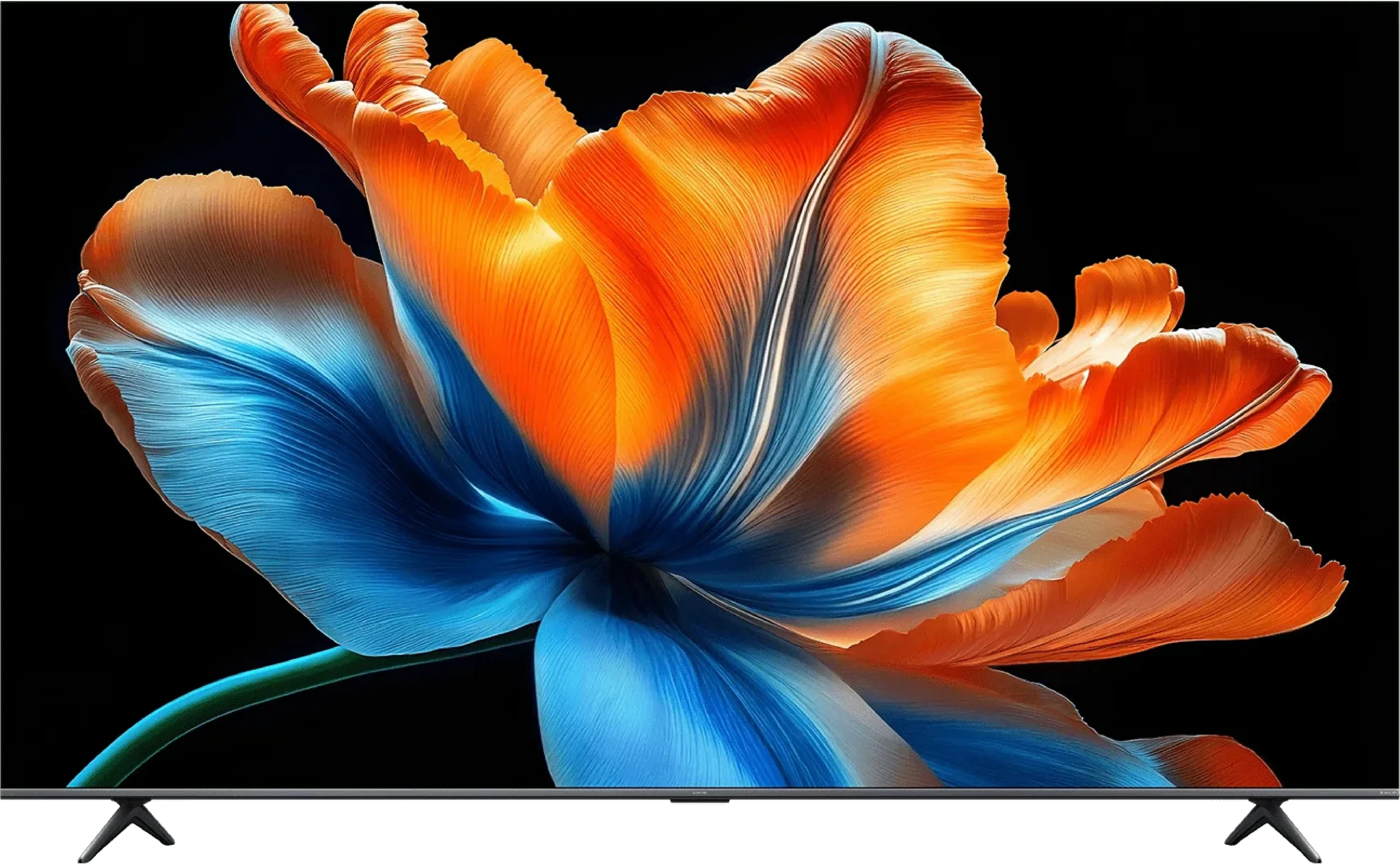
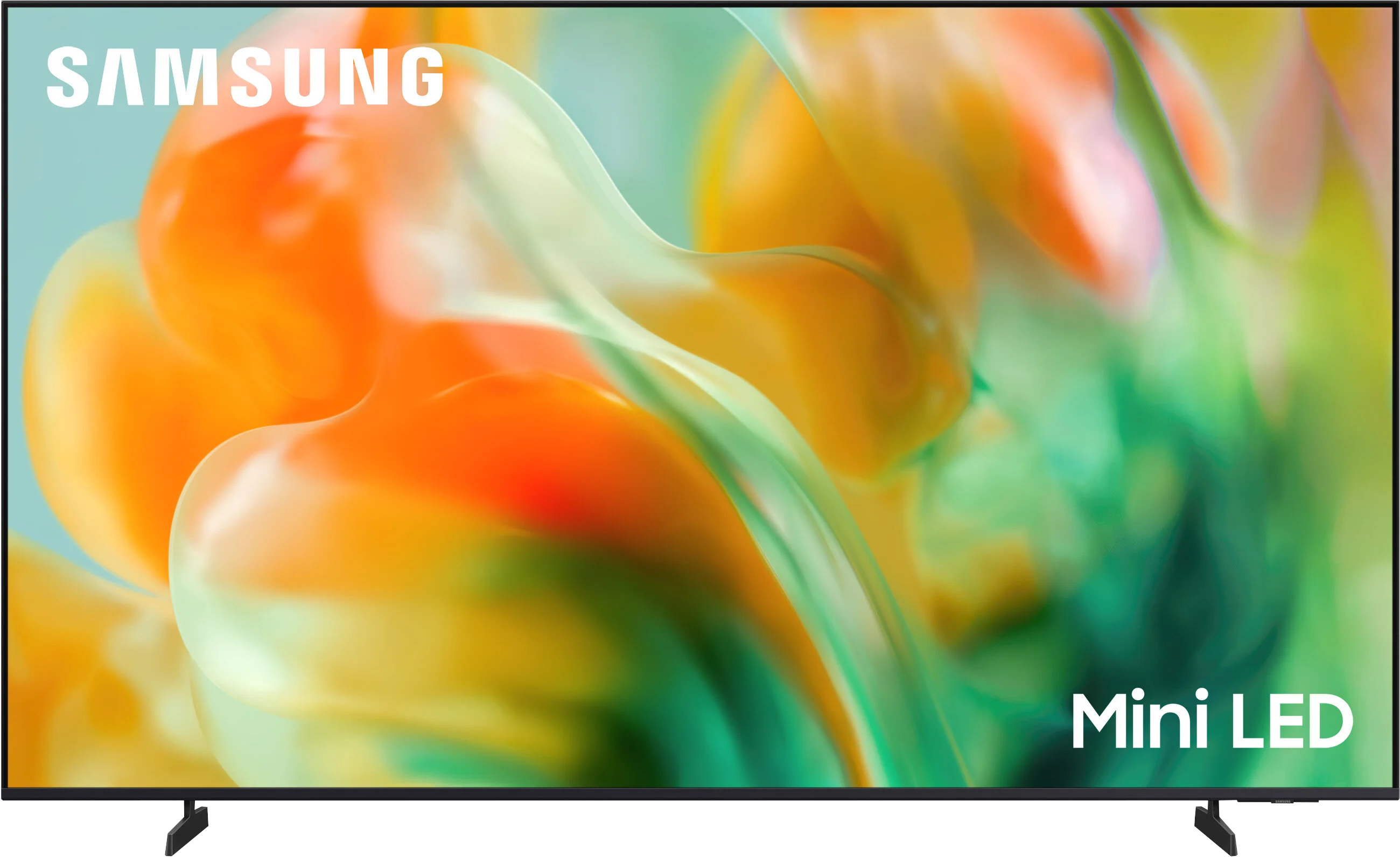
XIAOMI S Mini 2026 (55"-75") 60Hz vs Samsung M80H

Direct comparison

Check the best price offer:

Samsung M80H(paid link)
Check price

S Mini 2026

M80H / M86H

Info

Available screen sizes: 55”65”75”

Available screen sizes: 55”65”75”85”

Review XIAOMI S Mini 2026 (55"-75") 60Hz  Main photo
Review Samsung M80H Main photo

Panel type: LCD VA

Resolution: 3840x2160

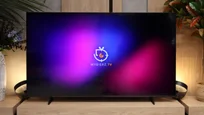
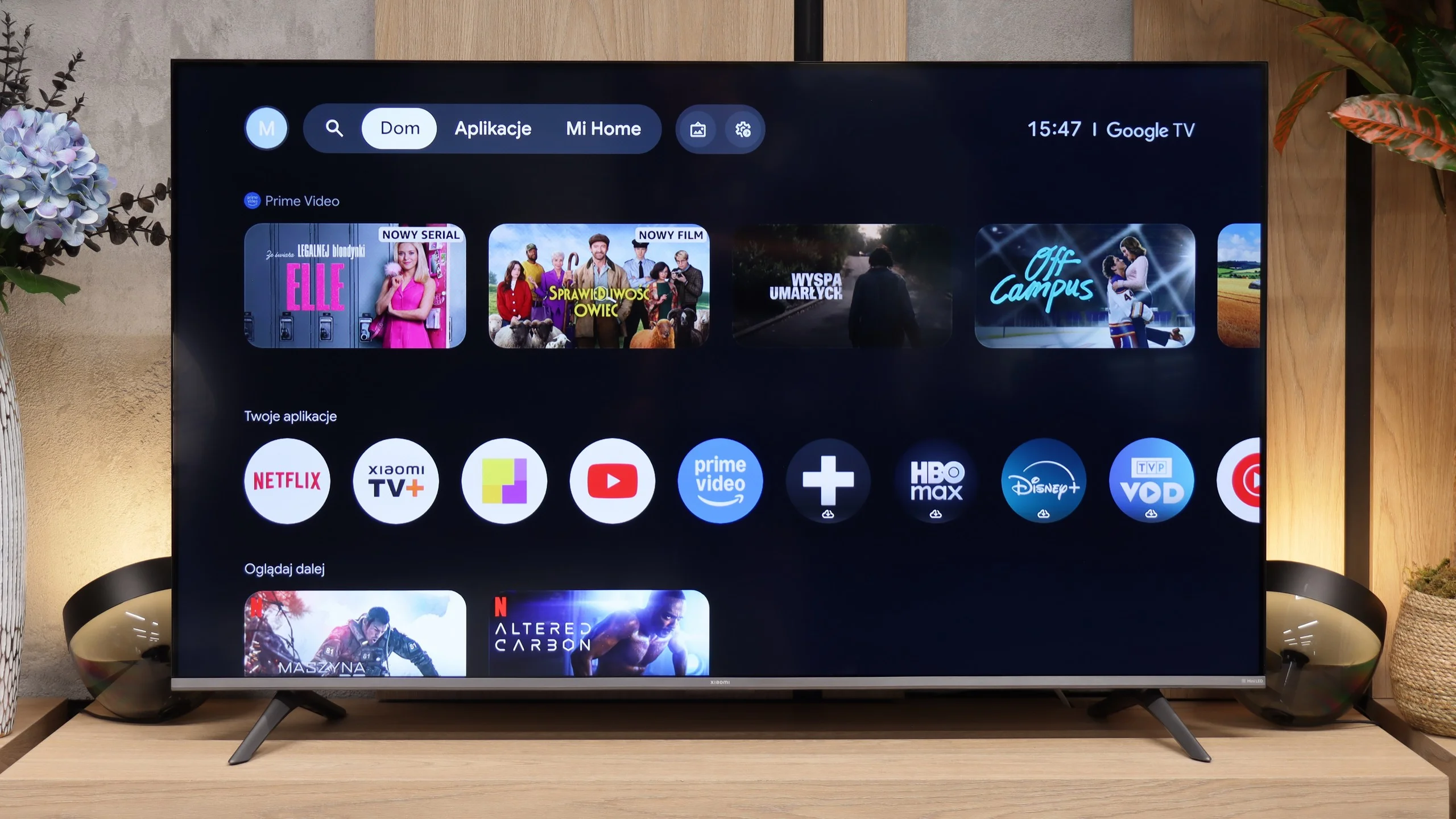
System: Google TV

Model year: 2026

Complete the survey to find out the result

Panel type: LCD VA

Resolution: 3840x2160

System: Tizen

Model year: 2026

Complete the survey to find out the result

Overall rating

6.2

6.9

  • Movies and series in UHD quality

    6.2

    6.5

  • Classic TV, YouTube

    6.0

    6.6

  • Sports broadcasts (TV and apps)

    5.0

    6.7

  • Gaming on console

    6.9

    8.8

  • TV as a computer monitor

    5.6

    8.9

  • Watching in bright light

    6.3

    5.0

  • Utility functions

    6.7

    7.3

  • Apps

    9.6

    9.3

  • Sound quality

    5.0

    6.0

Advantages

  • Very good contrast: MiniLED + VA

  • High brightness

  • Wide color gamut

  • Low input lag

  • 120 Hz mode at 1080p/1440p

  • Google TV with a wide selection of apps

  • Good image quality after calibration

  • Three HDMI 2.1 ports with support for VRR and ALLM

  • Dedicated motion smoothing for gamers: Game Motion Plus

  • Low input lag

  • High refresh rates: 4K 144 Hz and Full HD 240 Hz

  • Decent contrast thanks to a VA panel

  • Minimal smearing for a VA panel

  • Rich colors thanks to the PFS filter (a different kind of QLED 😉)

  • Good digital image processing for this segment

  • Fast Tizen OS with a wide selection of apps

Disadvantages

No like
  • Only a 60 Hz panel

  • Poor viewing angles

  • Poor image processing

  • Visible posterization

  • Flat sound, little bass

  • No local dimming despite being labeled Mini-LED!

  • Low brightness: 350 nits

  • No support for Dolby Vision and DTS:X

  • No Toslink optical audio output

Our verdict

In the smaller sizes (55 to 75 inches) the Xiaomi S Mini 2026 leaves a really good impression, provided you judge it from the start based on what it costs. Mini LED technology here does exactly what we expect: it builds strong contrast and produces HDR brightness high enough that movie sessions gain a completely different dynamic than on conventional TVs in this price range. Add Google TV to that and you simply get an easy-to-use device for everyday entertainment. The catch is that the evaluation of this model depends heavily on how you plan to use it. The 55-, 65- and 75-inch versions use a 60 Hz panel, which automatically puts them in a completely different position than the larger variants. If you’re looking for a screen specifically for sports or want to squeeze the most out of a new console at 4K and 120 frames per second, this TV will simply fall short of expectations.

A separate issue is Xiaomi’s own policy, because the naming confusion can be seriously misleading. The 85- and 98-inch variants are actually completely different TVs in terms of construction and capabilities. Buyers are perfectly entitled to assume that by choosing a smaller size they’re only giving up inches and maybe the number of dimming zones, while in practice they get a device from a completely different technological tier. That said, looking at the 55 to 75-inch model itself: if your reference point is finding the best possible picture quality on a very tight budget, the S Mini 2026 can easily hold its own.
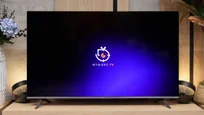
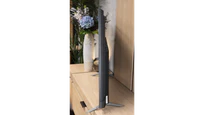
The M80H shows its strengths where motion matters most. A fast panel, a refresh rate of up to 144 Hz, and relatively low motion blur make sports and fast-paced games look really good. In this respect the TV can even beat some significantly more expensive Samsung LCD models. Gamers also get low input lag, three full-bandwidth HDMI 2.1 ports, and Game Motion Plus, which can improve the smoothness of games running at 30 or 60 frames. When connected to a PC you can also use a 240 Hz refresh rate, although only at Full HD resolution. A big plus for the M80H is the NQ4 AI Gen2 processor, which was until recently used in higher-tier Samsung series. It handles lower-resolution content well and can enhance the look of weaker sports broadcasts or heavily compressed footage. The extra image-enhancing features do produce a visible effect, although at higher settings they become too strong and start to interfere with the picture's natural look. Still, they are worth listing as an advantage, since in the cheapest TVs similar solutions often matter much less.

What raises the most concerns is the M80H being called a Mini-LED TV. It does not have local dimming, the feature that usually accounts for the biggest benefit of this technology. Brightness of around 350 nits also does not allow for particularly striking HDR. In terms of picture quality the M80H is therefore much closer to basic LCD TVs than to more advanced Neo QLED models like the QN80H. That does not mean movies look bad on it. The VA panel provides decent contrast, and the PFS filter delivers attractive, saturated colors. You should be aware, however, that the lack of local dimming clearly limits the TV's picture-quality capabilities. The M80H is therefore not a model that demonstrates the full potential of Mini-LED backlighting.

It will perform much better in the hands of a gamer or sports fan for whom panel speed, low input lag, and extensive gaming features are most important. If its price remains significantly lower than models equipped with local dimming, that compromise may be a sensible choice for that group of users.

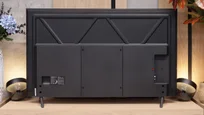
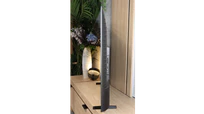
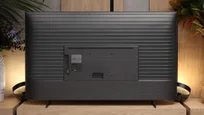
TV appearance

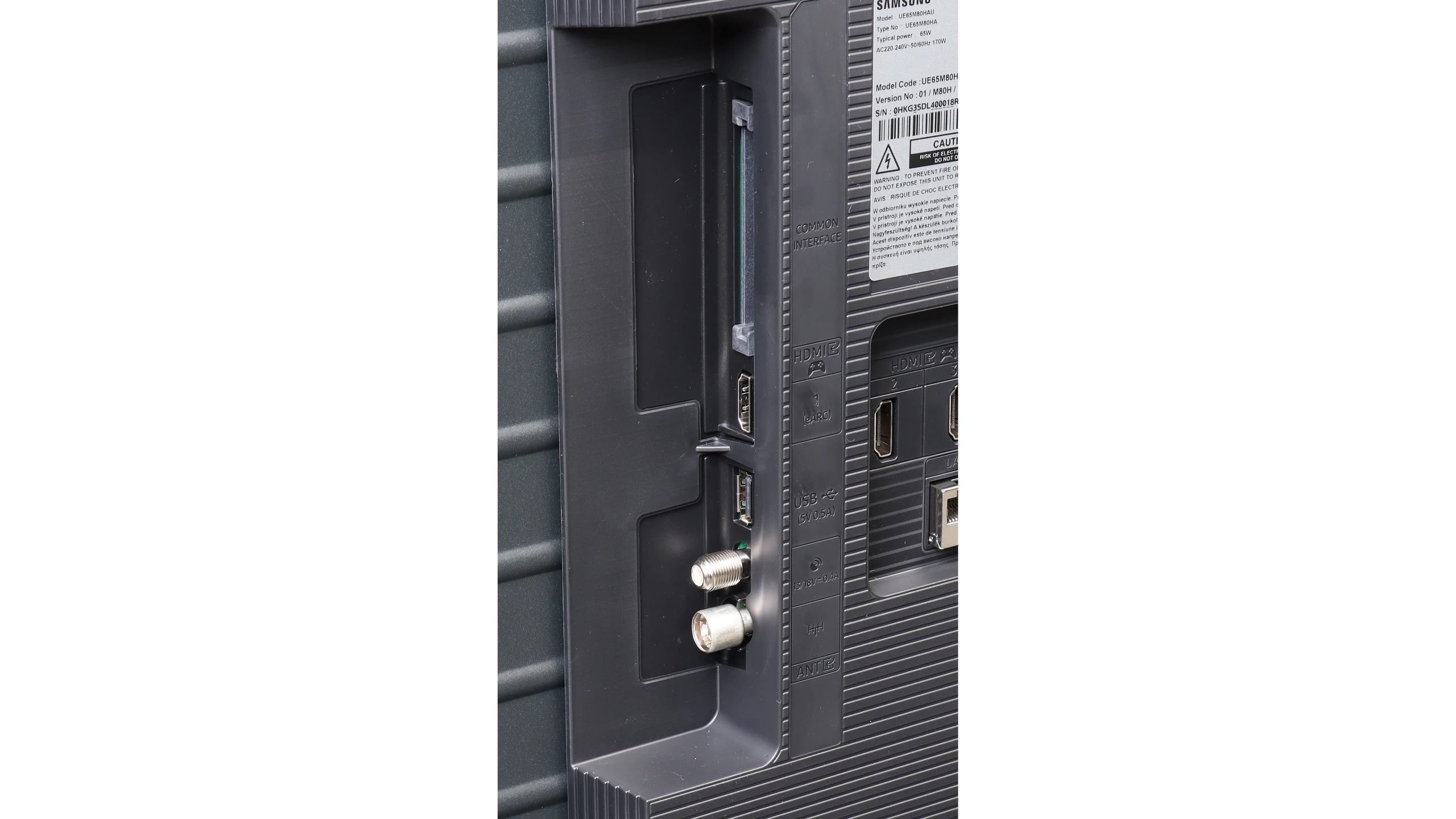
HDMI inputs
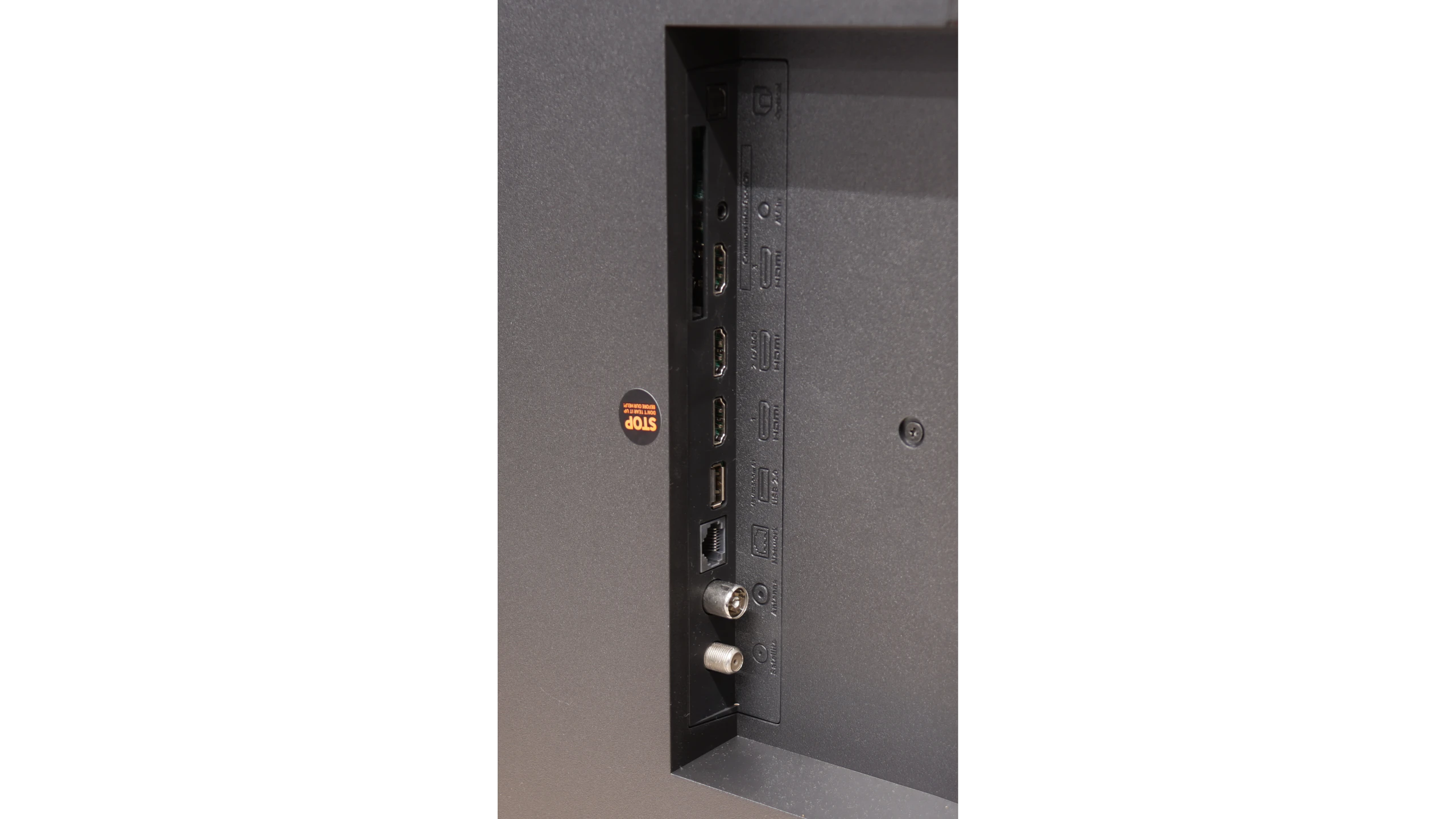
3 x HDMI 2.0, 0 x HDMI 2.1
0 x HDMI 2.0, 3 x HDMI 2.1 (48Gbps)
Other inputs
Outputs
Toslink (Optical audio), eARC (HDMI), ARC (HDMI), Mini-Jack (Headphones)
eARC (HDMI), ARC (HDMI)
Network Interfaces
Wi-Fi 2.4GHz, Wi-Fi 5GHz, Ethernet (LAN) 100Mbps
Build quality
Average
Average
Stand type
Legs
Legs
Bezel color
Graphite
Graphite
Stand
Fixed
Fixed
Accessories
Stand
Stand

Contrast and black detail

7.8/10

6.3/10

Local dimming function: Yes, number of zones: 308 (22 x 14)

Local dimming function: No

Contrast:

Review XIAOMI S Mini 2026 (55"-75") 60Hz  Contrast and black detail

Result

458,550:1

Review XIAOMI S Mini 2026 (55"-75") 60Hz  Contrast and black detail

Result

27,450:1

Review XIAOMI S Mini 2026 (55"-75") 60Hz  Contrast and black detail

Result

25,200:1

Review XIAOMI S Mini 2026 (55"-75") 60Hz  Contrast and black detail

Result

10,950:1

Review XIAOMI S Mini 2026 (55"-75") 60Hz  Contrast and black detail

Result

6,650:1

Review Samsung M80H Contrast and black detail

Result

5,950:1

Review Samsung M80H Contrast and black detail

Result

7,150:1

Review Samsung M80H Contrast and black detail

Result

8,150:1

Review Samsung M80H Contrast and black detail

Result

7,850:1

Review Samsung M80H Contrast and black detail

Result

5,550:1

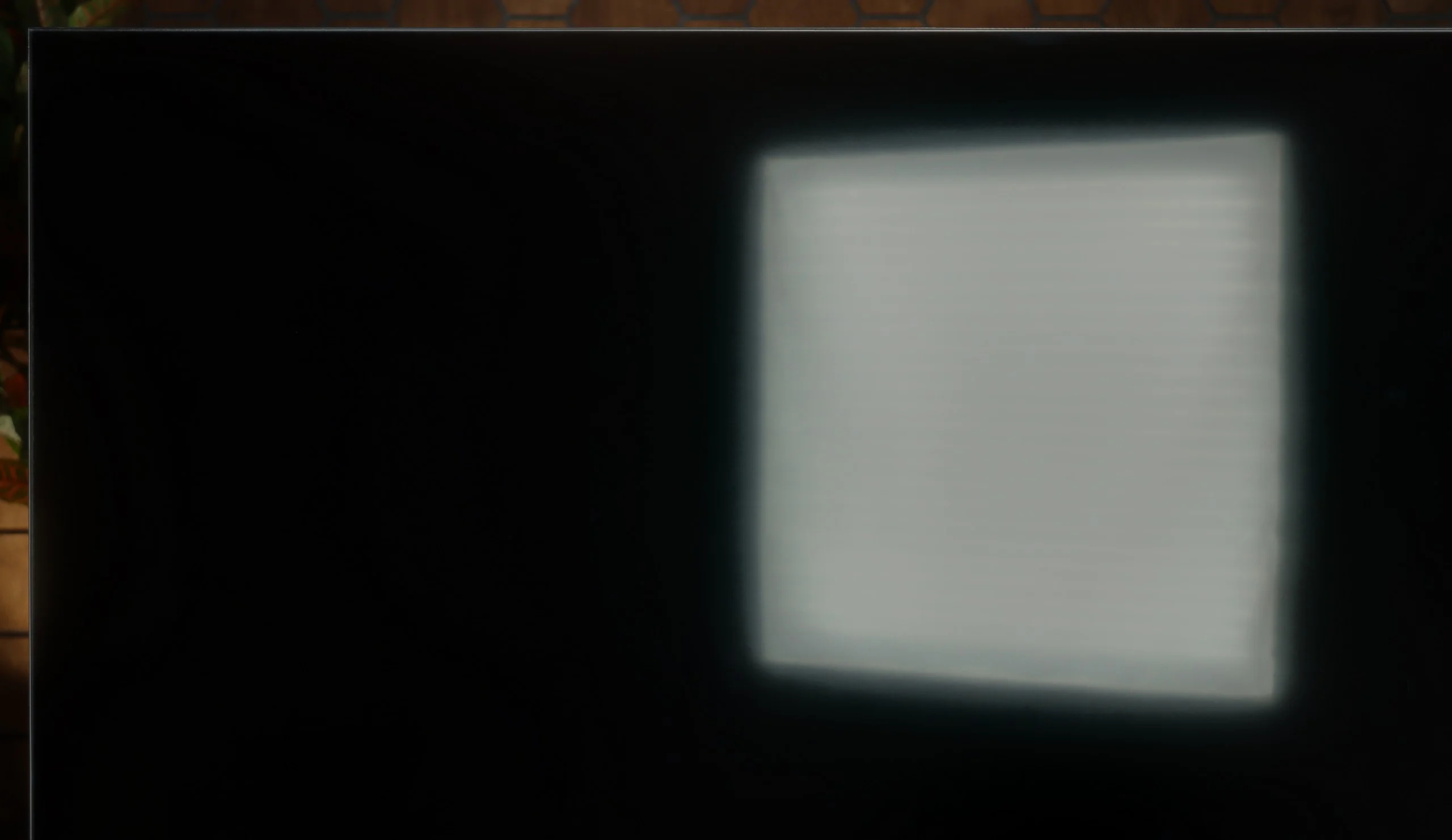
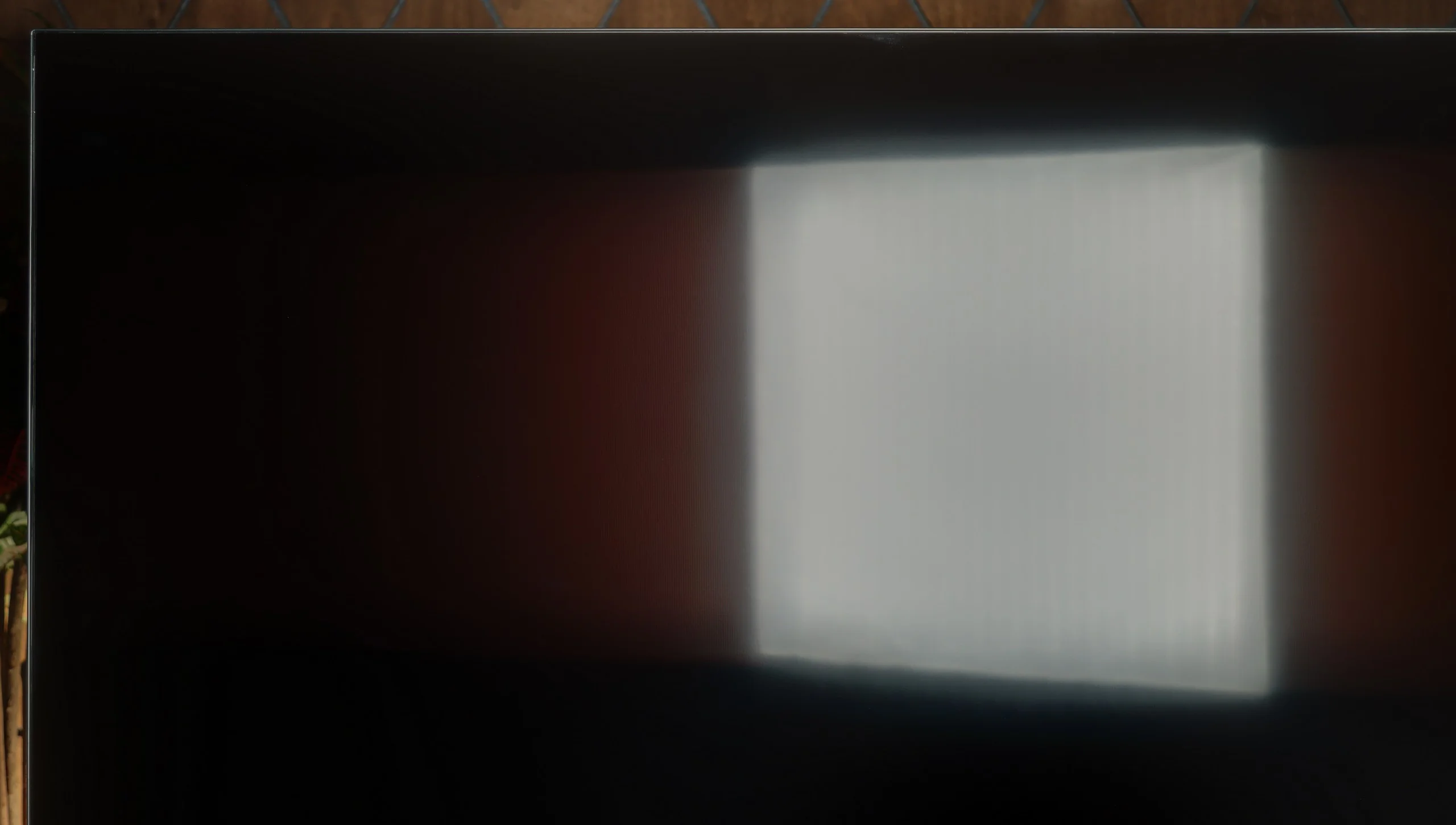
Halo effect and black detail visibility:

Check the visibility of bright lights on a dark background. Mini-LEDs often struggle with this. The photo does not compare black levels – that’s what the video below is for.

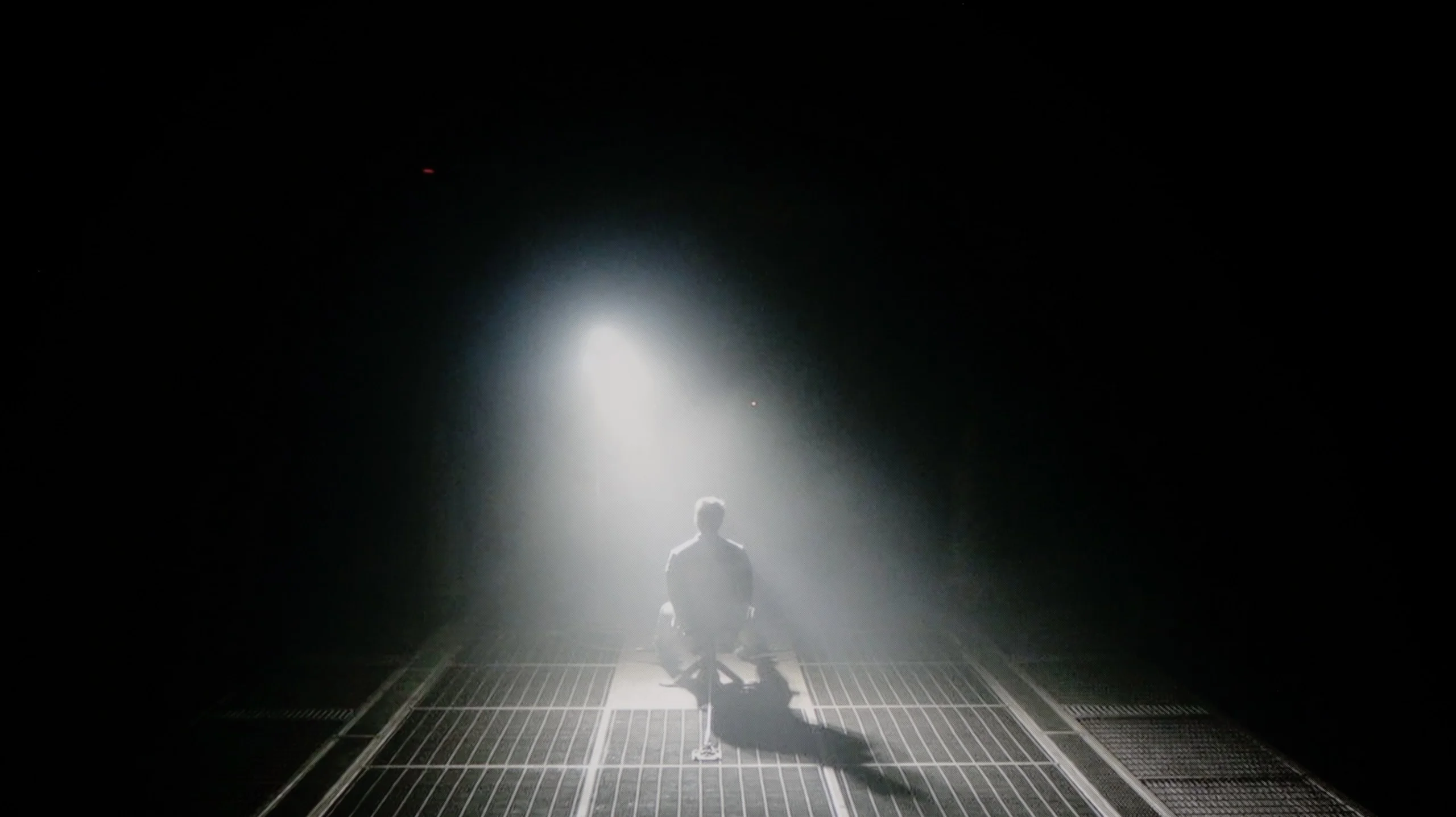
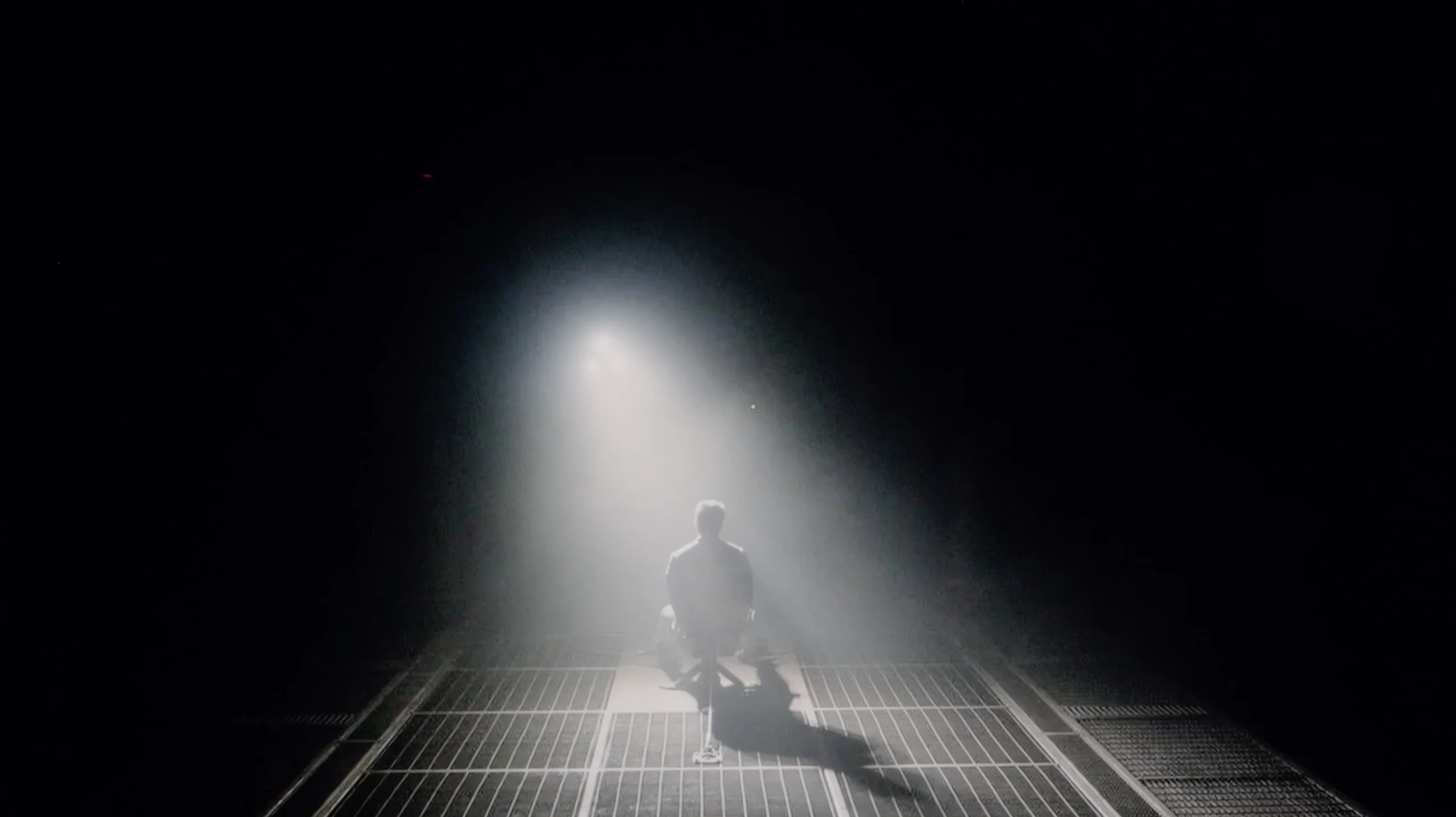
The video accurately shows differences in contrast and black levels between TVs, as well as potential issues: halo around bright objects or Mini-LED zone operation visible as brightness jumps.

In terms of contrast, the Xiaomi S Mini 2026 performs really well. The TV uses a VA panel and a Mini LED backlight with 308 local dimming zones in the 55-inch model. Although on paper the number of zones doesn't make as strong an impression as in pricier models, in practice the TV handles dark scenes very well. In shots where small bright objects appear on a black background, it can effectively dim the rest of the image. As a result, blacks are deep and contrast in many movies can resemble what we’re used to from OLED TVs. Of course, not every scene is equally easy for a local dimming system. When there are more bright elements or they’re located close to each other, you can notice a slight halo around them. That's a typical limitation of Mini LED TVs, and Xiaomi is no different from the competition here. What deserves praise, however, is the backlight control algorithm itself. Compared with the previous generation it works much more stably, so you won't see annoying flicker or sudden changes in brightness between consecutive shots.

Samsung M80H is an LCD TV that, according to the manufacturer, uses Mini-LED backlighting. And maybe smaller LEDs placed directly behind the screen are indeed used here, but it's not the same type of Mini-LED we know from more expensive TVs. The M80H lacks local dimming, so the backlight cannot independently control the brightness of individual parts of the image. Black levels are quite decent, mainly thanks to the VA-type panel used. Depending on the scene, our measured contrast was about 5500:1 to over 8000:1. For a TV without local dimming, those are good results, and it's exactly in such designs that VA panels have a considerable advantage over IPS/ADS panels. It's worth noting that part of the results exceed the native contrast of the panel itself, which is about 5000:1. Samsung has implemented a global dimming feature. When there's a lot of black on the screen, the TV dims the entire backlight, making dark areas look deeper. However, this comes at the cost of the brightness of the rest of the image. The M80H therefore won't strongly brighten a small bright spot while maintaining deep black around it; it dims or brightens the whole screen.

HDR effect quality

5/10

4.7/10

Supported formats
HDR10, HDR10+, HLG
HDR10, HDR10+, HLG
Color gamut coverage
DCI P3: 93.3%, BT.2020: 72.0%
DCI P3: 96.0%, BT.2020: 71.9%

Luminance measurements in HDR:

Review XIAOMI S Mini 2026 (55"-75") 60Hz  Brightness measurement

Result

993 nit

Review XIAOMI S Mini 2026 (55"-75") 60Hz  Brightness measurement

Result

166 nit

Review XIAOMI S Mini 2026 (55"-75") 60Hz  Brightness measurement

Result

641 nit

Review XIAOMI S Mini 2026 (55"-75") 60Hz  Brightness measurement

Result

157 nit

Review XIAOMI S Mini 2026 (55"-75") 60Hz  Brightness measurement

Result

898 nit

Review Samsung M80H Brightness measurement

Result

288 nit

Review Samsung M80H Brightness measurement

Result

340 nit

Review Samsung M80H Brightness measurement

Result

349 nit

Review Samsung M80H Brightness measurement

Result

345 nit

Review Samsung M80H Brightness measurement

Result

364 nit

Scene from the movie “Pan” (about 2800 nits)

Scene from the movie “Billy Lynn” (about 1100 nits)

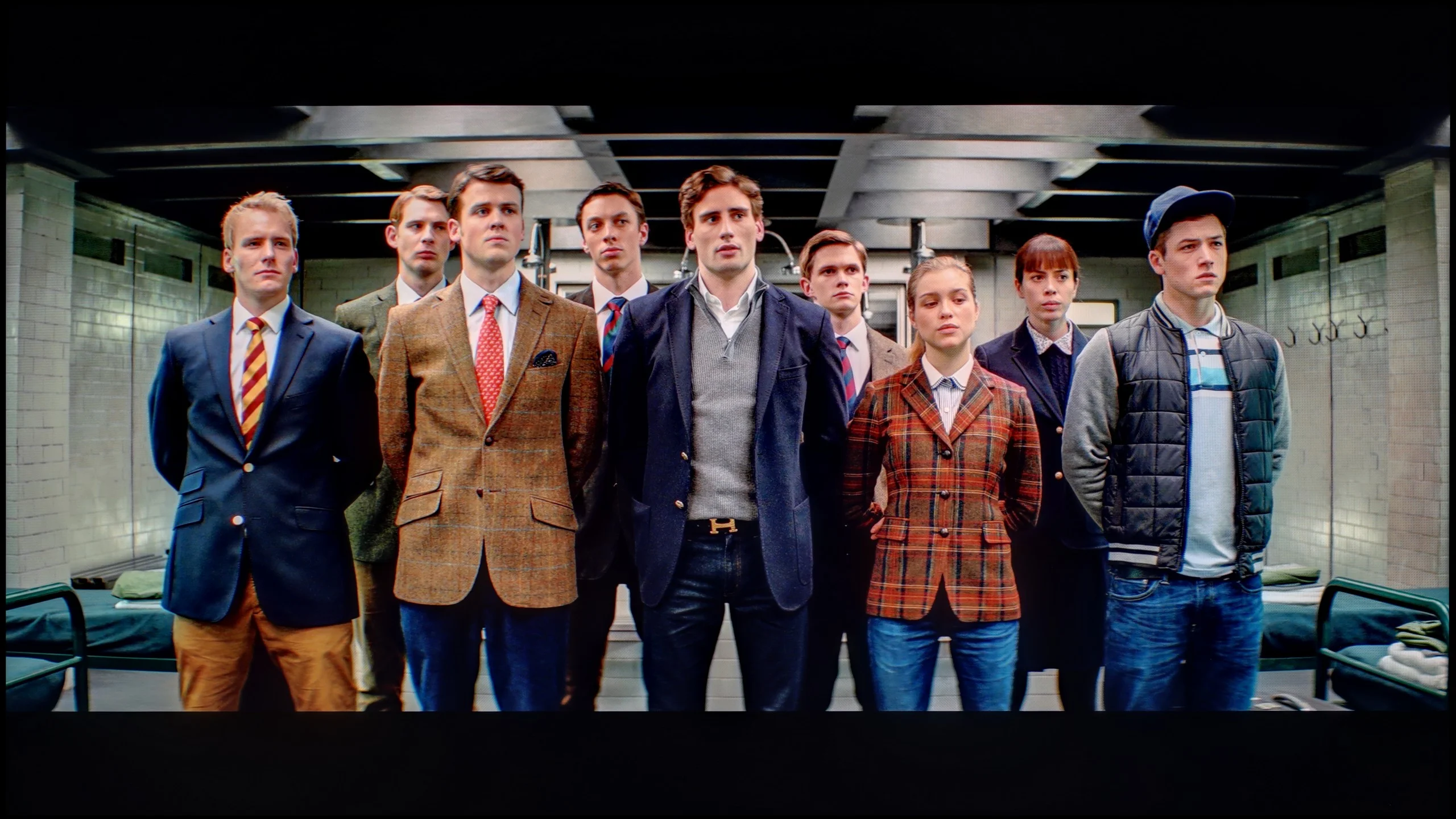
The photos show two HDR10 movies. 'Pan' is one of the brightest productions ever made, while 'Billy Lynn' (soldier) has brightness typical of streaming (Netflix, Prime, HBO MAX). Notice the intensity of effects and detail in whites.

Static HDR10

The photos present the visibility of white details in various HDR formats. They do not show brightness differences between TVs (these can be compared in the previous gallery).

Dynamic: HDR10+

Dynamic: HDR10+

The photos present the visibility of white details in various HDR formats. They do not show brightness differences between TVs (these can be compared in the previous gallery).

HDR luminance chart:

Samsung M80H

XIAOMI S Mini 2026 (55"-75") 60Hz

When it comes to HDR, the capabilities of the Xiaomi S Mini 2026 are really good, especially given the segment this model belongs to. The set reaches roughly 1,000 nits of brightness without much trouble, allowing it to deliver a very pronounced HDR effect in bright scenes. Sun highlights, reflections, and brightly lit parts of the image can be very intense and at times almost blindingly bright. It’s a little different in dark scenes, though. Very small light sources surrounded by black are shown at significantly lower brightness, so they lack the point-like intensity seen in the best TVs. This is not unusual for a Mini LED. The local dimming algorithm limits the backlight to keep blacks as deep as possible, which in those scenes matters more than a few extra nits.

HDR Colors

Color reproduction also performs well. Xiaomi markets the S Mini 2026 as a QLED TV, although the solution used here is practically based on a PFS phosphor. What matters most is the result, and it’s quite good. Our measurements showed about 94% coverage of the DCI-P3 gamut, while in the much wider BT.2020 space it was around 74%. That means the TV can reproduce most of the colors used in HDR films with suitably high saturation. Its limitations are most visible only with very saturated shades of green, where the color range starts to fall short.

The M80H is not one of the brightest TVs. Its peak brightness is around 350 nits and we saw similar results in most of our test scenes. That's not enough to produce genuinely impressive HDR — bright highlights lack punch and the overall image is a bit too dark. In practice, HDR on the M80H resembles a well-presented SDR image more than clearly more dynamic wide-range content. The picture can still look fine, but it's hard to point to strong specular highlights, clearly bright light sources, or an effect that immediately separates HDR from ordinary content.

Colors

One of the M80H's strengths is its color. The TV uses a PFS-based backlight filter, which allows it to display a significantly wider color gamut than a standard LCD screen without filters. Our measurements confirm this — the M80H covers about 96% of the DCI-P3 gamut and 72% of BT.2020. Those are very good results, which let the colors appear strongly saturated. Samsung's policy here is interesting. The M80H is not part of the QLED family, even though in terms of color it is practically on par with models carrying that label. From an image-quality standpoint, that doesn't matter much; the colors are simply good.

Factory color reproduction

5/10

6.1/10

This gallery shows how colors change after professional TV calibration. If you notice the difference, we recommend ordering this service at SkalibrujTV.com.

Factory Mode

After calibration

This gallery shows how colors change after professional TV calibration. If you notice the difference, we recommend ordering this service at SkalibrujTV.com.

Factory Mode

After calibration

We tested the Xiaomi S Mini 2026 in 55–75-inch sizes in Film mode, which offered the most accurate colors compared with the other presets. That said, the picture wasn't perfectly set up out of the box. In our unit the white balance was clearly shifted toward warmer tones. There was too little blue and too much red, so whites and grays had a slightly warm tint. The TV also tended to brighten darker parts of the image too much. This came from the gamma, which instead of staying around 2.4 sometimes dropped to about 2.0. That made more shadow detail visible, but the picture lost some depth. The factory settings weren't bad, but they still needed tweaking to reproduce the image correctly.

Filmmaker mode is reasonably well set up out of the box, though it falls short of perfect. In SDR material the most noticeable issue is an excess of red in the white balance, which makes the image look a bit warmer than it should. HDR content shows a similar character. As for the brightness response, in SDR the gamma stays close to the target for most of the range. Small deviations are mainly visible in darker areas, which in places are a little too dim. In HDR the very darkest details are slightly lifted, while from around 65% brightness the image begins to be gently darkened. This is largely due to the way the TV controls its brightness. Overall, Filmmaker mode looks good straight out of the box, but the image can still be improved.

Color reproduction after calibration

7.5/10

7.8/10

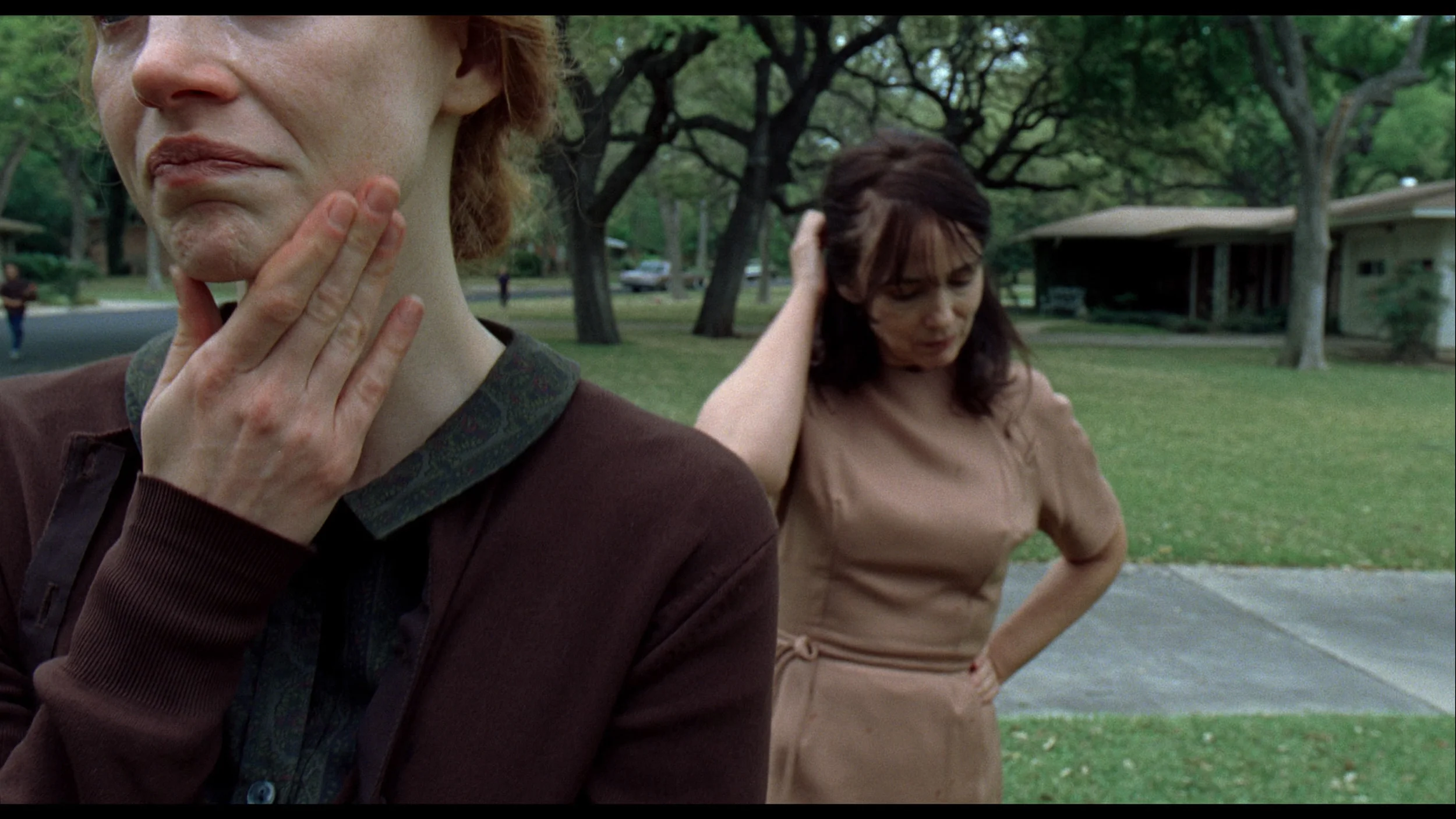
The photos show how movies look on the TV. Pay attention to black detail visibility, colors, and shadow tint.

The photos show how movies look on the TV. Pay attention to black detail visibility, colors, and shadow tint.

Contrary to appearances, the Xiaomi S Mini 2026 responds quite well to calibration. After our adjustments we were able to noticeably improve the white balance, and the picture stopped leaning too warm. With SDR content the result is really good, the TV can display such images very accurately, and it's hard to find major faults in its color reproduction. We applied similar corrections in HDR as well, though not everything could be fixed. Colors look better than at factory settings, but the TV still tends to render the image slightly brighter than it should. You can see this in the EOTF curve, which sits above the reference value. In practice this means some HDR scenes are brighter than the creators intended. This is a quirk of this TV and we can't do anything about it.

After calibration, the M80H performs really well, especially with basic SDR content. Regular broadcast TV, YouTube, or movies viewed without HDR can look very accurate on it. After correcting the white balance, errors are minor, though you can still sometimes see that the TV tends to oversaturate the most saturated reds. In HDR you can also improve the picture and correct its main faults, but it doesn't reach the level of pricier models. Samsung quite heavily restricts color adjustment options in HDR, so in many areas we have to accept what the TV offers out of the box. Calibration lets us improve some parameters, but we are no longer able to change the overall image character of the M80H.

Smoothness of tonal transitions

5.5/10

9.8/10

These are selected scenes that show smooth tonal transitions from one color to another. If you see distinct banding, it’s the TV panel’s fault.

These are selected scenes that show smooth tonal transitions from one color to another. If you see distinct banding, it’s the TV panel’s fault.

These are selected scenes that show smooth tonal transitions from one color to another. If you see distinct banding, it’s the TV panel’s fault.

These are selected scenes that show smooth tonal transitions from one color to another. If you see distinct banding, it’s the TV panel’s fault.

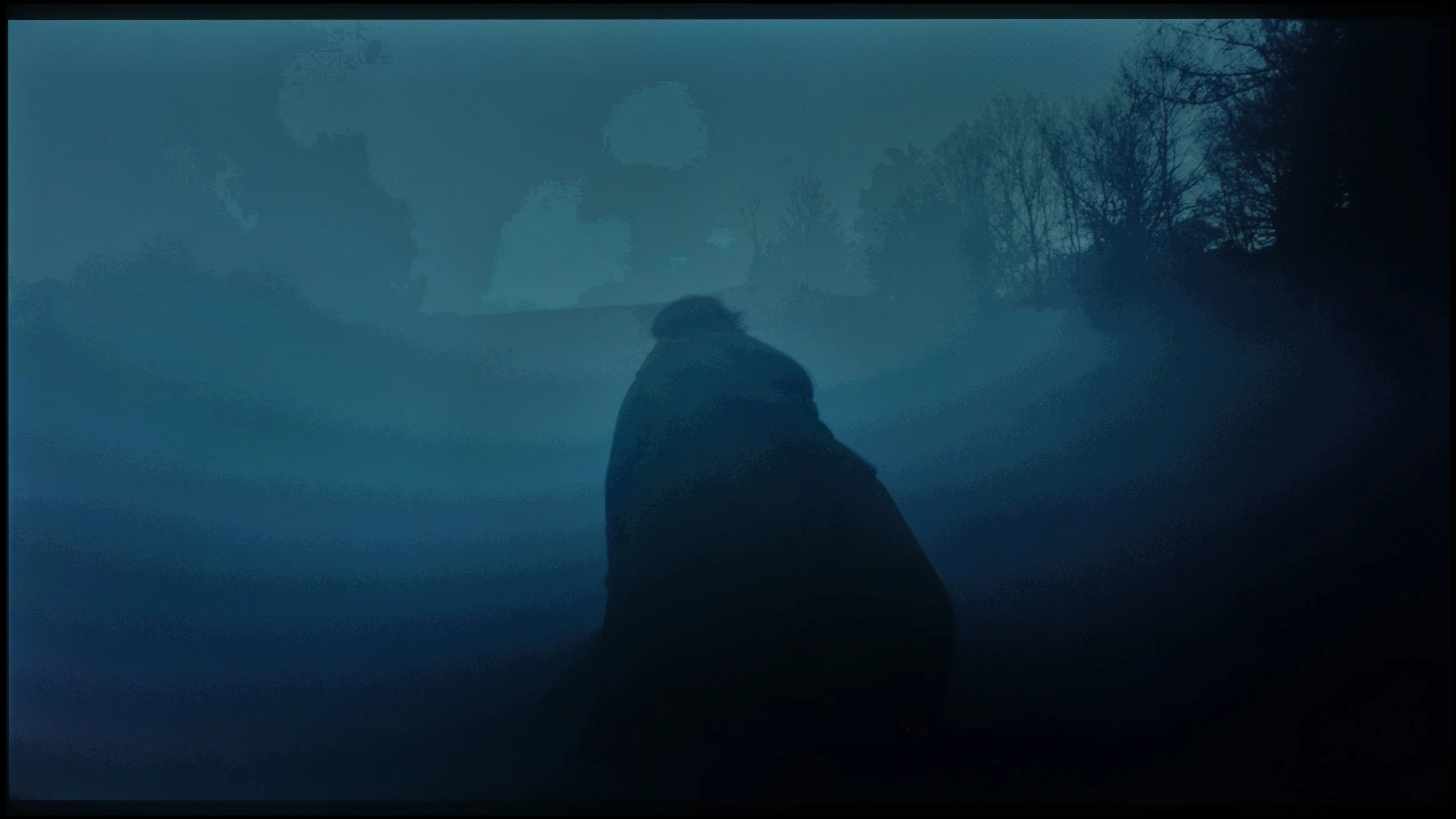
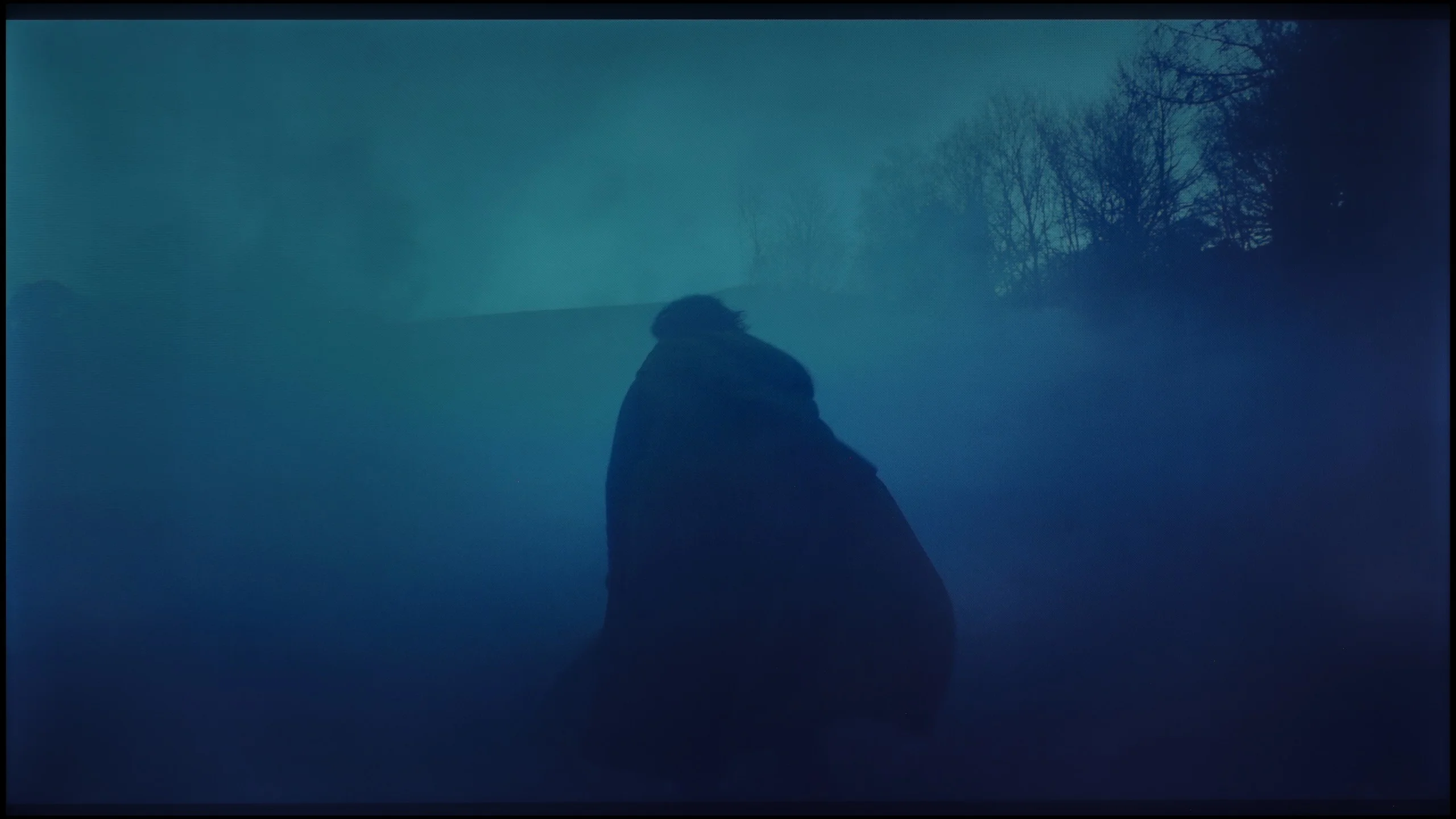
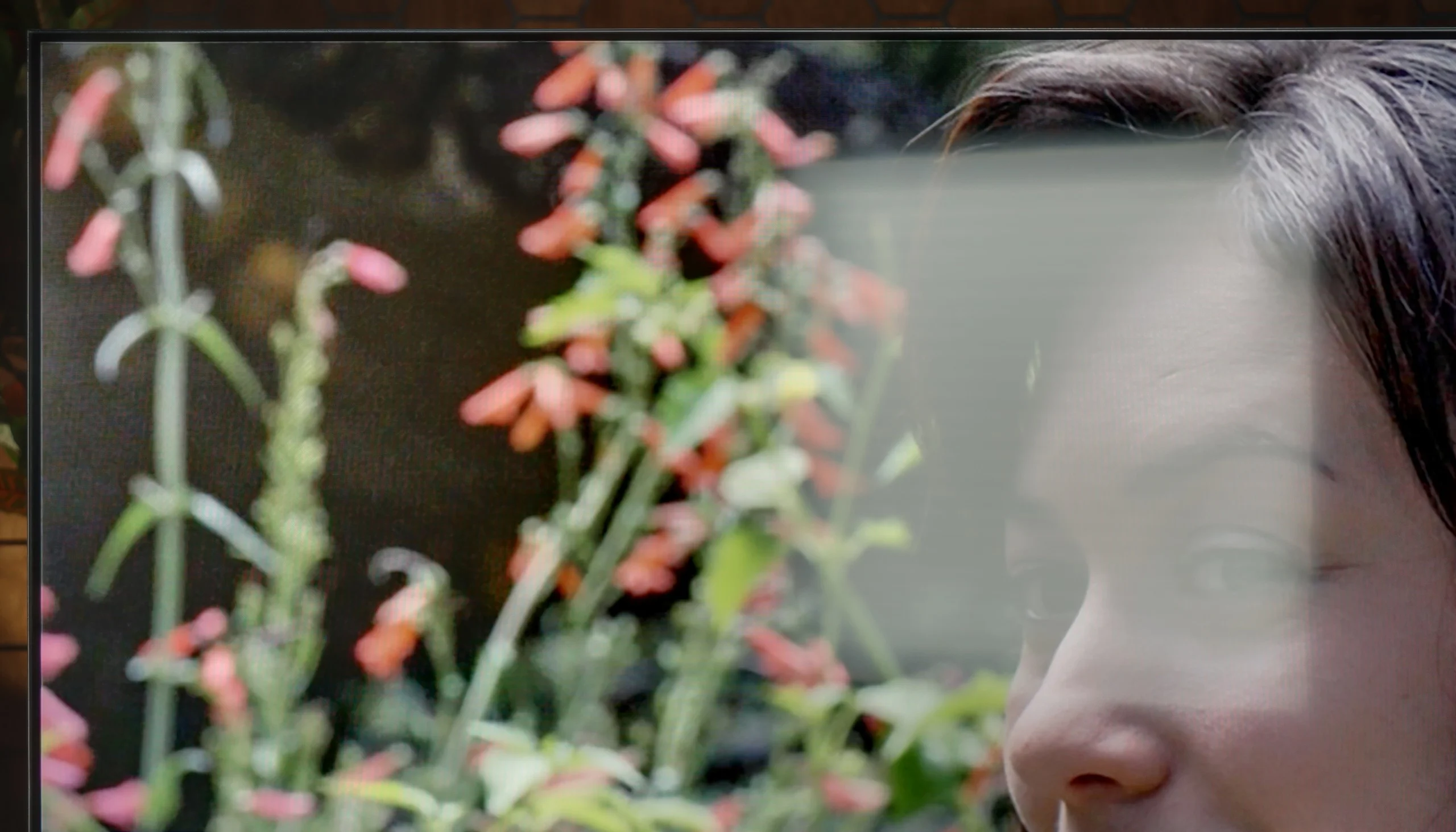
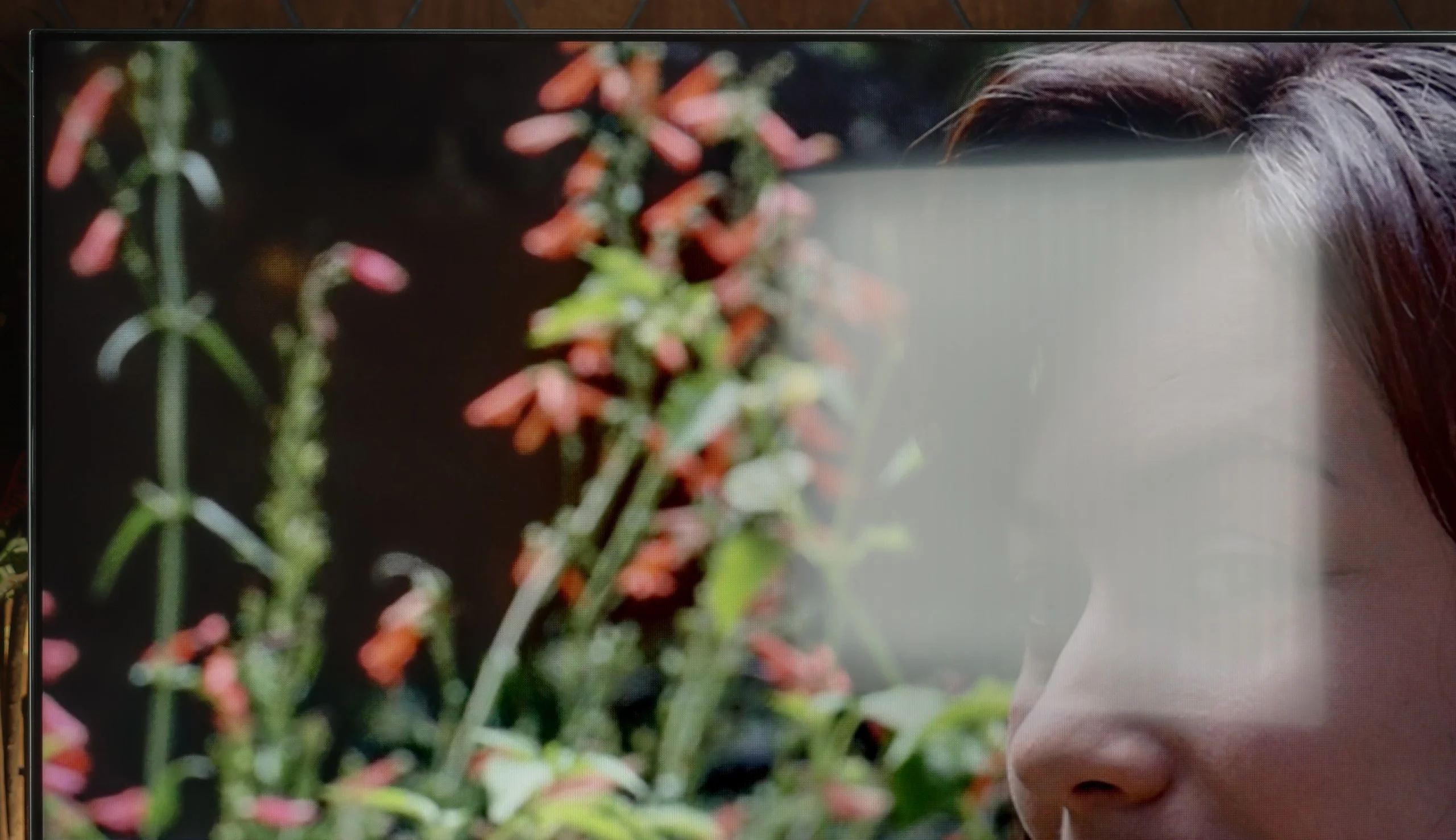
The smoothness of tonal transitions in the smaller variants of the Xiaomi S Mini 2026 is noticeably worse than in the larger versions. This is most apparent in dark scenes, where posterization often occurs, which is visible banding between similar shades. In some shots it can be quite distracting. Fortunately the problem mainly affects the darker parts of the image. In bright scenes color transitions are usually smooth and there is little to complain about here.

The smoothness of tonal transitions on the M80H is nearly perfect. Posterization is practically non-existent, and successive shades blend very smoothly in both bright and dark scenes. We didn't notice any obvious color banding, even in the sky or in smoke scenes. If the image looks worse in dark shots, that's not due to gradation issues. What becomes more apparent are the backlight limitations and the lack of local dimming, which keep blacks from having proper depth.

Image scaling and smoothness of tonal transitions

3/10

7/10

Image without overscan on the SD signal
No
No
Smooth transition function
No
OK

Smooth transition function

The match photo shows how the TV smooths weak tonal transitions in low-quality video.

Image scaling SD (576i)

The model photo shows how it handles upscaling of SD material.

Digital image processing in the Xiaomi S Mini 2026 is handled by the MT5896 processor. Unfortunately, in this respect the TV performs rather average. Low-resolution content is not upscaled very well, and its limitations become quickly apparent on a large screen. The image looks quite digital, and the TV can't extract many additional details from it. Additionally, you cannot disable overscan for low-resolution material. Things are even worse when it comes to smoothing posterization. On the smaller models there isn't even a dedicated feature to reduce the visible banding between similar shades. So if such imperfections are already present in the source material, Xiaomi effectively does not mask them.

Although the M80H is positioned fairly low in Samsung's lineup, the manufacturer equipped it with one of its stronger processors, NQ4 AI Gen2. The same chip can be found in Neo QLED TVs and the lower-tier OLED S85H. That's good news, because the processor does a very good job improving weaker source material. Upscaling performs best. Low-resolution content is displayed properly, and edges don't look overly jagged. Of course the TV won't create details that aren't in the source, but regular broadcast TV and older recordings look decent on it. One drawback is overscan, that is, edge cropping, which cannot be fully disabled. The tonal transition smoothing feature, the so-called noise reduction, also works well. The processor can effectively reduce visible signs of heavy compression, but it does so not without side effects. At higher settings it can overly smooth the image, remove some fine detail, and even eliminate film grain. Therefore we recommend using this feature primarily for content that actually has problems with heavy compression and posterization.

Blur and motion smoothness

4.6/10

7.9/10

Maximum refresh rate of the panel
60Hz
144Hz
Film motion smoothing option
OK
OK
Blur reduction option
No
OK
BFI function 60Hz
No
Yes, 60Hz (image flickers)
BFI function 120Hz
No
No
Brightness drop with BFI
-%
48%

Blur (native resolution, maximum refresh rate):

Blur (BFI function enabled):

Image flickers in this mode

Blur ():

Blur (4K@240Hz):

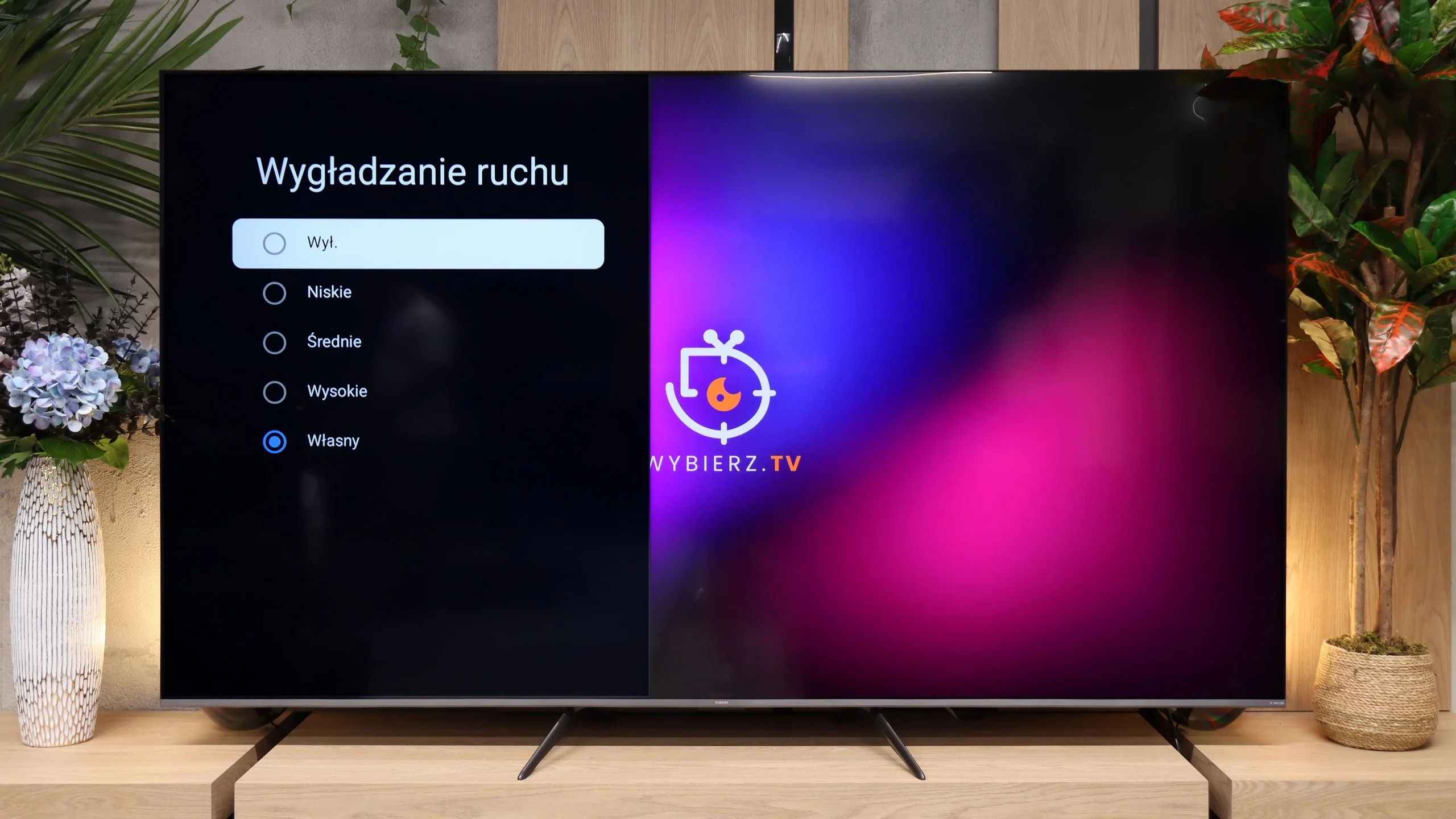
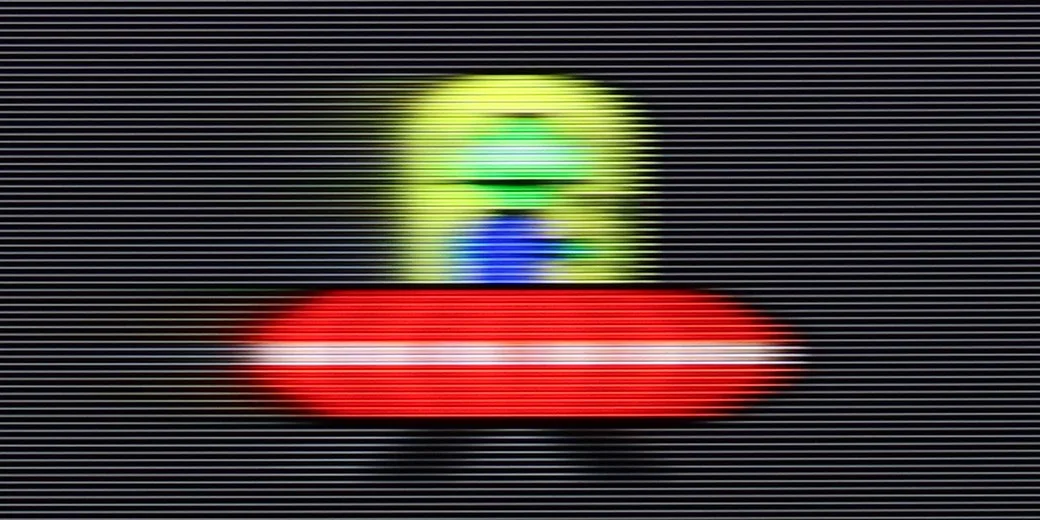
The smaller variants of the Xiaomi S Mini 2026 use a 60 Hz panel, and that's their biggest limitation when it comes to motion. For movies and TV series this isn't yet a major issue, because the TV has a classic motion smoothing for 24/30 fps content. So we can reduce the characteristic judder and adjust motion to our own preferences. Sports and other 50/60 Hz content fare worse, because there is no additional feature to improve smoothness. With that kind of material we are therefore limited by the panel itself.

In terms of motion blur the TV performs quite typically for a VA panel. Most trailing is visible behind objects moving on a dark background, while in brighter scenes the effect is noticeably smaller. It's not at a level that completely ruins motion perception, but in dynamic scenes you can tell the panel isn't among the fastest.

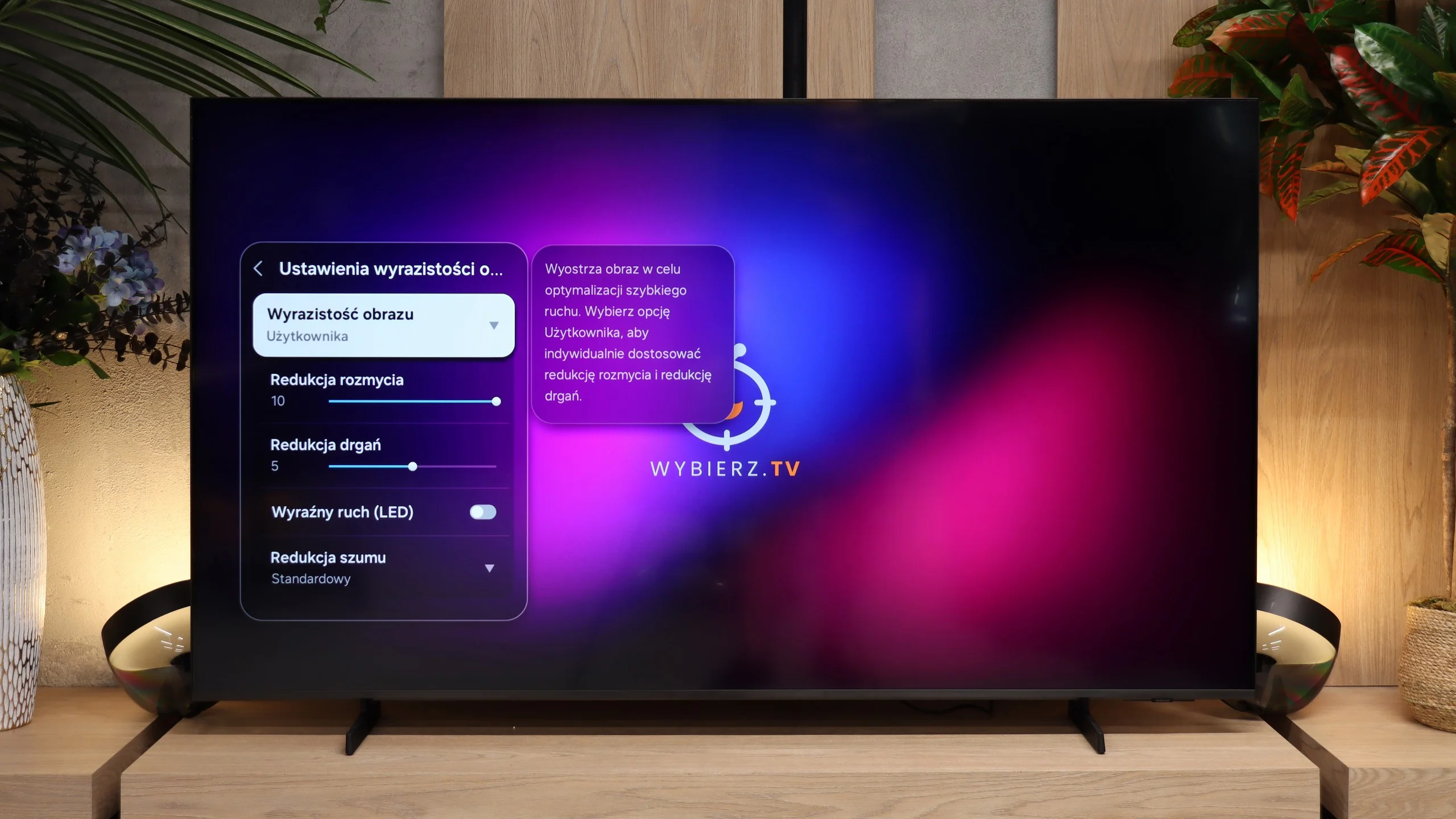
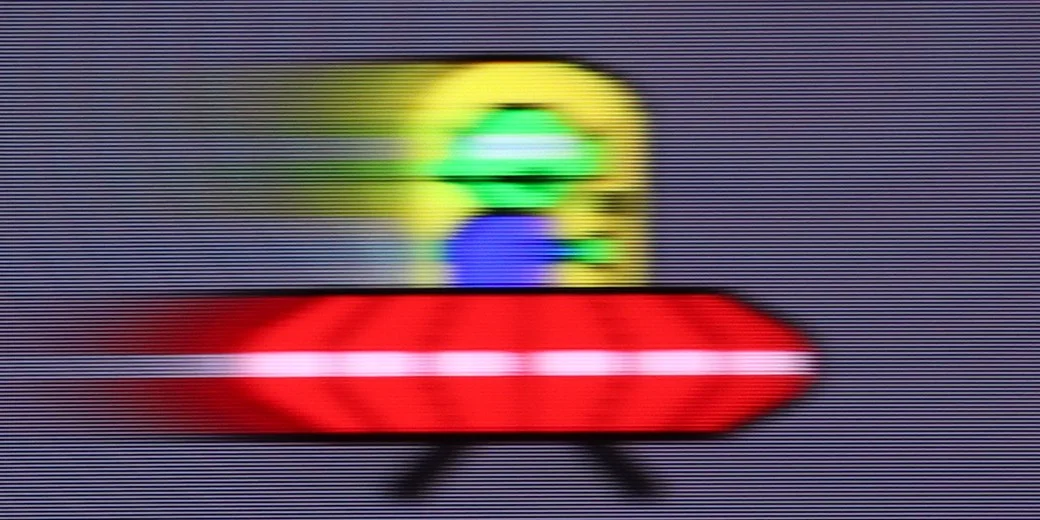
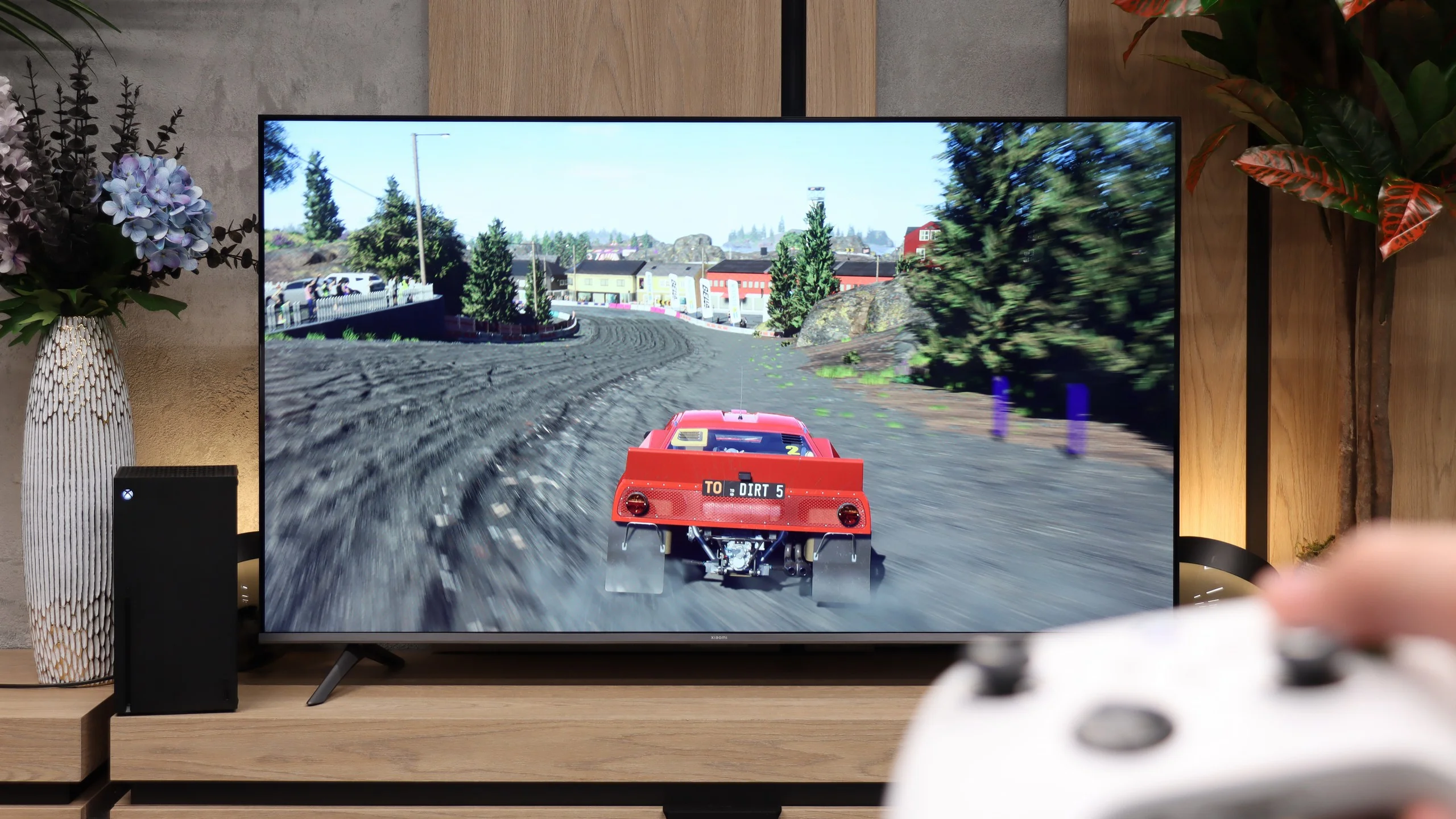
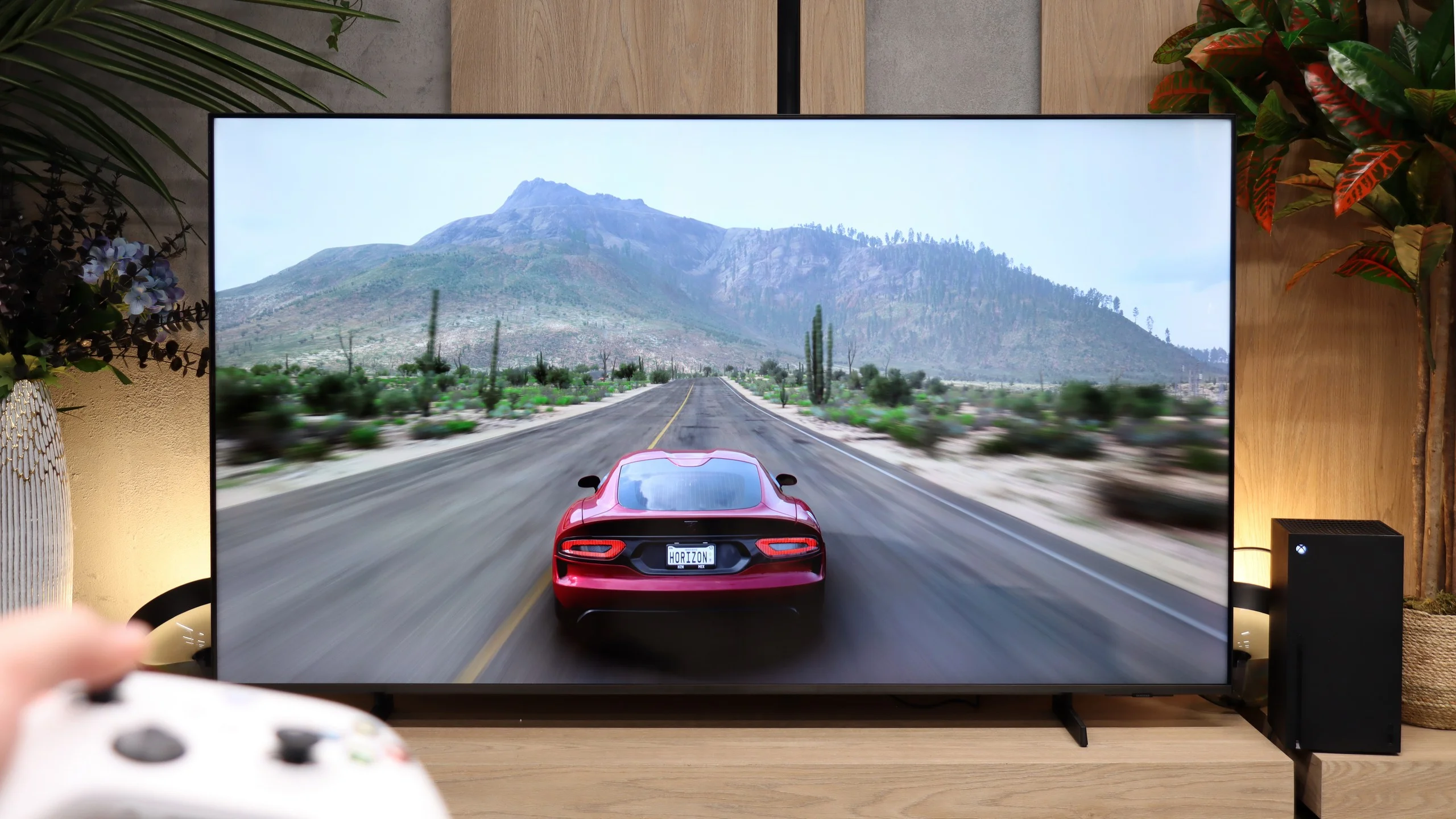
The M80H performs very well for watching sports and gaming. The TV is equipped with a panel with a refresh rate of up to 144 Hz at 4K, and when the resolution is lowered to Full HD it can handle up to 240 Hz. PC gamers will benefit most from the latter option.

The panel also handles 120 Hz content well, which matters especially for console gaming. The high refresh rate is useful for watching sports too, and motion blur is relatively low. That’s important because VA panels are not known for the best results in this respect. With the M80H, fast-moving objects do not produce a very noticeable trail.

Console compatibility and gaming features

4.6/10

9.6/10

  • ALLM
    Yes
    Yes
  • VRR
    No
    Yes
  • VRR range
    No
    48 - 240Hz
  • Dolby Vision Game Mode
    No
    No
  • Correct implementation of HGIG
    No
    Yes
  • 1080p@120Hz
    Yes
    Yes
  • 1440p@120Hz
    Yes
    Yes
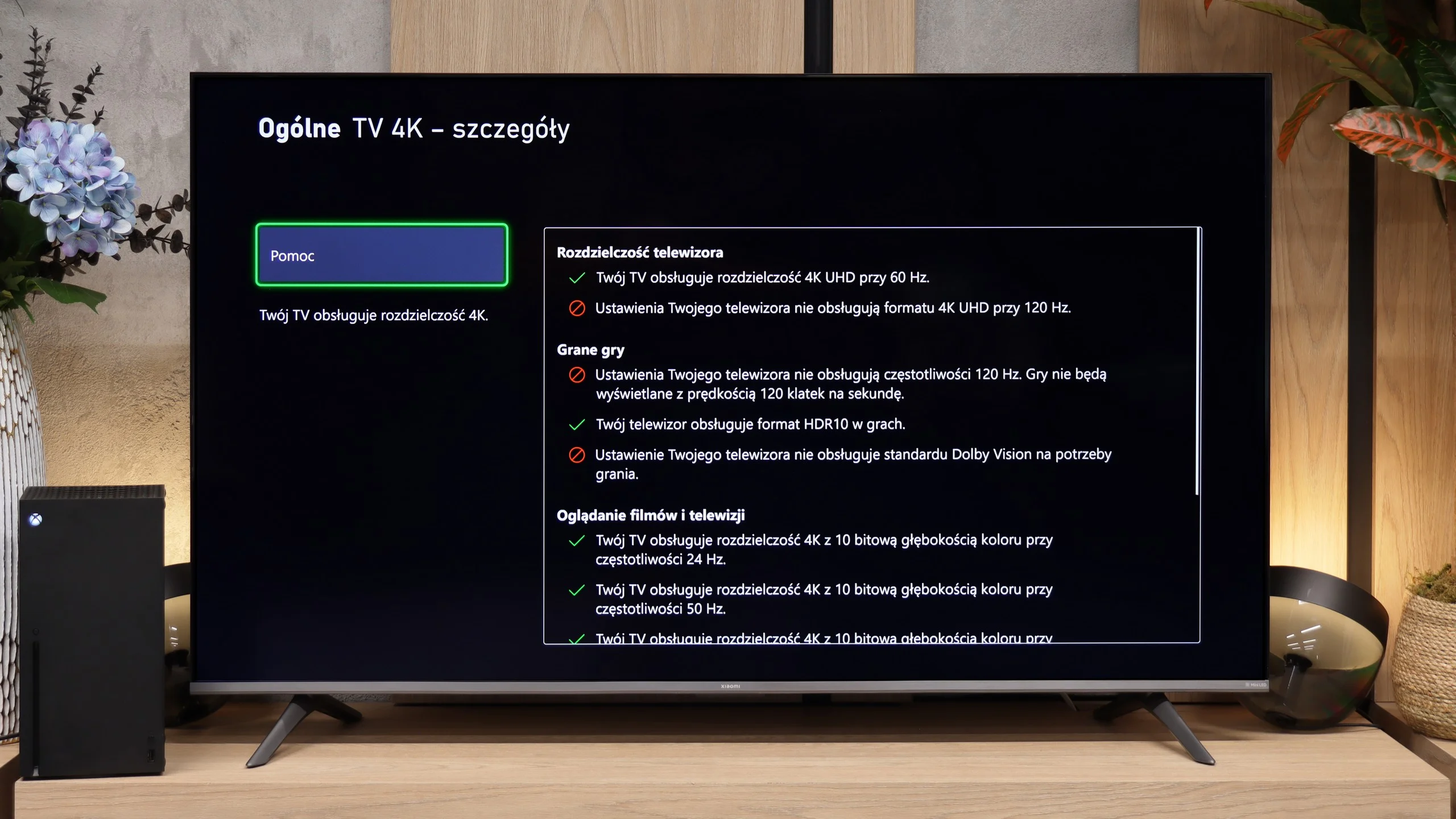
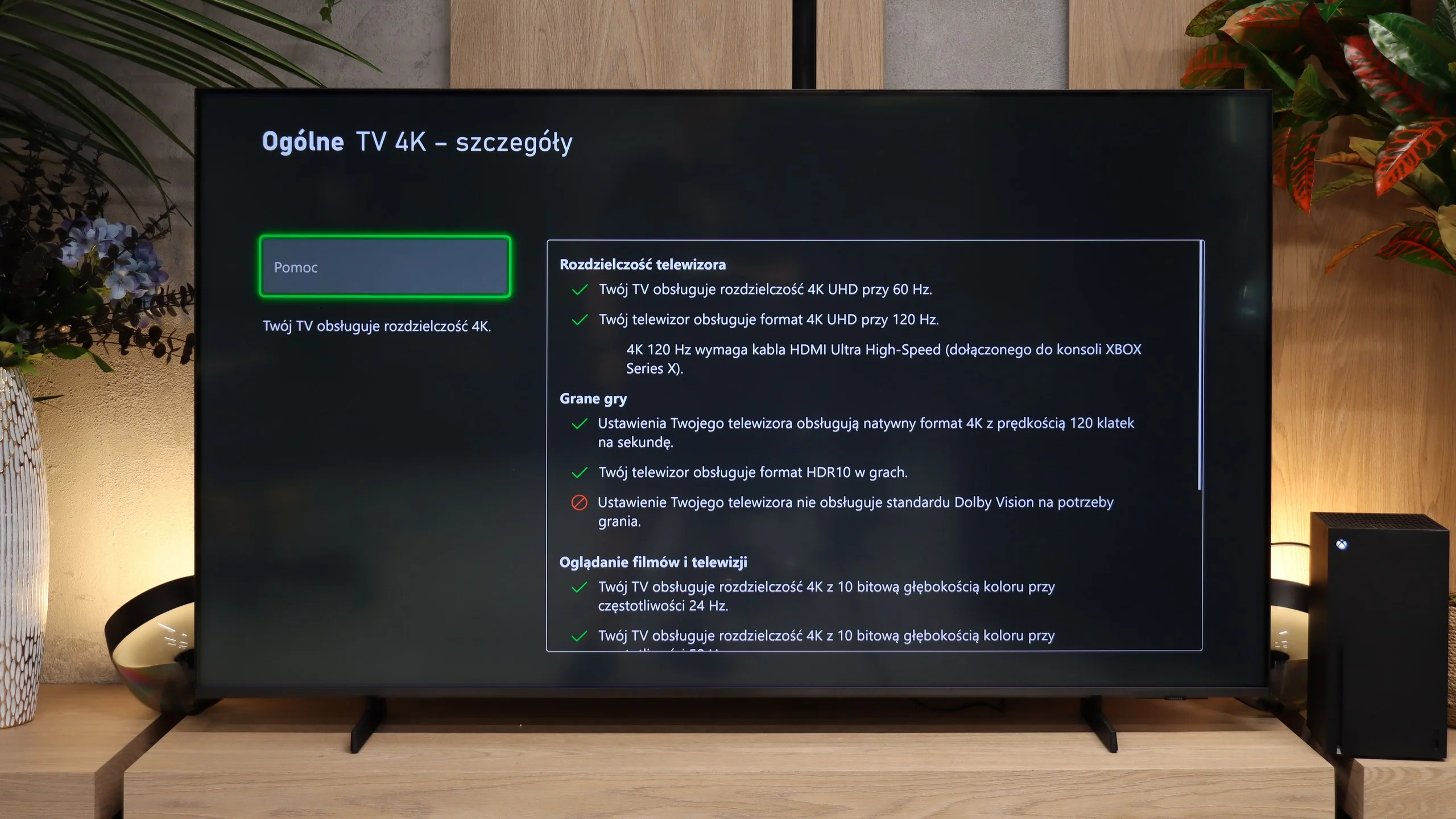
  • 4K@120Hz
    No
    Yes
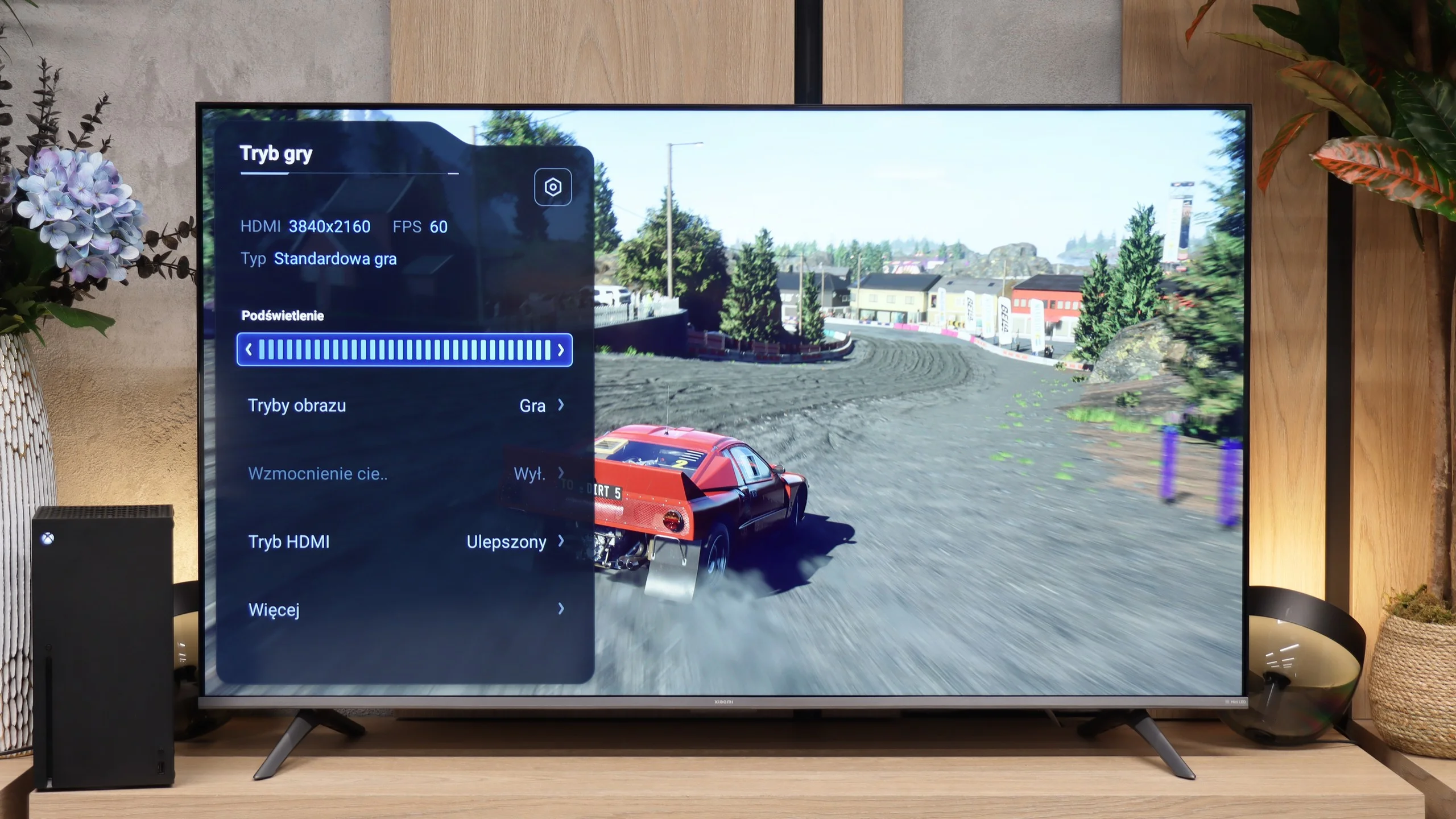
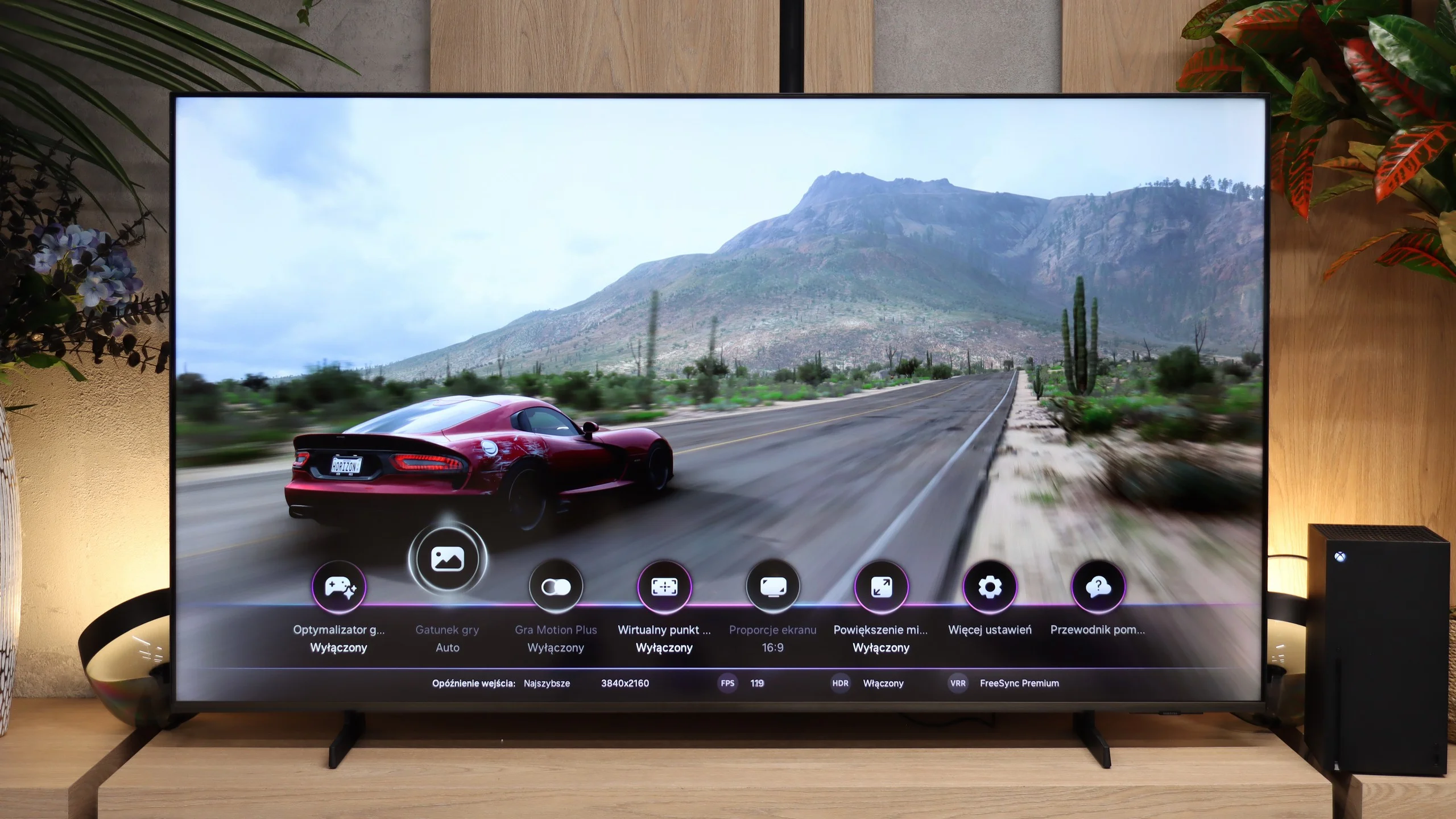
  • Game bar
    Yes
    Yes

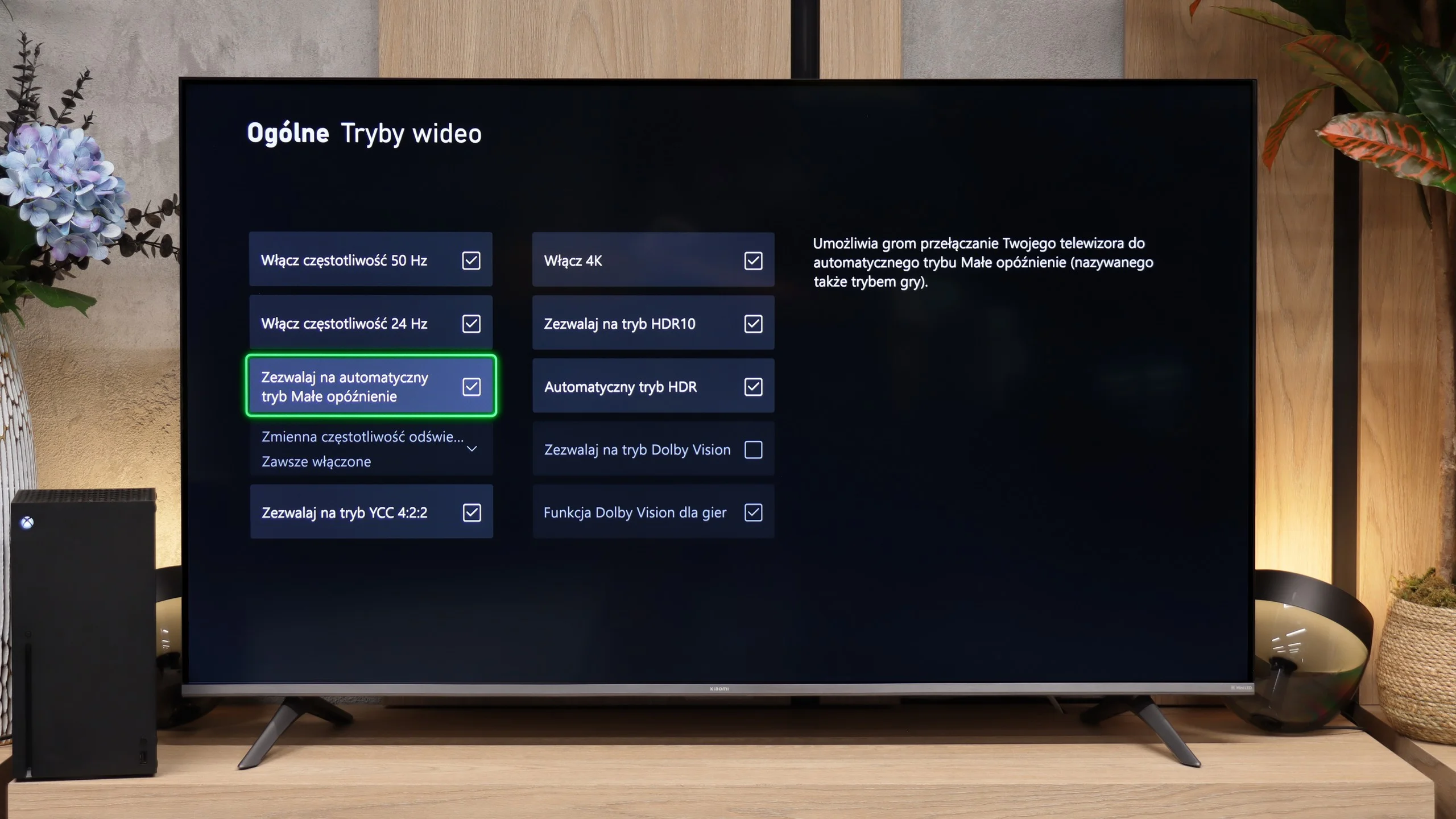
In larger sizes the Xiaomi S Mini 2026 becomes a far more interesting option for gamers. The panel natively runs at up to 144 Hz, so when connected to a PC we can take advantage of the high refresh rate even in 4K. At lower resolutions the TV can go even further and reach up to 288 Hz. There’s also ALLM, automatic switching to game mode, and a Game Bar with the key settings at hand. Of course, the TV is equipped with two full-bandwidth HDMI 2.1 ports. In terms of smoothness, the difference compared to the 55 to 75 inch versions is therefore substantial and especially noticeable when using a PC or console. Not everything works perfectly, though. As with the smaller variants, we have reservations about the HGiG implementation. The HDR setup screens on the PS5 and Xbox don’t exactly match the TV’s real capabilities, so if you configure the consoles according to those prompts the brightest parts of the image can be blown out and lose some detail.

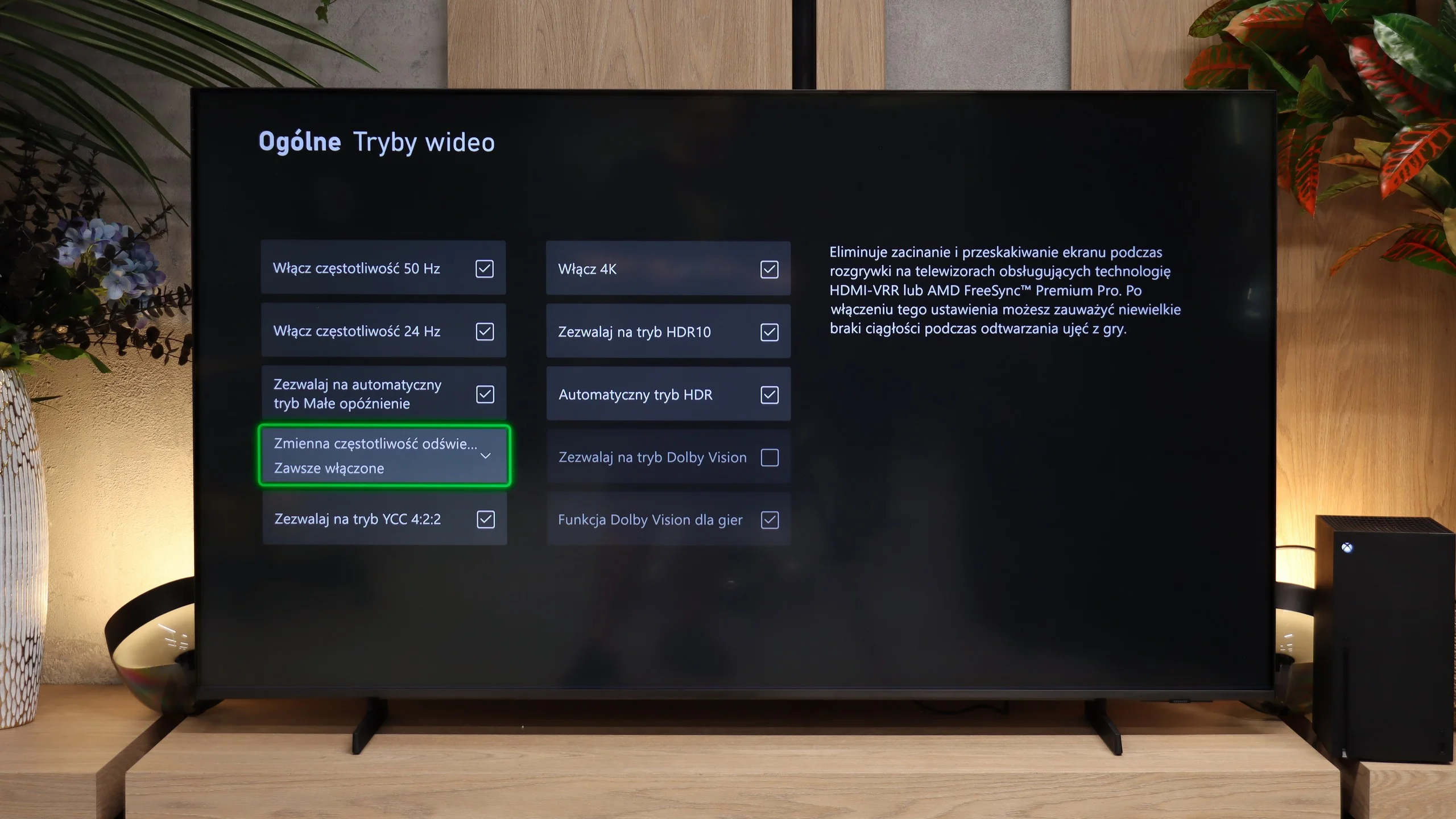
The M80H can be a very good choice for gamers on a slightly smaller budget. Feature-wise it offers essentially the same as Samsung's much more expensive TVs. All three HDMI inputs support HDMI 2.1, so even if one is taken by a soundbar connected via eARC there’s still room for a PC and consoles. There’s also VRR up to 144 Hz at 4K and up to 240 Hz in Full HD. Samsung has properly implemented HGiG as well, so after performing HDR calibration on the console, games are appropriately matched to the screen’s capabilities. That won’t make the M80H any brighter, but at least it won’t unnecessarily wash out the brightest parts of the image. There’s also a Game Bar for quick access to the most important settings and a Gaming Hub that lets you play in the cloud without a console. The M80H also includes Game Motion Plus, which creates extra frames and improves the smoothness of games running at 30 or 60 fps. Input lag then rises to about 59 ms, but it’s still roughly three times lower than with the typical motion smoothing on other manufacturers’ TVs. We don’t really recommend it for online multiplayer, but in more relaxed titles it can work very well.

Input lag

9.9/10

9.9/10

SDR

1080p60
14 ms
14 ms
1080p120
8 ms
10 ms
2160p60
14 ms
14 ms
2160p120
10 ms

HDR

2160p60
14 ms
14 ms
2160p120
9 ms
4320p60

Dolby Vision

2160p60 DV
2160p120 DV

There's no major problem with latency here. About 10 ms at 120 Hz and 15 ms at 60 Hz are more than enough for console or PC gaming.

Input lag on the M80H is very low. With a 60 Hz signal it's about 14 ms, and at 120 Hz it drops to 9-10 ms. The lag is therefore practically imperceptible, whether you're playing in SDR or HDR.

Compatibility with PC

5.6/10

8.9/10

Chroma 444 (max. resolution and refresh rate)
Yes
Yes
Font clarity
Good
Very Good
Readability of dark text and shapes
Average
Very Good
Input lag in PC mode (4K, max. refresh rate)
14ms
10ms
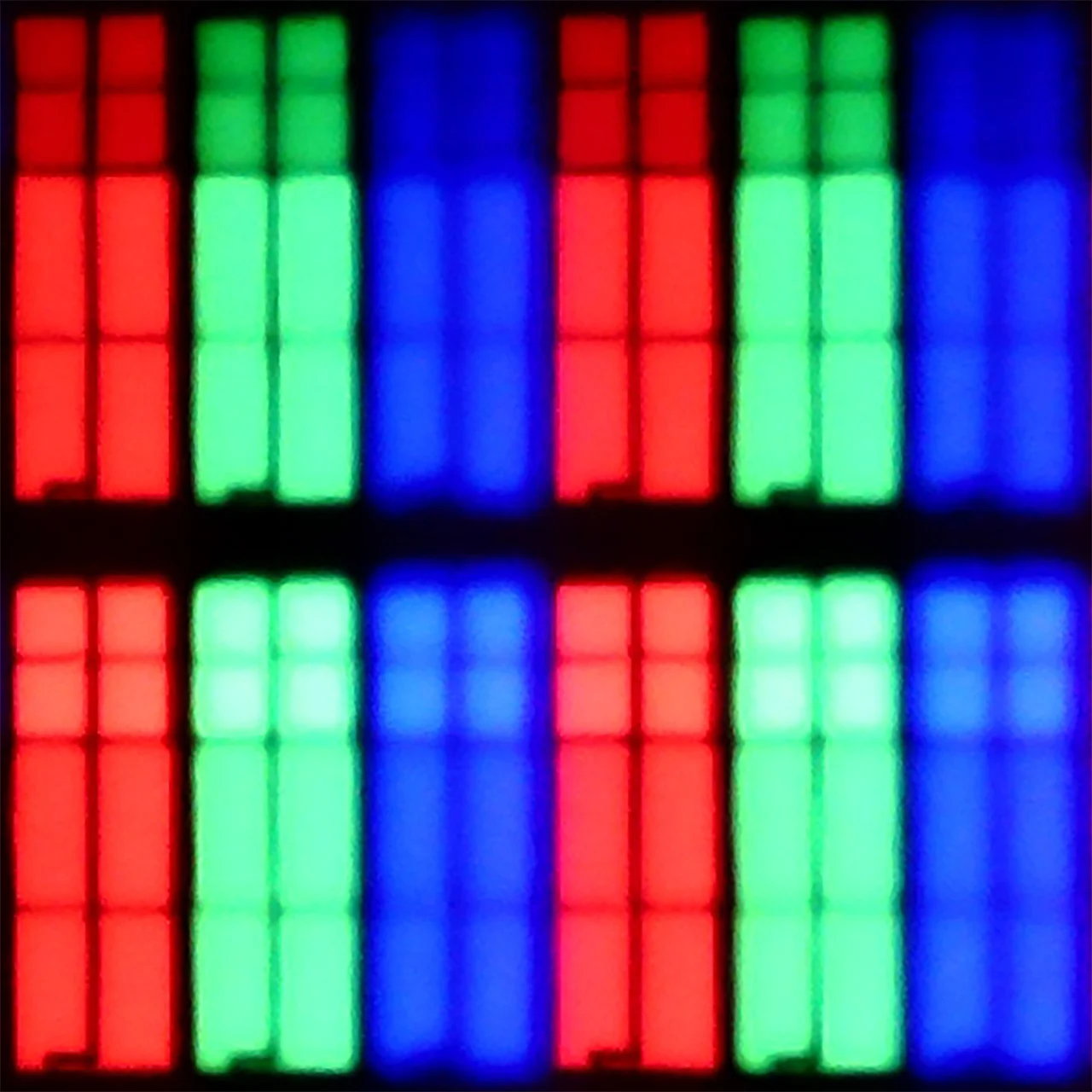
Matrix subpixel arrangement
BGR
RGB
Max refresh rate
60Hz
144Hz
G-Sync
No
Yes

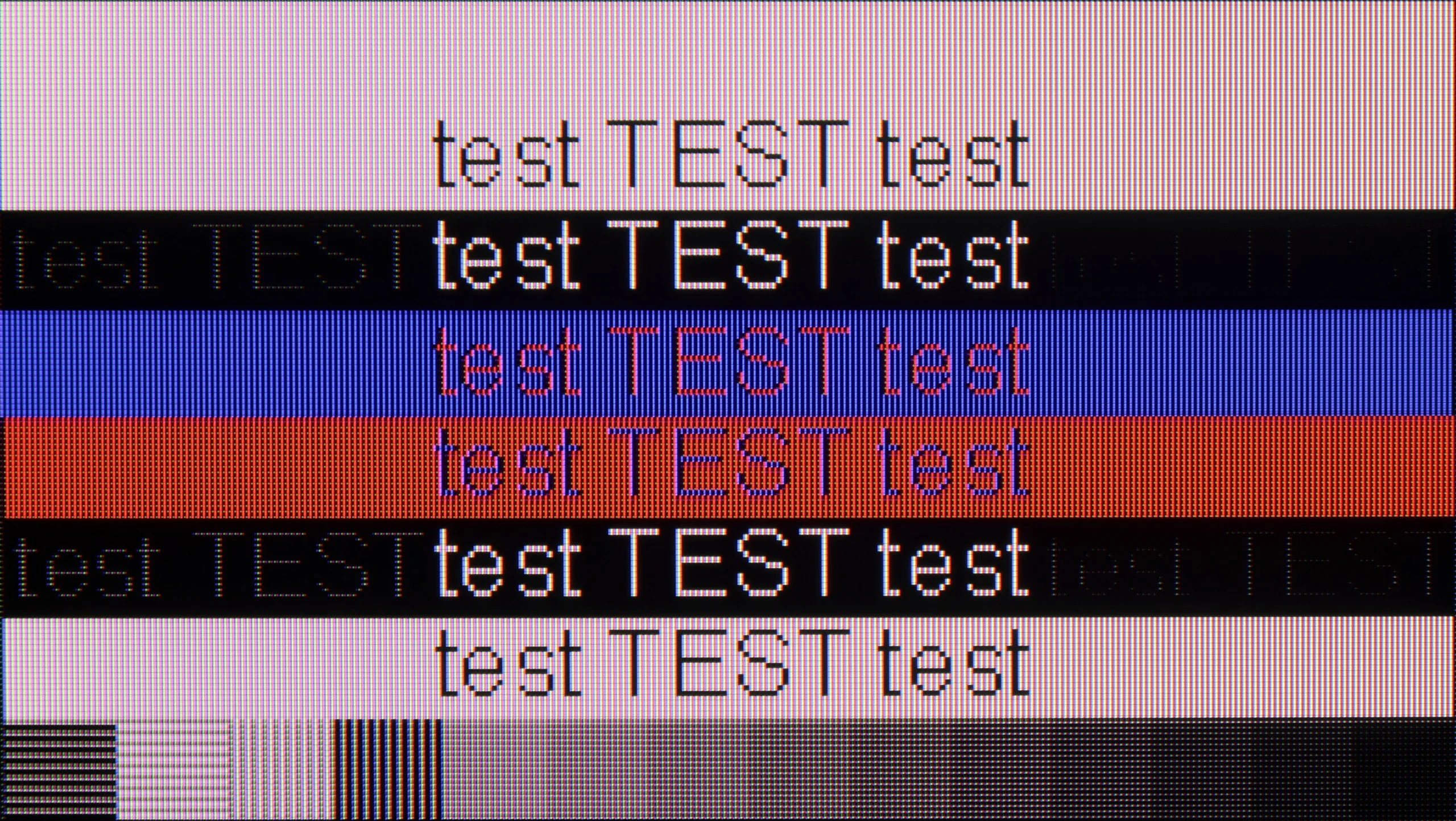
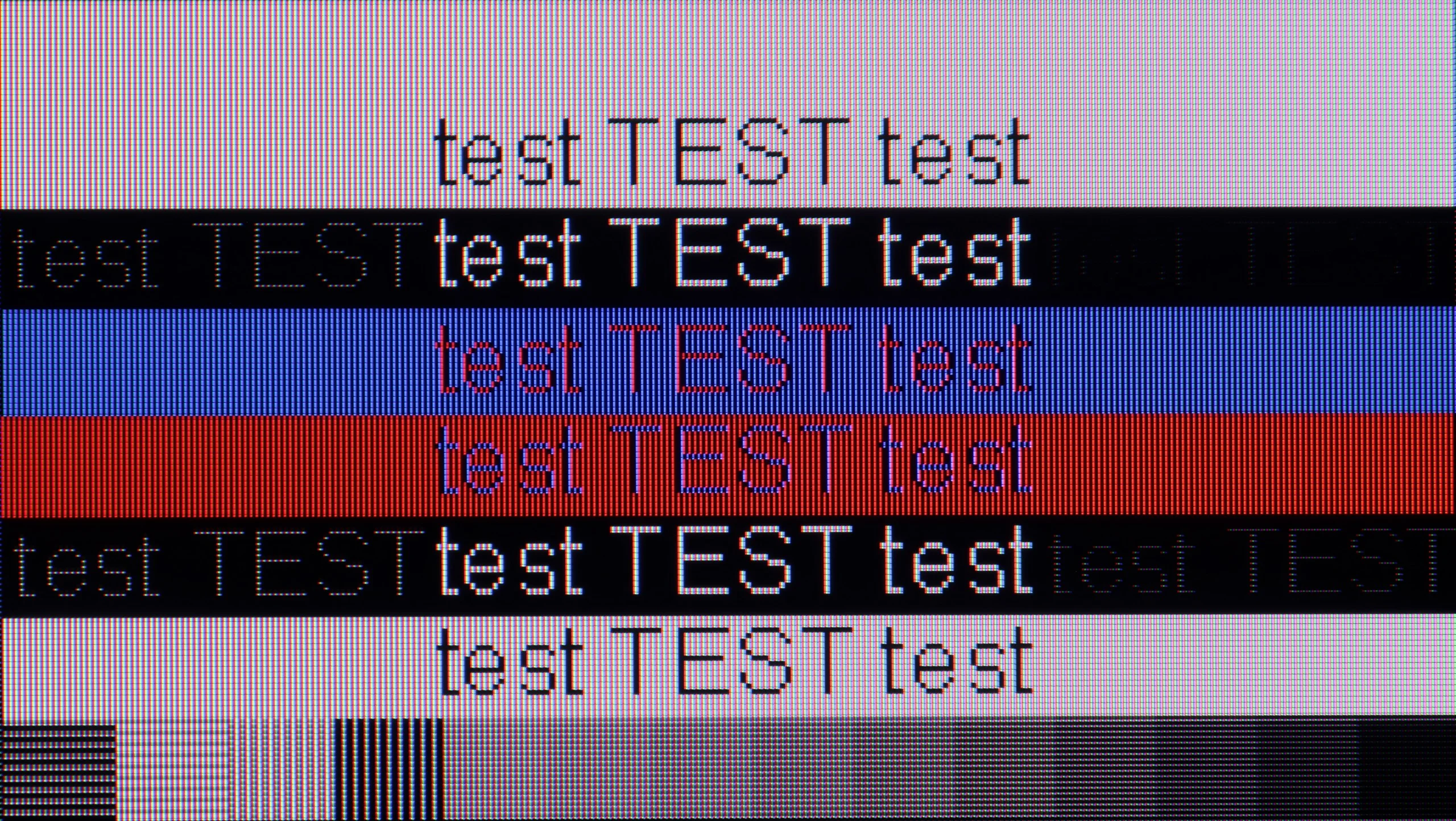
The photo shows the legibility of small fonts. Ideally, lines should be the same thickness on both light and dark text, with minimal pixel gaps.

Computer use isn't the strong suit of the smaller variants of the Xiaomi S Mini 2026. The TV doesn't display chroma 4:4:4 correctly, so some small UI elements, icons, and colored text may look worse than they should. Plain black text on a light background is still fairly readable, but it's hard to consider this model a particularly good monitor for typical computer work. A plus is the ability to get a higher refresh rate by lowering the resolution. Instead of 4K at 60 Hz, you can switch to 1080p or 1440p and use 120 Hz, which for PC gaming can be far more useful than full resolution.

The M80H also works very well as a computer monitor. Gamers can use 4K resolution at 144 Hz with VRR and G-Sync, and input lag in PC mode is about 10 ms. A Full HD mode at 240 Hz is also available. The TV correctly displays chroma 4:4:4 at the maximum resolution and refresh rate. Combined with a classic RGB subpixel layout, this provides very good font legibility for both light and dark text. The M80H is therefore suitable not only for gaming but also for everyday desk work.

Viewing angles

3/10

3.1/10

Brightness drop at an angle of 45 degrees
65%
84%

The viewing angles on the smaller variants of the Xiaomi S Mini 2026 are unfortunately poor. This is a typical trait of VA panels, but here the effect is fairly pronounced. You only need to move slightly off-center for the picture to start noticeably fading and losing color saturation. Brightness itself doesn't drop as much, but colors very quickly look washed out. If multiple people will be watching the TV from wide angles, keep that in mind.

Viewing angles are one of the weaker points of the M80H. The TV uses a VA panel, which delivers better blacks and higher contrast than an IPS panel, but it looks worse when viewed from the side. Sit at a wider angle and colors start to lose saturation, blacks become noticeably lighter, and the whole image looks more washed out. That's a typical trade-off with this type of panel. The M80H is therefore best used when watched straight on or from only a slight angle.

Daytime performance

6.3/10

5/10

Panel finish
Satin
Satin
Reflection suppression
Decent
Decent
Black levels during daytime
Good
Good

Panel brightness

Samsung M80H: 345 cd/m2

XIAOMI S Mini 2026 (55"-75") 60Hz : 569 cd/m2

The smaller variants of the Xiaomi S Mini 2026 perform well for daytime viewing. In SDR the TV averages around 570 nits, so it has enough brightness that the picture doesn't look washed out even in a fairly brightly lit living room.

The screen coating is a weaker point. It's satin, but it doesn't suppress direct reflections particularly effectively. If there's a large window or a strong lamp opposite the TV, reflections will be clearly visible. Brightness helps mitigate this partly, but in terms of reflection suppression this isn't one of the model's strong suits.

In a bright room the M80H performs adequately but without much fanfare. Its satin coating reasonably reduces reflections, though with large windows or lamps placed opposite the screen they will still be visible. The blacks are a plus; they don’t become excessively gray when the lights are turned on. SDR brightness is about 345 nits and remains stable regardless of the scene being shown. In a typical living room that should be enough for comfortable daytime viewing. In a room with very strong sunlight, however, the picture may not be vivid enough.
Panel details

Backlight Type
Mini-LED PFS LED
PFS LED
Software version during testing
UKN1.240806.017.V816.0.25.10.15.2.URTMIXM
1204
Image processor
mt5896 2GB

Subpixel Structure:

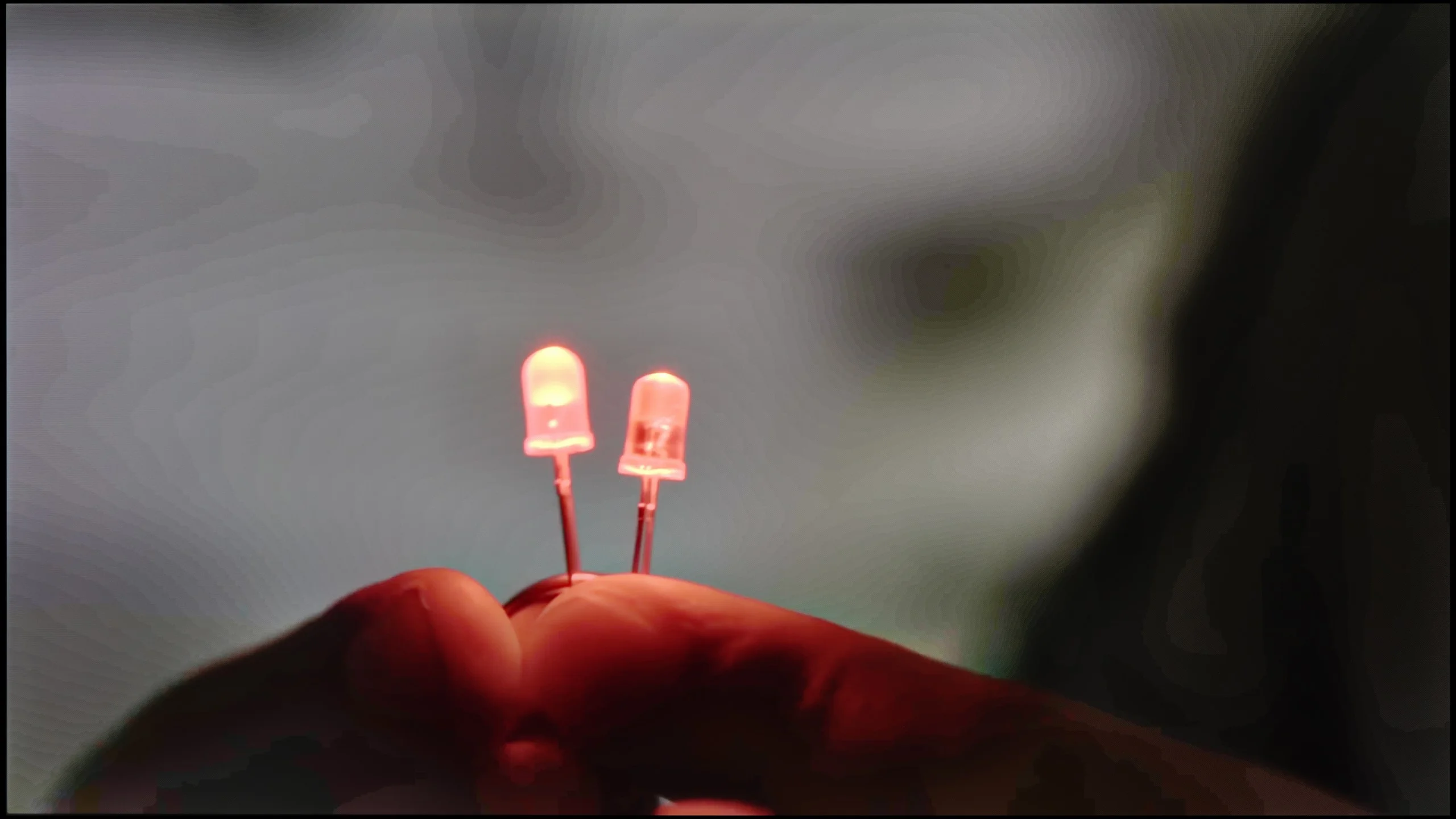
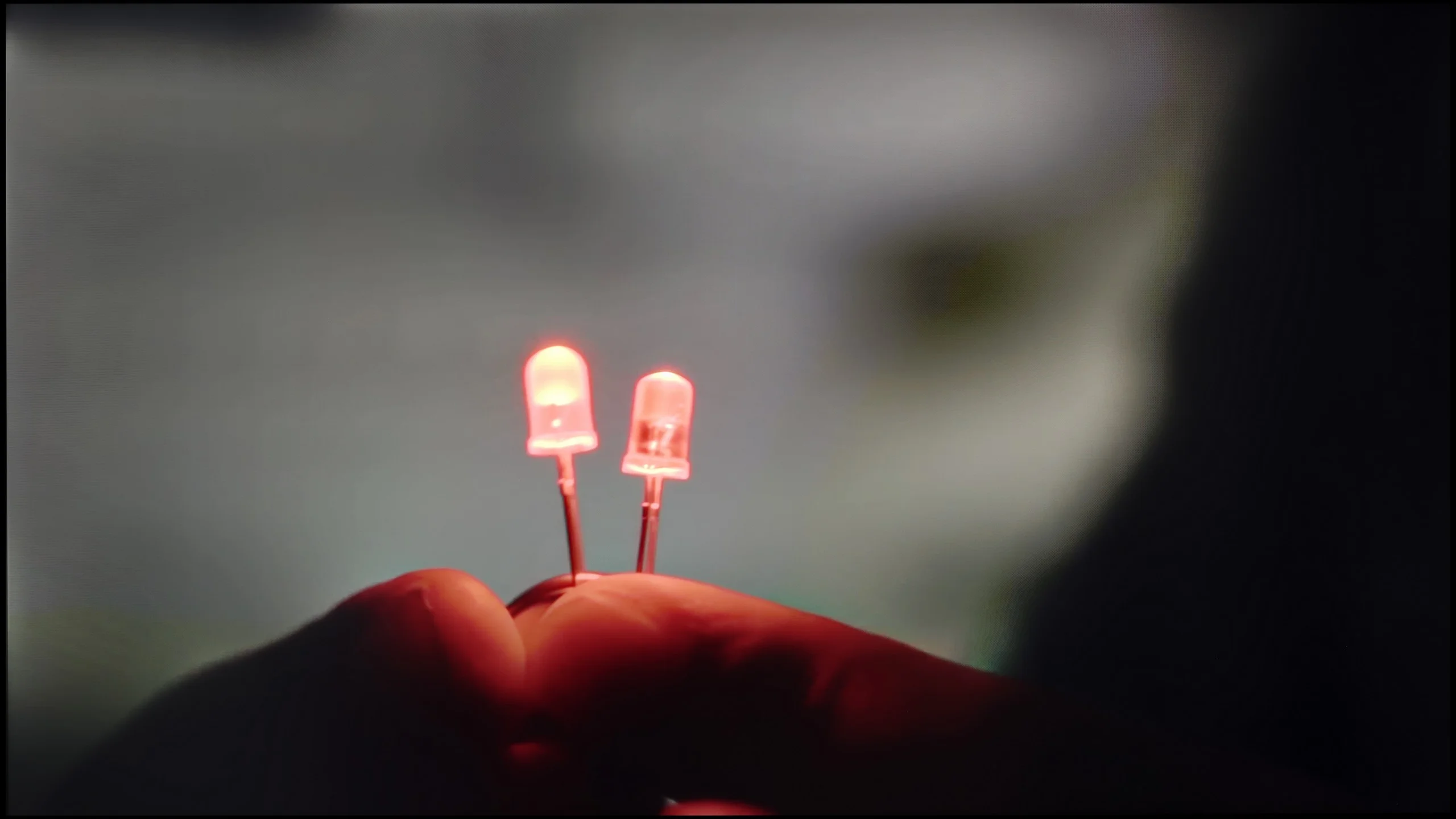
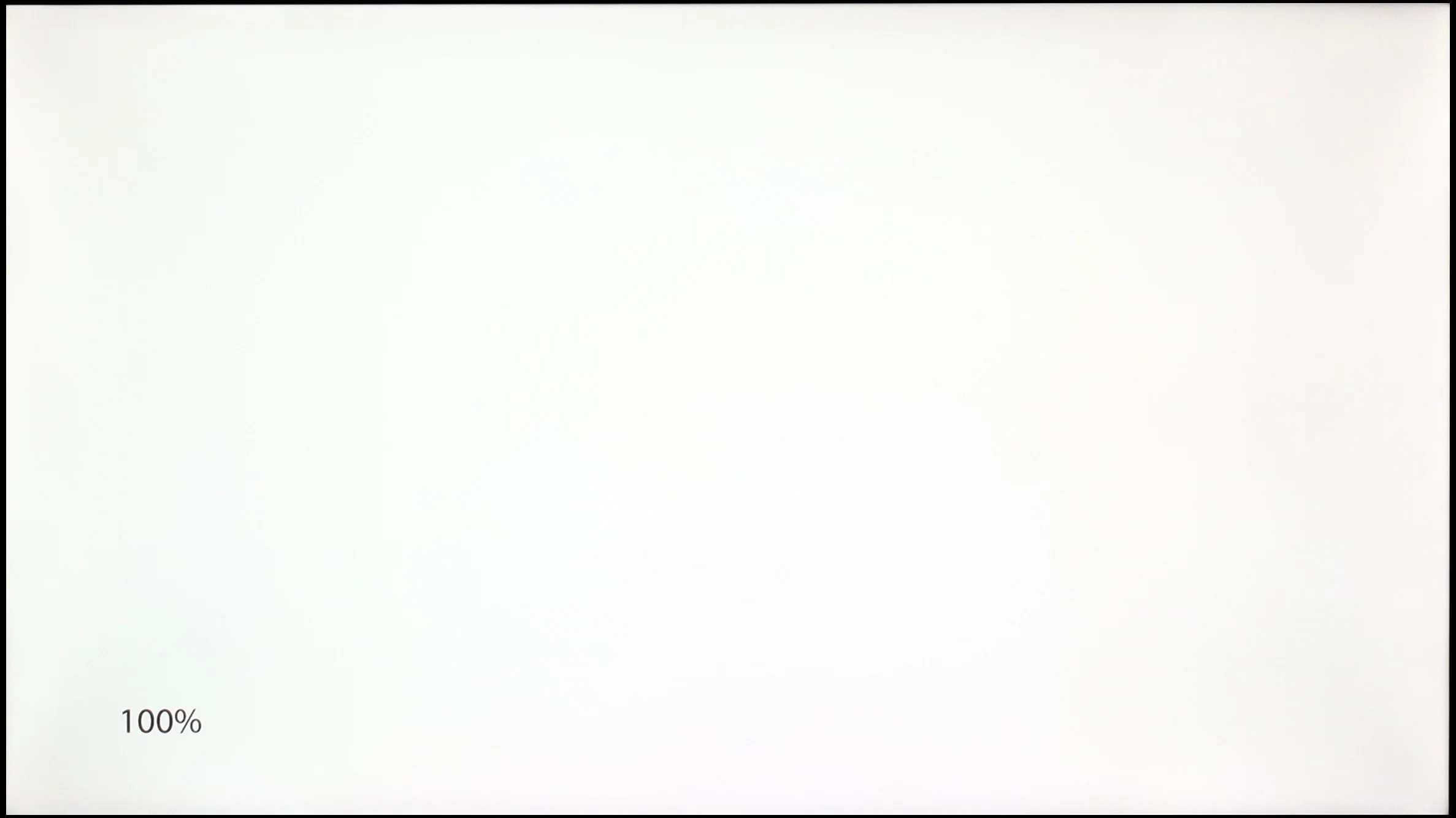
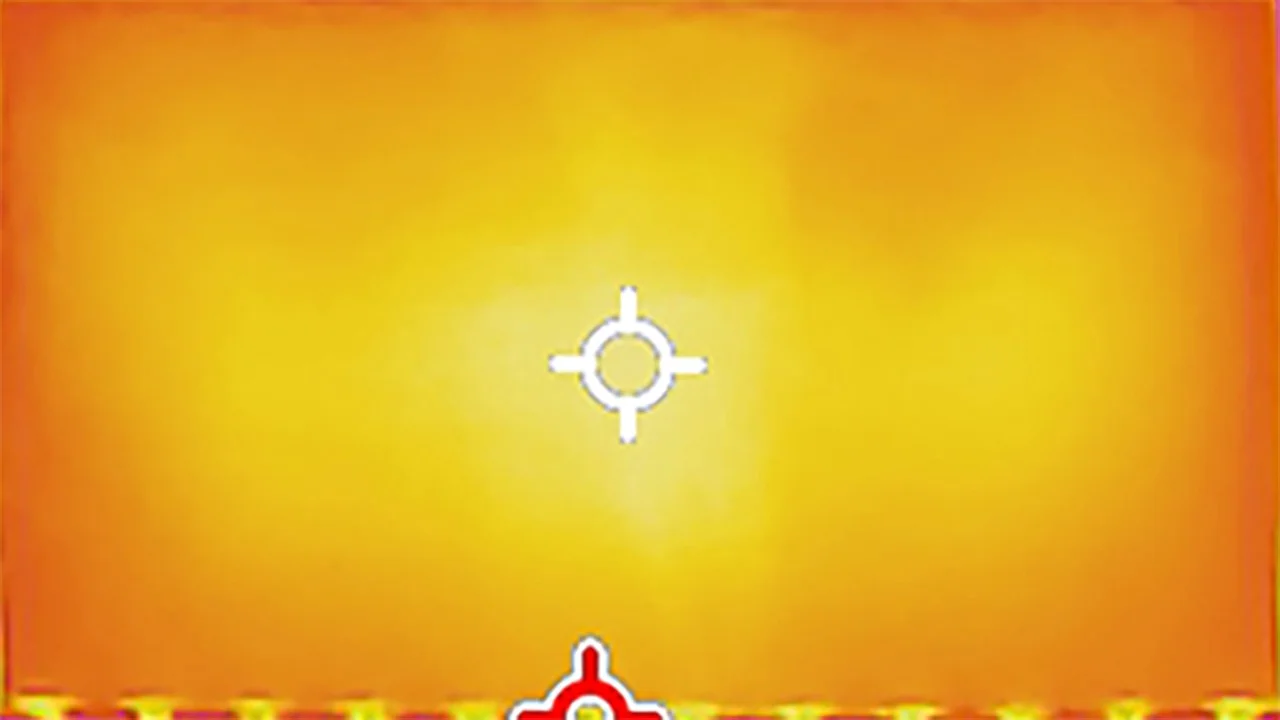
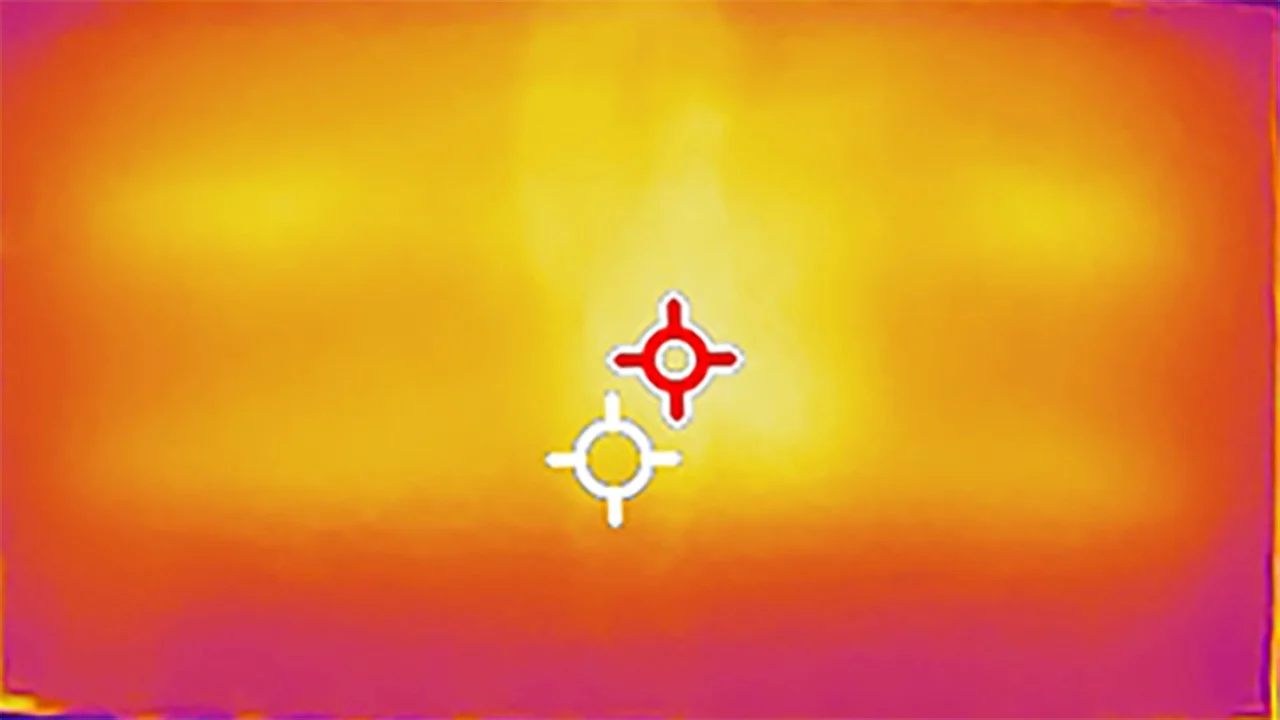
Panel uniformity and thermal imaging:

Review XIAOMI S Mini 2026 (55"-75") 60Hz TV Panel details
Review Samsung M80H TV Panel details
Review XIAOMI S Mini 2026 (55"-75") 60Hz TV Panel details
Review Samsung M80H TV Panel details

XIAOMI S Mini 2026 (55"-75") 60Hz

Samsung M80H

TV features

6.7/10

7.3/10

  • System
    Google TV
    Tizen
  • System performance
    Poor
    Very good
  • HDMI inputs
    3 x HDMI 2.0, 0 x HDMI 2.1
    0 x HDMI 2.0, 3 x HDMI 2.1 48Gbps
  • Outputs
    Toslink (Optical audio), eARC (HDMI), ARC (HDMI), Mini-Jack (Headphones)
    eARC (HDMI), ARC (HDMI)
  • Network Interfaces
    Wi-Fi 2.4GHz, Wi-Fi 5GHz, Ethernet (LAN) 100Mbps
    Wi-Fi 2.4GHz, Wi-Fi 5GHz, Ethernet (LAN) 100Mbps
  • TV reception
    DVB-T, DVB-T2, DVB-S, DVB-S2, DVB-C
    DVB-T, DVB-T2, DVB-S, DVB-S2, DVB-C

Classic features:

  • Recording to USB (terrestrial TV)
    No
    No
  • Recording programming
    No
    No
  • Picture in Picture (PiP)
    No
    No
  • RF remote control (no need to aim)
    Yes
    Yes
  • Backlit remote control
    No
    No
  • Teletext
    Yes
    Yes
  • Audio only mode
    Yes
    Yes
  • Bluetooth headphones support
    Yes
    Yes
  • Simultaneous Bluetooth headphones & TV audio
    No
    Yes

Smart features:

  • AirPlay
    Yes
    Yes
  • Screen mirroring (Windows Miracast)
    Yes
    Yes
  • Voice search
    Yes
    Yes
  • Voice search in native language
    Yes
    Yes
  • Ability to connect a keyboard and mouse
    Yes
    Yes
Review XIAOMI S Mini 2026 (55"-75") 60Hz  TV features
Review Samsung M80H TV features

Sound connection options

  • HDMI audio
    eARC (HDMI), ARC (HDMI)
    eARC (HDMI), ARC (HDMI)
  • Other audio outputs
    Toslink (Optical audio), Mini-Jack (Headphones)
  • Wireless audio
    Bluetooth
    Bluetooth

Supported audio formats (external HDMI eARC audio):

  • Dolby Digital Plus 7.1
    Yes
    Yes
  • Dolby True HD 7.1
    Yes
    Yes
  • Dolby Atmos in Dolby Digital Plus (JOC)
    Yes
    Yes
  • Dolby Atmos in Dolby True HD
    Yes
    Yes
  • DTS:X in DTS-HD MA
    Yes
    No
  • DTS-HD Master Audio
    Yes
    No

Senior accessibility

  • Numeric keyboard on TV
    Yes
    No
  • Font size adjustment
    Yes
    Yes
  • Audio description
    Yes
    Yes

Google TV

The Xiaomi S Mini 2026 runs on Google TV, which remains one of the most feature-rich Smart TV platforms. You’ll find practically all the most popular apps here, such as Netflix, YouTube, Prime Video, Disney+, HBO Max and Canal+, and thanks to the Google Play Store you can install many other apps as well. It also supports Google Assistant, Chromecast and the ability to control the TV from your smartphone.

Unfortunately, on the smaller models the system doesn’t run as smoothly as we’d expect. Switching between apps or navigating the menu can take a moment, and the interface sometimes responds with a slight delay. It’s not at a level that makes the TV unusable, but compared with the competition it’s clear this isn’t the fastest version of Google TV on the market.

Classic features

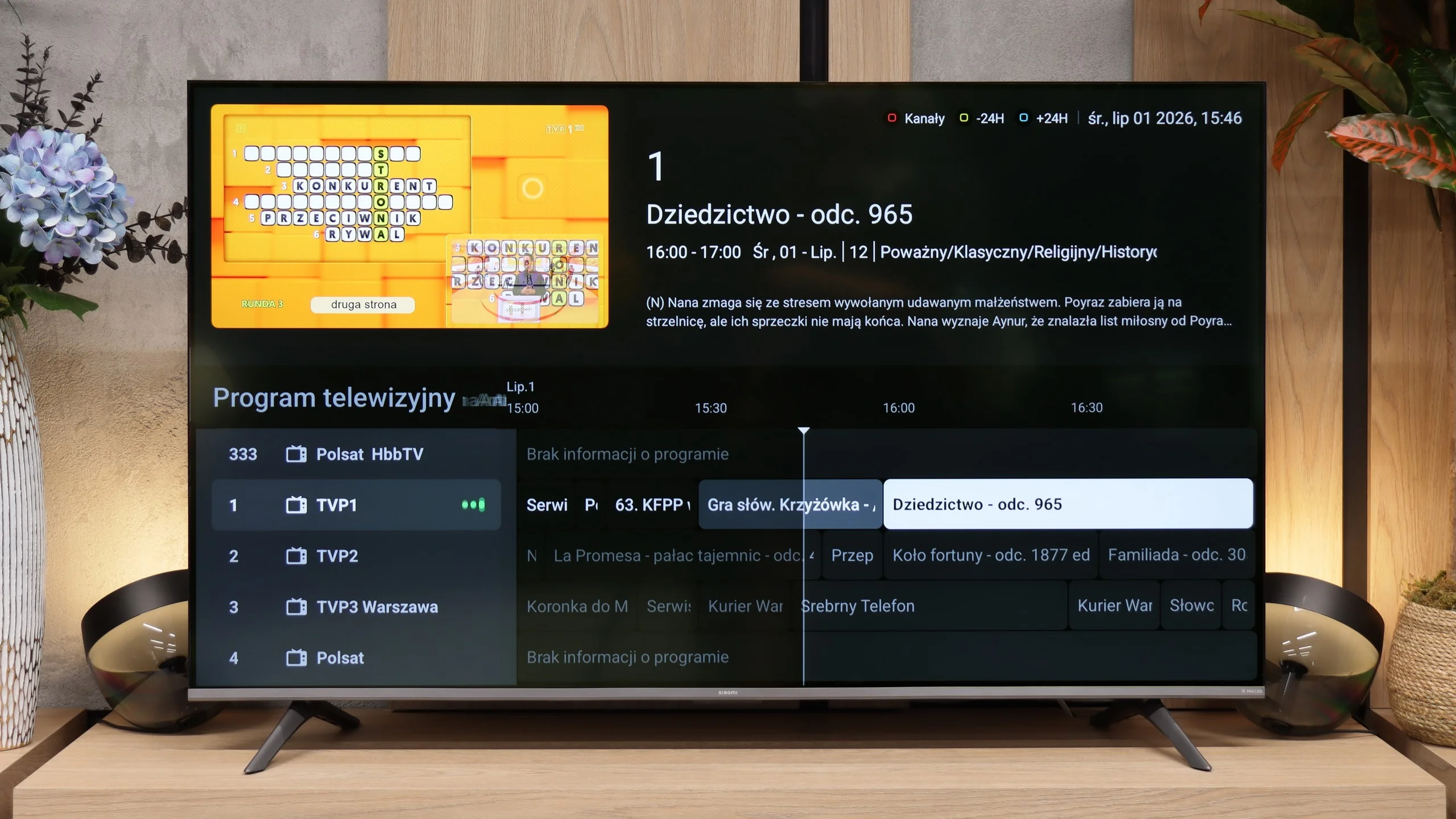
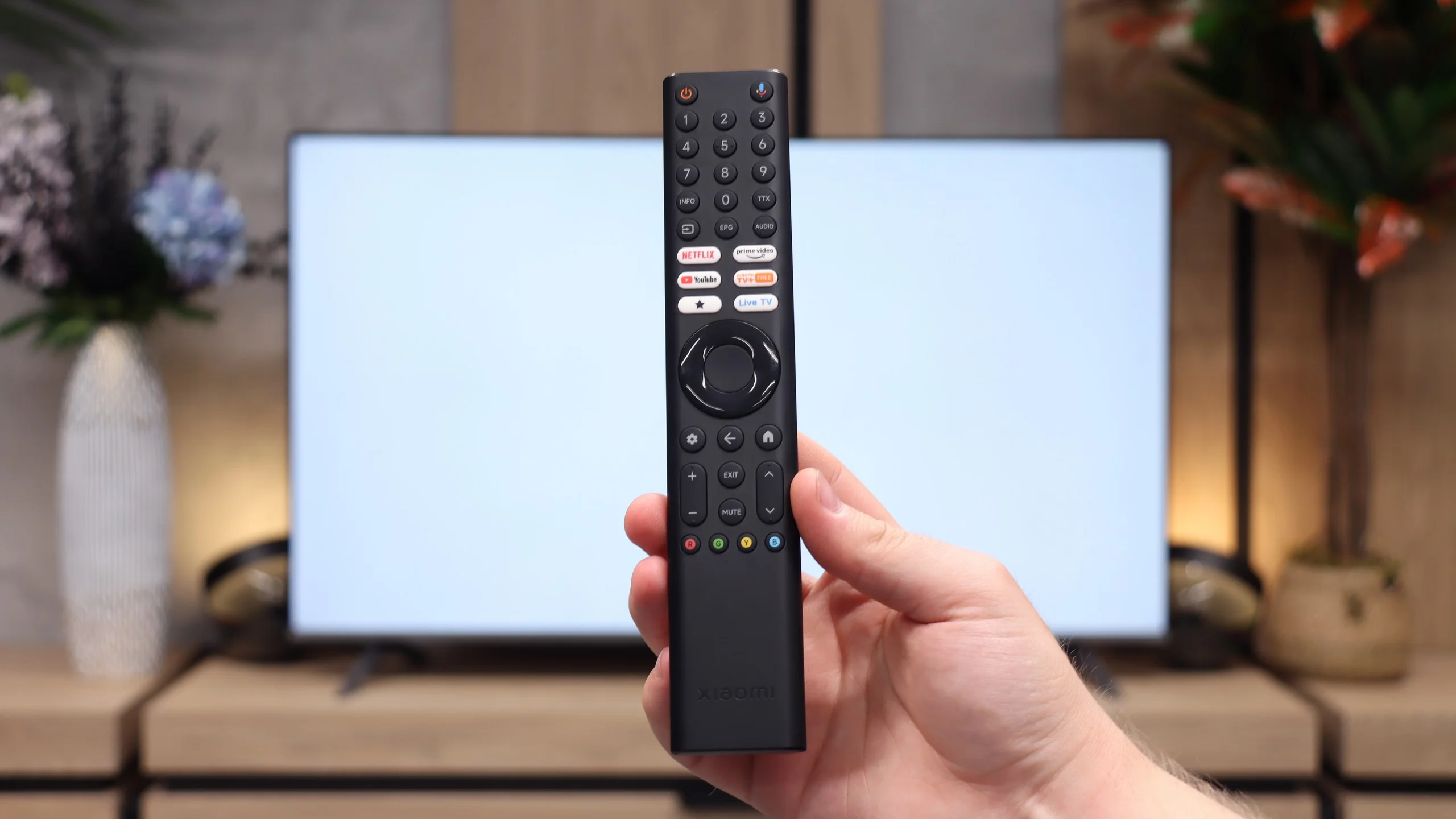
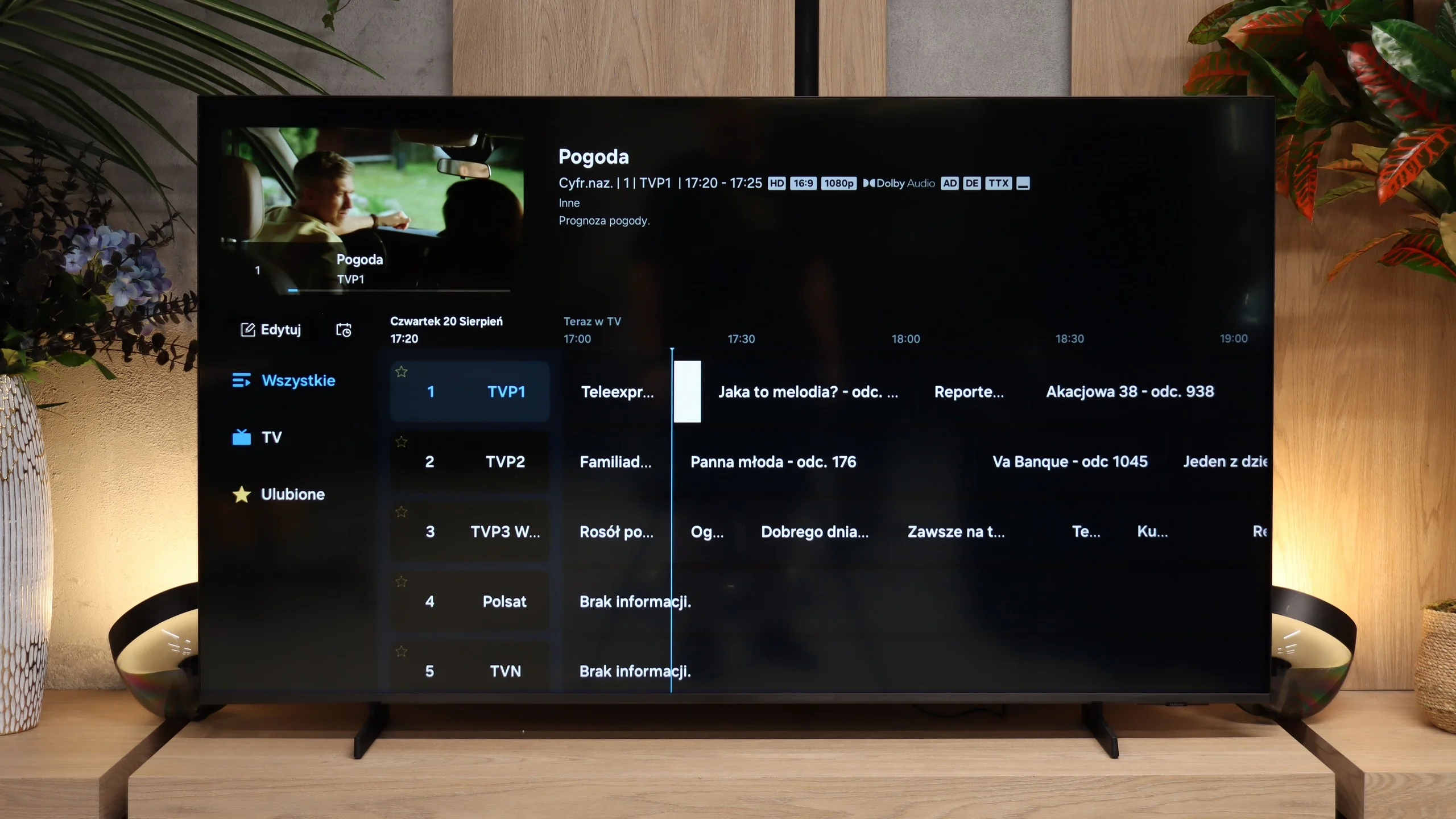
If you mainly use linear TV, Xiaomi doesn’t offer anything beyond what you’d expect from a modern TV. You get an electronic program guide (EPG) and teletext. The manufacturer also includes a remote with a traditional numeric keypad, which is becoming rarer these days but will still be a convenient solution for many people when changing channels.

Noteworthy is the presence of an analog 3.5 mm headphone jack. This is a feature that is disappearing from TVs year by year in favor of only digital audio outputs. Because of it, you can easily connect older wired headphones or speakers without needing additional adapters.

Smart TV system

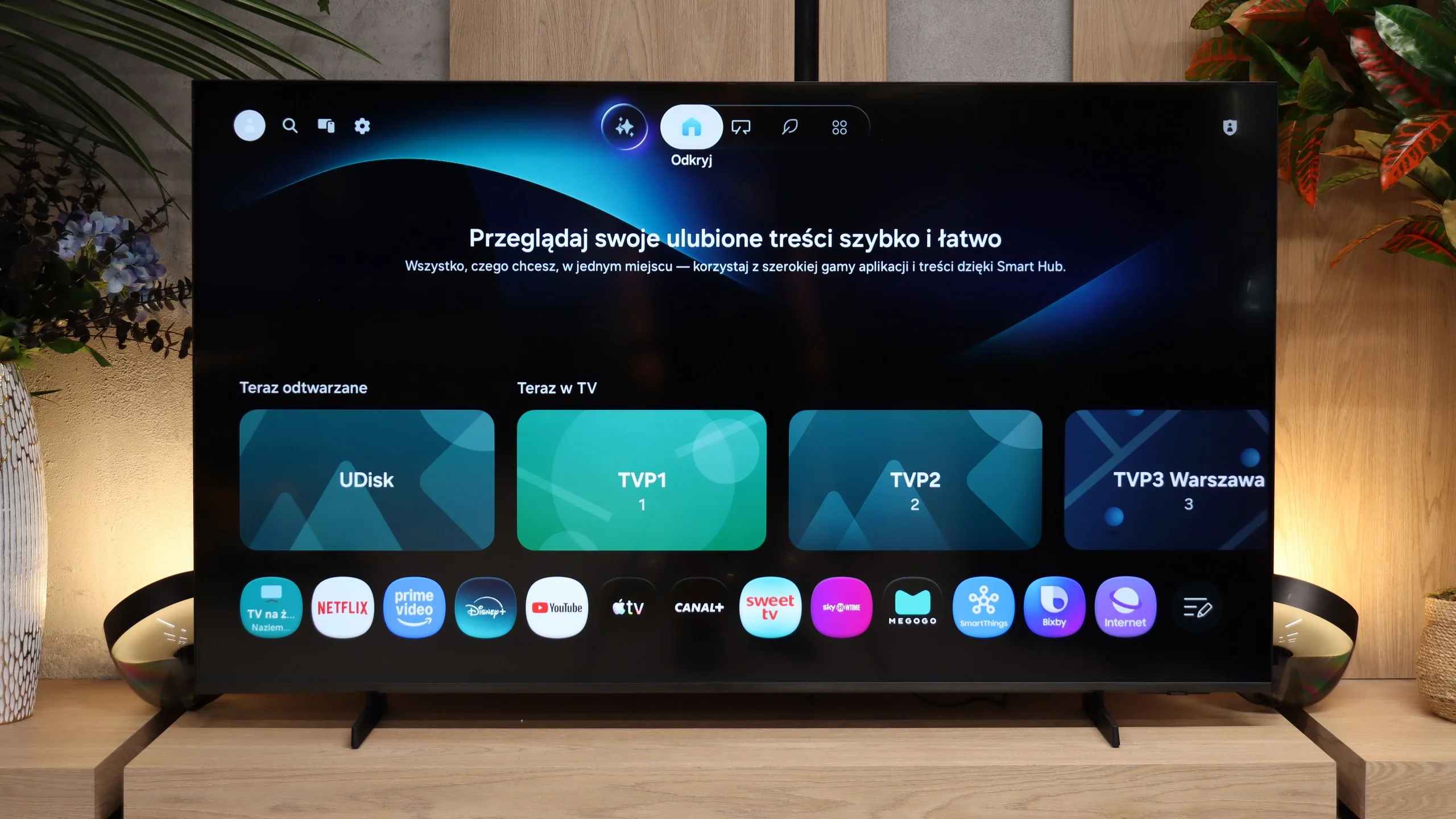
The M80H runs Tizen, the same system used across Samsung TVs. It's fast, stable, and offers all the most popular streaming apps, so you don't have to worry that a lower-tier model would be missing any major services. It also supports AirPlay, Miracast, and voice search. The TV works with SmartThings, so you can use it to control smart home devices.

TV features

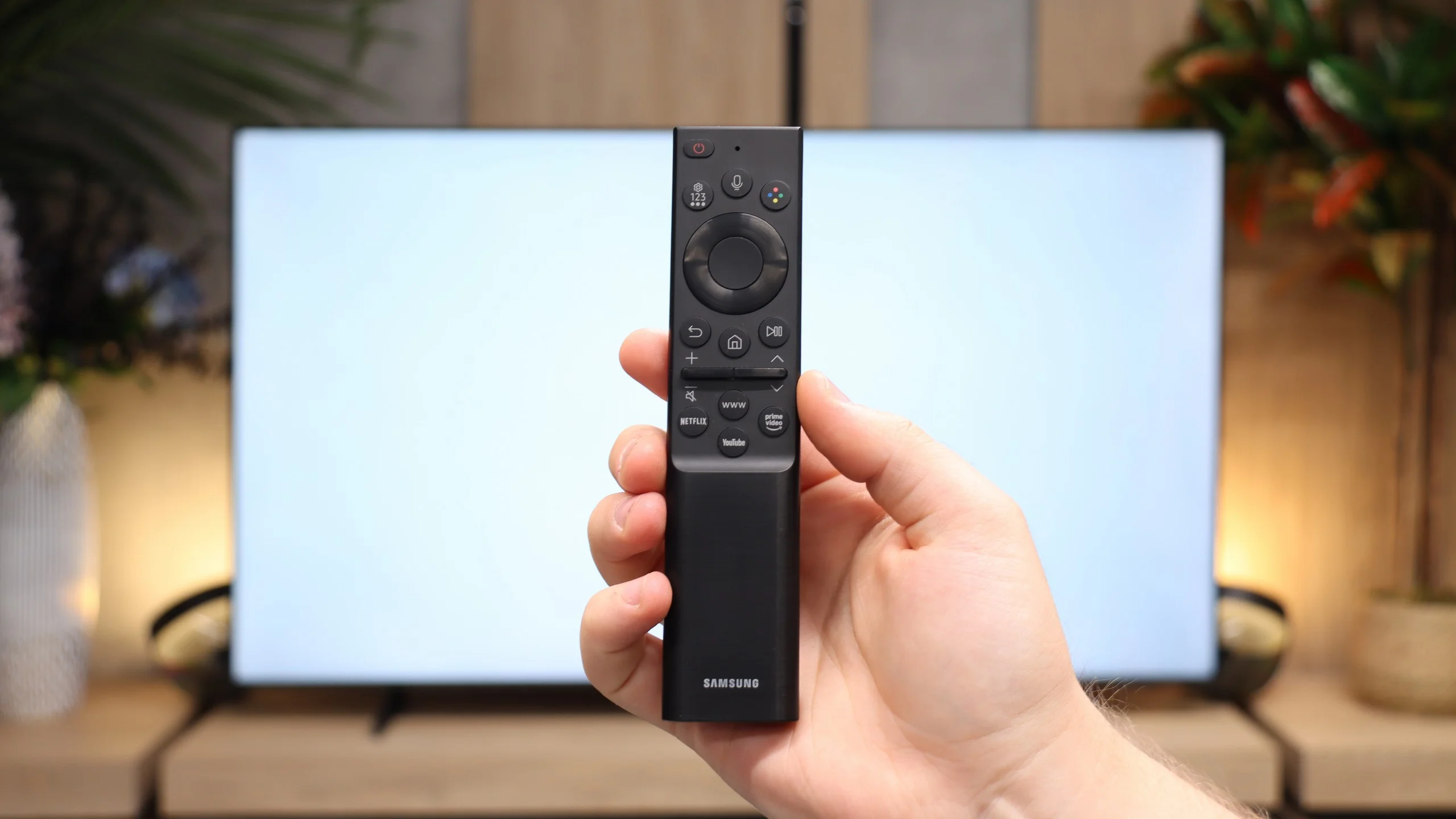
Conventional TV features are weaker. The M80H doesn't allow recording programs to a USB drive or scheduling recordings. It also lacks picture-in-picture. On the plus side, it keeps the basics, like teletext and the ability to turn off the screen while leaving the audio playing. You can connect Bluetooth headphones to the TV, and audio can play simultaneously through them and the built-in speakers. That's useful if one viewer needs higher volume, for example seniors. The TV comes with a simple Smart remote with a limited number of buttons. Unfortunately it's not the solar-powered version found on some other Samsung models, and the remote uses regular batteries. Fortunately it connects to the TV via radio, so you don't need to point it directly at the screen.

Apps

9.6/10

9.3/10

OK
Disney_Plus
OK
Amazon_Prime_Video
OK
Player_TVN
OK
Polsat_Box_Go
OK
Canal_Plus_Online
OK
TVP_VOD
OK
Apple_TV_Plus
OK
SkyShowtime
OK
Rakuten
OK
CDA_Premium_Browser
OK
Spotify
OK
Tidal
OK
Netflix
OK
YouTube
OK
HBO_MAX
OK
Kodi
No
Apple_music
OK
Eleven_sports
No
Xbox Game Pass
OK
GeForce NOW
No
Amazon Luna
OK
Boosteroid
OK
Steam Link
OK
Disney_Plus
OK
Amazon_Prime_Video
OK
Player_TVN
OK
Polsat_Box_Go
OK
Canal_Plus_Online
OK
TVP_VOD
OK
Apple_TV_Plus
OK
SkyShowtime
OK
Rakuten
OK
CDA_Premium_Browser
OK
Spotify
No
Tidal
OK
Netflix
OK
YouTube
OK
HBO_MAX
No
Kodi
OK
Apple_music
OK
Eleven_sports
OK
Xbox Game Pass
OK
GeForce NOW
OK
Amazon Luna
OK
Boosteroid
No
Steam Link

Playing files from USB

6.5/10

9.1/10

Supported photo formats:

JPEG
Yes
Yes
HEIC
No
No
PNG
Yes
Yes
GIF
Yes
No
WebP
No
No
TIFF
No
No
BMP
Yes
Yes
SVG
No
No

Maximum photo resolution:

4 Mpix
Yes
Yes
6 Mpix
Yes
Yes
8 Mpix
Yes
Yes
10 Mpix
Yes
Yes
12 Mpix
Yes
Yes
16 Mpix
Yes
Yes
20 Mpix
Yes
Yes
24 Mpix
Yes
Yes
28 Mpix
Yes
Yes
32 Mpix
Yes
Yes

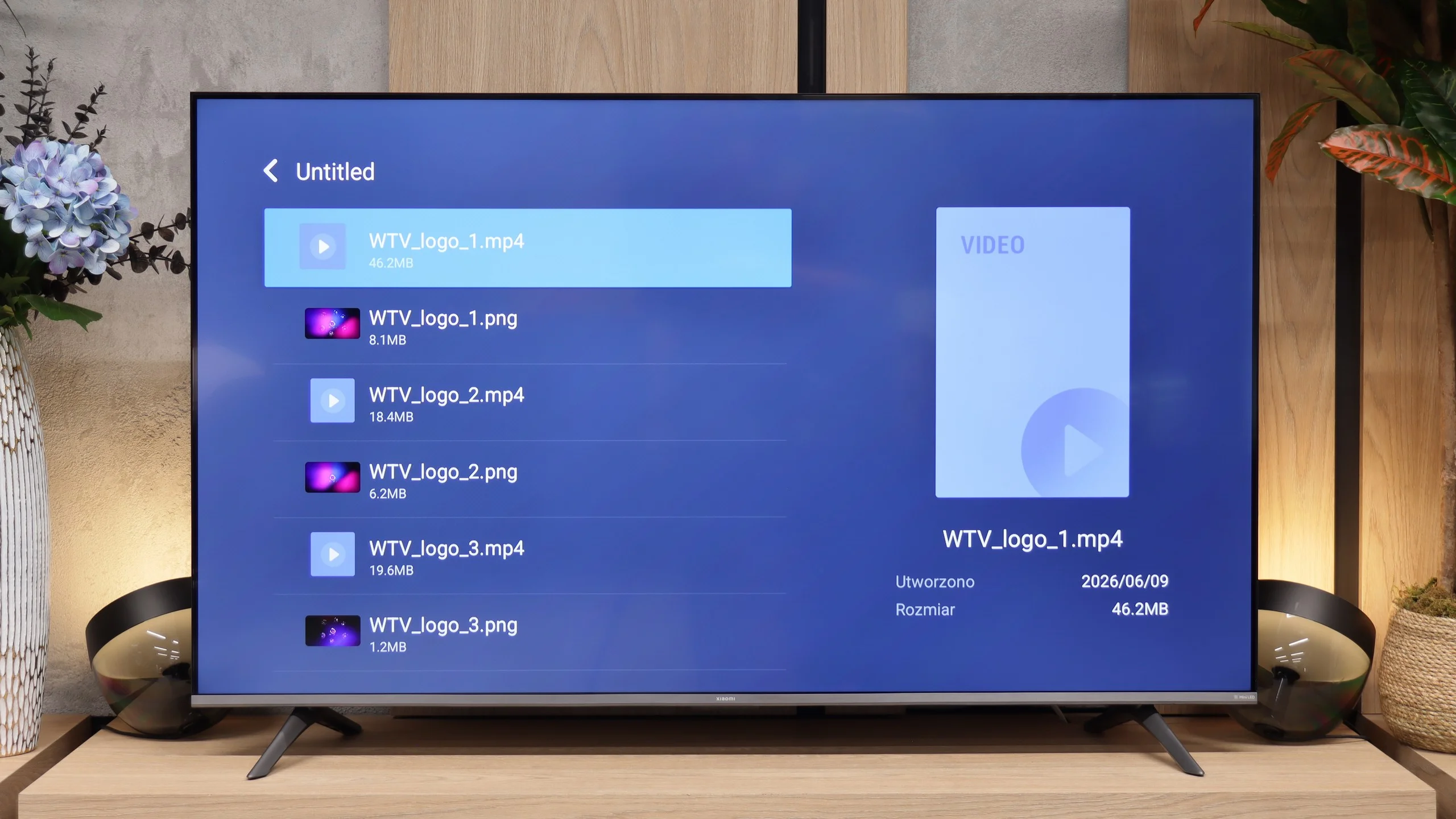
The built-in USB media player performs quite well and plays most popular formats without any issues. However, if you come across a file it doesn't support, Google TV makes it easy to install another player, such as VLC. Our biggest reservation is the subtitles. The built-in app doesn't handle some characters outside the basic alphabet correctly, so you can run into problems with, for example, Polish letters. If you frequently watch movies from USB, it's better to use a third-party app.
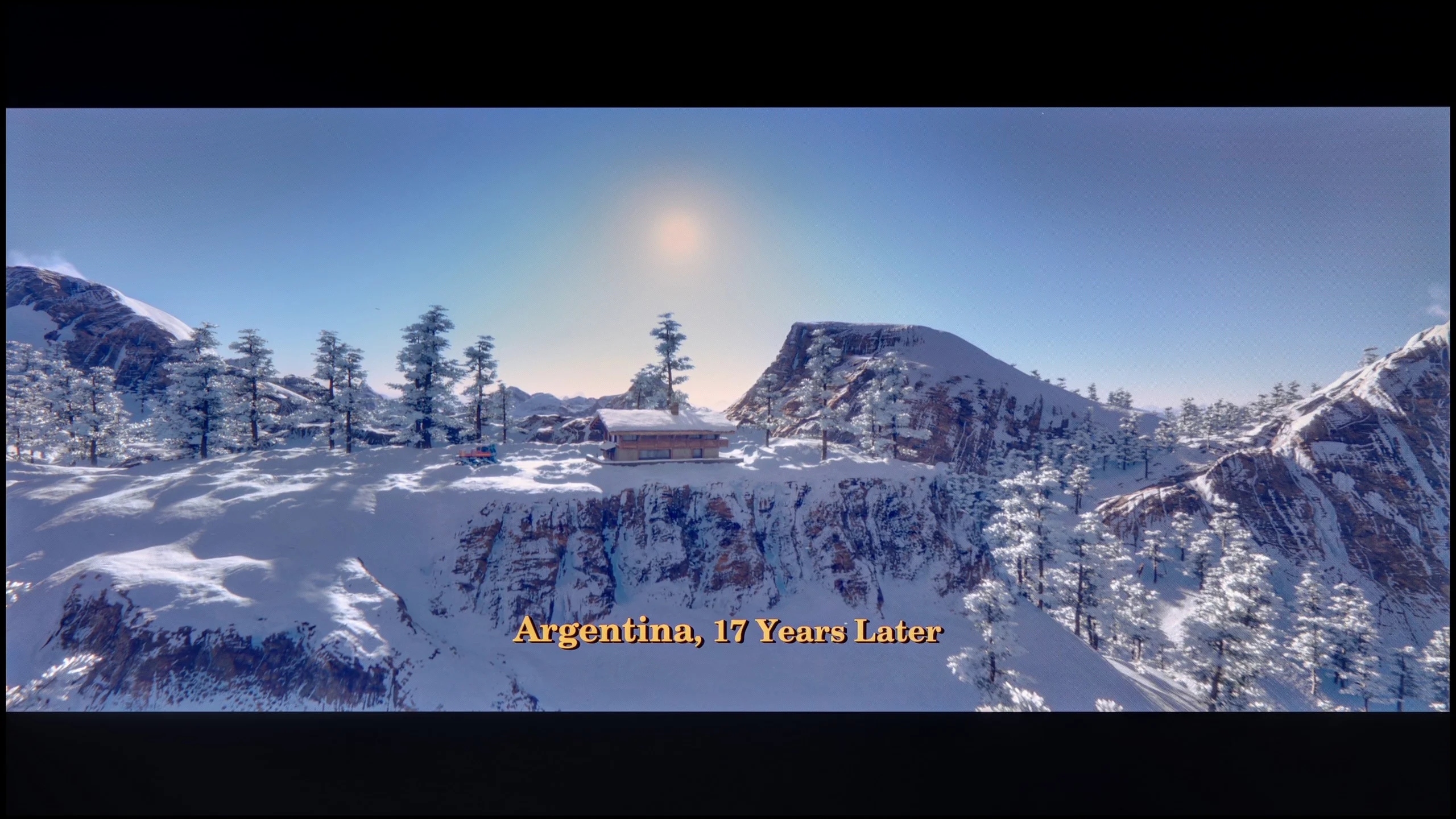
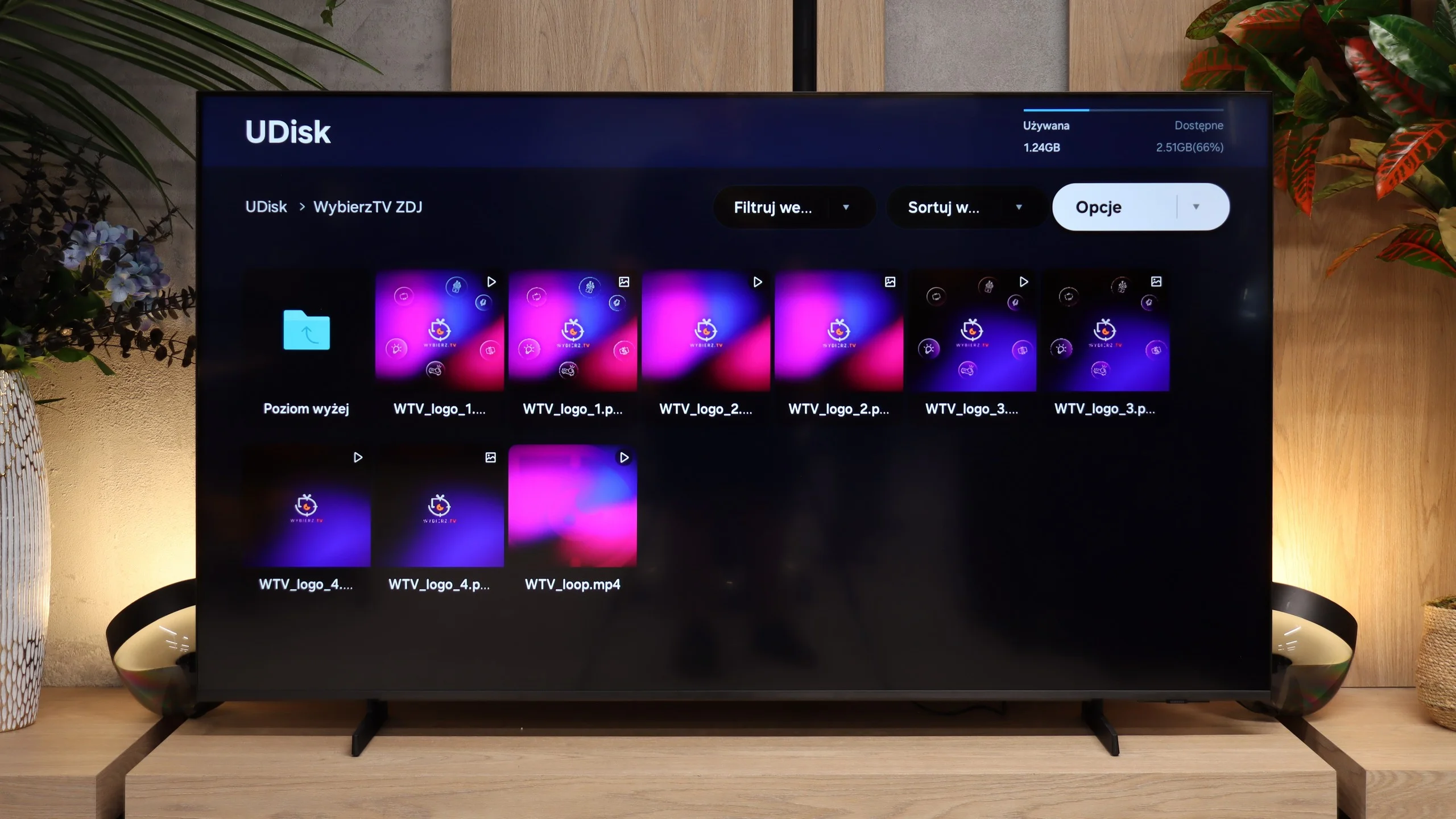
The built-in USB player handles most popular video and photo formats. It easily displays JPEG, PNG, and BMP files, even in high resolution. However, it lacks support for HEIC, the format used, among others, by iPhones. In practice this probably won’t be a big issue, because the M80H supports AirPlay and most people will likely use that to show vacation photos on the TV. 😉

Sound

5/10

6/10

  • Maximum volume
    89dB
    88dB
  • Dolby Digital Plus 7.1
    Yes
    Yes
  • Dolby True HD 7.1
    Yes
    No
  • Dolby Atmos in Dolby Digital Plus (JOC)
    Yes
    Yes
  • Dolby Atmos in Dolby True HD
    Yes
    No
  • DTS:X in DTS-HD MA
    Yes
    No
  • DTS-HD Master Audio
    Yes
    No

In terms of sound, the Xiaomi S Mini 2026 doesn't stand out. The speakers are fine for regular TV viewing, but with movies or concerts their limitations quickly become apparent. The biggest issue is the lack of bass, which makes the overall sound fairly flat. If you want better audio, it's worth considering getting a soundbar.

The M80H is equipped with a 2.0 speaker setup with 20 W of power. It performs adequately but doesn't stand out compared with TVs with similar audio systems. Dialogue is clearly audible and the speakers themselves don't add noticeable distortion. However, it definitely lacks bass, so music in particular can sound flat. If you want a somewhat fuller sound, consider a simple soundbar and connect it via HDMI eARC. The TV can also pass through Dolby Atmos audio that way. However, note that the M80H has no optical output, so you can't connect older audio equipment using that method.

Sound Quality Test

Acoustic Measurements

89dBC (Max)

75dBC

88dBC (Max)

75dBC

Reader comments

Comments are provided by the external service Disqus (Zeta Global). Once loaded, Disqus may set cookies and process data about your activity.

We will remember your choice on this device. Provider's privacy policy