 Direct comparison
Xiaomi A Pro 2026 is a television that at first glance doesn’t reveal significant changes compared to its predecessor. Someone might even think it's just a copy of last year's model with a different sticker. And there’s some truth to that, as the main novelty, or rather the only clear difference, is the 120 Hz mode at lower resolutions. It must be acknowledged that this addition really does make a difference – it's not a solution for professional gamers, but rather a nod towards those looking for a smoother picture during casual gaming. This is where the A Pro 2026 can shine – with a simple, yet clever idea that sets it apart in the "super budget" segment. Unfortunately, when we begin to look at the television more broadly, enthusiasm quickly wanes. Even though the year has changed in the calendar, most of the issues known from the A Pro 2025 remain with us – the system can still experience strange stutters, and occasional bugs can be quite annoying. Additionally, there is a lack of any serious tools for digital image processing that worked quite decently last year. As a result, there are many construction limitations visible here that competitors at a similar price point are already trying to mask in some way. As for the quality of the image, we won't be dishonest with you either. Brightness levels of 200–300 nits don't stand a chance against more demanding materials. Yes, simpler streaming content can be watched, but with high-budget productions, it’s immediately clear why the television costs what it does. The impression of watching a flattened image stripped of details accompanies us virtually every time. And here we come to the crux of the matter. Xiaomi A Pro 2026 is a television for those who really do not require much. As a daily screen for series, news, or YouTube – it performs fairly well, especially thanks to its operating system, which is GoogleTV. Also, if someone is looking for budget equipment and additionally would like a taste of smoother gameplay in games thanks to the 120 Hz mode, they might even be satisfied. But anyone expecting at least average image quality, a stable system, and proper functionality will quickly notice that there are other budget models on the market that simply perform better.
- Matching (Score) |
- Our verdict |
- TV appearance |
- Where to buy |
- Contrast and black detail |
- HDR effect quality |
- Factory color reproduction |
- Color reproduction after calibration |
- Smoothness of tonal transitions |
- Image scaling and smoothness of tonal transitions |
- Blur and motion smoothness |
- Console compatibility and gaming features |
- Input lag |
- Compatibility with PC |
- Viewing angles |
- Daytime performance |
- Panel details |
- TV features |
- Apps |
- Playing files from USB |
- Sound
C9K
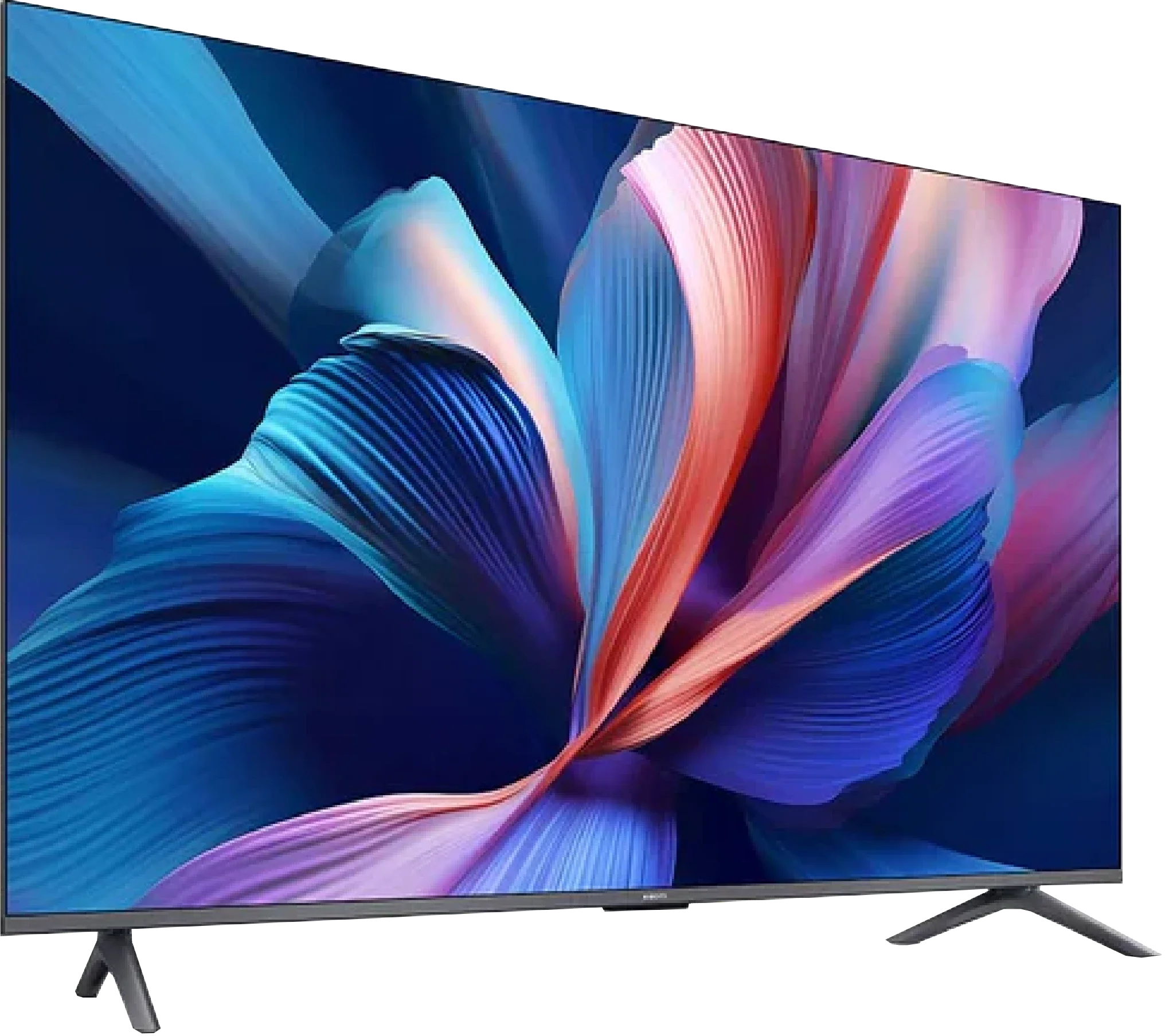
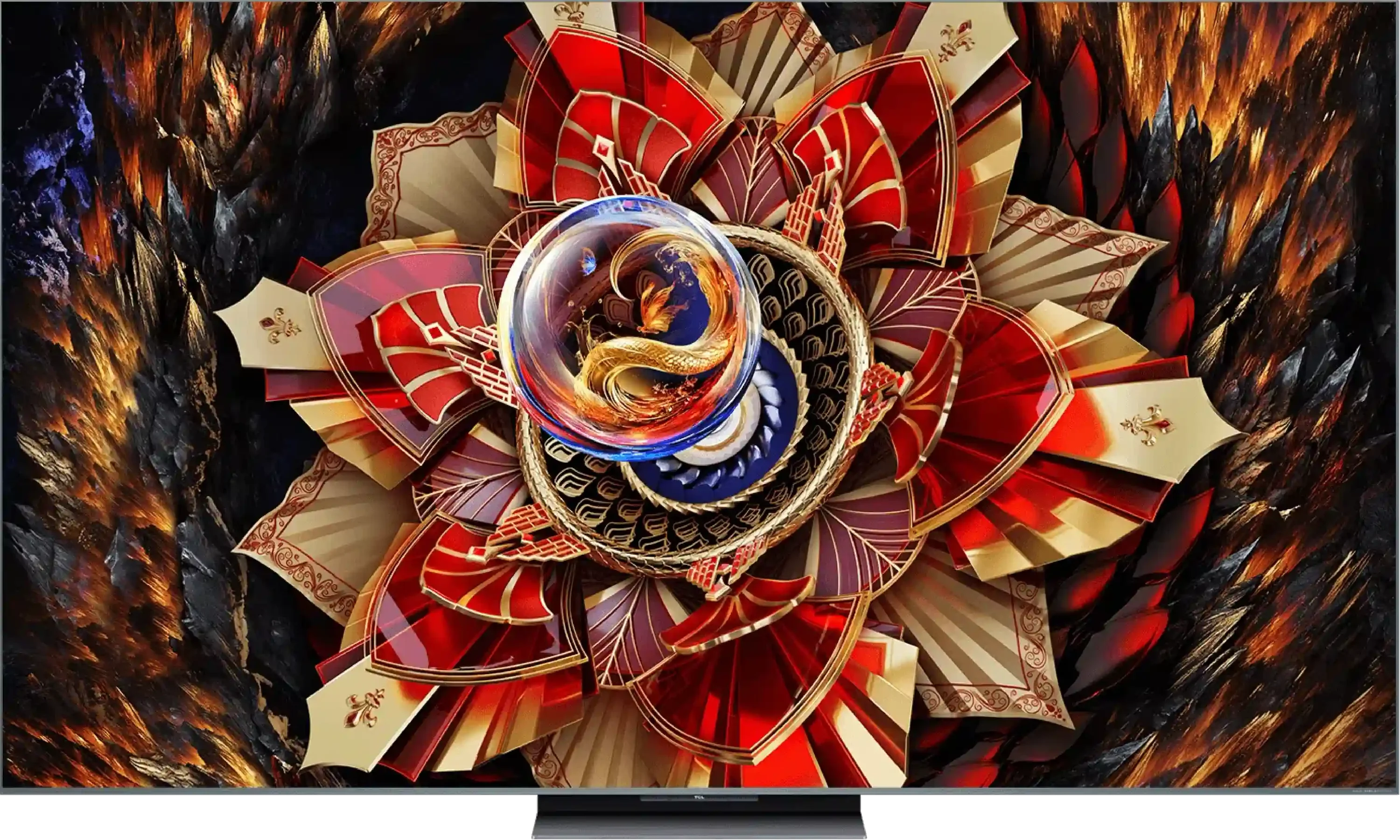
Panel type: LCD VA
Resolution: 3840x2160
System: Google TV
Model year: 2025
Complete the survey to find out the result
Panel type: LCD VA
Resolution: 3840x2160
System: Google TV
Model year: 2025
Complete the survey to find out the result
Overall rating
5.6
7.7
 Movies and series in UHD quality
6.0
7.5
 Classic TV, YouTube
5.7
7.0
 Sports broadcasts (TV and apps)
4.7
6.7
 Gaming on console
6.2
8.8
 TV as a computer monitor
2.0
8.6
 Watching in bright light
4.9
7.0
 Utility functions
6.1
7.7
 Apps
9.6
9.6
 Sound quality
5.0
7.9
Complete the survey to find out what fits your preferences
Advantages

VA matrix with good native contrast and decent black levels
Support for Game Boost mode at 120 Hz in 1080p and 1440p
Low input lag in 120 Hz mode
Google TV – a vast selection of apps and services
Wide color gamut coverage (about 94% DCI-P3)
Decent colors after SDR mode calibration
Support for popular audio formats (Dolby Atmos, DTS:X)
Large, clear remote control with a numeric keypad – convenient for seniors
Very good contrast and black
Very high brightness
Support for all HDR formats including Dolby Vision
Fast 144Hz panel - for gaming and sports fans
Many features for gamers: VRR, ALLM, low input lag, etc.
GoogleTV operating system with a wide range of applications
Great sound branded by Bang & Olufsen
Improved viewing angles thanks to WHVA panel
Disadvantages

Low brightness
No real support for HDR10+ and other more advanced HDR formats (e.g., Dolby Vision)
Significant limitations when working with PC – lack of chroma 4:4:4, heavy dithering, poor font readability
Poor viewing angles (typical for VA)
Clunky design, legs mounted in plastic with screws
Weird system issues – stuttering, errors with Miracast and audio switching
Upscaling and digital image processing are practically nonexistent
Very poor sound, practically no bass (we felt it performed worse than the "2025" model)
Local dimming needs improvement
Only 2 HDMI 2.1 ports
No recording function from built-in tuners and no PiP
No smaller variants, e.g., 55"
Our verdict
The TCL C9K is a television that on paper looks like a show of strength from the manufacturer – thousands of Mini-LED zones, WHVA panel, audio system from Bang & Olufsen, full support for HDR formats, gaming at 144 Hz, and even 288 Hz at lower resolutions. It’s clear that TCL wanted to throw in absolutely everything they had best. And indeed – in many aspects, the C9K can impress. The brightness is enormous, HDR in large scenes can be breathtaking, motion smoothness and gaming capabilities are at a top level, and the sound – considering it’s built into the television – sounds really good. This is a device that can easily be seen as a home entertainment center. But there is also another side to the coin. Brightness management simply falters despite the amazing technical specifications – smaller details often get lost in the shadows or are blown out. And although synthetic tests of contrast or brightness perform exceptionally well, in everyday viewing of movies and series, the effect is no longer so impressive.
To summarize briefly: the C9K is a television full of contrasts – literally and figuratively. It can provide experiences close to top screens, but it's still evident that TCL needs to work on the software and optimization. If someone is looking for a screen for gaming, sports, or spectacular blockbusters – they will be delighted. However, if one expects perfect reproduction of the director's vision and thinks they have managed to buy an absolutely top model at half the price of the competition, unfortunately, they will be disappointed. It's a pity, because the technological potential here is truly vast – it just lacked a bit of common sense in its utilization.
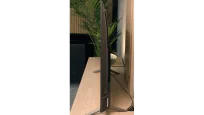
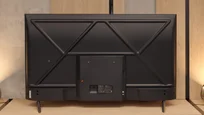
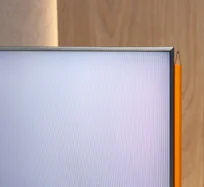
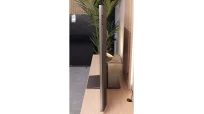
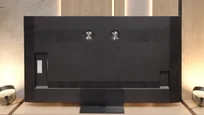
TV appearance


Contrast and black detail
6.1/10
8.1/10
Local dimming function: No
Local dimming function: Yes, number of zones: 3024 (42 x 72)
Contrast:


Result
5,000:1

Result
6,550:1

Result
7,300:1

Result
6,600:1

Result
4,900:1
Result
459,000:1
Result
72,750:1
Result
30,350:1
Result
9,800:1
Result
12,200:1
Halo effect and black detail visibility:
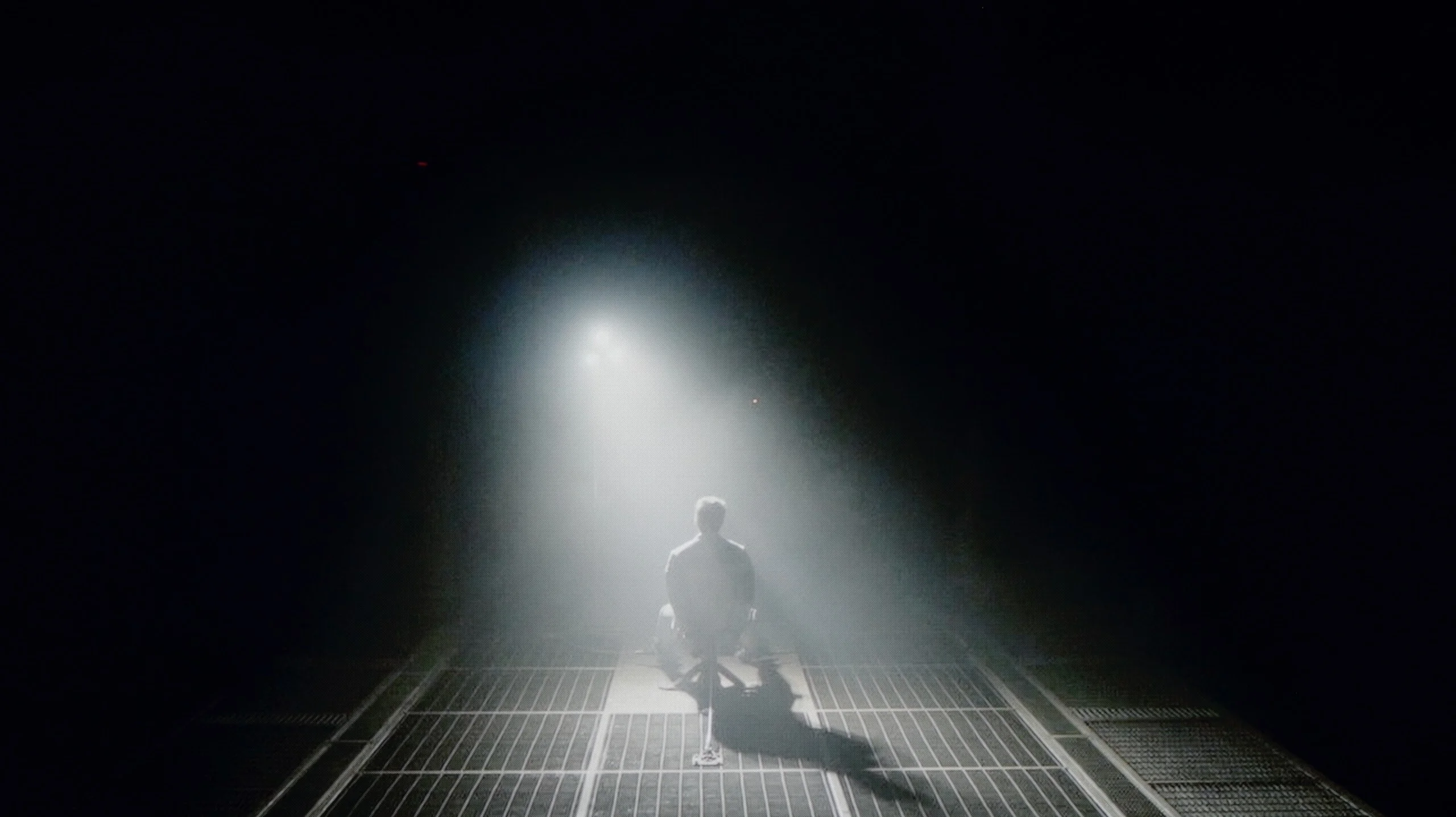
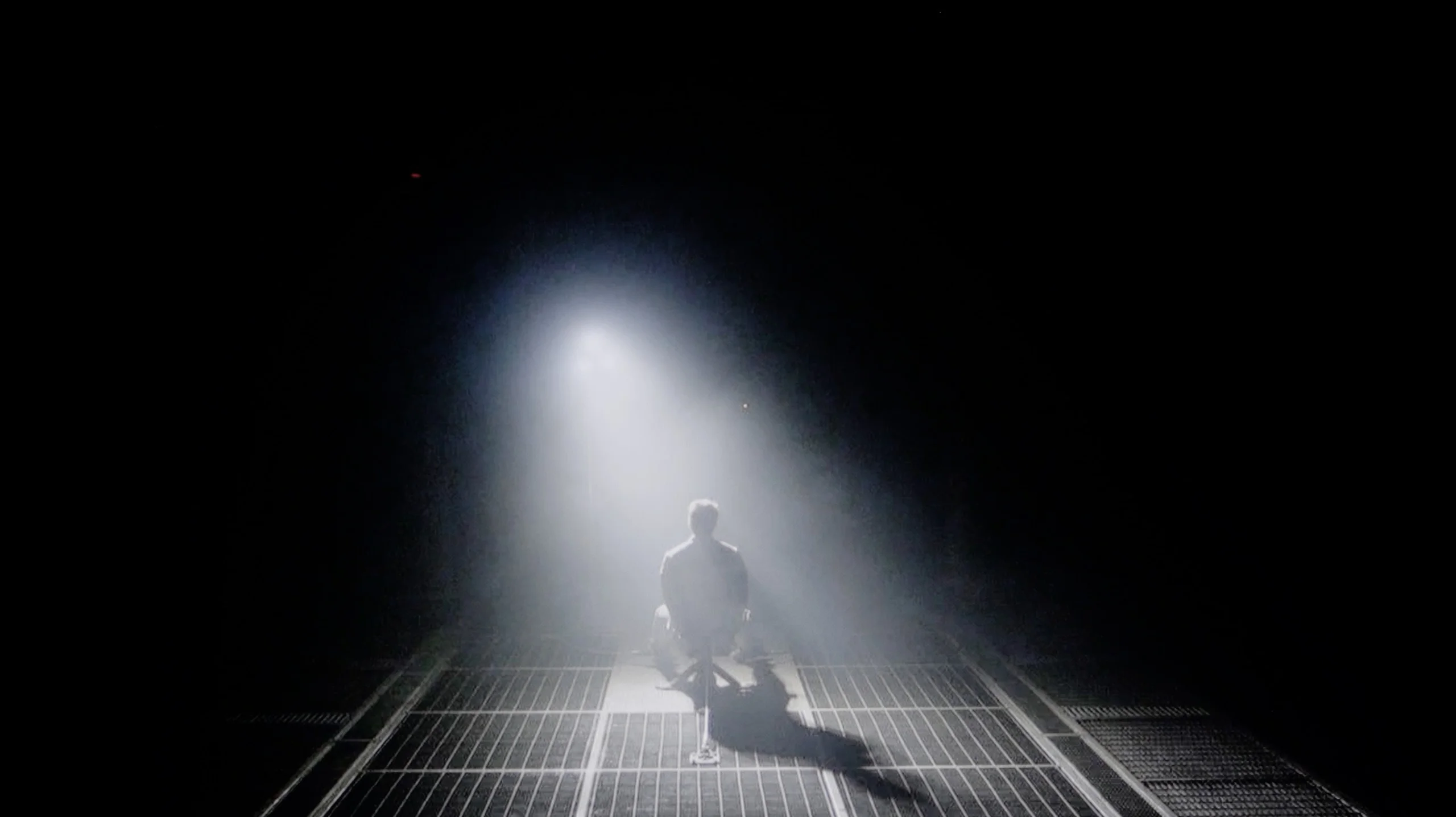
Check the visibility of bright lights on a dark background. Mini-LEDs often struggle with this. The photo does not compare black levels – that’s what the video below is for.
The video accurately shows differences in contrast and black levels between TVs, as well as potential issues: halo around bright objects or Mini-LED zone operation visible as brightness jumps.
One of the biggest advantages of even a budget construction like the Xiaomi A Pro 2026 is the use of a VA panel. It is responsible for quite decent contrast, which in our measurements fluctuated between 5000:1 and 7000:1. On the screen, this translates to a stable image with fairly deep blacks—something that is hard to find in competing models with IPS panels without local dimming. Xiaomi has also added the feature of global dimming for the entire panel. Sounds good, but... we advise you to turn it off right away. Why? Because the screen starts behaving very strangely in darker scenes—sometimes it dims so much that you can hardly see anything, and at other times it brightens up so much that the already dark blue black turns into a vivid blue. At that point, we had the impression that the TV was simply damaged. Fortunately, without this feature, the contrast presents itself really solidly. It is certainly not at the level of advanced TVs with local dimming, but in its price class, it will comfortably satisfy most users—especially if you are not watching in a completely dark room, but have at least a little light in the background, which effectively masks the imperfections of the "blue black."
What immediately distinguishes the C9K from the C8K model is the number of local dimming zones. In the 65-inch version, we counted… over 3000! One must admit – this is a true showcase of TCL's strength, cramming literally everything they had into this television. On paper, it makes a huge impression and indeed – in less demanding film scenes, the blacks look fantastic. The level is absolutely top-notch, and the separation of lights from dark parts of the image can be breathtaking. The problem is that this impressive specification does not always translate into practice. In our tests, we noticed situations where the C9K, despite having a greater number of zones, stumbled into contrast traps and performed… worse than the C8K. For instance, it cannot perfectly dim the true black bars in 21:9 format films (those with black bars on the top and bottom). Sounds strange? Unfortunately, this is the result of a lack of optimization – the hardware is "packed" with technology, but the algorithms do not always keep up with utilizing that potential.
Don't get us wrong – black is a strong point of the C9K and in many scenes, it simply looks fantastic. In synthetic measurements, the contrast is outstanding, coming close to the level of the best TVs on the market. But in real cinema usage, those numbers do not always correspond to a better experience than in its cheaper cousin. And that is probably the biggest disappointment – because the potential was enormous.
HDR effect quality
4.1/10
6.9/10
Luminance measurements in HDR:

Result
220 nit

Result
248 nit

Result
322 nit

Result
315 nit

Result
326 nit
Result
1425 nit
Result
531 nit
Result
1277 nit
Result
331 nit
Result
1424 nit
Scene from the movie “Pan” (about 2800 nits)


Scene from the movie “Billy Lynn” (about 1100 nits)

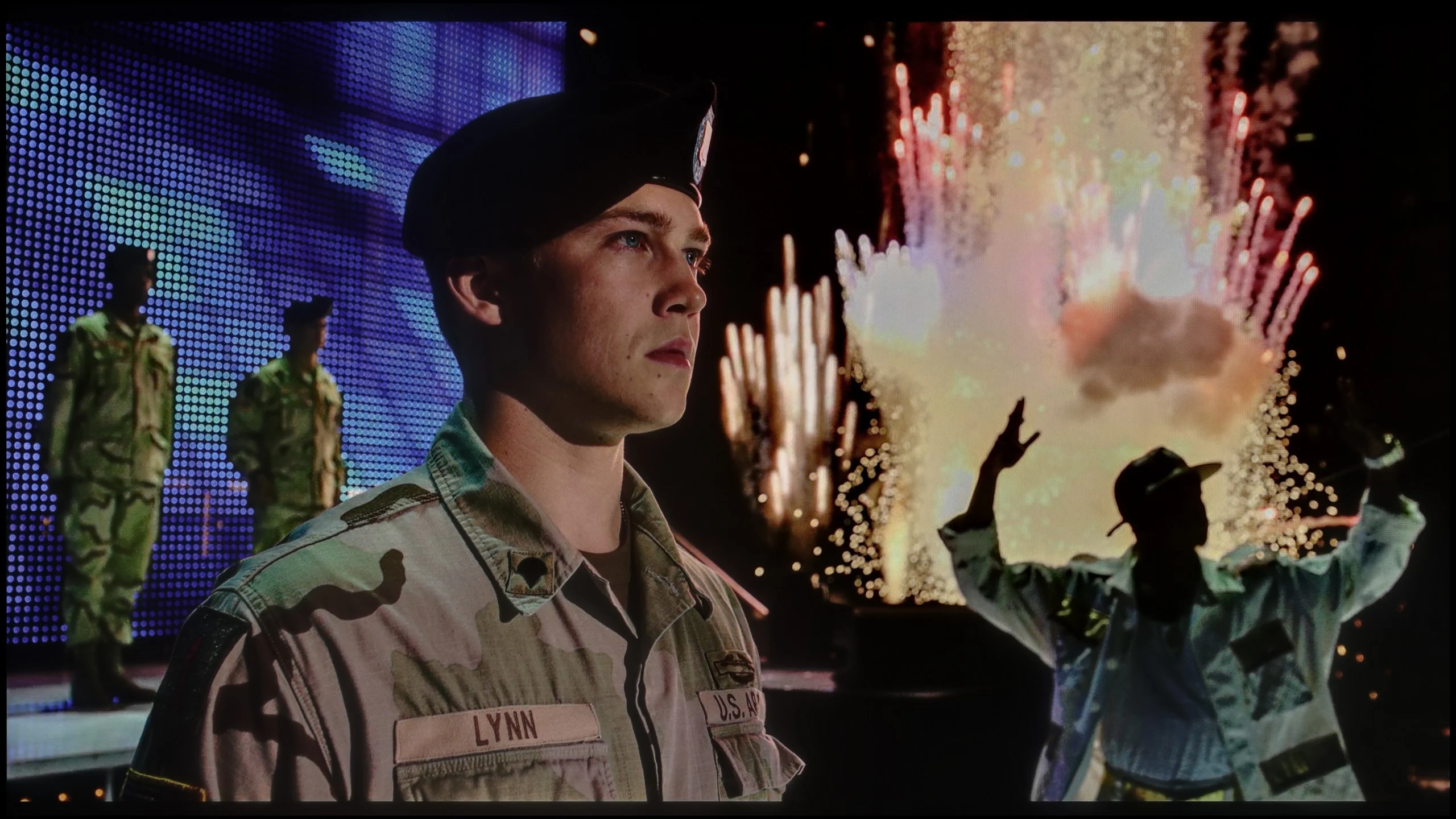
The photos show two HDR10 movies. 'Pan' is one of the brightest productions ever made, while 'Billy Lynn' (soldier) has brightness typical of streaming (Netflix, Prime, HBO MAX). Notice the intensity of effects and detail in whites.
Static HDR10


The photos present the visibility of white details in various HDR formats. They do not show brightness differences between TVs (these can be compared in the previous gallery).
Dynamic: HDR10+
Dynamic: Dolby Vision


The photos present the visibility of white details in various HDR formats. They do not show brightness differences between TVs (these can be compared in the previous gallery).
HDR luminance chart:
TCL C9K
XIAOMI A PRO 2026
If you are hoping for a cinematic HDR effect in the new Xiaomi A Pro 2026, you better quickly cool your expectations. This TV is simply too dark to fully convey the capabilities of contemporary movies or series prepared for the highest quality picture. Our measurements showed brightness in the range of 200-300 nits, which are values that suit SDR content more than ambitious HDR productions. In practice, this means that most movies look okay, but they definitely won’t give you the "wow" effect that other TVs deliver. Fortunately, not everything is lost – a plus here is the use of the PFS LED filter, which is a solution similar to the quantum dot known from QLEDs. Thanks to this, the coverage of the DCI-P3 color gamut reaches about 94%, resulting in vibrant, saturated colors in the vast majority of materials.
As we mentioned with black and contrast – the C9K can make a huge impression in synthetic tests. Our measurements showed that on a screen 10% filled with white, the television is capable of squeezing out… 4000 nits of brightness! It sounds astronomical, but – and here, unfortunately, the pattern repeats – the numbers say one thing, and practice says another. In real movie scenes, the situation looks different. At best, when the light effects occupy a large part of the image and the local dimming algorithm does not have to think too hard about what to do with thousands of zones – the effect is really good. At that point, the C9K can reach around 1500 nits, which provides a pleasant, intense flash and can indeed make a positive impression.
The problem starts with smaller elements – such as stars in the sky, the moon, or single reflections. That’s when the proverbial cat comes out of the bag: the algorithms are not yet refined, and brightness drops to even 400–500 nits. That’s a huge difference compared to the potential 4000 nits we saw in laboratory tests. Why does this happen? Most likely, the television is trying to protect the blacks in this way and minimize the halo effect around bright objects. Unfortunately, this comes at the cost of details – some details simply vanish, and the scene loses its nature.
Factory color reproduction
3.5/10
4.5/10


This gallery shows how colors change after professional TV calibration. If you notice the difference, we recommend ordering this service at SkalibrujTV.com.
Factory Mode
After calibration


This gallery shows how colors change after professional TV calibration. If you notice the difference, we recommend ordering this service at SkalibrujTV.com.
Factory Mode
After calibration
What we saw in Filmmaker mode surprised us greatly – and unfortunately not in a good way. The mode advertised as Hollywood standard resembled more of a display in a store window. The white balance was shifted towards blue, leading to huge color errors and the effect of washed-out scenes in SDR content. It was a little better, though far from perfect, in HDR materials. There, problems were also visible – color saturation and the entire palette consistently shifted towards cooler tones, which made the image appear more artificial and cold rather than cinematic. In other words: even in Filmmaker mode, which should be the showcase of this television, we got a result far from expectations.
For color tests, as always, we reached for the Filmmaker mode – a new feature in TCL TVs for 2025. And while the direction itself is a step in the right direction, the execution leaves much to be desired. The white balance in SDR content turned out to be too warm – there was an excess of red. On the other hand, in HDR, it went in the opposite direction: the image became excessively blue. The Colour Checker test revealed quite a few color errors that were noticeable to the naked eye. An even bigger problem turned out to be what we mentioned above – brightness management. Regardless of whether we were watching SDR or HDR content, the image tended to blow out the entire scene, giving it an unnatural, even grotesque character. It's hard to call this a "director-created" mode – because the director has certainly never seen such an image.
Color reproduction after calibration
7/10
7.5/10
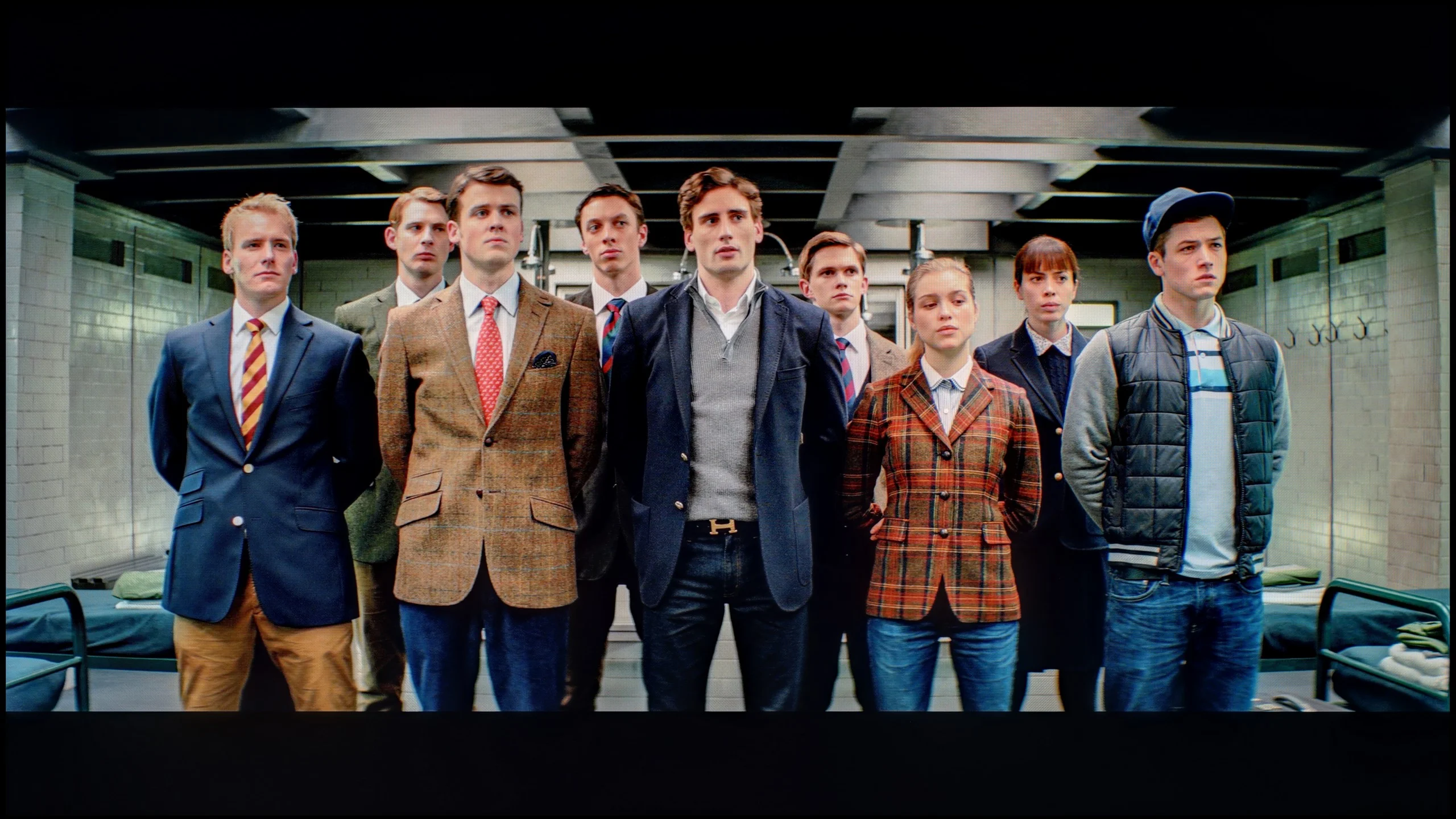
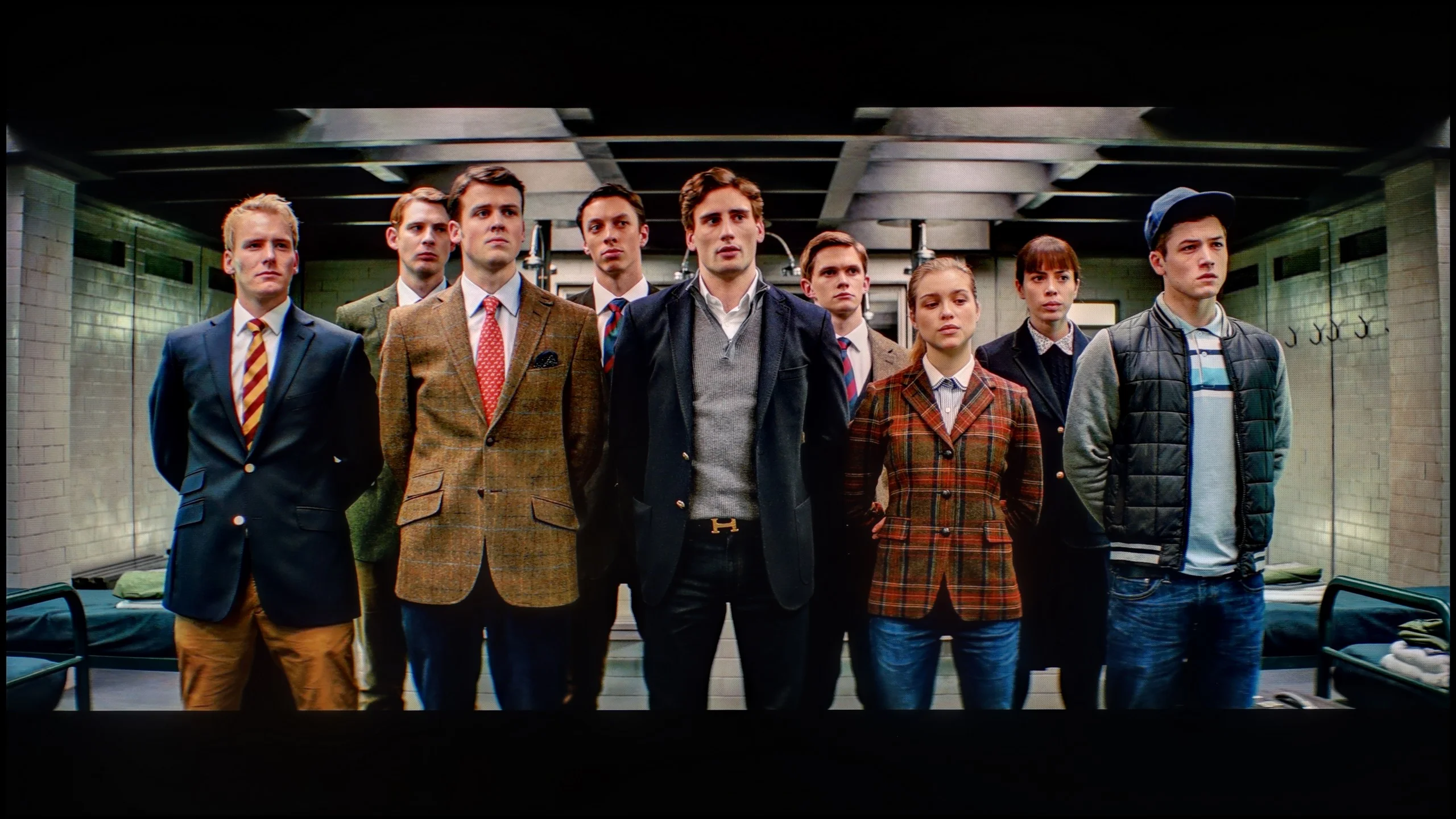
The photos show how movies look on the TV. Pay attention to black detail visibility, colors, and shadow tint.
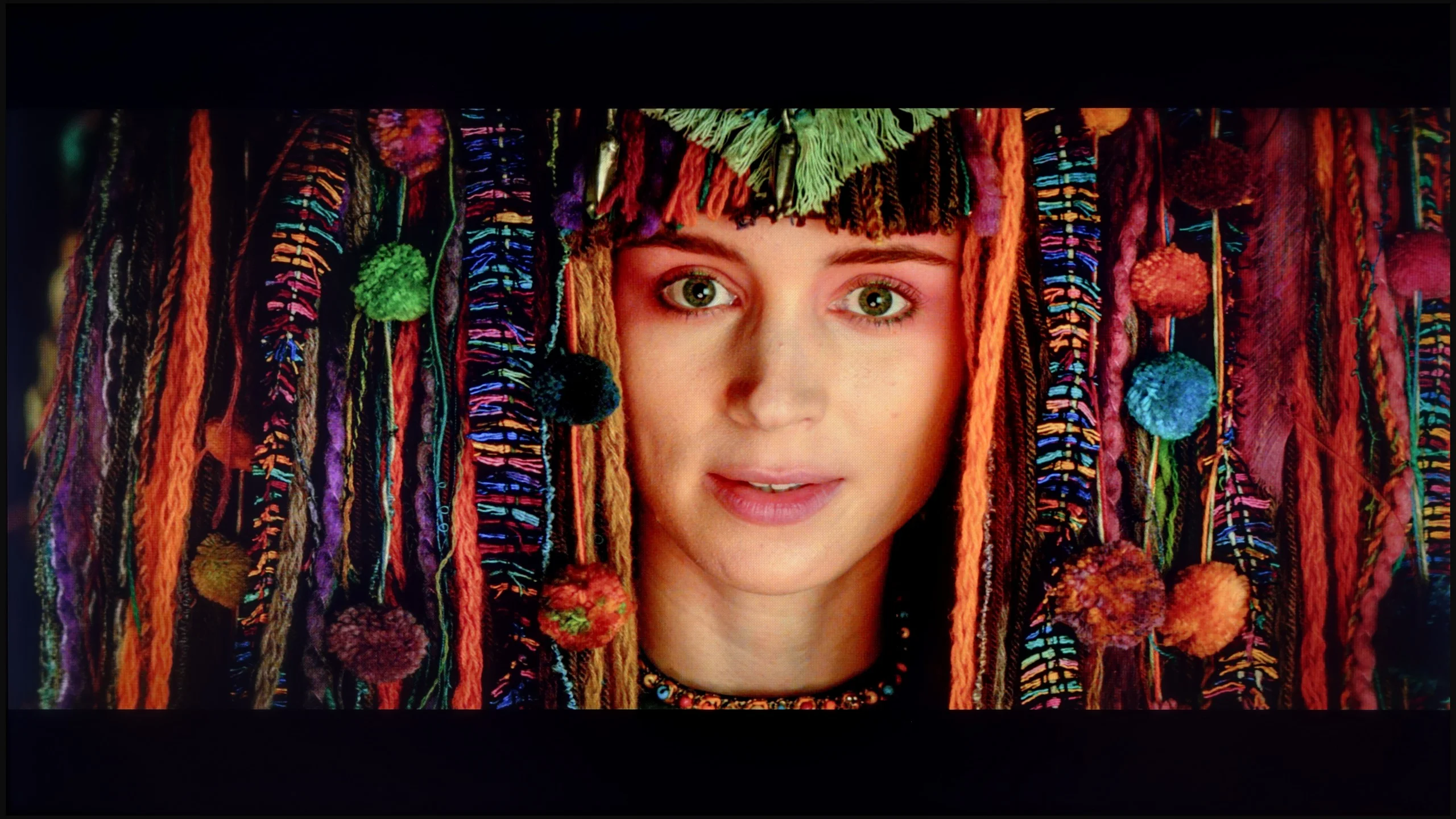

The photos show how movies look on the TV. Pay attention to black detail visibility, colors, and shadow tint.
Even though Xiaomi is not a brand associated with top-of-the-line televisions, it must be acknowledged that even in a budget model like the A Pro 2026, the manufacturer left quite a few calibration settings. After a few adjustments, the SDR picture gained a completely new character. The colors stopped veering into blue tones, the whites became more natural, and most errors dropped to a practically invisible level. As a result, SDR content looked very good, surprisingly so for this price range.
It was somewhat different with HDR material. Here, it was immediately noticeable what we had already mentioned - the overexposure of bright scenes and issues with balance control. Calibration only helped partially because the limitations of the panel itself played a role. However, it should be emphasized that in the case of SDR, the television transformed beyond recognition, and in a decidedly positive direction.
After calibration, we finally managed to tame the white balance – and it immediately translated into a more natural image. Colors finally started to look the way they should, and the overall presentation was incomparably better than in the factory settings. In other words – it’s worth taking a moment to improve this, as the gain is truly significant. The gamma responsible for managing brightness was also brought into order in SDR content, and the effect was more than satisfying. Unfortunately, when we turned on HDR materials, the situation quickly became complicated. No matter how we set the local dimming, the television had a tendency to do what it liked with the image – either it overexposed everything or dimmed the darkest parts too much. Exactly as we saw in the scene from the movie Billy Lynn. So, the color improvement after calibration makes a great impression, but brightness management in HDR remains the Achilles' heel of C9K and presents a certain technological limitation.
Smoothness of tonal transitions
9.3/10
8.7/10
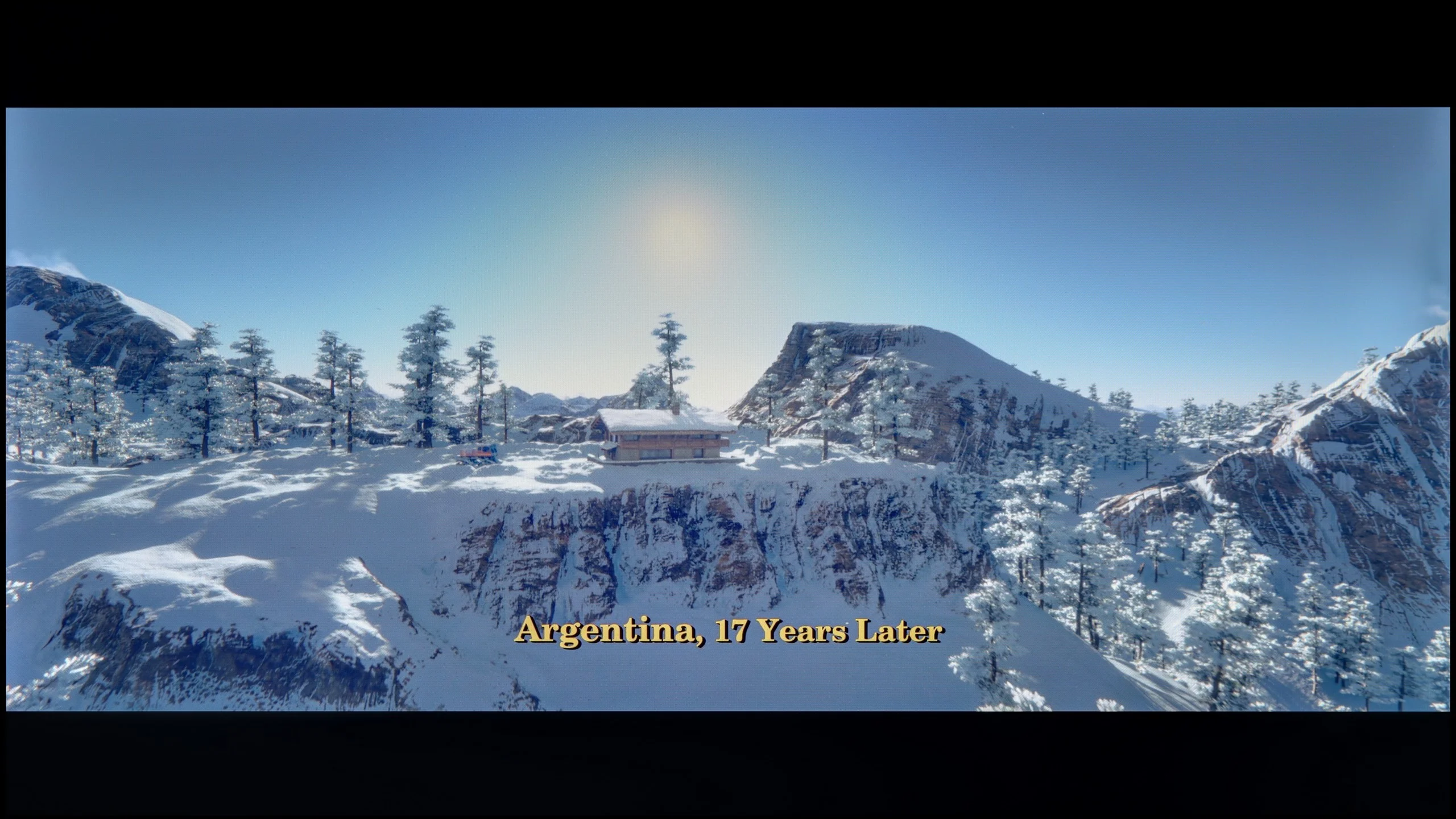

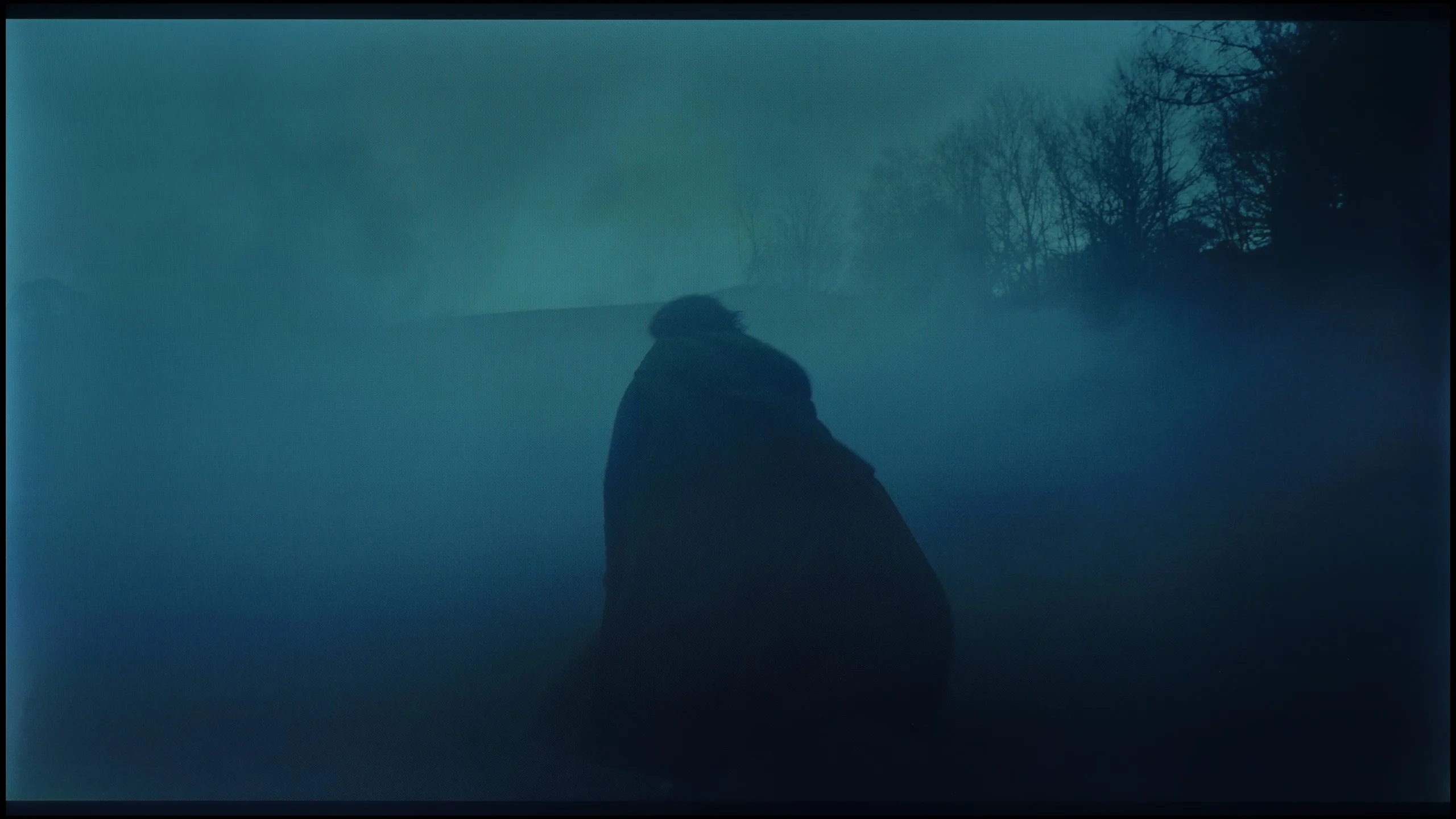


These are selected scenes that show smooth tonal transitions from one color to another. If you see distinct banding, it’s the TV panel’s fault.

These are selected scenes that show smooth tonal transitions from one color to another. If you see distinct banding, it’s the TV panel’s fault.
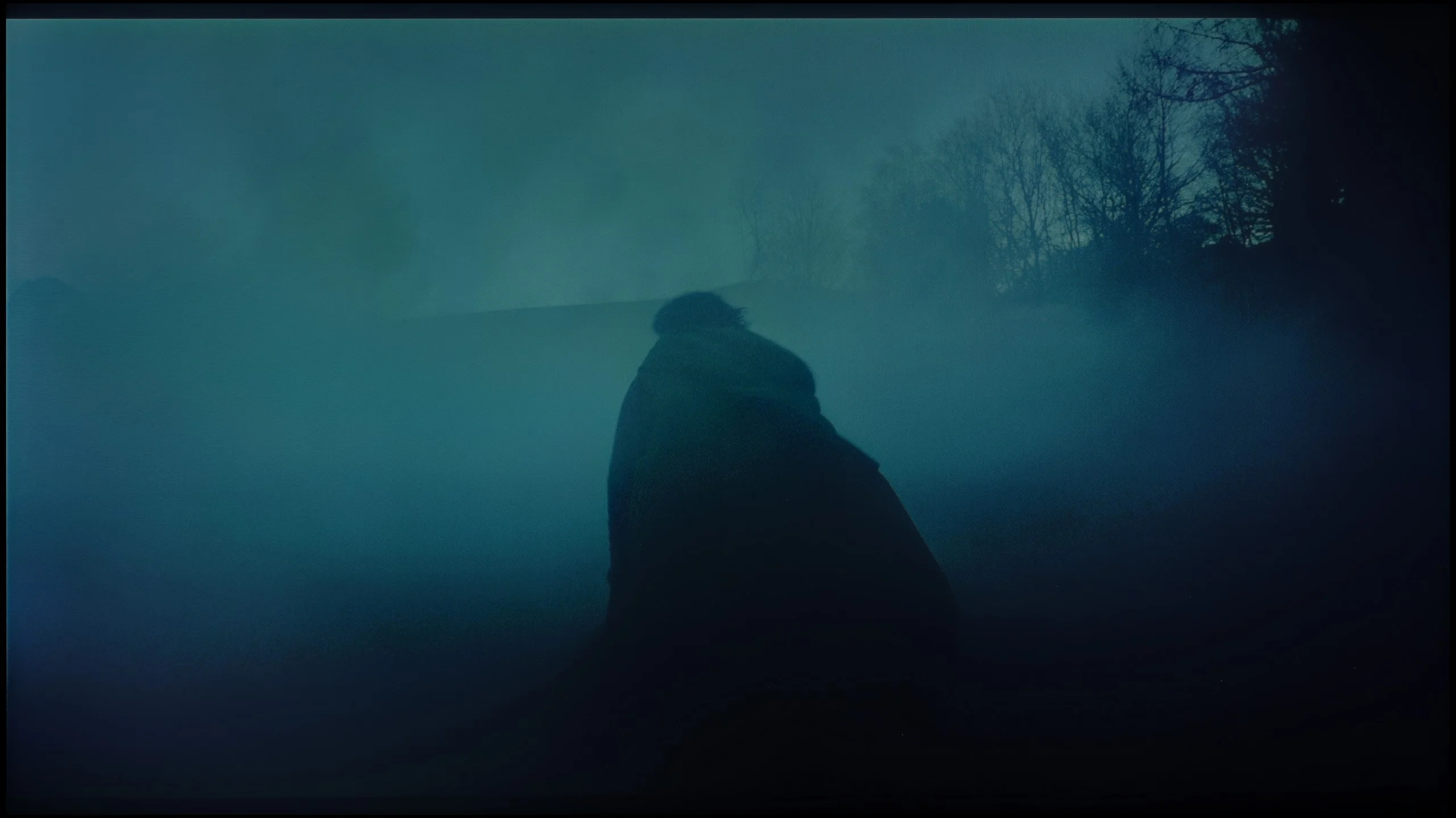
These are selected scenes that show smooth tonal transitions from one color to another. If you see distinct banding, it’s the TV panel’s fault.

These are selected scenes that show smooth tonal transitions from one color to another. If you see distinct banding, it’s the TV panel’s fault.
The television really handles color blending well, and in most scenes, it's hard to find any imperfections. This is best seen in the bright parts of films, where tonal transitions look almost perfect, making the image smooth and natural. Darker scenes are a bit worse; in them, characteristic banding can be noticed. Fortunately, this is not a flaw that stands out and will remain virtually unnoticed by most viewers.
In terms of the smoothness of tonal transitions, TCL C9K performs really well. In more challenging movie scenes, there is no typical color banding that can break immersion even in more expensive TVs. Perhaps slight issues can be noticed in the brightest parts – for example, in scenes from the movie Kingstone – but these are nuances. For the vast majority of viewers, especially with 4K content, color grading will look smooth and practically unnoticeable.
Image scaling and smoothness of tonal transitions
3/10
5.5/10


Smooth transition function
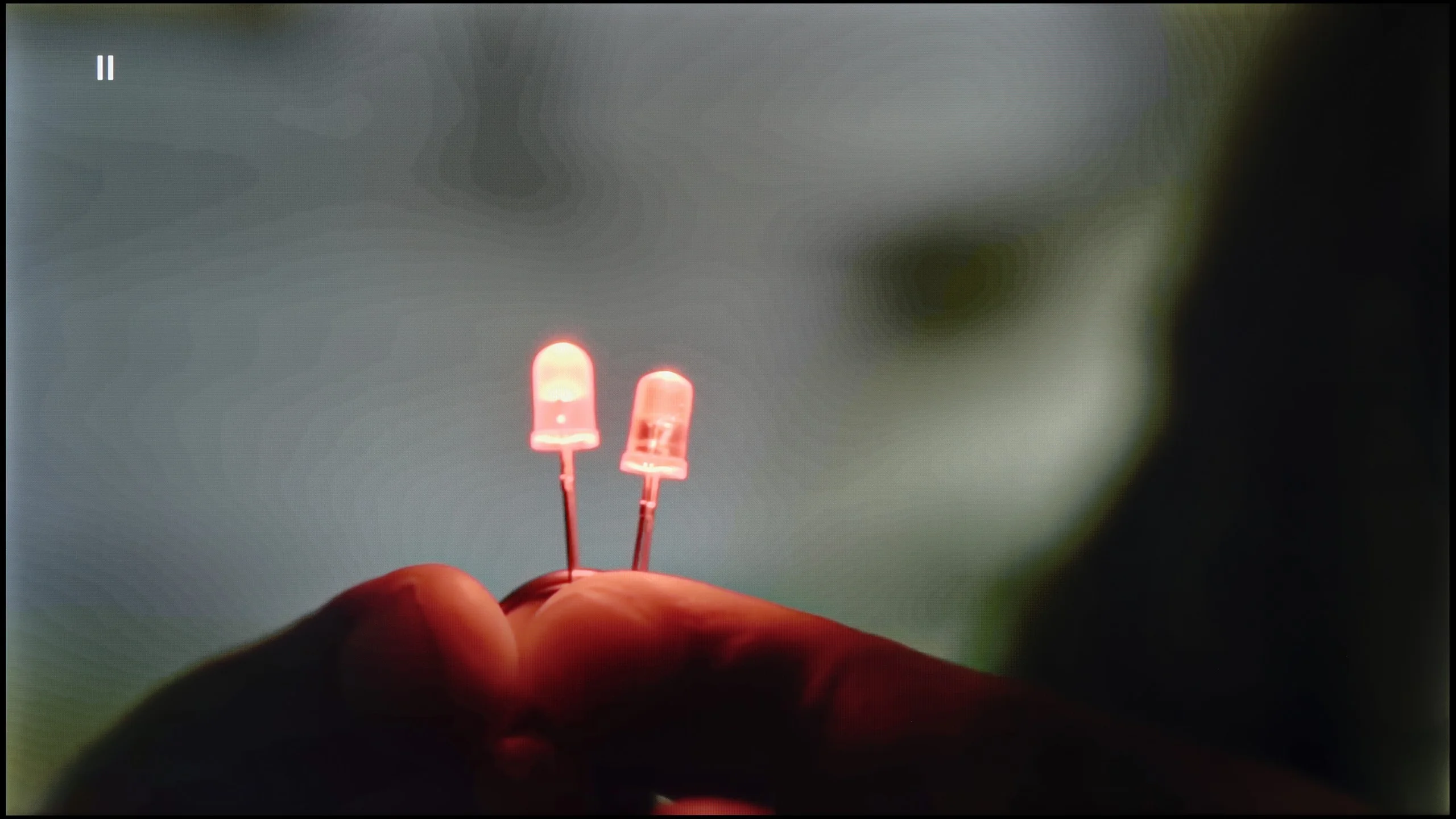
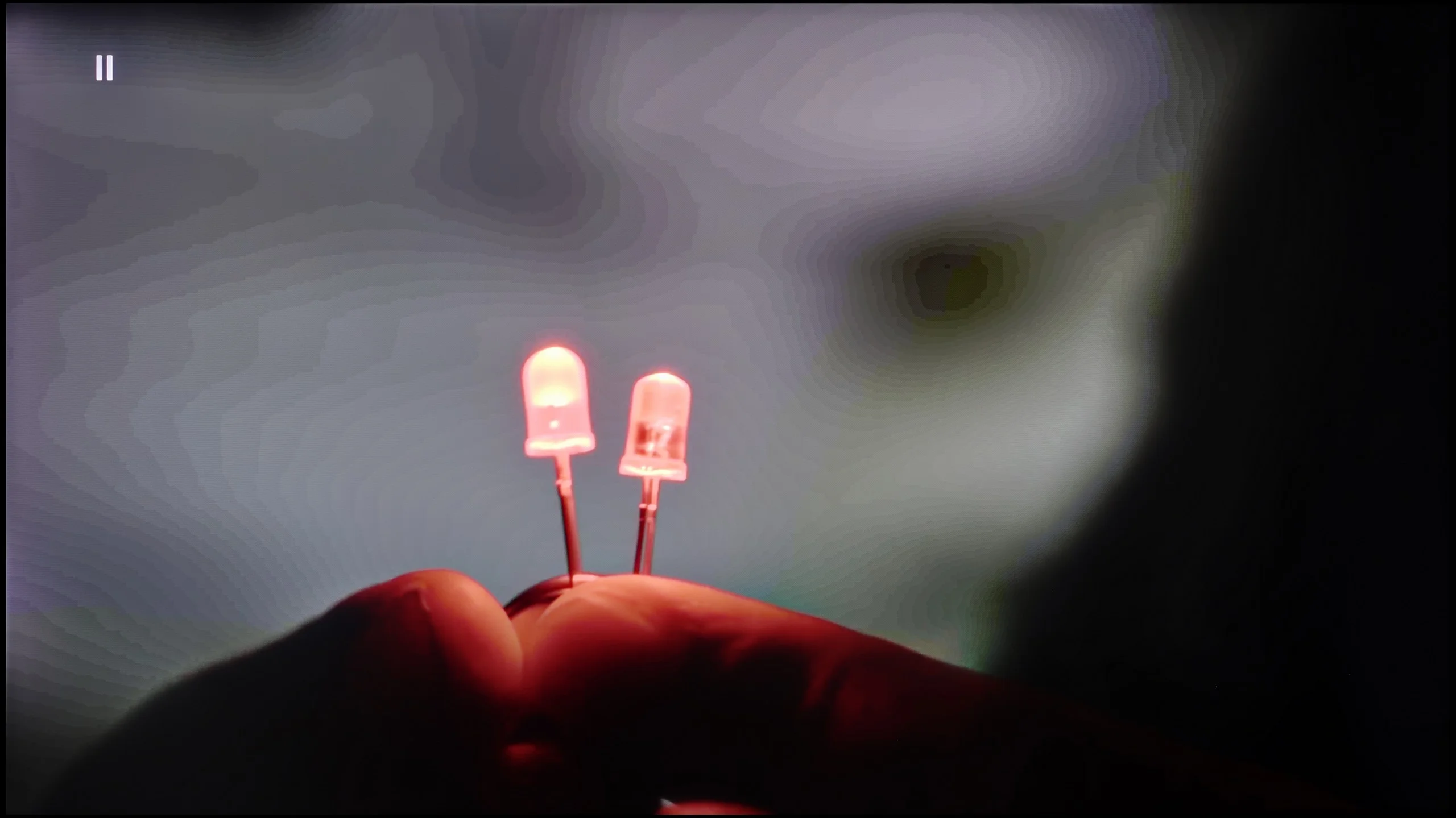
The match photo shows how the TV smooths weak tonal transitions in low-quality video.
Image scaling SD (576i)


The model photo shows how it handles upscaling of SD material.
Upscaling and digital image processing in the Xiaomi A Pro 2026 are not among the strengths of this model. One might expect that since the TV wasn’t designed to achieve record brightness levels, the manufacturer would have opted for a more robust processor and a set of features that would "enhance" lower quality images. Unfortunately – we were also quite disappointed here. On the plus side, there is reasonably decent upscaling that handles HD materials and elevates them to 4K in an acceptable manner. However, this is where the list of advantages ends. The TV does not offer any features to improve tonal transitions or smooth out digital imperfections, so in most cases, we get a raw image, exactly as we deliver from an external source. On a large screen, this lack of support makes lower quality materials look simply bland. An additional problem is the phenomenon of overscan. When watching older materials, it sometimes happens that part of the image is cut off, which only intensifies the impression that Xiaomi still has a lot to catch up on in this category.
Digital image processing in TCL C9K is quite mediocre. The tonal smoothing feature seems to be present, but turning it on practically changes nothing – color bands are still visible, and it can unintentionally highlight elements we would prefer to hide, such as textures of objects. Fortunately, it doesn’t remove film grain, but that’s small comfort since the effects are still poor. Therefore, it's hard to recommend using this option.
On the other hand, image scaling performs much better. Lower quality materials look quite decent – characters and backgrounds are presented clearly, although, of course, with sources at 576p, physics cannot be fooled. Sometimes, characteristic aliasing on objects appears, but that’s the fault of the source itself, not the algorithm. A plus for not having issues with overscan – the image is not artificially cropped or enlarged.
Blur and motion smoothness
4.5/10
7.6/10
Blur (native resolution, maximum refresh rate):


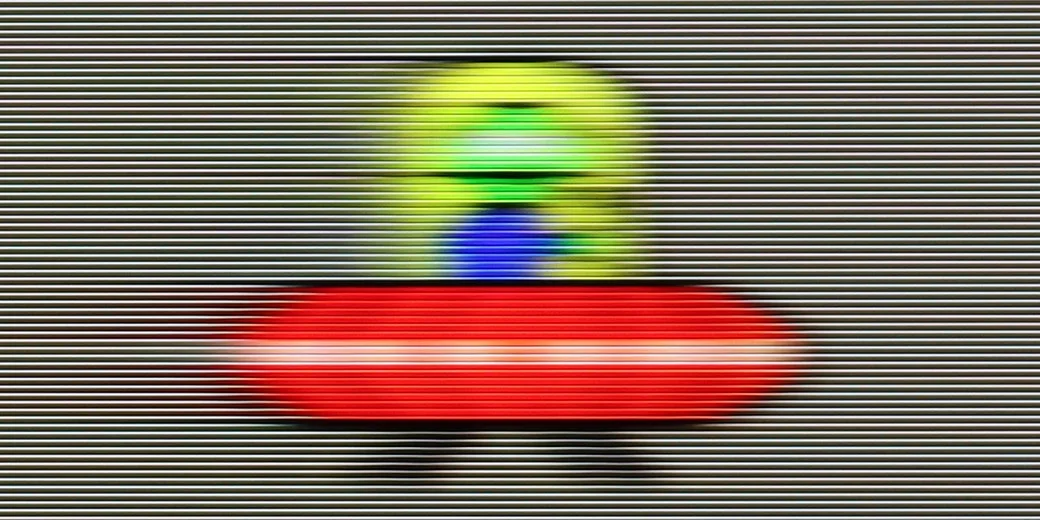
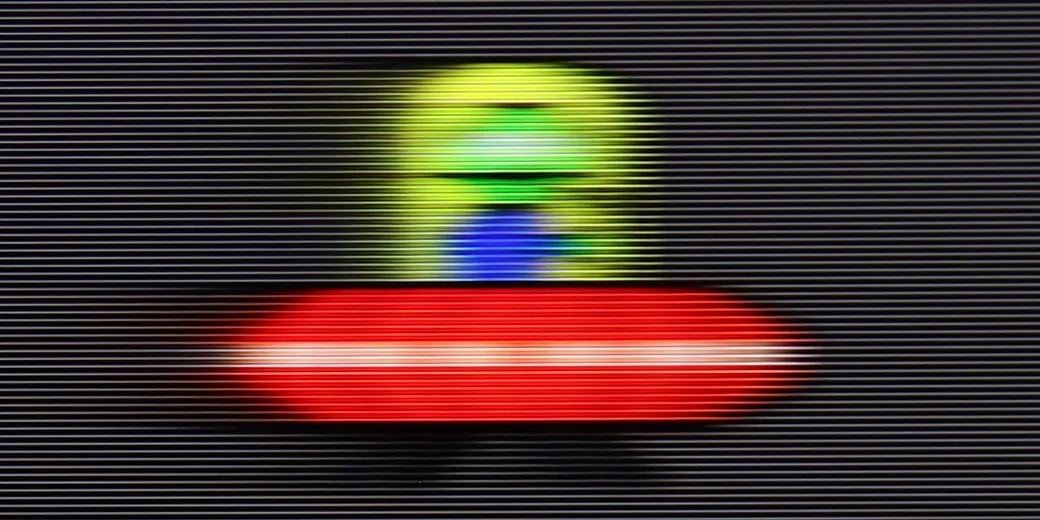
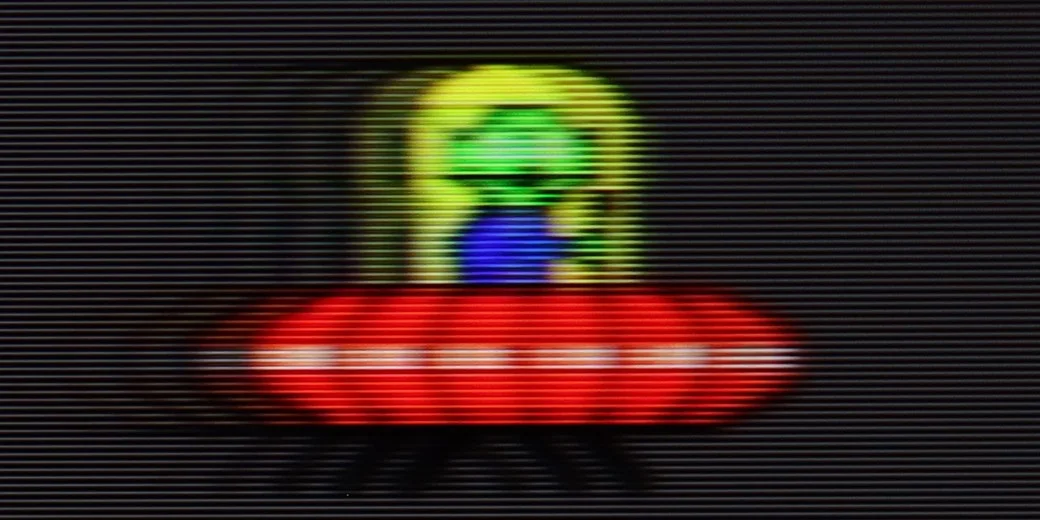
Blur (BFI function enabled):


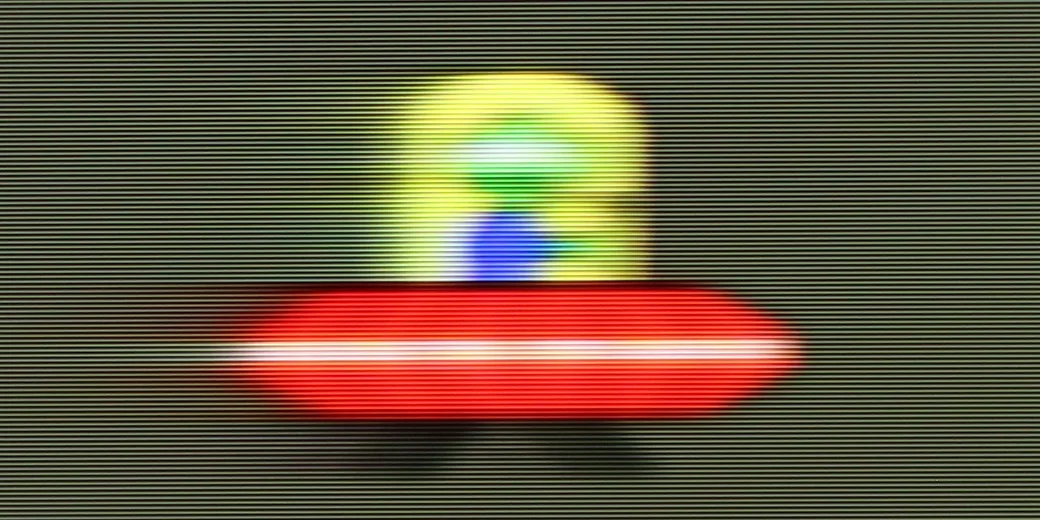
Blur (1440p@120Hz):


Blur (1080p@288Hz):
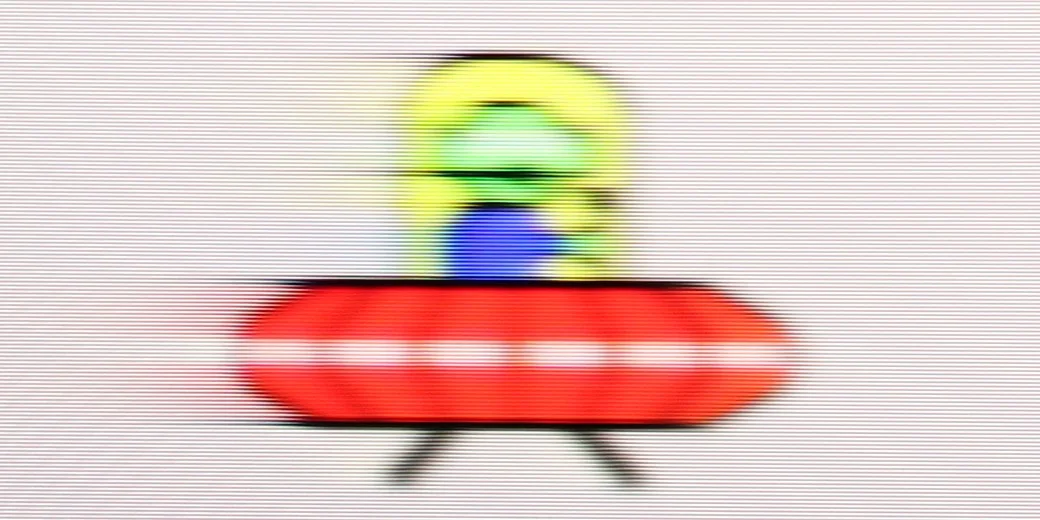
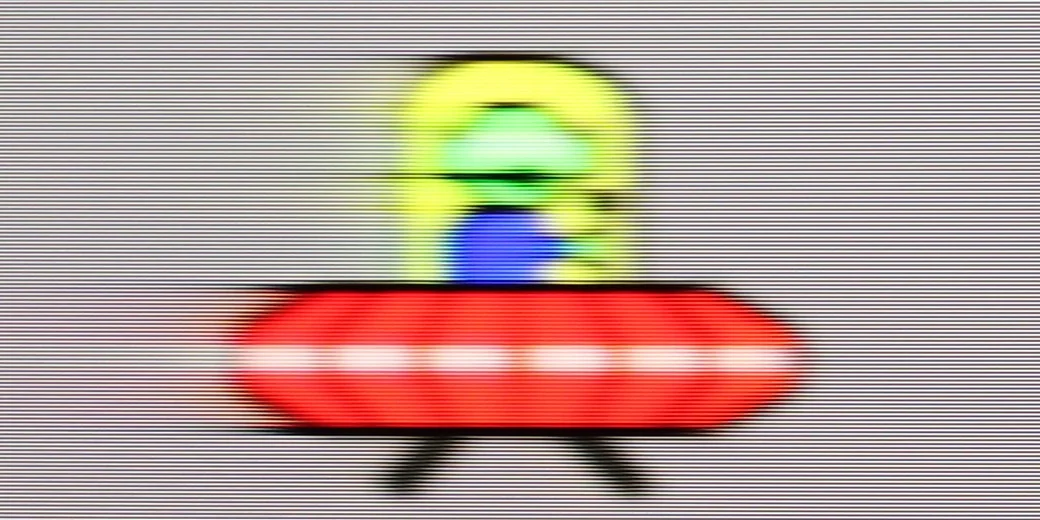
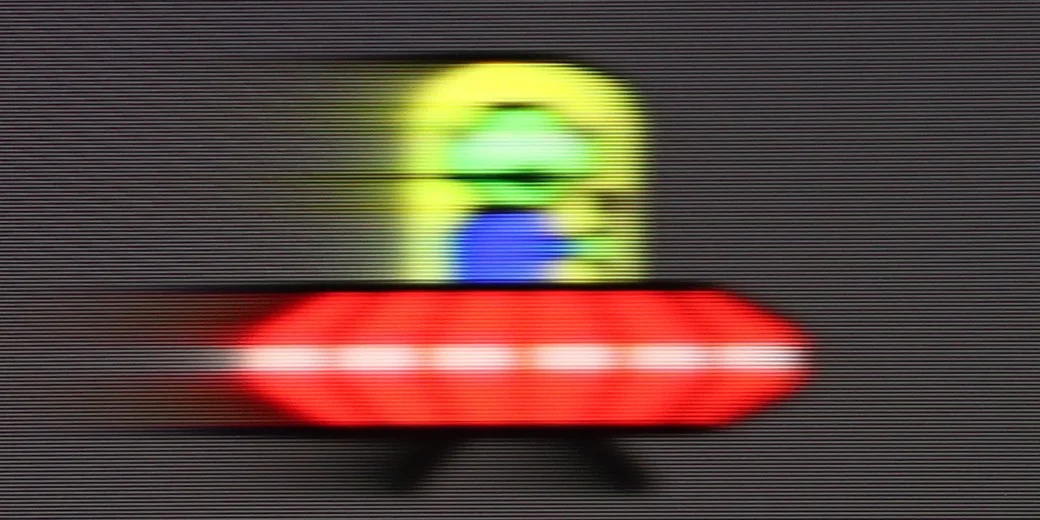
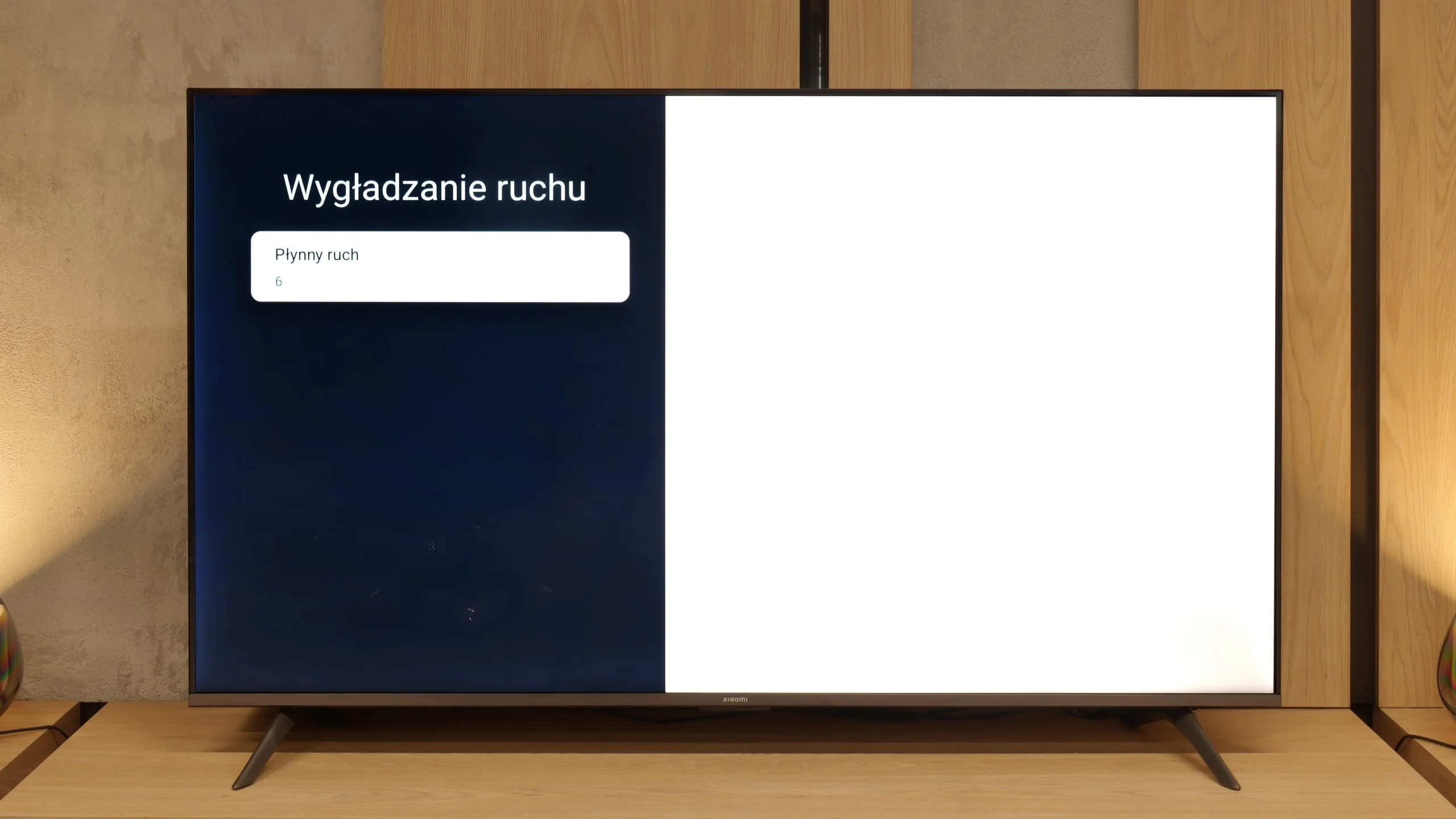
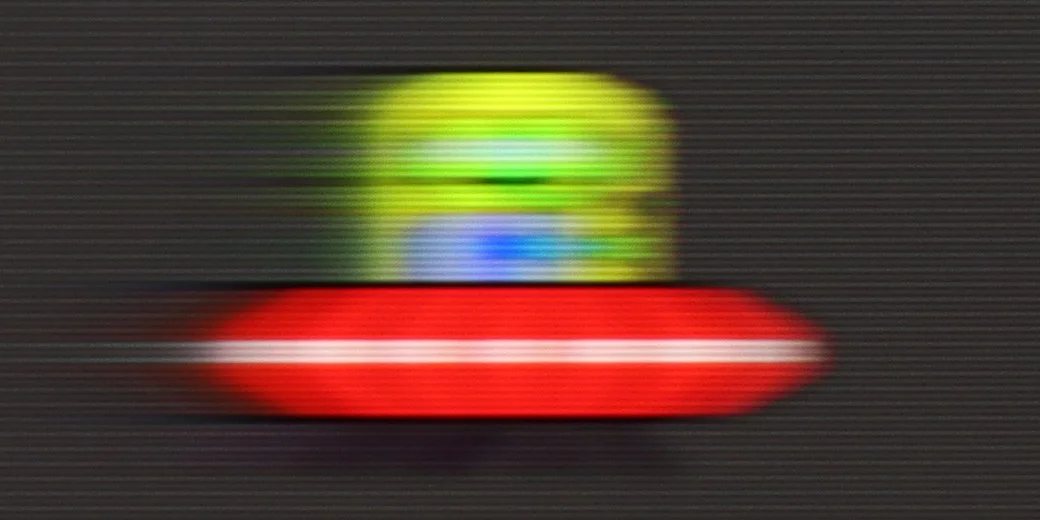
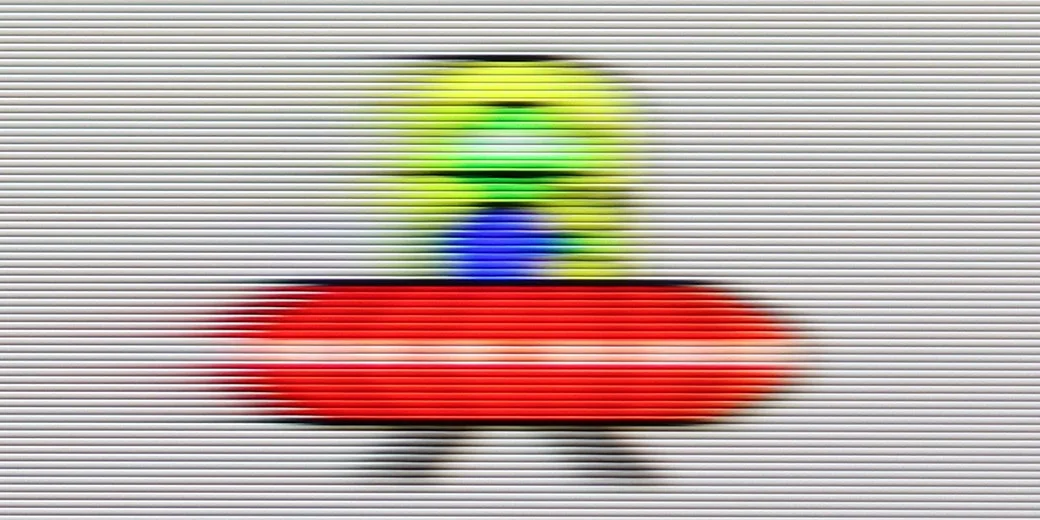
The motion fluidity in the Xiaomi A Pro 2026 is an interesting compromise that results from the hybrid matrix used here. At the native resolution of 4K, the maximum refresh rate is 60 Hz – sufficient for those who mainly watch movies and series. It is precisely for them that the manufacturer added a motion smoother, allowing users to adjust the image to their own preferences – one can opt for greater fluidity or leave the more "cinematic" frames depending on the settings.
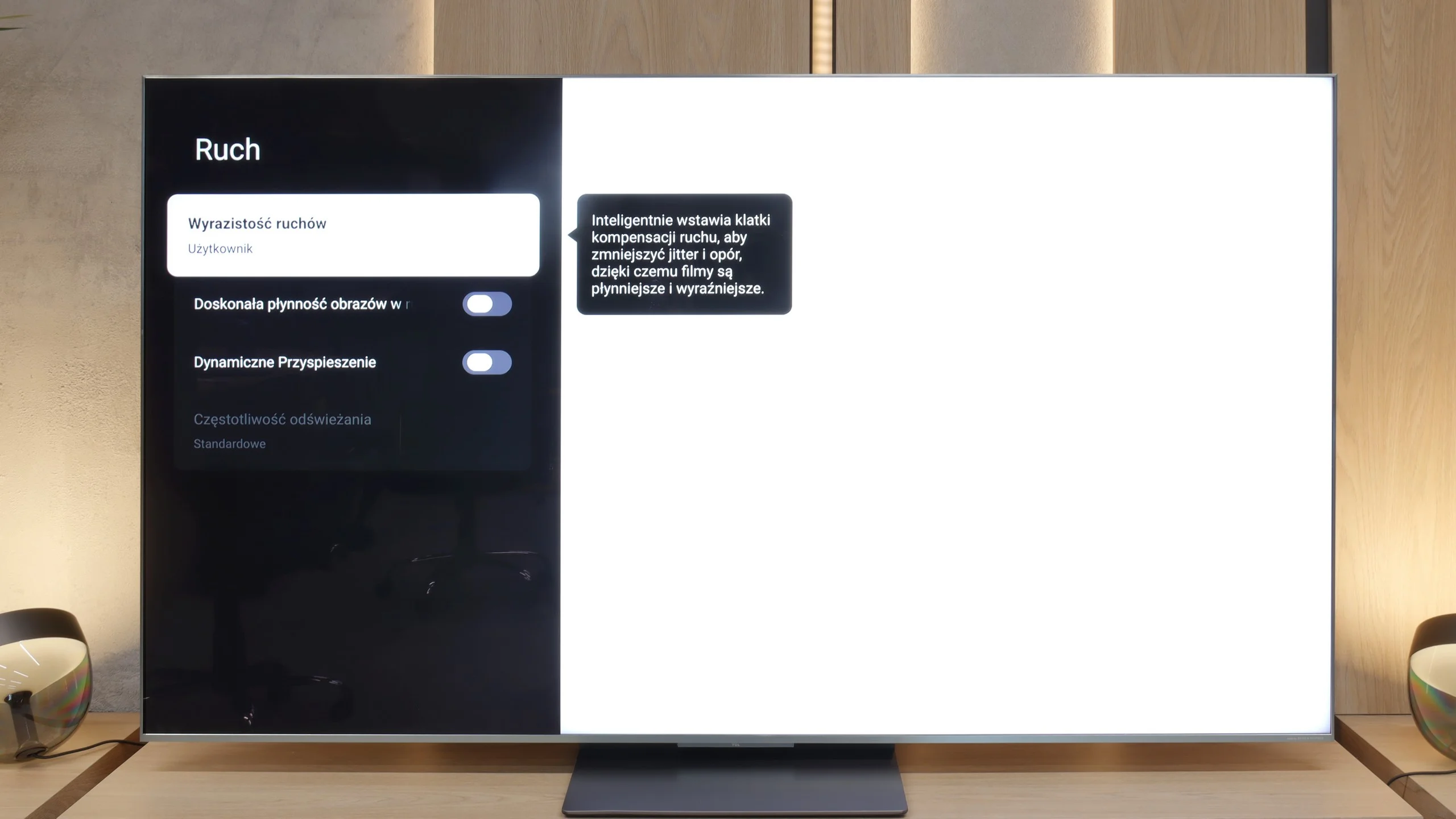
Like the C8K, the C9K is also a really fast television – both figuratively and literally. It features a 4K panel with a refresh rate of 144 Hz, and at lower resolutions, the display can even ramp up to 288 Hz. This speed translates into practice – when watching sports or playing games, the image looks very smooth and clear. Additionally, in films, we get an extra motion smoother called Motion Clarity, which allows us to adjust the fluidity to our own preferences – from the cinematic "judder" frame to almost theatrical smoothness.
Console compatibility and gaming features
3.6/10
9.8/10
- ALLM
- VRR
- VRR range 48 - 288Hz
- Dolby Vision Game Mode
- Correct implementation of HGIG
- 1080p@120Hz
- 1440p@120Hz
- 4K@120Hz
- Game bar
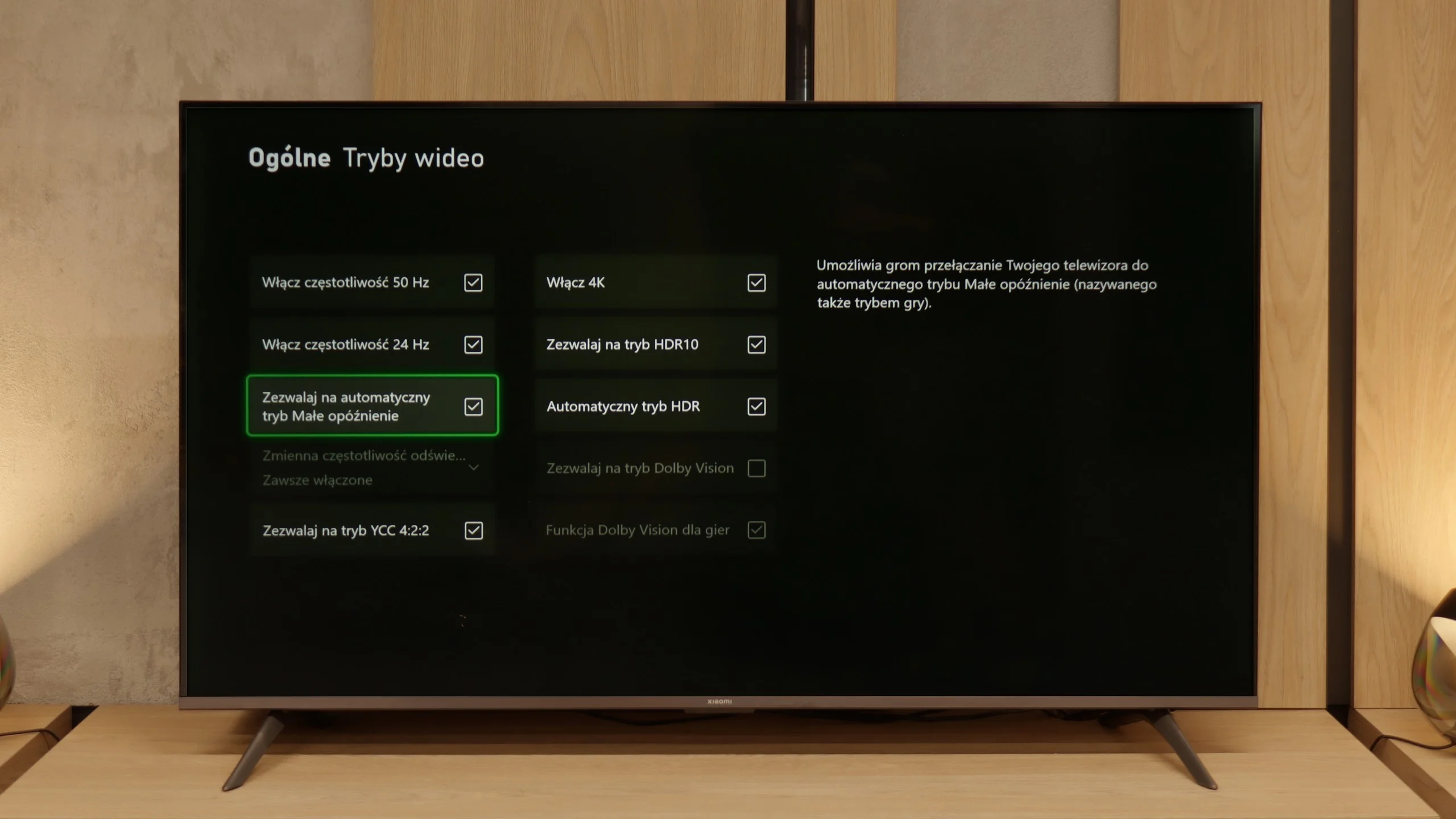
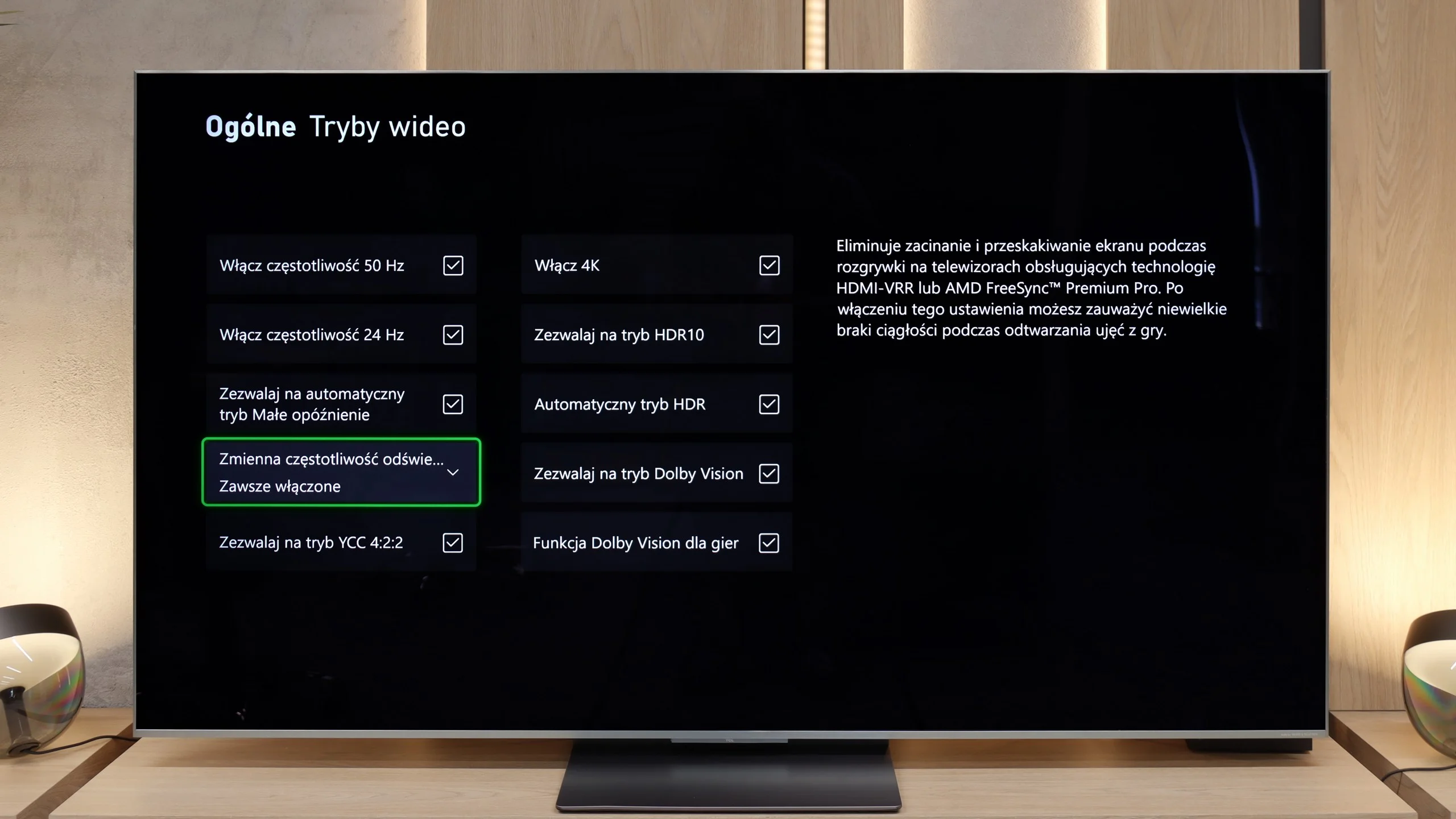
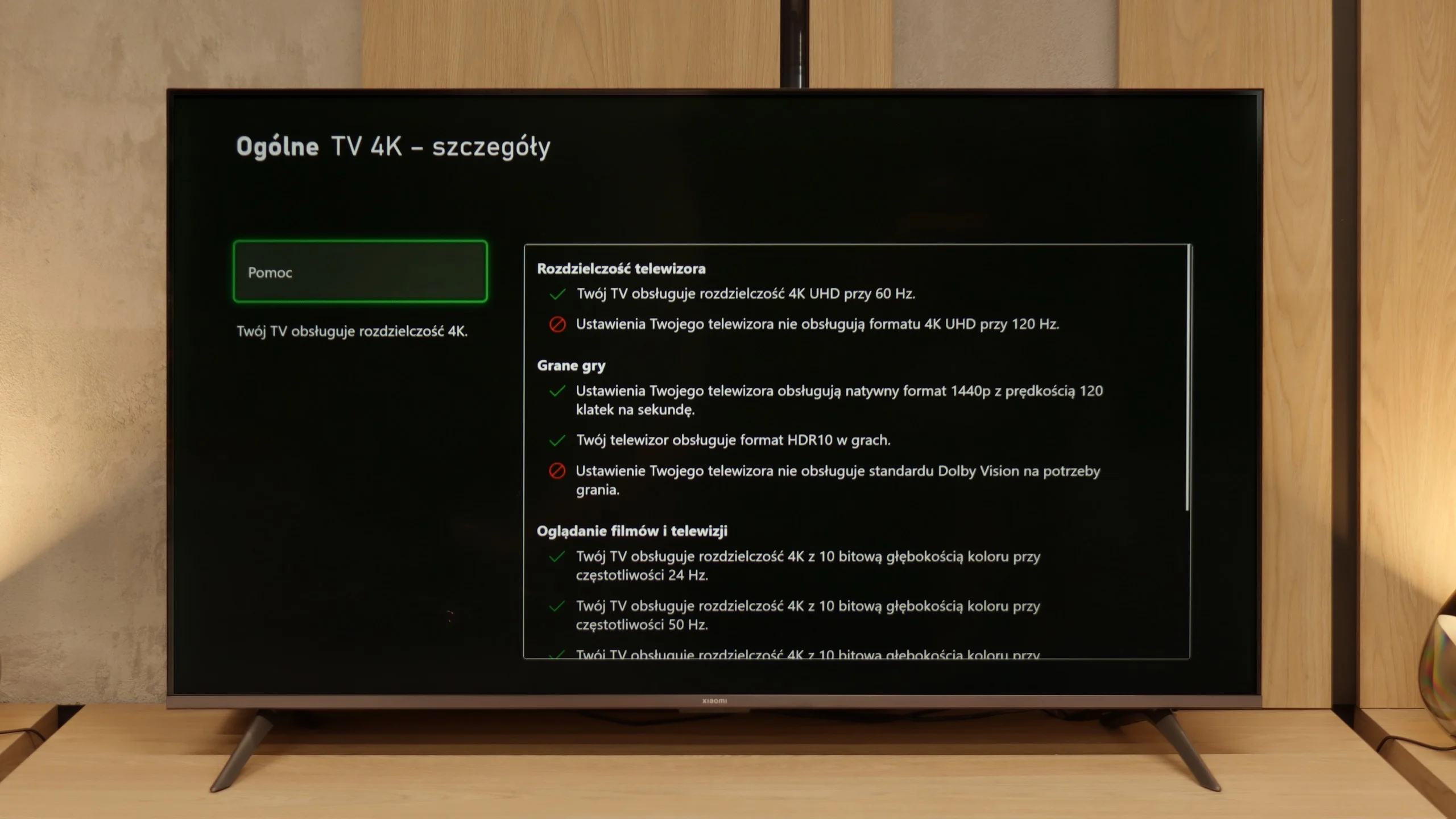
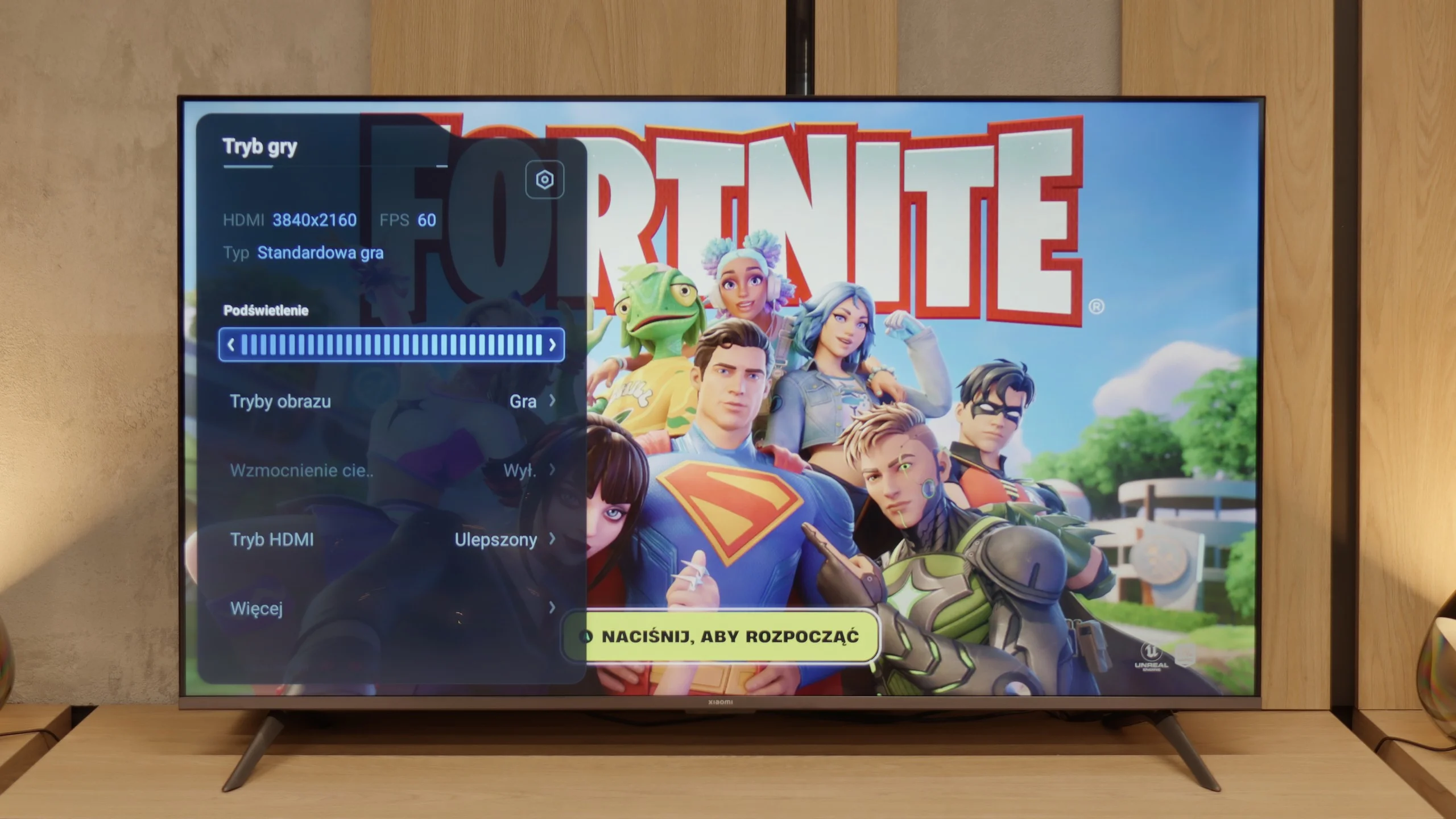
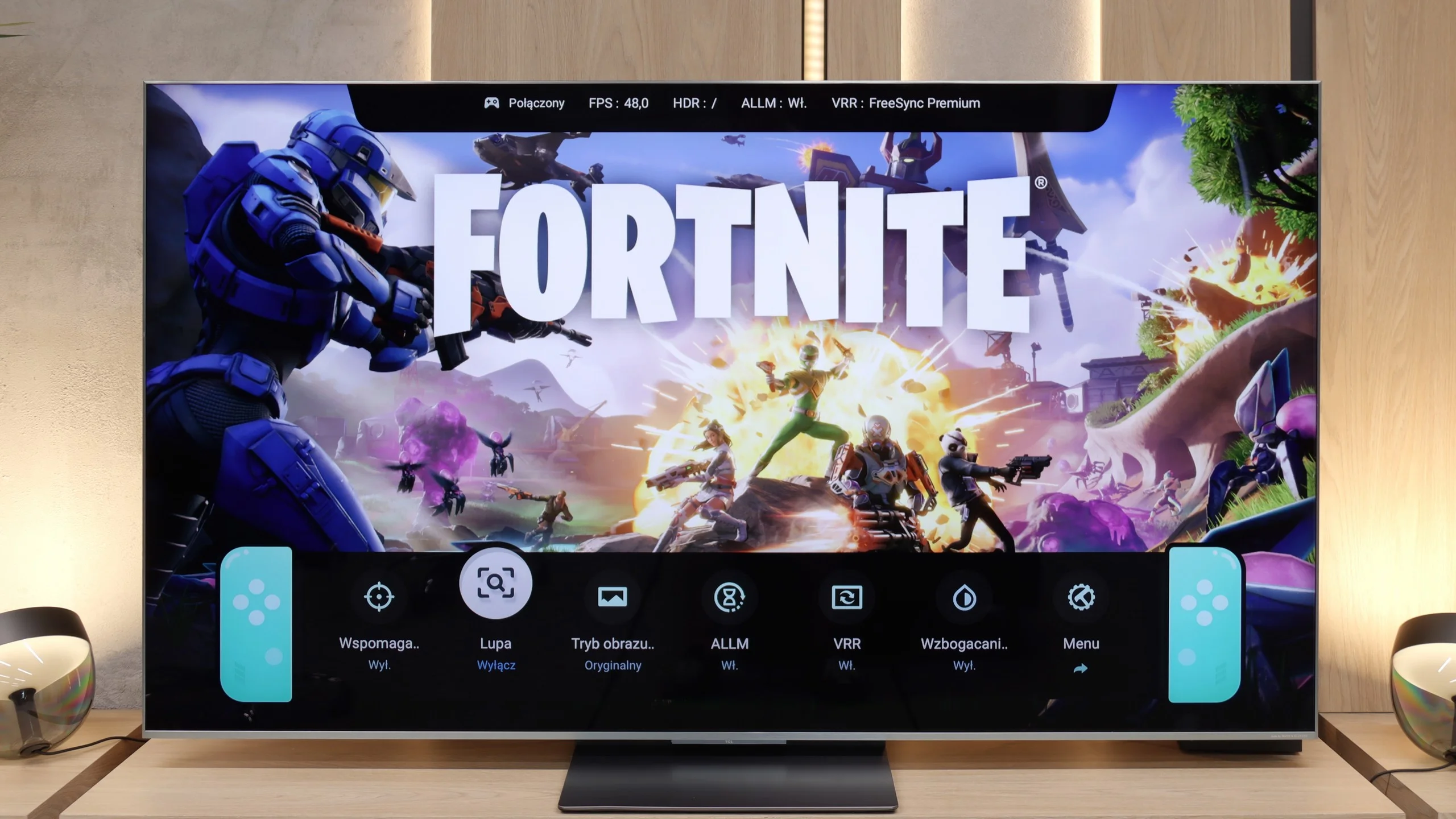
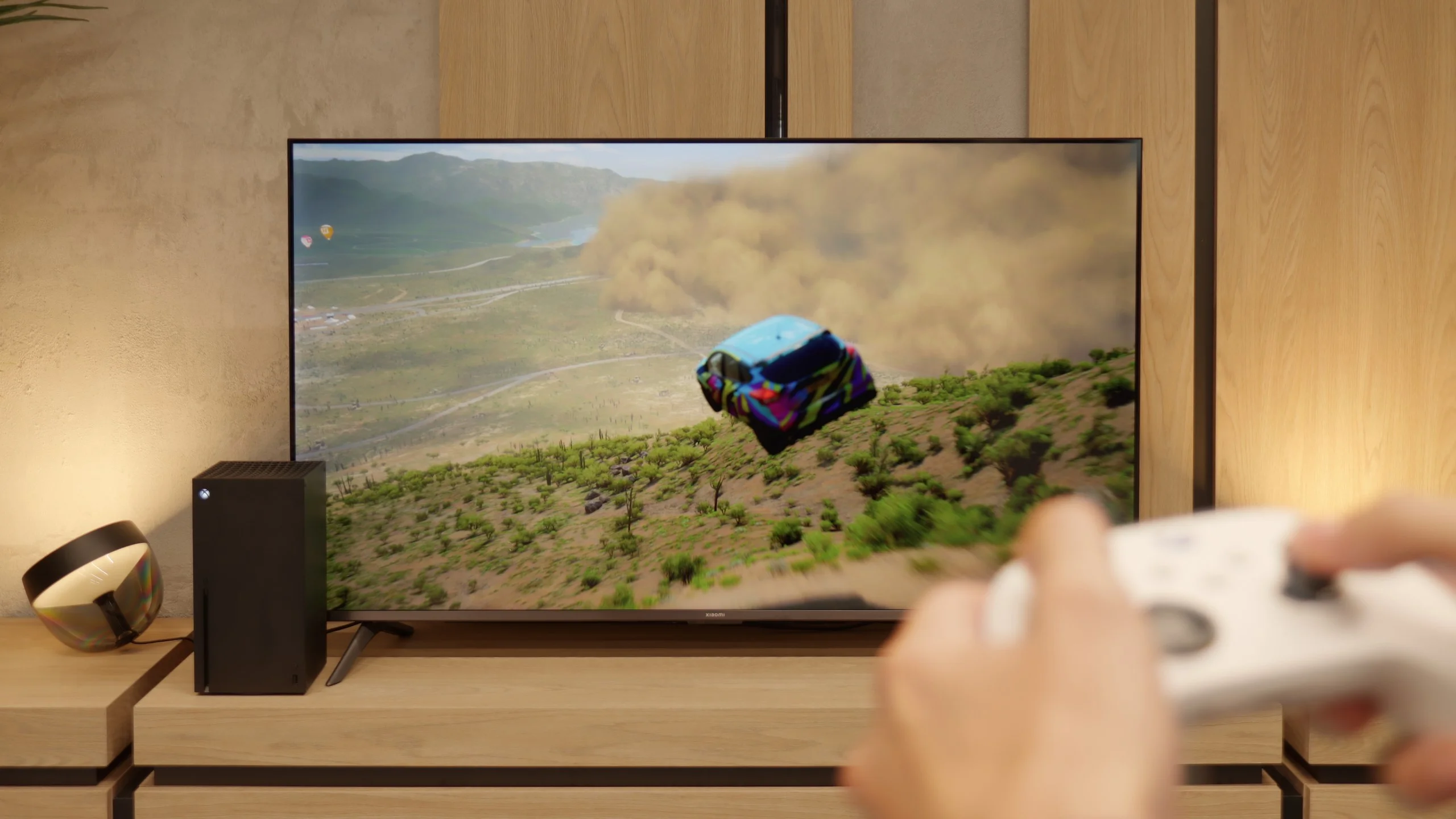
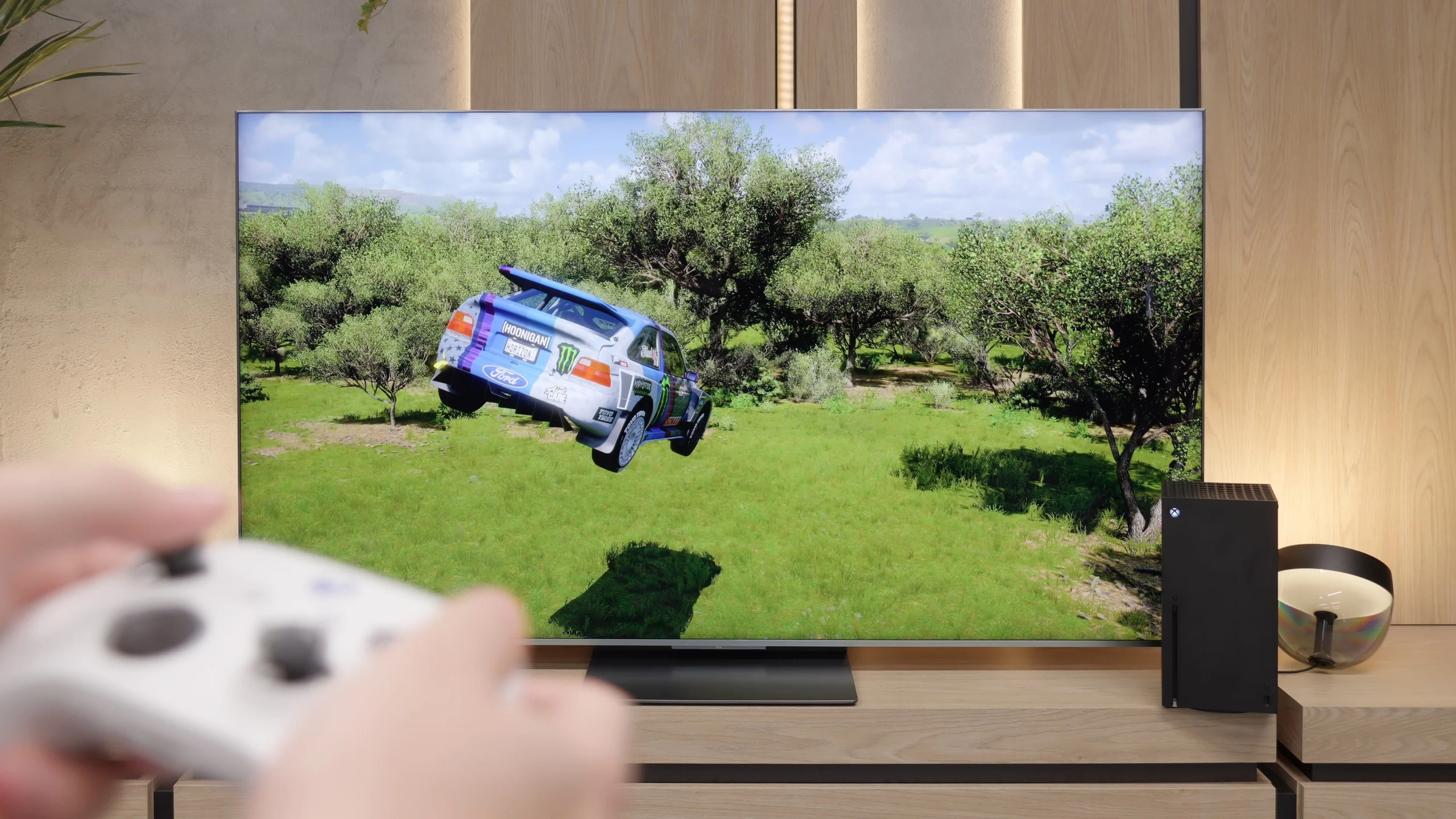
Indeed – since Xiaomi has added the "Game Boost 120 Hz" feature here, one might expect that they would follow up with a solid gaming package. Unfortunately, reality quickly dampens that enthusiasm. Aside from this mode (which, it must be said, is a great addition in a budget build), we have just a rather bizarre player panel. It's hard to call it a fully-fledged "game bar" – it's more of a simple overlay on the TV Menu with limited options. And that would be about it. There is no ALLM, so the TV won't automatically switch to game mode. There is no VRR, so you can forget about smooth frame synchronization. We also won't find support for Dolby Vision in games or the HGiG format, which are becoming increasingly standard on consoles. In short: apart from Game Boost 120 Hz, which does indeed make playing more enjoyable in 1080p or 1440p, the Xiaomi A Pro 2026 offers nothing particularly appealing to gamers.
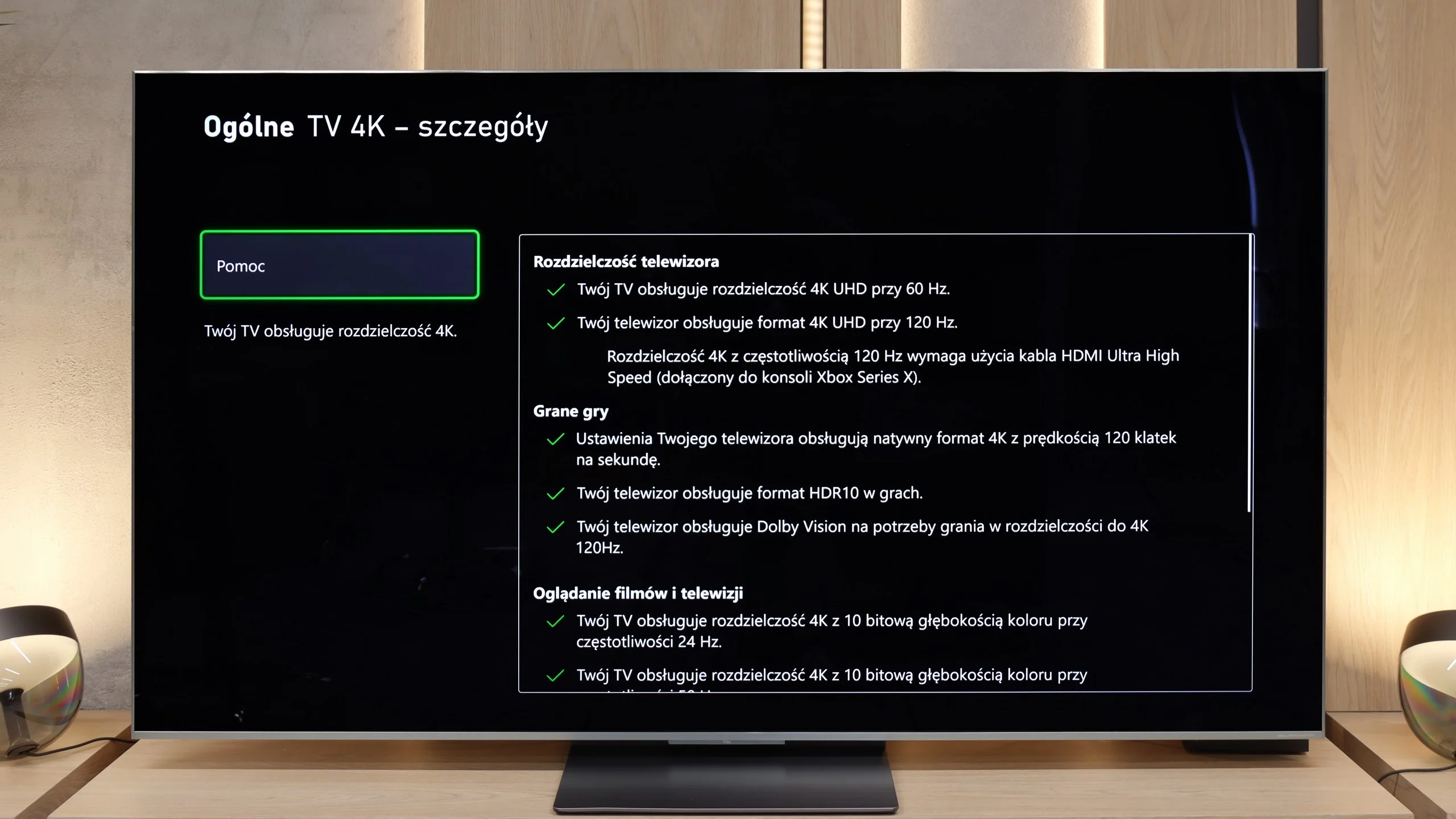
For gaming, the TCL C9K is a complete tool. Here we have two (out of four) HDMI 2.1 ports with full bandwidth of 48 Gbps, so all key technologies work: VRR (variable refresh rate) and ALLM (automatic low latency mode). Additionally, the manufacturer added a really intuitive Game Bar, which allows you to quickly preview the most important parameters and adjust settings without digging through the menu. Also, TCL's policy is a plus – the TV is not afraid of any HDR formats, even in game mode. Whether it's HGiG or Dolby Vision for the Xbox Series S/X console – everything works as it should, giving the player wide freedom.
Input lag
9.5/10
9.8/10
SDR
HDR
Dolby Vision
The input lag on the Xiaomi A Pro 2026 is quite decent and certainly not its weak point. The best results were achieved in 1080p@120 Hz and 1440p@120 Hz modes – there the TV drops below 10 ms, which can easily be called a phenomenal result and sufficient even for more demanding gamers. The situation changes with 60 Hz content – the input lag then rises to around 25 ms. While these may not be the best values on the market, they will be fully acceptable for casual gaming or for an evening console session. Especially since in most cases it is still worth enabling the 120 Hz mode, which is the most beneficial for gamers.
In terms of input lag, the TCL C9K performs exceptionally well. With 120 Hz content, the lag is just 7 ms, placing it among the very best TVs available on the market. Naturally, with 60 Hz materials, the input lag rises to about 15-16 ms, but in practice, this has little impact on the final responsiveness of the screen to our actions on the pad.
Compatibility with PC
2/10
8.6/10
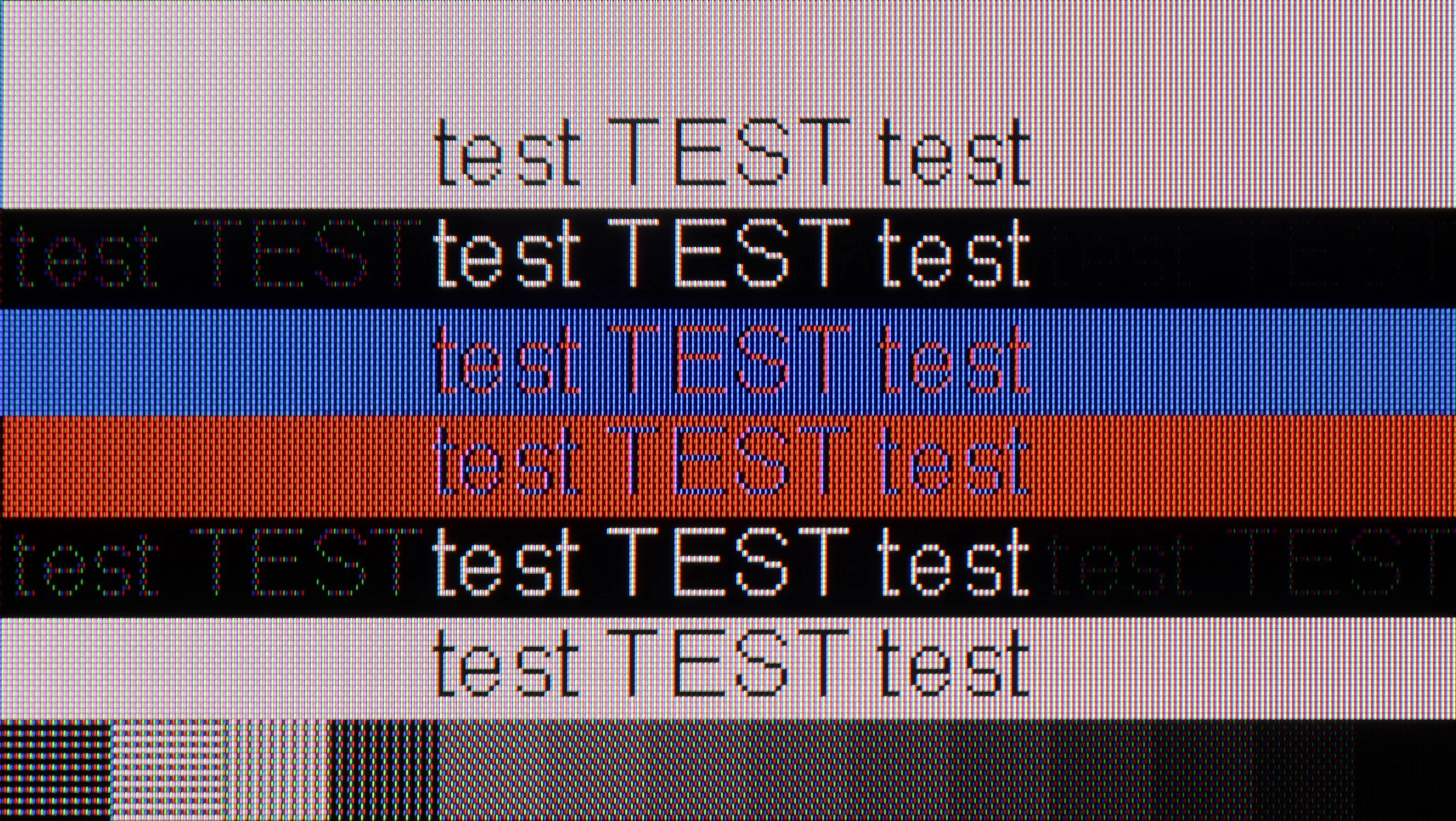
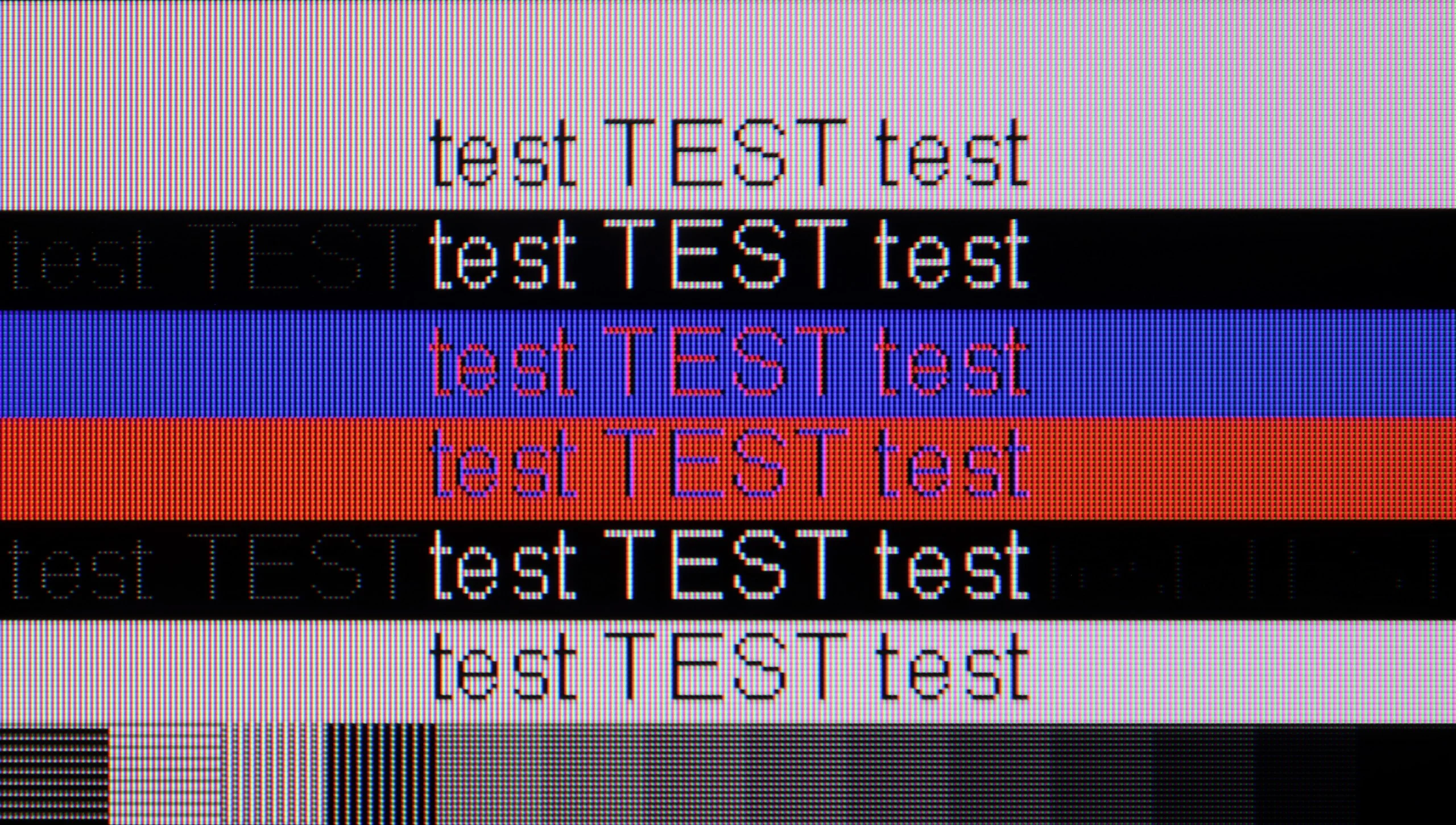
The photo shows the legibility of small fonts. Ideally, lines should be the same thickness on both light and dark text, with minimal pixel gaps.
Xiaomi A Pro 2026 as a computer monitor? There's no beating around the bush – it's very bad. While you can still utilize the 120 Hz mode in lower resolutions for gaming, the TV is completely unsuitable for everyday work. It lacks full support for chroma 4:4:4, so fonts are blurry and sometimes even rainbow-colored. Additionally, there's strong dithering that makes the image look uneven – some pixels shine brighter, others dimmer, and vertical lines can even break apart. In practice, this means that text (especially colored and on a dark background) becomes difficult to read. Light text manages to hold up somewhat, but it's hard to talk about any comfort here. In this category, we give Xiaomi A Pro 2026 a rating of 2/10 (+1 for the additional high refresh rate mode), and there's really no point in dwelling on this any longer.
In terms of office work, the TCL C9K does not disappoint – thanks to the support for 4:4:4 chroma, the readability of fonts is at a good level, so writing or working with documents should not pose a problem. One could indeed notice slight issues with dimming horizontal lines, but in everyday use, it’s hard to call that a real flaw. However, the C9K reveals its greatest potential in PC gaming. Here, the television showcases its full capabilities – it can switch to lower resolutions, such as Full HD, and display images at up to 288 Hz. Additionally, it supports both G-Sync and FreeSync, so image synchronization with the graphics card works flawlessly. It’s hard to have any major complaints about this set – it’s truly a top-tier screen for computer gaming.
Viewing angles
3/10
4/10
The Xiaomi A Pro 2026 uses a VA panel, which immediately suggests that viewing angles are not its strong suit. Looking at the screen from the side, we quickly notice a loss of quality – colors noticeably fade, and the whole image appears washed out. The drop in brightness may not be as drastic as in some constructions based on similar technology, but that doesn’t change the fact that this is clearly a weak point of this model. If we plan to use it as a large, cheap screen for the living room, we have to take this limitation into account.
A new feature in TCL televisions for 2025 is the WHVA panel, which is designed to provide better viewing angles than standard VA panels. And indeed, there is noticeable progress. When viewing the screen from the side, the image is clearer and colors do not degrade as quickly as in previous models. However, this does not mean that we are dealing with the level of top coatings or solutions known from IPS panels, and certainly not from OLEDs. The image remains readable, but brightness clearly decreases. This is definitely a step forward compared to earlier TCL models, but it is not yet a complete revolution.
Daytime performance
4.9/10
7/10
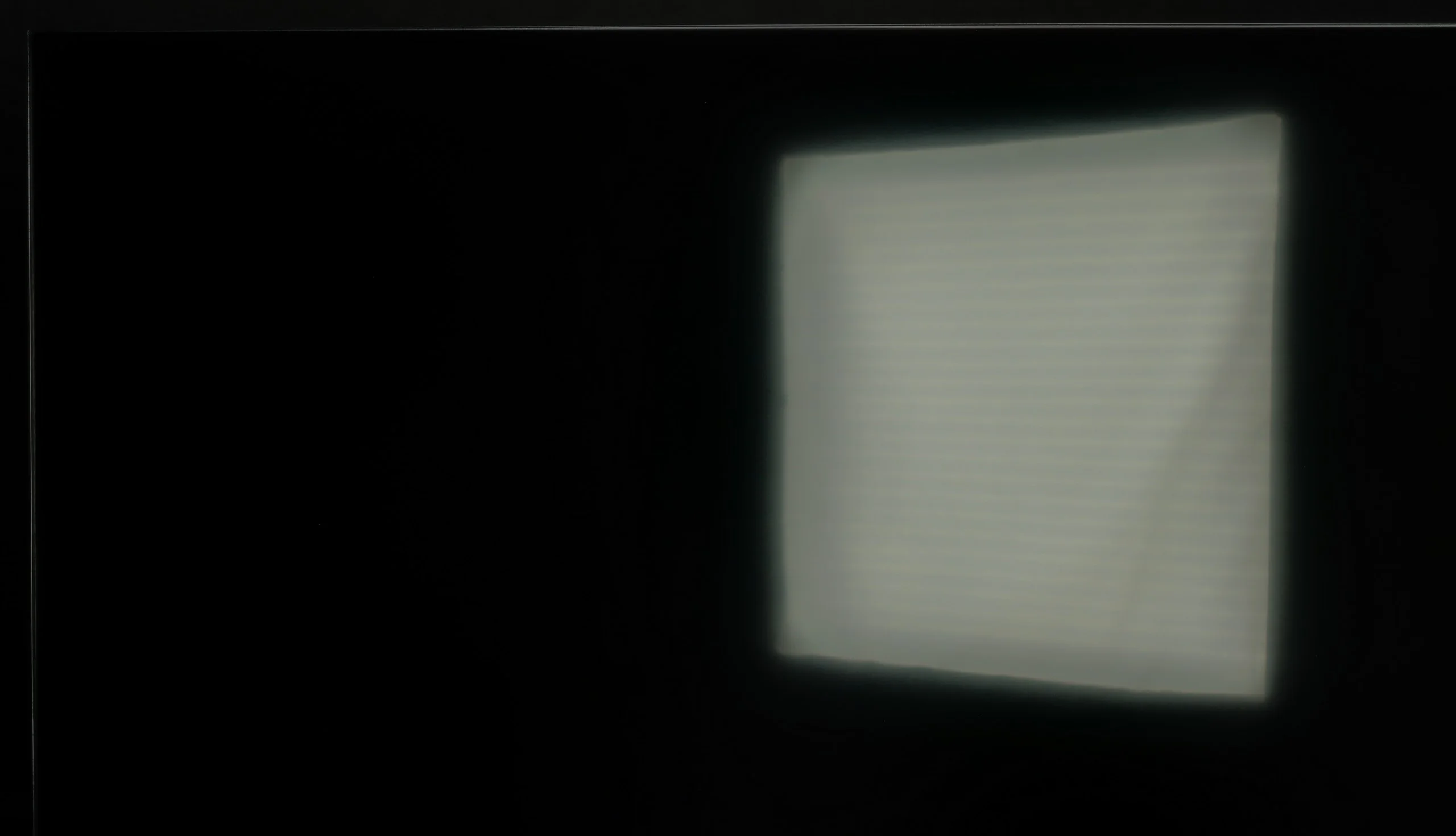
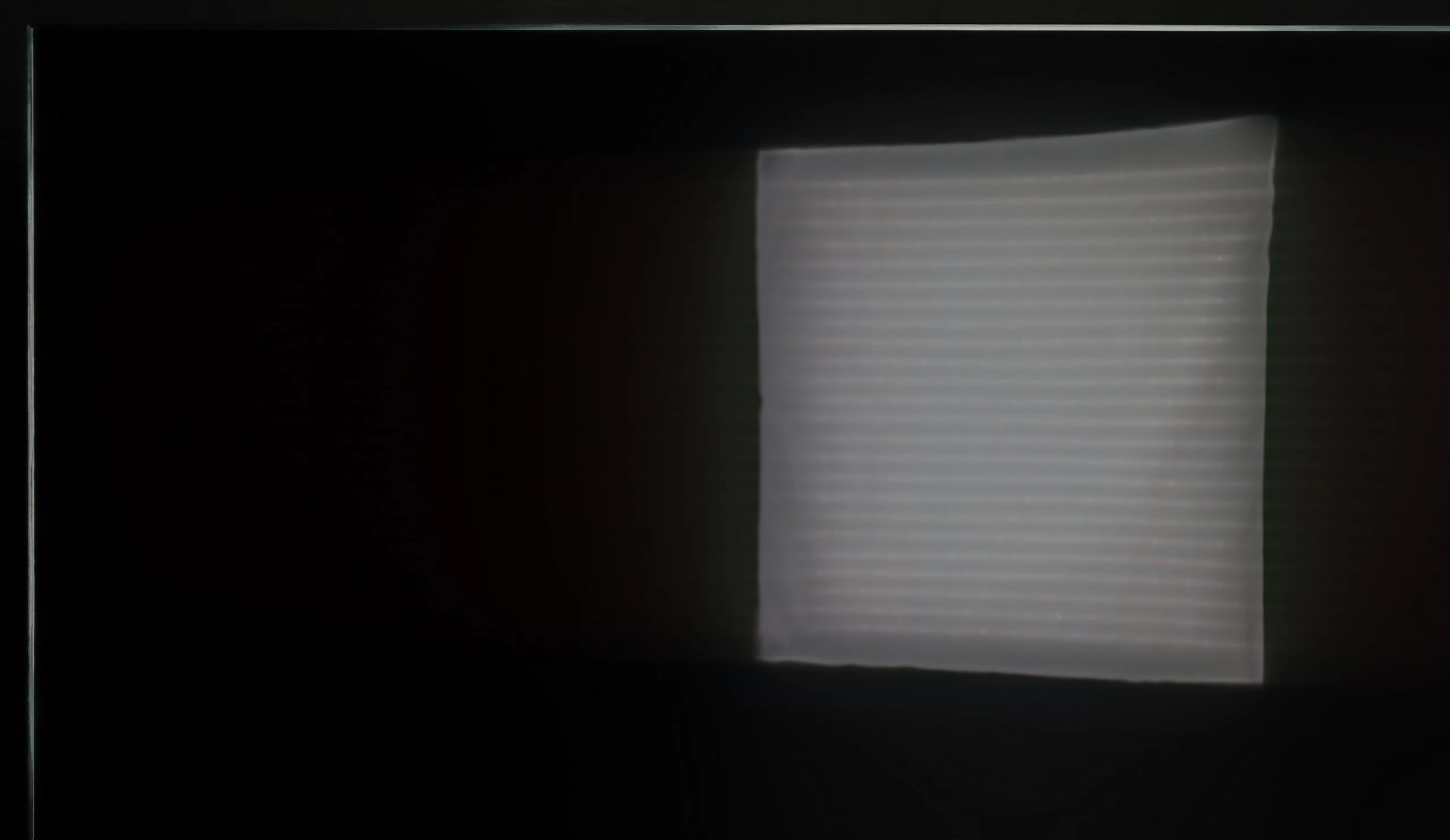
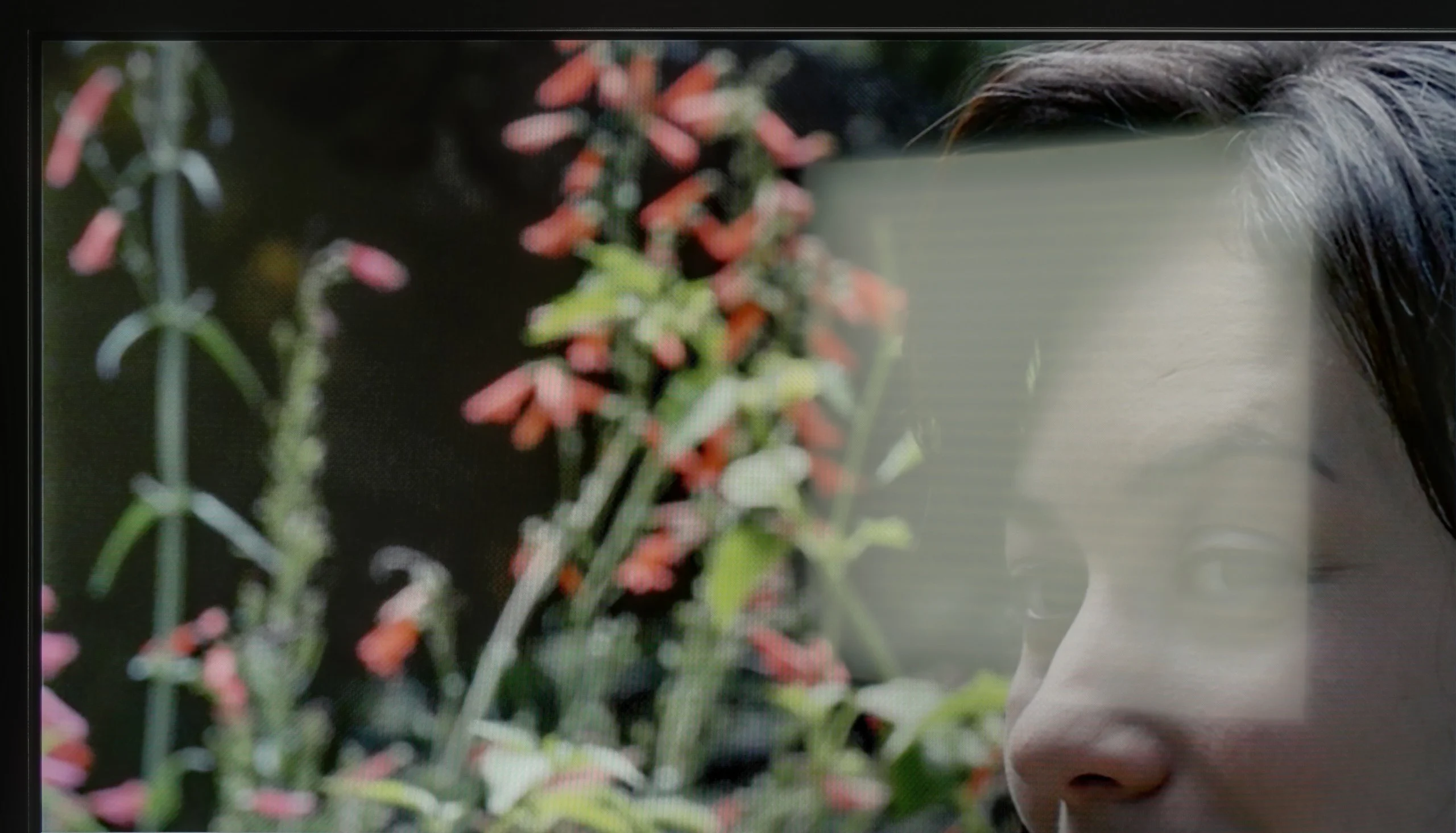
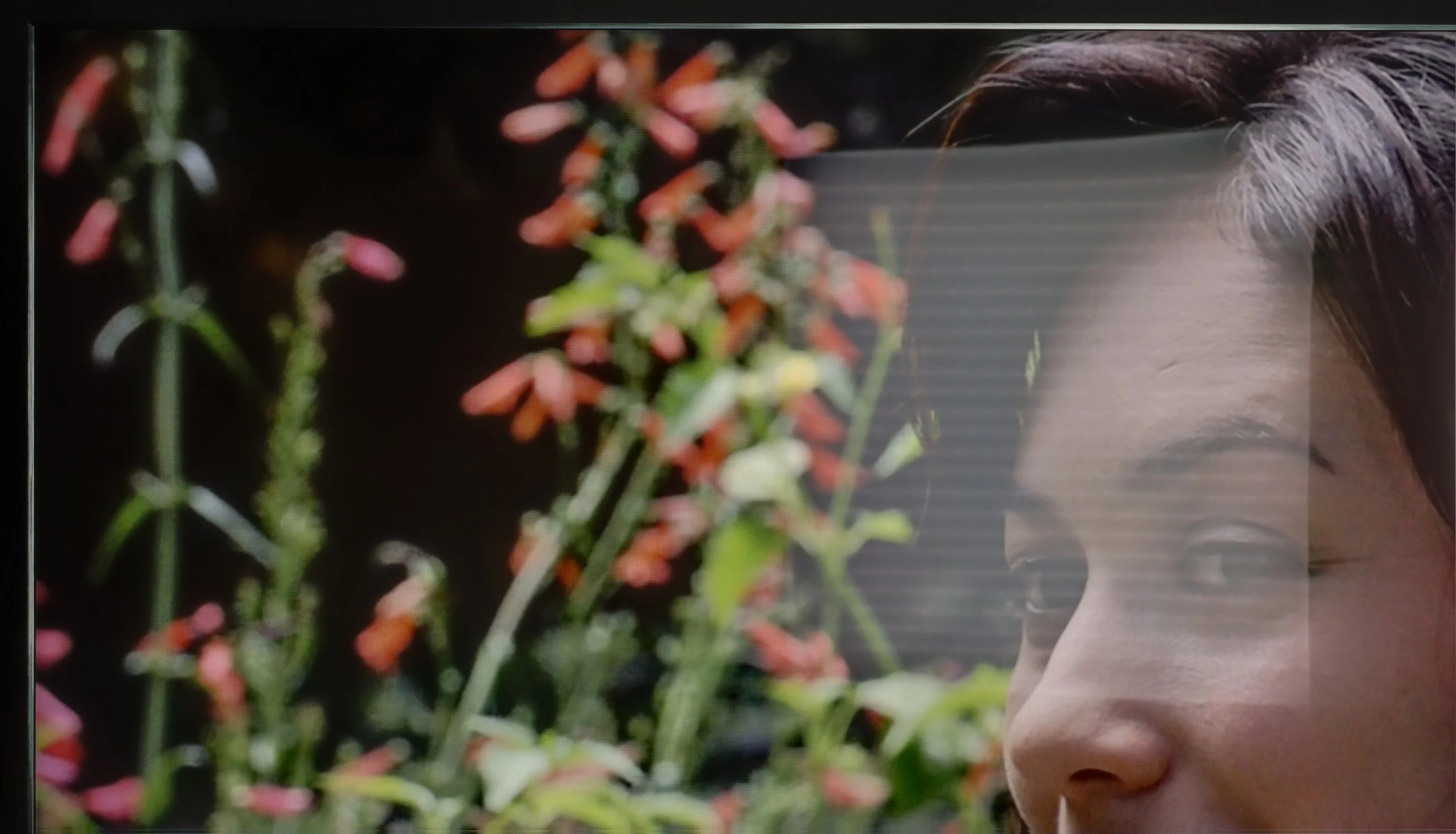
Panel brightness
TCL C9K: 642 cd/m2
XIAOMI A PRO 2026: 334 cd/m2
Xiaomi A Pro 2026 performs quite well during the day. The display has a satin finish that can somewhat reduce reflections, so the colors do not lose their vibrancy, even when the room is bright. Just keep in mind that this is not a super-bright screen – the average brightness is around 350 nits. In a regular, moderately sunny living room, it's sufficient, but if you have large windows that let in a lot of sunlight, it may simply be difficult without shades or curtains.
The new WHVA matrix coating has its strengths and weaknesses. On one hand, it manages quite well with minor reflections; on the other hand, with stronger light sources, it is evident that the reflection suppression is not at the highest level. Fortunately, the coating does not spoil what is most important: the blacks and color saturation. This is a definite plus, as in many competing models, the compromises in this area are more painful. Additionally, there is very high brightness – in SDR content, the C9K can achieve an average of 650 nits in SDR materials. This result is easily sufficient for watching television or movies in more challenging lighting conditions, even on sunny days.
Panel details
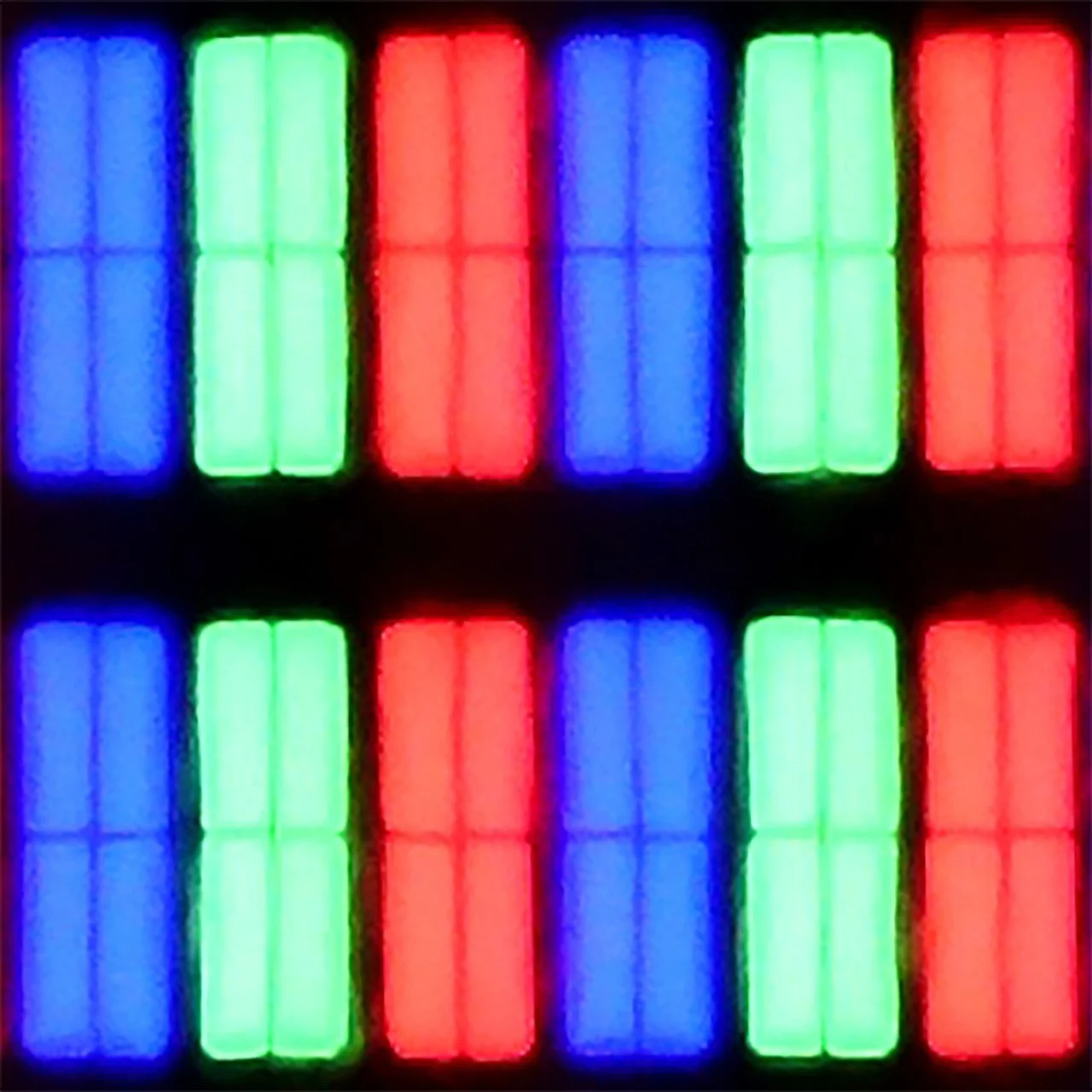
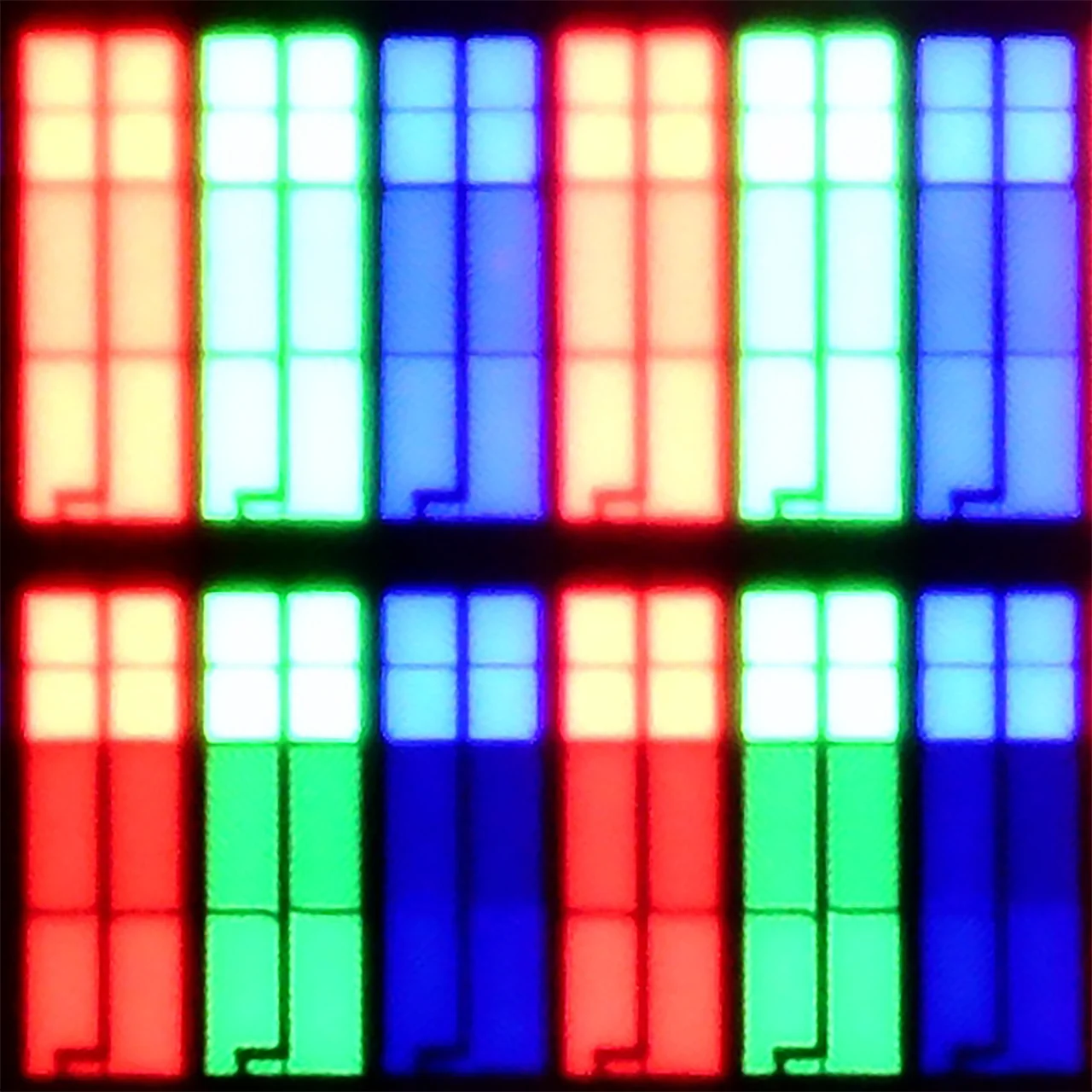
Subpixel Structure:
Panel uniformity and thermal imaging:

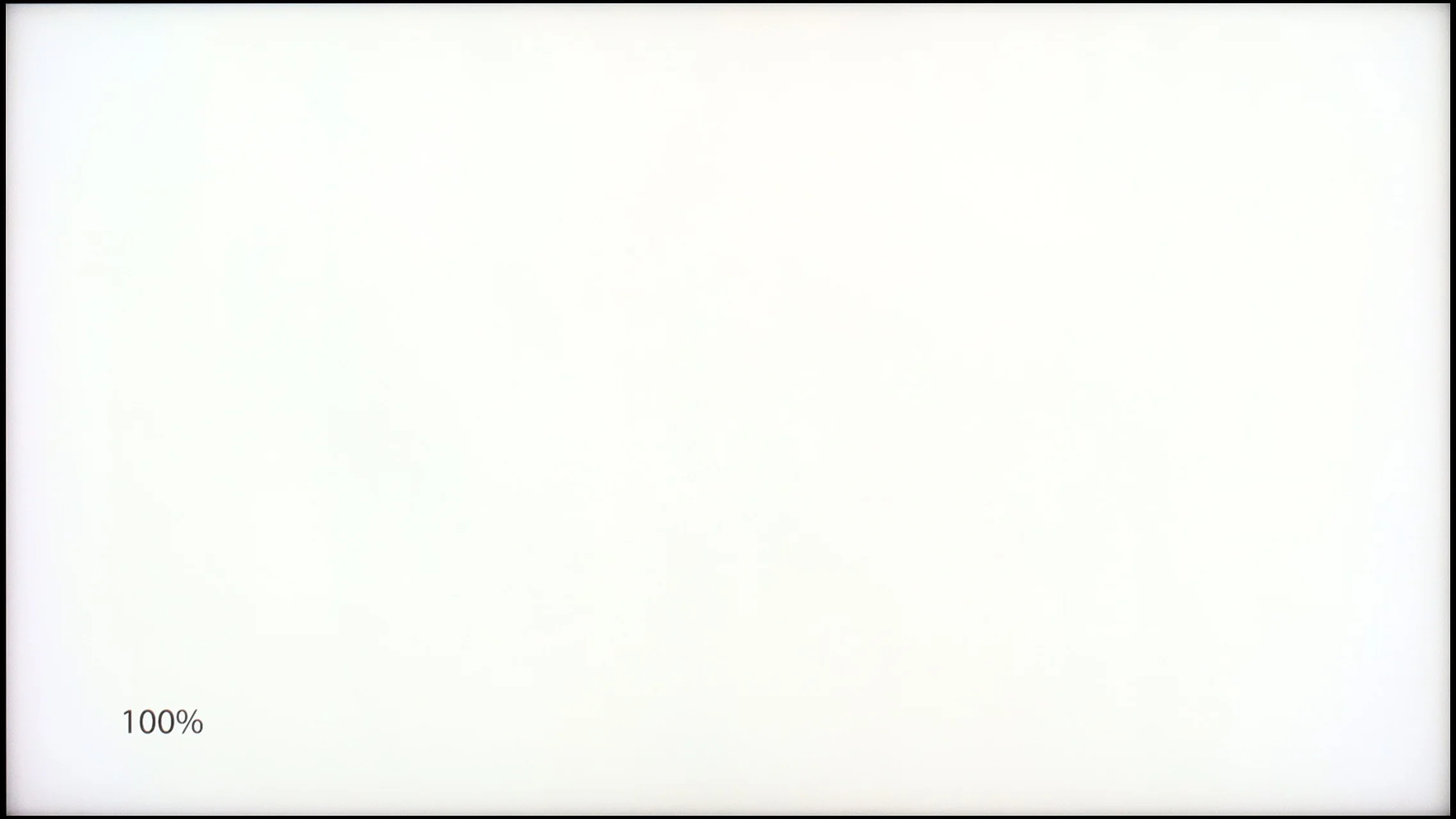
XIAOMI A PRO 2026
TCL C9K
TV features
6.1/10
7.7/10
- SystemGoogle TVGoogle TV
- System performancePoorGood
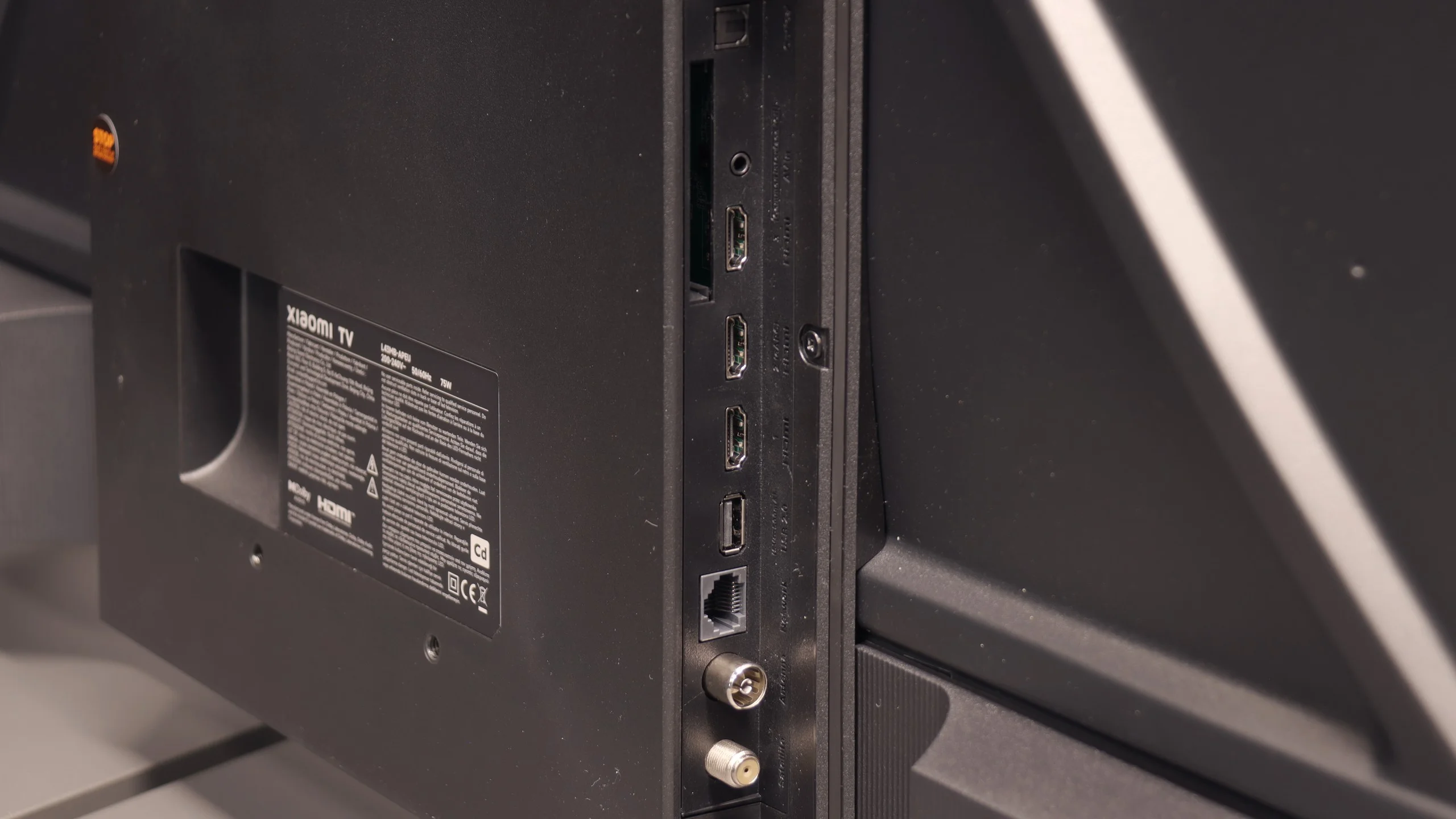
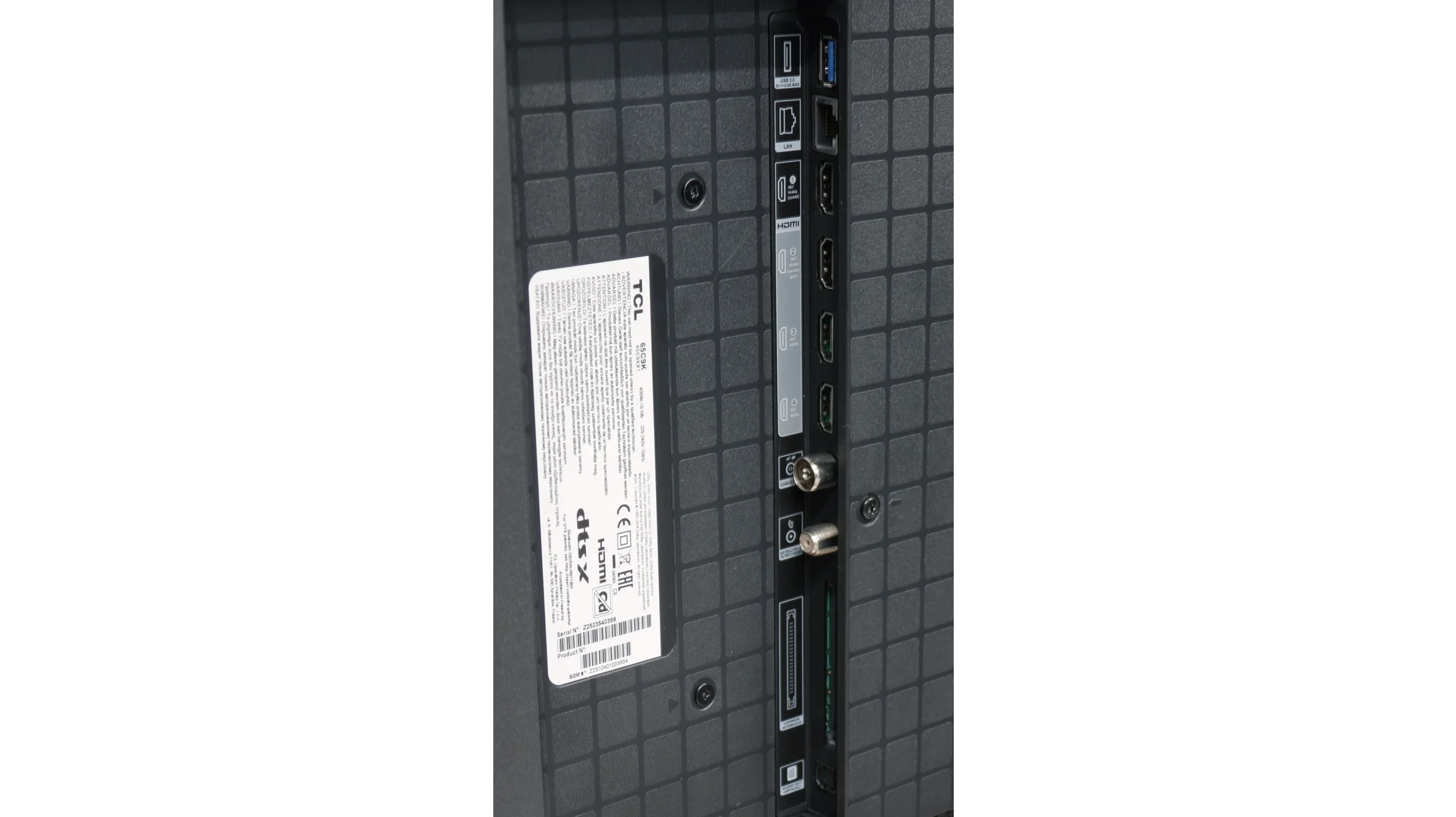
- HDMI inputs3 x HDMI 2.0, 0 x HDMI 2.12 x HDMI 2.0, 2 x HDMI 2.1 48Gbps
- Other inputsRCA (Chinch)
- OutputsToslink (Optical audio), eARC (HDMI), ARC (HDMI), Mini-Jack (Headphones)Toslink (Optical audio), eARC (HDMI), ARC (HDMI)
- Network InterfacesWi-Fi 2.4GHz, Wi-Fi 5GHz, Ethernet (LAN) 100MbpsWi-Fi 2.4GHz, Wi-Fi 5GHz, Ethernet (LAN) 100Mbps
- TV receptionDVB-T, DVB-T2, DVB-S, DVB-S2, DVB-CDVB-T, DVB-T2, DVB-S, DVB-S2, DVB-C
Classic features:
- Recording to USB (terrestrial TV)
- Recording programming
- Picture in Picture (PiP)
- RF remote control (no need to aim)
- Backlit remote control
- Teletext
- Audio only mode
- Bluetooth headphones support
- Simultaneous Bluetooth headphones & TV audio
Smart features:
- AirPlay
- Screen mirroring (Windows Miracast)
- Voice search
- Voice search in native language
- Ability to connect a keyboard and mouse
Sound connection options
- HDMI audioeARC (HDMI), ARC (HDMI)eARC (HDMI), ARC (HDMI)
- Other audio outputsToslink (Optical audio), Mini-Jack (Headphones)Toslink (Optical audio)
- Wireless audioBluetoothBluetooth
Supported audio formats (external HDMI eARC audio):
- Dolby Digital Plus 7.1
- Dolby True HD 7.1
- Dolby Atmos in Dolby Digital Plus (JOC)
- Dolby Atmos in Dolby True HD
- DTS:X in DTS-HD MA
- DTS-HD Master Audio
Senior accessibility
- Numeric keyboard on TV
- Font size adjustment
- Audio description
SmartTV - Google TV
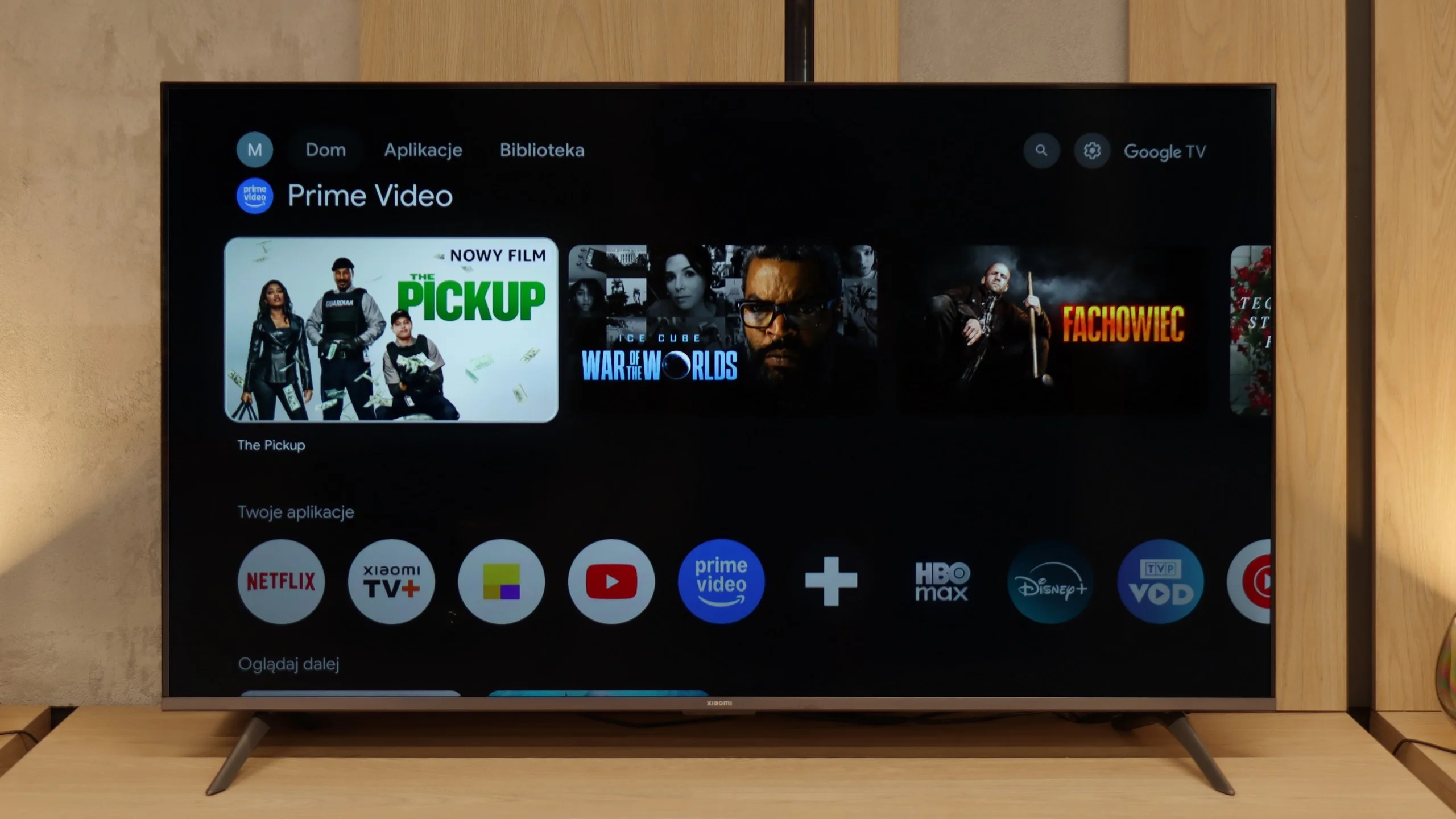
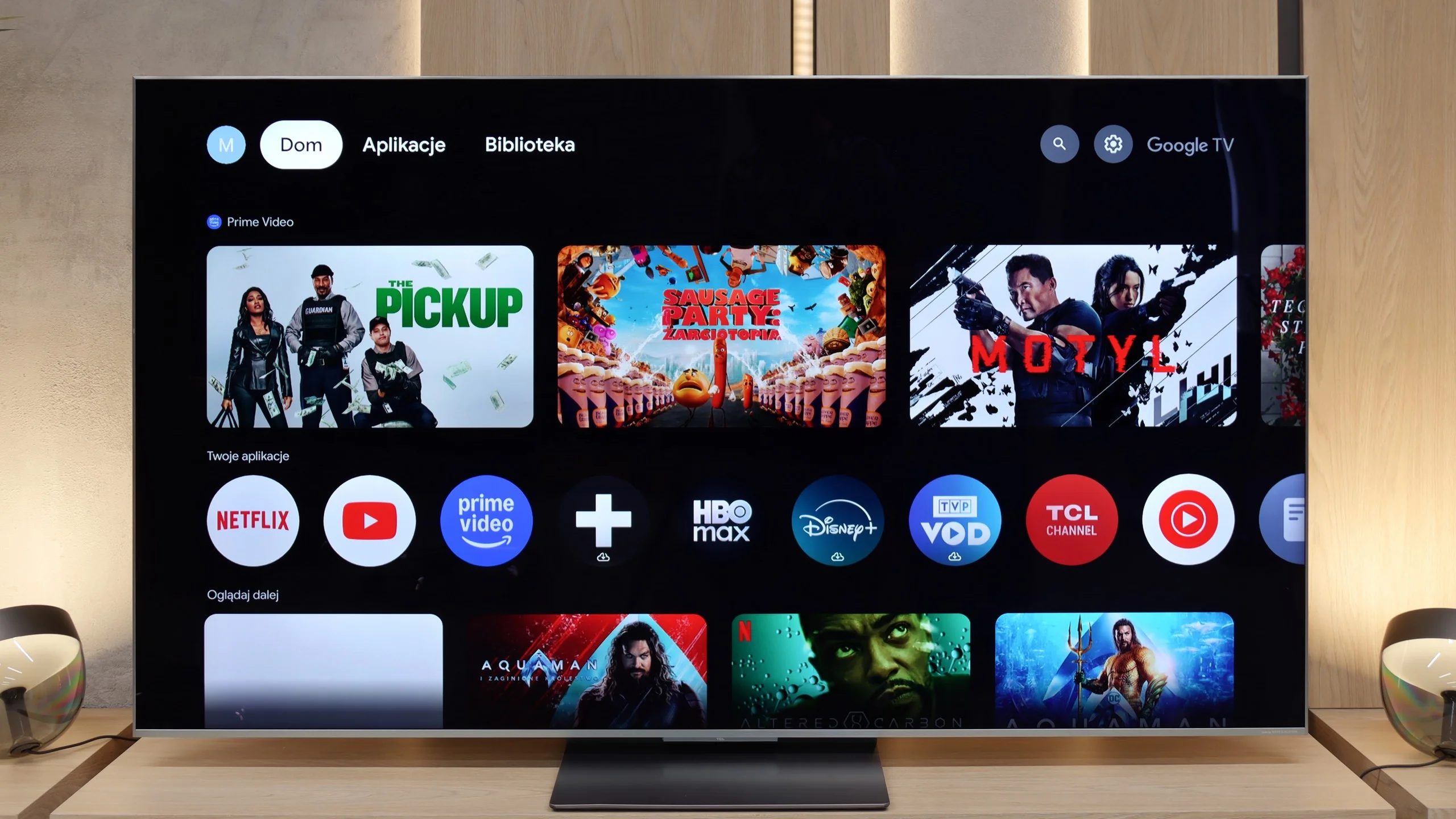
The biggest advantage of the Xiaomi A Pro 2026 is the Google TV system. It's what gives the TV a second life – you can run practically any app on it, from Netflix and YouTube to music services and even lesser-known programs from the Google Play Store. We are not limited to just what the manufacturer has pre-installed, as is the case with other budget TVs. Additionally, we have AirPlay, voice search through Google Assistant, and even integration with Gemini. We did experience some minor hiccups – for example, casting from a laptop didn’t always work – but despite such shortcomings, Google TV is a huge plus in this setup.
Classic TV Functions
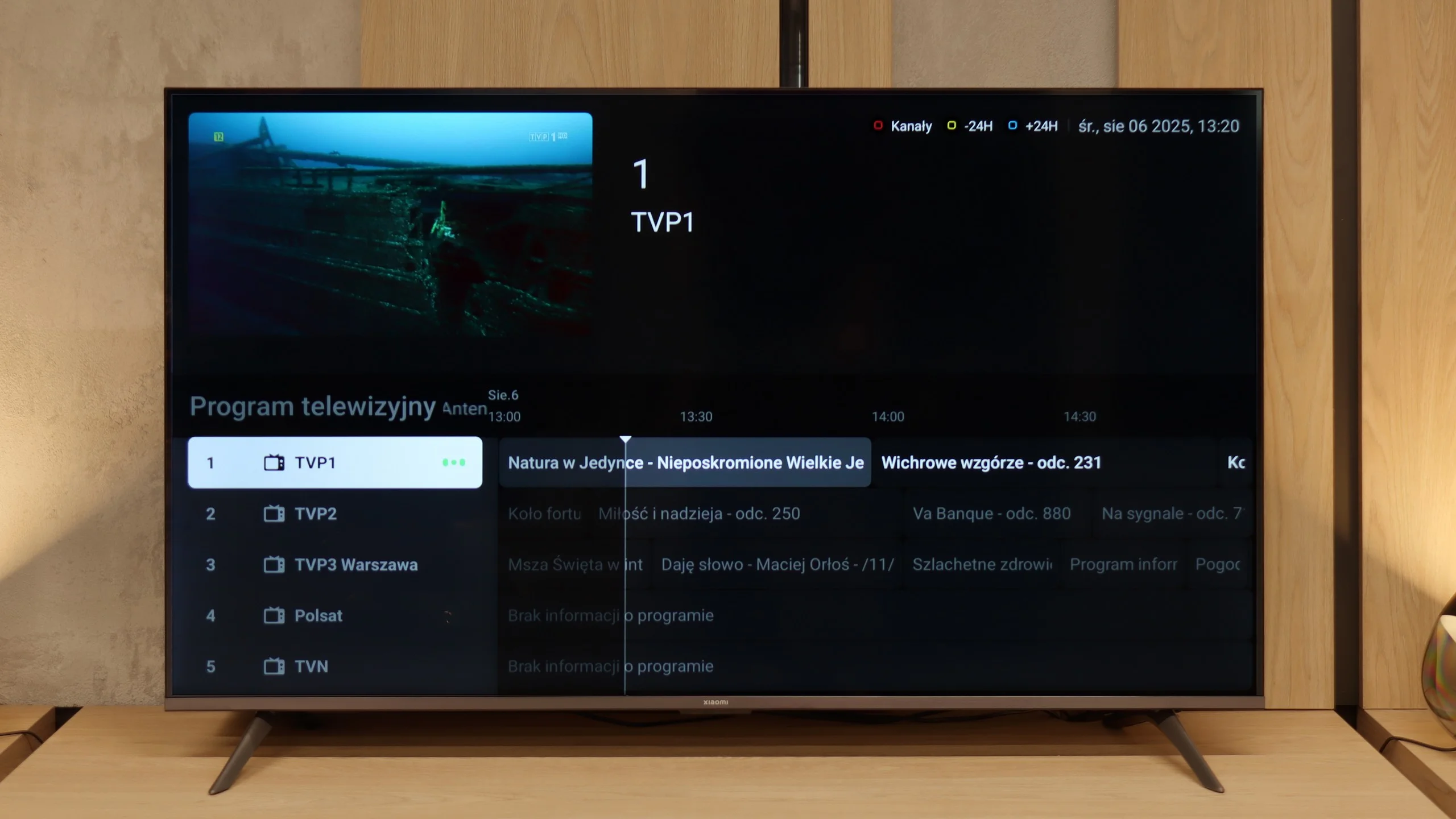
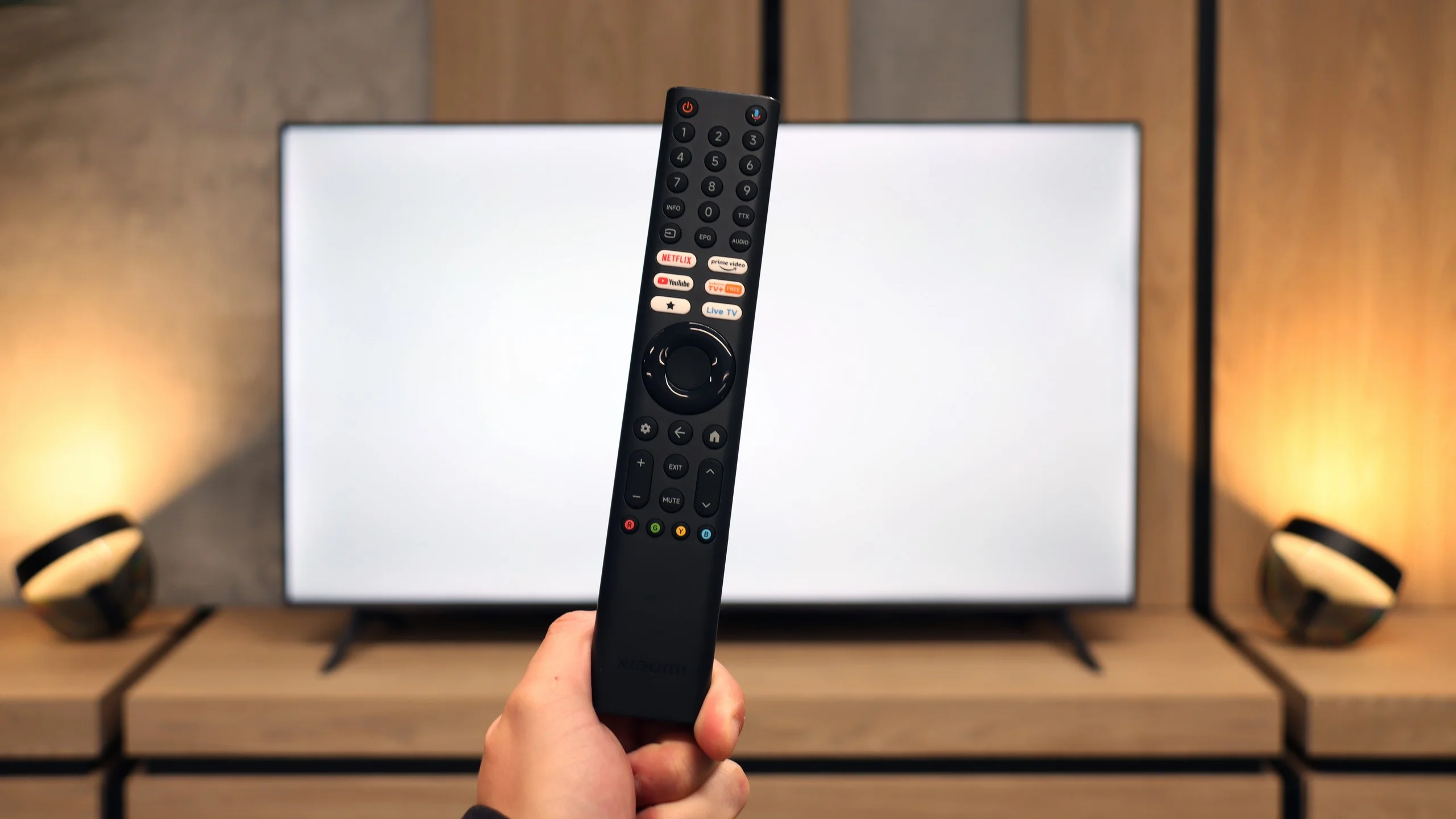
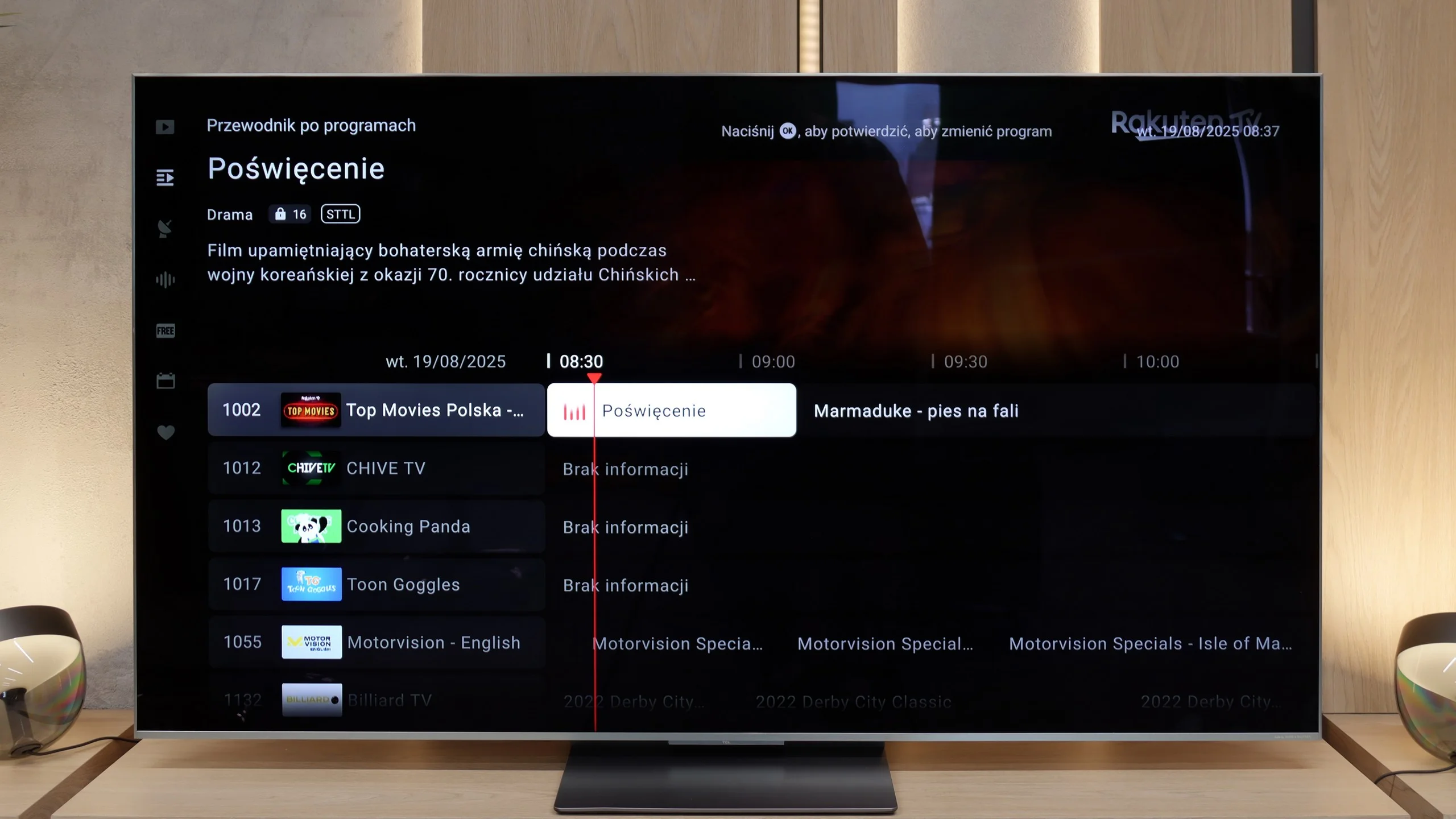
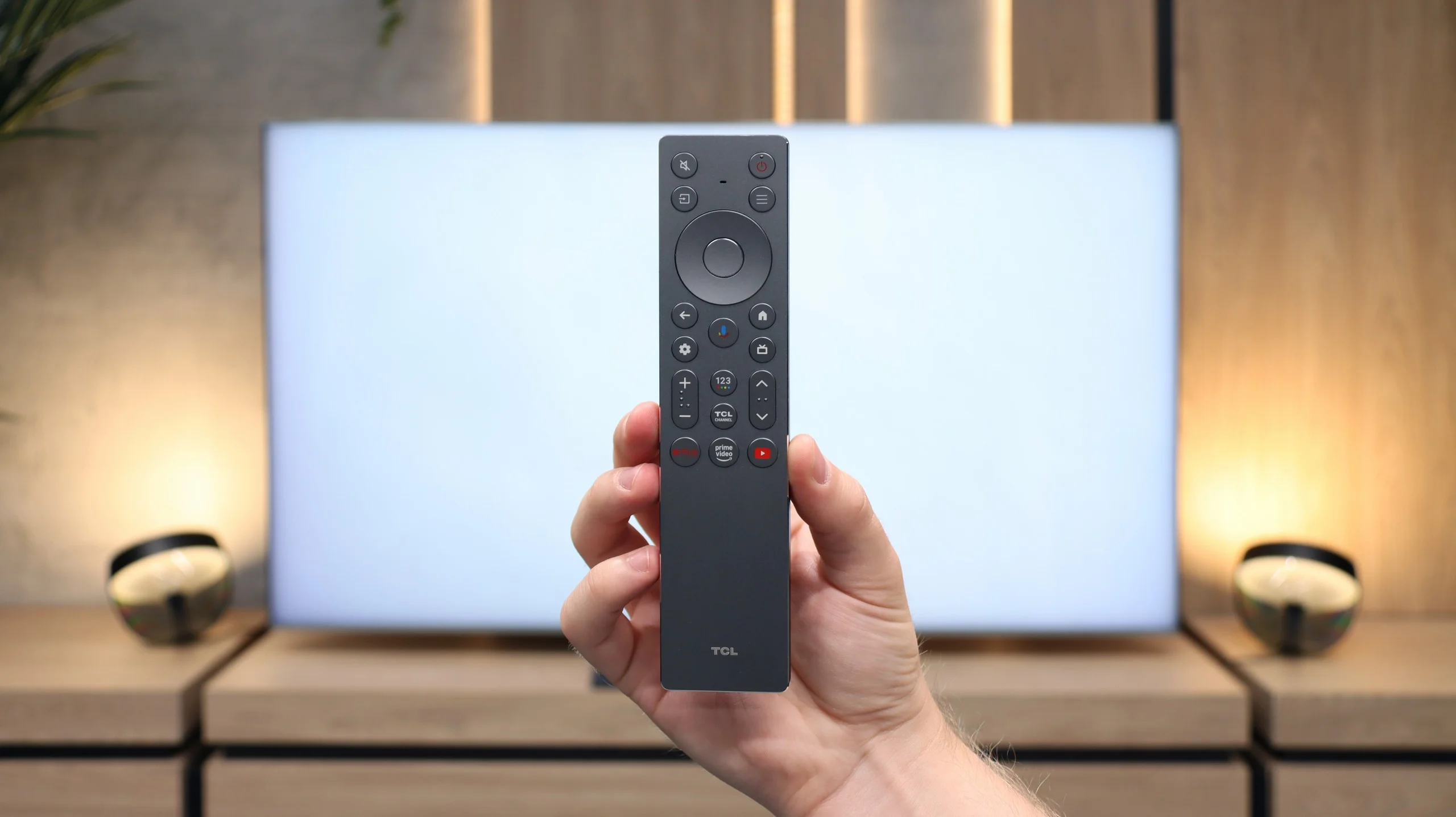
The Xiaomi A Pro 2026 can be referred to as a "senior-friendly" TV. The large remote control with a numeric keypad and a fair number of physical buttons makes it intuitive to operate. Support for teletext and a clear EPG interface make using classic TV functions easier. We won't find many advanced features like USB recording or PiP, but the presence of an analog headphone jack can be surprisingly practical for some users. It gives the impression that this is a set of features tailored to the needs of the most traditional viewers.
System Stability
However, not everything works as it should. During testing, we encountered annoying system stutters, problems with Miracast, and issues when switching audio sources. There were even times when it was necessary to reset the TV by unplugging it. This just shows that although Google TV offers huge possibilities, stability in such a budget-friendly setup can still be very problematic.
Classic TV Features
In terms of basic TV features, the TCL C9K does not disappoint – it has everything that most users expect. The EPG guide works smoothly, teletext is available, and pairing Bluetooth headphones, a mouse, or a keyboard is straightforward. However, it should be noted that in the Google TV system – just like in other TCL models – there are no more advanced options, such as recording programs or picture-in-picture (PiP) mode. Some may find this lacking, especially if they have used such features with competitors. It's also worth mentioning that we only have one USB port available – enough to connect a drive with movies or a flash drive, but if someone plans to use multiple devices, they might find this insufficient.
Smart Features
While the TCL C9K does not stand out in terms of classic solutions, it showcases its full potential in the realm of smart features. The Google TV system is currently the most popular platform, and it's easy to see why – the library of applications is vast. Netflix, YouTube, Disney+, HBO Max, Amazon Prime Video – all are readily available. Only those very attached to more closed ecosystems, such as Apple Music, will feel the gaps. A significant advantage is the built-in voice assistant – it works quickly, understands natural commands, and allows for convenient control of the TV: from switching channels to opening applications, to searching for content or checking the weather. It is in this aspect that the TCL C9K shows that a smart TV is more than just a "TV with the internet" – it is a tool that truly simplifies daily use of the device.
Apps
9.6/10
9.6/10






















Playing files from USB
6.8/10
9.2/10
Supported photo formats:
Maximum photo resolution:
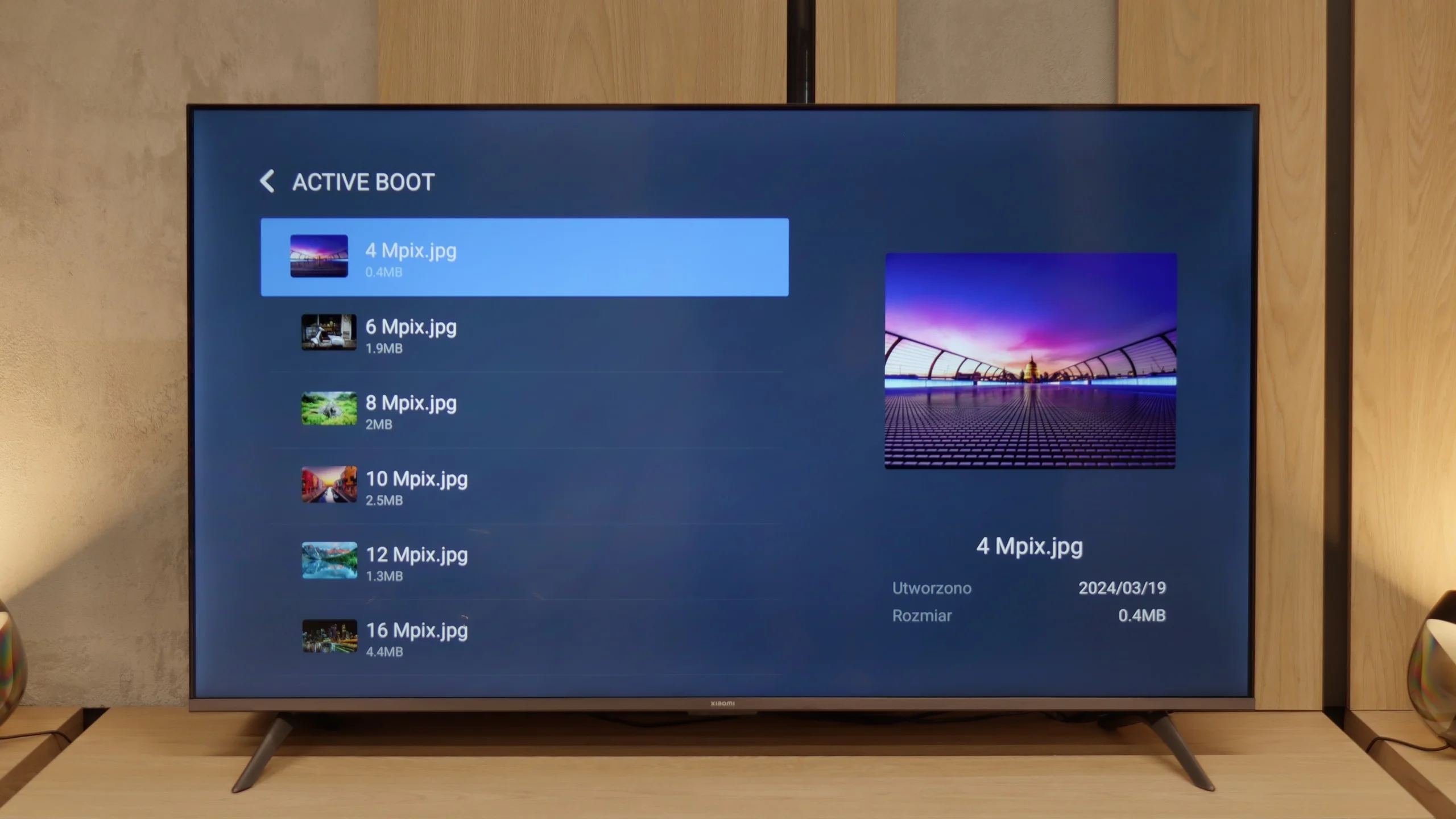
The built-in media player in Xiaomi A Pro 2026 is a real enigma. On one hand, it plays most popular audio and video formats without major issues. On the other hand, it can stumble over basic things like Polish letters. Files with characters like ą, ł, ć, or ś in their names often do not want to open or are displayed incorrectly. It looks strange because we supposedly have codec support, yet when it comes to simple matters related to the alphabet, the television just gets confused. Fortunately, this is not a huge problem, as thanks to Google TV, we can simply install another player, such as VLC. Then the issue with Polish letters disappears completely, and using multimedia becomes hassle-free.
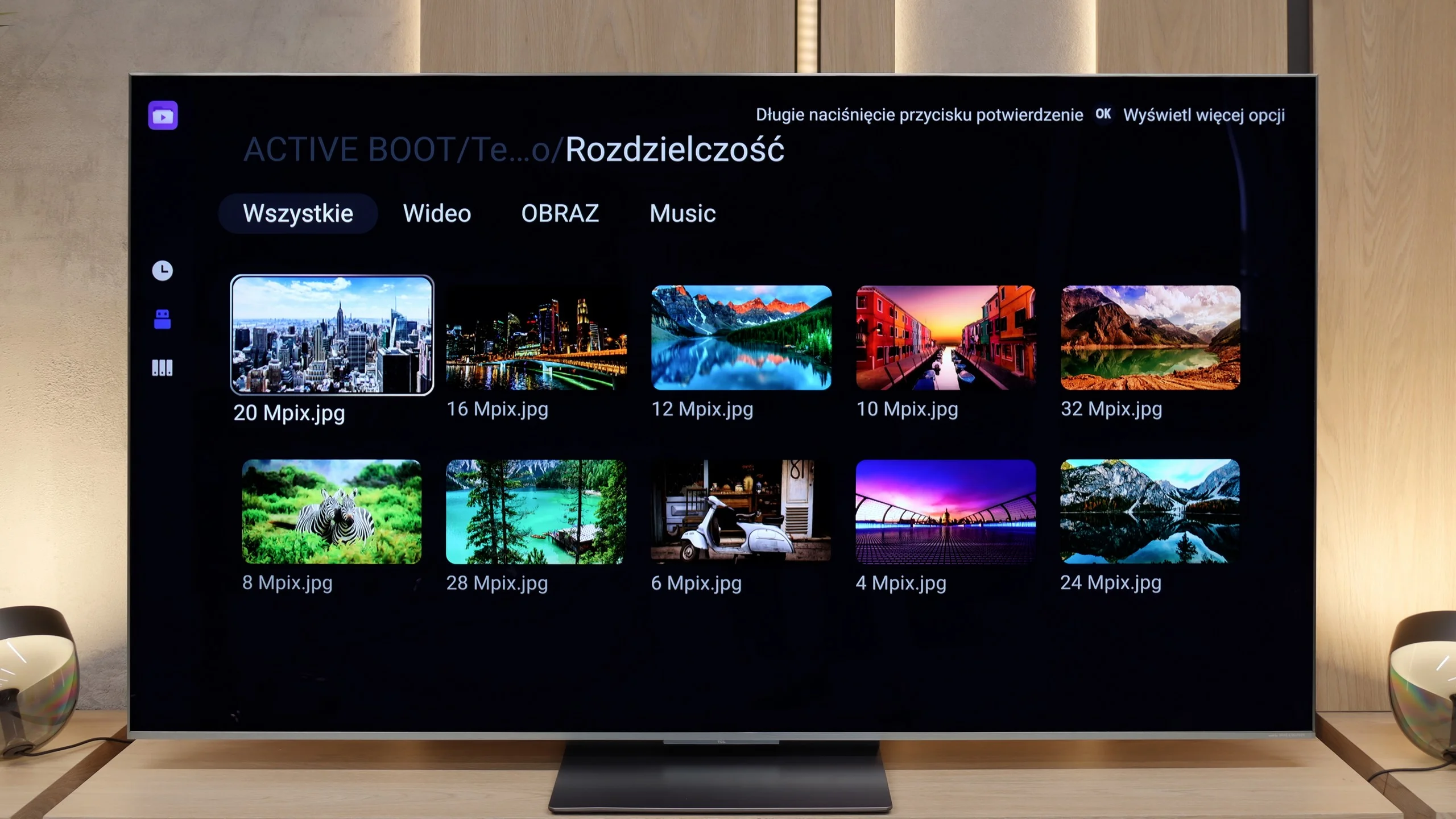
C9K easily handled most of the materials we uploaded to the pendrive – from MKV format films, through older AVI files, to DTS and FLAC audio tracks. The only drawback remains the lack of support for HEIC format photos from Apple devices, but this is a common issue with almost all manufacturers. The most important thing, however, is that if someone finds a lack of support for some exotic format, they can always reach for an alternative player available in the Google Play store. And this is where the advantage of the Google TV system is evident – the ease with which you can extend the capabilities of the television with additional applications.
Sound
5/10
7.9/10
- Maximum volume81dB77dB
- Dolby Digital Plus 7.1
- Dolby True HD 7.1
- Dolby Atmos in Dolby Digital Plus (JOC)
- Dolby Atmos in Dolby True HD
- DTS:X in DTS-HD MA
- DTS-HD Master Audio
Last year, the Xiaomi A Pro 2025 surprised us with really decent sound for a television in the super budget segment. Unfortunately, this year's edition – the A Pro 2026, has let us down across the board. The sound resembles the impression as if the device was playing underwater: flat, devoid of any bass or depth. The only plus remains the wide support for audio formats such as Dolby Atmos or DTS:X, but in practice, it doesn’t change much. If you're considering this television, you should immediately add a soundbar to the set, because without it, the audio experience will be quite disappointing.
The sound in the TCL C9K is handled by the same system as in the C8K model – developed together with Bang & Olufsen. It is a 4.2.2 configuration with a total power of 90 W, meaning eight speakers placed to create a fuller sense of space. And I must admit – the effect is impressive. Dialogues are clear, the high and mid tones sound pure, and the bass doesn't fade, even during louder screenings. Of course, this won't replace a dedicated soundbar or home theater system, but for built-in speakers – there is really something worth listening to.
*During tests at maximum volume, we noticed unusual behavior from the audio system. When the slider is set to 100%, the TV reaches about 76–78 dB, but you can hear that it tries to generate more power, after which the volume level is immediately corrected to the mentioned value. On the other hand, when we lower the volume to, for example, 70%, it first drops as expected but then slowly rises back to the same level of 76 dB. This effect gives the impression of an aggressive limiter that always brings the volume to one level, regardless of the position of the slider. We checked this behavior multiple times, and in every case, the result was identical – no additional "smart" volume adjustment or AI features were active during this testing.
Acoustic Measurements
81dBC (Max)
75dBC
77dBC (Max)
75dBC
Reader comments
Comments are provided by the external service Disqus (Zeta Global). Once loaded, Disqus may set cookies and process data about your activity.
We will remember your choice on this device. Provider's privacy policy