The time has come to gather all observations. The TCL P7K / P79K is a television that cleverly juggles compromises, offering significantly more than we could expect in its price range. Its undeniable advantage is the VA panel, guaranteeing deep blacks and high contrast, and a surprisingly rich package for gamers (with VRR and 120 Hz support at lower resolutions) makes it a phenomenal choice for console owners. The whole package is tied together by the functional Google TV system. Of course, low peak brightness means that HDR content lacks spectacular highlights, and the TV's performance in sunlit rooms is limited. And while at its relatively low price, the P7K / P79K is quite a decent option, its biggest competitor turns out to be… its more refined sibling, the P8K. Often FOR a small extra charge, we get a device a class higher – with a native 4K 144 Hz panel, significantly better audio system, and generally higher build quality, which is reflected in its much higher rating on our portal. Therefore, the final verdict must be as follows: if your budget is absolutely non-negotiable, the P7K / P79K will be a good and cost-effective choice. However, if you can afford to add a small amount, the P8K model will offer significantly more and will ultimately be a more satisfying investment.
- Matching (Score) |
- Our verdict |
- TV appearance |
- Where to buy |
- Contrast and black detail |
- HDR effect quality |
- Factory color reproduction |
- Color reproduction after calibration |
- Smoothness of tonal transitions |
- Image scaling and smoothness of tonal transitions |
- Blur and motion smoothness |
- Console compatibility and gaming features |
- Input lag |
- Compatibility with PC |
- Viewing angles |
- Daytime performance |
- Panel details |
- TV features |
- Apps |
- Playing files from USB |
- Sound
TCL P7K / P79K vs Samsung Q7F
 Direct comparison

Check the best price offer:
Samsung Q7FP7K / P79K

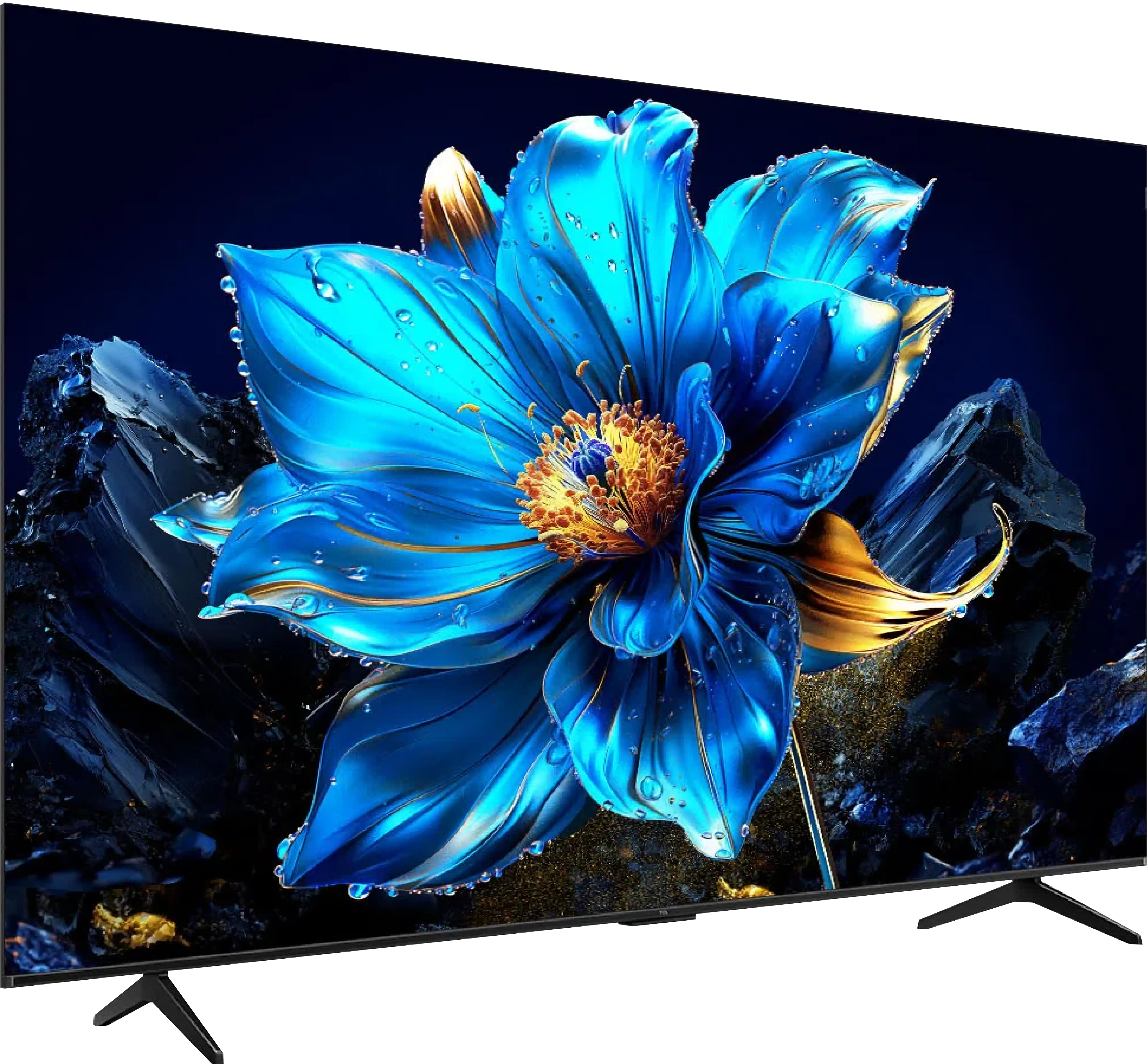
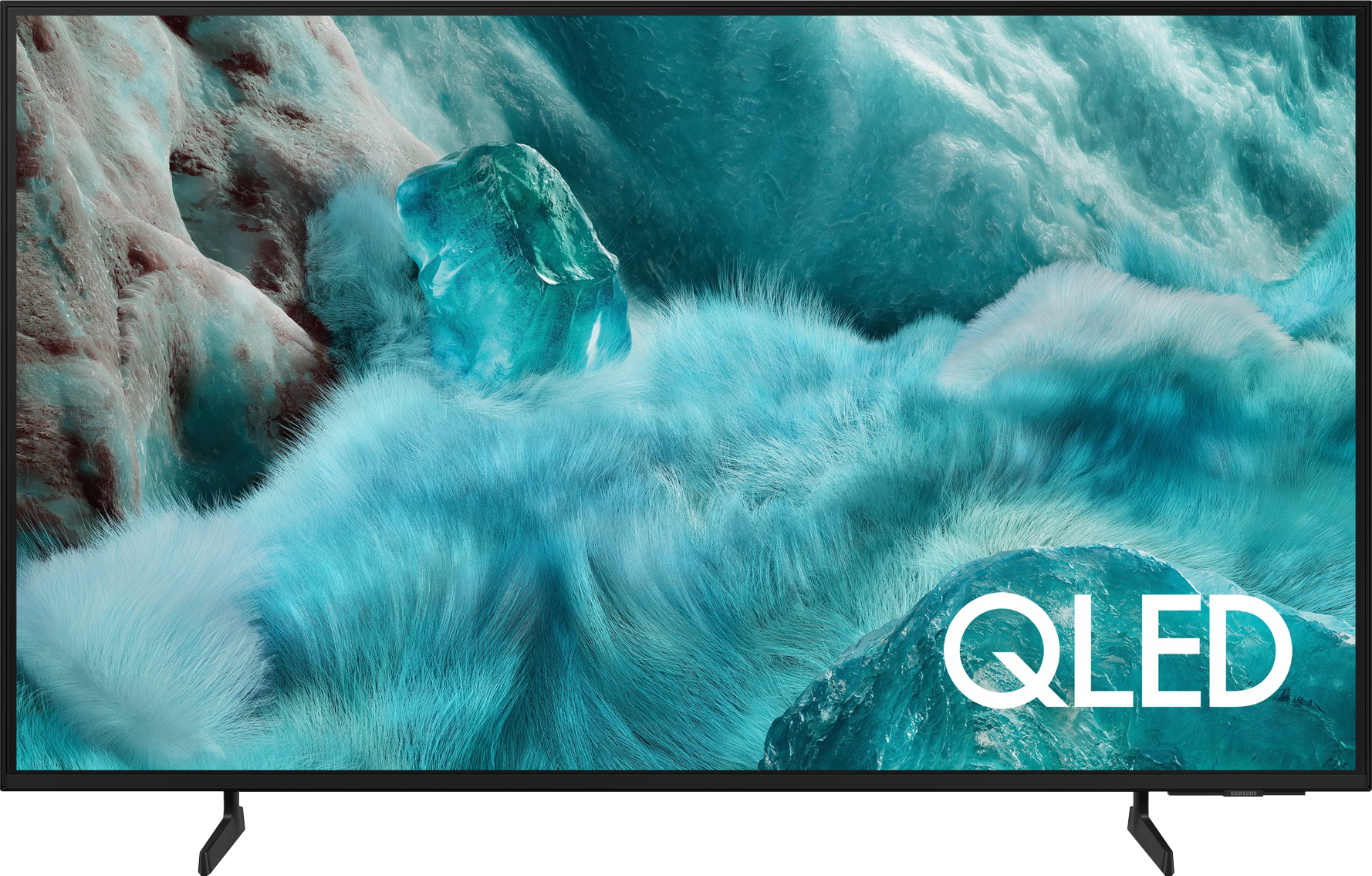
Panel type: LCD VA
Resolution: 3840x2160
System: Android TV
Model year: 2025
Complete the survey to find out the result
Panel type: LCD VA
Resolution: 3840x2160
System: Tizen
Model year: 2025
Complete the survey to find out the result
Overall rating
5.8
5.8
 Movies and series in UHD quality
 5.1
5.7
 Classic TV, YouTube
 5.5
5.6
 Sports broadcasts (TV and apps)
 5.3
4.8
 Gaming on console
 7.1
6.4
 TV as a computer monitor
 2.0
6.0
 Watching in bright light
 4.6
3.9
 Utility functions
 7.0
7.3
 Apps
Apps 9.6
9.3
 Sound quality
 6.2
5.8
Complete the survey to find out what fits your preferences
Advantages

Great black and high contrast
Support for 120 Hz in games (at lower resolutions)
Very low responsiveness (input lag), great for dynamic gameplay
Modern features for gamers, such as VRR and ALLM
Efficient Google TV system with a huge app database
Very well-functioning Google Assistant in Polish
Easy screen mirroring from your phone (support for AirPlay)
Attractive price
Solid native contrast (VA Panel)
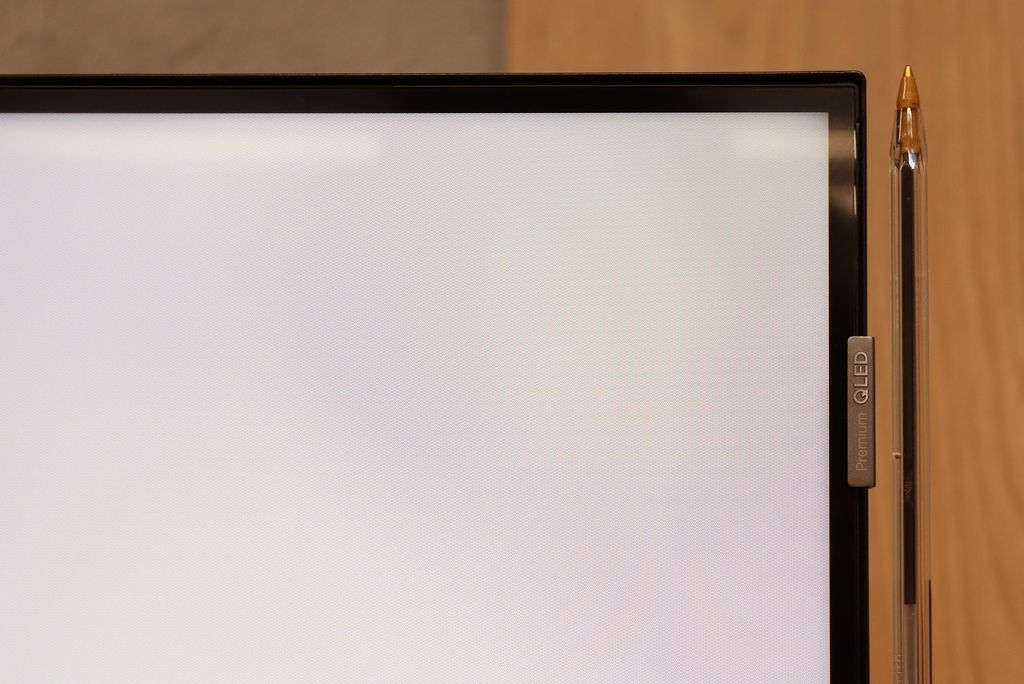
Vivid colors thanks to the QLED filter
Low input lag (around 10MS)
Advanced and smooth Tizen operating system
Small sleek pilot with Type-C charging
Disadvantages

Low brightness, resulting in a weak HDR effect and the image being barely visible in sunlight
The picture loses quality and colors when viewed at an angle
Not suitable as a computer monitor due to very poor letter readability
Strong dithering effect (highly digital image)
Very low brightness (only 250 nits in HDR)
Lack of many features for gamers
Lack of many classic "TV" features such as USB recording or PIP
No Dolby Vision
Average quality of digital image processing
Our verdict
The Samsung Q7F is the cheapest model from the manufacturer’s QLED line, and it must be admitted that several advantages can be easily pointed out here. After calibration, the colors look really good, and the additional QLED filter makes the hues more saturated than in typical budget LCD TVs. In addition, it has a VA panel, which offers quite decent native contrast. It is definitely not on the level of top-tier models, but it holds up in everyday viewing. However, the biggest plus is the Tizen system, which is Samsung's flagship feature. It runs smoothly, is comprehensive, provides access to a plethora of applications and add-ons, and allows for easy connection of the TV to the SmartThings ecosystem to control other devices in the home. And essentially, this is where the list of advantages ends, because the longer you use the Q7F, the more it becomes apparent that this is a product that is significantly underdeveloped. It's not just about the panel itself with its low brightness and average picture quality in HDR films, but also the lack of features that usually worked flawlessly in Samsung models. The manufacturer claims to include VRR and HGiG, but in practice, there is no benefit from them, which makes the TV hard to recommend even to casual gamers. For regular television, it doesn't perform well either because the digital image processing is at best average, and the function to improve tonal transitions, which usually worked well in Samsung models, hardly functions here. The Q7F is equipment that can only be recommended to those looking for a TV with two phrases on the box: “QLED” and “good Smart TV”. The rest gets a rather bland product that lacks a lot to compete even with other more budget-friendly offerings. It’s a shame because usually, the word "QLED" in Samsung meant something more than just an ordinary TV.
[UPDATE] We have updated our Samsung TV tests for the 2025 model year due to the release of software version 1131, which has restored the crucial feature for gamers, HGiG.
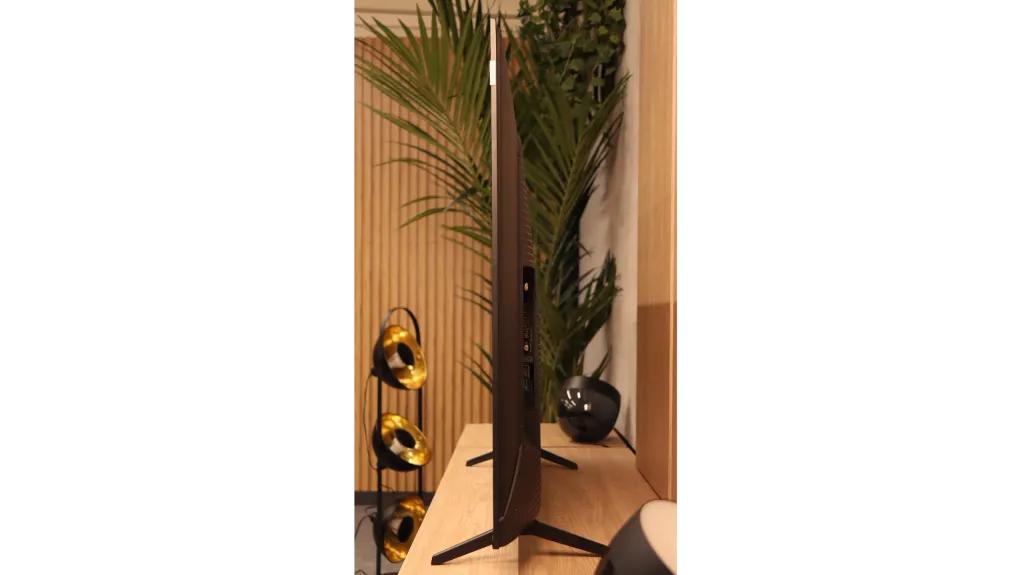
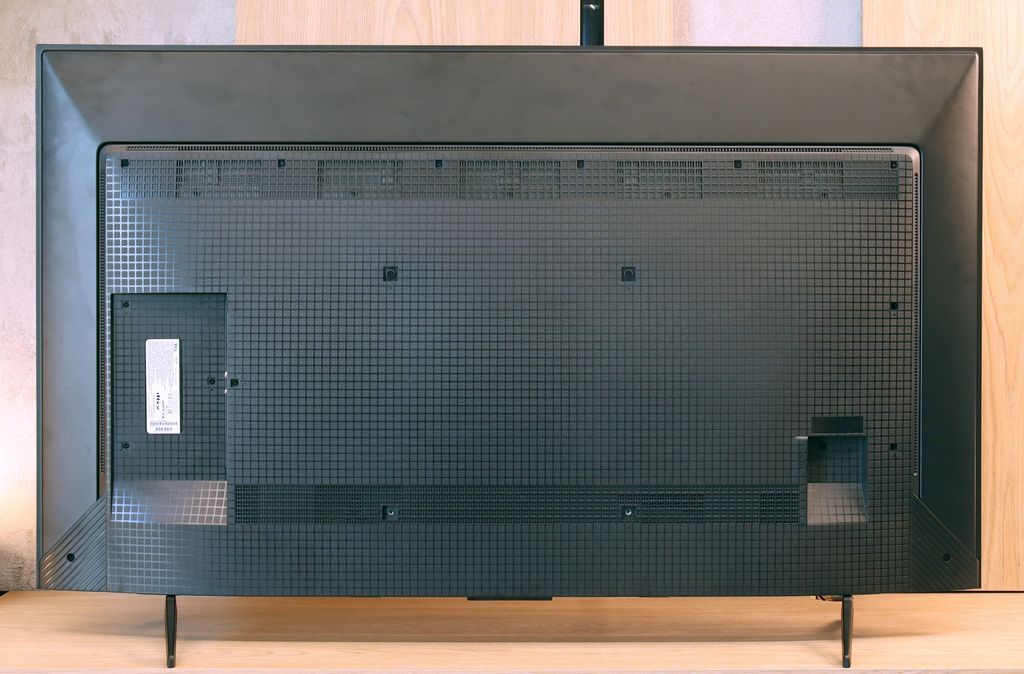
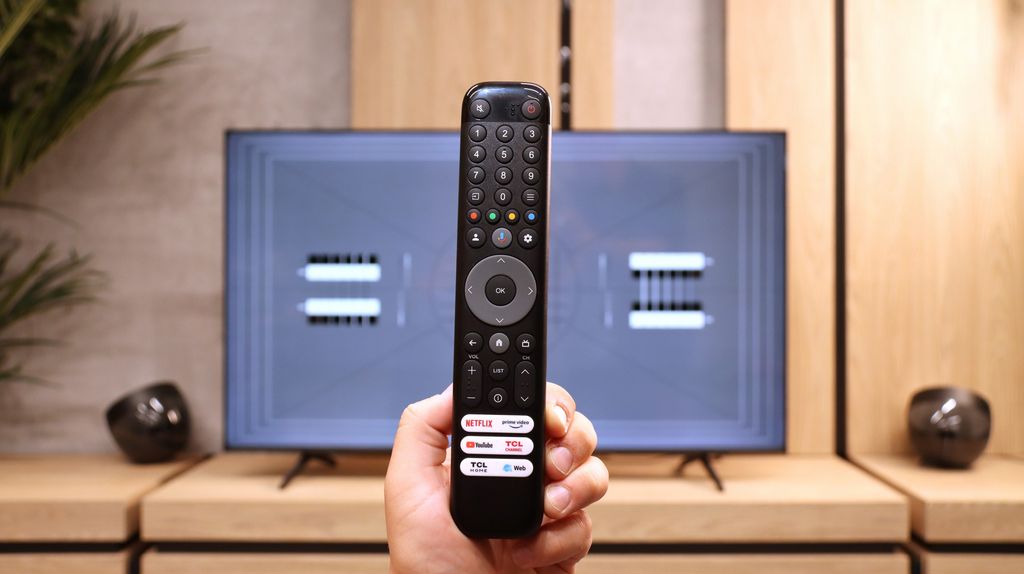
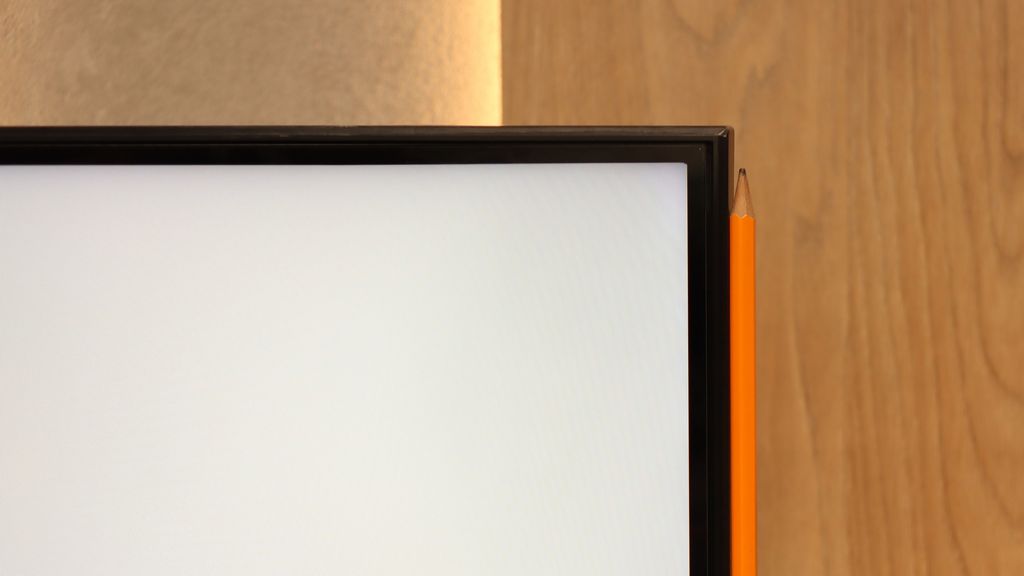
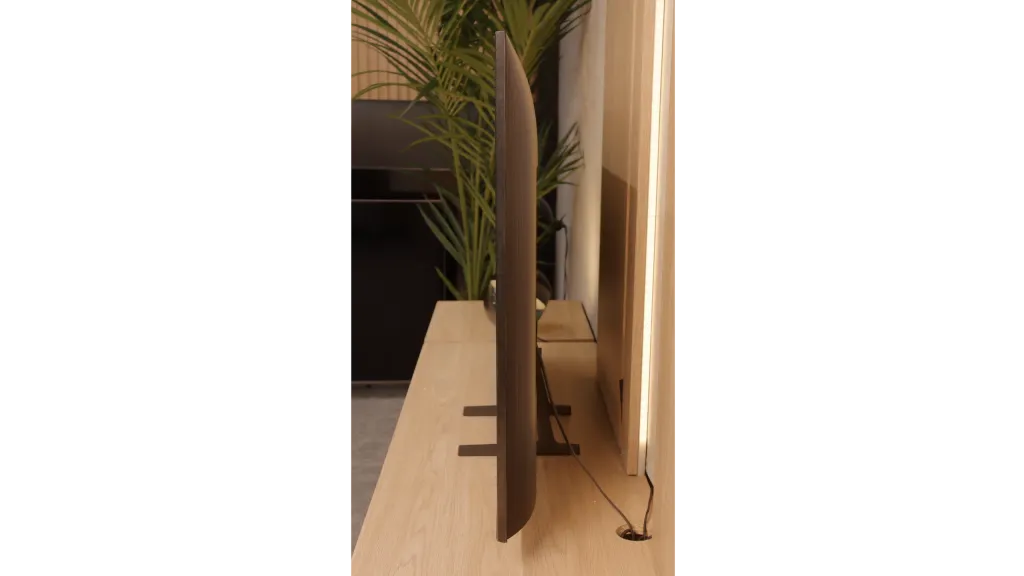
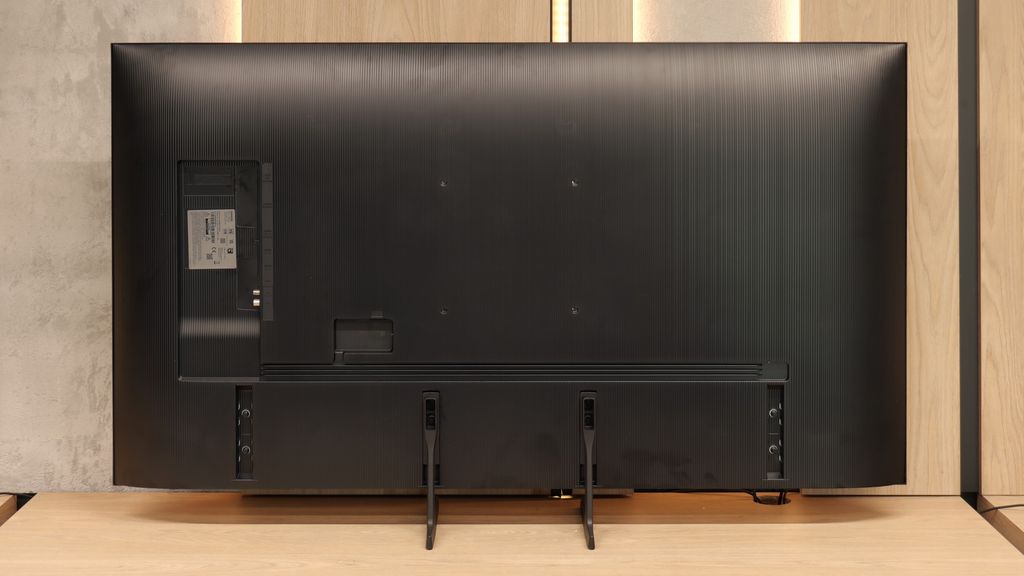
TV appearance

Contrast and black detail
5.2/10
4.7/10
Local dimming function: No
Local dimming function: No
Contrast:


Result
4,000:1

Result
6,500:1

Result
2,700:1

Result
2,800:1

Result
3,800:1
Result
2,850:1
Result
2,750:1
Result
3,300:1
Result
3,050:1
Result
2,750:1
Halo effect and black detail visibility:
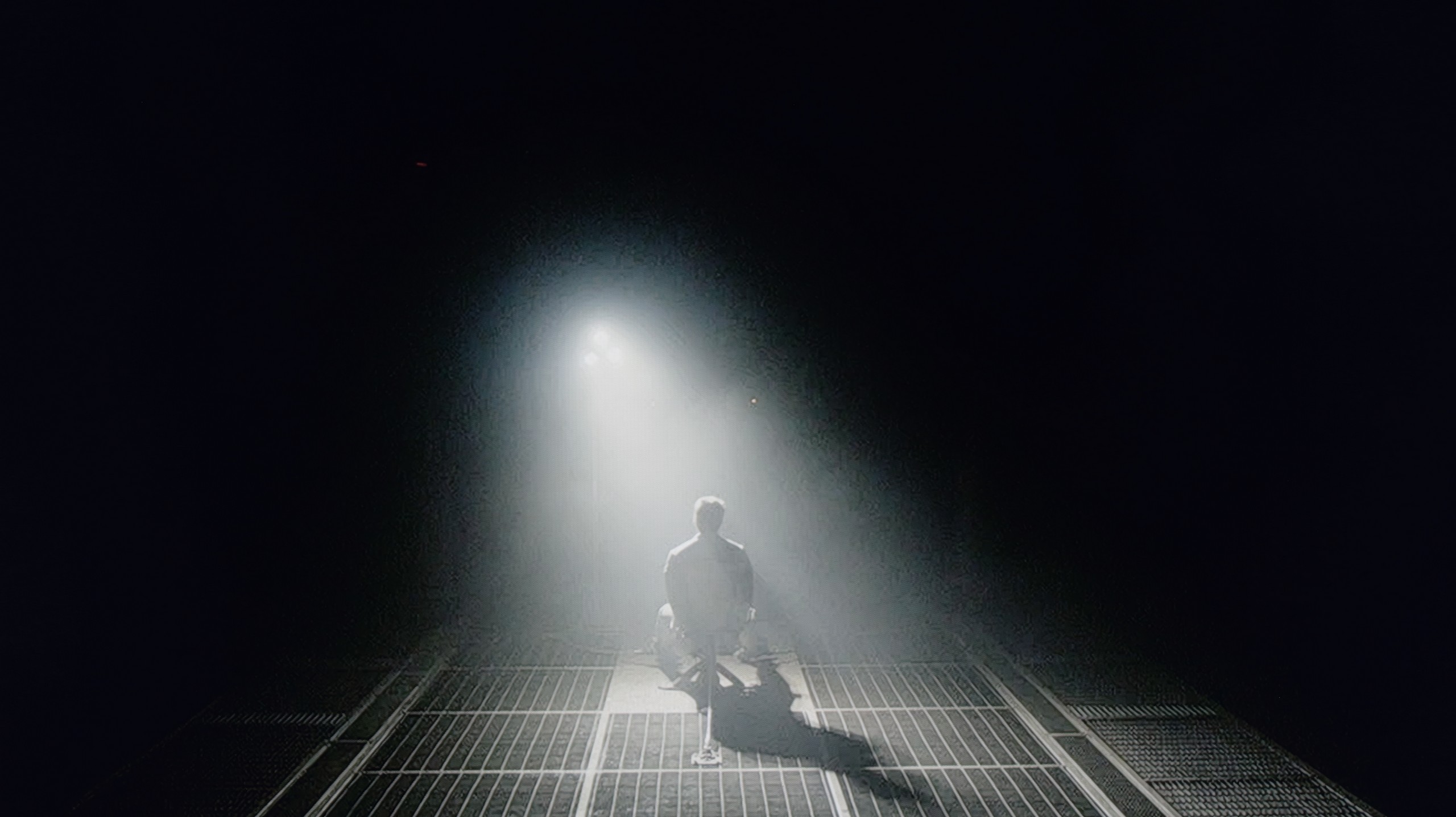
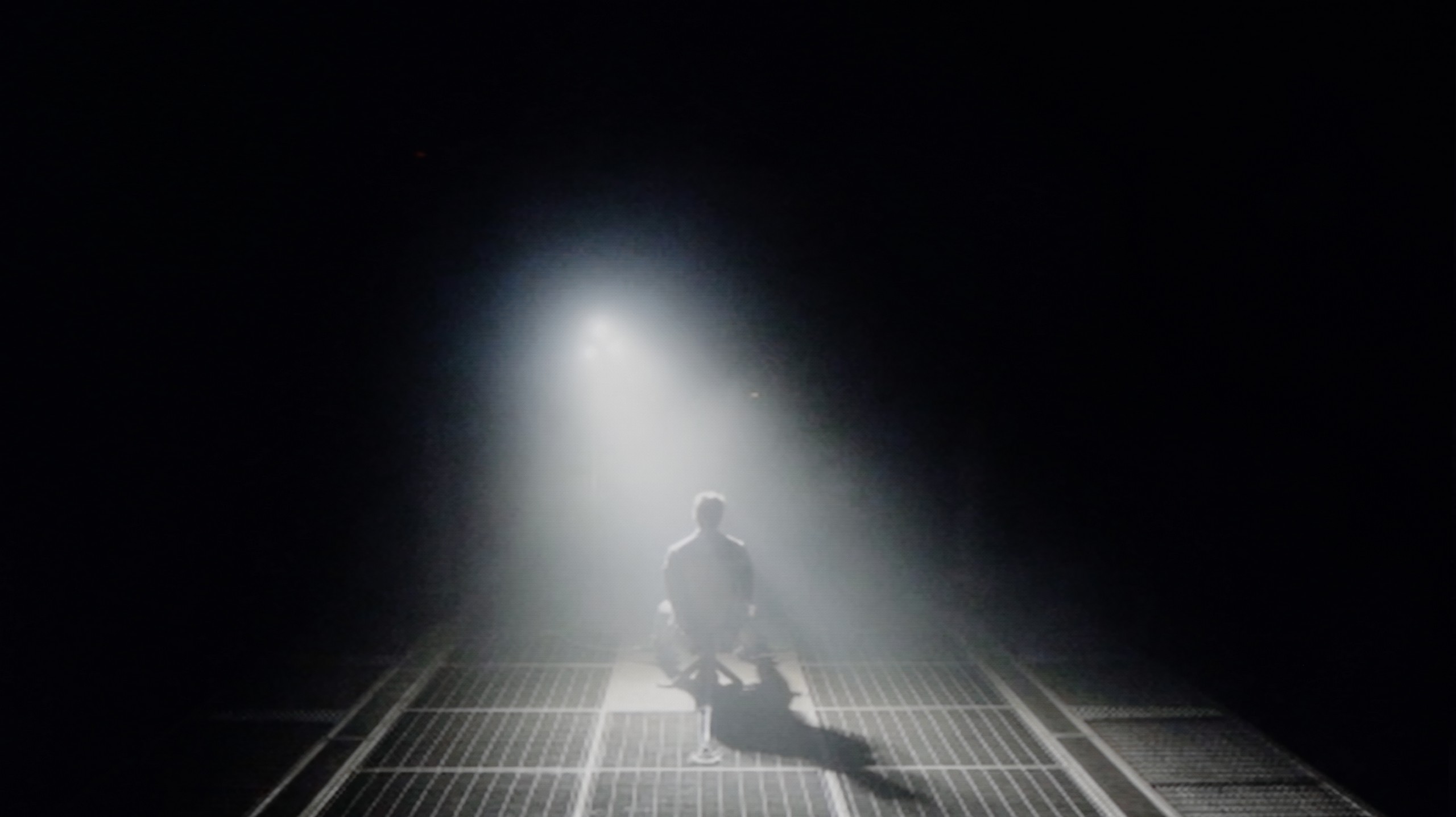
Check the visibility of bright lights on a dark background. Mini-LEDs often struggle with this. The photo does not compare black levels – that’s what the video below is for.
The video accurately shows differences in contrast and black levels between TVs, as well as potential issues: halo around bright objects or Mini-LED zone operation visible as brightness jumps.
In the discussion about image quality, the conversation almost always starts with the issue of black depth and contrast, which are parameters defining the plasticity and realism of the observed world. And here, the TCL P7k/P79k immediately lays its strongest asset on the table – a VA-type panel. It is its construction that makes the native relationship between the brightest and darkest parts of the image more than satisfactory, especially in the context of the price segment that this model represents. In the majority of scenes, the achieved black has a noble depth, which allows for building an engaging viewer experience. To illustrate the scale, it is worth mentioning that competitive constructions based on IPS panels often offer results that are even four or sometimes five times lower, which constitutes a chasm in direct comparison. Of course, entering the territory of models oriented towards affordability, we must be aware of certain compromises. In the discussed television, we will not find an advanced local dimming system that could further enhance the impression of contrast. However, the absence of this feature is fully understandable and constitutes a logical consequence of positioning the product in the market – this technology in TCL's portfolio for 2025 has been reserved for higher-positioned, more prestigious series marked with the letter "C".
The Samsung Q7F in the tested size of 55 inches has a VA panel, which immediately translates to decent native contrast. Values around 3000:1 may not be record-breaking, as we know that VA panels are currently being produced with more than double the contrast, but it still performs much better than IPS or ADS panels, where blacks quickly fade into shades of gray or navy blue. Unfortunately, we won't find typical local dimming zones here, but the manufacturer has added something resembling global dimming – meaning the whole screen darkens in relation to the content. The effect? In most scenes, blacks look quite solid, although during night screenings, we can still see that they resemble dark navy blue or gray rather than true pitch black. Overall, it's okay, but without fireworks – it's not spectacular, but it's also not a disaster.
HDR effect quality
4.3/10
3.7/10
Luminance measurements in HDR:

Result
206 nit

Result
247 nit

Result
297 nit

Result
237 nit

Result
281 nit
Result
215 nit
Result
225 nit
Result
267 nit
Result
113 nit
Result
250 nit
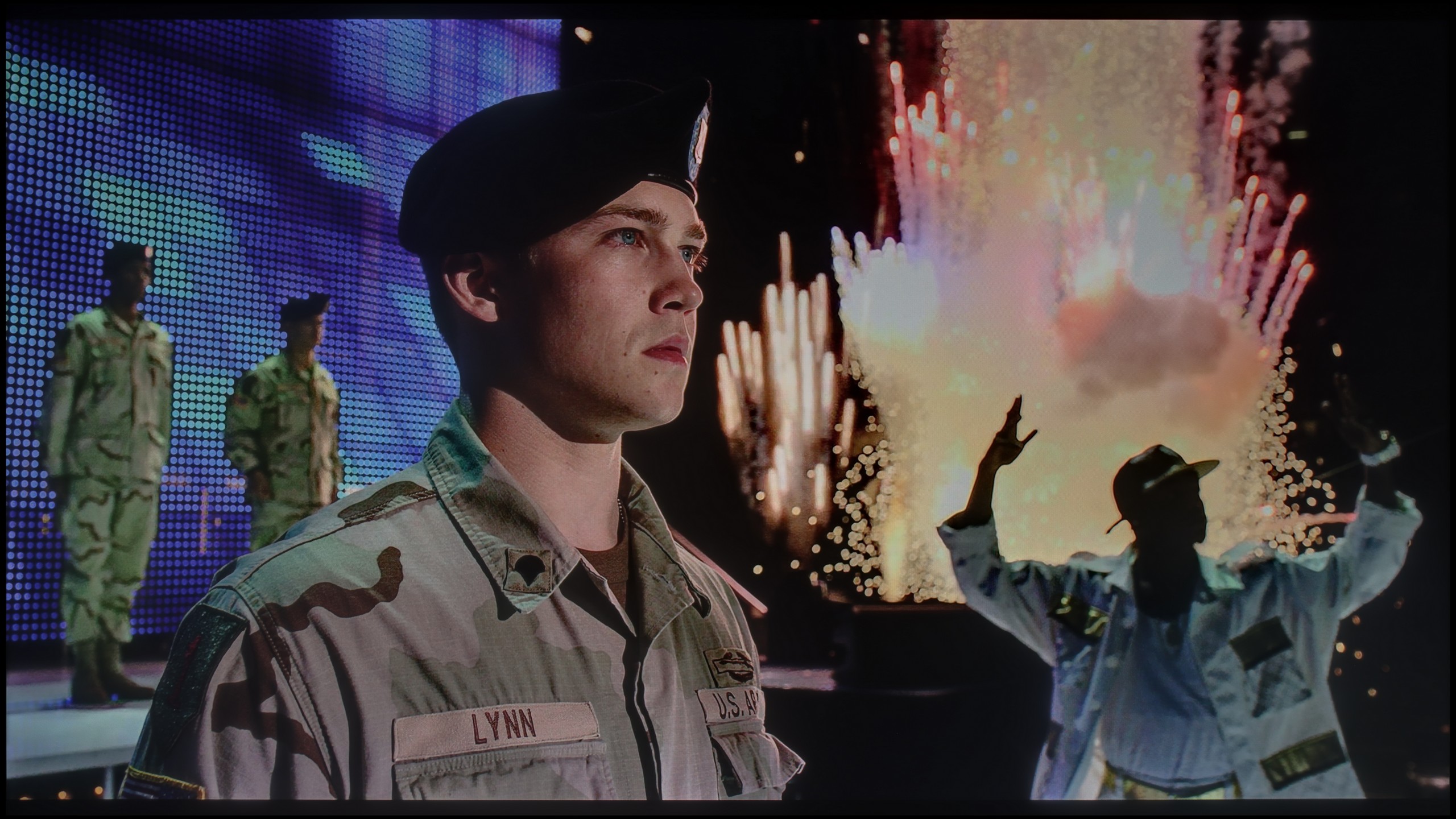
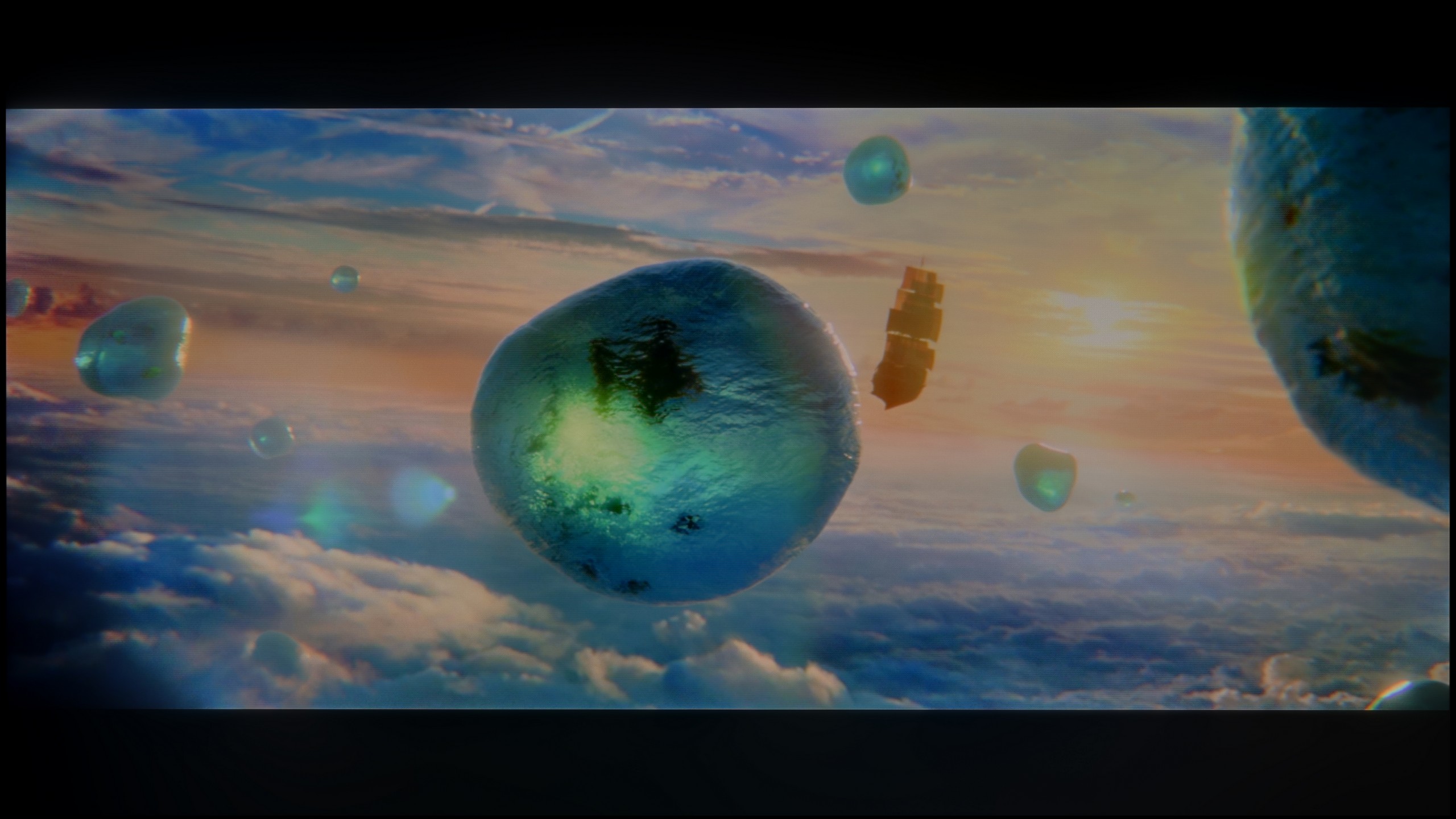
Scene from the movie “Pan” (about 2800 nits)
Scene from the movie “Billy Lynn” (about 1100 nits)
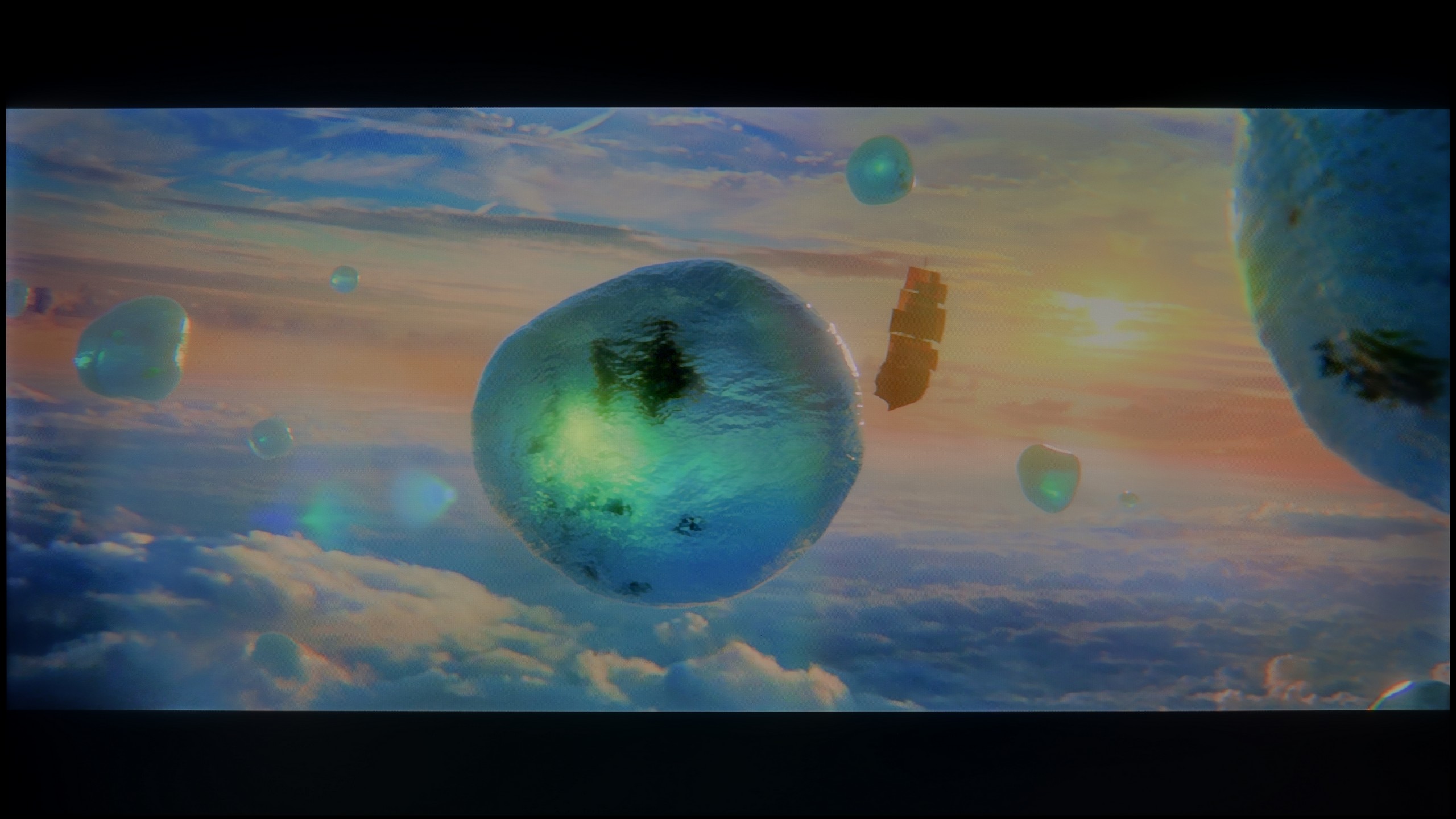
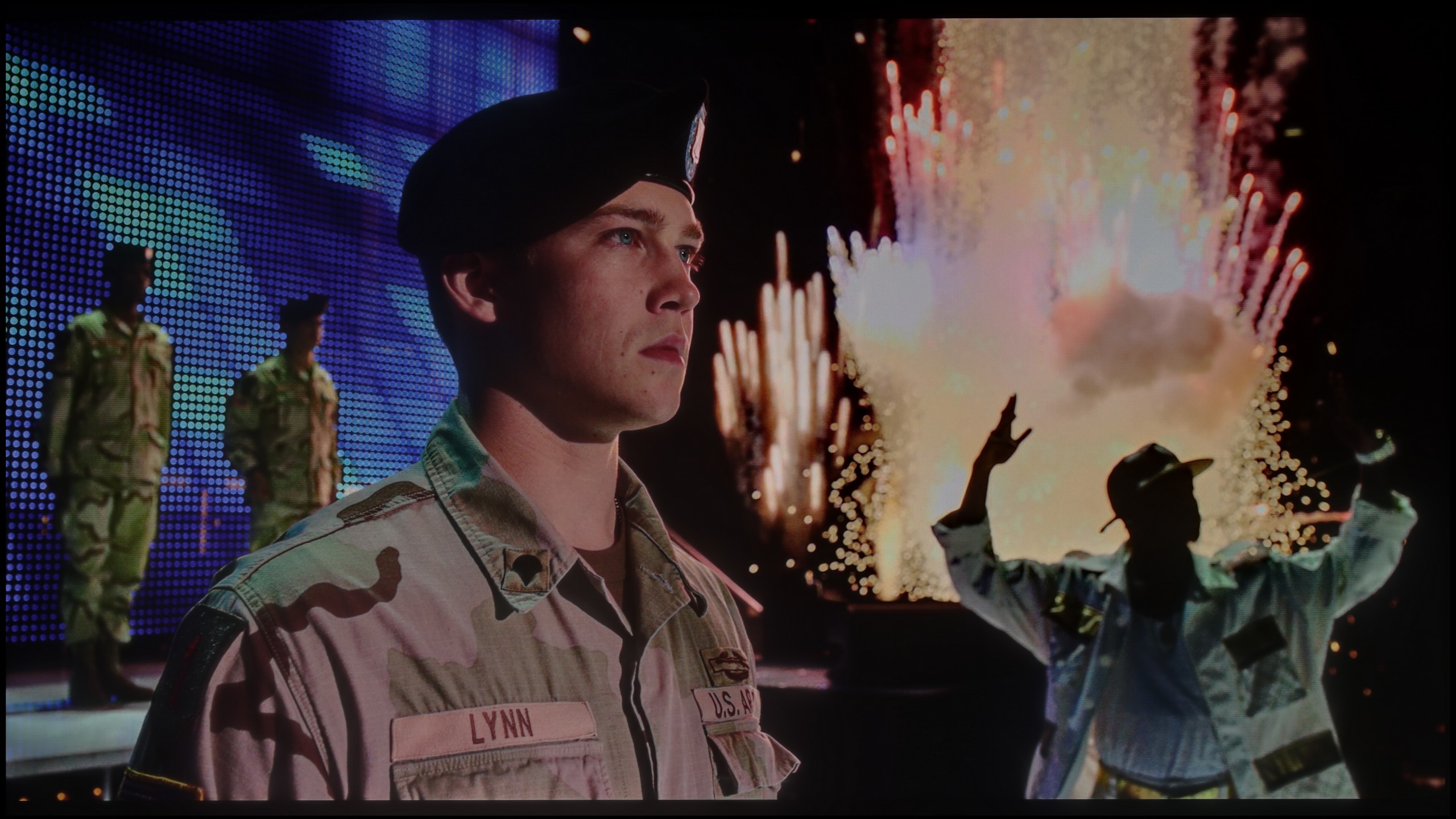
The photos show two HDR10 movies. 'Pan' is one of the brightest productions ever made, while 'Billy Lynn' (soldier) has brightness typical of streaming (Netflix, Prime, HBO MAX). Notice the intensity of effects and detail in whites.
Static HDR10


The photos present the visibility of white details in various HDR formats. They do not show brightness differences between TVs (these can be compared in the previous gallery).
Dynamic: Dolby Vision
Dynamic: HDR10+


The photos present the visibility of white details in various HDR formats. They do not show brightness differences between TVs (these can be compared in the previous gallery).
HDR luminance chart:
Samsung Q7F
TCL P7K / P79K
When evaluating the HDR effect, we must make it clear and without marketing embellishment: the P7K/P79K is not and was never meant to be a master in this field. The maximum peak brightness that this panel can generate is only around 300 nits. This is a borderline value, a sort of thin red line between what can be considered a barely satisfactory HDR signal and what is really not much different from standard dynamic range (SDR), unfortunately leaning towards the latter. Synthetic tests found brutal confirmation in reality – our measurements taken during movie screenings showed that luminance in key bright parts of the content rarely exceeded the threshold of 200-250 nits. Therefore, this is not a television that would allow content produced in a wide tonal range to truly shine, and we must openly acknowledge that.
Unfortunately, the issue of color reproduction is presented equally restrained. Although the manufacturer positions this model in the "QLED" family, thanks to the use of a PFS LED filter, the results do not match the heightened expectations. The coverage of the wide DCI-P3 color gamut is only 86%. Compared to the market, this is at best an average result, as most devices that employ additional layers to expand the color spectrum easily achieve values at a minimum level of 90-92%.
Unfortunately, the Samsung Q7F is not one of the bright televisions, and this directly affects the quality of HDR movies. The peak brightness of the panel is only about 250 nits, which is definitely too low to speak of true cinematic experiences. In practice, the image in HDR content does not differ significantly from classic SDR, making it hard to talk about any "wow effect" that usually accompanies us while watching such films. During testing movie scenes, the image simply looked dim, and brightness almost invariably hovered around the mentioned 250 nits. The worst performance was observed in shots with small, intensely glowing elements – the applied global dimming technique reacted very aggressively, dimming the entire screen to maintain the black effect. On the plus side, it is worth noting the presence of a QLED coating that expands the color palette. As a budget QLED model, the Q7F performs quite decently here: its DCI-P3 color coverage is about 93%, and BT.2020 reaches 70%. This means that colors, despite the low brightness, can look quite vivid and attractive.
Factory color reproduction
5.9/10
5/10
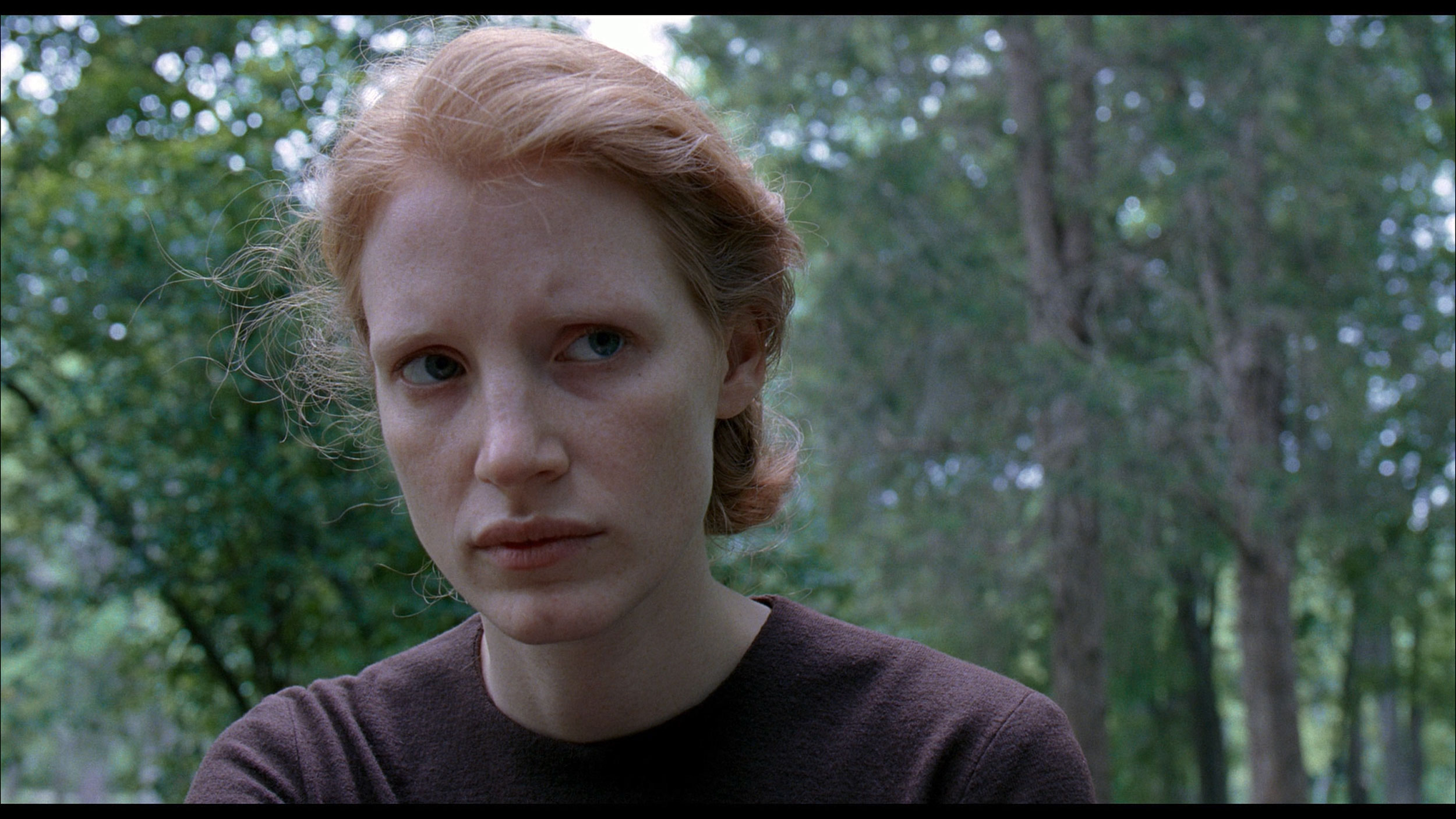
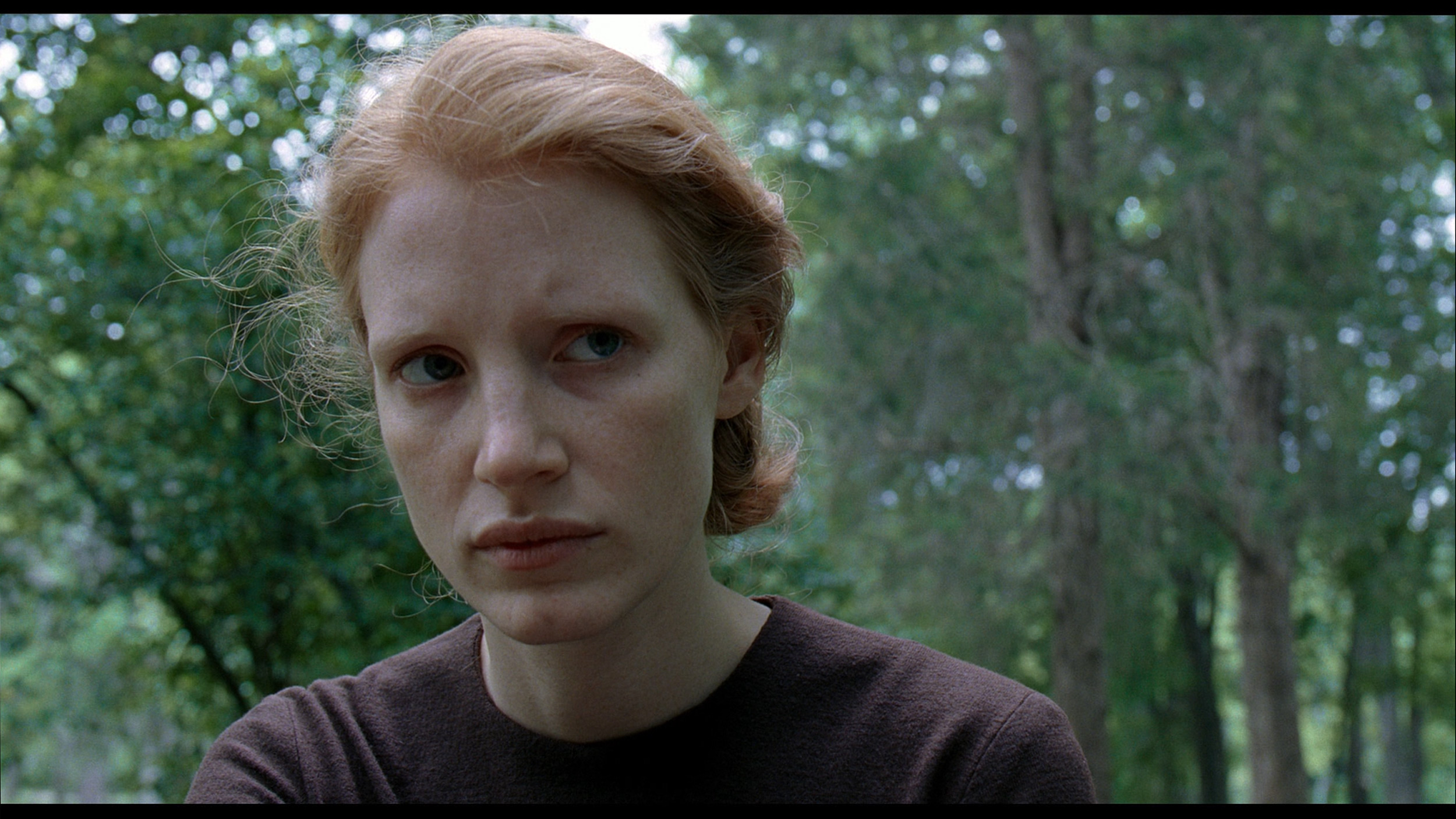
This gallery shows how colors change after professional TV calibration. If you notice the difference, we recommend ordering this service at SkalibrujTV.com.
Factory Mode
After calibration


This gallery shows how colors change after professional TV calibration. If you notice the difference, we recommend ordering this service at SkalibrujTV.com.
Factory Mode
After calibration
Every reliable image quality assessment must begin by selecting the most optimal factory mode. In the case of the tested model P7K/P79K, the choice was confidently made for the "Film" mode. It is this mode that presents an image closest to the creators' intentions, avoiding both the exaggerated brightness of dynamic mode and the excessive dimming known from eco settings. And it must be admitted that, for a device in this price range, the factory calibration is surprisingly decent, although it is not free from a few stumbles. The most noticeable flaw turned out to be an imperfectly adjusted white balance. A slight dominance of the blue component gives the image a subtly cool, chilly character, thus deviating from the exemplary neutrality that the director wanted to show us. The television performs much better in reproducing the grayscale in a standard dynamic range – the gamma curve is executed almost perfectly. A minor reservation can only be made for the darkest parts of the image, where a slight deviation from the norm causes a loss of some detail in the shadows. The most serious challenge for TCL's software, however, was the interpretation of the HDR signal, which is illustrated by the EOTF curve. The television follows its own, rather free path here – the darkest details are disproportionately brightened, followed by a noticeable slowdown in brightness increase for midtones. Fortunately, most of these imperfections are software-related issues that can be eliminated. With this thought in mind, we proceeded to the professional calibration process.
The factory color reproduction in the Samsung Q7F definitely isn't one of its strong points. In Filmmaker mode, which theoretically should be closest to neutral, the white balance issue is immediately noticeable. There's too much red on the screen, while blue is noticeably lacking. The effects of this are very easy to see – white, instead of being neutral, takes on warm, almost slightly orange tones. Over time, this makes the entire image look somewhat unnatural, and bright areas of the scene can seem unrealistic. The problems become even more apparent in HDR content. The graphs show that the TV has significant errors in the Color Checker palette, which translates to visible inaccuracies in the real image. In practice, this means that colors are not presented as they should be. The Q7F also heavily manipulates brightness; darker elements are overly boosted, causing them to lose their cinematic feel, while bright parts can appear dimmed. As a result, the image seems flattened, and instead of helping to bring out details, contrast only highlights its own limitations. This is particularly frustrating in HDR materials, as every detail matters there. In scenes where a subtle play of light and shadow should be felt, the Q7F either overdoes the brightening or, conversely, suppresses elements that were meant to draw the eye. This causes the image to lose its depth, and instead of cinematic realism, we get more of a simplification effect.
Color reproduction after calibration
7/10
7.6/10
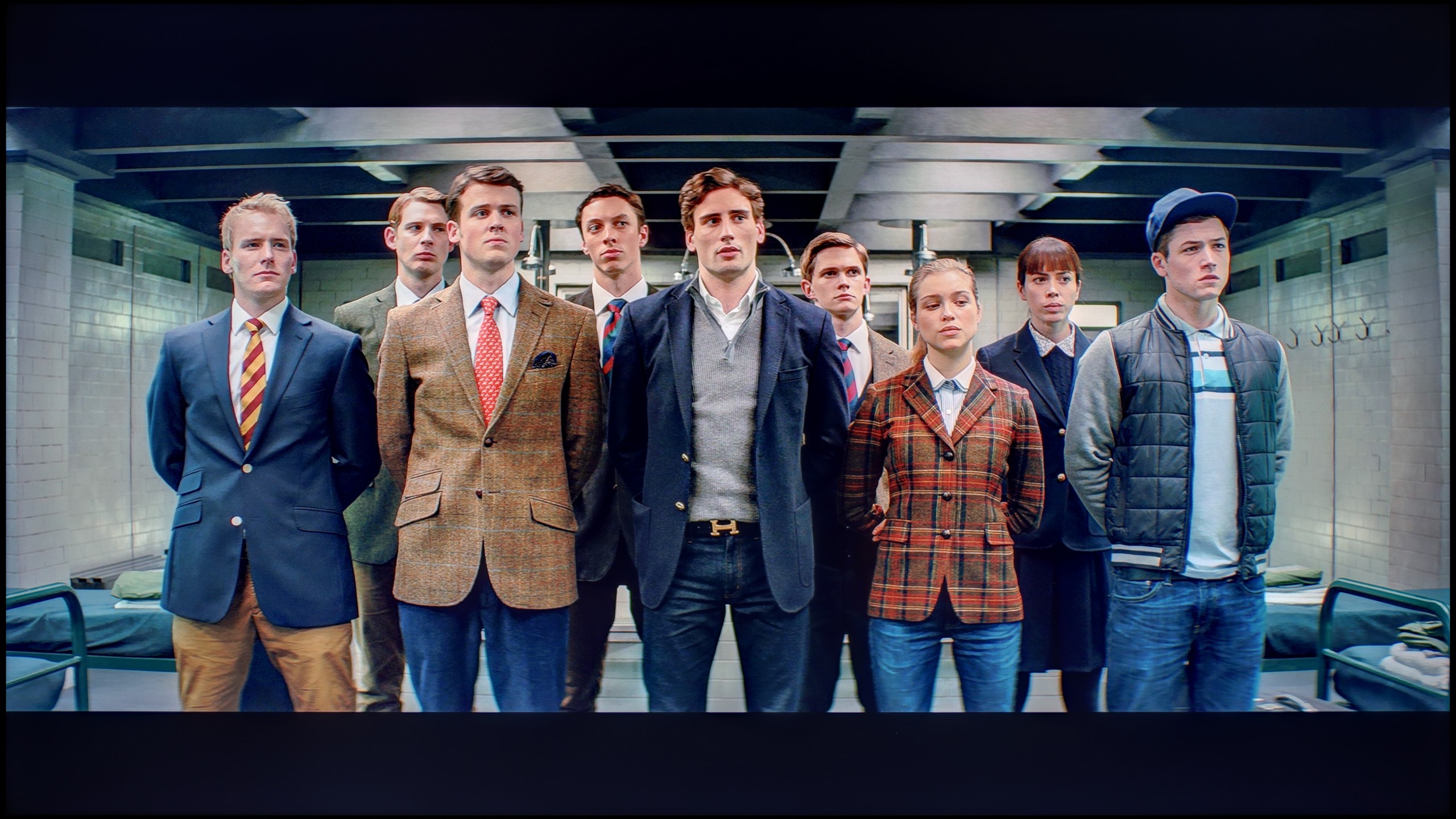
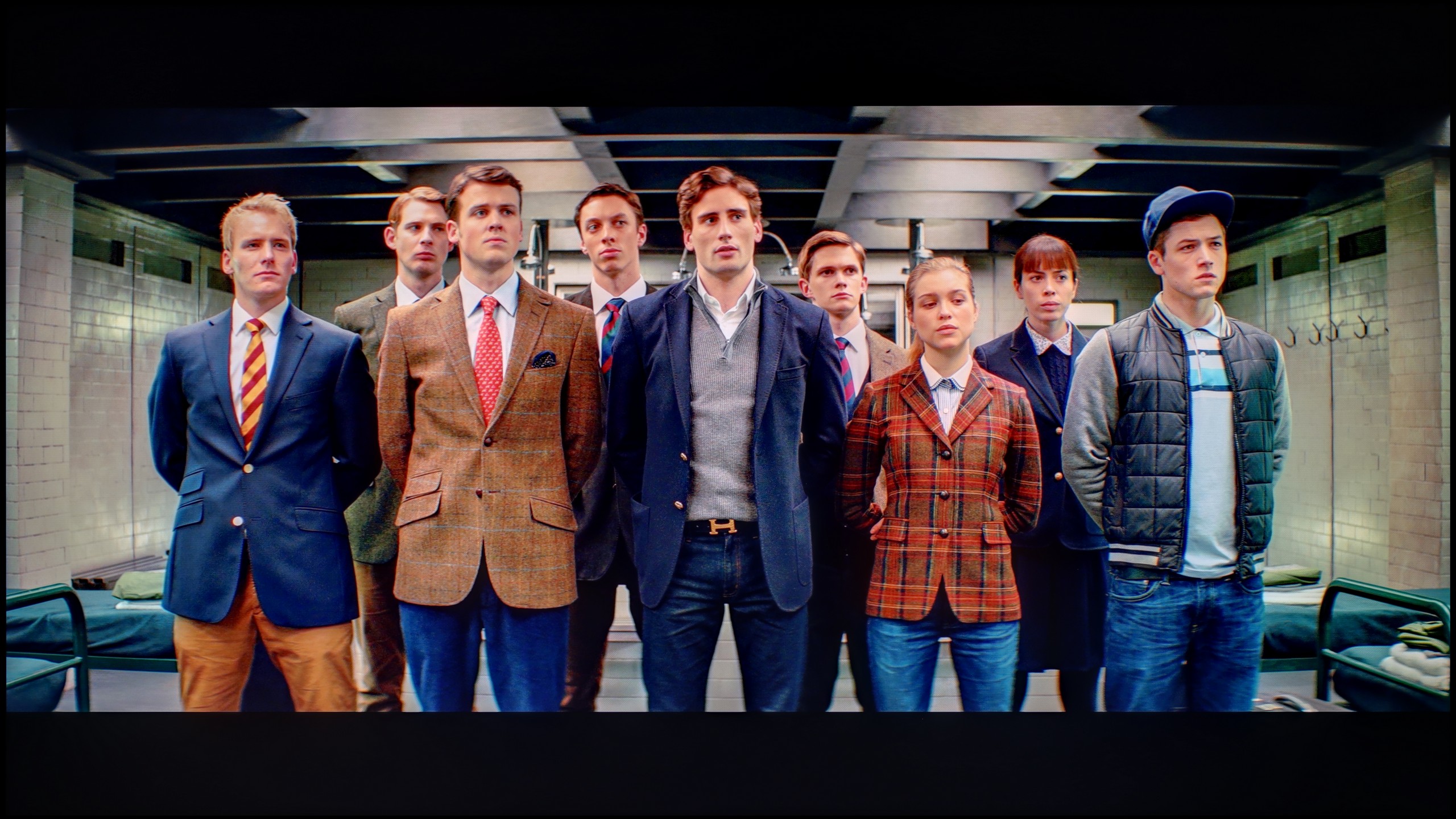
The photos show how movies look on the TV. Pay attention to black detail visibility, colors, and shadow tint.
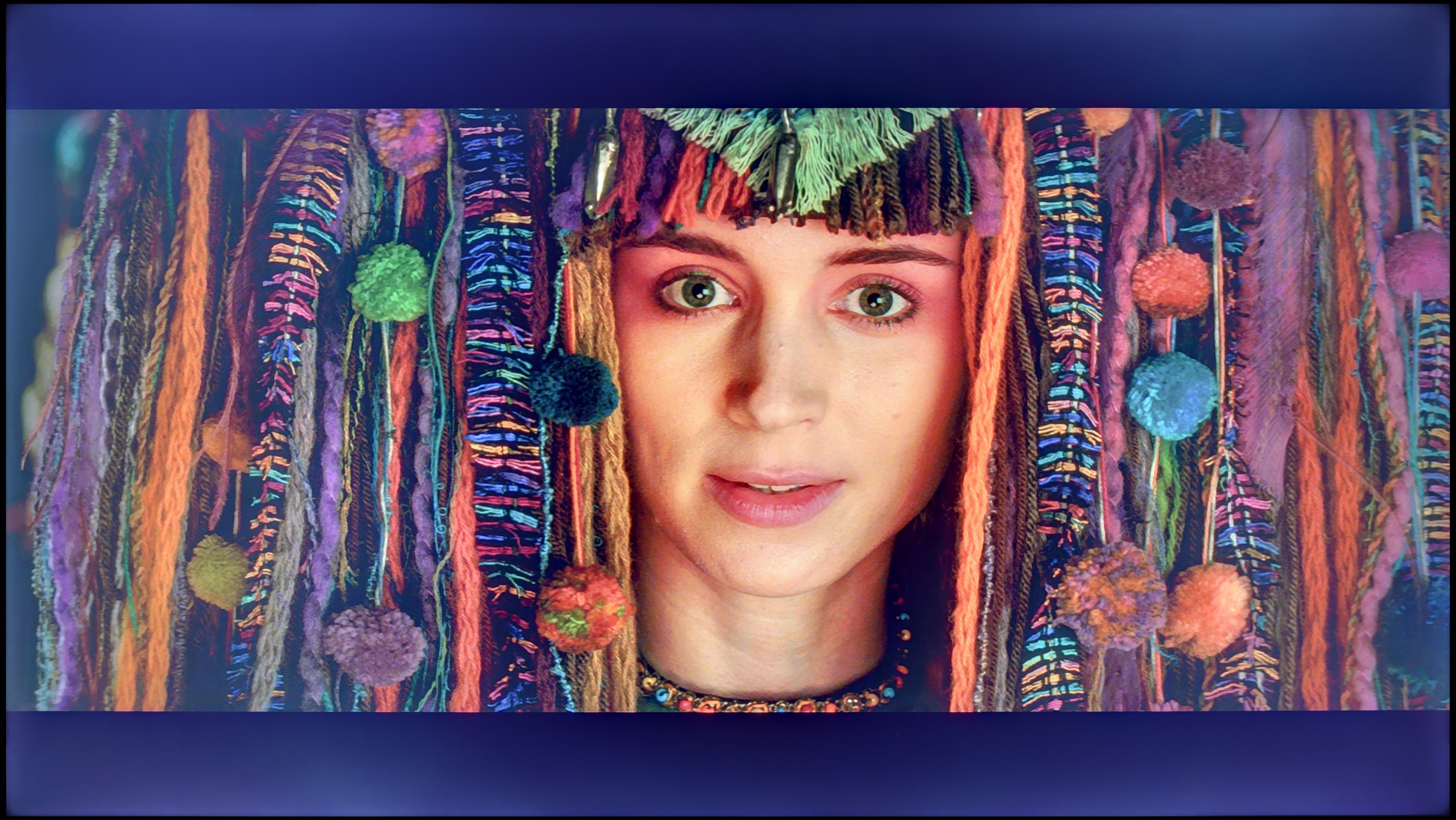
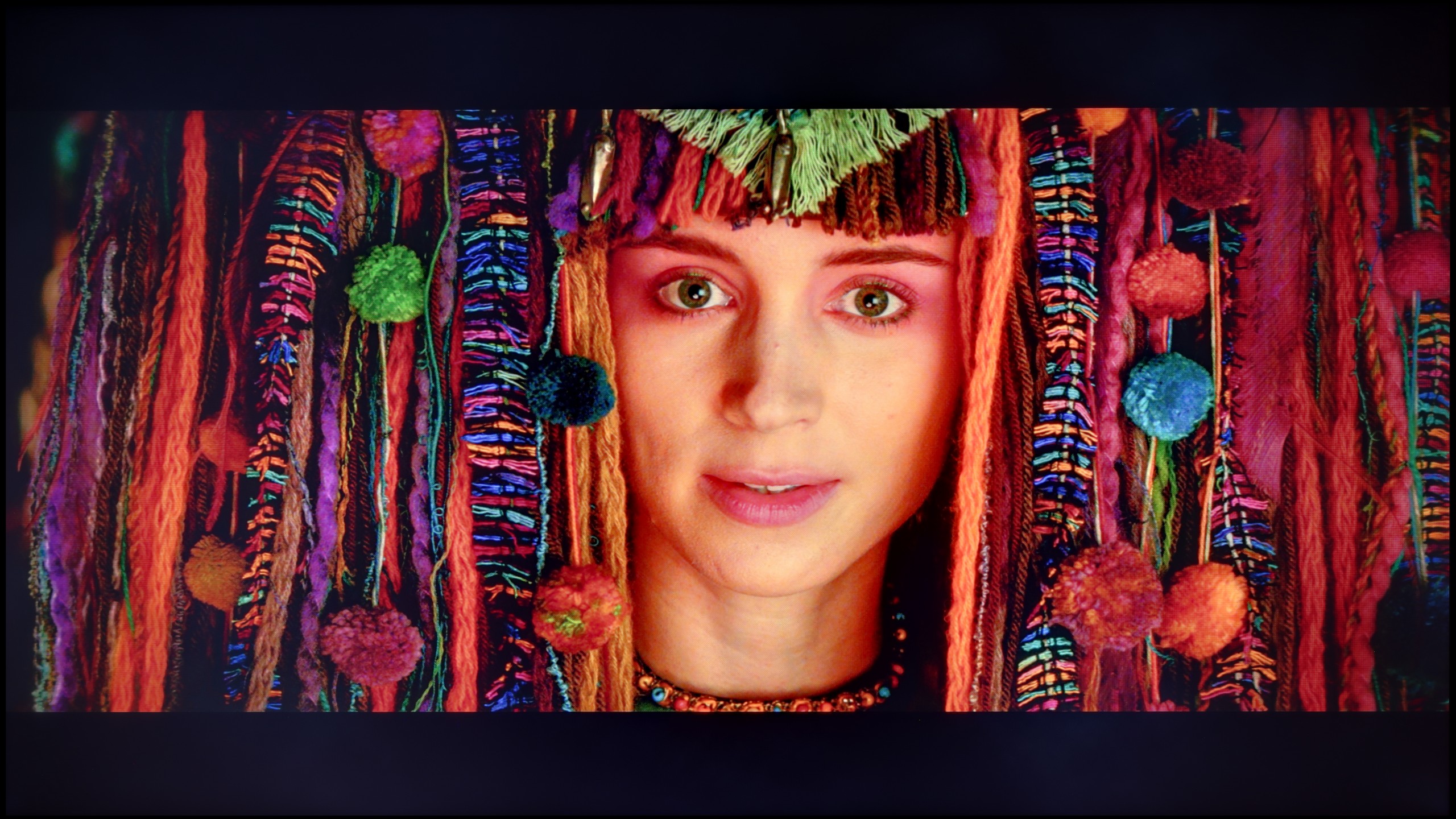
The photos show how movies look on the TV. Pay attention to black detail visibility, colors, and shadow tint.
The calibration process turned out to be a home run, especially in the context of standard dynamic range (SDR) content. We successfully managed to eliminate the TV's tendency to emphasize cool tones, restoring the whites to their natural neutrality. Furthermore, precise adjustments allowed us to correct a slight error in the gamma curve, so the darkest areas of the image regained their proper depth, without a trace of unnatural brightening. The effects are measurable and impressive – in the ColorChecker test, the vast majority of color reproduction errors fell below the perceptual threshold, achieving a deltaE value below 2. This is a result that would not shame much more expensive constructions. Unfortunately, in the case of HDR content, we hit a wall in the form of the inherent limitations of the panel itself. And although we managed to bring the colors in line, the software's specifics mean that the TV still adapts brightness in its own way, as evidenced by the persistent, non-standard EOTF curve. In summary, calibration brings tremendous added value, but one must be aware that it cannot overcome certain physical barriers. A slight boost in black levels, resulting from the lack of local dimming, and limited peak brightness mean that HDR content will not always be able to showcase its full potential. This is simply not the main task of this display; its true strength, especially after professional tuning, lies in the viewing of SDR materials.
After professional calibration, we managed to bring the Q7F in order – at least in terms of SDR content. The picture in this mode looks really good: the white balance has been set correctly, the colors appear natural, and errors in the color palette have dropped to values that are practically invisible to the eye. The gamma behaves excellently, and the only minor drawback is a slight brightening of smaller elements, which results from the lack of local dimming. For everyday TV watching or standard quality films, the Q7F performs surprisingly well.
It was much more difficult to tame HDR content. Despite adjusting the white balance, the television continues to manipulate brightness significantly, causing scenes to sometimes look unnatural – what was meant to be subtly darker can end up being overly brightened, and bright parts of the image sometimes appear dull. The final effect is better than in the factory settings, but it is evident that the design limitations of the Q7F do not allow for fully utilizing the potential of HDR materials.
Smoothness of tonal transitions
5/10
9/10
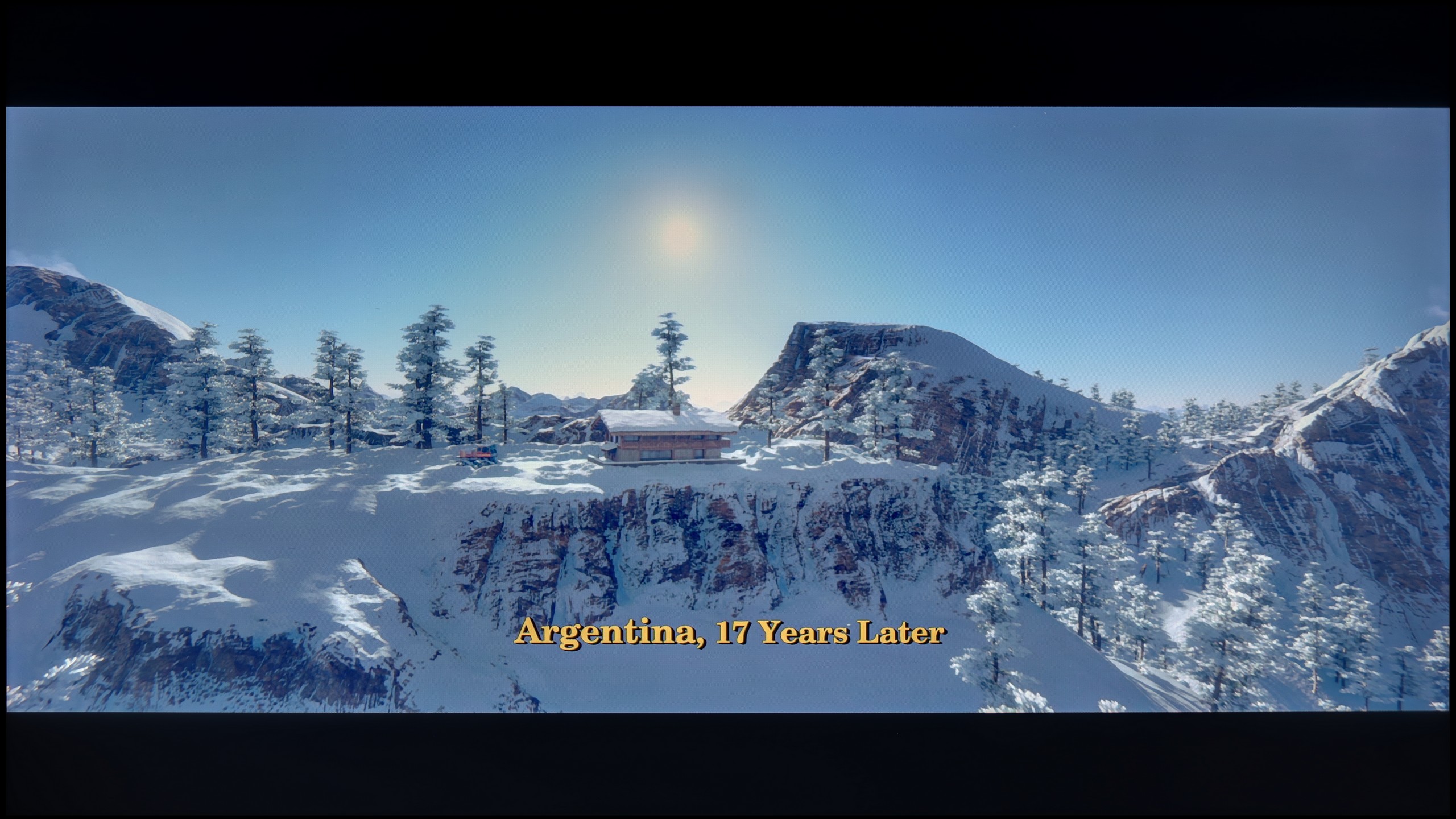
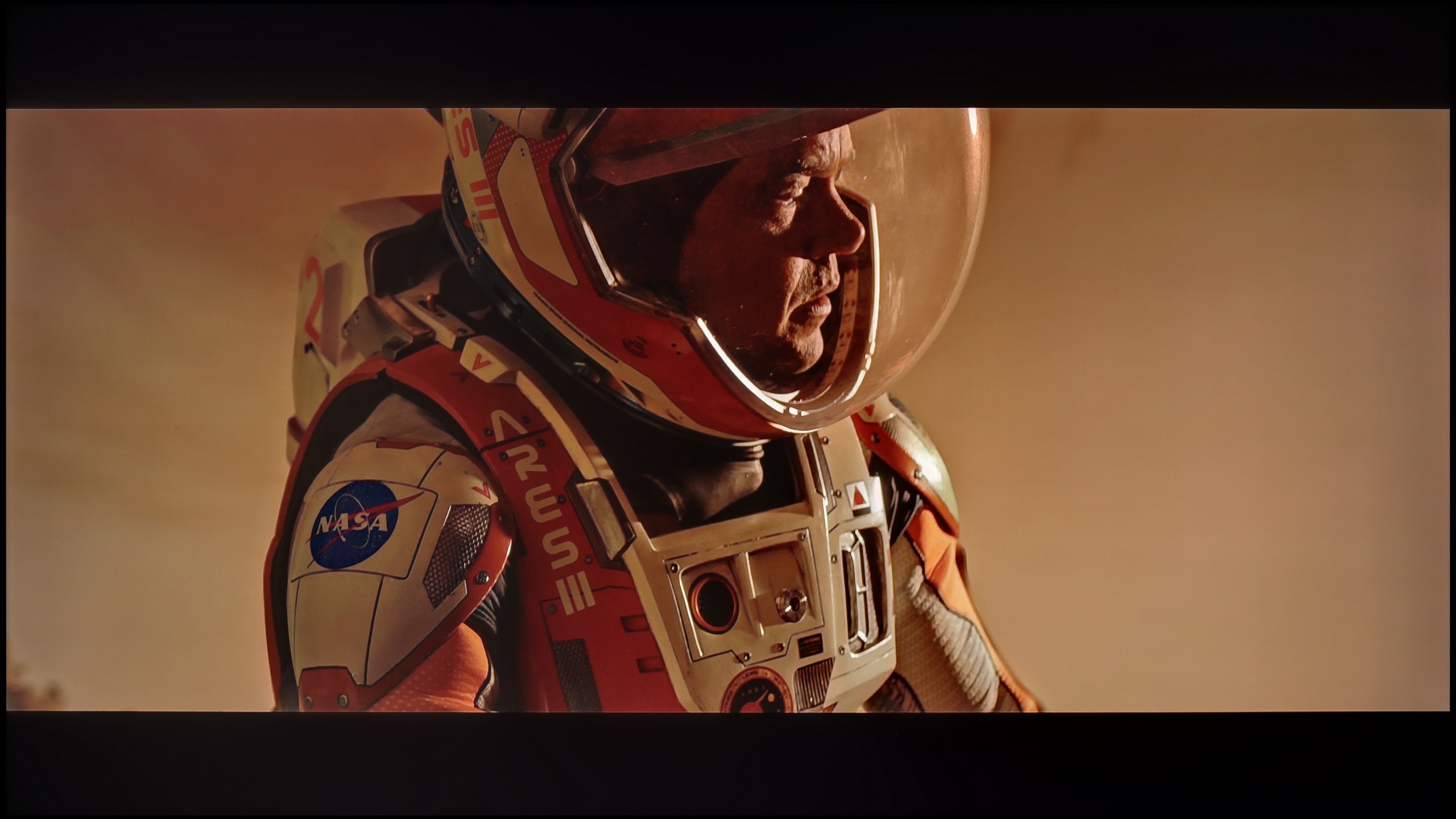
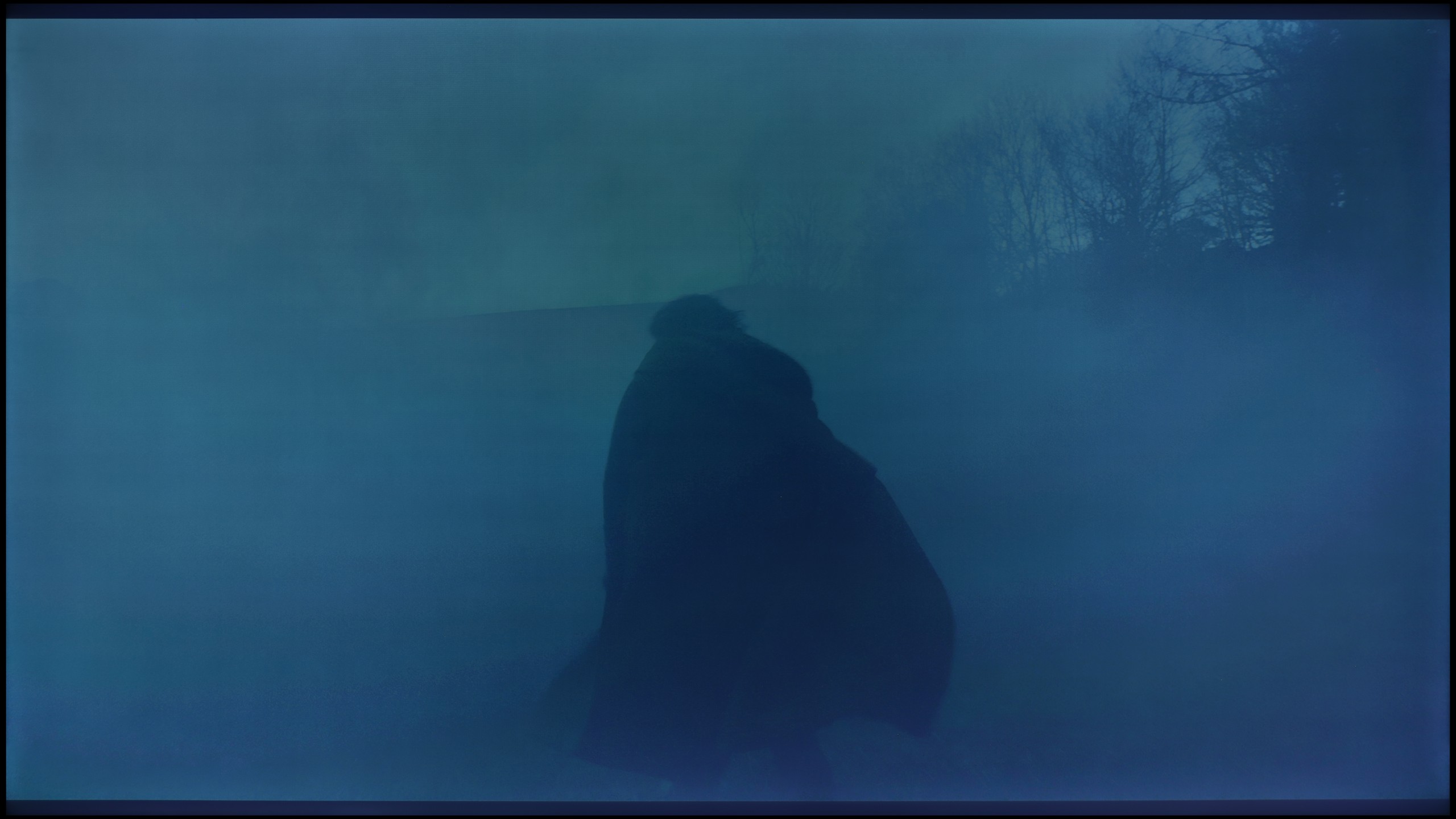
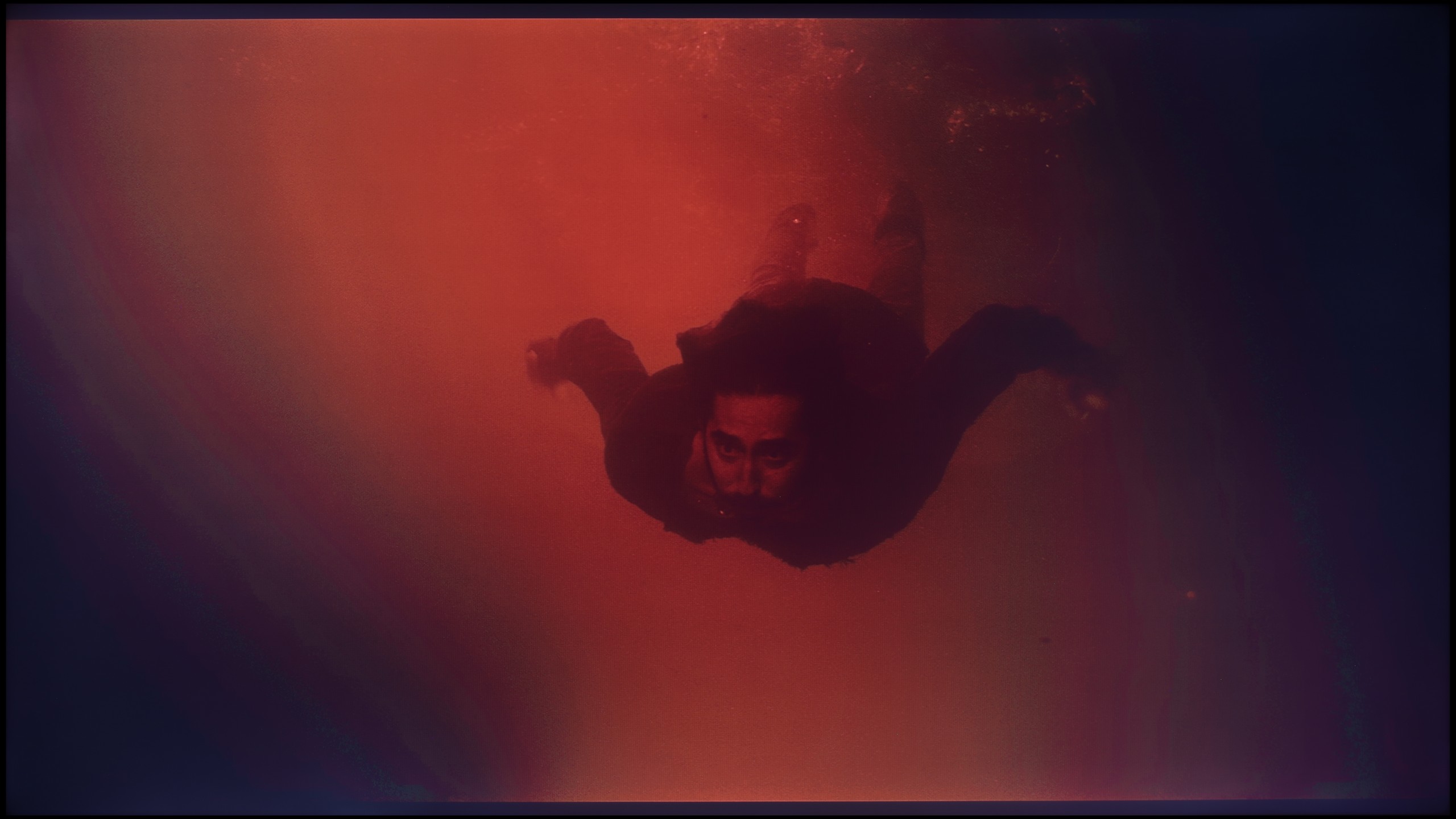
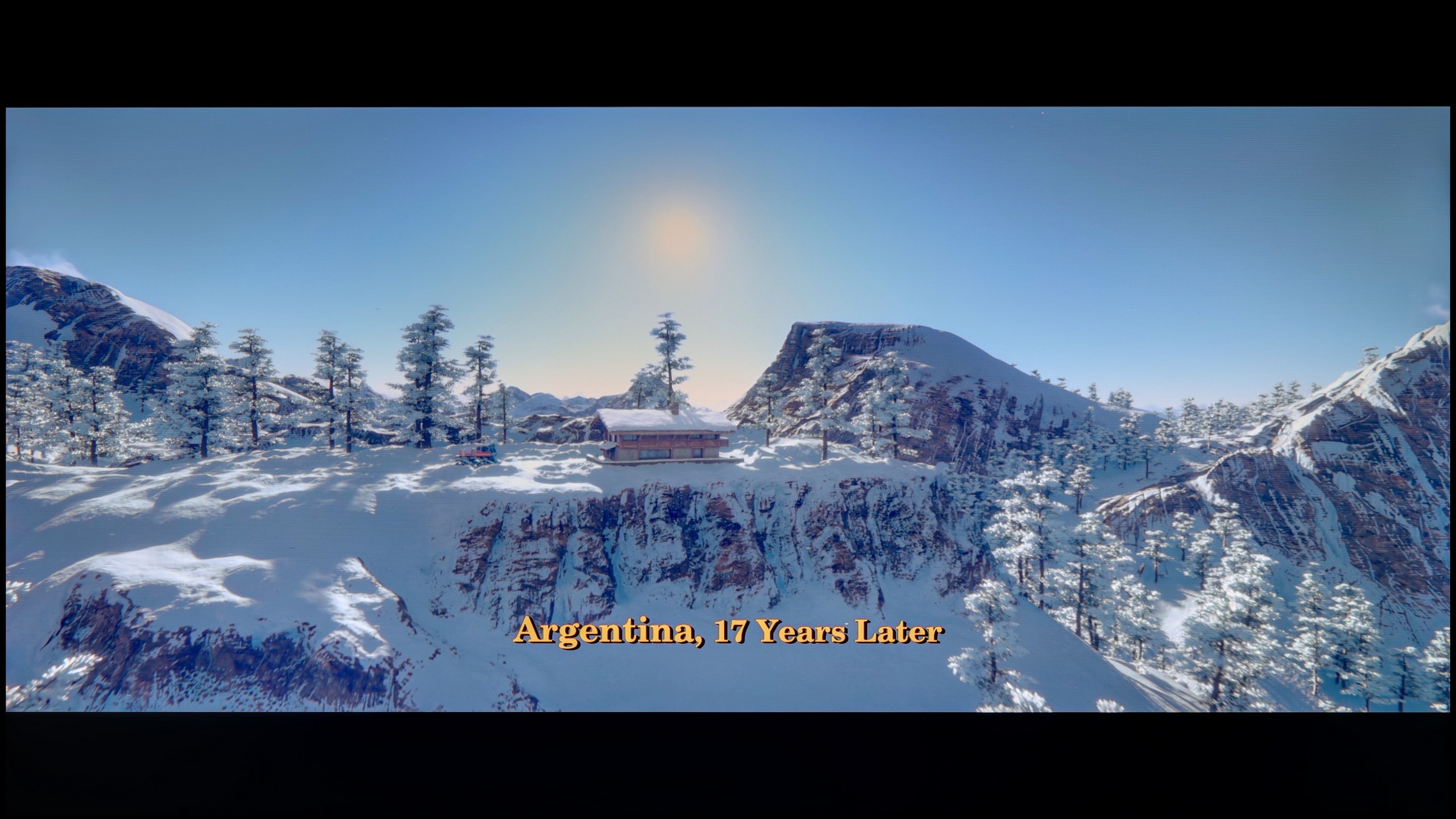
These are selected scenes that show smooth tonal transitions from one color to another. If you see distinct banding, it’s the TV panel’s fault.
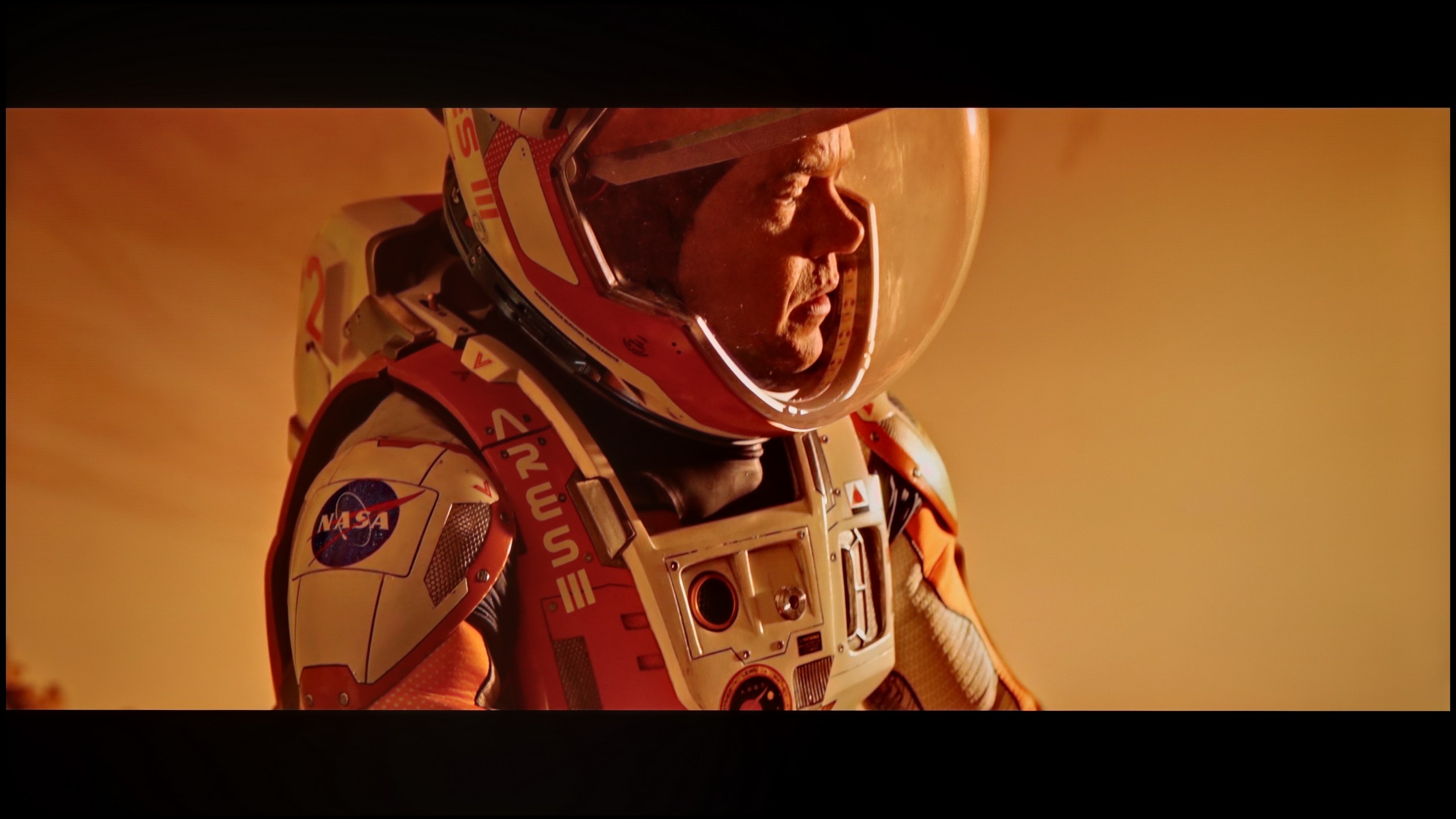
These are selected scenes that show smooth tonal transitions from one color to another. If you see distinct banding, it’s the TV panel’s fault.
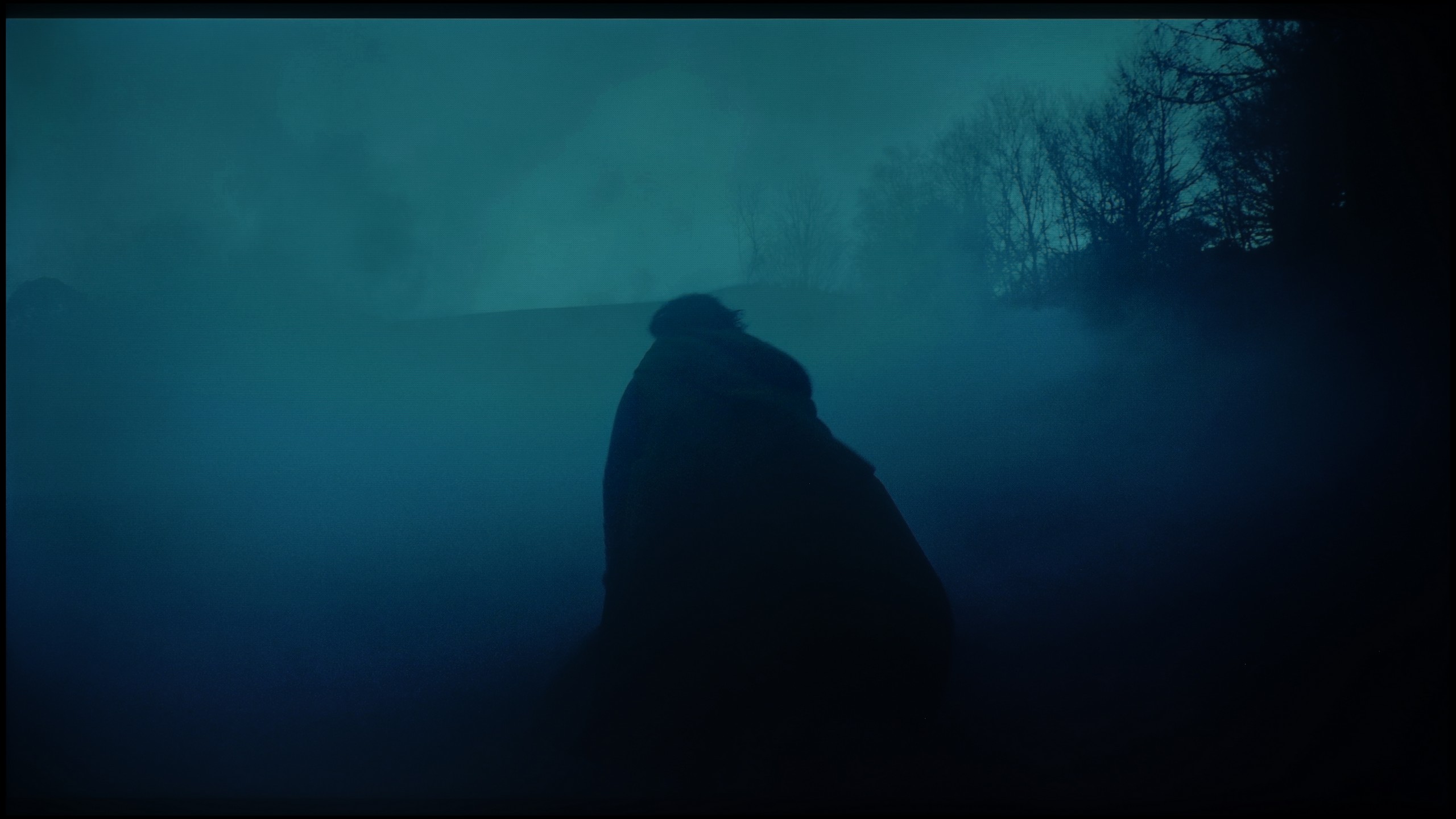
These are selected scenes that show smooth tonal transitions from one color to another. If you see distinct banding, it’s the TV panel’s fault.
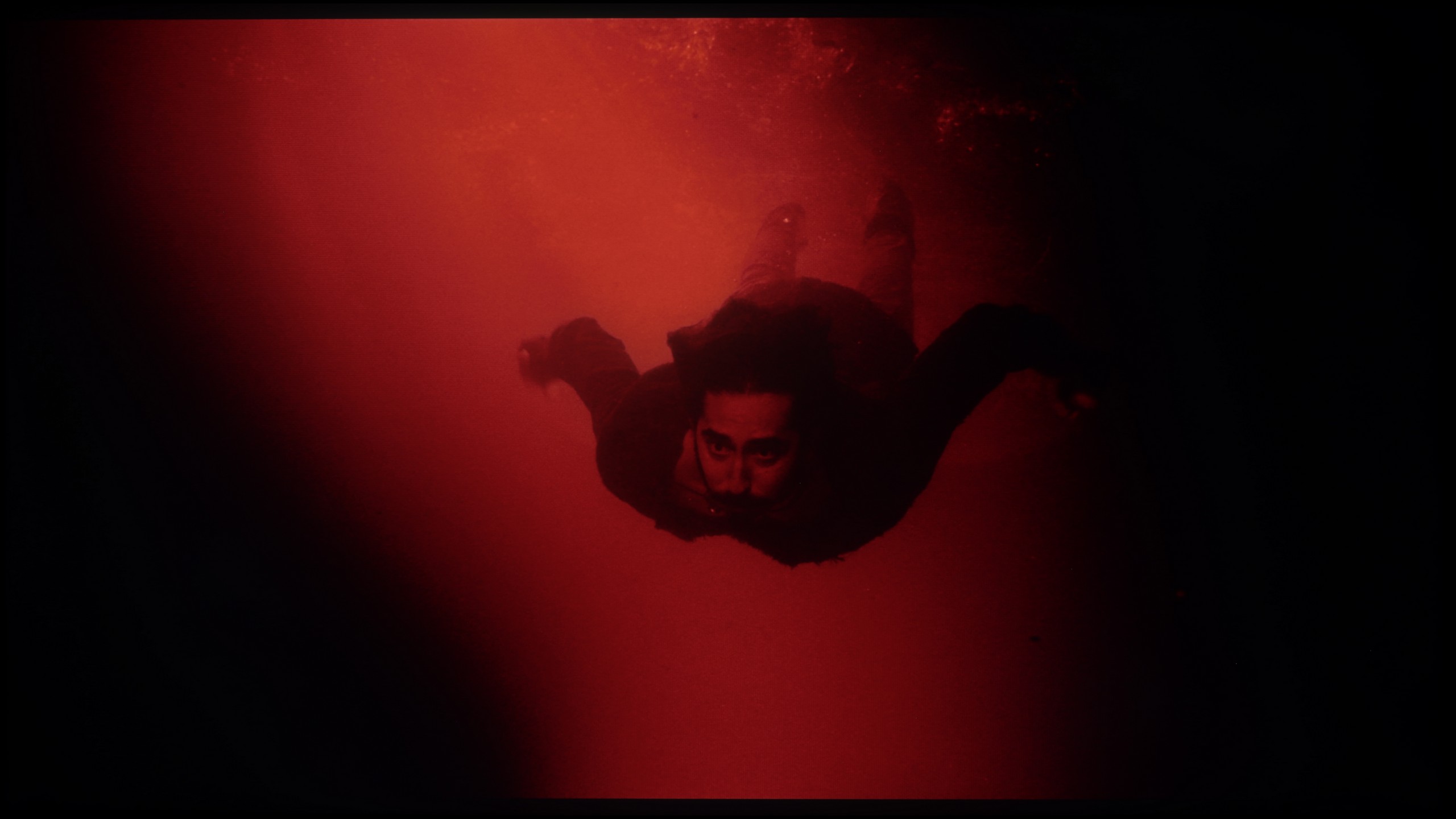
These are selected scenes that show smooth tonal transitions from one color to another. If you see distinct banding, it’s the TV panel’s fault.
The issue of fluidity in tonal transitions, or popular grading, is another area where the P7K / P79K evokes mixed feelings and surprises with its dual nature. If we were to evaluate solely its ability to render smooth color gradients, we would undoubtedly give it a solid score of 8/10. Unfortunately, this positive image is marred by the use of very aggressive and unsightly dithering. This artifact is particularly noticeable on demanding test patterns – such as the one depicting an actor submerged in red water – where a rough, unnatural texture appears on uniform color surfaces, revealing the digital nature of the image. This is particularly disappointing as it is not a new issue. It seems to be a sort of legacy from previous generations of budget TCL models, which is a shame because it constitutes a flaw on what is essentially a quite competent image and is a mistake that could have been avoided.
The fluidity of tonal transitions in the Q7F is really impressive. The gradients are smooth, without strong steps or artificial divisions that can be quite noticeable in cheaper televisions. Even in more challenging scenes, like the one from The Revenant or the red shot of the actor flowing in water, the image held its level and simply looked good. If someone examines it very closely, they might notice slight imperfections in extremely demanding moments, but they are subtle enough that most people won't even notice them. For this price range, the Q7F handles gradation surprisingly well, and it's hard to find anything serious to criticize.
Image scaling and smoothness of tonal transitions
7/10
5/10


Smooth transition function
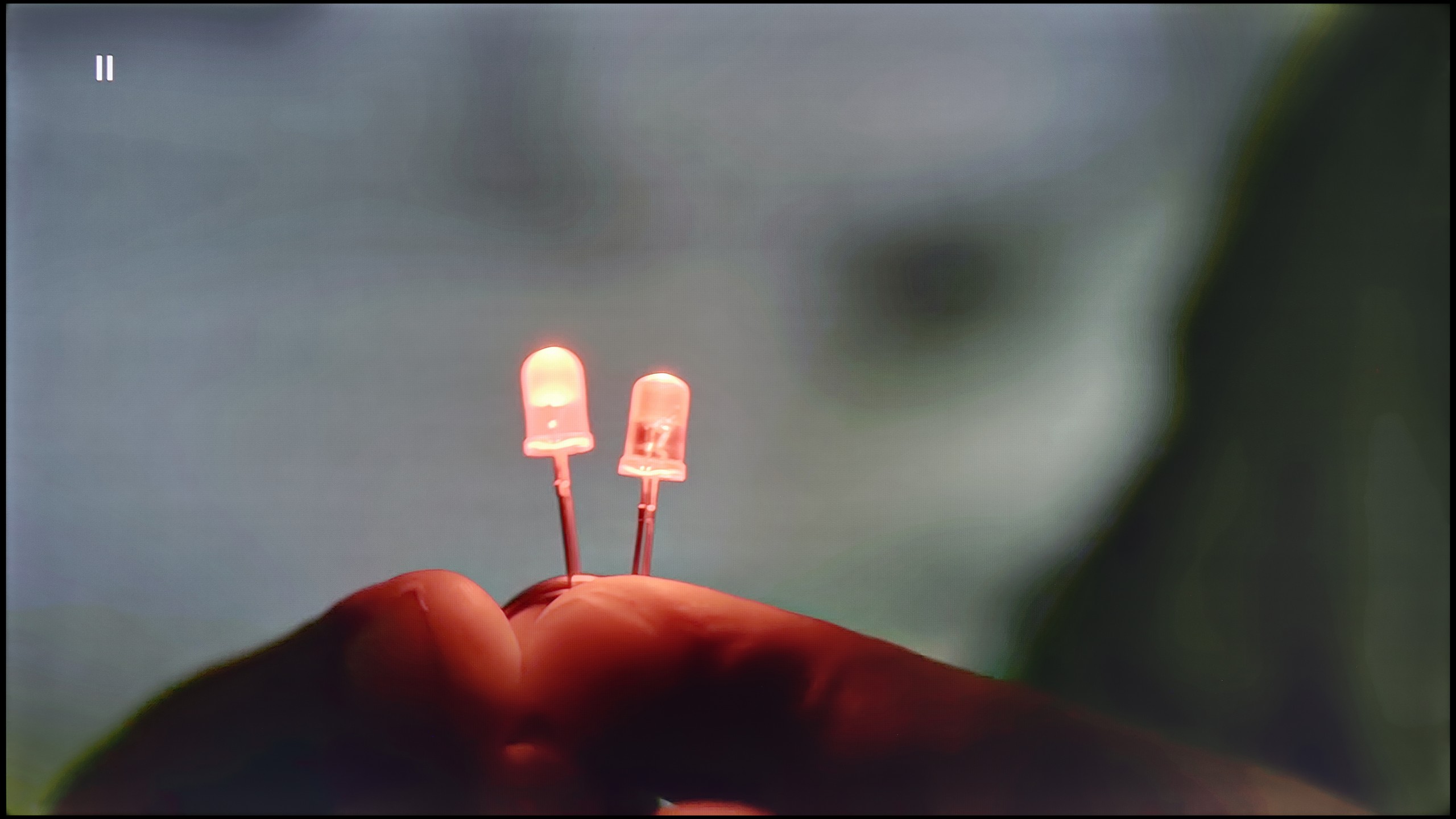
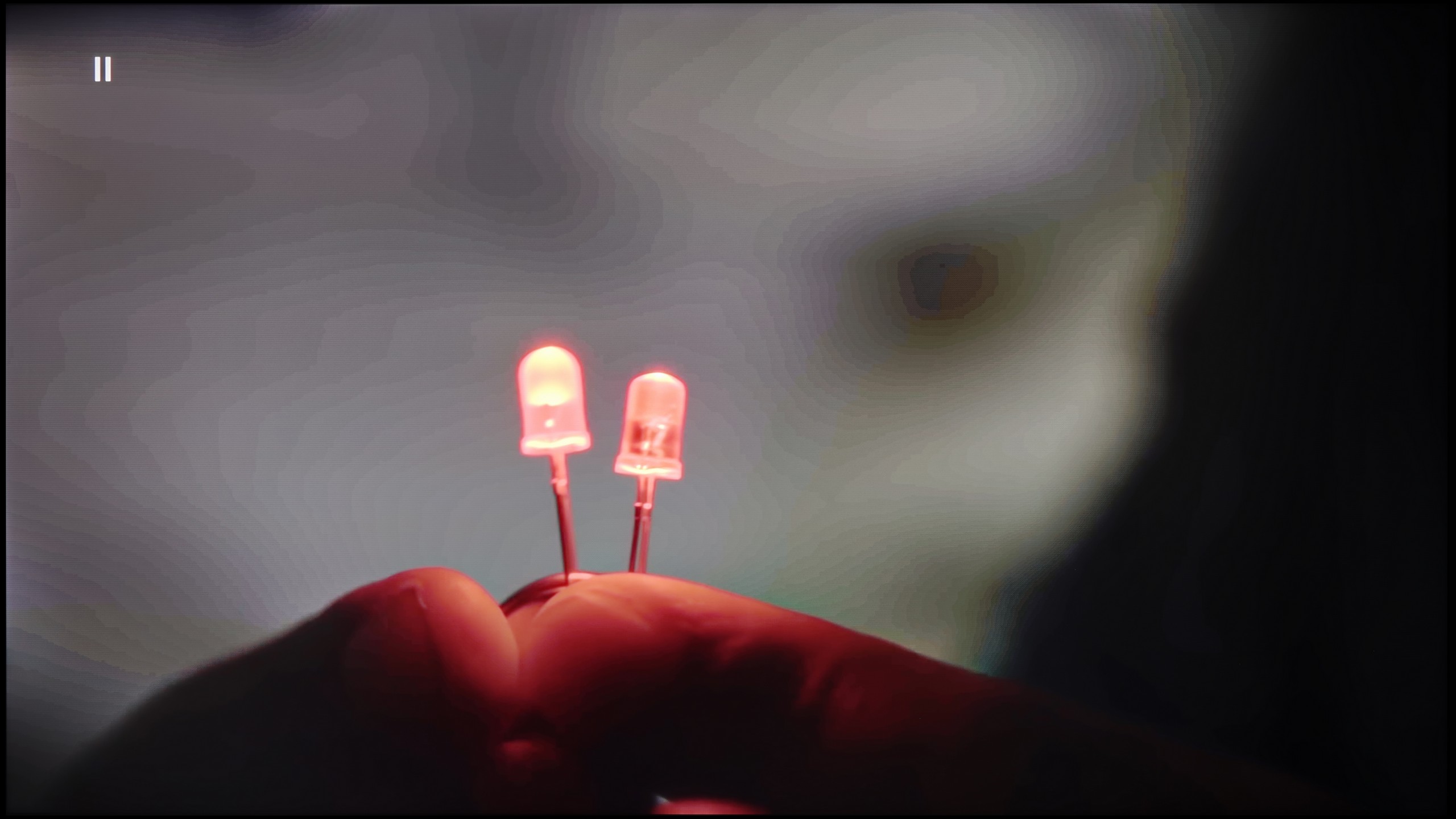
The match photo shows how the TV smooths weak tonal transitions in low-quality video.
Image scaling SD (576i)

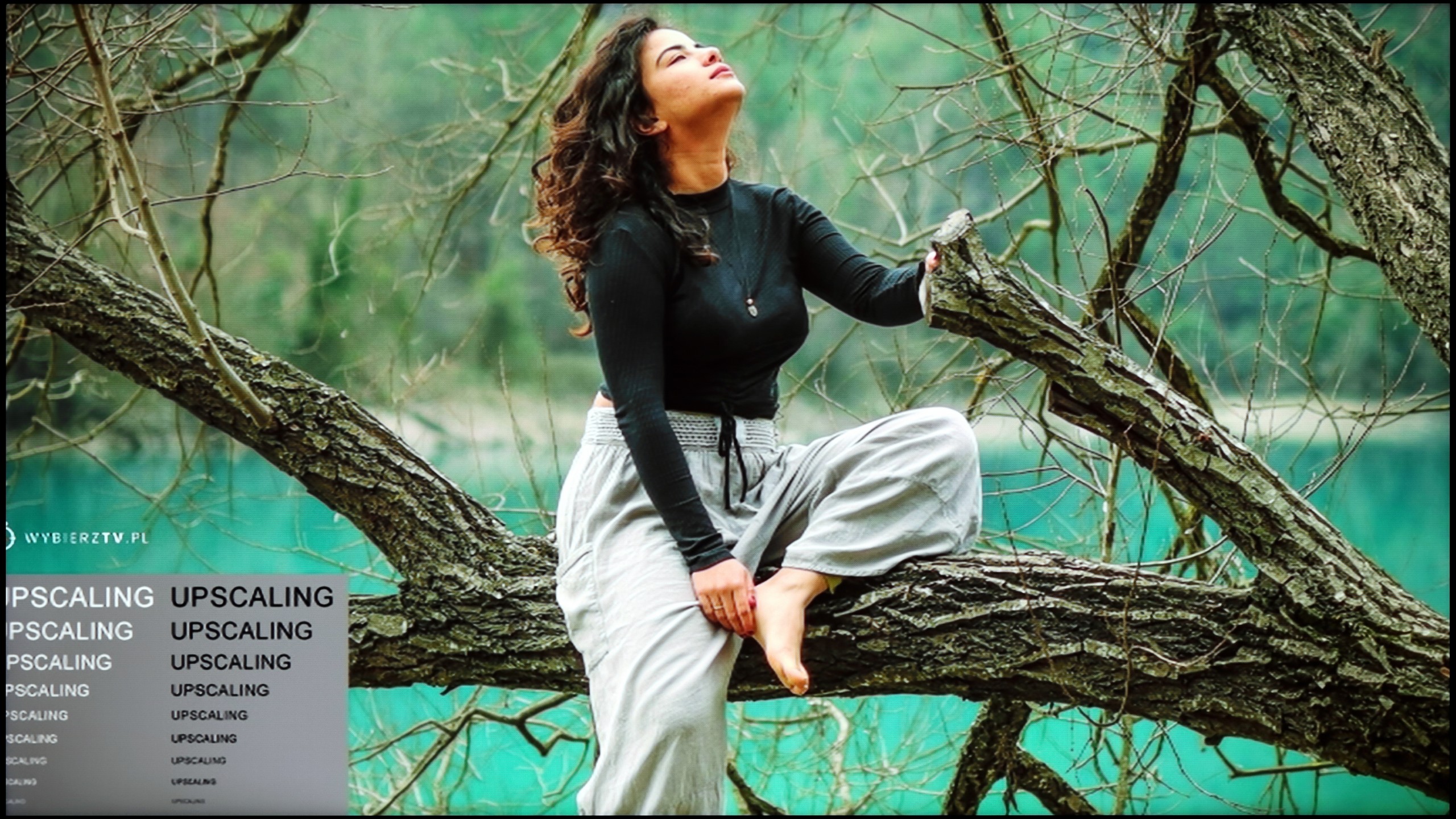
The model photo shows how it handles upscaling of SD material.
After a series of harsh evaluations, fortunately, the time comes for praise, and this is due to the TCL AiPQ image processor for its work in digital processing and content scaling. It should be noted right away that we are not talking about the level known from flagship designs; nevertheless, in the price segment represented by the P7K/P79K, the results achieved are more than solid. The feature that smooths tonal transitions performs particularly well, effectively eliminating posterization, which are the characteristic bands often visible in materials with higher compression, such as from the YouTube service. The algorithm can elegantly remove unwanted gradients, which ultimately looks really good. The television also competently handles upscaling, which is the task of raising low-resolution materials to 4K standard. The output image, although it may seem a bit too sharp out of the box, fortunately, is not a problem. The software allows for easy adjustment of this parameter using a sharpness slider, so the final appearance can be easily tailored to personal preferences.
Upscaling and digital image processing in the Q7F is a bit of a sine wave. On one hand, we have really nice upscaling – weaker sources look better than one might expect. The image becomes clearer, sharper, and even older movies or terrestrial TV hold up well. Samsung has been strong in this area for years, and the Q7F confirms that. On the other hand… things start to get tricky. The TV has a problem with overscan – part of the image is simply cut off, and it looks rather unrefined. Additionally, we were let down by a feature called "noise reduction," which should improve the smoothness of tonal transitions in weaker materials. In other Samsungs, it works relatively well, but here it practically makes no difference – the banding in gradients remains. It's a bit disappointing because we could have expected more from a model that is aimed at users looking for a display for SDR content.
Blur and motion smoothness
4.8/10
4/10
Blur (native resolution, maximum refresh rate):
Blur (BFI function enabled):
Image flickers in this mode
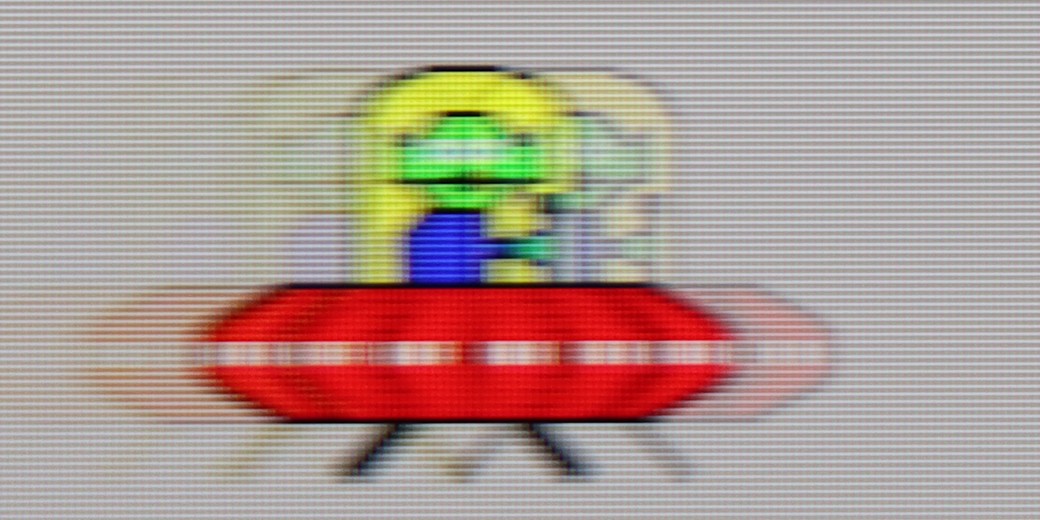
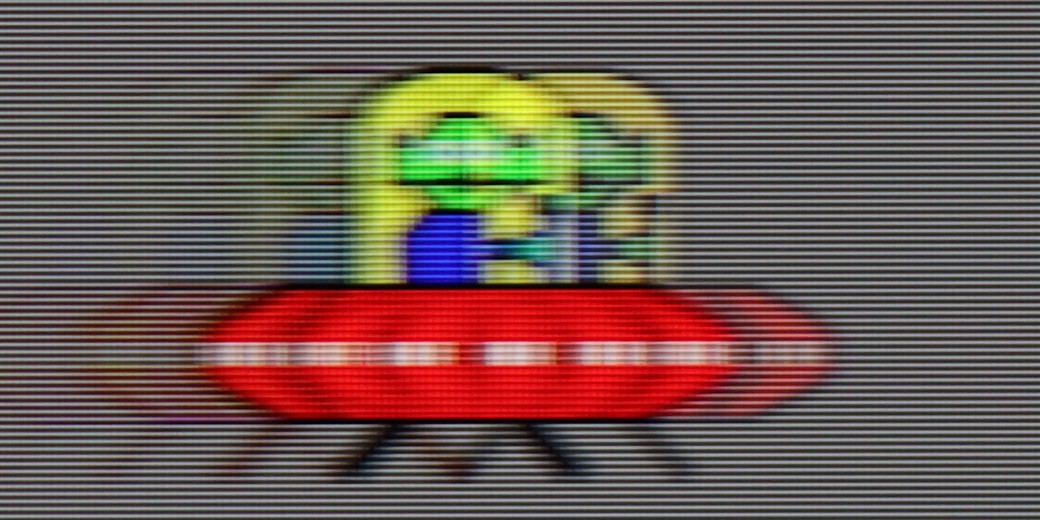
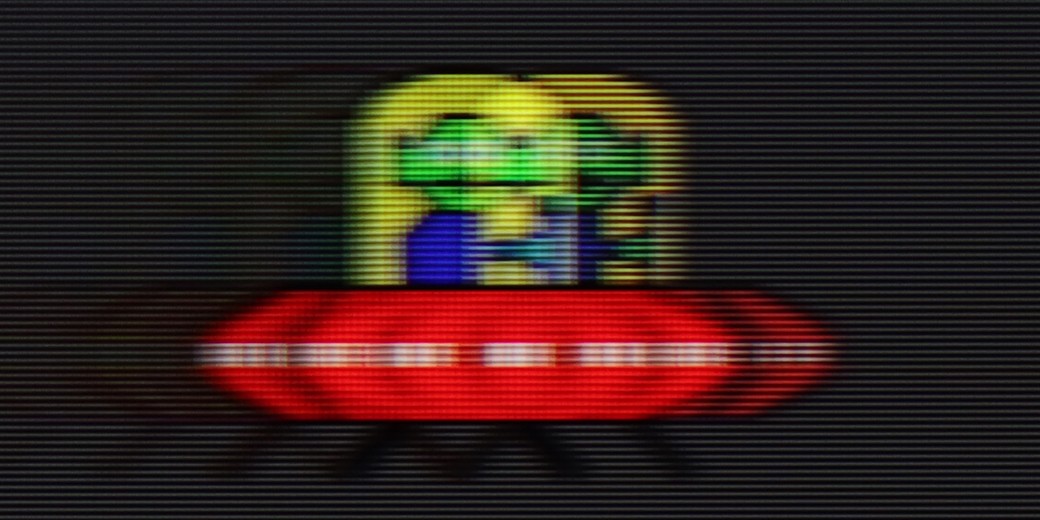
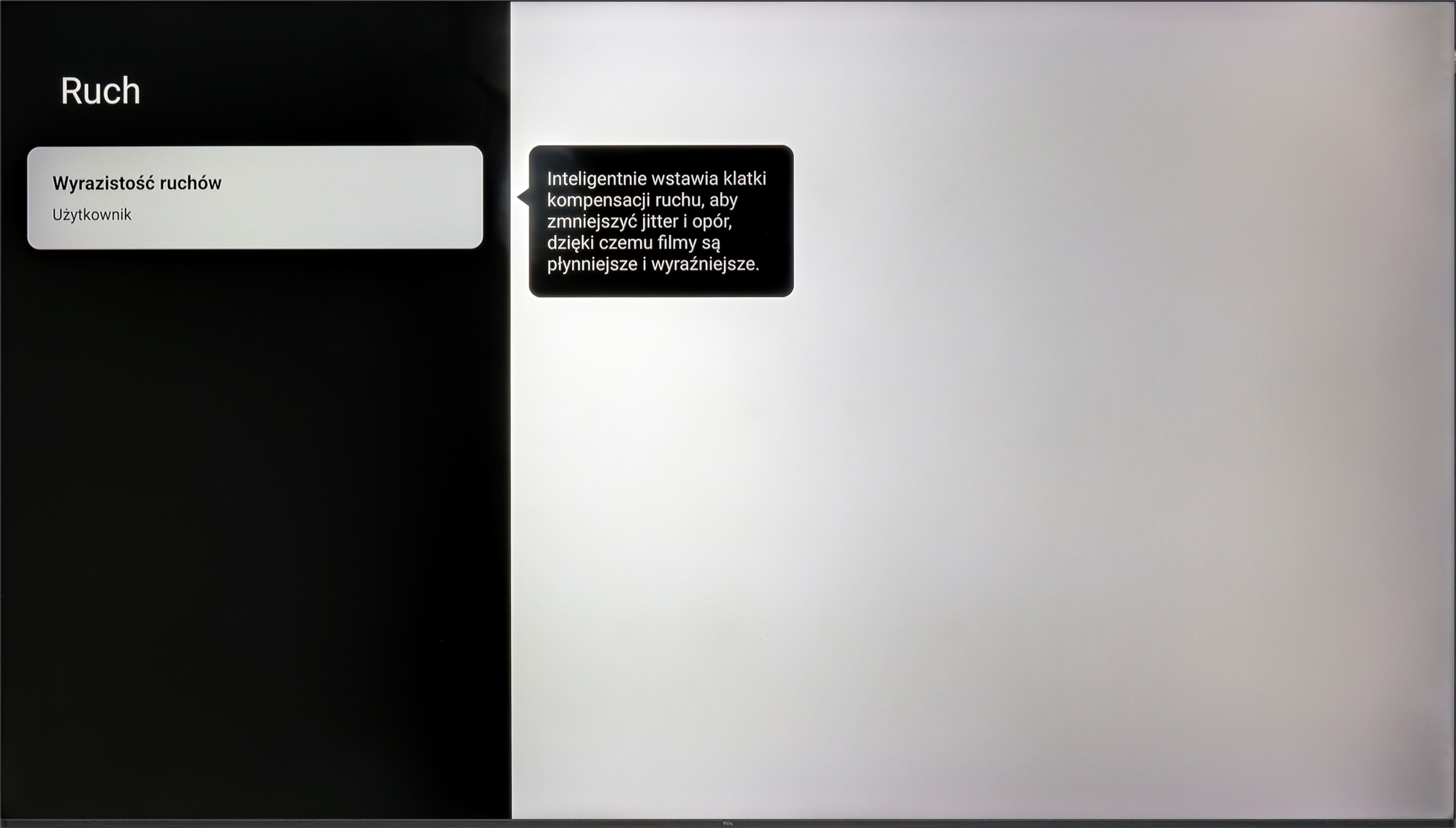
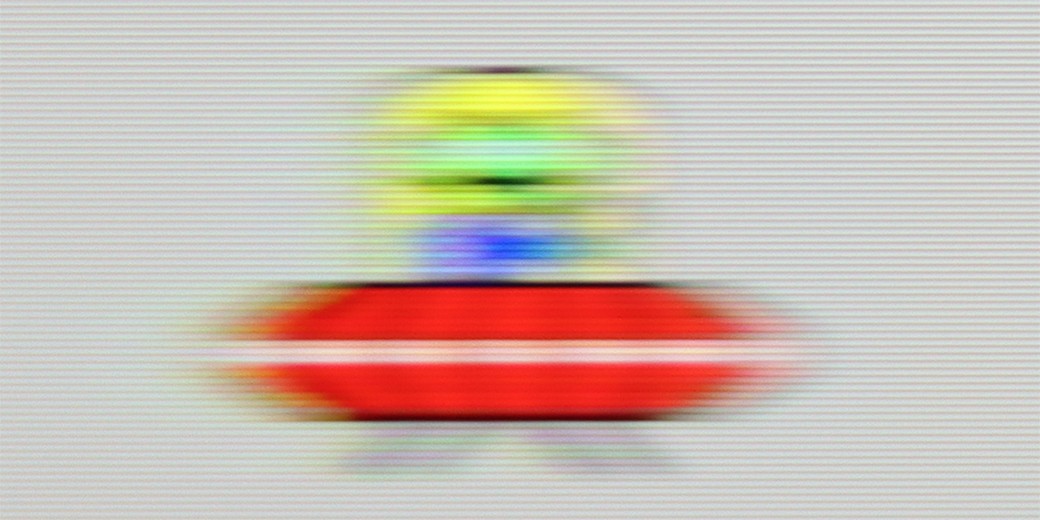
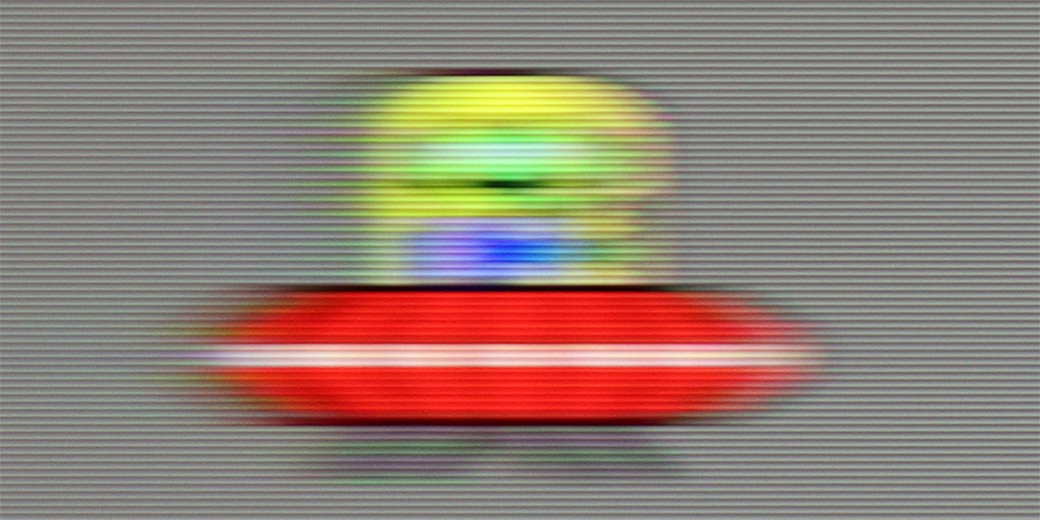
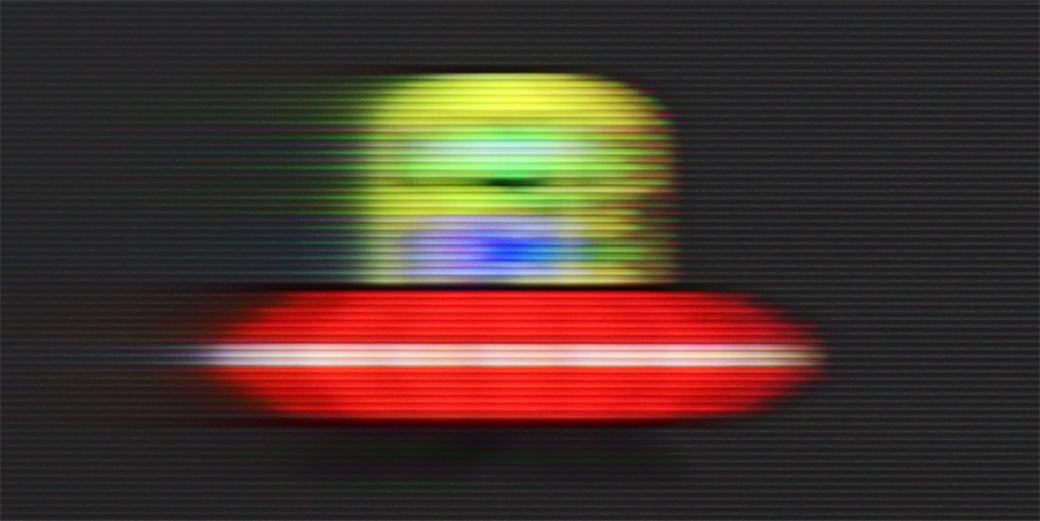
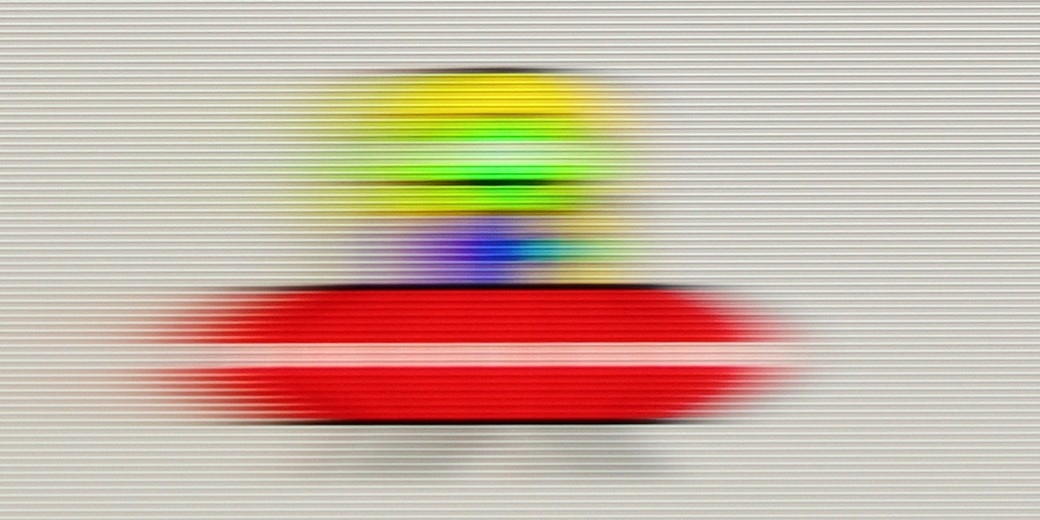
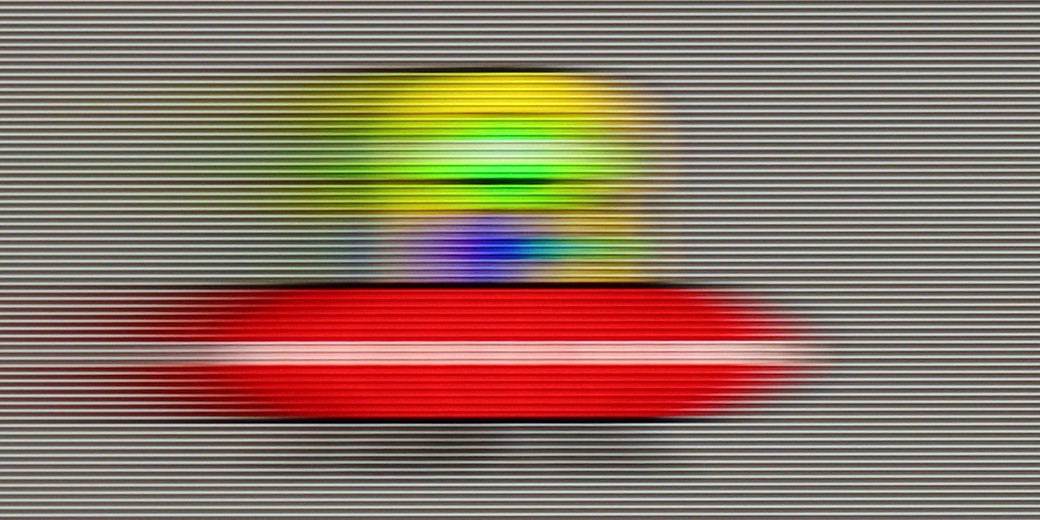
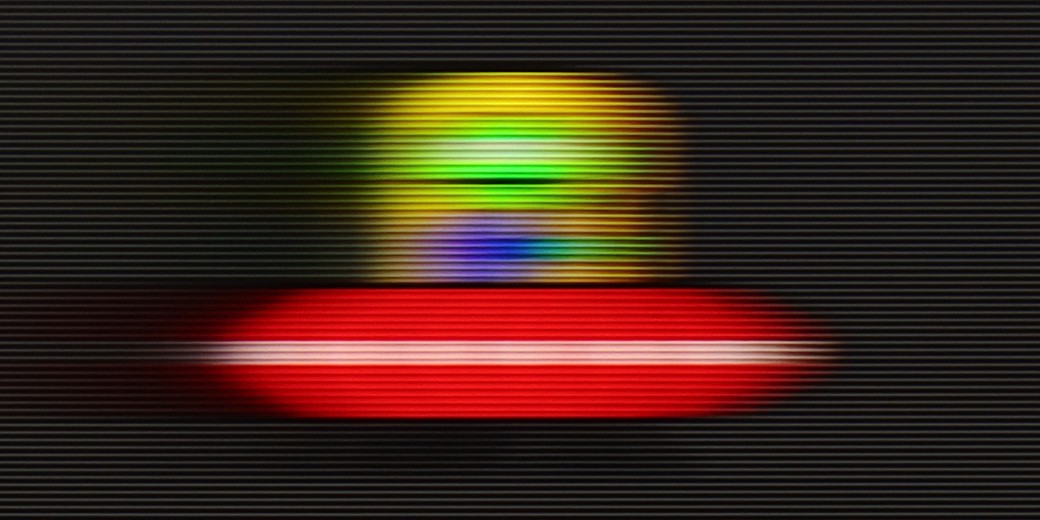
The issue of fluidity and sharpness of the image in motion is inextricably linked to the fundamental parameter of the panel, and in the case of the TCL P7K/P79K, we are dealing with a panel that has a native refresh rate of 60 Hz. This specification already defines its capabilities and makes it difficult to unequivocally recommend it to enthusiasts of dynamic sports broadcasts. During rapid camera movements, the image loses sharpness, and the panel itself also shows a slight tendency to blur, which may be noticeable to more sensitive viewers. Fortunately, not everything in this aspect has been left to chance. The manufacturer has implemented a simple motion smoothing system, which is primarily used in film materials recorded at 24 or 30 frames per second. Thanks to a dedicated slider, the user can independently decide on the final character of the motion – from a fully cinematic, slightly juddery image to achieving a very smooth, almost theatrical effect. It is a simple yet effective tool that allows users to tailor the viewing experience to their own preferences.
Motion blur and motion fluidity in the Q7F is probably the most budget-conscious element of this TV. The 60 Hz panel is noticeable, with blur being quite evident, especially in dynamic scenes, and it's rather difficult to consider this model as equipment designed for watching sports or playing fast-paced games. In tests with the little green man, there was a long tail, and the ball in a football match would leave trails behind it.
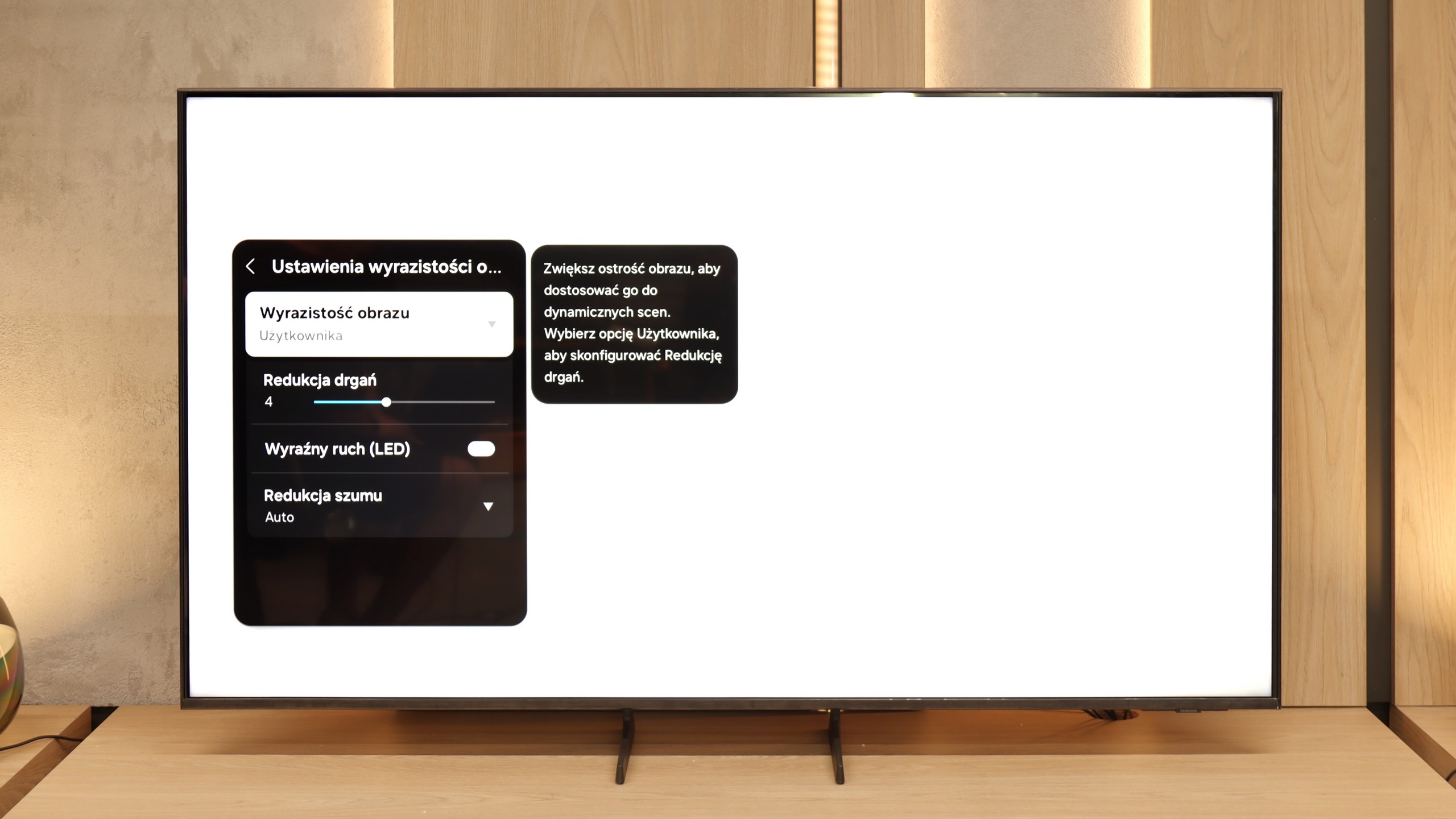
On the plus side, the presence of motion smoothing is commendable. It really makes a difference in movies - especially since most materials are recorded at 24 frames. Here we can decide for ourselves whether we prefer a more "cinematic" image, with the slight jerkiness characteristic of cinema, or a smoother, more "television-like" one. This actually works quite well and helps improve the viewing comfort for series or movies.
Console compatibility and gaming features
6.7/10
4.7/10
- ALLM
- VRR
- VRR range48 - 120Hz
- Dolby Vision Game Mode
- Correct implementation of HGIG
- 1080p@120Hz
- 1440p@120Hz
- 4K@120Hz
- Game bar
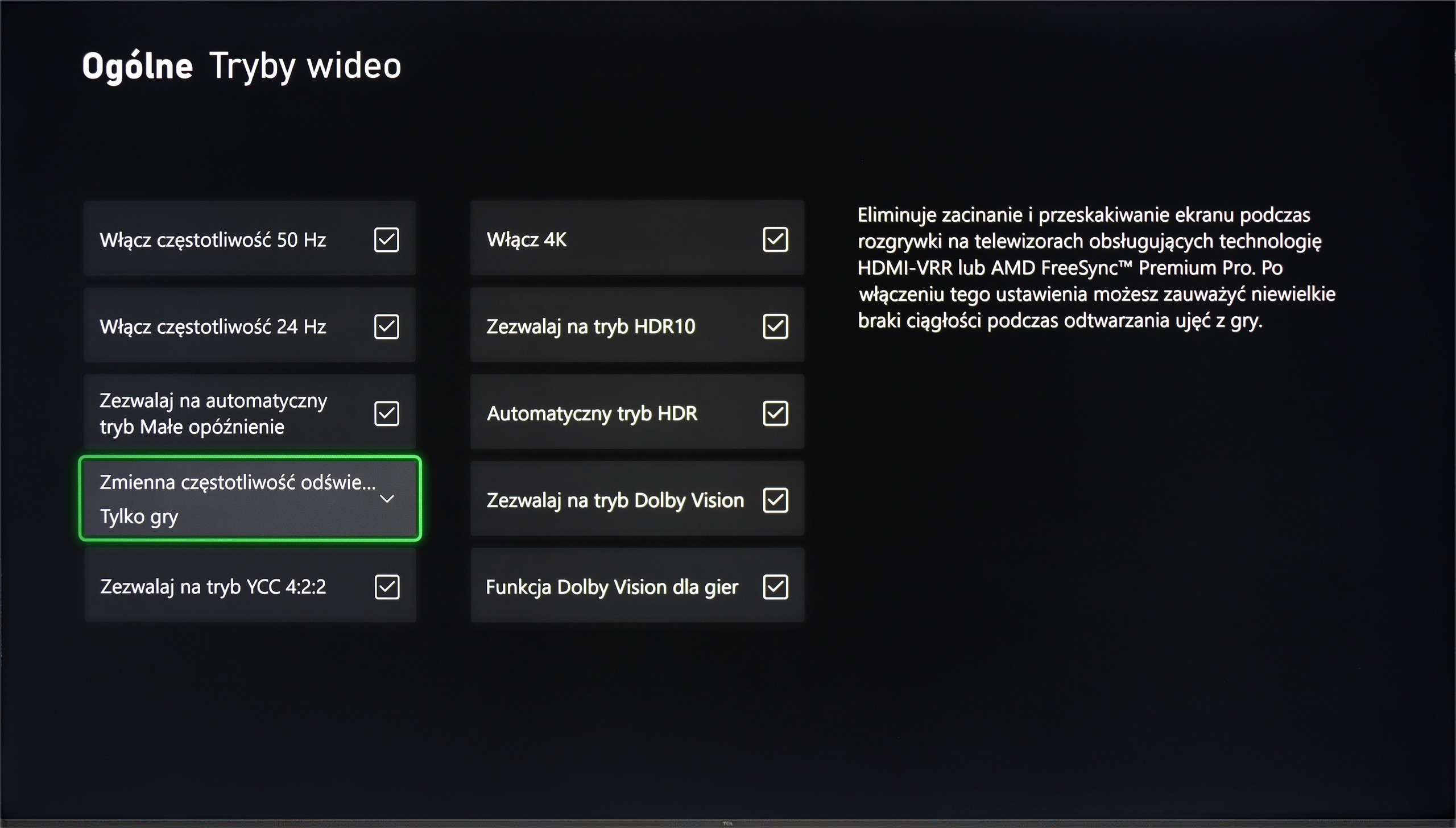
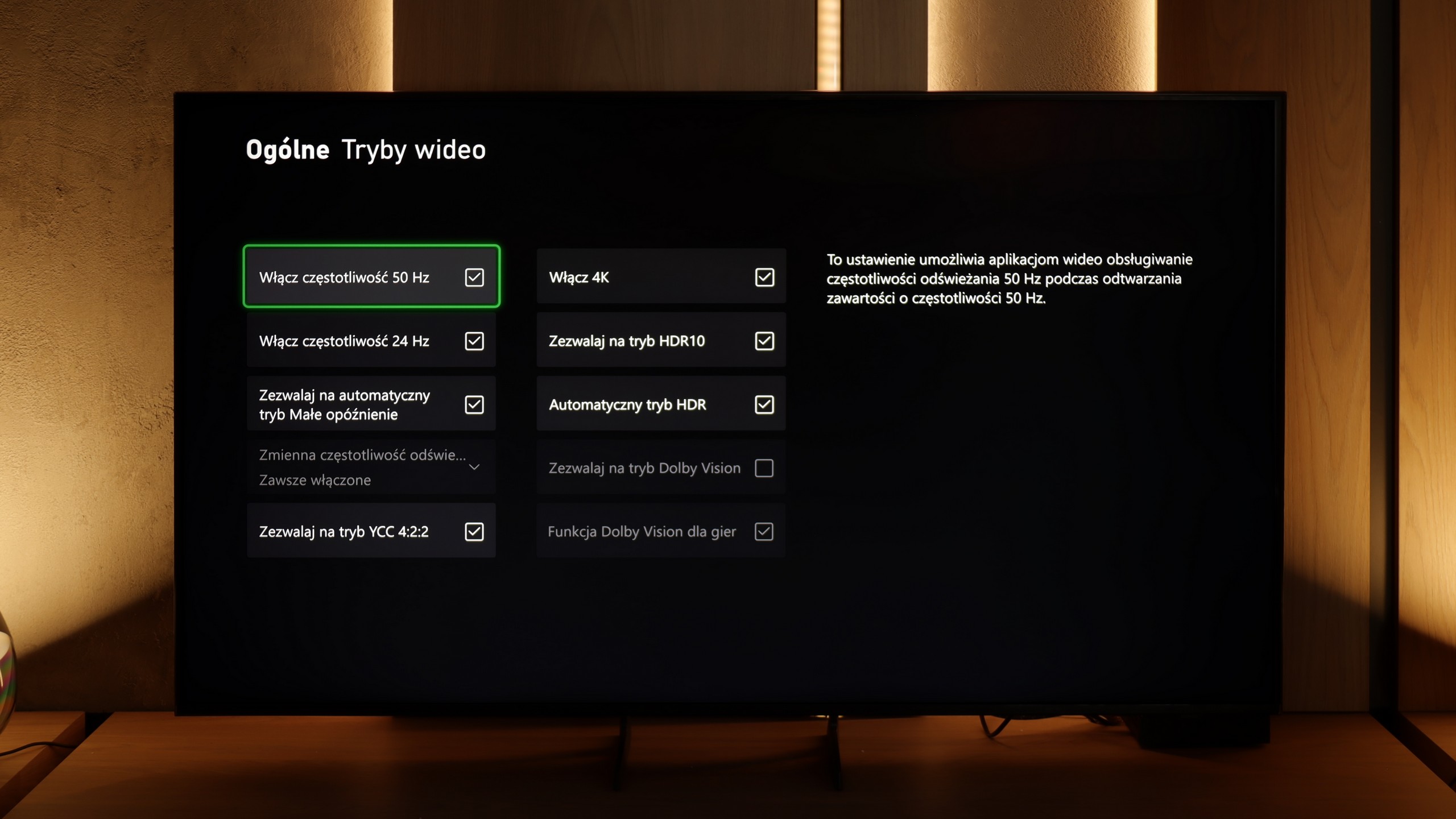
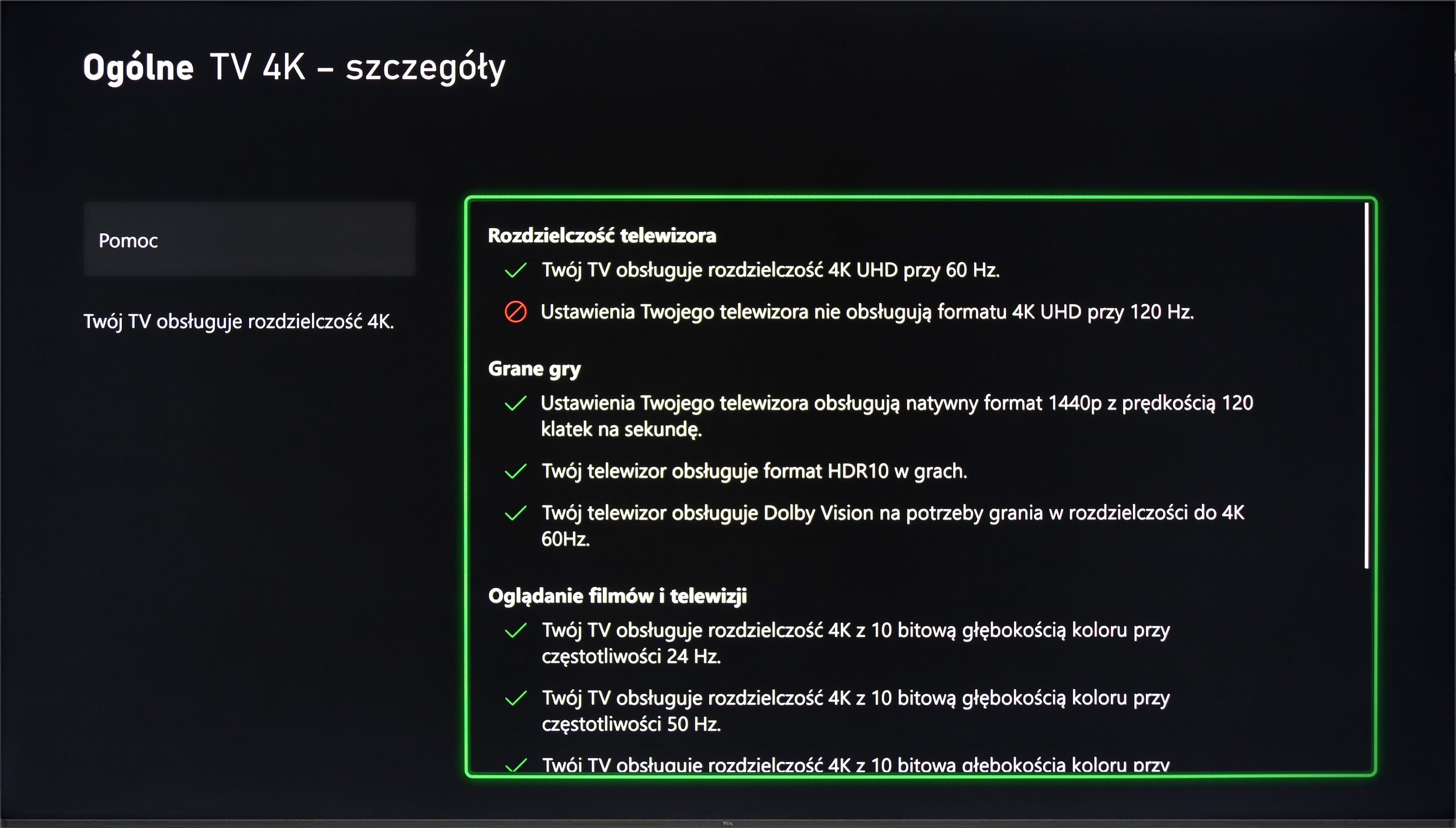
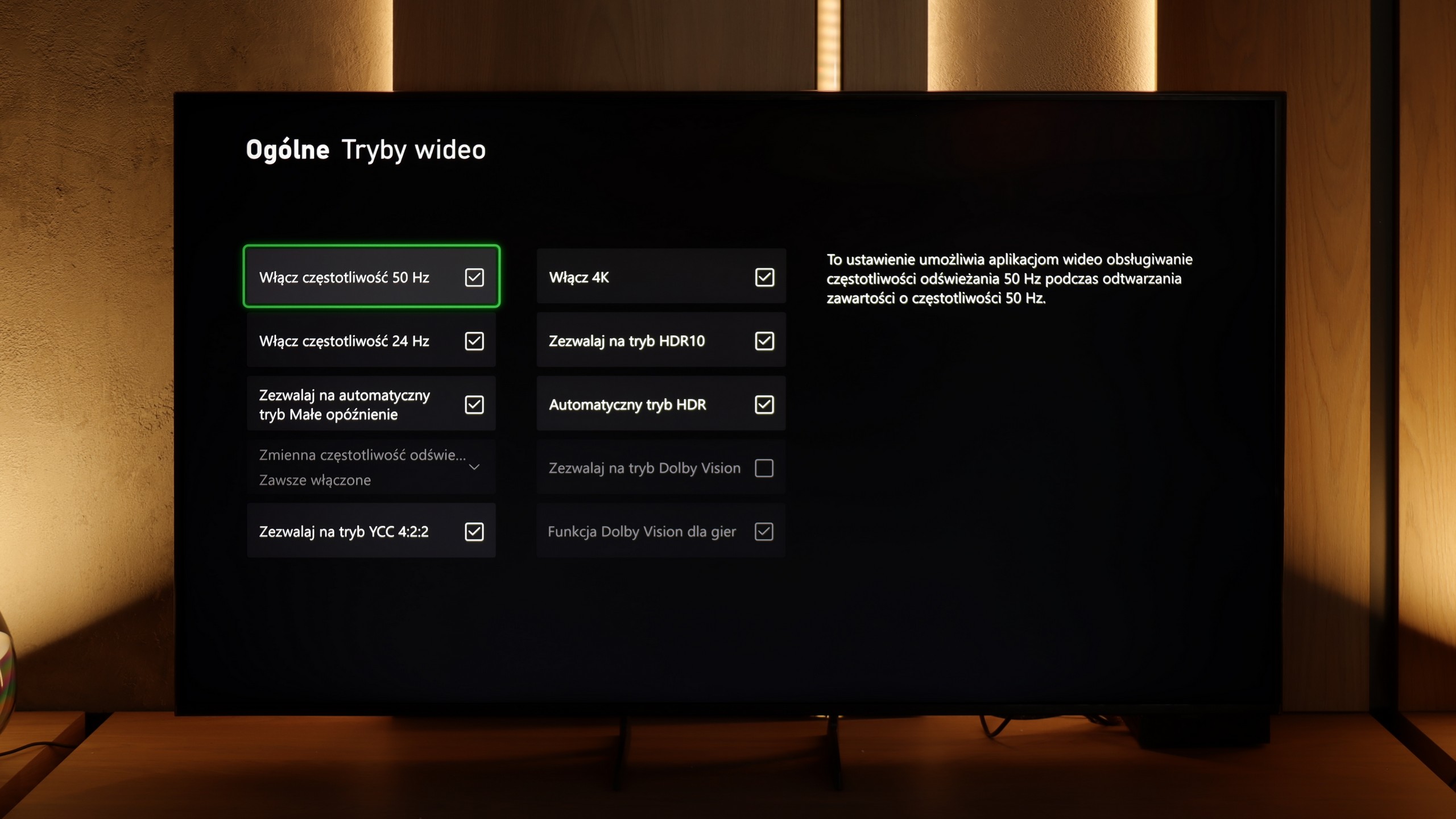
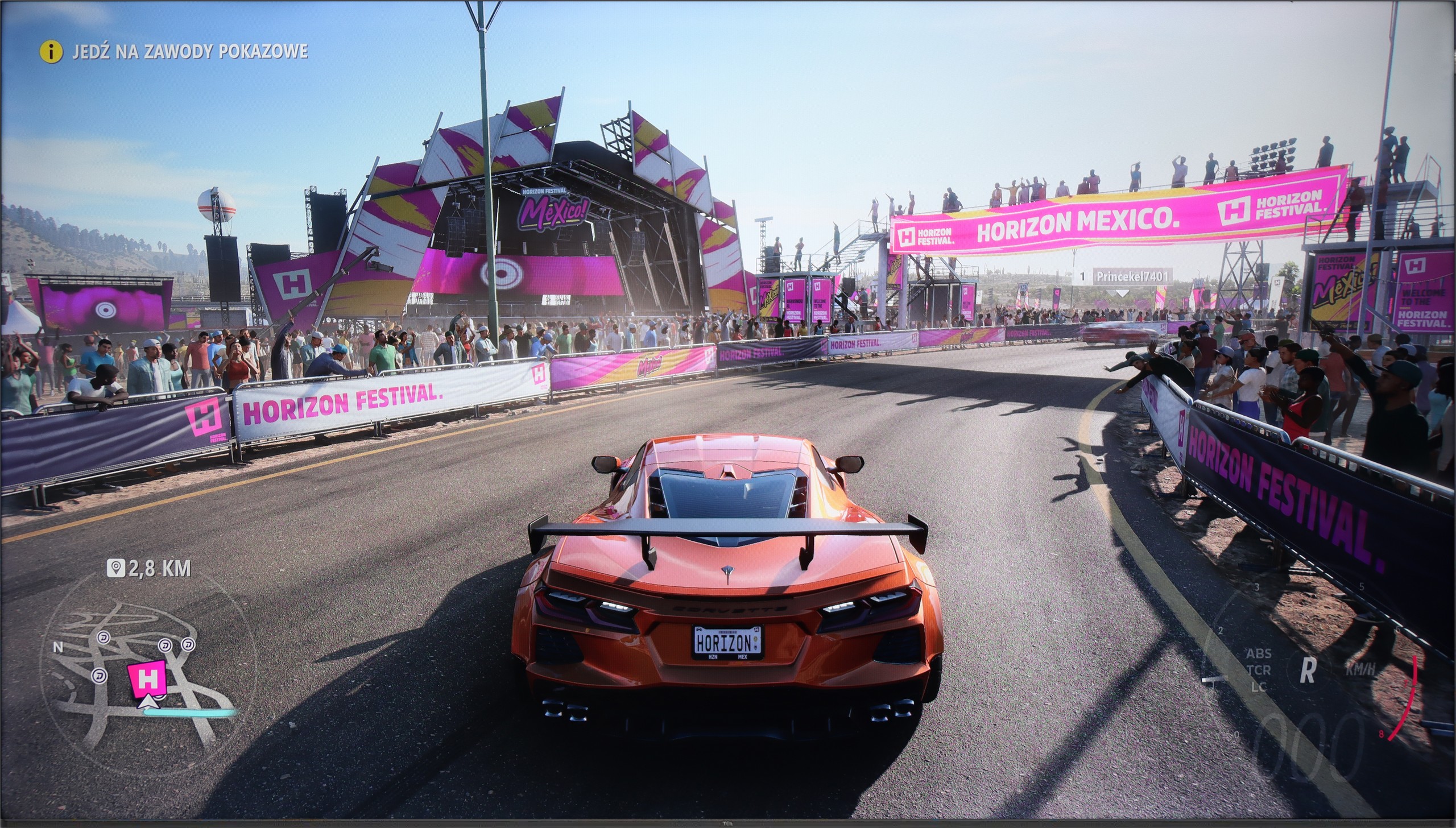
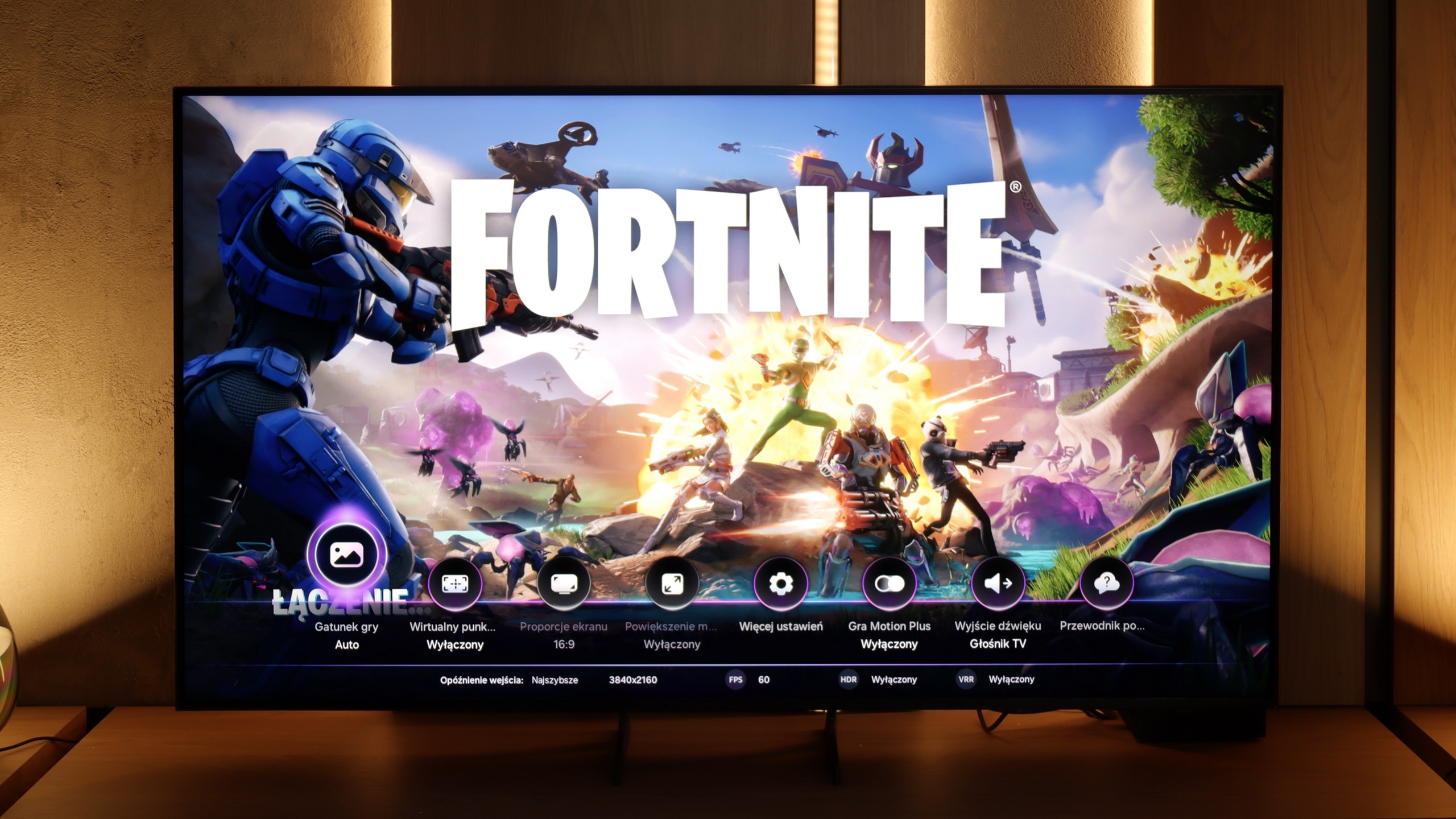
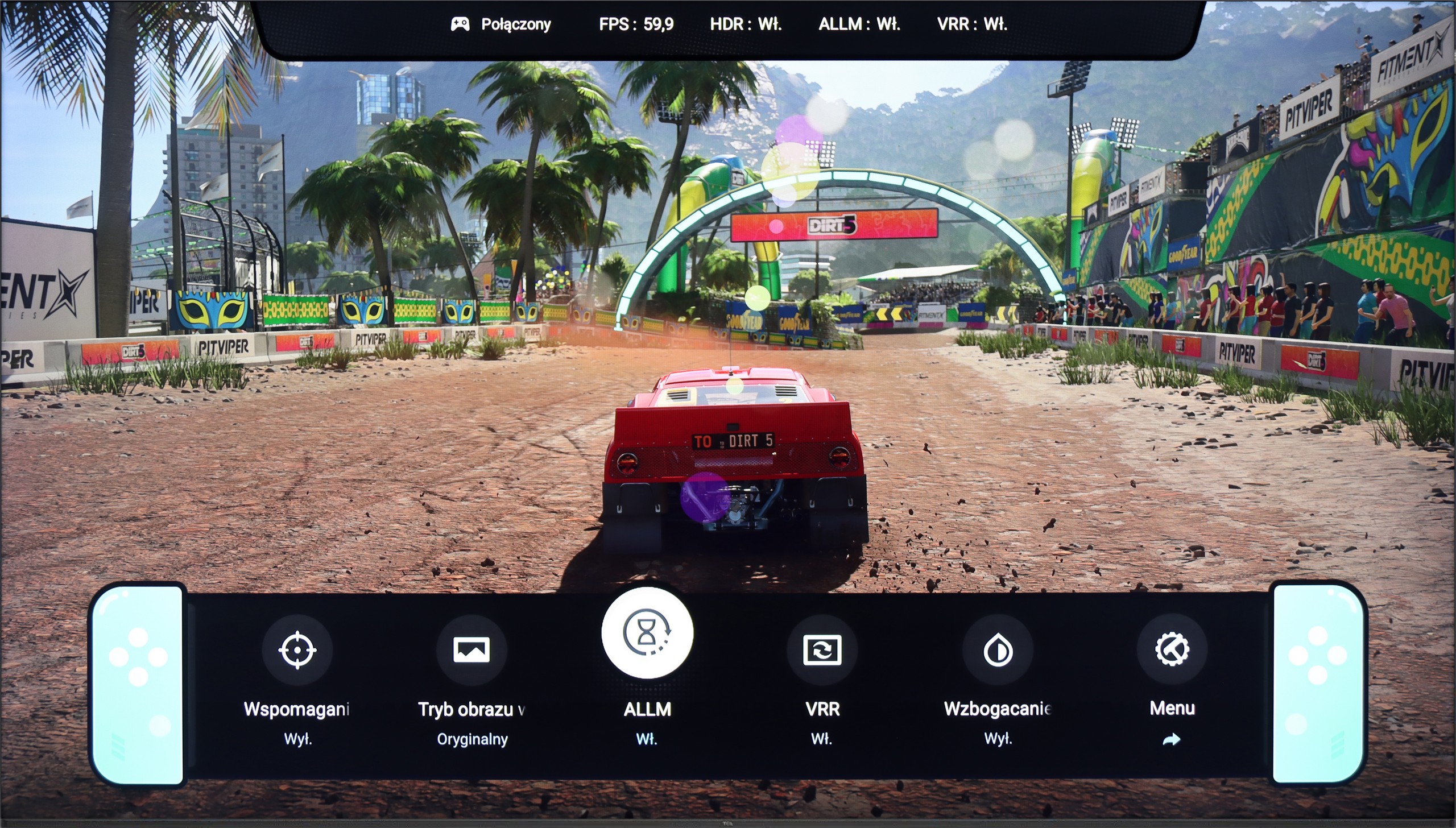
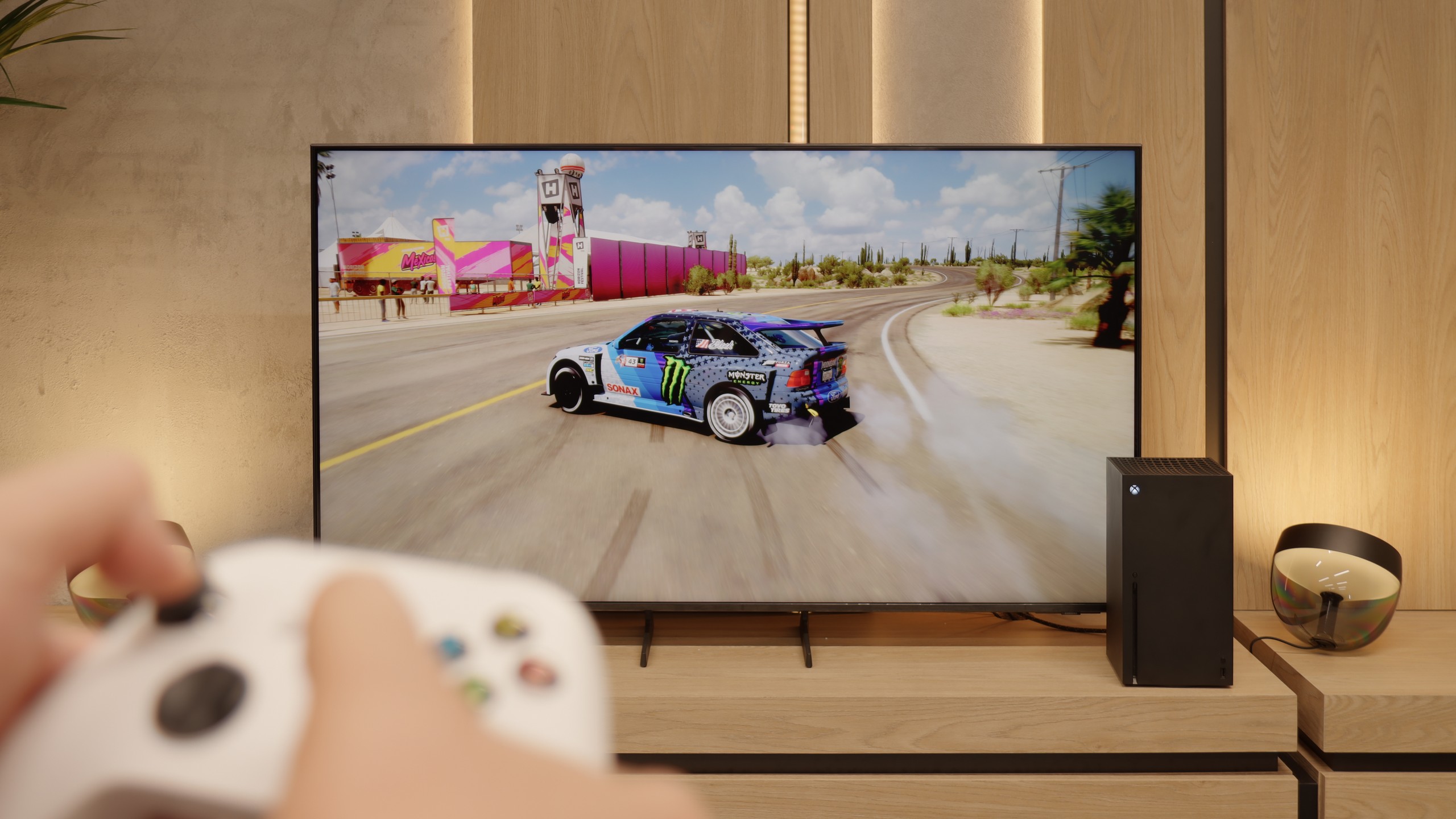
Although on paper the native 4K@60Hz matrix might suggest that the TCL P7K/P79K is not a TV tailored for gamers, the reality turns out to be surprisingly different. On the contrary, the manufacturer has ensured a rich package of features that make it a very friendly companion for next-generation consoles. Onboard, we find key technologies such as ALLM, which provides automatic switching to low-latency mode, and VRR, or variable refresh rate, which eliminates screen tearing. The list is completed by support for Dolby Vision Gaming and a simple yet functional Game Bar. However, the real and extremely pleasant surprise is something else. It turns out that the TV easily supports high refresh rate signals of 120 Hz, but at lower resolutions – 1080p and 1440p. This is fantastic news for console owners who know full well how rarely games run in native 4K at a full 120 frames per second. The ability to choose between higher resolution and doubled smoothness is therefore an extremely sensible compromise.
In summary, although the P7K/P79K may not be the target screen for the most avid tournament gamers, it offers a package of options for the casual or occasional console user that is hard to find among many competitors at this price point.
Features for gamers in the Samsung Q7F is a topic that evokes quite a mix of emotions. On one hand, no reasonable person expected miracles here, as this is a 60 Hz television, and it was clear from the start that it wouldn't be equipment for extracting the maximum from consoles or PCs. On the other hand, since the manufacturer promised specific solutions in promotional materials, it is natural that we wanted to see them in practice. At the outset, it’s quite decent. The automatic game mode (ALLM) works, so you don’t have to manually fiddle with the settings, the console itself switches the television to low-latency mode. In addition, we have Game Bar, which looks impressive and allows you to view some basic parameters without leaving the game. And this is where the good news ends.
[UPDATE] We have updated our tests of Samsung televisions from the 2025 model year due to the release of software version 1131, which restored the key feature for gamers, HGiG.
The biggest problem with the Q7F is VRR, or rather its absence. Indeed, a relevant icon appears in the menu, and you can even see it in the Game Bar, but throughout the entire test, the feature remained inactive and could not be activated in any way. It’s even more disappointing regarding HGiG; this option was actually available at the beginning, but after the software update, it completely disappeared, which is just unprofessional. Therefore, the Q7F is suitable only for absolute basics. Sure, you can turn on the console, play calmer titles, and enjoy low input lag, but if someone is counting on more advanced features that the manufacturer promised, they will be disappointed. This is not a television that you buy with gaming in mind, and it’s better to be aware of that before making a purchase.
Input lag
9.9/10
10/10
SDR
HDR
Dolby Vision
Complementing this rich package for gamers is a parameter that has a direct impact on comfort and performance in gameplay – input lag. Even in native 60 Hz mode, the television boasts an excellent result of just 15 ms. However, the real magic happens when switching to 120 Hz mode, when the lag drops nearly in half, reaching values below 10 ms. Such responsiveness means that every command from the controller is transferred to the screen in the blink of an eye, something not only professionals will appreciate, but anyone who values smooth and immediate interaction with the game.
The input lag on the Samsung Q7F is really good for a 60 Hz display. Measurements showed values below 12 ms, which means that for regular gaming on a console, this model is more than sufficient. Of course, it doesn’t match the top-level 120 Hz screens that can go below 6–7 ms, but in everyday use, it's hard to talk about noticeable delay. In this regard, the Q7F does not lag behind the competition in its segment and can easily be considered a safe choice for casual or sports gaming. At least in this respect.
Compatibility with PC
2/10
6/10
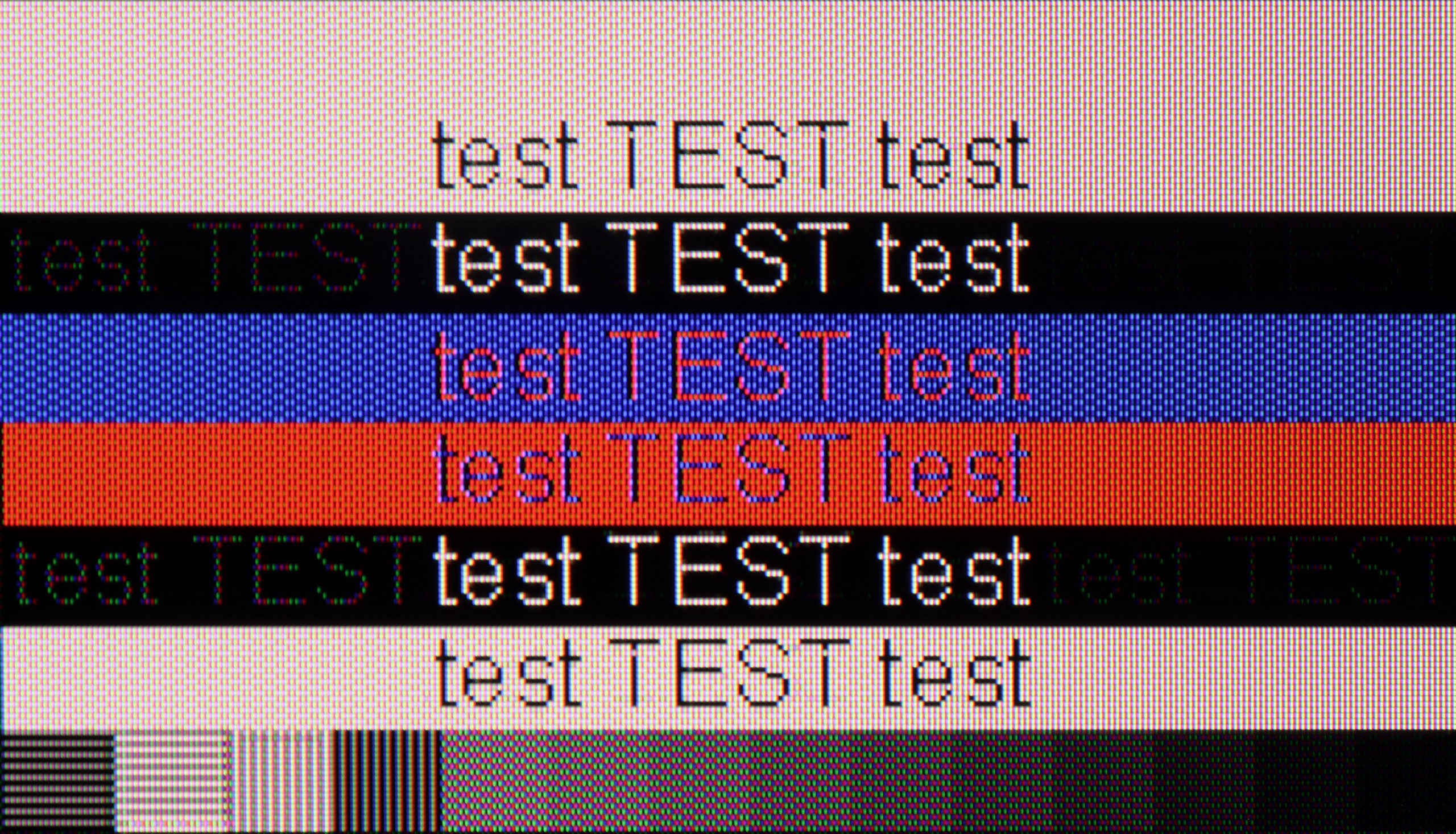
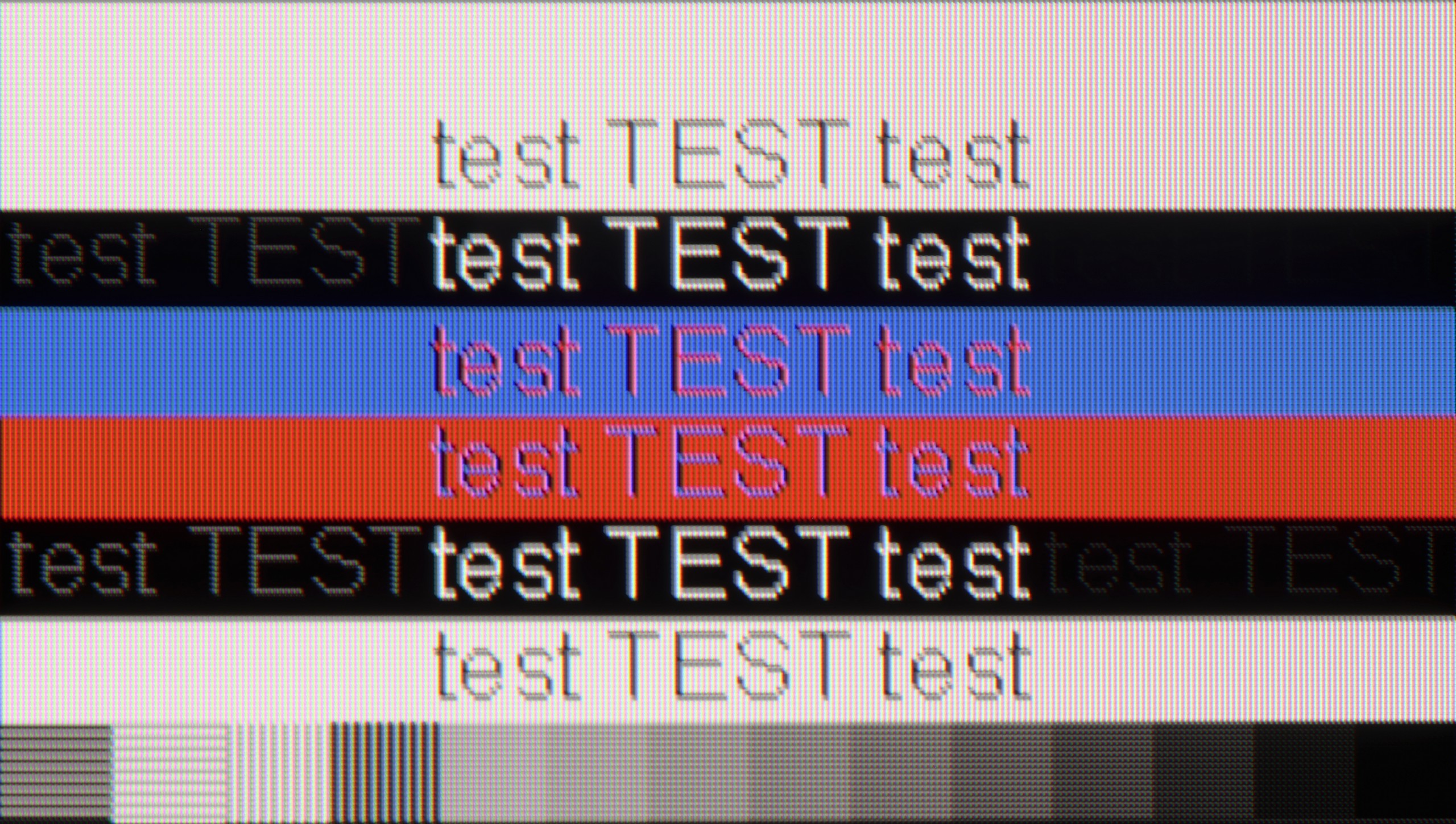
The photo shows the legibility of small fonts. Ideally, lines should be the same thickness on both light and dark text, with minimal pixel gaps.
We finally come to an area that can undoubtedly be described as the biggest Achilles' heel of the TCL P7K/P79K – its cooperation with a PC. This is paradoxical because on paper, everything looks promising. The presence of G-Sync and support for high refresh rates at lower resolutions might suggest that it would also be a great monitor. Unfortunately, practice brutally verifies these assumptions. The key issue is the lack of support for full 4:4:4 chroma sampling. In everyday use, this translates to terrible font rendering quality – they, especially colorful ones, become jagged, surrounded by artifacts, and simply hard to read. This is not the end, as in PC mode, a significant issue with aggressive dithering also becomes evident, giving the entire image an artificial, overly digital appearance. The only consolation in this situation is the fact that in games, we can take advantage of additional hertz and G-Sync technology, but these are not benefits that could compensate for the fundamental shortcomings in displaying a static interface. The verdict is therefore clear: while it can still hold up as a screen solely for gaming on PC, in the role of a monitor for work or internet browsing, the P7K/P79K simply performs poorly.
Cooperation with a PC on the Q7F is decent, although it's not a TV that will satisfy the most demanding users. The fonts are displayed clearly and sharply, so you can comfortably work on it – especially for everyday office tasks or browsing the internet. With thin letters, you can notice slight shading, but it's not something that interferes with normal use. In a smaller size, the Q7F can actually work as a computer screen, although you have to keep its limitations in mind. The lack of variable refresh rate means that we won't benefit from G-Sync or FreeSync, and 60 Hz effectively closes the door to more demanding PC gaming. For work and light use, it will be okay, but for serious gaming, it's definitely better to look for something higher up in Samsung's offering.
Viewing angles
3.2/10
3.5/10
When it comes to viewing angles, we enter a territory where VA matrix technology dictates inevitable conditions. As expected, this is the weak point of this model. It is enough to move away from the screen's axis to observe a gradual degradation of the image: colors begin to fade, contrast noticeably drops, and black loses its depth. In direct competition with IPS panels, which are renowned for their generosity in this aspect, the VA matrix must concede superiority to its competitor. Is there a plus side to this? Paradoxically, yes. Poor viewing angles are, in fact, the price we consciously pay for the fundamental advantage of this technology – a significantly higher native contrast and deeper blacks when viewed head-on. So, one could say that this is a television that favors the viewer sitting in the "ideal" spot, offering them a maximally vibrant image at the cost of universality.
The viewing angles on the Q7F are simply poor – typical for VA panels. Just sitting slightly to the side and it's immediately clear that the picture loses quality. Colors fade, contrast significantly drops, and blacks begin to resemble more of a gray than anything deep. This is a television that is definitely best viewed straight on, and any larger viewing angle comes with compromises.
Daytime performance
4.6/10
3.9/10
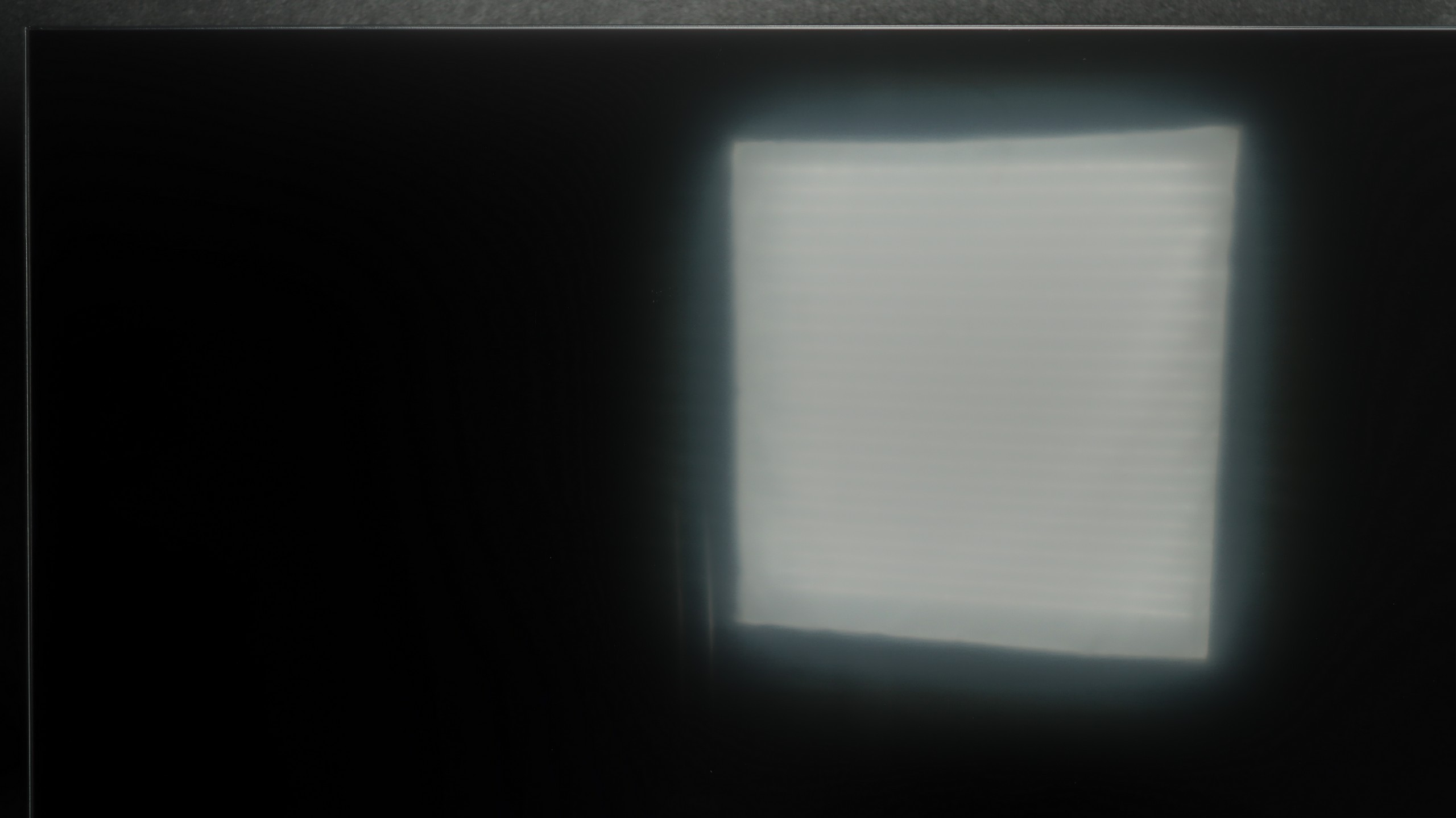
Panel brightness
Samsung Q7F: 237 cd/m2
TCL P7K / P79K: 299 cd/m2
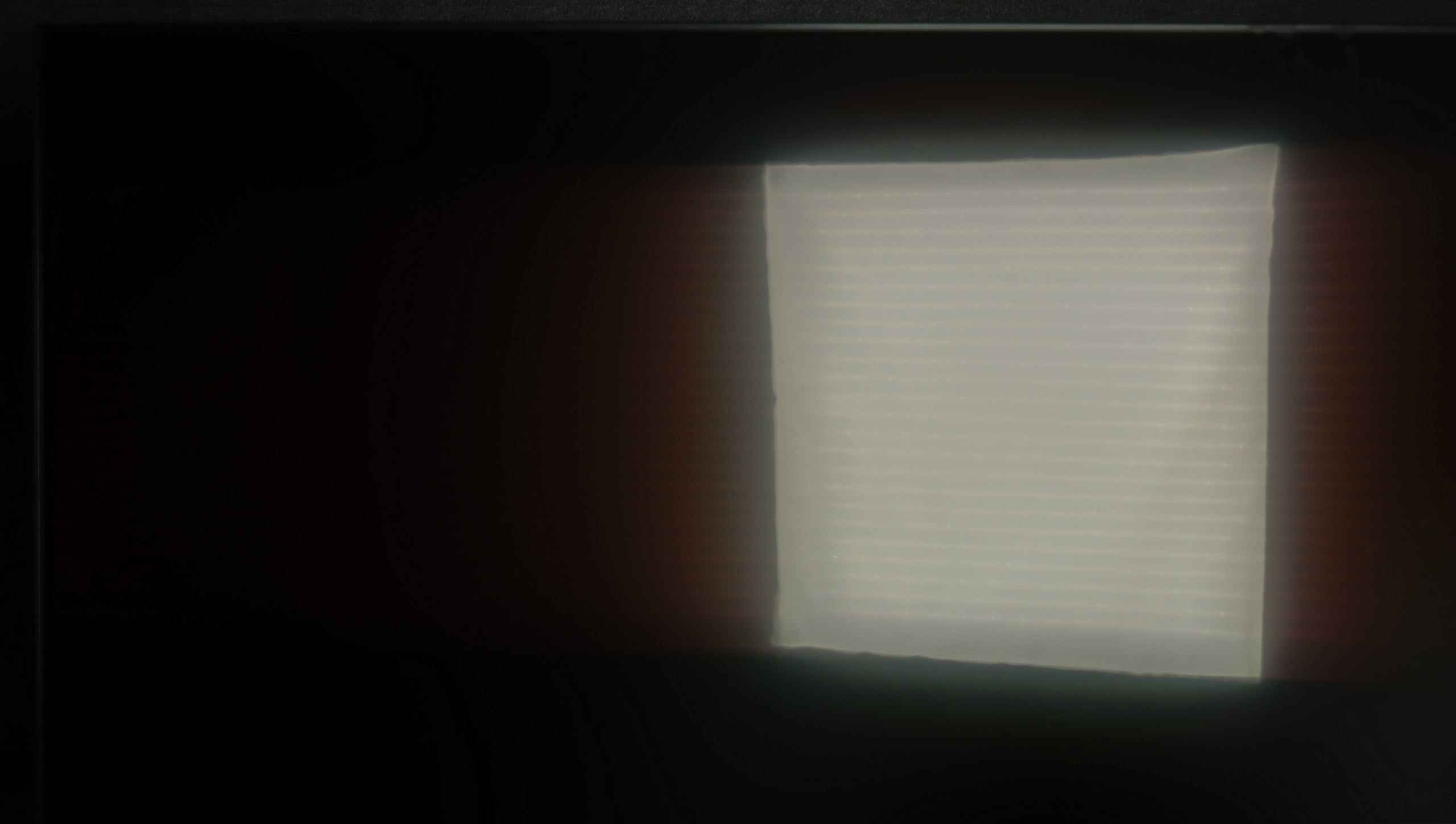
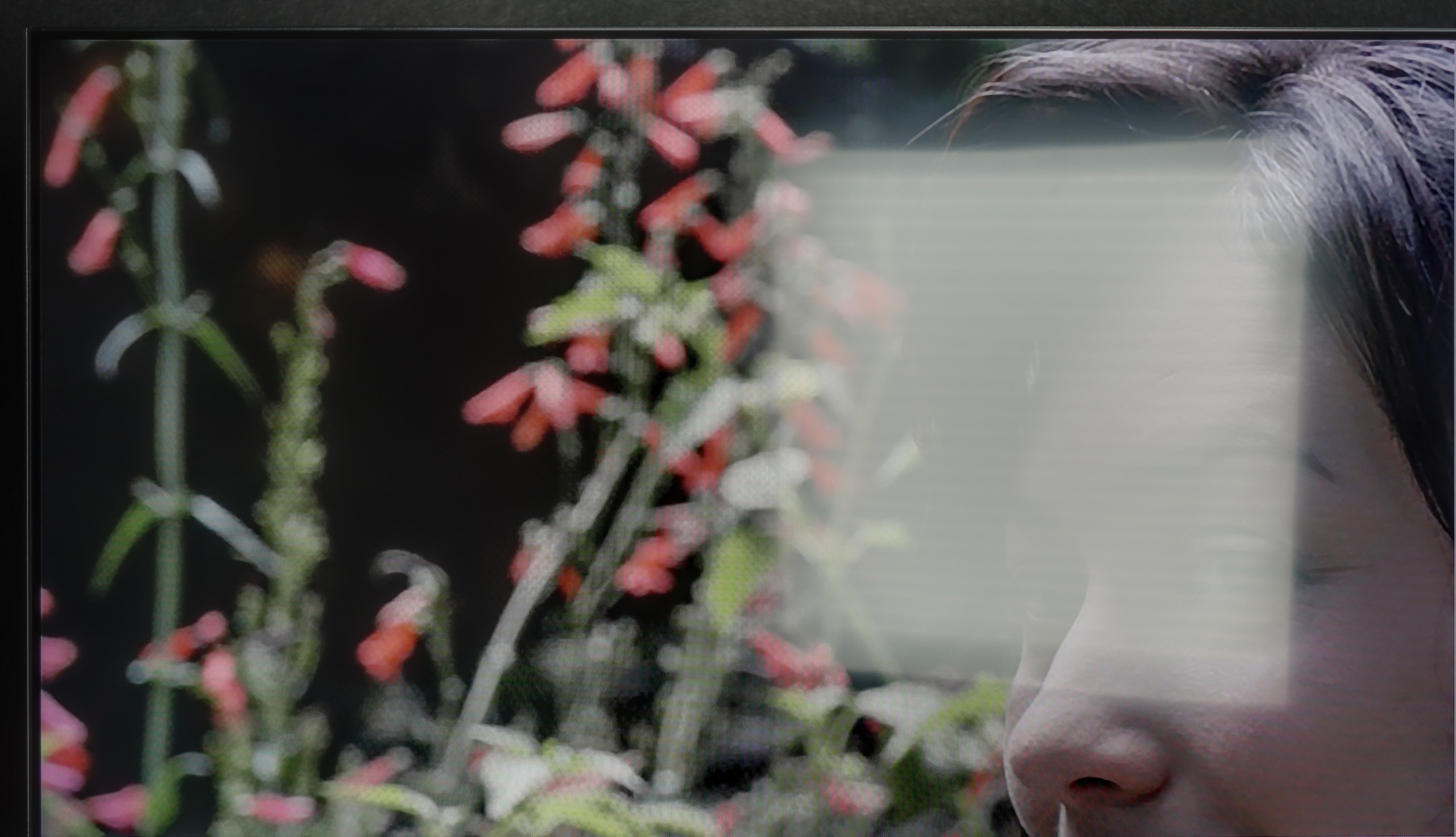
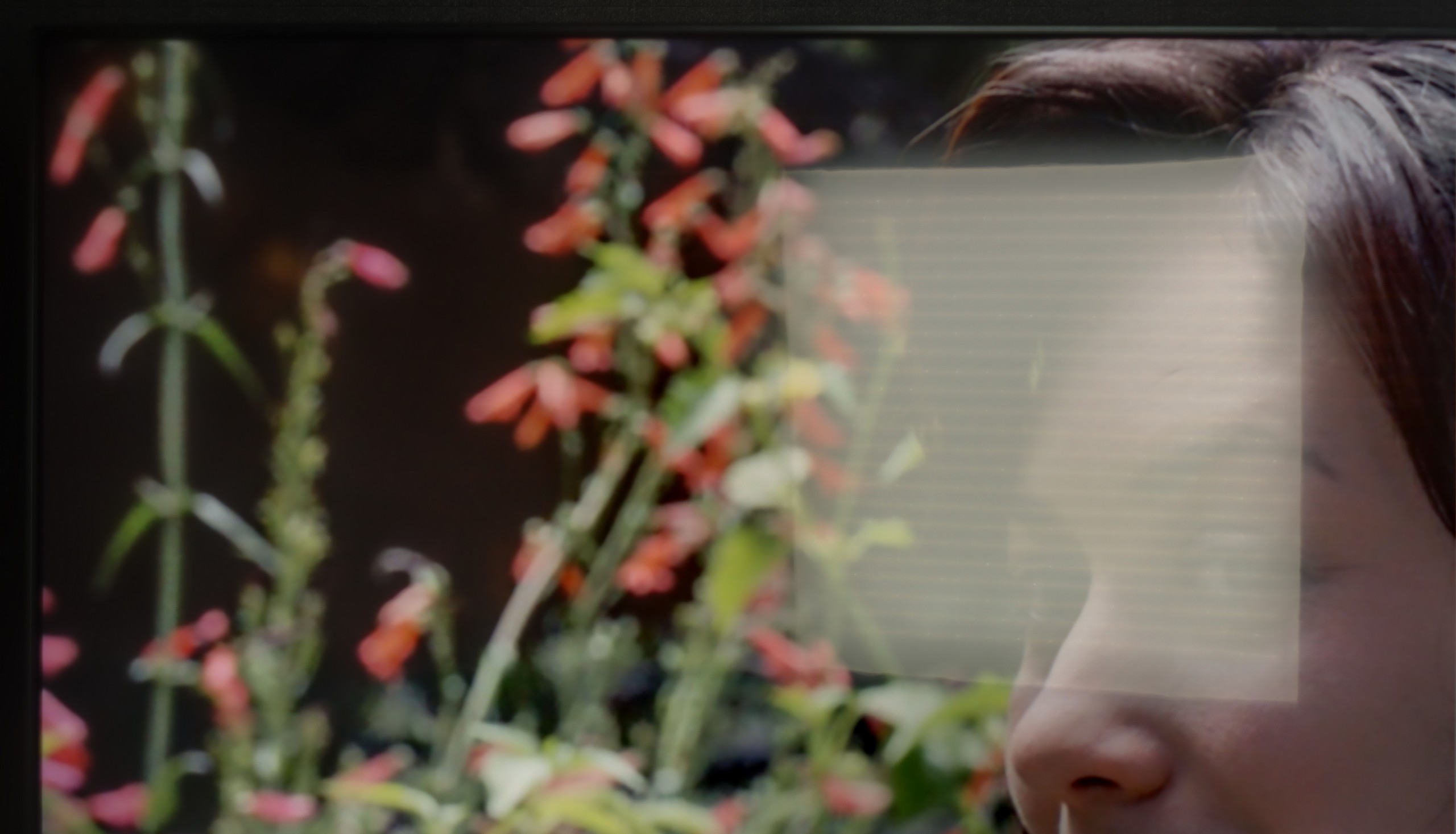
The last practical test for any television is its daily performance in daylight conditions when it must compete with ambient light. In this competition, the TCL P7K / P79K has a slight advantage thanks to its satin screen coating. Its structure manages to quite effectively dampen direct reflections, dispersing them and protecting the image from excessive color fading or black brightness. However, passive combat with reflections is one side of the coin. The other is the active ability to "break through" bright surroundings, and here one of the key limitations of this model becomes apparent. The previously mentioned peak brightness of around 300 nits is simply too low to provide a fully comfortable and dynamic viewing experience in a brightly lit living room. In such conditions, the image may lack punch, and lower brightness scenes may lose clarity.
The performance of the Q7F during the day unfortunately does not impress. Due to low brightness, the screen quickly succumbs in very sunlit rooms. Therefore, it is difficult to recommend it to those who plan to watch television in a bright living room with large windows. In moderately lit rooms, it still manages, but in bright light, the picture loses clarity. Additionally, the fact that the panel does not always effectively handle reflections means that during the day, glare can be problematic. This is more of a screen for evening viewing than for daily sessions in full sunlight.
Panel details
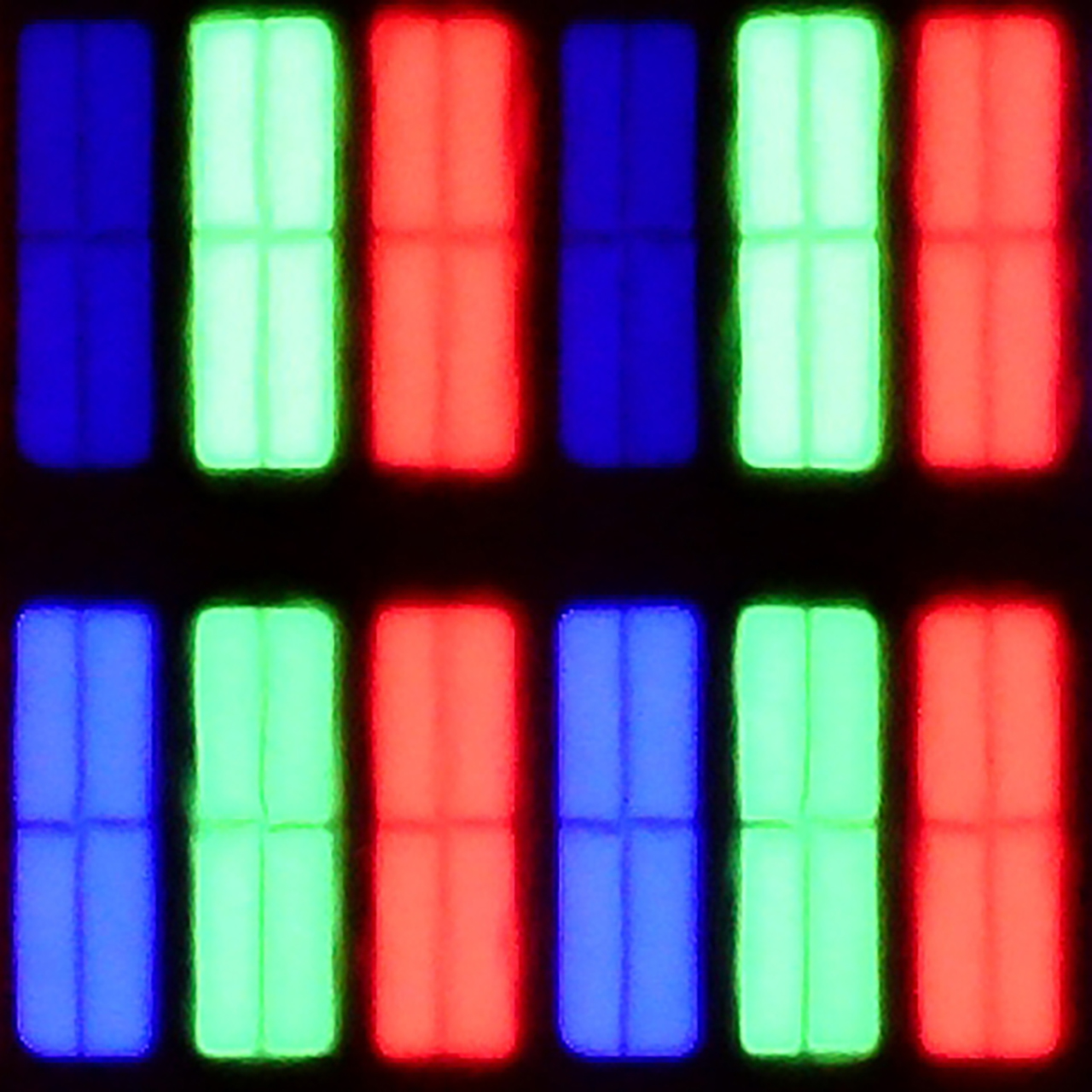
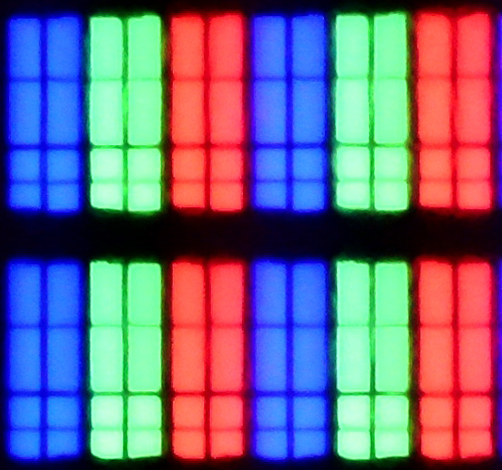
Subpixel Structure:
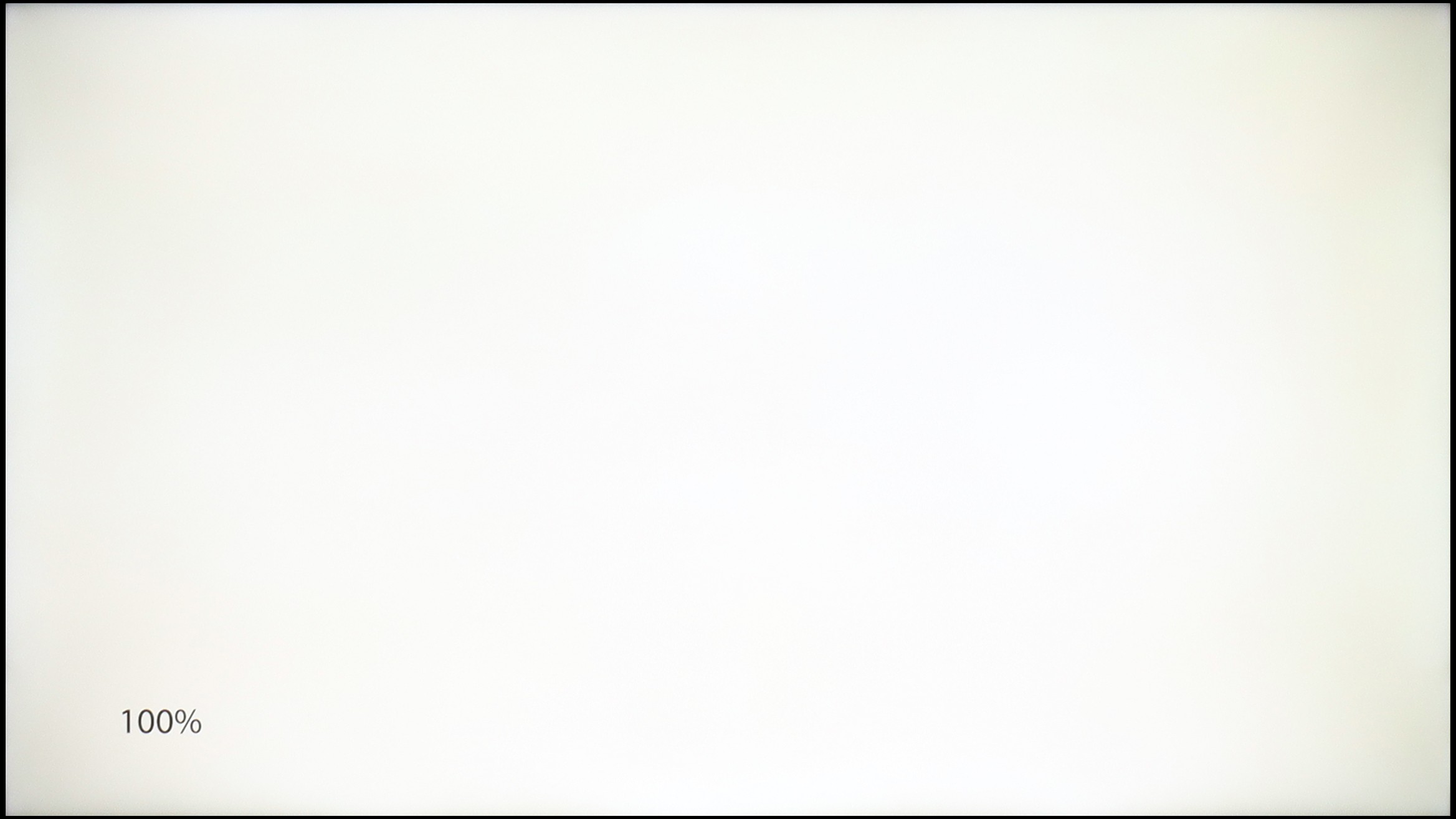
Panel uniformity and thermal imaging:
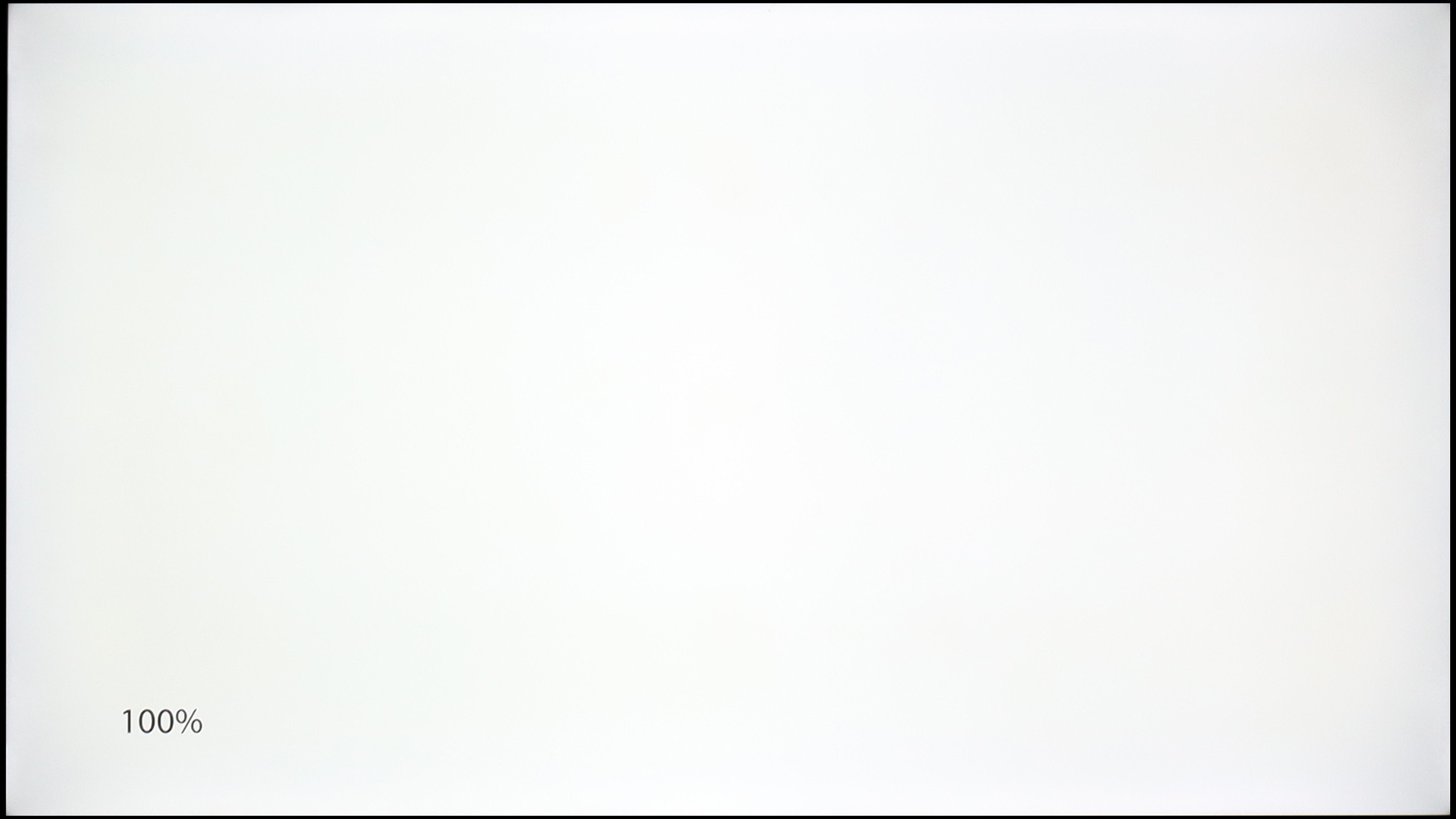
TCL P7K / P79K
Samsung Q7F
TV features
7/10
7.3/10
- HDMI inputs0 x HDMI 2.0, 3 x HDMI 2.1 48Gbps3 x HDMI 2.0, 0 x HDMI 2.1
- Other inputsToslink (Optical audio)
- OutputsToslink (Optical audio), eARC (HDMI), ARC (HDMI)Toslink (Optical audio), eARC (HDMI), ARC (HDMI)
- Network InterfacesWi-Fi 2.4GHz, Wi-Fi 5GHz, Ethernet (LAN) 100MbpsWi-Fi 2.4GHz, Wi-Fi 5GHz, Ethernet (LAN) 100Mbps
- TV receptionDVB-T, DVB-T2, DVB-S, DVB-S2, DVB-CDVB-T, DVB-T2, DVB-S, DVB-S2, DVB-C
Classic features:
- Recording to USB (terrestrial TV)
- Recording programming
- Picture in Picture (PiP)
- RF remote control (no need to aim)
- Backlit remote control
- Teletext
- Audio only mode
- Bluetooth headphones support
- Simultaneous Bluetooth headphones & TV audio
Smart features:
- AirPlay
- Screen mirroring (Windows Miracast)
- Voice search
- Voice search in native language
- Ability to connect a keyboard and mouse
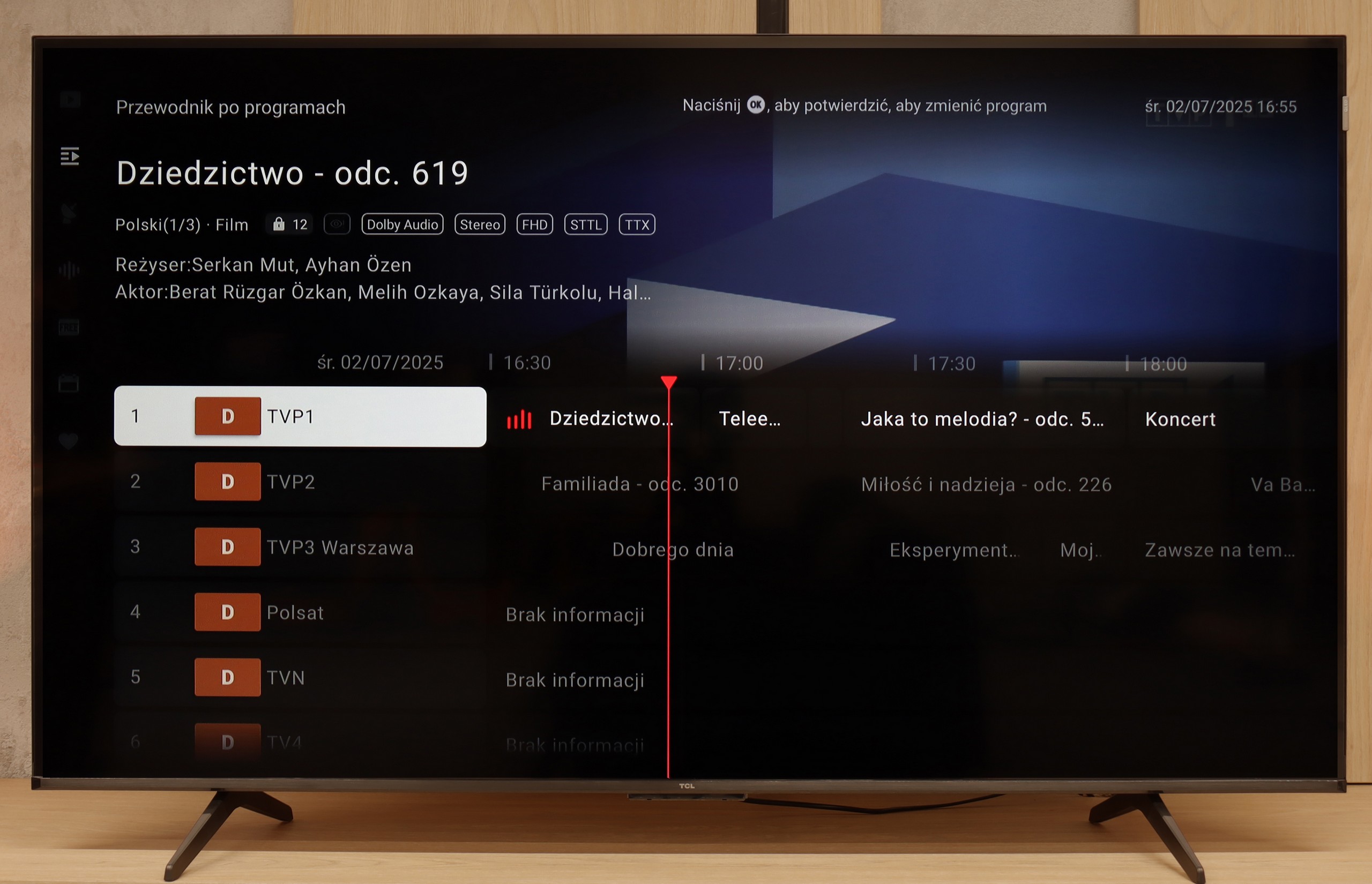
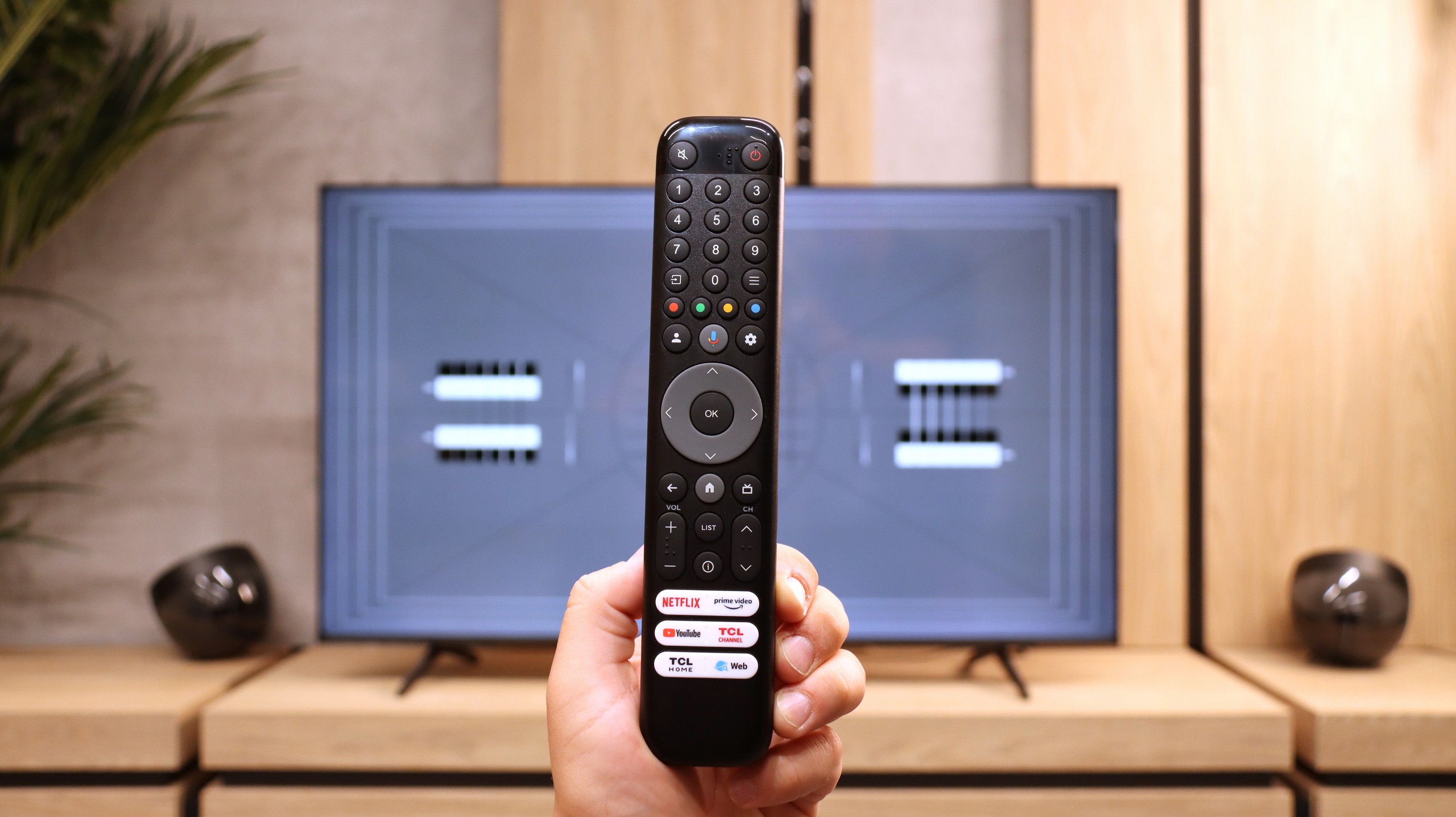
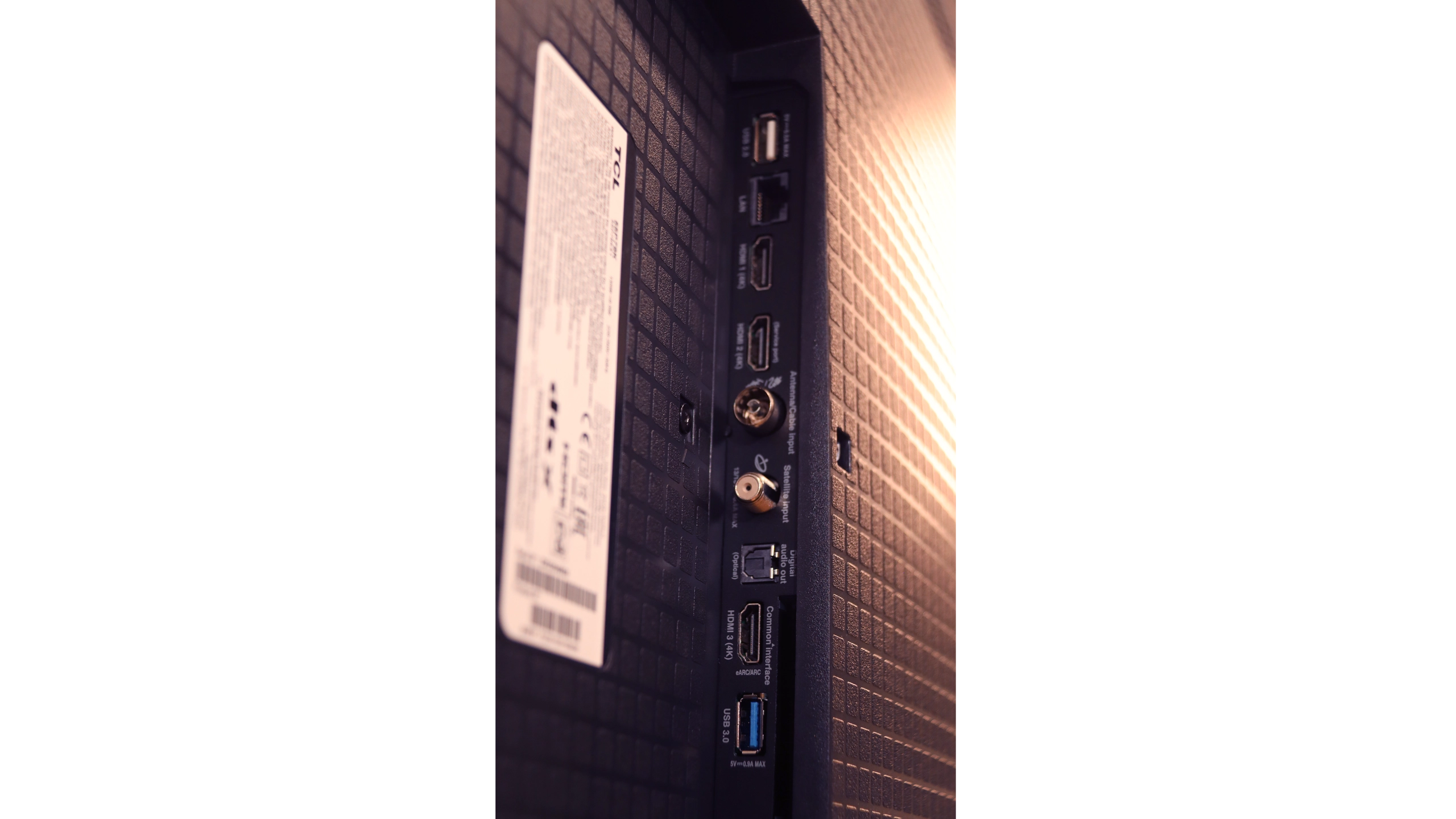
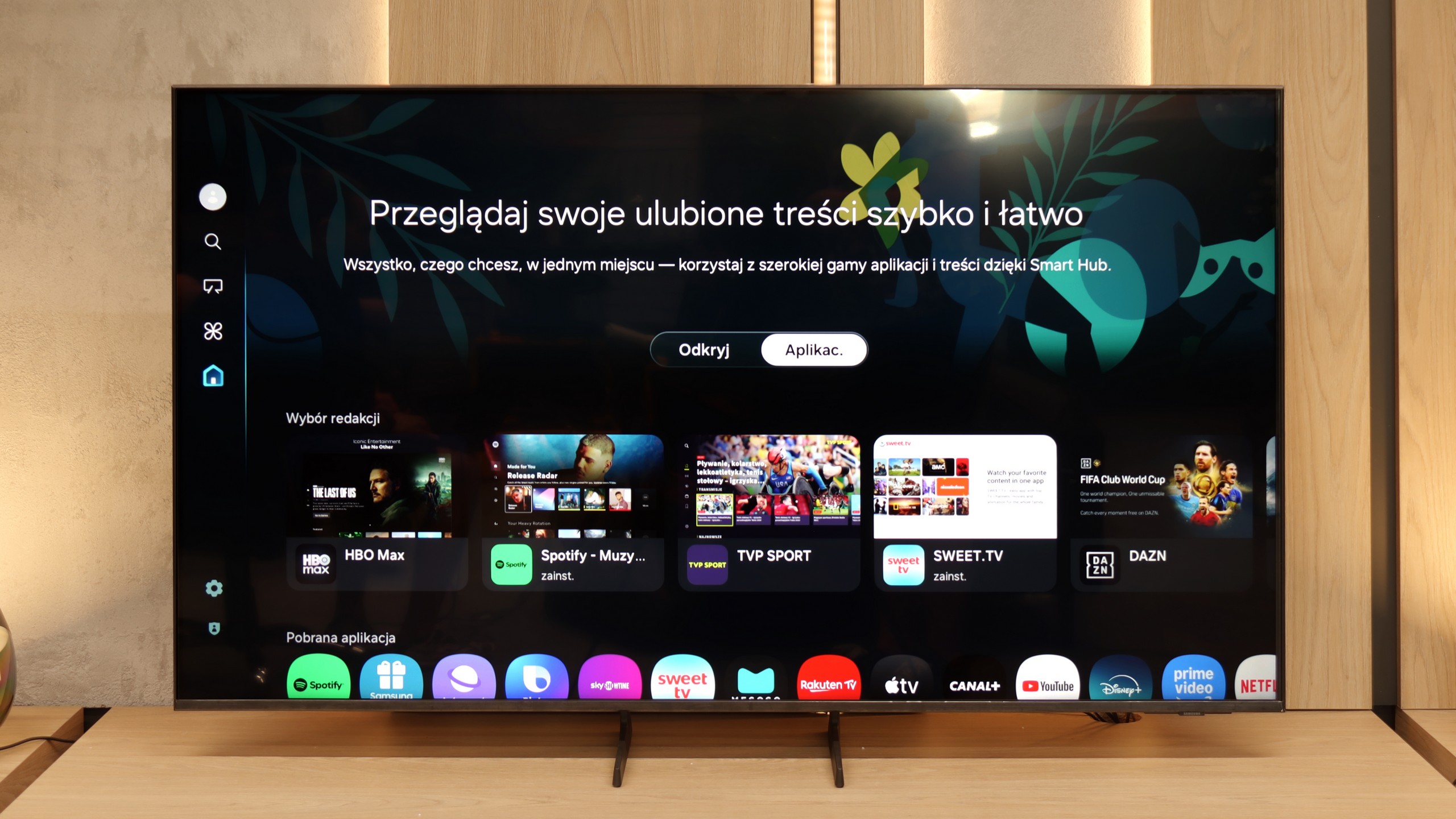
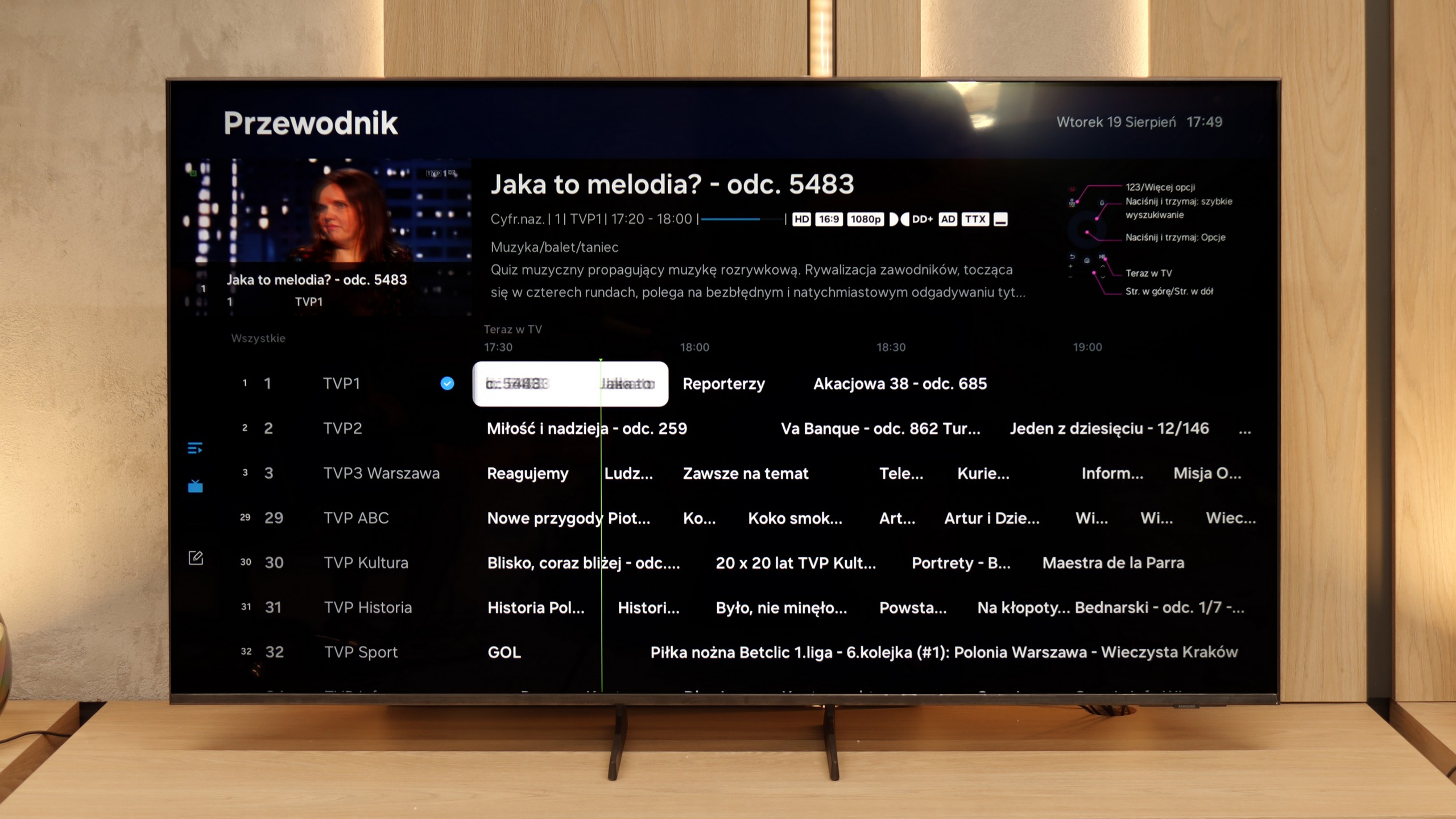
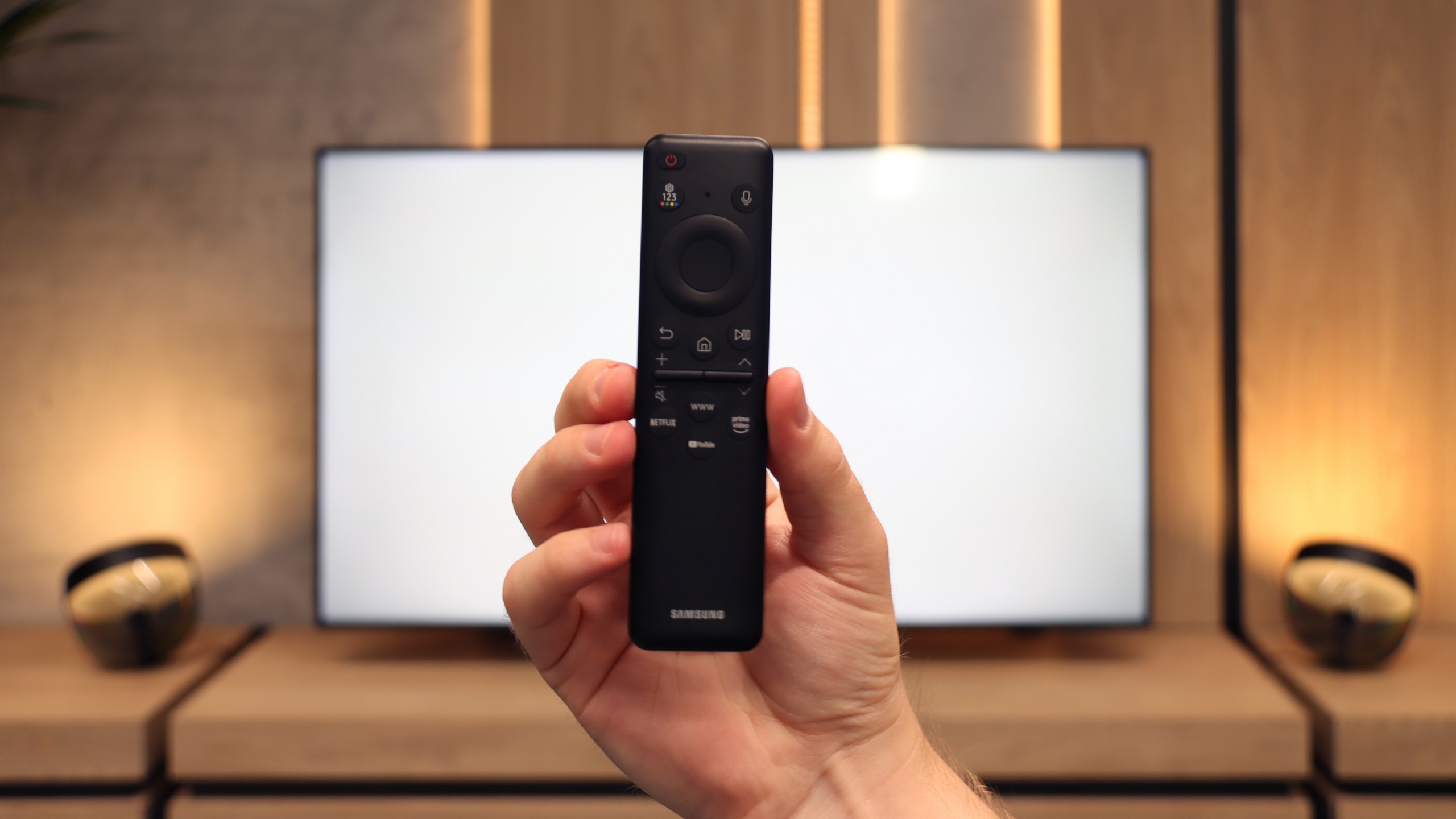
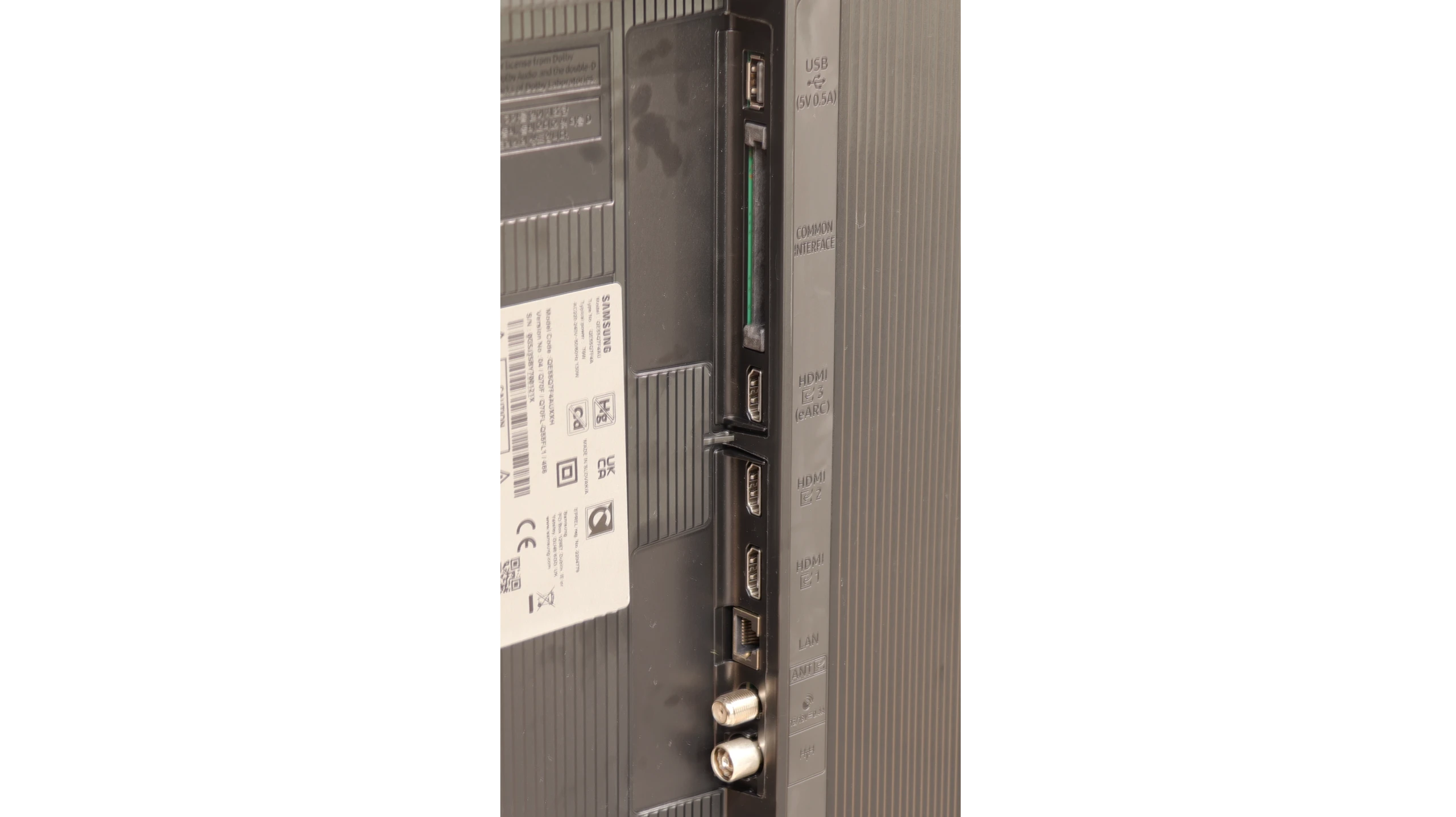
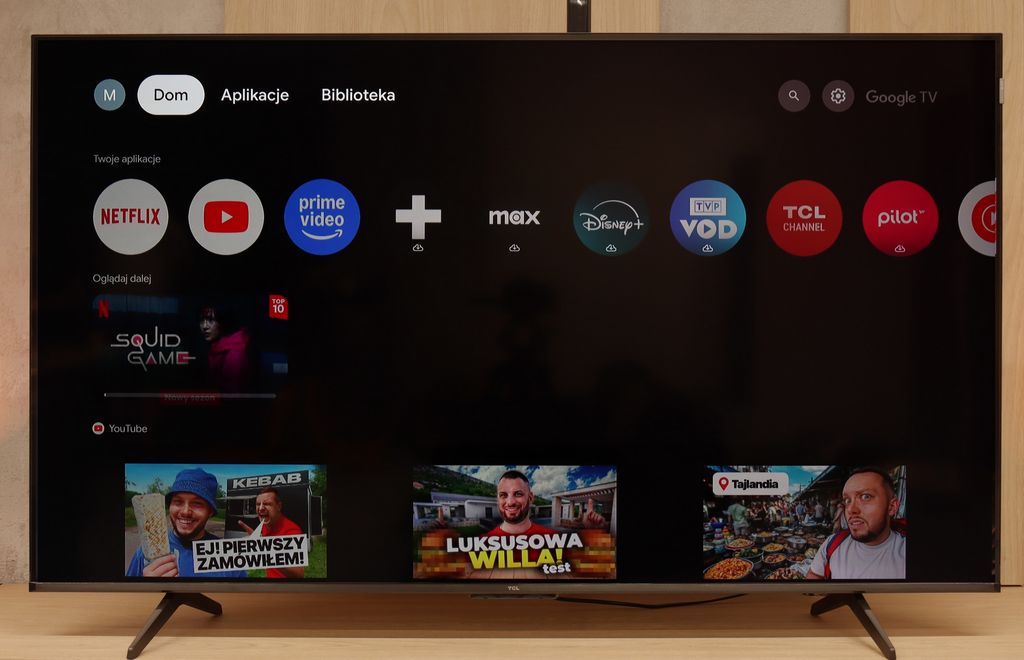
Smart Features – the Power of Google TV
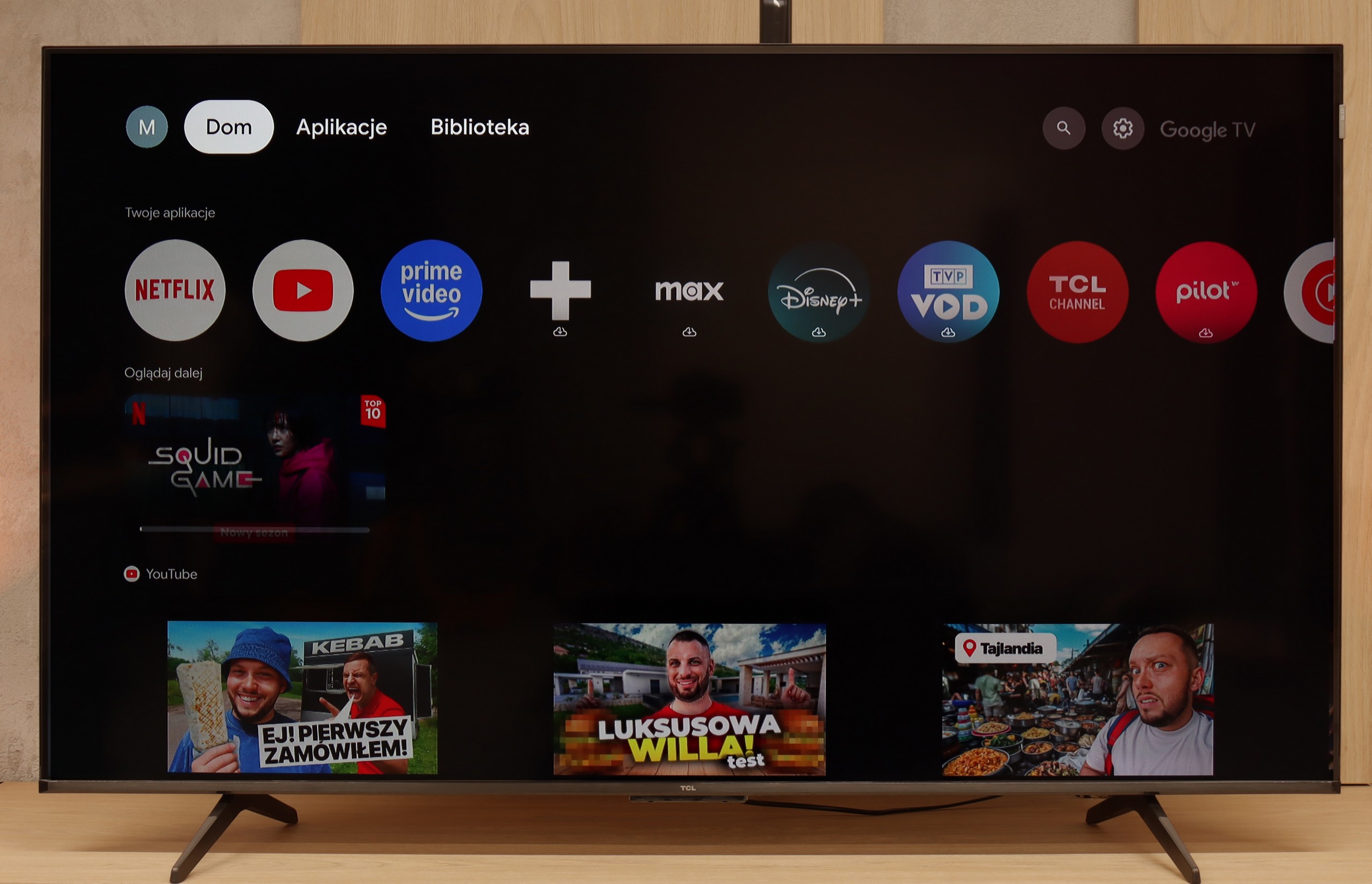
The heart and brain of the TCL P7K / P79K is the Google TV system, which in itself is a huge advantage. This platform provides access to an almost endless library of applications from the Play Store, ensuring that we won't be missing any key streaming service. Integration with other devices is exemplary – Apple device owners will appreciate the seamless cooperation via AirPlay, while Windows and Android users will easily take advantage of the screen mirroring feature. It is also worth highlighting the Google Assistant, which performs fantastically with voice searches in Polish, remaining one of the most effective and convenient solutions of its kind on the market. The operation of the system on the tested model can be described as "average plus." The interface is mostly smooth, but during testing, it experienced occasional slowdowns and even sporadic "freezes" requiring a moment of patience. Minor hiccups are also visible in the translation of some system messages, which can be awkward – however, these are just small oversights on TCL's part, not affecting overall functionality.
Classic Features
In the age of smart systems, traditional television functions often take a back seat, and this is also the case here. A significant advantage is the inclusion of a classic remote control with a numeric keypad, which does not require precise aiming at the screen for communication, greatly enhancing user comfort. The presence of Bluetooth technology for connecting external devices, like headphones or speakers, should also be noted positively. However, this is where the list of conveniences basically ends. It is evident that TCL has placed nearly everything on the Google TV card, treating classic functions as an absolute minimum. Therefore, we will not find the option to record programs from built-in tuners to a USB drive or the once-popular PiP (Picture-in-Picture) feature. This is therefore a basic package that simply works, but does not offer anything beyond what is necessary.
Smart TV – Tizen system
Here Q7F shows its strongest side. Samsung has been developing the Tizen system for years, and it is evident that we are dealing with a mature, refined platform. Everything works smoothly, the menu does not lag even when switching between heavier applications, and installing additional programs from the library is quick and hassle-free. Additionally, there is full support for AirPlay, integration with voice assistants, as well as a wide range of add-ons – from collaboration with devices in the SmartThings ecosystem to the ability to control Philips Hue smart lighting or other smart gadgets. Samsung strongly focuses on advanced network features, and it shows – in terms of Smart TV, Q7F has absolutely nothing to be ashamed of, and on the contrary, it can put more expensive competitor models to shame.
Classic Features
On the side of classic "TV" solutions, it is clear that the manufacturer has put everything on the smart card. We will not find USB recording or PiP mode here, features that used to be standard. It is evident that Q7F is primarily intended to be a media center, not a device for users accustomed to more traditional solutions. Fortunately, there are several practical additions – we have Bluetooth for pairing headphones or speakers and the option to change the font size in the menu, which will be appreciated by users with weaker eyesight.
Apps
9.6/10
9.3/10






















Playing files from USB
7.2/10
9/10
Supported photo formats:
Maximum photo resolution:
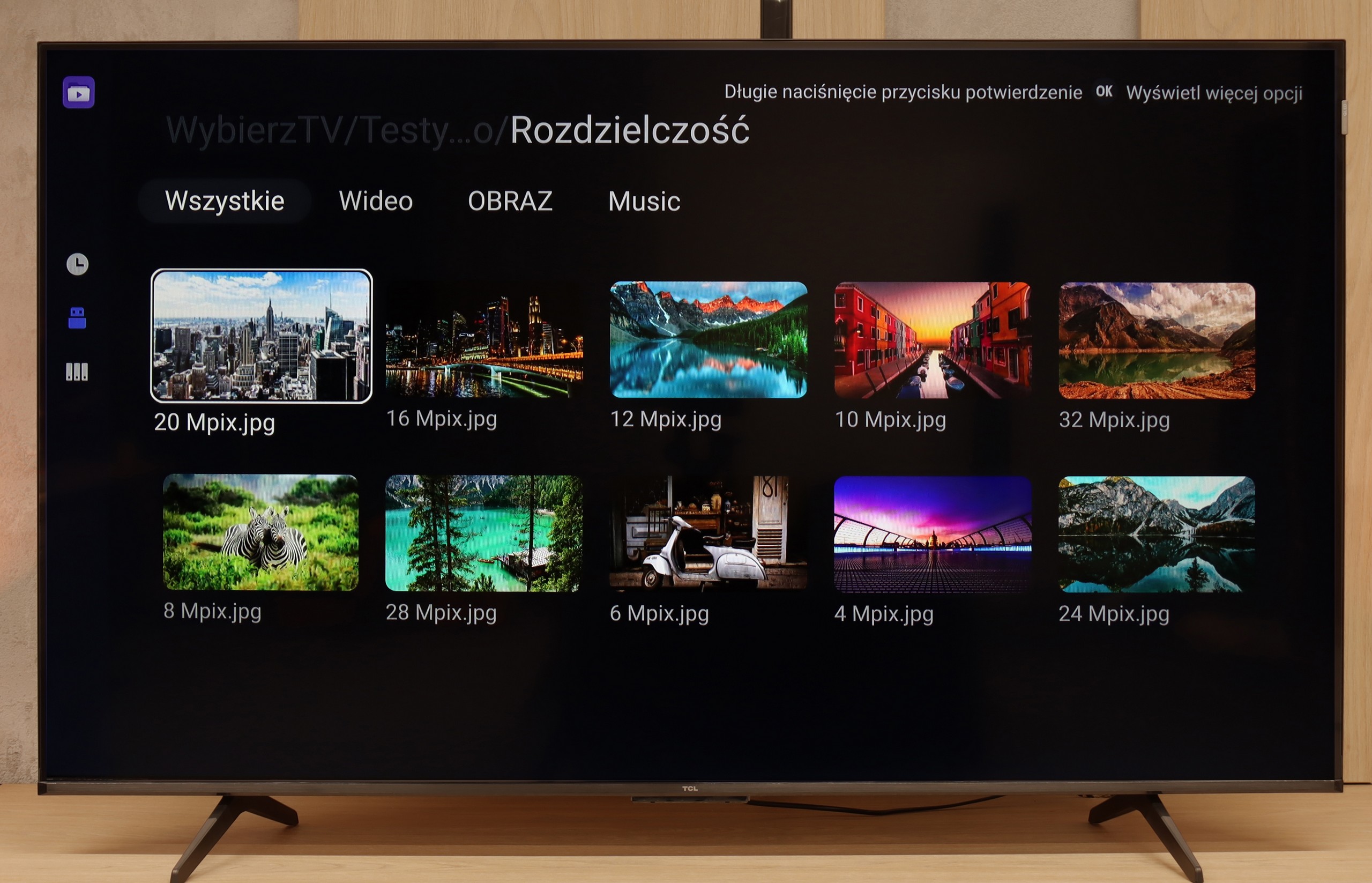
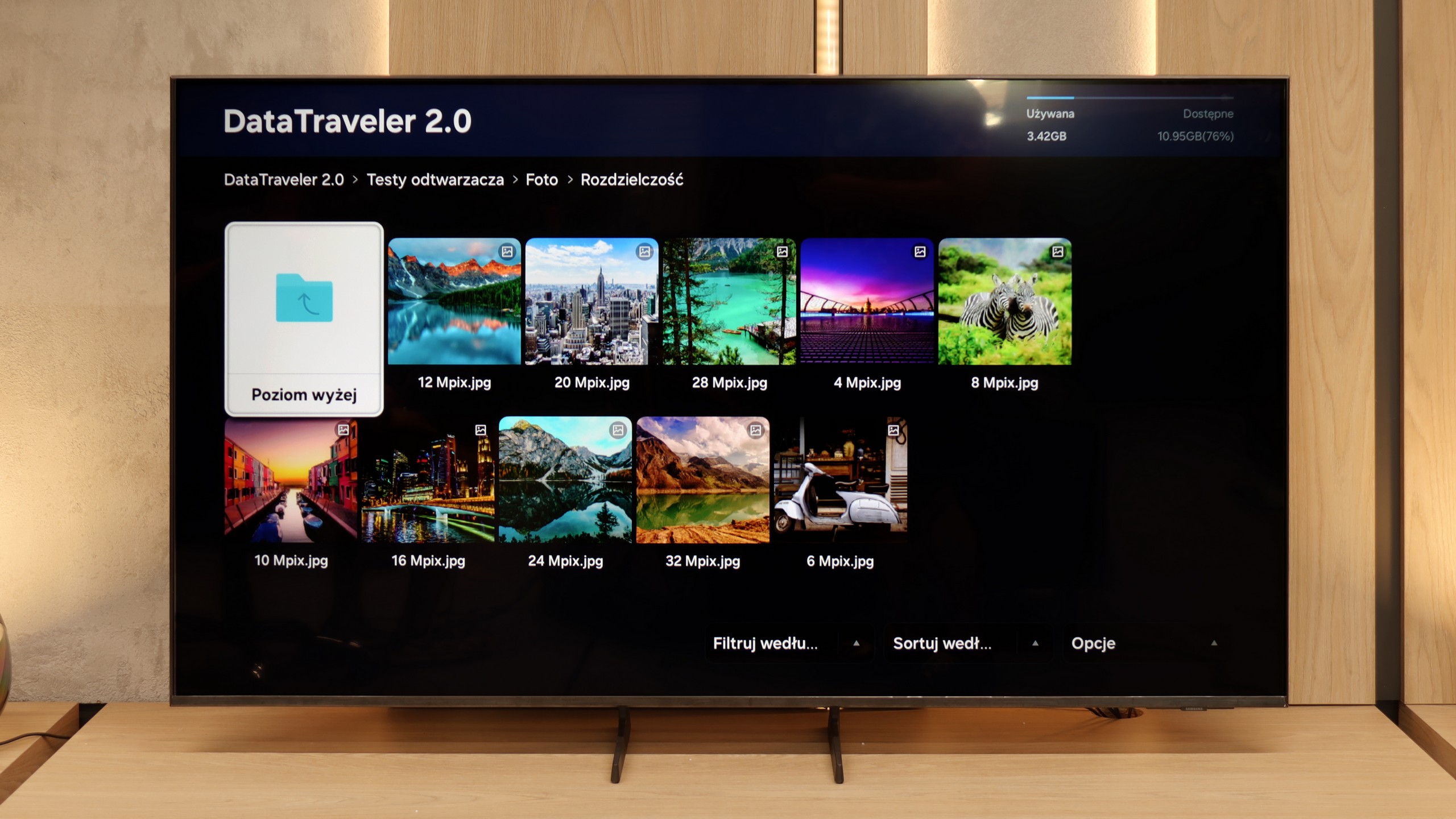
The built-in media player in the P7k/P79k model is at least a puzzling case, putting us in quite an unusual situation. On one hand, its engine handles decoding most popular video formats, which is obviously good news. On the other hand, we encountered a surprising and irritating issue – the default application has a fundamental problem displaying Polish diacritical characters in subtitle files correctly. Instead of letters like "ą", "ę", or "ż", empty squares or random, unreadable symbols appeared on the screen. Fortunately, thanks to the flexibility of the Google TV system, this problem can be easily circumvented. Installing an alternative, advanced player, such as the reliable VLC or KODI, completely resolves this inconvenience. The situation is peculiar because this flaw did not occur in other TCL models we tested previously. We are therefore dealing with a clear software oversight, which, hopefully, will be fixed in a future update.
In the Q7F, we have a built-in file player, and as is usually the case with Samsung TVs, it works quite well – most popular movies or music play without any fuss. For basic use, it’s sufficient, and there’s usually no need to reach for external solutions like connecting a laptop. It’s worse if someone wants to upload photos – it can stumble here, especially with Apple’s HEIC or PNG, which are visible in the player menu but don’t necessarily want to work.
Sound
6.2/10
5.8/10
- Maximum volume-80dB
- Dolby Digital Plus 7.1
- Dolby True HD 7.1
- Dolby Atmos in Dolby Digital Plus (JOC)
- Dolby Atmos in Dolby True HD
- DTS:X in DTS-HD MA
- DTS-HD Master Audio
In terms of the built-in audio system, the TCL P7k/P79k presents a level that can be described as functional and correct, but lacking audiophile ambitions. The speakers play quite loudly, and dialogues in movies and TV shows are conveyed clearly and without distortion, which is crucial in everyday use. However, the soundstage definitely lacks a foundation in the form of low tones. This is a direct consequence of the absence of a dedicated subwoofer – an element that in the higher P8K series, with a large Onkyo subwoofer at the back of the cabinet, defined the strength of its sound. Here, that element is simply missing, making the sound seem flatter and lacking the depth that creates a cinematic atmosphere. We also noticed a peculiar feature in the software – when trying to set the maximum volume, the TV automatically reduces it. It's hard to conclusively determine whether this is a form of protection against distortion or a minor software bug; nonetheless, it's a pity, as the power reserves seem to be somewhat greater.
The Samsung Q7F comes with a 20 W speaker system and… well, there’s no point in sugarcoating it; it’s not really impressive. The TV itself sounds quite decent, meaning we can clearly hear series, news, or daily programs, and the dialogues are not lost, but there is a lot lacking in depth and sound space. There is practically no bass; something thuds, but it resembles more of a knock on a box than true low tones. Music sounds flat, and movies also don't make any significant impression – we won’t feel like we're in a cinema. It’s a sound in the category of “acceptable,” just enough to have something built-in, but if someone is counting on stronger experiences, they will sooner or later reach for a soundbar anyway. And to be honest – even the simplest model will make a significant difference here, and Samsung has quite a few of those in their offering.
Acoustic Measurements
No acoustic data
80dBC (Max)
75dBC