The time has come to gather all observations. The TCL P7K / P79K is a television that cleverly juggles compromises, offering significantly more than we could expect in its price range. Its undeniable advantage is the VA panel, guaranteeing deep blacks and high contrast, and a surprisingly rich package for gamers (with VRR and 120 Hz support at lower resolutions) makes it a phenomenal choice for console owners. The whole package is tied together by the functional Google TV system. Of course, low peak brightness means that HDR content lacks spectacular highlights, and the TV's performance in sunlit rooms is limited. And while at its relatively low price, the P7K / P79K is quite a decent option, its biggest competitor turns out to be… its more refined sibling, the P8K. Often FOR a small extra charge, we get a device a class higher – with a native 4K 144 Hz panel, significantly better audio system, and generally higher build quality, which is reflected in its much higher rating on our portal. Therefore, the final verdict must be as follows: if your budget is absolutely non-negotiable, the P7K / P79K will be a good and cost-effective choice. However, if you can afford to add a small amount, the P8K model will offer significantly more and will ultimately be a more satisfying investment.
- Matching (Score) |
- Our verdict |
- TV appearance |
- Where to buy |
- Contrast and black detail |
- HDR effect quality |
- Factory color reproduction |
- Color reproduction after calibration |
- Smoothness of tonal transitions |
- Image scaling and smoothness of tonal transitions |
- Blur and motion smoothness |
- Console compatibility and gaming features |
- Input lag |
- Compatibility with PC |
- Viewing angles |
- Daytime performance |
- Panel details |
- TV features |
- Apps |
- Playing files from USB |
- Sound
TCL P7K / P79K vs LG OLED G6 (G64LW, G66LS)
 Direct comparison
P7K / P79K

G64LW / G66LS
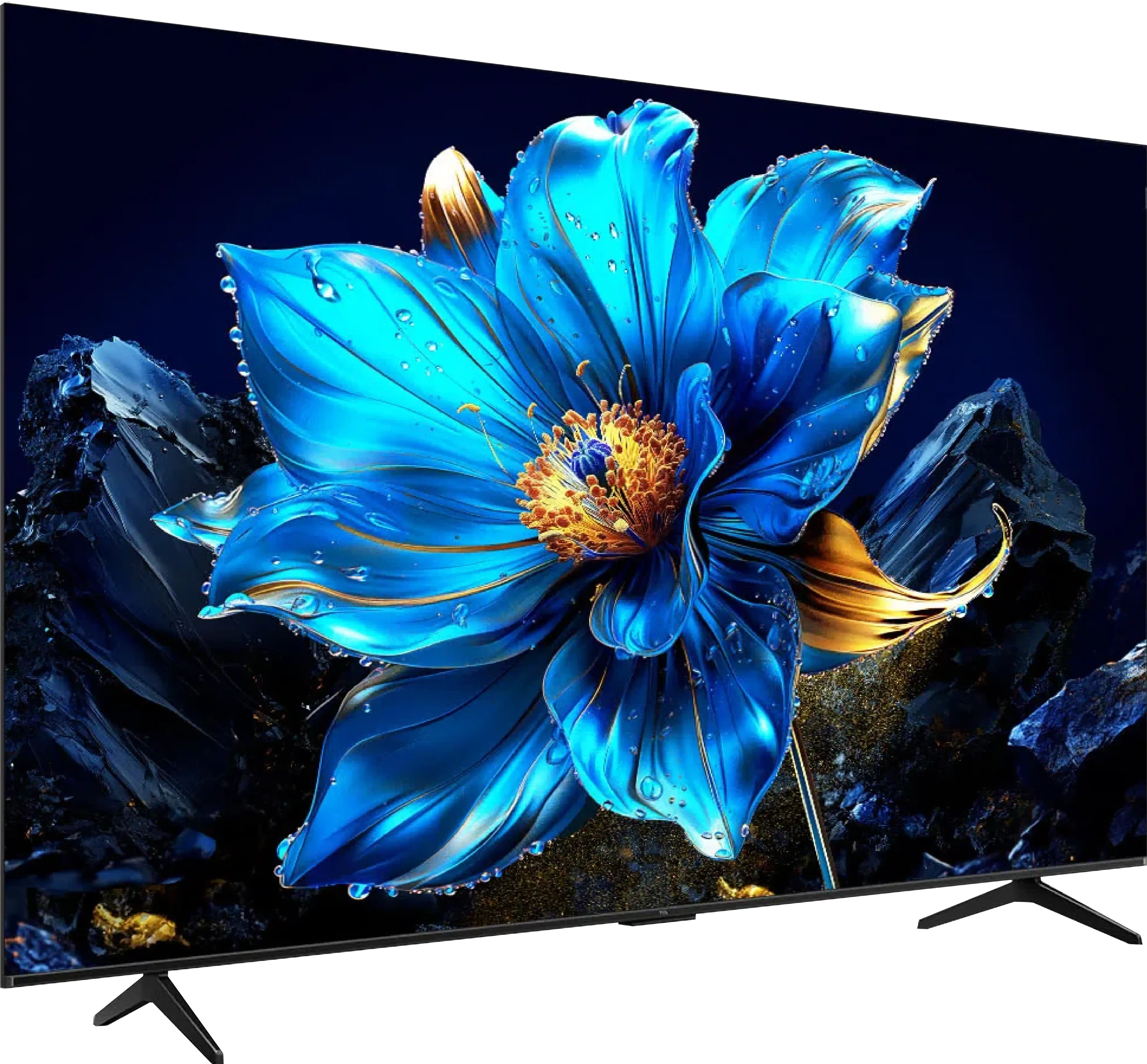
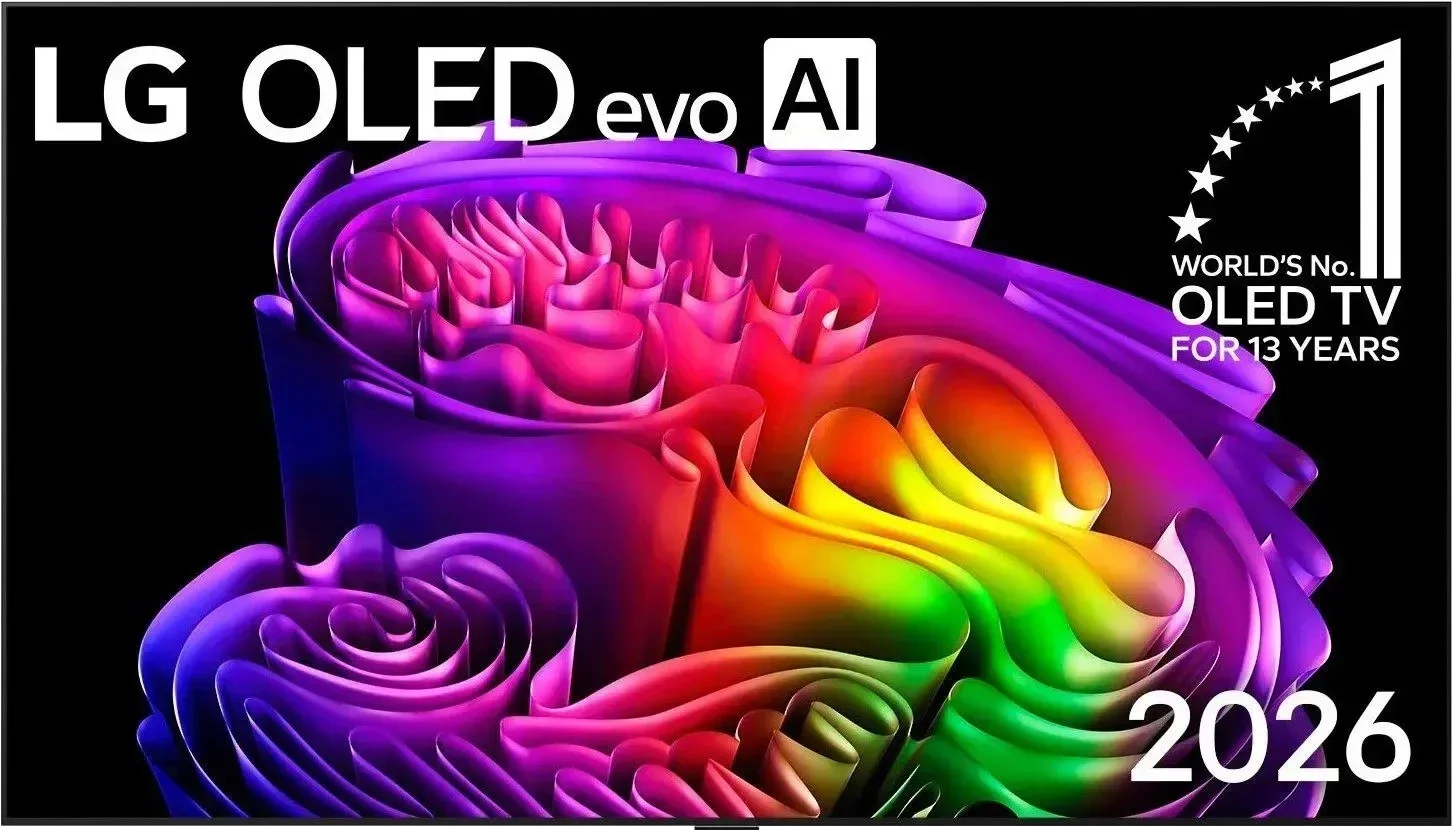
Panel type: LCD VA
Resolution: 3840x2160
System: Android TV
Model year: 2025
Complete the survey to find out the result
Panel type: WRGB OLED
Resolution: 3840x2160
System: WebOS
Model year: 2026
Complete the survey to find out the result
Overall rating
5.8
8.7
 Movies and series in UHD quality
 5.1
8.6
 Classic TV, YouTube
 5.5
8.7
 Sports broadcasts (TV and apps)
 5.3
8.6
 Gaming on console
 7.1
9.5
 TV as a computer monitor
 2.0
8.7
 Watching in bright light
 4.6
8.2
 Utility functions
 7.0
8.5
 Apps
Apps 9.6
9.1
 Sound quality
 6.2
8.4
Complete the survey to find out what fits your preferences
Advantages

Great black and high contrast
Support for 120 Hz in games (at lower resolutions)
Very low responsiveness (input lag), great for dynamic gameplay
Modern features for gamers, such as VRR and ALLM
Efficient Google TV system with a huge app database
Very well-functioning Google Assistant in Polish
Easy screen mirroring from your phone (support for AirPlay)
Attractive price
High brightness in HDR and SDR
Excellent anti-reflective coating
Reference-grade colors (after calibration can match a reference monitor)
Full support for gamers (HDMI 2.1, 165 Hz, VRR, ALLM)
Low input lag (under 5 ms)
Smooth motion and sharpness
Full support for Dolby Vision
Functional webOS with Magic Remote support
5-year panel warranty included
Disadvantages

Low brightness, resulting in a weak HDR effect and the image being barely visible in sunlight
The picture loses quality and colors when viewed at an angle
Not suitable as a computer monitor due to very poor letter readability
Strong dithering effect (highly digital image)
Very annoying dithering: graininess and flickering in near-black areas of the image
Worse viewing angles than its predecessor (though still good)
No support for the DTS:X audio codec (useful for Blu-ray owners)
Our verdict
There’s no doubt the LG G6 is outstanding in places. Thanks to the new 2nd-generation Tandem OLED panel it does something no other glossy-screen display on the market has managed so far: it suppresses reflections brilliantly while keeping perfect, untouched picture quality. Add record brightness and the panel’s unique characteristics, and the G6 can produce images that at times literally knock you off your feet. The excellent webOS and gamer-oriented features only reinforce the impression that this is a worthy successor to the G5. But that’s only one side of the coin, since expectations for a device in this class are as high as they get. During detailed testing we ran into an issue with digital image processing in near-black scenes. We’re talking about overly aggressive grain (dithering) and slight flickering of details in dark sequences. While during normal couch viewing this flaw isn’t dramatically noticeable and doesn’t negate the overall wow factor of the contrast, a trained eye will readily see that LG’s engineers stumbled at the final stage of panel tuning. When you buy a fairly expensive flagship product right now, you simply expect perfection out of the box.
Despite this obvious slip-up, the LG G6 is still at the absolute forefront of the market and one of the most interesting TVs of the year. It has a solid foundation to become the ultimate display. We firmly believe the manufacturer will quickly diagnose the issue and release an appropriate software update. If that happens, the competition won’t stand a chance. We promise to monitor the situation closely, and as soon as a patch appears we will verify how well it performs.
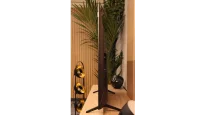
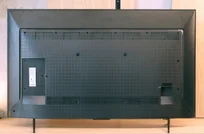
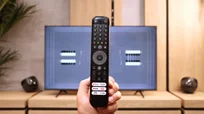
TV appearance

Contrast and black detail
5.2/10
10/10
Local dimming function: No
Contrast:


Result
4,000:1

Result
6,500:1

Result
2,700:1

Result
2,800:1

Result
3,800:1
Result
∞:1
Result
∞:1
Result
∞:1
Result
∞:1
Result
∞:1
Halo effect and black detail visibility:
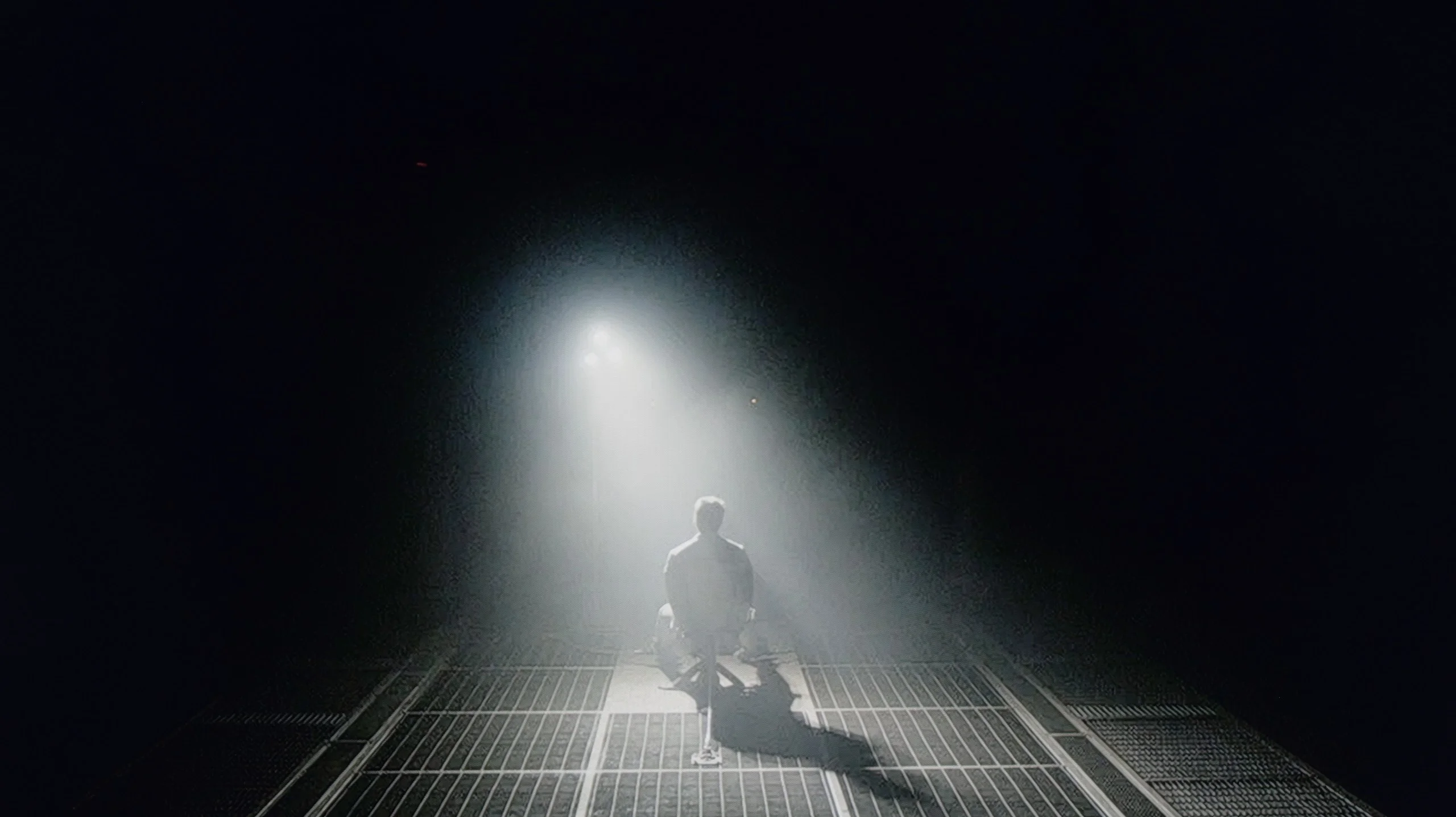
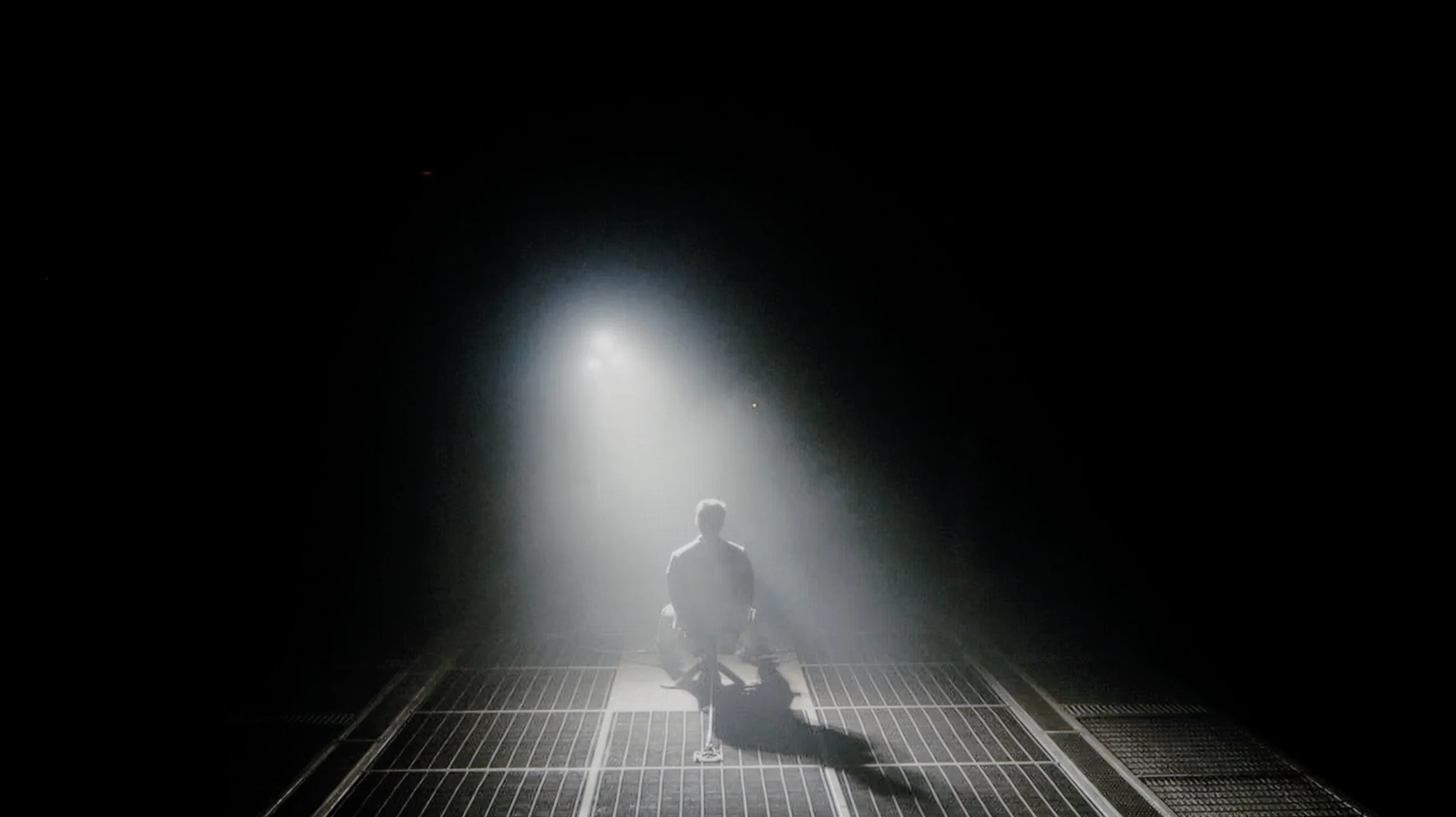
Check the visibility of bright lights on a dark background. Mini-LEDs often struggle with this. The photo does not compare black levels – that’s what the video below is for.
The video accurately shows differences in contrast and black levels between TVs, as well as potential issues: halo around bright objects or Mini-LED zone operation visible as brightness jumps.
In the discussion about image quality, the conversation almost always starts with the issue of black depth and contrast, which are parameters defining the plasticity and realism of the observed world. And here, the TCL P7k/P79k immediately lays its strongest asset on the table – a VA-type panel. It is its construction that makes the native relationship between the brightest and darkest parts of the image more than satisfactory, especially in the context of the price segment that this model represents. In the majority of scenes, the achieved black has a noble depth, which allows for building an engaging viewer experience. To illustrate the scale, it is worth mentioning that competitive constructions based on IPS panels often offer results that are even four or sometimes five times lower, which constitutes a chasm in direct comparison. Of course, entering the territory of models oriented towards affordability, we must be aware of certain compromises. In the discussed television, we will not find an advanced local dimming system that could further enhance the impression of contrast. However, the absence of this feature is fully understandable and constitutes a logical consequence of positioning the product in the market – this technology in TCL's portfolio for 2025 has been reserved for higher-positioned, more prestigious series marked with the letter "C".
Since the LG G6 is based on OLED technology, specifically the 2nd generation WOLED TANDEM matrix, we are talking about perfection in terms of blacks and contrast, which is confirmed by our lab measurements – in every test scenario, the television achieved an absolute infinity mark. The ability to control each pixel independently gives it a powerful advantage over any LCD panel on the market. This translates to a brilliant, plastic depth of image that immediately draws you into every possible viewing experience. This is clearly visible in the example of a dark, demanding scene with a helicopter from the movie Sicario 2. While traditional screens with local dimming (including Mini-LEDs) can generate annoying "halo" effects in such moments, lighten black bars in films, or lose details in shadows, the LG G6 handles it flawlessly. Black where it should be black remains pitch-black and perfectly separated from bright points.
*A small note: during this test, a fairly strong grain and flickering of the image stands out. However, we do not take it into account when evaluating the contrast itself and this part of the review – we will describe this specific problem in further detail in the section: "Smoothness of tonal transitions".
HDR effect quality
4.3/10
9.1/10
Luminance measurements in HDR:

Result
206 nit

Result
247 nit

Result
297 nit

Result
237 nit

Result
281 nit
Result
2387 nit
Result
2345 nit
Result
2418 nit
Result
2439 nit
Result
1844 nit
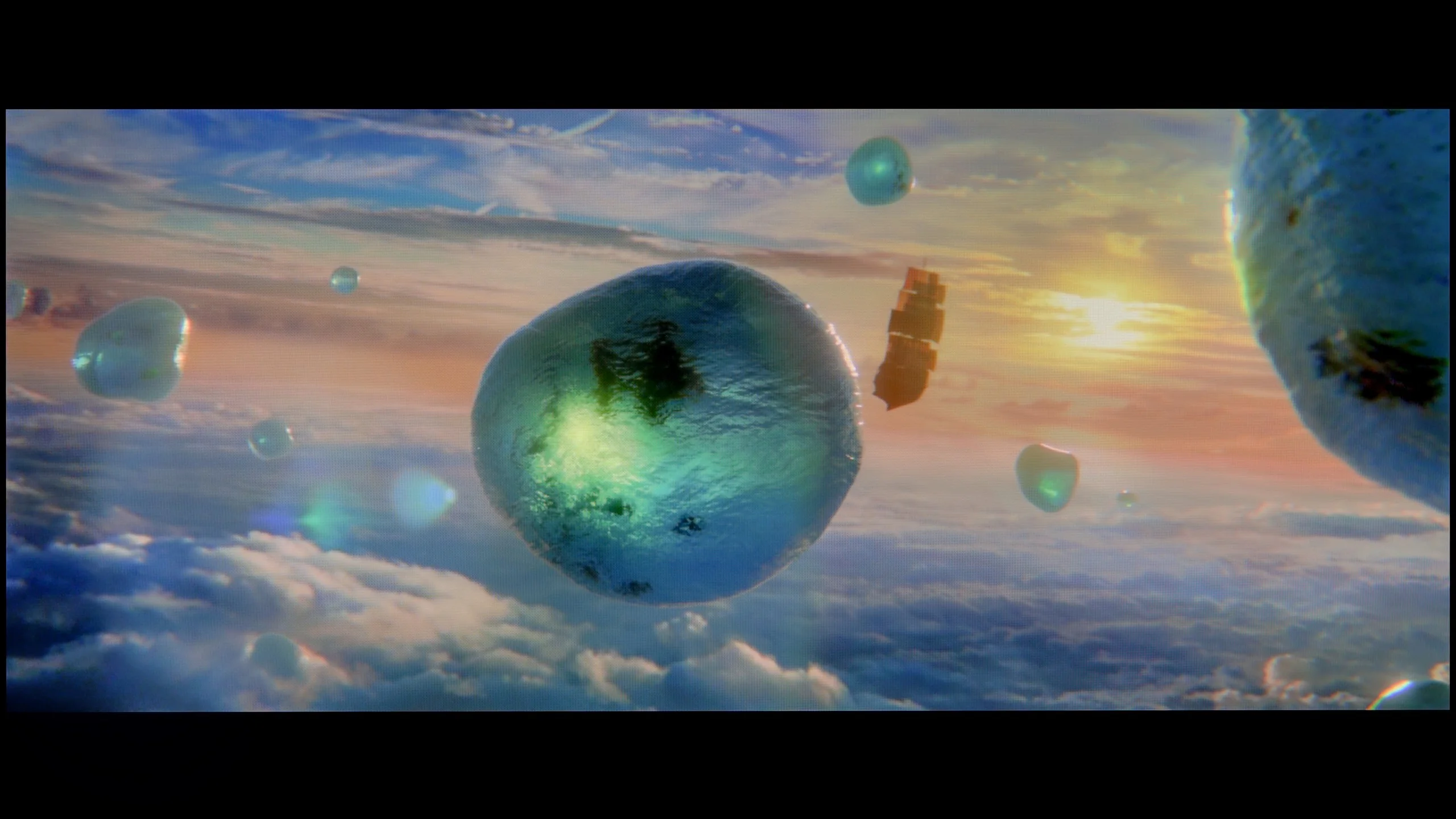
Scene from the movie “Pan” (about 2800 nits)
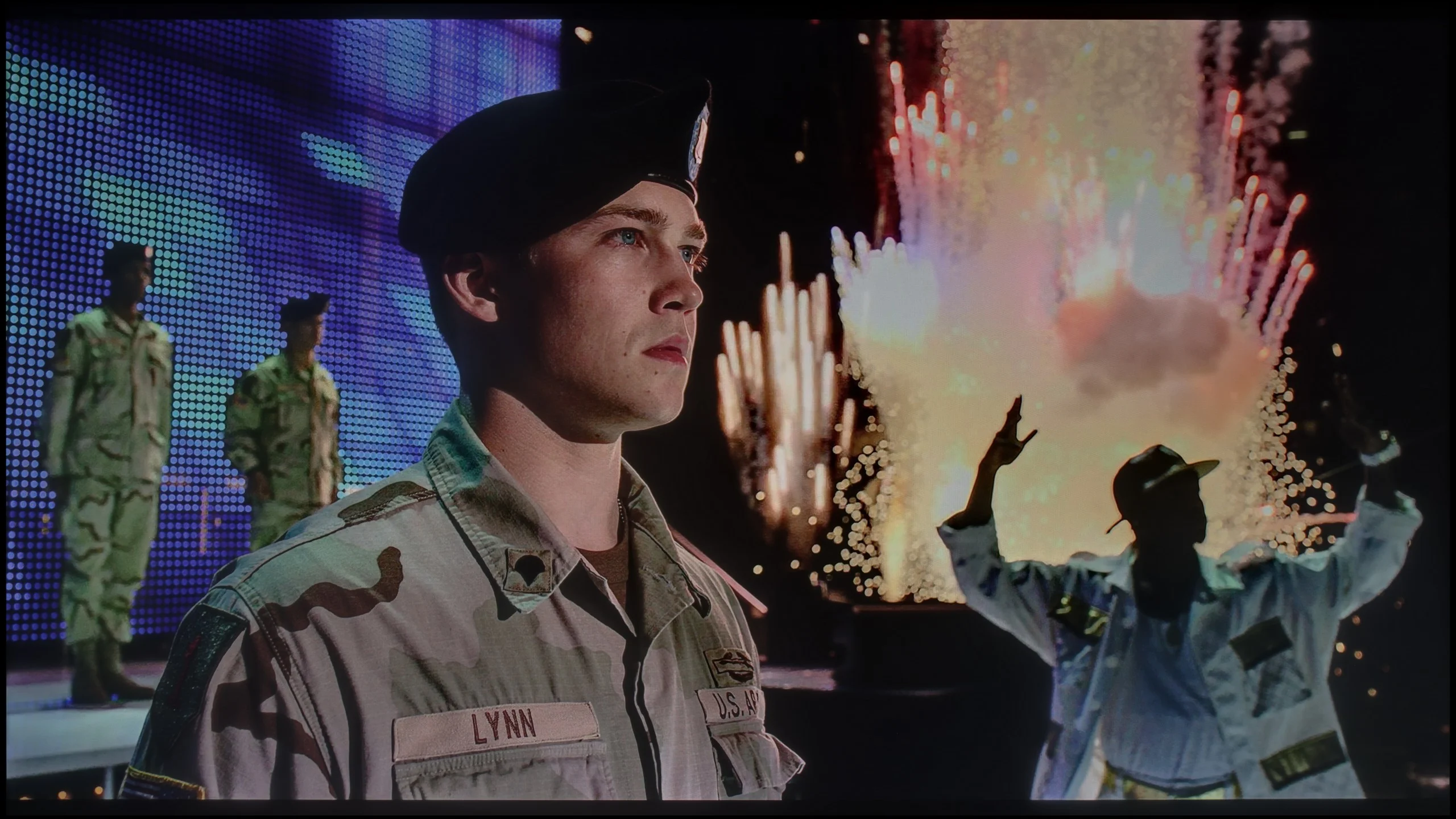
Scene from the movie “Billy Lynn” (about 1100 nits)
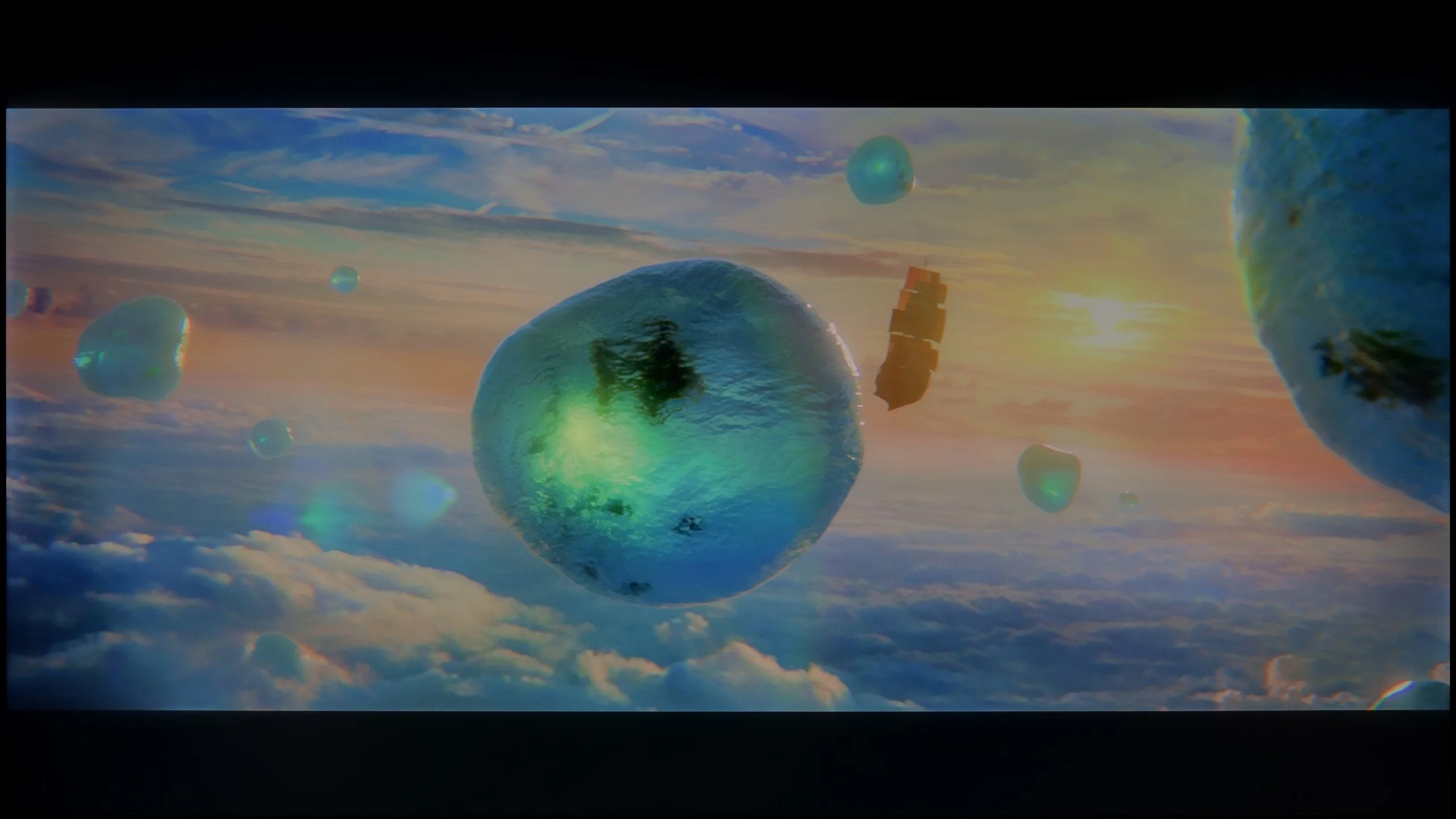
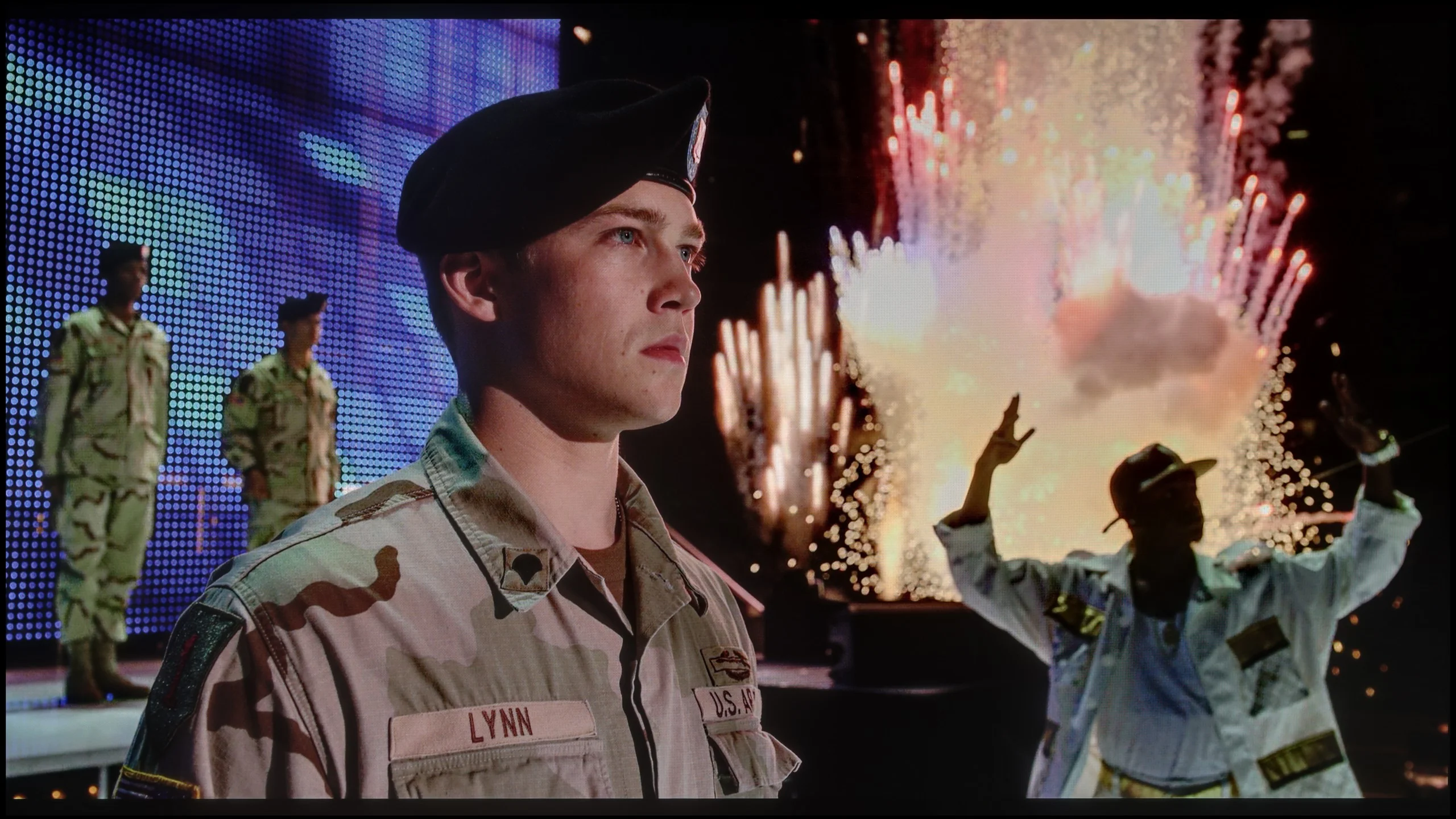
The photos show two HDR10 movies. 'Pan' is one of the brightest productions ever made, while 'Billy Lynn' (soldier) has brightness typical of streaming (Netflix, Prime, HBO MAX). Notice the intensity of effects and detail in whites.
Static HDR10


The photos present the visibility of white details in various HDR formats. They do not show brightness differences between TVs (these can be compared in the previous gallery).
Dynamic: Dolby Vision
Dynamic: Dolby Vision


The photos present the visibility of white details in various HDR formats. They do not show brightness differences between TVs (these can be compared in the previous gallery).
HDR luminance chart:
LG OLED G6 (G64LW, G66LS)
TCL P7K / P79K
Luminance of RGB colors
When evaluating the HDR effect, we must make it clear and without marketing embellishment: the P7K/P79K is not and was never meant to be a master in this field. The maximum peak brightness that this panel can generate is only around 300 nits. This is a borderline value, a sort of thin red line between what can be considered a barely satisfactory HDR signal and what is really not much different from standard dynamic range (SDR), unfortunately leaning towards the latter. Synthetic tests found brutal confirmation in reality – our measurements taken during movie screenings showed that luminance in key bright parts of the content rarely exceeded the threshold of 200-250 nits. Therefore, this is not a television that would allow content produced in a wide tonal range to truly shine, and we must openly acknowledge that.
Unfortunately, the issue of color reproduction is presented equally restrained. Although the manufacturer positions this model in the "QLED" family, thanks to the use of a PFS LED filter, the results do not match the heightened expectations. The coverage of the wide DCI-P3 color gamut is only 86%. Compared to the market, this is at best an average result, as most devices that employ additional layers to expand the color spectrum easily achieve values at a minimum level of 90-92%.
The LG G6 is currently one of the brightest OLEDs on the market. Its peak brightness reaches nearly 2500 nits, and best of all – this has a direct impact on real film scenes. The television flawlessly pulls out details in the bright parts of the image. And this is regardless of whether we are talking about very small points like stars in the sky or slightly larger elements on the screen. Naturally, with full-screen, uniformly white scenes, the brightness of the G6 decreases due to the panel's protection system (ABL). However, in real, varied film shots, this value still hovers around 2000 nits, which can be considered an outstanding result. The coverage of the color palette also deserves praise. The new 2nd generation Tandem OLED panel brought only a cosmetic change, but still an improvement. The DCI-P3 color gamut coverage reaches nearly 99.5%, while the ultra-wide BT.2020 is around 84%. These are very good results, although one must remember one thing: at extremely high brightness levels, the volume of colors will be lower than in QD-OLED panels from Samsung Display due to the use of a white sub-pixel (WOLED). However, in everyday content and most films, detecting this difference will be very difficult.
Factory color reproduction
5.9/10
7.4/10


This gallery shows how colors change after professional TV calibration. If you notice the difference, we recommend ordering this service at SkalibrujTV.com.
Factory Mode
After calibration
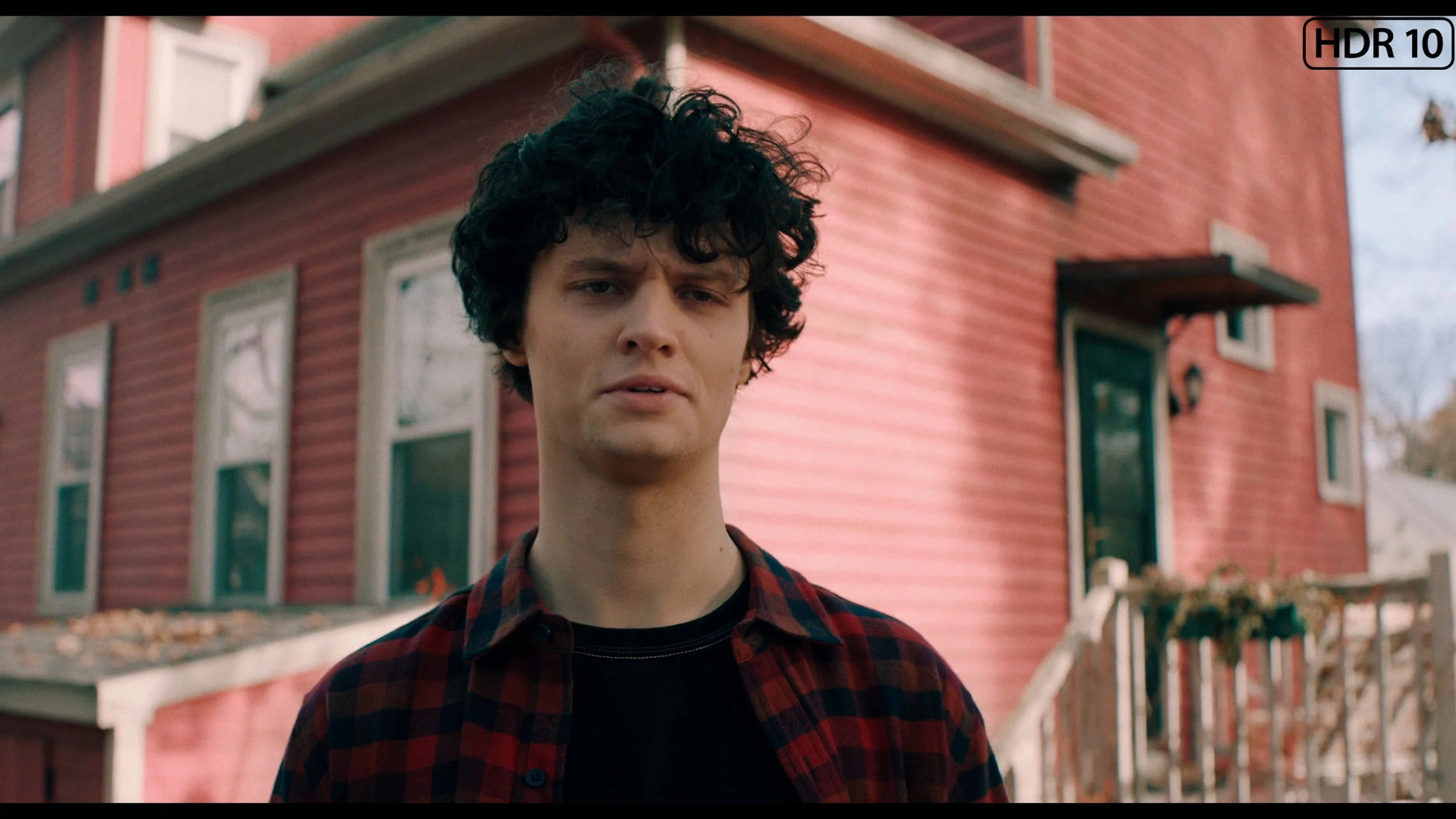
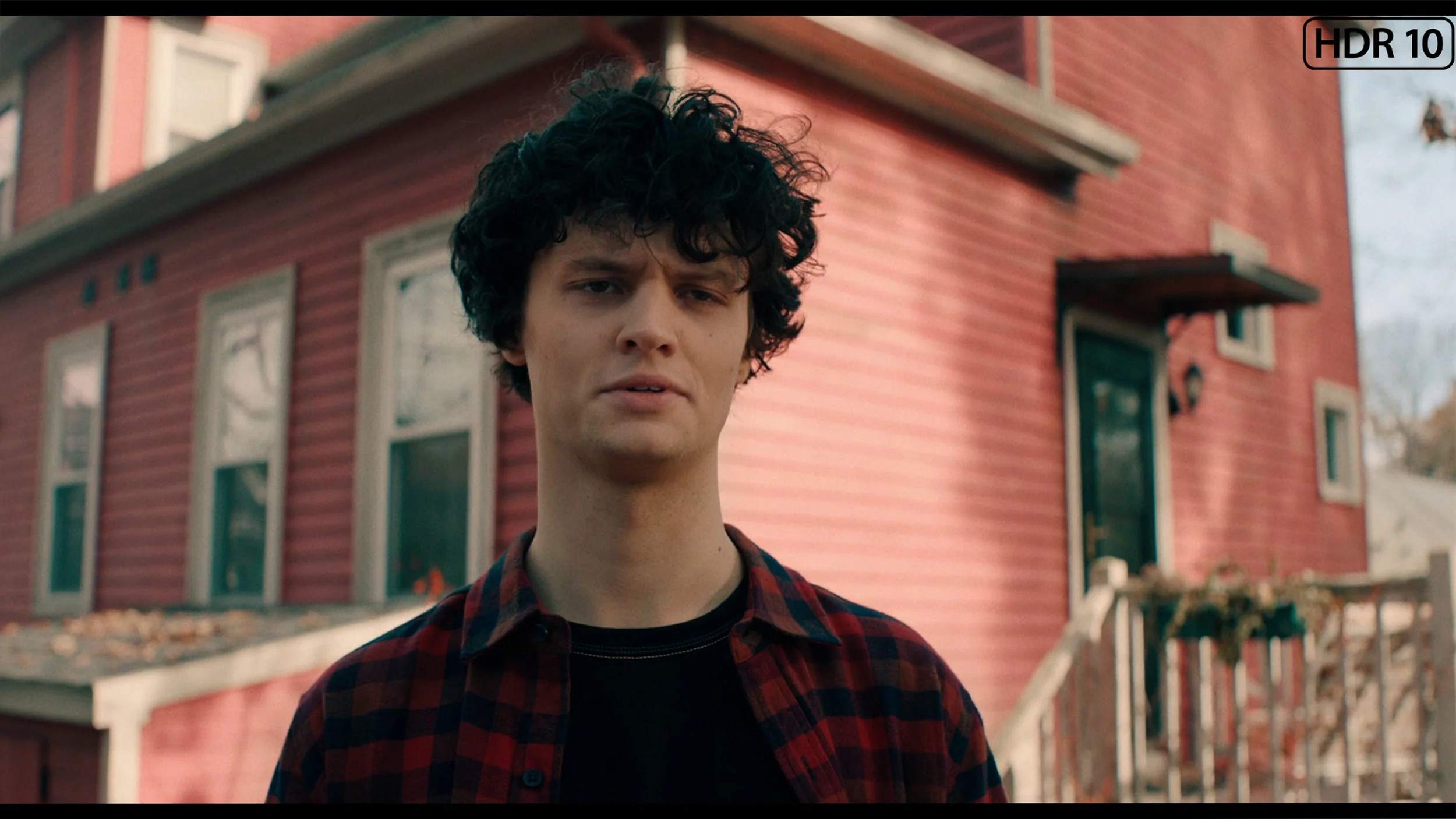
This gallery shows how colors change after professional TV calibration. If you notice the difference, we recommend ordering this service at SkalibrujTV.com.
Factory Mode
After calibration
Every reliable image quality assessment must begin by selecting the most optimal factory mode. In the case of the tested model P7K/P79K, the choice was confidently made for the "Film" mode. It is this mode that presents an image closest to the creators' intentions, avoiding both the exaggerated brightness of dynamic mode and the excessive dimming known from eco settings. And it must be admitted that, for a device in this price range, the factory calibration is surprisingly decent, although it is not free from a few stumbles. The most noticeable flaw turned out to be an imperfectly adjusted white balance. A slight dominance of the blue component gives the image a subtly cool, chilly character, thus deviating from the exemplary neutrality that the director wanted to show us. The television performs much better in reproducing the grayscale in a standard dynamic range – the gamma curve is executed almost perfectly. A minor reservation can only be made for the darkest parts of the image, where a slight deviation from the norm causes a loss of some detail in the shadows. The most serious challenge for TCL's software, however, was the interpretation of the HDR signal, which is illustrated by the EOTF curve. The television follows its own, rather free path here – the darkest details are disproportionately brightened, followed by a noticeable slowdown in brightness increase for midtones. Fortunately, most of these imperfections are software-related issues that can be eliminated. With this thought in mind, we proceeded to the professional calibration process.
We tested the LG G6 in the best factory mode for color fidelity, which is FILMMAKER MODE. For our test unit, this mode was fairly well-tuned right out of the box. In SDR content, the only thing we could nitpick was the white balance, which leaned towards warmer tones. As a result, the image could sometimes appear slightly yellowed; however, overall, it wasn't a bothersome issue. The G6 performed a bit worse with HDR content. There, we noticed too much blue component in the white balance. This caused the image to take on cooler shades, resulting in quite noticeable errors. As can be seen in our ColorChecker chart, colors were indeed shifting towards these cooler registers. Nevertheless, for factory settings, the television displayed a completely decent level. However, we know that OLED screens – especially those from LG – respond wonderfully to professional calibration, which is why we immediately proceeded with it.
Color reproduction after calibration
7/10
9.2/10
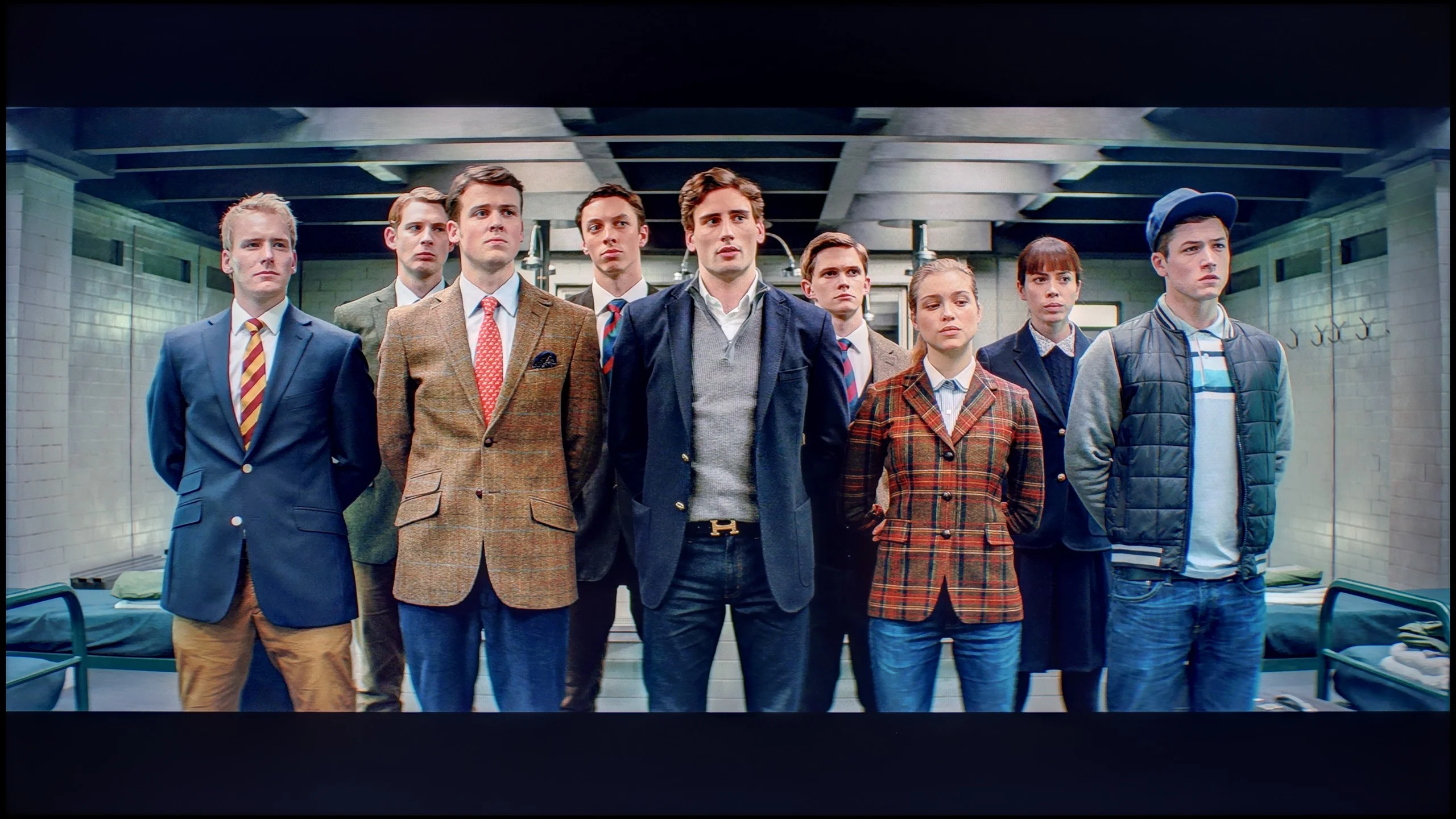
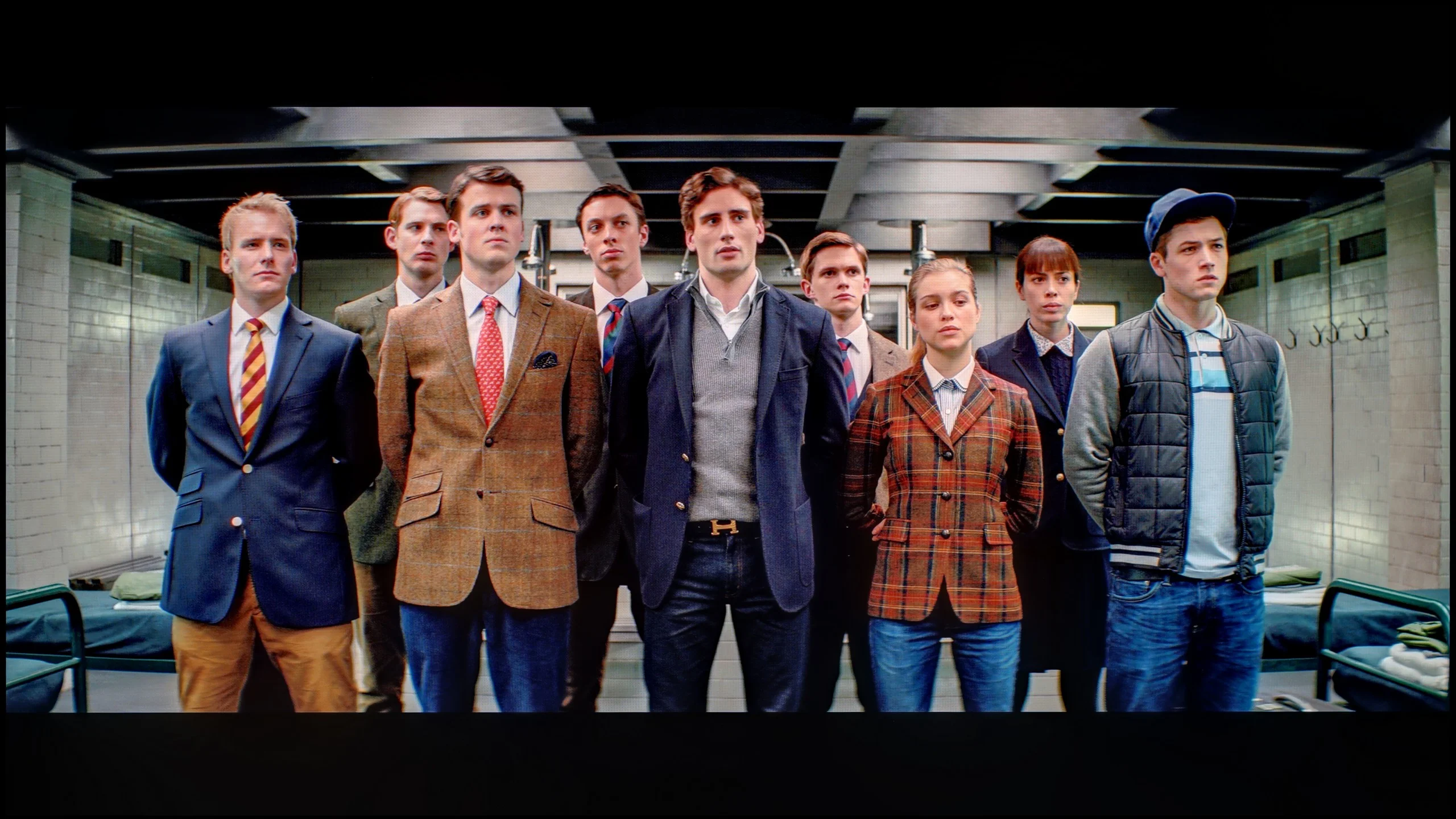
The photos show how movies look on the TV. Pay attention to black detail visibility, colors, and shadow tint.
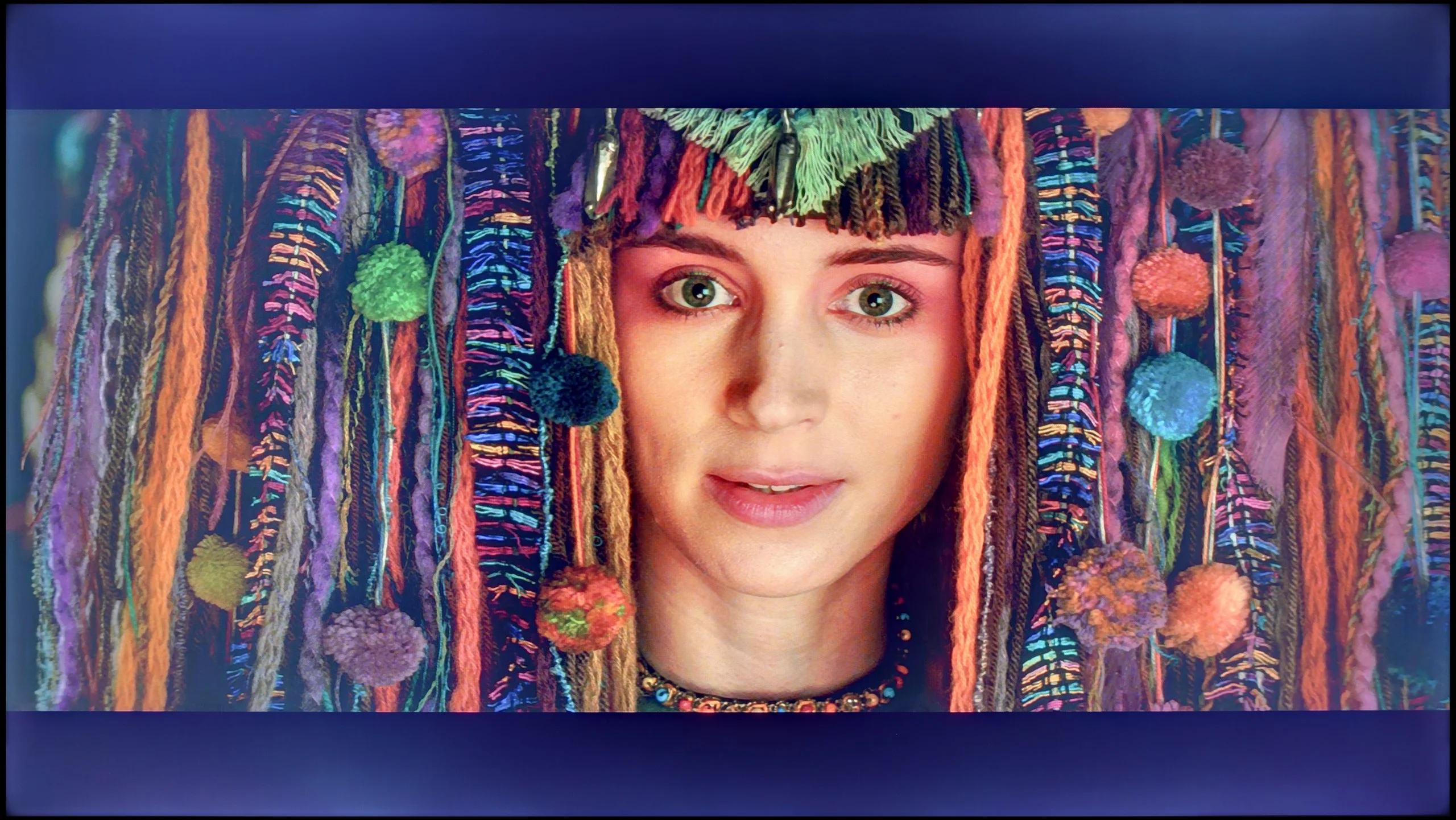
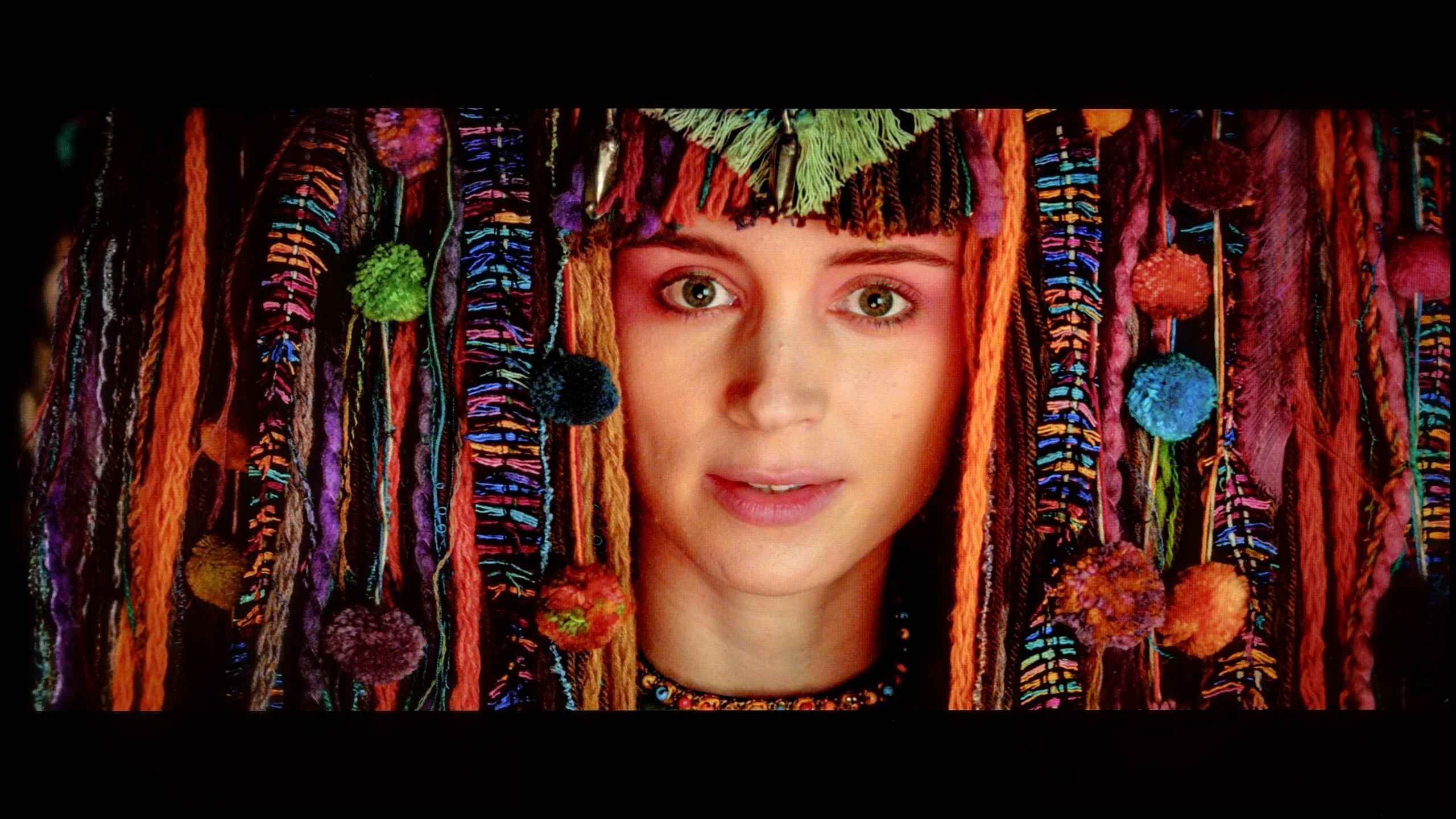
The photos show how movies look on the TV. Pay attention to black detail visibility, colors, and shadow tint.
The calibration process turned out to be a home run, especially in the context of standard dynamic range (SDR) content. We successfully managed to eliminate the TV's tendency to emphasize cool tones, restoring the whites to their natural neutrality. Furthermore, precise adjustments allowed us to correct a slight error in the gamma curve, so the darkest areas of the image regained their proper depth, without a trace of unnatural brightening. The effects are measurable and impressive – in the ColorChecker test, the vast majority of color reproduction errors fell below the perceptual threshold, achieving a deltaE value below 2. This is a result that would not shame much more expensive constructions. Unfortunately, in the case of HDR content, we hit a wall in the form of the inherent limitations of the panel itself. And although we managed to bring the colors in line, the software's specifics mean that the TV still adapts brightness in its own way, as evidenced by the persistent, non-standard EOTF curve. In summary, calibration brings tremendous added value, but one must be aware that it cannot overcome certain physical barriers. A slight boost in black levels, resulting from the lack of local dimming, and limited peak brightness mean that HDR content will not always be able to showcase its full potential. This is simply not the main task of this display; its true strength, especially after professional tuning, lies in the viewing of SDR materials.
After conducting a professional calibration, we gained complete control over the panel, and we were able to adjust all parameters to nearly zero. We managed to perfectly tune the white balance, which made the factory-cool and warm tints disappear from the screen. The effects are clearly evident in the ColorChecker test – the average color reproduction errors dropped below the critical value of 1-2. And what does that mean? PERFECT colors, with no distortion whatsoever! However, from a reviewer's obligation, we must comment on how the LG G6 autonomously manipulates brightness, for which the EOTF curve is responsible. When we look at the standard synthetic graph, it may seem that the line is quite straight. The situation changes, however, when we turn on the measurement filter, which shows how the television interprets brightness in real, moving film scenes (EOTF in MOVIES). At that point, it becomes clear that some of the smallest fragments on the screen are slightly over-brightened by the algorithm. Of course, for the average viewer, such a deviation will be practically unnoticeable, but in the test of such an expensive screen, it is worth noting – especially since we are talking about a model that has huge aspirations to be the best television of the year.
Smoothness of tonal transitions
5/10
5.5/10
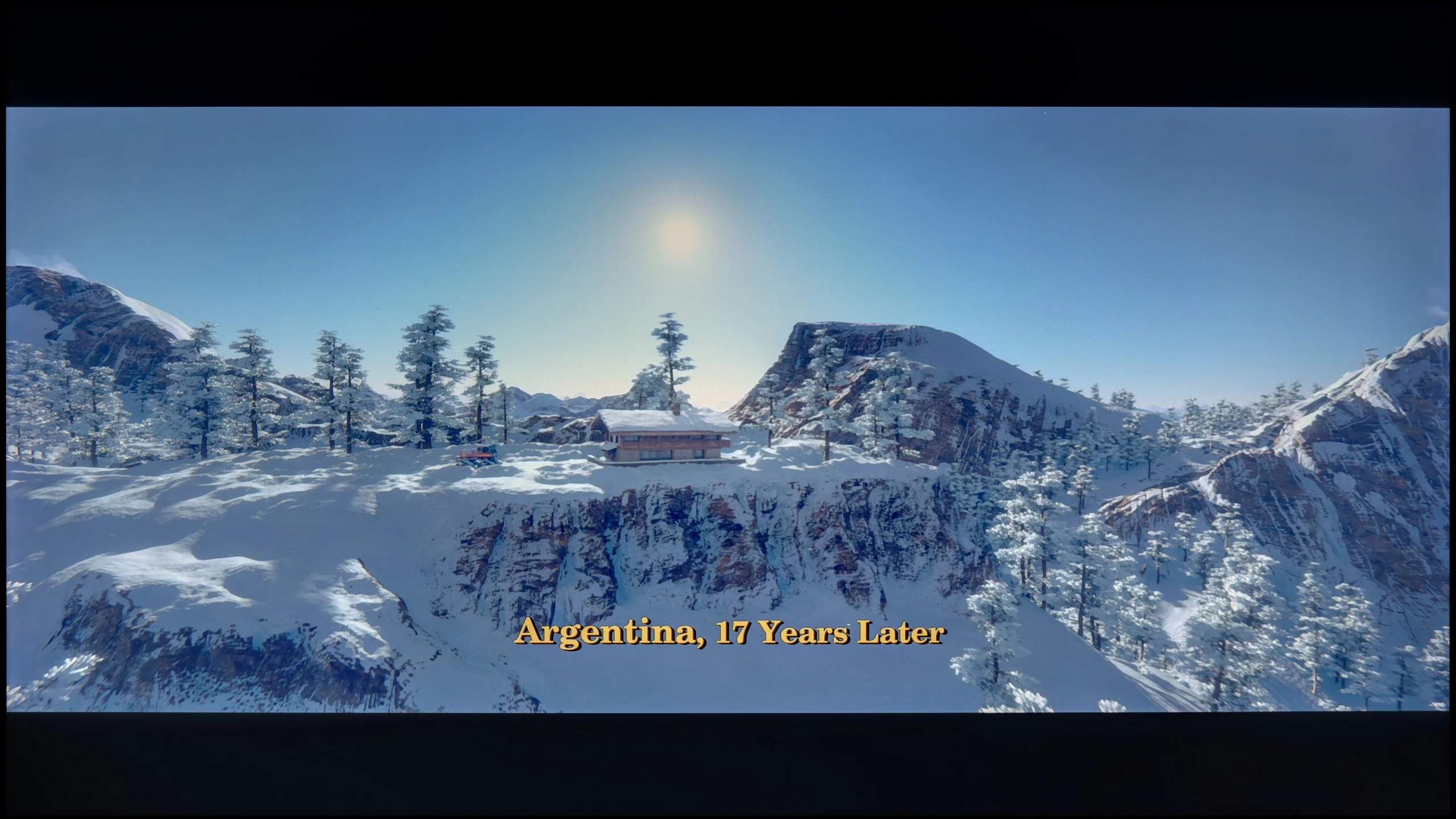
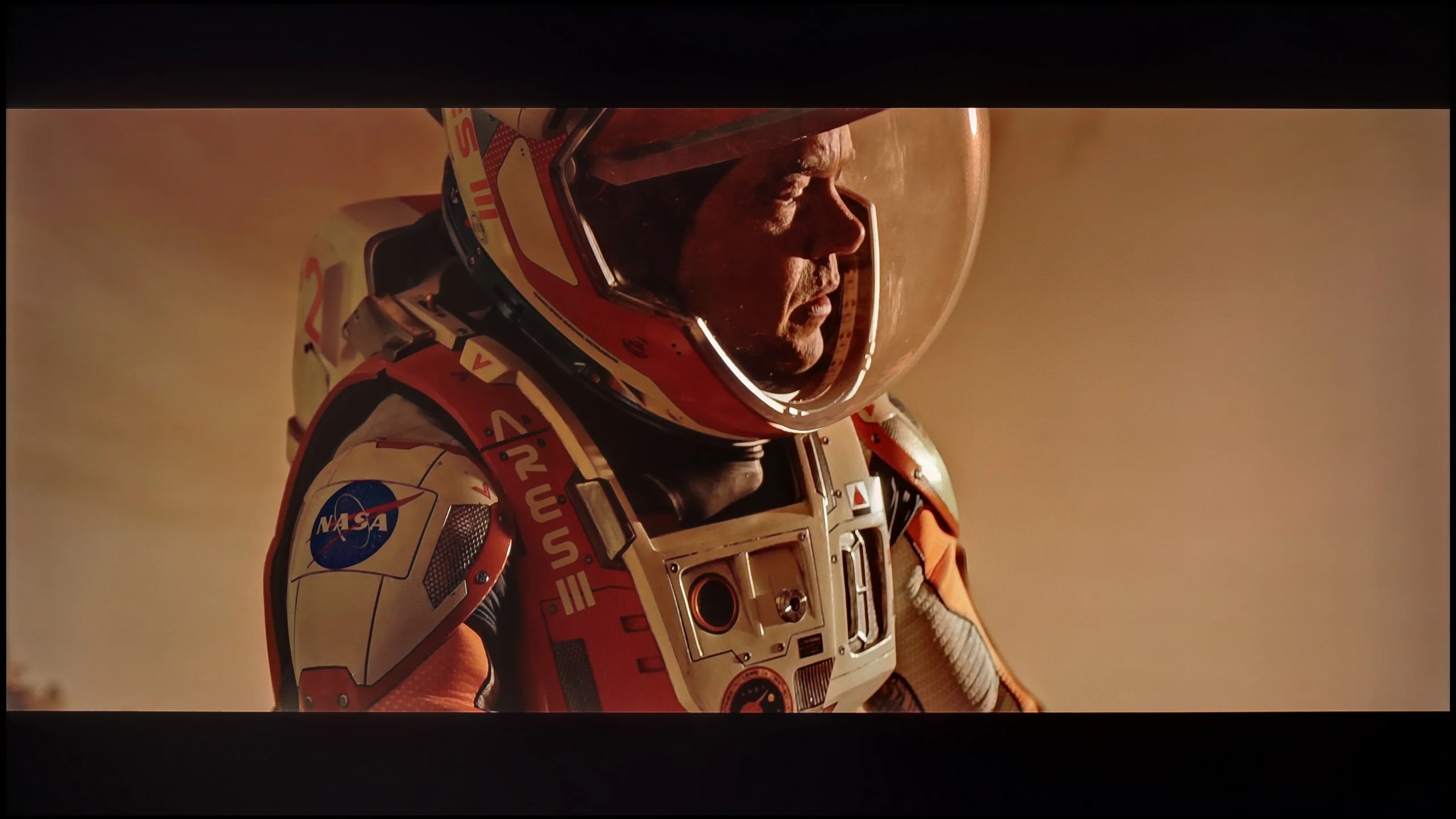
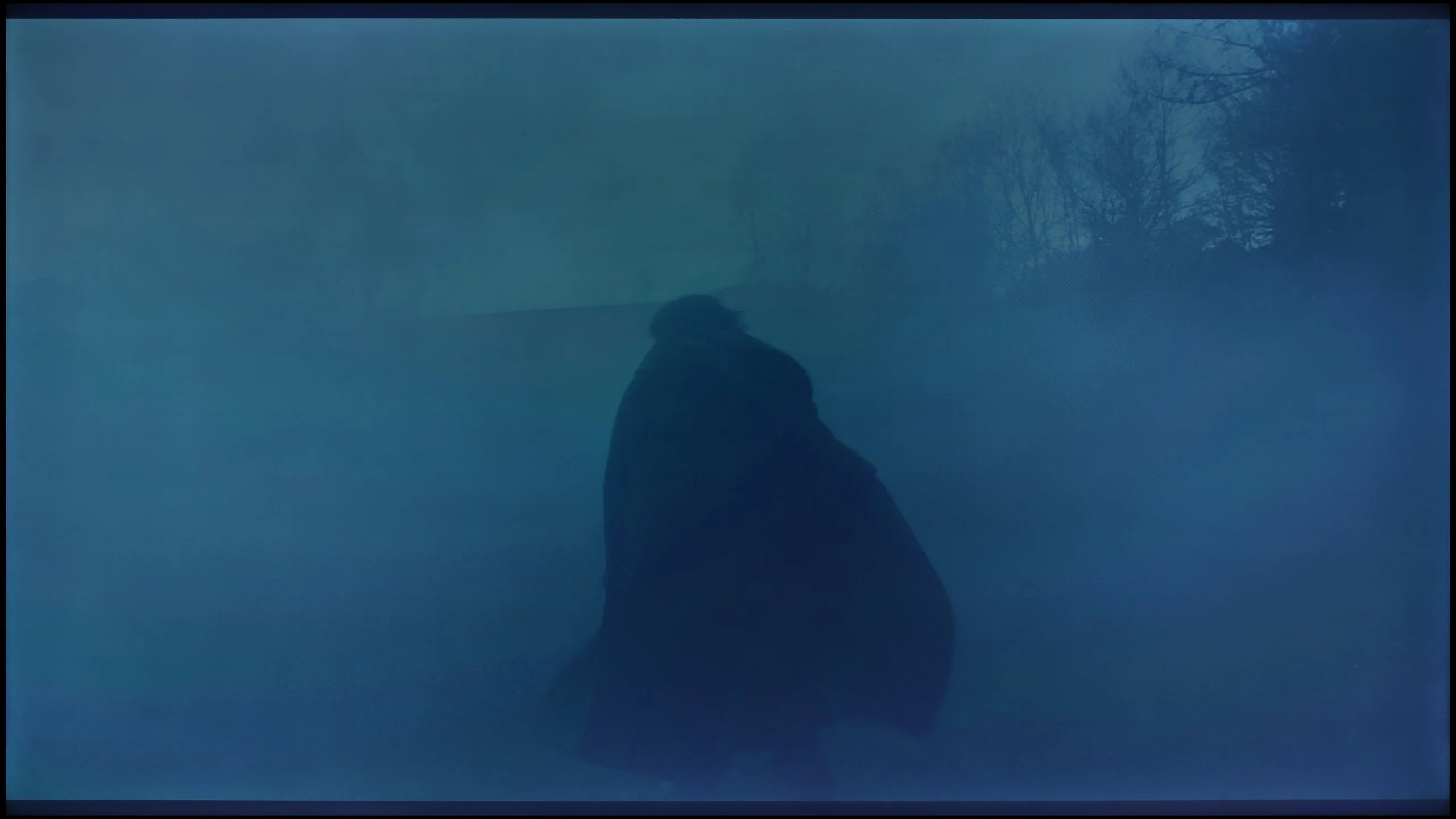
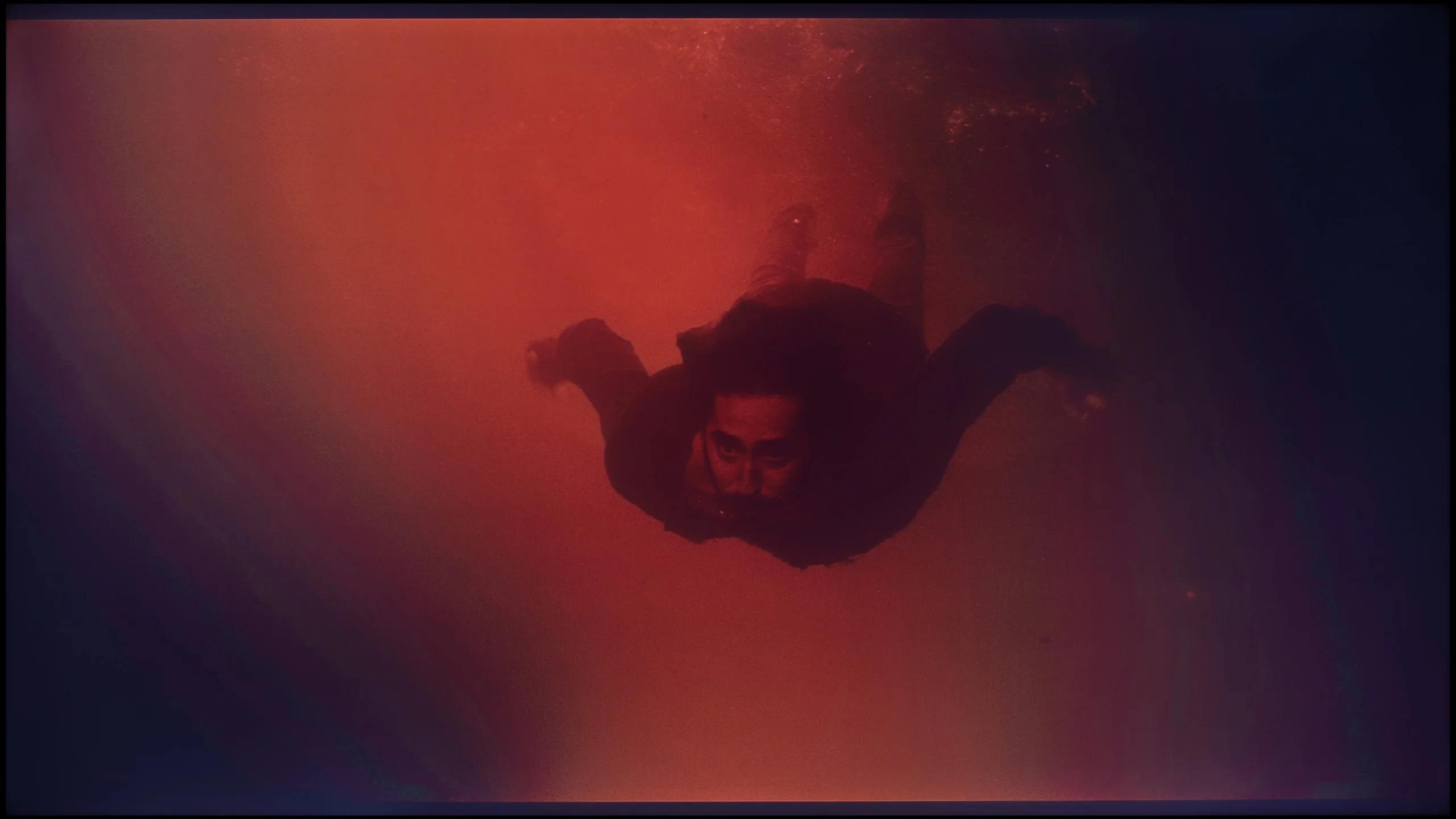
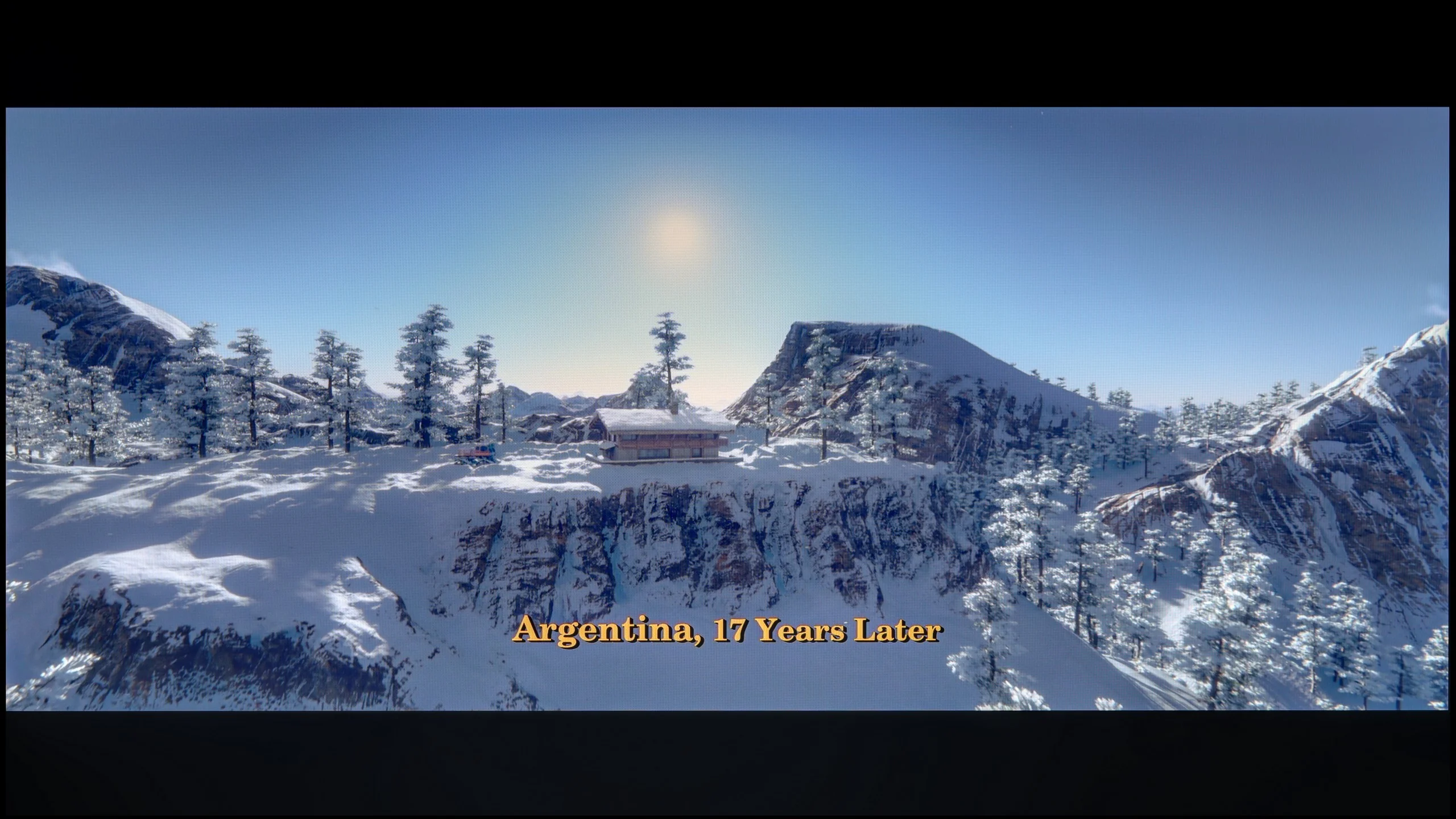
These are selected scenes that show smooth tonal transitions from one color to another. If you see distinct banding, it’s the TV panel’s fault.
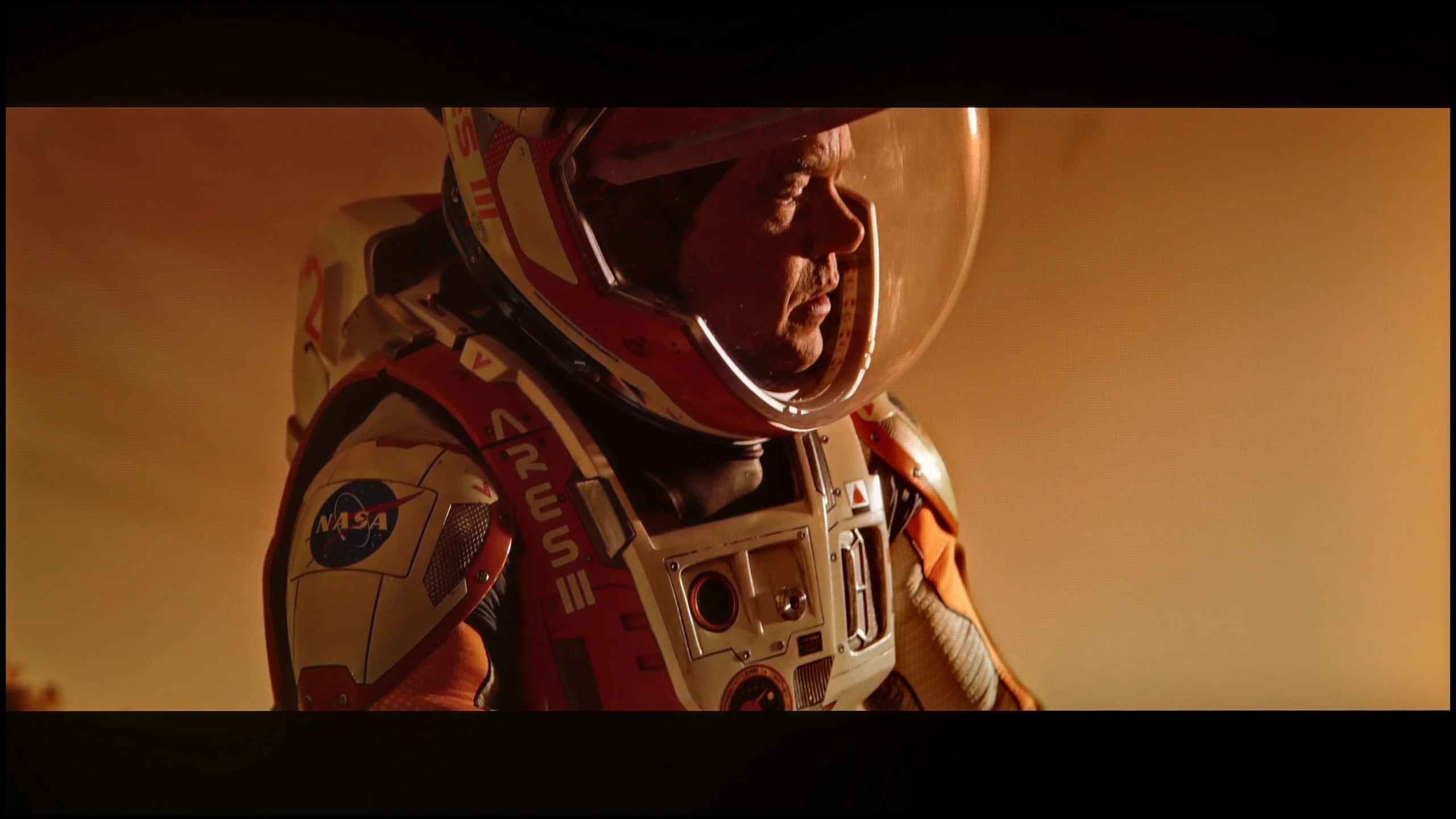
These are selected scenes that show smooth tonal transitions from one color to another. If you see distinct banding, it’s the TV panel’s fault.
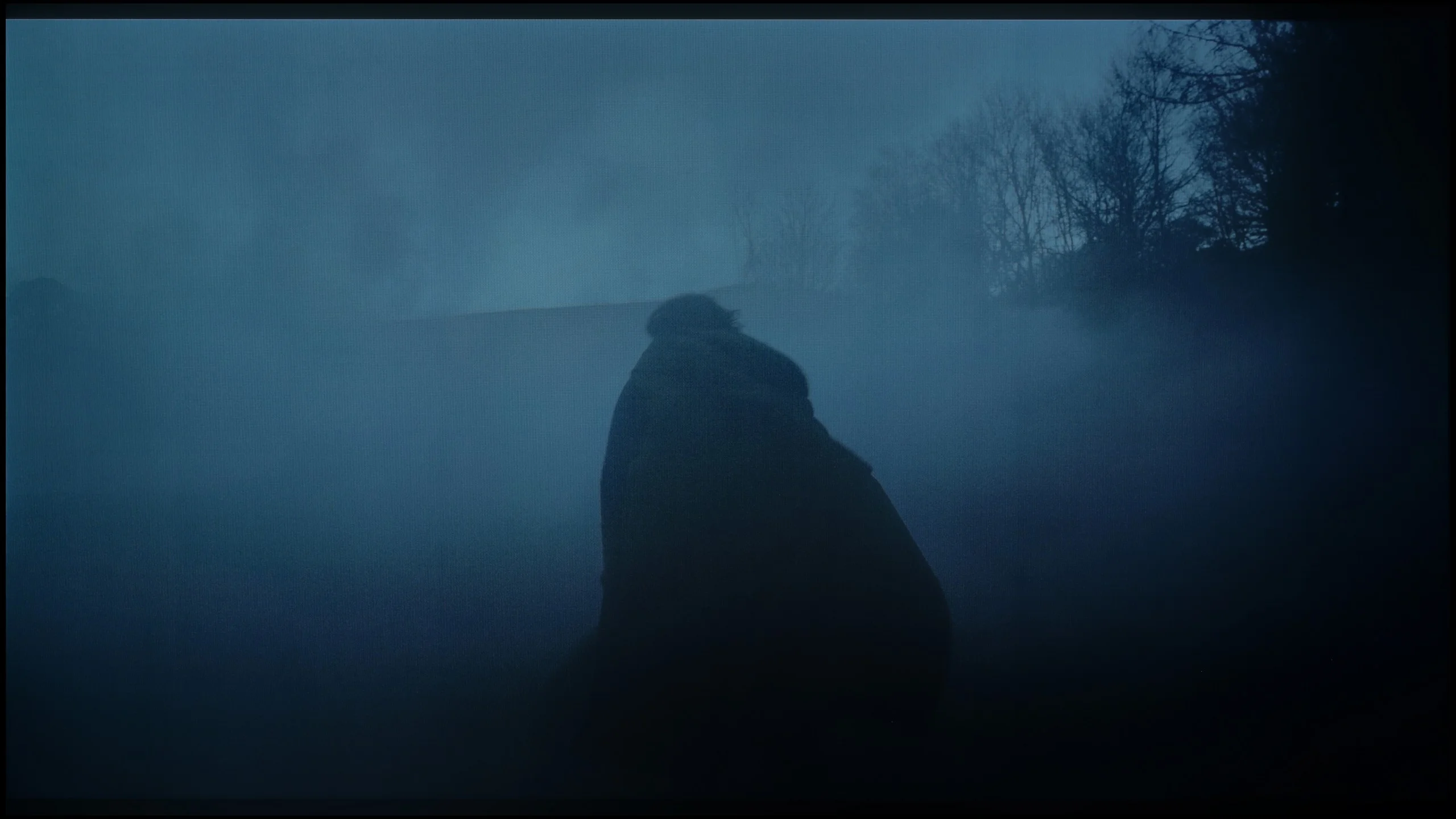
These are selected scenes that show smooth tonal transitions from one color to another. If you see distinct banding, it’s the TV panel’s fault.
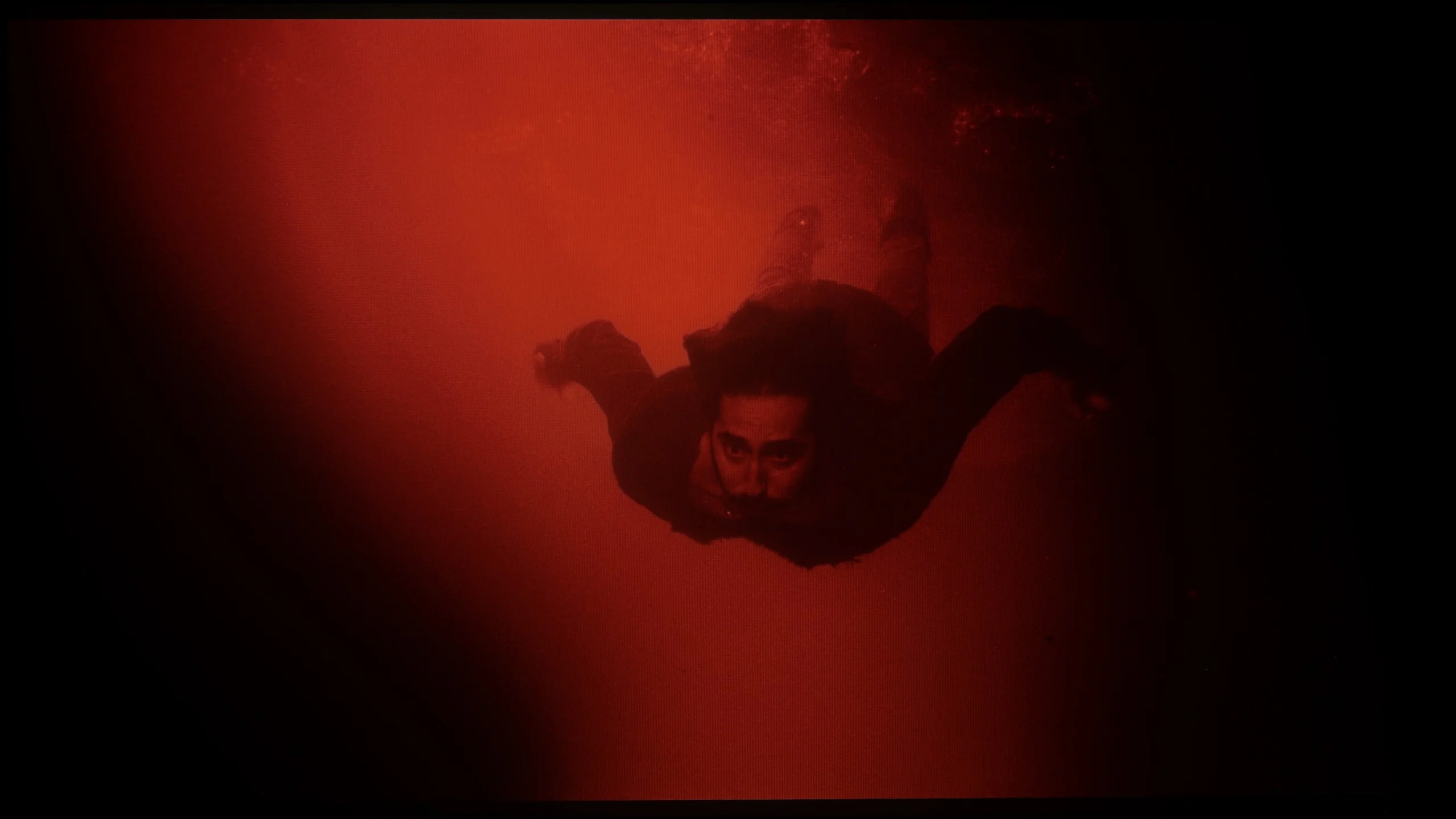
These are selected scenes that show smooth tonal transitions from one color to another. If you see distinct banding, it’s the TV panel’s fault.
The issue of fluidity in tonal transitions, or popular grading, is another area where the P7K / P79K evokes mixed feelings and surprises with its dual nature. If we were to evaluate solely its ability to render smooth color gradients, we would undoubtedly give it a solid score of 8/10. Unfortunately, this positive image is marred by the use of very aggressive and unsightly dithering. This artifact is particularly noticeable on demanding test patterns – such as the one depicting an actor submerged in red water – where a rough, unnatural texture appears on uniform color surfaces, revealing the digital nature of the image. This is particularly disappointing as it is not a new issue. It seems to be a sort of legacy from previous generations of budget TCL models, which is a shame because it constitutes a flaw on what is essentially a quite competent image and is a mistake that could have been avoided.
Unfortunately, this is where we come to the least cheerful part of this review. If we were to evaluate solely the smoothness of the tonal transitions, the G6 would score high marks. The color blending is at a very good level, and at times it resembles what we know from Samsung's QD-OLED panels. This is great news because up until now, ugly, banding artifacts in dark shades have been the bane of WOLED panels. In this category, we would easily give it a strong 8.5 out of 10.
Note: Unfortunately, the final rating in this section drops significantly, and the culprit is very aggressive dithering. In dark scenes, the image literally “shivers,” and in areas close to black/dark gray, the television can be annoyingly flickering. We do not know exactly what this is due to, but looking at the tests from other reviewers around the world - everyone has encountered exactly the same problem. We hope that LG will fix this as soon as possible with an update. We know that LG can respond quickly to negative user feedback, which can already be read online. We will keep an eye on this issue and will inform you in case of improvement.
Image scaling and smoothness of tonal transitions
7/10
8.7/10

Smooth transition function
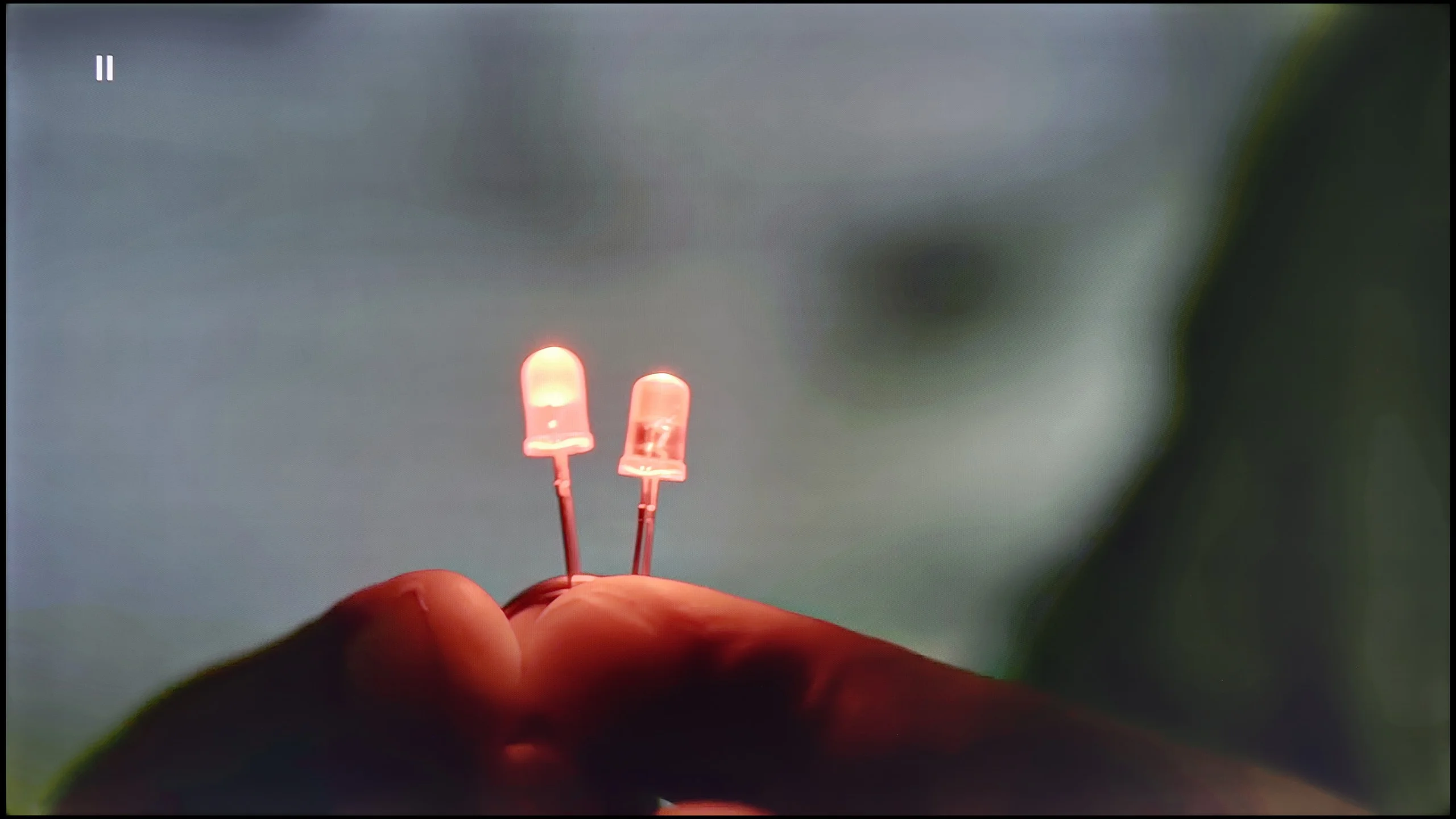
The match photo shows how the TV smooths weak tonal transitions in low-quality video.
Image scaling SD (576i)


The model photo shows how it handles upscaling of SD material.
After a series of harsh evaluations, fortunately, the time comes for praise, and this is due to the TCL AiPQ image processor for its work in digital processing and content scaling. It should be noted right away that we are not talking about the level known from flagship designs; nevertheless, in the price segment represented by the P7K/P79K, the results achieved are more than solid. The feature that smooths tonal transitions performs particularly well, effectively eliminating posterization, which are the characteristic bands often visible in materials with higher compression, such as from the YouTube service. The algorithm can elegantly remove unwanted gradients, which ultimately looks really good. The television also competently handles upscaling, which is the task of raising low-resolution materials to 4K standard. The output image, although it may seem a bit too sharp out of the box, fortunately, is not a problem. The software allows for easy adjustment of this parameter using a sharpness slider, so the final appearance can be easily tailored to personal preferences.
No matter what one may say about the G6's problems with near-black signal, it must be fairly acknowledged that it handles highly compressed material and lower resolution content brilliantly. All unwanted, ugly tonal transitions are effectively reduced here by the “Smooth Gradation” feature. On the “Low” setting, the algorithm operates flawlessly – effectively masking the artifacts resulting from strong compression, without destroying the sharpness and details in the frame. Higher levels of this feature indeed smooth the image even more, but they start to blur the real texture elements of objects, which is why we recommend keeping this slider at a low level. As for the upscaling to 4K, the processor does an excellent job – edge sharpness and detail reconstruction are at the highest level, and in this respect, the G6 does not lag behind the world's best.
Blur and motion smoothness
4.8/10
8.5/10

Blur (native resolution, maximum refresh rate):
Blur (BFI function enabled):
Image flickers in this mode
Blur ():
Blur (4K@165Hz):

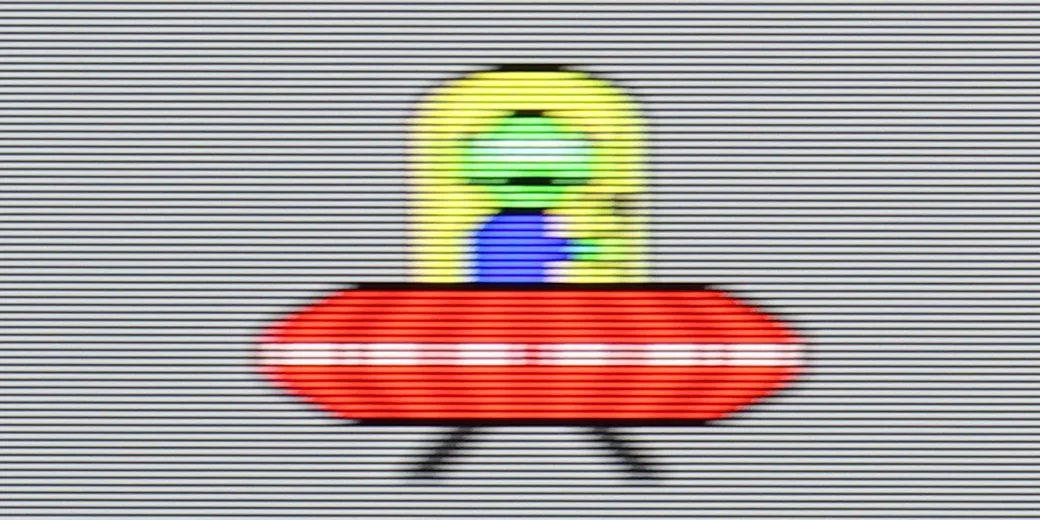
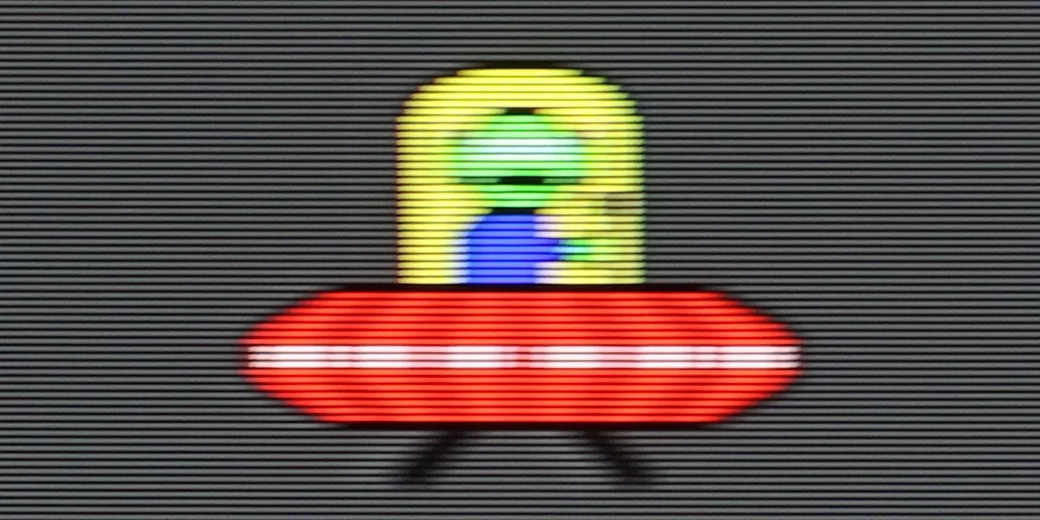
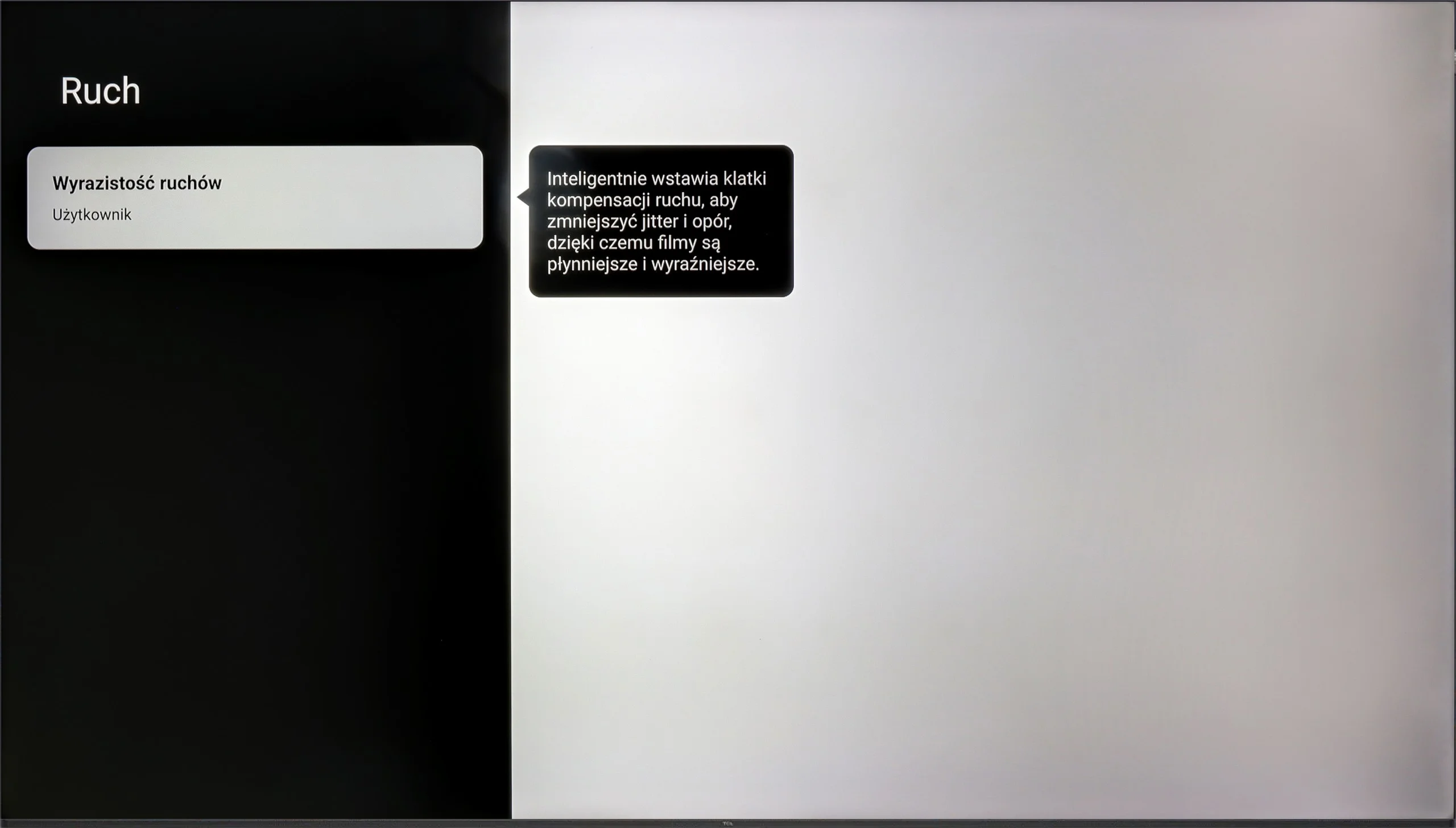
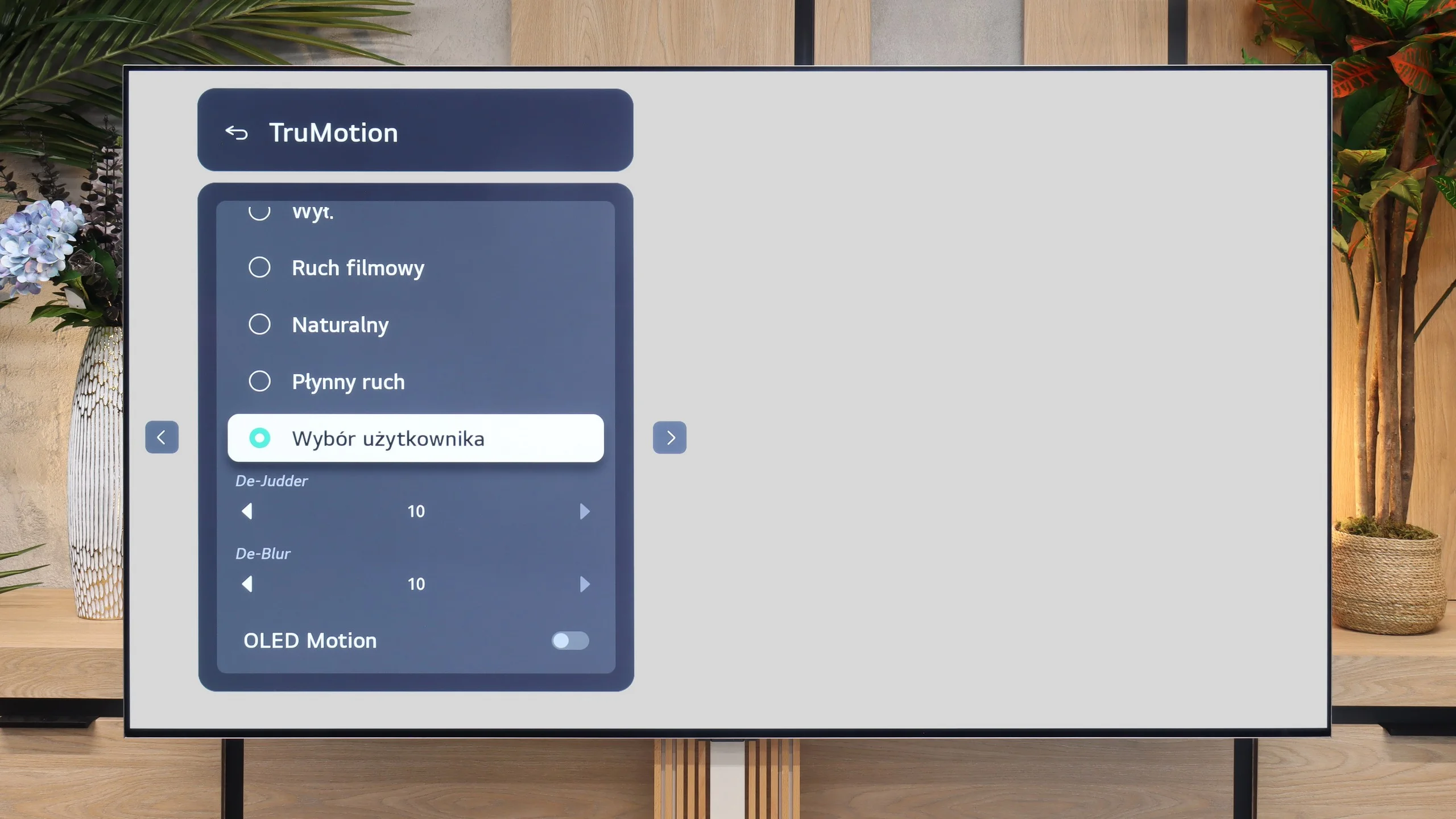
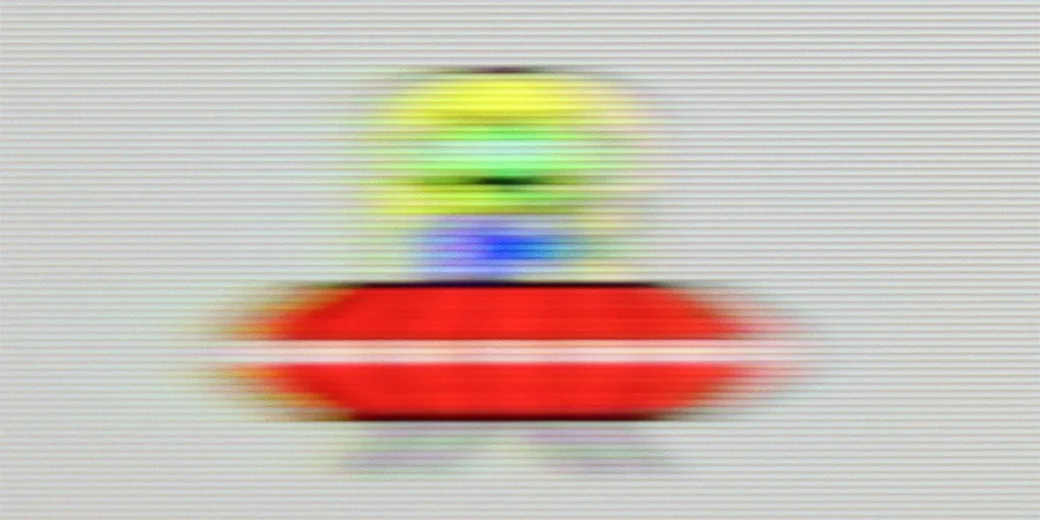
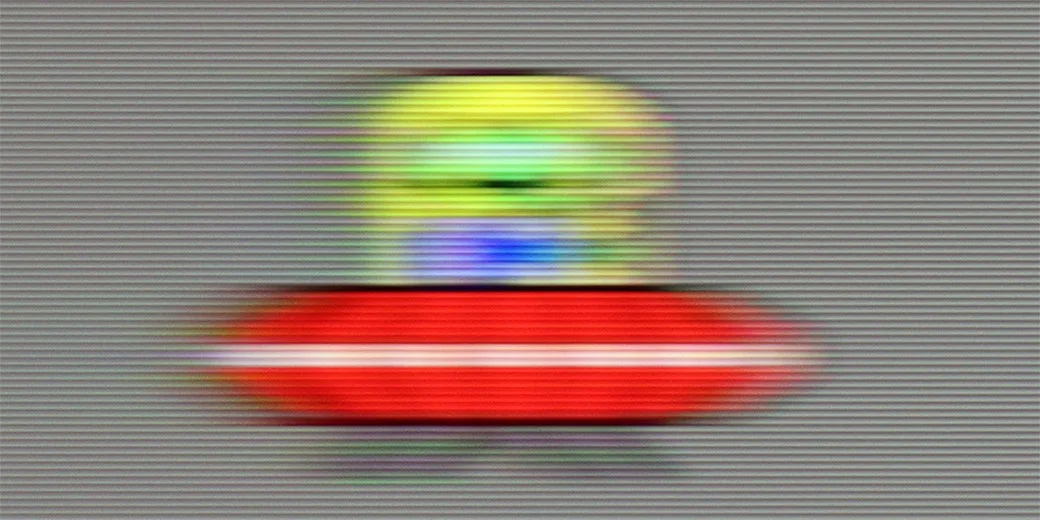
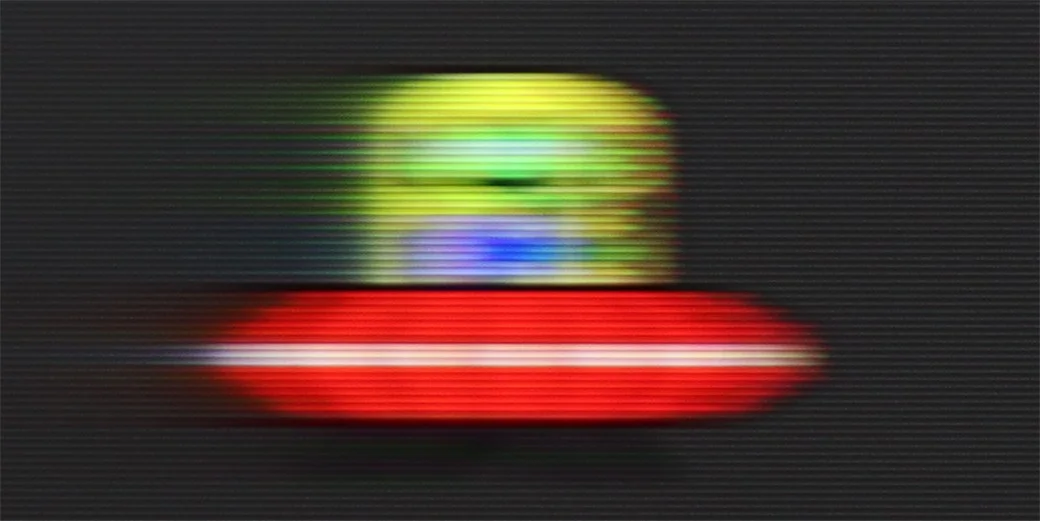
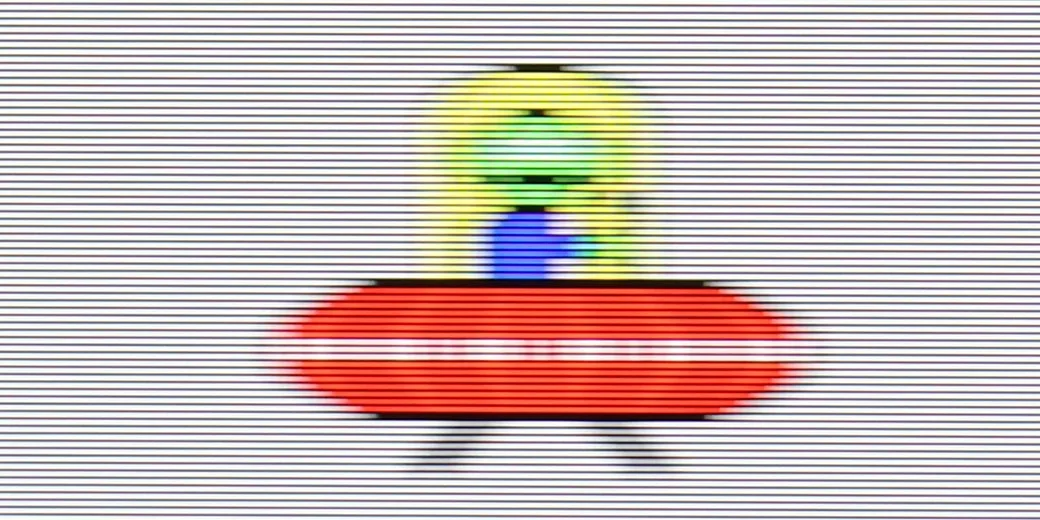
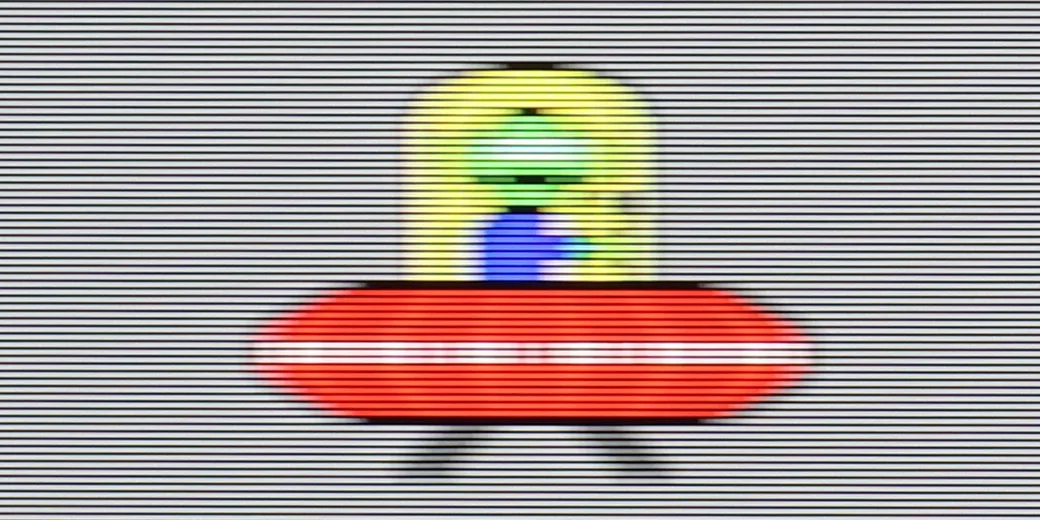
The issue of fluidity and sharpness of the image in motion is inextricably linked to the fundamental parameter of the panel, and in the case of the TCL P7K/P79K, we are dealing with a panel that has a native refresh rate of 60 Hz. This specification already defines its capabilities and makes it difficult to unequivocally recommend it to enthusiasts of dynamic sports broadcasts. During rapid camera movements, the image loses sharpness, and the panel itself also shows a slight tendency to blur, which may be noticeable to more sensitive viewers. Fortunately, not everything in this aspect has been left to chance. The manufacturer has implemented a simple motion smoothing system, which is primarily used in film materials recorded at 24 or 30 frames per second. Thanks to a dedicated slider, the user can independently decide on the final character of the motion – from a fully cinematic, slightly juddery image to achieving a very smooth, almost theatrical effect. It is a simple yet effective tool that allows users to tailor the viewing experience to their own preferences.
The LG G6 is an OLED television, so in the category of motion fluidity, it traditionally deserves the highest ratings. The television supports a very high refresh rate of up to 165 Hz in 4K resolution, but most importantly – you will not see any signs of blurring on the screen. The response time of the panel is incredibly fast, ensuring that dynamic images remain perfectly sharp.
Console compatibility and gaming features
6.7/10
10/10
- ALLM
- VRR
- VRR range48 - 120Hz40 - 165Hz
- Dolby Vision Game Mode
- Correct implementation of HGIG
- 1080p@120Hz
- 1440p@120Hz
- 4K@120Hz
- Game bar
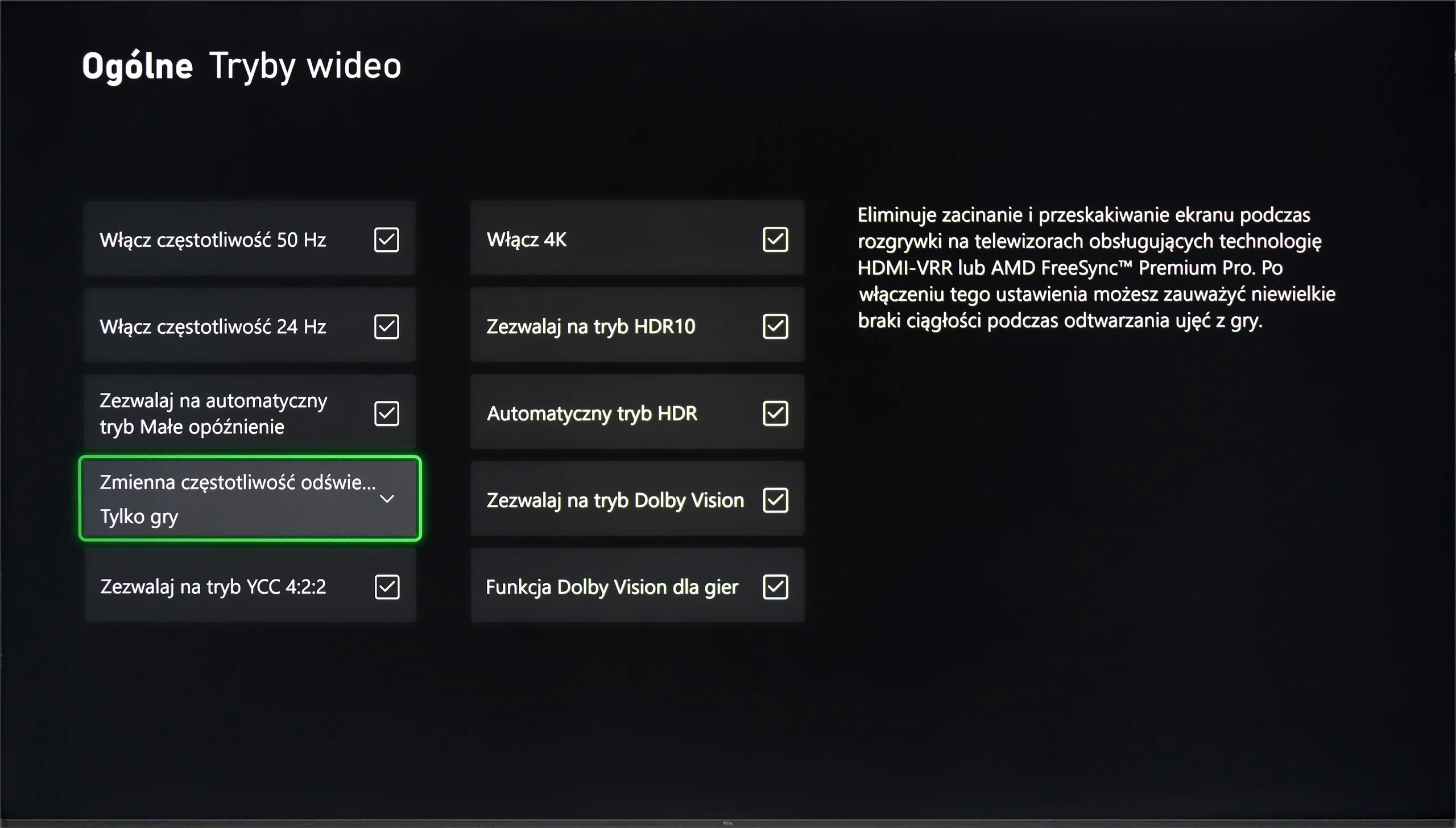
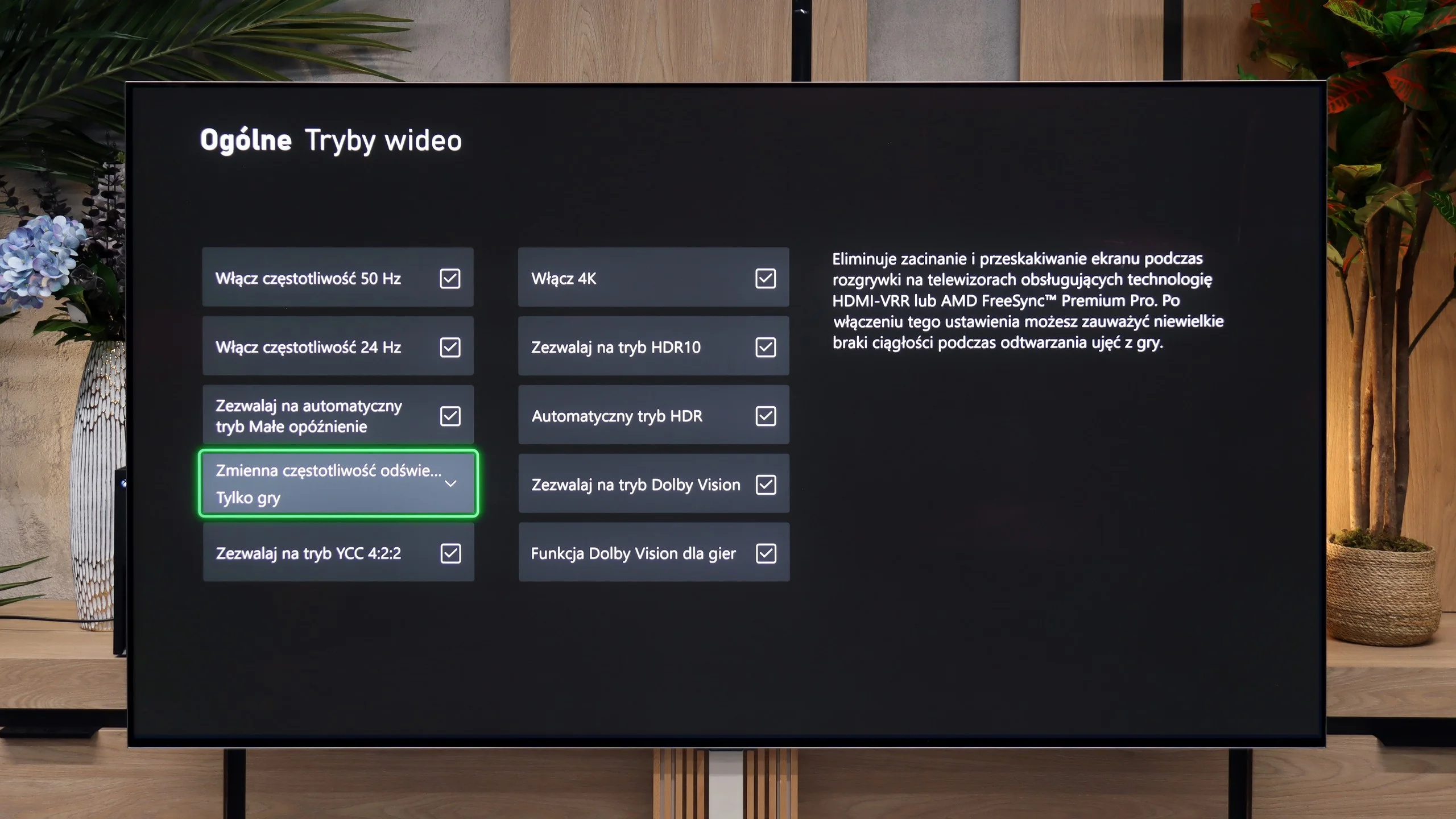
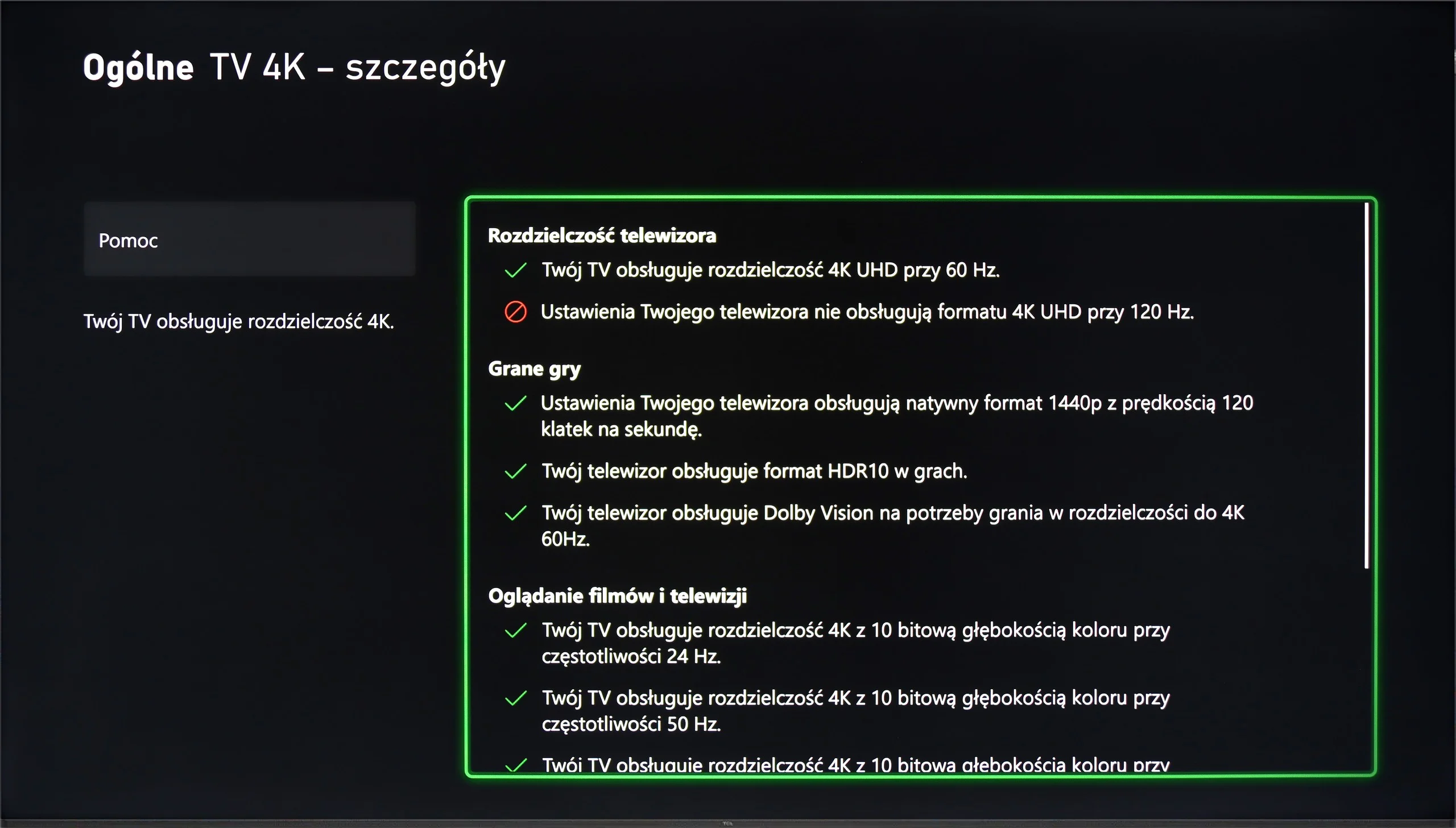
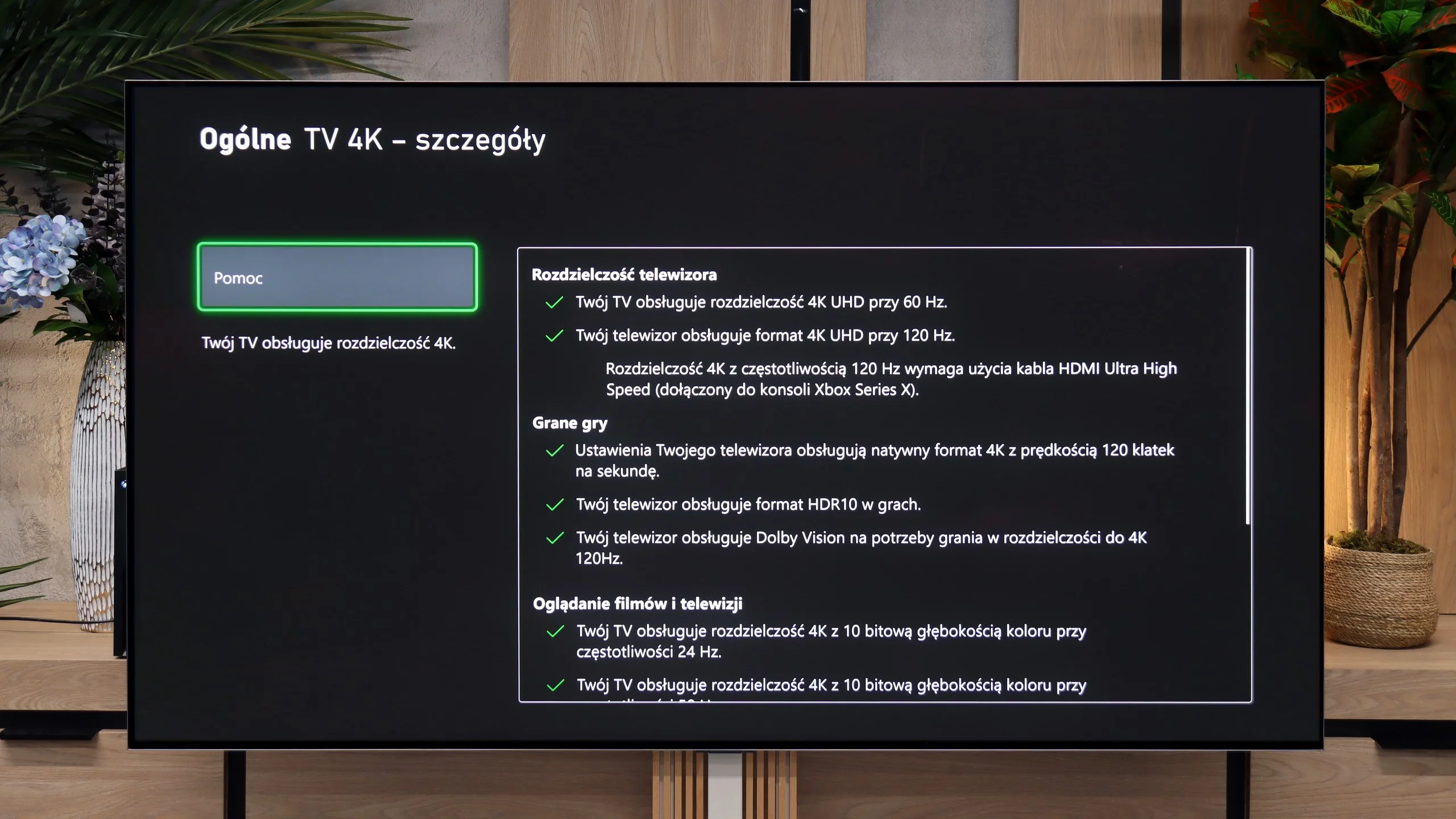
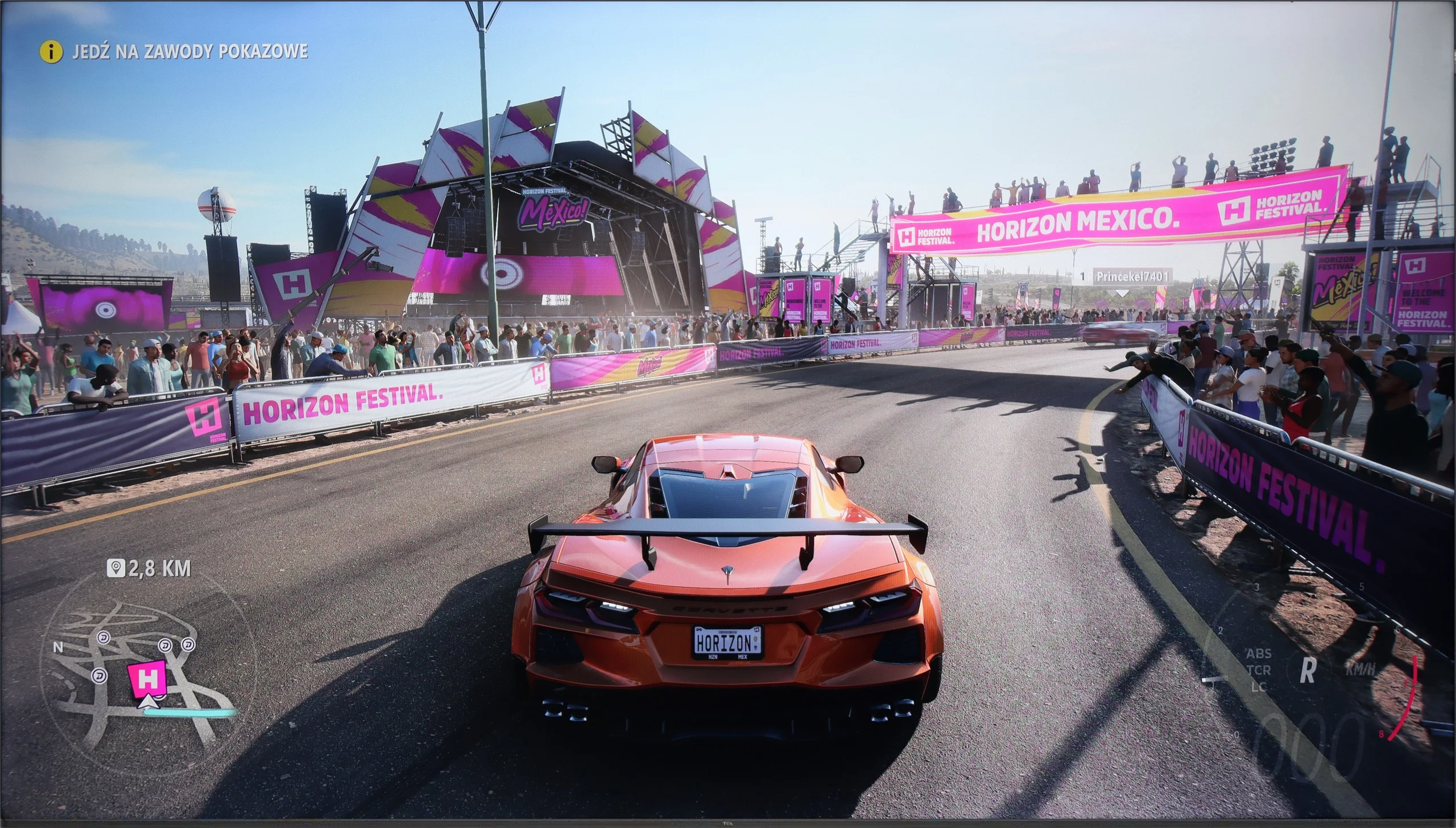
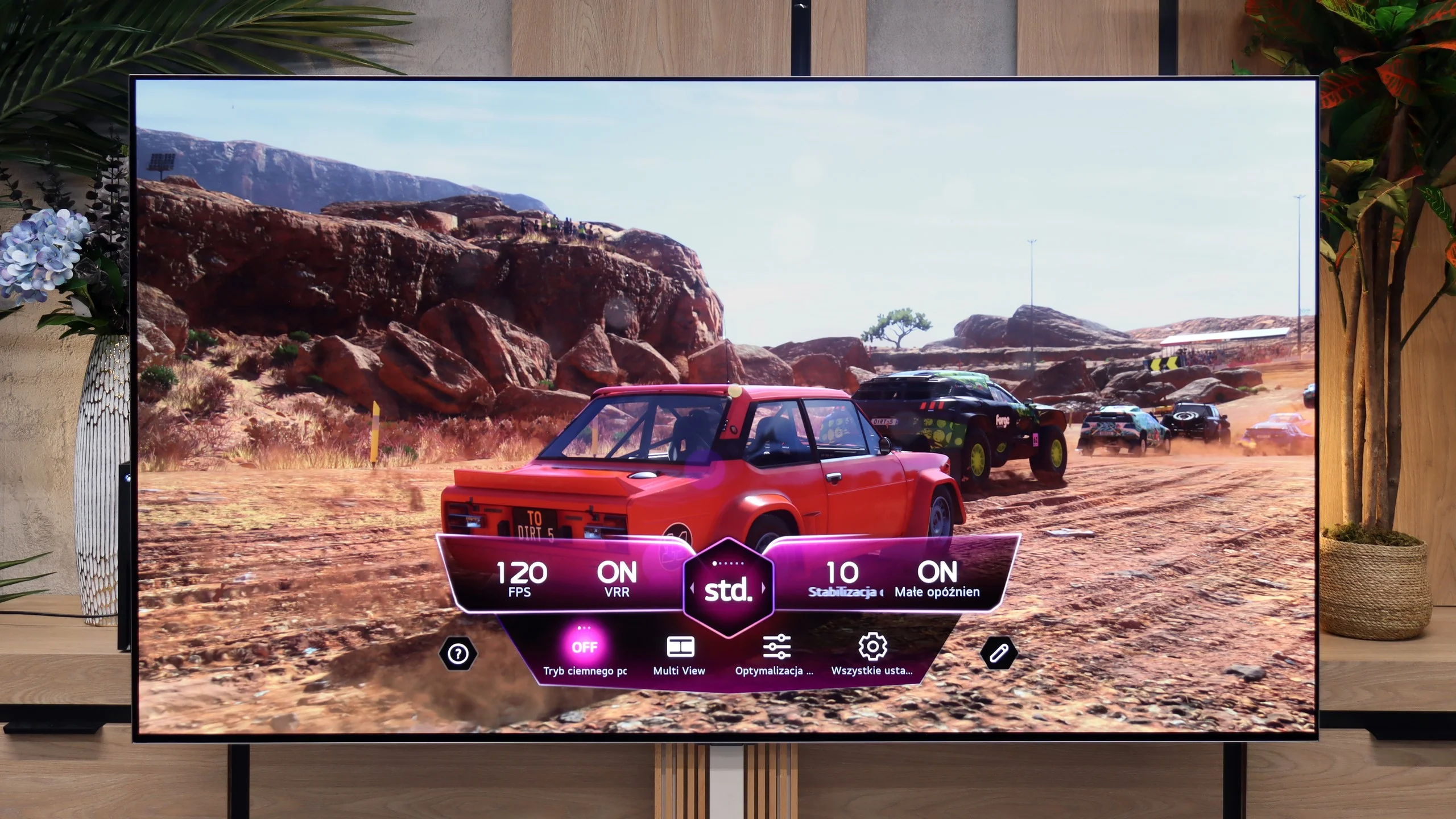
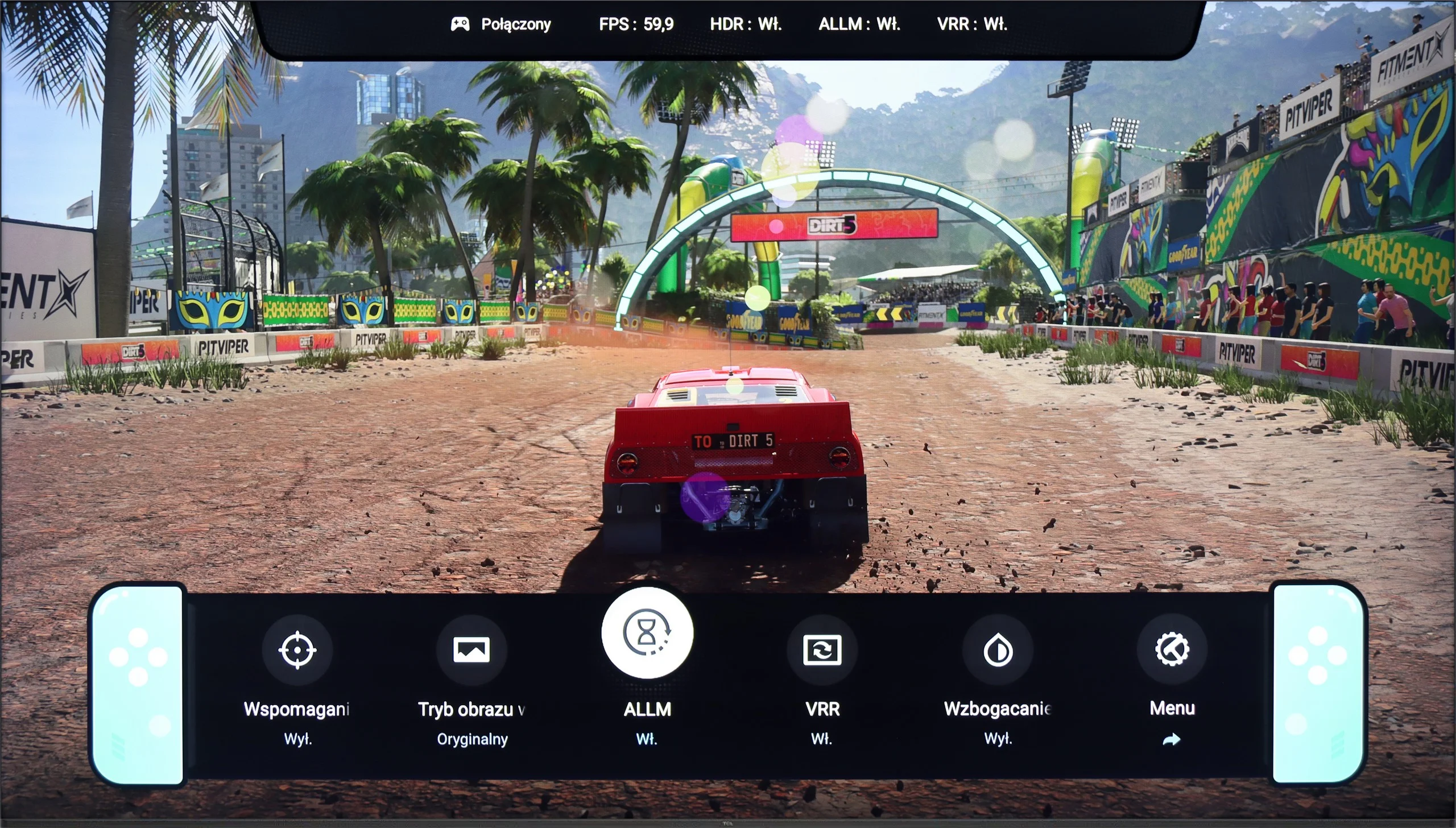
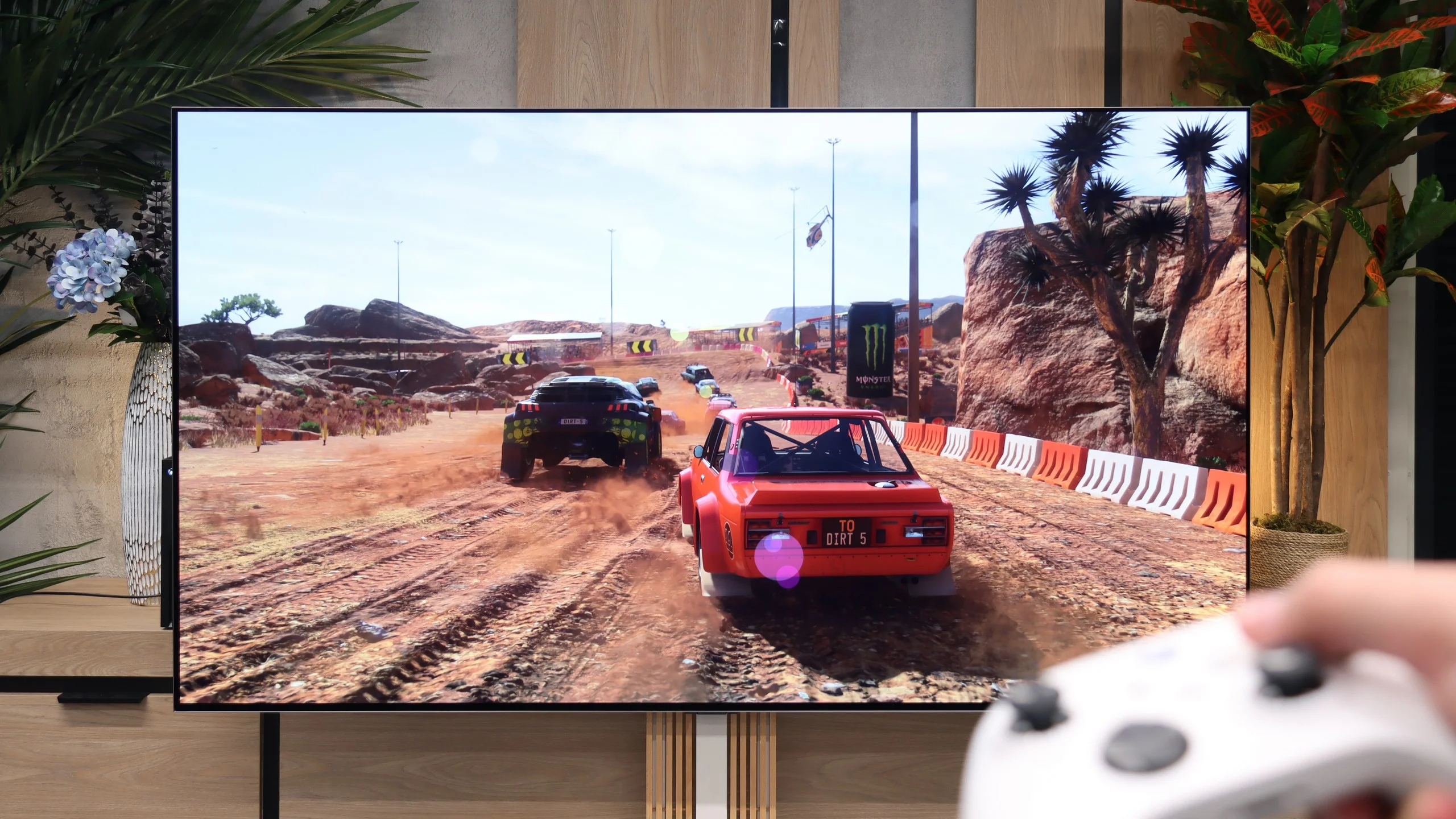
Although on paper the native 4K@60Hz matrix might suggest that the TCL P7K/P79K is not a TV tailored for gamers, the reality turns out to be surprisingly different. On the contrary, the manufacturer has ensured a rich package of features that make it a very friendly companion for next-generation consoles. Onboard, we find key technologies such as ALLM, which provides automatic switching to low-latency mode, and VRR, or variable refresh rate, which eliminates screen tearing. The list is completed by support for Dolby Vision Gaming and a simple yet functional Game Bar. However, the real and extremely pleasant surprise is something else. It turns out that the TV easily supports high refresh rate signals of 120 Hz, but at lower resolutions – 1080p and 1440p. This is fantastic news for console owners who know full well how rarely games run in native 4K at a full 120 frames per second. The ability to choose between higher resolution and doubled smoothness is therefore an extremely sensible compromise.
In summary, although the P7K/P79K may not be the target screen for the most avid tournament gamers, it offers a package of options for the casual or occasional console user that is hard to find among many competitors at this price point.
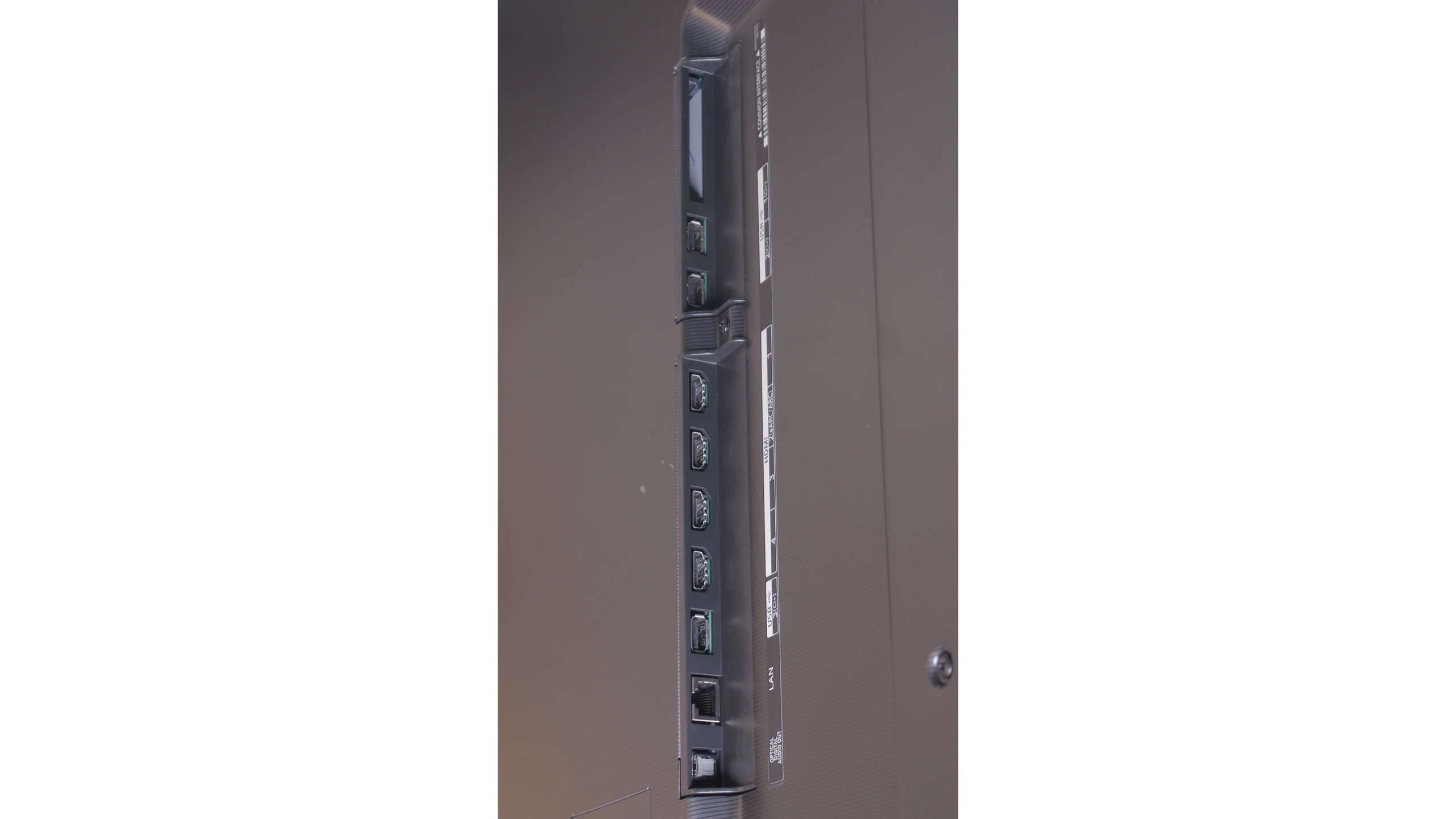
LG G6 is a true monster for gamers and one of the best-equipped TVs in this regard on the market. The manufacturer did not seek compromises and equipped this model with as many as four full HDMI 2.1 ports with a maximum bandwidth of 48 Gbps. This means that no matter which port you plug your PlayStation 5, Xbox Series X, or powerful PC into, you will extract the absolute maximum from them.
The TV supports a full suite of gaming technologies: from VRR (Variable Refresh Rate), through AMD FreeSync Premium Pro, to Nvidia G-Sync Compatible. Let's add to this the remarkably low, almost imperceptible input lag and a brilliantly functioning gamer panel (Game Optimizer), which allows you to continuously monitor the signal parameters. Gaming on this screen, with the perfect black of OLED and powerful refresh rates, is pure pleasure.
Input lag
9.9/10
9.9/10
SDR
HDR
Dolby Vision
Complementing this rich package for gamers is a parameter that has a direct impact on comfort and performance in gameplay – input lag. Even in native 60 Hz mode, the television boasts an excellent result of just 15 ms. However, the real magic happens when switching to 120 Hz mode, when the lag drops nearly in half, reaching values below 10 ms. Such responsiveness means that every command from the controller is transferred to the screen in the blink of an eye, something not only professionals will appreciate, but anyone who values smooth and immediate interaction with the game.
When it comes to signal delay, the results are remarkably low. For a standard 120 Hz signal, the Input Lag is just 5 ms. At 60 Hz, this value increases to 13 ms, which is still an excellent and completely imperceptible delay. The only thing we need to point out is the television's behavior after receiving the Dolby Vision Gaming signal. In this format, the Input Lag nearly doubles, reaching 13 ms for 120 Hz and 22 ms for 60 Hz. Despite this jump, we believe that these values in games are low enough that absolutely no one will feel any discomfort during gameplay.
Compatibility with PC
2/10
8.7/10
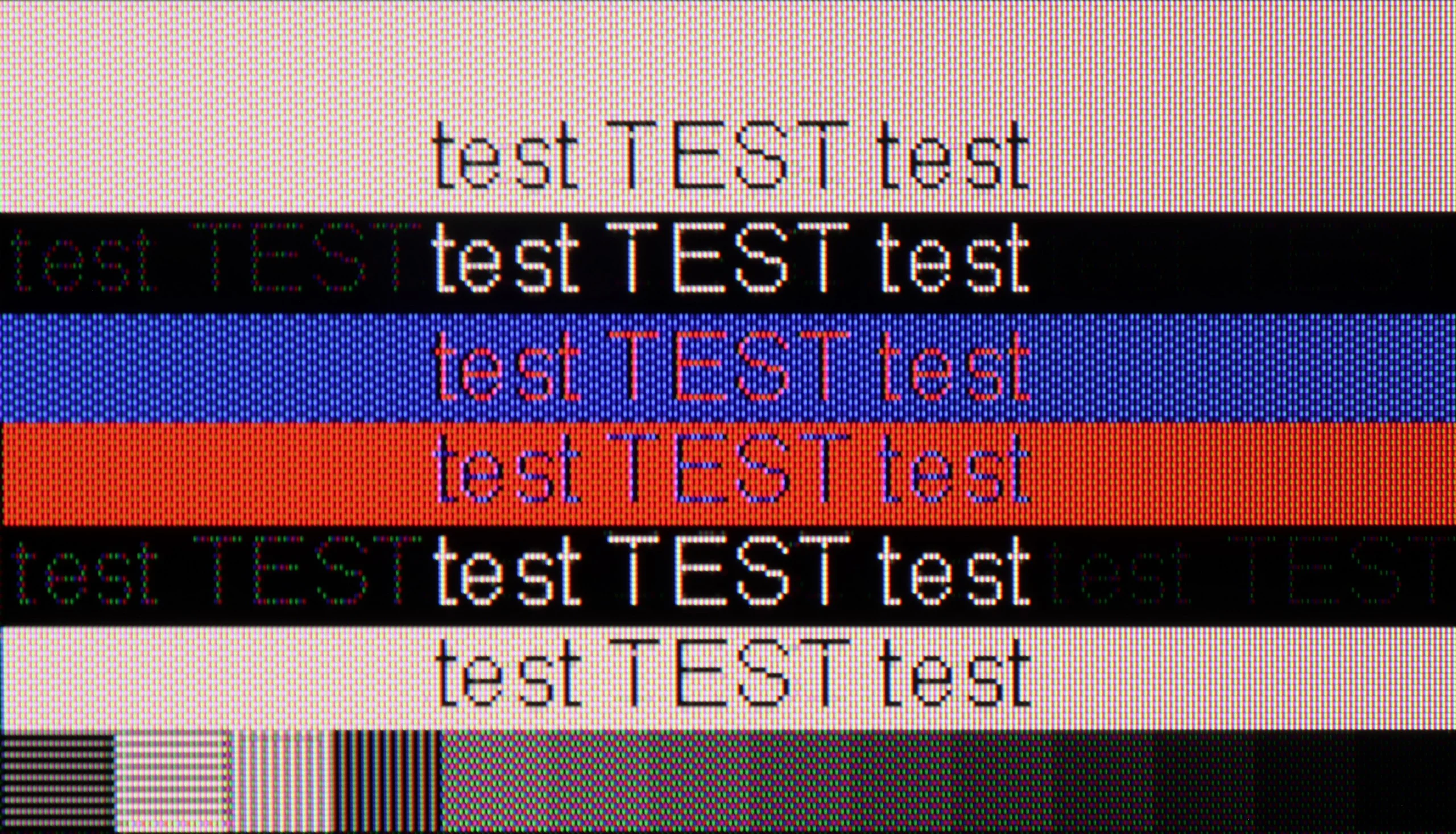
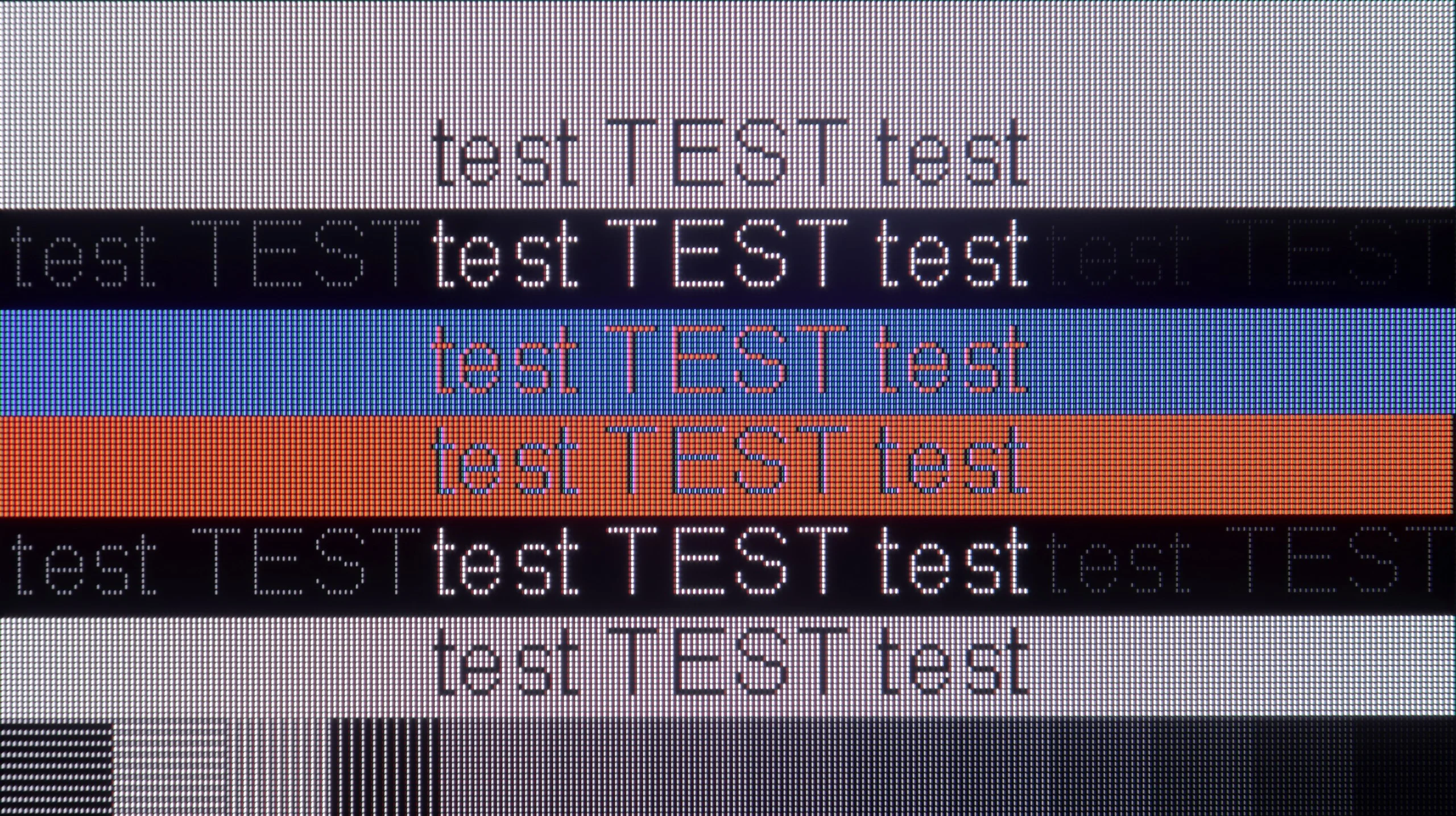
The photo shows the legibility of small fonts. Ideally, lines should be the same thickness on both light and dark text, with minimal pixel gaps.
We finally come to an area that can undoubtedly be described as the biggest Achilles' heel of the TCL P7K/P79K – its cooperation with a PC. This is paradoxical because on paper, everything looks promising. The presence of G-Sync and support for high refresh rates at lower resolutions might suggest that it would also be a great monitor. Unfortunately, practice brutally verifies these assumptions. The key issue is the lack of support for full 4:4:4 chroma sampling. In everyday use, this translates to terrible font rendering quality – they, especially colorful ones, become jagged, surrounded by artifacts, and simply hard to read. This is not the end, as in PC mode, a significant issue with aggressive dithering also becomes evident, giving the entire image an artificial, overly digital appearance. The only consolation in this situation is the fact that in games, we can take advantage of additional hertz and G-Sync technology, but these are not benefits that could compensate for the fundamental shortcomings in displaying a static interface. The verdict is therefore clear: while it can still hold up as a screen solely for gaming on PC, in the role of a monitor for work or internet browsing, the P7K/P79K simply performs poorly.
As we mentioned earlier, the LG G6 is an amazing screen for gamers but also for those using computers. With full support for Nvidia G-Sync and AMD FreeSync technology, as well as a high refresh rate of up to 165 Hz, this TV will work brilliantly as a giant gaming monitor. On the other hand, everyday office work with text looks a bit worse (although in our opinion still very well), which is a typical feature of every WOLED screen. Due to the specific arrangement of four subpixels (with an additional white subpixel), rather than three as in traditional computer monitors, system fonts can sometimes have an additional, in this case red glow around black or white letters. This is directly due to the new structure of the 2nd generation Tandem OLED matrix, which now operates in an RGWB arrangement (last year's first generation Tandem OLED used a BWRG arrangement). In our opinion, the sharpness of font edges has slightly worsened because of this, but it is definitely not something that will immediately catch your eye when occasionally working with documents or browsing the web.
Viewing angles
3.2/10
7.2/10
When it comes to viewing angles, we enter a territory where VA matrix technology dictates inevitable conditions. As expected, this is the weak point of this model. It is enough to move away from the screen's axis to observe a gradual degradation of the image: colors begin to fade, contrast noticeably drops, and black loses its depth. In direct competition with IPS panels, which are renowned for their generosity in this aspect, the VA matrix must concede superiority to its competitor. Is there a plus side to this? Paradoxically, yes. Poor viewing angles are, in fact, the price we consciously pay for the fundamental advantage of this technology – a significantly higher native contrast and deeper blacks when viewed head-on. So, one could say that this is a television that favors the viewer sitting in the "ideal" spot, offering them a maximally vibrant image at the cost of universality.
As befits an OLED panel, the viewing angles on the LG G6 are really good. When viewed from the side, the TV does not drastically lose brightness or color saturation. In this regard, the picture quality is infinitely better than in any LCD TV – and this applies to both IPS panels and even more so to VA panels without special wide-angle coatings. In this matter, the only better screens on the market remain QD-OLED panels from Samsung Display, where the angles are simply perfect, as well as older WOLED panels with MLA (microlens) technology, which LG abandoned in this series two years ago. Unfortunately, we assess the viewing angles in this year's model as slightly worse than last year's. We noticed that the 2nd generation Tandem OLED panel has a tendency to take on more greenish hues when viewed at a steep angle, while last year's model maintained greater neutrality in this regard.
Daytime performance
4.6/10
8.2/10
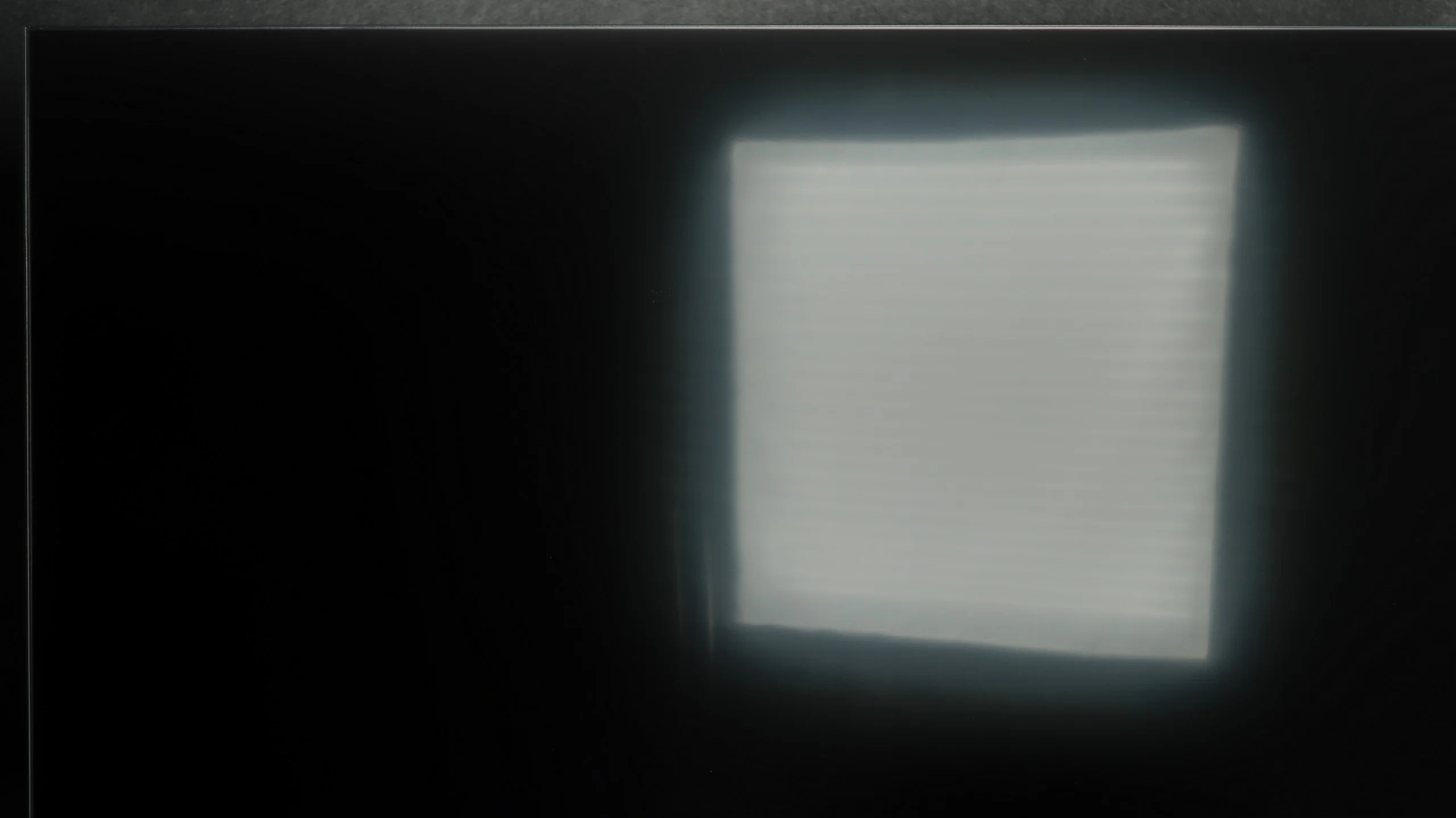
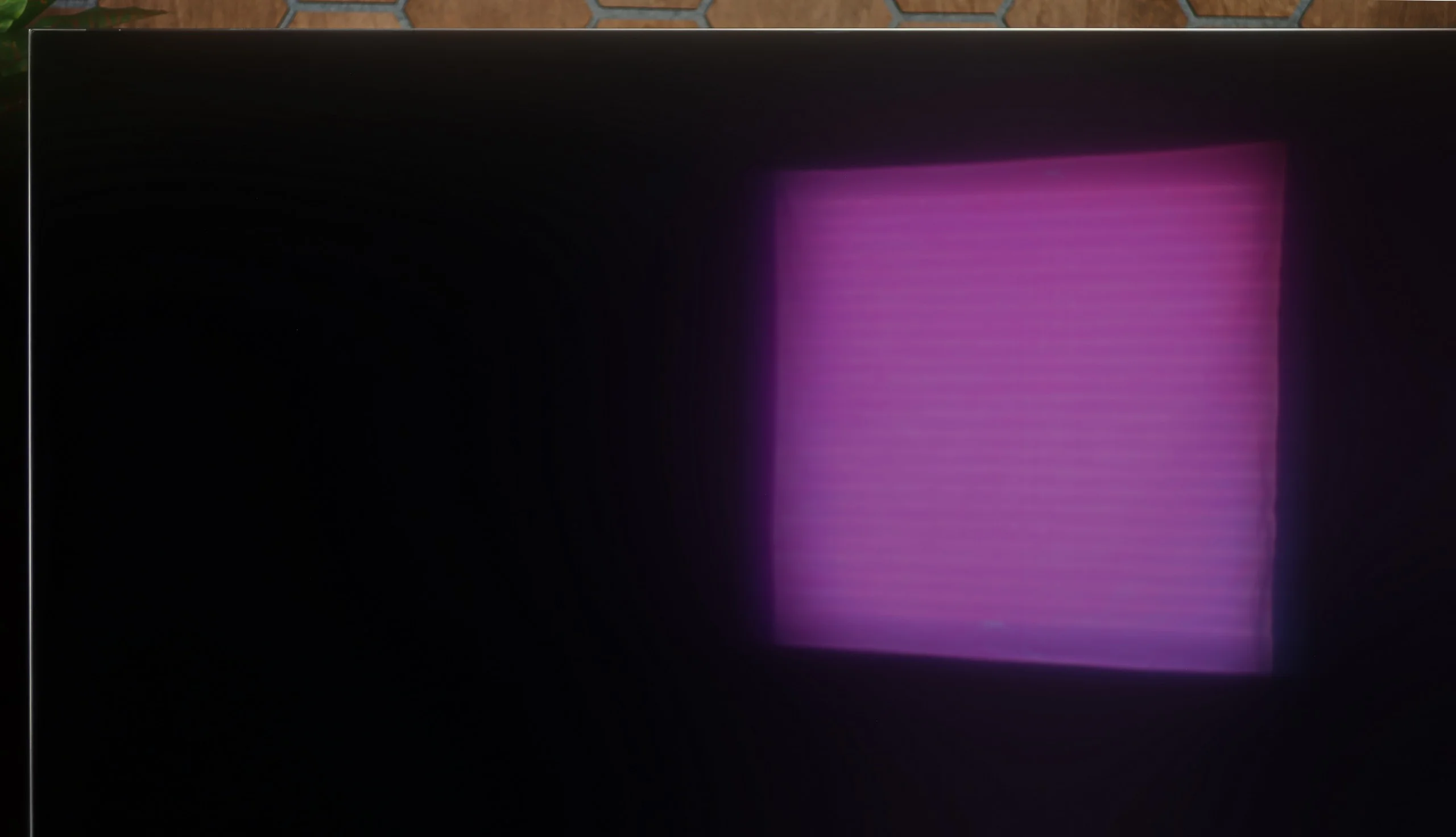
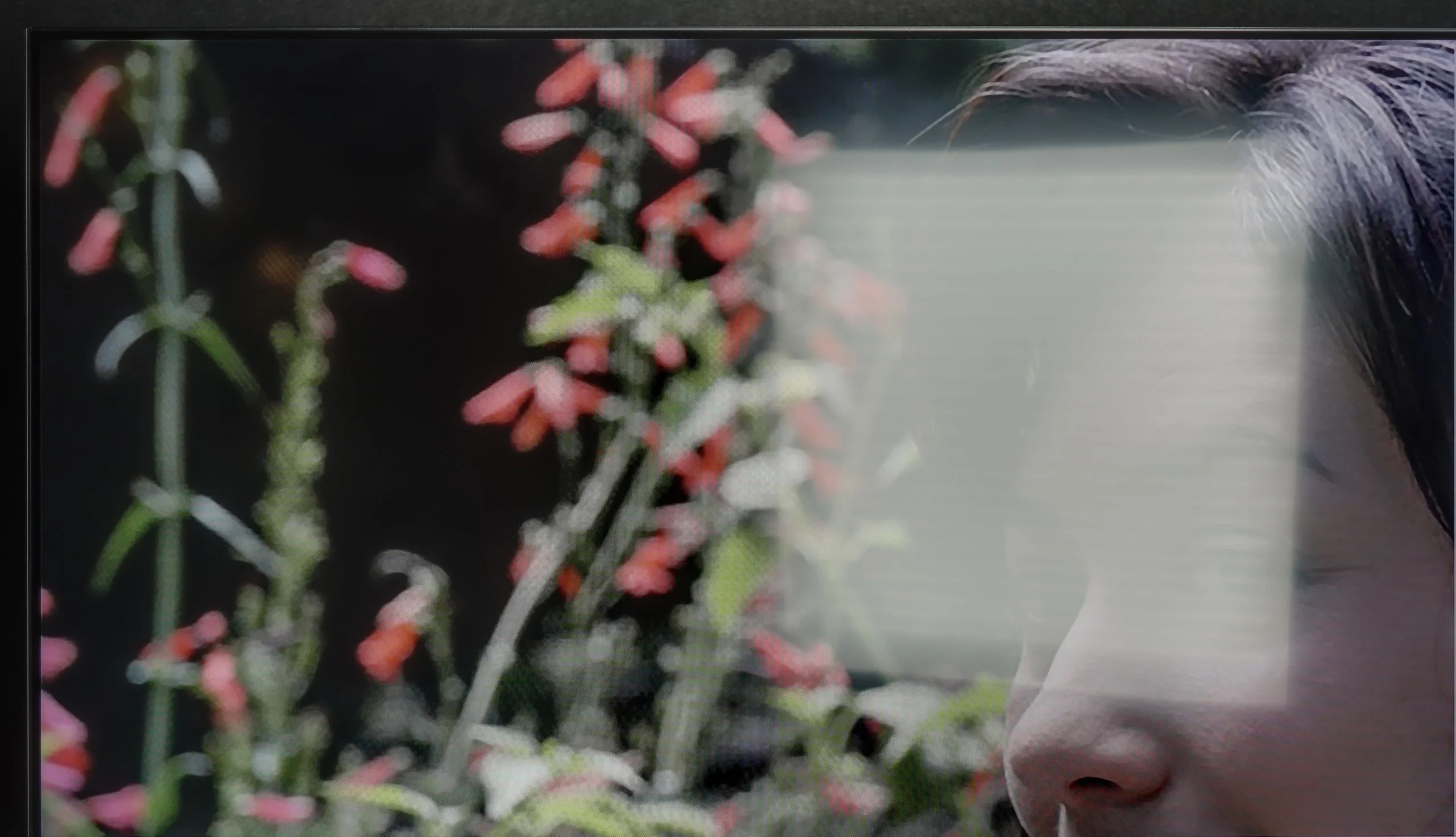
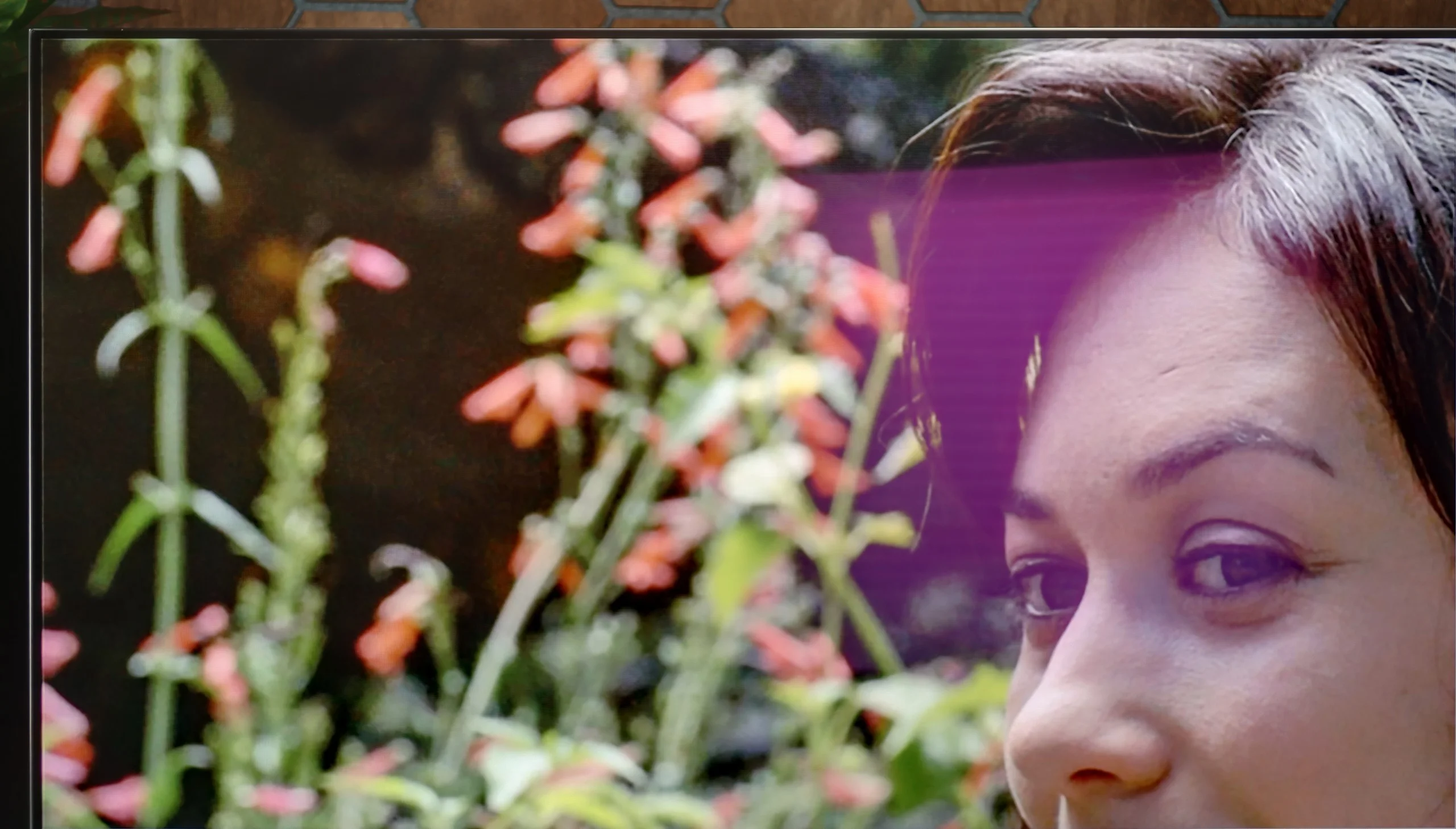
Panel brightness
LG OLED G6 (G64LW, G66LS): 857 cd/m2
TCL P7K / P79K: 299 cd/m2
The last practical test for any television is its daily performance in daylight conditions when it must compete with ambient light. In this competition, the TCL P7K / P79K has a slight advantage thanks to its satin screen coating. Its structure manages to quite effectively dampen direct reflections, dispersing them and protecting the image from excessive color fading or black brightness. However, passive combat with reflections is one side of the coin. The other is the active ability to "break through" bright surroundings, and here one of the key limitations of this model becomes apparent. The previously mentioned peak brightness of around 300 nits is simply too low to provide a fully comfortable and dynamic viewing experience in a brightly lit living room. In such conditions, the image may lack punch, and lower brightness scenes may lose clarity.
The LG G6 will perform exceptionally well as a TV in a brightly lit room. Thanks to its powerful peak brightness, the television can easily cut through most external light sources. Best of all, the new generation of Tandem OLED panels has brought significant improvements in terms of reducing glare. Although the screen coating is still shiny (which helps maintain well-saturated colors even in difficult conditions), it effectively suppresses reflections. It does this significantly better than classic OLED screens with standard glossy coatings. We could confidently compare this level to that of shiny QD-OLED panels, but with one key advantage for LG. Unlike the competition's technology, the deep black in a bright living room remains intact in this model. There is no sign of grayness or purplish tints due to incoming light – the black in the G6 during the day is simply perfect, just like it is at night.
Panel details
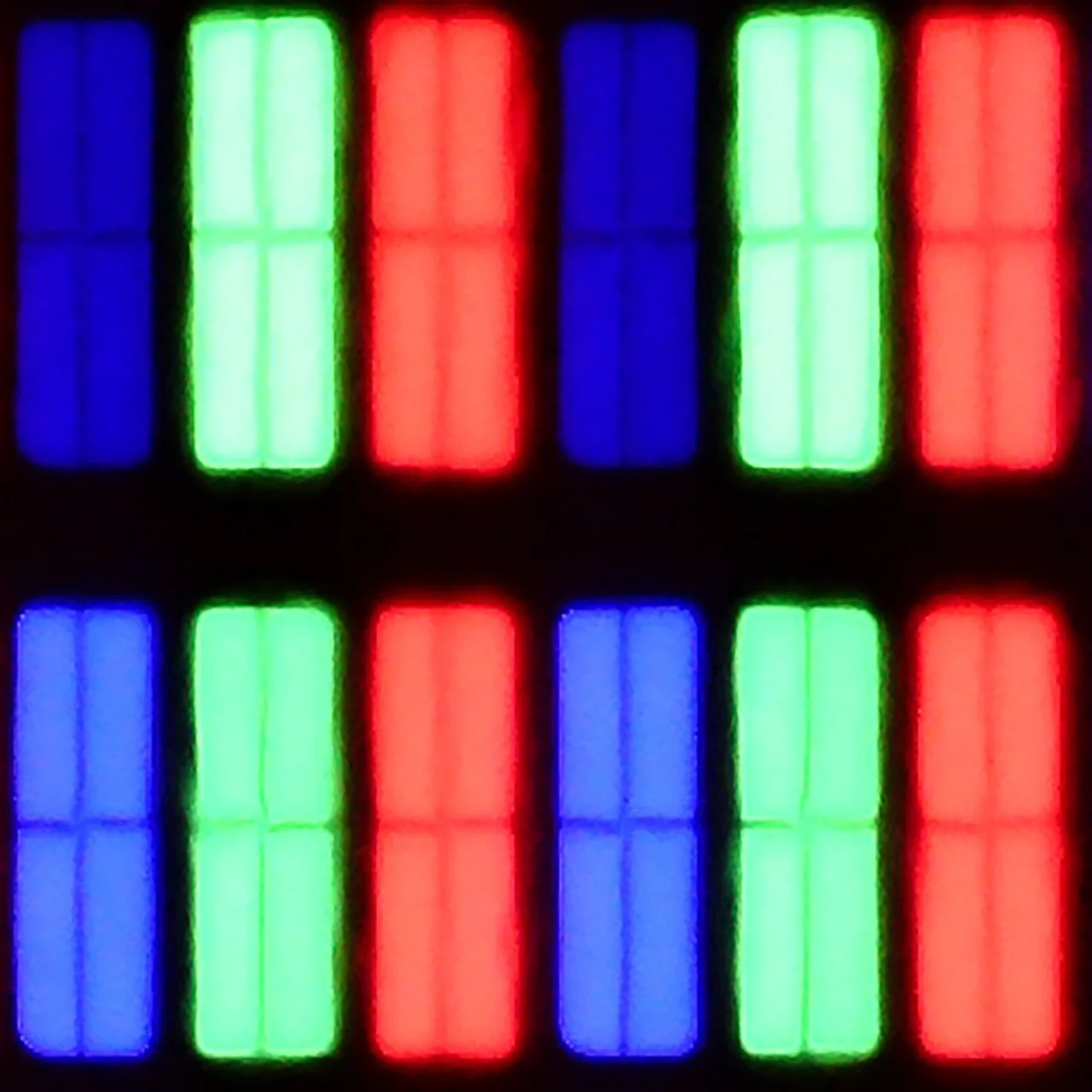
Subpixel Structure:
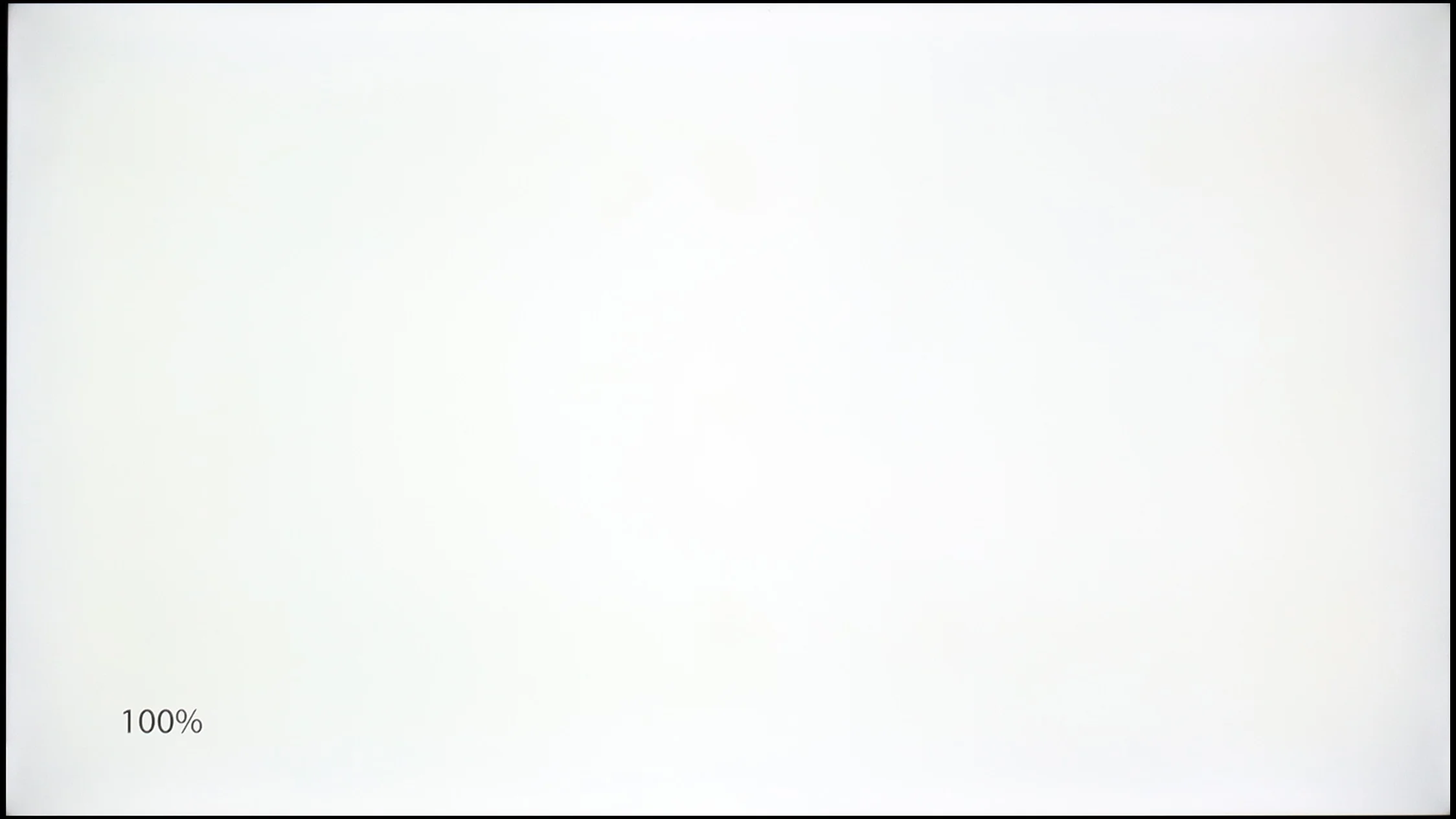
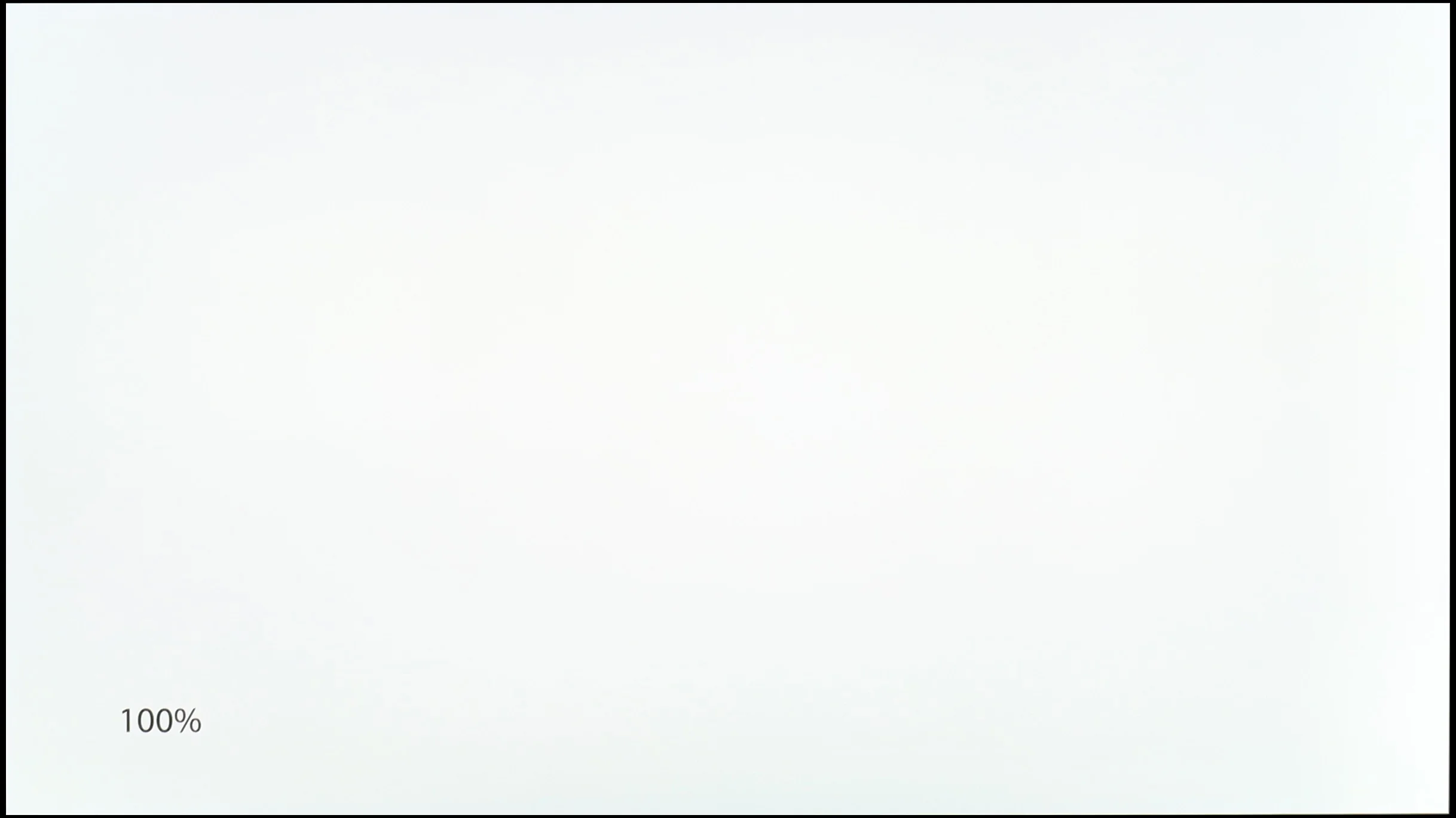
Panel uniformity and thermal imaging:
TCL P7K / P79K
LG OLED G6 (G64LW, G66LS)
TV features
7/10
8.5/10
- SystemAndroid TVWebOS
- System performanceDecentVery good
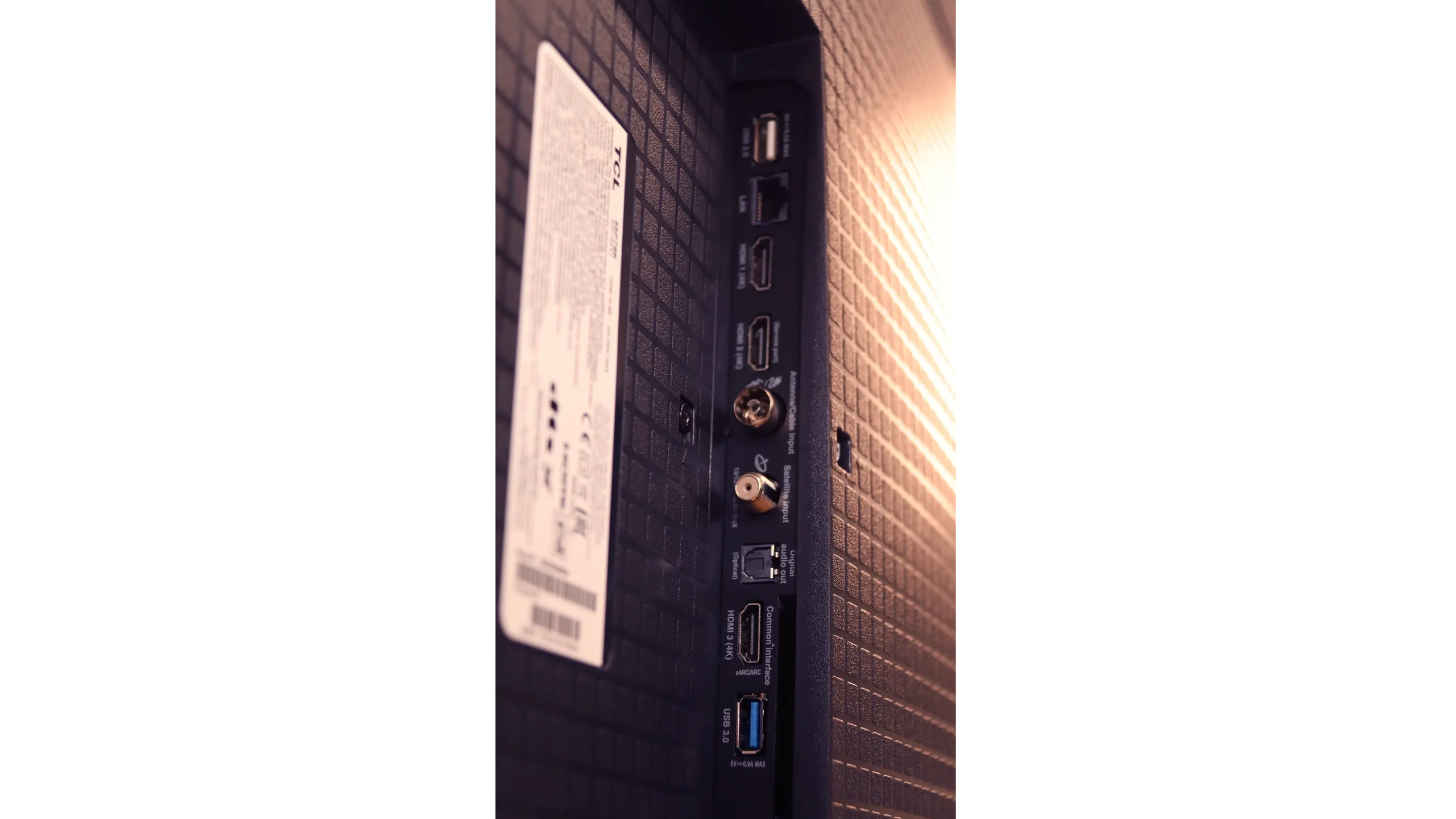
- HDMI inputs0 x HDMI 2.0, 3 x HDMI 2.1 48Gbps0 x HDMI 2.0, 4 x HDMI 2.1 48Gbps
- Other inputsToslink (Optical audio)IR (remote)
- OutputsToslink (Optical audio), eARC (HDMI), ARC (HDMI)Toslink (Optical audio), eARC (HDMI), ARC (HDMI)
- Network InterfacesWi-Fi 2.4GHz, Wi-Fi 5GHz, Ethernet (LAN) 100MbpsWi-Fi 2.4GHz, Wi-Fi 5GHz, Ethernet (LAN) 100Mbps
- TV receptionDVB-T, DVB-T2, DVB-S, DVB-S2, DVB-CDVB-T, DVB-T2, DVB-S, DVB-S2, DVB-C
Classic features:
- Recording to USB (terrestrial TV)
- Recording programming
- Picture in Picture (PiP)
- RF remote control (no need to aim)
- Backlit remote control
- Teletext
- Audio only mode
- Bluetooth headphones support
- Simultaneous Bluetooth headphones & TV audio
Smart features:
- AirPlay
- Screen mirroring (Windows Miracast)
- Voice search
- Voice search in native language
- Ability to connect a keyboard and mouse
Sound connection options
- HDMI audioeARC (HDMI), ARC (HDMI)eARC (HDMI), ARC (HDMI)
- Other audio outputsToslink (Optical audio)Toslink (Optical audio)
- Wireless audioBluetoothBluetooth
Supported audio formats (external HDMI eARC audio):
- Dolby Digital Plus 7.1
- Dolby True HD 7.1
- Dolby Atmos in Dolby Digital Plus (JOC)
- Dolby Atmos in Dolby True HD
- DTS:X in DTS-HD MA
- DTS-HD Master Audio
Senior accessibility
- Numeric keyboard on TV
- Font size adjustment
- Audio description
Smart Features – the Power of Google TV
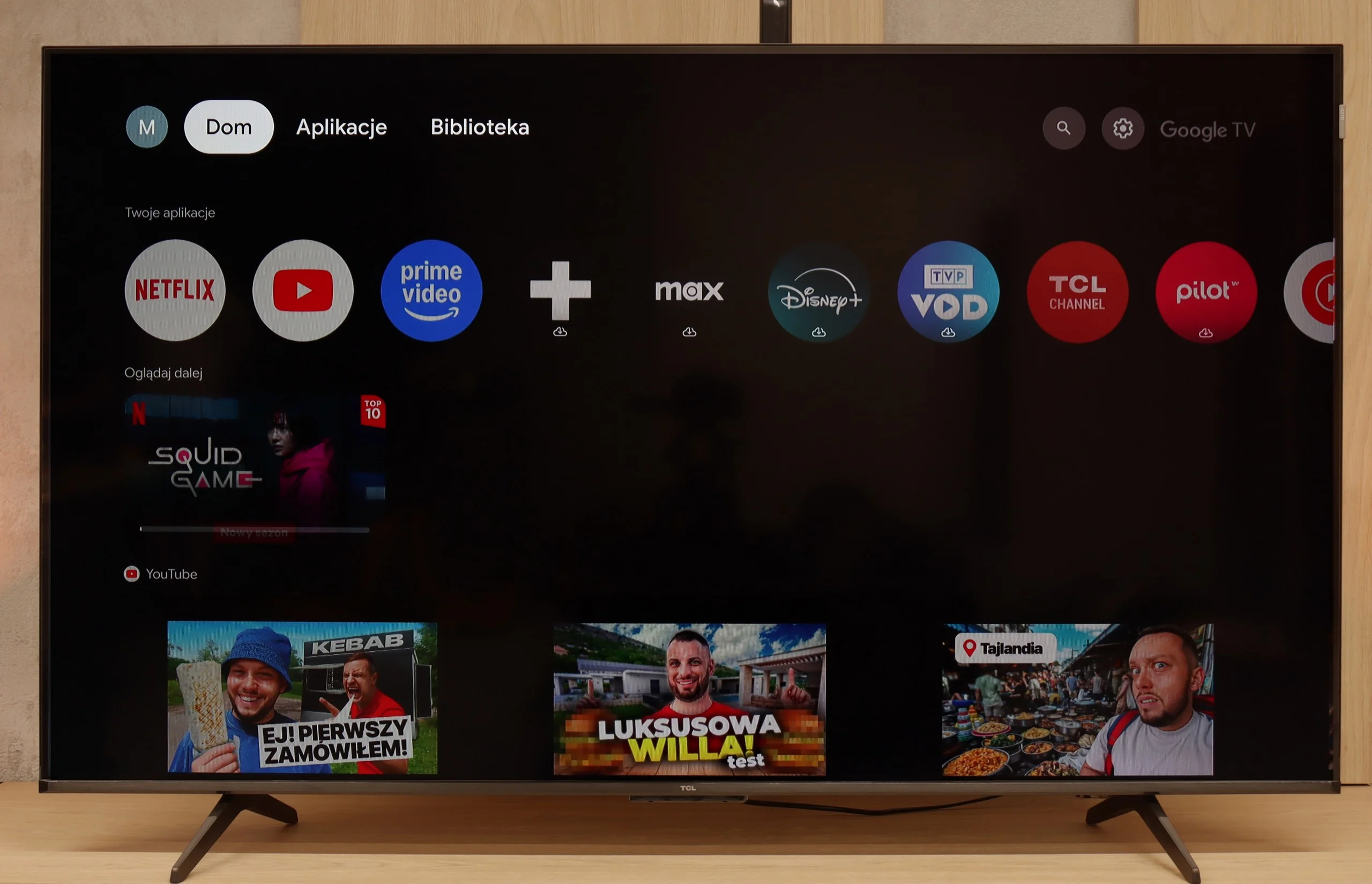
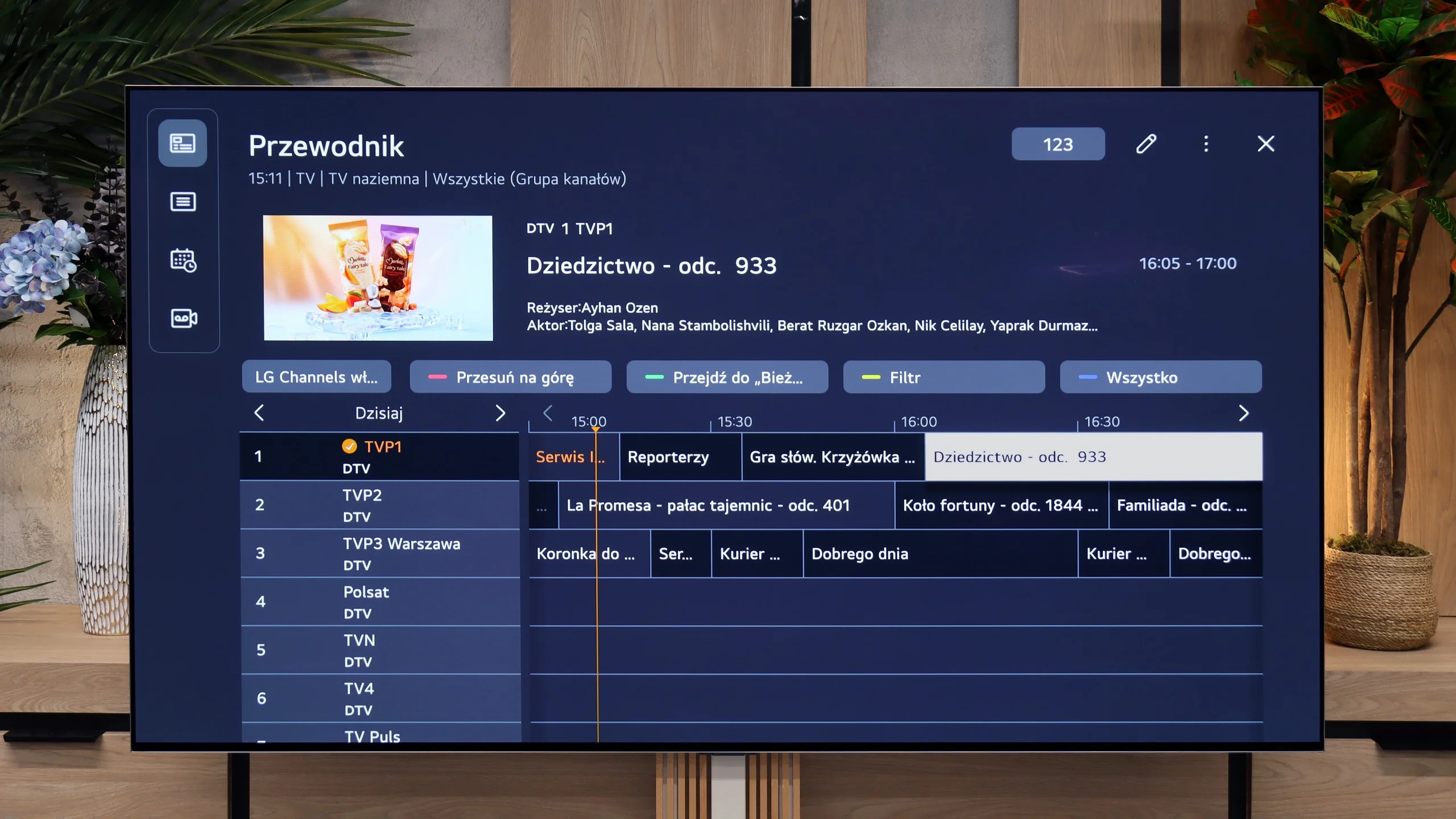
The heart and brain of the TCL P7K / P79K is the Google TV system, which in itself is a huge advantage. This platform provides access to an almost endless library of applications from the Play Store, ensuring that we won't be missing any key streaming service. Integration with other devices is exemplary – Apple device owners will appreciate the seamless cooperation via AirPlay, while Windows and Android users will easily take advantage of the screen mirroring feature. It is also worth highlighting the Google Assistant, which performs fantastically with voice searches in Polish, remaining one of the most effective and convenient solutions of its kind on the market. The operation of the system on the tested model can be described as "average plus." The interface is mostly smooth, but during testing, it experienced occasional slowdowns and even sporadic "freezes" requiring a moment of patience. Minor hiccups are also visible in the translation of some system messages, which can be awkward – however, these are just small oversights on TCL's part, not affecting overall functionality.
Classic Features
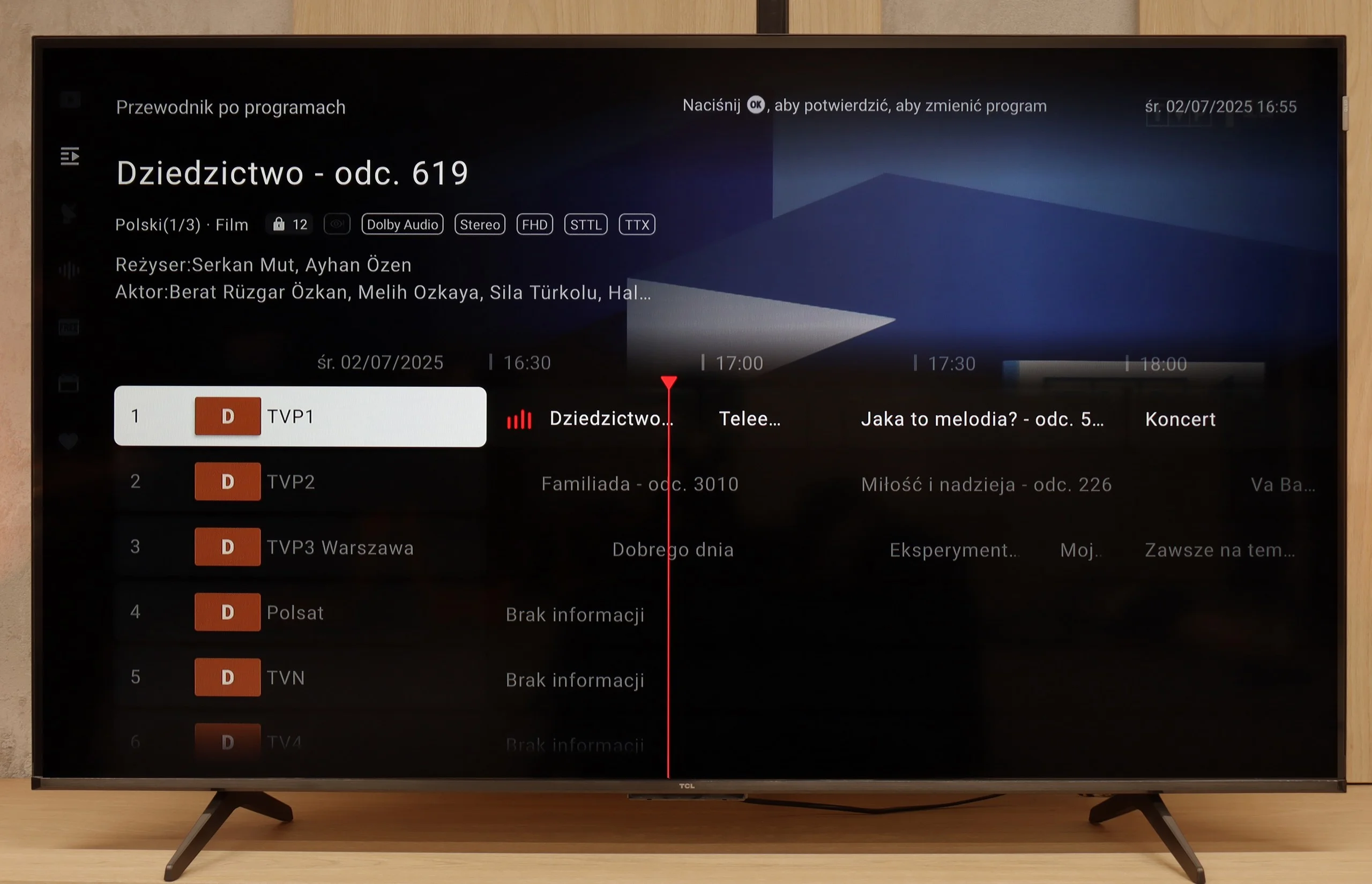
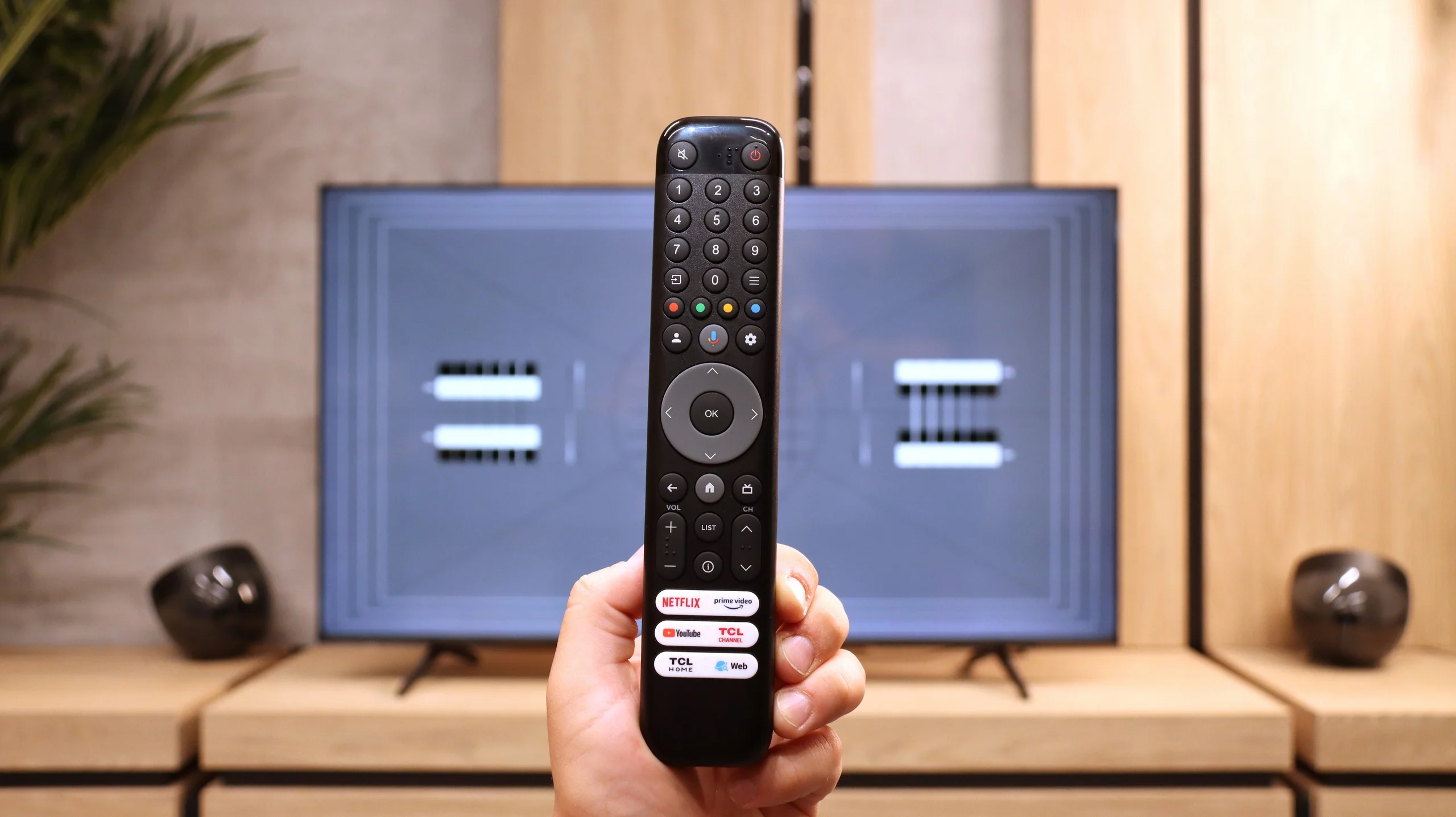
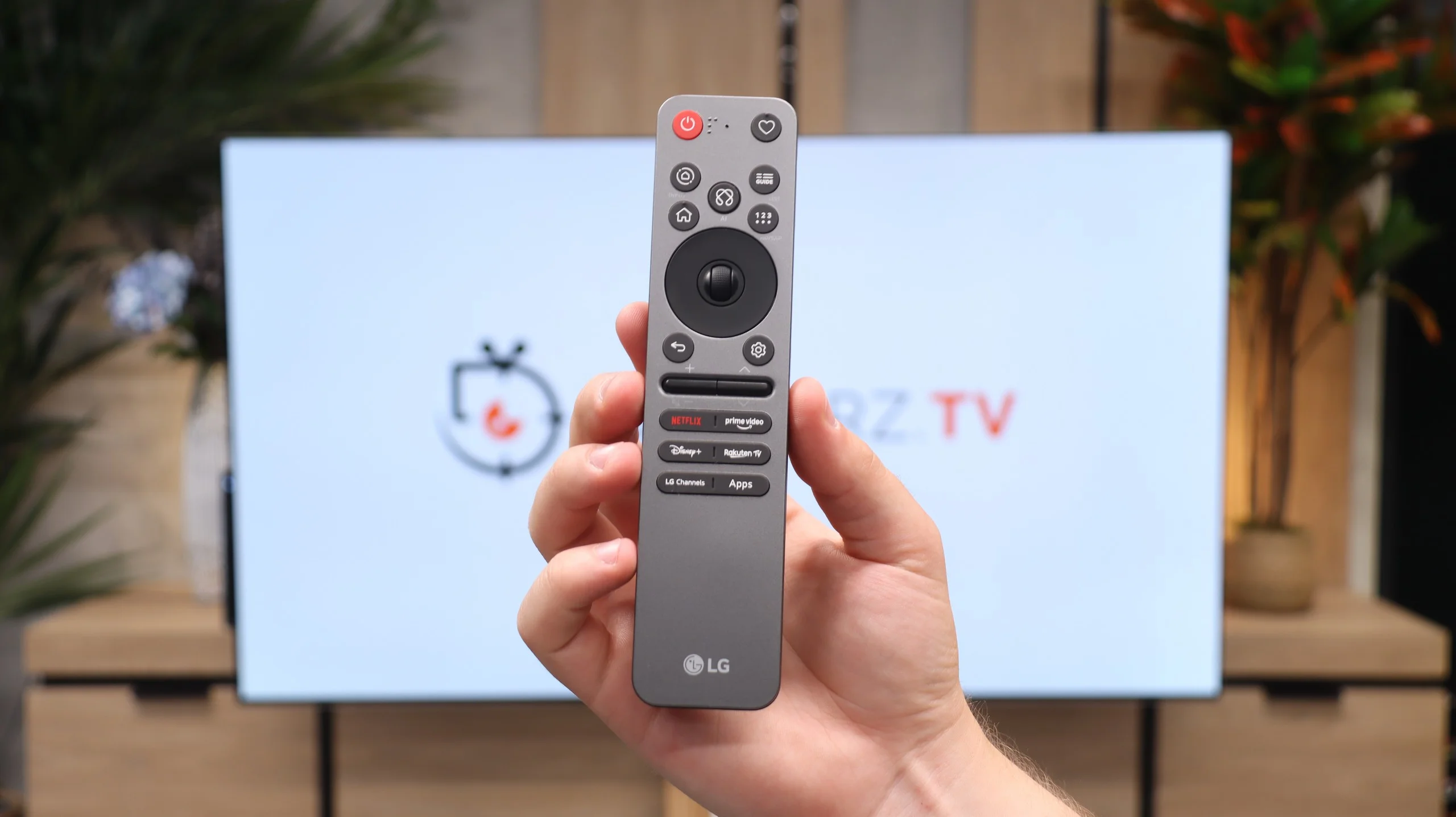
In the age of smart systems, traditional television functions often take a back seat, and this is also the case here. A significant advantage is the inclusion of a classic remote control with a numeric keypad, which does not require precise aiming at the screen for communication, greatly enhancing user comfort. The presence of Bluetooth technology for connecting external devices, like headphones or speakers, should also be noted positively. However, this is where the list of conveniences basically ends. It is evident that TCL has placed nearly everything on the Google TV card, treating classic functions as an absolute minimum. Therefore, we will not find the option to record programs from built-in tuners to a USB drive or the once-popular PiP (Picture-in-Picture) feature. This is therefore a basic package that simply works, but does not offer anything beyond what is necessary.
webOS System and Smart Features
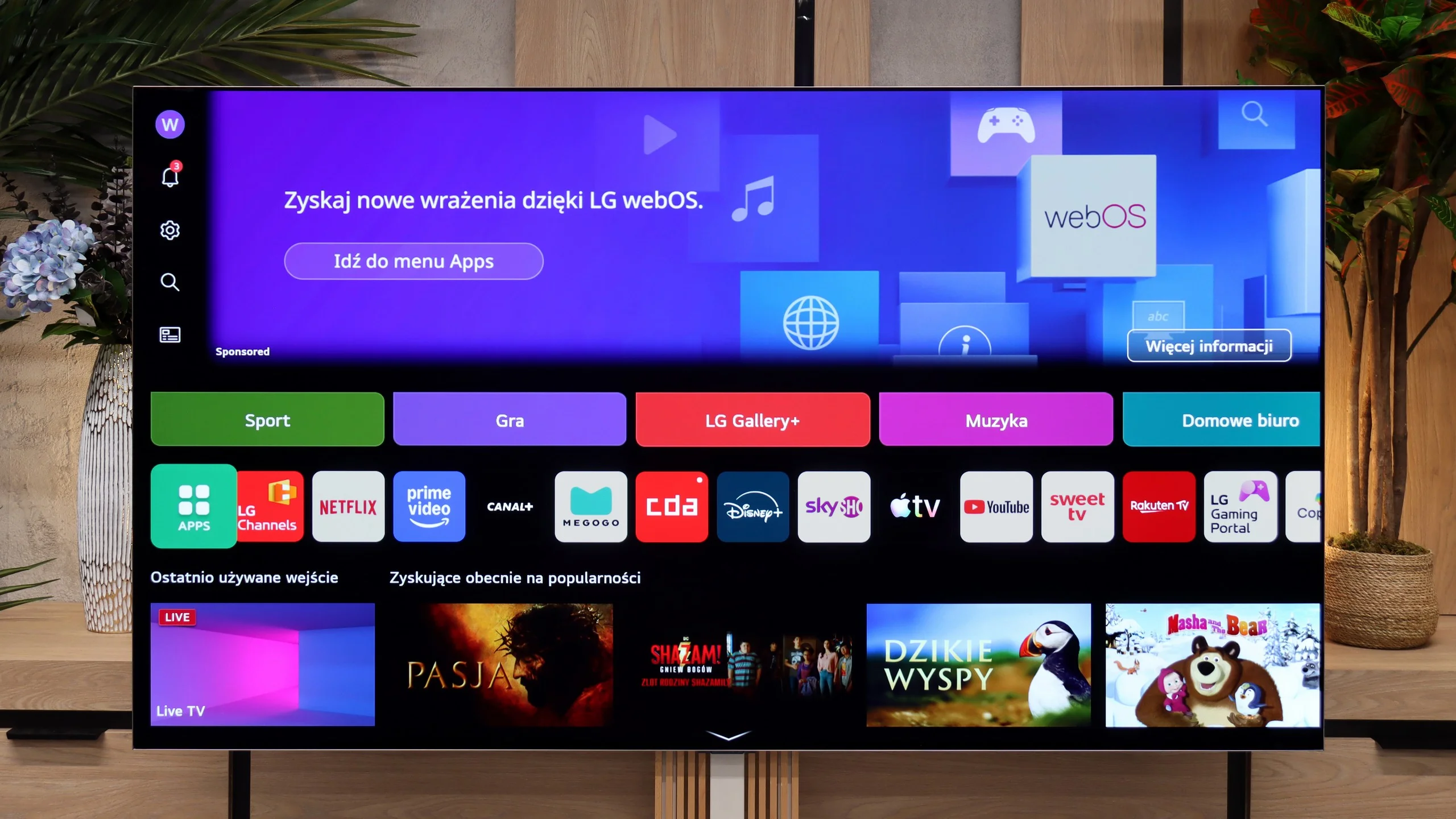
The TV runs on the latest version of the webOS system. Although it is a closed platform, it supports absolutely all the key streaming applications on the market. You can also easily access useful wireless connectivity features, such as built-in Chromecast, AirPlay, or classic screen mirroring. However, the biggest distinguishing feature of LG's platform remains the brilliant Magic remote. Although it is quite compact and lacks a physical numeric keypad, it does something that competitors still can't replicate – it works like a wireless mouse. It is equipped with a gyroscope, allowing us to move an intuitive cursor across the screen, which drastically speeds up password entry and navigation through the menu. Additionally, LG has one of the best voice assistants for device control, and this combination with the Magic remote offers great possibilities for smoothly navigating the system. The only thing that can be quite annoying here is the intrusive ads and sponsored tiles that LG increasingly clutters the main screen of the system with. Nevertheless, the absence of Google TV is no drawback for the G6 – given the smooth operation of webOS, it can even be considered an advantage.
Features for Traditionalists
In terms of traditional television, the LG G6 also performs excellently and does not forget about traditional users. Despite the minimalist remote, there are plenty of useful solutions on board. The manufacturer has not given up on the PVR function, which allows for recording programs from built-in tuners directly to external USB storage or a hard drive. There is also an efficiently working TimeShift for pausing live television and the option to schedule recordings. These features may prove to be a perfect fit during the upcoming World Cup matches when games will be played late in the evening and we may not be able to watch them live. Of course, standard features are also included, such as the ability to connect wireless headphones via Bluetooth.
Apps
9.6/10
9.1/10






















Playing files from USB
7.2/10
9.2/10
Supported photo formats:
Maximum photo resolution:
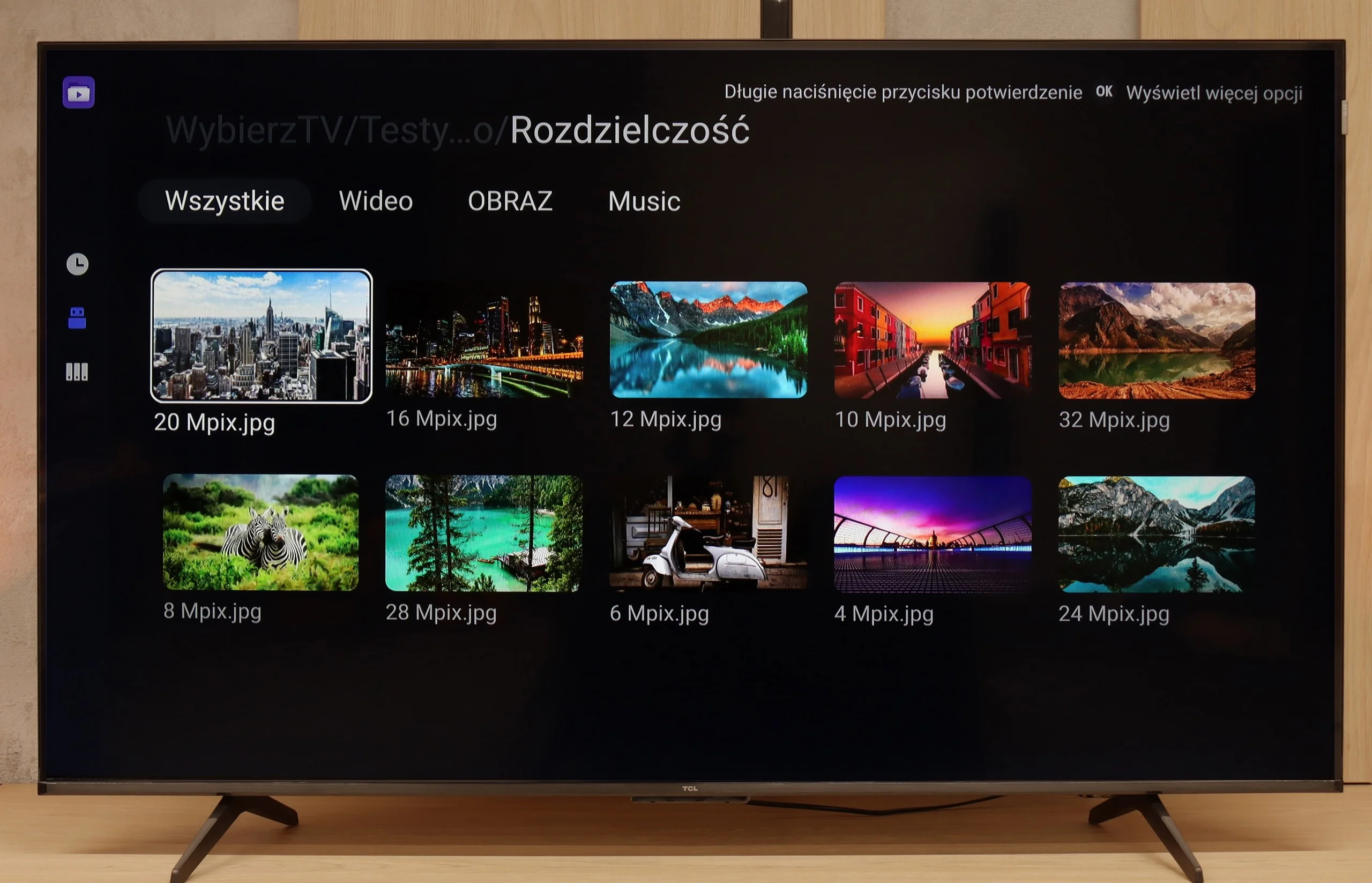
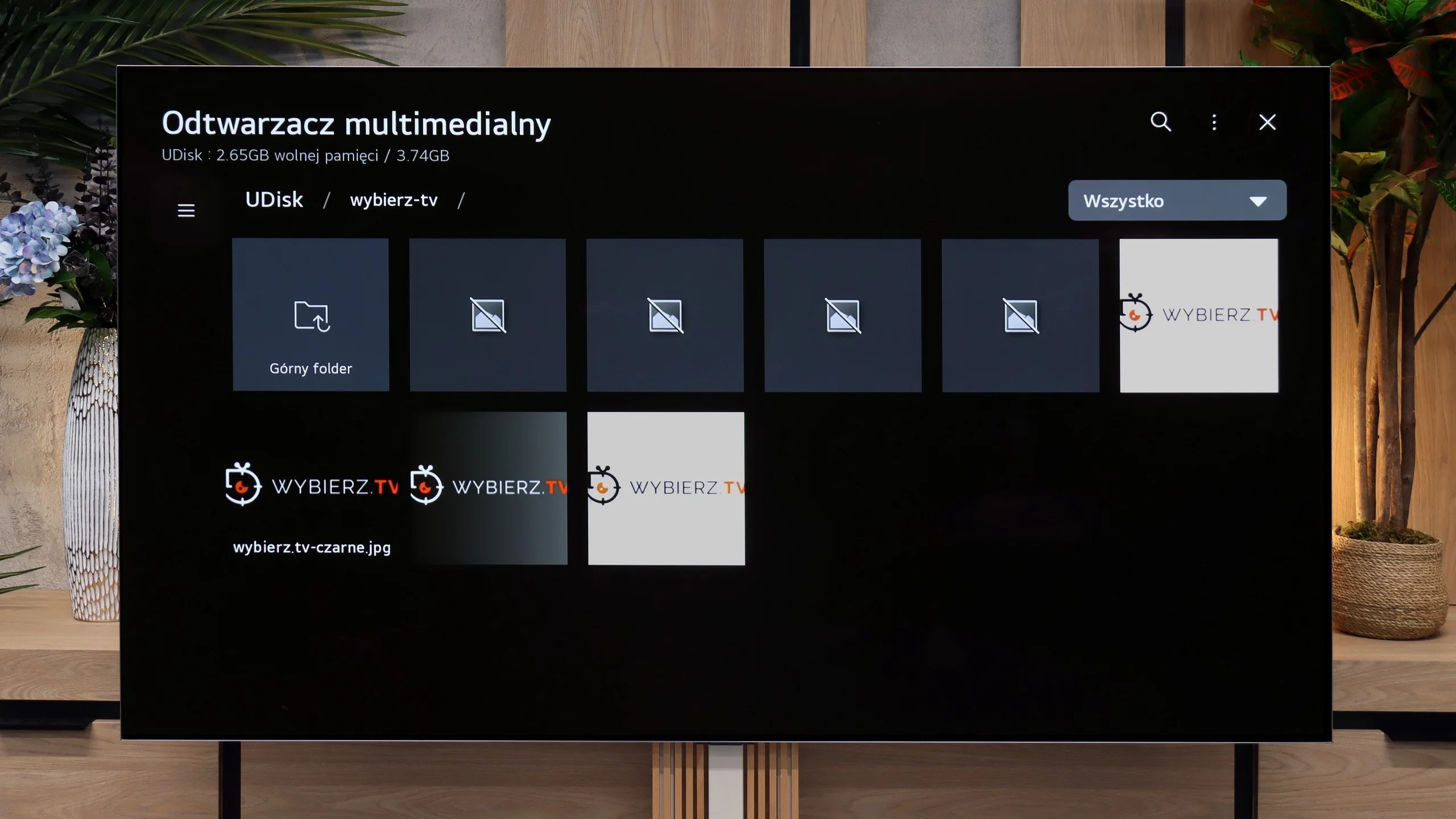
The built-in media player in the P7k/P79k model is at least a puzzling case, putting us in quite an unusual situation. On one hand, its engine handles decoding most popular video formats, which is obviously good news. On the other hand, we encountered a surprising and irritating issue – the default application has a fundamental problem displaying Polish diacritical characters in subtitle files correctly. Instead of letters like "ą", "ę", or "ż", empty squares or random, unreadable symbols appeared on the screen. Fortunately, thanks to the flexibility of the Google TV system, this problem can be easily circumvented. Installing an alternative, advanced player, such as the reliable VLC or KODI, completely resolves this inconvenience. The situation is peculiar because this flaw did not occur in other TCL models we tested previously. We are therefore dealing with a clear software oversight, which, hopefully, will be fixed in a future update.
The inability to install an external media player (as is the case in Android-based systems) is actually not a problem for the LG G6. The factory-installed media player works great and seamlessly supports most audio, video, or image formats that we provided from our flash drive. However, during testing, we encountered some shortcomings – specifically, a rather strange lack of support for subtitles in the popular .txt format. However, we believe that this option will quickly be added to the G6 with the next software update.
Sound
6.2/10
8.4/10
- Maximum volume-88dB
- Dolby Digital Plus 7.1
- Dolby True HD 7.1
- Dolby Atmos in Dolby Digital Plus (JOC)
- Dolby Atmos in Dolby True HD
- DTS:X in DTS-HD MA
- DTS-HD Master Audio
In terms of the built-in audio system, the TCL P7k/P79k presents a level that can be described as functional and correct, but lacking audiophile ambitions. The speakers play quite loudly, and dialogues in movies and TV shows are conveyed clearly and without distortion, which is crucial in everyday use. However, the soundstage definitely lacks a foundation in the form of low tones. This is a direct consequence of the absence of a dedicated subwoofer – an element that in the higher P8K series, with a large Onkyo subwoofer at the back of the cabinet, defined the strength of its sound. Here, that element is simply missing, making the sound seem flatter and lacking the depth that creates a cinematic atmosphere. We also noticed a peculiar feature in the software – when trying to set the maximum volume, the TV automatically reduces it. It's hard to conclusively determine whether this is a form of protection against distortion or a minor software bug; nonetheless, it's a pity, as the power reserves seem to be somewhat greater.
Despite its very flat design, the LG G6 sounds surprisingly good. The manufacturer managed to squeeze quite nice speakers under the display, capable of producing a rather "spatial" sound – if you can even call the limited physical capabilities of the TV that 😉. The sound is clear, has decent dynamics, and is suitable for everyday viewing of news programs or series without any issues. The TV also easily supports the very popular Dolby Atmos surround sound codec.
Unfortunately, for the second year in a row, it lacks support for the DTS:X format. Regardless of what one might say, it has recently become quite unpopular in streaming services, but a top-of-the-line TV in terms of price and quality simply should not limit users in handling audio formats, in our opinion. Additionally, we have to criticize LG for somewhat downgrading the audio menu. We missed more advanced settings and predefined sound profiles, which were definitely more abundant in last year's model.
Sound Quality Test
No sound test video
Acoustic Measurements
No acoustic data
88dBC (Max)
75dBC
Reader comments
Comments are provided by the external service Disqus (Zeta Global). Once loaded, Disqus may set cookies and process data about your activity.
We will remember your choice on this device. Provider's privacy policy