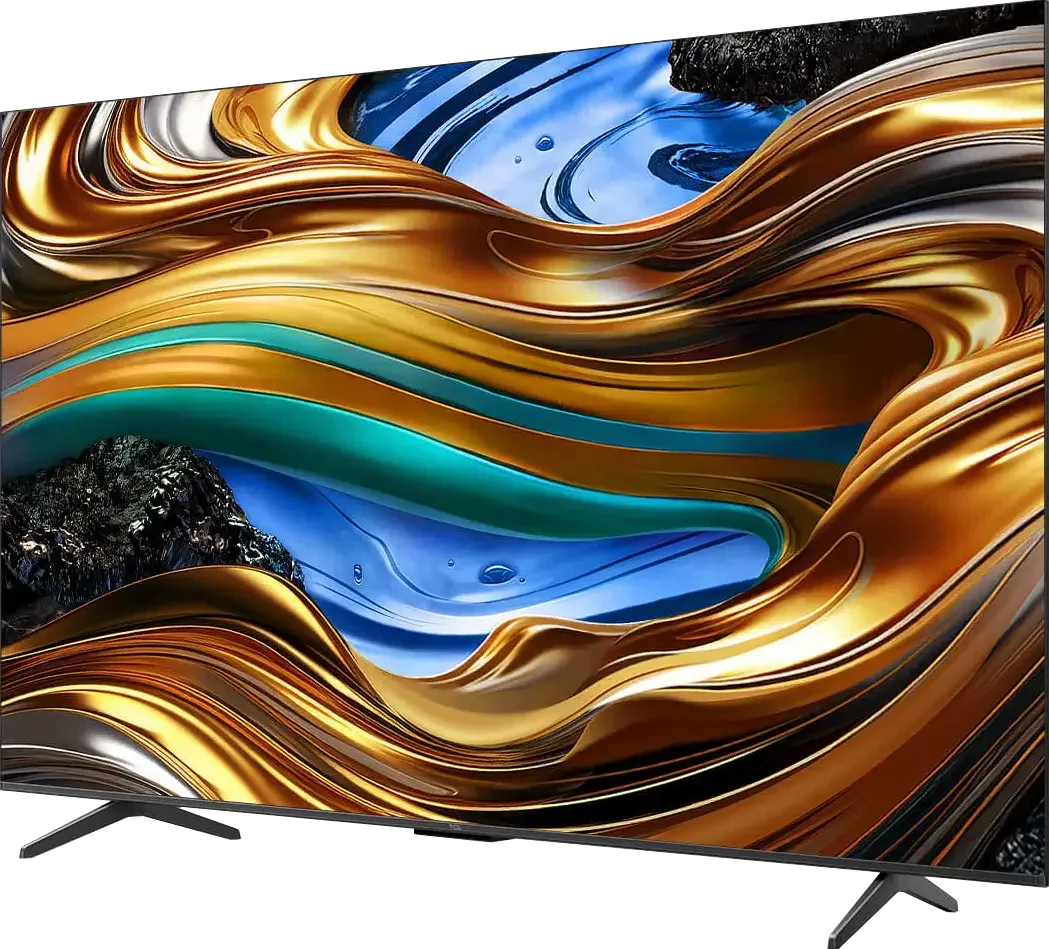
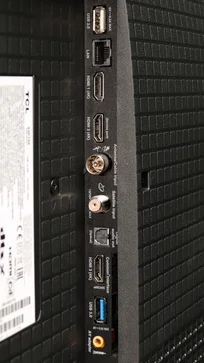
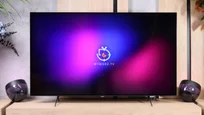
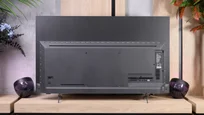
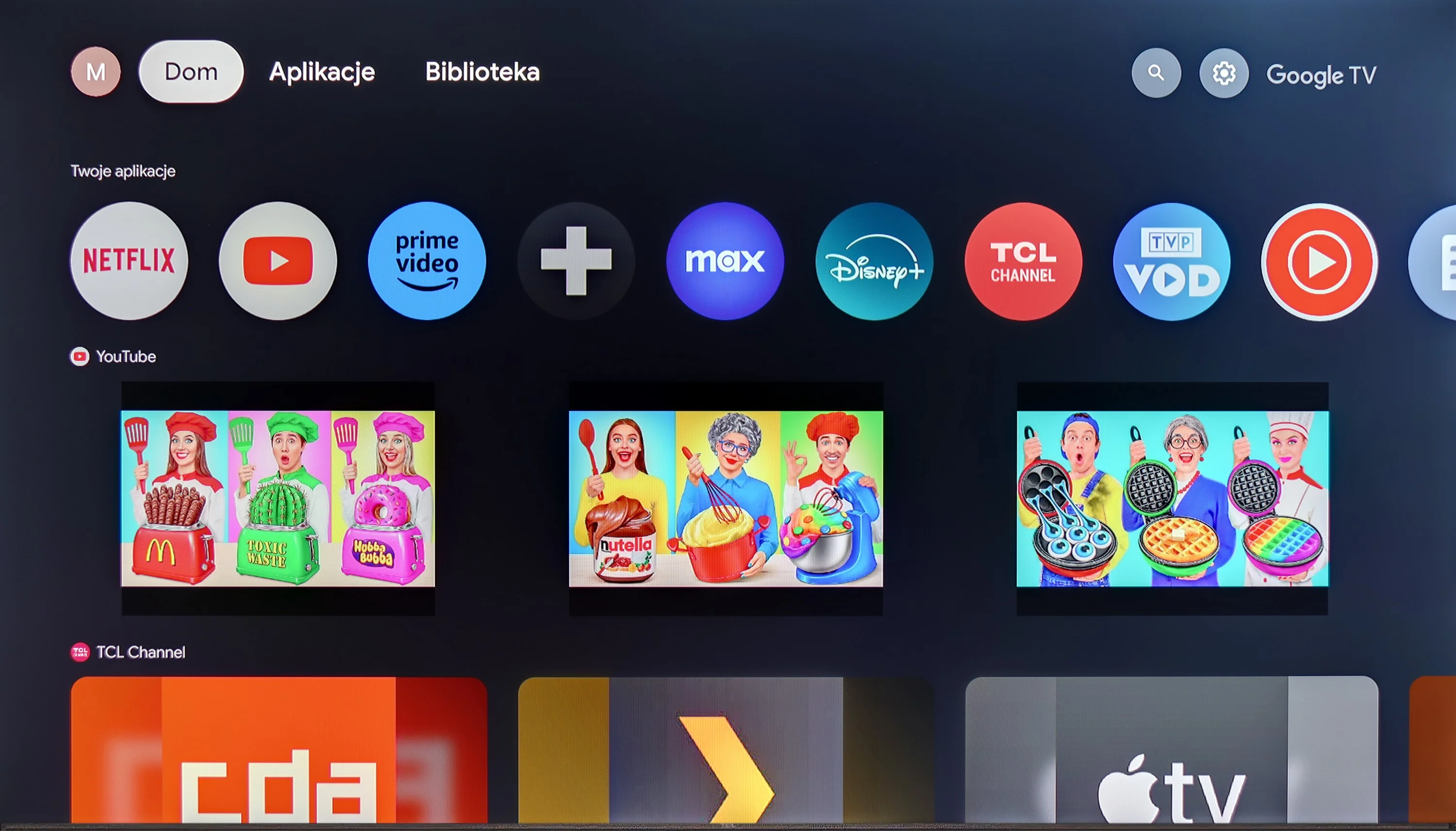
The TCL P755 stands out with its integration of Google TV, providing a smooth, user-friendly experience and access to thousands of apps and streaming services like Netflix, HBO Max, YouTube, and Disney+. The system personalises content recommendations based on the user’s viewing habits, adding a customised touch. Support for AirPlay and Windows Miracast further enhances its appeal, allowing the P755 to act as a central entertainment hub with both convenience and functionality.
In terms of picture quality, the P755 impresses within its price range, with Dolby Vision support for an enriched HDR experience that features deeper colours and enhanced contrast. Its wide colour gamut coverage ensures vibrant and lifelike visuals, making movies and series more immersive. The high native contrast is also notable and rare among similarly priced competitors, offering an attractive viewing experience.
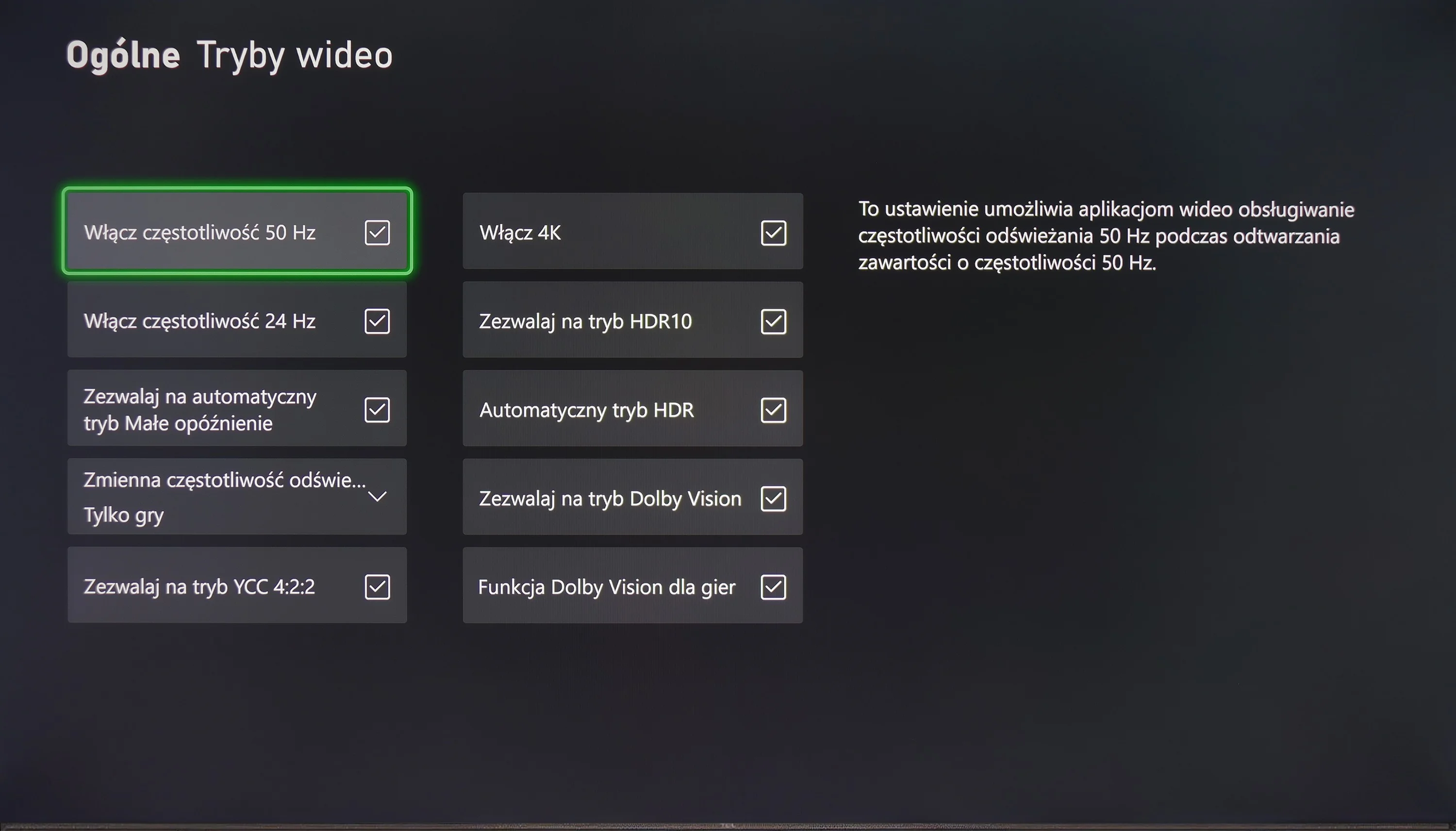
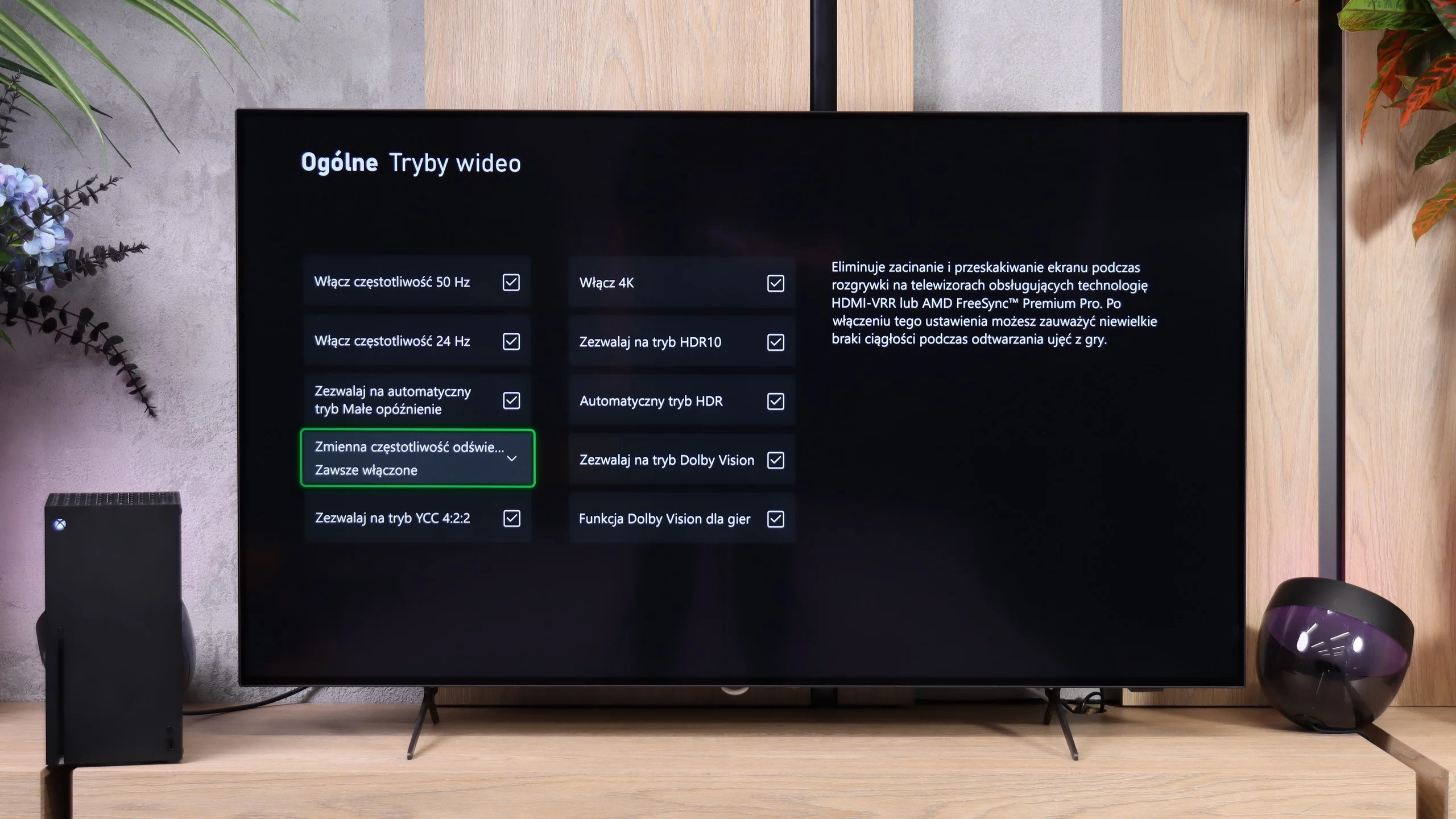
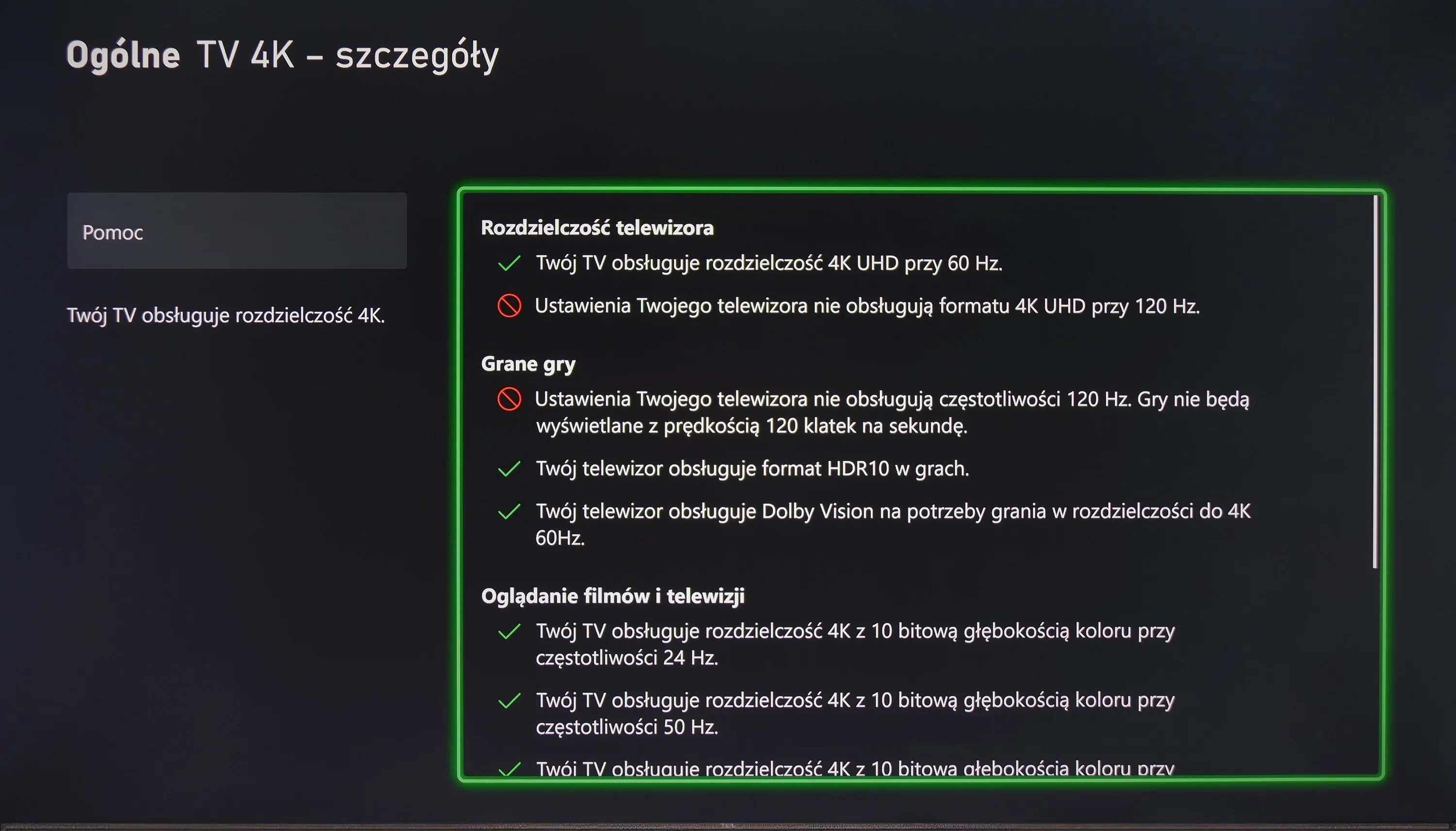
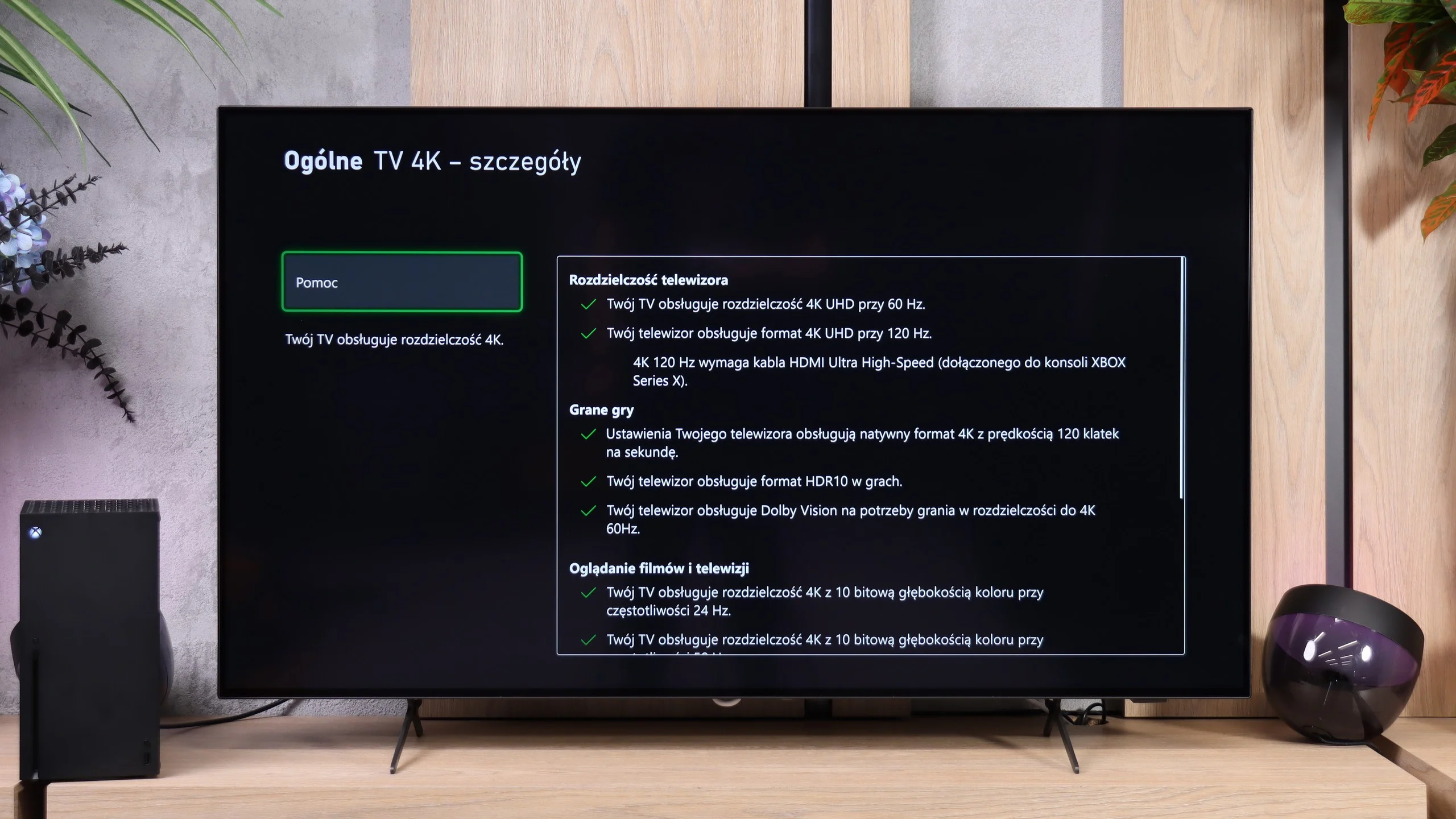
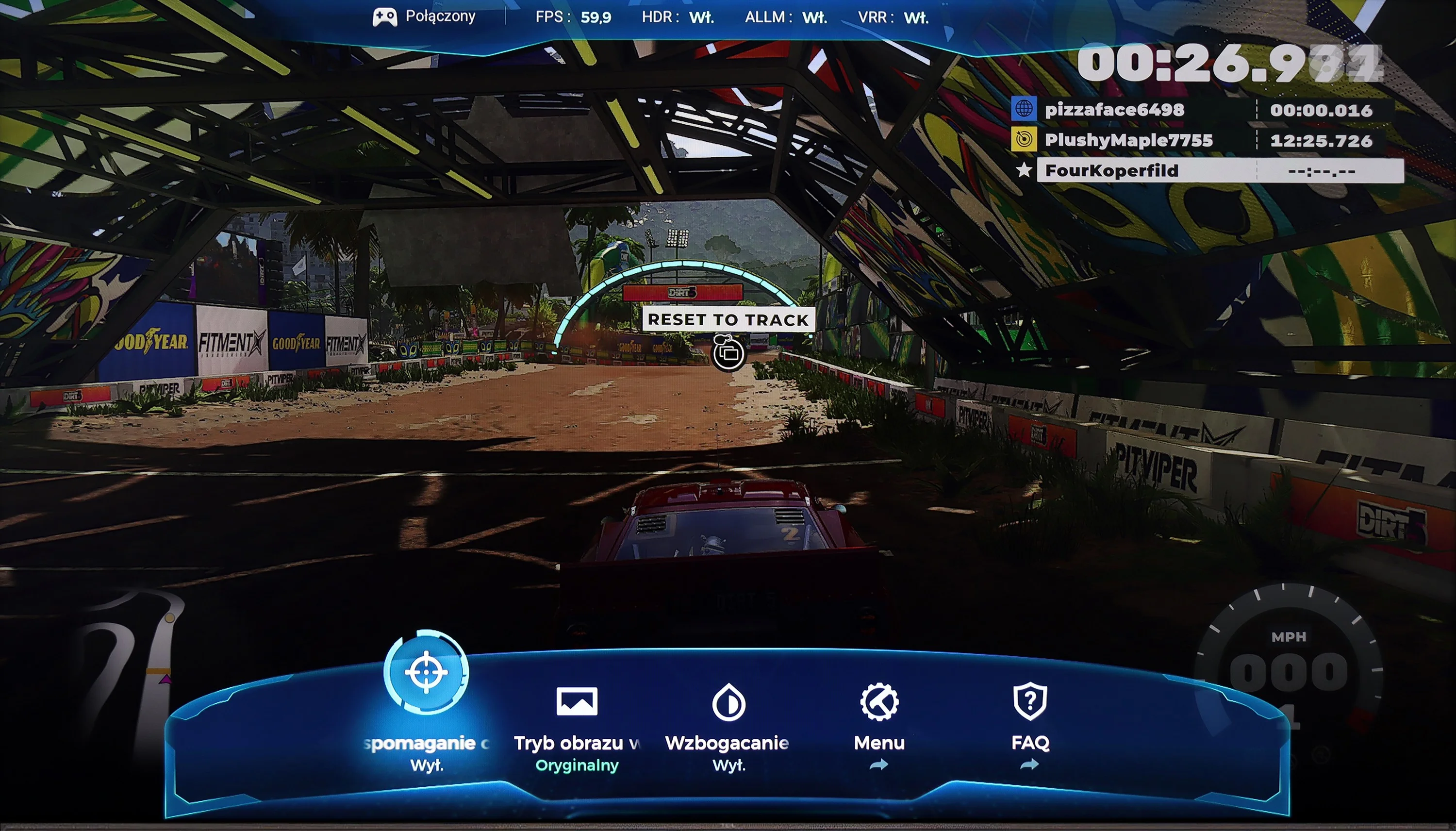
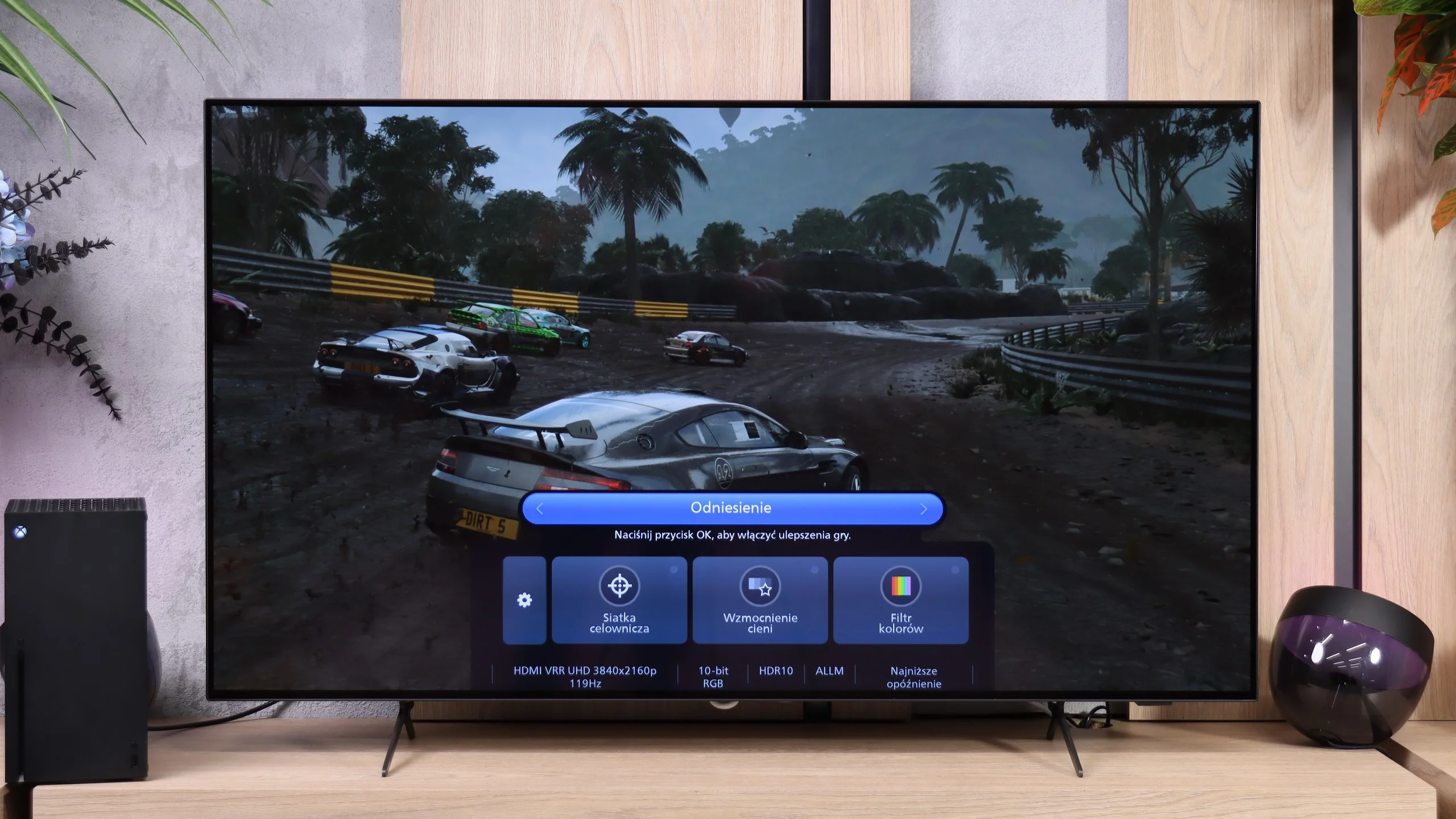
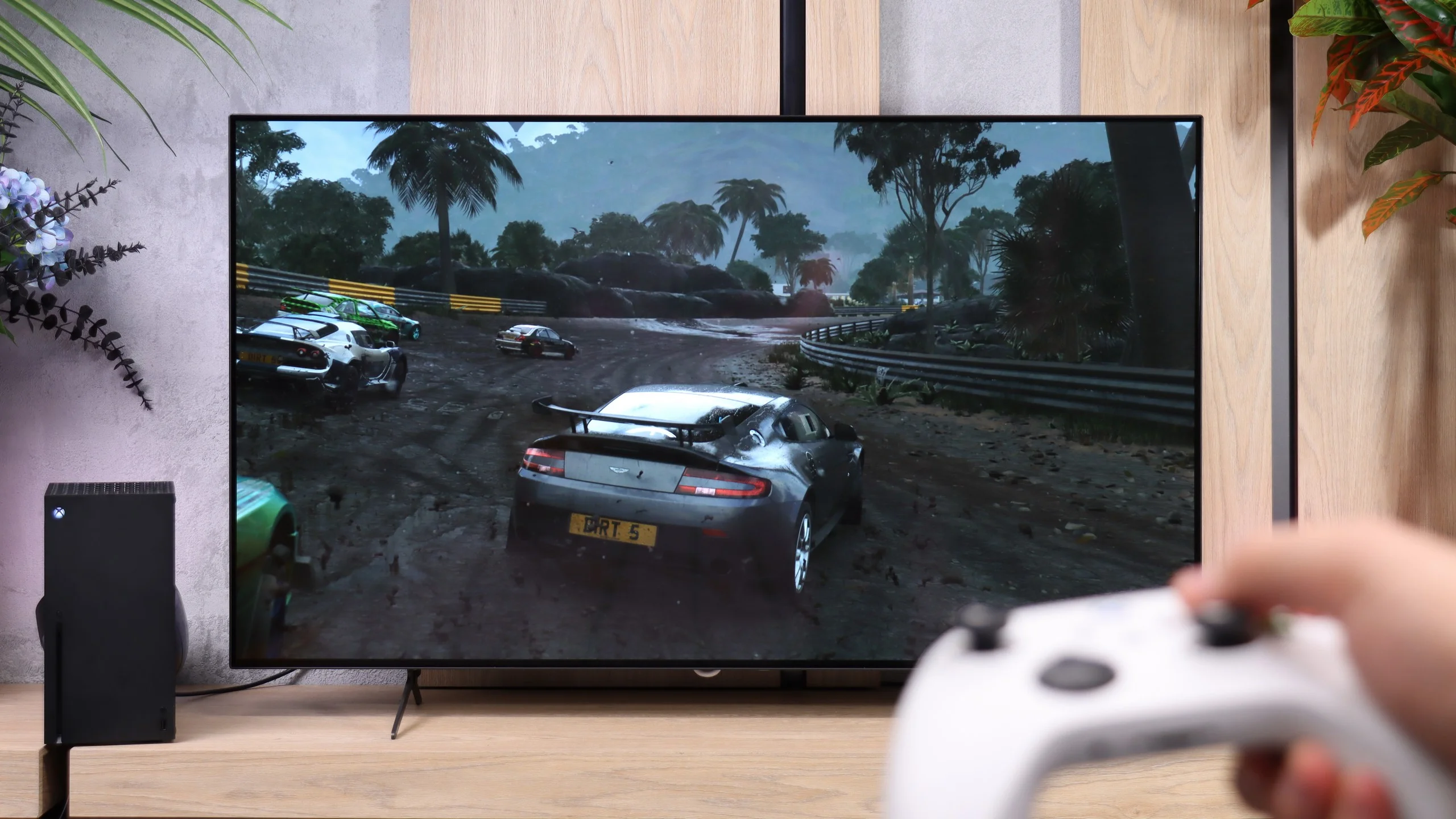
For gamers, the TCL P755 has benefits like low input lag, making it responsive enough for fast-paced games. While the TV’s 60 Hz panel and HGiG limitations may pose minor challenges, it remains a good choice for casual gaming.
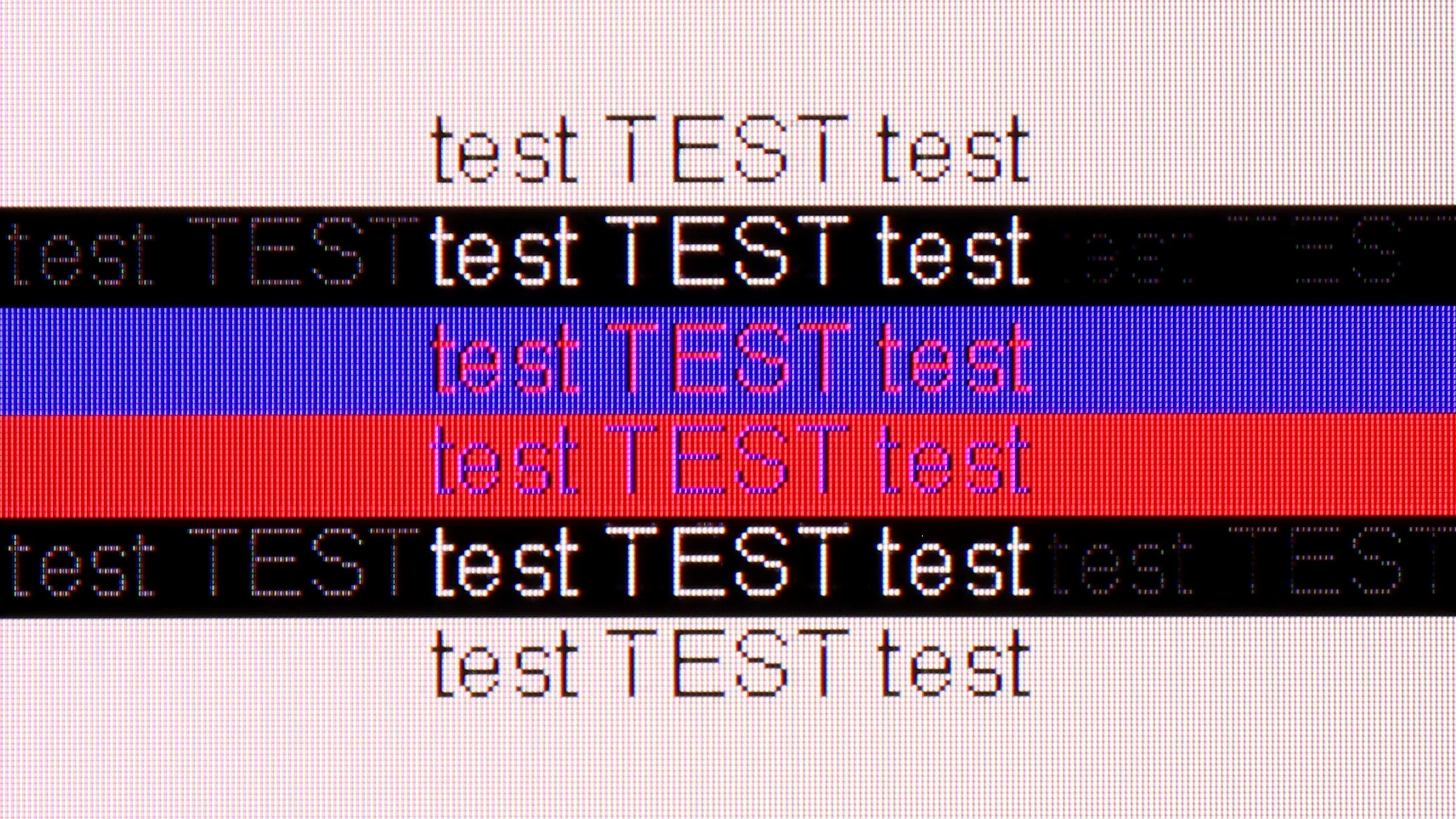
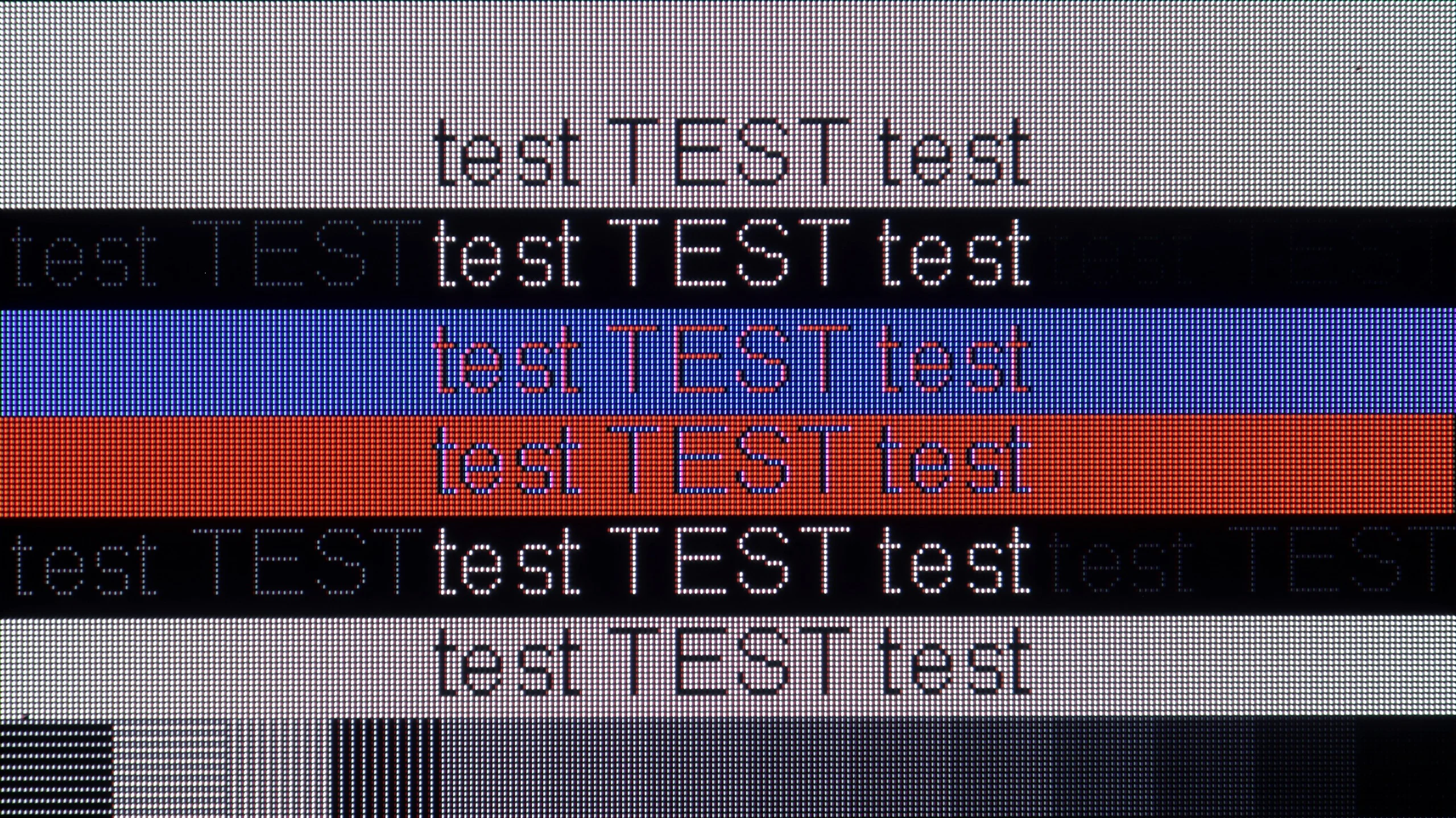
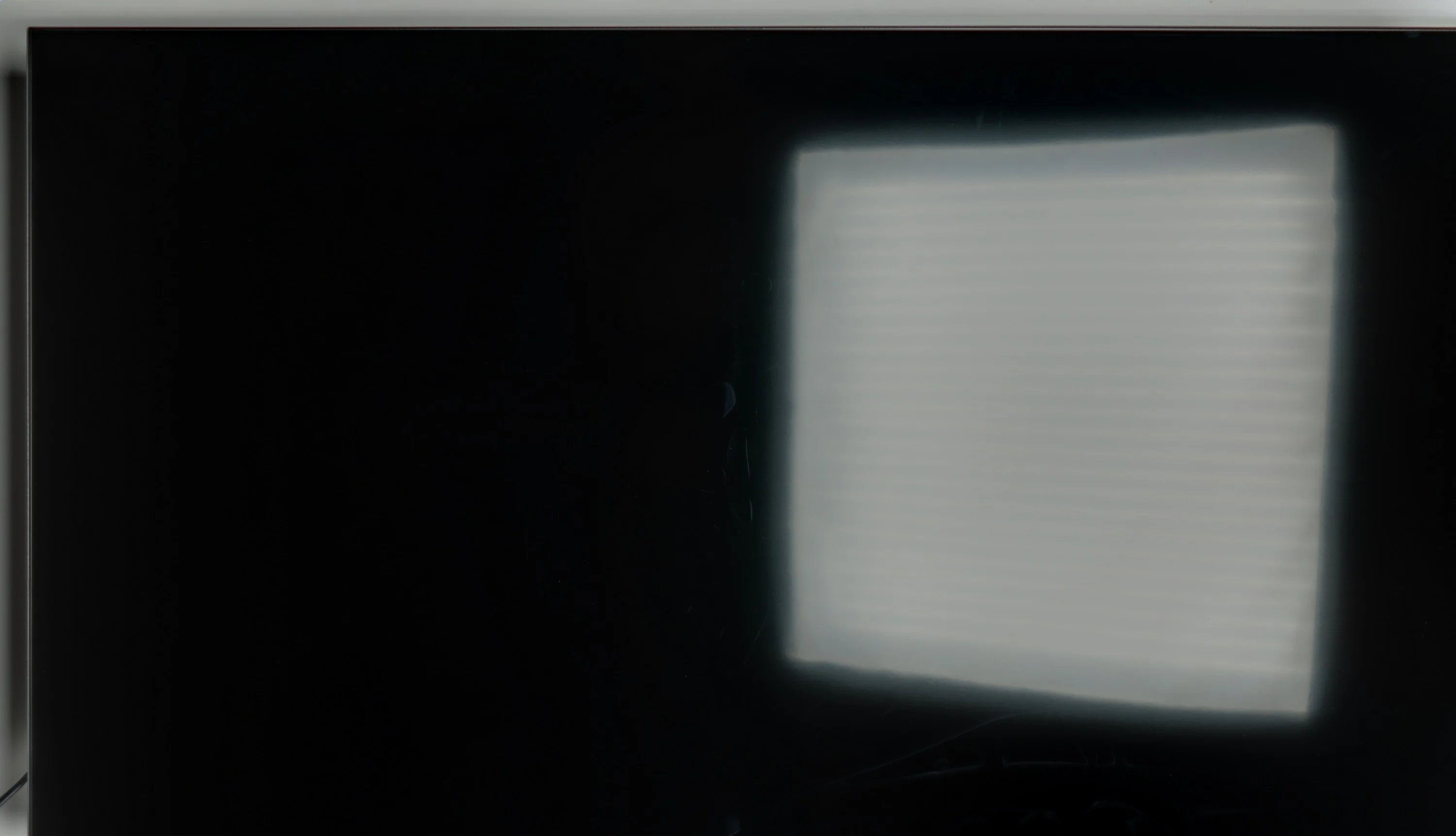
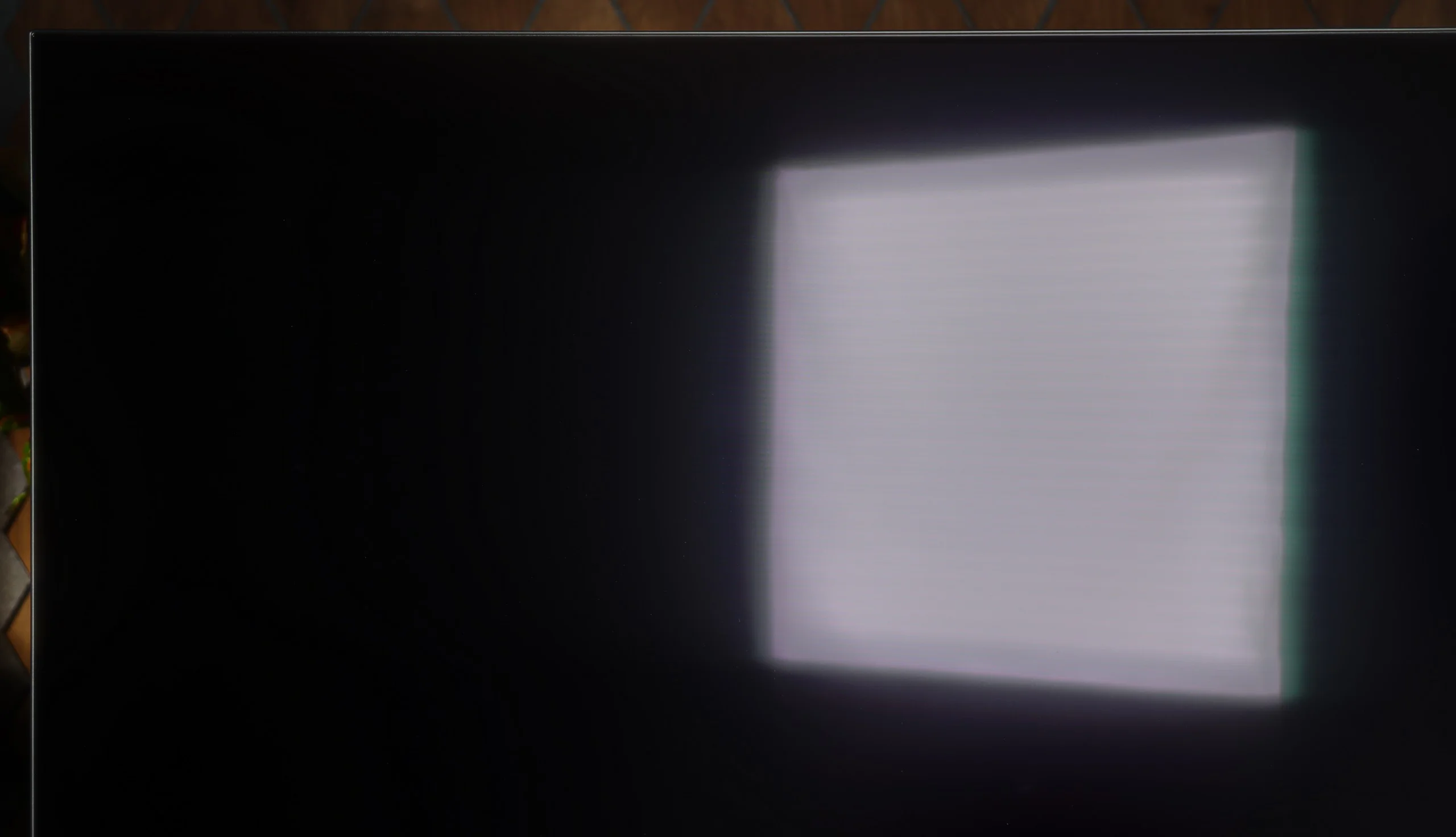
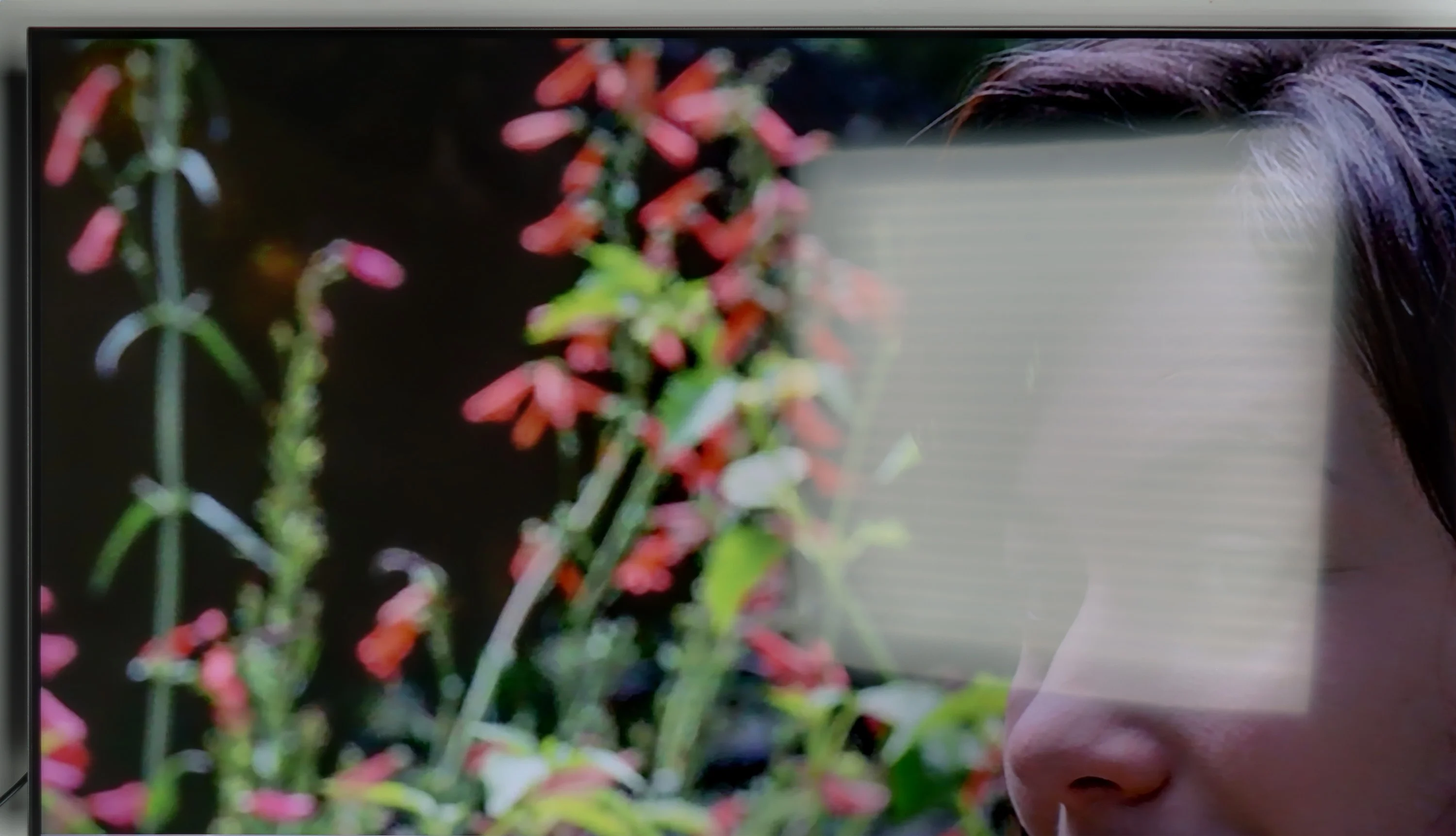
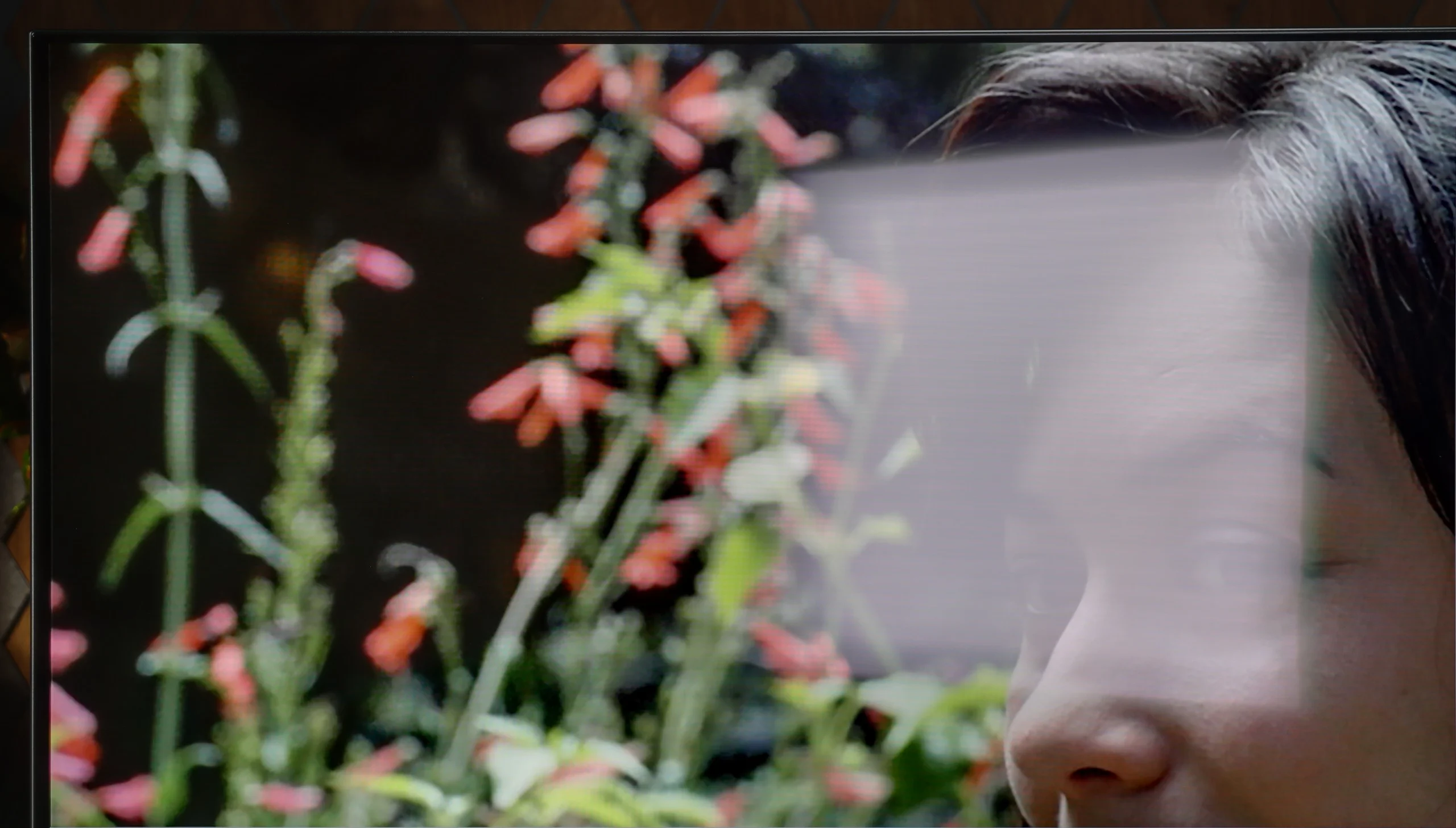
However, the P755 has some limitations. Low brightness and narrow viewing angles may impact viewing in brightly lit spaces, and dithering can introduce artefacts in darker scenes and reduce font clarity on a PC.
Overall, the TCL P755 offers premium features like Dolby Vision, a wide colour gamut, and low input lag at an affordable price, with the trade-offs being reasonable given its price bracket.
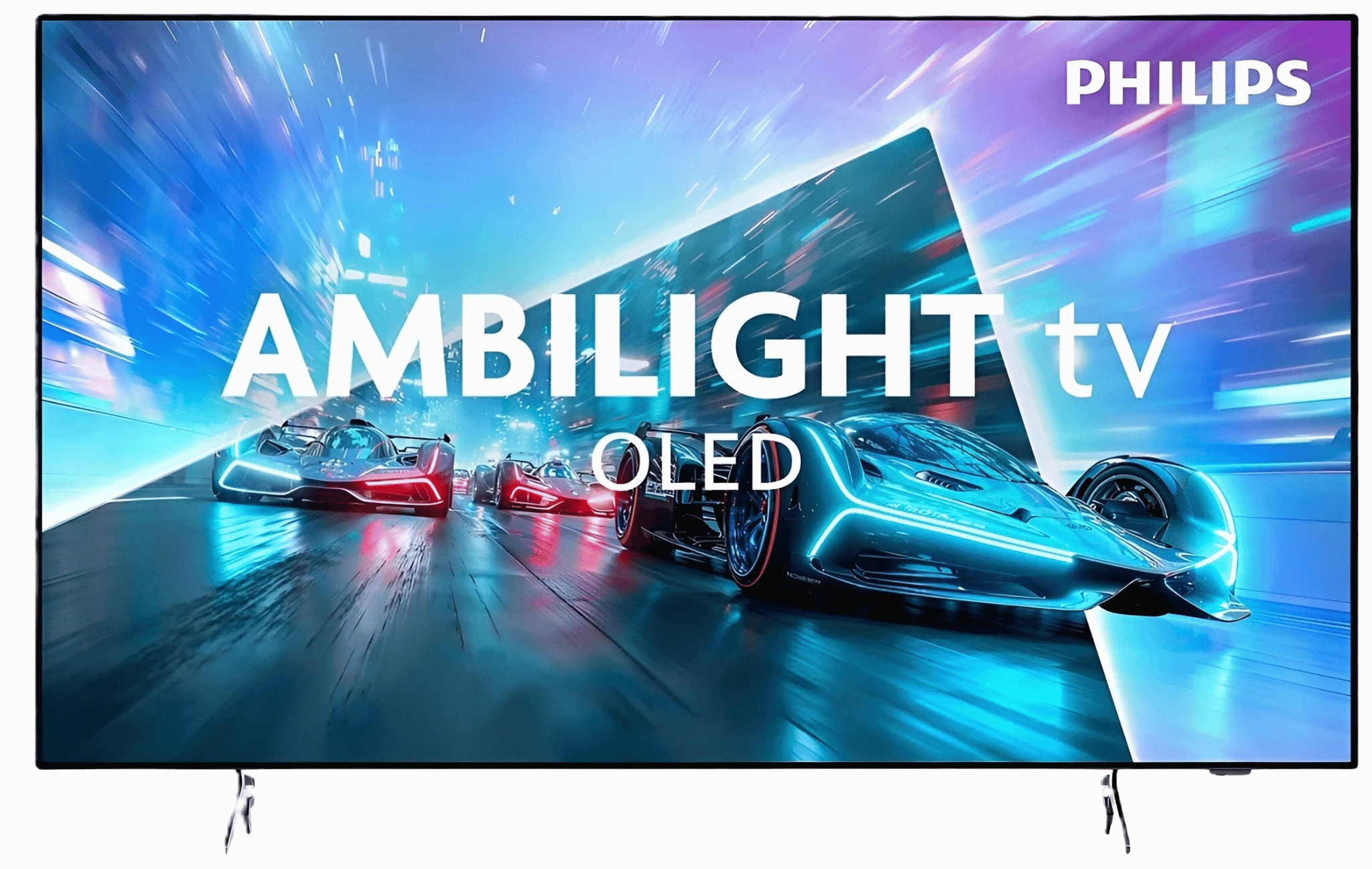
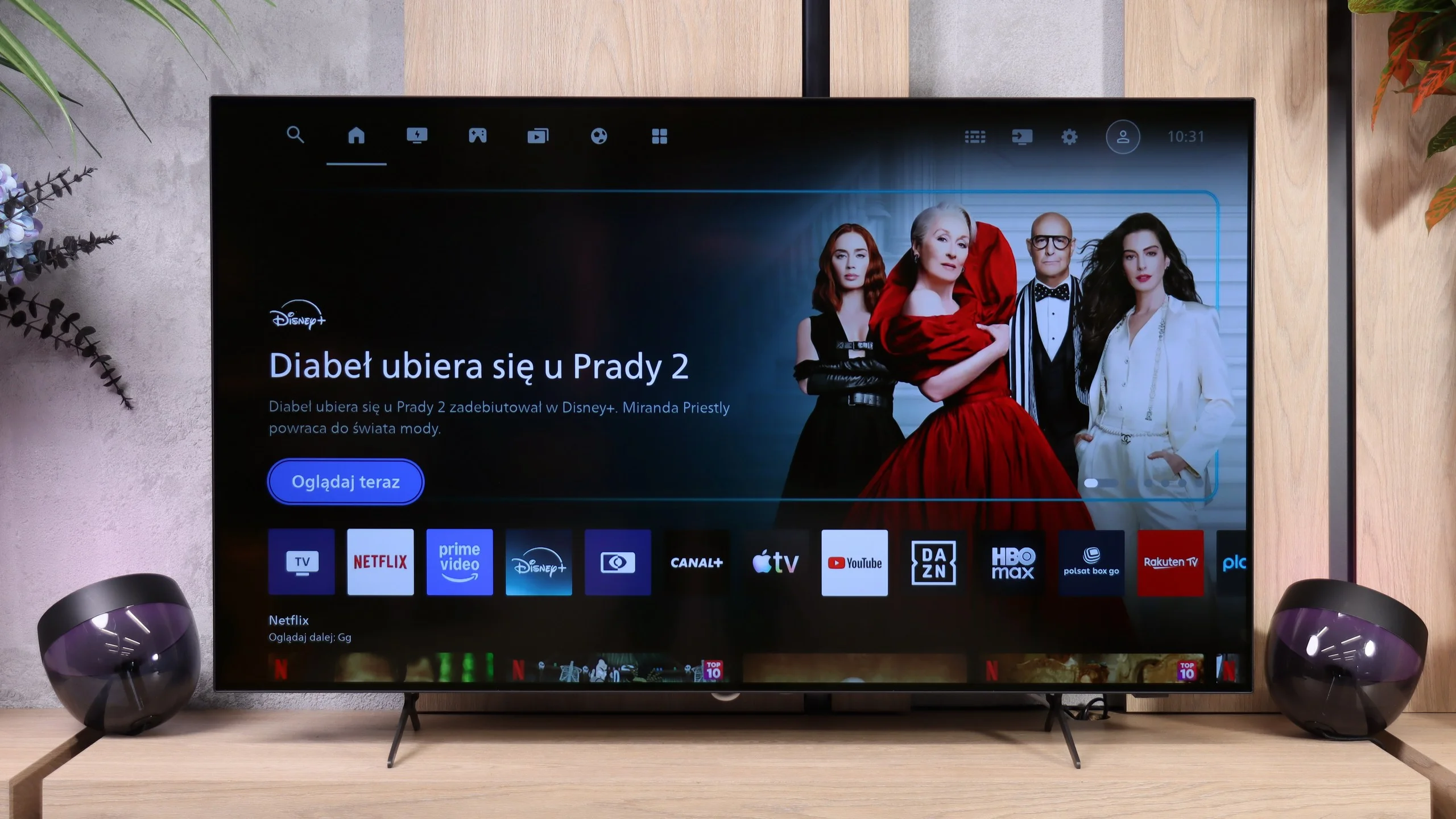
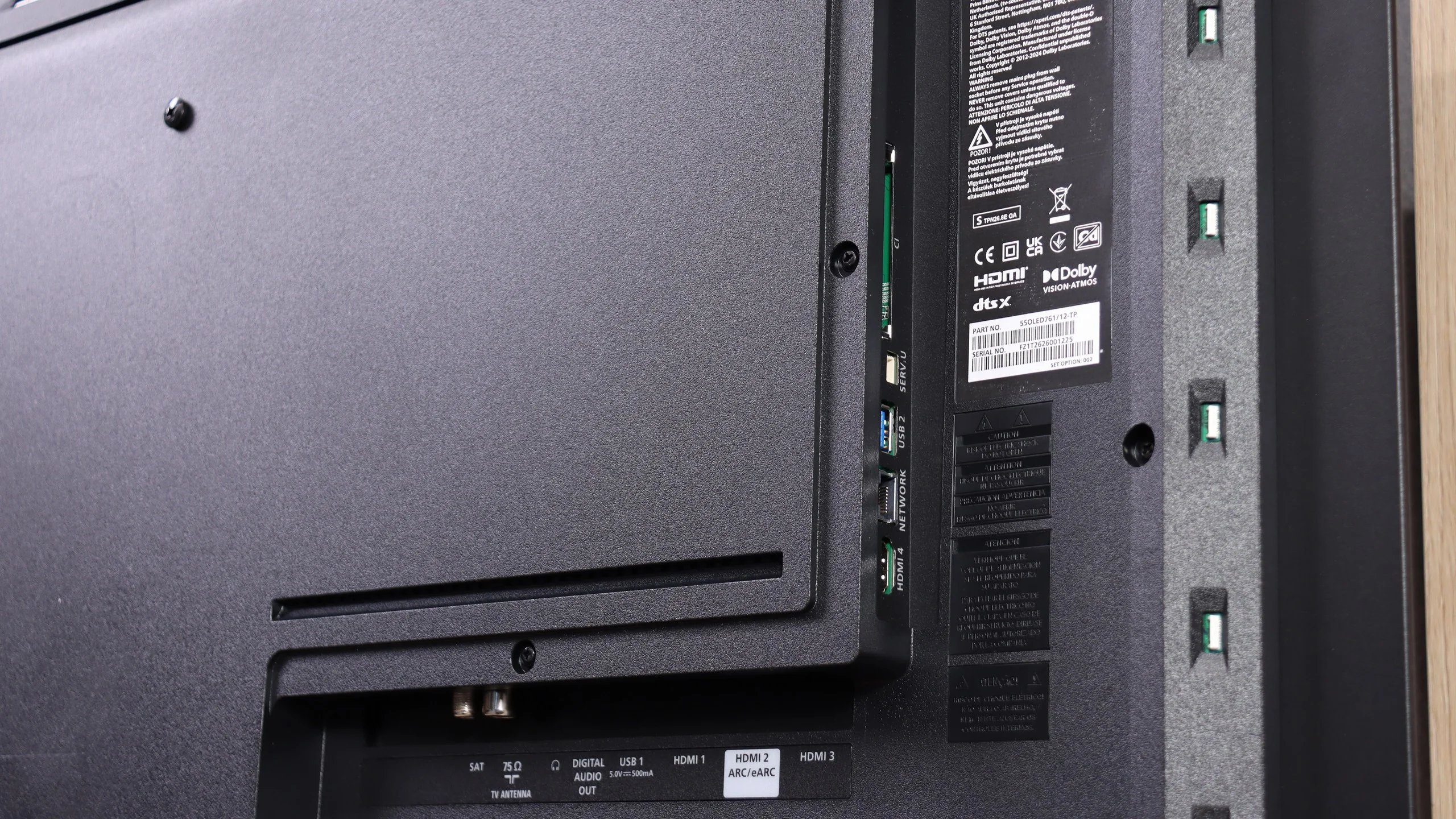
Philips OLED761 shows that an entry-level OLED in the brand’s lineup can be a successful choice for watching movies. It performs best in the evening, when perfect black levels and impressive HDR let you appreciate the strengths of this panel. After calibration the colors are very well reproduced, so it's hard to find major faults with the picture during regular viewing. It doesn't always handle the brightest highlights in demanding HDR10 films equally well, but Dolby Vision helps in those scenes. This is a TV that can leave a really good impression when you turn off the lights. A big part of that experience is Ambilight. If you like backlighting the wall behind the screen, the OLED761 gives a concrete reason to consider Philips. You don’t have to pay extra for higher-tier models to get this feature combined with a good OLED picture. This model also works for gaming: the 120 Hz panel and four HDMI 2.1 inputs let you use it for movies, consoles, or a PC. That matters, because even the cheapest OLED in a lineup should be a versatile purchase, not a TV that’s only good for evening sessions.
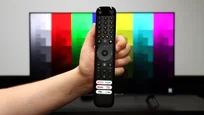
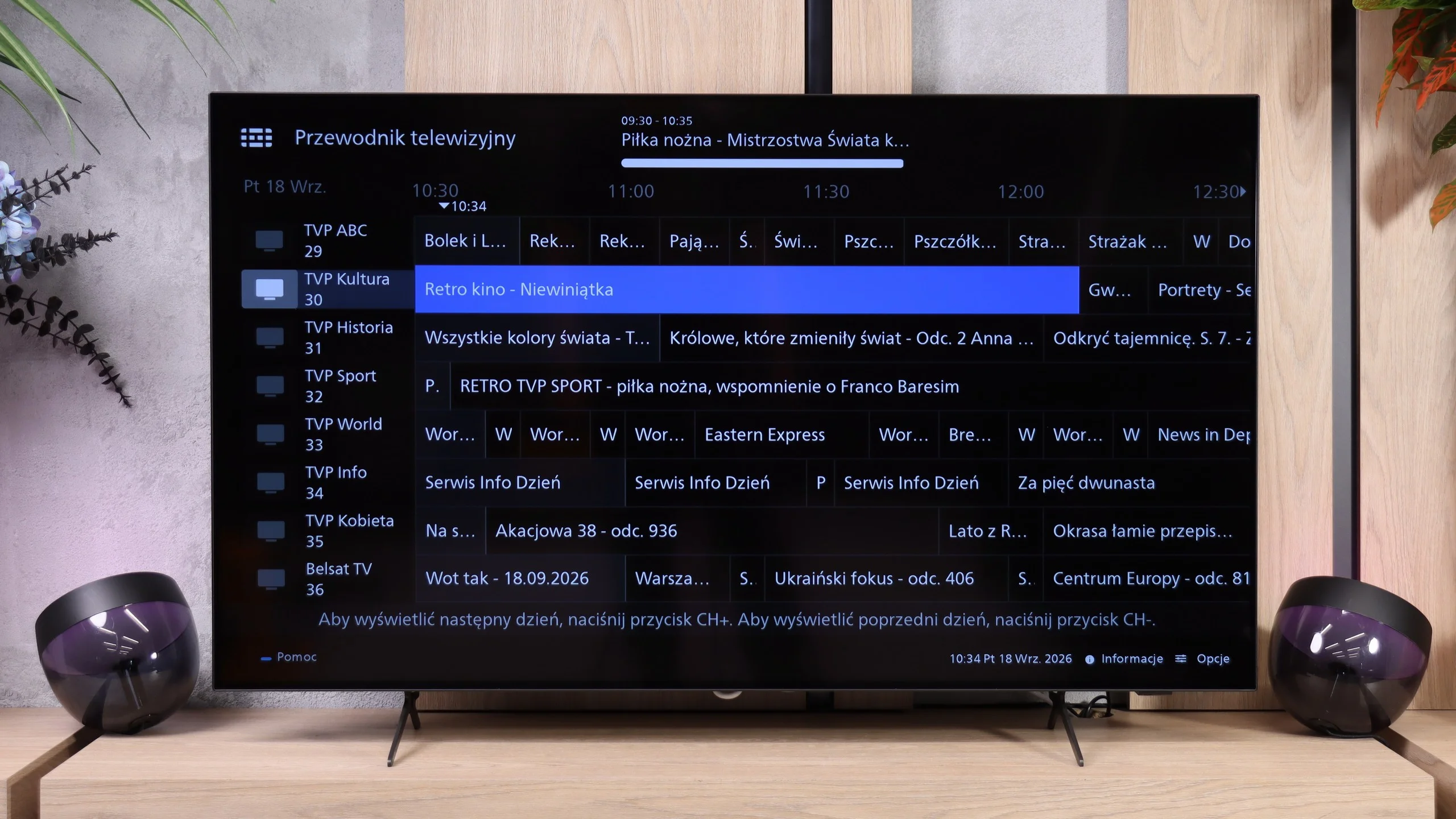
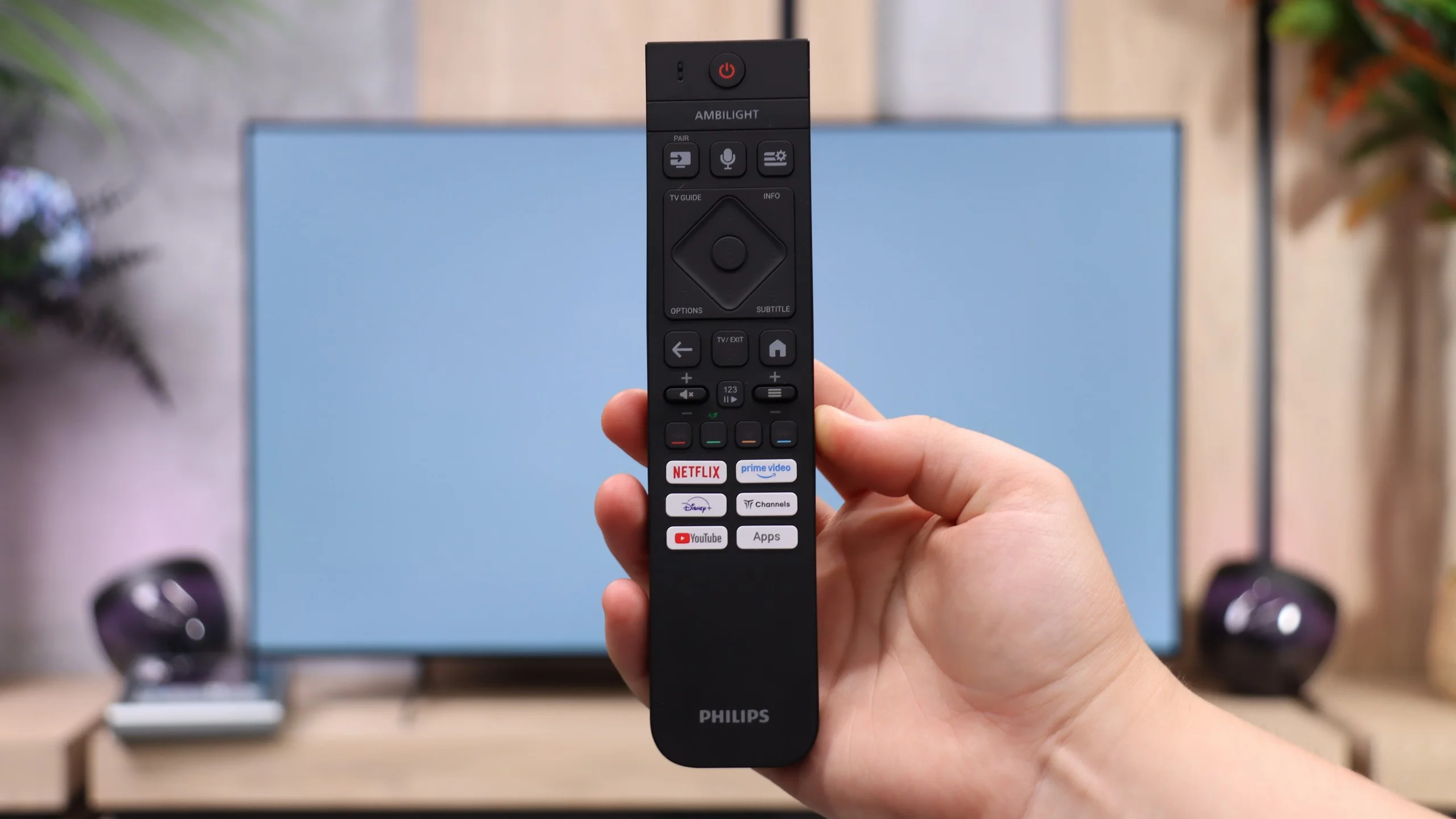
Before buying, though, it’s worth looking at two limitations. The first is watching in a bright room. The OLED761 is a bit dimmer than rivals using a similar panel, and the absence of a polarizer in the OLED SE panel further reduces its performance in bright rooms. The second is Titan OS. The system runs more smoothly than in earlier versions, but it still offers a smaller selection of apps than the competition. Improved smoothness is welcome, but it won't replace access to the services you use every day, so it's best to check app availability before buying. We also didn’t like the remote. Even though it's backlit and has a full set of useful buttons, it requires precise aiming at the screen.
Ultimately, the Philips OLED761 makes the most sense for people who mainly watch in the evenings and want Ambilight. In those conditions it can confidently compete with the Samsung S85H or LG B6, and the choice between them will depend more on price, the operating system, and personal habits. Philips doesn't have a clear advantage in every use case, but you shouldn't treat it as an inferior option just because it opens the brand’s OLED range. At the right price it's a good buy... but only if the available apps meet your needs.
 Direct comparison