- Matching (Score) |
- Our verdict |
- TV appearance |
- Where to buy |
- Contrast and black detail |
- HDR effect quality |
- Factory color reproduction |
- Color reproduction after calibration |
- Smoothness of tonal transitions |
- Image scaling and smoothness of tonal transitions |
- Blur and motion smoothness |
- Console compatibility and gaming features |
- Input lag |
- Compatibility with PC |
- Viewing angles |
- Daytime performance |
- Panel details |
- TV features |
- Apps |
- Playing files from USB |
- Sound
 Direct comparison

Check prices in stores:
TCL C8K(paid link)C8K / QM8K
MLED920 / MLED910

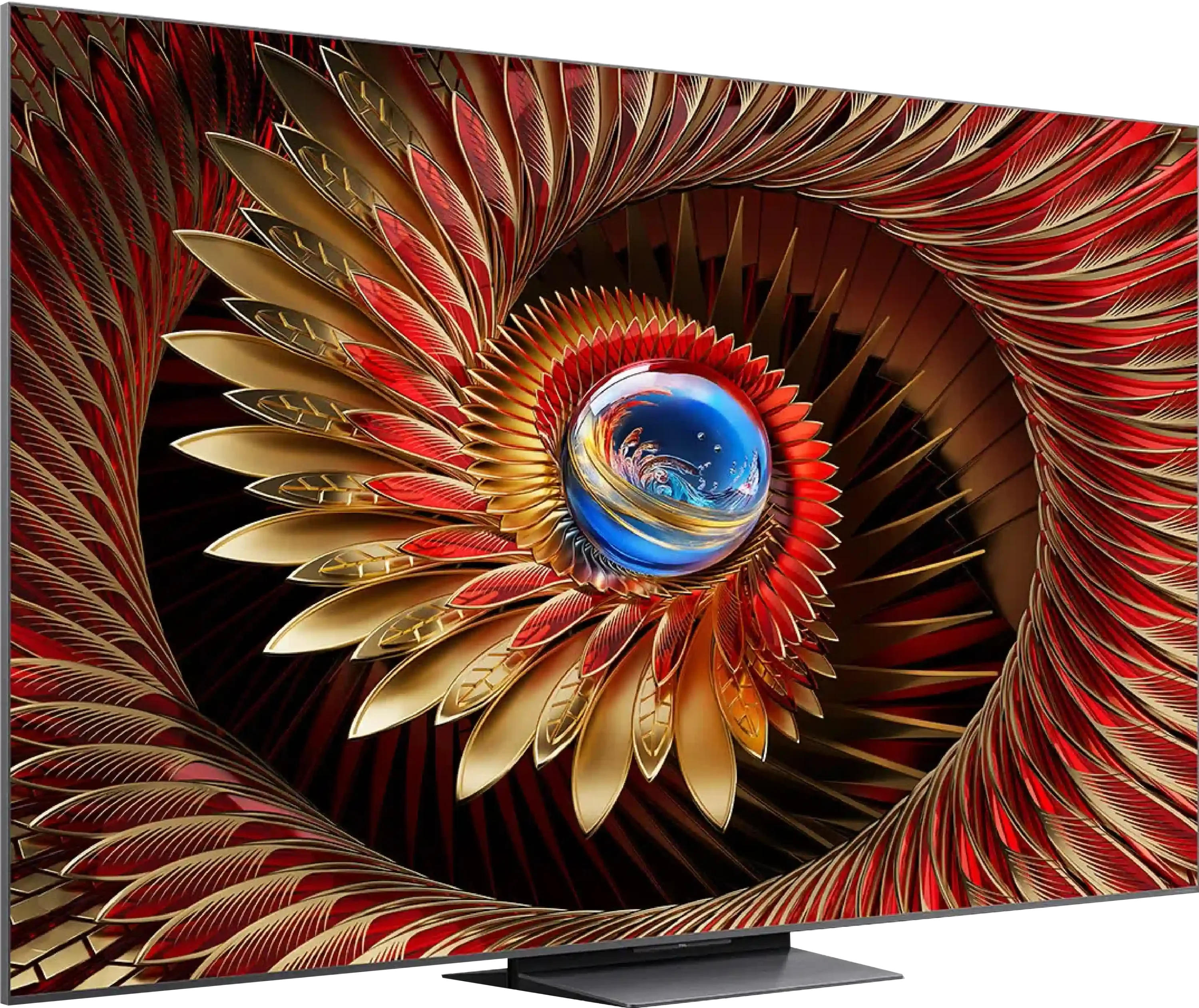
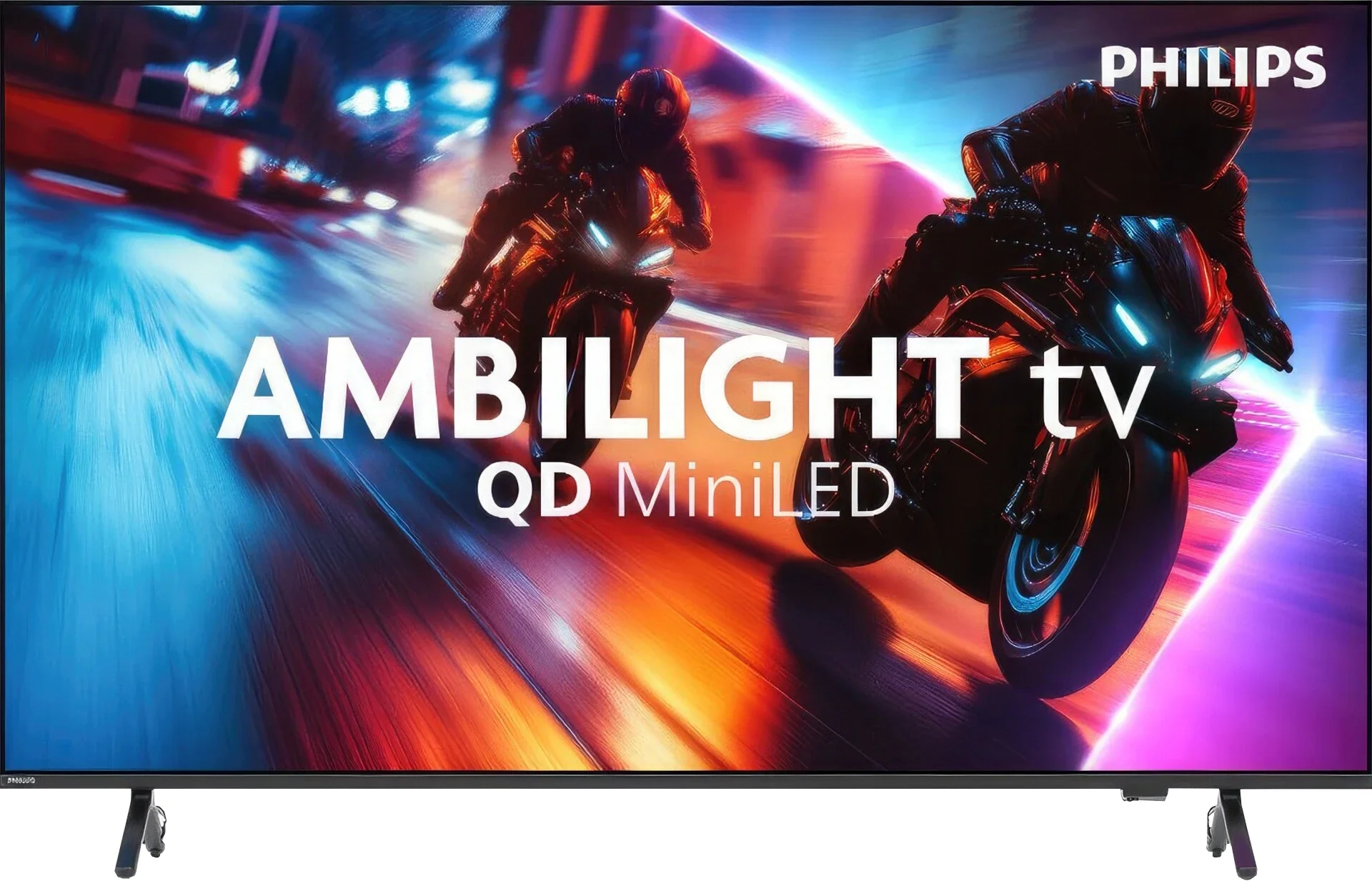
Panel type: LCD VA
Resolution: 3840x2160
System: Google TV
Model year: 2025
Panel type: LCD VA
Resolution: 3840x2160
System: Titan OS
Model year: 2025
Check how well they match your needs
Take the surveyOverall rating
7.7
6.5
 Movies and series in UHD quality
7.5
6.4
 Classic TV, YouTube
7.1
6.8
 Sports broadcasts (TV and apps)
6.7
6.8
 Gaming on console
8.8
8.5
 TV as a computer monitor
8.6
4.0
 Watching in bright light
6.9
5.5
 Utility functions
7.7
5.5
 Apps
9.6
6.7
 Sound quality
7.9
6.2
Complete the survey to find out what fits your preferences
Advantages

Solid black and high contrast thanks to mini-LED backlighting
HDR brightness reaching 700–800 nits in real movie scenes
Support for multiple HDR formats including Dolby Vision and HDR10+
Ambilight – a feature that adds atmosphere, especially in the evening
Lots of supported audio formats: DTS:X, Dolby Atmos, Dolby True HD 7.1
144 Hz panel with support for VRR, ALLM, and Dolby Vision Gaming
Loud sound (up to 88 dB)
Illuminated remote
Disadvantages

Titan OS is quite underdeveloped – there are significant bugs and deficiencies in the applications
Few user features
Hybrid infrared remote control
Issues with the fluidity of tonal transitions in dark scenes
The TV is not suitable (aside from gaming) for collaboration with a PC – strong dithering and poor readability of fonts, especially colored ones and on dark backgrounds
Our verdict
The Philips MLED920 is a natural continuation of last year's PML9000 model, but it's not a repeat performance. It's clear that the manufacturer has done its homework – first and foremost, the local dimming algorithms have been improved, which last year tended to significantly degrade the viewing experience. Now, the blacks and contrast look much better, and when combined with the Dolby Vision here, even HDR content looks really decent. The picture occasionally shines where it should, and it doesn’t strain the eyes in more challenging scenes. Undoubtedly, the biggest advantage of the MLED920 is its unique Ambilight system. The three-sided backlighting can give films and games a completely new atmosphere – the screen seems to extend beyond its borders, and the entire room becomes part of the viewing experience. This is something that will be appreciated not only by movie enthusiasts but also by gamers, who, in addition to the lights, get a whole set of features typical for modern gaming TVs: 144 Hz, VRR, ALLM, and Dolby Vision Gaming. In this regard, Philips has a lot to offer. However, there is a significant caveat – this brings us to the most difficult part of this verdict – it is still dual-purpose equipment. On one hand, we have strong picture quality and a unique Ambilight feature, while on the other, there are hardware limitations that are hard to ignore. Titan OS in its current form is a significant bottleneck, filled with bugs and shortcomings that make the television lag behind the competition. Additionally, the price is not low considering the offered capabilities. Therefore, it's hard to recommend it unequivocally to everyone. However, if you are looking for the brightest Philips screen at a reasonable price, with Ambilight, a full set of features for gamers, and basic applications – the MLED920 will be quite a good choice.
TV appearance
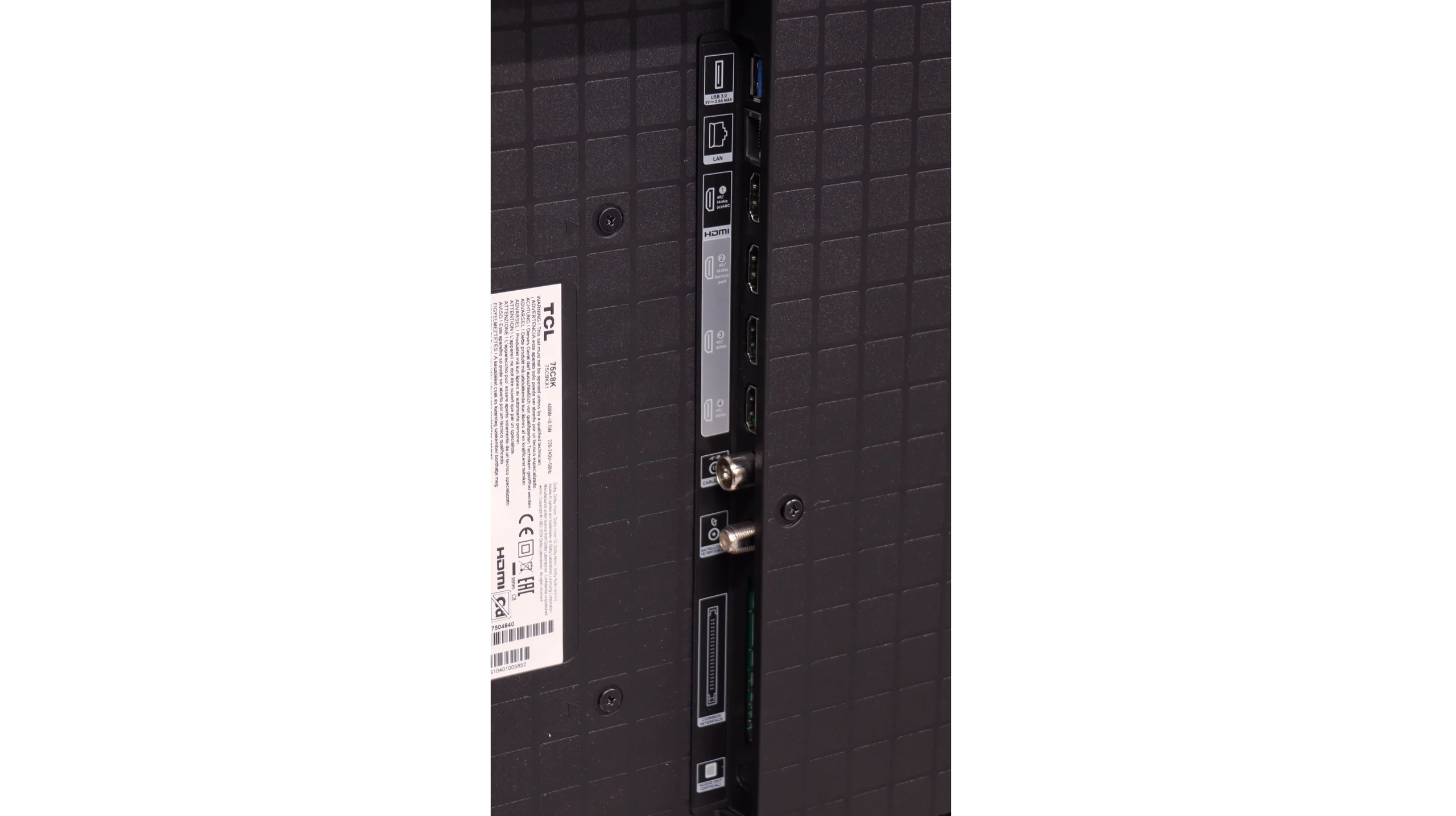
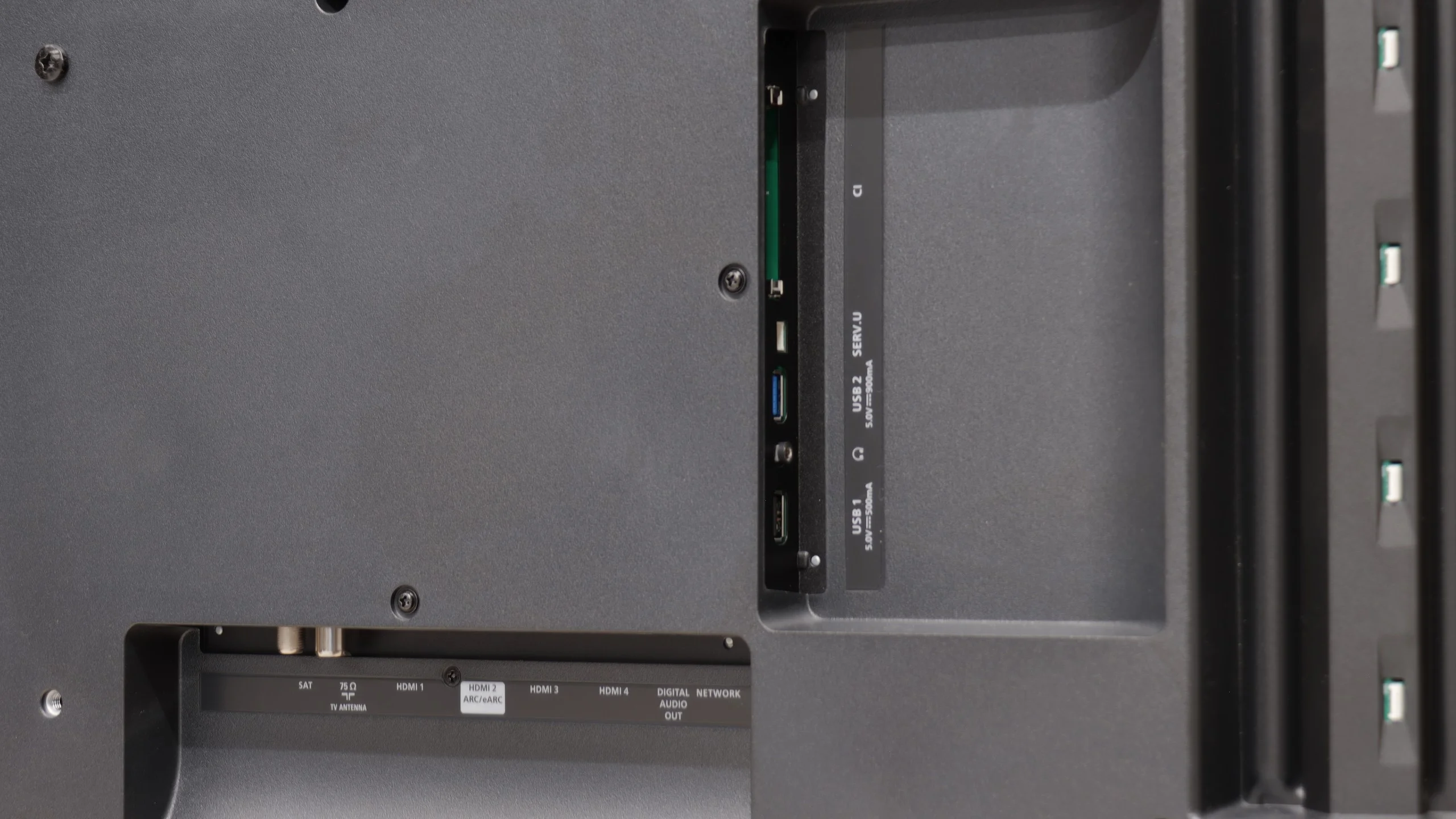
HDMI inputs
HDMI inputs
2 x HDMI 2.0, 2 x HDMI 2.1 (48Gbps)
0 x HDMI 2.0, 4 x HDMI 2.1 (48Gbps)
Other inputs
Other inputs
Outputs
Outputs
Toslink (Optical audio), eARC (HDMI), ARC (HDMI)
Toslink (Optical audio), eARC (HDMI), ARC (HDMI), Mini-Jack (Headphones)
Network Interfaces
Network Interfaces
Wi-Fi 2.4GHz, Wi-Fi 5GHz, Ethernet (LAN) 100Mbps
Wi-Fi 2.4GHz, Wi-Fi 5GHz, Ethernet (LAN) 100Mbps
Build quality
Build quality
Premium
Good
Stand type
Stand type
Central
Legs
Bezel color
Bezel color
Silver
Graphite
Stand
Stand
Fixed
Fixed
Flat design
Flat design
Yes
No
Accessories
Accessories
Stand
Stand

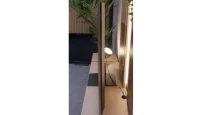
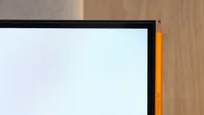

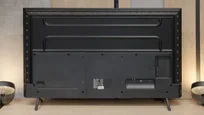

Contrast and black detail
8.2/10
7.9/10
Local dimming function: Yes, number of zones: 1680 (30 x 56)
Local dimming function: Yes, number of zones: 144 (12 x 12)
Contrast:


Result
714,300:1

Result
68,100:1

Result
25,050:1

Result
17,800:1

Result
12,500:1
Result
298,900:1
Result
38,500:1
Result
23,950:1
Result
16,850:1
Result
8,000:1
Halo effect and black detail visibility:
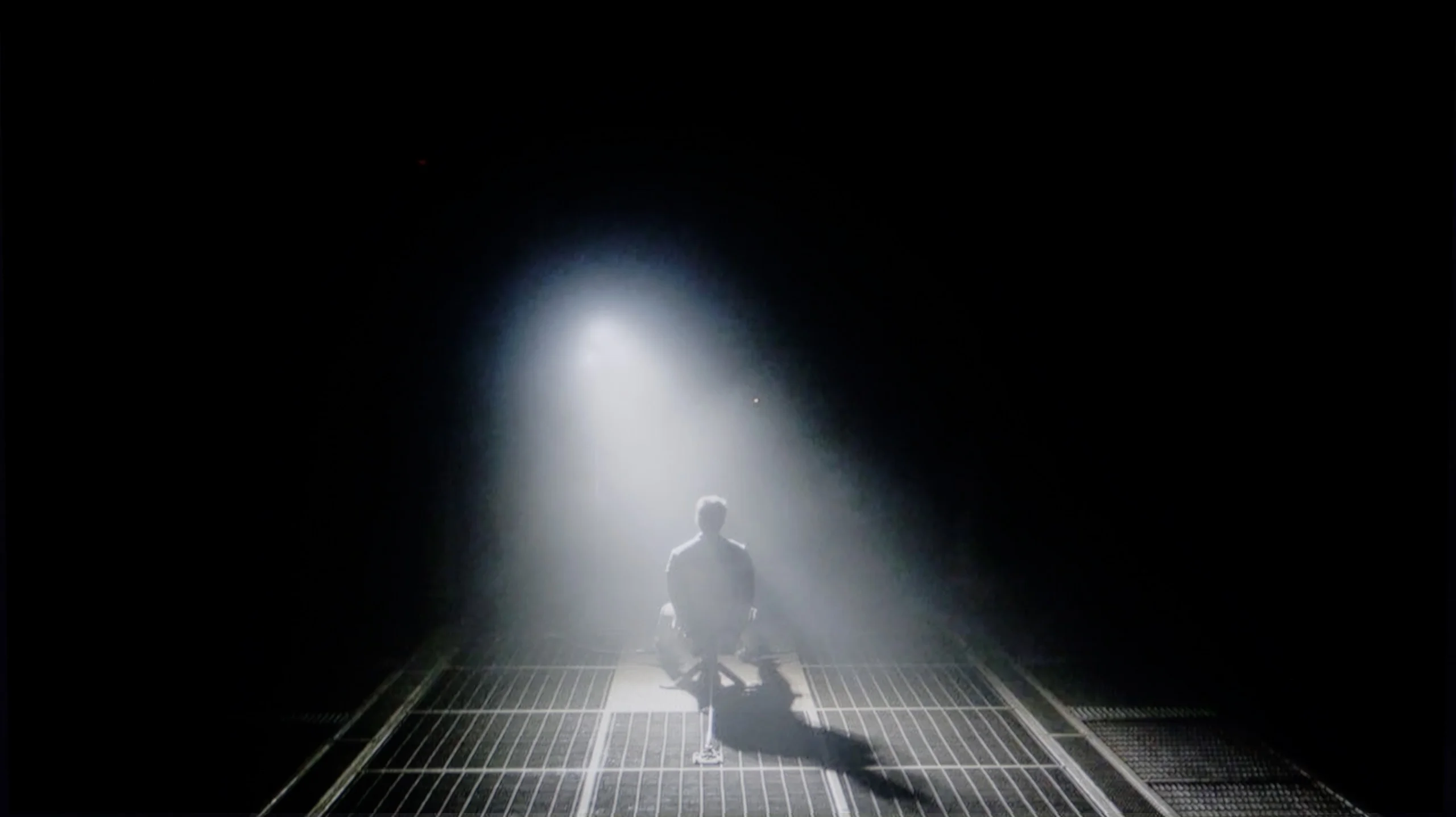
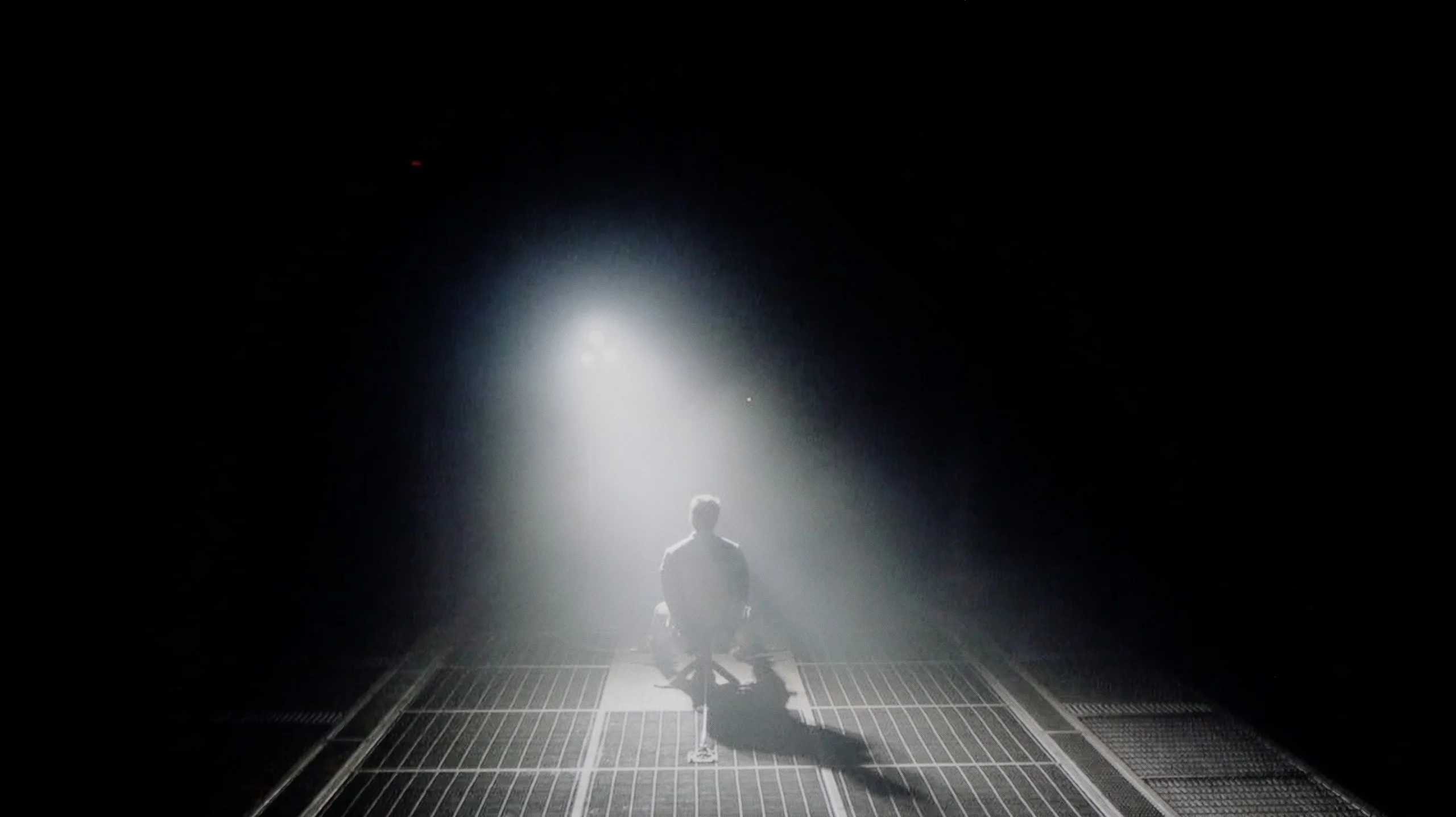
Check the visibility of bright lights on a dark background. Mini-LEDs often struggle with this. The photo does not compare black levels – that’s what the video below is for.
The video accurately shows differences in contrast and black levels between TVs, as well as potential issues: halo around bright objects or Mini-LED zone operation visible as brightness jumps.
The Philips MLED920 in the 55-inch version that we had the opportunity to test uses a high-contrast VA panel. The panel itself is one thing, but the true distinguishing feature of this model is the mini-LED backlighting. This largely determines how black levels and contrast appear – and it must be said that Philips has made a significant leap forward compared to the models from 2024, where the local dimming algorithms performed just mediocrely. In this new version, it's much better, and the contrast presented by the MLED920 can really pleasantly surprise. At times, it even resembles the level known from the best LCD TVs on the market – blacks can be deep, the image gains three-dimensionality, and viewing sessions in a dark room create a great impression. Of course, as is the case with any mini-LED TV, this is not an image entirely free from compromises. With a large amount of fine details on the screen, the local dimming algorithms can sometimes get confused – sometimes dimming details more than we would like, and at other times brightening the background, resulting in slight light blue halos around objects (the so-called halo effect). Despite these imperfections, we must emphasize that black levels and contrast are truly a strong point of the Philips MLED920 and definitely one of the reasons to consider it in the mid-range.
HDR effect quality
6.9/10
5/10
Supported formats
HDR10, HDR10+, Dolby Vision, Dolby Vision IQ, HLG
HDR10, HDR10+, Dolby Vision, HLG
Color gamut coverage
DCI P3: 96.7%, BT.2020: 80.8%
DCI P3: 89.9%, BT.2020: 65.6%
Luminance measurements in HDR:

Result
1241 nit

Result
510 nit

Result
1180 nit

Result
375 nit

Result
1421 nit
Result
722 nit
Result
177 nit
Result
775 nit
Result
131 nit
Result
677 nit
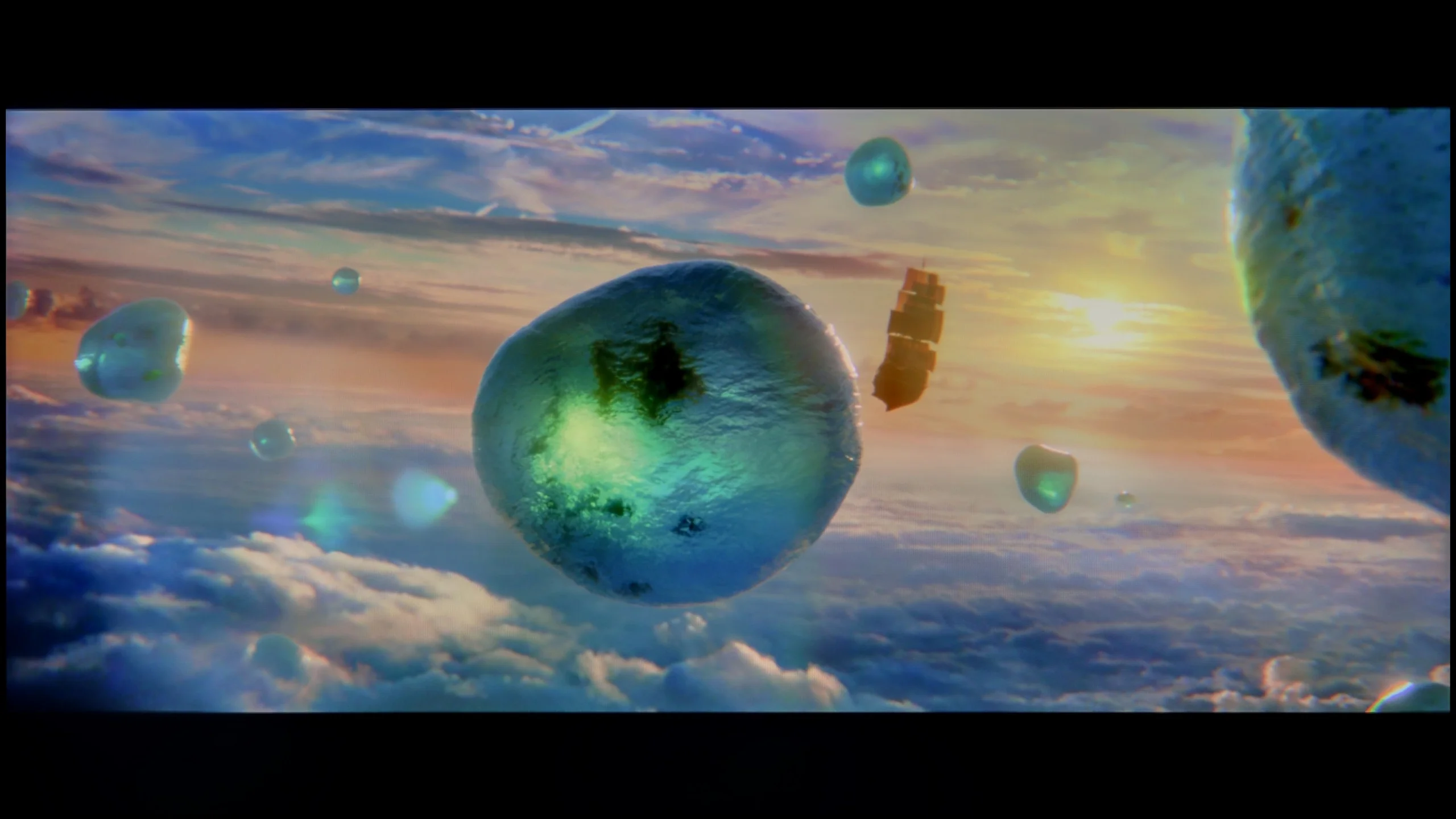
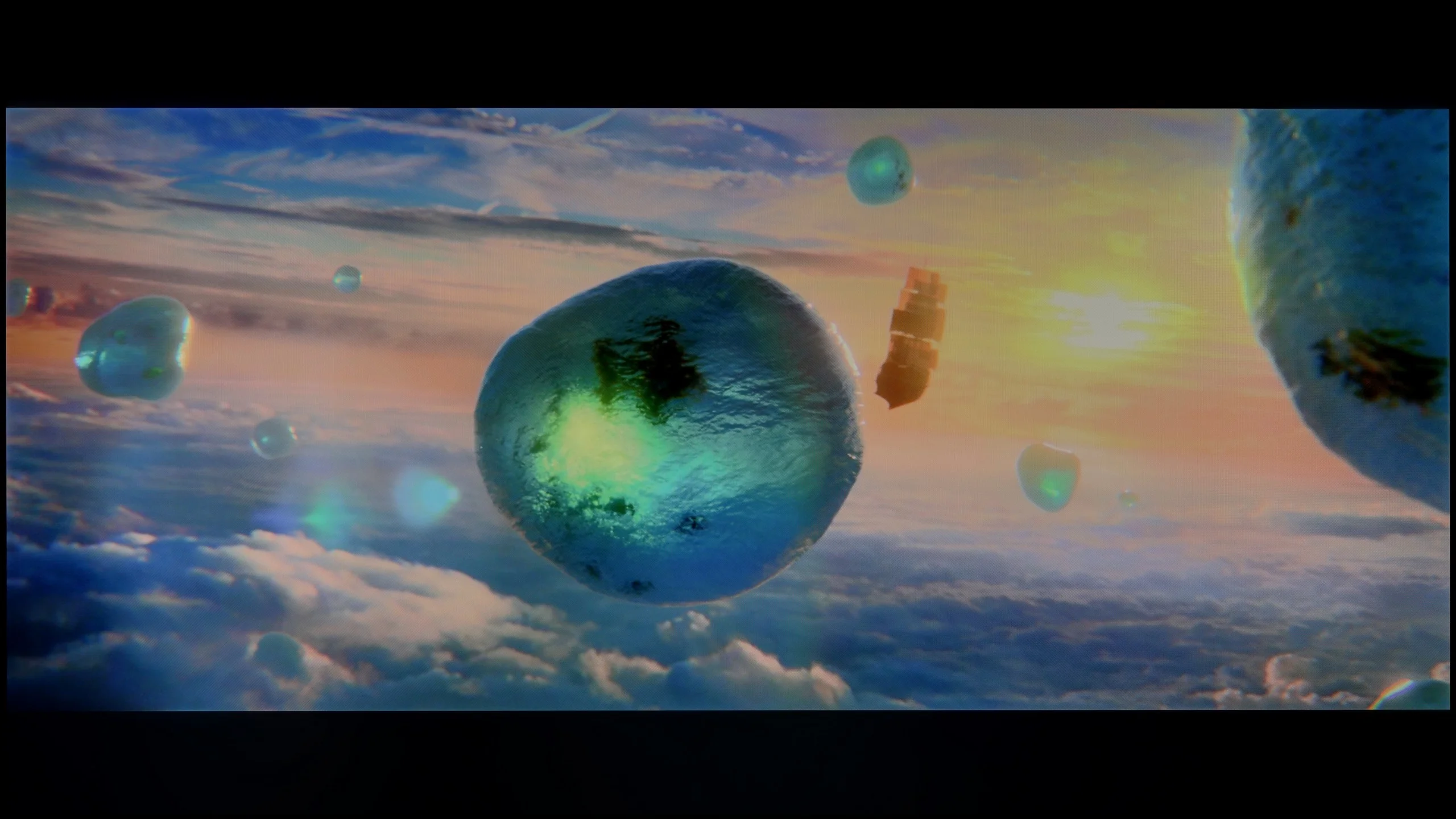
Scene from the movie “Pan” (about 2800 nits)
Scene from the movie “Billy Lynn” (about 1100 nits)
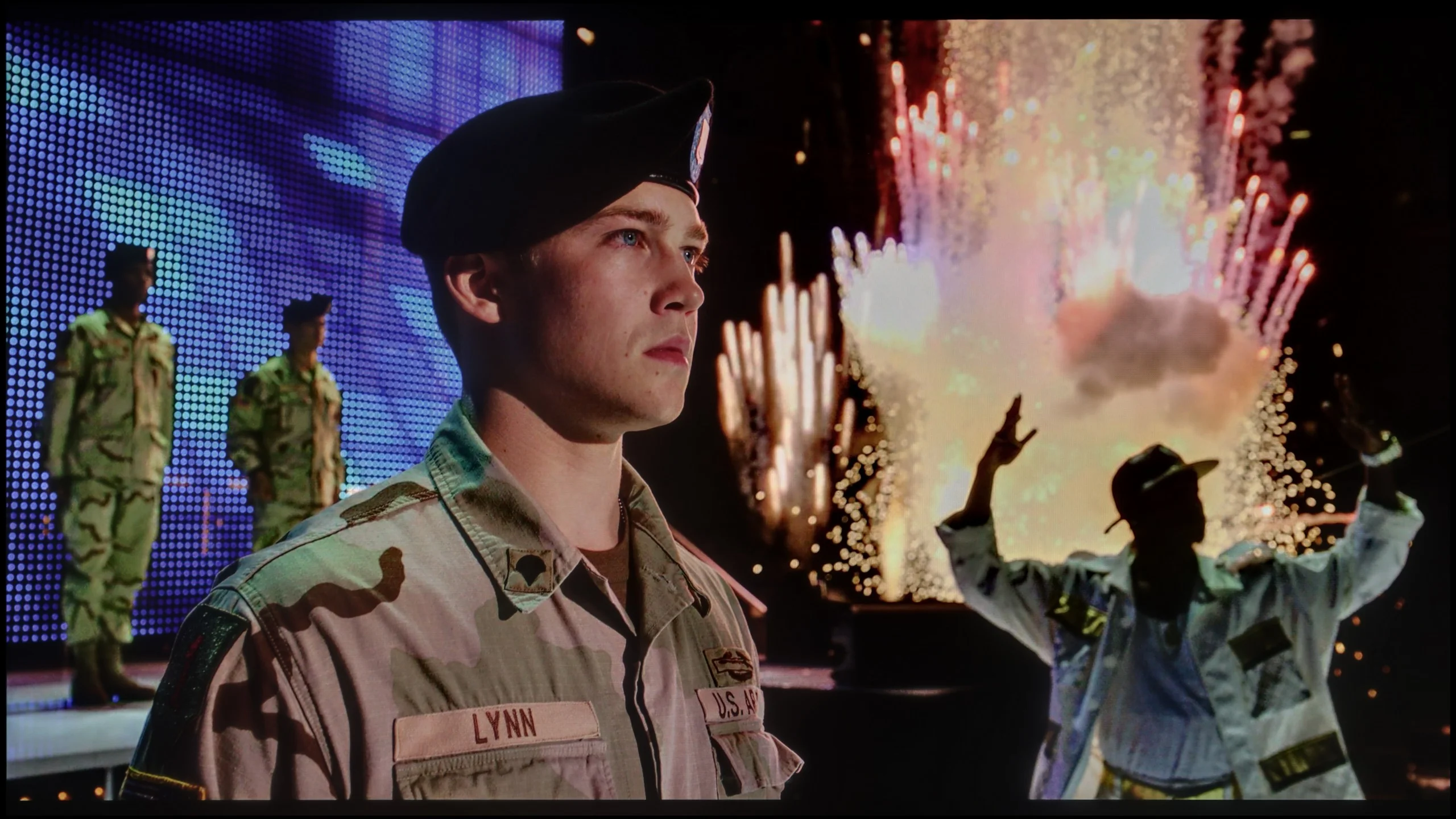
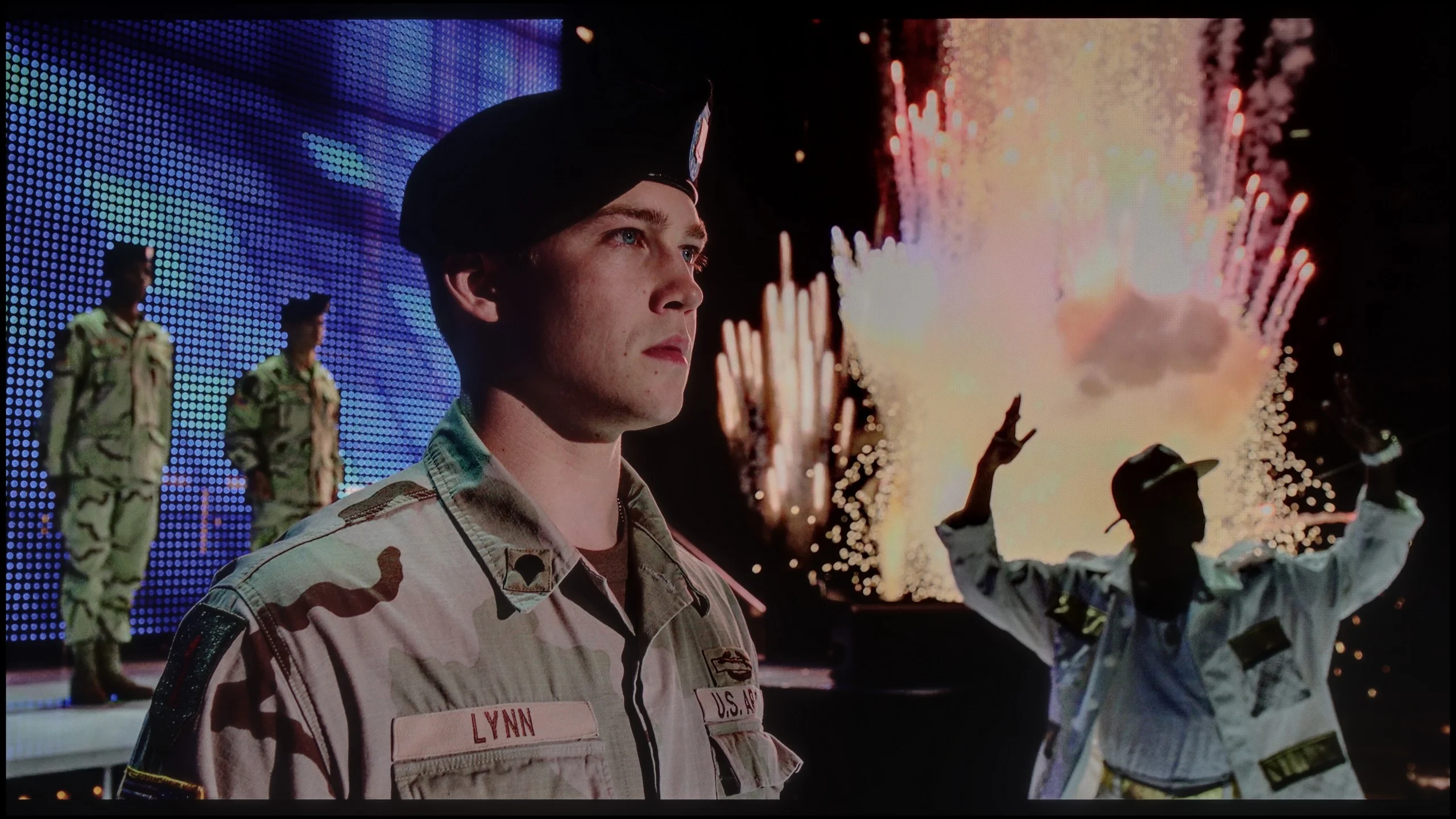
The photos show two HDR10 movies. 'Pan' is one of the brightest productions ever made, while 'Billy Lynn' (soldier) has brightness typical of streaming (Netflix, Prime, HBO MAX). Notice the intensity of effects and detail in whites.
Static HDR10


The photos present the visibility of white details in various HDR formats. They do not show brightness differences between TVs (these can be compared in the previous gallery).
Dynamic: Dolby Vision
Dynamic: Dolby Vision


The photos present the visibility of white details in various HDR formats. They do not show brightness differences between TVs (these can be compared in the previous gallery).
HDR luminance chart:
Philips MLED920 / MLED910
TCL C8K
In our measurements, the Philips MLED920 achieved even around 900 nits in static tests, which is a really solid result for a mid-range TV. In practice, this translates to a lot of satisfaction during viewing sessions – in scenes rich in bright light, such as the first, third, or fifth test screens, the screen was able to generate about 700 nits, which is enough to feel the true "HDR effect." However, it cannot be denied that the limited number of backlighting zones and the compromises of mini-LED dimming algorithms in more demanding scenes reveal their nature. In sequences with small light sources – such as the moon or a scene from the movie Sicario 2 – the television clearly prioritizes maintaining deeper blacks at the expense of the brightness of those small elements. For most viewers, this is still a reasonable compromise, as the dark background tends to look much better, though one must be aware that the details themselves may not impress with intensity. There is also some disappointment regarding colors. Although the applied PFS filter (the equivalent of quantum dots known from QLEDs) does its job and colors appear quite vivid, the coverage of the DCI-P3 color space reaches "only" 90%. In everyday viewing, this will be sufficient, but in extremely colorful productions – such as the latest Disney animations – one can notice that some tones are not as vibrant as they could be in other constructions.
Factory color reproduction
4.8/10
5/10
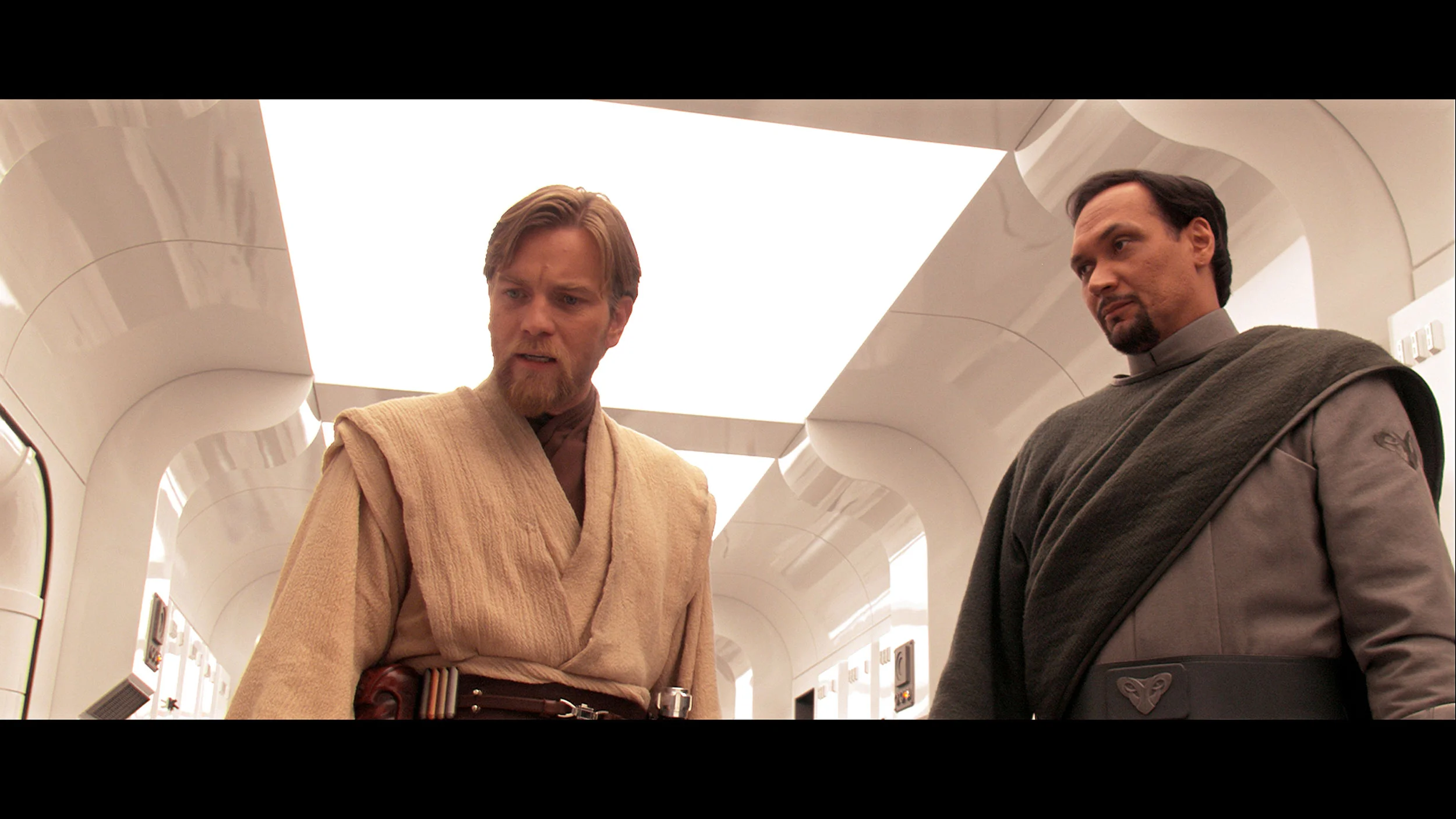
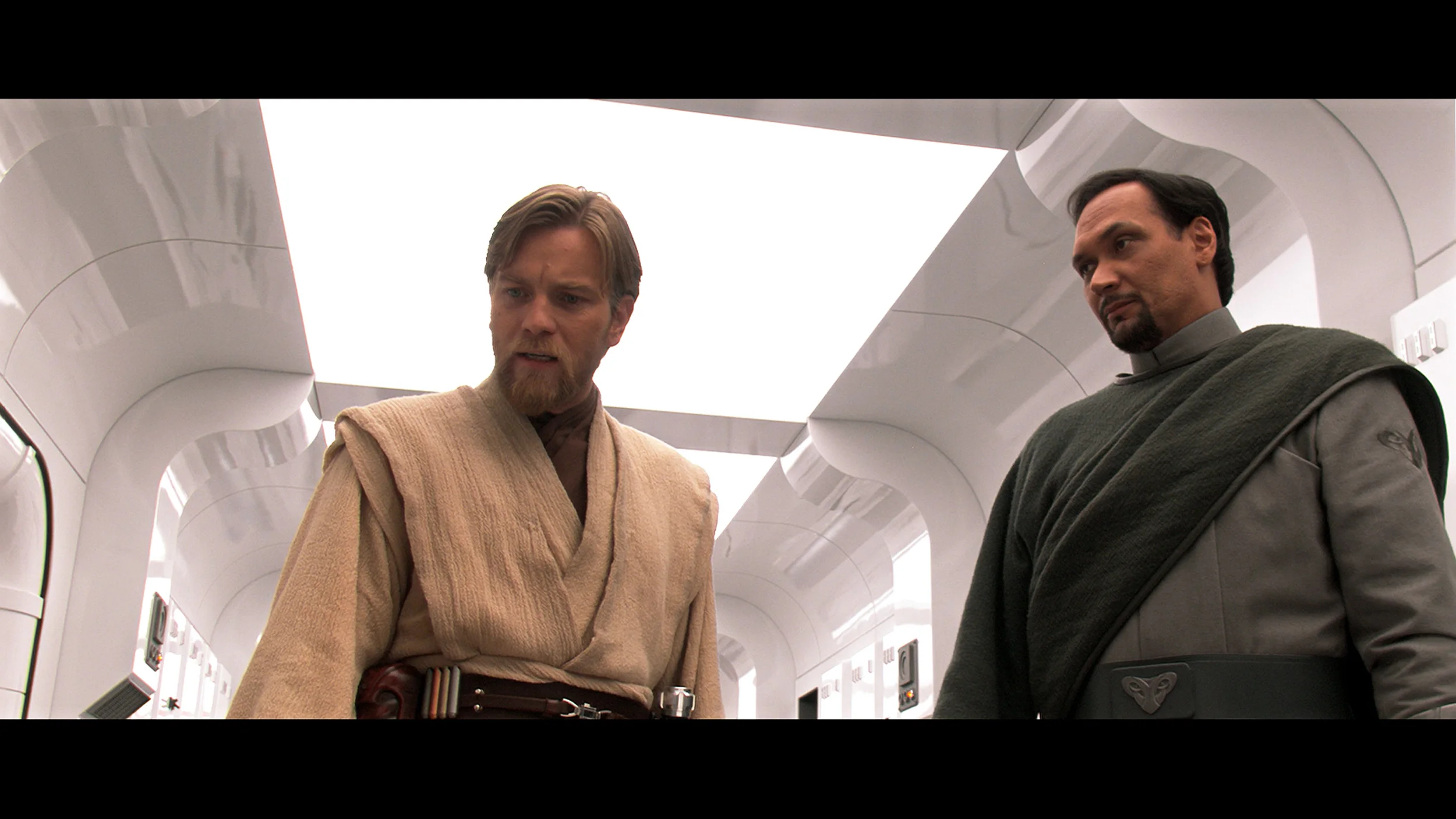
This illustrative image shows how colors change after professional calibration. If you can see the difference, you can order it from SkalibrujTV – it's our own service.
Factory mode
After calibration


This illustrative image shows how colors change after professional calibration. If you can see the difference, you can order it from SkalibrujTV – it's our own service.
Factory mode
After calibration
Like every Philips television we tested, we primarily evaluated the MLED920 in Filmmaker mode – this is supposed to be the "most honest" mode, designed for films and to faithfully convey the creators' intentions. Indeed, in terms of colorimetry, it performs the best among all the modes available on the television, but it is not without its flaws. The first thing that stands out is the white balance. The image has a slight tendency to take on purple-pink tones, which gives it a somewhat unnatural character. However, an even bigger problem turned out to be what we mentioned earlier – image clipping. Just look at the gamma or EOTF graphs to see that the line deviates significantly beyond the norm, falling below the value of 1.8. In practice, this means "clipping" the brightest whites, where the image becomes almost milky. Fortunately, most of these issues can be corrected – the MLED920 responds to calibration, and with a few adjustments, the image quality can be significantly improved.
Color reproduction after calibration
7.5/10
7.5/10
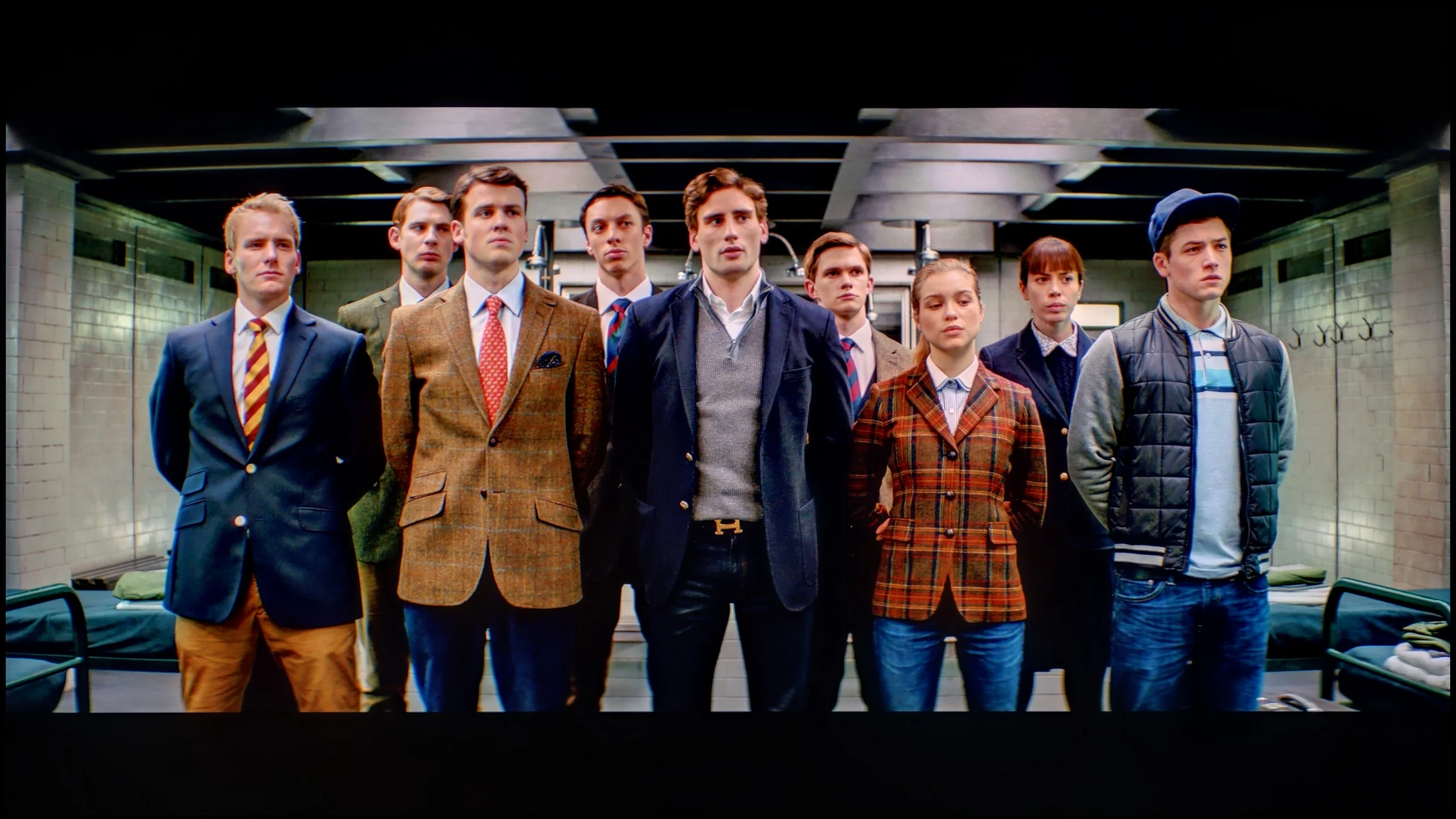
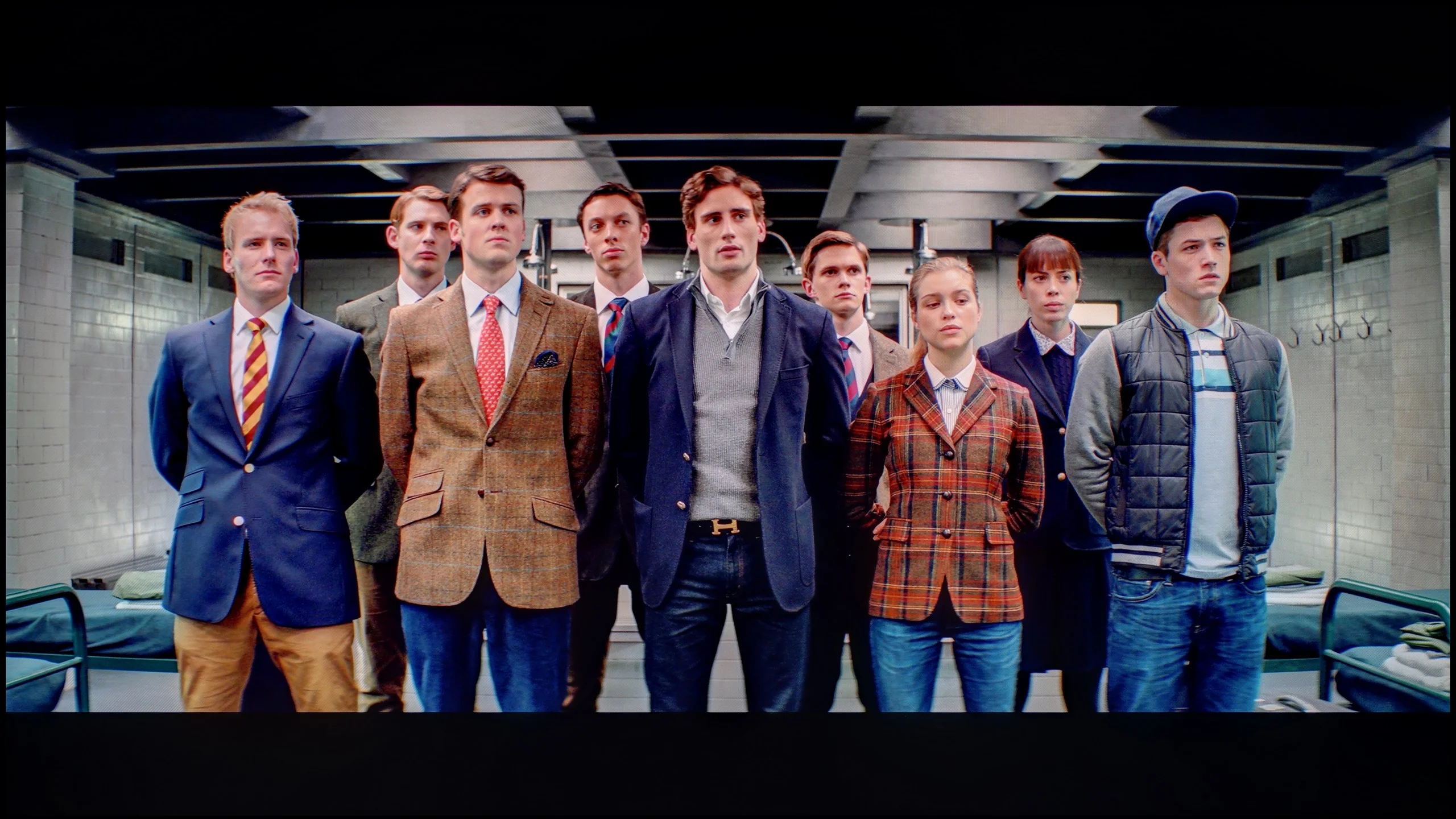
The photos show how movies look on the TV. Pay attention to black detail visibility, colors, and shadow tint.

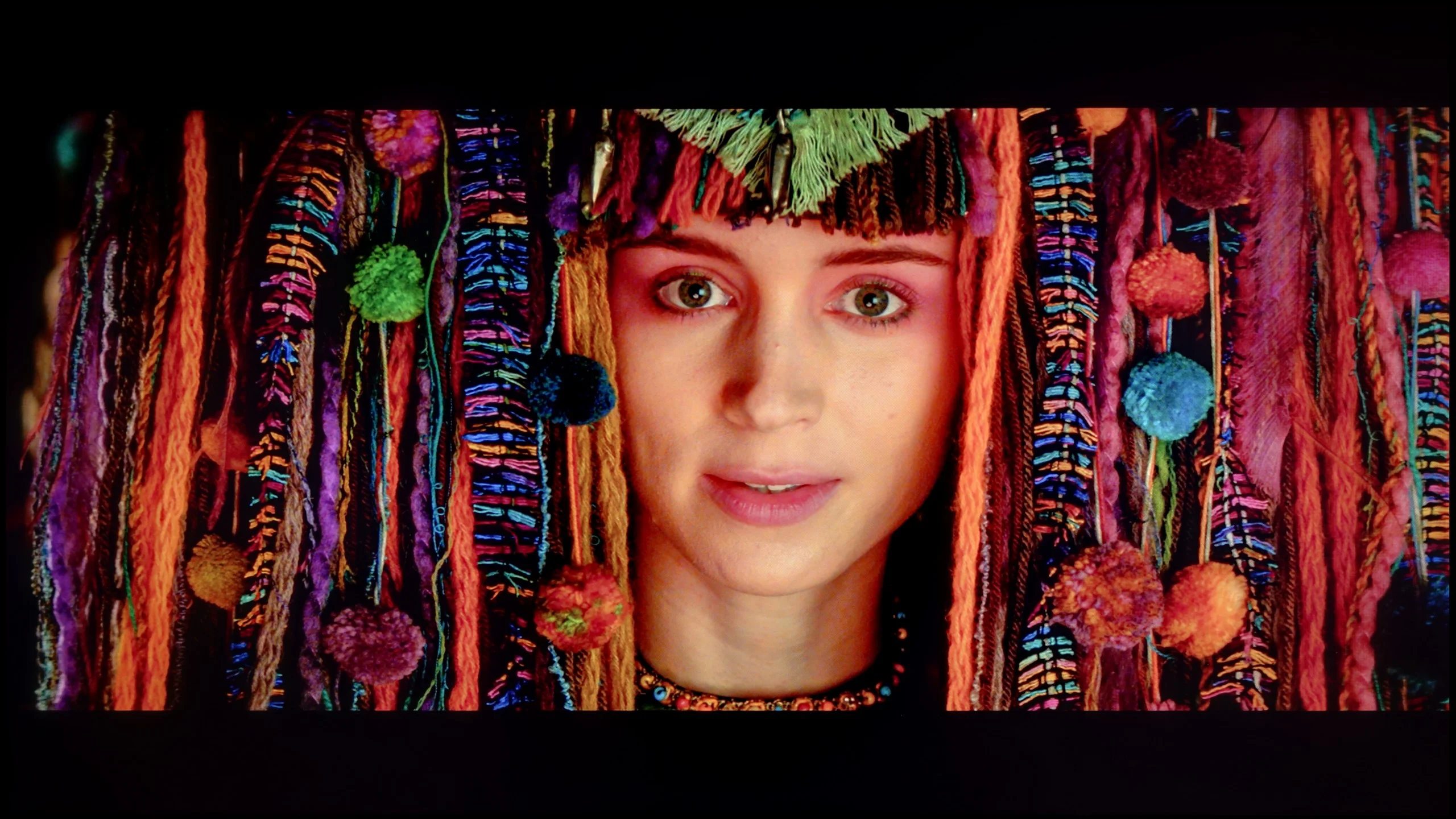
The photos show how movies look on the TV. Pay attention to black detail visibility, colors, and shadow tint.
After calibration, we managed to largely tame the white balance – to the extent that the average viewer will not be able to detect color inaccuracies. The characteristic pink-purple glow that previously disturbed the naturalness of the picture has also disappeared. The color palette has been organized, and the colors appear more consistent and neutral. The gamma in SDR content after calibration looks really good – there's no sign of the earlier “bleeding” effect in bright scenes. The picture has become more contrasted and devoid of the milkiness that previously spoiled the perception significantly. In the case of HDR content, the improvement is also noticeable, although it is still evident that the television is “doing its own thing.” The EOTF curve cannot be fully shaped, as Philips simply does not provide tools in its settings that allow for precise control over this parameter. In many films, the television simply still showcases the image “in its own way.” Despite these limitations, calibration has brought quite a lot of good – it has managed to minimize most of the color inaccuracies and significantly improve the overall balance of the picture. However, it must be remembered that certain barriers arise from the very hardware construction and they simply cannot be overcome.
Smoothness of tonal transitions
8.7/10
6.5/10
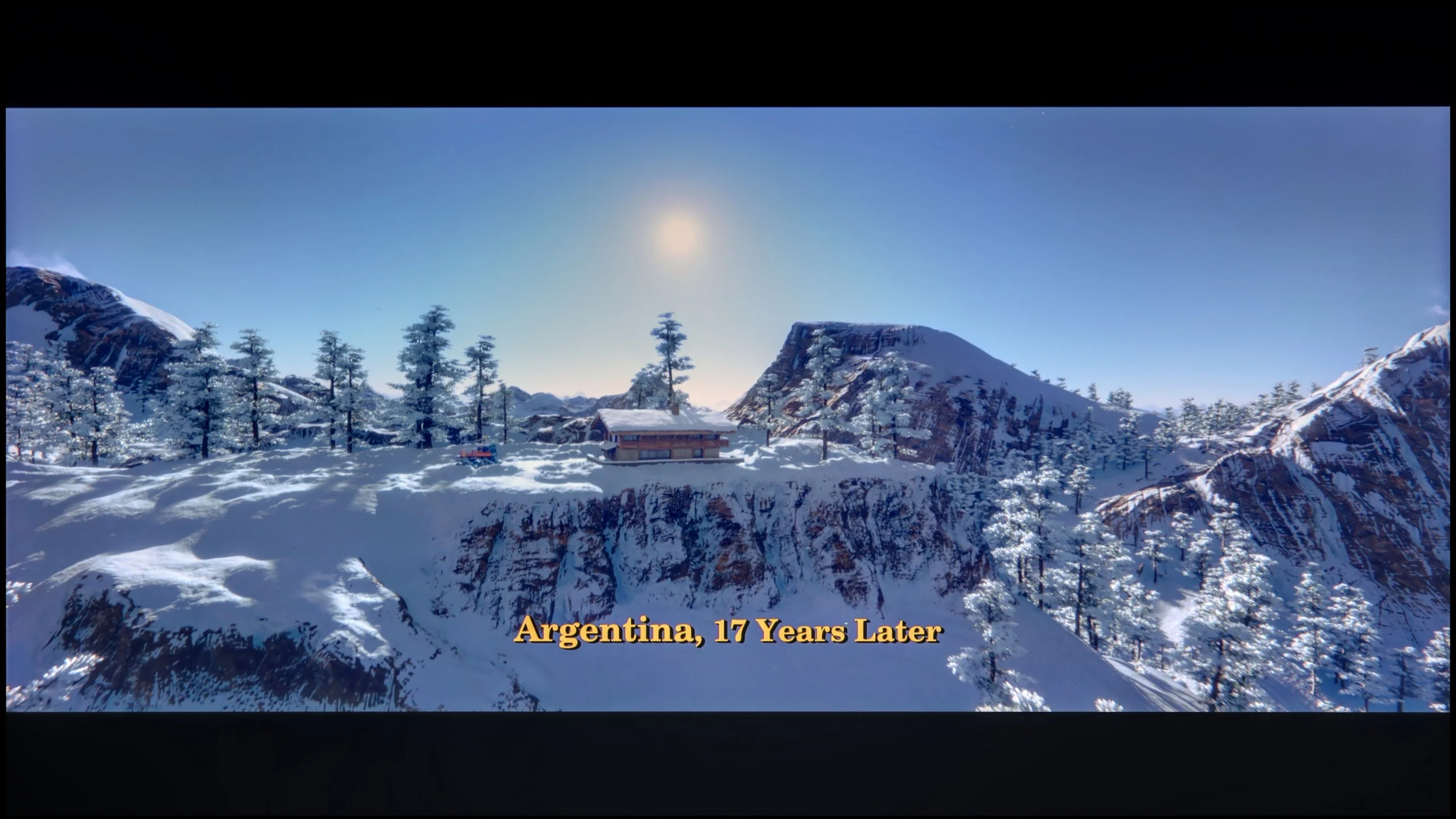
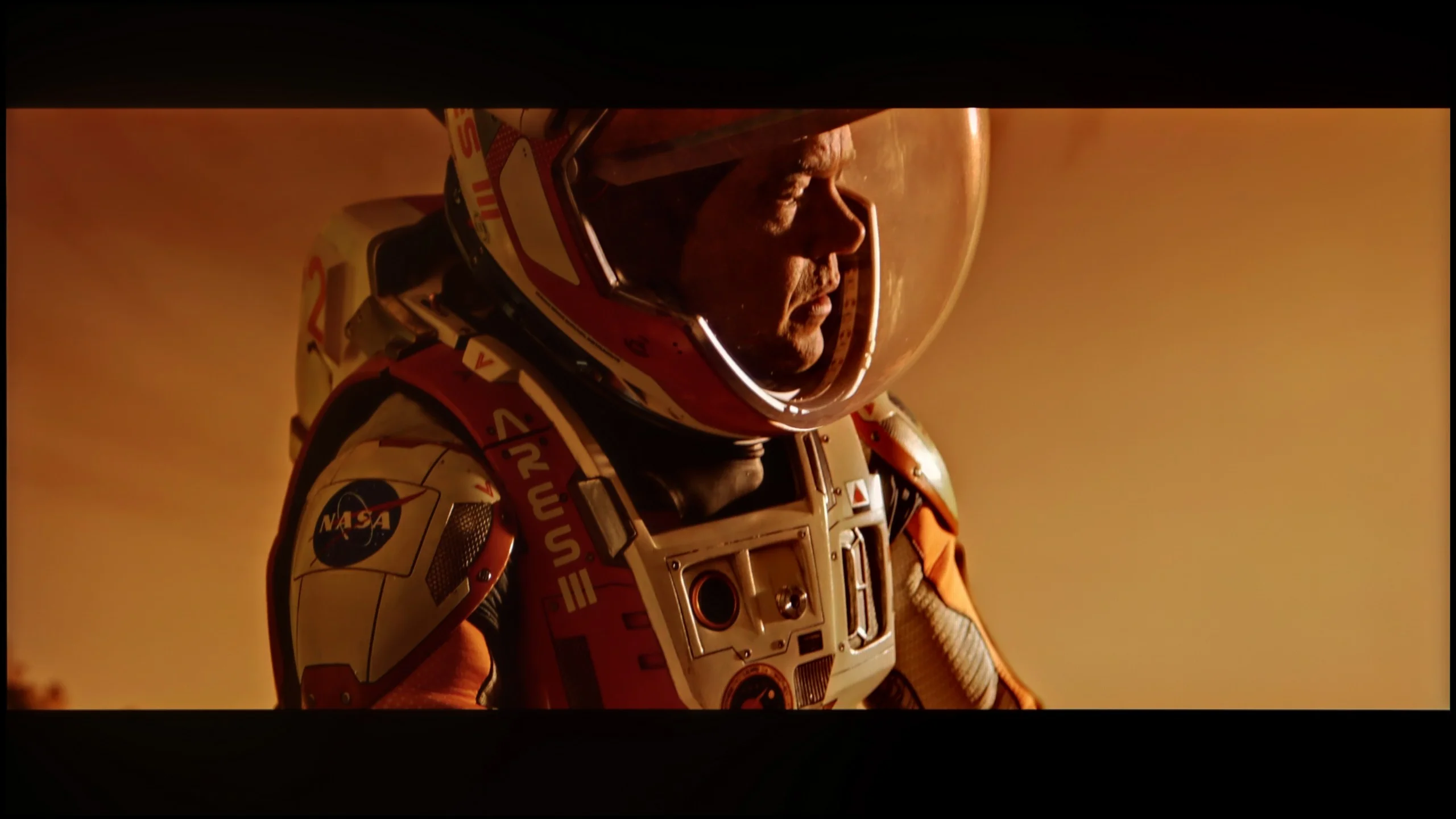
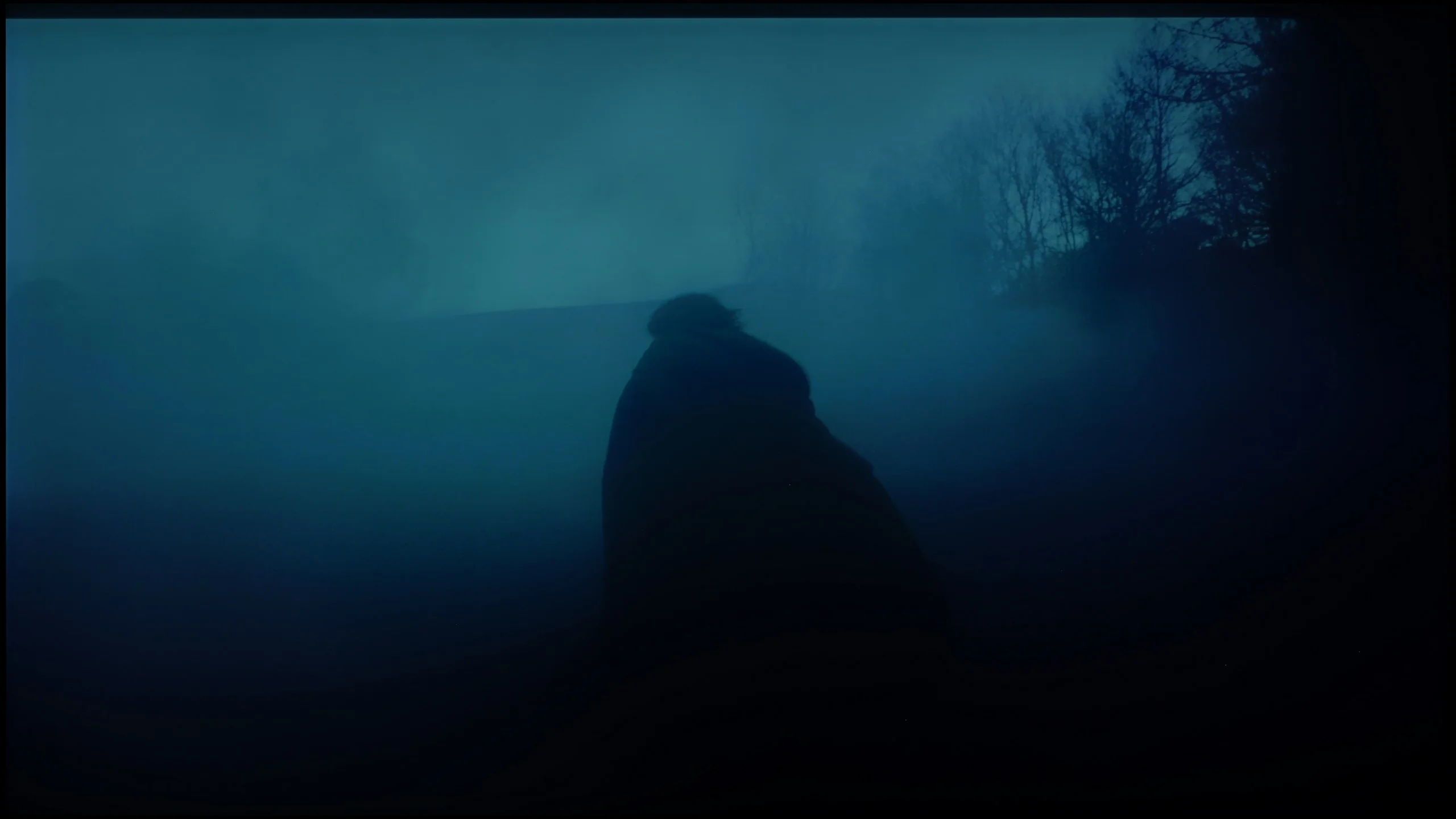
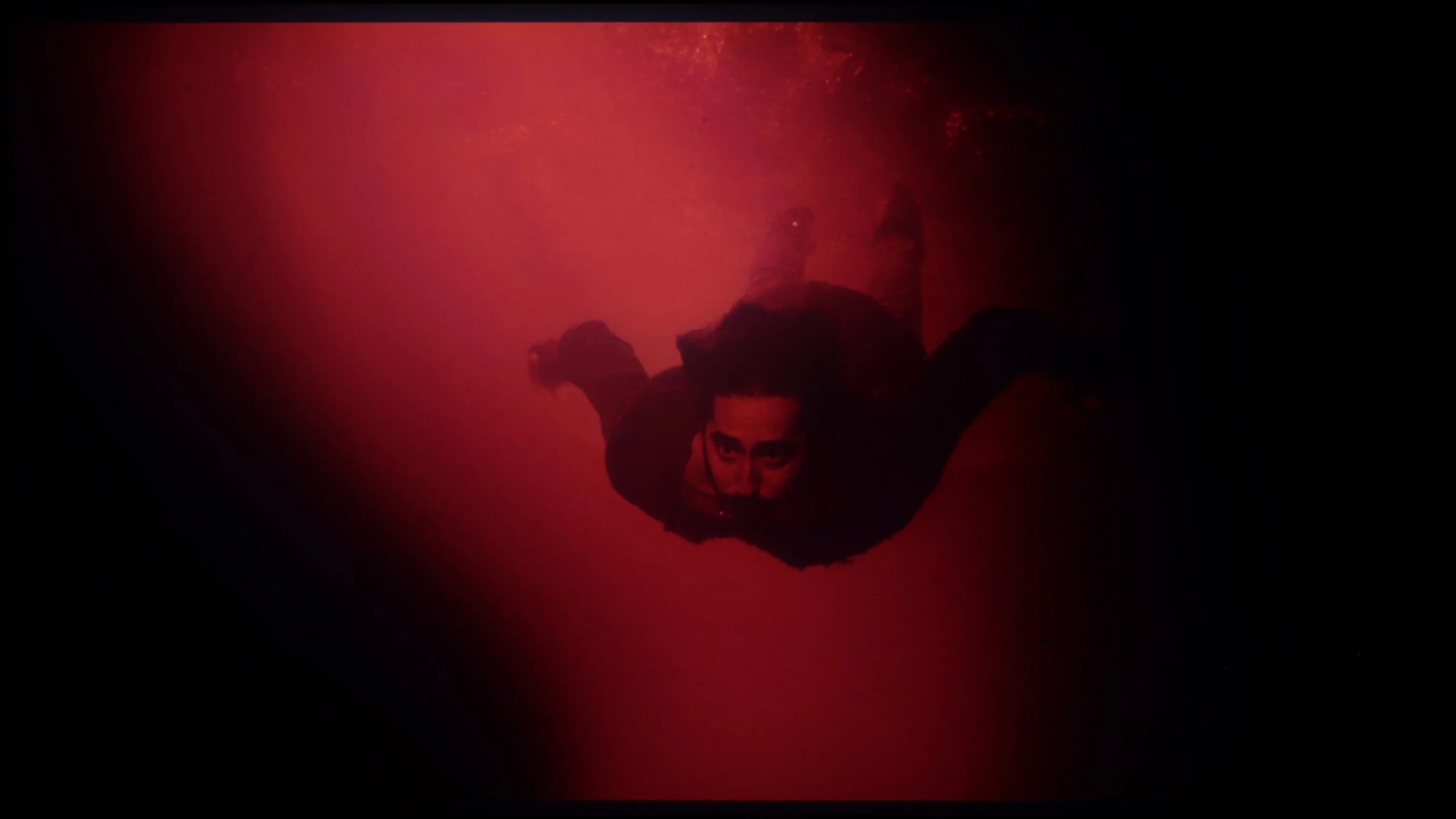
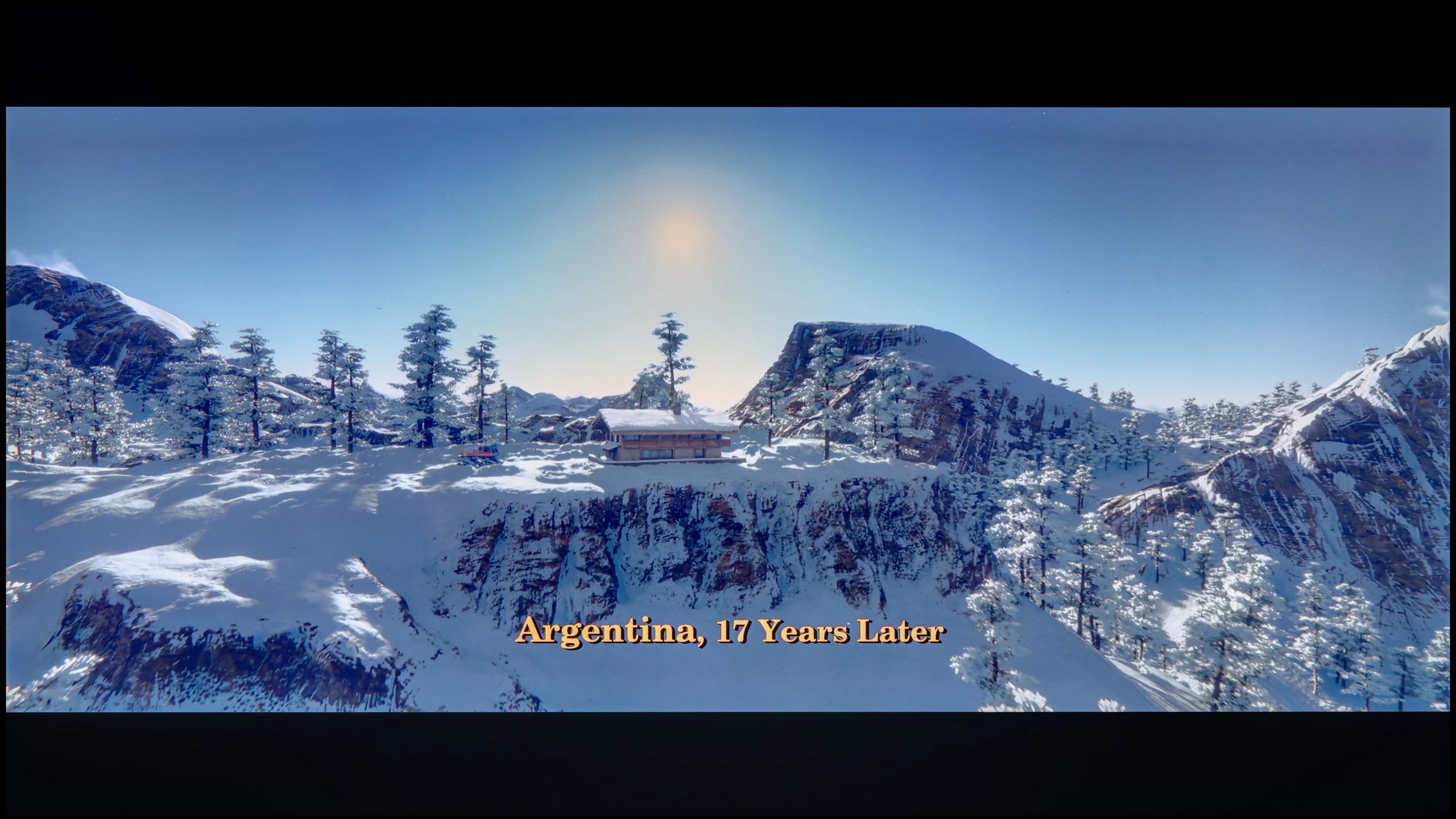
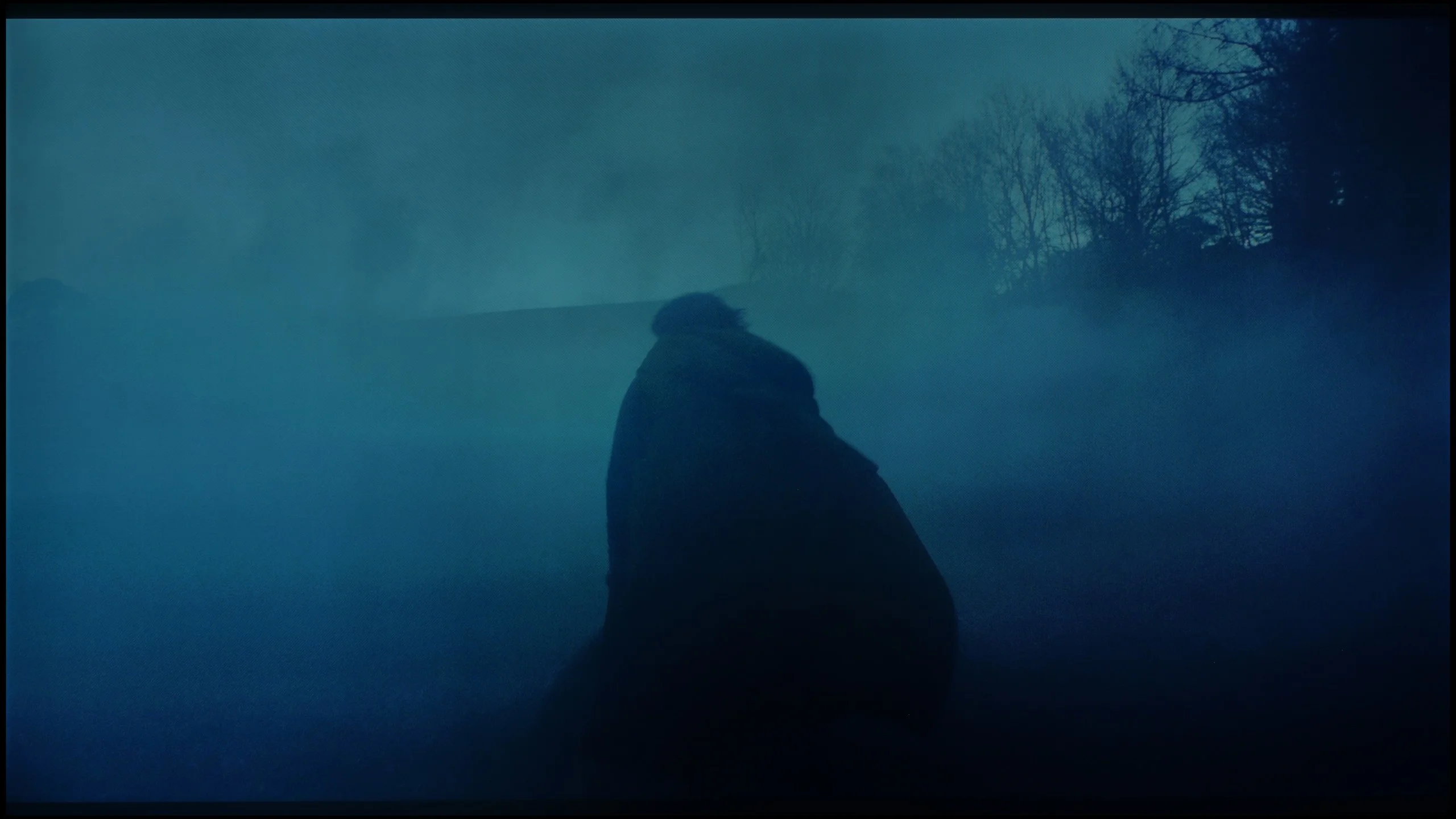
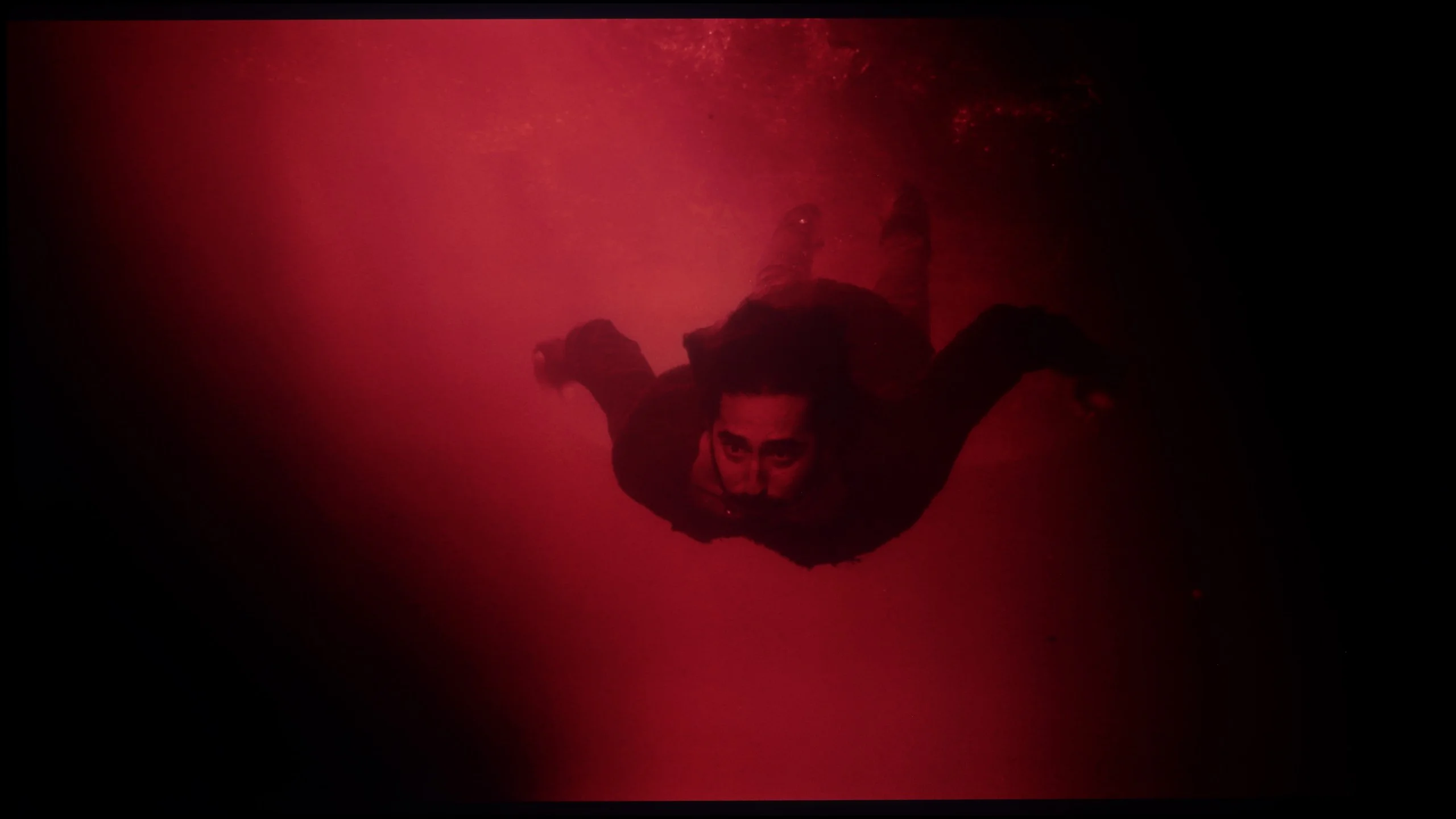
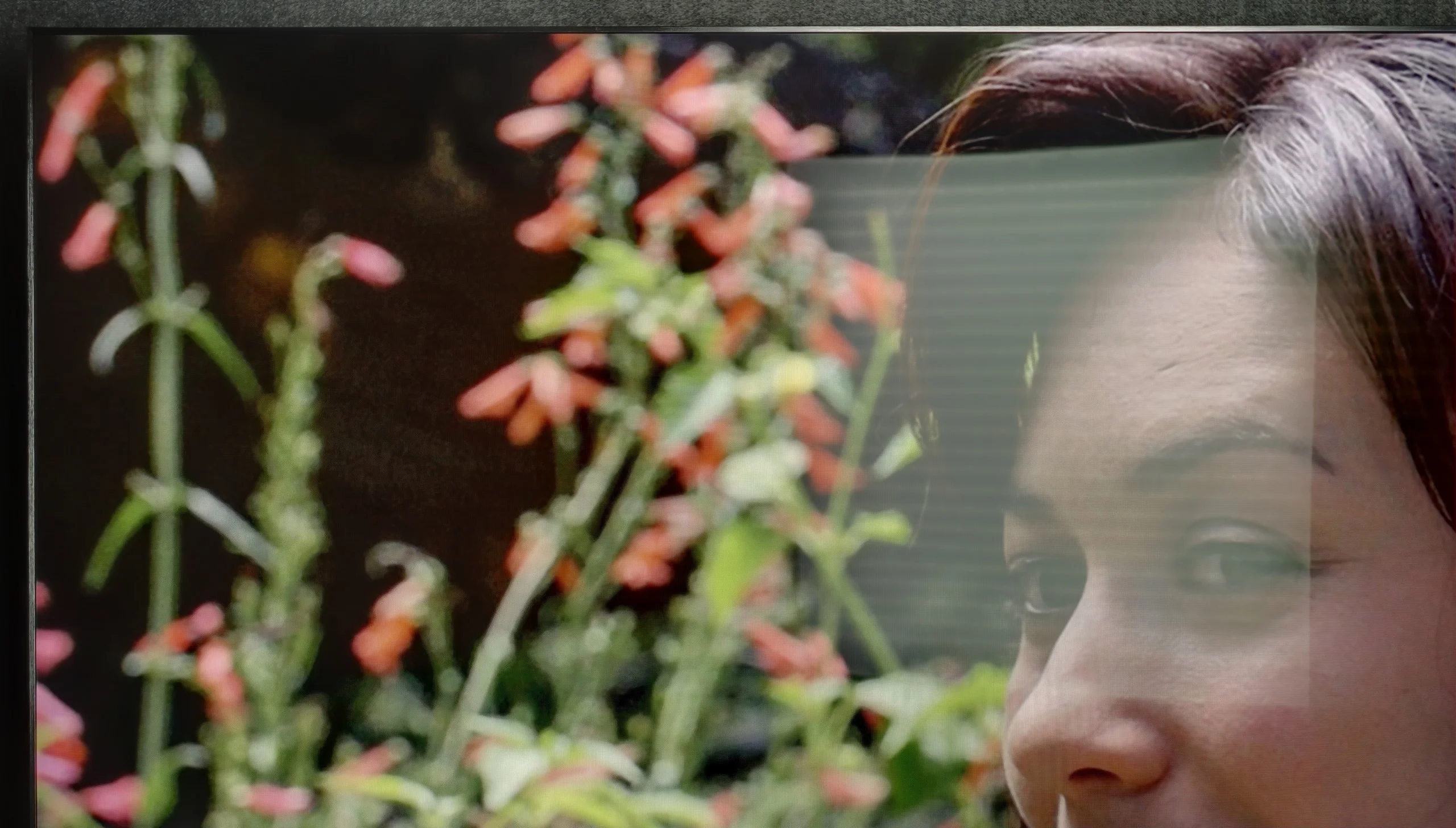
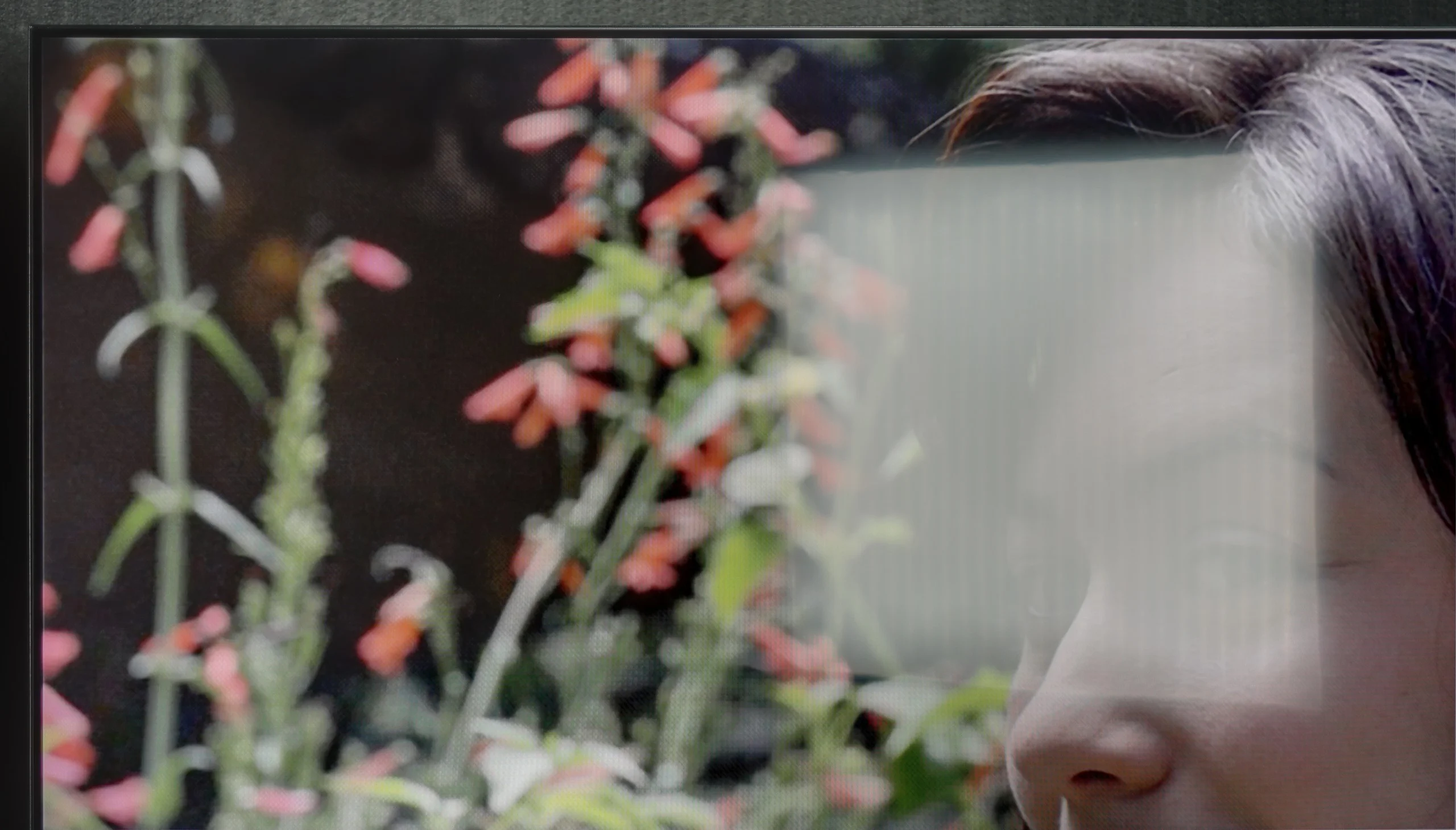
These are selected scenes that show smooth tonal transitions from one color to another. If you see distinct banding, it’s the TV panel’s fault.
These are selected scenes that show smooth tonal transitions from one color to another. If you see distinct banding, it’s the TV panel’s fault.
These are selected scenes that show smooth tonal transitions from one color to another. If you see distinct banding, it’s the TV panel’s fault.
These are selected scenes that show smooth tonal transitions from one color to another. If you see distinct banding, it’s the TV panel’s fault.
The fluidity of tonal transitions in the Philips MLED920 is not its strongest suit. In our tests, we quickly noticed that the television has noticeable problems in darker scenes – for example, segments from the movie The Green Knight or test grayscale palettes. There, you can see the characteristic banding of colors and too sharp transitions between shades, which can be quite noticeable in productions with a darker style. Fortunately, the situation looks better in brighter scenes – there the image appears smooth and free of major artifacts.
Image scaling and smoothness of tonal transitions
5.5/10
7/10
Image without overscan on the SD signal

Smooth transition function
Smooth transition function
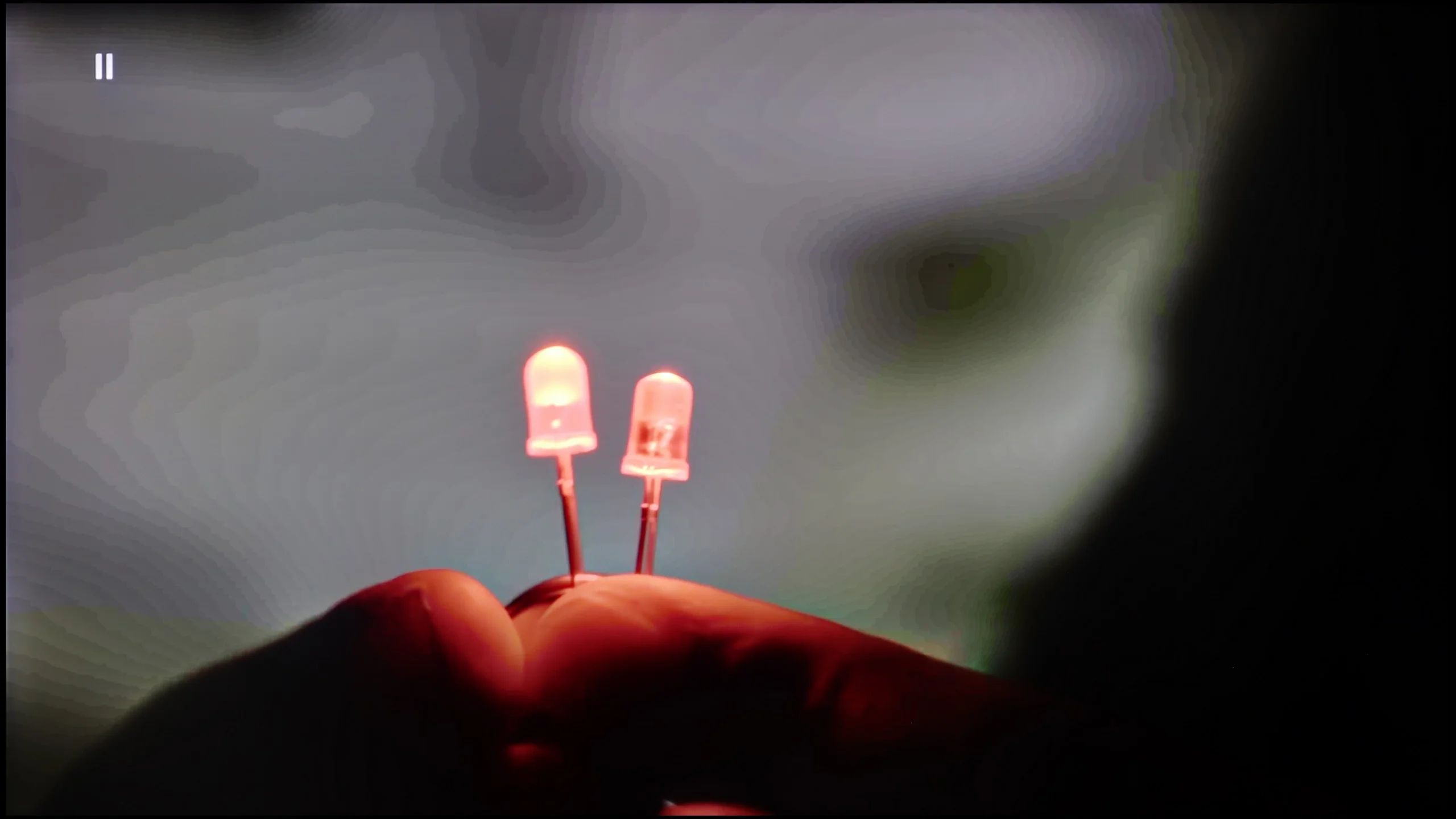
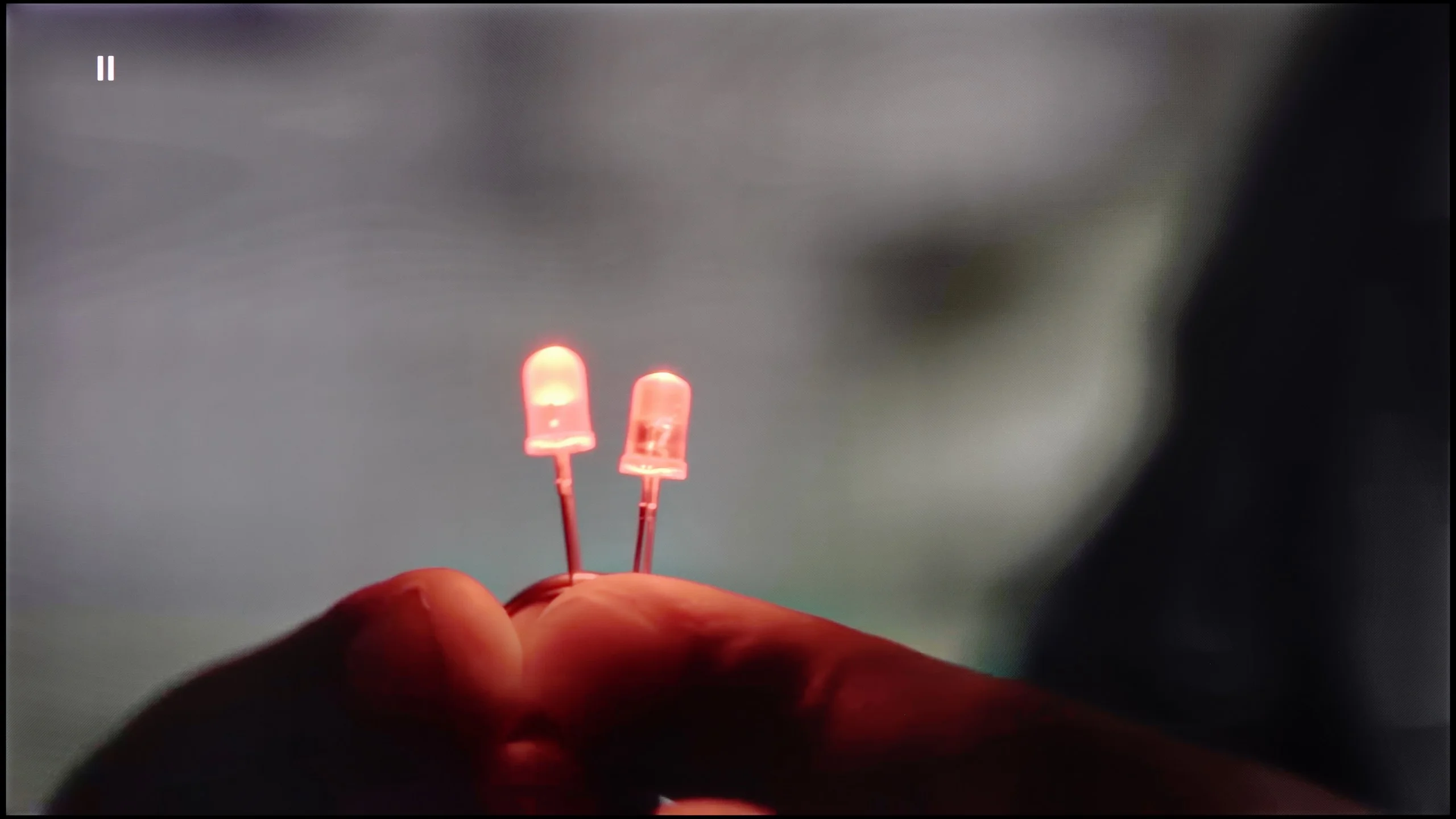
The match photo shows how the TV smooths weak tonal transitions in low-quality video.
Image scaling SD (576i)


The model photo shows how it handles upscaling of SD material.
The manufacturer equipped this model with several features that improve signal quality, and although we usually approach such "enhancers" with skepticism, they turn out to be really helpful here. The key option is called "distortion reduction" – it works best at a medium level because, on one hand, it effectively smooths out unwanted banding and color transitions, while on the other, it doesn't excessively cut details, which keeps the image looking natural.
The situation is a bit worse with upscaling. Lower quality materials – such as test videos with models – appeared soft and lacking in sharpness. Yes, this can be somewhat corrected with the sharpness slider in the menu, but the effect still remains far from what competitors in a similar price range offer. Philips therefore still needs to work on this aspect because, in light of the successful improvement of tonal transitions, the upscaling simply performs poorly.
Blur and motion smoothness
7.6/10
7.7/10
Maximum refresh rate of the panel
144Hz
144Hz
Film motion smoothing option
Blur reduction option
BFI function 60Hz
Yes, 120Hz (double contours)
No
BFI function 120Hz
Yes, 240Hz (double contours)
No
Brightness drop with BFI
51%
-%
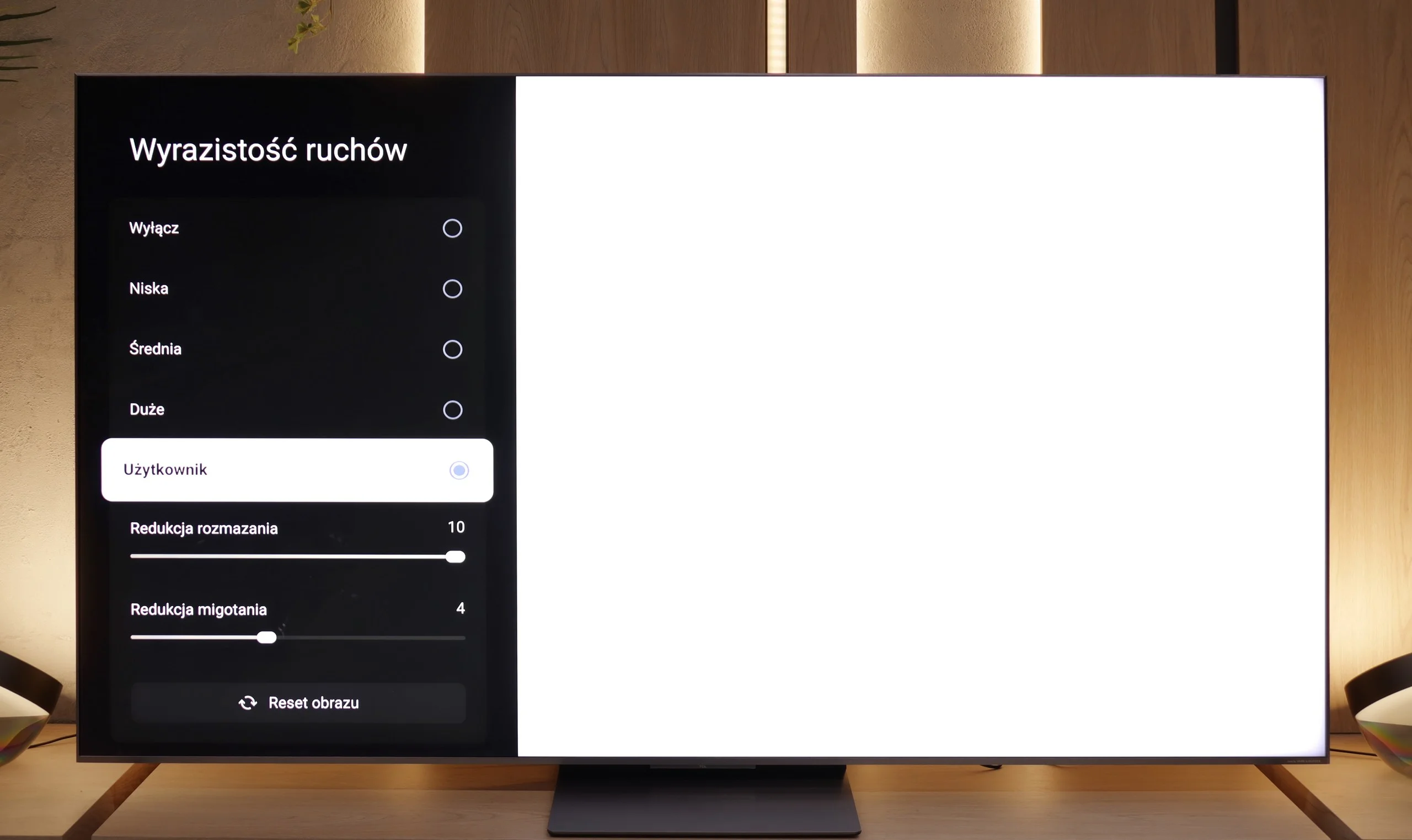
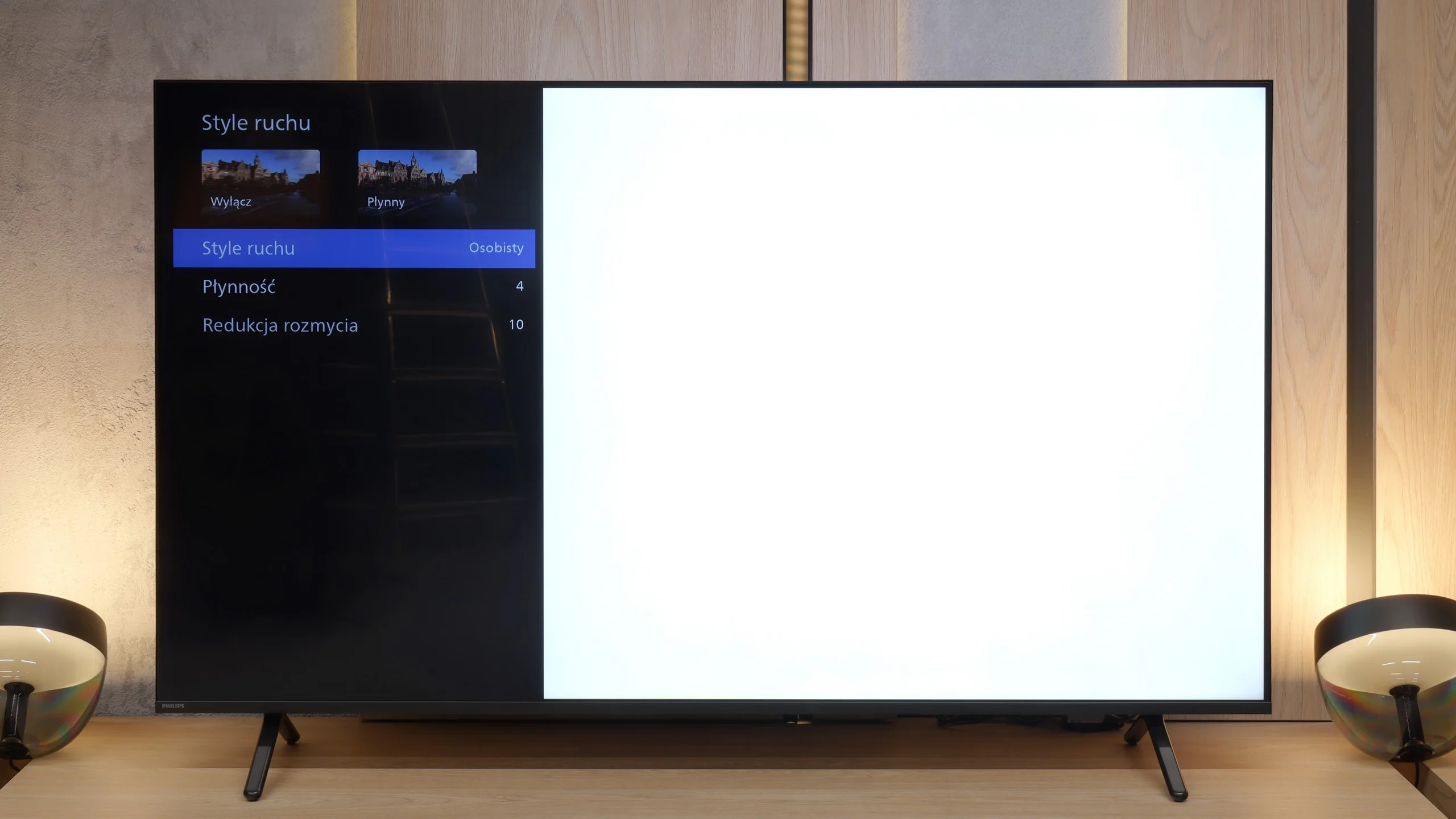
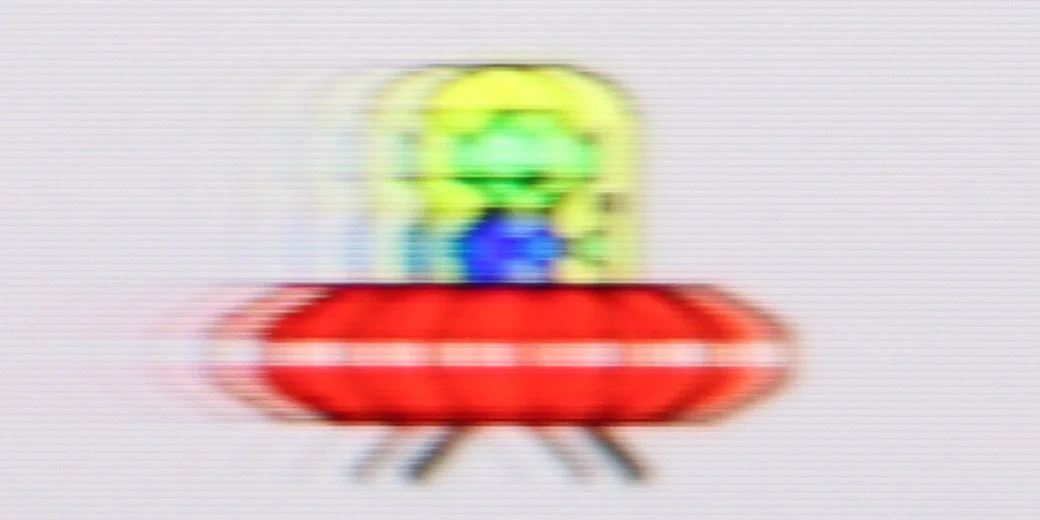
Blur (native resolution, maximum refresh rate):
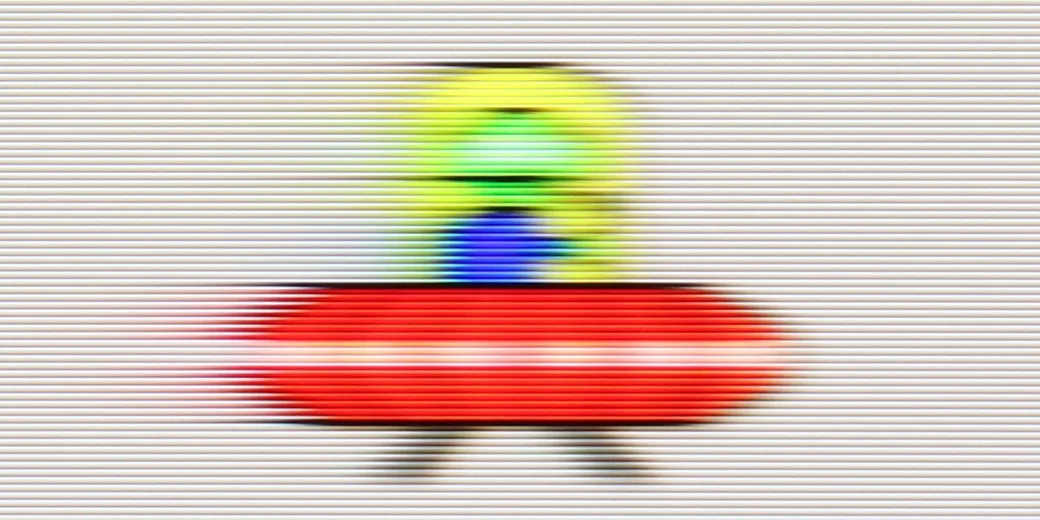
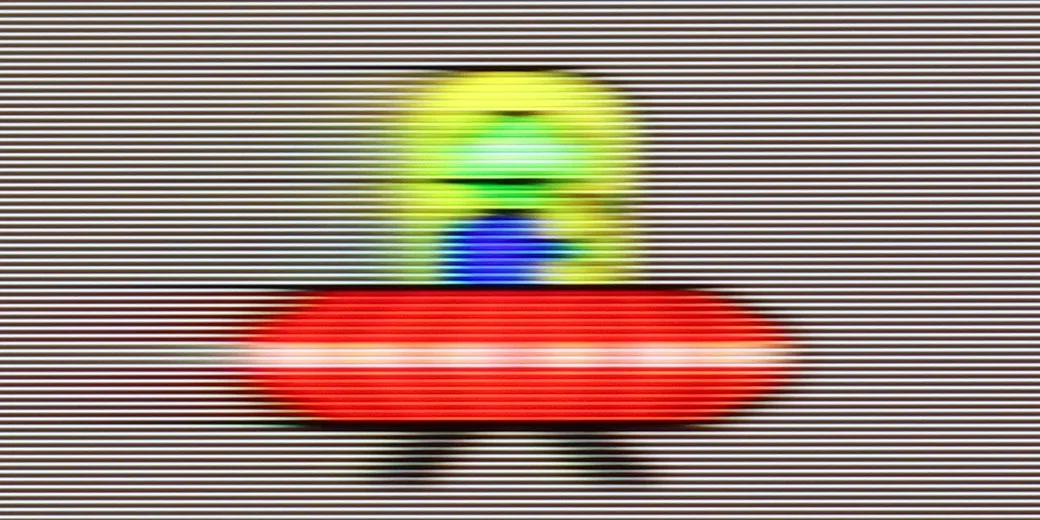
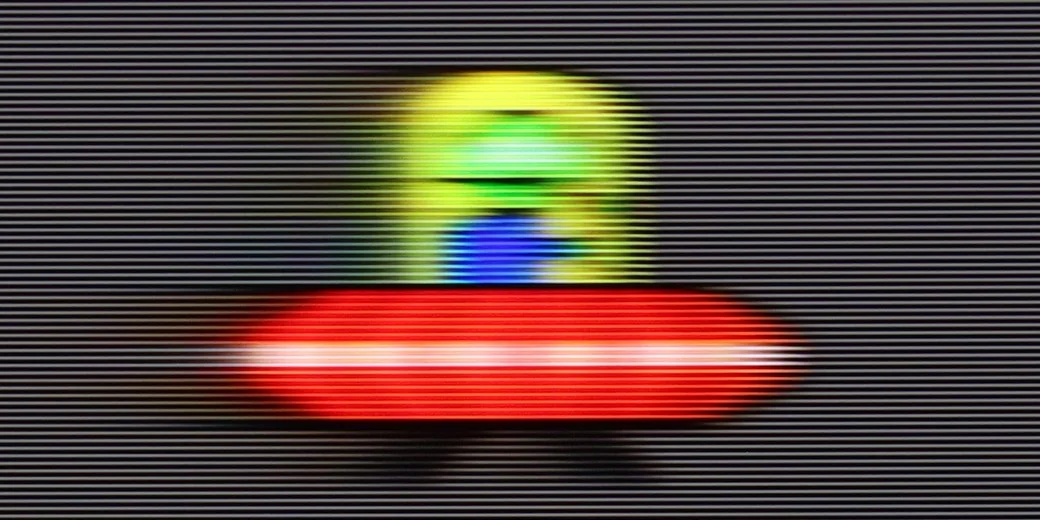
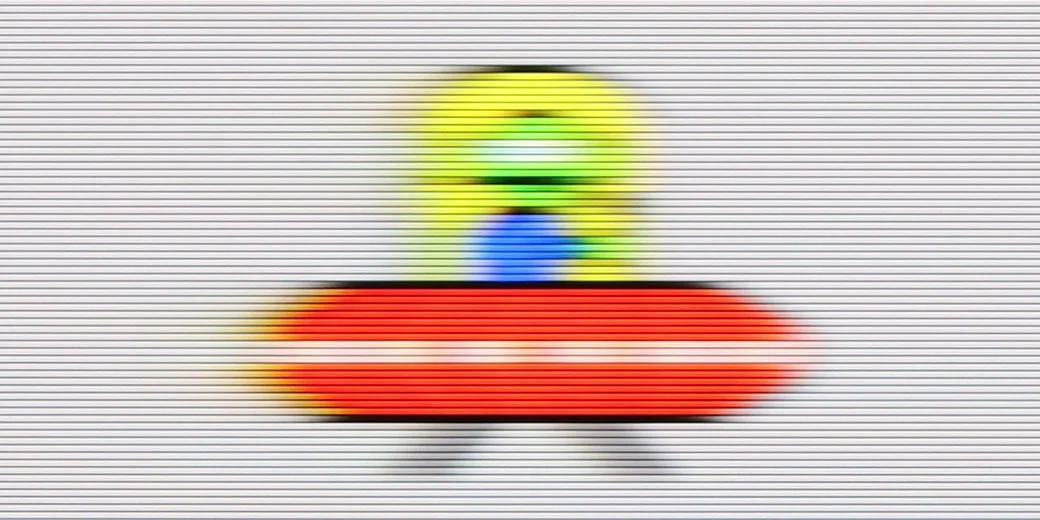
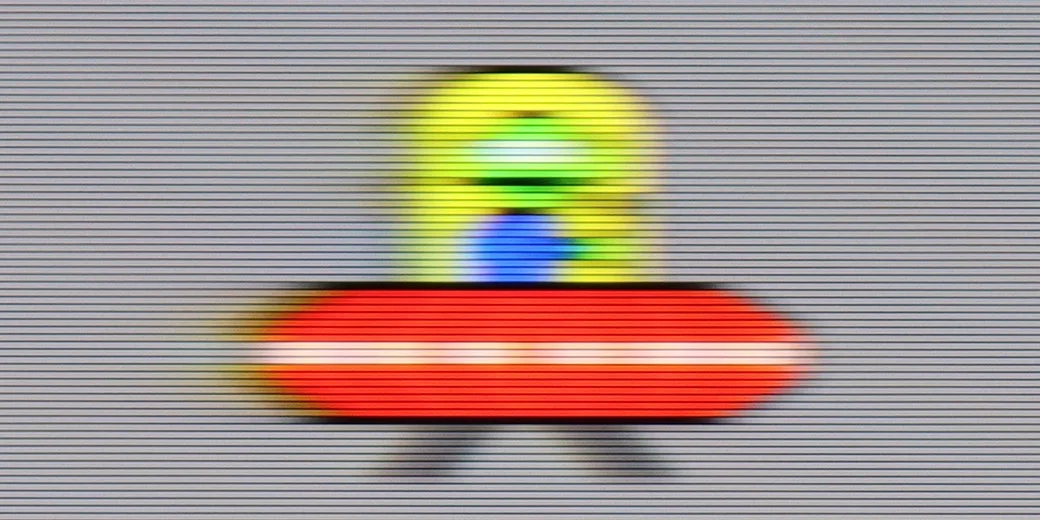
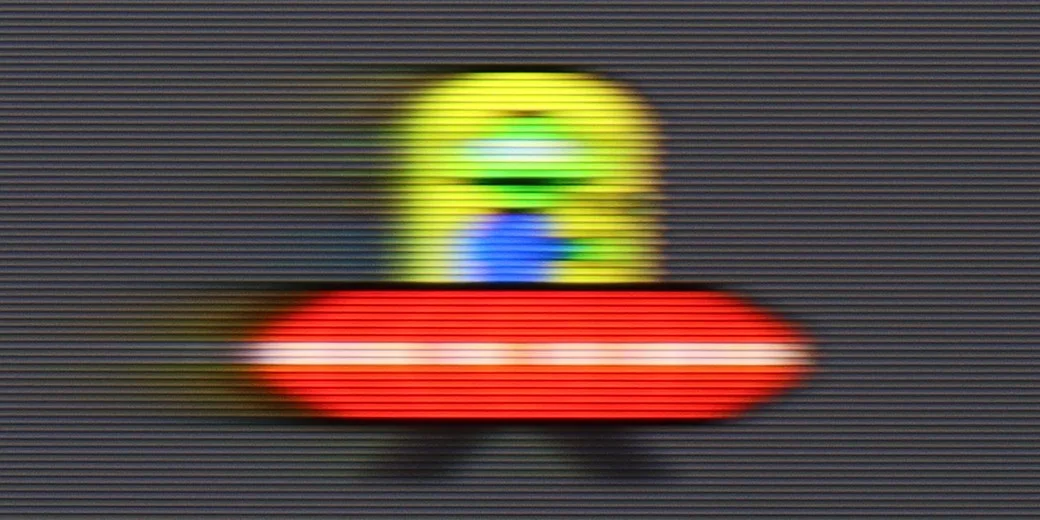
Blur (BFI function enabled):


Blur (288HZ 1080p):
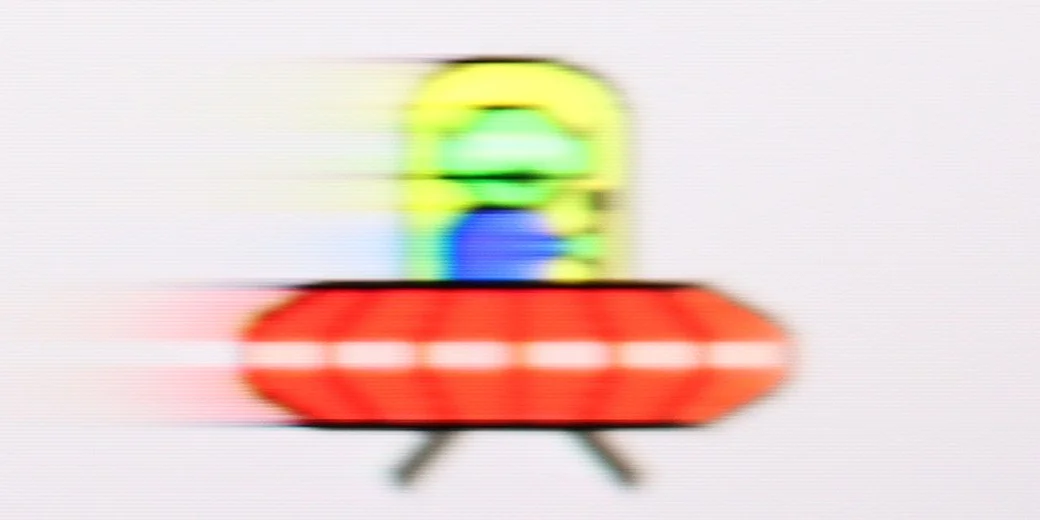
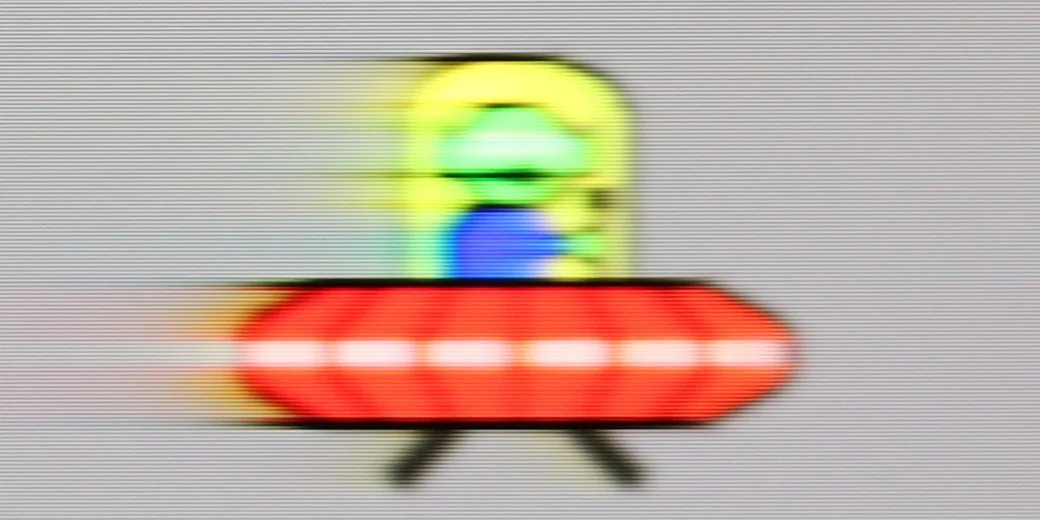
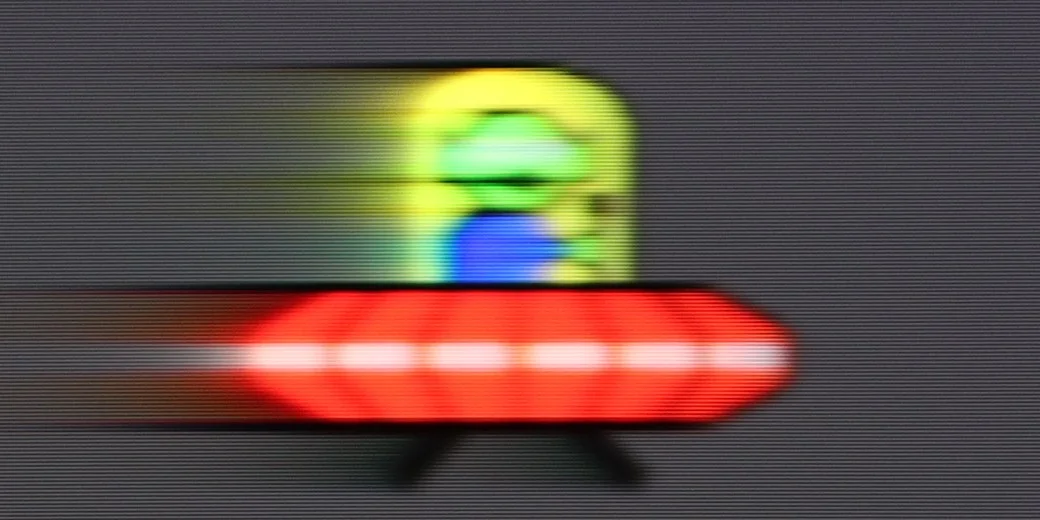
Blur (4K@144Hz):
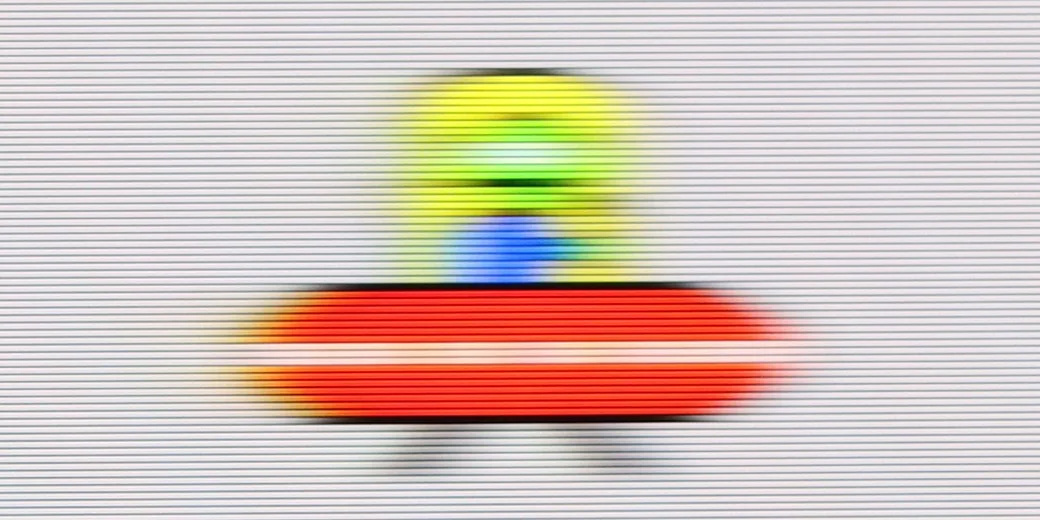
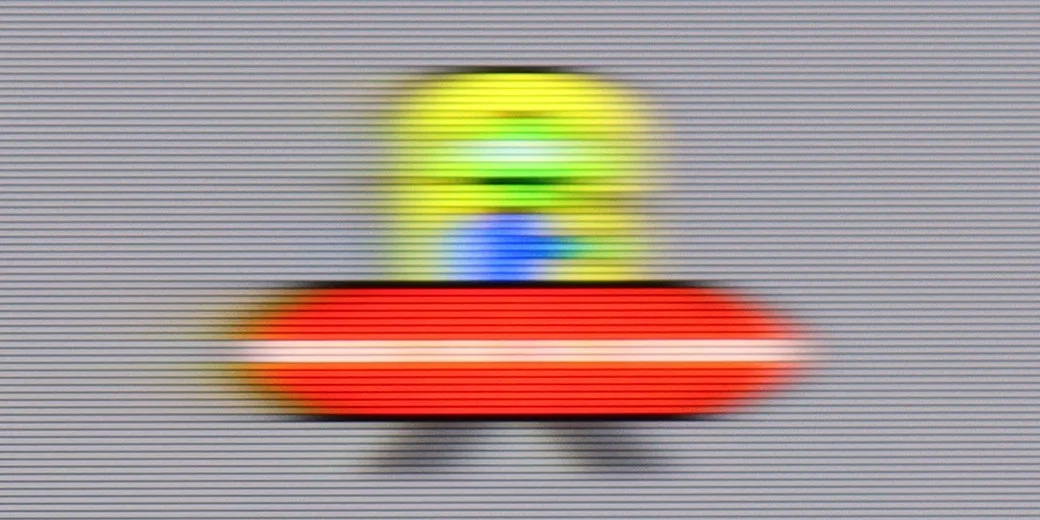
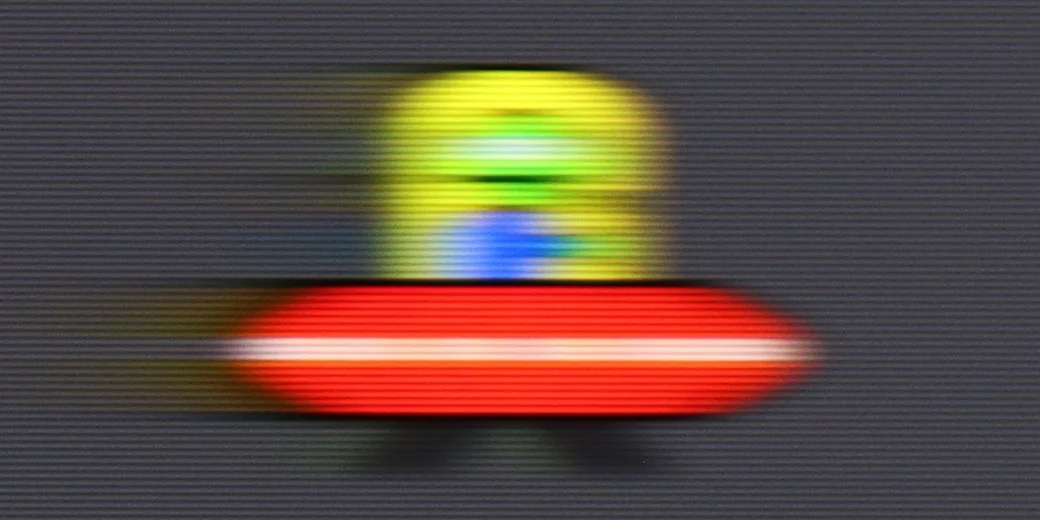
The Philips MLED920 features a 144 Hz panel, which immediately suggests that we shouldn’t complain about motion smoothness. And indeed – the motion blur is relatively low here for a VA panel, and although one might occasionally notice slight issues on darker backgrounds, they are not something that most people would notice during regular viewing.
A major plus is the presence of a motion smoother called "Motion Style." It allows you to adjust the smoothness to your own preferences – if someone prefers a more “theatrical,” almost television-like image, they can increase the sliders, and if they want to preserve the natural “jitter” of a cinematic frame, they just need to set lower values. This way, everyone can find the perfect balance.
Console compatibility and gaming features
9.8/10
9.8/10
- ALLM
- VRR
- VRR range48 - 288Hz48 - 144Hz
- Dolby Vision Game Mode
- Correct implementation of HGIG
- 1080p@120Hz
- 1440p@120Hz
- 4K@120Hz
- Game bar
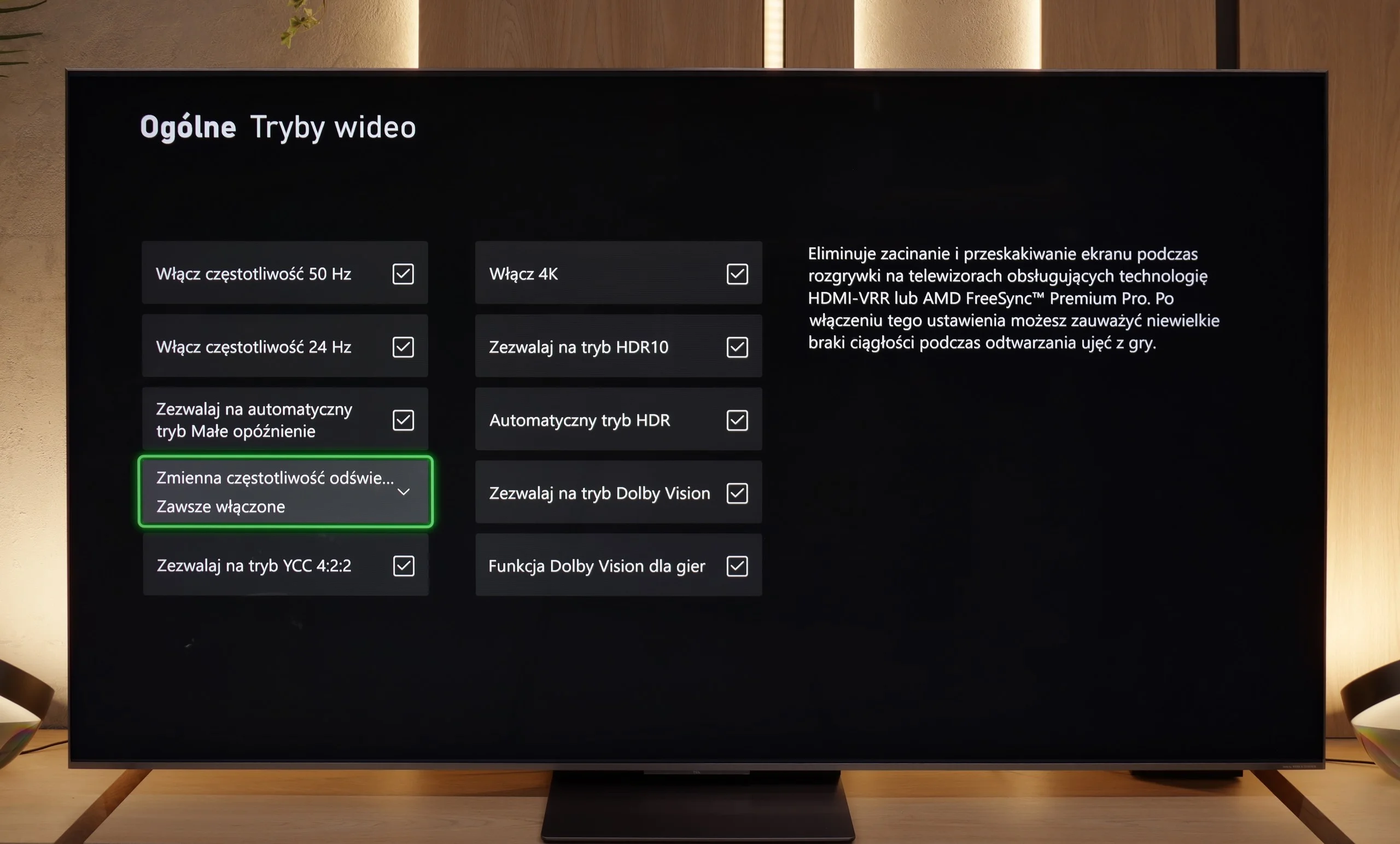
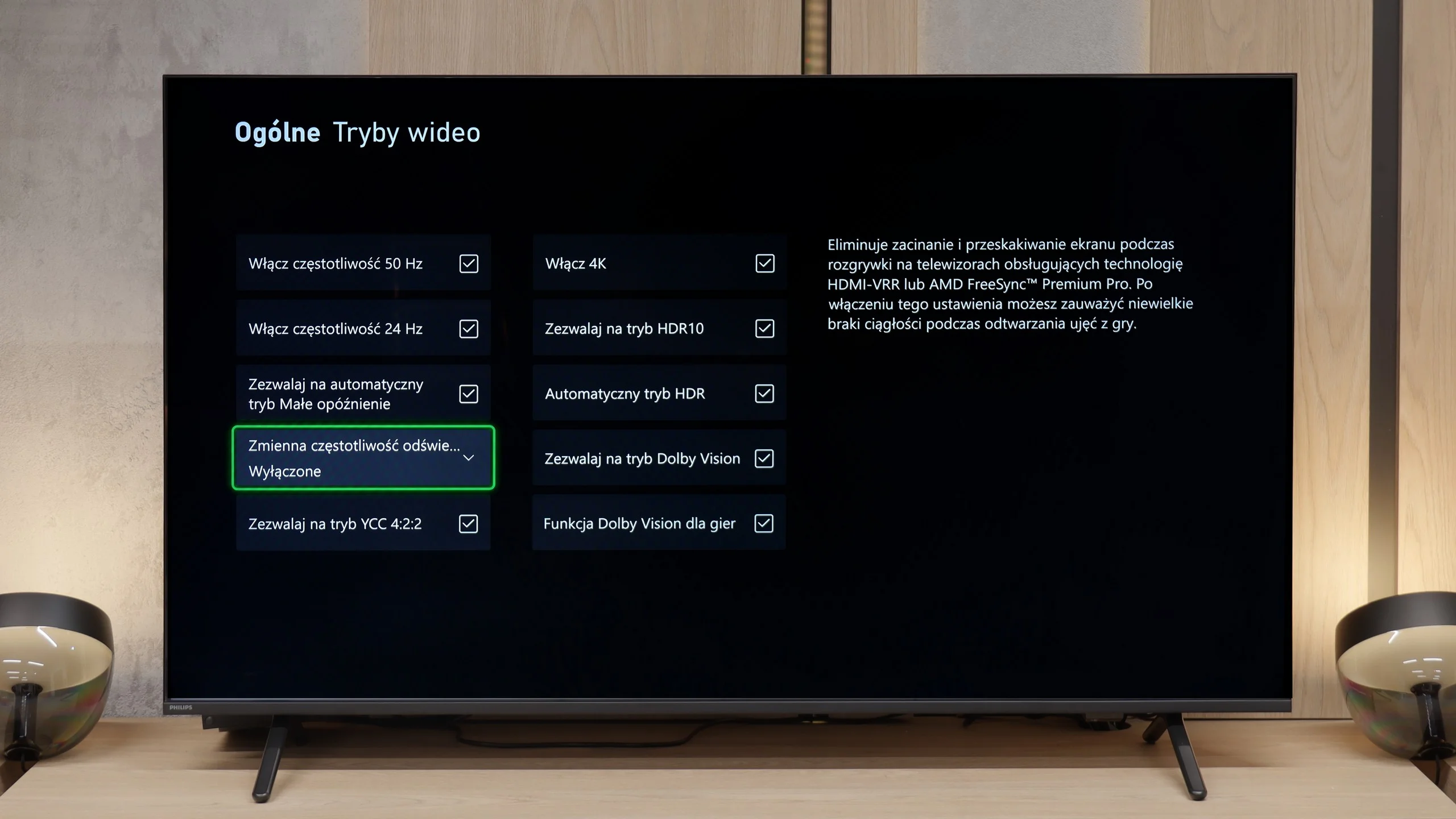
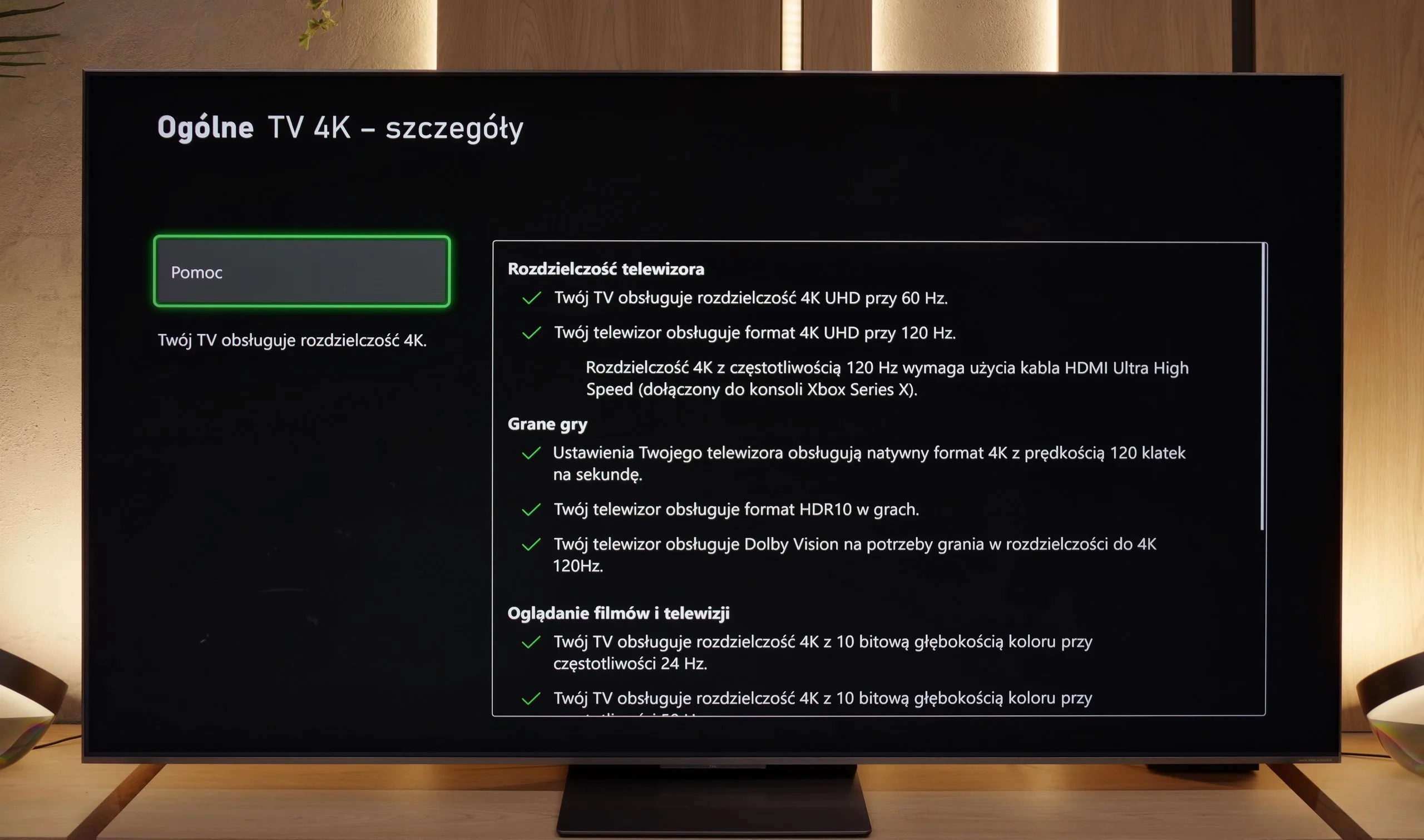
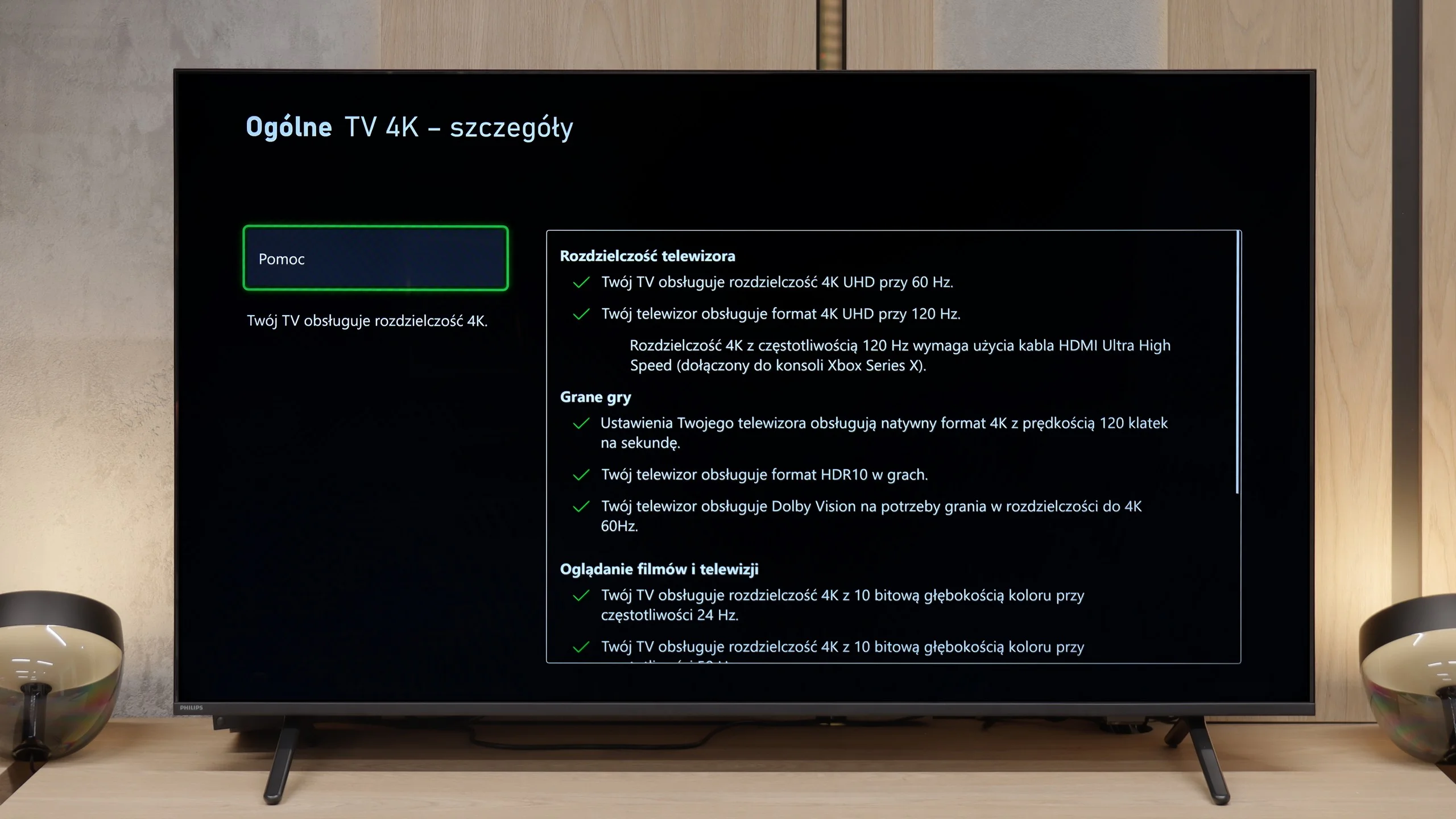
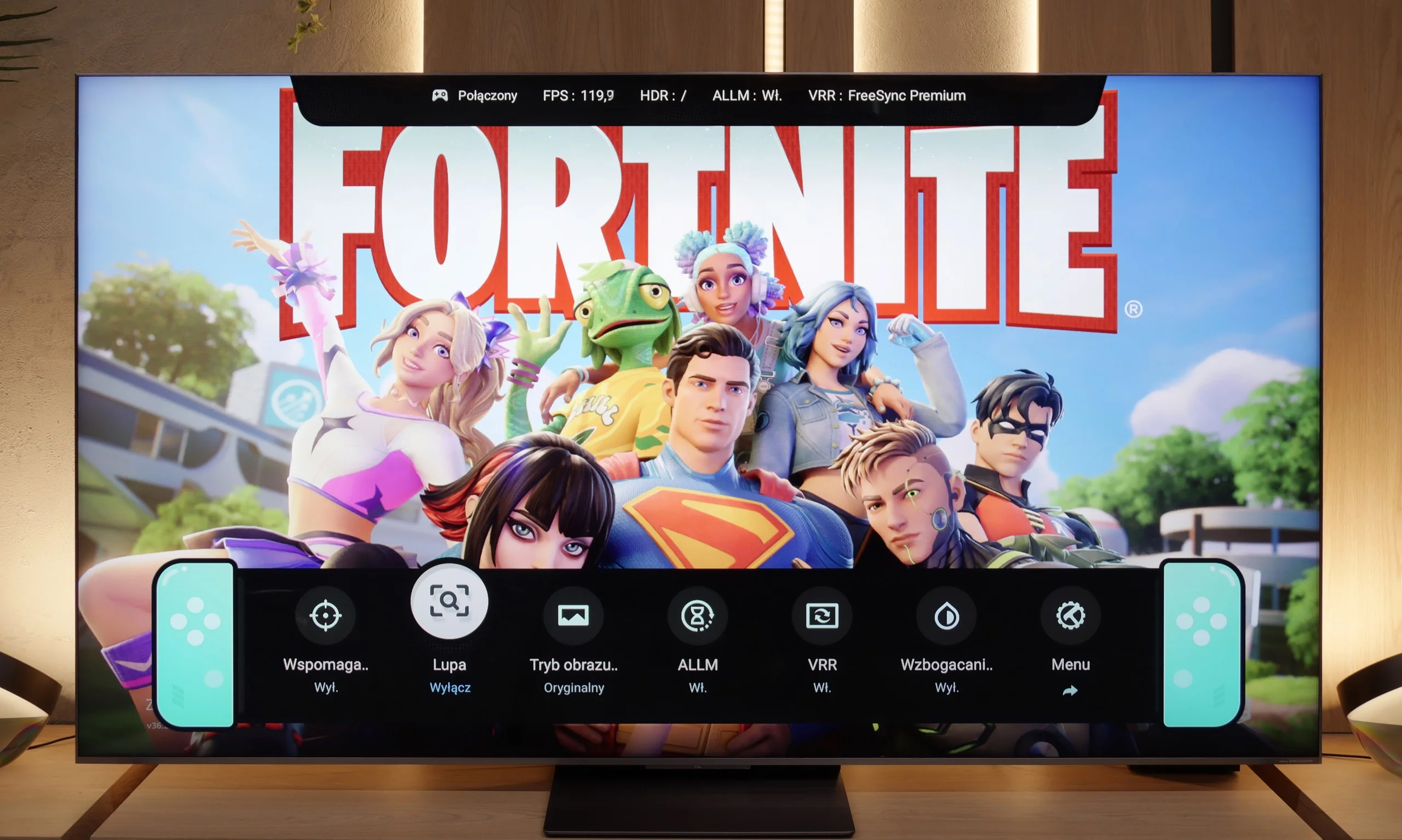
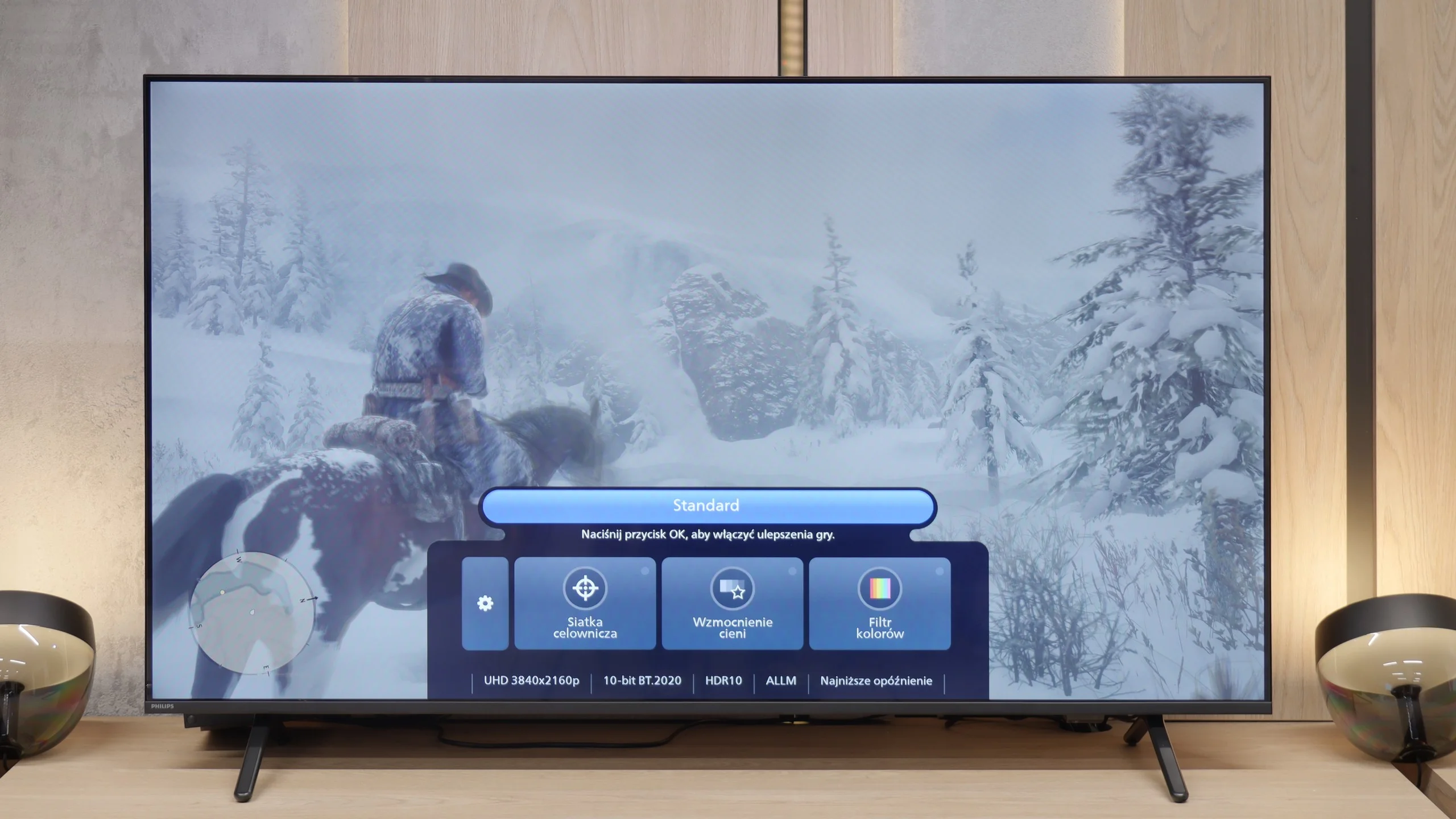
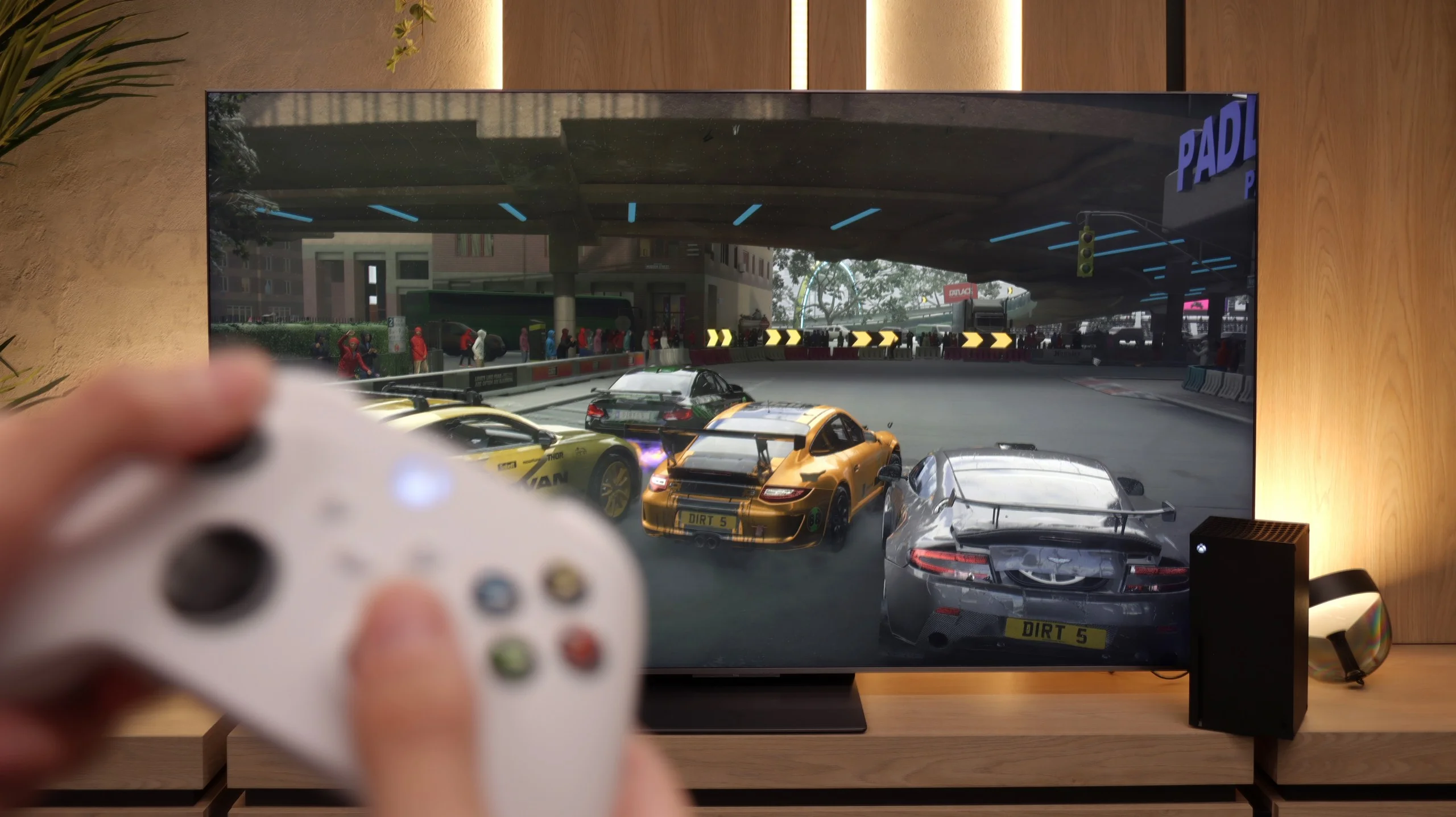
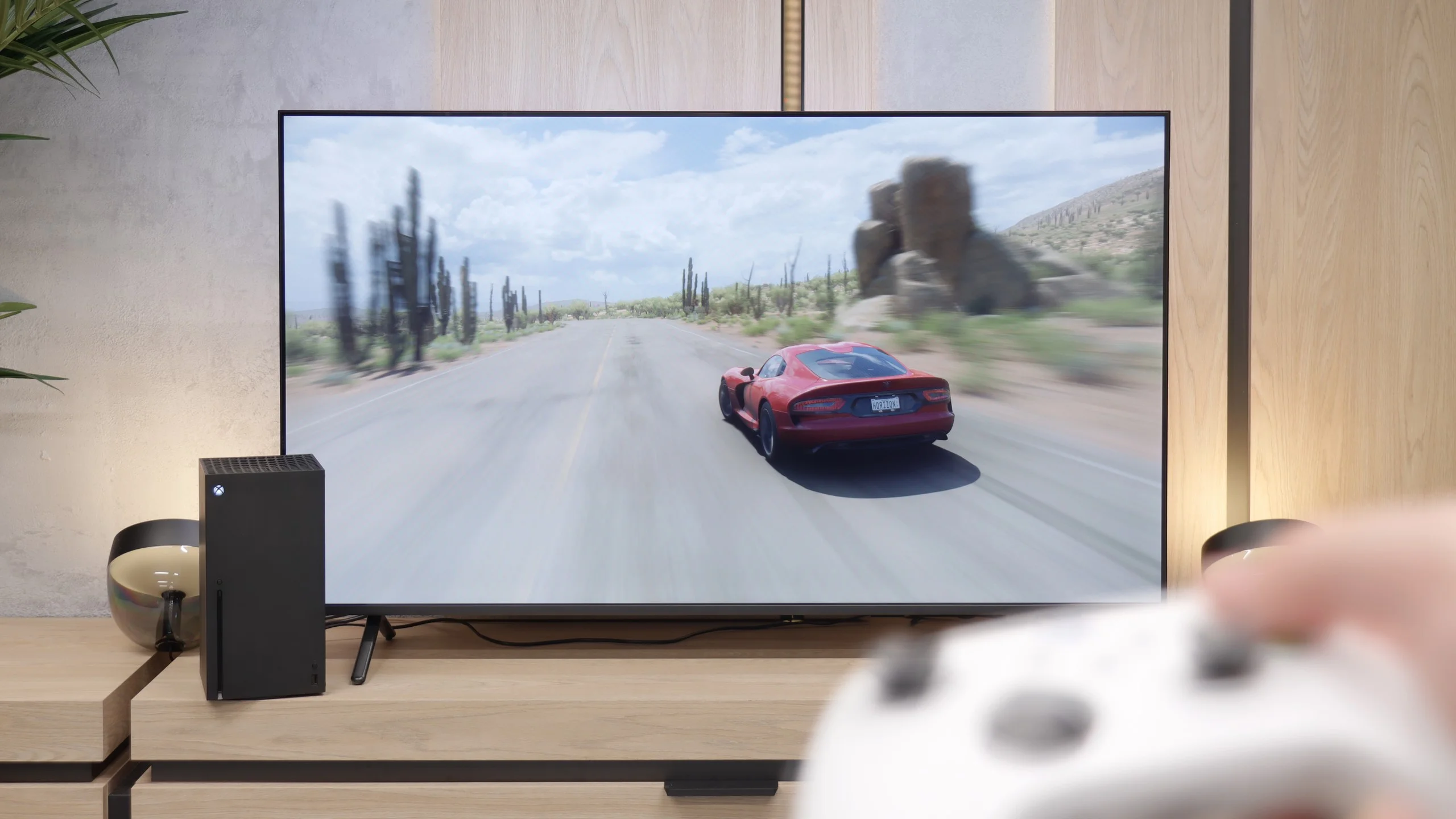
For gamers, the Philips MLED920 is truly a complete tool. The manufacturer has taken care of everything that today is considered standard in televisions designed for consoles and PCs. It features ALLM, so the console automatically switches the screen to game mode, it has VRR and 144 Hz refresh rate, which guarantees smooth gameplay even in fast titles. All key HDR formats are supported – including HGiG and Dolby Vision Gaming for Xbox – which means that regardless of what you are playing and on which console, the TV will be able to extract maximum potential from the image. In everyday gaming, the Game Bar also proves to be useful – a relatively simple implementation by Philips, but a functional panel where you can quickly check image parameters, turn on VRR, or adjust details without leaving the game. It may not be as advanced as the competition's offerings, but it performs its job flawlessly. And lastly, something that distinguishes Philips from its competitors – Ambilight. The three-sided LED backlighting can make a huge impression in games, especially in the evening. It also provides a way to slightly "expand" the screen and feel greater immersion. And since colorful LEDs have recently become almost a mandatory element of a gamer’s room, the MLED920 fits into this trend perfectly.
Input lag
9.9/10
9.6/10
SDR
1080p60
15 ms
18 ms
1080p120
7 ms
9 ms
2160p60
15 ms
17 ms
2160p120
7 ms
9 ms
HDR
2160p60
15 ms
17 ms
2160p120
7 ms
9 ms
4320p60
Dolby Vision
2160p60 DV
15 ms
35 ms
2160p120 DV
7 ms
9 ms
Input lag on the Philips MLED920 is really very good – in 120 Hz mode, we measured values below 10 ms, placing this model among the absolute leaders of LCD televisions in terms of responsiveness. Even at 60 Hz, a result of around 18 ms is fully acceptable and won’t hinder any type of gameplay. A certain exception is the Dolby Vision mode at 60 frames, where the lag can increase to even 35 ms. This result might be slightly noticeable for esports players, but we must honestly admit – for the majority of so-called “casual gamers,” it will be absolutely unnoticeable. Especially since we’re talking about values that still allow for comfortable gaming without major compromises.
Compatibility with PC
8.6/10
4/10
Chroma 444 (max. resolution and refresh rate)
Yes
Yes
Font clarity
Good
Average
Readability of dark text and shapes
Good
Poor
Input lag in PC mode (4K, max. refresh rate)
6ms
9ms
Matrix subpixel arrangement
RGB
BGR
Max refresh rate
144Hz
144Hz
G-Sync
Yes
Yes
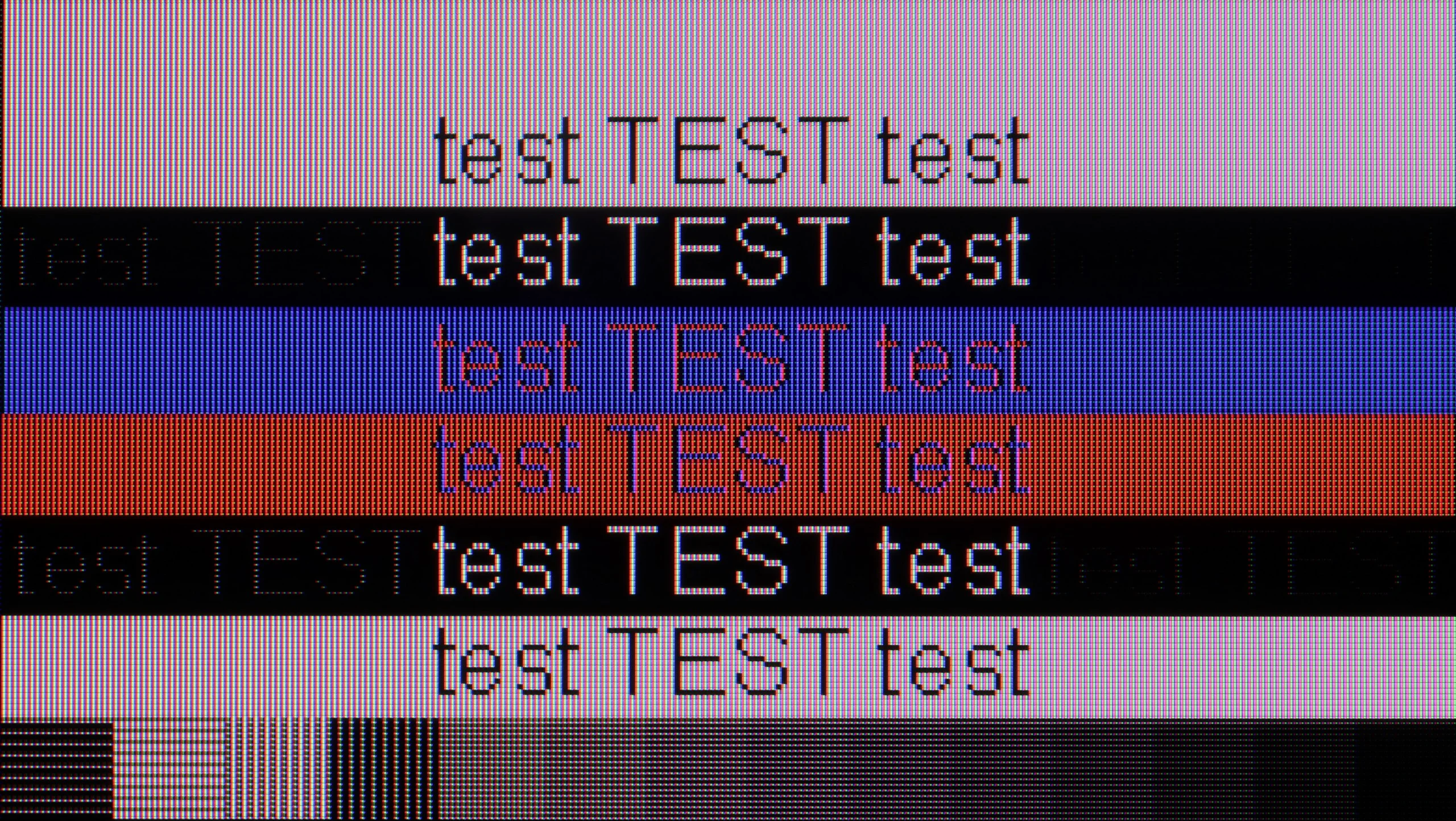
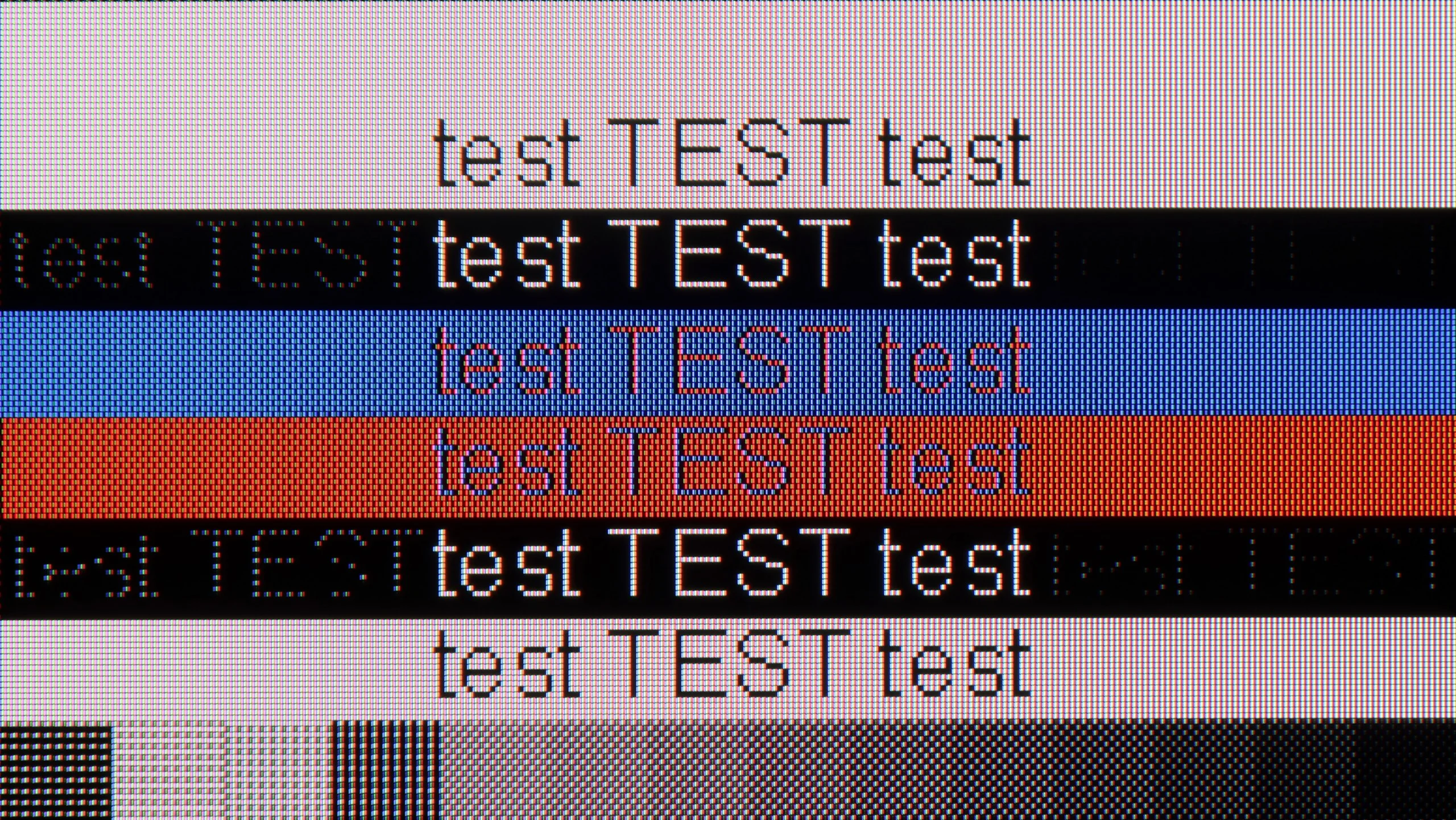
The photo shows the legibility of small fonts. Ideally, lines should be the same thickness on both light and dark text, with minimal pixel gaps.
When it comes to working with a PC, the Philips MLED920 evokes rather mixed feelings. On one hand, it looks impressive on paper – we have 144 Hz, support for G-Sync and FreeSync, so in terms of gaming on a PC, the television does not disappoint. Anyone looking for a large screen for computer gaming gets a solid package of features here. However, when we try to use it as a typical monitor for daily work, its limitations quickly become apparent. The fonts do not look their best – there is noticeable strong dithering, colorful letters can be jagged, and with very dark text, strange anomalies appear, as if the panel loses thin lines and has trouble accurately reproducing them. In short: Yes for PC gaming. For any work and reading text: a firm no.
Viewing angles
4/10
3.2/10
Brightness drop at an angle of 45 degrees
80%
68%
The viewing angles on the MLED920 are classic for VA matrix technology – even a slight shift from the center causes the colors to begin to fade, the contrast weakens, and the overall picture becomes quite flat and unattractive. There are no miracles here. So if you’re watching movies with a larger group and everyone is sitting a bit off to the side, this will be slightly noticeable. On the other hand, you gain something for this: thanks to this matrix, the MLED920 can display a much deeper black than televisions with IPS panels.
Daytime performance
6.9/10
5.5/10
Panel finish
Glare
Satin
Reflection suppression
Decent
Decent
Black levels during daytime
Very Good
Good
Panel brightness
Philips MLED920 / MLED910: 421 cd/m2
TCL C8K: 613 cd/m2
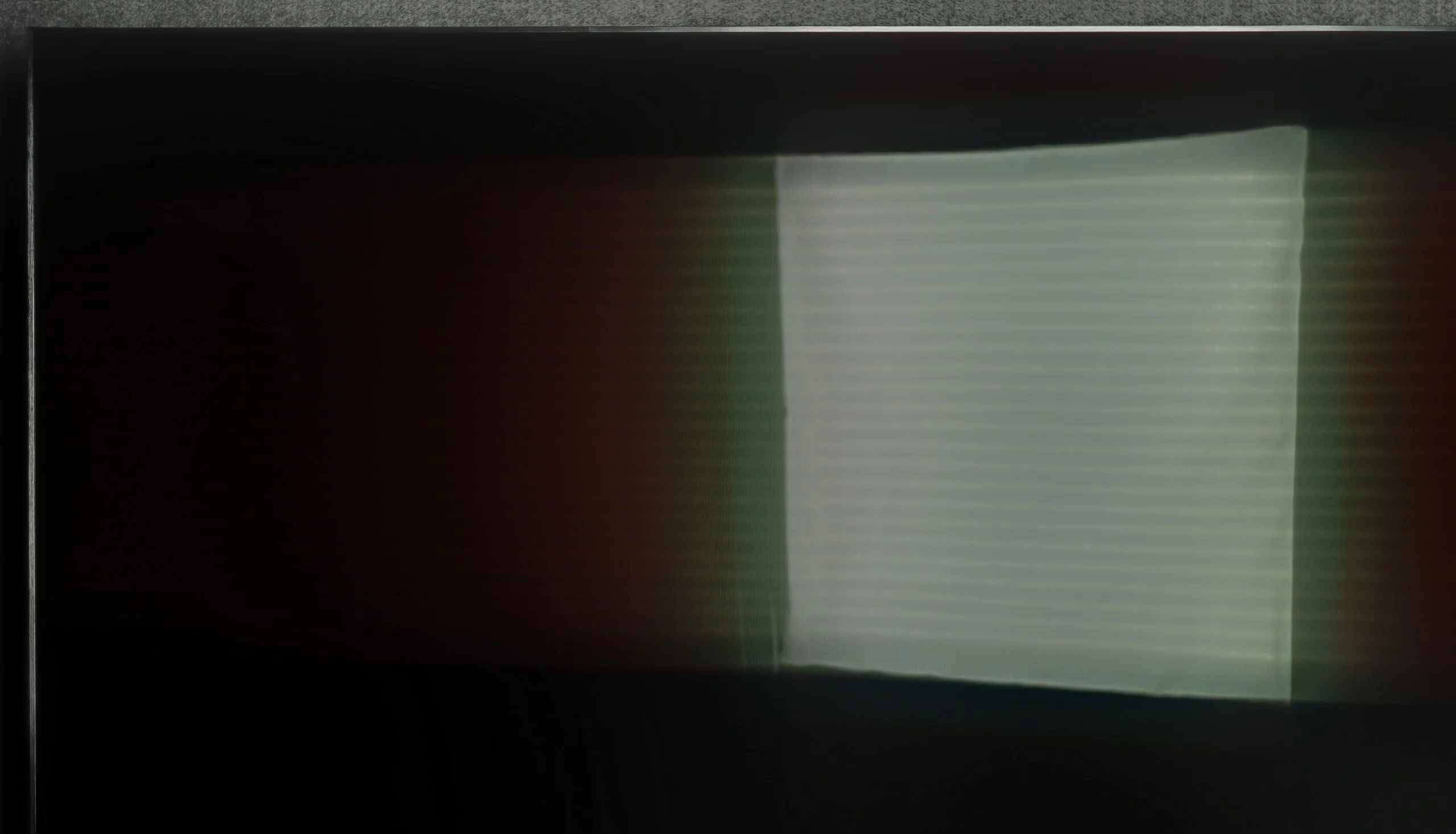
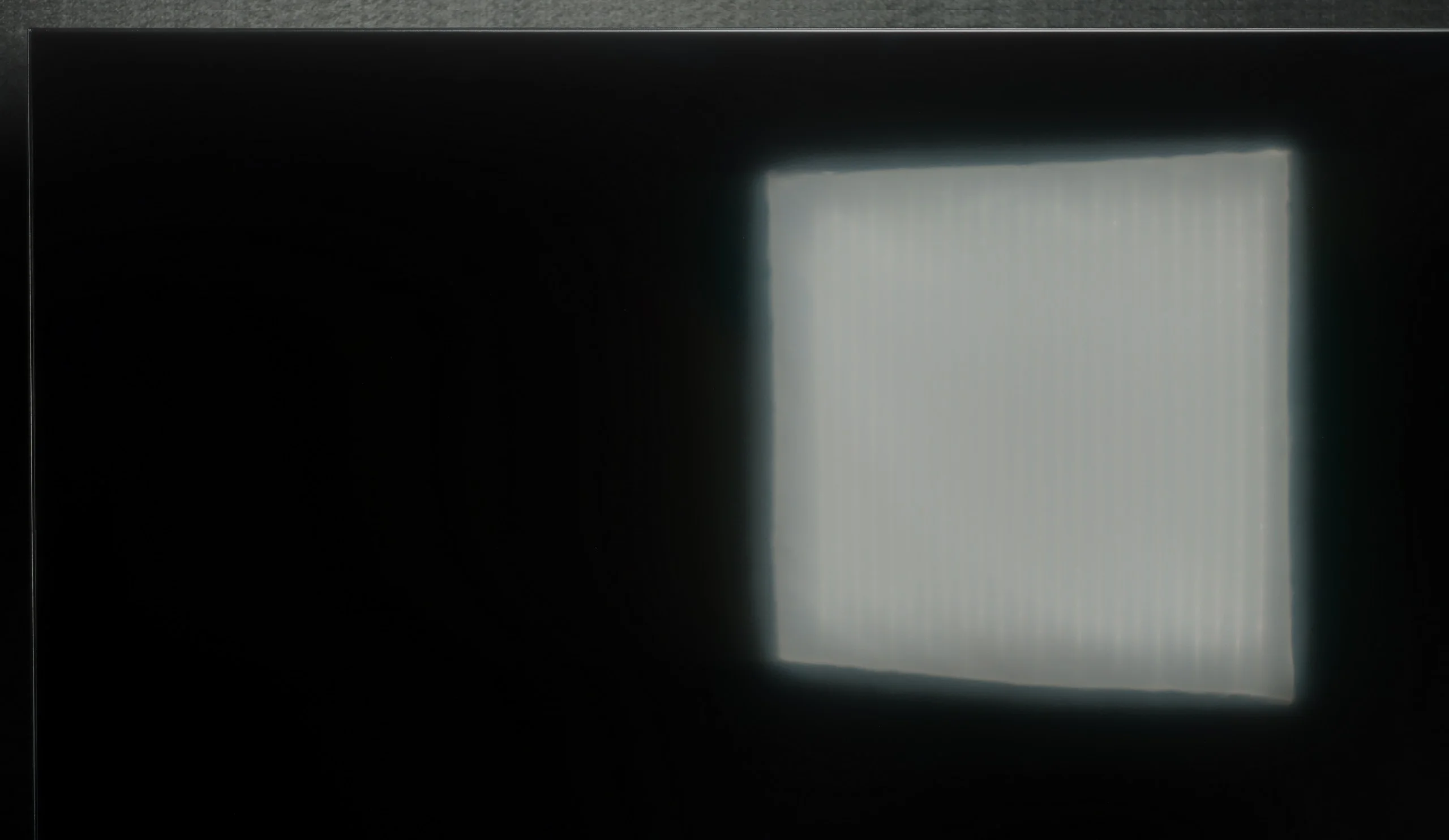
The Philips MLED920 performs fairly well in everyday use. The satin coating on the panel effectively reduces reflections, and in most moderately sunny living rooms, it manages unwanted glare. However, it is important to remember that this is not a television that impresses with brightness – the average value in SDR hovers around 450 nits. In very bright rooms, especially with large south-facing windows, the screen may not always overcome intense daylight. In such situations, it's worth supporting it with at least light curtains so that viewing comfort doesn't suffer significantly.
Panel details
Backlight Type
Backlight Type
Mini-LED QLED
Mini-LED PFS LED
Software version during testing
Software version during testing
V8-0012T01-LF1V531.002396
TPN258E_V058.002.179.041
Image processor
Image processor
4x ARM Cortex-A73 @1390MHz
Subpixel Structure:
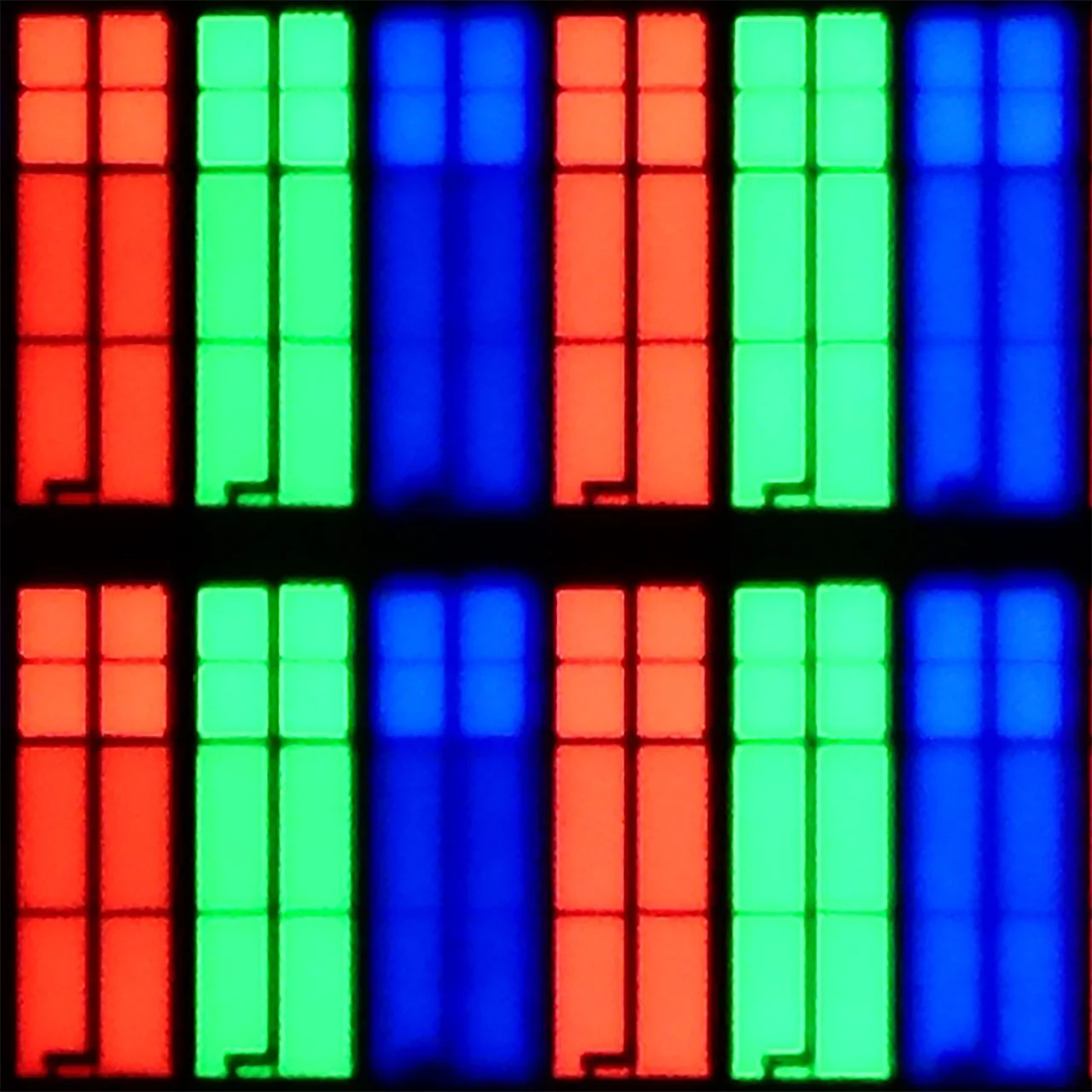
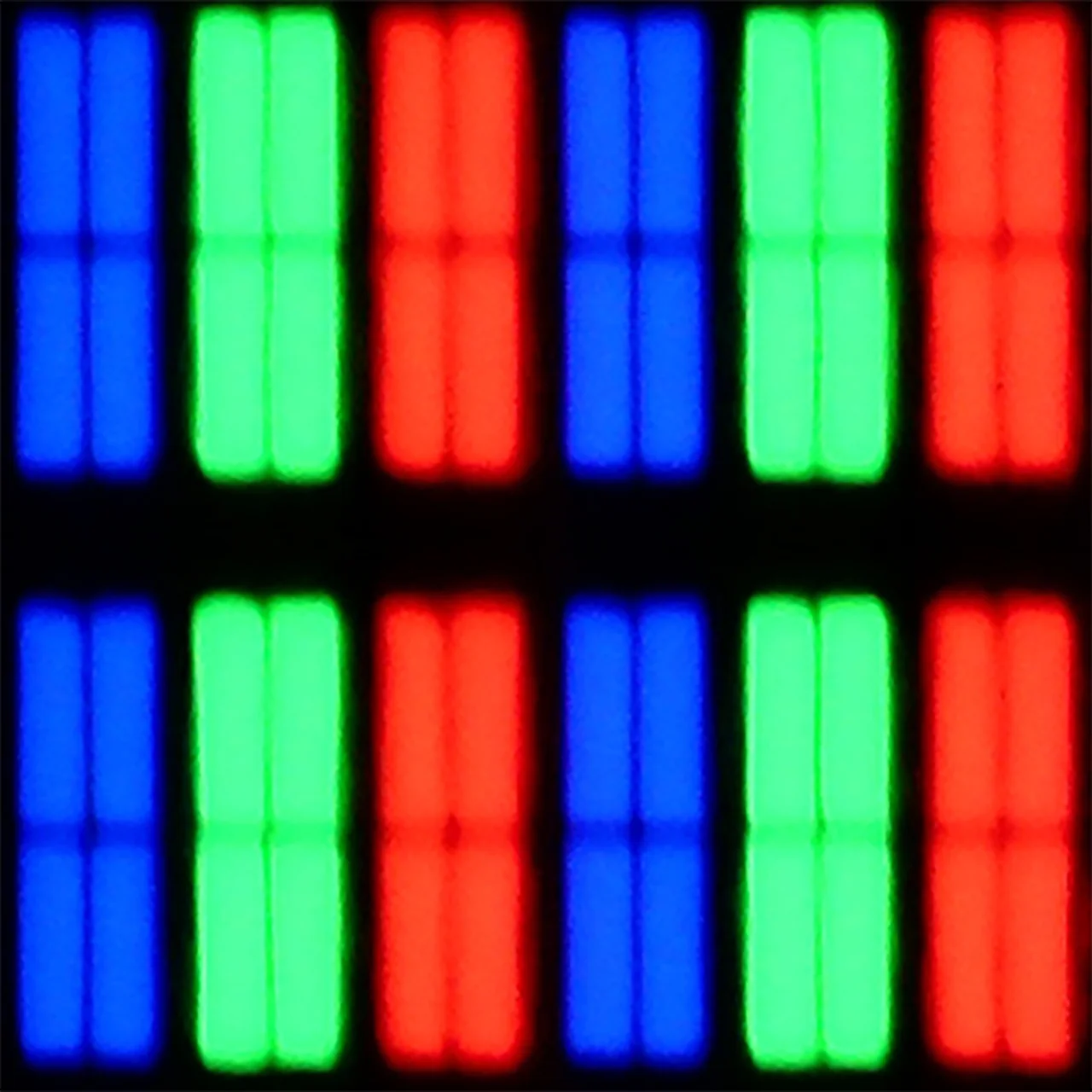
Panel uniformity and thermal imaging:
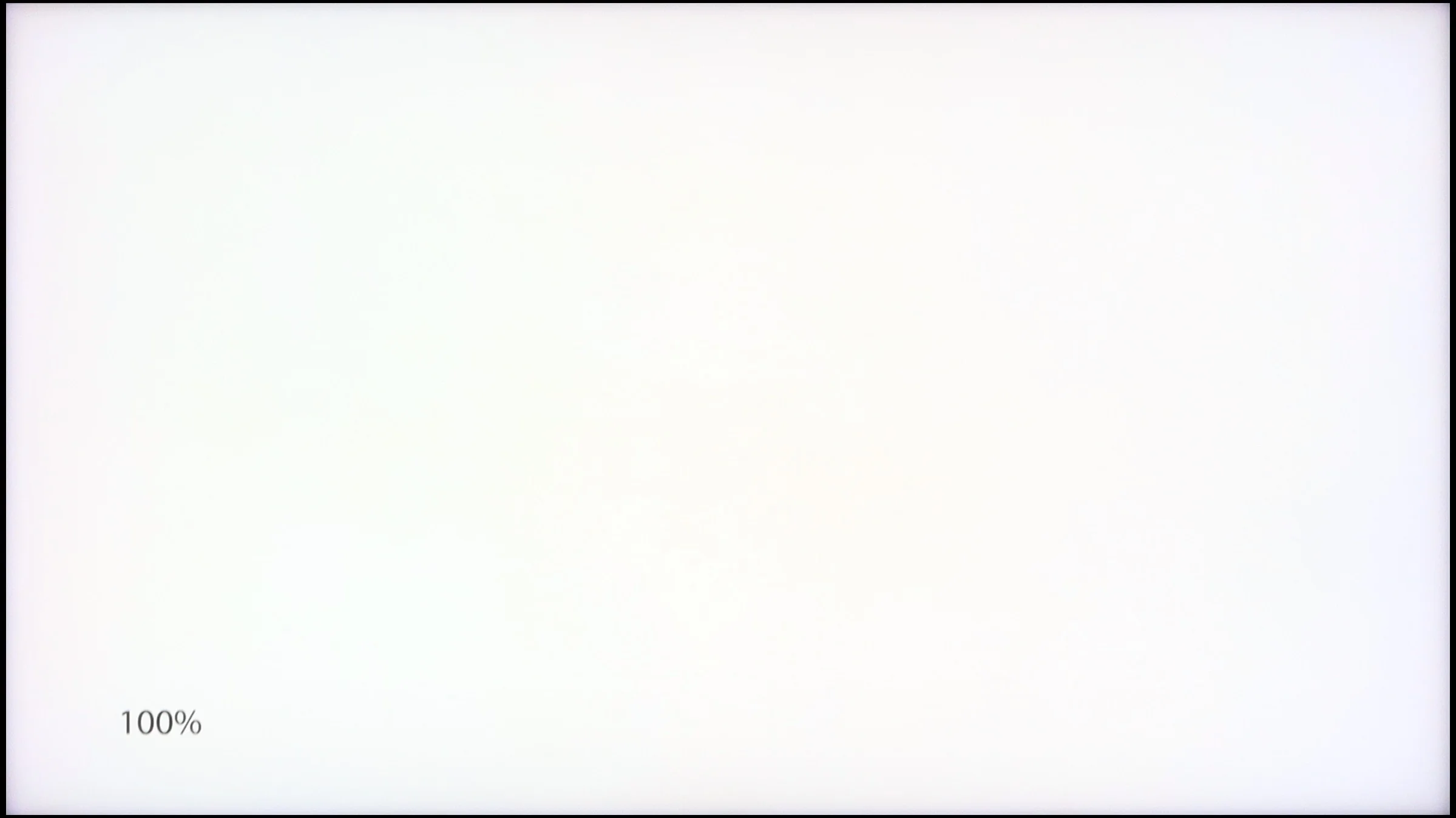

Review TCL C8K TV Panel details
Review Philips MLED920 / MLED910 TV Panel details
TV features
7.7/10
5.5/10
- SystemGoogle TVTitan OS
- System performanceGoodDecent
- HDMI inputs2 x HDMI 2.0, 2 x HDMI 2.1 48Gbps0 x HDMI 2.0, 4 x HDMI 2.1 48Gbps
- OutputsToslink (Optical audio), eARC (HDMI), ARC (HDMI)Toslink (Optical audio), eARC (HDMI), ARC (HDMI), Mini-Jack (Headphones)
- Network InterfacesWi-Fi 2.4GHz, Wi-Fi 5GHz, Ethernet (LAN) 100MbpsWi-Fi 2.4GHz, Wi-Fi 5GHz, Ethernet (LAN) 100Mbps
- TV receptionDVB-T, DVB-T2, DVB-S, DVB-S2, DVB-CDVB-T, DVB-T2, DVB-S, DVB-S2, DVB-C
Classic features:
- Recording to USB (terrestrial TV)

- Recording programming
- Picture in Picture (PiP)
- RF remote control (no need to aim)
- Backlit remote control
- Teletext
- Audio only mode
- Bluetooth headphones support
- Simultaneous Bluetooth headphones & TV audio
Smart features:
- AirPlay
- Screen mirroring (Windows Miracast)
- Voice search
- Voice search in native language
- Ability to connect a keyboard and mouse
Sound connection options
- HDMI audioeARC (HDMI), ARC (HDMI)eARC (HDMI), ARC (HDMI)
- Other audio outputsToslink (Optical audio)Toslink (Optical audio), Mini-Jack (Headphones)
- Wireless audioBluetoothBluetooth
Supported audio formats (external HDMI eARC audio):
- Dolby Digital Plus 7.1
- Dolby True HD 7.1
- Dolby Atmos in Dolby Digital Plus (JOC)
- Dolby Atmos in Dolby True HD
- DTS:X in DTS-HD MA
- DTS-HD Master Audio
Senior accessibility
- Numeric keyboard on TV
- Font size adjustment
- Audio description
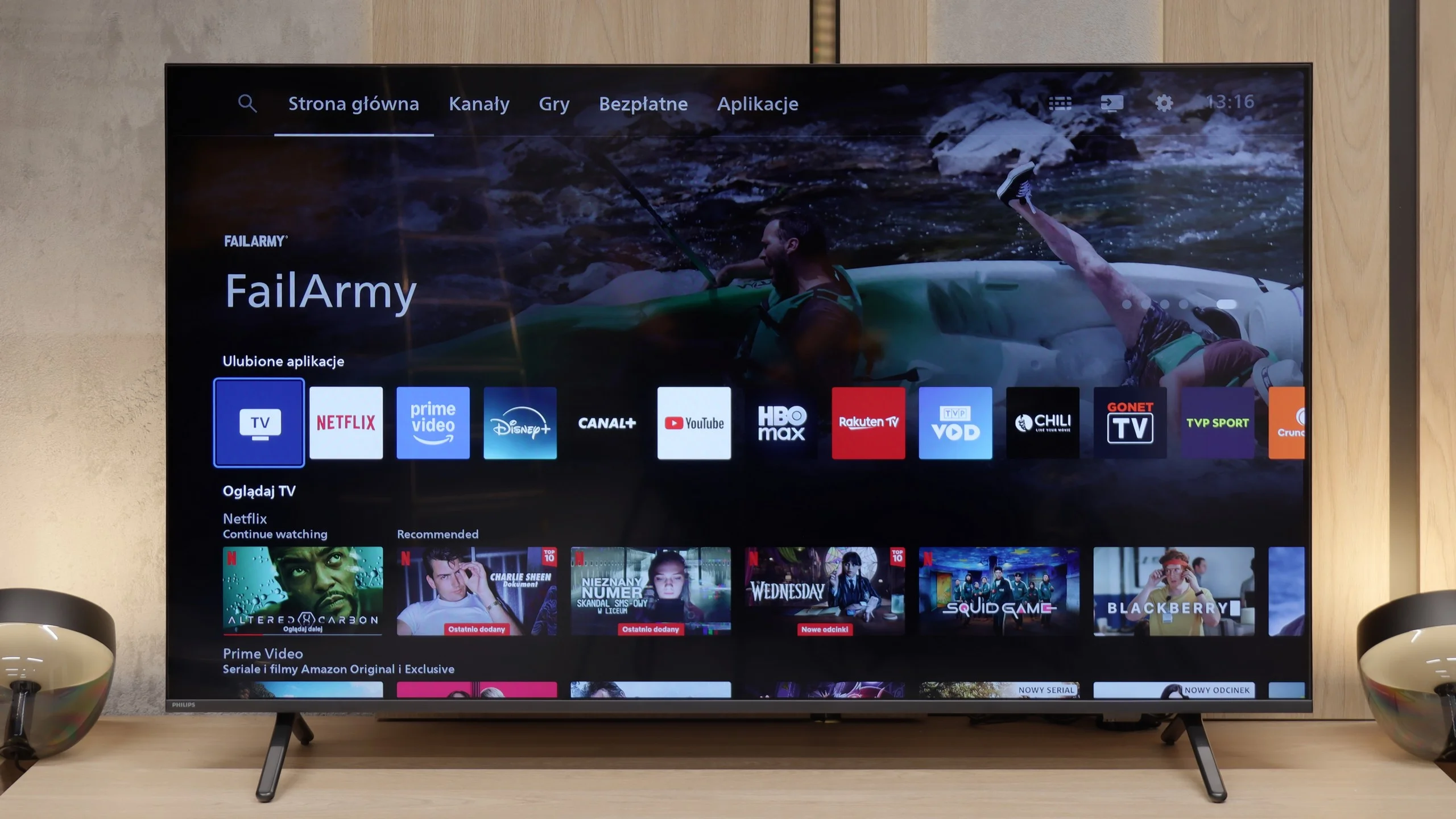
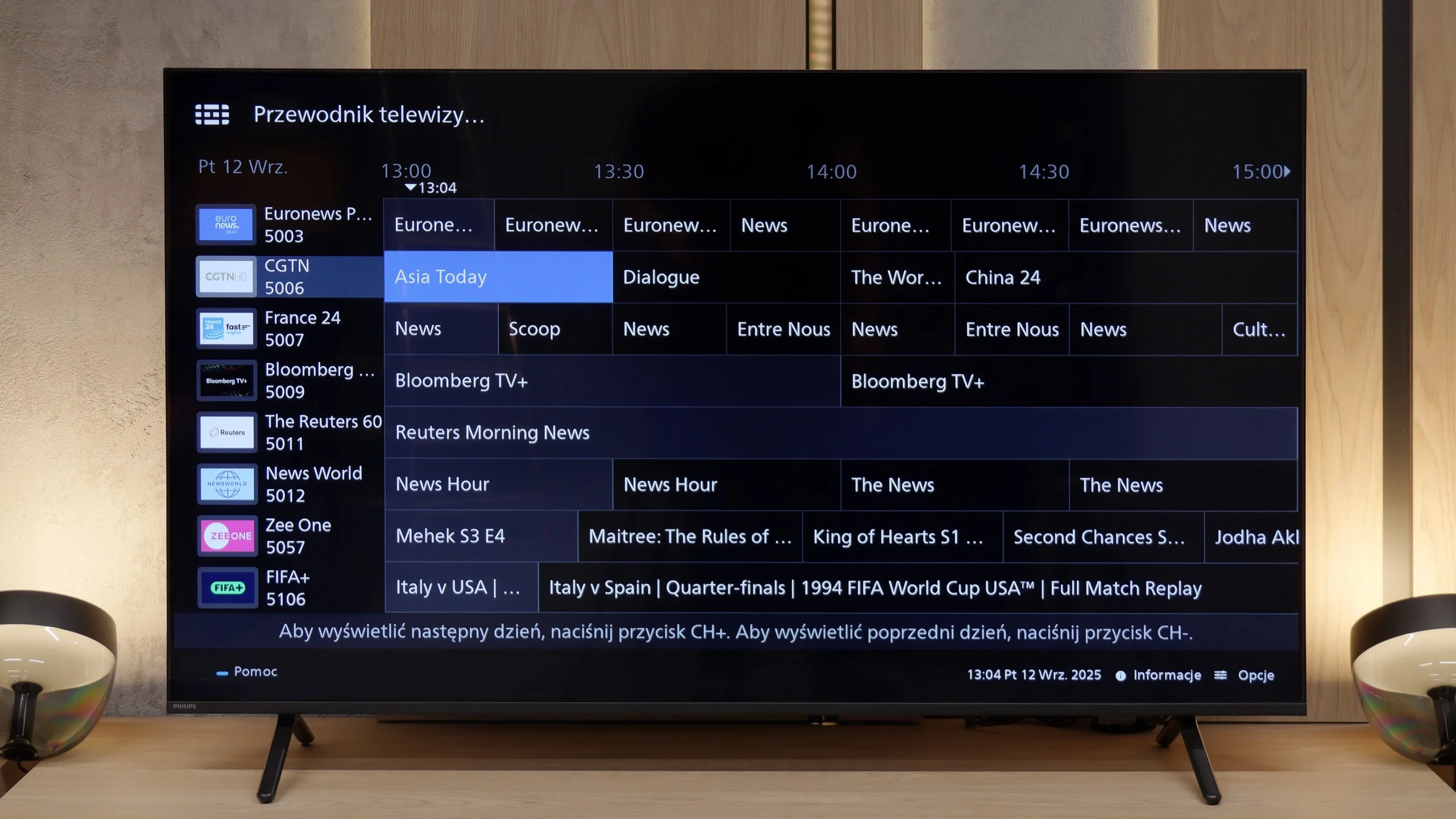
Smart TV – Titan OS
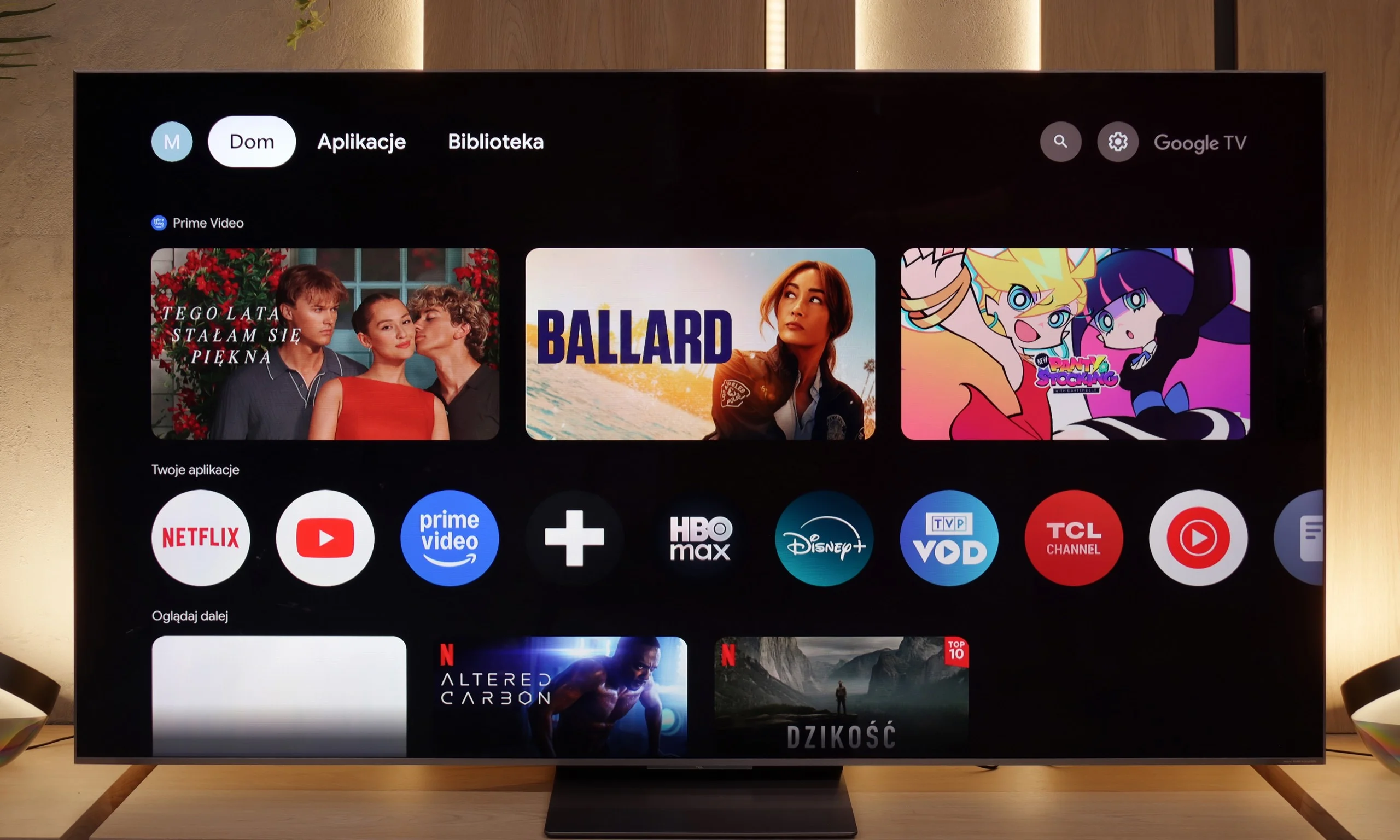
Philips MLED920 uses the proprietary Titan OS, which is just beginning its journey in the TV market, and unfortunately, this is evident at every turn. On one hand, we have basic features – such as support for AirPlay or the ability to mirror the screen from a smartphone, but on the other hand, its limitations quickly become apparent. Screen mirroring works only with a phone, but not with a laptop. Voice search? Yes, but it is only supported by Amazon Alexa and in languages supported by this assistant. The system runs fairly quickly, but every now and then it can "fail" and gives the impression of something unfinished, still developing.
Classic TV Functions
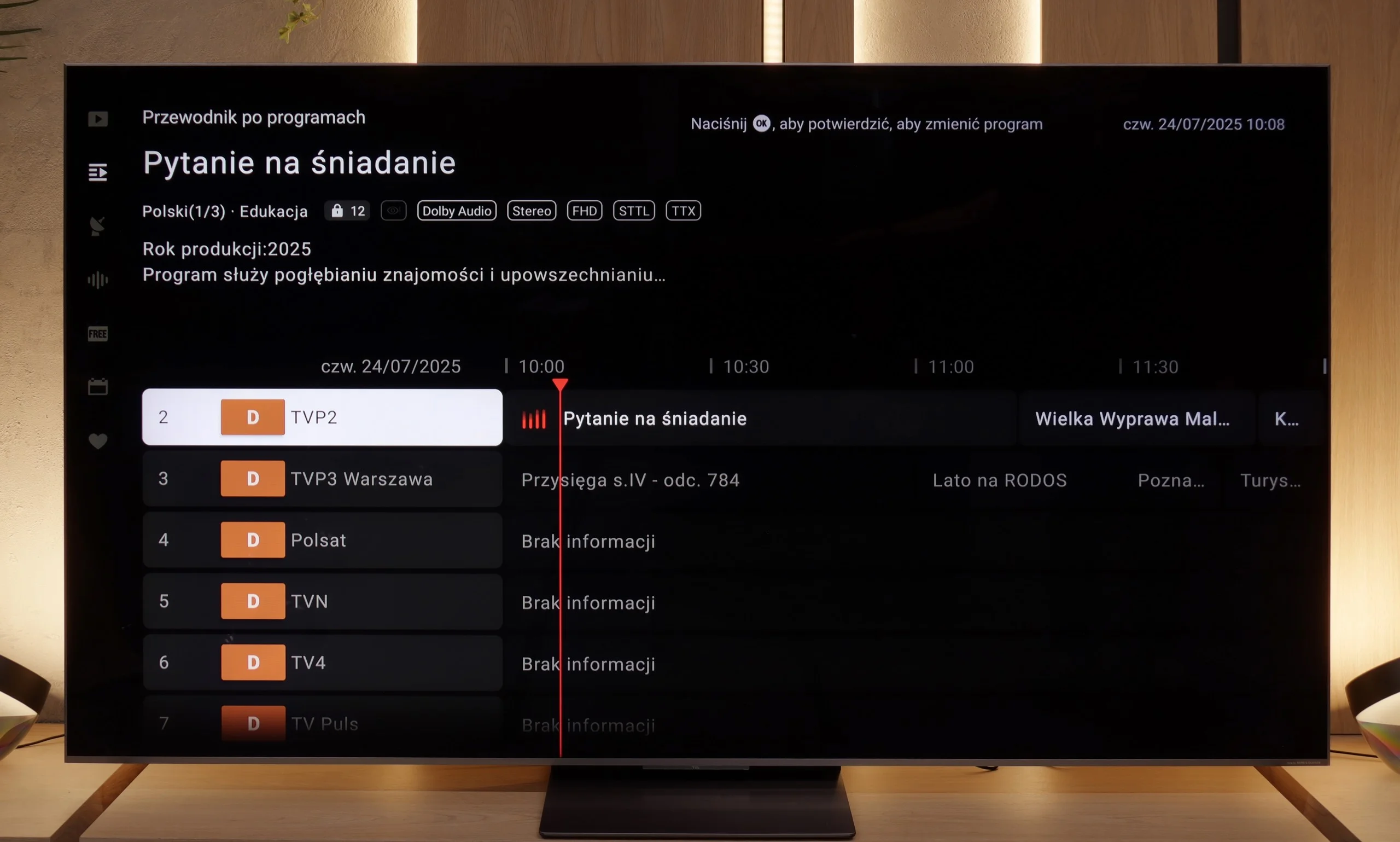
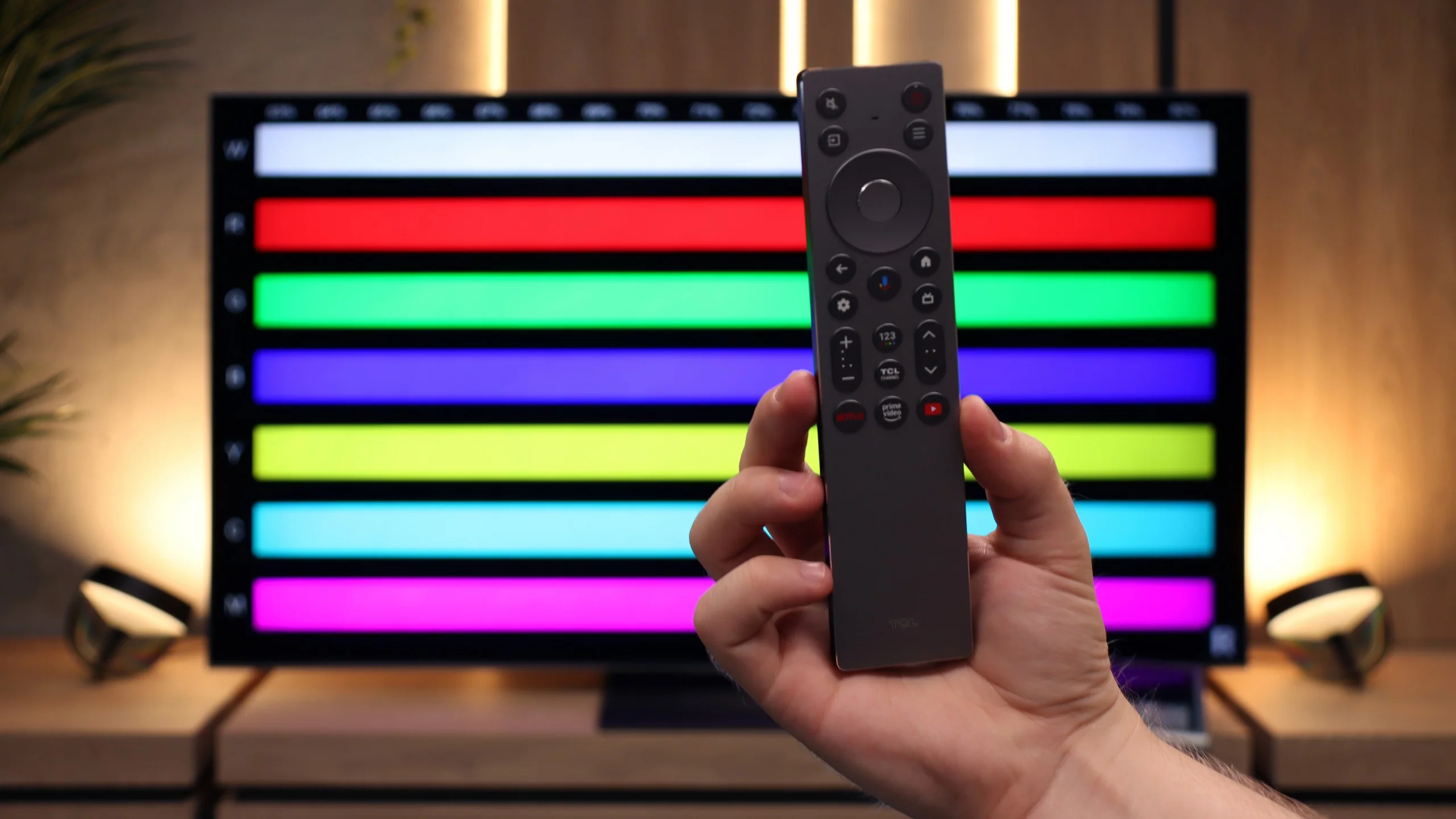
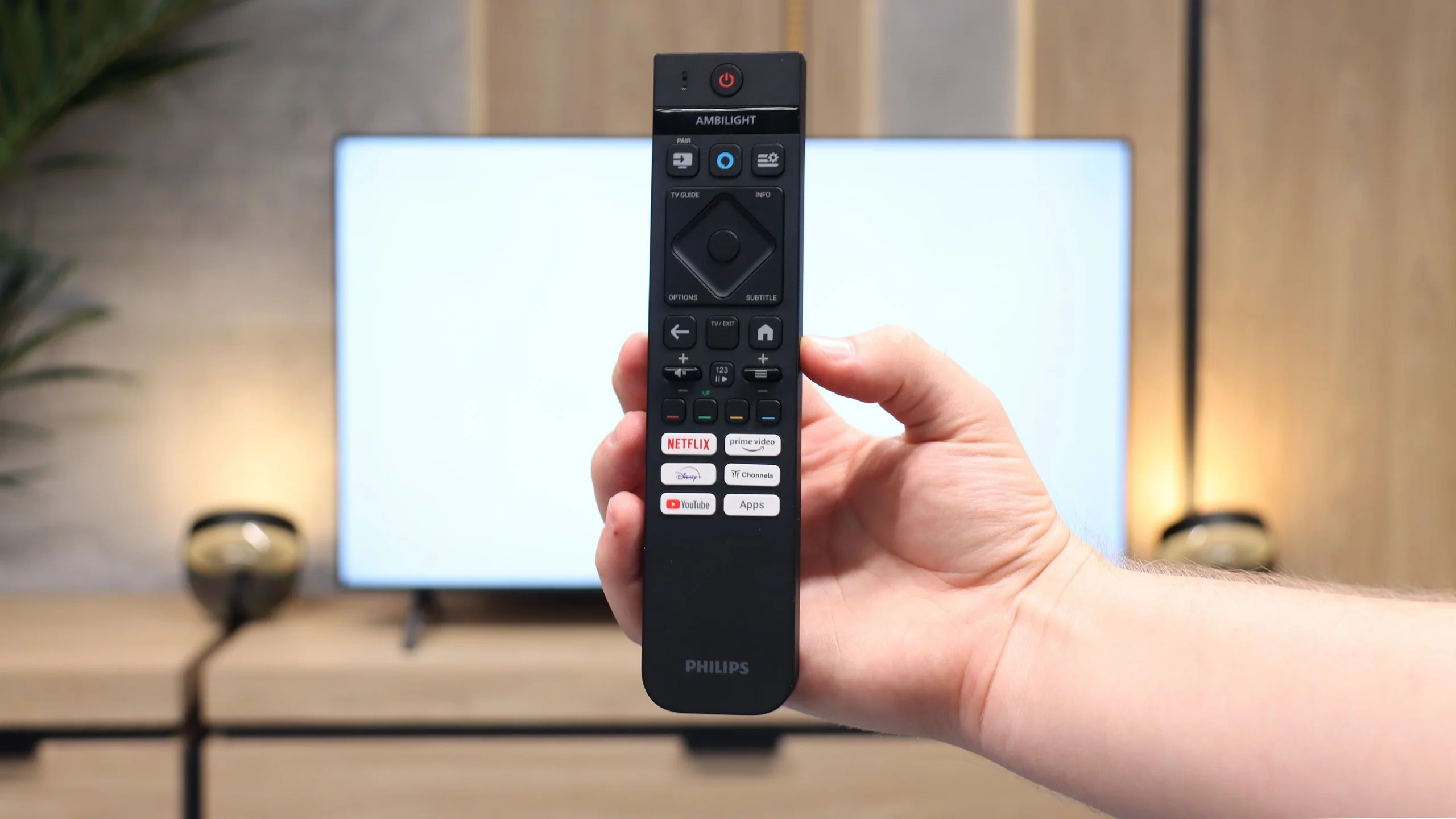
Titan OS does not pamper in terms of classic TV functions either. Besides the hybrid remote with a numeric keypad – which, although illuminated and cleverly designed in two modes, unfortunately works via infrared – we won't find anything that could truly distinguish the MLED920 from the competition. There is no USB recording or PiP function, and such solutions could be useful in this class. From unusual additions, we have an analog output in the form of a jack, which allows connecting headphones or older speakers. It’s a small nod to users who still use older equipment.
Ambilight TV
What definitely diverts attention from the shortcomings of Titan OS is the unique, three-sided Ambilight system. Here, Philips still plays in its own league and can amaze those who have not encountered this addition. The colorful lighting that responds to screen content gives screenings a unique atmosphere and is something that the competition does not offer in a similar form. It is Ambilight that is meant to ensure that other issues – both system and functional – take a back seat.
Apps
9.6/10
6.7/10






















Playing files from USB
9.2/10
8.5/10
Supported photo formats:
JPEG
HEIC
PNG
GIF
WebP
TIFF
BMP
SVG
Maximum photo resolution:
4 Mpix
6 Mpix
8 Mpix
10 Mpix
12 Mpix
16 Mpix
20 Mpix
24 Mpix
28 Mpix
32 Mpix
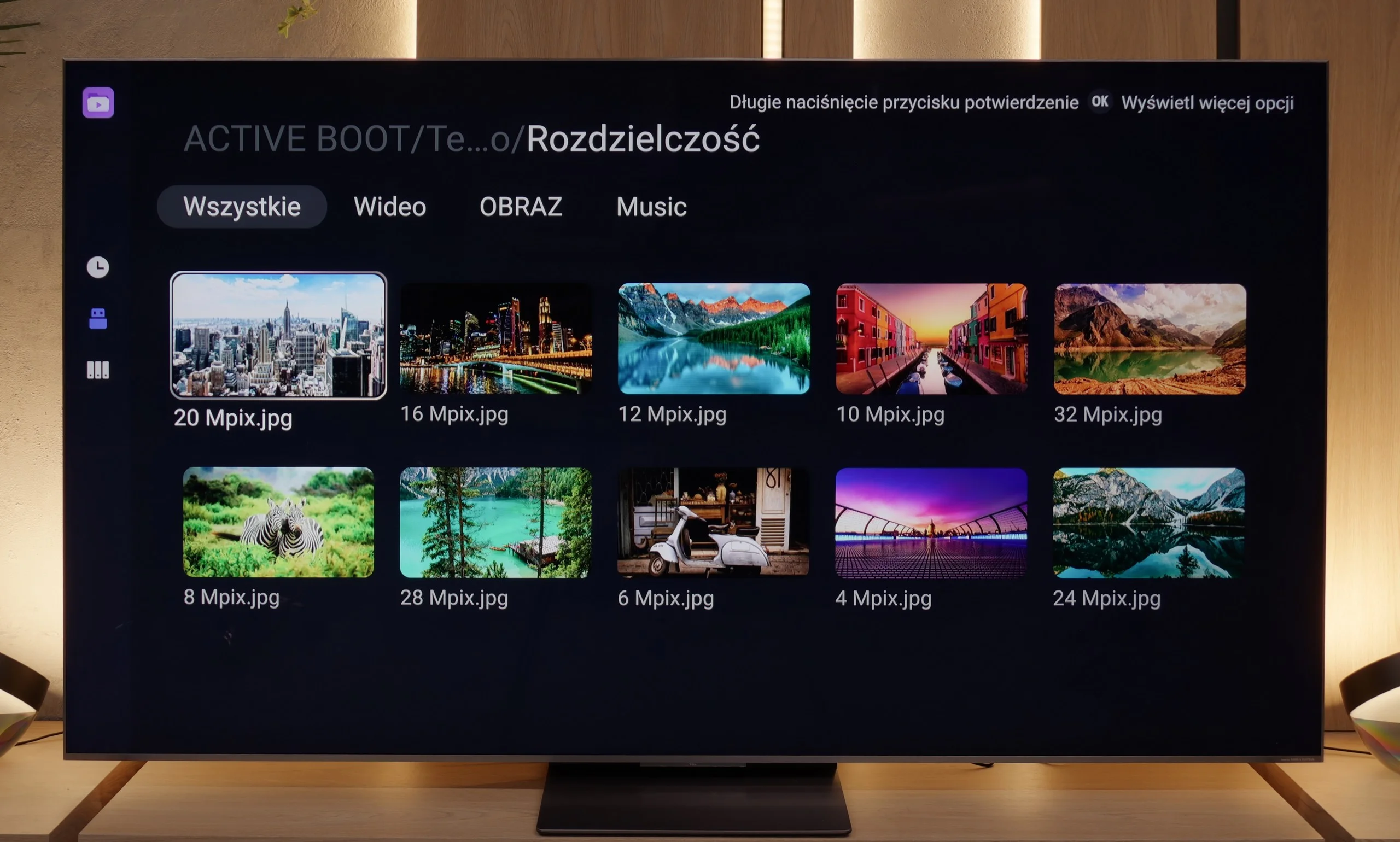
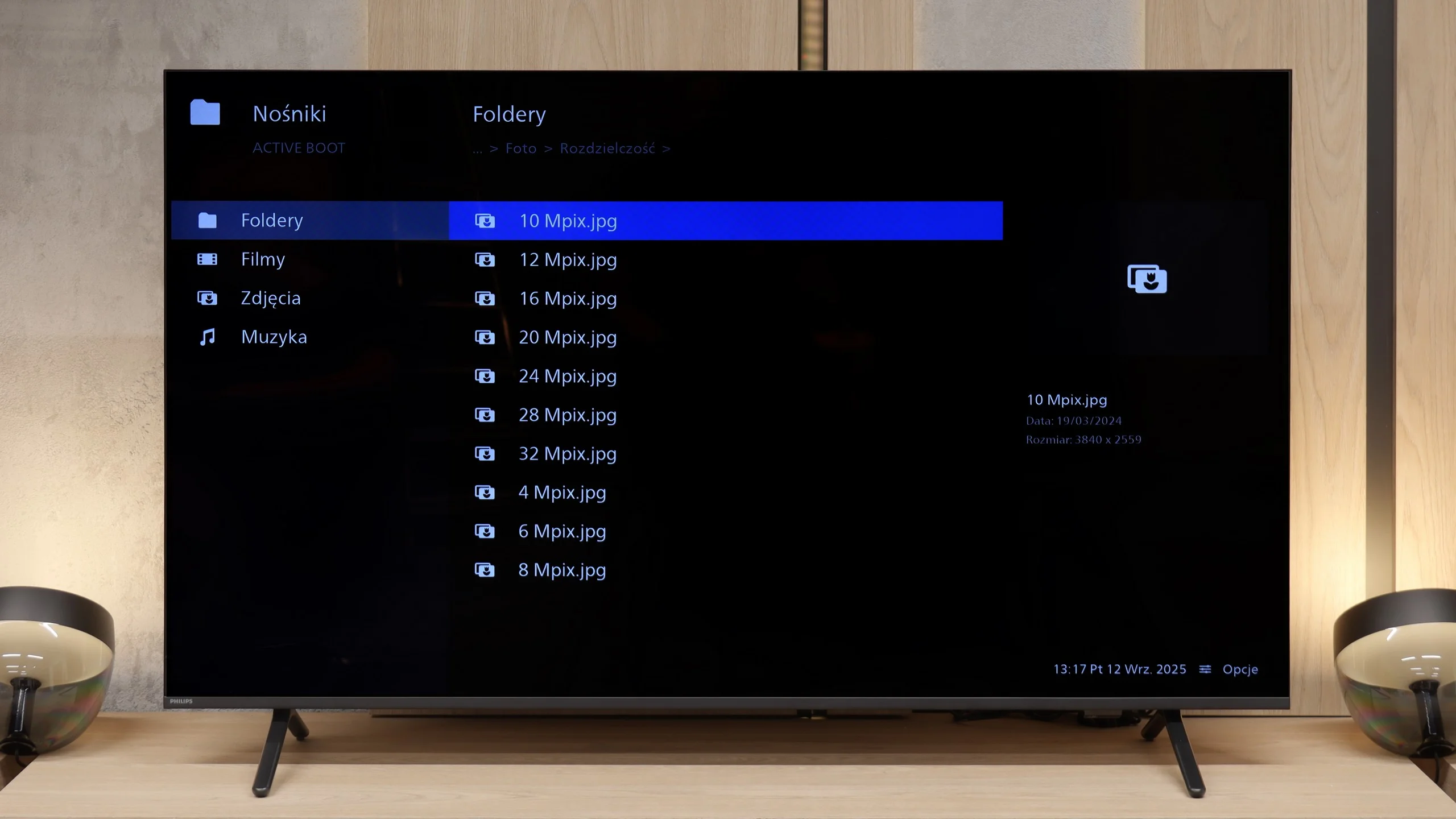
The built-in player in the Philips MLED920 works quite well and handles most popular audio and video files without major issues – exactly as you can see in our test table. There is no need to worry about typical movie or music formats. We can only nitpick about the somewhat selective support for photo formats and certain resolutions.
Sound
7.9/10
6.2/10
- Maximum volume77dB88dB
- Dolby Digital Plus 7.1
- Dolby True HD 7.1
- Dolby Atmos in Dolby Digital Plus (JOC)
- Dolby Atmos in Dolby True HD
- DTS:X in DTS-HD MA
- DTS-HD Master Audio
The sound in the Philips MLED920 is probably not going to be the element that impresses you the most. It sounds rather flat, lacking depth and clearer bass, which means that movies or concerts don’t have the extra layer of immersion that a better audio system can provide. However, it must be noted that the volume is really decent – the TV can reach up to 88 decibels. A big plus of the MLED920 is not so much the sound quality itself, but the support for audio formats. Philips has ensured compatibility with nearly all the major standards, including Dolby Atmos, DTS, and Dolby TrueHD 7.1. As a result, if someone decides to connect an external soundbar or receiver, they will encounter no limitations and will be able to enjoy the fullness of cinematic sound.
Sound Quality Test
Acoustic Measurements
77dBC (Max)
75dBC
88dBC (Max)
75dBC
Reader comments
Comments are provided by the external service Disqus (Zeta Global). Once loaded, Disqus may set cookies and process data about your activity.
We will remember your choice on this device. Provider's privacy policy