TCL C69B or C655 in its smallest sizes (43 and 50") is a model that stands out primarily due to its Google TV system. The interface is simple and intuitive, and accessing favorite applications is problem-free. Personalized recommendations make it easy to choose what to watch, and voice search in Polish works quickly and efficiently. Regarding picture quality, C69B / C655 performs well, especially for its price. With quantum dot coating technology (PFS), colors are vivid, and Dolby Vision support makes HDR movies look quite decent. The contrast is sufficient for everyday viewing, but the brightness of 350 nits can be a problem in very sunny rooms. However, in less demanding conditions, the TV performs quite well – details are well visible, and the black level is decent, though not perfect. For gamers, it is rather an option for casual gaming. The 60 Hz panel does not provide the same smoothness as more expensive models, but the low input lag ensures good responsiveness. The Game Bar feature allows quick adjustments without leaving the game. This is not equipment for avid gamers, but at this price, it is hard to expect more. However, there are some limitations. The screen brightness and the lack of recording function may be bothersome, especially if we are used to more advanced solutions. Picture-in-picture (PiP) is another feature missing here – this can be an issue for multitasking enthusiasts. In HDR content, it is also noticeable that the TV does not perform as well as more expensive models, especially in brighter scenes. In summary: C69B / C655 is a TV that will perform best in everyday use. Google TV makes life easier, and the picture quality will satisfy most people, especially if we do not expect perfection. It is equipment for watching TV, movies, and occasional gaming that won’t strain the budget but still offers solid basics to fit where larger TV sizes simply won’t fit.
- Matching (Score) |
- Our verdict |
- TV appearance |
- Where to buy |
- Contrast and black detail |
- HDR effect quality |
- Factory color reproduction |
- Color reproduction after calibration |
- Smoothness of tonal transitions |
- Image scaling and smoothness of tonal transitions |
- Blur and motion smoothness |
- Console compatibility and gaming features |
- Input lag |
- Compatibility with PC |
- Viewing angles |
- Daytime performance |
- Panel details |
- TV features |
- Apps |
- Playing files from USB |
- Sound
TCL C655 / C69B (43" - 50") vs TCL C6KS / C69KS / Q6CS
 Direct comparison
C655 / C69B

C6KS / C69KS / Q6CS


Panel type: LCD VA
Resolution: 3840x2160
System: Google TV
Model year: 2024
Complete the survey to find out the result
Panel type: LCD VA
Resolution: 3840x2160
System: Google TV
Model year: 2025
Complete the survey to find out the result
Overall rating
5.9
6.4
 Movies and series in UHD quality
 5.5
5.9
 Classic TV, YouTube
 5.6
6.1
 Sports broadcasts (TV and apps)
 5.1
5.3
 Gaming on console
 6.9
7.7
 TV as a computer monitor
 5.0
1.7
 Watching in bright light
 4.7
6.6
 Utility functions
 7.0
7.0
 Apps
Apps 9.6
9.6
 Sound quality
 6.3
6.5
Complete the survey to find out what fits your preferences
Advantages

Google TV
Low input lag
High native contrast
Support for all HDR formats
Good for "casual" gamers - support for VRR, ALLM, Game bar
Very good contrast and black: VA panel and MINI-LED backlighting
Pretty high (around 600 nits)
Many features for gamers: VRR, ALLM, HGiG
Additional mode for gamers: 120Hz and 144Hz
Google TV system with a wide range of applications
Support for multiple HDR formats including Dolby Vision
Support for Dolby Atmos and DTS
Quite pleasant sound from the built-in speakers
Disadvantages

Average brightness
No recording function and PiP
The matrix is heavily smudged
Strong visible dithering (looks like artificial 4K)
Very poor compatibility with PC
Minor system errors
Significant chaos in naming (many derivative models that differ in no way)
Our verdict
TCL C6KS (also known as C69KS and Q6CS) is a television that on paper promised to be a hit in the "value for money" category. And indeed, in many ways it's a successful piece of equipment: thanks to Mini-LED backlighting, we get good black levels and brightness that rivals more expensive models. In fact, it's identical to the slightly more expensive C6K model, which we've already tested for you. Additionally, it features the same excellent Google TV system and surprisingly rich gaming features, making it enjoyable to play even with a 60 Hz panel. Unfortunately, the positive impression is marred by the performance of the panel used. The television suffers from noticeable motion blur, and aggressive dithering (digital grain) makes the image often appear unnatural and artificial—as if it were being forced to be sharper. Ultimately, the biggest problem with the C6KS isn’t its flaws, but rather its sibling, the C6K. At its current price, this model finds itself in a strange "middle ground." It costs almost the same (or just slightly less) as the full-fledged TCL C6K, which offers a significantly better 120 Hz panel and is simply a complete design without those annoying flaws. The C6KS is a compromise model that will only become attractive under one condition—if its price drops drastically. For now, opting for the (often symbolic) additional cost to the C6K model remains a much safer and better choice. One could mischievously state that the letter "S" in the name actually stands for "Slim." It's just that it's not about an exceptionally slim case, but about how much this model has been "slimmed down" in terms of capabilities compared to the full-fledged C6K.
TV appearance


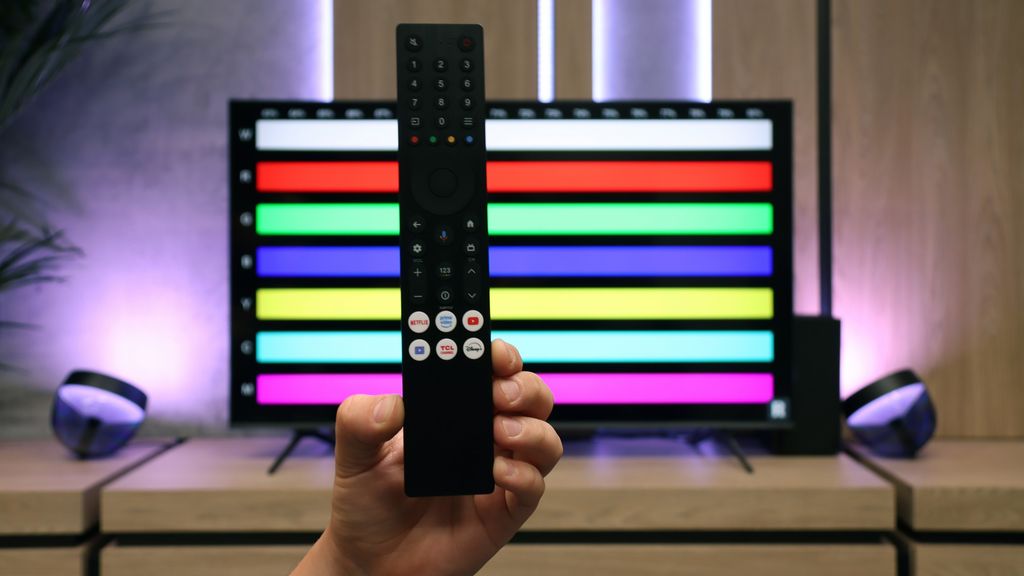
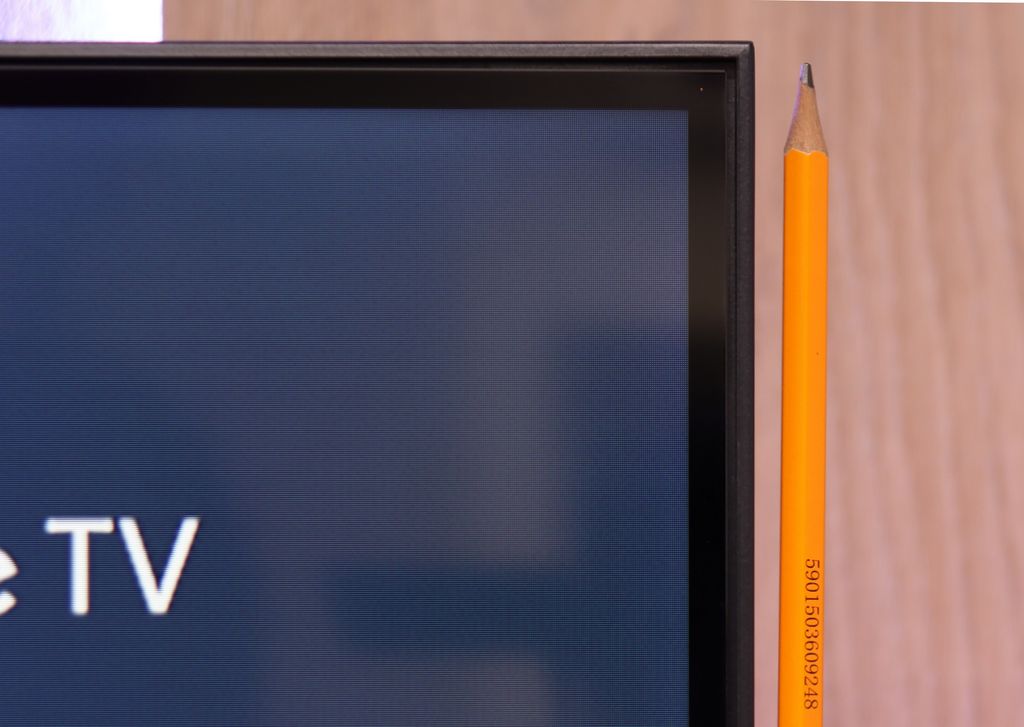

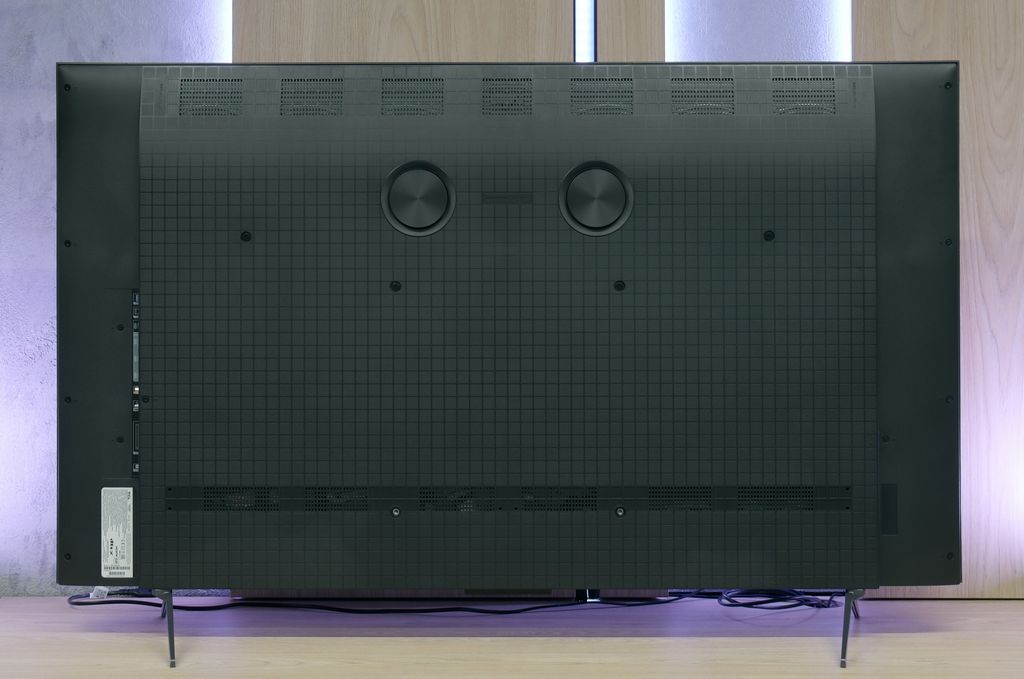

Contrast and black detail
5.8/10
7.5/10
Local dimming function: No
Local dimming function: Yes, number of zones: 180 (10 x 18)
Contrast:


Result
6,350:1

Result
5,750:1

Result
4,700:1

Result
4,950:1

Result
4,650:1
Result
129,650:1
Result
26,650:1
Result
12,900:1
Result
12,600:1
Result
6,250:1
Halo effect and black detail visibility:

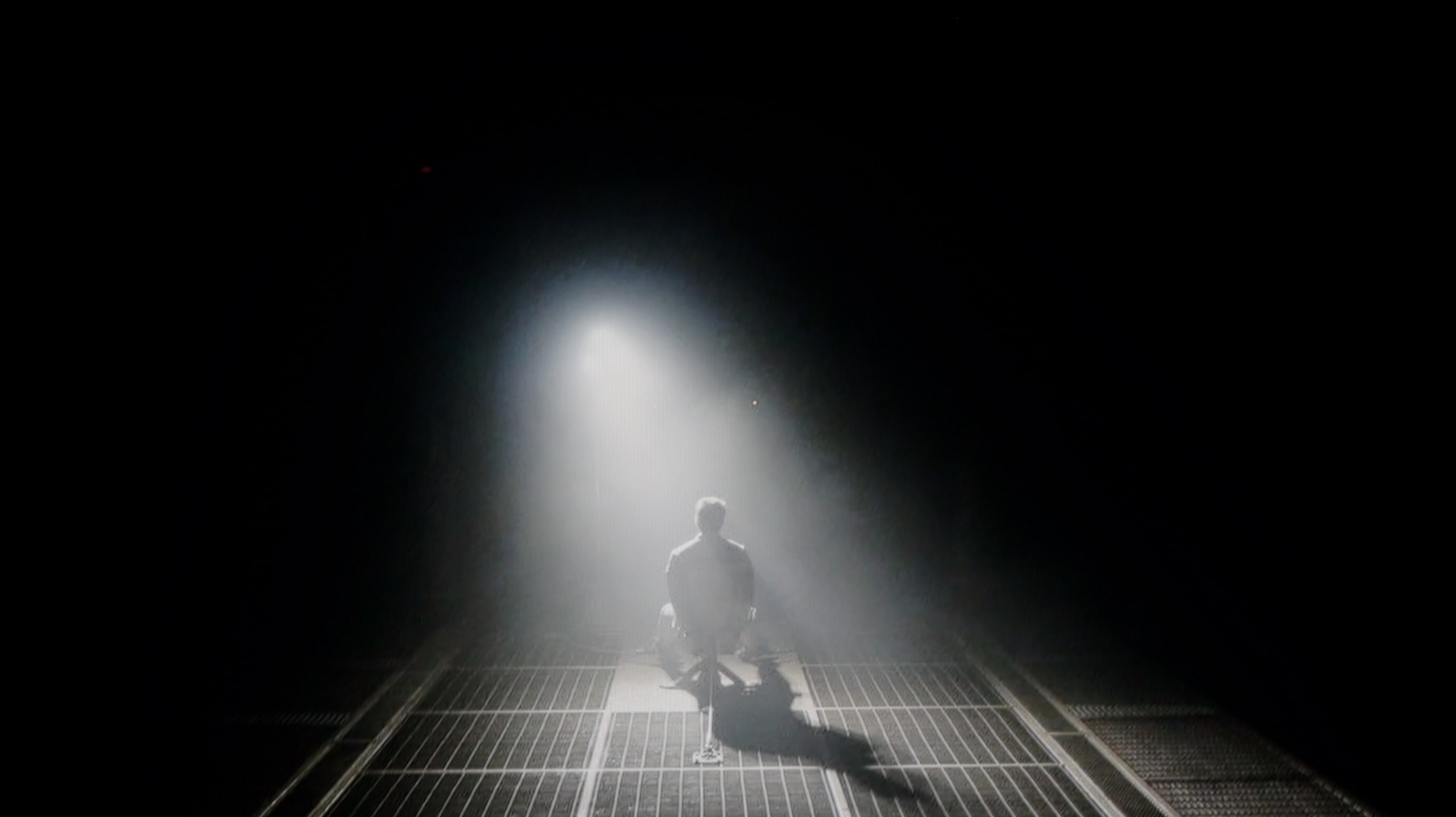
Check the visibility of bright lights on a dark background. Mini-LEDs often struggle with this. The photo does not compare black levels – that’s what the video below is for.
The video accurately shows differences in contrast and black levels between TVs, as well as potential issues: halo around bright objects or Mini-LED zone operation visible as brightness jumps.
The C69B / C655 TCL TV is equipped with a VA panel, which differs from IPS panels, particularly in terms of contrast and black reproduction. VA panels are characterized by significantly higher contrast, meaning better black quality, especially in night scenes or in poorly lit rooms. Unlike IPS panels, where blacks often look more like shades of gray, VA better reproduces deep, dark colors. Unfortunately, the C69B is not equipped with local dimming technology (common in this price range), which affects the black quality in demanding scenes. During test sequences, such as a fragment from the movie "Sicario 2", it can be noticed that instead of absolute black, some elements of the image have a blue tint. Generally, the black is decent, but one has to reckon with the limitations of the television.
Let's move on to what tigers like best, which is black and contrast. If you were worried that the lower price of the C6KS model (C69KS/Q6CS) was due to drastic cuts in image quality, I have great news for you regarding black levels and contrast. In direct comparison with the more expensive C6K, the tested model hardly falls short at all. Just like in the higher series, we find a VA panel supported by a local dimming system. What’s most interesting – and here’s a big surprise – during the tests, we counted exactly the same number of dimming zones in the C6KS (of the same size) as in the tested more expensive counterpart! The black levels are very good. The contrast measurement results speak for themselves – for such a relatively inexpensive television, the black is deep and free from major issues that often plague budget models without local dimming. Of course, we can't cheat physics. We must expect that in very demanding scenes (e.g., bright text on a black background), we will sometimes notice undesirable effects such as blooming (halo effect around bright objects). However, this is not something that disqualifies this television – overall, the black levels are at a very decent, satisfying level.
HDR effect quality
4.8/10
4.9/10
Luminance measurements in HDR:

Result
283 nit

Result
322 nit

Result
346 nit

Result
322 nit

Result
355 nit
Result
602 nit
Result
204 nit
Result
421 nit
Result
152 nit
Result
590 nit
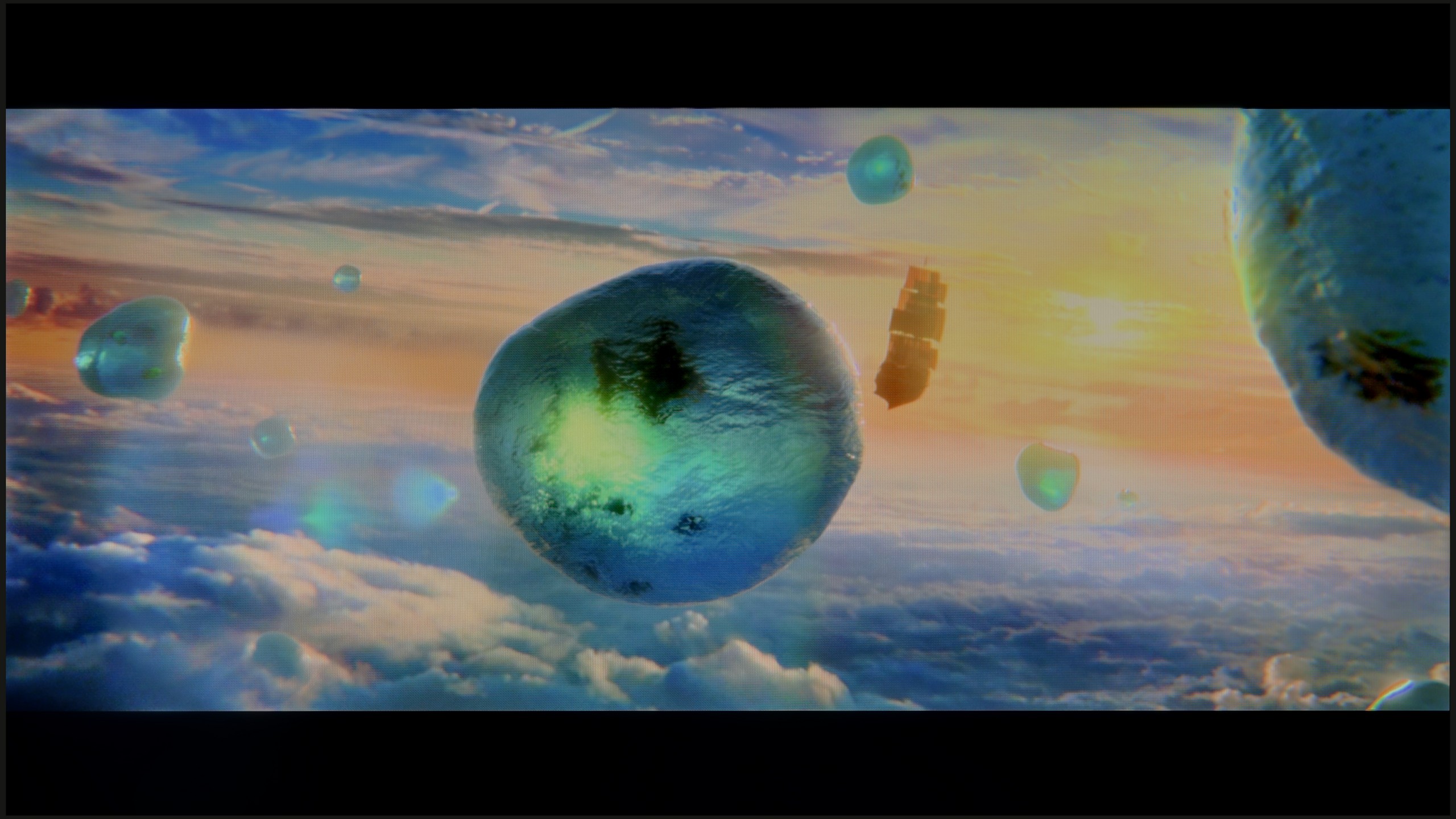
Scene from the movie “Pan” (about 2800 nits)

Scene from the movie “Billy Lynn” (about 1100 nits)

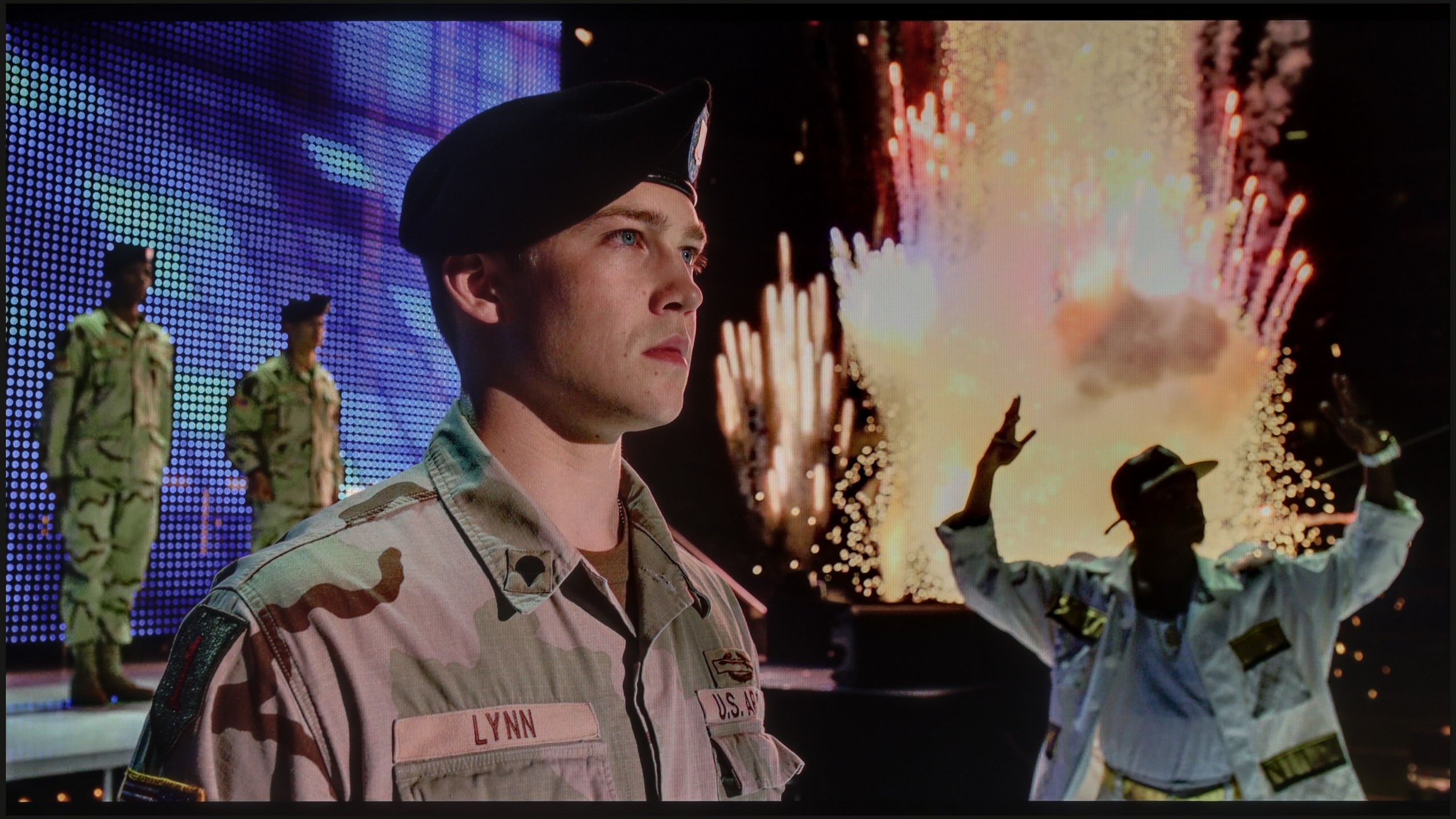
The photos show two HDR10 movies. 'Pan' is one of the brightest productions ever made, while 'Billy Lynn' (soldier) has brightness typical of streaming (Netflix, Prime, HBO MAX). Notice the intensity of effects and detail in whites.
Static HDR10


The photos present the visibility of white details in various HDR formats. They do not show brightness differences between TVs (these can be compared in the previous gallery).
Dynamic: Dolby Vision
Dynamic: Dolby Vision


The photos present the visibility of white details in various HDR formats. They do not show brightness differences between TVs (these can be compared in the previous gallery).
HDR luminance chart:
TCL C6KS / C69KS / Q6CS
TCL C655 / C69B (43" - 50")
The quality of the HDR effect in the TCL C69B / C655 television is quite average. A brightness level of 350 nits, while not the worst, still does not allow for fully enjoying HDR effects, which require higher luminance to show their strength. Additionally, despite the use of a quantum dot coating (QLED), the television offers average coverage of the wide DCI-P3 color gamut at 91%, which may limit its richness of colors in HDR content.
And how does the issue of HDR look? Here the C6KS performs quite well and – as is becoming a recurring theme in this review – identically to the C6K model. The maximum brightness generated by this television is around 600 nits. In bright scenes, this translates to a really solid, cinematic effect, and generally, the video materials look good here. However, one must remember the specifics of the dimming algorithm in this model. When very small, bright points (e.g., stars) appear against a dark background, the television can dim them quite significantly. The goal is simple: to eliminate blooming and maintain the best possible black levels. It’s a reasonable compromise. Most viewers will definitely appreciate deep, “true black” more than additional micro-details that could cause grayness on the screen. Such is the nature of local dimming technology in this price range, and one must be aware of it. It’s also worth noting that the TCL C69KS (C6KS) has an additional PFS coating, which is marketed under the tagline of QLED technology. Thanks to this, the colors are saturated and vibrant – our measurements showed that the coverage of a wide color gamut reaches 92% here.
Factory color reproduction
6/10
5/10


This gallery shows how colors change after professional TV calibration. If you notice the difference, we recommend ordering this service at SkalibrujTV.com.
Factory Mode
After calibration
The television TCL C69B / C655 tested in movie mode unfortunately does not meet expectations regarding color accuracy. Although movie mode suggests better reproduction, it has little in common with film. There are quite a few errors visible, especially in white balance – both for HD and 4K HDR content – where the dominance of the blue color is very apparent. For the viewer, this means that the image becomes unnaturally cool, affecting the overall perception of colors and the visual impression. The color checker confirms these errors, showing that colors shift to cooler shades.
As for brightness characteristics and the associated contrast, gamma is very unstable for material, which can make the image slightly darker. The EOTF curve for 4K material shows some errors, with significant deviations at the end of the chart, negatively affecting the perception of darker areas of the image.
Unlike the more expensive C6K model, the tested C6KS does not have an option labeled Filmmaker Mode in the menu. Is this a reason to cry? Absolutely not. Our tests have shown that in practice, in terms of color reproduction, the absence of this specific label makes virtually no difference. The best available Film/Cinema mode here offers nearly identical picture characteristics to the aforementioned Filmmaker mode in the more expensive model. So we get a very similar image, just under a different name. So if you were wondering whether paying extra for the C6K gives you better colors – the answer is: no, in both cases the base is the same and requires slight adjustments.
Color reproduction after calibration
8/10
7.5/10

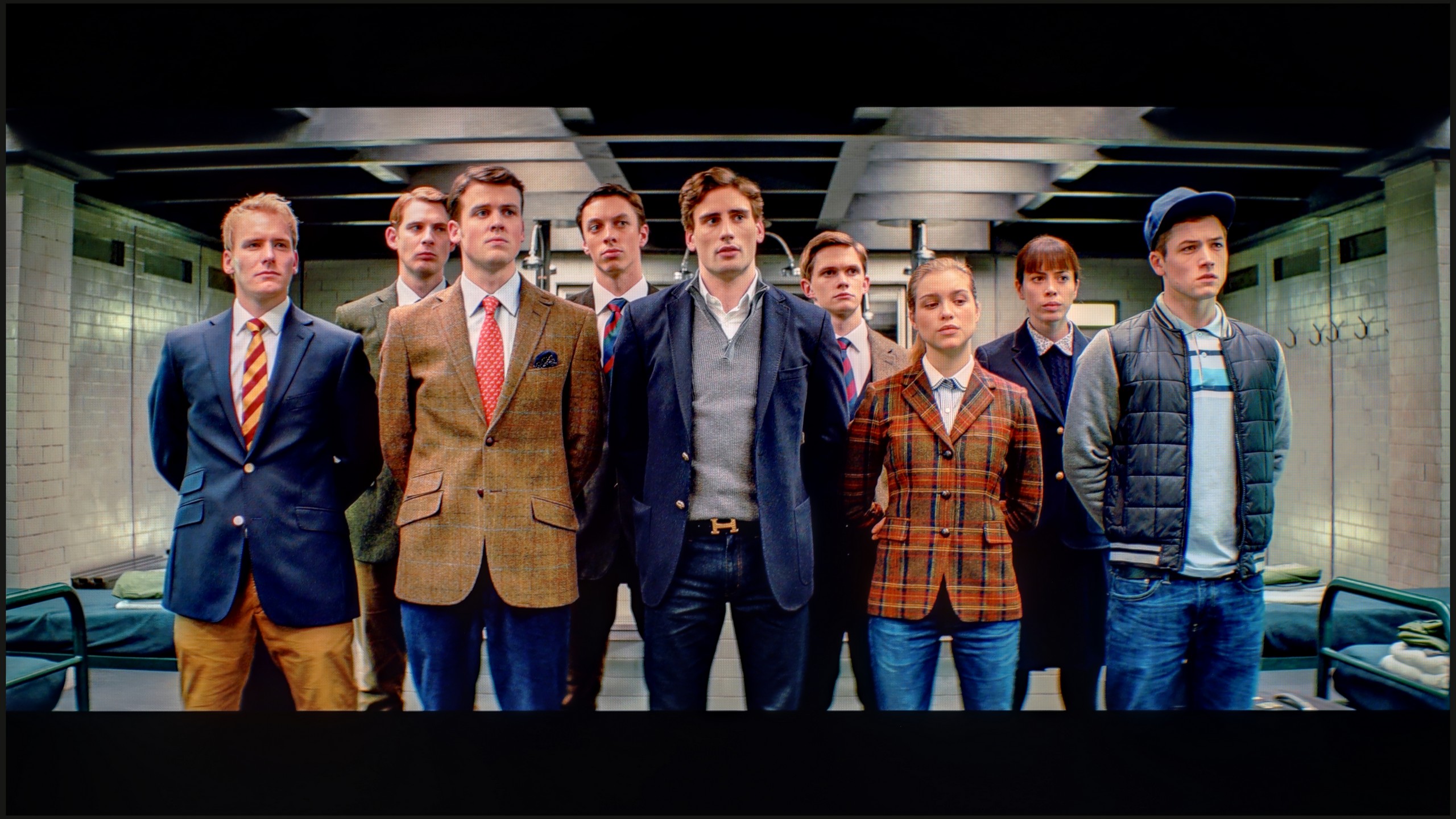
The photos show how movies look on the TV. Pay attention to black detail visibility, colors, and shadow tint.


The photos show how movies look on the TV. Pay attention to black detail visibility, colors, and shadow tint.
After calibration, the movie mode on the TCL C69B / C655 television improves in quality. The most significant improvement can be seen in tonal quality, and the white balance is much better – without major errors. We will no longer see an excessive dominance of cool tones. Gamma has also been improved, which translates to a more stable representation of brightness and contrast. However, due to the limitations of the television's average color palette, Colour Checker tests for 4K materials did not achieve remarkable results. Despite these technological limitations, the image has become more authentic, positively influencing the reception of film content.
Thanks to the white balance adjustment, the tendency of the C69KS to distort colors has been effectively reduced, leading to a very good final effect. After calibration, we won't see excessive warmth in SDR scenes or overly cool tones in HDR. However, it's worth noting the brightness characteristic. In SDR content, there are hardly any objections – the image looks very good, especially in older films, television programs, or materials from YouTube. It is much more difficult to evaluate the performance of the television in HDR. Analysis of the EOTF curve suggests correct behavior, but its practical variant shows certain limitations. The C69KS can overly brighten the smallest elements of the frame, while at other times it can dim the entire scene. Calibration has therefore brought clear benefits in terms of color reproduction, but certain limitations arising from the operation of local dimming and the way it is controlled by the C69KS cannot be avoided, as we also saw in the C6K test.
Smoothness of tonal transitions
4.5/10
4.8/10


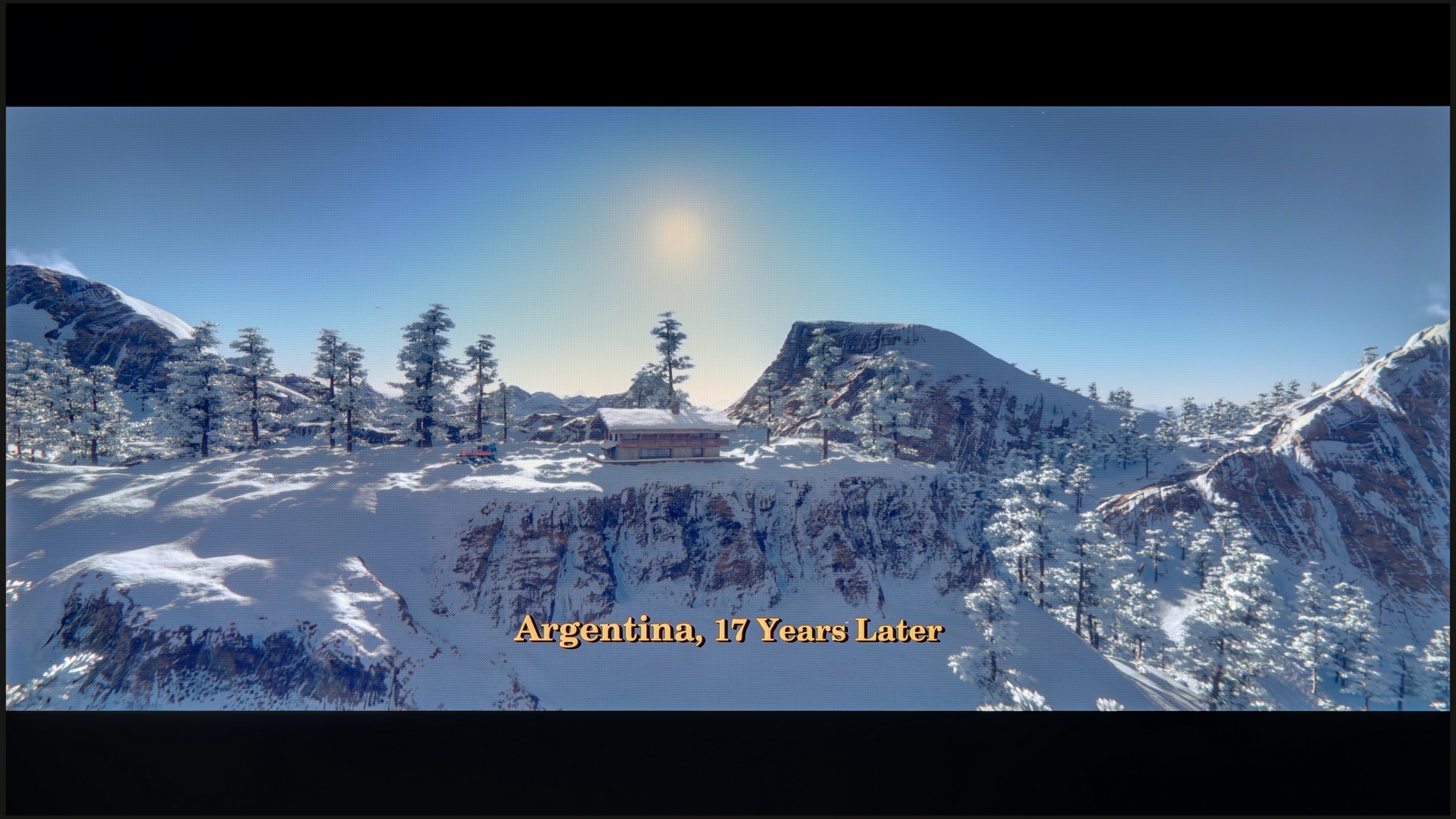
These are selected scenes that show smooth tonal transitions from one color to another. If you see distinct banding, it’s the TV panel’s fault.
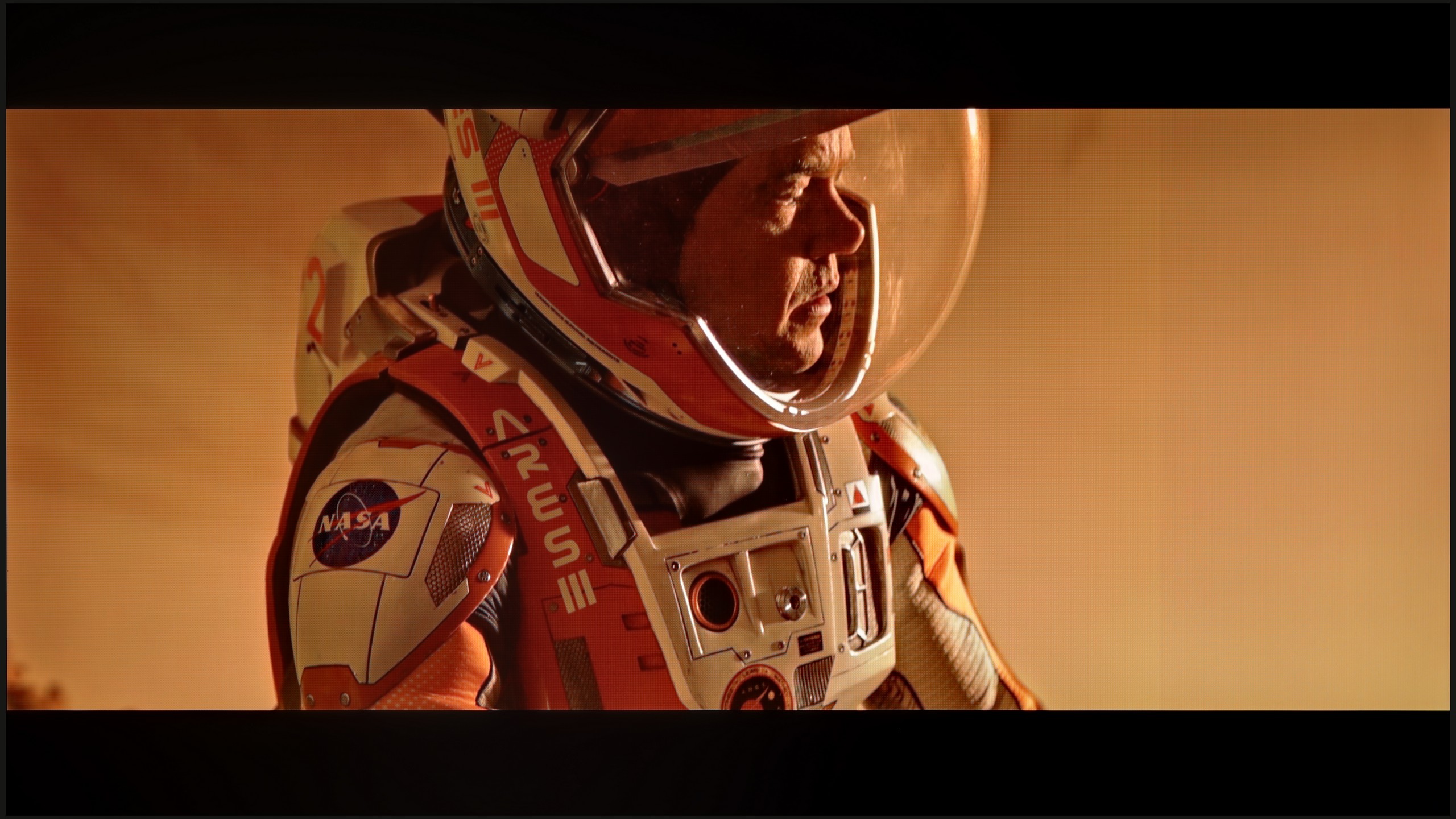
These are selected scenes that show smooth tonal transitions from one color to another. If you see distinct banding, it’s the TV panel’s fault.

These are selected scenes that show smooth tonal transitions from one color to another. If you see distinct banding, it’s the TV panel’s fault.
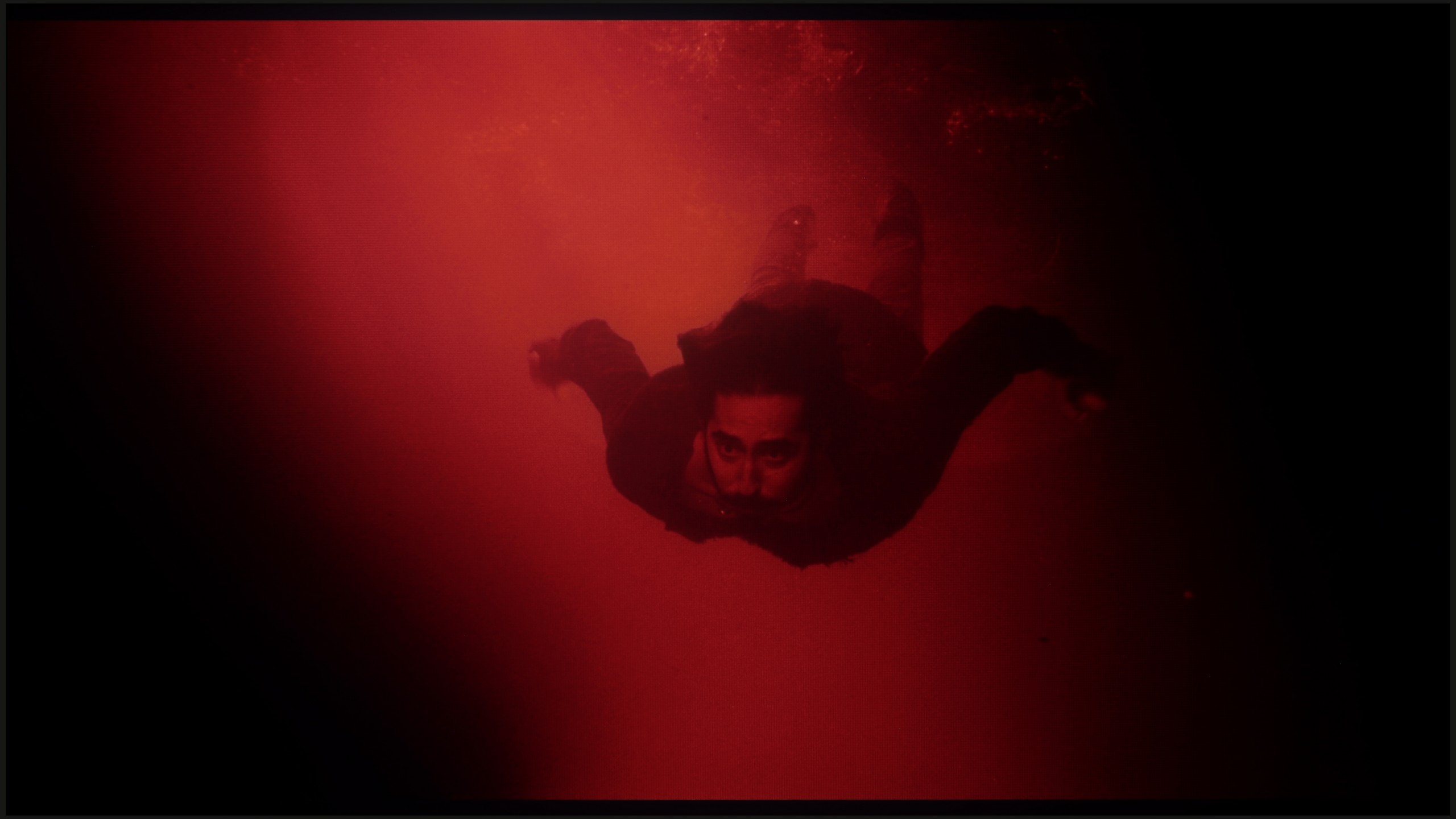
These are selected scenes that show smooth tonal transitions from one color to another. If you see distinct banding, it’s the TV panel’s fault.
Transitional tones are really fine and would deserve a score of 9; however, the rating has been clearly lowered for another reason - the image is artificially sharpened despite the "sharpness" setting being at 0. And the overall view is unpleasant.
Looking solely at the smoothness of tonal transitions, the C69KS gives no real reason for complaints. The gradation of colors proceeds correctly, and more challenging sequences do not reveal significant problems. Therefore, you might be surprised by the low score in this category. This is due to very strong dithering and artificially boosted "resolution," leading to a grainy and unnatural character of the image. For this reason, the final score is significantly lower, despite the correct gradation of the tonal transitions themselves.
Image scaling and smoothness of tonal transitions
5/10
5/10


Smooth transition function

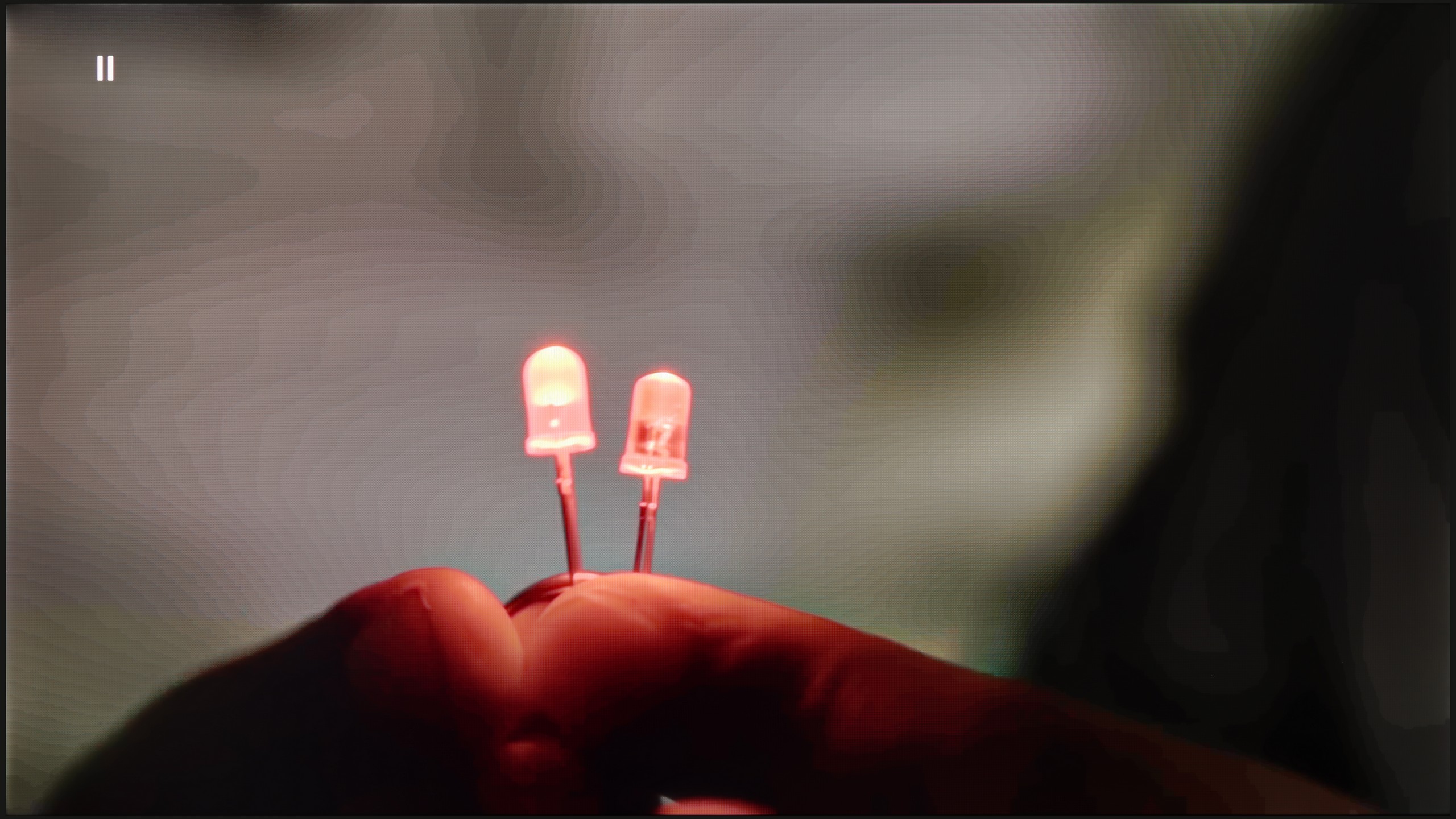
The match photo shows how the TV smooths weak tonal transitions in low-quality video.
Image scaling SD (576i)


The model photo shows how it handles upscaling of SD material.
The "Gradual Smoothing" function works very well on the TCL C69B television and, surprisingly, does not remove desired effects like film grain – unlike some solutions from other manufacturers. Unfortunately, the image scaling looks poor. The TV artificially sharpens the image, causing the edges of objects to be heavily jagged. This state of affairs may appeal to some users who prefer a more "hard" look of the image, but it is not an ideal solution for those who value naturalness and the smoothness of details.
C69KS handles upscaling quite well. The tested 576p material looks surprisingly decent – a significant amount of detail is preserved, and the algorithm adds a subtle "rounding" effect to sharp edges, making the image appear more cohesive. However, the smoothing of tonal transitions is lacking. The television practically cannot improve them, leaving the image in a somewhat raw state. With older materials, this can be simply exhausting, as the lack of additional processing highlights all imperfections.
Blur and motion smoothness
4.4/10
4.9/10

Blur (native resolution, maximum refresh rate):


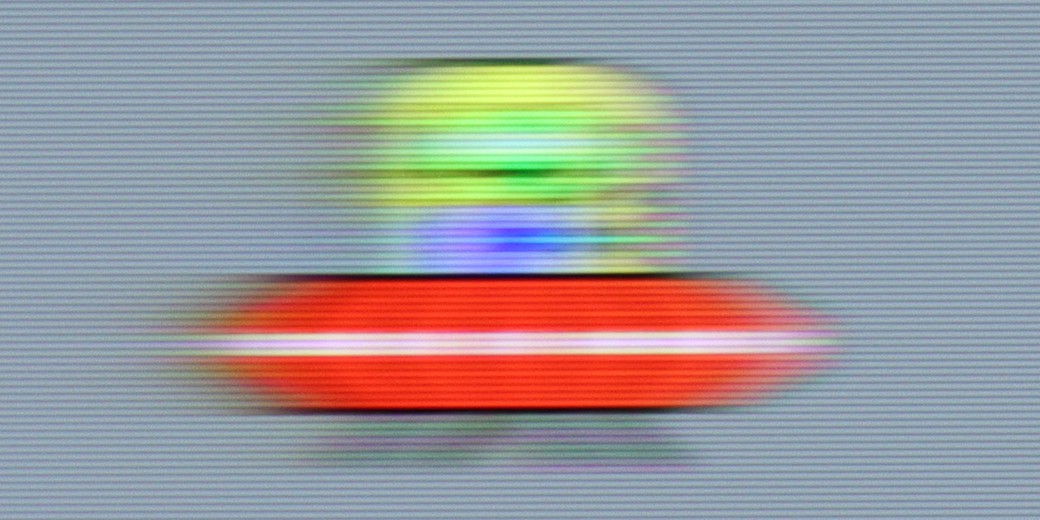
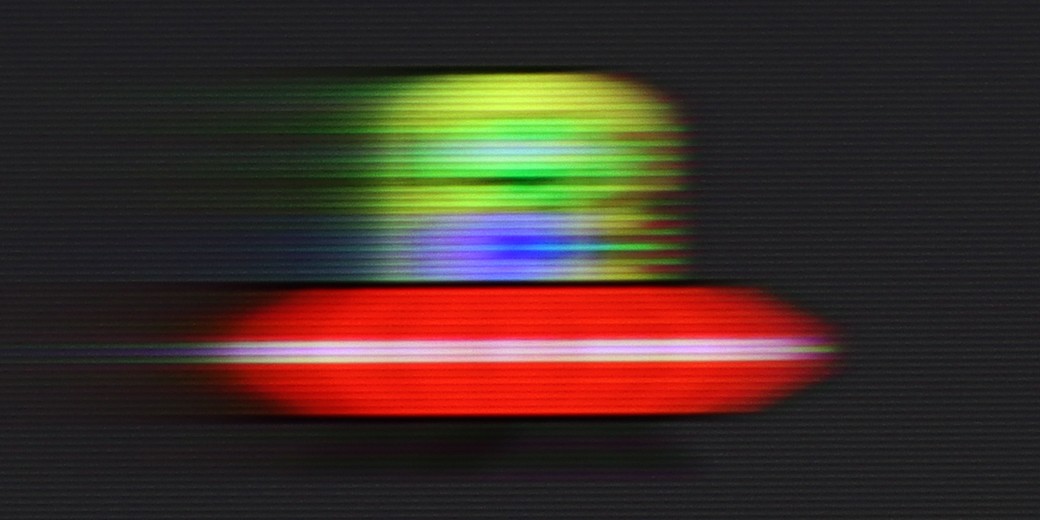
Blur ():
Blur (4K@144Hz):

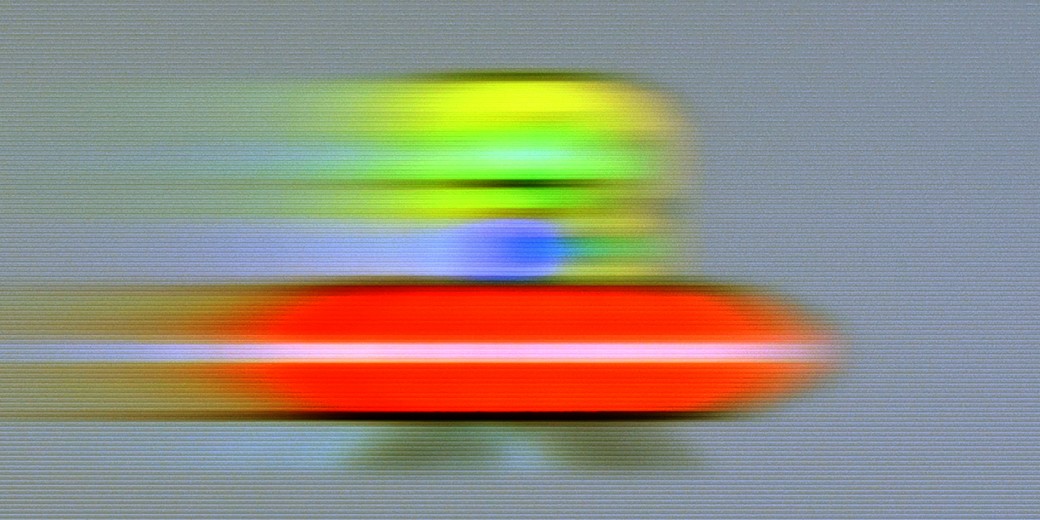
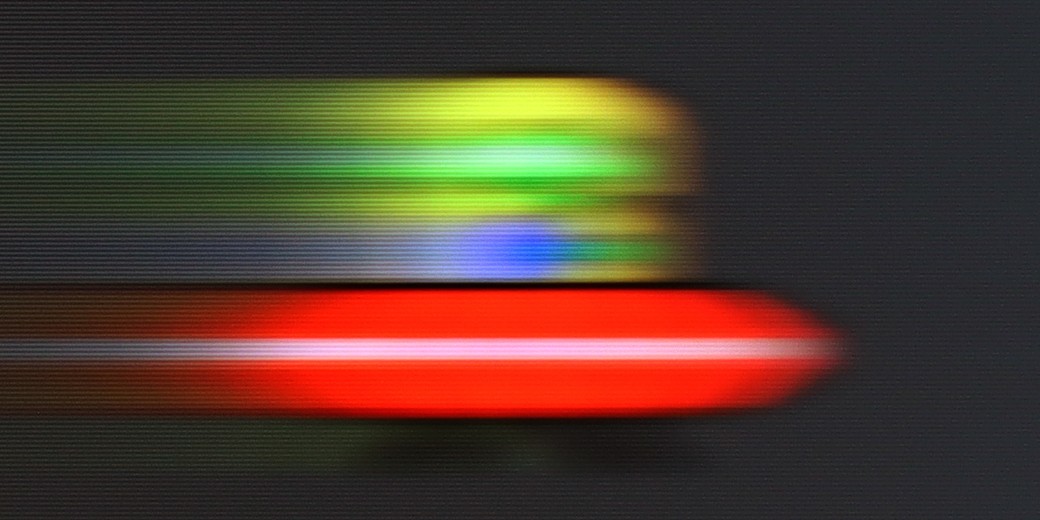
The TV TCL C69B / C655 in its smallest variants offers decent, although not perfect, results in terms of motion fluidity. In the case of movies, the TV has a "Flicker Reduction" function that allows for motion fluidity adjustment on a scale from 1 to 10. With this option, we can adjust the appearance of the image to cinematic or more theatrical preferences (with lower or higher speed).
C69KS offers a simplified motion improvement panel in movies, allowing you to adjust the intensity of the effect using a slider. This makes it easy to match the smoothness to your own preferences. The possibility of using higher refresh rates is also a plus – even though the panel operates natively at 4K at 60 Hz, lowering the resolution to 1440p allows you to enable 120 and 144 Hz modes, both on consoles and PC. This sounds like great news, but in practice, the image at these settings suffers from significant motion blur. The effect is noticeable enough that the overall experience feels simply mediocre and loses its appeal in everyday use.
Console compatibility and gaming features
5.3/10
8/10
- ALLM
- VRR
- VRR range48 - 60Hz48 - 144Hz
- Dolby Vision Game Mode
- Correct implementation of HGIG
- 1080p@120Hz
- 1440p@120Hz
- 4K@120Hz
- Game bar


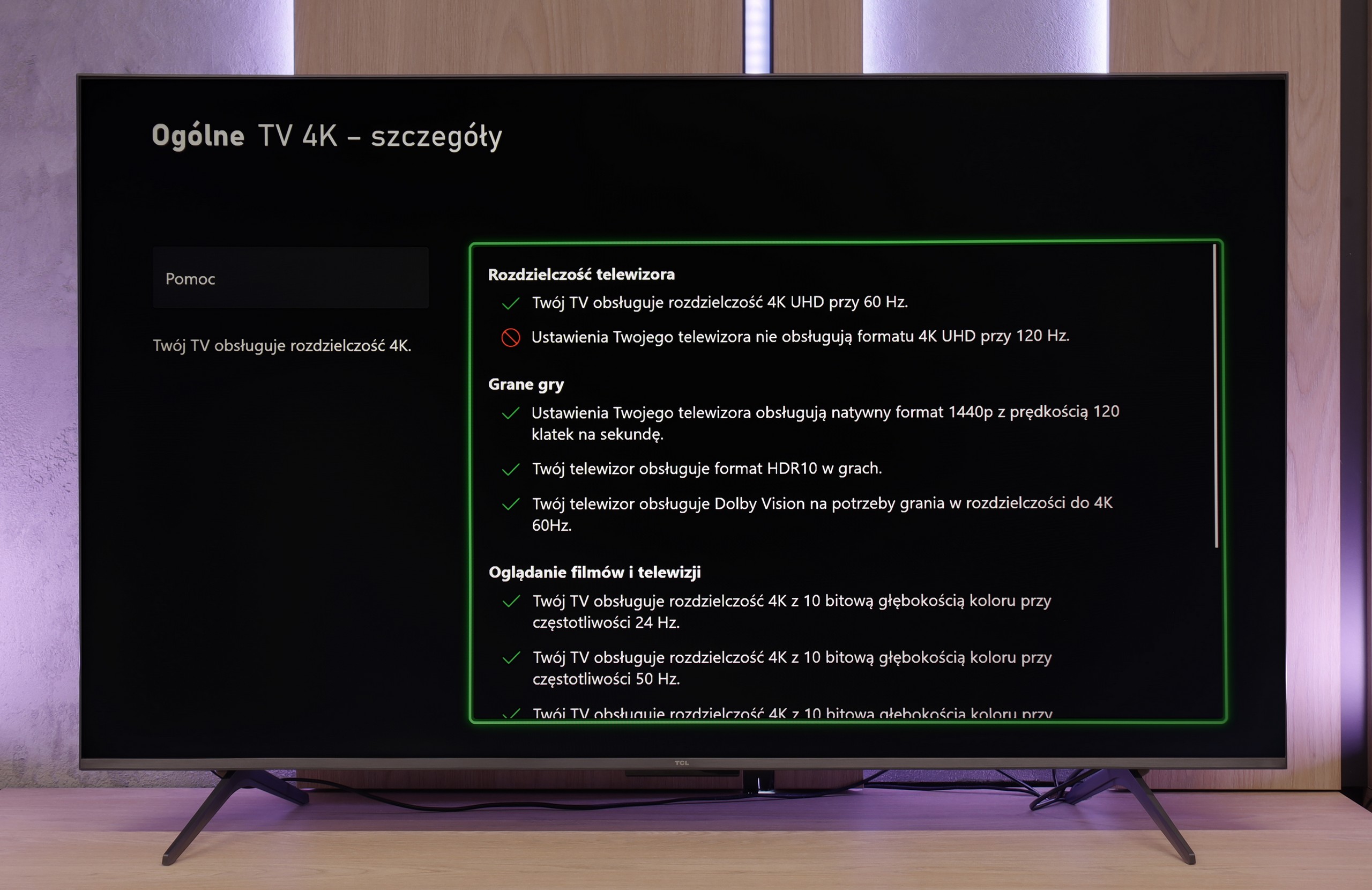


The TCL C69B / C655 television in its smallest variants offers a range of features dedicated to gamers, such as ALLM (Auto Low Latency Mode), VRR (Variable Refresh Rate), Dolby Vision for gamers, and Game Bar. ALLM automatically switches the television to low latency mode, improving responsiveness and minimizing delays in control. VRR allows for synchronization of the screen refresh rate with the number of frames generated by the console, eliminating tearing, resulting in smoother gameplay. Dolby Vision for gamers ensures better color and contrast representation in games that support this format, resulting in better image quality. Meanwhile, Game Bar provides quick access to game settings and allows monitoring of key parameters, such as input lag.
However, the television has certain limitations that may affect gaming comfort. The 60 Hz panel does not allow for displaying signals with a higher refresh rate, which may impact image smoothness in dynamic games. The lack of support for G-Sync technology for PCs may also be noticeable when gaming on a computer, especially with demanding, fast-paced titles.
If we overlook the smearing and lack of native 4K at 120 Hz, the C69KS impresses with how well it performs during gaming. We get everything you can expect from a gaming television: variable refresh rate (VRR), automatic switching to game mode (ALLM), Dolby Vision Gaming mode, and a reasonably functioning HGiG. The TV can also operate at 120 and even 144 Hz at lower resolutions, allowing for smoother gameplay on console or PC. Additionally, there is a clear Game Bar that lets you quickly glance at key settings during gaming. As a result — despite a few limitations — the C69KS can be a truly successful screen for gamers.
Input lag
10/10
10/10
SDR
HDR
Dolby Vision
TCL C69B / C655 offers exceptionally low input lag, which is a huge advantage for gamers. Regardless of the mode – whether it's SDR, HDR, or Dolby Vision – the television achieves impressive results. In every resolution, the input lag is only a few milliseconds, deserving great recognition. As a result, the C69B provides amazing responsiveness and excellent gaming experiences, with no noticeable delays, which translates to smoother and more satisfying gameplay.
TCL C6KS performs very well here — the latency drops below 10 ms, which makes reactions in games instantaneous. This is an excellent result in this class and definitely good news for those playing dynamic titles.
Compatibility with PC
5/10
1.7/10

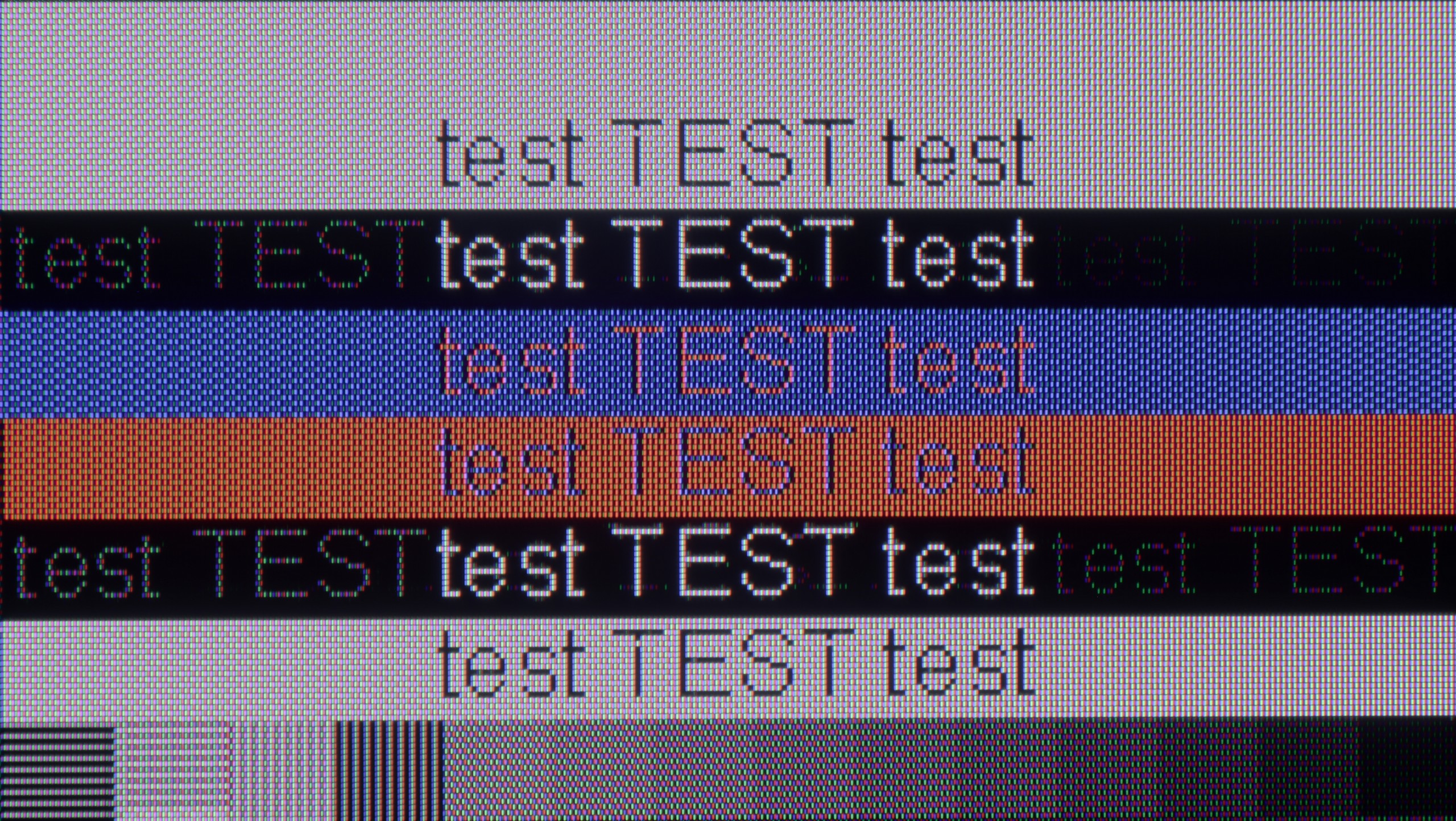
The photo shows the legibility of small fonts. Ideally, lines should be the same thickness on both light and dark text, with minimal pixel gaps.
The TCL C69B / C655 TV performs fairly well when used with a computer. Thanks to support for chroma 4:4:4, the readability of fonts is fine, significantly improving work comfort, especially when using the TV as a monitor. However, there is a certain note regarding font readability – the TV has issues displaying black and gray fonts, which sometimes have gaps in the vertical lines, which can affect user comfort in some situations. Low input lag ensures responsive performance, which is important both when using office applications and gaming. However, the 60 Hz panel and lack of G-Sync do not meet the demands of gamers using a computer, resulting in a lower rating for gaming.
Besides the previously mentioned option of operating at 144 Hz at lower resolutions, the C6KS offers nothing that would encourage its use as a monitor. The fonts look really poor—the darkest ones have a distinct rainbow glow, and standard text is surrounded by strange artifacts. The effect is noticeable enough that extended work at the computer can be simply exhausting.
Viewing angles
2.9/10
2.7/10
The viewing angles on the C69B TCL television leave much to be desired. The VA panel used provides excellent contrast and deep blacks, but this comes at the cost of wide viewing angles. Compared to IPS panels, which offer better visibility from different angles, the C69B loses image quality when viewed from the side. Colors become washed out, and contrast deteriorates significantly. This is a typical compromise for VA panels – a trade-off. If you prioritize great contrast and deep blacks, a VA panel will be a good choice, but you must consider the limitations regarding viewing angles.
The viewing angles in C6KS are very poor, typical of VA panels. This is a compromise we pay for by choosing high contrast — the image looks good head-on, but any significant deviation quickly results in drops in brightness and saturation.
Daytime performance
4.7/10
6.6/10

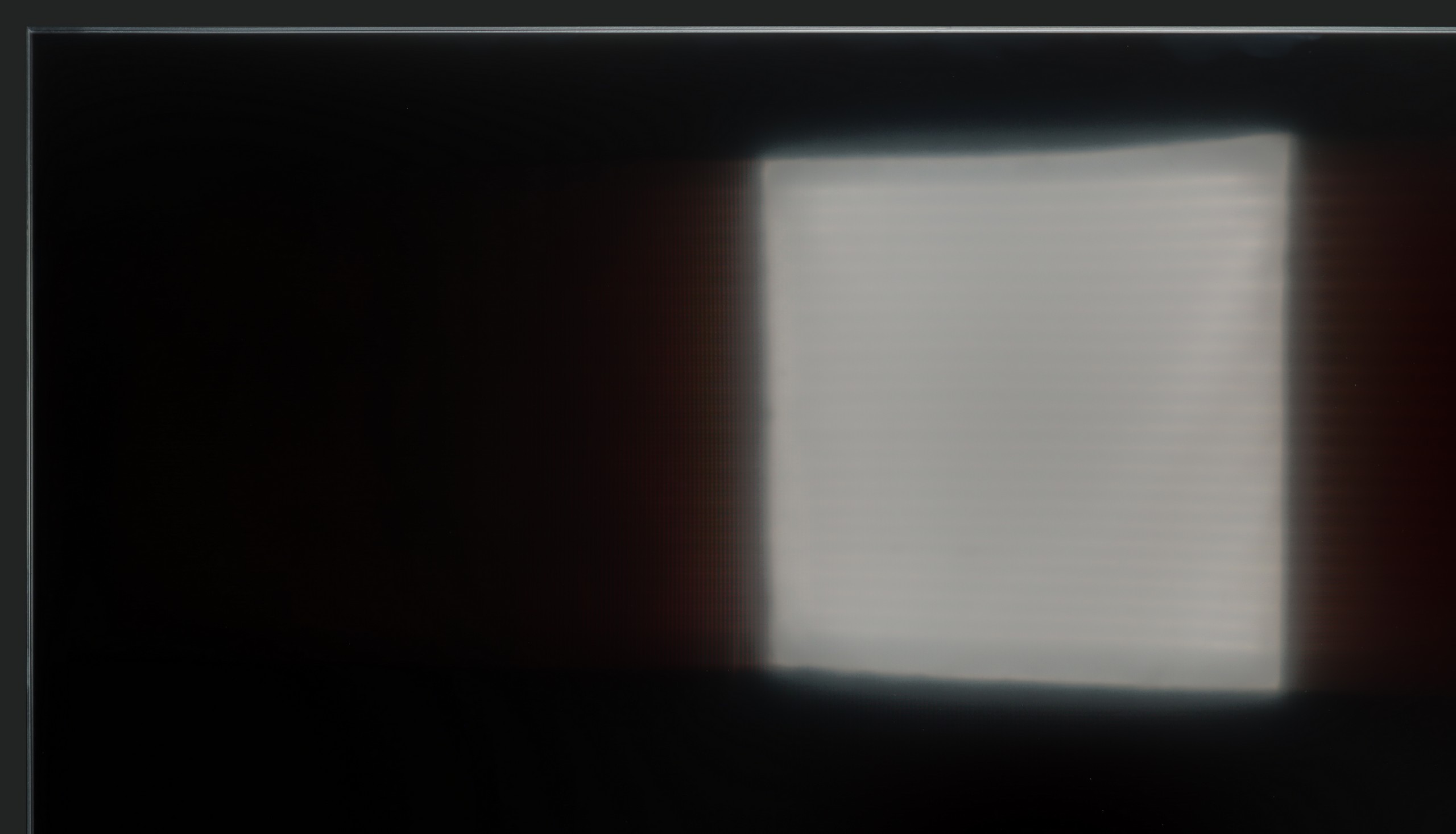

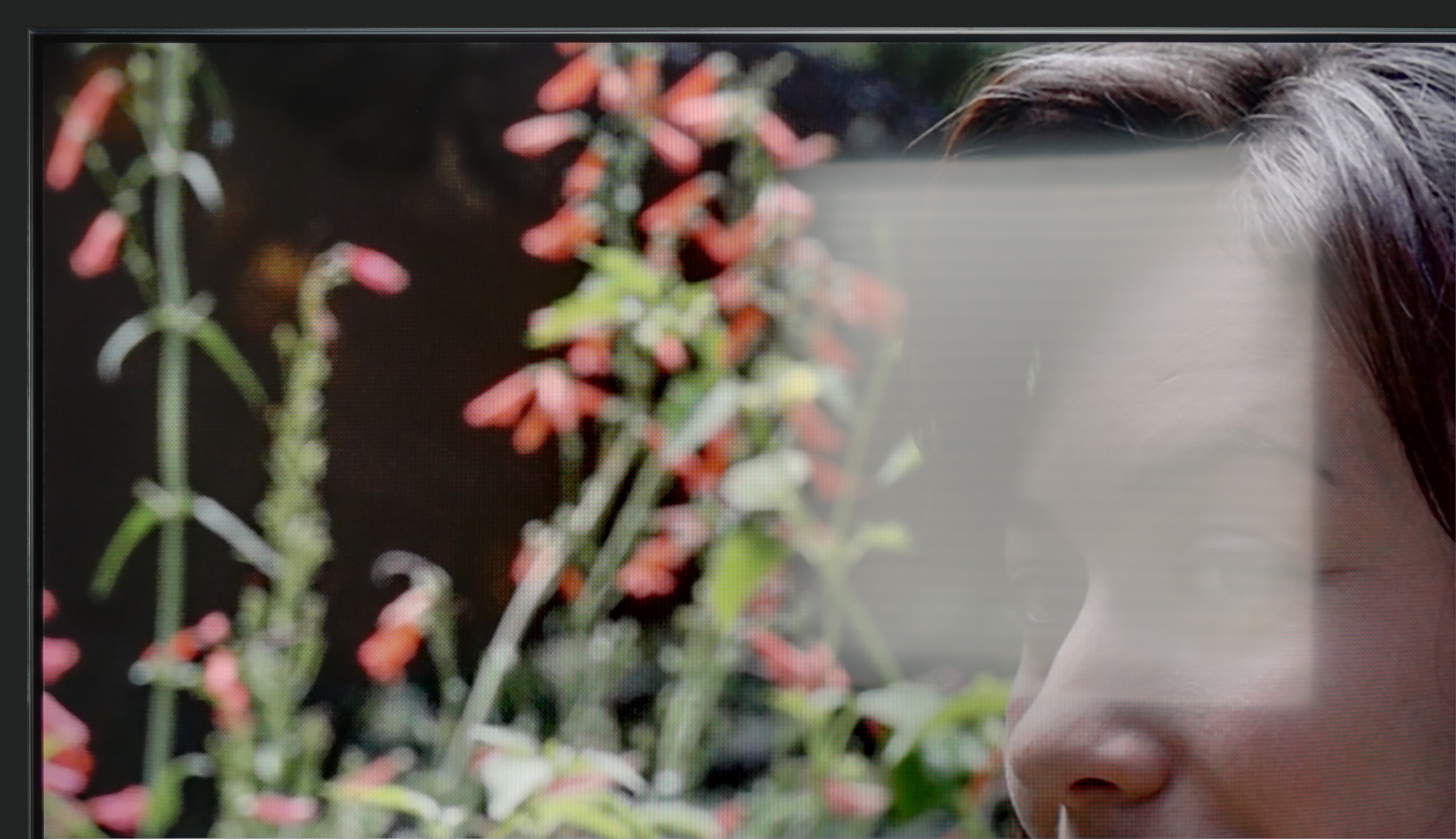
Panel brightness
TCL C6KS / C69KS / Q6CS: 527 cd/m2
TCL C655 / C69B (43" - 50"): 346 cd/m2
The television TCL C69B / C655 features a satin finish panel that moderately suppresses light reflections. In bright rooms, this can cause undesirable glare on the screen, negatively affecting viewing comfort. Additionally, a brightness level of 350 nits is not high enough to ensure full image readability on a sunny day, making the use of the television in well-lit conditions potentially less satisfying.
C6KS performs really well as a TV viewing screen during the day. Its brightness of around 500–600 nits easily cuts through challenging lighting conditions. In addition, there is a satin finish that effectively reduces reflections. As a result, the television surprisingly holds up well during daytime viewing, even in brighter rooms.
Panel details
Subpixel Structure:

Panel uniformity and thermal imaging:

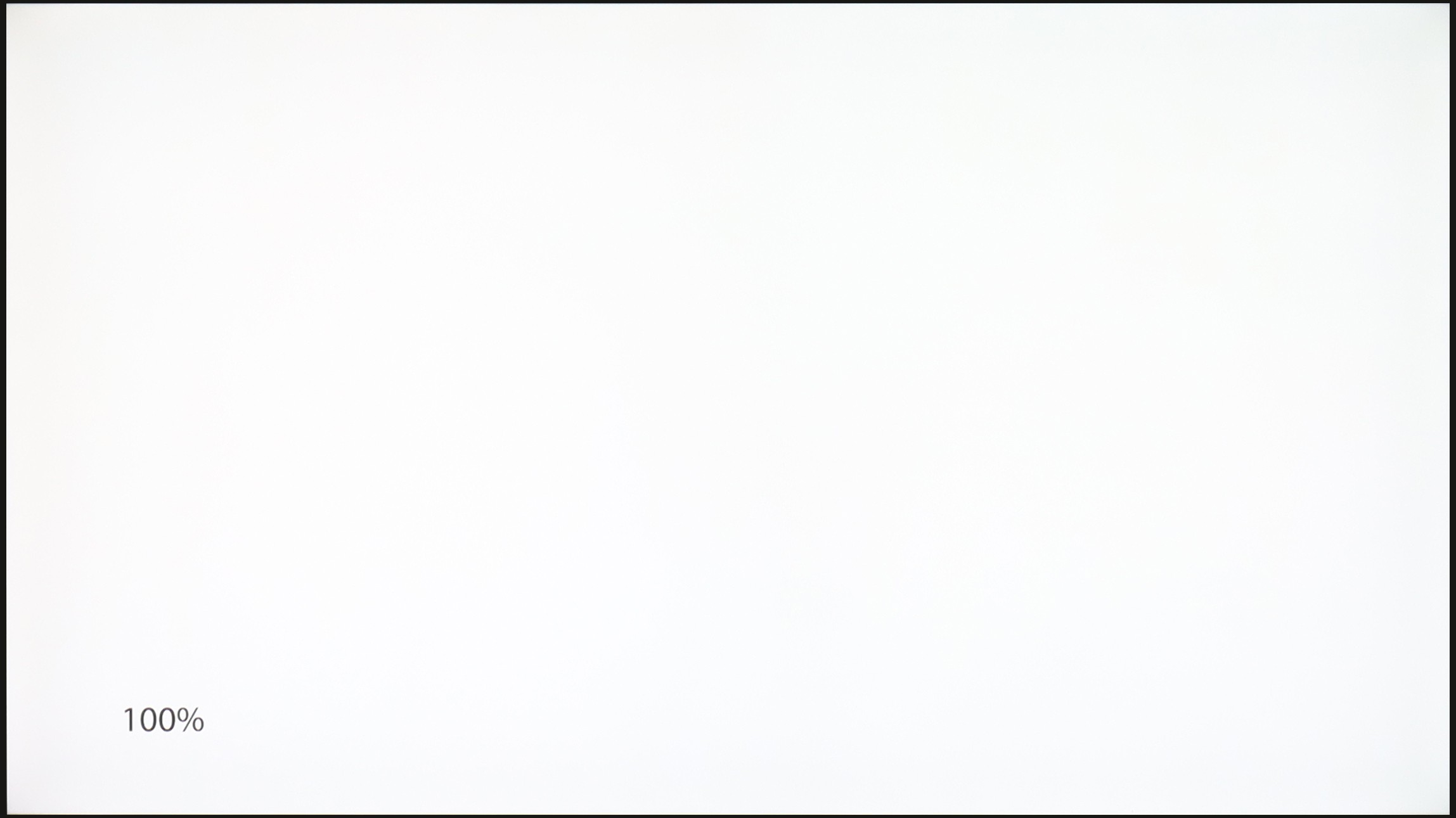
TCL C655 / C69B (43" - 50")
TCL C6KS / C69KS / Q6CS
TV features
7/10
7/10
- HDMI inputs3 x HDMI 2.0, 0 x HDMI 2.13 x HDMI 2.0, 0 x HDMI 2.1
- Other inputsRCA (Chinch)
- OutputsToslink (Optical audio), eARC (HDMI), ARC (HDMI)Toslink (Optical audio), eARC (HDMI), ARC (HDMI)
- Network InterfacesWi-Fi 2.4GHz, Wi-Fi 5GHz, Ethernet (LAN) 100MbpsWi-Fi 2.4GHz, Wi-Fi 5GHz, Ethernet (LAN) 100Mbps
- TV receptionDVB-T, DVB-T2, DVB-S, DVB-S2, DVB-CDVB-T, DVB-T2, DVB-S, DVB-S2, DVB-C
Classic features:
- Recording to USB (terrestrial TV)
- Recording programming
- Picture in Picture (PiP)
- RF remote control (no need to aim)
- Backlit remote control
- Teletext
- Audio only mode
- Bluetooth headphones support
- Simultaneous Bluetooth headphones & TV audio
Smart features:
- AirPlay
- Screen mirroring (Windows Miracast)
- Voice search
- Voice search in native language
- Ability to connect a keyboard and mouse


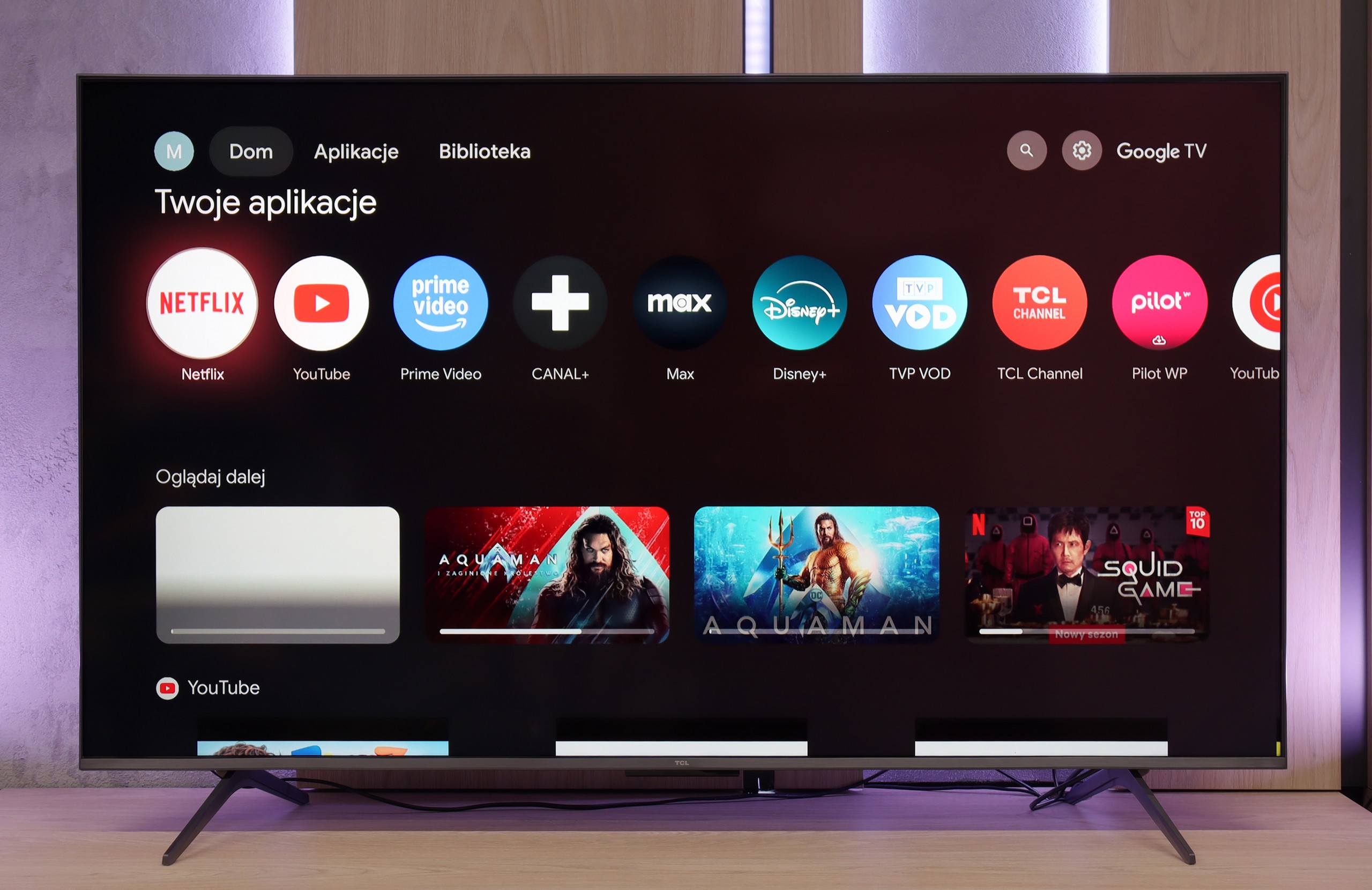
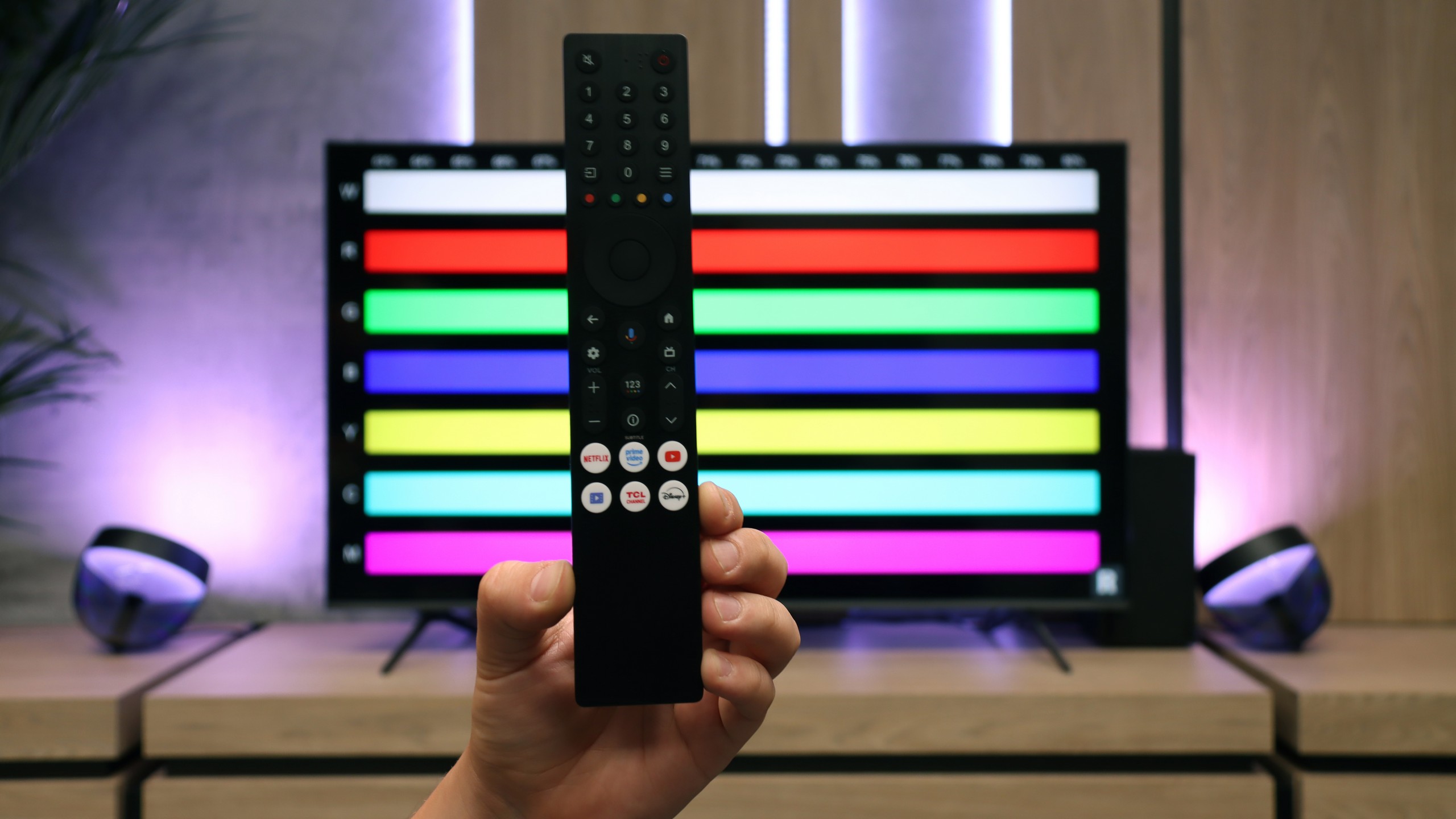
The TCL C69B / C655 television operates on the Google TV system, offering a rich set of features that enhance user comfort. Google TV is an extension of Android TV that provides personalized content recommendations based on user preferences and viewing history. This allows for easy access to popular streaming apps such as Netflix, YouTube, and Prime Video, as well as to the Google Play Store, where additional apps can be found. This system works well with other Google devices, allowing control of the television via Google Assistant and integration with the smart home system. Voice search is also available in Polish, which increases convenience in operation.
In terms of connectivity, the television supports screen mirroring via Windows Miracast and AirPlay, enabling easy sharing of images from other devices. There is also the option to connect a keyboard, mouse, and Bluetooth headphones, as well as simultaneously use headphones and the built-in speaker, with separate volume control for both audio sources. The TV remote operates on RF technology, which means it does not need to be aimed at the screen, significantly improving user convenience. Unfortunately, there is no picture-in-picture (PiP) function or recording feature from the built-in tuners.
The biggest advantage of the C6KS is the Google TV system. It is an environment that offers a lot—ideal for those who prioritize a wide selection of applications and convenient use of streaming services. AirPlay, screen sharing, and voice assistant features work very well here, making everyday use of the television simply convenient.
The support for traditional television is somewhat lacking. Users who expect extensive "TV" features may feel overlooked. Besides the efficiently working Bluetooth remote with a numeric keypad, we won't find conveniences like USB recording or PiP functionality here.
Apps
9.6/10
9.6/10






















Playing files from USB
8.3/10
8.9/10
Supported photo formats:
Maximum photo resolution:

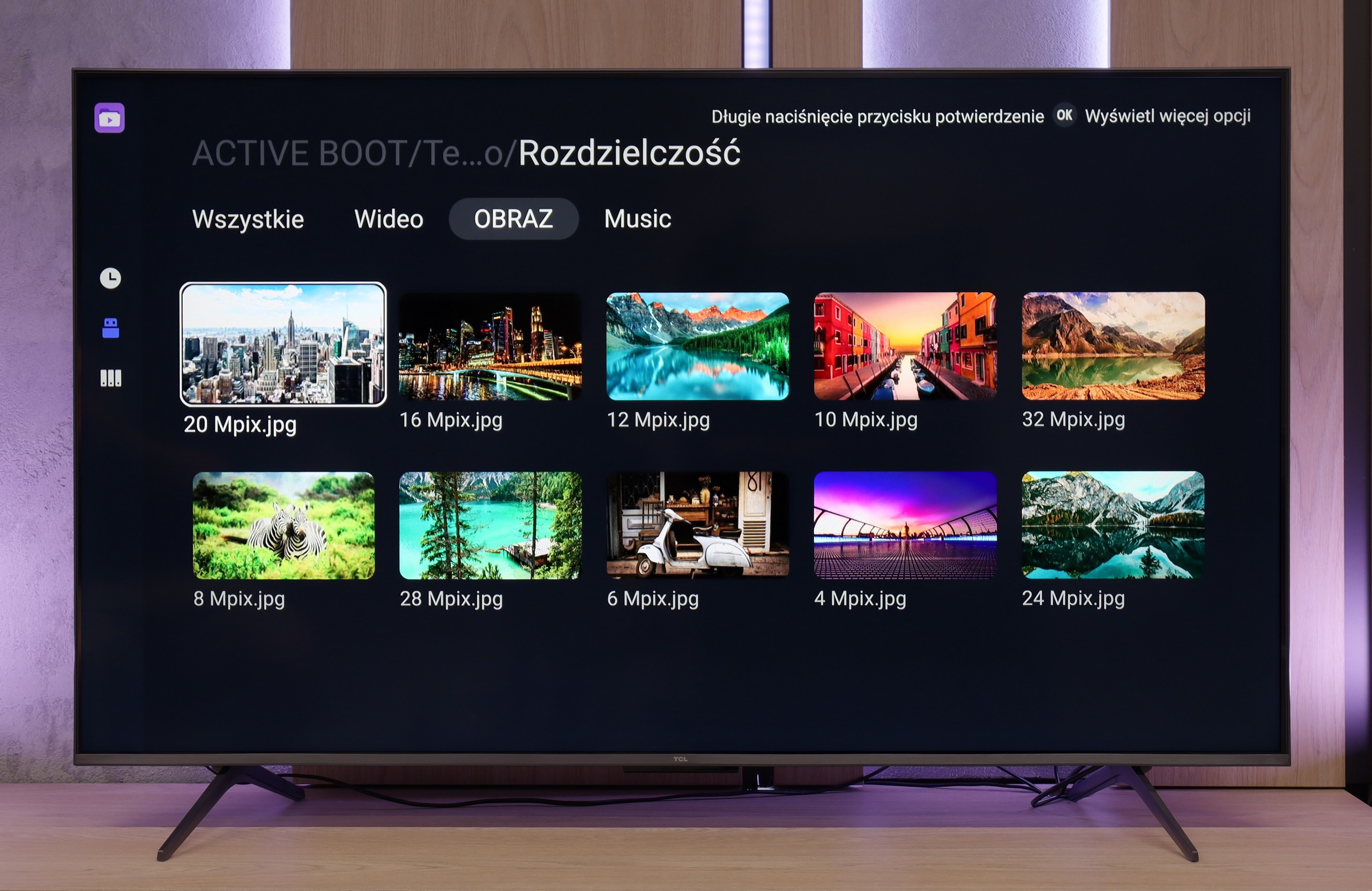
The television will play most files and video codecs, and when subtitles are uploaded to the movie, the font size can be changed. The biggest downside here is the lack of support for less popular image formats. However, on televisions with Google TV, this problem can often be easily circumvented by installing a different media player.
The system player really delivers and smoothly handles popular formats. The only hiccup occurs with files from the Apple ecosystem (e.g., HEIC) – here, TCL simply gives up. Fortunately, a huge plus of Google TV is that you can install your own application, such as VLC. This way, you can quickly address the shortcomings of the factory player, allowing you to play practically any material, customizing the TV to your preferences.
Sound
6.3/10
6.5/10
- Maximum volume0dB-
- Dolby Digital Plus 7.1
- Dolby True HD 7.1
- Dolby Atmos in Dolby Digital Plus (JOC)
- Dolby Atmos in Dolby True HD
- DTS:X in DTS-HD MA
- DTS-HD Master Audio
The sound in the C69B / C655 television is quite average, which shouldn't be surprising given the 2x10W speaker power. Additionally, we won't find a branded subwoofer here as in larger sizes 55+ from the company Onkyo. However, we cannot forget about the support for audio formats such as DTS, which is definitely a plus.
TCL C6KS performs almost identically to the C6K model, as it uses the same set of speakers branded by Onkyo. For a television of this class, the sound is quite good — you can even sense a slightly defined bass, which is not often found in budget segments. However, it is worth remembering the proper perspective. This bass performs decently against other televisions, but a home theater setup or even a basic soundbar will still offer a much fuller, more dynamic sound. Therefore, the C6KS is suitable for regular television watching, but if someone is keen on a stronger sound, additional audio equipment will be a natural choice.