 Direct comparison
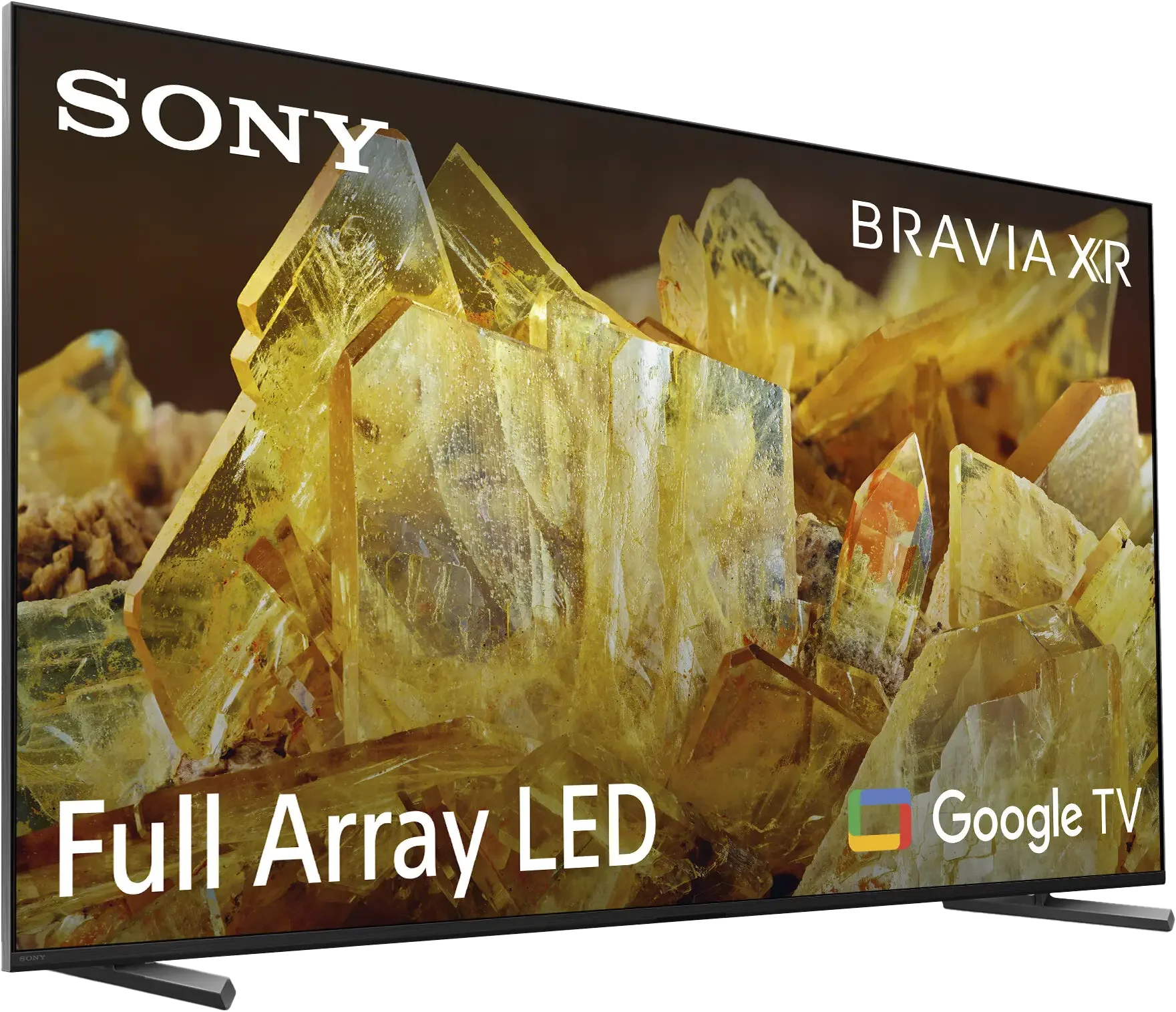
Sony X90L is a higher-end model from the Japanese manufacturer, which premiered in 2023 but will continue successfully in 2024 as well. The Sony brand and the name Bravia are associated with excellent picture quality, and this model confirms that reputation – it offers great brightness and very good black levels. Despite having fewer local dimming zones than its competitors, it makes up for it with an advanced algorithm. Additionally, after calibration, the television presents very well-rendered colors, resulting in a natural and cohesive image reminiscent of IMAX theaters. In everyday use, X90L performs excellently, mainly thanks to the image processor that effectively scales lower resolution content and the recording function from the built-in tuner, which is becoming increasingly rare in today’s televisions. Sony is also closely tied to the world of PlayStation, and in this regard, X90L Sony does not disappoint. It is equipped with HDMI 2.1, VRR, ALLM, and a convenient Game Bar, making it a good choice for gamers who expect smooth gameplay and quick response. However, even in such a successful model, there are some drawbacks. Gamers may be disappointed by the lack of support for HGiG, which could improve image quality in HDR games. Additionally, Sony has not yet released an update that would reduce input lag in Dolby Vision mode – something that has been achieved in the higher model, the A95L. Those who prefer slimmer devices should know that although Sony X90L looks elegant due to its aluminum frame, it is not among the thinnest televisions on the market. Even though X90L has already been on the market for a year, it remains a solid device that combines good picture parameters with functionality and support for gamers. It is a successful choice for those looking for a versatile high-end television.
- Matching (Score) |
- Our verdict |
- TV appearance |
- Where to buy |
- Contrast and black detail |
- HDR effect quality |
- Factory color reproduction |
- Color reproduction after calibration |
- Smoothness of tonal transitions |
- Image scaling and smoothness of tonal transitions |
- Blur and motion smoothness |
- Console compatibility and gaming features |
- Input lag |
- Compatibility with PC |
- Viewing angles |
- Daytime performance |
- Panel details |
- TV features |
- Apps |
- Playing files from USB |
- Sound

Check the best price offer:
TCL C7LX90L
Panel type: LCD VA
Resolution: 3840x2160
System: Google TV
Model year: 2023
Complete the survey to find out the result
Panel type: LCD VA
Resolution: 3840x2160
System: Google TV
Model year: 2026
Complete the survey to find out the result
Overall rating
7.7
7.8
 Movies and series in UHD quality
 7.5
7.2
 Classic TV, YouTube
 7.5
6.8
 Sports broadcasts (TV and apps)
 7.4
6.7
 Gaming on console
 7.9
8.8
 TV as a computer monitor
 7.4
8.4
 Watching in bright light
 7.8
8.8
 Utility functions
 8.0
7.8
 Apps
Apps 9.6
9.6
 Sound quality
 7.0
7.7
Complete the survey to find out what fits your preferences
Advantages

120 Hz panel - great for gamers and sports fans
Good black and contrast reproduction thanks to advanced local dimming algorithm
Supports HDMI 2.1, VRR, ALLM, and Game Bar - ideal gaming features
High SDR brightness (785 cd/m²) - performs excellently in well-lit rooms
Google TV operating system - intuitive, rich in applications and customization
TV program recording feature without the need for an external decoder
Natural image scaling - the image without excessive sharpness looks realistic
Very high brightness
Good black levels and contrast (VA panel + mini-LED)
Excellent color gamut coverage thanks to the new "Super QLED" filter
Full support for HDR formats including Dolby Vision and HDR10+
Top-tier specs for gamers (HDMI 2.1, low input lag)
High motion smoothness with low motion blur (up to 288Hz)
Google TV operating system (many apps, Gemini voice assistant)
Disadvantages

No support for HGiG
Cannot enable VRR and Dolby Vision simultaneously
Only 2 HDMI 2.1 ports, including 1 e-ARC
The TV is not the slimmest – this may be a drawback for those who prefer ultra-thin models
Poor digital image processing because it uses the older MediaTek Pentonic 700 processor
Only two HDMI 2.1 ports, one of which is shared with the eARC audio channel, e.g., a soundbar
Sound loses dynamic range above 40 to 50% volume
Our verdict
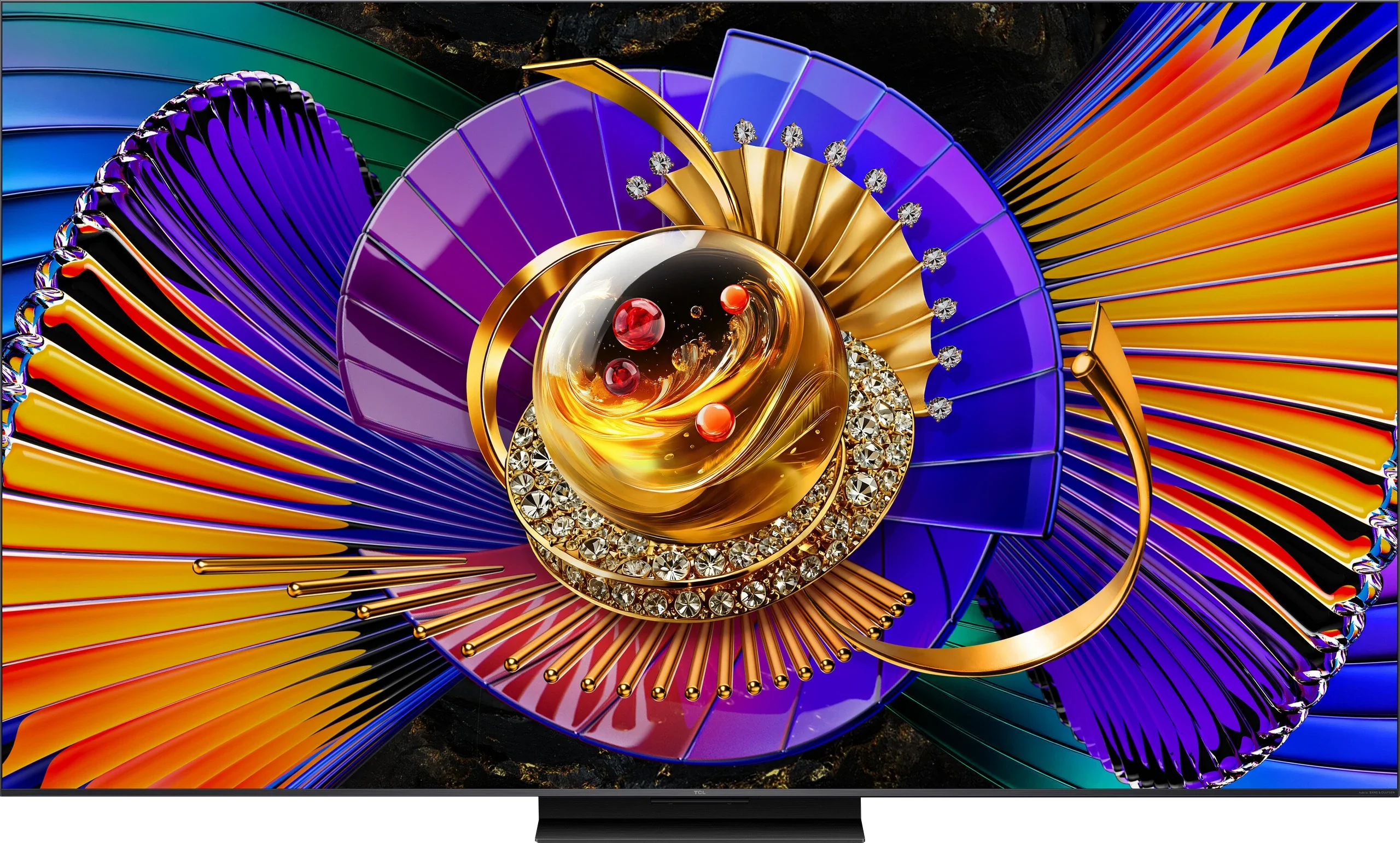
The TCL C7L is an incredibly successful Mini-LED television and a fully deserved successor to the hit model C7K. The list of advantages of this device is truly long. At the top is the extremely high brightness of the panel. Thanks to this, the television effortlessly handles brightly lit living rooms, offering an exceptional and dynamic picture in HDR format. Huge praise is also due for the use of the new Super QLED coating – after professional calibration, the colors can be not only natural but also incredibly saturated. The best part is that the screen does this regardless of what scene is being displayed, which is often not the case with all TVs that have RGB backlighting. The C7L is also a great piece of equipment for gamers; you could say it’s a true "media powerhouse." We get full support for consoles and PCs, a refresh rate of up to 288 Hz, G-Sync, and low input lag that doesn’t increase even when the very demanding mode of Dolby Vision Gaming is activated. The whole thing is tied together by a well-optimized Google TV system, which in this generation of TCL devices operates noticeably smoother and more efficiently (at least that’s the impression we got during our tests). Of course, the C7L is not a perfect device, and the manufacturer had to make certain compromises with this model. The biggest drawback of the C7L is the use of a less powerful image processor. Unfortunately, this translates to quite average digital processing and other design limitations in the form of only two HDMI 2.1 ports. A more powerful chip has been reserved this year for higher series, such as the C8L. From a business perspective, this is fully understandable. Why? Because if TCL had put a better processor here, most people would probably see no point in paying extra for the higher model. So even if certain compromises exist, the C7L series once again promises to be one of the most cost-effective Mini-LED televisions this year. If you are looking for a versatile, extremely bright screen for movies, series, television, or games – literally for everything – and at the same time do not want to overpay for the top series, then yes... the C7L is a brilliant choice that we can definitely recommend to you.
TV appearance

Contrast and black detail
7.6/10
7.7/10
Local dimming function: Yes, number of zones: 88 (11 x 8)
Local dimming function: Yes, number of zones: 1152 (24 x 48)
Contrast:


Result
87,500:1

Result
14,400:1

Result
99,250:1

Result
9,550:1

Result
6,300:1
Result
174,100:1
Result
25,700:1
Result
13,950:1
Result
10,900:1
Result
9,900:1
Halo effect and black detail visibility:
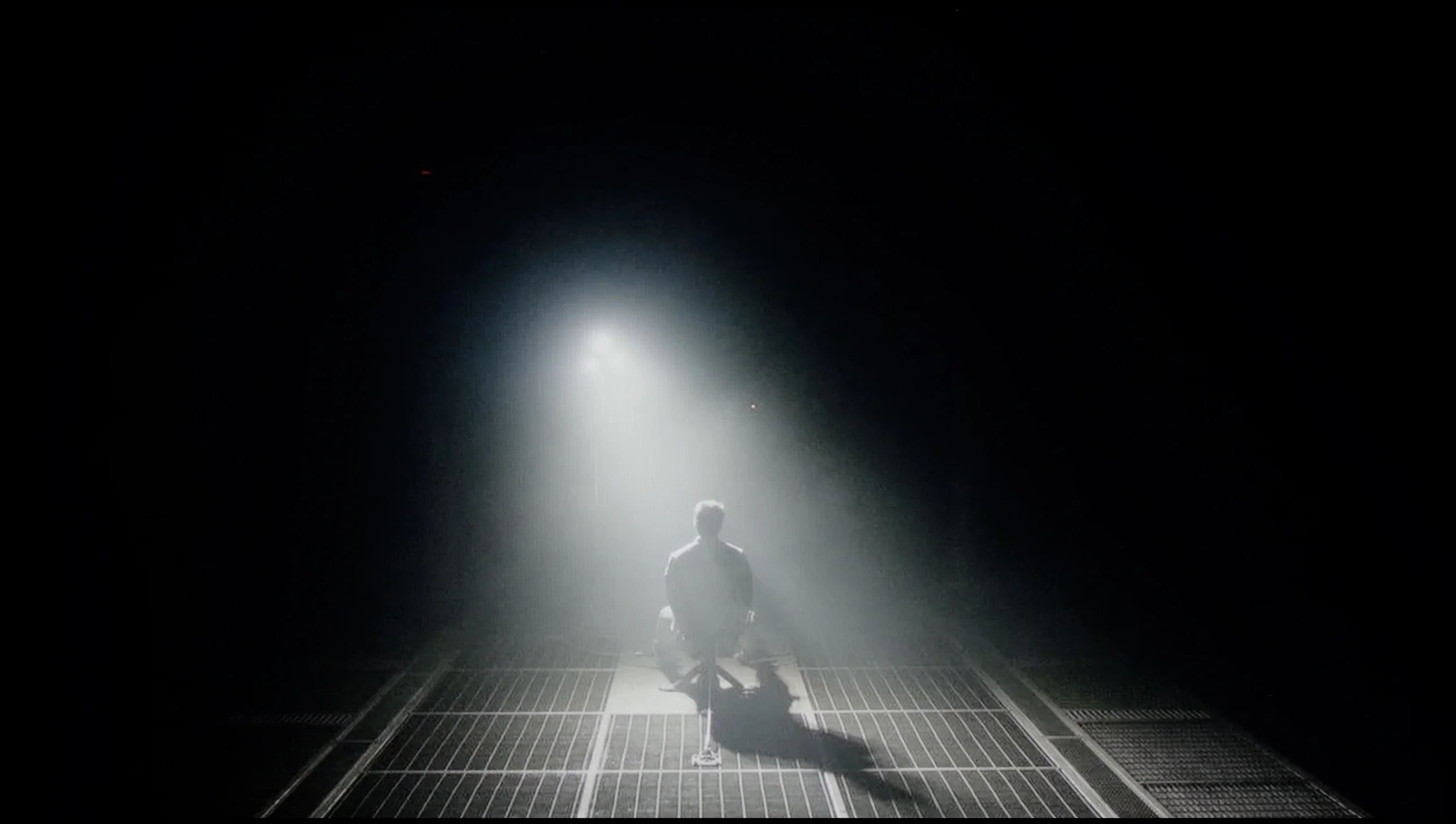
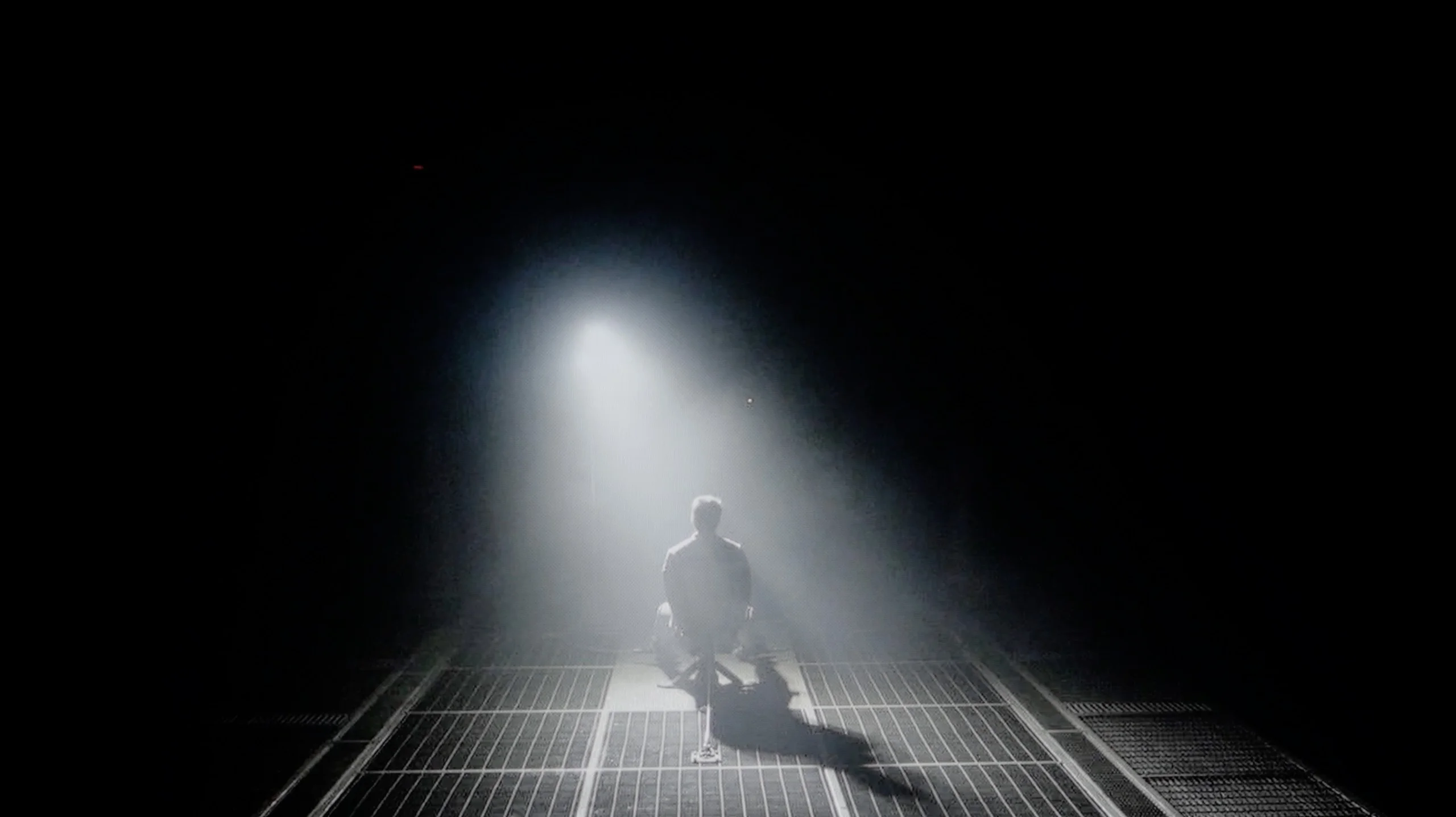
Check the visibility of bright lights on a dark background. Mini-LEDs often struggle with this. The photo does not compare black levels – that’s what the video below is for.
The video accurately shows differences in contrast and black levels between TVs, as well as potential issues: halo around bright objects or Mini-LED zone operation visible as brightness jumps.
The Sony X90L television is equipped with a VA panel and in the tested size of 65' has 88 dimming zones. It may seem that such a number of zones does not make a great impression, but thanks to the local dimming algorithm, the television handles blacks very well. This is clearly visible in the first and third test slides, where the contrast reaches nearly 100,000:1. In more demanding scenes, the X90L does not achieve such spectacular results anymore – a contrast level of 6000:1 is simply acceptable. The light separation is really good, confirmed by the scene from the movie "Oblivion". However, the small number of dimming zones causes the halo effect to be visible, especially in the test film from "Sicario 2," where the helicopter lights cause quite a noticeable flare on a large area of the screen. Despite the small number of dimming zones, the Sony X90L does a really good job of reproducing blacks. Although it does not compare to the highest series of miniLED or OLED televisions in terms of black depth and contrast level, it offers solid results that are sufficient for demanding users in most cases.
TCL C7L is a Mini LED TV that, in the 65-inch variant we tested, was equipped with more than 1,000 local dimming zones. That, combined with a proprietary VA panel (called HVA 2.0 by TCL CSOT), delivers very respectable results for black levels and contrast. In most of the scenes we measured, black levels and contrast looked really good, and in the easiest shots the blacks were deep enough to even resemble those on OLED screens. This, of course, applies to the least demanding shots with large amounts of black on screen. When a larger number of bright elements appear and black no longer dominates, you can see that the TCL C7L, like most Mini LED TVs, has issues with managing the local dimming zones.
You can clearly see this on the ordinary bars in films shot in the 2.35:1 widescreen format. On the black bars or around small bright objects a noticeable halo effect can appear, a bright glow. The contrast then drops drastically, from lab-measured values of about 200,000:1 to around 10,000:1, which is quite noticeable in a completely dark room. It’s worth remembering that this should not be treated as a defect of the TV but rather as a characteristic of Mini LED technology. Of course the effect becomes much less bothersome when you turn on at least a little diffused ambient light in the room, which I strongly recommend for viewing sessions on any LCD TV.
HDR effect quality
6.7/10
6.6/10
Luminance measurements in HDR:

Result
912 nit

Result
680 nit

Result
678 nit

Result
640 nit

Result
797 nit
Result
1236 nit
Result
401 nit
Result
831 nit
Result
352 nit
Result
1204 nit
Scene from the movie “Pan” (about 2800 nits)


Scene from the movie “Billy Lynn” (about 1100 nits)
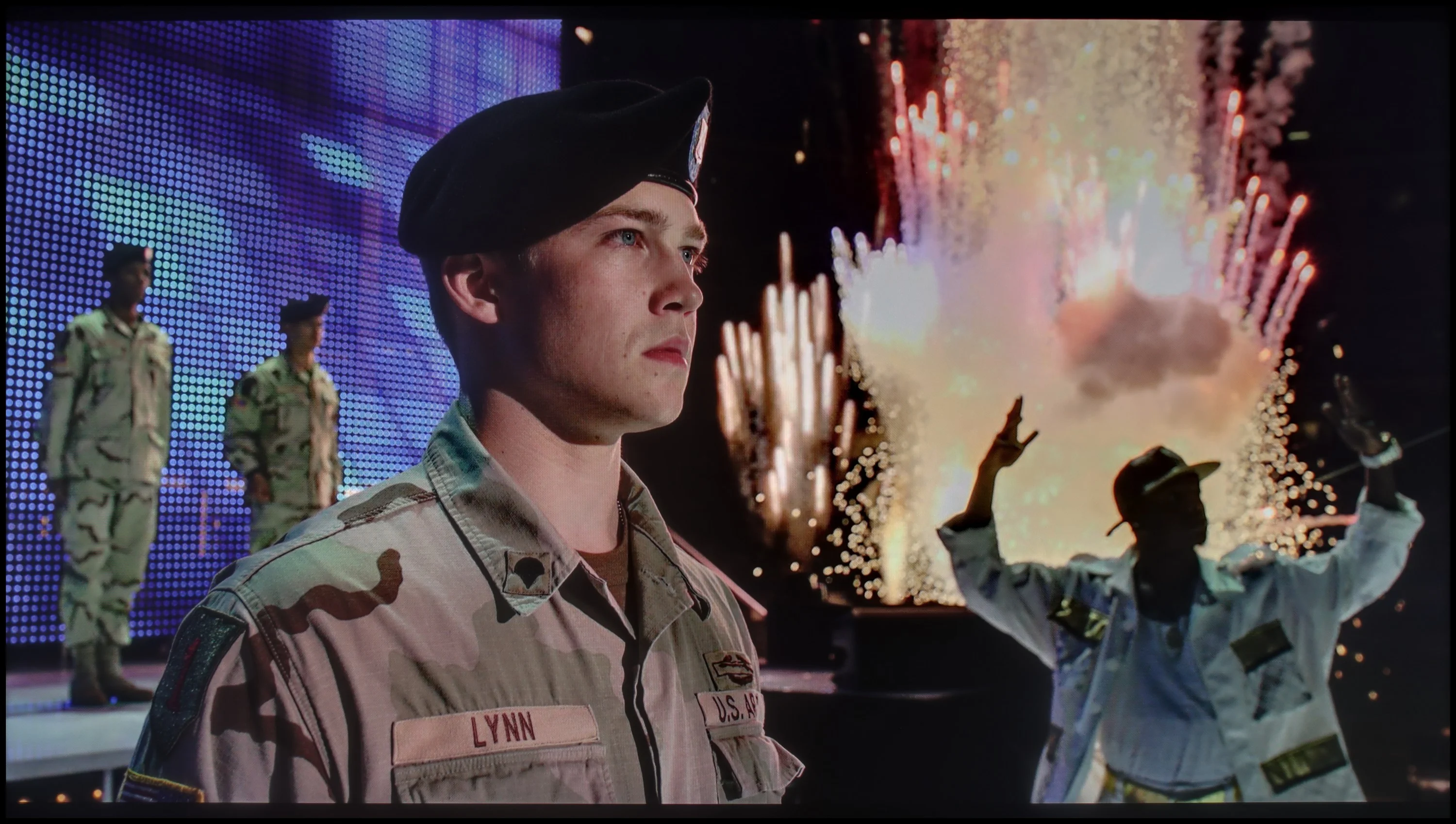
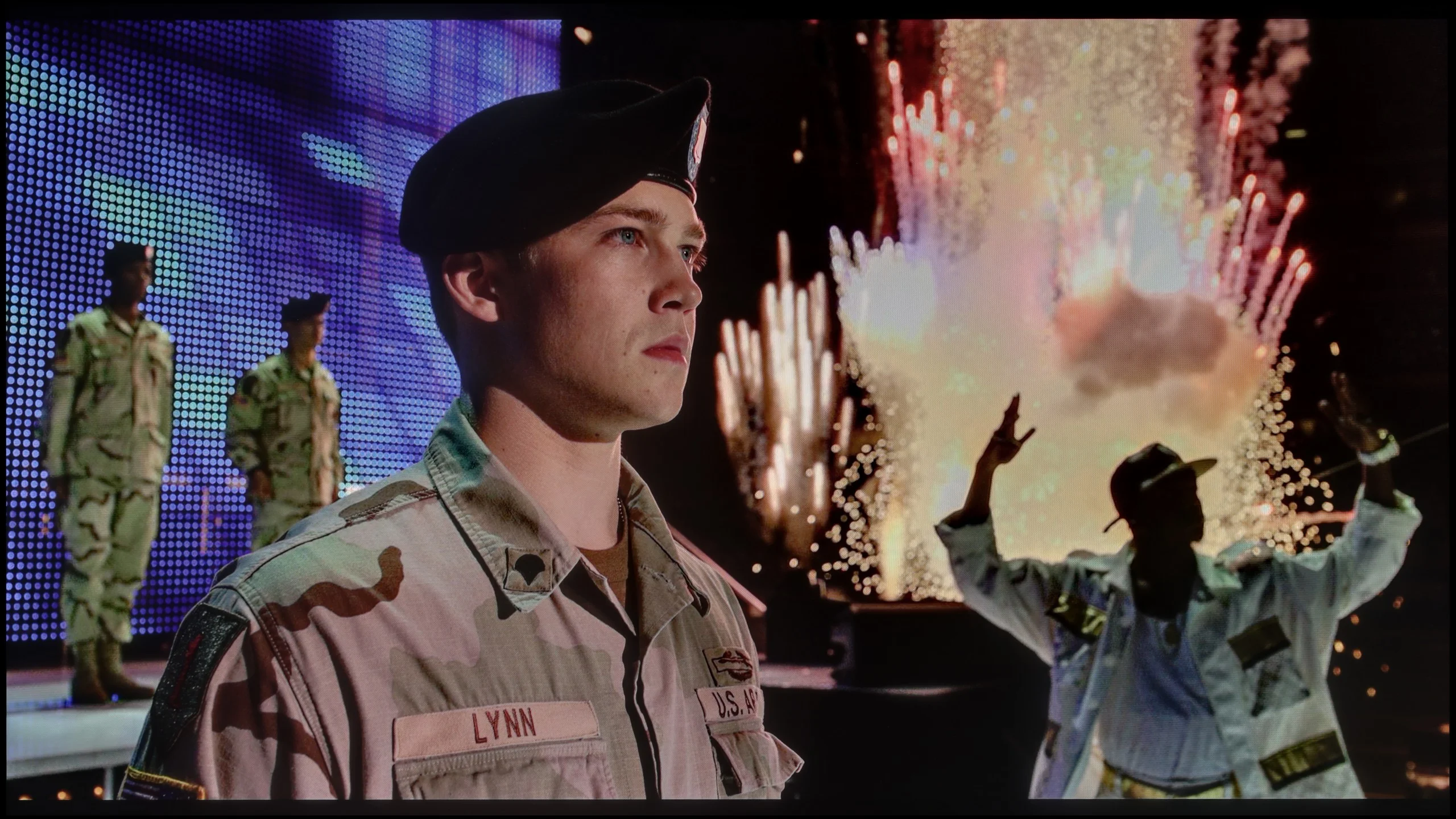
The photos show two HDR10 movies. 'Pan' is one of the brightest productions ever made, while 'Billy Lynn' (soldier) has brightness typical of streaming (Netflix, Prime, HBO MAX). Notice the intensity of effects and detail in whites.
Static HDR10


The photos present the visibility of white details in various HDR formats. They do not show brightness differences between TVs (these can be compared in the previous gallery).
Dynamic: Dolby Vision
Dynamic: Dolby Vision


The photos present the visibility of white details in various HDR formats. They do not show brightness differences between TVs (these can be compared in the previous gallery).
HDR luminance chart:
TCL C7L
Sony X90L
HDR on the Sony X90L television looks promising. The luminance chart showed that the TV has a solid power reserve, reaching a maximum of 1000 nits in synthetic tests. But how does it perform in real scenarios? In scenes such as the first one from Life of Pi or the final sequence from The Meg, the TV can deliver this power on HDR content, achieving around 800 nits. Unfortunately, displaying small light elements on a black background, as in the scene from Sicario 2, poses greater challenges for the X90L – here the results reach about 600 nits. Despite this, when looking at competitive models with mini-LED technology, the effect looks very good and can shine enough to impress us. The color gamut coverage is also noteworthy, with a result of 96% for DCI-P3 and 76% for BT.2020, indicating good color reproduction in HDR content.
TCL C7L is undoubtedly an extremely bright television. In synthetic tests on static images, it can achieve peak brightness levels of around 2800 nits. This is an absolutely phenomenal result, considering the price range it falls into. Unfortunately, the tests with real film scenes are not as spectacular as the measurements of white squares. The brightness in actual HDR shots drops to around 1200 nits in the C7L model. This is still a very good result, as the vast majority of contemporary films are mastered at such a value. However, when small, pinpoint elements appear on the screen, the brightness of those details drastically drops – even to about 400 nits – which diminishes the HDR effect somewhat. The television does this intentionally to maintain a better level of black and prevent a huge glare of light. This is somewhat explainable, but it also shows that Mini LED technology is not completely uncompromising in this regard. As for the HDR effect itself – alongside brightness, colors are obviously key here. And these, thanks to the use of new, "super" quantum dots, are simply outstanding and among the best on the market. The television can achieve around 90% coverage of the ultra-wide color gamut BT.2020 and 99% of the DCI-P3 gamut, easily matching the best RGB MINI-LED screens. Best of all, the C7L can maintain such high color saturation regardless of the scene being displayed, which is often problematic in competing RGB Mini-LED televisions.
Factory color reproduction
6.2/10
5.6/10
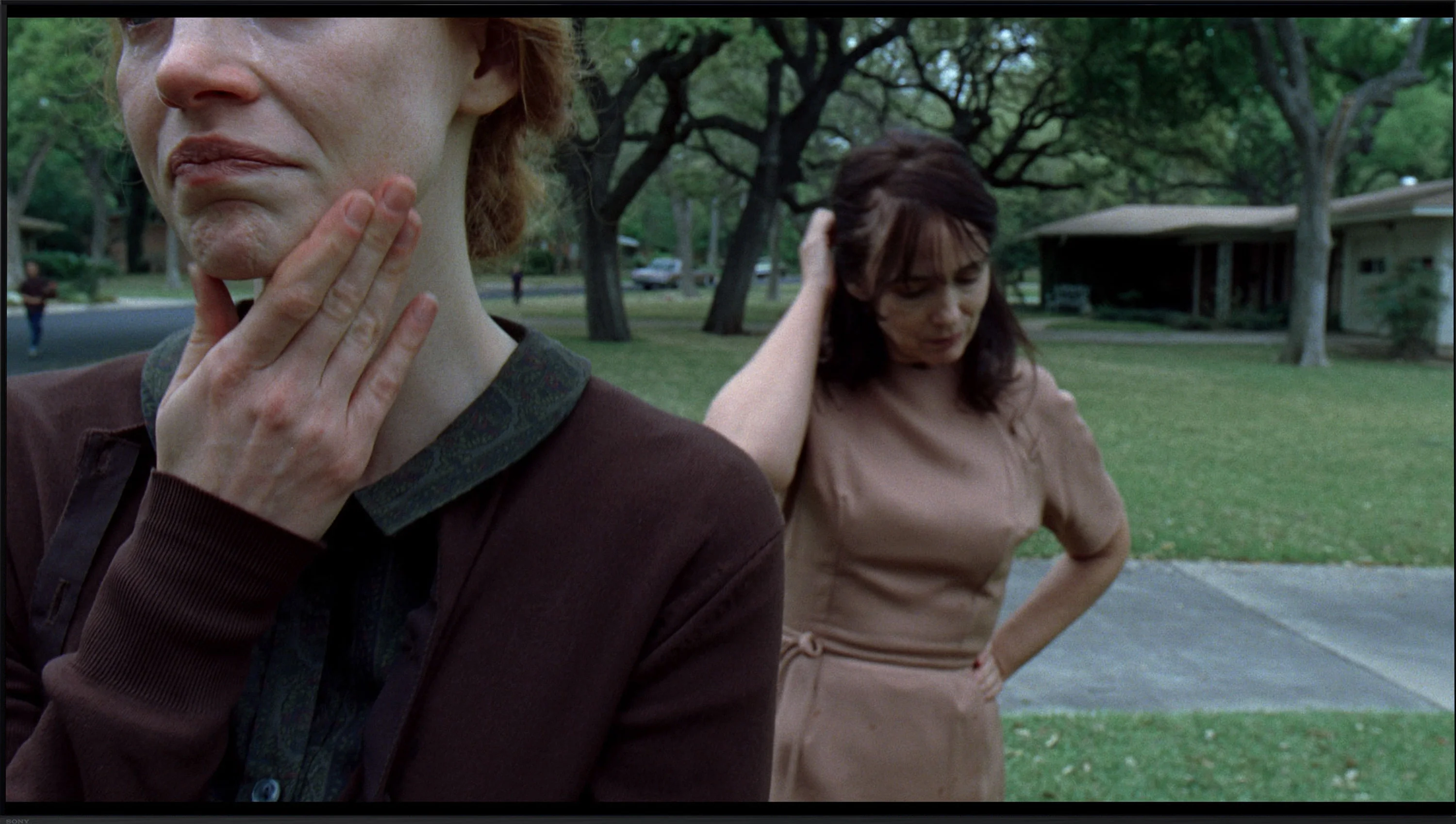
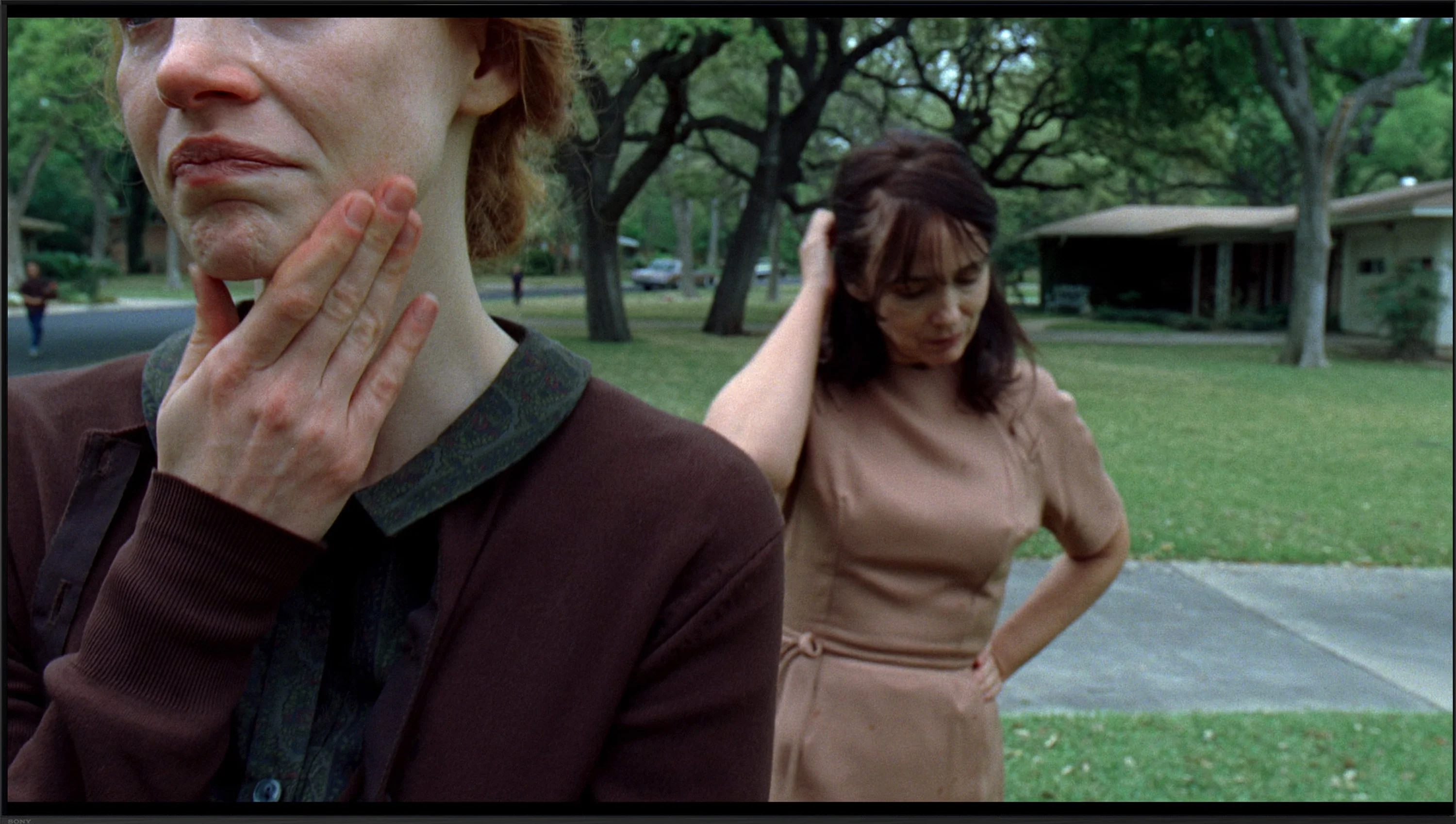
This gallery shows how colors change after professional TV calibration. If you notice the difference, we recommend ordering this service at SkalibrujTV.com.
Factory Mode
After calibration


This gallery shows how colors change after professional TV calibration. If you notice the difference, we recommend ordering this service at SkalibrujTV.com.
Factory Mode
After calibration
The best mode in Sony televisions is the IMAX Enhanced mode. Although IMAX is mainly associated with the cinematic experience, here the color reproduction right out of the box is average. In the case of lower quality materials, such as HD – regular TV or YouTube – it is worth paying attention to the white balance. It is characterized by a deficit in red and an excessive dominance of blue, which gives the image a pinkish hue. The brightness characteristic, or gamma, for HD content is quite decent, but a slight boost may cause the image to become washed out and appear as if it is behind a light fog.
In 4K HDR content, the situation looks a bit different. The white balance shows a significant boost in blue, which makes the image appear unnaturally sharp and gives it an artificial feel. Such an exaggeration in color reproduction may not appeal to everyone, especially if one prefers more realistic shades. Additionally, the EOTF curve in Sony X90L looks quite decent at first glance. However, at the end of the graph, there are certain fluctuations that suggest the television is trying to maintain the appropriate brightness to avoid overexposing larger elements.
When it comes to colors straight out of the box, what's new in TCL TVs, including the C7L model, is the addition of a picture mode called Filmmaker Mode. That's significant because until now that mode wasn't available from this manufacturer at all. In theory, as the name suggests, the image in this setting is meant to represent the filmmaker's full intent. From our tests we can confirm that it's without a doubt the best built-in mode on this TV if you care about faithful color reproduction right out of the box. However, we wouldn't say it's perfect. Like most devices on the market, this C7L also had some factory issues. The white balance in Filmmaker Mode tended toward a slightly greenish-yellow tint, caused mainly by an excess of the green channel and a noticeable lack of blue. For the average viewer this won't be a drastic flaw, but if you care about perfect whites, natural skin tones, and getting the full potential out of the structure of these new "super" quantum dots, the TV really begs for professional calibration.
Color reproduction after calibration
9.1/10
7.5/10
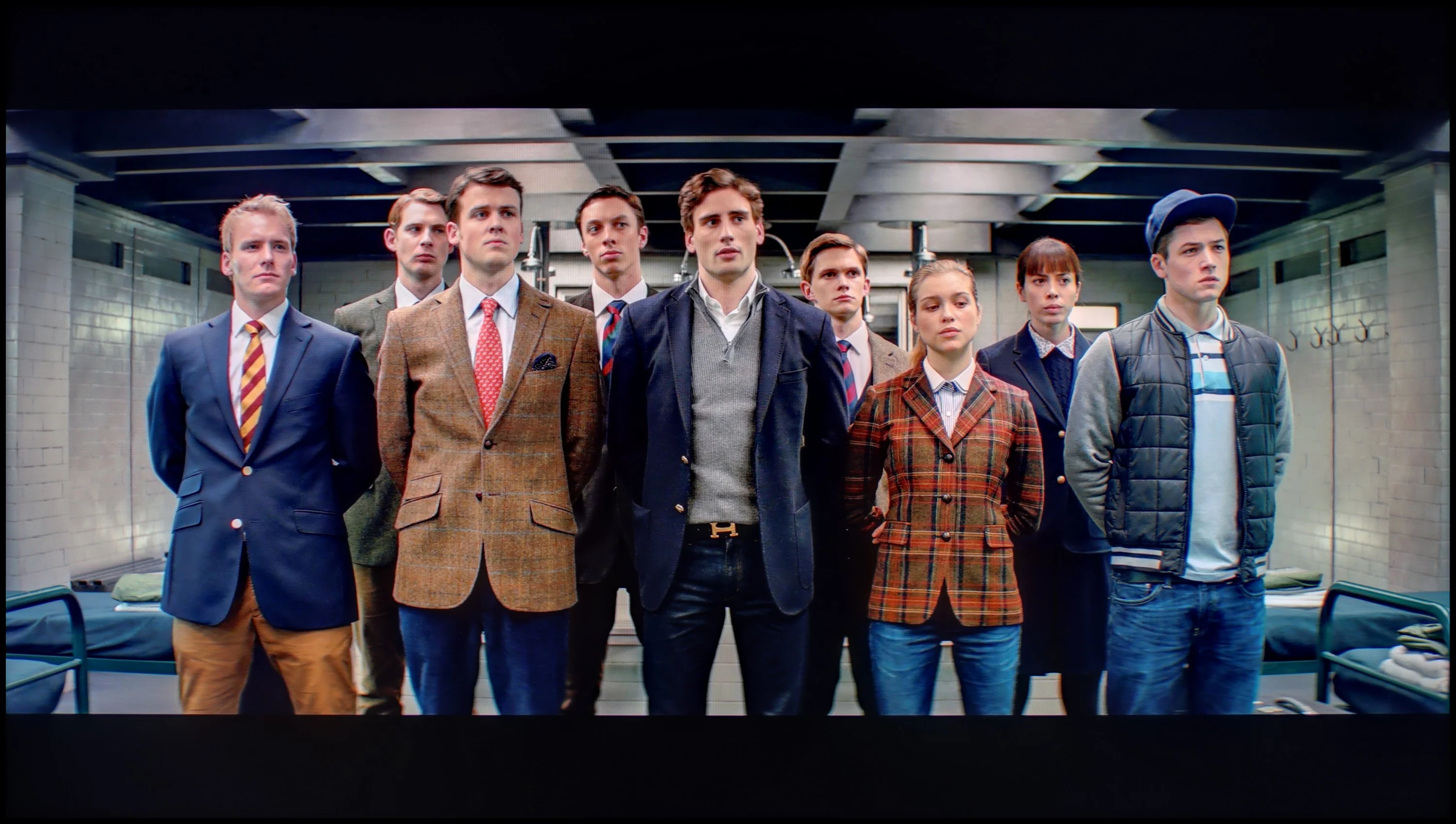
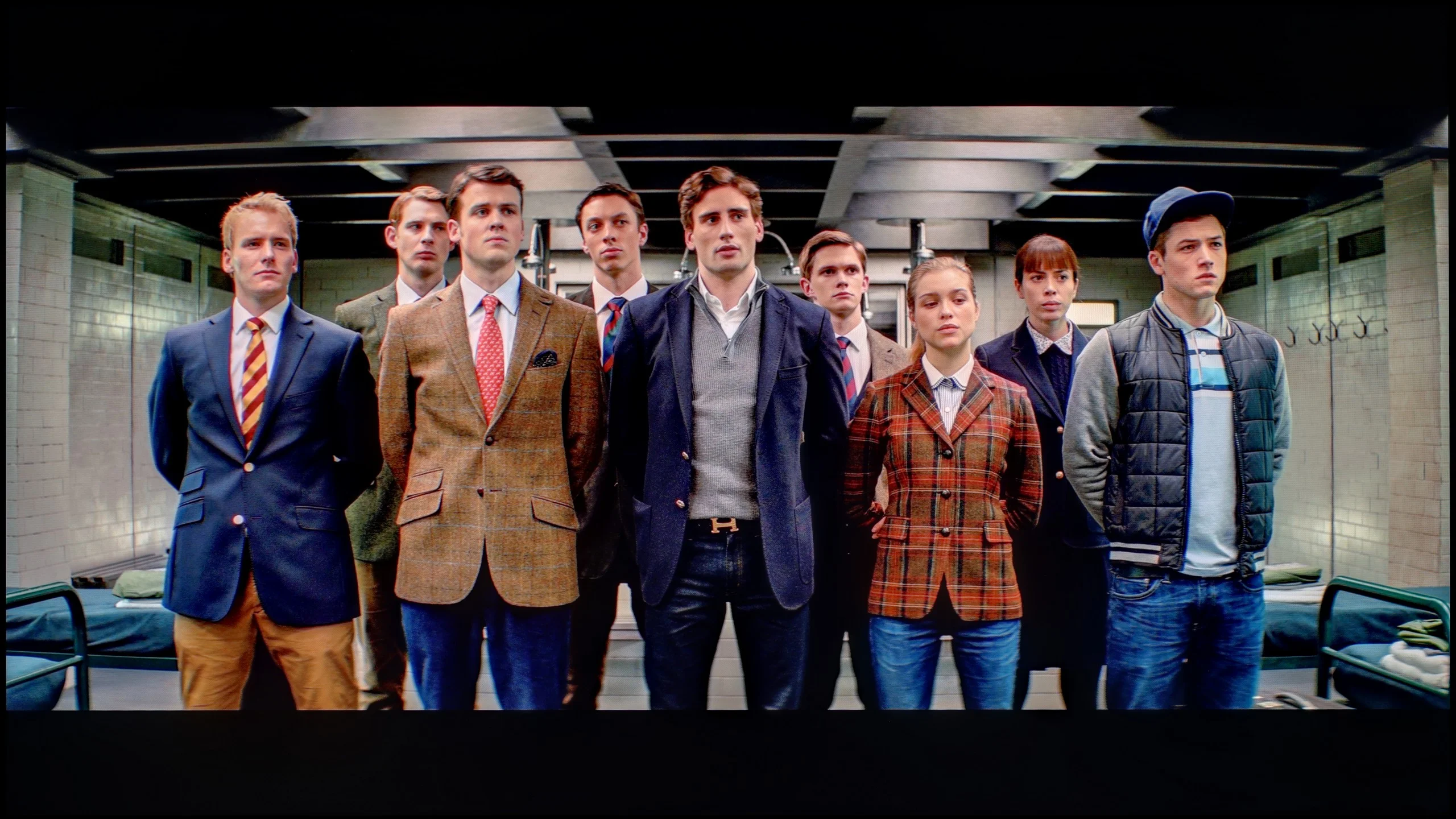
The photos show how movies look on the TV. Pay attention to black detail visibility, colors, and shadow tint.


The photos show how movies look on the TV. Pay attention to black detail visibility, colors, and shadow tint.
Sony offers many tools to improve image quality, including two additional image modes that we decided to use during testing and apply calibration to them. This solution significantly facilitates the calibration work and is very effective, provided that the right tools are available. In the case of HD content, the white balance has been almost perfectly aligned – only one shade of gray exceeds the error value of "1", which is an excellent result. The same can be said about the brightness characteristic (gamma), which looks nearly perfect, with microscopic deviations of around 0.01.
In the case of 4K HDR content, the situation is not as ideal. Although the white balance has been significantly improved, it has not been possible to completely eliminate the dominance of blue color. Nonetheless, errors in the Colour Checker test only occasionally exceed the value of "2", which means that image distortions are practically unnoticeable. As for the EOTF curve, it is worth activating the filter in the upper right corner "EOTF in Movies" – the graph looks correct, but the television encounters difficulties illuminating very small elements, which results from the limited number of backlight zones. Despite these minor flaws, it is thanks to the calibration carried out that the IMAX Enhanced mode in the Sony X90L makes watching movies resemble a true cinema experience.
After a professional calibration we were able to greatly improve the out-of-the-box Filmmaker Mode. After our adjustments, errors in the ColorChecker test and across the wide color gamut fell below the threshold of human perception, that is below a value of 3, which is a very good result. The TCL C7L definitely benefits from this treatment in terms of color accuracy, and that's hard to argue with. A bit worse, however, is the issue of brightness management in HDR content after calibration. As I described earlier, even though we set this model up correctly, when you play real movie scenes on the TV it can manage its brightness in a rather peculiar way. It often brightens certain elements on the screen contrary to the creator's intent, which can be clearly seen on EOTF charts measured in particular films. Despite this flaw, or rather a specific quirk of this TV, you can't take away one thing: after calibration the C7L was able to reproduce colors accurately.
Smoothness of tonal transitions
9.2/10
8.6/10
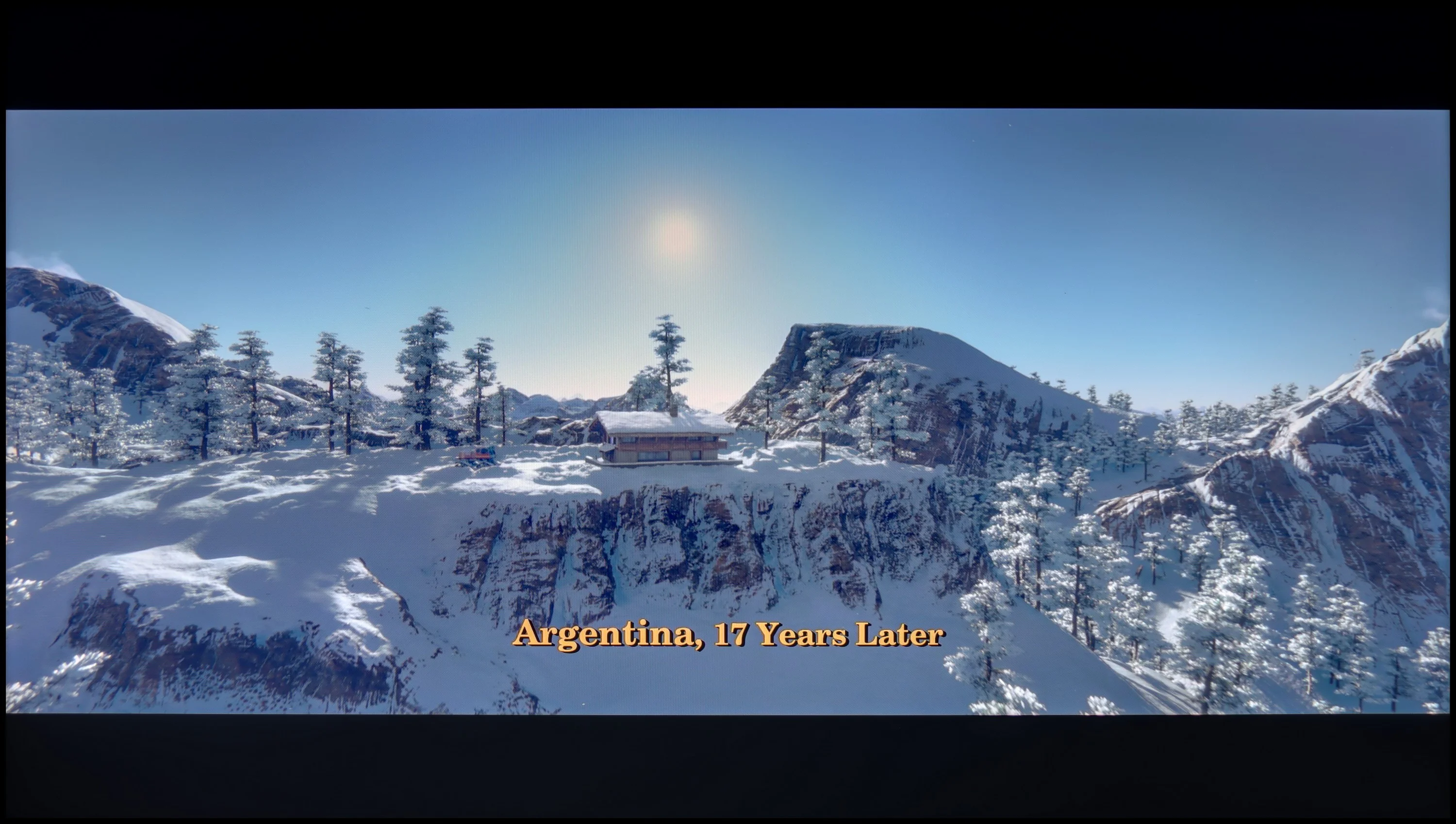

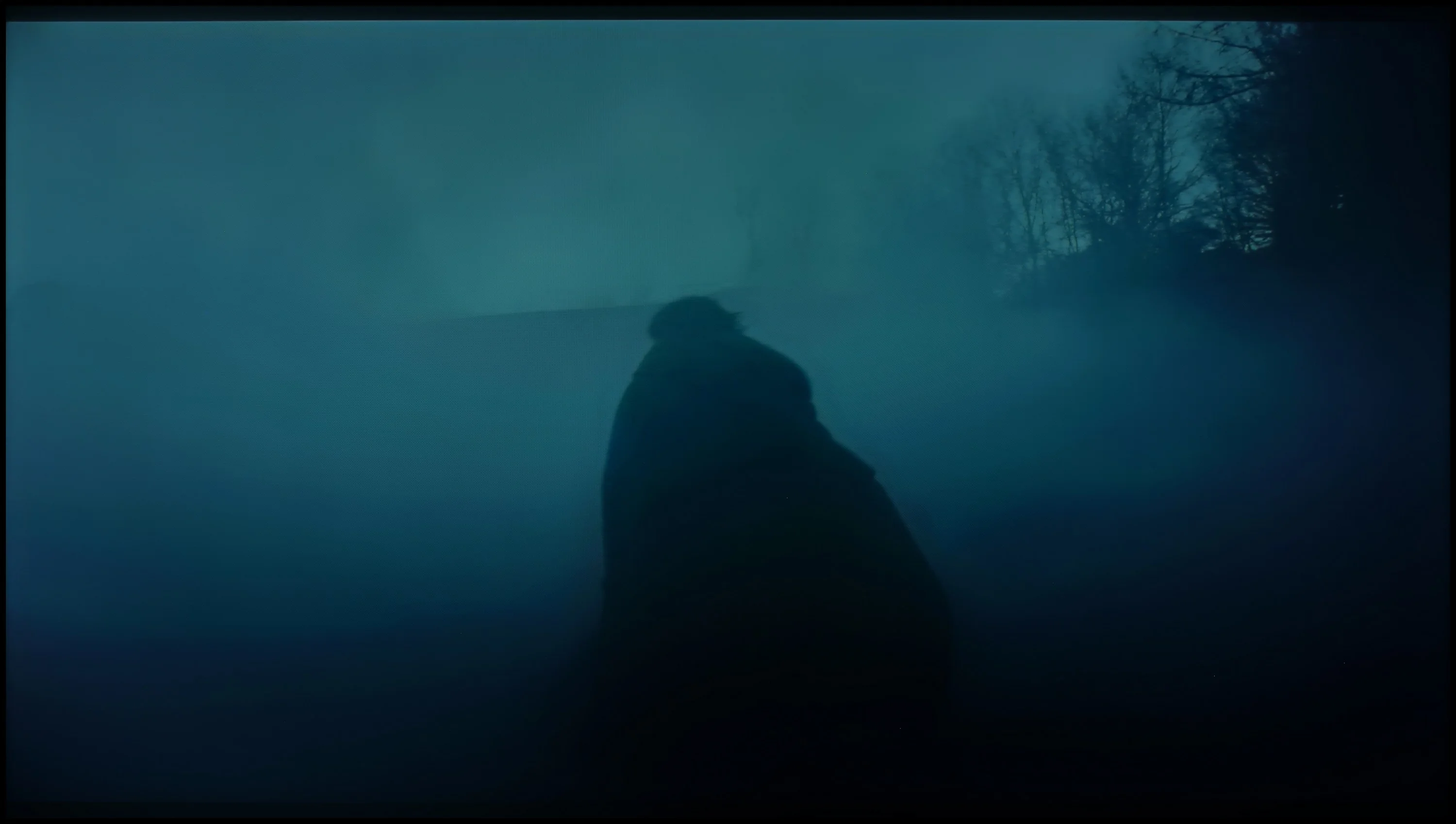
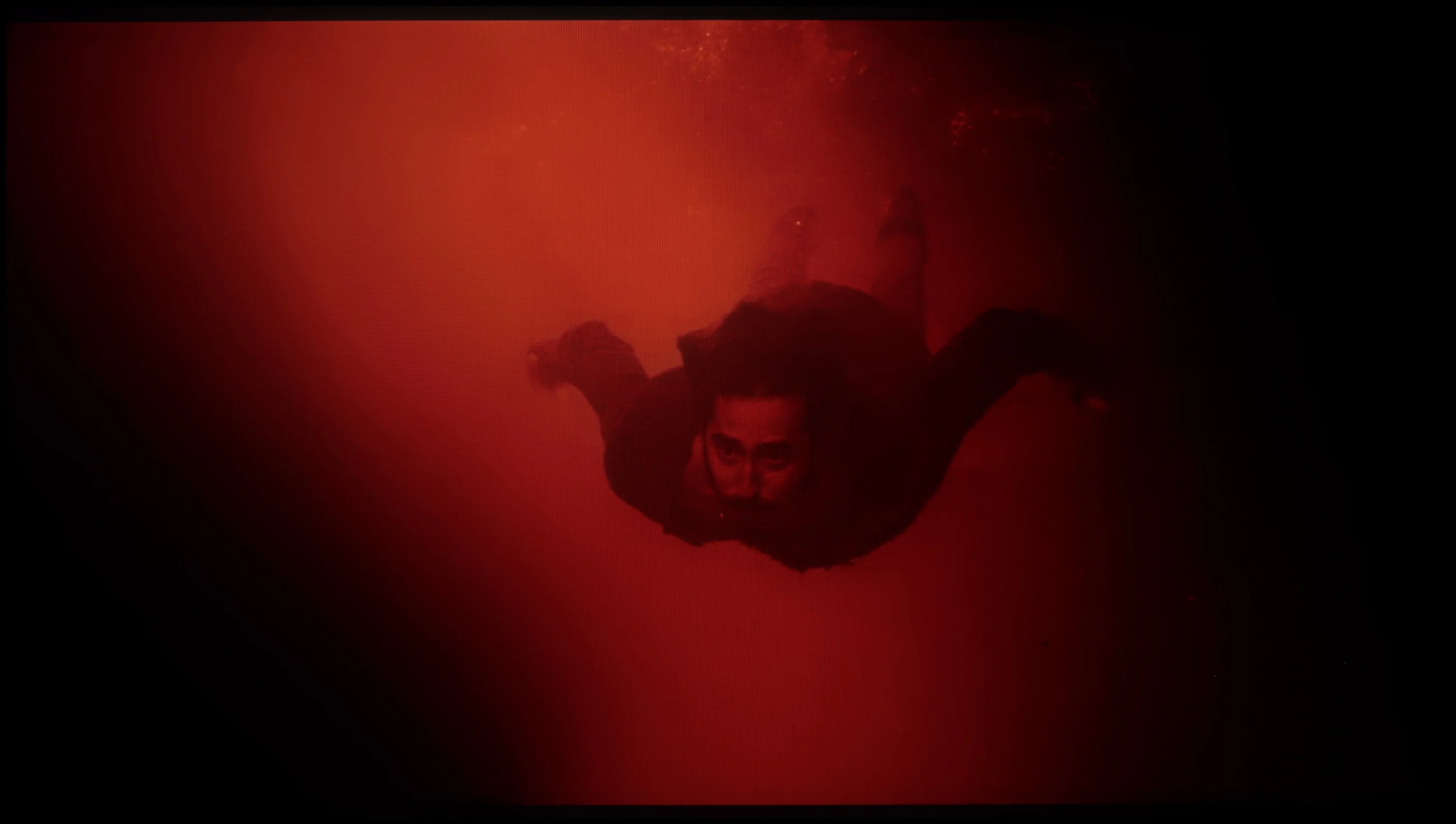
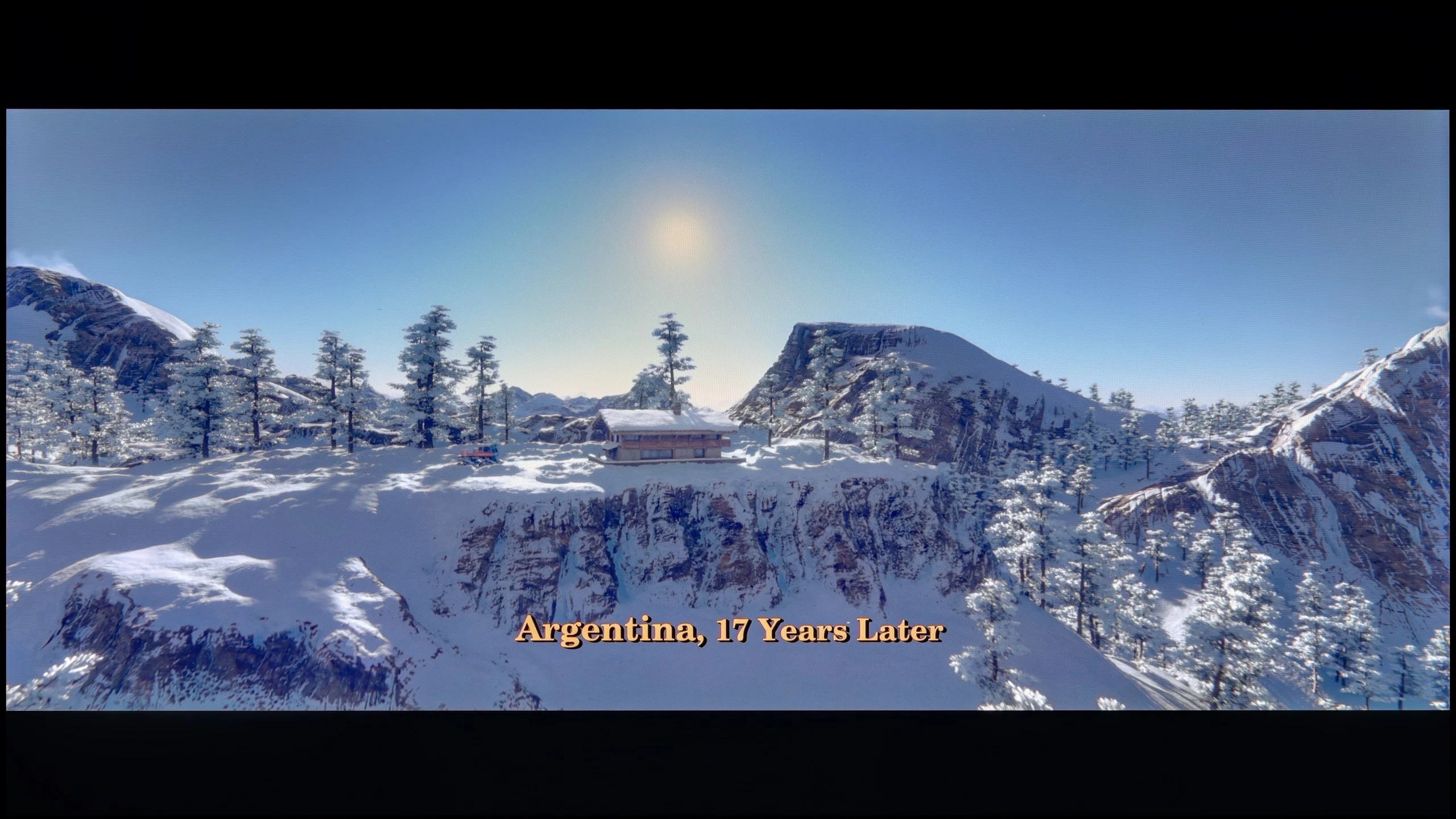
These are selected scenes that show smooth tonal transitions from one color to another. If you see distinct banding, it’s the TV panel’s fault.
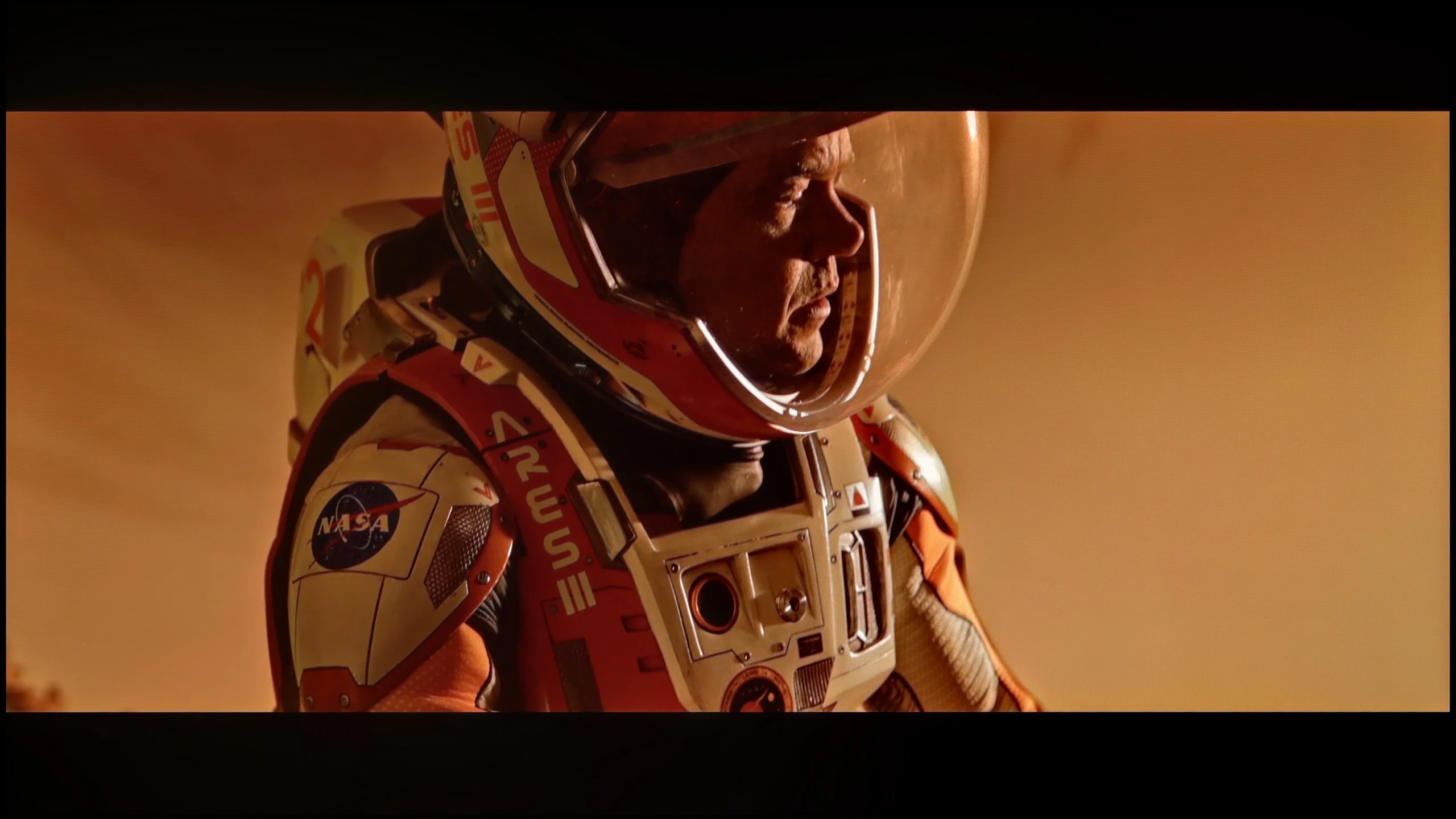
These are selected scenes that show smooth tonal transitions from one color to another. If you see distinct banding, it’s the TV panel’s fault.
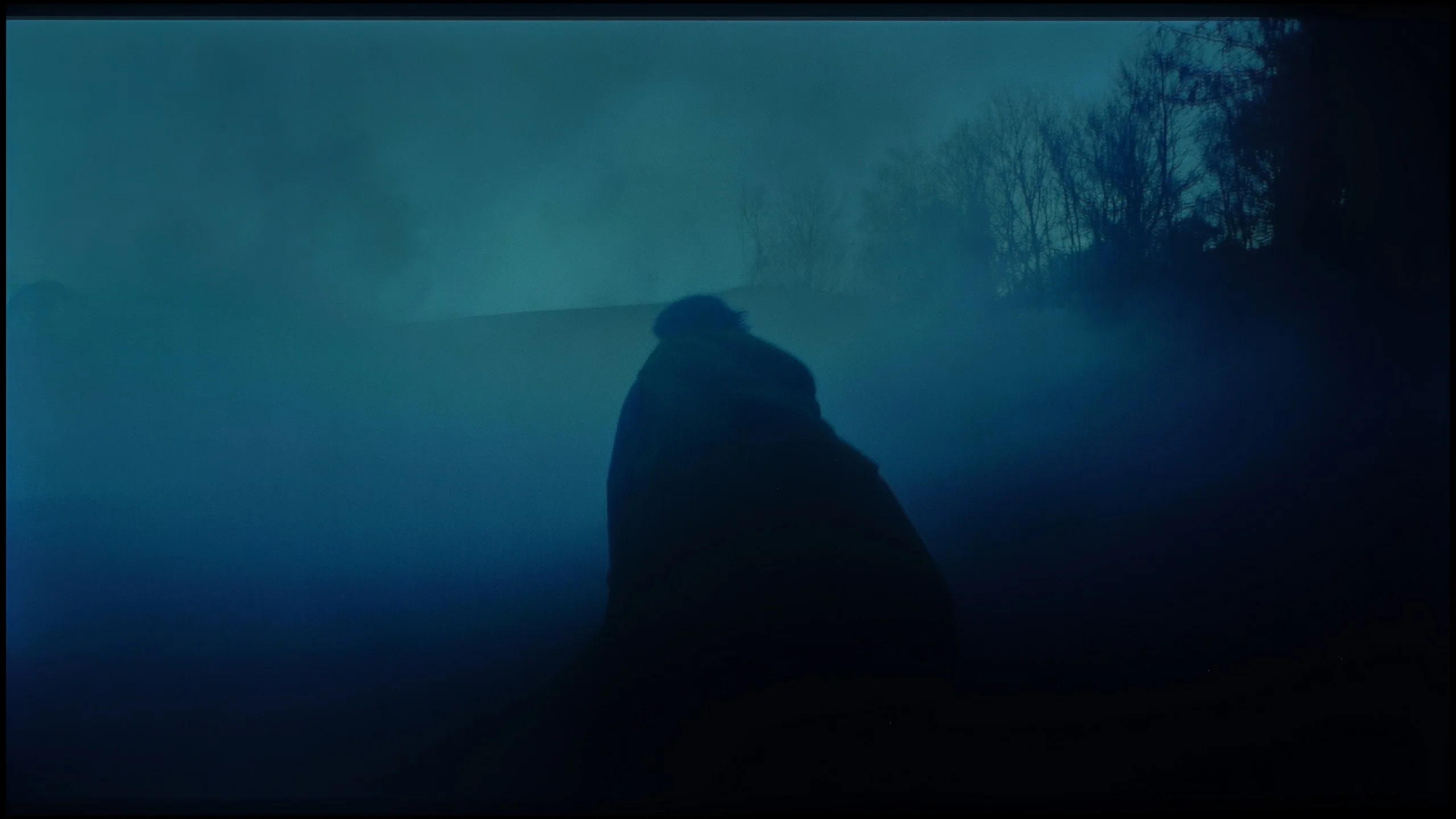
These are selected scenes that show smooth tonal transitions from one color to another. If you see distinct banding, it’s the TV panel’s fault.
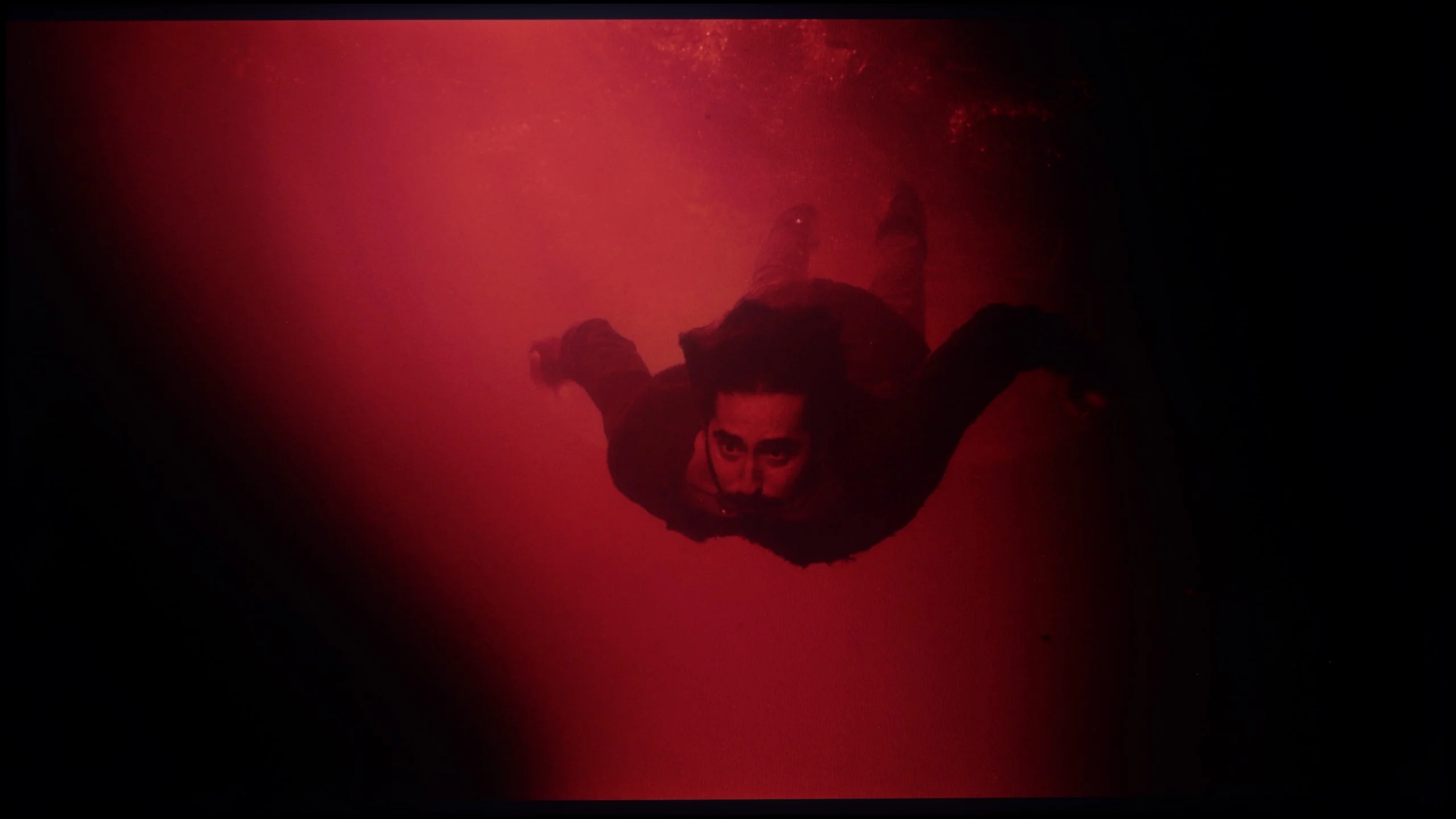
These are selected scenes that show smooth tonal transitions from one color to another. If you see distinct banding, it’s the TV panel’s fault.
The smoothness of tonal transitions in Sony X90L is outstanding. The gradation is beautiful on high-quality sources such as 4K streaming. One can only notice slight banding on more demanding gradients, but the overall effect is very good and should satisfy even the more discerning viewers.
Another aspect worth discussing is the smoothness of tonal transitions. Here, to be fair, the TCL C7L simply looks good. In most scenes, especially the brighter ones, you don't see any banding at all. With native 4K HDR content the image is clean and transitions between shades are very smooth. It's equally good in Dolby Vision mode, where during our tests we didn't notice any digital artifacts or ugly color banding. You could nitpick very dark scenes where a heavily compressed signal is being shown on the screen. In those conditions the C7L can sometimes reveal minor imperfections, but in this model it's not something that really jumps out at you. Especially during everyday movie watching.
Image scaling and smoothness of tonal transitions
8.5/10
5.5/10

Smooth transition function
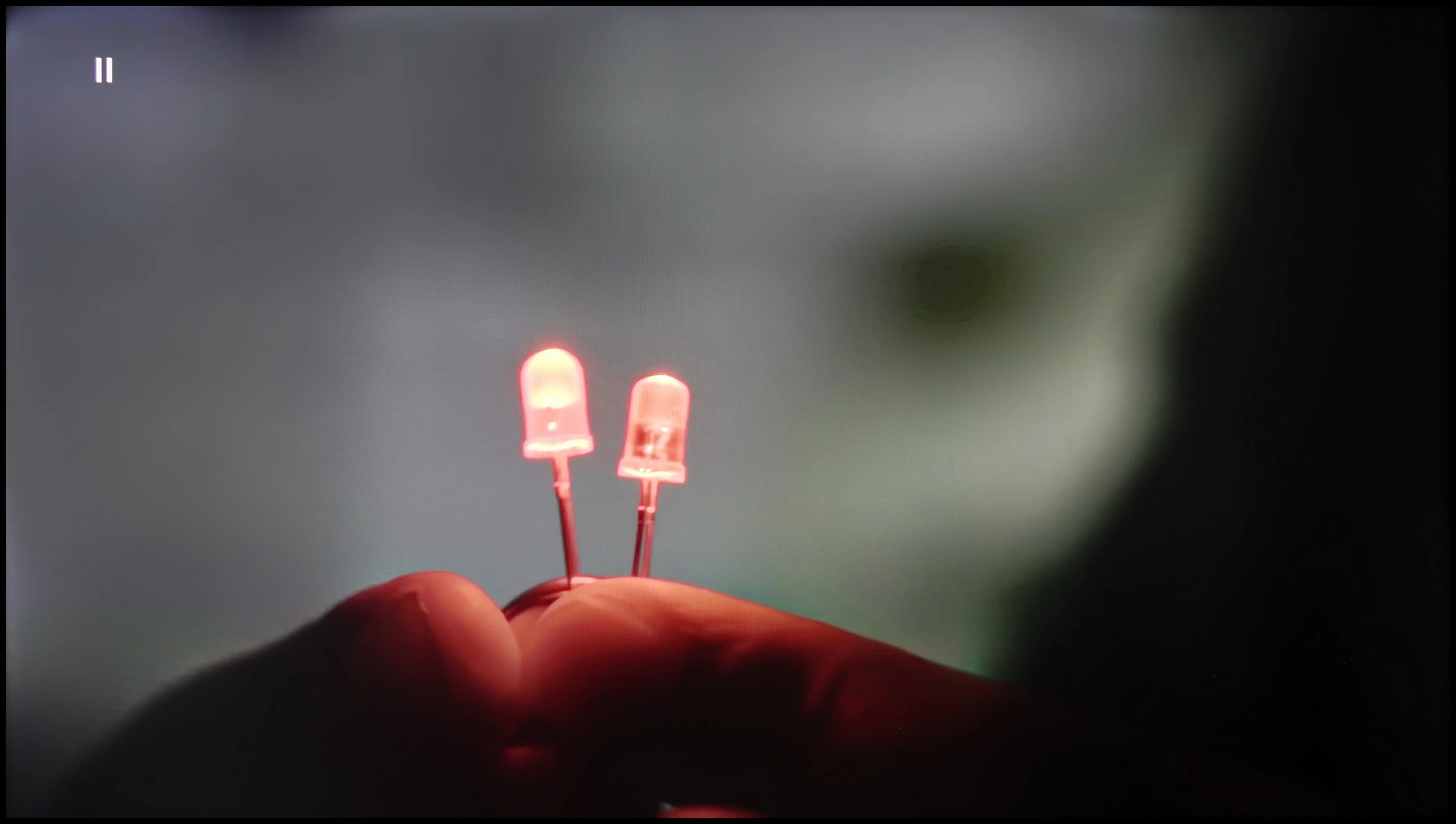
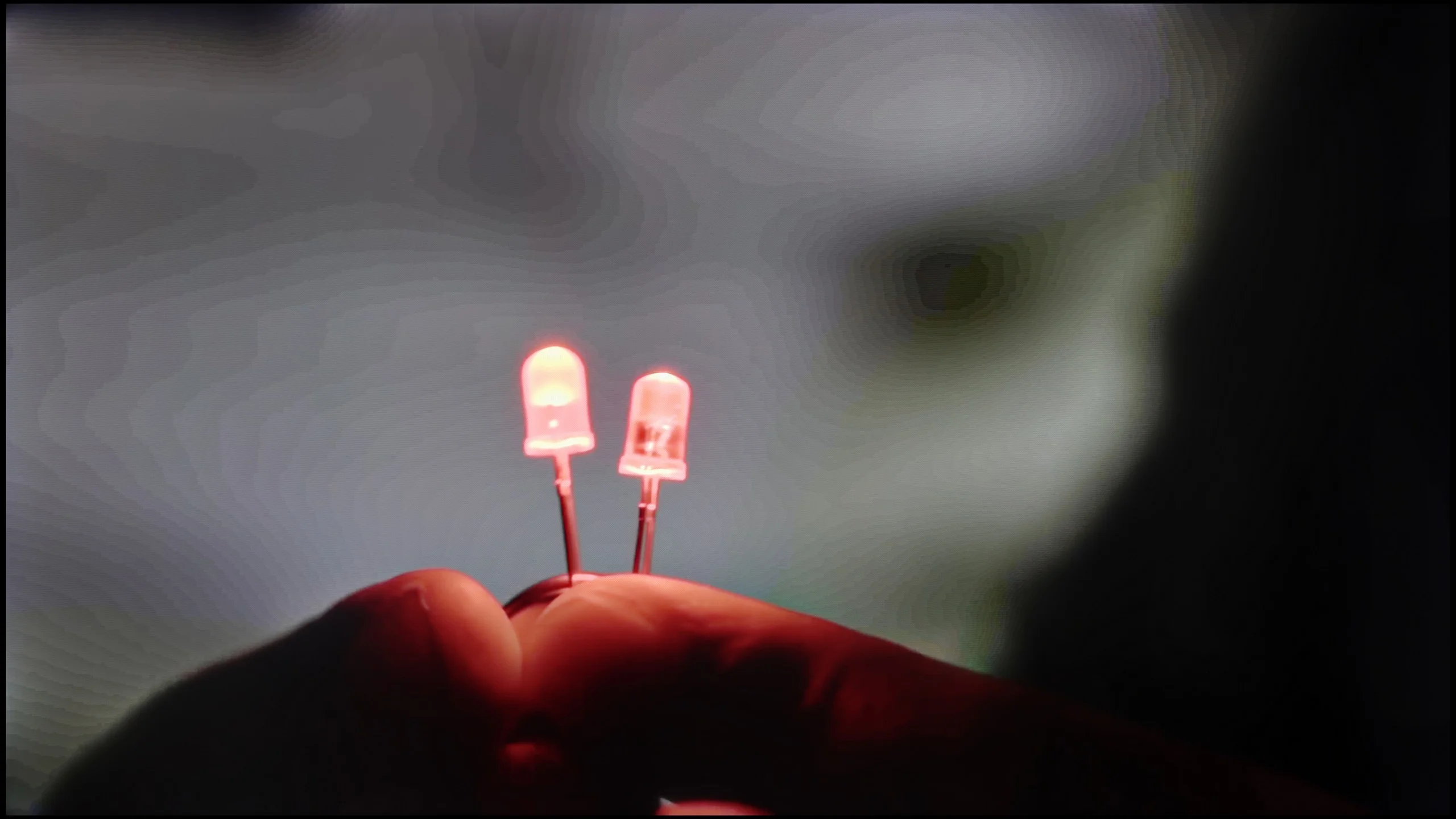
The match photo shows how the TV smooths weak tonal transitions in low-quality video.
Image scaling SD (576i)


The model photo shows how it handles upscaling of SD material.
The Sony X90L TV features a tone transition smoothing function known as Smooth Gradation, which is incredibly effective. Even at the "low" setting, the effects are satisfactory, but at the "medium" setting, it works like a dream – we recommend using this option for the best results. The image scaling on the Sony X90L is simply excellent. The image is not overly sharpened, which gives a natural effect and makes everything look cohesive. It is evident that the engineers really put effort into this aspect, creating a solution that impresses and works well in everyday use. Because of this, even when watching content like regular television or YouTube, where the image is not inherently stunning, one can enjoy a smooth, cohesive, and visually pleasing experience.
This point could, in a sense, be called the Achilles' heel of the C7L. Unfortunately, this TV uses an older MediaTek chipset, the Pentonic 700, which was never known for outstanding digital image processing. You can clearly see this in the operation of the gradual smoothing function, which is responsible for reducing jagged edges and removing digital noise. It simply performs very poorly; when set to low, its effectiveness is practically nonexistent. The only small plus is that the algorithm doesn't further degrade the image or forcefully blur details. Upscaling itself, meaning the scaling of lower-resolution content to 4K, performs a bit better. It's simply adequate and doesn't stand out compared with the competition. That said, there's no denying the C7L would gain a lot in this area if the manufacturer decided to use the newer Pentonic 800 processor, which is now appearing in an increasing number of competing models.
Blur and motion smoothness
8.1/10
7.8/10
Blur (native resolution, maximum refresh rate):
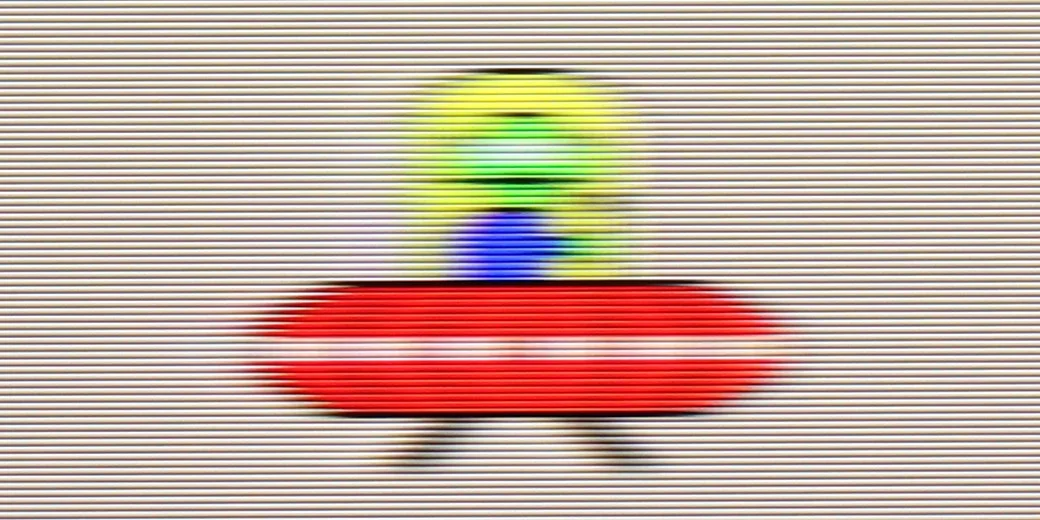
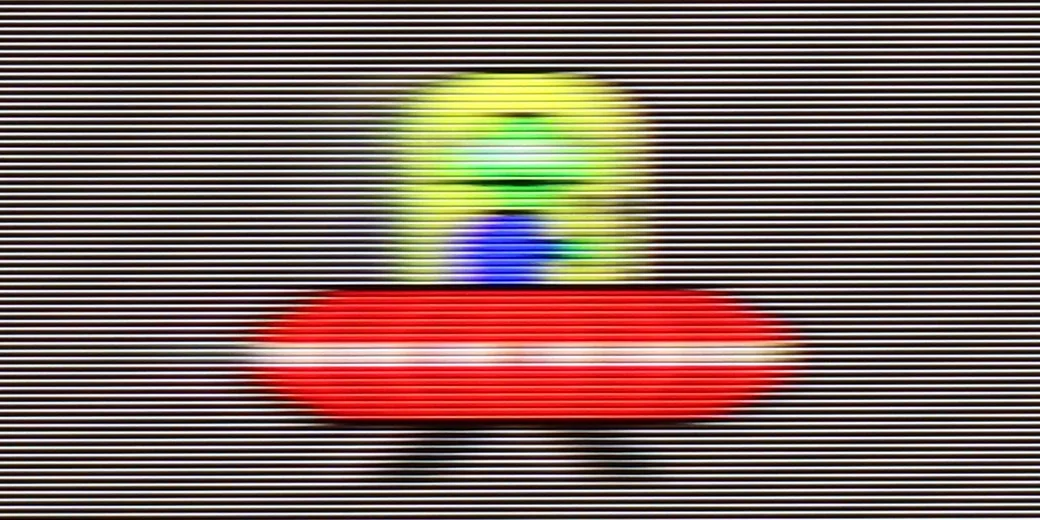

Blur (BFI function enabled):





Blur ():
Blur (4K@144Hz):

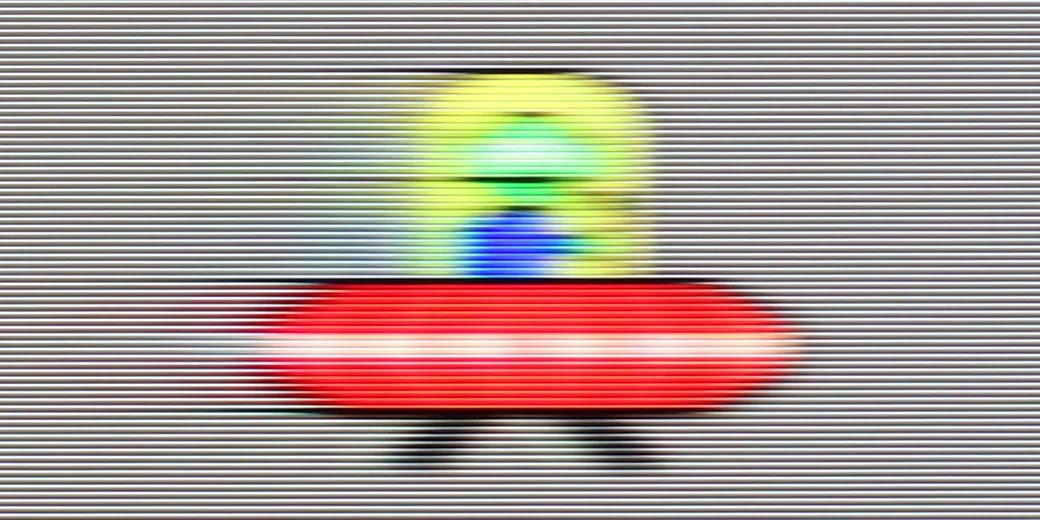
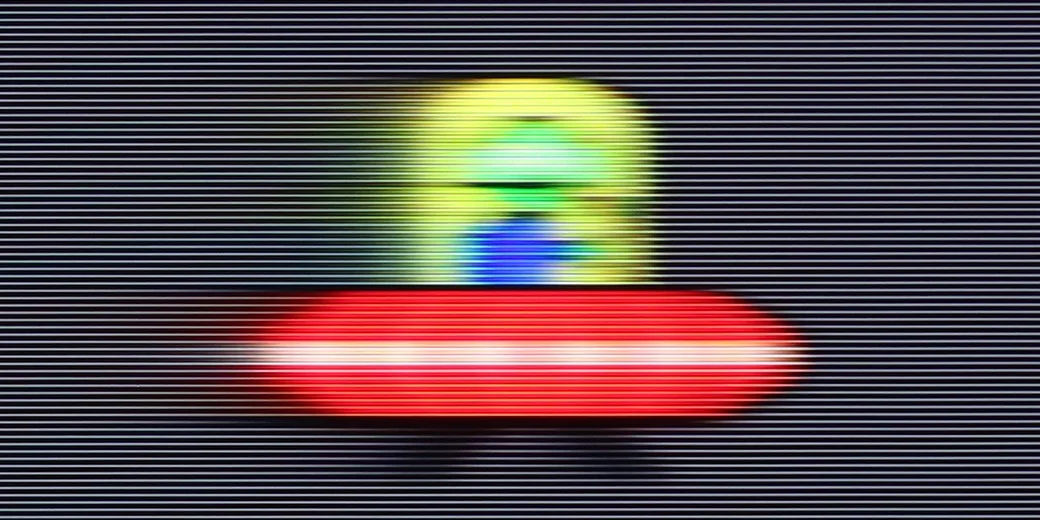
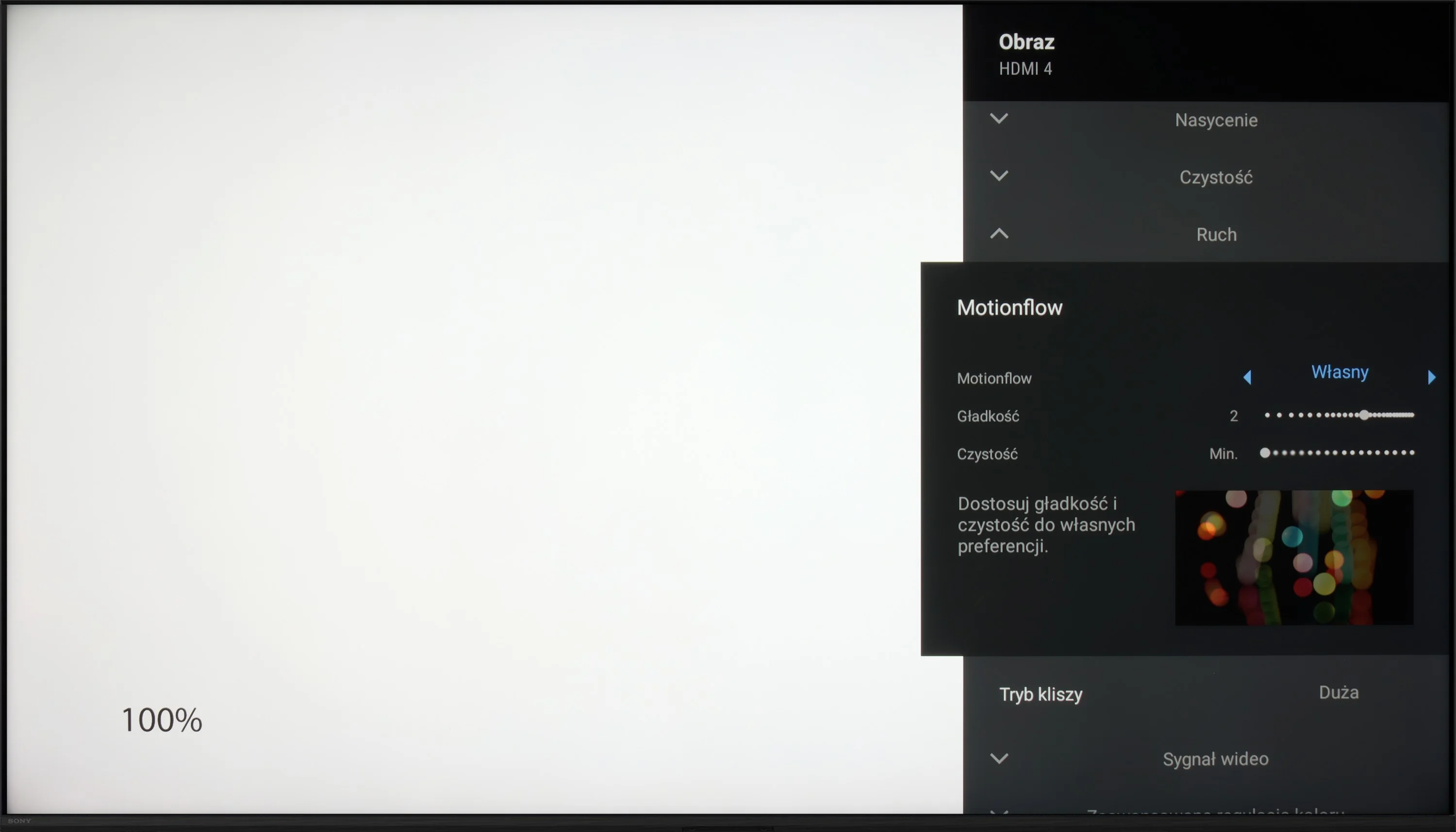
Sony X90L with a 120 Hz panel is a great choice for both gamers and movie enthusiasts. The TV is equipped with the Motion Flow smoothness feature, which allows you to adjust motion smoothness using two sliders: "smoothness" and "clarity." The "smoothness" slider controls the level of motion fluidity, which helps reduce image stuttering, while "clarity" is used to reduce blurring and improve motion sharpness, which is especially useful in dynamic scenes.
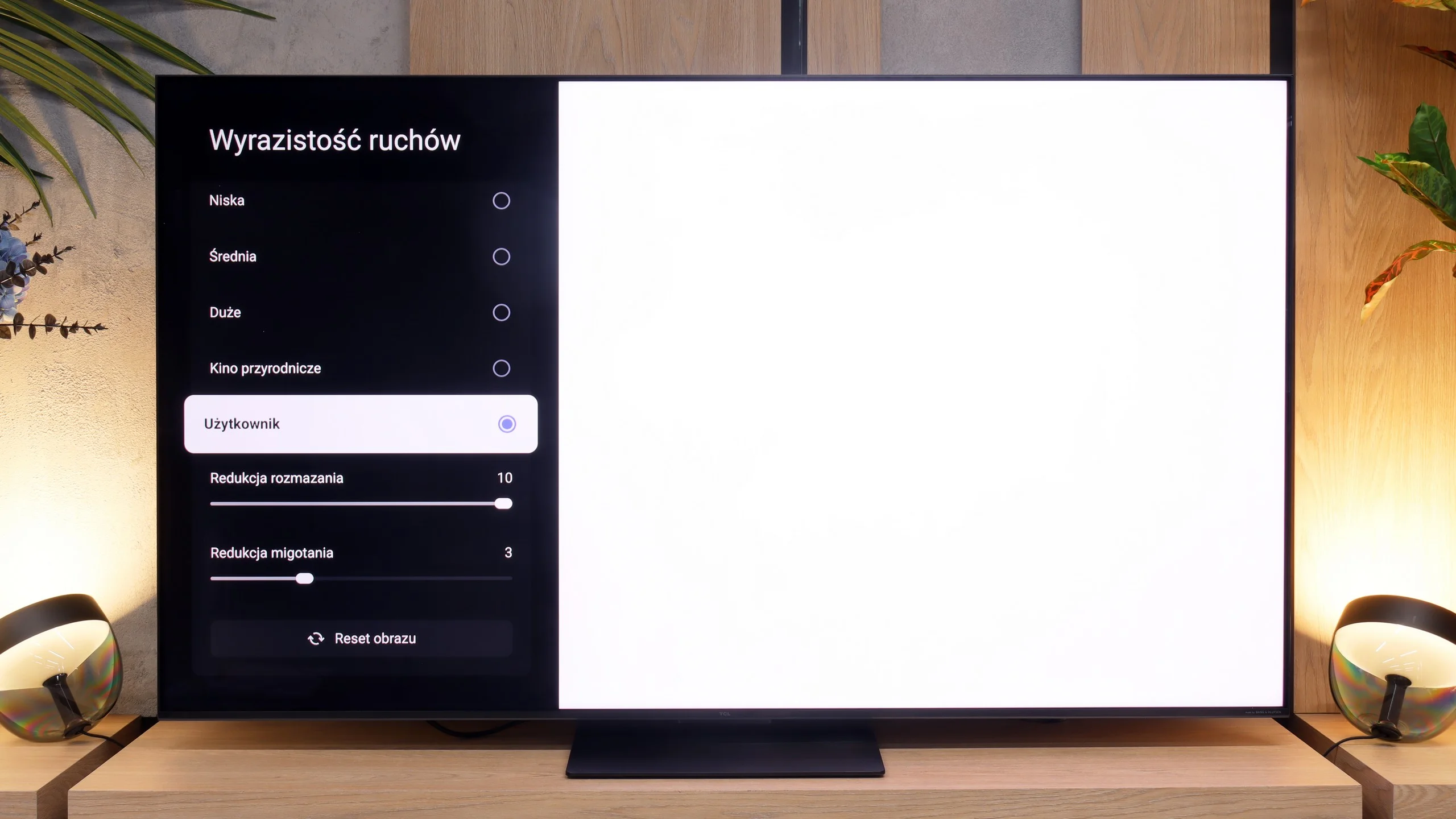
The TCL C7L uses a native 4K panel with a 144 Hz refresh rate, which, at lower resolutions when using a PC, can even reach up to 288 Hz. Those are obviously very high numbers and look impressive on paper, but in everyday use it's worth remembering that almost all dynamic content you play on this TV will still run at around a maximum of 120 Hz. To tame that motion, the TV's menu includes a motion smoothing system called "Motion Clarity." It offers several predefined modes, including a user mode that we strongly recommend setting manually using our tried-and-true guides on our YouTube channel. There are two key sliders available there. The first, "Blur Reduction," reduces smearing and improves sharpness in dynamic 60-fps material, such as sports broadcasts. The second slider, "Flicker Reduction," lets you add artificial frames to movies and TV series shot at cinematic 24 or 30 fps. This, of course, allows you to completely eliminate the annoying image judder during camera motion.
Console compatibility and gaming features
7.8/10
9.8/10
- ALLM
- VRR
- VRR range48 - 120Hz48 - 288Hz
- Dolby Vision Game Mode
 Yes, high input lag
 - Correct implementation of HGIG

- 1080p@120Hz
- 1440p@120Hz
- 4K@120Hz
- Game bar
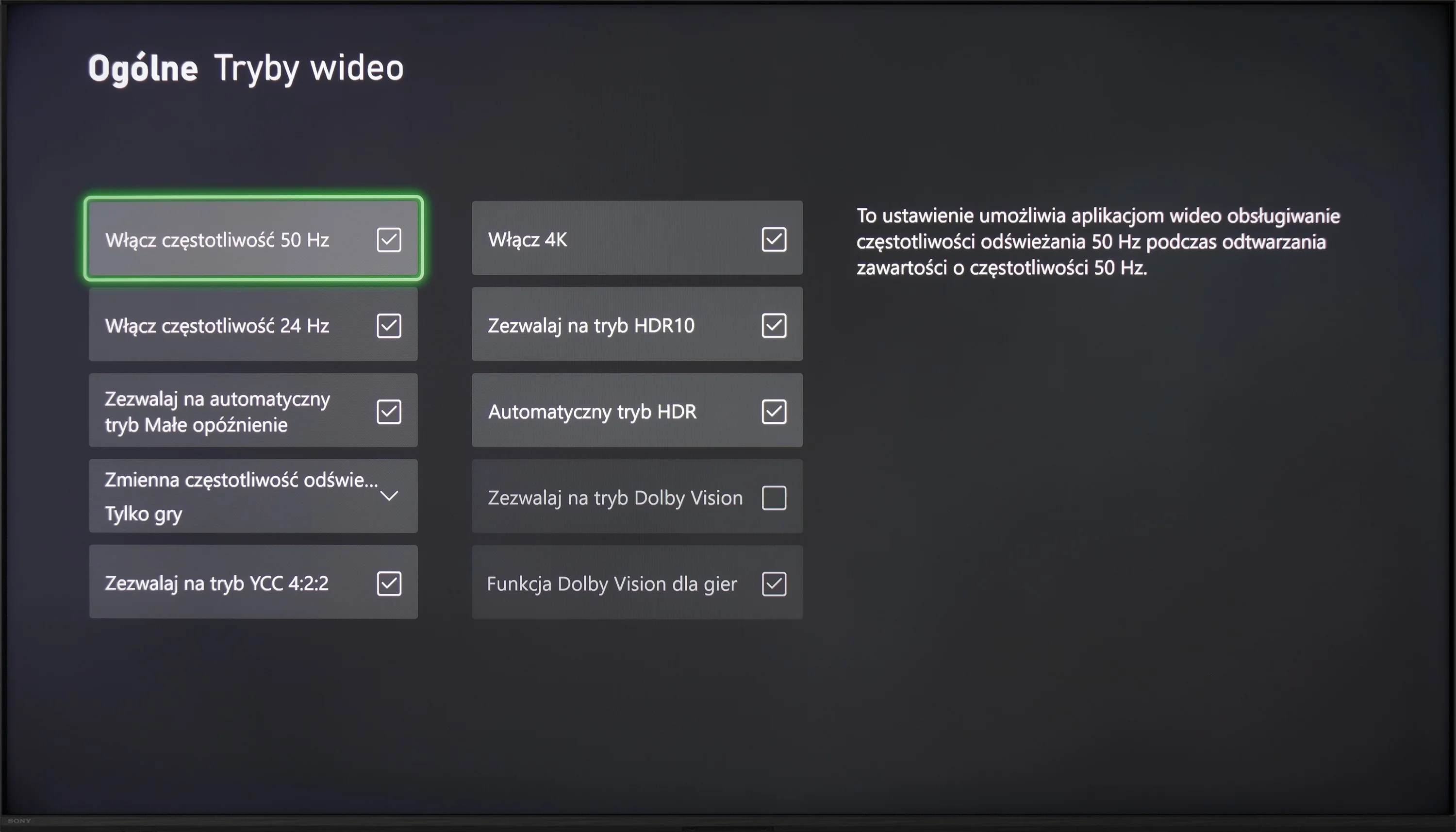
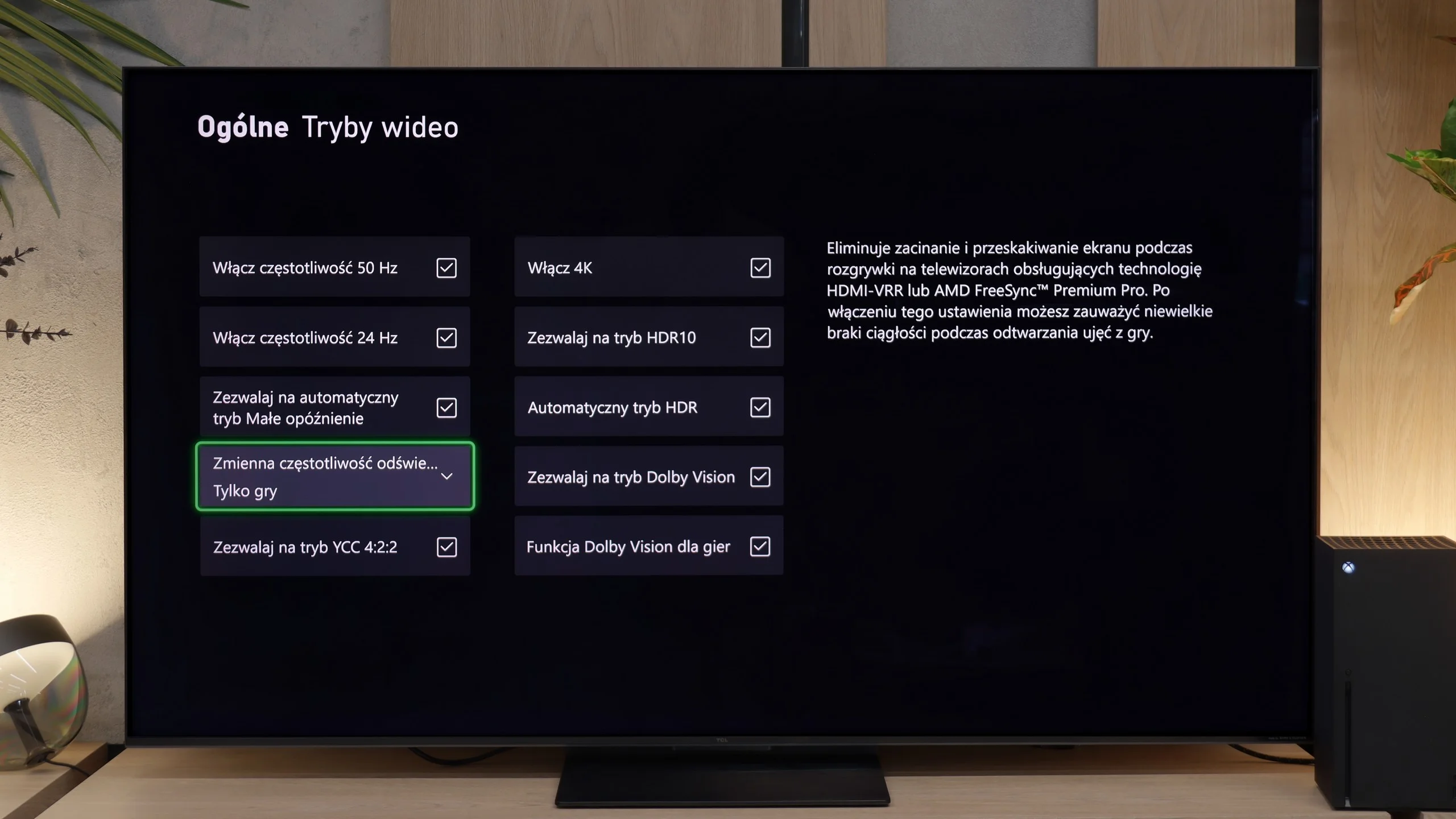
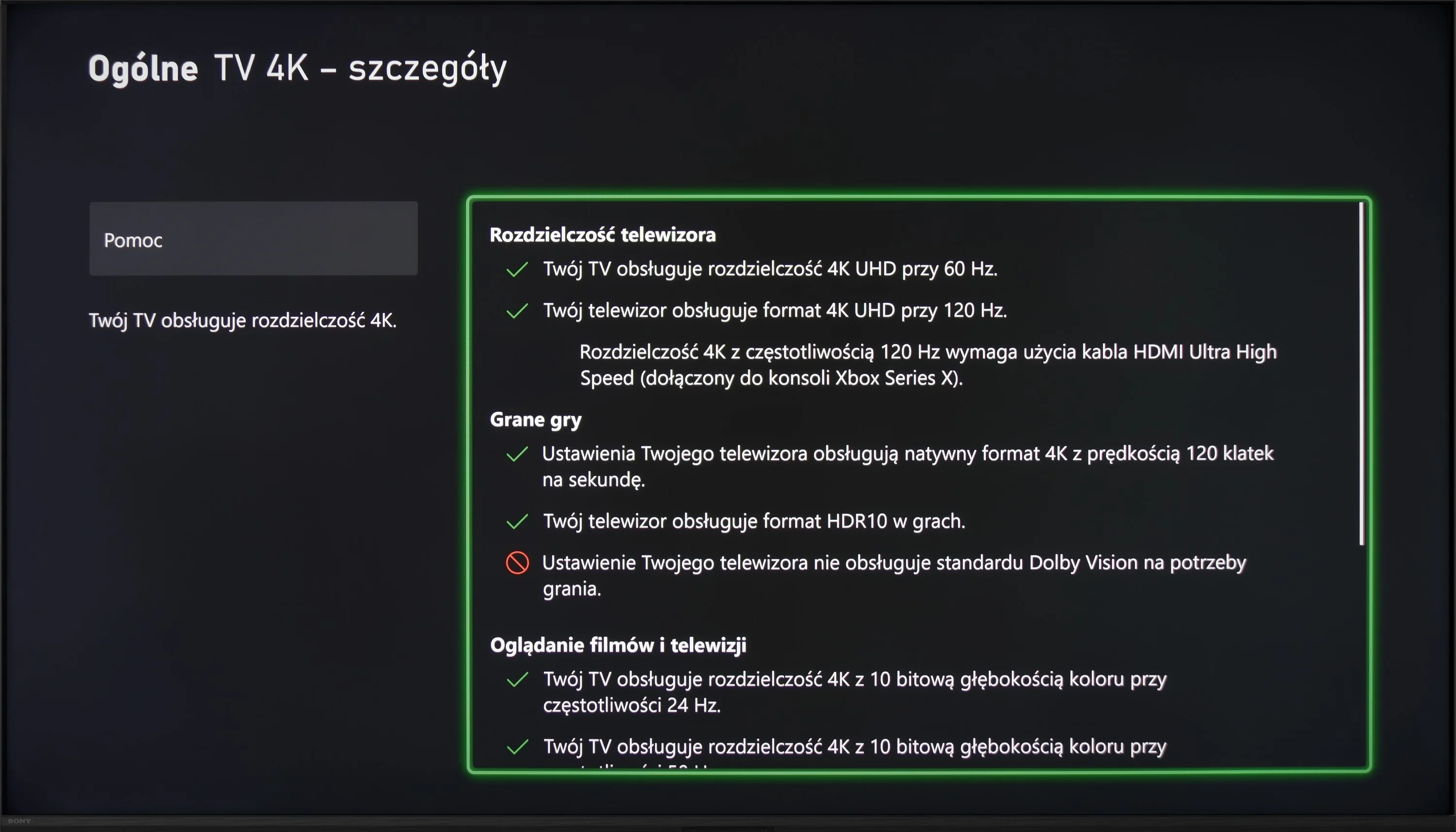
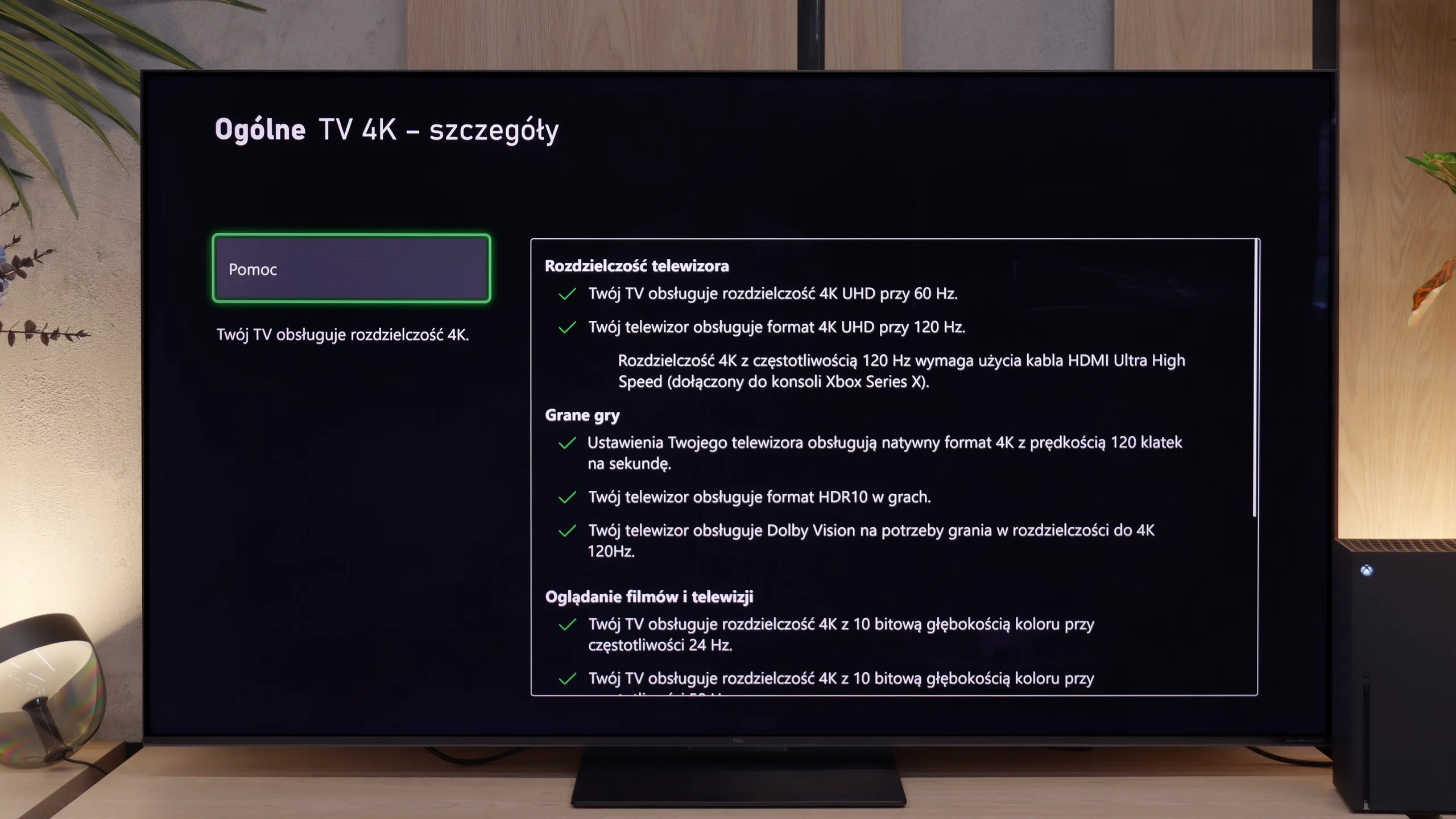
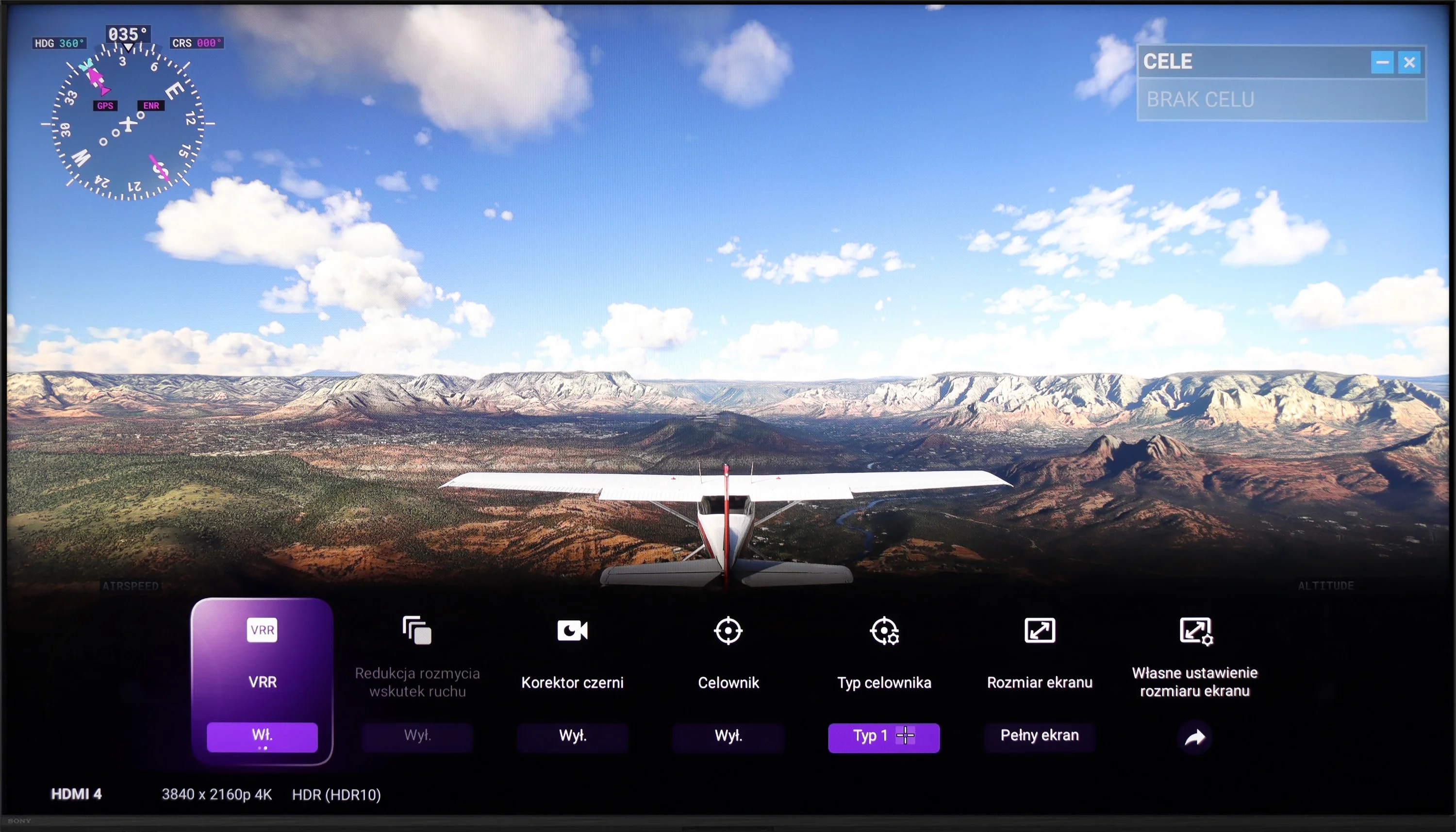
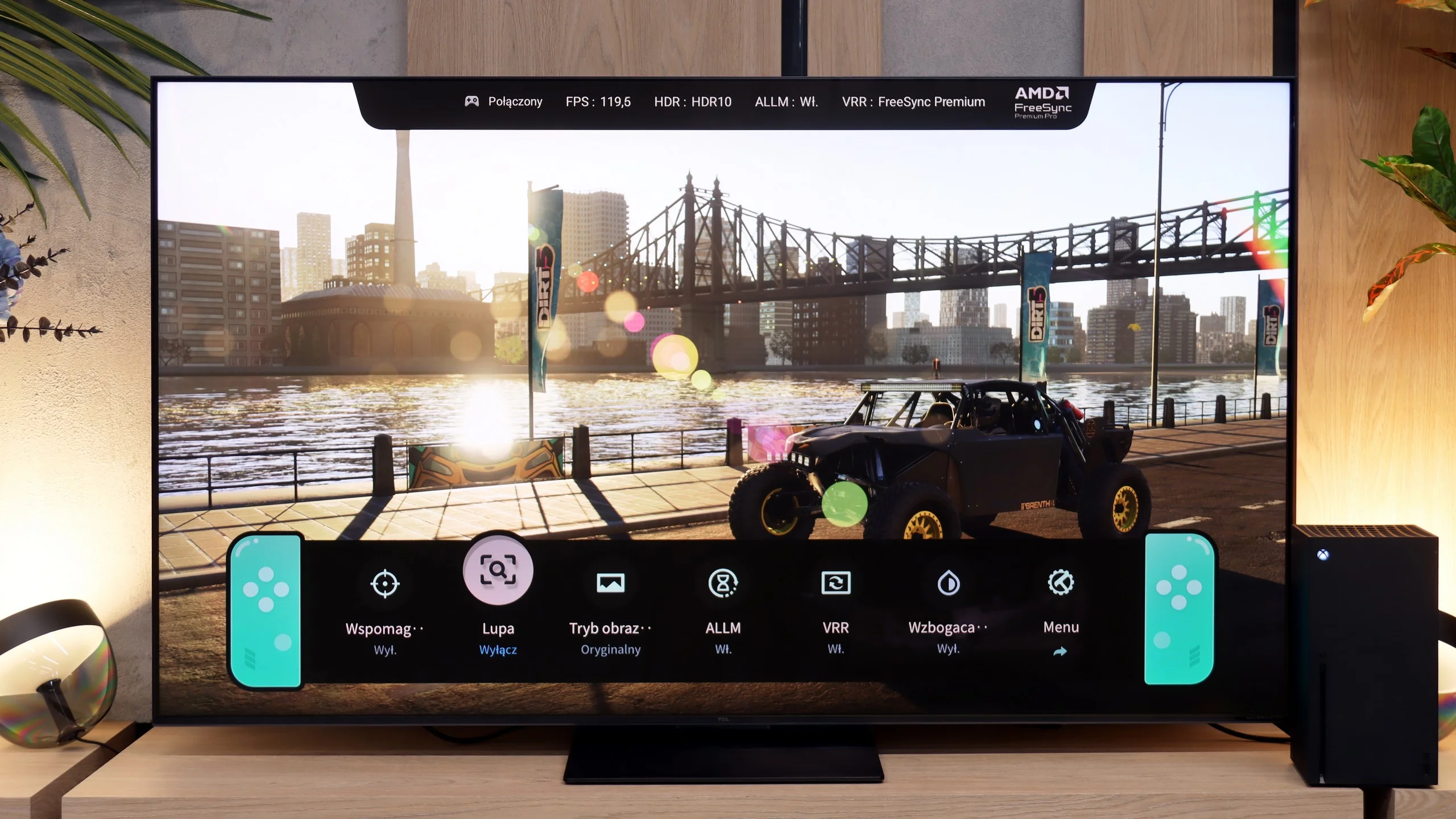
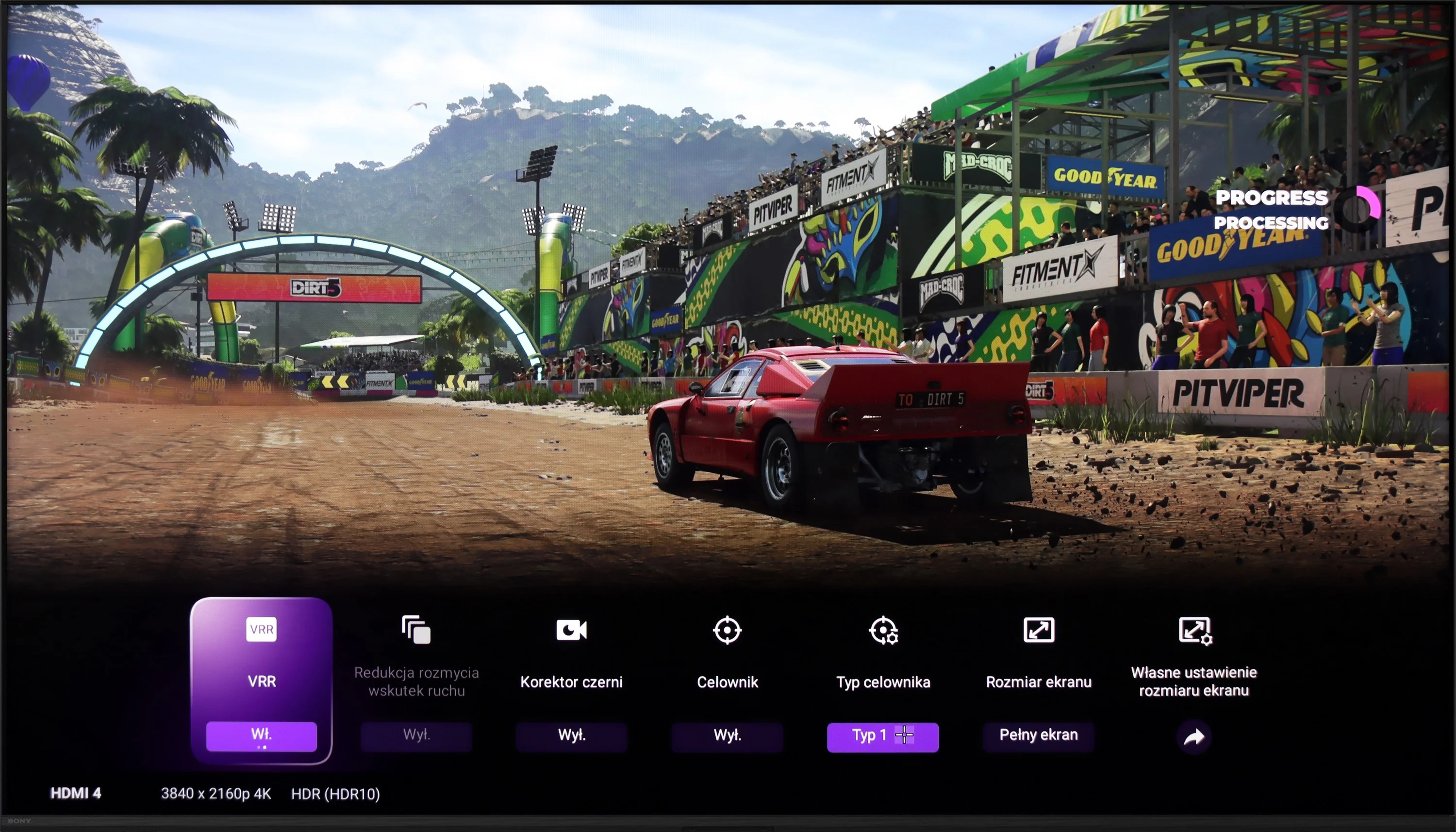
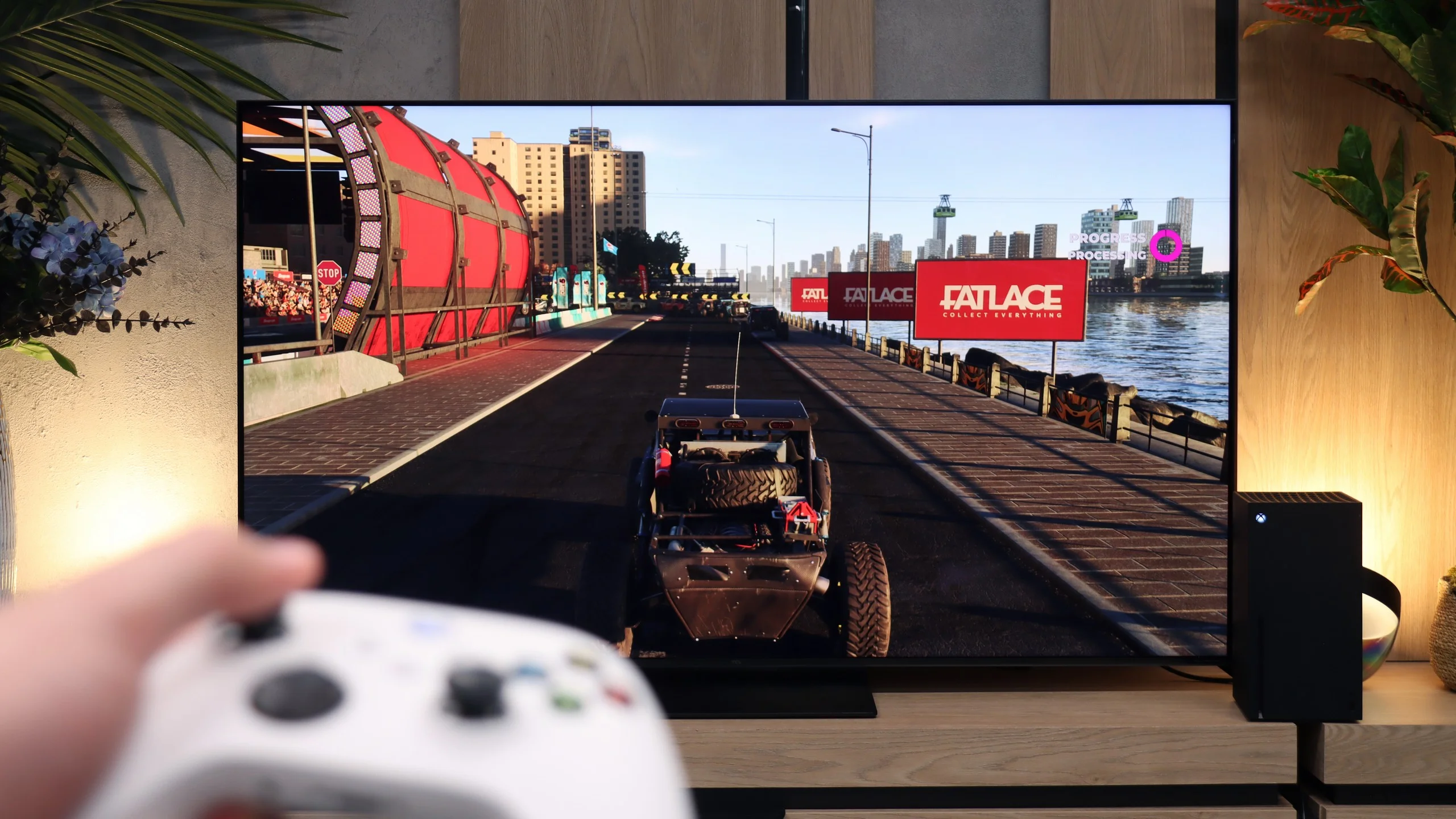
Sony X90L is a television that performs well in terms of compatibility with consoles and features for gamers. Its 120 Hz panel and two HDMI 2.1 ports with a bandwidth of 48 Gb/s allow for smooth play in high resolution and at a high frame rate. Gamers can also take advantage of the ALLM feature, which automatically switches the TV to low latency mode, and VRR, which provides smooth gameplay without screen tearing. Game Bar is an additional advantage – an intuitive tool that allows for quick access to the most important settings and gaming features, making it easier to control gameplay.
Unfortunately, in terms of HDR in games, the Sony X90L has its limitations. There is no support for HGiG, a standard that many gamers consider essential for precise HDR reproduction in games. Although the TV supports Dolby Vision, which theoretically could improve image quality in games, the practical application of this feature is problematic. Dolby Vision in game mode is associated with very high input lag, making gameplay less comfortable and precise movements more difficult. Additionally, it is not possible to enable Dolby Vision along with VRR. This means that despite numerous advantages, gamers seeking perfect HDR in games may feel a sense of disappointment.
When it comes to gaming, the TCL C7L is simply an outstanding TV for gamers. Thanks to two full-bandwidth HDMI 2.1 ports at 48 Gbps, you get access to all the key features required by console owners and users of powerful PCs. It has a well-implemented ALLM mode with very low input lag and VRR frame-sync that works in an impressive range from 48 to 288 Hz. Importantly, unlike some competitors, TCL implemented the console HDR10 HGIG profile correctly and added support for Dolby Vision in games. Rounding out the package is a very well-designed player panel, the Game Bar, which even lets you edit its appearance and change the theme to perfectly match your console’s style. The only thing you can — and should — criticize is that the TV offers only two full HDMI 2.1 ports, while the other two are older HDMI 2.0. That creates a fairly significant logistical problem. Why? Because one of those fast ports also supports eARC (enhanced Audio Return Channel). In practice, that means if you connect a soundbar or a home theater system, you’ll only have one free HDMI 2.1 port left. If you have two consoles at home, or a console and a powerful PC, you’ll unfortunately have to give something up or constantly juggle cables at the back while trying to maintain convenient control of your audio system.
Input lag
8.7/10
10/10
SDR
HDR
Dolby Vision
The input lag on the Sony X90L can be rated as decent, although it is not exceptional. In Dolby Vision mode, the television operates only at 60 Hz, and the high input lag complicates matters as it makes gameplay practically unplayable. For games at the popular 60 Hz frequency, the input lag is around 25 ms – this is an acceptable result, but for more demanding players, it may be disappointing.
However, those more advanced players who have equipment that supports higher refresh rates can expect better results. With a 120 Hz signal, the input lag drops to around 12 ms, providing significantly better responsiveness and smoother gameplay, meeting the expectations of more demanding users.
It's worth taking a look at the raw numbers here, because in terms of signal delay the TCL C7L is an absolute market leader. Our measurements showed that input lag is extremely low and for a 60 Hz signal it's only about 10 ms. When we step up and run a game at 120 Hz, latency drops to an almost imperceptible 6 to 7 ms. More importantly, the TV maintains these values even after enabling Dolby Vision in games.
Compatibility with PC
7.4/10
8.4/10
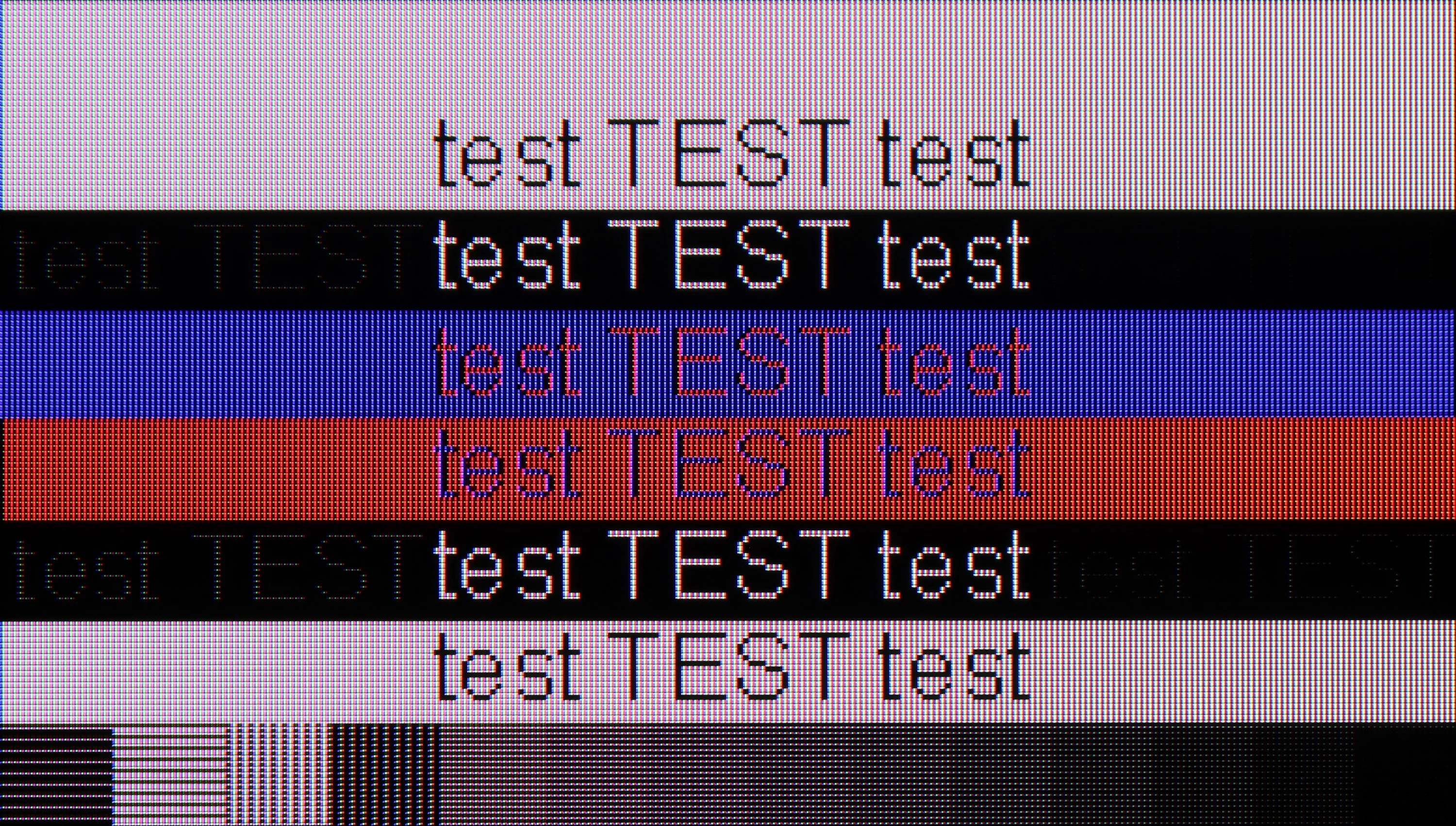
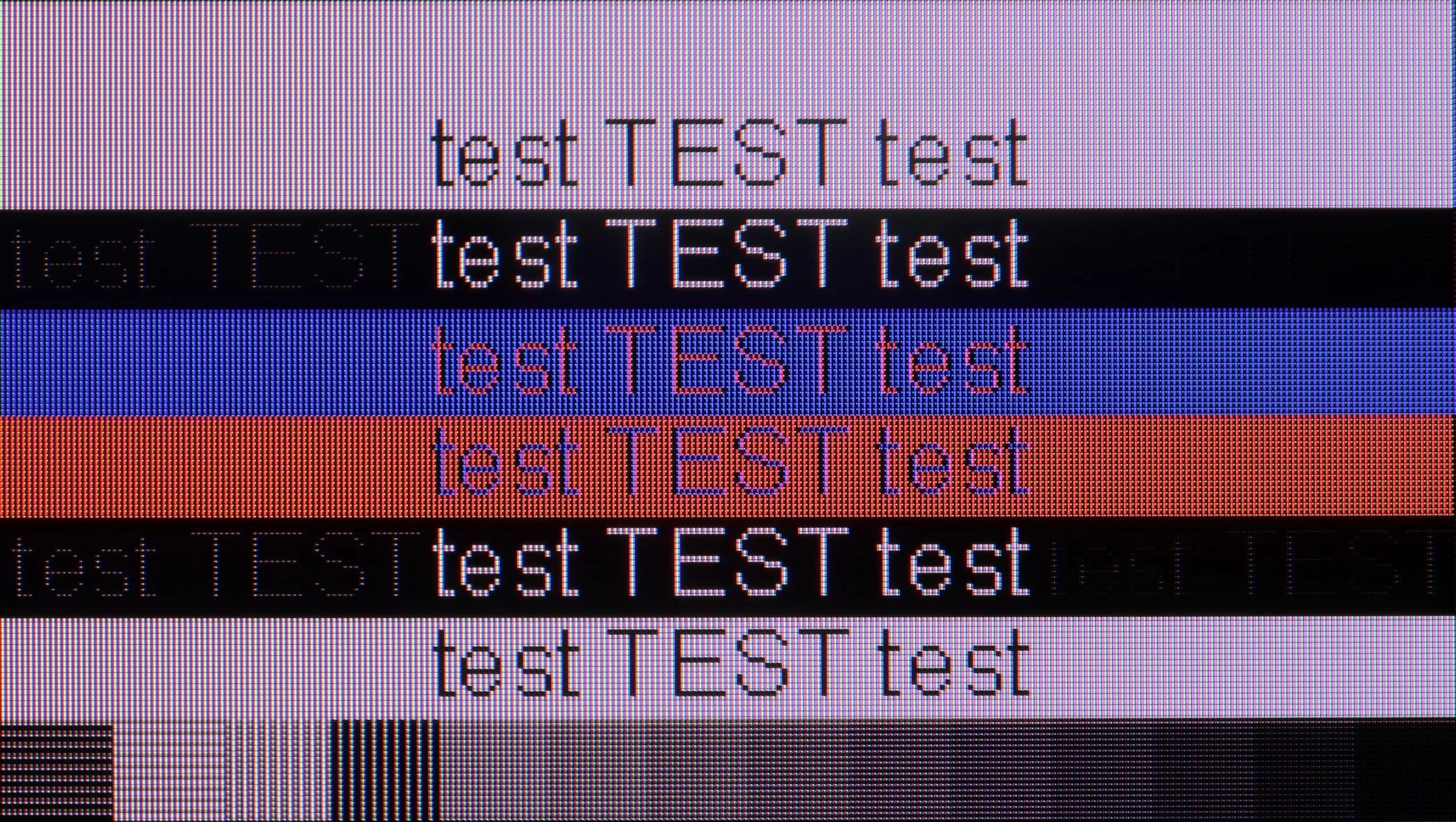
The photo shows the legibility of small fonts. Ideally, lines should be the same thickness on both light and dark text, with minimal pixel gaps.
Cooperation with the PC in Sony X90L is at a good level. The X90L TV supports 4:4:4 chroma, which provides quite good font visibility, important when working or browsing content on a large screen. Although there are minimal issues with font readability on a dark background, it is not bothersome enough to be a significant problem in everyday use.
An additional advantage for PC users is the 120 Hz refresh rate and support for G-Sync functionality. As a result, gamers can expect smoother gameplay without stuttering or tearing effects, significantly enhancing comfort and gaming experience.
When it comes to gaming on a PC, as I mentioned earlier, it’s really hassle-free. The TV handles high refresh rates without a hitch: full 4K at 144 Hz, and at Full HD it can even ramp up to 288 Hz. G-Sync and FreeSync work here with no problems. For PC gamers, the C7L can therefore serve as a great, gigantic monitor.
Typical office work with text looks a bit worse, though, because the panel behaves somewhat oddly in those conditions. With the highest refresh modes enabled, i.e. 144 Hz and 288 Hz, readability and the sharpness of dark text on a light background are rather mediocre: fonts become slightly blurred and jagged. Fortunately this can be fixed very easily by changing the display refresh rate in the graphics card settings to a stable 120 Hz. Then text becomes perfectly sharp again, which is definitely worth remembering if you plan to use the C7L as a work monitor.
Viewing angles
2.9/10
3.7/10
Viewing angles on the Sony X90L are unfortunately very poor, which is typical for VA panels. The picture loses quality when viewed from an angle, which can be problematic when watching from a greater distance or with a larger group of people. It's a pity that the manufacturer did not apply a coating to widen the viewing angles, which could significantly improve this aspect and make the TV more versatile for different room layouts.
Unfortunately, the HVA 2.0 panel's powerful native contrast comes at a price. It's the viewing angles, which on the C7L are simply weak. That's all due to the use of a VA-type panel. This is an entirely natural trait of that technology and something you need to take into account when buying. If you sit directly in front of the screen, the image will impress you with its depth, but just shift a few dozen degrees to the side on the couch and the colors will immediately start to fade. By choosing this model, you accept a classic market compromise: you get brilliant blacks and outstanding contrast, but you lose out on viewing angles.
Daytime performance
7.8/10
8.8/10
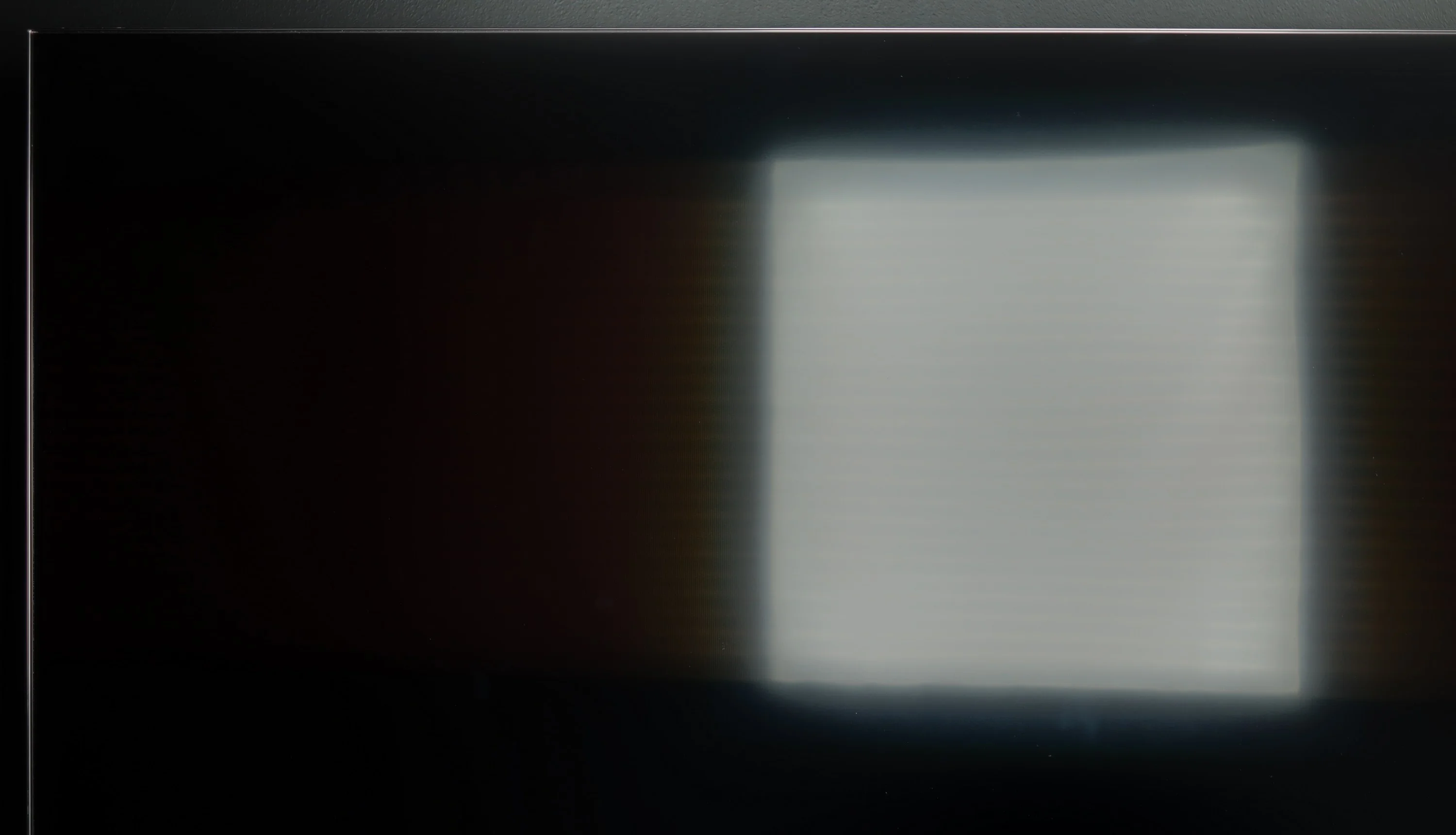
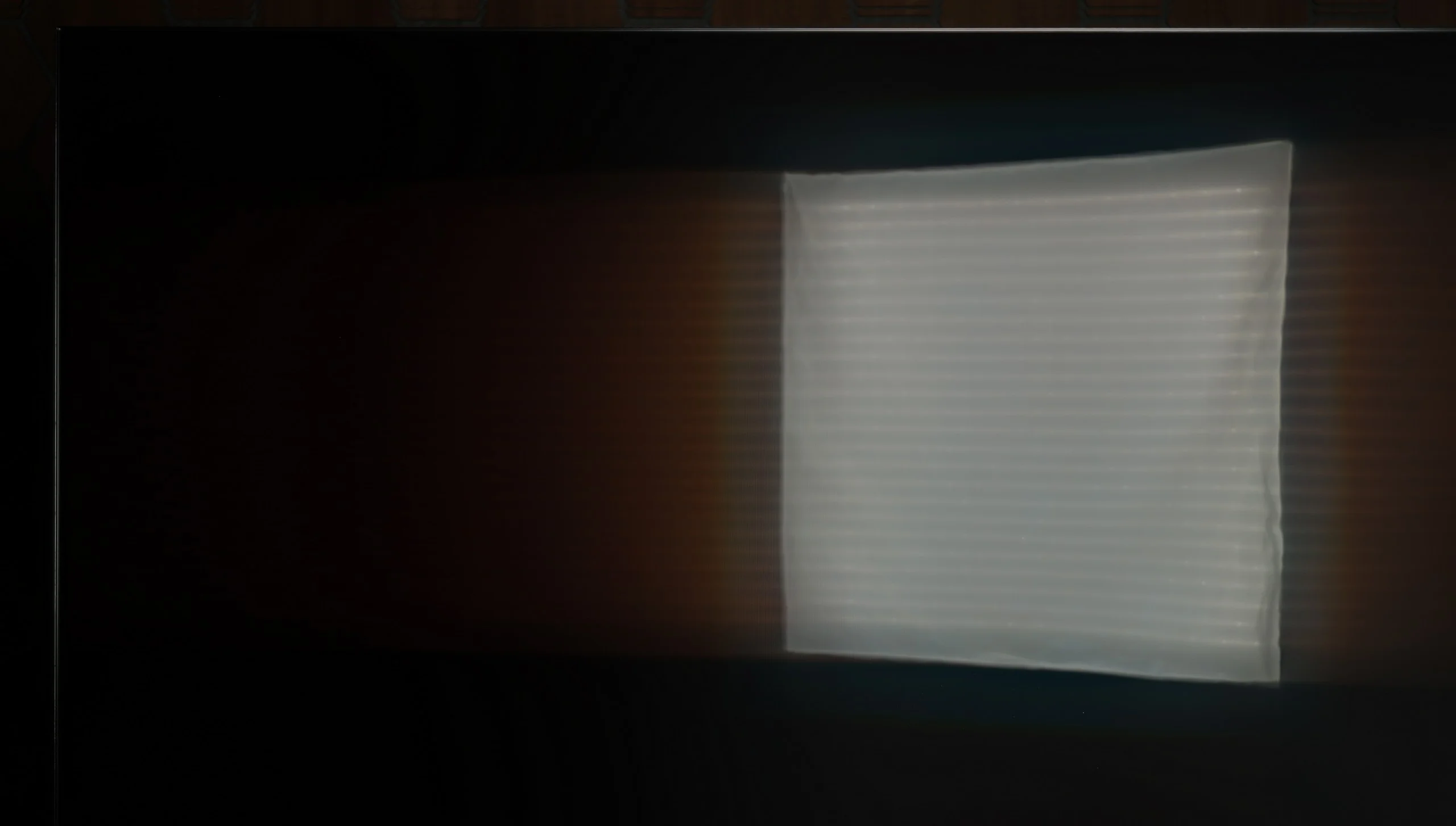
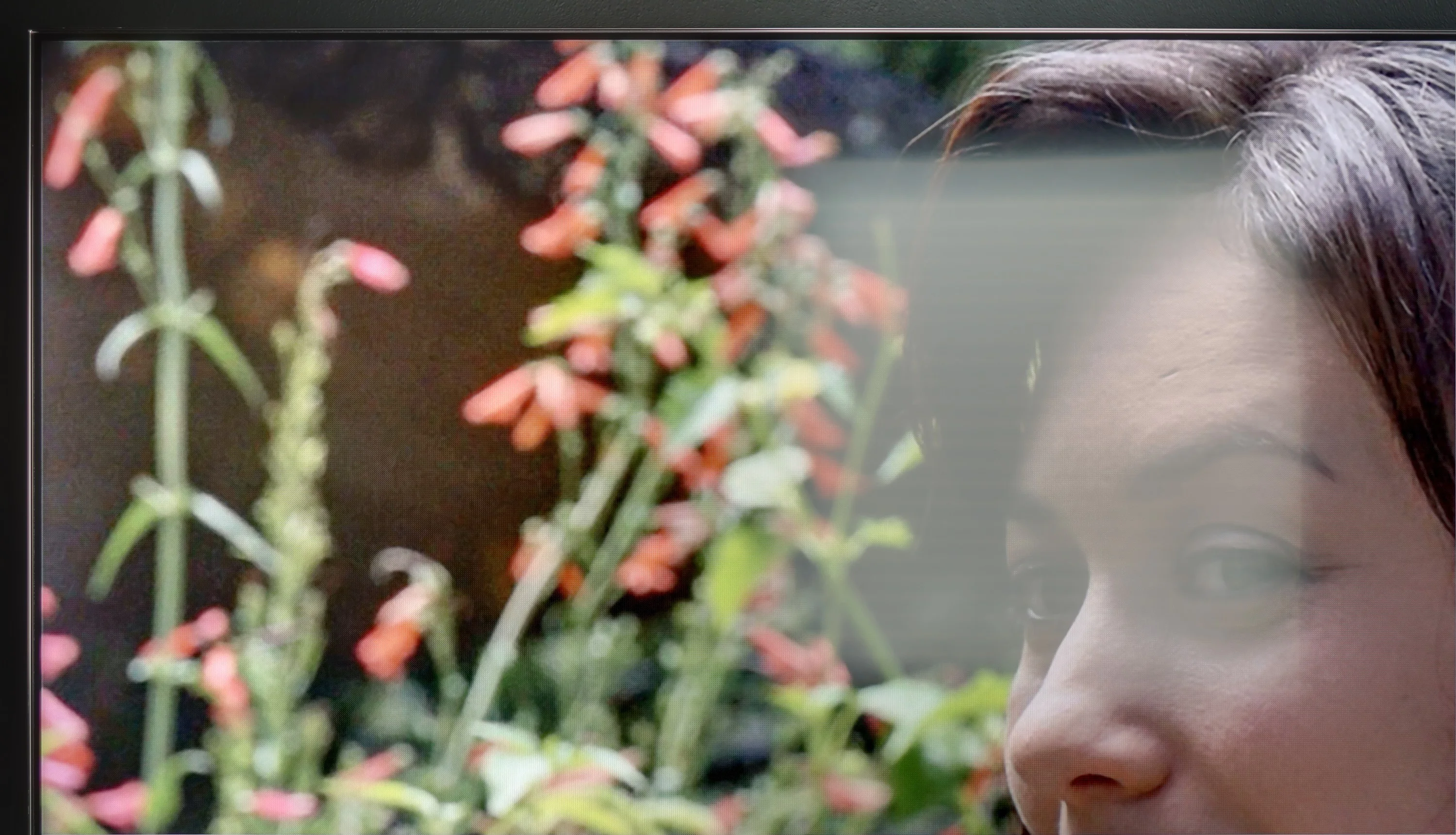
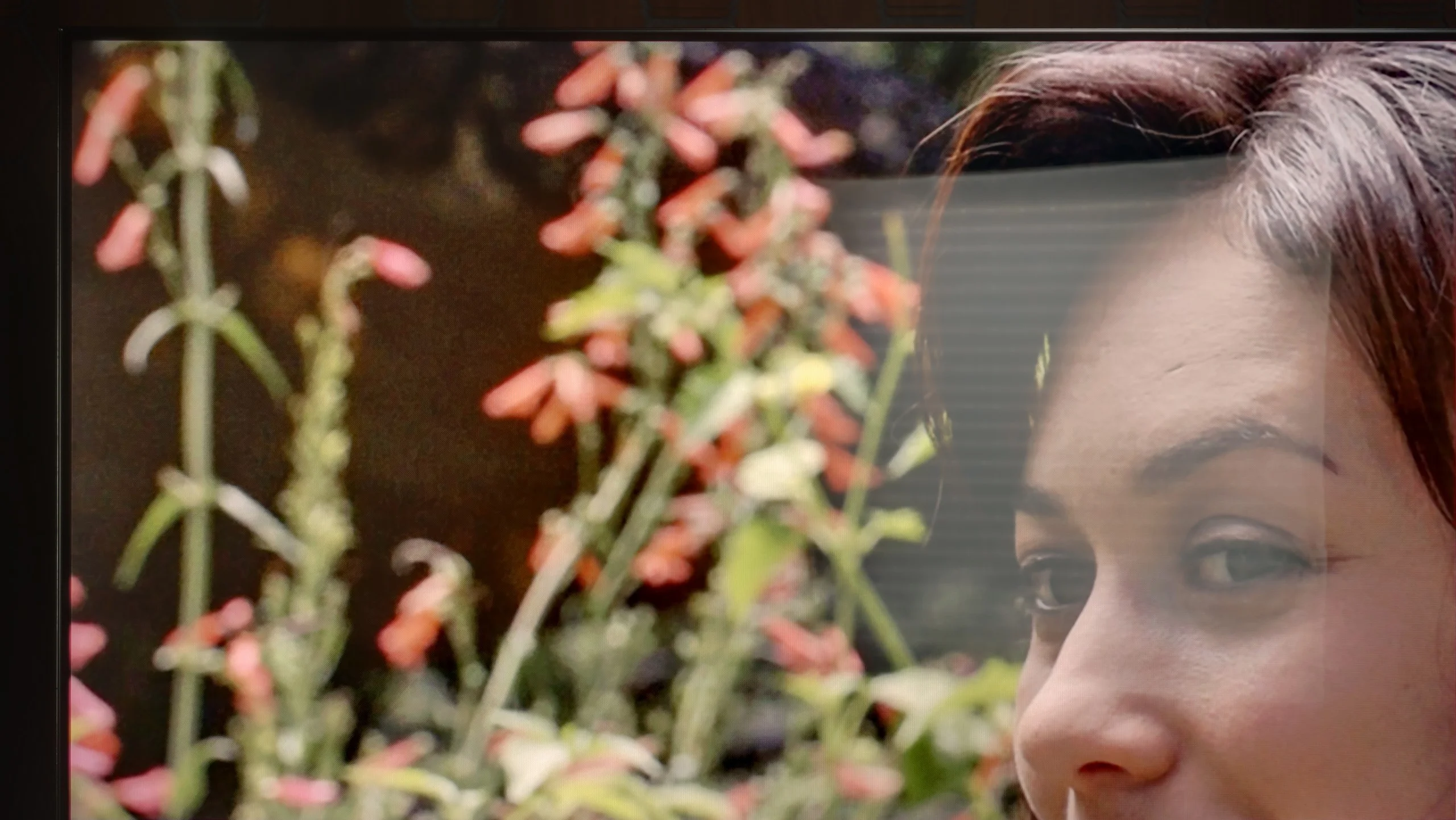
Panel brightness
TCL C7L: 1327 cd/m2
Sony X90L: 784 cd/m2
The performance of the Sony X90L television during the day is at a very good level. The matte screen effectively suppresses reflections, which minimizes glare and keeps the image clear even in bright rooms. The SDR brightness of 785 cd/m² allows for comfortable viewing of standard television and lower quality materials regardless of the time of day. As a result, the X90L performs excellently in both well-lit living rooms and more sunlit spaces.
It's also worth mentioning how the TCL C7L performs during everyday viewing in a sunlit living room. As we've already established, it's an extremely bright TV, and thanks to such a massive luminance headroom (up to 2400 nits in SDR!) it can excel in very bright rooms; the image simply punches through the light coming into the room without any problem. The only thing to watch out for is direct reflections on the screen. The panel coating used this year is noticeably glossier than the one we saw on last year's C7K. The screen does a much poorer job of reducing specular reflections, which in unfavorable conditions, for example when a window sits directly opposite the TV, can be quite annoying for some users. Still, in terms of raw brightness the C7L is simply a beast for bright living rooms.
Panel details
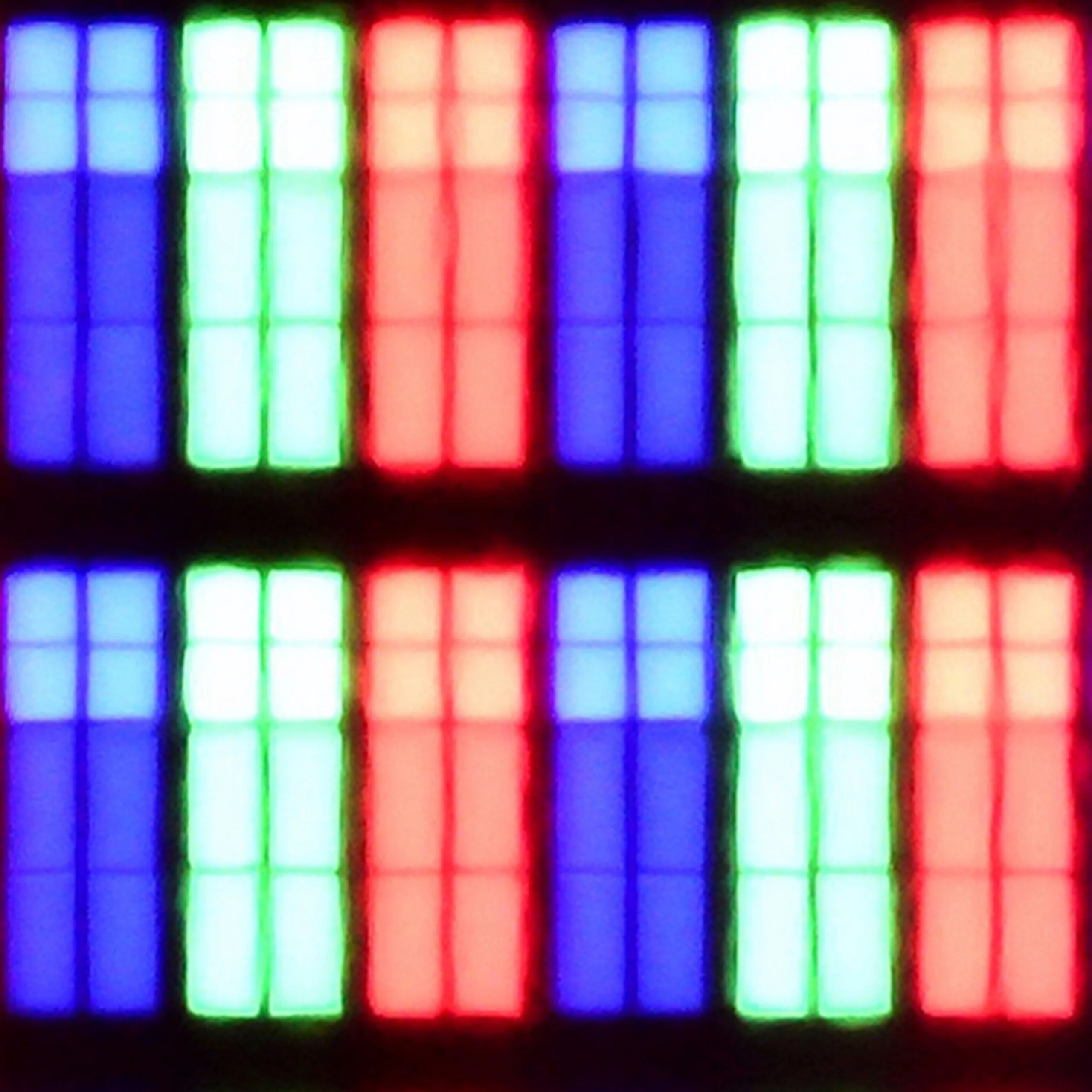
Subpixel Structure:
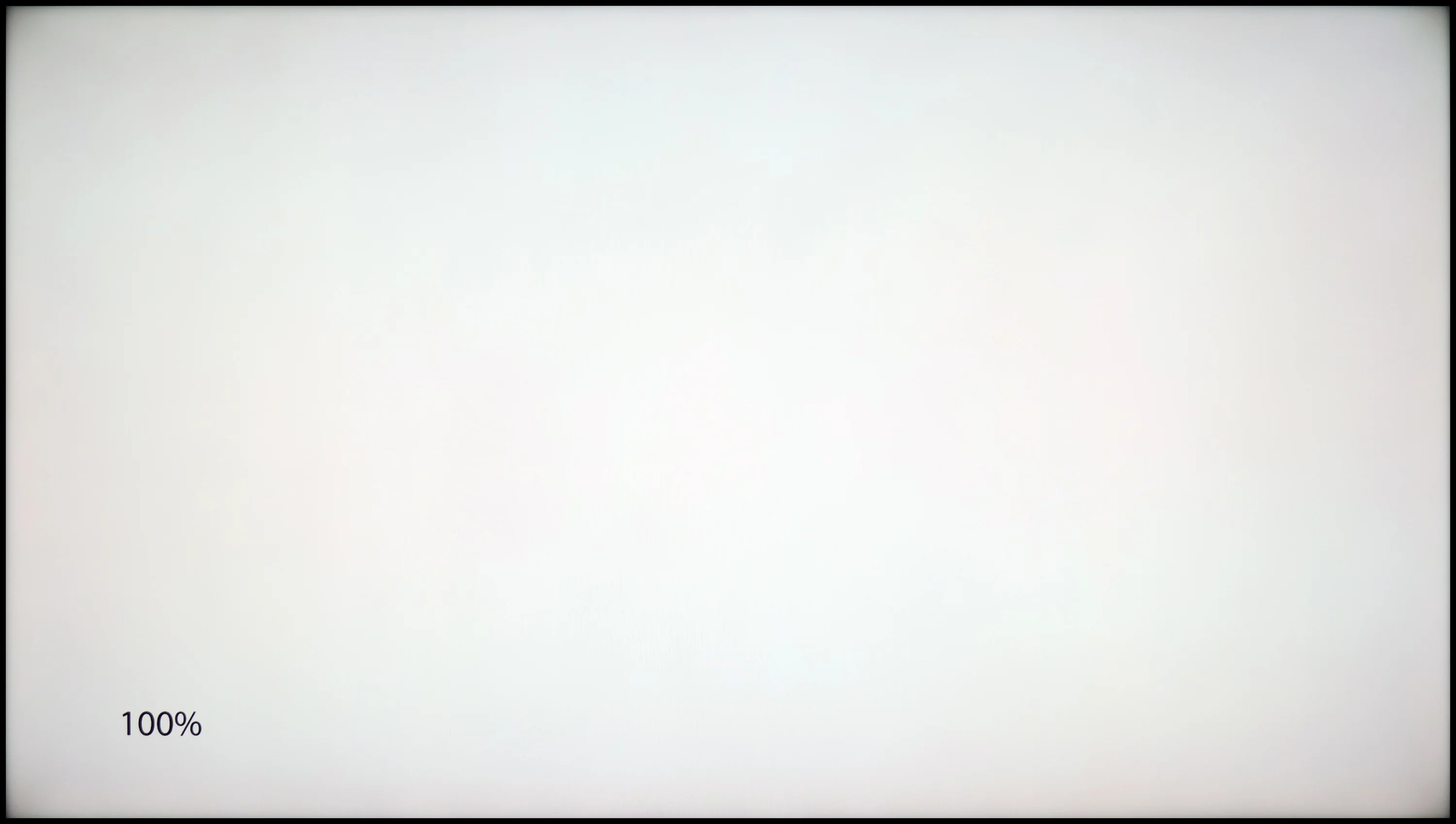
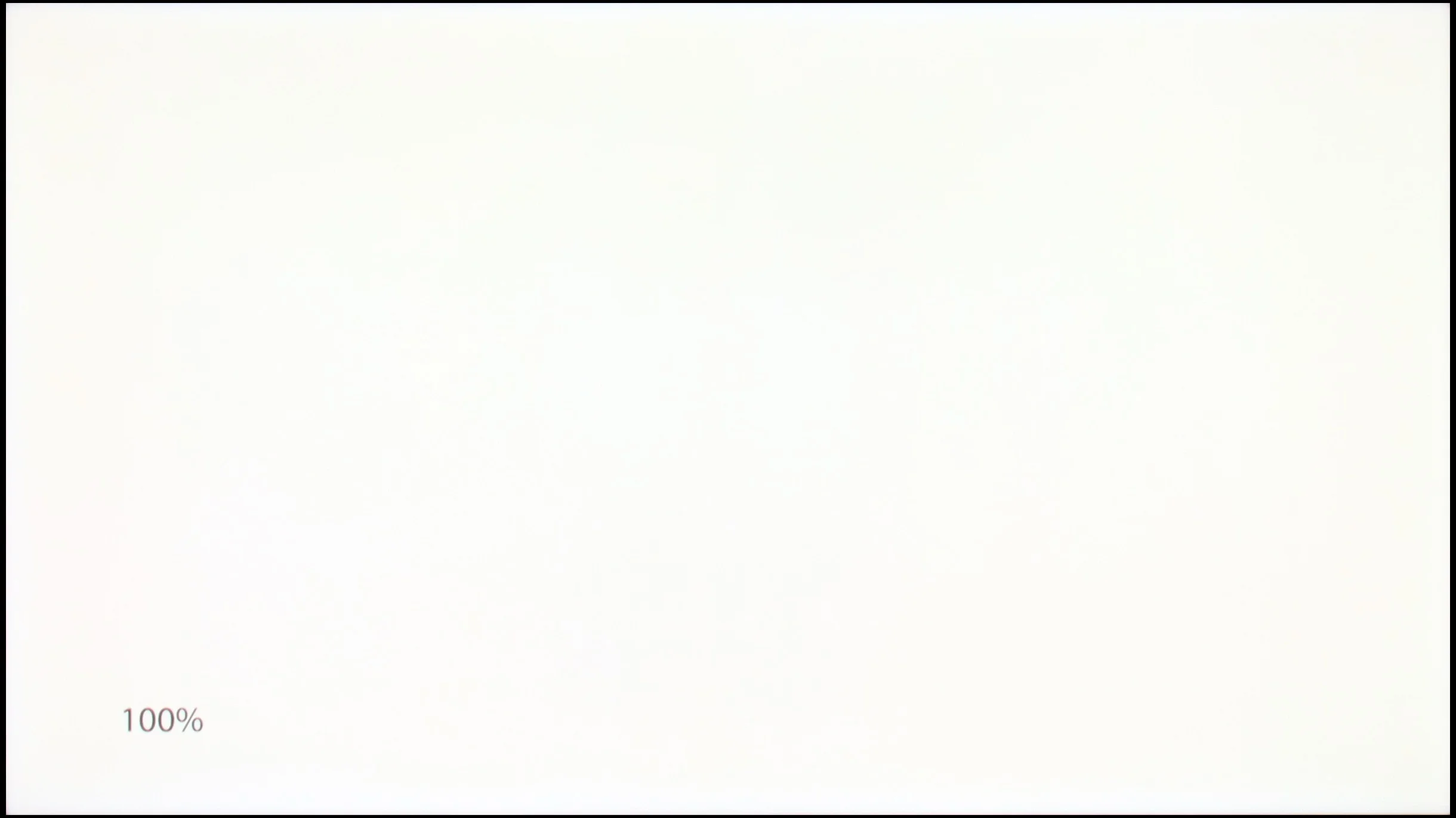
Panel uniformity and thermal imaging:
TV features
8/10
7.8/10
- SystemGoogle TVGoogle TV
- System performanceGoodVery good
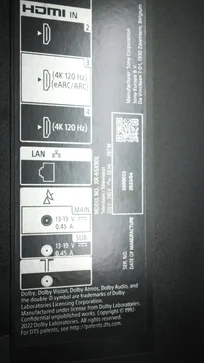
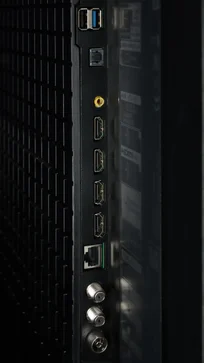
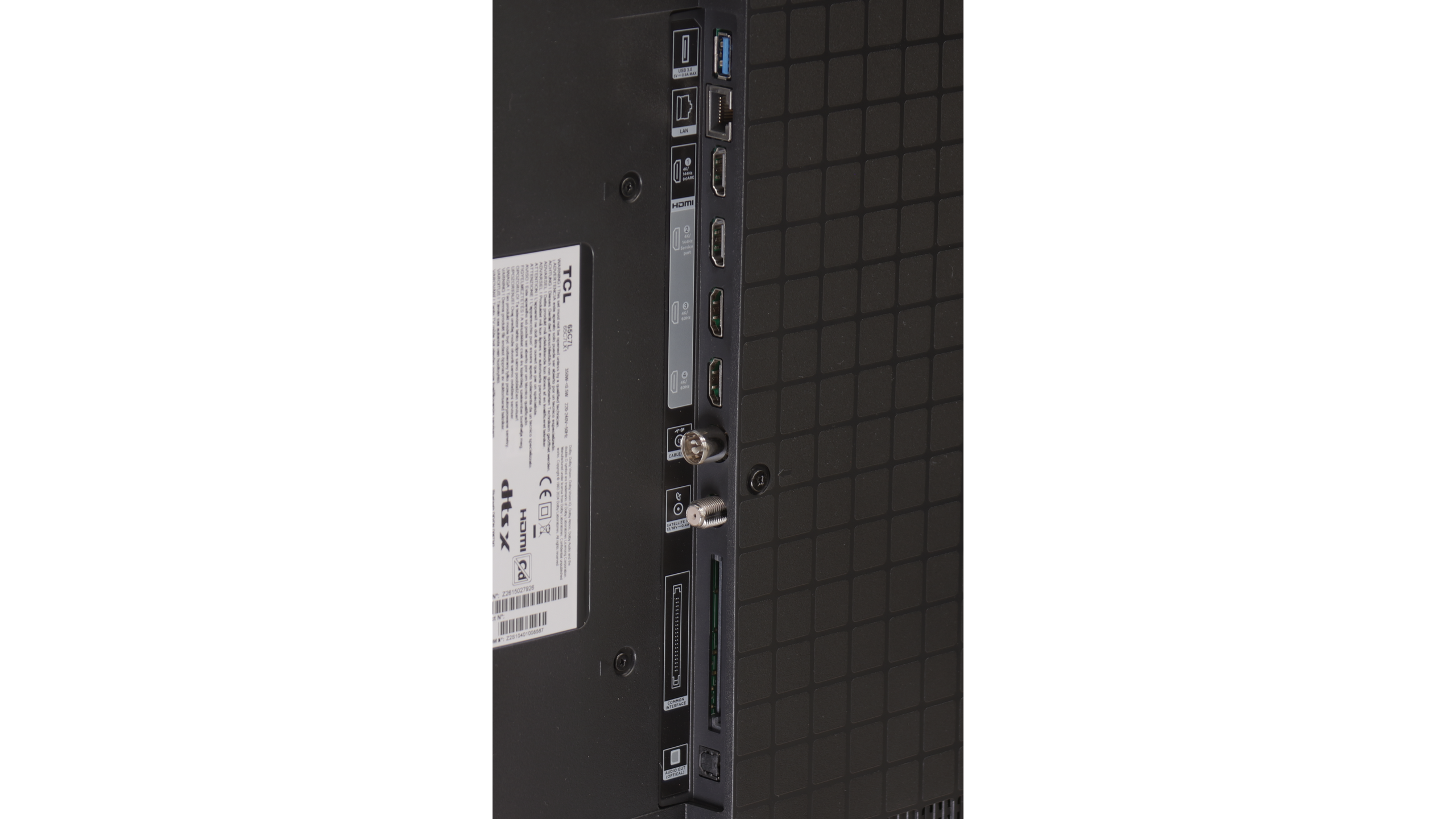
- HDMI inputs2 x HDMI 2.0, 2 x HDMI 2.1 48Gbps2 x HDMI 2.0, 2 x HDMI 2.1 48Gbps
- Other inputsRCA (Chinch)
- OutputsToslink (Optical audio), eARC (HDMI), ARC (HDMI)Toslink (Optical audio), eARC (HDMI), ARC (HDMI)
- Network InterfacesWi-Fi 2.4GHz, Wi-Fi 5GHz, Ethernet (LAN) 100MbpsWi-Fi 2.4GHz, Wi-Fi 5GHz, Ethernet (LAN) 100Mbps
- TV receptionDVB-T, DVB-T2, DVB-S, DVB-S2, DVB-CDVB-T, DVB-T2, DVB-S, DVB-S2, DVB-C
Classic features:
- Recording to USB (terrestrial TV)
- Recording programming
- Picture in Picture (PiP)
- RF remote control (no need to aim)
- Backlit remote control
- Teletext
- Audio only mode
- Bluetooth headphones support
- Simultaneous Bluetooth headphones & TV audio
Smart features:
- AirPlay
- Screen mirroring (Windows Miracast)
- Voice search
- Voice search in native language
- Ability to connect a keyboard and mouse
Sound connection options
- HDMI audioeARC (HDMI), ARC (HDMI)eARC (HDMI), ARC (HDMI)
- Other audio outputsToslink (Optical audio)Toslink (Optical audio)
- Wireless audioBluetoothBluetooth
Supported audio formats (external HDMI eARC audio):
- Dolby Digital Plus 7.1
- Dolby True HD 7.1
- Dolby Atmos in Dolby Digital Plus (JOC)
- Dolby Atmos in Dolby True HD
- DTS:X in DTS-HD MA
- DTS-HD Master Audio
Senior accessibility
- Numeric keyboard on TV
- Font size adjustment
- Audio description
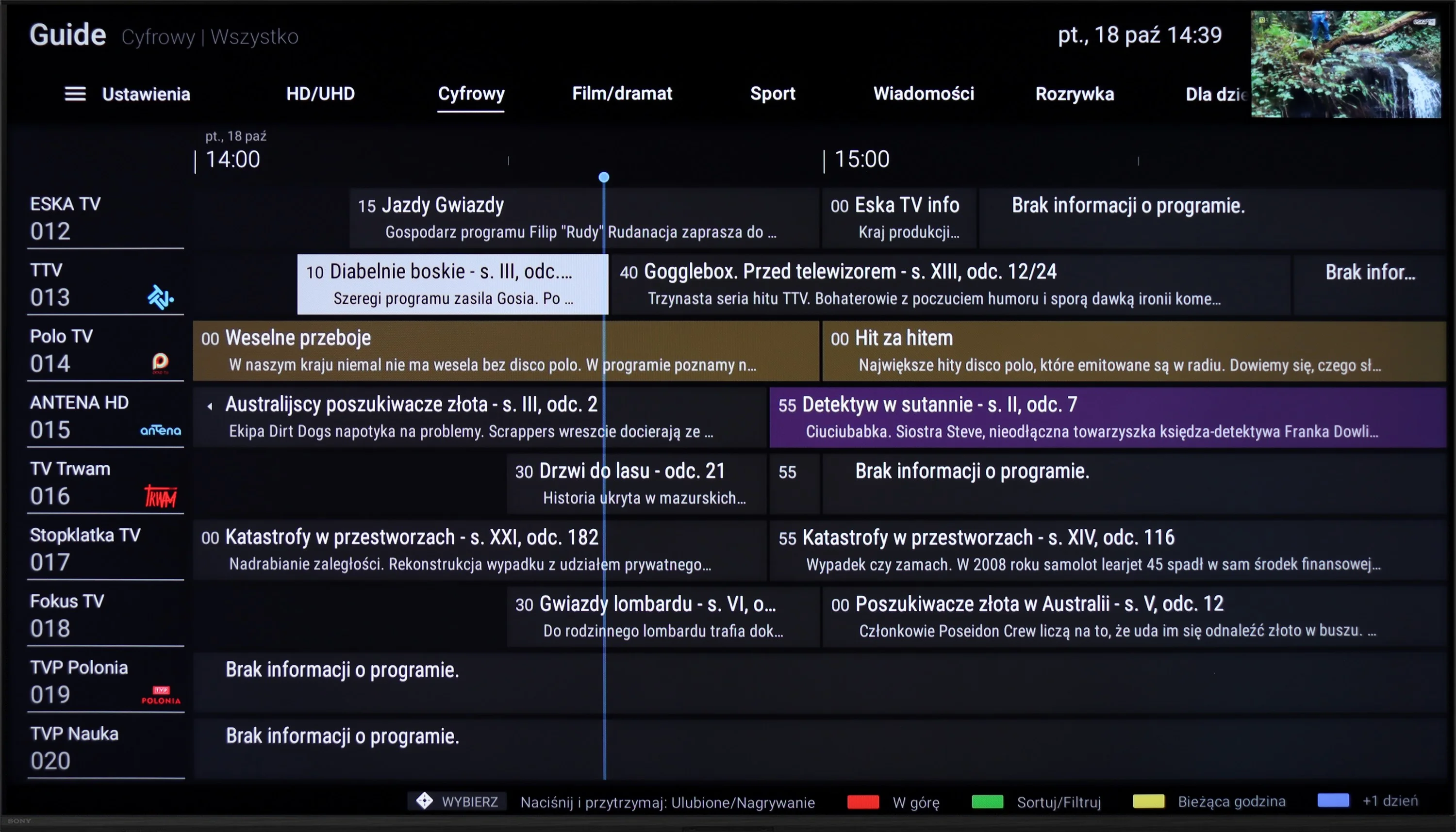
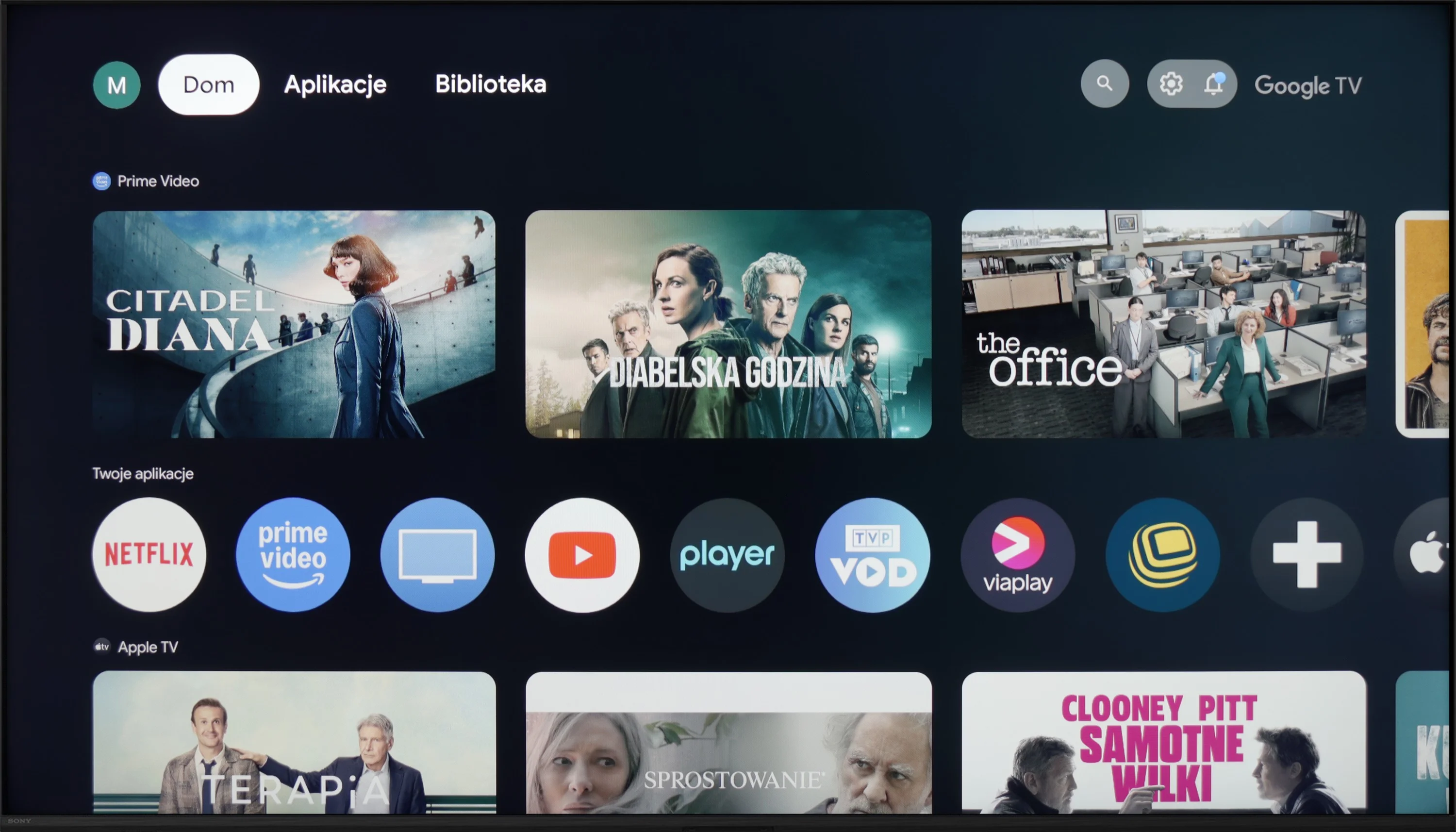
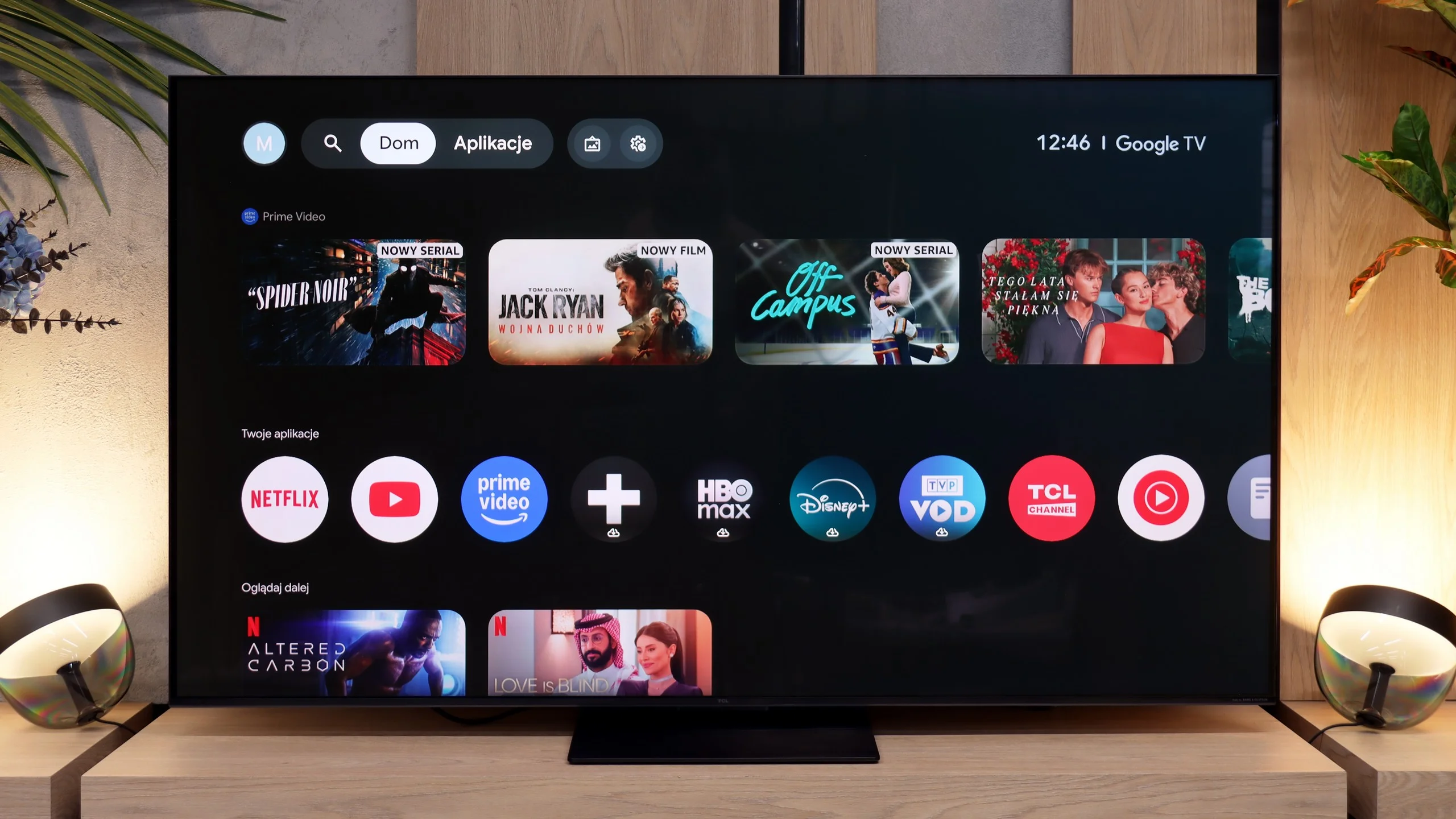
Sony X90L offers a rich set of features, starting with the Google TV system, which is the heart of entertainment. This solution provides access to a huge amount of apps and streaming services, and the interface is intuitive and clear. With voice assistant support, using the TV becomes even more convenient – just one command is enough to find your favorite movies, series, or music. Google TV operates smoothly and allows for full customization, making daily use enjoyable and hassle-free.
The TV also offers a range of practical features. It supports AirPlay and Miracast, making it easy to stream content from mobile devices. Additionally, other devices can be connected via Bluetooth, enhancing versatility and ease of use. For those who prefer traditional television viewing, there is even a recording function available without the need for an external decoder, which is a big advantage for fans of live shows.
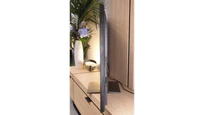
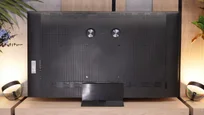
In terms of design, Sony X90L may not be the sleekest, but its appearance is impressive thanks to the metal frame, which adds elegance. The TV is equipped with a stand that can be set up in three different ways, allowing it to be adjusted to various spaces and user preferences.
Google TV and Smart TV
The multimedia heart of the TCL C7L is, of course, the Google TV operating system, which provides access to a vast library of apps and all the most popular streaming platforms on the market. The Smart TV in this model runs flawlessly, offering full support for useful network features such as Apple AirPlay and Chromecast. A huge and very pleasant surprise is the software's overall polish and responsiveness. We noticed that Google's system on the new C7L runs noticeably smoother and faster than on TCL models from last year. This is largely thanks to better optimization at launch. Unnecessary pauses and minor interface stutters that were common on older models seem to have been left behind.
Television features
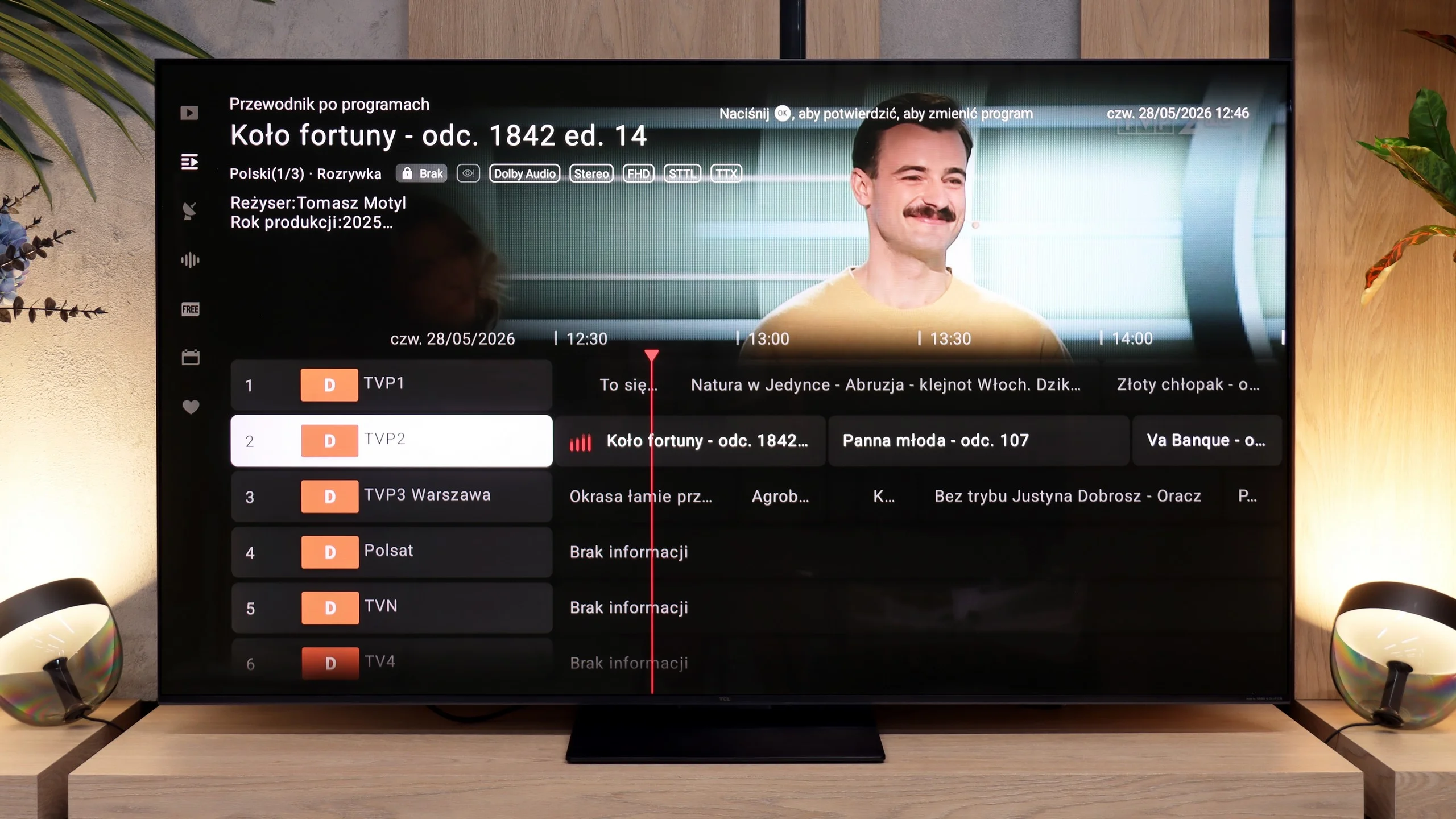
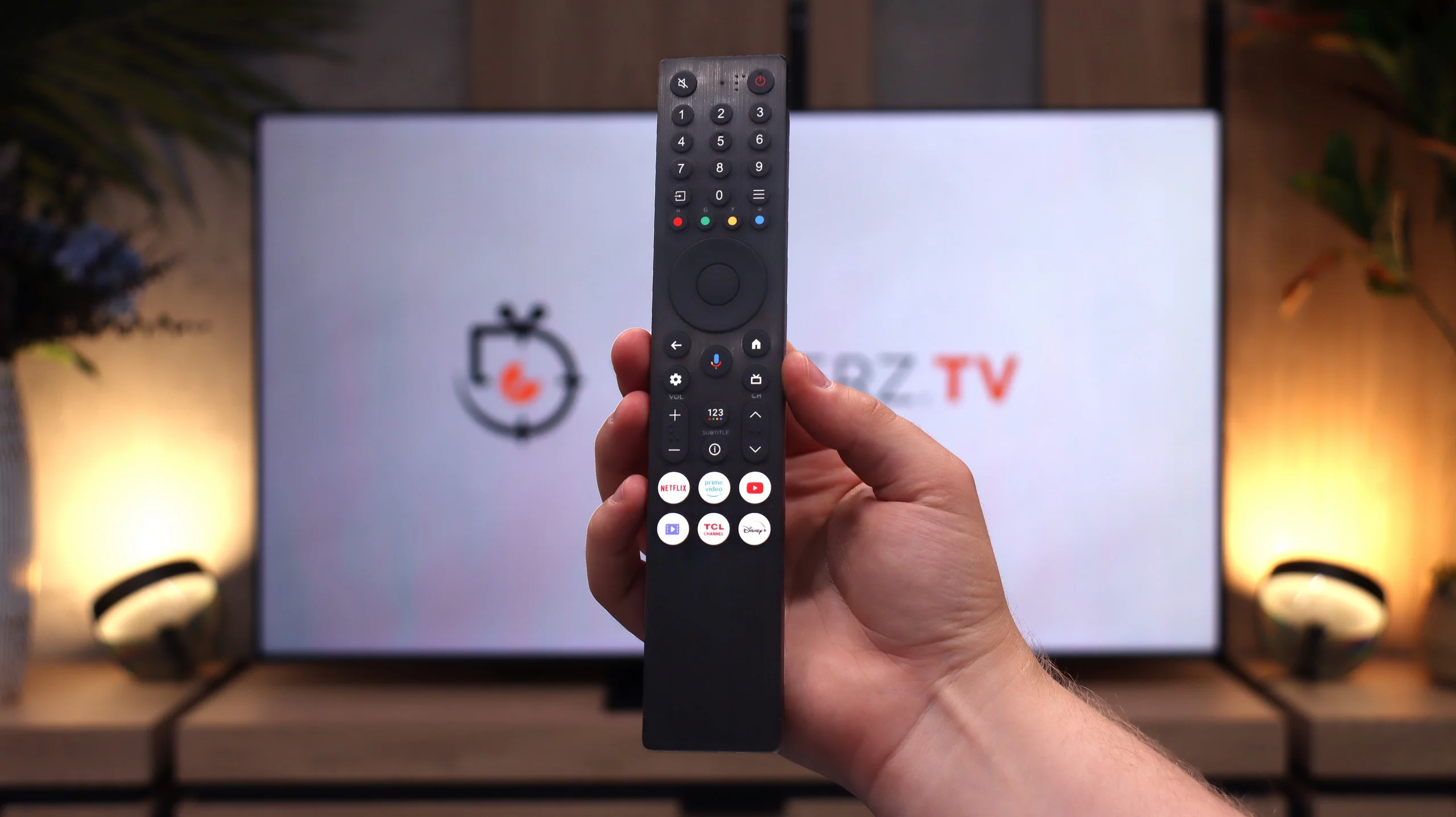
When it comes to traditional antenna or cable TV, the TCL C7L does not offer many additional advanced features. It's simply a basic receiver. The manufacturer didn't try any revolutionary solutions here, so aside from the standard program guide you won't find anything special. A big nod to traditional viewers, however, is the classic remote, which, contrary to the current trend toward minimalism, still includes a full numeric keypad, making it much easier to switch channels quickly.
Apps
9.6/10
9.6/10






















Playing files from USB
8.7/10
9.4/10
Supported photo formats:
Maximum photo resolution:
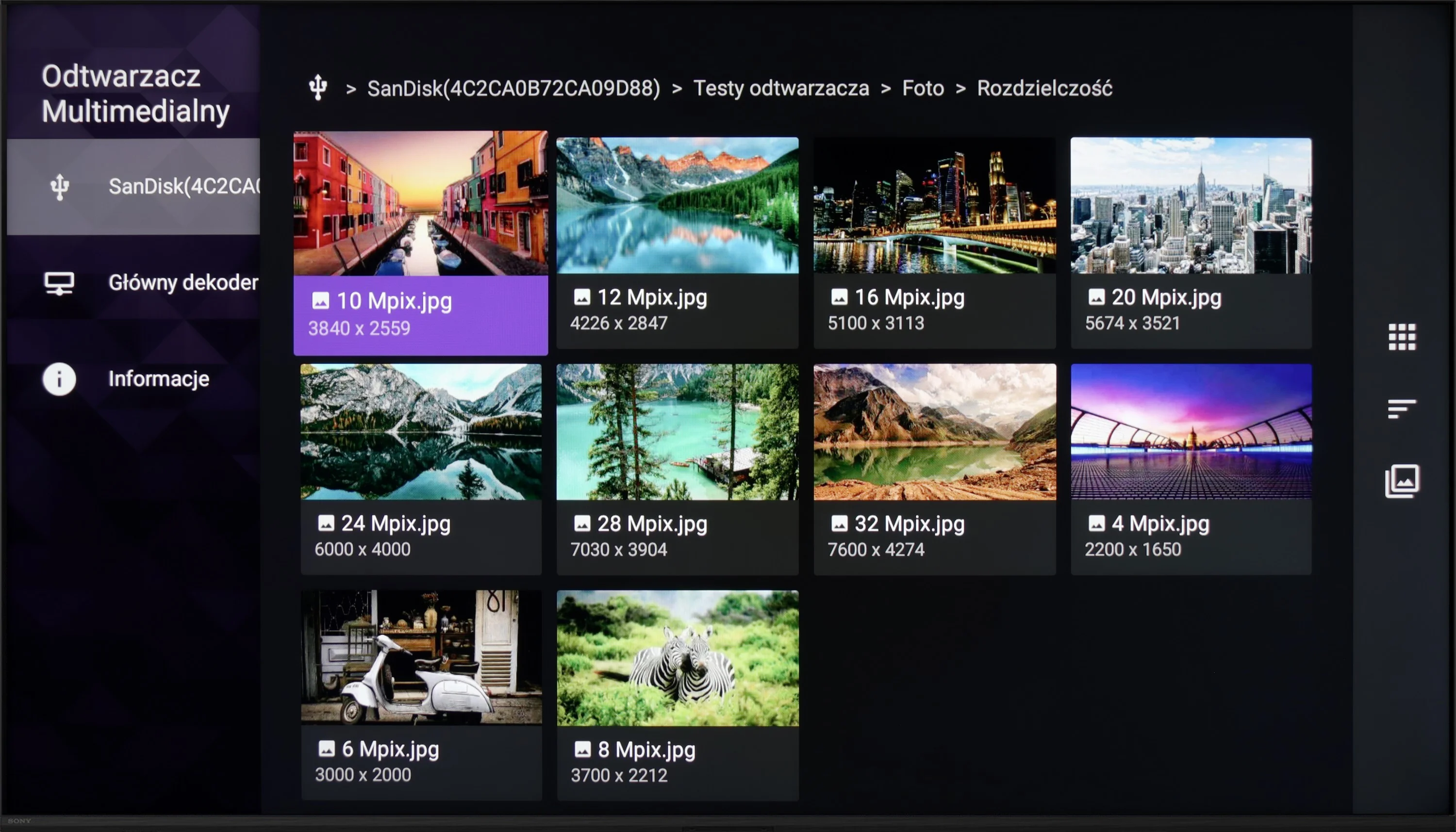
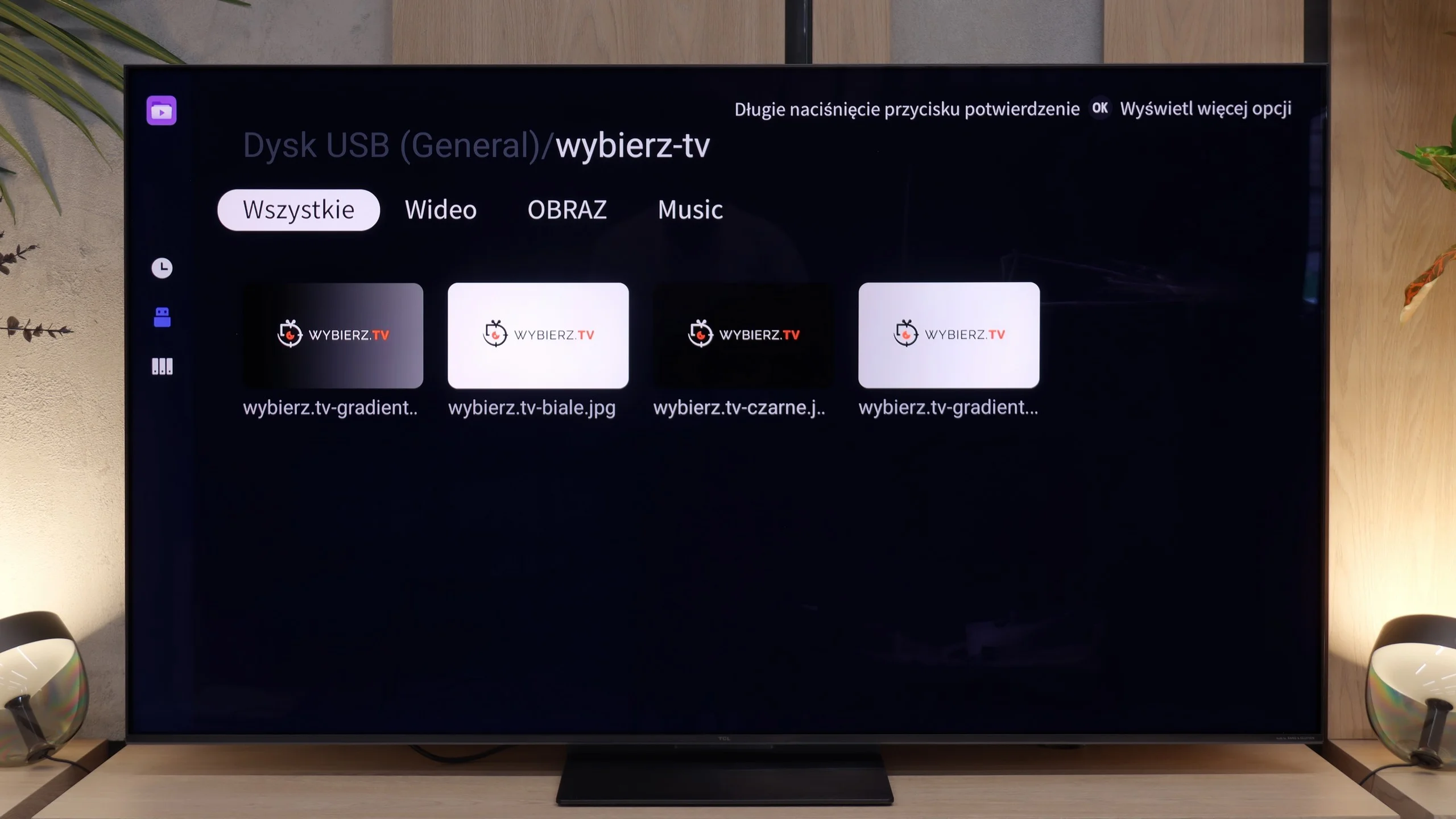
Sony X90L easily handles playback of most popular file formats from USB, which is a big plus for those who frequently access external content. However, it is worth mentioning a slight downside – the built-in player does not allow for changing the font color in subtitles, which can be problematic for some. Fortunately, thanks to the advanced Google TV system, users have a wide range of options. It is easy to install alternative media players that offer more personalization options.
At the very end of the multimedia section it’s worth mentioning playback from external USB storage devices. During our tests we did not run into any unpleasant surprises; the built-in player handles all popular video and audio formats exactly as it should. Interestingly, the TCL C7L also displayed photos saved in Apple’s native HEIC format without the slightest problem. That’s an extremely rare feature among manufacturers’ stock TV apps. And although Google TV naturally lets you install unlimited third-party media players, on the C7L the built-in player is refined enough that installing additional software will most likely not be necessary.
Sound
7/10
7.7/10
- Maximum volume-77dB
- Dolby Digital Plus 7.1
- Dolby True HD 7.1
- Dolby Atmos in Dolby Digital Plus (JOC)
- Dolby Atmos in Dolby True HD
- DTS:X in DTS-HD MA
- DTS-HD Master Audio
The sound in Sony X90L is pleasant and clear, and the presence of bass makes the sound fuller. The TV performs well in playing music, offering satisfying audio experiences. An additional advantage is the support for Dolby Atmos and DTS technologies, which provide a more spatial and immersive sound. As a result, movies, games, and music gain depth and realism, creating a better experience for the user.
The TCL C7L simply sounds fairly good and solid. In terms of sound quality itself, practically nothing has changed compared with last year’s C7K model. The manufacturer still uses a Bang & Olufsen-branded speaker system in a 2.2 configuration. The only thing that can be quite annoying during viewing sessions is that after raising the volume to higher levels, around the 50% mark, the volume stops matching the on-screen scale. The B&O audio system is great for everyday watching of current affairs or TV series at moderate volume, but if you’re looking for good sound it’s worth buying at least a basic soundbar for the C7L.
Sound Quality Test
No sound test video
Acoustic Measurements
No acoustic data
77dBC (Max)
75dBC
Reader comments
Comments are provided by the external service Disqus (Zeta Global). Once loaded, Disqus may set cookies and process data about your activity.
We will remember your choice on this device. Provider's privacy policy