 Direct comparison
The Bravia 8 is Sony’s flagship OLED model for 2024, aimed at attracting image quality enthusiasts. This television delivers outstanding picture quality with OLED’s hallmark deep blacks, vivid, precise colours, and infinite contrast, creating a highly realistic viewing experience. Dark scenes are presented with perfect black levels, while brighter elements are rendered with impressive detail, giving each frame a distinctive cinematic feel. With a 120 Hz refresh rate, the Bravia 8 ensures excellent motion fluidity, making it ideal for sports, gaming, and fast-paced movie scenes. Its ability to provide a ghost-free image allows viewers to appreciate fine details even during rapid action sequences, a feature that will particularly appeal to fans of dynamic content. Running on the Google TV platform, the Bravia 8 offers an intuitive, fast, and user-friendly interface. This system provides seamless access to popular applications and favourite content. The clear and responsive interface enhances the viewing experience, making navigation smooth and straightforward. The practical, backlit remote control adds further convenience and can be charged via USB-C, distinguishing it from traditional battery-powered remotes. This thoughtful design ensures easy use, even in low-light conditions. However, despite its strengths, the Bravia 8 does have some limitations. With an SDR brightness level of 330 nits, it may not perform optimally in very bright rooms, potentially leading to reflections or a less vivid display in strong ambient light. Users who valued the superior gradation in earlier Sony models may find this a minor drawback. Additionally, the television features only two HDMI 2.1 ports, which could be limiting for gamers who use multiple consoles or other high-bandwidth devices. Overall, the Sony Bravia 8 is a premium OLED television that excels in most areas. Its superb picture quality, advanced gaming features, and solid sound performance make it an excellent choice for a reliable OLED model in 2024. While there are some areas for improvement, particularly in SDR brightness and connectivity, the Bravia 8’s overall performance and features make it a compelling option for both everyday use and immersive viewing experiences.
- Matching (Score) |
- Our verdict |
- TV appearance |
- Where to buy |
- Contrast and black detail |
- HDR effect quality |
- Factory color reproduction |
- Color reproduction after calibration |
- Smoothness of tonal transitions |
- Image scaling and smoothness of tonal transitions |
- Blur and motion smoothness |
- Console compatibility and gaming features |
- Input lag |
- Compatibility with PC |
- Viewing angles |
- Daytime performance |
- Panel details |
- TV features |
- Apps |
- Playing files from USB |
- Sound

Check the best price offer:
Sony Bravia 8 (XR80)(paid link) Check the best price offer:
SAMSUNG QN80F(paid link)BRAVIA 8 / XR80
QN80F
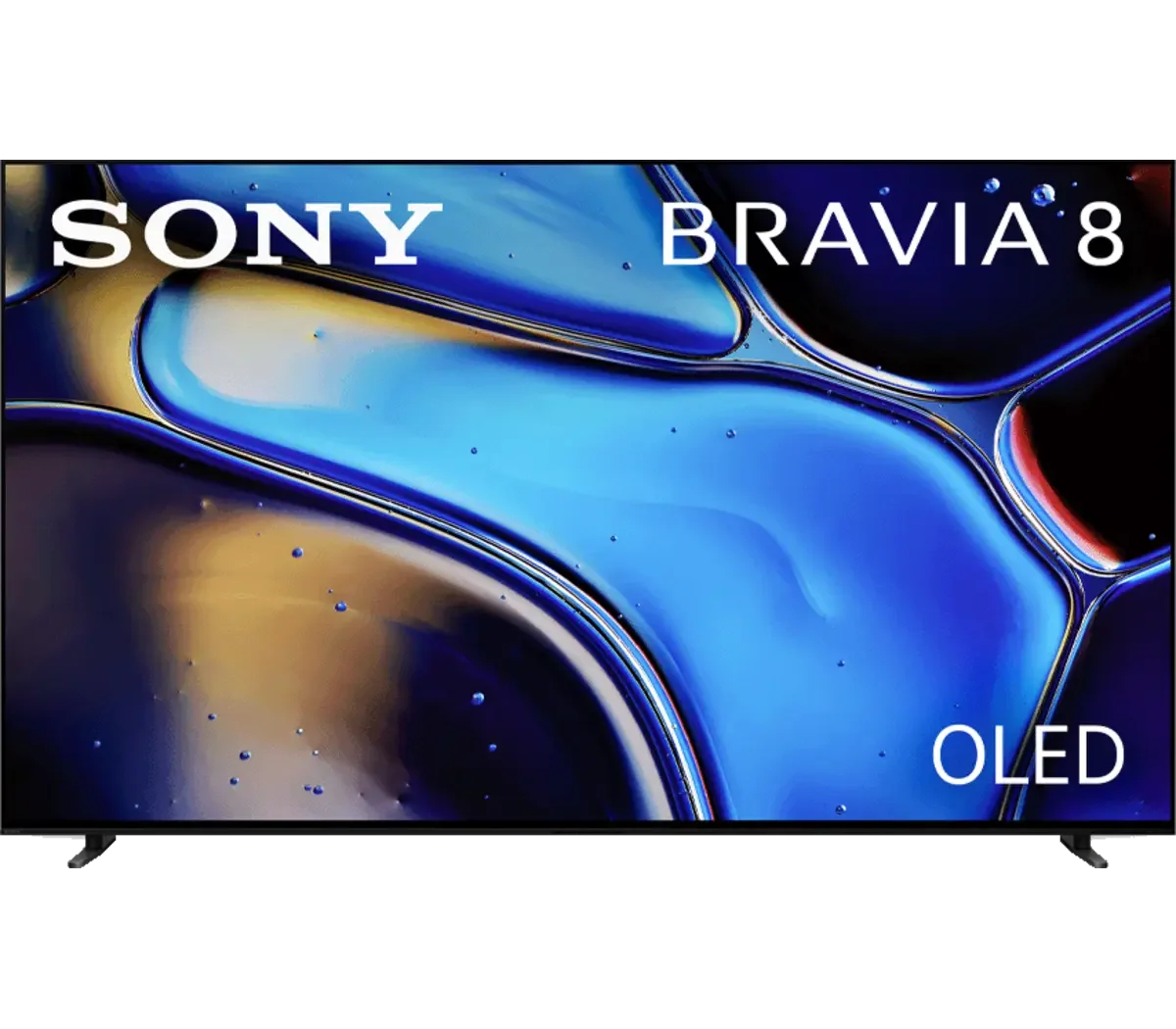
Panel type: WRGB OLED
Resolution: 3840x2160
System: Google TV
Model year: 2024
Complete the survey to find out the result
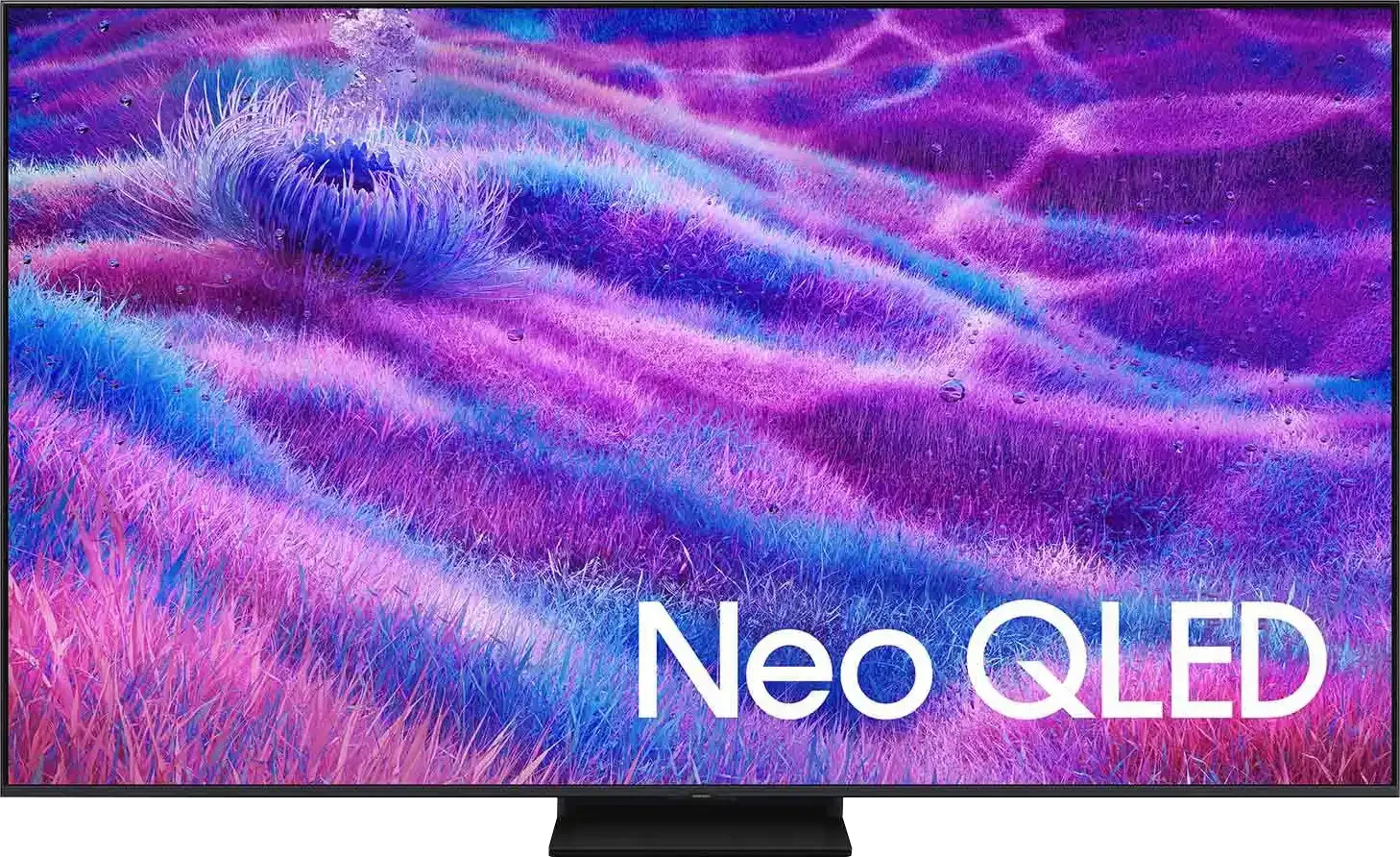
Panel type: LCD VA
Resolution: 3840x2160
System: Tizen
Model year: 2025
Complete the survey to find out the result
Overall rating
7.8
7.4
 Movies and series in UHD quality
7.6
6.9
 Classic TV, YouTube
8.0
6.8
 Sports broadcasts (TV and apps)
8.1
6.7
 Gaming on console
8.8
8.9
 TV as a computer monitor
7.6
8.8
 Watching in bright light
5.6
6.6
 Utility functions
9.4
7.7
 Apps
9.6
9.3
 Sound quality
7.5
6.7
Complete the survey to find out what fits your preferences
Advantages

Excellent contrast
Google TV – intuitive system, easy access to applications, backlit remote.
Very good motion smoothness – 120 Hz, advanced smoothing system.
Great Dolby Vision support
Very good viewing angles
Superb built-in audio system
Nice black and contrast - VA matrix combined with MINI-LED backlighting.
Great brightness - up to 1000 nits in HDR
Fast and responsive matrix - 144 Hz
Rich support for gamers - 4xHDMI 2.1, VRR, ALLM, GameBar, Game Motion Plus
Very good usability in daylight
Advanced Tizen operating system
Simple operation
PiP function
Disadvantages

Poor gradation – visible connections on dark and light colors
Brightness during the day – better for night sessions than for use in daylight
Only 2 HDMI 2.1 ports - one of which is ARC.
No support for DTS format – limitation when connecting home theater
No USB recording function
Relatively small number of dimming zones
Our verdict
QN80F is the first in the history of Samsung's "eighty" series to feature Mini LED backlighting. And it does this really well. Although the number of dimming zones is not overwhelming, the black level is solid, and combined with high brightness, it allows for a very decent picture in HDR content. Additionally, there's a 144 Hz panel that provides excellent motion smoothness, and the set of features for gamers – VRR, ALLM, Game Motion Plus – makes the QN80F a model practically designed for those playing on console or PC. The television operates quickly and responsively, and the Tizen system runs like lightning – whether you're searching for apps or switching sources. Is there anything to criticize? Of course, as always – there are shortcomings in the system (like recording to USB), there’s no DTS support, and Mini LED is not without its limitations. But the QN80F is a great everyday television – versatile, well-thought-out, and... with significant price potential. Looking at the history of this series, we can expect this "eighty" to shake things up once it hits the first reasonable promotions. And it could be virtually unbeatable at its price – especially if Samsung improves the minor teething issues.
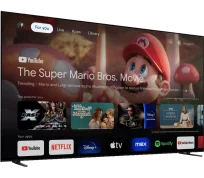
TV appearance
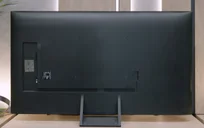
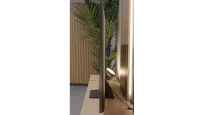

Contrast and black detail
10/10
6.8/10
Local dimming function: Yes, number of zones: 88 (8 x 11)
Contrast:


Result
∞:1

Result
∞:1

Result
∞:1

Result
∞:1

Result
∞:1
Result
34,100:1
Result
8,200:1
Result
32,500:1
Result
4,550:1
Result
3,800:1
Halo effect and black detail visibility:
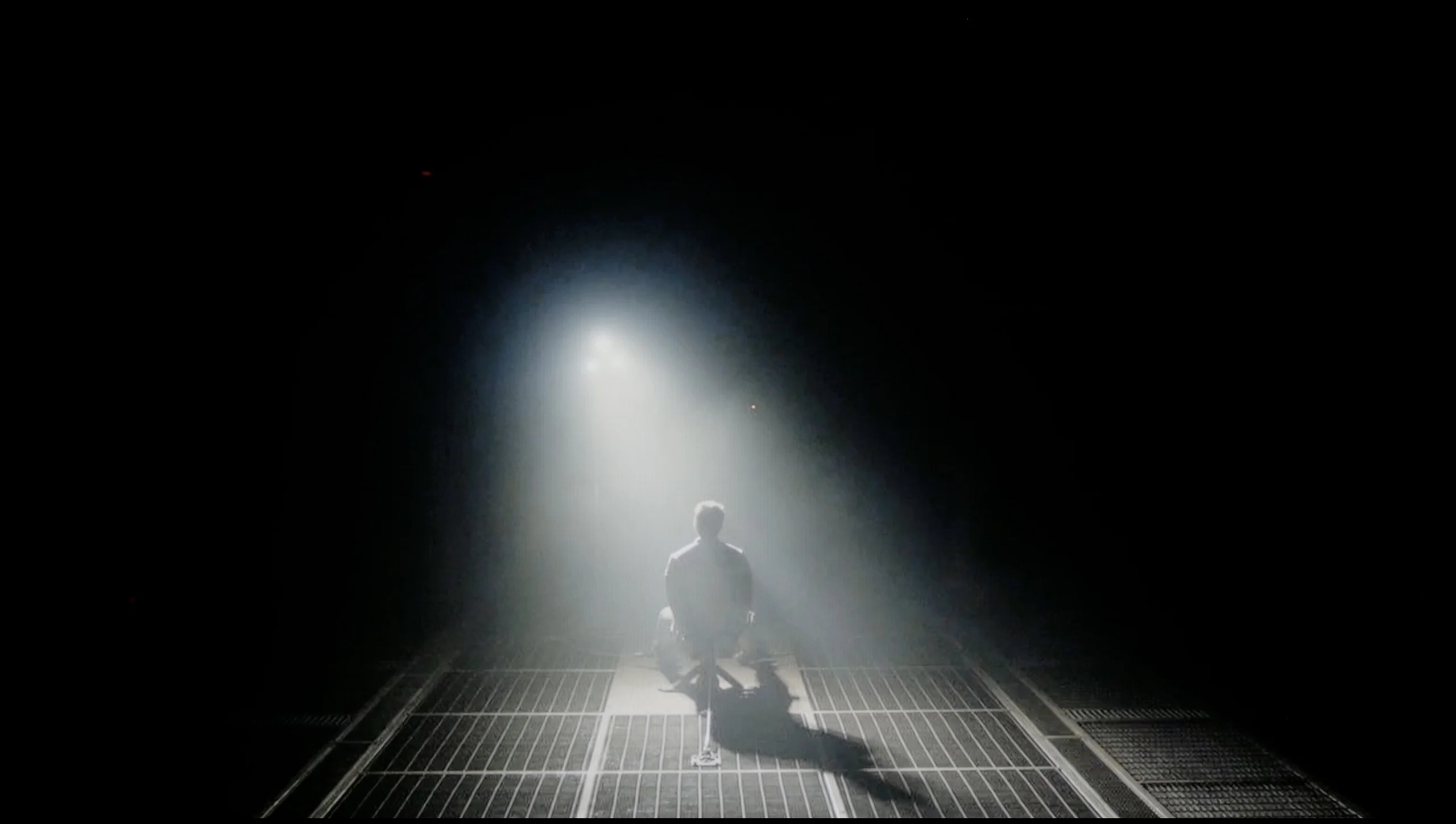
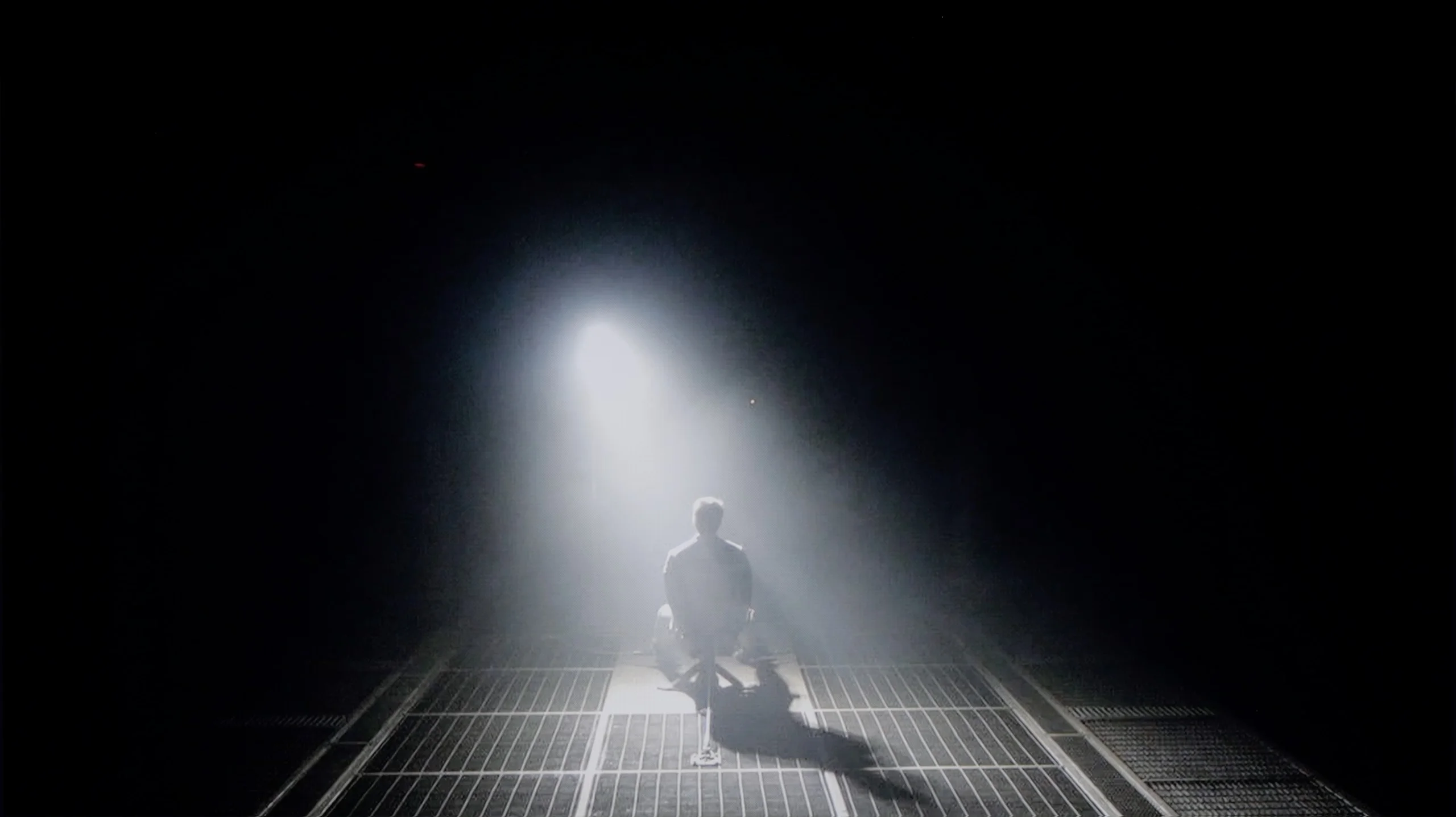
Check the visibility of bright lights on a dark background. Mini-LEDs often struggle with this. The photo does not compare black levels – that’s what the video below is for.
The video accurately shows differences in contrast and black levels between TVs, as well as potential issues: halo around bright objects or Mini-LED zone operation visible as brightness jumps.
The Sony Bravia 8 television, equipped with an OLED matrix, delivers exceptional picture quality with outstanding black levels and contrast. Thanks to OLED technology, each pixel emits its own light, ensuring deep blacks and precise light reproduction. During testing with scenes from films like Oblivion and The Revenant, the Bravia 8 showcased impeccable separation between light and dark elements, producing detailed and lifelike images, even in challenging high-contrast scenarios. This performance places the Bravia 8 among the top models in its class.
QN80F is a representative of the Neo QLED series, which means it's a television with Mini LED backlighting. Unlike its cheaper cousin, the QN70F model, here the diodes are placed directly behind the panel (rather than at the edges), which gives a solid advantage in contrast control right from the start. In the 65-inch variant we tested, we counted 88 local dimming zones – a result that may not be particularly impressive, but as it turned out, sufficient to achieve quite decent results.
In tests based on scenes from movies like Oblivion and The Meg, the QN80F performed well – blacks were deep, and the overall image consistency was eye-catching. However, in more demanding moments (e.g., scenes with a lot of bright details on a dark background), a halo effect appeared. This is where the limitation of the number of zones shows – bright elements could bleed into each other, and some details in dark areas lost sharpness and contrast. In one of the helicopter scenes (The Meg), we even noticed a slight flicker in brightness, as if the television was trying its best to maintain visibility of details at the expense of black depth.
However, these are not problems exclusive to this model – the halo effect or contrast drops in very complex scenes are something most Mini LED televisions struggle with, even the more expensive ones. In its class, the QN80F still performs positively and offers clearly better contrast than the QN70F model with edge lighting. For most users, this will be a level more than sufficient – though not ideal.
HDR effect quality
6.8/10
5.8/10
Luminance measurements in HDR:

Result
849 nit

Result
865 nit

Result
888 nit

Result
880 nit

Result
469 nit
Result
799 nit
Result
533 nit
Result
717 nit
Result
245 nit
Result
656 nit
Scene from the movie “Pan” (about 2800 nits)
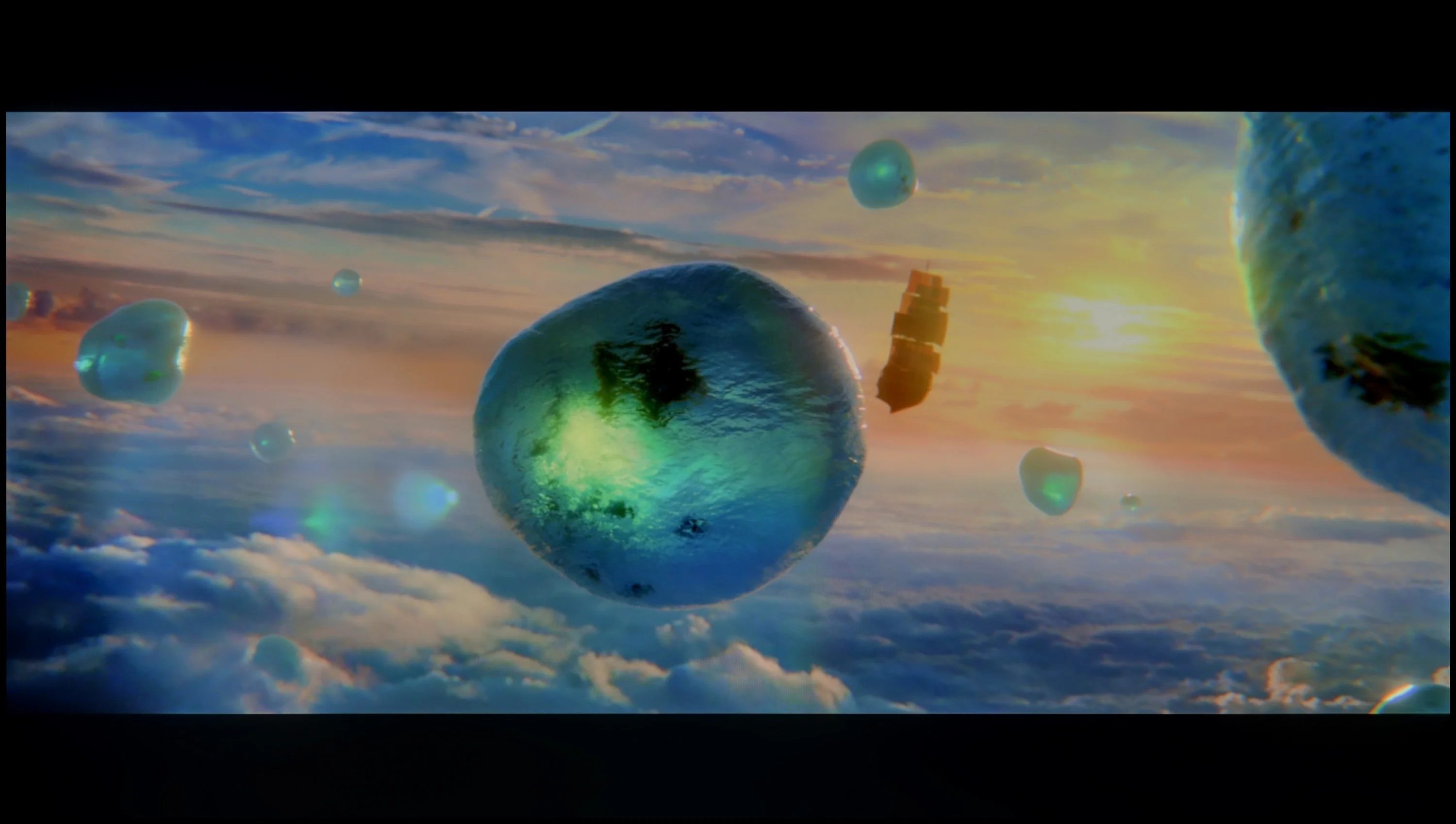
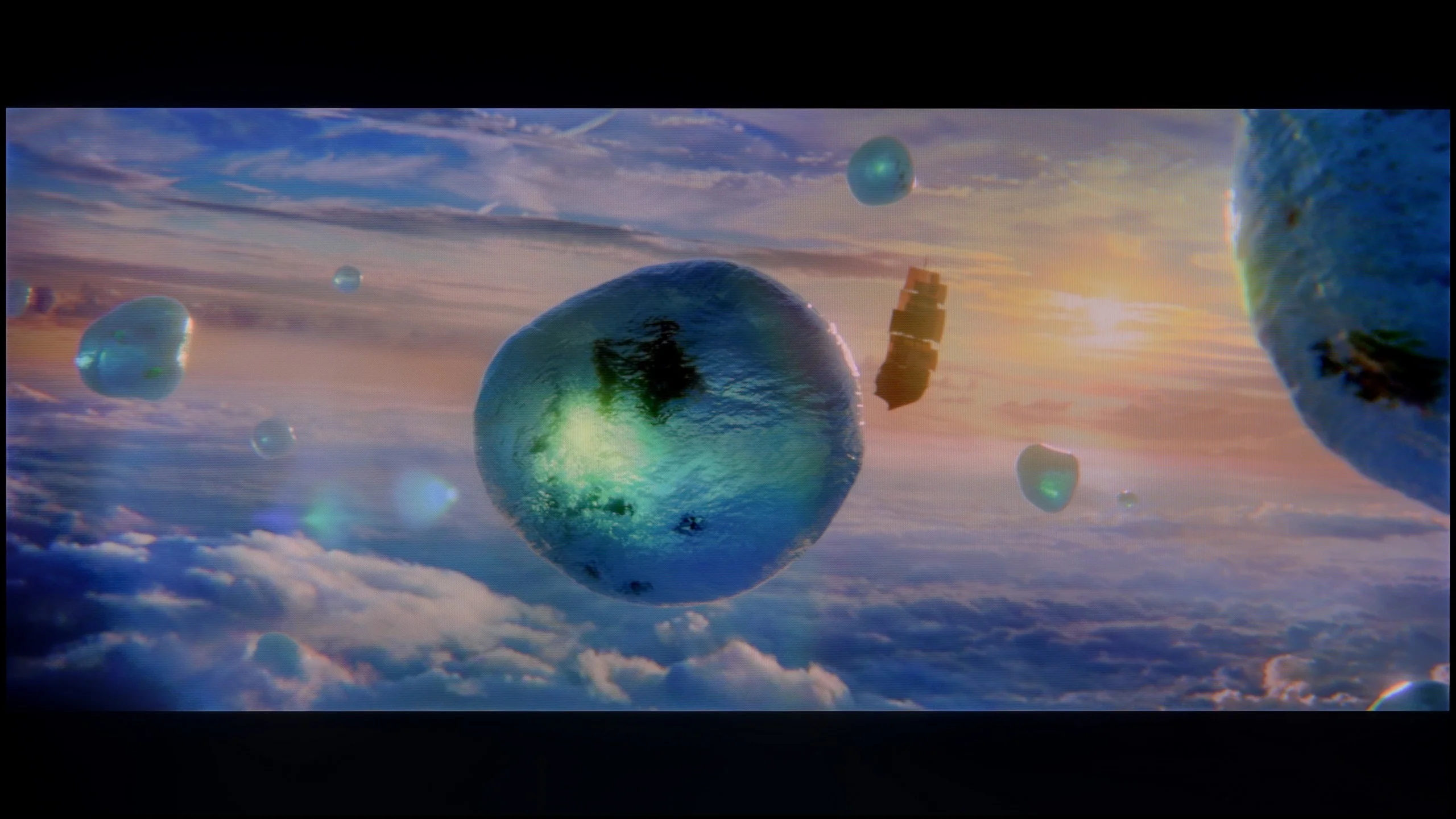
Scene from the movie “Billy Lynn” (about 1100 nits)
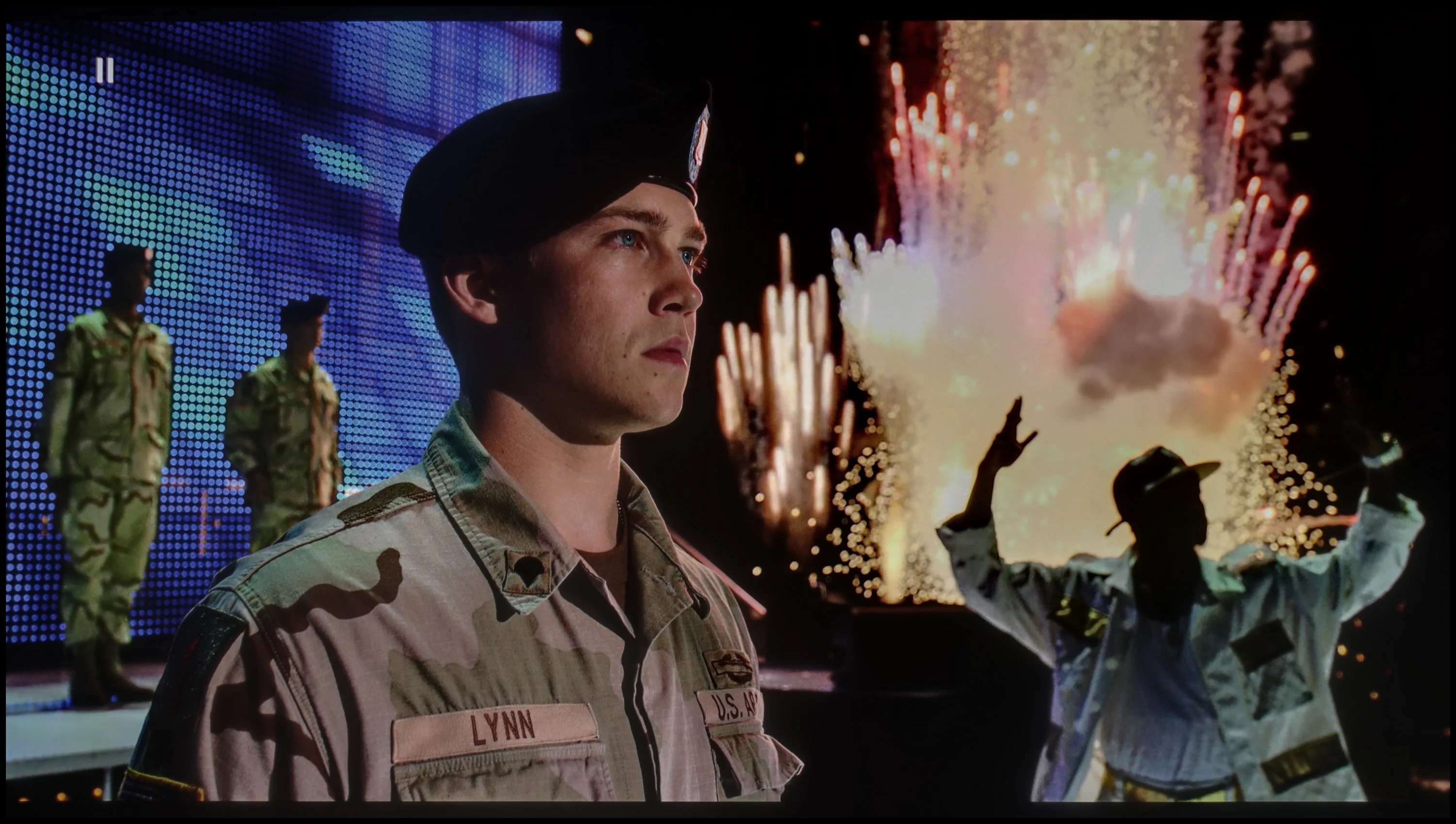
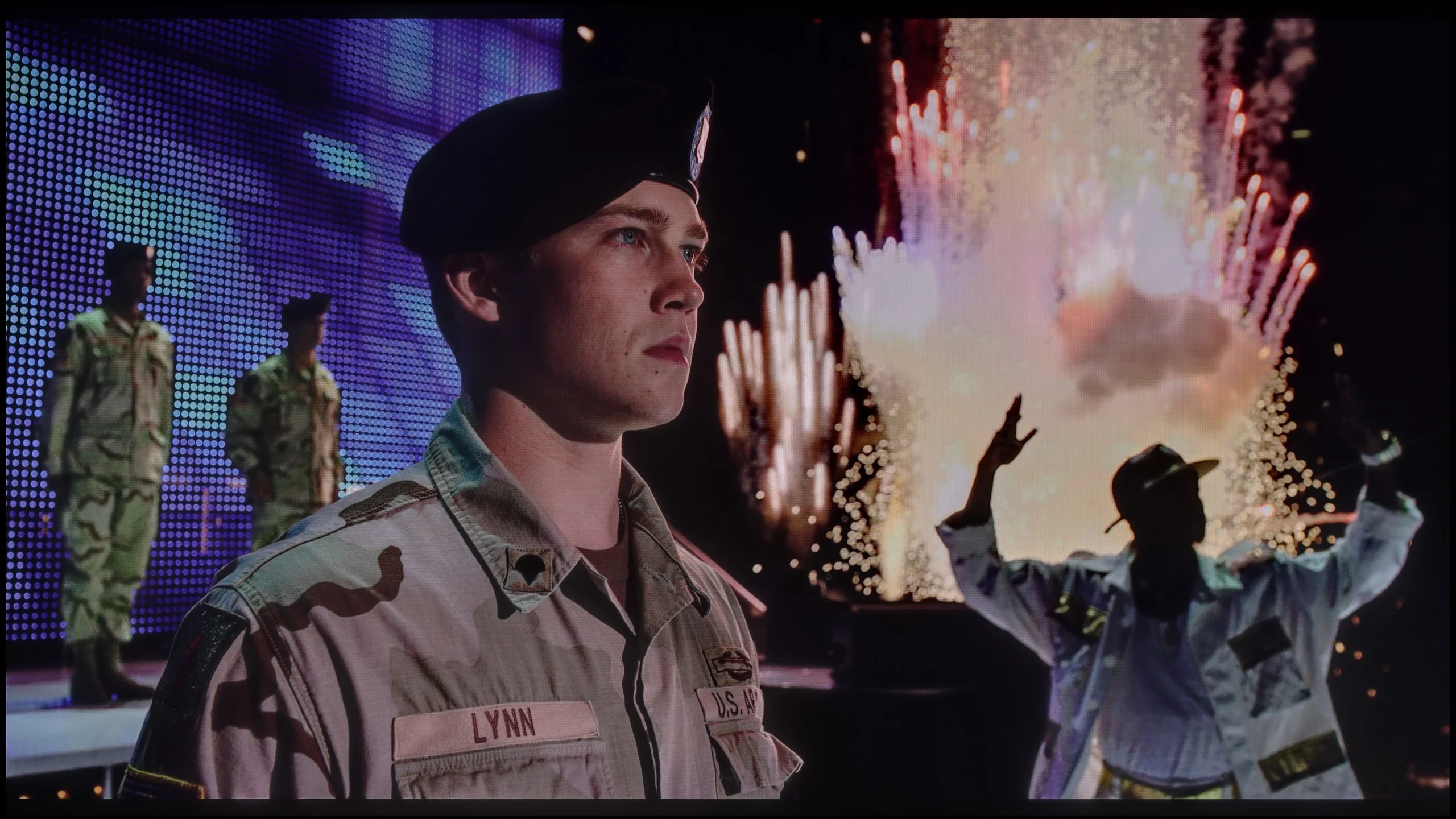
The photos show two HDR10 movies. 'Pan' is one of the brightest productions ever made, while 'Billy Lynn' (soldier) has brightness typical of streaming (Netflix, Prime, HBO MAX). Notice the intensity of effects and detail in whites.
Static HDR10


The photos present the visibility of white details in various HDR formats. They do not show brightness differences between TVs (these can be compared in the previous gallery).
Dynamic: Dolby Vision
Dynamic: HDR10+


The photos present the visibility of white details in various HDR formats. They do not show brightness differences between TVs (these can be compared in the previous gallery).
HDR luminance chart:
SAMSUNG QN80F
Sony Bravia 8 (XR80)
Luminance of RGB colors
The Sony Bravia 8 performs commendably in terms of HDR brightness, reaching a peak of 880 nits. This level is sufficient to render lighting effects effectively in most scenes. In tested clips from Life of Pi and Sicario 2, the television demonstrated vibrant, detailed imagery that captured the atmosphere of these films beautifully.
However, challenges arise in scenes with consistently high brightness, such as in The Meg, where the display's limitations become apparent. In these situations, OLED technology can struggle, with brightness levels dropping to around 450 nits, which can be less satisfying when intense illumination is needed throughout a scene. Despite this, the Sony Bravia 8 remains a strong contender, offering excellent DCI-P3 colour gamut coverage and 74% BT.2020 coverage. These attributes result in rich, accurate colours and fine details, enhancing HDR content and providing an enjoyable viewing experience.
QN80F is quite a bright screen – in synthetic tests, it achieved nearly 1000 nits, which allows for reasonable expectations with HDR content. And indeed, in many scenes, the television truly shines. Sequences with a lot of light – such as shots from the movie Life of Pi or wide, bright surfaces in The Meg – look spectacular. Brightness maintains around 700 nits, which provides a solid effect, sufficient to feel the true "HDR magic." Unfortunately, not every scene looks that good. In materials with small, bright details on a dark background, like in Sicario 2, the television has problems – it can dim certain elements significantly, sometimes to the point where they disappear from the image. This is the result of a limited number of dimming zones, which forces the device to make compromises: either stick to inky blacks or sacrifice some details. QN80F usually chooses the former. As a consolation, it has quite decent coverage of a wide color gamut – DCI-P3 at 93%. This is not the highest score on the market, but it is more than enough for most content on streaming platforms.
Factory color reproduction
7.2/10
6/10
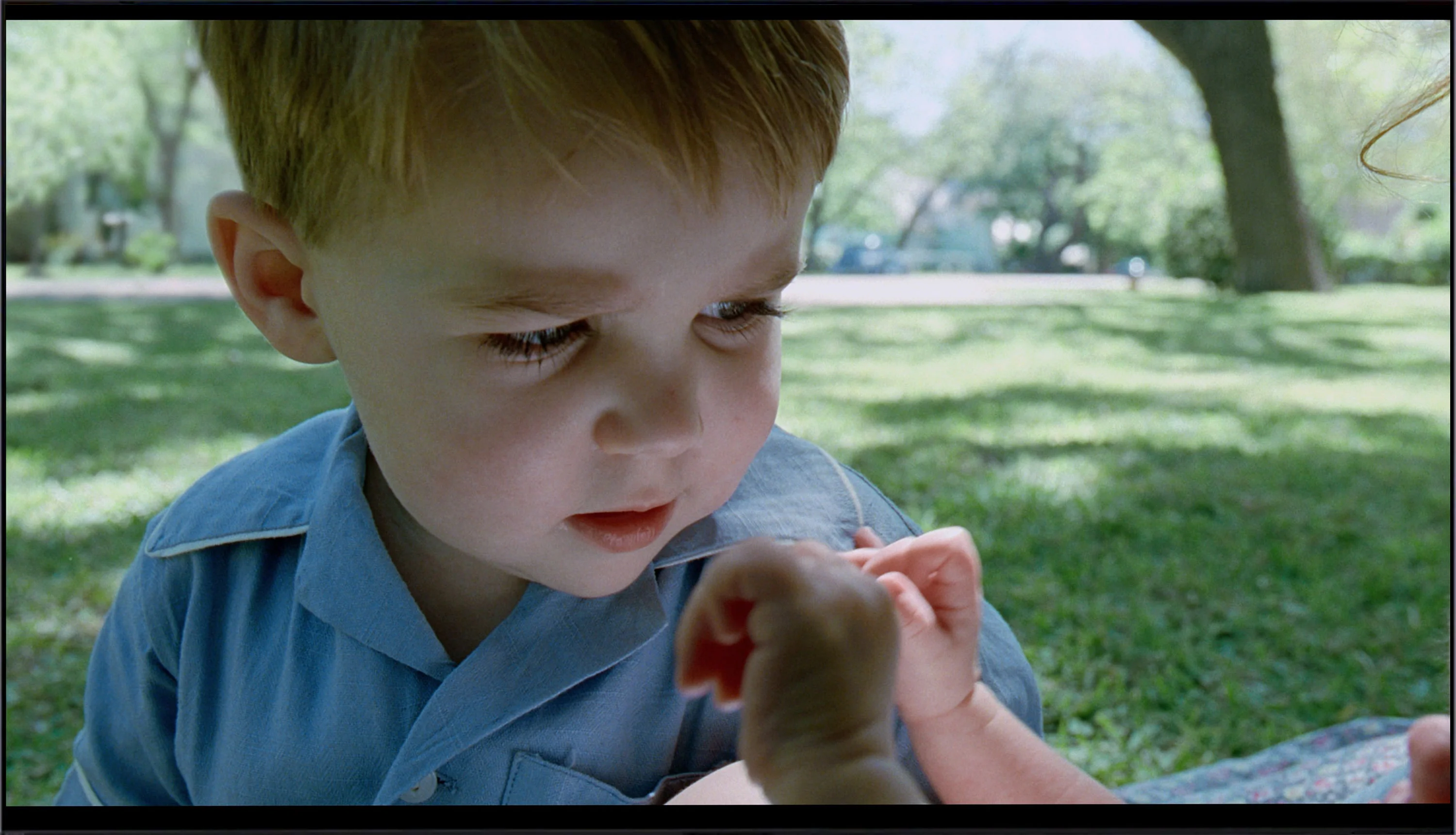
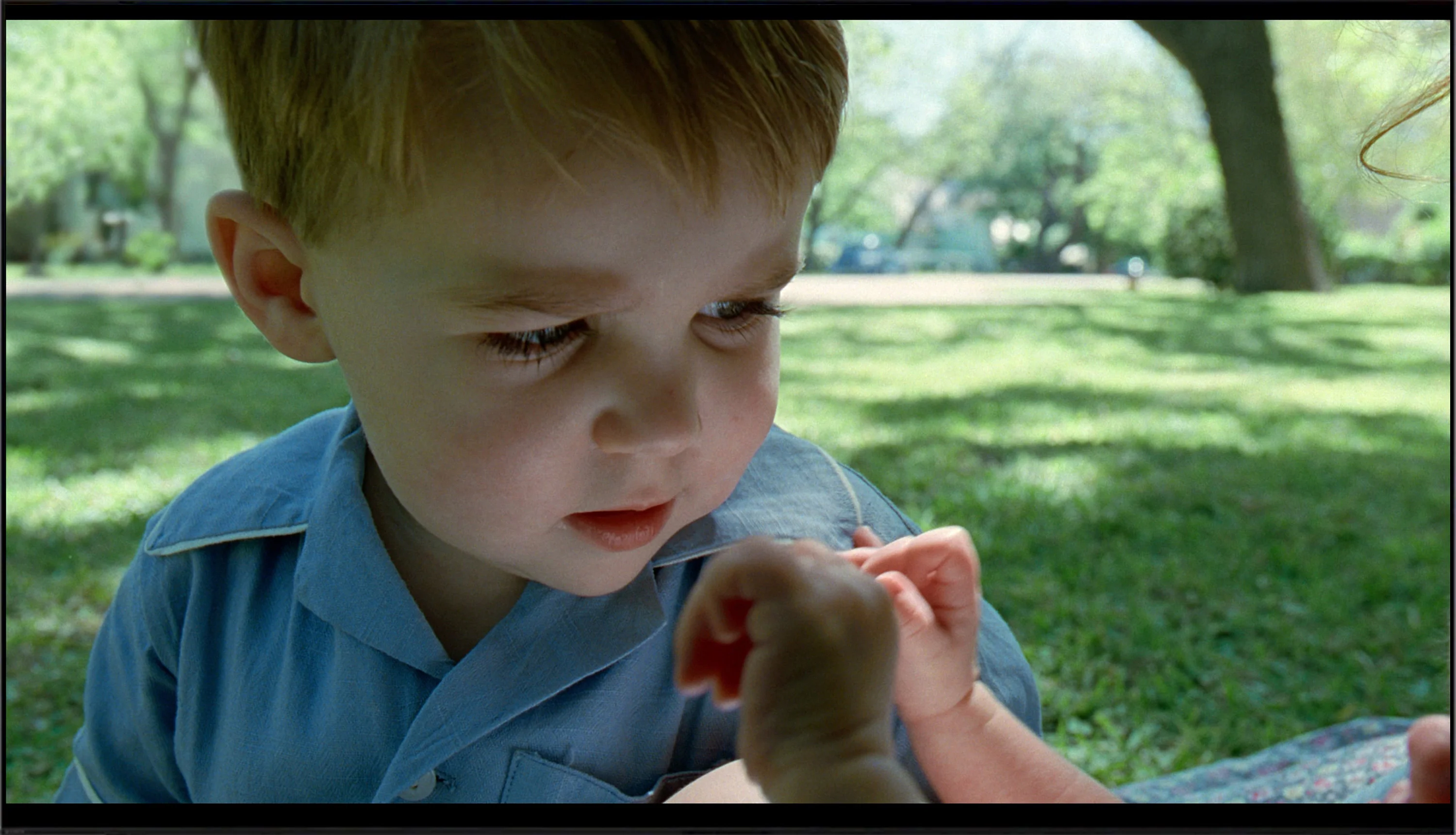
This gallery shows how colors change after professional TV calibration. If you notice the difference, we recommend ordering this service at SkalibrujTV.com.
Factory Mode
After calibration


This gallery shows how colors change after professional TV calibration. If you notice the difference, we recommend ordering this service at SkalibrujTV.com.
Factory Mode
After calibration
The best factory mode on the Sony Bravia 8 television is IMAX Enhanced, offering the most cinematic experience, though it isn't perfectly calibrated. The TV attempts to replicate cinematic settings as accurately as possible, but some issues are evident. Starting with white balance, both for SDR and 4K content, there is a noticeable blue dominance, making the image appear too cold and lacking in natural warmth. Colour Checker tests reveal a shift towards cooler tones, affecting colour accuracy and making the image feel less lifelike.
Regarding brightness and contrast, the gamma shows a significant drop towards the end of the spectrum, meaning dark details may become too shadowed, and bright areas too intense, causing a loss of subtlety and detail. This is particularly noticeable in the sky, as seen in the comparison image. Additionally, the EOTF curve is considerably above the reference value, making bright elements overly intense. As a result, users may experience an unnatural image, with bright parts losing detail and negatively impacting the overall viewing quality.
We always test televisions in the best available factory mode – for the Samsung QN80F, this is the Filmmaker mode, and indeed, it offers the settings closest to the creators' intentions. However, this doesn't mean that everything looks perfect. In SDR content, the biggest issue turned out to be an unbalanced white balance – slight deficiencies in green and a noticeable excess of red led to noticeable color errors, and one could almost say there was a pinkish tint to the screen. This was clearly visible in the color checker test, where colors would "escape" their target fields – to the extent that a sensitive viewer's eye could catch it even without the help of a meter.
In HDR content, the white balance was much better, but another problem emerged – brightness management. The EOTF curve caused an overly bright image most of the time, which could affect the perception of contrast and made the screen slightly "flicker" during dynamic light changes. We have already discussed this in the paragraphs about black and HDR. Fortunately, Samsung leaves the user with plenty of options. The QN80F offers a rich set of calibration options, including a 20-point white balance – that's why we decided to check what this television is really capable of after proper calibration.
Color reproduction after calibration
8.2/10
8.3/10
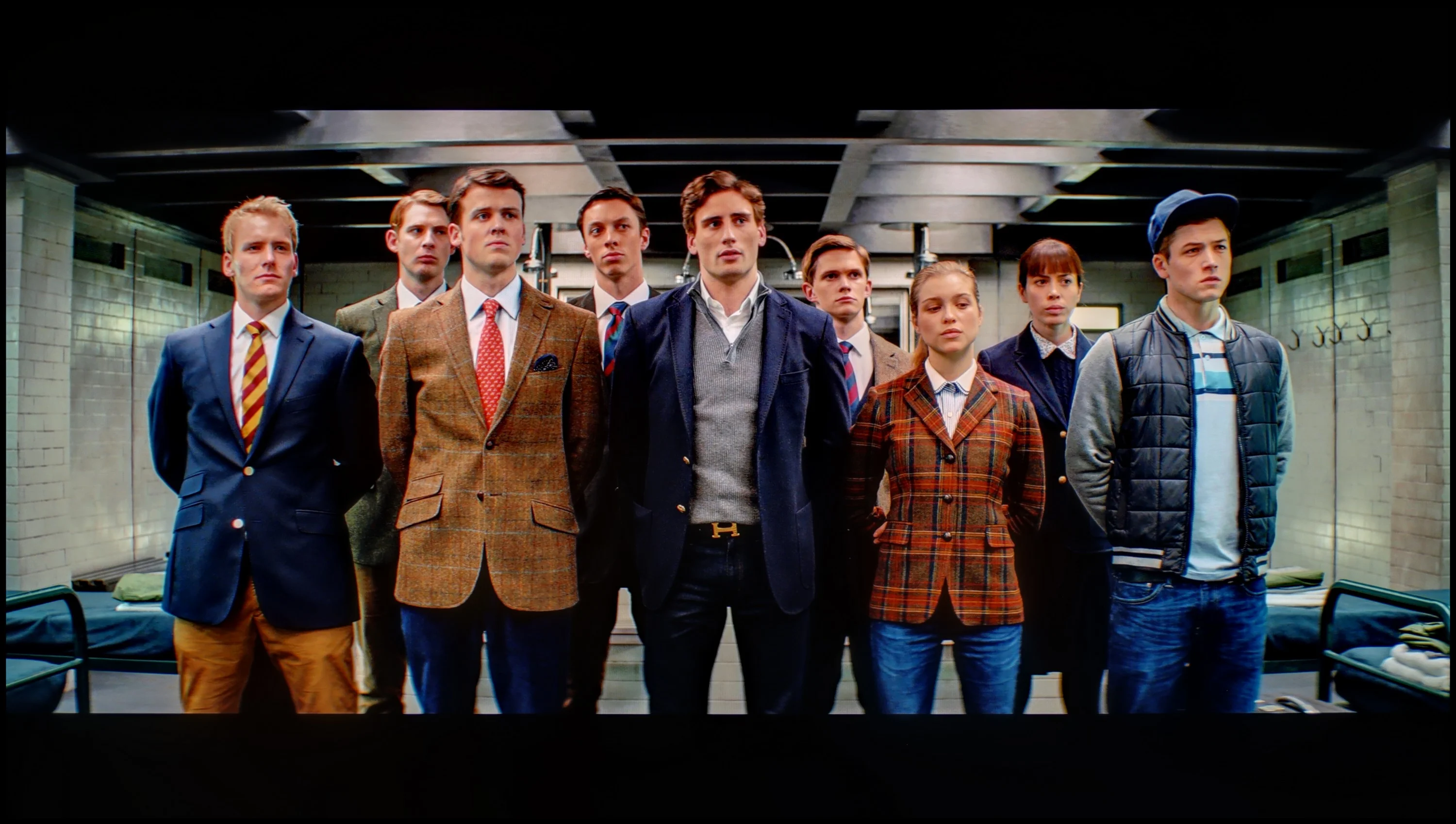
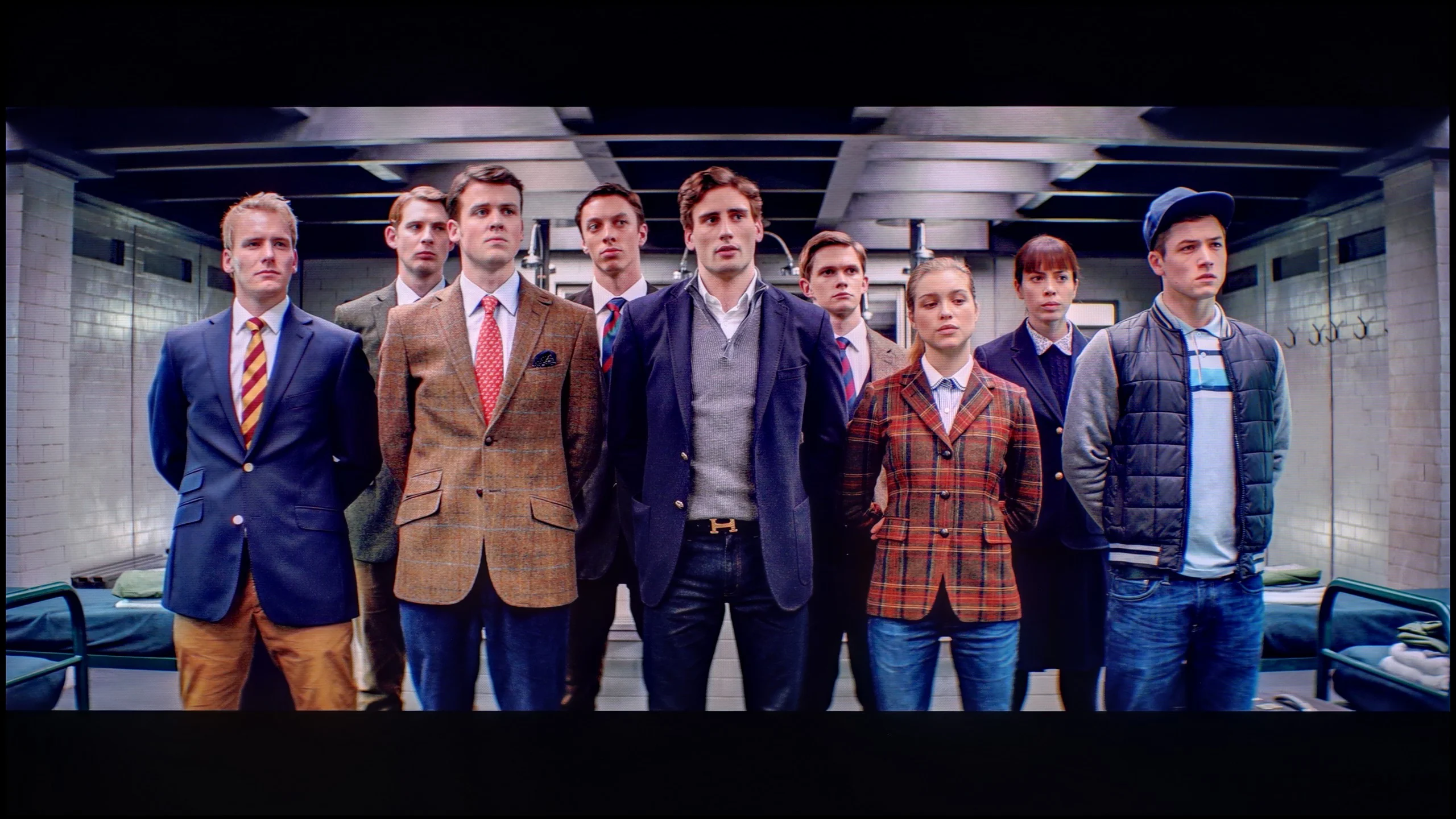
The photos show how movies look on the TV. Pay attention to black detail visibility, colors, and shadow tint.
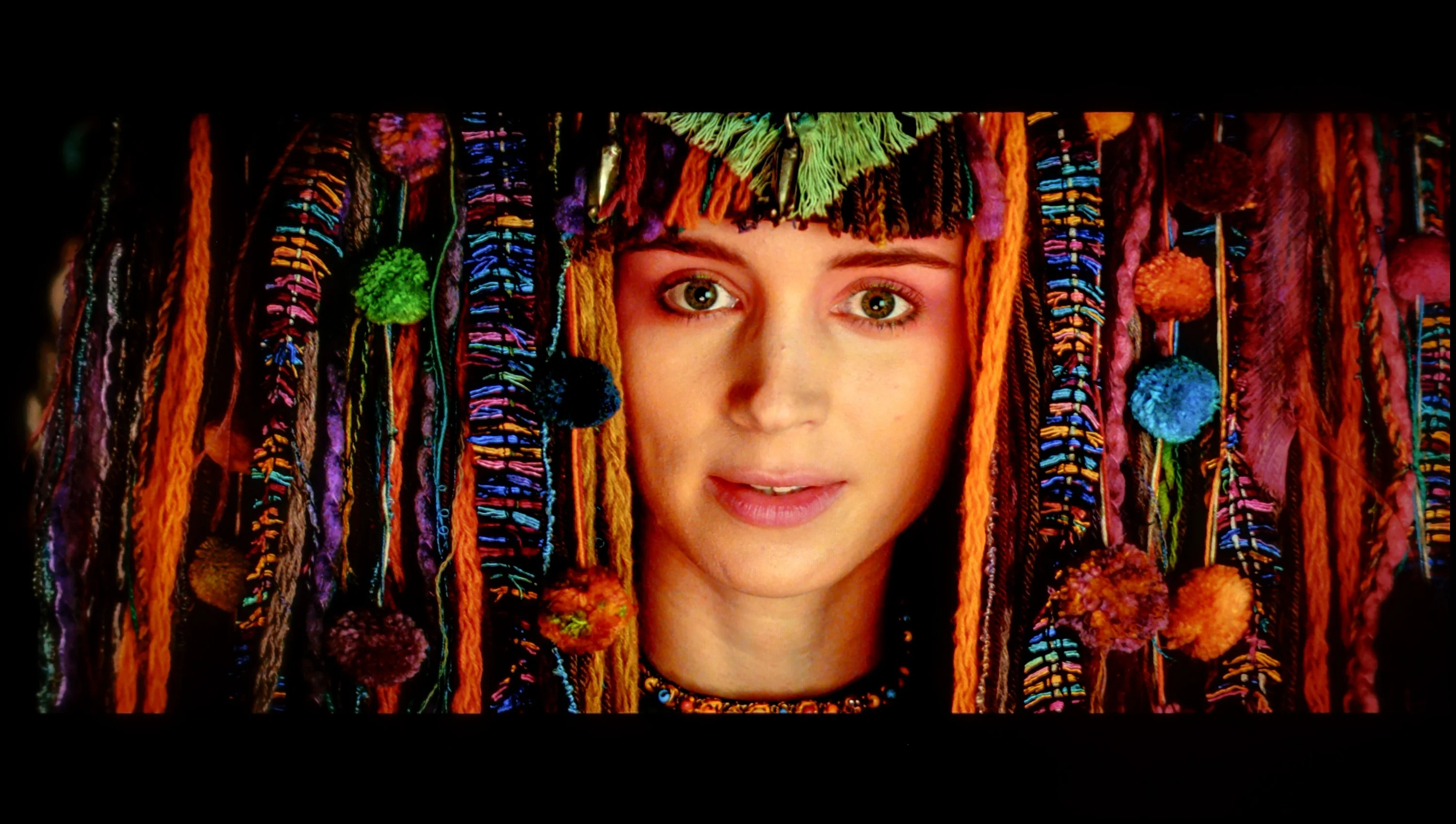
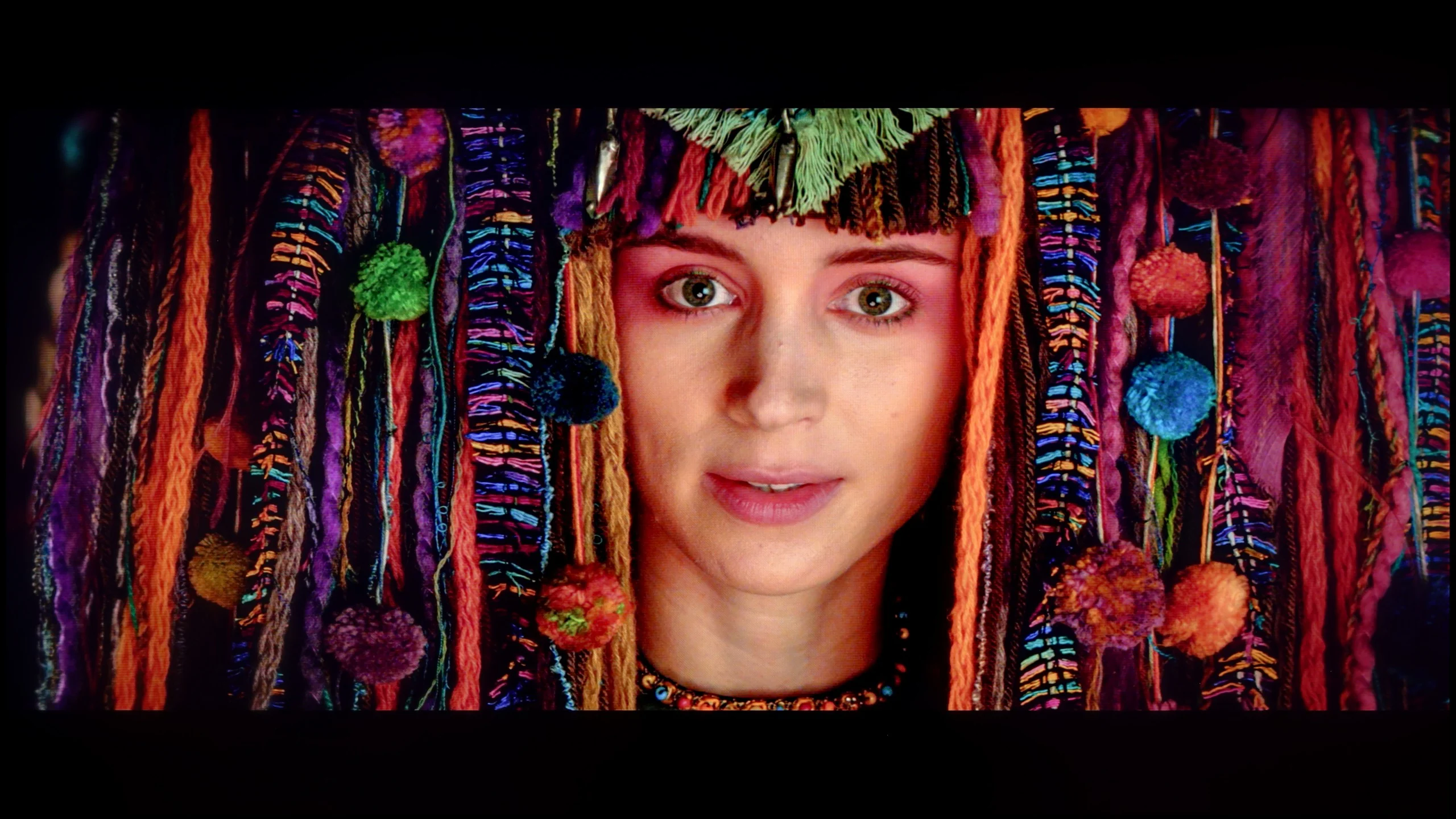
The photos show how movies look on the TV. Pay attention to black detail visibility, colors, and shadow tint.
The calibration process of the Sony Bravia 8 television resulted in significant improvements in image quality. The white balance was notably enhanced for both SDR and 4K HDR content, with minimal errors in the middle section of the graph. Gamma calibration was one of the biggest improvements, eliminating previous dips that had impacted brightness stability and the reproduction of detail in dark areas. The EOTF curve was also corrected, making bright elements appear more natural and improving the overall tonal balance.
However, the most attention should be given to colour reproduction, where some issues persist despite calibration. Sony has omitted the CMS system in this model, which would allow for more precise colour control. As a result, the Colour Checker test for 4K content still reveals significant colour inaccuracies. Despite these limitations, calibration is still recommended, as the improvements in brightness and contrast are noticeable and greatly enhance the overall image quality.
After conducting a thorough calibration, it was possible to bring most image parameters to a really good level. The white balance in both SDR and HDR appears nearly perfect – the image is natural, neutral, and free of the previously noticeable reddening. The colors have gained depth, and the overall visual reception has become more pleasant and cohesive. It was also possible to partially master brightness management, which in the factory version could be problematic. The EOTF chart shows that the television performs significantly better with brightness after calibration – there's no longer excessive dimming of certain elements. In films, it can still be observed that the QN80F has a tendency to slightly brighten the smallest, bright details – this is already a result of the device's construction and the limited number of dimming zones. In short: not everything can be overcome, but what could be improved has been addressed. After calibration, the QN80F makes a really good impression; it simply looks more mature and professional.
Smoothness of tonal transitions
5/10
9/10
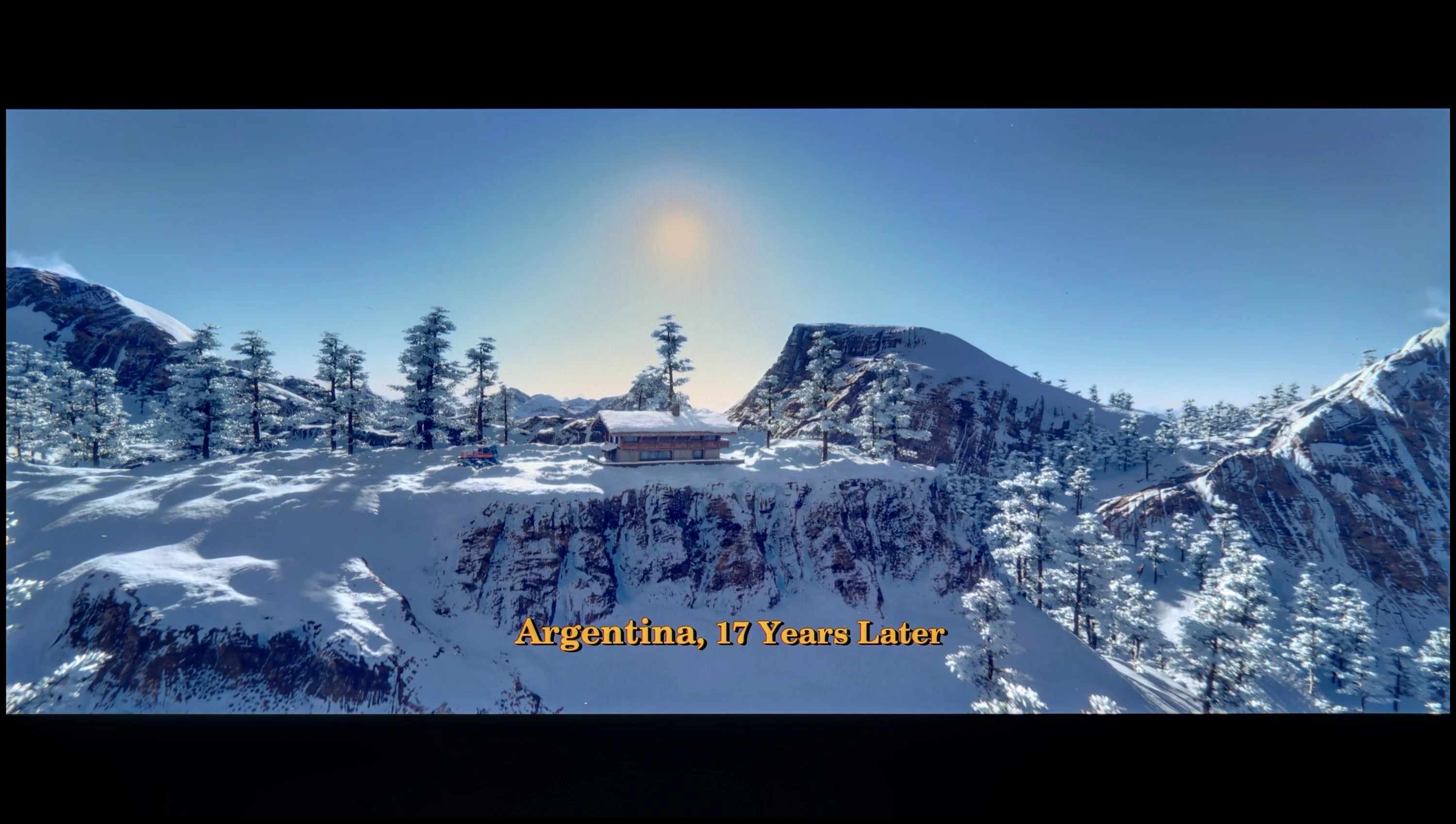
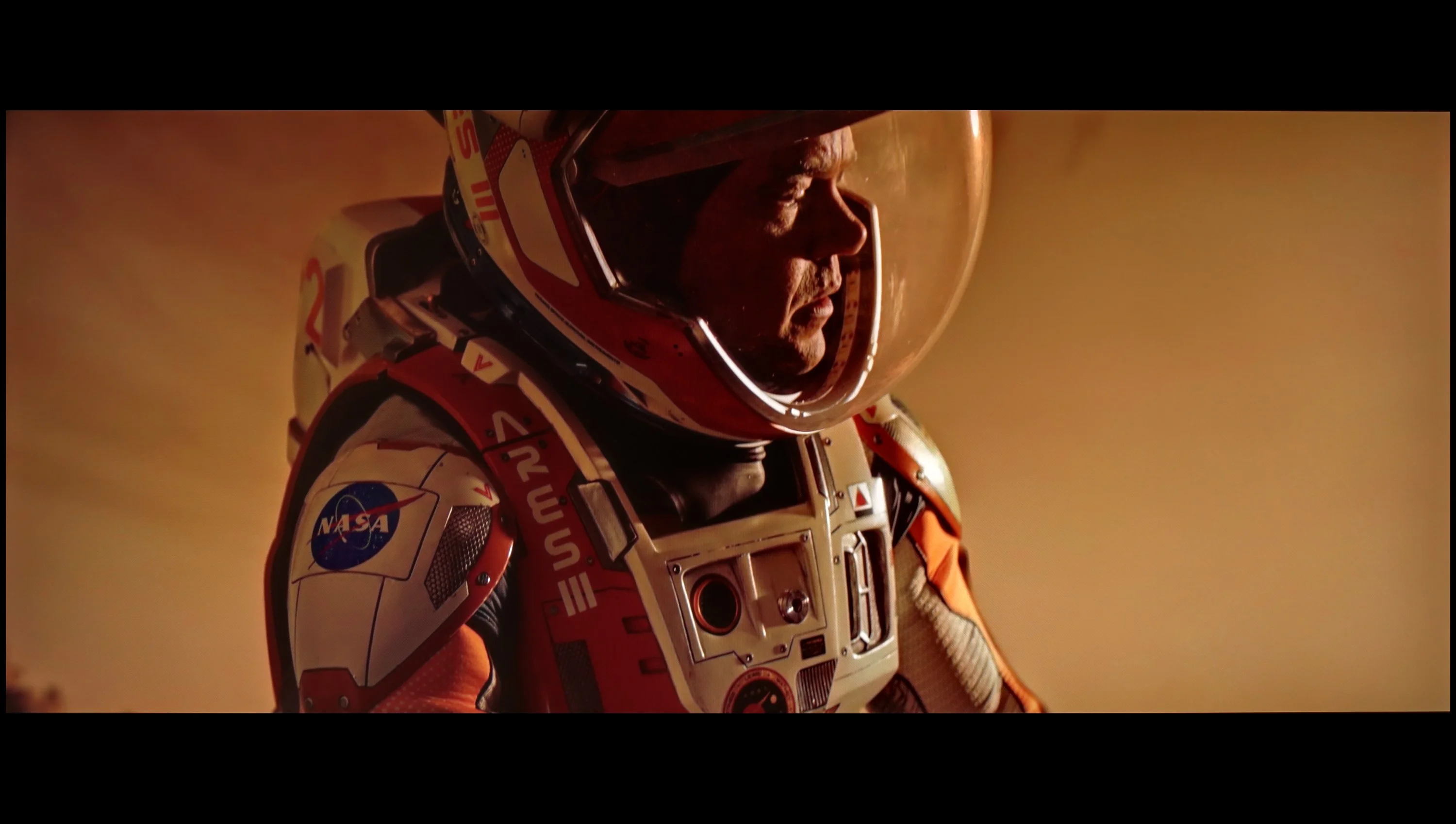
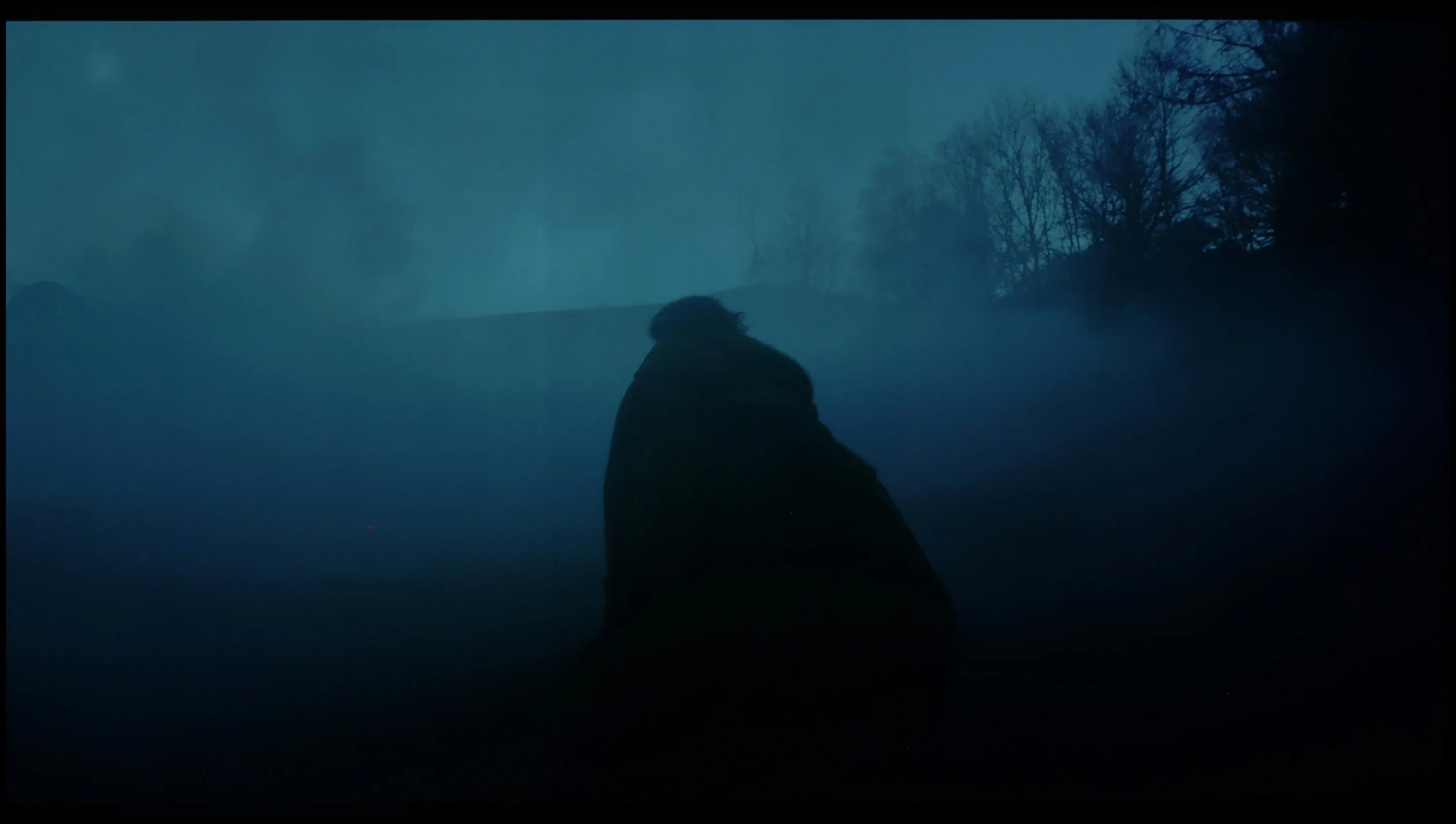
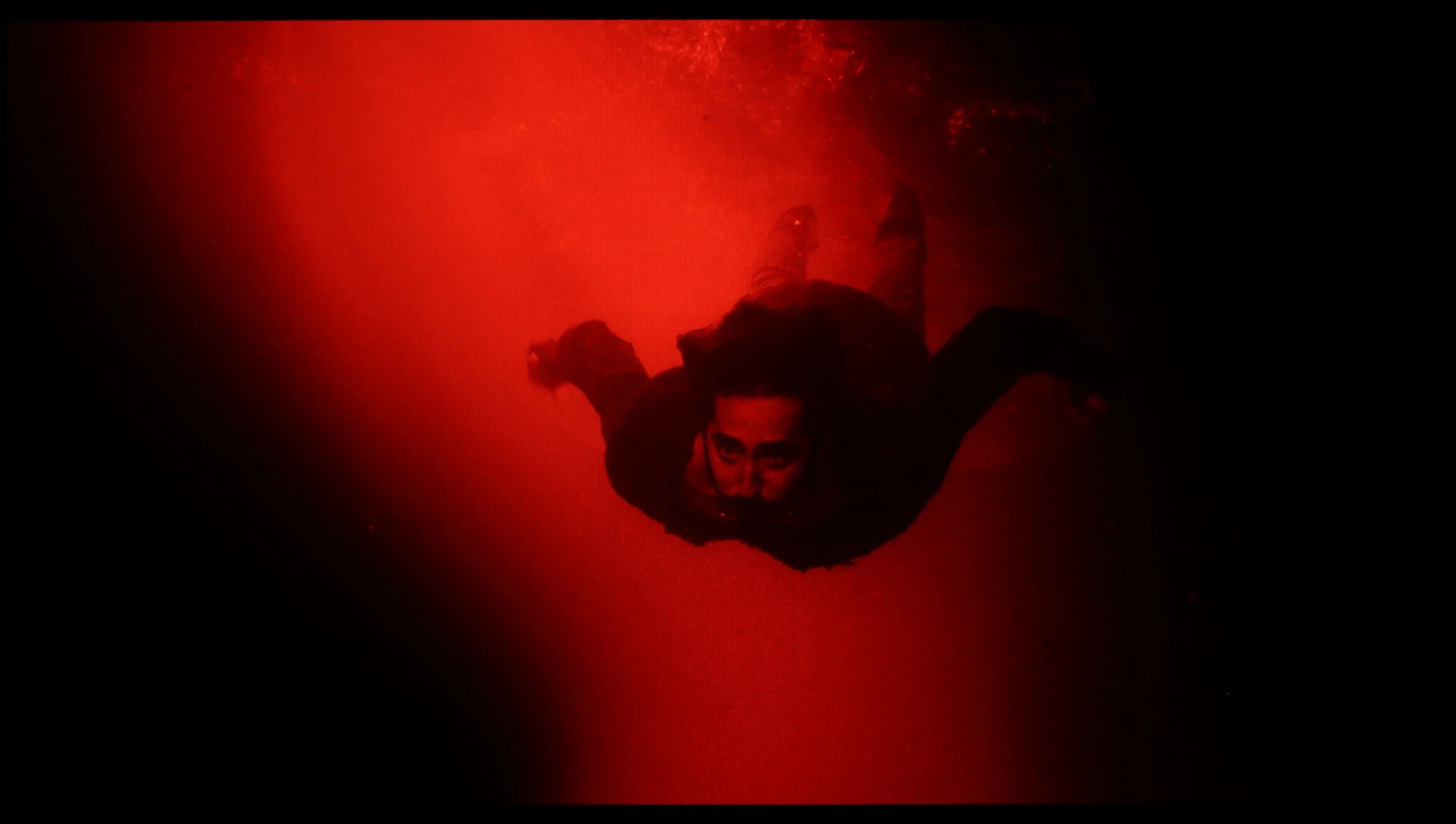
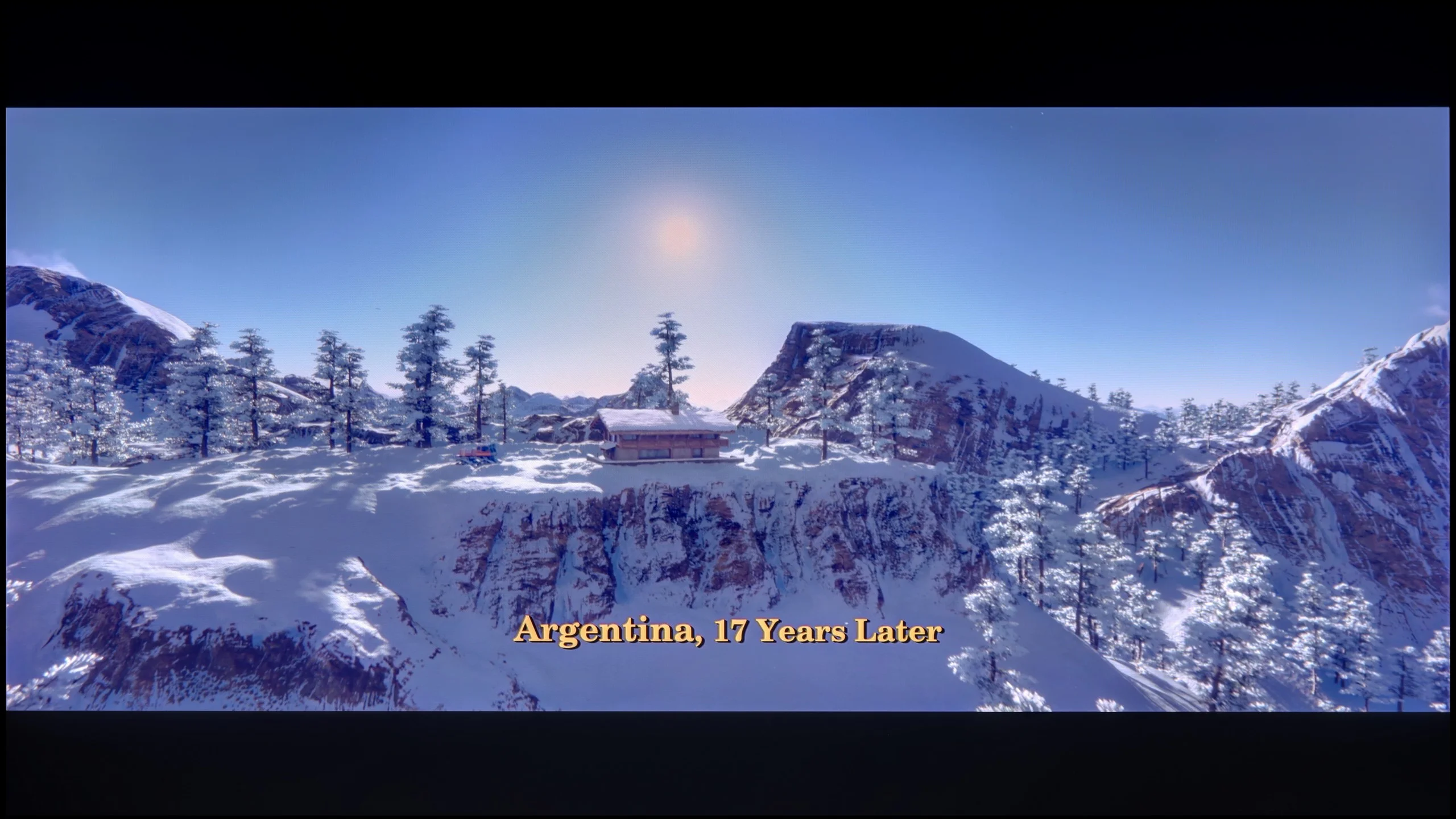
These are selected scenes that show smooth tonal transitions from one color to another. If you see distinct banding, it’s the TV panel’s fault.
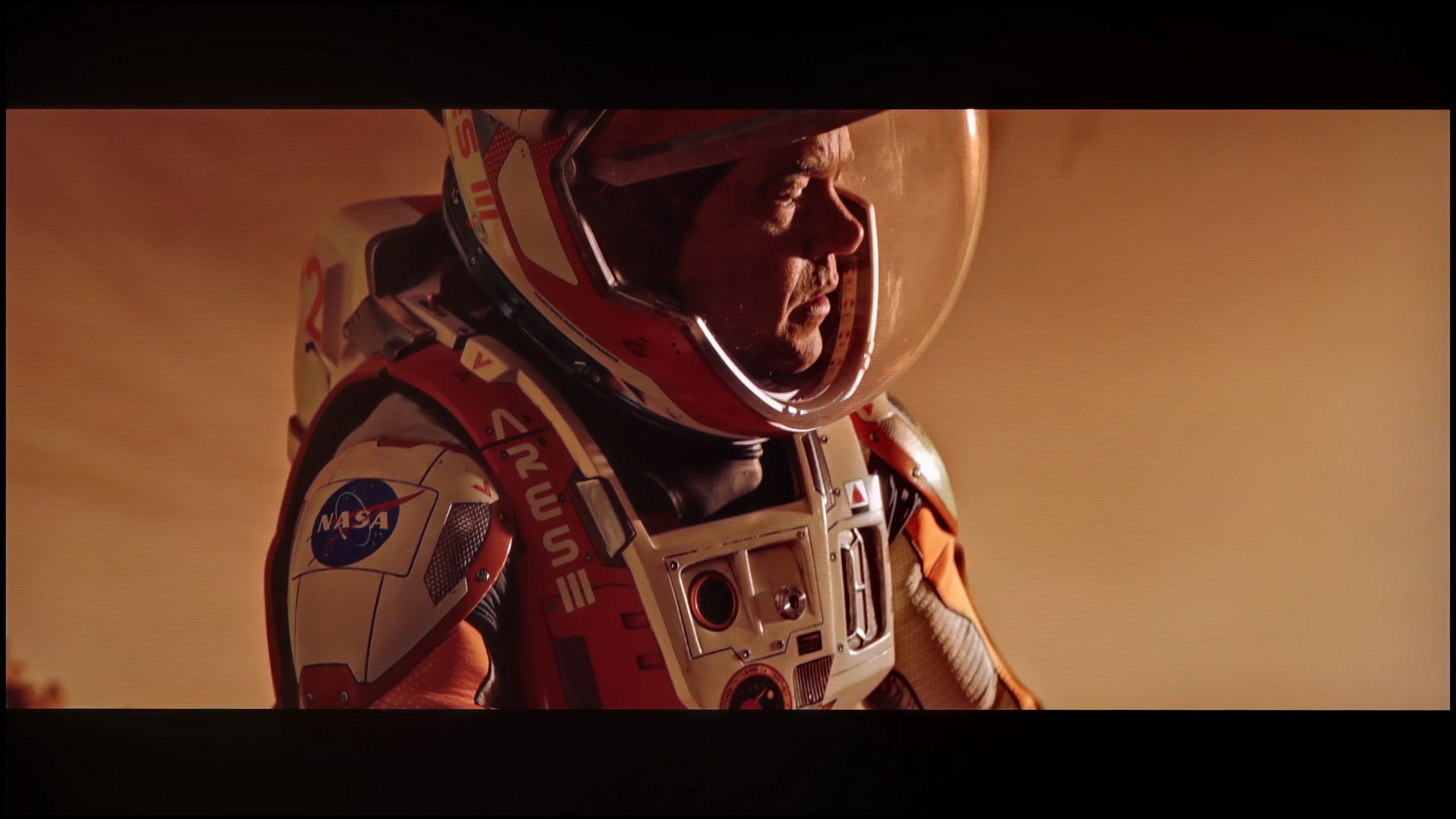
These are selected scenes that show smooth tonal transitions from one color to another. If you see distinct banding, it’s the TV panel’s fault.
These are selected scenes that show smooth tonal transitions from one color to another. If you see distinct banding, it’s the TV panel’s fault.
These are selected scenes that show smooth tonal transitions from one color to another. If you see distinct banding, it’s the TV panel’s fault.
In 4K materials, the gradation is notably poor and disappointing. Visible seams are apparent in dark and light colours, detracting from the image quality and diminishing the overall viewing experience of high-resolution content. This is a notable weakness, as Sony's processors have typically excelled in this area, but it appears to be a failure this time.
In this regard, the QN80F really delivers. The transitions between colors are smooth, nothing is choppy, and there are no annoying bands in the sky or strange blotches in the shadows. Movie scenes in darker tones performed particularly well – and that's where most televisions start to struggle. If one really looks for it, slight banding can be seen in the brightest areas, but that's really just nitpicking. In everyday viewing, no one should have a problem with this. To put it simply: the tonal transitions are so good that you can forget about them – and just enjoy the movie.
Image scaling and smoothness of tonal transitions
6.1/10
7/10


Smooth transition function
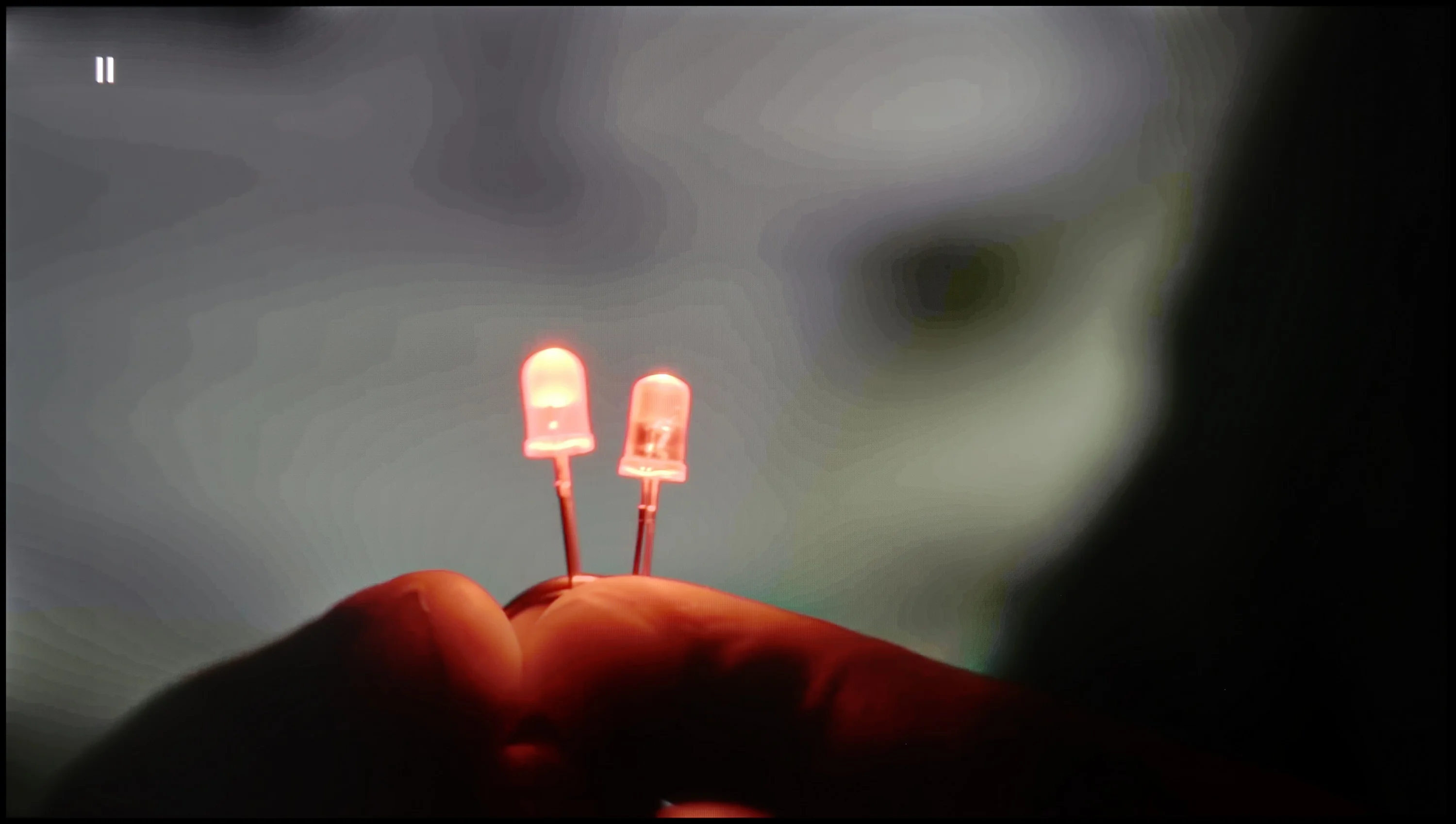
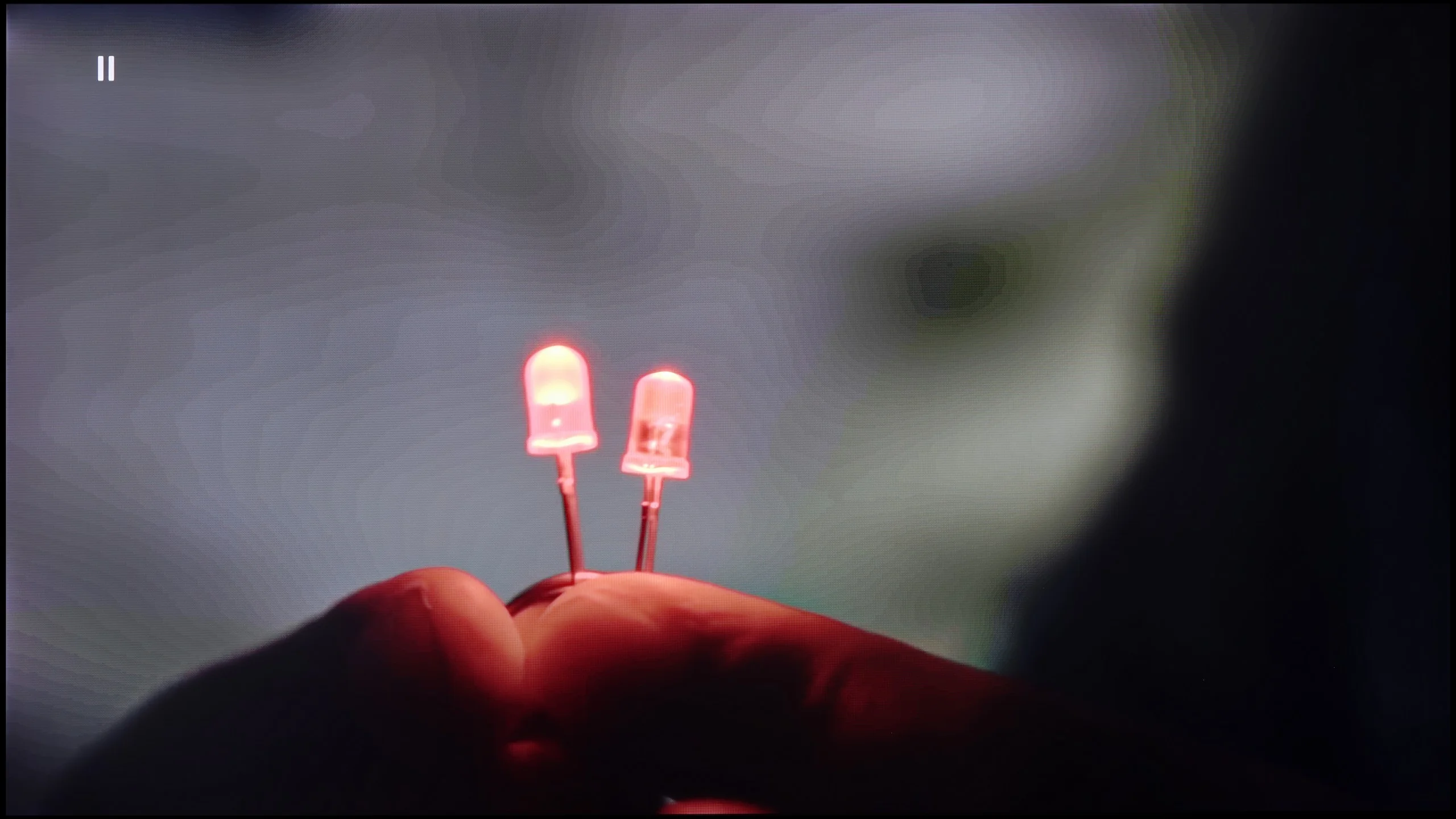
The match photo shows how the TV smooths weak tonal transitions in low-quality video.
Image scaling SD (576i)


The model photo shows how it handles upscaling of SD material.
The fluidity of tonal transitions in lower-quality materials on the Bravia 8 is lacking. Unfortunately, the gentle gradation function, which was available in previous models, is missing, which is a significant drawback. The digital noise reduction feature can improve tonal transitions, but it often removes fine details, such as clouds in scenes from The Martian, which may not be to everyone's taste. On the other hand, the digital processing in the Sony XR80 is quite effective. In test scenes, it performed well without noticeable flaws, and the branches in the background remained smooth without jagged edges. This indicates that the Bravia 8 is capable of handling complex low-resolution image details with relative ease.
If, while watching lower-quality materials – for example from YouTube – we notice strange color transitions or unwanted artifacts, it’s worth checking the settings and enabling the noise reduction function. In our opinion, the best setting is at the "medium" level – it effectively smooths out problematic color transitions while not excessively blurring the entire image. However, one must know this: this option tends to remove film grain. If someone cares about preserving this effect (e.g., in older films), it’s better to just turn it off – regardless of the level, the grain always disappears.
When it comes to scaling resolution (i.e., the so-called upscaling), Samsung – as always – performs very well in this area. The QN80F may not compare to the top models worth several thousand, but for its price class, it really performs impressively. Very low-quality materials (e.g., from SD television or older video files) are noticeably improved and look surprisingly decent. The only noticeable drawback is the typical Samsung issue with overscan – that is, slightly cropping the edges of the image at very low resolutions, e.g., 576p.
Blur and motion smoothness
8.5/10
7.5/10
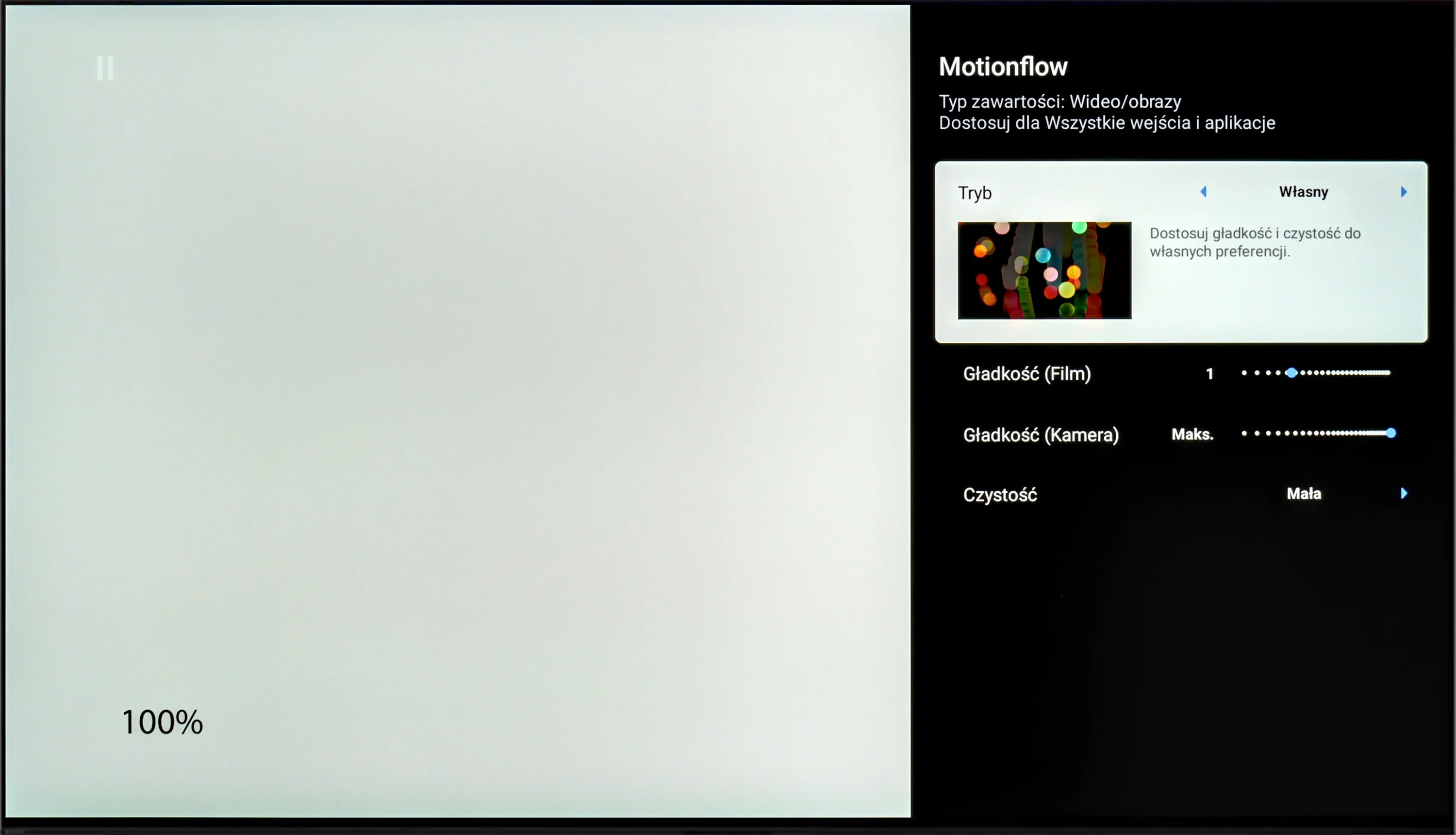
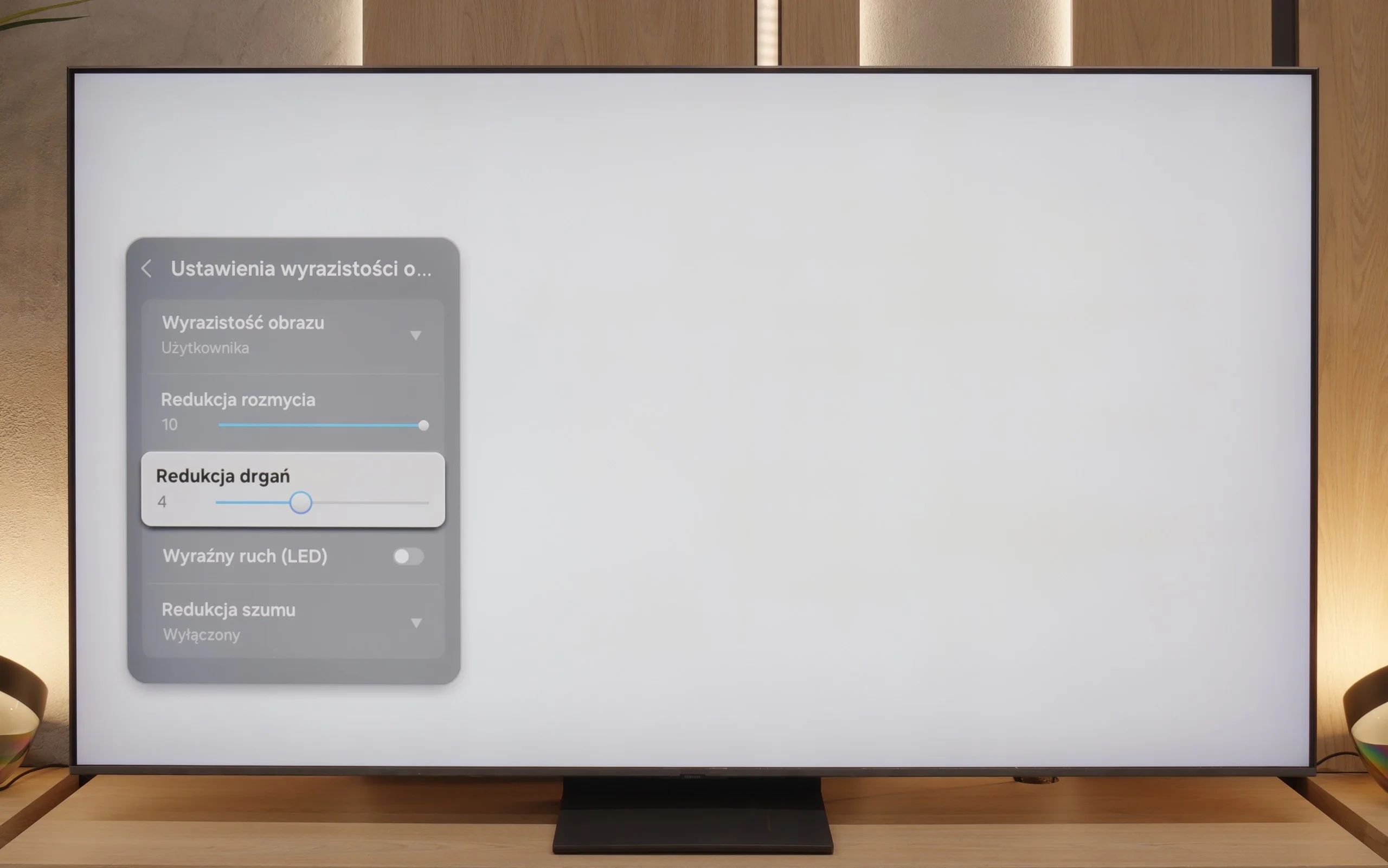
Blur (native resolution, maximum refresh rate):
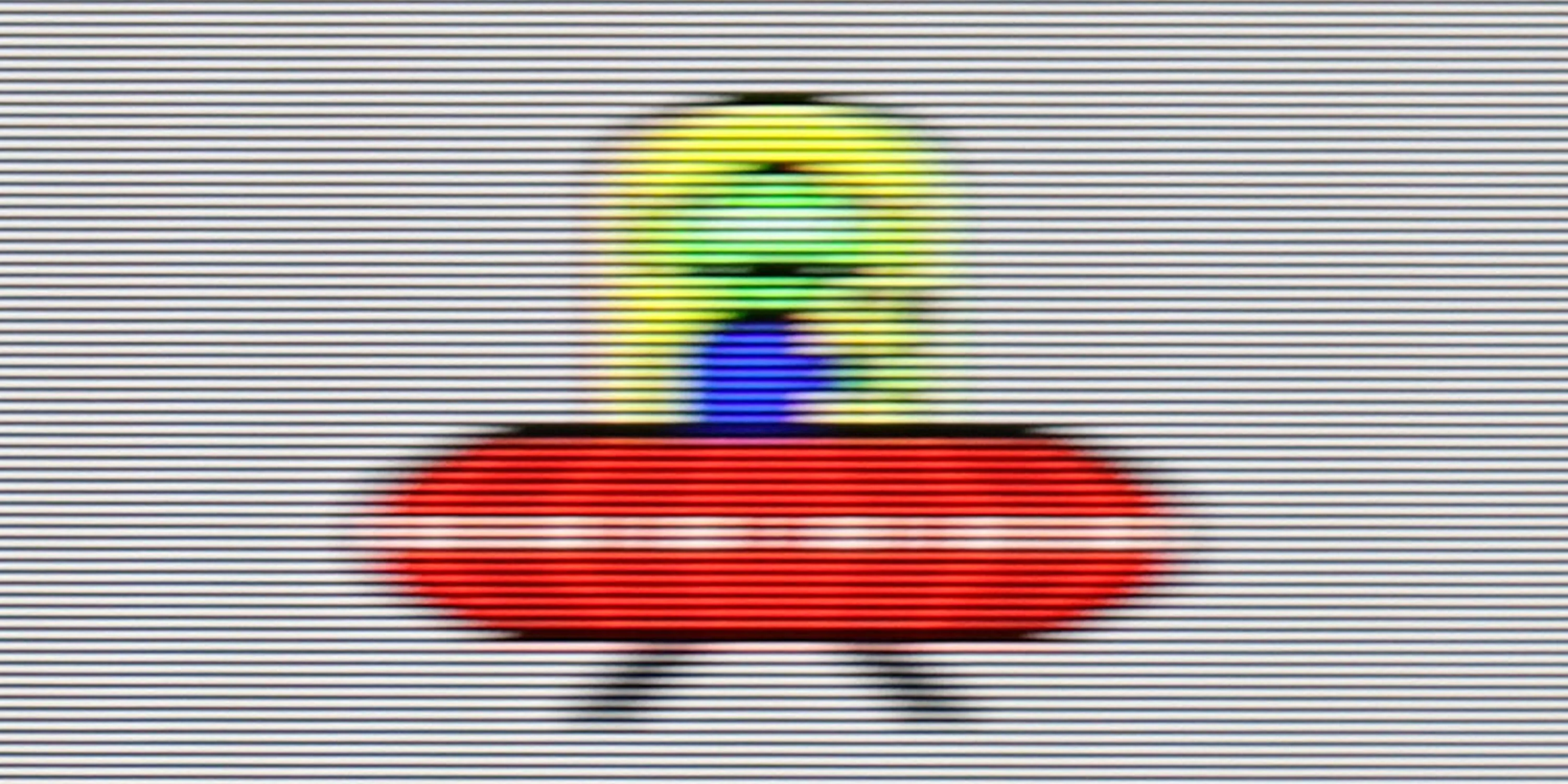
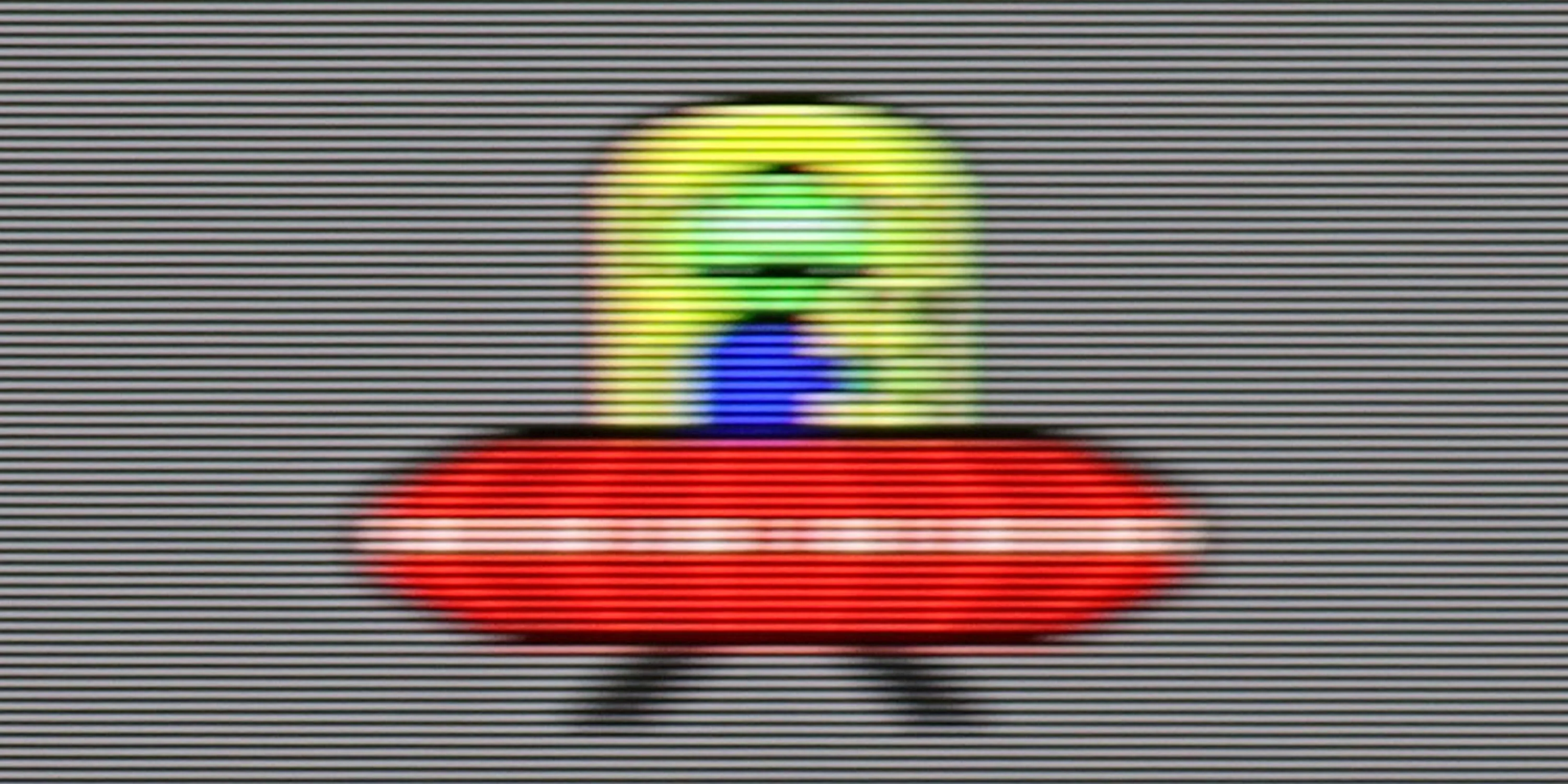
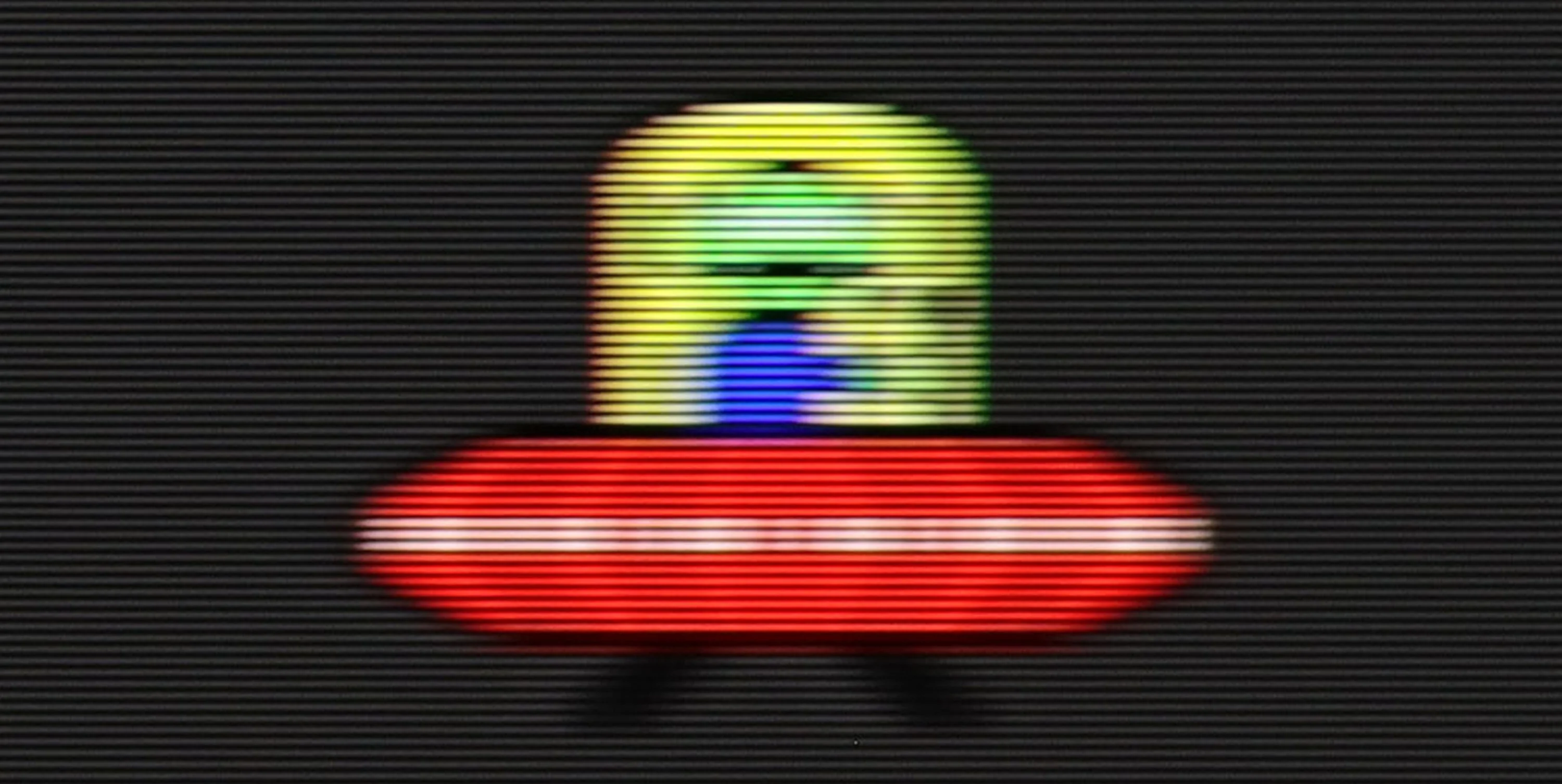
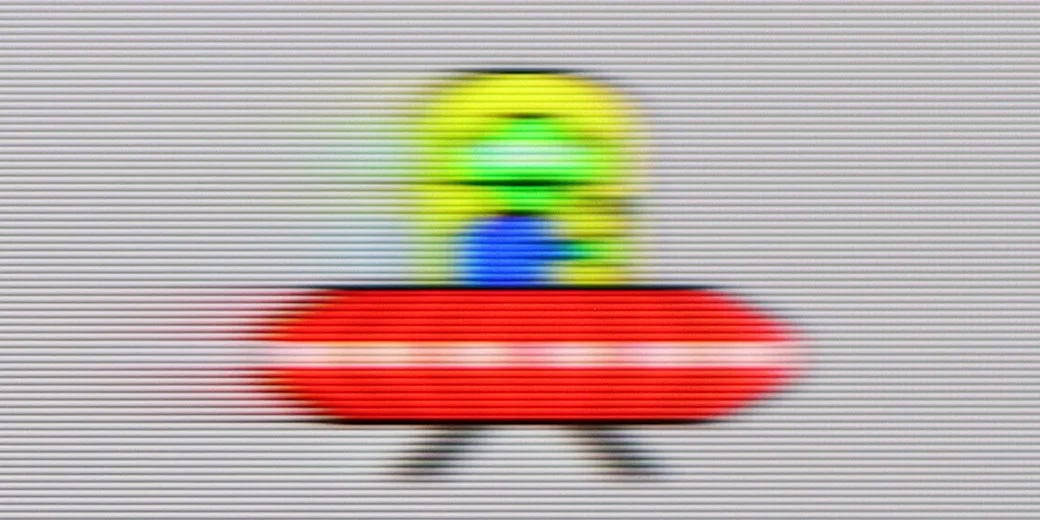
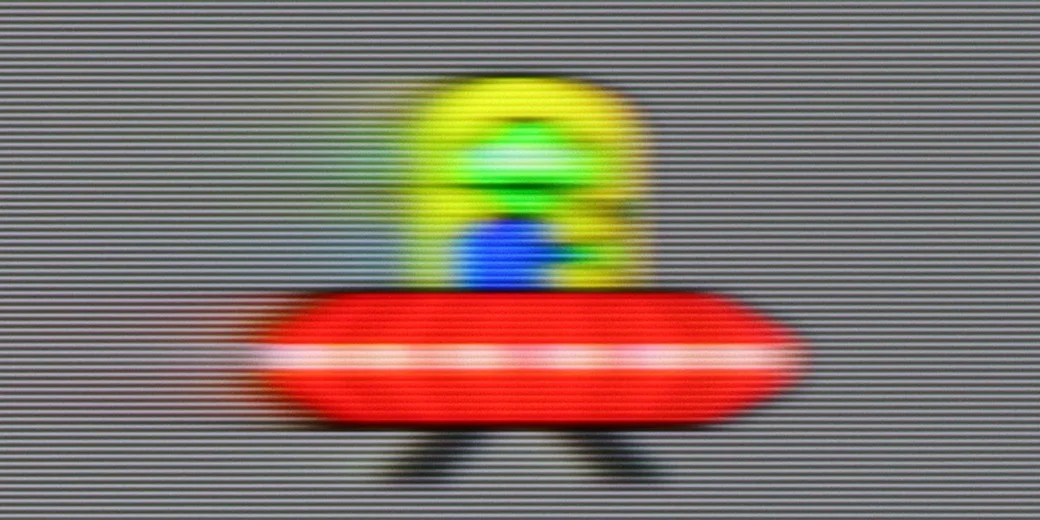
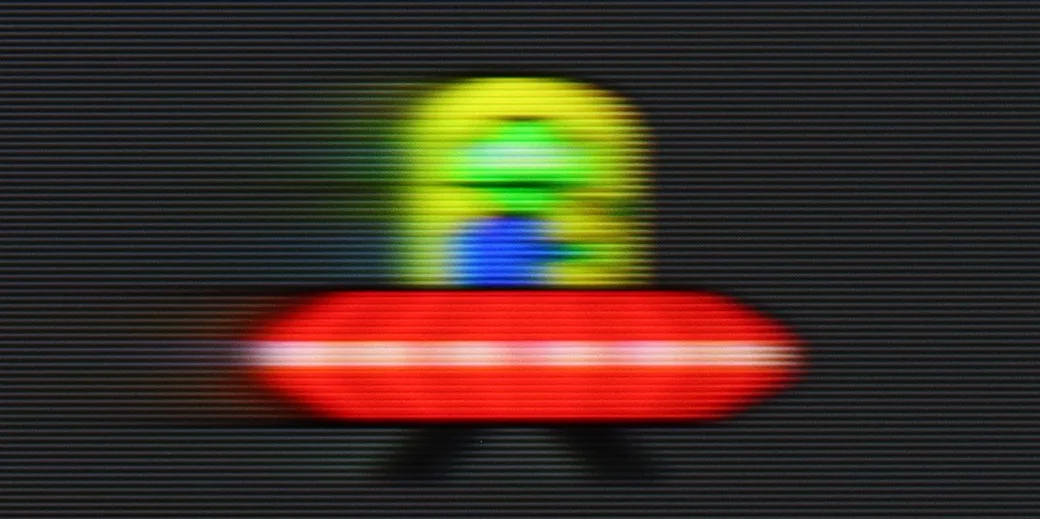
Blur (BFI function enabled):
Image flickers in this mode
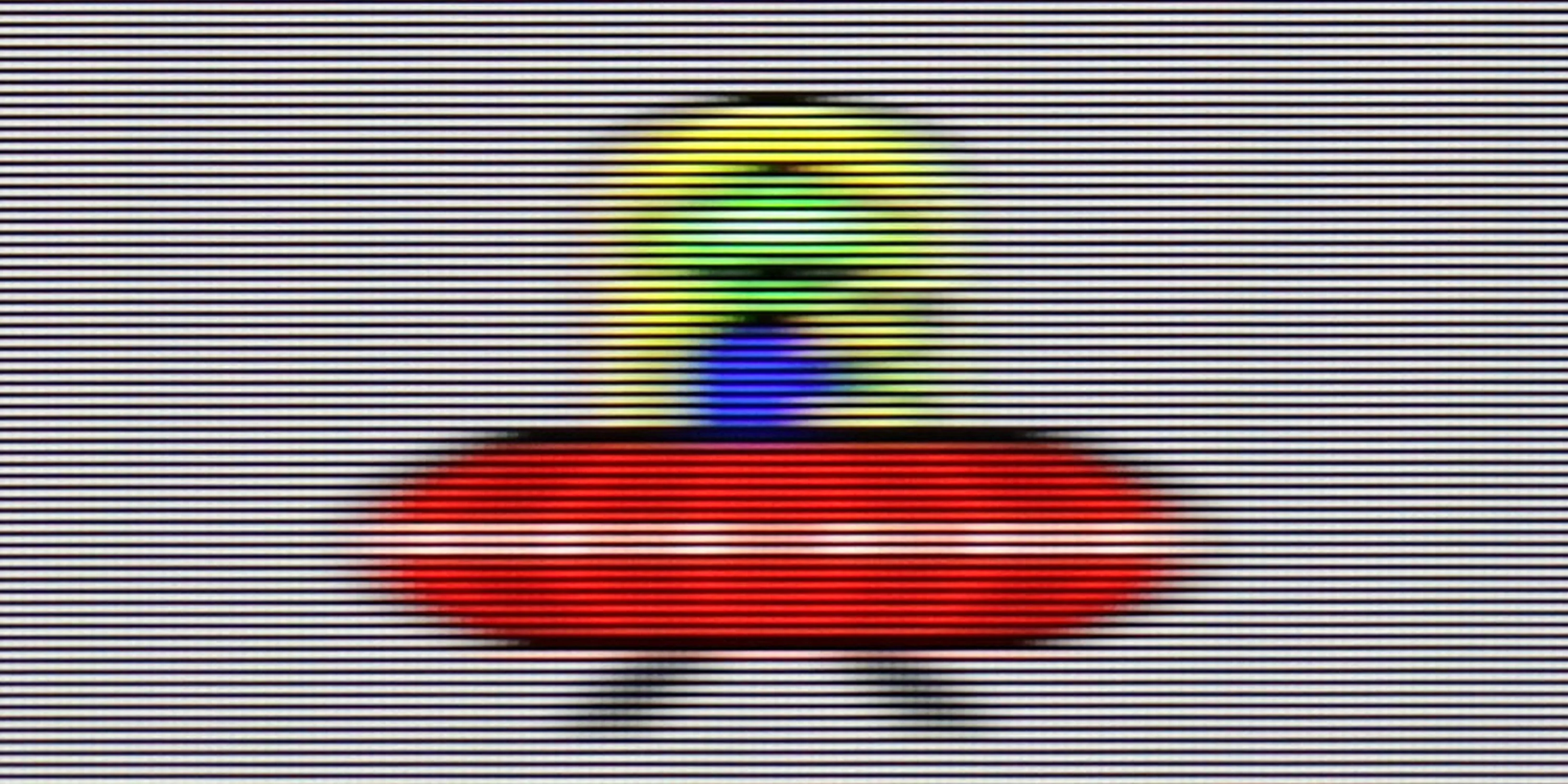
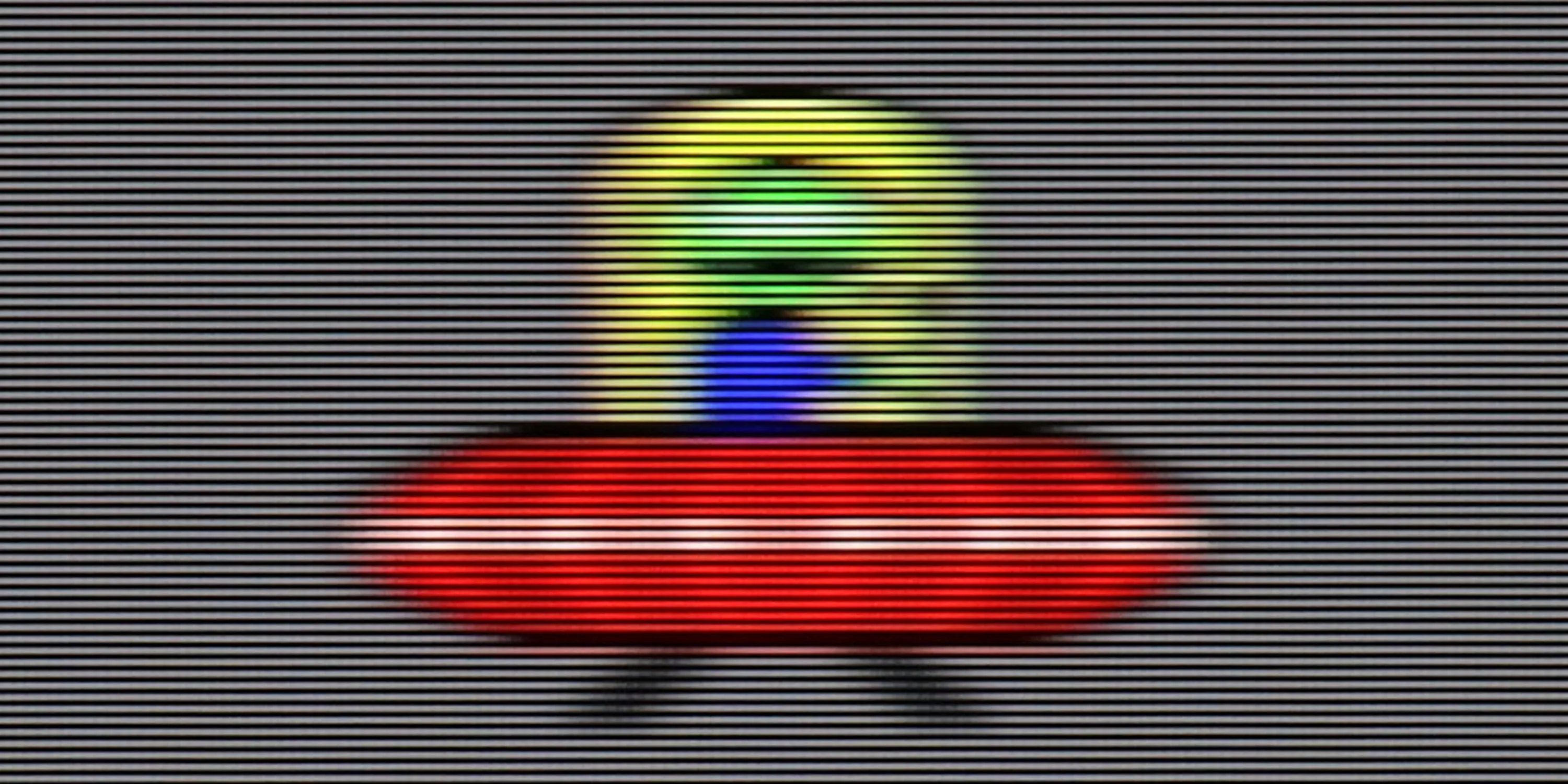
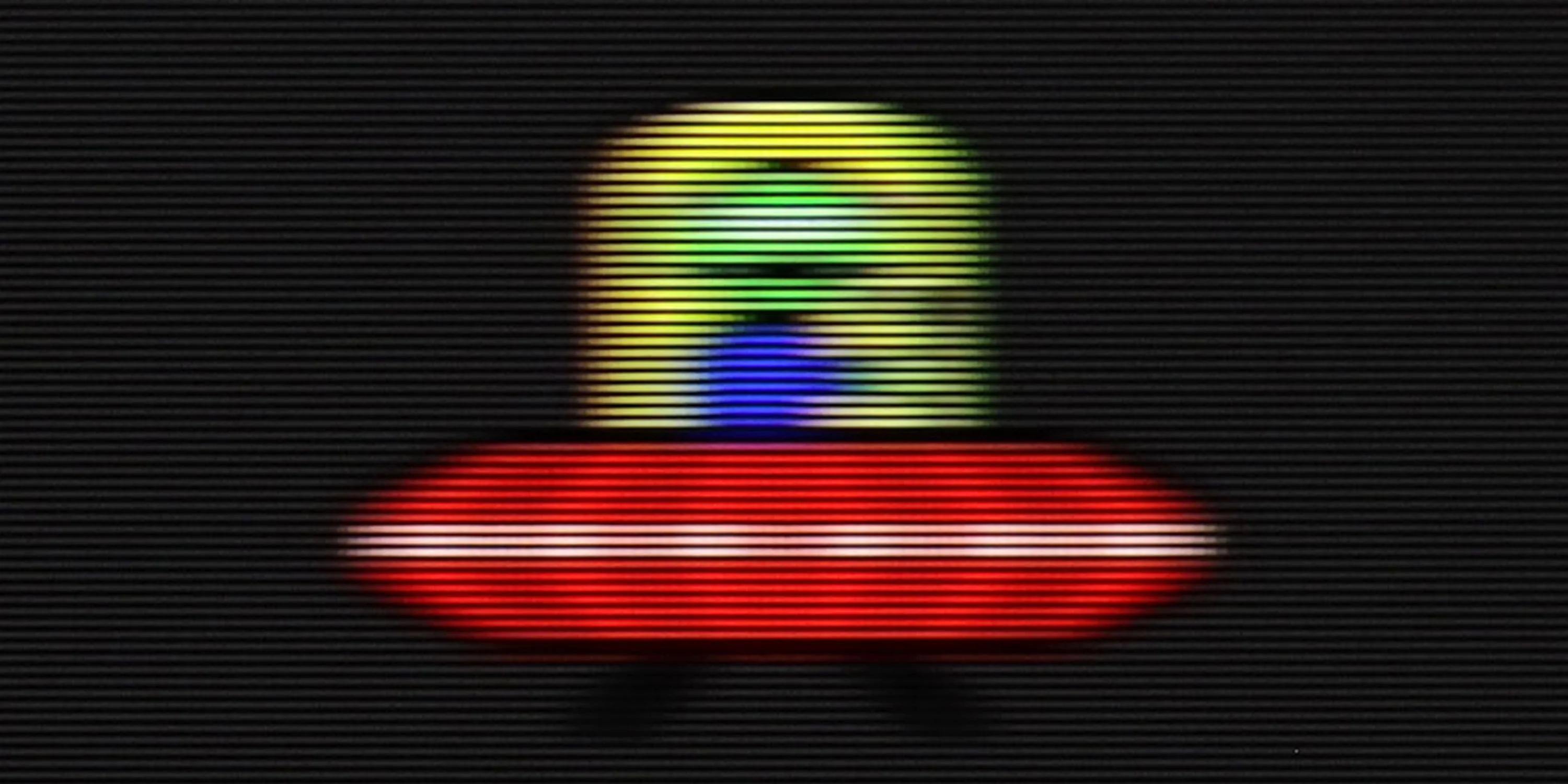
Image flickers in this mode

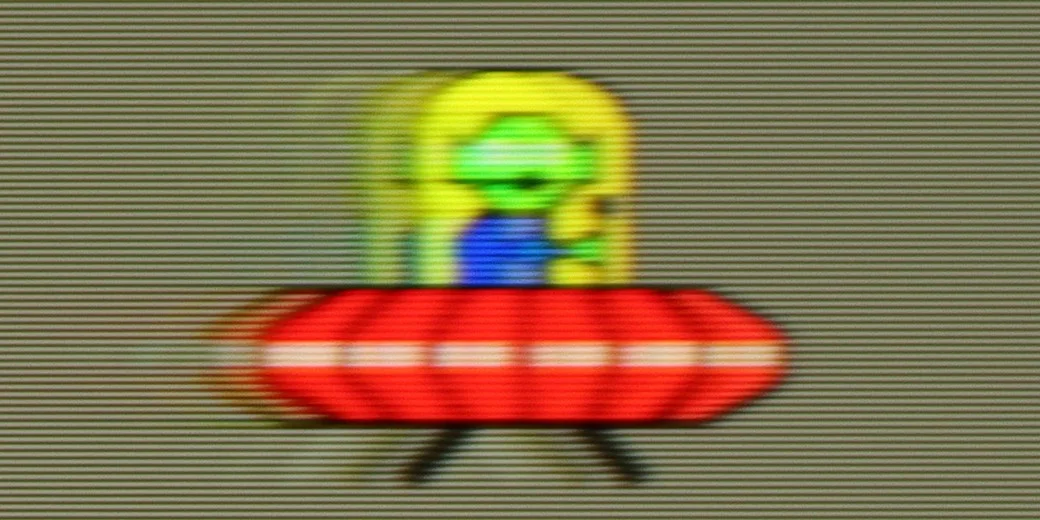
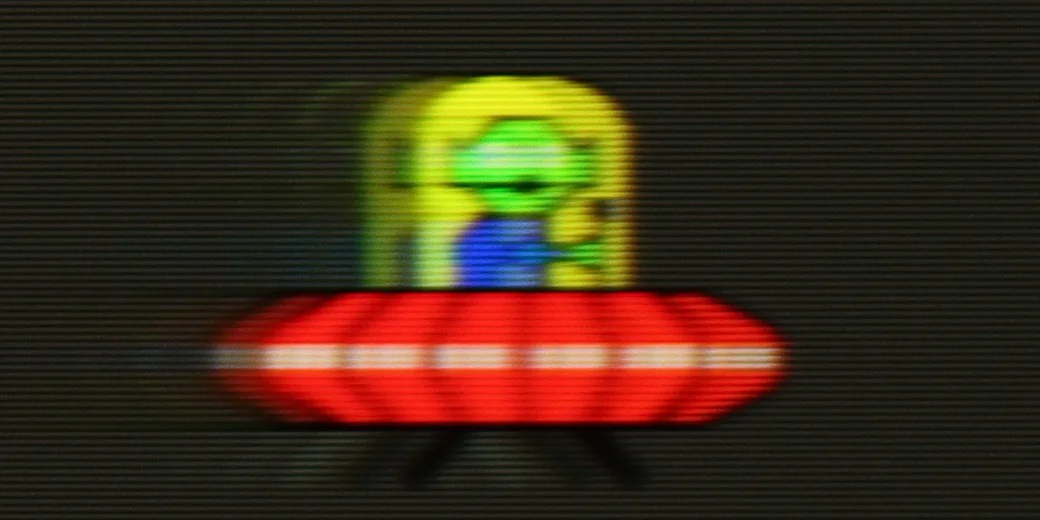
The Sony Bravia 8 offers a maximum refresh rate of 120 Hz, ensuring smooth viewing of dynamic content such as sports and games, with sharp and fluid motion. For more demanding users, the Sony XR80 features an advanced motion smoothing system, divided into three settings: Smoothness (Film), Smoothness (Camera), and Clarity. The first two settings adjust the level of blur and smoothness, while the Clarity setting will be discussed in more detail below. Each of these parameters can be customised to suit individual preferences, allowing users to fine-tune the settings for the optimal viewing experience.
QN80F is truly a "fast" television. The applied panel offers a refresh rate of up to 144 Hz, which in practice means that the screen keeps up with the action – whether we're watching a movie, playing games, or browsing dynamic content on the internet. The image doesn't tear, it doesn't excessively blur, and everything simply looks smooth and pleasant to the eye. Of course, the manufacturer hasn't forgotten about movie fans – in the settings, we find an option for motion smoothness adjustment, allowing us to tailor the effect to our personal preferences. You can leave a more "cinematic" look (for those who enjoy a classic film vibe) or crank up the smoothness to a higher level for a theatrical smoothing effect. Importantly, the choice is ours. Watching movies and playing on the QN80F is simply a joy.
Console compatibility and gaming features
8.1/10
9.6/10
- ALLM
- VRR
- VRR range48 - 120Hz48 - 144Hz
- Dolby Vision Game Mode
- Correct implementation of HGIG
- 1080p@120Hz
- 1440p@120Hz
- 4K@120Hz
- Game bar
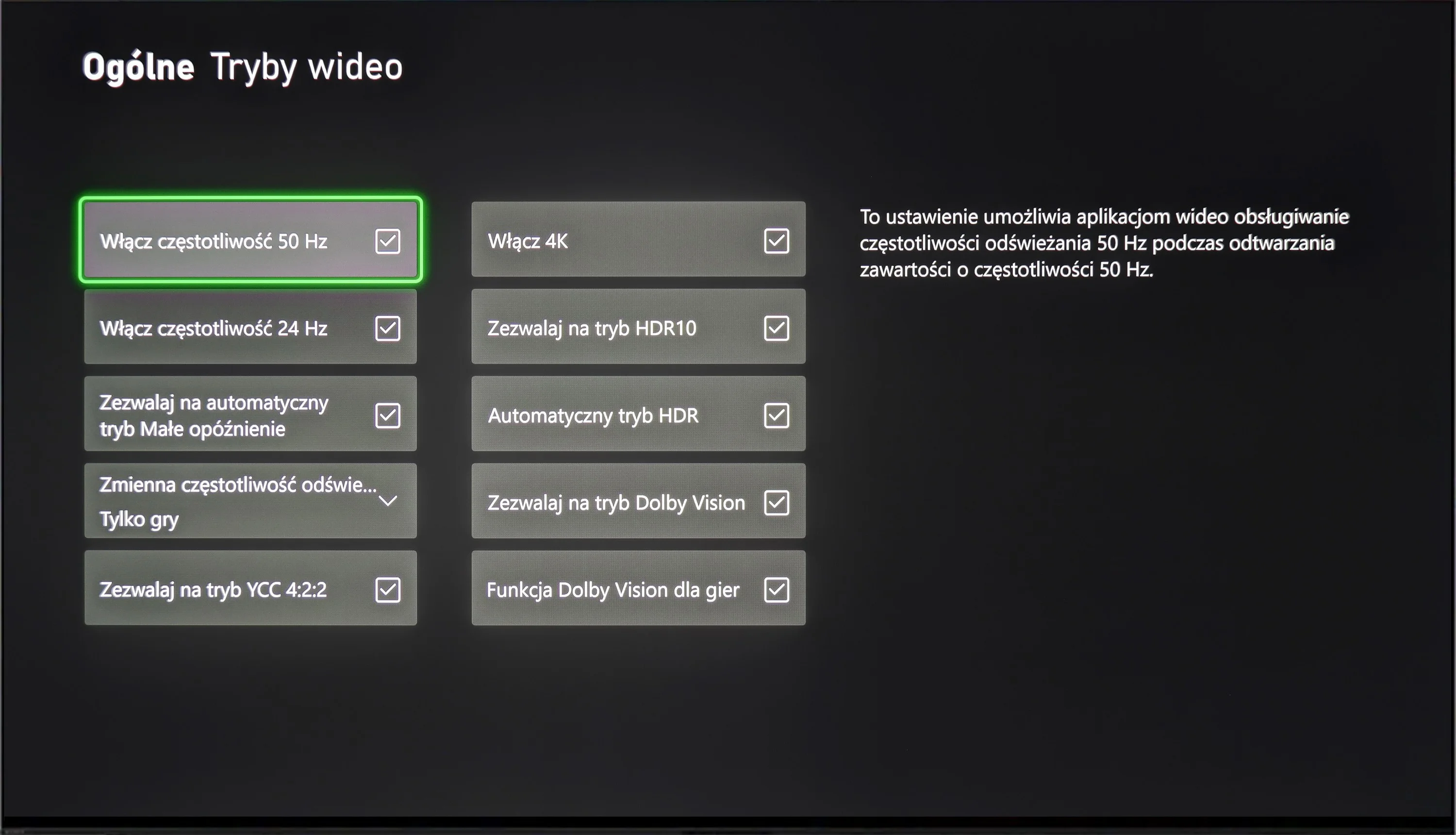
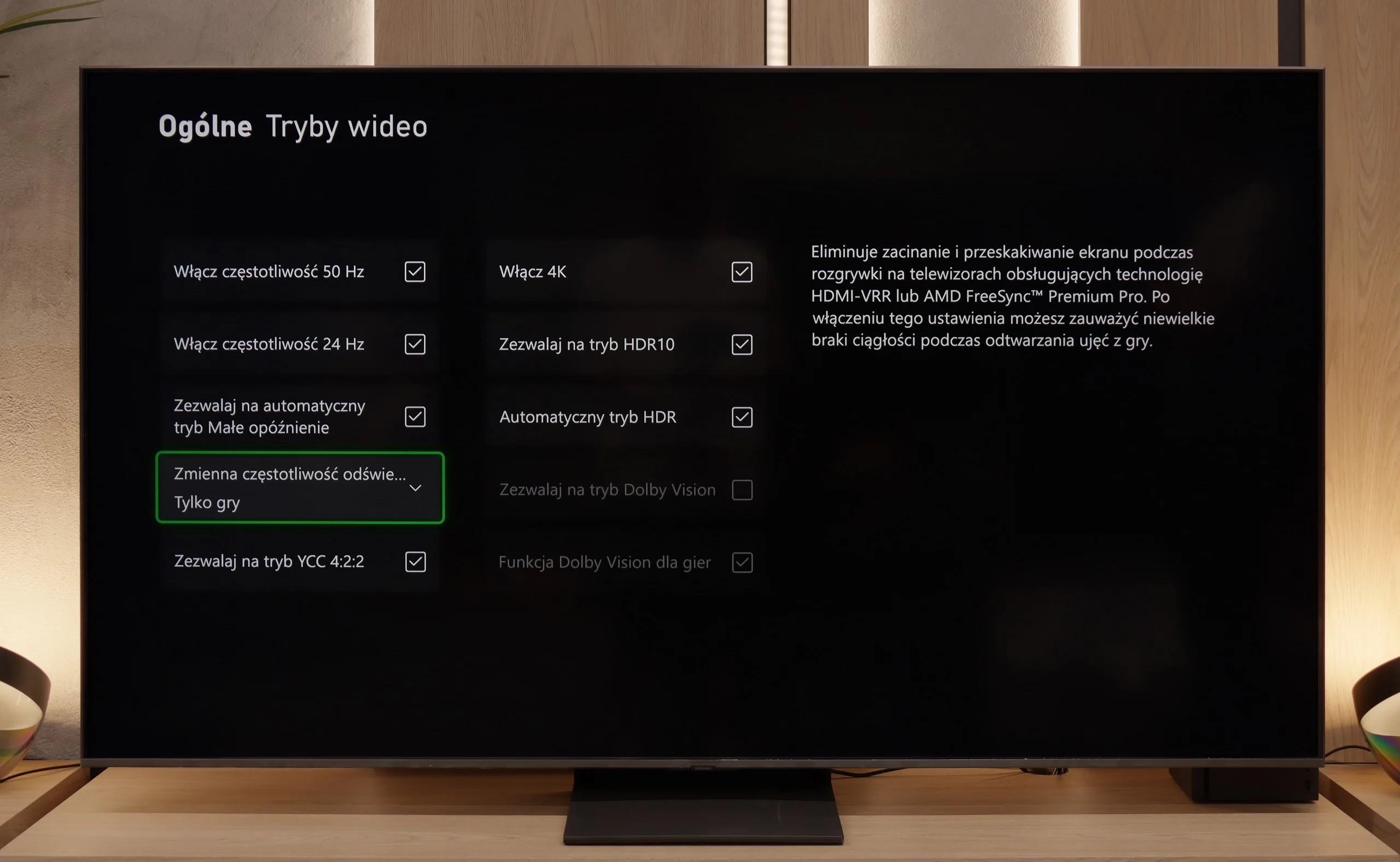
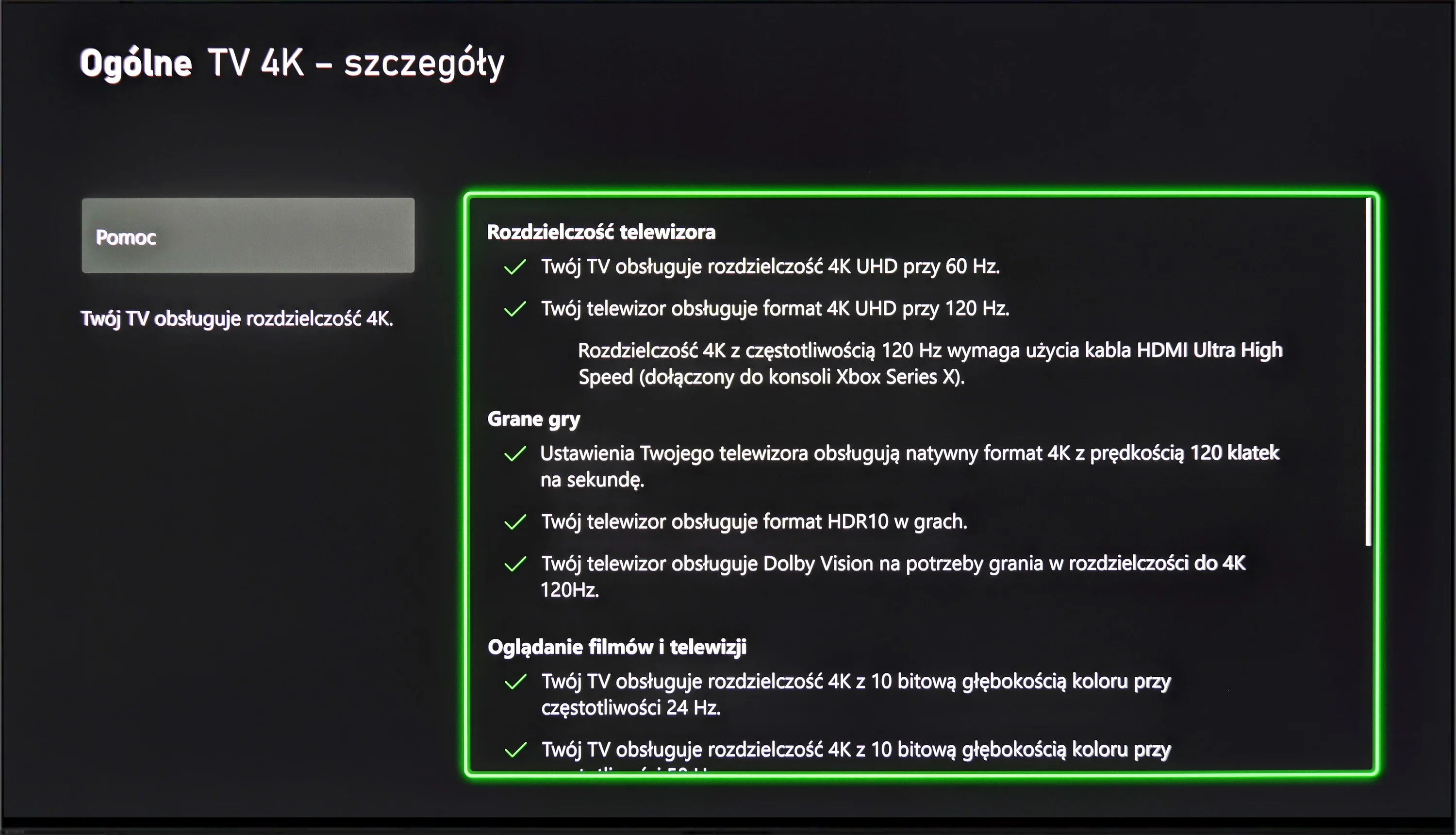
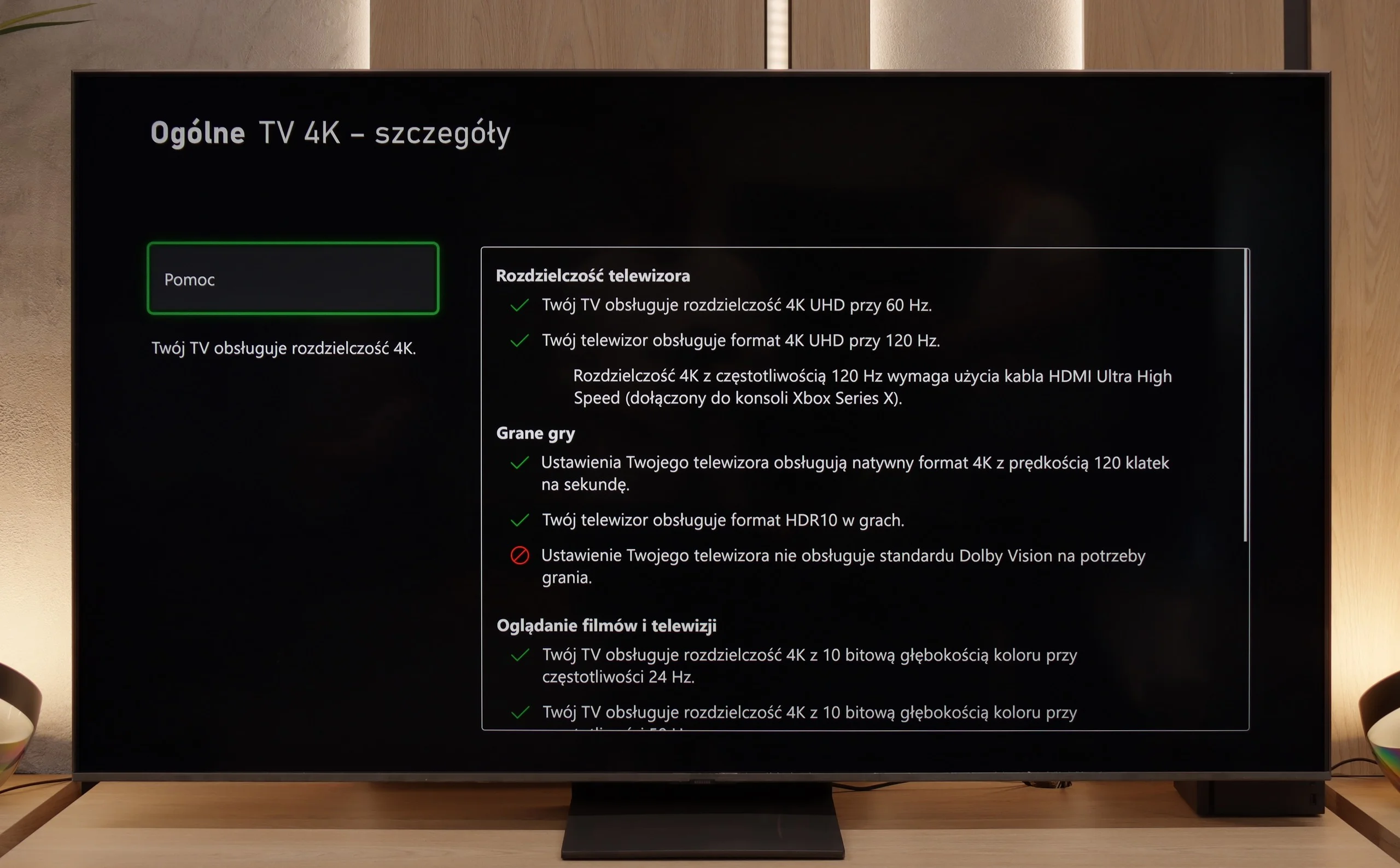
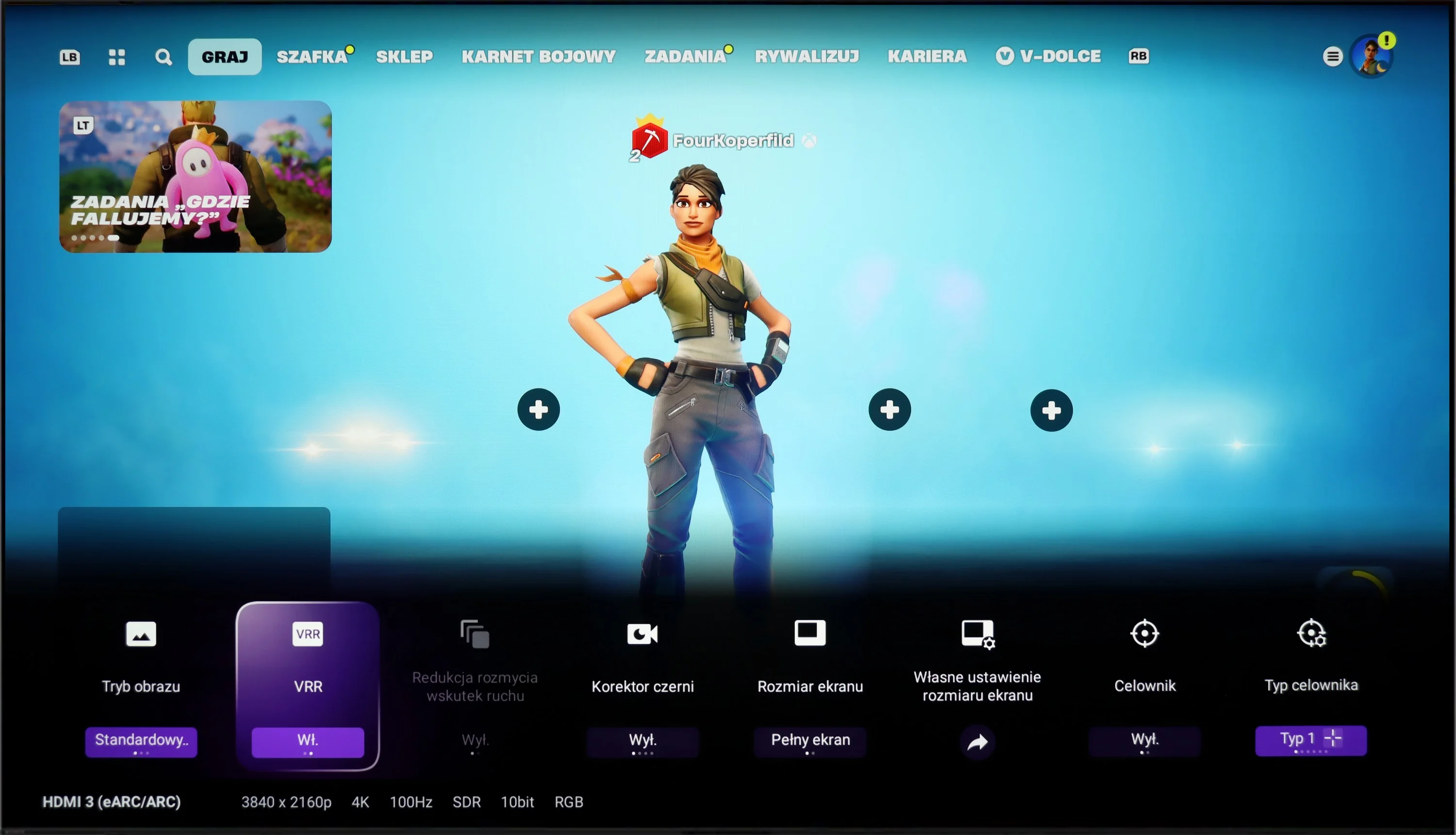
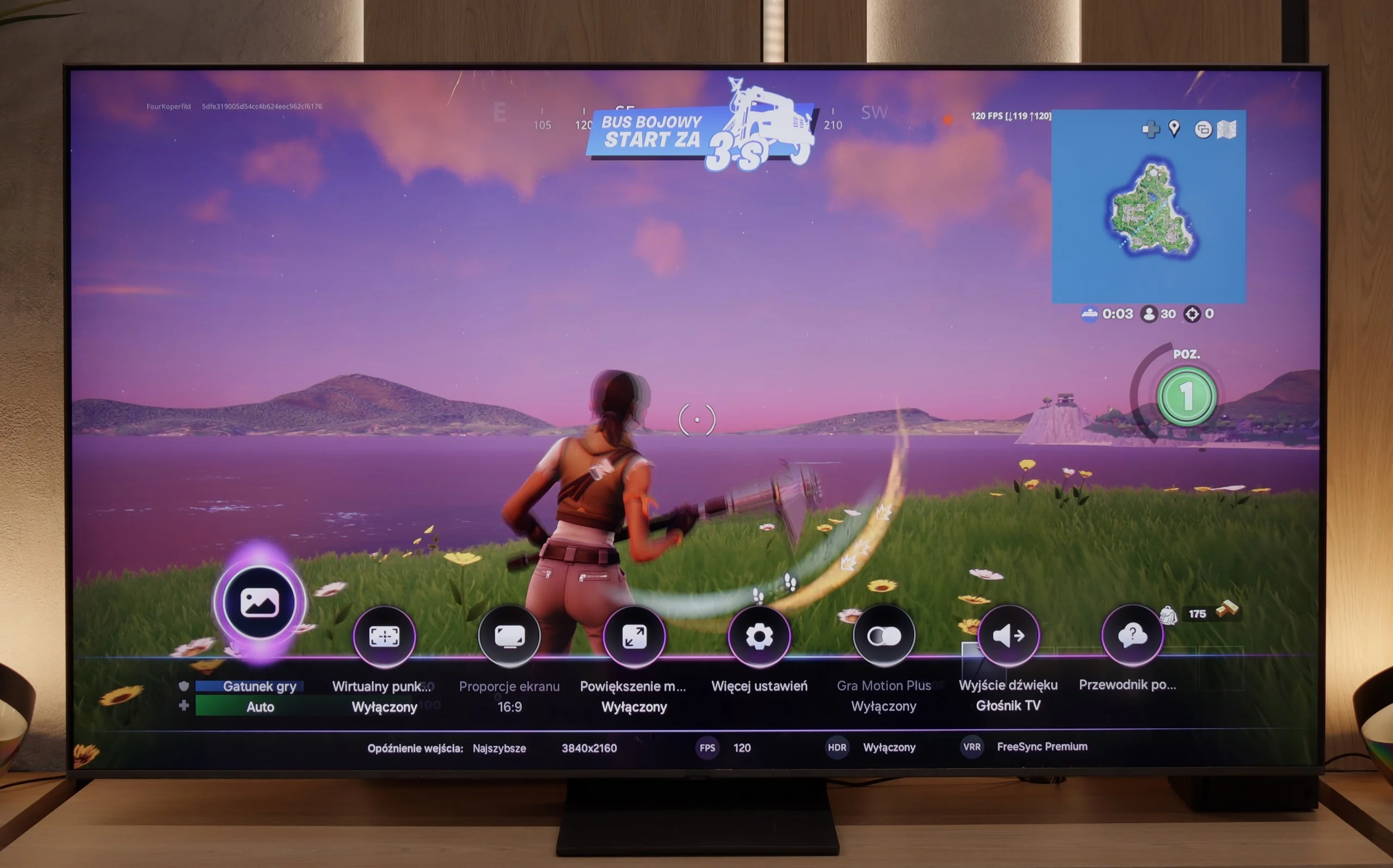
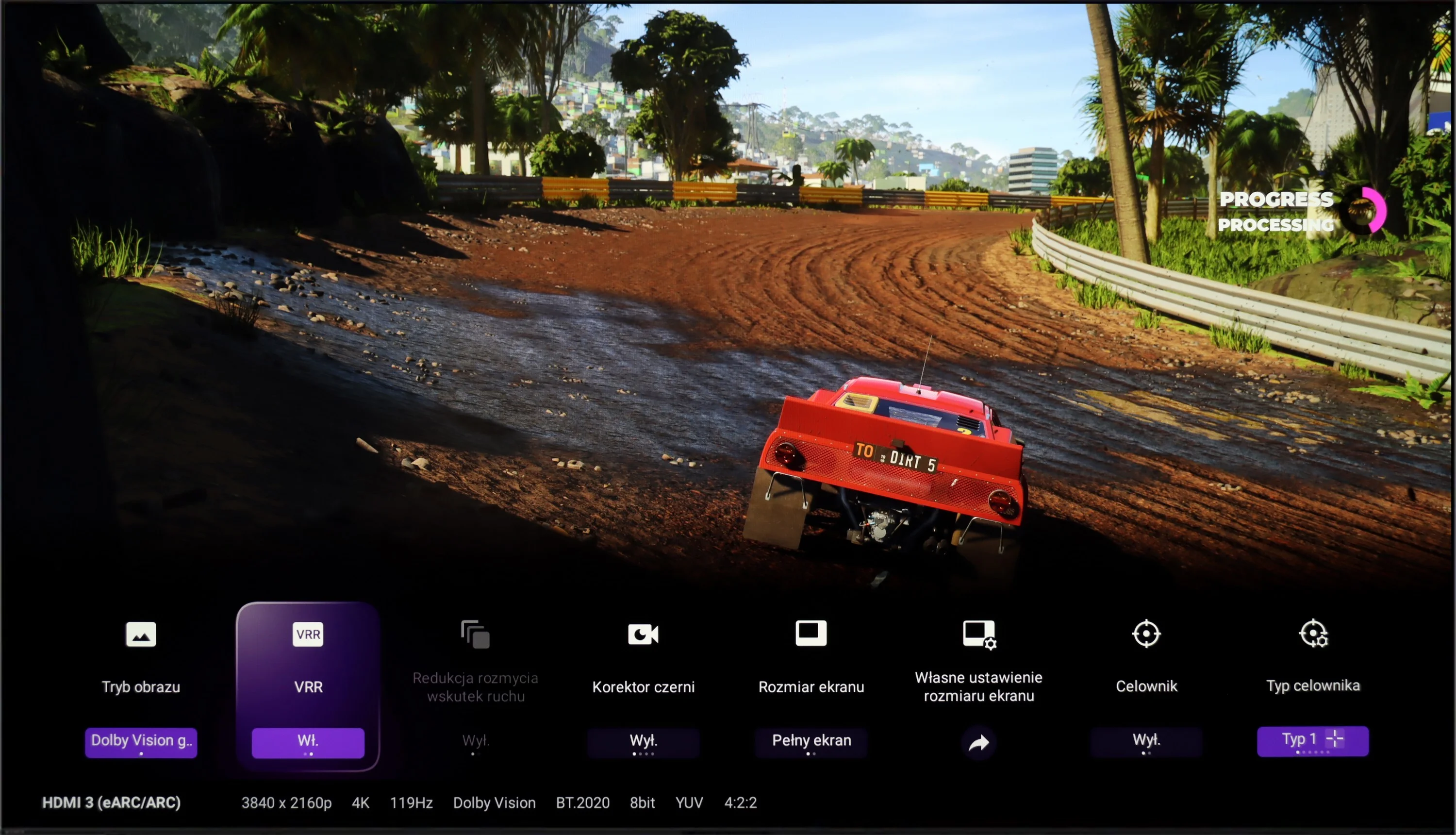
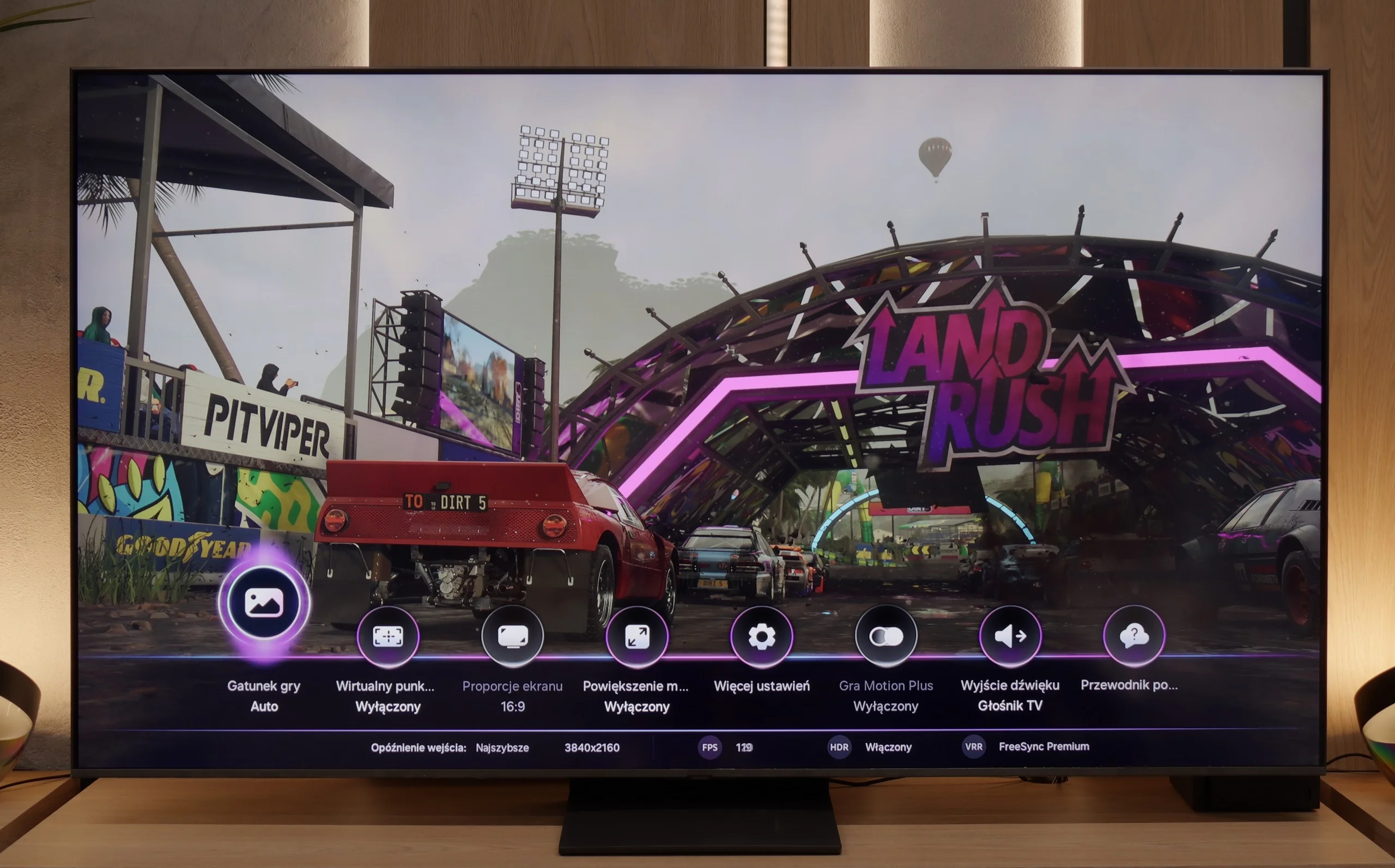
The Sony Bravia 8 has greatly improved its compatibility with consoles compared to earlier models. It supports variable refresh rate (VRR), which eliminates screen tearing and can sync with graphics cards for smooth visuals. The Auto Low Latency Mode (ALLM) reduces input lag, a crucial feature for fast-paced games. Additionally, Dolby Vision with low latency enhances HDR effects, offering stunning visuals during gameplay.
The Sony XR80 also includes a Game Bar, which provides quick access to settings and monitoring tools during gaming. A notable feature is the option to enable a virtual crosshair on the screen, giving players a potential advantage in shooter games.
However, there are some drawbacks. The TV lacks support for 1440p@120Hz resolution, which would benefit users with less powerful graphics cards. Furthermore, the Sony XR80 has only two HDMI 2.1 ports, one of which is typically used for connecting an audio system via eARC, limiting the number of available ports for next-gen consoles.
The Samsung QN80F is a television that delivers on almost every front when it comes to gaming. It features a 144 Hz panel, four full-fledged HDMI 2.1 ports, support for gamers in the form of variable refresh rate (VRR), automatic low latency mode (ALLM), and even one of the best-designed game bars on the market. The cherry on top is the motion smoother, which – uniquely in the world – works in games without significantly increasing input lag. Sounds like an almost perfect TV for gamers? And indeed, it is almost that way.
[UPDATE] We have updated our reviews of Samsung TVs from 2025 due to the release of software version 1131, which restored the crucial gaming feature HGiG.
As usual, Samsung does not support Dolby Vision in games, but that no longer surprises anyone. However, what is much more surprising is that... the HGIG feature has disappeared – that is, the system that allows a console (e.g., PlayStation 5 or Xbox Series X) to precisely match HDR tone mapping to the capabilities of the TV. In the latest firmware update for the 2025 models, this option simply vanished. It seems more like a bug than a deliberate move, but it must be honestly noted that as of the day of writing the review, the HGIG feature is simply not present.
And it is precisely because of this one absence that the QN80F turns from an almost perfect gaming TV into a "nearly" perfect device. It's a shame – because everything else indicated that Samsung could set the bar very high again in this generation.
Input lag
10/10
9.8/10
SDR
HDR
Dolby Vision
The low input lag on the Sony Bravia 8 is certainly a standout feature, with a remarkable 13 ms providing exceptional responsiveness. The Dolby Vision mode also deserves praise, as it performs exceptionally well on this model. Unlike many other manufacturers, where Dolby Vision often underperforms, it delivers its full potential here, enhancing the gaming experience.
QN80F does not disappoint when it comes to response time. The input lag for 120 Hz content drops below 10 ms, which can be considered an almost ideal result – it’s hard to expect more in this class of TVs. Gaming is smooth, responsive, and free from delays that could irritate even the most sensitive players. For 60 Hz materials, the lag is higher, around 19 ms, but this is a completely natural phenomenon and still falls within comfortable limits.
Compatibility with PC
7.6/10
8.8/10
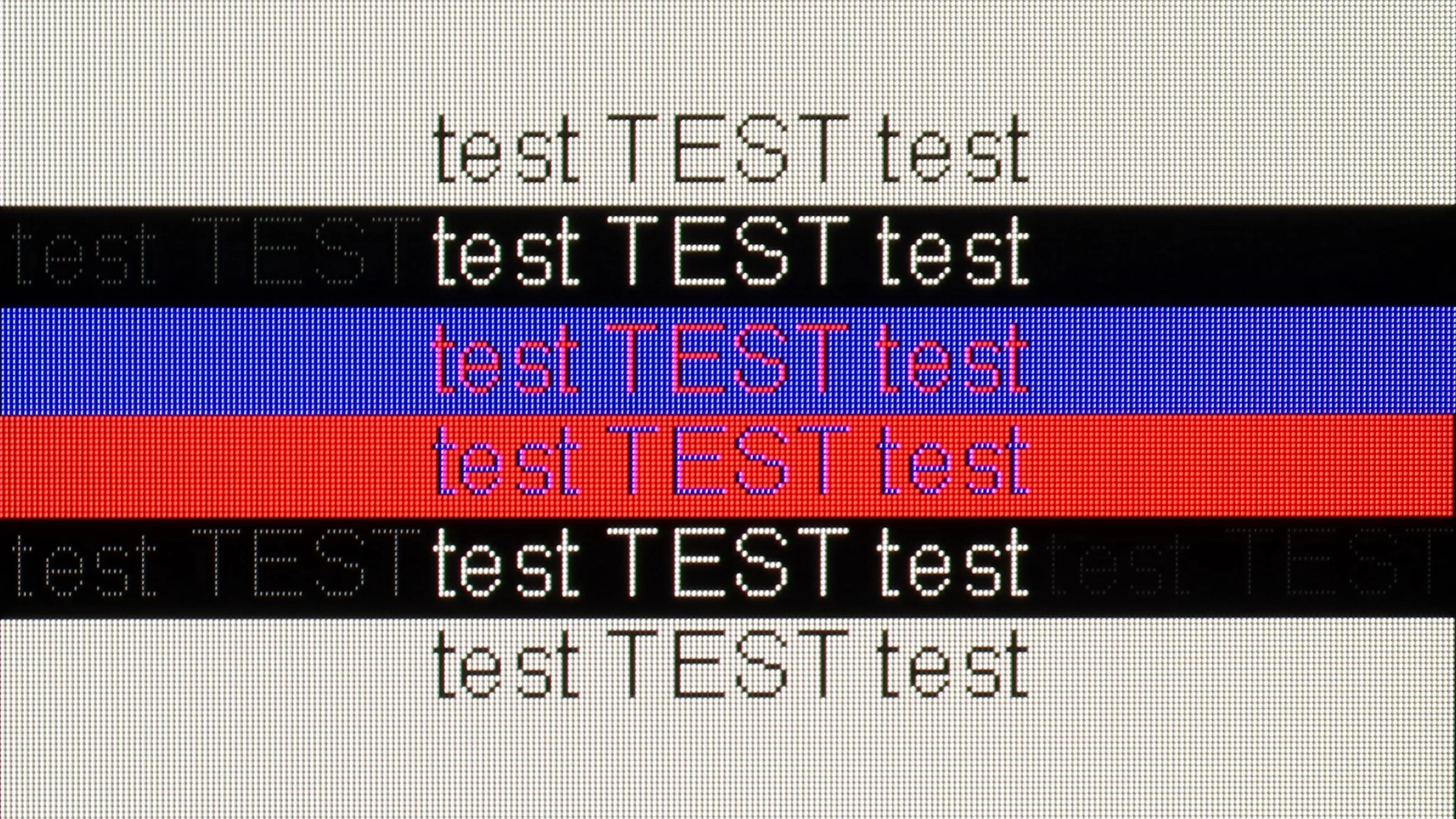
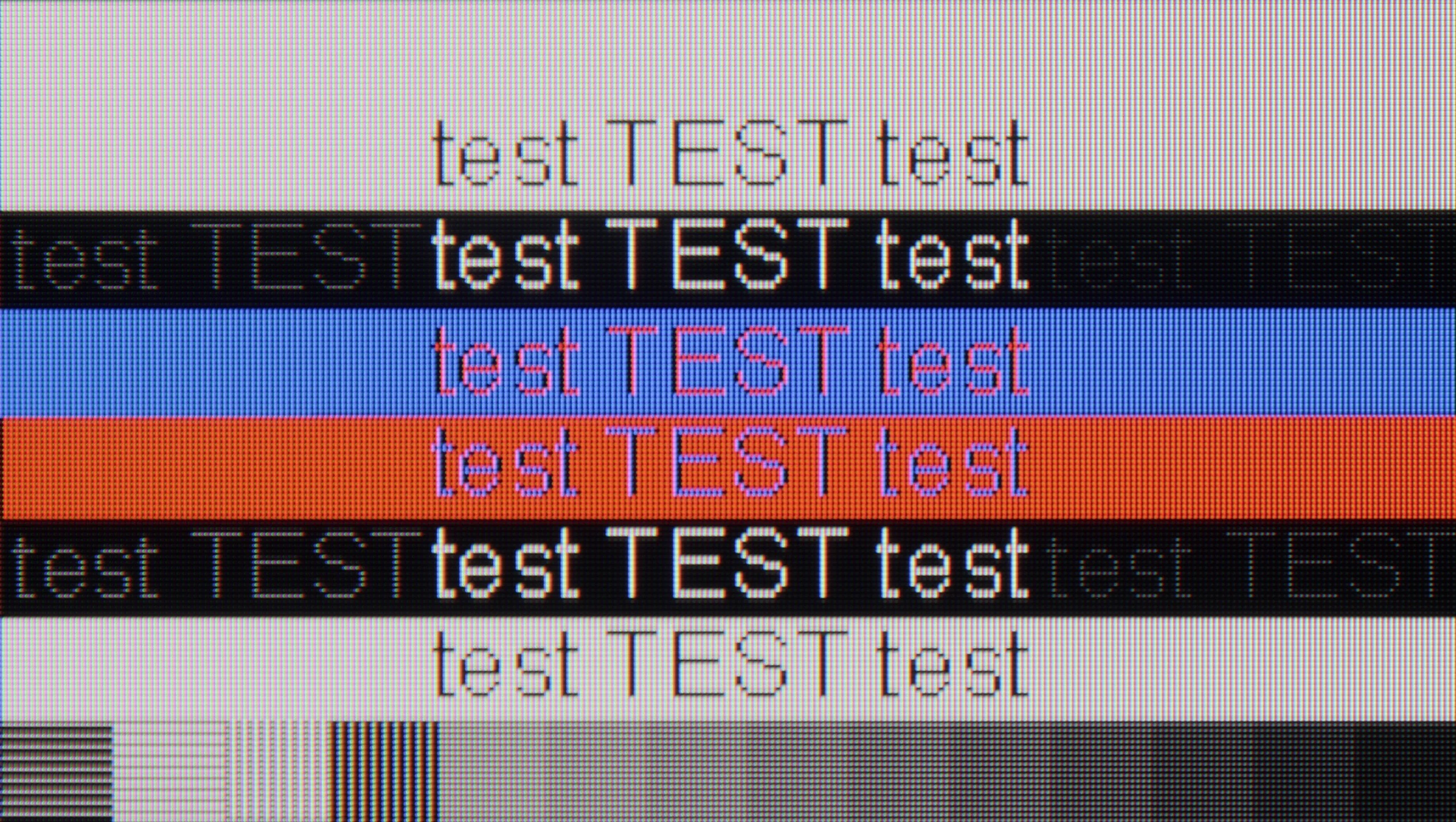
The photo shows the legibility of small fonts. Ideally, lines should be the same thickness on both light and dark text, with minimal pixel gaps.
The Sony Bravia 8 works very well with computers, much like most WOLED matrix televisions. Font readability is excellent, making it comfortable to work with documents or browse websites. The impressive 5 ms input lag ensures excellent responsiveness during gameplay. The only downside is that fonts on a dark background appear slightly dimmed.
Playing on the QN80F with a connected computer is pure pleasure. The TV works seamlessly with NVIDIA graphics cards (thanks to G-Sync support) and AMD (thanks to FreeSync Premium), and the 144 Hz refresh rate only enhances comfort during dynamic gameplay. Everything works right away, without unnecessary fiddling with settings – exactly as it should.
When it comes to work, it is also very good. The readability of fonts is high, and the texts appear sharp and clear. With very thin horizontal lines, one can notice slight imperfections, but really – you have to look closely. Unless, like us, you sometimes enjoy examining the screen with a magnifying glass… then you might spot something 😉.
Viewing angles
7.3/10
3.1/10
The viewing angles on the Sony Bravia 8 are excellent, as expected from an OLED TV. The image retains its colours and contrasts even when viewed from wide angles. The only models that outperform it in this area are those equipped with MLA (Meta-Lens Array) technology and QD-OLED, which provide even wider viewing angles and superior image quality at extreme angles.
QN80F, like most TVs with VA panels, does not impress in terms of viewing angles. It is enough to lean slightly to the side to notice a significant drop in brightness and lost color saturation. The image loses its "depth" and "vividness," and darker scenes may appear slightly washed out. However, this is a typical characteristic of VA panels, which in return offer significantly better native contrast than IPS panels. In short: something for something. If you are sitting directly in front of the screen – there will be no problem. But when watching together in a larger group, it is worth keeping this in mind.
Daytime performance
5.6/10
6.6/10
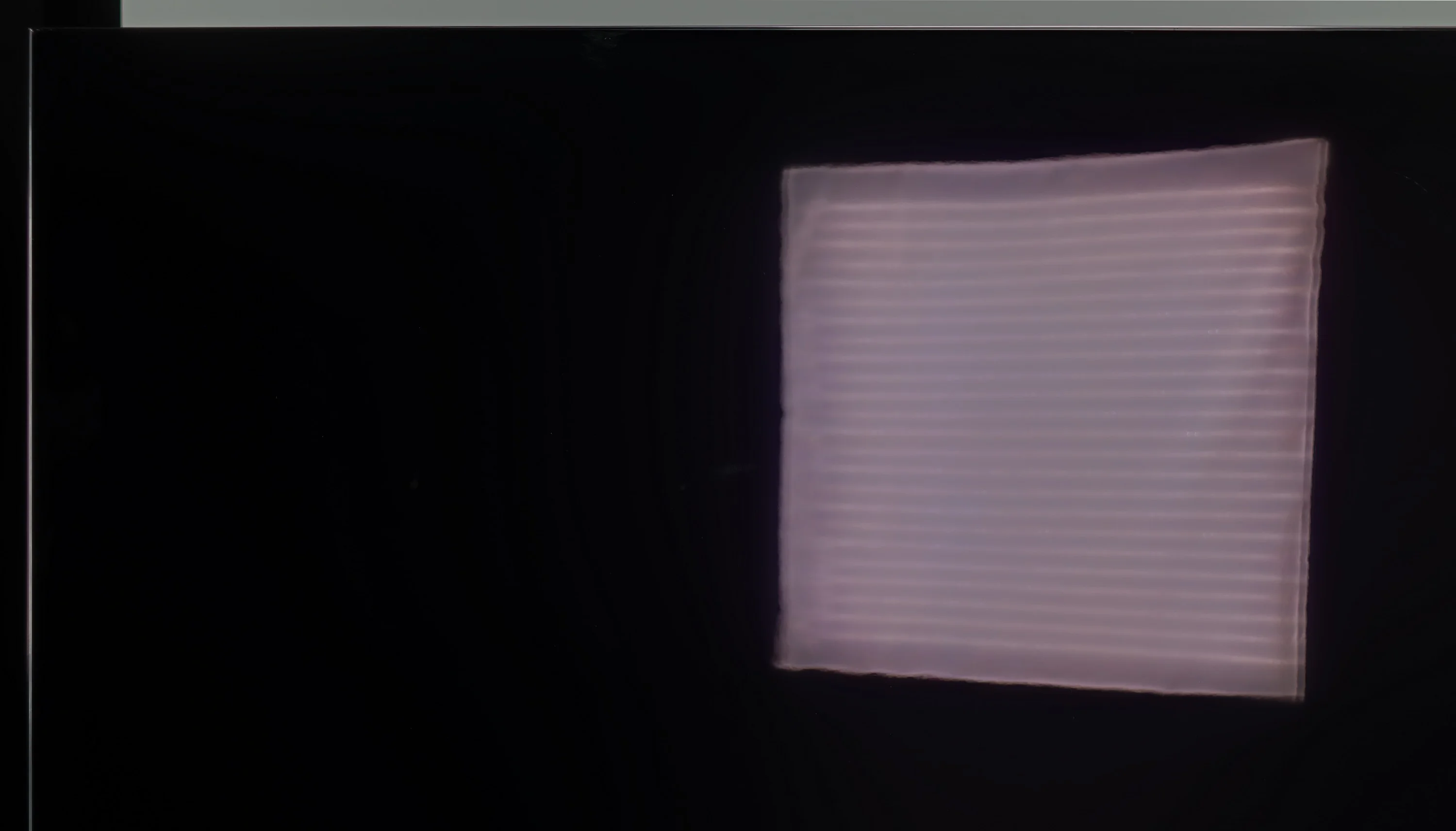
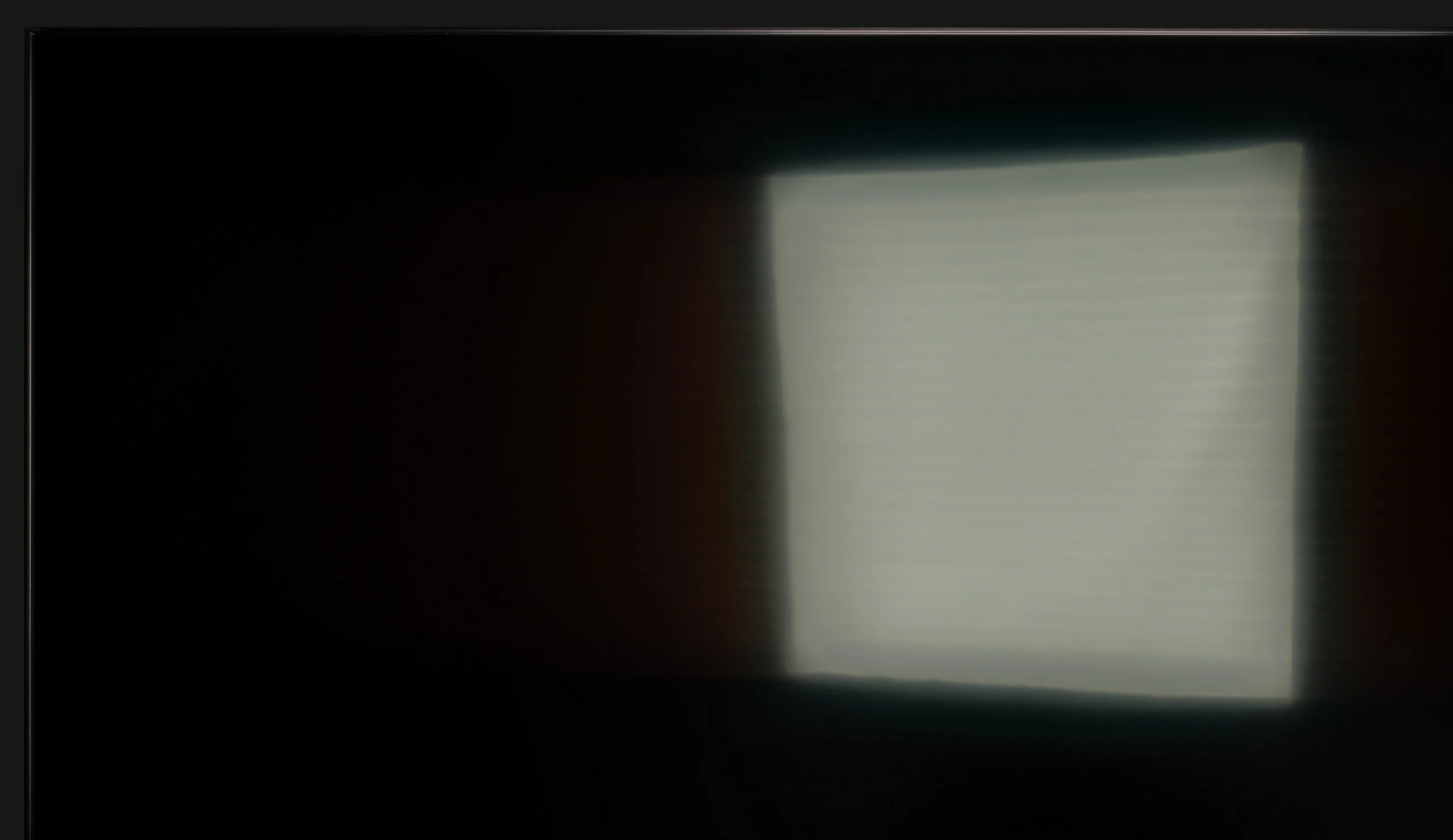
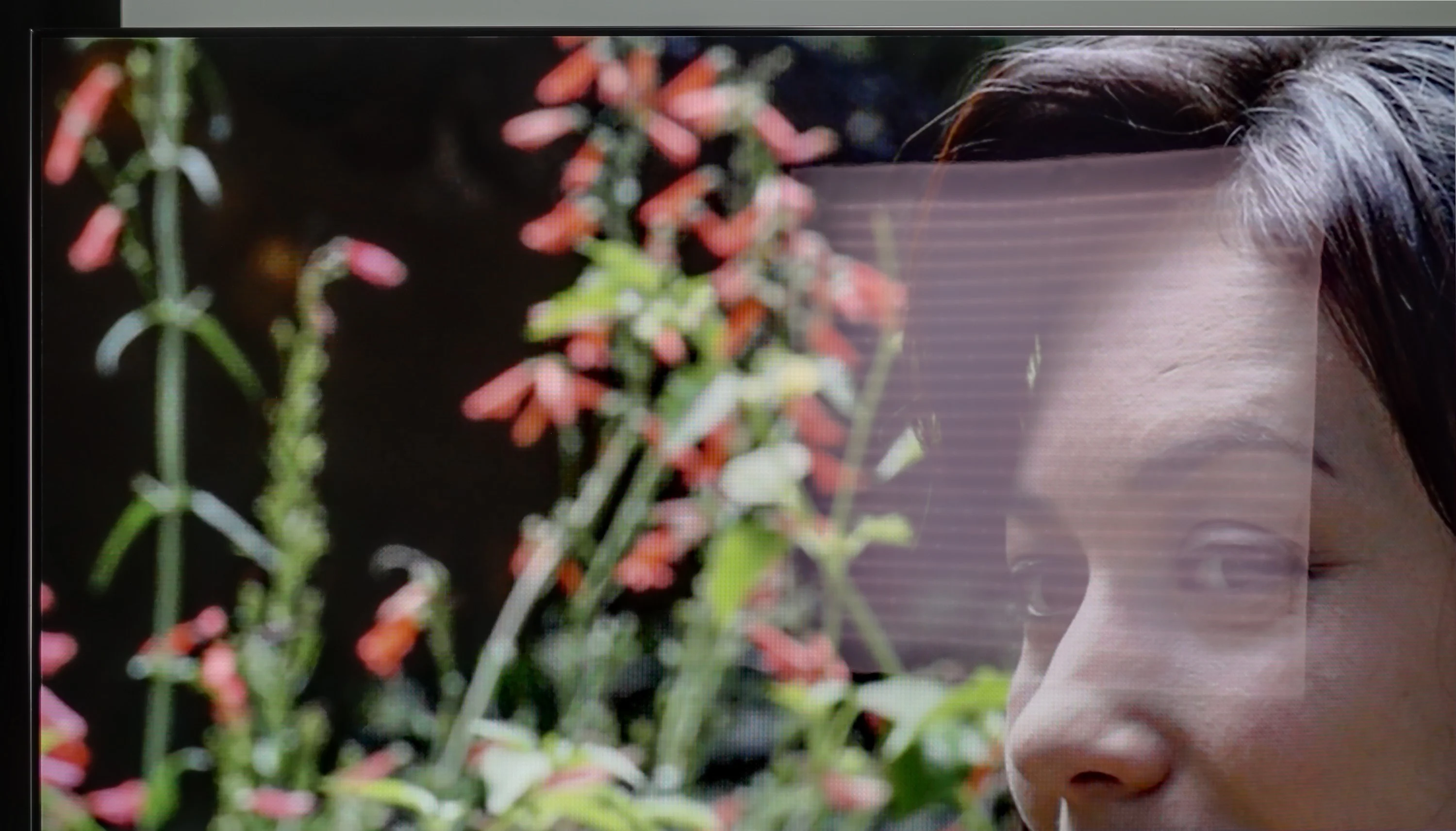
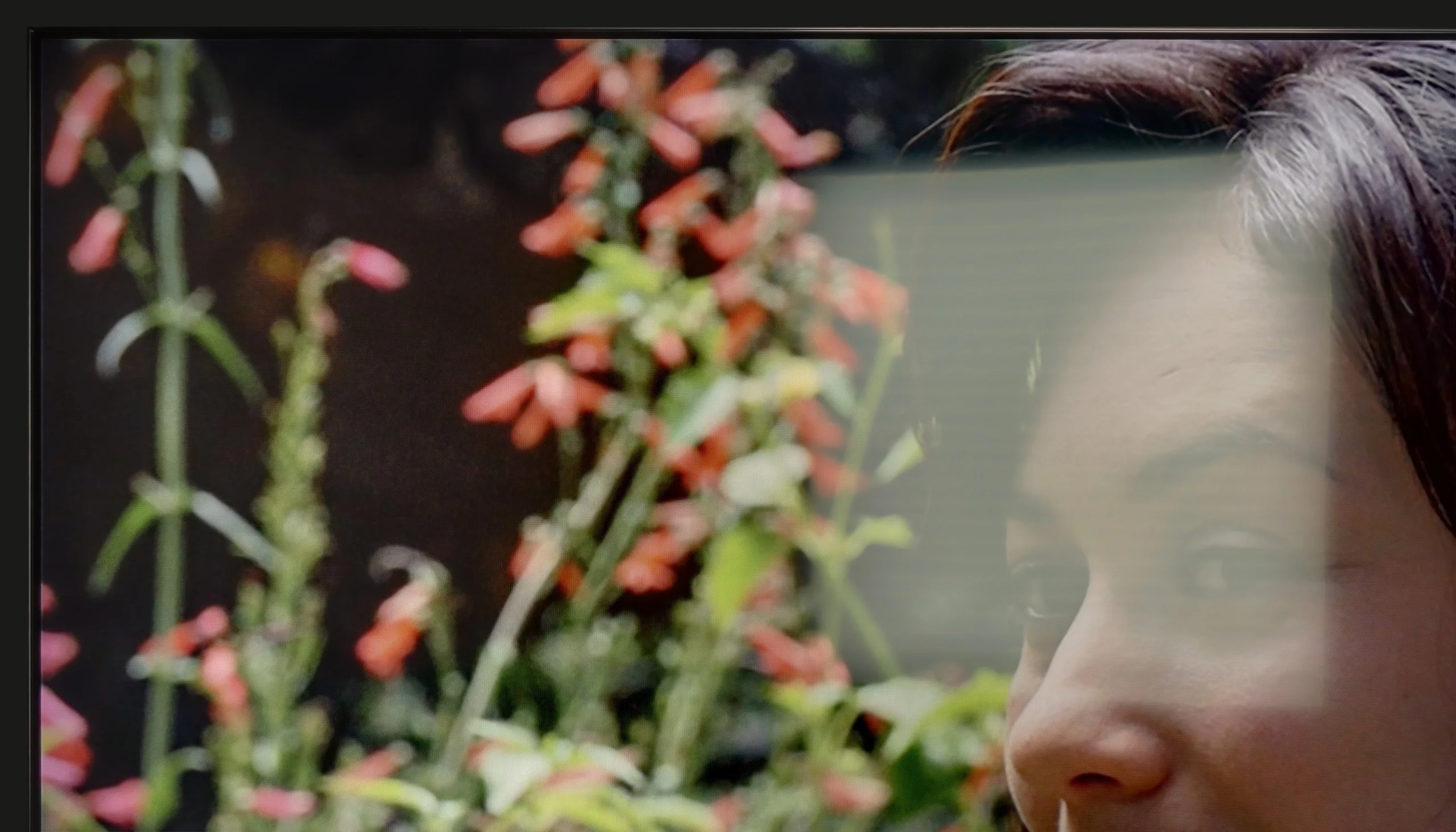
Panel brightness
SAMSUNG QN80F: 543 cd/m2
Sony Bravia 8 (XR80): 335 cd/m2
The glossy matrix on the Sony Bravia 8 effectively reduces reflections, although they take on a slightly bluish hue. However, the brightness level of 330 nits is not particularly impressive, making this TV better suited for evening viewing. During the day, to ensure optimal image quality, it's advisable to close the windows to minimise the impact of external light.
QN80F is really a bright TV. The average brightness in SDR materials is around 550 nits, regardless of the scene, which practically means that you can comfortably watch content even in a well-lit room – and you don’t have to close the curtains every time we turn on a movie. The new satin coating of the panel is also a plus, as it handles reflections much better compared to last year's QN80D. Glare is less bothersome, and the screen maintains readability in various lighting conditions. It's hard to find fault with anything here – the QN80F simply performs great during the day.
Panel details
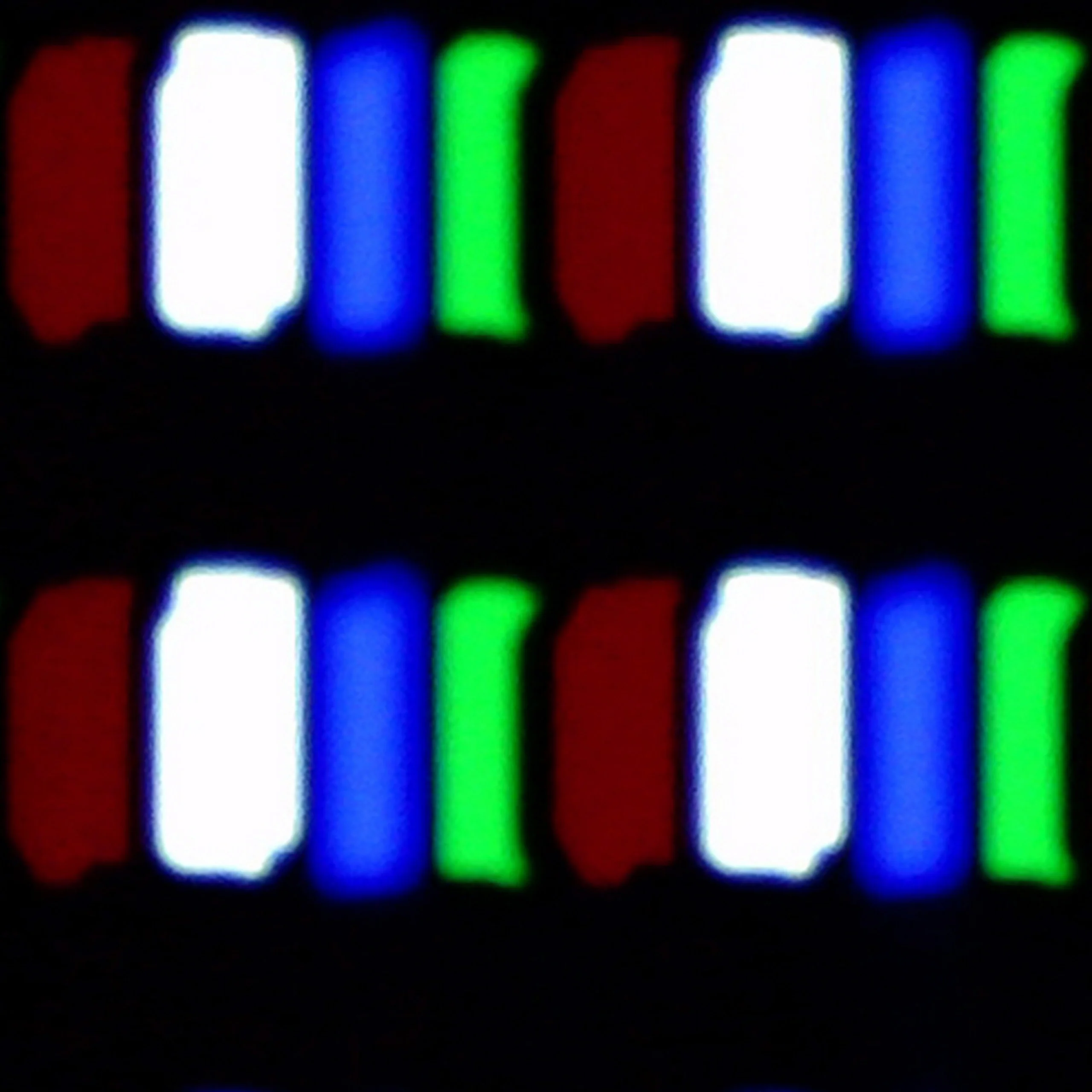
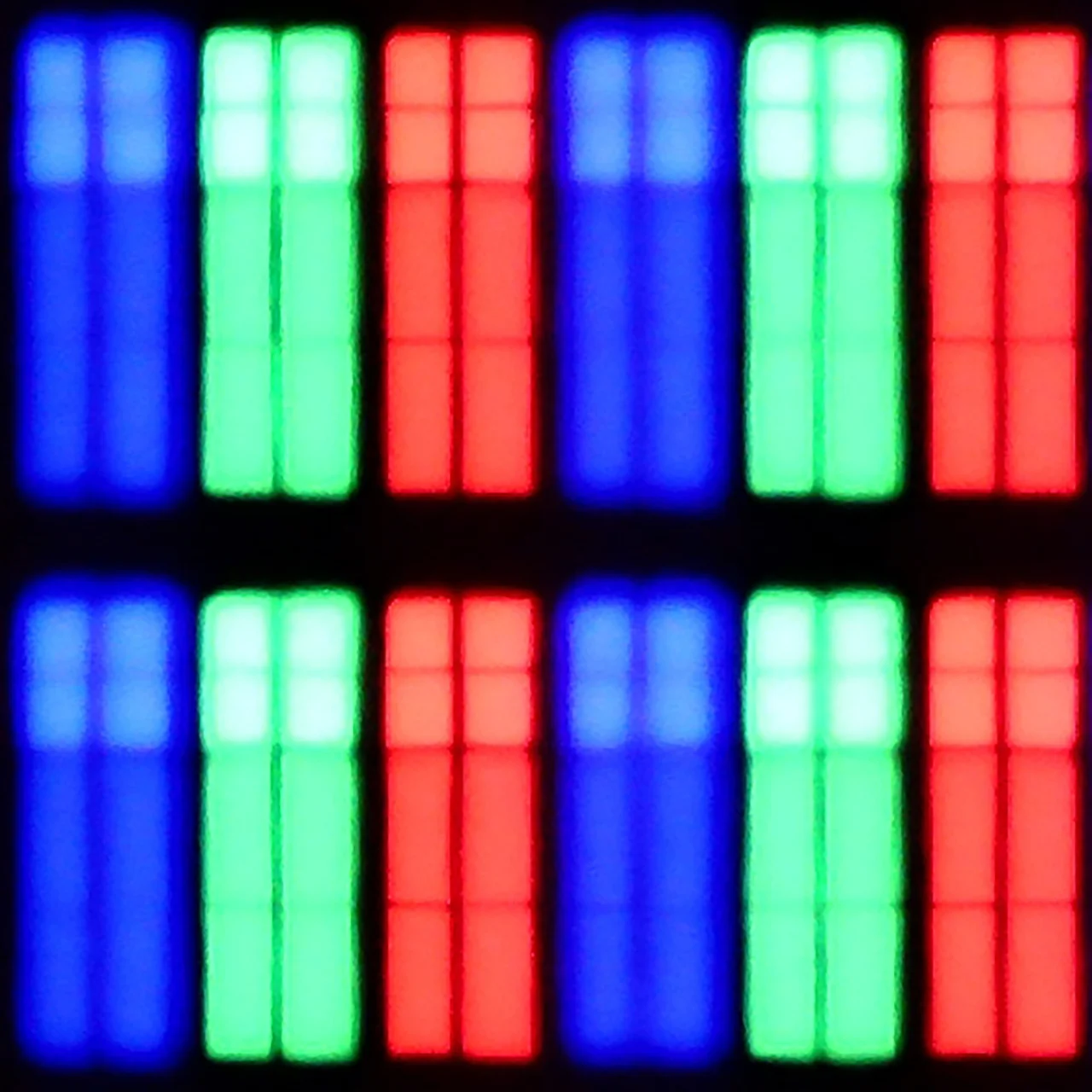
Subpixel Structure:
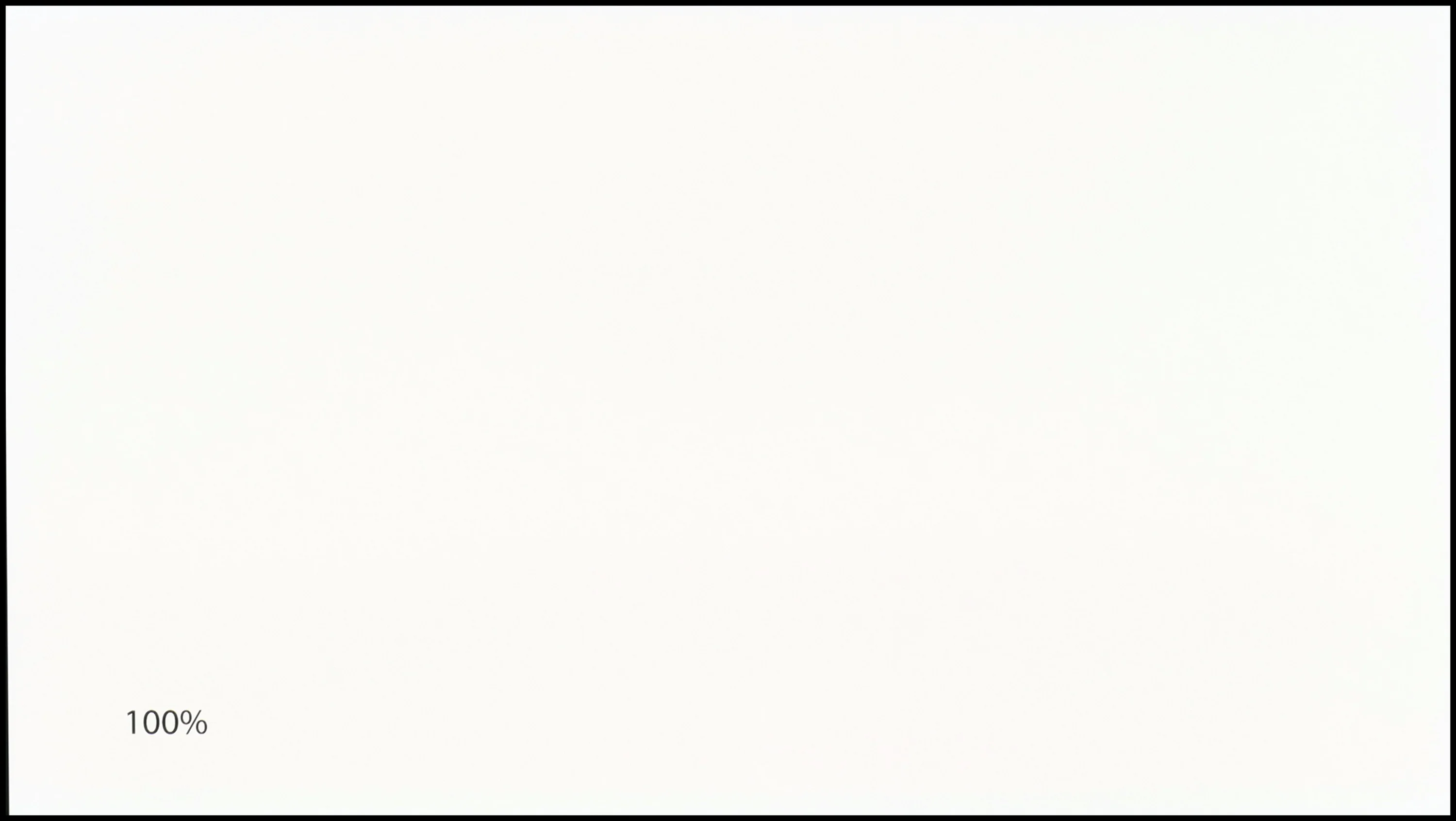
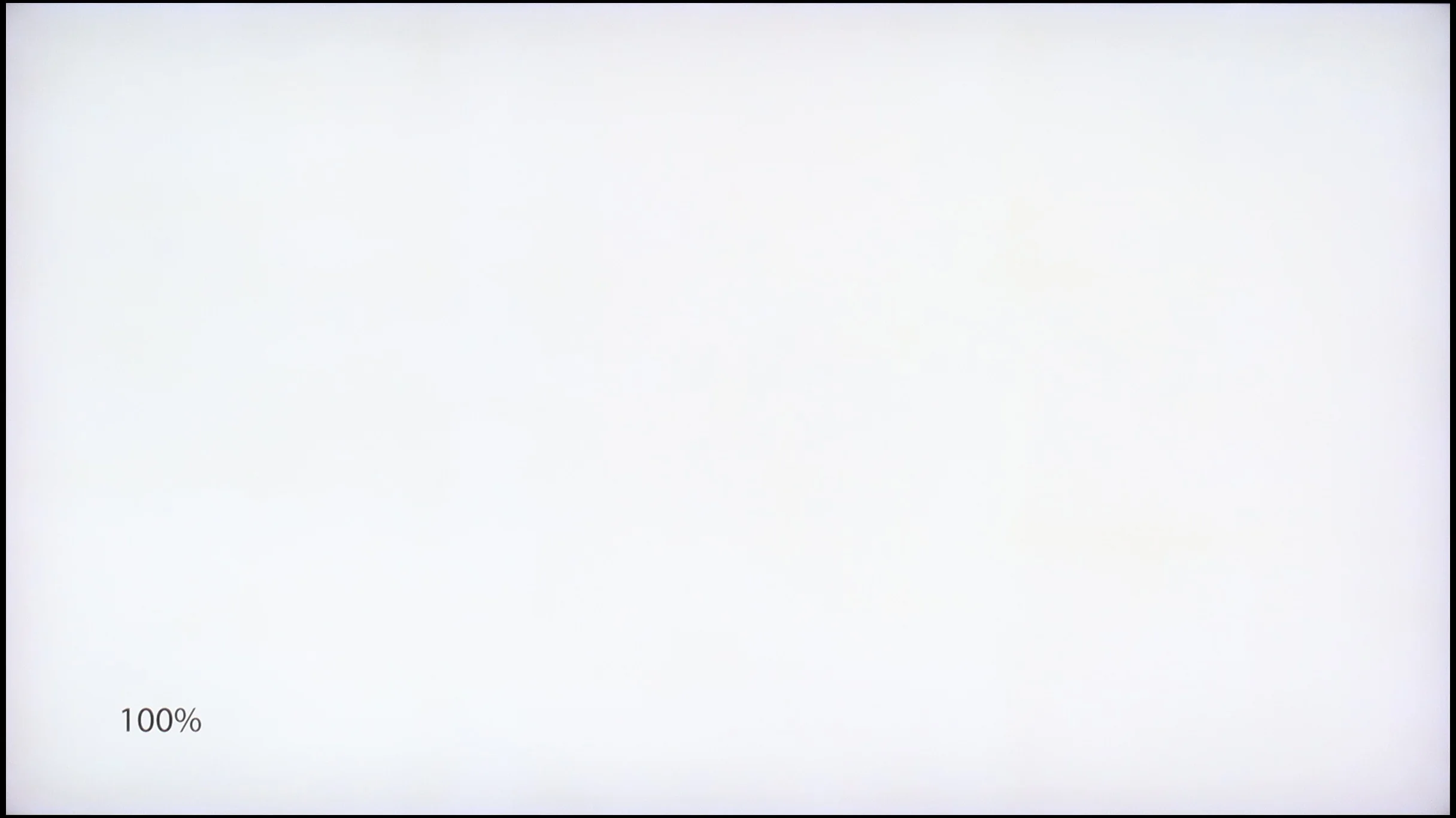
Panel uniformity and thermal imaging:
Sony Bravia 8 (XR80)
SAMSUNG QN80F
TV features
9.4/10
7.7/10
- SystemGoogle TVTizen
- System performanceGoodVery good
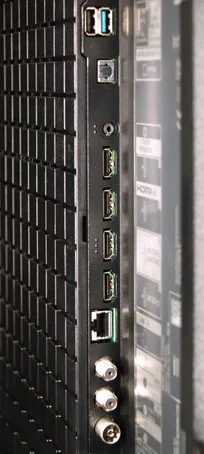
- HDMI inputs2 x HDMI 2.0, 2 x HDMI 2.1 48Gbps0 x HDMI 2.0, 4 x HDMI 2.1 48Gbps
- OutputsToslink (Optical audio), eARC (HDMI), ARC (HDMI)Toslink (Optical audio), eARC (HDMI), ARC (HDMI)
- Network InterfacesWi-Fi 2.4GHz, Wi-Fi 5GHz, Ethernet (LAN) 100MbpsWi-Fi 2.4GHz, Wi-Fi 5GHz, Ethernet (LAN) 100Mbps
- TV receptionDVB-T, DVB-T2, DVB-S, DVB-S2, DVB-CDVB-T, DVB-T2, DVB-S, DVB-S2, DVB-C
Classic features:
- Recording to USB (terrestrial TV)
- Recording programming
- Picture in Picture (PiP)
- RF remote control (no need to aim)
- Backlit remote control
- Teletext
- Audio only mode
- Bluetooth headphones support
- Simultaneous Bluetooth headphones & TV audio
Smart features:
- AirPlay
- Screen mirroring (Windows Miracast)
- Voice search
- Voice search in native language
- Ability to connect a keyboard and mouse
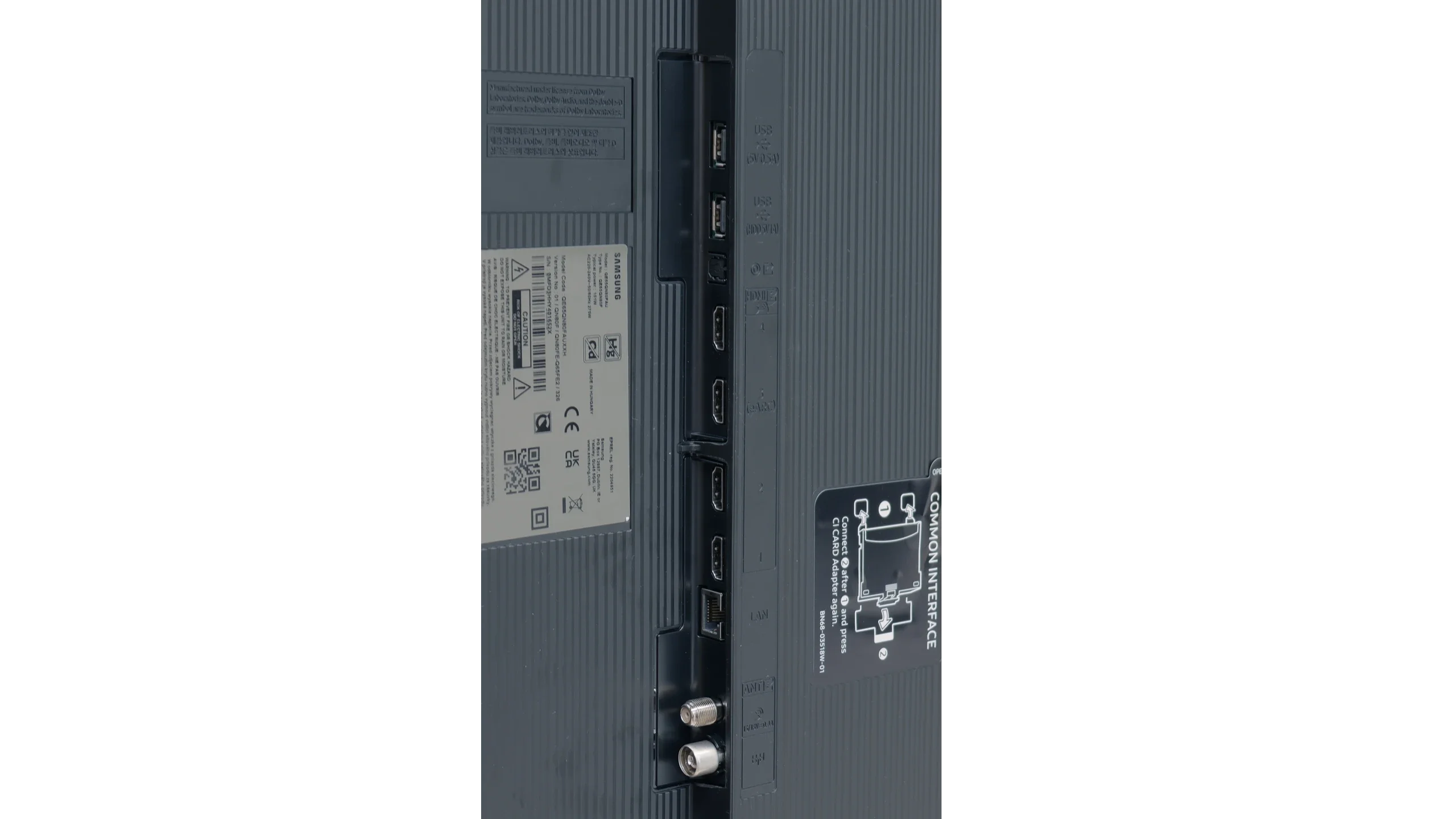
Sound connection options
- HDMI audioeARC (HDMI), ARC (HDMI)eARC (HDMI), ARC (HDMI)
- Other audio outputsToslink (Optical audio)Toslink (Optical audio)
- Wireless audioBluetoothBluetooth
Supported audio formats (external HDMI eARC audio):
- Dolby Digital Plus 7.1
- Dolby True HD 7.1
- Dolby Atmos in Dolby Digital Plus (JOC)
- Dolby Atmos in Dolby True HD
- DTS:X in DTS-HD MA
- DTS-HD Master Audio
Senior accessibility
- Numeric keyboard on TV
- Font size adjustment
- Audio description
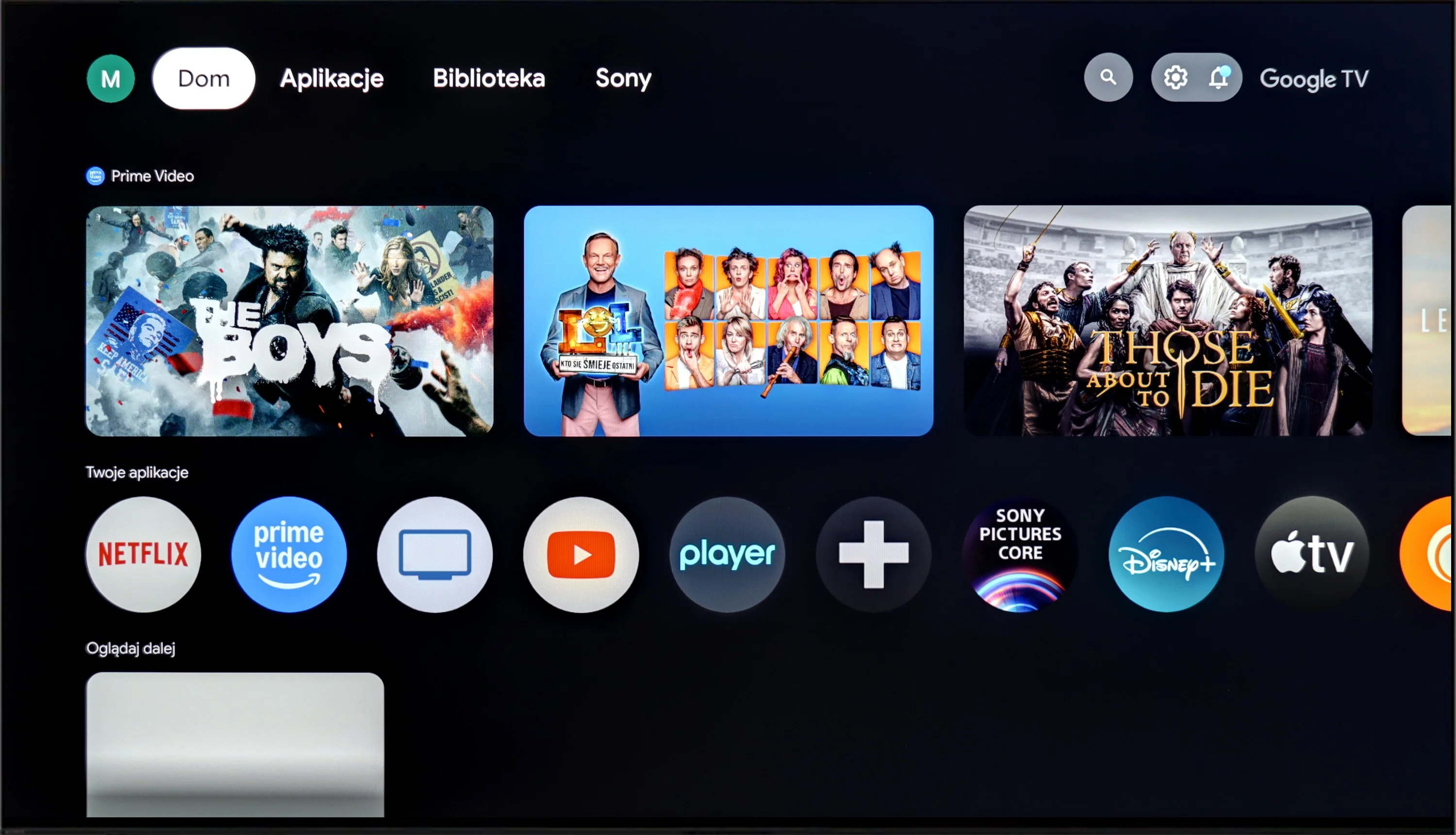
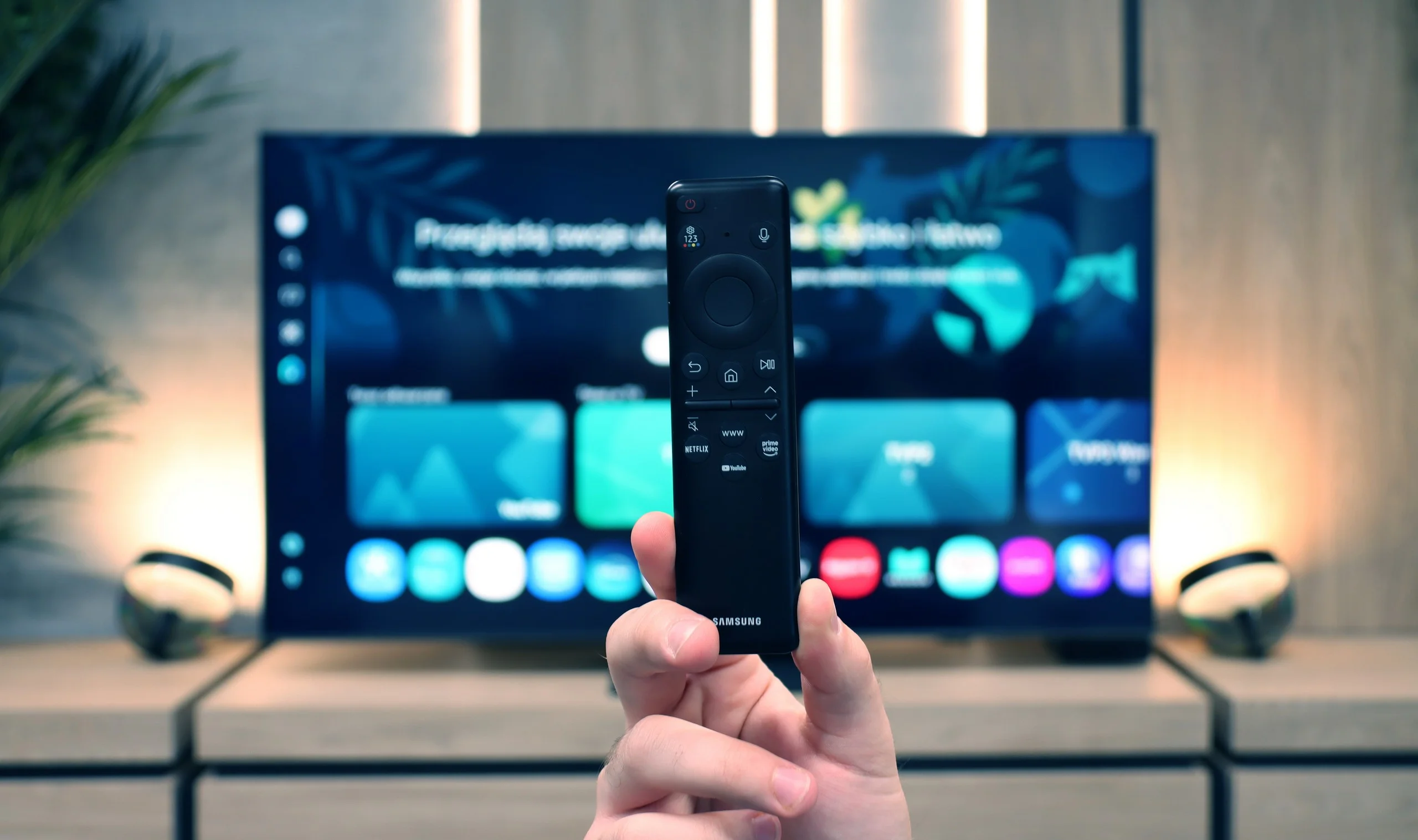
The Sony Bravia 8 runs on the Google TV system, offering an intuitive and user-friendly interface with access to an extensive range of applications. The interface is well-designed, with easy access to apps and features. The remote, similar to those from Korean competitors, can be charged via a USB-C port and is backlit, making it much easier to use in low-light conditions.
The TV provides a broad range of features that will satisfy most users. The Sony XR80 allows for program recording and easy connection to external devices via Bluetooth. However, it lacks the Picture-in-Picture (PiP) feature, which would enable simultaneous viewing of two image sources—a feature that could be useful in certain situations.
The design of the television is impressive, featuring a sturdy metal frame that adds an elegant touch. It stands on two adjustable feet, allowing for customisation of both width and height, making it easy to place a soundbar beneath the screen. While the Sony Bravia 8 is not the thinnest OLED on the market, its high-quality materials and meticulous finish ensure it presents well.
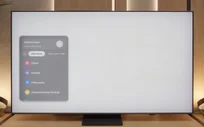
SmartTV QN80F: Tizen
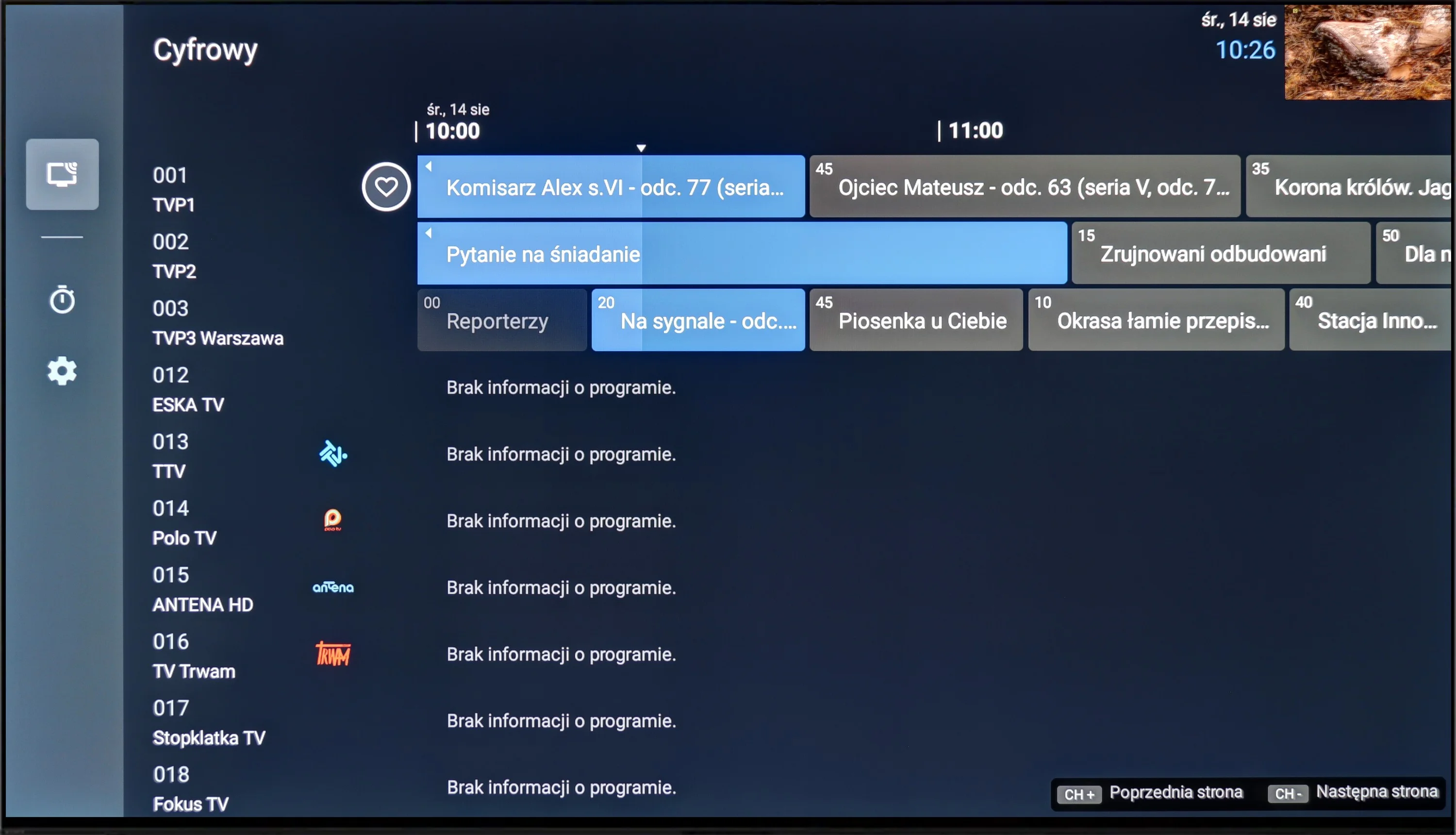
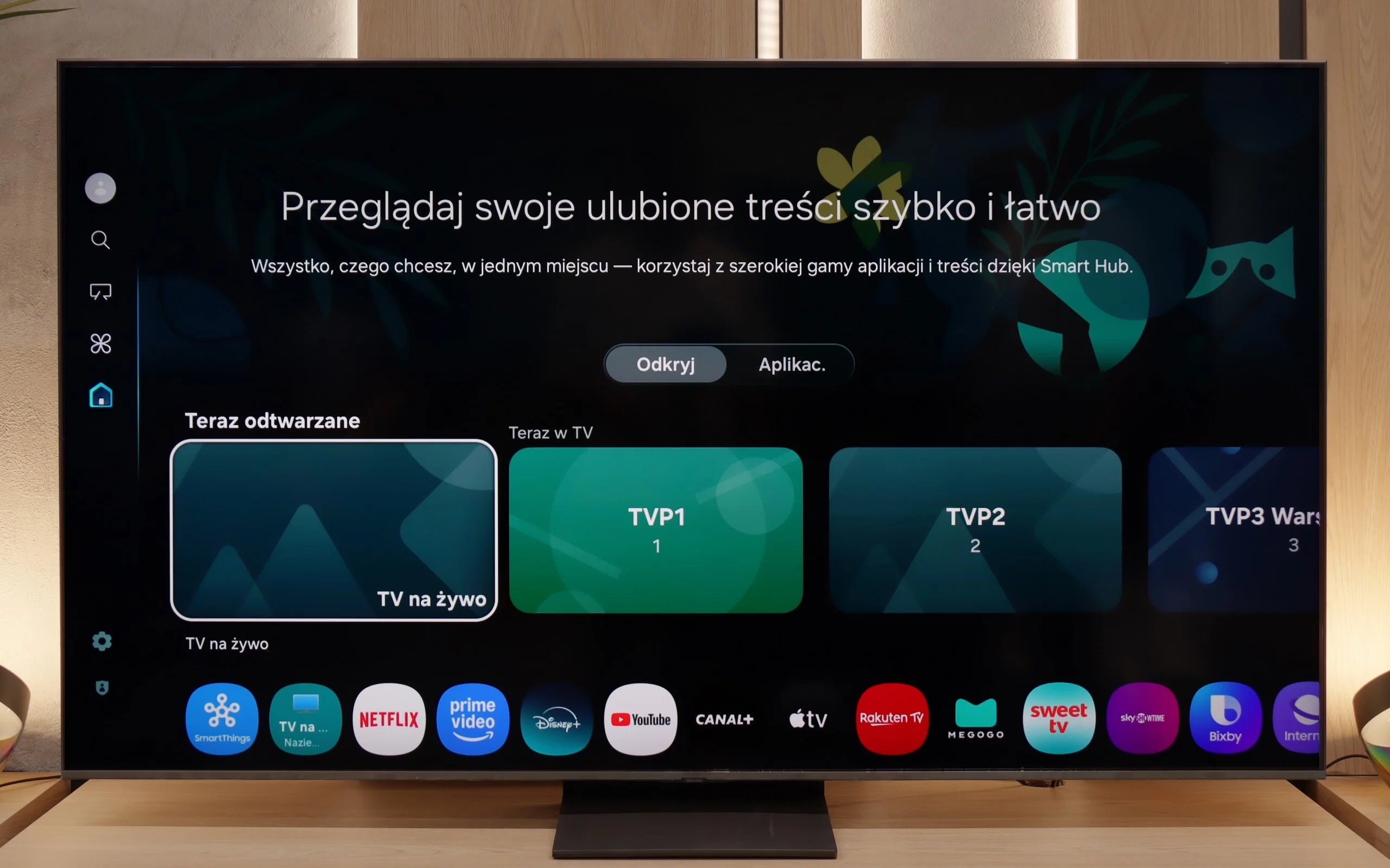
When it comes to smart features, the QN80F has nothing to be ashamed of. On the contrary – Tizen is one of the richest operating systems in terms of functionality. We have voice search, support for AirPlay, Miracast, and all the major streaming platforms at our fingertips. But Samsung's true advantage reveals itself in the smart home – SmartThings. Here, you can not only synchronize light bulbs and vacuum robots but also integrate devices from other manufacturers, thanks to support for the Matter standard. Suddenly, it turns out that the QN80F can serve as a home command center. There is just one "but" – Tizen is a closed system, so we might not find a few lesser-known apps. However, in practice, it still has everything that 99% of users need.
Classic TV features:
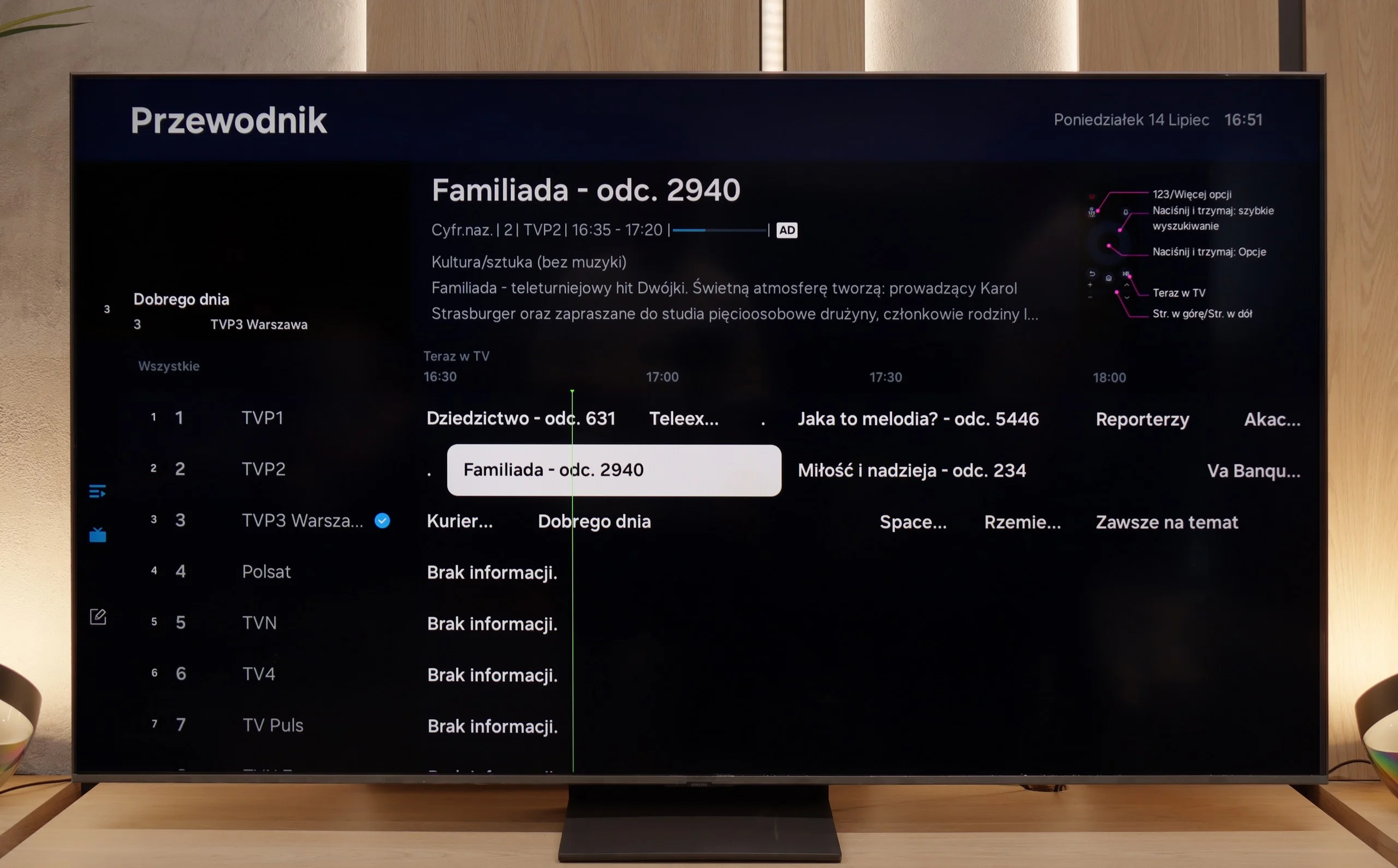
When it comes to classic features, it's just as good – well, almost. The QN80F supports picture-in-picture, a rarely seen but still useful PiP feature. We can easily find EPG, the old good teletext (yes, it works!), and the ability to connect external devices via Bluetooth – whether it's headphones or a soundbar. Unfortunately, there is no option to record to USB from the built-in tuners. That's a minor drawback, especially since the competition at a similar price point is increasingly offering this feature. It may not be a must-have function, but since everything else works so well, it's a pity that it missed that final touch.
Apps
9.6/10
9.3/10






















Playing files from USB
8.7/10
9/10
Supported photo formats:
Maximum photo resolution:
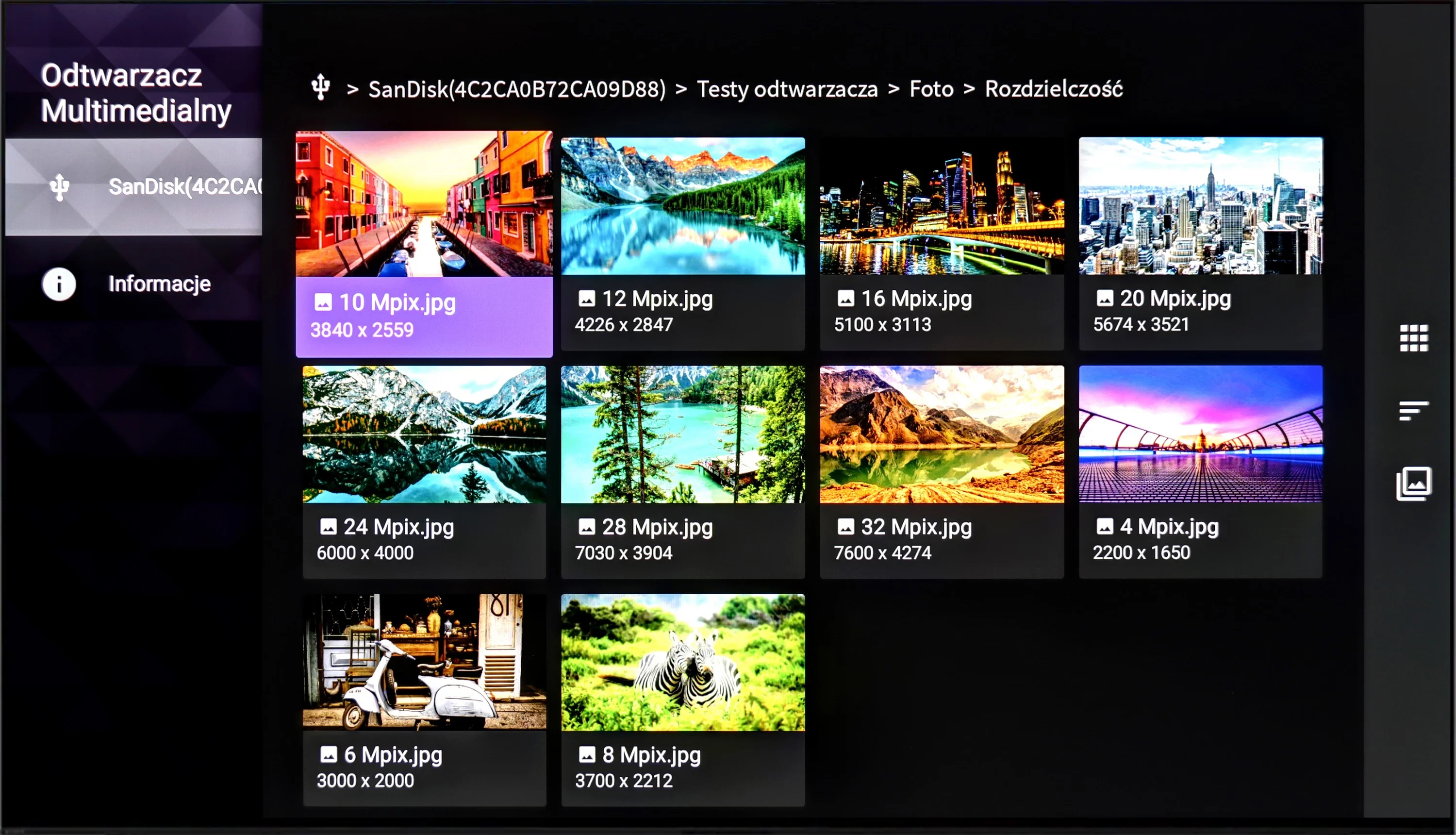
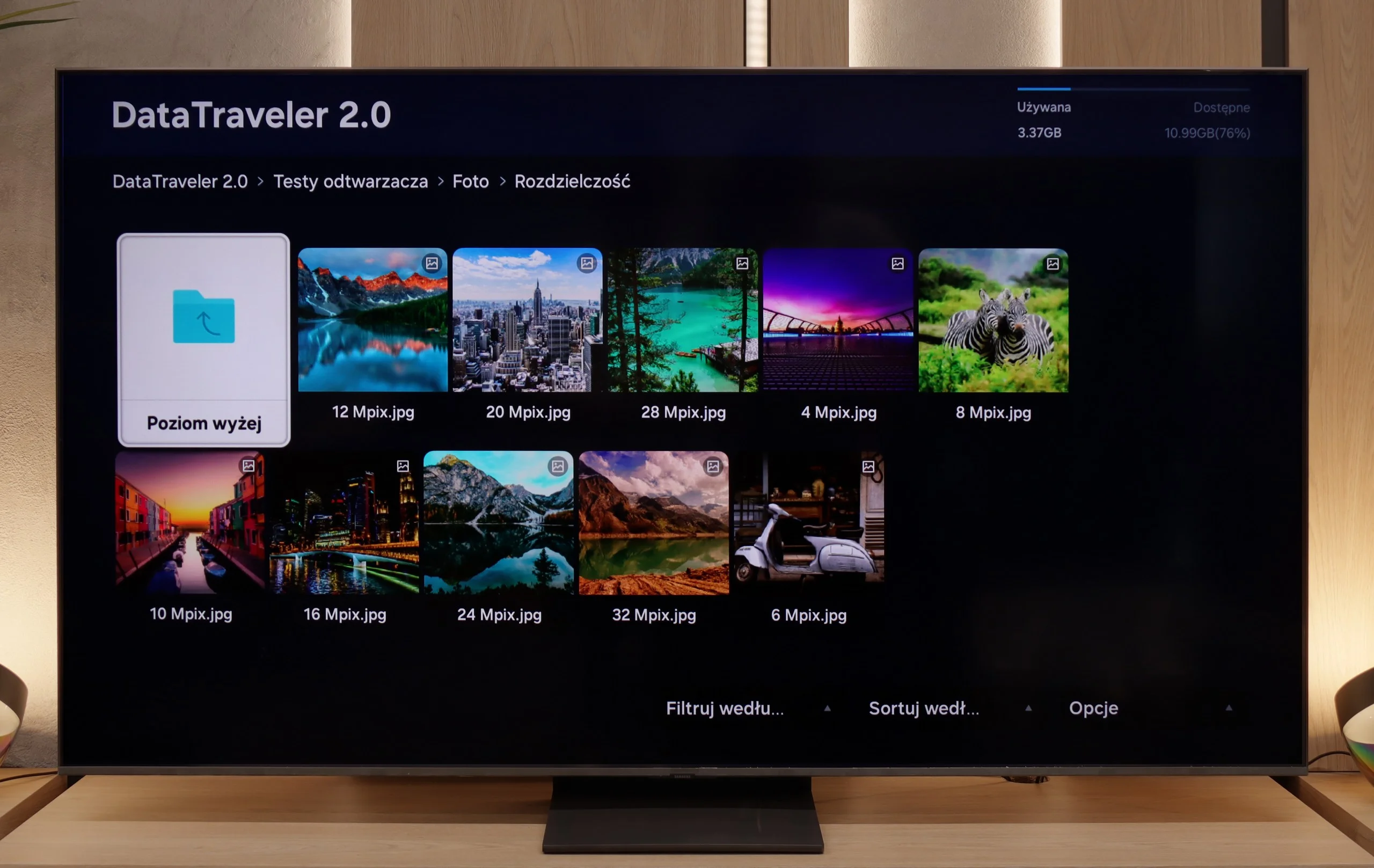
The Sony Bravia 8 will satisfy most users for multimedia playback. The built-in player supports the most popular video and audio formats, ensuring seamless access to a wide variety of content. While there are some limitations with photo playback, the Google TV system allows users to install alternative players that should address these issues.
The built-in media player in the QN80F handles most popular video formats – from classic MP4 to somewhat more demanding containers. It's not a powerhouse like VLC, but it's sufficient for home use. The situation is worse when it comes to photos – here, unfortunately, it's rather modest. The support is mainly limited to the JPG format, but hey, at least that's the most important one 👌. During our tests, there was also a minor issue with subtitles. The QN80F could only handle the simple text format .txt – other, more advanced formats (like .srt or .sub) were unfortunately not recognized.
Sound
7.5/10
6.7/10
- Maximum volume-87dB
- Dolby Digital Plus 7.1
- Dolby True HD 7.1
- Dolby Atmos in Dolby Digital Plus (JOC)
- Dolby Atmos in Dolby True HD
- DTS:X in DTS-HD MA
- DTS-HD Master Audio
The Bravia 8 has a 50W sound system in a 2.2.1 configuration, featuring speakers mounted behind the screen under the Acoustic Surface Audio system. The sound is pleasant and well-balanced, perfectly complementing the image. In terms of audio format support, the Sony Bravia 8 performs excellently, playing all popular codecs without issues and delivering a rich, immersive audio experience.
For a TV of this class, the QN80F sounds surprisingly good. It supports Dolby Atmos format, which is worth noting, as this is still not a given in many models in this range. Unlike the thinner QN70F, you can even feel a slight bass here – all thanks to the thicker casing, which simply gives more room for the sound to "breathe." For everyday viewing and series, it's more than enough, and with the right settings, you can even consider listening to music without the need to connect external equipment. However – as is often the case with Samsung, there is unfortunately a lack of support for DTS:X format, so if we are using audio devices that support this format, we will first have to connect them to the receiver and only then to the TV.
Sound Quality Test
No sound test video
Acoustic Measurements
No acoustic data
87dBC (Max)
75dBC
Reader comments
Comments are provided by the external service Disqus (Zeta Global). Once loaded, Disqus may set cookies and process data about your activity.
We will remember your choice on this device. Provider's privacy policy