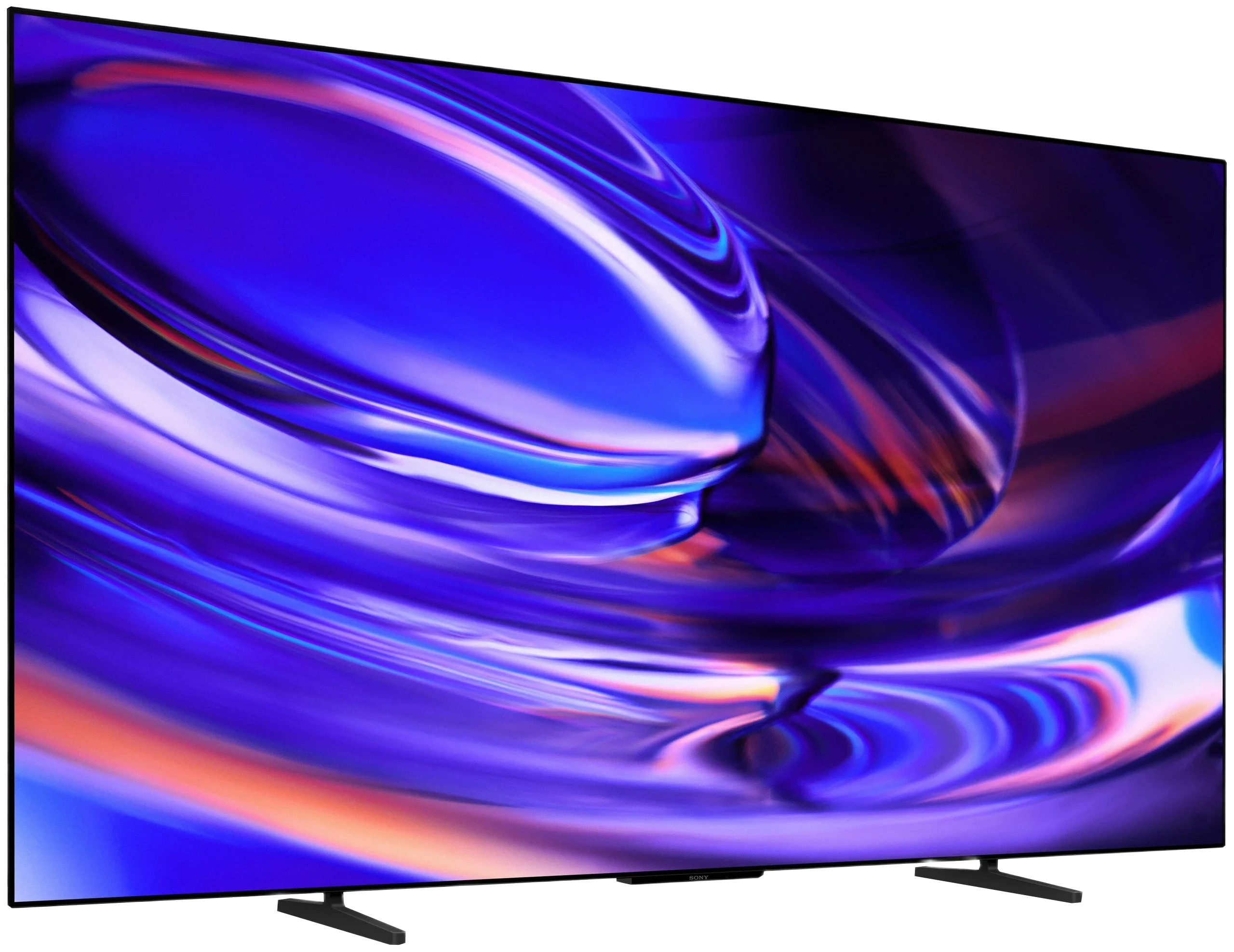
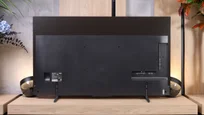
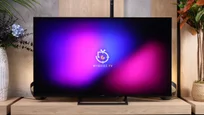
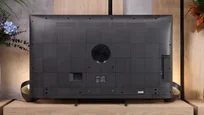
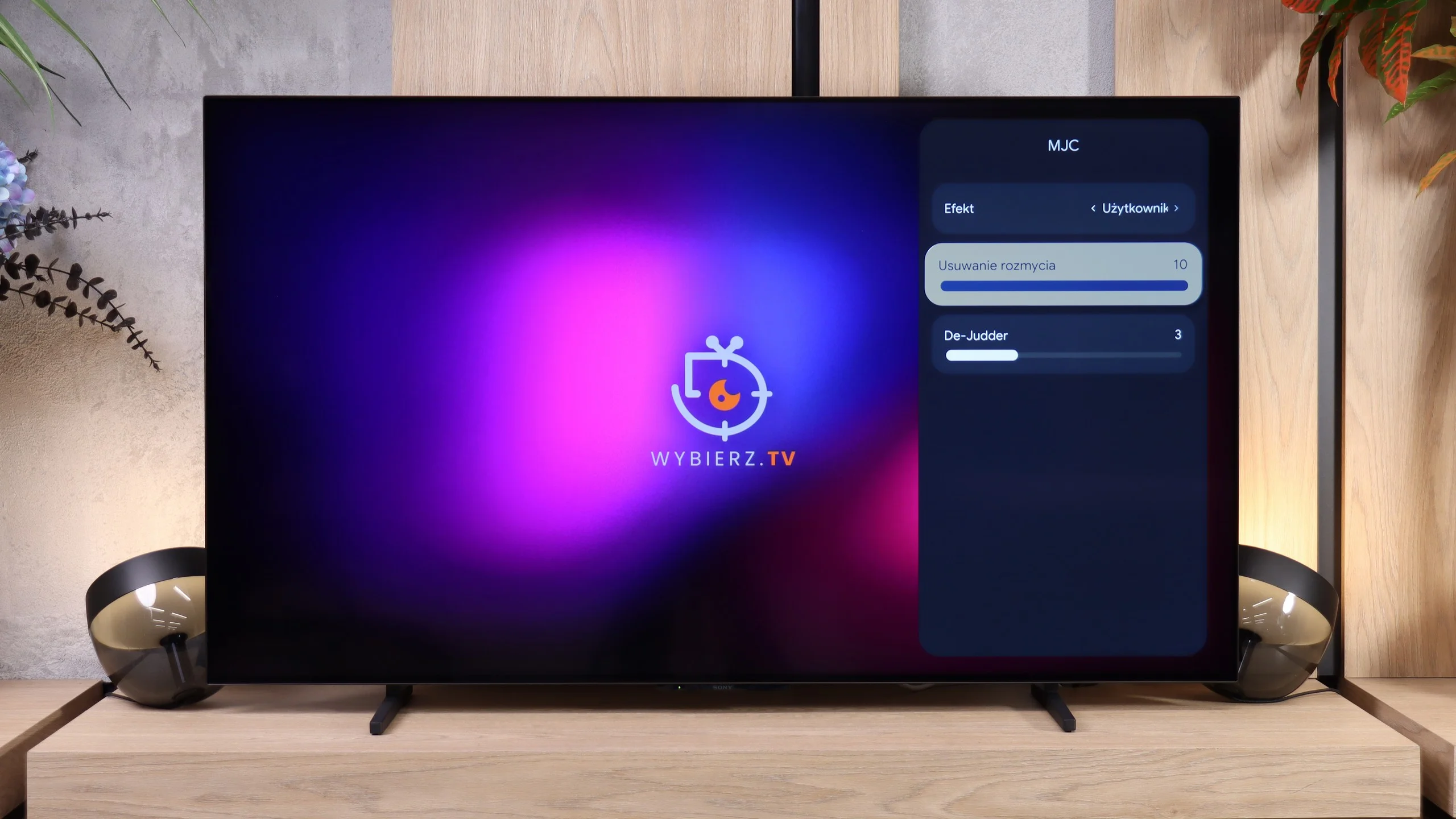
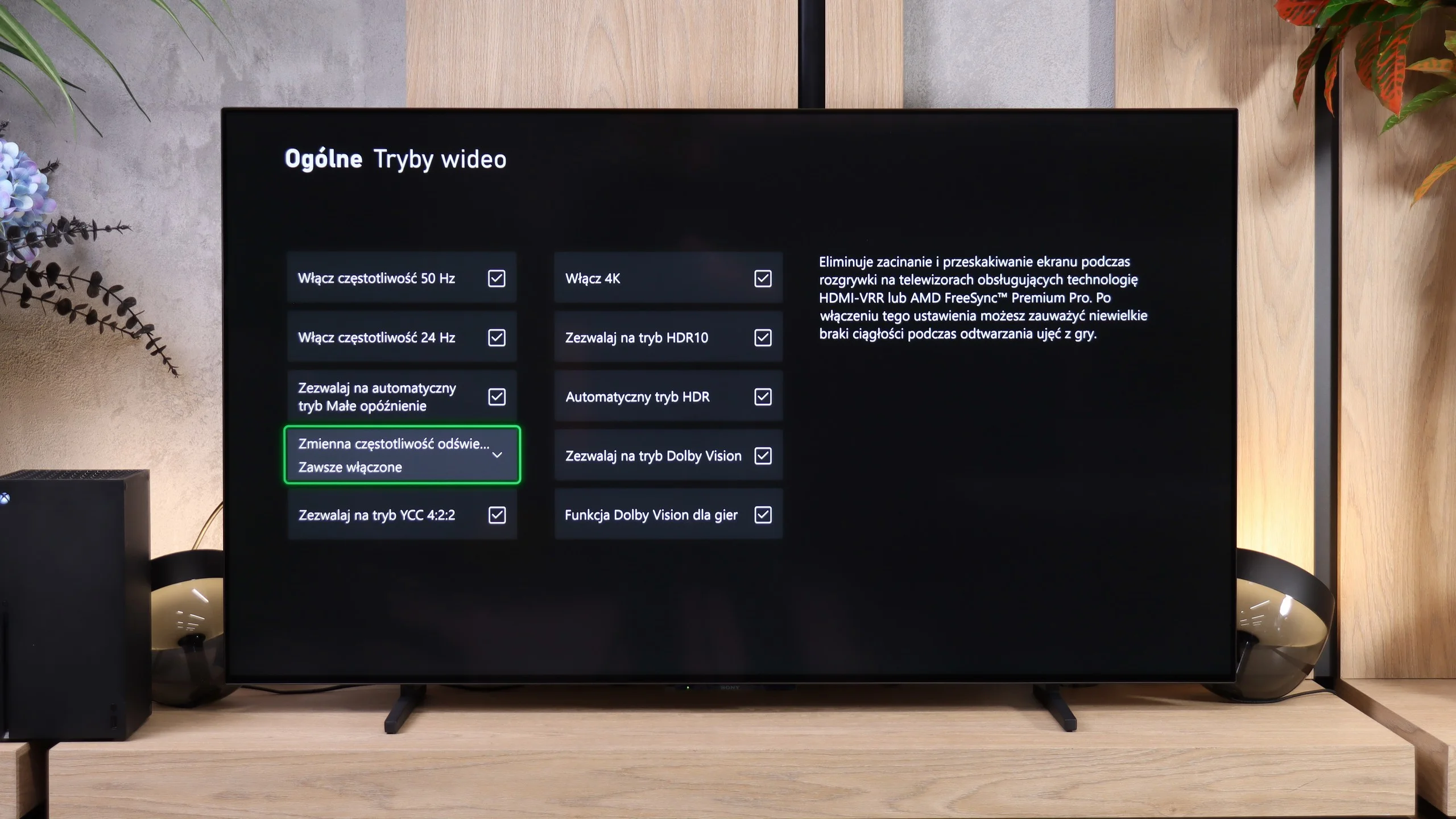
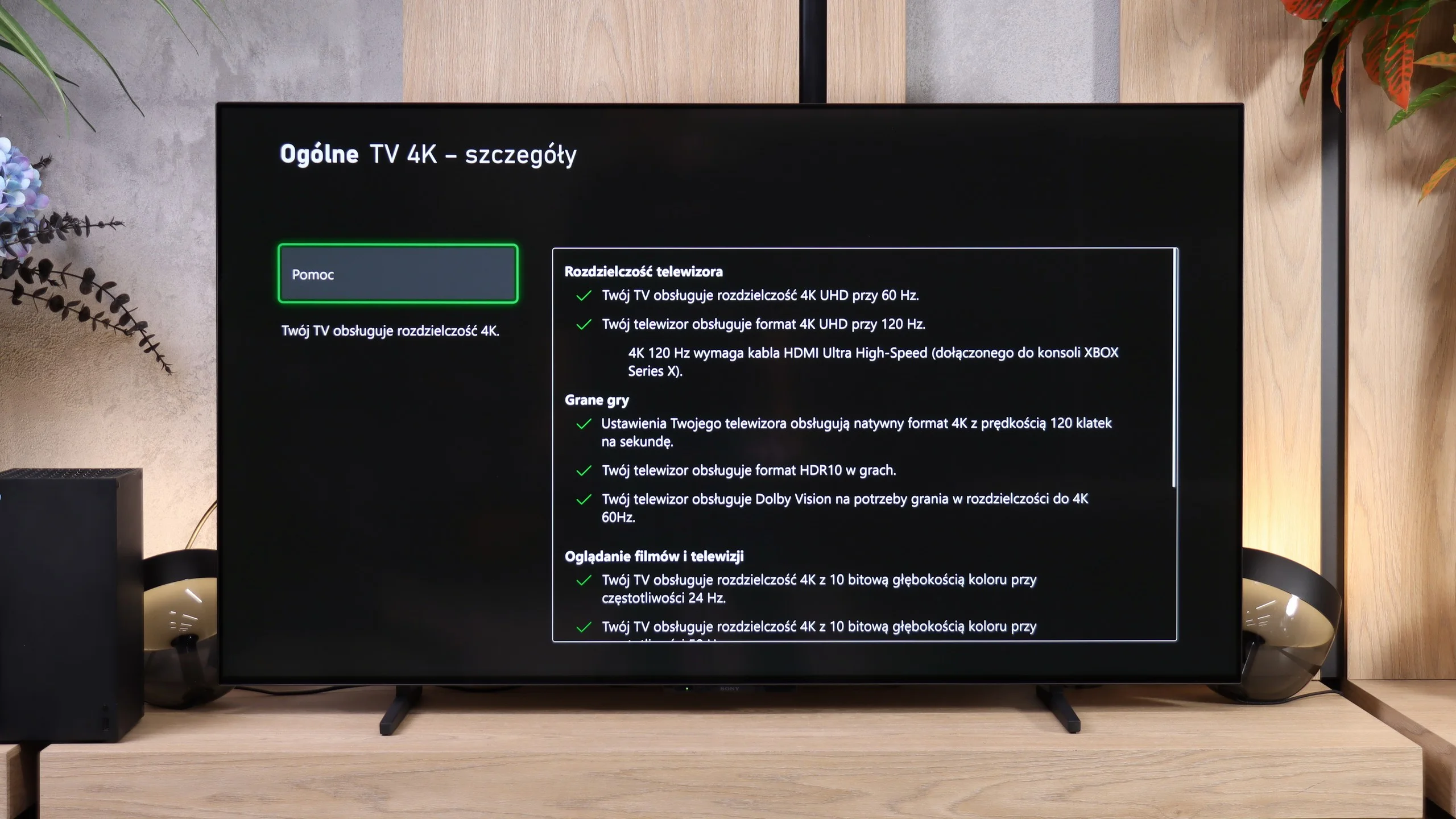
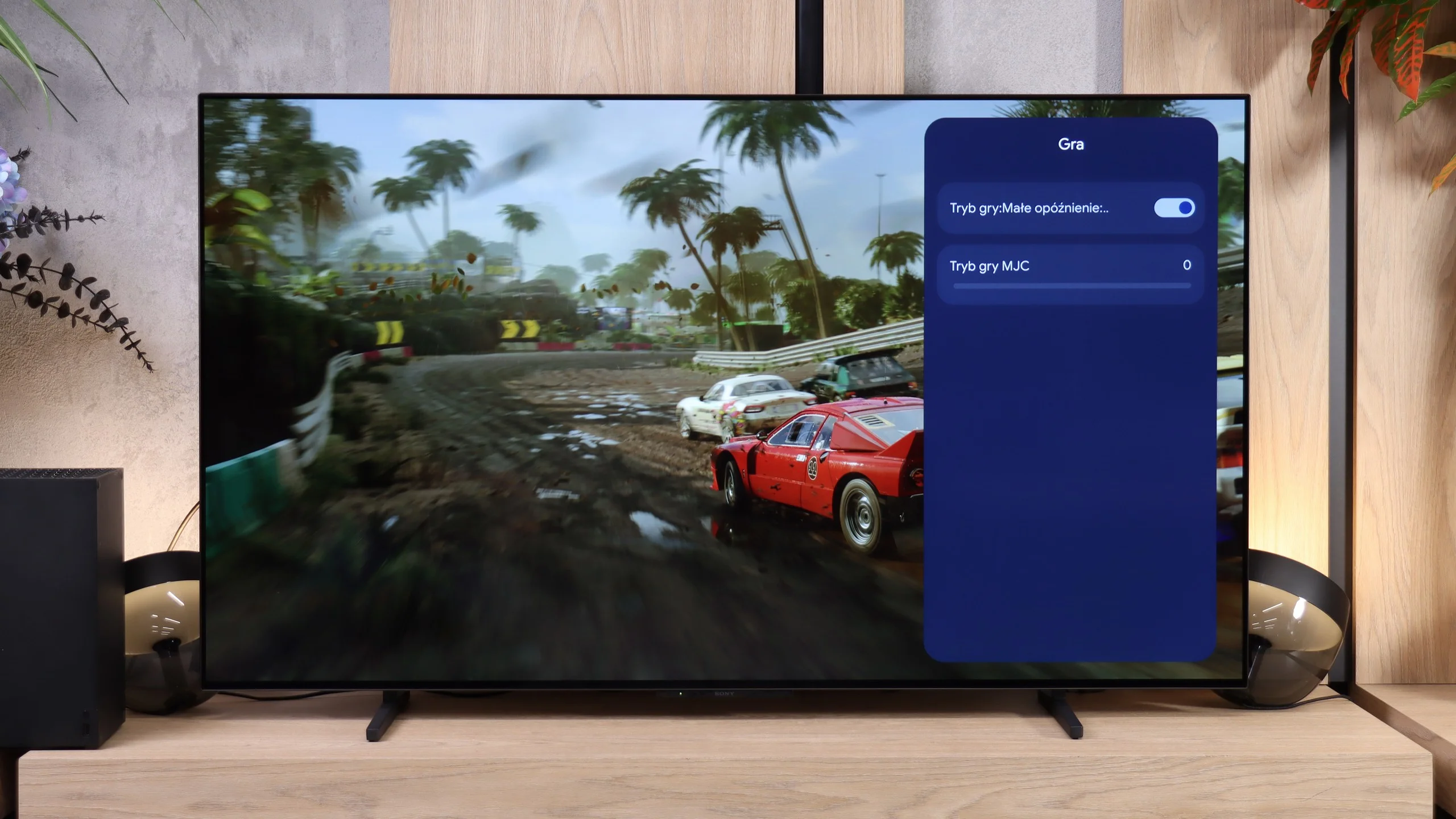
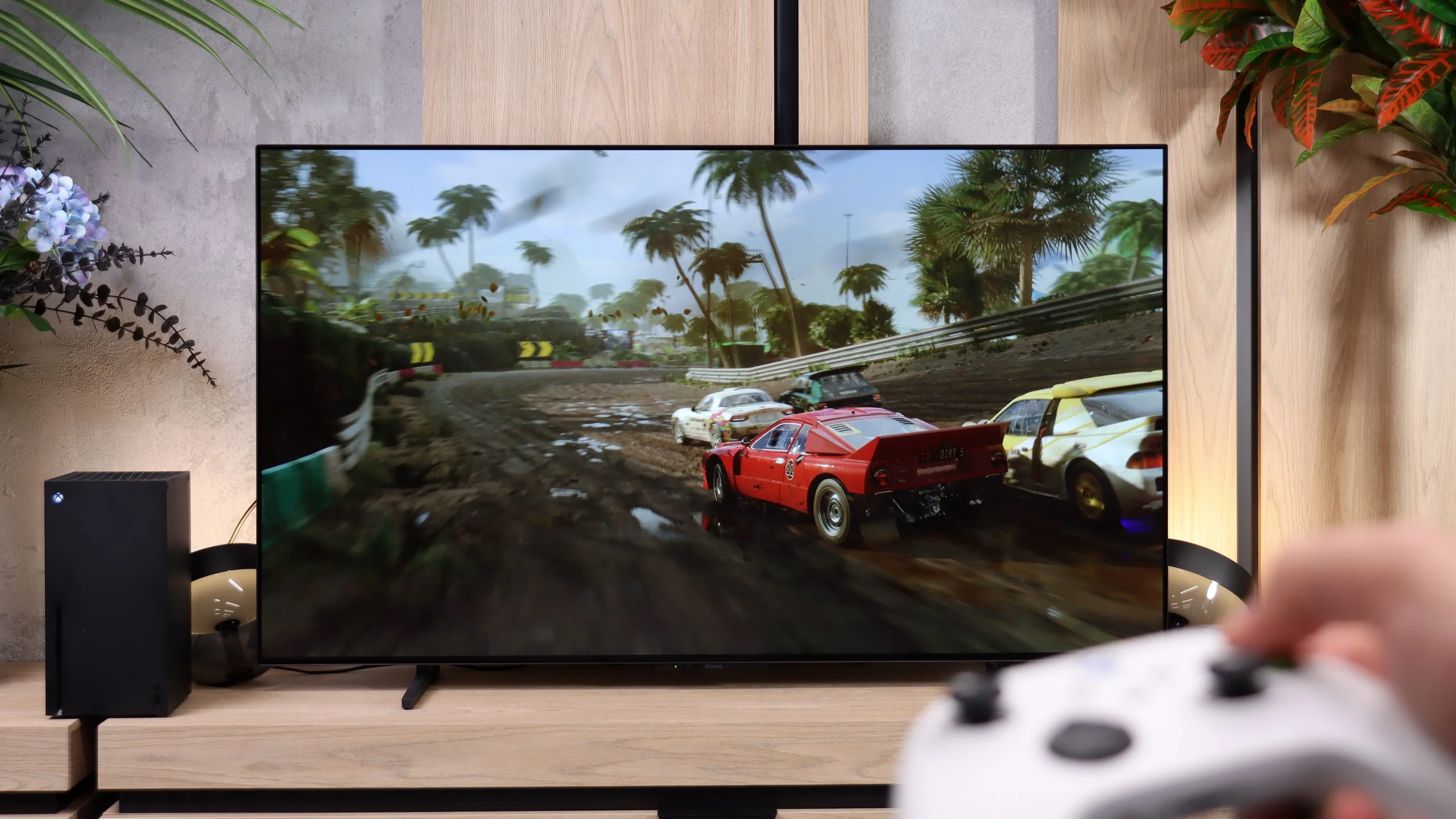
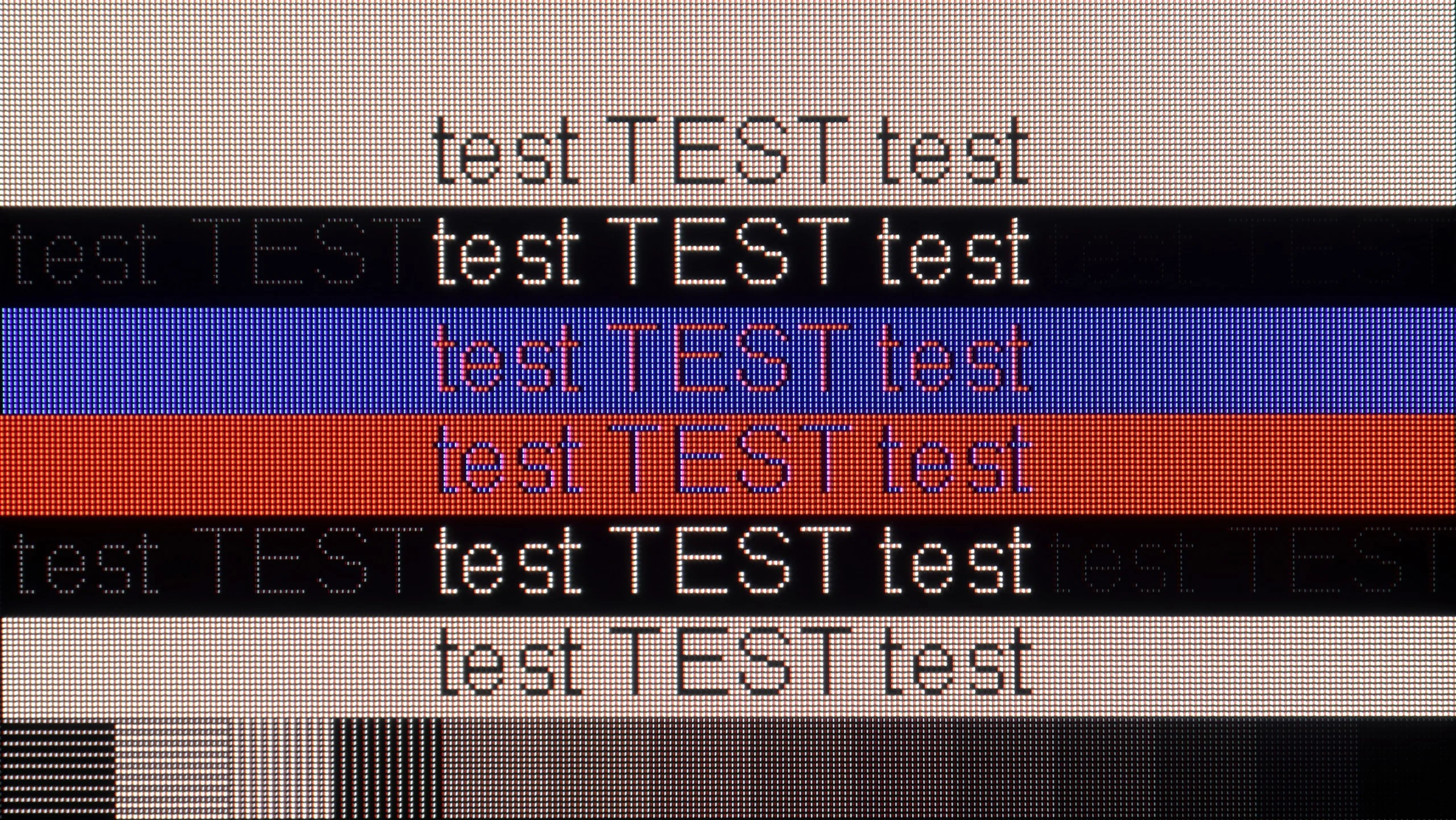
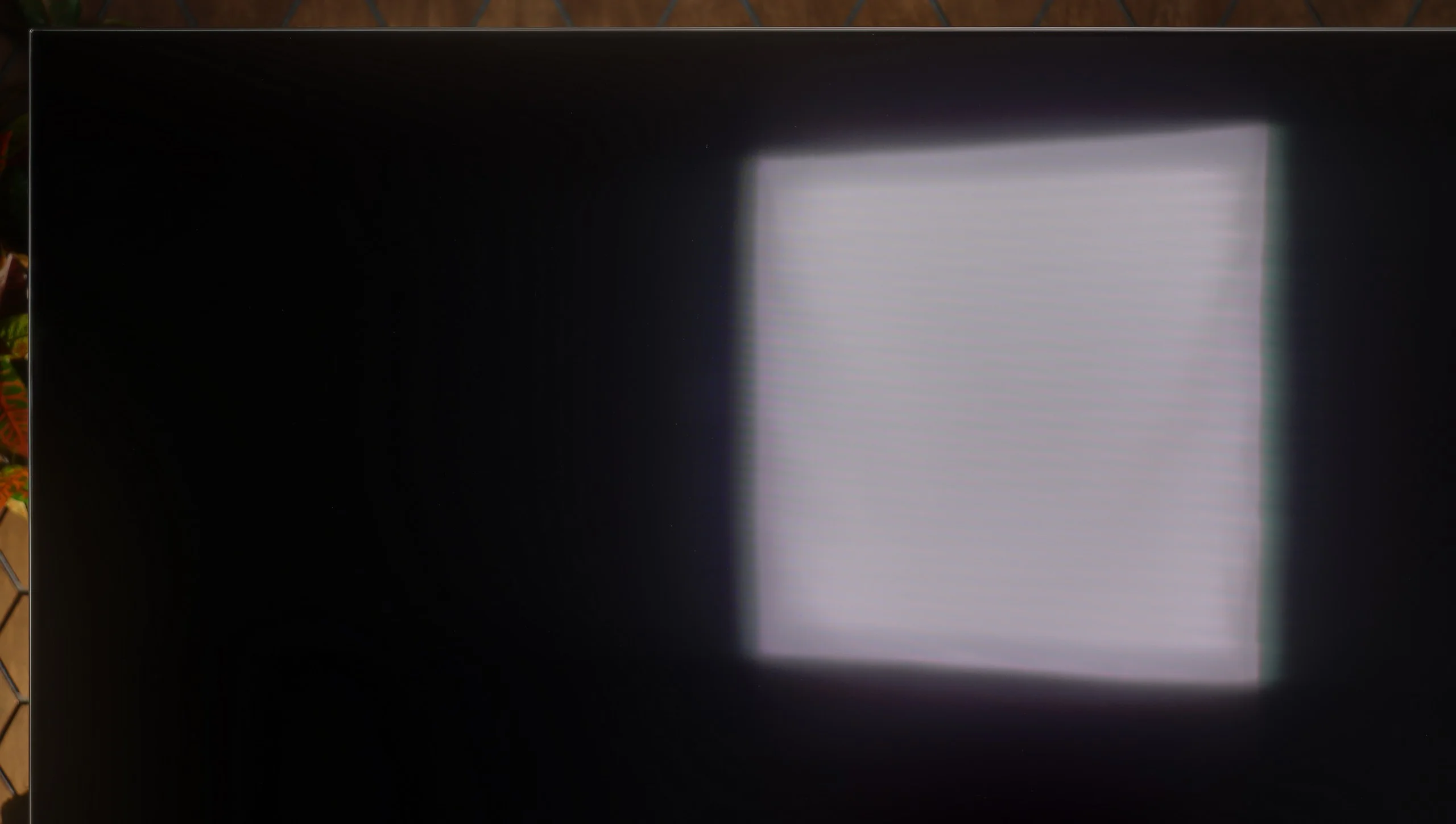
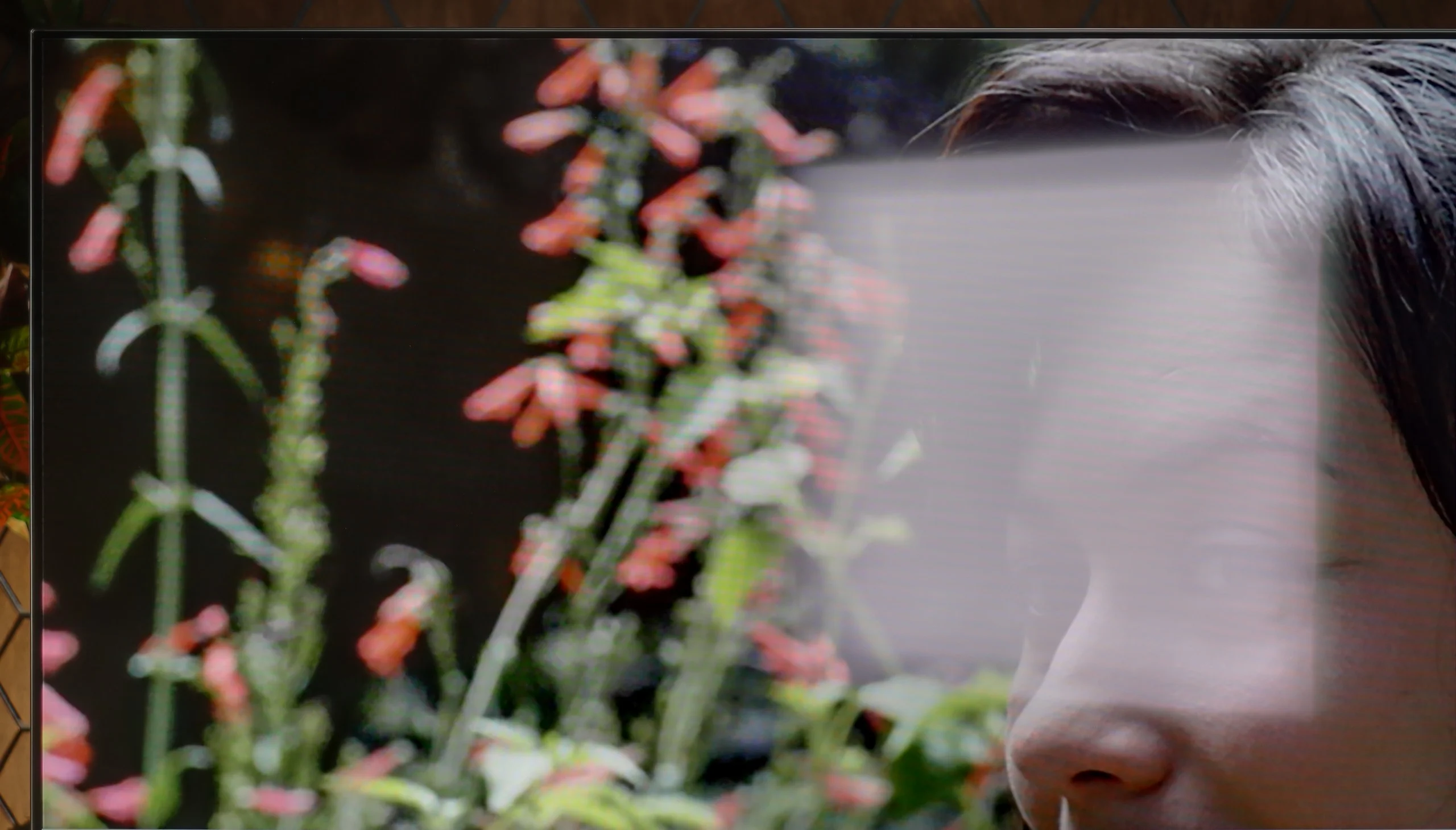
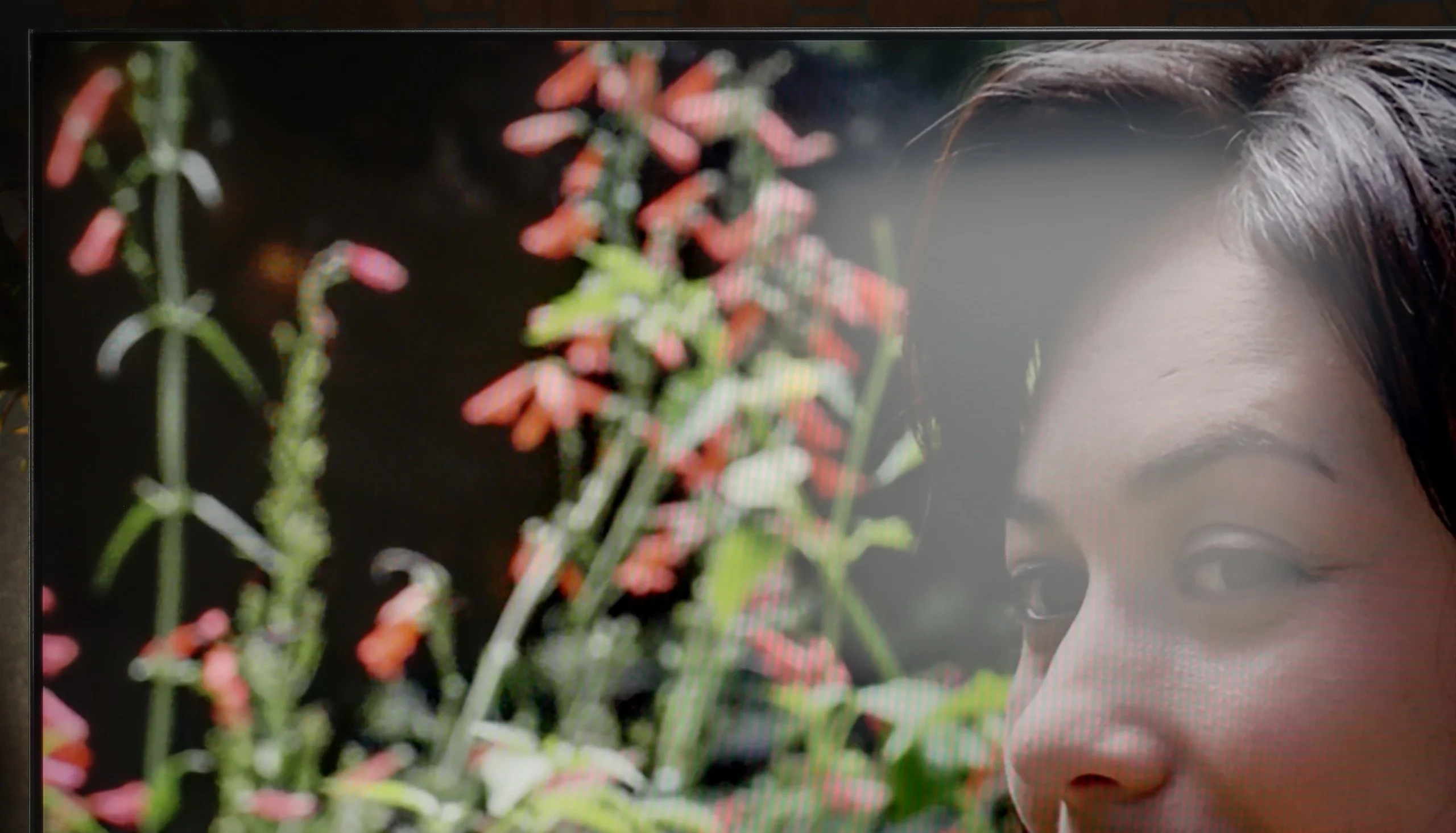
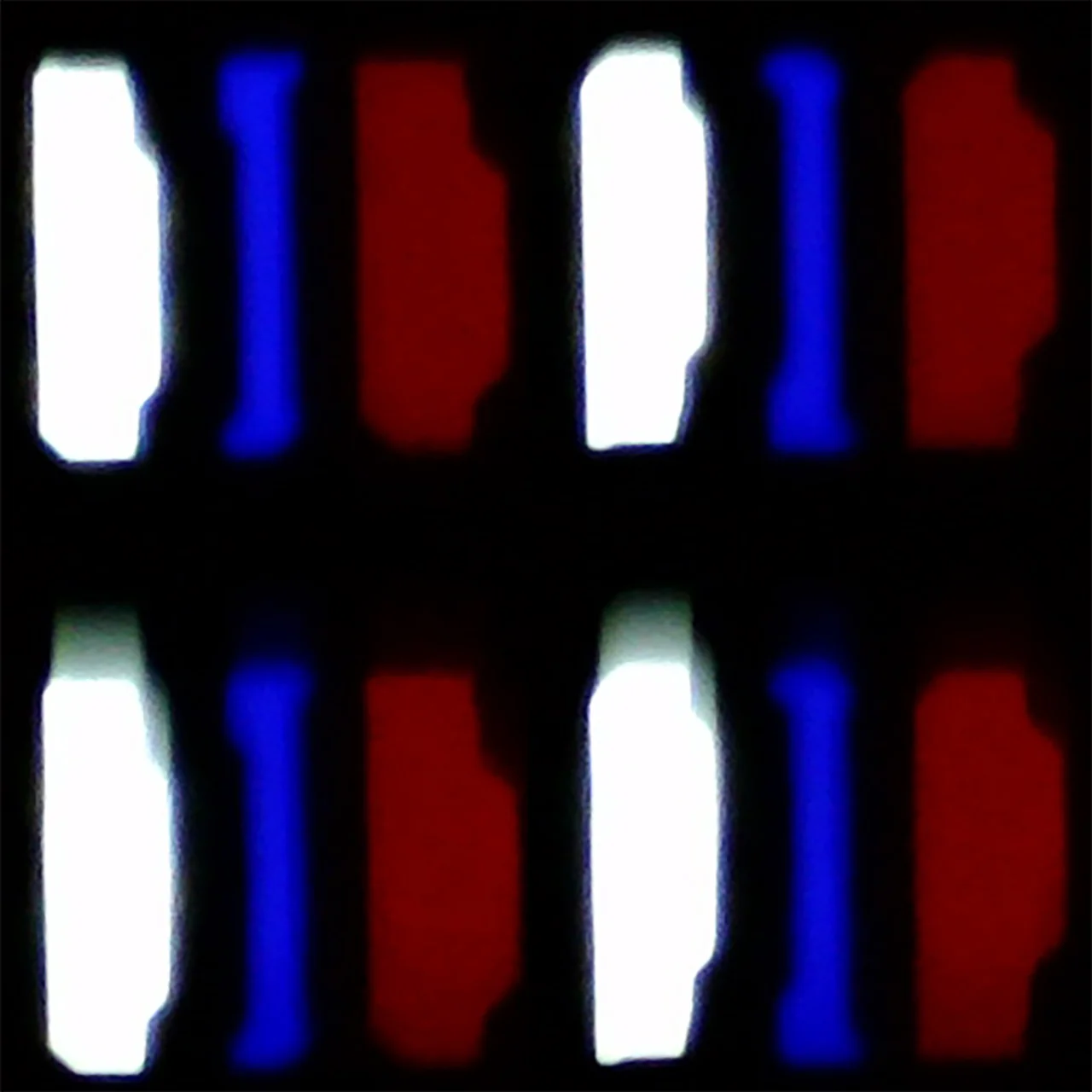
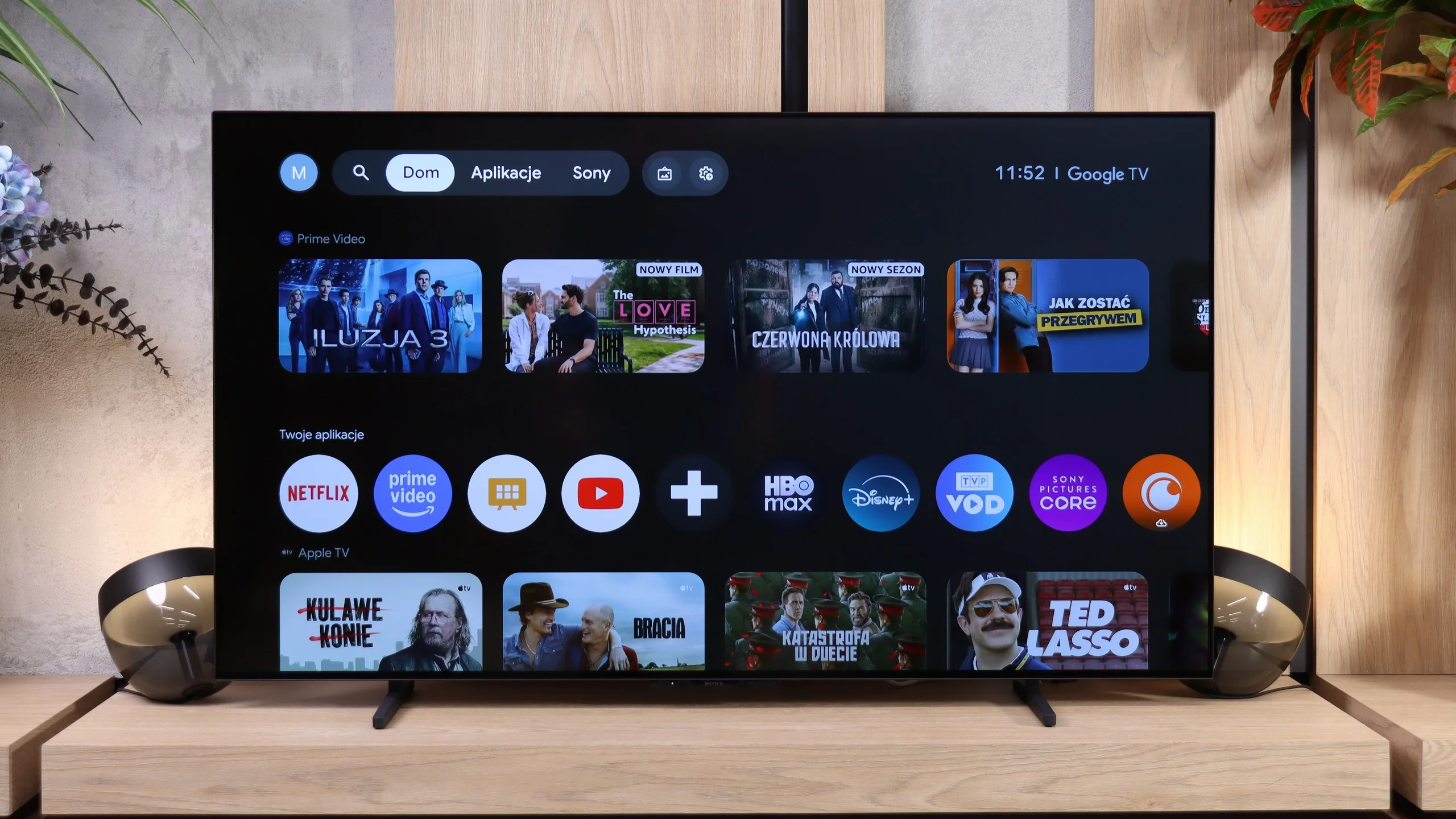
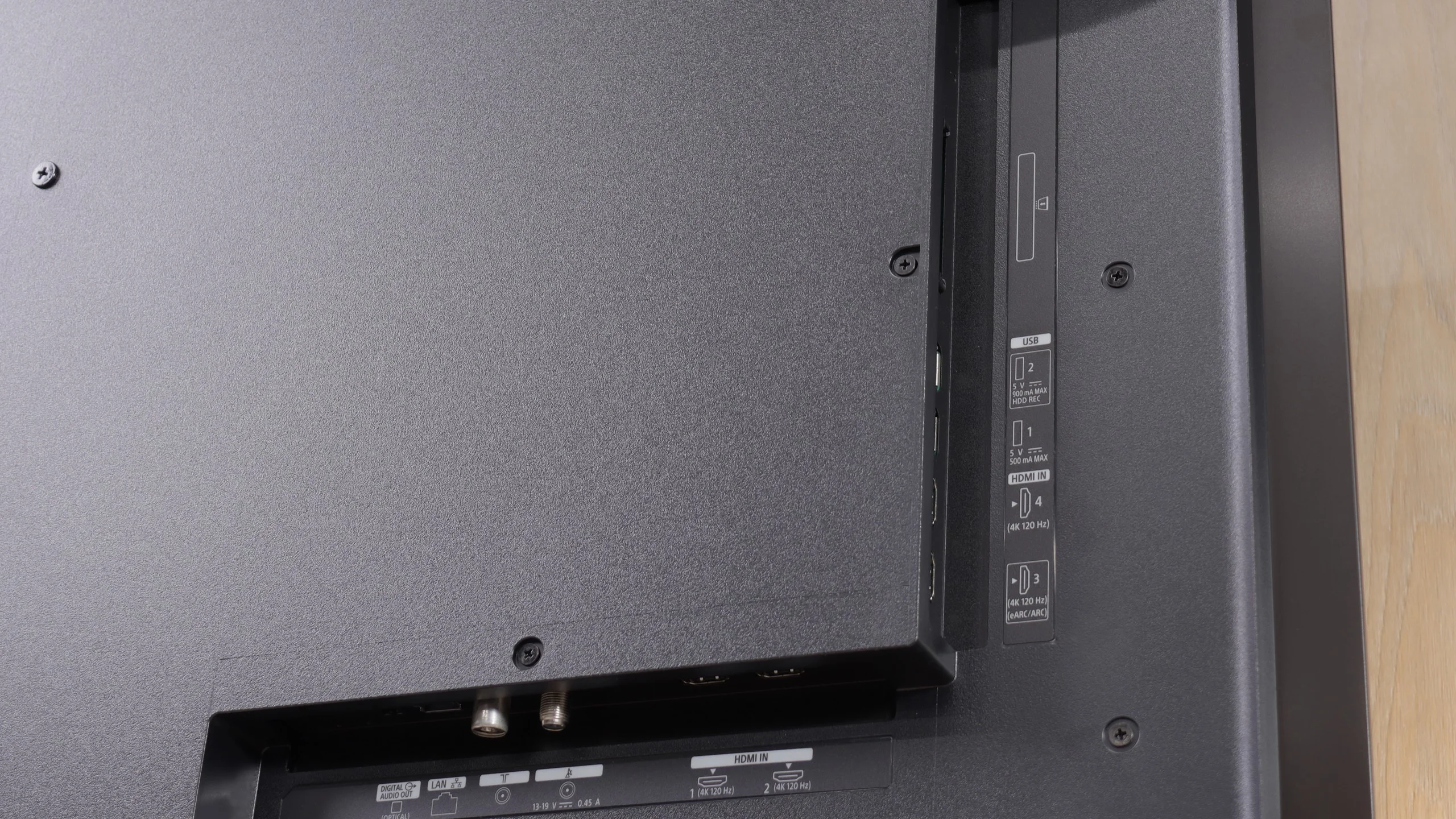
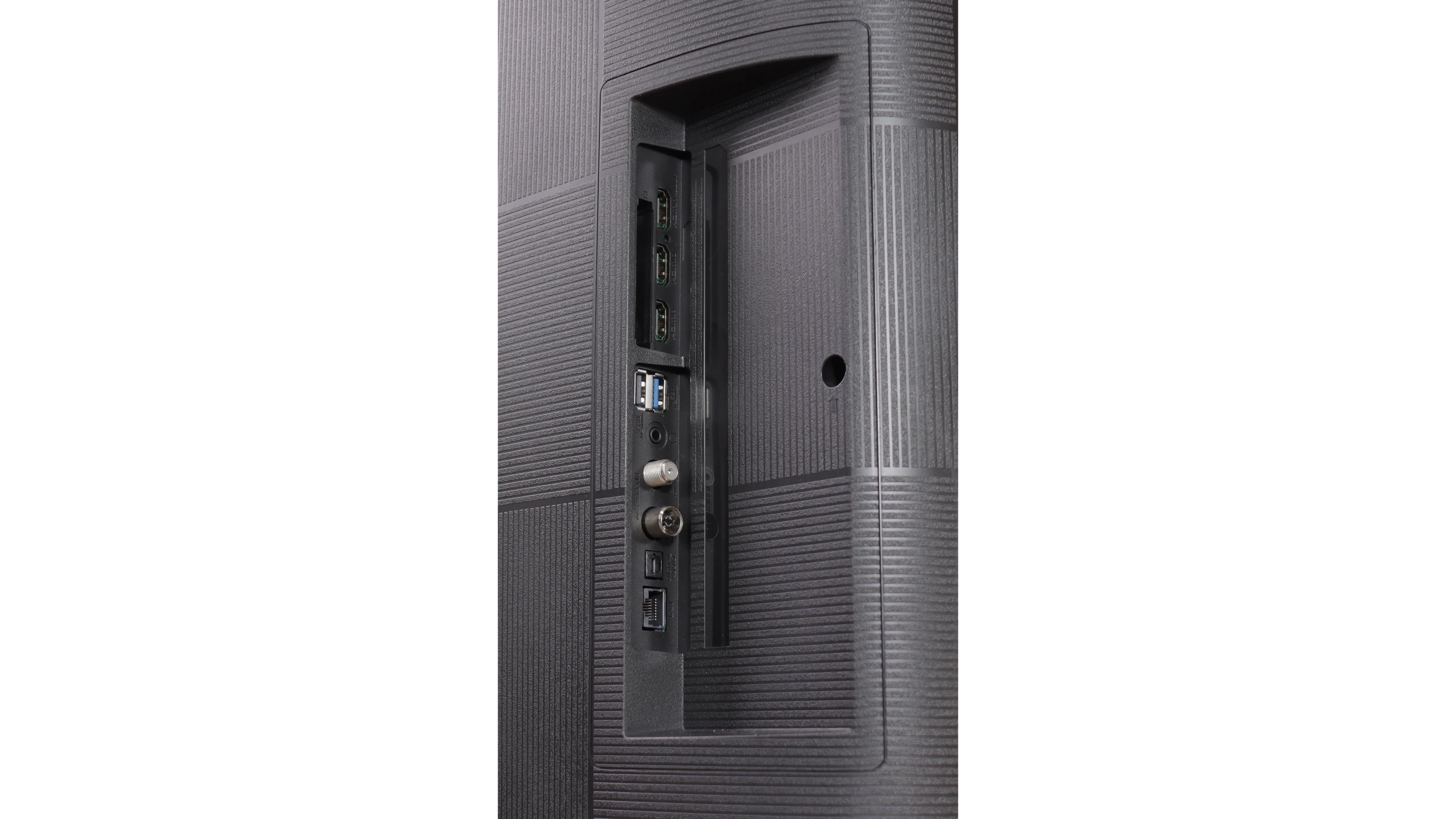
BRAVIA 6 can deliver a lot of viewing pleasure, especially in the evening when the advantages of the OLED panel are most visible. Deep blacks, good contrast and natural colors after calibration make it easy to appreciate its picture with the right material. It also performs well for console gaming: it provides smooth motion and responds quickly to controller input. It's also nice to see four full HDMI 2.1 ports, which Sony has finally included. Thanks to them, connecting multiple devices is less troublesome than even in some of the brand's pricier models. Solid build quality and an attractive design round out the package.
However, that's not enough to stand out among competing OLEDs. We usually paid more for Sony TVs for, among other things, better image processing, and with the BRAVIA 6 it's hard to see an advantage in that area. Lower-quality footage looks average, and in demanding HDR scenes detail is lost in bright parts of the picture. Dolby Vision helps a bit, but it doesn't change the overall impression: you get an image that can be pleasing, but it doesn't give a clear reason to choose Sony over another entry-level OLED.
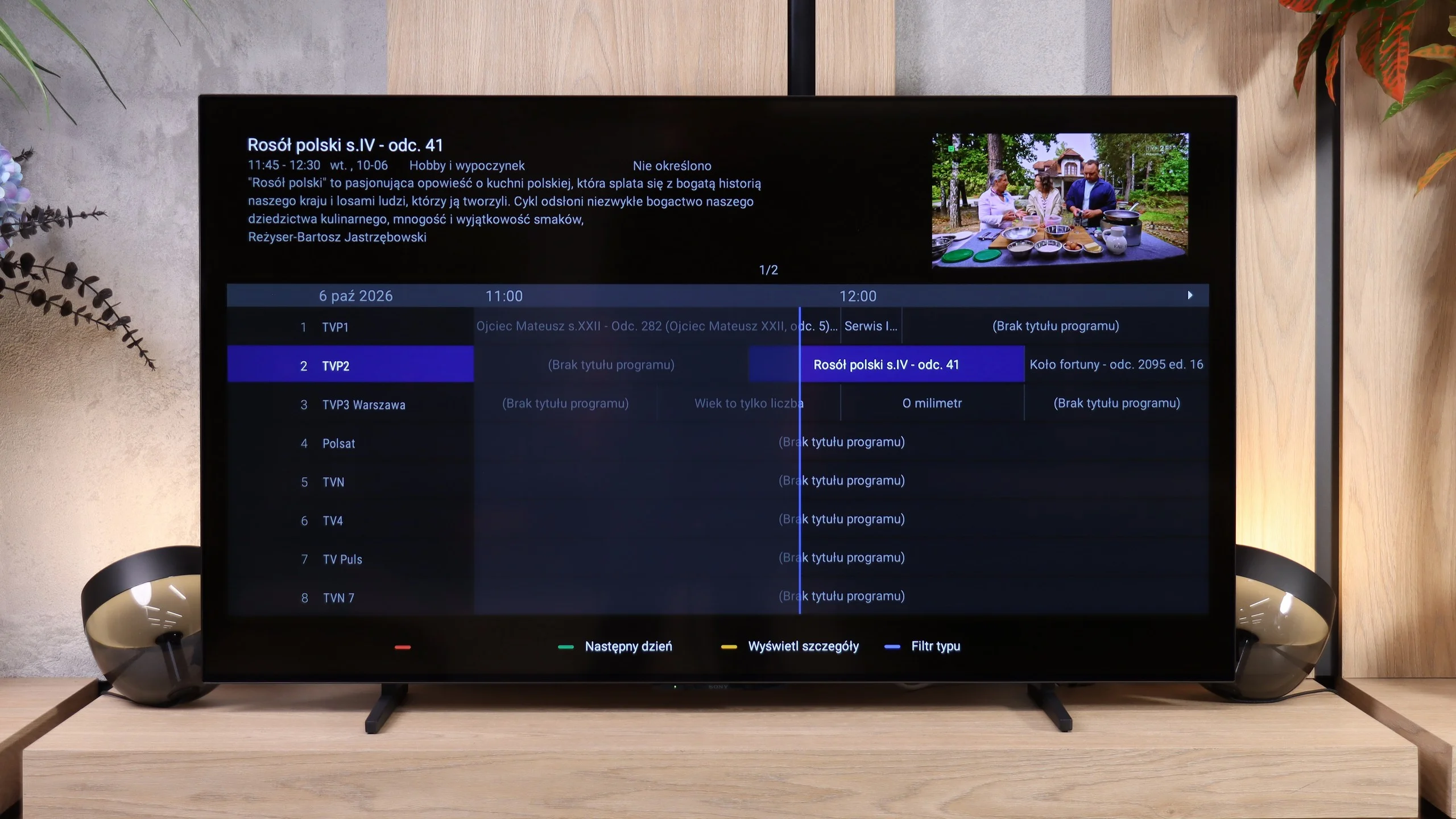
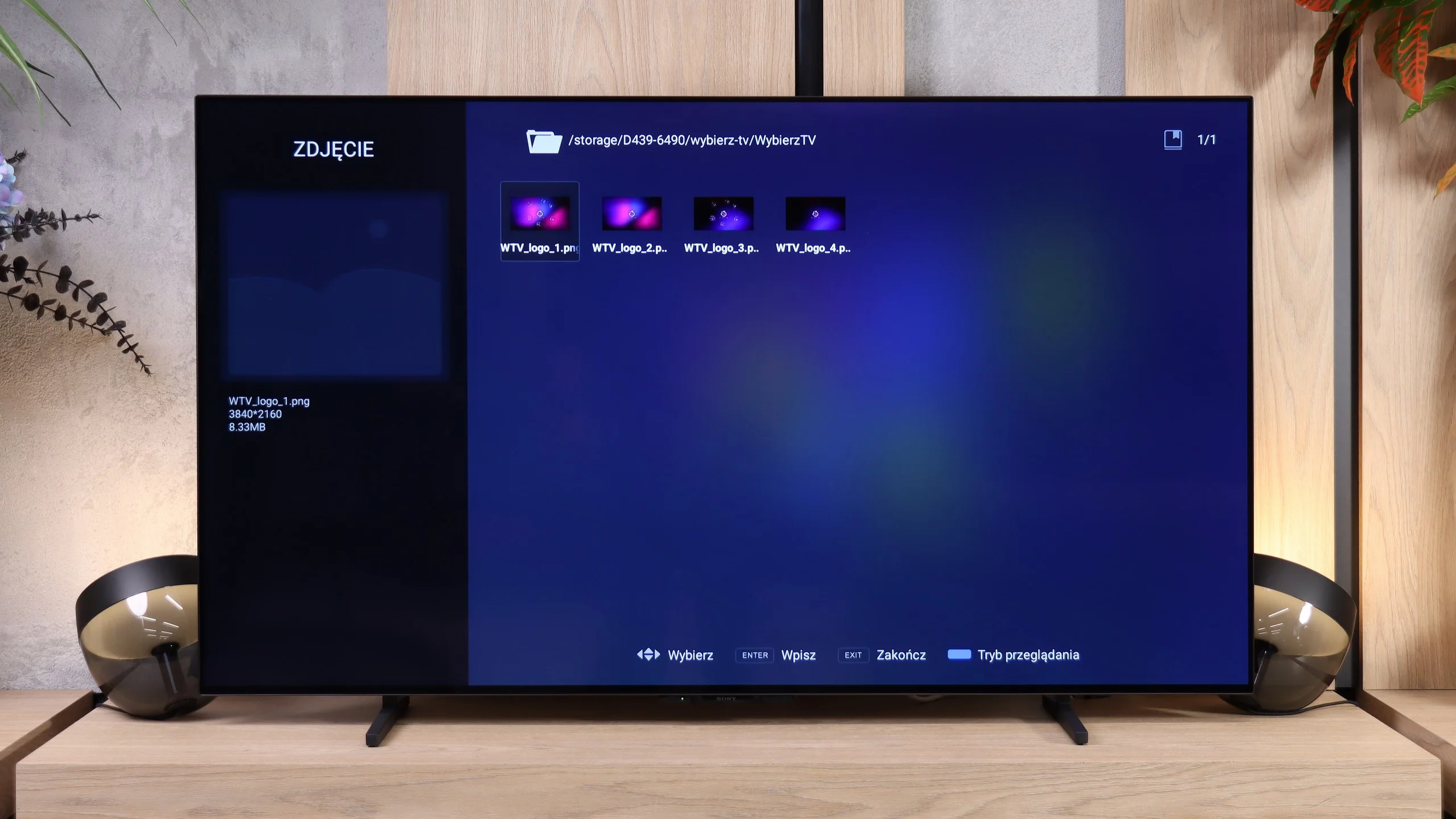
While the lack of such an advantage can be accepted at a sufficiently low price, it's much harder to turn a blind eye to problems with daily use. Google TV offers a wide selection of apps, but during our tests using the TV too often ended with the need to... unplug it. Even playing a movie from a USB drive could be problematic. It's at moments like these that we felt there was little... Sony in this BRAVIA. It lacks the polish that used to be one of the reasons to pay more for a Sony TV.
In the end the BRAVIA 6 leaves a big sense of disappointment. The OLED panel itself gives it a solid foundation, but the enjoyment of watching too often gives way to frustration with the operation. So in its current state it's hard for us to recommend it, even though it's among the cheapest OLEDs on the market. An attractive price can compensate for some image limitations, but it's hard to call that a sufficient argument when basic functions fail. Before we even start considering whether it's worth buying the BRAVIA 6, Sony needs to deliver the refinement we expect.
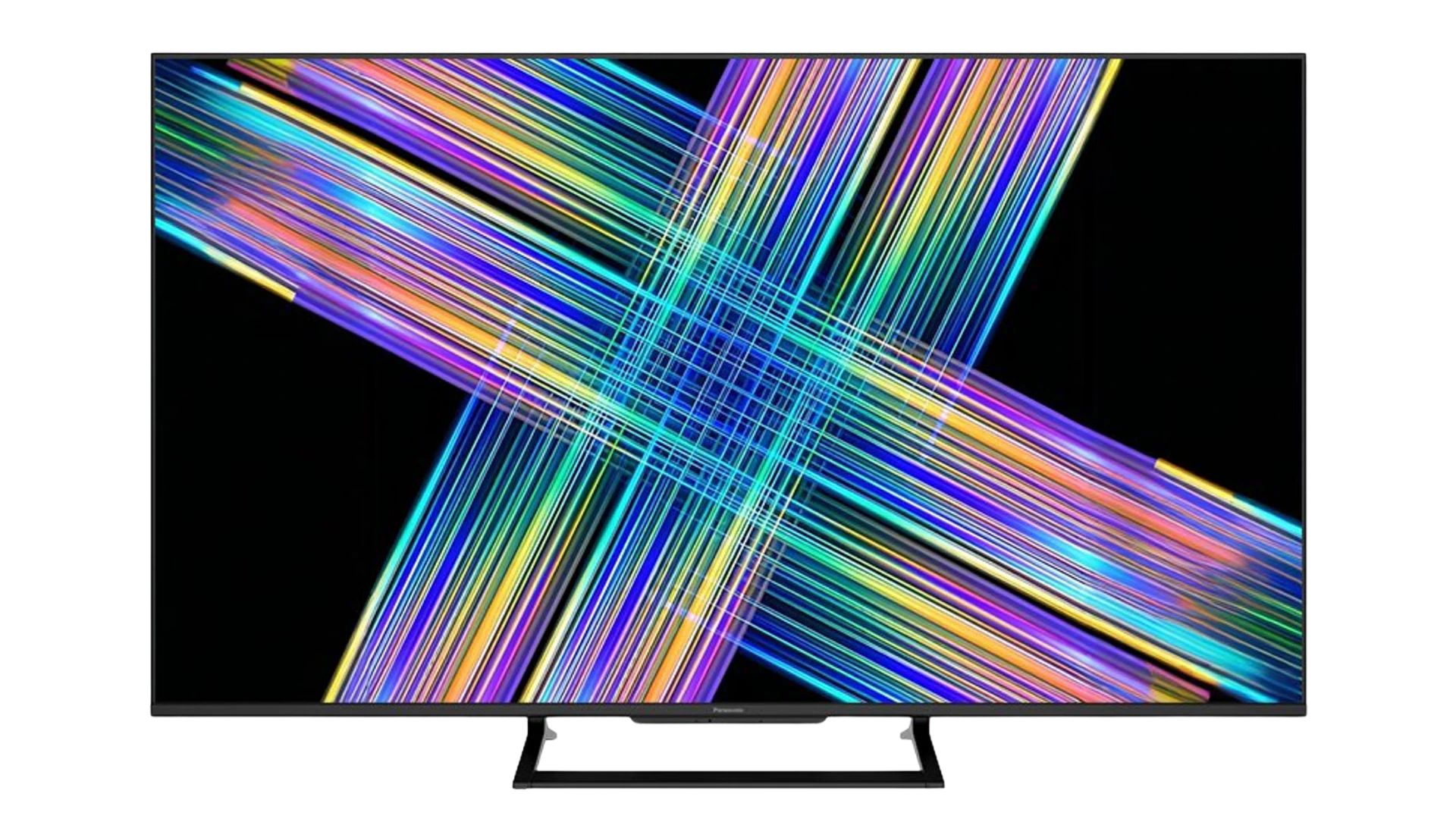
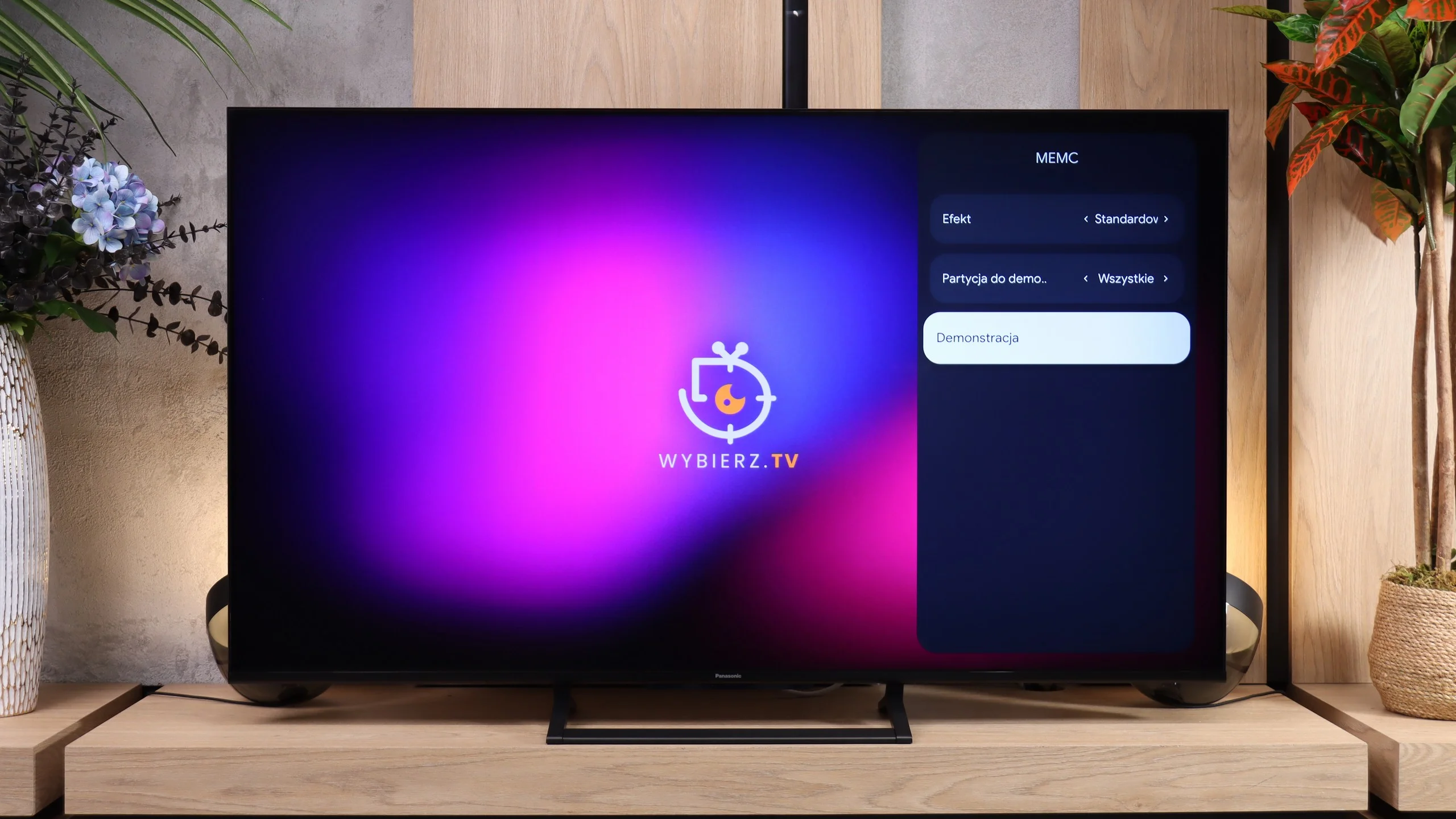
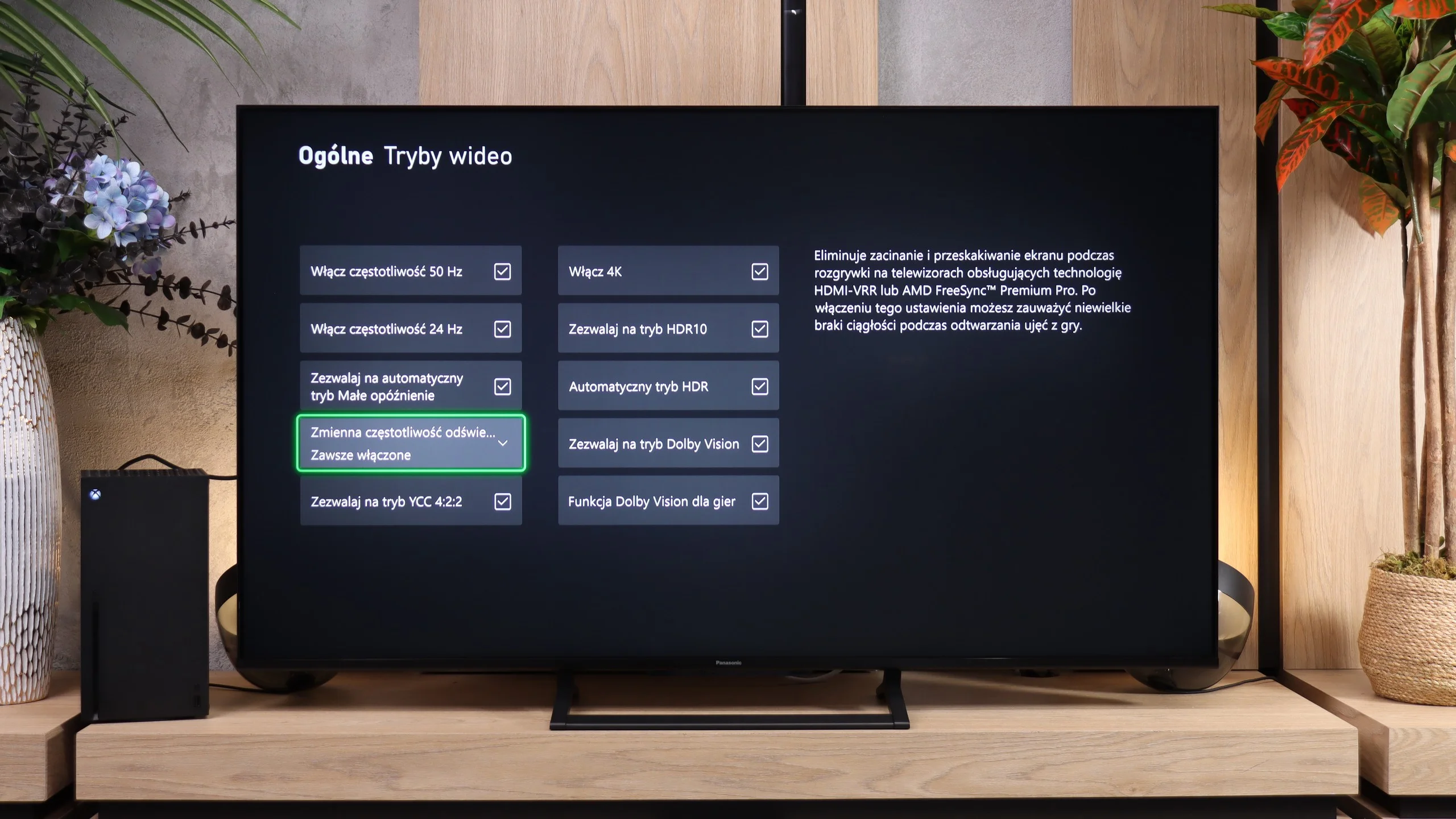
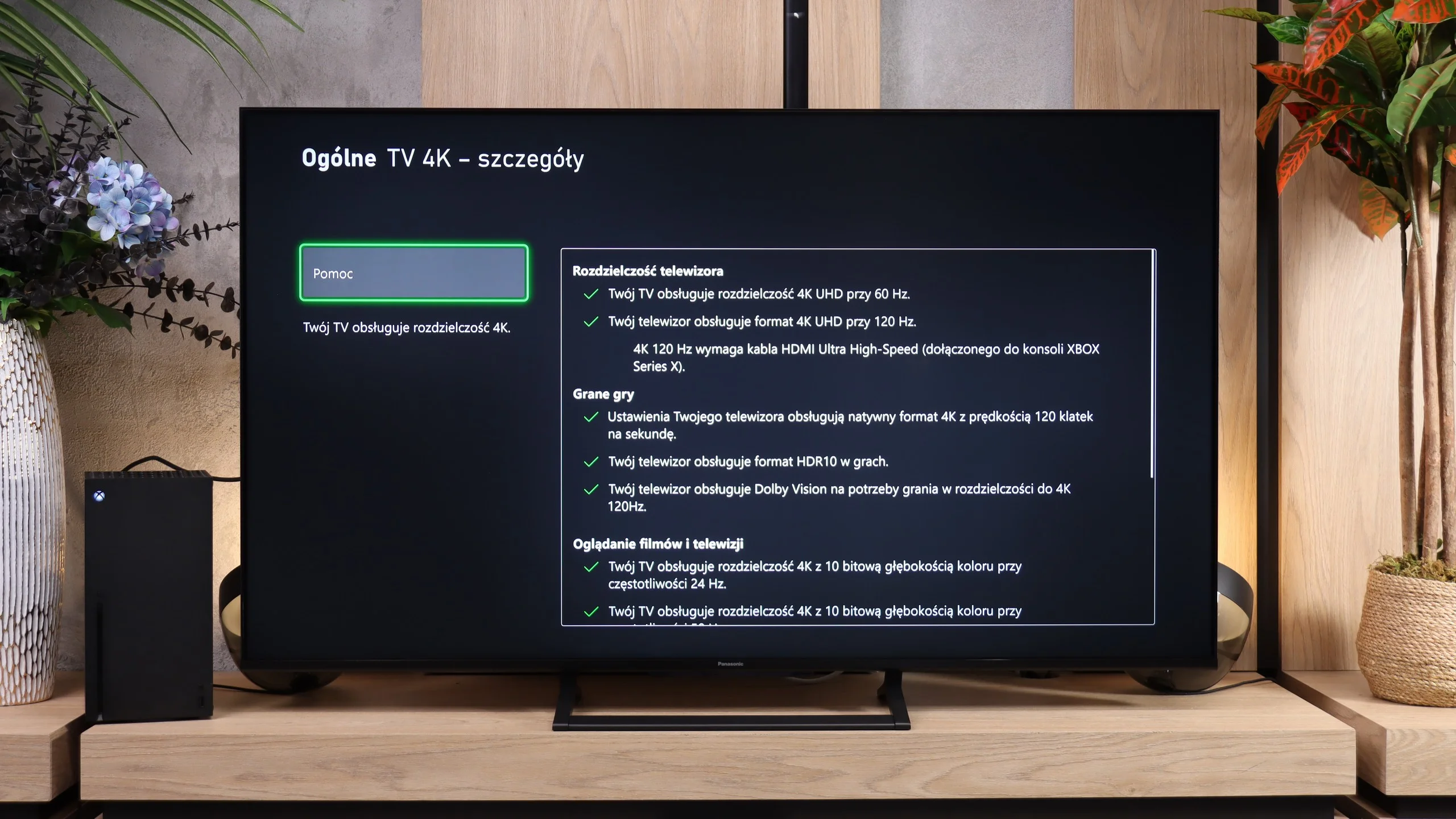
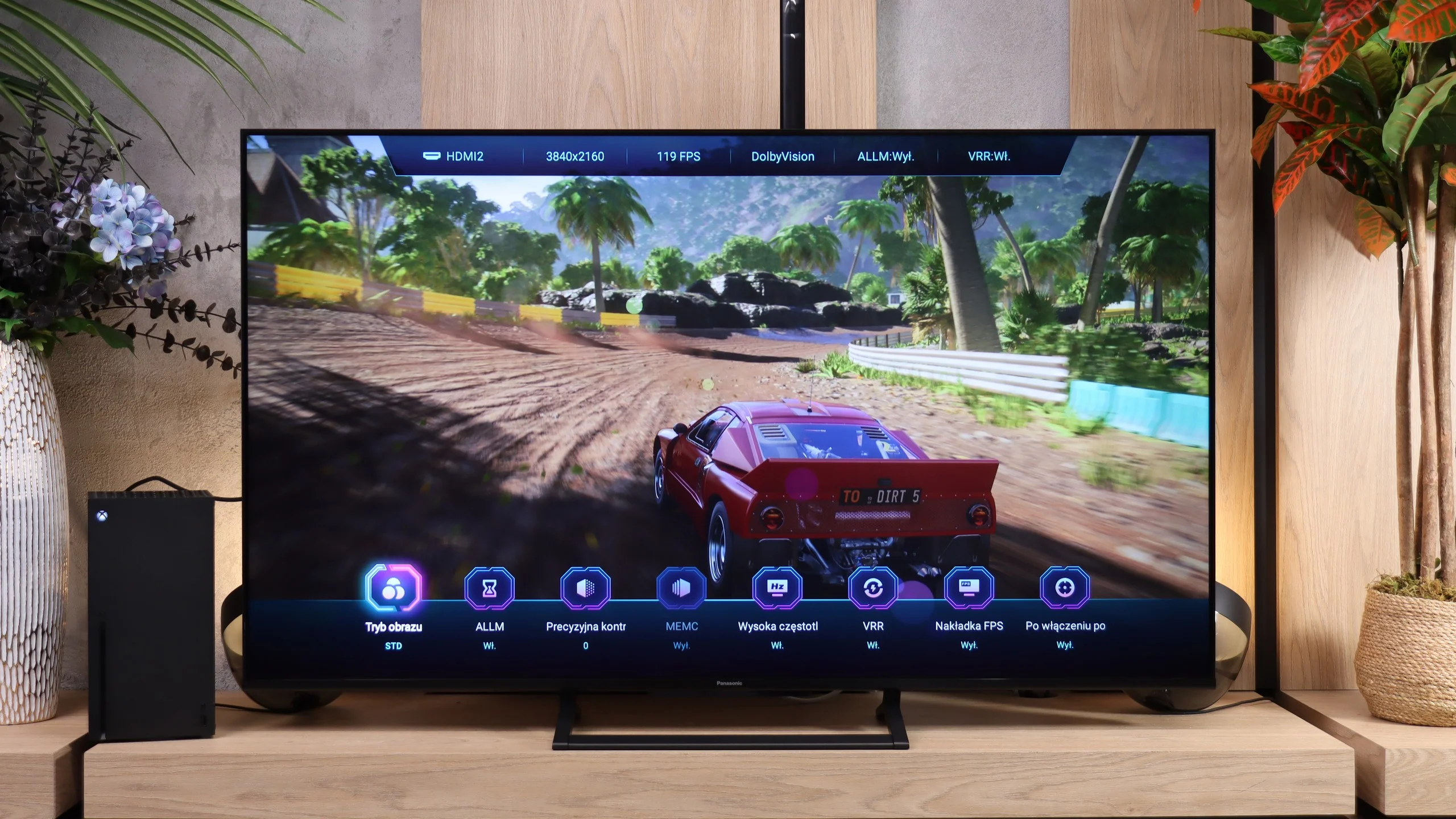
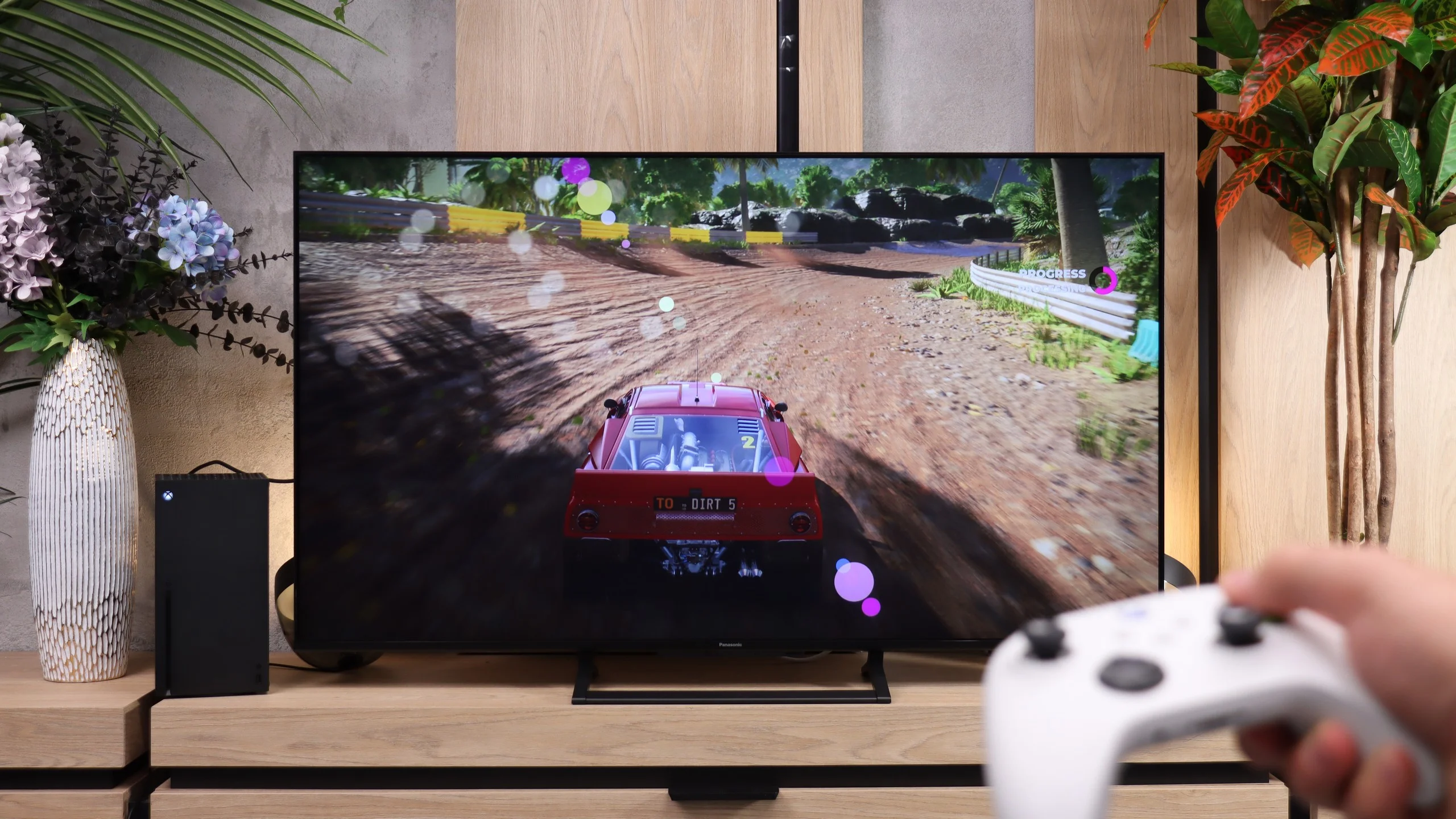
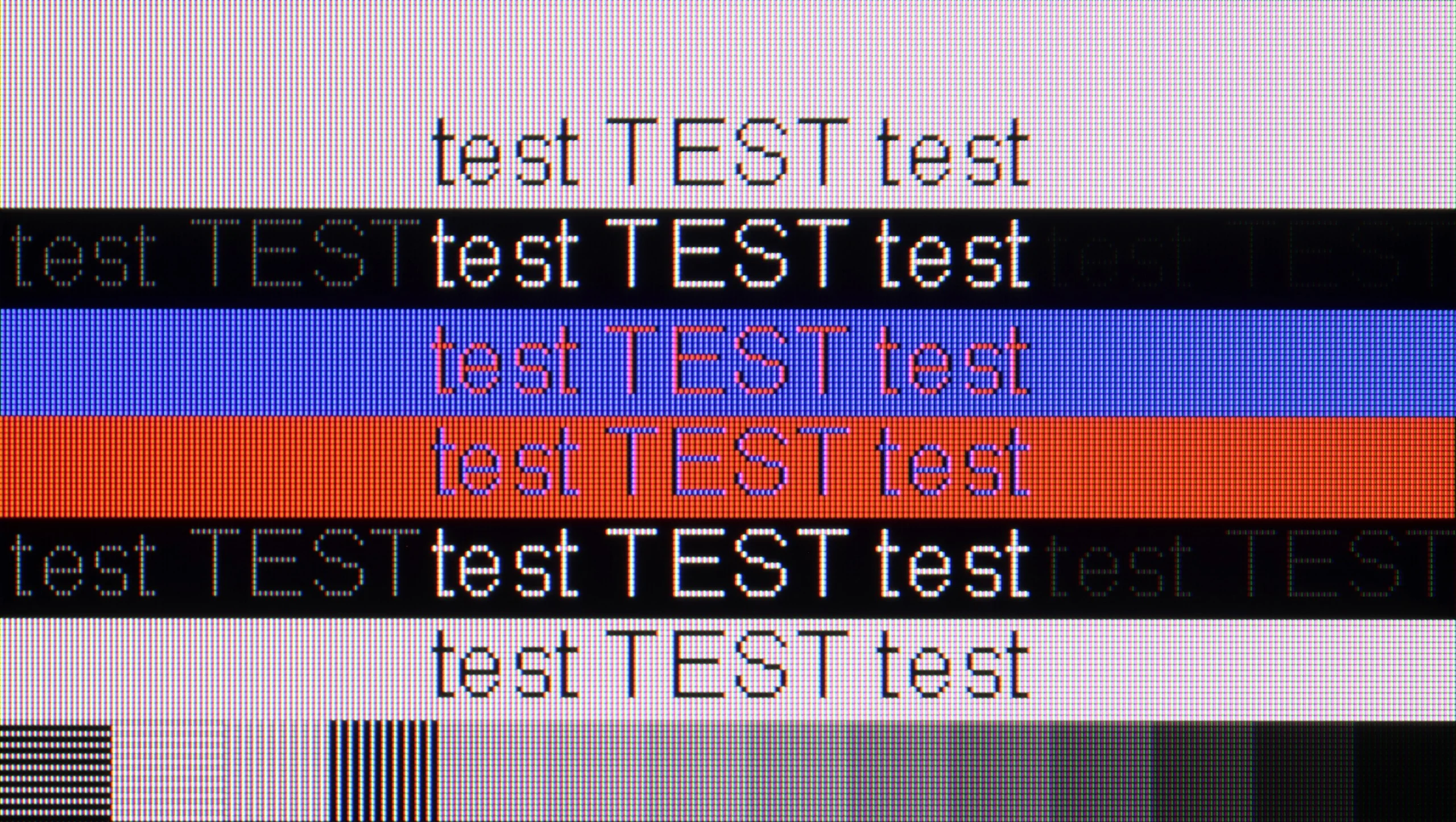
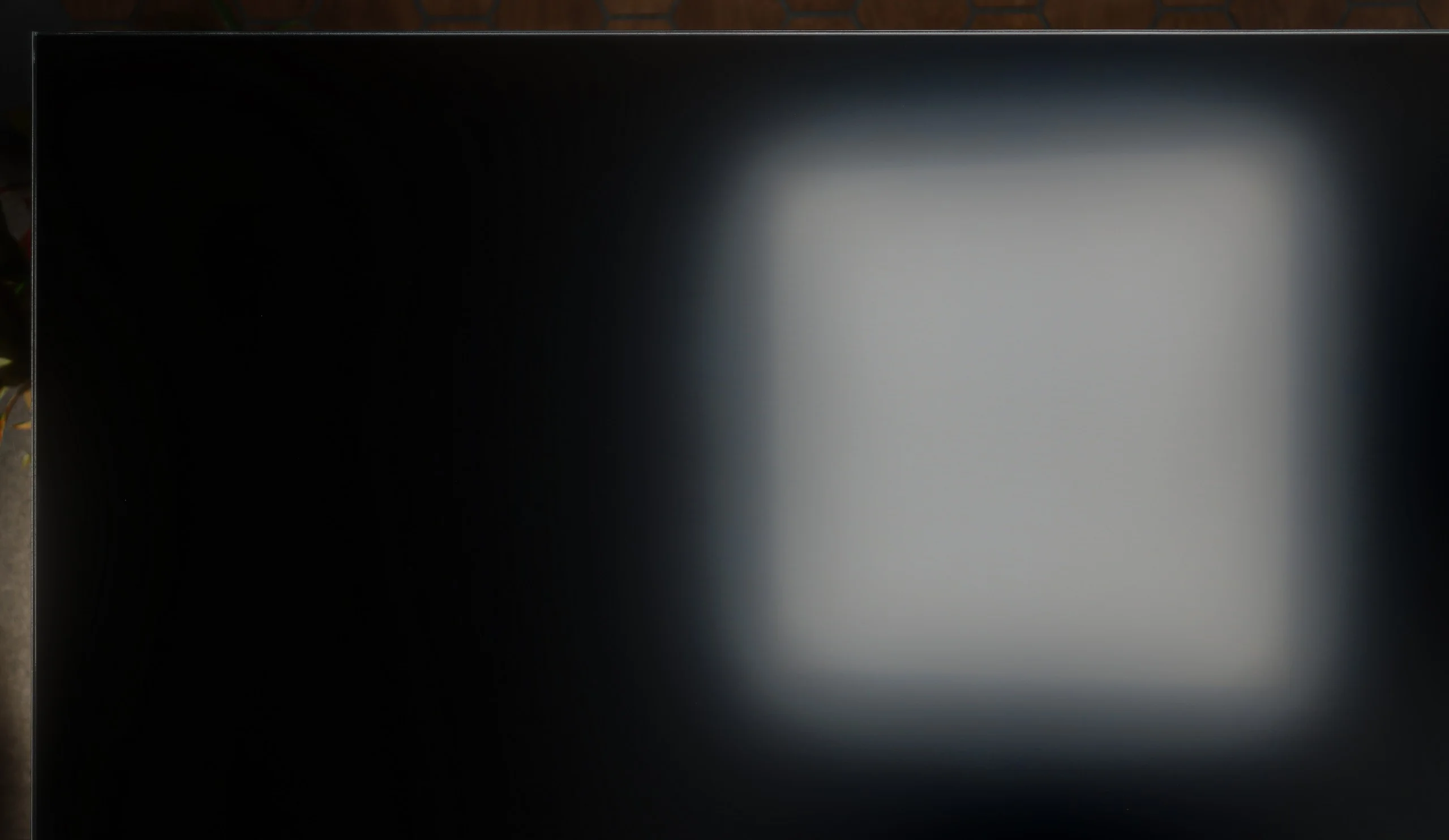
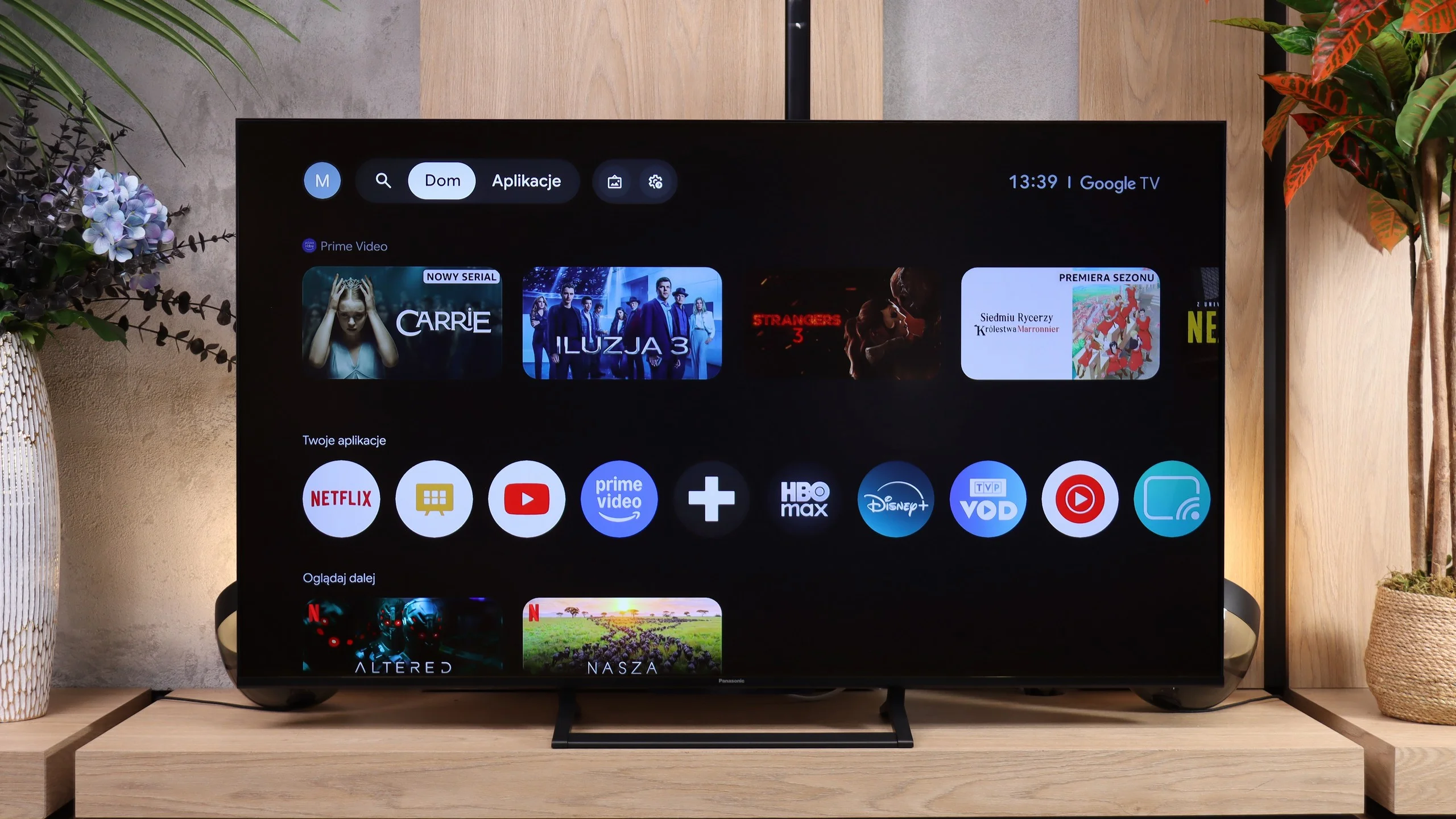
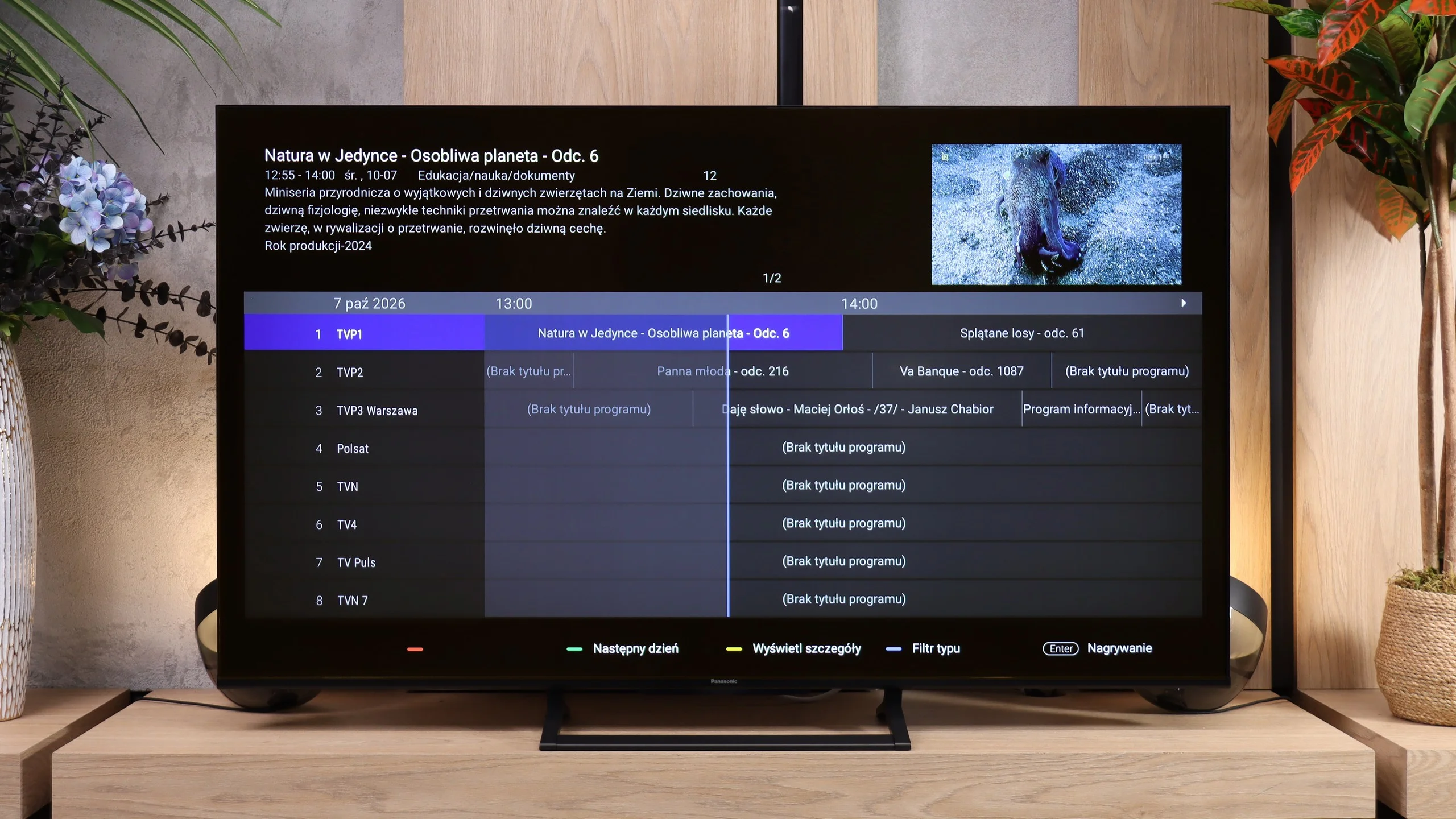
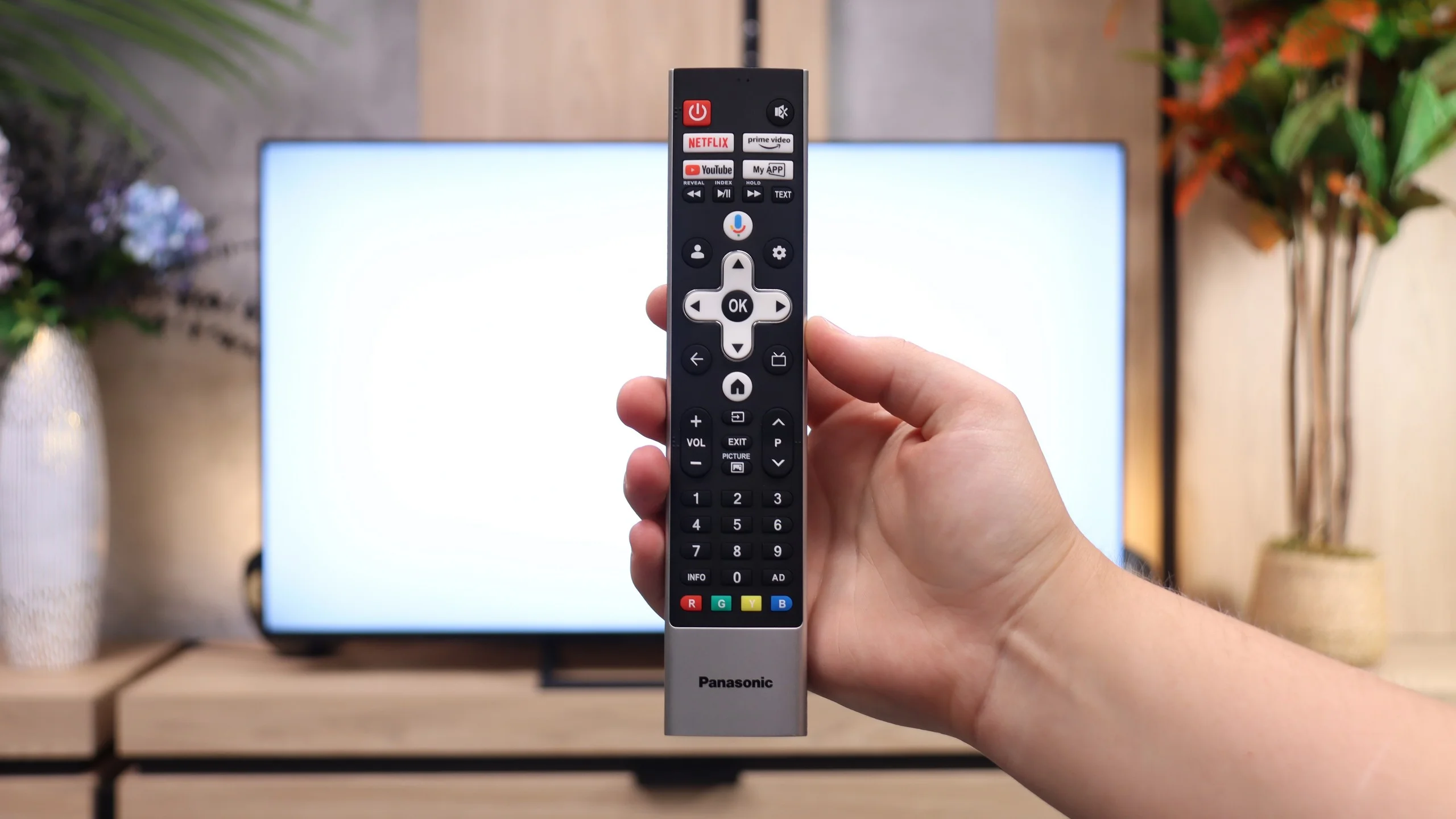
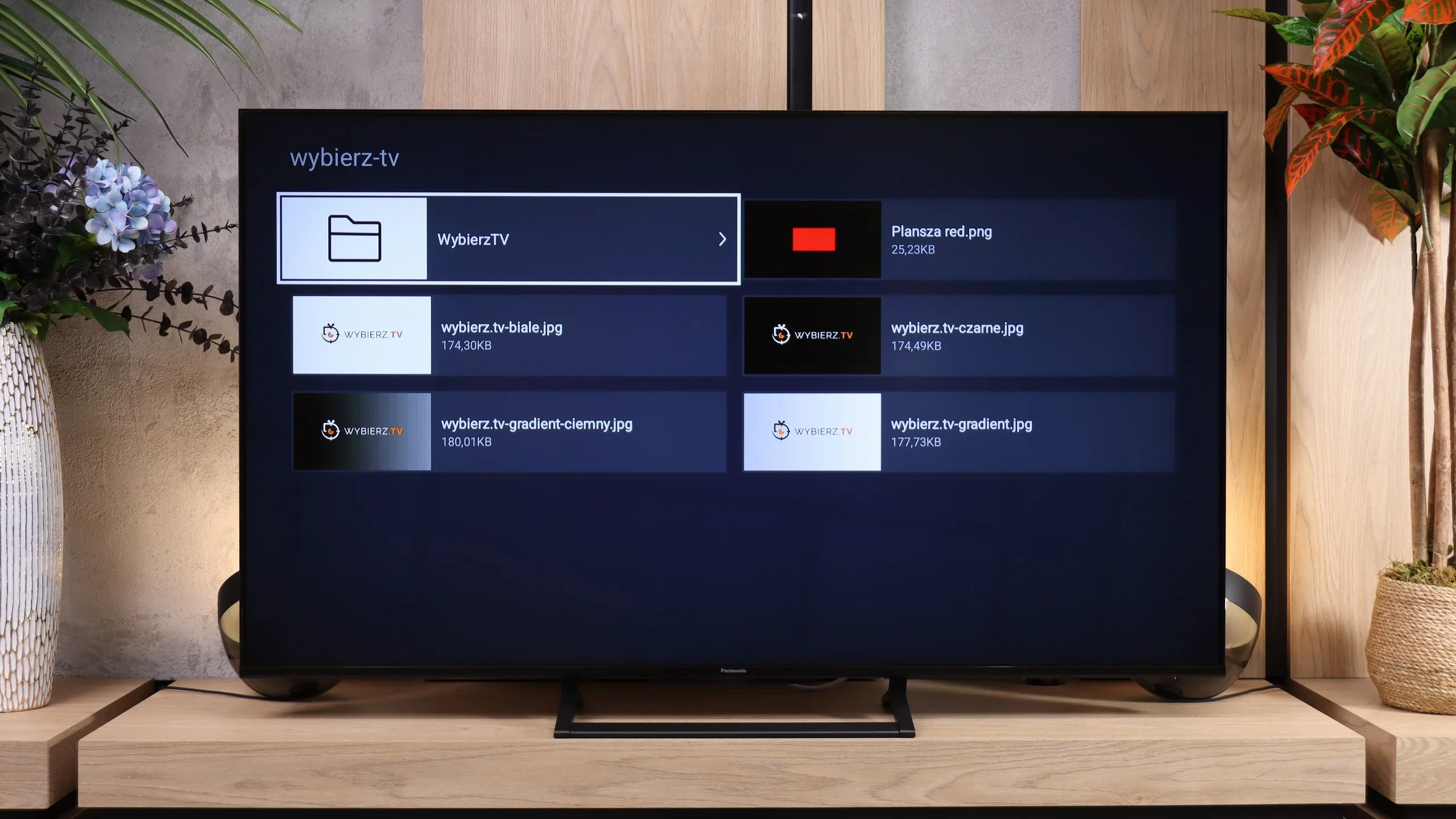
W92C is the first Panasonic made in collaboration with Skyworth that we've tested. And it's about the change we expected: a little less of the old Panasonic, but also some new things that work in its favor. The biggest plus is the move to Google TV. The system is fast, gives access to the apps you need, and on a daily basis convinces us more than the previous Fire TV. Combined with a matte screen that handles reflections well, this makes for a comfortable living-room TV where you don't always want to close the curtains before watching. The longer we used the W92C, the more we appreciated its versatility. It can noticeably improve weaker content, and after calibration the picture gains a naturalness it sadly lacks on the factory settings, as was the case with older Panasonic models. It also works well with consoles and PCs. It responds quickly to input, and the high refresh rate provides smooth motion. So Panasonic makes sense in a home where one screen is used for TV, movies, gaming, and sometimes even for... working with text. 🙂 The limitations become clearer during evening viewing. Blacks can look good, but a more challenging scene is enough for halos to appear around bright objects and for the bars above and below the image to glow. The small number of local dimming zones makes it hard to keep deep black levels and bright details at the same time. Dolby Vision helps pull more out of this panel, but it doesn't remove those limits. The default picture tuning is also disappointing, and the automatic brightness changes we encountered during testing further spoil the experience. This is where the refinement you'd expect from the Panasonic name is most lacking. So ultimately the W92C's appeal will come down to price. It's an entry-level Mini LED and should be priced similarly to competing models with basic local dimming. At that level it will be a sensible choice, especially for people moving up from a regular LCD. They'll get better black levels, a convenient OS, and a versatile screen that works for both TV and gaming. If, however, you have to pay a clear premium for the Panasonic badge, it will be hard to justify that extra cost. The W92C has enough positives to stand as an affordable, all-purpose TV, but too few advantages to sell itself on the brand alone.
 Direct comparison