Sharp GP7 vs TCL C7K / QM7K 50"

Direct comparison

GP7265E / GP7465E / GP7765E

Info

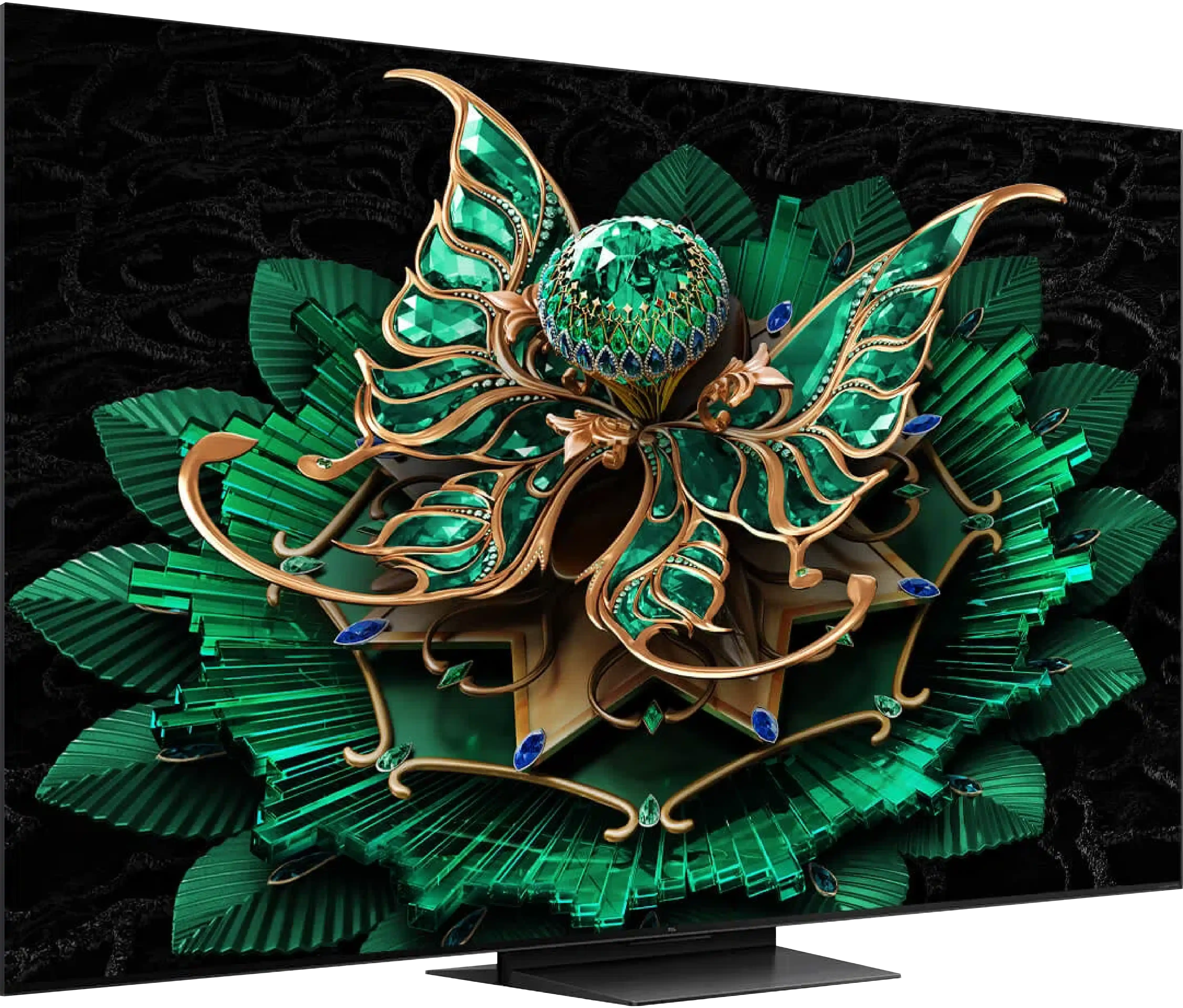
C7K / Q7C / MQLED85K / C79K / C71K / QM7K

Info

Available screen sizes: 55”65”75”

Available screen sizes: 50”

Panel type: LCD VA

Resolution: 3840x2160

System: Google TV

Model year: 2024

Complete the survey to find out the result

Panel type: LCD VA

Resolution: 3840x2160

System: Google TV

Model year: 2025

Complete the survey to find out the result

Overall rating

6.2

7.2

  • Movies and series in UHD quality

    6.5

    6.7

  • Classic TV, YouTube

    6.3

    6.5

  • Sports broadcasts (TV and apps)

    5.5

    6.6

  • Gaming on console

    6.0

    8.5

  • TV as a computer monitor

    5.7

    8.4

  • Watching in bright light

    5.3

    6.1

  • Utility functions

    5.5

    7.3

  • Apps

    9.6

    9.6

  • Sound quality

    6.6

    7.0

Advantages

  • Google TV system – intuitive, advanced interface

  • Good HDR quality with Dolby Vision

  • Solid contrast

  • Decent brightness

  • Good image scaling

  • Smooth tonal transitions

  • Very good black - VA panel with a large number of Mini-LED zones

  • High brightness in HDR - over 1000 nits

  • Great for gamers - HDMI 2.1, low input lag, VRR, ALLM, etc.

  • Good motion fluidity - 144Hz panel

  • Support for multiple HDR formats: HDR10, HDR10+, Dolby Vision

  • Google TV operating system with access to a huge app base

  • Pleasant sound from built-in speakers

Disadvantages

No like
  • Average choice for gamers

  • No AirPlay

  • No recording / PiP feature

  • Google TV can work with minor lags

  • No USB recording and PiP features

Our verdict

Sharp GP7 is a TV that certainly has its strengths, but it also doesn't escape a few shortcomings. Is it perfect? No, but for its price, it does a really decent job and will work quite well as a nice choice in many homes. The biggest plus? Google TV. Here, Sharp GP7 shows its class – we have an enormous selection of applications, probably the largest on the market. It doesn't matter if we want to watch Netflix, YouTube, or something less known – we will find everything in one place. Additionally, the interface is simple and intuitive, and if we don't feel like clicking, we just need to say to the remote what we are looking for, as it supports voice commands in Polish. Google TV definitely elevates the value of this TV, as we don't feel like we are missing anything. It just works. As for picture quality, it's also quite good. Brightness at 500 nits combined with Dolby Vision does the job – movies look really solid for this price range. Colors, thanks to the PFS (QLED) coating, are vibrant, the contrast from the VA panel gives dark scenes depth, and the overall picture just "plays." It's not premium level, but for this price, you can't really complain. It's a good picture that will satisfy most users. Of course, there are also weaker points. The TV struggles with dynamic scenes – sports or video games won't look perfect here. The 60 Hz panel and response time of the panel are not able to ensure the highest fluidity. Additionally, the manufacturer mentions HDMI 2.1, but all we find here is the ALLM feature. There is a lack of VRR, G-Sync, or other additions that could attract gamers.

In summary – Sharp GP7 is a solid TV for everyday watching of movies and series. It is not for gamers or fans of sports broadcasts, but for universal use – absolutely. If we value access to a rich ecosystem of applications and good picture quality at a reasonable price, this model might be just for us.

There are TVs that come in for testing and you immediately think: "oh, another average one, probably like many others." And in fact… that's true. The TCL C7K doesn't try to dethrone the OLEDs, it doesn't shout from the box "revolution!". And yet, after a few days of testing, it's hard not to think: "wow, this is really good equipment." And that's exactly what the C7K is. The biggest asset of the C7K is its decent picture at a reasonable price – MiniLED and quantum dots do their job here. The colors are vibrant, the brightness is satisfactory, the contrast is impressive, and with the right settings, you can truly enjoy viewing in the best quality. The second strong point is the fluidity of motion – both in sports and in games. Support for HDMI 2.1, variable refresh rate, 144 Hz, and a whole bunch of other features make playing on this TV a pure pleasure. Additionally, there's Google TV, which – despite minor shortcomings – provides access to nearly an endless library of applications. Voice control, quick access to YouTube, Netflix, AirPlay support – everything you need for daily use is here. Are there any downsides? Sure. The Google TV system sometimes experiences moments of "hesitation," and MiniLED – like any MiniLED – can stumble on very challenging movie scenes. But those are details. After all, the C7K is a mid-range model – and in this class, it simply performs excellently. So if you are looking for a reasonably priced, modern TV with Google TV that looks good, works well, and sounds pretty decent without breaking your budget – the TCL C7K definitely deserves attention.

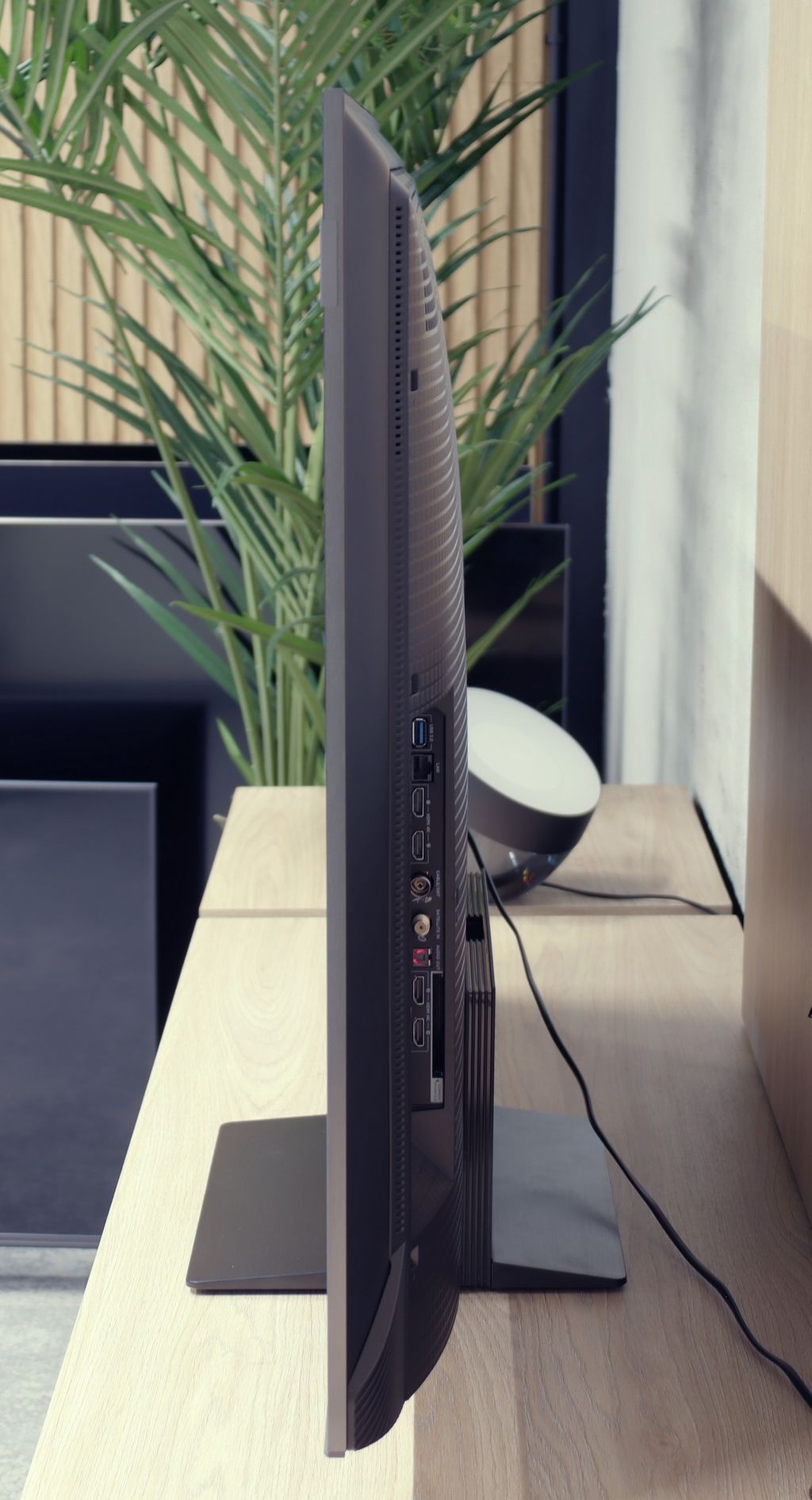
TV appearance

HDMI inputs
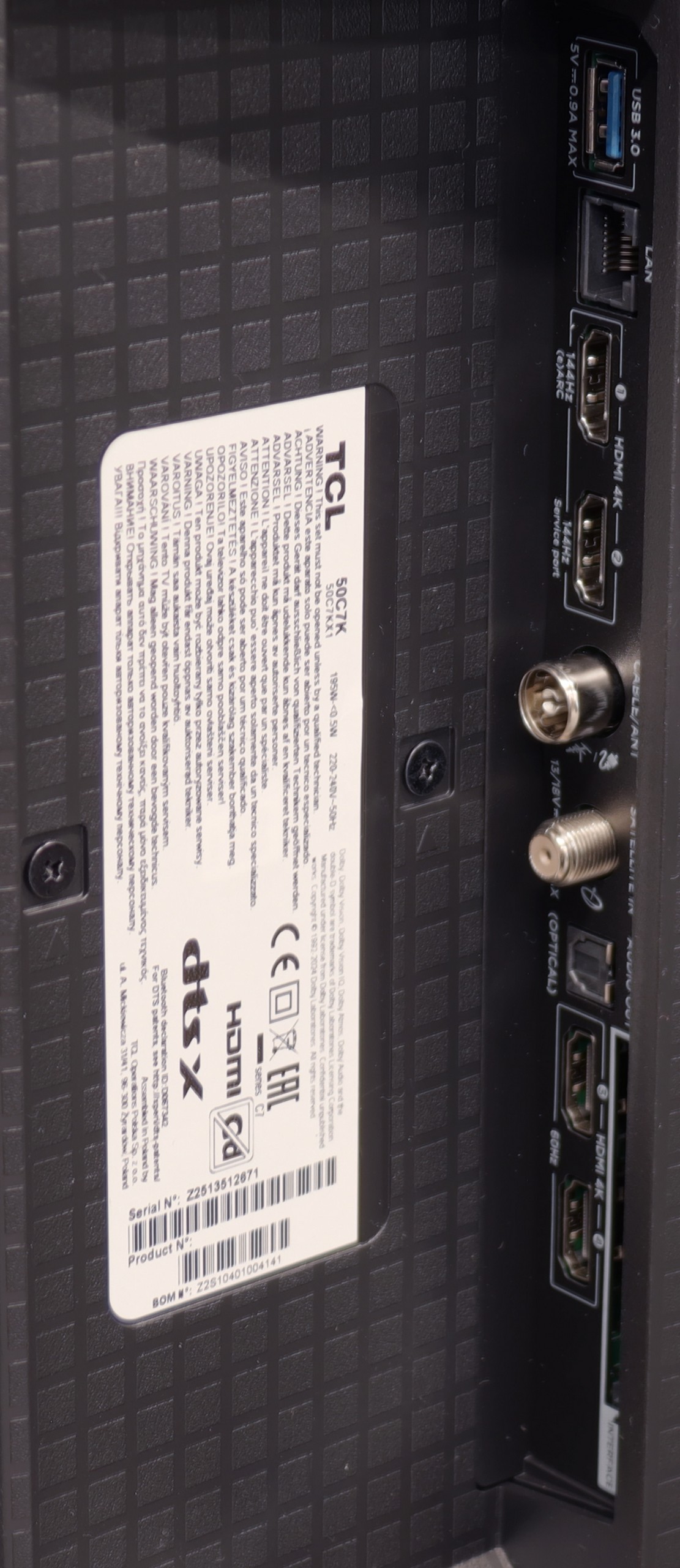
4 x HDMI 2.0, 0 x HDMI 2.1
2 x HDMI 2.0, 2 x HDMI 2.1 (48Gbps)
Other inputs
RCA (Chinch)
Outputs
Toslink (Optical audio), eARC (HDMI), ARC (HDMI), Mini-Jack (Headphones)
Toslink (Optical audio), eARC (HDMI), ARC (HDMI)
Network Interfaces
Wi-Fi 2.4GHz, Wi-Fi 5GHz, Ethernet (LAN) 100Mbps
Build quality
Good
Good
Stand type
Central
Central
Bezel color
Silver
Graphite
Stand
Fixed
Fixed
Accessories
Stand
Stand

Contrast and black detail

5.8/10

7.1/10

Local dimming function: No

Local dimming function: Yes, number of zones: 336 (14 x 24)

Contrast:

Review Sharp GP7 Contrast and black detail

Result

5,250:1

Review Sharp GP7 Contrast and black detail

Result

5,450:1

Review Sharp GP7 Contrast and black detail

Result

5,950:1

Review Sharp GP7 Contrast and black detail

Result

5,950:1

Review Sharp GP7 Contrast and black detail

Result

4,000:1

Review TCL C7K / QM7K 50" Contrast and black detail

Result

161,000:1

Review TCL C7K / QM7K 50" Contrast and black detail

Result

18,750:1

Review TCL C7K / QM7K 50" Contrast and black detail

Result

13,150:1

Review TCL C7K / QM7K 50" Contrast and black detail

Result

6,300:1

Review TCL C7K / QM7K 50" Contrast and black detail

Result

4,200:1

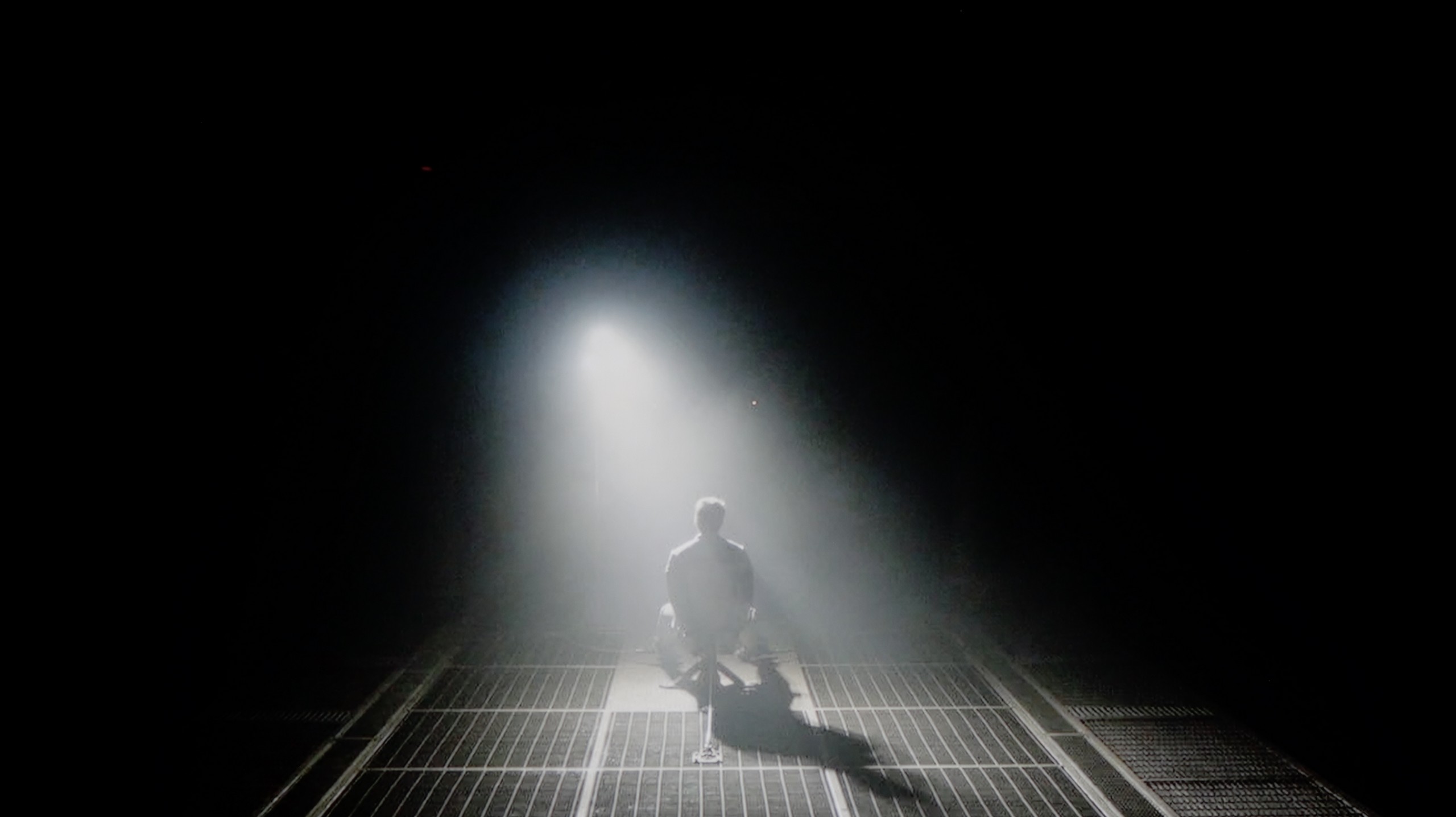
Halo effect and black detail visibility:

Check the visibility of bright lights on a dark background. Mini-LEDs often struggle with this. The photo does not compare black levels – that’s what the video below is for.

The video accurately shows differences in contrast and black levels between TVs, as well as potential issues: halo around bright objects or Mini-LED zone operation visible as brightness jumps.

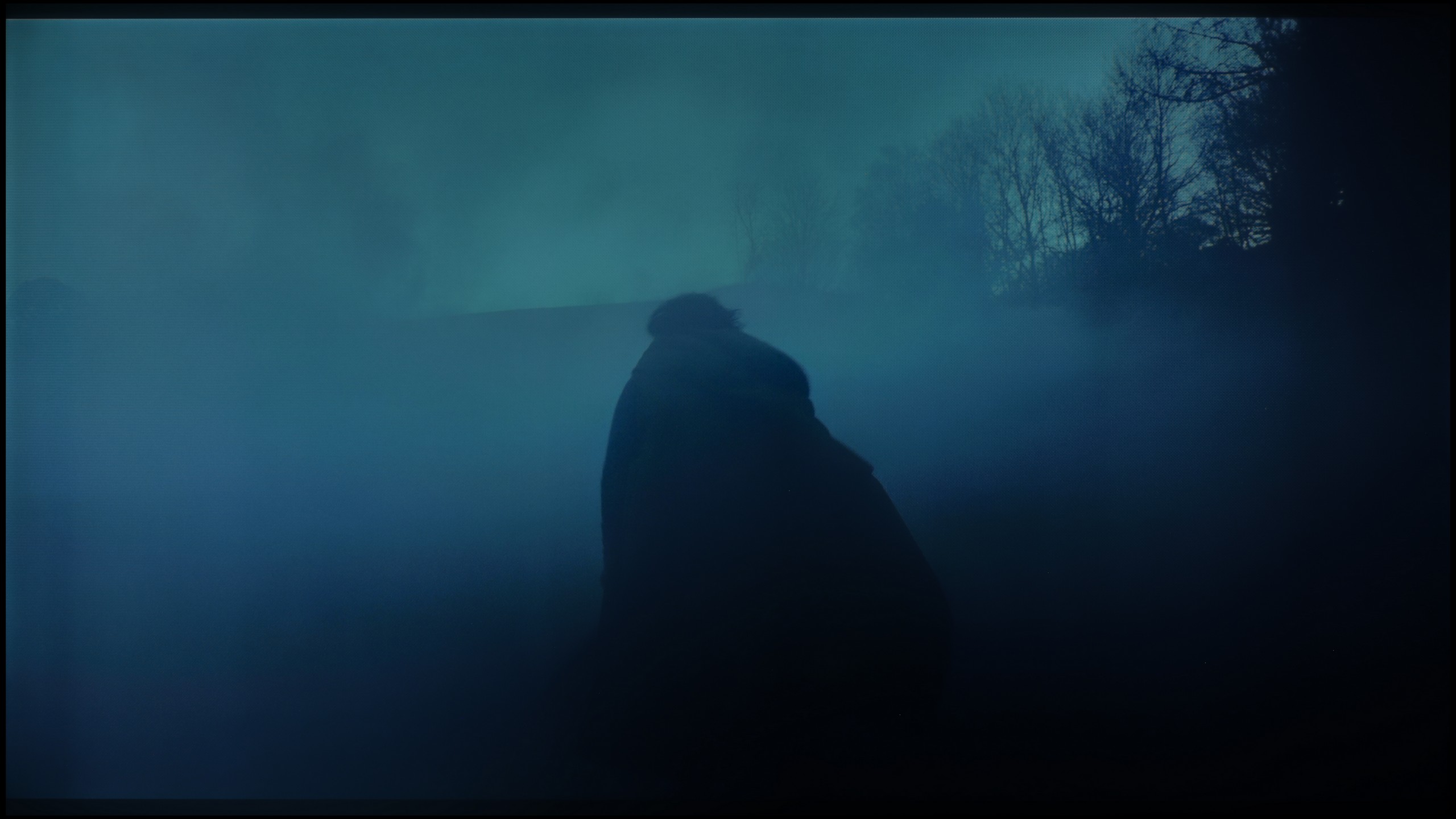
The Sharp GP7 utilizes a VA matrix, which allows it to boast a fairly decent contrast. In our measurements, we achieved around 5000:1, which is a solid result for this price range. For example, when watching bright, contrasting scenes in Oblivion, we did not have the impression that the lights were merging into one blob. There are still clear boundaries between individual light sources. On the other hand, the lack of local dimming results in the blacks in dark areas of the image often leaning towards blue tones. This is a phenomenon that did not surprise us, as it is difficult to expect absolute perfection in this regard at this price level. However, it is worth keeping this in mind if we expect the television to deliver pitch-black blacks rather than what we can experience during the tested scene from Sicario 2.

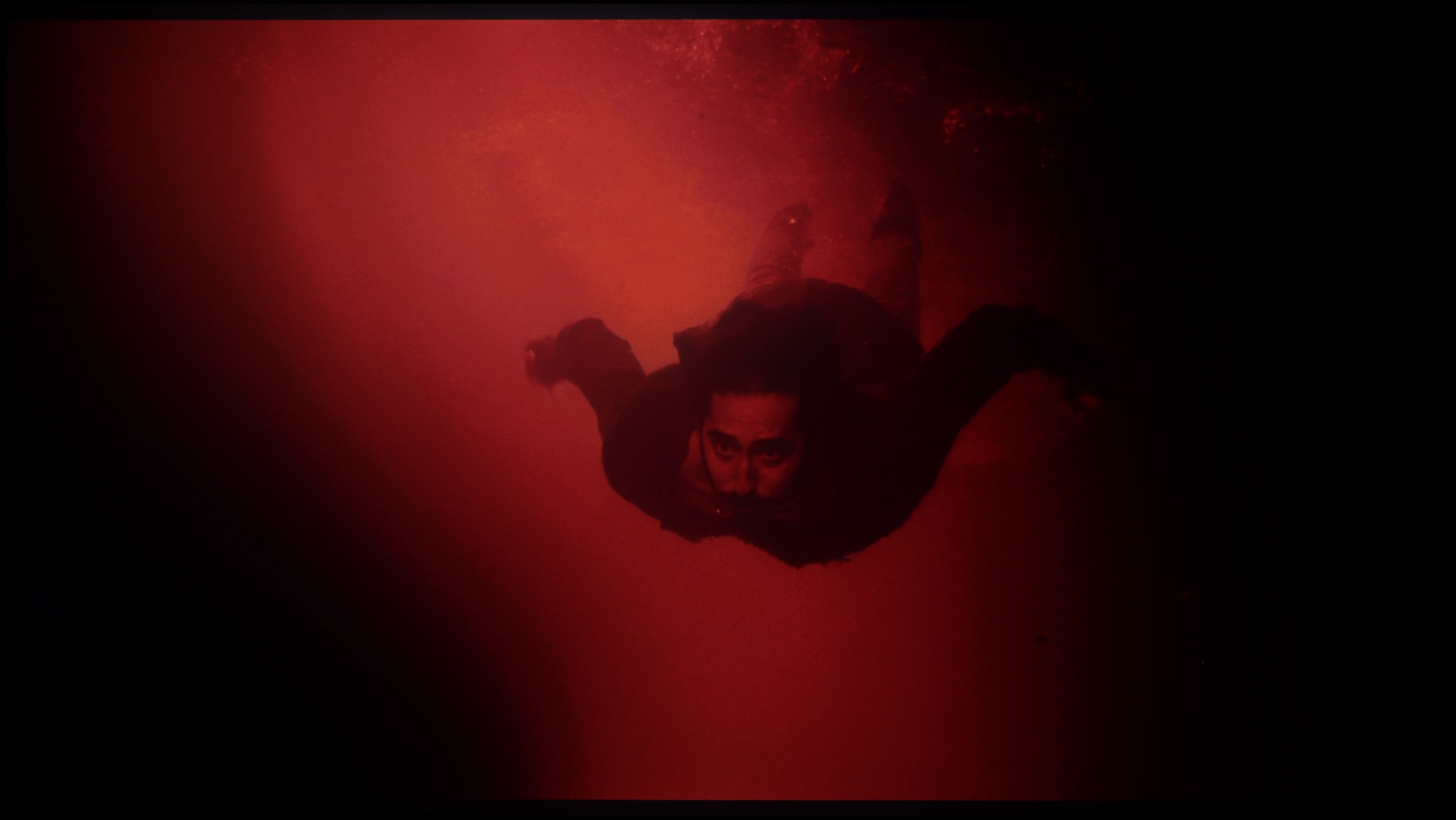
The 50-inch TCL C7K that we tested surprised us right from the start – it's the smallest model in the series, yet it comes equipped with a VA panel with MiniLED backlighting and – attention – as many as 336 dimming zones. For comparison: many significantly larger TVs from higher tiers would be eager to boast such a number. Here we have it in the 50-inch version. Sounds promising, right? So how does this translate into real movie-watching experiences? In the vast majority of tested scenes – very well. The contrast was so high that in measurements it even reached six-digit values, which in practice means very deep blacks and well-separated highlights. In scenes from movies like The Revenant or Oblivion, the effect was impressive, matching the best LCD screens in this class.

However, not everything went perfectly. Despite the impressive number of zones, their management was not always exemplary. In more complex scenes, where there are small light sources or a high level of detail, the TV had issues with the so-called halo effect (a glowing halo around bright objects) or with overly aggressive dimming of the image. In such situations, contrast could either collapse due to overexposing parts of the zones or, conversely – details in bright areas disappeared because the zones suppressed the light too much. Nevertheless, it's worth emphasizing that in the vast majority of scenes, the contrast was more than satisfactory. And considering the size of the TV and its price, the final effect will satisfy not just average users.

HDR effect quality

5.5/10

5.4/10

Supported formats
HDR10, Dolby Vision, HLG
HDR10, HDR10+, Dolby Vision, Dolby Vision IQ, HLG
Color gamut coverage
DCI P3: 95.2%, Bt.2020: 73.0%
DCI P3: 93.1%, Bt.2020: 72.9%

Luminance measurements in HDR:

Review Sharp GP7 Brightness measurement

Result

428 nit

Review Sharp GP7 Brightness measurement

Result

448 nit

Review Sharp GP7 Brightness measurement

Result

492 nit

Review Sharp GP7 Brightness measurement

Result

471 nit

Review Sharp GP7 Brightness measurement

Result

499 nit

Review TCL C7K / QM7K 50" Brightness measurement

Result

1051 nit

Review TCL C7K / QM7K 50" Brightness measurement

Result

185 nit

Review TCL C7K / QM7K 50" Brightness measurement

Result

454 nit

Review TCL C7K / QM7K 50" Brightness measurement

Result

200 nit

Review TCL C7K / QM7K 50" Brightness measurement

Result

836 nit

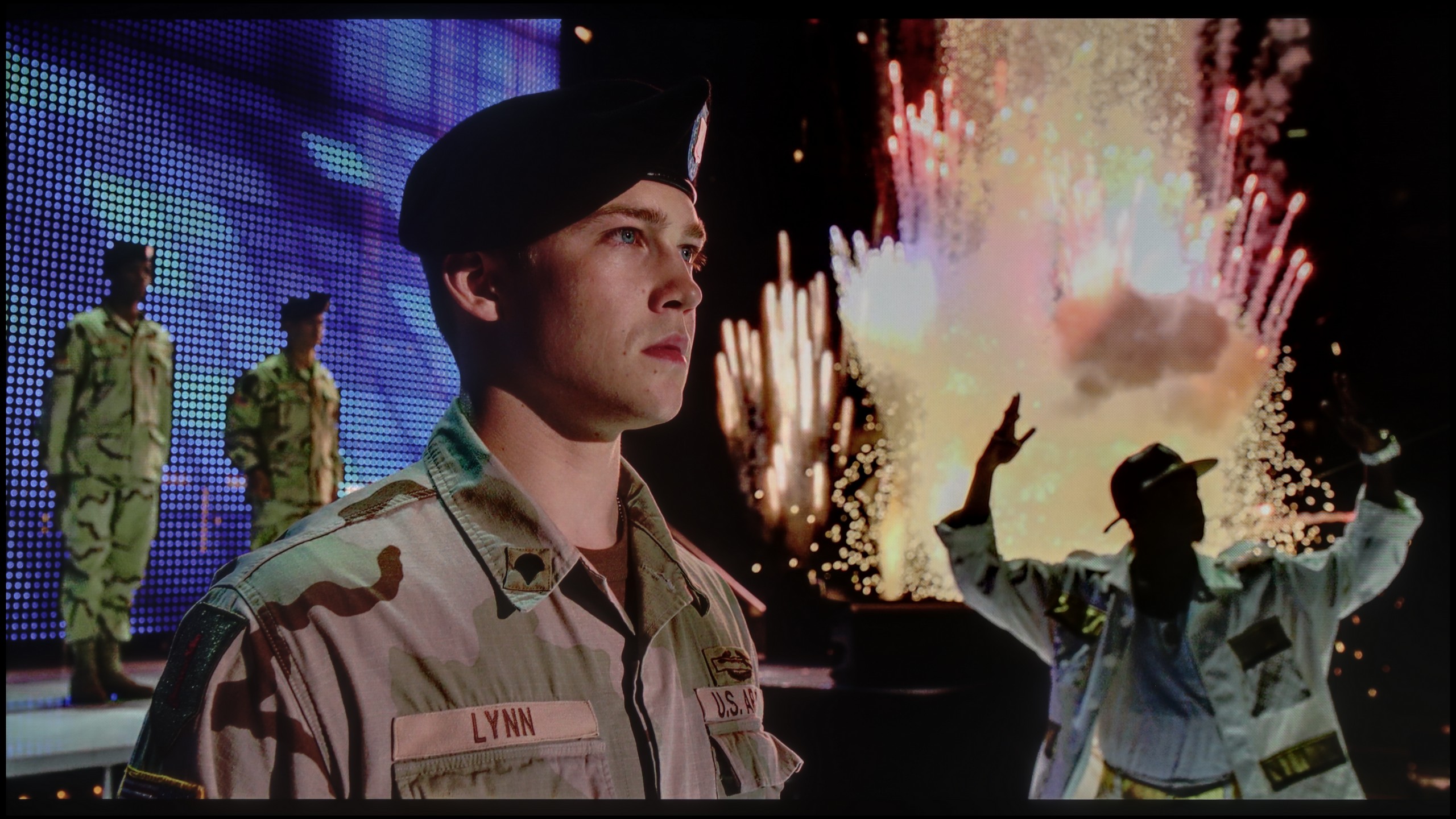
Scene from the movie “Pan” (about 2800 nits)

Scene from the movie “Billy Lynn” (about 1100 nits)

The photos show two HDR10 movies. 'Pan' is one of the brightest productions ever made, while 'Billy Lynn' (soldier) has brightness typical of streaming (Netflix, Prime, HBO MAX). Notice the intensity of effects and detail in whites.

Static HDR10

The photos present the visibility of white details in various HDR formats. They do not show brightness differences between TVs (these can be compared in the previous gallery).

Dynamic: Dolby Vision

Dynamic: Dolby Vision

The photos present the visibility of white details in various HDR formats. They do not show brightness differences between TVs (these can be compared in the previous gallery).

HDR luminance chart:

TCL C7K / QM7K 50"

Sharp GP7

In terms of HDR, the Sharp GP7 can pleasantly surprise us. The maximum brightness around 500 nits is the threshold at which the real advantages of high dynamic range become visible. During our tests, we achieved stable values between 430 and 500 nits, which translated to clearer distinction of elements in both bright and slightly darker scenes. Additionally, there is a DCI-P3 color gamut coverage of around 95%, which allows for vibrant, visually pleasing colors. Of course, this is not the highest league, but for this price range – a big plus.
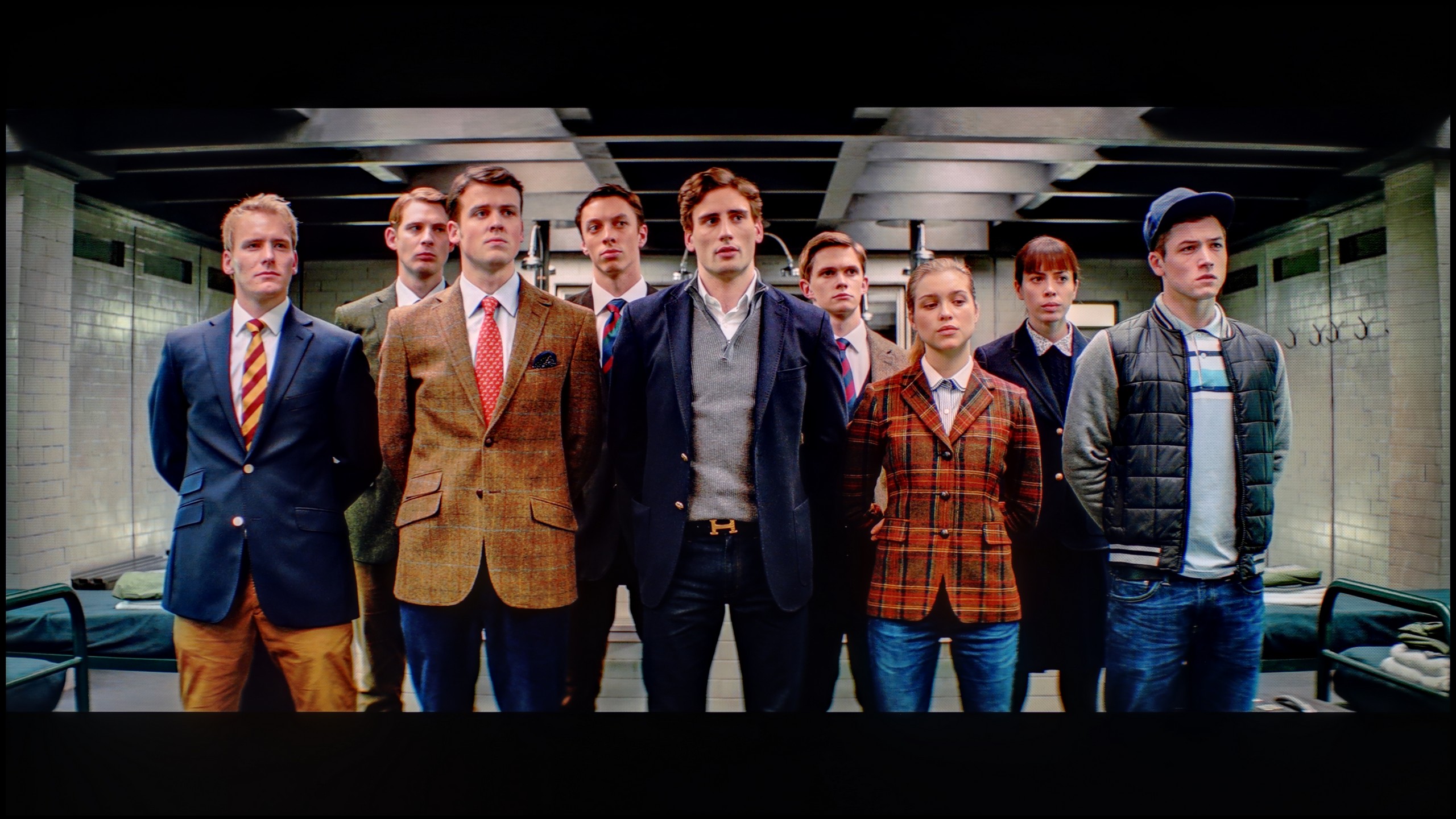
TCL C7K is one of the brightest MiniLED televisions in its price range. Under the best test conditions, the screen was able to achieve over 1200 nits, resulting in impressive, and at times blindingly bright scenes. And most importantly – this is not just a theoretical measurement. In practice, the brightest parts of movies can shine with true cinematic grandeur. Home HDR cinema fans should be truly pleased.

The impression is especially great in scenes with large areas of brightness – white skies, explosions, sun reflections, or magical sunsets can surprise with the intensity of light that rarely appears in this price range.

However, things get a bit worse when more challenging scenarios appear on the screen, which have been described in terms of contrast – meaning images full of details, with small bright elements against a dark background. In such cases, the C7K often chooses to retain black at the expense of brightness. An example? Scenes from the movies Sicario 2 or Life of Pi, where small light sources (like a distant lantern) can be less visible, and details in the lights are simply dimmed or blend into the background.

For many viewers, this may be an acceptable compromise – as we achieve deep blacks and pleasant image texture. Nevertheless, it is worth being aware that the visibility of small details in bright areas is not the strongest suit of this model. It is simply a technological limitation that still exists – even with over 300 zones.

Factory color reproduction

7.1/10

6/10

This gallery shows how colors change after professional TV calibration. If you notice the difference, we recommend ordering this service at SkalibrujTV.com.

Factory Mode

After calibration

This gallery shows how colors change after professional TV calibration. If you notice the difference, we recommend ordering this service at SkalibrujTV.com.

Factory Mode

After calibration

Upon taking it out of the box, in movie mode, the GP7 doesn’t perform badly at all. In HD materials, we noticed slight disturbances in white balance – drops in red and blue, which made the image have a slightly greenish tint. This is visible, for example, on the faces of characters, which become less three-dimensional. The gamma is somewhat brightened in places, resulting in less deep blacks. In 4K HDR content, a cooler, bluish tone additionally emerges, making colors appear less natural. On the other hand, looking from the "out of the box" perspective, these settings are not bad – just minor adjustments are needed, and we will try to improve them with special tools.

A new feature in TCL televisions for 2025 is the long-awaited Filmmaker mode, which until now could be found in most competitive brands. This is great news because this mode is considered the truest to the original vision of the creators and is often recommended by enthusiasts of good image quality. Unfortunately – as is often the case – the mere presence of this feature does not guarantee perfection. The Filmmaker mode in the TCL C7K is not free of flaws. One could point out the incorrect white balance, particularly the slight dominance of blue, which caused cool, somewhat grayish skin tones. But that was not the biggest problem. The main complaint was excessive brightness exposure, which is clearly visible on the gamma and EOTF graphs. The image was simply too bright, at times even blown out, which affected not only the plasticity of the scenes but also the overall viewing experience. Some details simply got lost, and the whole image looked as if someone had overdone it with the brightness slider. As always – we decided to see what could be squeezed out of it after calibration. And this is where things got really interesting...

Color reproduction after calibration

7.5/10

7.5/10

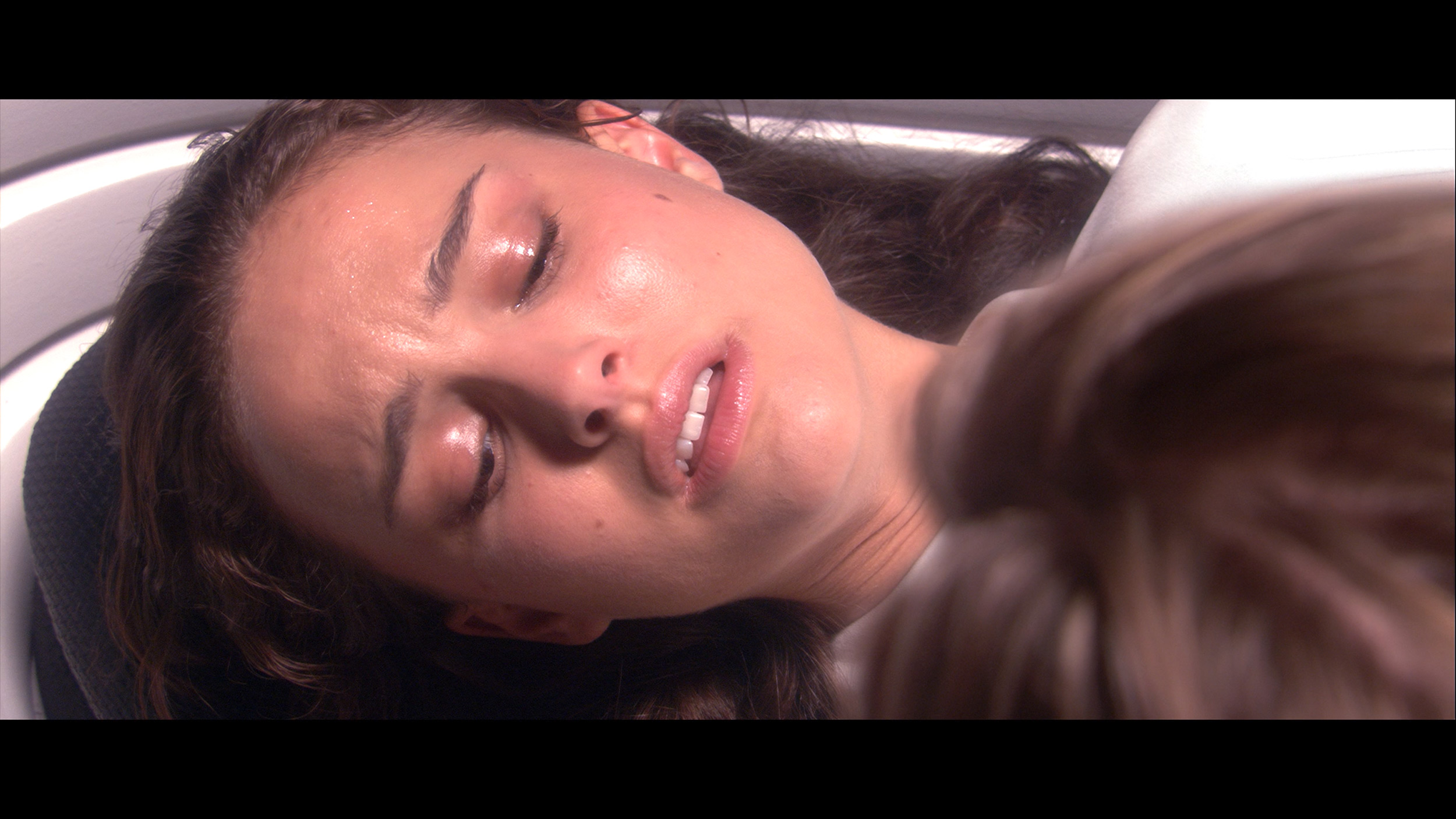
The photos show how movies look on the TV. Pay attention to black detail visibility, colors, and shadow tint.

The photos show how movies look on the TV. Pay attention to black detail visibility, colors, and shadow tint.

Calibration really makes a difference in GP7. After implementing the adjustments, we achieved a better white balance in HD content, and the colors started to look much more natural, with minimal deviations and without a clear dominance of individual colors. In 4K HDR, the change is not as spectacular, but still noticeable. The gamma has been brought to a more neutral level, although there is still a visible issue with a slight boost in the brightest details on the screen. The lack of control over dynamic tone mapping limits our maneuvering room, but nonetheless, this is a significant step forward compared to the factory settings.

After calibration, the TCL C7K showed itself in a really good light, especially when it comes to SDR content. We managed to fine-tune the white balance, color gamut, and brightness characteristics so precisely that color errors on the ColorChecker palette dropped below a value of 2. For the uninitiated – this is an almost perfect result, meaning that the image is very close to what the creators intended. Unfortunately, it was less impressive with 4K HDR content. Although we managed to slightly calm the white balance and correct its earlier errors, it is still evident that the TV has certain "MiniLED traits," especially in managing brightness. When we checked how the C7K performed with the EOTF curve on real movie scenes rather than just synthetic test patterns, it turned out that the screen still has a tendency to slightly brighten the entire image. This affects the overall experience – the black loses some depth, and the image becomes less contrasty than it should be. Despite these minor shortcomings in HDR content, the overall reception of materials – especially in SDR – is really very good. After calibration, the C7K can display an image that can successfully compete with much more expensive models. Good color tuning, natural skin tones, and pleasant brightness make movie sessions and everyday content viewing more than satisfactory.

Smoothness of tonal transitions

9/10

8.6/10

These are selected scenes that show smooth tonal transitions from one color to another. If you see distinct banding, it’s the TV panel’s fault.

These are selected scenes that show smooth tonal transitions from one color to another. If you see distinct banding, it’s the TV panel’s fault.

These are selected scenes that show smooth tonal transitions from one color to another. If you see distinct banding, it’s the TV panel’s fault.

These are selected scenes that show smooth tonal transitions from one color to another. If you see distinct banding, it’s the TV panel’s fault.

The fluidity of tonal transitions is a strong point of the GP7. Shades of colors blend smoothly, without distinct lines or blotches. Whether we were watching dynamic action scenes or calm, picturesque landscape shots, we did not see any significant issues with so-called banding. Any potential shortcomings are subtle enough that most of us wouldn't even notice them. The only flaw is the average uniformity of backlighting, which can sometimes disrupt the perfect effect.

The TCL C7K handles color gradation very well – in most tested scenes, tonal transitions were smooth, and colors blended together without visible contours or artificial “blot” effects. In everyday use, it’s hard to find fault with it – the image looks natural, without irritating transitions or digital artifacts. Some limitations only appear in very dark tones – especially in a heavily muted gray palette, where the TV may struggle to reproduce ideal gradation. But this is absolutely understandable, because even many significantly more expensive models in this range simply give up. Fortunately, these situations are rare and do not significantly affect the overall perception.

Image scaling and smoothness of tonal transitions

7.1/10

5.5/10

Image without overscan on the SD signal
OK
OK
Smooth transition function
OK
OK

Smooth transition function

The match photo shows how the TV smooths weak tonal transitions in low-quality video.

Image scaling SD (576i)

The model photo shows how it handles upscaling of SD material.

The TV can quite well scale lower quality content. Our test panels were well reproduced, and although there was minimal aliasing on small, delicate shapes (for example, thin branches), it still looked satisfactory. Additionally, the GP7 offers a "10-bit color reproduction" feature to smooth out tonal transitions in poor quality materials. It is useful, but at the expense of some details, which is why we recommend turning it on only when we are really watching something of poor quality.

The TCL C7K features a function that, according to the manufacturer, is supposed to smooth out unwanted color transitions – something like a rescue for less successful tonal shifts. It's called "Gradual Smoothing" and... well, it sounds ambitious, but in practice, it works very poorly. Regardless of whether we set it to low or high, the difference is minimal. What's worse – the function can remove elements from the image that should remain. Fortunately, film grain remains untouched, so at least it doesn't smooth everything indiscriminately, but still – it's better to just turn this option off.

As for scaling lower-resolution content, it's already better. SD and HD materials look quite decent, though sometimes we had the impression that the image loses sharpness and becomes too soft – as if something took away its clarity. Fortunately, at very low sources (e.g., 576p), there was no overscan effect, meaning the image was not artificially cropped – everything fit on the screen as it should.

Blur and motion smoothness

4.8/10

8.1/10

Maximum refresh rate of the panel
60Hz
144Hz
Film motion smoothing option
OK
OK
Blur reduction option
No
OK
BFI function 60Hz
No
Yes, 120Hz (double contours)
BFI function 120Hz
No
Yes, 120Hz
Brightness drop with BFI
-%
24%

Blur (native resolution, maximum refresh rate):

Blur (BFI function enabled):

Blur ():

Blur (4K 144Hz):

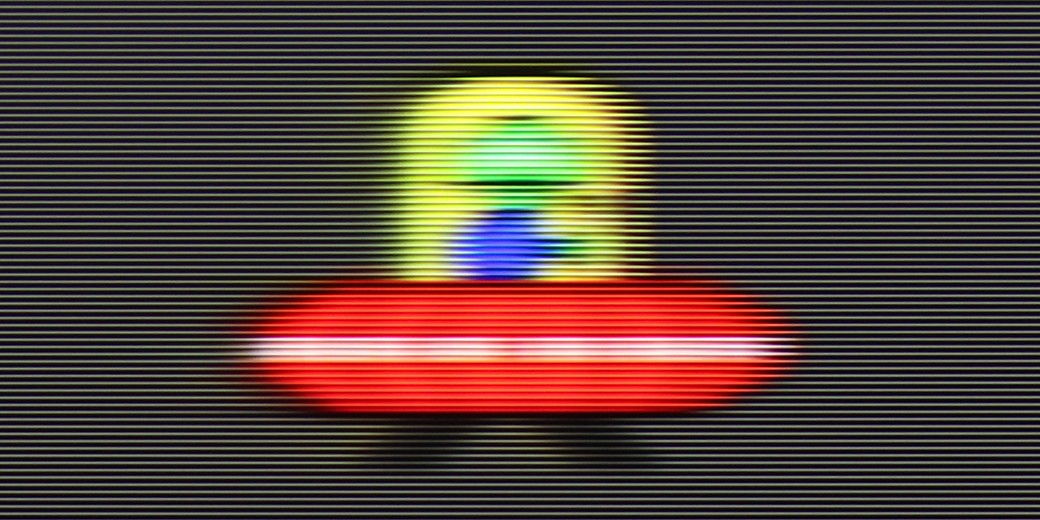
With a 60 Hz refresh rate and an average response time, it's hard to expect miraculous smoothness. In dynamic tests, like the one with the "little green man," it is evident that the image can blur and occasionally lose sharpness. For watching movies and series, this is acceptable, especially since one can use a motion smoother with three levels of adjustment. However, if we care about ultra-smooth sports broadcasts or super responsive gaming, we may feel underwhelmed.

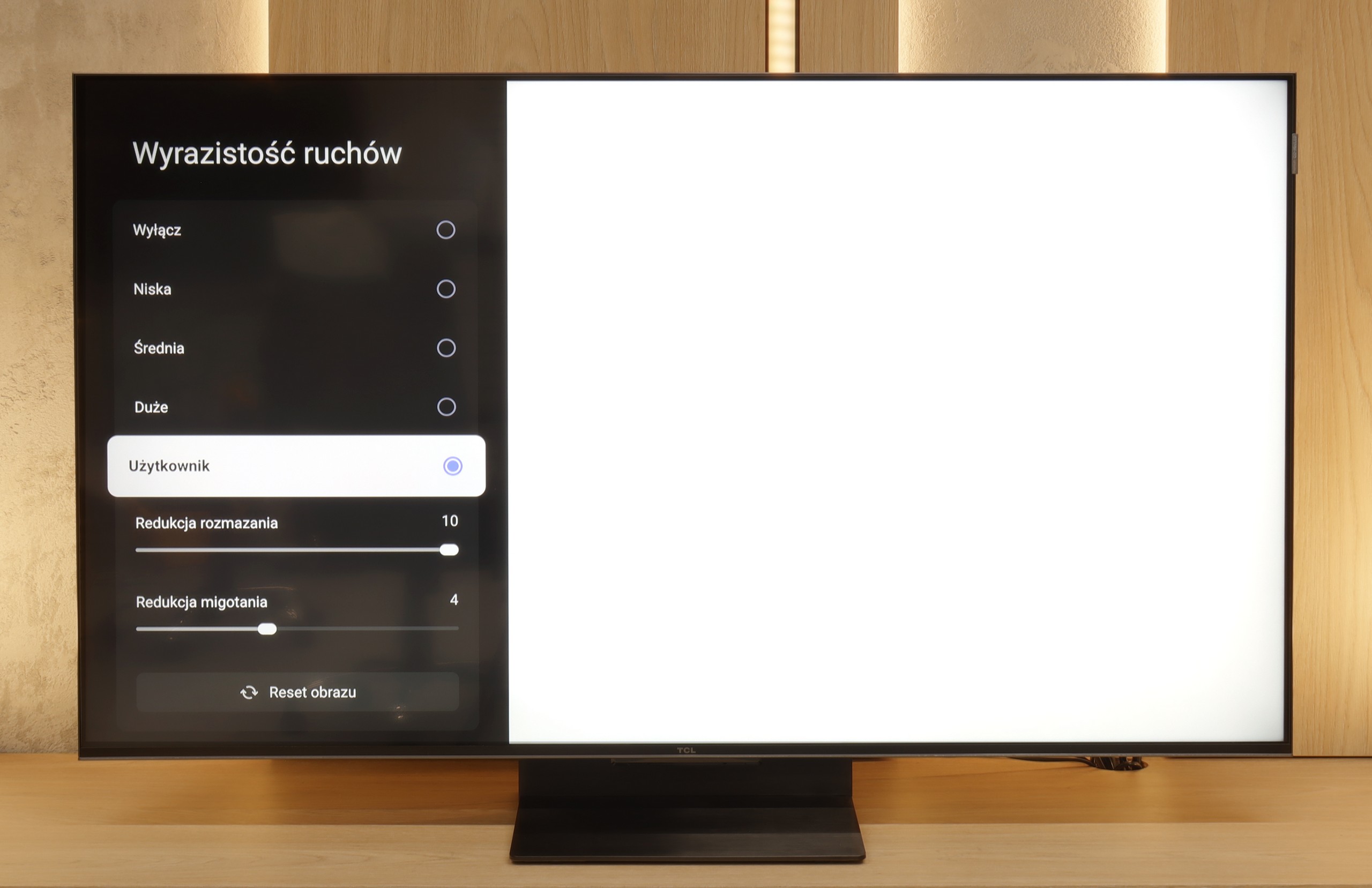
TCL C7K handles motion smoothness really very well. The matrix used in it offers a refresh rate of 144 Hz, which already suggests that this TV is something more than just an ordinary "60 Hz" panel. Moreover – if we connect the C7K to a computer and set the resolution to Full HD. But we will write more about this in the paragraph about gamers and PC cooperation. Returning to everyday use – both sports and movies look very good here. Thanks to the fast panel and well-functioning motion smoother, the C7K is perfect for watching matches, but also for movie screenings. In the menu, we will find two sliders – blur reduction and flicker reduction – which allow us to adjust the motion smoothness effect to our own preferences. At lower settings, we get a more cinematic effect, with slight frame motion. At higher settings – the image becomes more theatrical, smooth to the point of exaggeration. Everyone can set it to their liking.

Console compatibility and gaming features

3.4/10

9.8/10

  • ALLM
    Yes
    Yes
  • VRR
    No
    Yes
  • VRR range
    No
    48 - 144Hz
  • Dolby Vision Game Mode
    Warning Yes, high input lag
    Yes
  • Correct implementation of HGIG
    No
    Yes
  • 1080p@120Hz
    No
    Yes
  • 1440p@120Hz
    No
    Yes
  • 4K@120Hz
    No
    Yes
  • Game bar
    No
    Yes

Let's not kid ourselves – the GP7 is not a television for the most demanding console gamers. Yes, it has ALLM that will automatically switch the TV to low latency mode, but it lacks VRR or G-Sync. There is also no advanced menu to facilitate the adjustment of settings during gameplay. Dolby Vision in games? Yes, but with such high input lag that it's hard to talk about comfort. If we play occasionally and do not aim for the highest standards, we can get by, but fans of technical innovations will be disappointed.

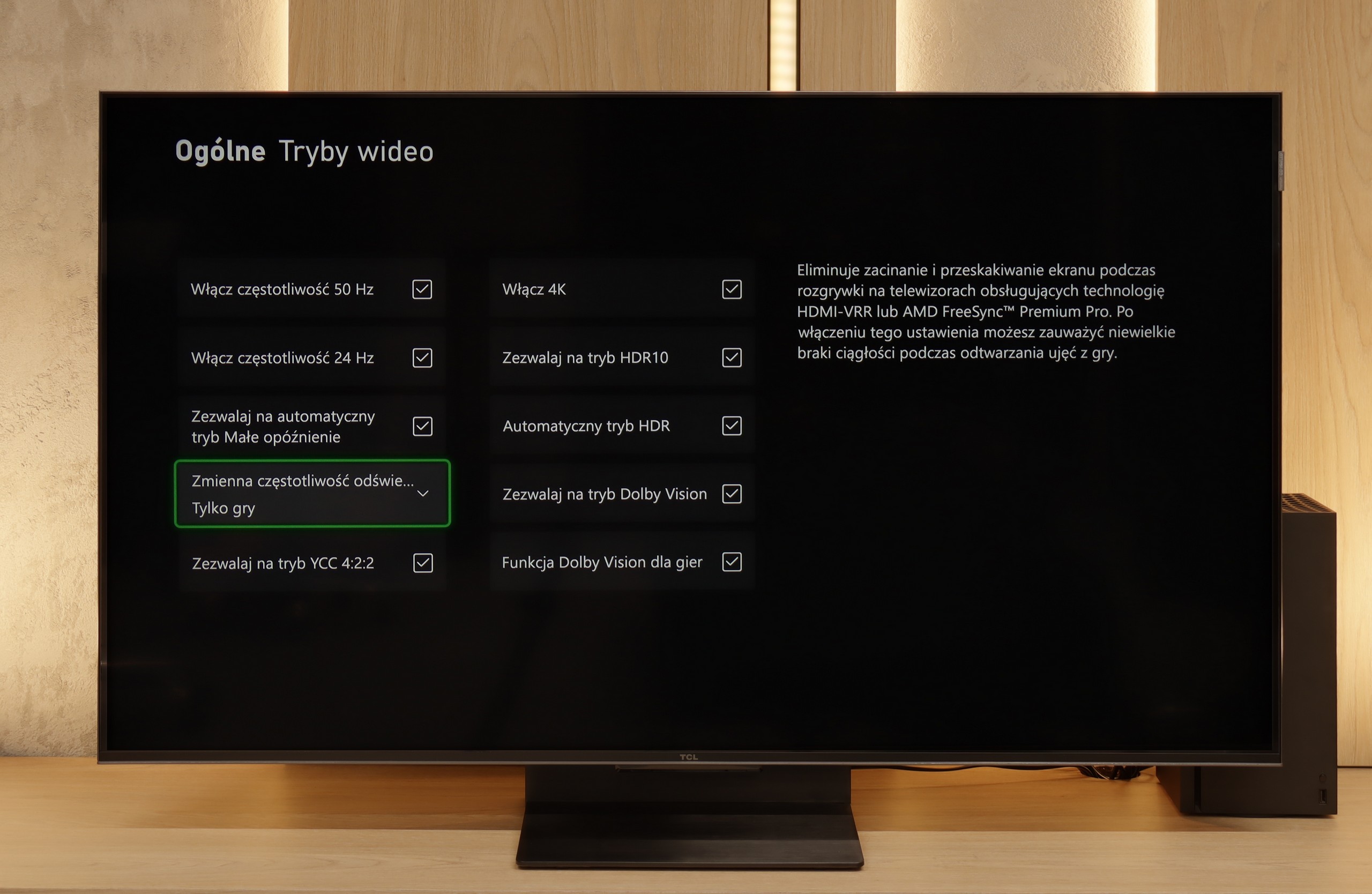
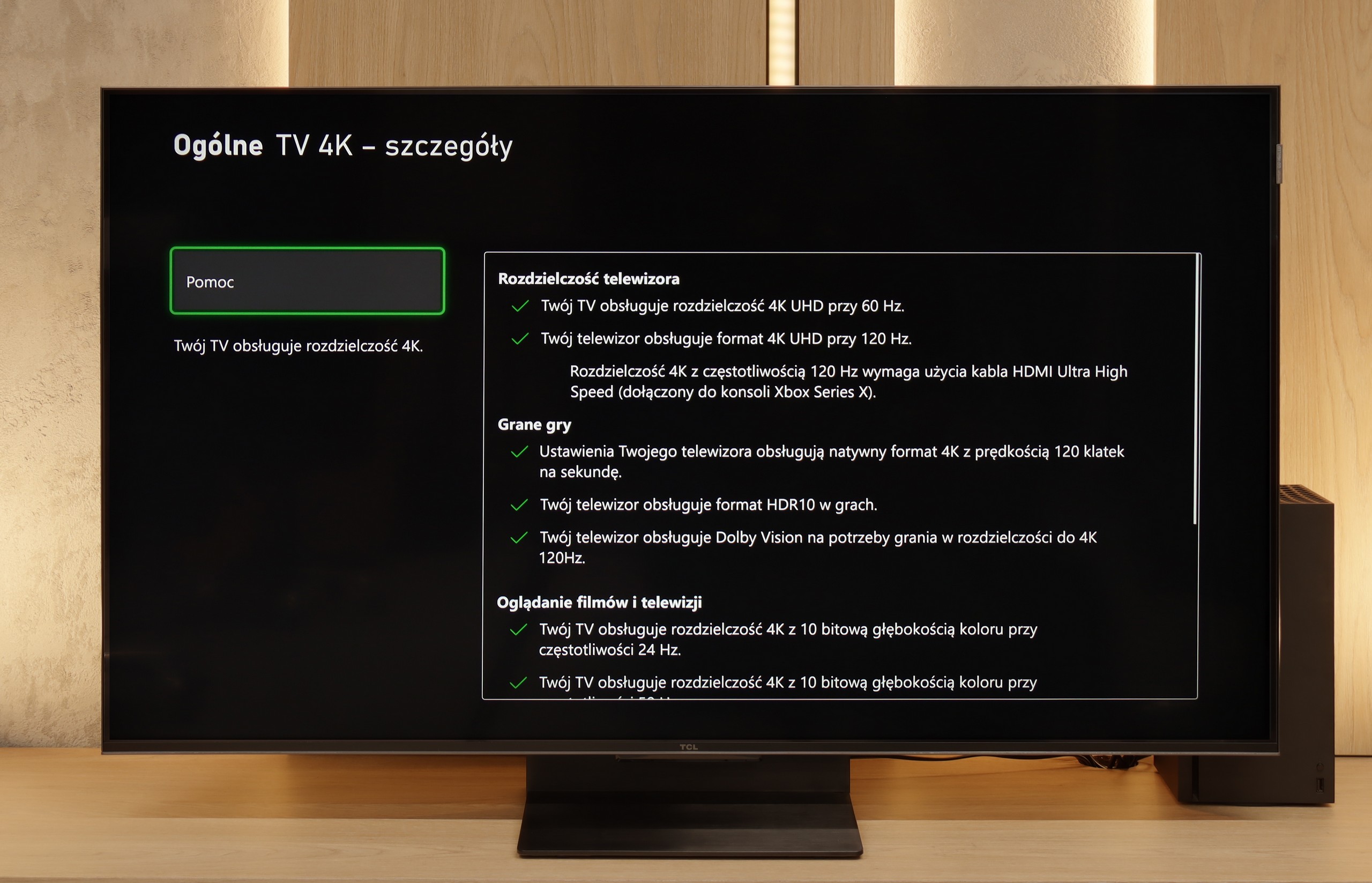
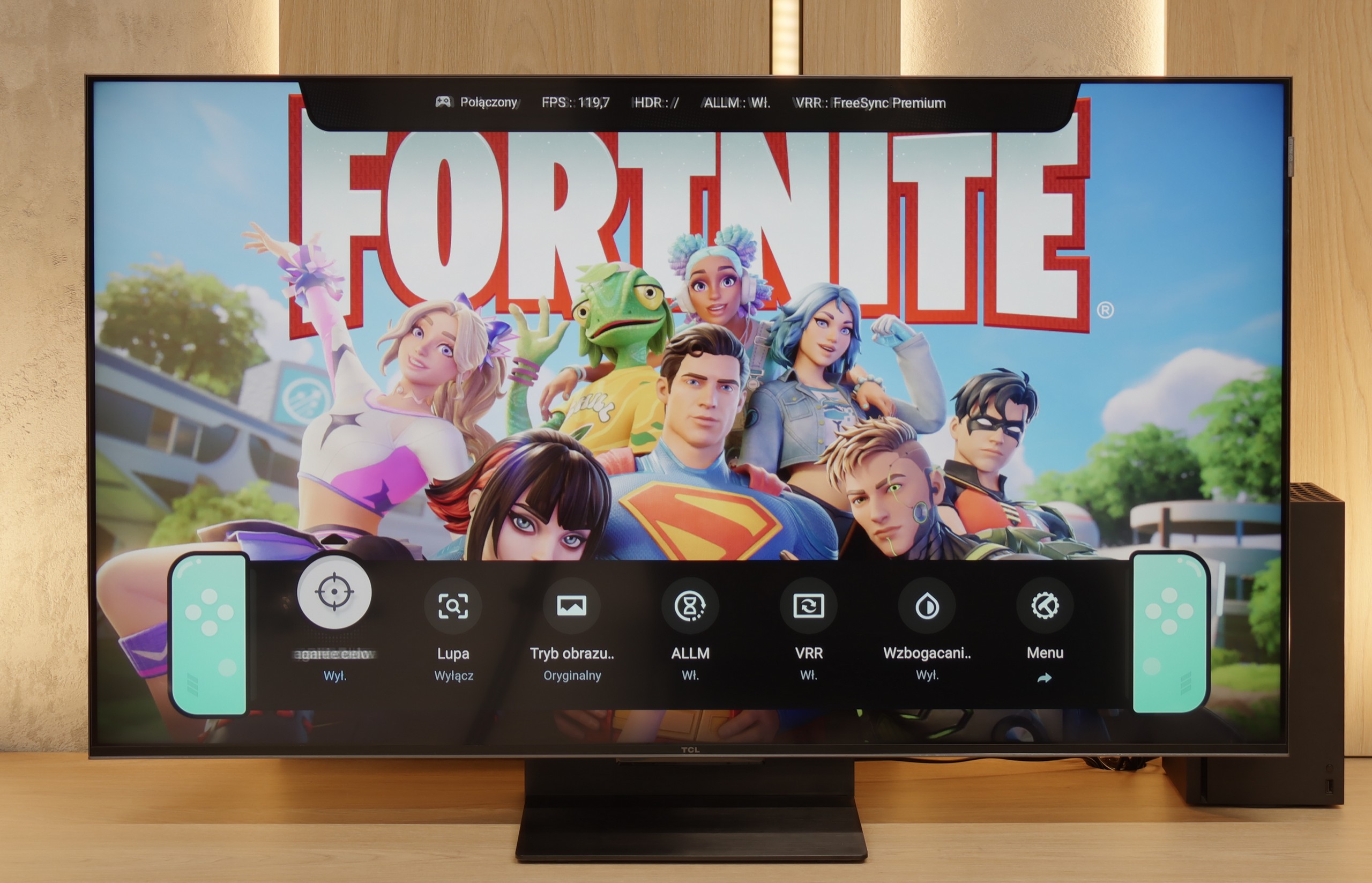
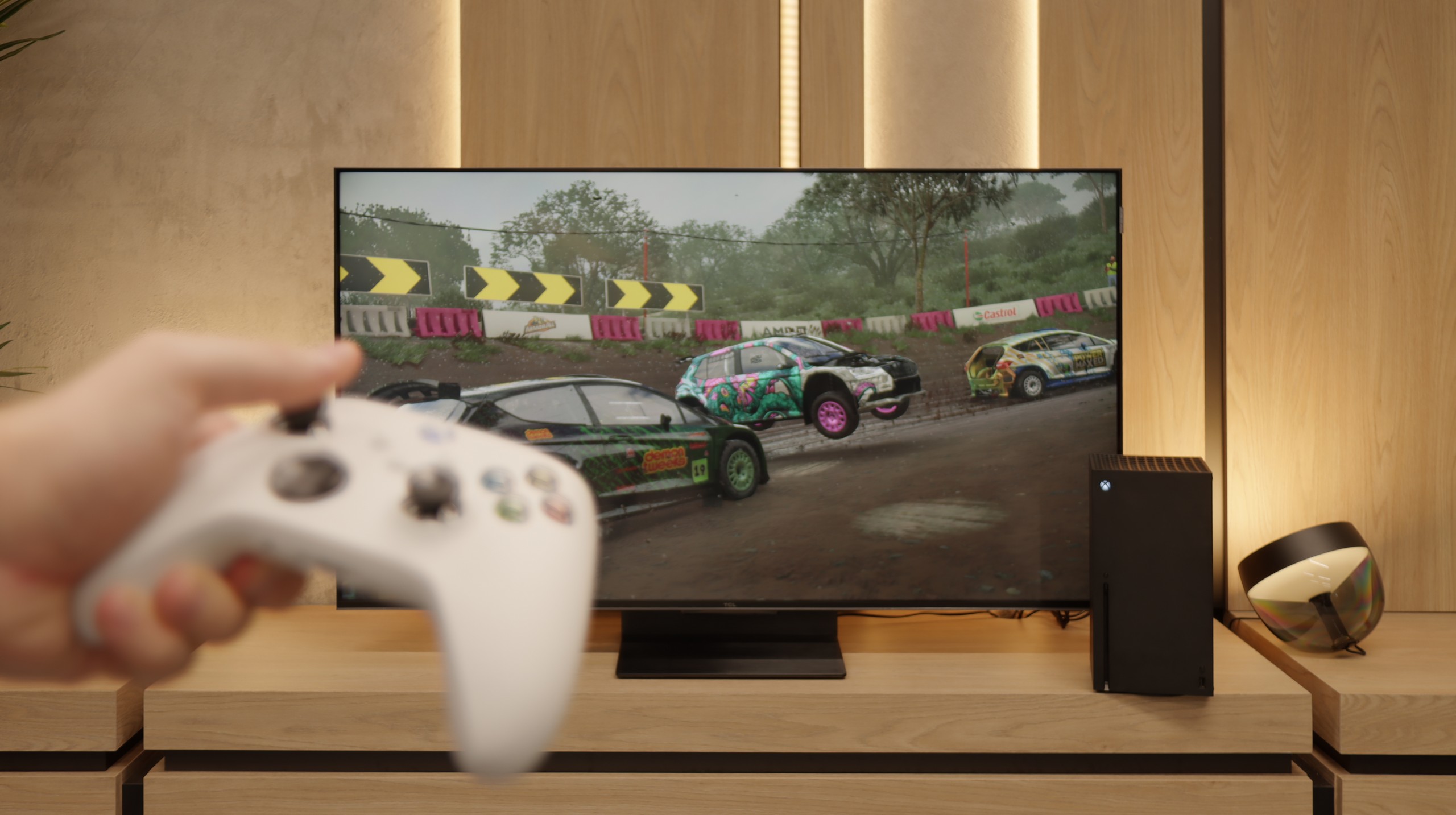
TCL C7K is a TV that looks like the dream equipment for gamers on paper – and most importantly, it also performs well in practice. First, the good news: we have two HDMI 2.1 ports with full bandwidth, so we can easily connect both a console and a computer, taking full advantage of their capabilities. The panel itself supports 144 Hz refresh rate, which provides a significant advantage in dynamic games. Additionally, it comes with a full package of gaming features: VRR (Variable Refresh Rate), ALLM (Auto Low Latency Mode), and Dolby Vision support in games. There is also an HGiG mode, which allows for HDR effects that align with the creators' intentions. GameBar, which is an information bar for gamers. It operates quickly, looks clear (like a Nintendo console👌), and shows what’s most important: the current frame count, VRR status, and even HDR parameters.

Input lag

8.6/10

9.7/10

SDR

1080p60
37 ms
19 ms
1080p120
11 ms
2160p60
13 ms
19 ms
2160p120
11 ms

HDR

2160p60
13 ms
19 ms
2160p120
10 ms
4320p60

Dolby Vision

2160p60 DV
19 ms
2160p120 DV
10 ms

In terms of input lag, we have mixed feelings. In 4K, we achieve around 13 ms, which is an excellent result and is more than enough for most of us. Unfortunately, Dolby Vision raises it to a level that makes gaming practically impossible, and in Full HD around 37 ms is already noticeable for those of us who prioritize quick reactions. Therefore, it's best to use 4K if we care about the highest possible responsiveness.

When it comes to delays, the C7K doesn't give any reasons to complain. In games at 120 Hz, the input lag is around 10 ms, which means the television responds really quickly. Interestingly, even in Dolby Vision mode, the result is very similar, which is not always the standard. Good job, TCL. At 60 Hz, the lag obviously increases a bit, but that is completely normal and applies to virtually any television with a refresh rate of 120Hz and higher. The most important thing is that everything still runs smoothly and there is no feeling that something is not responding to our actions.

Compatibility with PC

5.7/10

8.4/10

Chroma 444 (max. resolution and refresh rate)
Yes
Yes
Font clarity
Good
Good
Readability of dark text and shapes
Good
Good
Input lag in PC mode (4K, max. refresh rate)
13ms
11ms
Matrix subpixel arrangement
BGR
BGR
Max refresh rate
60Hz
144Hz
G-Sync
No
Yes

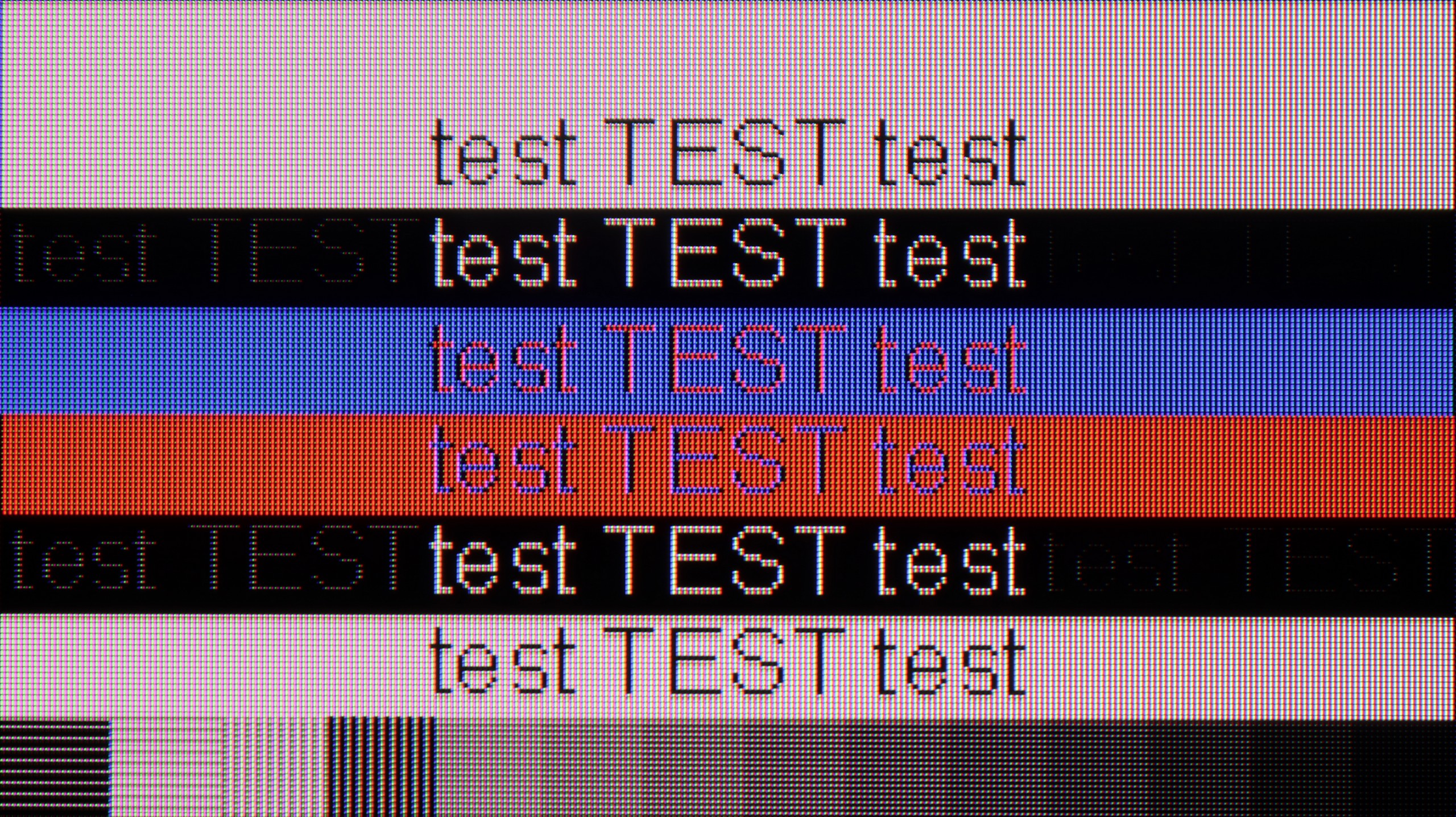
The photo shows the legibility of small fonts. Ideally, lines should be the same thickness on both light and dark text, with minimal pixel gaps.

As a monitor for office work or browsing the internet, the GP7 performs quite well. Chroma 4:4:4 ensures text readability, although we noticed minor issues with very small fonts on a dark background. It is hard to recommend for PC gaming due to the lack of advanced features and higher refresh rates, but for simple office work or watching movies in the evening – why not?

If we intend to connect the C7K to a computer – especially for gaming – there’s definitely something to play with. We have 4K at 144 Hz, which sounds great on its own, but if we drop the resolution, the TV can display even 280 Hz. In e-sports, where every fraction of a second counts, this makes a real difference. On top of that, there's support for G-Sync and FreeSync, so regardless of what graphics card we have – the image will be smooth, without any stuttering or tearing.

But if we plan to put the C7K on a desk and use it like a monitor, it’s a little less “rosy.” Sure, it supports chroma 4:4:4, so fonts should be sharp, but with very dark letters, there’s a slight blurring and dimming of the edges. It’s not something that immediately stands out during gaming or watching, but when working with text – it can be distracting. In everyday use – probably without concerns, but if we plan to place a 50-inch screen a meter from our face, it’s worth keeping this in mind.

Viewing angles

3.3/10

3/10

Brightness drop at an angle of 45 degrees
71%
75%

In terms of viewing angles, we have the typical limitations of VA panels. If we sit directly in front of the screen, everything looks good, but just leaning back a bit causes the colors and contrast to start weakening. This is nothing unusual for this type of panel, so it's worth being aware that when watching with a larger group, the extreme seats on the couch will have a worse view.

There are no surprises here – the C7K has classic viewing angles for a VA panel. That is: sitting directly in front – it’s great. Colors look good, contrast is strong, everything is in place. But just shifting a little to the side and it starts to get worse – the image loses saturation, blacks turn gray, and the overall impression diminishes a bit. So if we plan to watch together with a few people or have a couch that takes up half the living room – it’s worth seating everyone more centrally. You can watch from the side, but don’t expect miracles – that’s just a characteristic of the VA panel.

Daytime performance

5.3/10

6.1/10

Panel finish
Satin
Satin
Reflection suppression
Average
Good
Black levels during daytime
Good
Very Good

Panel brightness

TCL C7K / QM7K 50": 475 cd/m2

Sharp GP7: 427 cd/m2

The satin matrix does not minimize reflections as effectively as we would like, so in a bright, heavily sunlit room, we may see some glare. Fortunately, the TV has quite decent brightness (about 430 cd/m²), which allows us to use it without covering the windows, as long as we don't have sunlight directly hitting the screen. In extremely sunlit interiors, it may be more challenging, but in standard conditions, it is still usable.

Fortunately, the TCL C7K performs quite well in a bright room. The applied matrix has a satin finish that effectively reduces reflections, so even on a sunny day, we don't have to worry about reflections from lamps or windows. Importantly, the colors maintain their intensity and do not wash out, as can happen with weaker matte panels. When it comes to brightness itself, the average for content like YouTube or regular TV is slightly below 500 nits. This is not a record result – for example, the MQLED85 (C765) performs better in this regard. However, for everyday watching during the day, it should work without major issues, as long as we don't plan to place it opposite a south-facing window without curtains.

Panel details

Backlight Type
PFS LED
QLED
Software version during testing
RTM7.230903.178
V8.0012T01-LF1V531.002396
Image processor
m7632 2gb ram
MT5896 2,5GB RAM

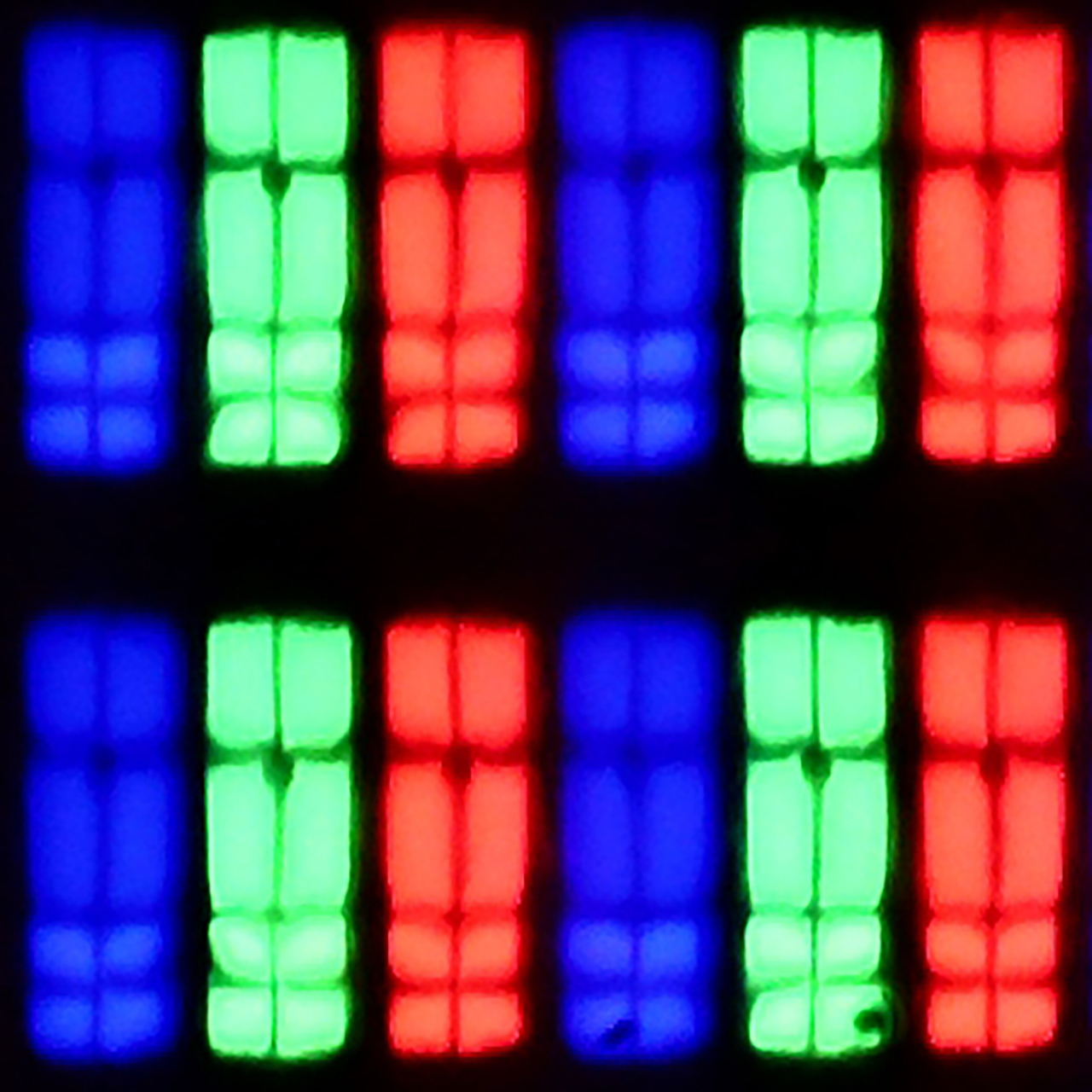
Subpixel Structure:

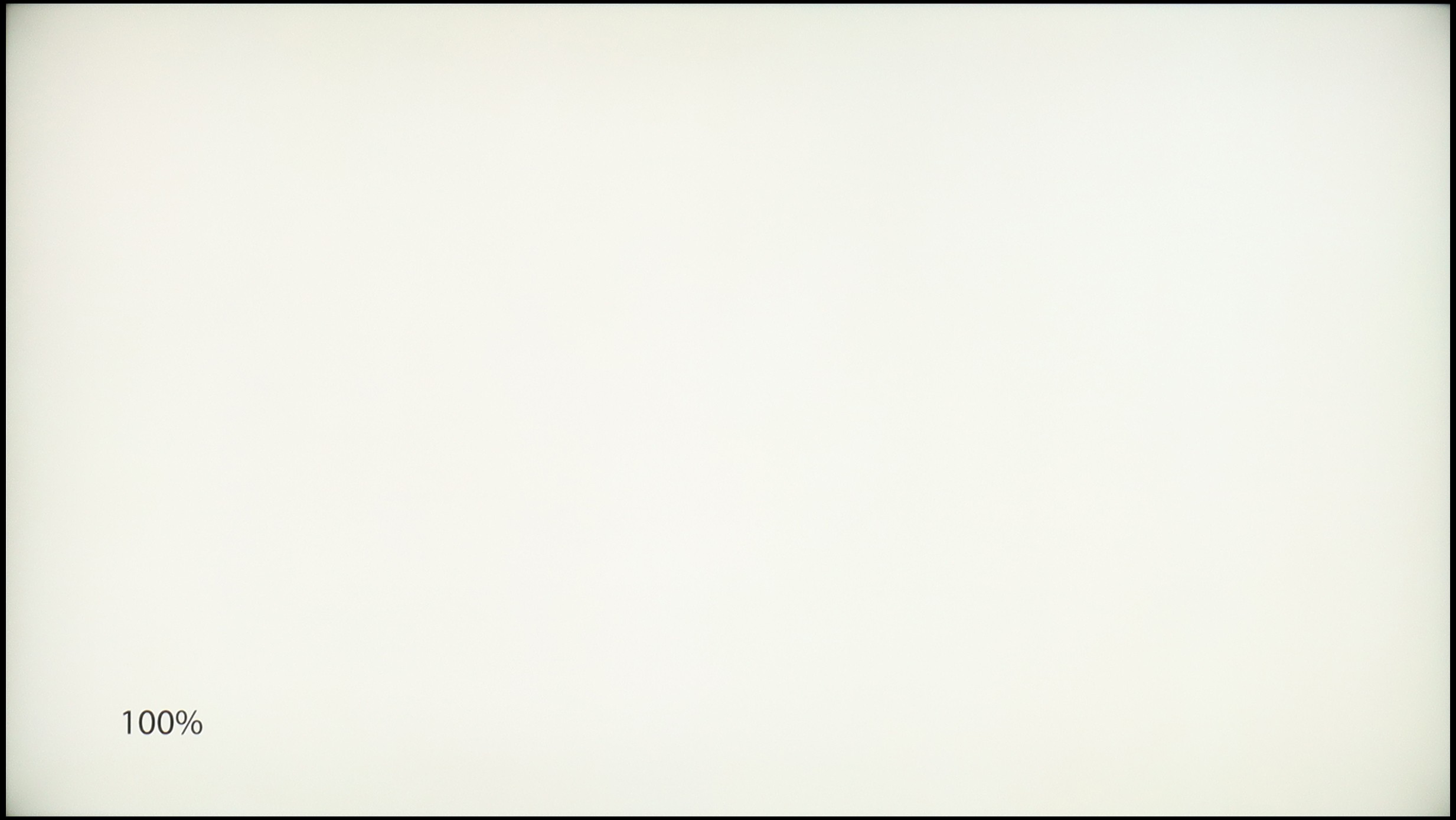
Panel uniformity and thermal imaging:

Review Sharp GP7 TV Panel details
Review TCL C7K / QM7K 50" TV Panel details

Sharp GP7

TCL C7K / QM7K 50"

TV features

5.5/10

7.3/10

  • HDMI inputs
    4 x HDMI 2.0, 0 x HDMI 2.1
    2 x HDMI 2.0, 2 x HDMI 2.1 48Gbps
  • Other inputs
    RCA (Chinch)
  • Outputs
    Toslink (Optical audio), eARC (HDMI), ARC (HDMI), Mini-Jack (Headphones)
    Toslink (Optical audio), eARC (HDMI), ARC (HDMI)
  • Network Interfaces
    Wi-Fi 2.4GHz, Wi-Fi 5GHz, Ethernet (LAN) 100Mbps
    Wi-Fi 2.4GHz, Wi-Fi 5GHz, Ethernet (LAN) 100Mbps
  • TV reception
    DVB-T, DVB-T2, DVB-S, DVB-S2, DVB-C
    DVB-T, DVB-T2, DVB-S, DVB-S2, DVB-C

Classic features:

  • Recording to USB (terrestrial TV)
    No
    No
  • Recording programming
    No
    No
  • Picture in Picture (PiP)
    No
    No
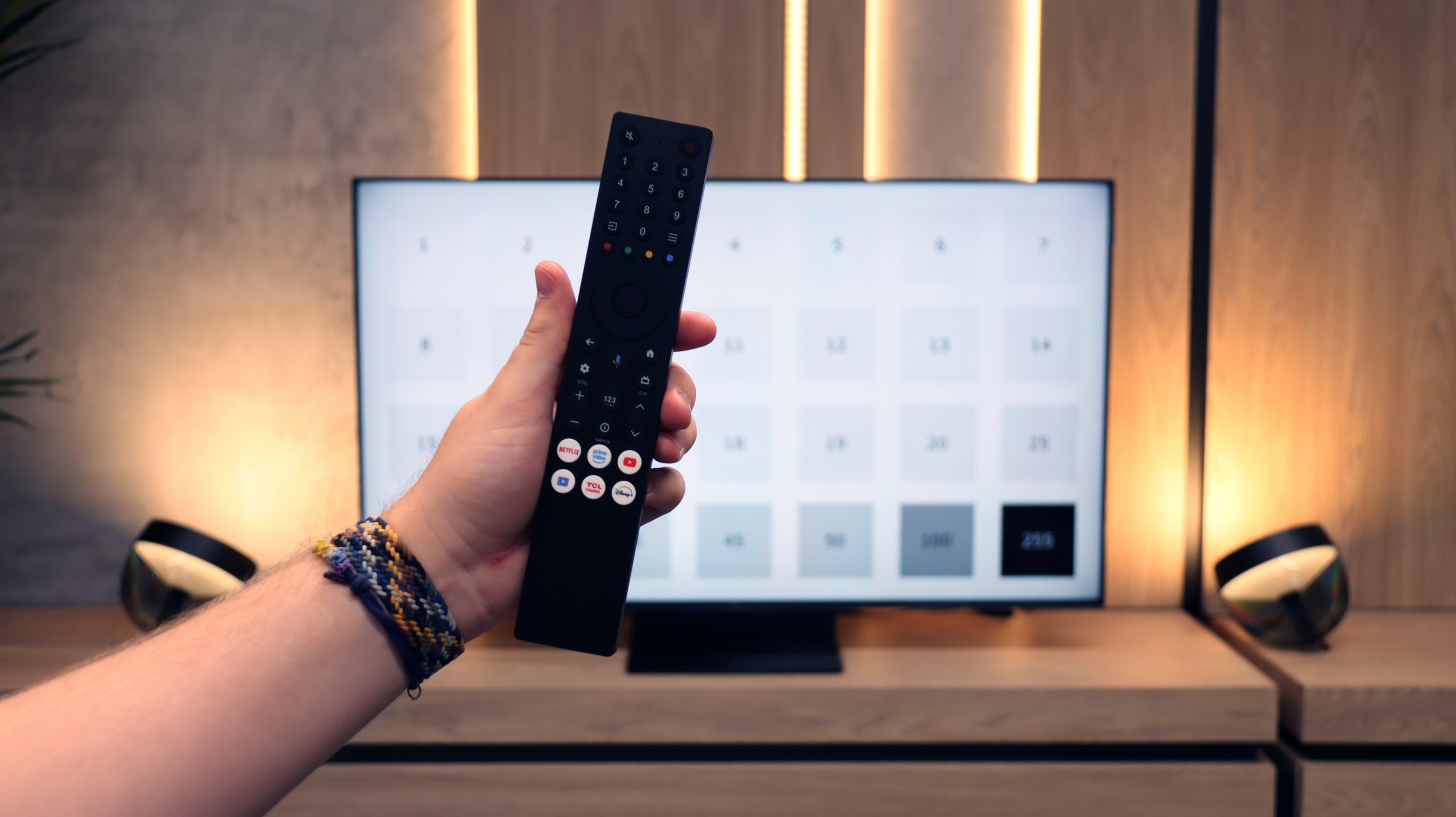
  • RF remote control (no need to aim)
    Yes
    Yes
  • Backlit remote control
    No
    No
  • Teletext
    Yes
    Yes
  • Audio only mode
    Yes
    Yes
  • Bluetooth headphones support
    Yes
    Yes
  • Simultaneous Bluetooth headphones & TV audio
    No
    Yes

Smart features:

  • AirPlay
    No
    Yes
  • Screen mirroring (Windows Miracast)
    Yes
    Yes
  • Voice search
    Yes
    Yes
  • Voice search in native language
    Yes
    Yes
  • Ability to connect a keyboard and mouse
    Yes
    Yes
Review Sharp GP7 TV features
Review TCL C7K / QM7K 50" TV features

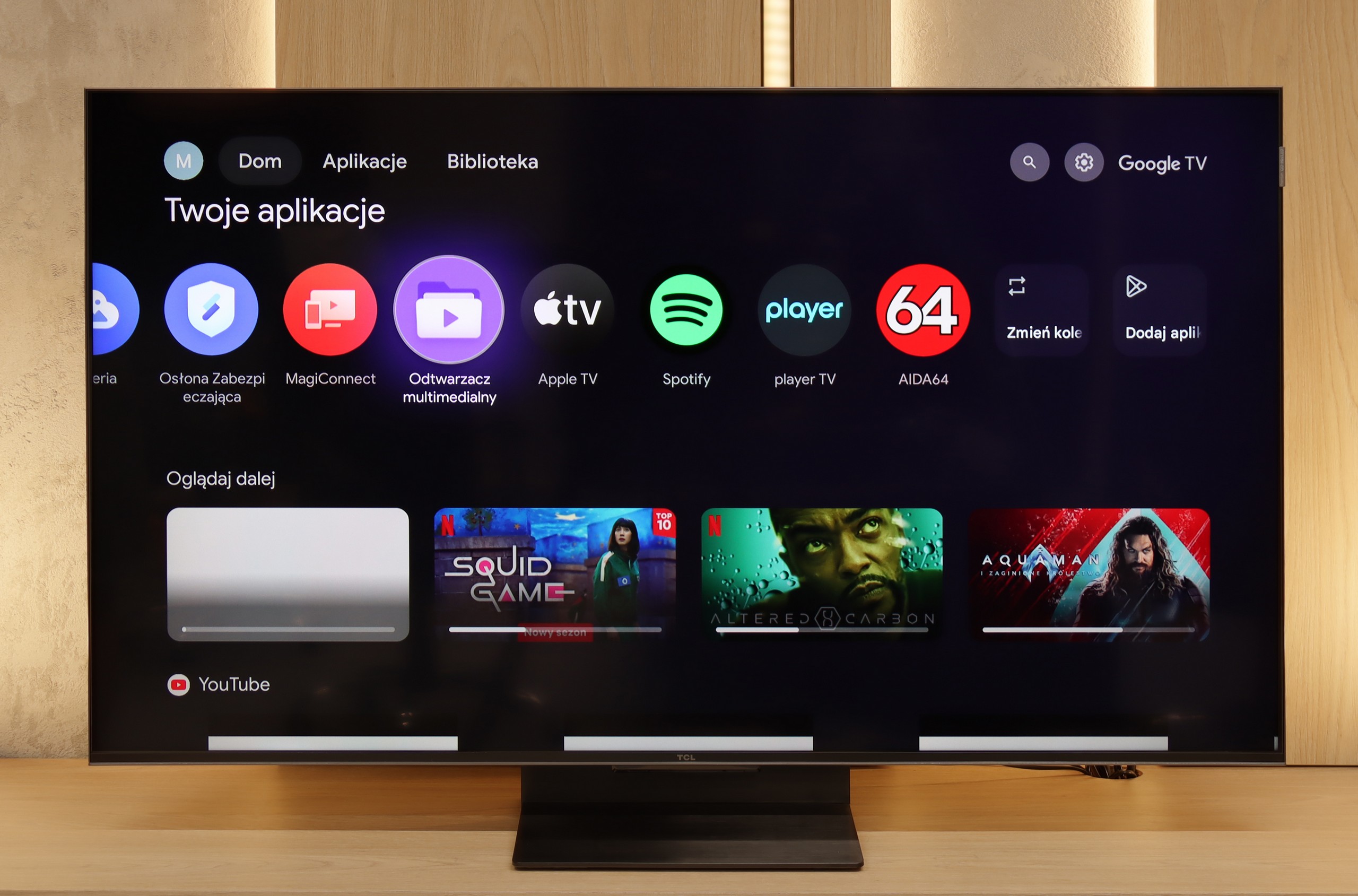
The Sharp GP7 operates on the Google TV system, which provides access to a rich library of applications and streaming services. Its main advantage is a clear interface that integrates content from various sources in one place, making it easier to search and manage. Voice control in Polish works flawlessly, and with the remote control featuring a built-in microphone, we can quickly find content of interest, such as movies, series, or music. Regular system updates ensure that Google TV stays current, adapting to new user needs and introducing additional features. It is a convenient and modern solution that makes using the television intuitive and enjoyable.


Although Google TV is a strong point of the GP7, the other features of the television are not as impressive. There is a lack of program recording or picture-in-picture (PiP) mode, and Apple users may feel the absence of support for AirPlay. However, there is Miracast for Windows and Bluetooth, allowing for the connection of headphones or a keyboard. This is a sufficient base for less demanding users, although those expecting more advanced features may feel a sense of disappointment. The GP7 mainly focuses on the smart capabilities offered by Google TV, leaving traditional solutions in the background.

SmartTV: GoogleTV

The greatest strength of the TCL C7K in everyday use is undoubtedly the Google TV system. Thanks to it, we have access to an almost endless library of apps, including more niche ones that are often unavailable on other platforms. The built-in Google Assistant understands Polish, so we can easily ask what's on TV, what the weather is like, and even give a few voice commands to control the television. It's also worth noting the presence of Chromecast and AirPlay, which work smoothly and make life easier.

Usability Features

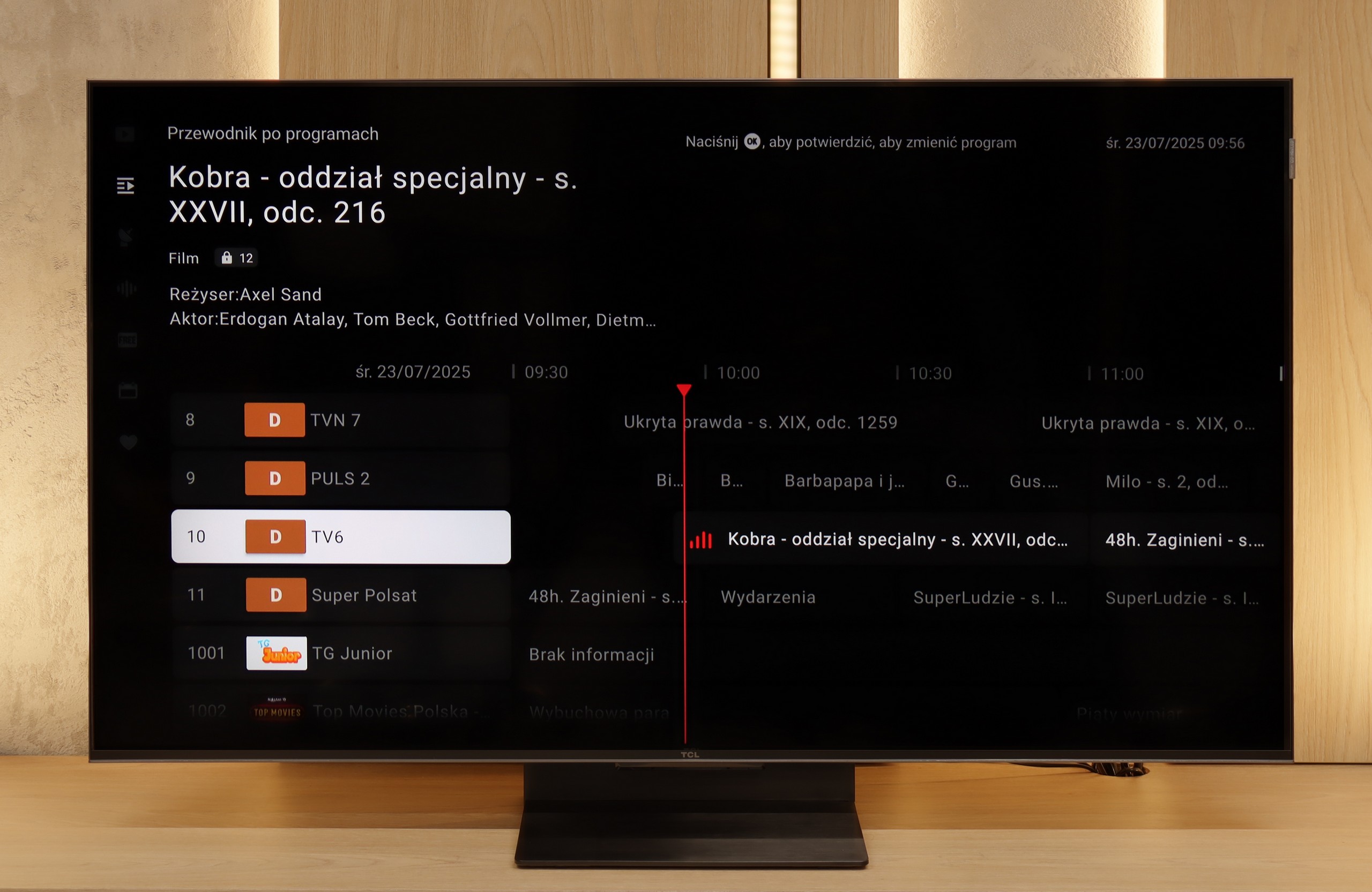
On the downside, the classic features are somewhat lacking. Of course, we find the basics here – teletext, EPG, or the ability to connect headphones – but that's pretty much it. There's a lack of USB recording functionality or picture-in-picture (PiP) mode, which can sometimes still be found with the competition. It's also worth remembering that the Google TV implementation on TCL can sometimes have oddly translated menu sections or minor interface bugs. These are not issues that hinder everyday use, but detail-oriented individuals may notice them.

Apps

9.6/10

9.6/10

OK
Disney_Plus
OK
Amazon_Prime_Video
OK
Player_TVN
OK
Polsat_Box_Go
OK
Canal_Plus_Online
OK
TVP_VOD
OK
Apple_TV_Plus
OK
SkyShowtime
OK
Rakuten
OK
CDA_Premium_Browser
OK
Spotify
OK
Tidal
OK
Netflix
OK
YouTube
OK
HBO_MAX
OK
Kodi
No
Apple_music
OK
Eleven_sports
No
Xbox Game Pass
OK
GeForce Now!
No
Amazon Luna
OK
Boosteroid
OK
Steam Link
OK
Disney_Plus
OK
Amazon_Prime_Video
OK
Player_TVN
OK
Polsat_Box_Go
OK
Canal_Plus_Online
OK
TVP_VOD
OK
Apple_TV_Plus
OK
SkyShowtime
OK
Rakuten
OK
CDA_Premium_Browser
OK
Spotify
OK
Tidal
OK
Netflix
OK
YouTube
OK
HBO_MAX
OK
Kodi
No
Apple_music
OK
Eleven_sports
No
Xbox Game Pass
OK
GeForce Now!
No
Amazon Luna
OK
Boosteroid
OK
Steam Link

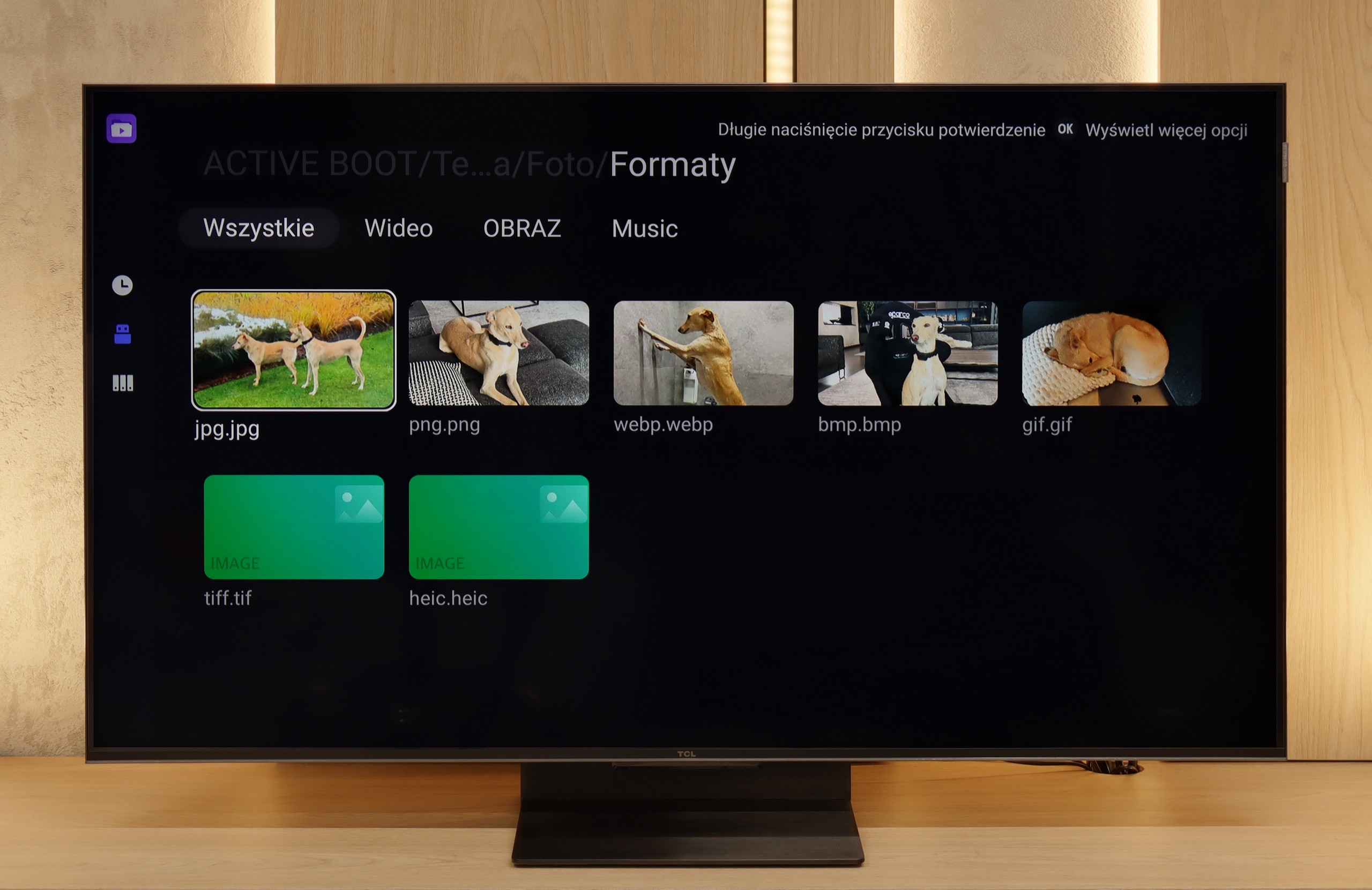
Playing files from USB

9/10

9.2/10

Supported photo formats:

JPEG
Yes
Yes
HEIC
Yes
No
PNG
Yes
Yes
GIF
Yes
Yes
WebP
Yes
Yes
TIFF
No
No
BMP
Yes
Yes
SVG
No
No

Maximum photo resolution:

4 Mpix
Yes
Yes
6 Mpix
Yes
Yes
8 Mpix
Yes
Yes
10 Mpix
Yes
Yes
12 Mpix
Yes
Yes
16 Mpix
Yes
Yes
20 Mpix
Yes
Yes
24 Mpix
Yes
Yes
28 Mpix
Yes
Yes
32 Mpix
Yes
Yes

The media player performs quite well, handling most popular formats. The only minor drawback is the lack of an option to change the font color in subtitles, although for some of us, this is a detail. We can always install another player from the Google Play store and customize it to our own preferences.

The built-in media player in the TCL C7K performs really well. It supports most popular audio and video formats, so if we want to quickly throw something from a USB drive and play it – there shouldn’t be any problem. Of course, as is usually the case, there are some minor shortcomings – not every exotic codec will work (Apple's HEIC), not all subtitles will be perfectly synchronized (txt.). However, this is where the biggest advantage of this TV comes in, which is Google TV. With access to the Google Play store, we can easily install an alternative player, like VLC, and then no file is intimidating to us.

Sound

6.6/10

7/10

  • Maximum volume
    -
    76dB
  • Dolby Digital Plus 7.1
    Yes
    Yes
  • Dolby True HD 7.1
    No
    No
  • Dolby Atmos in Dolby Digital Plus (JOC)
    Yes
    Yes
  • Dolby Atmos in Dolby True HD
    No
    No
  • DTS:X in DTS-HD MA
    No
    Yes
  • DTS-HD Master Audio
    No
    Yes

Despite the collaboration with Harman Kardon, the speakers perform rather average. The sound is decent, but there is nothing in it that would really surprise us. It does not support DTS:X, but Dolby Atmos is onboard, which can slightly enhance the experience when combined with good material. If we care about better audio quality, we will probably consider purchasing an external soundbar or audio system anyway.


To be honest, we didn't expect much from the sound in the 50-inch version of the C7K model. Usually, in such sizes, it's hard to get anything more than a thin, flat sound. But here – a pleasant surprise. The sound turned out to be really enjoyable, with good clarity and even a slightly perceptible bass. This is probably related to TCL's new collaboration with the Bang & Olufsen brand, which is new for 2025. Whether the C7K actually features original drivers from the Danish premium brand – we can't confirm. But the final effect is still deserving of a plus. For a TV without a soundbar – it sounds quite nice.

Acoustic Measurements

No acoustic data

76dBC (Max)

75dBC