The Sharp GP6765 TV offers a range of positive features that set it apart in its price range. One of the standout aspects is the Google TV system, which provides users with excellent flexibility and comfort when navigating various applications and content. The intuitive interface and integration with the Google voice assistant make using the TV enjoyable and straightforward. With this platform, users can access streaming applications, enabling high-quality viewing of movies and series without needing additional devices.
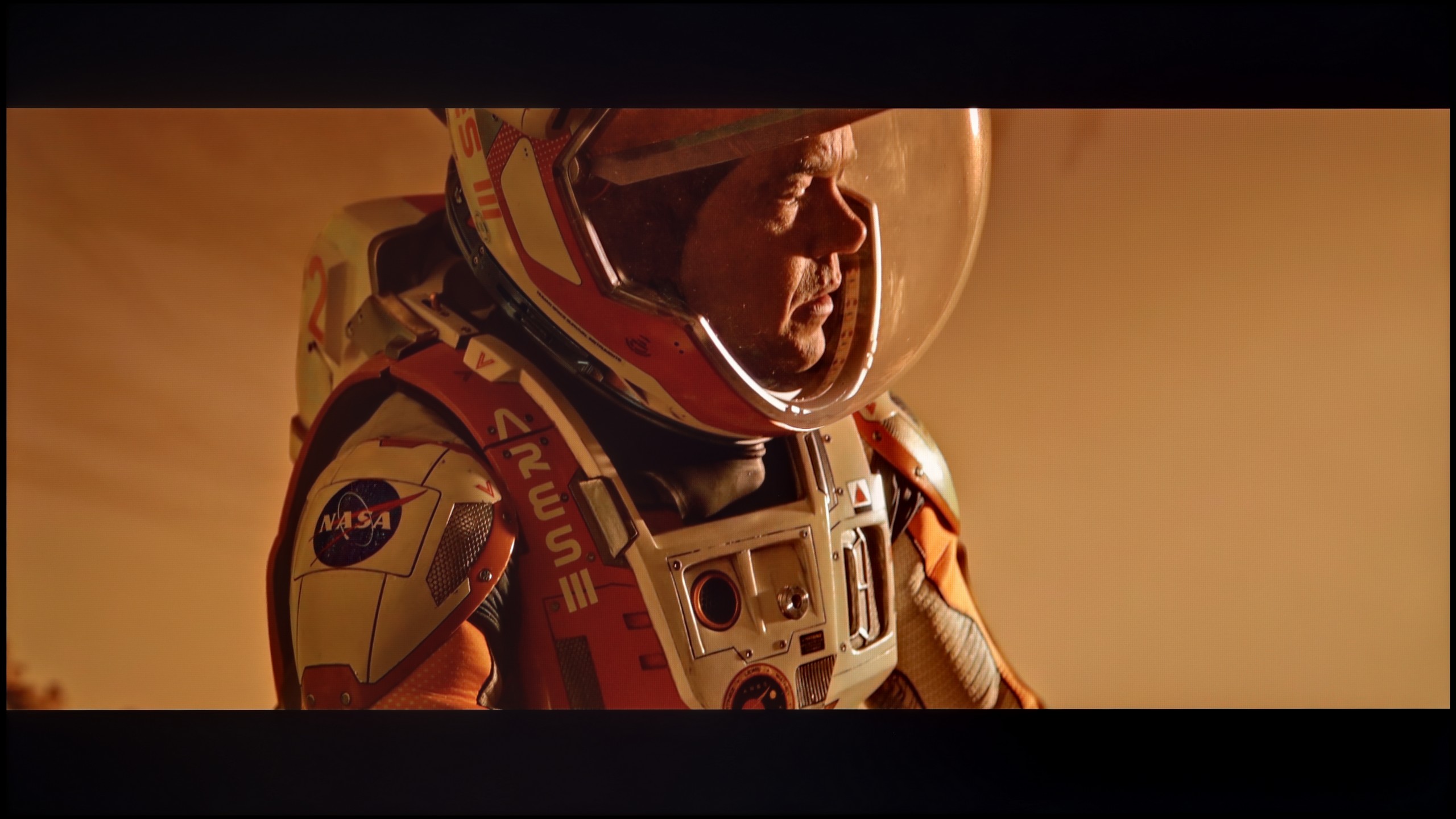
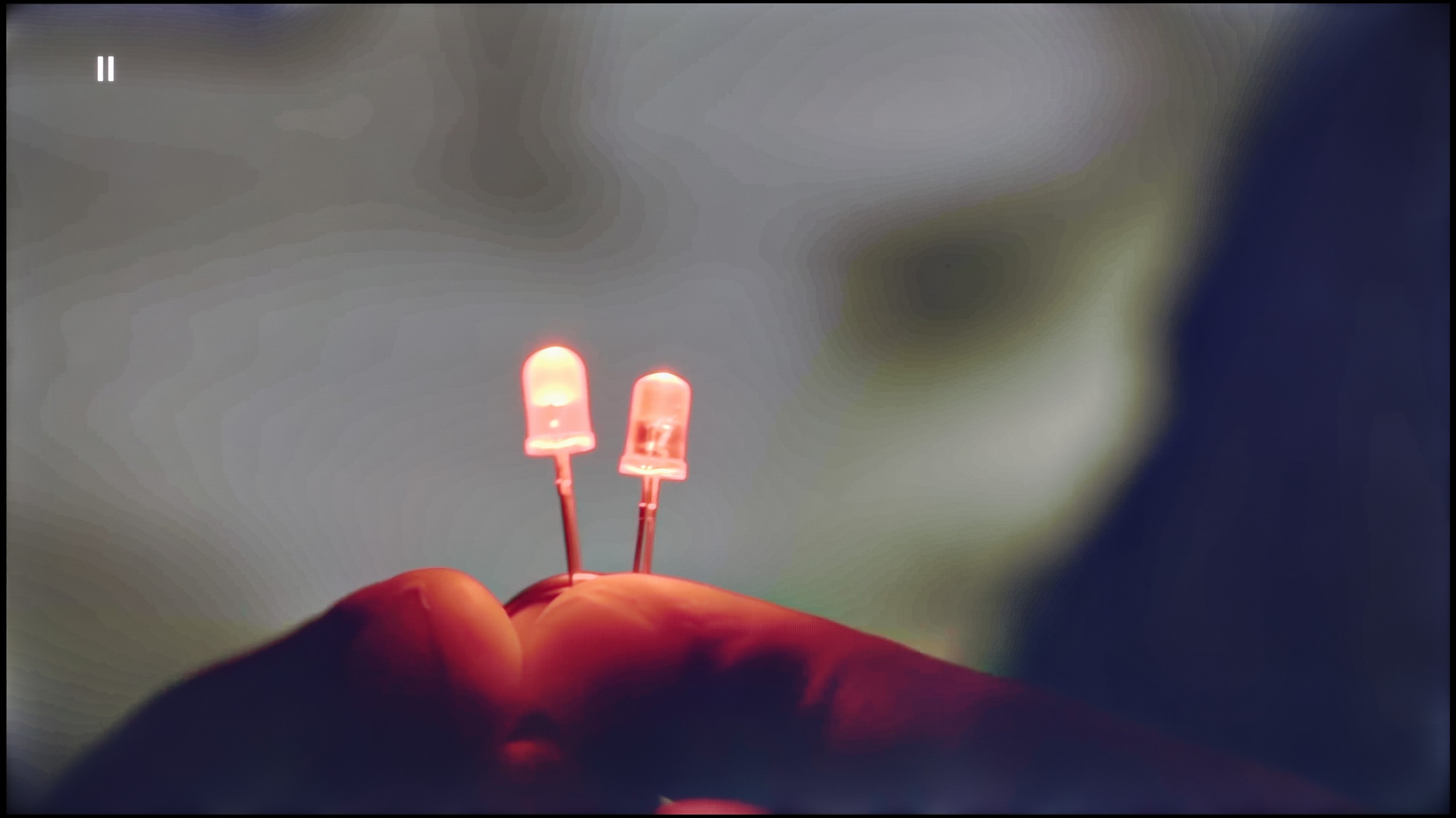
In terms of picture quality, the Sharp GP6765 impresses, particularly considering its price. It performs exceptionally well in movie scenes, with smooth colour transitions, placing it among the top models in this category. While the brightness isn’t the highest compared to some competitors, it’s still respectable, and the inclusion of Dolby Vision significantly enhances picture quality, improving detail in both bright and dark scenes.
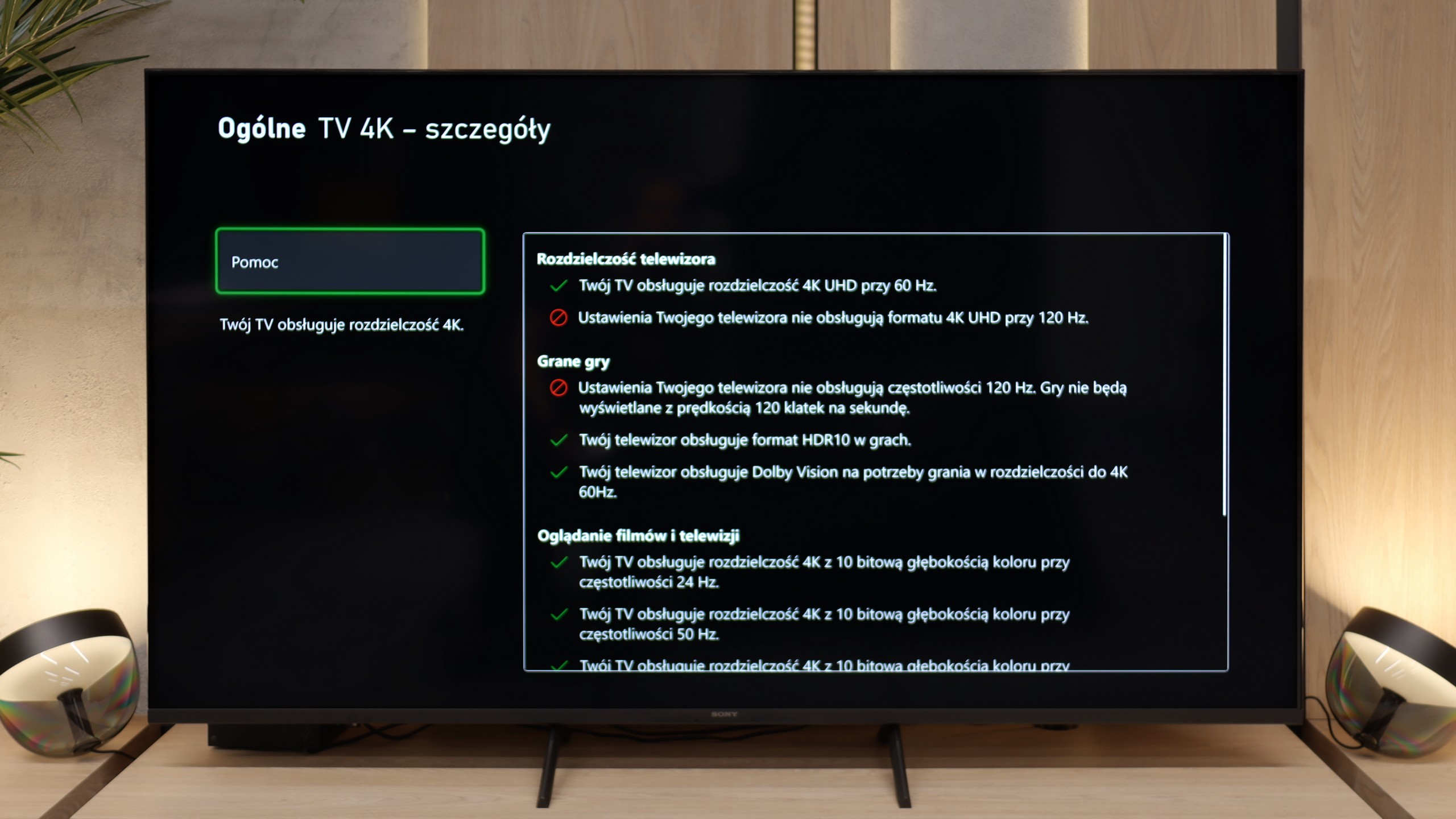
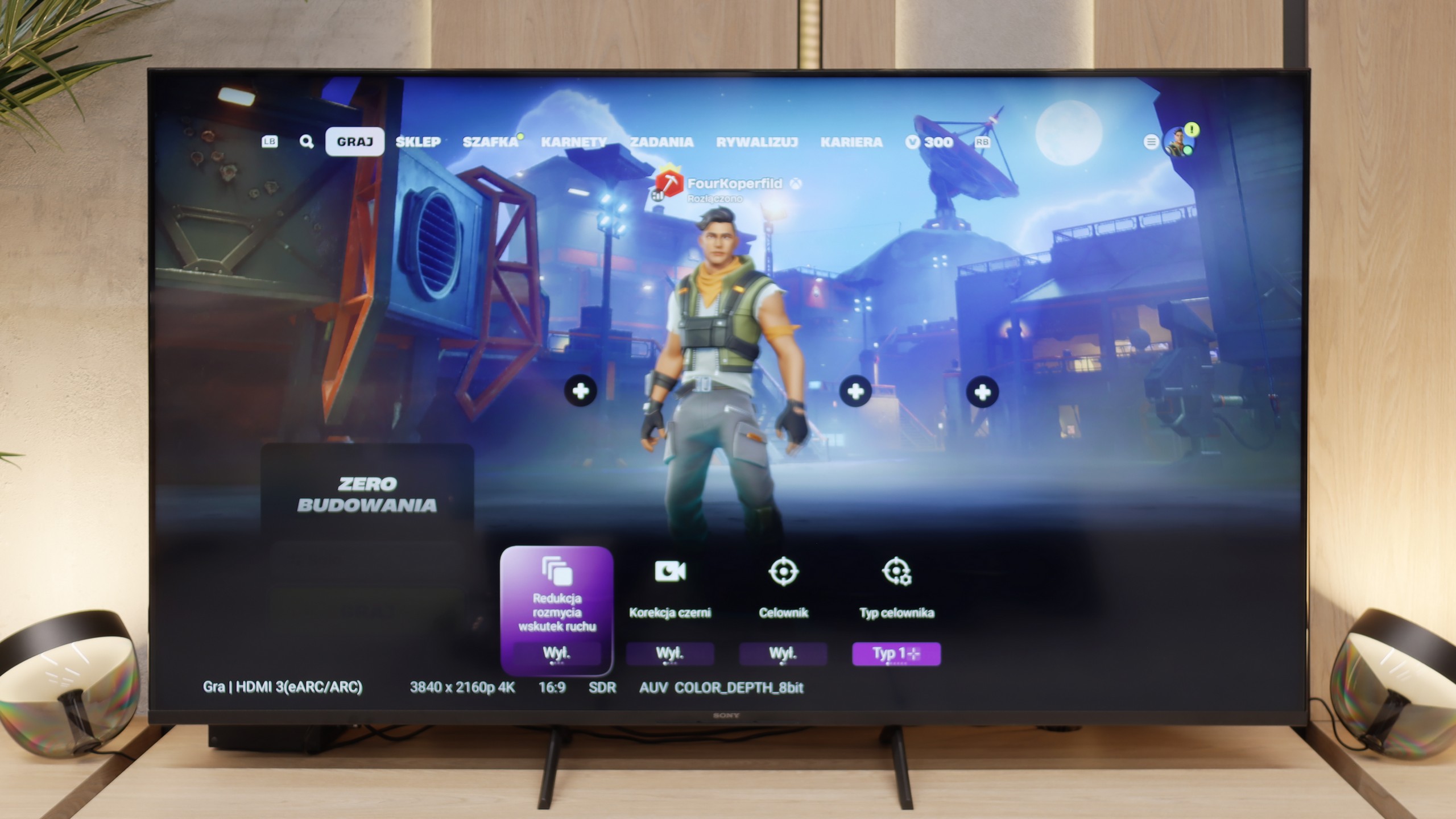
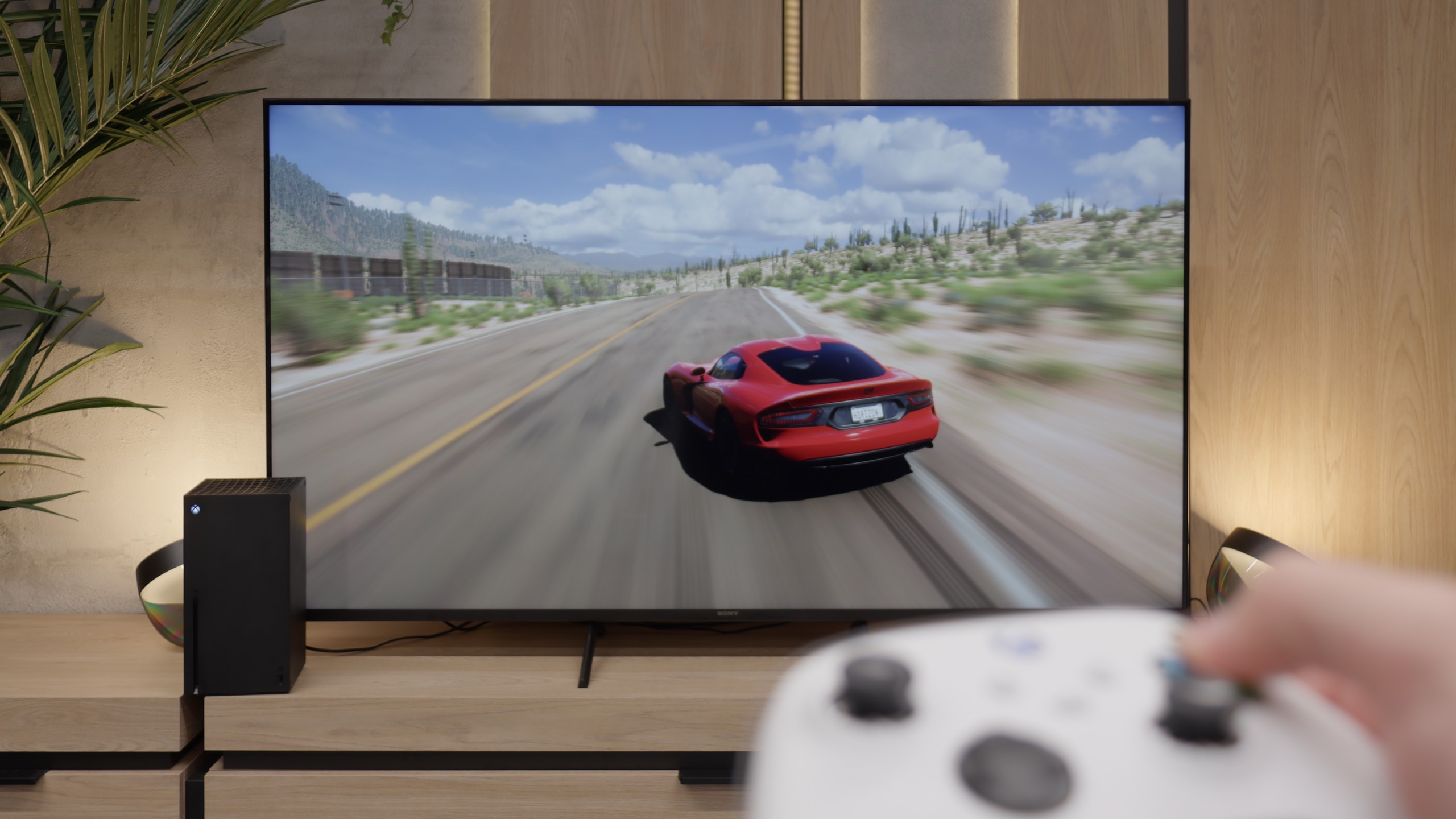
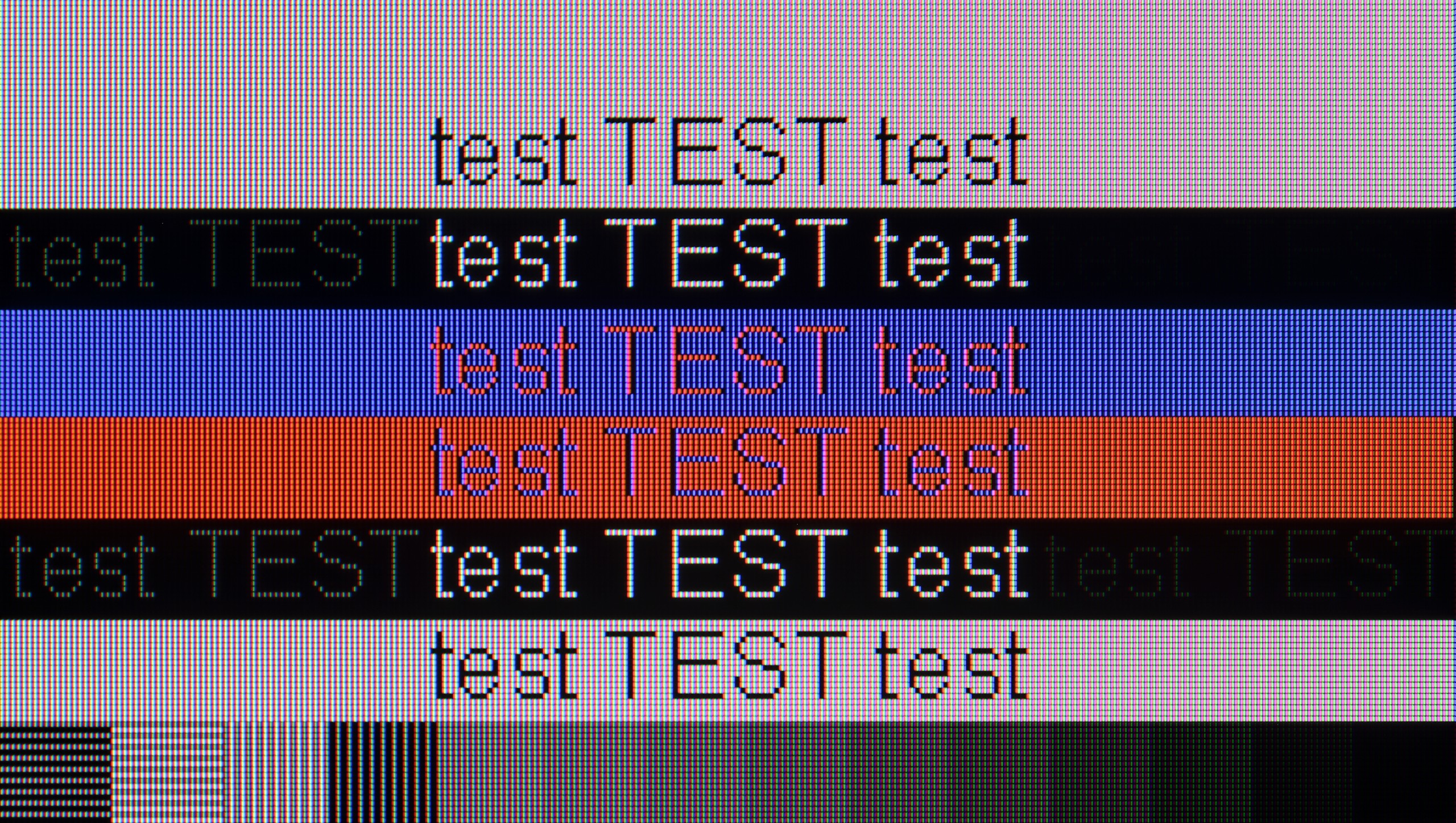
For gamers, the TV offers a major advantage with its low input lag of just 13 ms, ensuring smooth and responsive gameplay. It also provides very good compatibility with computers, supporting Chroma 4:4:4 for excellent text readability and image clarity. However, it’s important to note that the TV uses a 60 Hz panel, which may limit its performance for sports or fast-paced games. Some gamers might also be disappointed by the absence of certain essential features, even though the TV includes HDMI 2.1.
Overall, the Sharp GP6765 is a solid choice that offers a great Google TV system, excellent colour transition smoothness, and low input lag. While it requires some compromises—especially in terms of brightness and features for gamers—it remains an appealing option for those seeking an affordable TV.
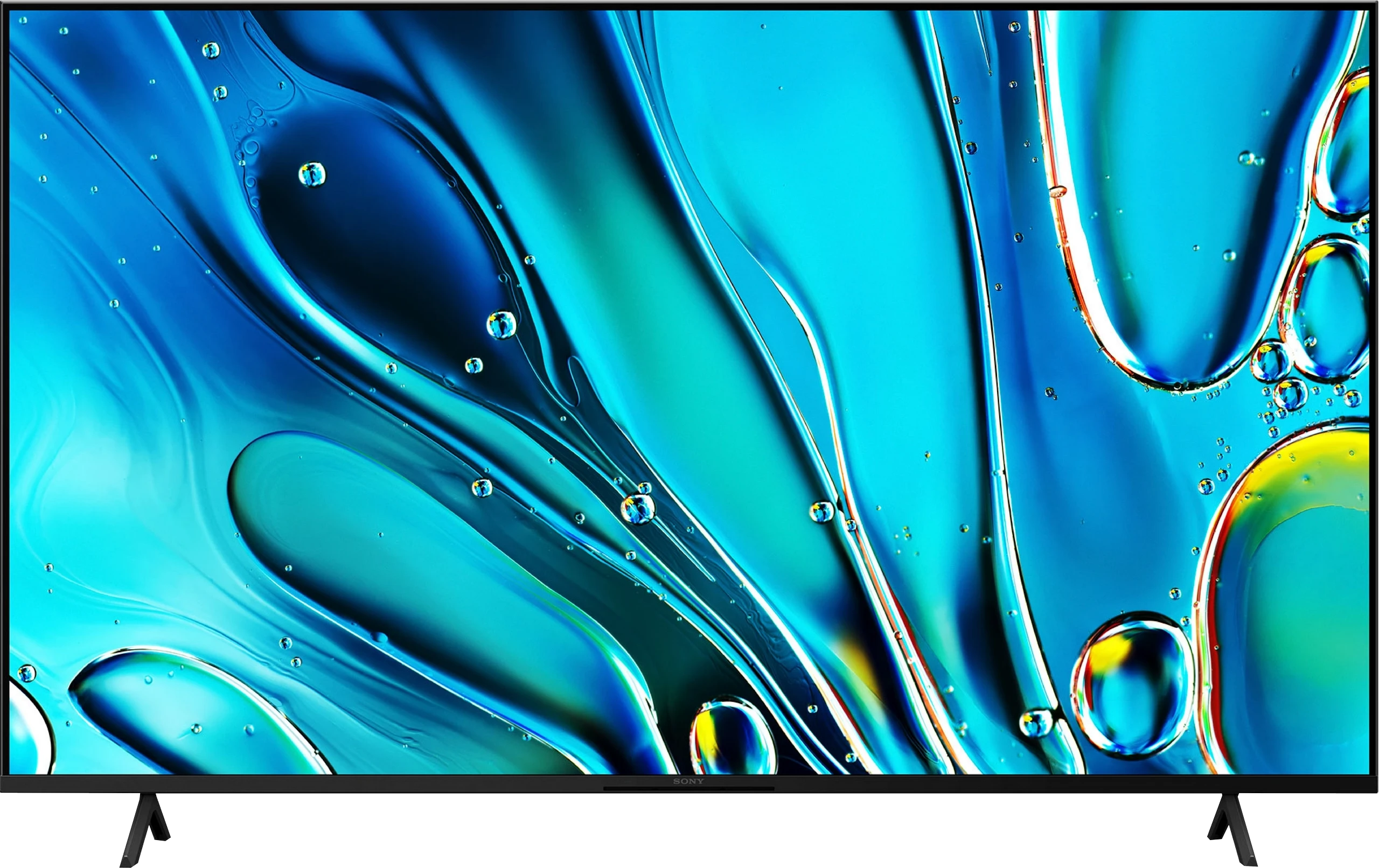
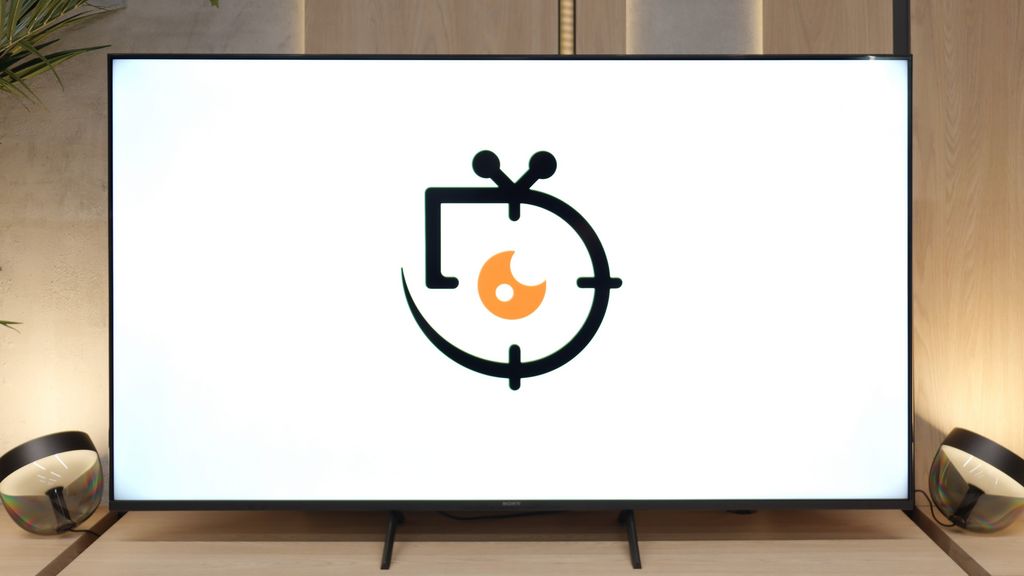
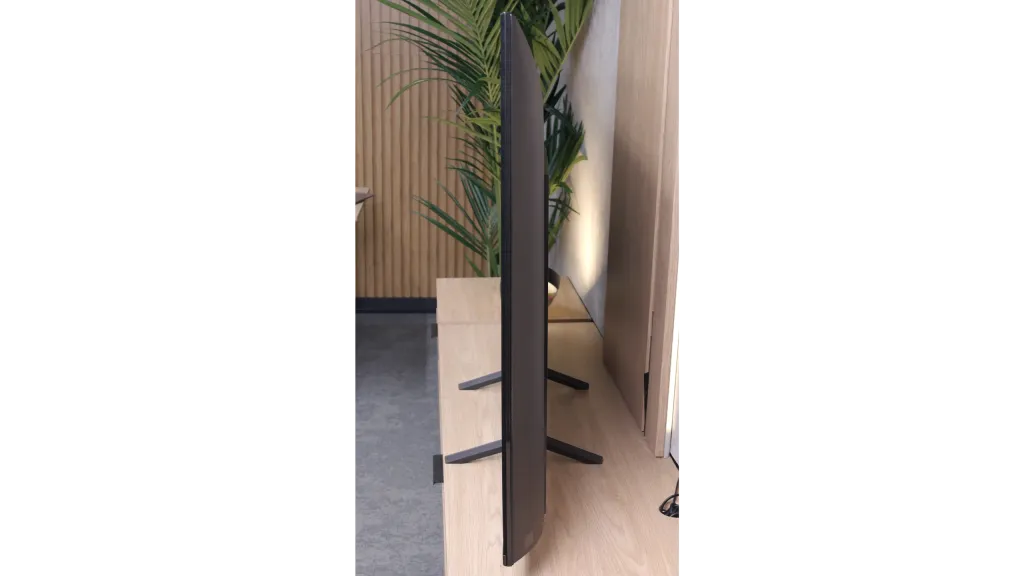
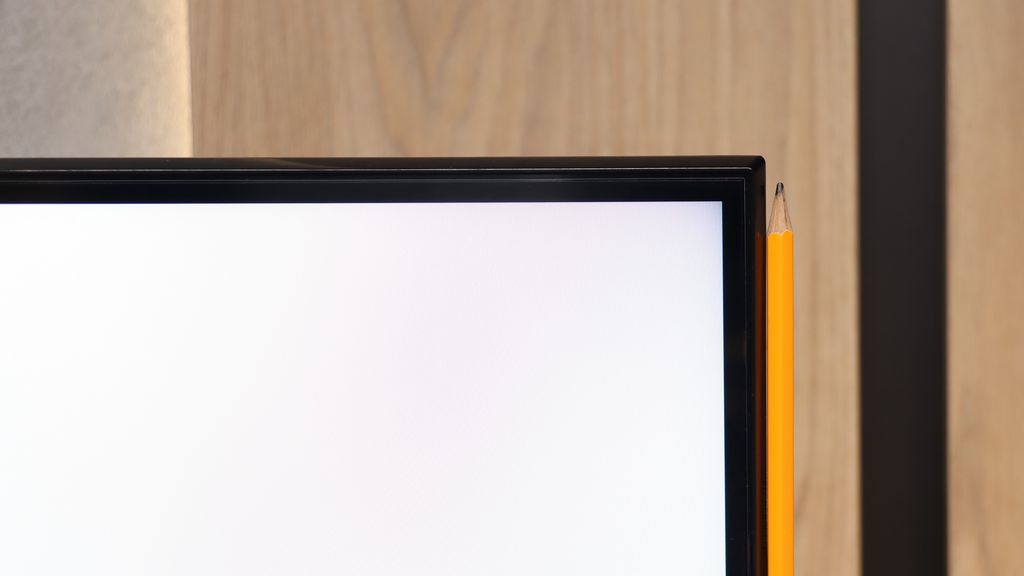
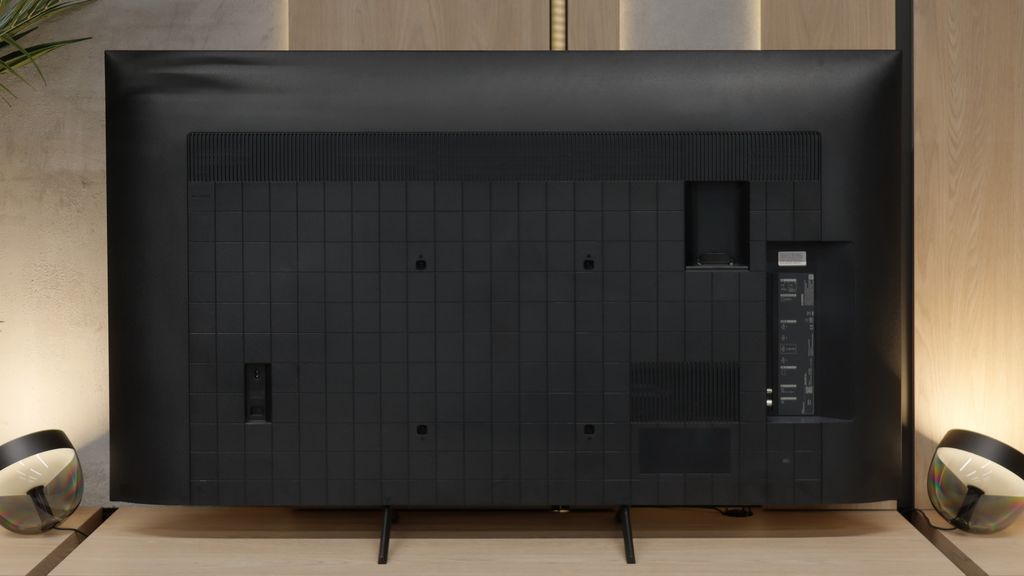
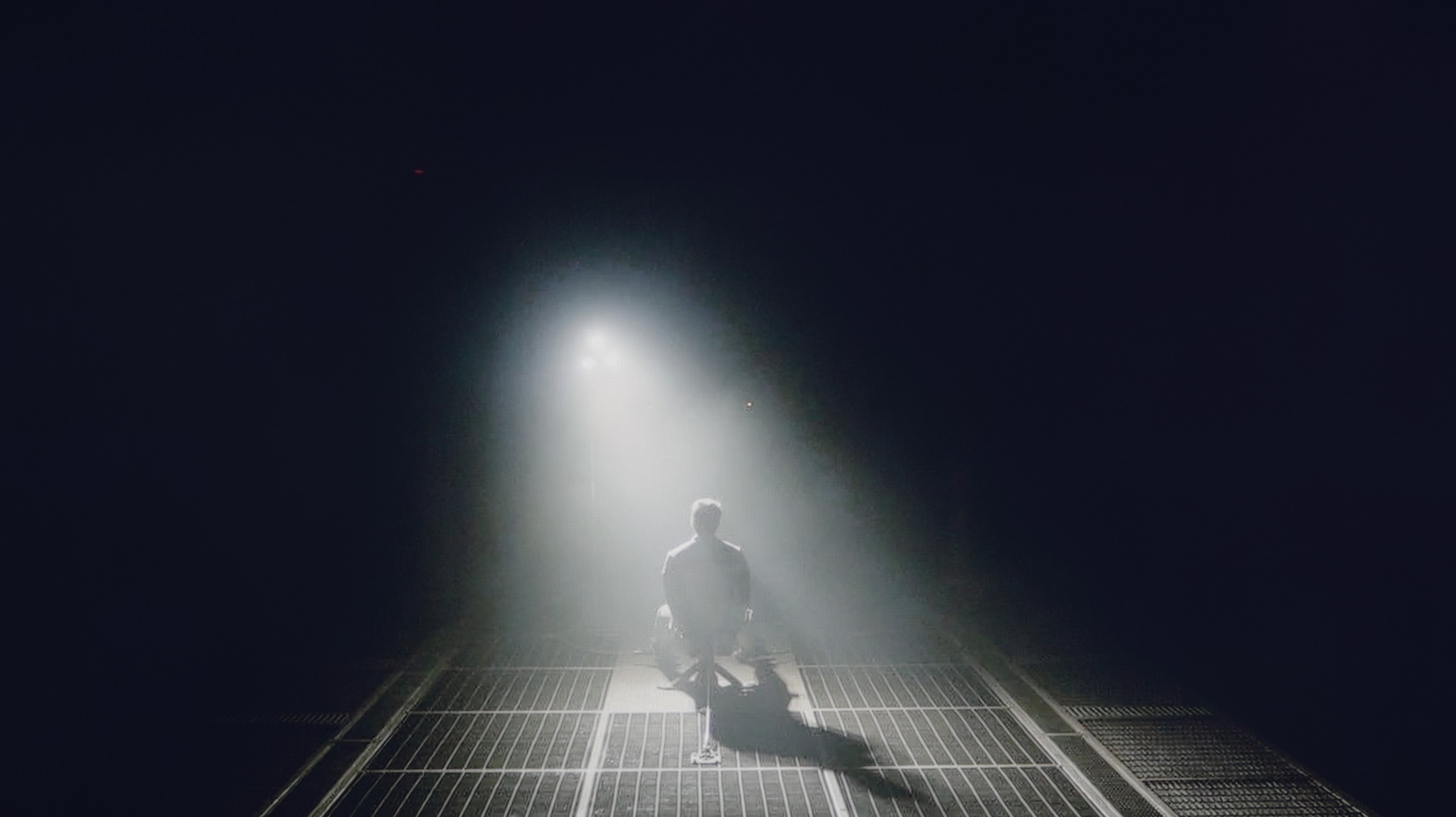
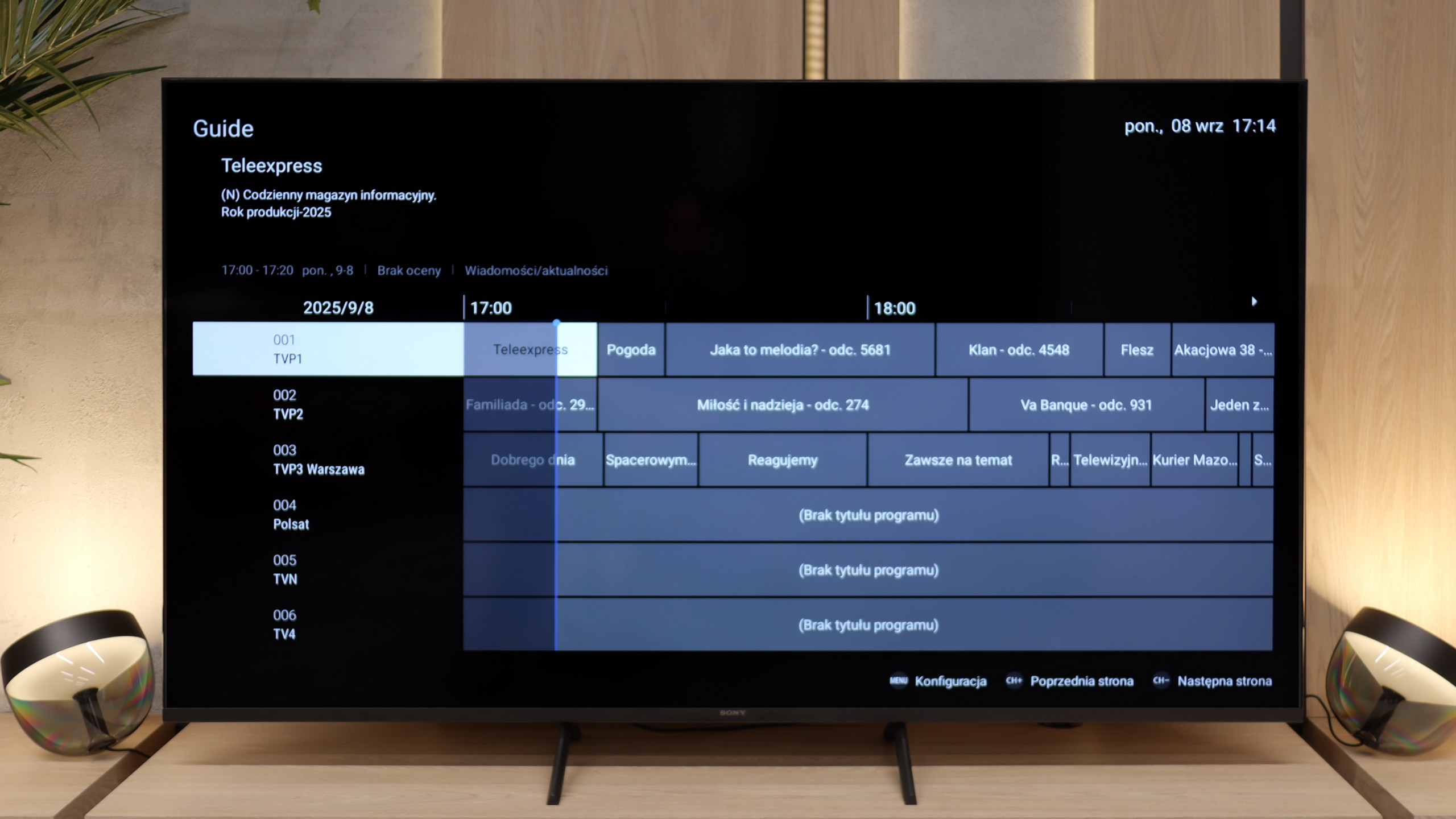
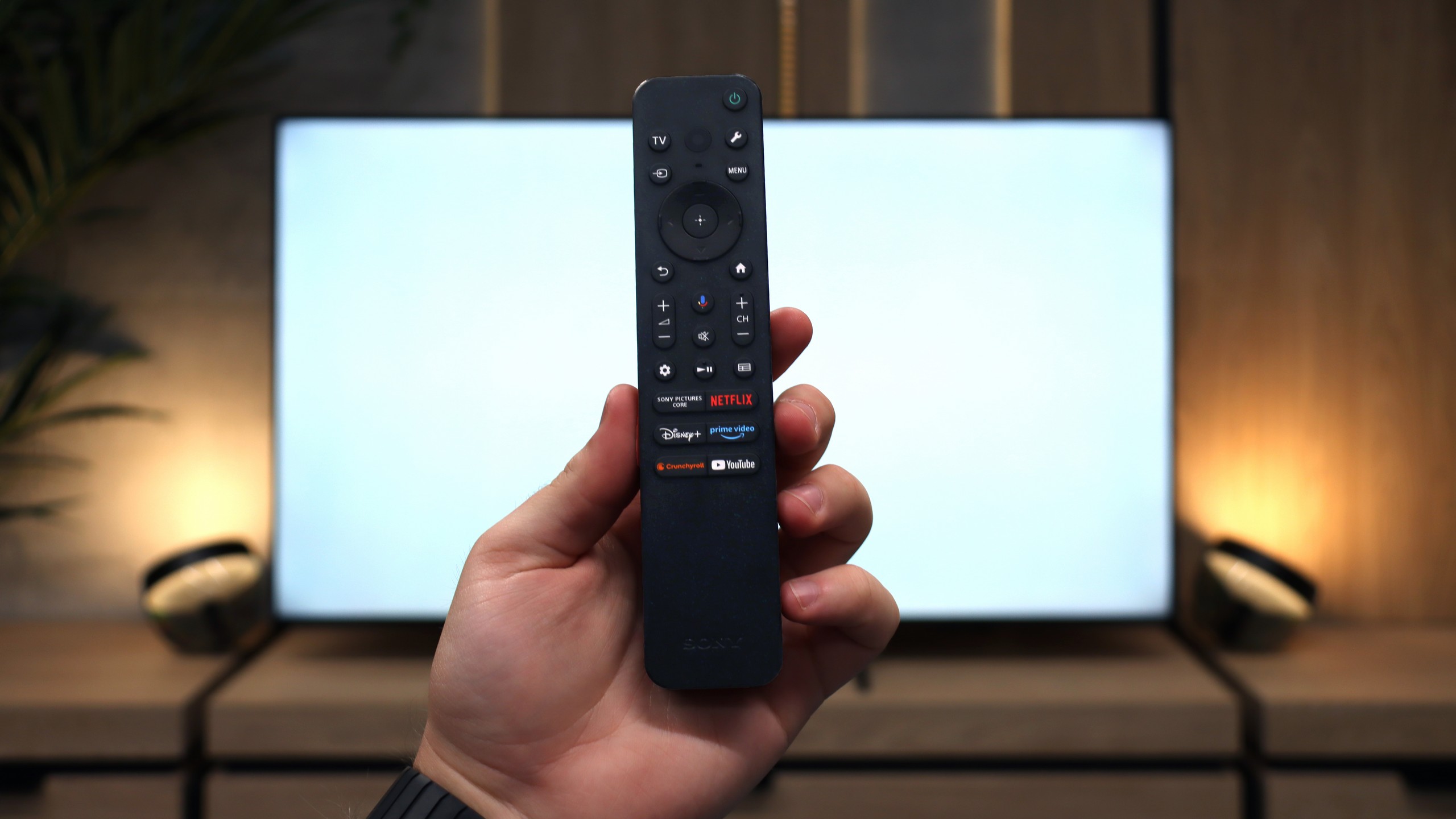
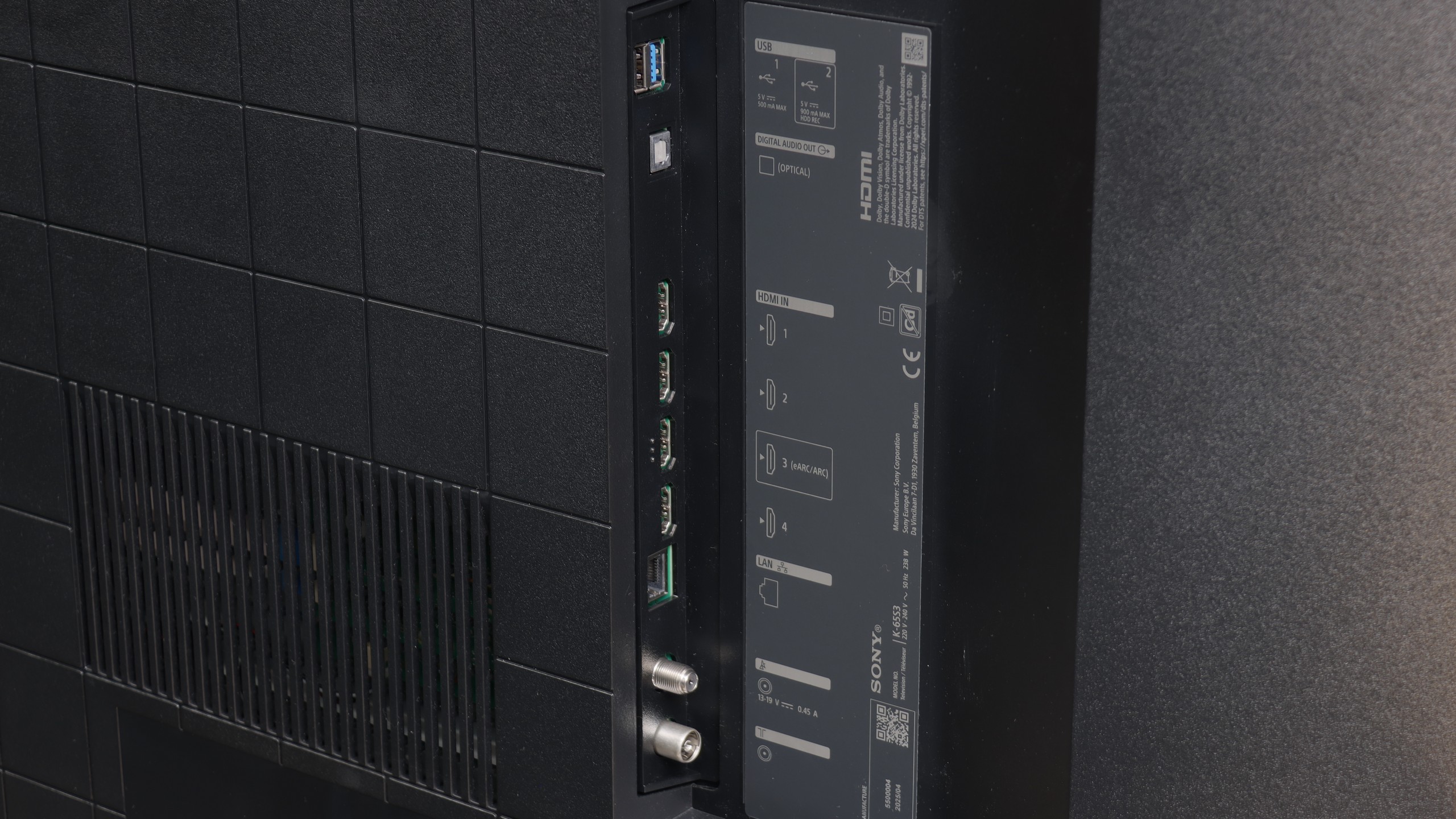
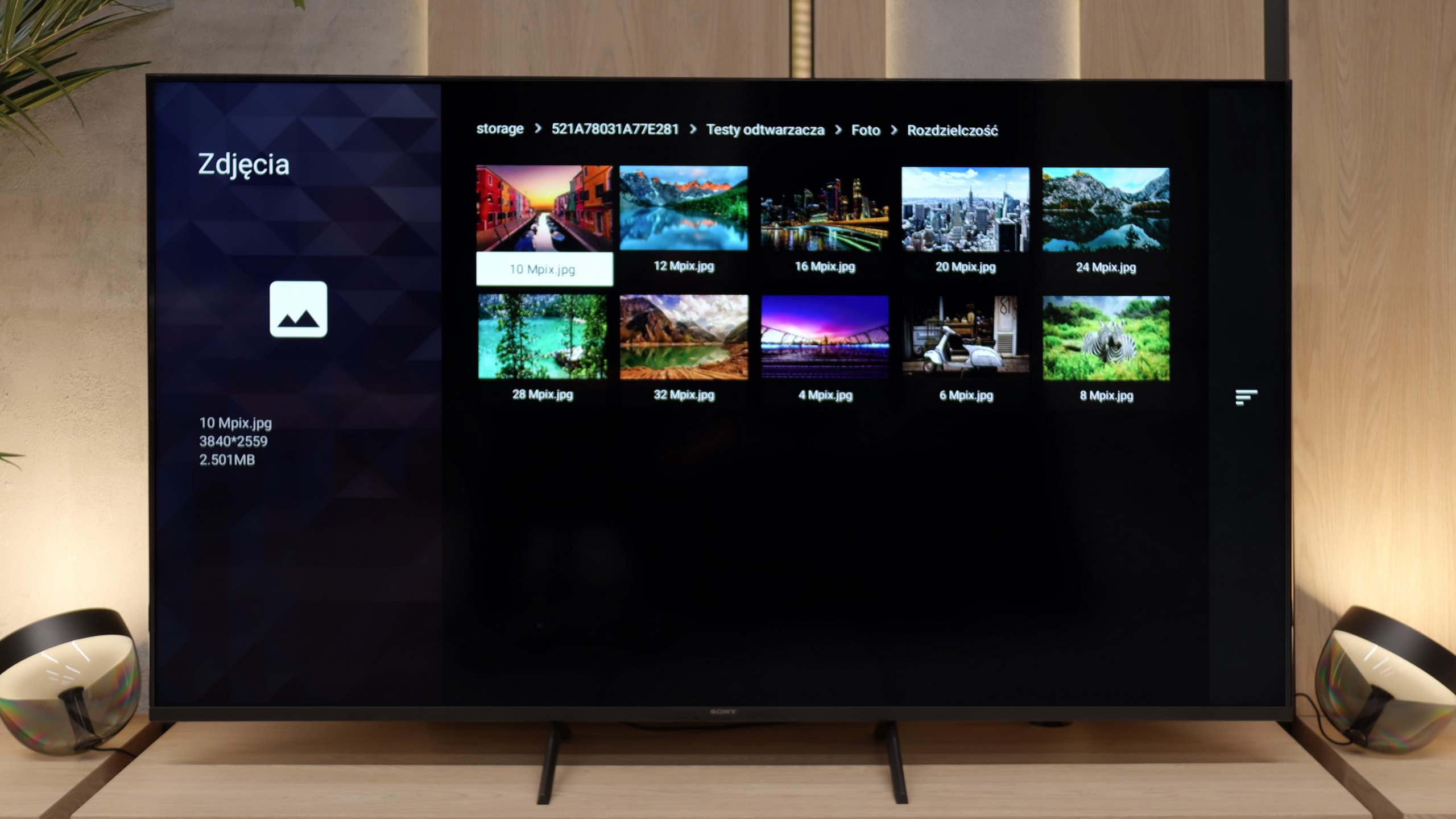
Sony Bravia 3 is a television that brings several important improvements over its predecessor, while still staying true to its core. The biggest change is the design – slim bezels and solid metal legs make it look modern and fit much better in a living room than the X75WL. Improved colors thanks to the PFS filter and really good upscaling are also a plus. It is in lower-quality content, especially in classic SDR, that the Bravia 3 can show its best side – colors look pleasant, the image is clean, and thanks to the IPS panel, the viewing angles are at a very good level. For a role as a "classic" television receiver, where viewing comfort from different places in the room and decent quality of everyday content matters, it is virtually perfect. A huge advantage is also the Google TV system. During our tests, there were instances where the interface did not always work as smoothly as we would have liked, and some functions could freeze. However, despite these imperfections, the presence of Google TV is a huge plus – access to thousands of applications and a full streaming library compensates for the minor shortcomings. Unfortunately, what was weak in the X75WL remains weak here too. The IPS panel has very low contrast and does not offer local dimming, making watching movies in a dark room quickly lose its appeal – the black resembles gray and effectively detracts from the enjoyment of viewing. Additionally, the option to record content to USB, which was available in the predecessor, has been removed. It’s hard not to notice this and not add it to the list of cons.
So who is the Bravia 3 for? Primarily for those who want to enter the world of Sony televisions in the most affordable variant and at the same time value the Google TV system. However, it is not the most attractive option in its class – the competition in this budget can offer models with Mini-LED backlighting, whose image performs significantly better in terms of contrast and HDR. Therefore, the Bravia 3 is worth keeping in mind, but mainly when there is a solid discount. At its regular price, it will be very difficult to stand out against its more competitive rivals.
 Direct comparison