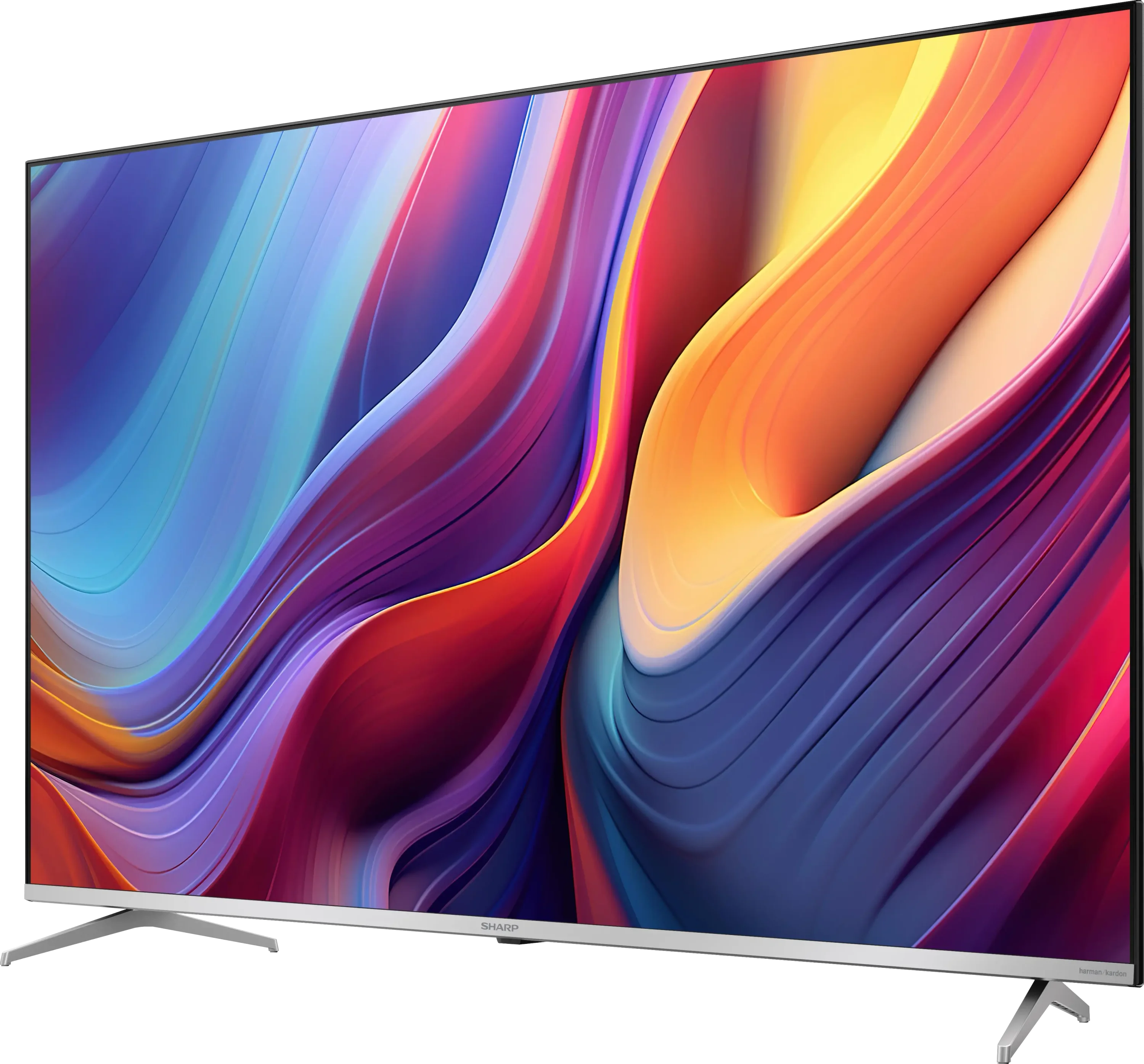
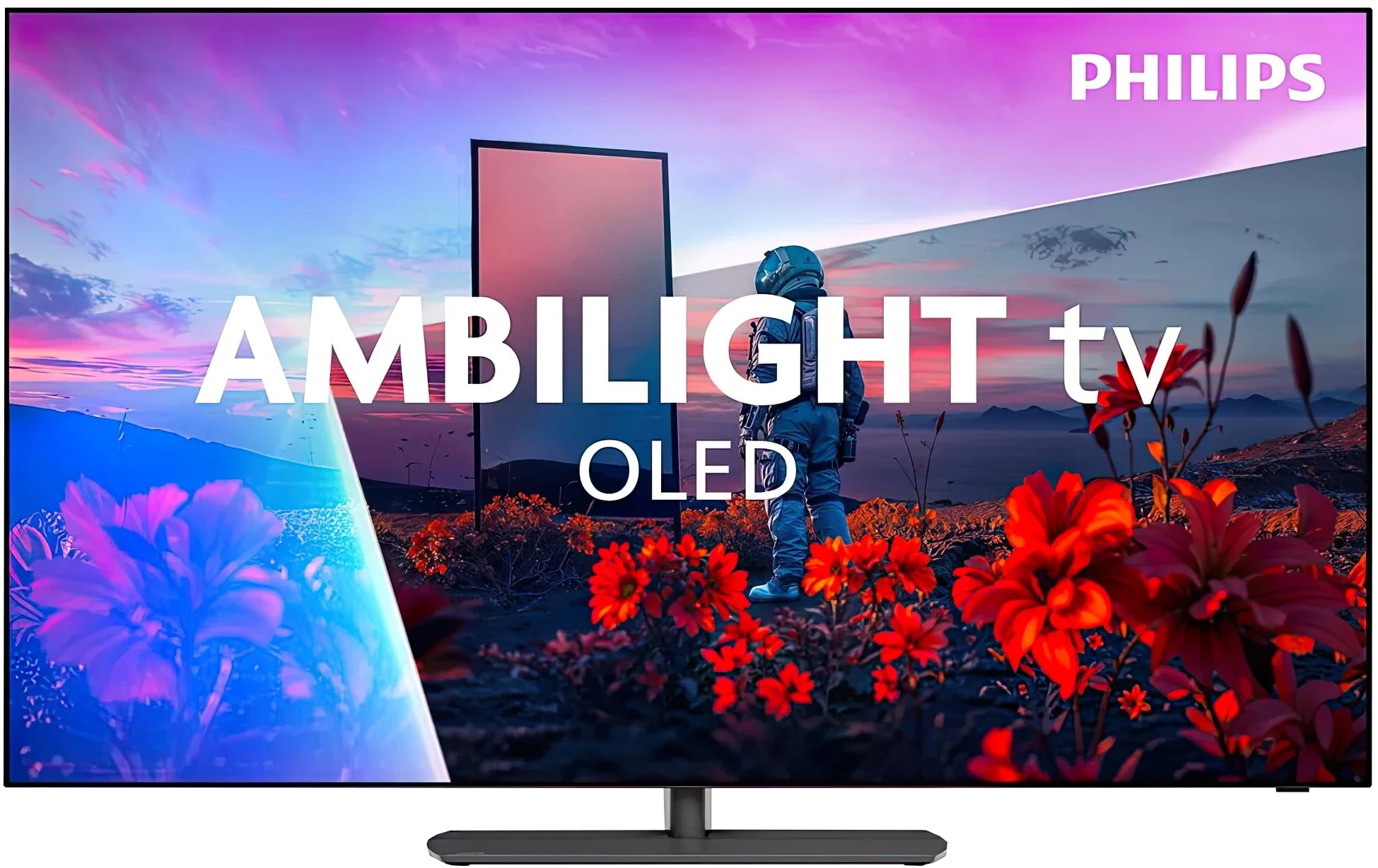
Sharp GP6765 vs Philips OLED811

Direct comparison

OLED801 / OLED811

Info

Available screen sizes: 43”55”

Available screen sizes: 48”55”

Panel type: LCD VA

Resolution: 3840x2160

System: Google TV

Model year: 2024

Complete the survey to find out the result

Panel type: WRGB OLED

Resolution: 3840x2160

System: Titan OS

Model year: 2026

Complete the survey to find out the result

Overall rating

5.8

8.1

  • Movies and series in UHD quality

    6.2

    8.5

  • Classic TV, YouTube

    6.2

    8.7

  • Sports broadcasts (TV and apps)

    5.3

    8.5

  • Gaming on console

    5.8

    8.9

  • TV as a computer monitor

    6.0

    8.6

  • Watching in bright light

    3.9

    6.0

  • Utility functions

    6.3

    7.9

  • Apps

    9.6

    7.7

  • Sound quality

    5.4

    7.6

Advantages

  • Presence of Dolby Vision

  • Very good compatibility with PC

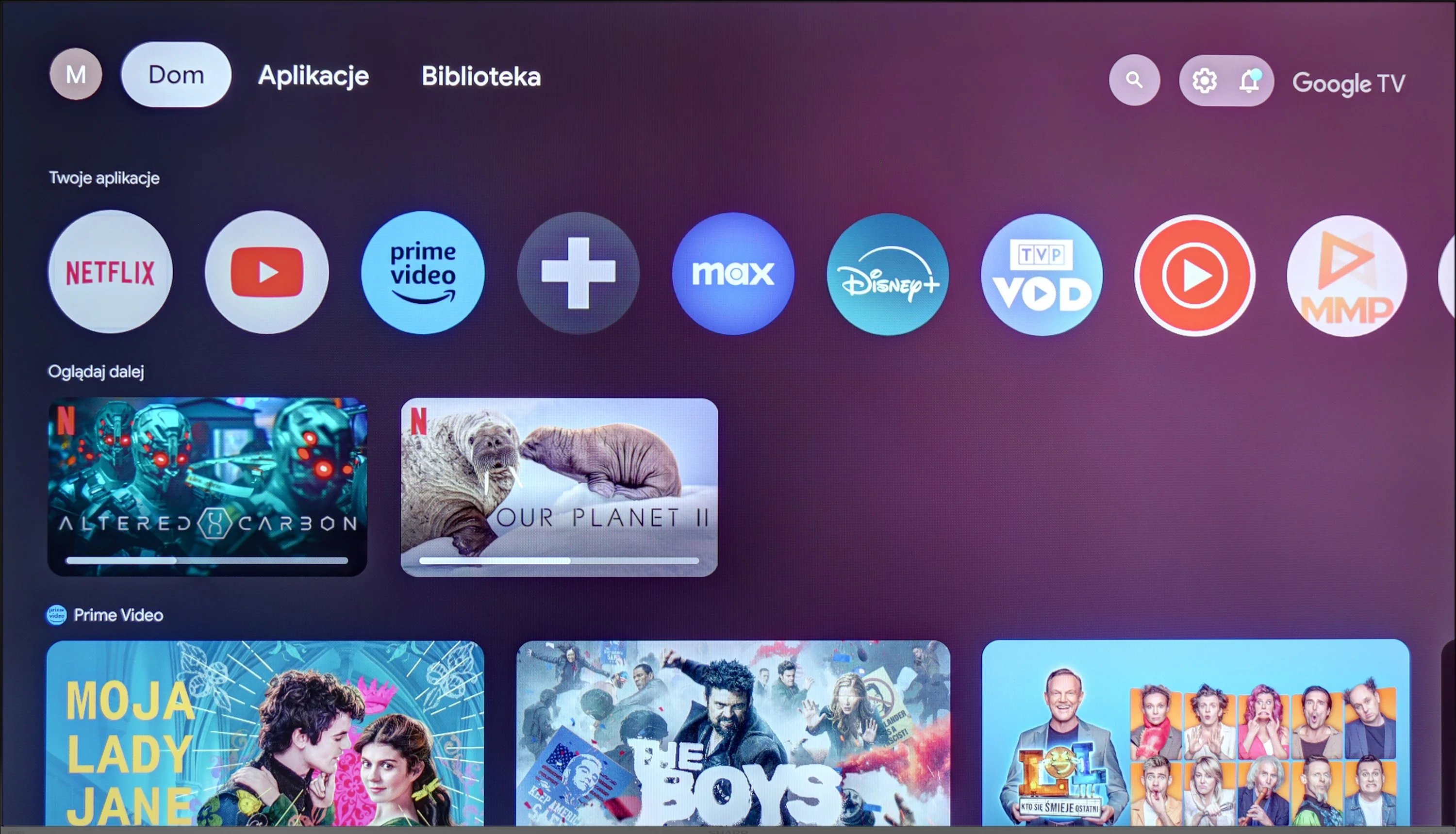
  • Advanced GoogleTV system

  • Smooth tonal transitions

  • Low input lag

  • Three-sided Ambilight that creates a great atmosphere while watching

  • Perfect blacks and outstanding contrast from the OLED panel

  • Strong HDR effect. Brightness around 1500 nits

  • Very good viewing angles

  • Excellent motion clarity (no motion blur)

  • Supports 4K at 165 Hz

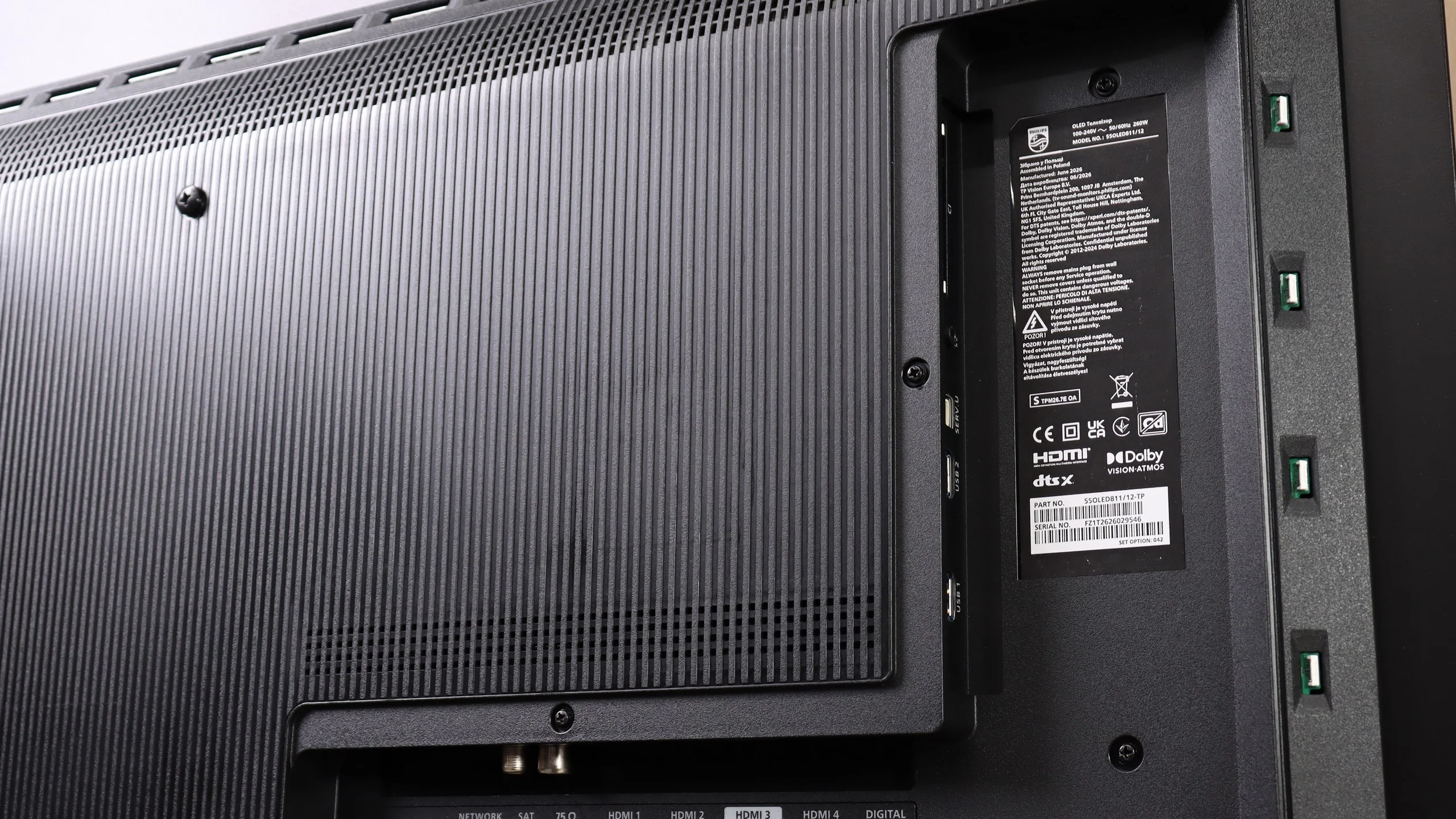
  • Four HDMI 2.1 ports

  • Extensive features for gamers

  • Support for multiple audio/video formats (Dolby Vision, Dolby Atmos, HDR10+, DTS)

Disadvantages

No like
  • Low matrix brightness

  • High matrix response time

  • Lack of full HDMI 2.1 functionalities

  • Titan OS has a more limited app library compared with Google TV and other competitors

  • An infrared remote that requires pointing at the TV (sometimes responds slowly)

  • Very high input lag in games with Dolby Vision

  • Visible posterization (mainly in bright scenes)

  • Underused image processing capabilities of the Pentonic 800

Our verdict

The Sharp GP6765 TV offers a range of positive features that set it apart in its price range. One of the standout aspects is the Google TV system, which provides users with excellent flexibility and comfort when navigating various applications and content. The intuitive interface and integration with the Google voice assistant make using the TV enjoyable and straightforward. With this platform, users can access streaming applications, enabling high-quality viewing of movies and series without needing additional devices.

In terms of picture quality, the Sharp GP6765 impresses, particularly considering its price. It performs exceptionally well in movie scenes, with smooth colour transitions, placing it among the top models in this category. While the brightness isn’t the highest compared to some competitors, it’s still respectable, and the inclusion of Dolby Vision significantly enhances picture quality, improving detail in both bright and dark scenes.

For gamers, the TV offers a major advantage with its low input lag of just 13 ms, ensuring smooth and responsive gameplay. It also provides very good compatibility with computers, supporting Chroma 4:4:4 for excellent text readability and image clarity. However, it’s important to note that the TV uses a 60 Hz panel, which may limit its performance for sports or fast-paced games. Some gamers might also be disappointed by the absence of certain essential features, even though the TV includes HDMI 2.1.

Overall, the Sharp GP6765 is a solid choice that offers a great Google TV system, excellent colour transition smoothness, and low input lag. While it requires some compromises—especially in terms of brightness and features for gamers—it remains an appealing option for those seeking an affordable TV.
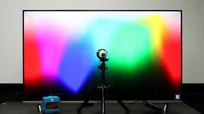
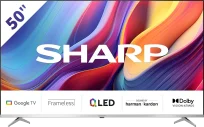
The Philips OLED811 is a mid-range OLED TV for 2026 that stands out from its biggest rivals primarily because of one feature: Ambilight. By projecting light that follows the on-screen action onto the wall behind the TV, Ambilight can transform the atmosphere of an entire viewing session. In the evening, the picture seems to extend beyond the edges of the screen, making everything you watch feel that little bit more special. For some, it will simply be a nice extra; for others, it will be reason enough to choose a Philips TV once again.

Picture quality is very similar to what you get from models such as the LG C6 or Samsung S90H, at least in versions using the same type of panel. You can therefore expect deep, perfect blacks that make bright highlights look particularly impressive. The OLED811 is capable of delivering impactful HDR, and importantly, once calibrated, its picture comes close to reference quality. It does not have a major advantage over its competitors in this respect, but choosing Philips for Ambilight does not mean sacrificing picture quality either.

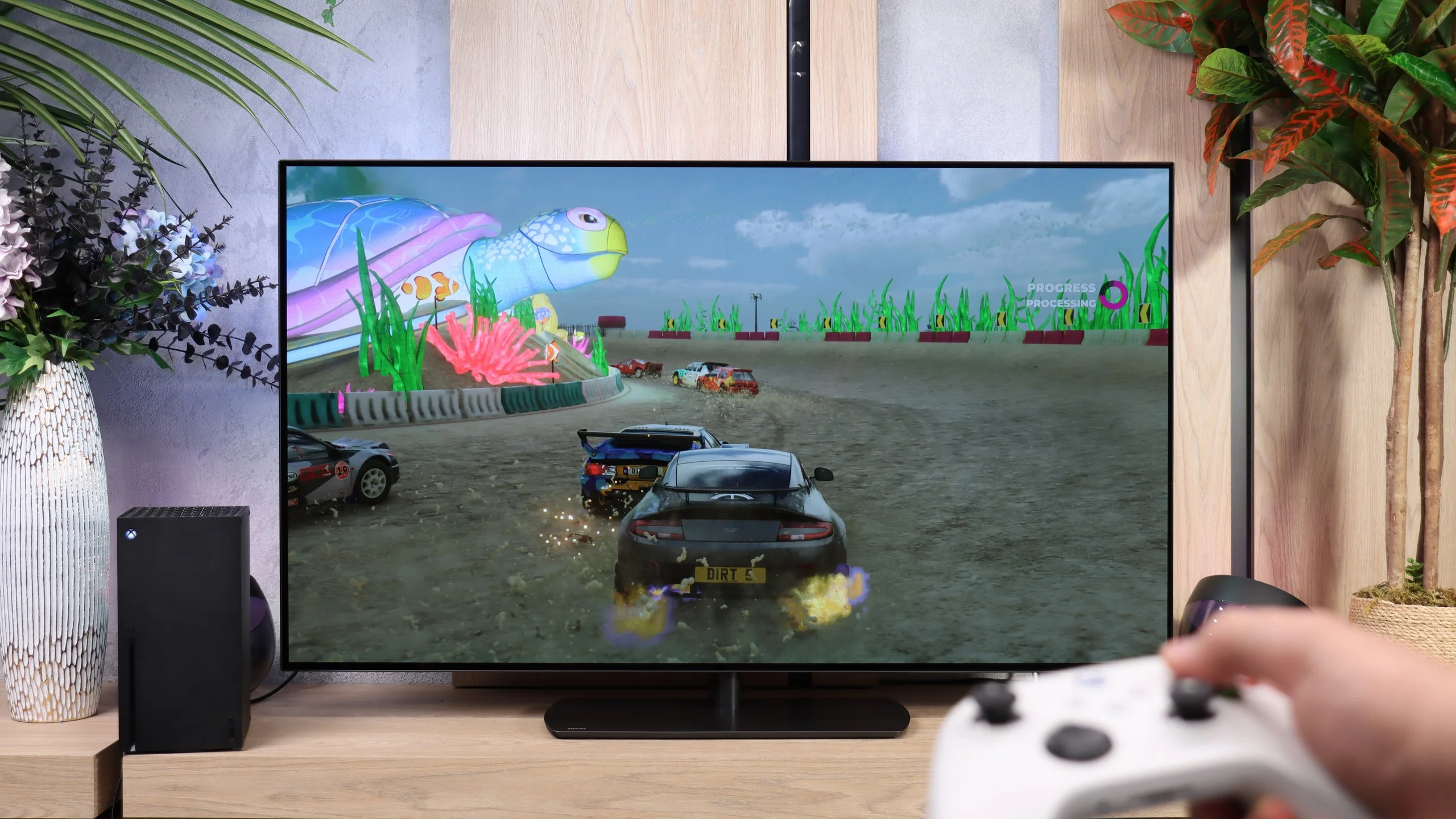
Gamers will also find several worthwhile improvements over last year’s model. Thanks to the MediaTek Pentonic 800 chipset, the TV finally offers four HDMI 2.1 ports. This means that connecting several devices—such as consoles, a PC and a soundbar—no longer forces you to decide which one gets access to the full capabilities of the interface. Gaming itself is highly enjoyable: the TV responds quickly, supports variable refresh rates and allows PC users to play in 4K at up to 165 Hz. It is only a shame that the new processor’s capabilities have not been put to equally good use when handling lower-quality content.

The operating system, however, raises the most concerns. Titan OS has replaced the well-liked Google TV platform, and although it has clearly improved over the past year, it is still difficult to see the change as a positive one. Admittedly, the system now runs more smoothly, offers more useful features and includes most popular streaming services in its app library. Nevertheless, the selection of apps remains far more limited than on Google TV and competing platforms. In our view, this is still the OLED811’s biggest weakness. The difference will be particularly noticeable to viewers who use less mainstream services.

Is it worth buying? Yes—provided that Titan OS meets your needs. In terms of picture quality and gaming features, the OLED811 offers just as much as its competitors, while Ambilight gives it something no rival can match. Philips therefore gives with one hand and takes with the other: it adds a uniquely immersive viewing atmosphere but limits your freedom when it comes to choosing apps. If all the services you use are available, this may well be a compromise worth making.

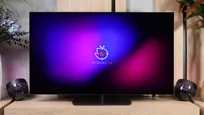
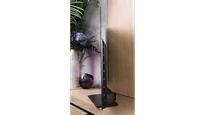
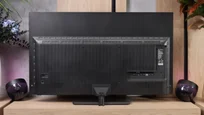
TV appearance

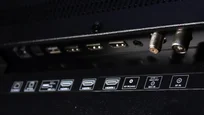
HDMI inputs
4 x HDMI 2.0, 0 x HDMI 2.1
0 x HDMI 2.0, 4 x HDMI 2.1 (48Gbps)
Other inputs
RCA (Chinch)
Outputs
Toslink (Optical audio), eARC (HDMI), ARC (HDMI), Mini-Jack (Headphones)
Network Interfaces
Wi-Fi 2.4GHz, Wi-Fi 5GHz, Ethernet (LAN) 100Mbps
Build quality
Average
Good
Stand type
Legs
Central
Bezel color
Silver
Graphite
Stand
Fixed
Swivel
Accessories
Stand
Stand

Contrast and black detail

5.7/10

10/10

Local dimming function: No

Contrast:

Review Sharp GP6765 Contrast and black detail

Result

4,950:1

Review Sharp GP6765 Contrast and black detail

Result

4,650:1

Review Sharp GP6765 Contrast and black detail

Result

5,450:1

Review Sharp GP6765 Contrast and black detail

Result

5,300:1

Review Sharp GP6765 Contrast and black detail

Result

4,550:1

Review Philips OLED811 Contrast and black detail

Result

∞:1

Review Philips OLED811 Contrast and black detail

Result

∞:1

Review Philips OLED811 Contrast and black detail

Result

∞:1

Review Philips OLED811 Contrast and black detail

Result

∞:1

Review Philips OLED811 Contrast and black detail

Result

∞:1

Halo effect and black detail visibility:

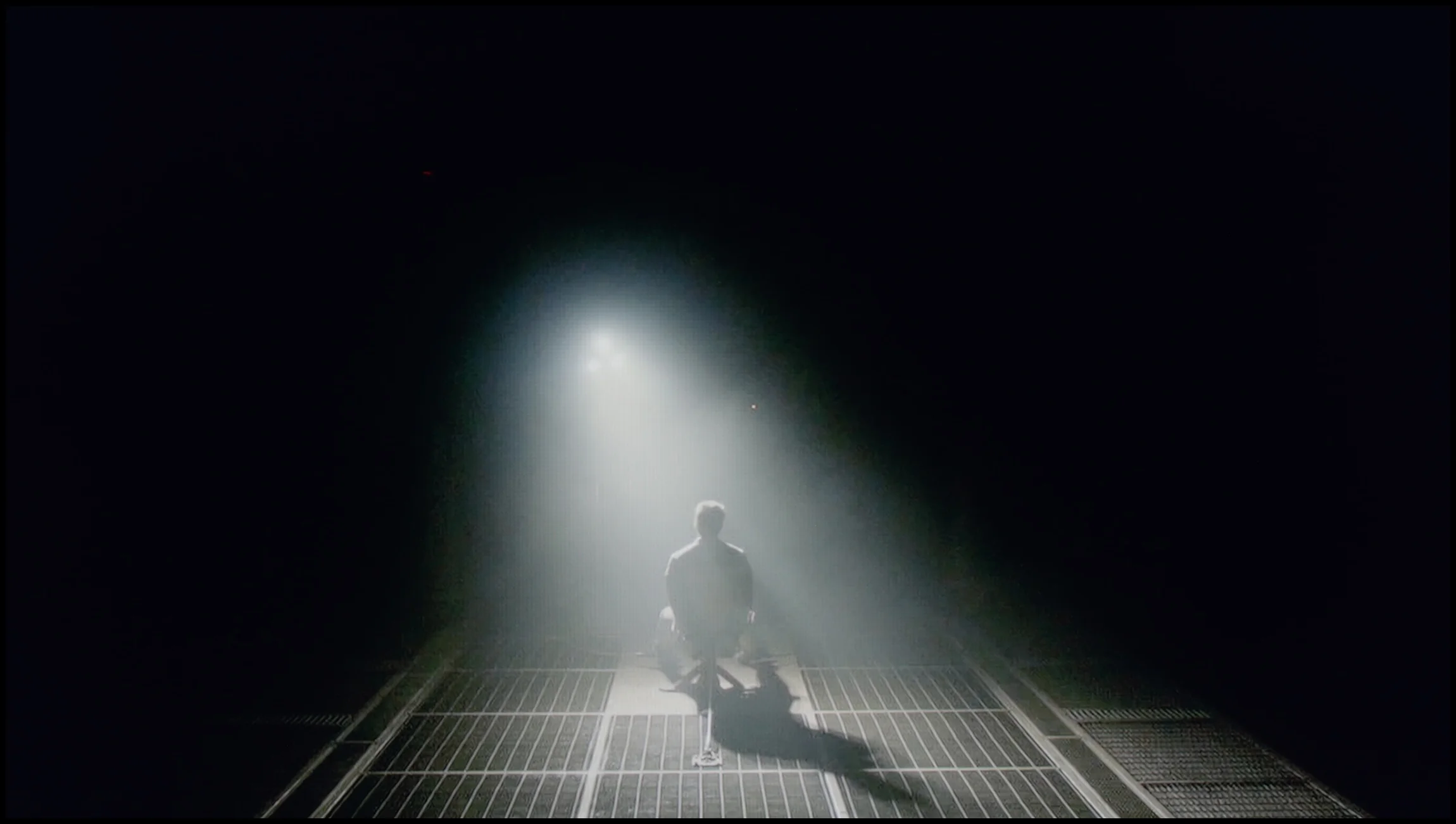
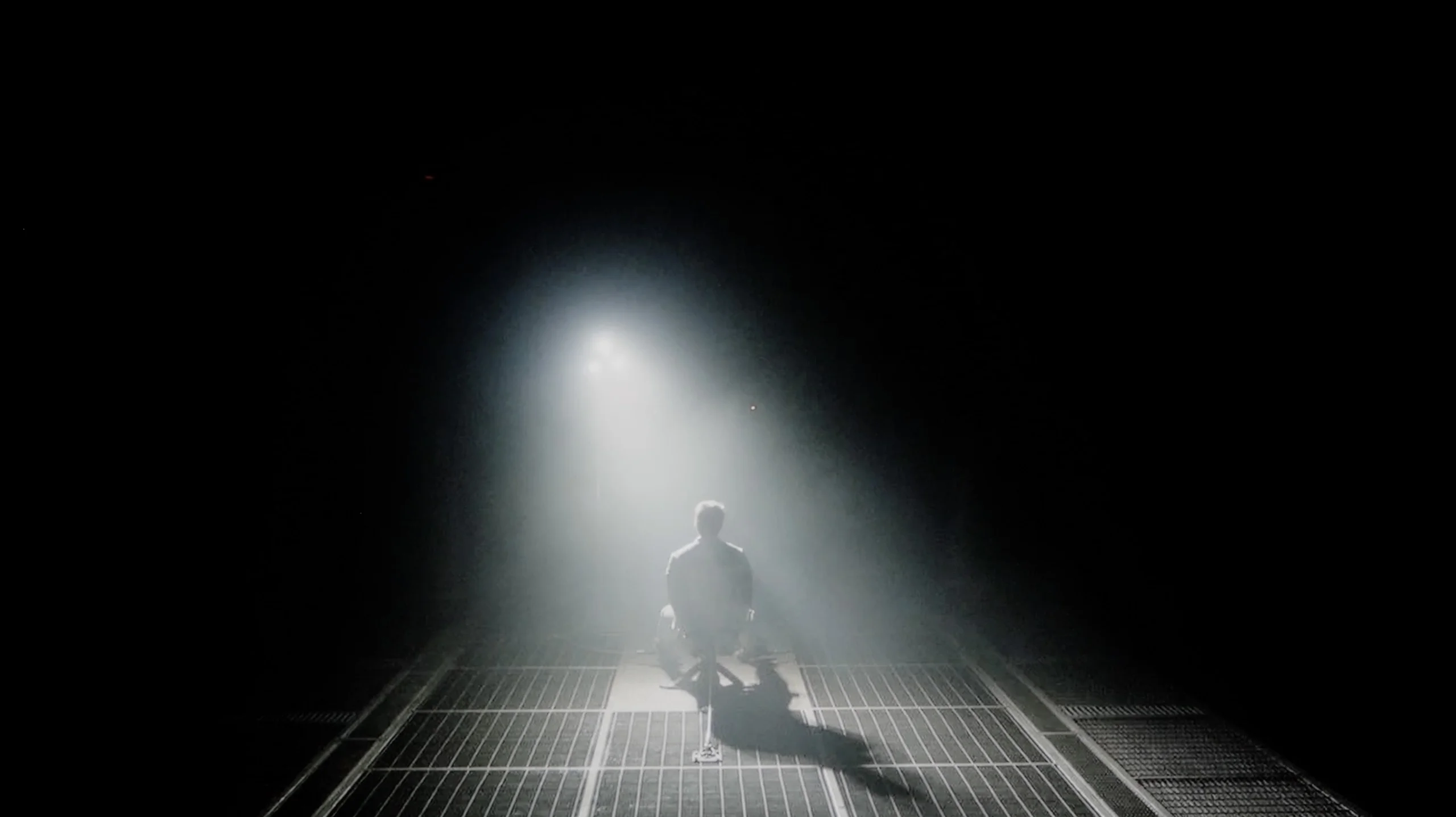
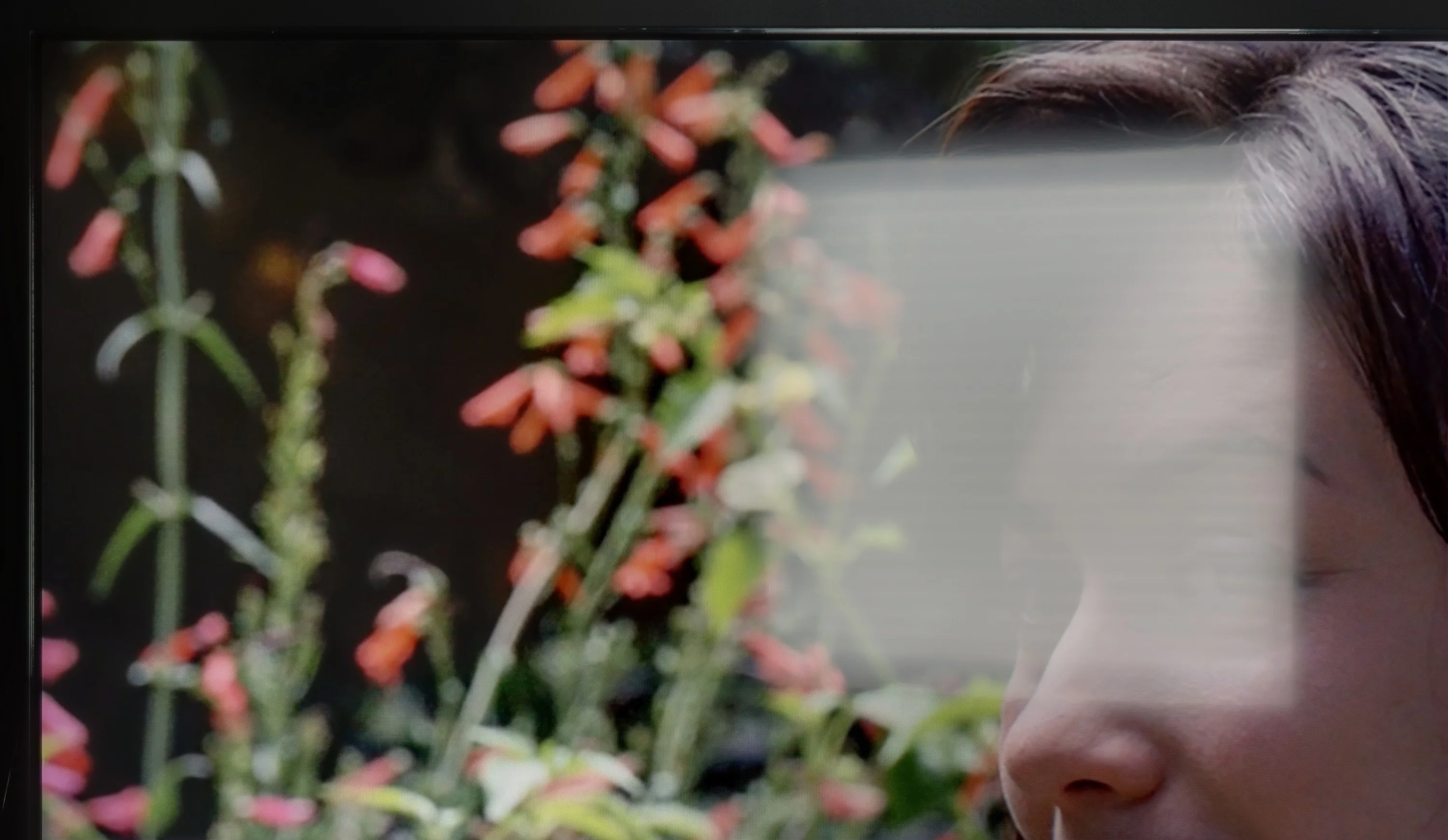
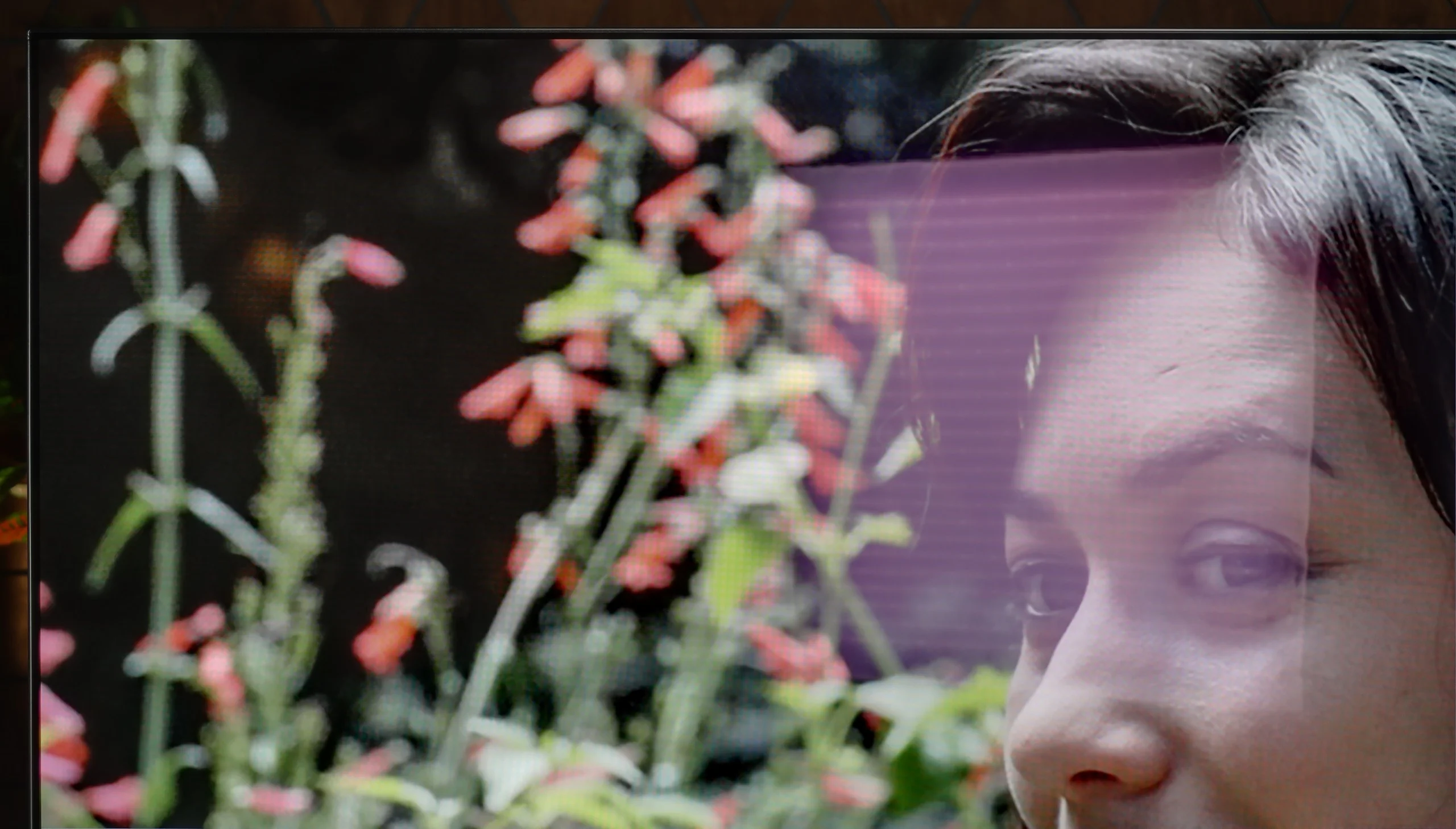
Check the visibility of bright lights on a dark background. Mini-LEDs often struggle with this. The photo does not compare black levels – that’s what the video below is for.

The video accurately shows differences in contrast and black levels between TVs, as well as potential issues: halo around bright objects or Mini-LED zone operation visible as brightness jumps.

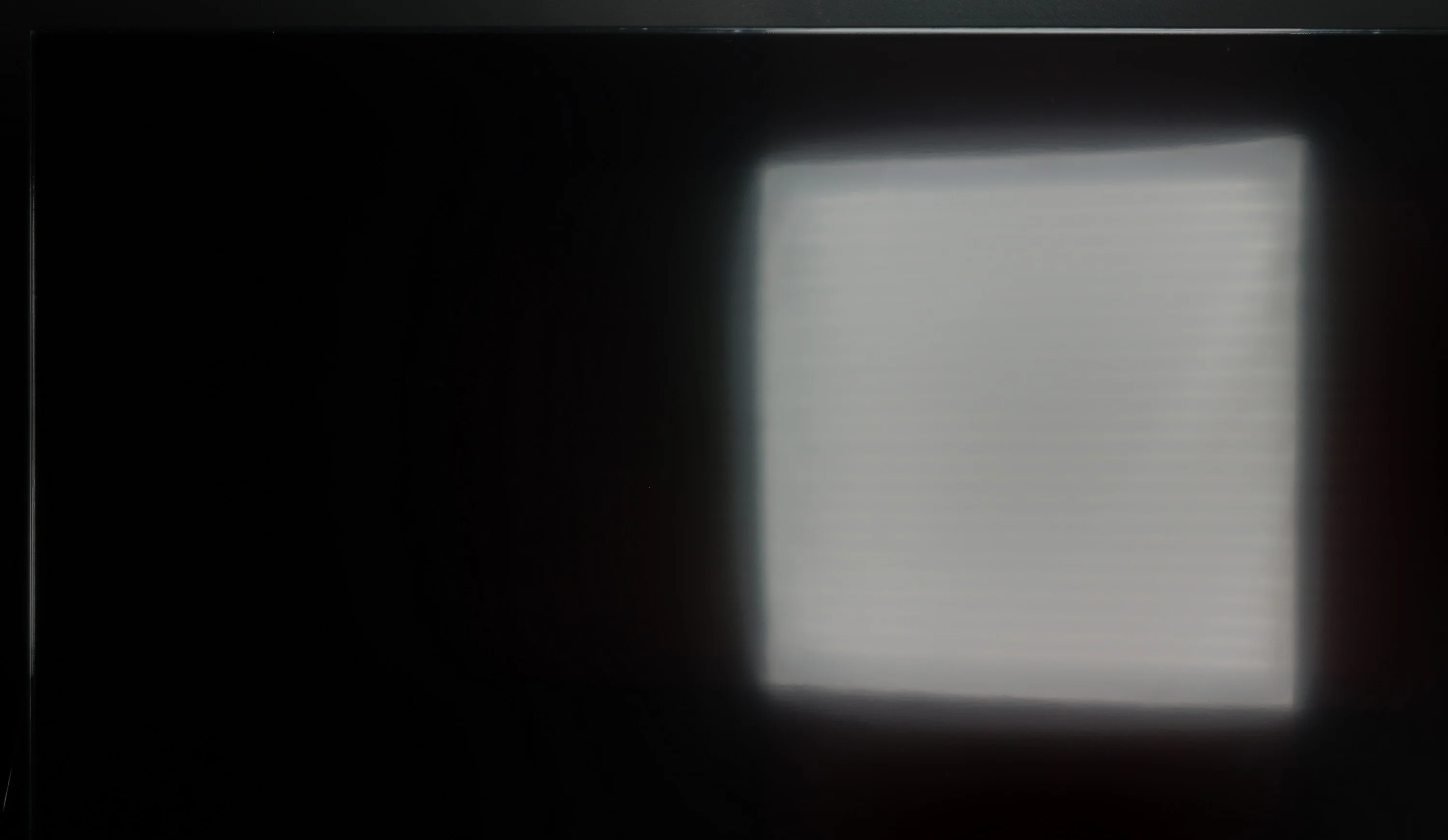
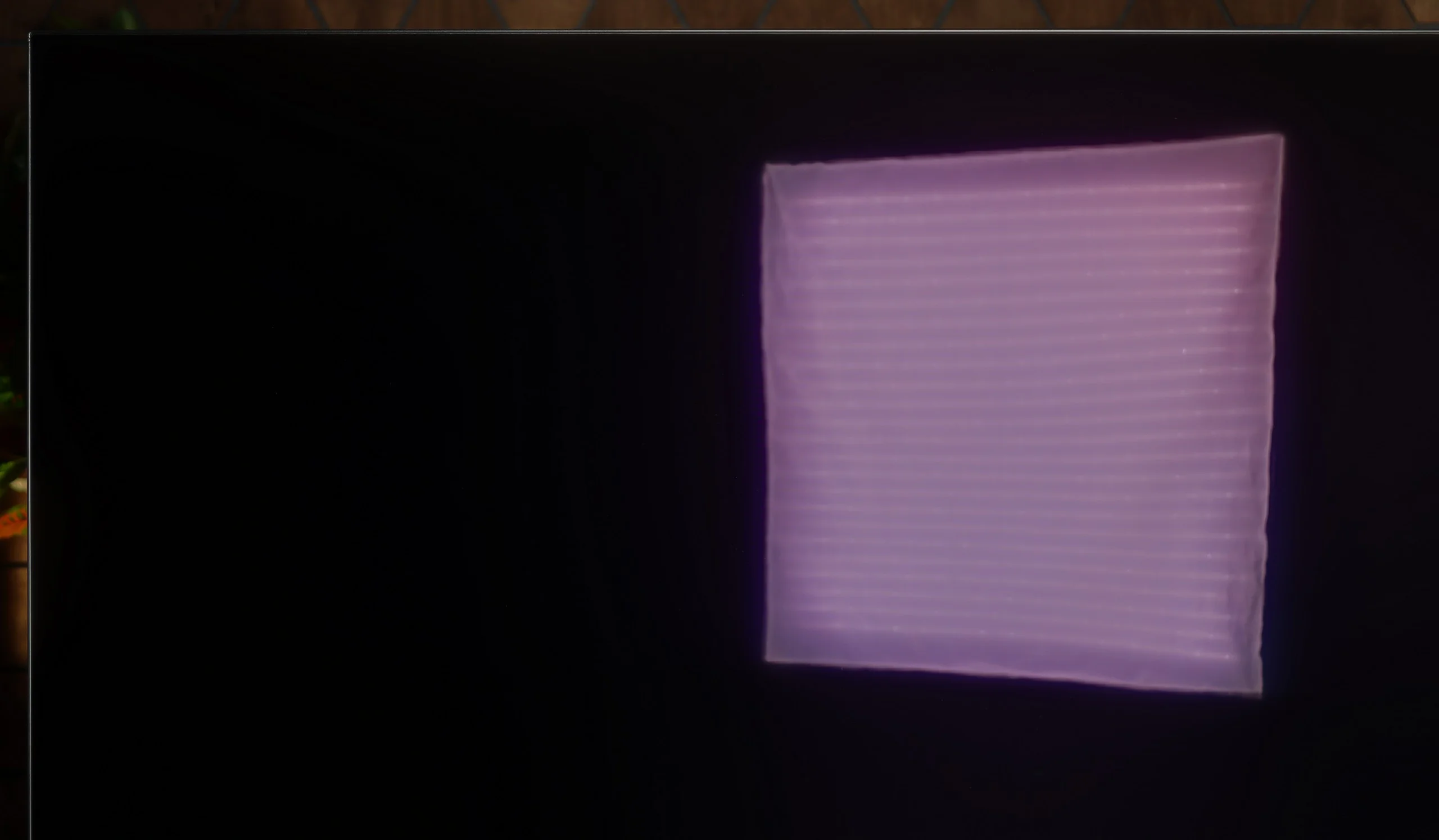
The Sharp GP6765 is equipped with a VA panel, offering better contrast than IPS panels. VA panels deliver deeper blacks and more distinct differences between bright and dark areas, making them a stronger choice for viewing in darker environments. This model uses Direct LED backlighting, which provides even light distribution across the screen. However, the lack of local dimming limits its black reproduction. As a result, during night-time viewings, especially in high-contrast scenes like those in "The Revenant," dark tones may show visible backlight spots. Instead of achieving perfectly deep blacks, the black areas may appear with a slight navy hue. This can impact the visual experience, especially for viewers who prefer watching in low-light conditions.

Black level and contrast are areas where the Philips OLED811 showcases all the strengths of OLED technology. Each pixel lights independently and can be turned completely off, so black is simply black. No gray halo or blooming around bright objects. In evening viewing this delivers a great effect: stars in the night sky, city lights, and text on dark backgrounds remain clearly separated from perfectly black surroundings.

So you shouldn't expect improvements here compared with other OLEDs, because in terms of black depth and contrast the result is already exemplary. The OLED811 doesn't need local dimming or any compromise between the brightness of a small object and the black around it. Even a single bright point can sit next to a completely switched-off pixel, giving the picture outstanding depth.

This is exactly where the advantage over Mini LED TVs becomes apparent in scenes with lots of black. Even the most advanced local dimming systems control larger areas of the image, so in demanding shots they can produce a halo around bright elements or dim them to preserve a dark background. The Philips OLED811 doesn't have that problem.

HDR effect quality

4.6/10

7.6/10

Supported formats
HDR10, Dolby Vision, HLG
HDR10, HDR10+, Dolby Vision, HLG
Color gamut coverage
DCI P3: 92.5%, Bt.2020: 72.5%
DCI P3: 99.0%, Bt.2020: 74.5%

Luminance measurements in HDR:

Review Sharp GP6765 Brightness measurement

Result

287 nit

Review Sharp GP6765 Brightness measurement

Result

317 nit

Review Sharp GP6765 Brightness measurement

Result

322 nit

Review Sharp GP6765 Brightness measurement

Result

318 nit

Review Sharp GP6765 Brightness measurement

Result

323 nit

Review Philips OLED811 Brightness measurement

Result

1225 nit

Review Philips OLED811 Brightness measurement

Result

1310 nit

Review Philips OLED811 Brightness measurement

Result

1443 nit

Review Philips OLED811 Brightness measurement

Result

1368 nit

Review Philips OLED811 Brightness measurement

Result

626 nit

Scene from the movie “Pan” (about 2800 nits)

Scene from the movie “Billy Lynn” (about 1100 nits)

The photos show two HDR10 movies. 'Pan' is one of the brightest productions ever made, while 'Billy Lynn' (soldier) has brightness typical of streaming (Netflix, Prime, HBO MAX). Notice the intensity of effects and detail in whites.

Static HDR10

The photos present the visibility of white details in various HDR formats. They do not show brightness differences between TVs (these can be compared in the previous gallery).

Dynamic: Dolby Vision

Dynamic: Dolby Vision

The photos present the visibility of white details in various HDR formats. They do not show brightness differences between TVs (these can be compared in the previous gallery).

HDR luminance chart:

Philips OLED811

Sharp GP6765

Luminance of RGB colors

In movie mode, the Sharp GP6765 reaches a brightness of 300 nits, which is relatively average. This level of brightness is more suited to standard SDR content than to the full HDR experience. As a result, the TV struggles to deliver the depth and dynamics typically expected from a good HDR mode. Visual effects that might appear sharp and detailed on other models could seem more subdued here, and high-contrast scenes won't be as striking. However, compared to other models in this price range, this is still a decent performance. A positive feature is the TV's support for a wide DCI-P3 colour gamut, covering 92.5%, thanks to the inclusion of quantum dots (Quantum Dot/QLED). This offers a solid improvement, particularly in this price bracket, resulting in vibrant and more saturated colours, although the limited brightness still prevents a fully immersive HDR experience.

Philips OLED811 uses the new generation WOLED EX panels, also found in models like the LG C6 and Samsung S90H. After calibration we measured around 1500 nits, which is a very good result for an OLED TV. You can see it clearly in movies and series. All kinds of light flashes have the right intensity, especially when they appear on a dark background. In such scenes the OLED811 can deliver truly impressive HDR. Of course, that doesn't mean you'll see that peak brightness in every shot. When the screen is filled with a large area of white or a big explosion, brightness falls to around 600 nits. That's still a good result, but those scenes no longer have the same punch as small, bright elements on a dark background. This is a known limitation of OLEDs, and the OLED811 is no exception.

Colors

Aside from HDR brightness, colors also matter, and Philips performs very well here too. It covers almost the entire DCI-P3 gamut, which contains most of the colors used in HDR movies and series. So you get rich reds and lush greens, and while watching it's hard to find major faults in this area. It looks a bit worse with the much wider BT.2020 gamut — its most saturated shades are already beyond the reach of this panel. Added to that is the issue of the white subpixel the WOLED panel uses to help boost brightness. With very bright colors you can see some "whitening": the color is bright but loses some of its saturation. In exactly these situations QD-OLED panels from Samsung Display have the advantage. In most movies and series, however, this won't be something that immediately stands out.

Factory color reproduction

5.5/10

7.8/10

This gallery shows how colors change after professional TV calibration. If you notice the difference, we recommend ordering this service at SkalibrujTV.com.

Factory Mode

After calibration

This gallery shows how colors change after professional TV calibration. If you notice the difference, we recommend ordering this service at SkalibrujTV.com.

Factory Mode

After calibration

The Sharp GP6765 was launched in movie mode, which offers the best settings for colour reproduction. However, despite this, the quality remains far from ideal. In SDR mode, the white balance graph shows significant increases in the red colour, making the image appear somewhat yellowish and distorting natural skin tones. This results in some scenes looking unnatural, and colours losing their authenticity. In HDR mode, the issue worsens as blue becomes the dominant colour, which negatively affects the colour balance and causes a loss of detail in cool tones. As a result, the image can appear cold and unbalanced, highlighting the TV's inability to achieve optimal colour reproduction. Tests with the Colour Checker tool confirm these shifts across several samples.

In terms of contrast, the HD mode shows a significant jump at the start of the graph, but it remains close to the reference line at 2.4. This means that in most scenes, the TV delivers a satisfactory level of contrast, enhancing details in shadows and adding depth to the image. However, in HDR mode, the EOTF curve fluctuates significantly at both ends of the graph, leading to inconsistencies in bright and dark areas of the image. In scenes with intense light, such as explosions or dynamic actions, key details may be lost, and the image may appear blurry. Similarly, in darker scenes, the lack of clear differences in shades may cause details to merge into a uniform spot, reducing overall quality. While movie mode offers the best factory settings for the GP6765, there are still significant issues with colour reproduction and contrast.

The movie mode on the Philips OLED811 is sensibly configured right out of the box. Most color errors are minor, both in SDR and HDR, so you can sit down and watch without first adjusting the settings. There are no major inaccuracies that would immediately pull attention away from the film.

It's not perfect, though. The white balance shows a slight deficiency of red compared with green, so whites and grays can have a faint greenish tint. It's not a strong cast, but measurements clearly show it. There are also small brightness deviations in SDR: some areas of the picture are slightly lifted, and the deepest blacks aren't always rendered evenly. In HDR the TV tracks the reference much more closely, although in places it slightly pulls details out of the shadows. These are generally things to refine. The factory movie mode provides a good starting point, and calibration will show how much more you can get out of it.

Color reproduction after calibration

7.8/10

9.3/10

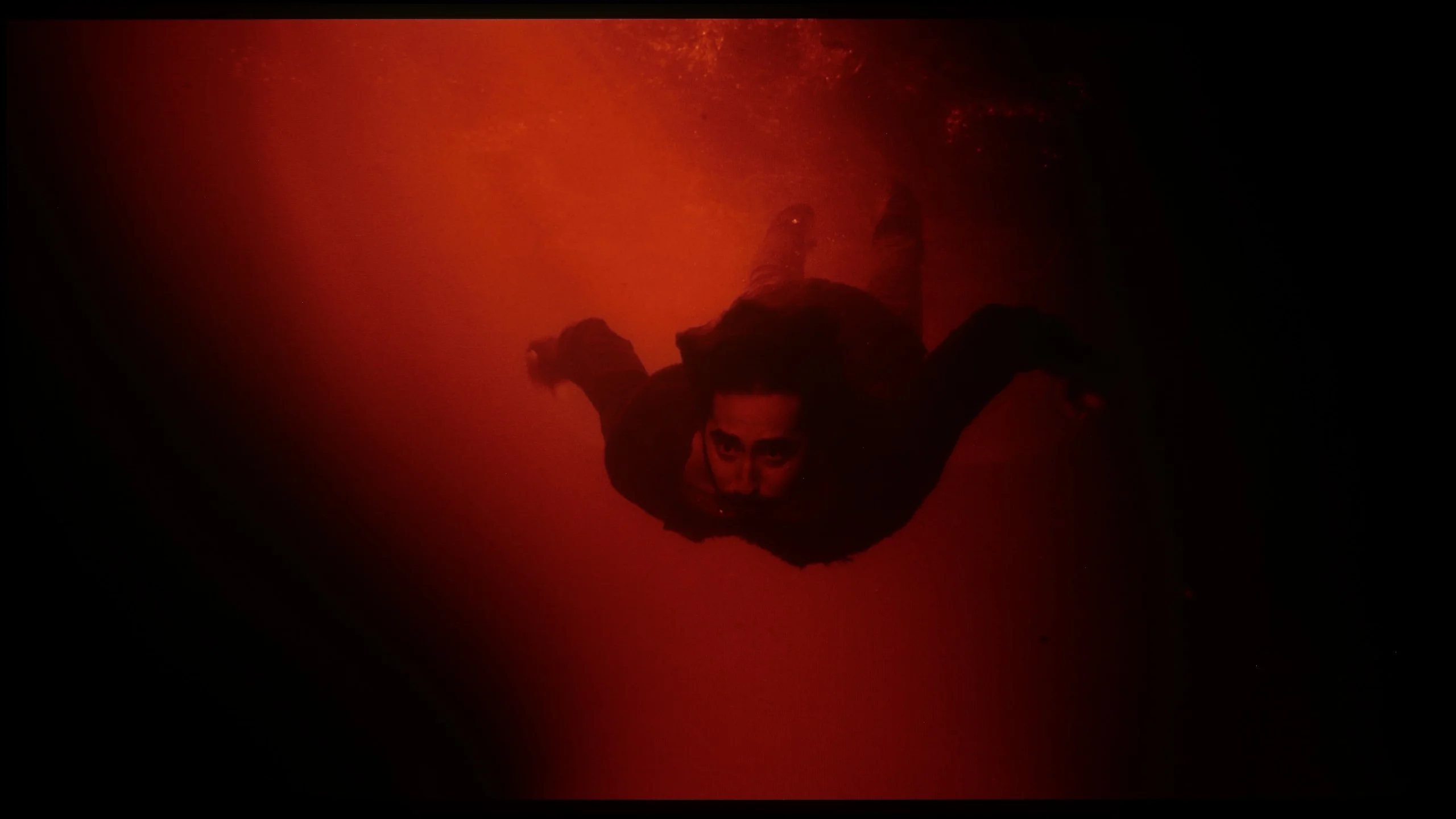
The photos show how movies look on the TV. Pay attention to black detail visibility, colors, and shadow tint.

The photos show how movies look on the TV. Pay attention to black detail visibility, colors, and shadow tint.

After calibration, the Sharp GP6765 television shows marked improvement in film mode, particularly in SDR content. The white balance now closely aligns with the reference line, offering more natural and true-to-life colour reproduction. While not perfectly straight, the results are still satisfactory for the price range, significantly enhancing the overall visual experience and immersion in movies. The colour gamut shows some improvement, with the initial jump in the graph persisting but being less noticeable, leading to a more consistent and enjoyable image.

For HDR content, while the white balance performs somewhat worse than in SDR, it is still a notable improvement compared to pre-calibration. The calibration ensures better colour consistency, though some shortcomings remain. As for contrast, no major gains were observed. The lack of control over dynamic tone mapping prevented significant improvement in EOTF, resulting in uneven brightness reproduction.

Despite some limitations, particularly in HDR content and dynamic tone mapping, the Sharp GP6765 reveals a more polished performance after calibration. The improved white balance and colour reproduction in SDR make it more visually appealing. While further refinement is needed, it still provides a satisfying visual experience, making it a strong contender in its price category.

After calibration the Philips OLED811 produces an image very close to the reference. We managed to even out the white balance and remove the subtle color cast visible in the factory settings. Errors in Color Checker measurements for SDR and HDR dropped to around 1 to 2, and many samples even fall below 1. That's a level at which it's hard to spot differences from the reference image with the naked eye. We also improved the gamma, and only in the brightest whites a slight brightening remains. In HDR the EOTF curve also stays close to the reference, although the TV still tends to slightly boost the brightness of small elements like stars or subtitles. That gives the image a bit of extra glow that shouldn't be there, but otherwise there's little to complain about. It was already good out of the box, and after calibration we managed to refine most of the remaining shortcomings.

Smoothness of tonal transitions

9.3/10

7.5/10

These are selected scenes that show smooth tonal transitions from one color to another. If you see distinct banding, it’s the TV panel’s fault.

These are selected scenes that show smooth tonal transitions from one color to another. If you see distinct banding, it’s the TV panel’s fault.

These are selected scenes that show smooth tonal transitions from one color to another. If you see distinct banding, it’s the TV panel’s fault.

These are selected scenes that show smooth tonal transitions from one color to another. If you see distinct banding, it’s the TV panel’s fault.

The fluidity of tonal transitions is one of the standout features of the Sharp GP6765 television. This model excels in this area, ensuring that immersion is never disrupted by poor colour transitions. In the tested film scenes, no significant issues were noted with the smooth shift between darker and lighter shades. Such effective colour-tone reproduction places this TV among the best available, particularly in terms of colour gradation. As a result, viewers can enjoy a more immersive and visually pleasing experience.

Compared with Philips’ previous OLEDs, the smoothness of tonal transitions has clearly improved. The biggest difference is visible in the dark parts of the image, which can give WOLED panels a lot of trouble. On the OLED811 they have been smoothed out very well; tones transition smoothly from one to another without obvious banding or visible steps. That’s a big plus, especially when watching dark scenes. Unfortunately, it’s not as good in brighter scenes. This is where we have the biggest reservations: instead of smooth transitions between tones you can sometimes see distinct boundaries, a posterization effect. It can be noticeable, and it’s a shame that the improvement seen in dark scenes didn’t extend to the bright areas to the same degree.

Image scaling and smoothness of tonal transitions

6.6/10

6.8/10

Image without overscan on the SD signal
OK
OK
Smooth transition function
OK
OK

Smooth transition function

The match photo shows how the TV smooths weak tonal transitions in low-quality video.

Image scaling SD (576i)

The model photo shows how it handles upscaling of SD material.

The Sharp GP6765 television delivers solid performance with its "10-bit colour reproduction" feature, particularly in the tested scene featuring light bulbs. Setting this option to "medium" provides satisfactory results, with no issues related to grain smoothing or the blurring of important image elements. Even the "low" setting performs well, delivering a clear image without compromising detail. These transition smoothing options enhance visual quality by providing more natural colour transitions.

In terms of image scaling, the Sharp GP6765 shows strengths, such as the absence of overscan when displaying test material. This ensures viewers can enjoy the full image without losing edge details. However, some weaknesses were noted in a tested scene featuring a model. Elements such as branches or trousers appear slightly jagged, indicating a lack of effective edge-smoothing techniques. This can cause certain details to look distorted, impacting the overall viewing experience.

The OLED811 handles lower-quality content reasonably well, though it's far from perfect. The "Artifact Reduction" feature helps smooth tonal transitions and on the low setting delivers a pretty good result. It doesn't remove banding between shades as effectively as similar solutions from some competitors, but at least it doesn't introduce new artifacts. That's a sensible setting for everyday viewing. Still, there's some disappointment, because the MediaTek Pentonic 800 chip used here can, in other manufacturers' implementations, deal more effectively with heavy compression even at similarly low settings. A lot therefore depends on how each manufacturer uses its capabilities. We have a few more reservations about the 4K upscaling itself. There is plenty of detail, but the overall image looks fairly soft. Edges are heavily smoothed, which robs the picture of some sharpness and clarity. You can partly correct that with the sharpness slider in the menu, though that will just emphasize outlines rather than recover detail. On the plus side, there is no overscan, so even with an SD signal the TV does not crop the edges of the picture.

Blur and motion smoothness

4.6/10

8.5/10

Maximum refresh rate of the panel
60Hz
165Hz
Film motion smoothing option
OK
OK
Blur reduction option
No
OK
BFI function 60Hz
No
No
BFI function 120Hz
No
No
Brightness drop with BFI
-%
-%

Blur (native resolution, maximum refresh rate):

Blur ():

Blur (4K@165Hz ):

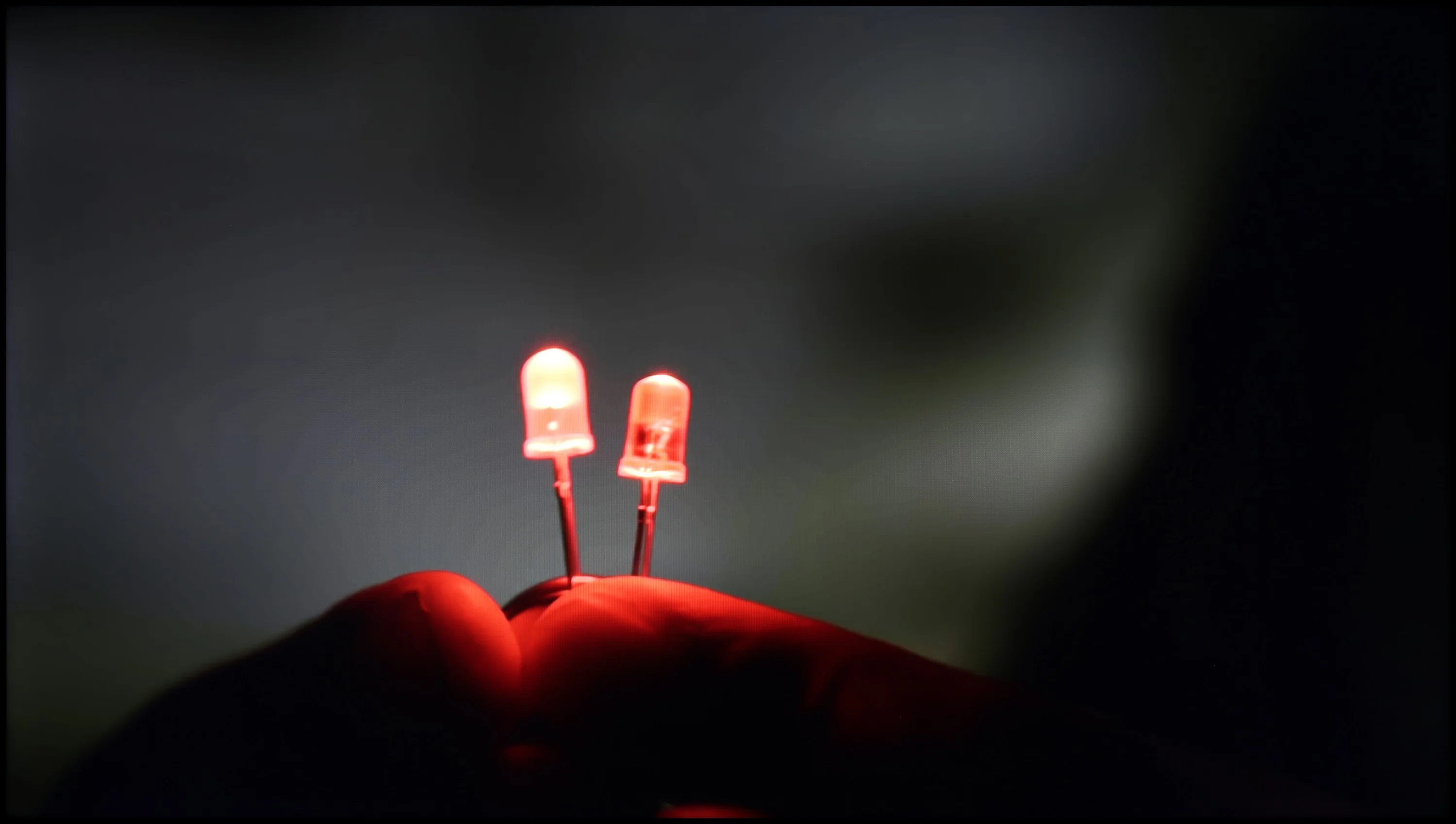
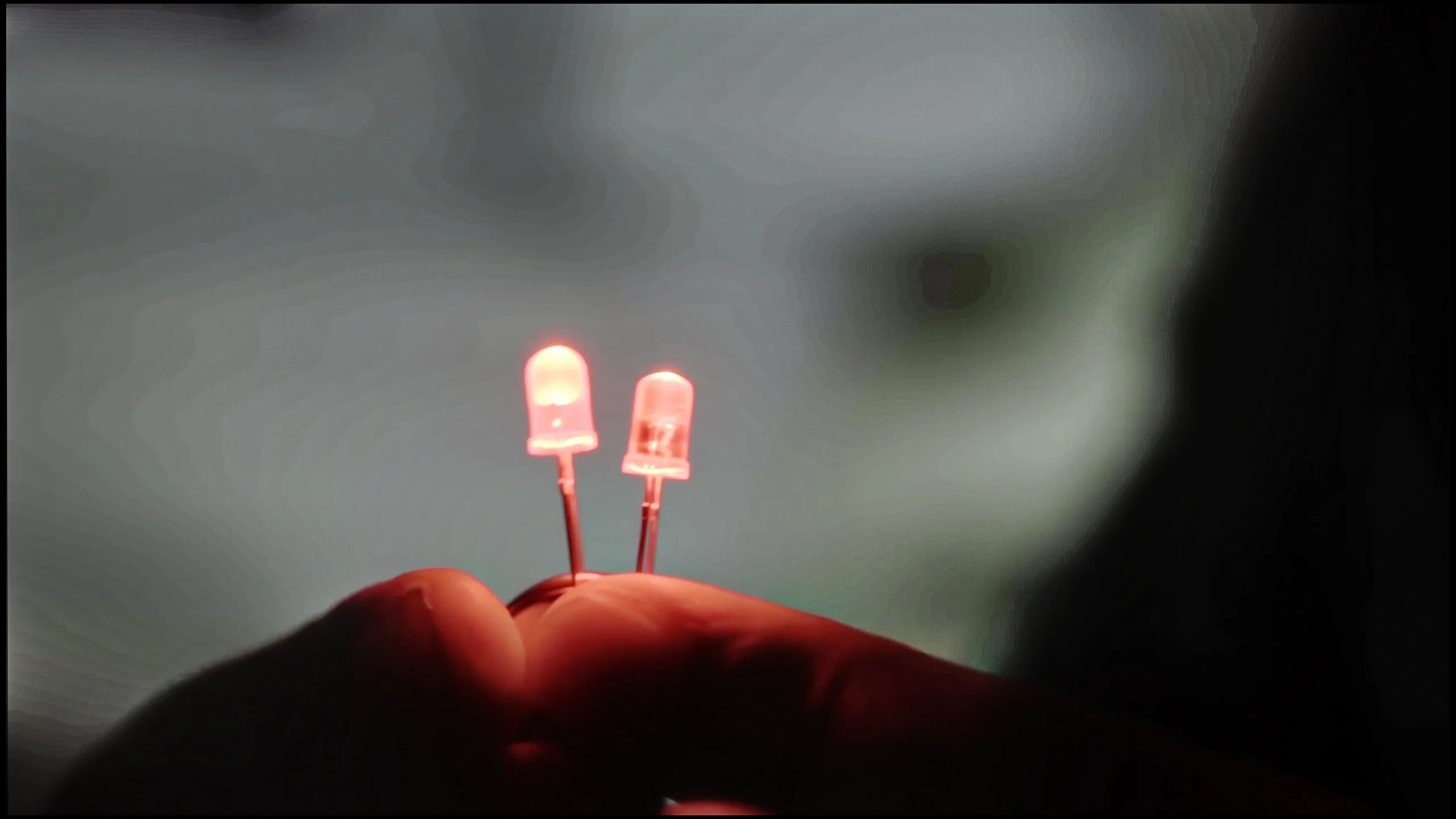
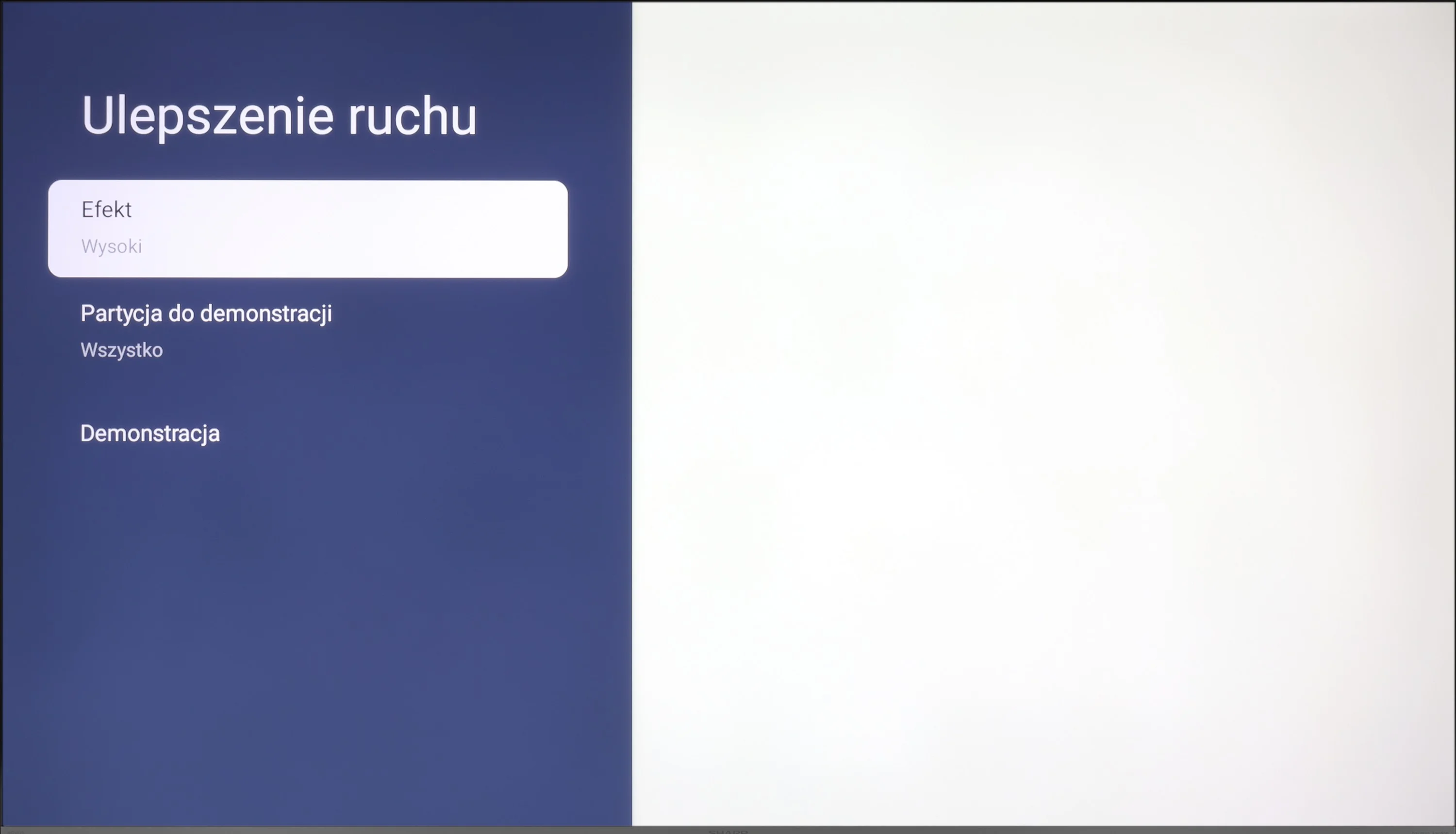
When it comes to motion blur and movement fluidity, the Sharp GP6765 TV offers rather average performance. Equipped with a 60 Hz panel, it handles movies adequately. The TV includes a motion smoother called "Motion Enhancement," which allows users to control motion fluidity, enabling a choice between visible film frame interpolation or a smoother, more theatrical appearance. This feature should meet the needs of most users focused on movie viewing.

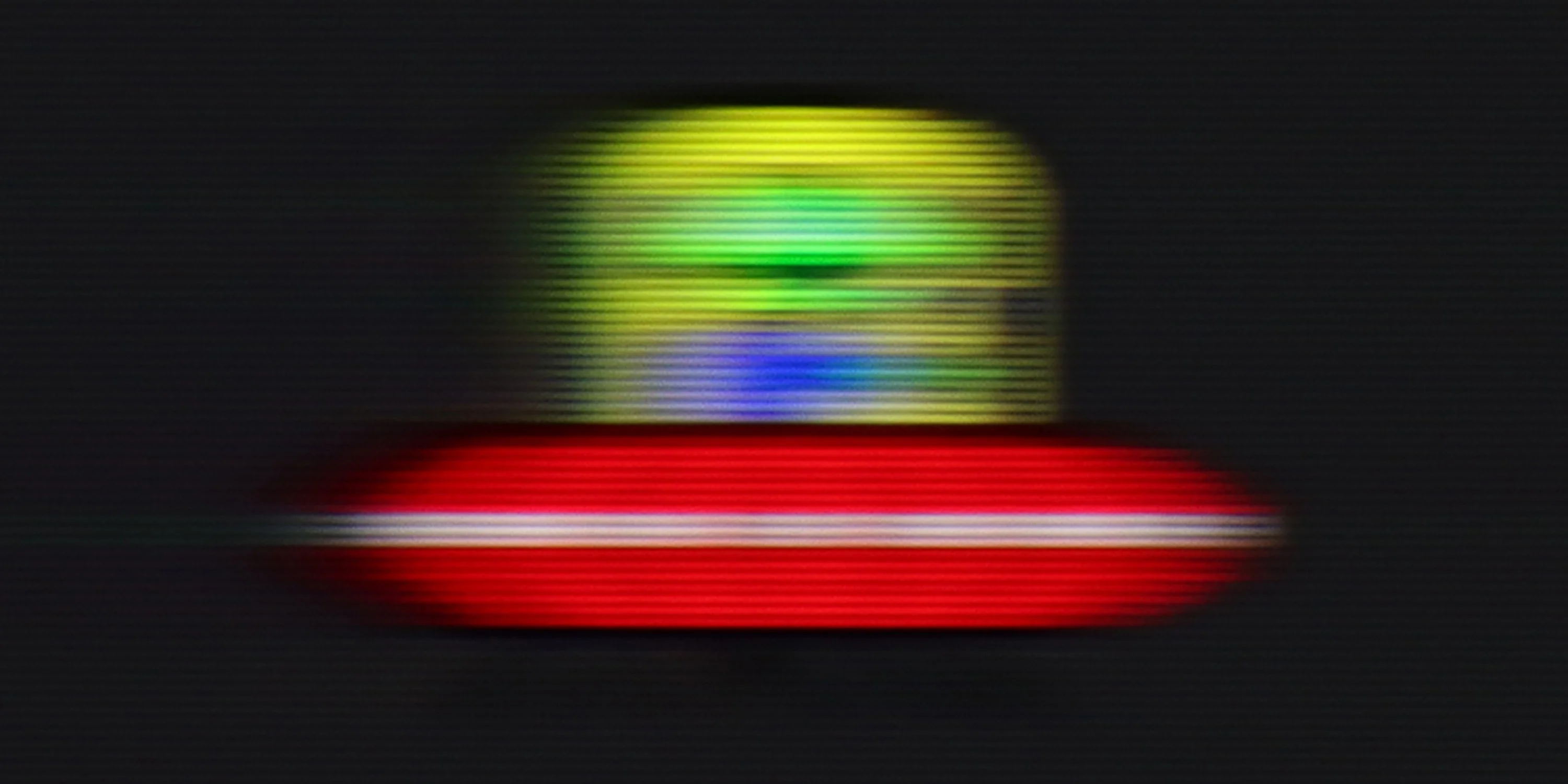
However, the TV's performance falls short in sports or gaming. In the tested UFO alien scene, noticeable blurriness indicates that the panel's low response time negatively impacts the sharpness of moving objects. This issue becomes particularly evident during dynamic sequences, where rapid movements are frequent. For viewers who enjoy sports or fast-paced video games, these limitations in motion handling can be off-putting, making the Sharp GP6765 less suitable for such content.

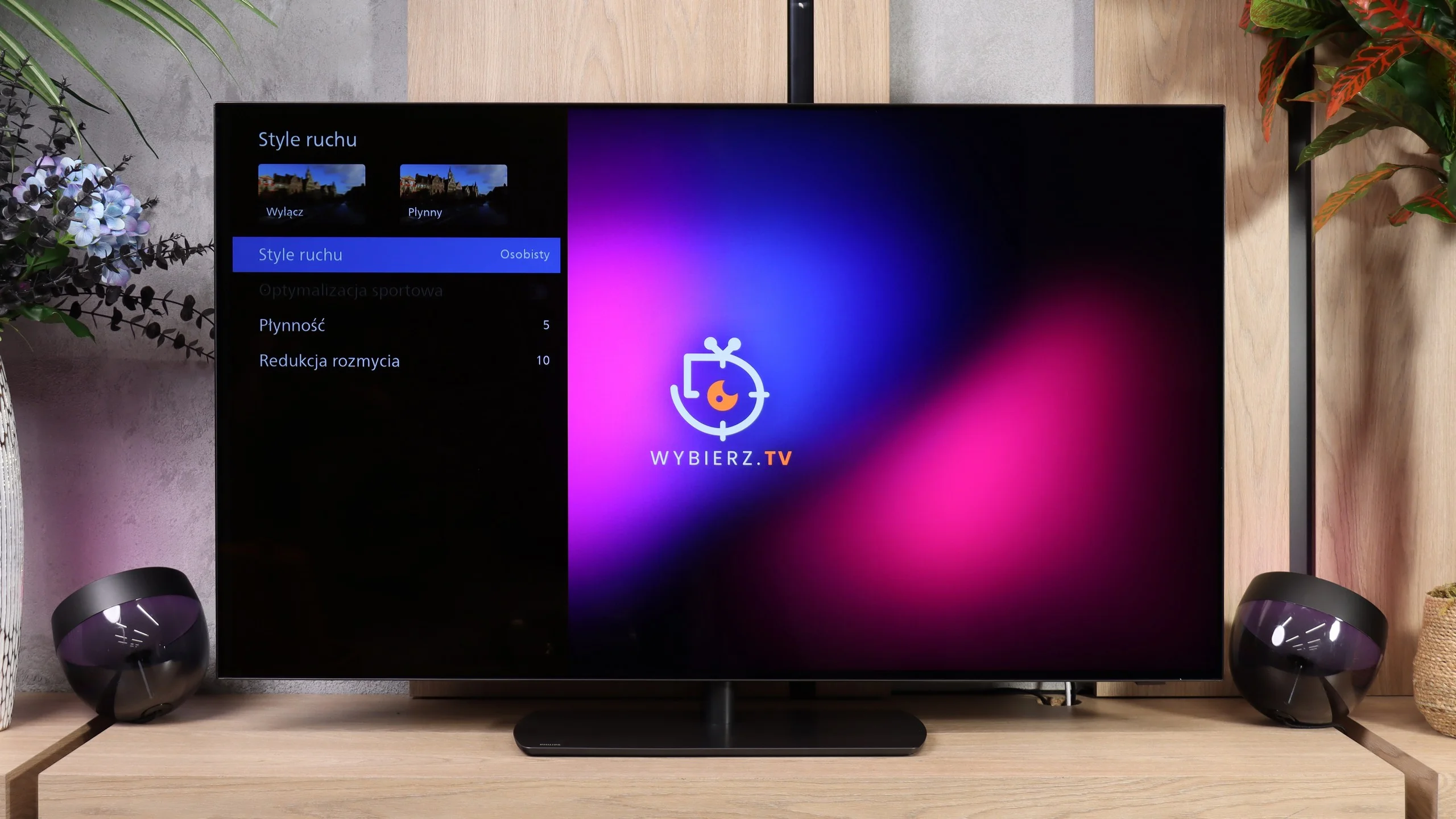
In terms of motion handling, the OLED811 performs excellently. At 120 Hz, which is useful for console gaming and watching sports, the image stays clear and moving objects don’t leave noticeable trails. The fast response of OLED pixels helps here; you can see it clearly in the UFO test, even on dark backgrounds. There are also motion-smoothing controls. For movies you can adjust the strength of smoothing to your taste, ranging from preserving a cinematic feel to much smoother motion. A separate motion blur reduction control is useful for fast-paced content like live sports broadcasts.

Console compatibility and gaming features

3/10

9.5/10

  • ALLM
    Yes
    Yes
  • VRR
    No
    Yes
  • VRR range
    No
    48 - 165Hz
  • Dolby Vision Game Mode
    Warning Yes, high input lag
    Warning Yes, high input lag
  • Correct implementation of HGIG
    No
    Yes
  • 1080p@120Hz
    No
    Yes
  • 1440p@120Hz
    No
    Yes
  • 4K@120Hz
    No
    Yes
  • Game bar
    No
    Yes

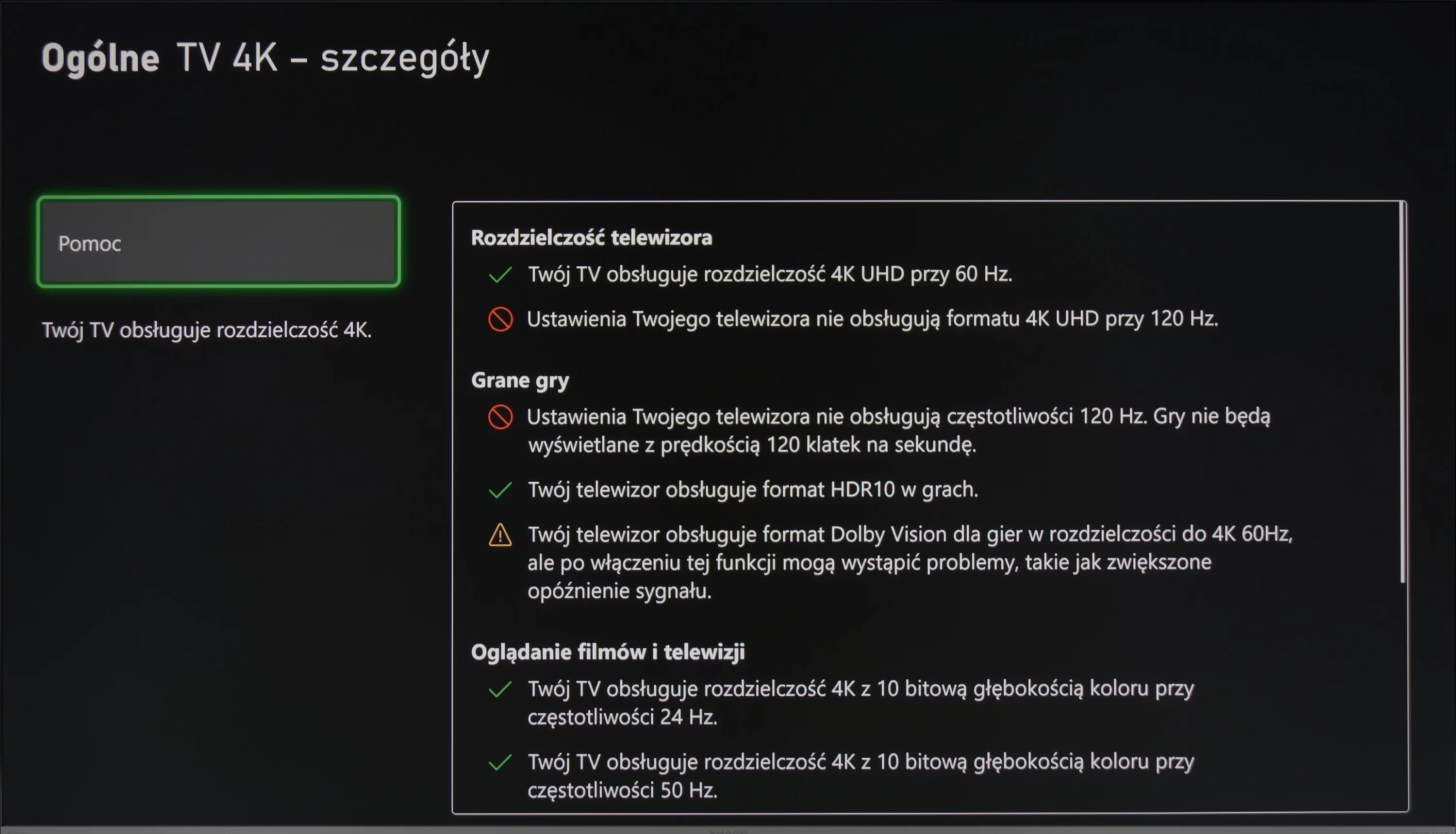
The gaming functionality of the Sharp GP6765 leaves much to be desired. Although this model includes HDMI 2.1 ports, which theoretically promise modern features, the reality is far less impressive. The only feature that takes advantage of this standard is Auto Low Latency Mode (ALLM). Unfortunately, the absence of key functionalities such as Variable Refresh Rate (VRR) and HDR Gaming Interest Group (HGIG) significantly limits its appeal to gamers. VRR is crucial for eliminating screen tearing and stuttering, particularly in dynamic games where fluidity is essential. Similarly, HGIG ensures optimal HDR mapping, enhancing visual quality and immersion. While Dolby Vision might seem like a benefit, it proves useless for gaming due to the very high input lag in this mode.

The inclusion of HDMI 2.1 ports in the Sharp GP6765 feels like a marketing ploy, potentially misleading users into believing that the standard automatically provides all its associated benefits. Gamers expecting full functionality from HDMI 2.1 are likely to be disappointed.

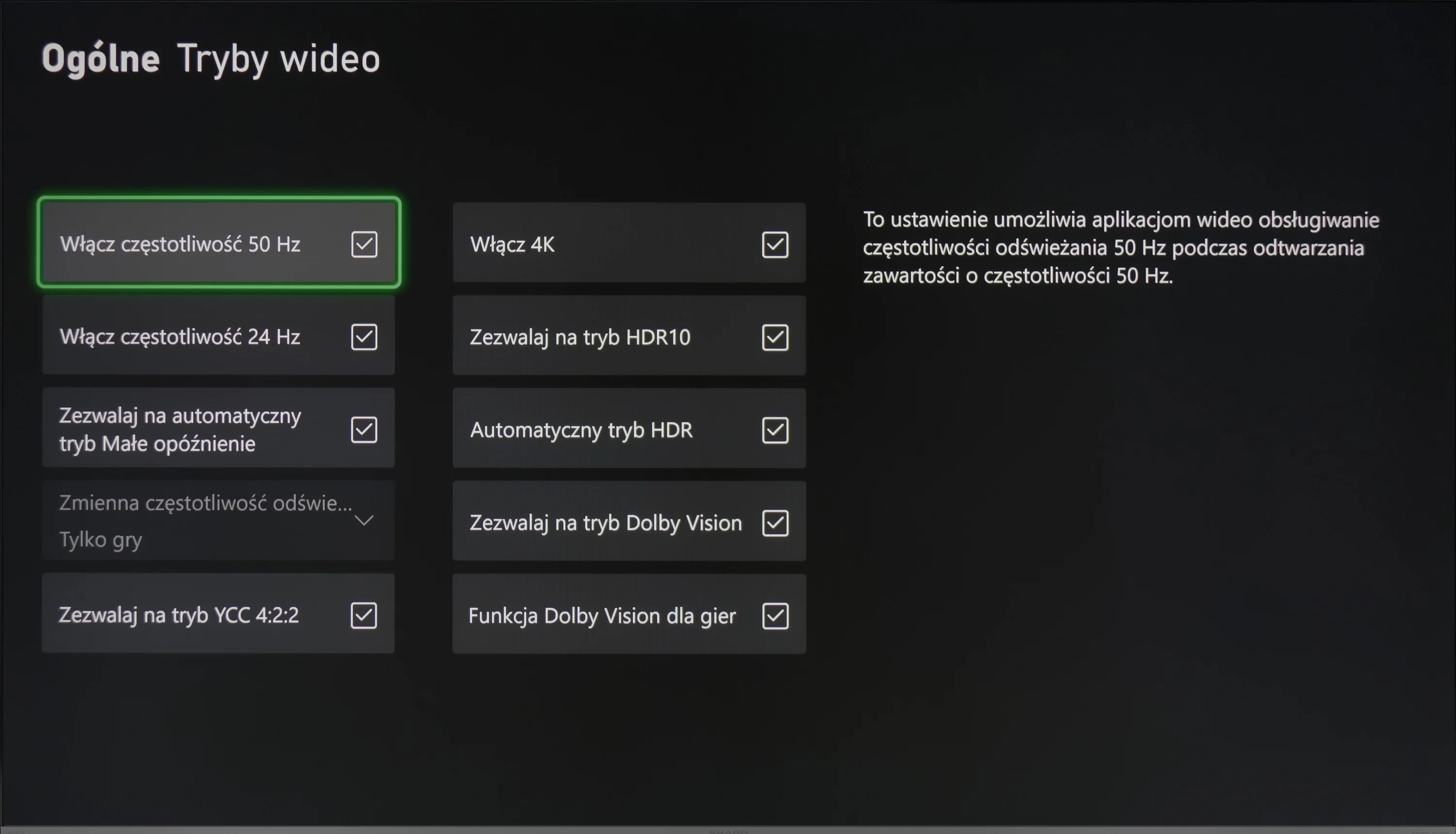
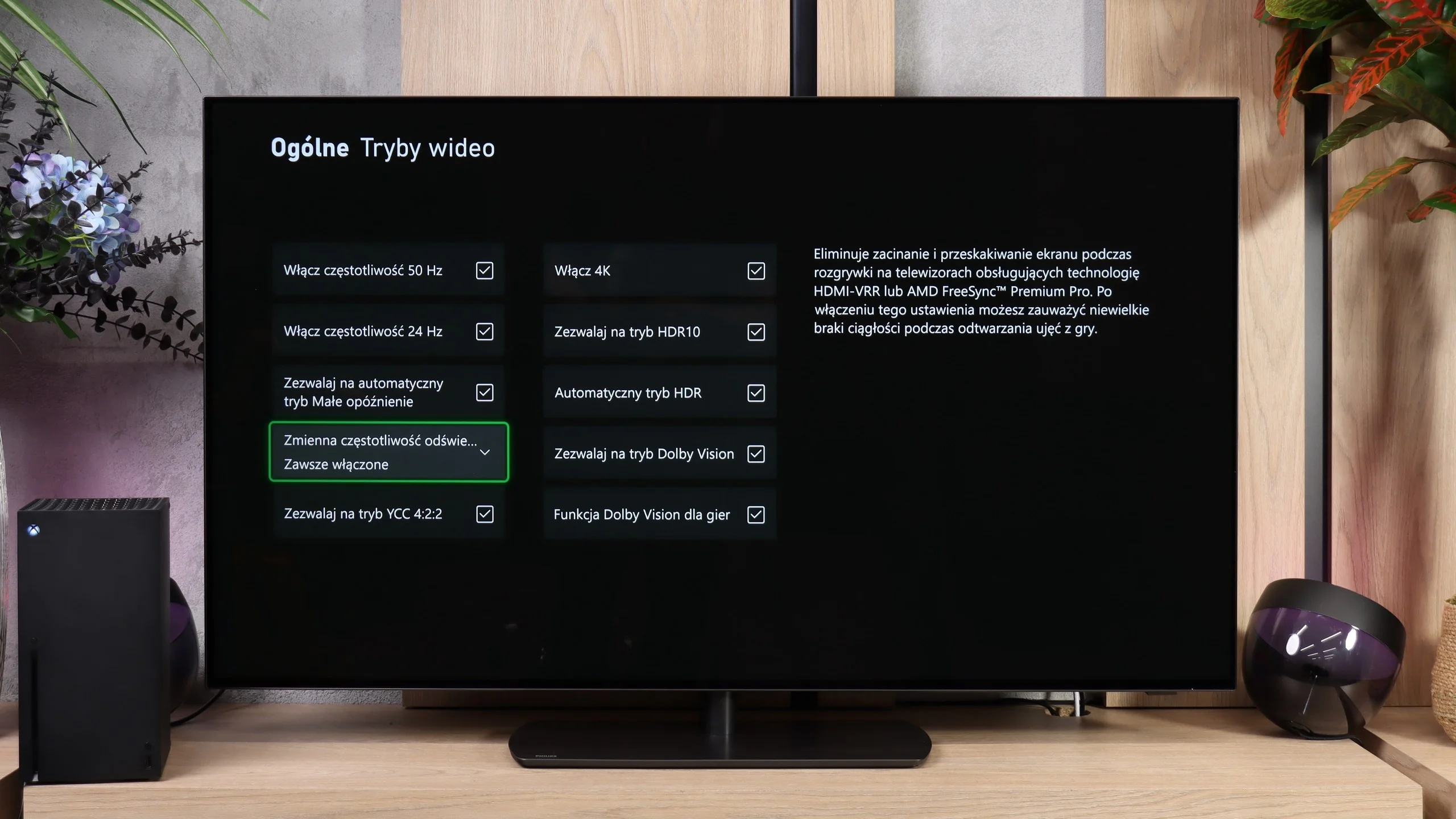
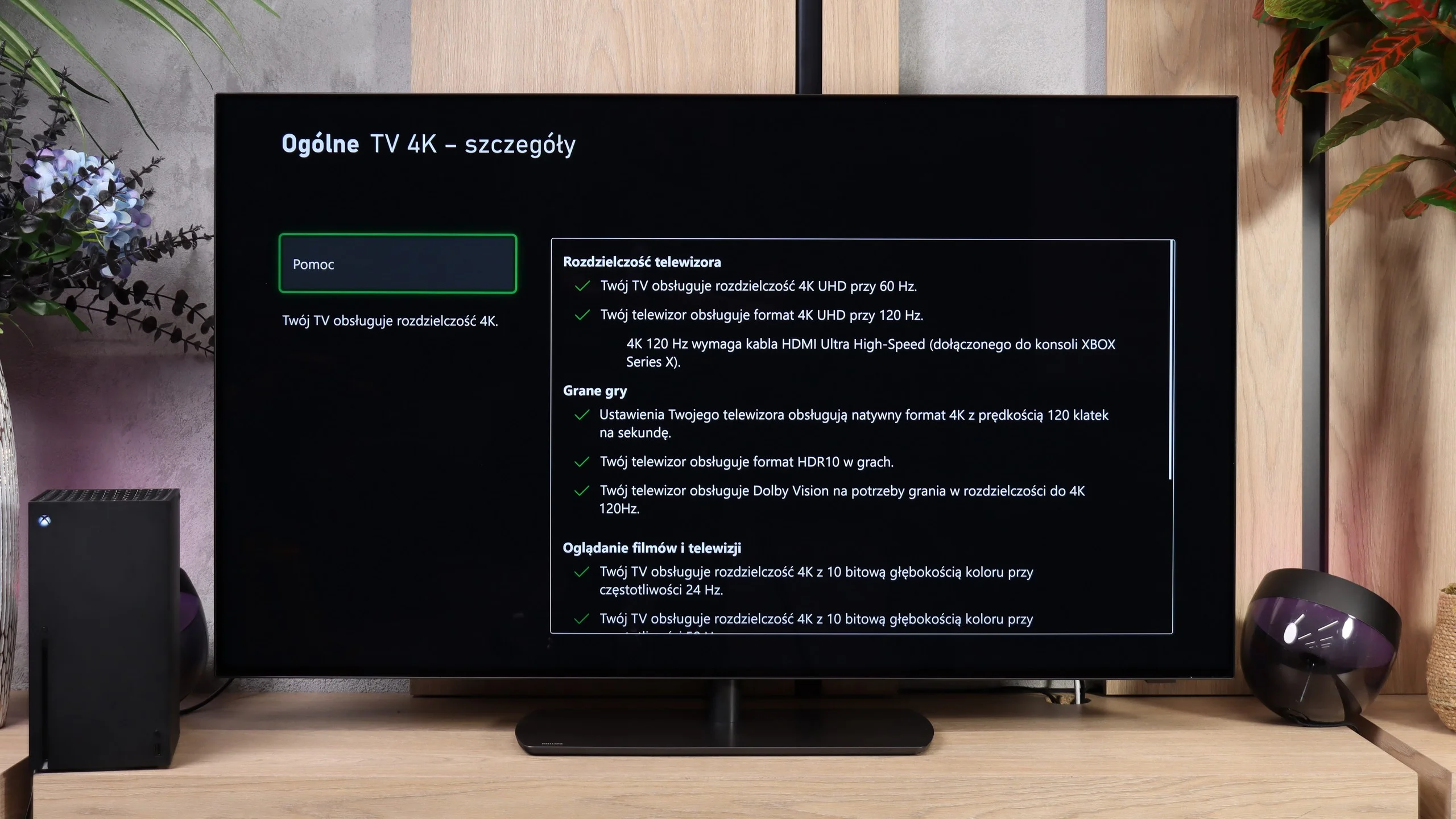
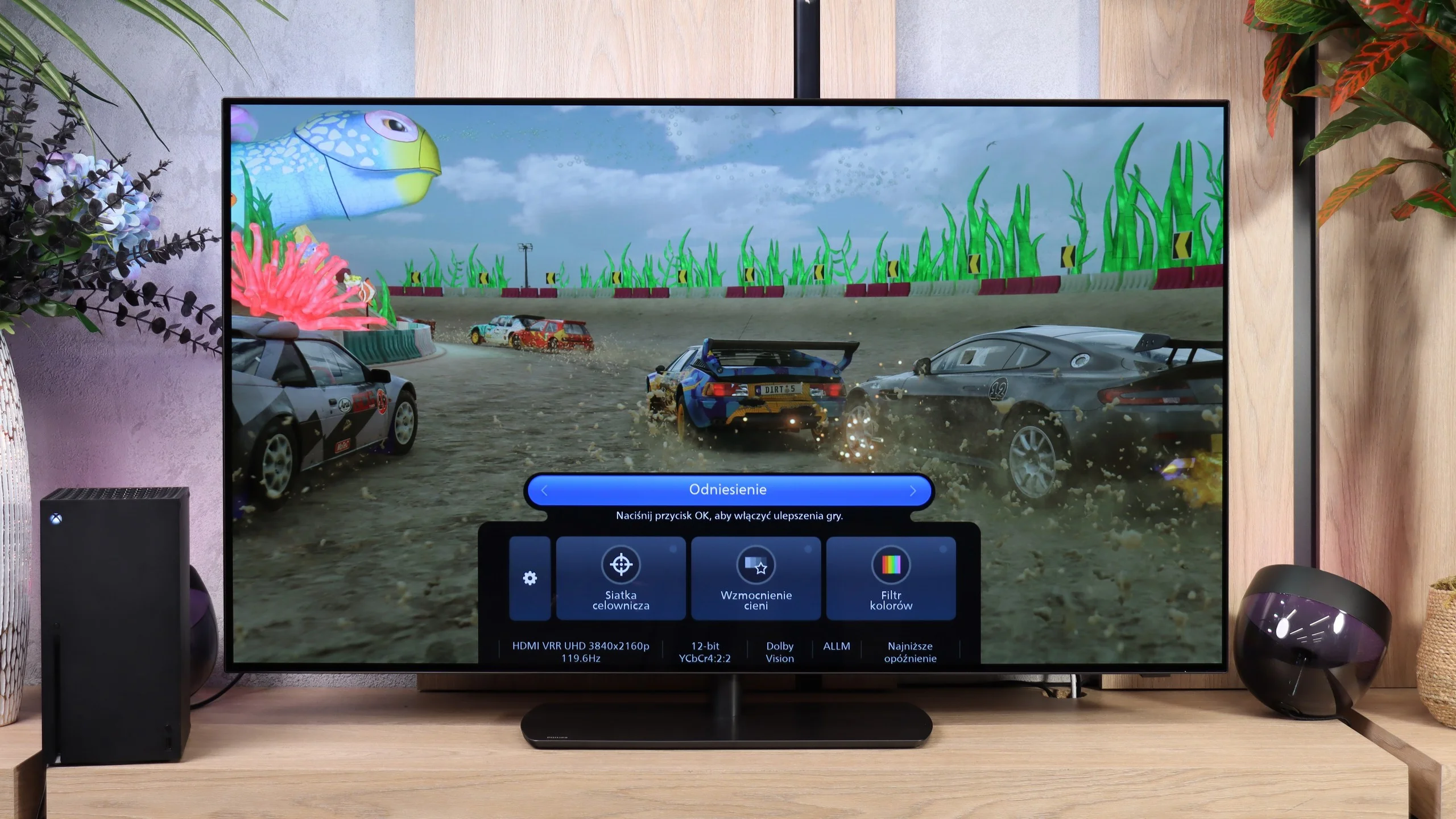
OLED811 has almost everything you could expect from a gaming TV. It supports 120 Hz at Full HD, 1440p and 4K resolutions, and when connected to a PC can reach 165 Hz. It also has VRR, which helps avoid screen tearing with variable frame rates, and ALLM, which automatically switches to game mode. So you don't have to dig into the settings every time you power up your console.

HGiG also works correctly, so once you enable HDR on the console the TV doesn't apply its own brightness adjustments. There's also a Game Bar that lets you check signal parameters and quickly change settings useful while gaming. The list even includes Dolby Vision for games, but there's a significant catch, which you'll read about below.

Input lag

8.6/10

8.8/10

SDR

1080p60
13 ms
14 ms
1080p120
5 ms
2160p60
13 ms
14 ms
2160p120
5 ms

HDR

2160p60
13 ms
14 ms
2160p120
5 ms
4320p60

Dolby Vision

2160p60 DV
120 ms
157 ms
2160p120 DV
57 ms

The Sharp GP6765 excels in input lag, achieving impressive results in both SDR and HDR modes. With an input lag of just 13 ms, this television is well-suited for gamers prioritising quick response times and precise control. Such low input lag ensures smooth, seamless gaming experiences, which are essential in fast-paced scenarios.

However, the Dolby Vision mode falls short for gaming purposes, with an input lag of 120 ms. This is substantially higher than the other modes and can result in noticeable delays, particularly frustrating during action-packed or racing games. While the overall performance is strong, this limitation makes Dolby Vision less practical for gaming enthusiasts.

OLED811 responds instantly. We measured 14 ms at 60 Hz and just 5 ms at 120 Hz, both in Full HD and 4K. Those are excellent results that let you comfortably play even fast-paced online titles. Unfortunately, enabling Dolby Vision changes things dramatically: at 60 Hz latency rises to 157 ms, and at 120 Hz it’s 57 ms. The first value in particular already means a clearly noticeable delay between input on the controller and the on-screen response. For gaming it’s definitely better to stick with HDR10.

Compatibility with PC

6/10

8.6/10

Chroma 444 (max. resolution and refresh rate)
Yes
Yes
Font clarity
Very Good
Good
Readability of dark text and shapes
Very Good
Very Good
Input lag in PC mode (4K, max. refresh rate)
13ms
5ms
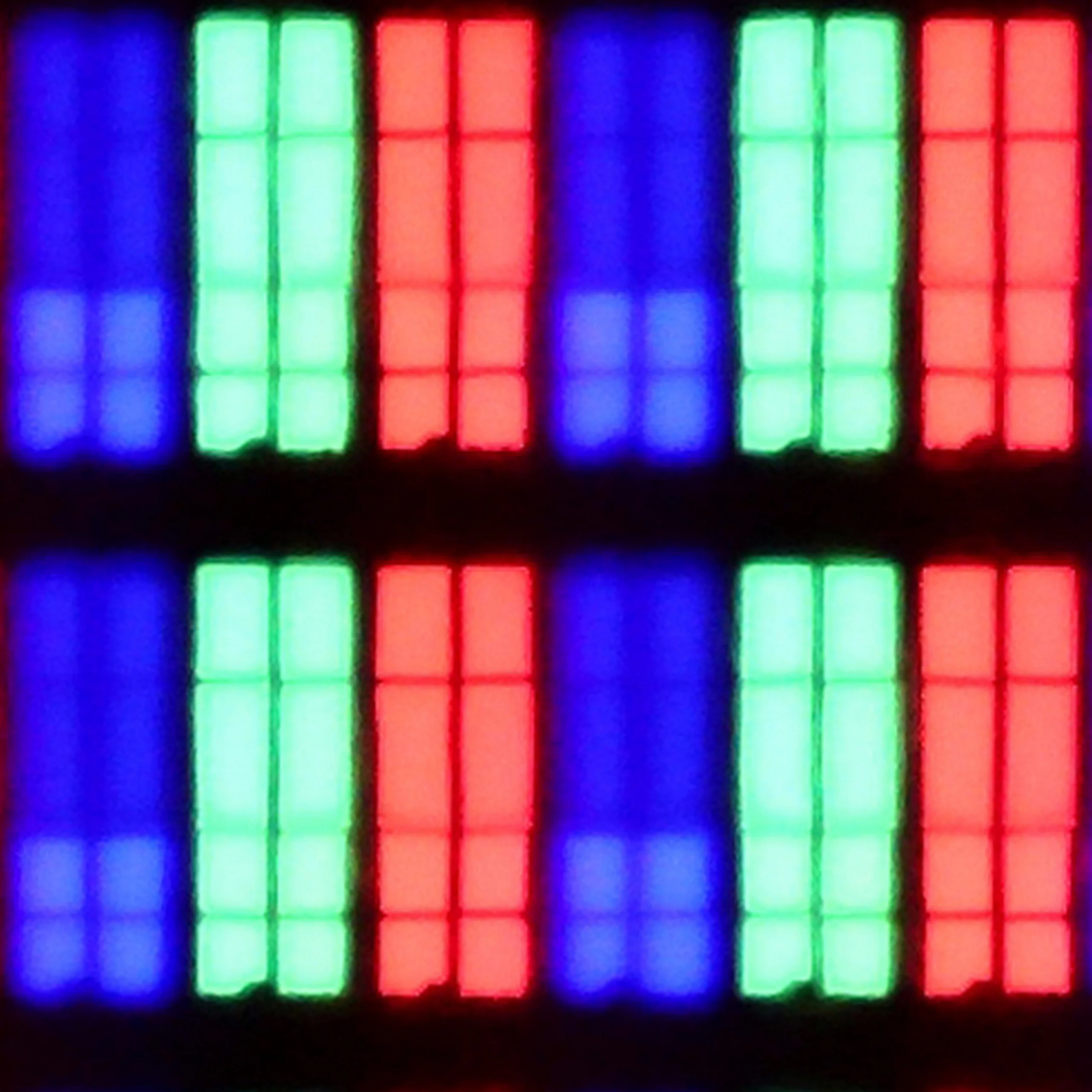
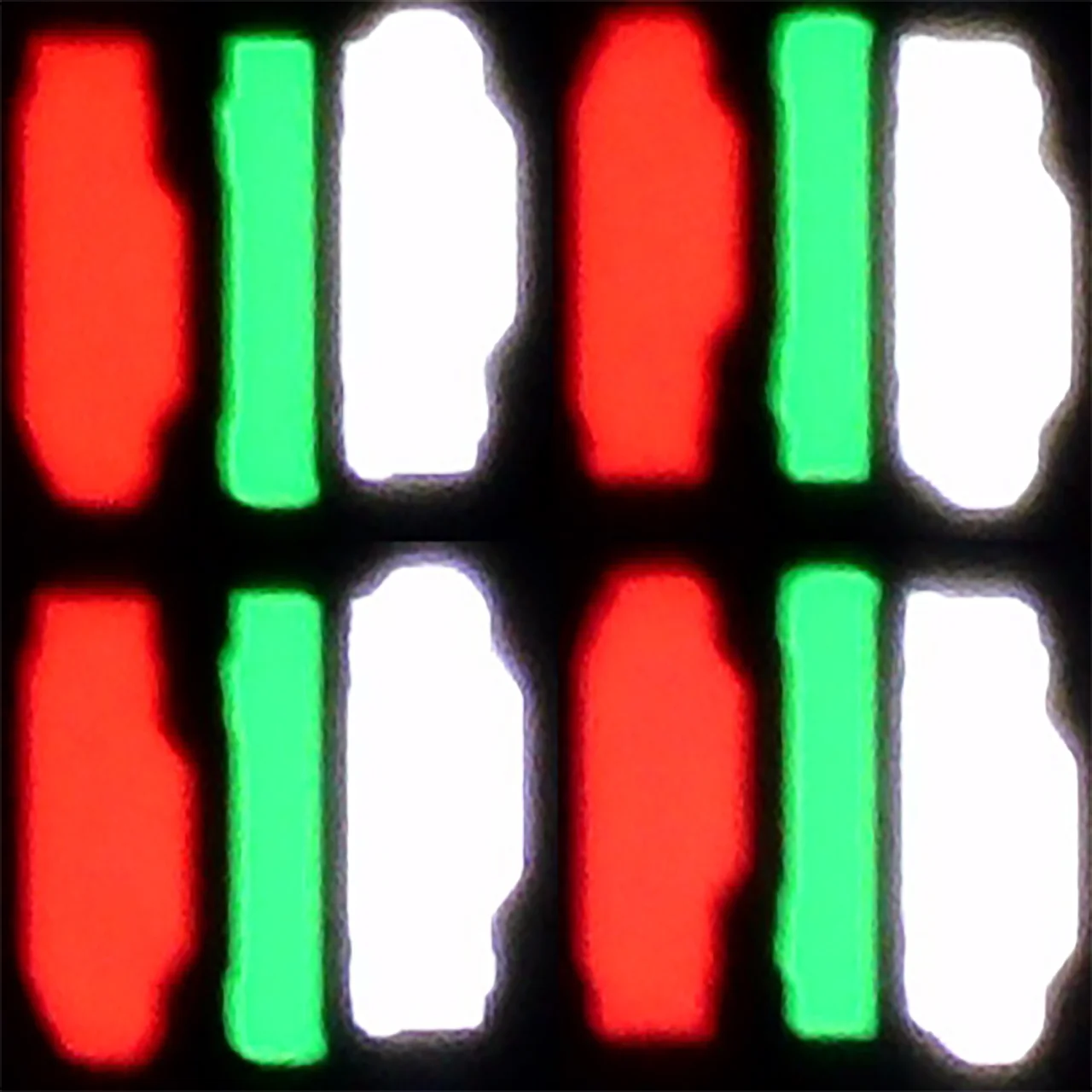
Matrix subpixel arrangement
BGR
RGWB
Max refresh rate
60Hz
165Hz
G-Sync
No
Yes

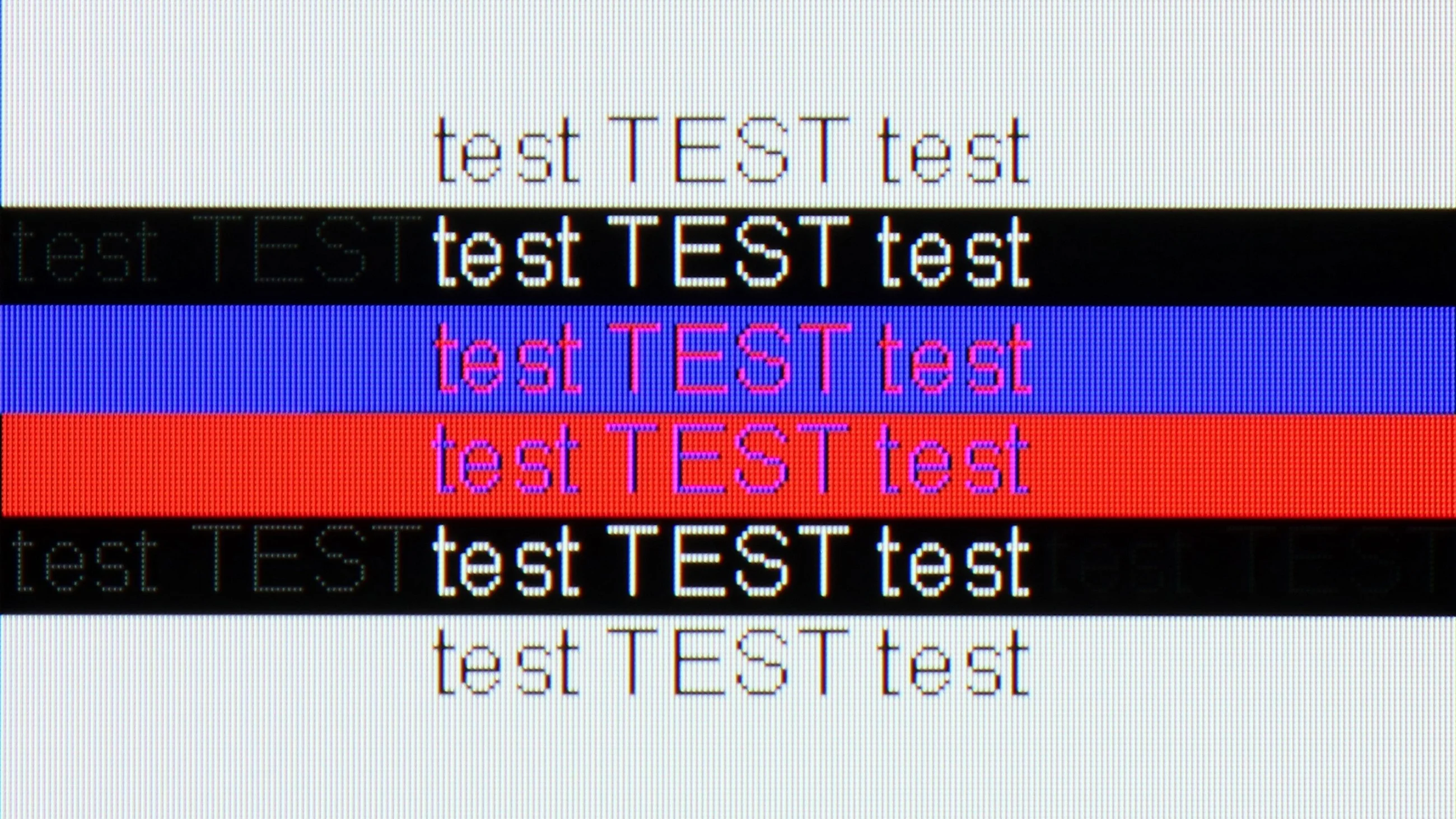
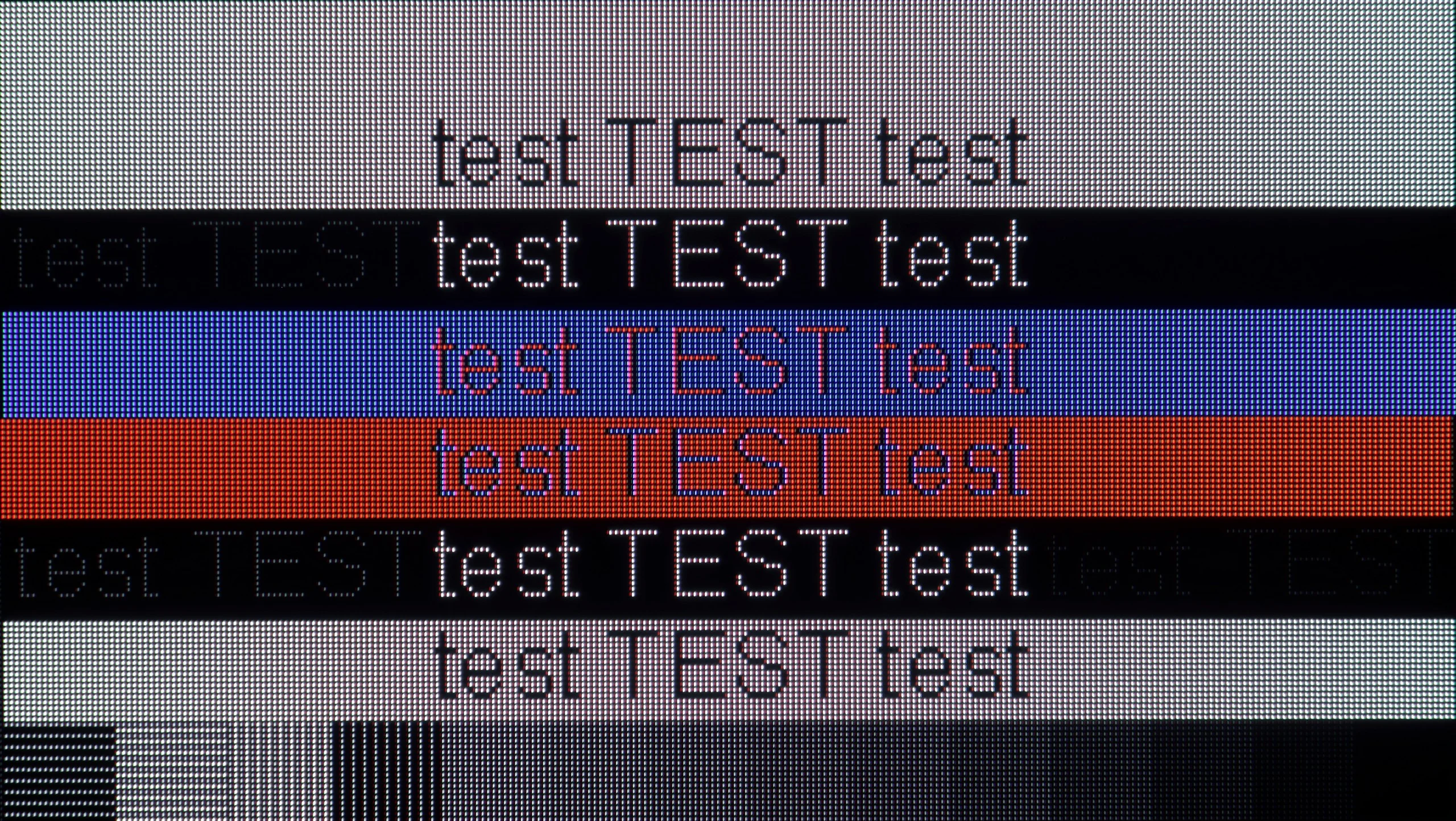
The photo shows the legibility of small fonts. Ideally, lines should be the same thickness on both light and dark text, with minimal pixel gaps.

The Sharp GP6765 is an excellent choice for working with a computer, earning a commendable 9/10 rating. With support for chroma 4:4:4, it ensures excellent font clarity, making activities such as web browsing, office tasks, or watching multimedia content effortless and enjoyable. The television also handles dark shapes well, maintaining visibility even in various lighting conditions, which adds to the overall comfort during extended use.

Another standout feature is the low input lag of just 13 ms in PC mode. This quick response time provides a smooth and responsive experience, which is particularly valuable for intense computer gaming or other demanding applications.

Philips OLED811 works very well with a computer. The manufacturer finally managed to correctly implement 4:4:4 chroma even at maximum resolution and refresh rate. That means small text and colored outlines are legible, without blurring or the rainbow fringing that results from loss of color information. Dark text on dark backgrounds also performs well, which TVs can struggle with. There are still minor imperfections related to the RGWB subpixel layout. Fonts aren't as sharp as on a classic RGB monitor, and with white letters you can see subtle red outlines up close. From a normal viewing distance you hardly notice it, though sitting close to the screen at a desk makes it easier to spot.

The most fun, though, is PC gaming. The combination of 4K at 165 Hz, working G-Sync, and input lag around 5 ms makes the OLED811 excellent for that. If you have a computer that can take advantage of that refresh rate, it's definitely worth hooking it up to the Philips TV.

Viewing angles

2.8/10

7.8/10

Brightness drop at an angle of 45 degrees
65%
32%

The Sharp GP6765 television has noticeable limitations in its viewing angles, a common drawback of VA panels. While these panels excel in delivering good contrast and deep blacks, their performance drops significantly when viewed from the side. Brightness and colour saturation diminish, resulting in visible distortions. This can pose challenges in group settings, where viewers seated at an angle may find colours appearing washed out and contrast reduced, detracting from the overall visual experience.


For solo viewing or use in a small group, this limitation is unlikely to be a major concern. However, for larger gatherings or family movie nights, the restricted viewing angles could prove disappointing.

Viewing angles on the OLED811 are excellent and among the best on the market. Even sitting well off to the side, you still see the picture with deep blacks and well-saturated colors. That's a big advantage over LCD screens: you don't have to sit exactly in front to enjoy good picture quality.

QD-OLED panels perform even better, preserving colors more accurately at an angle. On the Philips, at wider viewing angles whites shift slightly toward a greenish tint, but the effect is so minor that it's hard to find it bothersome while watching. We'd even say that in this respect we encountered the best WOLED unit we've tested so far.

Daytime performance

3.9/10

6/10

Panel finish
Satin
Glare
Reflection suppression
Average
Decent
Black levels during daytime
Good
Very Good

Panel brightness

Philips OLED811: 392 cd/m2

Sharp GP6765: 265 cd/m2

The Sharp GP6765 television delivers average performance for daytime viewing. Despite featuring a satin panel, it struggles with reflections from bright objects, which can pose issues in well-lit environments. Its maximum brightness of just 265 nits limits its suitability for such conditions, as images may appear washed out and lack clarity. This can lead to a loss of contrast and detail, making it less ideal for use in brighter rooms.

For those planning to watch movies or TV shows during the day or in well-lit spaces, this model may not meet expectations. Alternative televisions with higher brightness levels and better resistance to reflections would be a more suitable choice.

OLED811 handles daytime viewing fairly well, though in a very bright living room it already has its limits. Maximum SDR brightness reaches about 600 nits, comparable to the LG C6 or the Samsung S90H, which use the same panel. That's noticeably higher than basic OLEDs and will be more than enough for most people. Keep in mind, however, that this brightness isn't maintained across the whole screen; with a lot of white it drops, and the average of our measurements was about 392 nits.

Direct reflections from windows or lamps can be a bigger problem. The glossy coating reduces them reasonably well, but you can still see them clearly on the screen, especially in dark scenes. It doesn't diffuse them as effectively as matte screens, so placing the TV opposite a large window isn't the best idea. On the plus side, black levels remain very good during the day. In a typical living room the Philips will perform without major issues, but if strong sunlight falls directly on the screen, you'll want blinds.

Panel details

Backlight Type
PFS LED
WRGB OLED
Software version during testing
04:10:39
TPM267E_V167.002.054.151
Image processor
m7632 2gb ram

Subpixel Structure:

Panel uniformity and thermal imaging:

Review Sharp GP6765 TV Panel details
Review Philips OLED811 TV Panel details

Sharp GP6765

Philips OLED811

TV features

6.3/10

7.9/10

  • System
    Google TV
    Titan OS
  • System performance
    Average
    Good
  • HDMI inputs
    4 x HDMI 2.0, 0 x HDMI 2.1
    0 x HDMI 2.0, 4 x HDMI 2.1 48Gbps
  • Other inputs
    RCA (Chinch)
  • Outputs
    Toslink (Optical audio), eARC (HDMI), ARC (HDMI), Mini-Jack (Headphones)
    Toslink (Optical audio), eARC (HDMI), ARC (HDMI), Mini-Jack (Headphones)
  • Network Interfaces
    Wi-Fi 2.4GHz, Wi-Fi 5GHz, Ethernet (LAN) 100Mbps
    Wi-Fi 2.4GHz, Wi-Fi 5GHz, Ethernet (LAN) 100Mbps
  • TV reception
    DVB-T, DVB-T2, DVB-S, DVB-S2, DVB-C
    DVB-T, DVB-T2, DVB-S, DVB-S2, DVB-C

Classic features:

  • Recording to USB (terrestrial TV)
    No
    No
  • Recording programming
    No
    No
  • Picture in Picture (PiP)
    No
    No
  • RF remote control (no need to aim)
    Yes
    No
  • Backlit remote control
    No
    Yes
  • Teletext
    Yes
    Yes
  • Audio only mode
    Yes
    Yes
  • Bluetooth headphones support
    Yes
    Yes
  • Simultaneous Bluetooth headphones & TV audio
    No
    Yes

Smart features:

  • AirPlay
    No
    Yes
  • Screen mirroring (Windows Miracast)
    Yes
    Yes
  • Voice search
    Yes
    Yes
  • Voice search in native language
    Yes
    Yes
  • Ability to connect a keyboard and mouse
    Yes
    Yes
Review Sharp GP6765 TV features
Review Philips OLED811 TV features

Sound connection options

  • HDMI audio
    eARC (HDMI), ARC (HDMI)
    eARC (HDMI), ARC (HDMI)
  • Other audio outputs
    Toslink (Optical audio), Mini-Jack (Headphones)
    Toslink (Optical audio), Mini-Jack (Headphones)
  • Wireless audio
    Bluetooth
    Bluetooth

Supported audio formats (external HDMI eARC audio):

  • Dolby Digital Plus 7.1
    Yes
    Yes
  • Dolby True HD 7.1
    Yes
    Yes
  • Dolby Atmos in Dolby Digital Plus (JOC)
    Yes
    Yes
  • Dolby Atmos in Dolby True HD
    Yes
    Yes
  • DTS:X in DTS-HD MA
    Yes
    Yes
  • DTS-HD Master Audio
    Yes
    Yes

Senior accessibility

  • Numeric keyboard on TV
    No
    Yes
  • Font size adjustment
    No
    Yes
  • Audio description
    No
    Yes

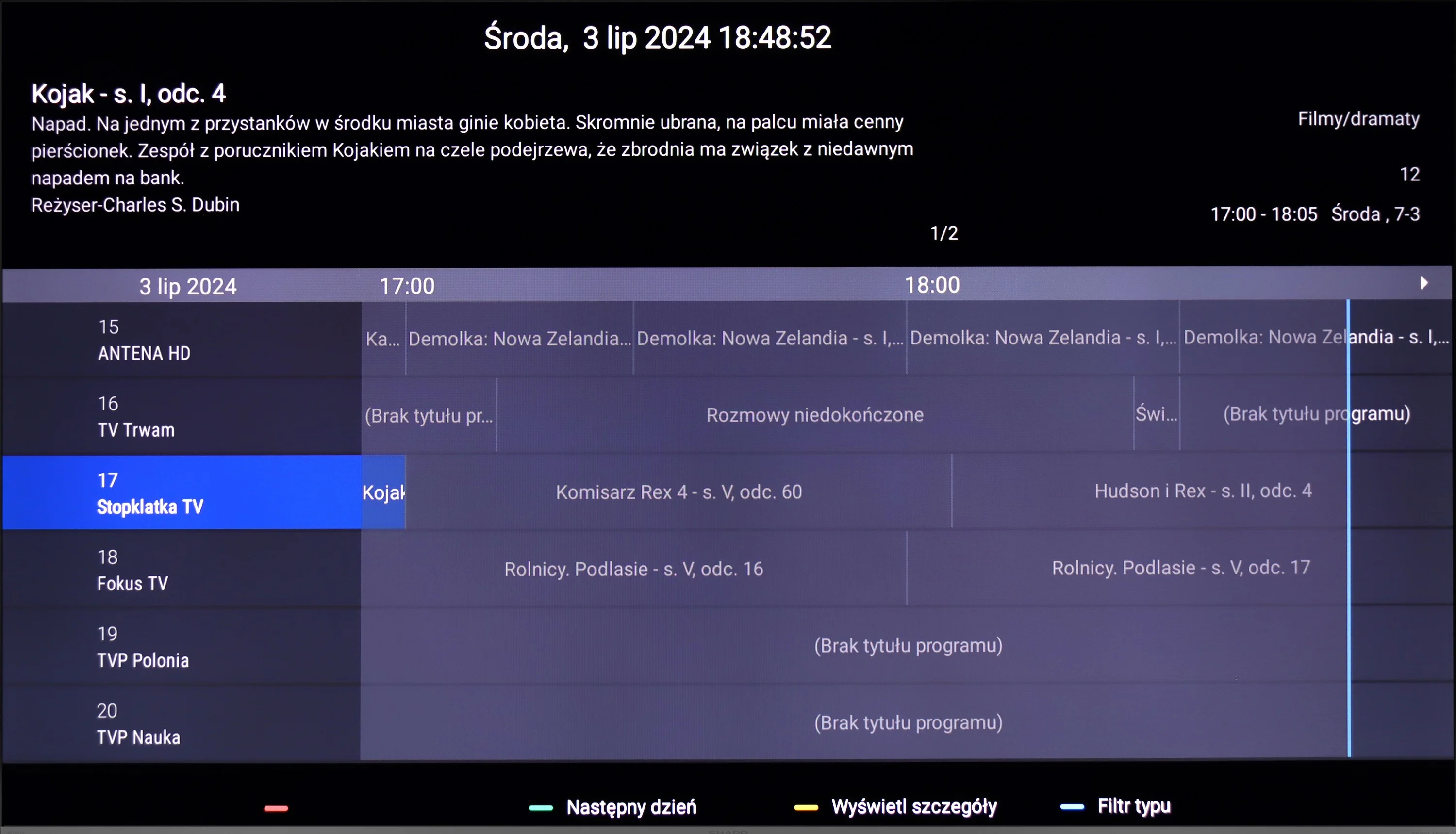
The Sharp GP6765 television provides a variety of modern features designed to enhance usability and user convenience. Its key feature is the Google TV system, offering straightforward access to apps, streaming services, and video content. Additionally, Google Assistant allows for voice control, making it simple to issue commands for playback or adjust settings. The television supports connecting devices like mice and headphones, improving functionality. Using a mouse makes navigating the Google TV interface easier, while headphones enable discreet viewing without disturbing others.

However, the television has some limitations. The lack of Picture-in-Picture (PiP) functionality may inconvenience those wishing to watch two sources simultaneously, such as a film and a sports event. The absence of recording capabilities restricts on-demand TV usage, and the lack of AirPlay support could frustrate Apple device users wanting to stream content effortlessly. Overall, the Sharp GP6765 offers a solid feature set that meets the needs of many users, though it may fall short for those seeking advanced multimedia options.

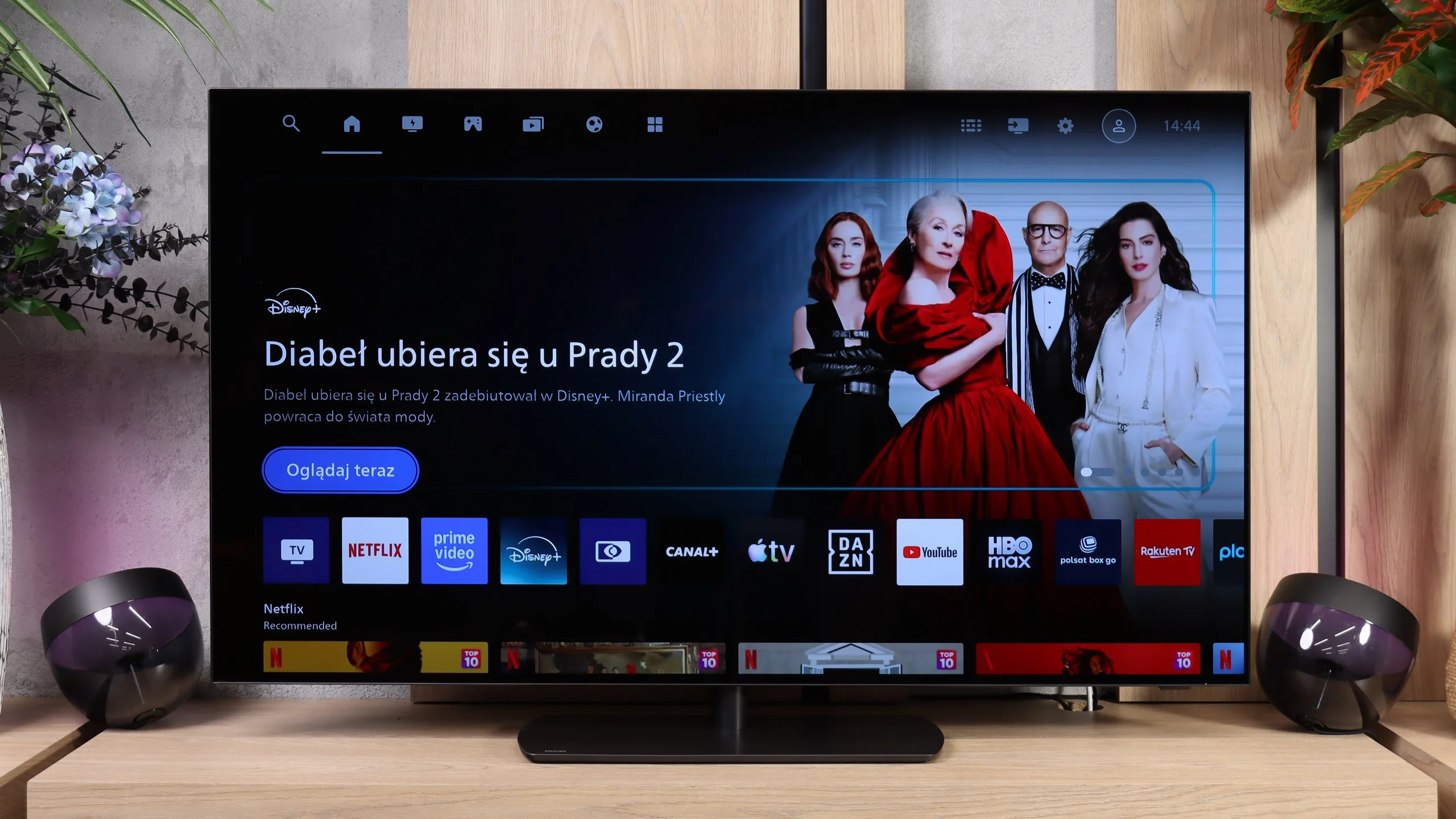
Smart features: Titan OS

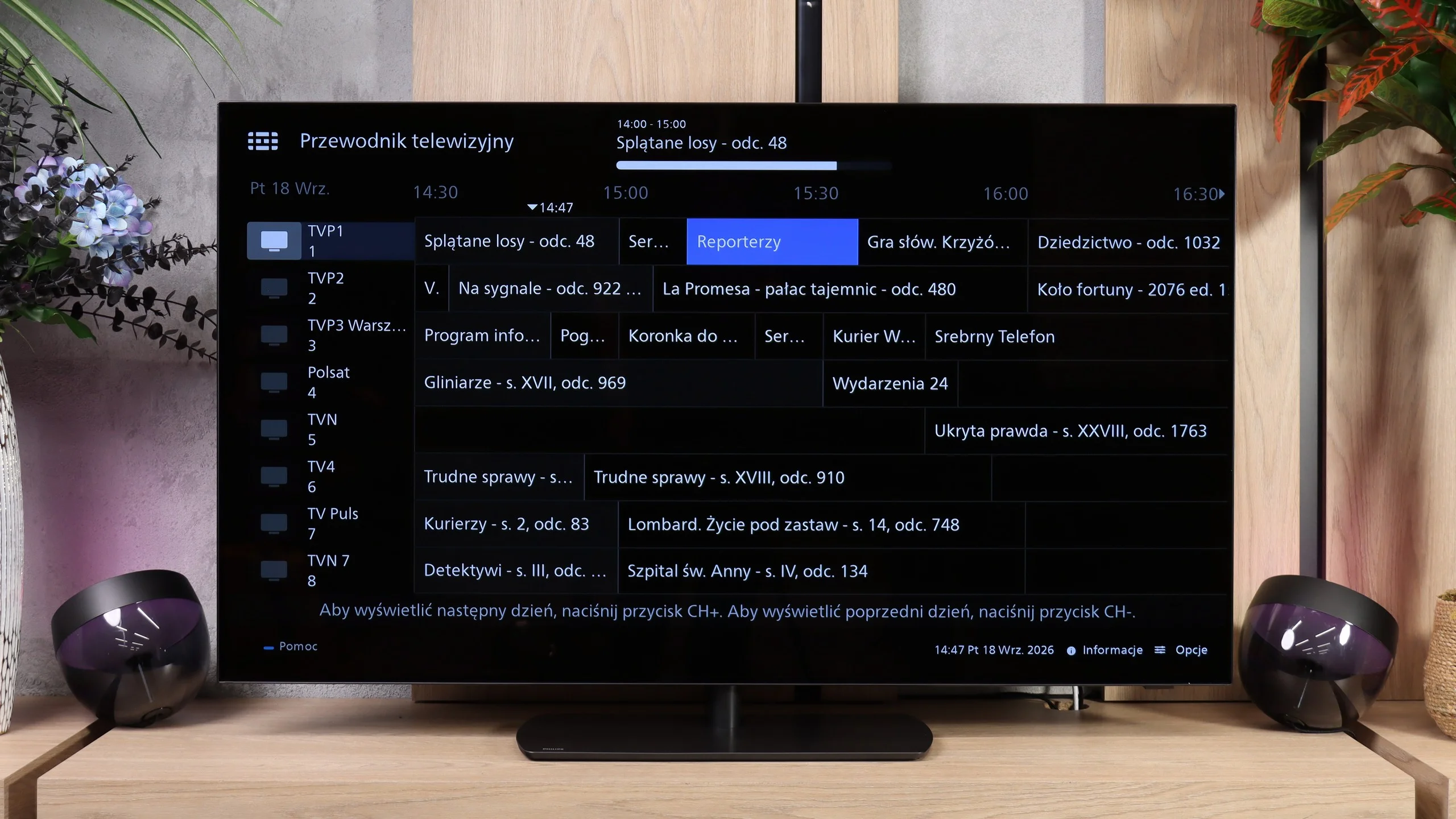
It's the Smart TV system that is the most controversial change in the OLED811. Philips dropped the user-favorite Google TV in favor of its own Titan OS. For many people this may be hard to accept, although Titan has been getting better every year and runs noticeably smoother. We have working AirPlay, screen mirroring from a computer, and voice search in Polish. System responsiveness has improved too, though minor delays still occur when navigating menus. We suspect the infrared remote is partly to blame, as it doesn't always register commands immediately. The biggest limitation compared with Google TV remains a smaller app selection. That doesn't mean it's empty — you'll find Netflix, Prime Video, Disney+, CANAL+, and Apple TV was recently added to the library. If you mainly use popular services, Titan should be enough, but it's worth checking availability of lesser-known apps before buying (list at the bottom 😉).

Ambilight

Ambilight is still one of the best reasons to consider a Philips. On the OLED811 it's three-sided — LEDs at the top and along the sides of the chassis light the wall with colors matched to what's happening on screen. In the evening it creates a great effect and can change the mood of the whole room, which is why we awarded extra points for this feature. You don't have to use dynamic picture tracking though. If you prefer calmer viewing conditions, you can set a steady white light. That's a nice option for evening sessions when you don't want to sit in front of a bright screen in a completely dark room.

Classic features

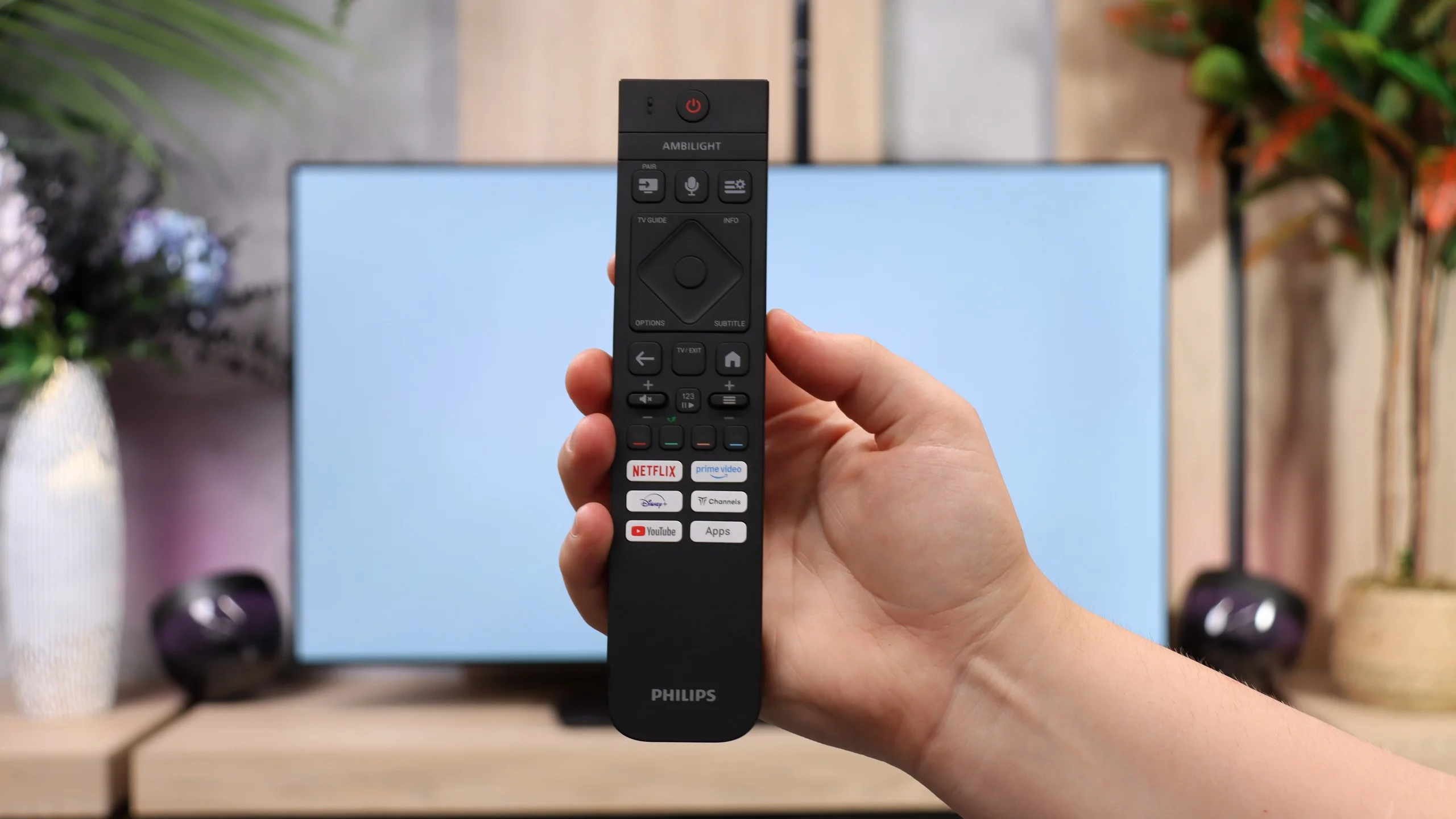
For regular TV watching the OLED811 performs well, although there is no USB recording or picture-in-picture (PiP). You can connect Bluetooth headphones and use them at the same time as the TV speakers. What bothers us most is the aforementioned infrared control. The remote itself is really interestingly designed: it has backlighting and a hybrid keyboard with a numeric section. It's a shame you have to aim it at the TV like with old remotes. For equipment at this level we'd prefer to just press buttons without wondering which way we're holding the remote. Hopefully Philips will fix that in future models.

Apps

9.6/10

7.7/10

OK
Disney_Plus
OK
Amazon_Prime_Video
OK
Player_TVN
OK
Polsat_Box_Go
OK
Canal_Plus_Online
OK
TVP_VOD
OK
Apple_TV_Plus
OK
SkyShowtime
OK
Rakuten
OK
CDA_Premium_Browser
OK
Spotify
OK
Tidal
OK
Netflix
OK
YouTube
OK
HBO_MAX
OK
Kodi
No
Apple_music
OK
Eleven_sports
No
Xbox Game Pass
OK
GeForce NOW
No
Amazon Luna
OK
Boosteroid
OK
Steam Link
OK
Disney_Plus
OK
Amazon_Prime_Video
OK
Player_TVN
OK
Polsat_Box_Go
OK
Canal_Plus_Online
OK
TVP_VOD
OK
Apple_TV_Plus
OK
SkyShowtime
OK
Rakuten
OK
CDA_Premium_Browser
No
Spotify
No
Tidal
OK
Netflix
OK
YouTube
OK
HBO_MAX
No
Kodi
No
Apple_music
No
Eleven_sports
No
Xbox Game Pass
No
GeForce NOW
No
Amazon Luna
OK
Boosteroid
No
Steam Link

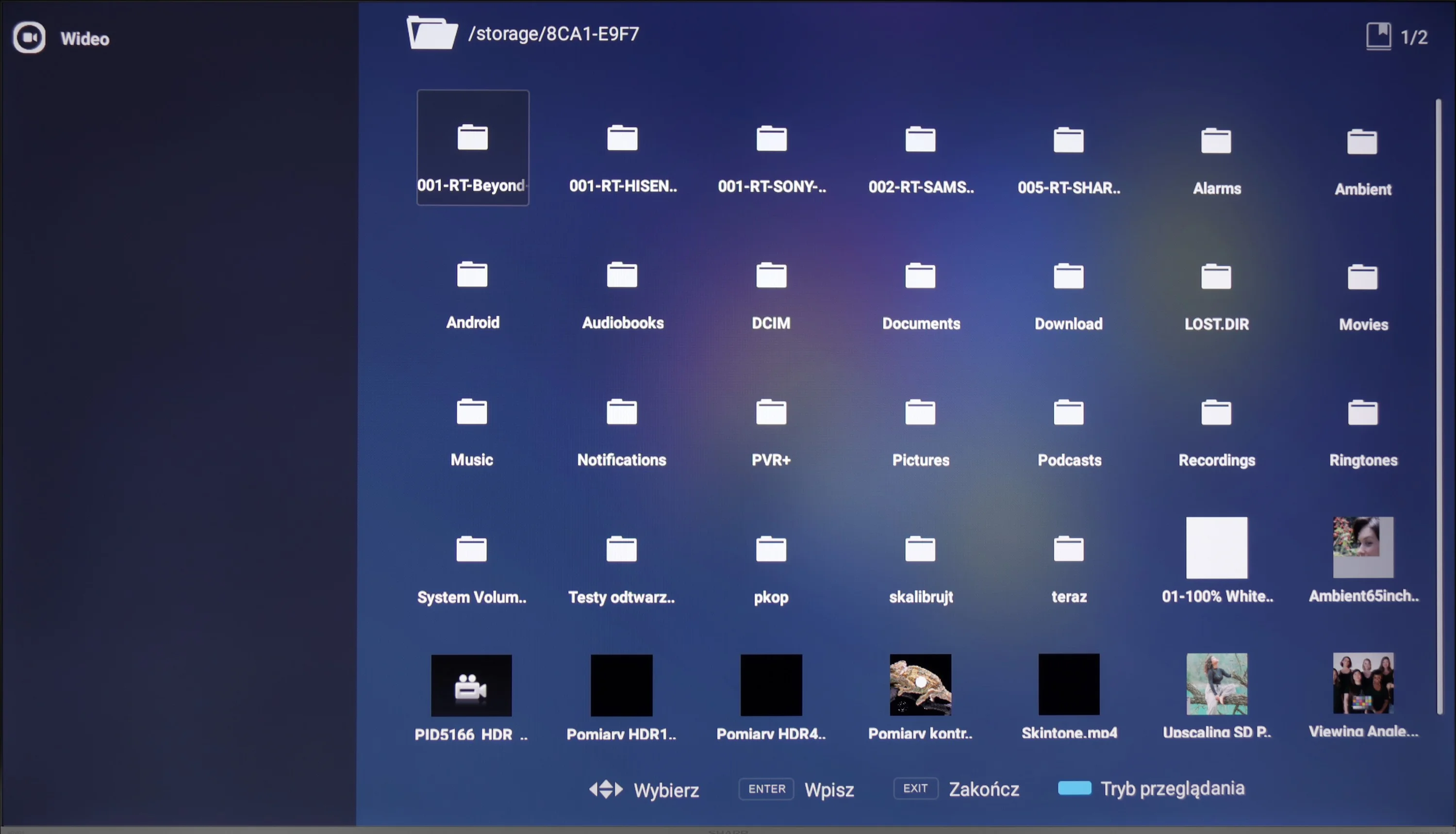
Playing files from USB

9.3/10

8.6/10

Supported photo formats:

JPEG
Yes
Yes
HEIC
Yes
Yes
PNG
Yes
Yes
GIF
Yes
Yes
WebP
Yes
No
TIFF
No
No
BMP
Yes
Yes
SVG
No
No

Maximum photo resolution:

4 Mpix
Yes
No
6 Mpix
Yes
No
8 Mpix
Yes
Yes
10 Mpix
Yes
No
12 Mpix
Yes
No
16 Mpix
Yes
Yes
20 Mpix
Yes
No
24 Mpix
Yes
No
28 Mpix
Yes
No
32 Mpix
Yes
Yes

Thanks to the Google TV system, the Sharp GP6765 television provides excellent flexibility for playing files from USB. Users can install various multimedia playback applications, such as VLC or MX Player, allowing the device to handle the most popular file formats with ease. Whether it’s movies, music, or photos, the television’s broad format support ensures convenient and straightforward access to content stored on external media.

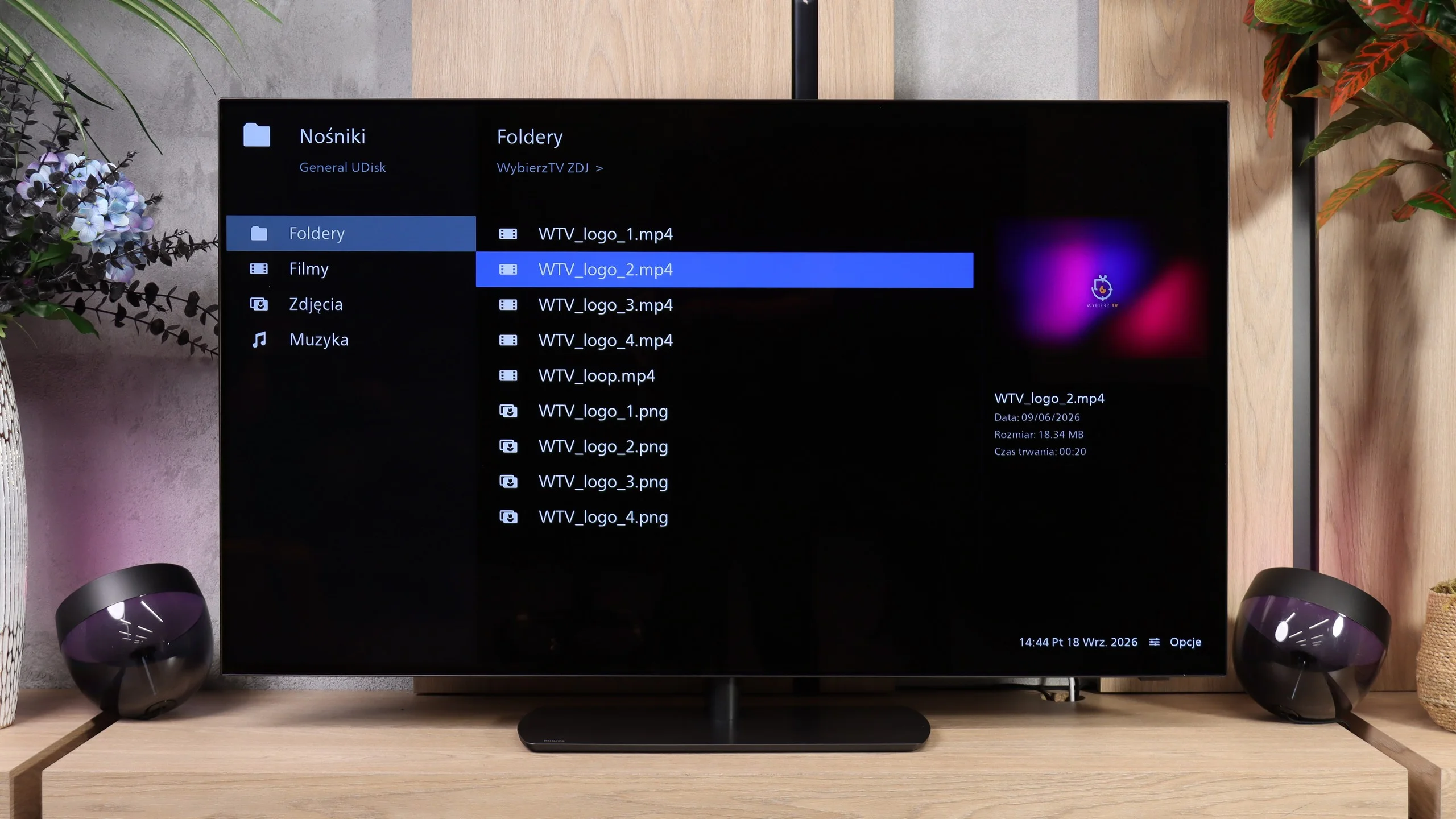
The USB player in the OLED811 handles most of the audio and video formats we test, so it’s perfectly fine for watching a movie or playing music from a USB flash drive. Our biggest complaints are with photos, specifically the oddly selective handling of their resolutions. The TV opened files at 8, 16 and 32 MP, but couldn’t deal with the rest. It’s not that the photos are simply too large; the player can display a higher-resolution image yet refuse to open a smaller one. When browsing vacation photos this can be plain annoying, because some will have to be converted on a computer first... or you can just use remote screen capture... 😉

Sound

5.4/10

7.6/10

  • Maximum volume
    85dB
    93dB
  • Dolby Digital Plus 7.1
    Yes
    Yes
  • Dolby True HD 7.1
    Yes
    No
  • Dolby Atmos in Dolby Digital Plus (JOC)
    Yes
    Yes
  • Dolby Atmos in Dolby True HD
    Yes
    No
  • DTS:X in DTS-HD MA
    Yes
    Yes
  • DTS-HD Master Audio
    Yes
    Yes

When it comes to sound, the Sharp GP6765 television has several notable drawbacks. Most significantly, it lacks bass, which may disappoint those who prefer richer, deeper sound. However, the audio is loud and reasonably clear, which could be advantageous for individuals with hearing difficulties. It’s worth noting that to achieve decent high tones, the "Dolby sound processing" option should be turned off. Otherwise, the sound can become overly "shrill," detracting from the overall listening experience. Of course, this assessment is subjective and may vary depending on personal preferences.

When it comes to sound, there have been a few concrete changes compared with last year’s OLED820. The rear subwoofer has been removed, and the 4.1 speaker layout has been replaced by a 2.2 configuration. Despite those changes, the OLED811 still sounds good and quite balanced. It can play louder, and the sound even seems a bit fuller than last year. The bass has taken a hit, though. While the sound has some weight, the low end lacks the depth of the previous model. You notice this most in films and music, when you’re waiting for a bigger impact. Still, this is definitely well above average for built-in TV speakers. If you want deeper bass and clearer spatial effects, it’s worth considering a soundbar or a system with an AV receiver. Philips gives you a lot of flexibility here: it supports both Dolby Atmos and DTS, and can pass Dolby TrueHD tracks over HDMI eARC to compatible equipment without issue. So there’s plenty to take advantage of if we decide to expand the sound system later.

Sound Quality Test

No sound test video

Acoustic Measurements

No acoustic data

93dBC (Max)

75dBC

Reader comments

Comments are provided by the external service Disqus (Zeta Global). Once loaded, Disqus may set cookies and process data about your activity.

We will remember your choice on this device. Provider's privacy policy