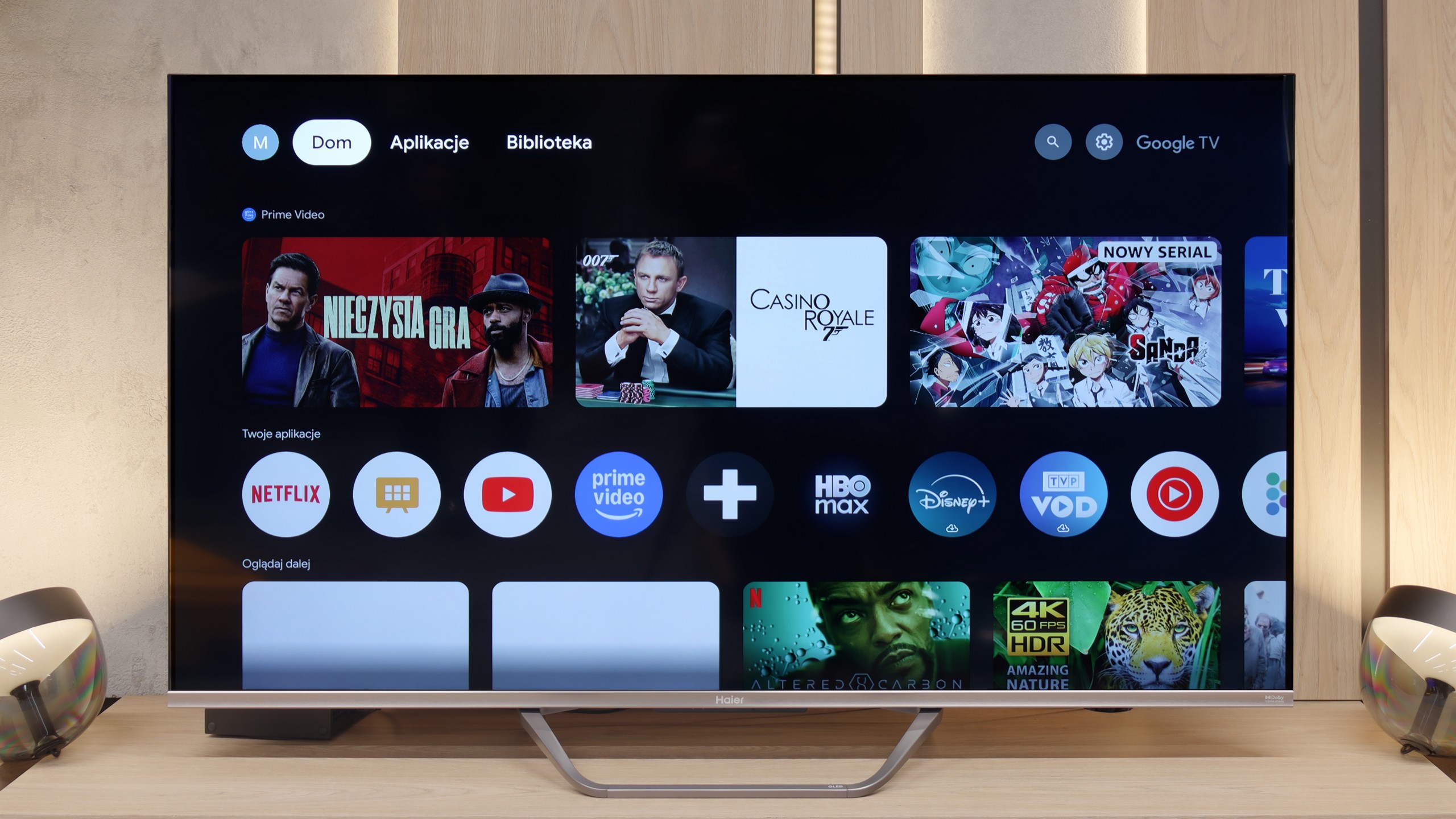
The Sharp GP6765 TV offers a range of positive features that set it apart in its price range. One of the standout aspects is the Google TV system, which provides users with excellent flexibility and comfort when navigating various applications and content. The intuitive interface and integration with the Google voice assistant make using the TV enjoyable and straightforward. With this platform, users can access streaming applications, enabling high-quality viewing of movies and series without needing additional devices.
In terms of picture quality, the Sharp GP6765 impresses, particularly considering its price. It performs exceptionally well in movie scenes, with smooth colour transitions, placing it among the top models in this category. While the brightness isn’t the highest compared to some competitors, it’s still respectable, and the inclusion of Dolby Vision significantly enhances picture quality, improving detail in both bright and dark scenes.
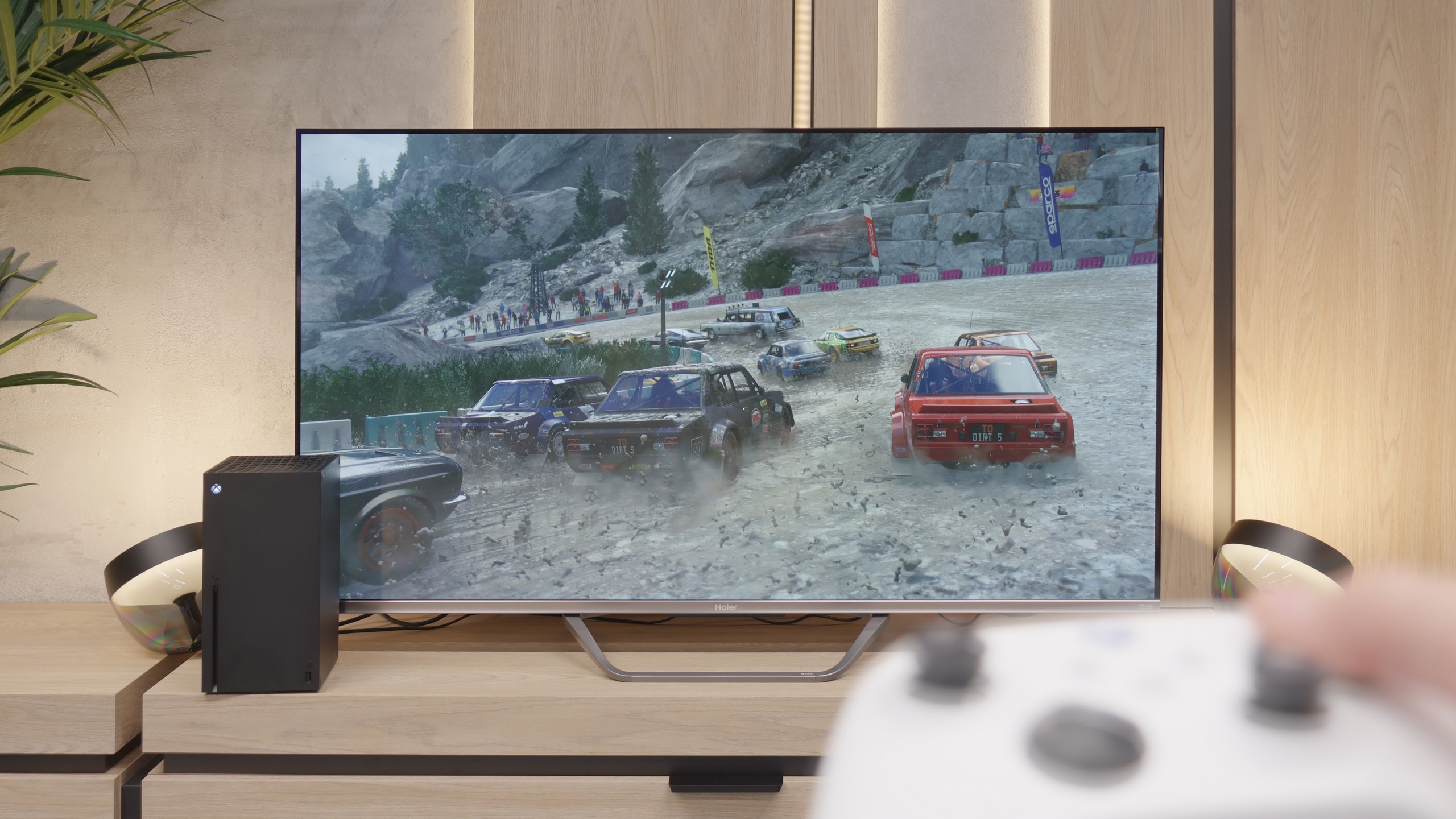
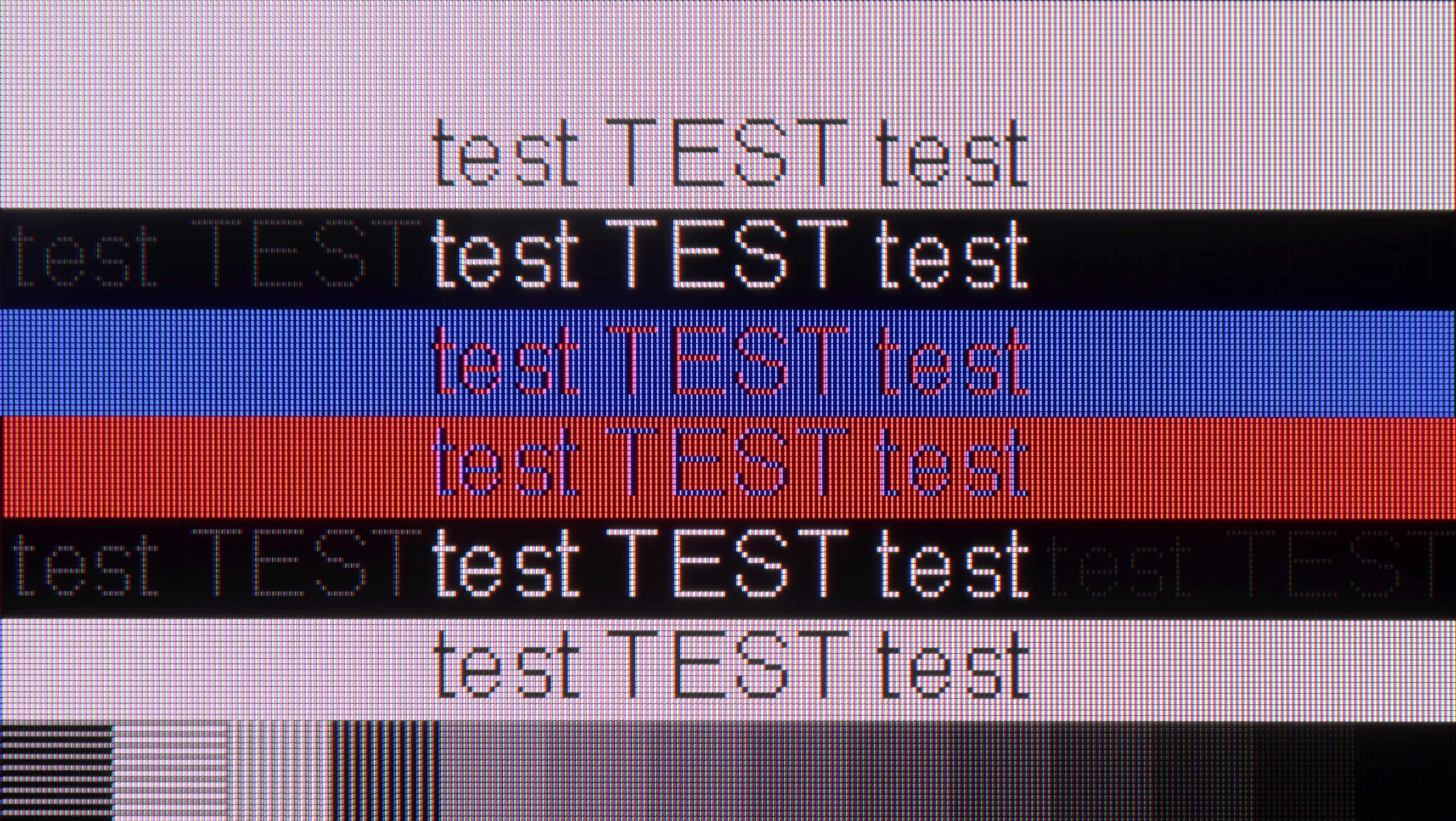
For gamers, the TV offers a major advantage with its low input lag of just 13 ms, ensuring smooth and responsive gameplay. It also provides very good compatibility with computers, supporting Chroma 4:4:4 for excellent text readability and image clarity. However, it’s important to note that the TV uses a 60 Hz panel, which may limit its performance for sports or fast-paced games. Some gamers might also be disappointed by the absence of certain essential features, even though the TV includes HDMI 2.1.
Overall, the Sharp GP6765 is a solid choice that offers a great Google TV system, excellent colour transition smoothness, and low input lag. While it requires some compromises—especially in terms of brightness and features for gamers—it remains an appealing option for those seeking an affordable TV.
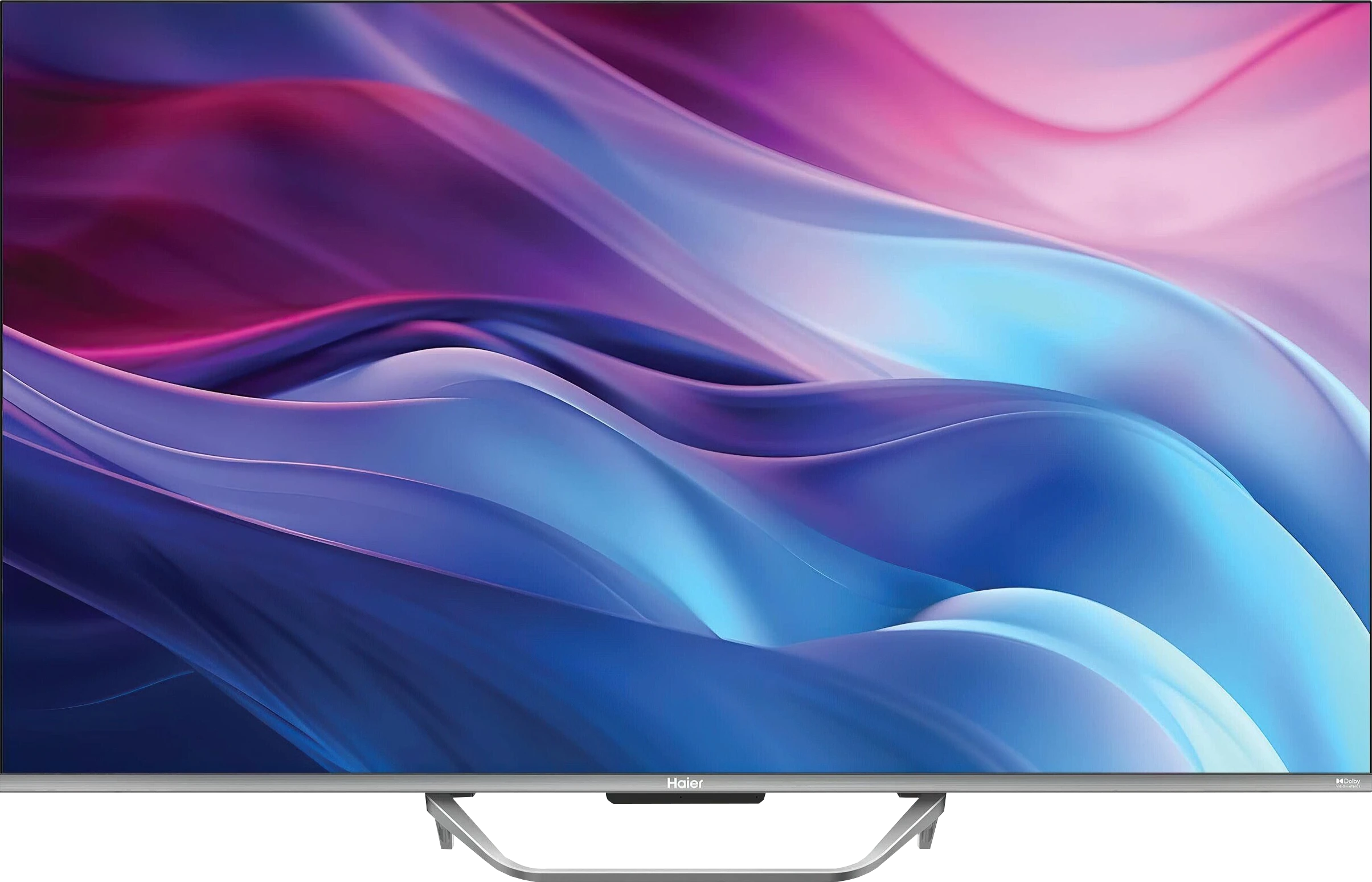
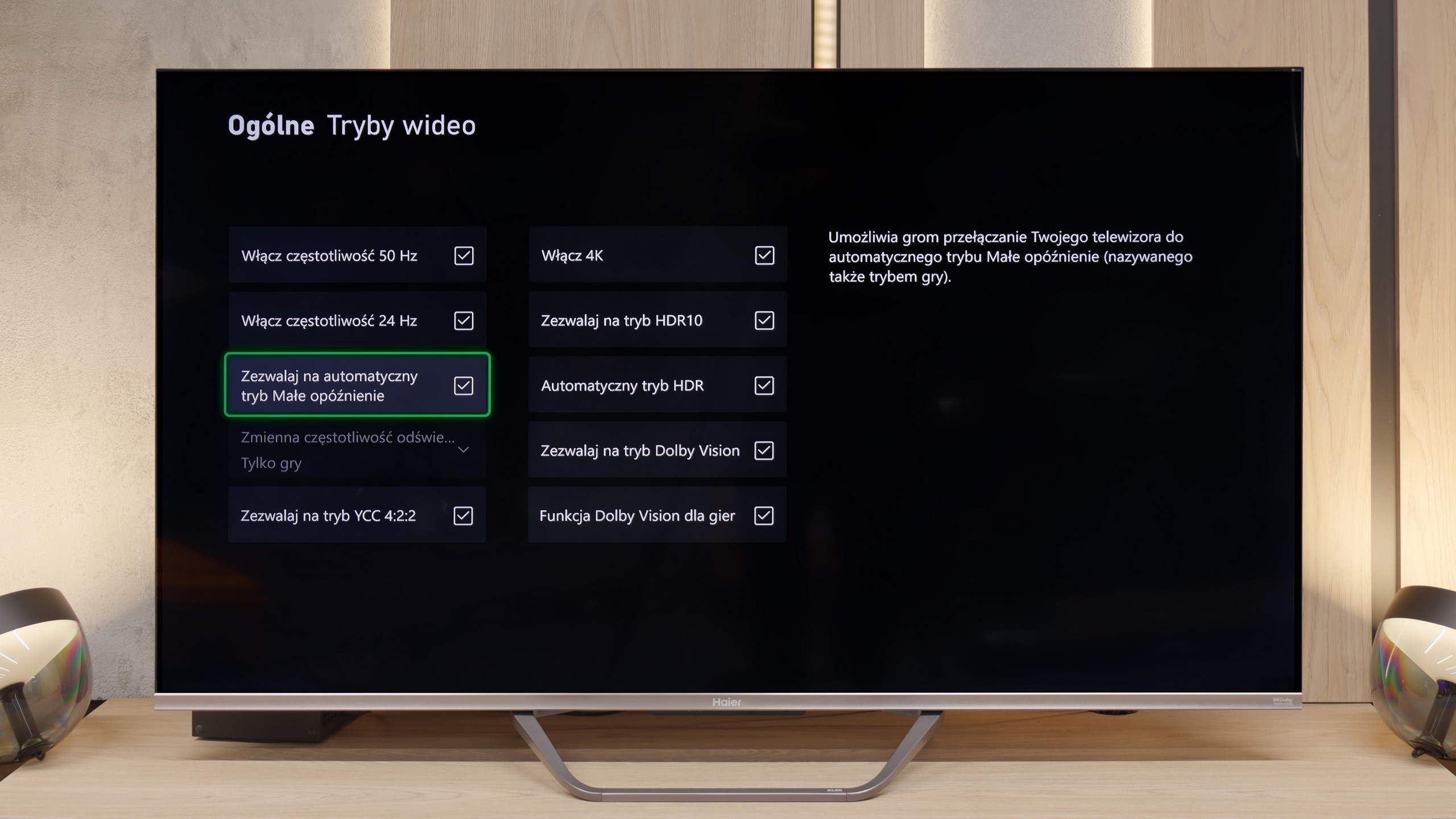
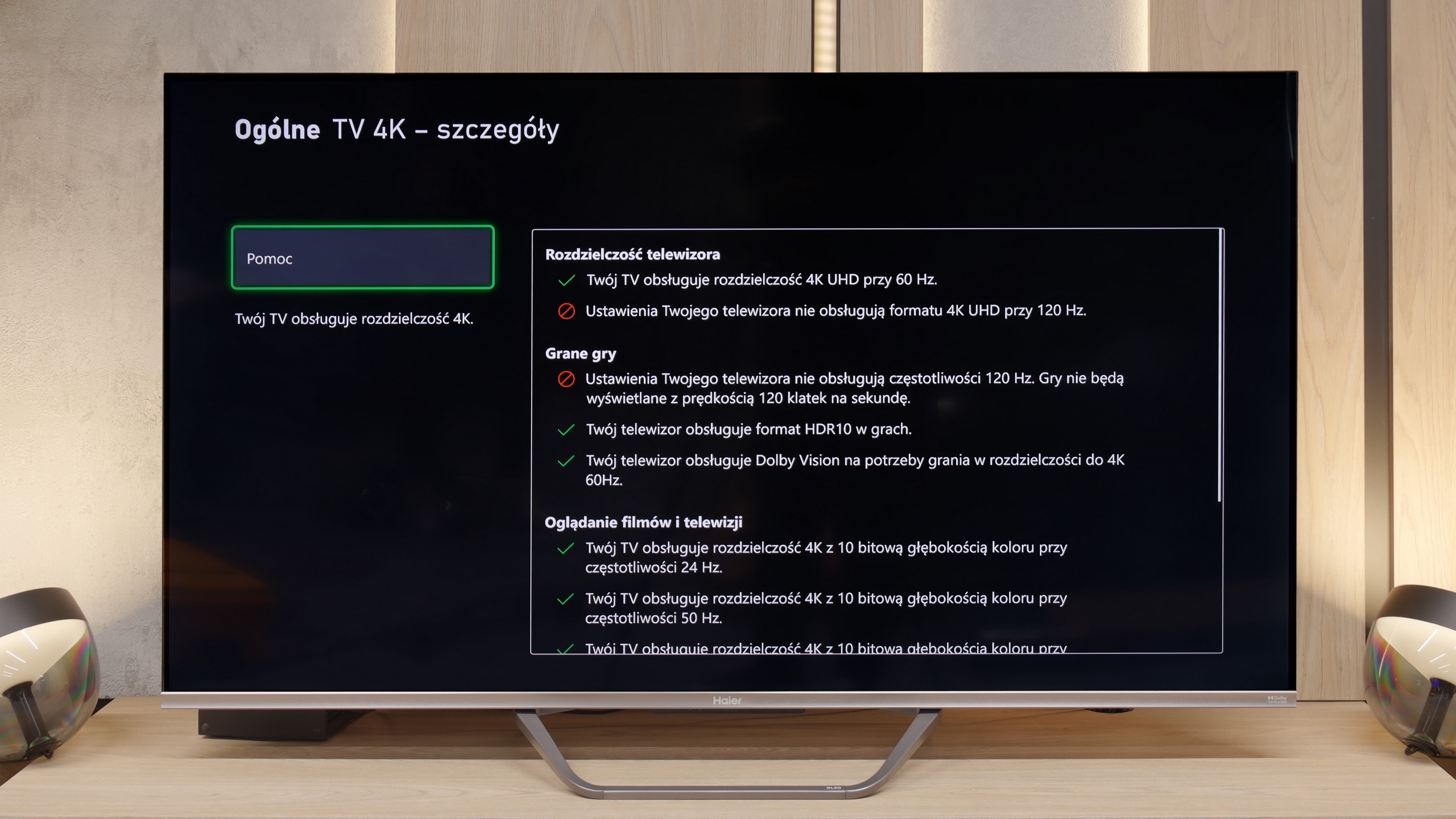
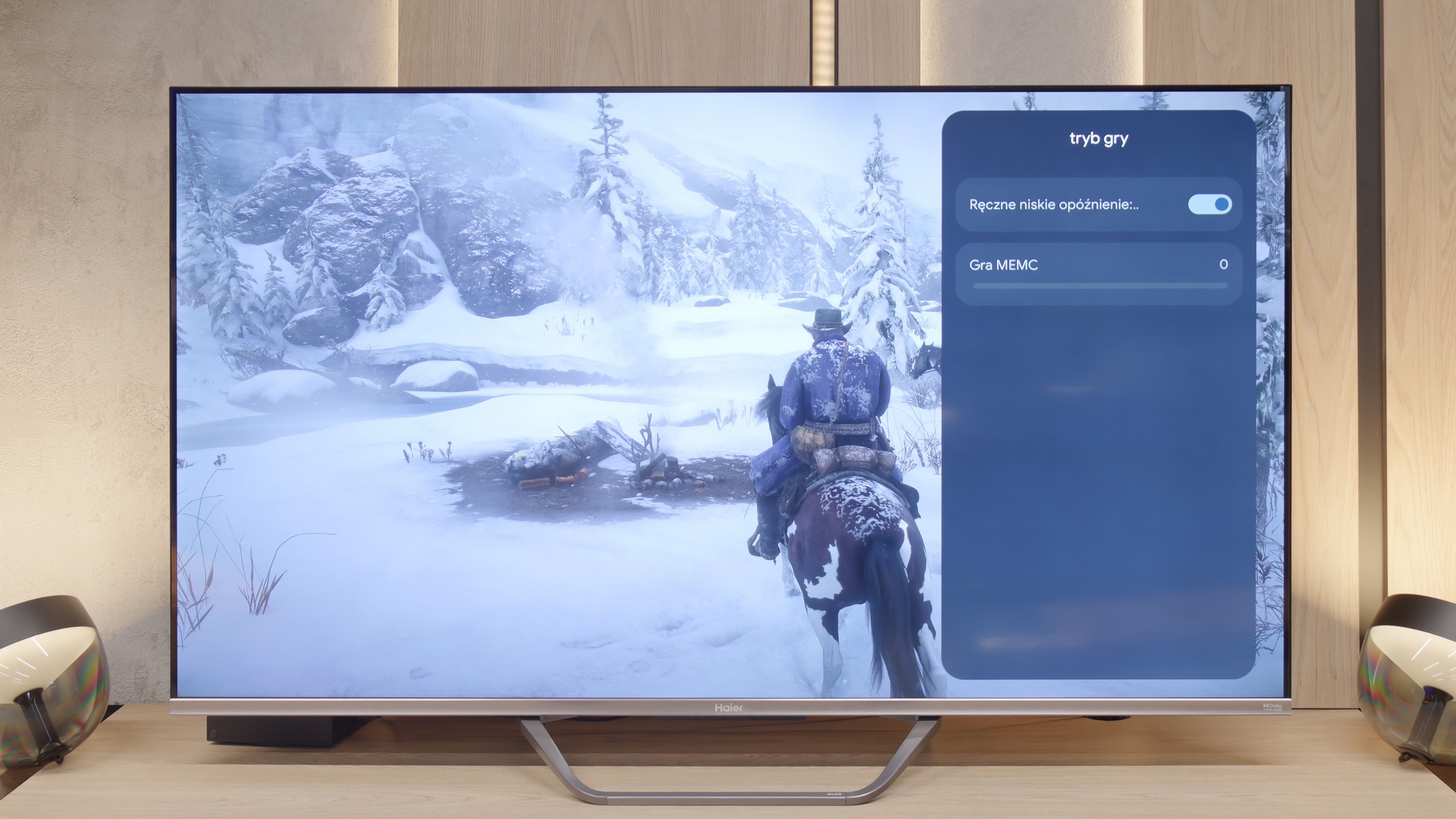
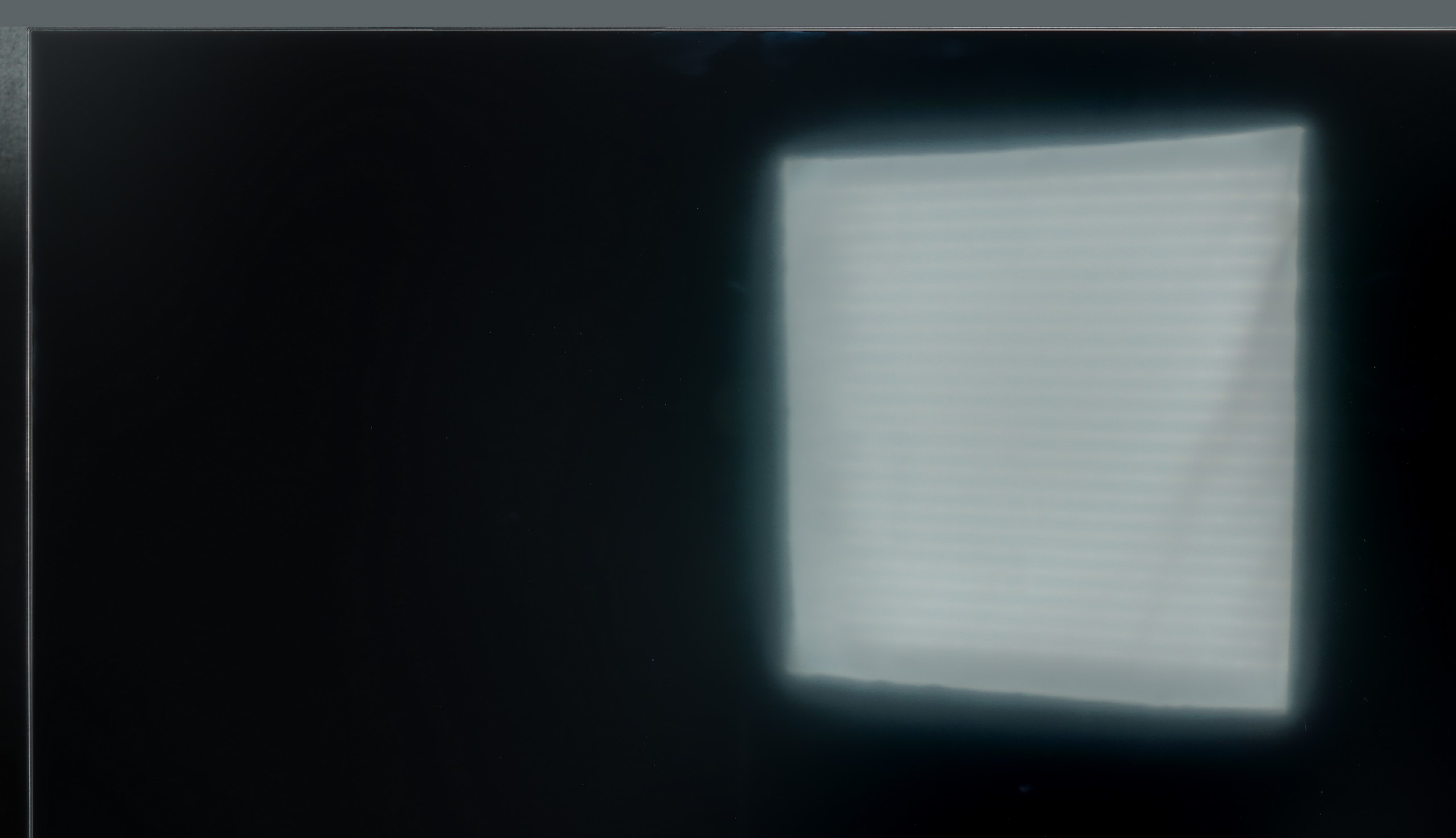
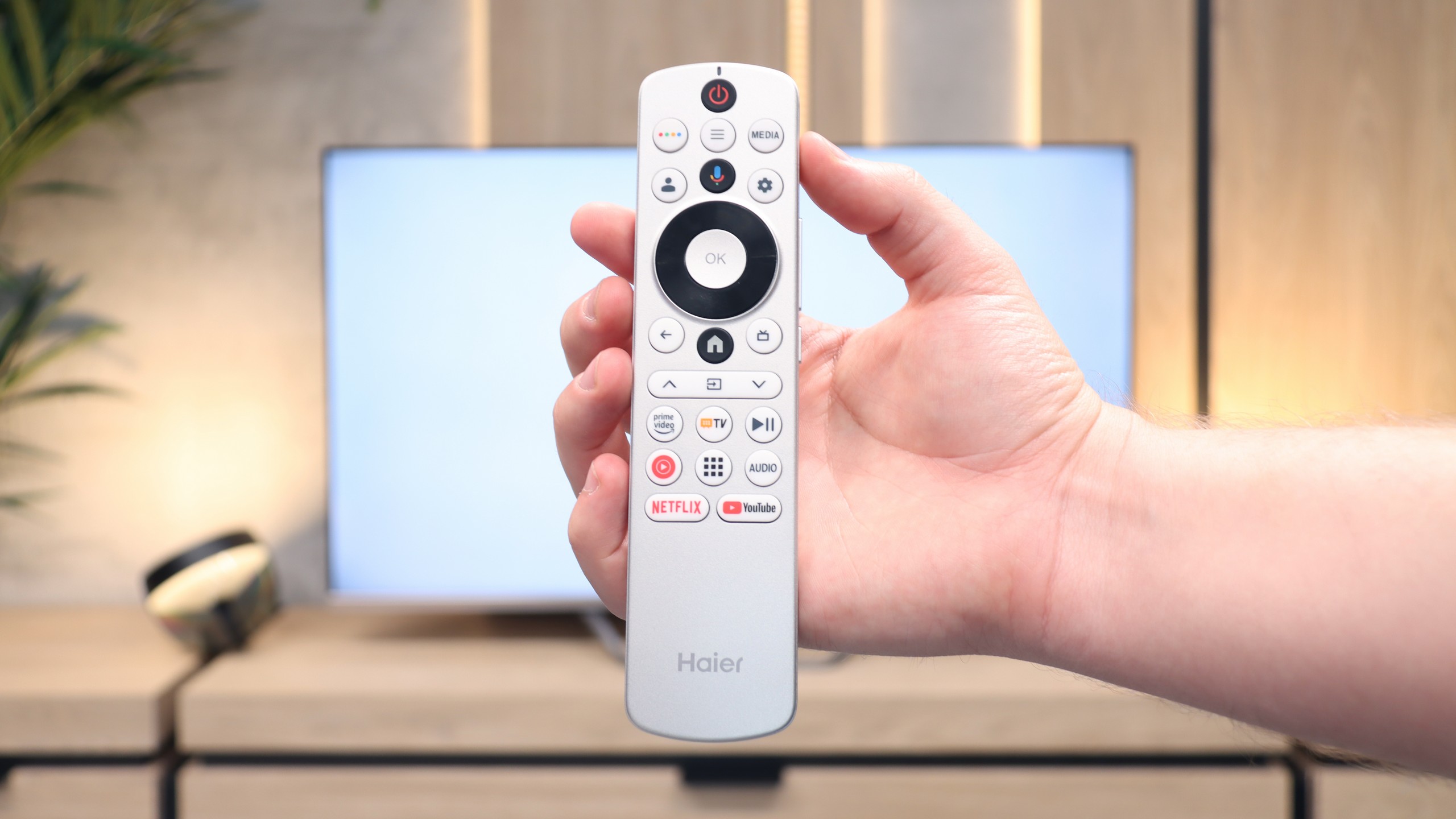
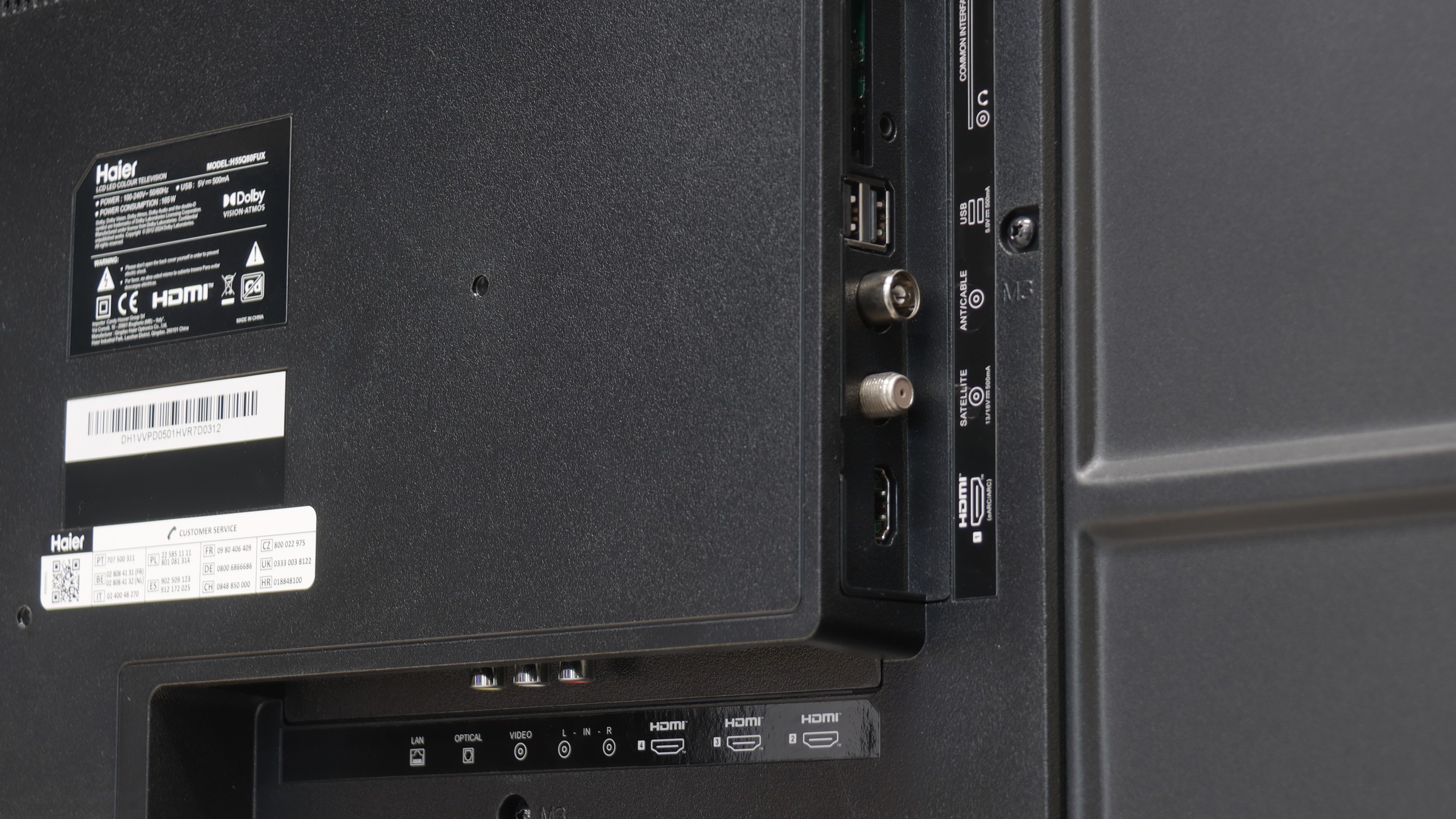
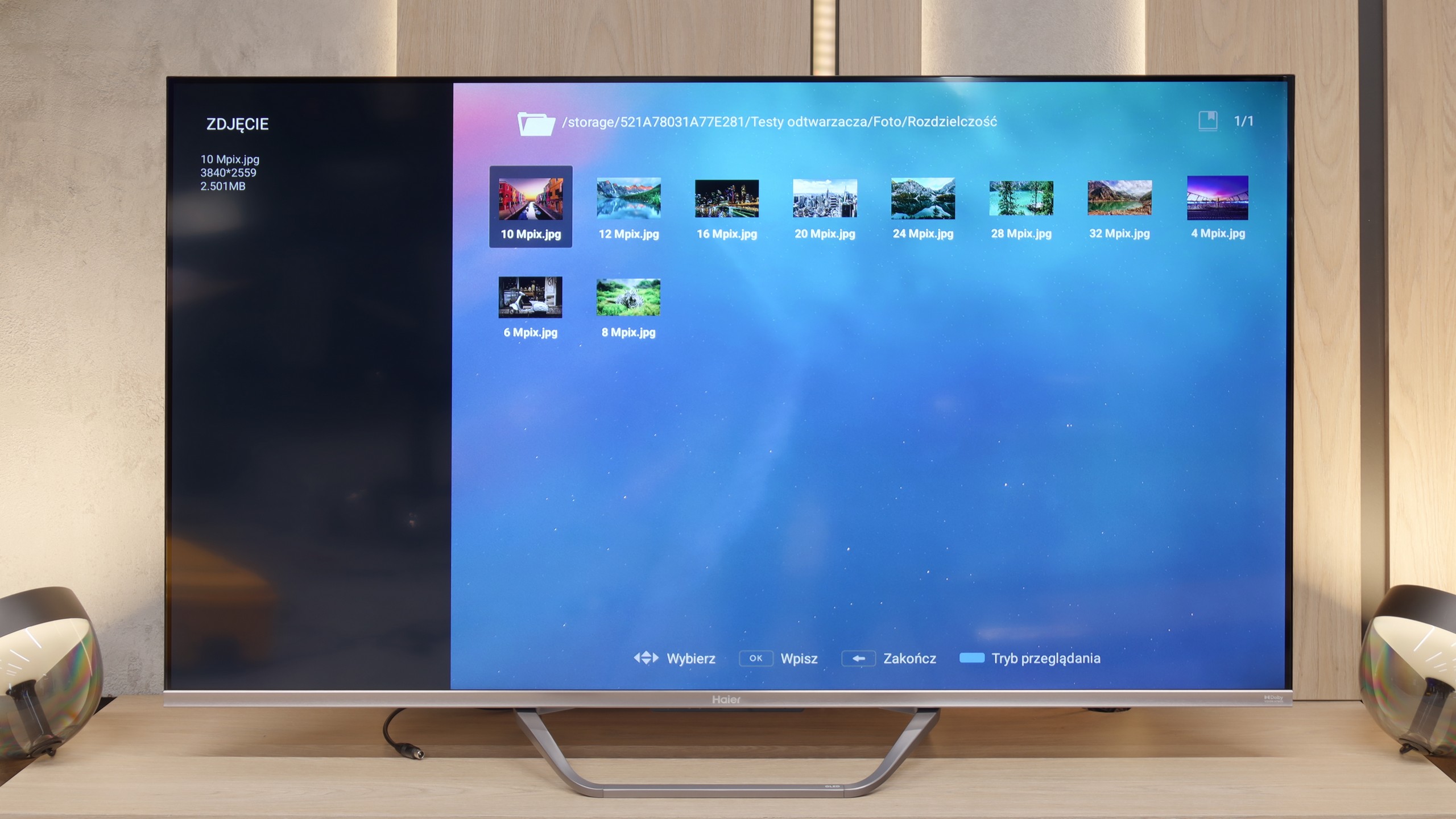
The Haier Q80FUX TV is one of the most schizophrenic proposals we've had in our editorial office for a long time. On one hand, we have a solid piece of equipment: a VA panel that guarantees deep blacks, as expected in this segment, and a QLED quantum filter that can indeed generate juicy, eye-catching colors. This is the foundation on which a truly competitive mid-range receiver could have been built. Unfortunately, all this potential of the panel is systematically torpedoed by the software, which is a real ball and chain for this model. The biggest Achilles' heel of the Q80FUX is its total capitulation in the face of HDR10 content. The electronics seem to completely misunderstand how to interpret the signal, resulting in consistently blowing out the brightest parts of the image, turning them into a flat, milky blob. If we add the Google TV system, which – although functional – is unstable, full of errors, and irritating shortcomings, we get a picture of a raw product that clearly reveals the manufacturer's lack of experience. And just when we were ready to write this model off, we discovered its surprising niche. Once connected to a console, the Q80FUX undergoes a transformation. It turns out that this TV offers wonderfully low input lag, fully supports VRR, and can accept a 120Hz signal at Full HD resolution. In the gaming world, where responsiveness is everything, these parameters put it in a very good light. So we are dealing with a device of very narrow specialization. This is not a universal living room TV – it lacks stability and, above all, any correctness in handling films. It is more of a budget, large-format monitor for gamers who are able to consciously overlook all its software flaws in exchange for those few key attributes essential for console/PC at a relatively affordable price.
 Direct comparison