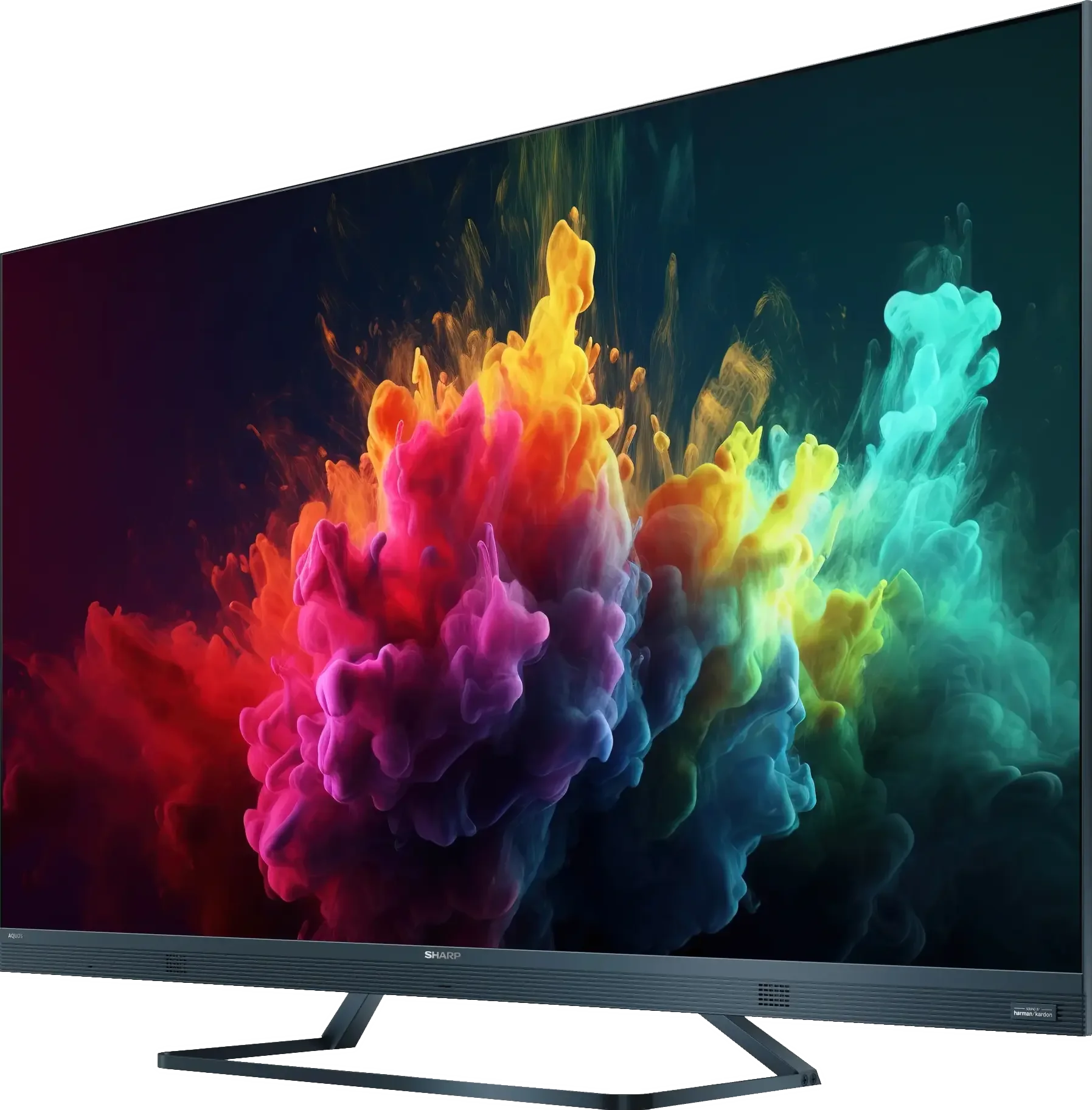
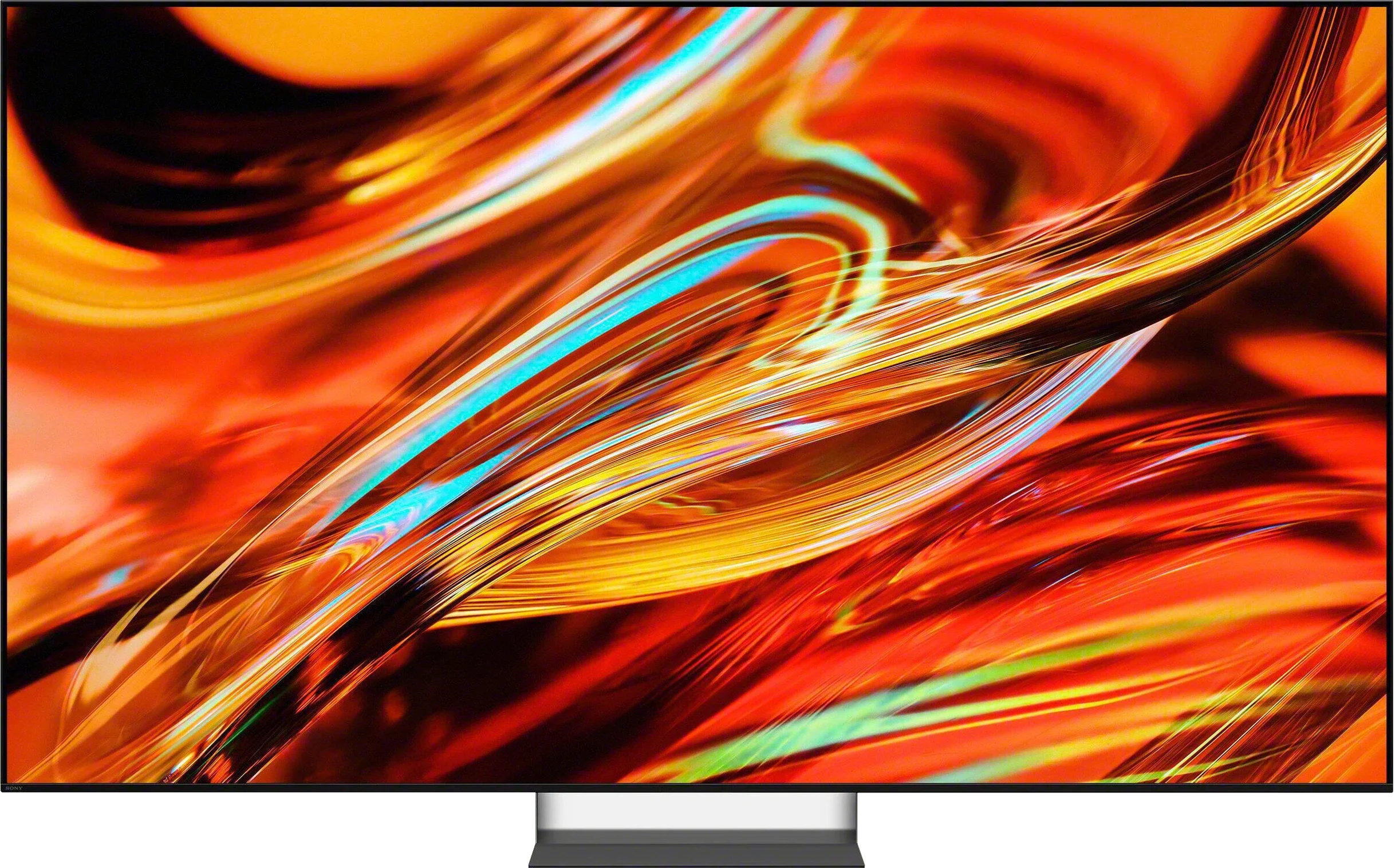
Sharp FQ8 vs Sony BRAVIA 7 II

Direct comparison

BRAVIA 7 II / XR75M2

Available screen sizes: 50”55”65”75”

Available screen sizes: 50”55”65”75”85”98”

Panel type: LCD VA

Resolution: 3840x2160

System: Google TV

Model year: 2024

Complete the survey to find out the result

Panel type: LCD VA

Resolution: 3840x2160

System: Google TV

Model year: 2026

Complete the survey to find out the result

Overall rating

6.4

8.4

  • Movies and series in UHD quality

    6.4

    8.0

  • Classic TV, YouTube

    6.2

    8.0

  • Sports broadcasts (TV and apps)

    6.2

    7.7

  • Gaming on console

    7.4

    8.9

  • TV as a computer monitor

    3.0

    7.8

  • Watching in bright light

    5.4

    9.0

  • Utility functions

    6.5

    9.4

  • Apps

    9.6

    9.6

  • Sound quality

    6.0

    7.8

Advantages

  • High native contrast

  • Smooth tonal transitions

  • 120 Hz matrix

  • Advanced features for gamers

  • Low input lag

  • Harman/Kardon branded audio

  • Very high contrast and excellent black for a Mini-LED

  • High brightness and very good HDR performance

  • Very good reproduction of the director's intent

  • Wide color gamut thanks to True RGB

  • Excellent upscaling and digital image processing

  • Good viewing angles for a VA panel

  • 120 Hz, VRR, ALLM, HGiG: plenty of features for gamers

  • Very low input lag

  • Great Google TV performance and extensive user features

  • Two remotes included

  • Support for Dolby Vision, Dolby Atmos, and DTS

Disadvantages

No like
  • Poor viewing angles

  • Dolby Vision IQ does not work properly

  • Average response time of the panel

  • Poor font readability when connected to a PC

  • Only 2 HDMI 2.1 ports, one of which is shared with eARC

  • No high refresh-rate modes for PC gamers (higher than 120 Hz)

  • No option for precise color calibration (CMS)

  • Worse motion performance than last year's Bravia 7 (XR70)

Our verdict

The Sharp FQ8 television offers numerous features that set it apart in its price range. It operates on the Google TV platform, granting access to a wide array of applications and intuitive navigation. A 120 Hz refresh rate panel ensures smooth image rendering, while low input lag makes it an appealing option for gamers. The high native contrast delivers deep, vivid blacks, and the television achieves a respectable brightness of 450 nits, allowing for comfortable HDR content viewing. Additionally, advanced formats like Dolby Vision are supported, and the inclusion of quantum dots (Quantum Dot/QLED) enhances the wide colour gamut coverage.

However, the Sharp FQ8 has its shortcomings. The lack of dynamic tone mapping control in HDR mode may disappoint more demanding users, and despite featuring Dolby Vision IQ, its performance is underwhelming. The panel's average response time can impact the clarity of fast-moving scenes, and limited viewing angles significantly reduce image quality when viewed from the side.

Despite these drawbacks, the Sharp FQ8 stands out as a solid choice, offering a good balance of quality, image fluidity, and an enjoyable audio system, all at a competitive price. While not flawless, it should meet the needs of most users seeking an affordable television with a 120 Hz panel.

Sony Bravia 7 II is a TV that shows RGB Mini-LED doesn’t have to be reserved only for the wealthiest customers. And although in a few places you can see it sits below the Bravia 9 II, in everyday use it doesn’t feel like a heavily stripped-down model. The biggest contribution comes from the combination of very good black levels, high brightness and Sony’s excellent algorithms. As a result the picture is spectacular, while still staying true to how a film should look. HDR performs especially well, where the Bravia can show lots of highlights without losing detail. The True RGB backlight itself also has advantages. It gives the TV a wide color gamut and improves viewing angles, which for a VA panel are really good. That doesn’t mean RGB Mini-LED suddenly solves all the limitations of LCDs. You can still see some bloom around small bright elements, and the backlight’s color capabilities aren’t fully utilized in every scene. Still, Sony manages all of this very well, and the way it controls the image is one of the Bravia 7 II’s biggest strengths.

Image processing also remains a big advantage over many rivals. Upscaling, smoothing weaker tonal transitions and HDR mapping are among this model’s stronger points. On top of that there’s Google TV, solid features, very low input lag and an almost complete set of gaming functions. However, there are things hard to understand in a TV of this class. The most frustrating is the presence of only two HDMI 2.1 ports, one of which also serves as eARC. Sony also sticks with 120 Hz, while competitors increasingly offer 144, 165 or 180 Hz. Ultimately the Bravia 7 II stands out above all as a very well-rounded TV. It doesn’t try to win on the spec sheet, and in a few areas the competition will offer more. Sony makes up for that where specs don’t tell the whole story, with image processing, very good HDR tuning, backlight control and overall picture quality in movies. That’s what makes the Bravia 7 II one of the more interesting Mini-LEDs of 2026, especially for people looking for a bright, versatile TV for movies, broadcasts, sports and gaming, but who don’t necessarily want to go OLED.

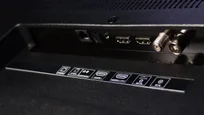
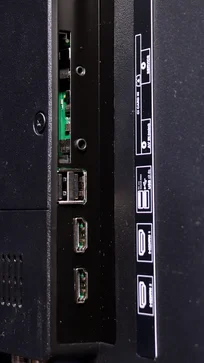
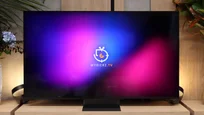
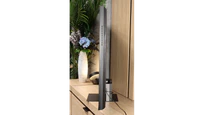
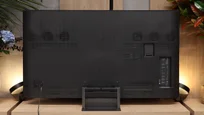
TV appearance

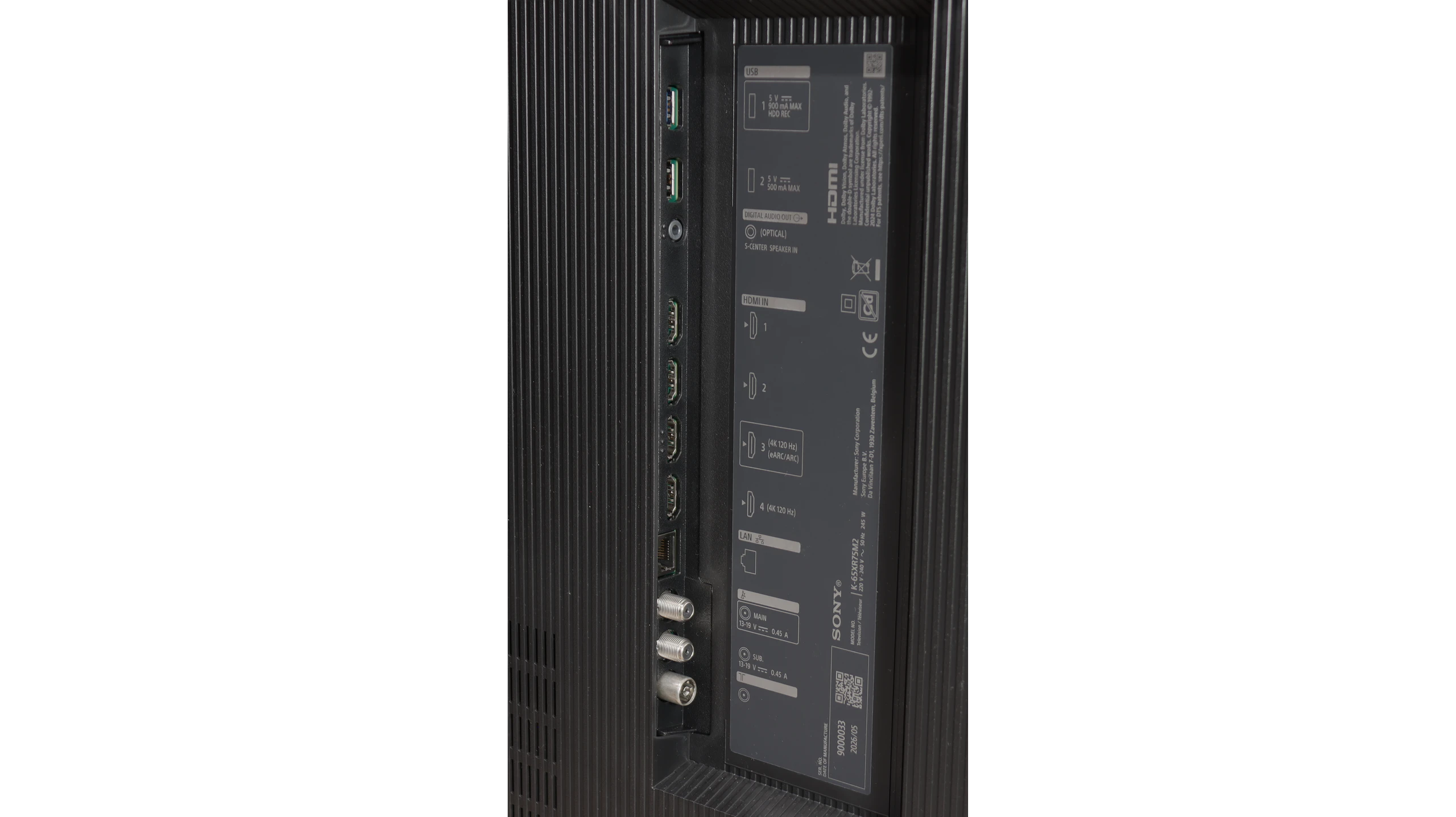
HDMI inputs
2 x HDMI 2.0, 2 x HDMI 2.1 (48Gbps)
Other inputs
RCA (Chinch)
Outputs
Toslink (Optical audio), eARC (HDMI), ARC (HDMI), Mini-Jack (Headphones)
Toslink (Optical audio), eARC (HDMI), ARC (HDMI), Mini-Jack (Sony S-Center)
Network Interfaces
Wi-Fi 2.4GHz, Wi-Fi 5GHz, Ethernet (LAN) 100Mbps
Build quality
Good
Premium
Stand type
Legs
Central
Bezel color
Graphite
Black
Stand
Fixed
Fixed
Flat design
No
Yes
Accessories
Stand
Stand

Contrast and black detail

6.2/10

8/10

Local dimming function: No

Local dimming function: Yes, number of zones: 432 (18 x 24)

Contrast:

Review Sharp FQ8 Contrast and black detail

Result

5,200:1

Review Sharp FQ8 Contrast and black detail

Result

7,200:1

Review Sharp FQ8 Contrast and black detail

Result

7,700:1

Review Sharp FQ8 Contrast and black detail

Result

8,100:1

Review Sharp FQ8 Contrast and black detail

Result

4,800:1

Review Sony BRAVIA 7 II Contrast and black detail

Result

173,850:1

Review Sony BRAVIA 7 II Contrast and black detail

Result

27,750:1

Review Sony BRAVIA 7 II Contrast and black detail

Result

155,550:1

Review Sony BRAVIA 7 II Contrast and black detail

Result

6,800:1

Review Sony BRAVIA 7 II Contrast and black detail

Result

5,300:1

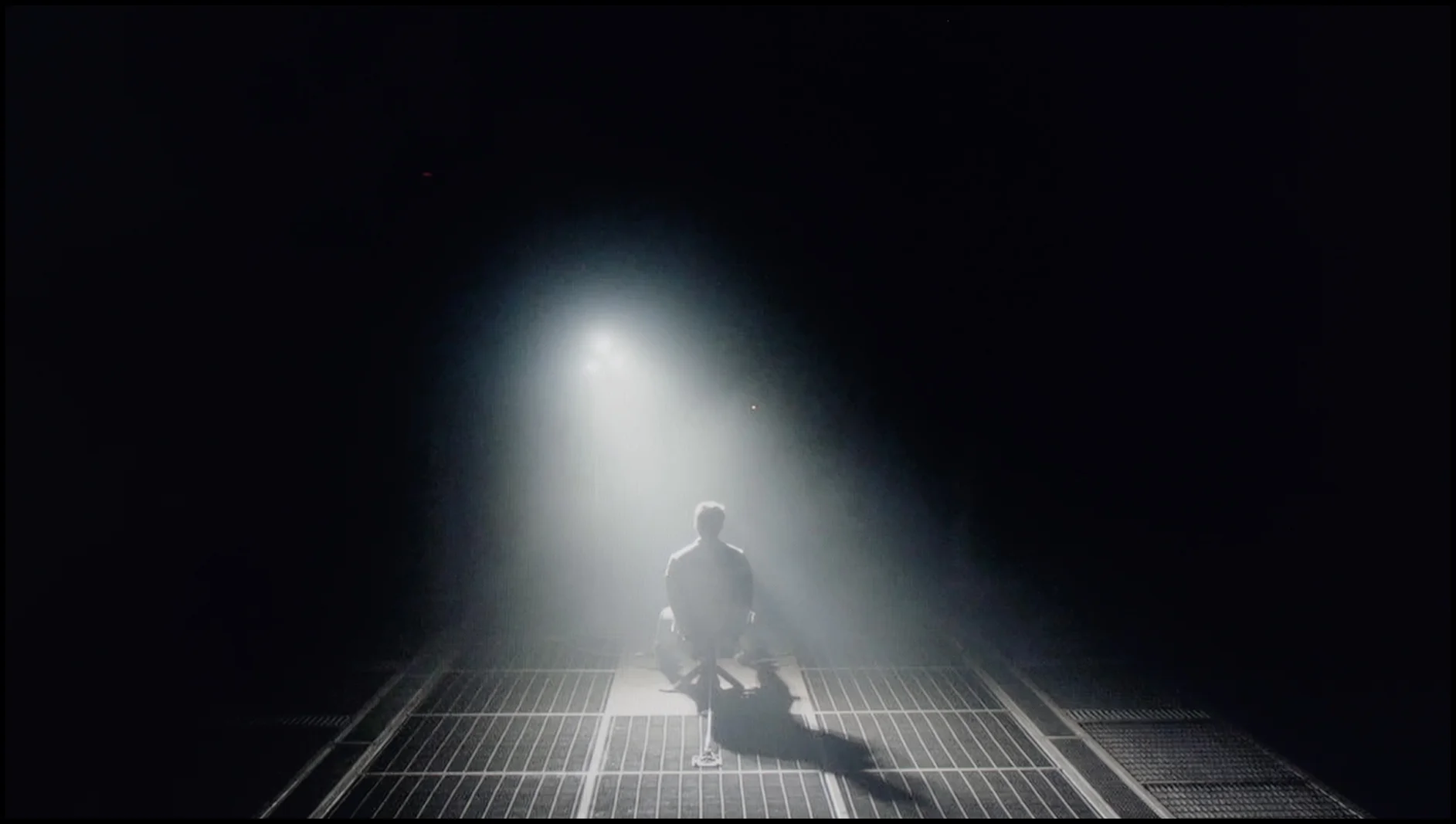
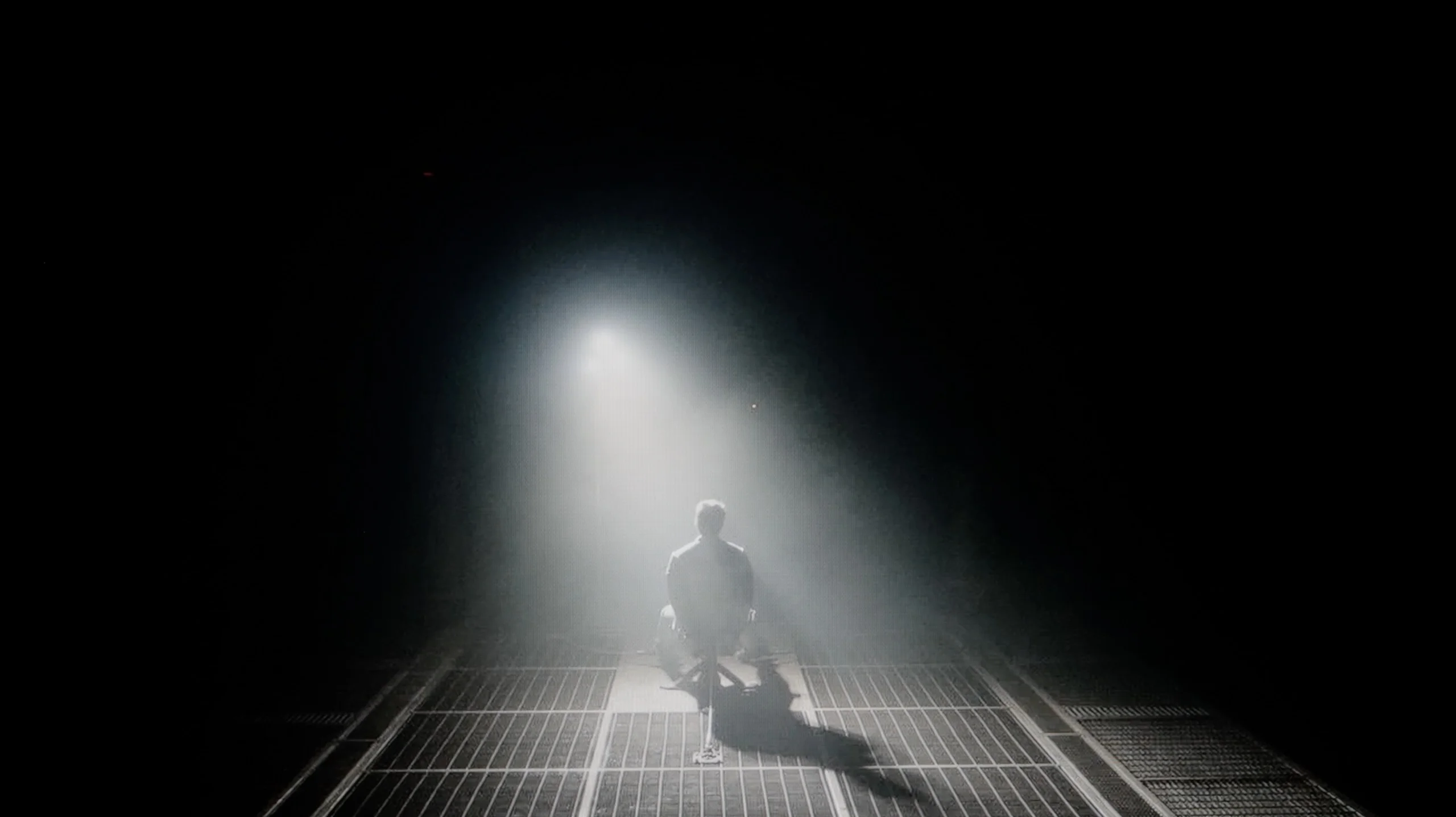
Halo effect and black detail visibility:

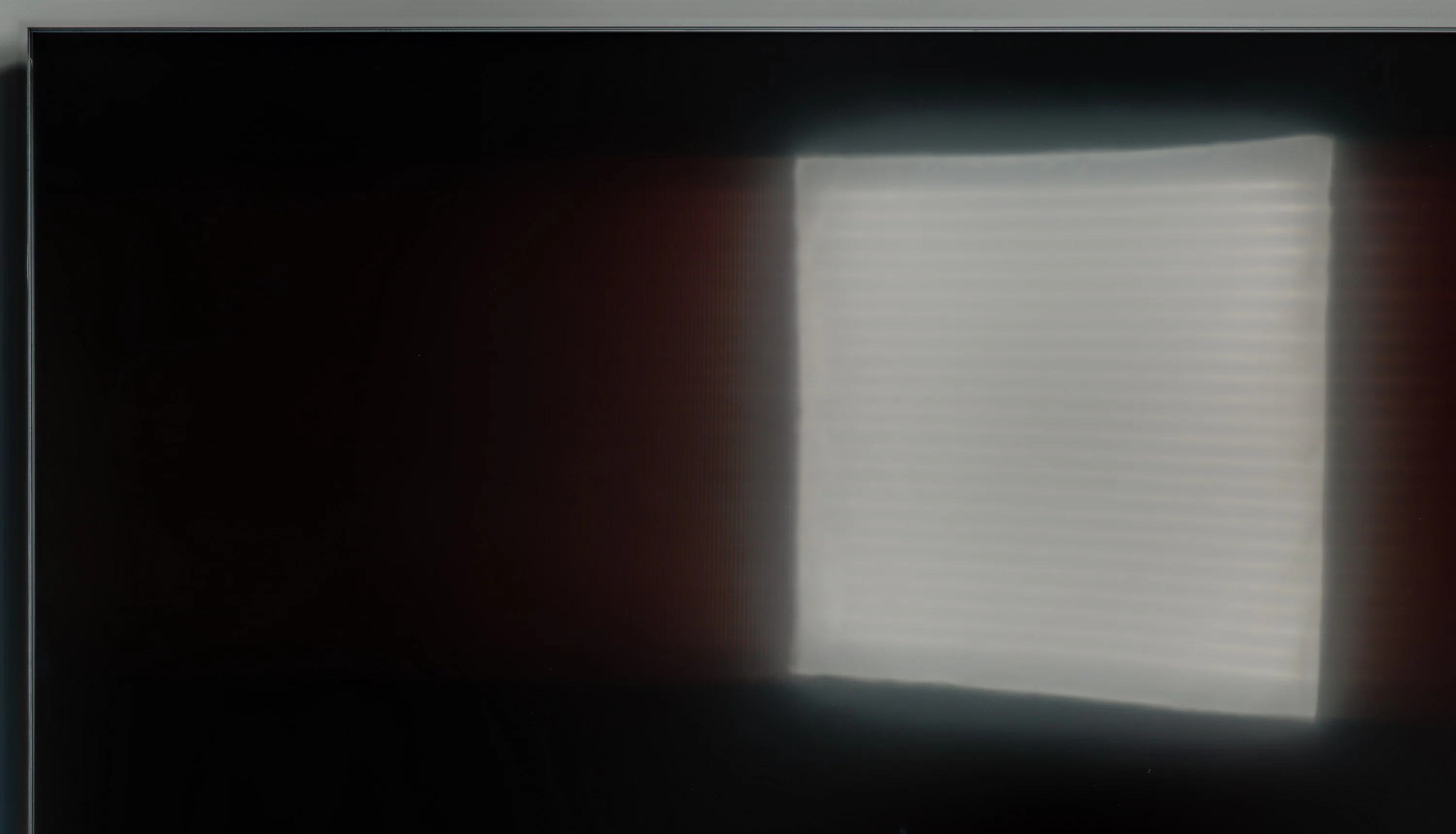
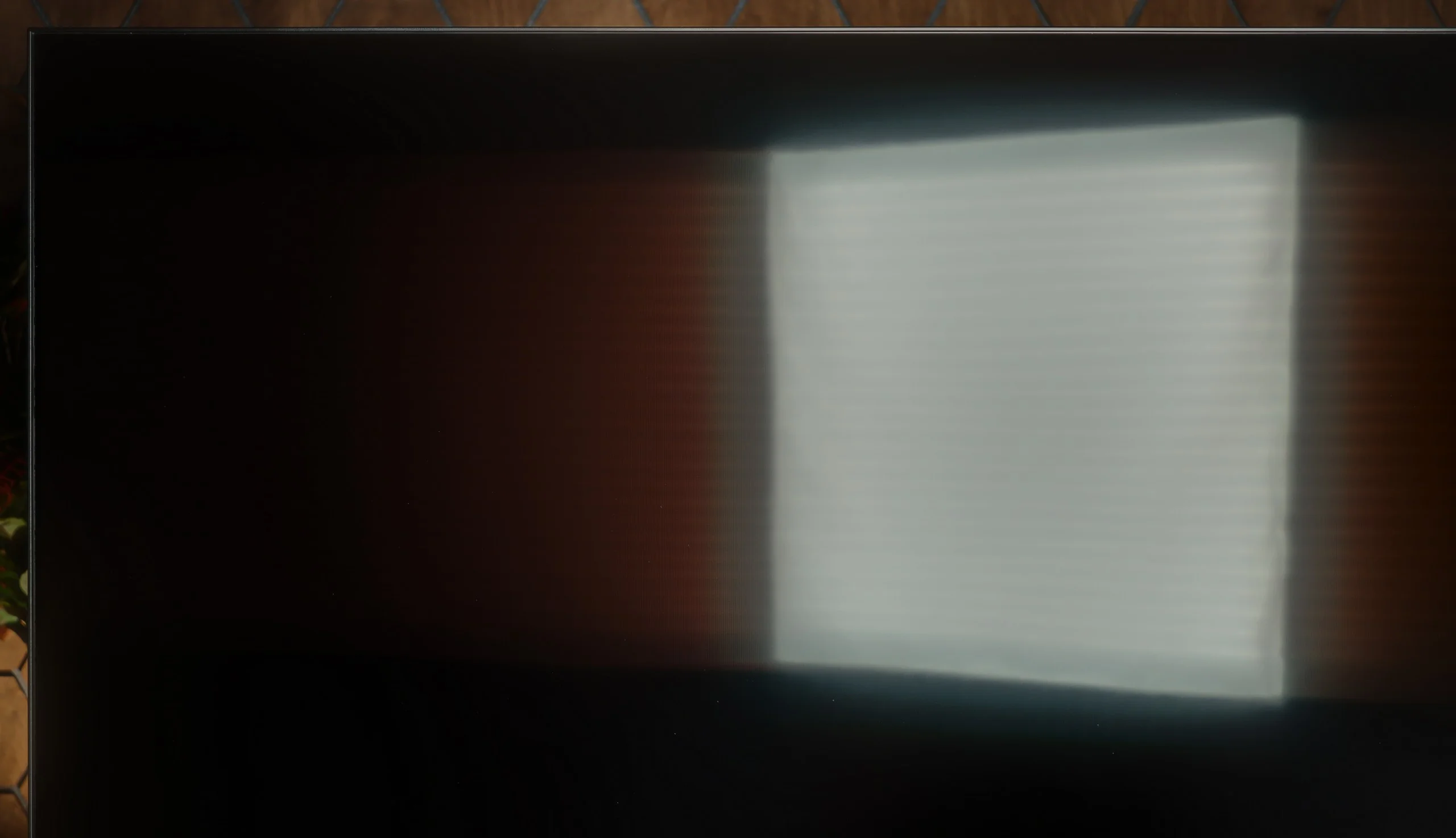
Check the visibility of bright lights on a dark background. Mini-LEDs often struggle with this. The photo does not compare black levels – that’s what the video below is for.

The video accurately shows differences in contrast and black levels between TVs, as well as potential issues: halo around bright objects or Mini-LED zone operation visible as brightness jumps.

The Sharp FQ8, with its VA panel, delivers an exceptionally high native contrast ratio, achieving an impressive 8100:1 in tests using film test patterns. This result significantly surpasses most competitors in its price range and is a rare achievement. The high contrast provides excellent depth to images, especially in scenes with pronounced differences between light and dark elements. This makes it particularly strong in contrast performance and black-level quality, which are critical factors in overall image evaluation.

The television features direct backlighting (Direct LED), which helps maintain consistent brightness levels. However, it lacks local dimming support, a common limitation in this price category. While this does slightly impact the depth and clarity of blacks in darker scenes, the high native contrast ensures the Sharp FQ8 still delivers a strong viewing experience.

The Sony Bravia 7 II in the 65-inch model we tested uses a VA panel and an RGB Mini-LED backlight divided into 432 local dimming zones. That already provides a solid foundation for achieving very good black levels, although one thing is worth noting. There are fewer zones here than in last year’s Bravia 7, which had 512 in the same size. Did that affect contrast? Interestingly, it didn’t. The Bravia 7 II handles black even better than its predecessor and clearly shows how much depends on the algorithms themselves. Sony controls the backlight very well and in many scenes can achieve genuinely deep blacks while still preserving detail in dark parts of the image. So there’s no situation where the TV tries to force perfect black at any cost, cutting out details in the process.

The smaller number of zones only really shows itself in the most demanding scenes. A starry sky, text on a black background, or many small bright elements displayed at once can already produce a halo effect. What’s interesting, however, is how that halo looks. Thanks to the RGB backlight, the glow can take on the color of the displayed object. So if there’s a small red object on a black background, the glow around it will also have a red tint. It doesn’t disappear completely, but because of that it contrasts less with the object itself and the image looks more coherent than on classic Mini-LEDs that use white backlighting.

HDR effect quality

5.3/10

7.7/10

Supported formats
HDR10, Dolby Vision, HLG
HDR10, Dolby Vision, Dolby Vision IQ, HLG
Color gamut coverage
DCI P3: 93.6%, Bt.2020: 74.6%
DCI P3: 97.2%, Bt.2020: 85.6%

Luminance measurements in HDR:

Review Sharp FQ8 Brightness measurement

Result

384 nit

Review Sharp FQ8 Brightness measurement

Result

399 nit

Review Sharp FQ8 Brightness measurement

Result

465 nit

Review Sharp FQ8 Brightness measurement

Result

461 nit

Review Sharp FQ8 Brightness measurement

Result

463 nit

Review Sony BRAVIA 7 II Brightness measurement

Result

1715 nit

Review Sony BRAVIA 7 II Brightness measurement

Result

1182 nit

Review Sony BRAVIA 7 II Brightness measurement

Result

1401 nit

Review Sony BRAVIA 7 II Brightness measurement

Result

571 nit

Review Sony BRAVIA 7 II Brightness measurement

Result

1260 nit

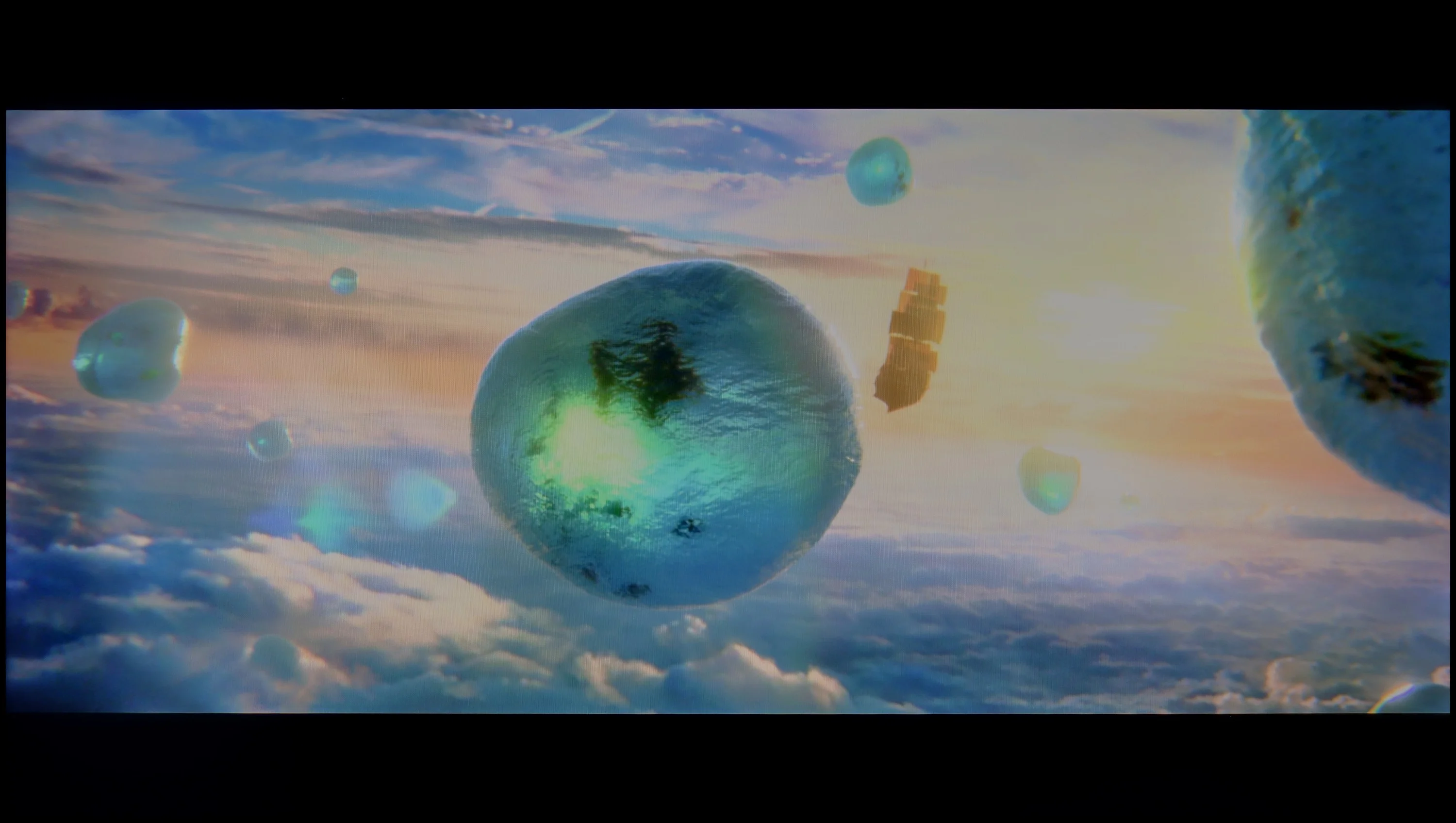
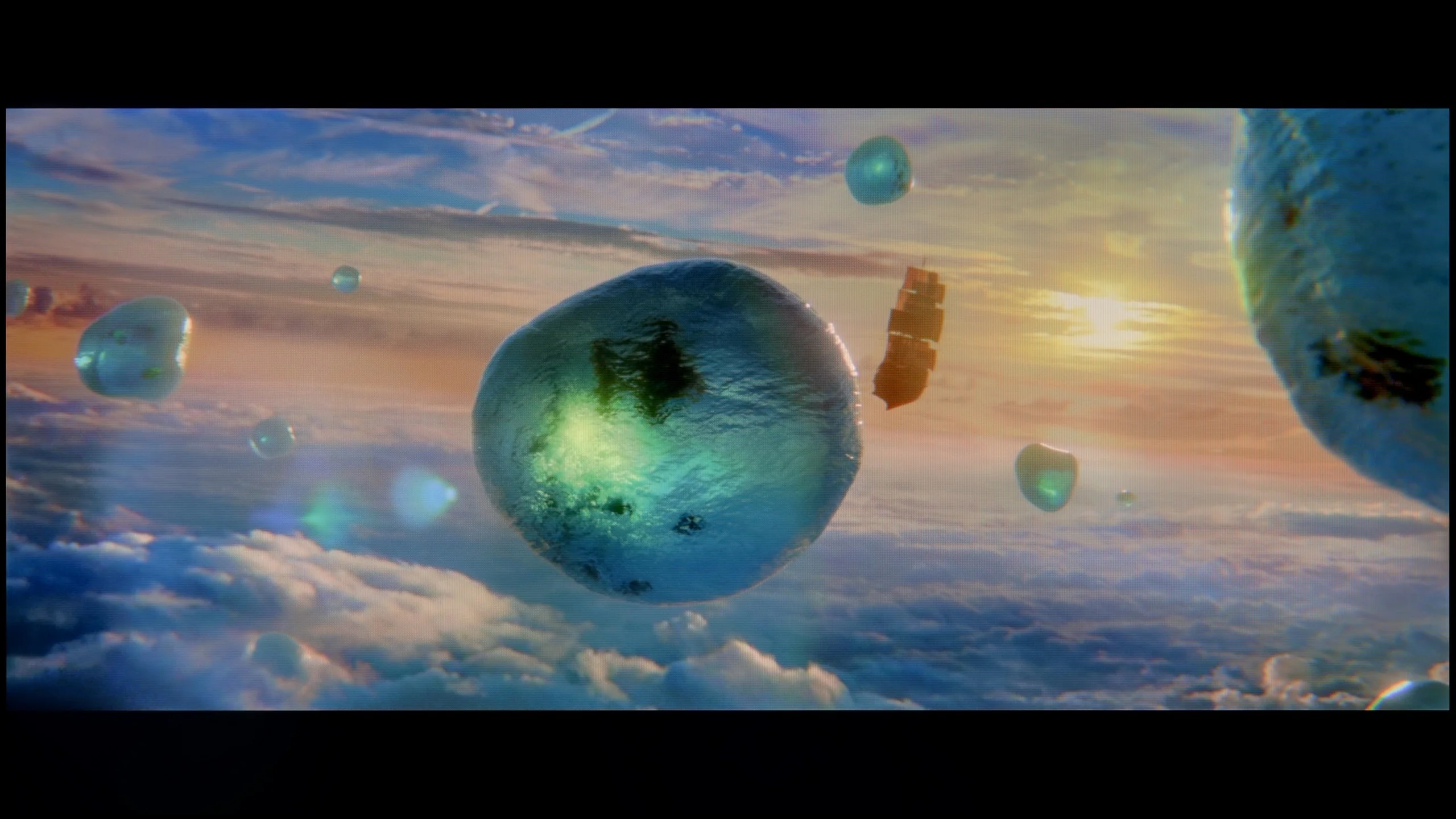
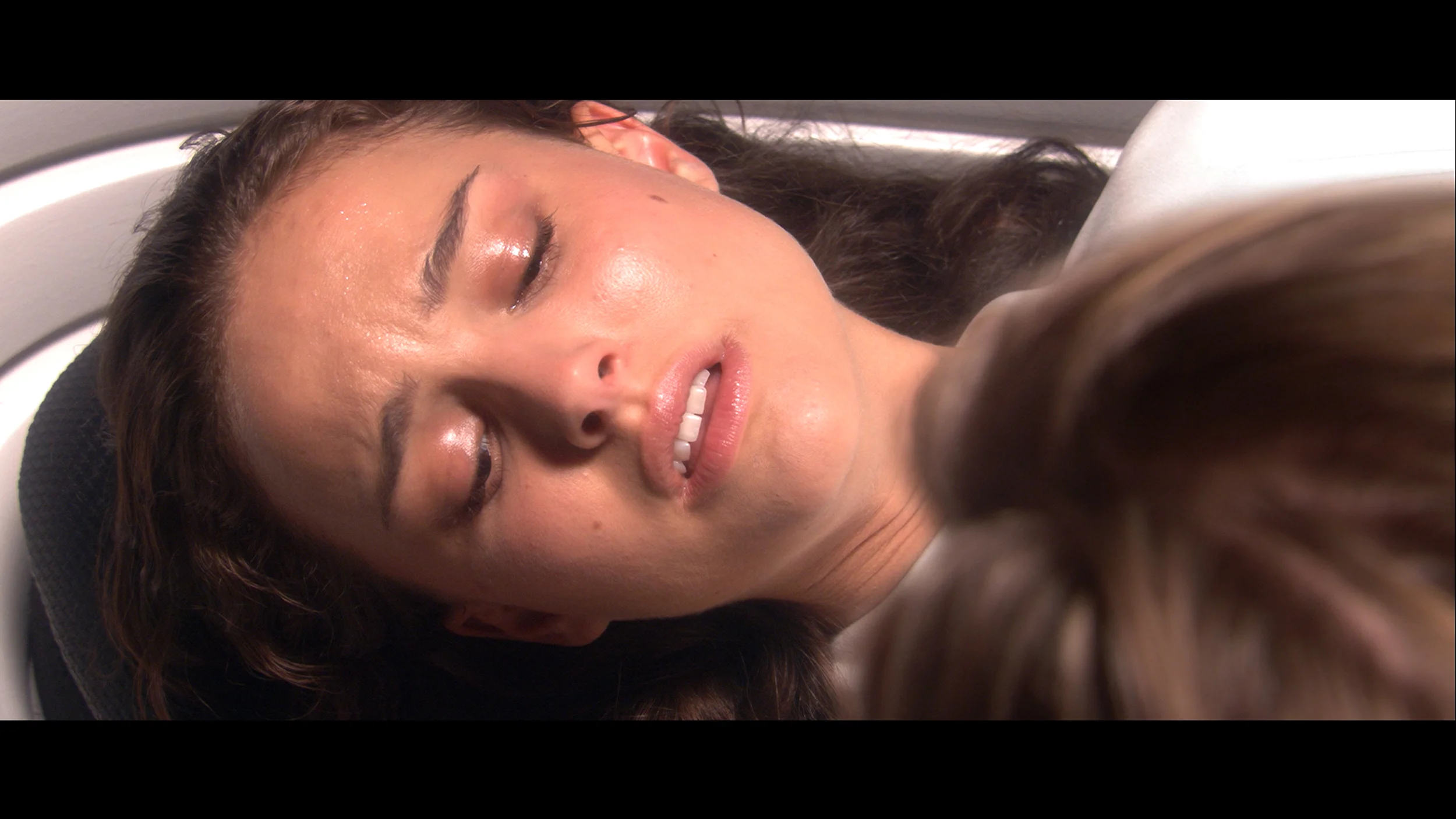
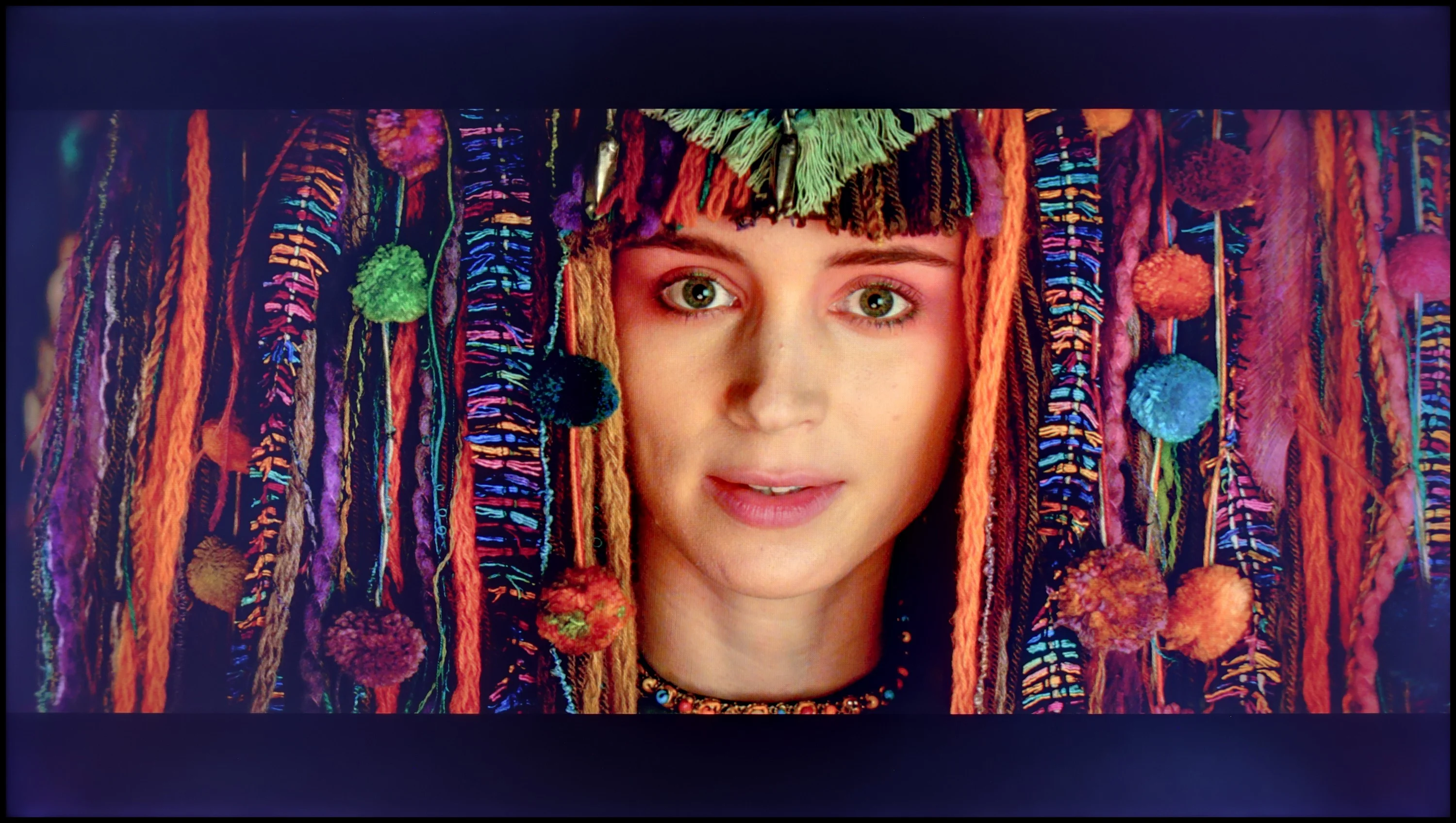
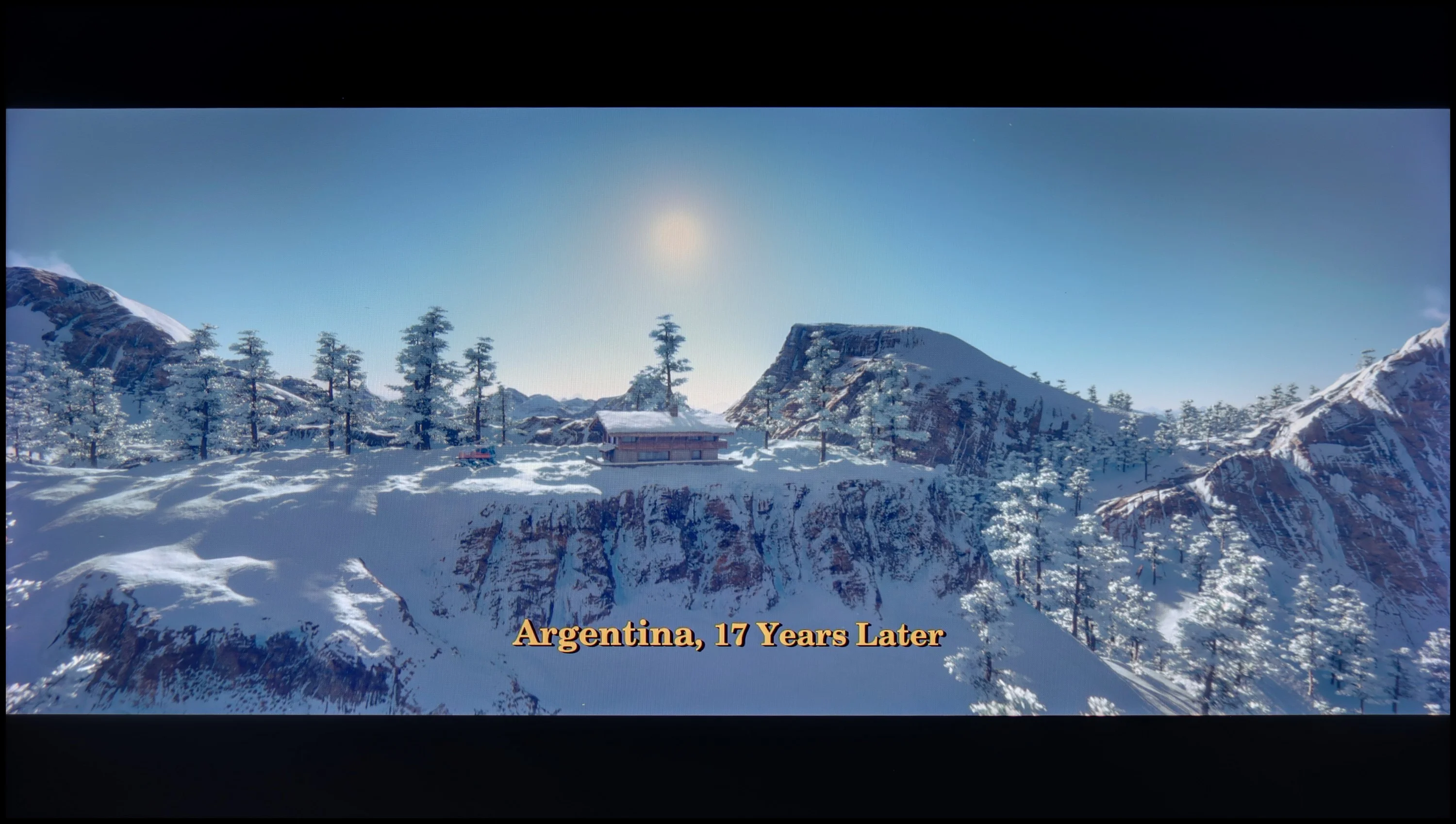
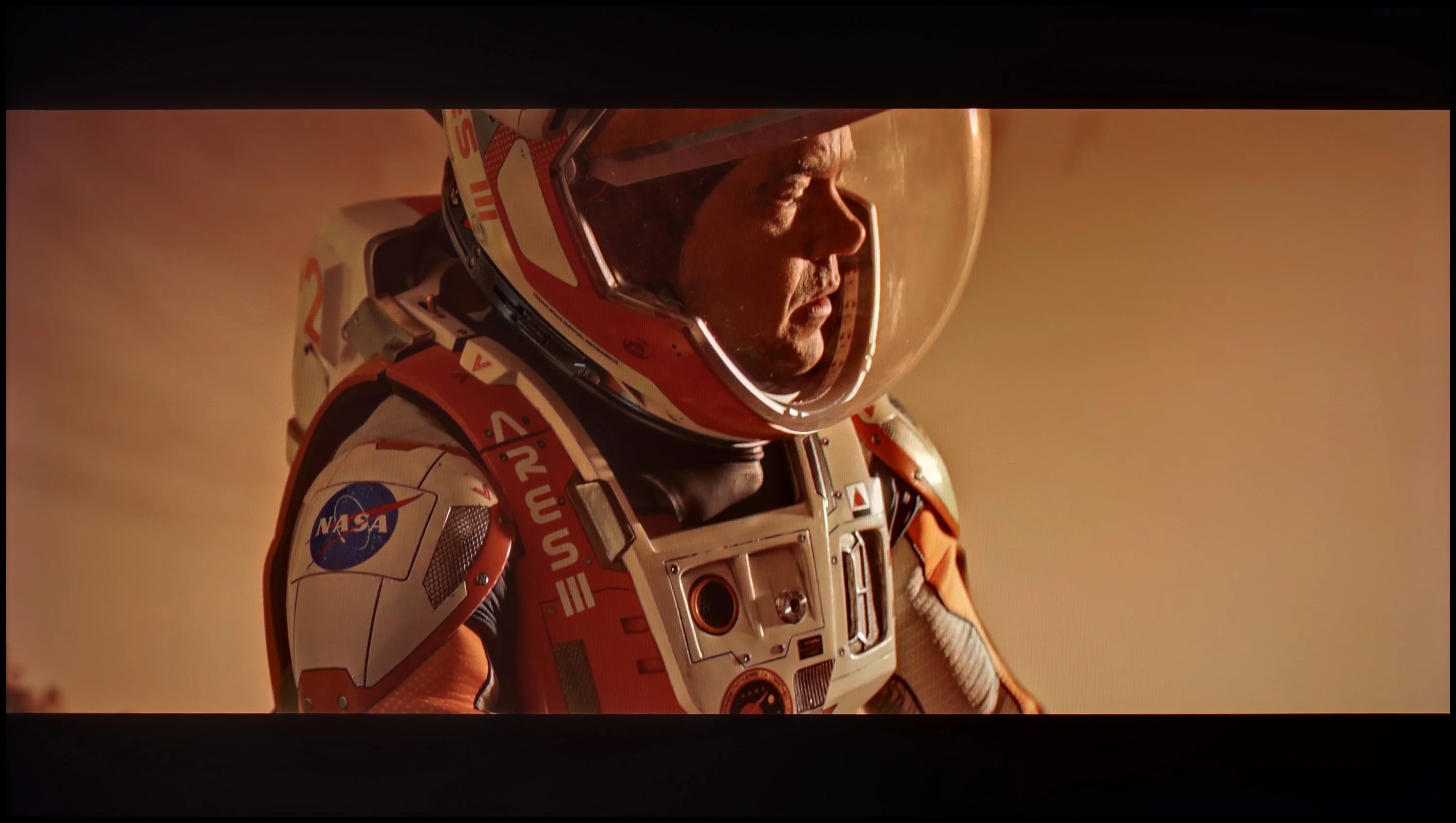
Scene from the movie “Pan” (about 2800 nits)

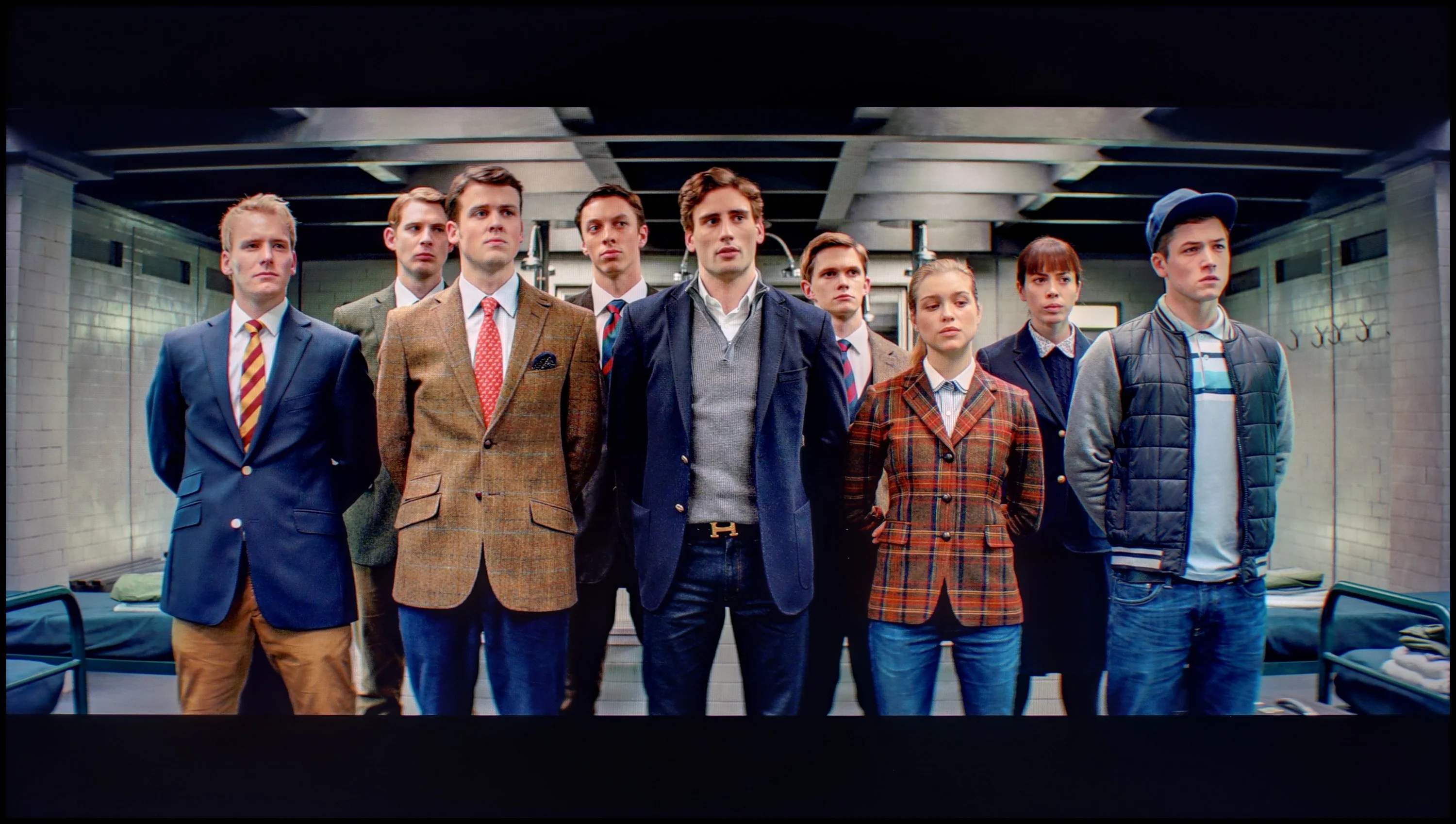
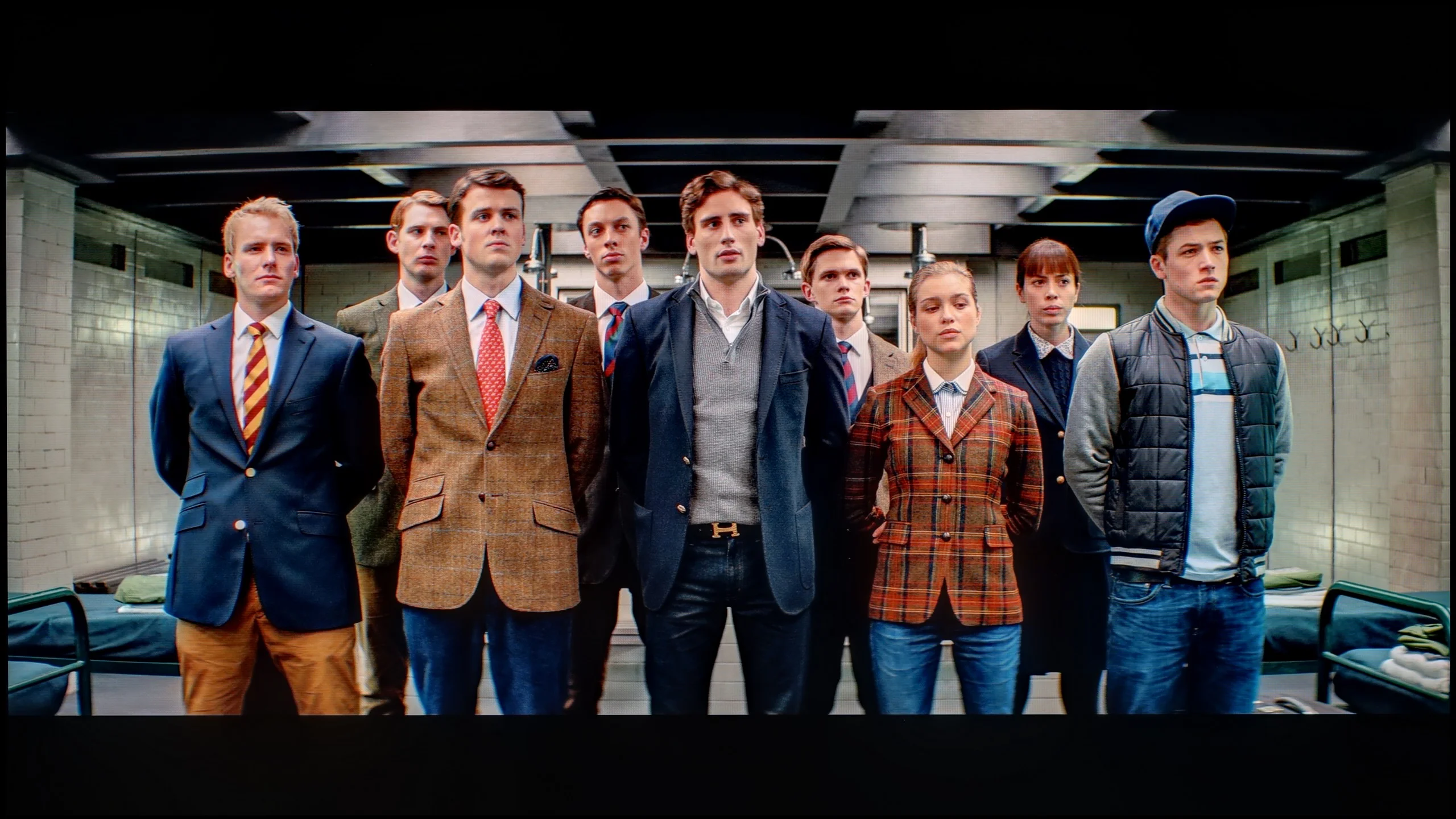
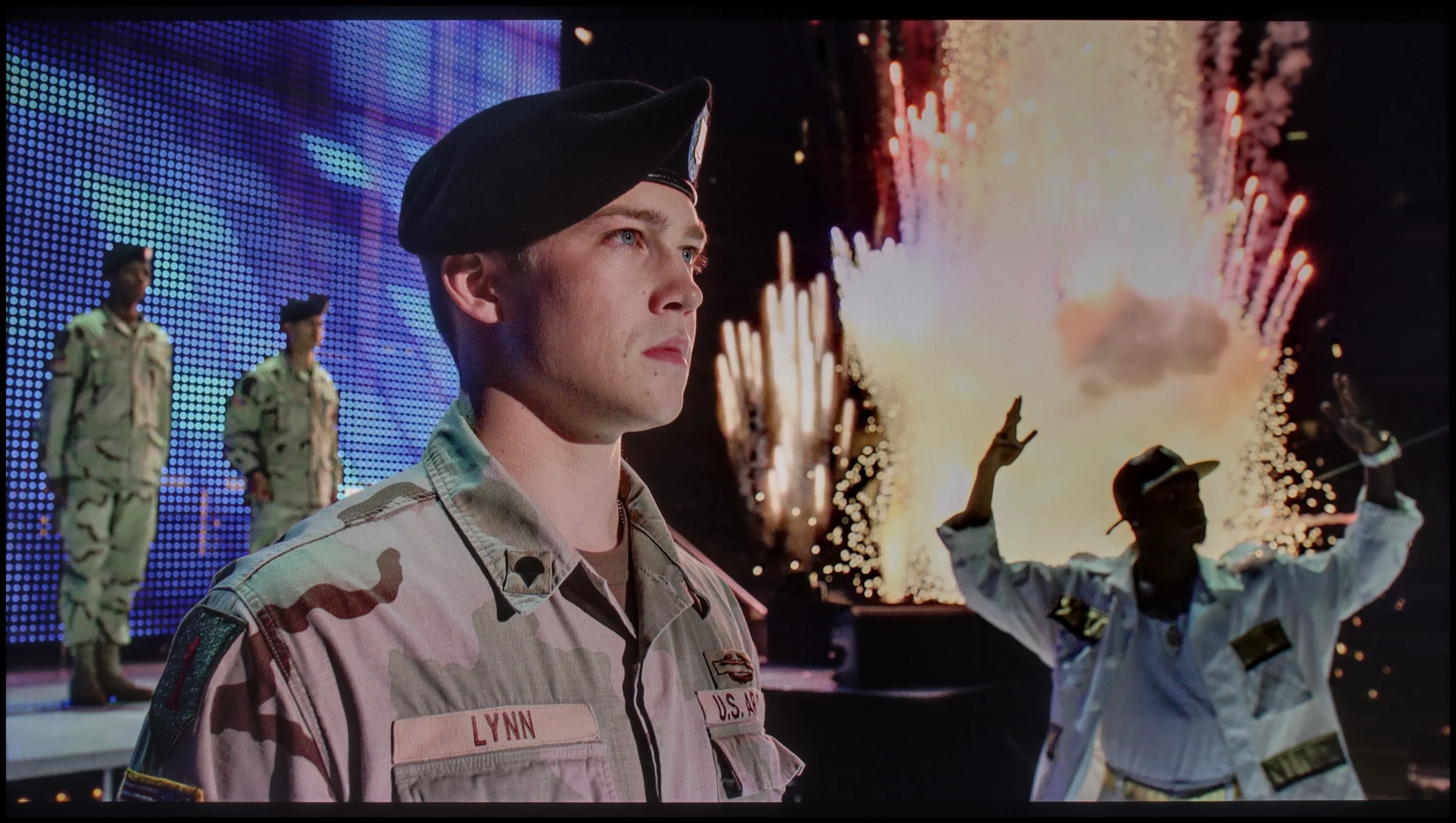
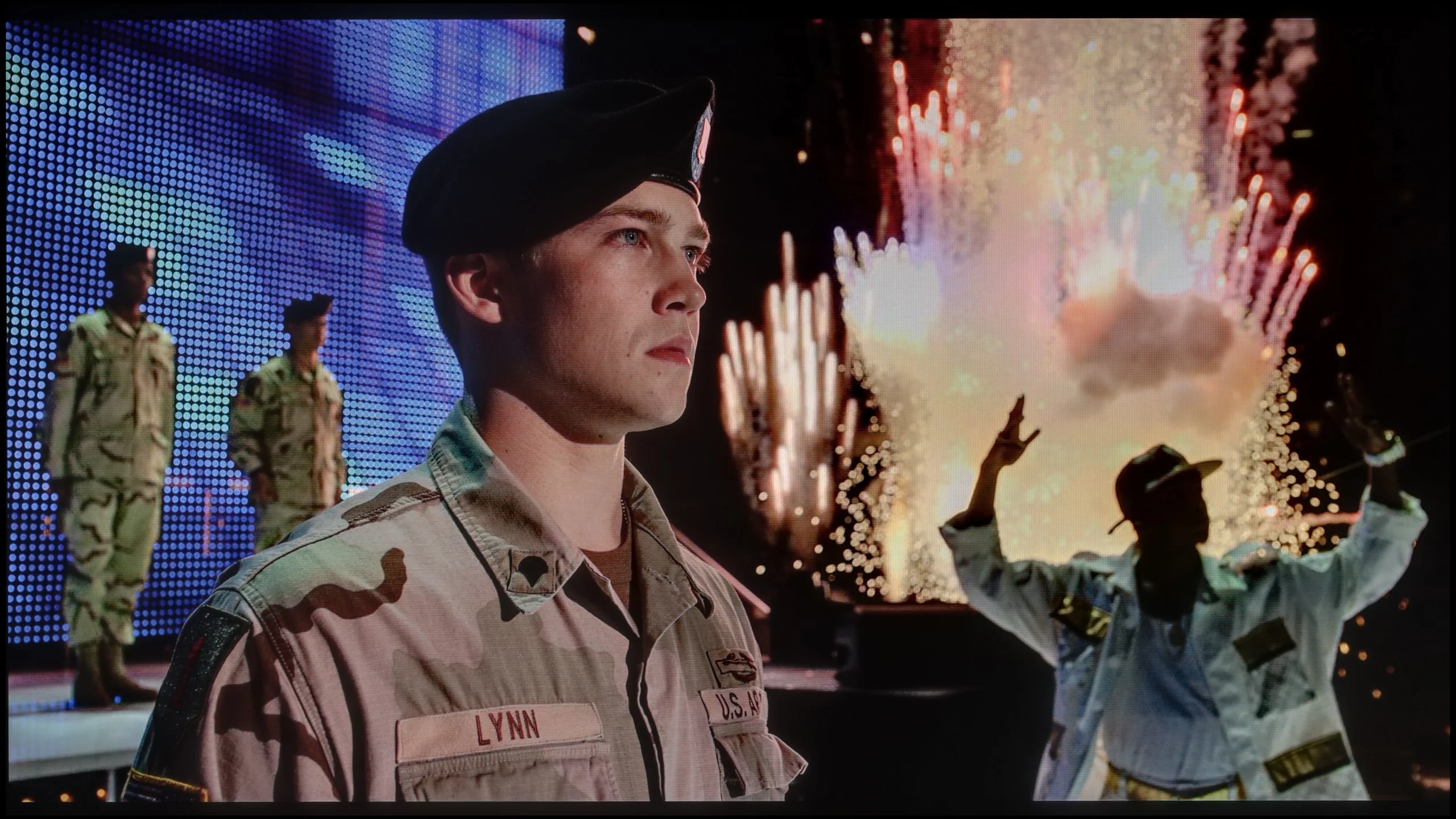
Scene from the movie “Billy Lynn” (about 1100 nits)

The photos show two HDR10 movies. 'Pan' is one of the brightest productions ever made, while 'Billy Lynn' (soldier) has brightness typical of streaming (Netflix, Prime, HBO MAX). Notice the intensity of effects and detail in whites.

Static HDR10

The photos present the visibility of white details in various HDR formats. They do not show brightness differences between TVs (these can be compared in the previous gallery).

Dynamic: Dolby Vision

Dynamic: Dolby Vision

The photos present the visibility of white details in various HDR formats. They do not show brightness differences between TVs (these can be compared in the previous gallery).

HDR luminance chart:

Sony BRAVIA 7 II

Sharp FQ8

The Sharp FQ8 achieves a maximum brightness of over 450 nits, which is commendable for its price range. While this level might not be groundbreaking, it places the television among the better-performing models in its class. At this brightness, the image appears vivid and detailed, and the HDR metadata functions effectively, offering a more immersive viewing experience compared to dimmer devices.

The television supports the advanced Dolby Vision HDR format, enhancing the depth and richness of the content. It also includes Dolby Vision IQ, which adjusts the image's brightness and colours based on ambient lighting. However, the implementation of this feature on the Sharp FQ8 is suboptimal, introducing artificial brightening and noticeable distortions. For this reason, it is advisable to disable Dolby Vision IQ for the most accurate picture quality.

With quantum dot technology, the television achieves a colour gamut coverage of approximately 94%, resulting in vibrant and realistic colours. This combination of features ensures the Sharp FQ8 delivers an engaging and detailed visual experience, even with some limitations.

The Sony Bravia 7 II handles HDR very well and, above all, is simply a bright TV. In the proper "Professional" viewing mode we measured about 2000 nits of peak brightness, so the panel's capabilities are really substantial. Of course, with Mini-LEDs the result on a test pattern is only part of the story, because a lot depends on how the TV controls the backlight in real scenes. And here Sony's algorithms perform really well. Depending on the scene, the brightness we measured in movies ranged from around 1100 up to 1700 nits. That's already a level at which HDR has the proper punch and bright effects can really impress. It's not perfect in every situation, though. With small bright elements on a very dark background the Bravia 7 II clearly prioritizes maintaining good black levels, which can cause their brightness to drop to around 500 nits. It still looks good, but you can see the TV doesn't always operate without compromises.

Colors

The second thing that has a huge impact on the HDR effect is, of course, color. And this is where True RGB technology was supposed to bring one of the biggest changes. Looking at the panel's raw capabilities, the Bravia 7 II performs very well. We measured about 98% DCI‑P3 coverage and 88% BT.2020, so the potential to display highly saturated colors is really large. However, in RGB TVs the situation is a bit more complex. When we performed the same measurements with a movie background applied, the gamut coverage dropped to about 92% DCI‑P3 and 78% BT.2020. Those are still good figures, especially for an RGB Mini-LED TV, but they clearly show that the final result largely depends on how the algorithms control the three backlight colors. In most scenes the Bravia 7 II handles this well and colors retain high saturation. The biggest differences are seen in shades of blue, where samples start to deviate more noticeably from the reference values and coverage is weaker than for the other primary colors. So True RGB does offer real additional possibilities here, but like with brightness, much depends on what is actually happening on the screen.

Factory color reproduction

4.2/10

7/10

This gallery shows how colors change after professional TV calibration. If you notice the difference, we recommend ordering this service at SkalibrujTV.com.

Factory Mode

After calibration

This gallery shows how colors change after professional TV calibration. If you notice the difference, we recommend ordering this service at SkalibrujTV.com.

Factory Mode

After calibration

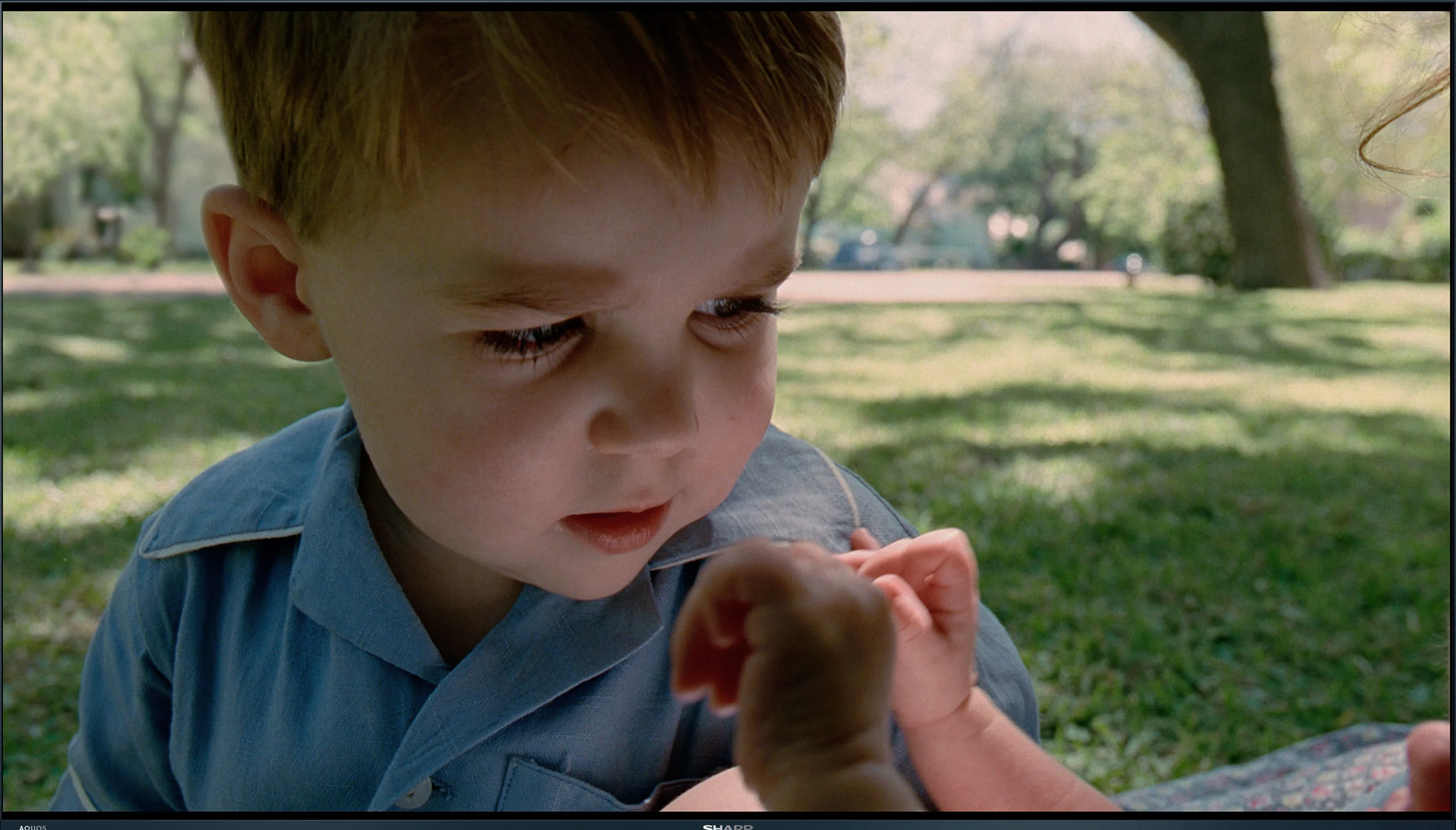
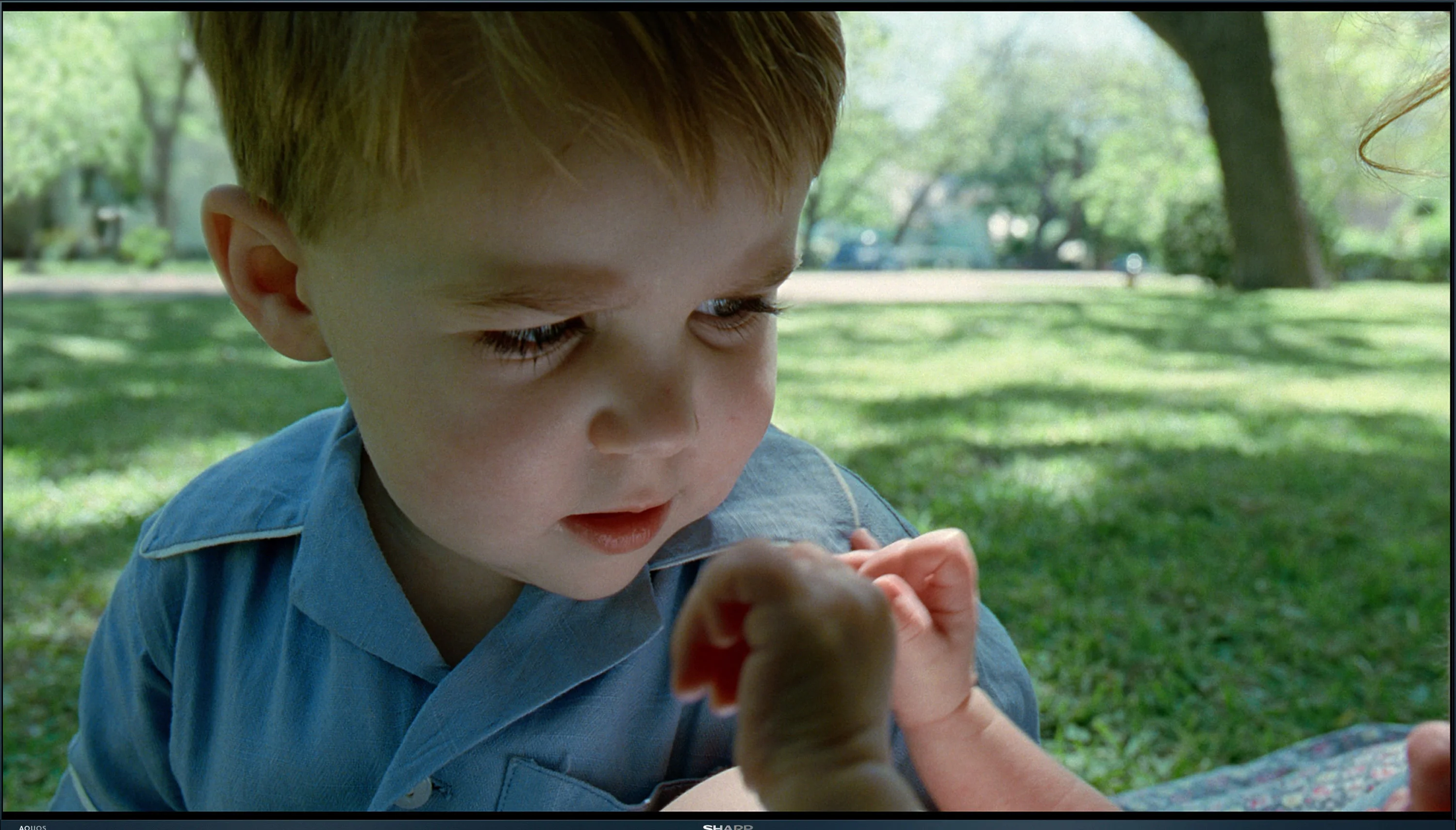
The Sharp FQ8 was evaluated for colour reproduction in its movie mode, which provides the best default settings for achieving realistic visuals. While it performs adequately, certain issues impact the overall image quality. Tests on HD content revealed significant white balance problems, with a marked dominance of red. This is evident in the colour graph, where the red line noticeably rises above the others, and in practical tests, such as a movie scene featuring a child, where the image appears overly warm and unnaturally red. Similar issues persist with 4K HDR content, where an excessive red tint detracts from the accuracy of colour reproduction, an important consideration for viewers prioritising faithful visuals.

For SDR contrast, the gamma graph displayed an unusual anomaly at the start, highlighting reproduction issues. The remainder of the gamma curve lies below the reference line, indicating suboptimal brightness and contrast levels for standard content. In 4K HDR, the EOTF curve also deviates significantly, suggesting inconsistencies in brightness reproduction. These fluctuations can result in less enjoyable viewing experiences for HDR content, particularly in scenes requiring precise light and dark balance.

To evaluate the out-of-the-box colors we chose Professional mode, because it performs best among the available settings. It's not perfect, though. In SDR the white balance leans slightly toward magenta, so some scenes look a bit warmer and less neutral than they should. A bigger issue is the gamma, which sits closer to 2.5 than 2.4. That makes the image a bit too dark in places, especially in the midtones. In HDR the situation is better. As brightness increases there is a bit too much red, but it's not a fault that stands out during viewing. Overall, Professional mode is a good starting point, although you can get a little more out of it with calibration.

Color reproduction after calibration

7.8/10

8.8/10

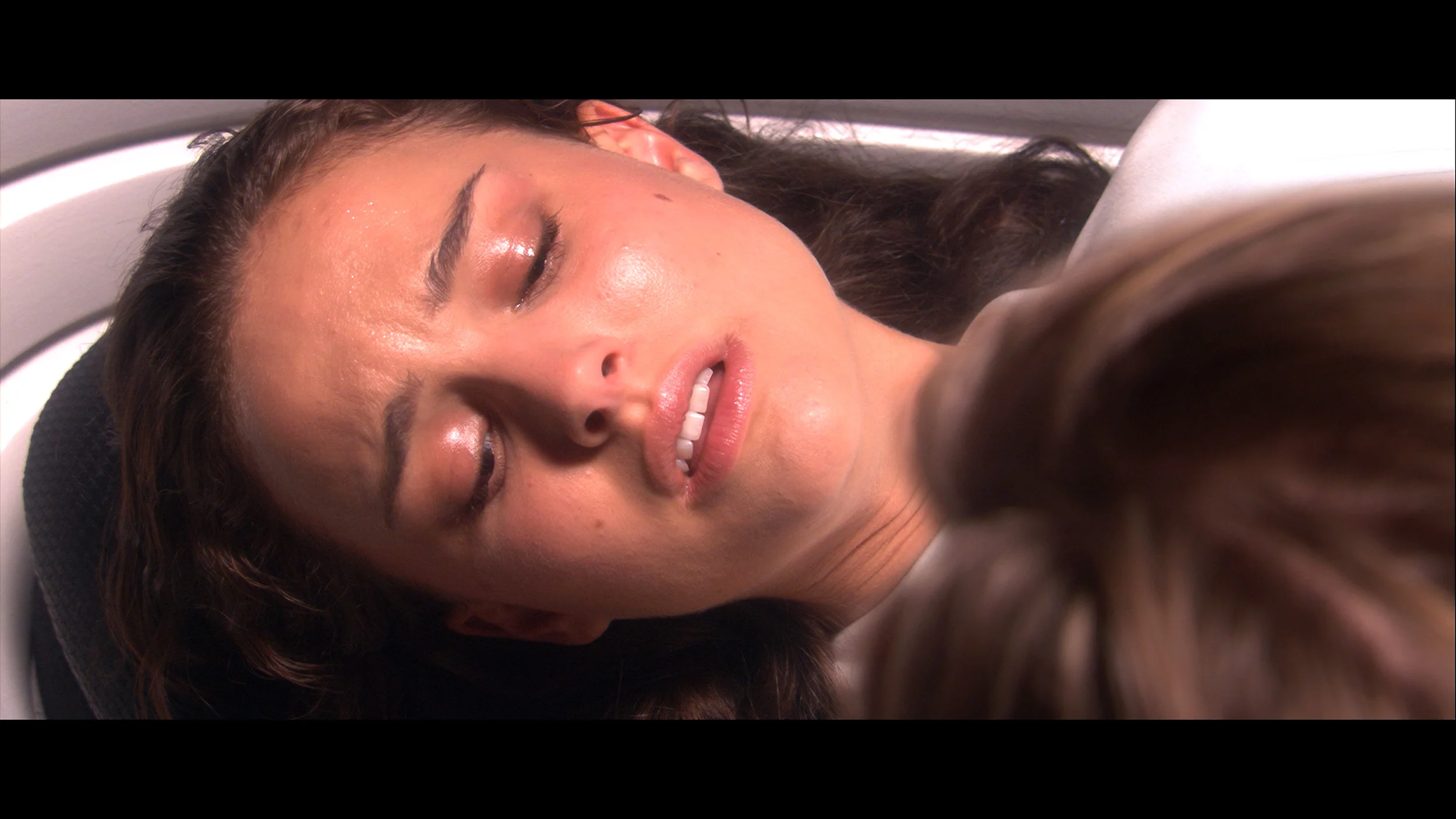
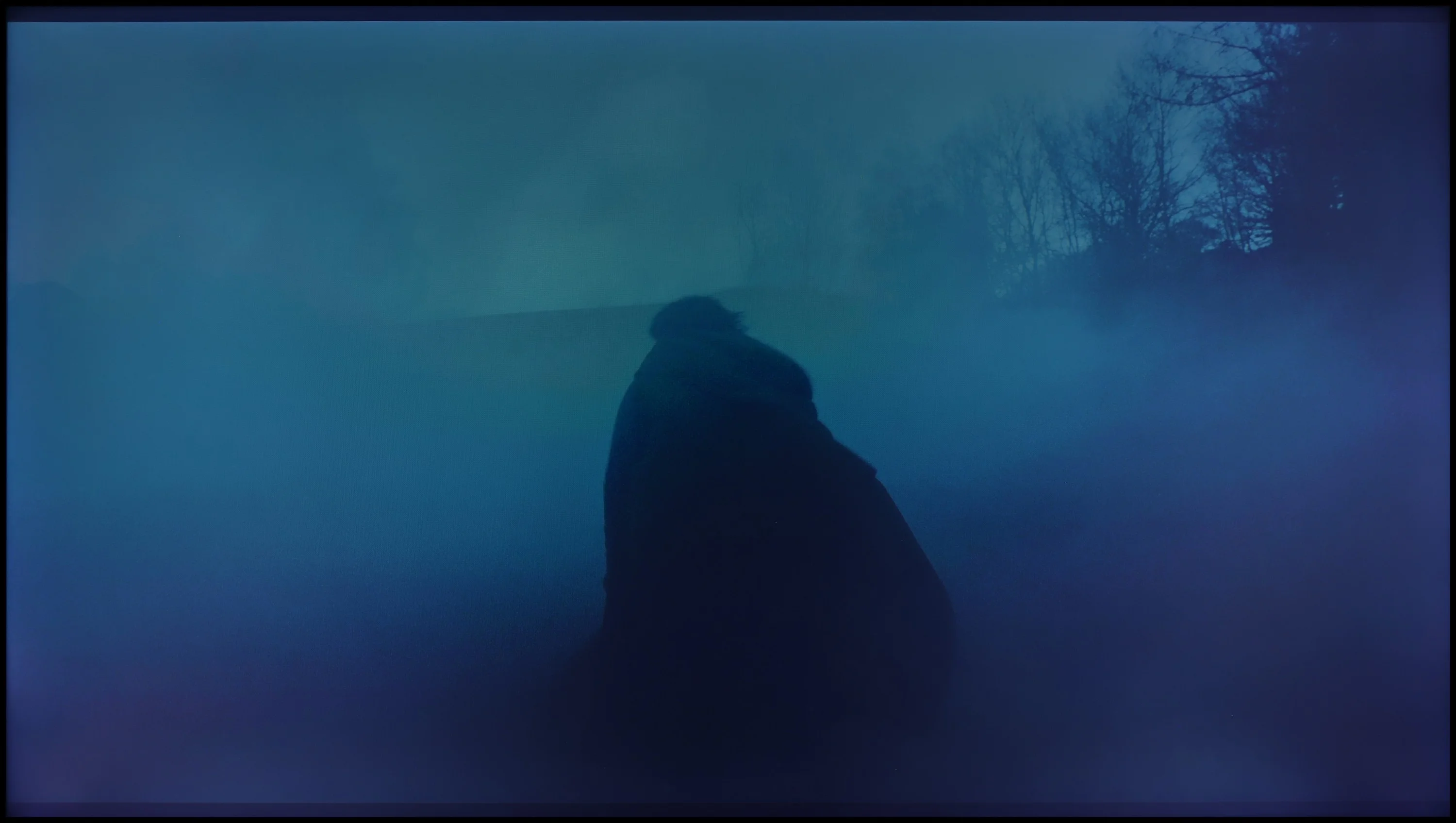
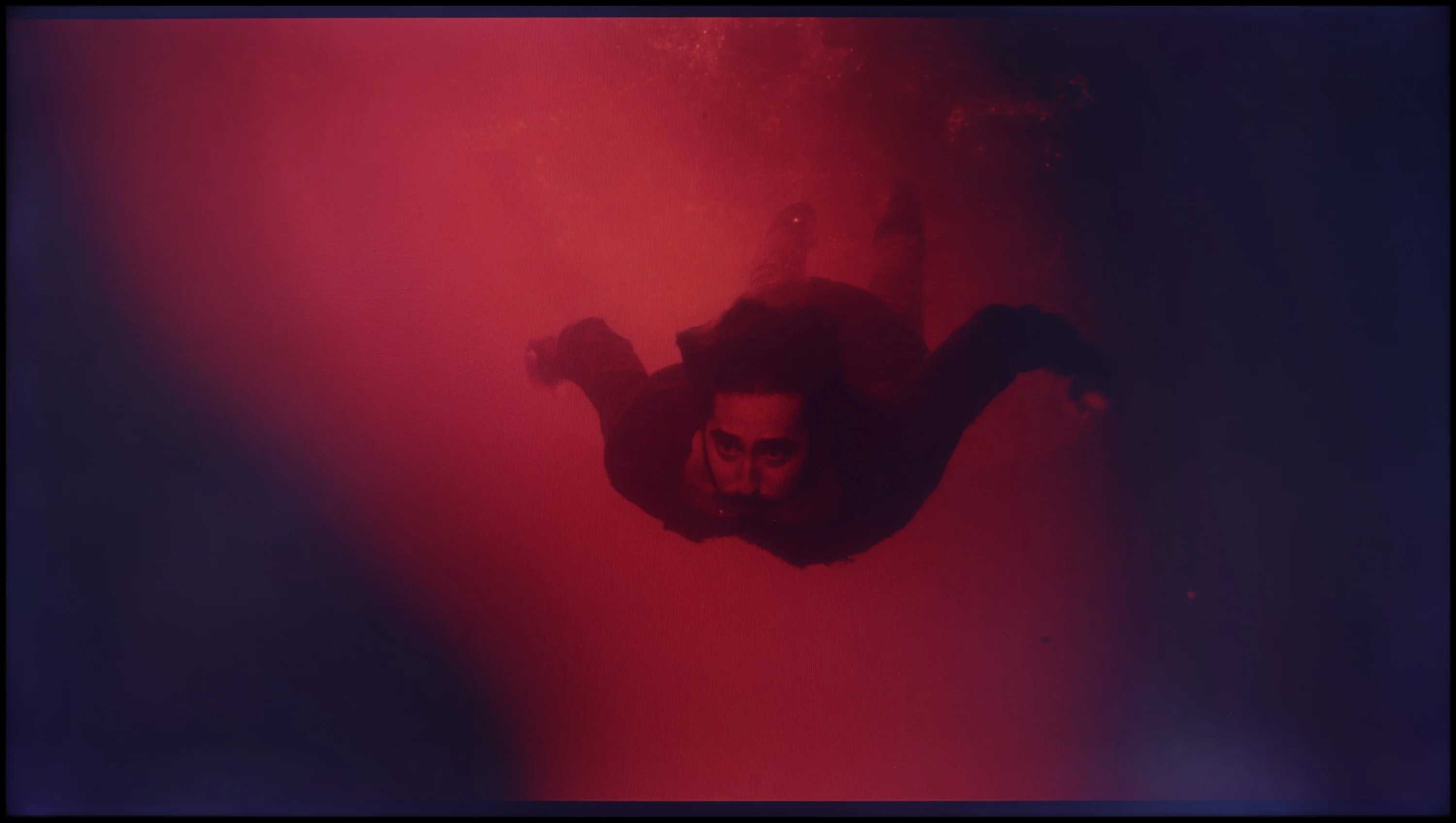
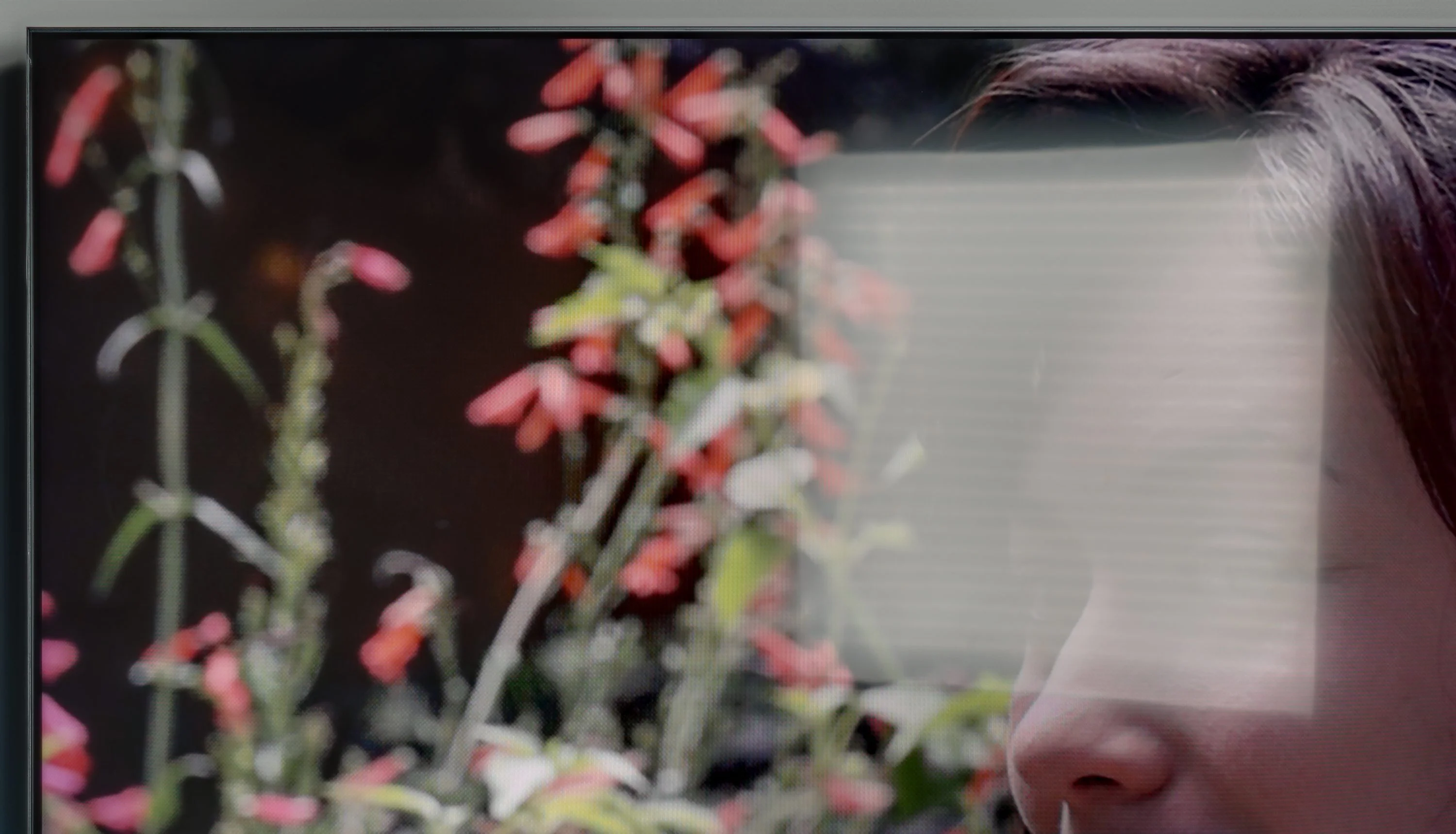
The photos show how movies look on the TV. Pay attention to black detail visibility, colors, and shadow tint.

The photos show how movies look on the TV. Pay attention to black detail visibility, colors, and shadow tint.

After calibration, the Sharp FQ8 shows notable improvements in its performance for SDR content. The white balance has been significantly refined, with all lines approaching the reference line. While the lines are not perfectly straight, the results are impressive for a TV in this price range. This adjustment enhances the naturalness and accuracy of colours, contributing to a more enjoyable visual experience. However, the gamma chart still displays the peculiar jump at the start, though the remaining line now aligns much closer to the expected outcome.

For HDR content, the white balance also sees meaningful improvements compared to the pre-calibration state, although it doesn’t perform as well as in SDR mode. This refinement results in more consistent and visually appealing colours, despite some remaining imperfections. On the downside, the EOTF chart reveals limited progress in contrast due to the lack of control over dynamic tone mapping settings, which hampers uniform brightness representation in HDR.

Despite these limitations, the calibration significantly elevates the Sharp FQ8, particularly in SDR mode. The improved white balance and colour reproduction deliver a more natural and pleasant viewing experience. While HDR content still leaves room for improvement, the TV achieves a respectable level of performance, solidifying its position as a strong contender in its price range.

After calibration the Bravia 7 II can look significantly better. First of all, we managed to set the white balance very well, both in SDR and HDR. Gamma can also be improved, and after correction it runs very close to the reference value. For most users, those changes will have the biggest impact on the picture. There is, however, a limitation when it comes to colors. On the Bravia 7 II Sony does not provide access to a classic CMS that would let us adjust individual hues separately. A lot is therefore left in the hands of the algorithms controlling the True RGB backlight. If the TV reproduces a specific color inaccurately, we are not always able to do anything about it. In our measurements this is most evident with some reds and blues, where errors can still be quite large. That does not, however, diminish the value of calibration. Correctly setting the white point and gamma strongly affects the overall image, so even without the ability to precisely tweak every color the difference compared with the factory settings is noticeable.

Smoothness of tonal transitions

8.8/10

8.5/10

These are selected scenes that show smooth tonal transitions from one color to another. If you see distinct banding, it’s the TV panel’s fault.

These are selected scenes that show smooth tonal transitions from one color to another. If you see distinct banding, it’s the TV panel’s fault.

These are selected scenes that show smooth tonal transitions from one color to another. If you see distinct banding, it’s the TV panel’s fault.

These are selected scenes that show smooth tonal transitions from one color to another. If you see distinct banding, it’s the TV panel’s fault.

The Sharp FQ8 excels in the fluidity of tonal transitions, offering smooth and harmonious shifts between colours in all tested movie scenes. This contributes positively to the overall image quality, enhancing the viewing experience. The only slight criticism is the visible gradation towards black, especially noticeable in scenes like a colourful sunset against the mountains. However, these minor imperfections do not detract from the generally impressive and pleasant visual performance.

Color grading on the Bravia 7 II is very good and there's little to criticize. Transitions between individual tones are smooth, both in bright and darker scenes. You can notice minor imperfections, but they're subtle enough that they generally go unnoticed during normal viewing. It fares a bit worse with the same source material when played back in Dolby Vision. In that mode the TV has more trouble maintaining equally smooth transitions, especially in darker tones. Banding and unevenness become a bit easier to spot, so Dolby Vision performs worse in this respect than standard HDR10.

Image scaling and smoothness of tonal transitions

6.5/10

8.5/10

Image without overscan on the SD signal
OK
OK
Smooth transition function
OK
OK

Smooth transition function

The match photo shows how the TV smooths weak tonal transitions in low-quality video.

Image scaling SD (576i)

The model photo shows how it handles upscaling of SD material.

The Sharp FQ8 performs adequately with its 10-bit colour reproduction feature, providing smooth transitions between grey shades in the light bulb photo. For optimal results, setting it to medium is recommended, as it avoids issues like grain smoothing or blurring key elements. The "low" setting also yields good results without introducing unwanted visual artefacts.

In terms of upscaling, the Sharp FQ8 TV handles video without overscan, making full use of the screen. The jagged edges of branches are noticeable, but the edges of trousers appear without any clear jaggedness, contributing positively to the overall image quality. Additionally, the TV's AI Super Resolution feature enhances clarity by artificially sharpening jagged elements, further improving the viewing experience.

Upscaling and digital processing are among the Bravia 7 II's strongest assets and one of Sony's biggest advantages over the competition. Sony has handled digital image processing well for years, and it shows here too. Above all, the "Smooth Gradation" function works very well; it can smooth weak tonal transitions in lower-quality content. It's safest to set it to Low, but we'd comfortably recommend Medium as well. The effect is stronger then, and the TV still handles details very delicately. Some fine detail may be slightly smoothed, but Sony does it much more subtly than many other brands. The upscaling itself also performs very well. Lower-resolution sources are well upscaled to 4K; the picture looks clean and retains a lot of detail. Of course the TV won't magically turn native HD material into true 4K, but the Bravia 7 II does a very good job with what can be extracted from such a source.

Blur and motion smoothness

7.2/10

7.8/10

Maximum refresh rate of the panel
144Hz
120Hz
Film motion smoothing option
OK
OK
Blur reduction option
OK
OK
BFI function 60Hz
No
Yes, 120Hz (double contours)
BFI function 120Hz
No
Yes, 240Hz (double contours)
Brightness drop with BFI
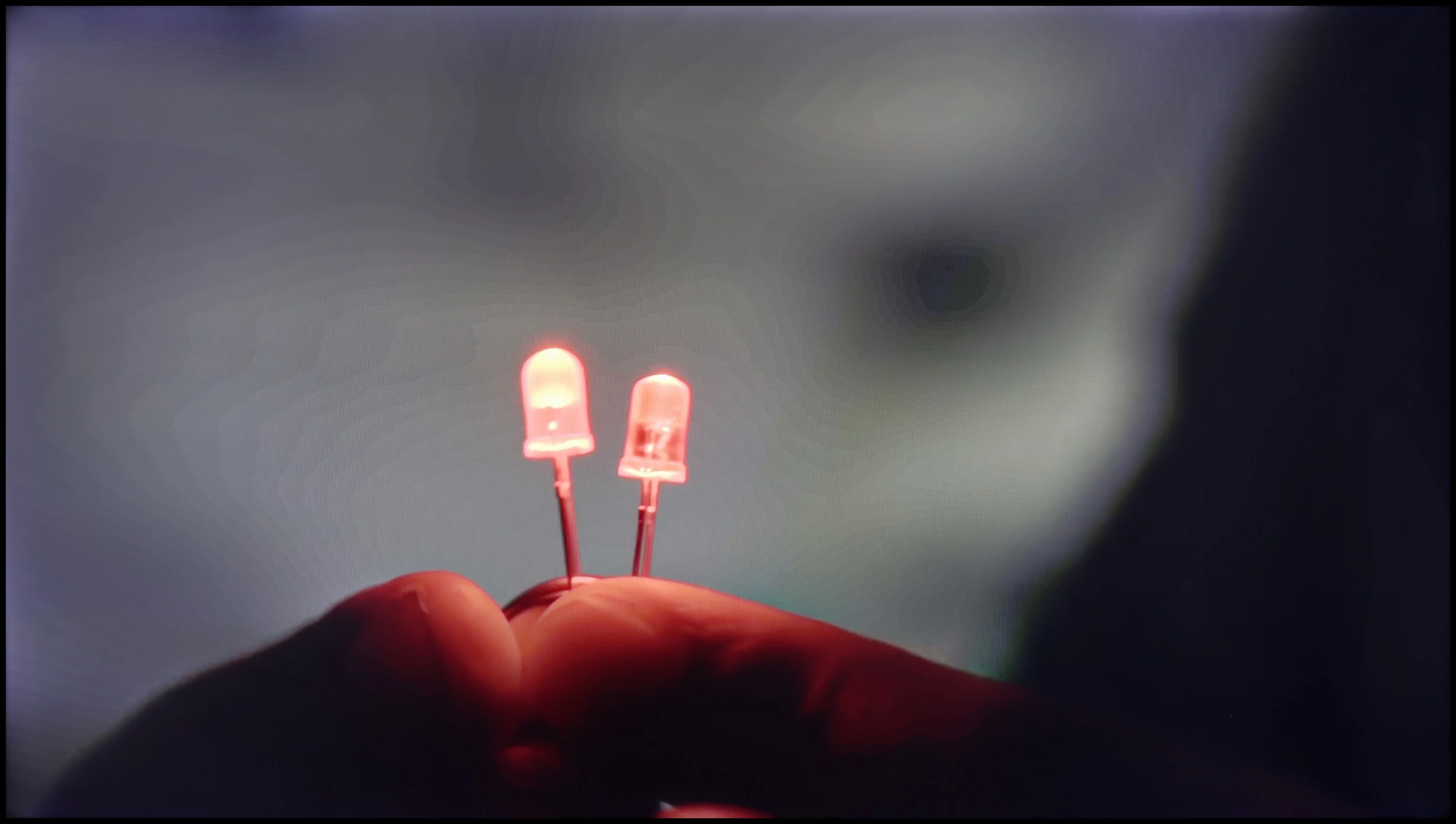
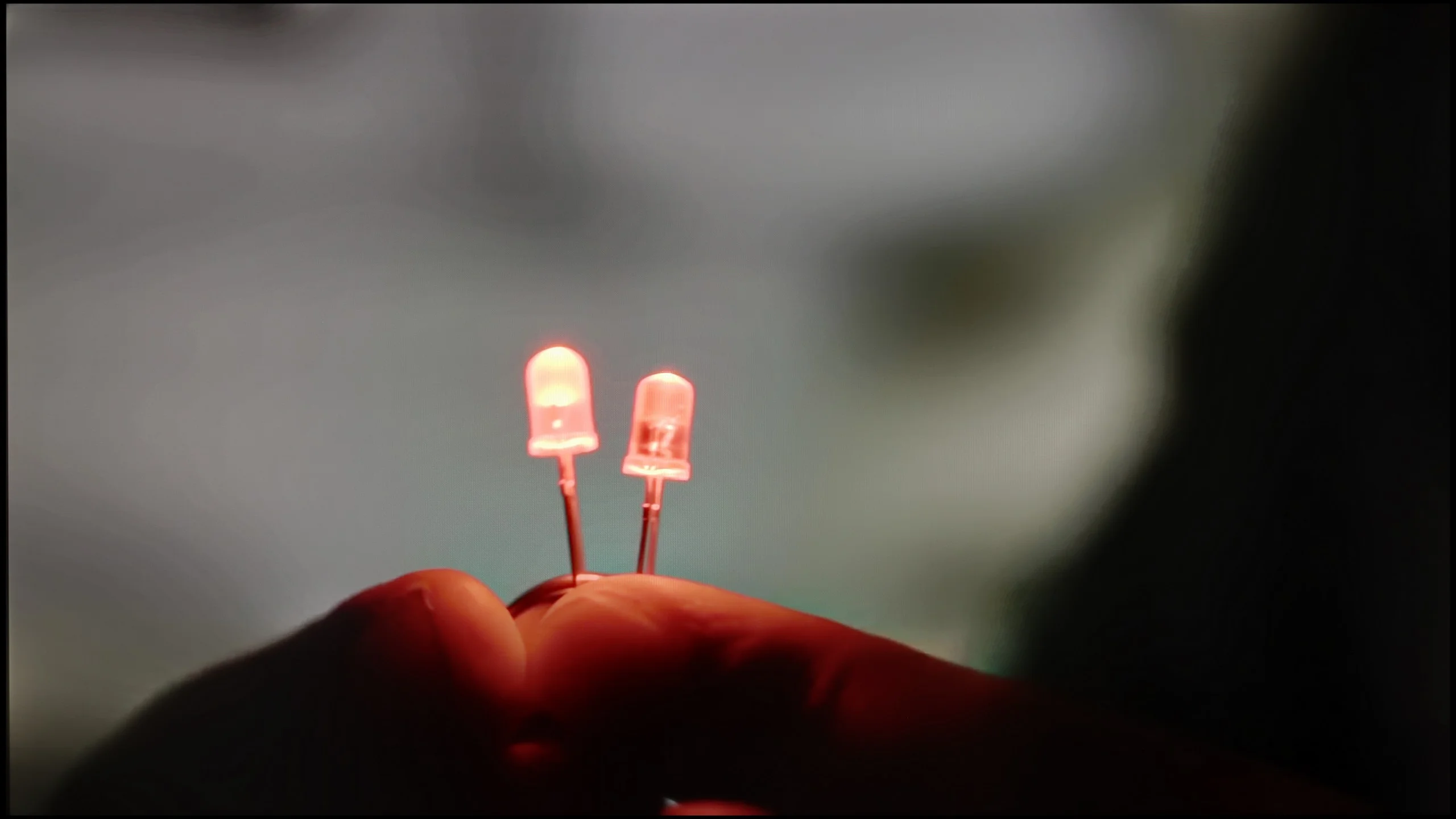
-%
50%

Blur (native resolution, maximum refresh rate):

Blur (BFI function enabled):

Blur ():

Blur (4K60Hz):

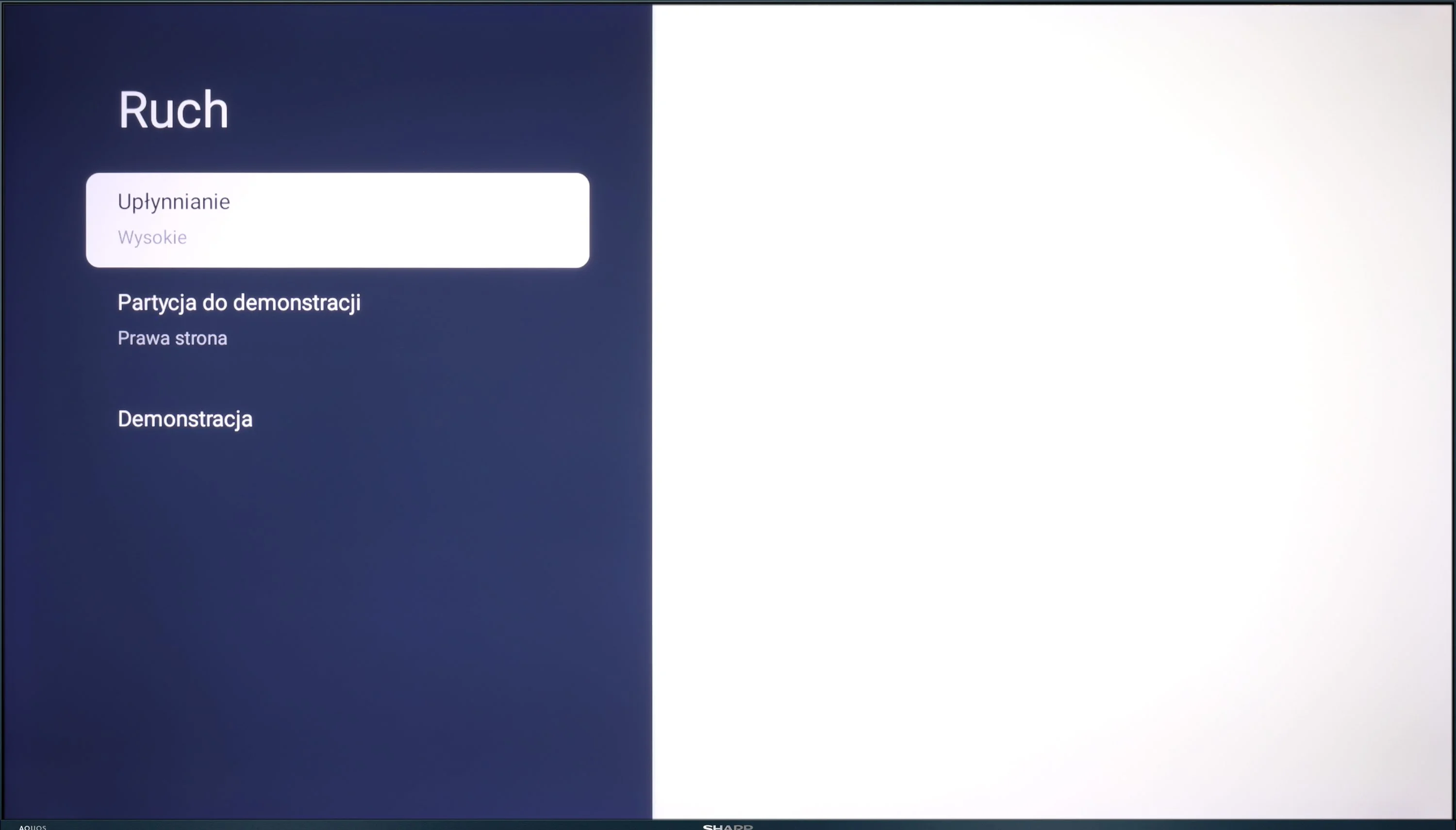
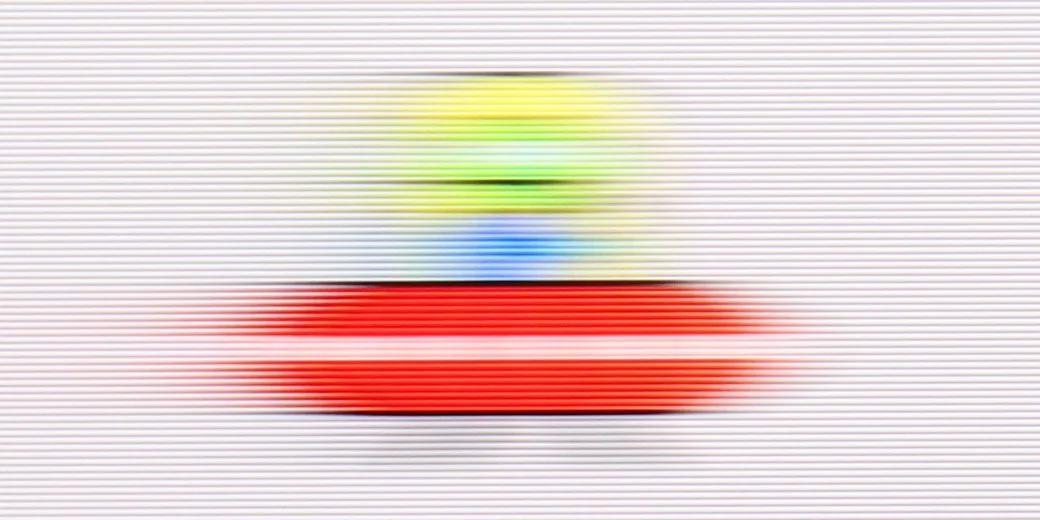
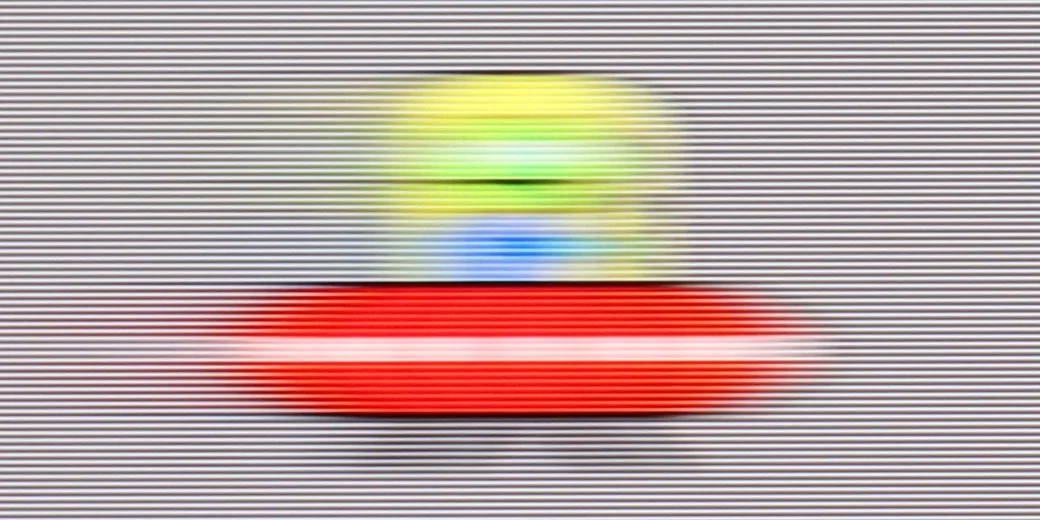
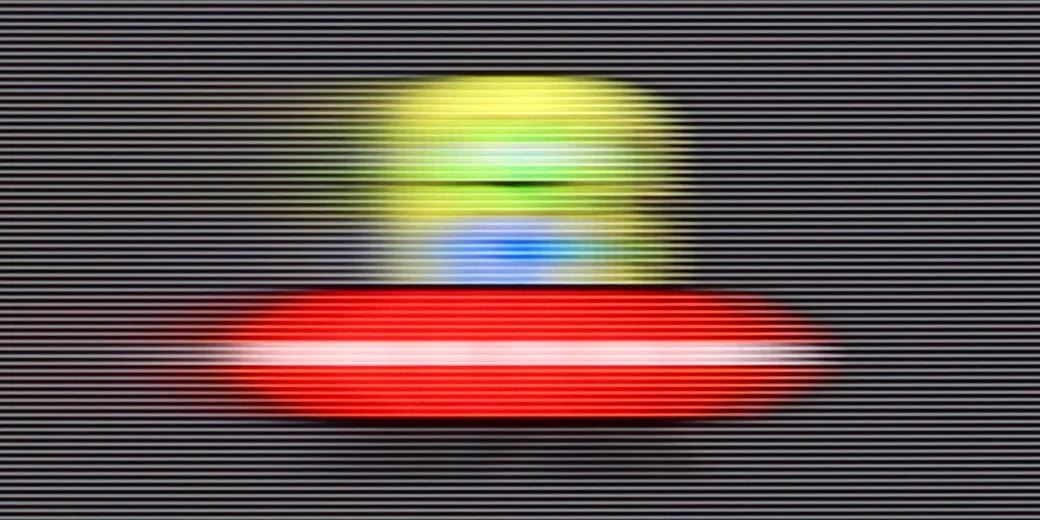
The Sharp FQ8 features a 120 Hz panel, able to support playback at 144 Hz when connected to a PC, which should theoretically provide smooth motion rendering. The TV includes features designed to enhance film fluidity and reduce motion blur, crucial for more dynamic content. However, in the absence of Black Frame Insertion (BFI) technology, the panel's average response time leads to less-than-ideal results. This results in slight motion blur, which may be particularly noticeable when watching sports or during intense gaming sessions.

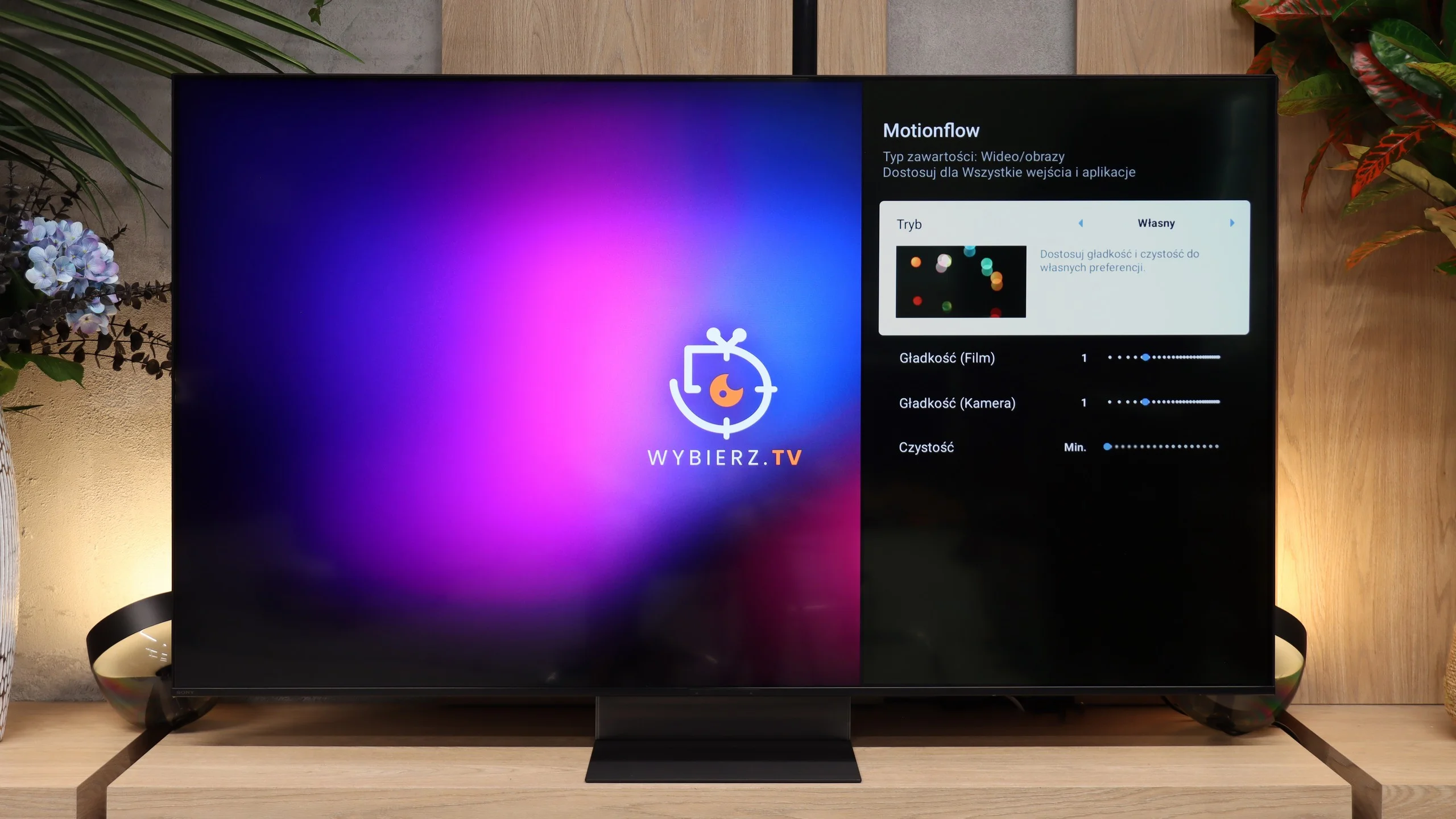
The Bravia 7 II uses a 120 Hz panel, so in terms of motion smoothness it delivers everything you’d expect from a TV in this class. With sports or games at 120 fps the picture is appropriately smooth, and for movies Sony provides an advanced motion smoothing feature. You can adjust the level of interpolation separately and decide whether you want to keep a more cinematic motion or achieve noticeably smoother motion. The issue of motion blur is a bit worse. The VA panel used isn’t among the fastest, and you can notice a slight trail behind moving objects, especially on darker backgrounds. It’s not at a level that will be highly distracting during normal viewing, but last year’s Bravia 7 performed better in this respect and had a noticeably faster panel.

Console compatibility and gaming features

7.1/10

9.4/10

  • ALLM
    Yes
    Yes
  • VRR
    Yes
    Yes
  • VRR range
    48 - 144Hz
    48 - 120Hz
  • Dolby Vision Game Mode
    Warning Yes, high input lag
    Yes
  • Correct implementation of HGIG
    No
    Yes
  • 1080p@120Hz
    Yes
    Yes
  • 1440p@120Hz
    No
    No
  • 4K@120Hz
    Yes
    Yes
  • Game bar
    No
    Yes

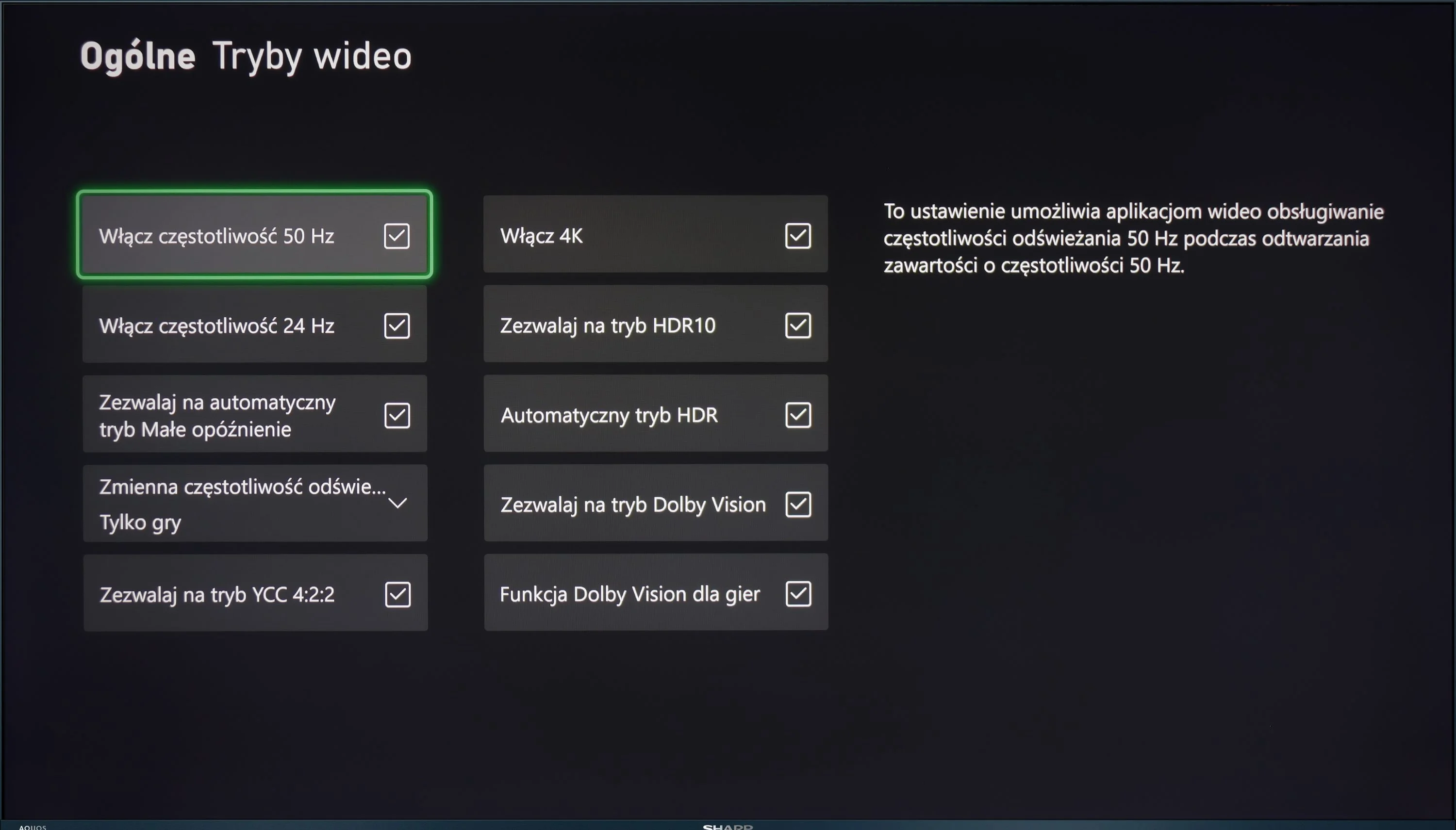
The Sharp FQ8 offers several features that cater to gamers, enhancing the overall gaming experience. Firstly, the television is equipped with HDMI 2.1, which brings several advantages. ALLM (Auto Low Latency Mode) automatically switches the TV to a low-latency mode when a gaming device is detected. VRR (Variable Refresh Rate) helps reduce screen stuttering by adjusting the screen’s refresh rate to match the number of frames generated by the console or PC, providing smoother gameplay, especially in dynamic games. Additionally, the TV supports G-Sync, which synchronises the image with the graphics card, preventing stuttering and screen tearing.

Despite these advantages, the FQ8 has some limitations. The lack of support for HGiG (HDR Gaming Interest Group) means the TV does not optimise the dynamic range for HDR games. Furthermore, while Dolby Vision mode can improve picture quality in supported games, it suffers from very high input lag.

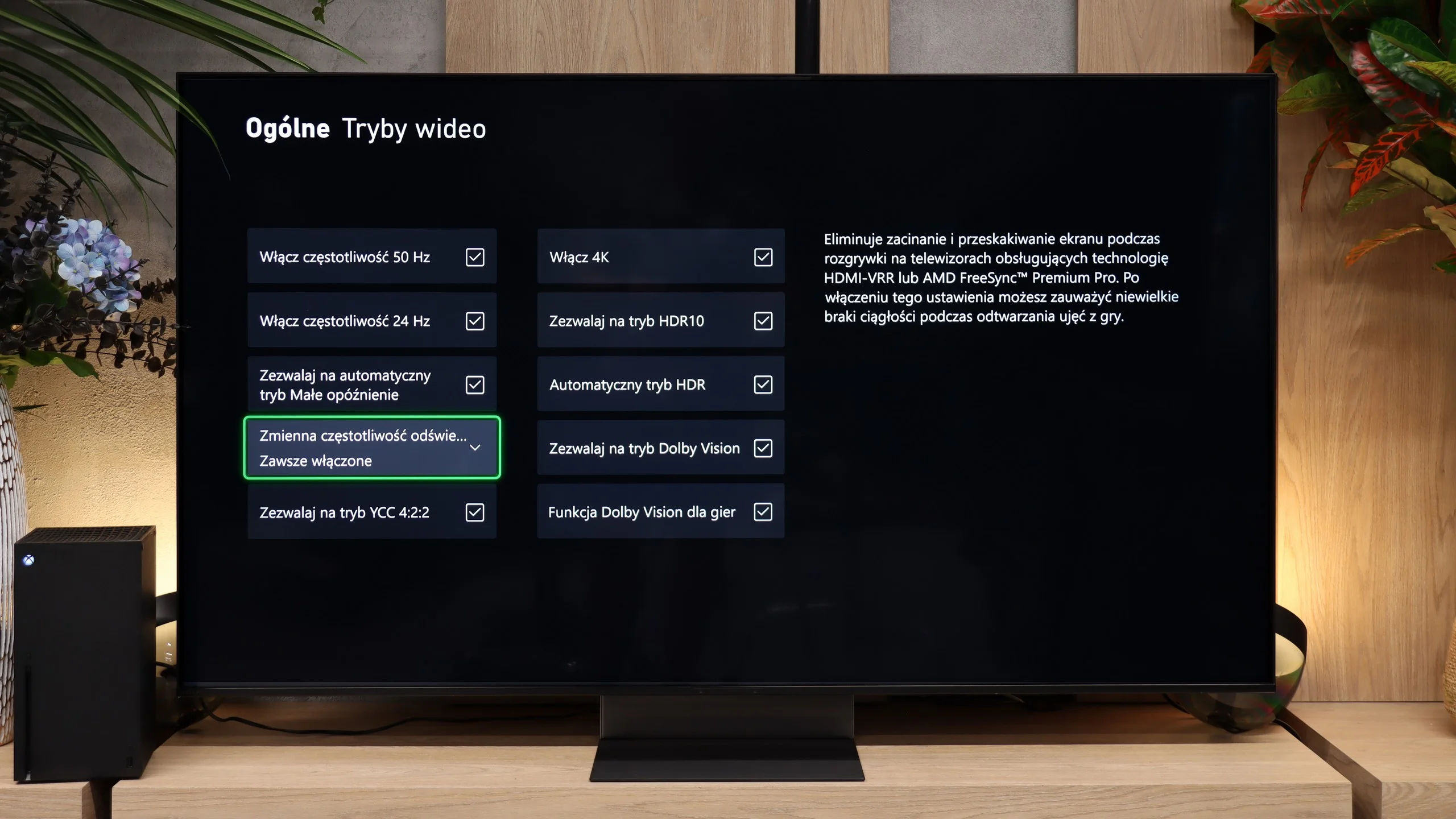
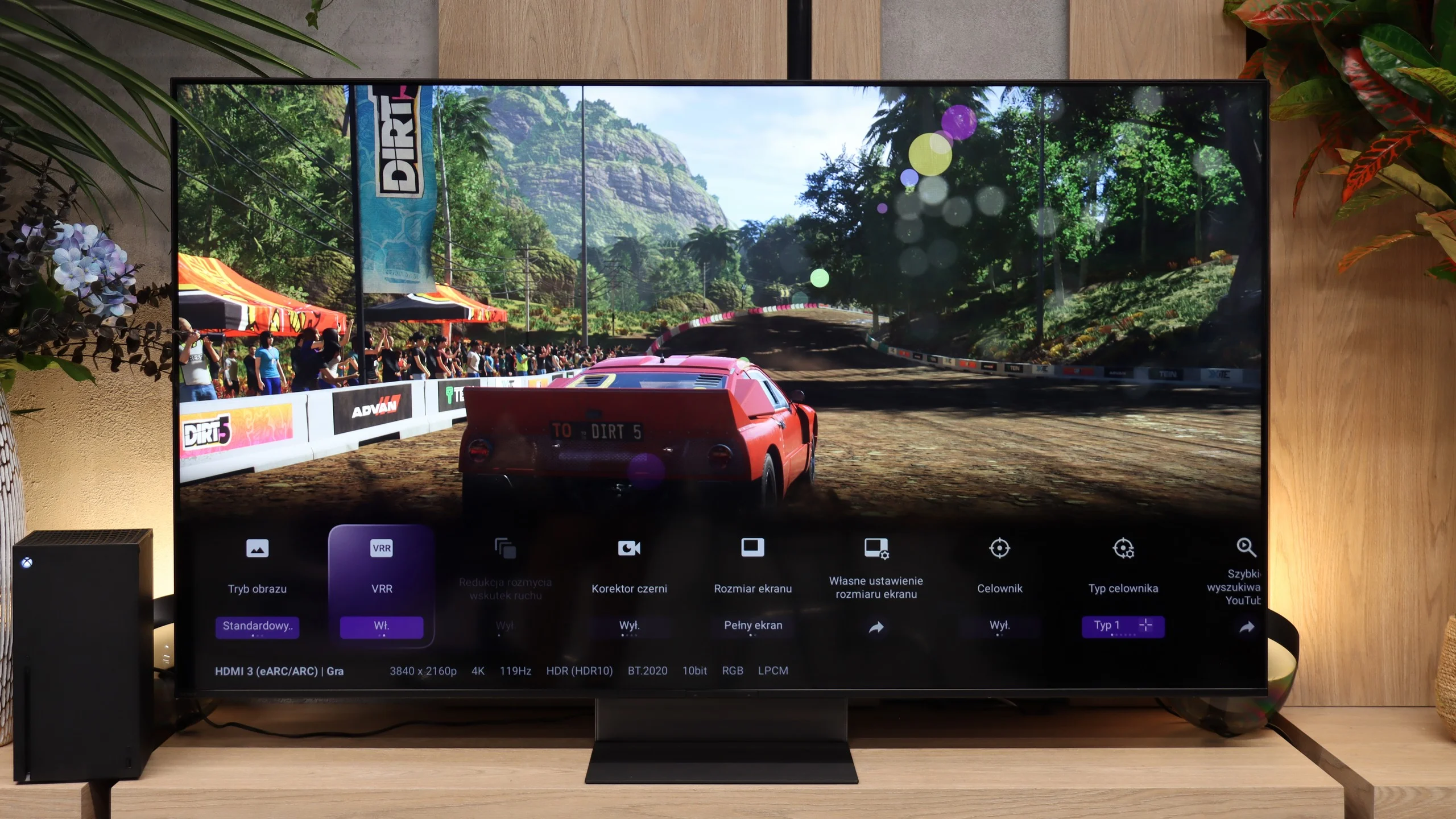
The Bravia 7 II essentially has everything you'd expect from a good console TV today. It supports 4K at 120 Hz, VRR from 48 to 120 Hz, and ALLM, so when you start a game the TV automatically switches to low-latency mode. There's also a properly working HGiG, which means that after setting up HDR on the console the TV won't try to further brighten the image on its own. Just remember to turn off tone mapping in the TV's menu. Dolby Vision in game mode is another plus, especially for Xbox owners. Sony also includes its own Game Menu. From it you can quickly view key signal information, check VRR, or change gaming settings without digging through the TV's entire menu. The only thing missing from the feature list is support for 1440p at 120 Hz.

Our biggest complaint is not really with the features themselves, but with the connectors. The Bravia 7 II has four HDMI ports, but only two of them support full HDMI 2.1 at 48 Gbps. One of those is also an eARC port. So if you connect a soundbar or AV receiver via HDMI, in practice you have only one full HDMI 2.1 port left for a console or PC. With a single console that's fine, but with a PS5, an Xbox, and an audio setup it starts to get tight. That's hard to justify from Sony. Two HDMI 2.1 ports might be acceptable in cheaper TVs, but in a model of this class, especially in 2026, we'd expect all four ports to be HDMI 2.1.

Input lag

9.1/10

10/10

SDR

1080p60
16 ms
14 ms
1080p120
8 ms
9 ms
2160p60
16 ms
14 ms
2160p120
8 ms
9 ms

HDR

2160p60
16 ms
13 ms
2160p120
8 ms
8 ms
4320p60

Dolby Vision

2160p60 DV
128 ms
14 ms
2160p120 DV
20 ms
8 ms

The input lag on the Sharp FQ8 is generally impressive, with a performance below 16 ms at all tested resolutions, making it a solid choice for gaming with smooth and quick response times. However, when Dolby Vision mode is enabled and the refresh rate is set to 60 Hz, the input lag increases significantly. This can negatively impact responsiveness, particularly in fast-paced games where accuracy and reaction time are key.

Input lag on the Bravia 7 II is excellent. With a 60 Hz signal we measured about 13-14 ms, while at 120 Hz the delay drops to just 8-9 ms. Those values are low enough that controls feel practically instantaneous, and even more demanding gamers shouldn't have any reason to complain. Dolby Vision also deserves praise. A few years ago Sony TVs had some issues with this format in games, and turning it on could mean higher input lag. On the Bravia 7 II that problem has basically disappeared. In Dolby Vision we measured 14 ms at 60 Hz and 8 ms at 120 Hz, which is virtually the same as with standard HDR.

Compatibility with PC

3/10

7.8/10

Chroma 444 (max. resolution and refresh rate)
No
Yes
Font clarity
Poor
Very Good
Readability of dark text and shapes
Good
Good
Input lag in PC mode (4K, max. refresh rate)
17ms
8ms
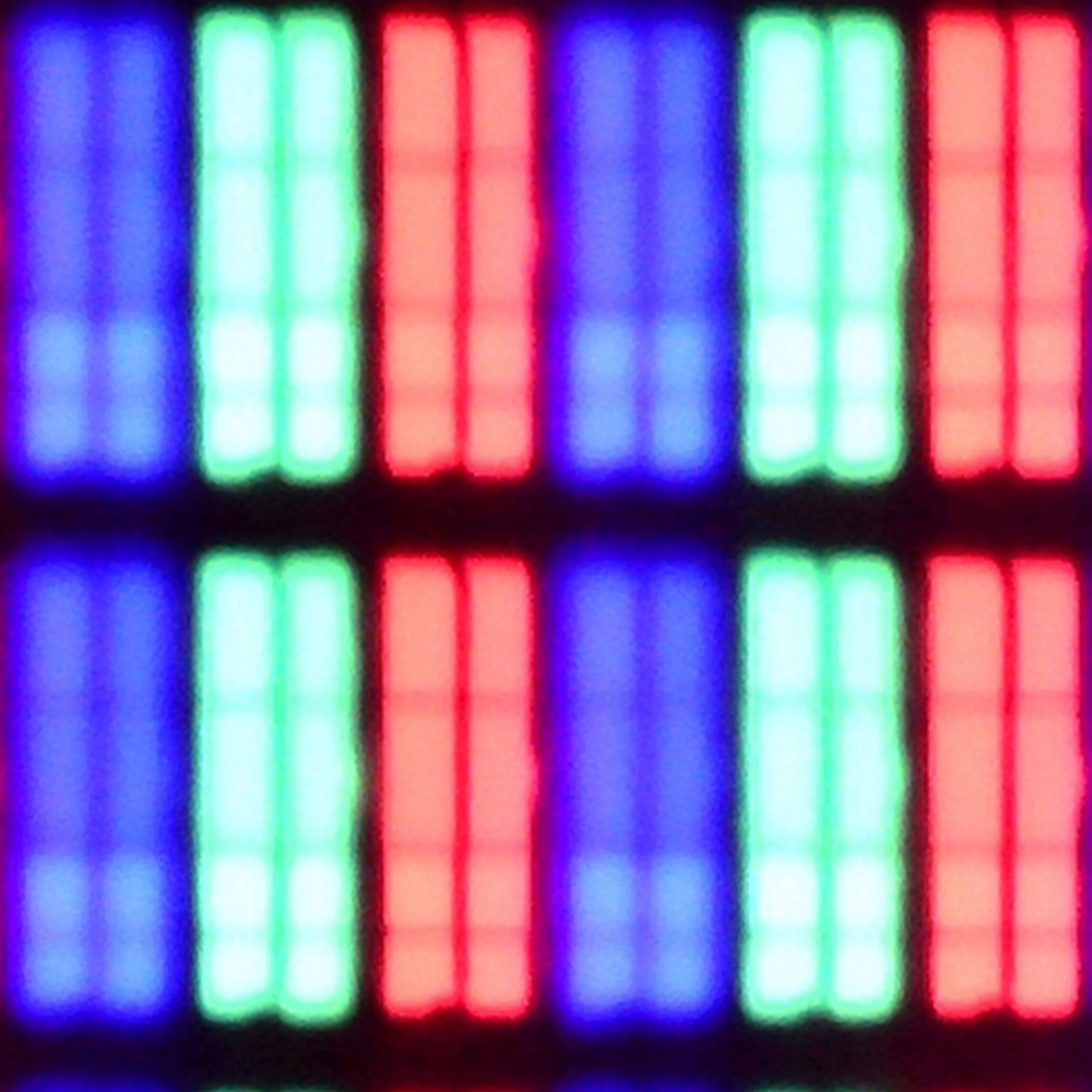
Matrix subpixel arrangement
BGR
RGB
Max refresh rate
144Hz
120Hz
G-Sync
Yes
Yes

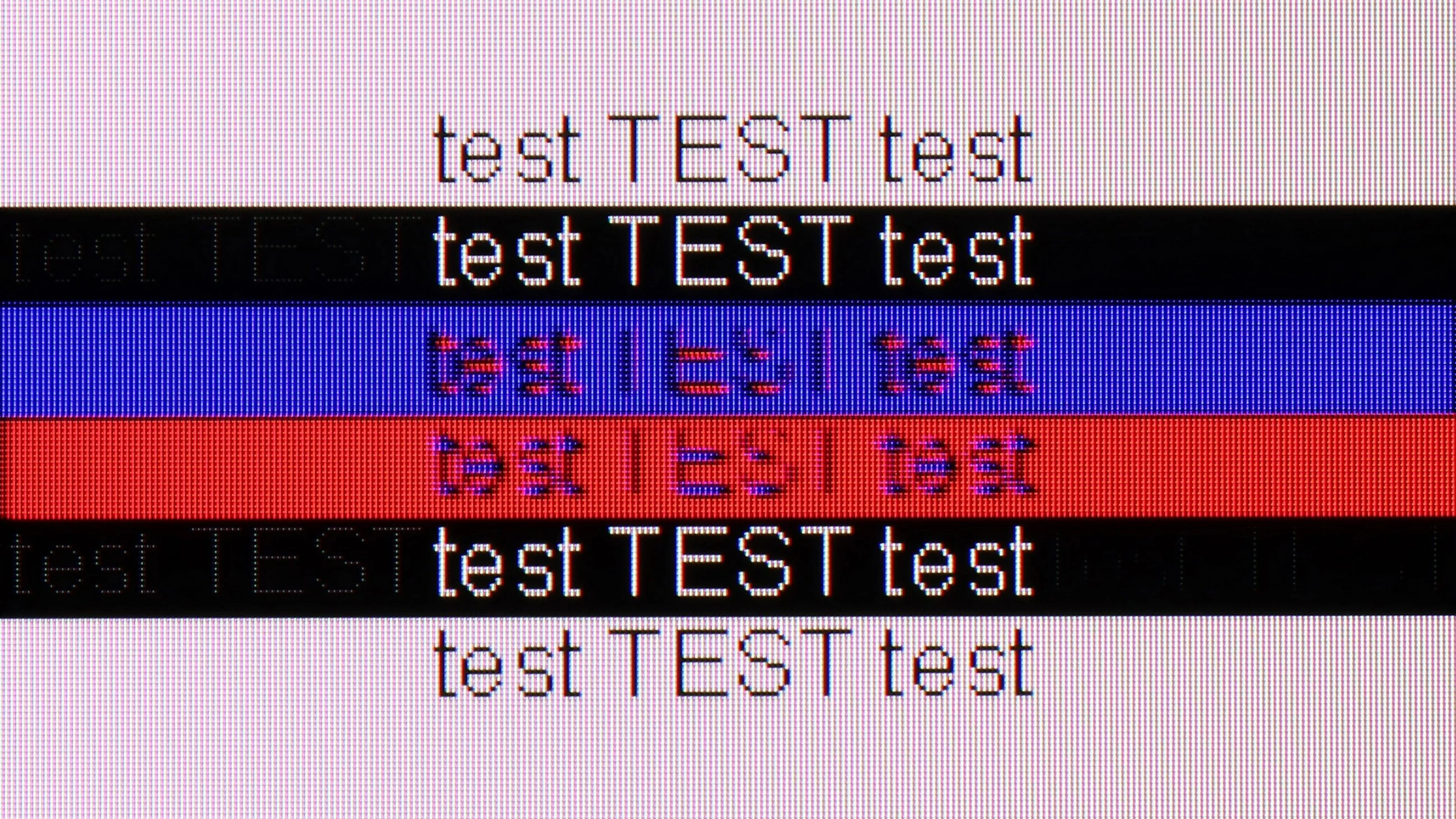
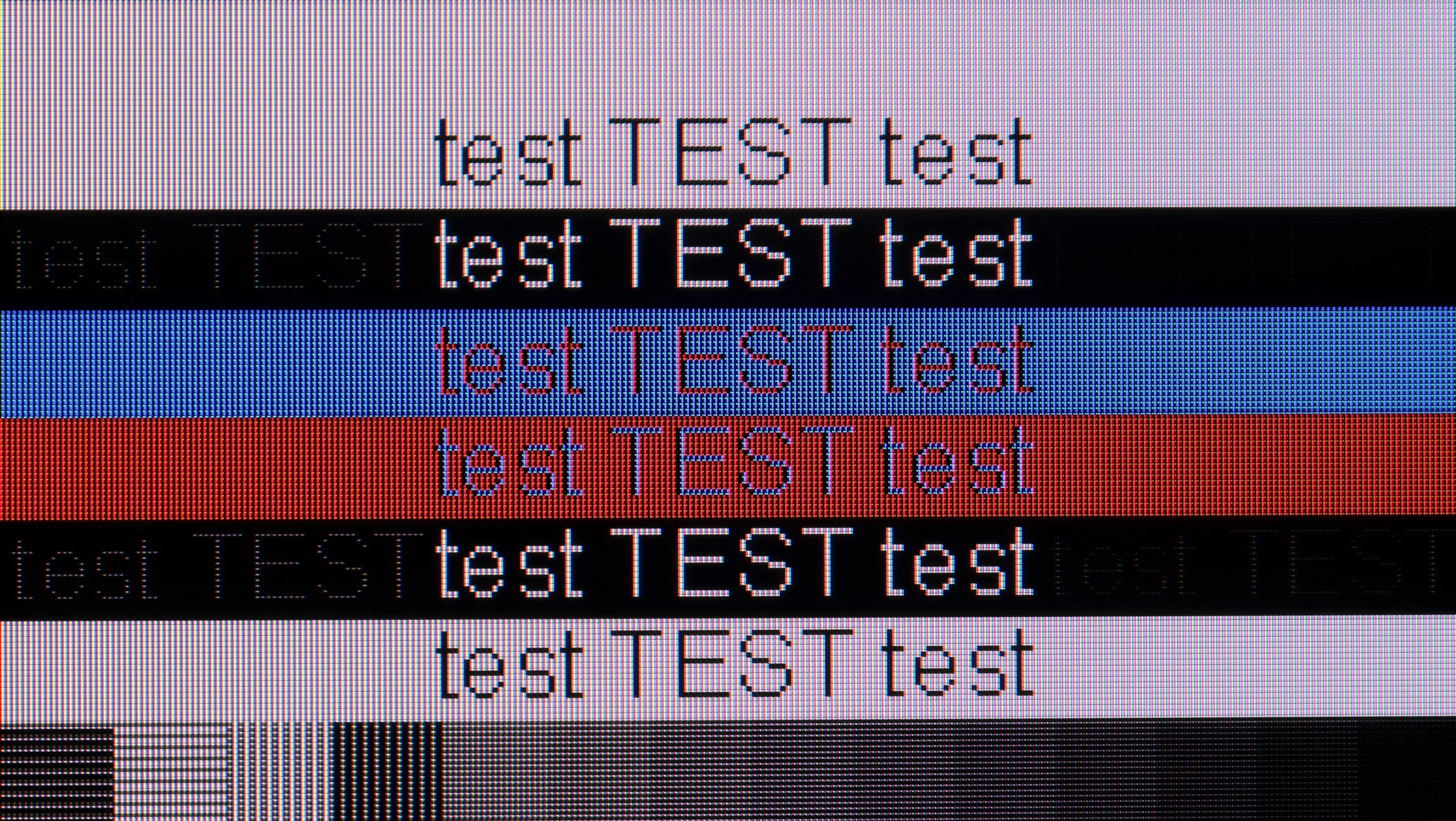
The photo shows the legibility of small fonts. Ideally, lines should be the same thickness on both light and dark text, with minimal pixel gaps.

The Sharp FQ8 doesn't perform optimally when paired with a PC, despite its low input lag. The key issue is the lack of full support for chroma 4:4:4 at 4K and 120 Hz resolution, which leads to blurry text and a loss of detail in computer graphics. Furthermore, the use of a BGR subpixel arrangement, rather than the standard RGB, reduces font readability, making text appear blurry.

The Bravia 7 II also works very well as a large PC monitor. The TV correctly handles chroma 4:4:4, and thanks to the classic RGB subpixel layout fonts are very legible and don't have the characteristic colored fringes. For everyday work with the desktop, web browser, or documents it therefore performs very well.

PC gamers also get most of the features found on consoles, including VRR and low input lag. The only gripe is the maximum refresh rate of 120 Hz. A few years ago that would have been an excellent result, but today some competitors already offer 4K at 144, 165, or even 180 Hz, and at Full HD they can exceed 300 Hz. For most people 120 Hz will still be more than enough, but owners of powerful PCs might expect a bit more here.

Viewing angles

2.1/10

5.7/10

Brightness drop at an angle of 45 degrees
84%
66%

The Sharp FQ8 has limited viewing angles, typical of a VA panel. When viewed from a wider angle, the TV's brightness diminishes significantly, and colours quickly lose their vibrancy. This results in a washed-out image with less defined details, which could be a concern if you intend to watch with a larger group or from multiple positions in the room.

The viewing angles on the Bravia 7 II are really good, largely thanks to the RGB Mini-LED backlight. Unlike traditional TVs with VA panels and white/blue backlighting, when you view it off-axis the picture doesn't lose brightness and color saturation as quickly. That's a noticeable improvement, because viewing angles are usually one of the bigger compromises of VA panels. Of course it's still not at the level of the best IPS panels, and certainly not OLEDs, but the difference compared to a typical Mini-LED with a VA panel is clear. Even sitting a bit to the side, the picture still looks good and the colors don't immediately wash out.

Daytime performance

5.4/10

9/10

Panel finish
Satin
Satin
Reflection suppression
Average
Good
Black levels during daytime
Good
Good

Panel brightness

Sony BRAVIA 7 II: 1247 cd/m2

Sharp FQ8: 440 cd/m2

The Sharp FQ8 performs well in daylight conditions, with the panel reaching a brightness of 440 nits. Combined with its satin screen coating, this ensures satisfactory visibility even in bright environments. Notably, the television handles the colour black without issues during the day, allowing darker scenes to remain readable and preserving depth despite the surrounding light.

The Bravia 7 II also performs very well in a bright living room. The main reason is its high brightness, which in SDR reaches about 1250 nits. The TV therefore has enough power to keep the picture readable and vivid even when a lot of light enters the room. Compared with the higher-end Bravia 9 II there is one important difference. The Bravia 7 II doesn’t have a fully matte screen; it uses a coating with a more satin finish. It still handles reflections quite well, but reflections from windows or lamps are more noticeable. On the other hand, blacks hold up well during the day and don’t turn noticeably gray under light. Overall, it’s still a very good TV for bright rooms, only in terms of reducing direct reflections does the Bravia 9 II have the advantage.
Panel details

Backlight Type
PFS LED
Mini-LED RGB
Software version during testing
v1.17
114.602.080.1EUA
Image processor
mt5889
mt5897 5gb ram

Subpixel Structure:

Panel uniformity and thermal imaging:

Sharp FQ8

Sony BRAVIA 7 II

TV features

6.5/10

9.4/10

  • System
    Google TV
    Google TV
  • System performance
    Decent
    Very good
  • HDMI inputs
    2 x HDMI 2.0, 2 x HDMI 2.1 48Gbps
    2 x HDMI 2.0, 2 x HDMI 2.1 48Gbps
  • Other inputs
    RCA (Chinch)
  • Outputs
    Toslink (Optical audio), eARC (HDMI), ARC (HDMI), Mini-Jack (Headphones)
    Toslink (Optical audio), eARC (HDMI), ARC (HDMI), Mini-Jack (Sony S-Center)
  • Network Interfaces
    Wi-Fi 2.4GHz, Wi-Fi 5GHz, Ethernet (LAN) 100Mbps
    Wi-Fi 2.4GHz, Wi-Fi 5GHz, Ethernet (LAN) 100Mbps
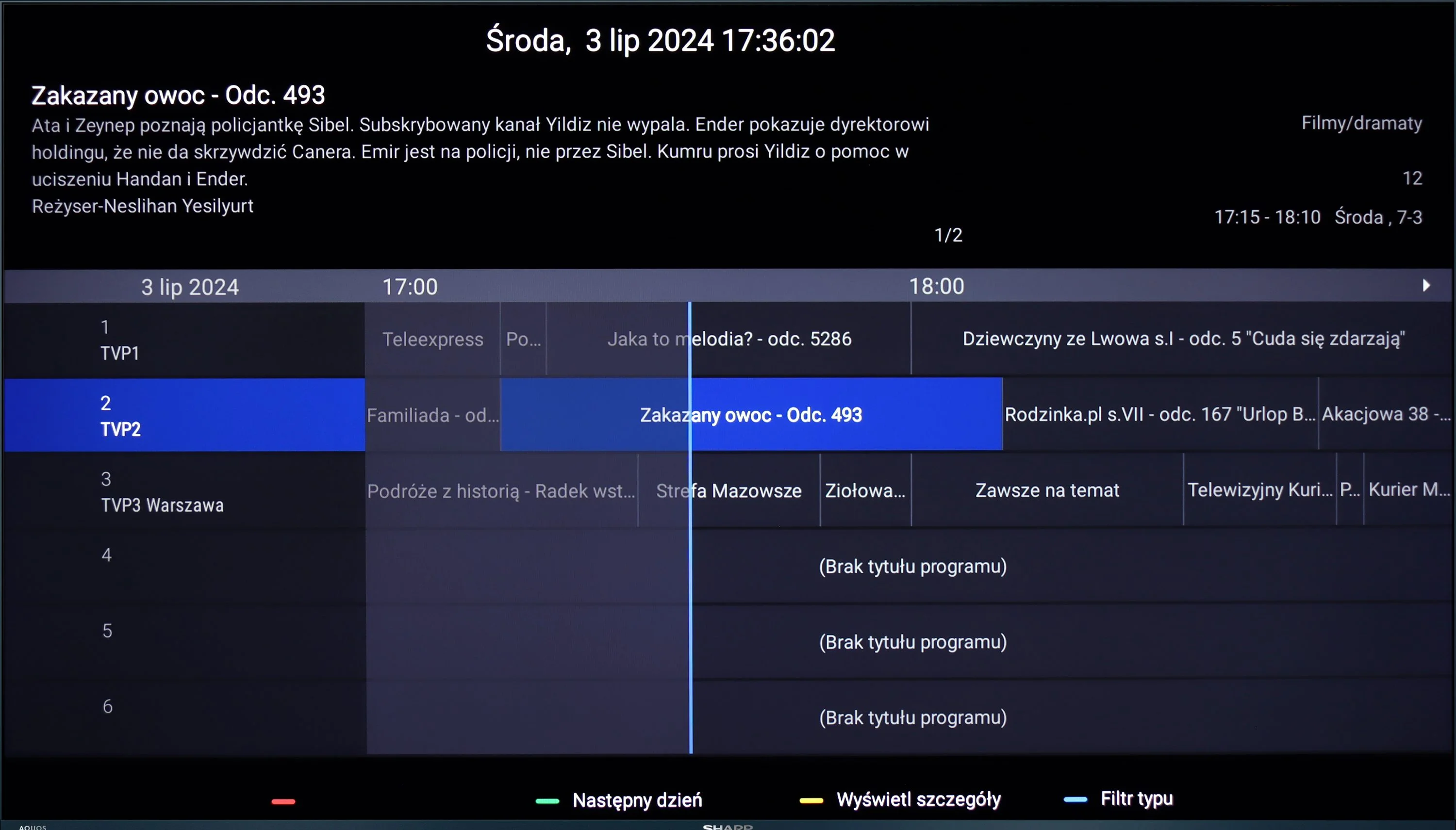
  • TV reception
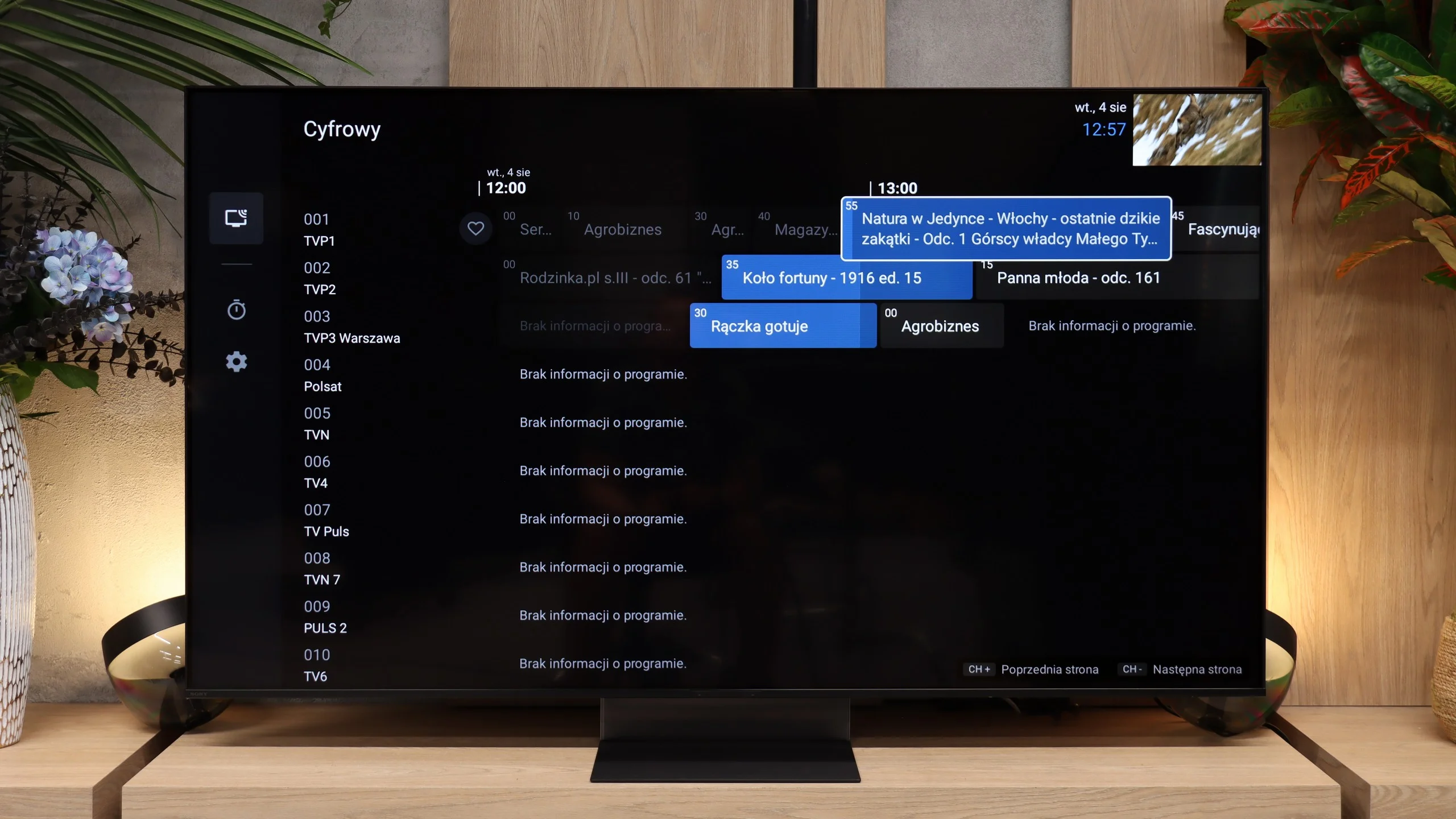
    DVB-T, DVB-T2, DVB-S, DVB-S2, DVB-C
    DVB-T, DVB-T2, DVB-S, DVB-S2, DVB-C

Classic features:

  • Recording to USB (terrestrial TV)
    No
    Yes
  • Recording programming
    No
    Yes
  • Picture in Picture (PiP)
    No
    No
  • RF remote control (no need to aim)
    Yes
    Yes
  • Backlit remote control
    No
    Yes
  • Teletext
    Yes
    Yes
  • Audio only mode
    Yes
    Yes
  • Bluetooth headphones support
    Yes
    Yes
  • Simultaneous Bluetooth headphones & TV audio
    No
    Yes

Smart features:

  • AirPlay
    No
    Yes
  • Screen mirroring (Windows Miracast)
    Yes
    Yes
  • Voice search
    Yes
    Yes
  • Voice search in native language
    Yes
    Yes
  • Ability to connect a keyboard and mouse
    Yes
    Yes
Review Sharp FQ8 TV features
Review Sony BRAVIA 7 II TV features

Sound connection options

  • HDMI audio
    eARC (HDMI), ARC (HDMI)
    eARC (HDMI), ARC (HDMI)
  • Other audio outputs
    Toslink (Optical audio), Mini-Jack (Headphones)
    Toslink (Optical audio), AuxiliaryOutput-Mini-Jack (Sony S-Center)
  • Wireless audio
    Bluetooth
    Bluetooth

Supported audio formats (external HDMI eARC audio):

  • Dolby Digital Plus 7.1
    Yes
    Yes
  • Dolby True HD 7.1
    Yes
    Yes
  • Dolby Atmos in Dolby Digital Plus (JOC)
    Yes
    Yes
  • Dolby Atmos in Dolby True HD
    Yes
    Yes
  • DTS:X in DTS-HD MA
    Yes
    Yes
  • DTS-HD Master Audio
    Yes
    Yes

Senior accessibility

  • Numeric keyboard on TV
    No
    Yes
  • Font size adjustment
    No
    Yes
  • Audio description
    No
    Yes

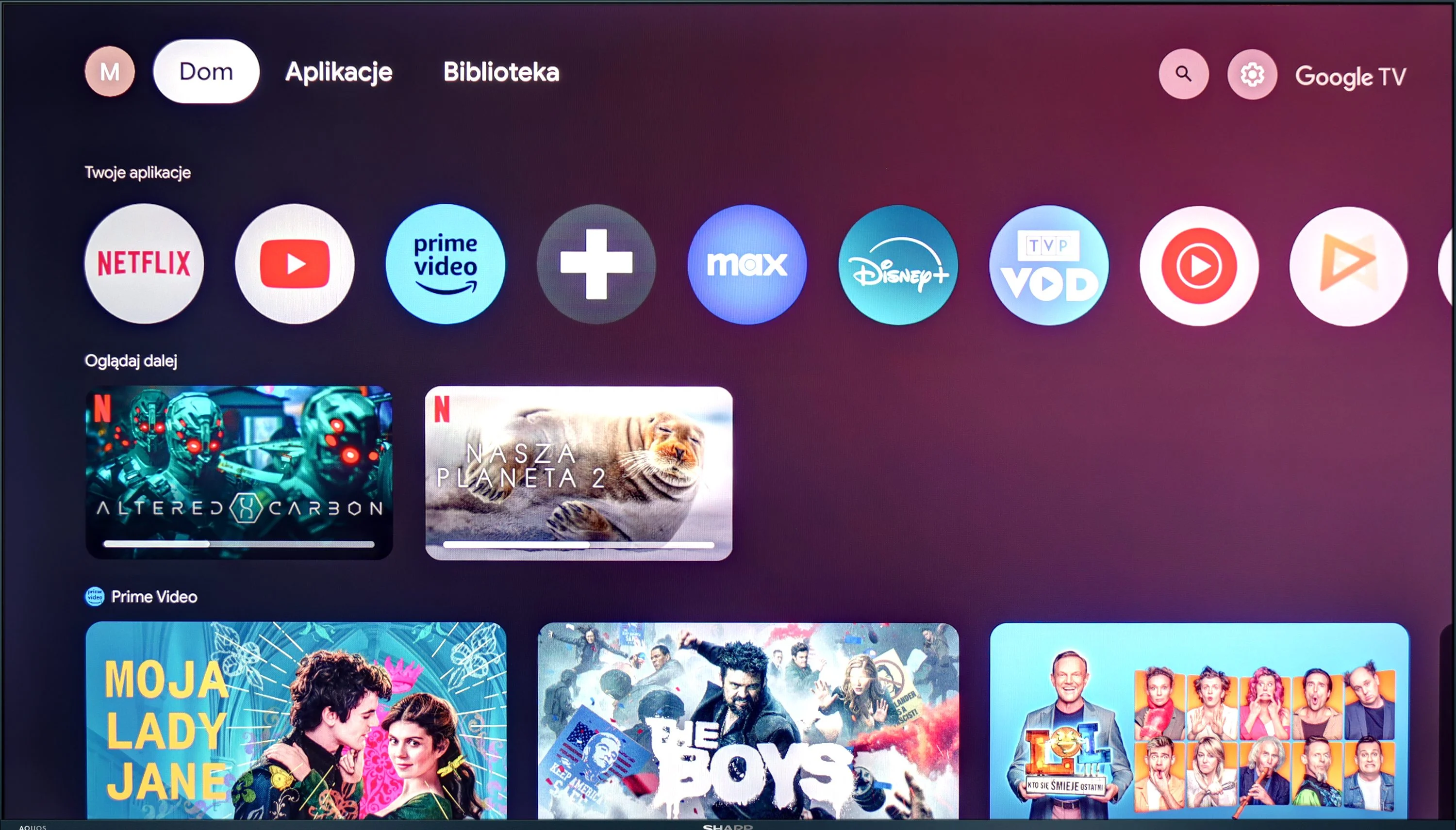
The Sharp FQ8 is equipped with the modern Google TV system, providing access to a variety of apps including Netflix, YouTube, Prime Video, and Disney+. It also supports voice control, making it easier to navigate and access content quickly. The television allows for the connection of multiple devices, such as keyboards, mice, Bluetooth headphones, and other accessories.

However, the TV does have some limitations. The absence of a TV programme recording feature and picture-in-picture (PiP) support could be a downside for those who rely on these options. Additionally, Apple device users may find the lack of AirPlay compatibility frustrating, as it complicates streaming content from an iPhone or iPad to the television.

Classic features

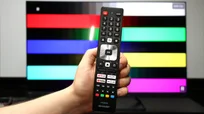
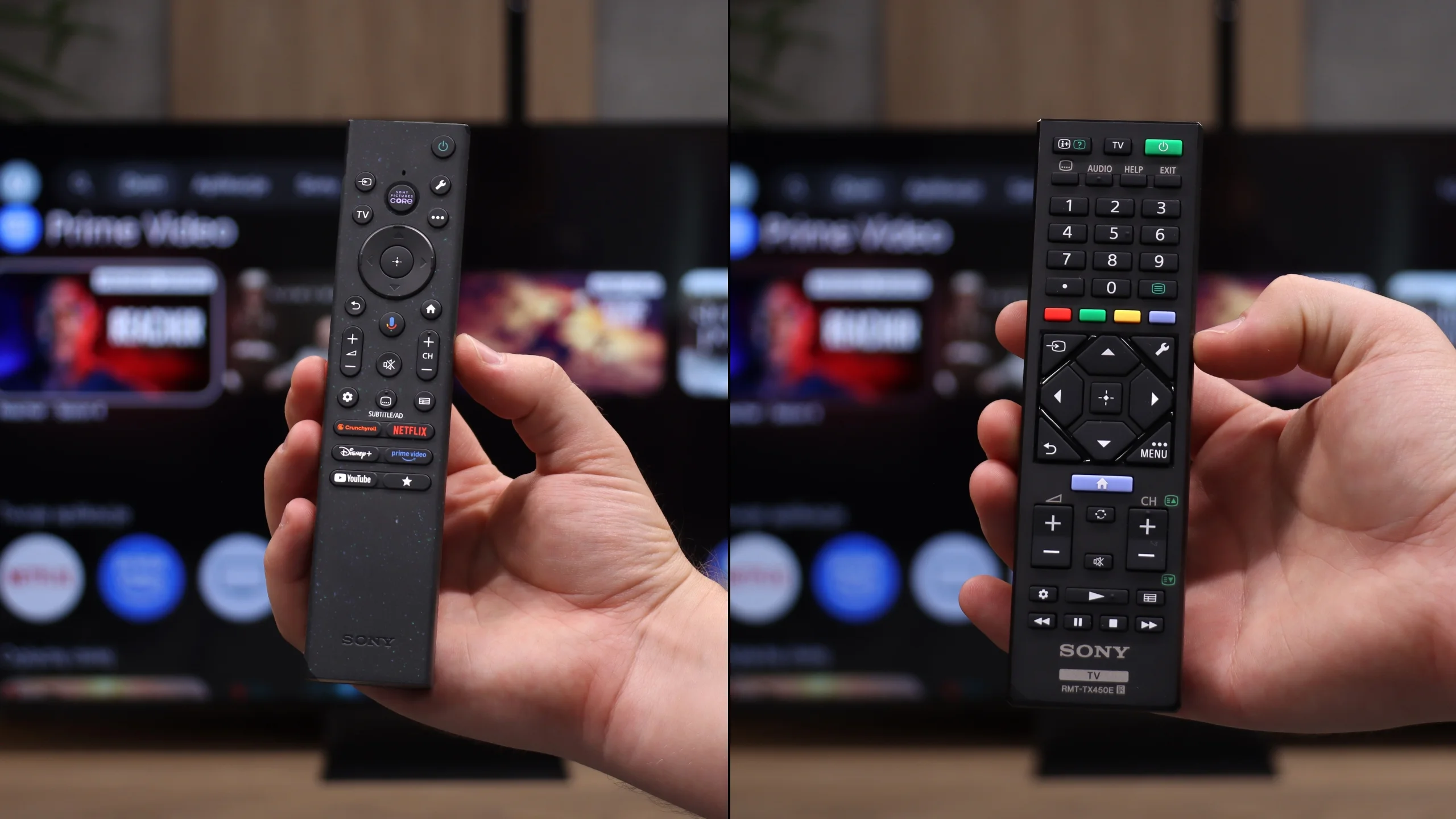
Sony in the Bravia 7 II still approaches the TV a bit more old-school than some competitors, and here that works to its advantage. This is not just a screen for streaming apps, because the manufacturer kept plenty of traditional features that many people still use every day. You can record programs to USB, schedule recordings, or use the TV with Bluetooth headphones without having to turn off its built-in speakers. Overall it feels like a refined device for normal TV watching, not just a "monitor with apps." The control setup is also worth praise. The package includes two remotes: one more modern and simplified, the other classic with more buttons. That way everyone can choose the control method they find most comfortable. The main remote uses RF, so you don't have to point it directly at the TV, and the backlit buttons are especially useful in the evening.

Google TV

Google TV handles the Smart features, and here the Bravia 7 II performs as you would expect from a TV of this class. The system runs fast, menus respond smoothly, and it doesn't feel like the unit needs a moment for every simple operation. The biggest advantage remains the vast selection of apps, so practically everything we use on TVs today is immediately at hand. Google TV also works well when the TV is meant to be part of a larger ecosystem. You can cast content from your phone or computer, use AirPlay and Miracast, and search for content by voice in your native language. In practice, the Bravia 7 II therefore gives a lot of freedom, and it's hard to encounter a situation where you're missing some basic Smart TV function.

Apps

9.6/10

9.6/10

OK
Disney_Plus
OK
Amazon_Prime_Video
OK
Player_TVN
OK
Polsat_Box_Go
OK
Canal_Plus_Online
OK
TVP_VOD
OK
Apple_TV_Plus
OK
SkyShowtime
OK
Rakuten
OK
CDA_Premium_Browser
OK
Spotify
OK
Tidal
OK
Netflix
OK
YouTube
OK
HBO_MAX
OK
Kodi
No
Apple_music
OK
Eleven_sports
No
Xbox Game Pass
OK
GeForce NOW
No
Amazon Luna
OK
Boosteroid
OK
Steam Link
OK
Disney_Plus
OK
Amazon_Prime_Video
OK
Player_TVN
OK
Polsat_Box_Go
OK
Canal_Plus_Online
OK
TVP_VOD
OK
Apple_TV_Plus
OK
SkyShowtime
OK
Rakuten
OK
CDA_Premium_Browser
OK
Spotify
OK
Tidal
OK
Netflix
OK
YouTube
OK
HBO_MAX
OK
Kodi
No
Apple_music
OK
Eleven_sports
No
Xbox Game Pass
OK
GeForce NOW
No
Amazon Luna
OK
Boosteroid
OK
Steam Link

Playing files from USB

9.4/10

8.9/10

Supported photo formats:

JPEG
Yes
Yes
HEIC
Yes
Yes
PNG
Yes
No
GIF
Yes
No
WebP
Yes
No
TIFF
No
No
BMP
Yes
No
SVG
No
No

Maximum photo resolution:

4 Mpix
Yes
Yes
6 Mpix
Yes
Yes
8 Mpix
Yes
Yes
10 Mpix
Yes
Yes
12 Mpix
Yes
Yes
16 Mpix
Yes
Yes
20 Mpix
Yes
Yes
24 Mpix
Yes
Yes
28 Mpix
Yes
Yes
32 Mpix
Yes
Yes

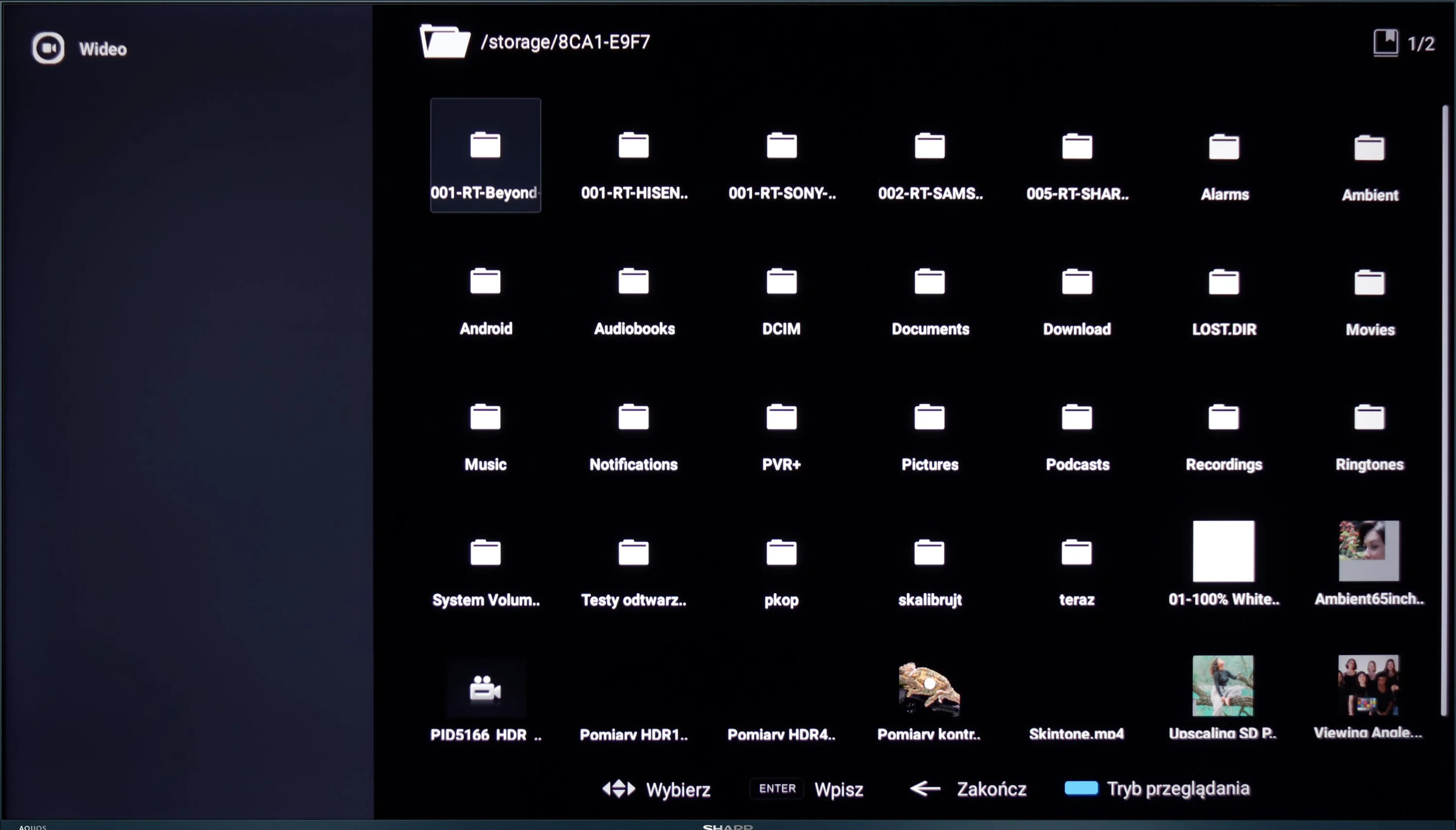
Thanks to the Google TV system, the Sharp FQ8 offers excellent flexibility when playing files from USB. Users can install various apps for video and audio playback, such as VLC or MX Player, allowing the television to handle the most popular file formats. Whether it’s movies, music, or photos, the support for multiple formats ensures a comfortable and hassle-free multimedia experience from external drives.

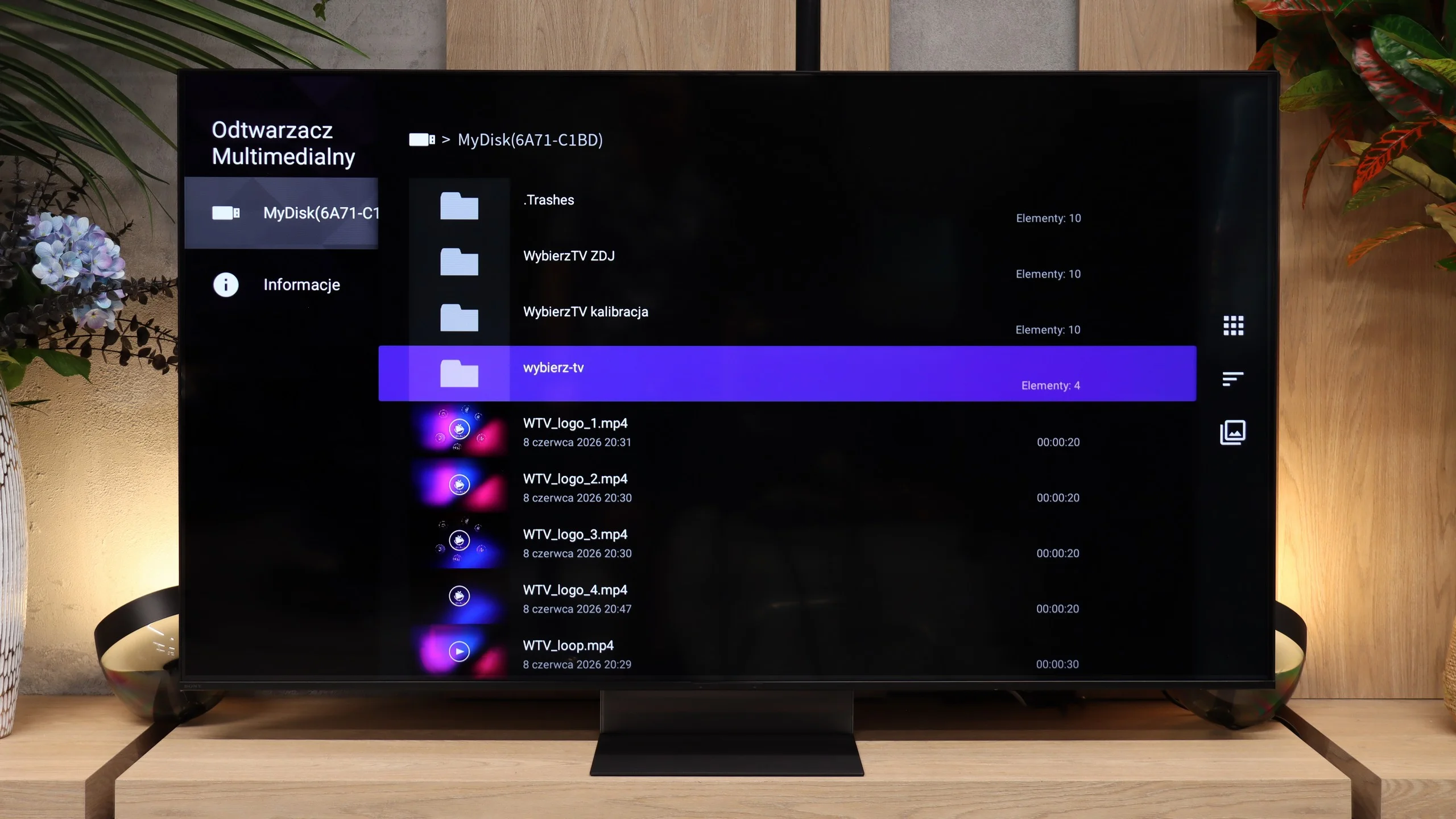
The built-in file player on the Bravia 7 II works well and has no major issues with most common media. The TV handles the most frequently encountered video files and codecs, so when using an external drive or USB stick you probably won't run into significant limitations. What’s missing for full satisfaction is mainly broader support for subtitle formats and image files. For photos the TV opens JPEG and HEIC, but it doesn’t handle, for example, PNG, WebP, or TIFF. We wouldn’t treat this as a serious flaw, though, since many of the missing formats are fairly niche. And if the built-in player proves insufficient, Google TV simply lets you install a third-party app and largely work around those limitations.

Sound

6/10

7.8/10

  • Maximum volume
    91dB
    94dB
  • Dolby Digital Plus 7.1
    Yes
    Yes
  • Dolby True HD 7.1
    Yes
    No
  • Dolby Atmos in Dolby Digital Plus (JOC)
    Yes
    Yes
  • Dolby Atmos in Dolby True HD
    Yes
    No
  • DTS:X in DTS-HD MA
    Yes
    Yes
  • DTS-HD Master Audio
    Yes
    Yes

The sound performance of the Sharp FQ8 is, of course, subjective, but there are a few notable aspects. The television features a Harman/Kardon-branded soundbar aimed directly at the user. While it isn’t a full-fledged soundbar or home theatre system, this speaker arrangement significantly improves the audio experience, providing clearer and more direct sound, which is particularly beneficial for everyday television viewing. It’s also worth mentioning that the television can achieve very high volumes, which will be helpful for individuals with hearing difficulties. The only criticism we encountered was related to sound processing by Dolby, which resulted in noticeable sound distortions and artificial clipping.

Sony made a lot of changes to the sound system of the new Bravia 7 II, and you definitely can't say the TV lacks bass. There's plenty of it, and the whole setup can also play very loudly; in our measurement it reached about 94 dBC. In our view, however, the low end is at times almost excessive. The bass can mask the rest of the spectrum, causing dialogue and some sounds to lose a bit of clarity. The overall sound is therefore powerful and impressive, but it could use a slightly more balanced tuning. On the plus side, the TV handles audio formats well. Sony supports both Dolby Atmos and DTS, so in that respect the Bravia 7 II doesn't impose major limitations.

Sound Quality Test

No sound test video

Acoustic Measurements

No acoustic data

94dBC (Max)

75dBC

Reader comments

Comments are provided by the external service Disqus (Zeta Global). Once loaded, Disqus may set cookies and process data about your activity.

We will remember your choice on this device. Provider's privacy policy