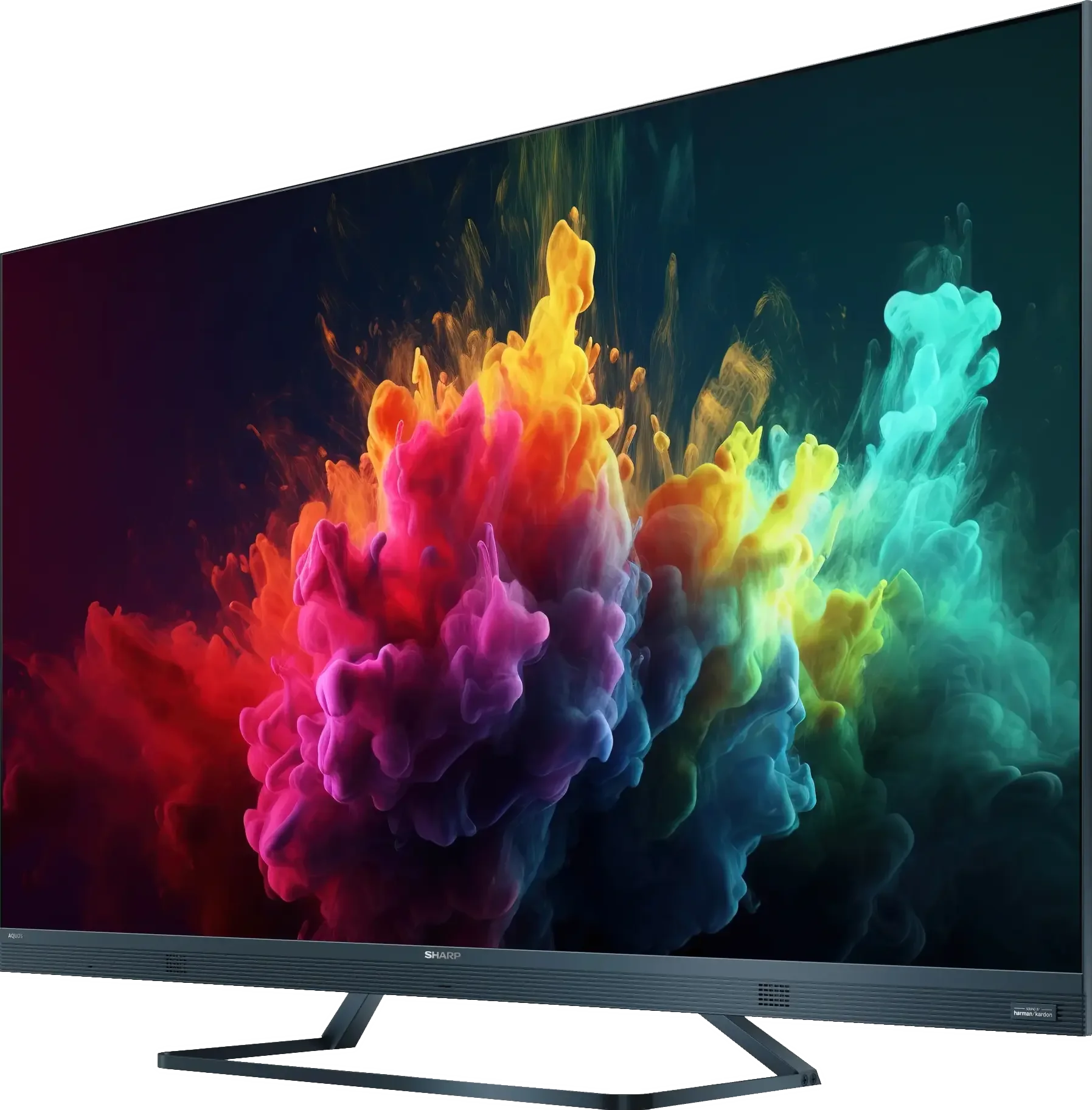
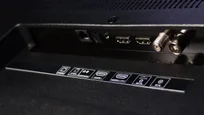
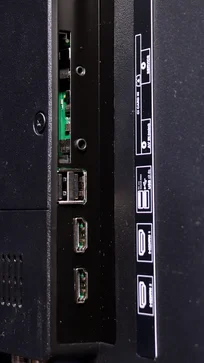
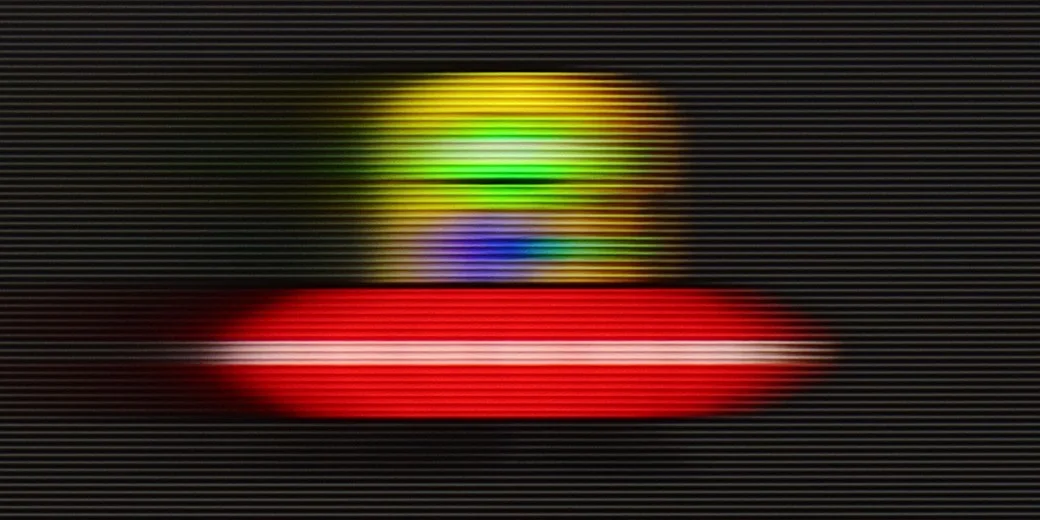
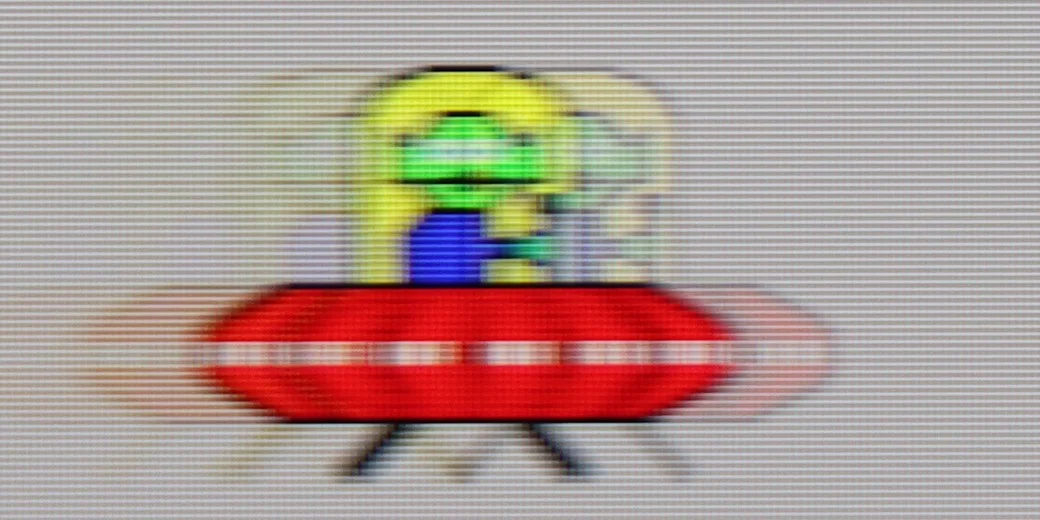
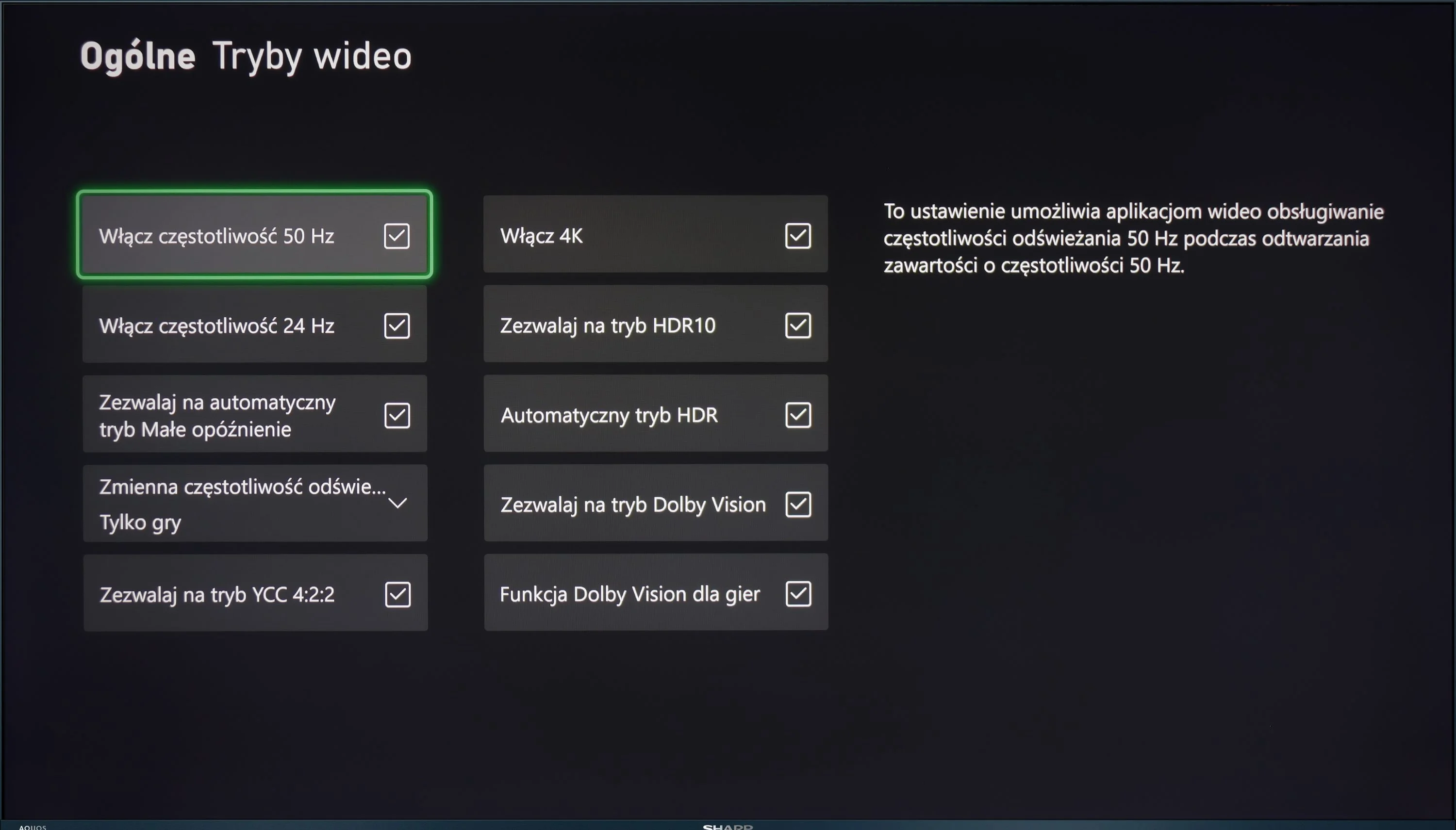
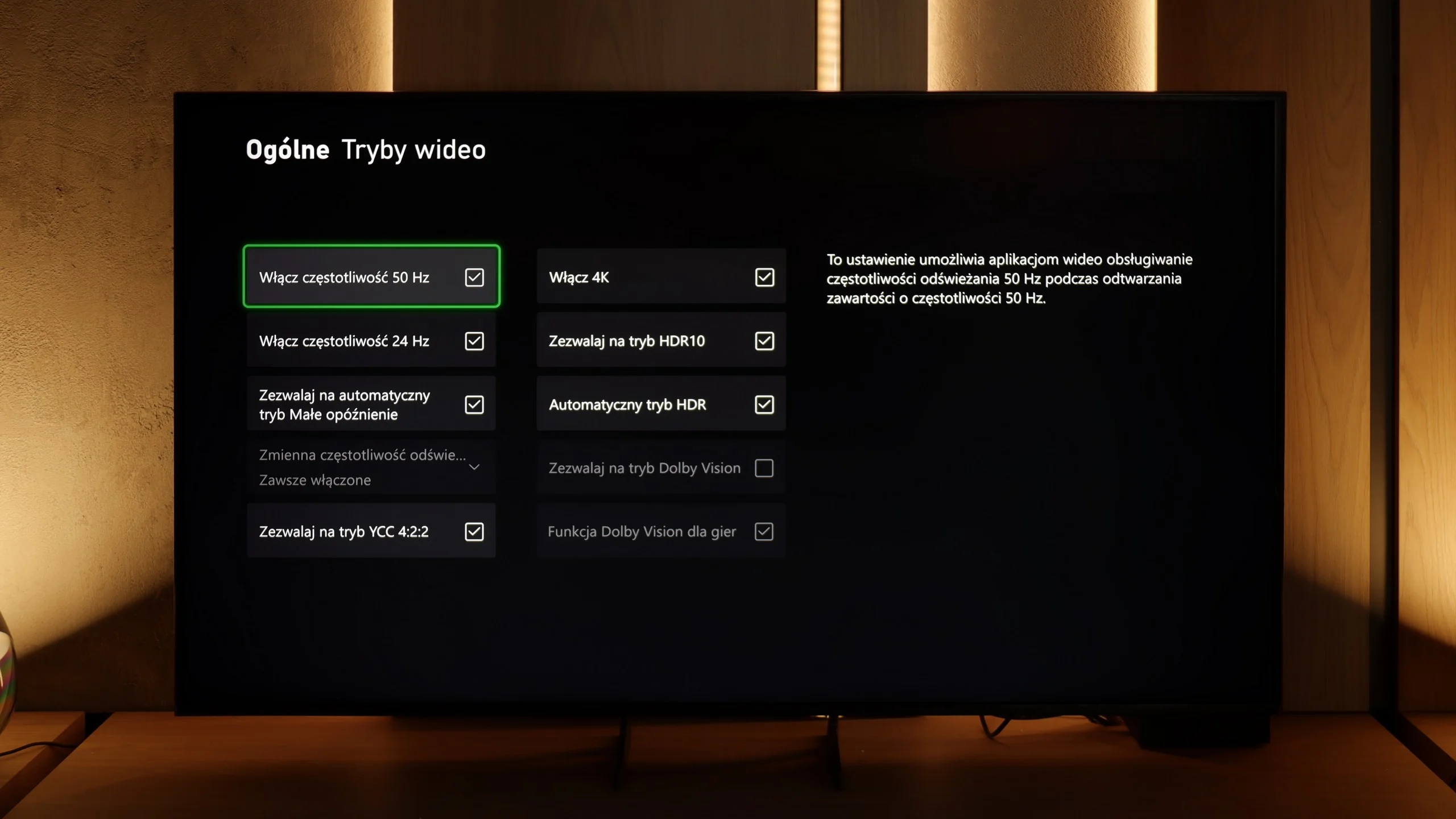
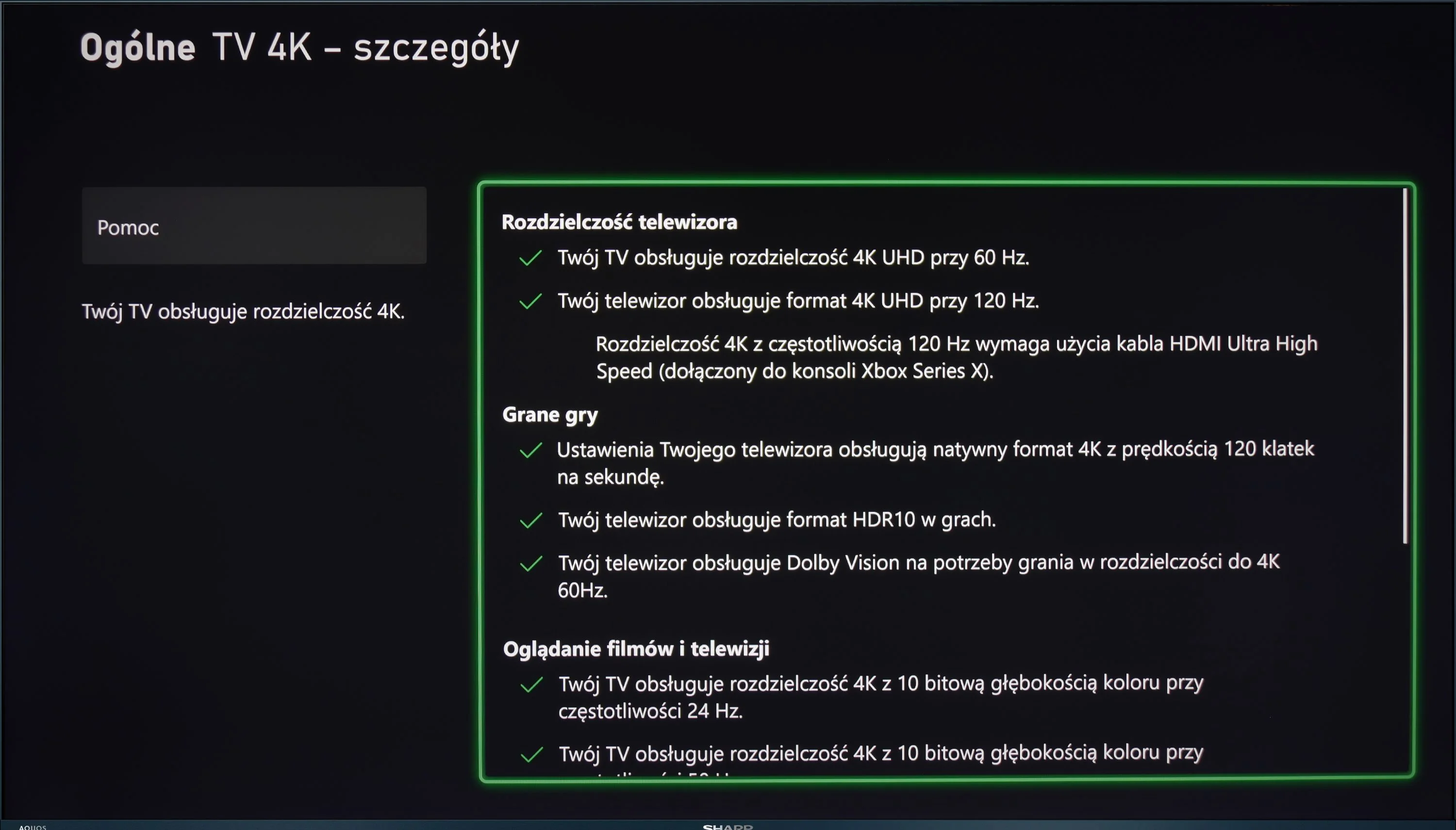
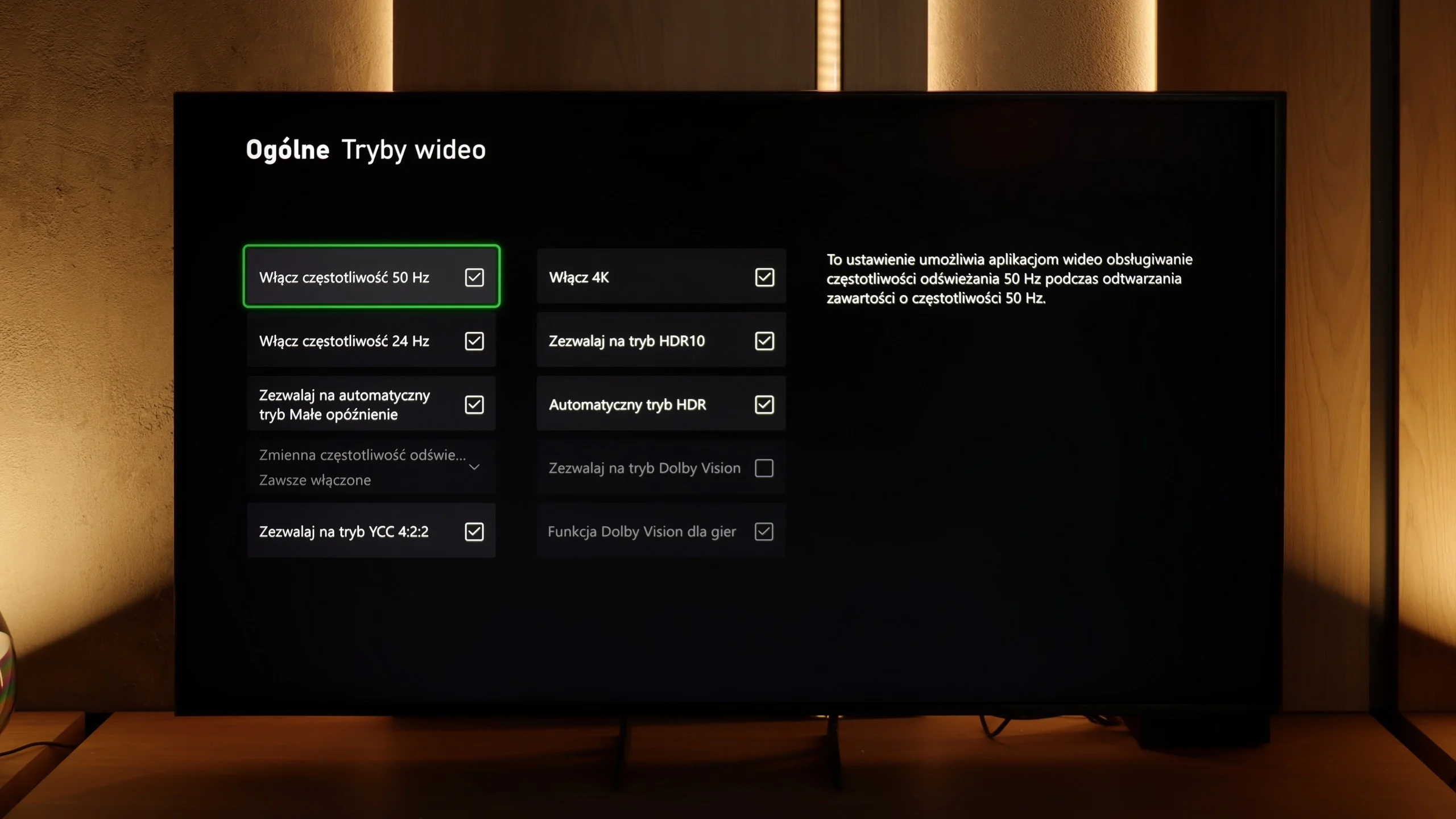
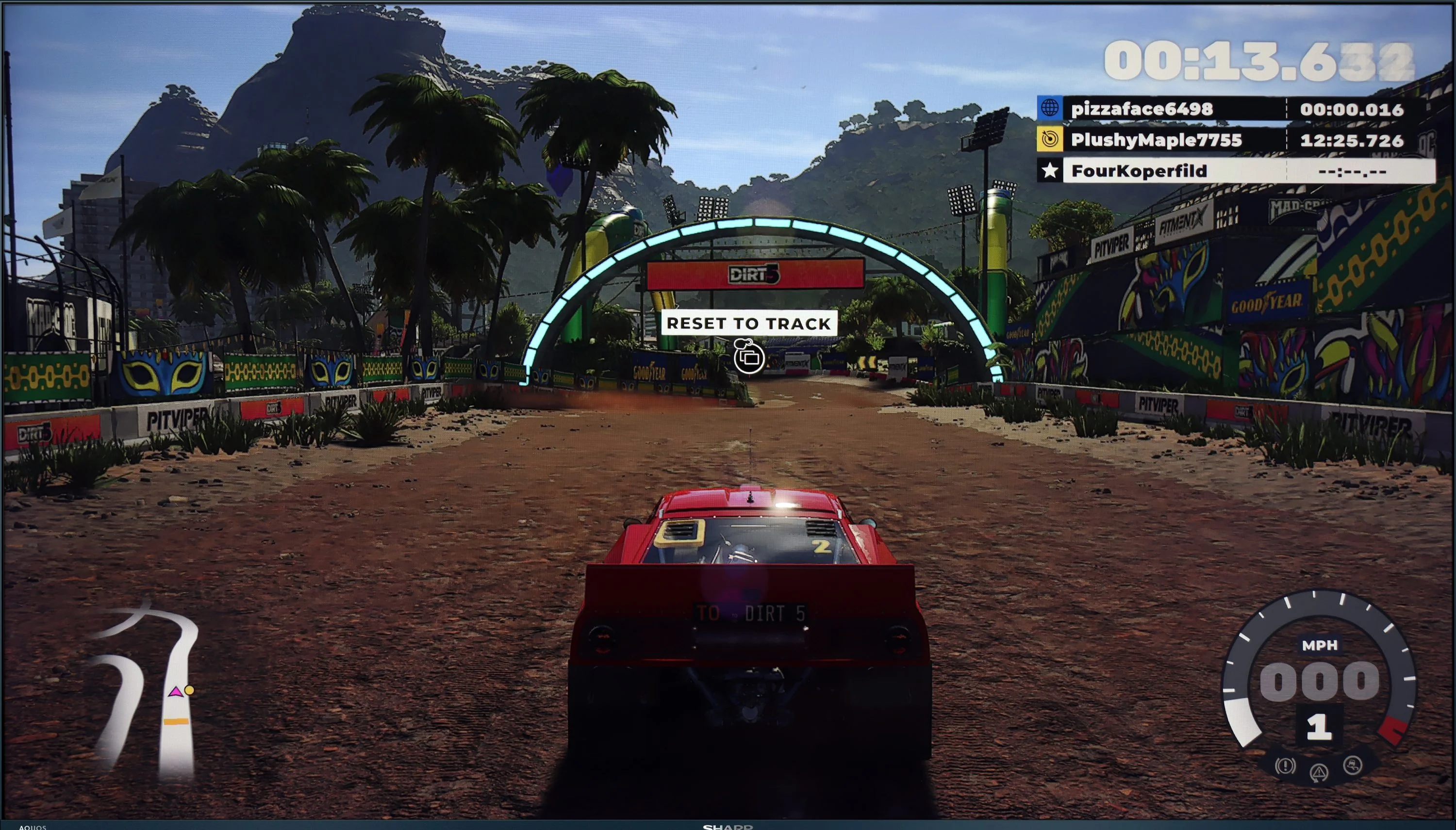
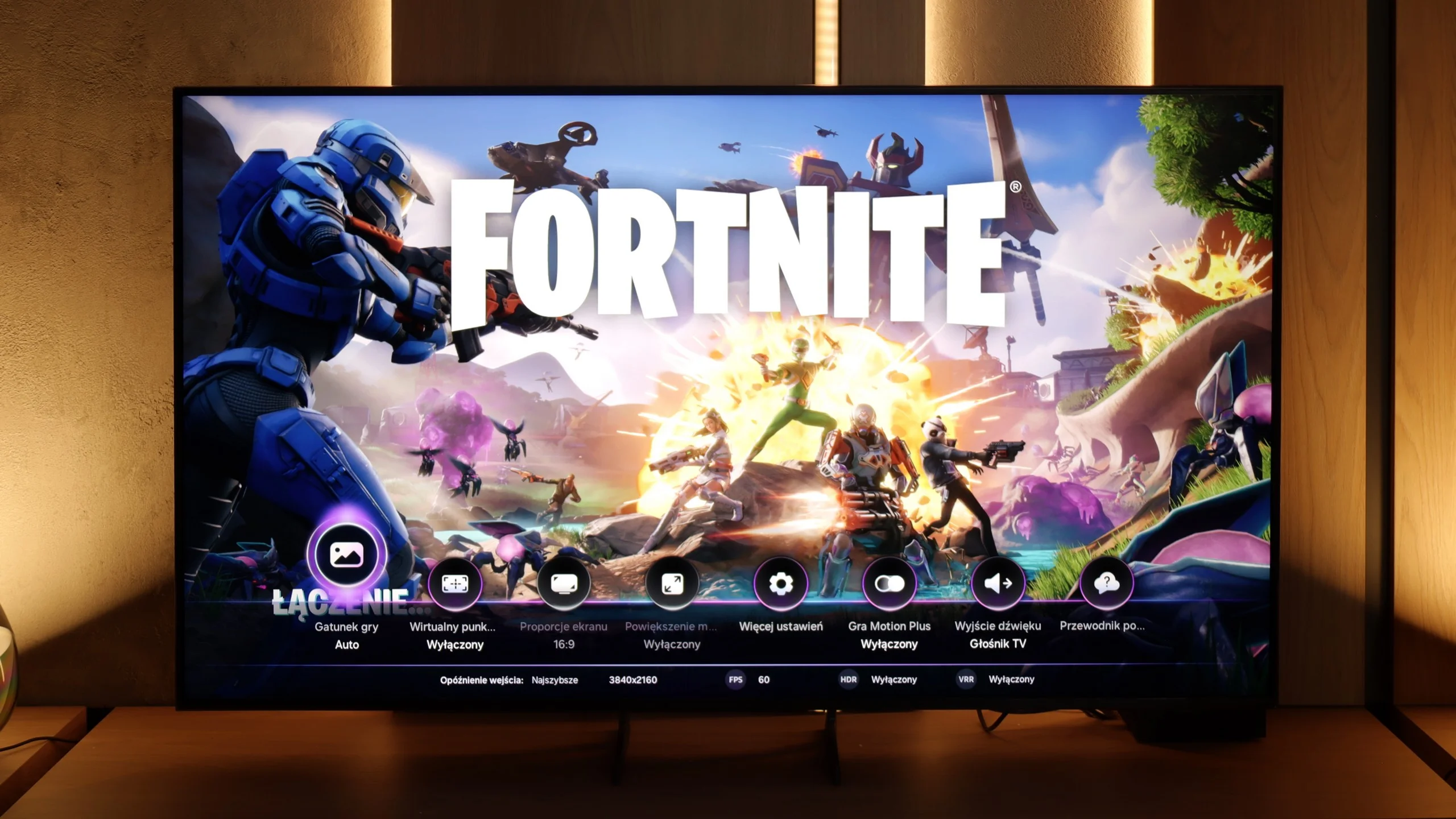
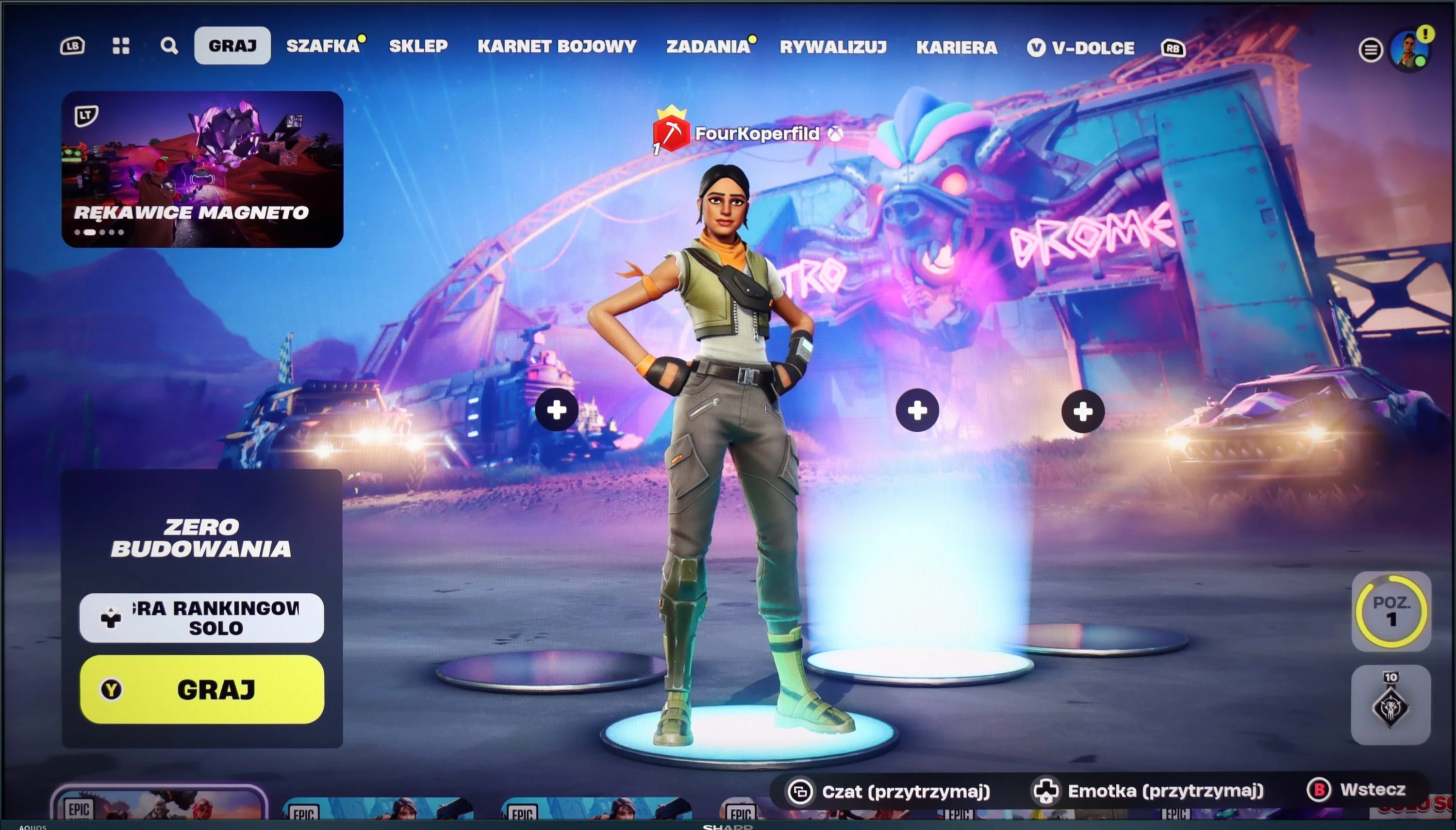
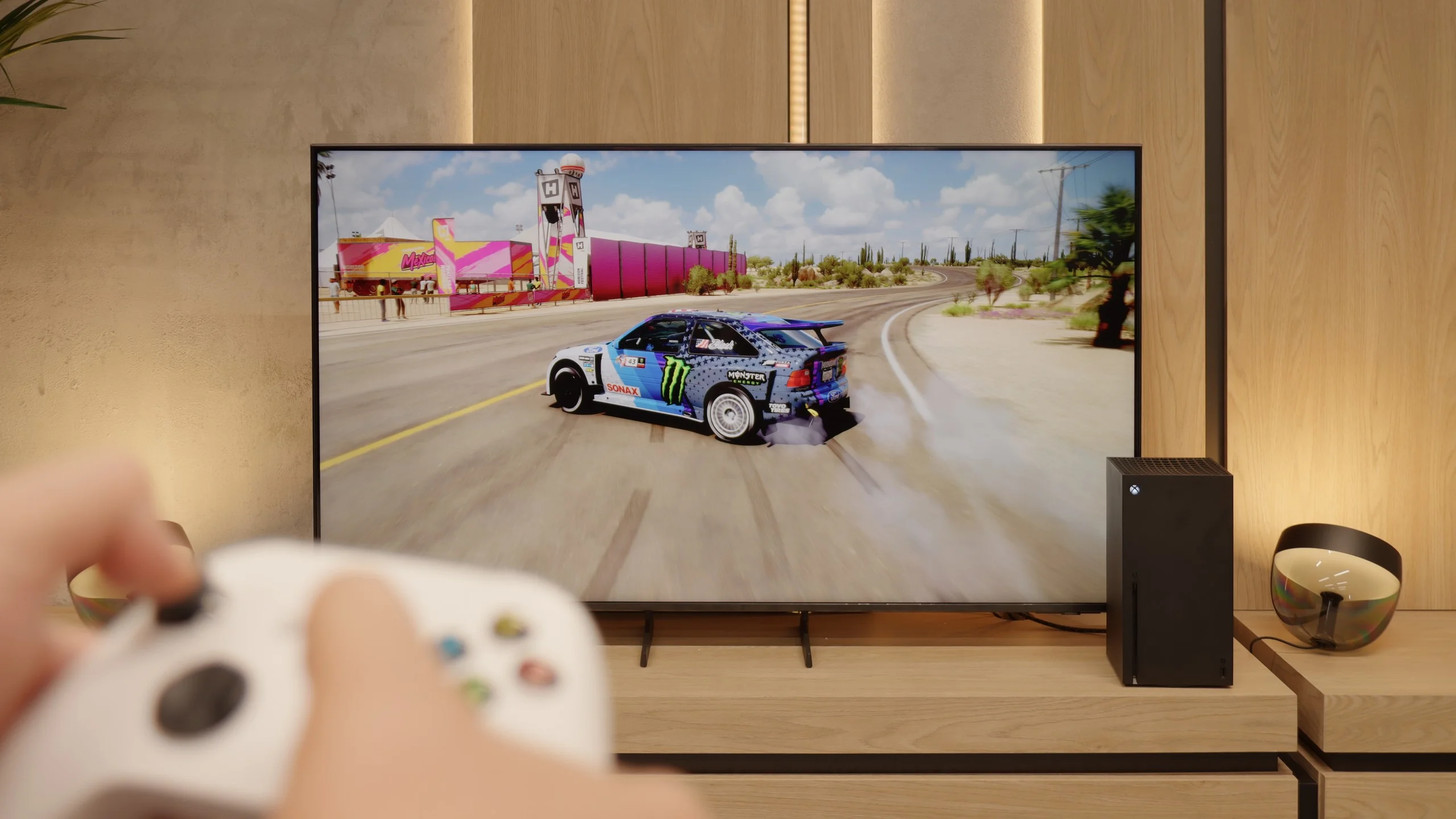
The Sharp FQ8 offers several features that cater to gamers, enhancing the overall gaming experience. Firstly, the television is equipped with HDMI 2.1, which brings several advantages. ALLM (Auto Low Latency Mode) automatically switches the TV to a low-latency mode when a gaming device is detected. VRR (Variable Refresh Rate) helps reduce screen stuttering by adjusting the screen’s refresh rate to match the number of frames generated by the console or PC, providing smoother gameplay, especially in dynamic games. Additionally, the TV supports G-Sync, which synchronises the image with the graphics card, preventing stuttering and screen tearing.
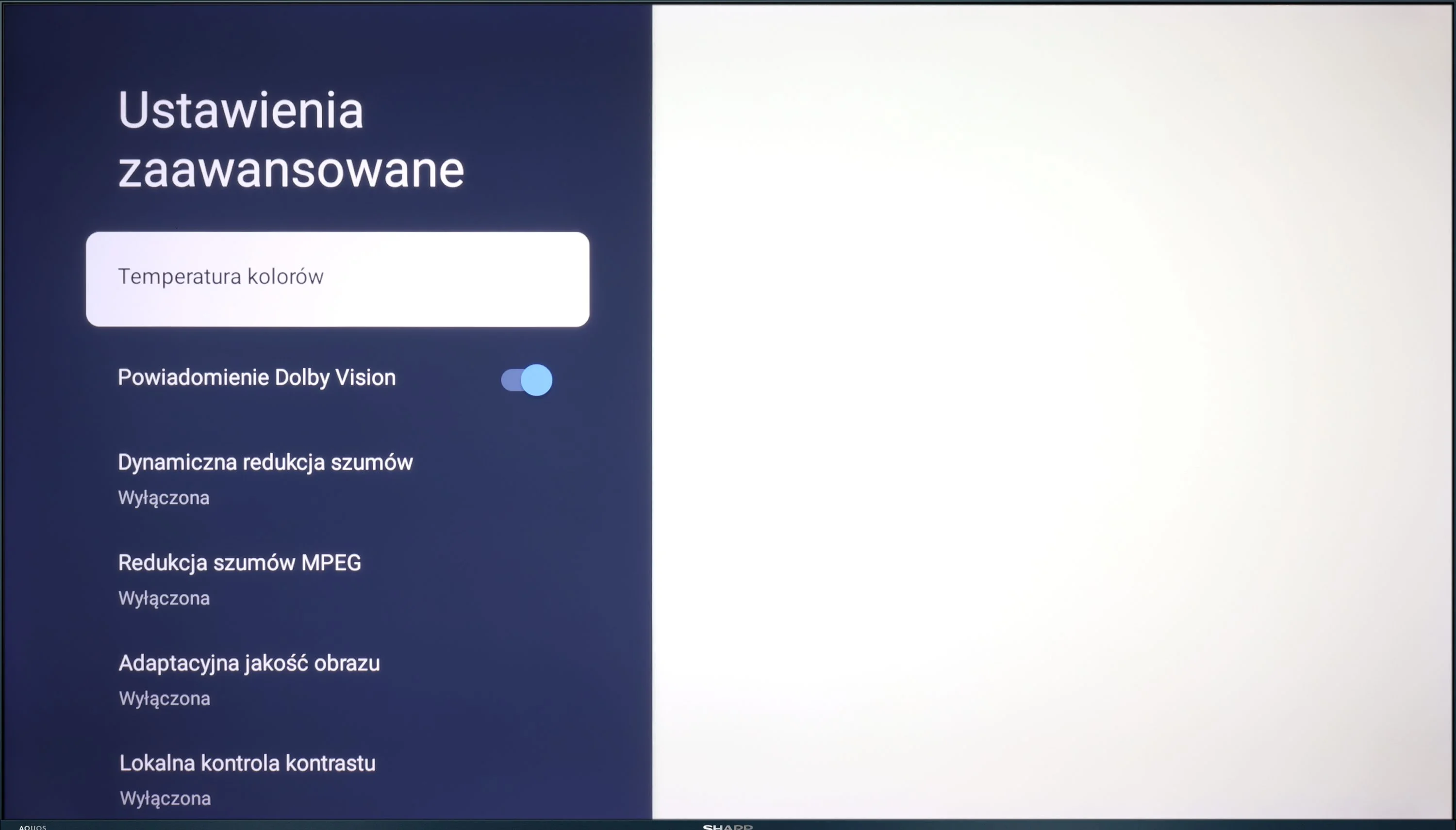
Despite these advantages, the FQ8 has some limitations. The lack of support for HGiG (HDR Gaming Interest Group) means the TV does not optimise the dynamic range for HDR games. Furthermore, while Dolby Vision mode can improve picture quality in supported games, it suffers from very high input lag.
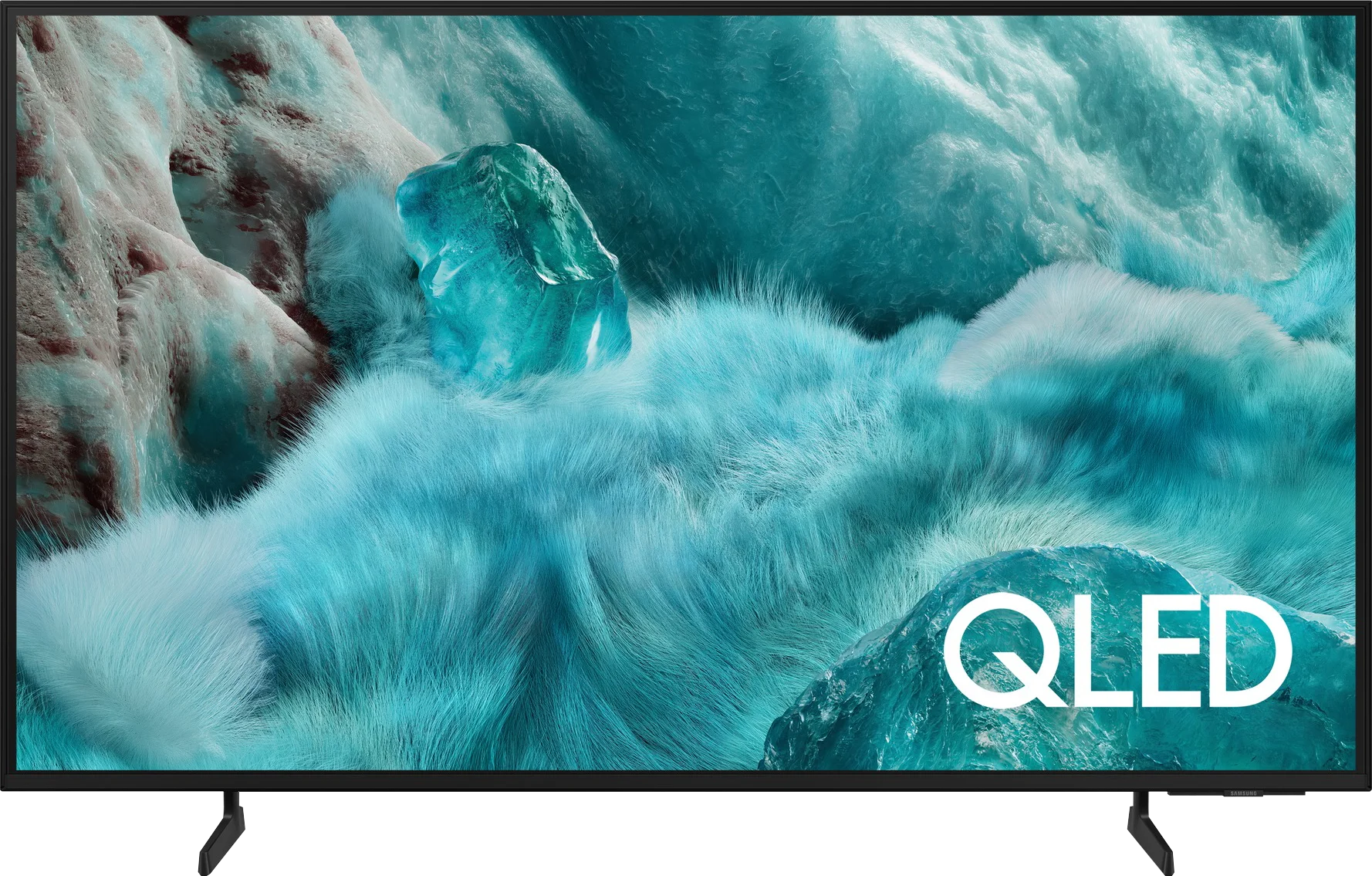
Features for gamers in the Samsung Q7F is a topic that evokes quite a mix of emotions. On one hand, no reasonable person expected miracles here, as this is a 60 Hz television, and it was clear from the start that it wouldn't be equipment for extracting the maximum from consoles or PCs. On the other hand, since the manufacturer promised specific solutions in promotional materials, it is natural that we wanted to see them in practice. At the outset, it’s quite decent. The automatic game mode (ALLM) works, so you don’t have to manually fiddle with the settings, the console itself switches the television to low-latency mode. In addition, we have Game Bar, which looks impressive and allows you to view some basic parameters without leaving the game. And this is where the good news ends.
[UPDATE] We have updated our tests of Samsung televisions from the 2025 model year due to the release of software version 1131, which restored the key feature for gamers, HGiG.
The biggest problem with the Q7F is VRR, or rather its absence. Indeed, a relevant icon appears in the menu, and you can even see it in the Game Bar, but throughout the entire test, the feature remained inactive and could not be activated in any way. It’s even more disappointing regarding HGiG; this option was actually available at the beginning, but after the software update, it completely disappeared, which is just unprofessional. Therefore, the Q7F is suitable only for absolute basics. Sure, you can turn on the console, play calmer titles, and enjoy low input lag, but if someone is counting on more advanced features that the manufacturer promised, they will be disappointed. This is not a television that you buy with gaming in mind, and it’s better to be aware of that before making a purchase.
 Direct comparison