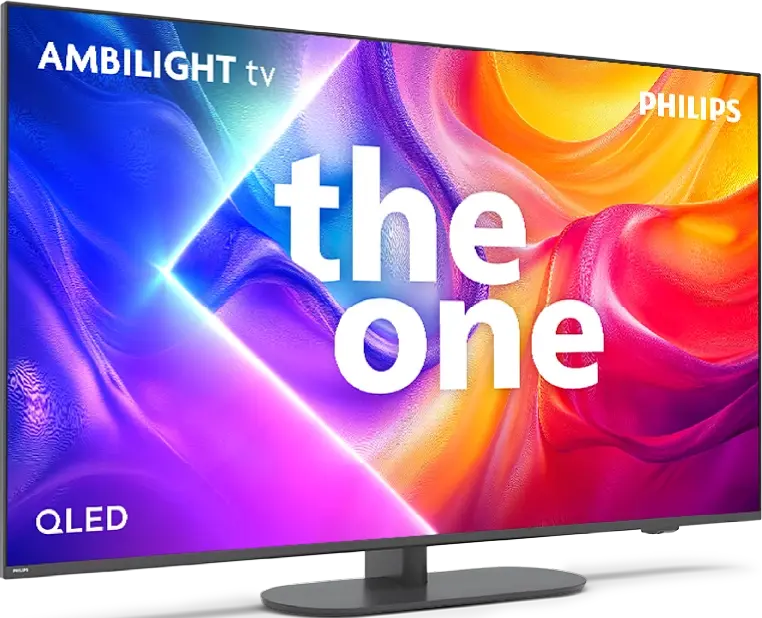
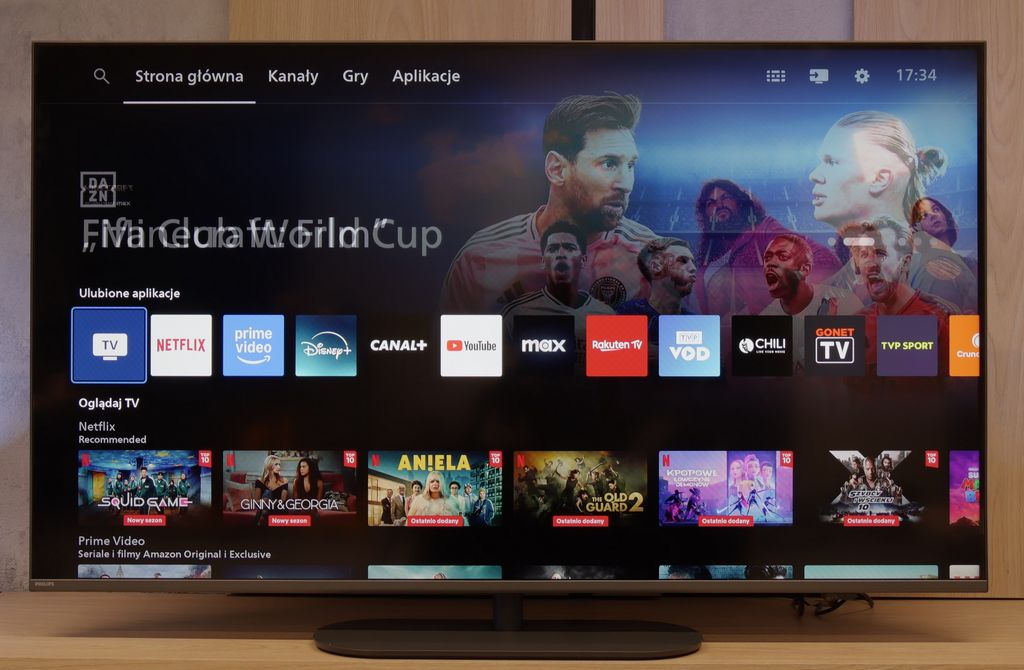
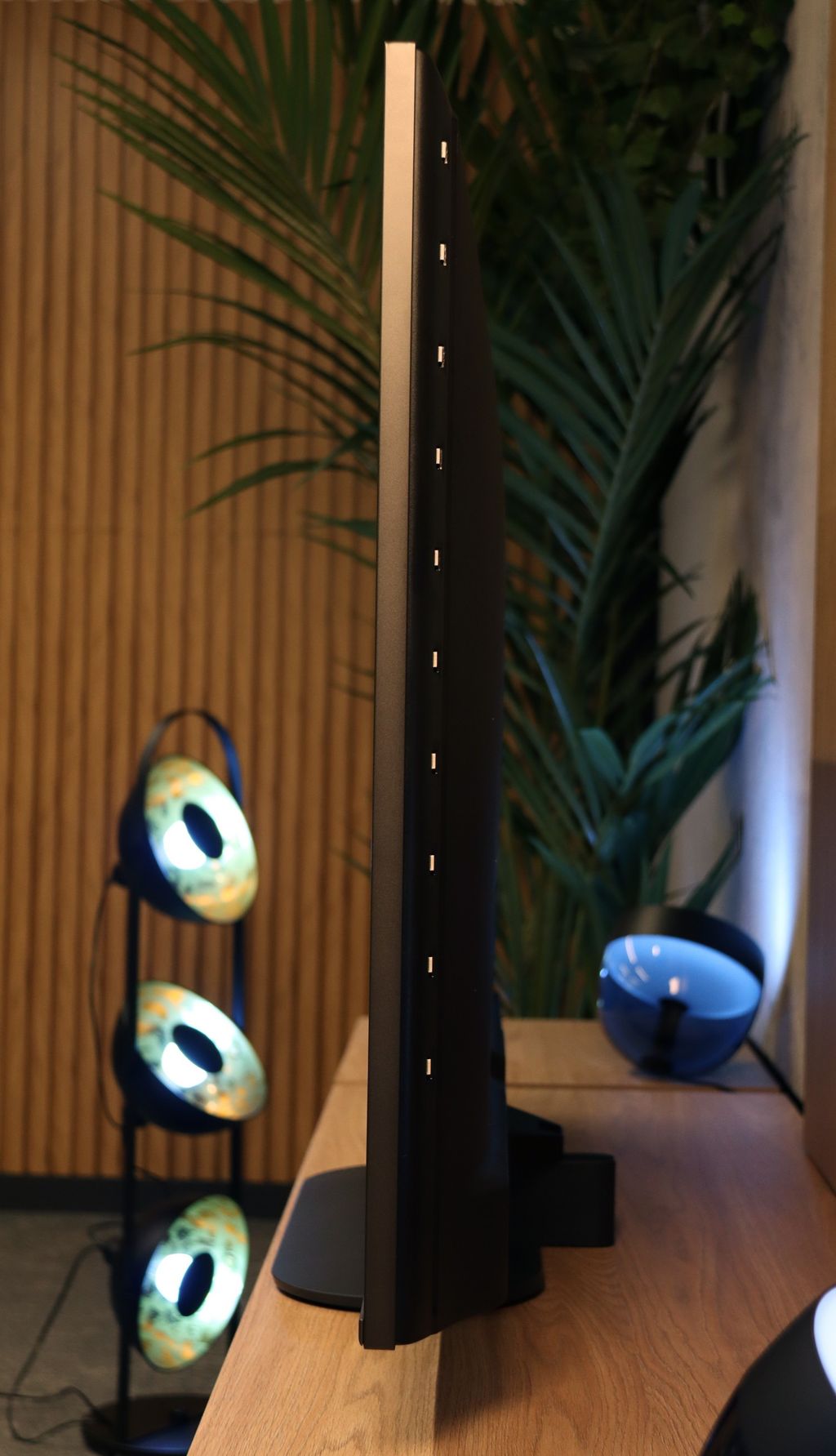
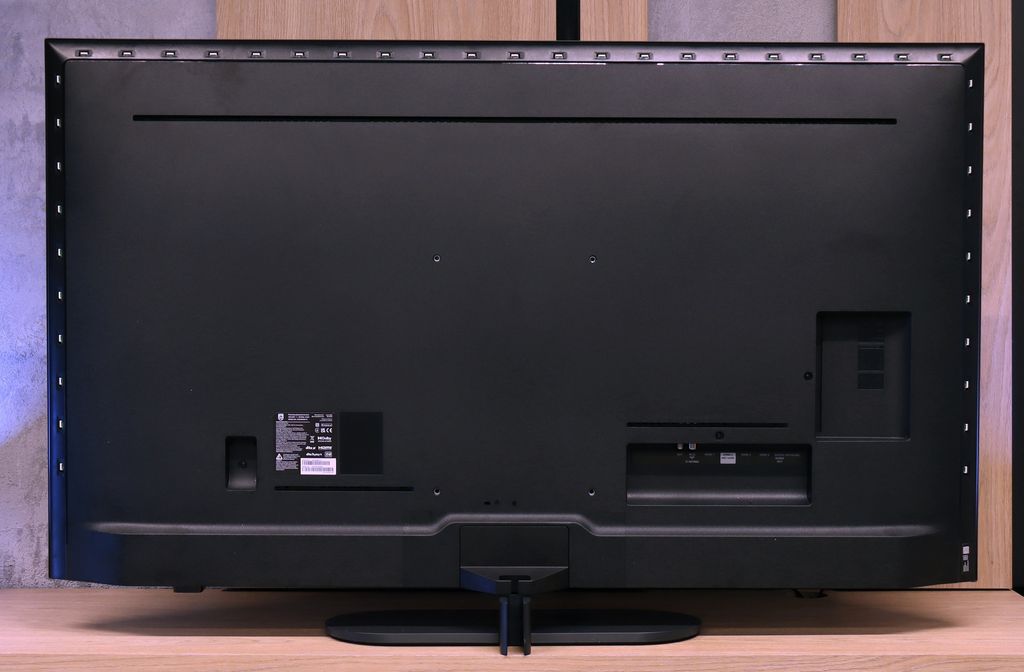
Sharp FQ8 vs PHILIPS PUS9060

Direct comparison

The One 2025 / PUS9060 / PUS9000 / PUS9010

Info

Available screen sizes: 50”55”65”75”

Available screen sizes: 43”50”55”65”85”

Panel type: LCD VA

Resolution: 3840x2160

System: Google TV

Model year: 2024

Complete the survey to find out the result

Panel type: LCD VA

Resolution: 3840x2160

System: Titan OS

Model year: 2025

Complete the survey to find out the result

Overall rating

6.4

6.9

  • Movies and series in UHD quality

    6.4

    6.7

  • Classic TV, YouTube

    6.2

    6.5

  • Sports broadcasts (TV and apps)

    6.2

    6.7

  • Gaming on console

    7.4

    8.5

  • TV as a computer monitor

    3.0

    8.6

  • Watching in bright light

    5.4

    6.0

  • Utility functions

    6.5

    6.1

  • Apps

    9.6

    6.7

  • Sound quality

    6.0

    6.6

Advantages

  • High native contrast

  • Smooth tonal transitions

  • 120 Hz matrix

  • Advanced features for gamers

  • Low input lag

  • Harman/Kardon branded audio

  • VA matrix with very good native contrast

  • Ambilight TV system that improves perceived contrast

  • Support for dynamic HDR formats: Dolby Vision and HDR10+

  • Great for gamers: Supports 4K 120/144 Hz, VRR, ALLM, HGiG, G-Sync Compatible

  • Low input lag

  • Very good cooperation with PC

  • Support for multiple audio formats - Dolby Atmos and DTS

  • Backlit remote with numeric keypad

Disadvantages

No like
  • Poor viewing angles

  • Dolby Vision IQ does not work properly

  • Average response time of the panel

  • Poor font readability when connected to a PC

  • Titan OS operating system can be underdeveloped

  • Limited number of applications

  • Average viewing angles

  • Lack of TV features (Recording to USB, PIP, Audio only mode)

  • Infrared remote (must aim at the screen)

Our verdict

The Sharp FQ8 television offers numerous features that set it apart in its price range. It operates on the Google TV platform, granting access to a wide array of applications and intuitive navigation. A 120 Hz refresh rate panel ensures smooth image rendering, while low input lag makes it an appealing option for gamers. The high native contrast delivers deep, vivid blacks, and the television achieves a respectable brightness of 450 nits, allowing for comfortable HDR content viewing. Additionally, advanced formats like Dolby Vision are supported, and the inclusion of quantum dots (Quantum Dot/QLED) enhances the wide colour gamut coverage.

However, the Sharp FQ8 has its shortcomings. The lack of dynamic tone mapping control in HDR mode may disappoint more demanding users, and despite featuring Dolby Vision IQ, its performance is underwhelming. The panel's average response time can impact the clarity of fast-moving scenes, and limited viewing angles significantly reduce image quality when viewed from the side.

Despite these drawbacks, the Sharp FQ8 stands out as a solid choice, offering a good balance of quality, image fluidity, and an enjoyable audio system, all at a competitive price. While not flawless, it should meet the needs of most users seeking an affordable television with a 120 Hz panel.

Philips PUS9000 is proof that the manufacturer not only keeps a finger on the pulse but also listens carefully to its users. In the latest version of this popular series, a clear progress is visible – especially compared to the previous generation that we had the opportunity to test. The use of a VA panel has resulted in a noticeable improvement in black levels, which finally present at an acceptable level. A brightness of up to 500 nits does not disappoint even in sunlit rooms, and support for a wide range of HDR formats – including Dolby Vision and HDR10+ – complements the image of a well-prepared device. Additionally, the support for spatial audio technologies like Dolby Atmos and DTS only enhances the positive impression, especially since the presence of all the aforementioned formats is not a given even in the most expensive models of 2025. But what truly distinguishes this model from its competitors is the Ambilight system. The multi-colored backlighting not only creates a visual impression – in a darkened room, it can enhance perceived contrast and completely change the way a movie or series is experienced. The gaming mode also deserves recognition. 144 Hz, low input lag, variable refresh rate, G-Sync compatibility, and the Game Bar feature – everything one might expect from equipment designed with consoles and PCs in mind. Unfortunately, not everything works perfectly. The Titan OS system, although it operates fairly smoothly, still suffers from shortcomings – many popular apps are missing, minor bugs appear, and the overall experience can be cumbersome in daily use. Plus, the remote, despite its modern look, still uses infrared and requires aiming at the TV. What a pity.

So, for whom is the PUS9060? For those who want to immerse themselves in a movie with impressive Ambilight in the evenings, game on consoles, and stream content from external devices. In such a scenario, “The One” could indeed turn out to be "the one" – especially since its price is not off-putting on launch day.

TV appearance

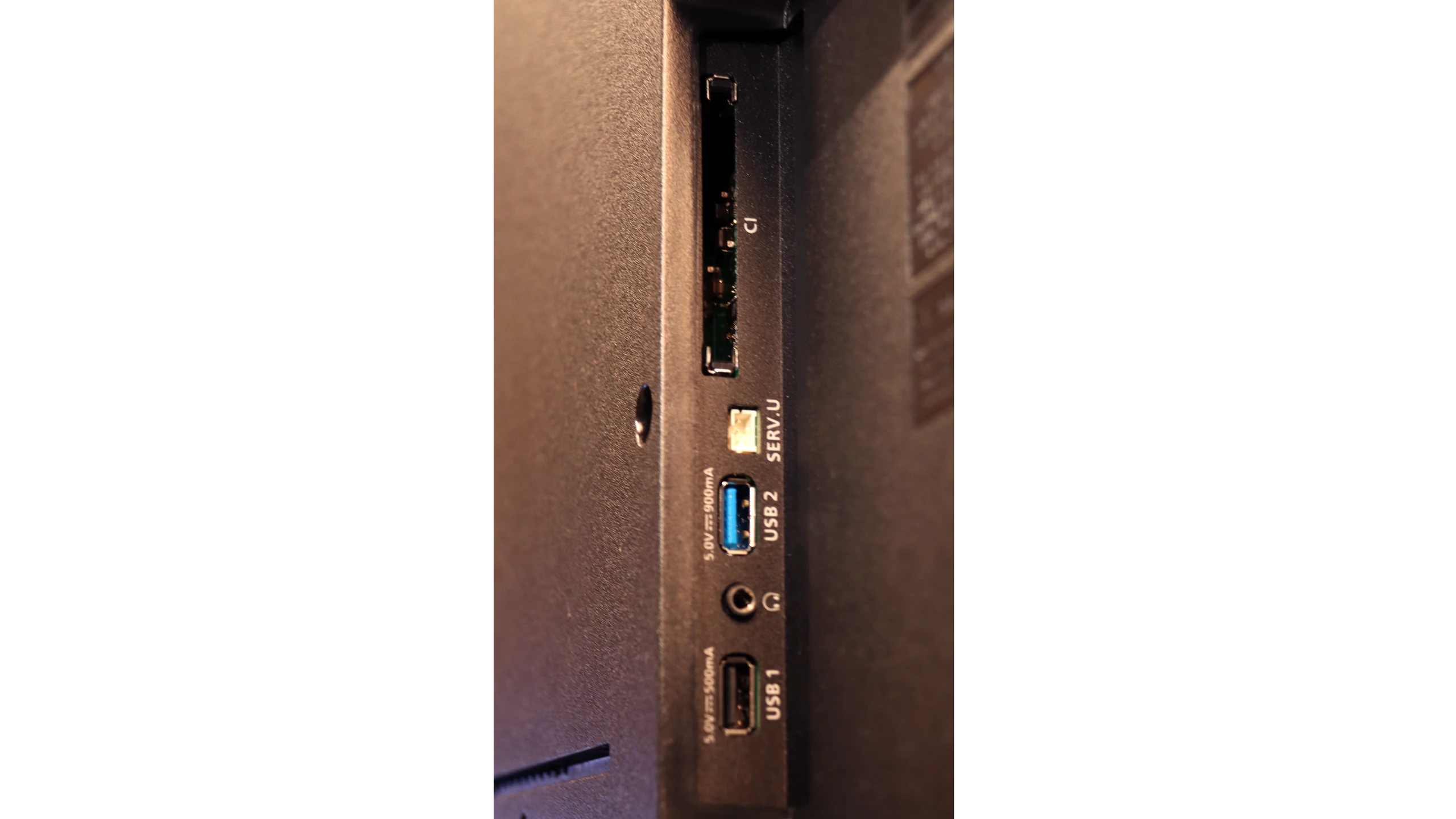
HDMI inputs
2 x HDMI 2.0, 2 x HDMI 2.1 (48Gbps)
0 x HDMI 2.0, 4 x HDMI 2.1 (48Gbps)
Other inputs
RCA (Chinch)
Toslink (Optical audio)
Outputs
Toslink (Optical audio), eARC (HDMI), ARC (HDMI), Mini-Jack (Headphones)
Network Interfaces
Wi-Fi 2.4GHz, Wi-Fi 5GHz, Ethernet (LAN) 100Mbps
Build quality
Good
Good
Stand type
Legs
Central
Bezel color
Graphite
Graphite
Stand
Fixed
Fixed
Accessories
Stand
Stand

Contrast and black detail

6.2/10

6.2/10

Local dimming function: No

Local dimming function: No

Contrast:

Review Sharp FQ8 Contrast and black detail

Result

5,200:1

Review Sharp FQ8 Contrast and black detail

Result

7,200:1

Review Sharp FQ8 Contrast and black detail

Result

7,700:1

Review Sharp FQ8 Contrast and black detail

Result

8,100:1

Review Sharp FQ8 Contrast and black detail

Result

4,800:1

Review PHILIPS PUS9060 Contrast and black detail

Result

6,000:1

Review PHILIPS PUS9060 Contrast and black detail

Result

6,750:1

Review PHILIPS PUS9060 Contrast and black detail

Result

7,300:1

Review PHILIPS PUS9060 Contrast and black detail

Result

6,000:1

Review PHILIPS PUS9060 Contrast and black detail

Result

6,800:1

Halo effect and black detail visibility:

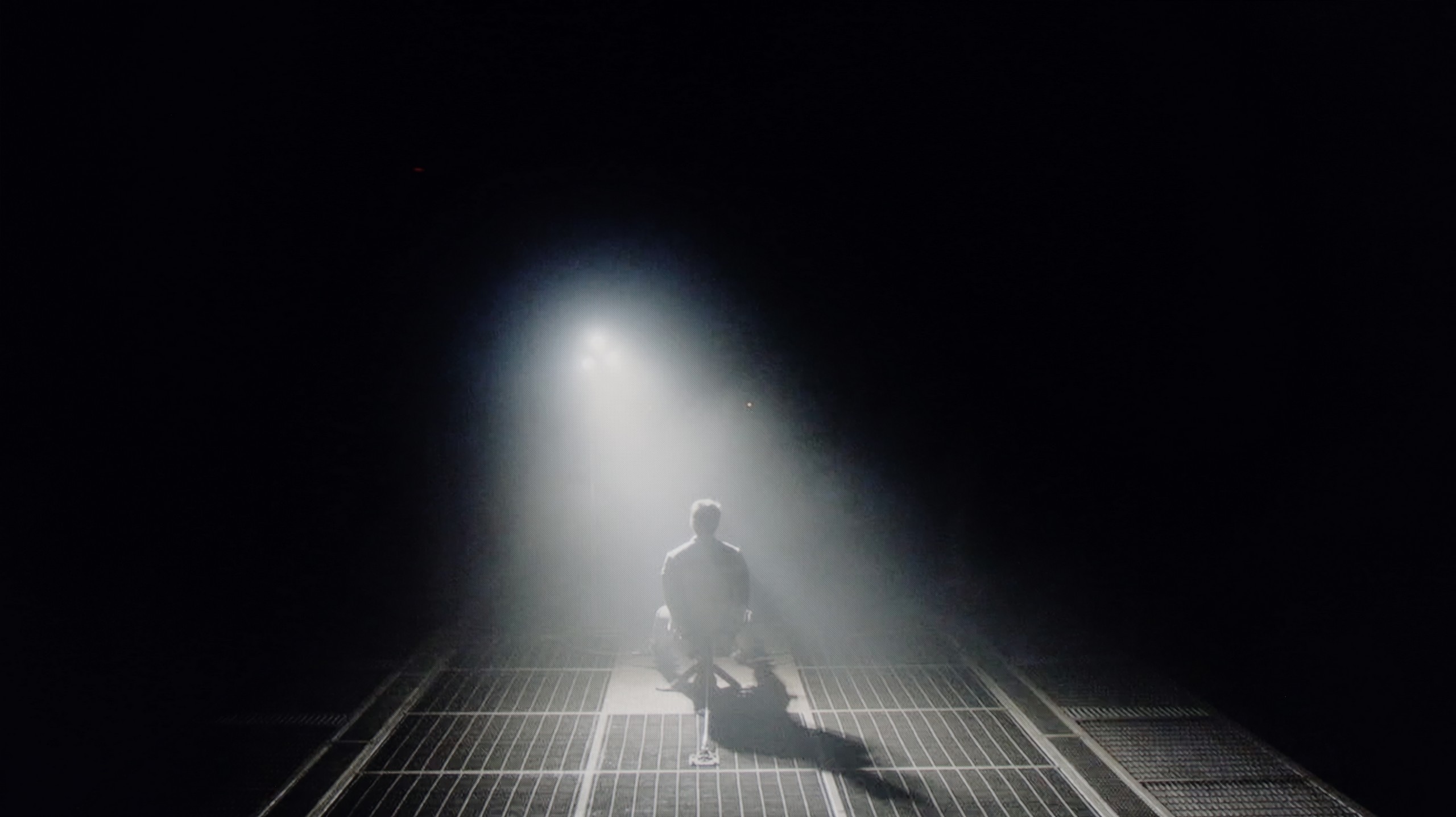
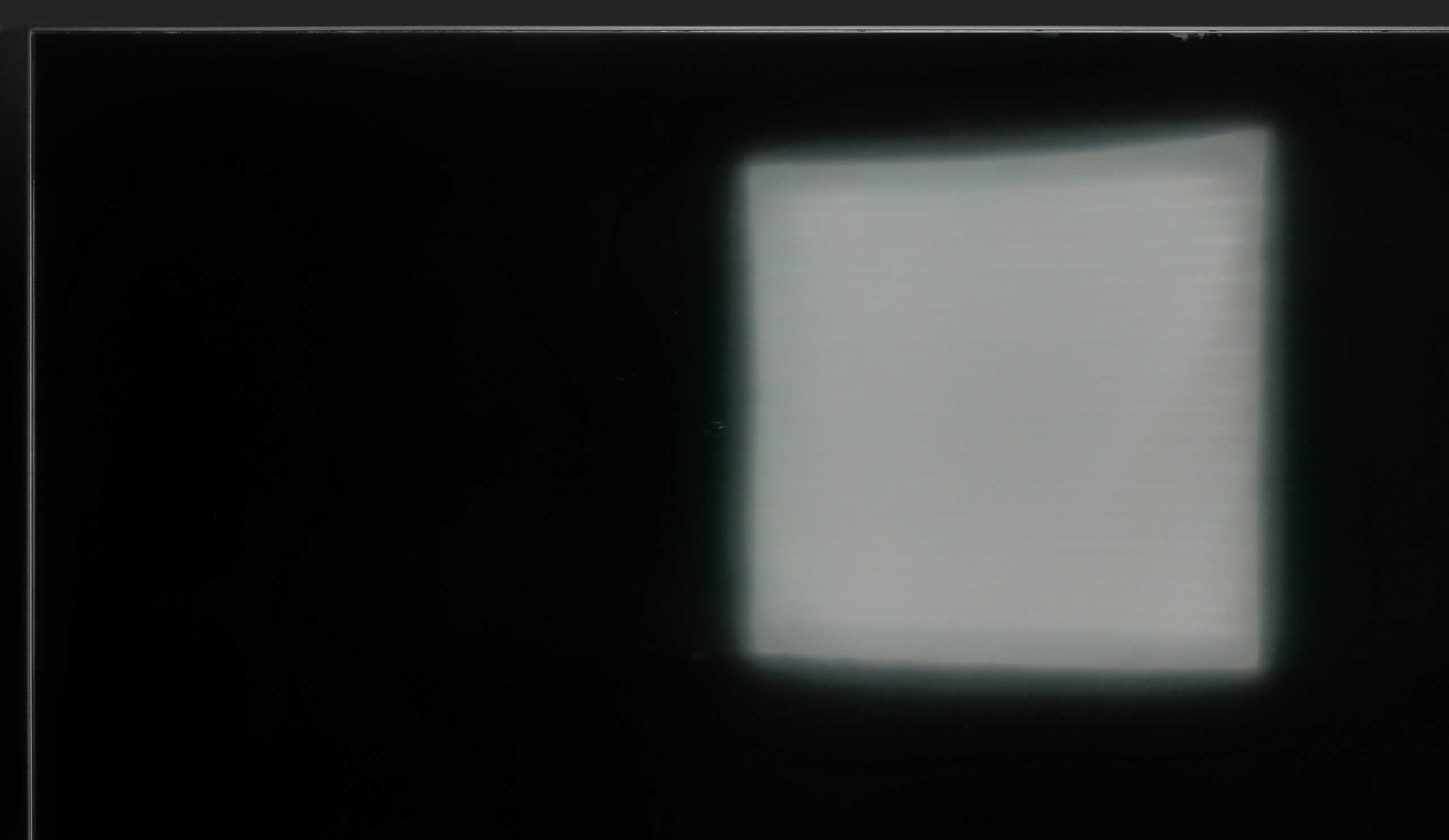
Check the visibility of bright lights on a dark background. Mini-LEDs often struggle with this. The photo does not compare black levels – that’s what the video below is for.

The video accurately shows differences in contrast and black levels between TVs, as well as potential issues: halo around bright objects or Mini-LED zone operation visible as brightness jumps.

The Sharp FQ8, with its VA panel, delivers an exceptionally high native contrast ratio, achieving an impressive 8100:1 in tests using film test patterns. This result significantly surpasses most competitors in its price range and is a rare achievement. The high contrast provides excellent depth to images, especially in scenes with pronounced differences between light and dark elements. This makes it particularly strong in contrast performance and black-level quality, which are critical factors in overall image evaluation.

The television features direct backlighting (Direct LED), which helps maintain consistent brightness levels. However, it lacks local dimming support, a common limitation in this price category. While this does slightly impact the depth and clarity of blacks in darker scenes, the high native contrast ensures the Sharp FQ8 still delivers a strong viewing experience.

PUS9060 is a television that in this version is equipped with a VA panel – and this is immediately visible in the contrast tests. In the tested scenes, the television achieved really good results, at around 6500:1. Such a result speaks volumes about the fact that the television has a really decent black. Unfortunately, PUS9060 is not equipped with local dimming technology, and as a result – blacks in a dark room may appear to have a bluish tone. Fortunately, the The One series is known among other things for the famous Ambilight system, which significantly improves perceived contrast, and consequently – "deceives" our eye, allowing us to see better blacks. It seems simple, but it is incredibly useful. That is why we recommend using this television in the evening with this system turned on. It doesn't necessarily have to be multicolored, tracking the image – it can simply be white.

HDR effect quality

5.3/10

5.8/10

Supported formats
HDR10, Dolby Vision, HLG
HDR10, HDR10+, Dolby Vision, HLG
Color gamut coverage
DCI P3: 93.6%, Bt.2020: 74.6%
DCI P3: 85.2%, Bt.2020: 62.2%

Luminance measurements in HDR:

Review Sharp FQ8 Brightness measurement

Result

384 nit

Review Sharp FQ8 Brightness measurement

Result

399 nit

Review Sharp FQ8 Brightness measurement

Result

465 nit

Review Sharp FQ8 Brightness measurement

Result

461 nit

Review Sharp FQ8 Brightness measurement

Result

463 nit

Review PHILIPS PUS9060 Brightness measurement

Result

507 nit

Review PHILIPS PUS9060 Brightness measurement

Result

430 nit

Review PHILIPS PUS9060 Brightness measurement

Result

542 nit

Review PHILIPS PUS9060 Brightness measurement

Result

551 nit

Review PHILIPS PUS9060 Brightness measurement

Result

545 nit

Scene from the movie “Pan” (about 2800 nits)

Scene from the movie “Billy Lynn” (about 1100 nits)

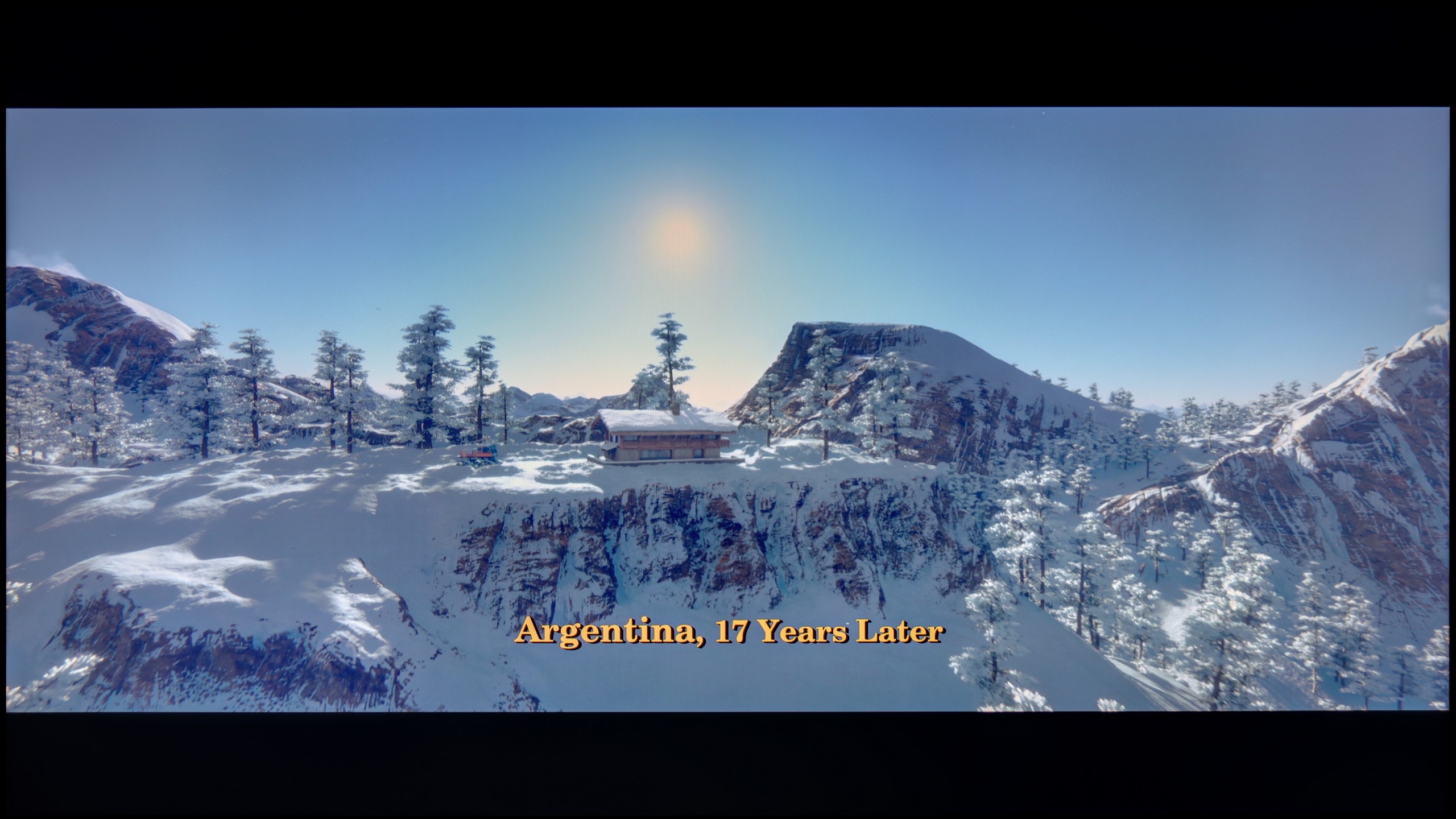
The photos show two HDR10 movies. 'Pan' is one of the brightest productions ever made, while 'Billy Lynn' (soldier) has brightness typical of streaming (Netflix, Prime, HBO MAX). Notice the intensity of effects and detail in whites.

Static HDR10

The photos present the visibility of white details in various HDR formats. They do not show brightness differences between TVs (these can be compared in the previous gallery).

Dynamic: Dolby Vision

Dynamic: Dolby Vision

The photos present the visibility of white details in various HDR formats. They do not show brightness differences between TVs (these can be compared in the previous gallery).

HDR luminance chart:

PHILIPS PUS9060

Sharp FQ8

The Sharp FQ8 achieves a maximum brightness of over 450 nits, which is commendable for its price range. While this level might not be groundbreaking, it places the television among the better-performing models in its class. At this brightness, the image appears vivid and detailed, and the HDR metadata functions effectively, offering a more immersive viewing experience compared to dimmer devices.

The television supports the advanced Dolby Vision HDR format, enhancing the depth and richness of the content. It also includes Dolby Vision IQ, which adjusts the image's brightness and colours based on ambient lighting. However, the implementation of this feature on the Sharp FQ8 is suboptimal, introducing artificial brightening and noticeable distortions. For this reason, it is advisable to disable Dolby Vision IQ for the most accurate picture quality.

With quantum dot technology, the television achieves a colour gamut coverage of approximately 94%, resulting in vibrant and realistic colours. This combination of features ensures the Sharp FQ8 delivers an engaging and detailed visual experience, even with some limitations.

The One is bright enough to enjoy movies recorded in HDR format. The average brightness of this model is about 500 nits, so we can count on a pleasant viewing experience for movies from streaming platforms without any issues. Of course, it could always be better, because when it comes to brightness, there is never too much for this type of content. Unfortunately, a disappointing surprise may be the DCI-P3 color gamut coverage offered by the PUS9060. Although the manufacturer boasts about using a QLED filter here (it’s actually PFS LED), it's hard to talk about any positive effects of its operation. 85% DCI-P3 color gamut coverage is definitely not a level to brag about in 2025 – especially in a television advertised as QLED.

Factory color reproduction

4.2/10

5.5/10

This gallery shows how colors change after professional TV calibration. If you notice the difference, we recommend ordering this service at SkalibrujTV.com.

Factory Mode

After calibration

This gallery shows how colors change after professional TV calibration. If you notice the difference, we recommend ordering this service at SkalibrujTV.com.

Factory Mode

After calibration

The Sharp FQ8 was evaluated for colour reproduction in its movie mode, which provides the best default settings for achieving realistic visuals. While it performs adequately, certain issues impact the overall image quality. Tests on HD content revealed significant white balance problems, with a marked dominance of red. This is evident in the colour graph, where the red line noticeably rises above the others, and in practical tests, such as a movie scene featuring a child, where the image appears overly warm and unnaturally red. Similar issues persist with 4K HDR content, where an excessive red tint detracts from the accuracy of colour reproduction, an important consideration for viewers prioritising faithful visuals.

For SDR contrast, the gamma graph displayed an unusual anomaly at the start, highlighting reproduction issues. The remainder of the gamma curve lies below the reference line, indicating suboptimal brightness and contrast levels for standard content. In 4K HDR, the EOTF curve also deviates significantly, suggesting inconsistencies in brightness reproduction. These fluctuations can result in less enjoyable viewing experiences for HDR content, particularly in scenes requiring precise light and dark balance.

We tested the PUS9060 in the best factory mode it employs – of course, we’re talking about movie mode. Unfortunately, the best in this case doesn’t mean good. The picture in this mode was distinctly yellowed and leaned towards orange tones. The white balance on this TV was definitely too warm, resulting in an artificial, somewhat "sun-kissed" look for the entire scene. This directly translated to significant color errors, which in the worst cases exceeded a delta E value of 6 – thus, they were visible to the naked eye. The situation was the opposite in HDR mode, where the picture became too blue and too cold in appearance. Additionally, there was a slight increase in brightness – the gamma curve and EOTF suggested that the TV slightly brightens the image, which was also evident in the comparison photo below.

Color reproduction after calibration

7.8/10

8/10

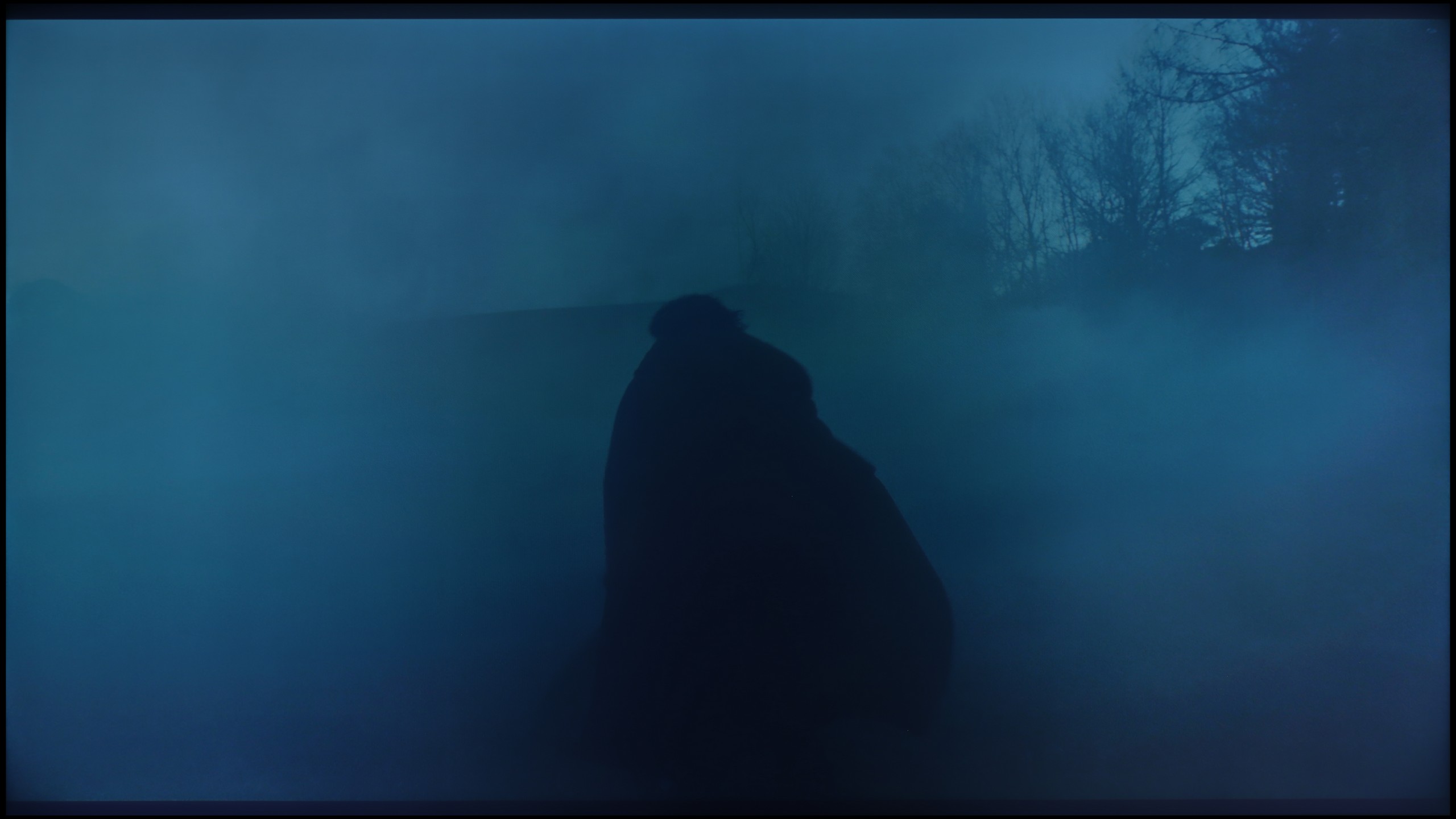
The photos show how movies look on the TV. Pay attention to black detail visibility, colors, and shadow tint.

The photos show how movies look on the TV. Pay attention to black detail visibility, colors, and shadow tint.

After calibration, the Sharp FQ8 shows notable improvements in its performance for SDR content. The white balance has been significantly refined, with all lines approaching the reference line. While the lines are not perfectly straight, the results are impressive for a TV in this price range. This adjustment enhances the naturalness and accuracy of colours, contributing to a more enjoyable visual experience. However, the gamma chart still displays the peculiar jump at the start, though the remaining line now aligns much closer to the expected outcome.

For HDR content, the white balance also sees meaningful improvements compared to the pre-calibration state, although it doesn’t perform as well as in SDR mode. This refinement results in more consistent and visually appealing colours, despite some remaining imperfections. On the downside, the EOTF chart reveals limited progress in contrast due to the lack of control over dynamic tone mapping settings, which hampers uniform brightness representation in HDR.

Despite these limitations, the calibration significantly elevates the Sharp FQ8, particularly in SDR mode. The improved white balance and colour reproduction deliver a more natural and pleasant viewing experience. While HDR content still leaves room for improvement, the TV achieves a respectable level of performance, solidifying its position as a strong contender in its price range.

Thanks to calibration in movie mode, we managed to completely eliminate the yellow-orange hue, which significantly improved the reception of the entire scene. The image has become much more visually pleasant, although it still falls short of reference settings. It may now appear slightly bluish, but it is still a significant improvement compared to the factory settings.

Unfortunately, we could not significantly improve the brightness characteristics, but that is more about the construction of the TV itself – the lack of local dimming limits the possibilities for precise brightness management. The PUS9060 simply cannot dynamically adjust luminance like more advanced models do. Nonetheless, after calibration, the overall reception is much more enjoyable, especially in film materials.

Smoothness of tonal transitions

8.8/10

8.9/10

These are selected scenes that show smooth tonal transitions from one color to another. If you see distinct banding, it’s the TV panel’s fault.

These are selected scenes that show smooth tonal transitions from one color to another. If you see distinct banding, it’s the TV panel’s fault.

These are selected scenes that show smooth tonal transitions from one color to another. If you see distinct banding, it’s the TV panel’s fault.

These are selected scenes that show smooth tonal transitions from one color to another. If you see distinct banding, it’s the TV panel’s fault.

The Sharp FQ8 excels in the fluidity of tonal transitions, offering smooth and harmonious shifts between colours in all tested movie scenes. This contributes positively to the overall image quality, enhancing the viewing experience. The only slight criticism is the visible gradation towards black, especially noticeable in scenes like a colourful sunset against the mountains. However, these minor imperfections do not detract from the generally impressive and pleasant visual performance.

PHILIPS PUS9060 handles tonal transitions excellently – we did not notice any serious issues with color connections. The gradation looks natural, without unpleasant bands or sharp transitions. We could only nitpick about the most difficult, darker scenes – there minimal imperfections appear, but overall it looks quite OK, especially for the class of equipment. For most users, the effect will be more than satisfactory.

Image scaling and smoothness of tonal transitions

6.5/10

6.7/10

Image without overscan on the SD signal
OK
OK
Smooth transition function
OK
OK

Smooth transition function

The match photo shows how the TV smooths weak tonal transitions in low-quality video.

Image scaling SD (576i)

The model photo shows how it handles upscaling of SD material.

The Sharp FQ8 performs adequately with its 10-bit colour reproduction feature, providing smooth transitions between grey shades in the light bulb photo. For optimal results, setting it to medium is recommended, as it avoids issues like grain smoothing or blurring key elements. The "low" setting also yields good results without introducing unwanted visual artefacts.

In terms of upscaling, the Sharp FQ8 TV handles video without overscan, making full use of the screen. The jagged edges of branches are noticeable, but the edges of trousers appear without any clear jaggedness, contributing positively to the overall image quality. Additionally, the TV's AI Super Resolution feature enhances clarity by artificially sharpening jagged elements, further improving the viewing experience.

In the PUS9060, we find the latest version of the image processor called P5 Perfect Picture, which is designed to improve the picture - especially the imperfect ones. The TV features a distortion reduction function, which smooths out tonal transitions, that is, those "color joins" mentioned earlier. And this function does so very effectively - there is no strong color gradation, but unfortunately, it works aggressively enough that it sometimes dims desired elements, such as material textures or film grain. So this can be considered a compromise. We would not recommend using this function for movies, but for more casual content - such as YouTube or regular television - absolutely.

The P5 processor also improves the quality of lower resolution images, and it does this quite effectively. The test image with the model is very soft - sometimes even too much - but this can be easily adjusted with the sharpness slider to match personal preferences. It is also pleasing that the TV does not cut off edges in SD content - which unfortunately still happens in some TV models.

Blur and motion smoothness

7.2/10

7.8/10

Maximum refresh rate of the panel
144Hz
144Hz
Film motion smoothing option
OK
OK
Blur reduction option
OK
OK
BFI function 60Hz
No
No
BFI function 120Hz
No
No
Brightness drop with BFI
-%
-%

Blur (native resolution, maximum refresh rate):

The Sharp FQ8 features a 120 Hz panel, able to support playback at 144 Hz when connected to a PC, which should theoretically provide smooth motion rendering. The TV includes features designed to enhance film fluidity and reduce motion blur, crucial for more dynamic content. However, in the absence of Black Frame Insertion (BFI) technology, the panel's average response time leads to less-than-ideal results. This results in slight motion blur, which may be particularly noticeable when watching sports or during intense gaming sessions.

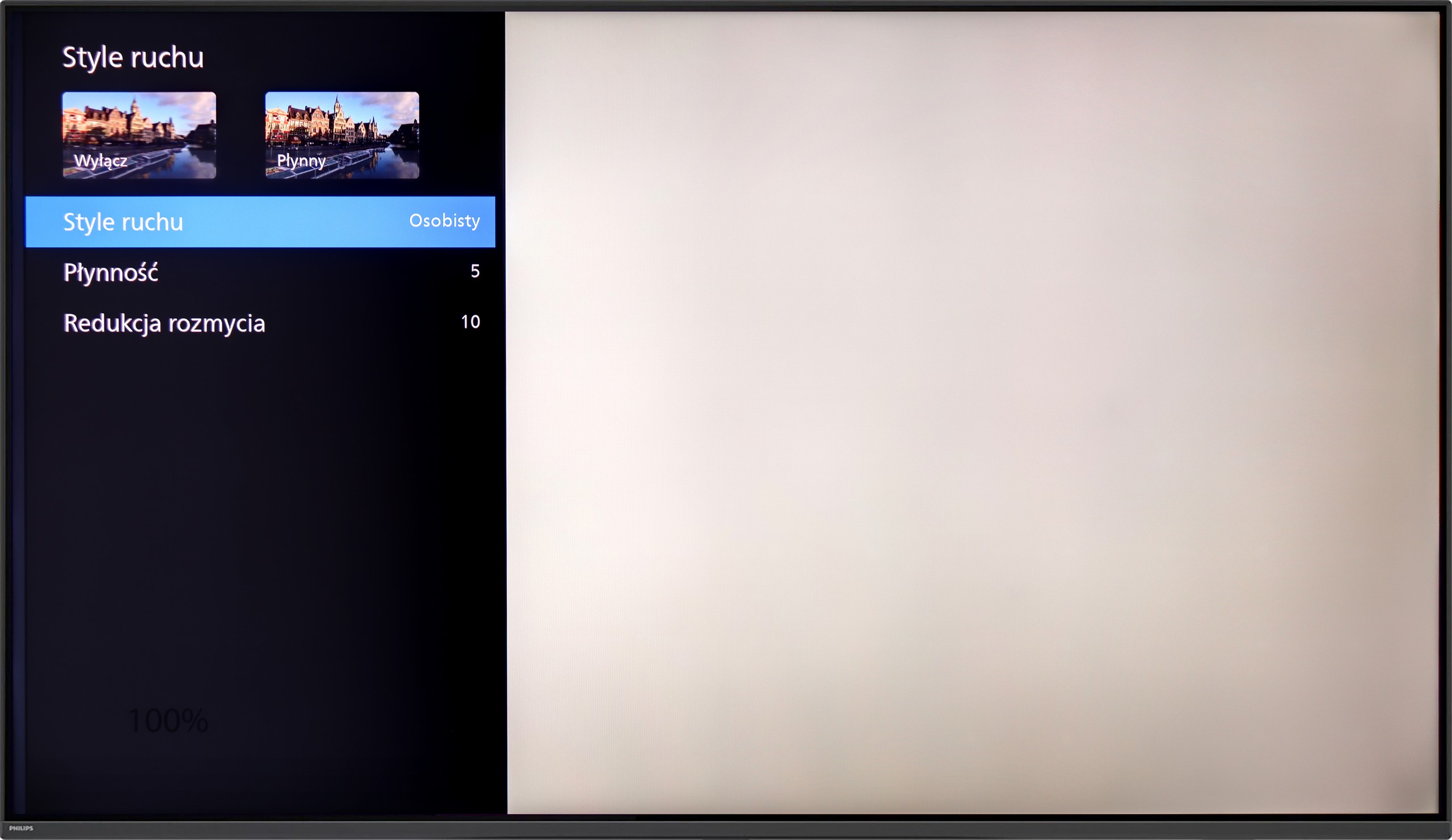
PHILIPS PUS9060 is equipped with a 4K display with a 144 Hz refresh rate, so we can confidently say that it is suitable for both watching sports and playing games. And indeed, it is. But what about movies that are most often recorded at 24 frames? Like most of the TVs we tested with a refresh rate of 120 Hz and higher, the PUS9060 offers two sliders in the motion smoothness options. The “Smoothness” slider allows you to adjust the effect in movies – you can set the image to be smoother, resembling a theatrical effect (higher settings), or more cinematic, with a slight “jump” in frame rate (lower settings). Additionally, there is a function called "Motion Blur Reduction," which reduces blurring – and this is a very useful feature, especially when watching sports.

Console compatibility and gaming features

7.1/10

9.8/10

  • ALLM
    Yes
    Yes
  • VRR
    Yes
    Yes
  • VRR range
    48 - 144Hz
    48 - 144Hz
  • Dolby Vision Game Mode
    Warning Yes, high input lag
    Yes
  • Correct implementation of HGIG
    No
    Yes
  • 1080p@120Hz
    Yes
    Yes
  • 1440p@120Hz
    No
    Yes
  • 4K@120Hz
    Yes
    Yes
  • Game bar
    No
    Yes

The Sharp FQ8 offers several features that cater to gamers, enhancing the overall gaming experience. Firstly, the television is equipped with HDMI 2.1, which brings several advantages. ALLM (Auto Low Latency Mode) automatically switches the TV to a low-latency mode when a gaming device is detected. VRR (Variable Refresh Rate) helps reduce screen stuttering by adjusting the screen’s refresh rate to match the number of frames generated by the console or PC, providing smoother gameplay, especially in dynamic games. Additionally, the TV supports G-Sync, which synchronises the image with the graphics card, preventing stuttering and screen tearing.

Despite these advantages, the FQ8 has some limitations. The lack of support for HGiG (HDR Gaming Interest Group) means the TV does not optimise the dynamic range for HDR games. Furthermore, while Dolby Vision mode can improve picture quality in supported games, it suffers from very high input lag.

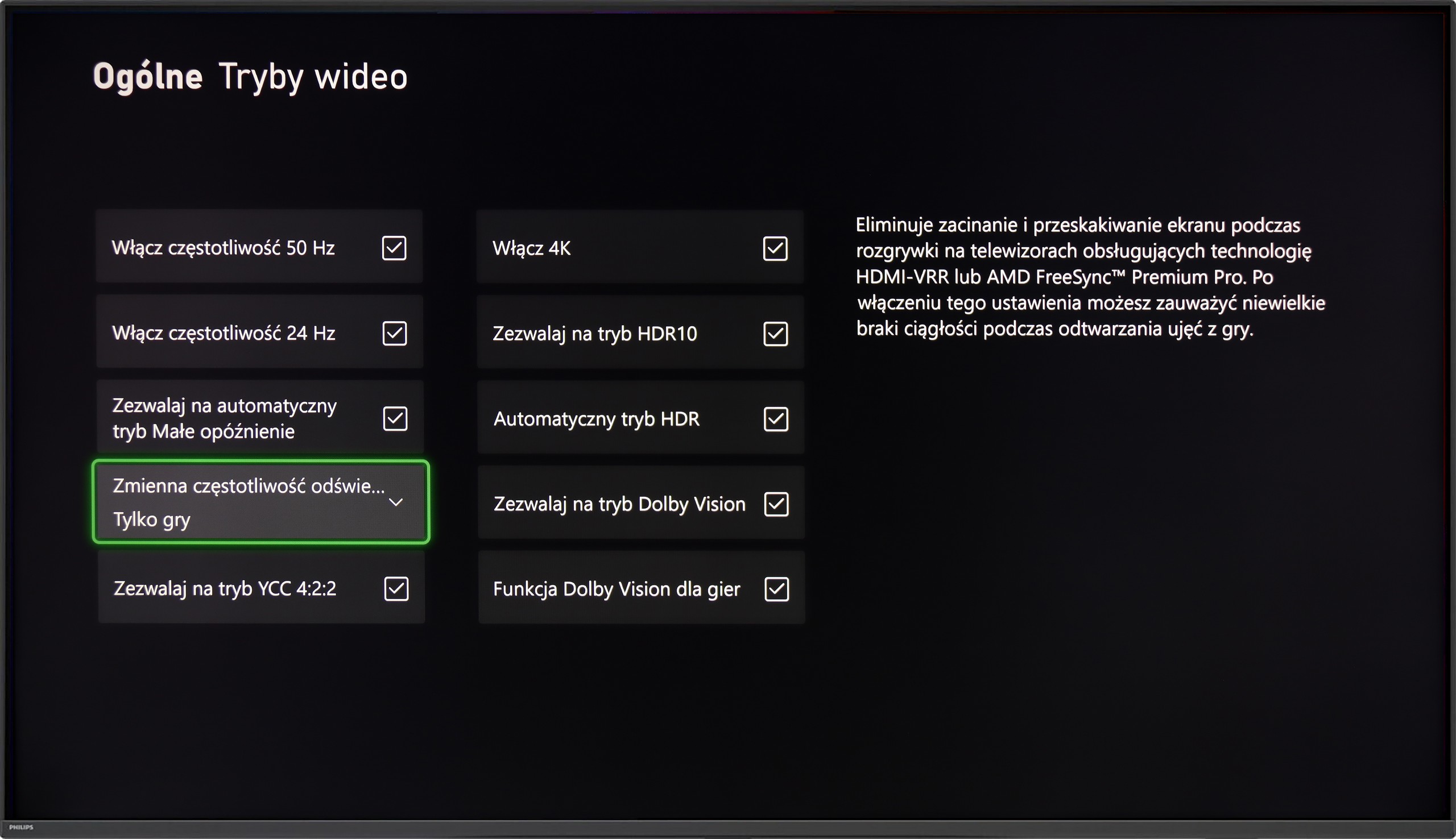
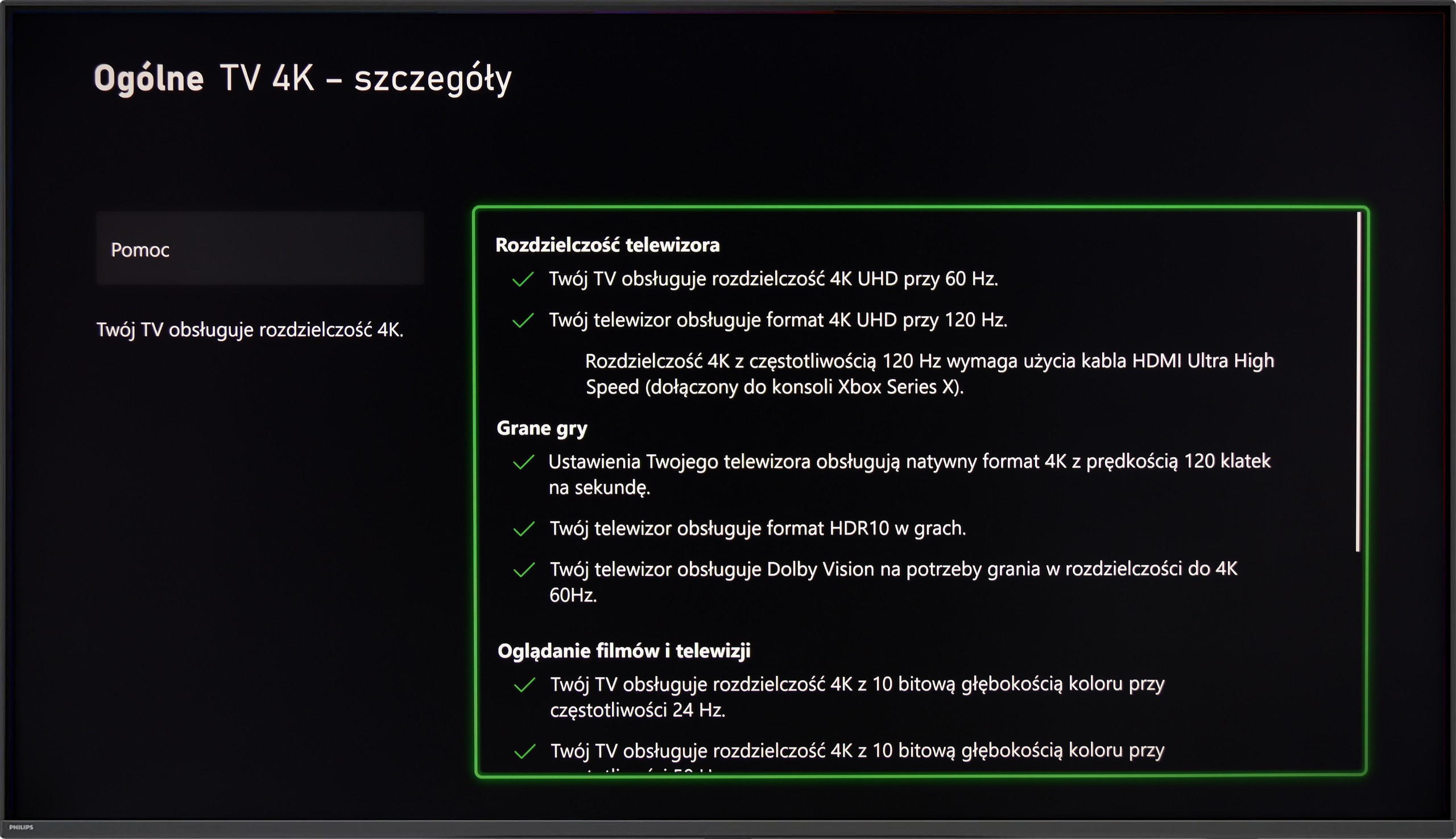
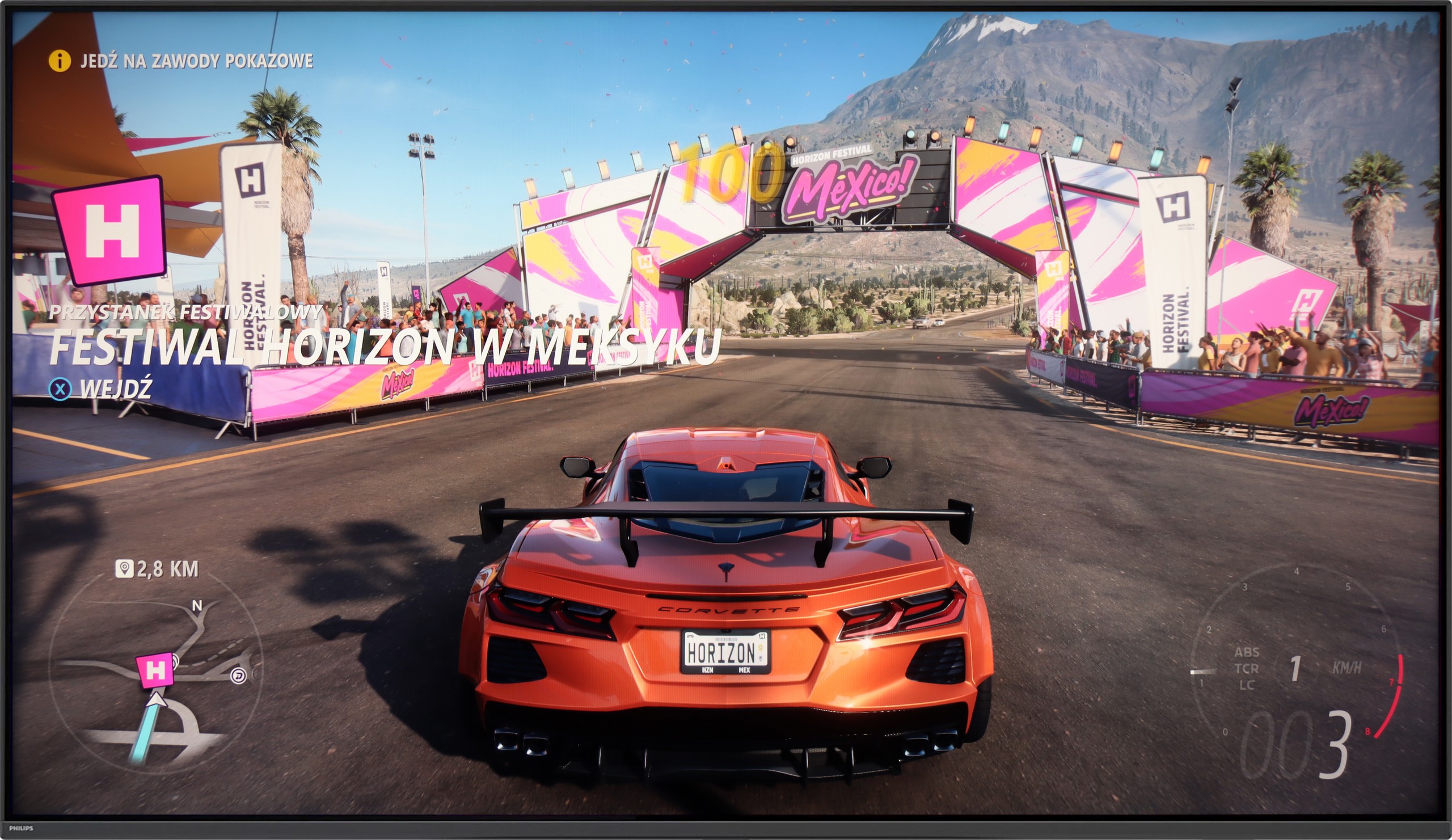
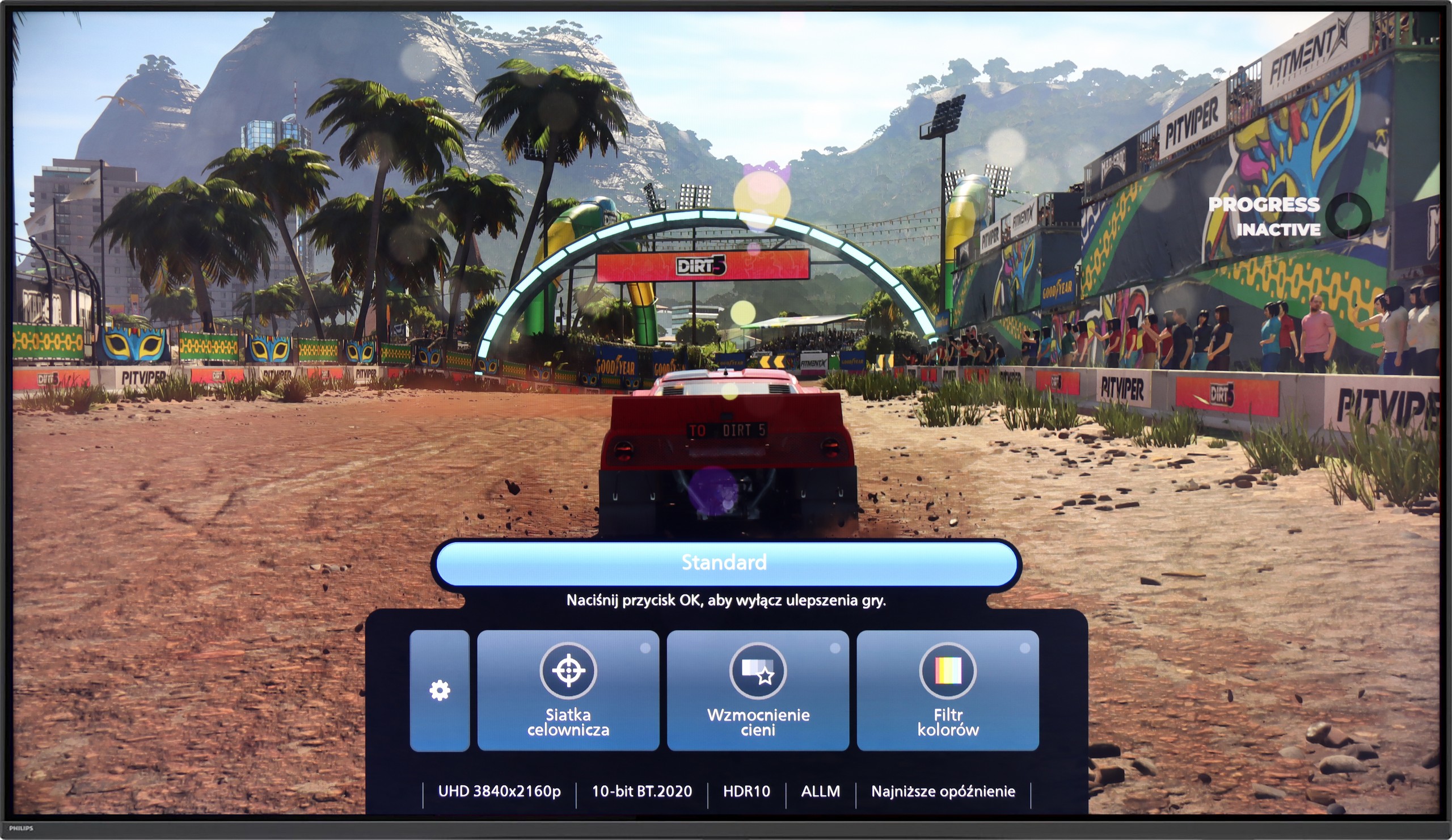
The PHILIPS PUS9060 is a true gaming monster – it has practically everything you could expect from a modern gaming television. It features VRR, ALLM, and also includes HGiG implementation, which helps set up HDR in games as the developers intended. The TV supports every possible resolution at 120 Hz, including 1080p, 1440p, and full 4K – so regardless of whether you’re playing on Xbox, PS5, or a PC, everything works as it should. There is also a simple Game Bar, which is a special menu for gamers that allows you to quickly check if the ALLM mode is indeed functioning in the lowest latency setting.

And of course – Ambilight TV. Let's be honest – without LEDs on the back, it’s not a true gaming device. 😉 The multicolored backlighting can really enhance the atmosphere, especially in the evening. It may not be to everyone's taste, but younger gamers will be thrilled – because it simply looks impressive.

Input lag

9.1/10

9.5/10

SDR

1080p60
16 ms
18 ms
1080p120
8 ms
10 ms
2160p60
16 ms
18 ms
2160p120
8 ms
9 ms

HDR

2160p60
16 ms
17 ms
2160p120
8 ms
8 ms
4320p60

Dolby Vision

2160p60 DV
128 ms
33 ms
2160p120 DV
20 ms

The input lag on the Sharp FQ8 is generally impressive, with a performance below 16 ms at all tested resolutions, making it a solid choice for gaming with smooth and quick response times. However, when Dolby Vision mode is enabled and the refresh rate is set to 60 Hz, the input lag increases significantly. This can negatively impact responsiveness, particularly in fast-paced games where accuracy and reaction time are key.

The One from 2025 performs very well in terms of responsiveness. Input lag at around 9 ms with a 120 Hz signal and 18 ms at 60 Hz are values that ensure quick and smooth reactions to every movement of the controller. Playing even dynamic action titles or demanding e-sport games is fully comfortable. The situation is somewhat worse in the case of Dolby Vision – here the lag increases to about 33 ms. This is still an acceptable level for most "casual" gamers, but more demanding users may notice a slight delay in response. Therefore, in our opinion, a better choice would be the classic HDR10 mode with active HGiG. In this model, it has been implemented correctly and not only avoids delays but also eliminates potential issues with brightness and detail reproduction that sometimes occur in Dolby Vision.

Compatibility with PC

3/10

8.6/10

Chroma 444 (max. resolution and refresh rate)
No
Yes
Font clarity
Poor
Very Good
Readability of dark text and shapes
Good
Good
Input lag in PC mode (4K, max. refresh rate)
17ms
8ms
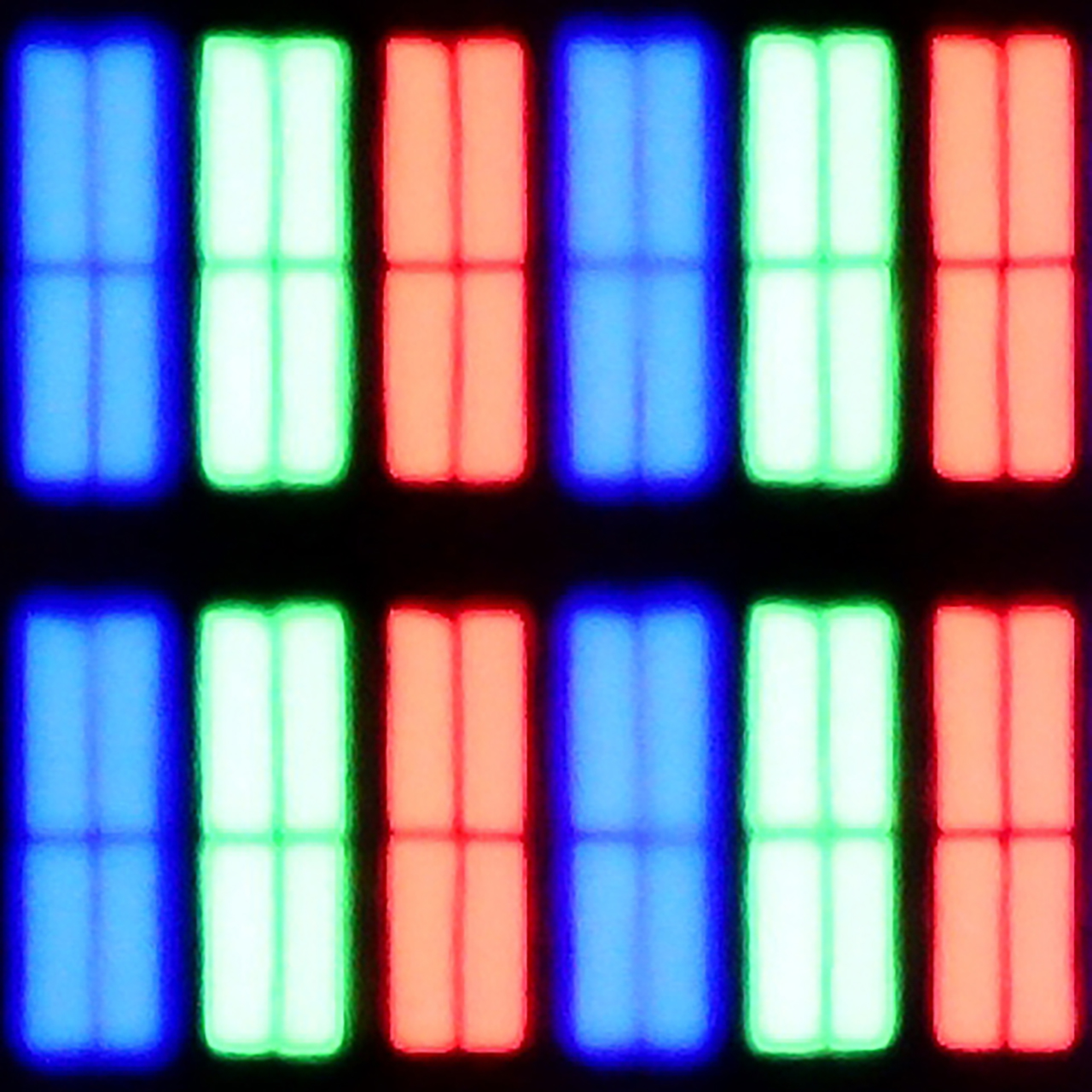
Matrix subpixel arrangement
BGR
BGR
Max refresh rate
144Hz
144Hz
G-Sync
Yes
Yes

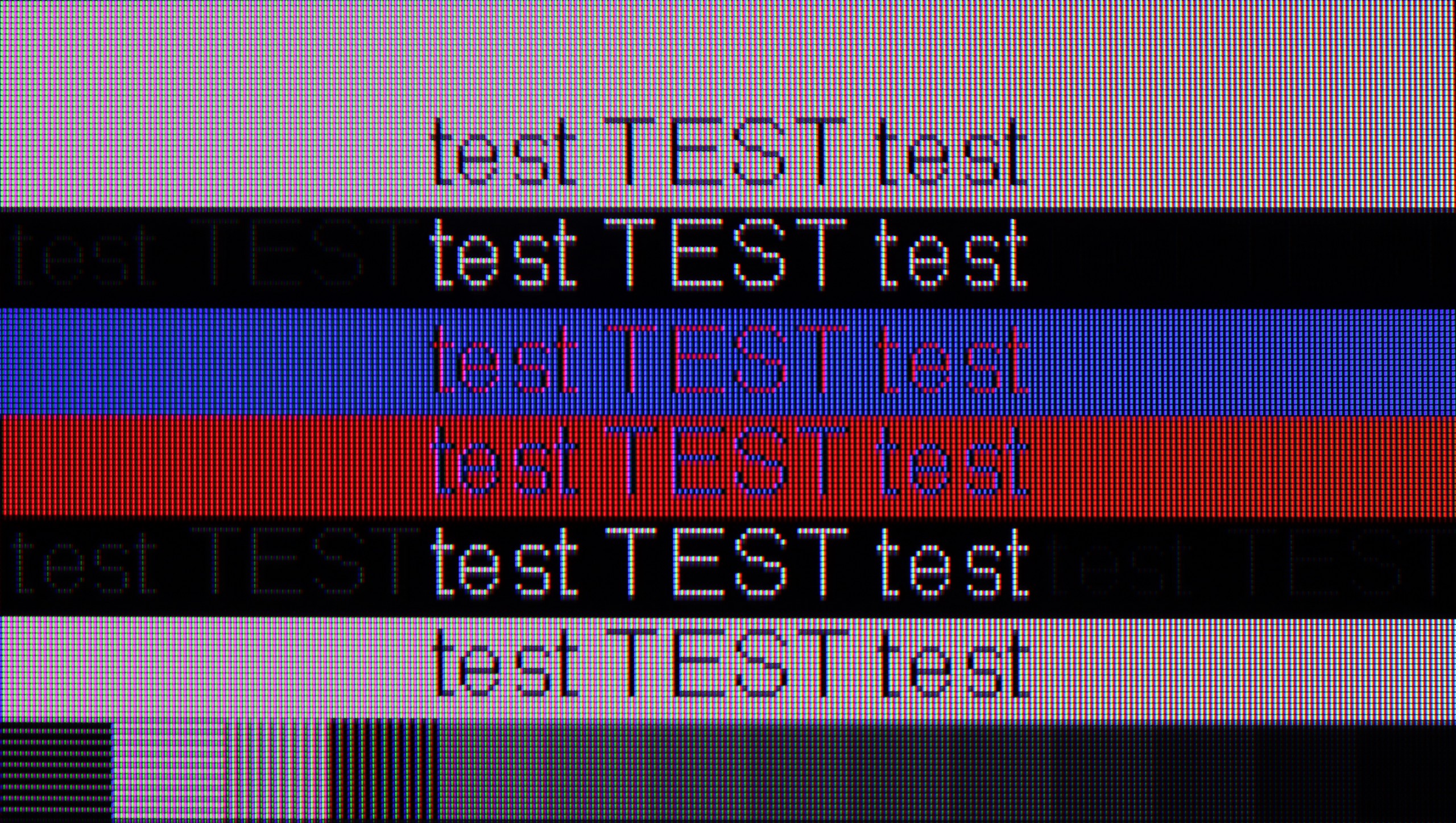
The photo shows the legibility of small fonts. Ideally, lines should be the same thickness on both light and dark text, with minimal pixel gaps.

The Sharp FQ8 doesn't perform optimally when paired with a PC, despite its low input lag. The key issue is the lack of full support for chroma 4:4:4 at 4K and 120 Hz resolution, which leads to blurry text and a loss of detail in computer graphics. Furthermore, the use of a BGR subpixel arrangement, rather than the standard RGB, reduces font readability, making text appear blurry.

Using the computer on the PHILIPS PUS9060 should be pure pleasure. As we mentioned earlier, the TV excels at gaming on a console, but it also performs well when connected to a computer. It offers 144 Hz refresh rate, G-Sync Compatible works correctly, and it has low input lag – which means this model can confidently be treated as a full-fledged gaming PC monitor.

For everyday work, it is also good. Chroma 4:4:4 has been implemented correctly, so fonts are clear and readable. We did not notice any issues with text sharpness, although on very dark backgrounds, there can be a slight dimming of letters with a bit of edge doubling. In practice, however, this should not be a problem for anyone, even when working with text.

Viewing angles

2.1/10

3.4/10

Brightness drop at an angle of 45 degrees
84%
65%

The Sharp FQ8 has limited viewing angles, typical of a VA panel. When viewed from a wider angle, the TV's brightness diminishes significantly, and colours quickly lose their vibrancy. This results in a washed-out image with less defined details, which could be a concern if you intend to watch with a larger group or from multiple positions in the room.

The PUS9060 model is equipped with a VA panel, which – as is usually the case – does not perform well when viewed at an angle. With a greater deviation from the axis, the brightness of the screen clearly decreases, and the colors lose their saturation. This is unfortunately a typical compromise compared to IPS panels, which offer better viewing angles but have significantly poorer contrast and black levels. Here the situation is reversed – blacks are good, but the angles are very average. Of course, with standard straight-on viewing, there is no problem, but in a larger living room or with a larger TV size, where someone is sitting significantly off to the side or we are looking at the edges of the screen, the differences will be noticeable.

Daytime performance

5.4/10

6/10

Panel finish
Satin
Satin
Reflection suppression
Average
Decent
Black levels during daytime
Good
Good

Panel brightness

PHILIPS PUS9060: 495 cd/m2

Sharp FQ8: 440 cd/m2

The Sharp FQ8 performs well in daylight conditions, with the panel reaching a brightness of 440 nits. Combined with its satin screen coating, this ensures satisfactory visibility even in bright environments. Notably, the television handles the colour black without issues during the day, allowing darker scenes to remain readable and preserving depth despite the surrounding light.

The Philips PUS9060 performs quite well in a bright room. The satin finish of the panel effectively reduces reflections and glare, so watching in a well-lit living room or one with large windows shouldn't pose much of a problem. It's also a plus that the blacks do not fade significantly, and the image maintains decent contrast. The situation could be even better if the television offered higher brightness. Around 500 nits is a decent result, but in very challenging lighting conditions, it may prove inadequate.

Panel details

Backlight Type
PFS LED
PFS LED
Software version during testing
v1.17
TPN258E_V058.002.179.041
Image processor
mt5889

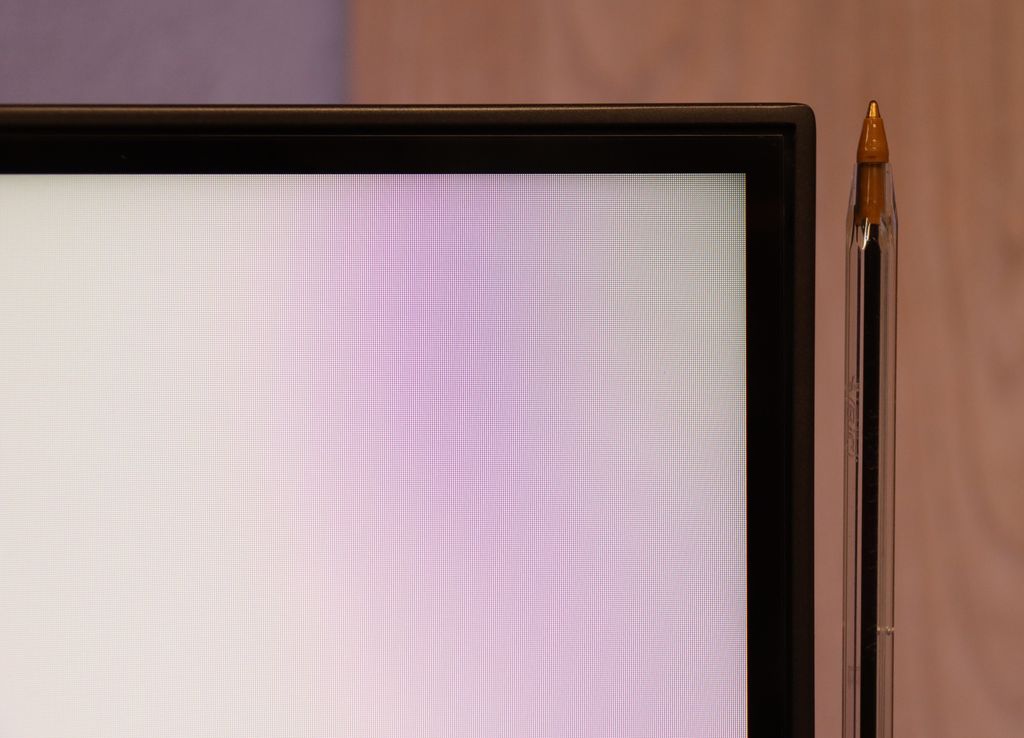
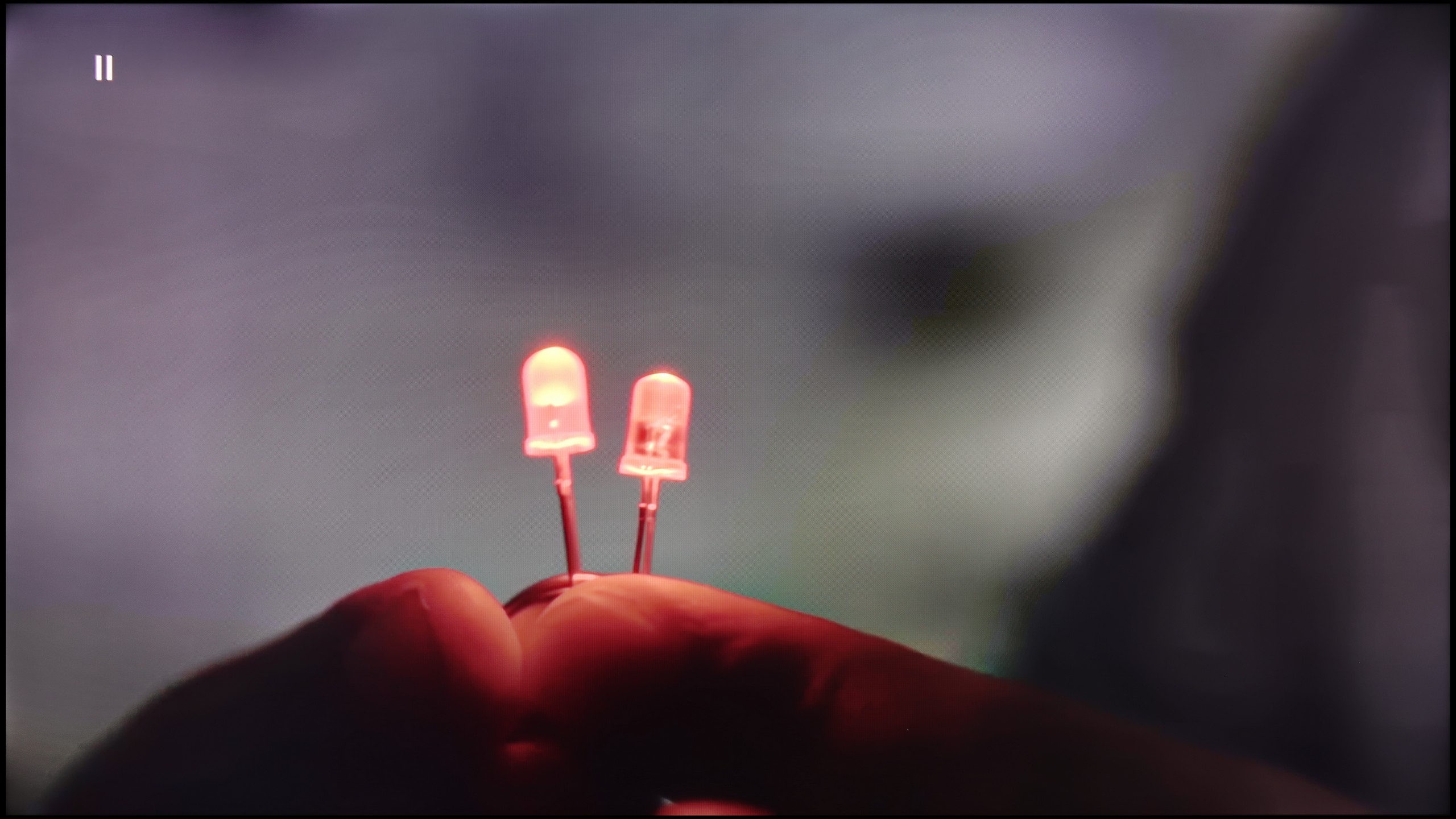
Subpixel Structure:

Panel uniformity and thermal imaging:

TV features

6.5/10

6.1/10

  • System
    Google TV
    Titan OS
  • System performance
    Decent
    Decent
  • HDMI inputs
    2 x HDMI 2.0, 2 x HDMI 2.1 48Gbps
    0 x HDMI 2.0, 4 x HDMI 2.1 48Gbps
  • Other inputs
    RCA (Chinch)
    Toslink (Optical audio)
  • Outputs
    Toslink (Optical audio), eARC (HDMI), ARC (HDMI), Mini-Jack (Headphones)
    Toslink (Optical audio), eARC (HDMI), ARC (HDMI), Mini-Jack (Headphones)
  • Network Interfaces
    Wi-Fi 2.4GHz, Wi-Fi 5GHz, Ethernet (LAN) 100Mbps
    Wi-Fi 2.4GHz, Wi-Fi 5GHz, Ethernet (LAN) 100Mbps
  • TV reception
    DVB-T, DVB-T2, DVB-S, DVB-S2, DVB-C
    DVB-T, DVB-T2, DVB-S, DVB-S2, DVB-C

Classic features:

  • Recording to USB (terrestrial TV)
    No
    No
  • Recording programming
    No
    No
  • Picture in Picture (PiP)
    No
    No
  • RF remote control (no need to aim)
    Yes
    No
  • Backlit remote control
    No
    Yes
  • Teletext
    Yes
    Yes
  • Audio only mode
    Yes
    Yes
  • Bluetooth headphones support
    Yes
    Yes
  • Simultaneous Bluetooth headphones & TV audio
    No
    No

Smart features:

  • AirPlay
    No
    Yes
  • Screen mirroring (Windows Miracast)
    Yes
    Yes
  • Voice search
    Yes
    Yes
  • Voice search in native language
    Yes
    No
  • Ability to connect a keyboard and mouse
    Yes
    Yes
Review Sharp FQ8 TV features
Review PHILIPS PUS9060 TV features

Sound connection options

  • HDMI audio
    eARC (HDMI), ARC (HDMI)
    eARC (HDMI), ARC (HDMI)
  • Other audio outputs
    Toslink (Optical audio), Mini-Jack (Headphones)
    Toslink (Optical audio), Mini-Jack (Headphones)
  • Wireless audio
    Bluetooth
    Bluetooth

Supported audio formats (external HDMI eARC audio):

  • Dolby Digital Plus 7.1
    Yes
    Yes
  • Dolby True HD 7.1
    Yes
    No
  • Dolby Atmos in Dolby Digital Plus (JOC)
    Yes
    Yes
  • Dolby Atmos in Dolby True HD
    Yes
    Yes
  • DTS:X in DTS-HD MA
    Yes
    Yes
  • DTS-HD Master Audio
    Yes
    Yes

Senior accessibility

  • Numeric keyboard on TV
    No
    Yes
  • Font size adjustment
    No
    No
  • Audio description
    No
    No

The Sharp FQ8 is equipped with the modern Google TV system, providing access to a variety of apps including Netflix, YouTube, Prime Video, and Disney+. It also supports voice control, making it easier to navigate and access content quickly. The television allows for the connection of multiple devices, such as keyboards, mice, Bluetooth headphones, and other accessories.

However, the TV does have some limitations. The absence of a TV programme recording feature and picture-in-picture (PiP) support could be a downside for those who rely on these options. Additionally, Apple device users may find the lack of AirPlay compatibility frustrating, as it complicates streaming content from an iPhone or iPad to the television.

Classic Features of TheOne Television:

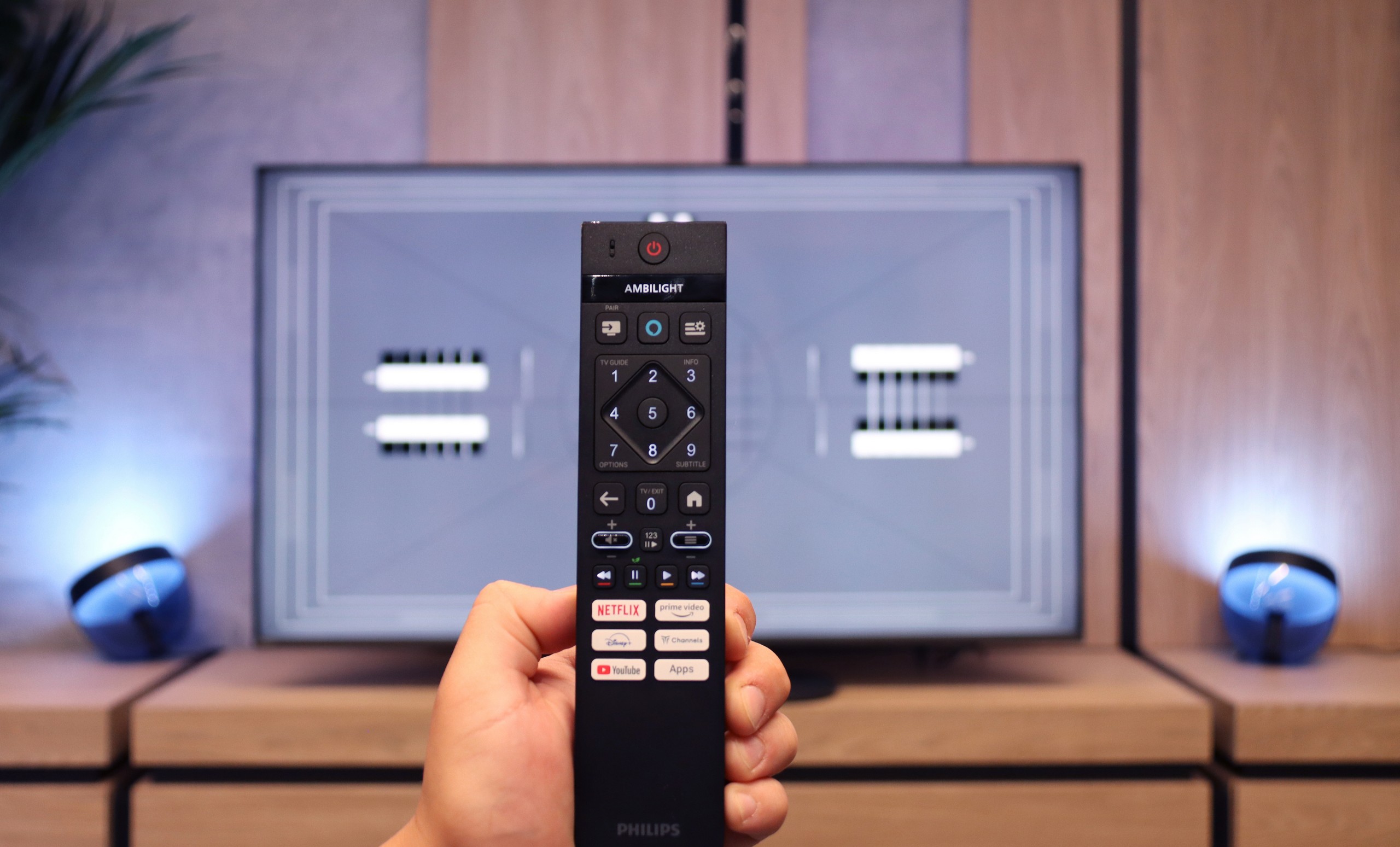
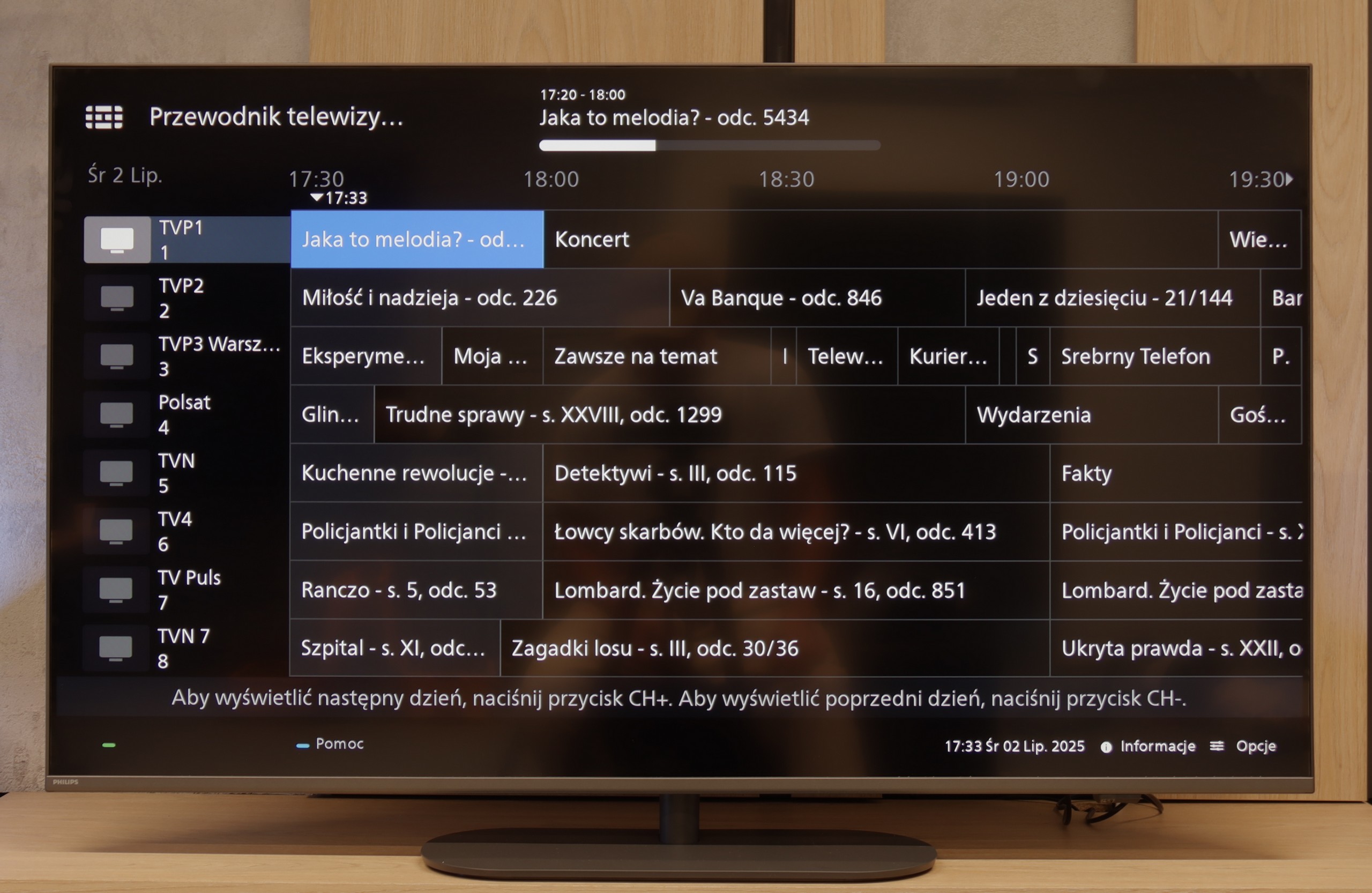
As for these "classic features," the PUS9060 is quite average. Of course, you'll find everything basic here; there's EPG, teletext, and the ability to connect headphones via Bluetooth. But unfortunately – it lacks USB recording functionality, and there's no PiP (picture-in-picture) mode, which is becoming rarer but is still useful. On the plus side, the remote control with a numeric keypad is modern, backlit, and visually impresses. It's just a shame that it's still using the classic infrared model, so to use it, you have to point it directly at the screen. It's a bit disappointing because with such a modern look, it was begging for Bluetooth (RF) control.

Smart TV:

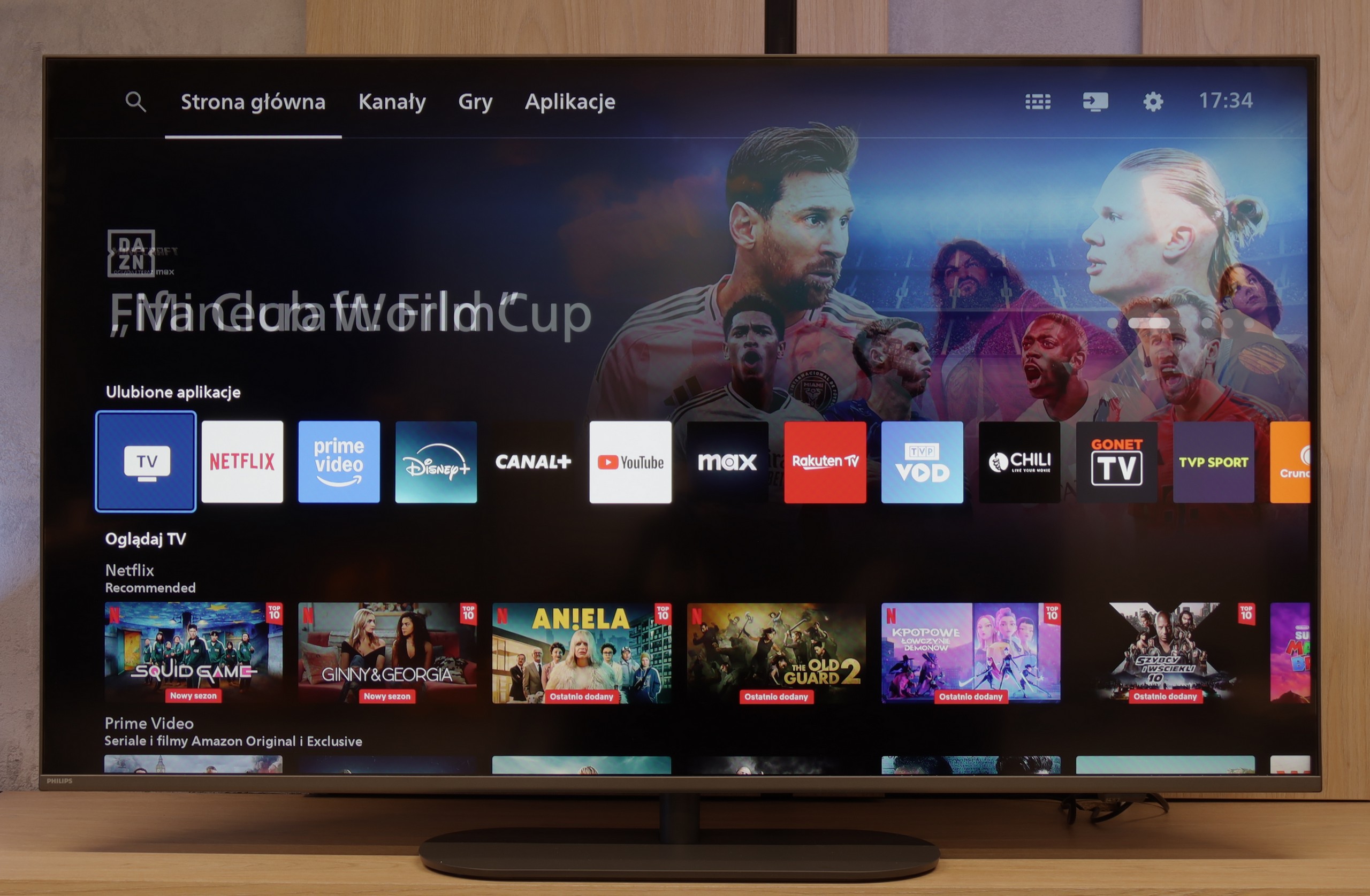
Most Philips televisions from 2025 operate on the Titan OS system, which debuted relatively recently – and unfortunately, this is still associated with some problems. The system itself works quite smoothly – definitely better than in cheaper Philips models – and it posed no problems when using features like screen mirroring or AirPlay (which isn't a given even in 2025). The biggest downside of Titan OS is still its rather mediocre access to applications (list below). On the plus side, we can bypass this by connecting a keyboard and mouse to the television and using the built-in browser, but it’s not the most convenient solution – rather a temporary fix.

Apps

9.6/10

6.7/10

OK
Disney_Plus
OK
Amazon_Prime_Video
OK
Player_TVN
OK
Polsat_Box_Go
OK
Canal_Plus_Online
OK
TVP_VOD
OK
Apple_TV_Plus
OK
SkyShowtime
OK
Rakuten
OK
CDA_Premium_Browser
OK
Spotify
OK
Tidal
OK
Netflix
OK
YouTube
OK
HBO_MAX
OK
Kodi
No
Apple_music
OK
Eleven_sports
No
Xbox Game Pass
OK
GeForce NOW
No
Amazon Luna
OK
Boosteroid
OK
Steam Link
OK
Disney_Plus
OK
Amazon_Prime_Video
OK
Player_TVN
OK
Polsat_Box_Go
OK
Canal_Plus_Online
OK
TVP_VOD
No
Apple_TV_Plus
No
SkyShowtime
OK
Rakuten
OK
CDA_Premium_Browser
No
Spotify
No
Tidal
OK
Netflix
OK
YouTube
OK
HBO_MAX
No
Kodi
No
Apple_music
No
Eleven_sports
No
Xbox Game Pass
No
GeForce NOW
No
Amazon Luna
OK
Boosteroid
No
Steam Link

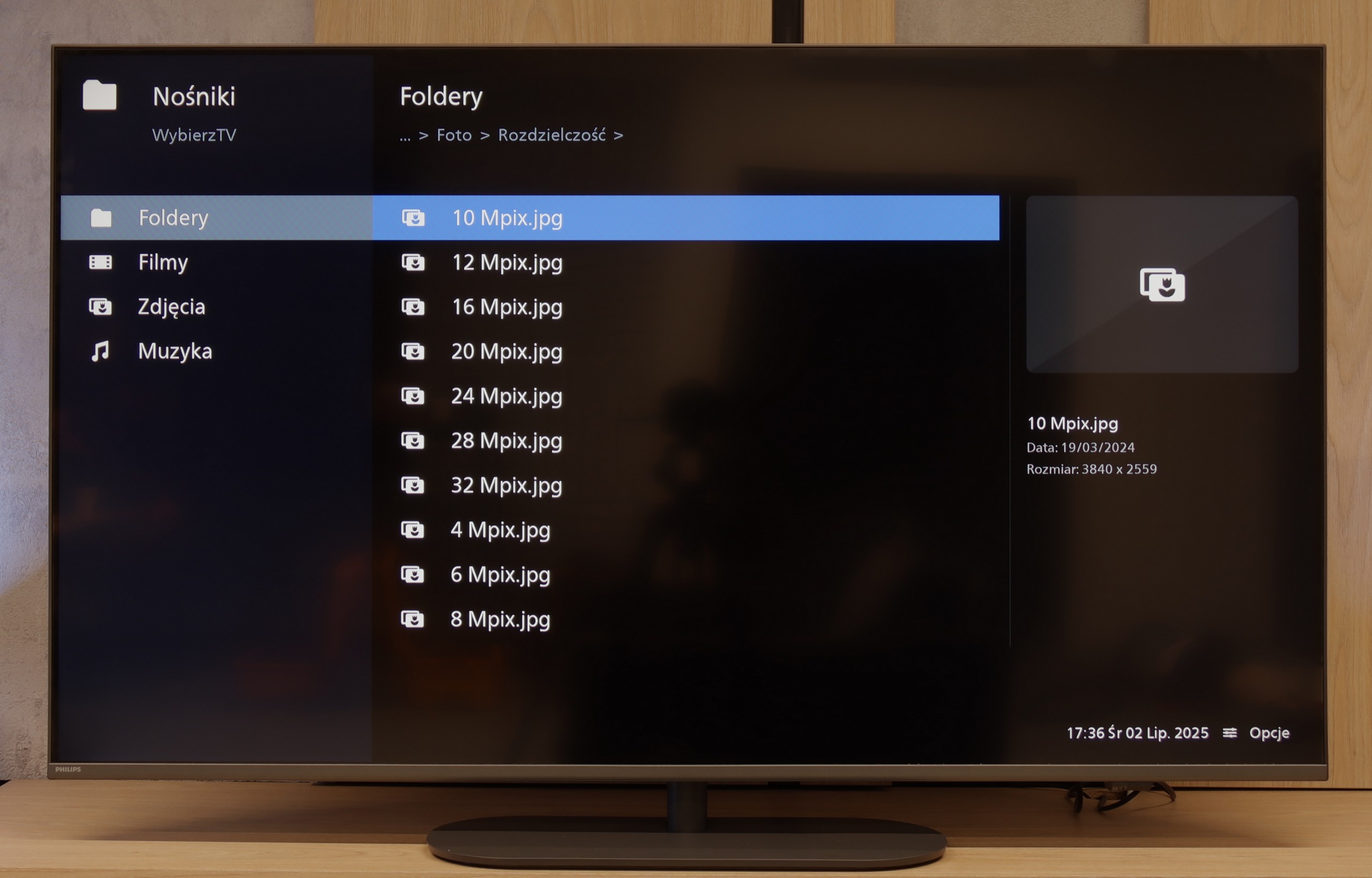
Playing files from USB

9.4/10

7.9/10

Supported photo formats:

JPEG
Yes
Yes
HEIC
Yes
No
PNG
Yes
Yes
GIF
Yes
Yes
WebP
Yes
No
TIFF
No
No
BMP
Yes
Yes
SVG
No
No

Maximum photo resolution:

4 Mpix
Yes
Yes
6 Mpix
Yes
Yes
8 Mpix
Yes
Yes
10 Mpix
Yes
No
12 Mpix
Yes
No
16 Mpix
Yes
Yes
20 Mpix
Yes
No
24 Mpix
Yes
No
28 Mpix
Yes
No
32 Mpix
Yes
Yes

Thanks to the Google TV system, the Sharp FQ8 offers excellent flexibility when playing files from USB. Users can install various apps for video and audio playback, such as VLC or MX Player, allowing the television to handle the most popular file formats. Whether it’s movies, music, or photos, the support for multiple formats ensures a comfortable and hassle-free multimedia experience from external drives.

The built-in player in the PUS9060 played practically most popular audio and video formats, so it's really hard to find something to complain about. Movies in popular containers, music, or photos – everything worked without any issues.

The only thing that might be annoying is the limited number of supported subtitle formats and the randomly selected resolutions of photos that the TV can read. But besides that, most everyday users can easily do without having to connect a computer or console to display their files from a USB drive.

Sound

6/10

6.6/10

  • Maximum volume
    91dB
    85dB
  • Dolby Digital Plus 7.1
    Yes
    Yes
  • Dolby True HD 7.1
    Yes
    Yes
  • Dolby Atmos in Dolby Digital Plus (JOC)
    Yes
    Yes
  • Dolby Atmos in Dolby True HD
    Yes
    Yes
  • DTS:X in DTS-HD MA
    Yes
    Yes
  • DTS-HD Master Audio
    Yes
    Yes

The sound performance of the Sharp FQ8 is, of course, subjective, but there are a few notable aspects. The television features a Harman/Kardon-branded soundbar aimed directly at the user. While it isn’t a full-fledged soundbar or home theatre system, this speaker arrangement significantly improves the audio experience, providing clearer and more direct sound, which is particularly beneficial for everyday television viewing. It’s also worth mentioning that the television can achieve very high volumes, which will be helpful for individuals with hearing difficulties. The only criticism we encountered was related to sound processing by Dolby, which resulted in noticeable sound distortions and artificial clipping.

The sound from the PHILIPS PUS9060 was generally pleasant, although it is hard to call it exceptional. The tested unit had built-in audio in a 2.0 configuration with a total power of 40 W, which is completely sufficient for everyday viewing. Fortunately, the television supports most popular audio formats, so if someone connects a soundbar or home theater system, they can expect full support for Dolby Atmos or DTS – without any hassle or loss of quality. This is definitely good news for true audio fans.

Sound Quality Test

No sound test video

Acoustic Measurements

No acoustic data

85dBC (Max)

75dBC