The U8000F is a very basic television that may find its buyers among those looking for the cheapest Samsung 4K with Smart TV. And that is exactly its purpose. Thanks to the Tizen system, this model really offers quite a lot in terms of smart features – the number of applications and possibilities may attract those who want a reasonably intelligent device at the lowest possible price. In terms of picture quality – it is average, which is not surprising in this class. Nevertheless, a few pluses can be found: fairly good viewing angles will work well for traditional TV watching from different parts of the room, and the basic features for gamers (like VRR and ALLM) may be sufficient for typical "Sunday" gamers. The PC mode also deserves a plus – the television handles displaying fonts very well, so it can also serve as a cheap monitor. Of course, this is not a model that can be recommended to everyone "sight unseen." But if someone is looking for an affordable Samsung with a 4K resolution and a solid Smart system, then the U8000F is just that kind of device.
- Matching (Score) |
- Our verdict |
- TV appearance |
- Where to buy |
- Contrast and black detail |
- HDR effect quality |
- Factory color reproduction |
- Color reproduction after calibration |
- Smoothness of tonal transitions |
- Image scaling and smoothness of tonal transitions |
- Blur and motion smoothness |
- Console compatibility and gaming features |
- Input lag |
- Compatibility with PC |
- Viewing angles |
- Daytime performance |
- Panel details |
- TV features |
- Apps |
- Playing files from USB |
- Sound
Samsung U8000F (IPS) vs Dreame S100
 Direct comparison

Check the best price offer:
Samsung U8000F (IPS)U8000F / U8092F

Available screen sizes: 55”
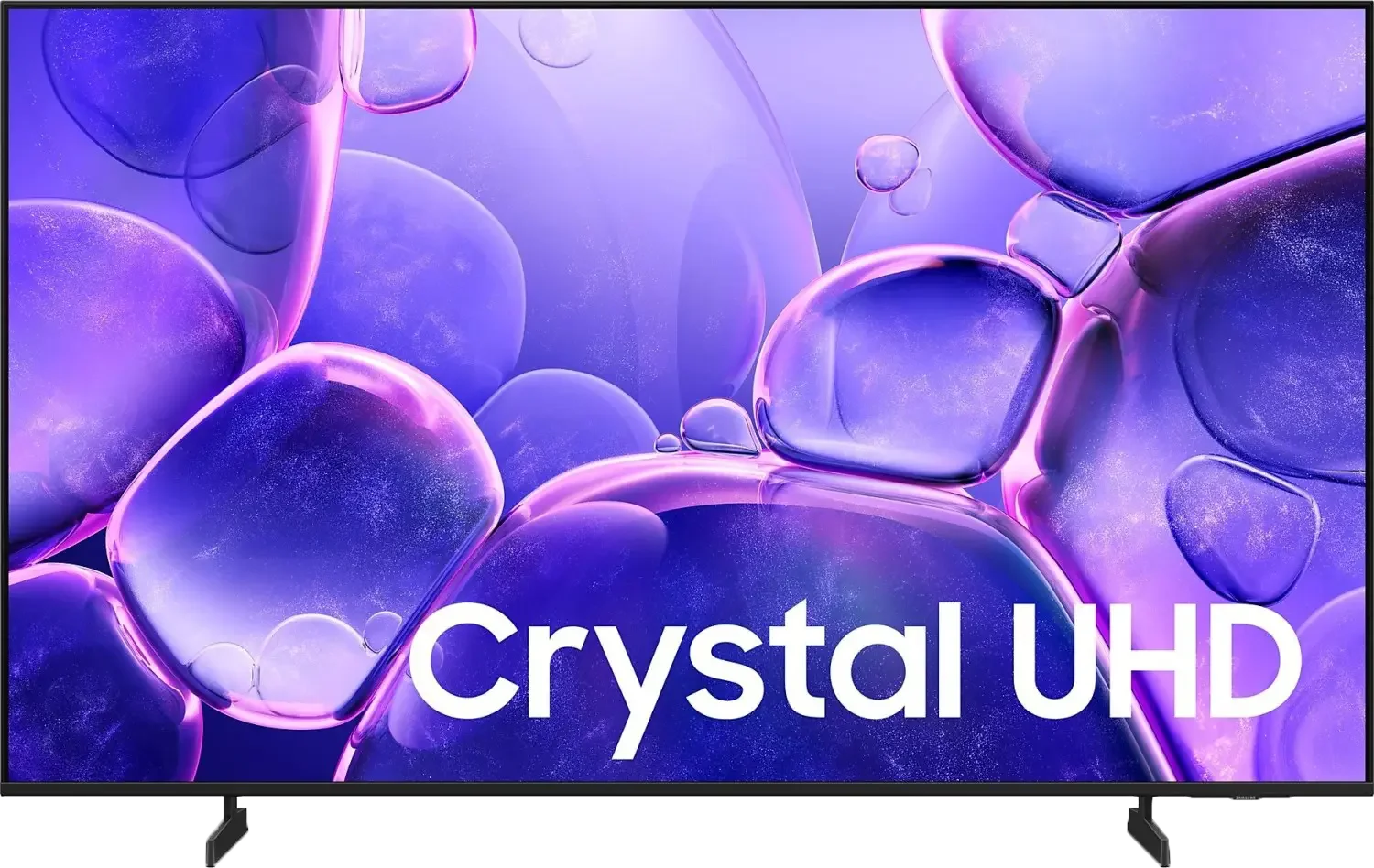
Panel type: LCD IPS
Resolution: 3840x2160
System: Tizen
Model year: 2025
Complete the survey to find out the result
Panel type: LCD IPS
Resolution: 3840x2160
System: Google TV
Model year: 2026
Complete the survey to find out the result
Overall rating
5.3
6.8
 Movies and series in UHD quality
 4.9
5.9
 Classic TV, YouTube
 4.8
6.2
 Sports broadcasts (TV and apps)
 5.2
6.8
 Gaming on console
 6.5
7.5
 TV as a computer monitor
 6.0
7.6
 Watching in bright light
 3.4
6.0
 Utility functions
 5.3
5.9
 Apps
Apps 9.3
9.6
 Sound quality
 5.7
8.3
Complete the survey to find out what fits your preferences
Advantages

Advanced Smart system: Tizen
Good viewing angles (IPS Matrix)
Great for text work - displays fonts excellently
Low input lag
Basic features for gamers - VRR and ALLM
Great viewing angles (thanks to the ADS matrix)
Decent blacks thanks to Mini-LED backlighting
Good colors thanks to the PFS filter (advertised as QLED)
High motion fluidity (144 Hz panel)
Low input lag (in game mode)
A lot of gaming features, including two HDMI 2.1 ports (VRR, ALLM, and Game Bar)
Google TV system with a rich library of apps
Good sound thanks to the built-in "soundbar"
Disadvantages

Low brightness
Very poor black and contrast (IPS panel)
Worse appearance than its predecessor
Infrared remote
Underdeveloped local dimming algorithms (may cause annoying brightness drops)
Outdated image processor and poor digital processing of the Google TV system
Software bugs, occasional stuttering
Useless Filmmaker mode (completely blocks any change to picture settings)
Poor implementation of HDR format in games (lack of HGiG support and high input lag in Dolby Vision mode)
Our verdict
Dreame S100 is a successful, albeit still somewhat raw, debut in the Mini-LED segment. The hardware of the TV stands up for itself: the Mini-LED technology with local dimming provides deep and attractive blacks for the average viewer, while the IPS/ADS matrix offers brilliant viewing angles. This is an interesting combination, as it is extremely rare in the LCD TV segment, which will certainly please those with wide living rooms or large corner sofas. If we add to this a full package for gamers (HDMI 2.1, 144 Hz), the Google TV system with an almost endless number of applications, and a very powerful 4.1.2 sound system with a power of 70 W, which performs well above the market average, we get an incredibly versatile screen.
Where's the catch? In the software. Unfortunately, the Dreame S100 suffers from typical "growing pains" – the outdated processor doesn't quite handle advanced digital processing, and the local dimming algorithms can be irritating in more demanding scenes. Additionally, the Google TV system itself can occasionally experience slight stutters. So, if you're looking for a well-equipped Mini-LED for a wide living room and are willing to forgive it for minor system hiccups, which the manufacturer can fix with future updates – it's a very interesting option. The hardware potential is enormous, although the software still needs some final polishing.
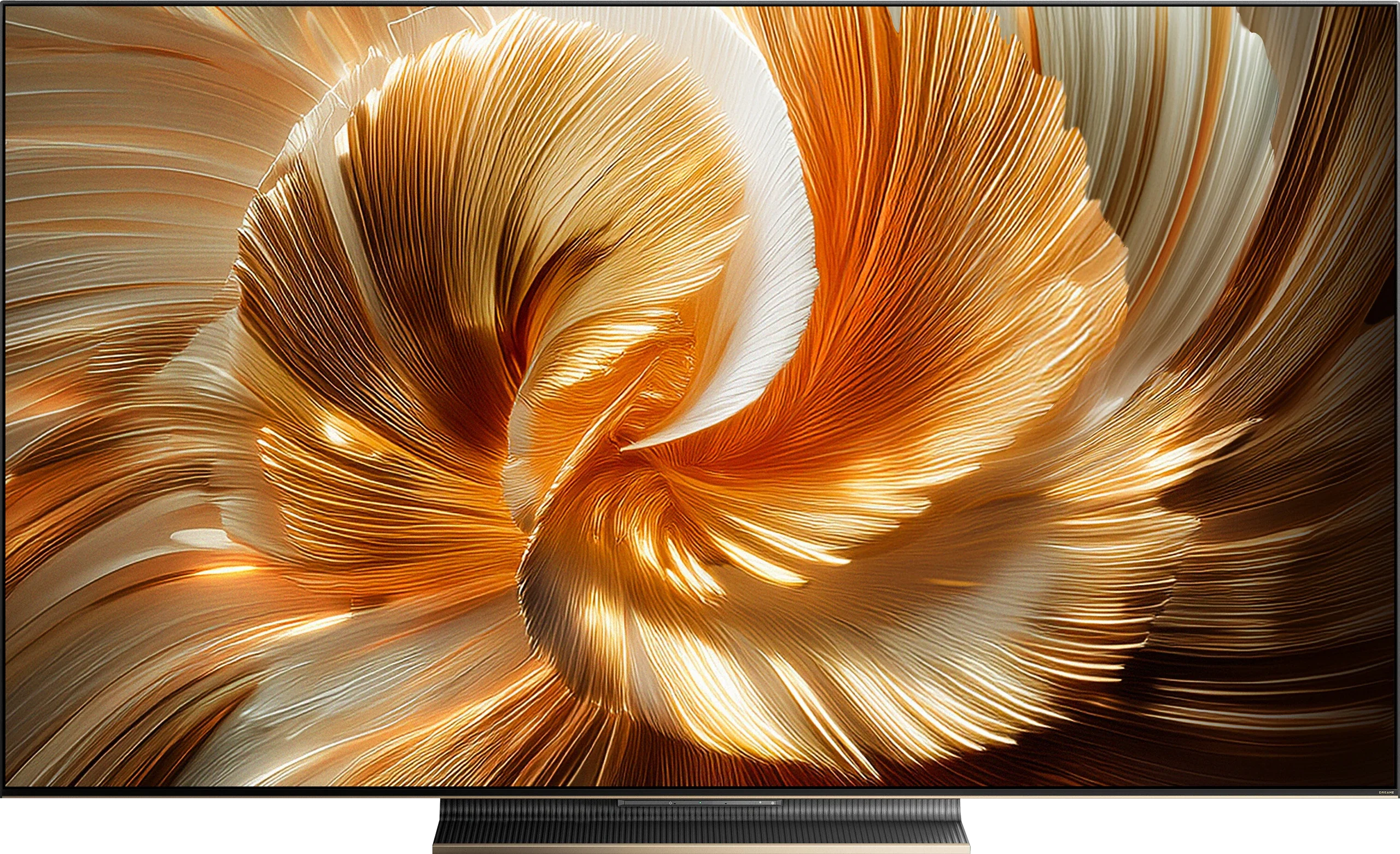
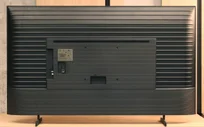
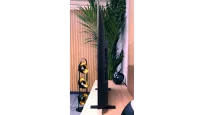
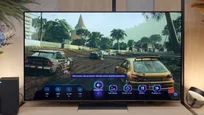
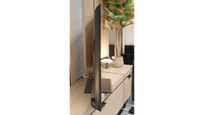
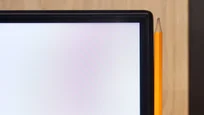
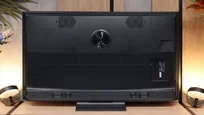
TV appearance


Contrast and black detail
1.1/10
5.9/10
Local dimming function: No
Local dimming function: Yes, number of zones: 160 (10 x 16)
Contrast:


Result
900:1

Result
800:1

Result
700:1

Result
700:1

Result
650:1
Result
32,850:1
Result
11,800:1
Result
6,900:1
Result
2,650:1
Result
1,700:1
Halo effect and black detail visibility:
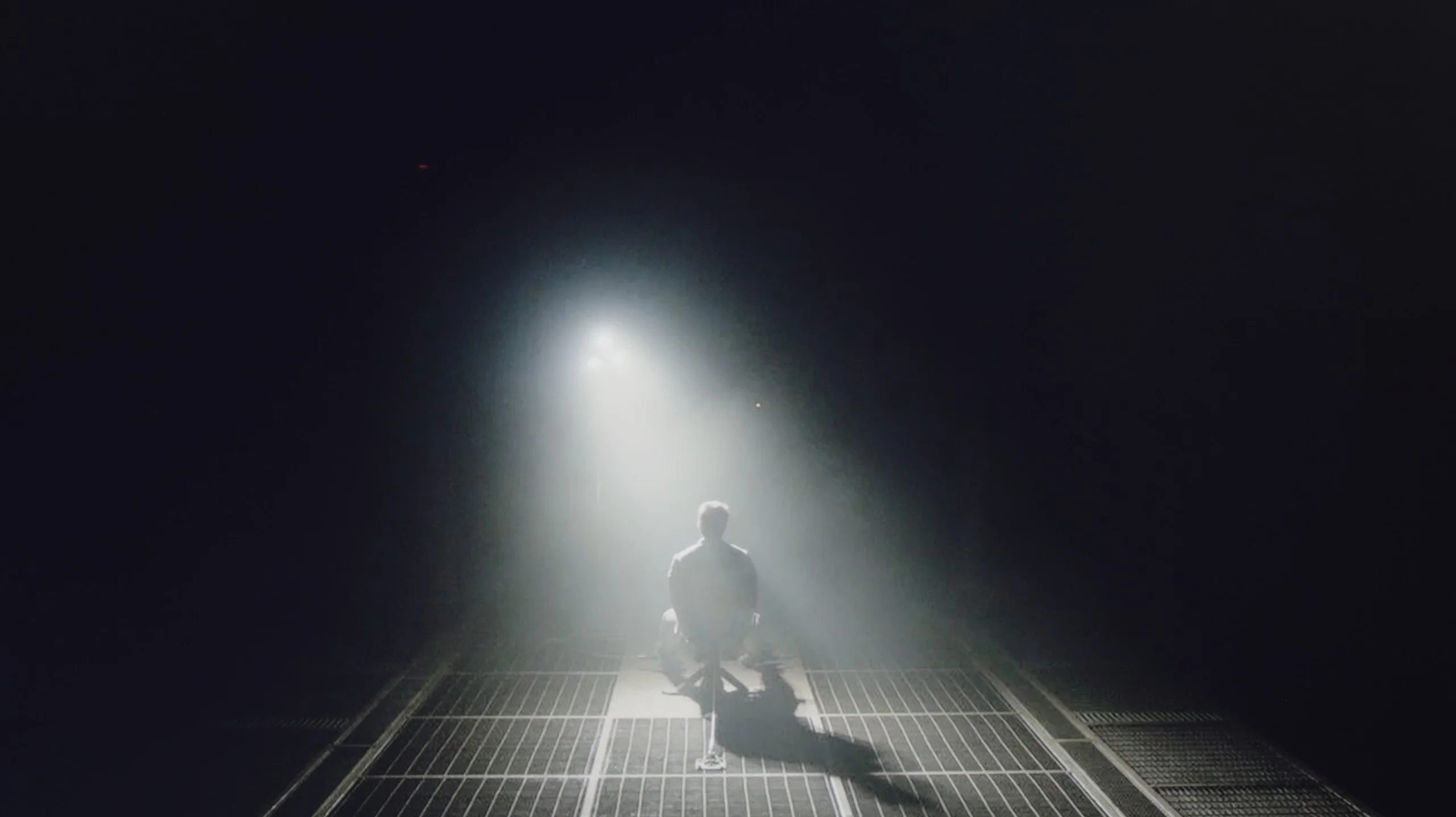
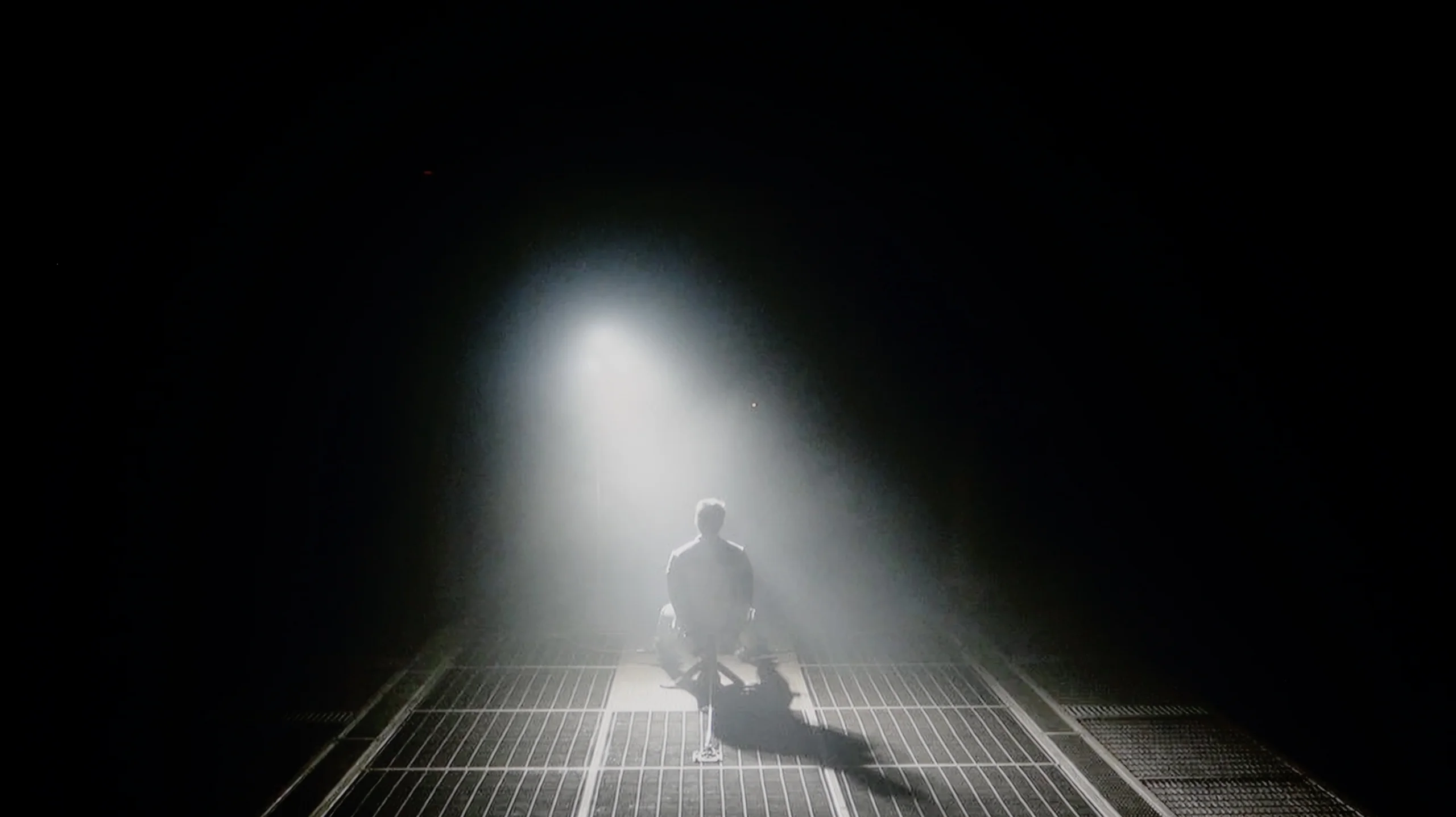
Check the visibility of bright lights on a dark background. Mini-LEDs often struggle with this. The photo does not compare black levels – that’s what the video below is for.
The video accurately shows differences in contrast and black levels between TVs, as well as potential issues: halo around bright objects or Mini-LED zone operation visible as brightness jumps.
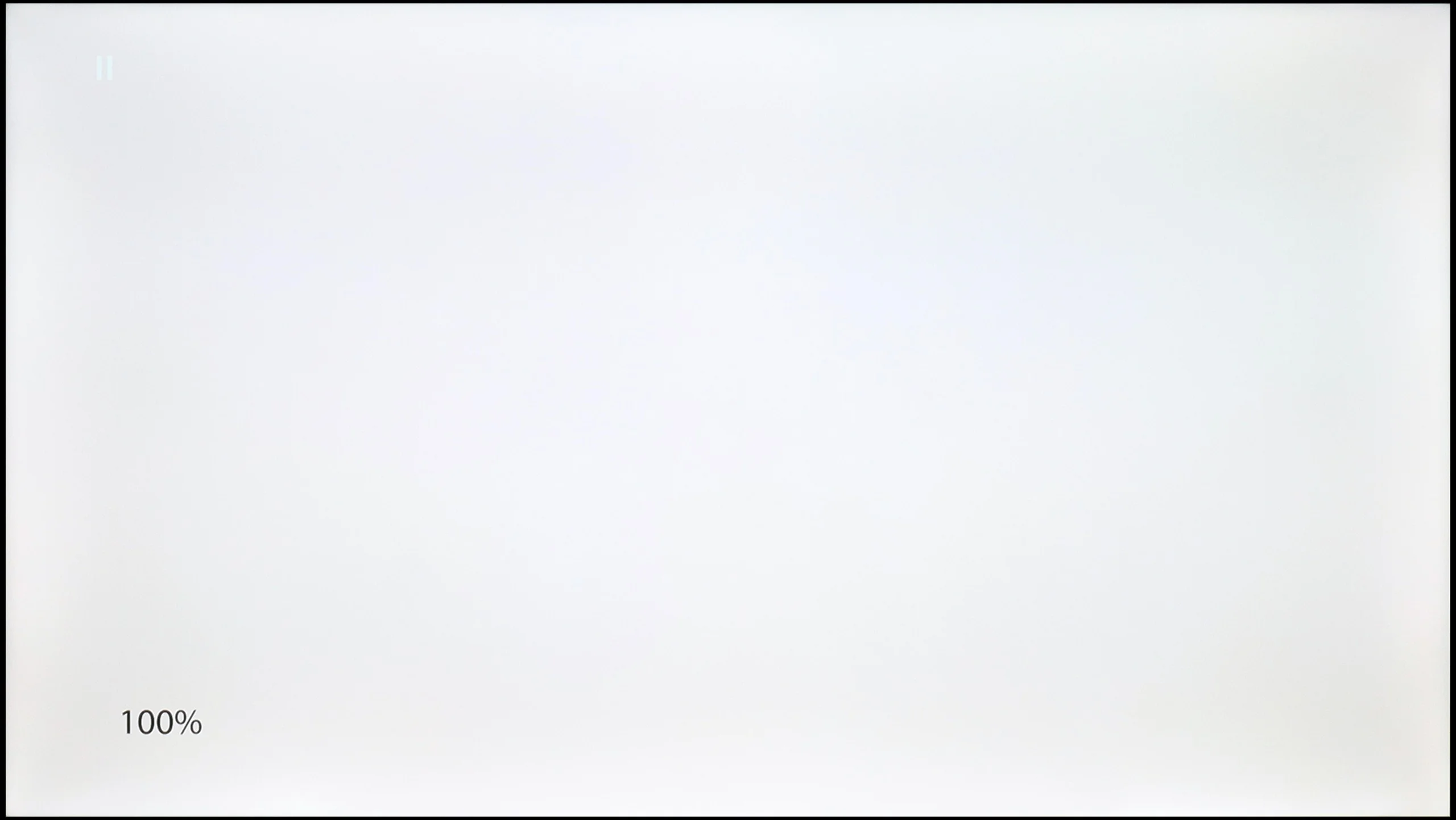
The Samsung U8000F, more specifically the U8092F model in the 55-inch version, is equipped with an IPS panel. Let's be honest – this is not the best choice when it comes to displaying blacks and contrast correctly. The results in this category are just poor. The contrast is abysmal, and watching dark scenes with any kind of "cinematic" effect is nearly impossible. Additionally, the fact that the television lacks local dimming doesn’t help, making it hard to achieve better results. The only thing that deserves praise is the fairly decent uniformity of the panel – but that's more of a small consolation. Overall, it's not good. If you care about deep blacks and reasonable contrast, it's definitely better to go for the variant with a VA panel, which performs significantly better in this particular series.
Dreame S100 is a Mini-LED television that in the 65" version uses an IPS/ADS panel. Such a panel does not naturally offer the best contrast on the market, but thanks to a fairly dense Mini-LED backlight, the black levels in this model are quite decent. In less demanding scenes, the contrast could reach values of 30,000:1. This is several times higher and virtually impossible to achieve for any type of LCD panel without local dimming technology. This makes the black levels and contrast in the S100 quite appealing for a less demanding viewer.
Unfortunately, in more demanding shots where a substantial number of small elements appear on a black background, the local dimming algorithms in the Dreame S100 do not work perfectly. The television can become either excessively dark, resulting in super deep blacks, but almost nothing is visible on the screen, or go in the other direction – a large number of details are visible, but the contrast results are very poor. The black levels in very demanding scenes around bright objects take on a grayish hue (halo effect). This is a typical limitation of Mini-LED televisions from the lower and mid-range, and unfortunately, the Dreame S100 is not an exception that handles this problem particularly well. However, it should be noted that generally, the contrast and black levels are definitely better here than in LCD televisions without any local dimming technology.
HDR effect quality
3/10
3.4/10
Luminance measurements in HDR:

Result
191 nit

Result
224 nit

Result
241 nit

Result
79 nit

Result
234 nit
Result
503 nit
Result
71 nit
Result
241 nit
Result
42 nit
Result
589 nit
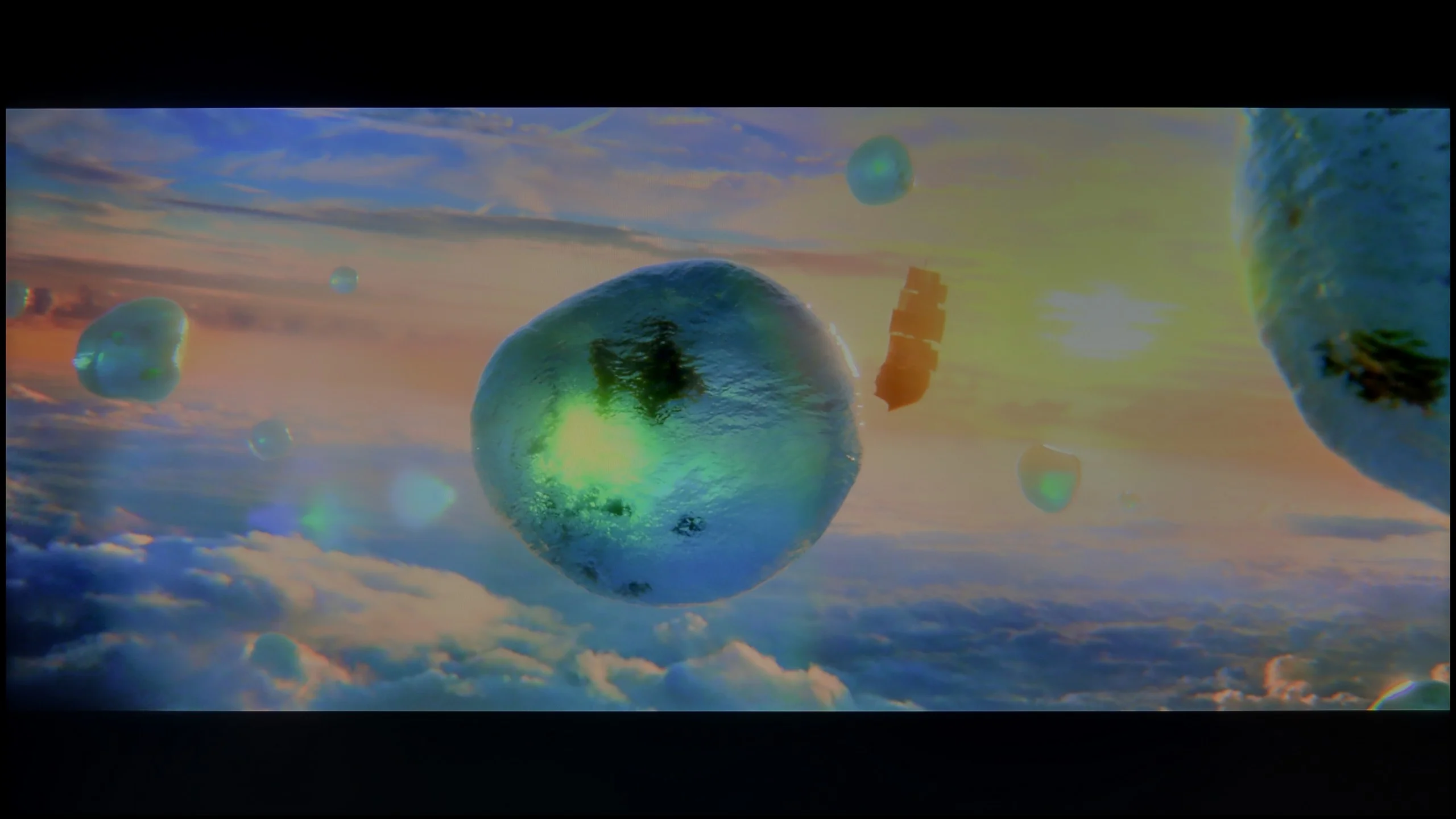
Scene from the movie “Pan” (about 2800 nits)

Scene from the movie “Billy Lynn” (about 1100 nits)

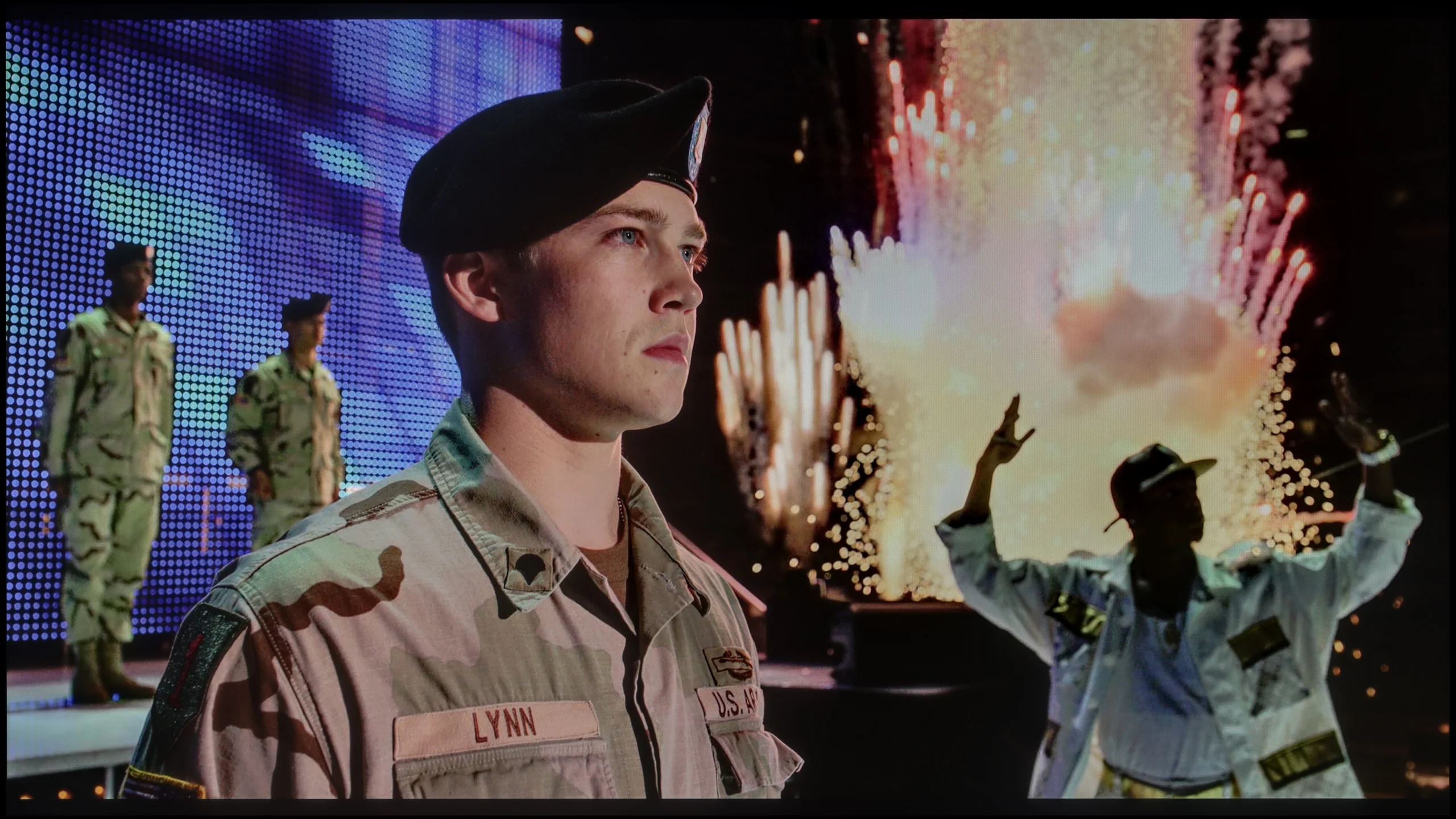
The photos show two HDR10 movies. 'Pan' is one of the brightest productions ever made, while 'Billy Lynn' (soldier) has brightness typical of streaming (Netflix, Prime, HBO MAX). Notice the intensity of effects and detail in whites.
Static HDR10


The photos present the visibility of white details in various HDR formats. They do not show brightness differences between TVs (these can be compared in the previous gallery).
Dynamic: HDR10+
Dynamic: Dolby Vision


The photos present the visibility of white details in various HDR formats. They do not show brightness differences between TVs (these can be compared in the previous gallery).
HDR luminance chart:
Dreame S100
Samsung U8000F (IPS)
Better does not mean good – and that perfectly summarizes the capabilities of the U8092F when it comes to displaying bright movie scenes in HDR mode. The brightness of the panel is just under 250 nits, which is definitely too little to enjoy any lighting effects. An interesting situation was noted during the measurement of the fourth scene from the movie Sicario 2 – the television clearly dimmed the entire screen in an attempt to achieve better black levels (which are still weak). One could even suggest that the device uses some form of "global dimming," but unfortunately, the results are still very poor. To make matters worse, the television does not support a wide color gamut – the coverage of the DCI-P3 space is about 80%, so there’s no hope for truly vibrant colors. HDR images here look rather like lightly brightened SDR, and that's the form we would suggest sticking to when it comes to this television.
The Dreame S100 is a relatively bright television. In movie mode, the brightness we measured reached about 600 nits. This is a really good result, although not the highest, considering the capabilities of the competition in this price range. In fullscreen scenes, it is evident that the television can generate an image that strikes with brightness. Unfortunately, when more complex scenes appeared on the screen, the local dimming algorithm in this model tried above all to maintain the deepest blacks. However, this came at the expense of HDR effect – and in a drastic way. In such scenes, the brightness of bright elements dropped below 100 nits, which is a truly tragic result, far from any HDR effect. This aspect can be improved, though not without any "buts." It is enough to change the local dimming setting in the television's menu, but then the blacks in such scenes simply turn gray. It’s a pity that Dreame could not refine the local dimming algorithms better, and the S100 is another example that the mere number of local dimming zones does not always translate into better image quality. As a consolation, it is worth adding that the Dreame S100 is advertised as a "QLED" television, although in reality it utilizes a PFS LED filter. As a result, the colors are appropriately saturated, and the color gamut coverage we measured exceeded 94% of the DCI-P3 palette.
Factory color reproduction
6.5/10
5/10
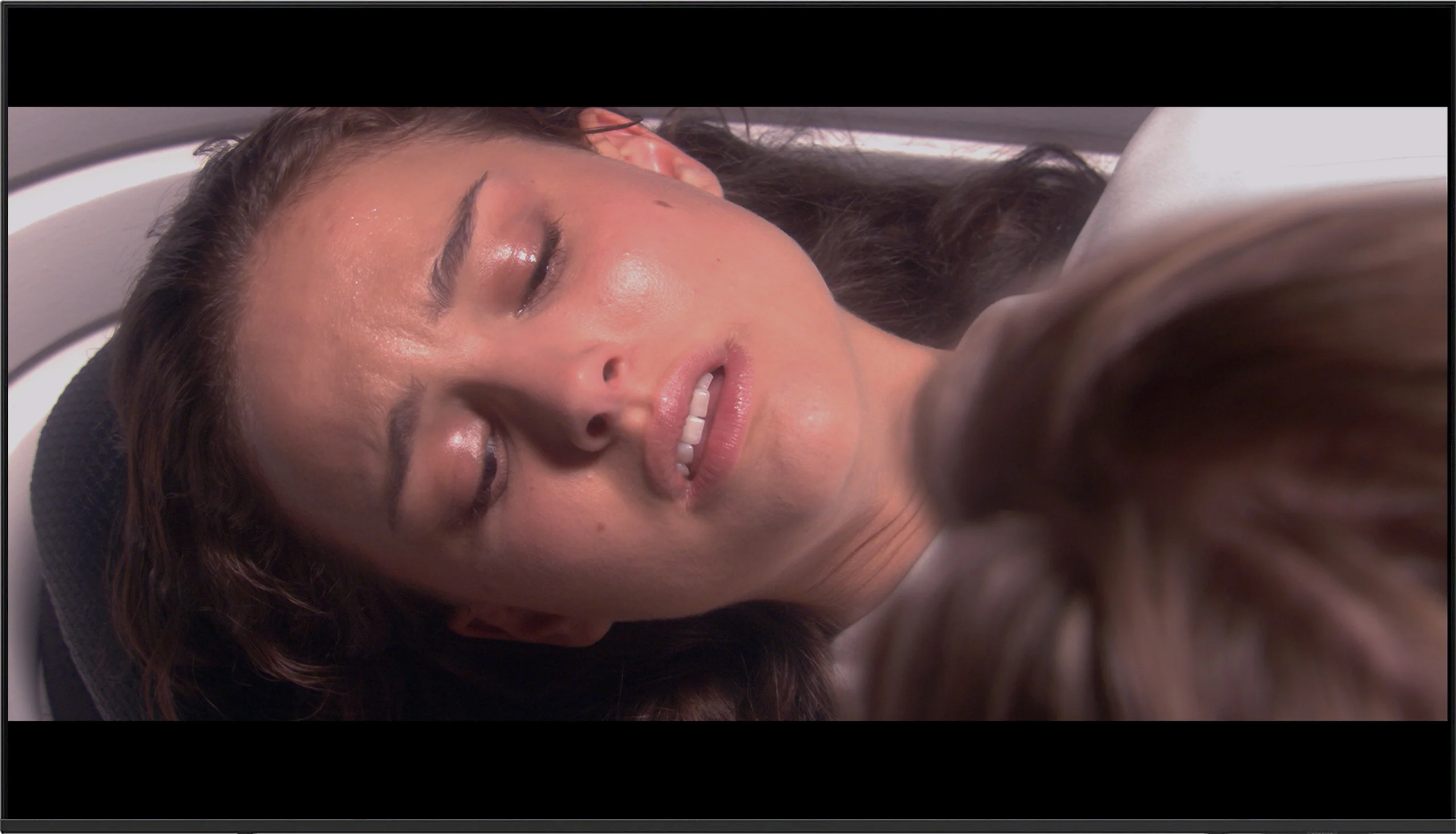
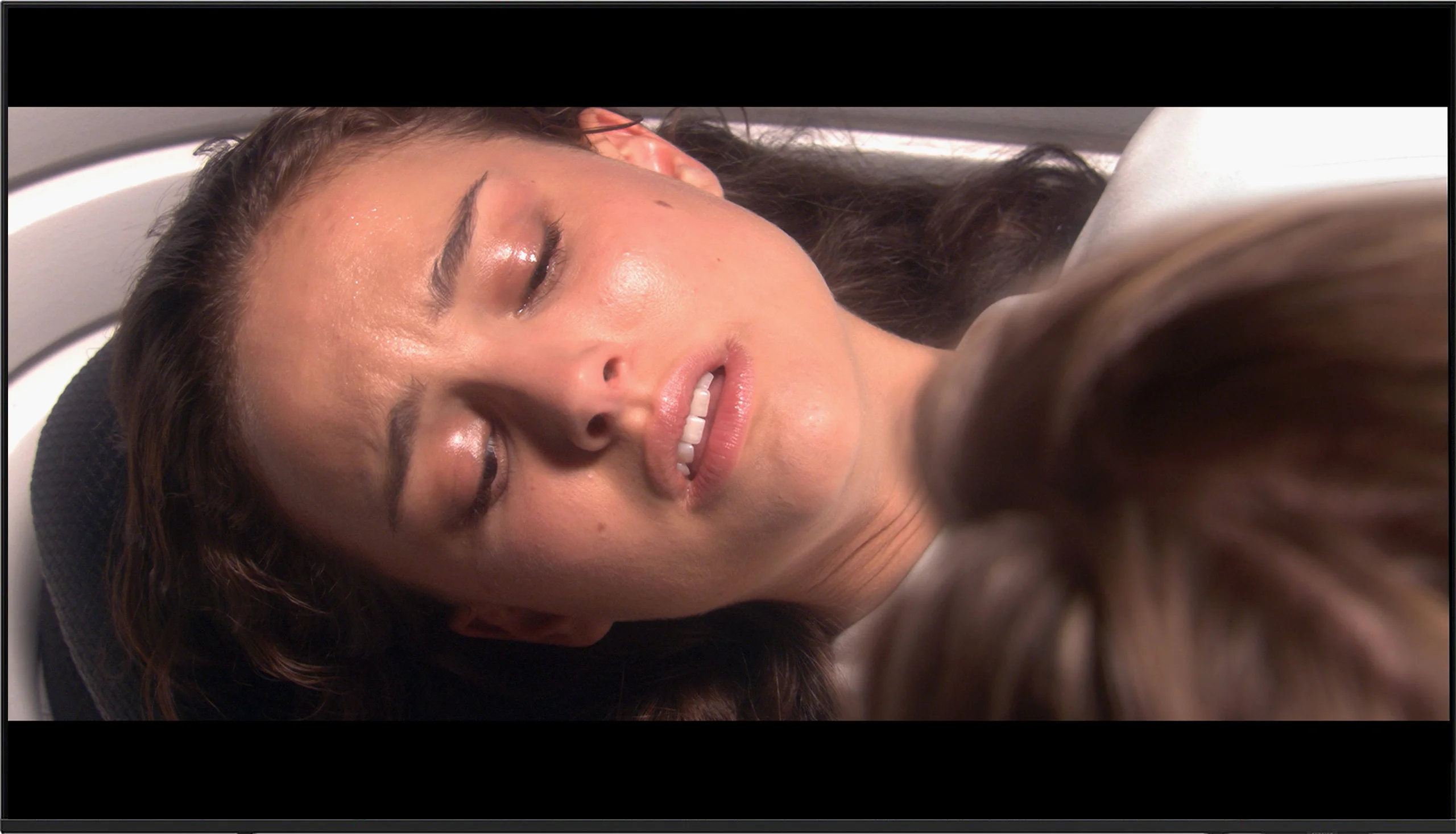
This gallery shows how colors change after professional TV calibration. If you notice the difference, we recommend ordering this service at SkalibrujTV.com.
Factory Mode
After calibration
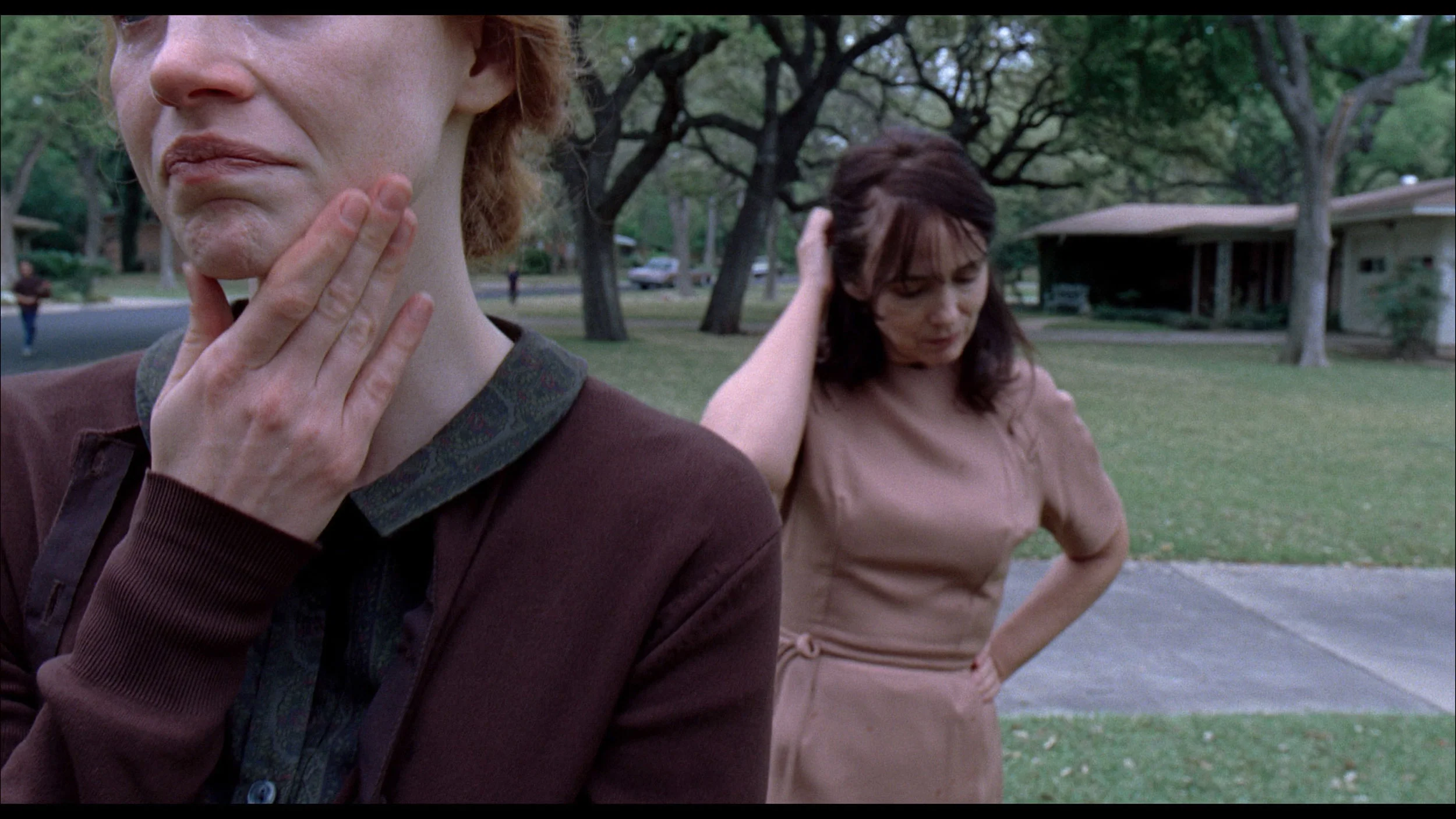
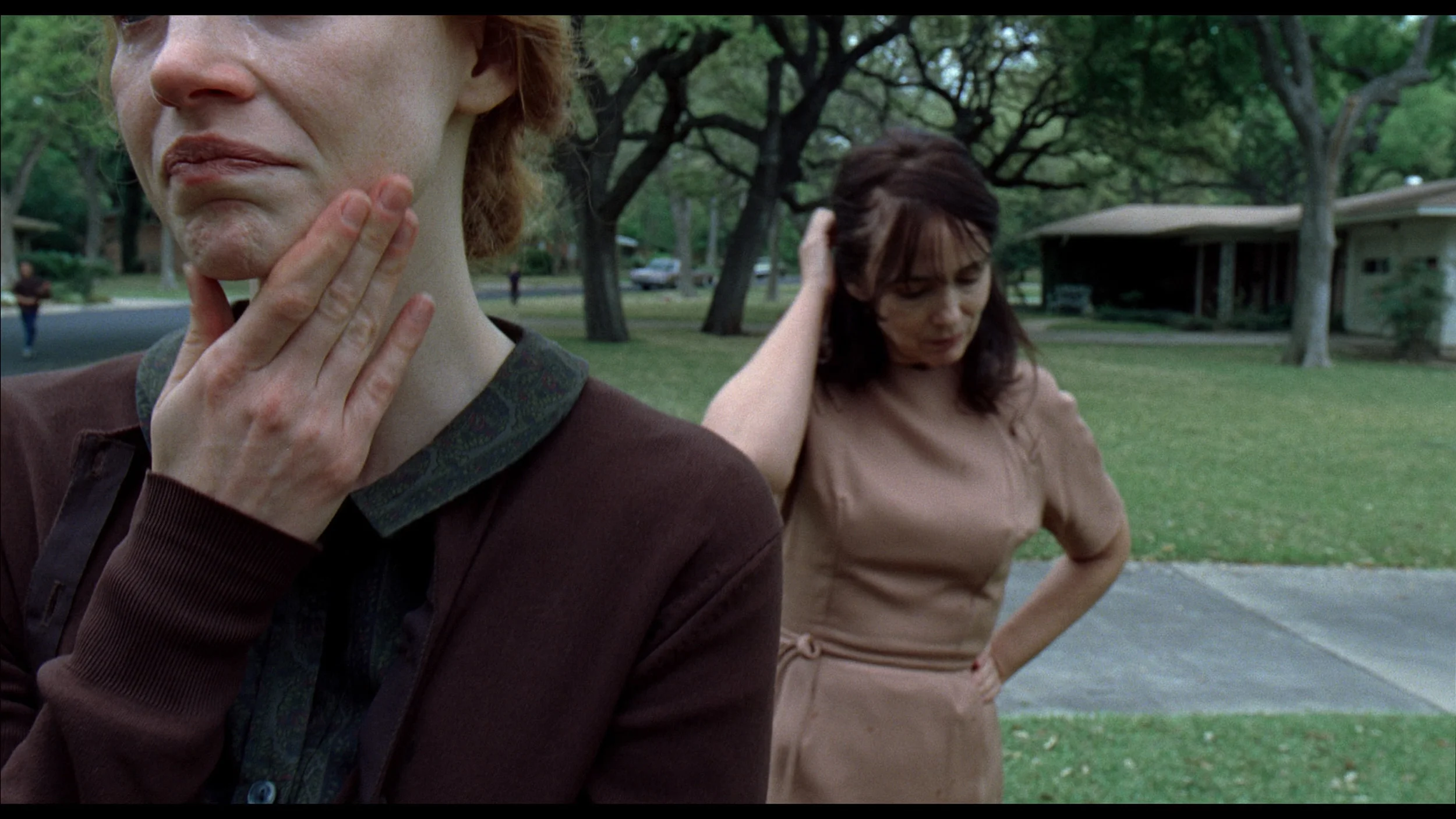
This gallery shows how colors change after professional TV calibration. If you notice the difference, we recommend ordering this service at SkalibrujTV.com.
Factory Mode
After calibration
The Samsung U8000F was tested in the best possible picture mode built into the TV, which is Filmmaker Mode. This mode should – at least in theory – offer a cinematic, reference-quality image without unnecessary enhancements. For SDR content (mainly HD/SD), the TV performed surprisingly well straight out of the box. White balance errors hovered around a value of 3, which is roughly at the threshold of perception. The only complaint could be about brightness management – the gamma chart showed a slight tendency to brighten or darken certain areas, but overall it performed quite well for this price segment.
Unfortunately, it looks much worse in HDR mode. Although the white balance wasn't terrible, the TV had significant color errors – particularly noticeable on the Color Checker chart, where almost every sample landed outside the target point. The HDR image simply looks unnatural, and colors can be shifted, dull, or too cool. This largely stems from the fact that the U8000F does not support a wide color gamut (DCI-P3). The TV is physically incapable of displaying accurate colors in HDR standard – and this unfortunately shows in every more demanding material.
We tested the Dreame S100 in "movie" mode and definitely recommend using this setting for watching all kinds of content. Interestingly, in the deeper settings of the TV, we also find a dedicated "Filmmaker" mode, which is available today from almost every manufacturer. However, in the case of the Dreame S100, we do not recommend using it – it blocks all image-related settings and does not allow any configuration in the menu - not even motion smoothing. So how do the factory colors perform on the S100? Not too bad, but also not great. The TV itself was quite heavily tinted with blue components, which is clearly visible in our white balance measurements. This caused the image to be artificially brightened, and the colors had a slight bluish tint. This is confirmed by the Color Checker palette, which showed how color samples leaned towards blue, generating quite significant color errors. The image in HDR mode looked definitely better, where color errors were not as prominently visible, though they still fell far from ideal. Here, the white balance was also too heavily skewed towards the blue color, which caused quite significant errors in color reproduction.
Color reproduction after calibration
7.5/10
7.5/10
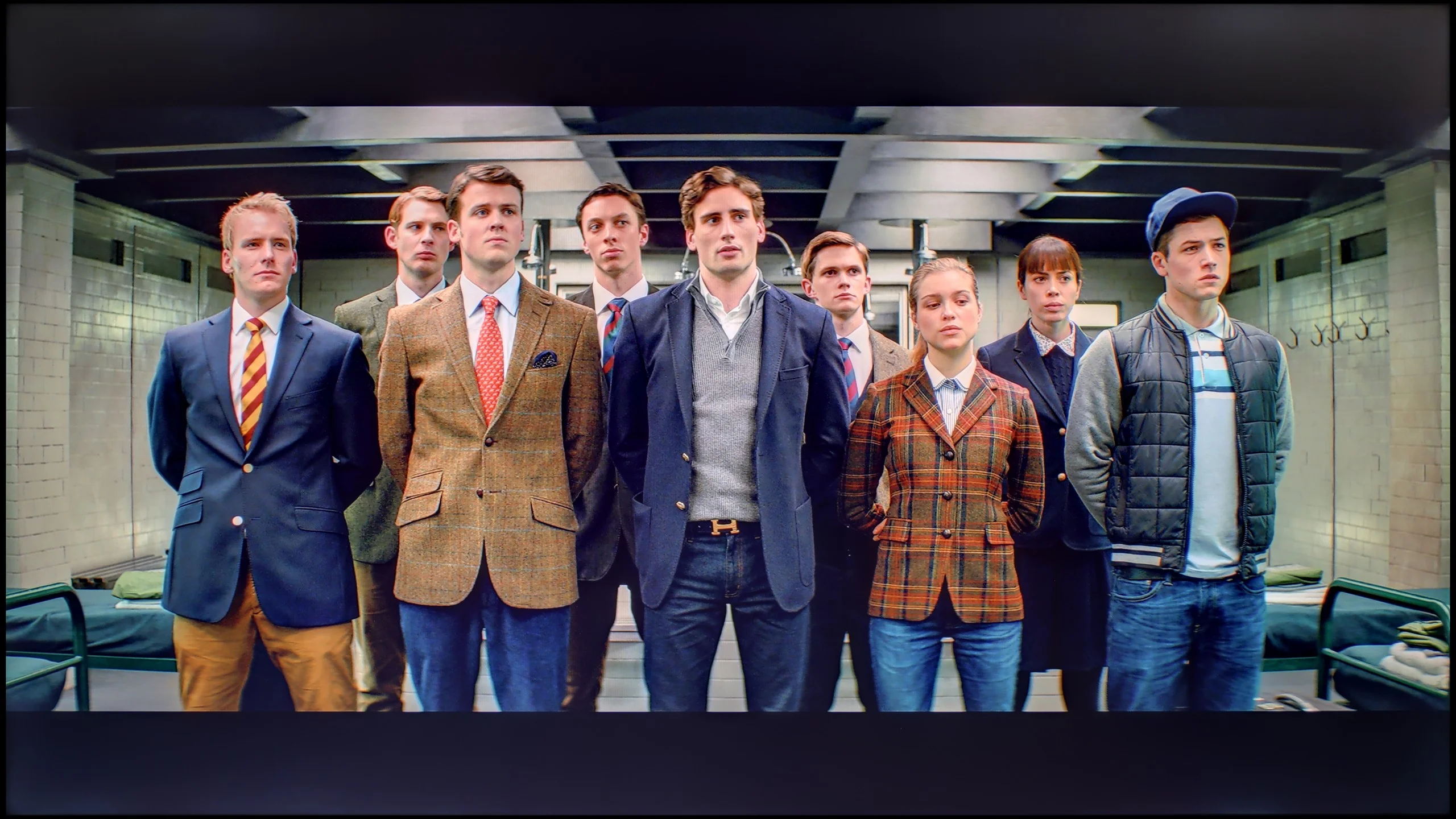
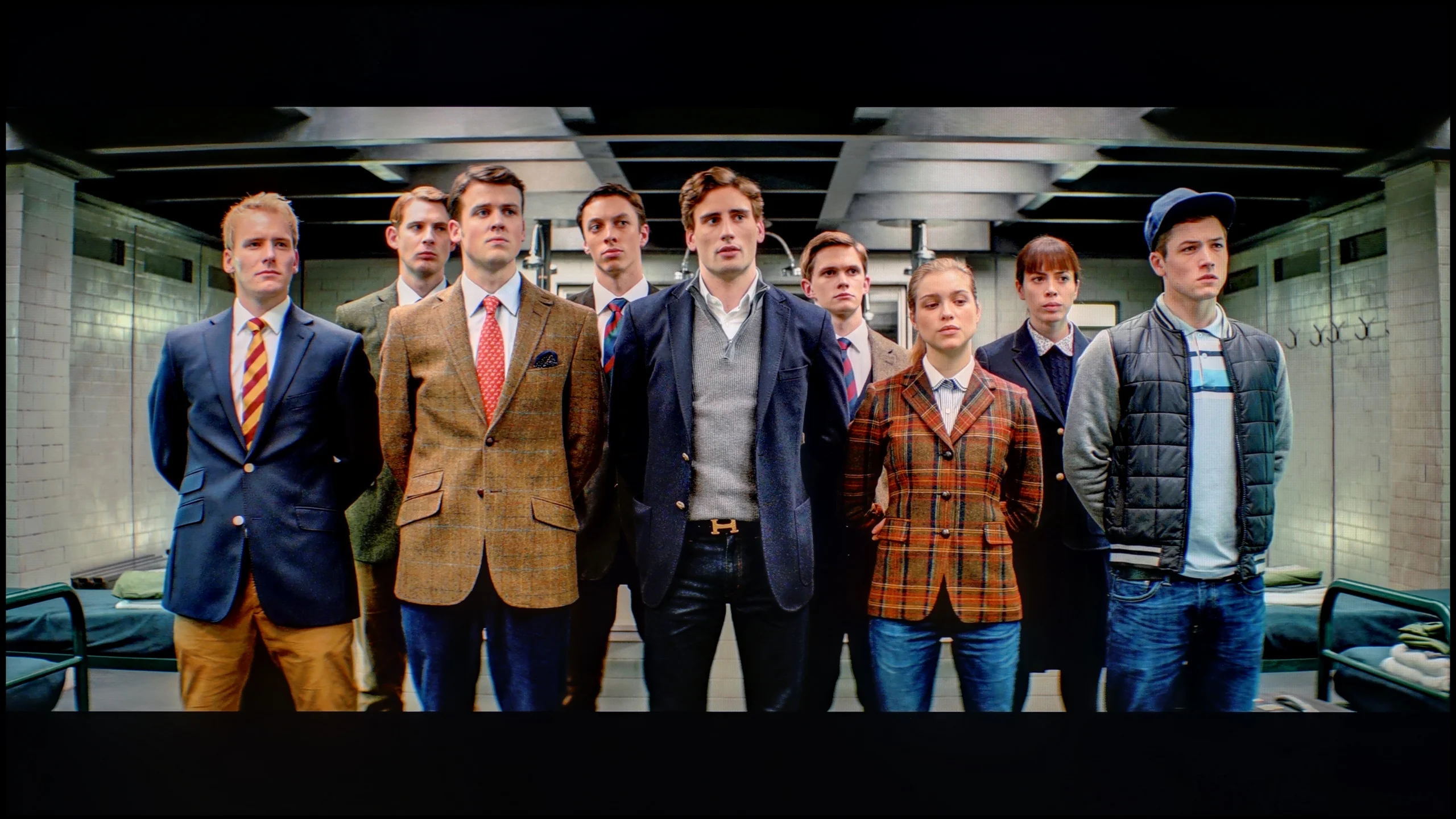
The photos show how movies look on the TV. Pay attention to black detail visibility, colors, and shadow tint.


The photos show how movies look on the TV. Pay attention to black detail visibility, colors, and shadow tint.
Although the U8000F offered quite a decent picture in SDR right out of the box, we were able to adjust it a little more. We managed to eliminate a slightly purplish tint and calibrate the gamma to a more reasonable level. However, the television still tends to overemphasize the smallest and brightest parts of the image – the gamma chart shows a characteristic "dip" that is difficult to completely correct.
Unfortunately, the situation looks worse in HDR. It's hard to talk about any significant improvement here – the television is simply not designed for HDR content. We tried to adjust the picture in the advanced settings, but despite everything, the color errors remained quite large – a delta E above 7 indicates noticeable deviations. It's a bit of a shame, but that's the charm of a budget design. In SDR, the U8000F performs just fine, while HDR is simply not its league.
The Dreame S100 turned out to be a device very susceptible to professional calibration. In its menu, we found a whole array of advanced options that allowed us to effectively correct factory errors. Thanks to advanced white balance correction – both in SDR and HDR content – we completely eliminated excess blue components. The image immediately became much more natural and pleasant to view. After fully tuning the colors, errors in the Color Checker test dropped below Delta E values of 2-3. For the average viewer, this means that any color distortions have become nearly impossible to notice with the naked eye. This is a really nice surprise, as often new brands in the television market have significant problems with proper implementation and functioning of sliders in the calibration menu. Here, everything worked as it should. The only thing we need to criticize is the way the television manages its brightness in HDR. Due to the specific nature of the local dimming algorithms, we observed anomalies in the EOTF curve we measured. In the areas where high highlights should appear, there is a slight uplift of the curve above the reference line. In practice, this results in unnatural brightening of some of the brightest elements in movies or games. Despite this minor flaw, professional calibration brings a huge, very positive change to this model.
Smoothness of tonal transitions
9/10
8/10
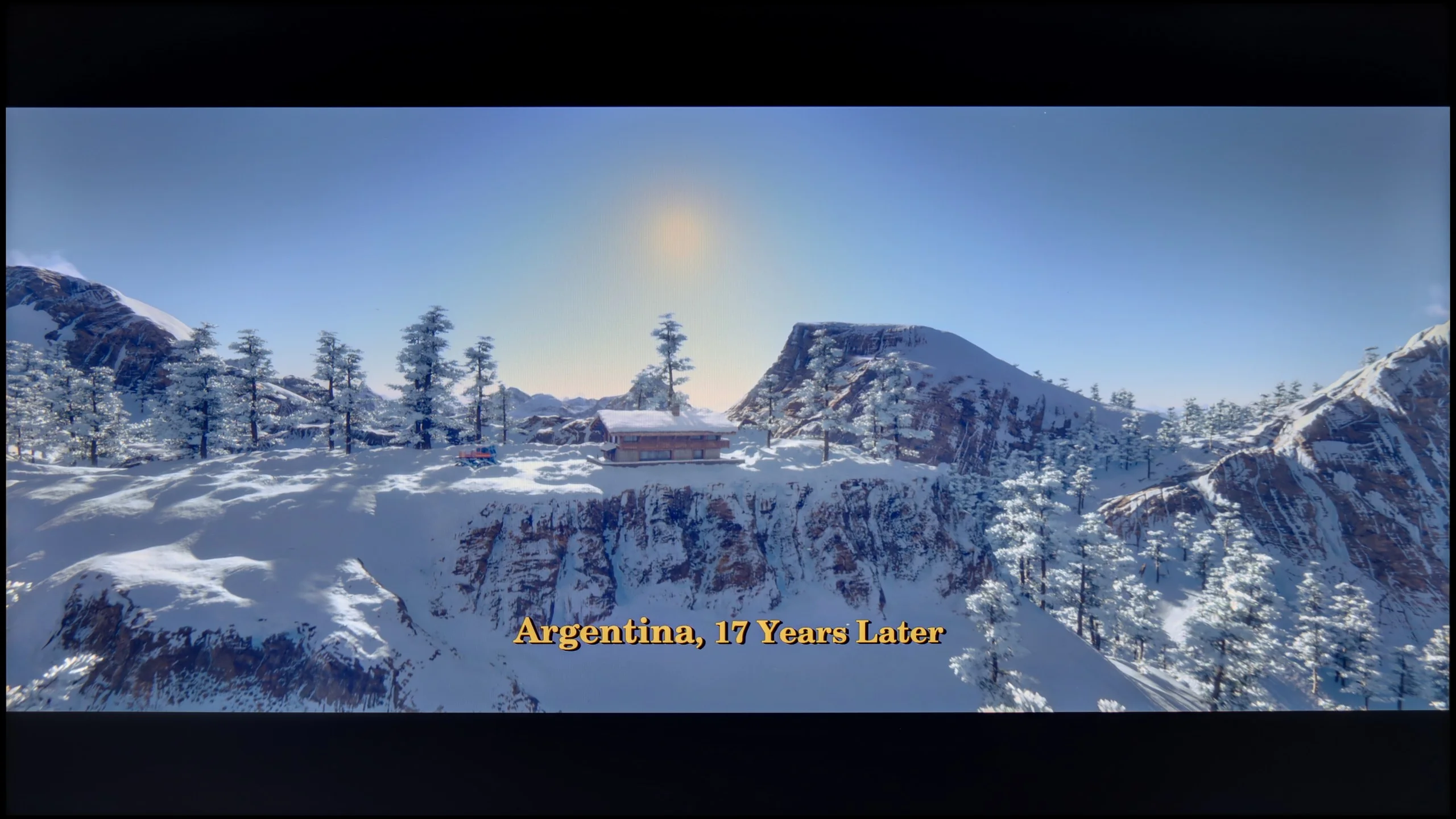

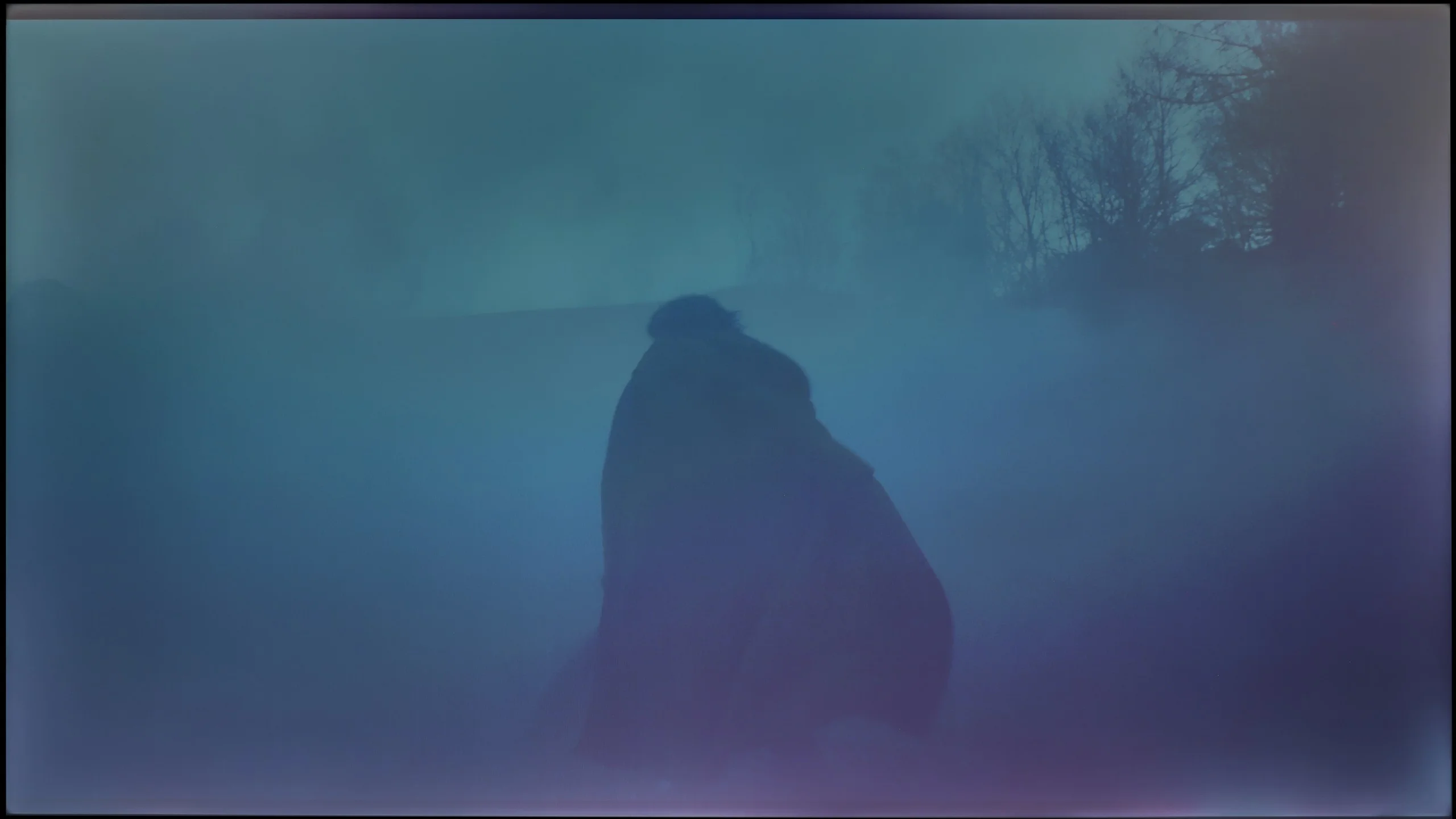
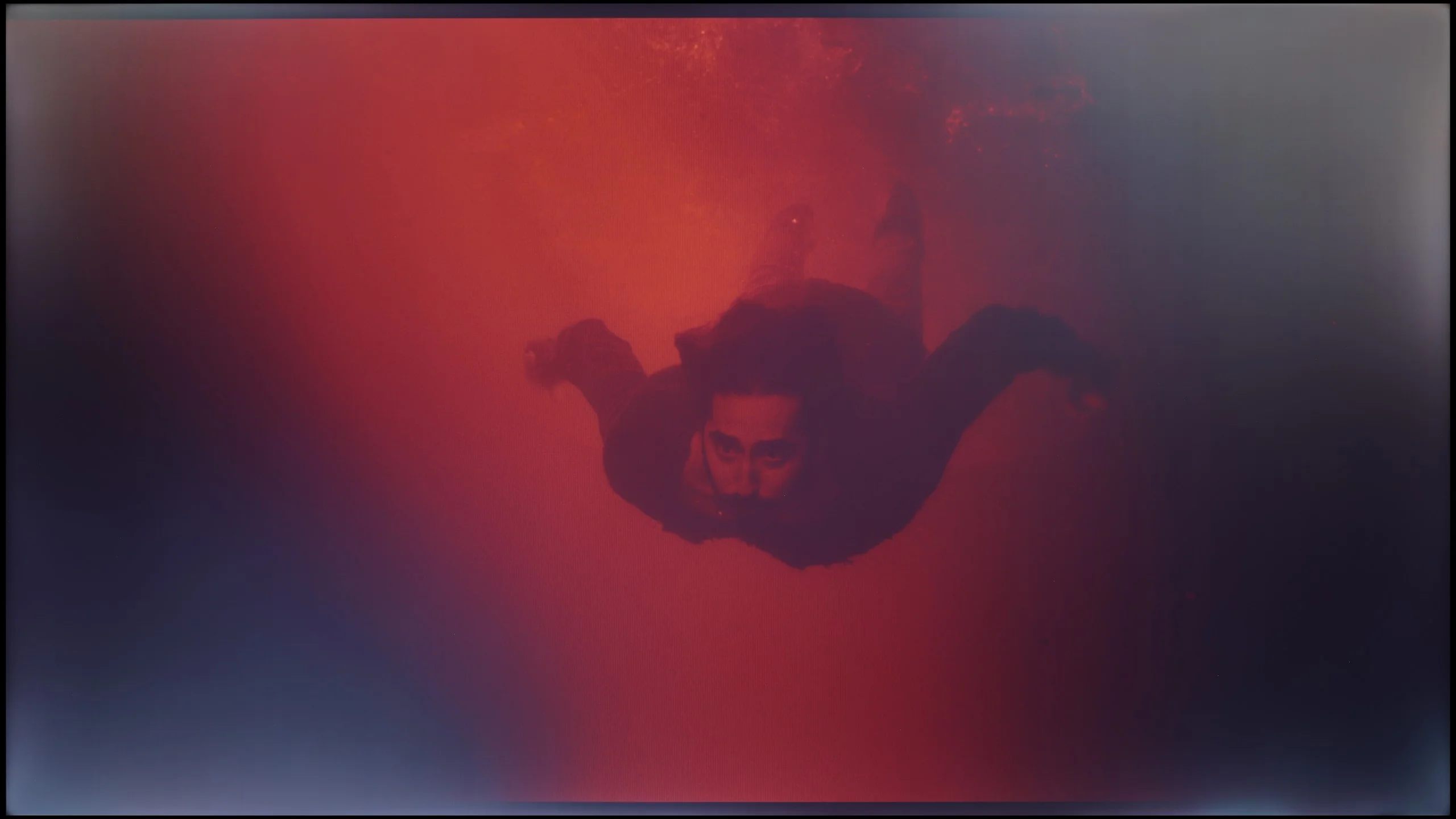
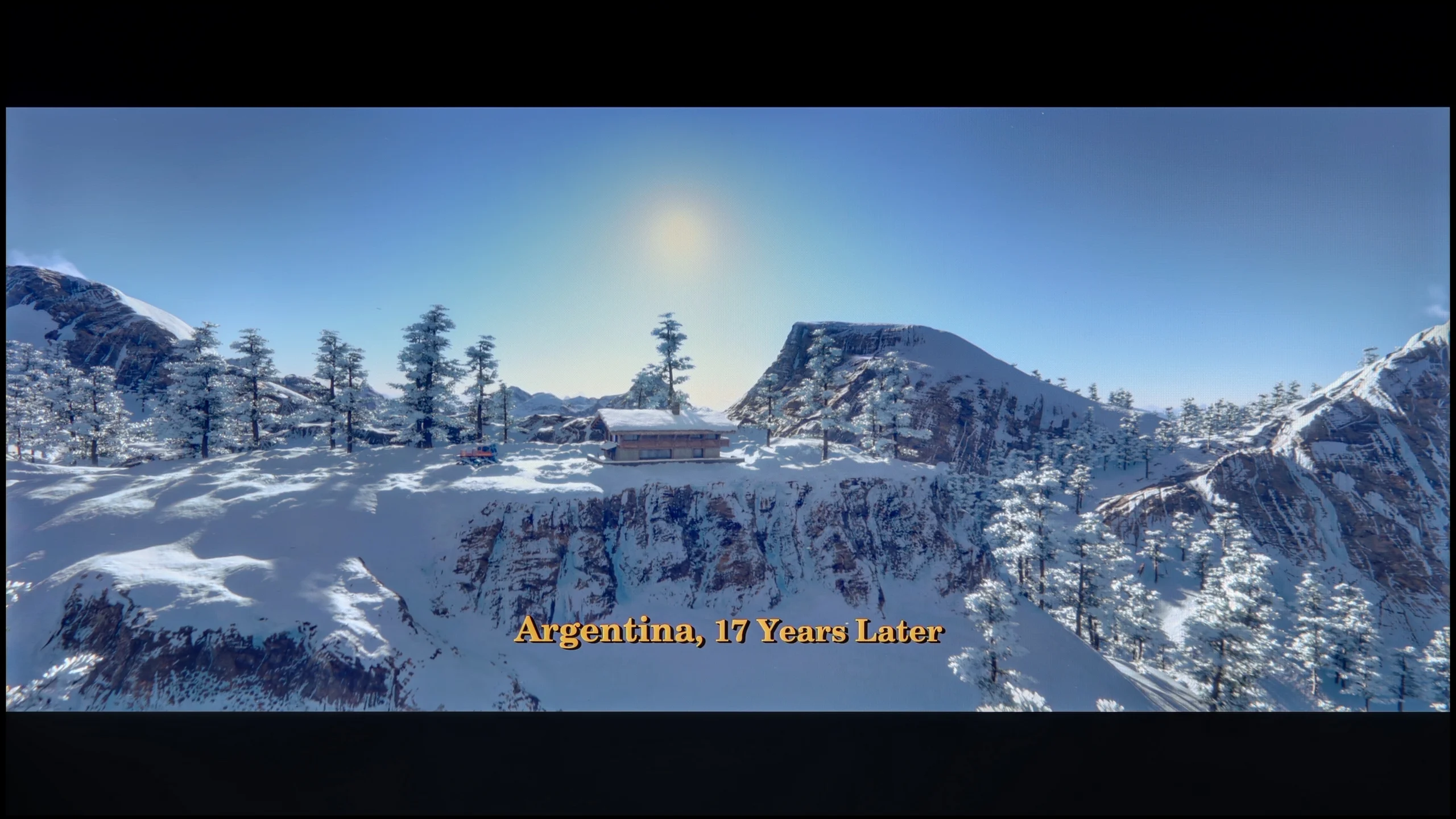
These are selected scenes that show smooth tonal transitions from one color to another. If you see distinct banding, it’s the TV panel’s fault.

These are selected scenes that show smooth tonal transitions from one color to another. If you see distinct banding, it’s the TV panel’s fault.
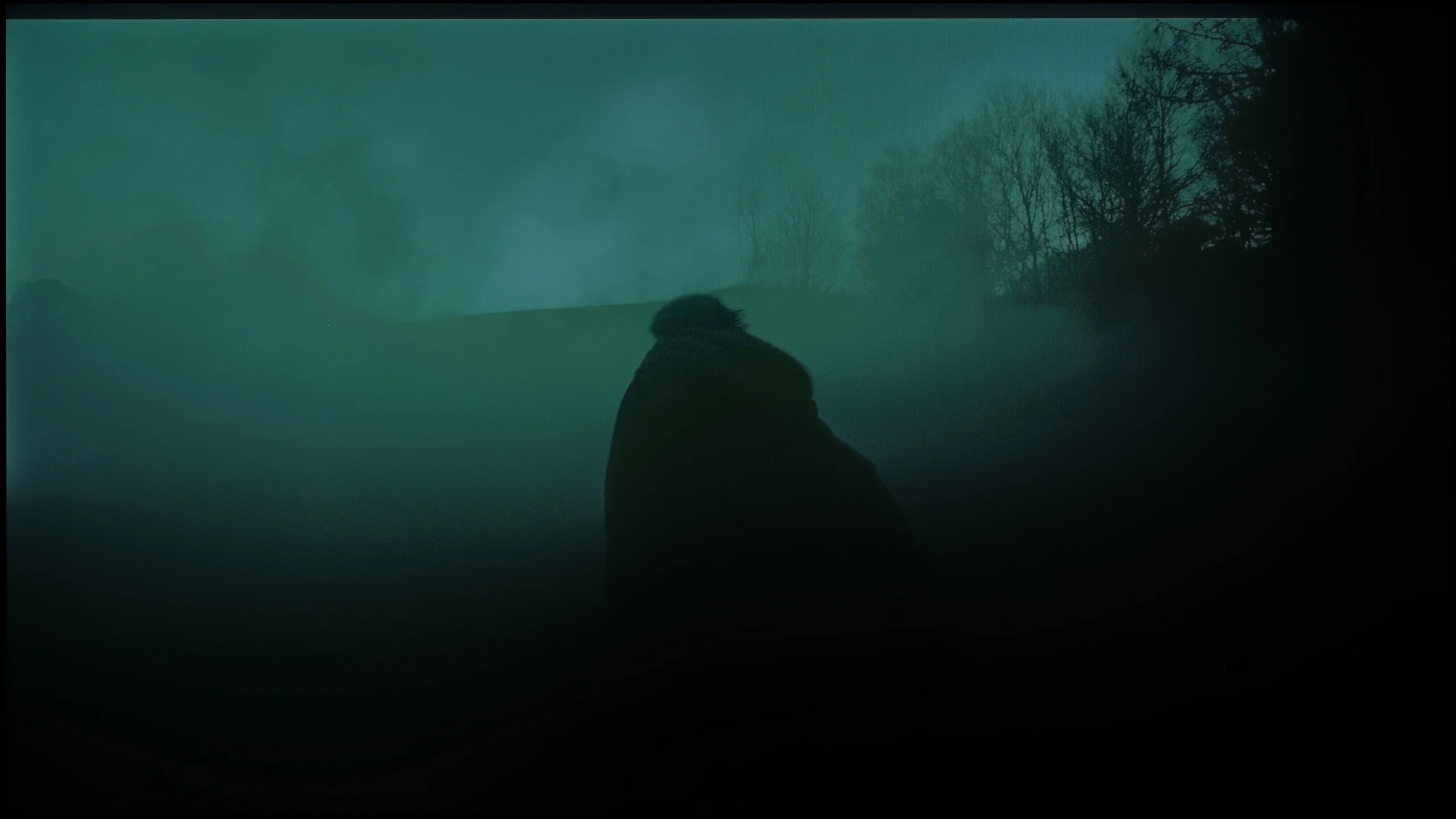
These are selected scenes that show smooth tonal transitions from one color to another. If you see distinct banding, it’s the TV panel’s fault.
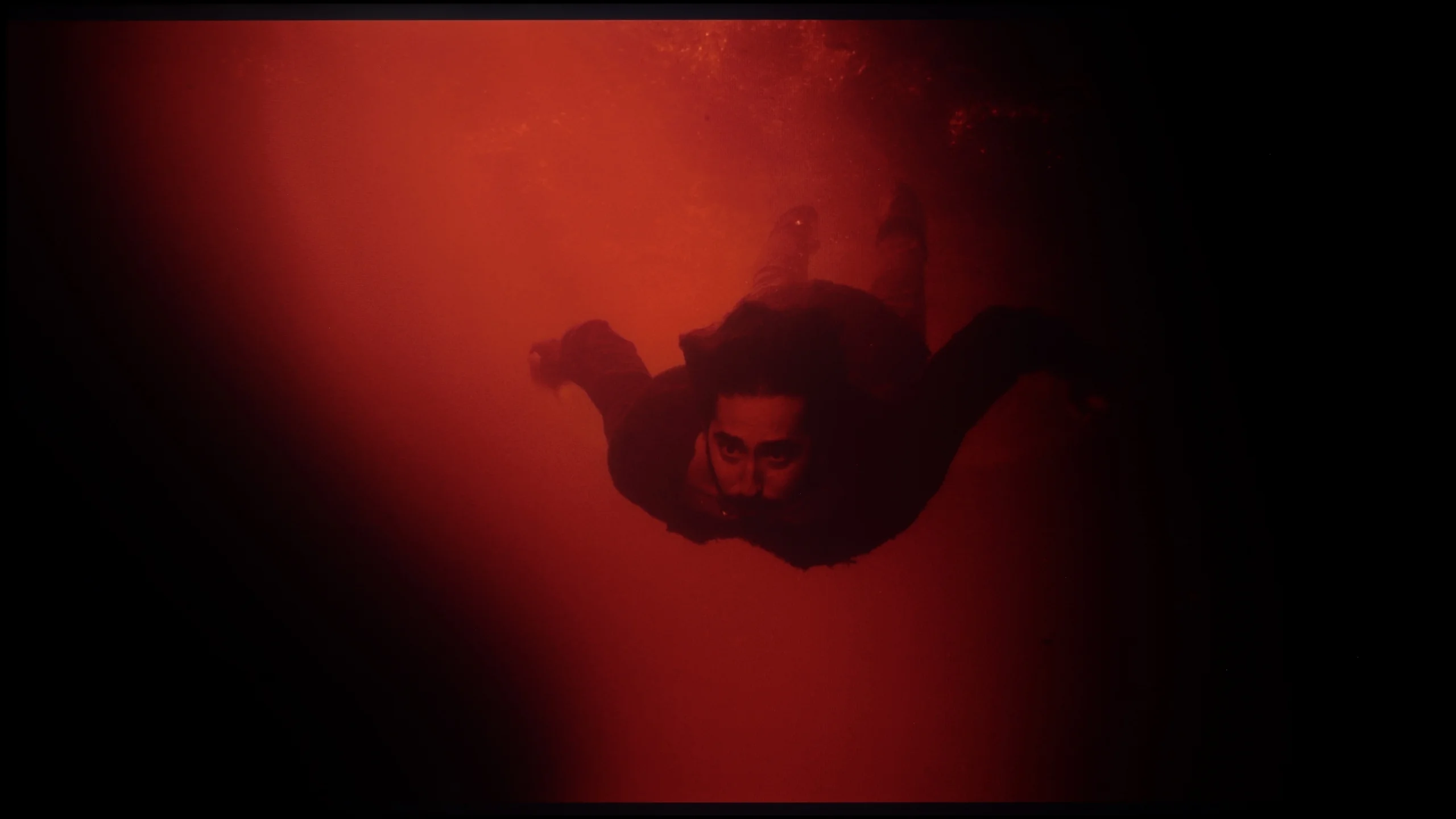
These are selected scenes that show smooth tonal transitions from one color to another. If you see distinct banding, it’s the TV panel’s fault.
Another important thing to pay attention to when assessing image quality is the smoothness of tonal transitions – that is, how well the television handles blending colors and shades. Here, the Samsung U8092F performs... almost perfectly. On the tested screens, there are no visible banding issues, no problems with color gradients, and the overall image is not artificially sharpened, which unfortunately happens in many televisions of this class. The image looks natural and very clean. We noticed minimal issues with the brightest scenes, but that’s more of nitpicking that only a very discerning eye would catch.
The transition between individual shades on the Dreame S100 is quite good. Analyzing most content in HDR10 format, we did not notice significant issues with banding. Only some very extreme and dark scenes revealed a problem with contouring of shades. However, the situation is a bit worse with content in Dolby Vision* format. Here, the color gradation clearly worsens, and the tonal transitions from one color to another are more visible and distinct from each other. Therefore, the rating of this element on our site is slightly lower when considering viewing (on streaming platforms) in this format.
*we will add photos after modifying the site 😉
Image scaling and smoothness of tonal transitions
5/10
4/10


Smooth transition function
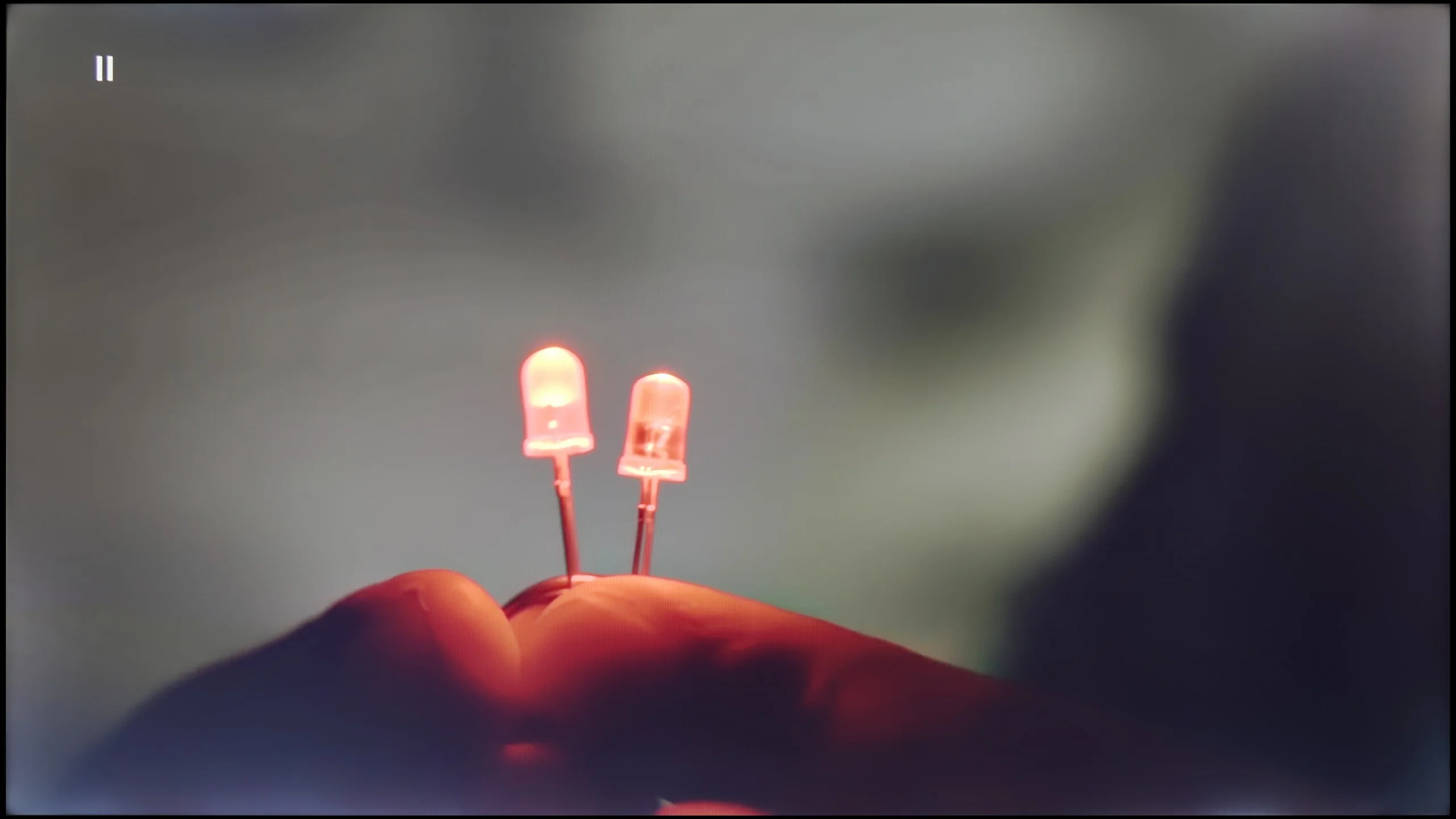
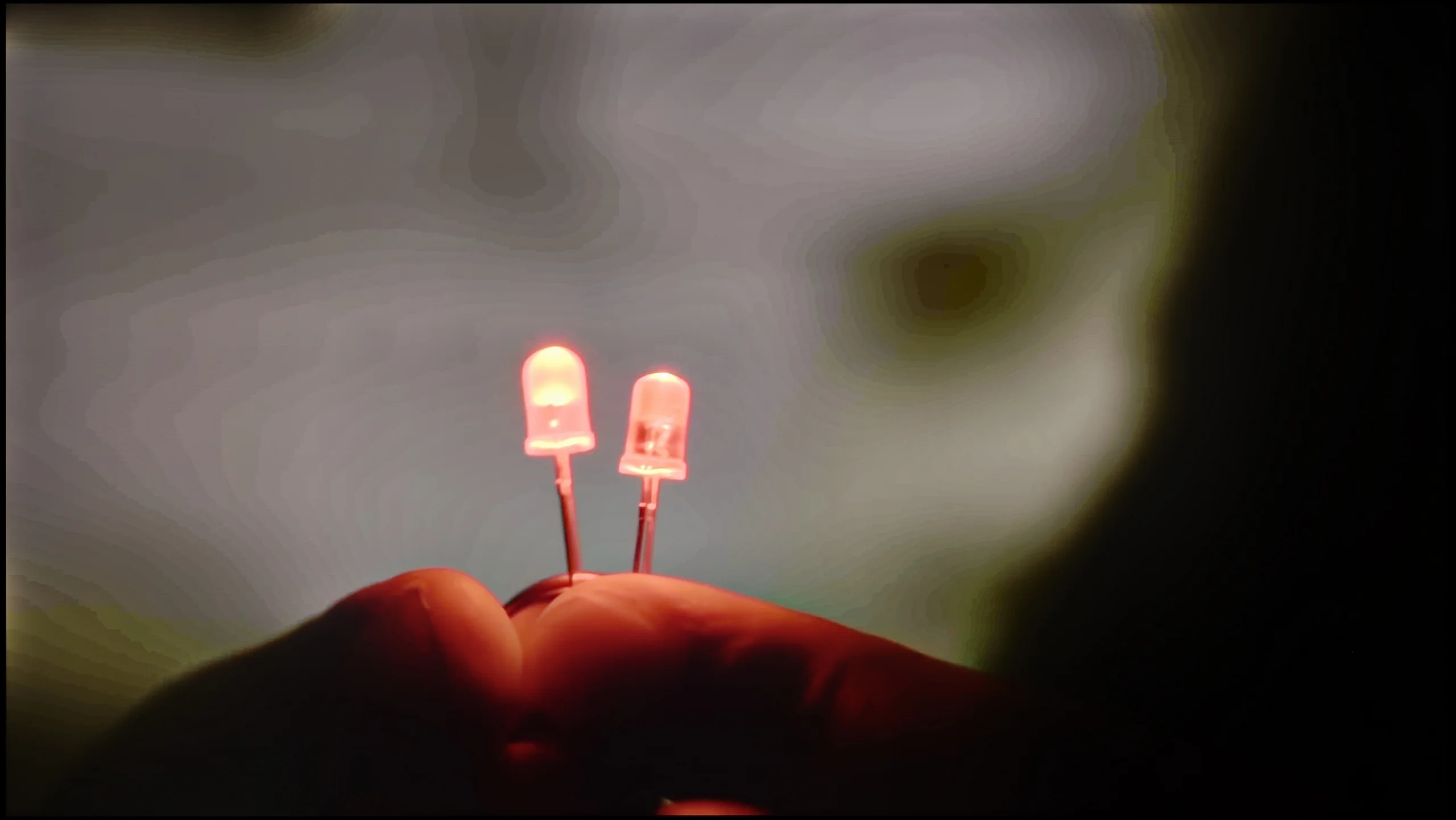
The match photo shows how the TV smooths weak tonal transitions in low-quality video.
Image scaling SD (576i)


The model photo shows how it handles upscaling of SD material.
When it comes to how the Samsung U8000F handles lower-quality materials, we have to admit that Samsung has made progress compared to its predecessor from last year – the DU7192 model, which theoretically occupies the same place in the lineup.
This year's model is equipped with a function to improve the fluidity of tonal transitions, which has been implemented much better than last year. Yes, the television still uses quite strong algorithms that can distort details or remove film grain, but even so – it can be confidently said that it works effectively.
However, not everything went perfectly. The U8000F has noticeable issues with slight frame cutting when watching very old content in very low resolution. If someone plans to play their old VHS tape, they should be prepared for the image to appear slightly “cut off.”
The scaling and digital processing in the Dreame S100 is handled by a technology that the manufacturer proudly calls Dreamind™ Pro AI. However, it is essential to clarify that this is not a proprietary processor but merely a marketing name for a chip from MediaTek – specifically, the model MT5889. Unfortunately, we are talking about quite an outdated unit, from the time when MediaTek lagged significantly behind the competition in terms of performance. This, unfortunately, has a direct impact on the image, as this chip is responsible for that as well. The upscaling in the S100 is rather mediocre, and the processor tends to strongly and artificially sharpen edges (fortunately, this can be somewhat tempered with the sharpness slider in the menu). In the options, we also find a "Contour Smoothing" function, which theoretically is supposed to improve tonal transitions. In practice, it brings almost no improvement – setting it to any level rarely eliminates visible color banding but can unnecessarily blur elements of the image that should remain sharp.
A separate problem is the phenomenon of overscan (clipping the edges of the frame), which is almost always visible here. Although there is an option to set the screen to display the full frame in low-resolution materials, it requires activating the aforementioned Filmmaker mode. And as you already know, this mode completely blocks any other adjustments in the image menu. In our test tables, we noted that the television offers the option to disable overscan, as technically such a feature exists in the system – however, in everyday use, with reasonable image settings, you will not be able to take advantage of it.
Blur and motion smoothness
4.5/10
7.7/10
Blur (native resolution, maximum refresh rate):


Blur ():
Blur (4K@144Hz):

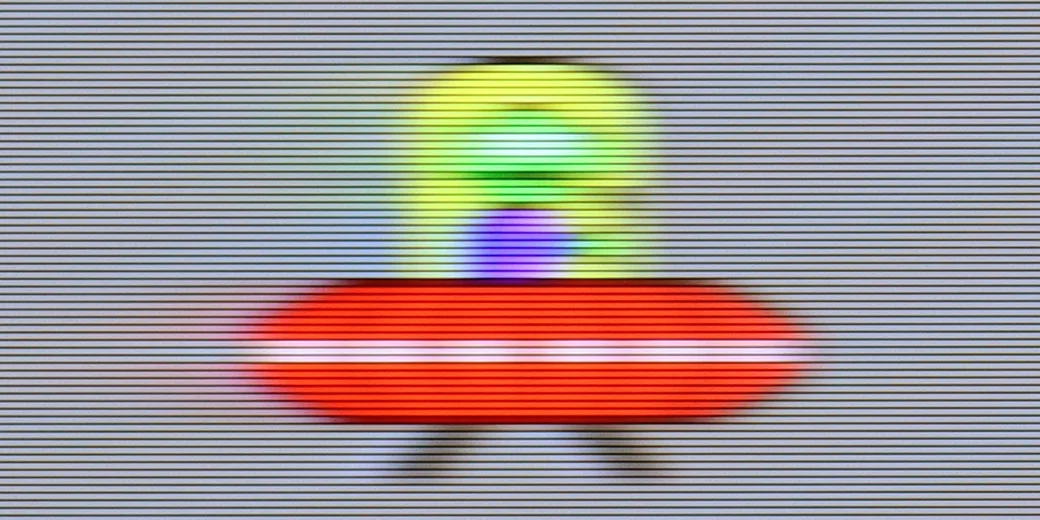

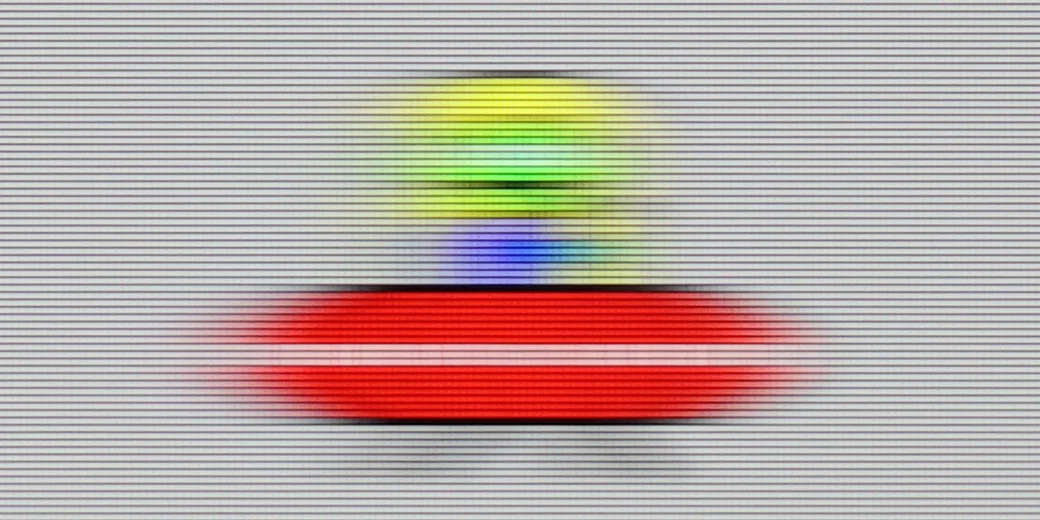
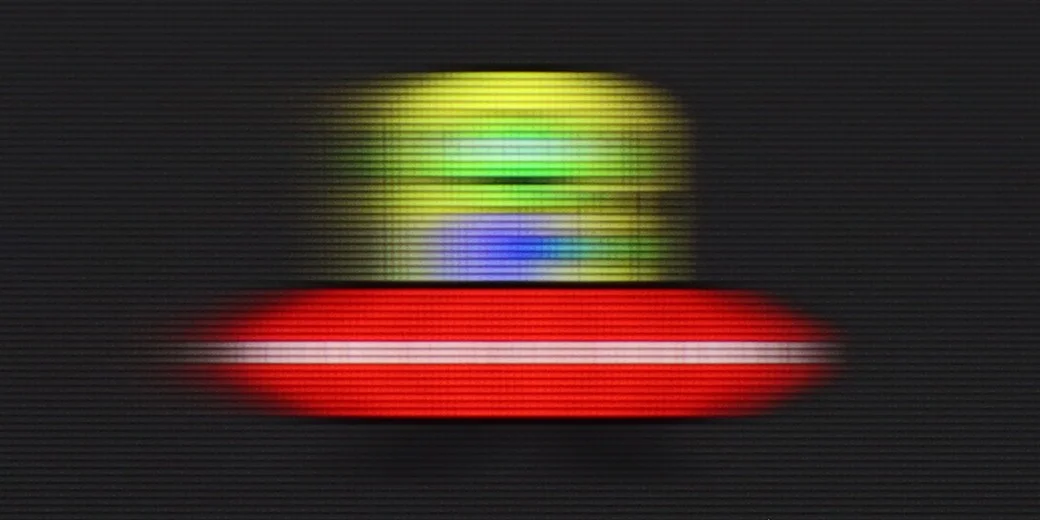
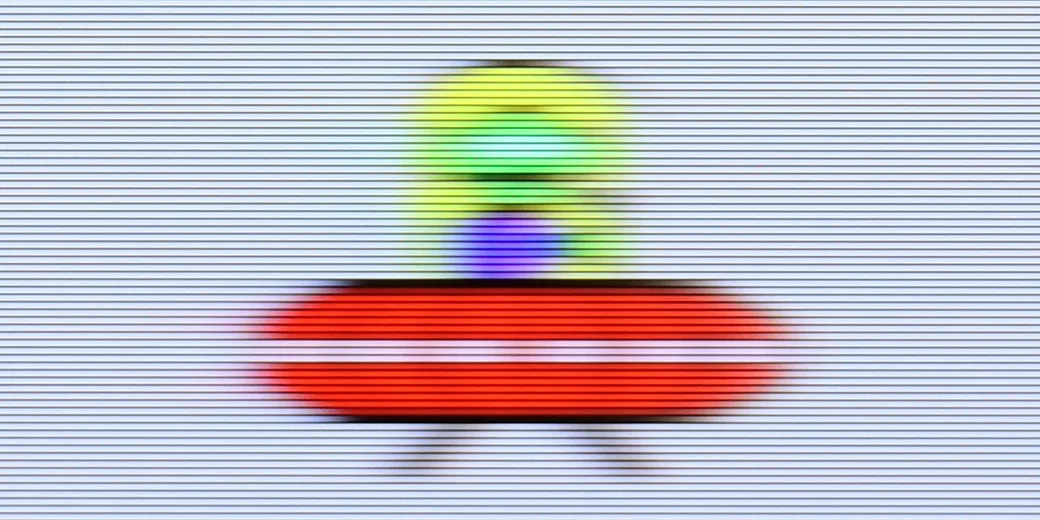
The Samsung U8000F is equipped with a 60 Hz panel, so right from the start, it’s clear that we shouldn’t expect any miracles. This is simply the standard in this class – sufficient for everyday viewing, but without any fireworks.
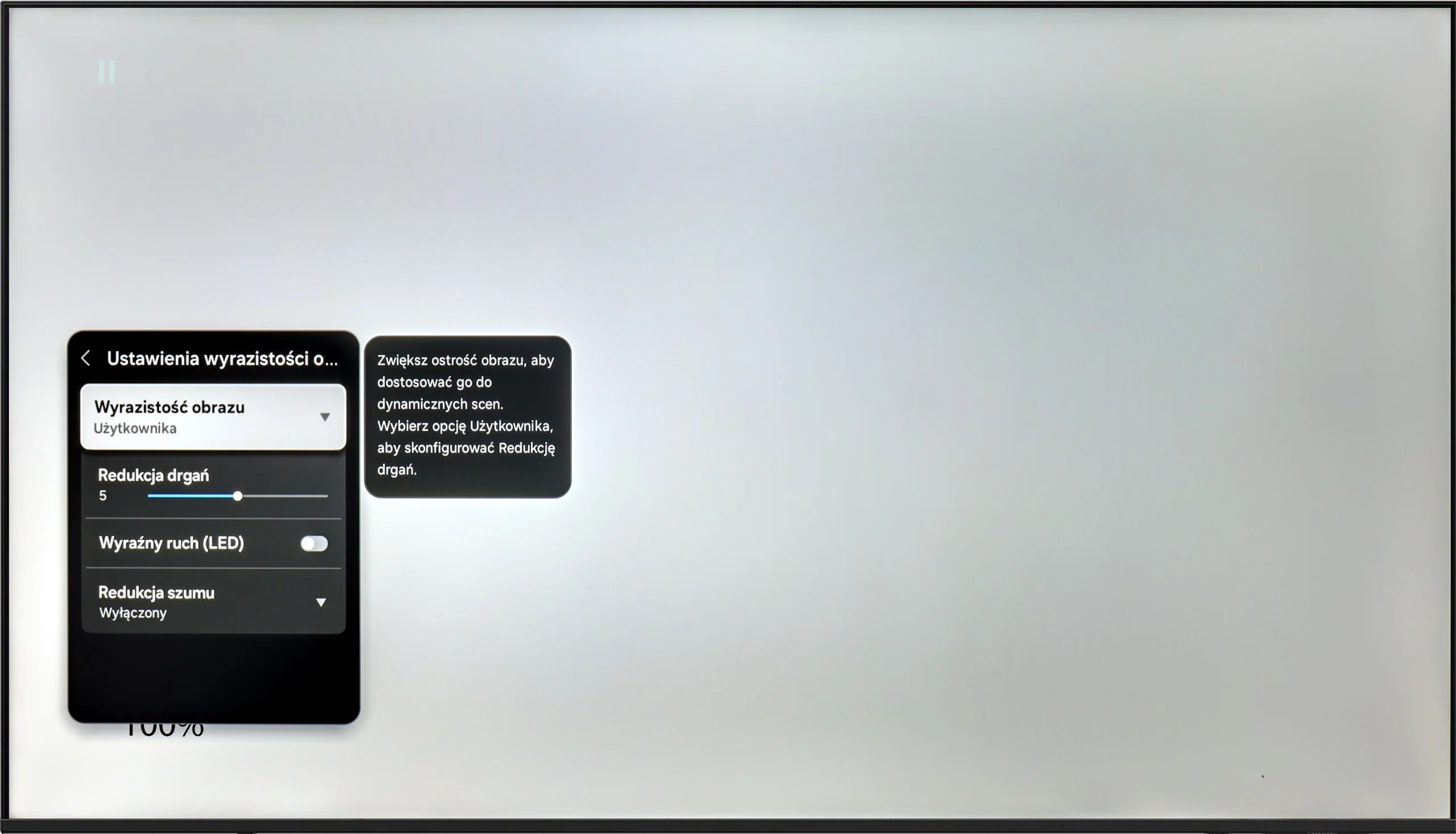
The TV offers one motion smoothing slider – a feature called "Motion Blur Reduction", which allows us to adjust the smoothness of the image in movies. Higher settings provide a more "theatrical" and smoothed effect, while lower settings help retain the original character of the film with a slight 24p effect. Interestingly, there is a feature called "Clear Motion LED", which is a BFI mode – that inserts black frames between the frames of the picture to improve motion clarity. However, in practice, the screen flickers significantly when activated, and it should be regarded more as an experiment than something that realistically enhances gaming comfort.
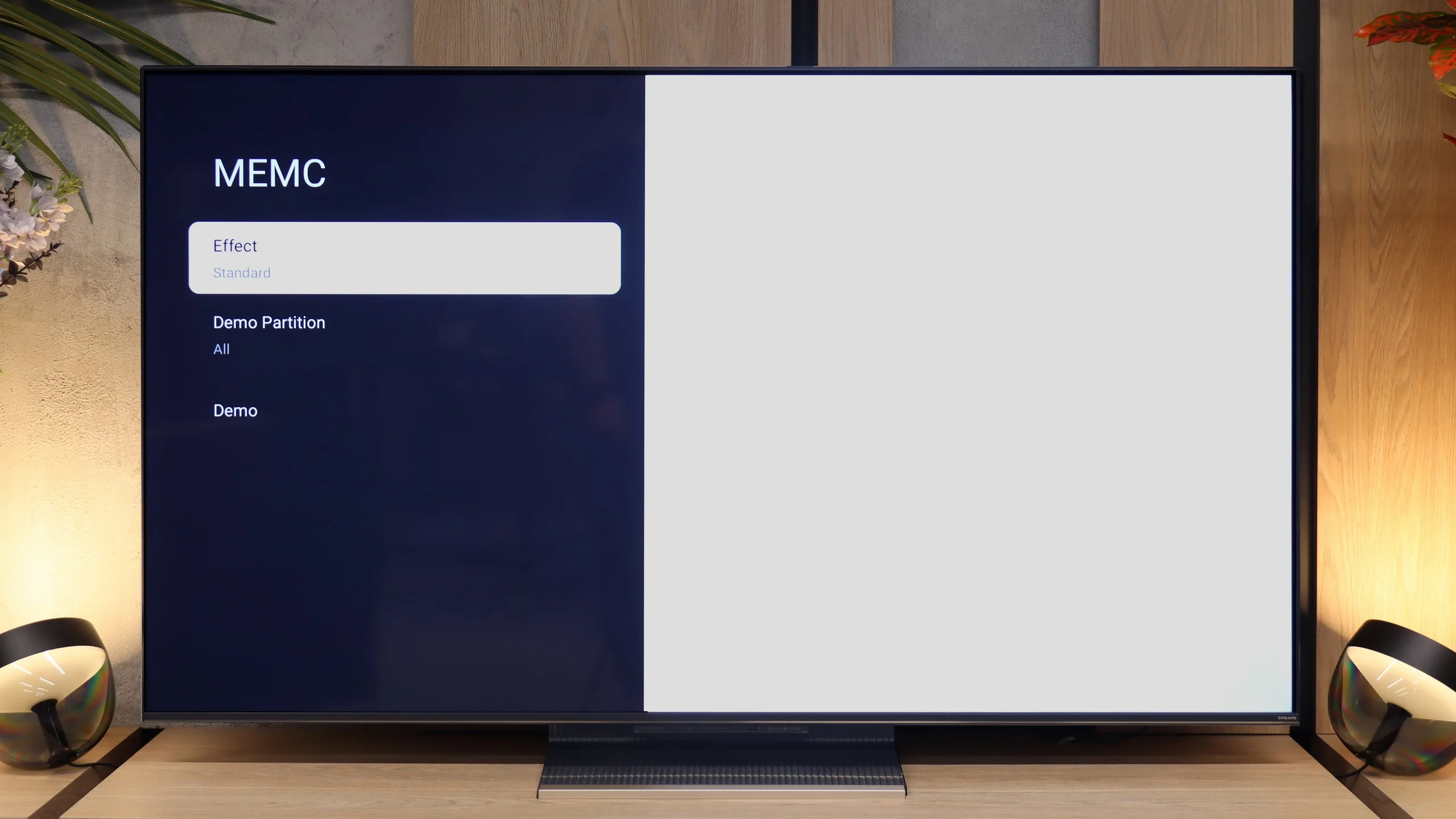
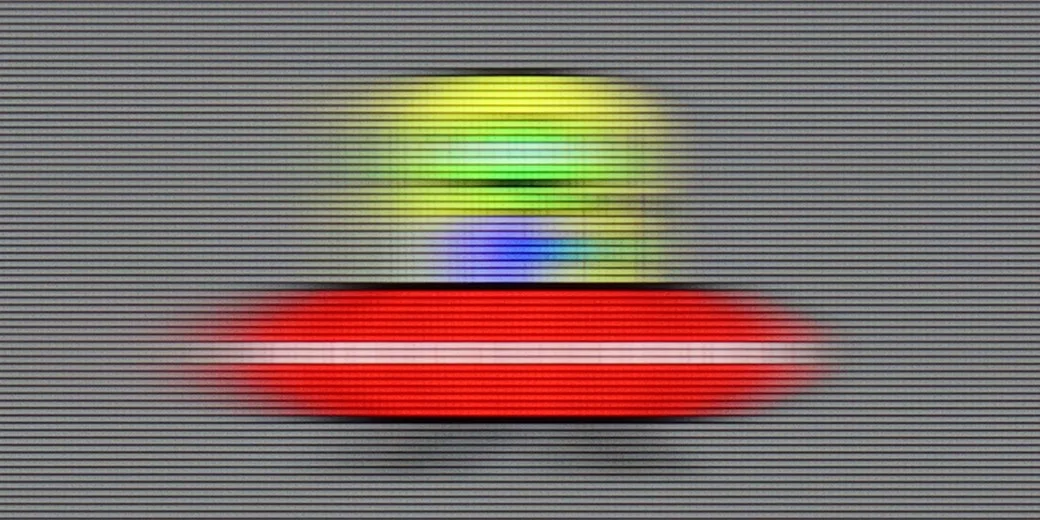
When it comes to motion fluidity, the Dreame S100 performs really well. It features a panel with a 144 Hz refresh rate, although in reality, the vast majority of users using it in a traditional way will still be limited to 120 Hz (because today's equipment, apart from PCs, only allows for such values). Thanks to the high refresh rate, the image in motion remains really sharp, largely due to the well-functioning MEMC fluidity enhancer. In the menu, we find predefined modes that allow the TV to efficiently add artificial frames, which effectively improves the fluidity of dynamic sports shots, but also helps get rid of image stuttering in film and series materials recorded at 24 frames.
Console compatibility and gaming features
5.3/10
7.8/10
- ALLM
- VRR
- VRR range48 - 60Hz48 - 144Hz
- Dolby Vision Game Mode
 Yes, high input lag
 - Correct implementation of HGIG
- 1080p@120Hz
- 1440p@120Hz
- 4K@120Hz
- Game bar
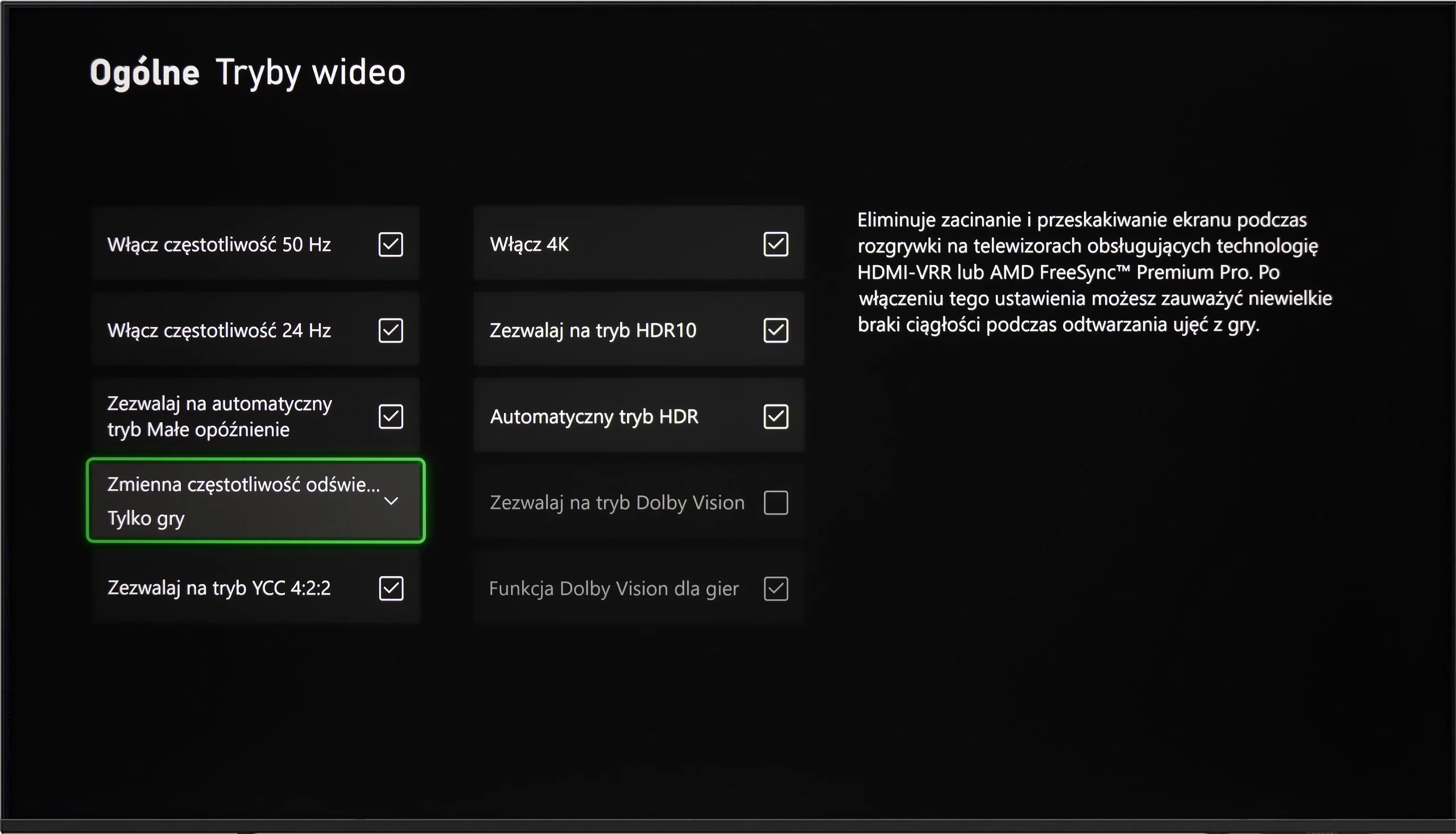
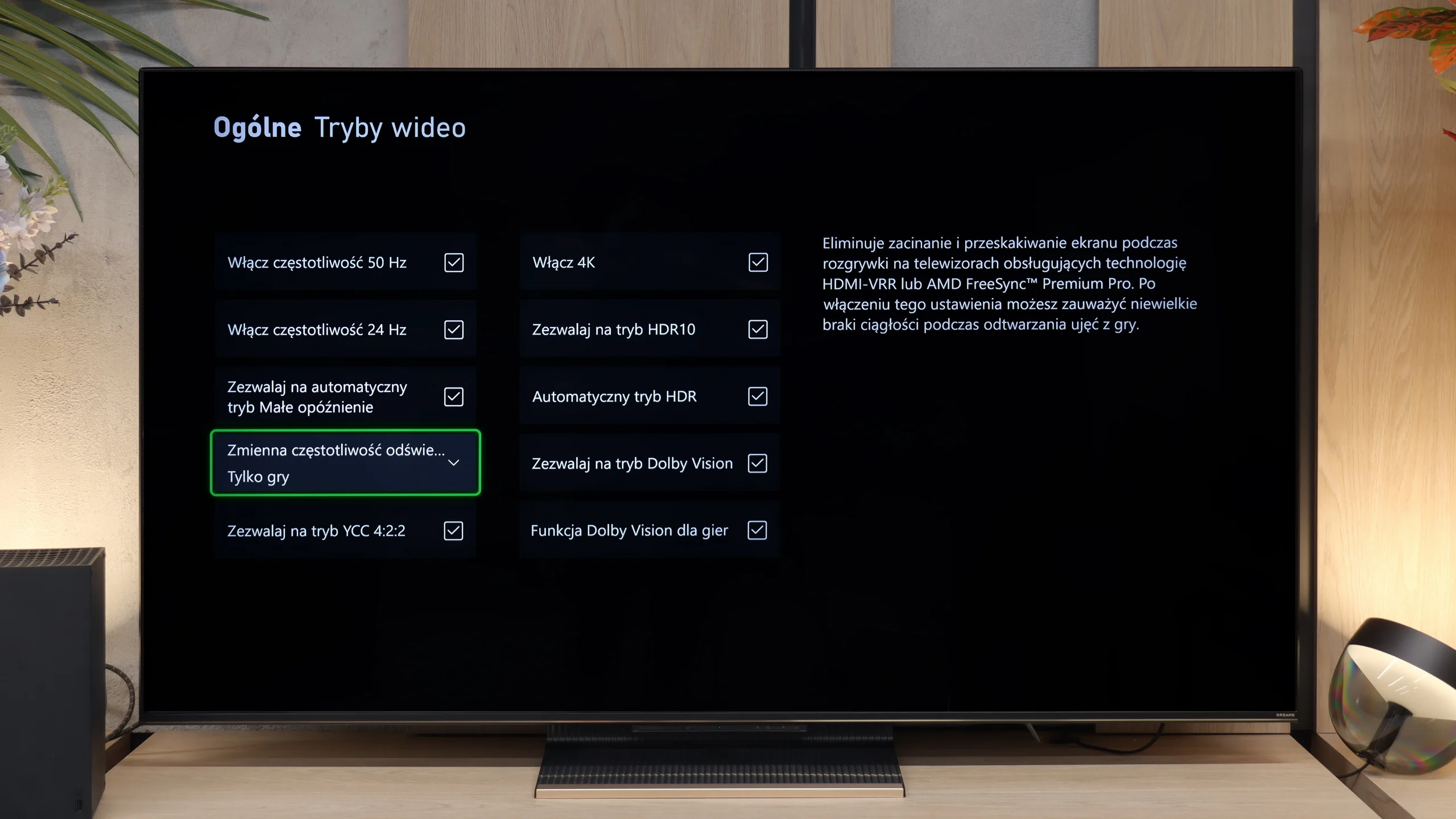
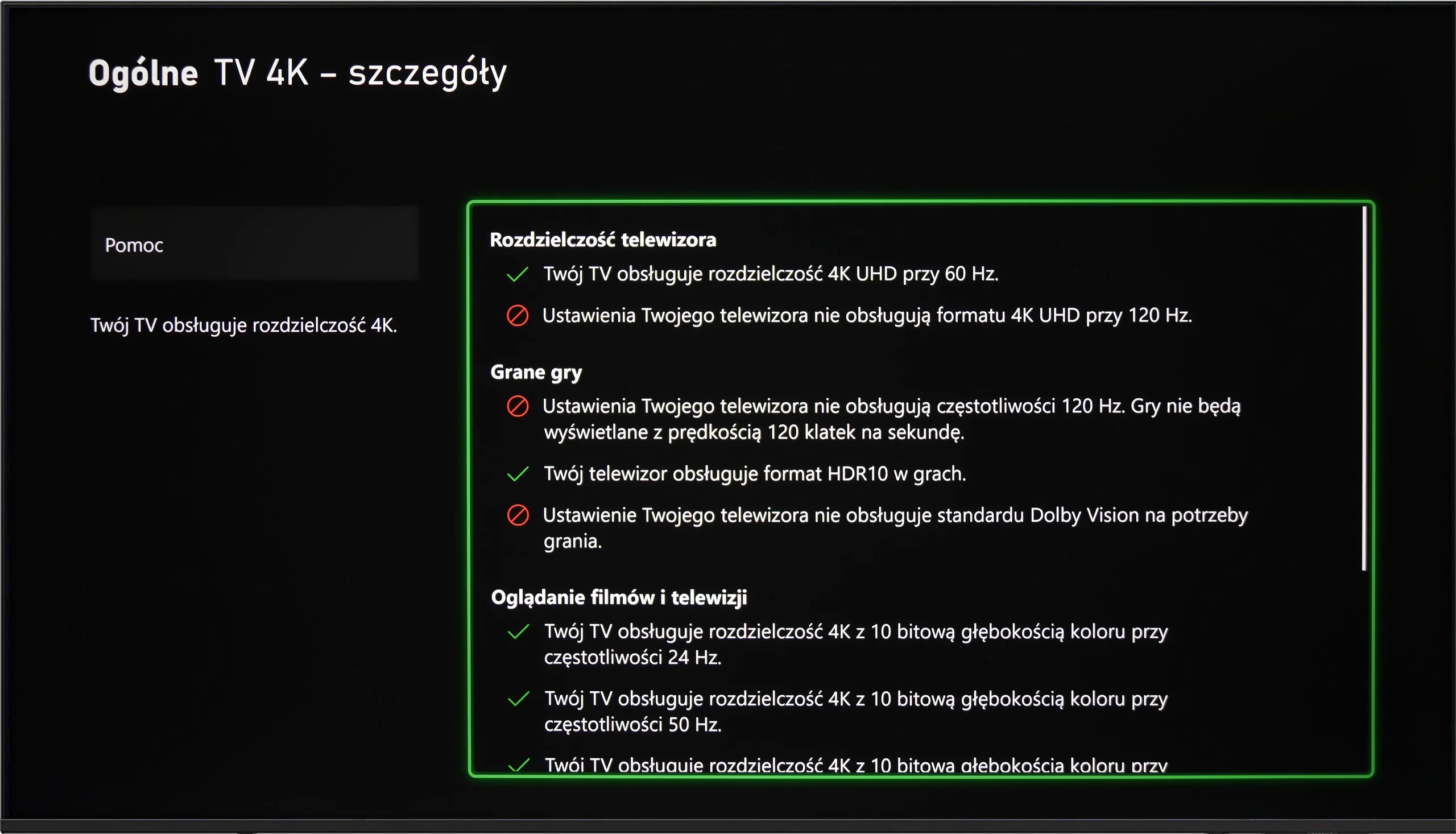
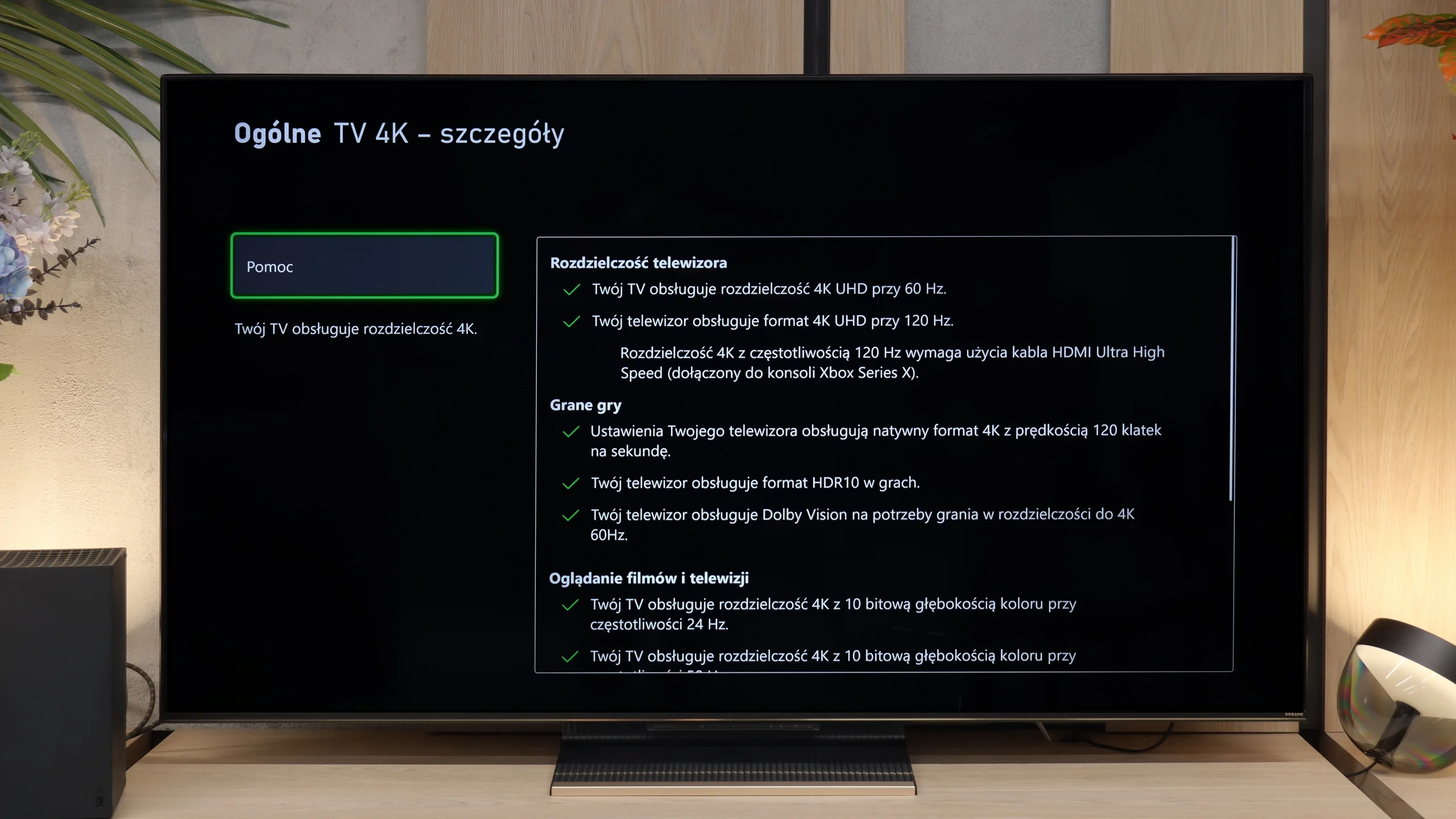
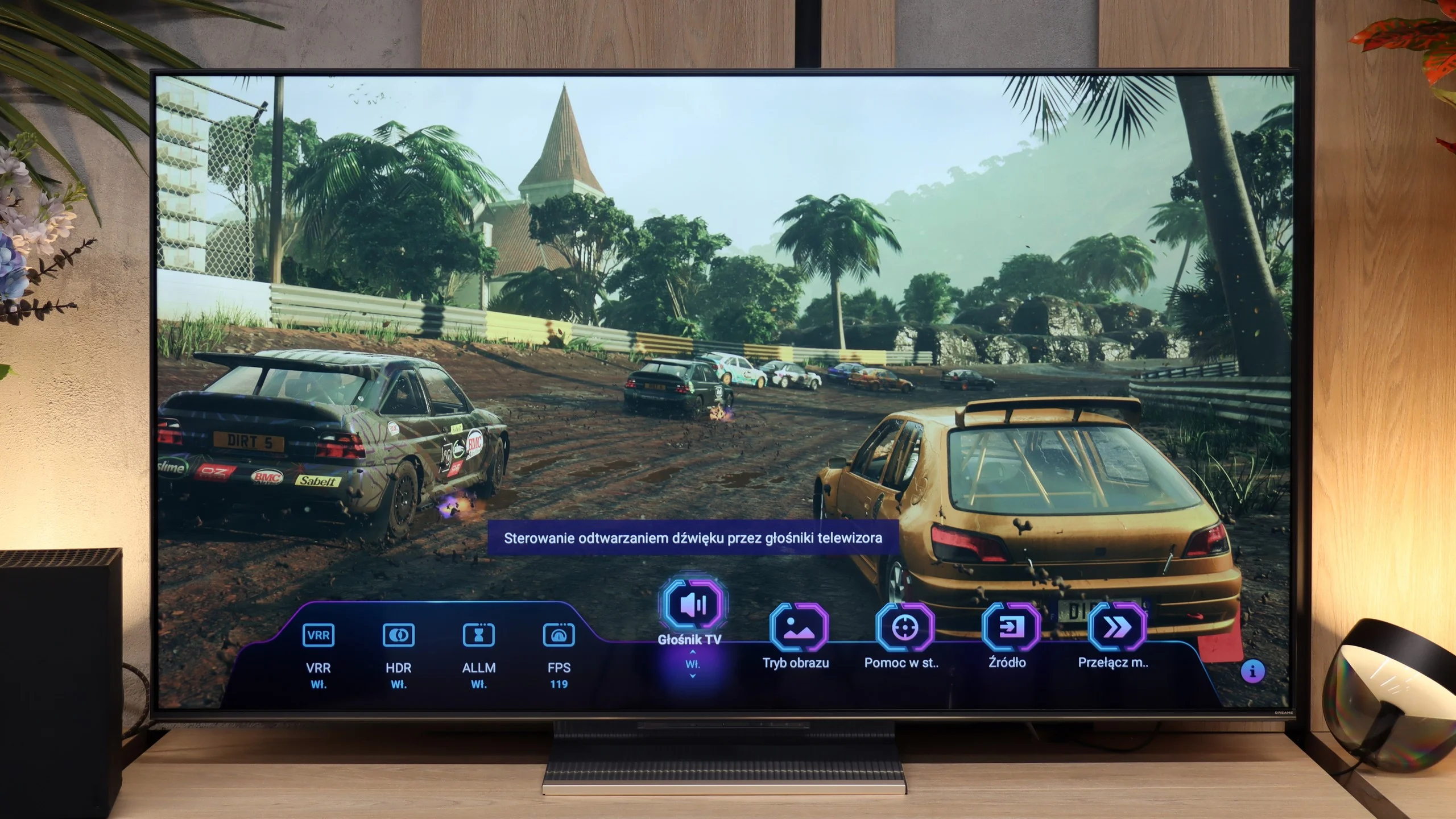
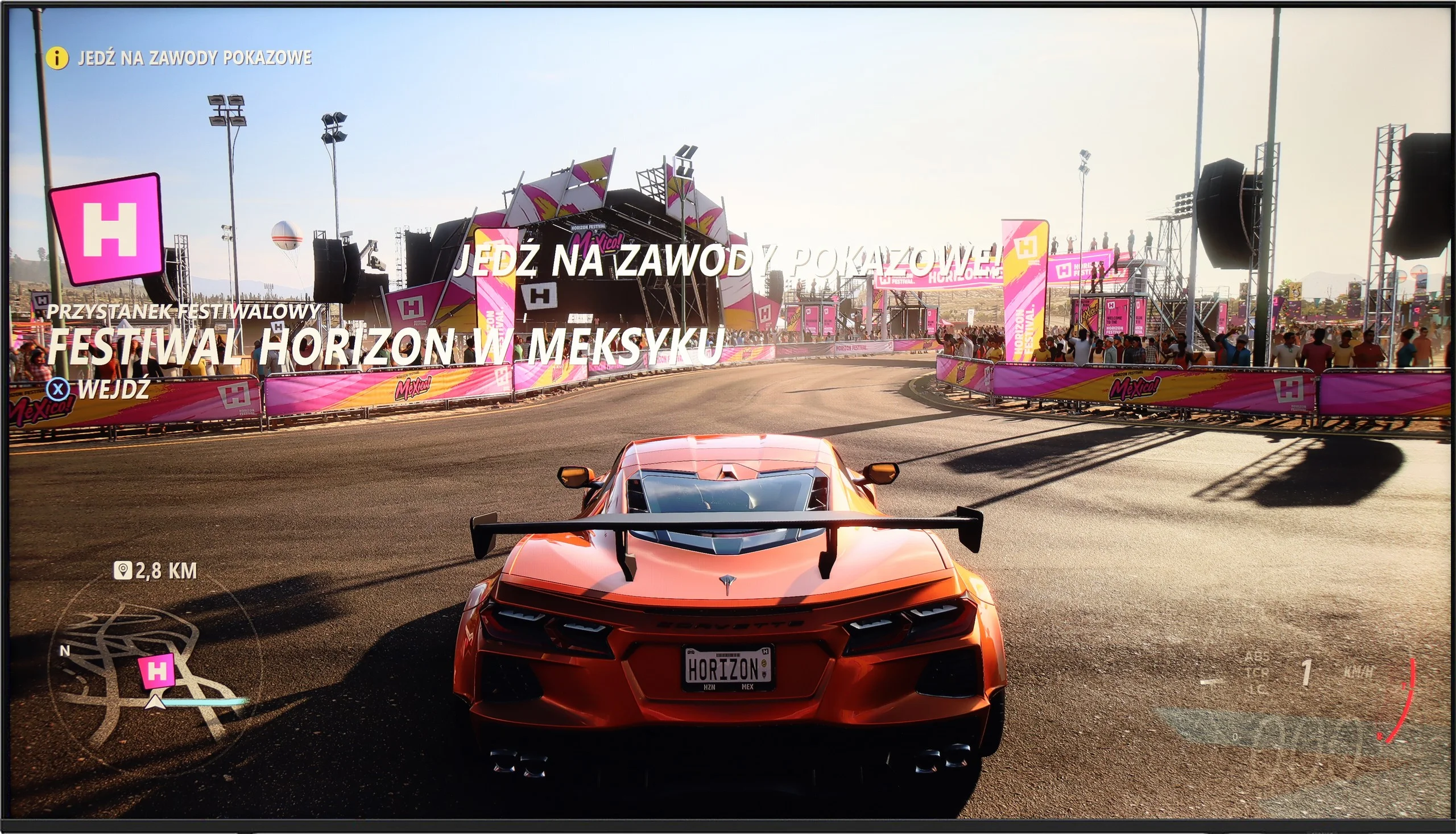
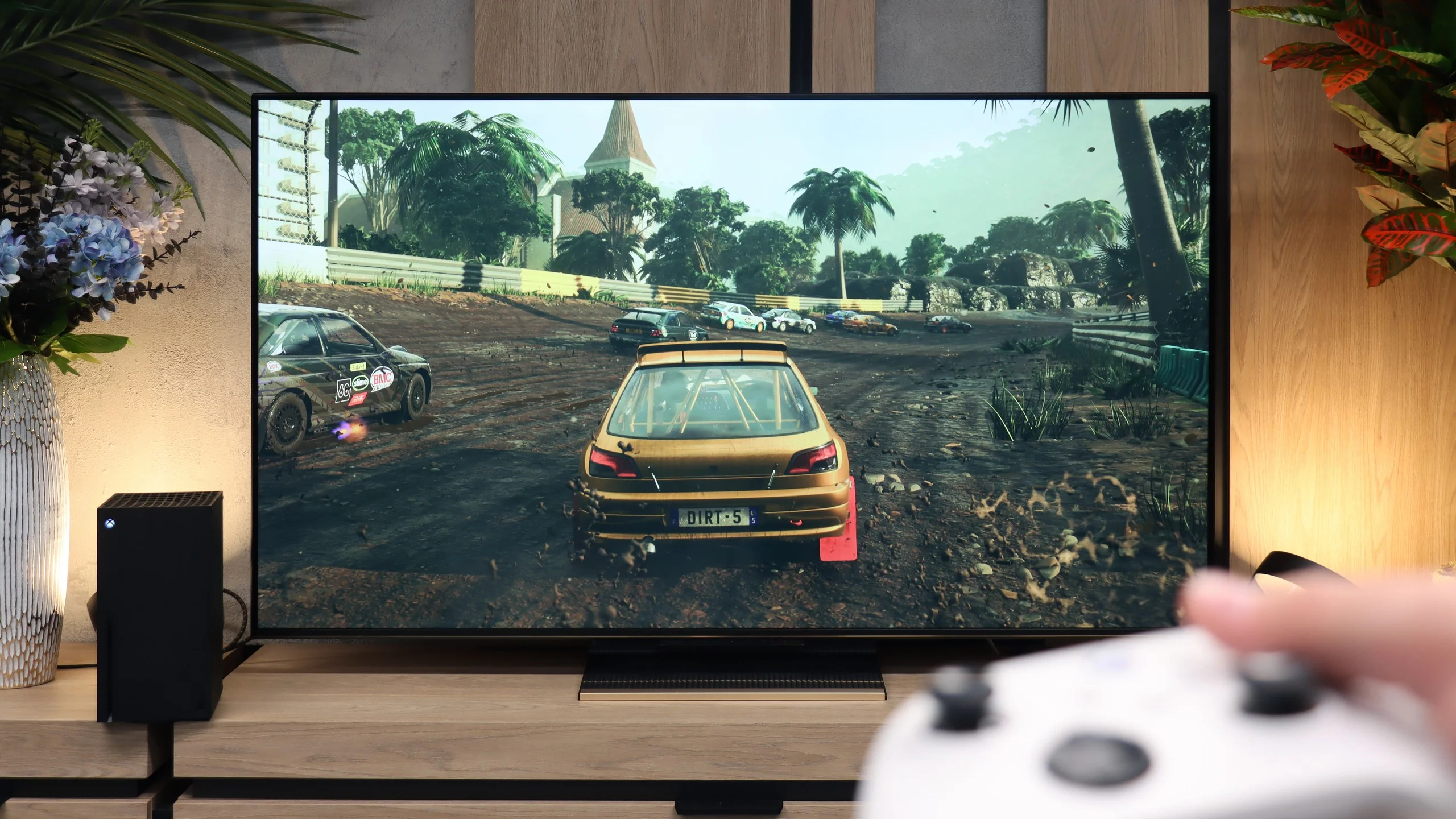
Samsung U8000F offers a basic set of features for gamers, which may still be sufficient for less demanding users. It includes an automatic game mode – when a game is launched on the console, the TV automatically switches to low latency mode, significantly improving response time. We also find the VRR feature, or variable refresh rate, which operates in the range of 48 to 60 Hz. This means that both Xbox and PS5 will not produce the “tearing” effect, as long as we stay within this range.
[UPDATE] We have updated our tests of Samsung TVs from the 2025 range due to the release of software version 1131, which restored the HGiG feature, crucial for gamers.
And unfortunately, that's about it when it comes to advantages. Additional features like Game Bar or higher refresh rates are reserved for higher models of Samsung from the 2025 line. In theory, the TV also supports the HGiG feature, which should adjust HDR image settings to the intentions of game creators. Unfortunately – despite the fact that this feature appears in brochures and advertising materials – its configuration on the Xbox console turned out to be... impossible in practice.
The Dreame S100 seems almost like the perfect screen for gamers. The TV is equipped with 2 HDMI 2.1 ports with a bandwidth of 40 Gbps, which means that features such as Auto Low Latency Mode (ALLM) and Variable Refresh Rate (VRR) synchronization in the range of 48-144 Hz work seamlessly on consoles. It also has a well-designed game panel (Game Bar) that allows you to continuously check the most important parameters – from active picture modes to the number of frames rendered by the console, and even the ability to add a crosshair in the center of the screen. All of this looks great on paper, but the biggest issue with the S100 is the implementation of HDR mode in games. The TV does not have a properly implemented HGiG format. As a result, an unsuspecting user may incorrectly configure the console during the initial setup of the display. A wrong configuration can lead to a picture that is too dark or too bright (as a guideline: we suggest setting the brightness in the Xbox console menu to about 600 nits, and in the PS5 to 12 clicks). The Dolby Vision format is also problematic; it often just would not activate at all when using the XBOX – Dreame S100 line. And when it was managed to be activated, gaming was impossible due to a very high input lag that often exceeded 100ms. If the manufacturer can improve the HDR issue in games through an update, the S100 will be truly excellent equipment for gamers. For now, however, one must reckon with compromises.
Input lag
10/10
9.2/10
SDR
HDR
Dolby Vision
The Samsung U8092F performed phenomenally in our input lag tests. Regardless of the resolution or mode, the results were very low, which is truly impressive for this price range. It can be safely said that gaming on this television will not cause irritation due to significant delays between what we do on the controller and what we see on the screen. For most gamers, even those who are more demanding, this result should be more than satisfactory.
Aside from the aforementioned problem with Dolby Vision, the input lag on the Dreame S100 is really very low. Values around 5-6 ms at a refresh rate of 120 Hz and 12-15 ms for 60 Hz are such excellent results that even a professional gamer won't be able to feel any delay during gameplay. The response to movements on the controller is almost instantaneous here.
Compatibility with PC
6/10
7.6/10
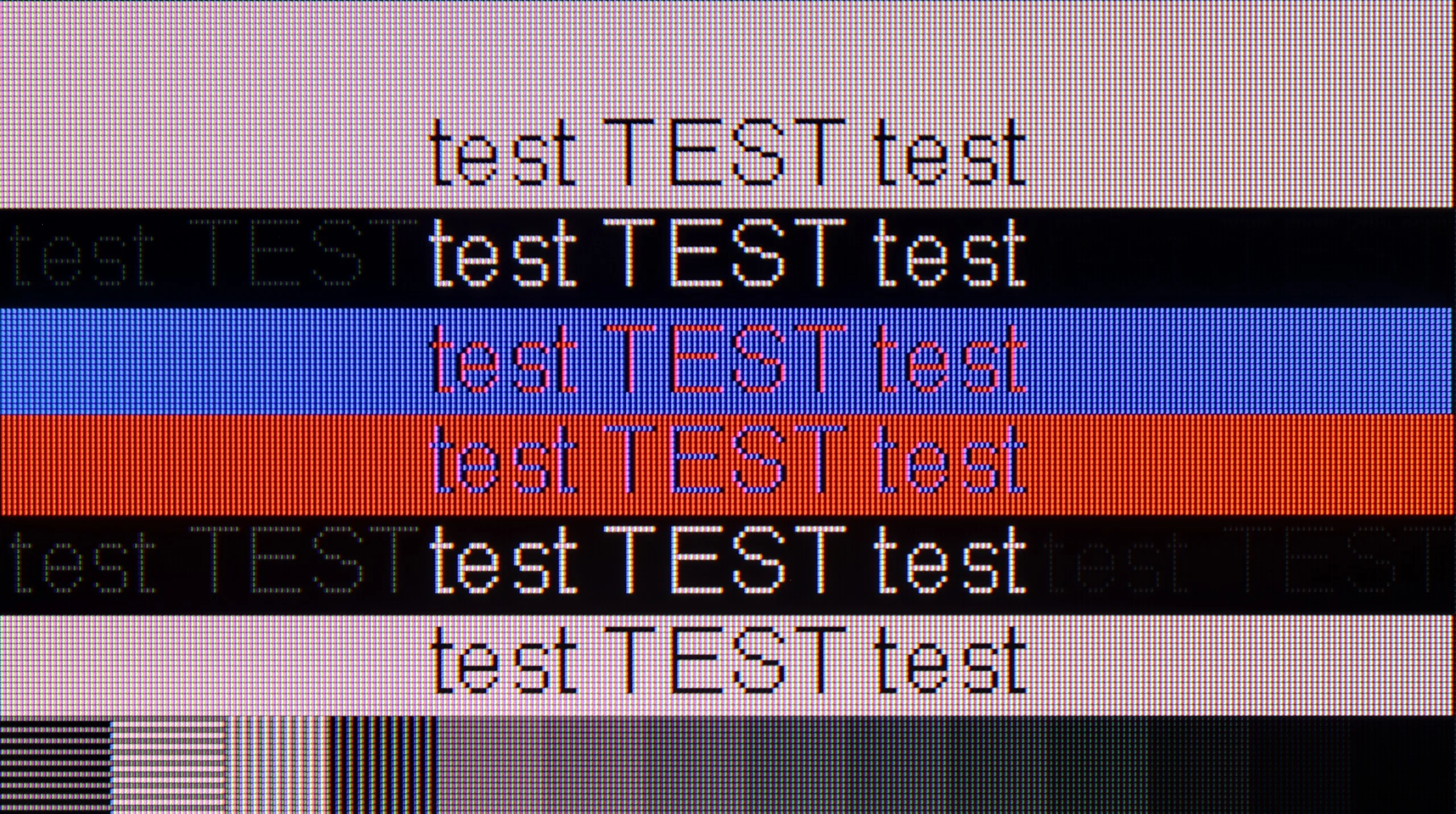
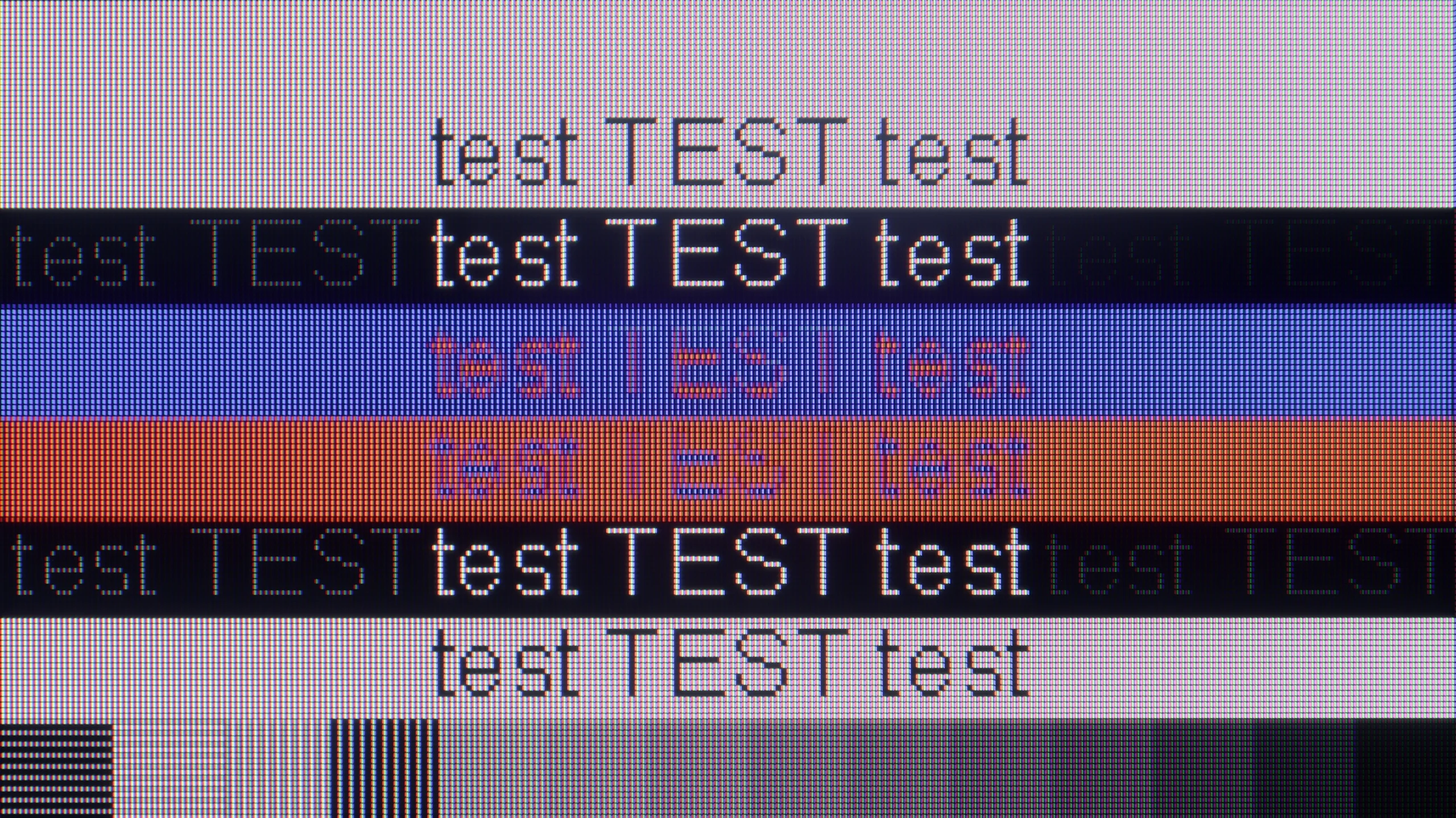
The photo shows the legibility of small fonts. Ideally, lines should be the same thickness on both light and dark text, with minimal pixel gaps.
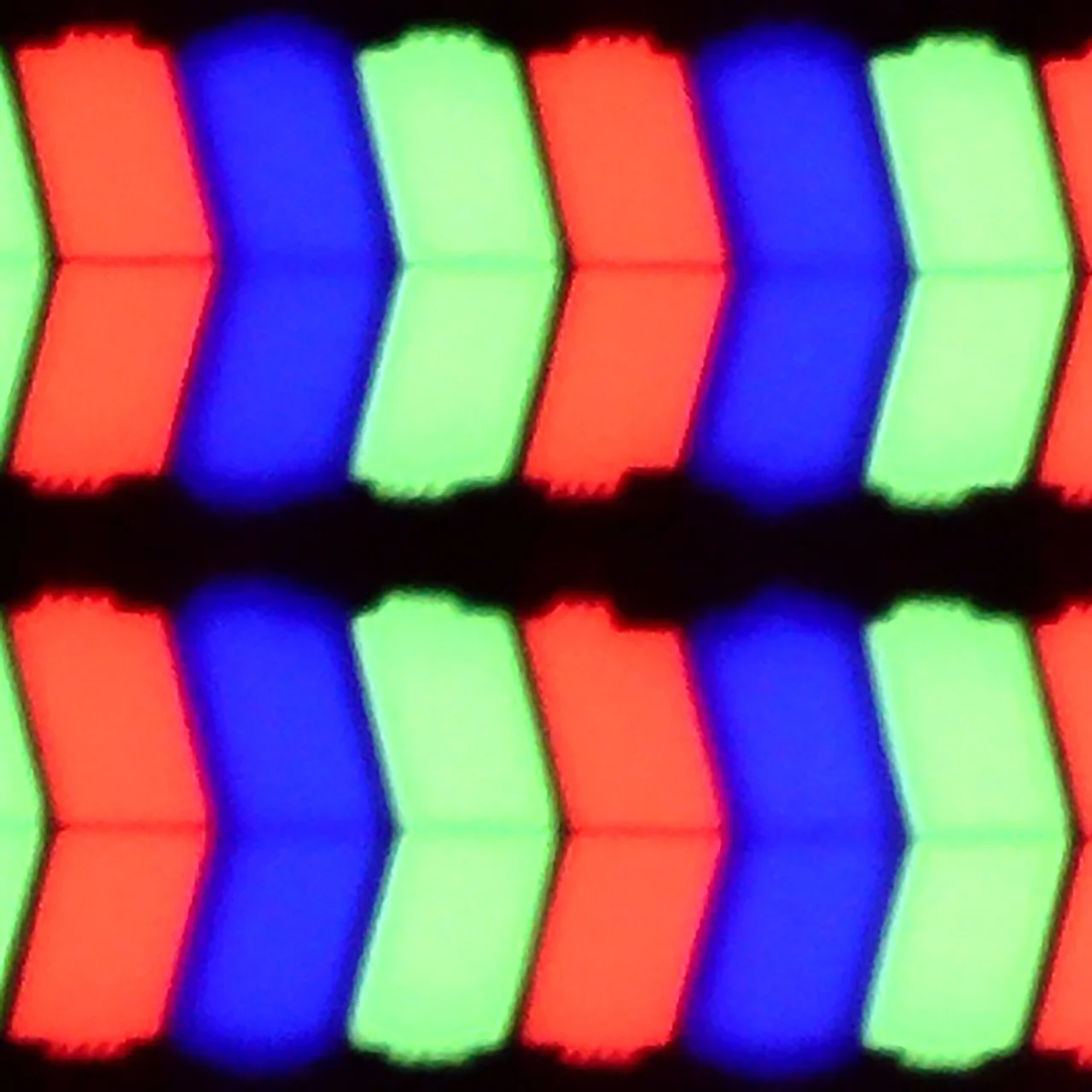
Working on a computer using this TV is a real pleasure. The Samsung U8092F supports chroma 4:4:4, and thanks to the layout of the sub-pixels in the IPS panel, text readability – regardless of color or size – is very, very good. The TV is also suitable for occasional gaming on PC, mainly due to its low input lag. However, one must keep in mind that the G-Sync feature does not work on this model, which is strange because VRR worked without any issues when it comes to the console.
The Dreame S100 performs well as a large gaming monitor. It has a 144 Hz panel and easily supports G-Sync and FreeSync. The problem arises when you want to work with text on it. Due to a software bug, the television does not handle full color sampling (Chroma 4:4:4) at 120 Hz and 144 Hz refresh rates, causing the fonts to appear blurry. To make the text perfectly sharp, you need to manually lower the refresh rate to 60 Hz in Windows. This is quite an irritating solution that forces constant switching between settings if you want to use this screen for both work and gaming.
Viewing angles
7/10
6.6/10
The viewing angles on the Samsung U8092F are very good – as is expected from an IPS panel. The picture doesn’t lose much in brightness or color saturation, even at greater angles from the axis. Of course, it's not on the level of organic screens – but it’s entirely sufficient for comfortably watching the image at an angle, e.g., from the side of the sofa.
The viewing angles on the Dreame S100 are really good, thanks to the ADS panel. Unlike VA panels, this type of screen allows you to view the image at a steep angle without a noticeable loss in color saturation and brightness. This comes at the cost of worse native contrast; however, for most viewers (especially those with a wide couch), it will be quite a good compromise. There is a lack of Mini-LED TVs with good viewing angles at a reasonable price on the market today, so the S100 nicely fills this niche.
Daytime performance
3.4/10
6/10
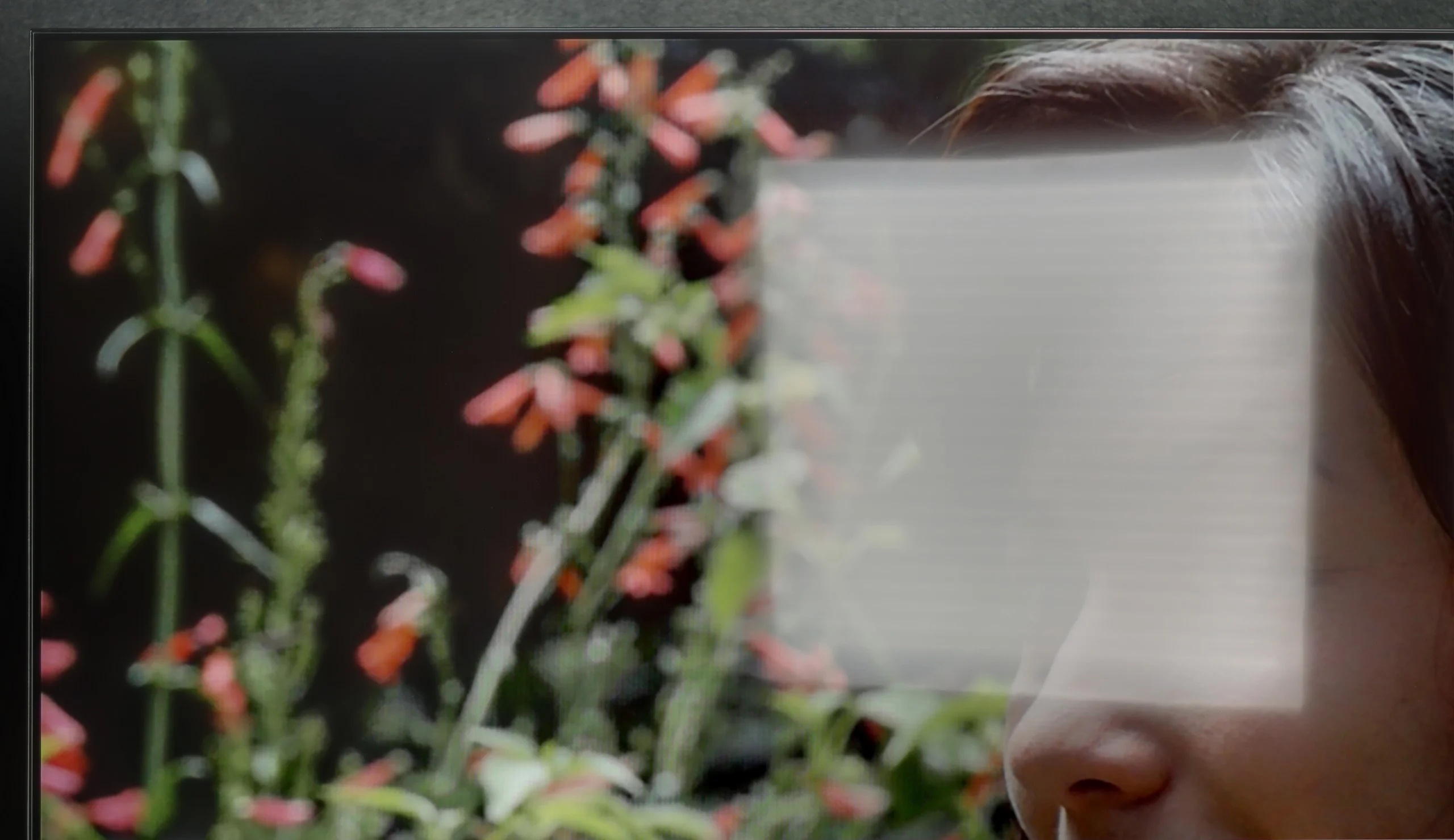
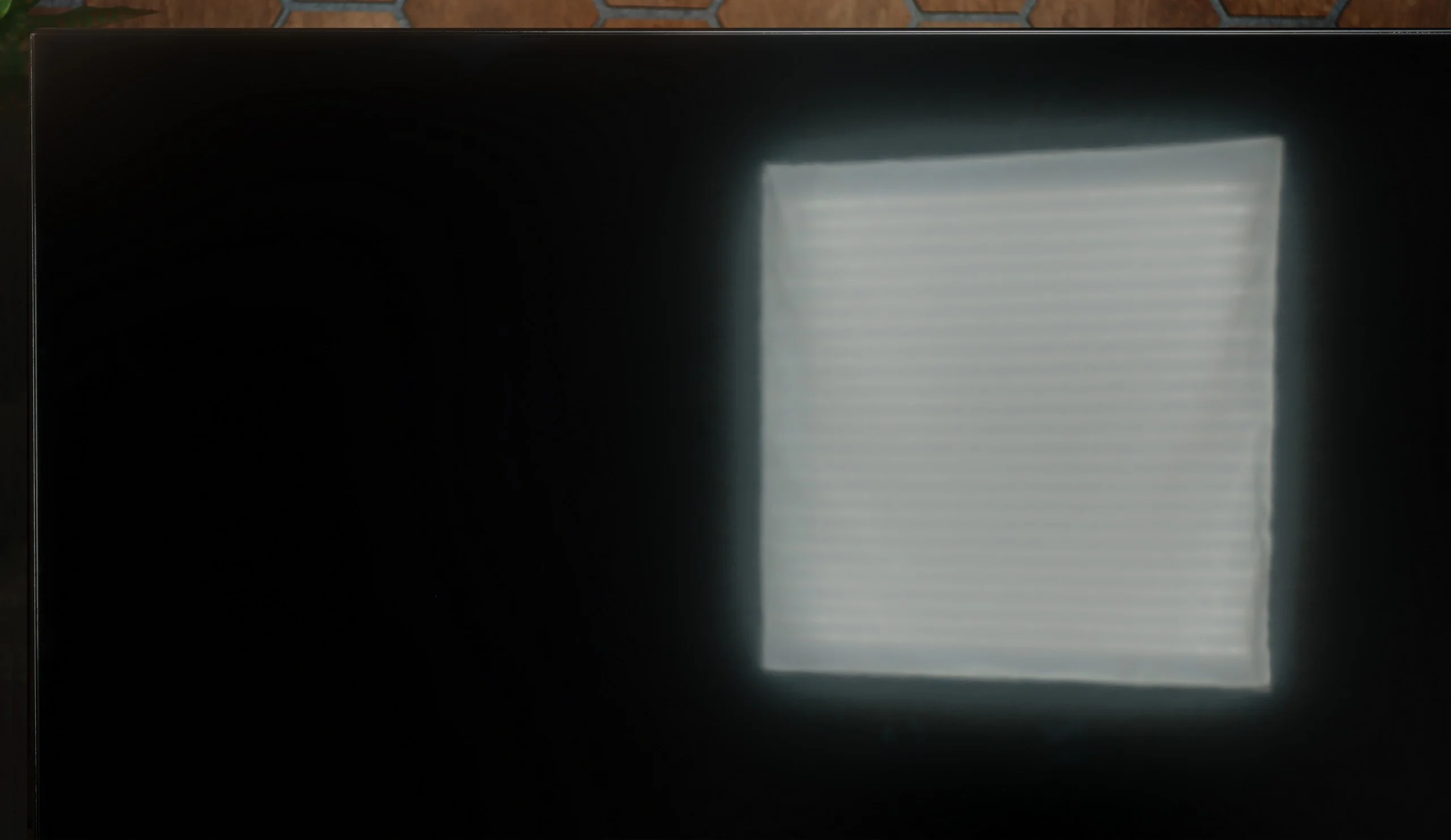
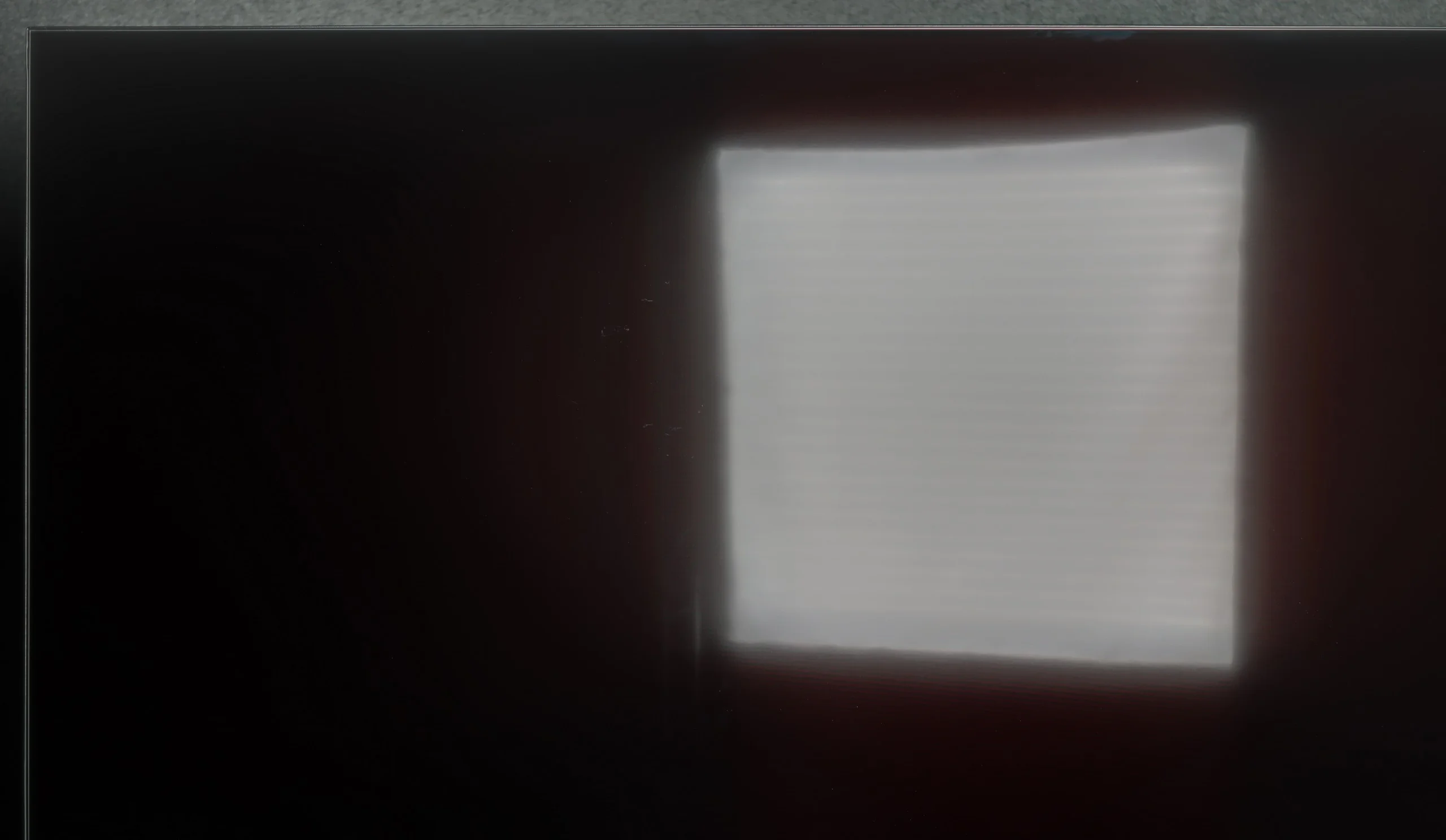
Panel brightness
Dreame S100: 463 cd/m2
Samsung U8000F (IPS): 218 cd/m2
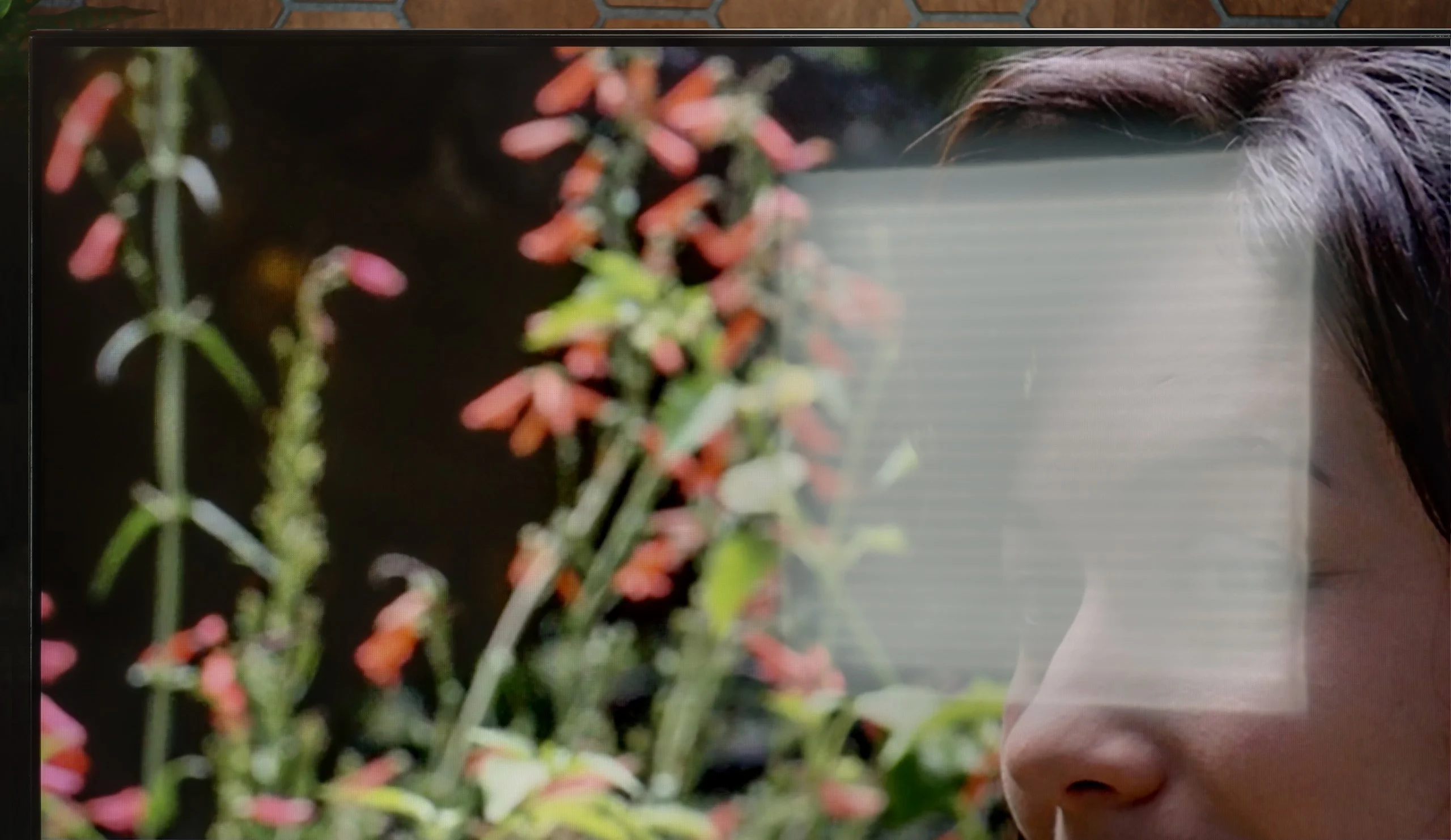
Thanks to the satin coating of the Samsung U8092F matrix, it handles glare quite well. The screen does not act like a mirror, and the colors – considering the capabilities of this class of devices – remain fairly saturated, even in somewhat brighter conditions. Unfortunately, the coating itself cannot perform miracles. The television is simply too dark to effectively penetrate very challenging lighting conditions. If we place it in front of a light source (e.g., a large window or a strong lamp) – unfortunately, one must consider that not everything will be clearly visible on it.
The Dreame S100 easily performs well in most living rooms during the day. The television is equipped with a satin finish on the screen – while it may not perfectly reduce reflections, it does an excellent job of preserving color saturation, which does not fade when the room is bright. In terms of pure brightness, the S100 features a moderately bright screen. At peak brightness in SDR format, it can reach about 600 nits. Such a reserve allows it to be placed in a typically sunlit room, although – let's be honest – it is not a brightness demon, and it may struggle with direct, harsh sunlight.
Panel details
Subpixel Structure:
Panel uniformity and thermal imaging:

Samsung U8000F (IPS)
Dreame S100
TV features
5.3/10
5.9/10
- SystemTizenGoogle TV
- System performanceDecentDecent
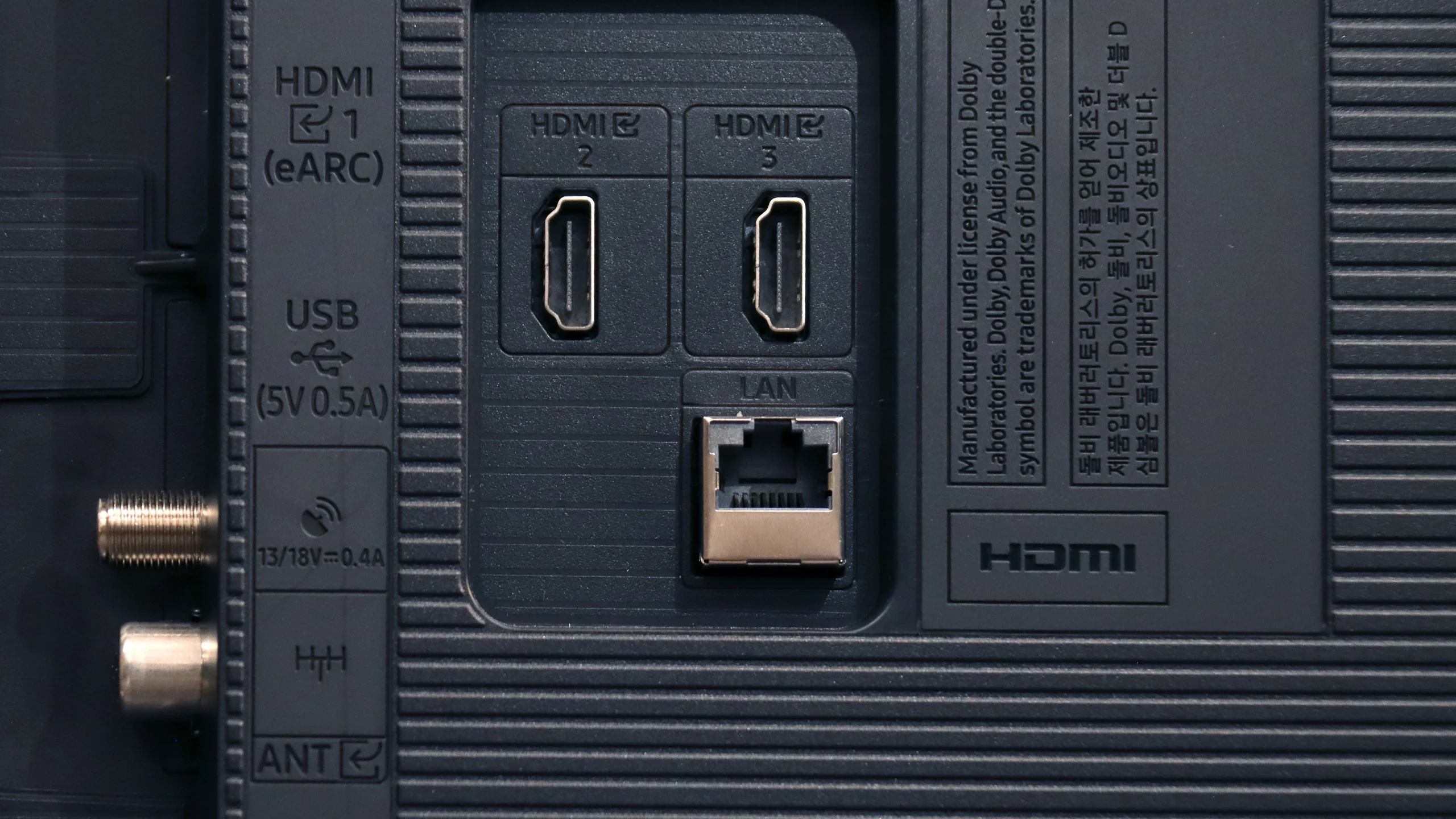
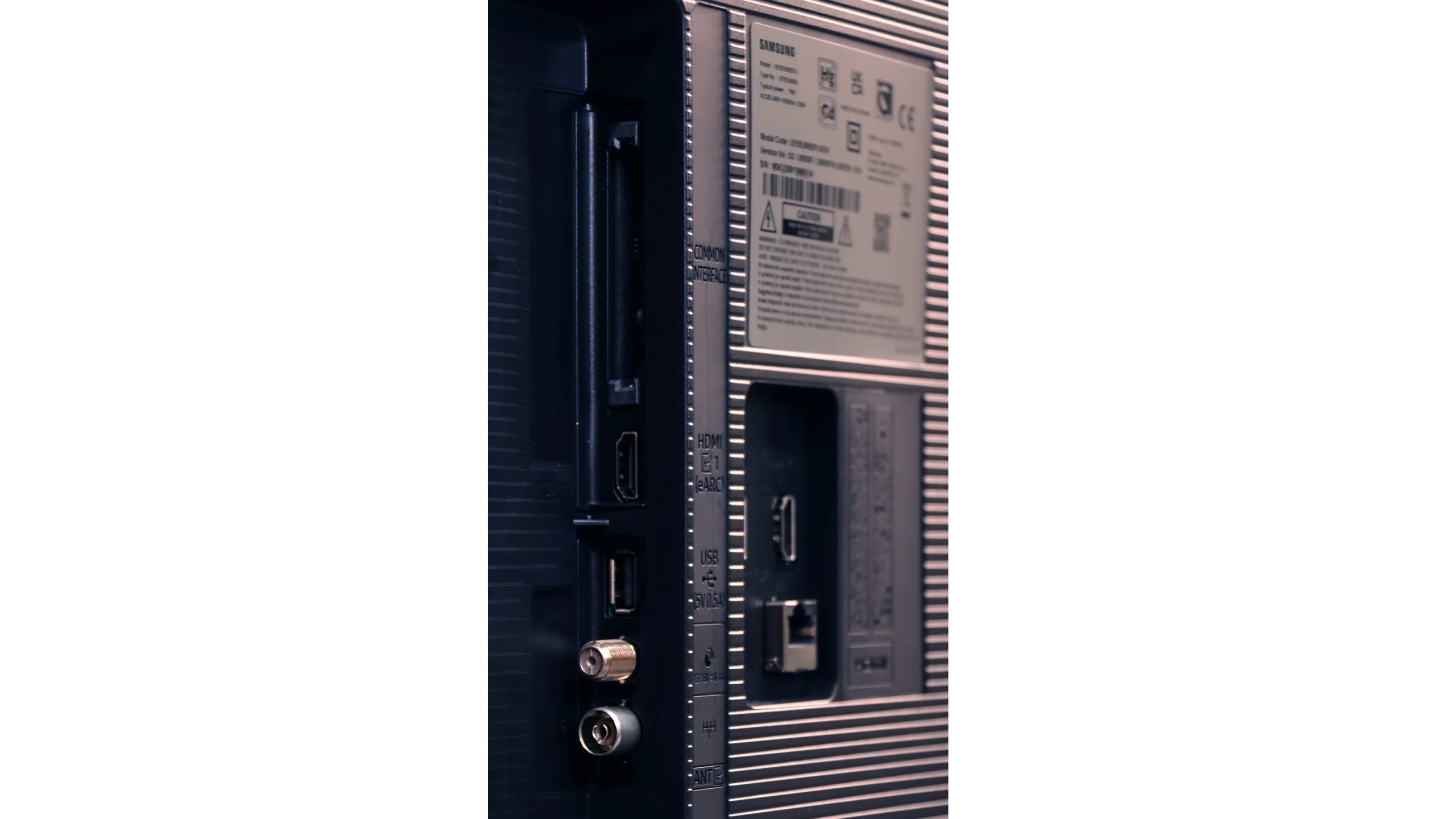
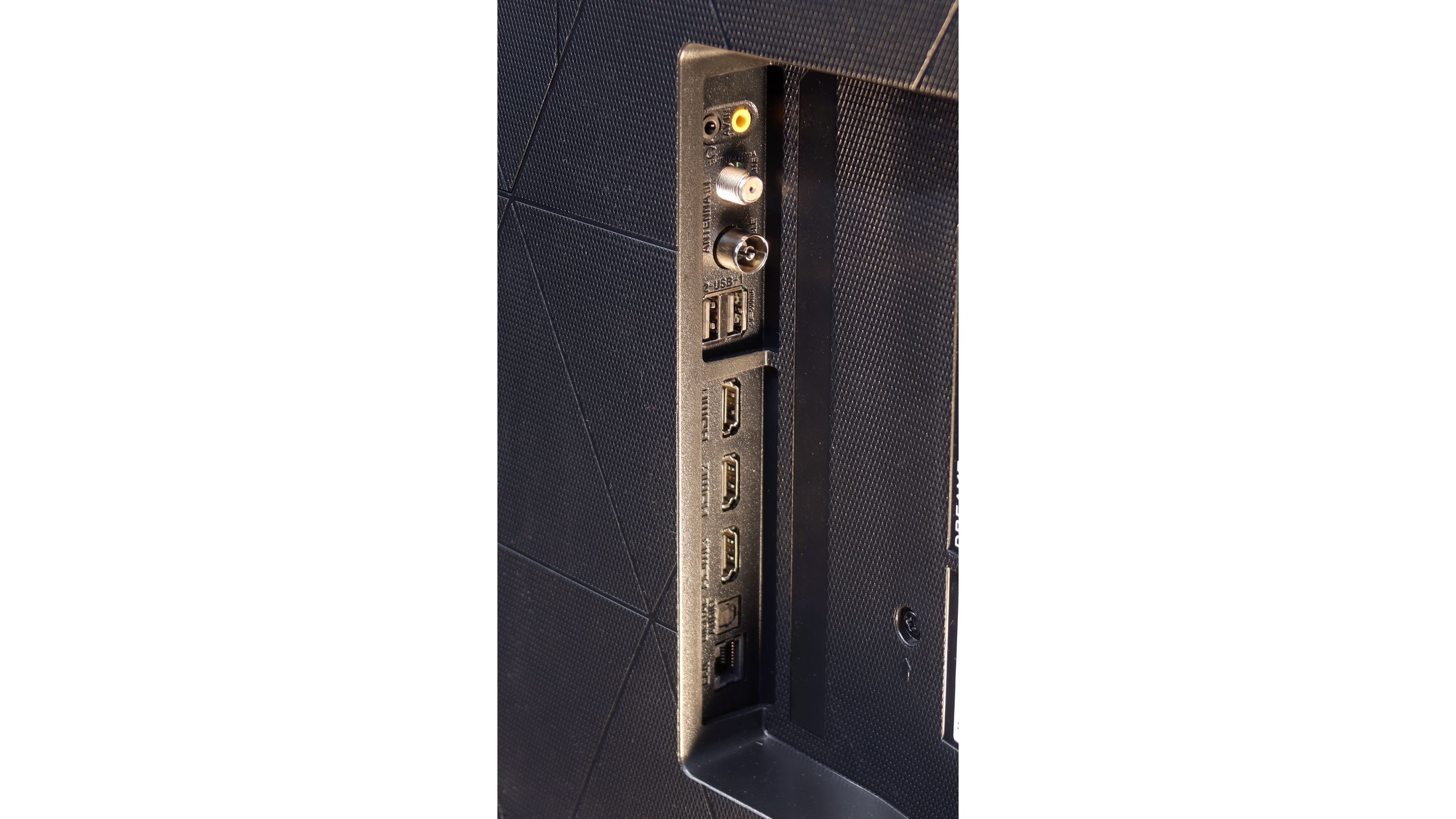
- HDMI inputs3 x HDMI 2.0, 0 x HDMI 2.11 x HDMI 2.0, 2 x HDMI 2.1 40Gbps
- Other inputsRCA (Chinch)
- OutputseARC (HDMI), ARC (HDMI)Toslink (Optical audio), eARC (HDMI), ARC (HDMI), Mini-Jack (Headphones)
- Network InterfacesWi-Fi 2.4GHz, Wi-Fi 5GHz, Ethernet (LAN) 100MbpsWi-Fi 2.4GHz, Wi-Fi 5GHz, Ethernet (LAN) 100Mbps
- TV receptionDVB-T, DVB-T2, DVB-S, DVB-S2, DVB-CDVB-T, DVB-T2, DVB-S, DVB-S2, DVB-C
Classic features:
- Recording to USB (terrestrial TV)
- Recording programming
- Picture in Picture (PiP)
- RF remote control (no need to aim)
- Backlit remote control
- Teletext
- Audio only mode
- Bluetooth headphones support
- Simultaneous Bluetooth headphones & TV audio
Smart features:
- AirPlay
- Screen mirroring (Windows Miracast)
- Voice search
- Voice search in native language
- Ability to connect a keyboard and mouse
Sound connection options
- HDMI audioeARC (HDMI), ARC (HDMI)eARC (HDMI), ARC (HDMI)
- Other audio outputsToslink (Optical audio), Mini-Jack (Headphones)
- Wireless audioBluetooth, Samsung Q-Symphony (Speaker extension)Bluetooth, Samsung Q-Symphony (Speaker extension)
Supported audio formats (external HDMI eARC audio):
- Dolby Digital Plus 7.1
- Dolby True HD 7.1
- Dolby Atmos in Dolby Digital Plus (JOC)
- Dolby Atmos in Dolby True HD
- DTS:X in DTS-HD MA
- DTS-HD Master Audio
Senior accessibility
- Numeric keyboard on TV
- Font size adjustment
- Audio description
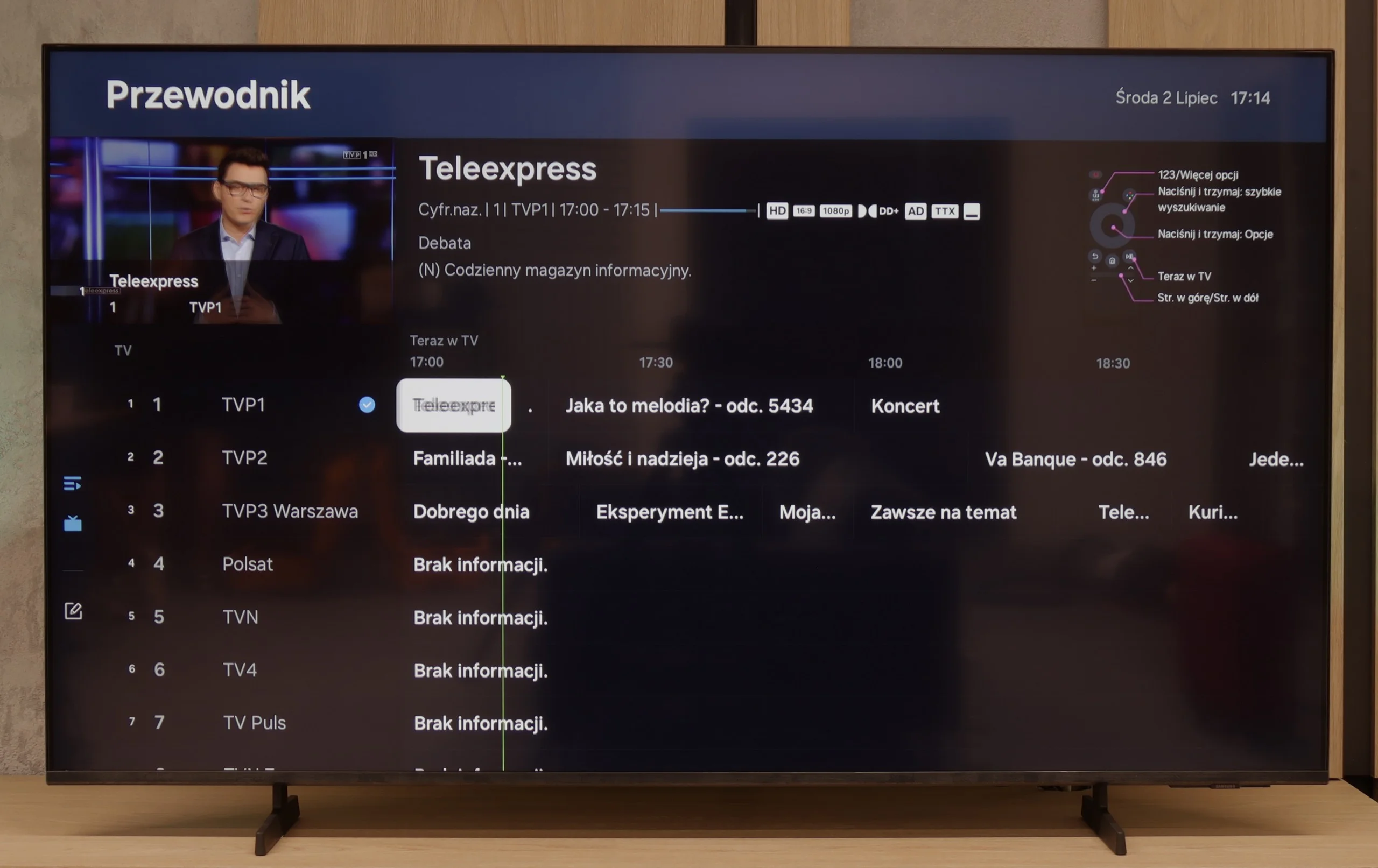
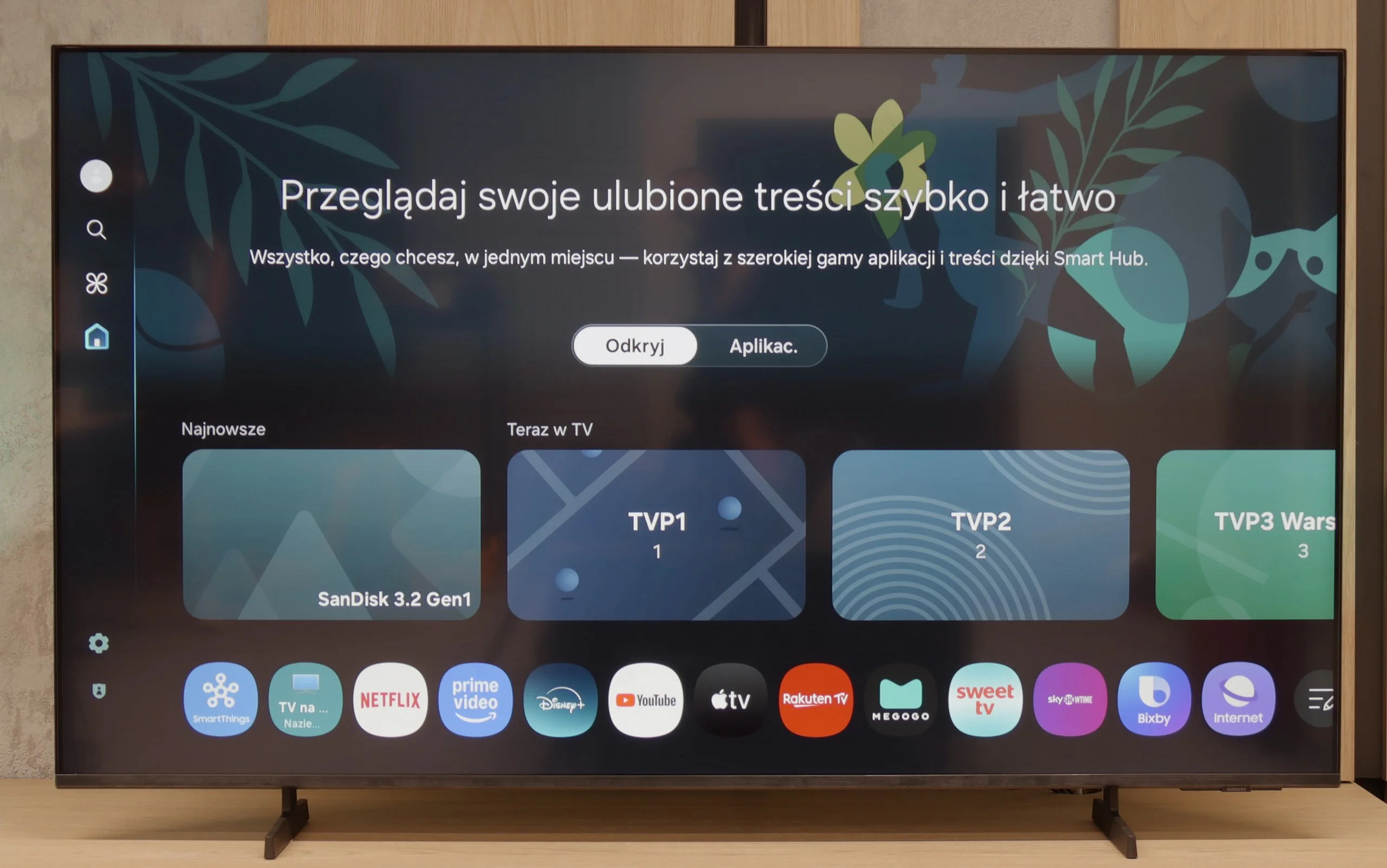
Samsung U8092F – like all this year's models from this brand – runs on the Tizen operating system. The system itself is really well developed: we have access to many applications (though not all), a well-developed smart home support, and various add-ons, including exclusive Samsung apps. There are also features like AirPlay or Chromecast, which make it easy to connect a phone to the TV and transfer multimedia.
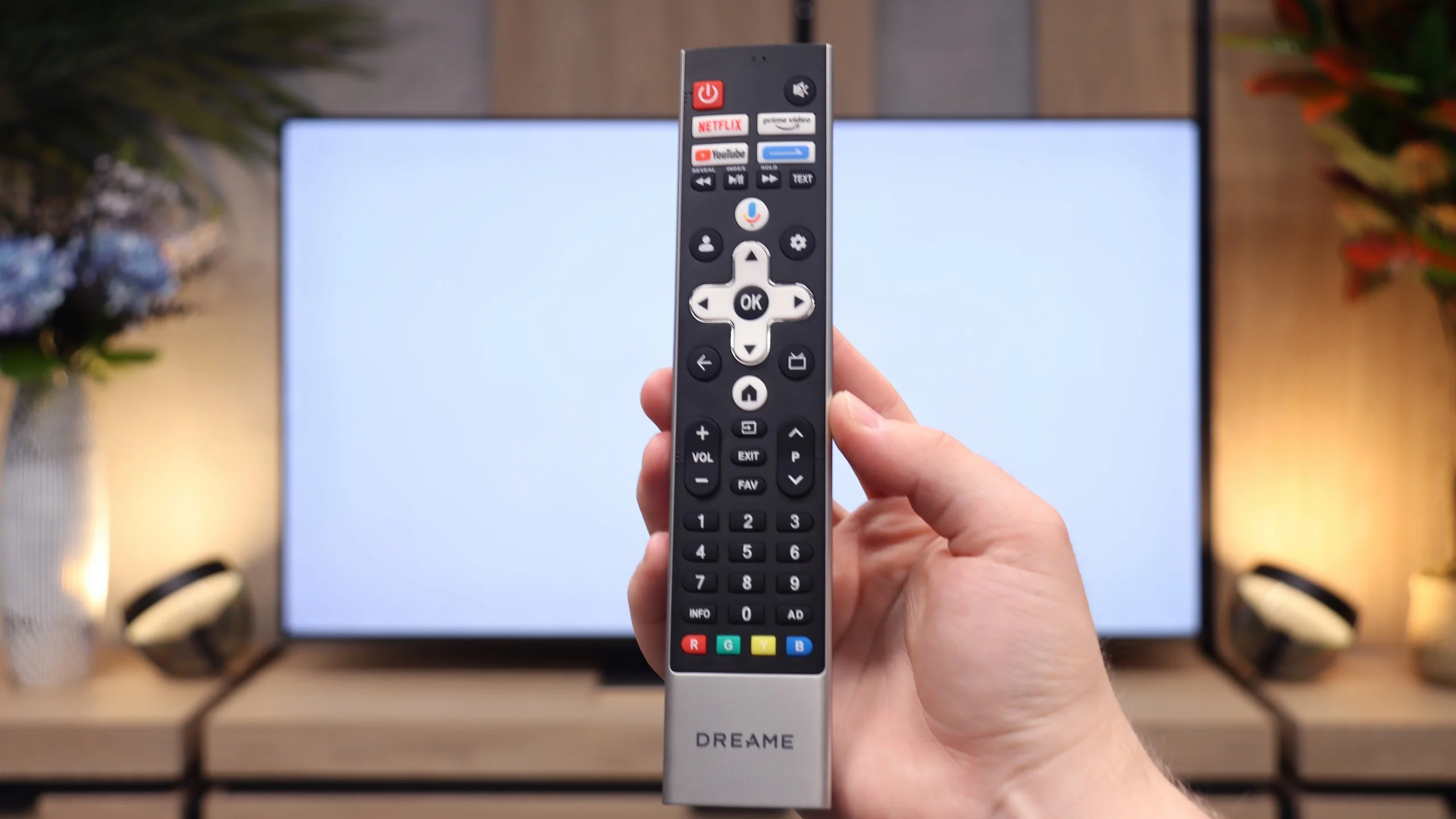
Unfortunately, since this is Samsung's cheapest series in 2025, the manufacturer did not decide to include a solar remote. In the package, we find a classic infrared remote, which visually resembles a newer version, but unfortunately lacks voice functions. As for typically "TV" features – it lacks recording functions and PiP (picture-in-picture) mode. On the plus side, however, HDMI eARC works well, allowing you to easily control devices from the set such as a decoder or soundbar – and it really works seamlessly.
Smart TV: Google TV
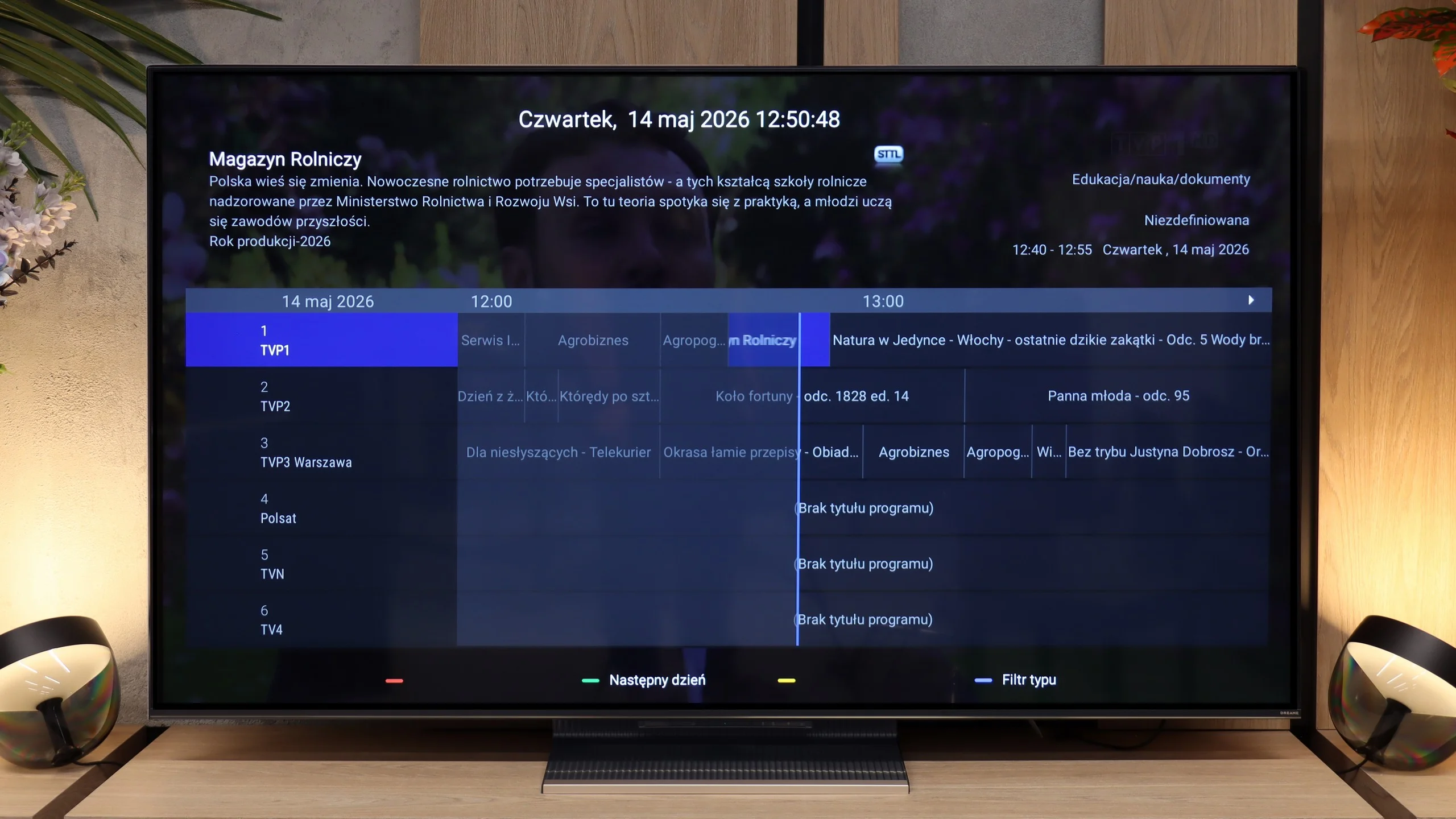
Dreame S100 uses the Google TV operating system. This is great news for anyone looking for a TV with access to almost all streaming apps on the market. The system operates quite smoothly, although it occasionally experiences slight stutters – which is a classic issue in most Chinese TVs with Google software. On board, we find almost every necessary Smart TV feature, including screen mirroring and voice search using Google Assistant. Unfortunately, the Dreame S100 lacks support for AirPlay, so iPhone users won't be able to easily share content from their phones.
TV Features
Unfortunately, the Dreame S100 is not a TV designed for traditional television viewers. Apart from basic options for connecting headphones or a fairly simple remote control equipped with a numeric keypad, we won't find virtually any additional features to facilitate everyday viewing of traditional channels. The only nice and, recently, quite rarely found addition is the presence of a physical headphone jack output. This allows for the connection of older wired headphones or analog audio sets.
Apps
9.3/10
9.6/10






















Playing files from USB
9.3/10
8.3/10
Supported photo formats:
Maximum photo resolution:
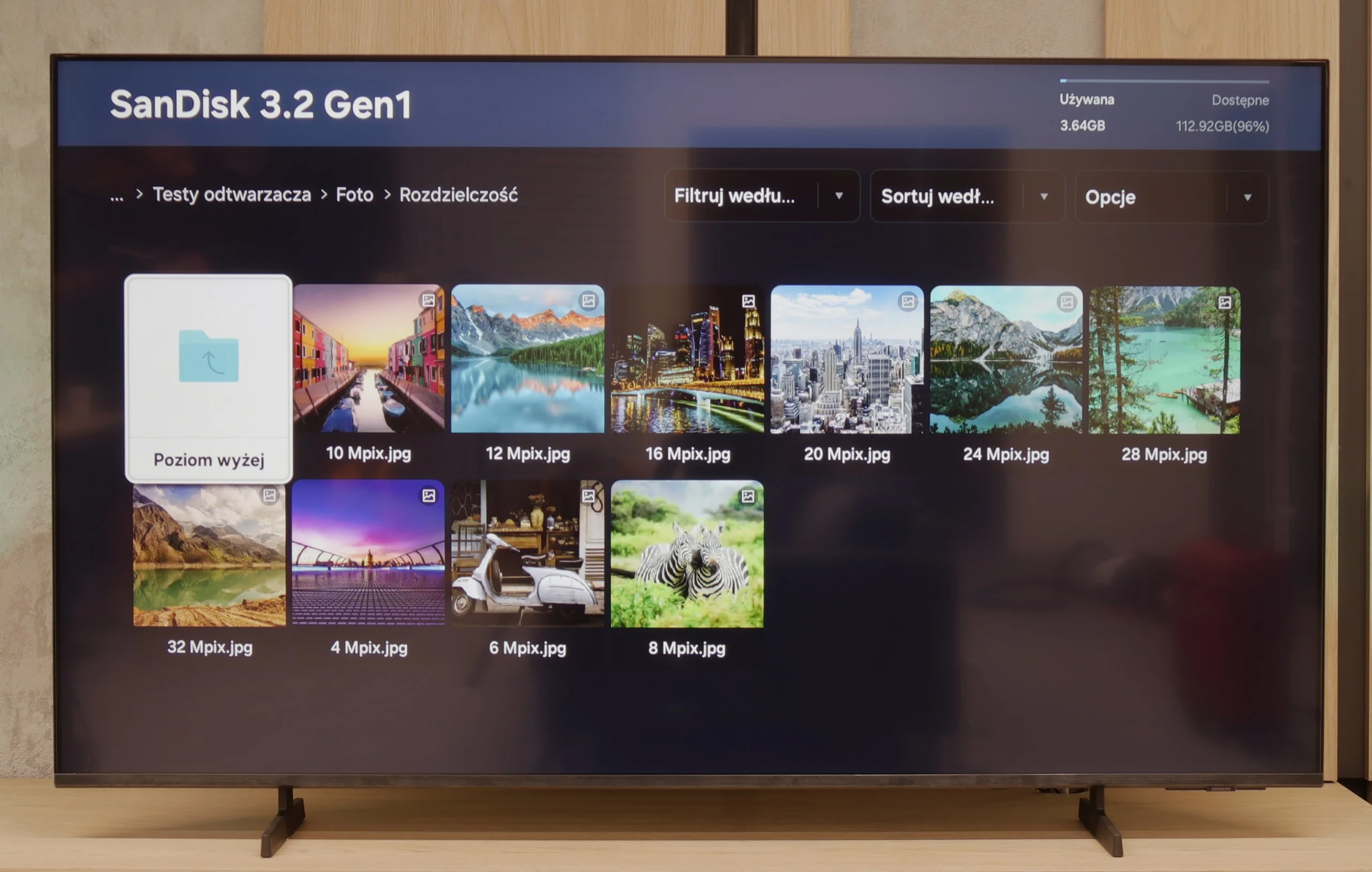
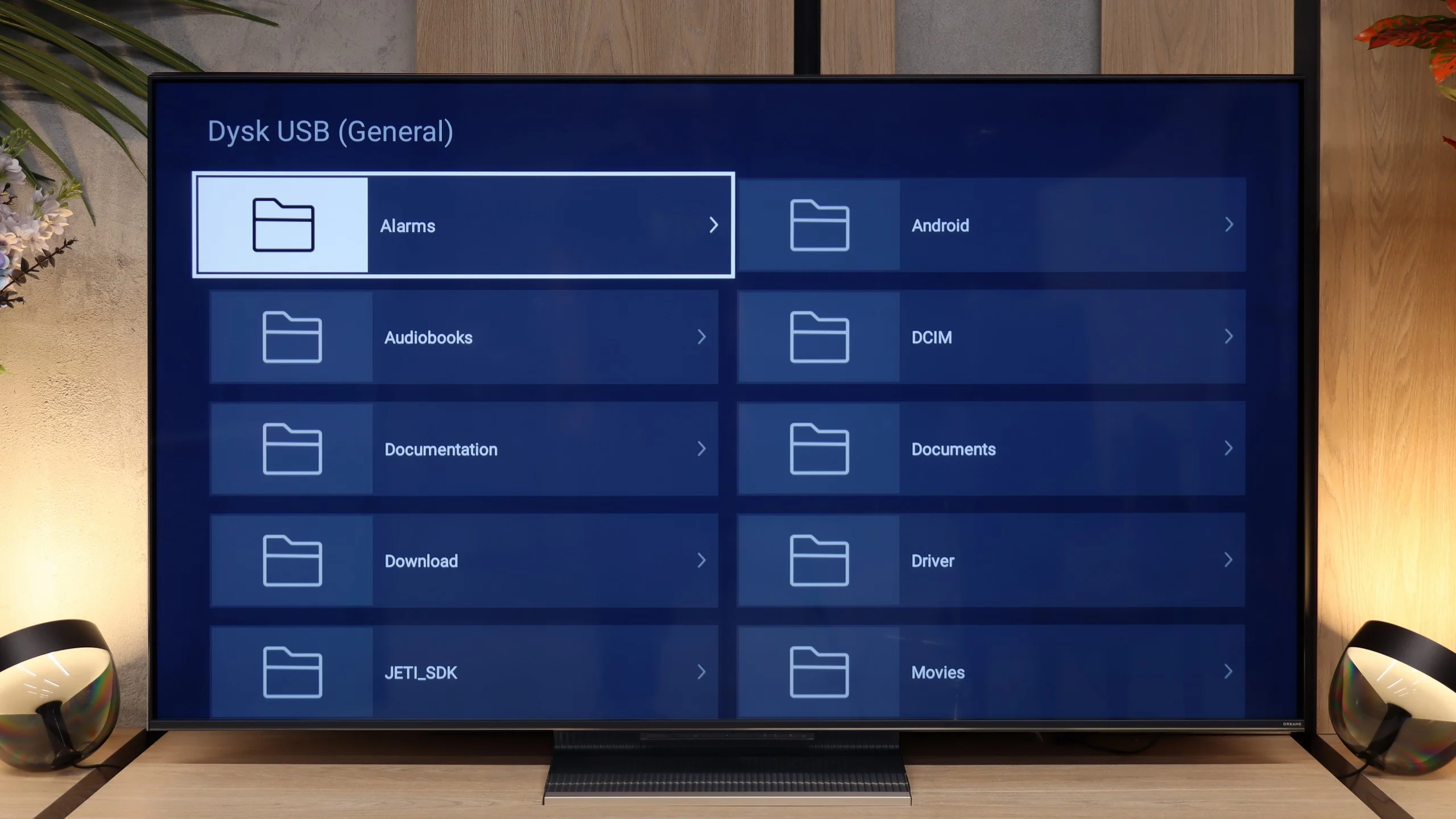
Samsung U8092F handles playback of files rather smoothly – the television supports most popular audio and video formats. Of course, it does not support Dolby Vision, but we simply will not find that in any Samsung model.
There may be some reservations regarding the support for external text files – those that the user would like to add as subtitles to a movie. During our tests, the television only played TXT files, and other formats, such as SRT or SUB, unfortunately did not work. This may not be a problem for everyone, but it's worth knowing. Perhaps this is an issue to be improved in the future with an update to the television's operating system.
The built-in media player works well and handled most of the files we provided from our flash drive without any issues. However, there were instances when the application experienced slight stuttering, and selected movies or photos took several seconds to load. If the factory player turned out to be not very intuitive for you or lacked advanced features, the Google TV system comes to the rescue. Just enter the app store and install any external file playback program (e.g., VLC) that will solve this problem.
Sound
5.7/10
8.3/10
- Maximum volume-84dB
- Dolby Digital Plus 7.1
- Dolby True HD 7.1
- Dolby Atmos in Dolby Digital Plus (JOC)
- Dolby Atmos in Dolby True HD
- DTS:X in DTS-HD MA
- DTS-HD Master Audio
U8092F doesn't pretend to have a home theater onboard. We get a standard set of 2 x 10 W, which sounds decent, but without much excitement, though with a slight bass. For everyday viewing, this audio setup is completely sufficient. We were pleasantly surprised that it was able to play a movie with the built-in Dolby Atmos codec (JOC) – although, of course, we're not talking about true surround sound here.
The sound of the Dreame S100 is one of the greatest advantages of this model – it is really good. The TV is equipped with a 4.1.2 speaker system with a total power of 70 W. The sound is clean, with distinctly perceivable bass, which is confirmed by our acoustic measurements. Large drivers placed on the sides of the cabinet effectively widen the soundstage. As a result, we get a noticeably more spacious sound than with standard 20-watt 2.0 systems. The device supports Dolby Atmos encoding, so we can easily play spatial audio tracks from streaming platforms without the need to purchase an external soundbar. Unfortunately, it lacks support for the DTS format – this is a downside, although we must honestly admit that this standard has recently been abandoned by most manufacturers. On the positive side, the audio connection options are commendable. The Dreame S100 can easily be connected to newer home theaters or soundbars via the HDMI eARC port or optical output. A nice and increasingly rare addition is the classic minijack headphone jack, which gives a second life to older audio sets.
Sound Quality Test
Acoustic Measurements
No acoustic data
84dBC (Max)
75dBC
Reader comments
Comments are provided by the external service Disqus (Zeta Global). Once loaded, Disqus may set cookies and process data about your activity.
We will remember your choice on this device. Provider's privacy policy