The Samsung S90D television has been tested in Filmmaker mode, which offers good colour reproduction, although with some imperfections that may be noticeable to more demanding users. This mode may seem too warm, and users who switched from Standard mode may experience a slight shock. It is worth noting that this state of affairs is caused by poor settings, for example, in the white balance, rather than the Filmmaker mode itself. In both SDR and HDR content, the device shows drops in blue colour, causing colours to become warmer than they should be. In practice, this means that some shades, such as sky blue or skin tones, may appear less natural and more tinged with pink or yellow. The Colour Checker test confirms these deviations, showing shifts towards warmer tones. In SDR content, the gamma graph indicates slight fluctuations, causing the image to be minimally darker, especially in shadows. This may affect less distinct details in darker scenes. Meanwhile, in 4K HDR materials, the EOTF curve is above the recommended line, which leads to some parts of the image being displayed too brightly, potentially causing clipping in the brightest areas. Overall, the Samsung S90D presents a solid picture straight out of the box, but for the best results, especially with more demanding content, additional calibration is recommended.
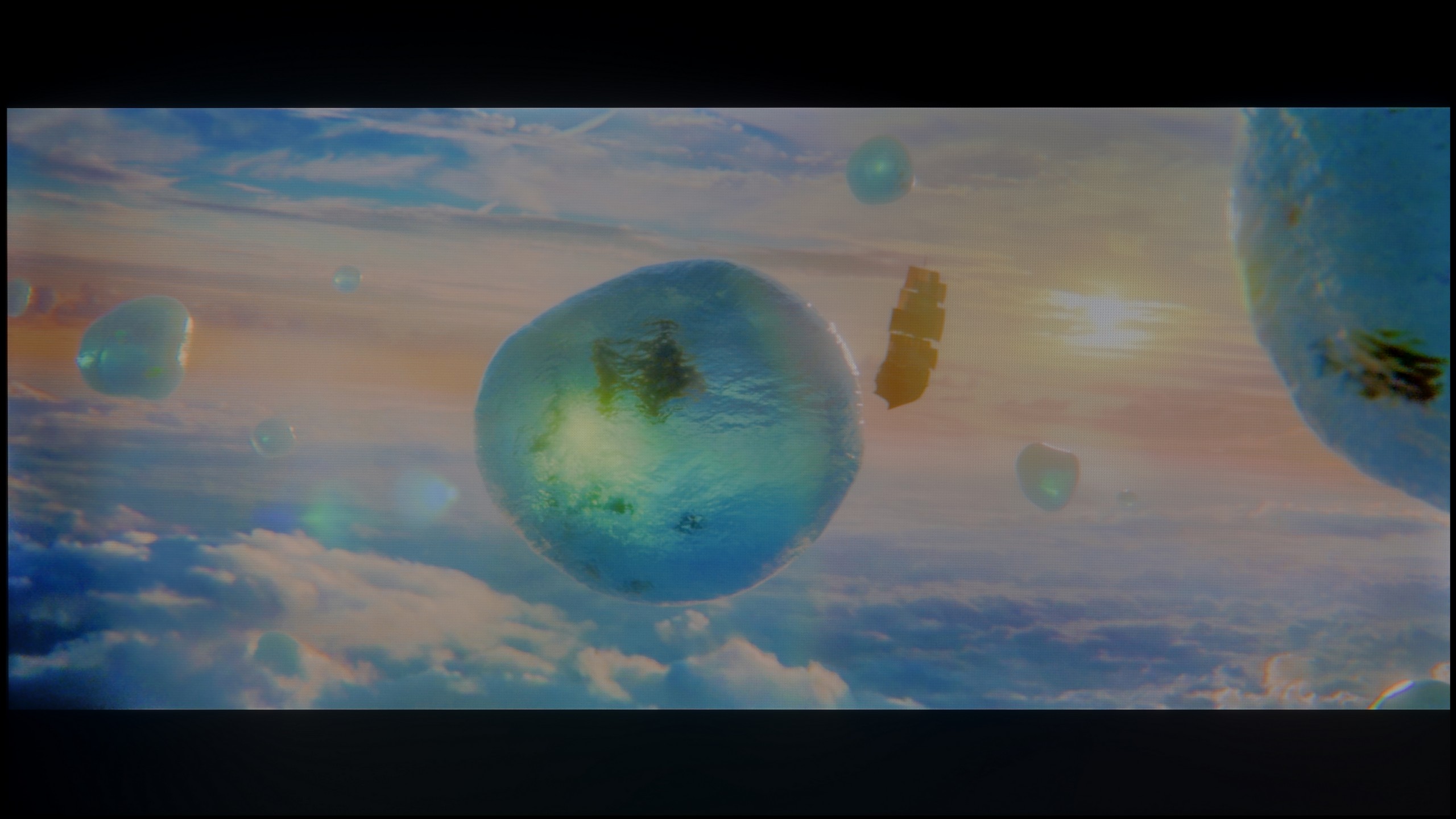
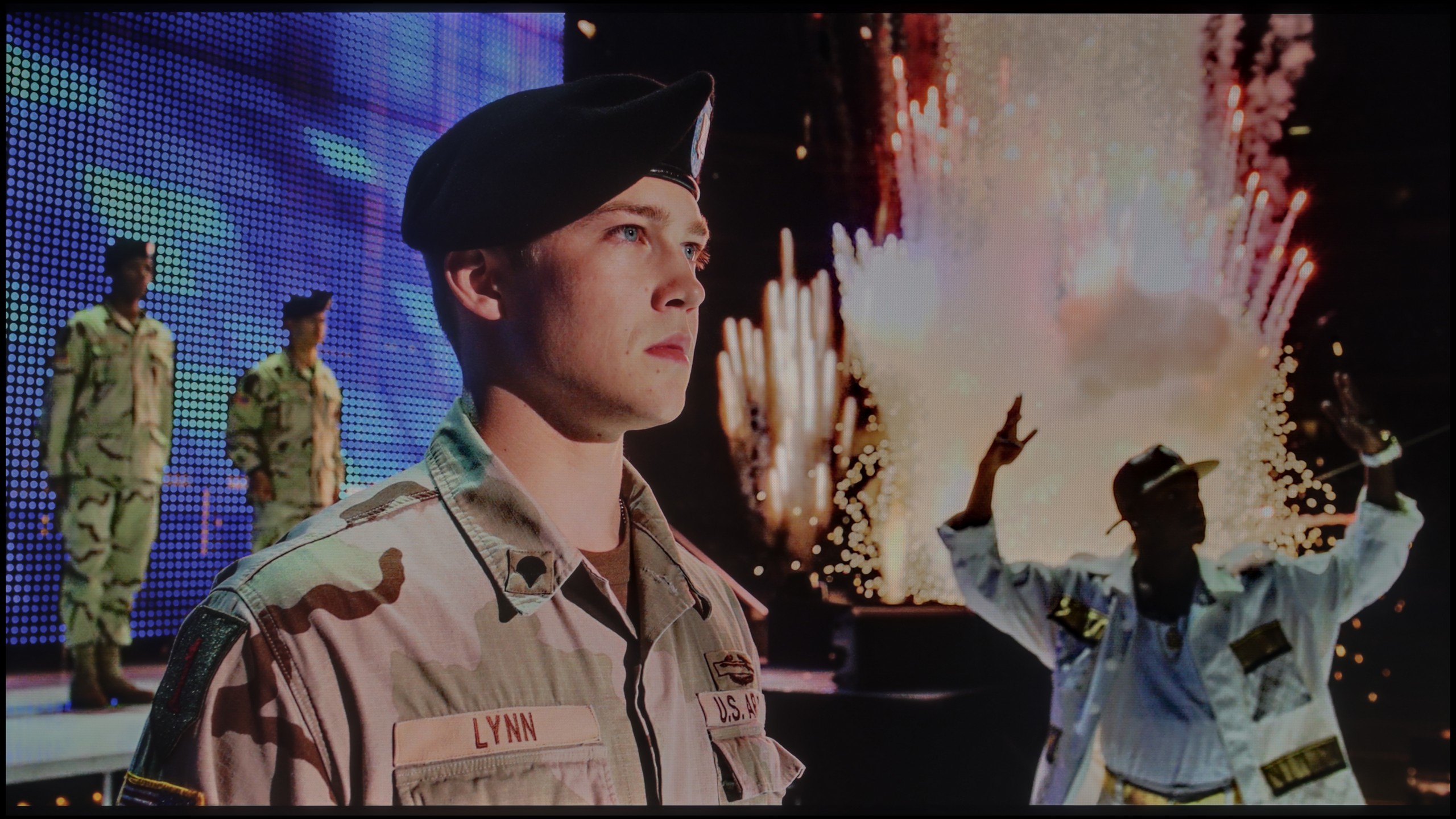
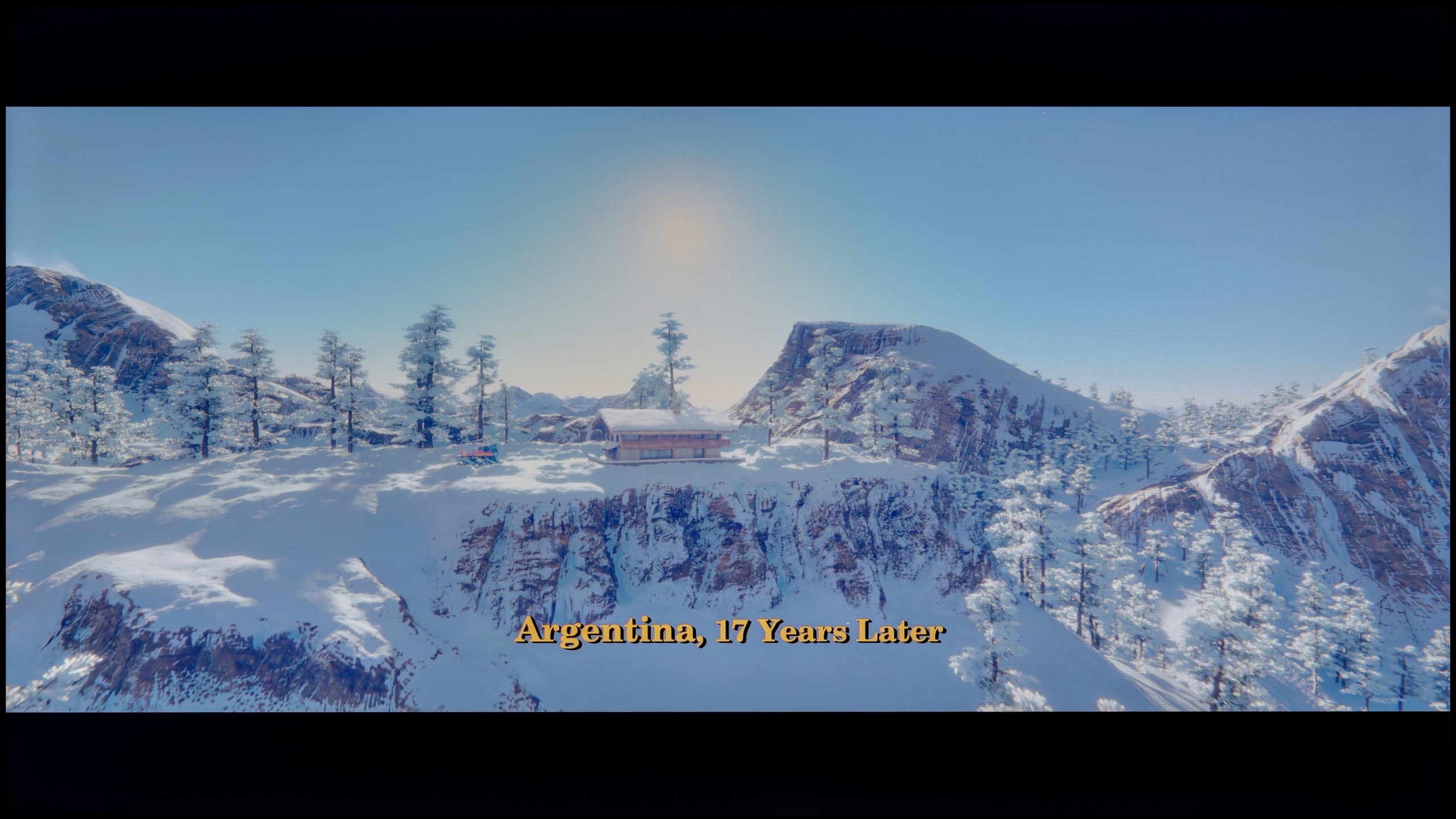
We also took a close look at how Blaupunkt handles colors in movie mode, and here the situation is, to put it briefly, twofold. We must clearly separate what we see in the standard SDR format from what happens when HDR is turned on, as these are two completely different worlds. Let’s start with the better side of the coin. If you plan to watch classic television, YouTube, or older movies on this TV, you can count on really well-tuned colors. In our test sample, the white balance in movie mode was exceptionally accurate, which honestly surprised us. Of course, to not make it too rosy, we noticed some flaws. Looking at the gamma charts, we observed that the processor struggles with properly dimming the image in its brightest parts. Additionally, there is quite strong, at times too aggressive, red saturation, which resulted in noticeable errors in reproducing certain shades. Nevertheless, in general terms, the image in SDR is simply solid and watchable without a grimace on your face. Unfortunately, the magic fades when we re-enter the world of HDR. Here, Blaupunkt behaves as if we suddenly switched it to store mode, and in its worst form. The excess blue in the white balance is so overwhelming that it literally clashes with the eyes, ruining any realism of the scene. Furthermore, the TV interprets brightness very loosely, which, when analyzing the EOTF curve, clearly showed that for most of the time the colors appear simply washed out and lacking depth. This is, by the way, perfectly visible in the color errors that become evident in this mode. Once again, we are left with the same conclusion: Blaupunkt in SDR mode looks significantly better and more natural than in HDR, which feels forced and not properly refined.
 Direct comparison