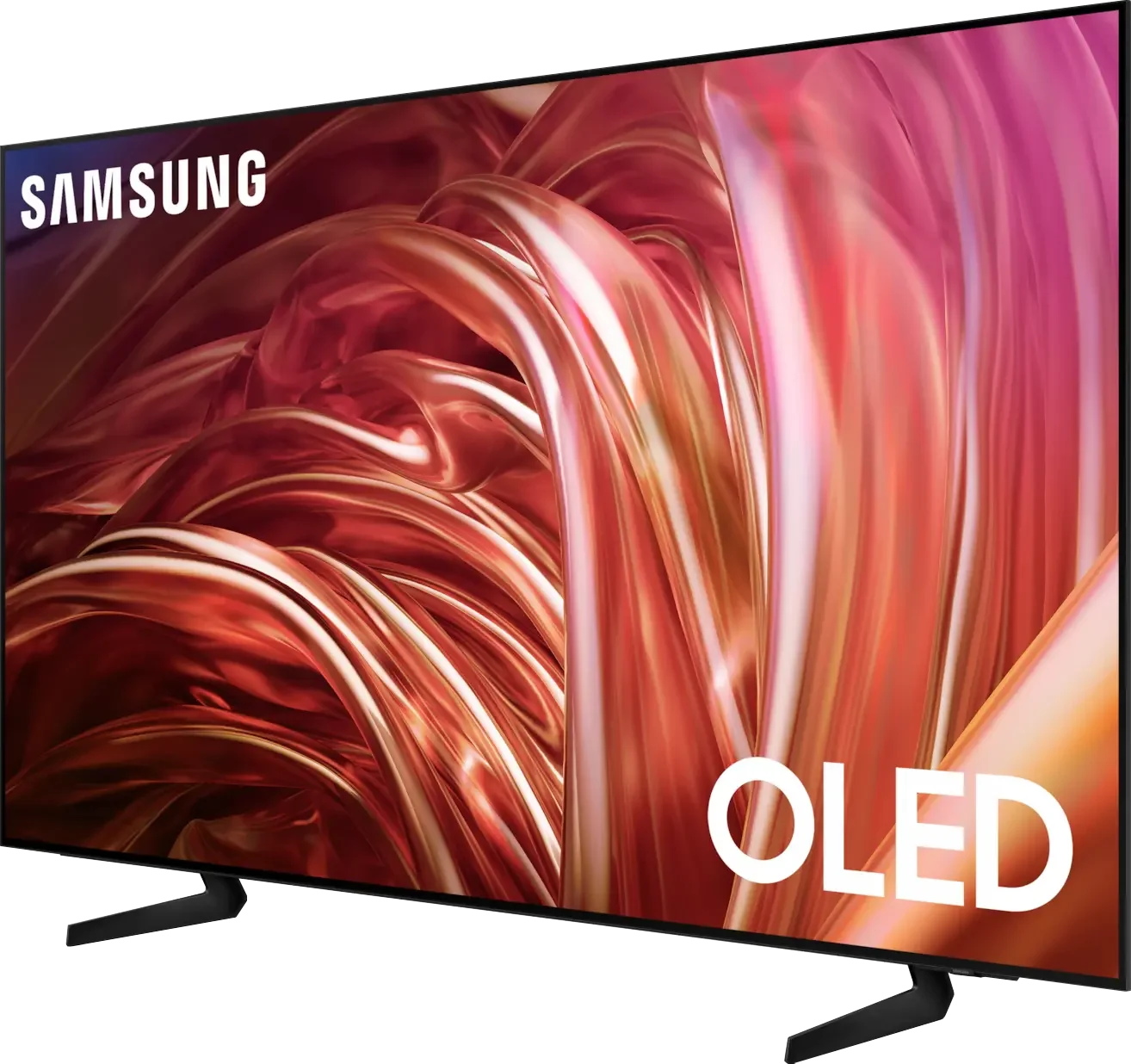
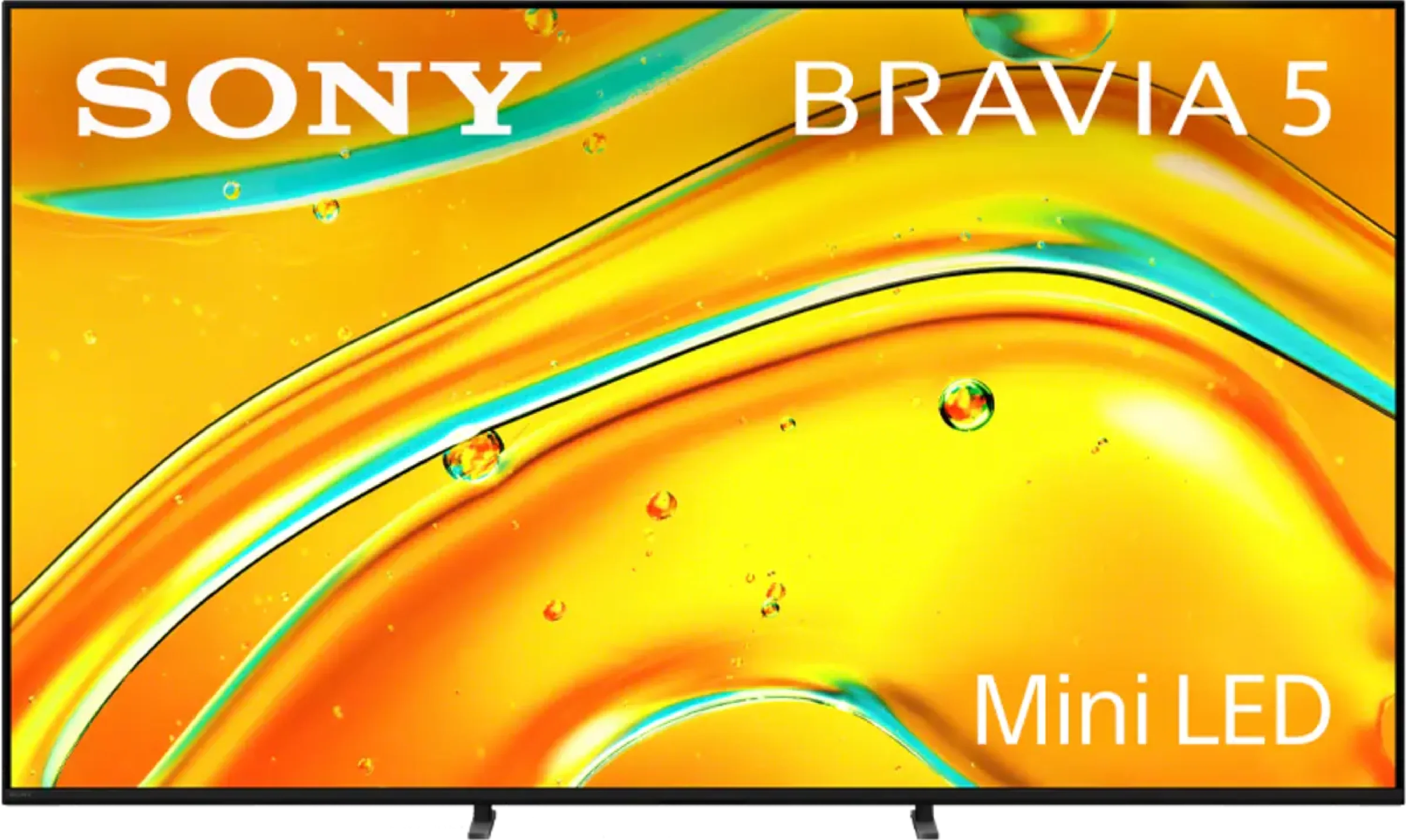
Samsung S85D vs Sony BRAVIA 5 (XR5)

Direct comparison

Check the best price offer:

Samsung S85D
$1 997

S85D

Bravia 5 / XR5

Available screen sizes: 55”65”77”

Available screen sizes: 55”65”75”85”98”

Panel type: WRGB OLED

Resolution: 3840x2160

System: Tizen

Model year: 2024

Complete the survey to find out the result

Panel type: LCD VA

Resolution: 3840x2160

System: Google TV

Model year: 2025

Complete the survey to find out the result

Overall rating

7.8

7.6

  • Movies and series in UHD quality

    7.7

    7.0

  • Classic TV, YouTube

    8.5

    7.4

  • Sports broadcasts (TV and apps)

    8.4

    7.3

  • Gaming on console

    9.4

    8.7

  • TV as a computer monitor

    7.6

    8.0

  • Watching in bright light

    5.0

    6.9

  • Utility functions

    7.2

    7.6

  • Apps

    9.3

    9.6

  • Sound quality

    7.0

    7.0

Advantages

  • Excellent Contrast: Thanks to OLED technology, you get deep blacks and vibrant colors.

  • Fast and Intuitive: The Tizen operating system provides a smooth and user-friendly experience.

  • Solar Remote: Conveniently controls other devices like decoders and gaming consoles.

  • Wide Viewing Angles: OLED ensures a great view from any seat in the room.

  • Smooth Motion: Equipped with a 120 Hz panel for fluid and clear motion, perfect for action scenes.

  • Ideal for Gamers: Packed with features designed to enhance the gaming experience.

  • Distinctive Design: A unique look that sets it apart from other models.

  • Affordable Price: Offers premium features without the premium price tag.

  • Exemplary upscaling and digital image processing – proprietary Sony XR processor

  • Very good image quality after calibration

  • Solid contrast for a Mini-LED screen

  • Excellent support for HDR content thanks to Dolby Vision and dynamic tone mapping

  • High motion smoothness at 120Hz

  • Outstanding input lag (7 ms at 120 Hz)

  • Very good cooperation with PC – super readability of fonts, G-Sync and FreeSync Premium Pro support.

  • Google TV at its best, fast and without annoying bugs

  • 2 remotes included

  • Pleasant, loud sound at 40 W from a 2.2 system.

Disadvantages

No like
  • No recording function from built-in tuners

  • Average SDR brightness – 310 nits

  • No support for DTS audio tracks

  • The algorithms need refinement – despite the higher number of dimming zones, contrast and brightness in difficult scenes sometimes perform worse than in the X90L

  • Screen mirroring practically did not work with Windows and Android

  • Only two HDMI 2.1 ports – for a TV of this class, that's definitely too few, especially if someone plans to connect a console, soundbar, and additional devices

Our verdict

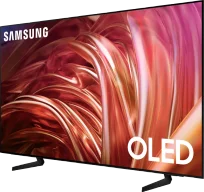
The S85D is the 2024 entry-level OLED model from Samsung, which offers a lot for its reasonable price tag. 

Thanks to OLED technology, you can enjoy excellent contrast, deep blacks, and impeccable viewing angles, ensuring a comfortable watch from anywhere in the room. 

The Tizen operating system provides easy access to applications and streaming services including Netflix, Disney+, and HBO Max. At the same time, the solar remote permits control of other devices in the home - such as a satellite decoder, console, and more. 

Its AirPlay feature allows for connection to iPhones, iPads and Macs and Bluetooth support enables wireless pairing with headphones, soundbars and gaming controllers.

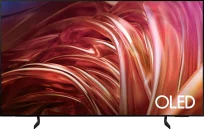
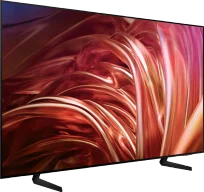
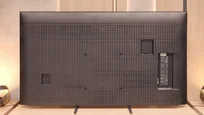
The design of the Samsung S85D stands out among its peers due to its unusual, rounded shape at the back, giving the TV an elegant appearance. High compatibility with other devices allows for easy transition into a home entertainment system without major issues. 

However, no device is without flaws. The lack of recording functionality and DTS audio support means that users who prefer this codec will need an external audio system, and the average SDR brightness may affect viewing in very bright rooms.

Despite these slight imperfections, the Samsung S85D is an excellent choice for anyone looking for a modern, versatile TV with outstanding picture quality. It offers many features that significantly enhance the user experience, leaving a positive impression. A lot for a little – the Samsung S85D proves you don't have to spend a fortune to enjoy premium viewing from your TV.

Sony Bravia 5 is a continuation of the iconic model X90L, and you can see that the manufacturer wanted to take a step forward. A greater number of dimming zones have been used, which makes the contrast seem better in many scenes, and the blacks deeper than those in its predecessor. The 120 Hz matrix and MotionFlow system allow you to adjust the smoothness of the picture to your personal preferences – from a slight cinematic texture to crystal-smooth motion in sports and games. This is equipment that is not afraid of any content because whether we are watching a match, an action movie, or a concert, the picture retains clarity and character. However, the true strength of the Bravia 5 remains the XR processor. It is what makes older materials look better than they should – upscaling works here like magic, smoothing out noise, improving gradation, and giving consistency even to lower quality content. Thanks to this, in everyday use, the Bravia 5 can surprise because instead of fighting with signal imperfections, it pulls the maximum from it. Additionally, there is excellent color reproduction after calibration and dynamic tone mapping along with Dolby Vision mode, which allows you to enjoy details even in difficult, high-contrast scenes. However, it cannot be hidden that in a few moments, the Bravia 5 disappointed us very much. Despite the larger number of zones, brightness and contrast are not always better than in the X90L – sometimes they even perform worse. This raises a sense of wasted potential because we were counting on a greater qualitative leap. After all, we are talking about a true MINI-LED television here. Nevertheless, the Bravia 5 remains a great television for those who want to enjoy primarily picture quality. If you are looking for a model that can impress with motion smoothness, extracts details from difficult scenes, and works wonders with older materials, the Bravia 5 will easily meet these expectations. It’s a television that sometimes can't quite match the competition in certain respects, but it still holds its ground with what Sony does best – cinematic picture.

TV appearance

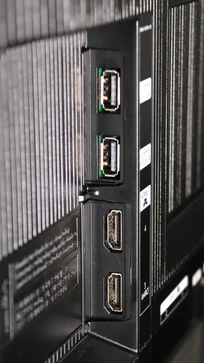
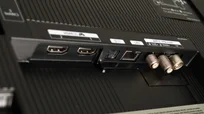
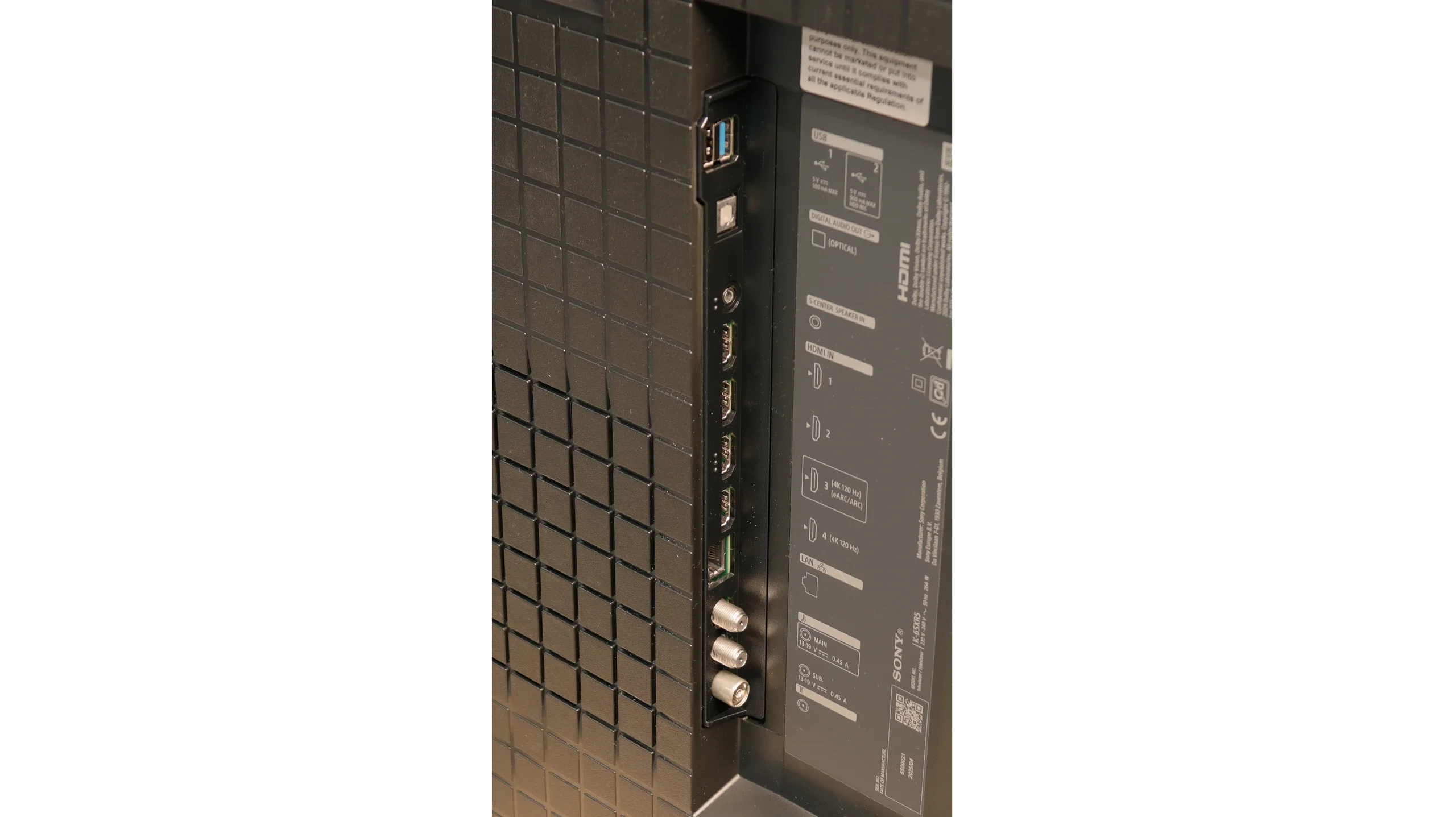
HDMI inputs
0 x HDMI 2.0, 4 x HDMI 2.1 (48Gbps)
2 x HDMI 2.0, 2 x HDMI 2.1 (48Gbps)
Other inputs
Outputs
Toslink (Optical audio), eARC (HDMI), ARC (HDMI)
Network Interfaces
Wi-Fi 2.4GHz, Wi-Fi 5GHz, Ethernet (LAN) 100Mbps
Build quality
Good
Premium
Stand type
Legs
Legs
Bezel color
Graphite
Graphite
Stand
Height adjustment
Height adjustment
Flat design
Yes
No
Accessories
Stand
Two remote controls, Stand

Contrast and black detail

10/10

7.5/10

Local dimming function: Yes, number of zones: 190 (10 x 19)

Contrast:

Review Samsung S85D Contrast and black detail

Result

:1

Review Samsung S85D Contrast and black detail

Result

:1

Review Samsung S85D Contrast and black detail

Result

:1

Review Samsung S85D Contrast and black detail

Result

:1

Review Samsung S85D Contrast and black detail

Result

:1

Review Sony BRAVIA 5 (XR5)  Contrast and black detail

Result

104,650:1

Review Sony BRAVIA 5 (XR5)  Contrast and black detail

Result

23,850:1

Review Sony BRAVIA 5 (XR5)  Contrast and black detail

Result

21,300:1

Review Sony BRAVIA 5 (XR5)  Contrast and black detail

Result

9,350:1

Review Sony BRAVIA 5 (XR5)  Contrast and black detail

Result

6,450:1

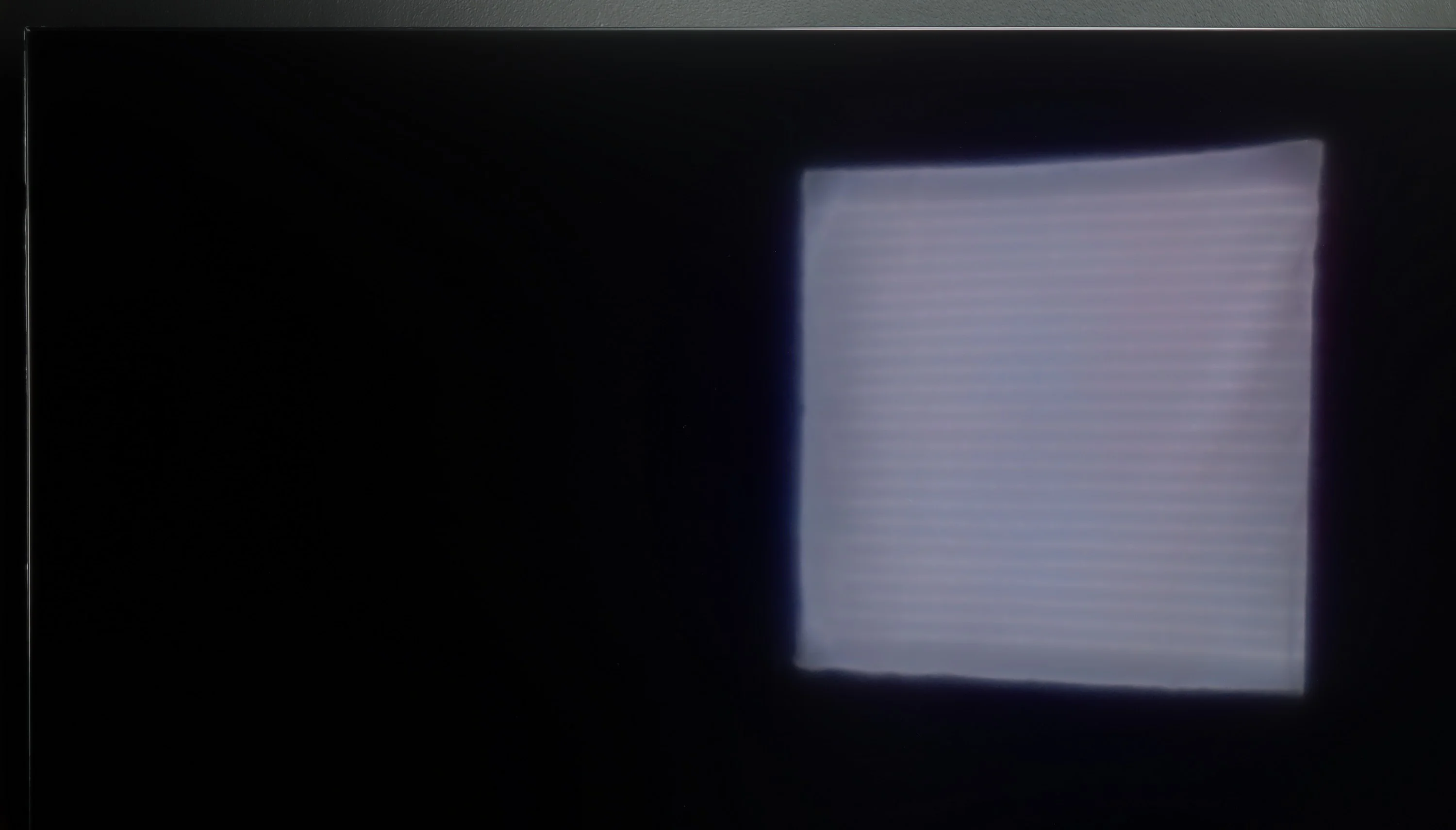
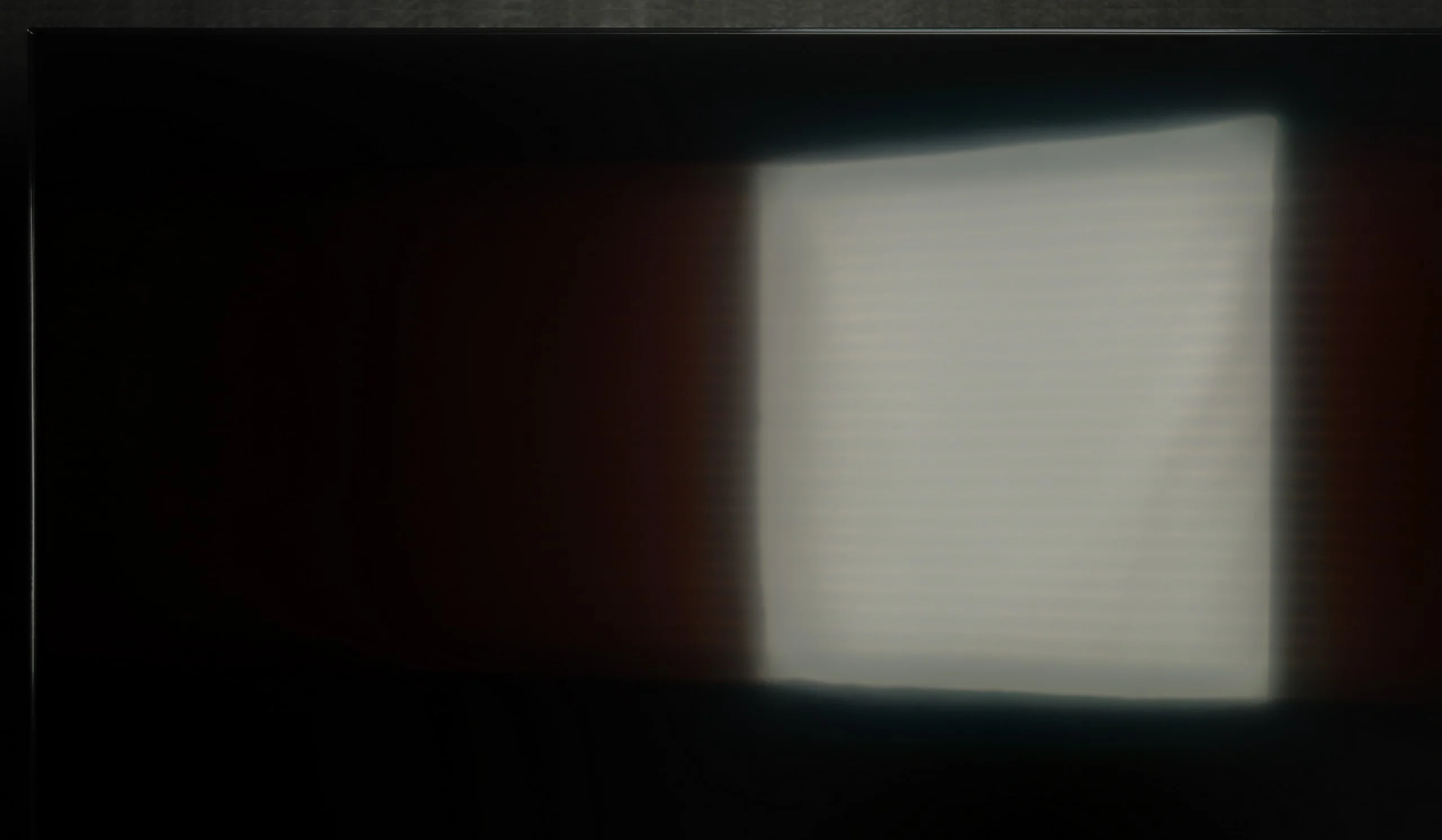
Halo effect and black detail visibility:

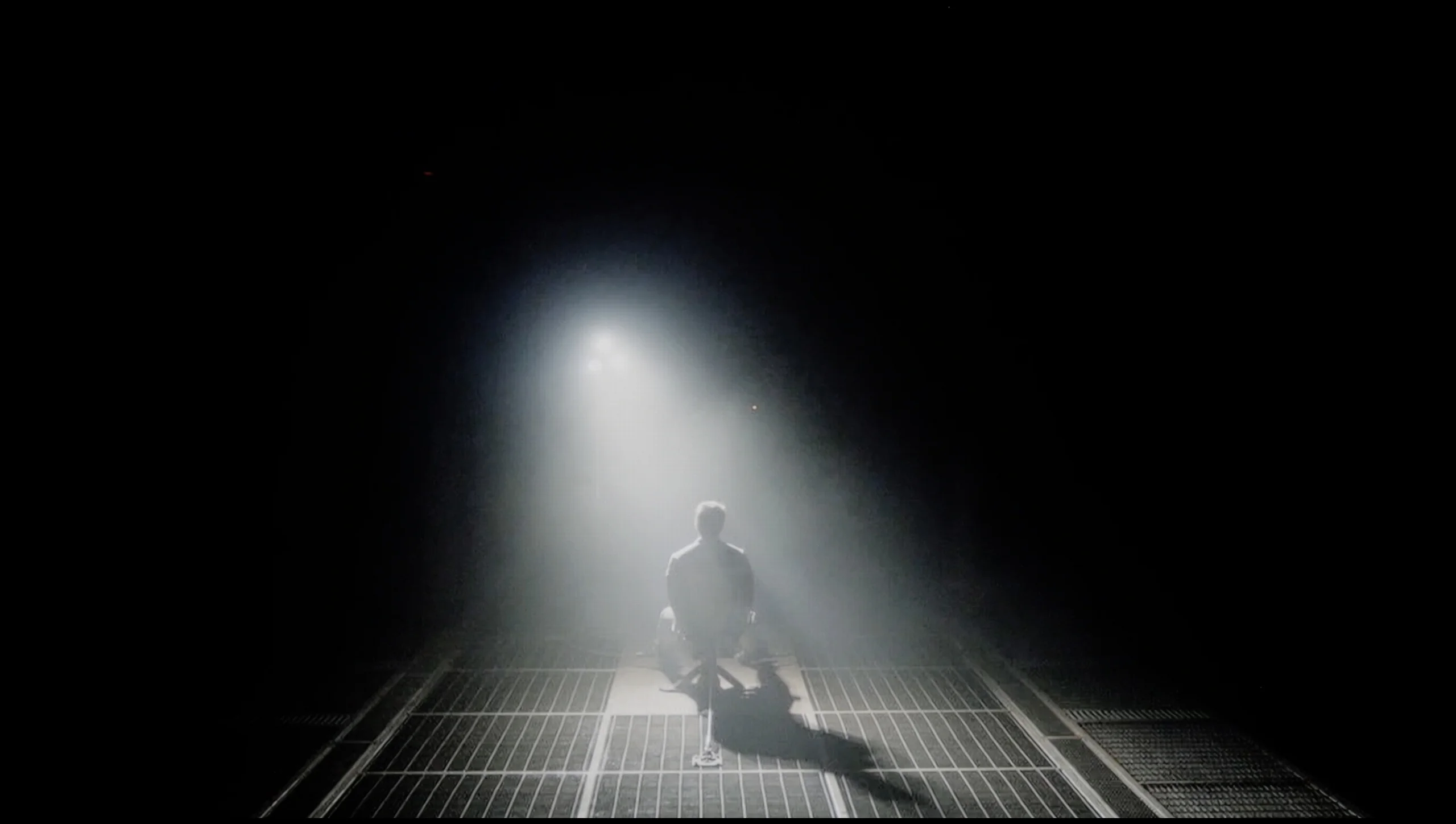
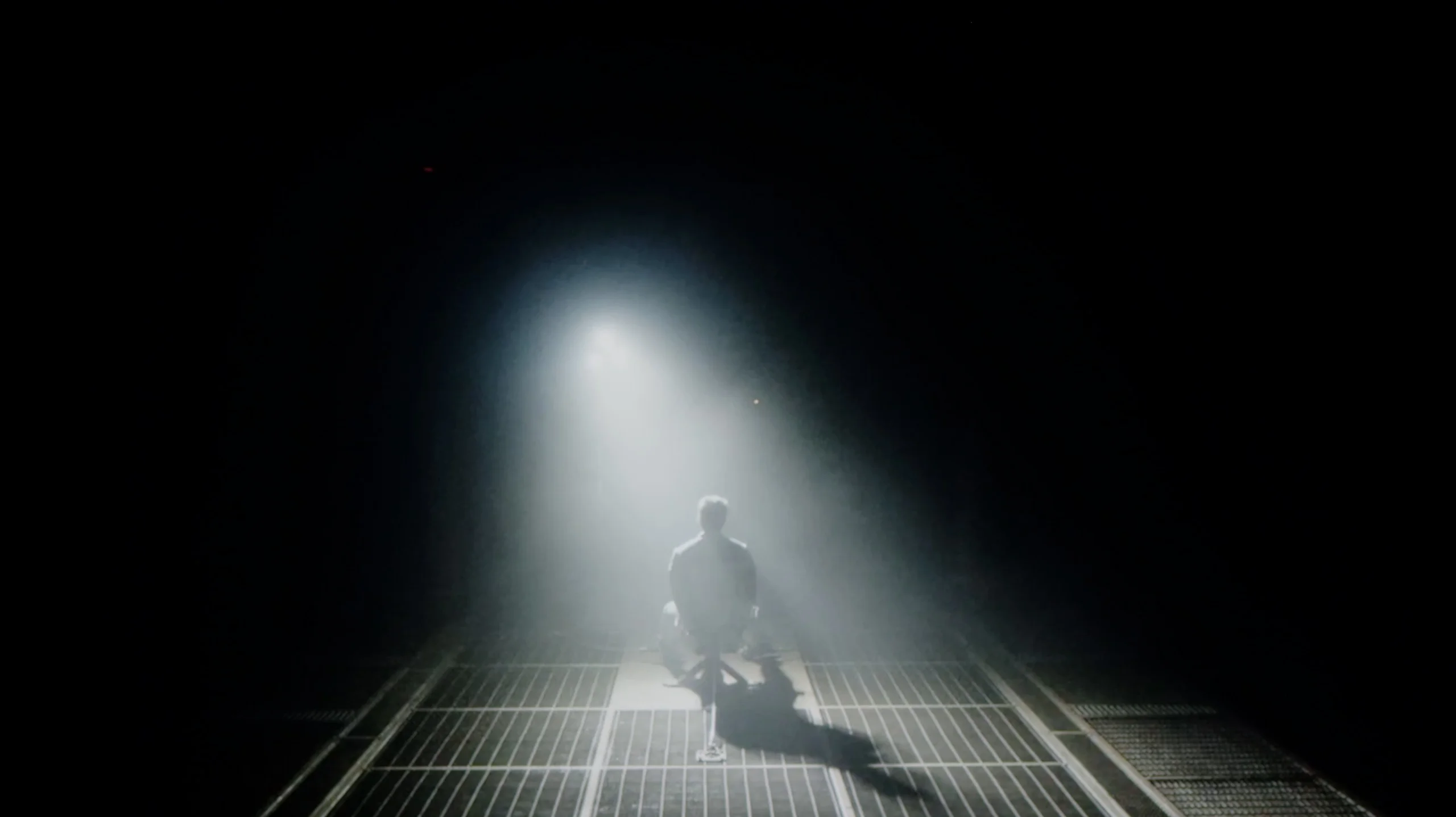
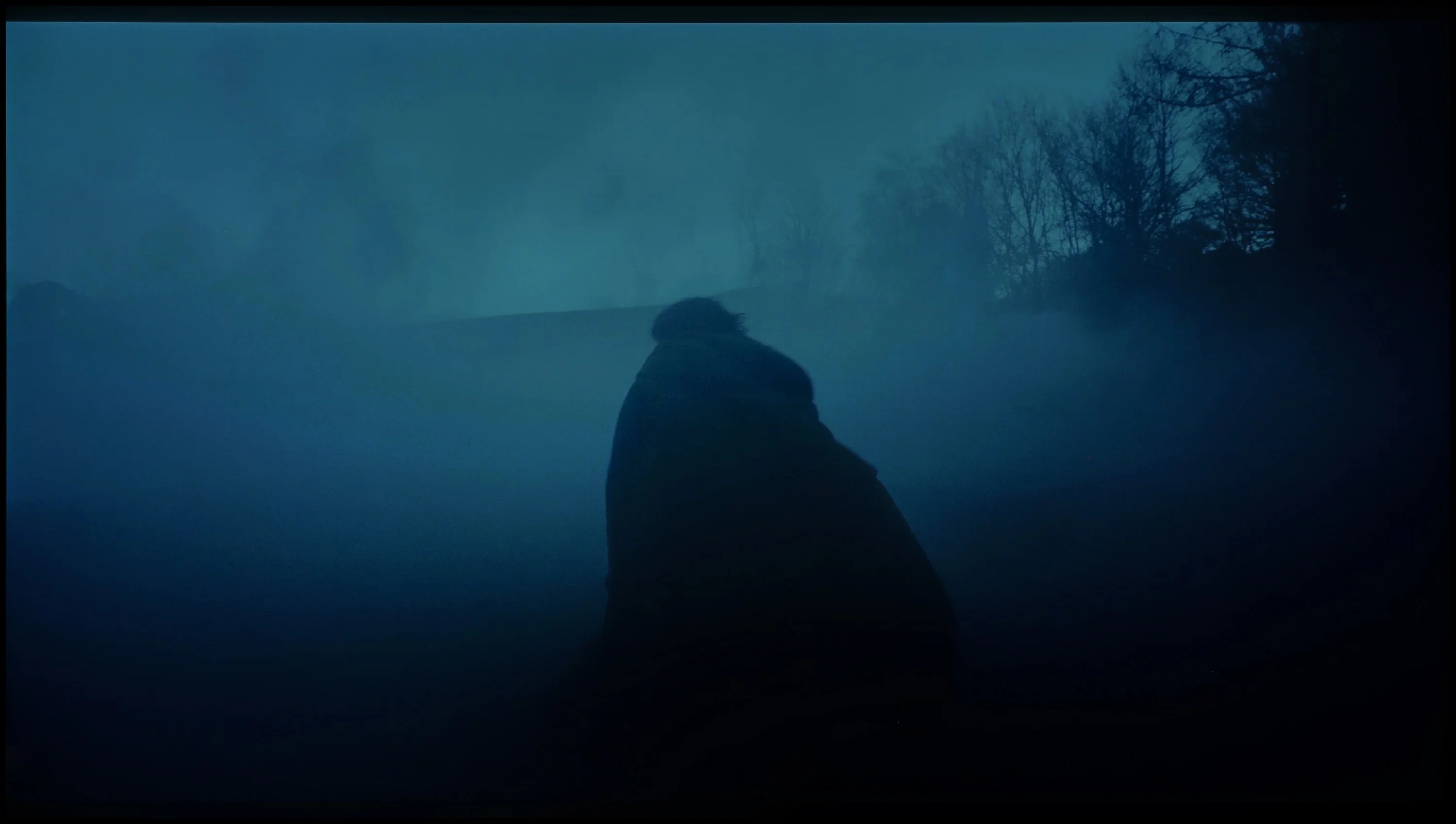
Check the visibility of bright lights on a dark background. Mini-LEDs often struggle with this. The photo does not compare black levels – that’s what the video below is for.

The video accurately shows differences in contrast and black levels between TVs, as well as potential issues: halo around bright objects or Mini-LED zone operation visible as brightness jumps.

The Samsung S85D delivers exceptional black levels and contrast, making it worthy of top ratings. Leveraging OLED technology, it achieves infinite contrast, ensuring that dark scenes are displayed with perfect blacks and no halo effect. In demanding scenes, like those from the movie Oblivion, the TV shows a flawless separation of light and shadow, resulting in an incredibly lifelike image. Notably, the S85D uses a WOLED panel supplied by LG, similar to certain variants of the S90D model. This panel significantly enhances the contrast quality, especially in scenes with high dynamic range, making it an excellent choice for fans of visually striking films and series.

Bravia 5 is the entry-level television in Sony's Mini-LED series for 2025, so naturally, we start with the most important aspect – how it performs with black levels and contrast. After all, the term “Mini-LED” sounds almost like a magic spell today. In theory, it means thousands of tiny LEDs arranged in zones that are supposed to work in harmony, dimming and brightening the image so that the viewer's eye perceives more depth than in a classic LCD. In practice, we counted about 200 backlighting zones in the 65-inch Bravia 5. Is that a lot? Definitely more than in its predecessor, the legendary X90L model, but when looking at Chinese manufacturers who can pack hundreds, sometimes even thousands of zones, it comes off as fairly modest.

One would expect that combining a greater number of zones with refined dimming algorithms—something Sony has trained us to expect over the years—would result in a significant quality jump compared to the X90L. Meanwhile – and this is where a slight disappointment comes in – tests showed that the results are surprisingly similar to last year's model. Don’t take this the wrong way: the contrast for an LCD TV with local dimming is genuinely solid. In most scenes, bright elements are separated from dark ones with almost surgical precision, and the effect can be impressive. But when more demanding shots appear on the screen—those that ruthlessly test the backlighting capabilities—it becomes clear that the hardware has its limitations.

Therefore, one could say that in terms of black levels and contrast, the Bravia 5 does not so much disappoint as it rather fails to meet the hopes that the initial announcements raised. We were counting on at least slightly better performance than its predecessor, and we got “only” good contrast. And that “only” is the key word here—because good contrast in Sony’s version still means a level that most competitors could be proud of.

HDR effect quality

5.7/10

5.4/10

Supported formats
HDR10, HDR10+, HLG
HDR10, Dolby Vision, HLG
Color gamut coverage
DCI P3: 98.9%, Bt.2020: 74.6%
DCI P3: 96.6%, Bt.2020: 74.7%

Luminance measurements in HDR:

Review Samsung S85D Brightness measurement

Result

570 nit

Review Samsung S85D Brightness measurement

Result

580 nit

Review Samsung S85D Brightness measurement

Result

666 nit

Review Samsung S85D Brightness measurement

Result

629 nit

Review Samsung S85D Brightness measurement

Result

283 nit

Review Sony BRAVIA 5 (XR5)  Brightness measurement

Result

637 nit

Review Sony BRAVIA 5 (XR5)  Brightness measurement

Result

320 nit

Review Sony BRAVIA 5 (XR5)  Brightness measurement

Result

550 nit

Review Sony BRAVIA 5 (XR5)  Brightness measurement

Result

251 nit

Review Sony BRAVIA 5 (XR5)  Brightness measurement

Result

731 nit

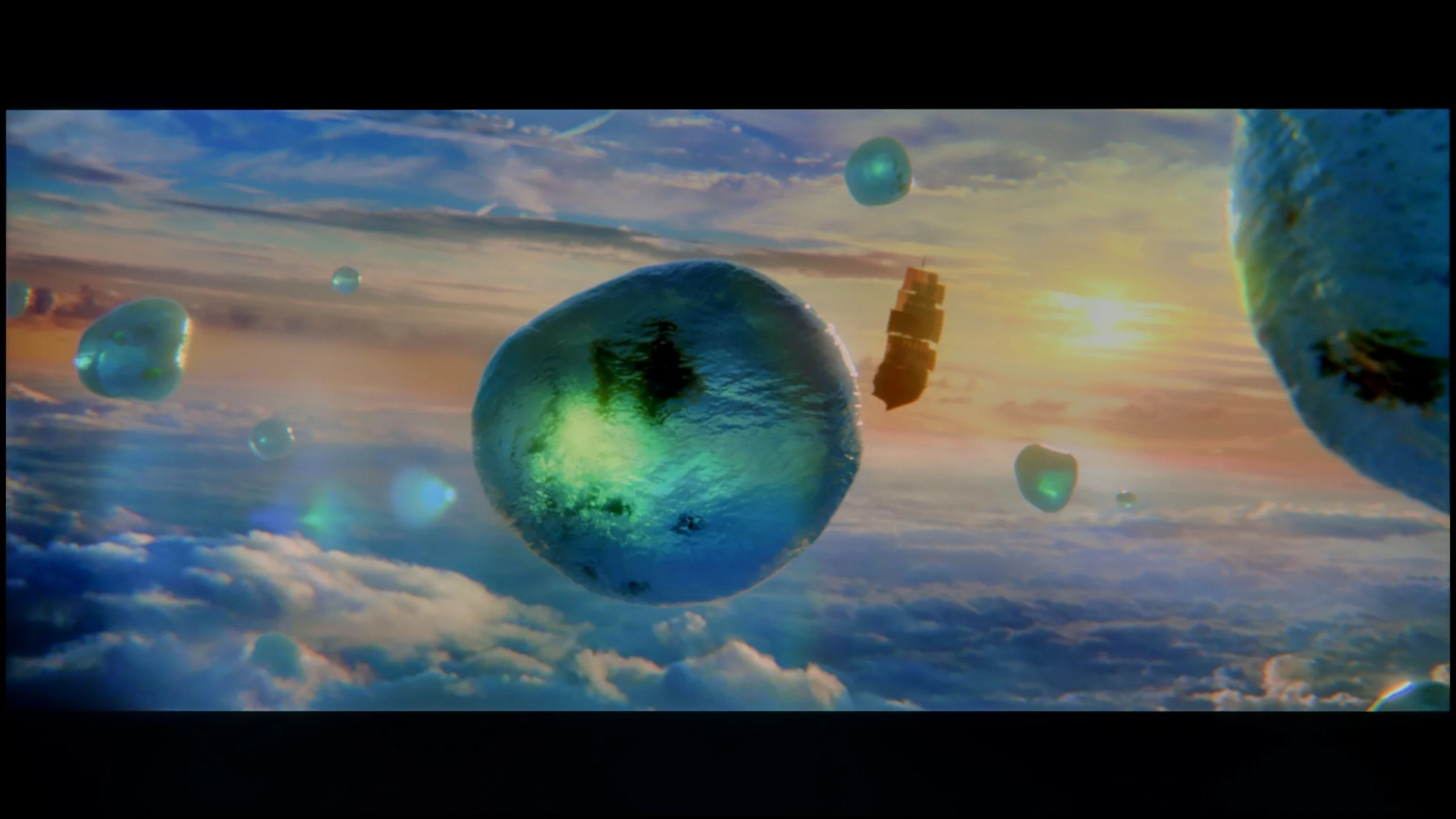
Scene from the movie “Pan” (about 2800 nits)

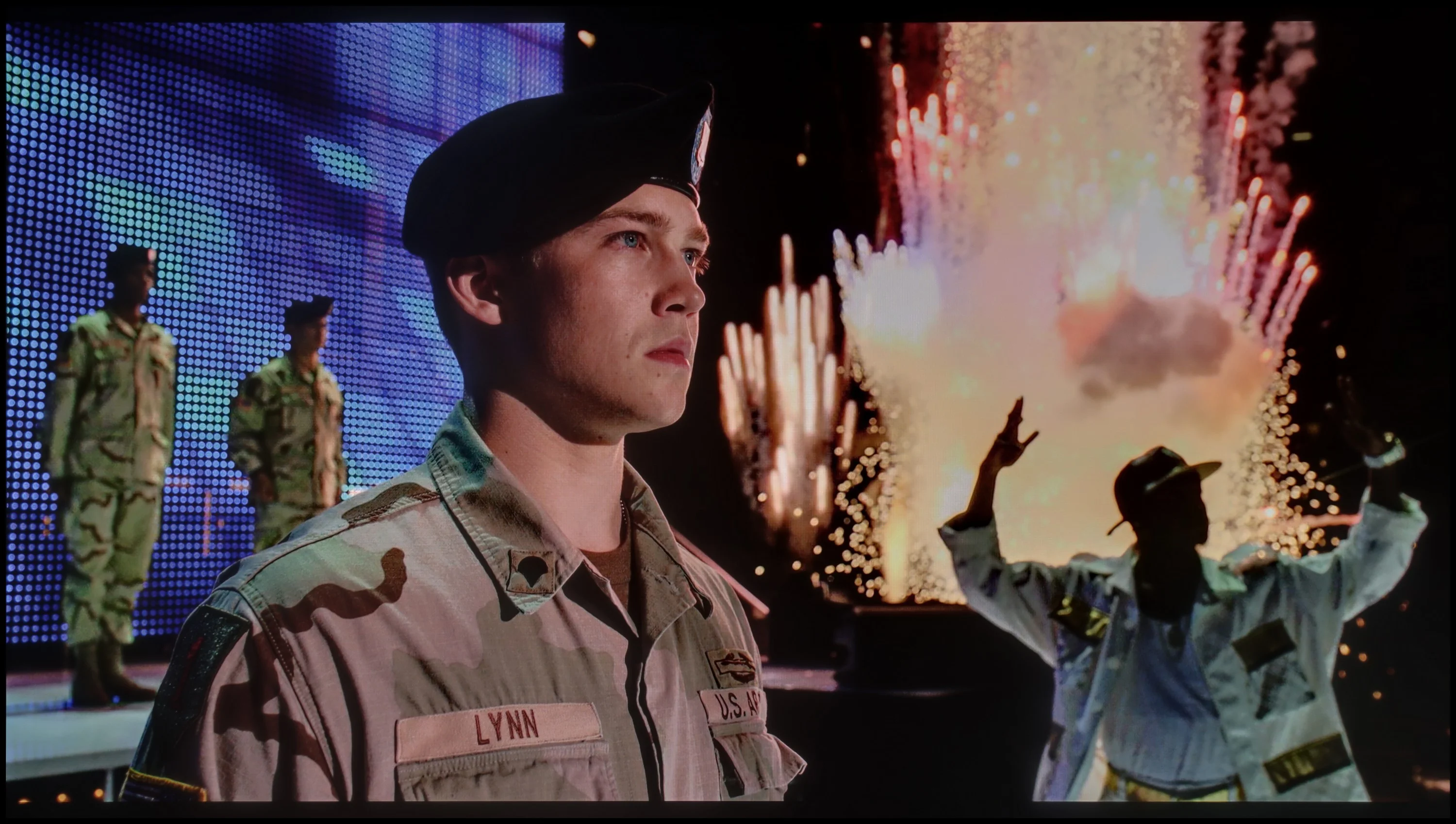
Scene from the movie “Billy Lynn” (about 1100 nits)

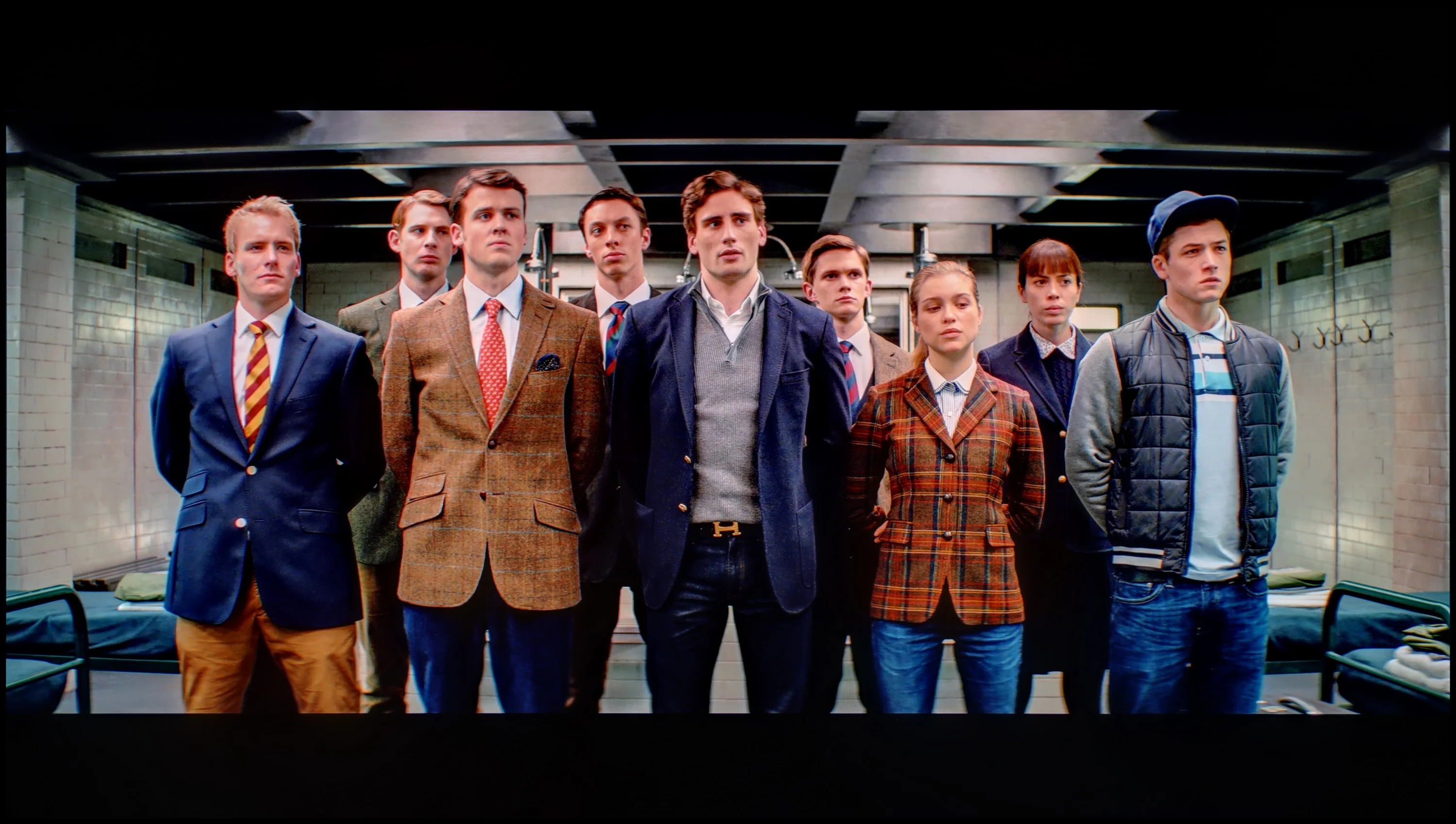
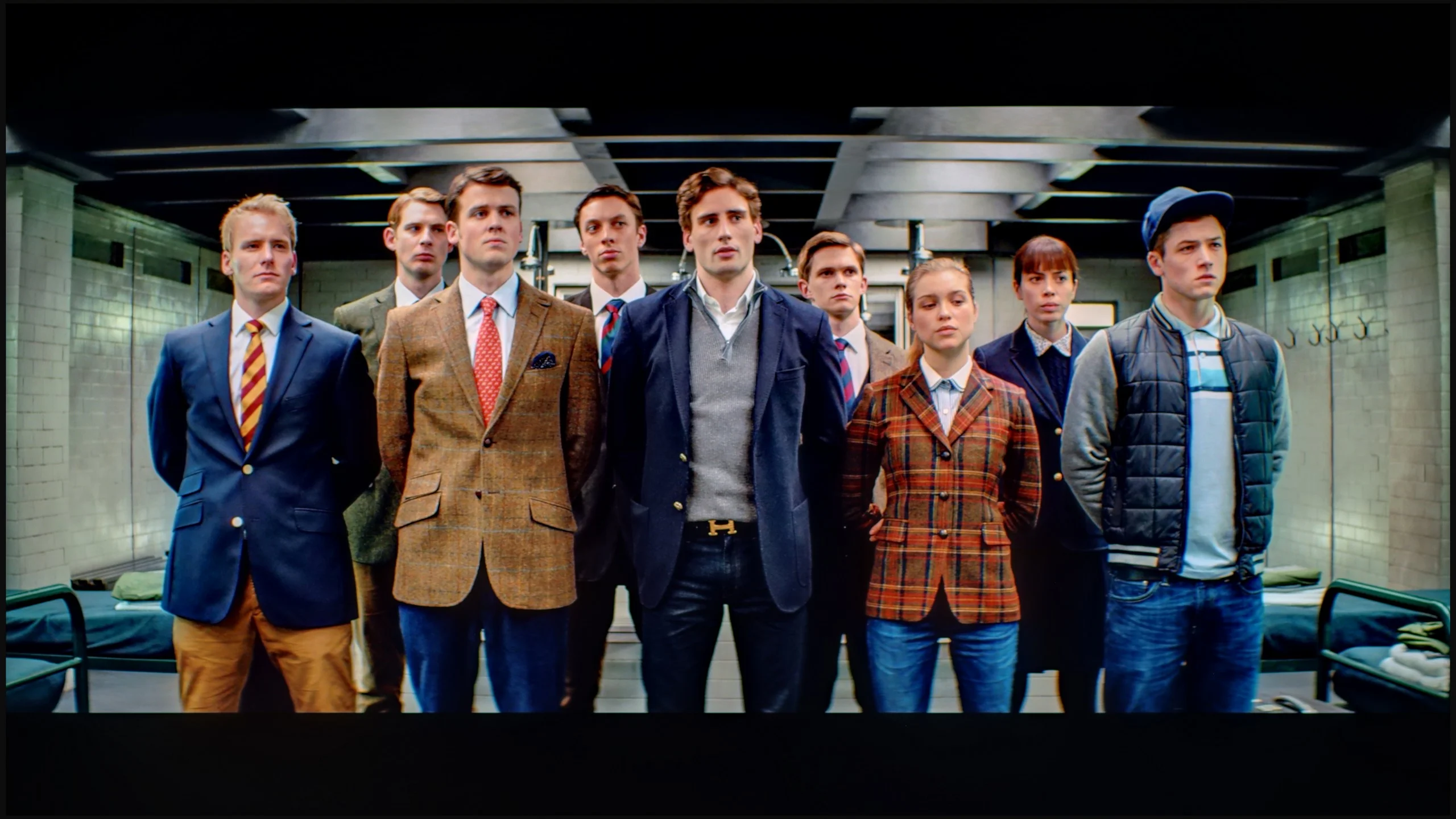
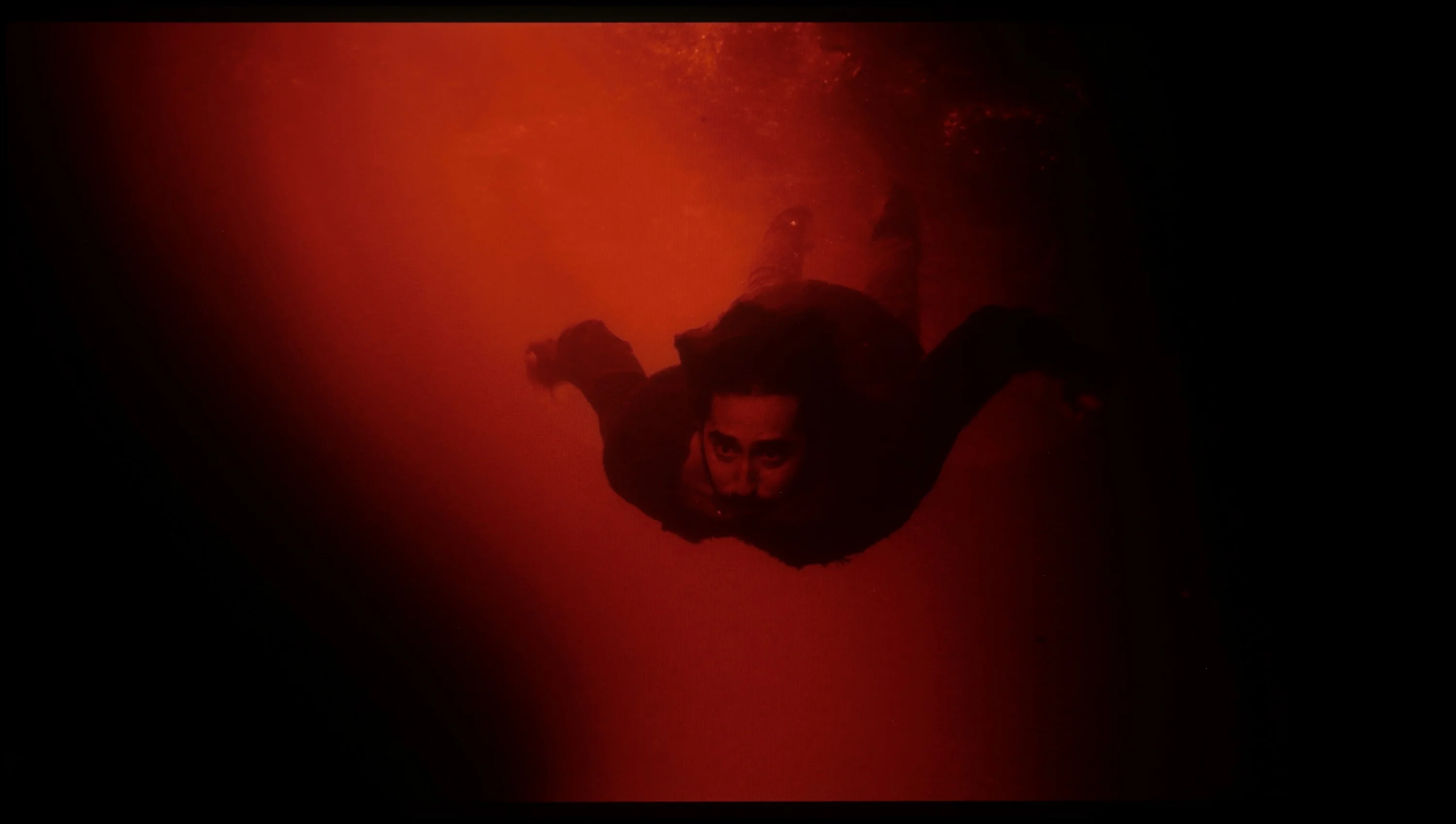
The photos show two HDR10 movies. 'Pan' is one of the brightest productions ever made, while 'Billy Lynn' (soldier) has brightness typical of streaming (Netflix, Prime, HBO MAX). Notice the intensity of effects and detail in whites.

Static HDR10

The photos present the visibility of white details in various HDR formats. They do not show brightness differences between TVs (these can be compared in the previous gallery).

Dynamic: HDR10+

Dynamic: Dolby Vision

The photos present the visibility of white details in various HDR formats. They do not show brightness differences between TVs (these can be compared in the previous gallery).

HDR luminance chart:

Sony BRAVIA 5 (XR5)

Samsung S85D

Luminance of RGB colors


Brightness is an important factor in televisions, and the S85D offers a level similar to older OLED models. While it’s not outstanding in this area, it comes at a very competitive price. With peak brightness at 600 nits, HDR content looks sharp, delivering a hint of cinematic quality at home. Like many budget OLEDs, though, very bright, full-screen scenes—such as the final shot in The Meg—may cause the brightness to drop by nearly half, which is noticeable compared to pricier models. However, with 99% DCI-P3 colour coverage, the S85D delivers vibrant, accurate colours.

Looking at similar results in terms of black levels and contrast, we expected the same stable performance as last year's model when it comes to HDR content. Unfortunately – and this must be said plainly – there has been a regression here that is hard to overlook. The paradox is that the peak brightness of the Bravia 5 can be impressive: in our synthetic tests, the television reached around 1000 nits in HDR. Sounds great, right? The problem is that this power does not always translate effectively to all movie scenes. When small, pinpoint elements appear on the screen, something that was usually refined with surgical precision in the case of Sony clearly falters this time. The algorithms try to maintain deep blacks around small objects, but the side effect is that details can be dimmed to the point of becoming barely visible. A case in point is the movie Sicario 2 – there, in some scenes, small light sources practically vanished as if someone had covered them with dark film.

Of course, not everything looks so dramatic. In simpler, brighter scenes, where the image is filled with a greater amount of light, the Bravia 5 shows that it can shine: literally and figuratively. At that point, the television achieves values in the range of 600–800 nits, which we observed in both synthetic tests and during movie screenings. The impression is truly positive; the brightness adds dynamism, and the colors appear vivid and fresh. However, there remains a certain dissonance. We feel a slight confusion because it is evident that something has gone the wrong way. Technological advancement – more zones, greater backlight power – has not been supported by the refined image management we usually associate with Sony. Fortunately, there are elements that have not been worsened and are instead at a very high level. We are talking about color reproduction. Thanks to the use of the PFS filter, the color gamut coverage is excellent – about 97% of DCI-P3 and 75% of BT.2020. These values allow for a truly wide color reproduction, giving films a natural and cinematic character.

Factory color reproduction

6.6/10

5.5/10

This gallery shows how colors change after professional TV calibration. If you notice the difference, we recommend ordering this service at SkalibrujTV.com.

Factory Mode

After calibration

This gallery shows how colors change after professional TV calibration. If you notice the difference, we recommend ordering this service at SkalibrujTV.com.

Factory Mode

After calibration

The Filmmaker mode on the Samsung S85D offers the best factory settings, but it is not free from flaws, particularly noticeable in colour reproduction. The white balance chart for HD and HDR content shows clear issues – both red and blue are significantly weakened, leading to a dominance of green. The result is an unnatural yellowish glow that can affect the perception of realistic scenes. The Colour Checker test also highlights issues, with colour samples deviating from expected values – for HD materials, colours tend to be too saturated, with a noticeable shift towards green, as seen in the white balance chart. In contrast, for 4K HDR content, colours appear too dull and lack depth, diminishing the attractiveness and naturalness of the image. This effect is particularly noticeable in delicate scenes where colour precision plays a key role, which can be disappointing for discerning viewers who expect faithful reproduction of details and colour intensity.

When it comes to brightness, the gamma chart for HD content produces positives, but there is a noticeable spike at the end, exceeding a value of 2.4. Although this is not a major problem in most scenes, in more demanding sequences it can affect the clarity of bright details. For 4K content, the problematic aspect is the EOTF curve, responsible for delivering brightness. The initial part of the chart shows a small spike. This phenomenon can result in excessive boosting of brightness in the brightest areas of the image, leading to loss of detail in very bright scenes.

Although the Samsung S85D’s factory settings are reasonable, especially in Filmmaker mode, it is worth considering a manual adjustment of settings to improve some imperfections, particularly in colour reproduction.

Sony Bravia 5 was of course tested in the best possible mode, which is the Cinema mode. Right out of the box, it offers the most natural colors, definitely better than anything provided by the "eco" or "dynamic" modes, which are more suitable for a store display than a living room. However, the Cinema mode itself does not guarantee that we can always expect cinematic image quality. In SDR content, we had practically no major complaints – the slightly warm white balance made the scenes take on a somewhat golden tone, but it was nothing that was glaringly obvious. However, the problem arose with HDR materials. Here, the color reproduction simply looked poor. The white balance was severely off – with an excess of blue and a noticeable lack of red. At times, it even resembled the store "super vivid image" mode, where everything is overexposed and artificially boosted.

This state of affairs made managing brightness seem too aggressive as well. The EOTF graph clearly showed that the television had issues with overexposing many scenes right out of the box. And while we know what Sony televisions are usually capable of, it was hard to remain indifferent here – which is why we quickly decided to go for calibration.

Color reproduction after calibration

8.7/10

8.9/10

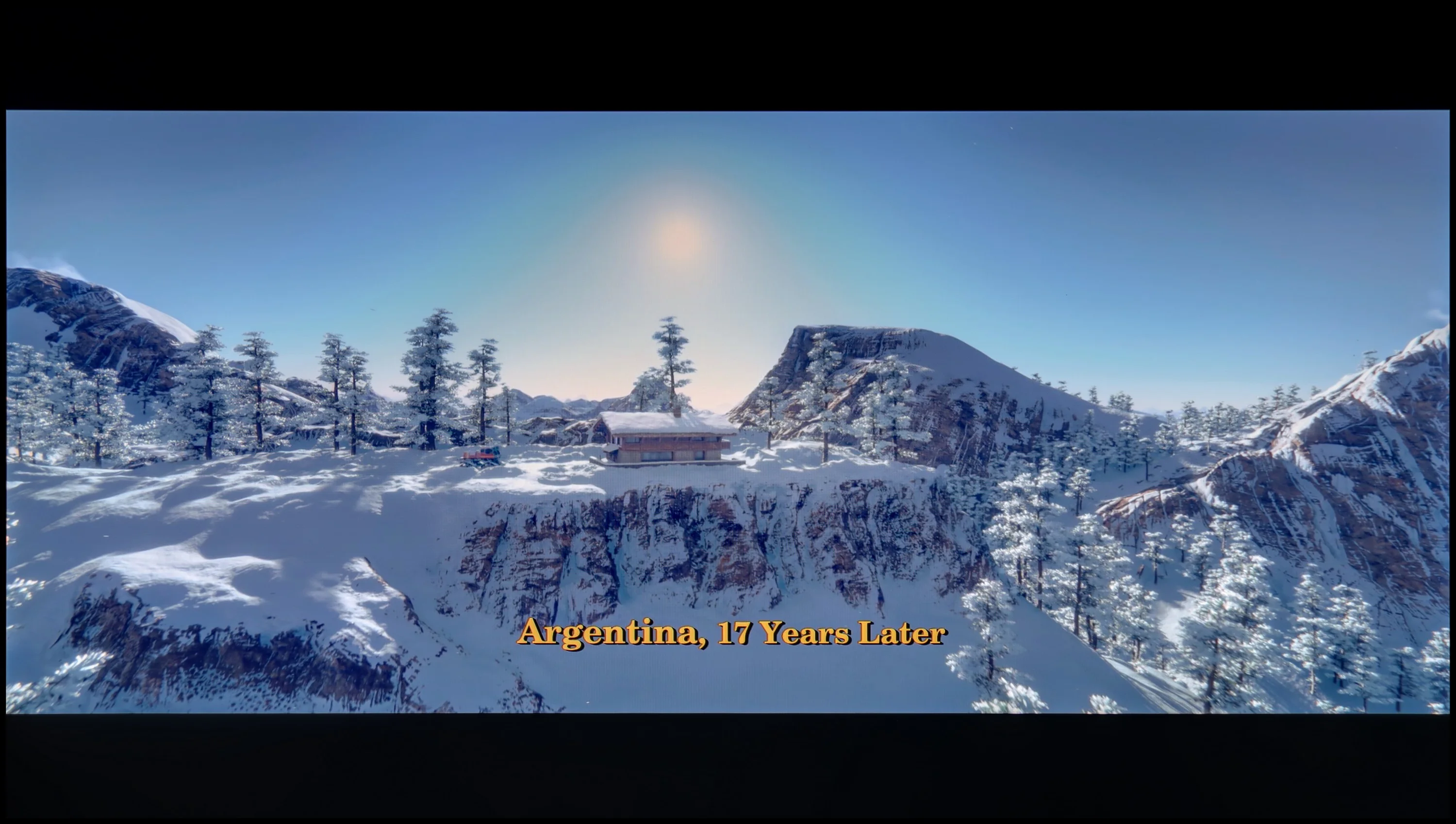
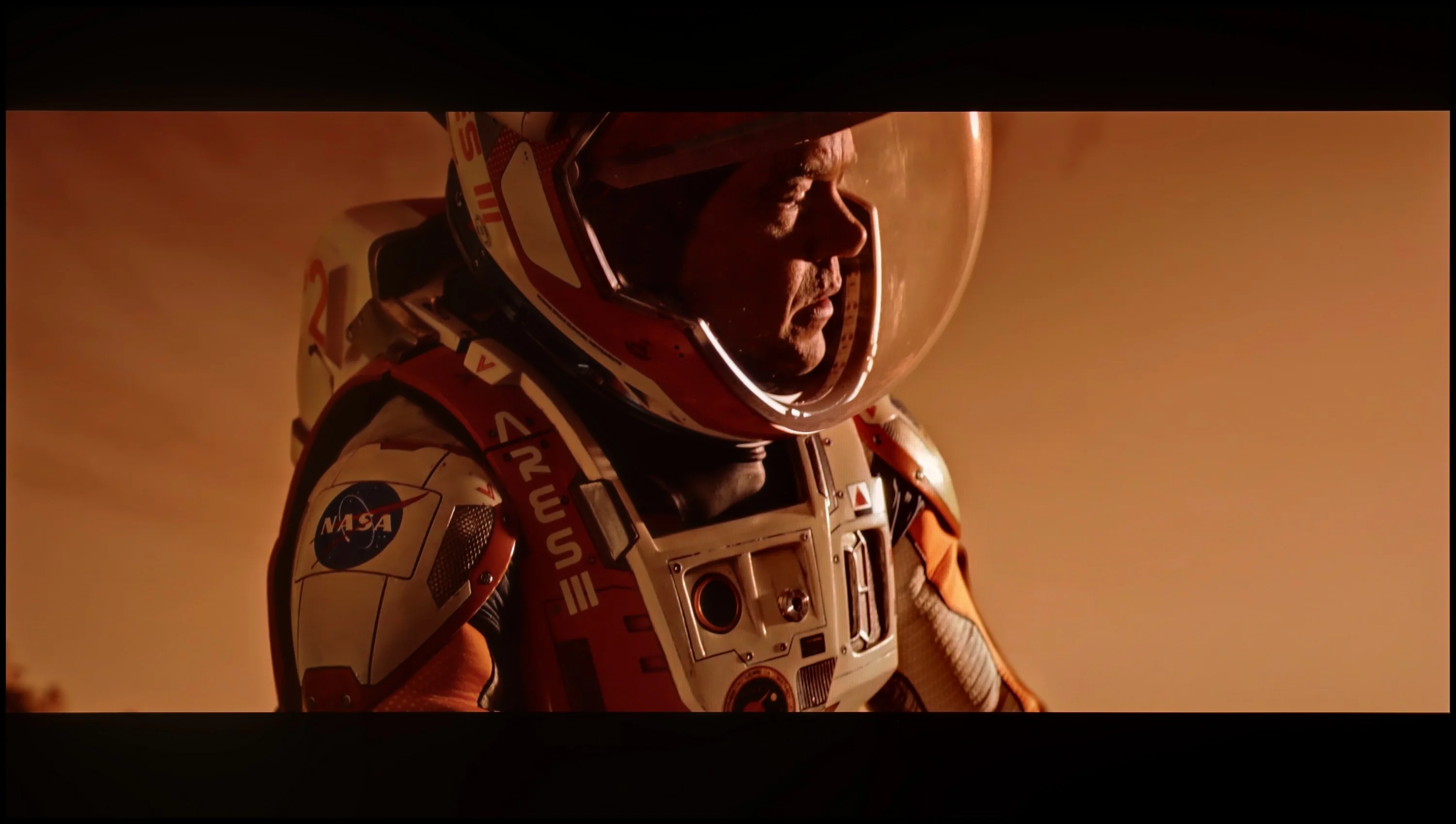
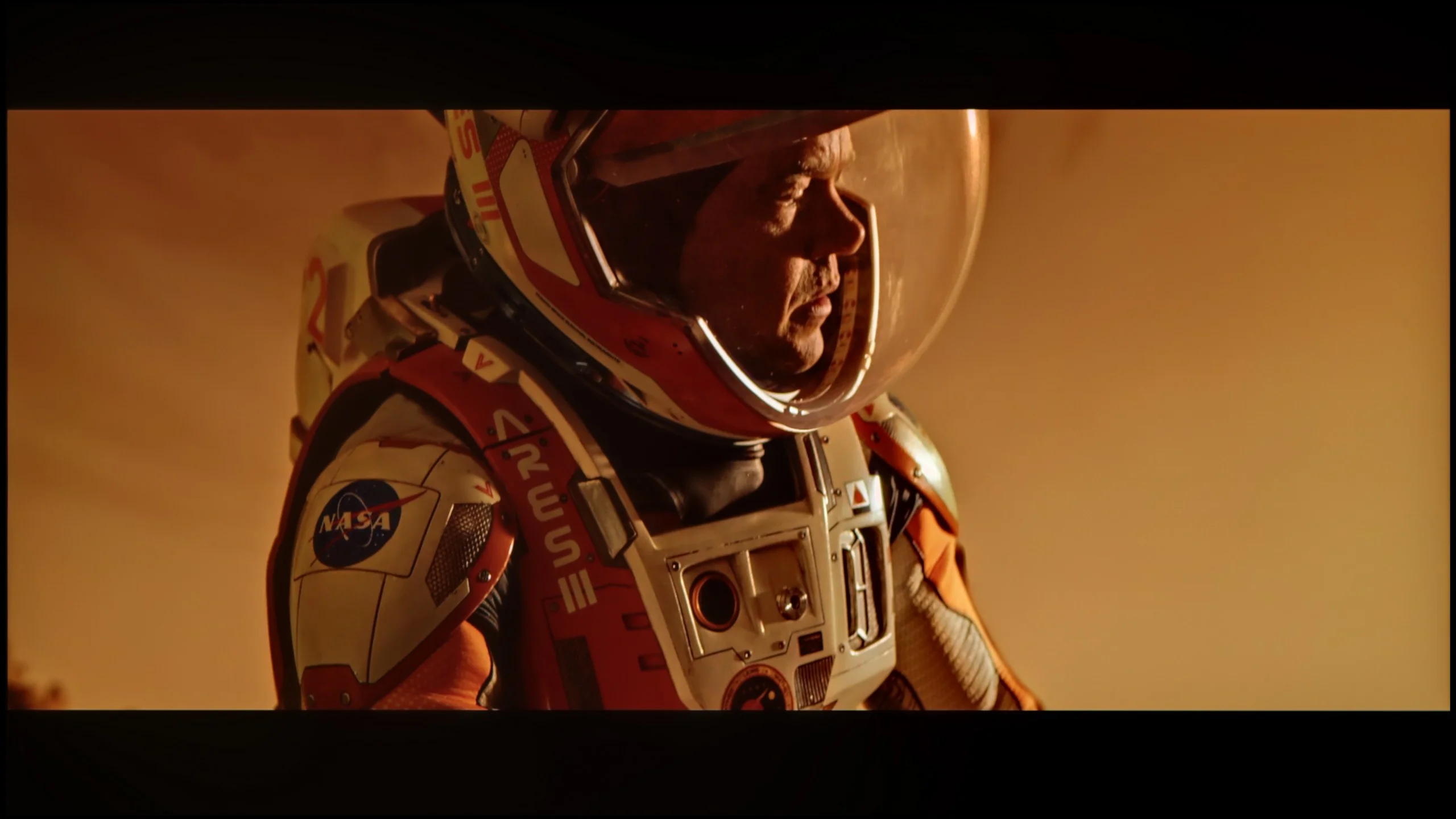
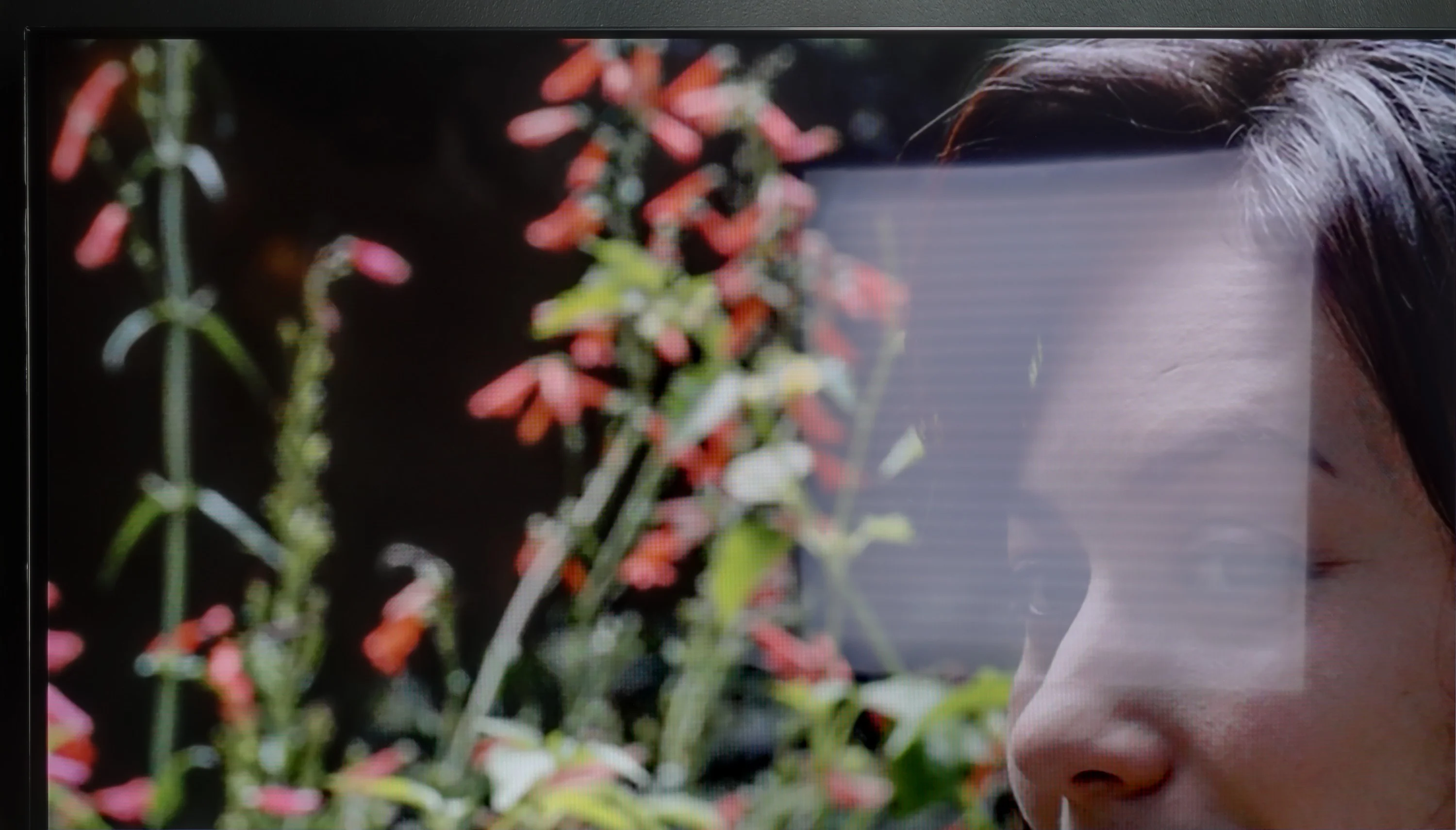
The photos show how movies look on the TV. Pay attention to black detail visibility, colors, and shadow tint.

The photos show how movies look on the TV. Pay attention to black detail visibility, colors, and shadow tint.

After calibration, Filmmaker mode on the Samsung S85D truly stands out. White balance adjustments across all content types yield significantly more natural colour reproduction. In the Colour Checker test, colour reproduction errors are minimal and well within acceptable limits, reflecting precise and true-to-life hues. Factory settings fell short in this regard, but now colours appear realistic, as though accurately rendered according to the creators’ intent. This marks a substantial improvement over previous generations, where colours often appeared distorted or overly saturated.

Brightness also benefits from calibration, becoming sharper and more refined. The Gamma, already fairly consistent, is now even more stable, delivering a deeper and more natural image. Adjustments to the EOTF curve enhance detail visibility in darker areas and improve contrast balance. With these refinements, the television provides a nearly reference-quality image, greatly enriching the experience of movies and HDR content.

After calibration, the situation changed drastically. We managed to tune the white balance so that entire scenes began to look more natural, and the image gained coherence and elegance. In HDR, we finally got rid of that unwanted blooming effect that had previously ruined some shots. Suddenly, it turned out that the Bravia 5 can extract much more from films than the first contact "straight out of the box" suggested. Yes, if we take a look at the graphs and compare them with the reference patterns, we can see that the start of the EOTF curve slightly deviates from the reference line. However, this is not so much a calibration error as a natural limitation of Mini-LED technology, which cannot be bypassed. Sony, instead of clinging to perfect black, prefers to prioritize the visibility of details – and in practice, it’s hard to disagree with that. We prefer to see the texture of the material on the screen rather than a pitch-black blob that obliterates all nuances.

The calibration itself made a significant difference. After about an hour spent on adjustments, we felt that the picture resembled that from the best cinema halls – of course on a home scale, but with the same sense of quality and refinement. And in such moments, we remember why we love Sony televisions: because once we fine-tune them, they can reward us with an image that captivates for long hours.

Smoothness of tonal transitions

7.2/10

8.8/10

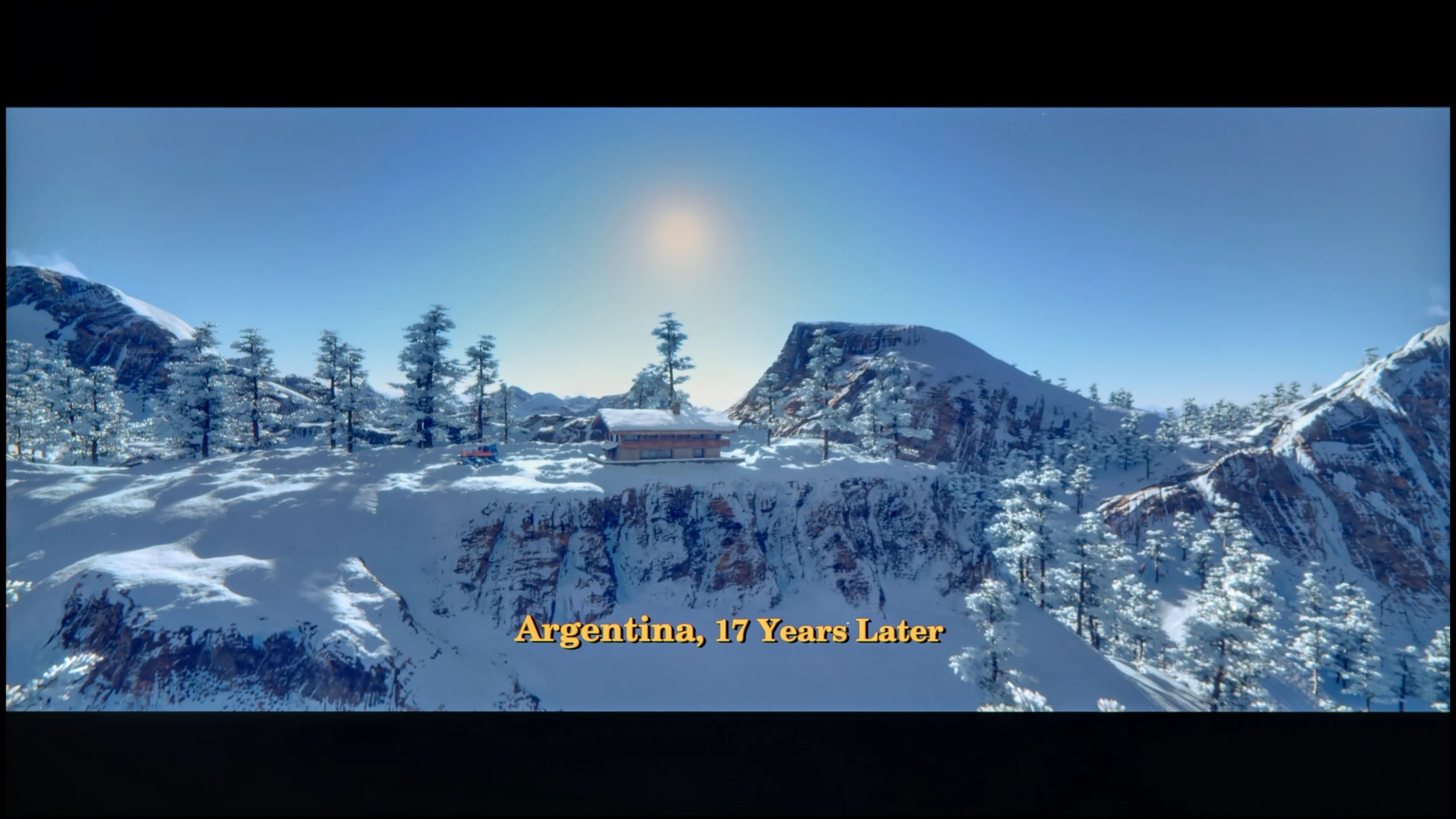
These are selected scenes that show smooth tonal transitions from one color to another. If you see distinct banding, it’s the TV panel’s fault.

These are selected scenes that show smooth tonal transitions from one color to another. If you see distinct banding, it’s the TV panel’s fault.

These are selected scenes that show smooth tonal transitions from one color to another. If you see distinct banding, it’s the TV panel’s fault.

These are selected scenes that show smooth tonal transitions from one color to another. If you see distinct banding, it’s the TV panel’s fault.

The Samsung S85D handles tonal transitions very well. There are no major issues, and the transitions between different colour levels are smooth and natural. The only minor drawback is slight problems around the reds, where in some scenes you can notice minor disturbances. Nevertheless, the overall effect is very positive – the television performs excellently with most materials.

Gradient transitions are nothing more than the way a television handles the blending of colors and shades – from light to dark, from saturated to pastel. If the device has issues with this, characteristic "stepping" is visible instead of smooth transitions, and the image loses its naturalness. It is during these moments, when instead of getting immersed in a movie, we start glancing at the screen thinking: "hey, something is off." Fortunately, in the Sony Bravia 5, such situations are virtually non-existent. This is a huge advantage, as nothing detracts our attention from the plot or the excitement of sports. The television performs best in bright scenes, where color transitions are smooth, and color blends are almost invisible. The effect is so good that sometimes one might get the impression that the image was painted in one brushstroke. Of course, there were some minor hiccups. In darker scenes, certain imperfections can be noticed – slight stepping or minimal gradation issues. For that, the Bravia 5 received a few negative points from us. Nevertheless, in the vast majority of situations, the television performs excellently and emerges from this test with flying colors.

Image scaling and smoothness of tonal transitions

7.4/10

8.5/10

Image without overscan on the SD signal
No
OK
Smooth transition function
OK
OK

Smooth transition function

The match photo shows how the TV smooths weak tonal transitions in low-quality video.

Image scaling SD (576i)

The model photo shows how it handles upscaling of SD material.

Samsung S85D performs excellently in image scaling and smoothing tonal transitions. Like other Samsung models, the TV offers three noise reduction modes: off, standard, and high. While it improves gradation well, it unfortunately also removes film grain, which many viewers desire to give the image a cinematic character. Grain often adds authenticity and a certain rawness to films, which is lost after smoothing. Removing grain can make the image look too sterile and smoothed out, which takes away some of the charm of the original film material. As for image scaling, the Samsung S85D handles lower resolution content perfectly – the model in the photo and the branches in the background are shown correctly, without significant jagged edge issues. The only noticeable drawback is the presence of overscan, which can sometimes cut off parts of the image, which may not be to everyone's taste.

Bravia 5 carries within it the genes of Sony, which remain intact – and thank goodness for that, because we are talking about absolutely remarkable digital image processing. There is a reason that for years it has been believed that it is this brand of television that sets the standard for how a screen should handle lower-quality materials. If someone is still watching classic television, old movies, or YouTube in lower resolution, here they get equipment that can turn such content into a surprisingly pleasant experience. On board, we find several tools worth activating. The first of these is "digital noise reduction." Set to a medium level, it works almost flawlessly – smoothing tonal transitions that usually pose the biggest challenge with low-quality materials, while not introducing any artificial artifacts. Importantly, it also does not remove the filmic character, or the natural grain that is an intentional element in many productions. Another advantage of Bravia 5 is the upscaling capabilities of the XR processor. The image presented after scaling is soft yet sharp and clear. The contours of characters are well-defined, and backgrounds retain their structure without excessive artificial sharpening. It’s hard to find a better television for watching lower-quality content – Bravia 5 only confirms why Sony is regarded as the benchmark in this field.




Blur and motion smoothness

8.5/10

7.9/10

Maximum refresh rate of the panel
120Hz
120Hz
Film motion smoothing option
OK
OK
Blur reduction option
OK
OK
BFI function 60Hz
Yes, 60Hz (image flickers)
Yes, 120Hz (double contours)
BFI function 120Hz
No
Yes, 240Hz (double contours)
Brightness drop with BFI
49%
49%

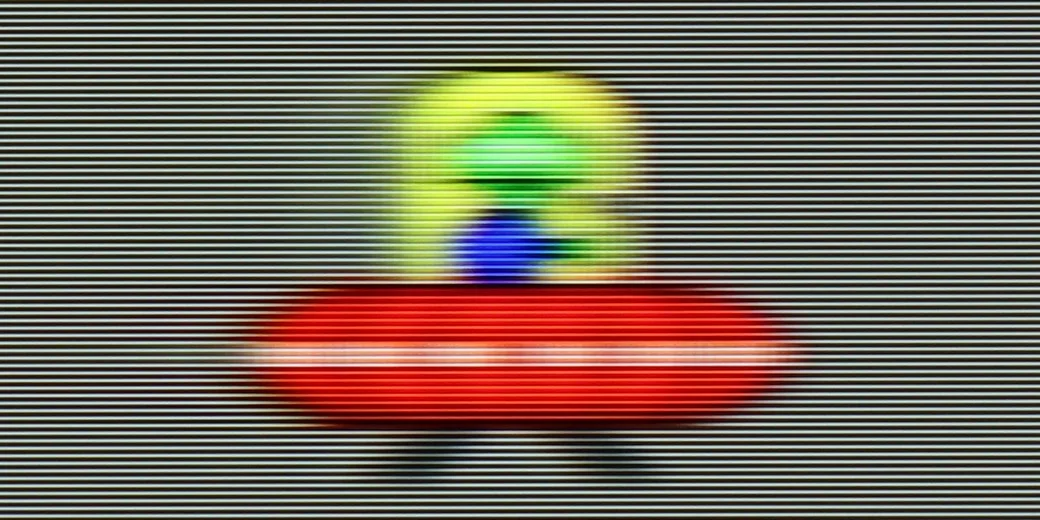
Blur (native resolution, maximum refresh rate):

Blur (BFI function enabled):

Image flickers in this mode

Blur ():

Blur (MotionFlow ON):

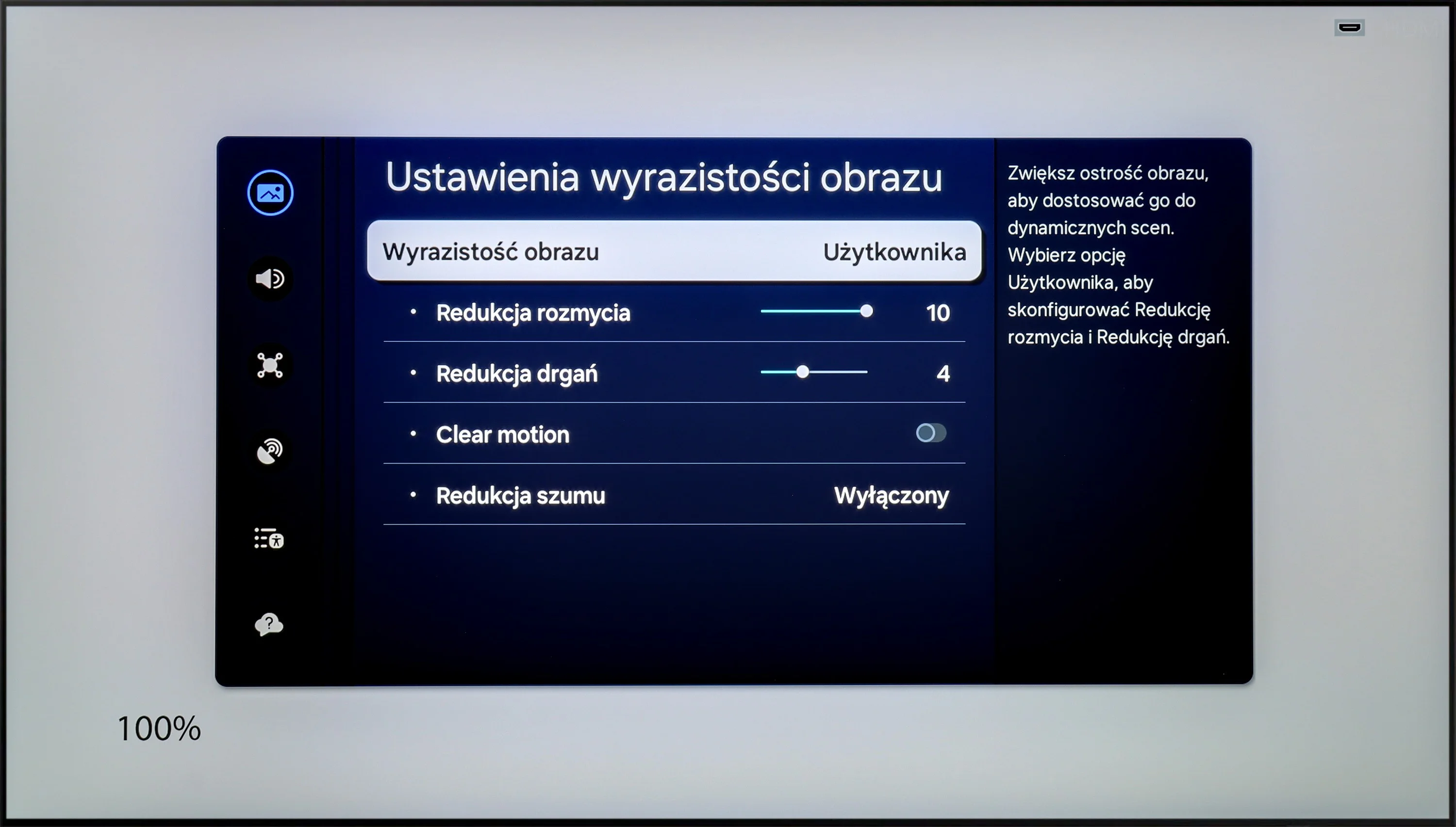
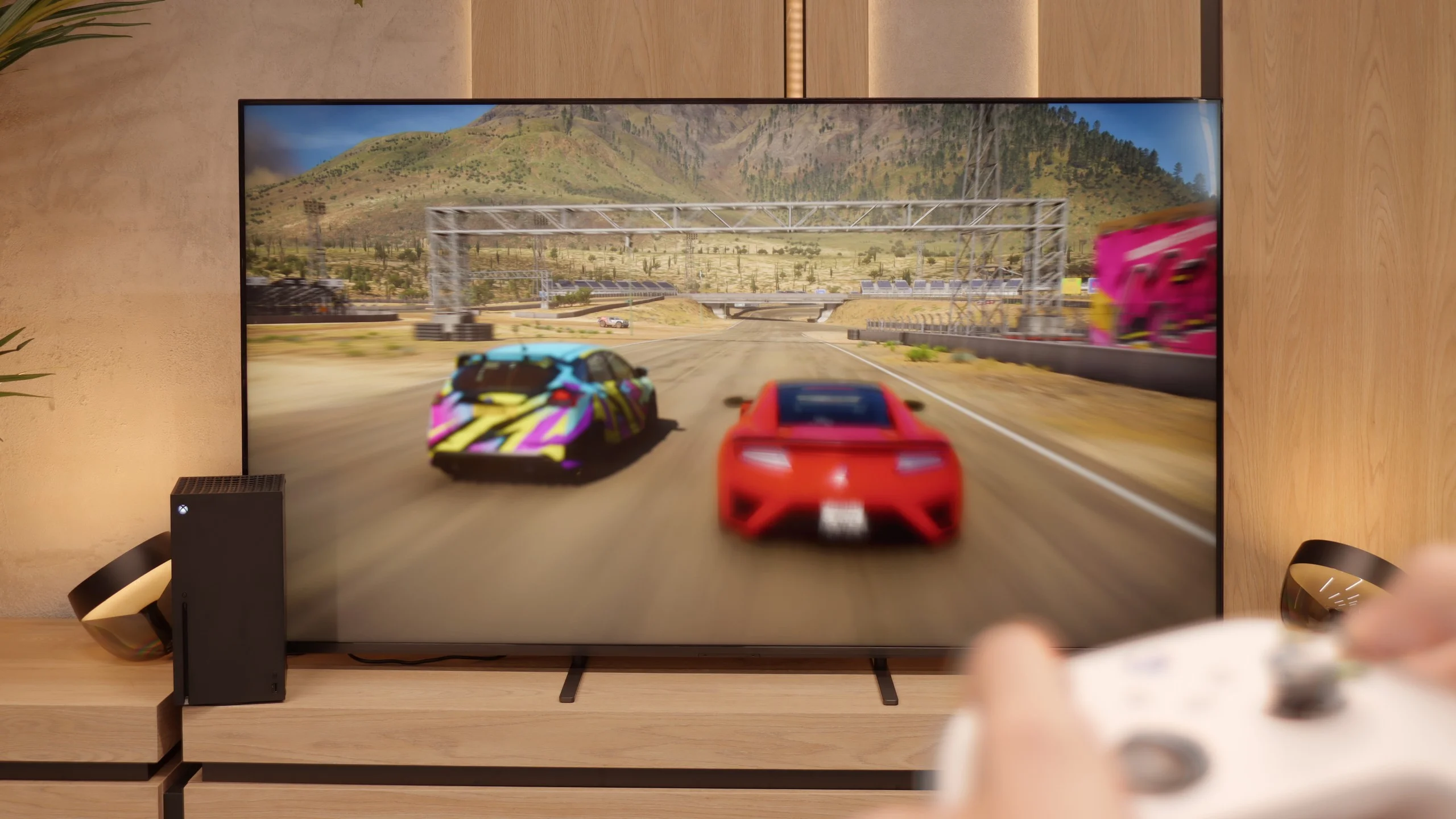
As expected from an OLED television, the Samsung S85D offers excellent motion fluidity. Equipped with a 120 Hz panel and a fast response time, the television delivers very smooth playback of dynamic scenes without visible blurring. For movie enthusiasts, there is a feature called "Image Clarity Settings," which allows you to adjust motion fluidity to individual preferences on a 10-point scale. Motion blur reduction increases the sharpness of fast-moving objects, while judder reduction smooths out motion, eliminating the "stuttering" effect. This allows every user to set the appropriate level of clarity that best suits their taste, from a more cinematic effect to clearer, smoother movements.

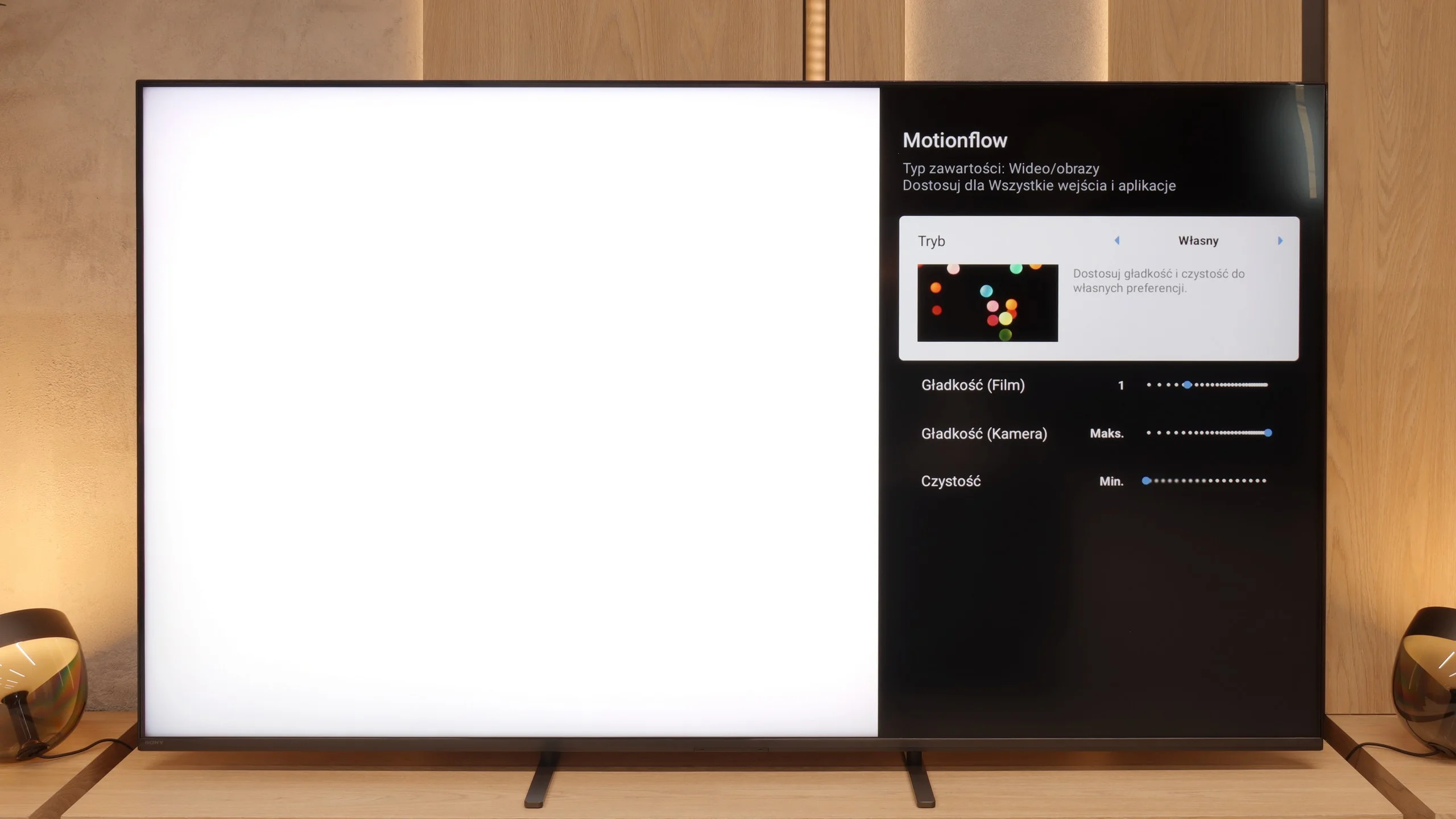
Bravia 5 has a 120 Hz panel, which in itself sounds like an invitation to watch sports, fast matches, or spectacular action movies. However, the real magic begins only when MotionFlow comes into play – Sony's proprietary smoothing technology. Thanks to it, we can adjust the character of the image to our own preferences. The “smoothness” slider allows us to transition from a cinematic vibe with a slight “jitter” of the film frame to an almost theatrical fluidity, where every ball in the game glides across the screen like on a string. The higher the value, the smoother and more fluid it is; the lower – the more cinematic and natural. In the options, we also find an additional setting that Sony has called “clearness.” This is nothing more than the BFI function (which stands for black frame insertion), which aims to improve motion clarity. It sounds great in theory, but in practice, you need to use it with great caution. Why? Because all higher settings cause brightness drops of up to half, and in some cases, there can also be contour doubling. Therefore, if we want to use it, we recommend the lowest possible level – “1” out of the available ten. This way, we gain a little better motion clarity without risking a loss of half the image brightness.

Console compatibility and gaming features

9.5/10

9.8/10

  • ALLM
    Yes
    Yes
  • VRR
    Yes
    Yes
  • VRR range
    48 - 120Hz
    48 - 120Hz
  • Dolby Vision Game Mode
    No
    Yes
  • Correct implementation of HGIG
    Yes
    Yes
  • 1080p@120Hz
    Yes
    Yes
  • 1440p@120Hz
    Yes
    Yes
  • 4K@120Hz
    Yes
    Yes
  • Game bar
    Yes
    Yes

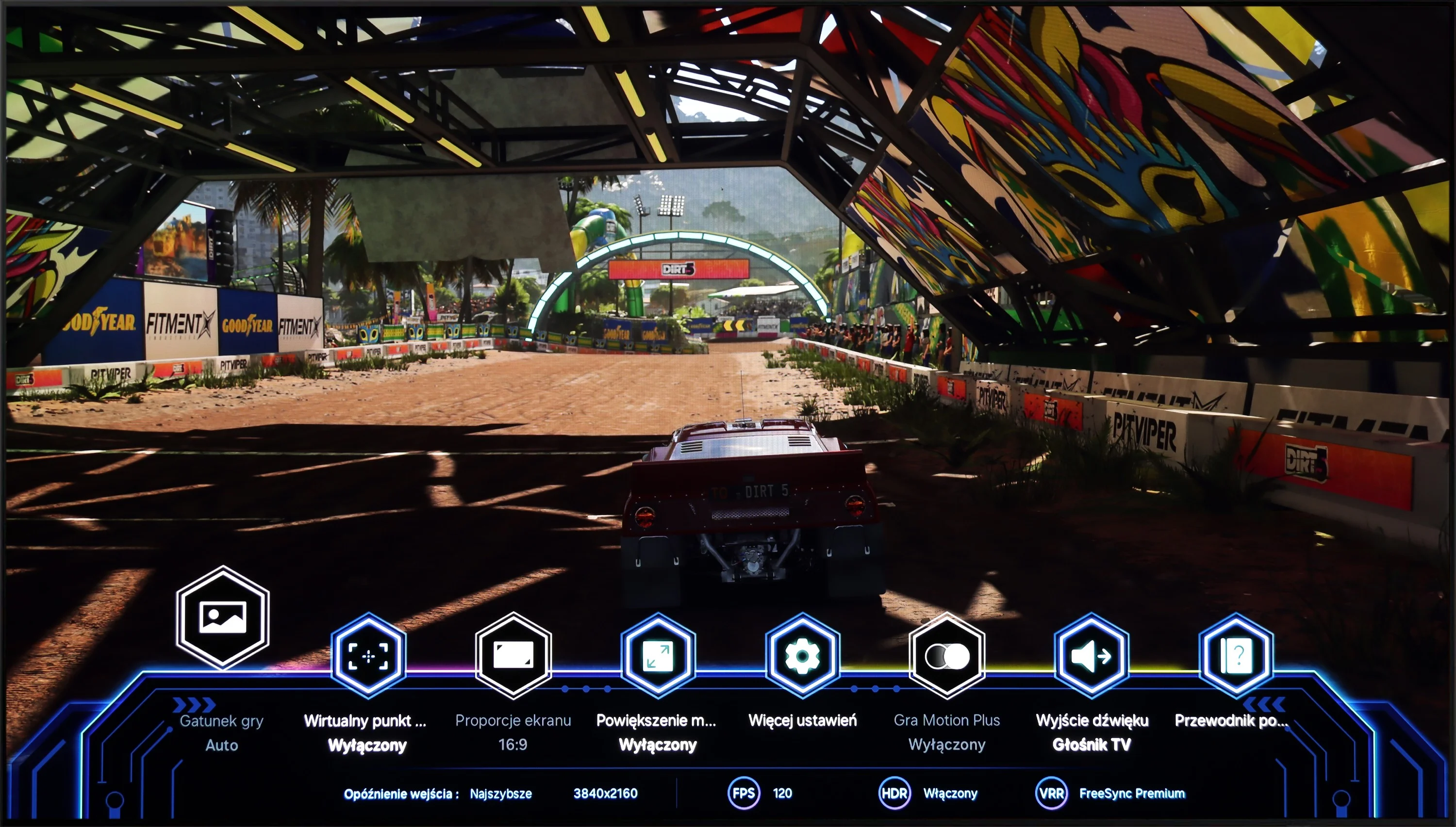
The Samsung S85D is an excellent choice for gamers due to its many modern features that facilitate and enhance gameplay. The TV has four full-bandwidth HDMI 2.1 ports, allowing you to connect the latest consoles without worrying about image quality or frame rate limitations. This means support for 4K resolution at 120 Hz, which is ideal for modern titles. Additionally, the Samsung S85D has an ALLM (Auto Low Latency Mode) function that automatically switches to low latency mode when it detects a gaming device. This way, you don't have to manually switch settings—the TV takes care of ensuring a quick response time, which is crucial in games where every second counts.

The VRR (Variable Refresh Rate) feature and G-Sync support are further elements that make gameplay smoother. VRR adjusts the refresh rate to match the frame rate generated by the console or PC, eliminating screen tearing and stuttering. This is particularly useful in dynamic games where the frame rate can fluctuate. Auto Motion Plus Game is a feature that Samsung has introduced with gamers in mind, and it's worth appreciating. Thanks to it, the image in games becomes smoother—30 frames per second looks like 45, and 60 Hz gains fluidity, approximating a 90 Hz effect. Meanwhile, there is no significant increase in input lag, which remains below 25 ms, distinguishing this feature from others available on the market. Gamers can enjoy smoother visuals without worrying about a decline in responsiveness.

Samsung has also taken care of something extra—the TV has a built-in Xbox Game Pass app, which means you can play in the cloud without the need for a console. This is a great solution for those who want to enjoy gaming without investing in additional hardware. All you need is internet access, and you have a vast library of games at your fingertips. This makes the Samsung S85D a great choice for both casual gamers and more advanced ones.

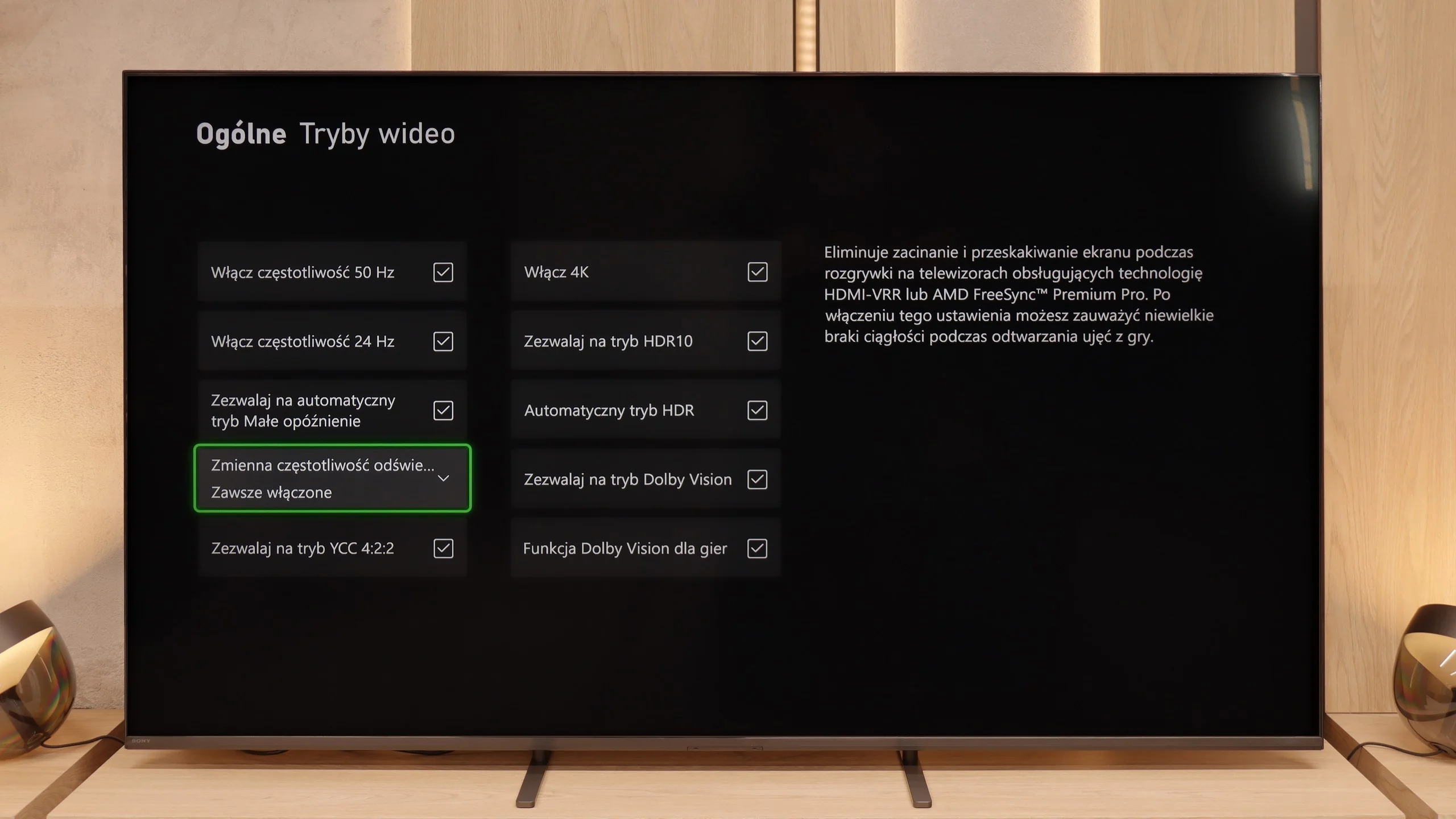
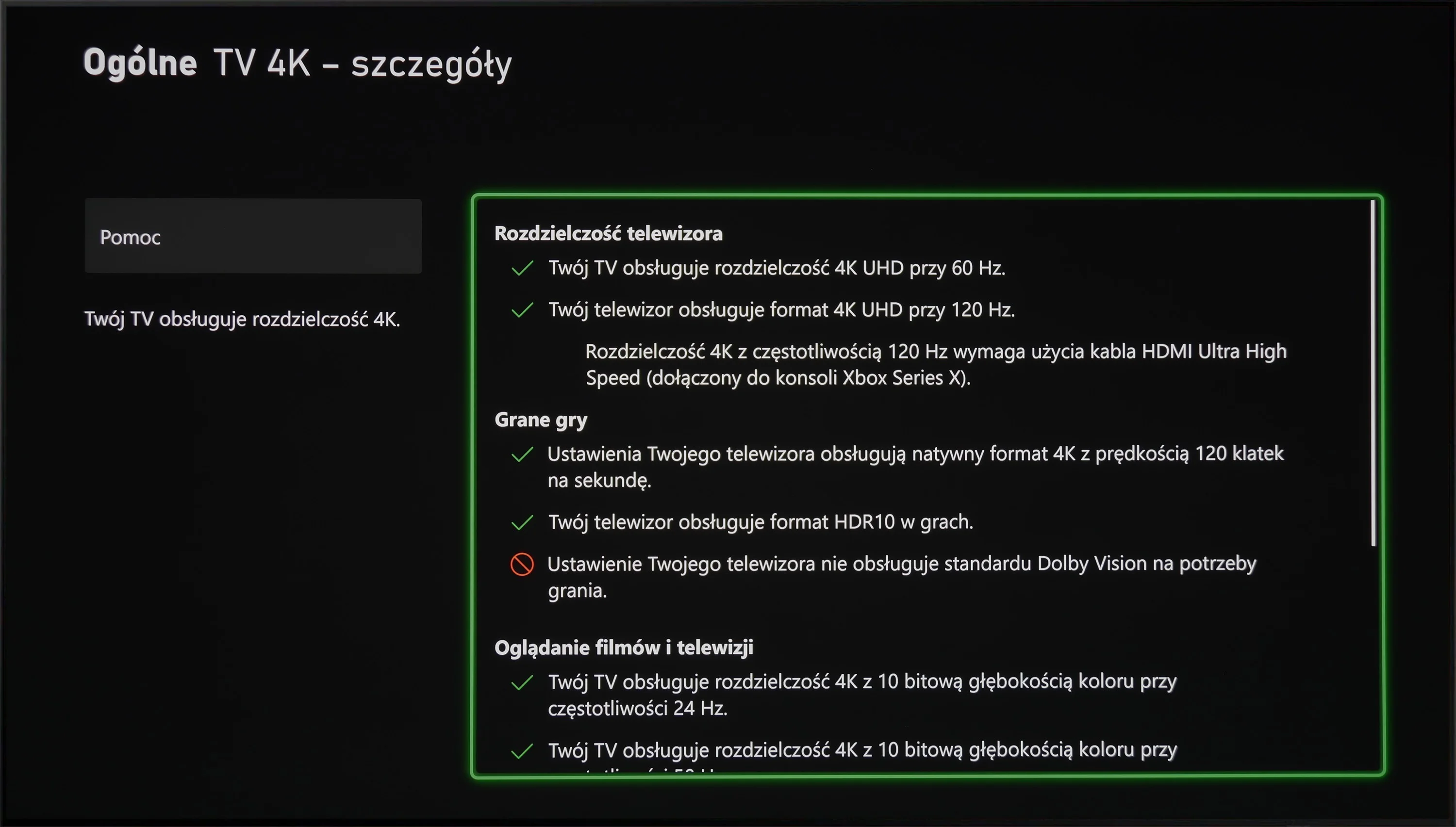
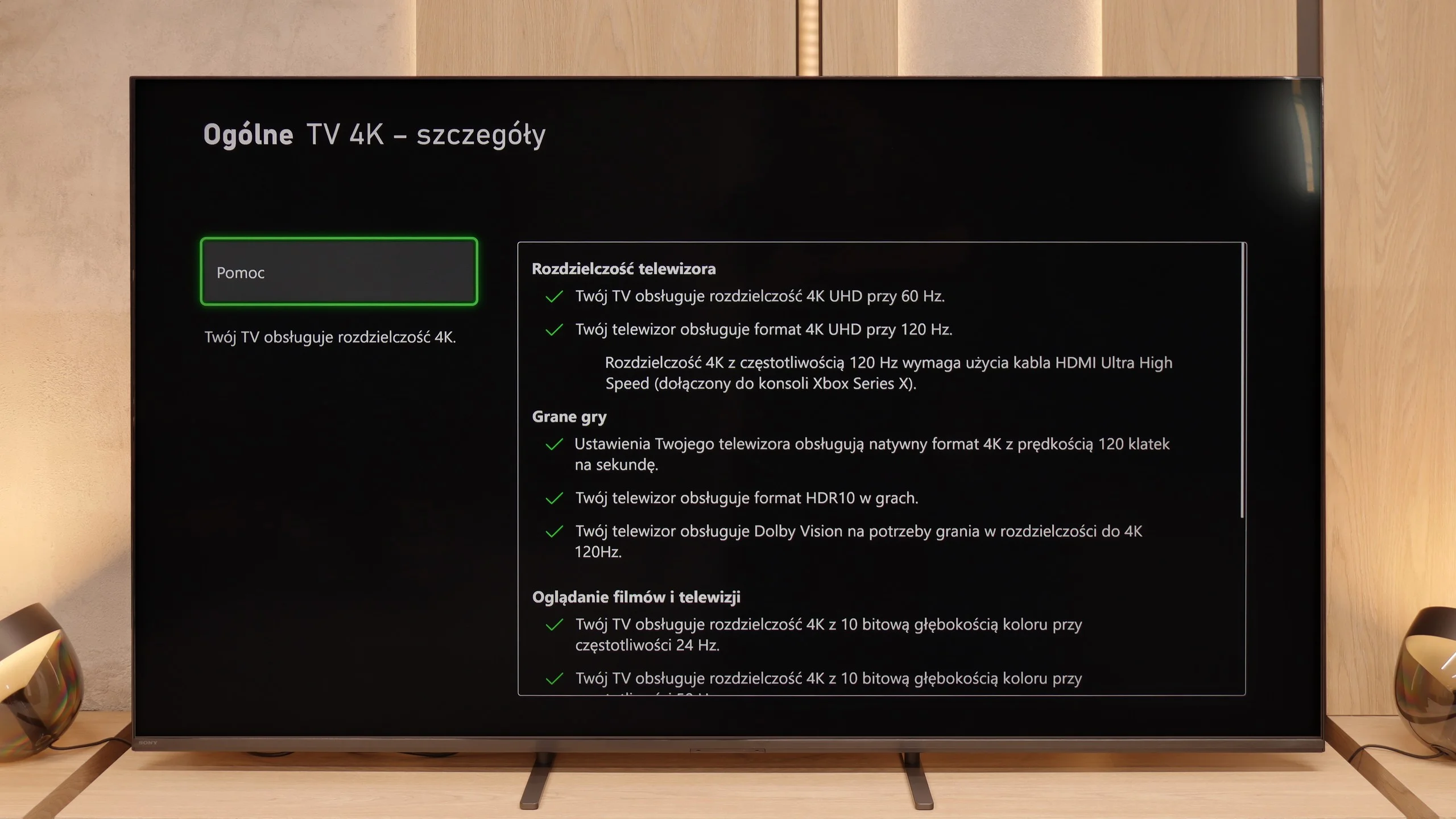
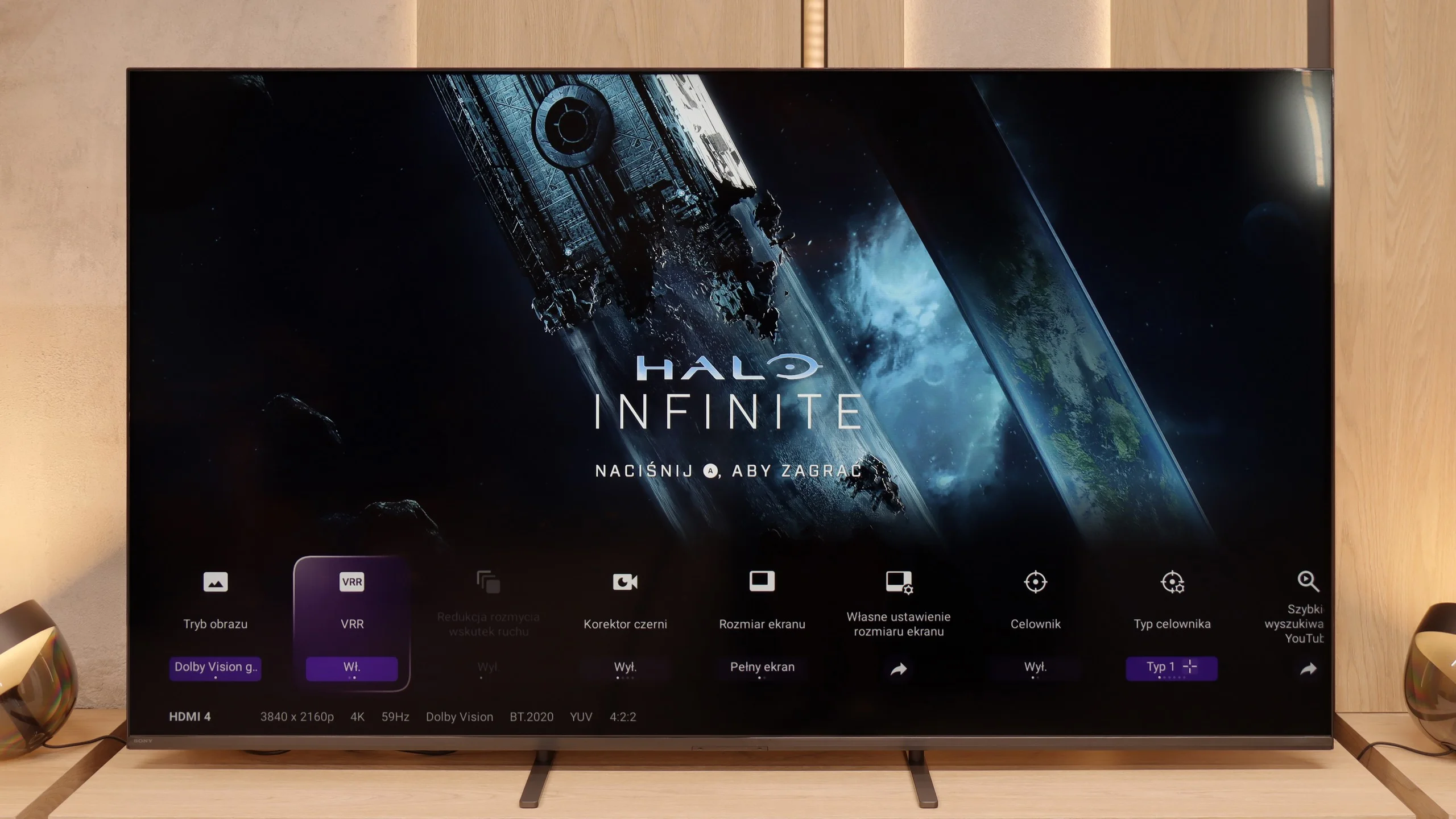
In the Bravia 5, there is significant progress compared to the X90L model from two years ago. The television offers literally everything that its predecessor had, but this time the issues that could irritate gamers have been fixed. The problems with setting up variable refresh rate (VRR) have disappeared, and there are no longer any issues with configuring HDR content in HGiG mode. In short: we get a device that simply works as it should without any fuss. The Bravia 5 thus has everything one could expect from a modern gaming television – and it could be advertised with the slogan "ready for PS5" without exaggeration. This is a statement we couldn't make about the X90L model. Hats off, Sony!

It's just a shame that in such a relatively high-priced model, a complete set of four HDMI 2.1 ports is missing. In everyday use, this won't be a problem for most people, but if someone has a console, soundbar, and additional equipment connected via HDMI, at some point there will be a need to either choose or juggle cables.

Input lag

9.9/10

9.9/10

SDR

1080p60
14 ms
16 ms
1080p120
5 ms
7 ms
2160p60
14 ms
16 ms
2160p120
5 ms
7 ms

HDR

2160p60
14 ms
15 ms
2160p120
5 ms
7 ms
4320p60

Dolby Vision

2160p60 DV
15 ms
2160p120 DV
7 ms

The Samsung S85D achieves excellent results in terms of input lag, regardless of refresh rate or resolution. This means that the screen responses are almost instantaneous, which is particularly important in fast-paced, dynamic games. Players can count on the television's lightning-fast response to controller movements, providing an advantage in competition and greater satisfaction with the gameplay. Low input lag is a significant advantage of this model, making the Samsung S85D an ideal choice for gaming enthusiasts.

When it comes to input lag, the Bravia 5 deserves a round of applause. Results around 7 ms at 120 Hz content are simply outstanding – it's hard to imagine a player complaining about such responsiveness. Even at 60 Hz, where the delay increases to around 15 ms, we're still talking about values that absolutely do not spoil the fun and can't be felt in practice. Moreover, Sony has finally tamed the Dolby Vision mode. In the X90L, it was practically unplayable – delays rose to levels as high as 150 ms. Meanwhile, in the Bravia 5, input lag remains at the same low level as with other content. This is a huge improvement and further proof that this TV can truly be called "gamer-friendly."

Compatibility with PC

7.6/10

8/10

Chroma 444 (max. resolution and refresh rate)
Yes
Yes
Font clarity
Good
Very Good
Readability of dark text and shapes
Very Good
Very Good
Input lag in PC mode (4K, max. refresh rate)
5ms
7ms
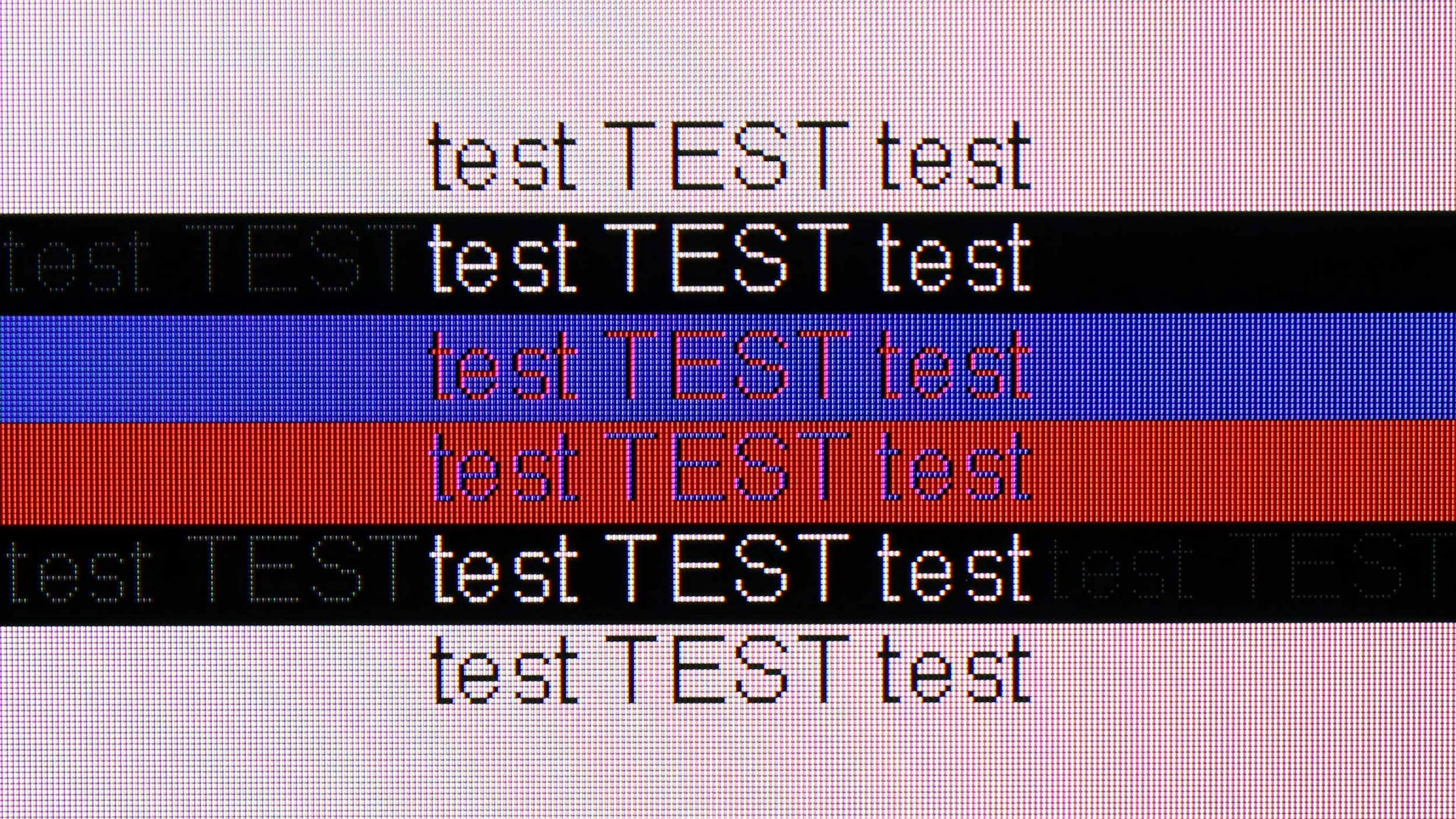
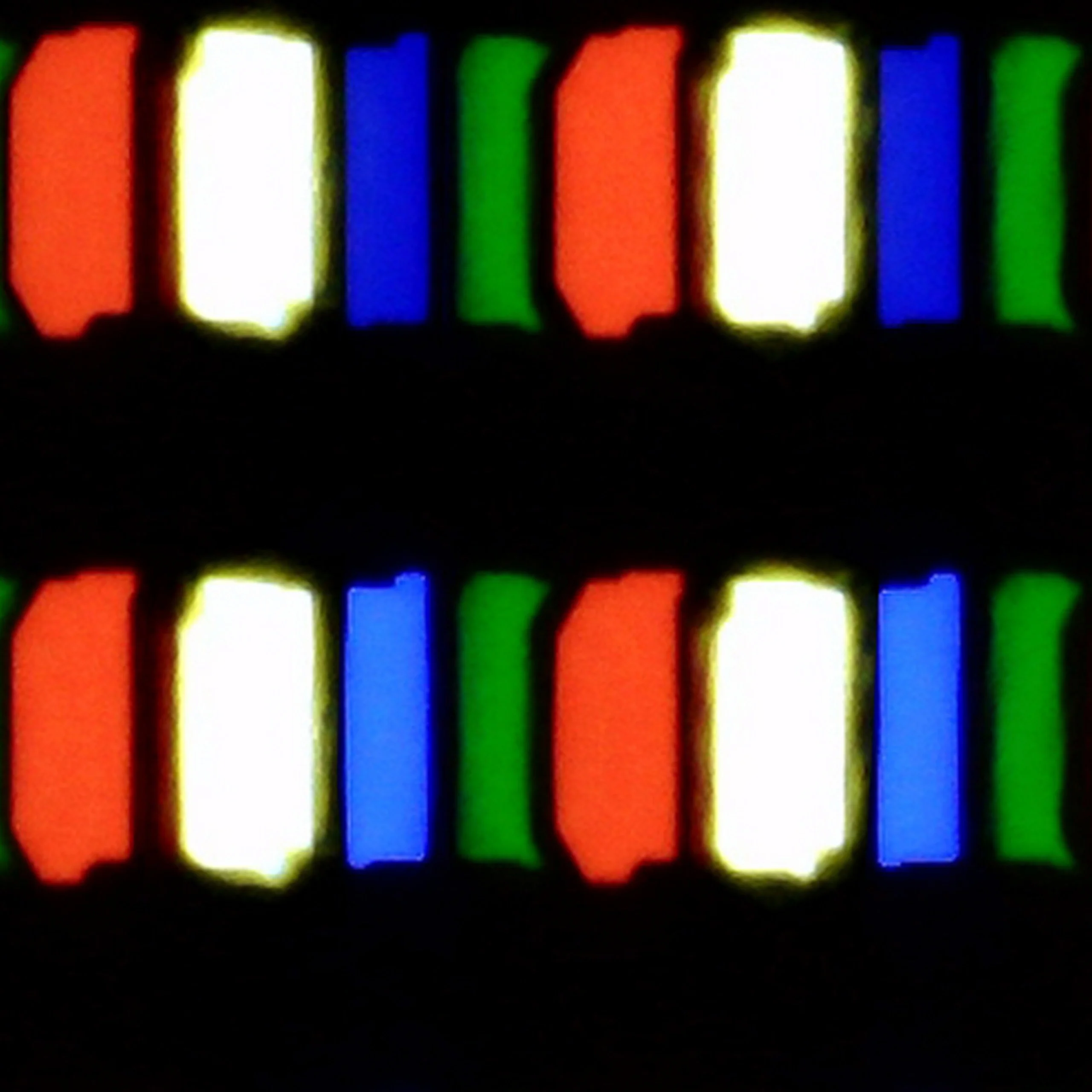
Matrix subpixel arrangement
RWBG
BGR
Max refresh rate
120Hz
120Hz
G-Sync
Yes
Yes

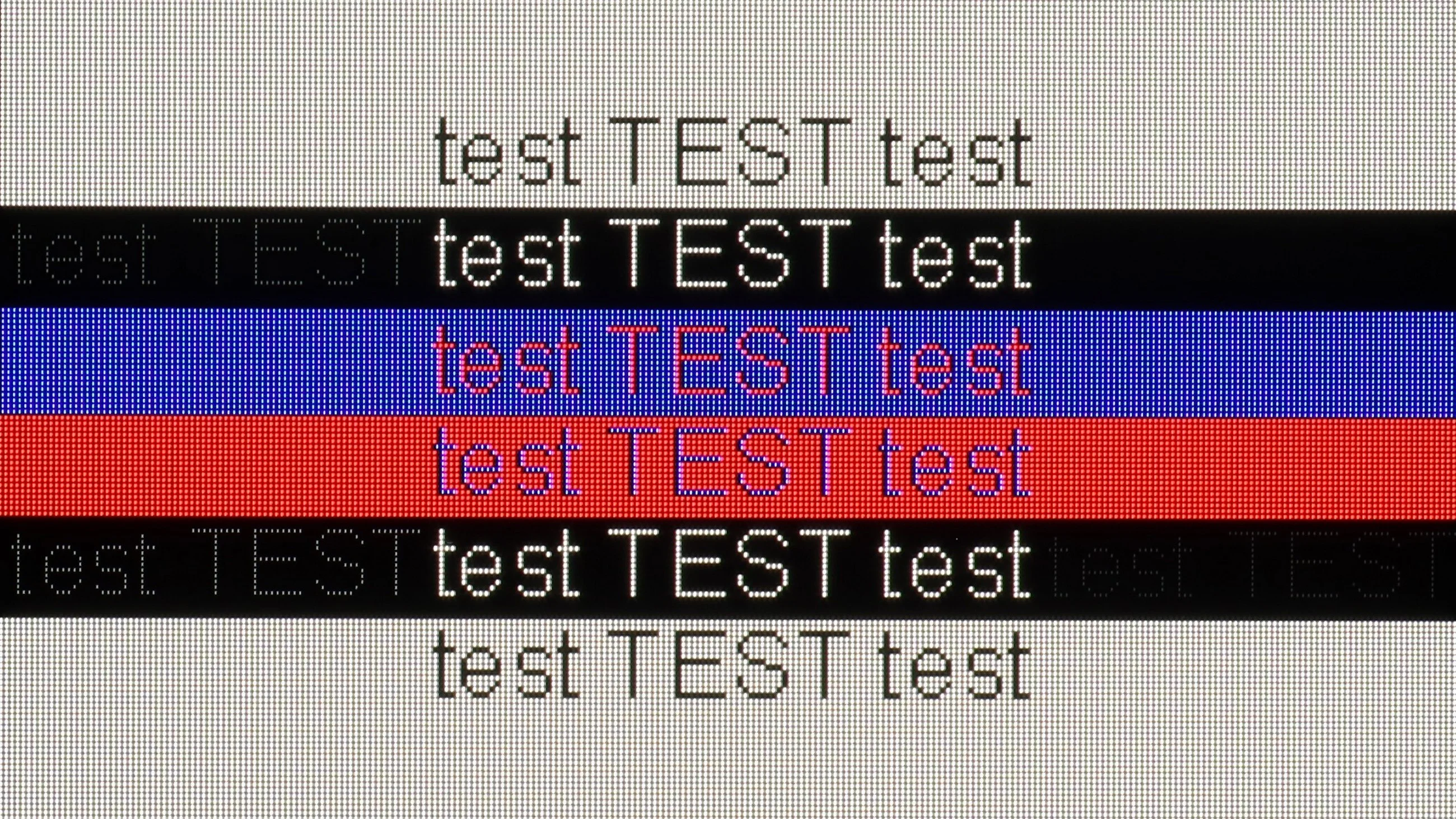
The photo shows the legibility of small fonts. Ideally, lines should be the same thickness on both light and dark text, with minimal pixel gaps.

The Samsung S85D performs very well as a computer monitor. Thanks to the clear visibility of the fonts, regardless of the background type, using it is convenient and comfortable. The 4:4:4 chroma support ensures precise reproduction of text and graphics, which is important during office work, web browsing, or document editing. The Samsung S85D is a versatile television that easily serves as a monitor for everyday applications.

In this category, the Bravia 5 deserves an exemplary rating. The ideal clarity of fonts thanks to 4:4:4 chroma support makes working with a computer on this television a pure pleasure. Whether we're opening Excel, browsing documents, or simply surfing the web – the text is sharp, clear, and free from that characteristic “haze” that can effectively diminish the joy of use in many televisions. The letters look just as they should: clear, sharp, and readable even up close.

We also have good news for PC gamers. The Bravia 5 has no problems handling 120 Hz; it works with both Nvidia and AMD cards, supporting G-Sync and FreeSync Premium Pro technologies. The result is that the image is not only smooth but also free from tearing or micro-stutters that can spoil the experience even in the best-optimized games. So you can confidently connect a powerful computer and enjoy gaming on a large screen – without compromises, without frustration, and with full comfort. The only thing we can nitpick about is the lack of additional modes for gamers with higher refresh rates.

Viewing angles

7.5/10

3.3/10

Brightness drop at an angle of 45 degrees
28%
62%

The viewing angles on the Samsung S85D are excellent, as befits an OLED. The image remains sharp and does not lose quality even when viewed at wide angles, making the television perfect for larger rooms and watching together with family or friends. The only televisions that offer better viewing angles are those with QD-OLED or MLA OLED panels.

Bravia 5 uses a classic VA panel, which means one thing – viewing angles are not its strongest point. For owners of smaller sizes, this will not be a problem, as sitting directly in front, the picture looks great. However, with larger sizes, especially 85 inches, the situation becomes less comfortable. It’s enough to sit slightly off-center on the sofa to notice small imperfections: the image starts to lose saturation, contrast weakens, and blacks take on unwanted grays. It’s a pity that Sony did not decide to use additional coatings that can bring the capabilities of VA panels closer to those of IPS panels. Such solutions exist, and some competitors use them. Here they are missing, so one must consider that Bravia 5 best showcases its strengths when viewed directly.

Daytime performance

5/10

6.9/10

Panel finish
Satin
Satin
Reflection suppression
Average
Good
Black levels during daytime
Very Good
Good

Panel brightness

Sony BRAVIA 5 (XR5) : 641 cd/m2

Samsung S85D: 313 cd/m2

The Samsung S85D performs quite well with reflections thanks to the satin coating of the panel, which effectively dampens them. Unfortunately, the SDR brightness of 310 nits is rather average, meaning that in very bright rooms, the TV's effectiveness may be limited. This is not an impressive result, so this model will definitely perform better during evening viewing when such brightness is sufficient. During the day, to get better comfort, it may be necessary to draw the blinds or curtains.

Bravia 5 is a device that performs really well in challenging lighting conditions. The high brightness ensures that even in the middle of the day, with the blinds wide open and sunlight streaming through the windows, the picture remains clear and sharp. There’s no sensation that we’re watching a “washed-out” screen. The satin coating of the panel also plays a significant role in effectively reducing light reflections. Yes, some reflections do appear, but they are not strong enough to interfere with viewing. They are more like subtle glows that can be noticed when we deliberately look for them, rather than a real problem on a daily basis. This means that the Bravia 5 will perform well not only in the evening in a dimly lit room but also in bright living rooms where other televisions can falter. Therefore, it can be said that it is a “universal light model” – suitable for both evening screenings and for watching news or sports in full sunlight.

Panel details

Backlight Type
PFS LED
Software version during testing
1120
BRAVIA_AE2_eu-user 12 STT2.231117.001 632050 release-keys
Image processor
MT5897 6GB RAM

Subpixel Structure:

Panel uniformity and thermal imaging:

Review Samsung S85D TV Panel details
Review Sony BRAVIA 5 (XR5) TV Panel details

Samsung S85D

Sony BRAVIA 5 (XR5)

TV features

7.2/10

7.6/10

  • System
    Tizen
    Google TV
  • System performance
    Very good
    Good
  • HDMI inputs
    0 x HDMI 2.0, 4 x HDMI 2.1 48Gbps
    2 x HDMI 2.0, 2 x HDMI 2.1 48Gbps
  • Outputs
    Toslink (Optical audio), eARC (HDMI), ARC (HDMI)
    Toslink (Optical audio), eARC (HDMI), ARC (HDMI)
  • Network Interfaces
    Wi-Fi 2.4GHz, Wi-Fi 5GHz, Ethernet (LAN) 100Mbps
    Wi-Fi 2.4GHz, Wi-Fi 5GHz, Ethernet (LAN) 100Mbps
  • TV reception
    DVB-T, DVB-T2, DVB-S, DVB-S2, DVB-C
    DVB-T, DVB-T2, DVB-S, DVB-S2, DVB-C

Classic features:

  • Recording to USB (terrestrial TV)
    No
    Yes
  • Recording programming
    No
    Yes
  • Picture in Picture (PiP)
    Yes
    No
  • RF remote control (no need to aim)
    Yes
    Yes
  • Backlit remote control
    No
    No
  • Teletext
    Yes
    Yes
  • Audio only mode
    Yes
    Yes
  • Bluetooth headphones support
    Yes
    Yes
  • Simultaneous Bluetooth headphones & TV audio
    Yes
    Yes

Smart features:

  • AirPlay
    Yes
    Yes
  • Screen mirroring (Windows Miracast)
    Yes
    No
  • Voice search
    Yes
    Yes
  • Voice search in native language
    Yes
    Yes
  • Ability to connect a keyboard and mouse
    Yes
    Yes
Review Samsung S85D TV features
Review Sony BRAVIA 5 (XR5)  TV features

Sound connection options

  • HDMI audio
    eARC (HDMI), ARC (HDMI)
    eARC (HDMI), ARC (HDMI)
  • Other audio outputs
    Toslink (Optical audio)
    Toslink (Optical audio)
  • Wireless audio
    Bluetooth
    Bluetooth

Supported audio formats (external HDMI eARC audio):

  • Dolby Digital Plus 7.1
    Yes
    Yes
  • Dolby True HD 7.1
    No
    Yes
  • Dolby Atmos in Dolby Digital Plus (JOC)
    Yes
    No
  • Dolby Atmos in Dolby True HD
    No
    No
  • DTS:X in DTS-HD MA
    No
    Yes
  • DTS-HD Master Audio
    No
    Yes

Senior accessibility

  • Numeric keyboard on TV
    No
    Yes
  • Font size adjustment
    Yes
    No
  • Audio description
    Yes
    Yes

The Samsung S85D runs on the Tizen operating system, which is intuitive and provides easy access to many applications and streaming services. The system offers smooth and fast navigation, significantly improving the comfort of using the TV. The television is equipped with a solar remote control that allows for the control of other devices, such as decoders and home theatre systems, enabling the management of all home equipment with a single device. In terms of connectivity, the Samsung S85D supports AirPlay, making it easier to stream content from Apple devices, and has a built-in Bluetooth module that allows for the connection of peripheral devices such as keyboards, headphones, or speakers.

When it comes to everyday use of the television for regular TV viewing, the S85D model offers several useful features, but it also has some shortcomings. One of its advantages is the PIP (Picture-in-Picture) function, which allows for simultaneous viewing of two contents – for example, a match in a small window and a favourite series on the rest of the screen. This is a convenient solution for those who want to keep up with various programs. However, the lack of recording capability from the built-in tuners is disappointing. This limitation means that favourite shows or movies cannot be saved for later, which can be problematic for those who want to flexibly adjust their TV watching to their schedule – however, we believe that the absence of this function is becoming less burdensome as users now have wide access to various content online, making the need for recording less significant.

The design of the Samsung S85D television is distinguished by its characteristic, rounded shape at the back, setting it apart from most OLED TVs, which usually have a flat back. This unusual design gives it a unique look and attracts attention, making the TV appear modern and elegant. The package includes a remote control, a CI+ module, a stand in the form of two legs, and a power cable, allowing for quick and convenient usage of the television without the need to purchase additional accessories.

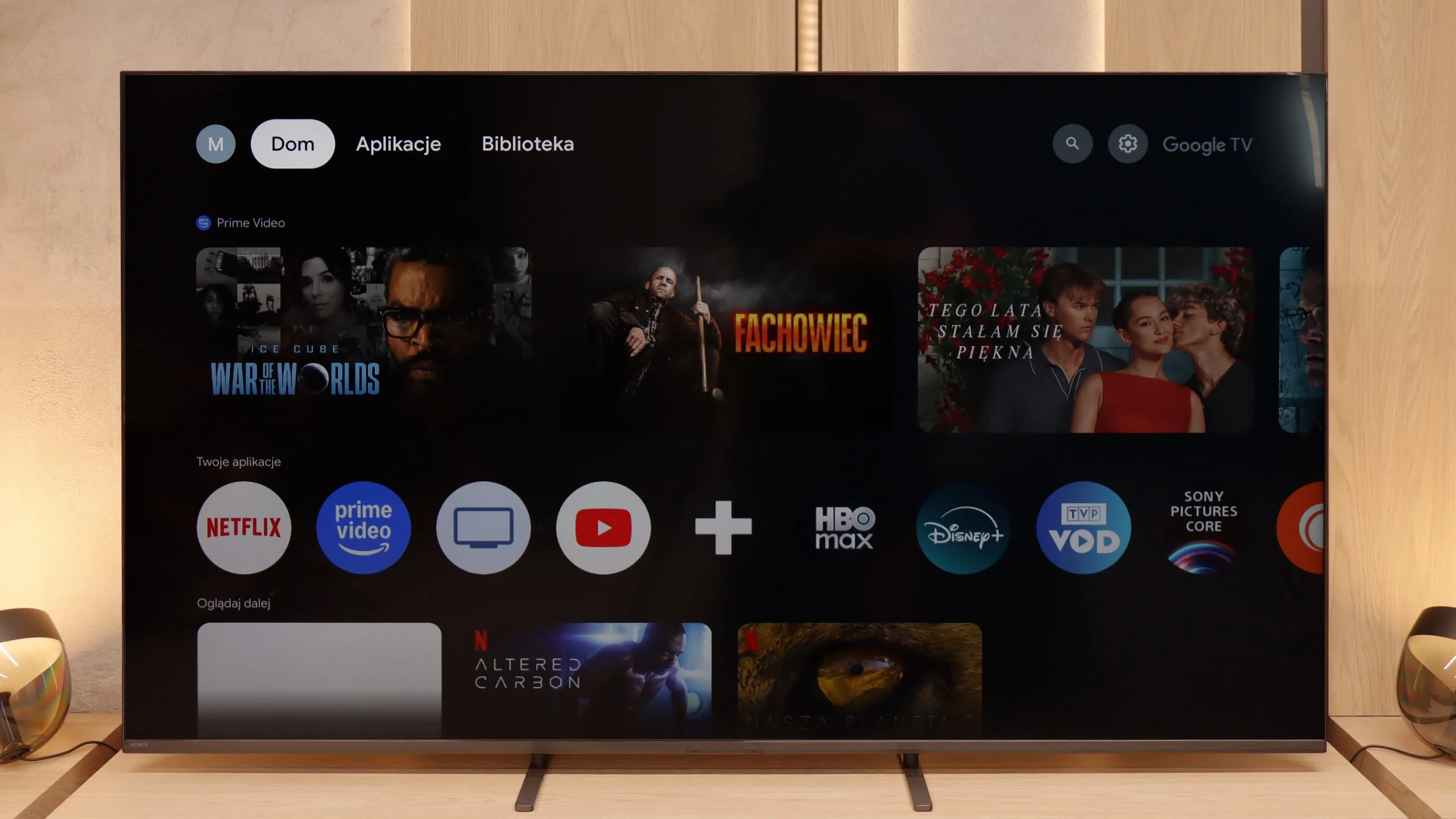
GoogleTV and SmartTV features

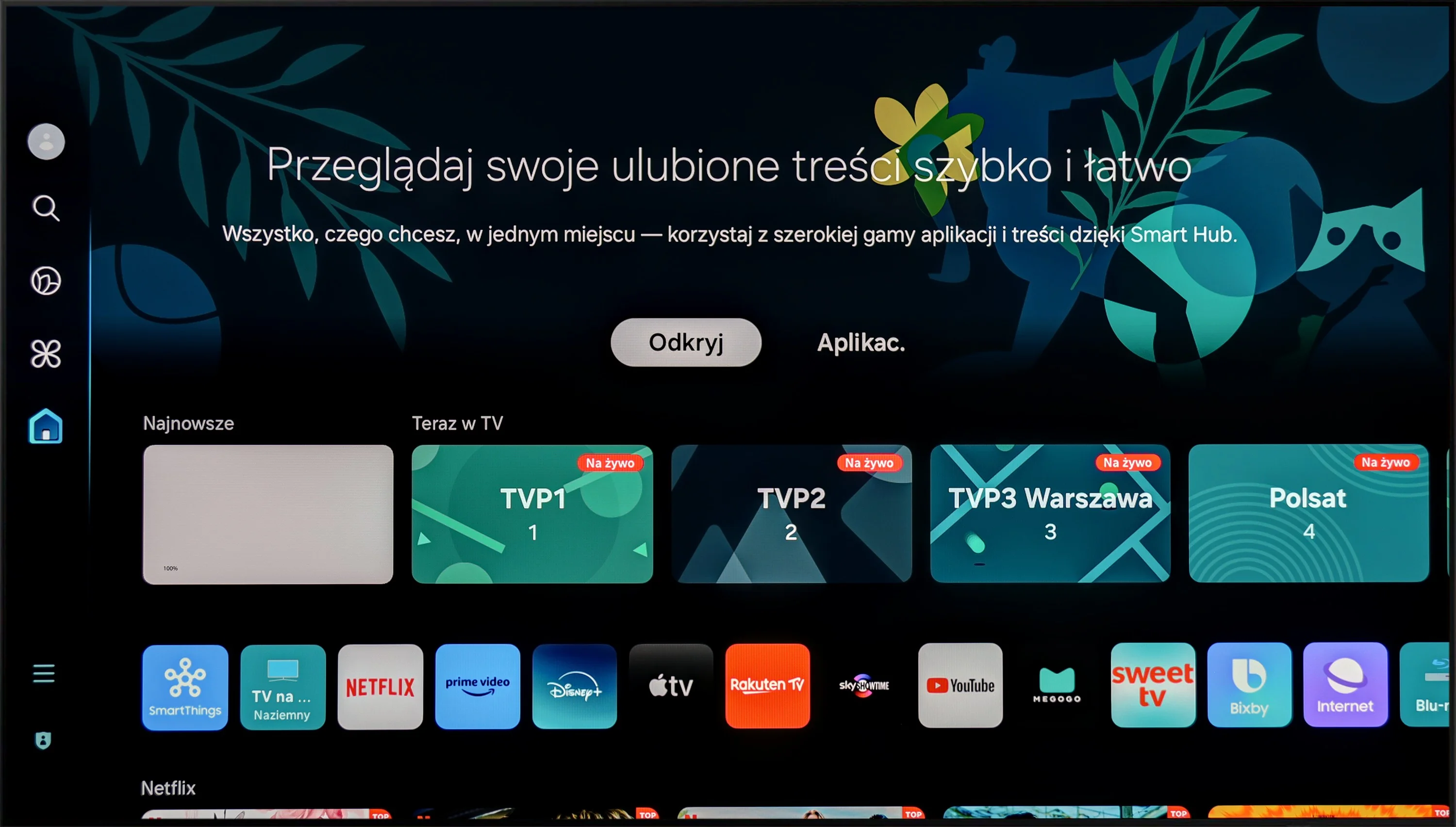
Sony Bravia 5 runs on Google TV, and it must be admitted that it is one of the best-optimized systems specifically for this brand. The interface runs smoothly, there are no annoying bugs or strange translations, and navigating the menu does not feel like walking through a minefield. Indeed, there are moments when the system stutters a bit—as if it has its “weaker moments”—but these are so rare that they do not spoil the overall impression. We have full support for AirPlay, voice search with the help of Google AI assistant, and the possibility of downloading virtually any app we can think of. The only downside in testing turned out to be the screen mirroring feature, which theoretically should work with laptops and phones, but in practice proved to be almost useless—on Windows and Android, it was impossible to obtain a stable image.

User features

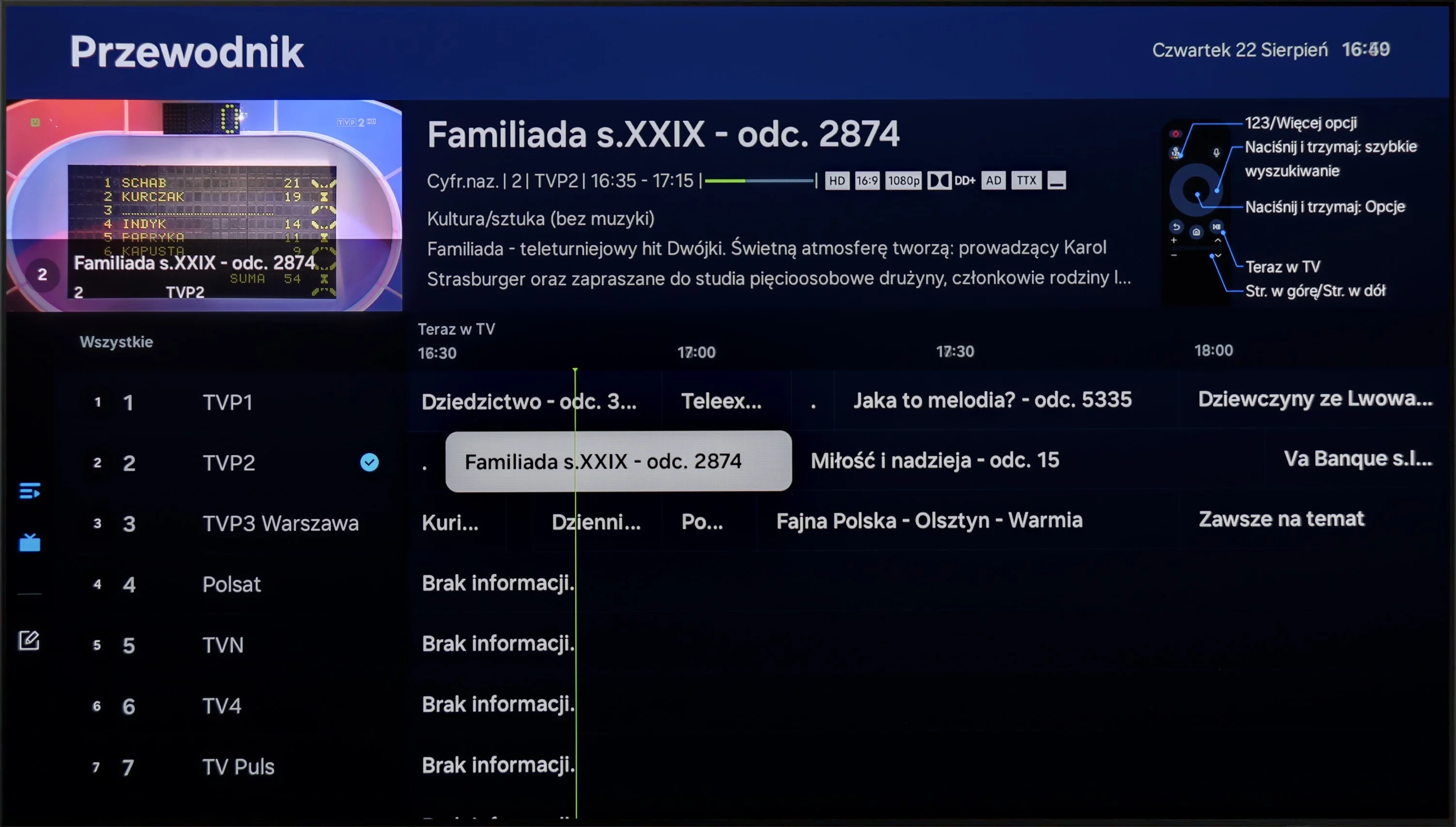
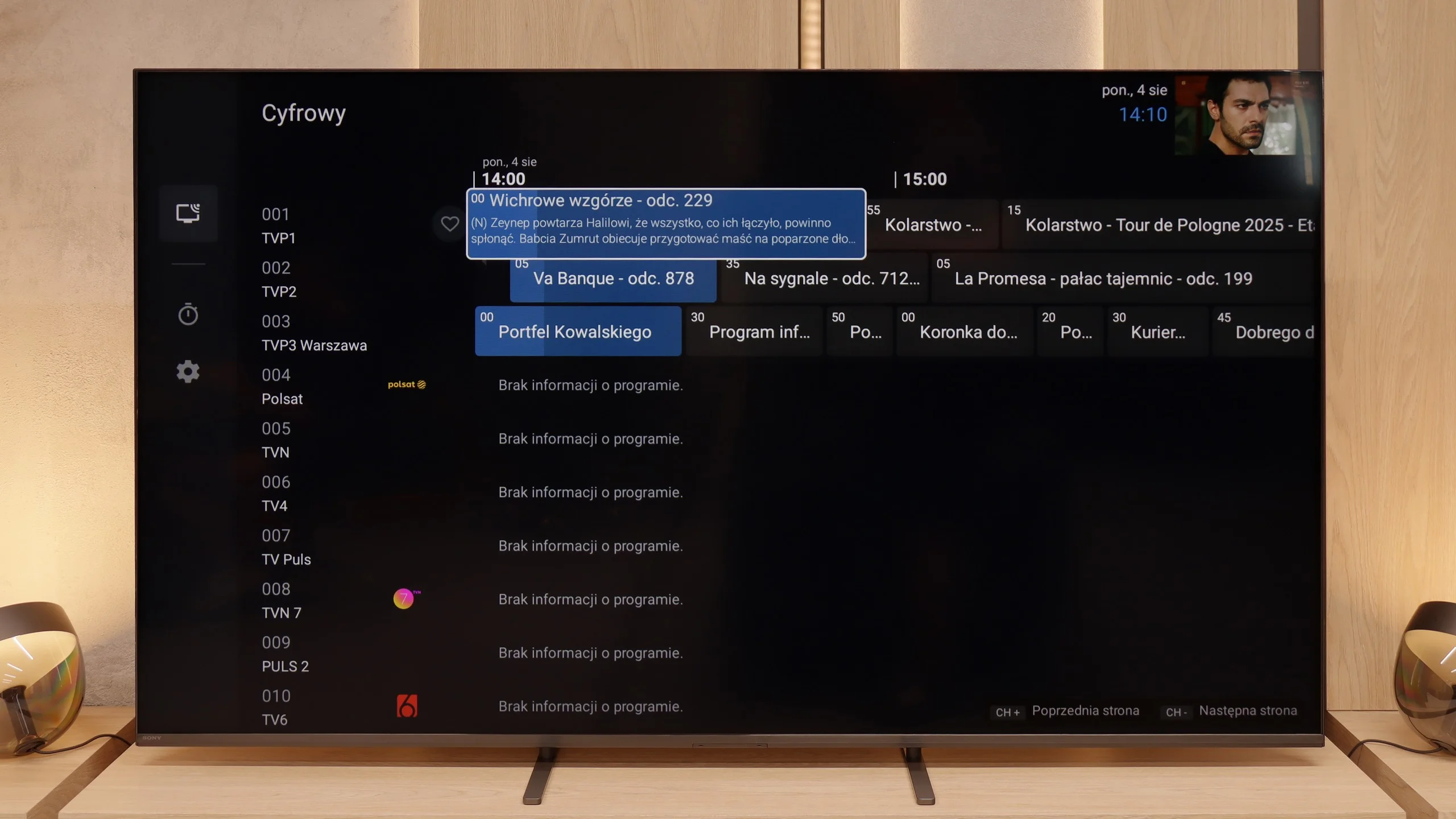
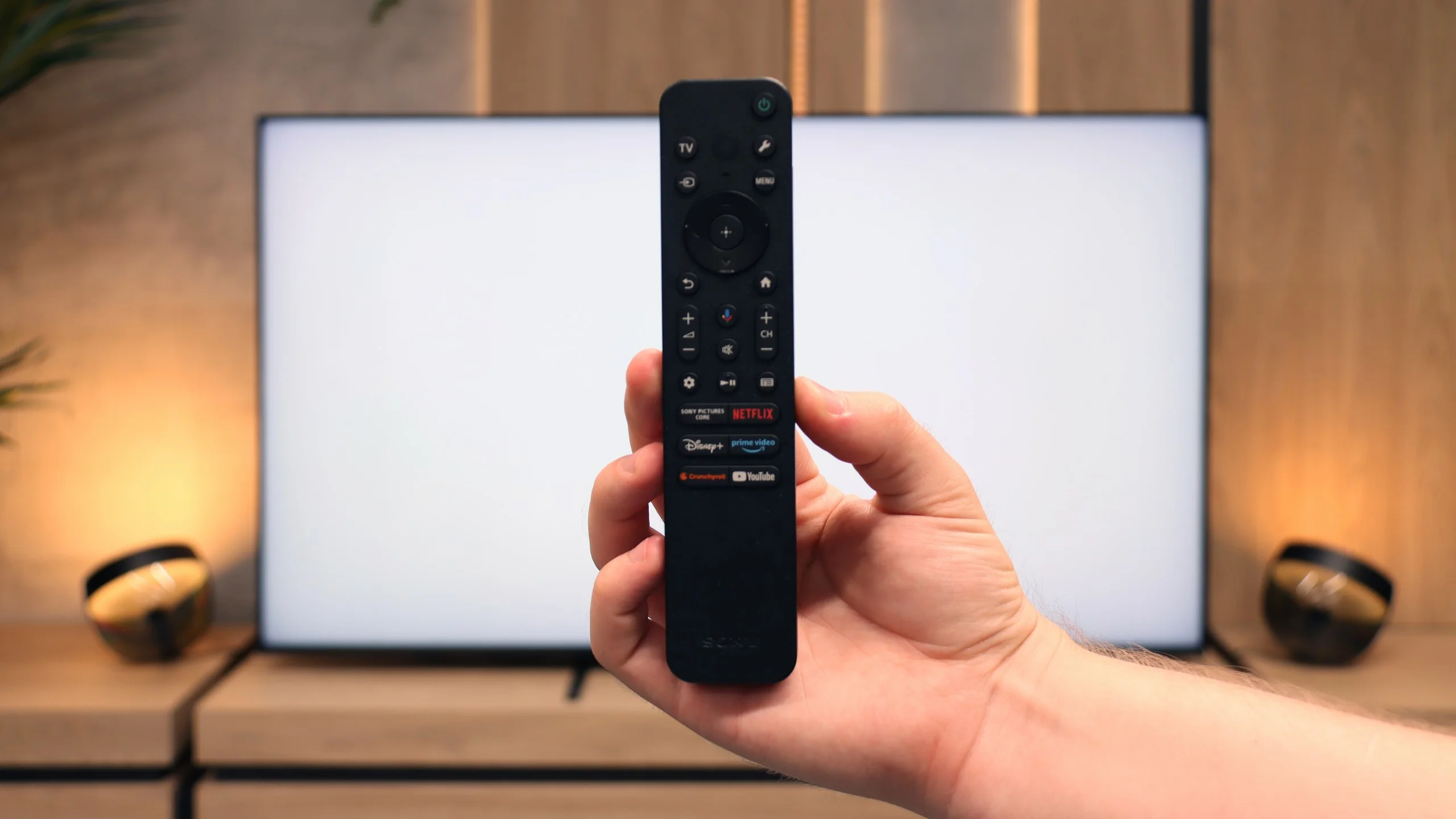
On the side of classic features, Bravia 5 stands solidly and practically. A big plus is the presence of two remotes—one is a slim, modern smart remote, while the other, although working via infrared, has a traditional numeric keypad. This way, we can always choose which one fits the situation better. The EPG, or electronic program guide, is clear and allows you to program recordings to a USB drive—a seemingly simple solution, but extremely useful. Additionally, the television supports the connection of various devices: from an amplifier or soundbar via HDMI eARC, to headphones and other wireless accessories via Bluetooth. This is a setup that makes the television not just a screen, but a well-thought-out home entertainment center.

Apps

9.3/10

9.6/10

OK
Disney_Plus
OK
Amazon_Prime_Video
OK
Player_TVN
OK
Polsat_Box_Go
OK
Canal_Plus_Online
OK
TVP_VOD
OK
Apple_TV_Plus
OK
SkyShowtime
OK
Rakuten
OK
CDA_Premium_Browser
OK
Spotify
No
Tidal
OK
Netflix
OK
YouTube
OK
HBO_MAX
No
Kodi
OK
Apple_music
OK
Eleven_sports
OK
Xbox Game Pass
OK
GeForce NOW
OK
Amazon Luna
OK
Boosteroid
No
Steam Link
OK
Disney_Plus
OK
Amazon_Prime_Video
OK
Player_TVN
OK
Polsat_Box_Go
OK
Canal_Plus_Online
OK
TVP_VOD
OK
Apple_TV_Plus
OK
SkyShowtime
OK
Rakuten
OK
CDA_Premium_Browser
OK
Spotify
OK
Tidal
OK
Netflix
OK
YouTube
OK
HBO_MAX
OK
Kodi
No
Apple_music
OK
Eleven_sports
No
Xbox Game Pass
OK
GeForce NOW
No
Amazon Luna
OK
Boosteroid
OK
Steam Link

Playing files from USB

9.1/10

8.9/10

Supported photo formats:

JPEG
Yes
Yes
HEIC
No
Yes
PNG
No
No
GIF
No
No
WebP
No
No
TIFF
No
No
BMP
Yes
No
SVG
No
No

Maximum photo resolution:

4 Mpix
Yes
Yes
6 Mpix
Yes
Yes
8 Mpix
Yes
Yes
10 Mpix
Yes
Yes
12 Mpix
Yes
Yes
16 Mpix
Yes
Yes
20 Mpix
Yes
Yes
24 Mpix
Yes
Yes
28 Mpix
Yes
Yes
32 Mpix
Yes
Yes

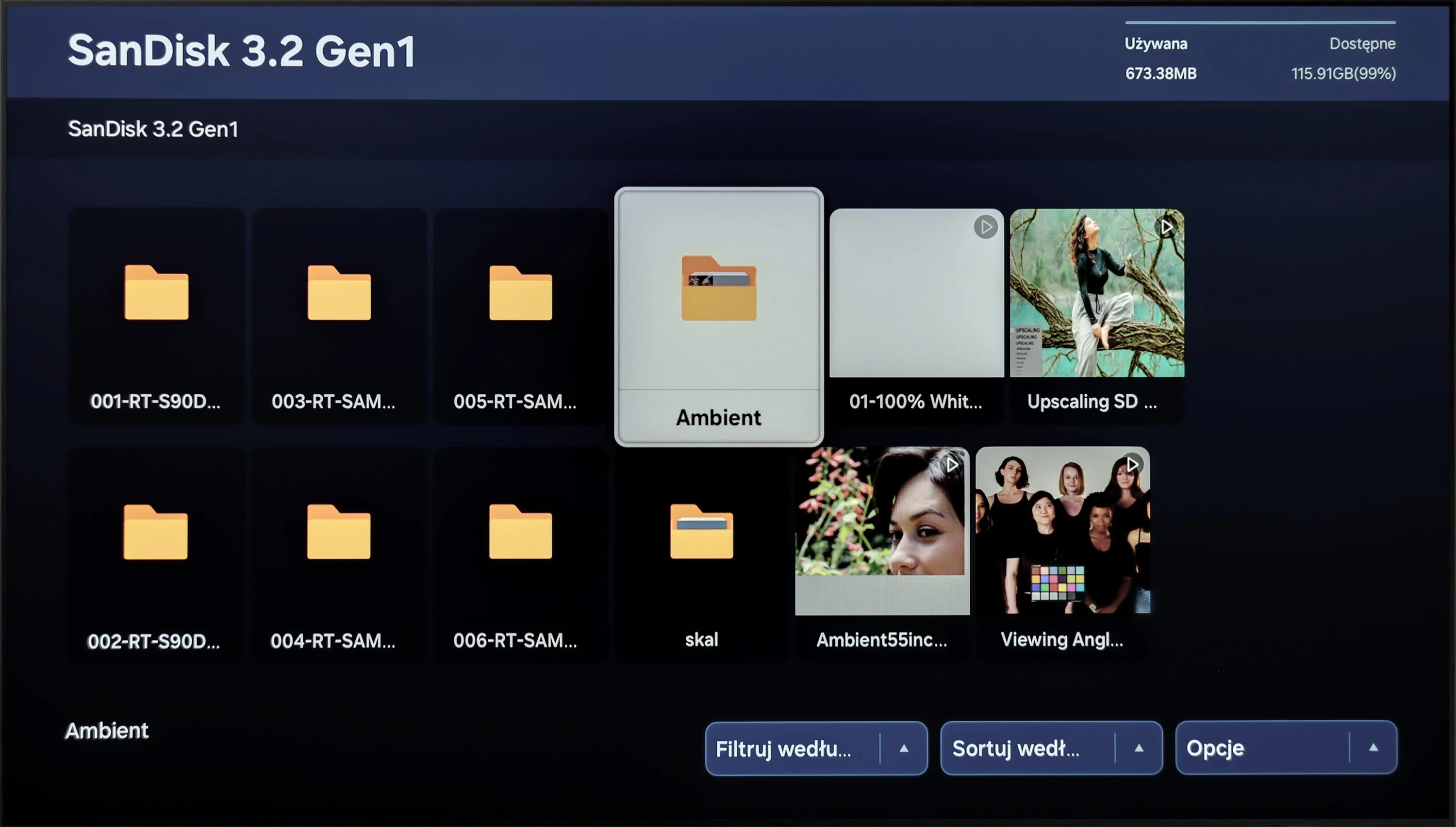
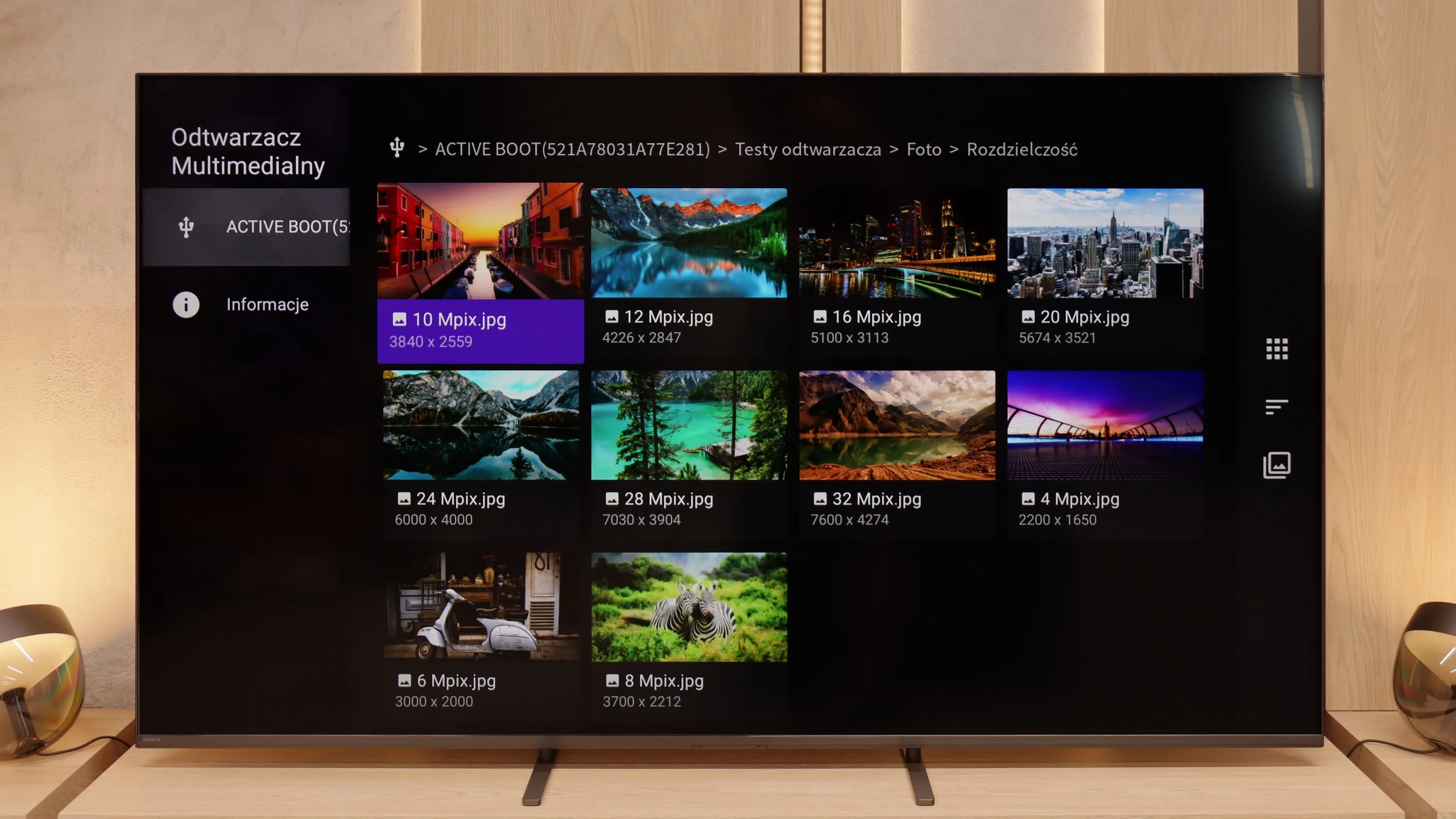
Playing multimedia files on the Samsung S85D will satisfy most users. The television offers wide compatibility with popular video, audio, and image file formats, ensuring smooth playback from both USB drives and the local network. The built-in media player operates efficiently and is easy to use, although there may be issues with some less common formats.

Bravia 5 handles multimedia playback from USB quite efficiently. In practice, almost everything works – movies, music, photos – although we did encounter some minor issues. Some subtitles can cause problems, as can exotic photo formats, which were not always recognized correctly. However, this is standard in the world of TVs, and it's hard to take offense at it seriously. A significant advantage is the fact that thanks to Android, we are not limited to the system's player. Simply installing an external app, like VLC, eliminates all restrictions. This is the advantage of this system – the manufacturer does not confine us to their ecosystem, but rather gives us the freedom of choice.

Sound

7/10

7/10

  • Maximum volume
    -
    84dB
  • Dolby Digital Plus 7.1
    Yes
    Yes
  • Dolby True HD 7.1
    No
    No
  • Dolby Atmos in Dolby Digital Plus (JOC)
    Yes
    Yes
  • Dolby Atmos in Dolby True HD
    No
    No
  • DTS:X in DTS-HD MA
    No
    Yes
  • DTS-HD Master Audio
    No
    Yes

The Samsung S85D delivers decent sound quality, despite its built-in speaker system (2x10W) not being particularly remarkable. It supports Dolby Atmos technology, which enhances spatial audio, although it does not accommodate the DTS format. The sound is clear and adequate for everyday use; however, connecting an external audio system is recommended for those seeking a richer and more dynamic audio experience.

Bravia 5 positively surprises in terms of audio. The sound is pleasant, with a slightly noticeable bass thanks to the proprietary Bass Reflex speakers. The overall output is loud, clear, and decidedly above average for a television – 40 W of power in a 2.2 configuration is an impressive result in this class. The placement of the speakers on the sides of the housing also plays a significant role here, allowing the sound to spread across the room and providing a sense of space. However, one shouldn't get carried away with optimism. It is still not at the level of even the simplest soundbar. The Bravia 5 performs excellently in everyday use, but for those who enjoy powerful sound and a cinematic effect, additional audio equipment will be a must – just like with nine out of ten televisions available on the market today.

Acoustic Measurements

No acoustic data

84dBC (Max)

75dBC

Reader comments

Comments are provided by the external service Disqus (Zeta Global). Once loaded, Disqus may set cookies and process data about your activity.

We will remember your choice on this device. Provider's privacy policy