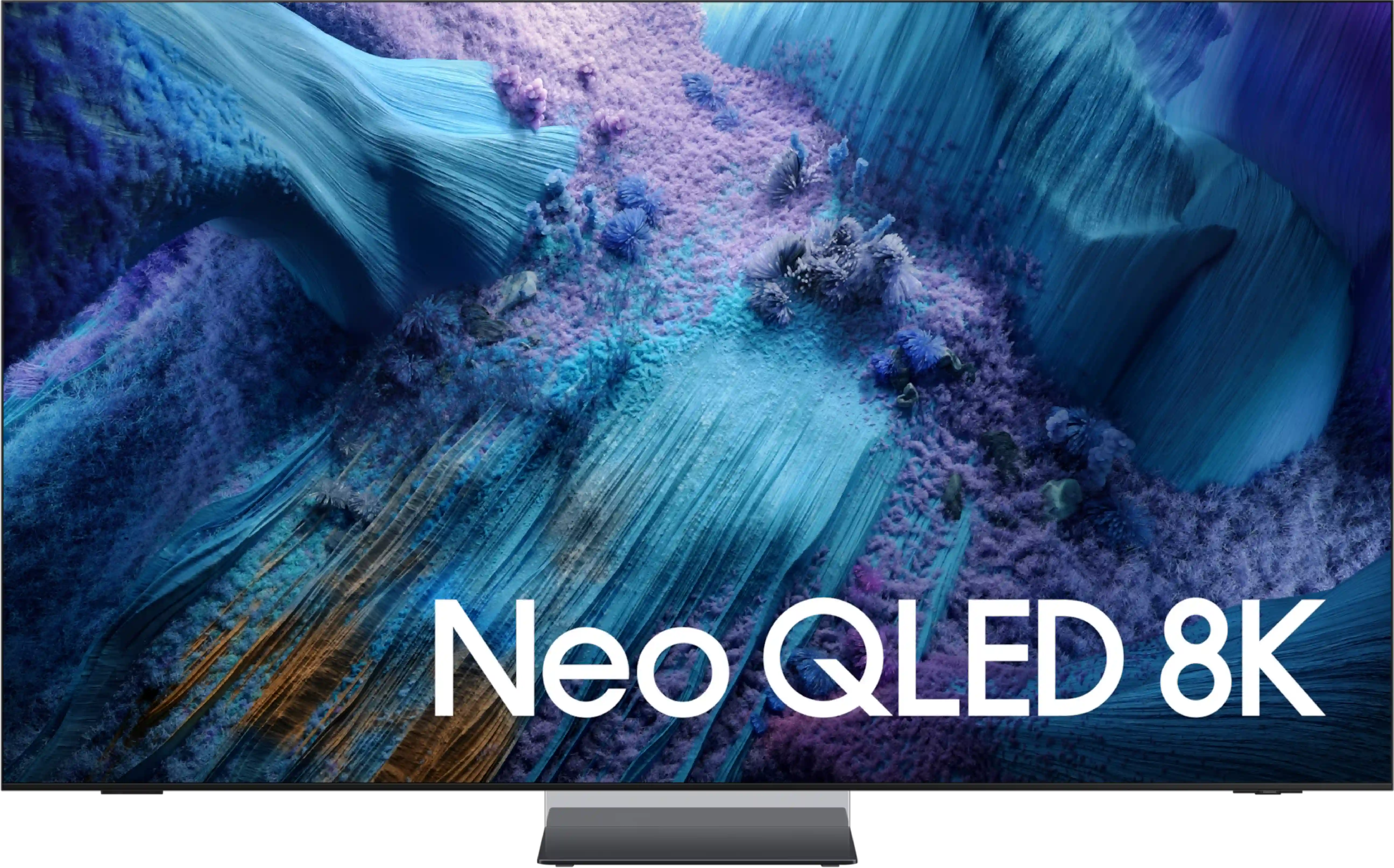
Samsung QN900D Neo QLED 8K vs Samsung QN990F

Direct comparison

Check the best price offer:

Samsung QN900D Neo QLED 8K
$3 497

QN900D / Neo QLED / Excellence Line

Info

Available screen sizes: 65”75”85”

Available screen sizes: 65”75”85”98”

Panel type: LCD VA (wide viewing angle)

Resolution: 7680x4320

System: Tizen

Model year: 2024

Complete the survey to find out the result

Panel type: LCD VA (wide viewing angle)

Resolution: 7680x4320

System: Tizen

Model year: 2025

Complete the survey to find out the result

Overall rating

7.5

7.6

  • Movies and series in UHD quality

    7.6

    7.7

  • Classic TV, YouTube

    7.8

    7.7

  • Sports broadcasts (TV and apps)

    7.6

    7.6

  • Gaming on console

    9.0

    9.2

  • TV as a computer monitor

    8.0

    7.9

  • Watching in bright light

    5.0

    5.2

  • Utility functions

    7.4

    7.5

  • Apps

    9.3

    9.3

  • Sound quality

    7.4

    7.9

Advantages

  • Great contrast and blacks

  • High brightness - good HDR effect

  • The smoothest TV in the world - 4K@240Hz

  • Great for gaming - low input lag, many conveniences for gamers

  • Good digital processing - handles low-quality material well

  • Advanced operating system - Tizen

  • Great design - super slim, OneConnect, "floating" central stand

  • Amazing Design

  • Wireless module Wiraless One Connect

  • Very good black

  • High brightness

  • Matte panel very well suppresses reflections

  • Good viewing angles

  • The fastest television in the world - 4K@240Hz and 8K@120Hz refresh rates great for sports

  • Many features for gamers: HDMI 2.1, VRR, ALLM, HGiG, Gamebar

  • Very fast and intuitive Tizen OS operating system

Disadvantages

No like
  • Price

  • No Dolby Vision

  • Very high price

  • Local dimming algorithms could be better refined

  • Missing Dolby Vision and DTS:X

  • High input lag delays with wireless connection to Wireless One Connect

Our verdict

The Samsung QN900D, as the flagship model for 2024, is a standout in the realm of premium televisions. Its use of Mini LED technology elevates picture quality, producing deep blacks and striking brightness levels that make movies and high-resolution content highly immersive and realistic. HDR effects are rendered with exceptional detail, while vivid and true-to-life colors, especially post-calibration, position this TV as an excellent choice for discerning users prioritizing superior picture quality.

One of the QN900D's most impressive features is its motion handling. It is the only television currently on the market capable of delivering a 240 Hz refresh rate at 4K resolution, setting a new benchmark for fluidity. This capability makes fast-paced action scenes in movies and high-intensity gaming appear seamless, free from blurring or stuttering. Gamers, particularly those using high-end PCs, will find the ultra-smooth and responsive gameplay experience impressive.

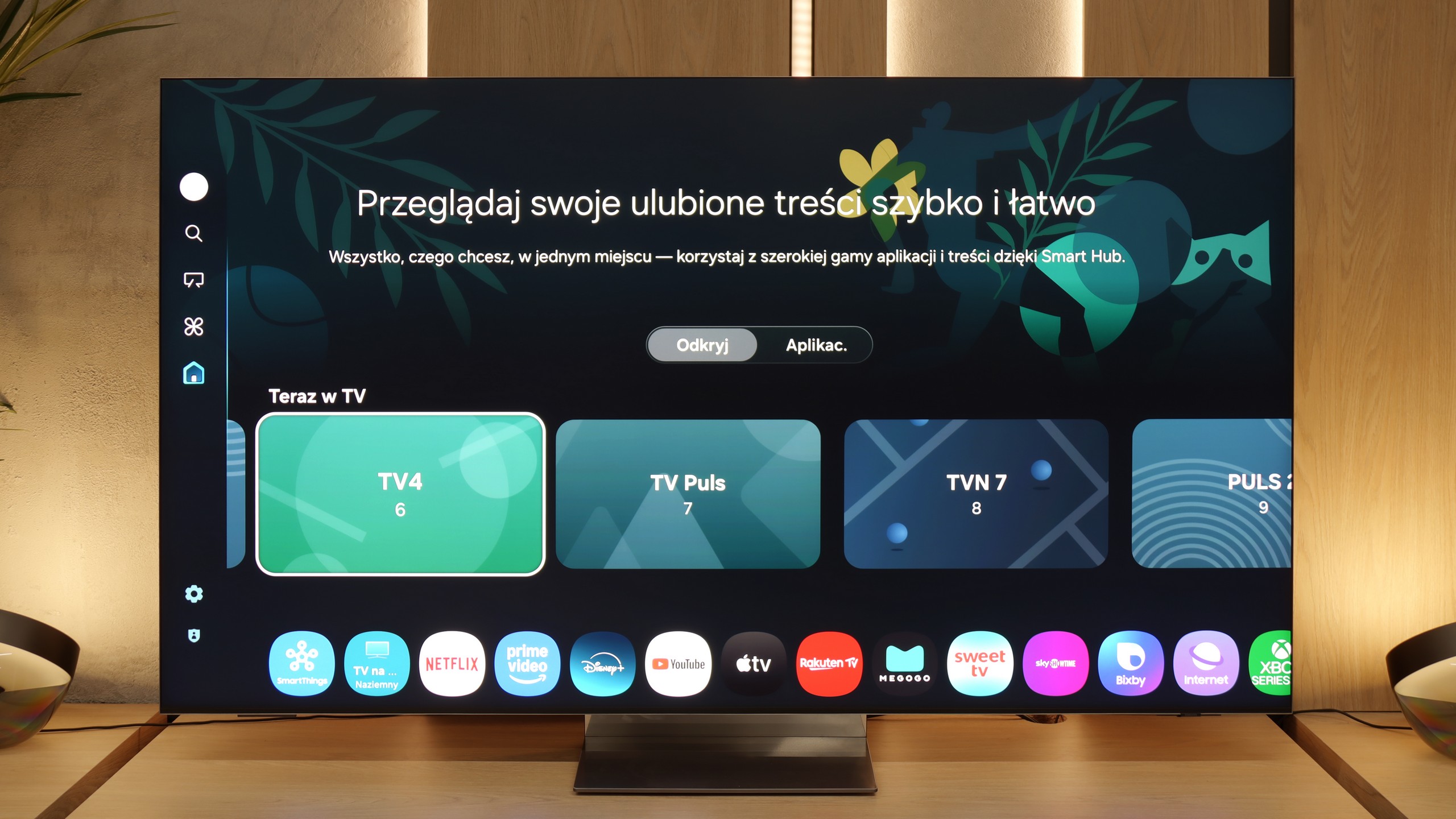
The Tizen operating system enhances the TV’s value, with seamless integration into smart home ecosystems and access to many popular applications. AirPlay and SmartThings allows for straightforward control of connected devices, turning the QN900D into a multifunctional entertainment hub. Its sleek design, combined with the One Connect box that simplifies cable management and an elegant central stand, lends a touch of luxury to any living space. The Ambient Mode further enhances its aesthetic appeal by enabling the display of decorative content, allowing the TV to blend harmoniously with its surroundings.

However, the QN900D does come with some limitations. Notably, it struggles slightly with contrast under certain conditions and lacks support for Dolby Vision, which could be a drawback for those seeking this feature. It’s also worth noting that while the TV's 8K resolution offers cutting-edge visuals, the utility of such resolution is still limited by the current availability of native 8K content. For most users, the 4K Neo QLED QN95D provides comparable performance at a potentially lower cost, raising the question of whether 8K is necessary at this stage.

Overall, the Samsung QN900D is undeniably one of the most advanced televisions of 2024, ideal for those who desire state-of-the-art technology and are willing to invest in the highest tier of home entertainment.

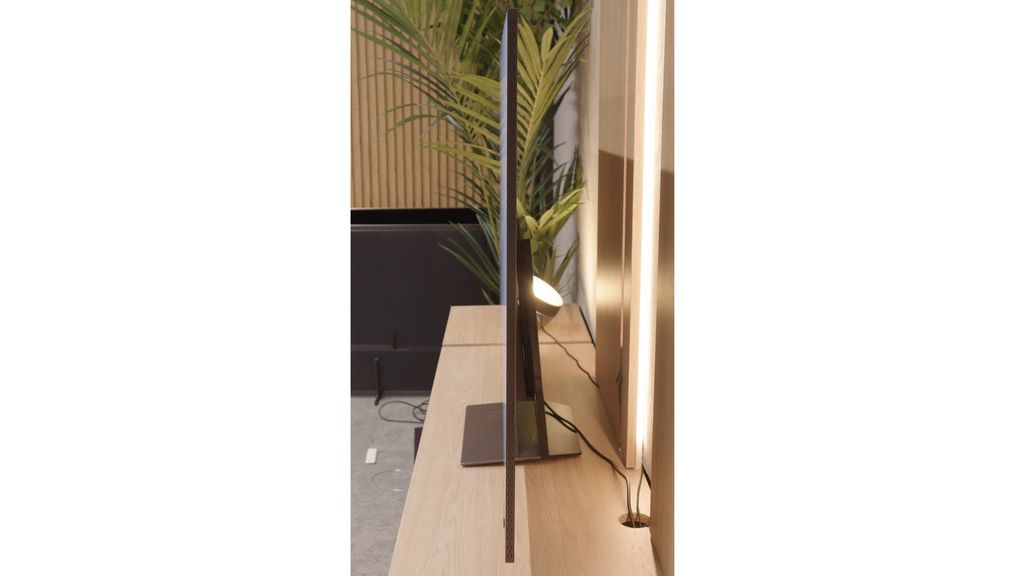
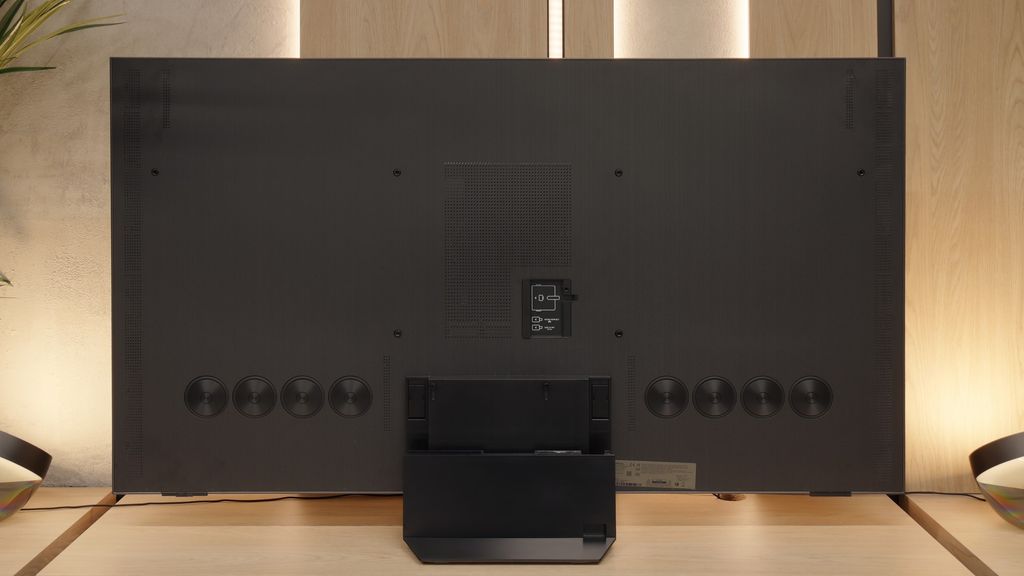
The Samsung QN990F is a television that makes an enormous impression from the very first moment. It is probably one of the most beautiful models on the market – ultra-thin, with an almost invisible frame and a base that gives the impression that the screen is hovering above the table. Additionally, there is the futuristic Wiraless One Connect module, this time in a wireless version, which helps to reduce the number of cables in the living room and gives the whole setup a modern character. But it doesn’t end with design. The QN990F also boasts powerful specifications. The Mini-LED with over a thousand dimming zones can generate contrast that at times approaches OLED levels. Moreover, it features very high HDR brightness and a new matte panel that effectively eliminates reflections. And when we add great motion fluidity with a refresh rate reaching up to 240 Hz in 4K, we have a set of features that truly impress. Samsung hasn’t forgotten about gamers either – we have Game Bar, VRR, ALLM, five HDMI 2.1 ports, and phenomenal input lag at the level of 10–15 ms (when connected via micro HDMI).

And this is where we get to the heart of the matter. While the QN990F impresses on paper and in many tests, in practice some solutions still require refinement. The wireless One Connect module raises the input lag to unacceptable levels for gamers, the Mini-LED can struggle in difficult scenes with a lot of details, and the lack of Dolby Vision or DTS:X serves as a reminder that Samsung is stubbornly pursuing its own path, sometimes at the user's expense. Despite this, the QN990F is a television that demonstrates the direction of industry development. It is not a model for everyone – but for those who love gadgets, technological innovations, and want a screen in their living room that looks like it’s from the future. However, if someone is solely looking for the best picture quality, even within Samsung's portfolio, they will find models that perform significantly better – perhaps without 8K, but with more refined contrast or colors. Because 8K still remains a technology that looks firmly towards the future and the QN990F shows what televisions of tomorrow can look like. But are we – the viewers – already ready to pay such a high price for this vision and accept the compromises that come with it?

TV appearance

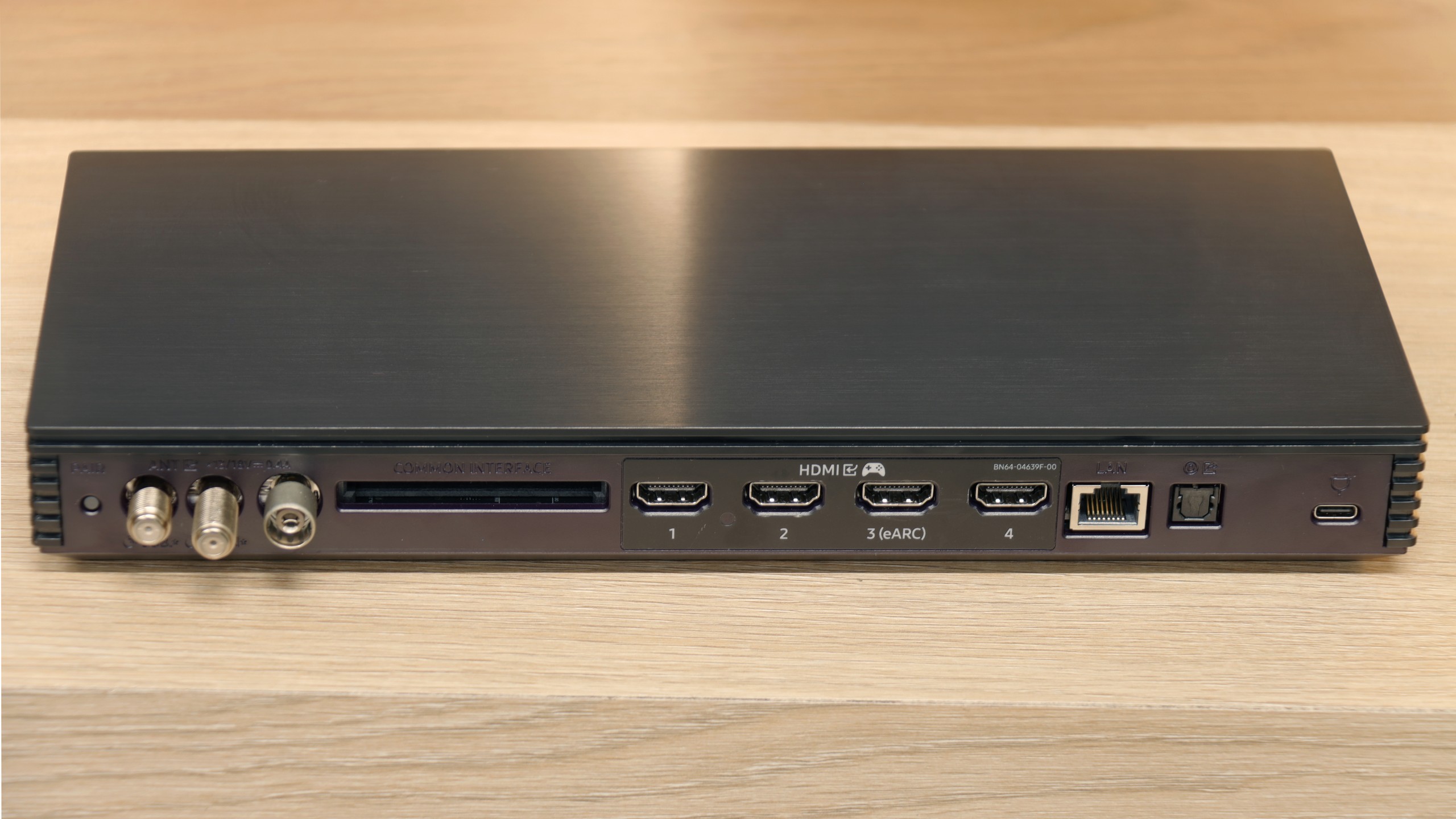
HDMI inputs
0 x HDMI 2.0, 4 x HDMI 2.1 (40Gbps)
0 x HDMI 2.0, 5 x HDMI 2.1 (48Gbps)
Other inputs
Outputs
Toslink (Optical audio), eARC (HDMI), ARC (HDMI)
Network Interfaces
Wi-Fi 2.4GHz, Wi-Fi 5GHz, Ethernet (LAN) 100Mbps
Build quality
Super Premium
Super Premium
Stand type
stand-type-
Central
Bezel color
Graphite
Silver
Stand
Fixed
Flat design
Yes
Yes
Accessories
Stand, One Connect Box

Contrast and black detail

8/10

7.6/10

Local dimming function: Yes, number of zones: 1344 (56 x 24)

Local dimming function: Yes, number of zones: 1344 (28 x 48)

Contrast:

Review Samsung QN900D Neo QLED 8K Contrast and black detail

Result

:1

Review Samsung QN900D Neo QLED 8K Contrast and black detail

Result

205,000:1

Review Samsung QN900D Neo QLED 8K Contrast and black detail

Result

89,000:1

Review Samsung QN900D Neo QLED 8K Contrast and black detail

Result

7,800:1

Review Samsung QN900D Neo QLED 8K Contrast and black detail

Result

4,000:1

Review Samsung QN990F Contrast and black detail

Result

:1

Review Samsung QN990F Contrast and black detail

Result

89,250:1

Review Samsung QN990F Contrast and black detail

Result

28,200:1

Review Samsung QN990F Contrast and black detail

Result

12,100:1

Review Samsung QN990F Contrast and black detail

Result

2,050:1

Halo effect and black detail visibility:

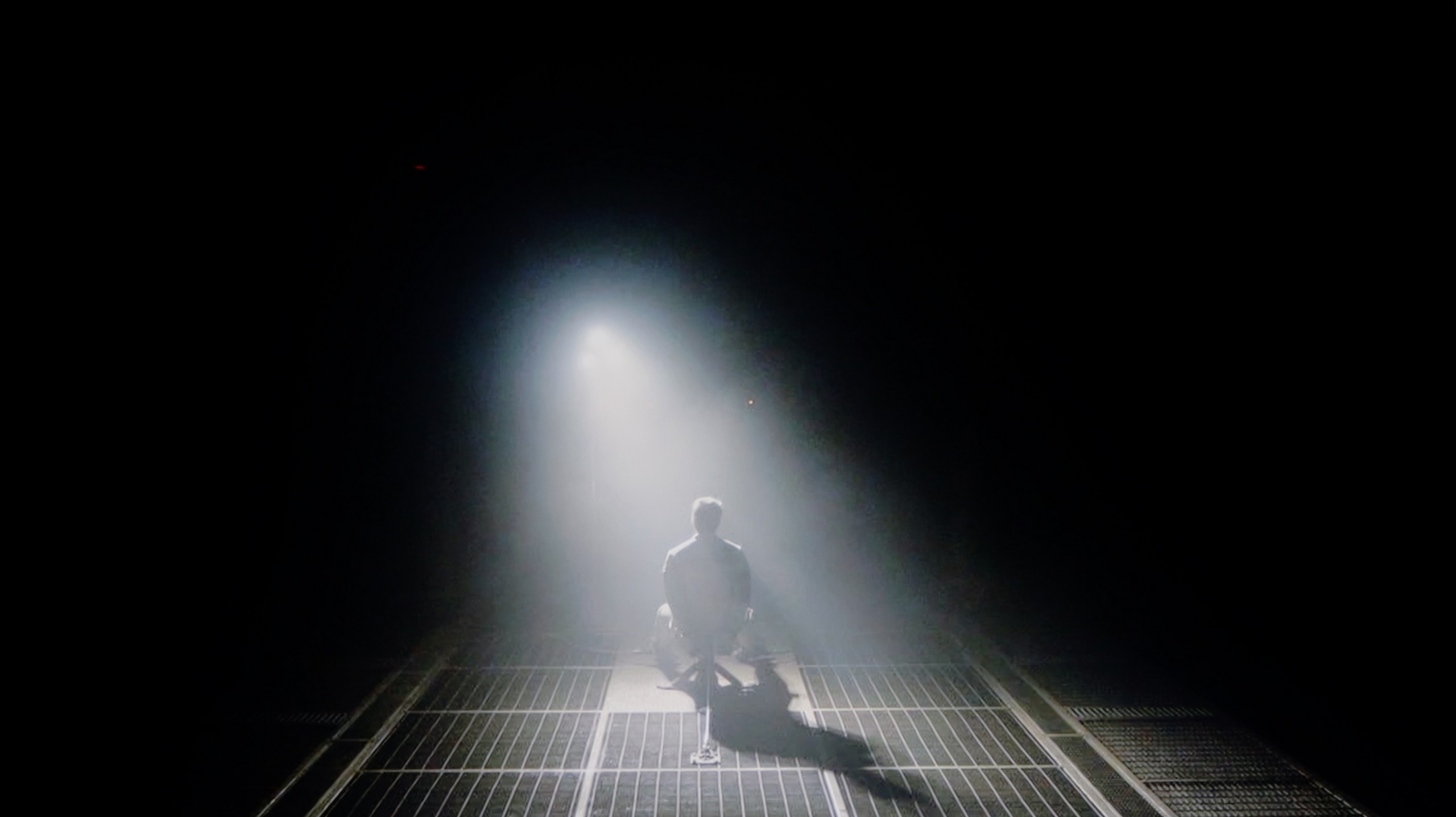
Check the visibility of bright lights on a dark background. Mini-LEDs often struggle with this. The photo does not compare black levels – that’s what the video below is for.

The video accurately shows differences in contrast and black levels between TVs, as well as potential issues: halo around bright objects or Mini-LED zone operation visible as brightness jumps.

The Samsung QN900D stands out as the pinnacle of the 2024 lineup, featuring a VA panel with an impressive number of dimming zones—1344 in the 65-inch version alone. Larger sizes include even more zones, enhancing the TV’s excellent contrast performance. This level of precision allows for deep blacks and bright highlights, enabling the QN900D to hold its own against OLED displays in terms of contrast, an achievement that places it among the best LED TVs on the market.

Testing the TV with film scenes, such as those from Oblivion, reveals its outstanding contrast capabilities, with values approaching infinity, giving visuals incredible depth and vividness. This helps deliver a cinematic experience with rich shadow detail and high brightness where needed. However, the QN900D is not immune to the inherent limitations of LCD technology. Notably, in scenes with very fine details, such as star-filled skies or candle-lit rooms (e.g., scenes from The Revenant), some haloing or blooming may appear around bright objects against dark backgrounds. Additionally, intense local dimming can lead to noticeable screen darkening, especially in high-contrast scenes like those from Gravity.

QN990F is the highest representative of the Neo QLED series, so it couldn't lack Mini-LED technology. The 65-inch specimen we tested features a VA panel and as many as 1344 local dimming zones, which already looks really impressive on paper. In practice, it can provide a contrast effect close to ideal. In less demanding scenes, such as in the film Oblivion, the QN990F did not fall behind OLED TVs – the blacks were virtually infinite, and the picture looked fantastic. However, it wasn't always so rosy. Or maybe black and white? Like every Mini-LED, the QN990F has its limitations, and in more challenging sequences, it can leave mixed impressions. Where there is a huge amount of fine details on the screen, the algorithms controlling the zones simply got lost. The contrast dropped, and a clear halo effect appeared around bright elements. Additionally, in films recorded in the 21:9 (2.35:1) format, we noticed that the QN990F is unable to perfectly dim the pitch-black letterbox, leaving a silver/navy blue glow on them. One could say that Samsung in this model focused more on the visibility of details than on the perfect depth of black. On the one hand, this gives very good results in several scenes; on the other hand, in a TV of this class, we expected that the local dimming would be refined even further. The final effect is simply "okay," and at this price level, we would expect something more than just a satisfactory result.

HDR effect quality

6.6/10

6.6/10

Supported formats
HDR10, HDR10+, HLG
HDR10, HDR10+, HLG
Color gamut coverage
DCI P3: 96.0%, Bt.2020: 75.0%
DCI P3: 91.1%, Bt.2020: 67.0%

Luminance measurements in HDR:

Review Samsung QN900D Neo QLED 8K Brightness measurement

Result

1447 nit

Review Samsung QN900D Neo QLED 8K Brightness measurement

Result

665 nit

Review Samsung QN900D Neo QLED 8K Brightness measurement

Result

907 nit

Review Samsung QN900D Neo QLED 8K Brightness measurement

Result

432 nit

Review Samsung QN900D Neo QLED 8K Brightness measurement

Result

793 nit

Review Samsung QN990F Brightness measurement

Result

802 nit

Review Samsung QN990F Brightness measurement

Result

689 nit

Review Samsung QN990F Brightness measurement

Result

1076 nit

Review Samsung QN990F Brightness measurement

Result

577 nit

Review Samsung QN990F Brightness measurement

Result

735 nit

Scene from the movie “Pan” (about 2800 nits)

Scene from the movie “Billy Lynn” (about 1100 nits)

The photos show two HDR10 movies. 'Pan' is one of the brightest productions ever made, while 'Billy Lynn' (soldier) has brightness typical of streaming (Netflix, Prime, HBO MAX). Notice the intensity of effects and detail in whites.

Static HDR10

The photos present the visibility of white details in various HDR formats. They do not show brightness differences between TVs (these can be compared in the previous gallery).

Dynamic: HDR10+

Dynamic: HDR10+

The photos present the visibility of white details in various HDR formats. They do not show brightness differences between TVs (these can be compared in the previous gallery).

HDR luminance chart:

Samsung QN990F

Samsung QN900D Neo QLED 8K

Under synthetic testing conditions, the television showcased its impressive light output, achieving 1400 nits, which is undeniably remarkable. This capability was also evident in the opening scene of Life of Pi, featuring a vibrant sunrise. However, due to certain dimming algorithm issues, some drawbacks are noticeable. For instance, in test scenes from Sicario 2 and the second scene of Life of Pi, the brightness levels dropped to an average of 500-600 nits. While this performance isn't poor by Mini LED standards, expectations were higher given the premium price of the TV. Nonetheless, the set should be commended for covering a wide colour gamut of DCI-P3 at around 96%. Although some technologies offer higher coverage, this is still a commendable result.

The Samsung QN990F belongs to the bright televisions and this is immediately evident in the tests. In measurements, it achieved around 1300 nits, which in practice allows you to enjoy movies as their creators intended. Bright scenes have the right impact, lights shine, and the feeling is truly cinematic. In standard test patterns, sequences number 1, 3, and 5 performed the best – there the brightness remained around 800-1000 nits, and the image looked very natural. In more challenging segments, it could drop to about 600 nits, but still the level remained sufficient for details to be well visible. However, it should be added that with such highly contrasted shots, the halo effect returns – the same one we mentioned regarding the blacks. Bright elements can leave a glow on dark backgrounds, and this is immediately noticeable. Since we are dealing with a QLED, the color palette is expanded and the colors look impressive. The problem is that with such a flagship model, we expected better numbers. 91% coverage of DCI-P3 and about 67% BT.2020 are results that can be considered solid, but not outstanding. This results in a vibrant and attractive picture; however, competition in this and lower price segments can show even more.

Factory color reproduction

6.6/10

7/10

This gallery shows how colors change after professional TV calibration. If you notice the difference, we recommend ordering this service at SkalibrujTV.com.

Factory Mode

After calibration

This gallery shows how colors change after professional TV calibration. If you notice the difference, we recommend ordering this service at SkalibrujTV.com.

Factory Mode

After calibration

The television includes a Filmmaker mode, intended to present films in the most authentic way possible, but it does come with some issues. For HD content, the white balance shows a dominance of red and blue, giving the image a pinkish hue. Conversely, for 4K HDR content, the levels of blue and red drop, resulting in a warming effect that shifts colours towards yellow tones. Colour Checker tests confirm this tendency, with colour samples visibly drifting in this direction.

In terms of brightness and contrast, the gamma is notably disrupted. The main issue is a marked spike at the start of the graph, indicating that dark details are excessively brightened, which reduces depth in the darkest parts of the image due to zone dimming. For 4K HDR content, the EOTF curve performs reasonably well but falls below the reference level, affecting the overall image dynamics.

We tested the QN990F in Filmmaker mode, which is the best available right out of the box. Right from the start, we noticed several significant errors. The biggest issue was with white balance. Due to too little blue and also incorrect proportions between red and blue, the image – especially in scenes with a lot of white – appeared too yellow and at times even orange. On the Color Checker palette, these errors didn't look dramatic as they hovered around a value of 4, but in everyday viewing, especially with strong whites, they were most noticeable. We also noticed issues with brightness management – the television had difficulty maintaining details in the smallest parts of the image, mainly due to the way it controls the backlight zones. Fortunately, Samsung offers a lot of room for adjustment when it comes to setting corrections. We know that with proper calibration, you can definitely get a lot more out of this screen.

Color reproduction after calibration

8/10

8.5/10

The photos show how movies look on the TV. Pay attention to black detail visibility, colors, and shadow tint.

The photos show how movies look on the TV. Pay attention to black detail visibility, colors, and shadow tint.

After calibration, the Filmmaker mode truly lives up to its name. The white balance for both HD and 4K HDR content has been significantly improved, resulting in more natural and consistent colours. The pink hues in HD content and the yellow tint in 4K HDR have been effectively eliminated, enhancing the realism of the image. As a result, the television now offers much better colour reproduction, positively impacting the overall viewing experience.

However, when it comes to brightness, the gamma curve now reveals a noticeable drop at the beginning, making the darkest details more difficult to discern. The EOTF curve for 4K HDR content remains largely unchanged and still falls short of the reference level, meaning the television continues to struggle with maintaining appropriate brightness. This issue is tied to the aggressive dimming algorithm, which affects overall brightness and black levels.

Despite the limitations associated with local dimming, the television has seen an improvement in colour reproduction quality. The Color Checker test results confirm that the colour samples are now much closer to the standards, resulting in a more natural and visually pleasing image.

After performing calibration, we managed to bring the white balance into order and eliminate the previous deficiencies in blue tones. As a result, the image no longer appeared as if it had a slightly yellowish filter – whites are cleaner, and the overall presentation looks much more natural. We also managed to some extent to tame the brightness characteristic in HDR content. The television now handles maintaining details in blacks significantly better and does not lose them as much as before. However, when we look at the EOTF curve and how the QN990F reproduces brightness in films, it is evident that it still tends to emphasize details in dark scenes more strongly. This is a characteristic feature of Mini-LED technology, and more specifically, how it is managed by the QN990F, which is practically impossible to completely eliminate. Nevertheless, after calibration, the image looks much more natural, primarily due to the correct exposure of white light. The final effect is definitely more pleasant to receive and closer to what we expect from a flagship television.

Smoothness of tonal transitions

8/10

9.2/10

These are selected scenes that show smooth tonal transitions from one color to another. If you see distinct banding, it’s the TV panel’s fault.

These are selected scenes that show smooth tonal transitions from one color to another. If you see distinct banding, it’s the TV panel’s fault.

These are selected scenes that show smooth tonal transitions from one color to another. If you see distinct banding, it’s the TV panel’s fault.

These are selected scenes that show smooth tonal transitions from one color to another. If you see distinct banding, it’s the TV panel’s fault.

The Samsung QN900D television handles tonal transitions smoothly, earning a score of 8/10. Colour gradation is generally good, though not flawless – in darker scenes, some imperfections may be noticeable to more discerning viewers. Despite these minor flaws, the overall effect should satisfy most users, providing natural and fluid transitions.

In terms of fluidity in tonal transitions, the QN990F shows class. It's one of the best results we've seen so far. In most scenes, there are no visible color banding or typical stepping – the transitions are smooth and natural, and the image feels incredibly cohesive. Of course, as with practically every television, in very dark shots, some gradation issues can be noticed. Stepping can be noticeable there, but this is a typical phenomenon and should not affect the assessment of the QN990F itself. Against the competition, it looks really very good, and the impression from viewing is simply excellent, ensuring that nothing will distract our sight.

Image scaling and smoothness of tonal transitions

7/10

6.9/10

Image without overscan on the SD signal
OK
No
Smooth transition function
OK
OK

Smooth transition function

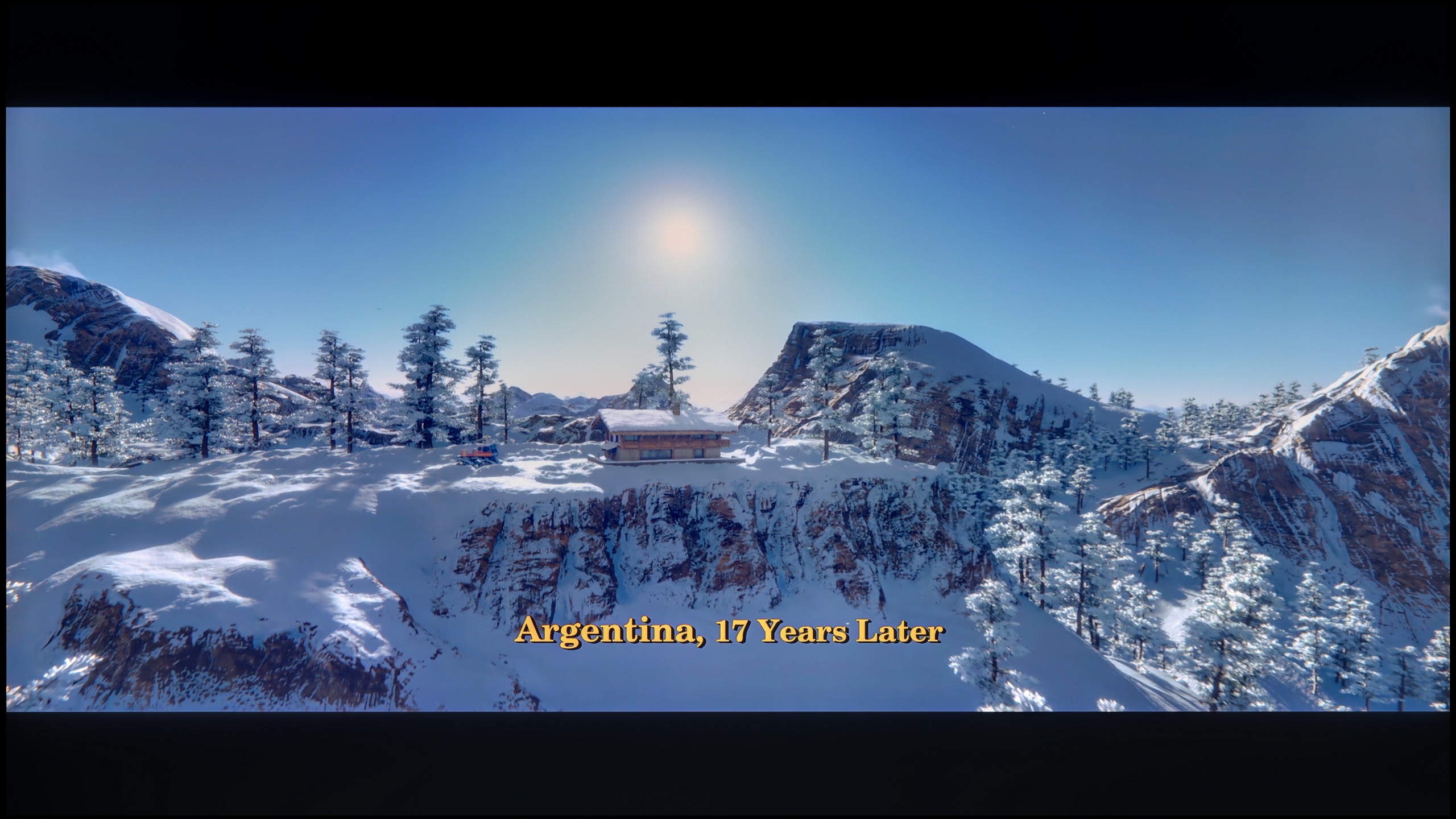
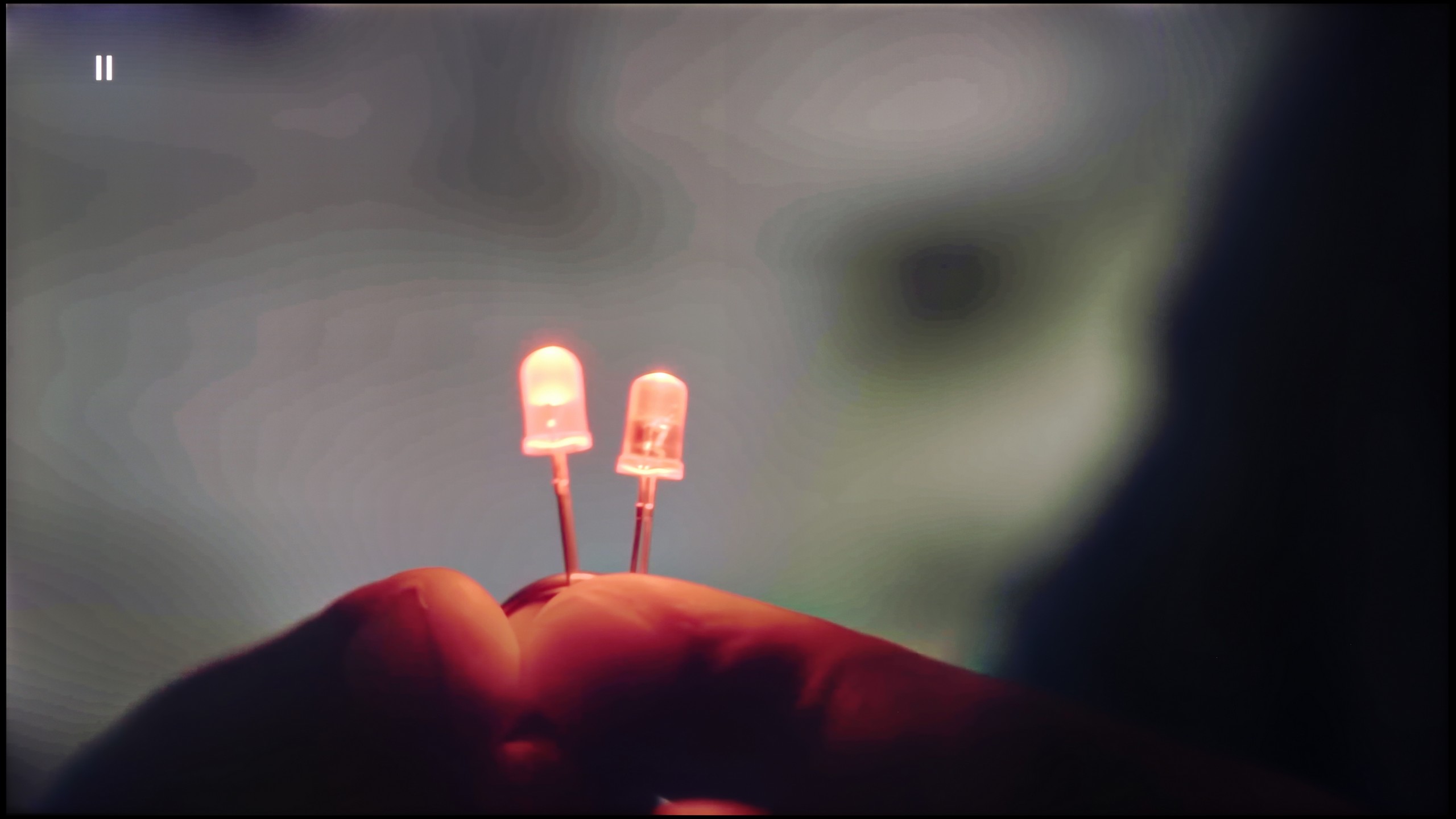
The match photo shows how the TV smooths weak tonal transitions in low-quality video.

Image scaling SD (576i)

The model photo shows how it handles upscaling of SD material.

The smoothness of tonal transitions in lower-quality materials looks great – the Noise Reduction function effectively smooths tonal transitions while eliminating film grain. Although removing grain is not always desired, the final effect looks very aesthetic, especially for those who prefer a cleaner image.

As for upscaling, the Samsung QN900D demonstrates the enormous capabilities of the new AI technology processor. Photos and materials in lower resolution are upscaled while retaining many details – for example, a photo with a model looks great, devoid of unnecessary jagged edges, and the branches in the background are not overly aliased.

The QN990F deserves the highest praise for its upscaling. The processor responsible for "pulling up" classic TV to 8K resolution performs quite well. While watching content in a 576p signal, we had no illusions that we would suddenly see a marketing-style miracle where the image magically transforms into crystal-clear 8K. Nevertheless, the final effect was surprisingly good; the image looked clean and clear. It's just unfortunate that the TV, like most Samsung models, has an overscan issue, which slightly cuts off the edges of the screen on the left side.

Regarding image processing, Samsung provides a feature called "noise reduction," which in theory should improve tonal transitions in older materials, where they are usually more noticeable. Unfortunately, we felt quite disappointed here. The feature works poorly – it struggles with unwanted bands and can even introduce its own artifacts. On the plus side, the TV does not eliminate film grain when using this feature, but in practice, that's little consolation since the noise reduction itself proves to be practically useless.

Blur and motion smoothness

7.4/10

7.9/10

Maximum refresh rate of the panel
240Hz
240Hz
Film motion smoothing option
OK
OK
Blur reduction option
OK
OK
BFI function 60Hz
Yes, 60Hz (image flickers)
BFI function 120Hz
No
Yes, 240Hz (double contours)
Brightness drop with BFI
74%
76%

Blur (native resolution, maximum refresh rate):

Blur (BFI function enabled):

Image flickers in this mode

Blur (2160p 240Hz):

Blur (4K@240Hz):

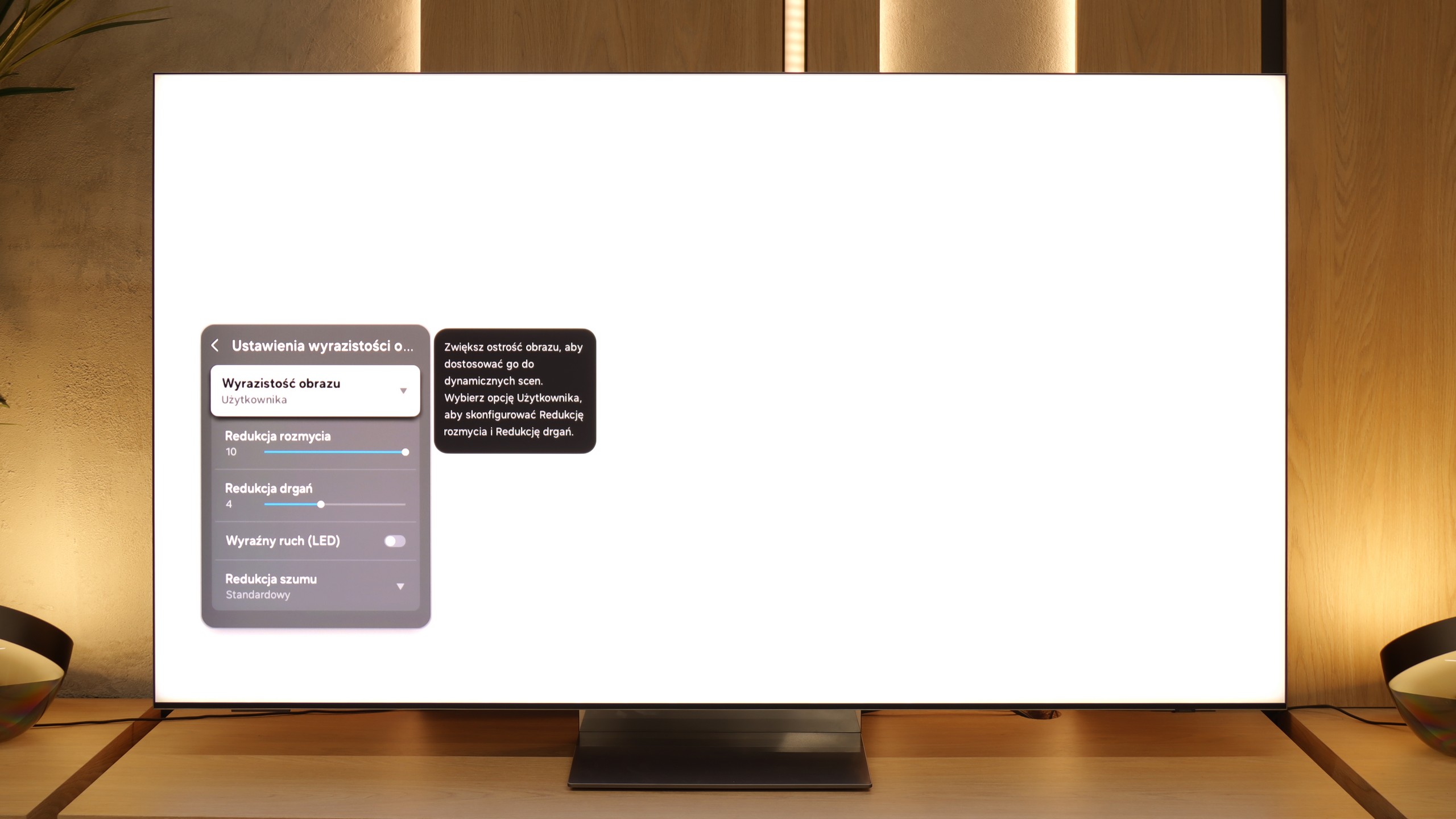
The Samsung QN900D is currently the fastest television in the world – quite literally. With an impressive refresh rate of 240 Hz at 4K resolution, it offers a remarkable performance that PC gamers will undoubtedly appreciate. Movie enthusiasts will also find much to admire, as Samsung provides a 10-level scale in the picture clarity settings, allowing for extensive image customisation. Users can choose whether they want the television to deliver a smoother, more fluid effect at the highest settings, or a more cinematic experience with visible frames at the lowest settings.

The QN990F can easily be called one of the fastest televisions in the world. In 4K mode, it can display images at a frequency of up to 240 Hz, which until now has been more associated with gaming monitors than with televisions in the living room. However, in everyday viewing, what matters more is how it handles 8K signals at 120 Hz – and it performs very well here too. Motion remains smooth, and the television manages without a hitch even with the most demanding content. Additionally, there is a motion smoother, called "Picture Clarity." With it, you can adjust the image to your own preferences – leave a slight cinematic stutter or switch to maximum smoothness, which works great, for instance, in sports broadcasts.

Console compatibility and gaming features

9.5/10

9.6/10

  • ALLM
    Yes
    Yes
  • VRR
    Yes
    Yes
  • VRR range
    48 - 240Hz
    48 - 240Hz
  • Dolby Vision Game Mode
    No
    No
  • Correct implementation of HGIG
    Yes
    Yes
  • 1080p@120Hz
    Yes
    Yes
  • 1440p@120Hz
    Yes
    Yes
  • 4K@120Hz
    Yes
    Yes
  • Game bar
    Yes
    Yes

The Samsung QN900D is excellent for console gaming, packed with features gamers will truly appreciate. It comes with 4 HDMI 2.1 ports, but they do not support the full 48 Gb/s bandwidth. However, for most users, this bandwidth is more than adequate. The TV also supports Auto Low Latency Mode (ALLM) and Variable Refresh Rate (VRR), which ensures smoother gameplay and eliminates screen tearing during fast-paced action. Features like G-Sync and FreeSync are also supported, enhancing compatibility with both consoles and PCs equipped with compatible graphics cards, helping to reduce stuttering and provide a smooth image.

A standout feature exclusive to Samsung is the Xbox Game Pass app, allowing users to stream games directly to the TV without needing an Xbox console. This is a very convenient option for gamers who want to enjoy their favourite games without purchasing additional hardware. The Samsung QN900D also features a Game Bar, which provides quick access to gaming-related settings, making it easy to configure the TV for optimal performance.

The Auto Motion Plus Game function offers a special motion smoothing mode that increases the frame rate (up to 4K@60Hz). Importantly, this does not raise input lag significantly, so players can enjoy smoother visuals without sacrificing responsiveness. With all these features, the Samsung QN900D is a top-tier choice for gamers seeking a television with the best possible specifications.

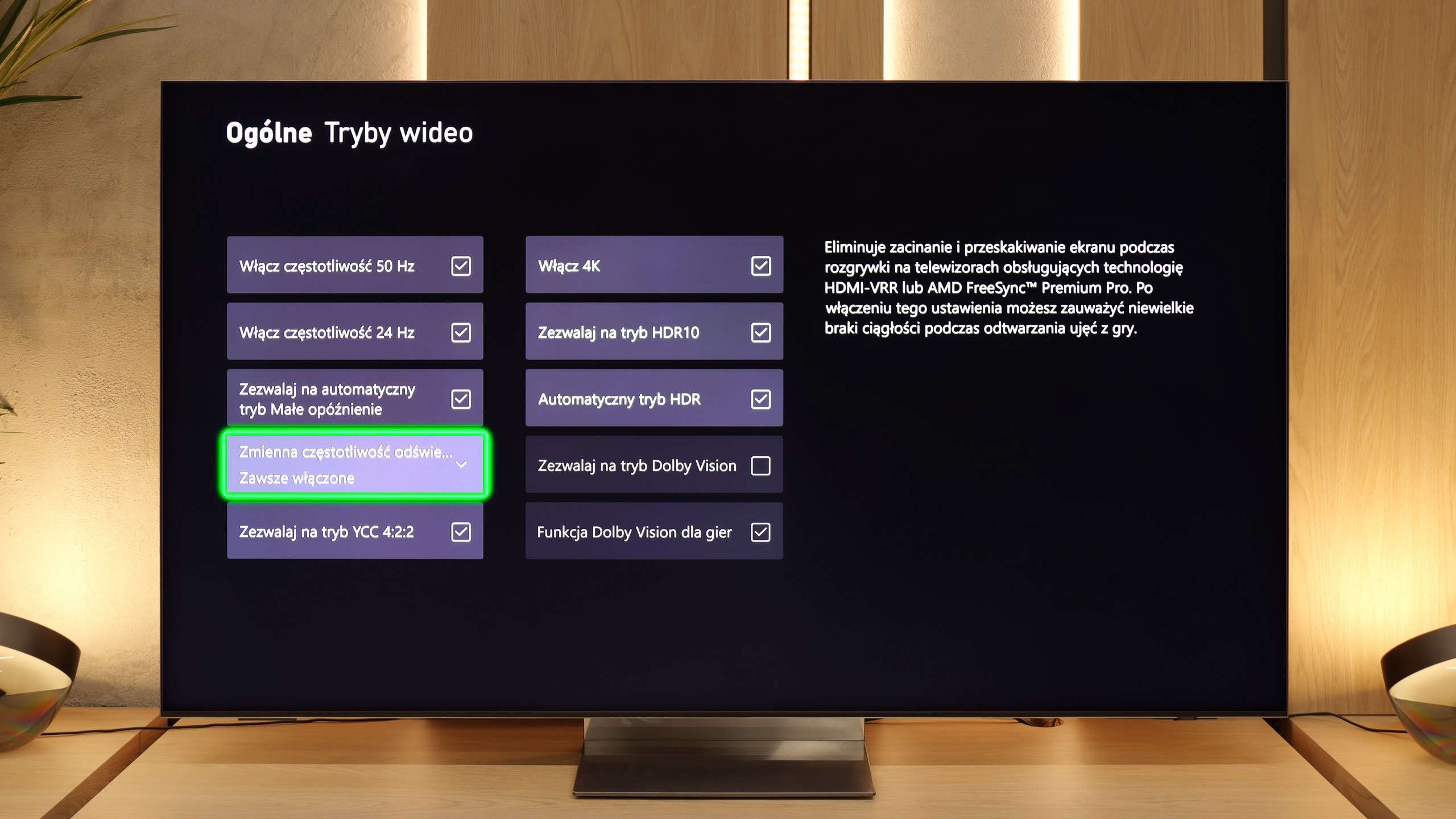
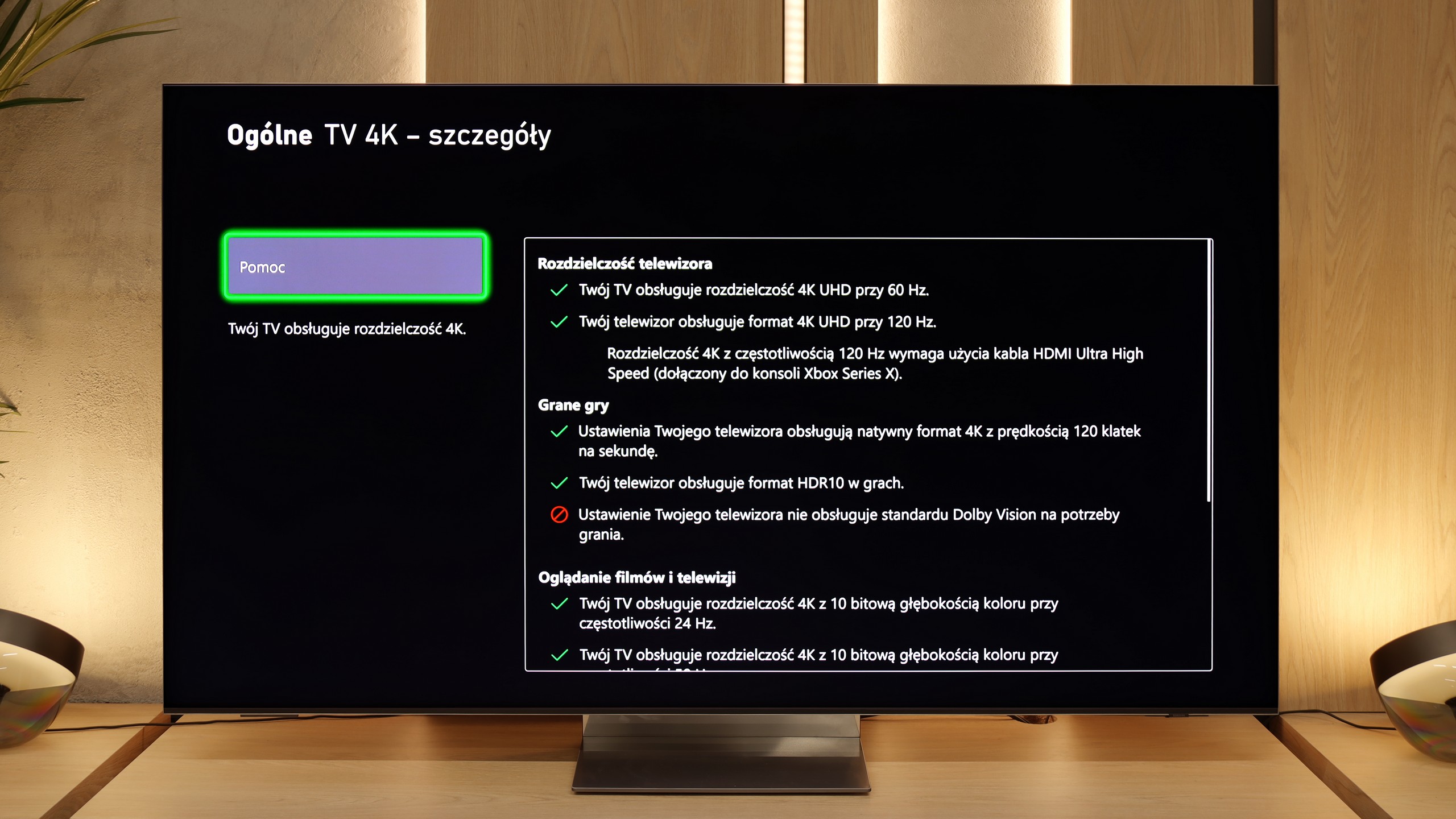
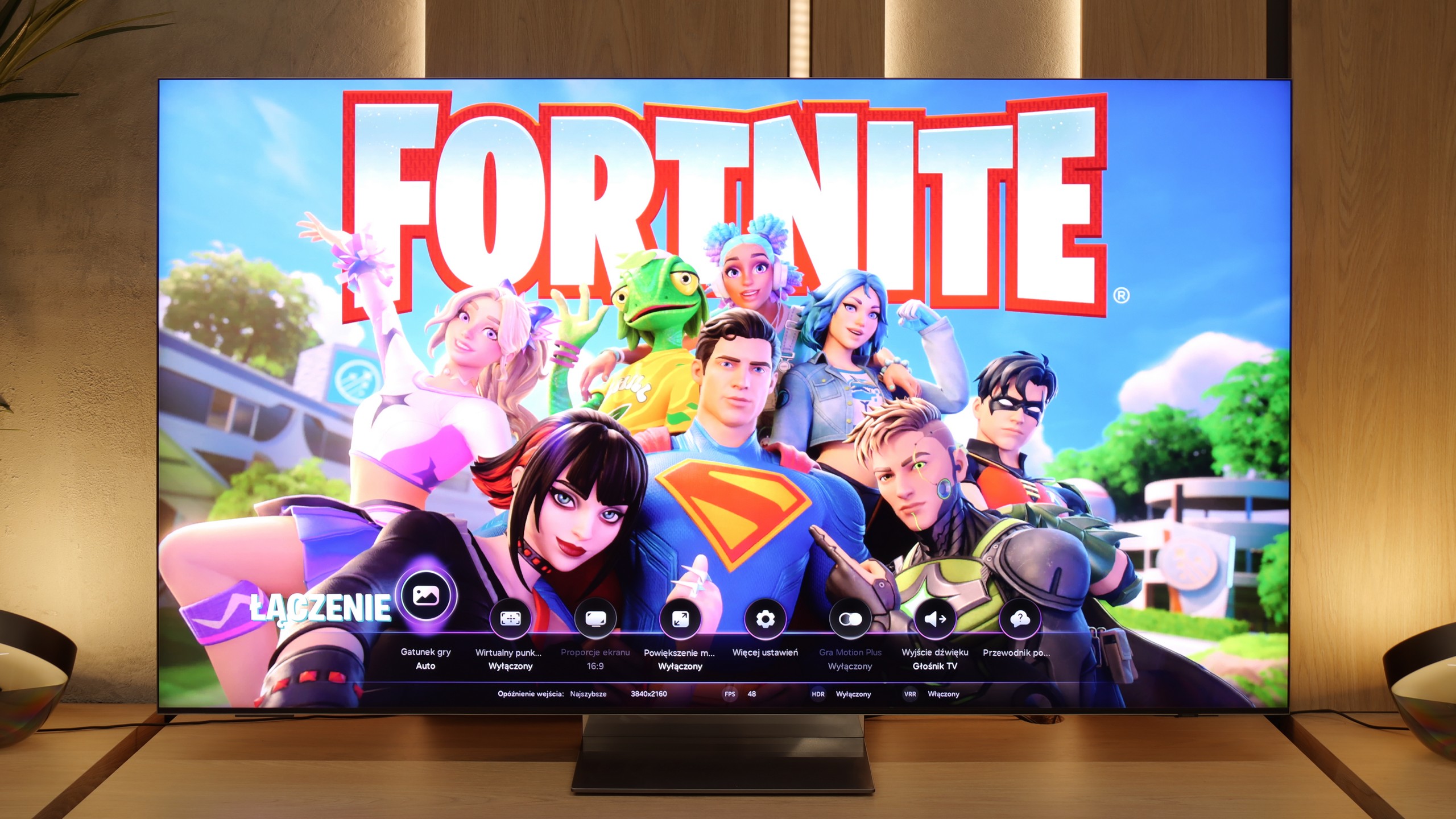
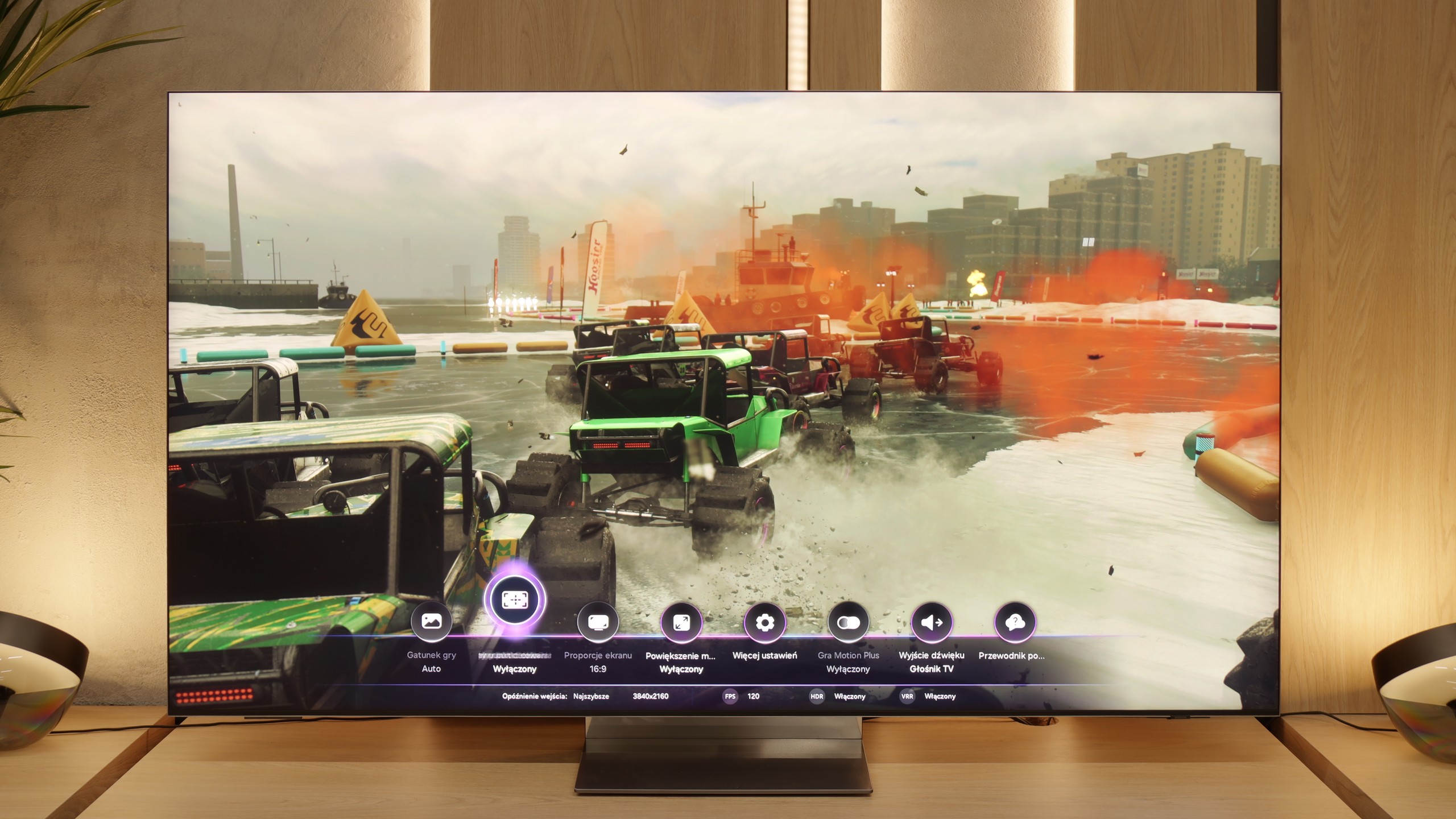
It must be said directly – the QN990F is one of those TVs that screams it was designed with gamers in mind. Samsung has been developing its gaming solutions for years, but here we have a true package. Sure, the lack of Dolby Vision support in games is a downside that will always come up in discussions. However, apart from that, the list of features is truly impressive. To start, we have Game Bar – a handy menu that allows you to quickly check and change game-related settings. You can see, for example, VRR is turned on, the frame rate, or the aspect ratio settings. It's like a small "dashboard," allowing you not to dig deep into the menu to make adjustments. Speaking of VRR: yes, variable refresh rate is present here and works flawlessly. Additionally, there's ALLM, which automatically switches the TV to game mode as soon as the console is turned on. These may seem like small details, but together they make using the QN990F simply convenient and hassle-free.

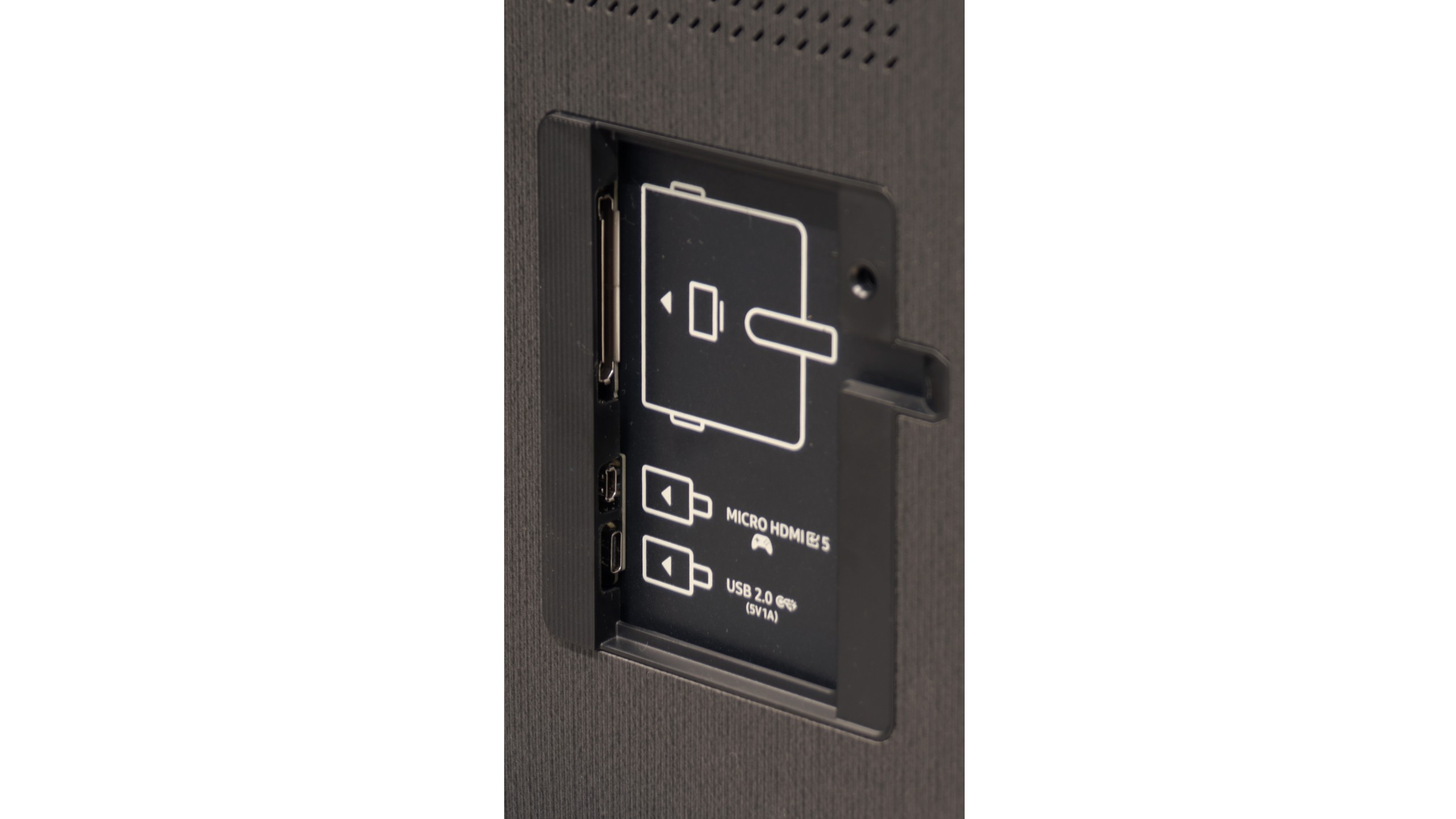
However, the number of ports makes the biggest impression. Four wireless HDMI 2.1 ports are already great news because you don't have to choose whether to connect the console, the receiver, or maybe even the PC. There's plenty of room here for everything. And if we add an additional micro HDMI (which we recommend connecting directly to consoles), hidden in the housing, we practically have five inputs in full 2.1 standard. Add to that support for high refresh rates – 120 Hz in 8K or even 240 Hz in 4K – and we get a TV that not only keeps up with the new consoles but also feels ready for consoles that are yet to come.

Input lag

9.8/10

9.9/10

SDR

1080p60
13 ms
15 ms
1080p120
12 ms
9 ms
2160p60
13 ms
13 ms
2160p120
12 ms
10 ms

HDR

2160p60
13 ms
13 ms
2160p120
12 ms
10 ms
4320p60
17 ms
17 ms

Dolby Vision

2160p60 DV
2160p120 DV

The Samsung QN900D excels in signal delay (input lag), delivering impressive performance. With values below 15 ms, it is an excellent choice for gamers requiring minimal delay during gameplay. Notably, even at 8K resolution, the input lag is only 17 ms, which is a remarkable result. This allows gamers to enjoy fast-paced, dynamic games at the highest possible resolution without experiencing noticeable delays.

If we look at the table with input lag results, the QN990F performs phenomenally – within 10–15 ms, which is practically on par with gaming monitors. But there are a few caveats. First and foremost, the measurements taken on an additional micro HDMI, which Samsung cleverly hid in the television housing, show the full potential. At that point, the image responds instantaneously, and gaming is pure pleasure. The problem starts when we connect the console to the wireless One Connect module. Here, input lag jumps – the measuring device showed values higher by as much as 20 ms for the first 1-2 seconds before the delay stabilized around 40 ms. That’s already a level that is noticeable in faster games. Interestingly, the module was placed nearby, at a distance of 2–3 meters, so the signal didn’t have any challenging conditions. It’s not hard to imagine that if we hide it, for instance, behind a couch at a distance of 6–10 meters, input lag could exceed 100-150 ms. And those values are completely unacceptable for gaming.

Input lag measurements for Wireless One Connect from a distance of 2-3m look as follows:

SDR

Input lag

HDR

Input lag

1080p60

39 ms

1080p120

25 ms

2160p60

39 ms

2160p60

39 ms

2160p120

26 ms

2160p120

26 ms

4320p60

43 ms

4320p60

43 ms

Compatibility with PC

8/10

7.9/10

Chroma 444 (max. resolution and refresh rate)
Yes
Yes
Font clarity
Average
Average
Readability of dark text and shapes
Good
Average
Input lag in PC mode (4K, max. refresh rate)
12ms
10ms
Matrix subpixel arrangement
BGR
BGR
Max refresh rate
240Hz
240Hz
G-Sync
Yes
Yes

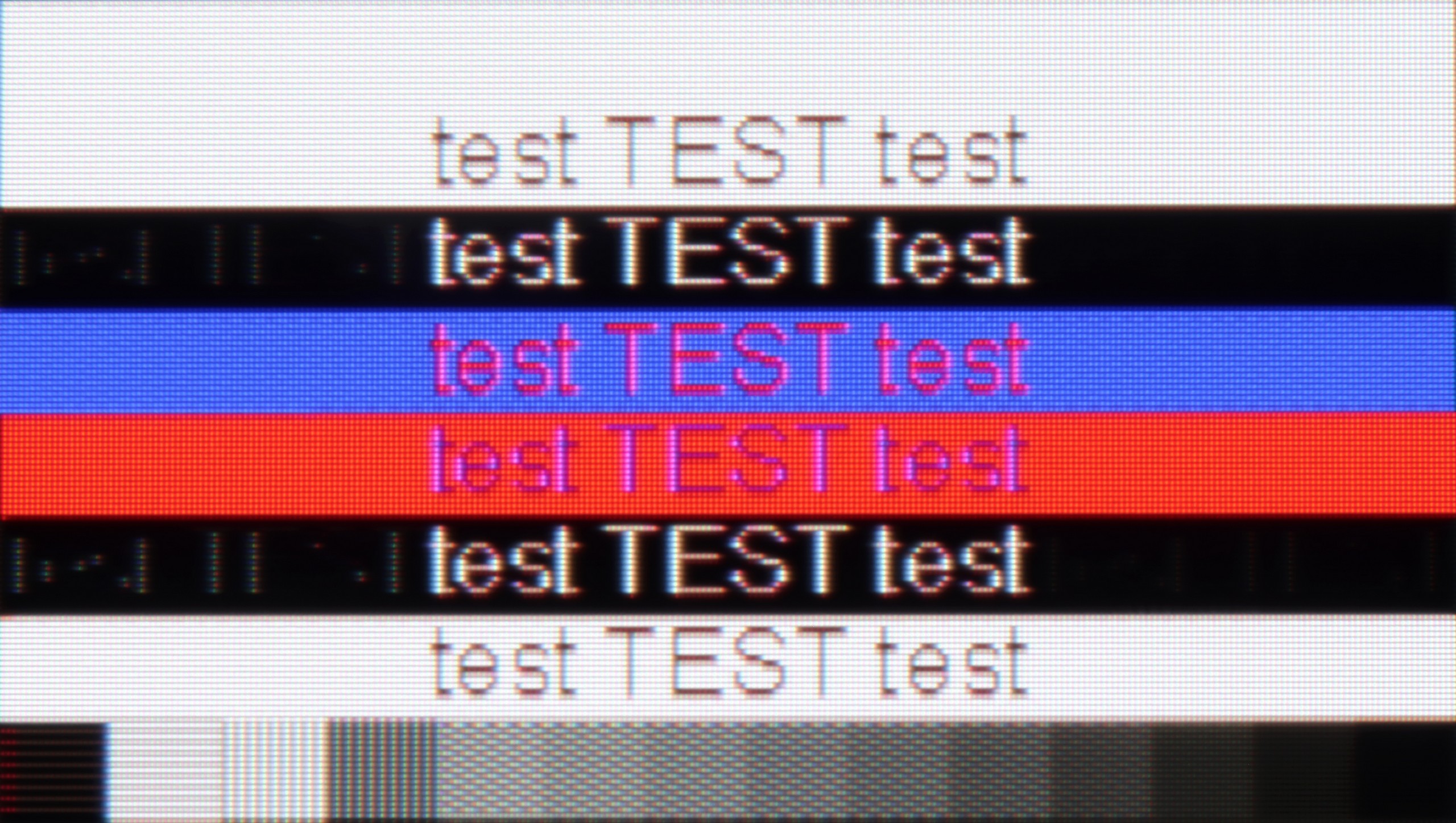
The photo shows the legibility of small fonts. Ideally, lines should be the same thickness on both light and dark text, with minimal pixel gaps.

The Samsung QN900D’s compatibility with computers is excellent, making it a fantastic choice for both work and entertainment. It supports full-colour reproduction with Chroma 4:4:4, ensuring superior image quality, particularly for text and office applications. The 8K resolution delivers an exceptional level of detail, making fonts highly readable.

However, despite the impressive resolution, there are some minor issues with bright fonts on dark backgrounds. Slight shadows may appear due to subpixel behaviour, which could be noticeable to more discerning users, particularly in text-heavy applications. While this isn't a major concern for most users, it could affect comfort for those working extensively with text. Despite this, the overall image quality and computer compatibility remain excellent.

QN990F can be impressive when we connect a computer for gaming. The panel with a refresh rate of up to 240 Hz, support for G-Sync, and a really decent input lag make the TV act like a gigantic gaming monitor. For gaming, it's a dream setup, and the responsiveness here is at a level that is practically unheard of in regular TVs.

Unfortunately, the situation looks much worse for regular PC work. That's a pity, because the 8K resolution theoretically has enormous potential – you can place even a 65-inch screen on your desk and sit close to it, taking advantage of the massive pixel density. However, in practice, the magic fades. Despite the correct implementation of chroma 4:4:4, which should guarantee sharp fonts, the readability on the QN990F is not ideal. The letters have slight edge issues, and longer work with text is simply not comfortable. It's a shame because gamers really have significant potential here, and the capabilities in games are great. However, this TV is not really suitable for everyday office work.

Viewing angles

7.8/10

6.5/10

Brightness drop at an angle of 45 degrees
51%
57%

The viewing angles on the Samsung QN900D are impressive, despite its use of a VA panel. Thanks to a special coating that enhances the viewing angles, the image remains clear and consistent even when viewed from the side. This is particularly beneficial when watching with a group, as everyone can enjoy excellent image quality without colour distortion or loss of detail. This makes the QN900D an ideal choice for movie nights or sports broadcasts with multiple viewers.

Samsung has implemented a viewing angle enhancement coating in the QN990F and it actually does its job. We feel that this year it works a bit weaker than in last year's models, but nonetheless the effect is still impressive. For a VA panel, the viewing angles are really very good – good enough to compare them with what televisions with IPS panels offer. This means that even when watching from the side, we do not noticeably lose either contrast or colors.

Daytime performance

5/10

5.2/10

Panel finish
Glare
Matte
Reflection suppression
Good
Very Good
Black levels during daytime
Average
Average

Panel brightness

Samsung QN990F: 363 cd/m2

Samsung QN900D Neo QLED 8K: 387 cd/m2

The performance of the Samsung QN900D in bright conditions is generally average. While it features an anti-reflective coating to help reduce glare, the VA panel, combined with the coating that expands the viewing angles, leads to light reflections being diffused horizontally, often resembling rainbow colours. This results in a loss of image richness, particularly in well-lit rooms where strong light sources can negatively impact the displayed image quality.

One of the biggest innovations in this year's Neo QLED 8K TVs are the matte screens. Yes, you read that right – Samsung has used a matte coating in its flagship model, and we must admit that the effect is truly impressive. Reflections practically disappear, the screen doesn't turn into a mirror, and watching in a bright living room suddenly becomes much more enjoyable. Of course, there’s no rose without thorns. The matte coating makes blacks appear a bit washed out during the day, and colors lose some of their vibrancy. It’s a compromise – either we fight reflections, or we keep the maximum color depth.

When it comes to brightness, the QN990F is not a record-breaker. In TV mode, it achieves around 370-400 nits, which is fine for everyday TV watching, but in very bright, sunlit rooms, it may prove inadequate to completely "break through" the light coming into the room.

Panel details

Backlight Type
Mini-LED QLED
Mini-LED QLED
Software version during testing
1120
T-RSPFDEUC-0090-1050.6 E2500007, BT-S
Image processor

Subpixel Structure:

Panel uniformity and thermal imaging:

Review Samsung QN900D Neo QLED 8K TV Panel details
Review Samsung QN990F TV Panel details

Samsung QN900D Neo QLED 8K

Samsung QN990F

TV features

7.4/10

7.5/10

  • HDMI inputs
    0 x HDMI 2.0, 4 x HDMI 2.1 40Gbps
    0 x HDMI 2.0, 5 x HDMI 2.1 48Gbps
  • Outputs
    Toslink (Optical audio), eARC (HDMI), ARC (HDMI)
    Toslink (Optical audio), eARC (HDMI), ARC (HDMI)
  • Network Interfaces
    Wi-Fi 2.4GHz, Wi-Fi 5GHz, Ethernet (LAN) 100Mbps
    Wi-Fi 2.4GHz, Wi-Fi 5GHz, Ethernet (LAN) 100Mbps
  • TV reception
    DVB-T, DVB-T2, DVB-S, DVB-S2, DVB-C
    DVB-T, DVB-T2, DVB-S, DVB-S2, DVB-C

Classic features:

  • Recording to USB (terrestrial TV)
    No
    No
  • Recording programming
    No
    No
  • Picture in Picture (PiP)
    Yes
    Yes
  • RF remote control (no need to aim)
    Yes
    Yes
  • Backlit remote control
    No
    No
  • Teletext
    Yes
    Yes
  • Audio only mode
    Yes
    Yes
  • Bluetooth headphones support
    Yes
    Yes
  • Simultaneous Bluetooth headphones & TV audio
    Yes
    Yes

Smart features:

  • AirPlay
    Yes
    Yes
  • Screen mirroring (Windows Miracast)
    Yes
    Yes
  • Voice search
    Yes
    Yes
  • Voice search in native language
    Yes
    Yes
  • Ability to connect a keyboard and mouse
    Yes
    Yes
Review Samsung QN900D Neo QLED 8K TV features
Review Samsung QN990F TV features

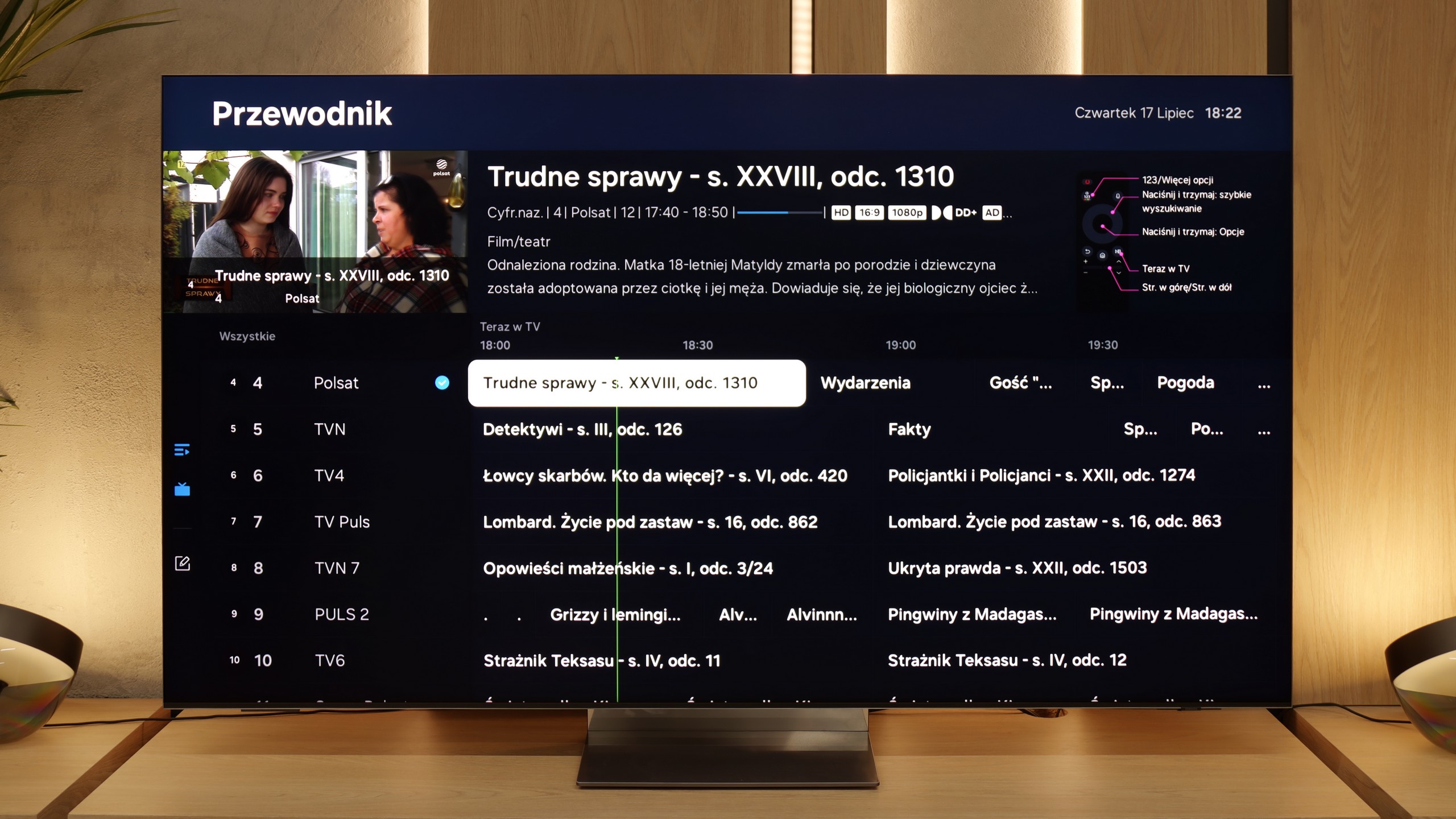
The Tizen system powering the Samsung QN900D offers excellent integration with other devices, providing convenient access to numerous applications, including AirPlay. Users can also control other equipment via the SmartThings app. The TV is compatible with lighting systems like Philips Hue, enabling users to create a mood-setting atmosphere during movie screenings.

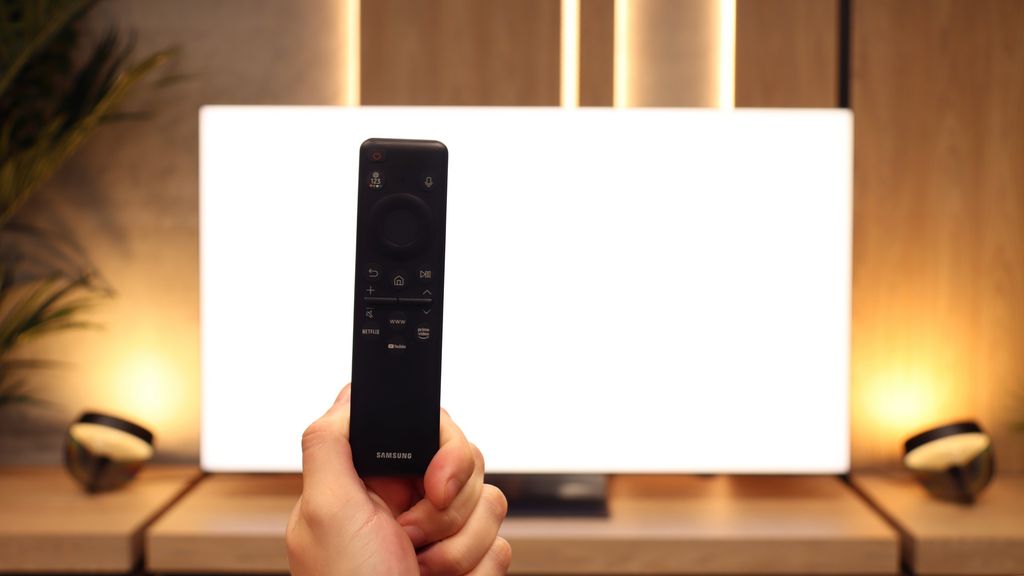
Daily, the Samsung QN900D performs excellently. The solar remote can control devices such as set-top boxes, making the lack of a recording function less of an issue. Additionally, the TV offers a Picture-in-Picture (PiP) feature, and with its 8K resolution, it can even split the screen into four parts, making it exceptionally functional for watching several programmes simultaneously and for effective work with multiple image sources.

The Samsung QN900D also stands out for its modern design. Its slim silhouette makes it the thinnest Mini LED TV on the market, while the One Connect module ensures neat cable management, keeping the area around the TV tidy and elegant. The central stand adds a sense of lightness, giving the impression that the TV is floating, which adds a unique character. Moreover, the Ambient Mode feature allows users to display decorative graphics or adapt images to the room's interior, making the TV an integral part of the space, even when turned off.

Classic Features and Connections

Even though the QN990F looks like a television from the future, if someone simply wants to watch regular TV - it can be done quite comfortably. On board, we have several practical additions, such as PiP, which allows for watching two sources simultaneously. There's no need to even mention Bluetooth, as that's already a standard. However, the entire idea of wireless operation is particularly noteworthy. The One Connect module can be placed in a different location than the TV itself, which is a significant convenience for people who frequently switch devices. Of course, it still needs to be plugged into a power source, so it's not a completely cable-free solution, but it's hard not to see this as a showcase of Samsung's strength – a glimpse of what future televisions could look like.

Smart TV System: Tizen

When it comes to the system, Samsung opted for its proprietary Tizen, which, despite being a closed ecosystem – operates extremely smoothly. It's one of the fastest, if not the fastest operating systems in televisions, and it's also very intuitive. All the classic smart features are present: AirPlay, screen mirroring, voice search in multiple languages, or quick access to the most important streaming applications. There may be a few niche programs missing, but the vast majority of users will find everything they need here.

Apps

9.3/10

9.3/10

OK
Disney_Plus
OK
Amazon_Prime_Video
OK
Player_TVN
OK
Polsat_Box_Go
OK
Canal_Plus_Online
OK
TVP_VOD
OK
Apple_TV_Plus
OK
SkyShowtime
OK
Rakuten
OK
CDA_Premium_Browser
OK
Spotify
No
Tidal
OK
Netflix
OK
YouTube
OK
HBO_MAX
No
Kodi
OK
Apple_music
OK
Eleven_sports
OK
Xbox Game Pass
OK
GeForce Now!
OK
Amazon Luna
OK
Boosteroid
No
Steam Link
OK
Disney_Plus
OK
Amazon_Prime_Video
OK
Player_TVN
OK
Polsat_Box_Go
OK
Canal_Plus_Online
OK
TVP_VOD
OK
Apple_TV_Plus
OK
SkyShowtime
OK
Rakuten
OK
CDA_Premium_Browser
OK
Spotify
No
Tidal
OK
Netflix
OK
YouTube
OK
HBO_MAX
No
Kodi
OK
Apple_music
OK
Eleven_sports
OK
Xbox Game Pass
OK
GeForce Now!
OK
Amazon Luna
OK
Boosteroid
No
Steam Link

Playing files from USB

9.2/10

9.1/10

Supported photo formats:

JPEG
Yes
Yes
HEIC
No
No
PNG
No
No
GIF
No
No
WebP
No
No
TIFF
No
No
BMP
Yes
Yes
SVG
No
No

Maximum photo resolution:

4 Mpix
Yes
Yes
6 Mpix
Yes
Yes
8 Mpix
Yes
Yes
10 Mpix
Yes
Yes
12 Mpix
Yes
Yes
16 Mpix
Yes
Yes
20 Mpix
Yes
Yes
24 Mpix
Yes
Yes
28 Mpix
Yes
Yes
32 Mpix
Yes
Yes

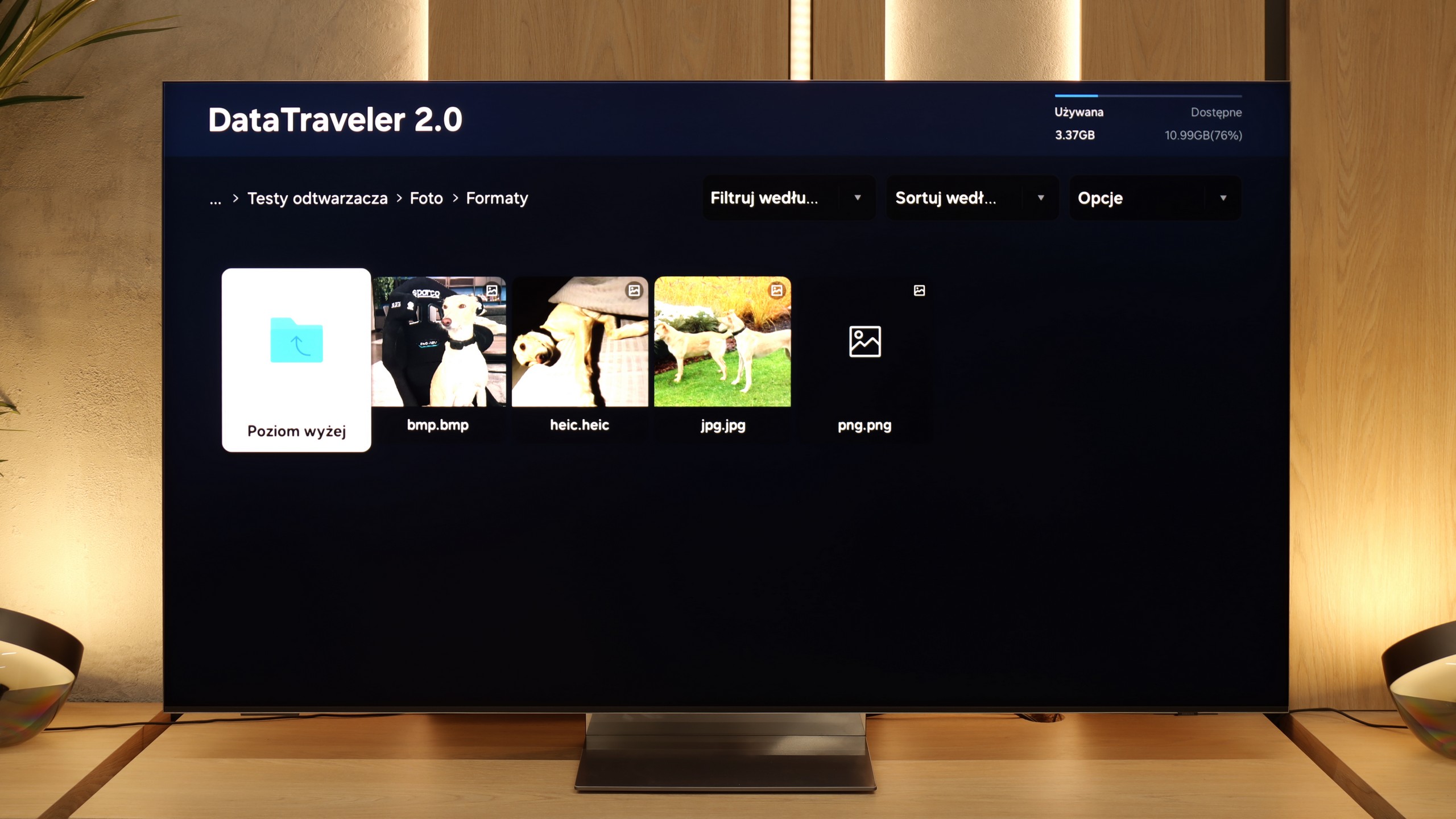
The Samsung QN900D handles the most popular video and audio formats effortlessly, providing a seamless experience for users. The resolution of photos is also no issue, with the TV displaying high-quality images without difficulty. However, it does struggle with opening less common photo formats, such as Apple's HEIC format, which could be a limitation for users who store or share images in this specific format.

The QN990F handles playback of files from USB practically flawlessly. Movies, music, photos – most popular formats work without the slightest problems, and there’s no need to fiddle with additional players or devices. Only with less common picture formats can limitations arise. It's a pity that despite the manufacturer's claims, real support for HEIC files is lacking. The television recognizes them in the media browser, but in practice, it cannot open them.

Sound

7.4/10

7.9/10

  • Maximum volume
    -
    -
  • Dolby Digital Plus 7.1
    Yes
    Yes
  • Dolby True HD 7.1
    No
    No
  • Dolby Atmos in Dolby Digital Plus (JOC)
    Yes
    Yes
  • Dolby Atmos in Dolby True HD
    No
    No
  • DTS:X in DTS-HD MA
    No
    No
  • DTS-HD Master Audio
    No
    No

Samsung QN900D is equipped with a 90 W audio system in a 6.2.4 channel configuration despite its slim profile. The sound is clear and spacious, further supported by Dolby Atmos technology, which provides immersive audio experiences. Unfortunately, like many other Samsung TVs, the QN900D does not support DTS audio tracks, which may be significant for home theater users.

The QN990F can play really nicely. Considering such a slim design, the sound is surprisingly clear and detailed, so one can be satisfied for daily movie watching or gaming. Unfortunately, as is often the case with Samsung's ultra-thin TVs, it lacks bass - and you can feel it right away. Action scenes or stronger effects do not have the depth that a decent soundbar or home theater system would provide. However, it is worth noting the support for Dolby Atmos. This is currently the most popular surround sound codec in films and provides a much greater sense of immersion in the action. Unfortunately, as always with Samsung, support for DTS:X is missing. This format is indeed appearing less frequently in new productions, but it is still valued by fans of physical Blu-ray media.