QN80F is the first in the history of Samsung's "eighty" series to feature Mini LED backlighting. And it does this really well. Although the number of dimming zones is not overwhelming, the black level is solid, and combined with high brightness, it allows for a very decent picture in HDR content. Additionally, there's a 144 Hz panel that provides excellent motion smoothness, and the set of features for gamers – VRR, ALLM, Game Motion Plus – makes the QN80F a model practically designed for those playing on console or PC. The television operates quickly and responsively, and the Tizen system runs like lightning – whether you're searching for apps or switching sources. Is there anything to criticize? Of course, as always – there are shortcomings in the system (like recording to USB), there’s no DTS support, and Mini LED is not without its limitations. But the QN80F is a great everyday television – versatile, well-thought-out, and... with significant price potential. Looking at the history of this series, we can expect this "eighty" to shake things up once it hits the first reasonable promotions. And it could be virtually unbeatable at its price – especially if Samsung improves the minor teething issues.
- Matching (Score) |
- Our verdict |
- TV appearance |
- Where to buy |
- Contrast and black detail |
- HDR effect quality |
- Factory color reproduction |
- Color reproduction after calibration |
- Smoothness of tonal transitions |
- Image scaling and smoothness of tonal transitions |
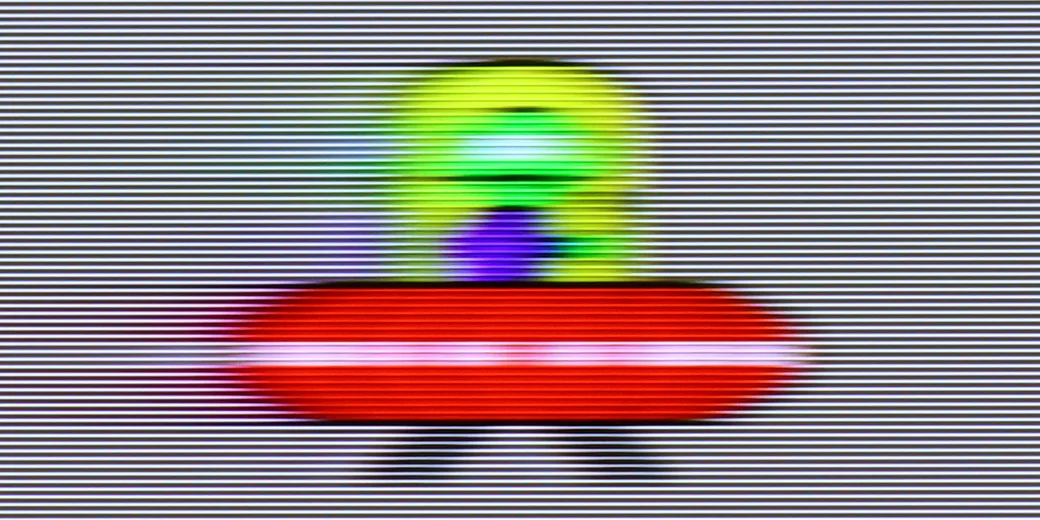
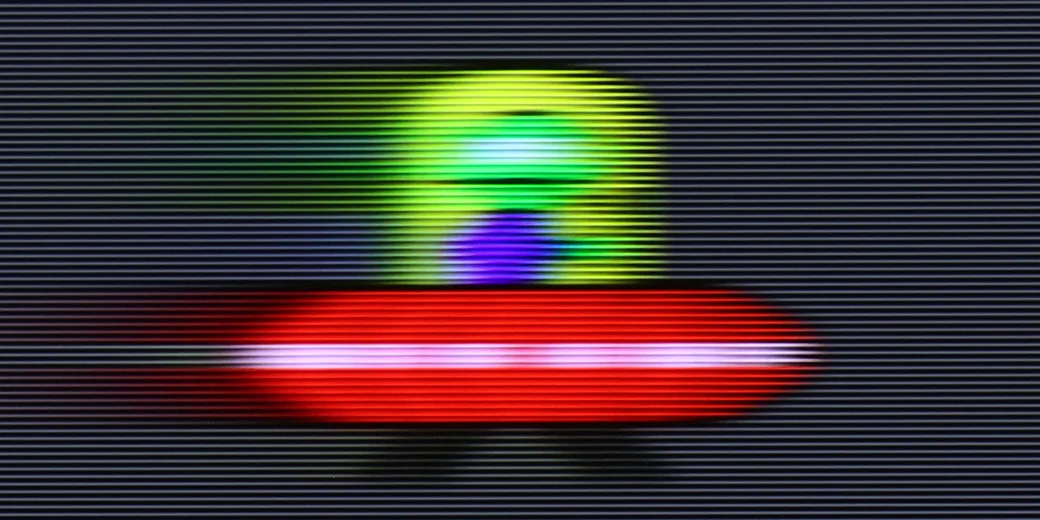
- Blur and motion smoothness |
- Console compatibility and gaming features |
- Input lag |
- Compatibility with PC |
- Viewing angles |
- Daytime performance |
- Panel details |
- TV features |
- Apps |
- Playing files from USB |
- Sound
SAMSUNG QN80F vs Samsung QN90F / QN92F
 Direct comparison

Check the best price offer:
SAMSUNG QN80F Check the best price offer:
Samsung QN90F / QN92FQN80F
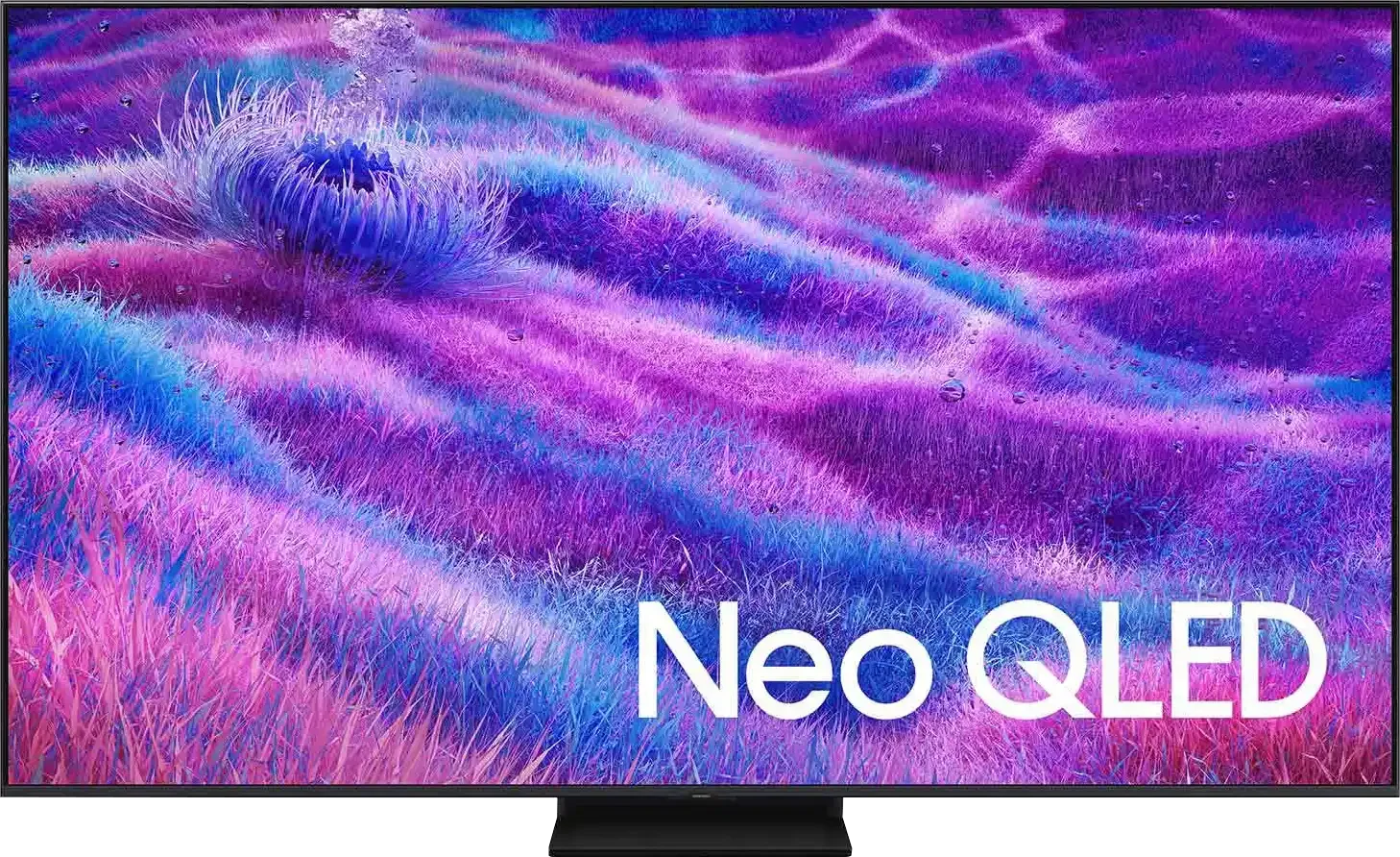
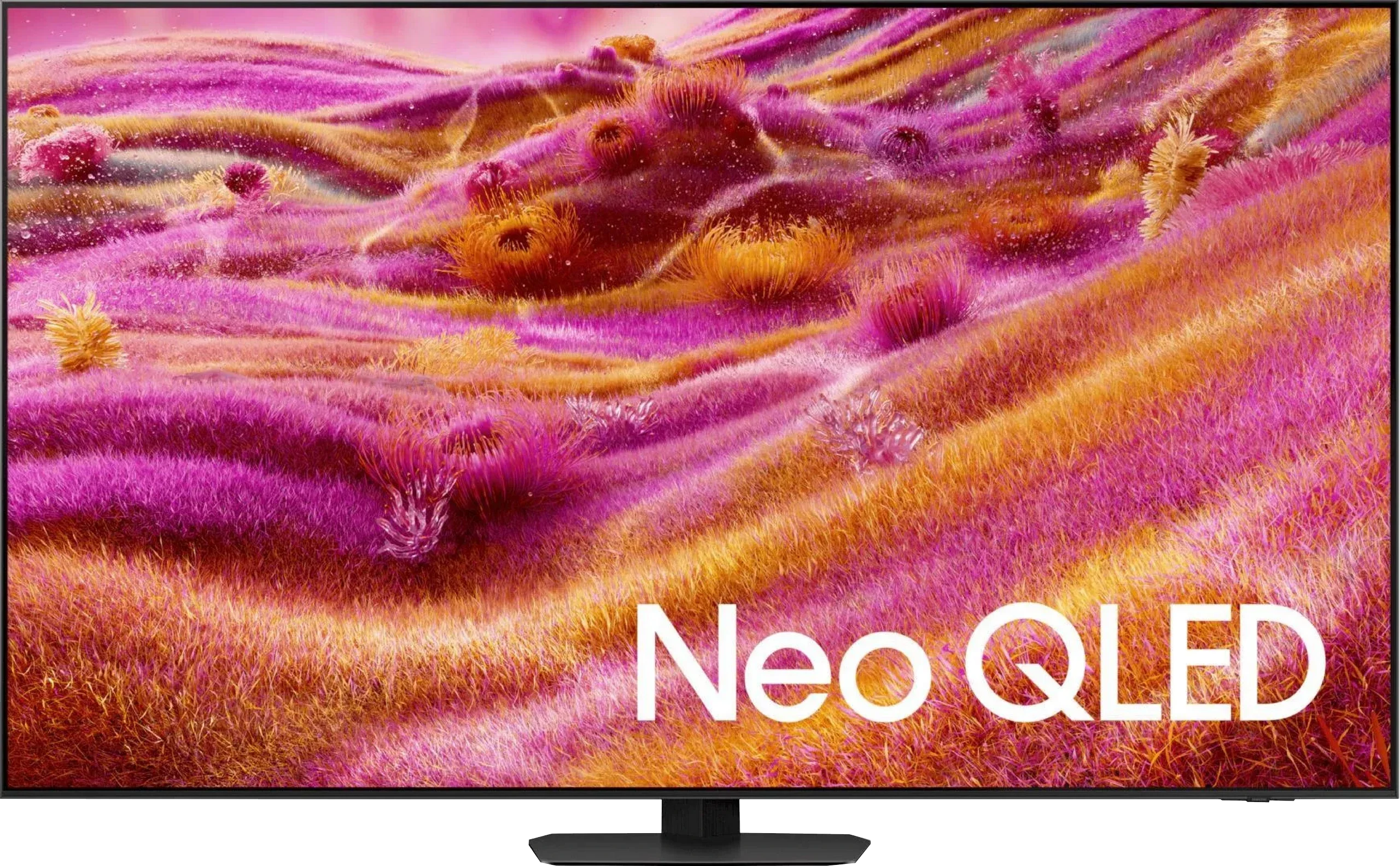
Panel type: LCD VA
Resolution: 3840x2160
System: Tizen
Model year: 2025
Complete the survey to find out the result
Panel type: LCD VA
Resolution: 3840x2160
System: Tizen
Model year: 2025
Complete the survey to find out the result
Overall rating
7.4
7.9
 Movies and series in UHD quality
 6.9
7.8
 Classic TV, YouTube
 6.8
7.6
 Sports broadcasts (TV and apps)
 6.7
7.1
 Gaming on console
 8.9
9.1
 TV as a computer monitor
 8.8
8.8
 Watching in bright light
 6.6
7.2
 Utility functions
 7.7
7.7
 Apps
Apps 9.3
9.3
 Sound quality
 6.7
7.8
Complete the survey to find out what fits your preferences
Advantages

Nice black and contrast - VA matrix combined with MINI-LED backlighting.
Great brightness - up to 1000 nits in HDR
Fast and responsive matrix - 144 Hz
Rich support for gamers - 4xHDMI 2.1, VRR, ALLM, GameBar, Game Motion Plus
Very good usability in daylight
Advanced Tizen operating system
Simple operation
PiP function
Very good contrast and black levels
Amazing HDR brightness in movies
Very good TV performance during the day thanks to the matte panel and high brightness
High motion fluidity – up to 165 Hz in PC mode
Low input lag
A lot of features for gamers, including the proprietary motion smoother Game Motion Plus
High susceptibility to image calibration
Fluid Tizen operating system with smart home (IoT) features
Pleasant sound with noticeable bass despite the slim design
Modern design
Disadvantages

No support for DTS format – limitation when connecting home theater
No USB recording function
Relatively small number of dimming zones
Worse viewing angles compared to its predecessor QN90D.
No DTS sound for Blu-ray home theaters.
Our verdict
The Samsung QN90F is a television that, in many ways, demonstrates how maturely miniLED technology can be developed. It offers great contrast and black levels, very high HDR brightness, which works well for both movies and games, along with a matte panel that makes a huge difference in everyday use. It's this feature that makes the QN90F one of the best televisions for viewing in sunny living rooms – reflections and glare are practically eliminated, and the picture remains clear and readable. Gamers, on the other hand, get a package of all the most important features, very low input lag, and a unique Game Motion Plus mode, which continues to be a strong advantage for Samsung over the competition. Additionally, there’s the fast Tizen system, high-level smart features, and quite pleasant sound quality that can be enhanced with a soundbar as part of Q-Symphony. However, there are compromises. Samsung decided to forego a coating that would widen viewing angles – and while the matte panel performs excellently during the day, there is a noticeable drop in brightness and color intensity at wider angles. Despite these comments, the QN90F is still one of the best, if not the best, 4K miniLED televisions you can buy today. It’s a model that combines excellent picture parameters, high functionality, and modern design, while also being exceptionally practical for everyday use. If someone is looking for a television for a bright living room that can handle movies, sports, and games – it’s hard to find a better choice today.
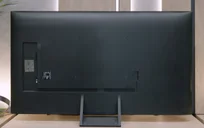
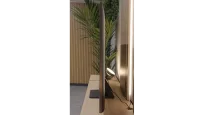
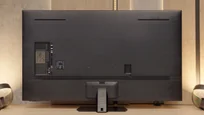
TV appearance

Contrast and black detail
6.8/10
8/10
Local dimming function: Yes, number of zones: 88 (8 x 11)
Local dimming function: Yes, number of zones: 504 (14 x 36)
Contrast:


Result
34,100:1

Result
8,200:1

Result
32,500:1

Result
4,550:1

Result
3,800:1
Result
1,530,000:1
Result
62,450:1
Result
186,400:1
Result
7,400:1
Result
4,500:1
Halo effect and black detail visibility:
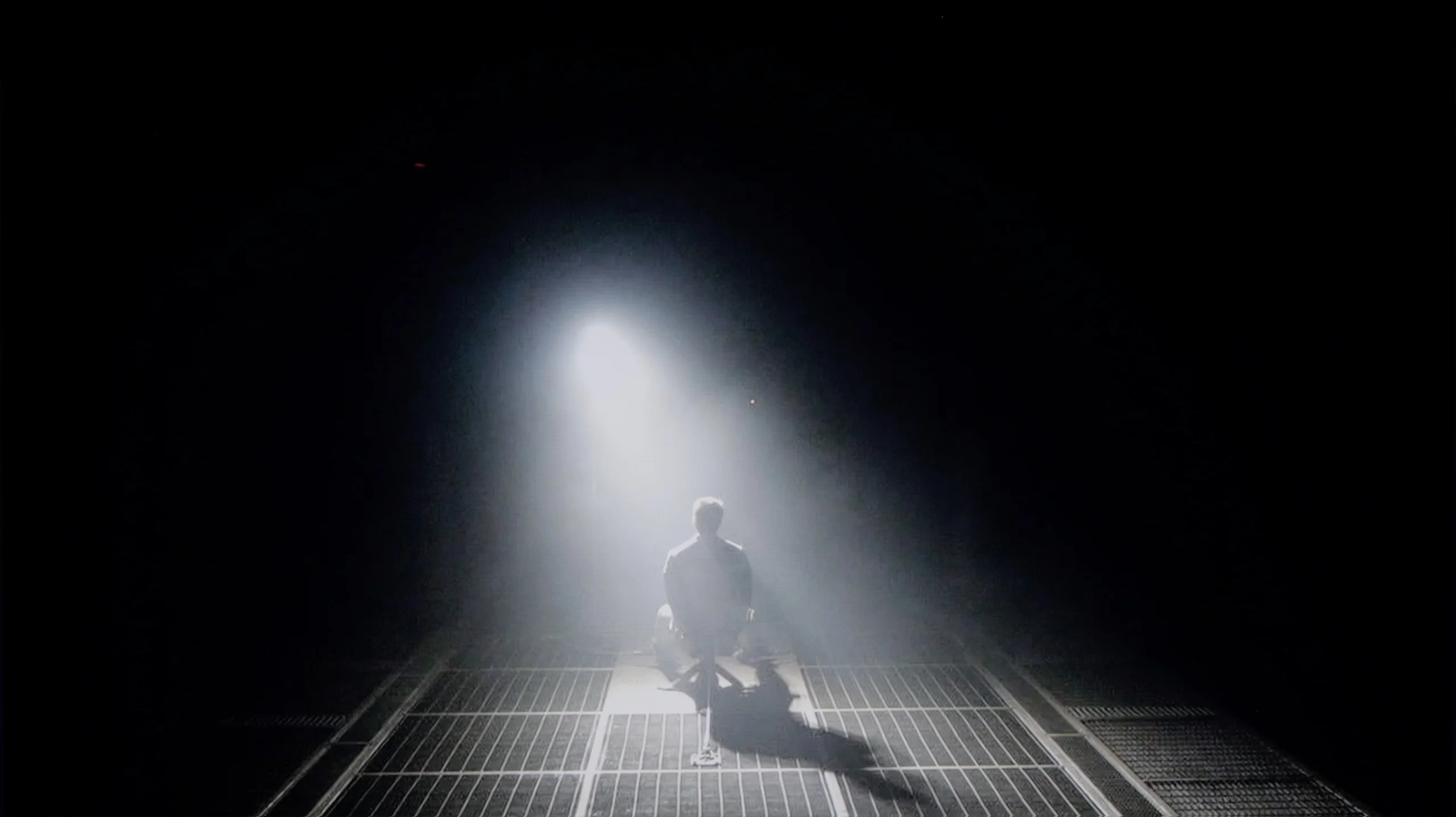
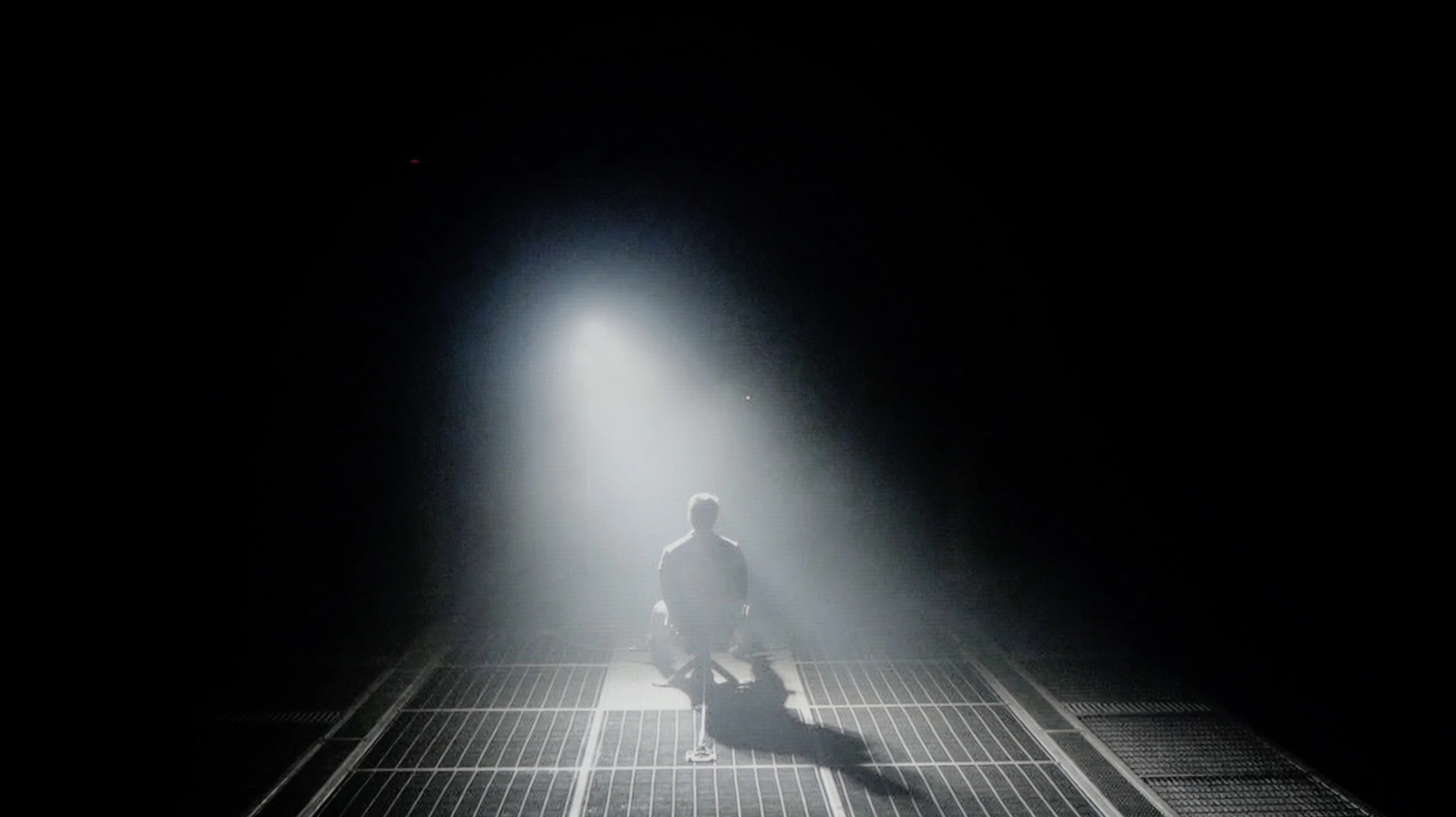
Check the visibility of bright lights on a dark background. Mini-LEDs often struggle with this. The photo does not compare black levels – that’s what the video below is for.
The video accurately shows differences in contrast and black levels between TVs, as well as potential issues: halo around bright objects or Mini-LED zone operation visible as brightness jumps.
QN80F is a representative of the Neo QLED series, which means it's a television with Mini LED backlighting. Unlike its cheaper cousin, the QN70F model, here the diodes are placed directly behind the panel (rather than at the edges), which gives a solid advantage in contrast control right from the start. In the 65-inch variant we tested, we counted 88 local dimming zones – a result that may not be particularly impressive, but as it turned out, sufficient to achieve quite decent results.
In tests based on scenes from movies like Oblivion and The Meg, the QN80F performed well – blacks were deep, and the overall image consistency was eye-catching. However, in more demanding moments (e.g., scenes with a lot of bright details on a dark background), a halo effect appeared. This is where the limitation of the number of zones shows – bright elements could bleed into each other, and some details in dark areas lost sharpness and contrast. In one of the helicopter scenes (The Meg), we even noticed a slight flicker in brightness, as if the television was trying its best to maintain visibility of details at the expense of black depth.
However, these are not problems exclusive to this model – the halo effect or contrast drops in very complex scenes are something most Mini LED televisions struggle with, even the more expensive ones. In its class, the QN80F still performs positively and offers clearly better contrast than the QN70F model with edge lighting. For most users, this will be a level more than sufficient – though not ideal.
If we compare the contrast results of this year's QN90F with last year's QN90D, it quickly becomes clear that the differences are minimal. In the best movie scenes, the contrast can reach values well above six digits, and sometimes even seven digits, which can be confidently considered as results nearly infinite. And indeed – in typical cinematic shots, the effect closely resembles that known from OLED TVs. Samsung deserves praise because despite a relatively "modest" number of dimming zones – 504 in the 55-inch variant (modest compared to Chinese competitors like Hisense U8Q or TCL C8K/C9K) – they managed to refine the local dimming algorithms. This is particularly noticeable in the most challenging scenes, where, compared to last year's model, the precision of dimming has nearly doubled. Of course, we still don't have perfectly separated bright objects from blacks, and we cannot speak of the absence of halo effects (slight glows around small bright objects) known from MINI-LED TVs, so QN90F still doesn't win against OLEDs. But it is definitely approaching them in a more mature and refined way than a year earlier.
HDR effect quality
5.8/10
7.4/10
Luminance measurements in HDR:

Result
799 nit

Result
533 nit

Result
717 nit

Result
245 nit

Result
656 nit
Result
1638 nit
Result
763 nit
Result
1119 nit
Result
562 nit
Result
1947 nit
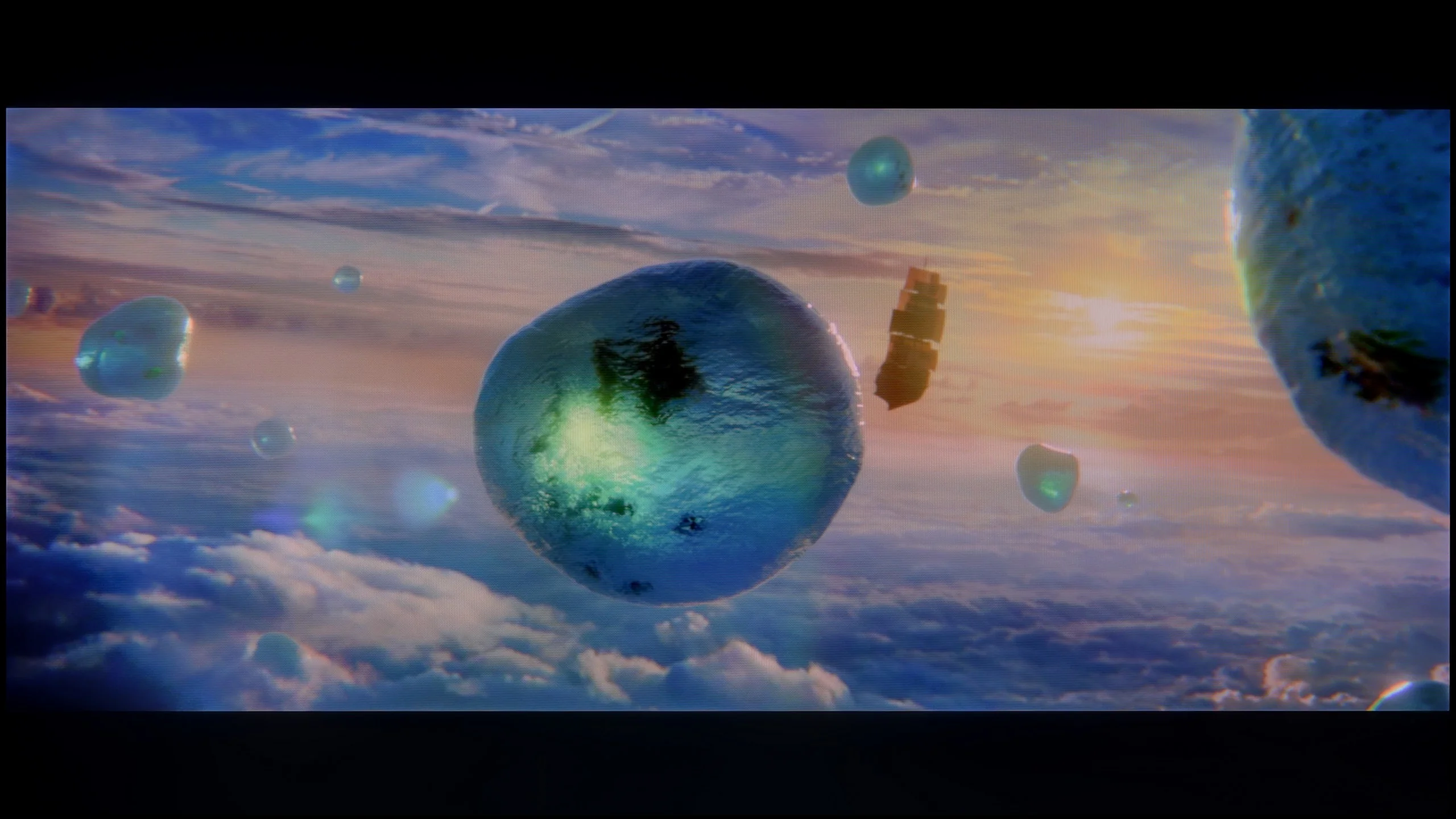
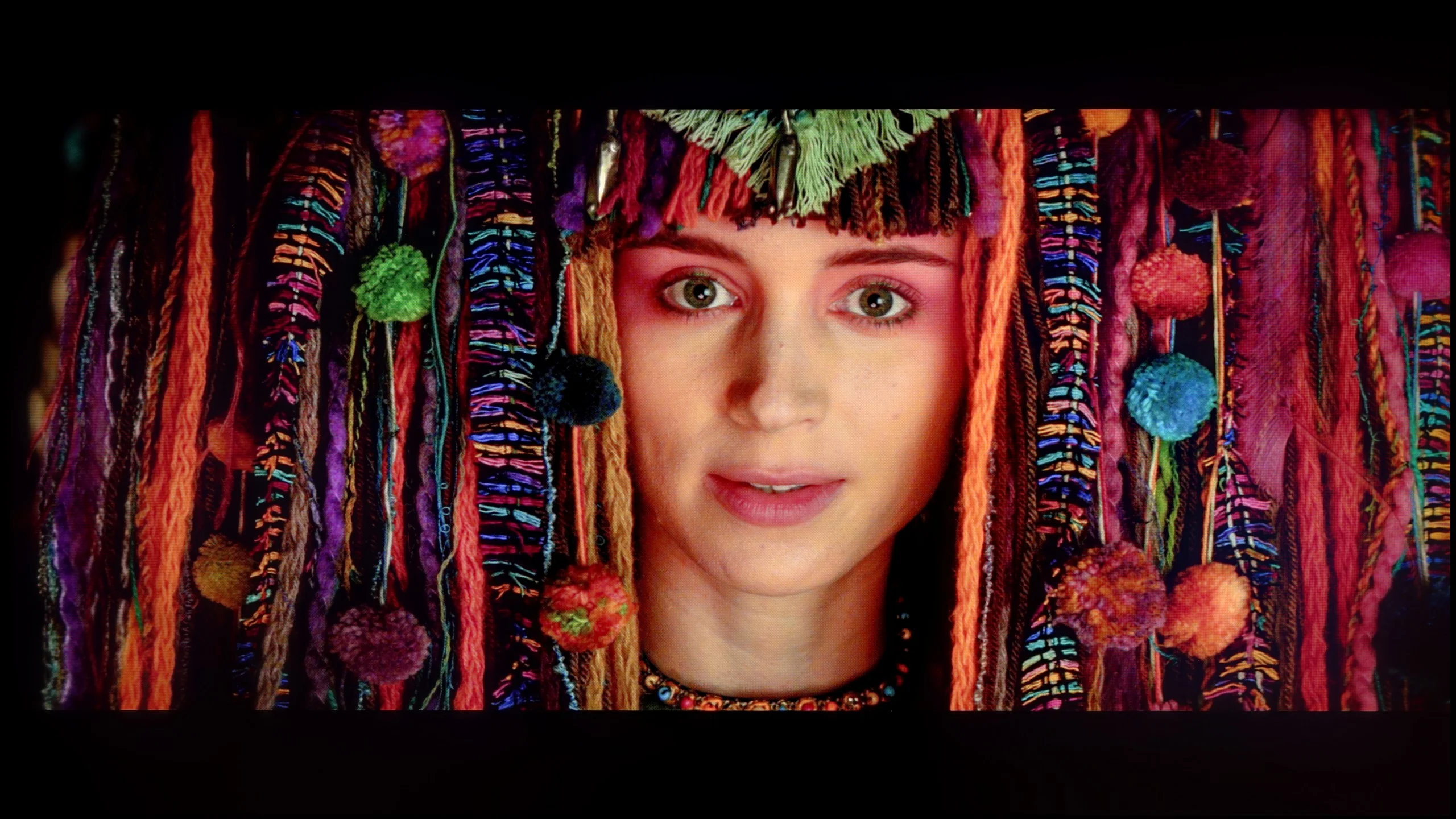
Scene from the movie “Pan” (about 2800 nits)

Scene from the movie “Billy Lynn” (about 1100 nits)
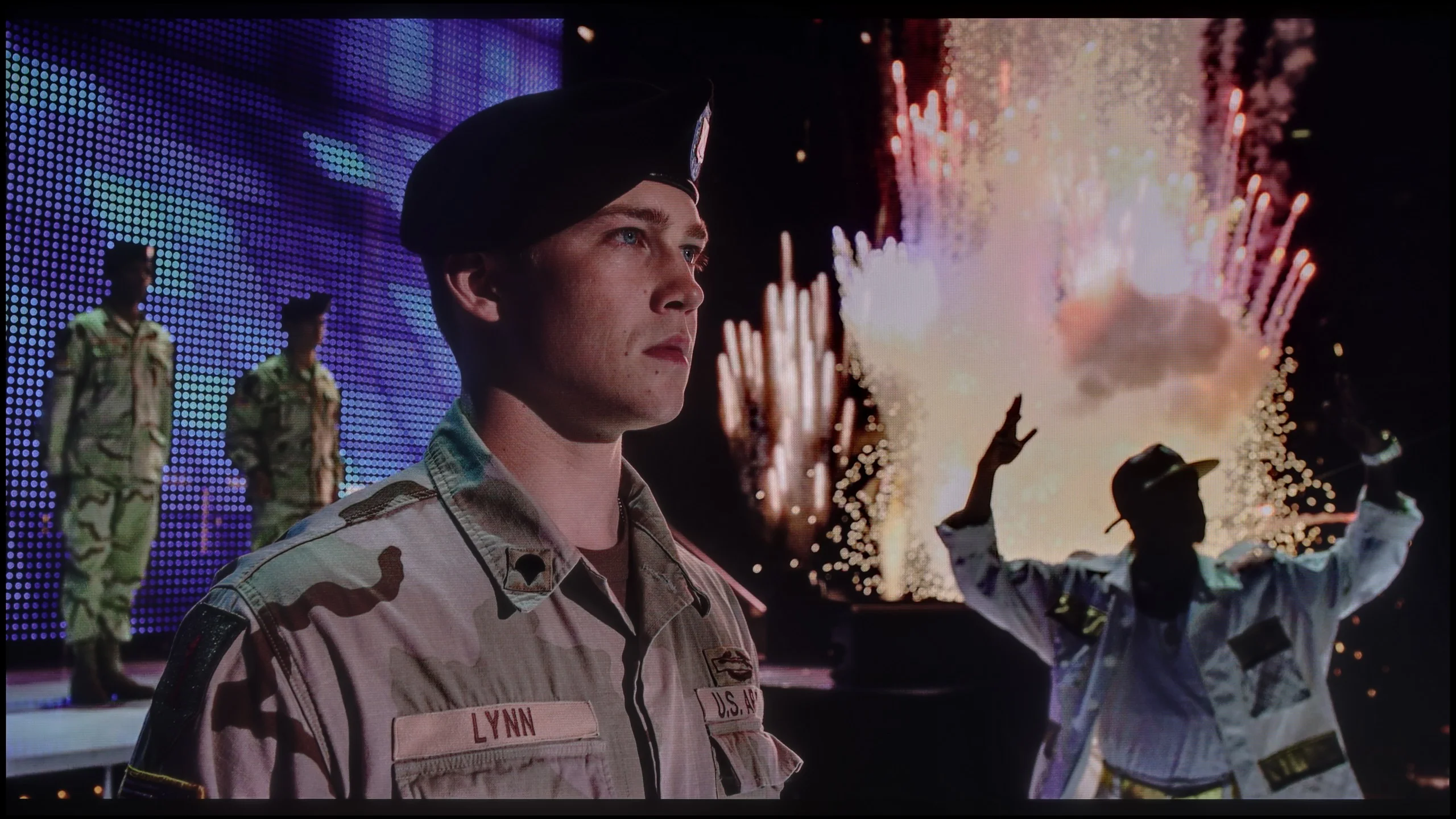
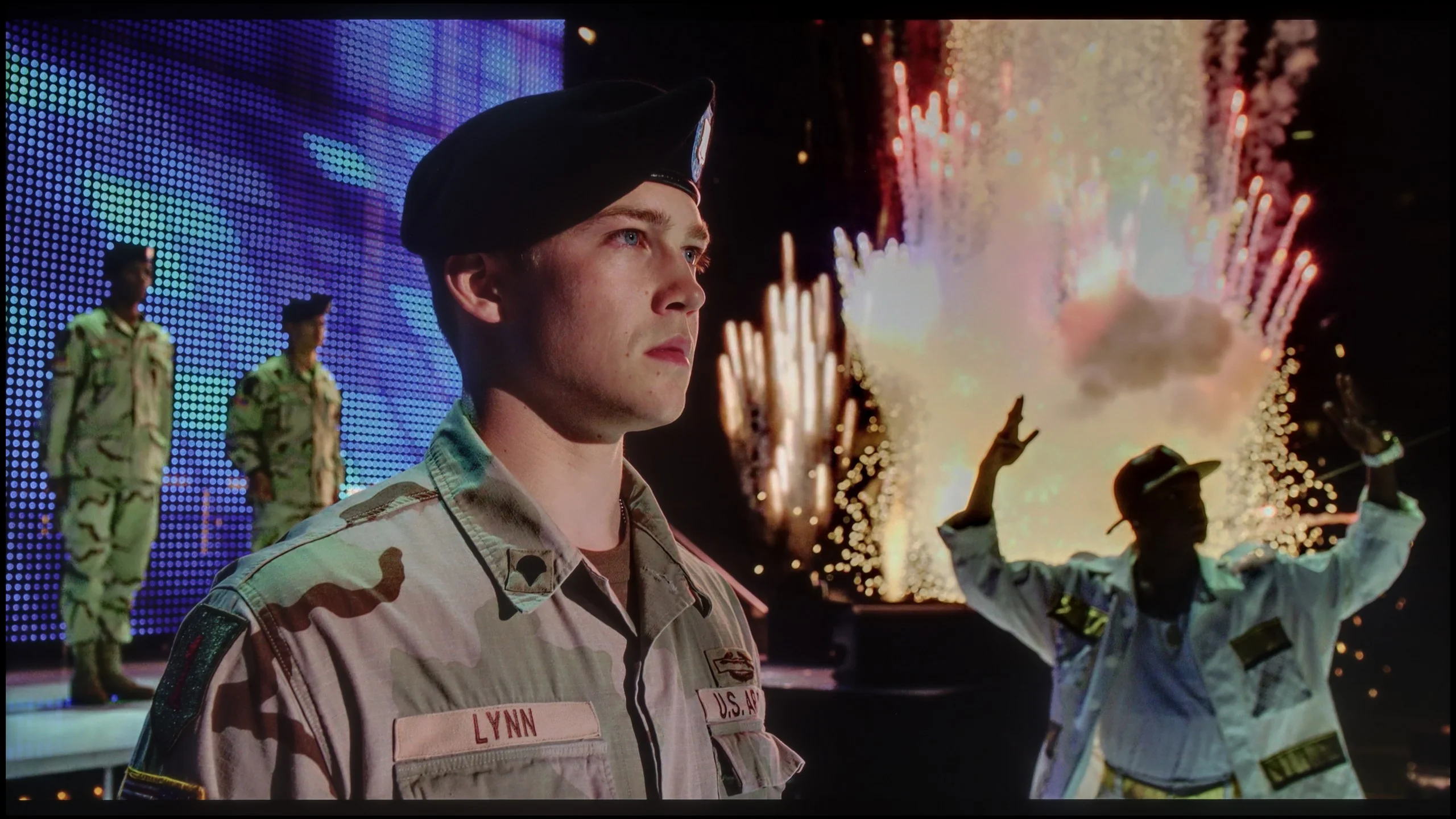
The photos show two HDR10 movies. 'Pan' is one of the brightest productions ever made, while 'Billy Lynn' (soldier) has brightness typical of streaming (Netflix, Prime, HBO MAX). Notice the intensity of effects and detail in whites.
Static HDR10


The photos present the visibility of white details in various HDR formats. They do not show brightness differences between TVs (these can be compared in the previous gallery).
Dynamic: HDR10+
Dynamic: HDR10+


The photos present the visibility of white details in various HDR formats. They do not show brightness differences between TVs (these can be compared in the previous gallery).
HDR luminance chart:
Samsung QN90F / QN92F
SAMSUNG QN80F
QN80F is quite a bright screen – in synthetic tests, it achieved nearly 1000 nits, which allows for reasonable expectations with HDR content. And indeed, in many scenes, the television truly shines. Sequences with a lot of light – such as shots from the movie Life of Pi or wide, bright surfaces in The Meg – look spectacular. Brightness maintains around 700 nits, which provides a solid effect, sufficient to feel the true "HDR magic." Unfortunately, not every scene looks that good. In materials with small, bright details on a dark background, like in Sicario 2, the television has problems – it can dim certain elements significantly, sometimes to the point where they disappear from the image. This is the result of a limited number of dimming zones, which forces the device to make compromises: either stick to inky blacks or sacrifice some details. QN80F usually chooses the former. As a consolation, it has quite decent coverage of a wide color gamut – DCI-P3 at 93%. This is not the highest score on the market, but it is more than enough for most content on streaming platforms.
The Samsung QN90F can truly shine in brightness. In our measurements, it achieved over 2200 nits, which directly translates to the viewing experience. Practically, this means that when a very bright scene appears in a movie – for example, the sunrise in The Meg – the screen looks as if natural light is actually shining on us. This isn’t just a number from a chart, but a real sense of image intensity! However, the TV cannot always deliver that full power. With smaller details, such as headlights or lamps, the brightness drops to 500–700 nits. This is a conscious decision by the algorithms – this way, the contrast between large and small elements is better controlled, and the image does not lose balance. Importantly, this is still a huge improvement compared to last year's QN90D, where similar details were almost invisible, shining at just 200 nits. Here, the HDR effect is much more consistent and credible. The only downside is the colors. The coverage of the DCI-P3 palette stopped at 91%, which can be considered a rather average result in this price range.
Factory color reproduction
6/10
5/10


This gallery shows how colors change after professional TV calibration. If you notice the difference, we recommend ordering this service at SkalibrujTV.com.
Factory Mode
After calibration
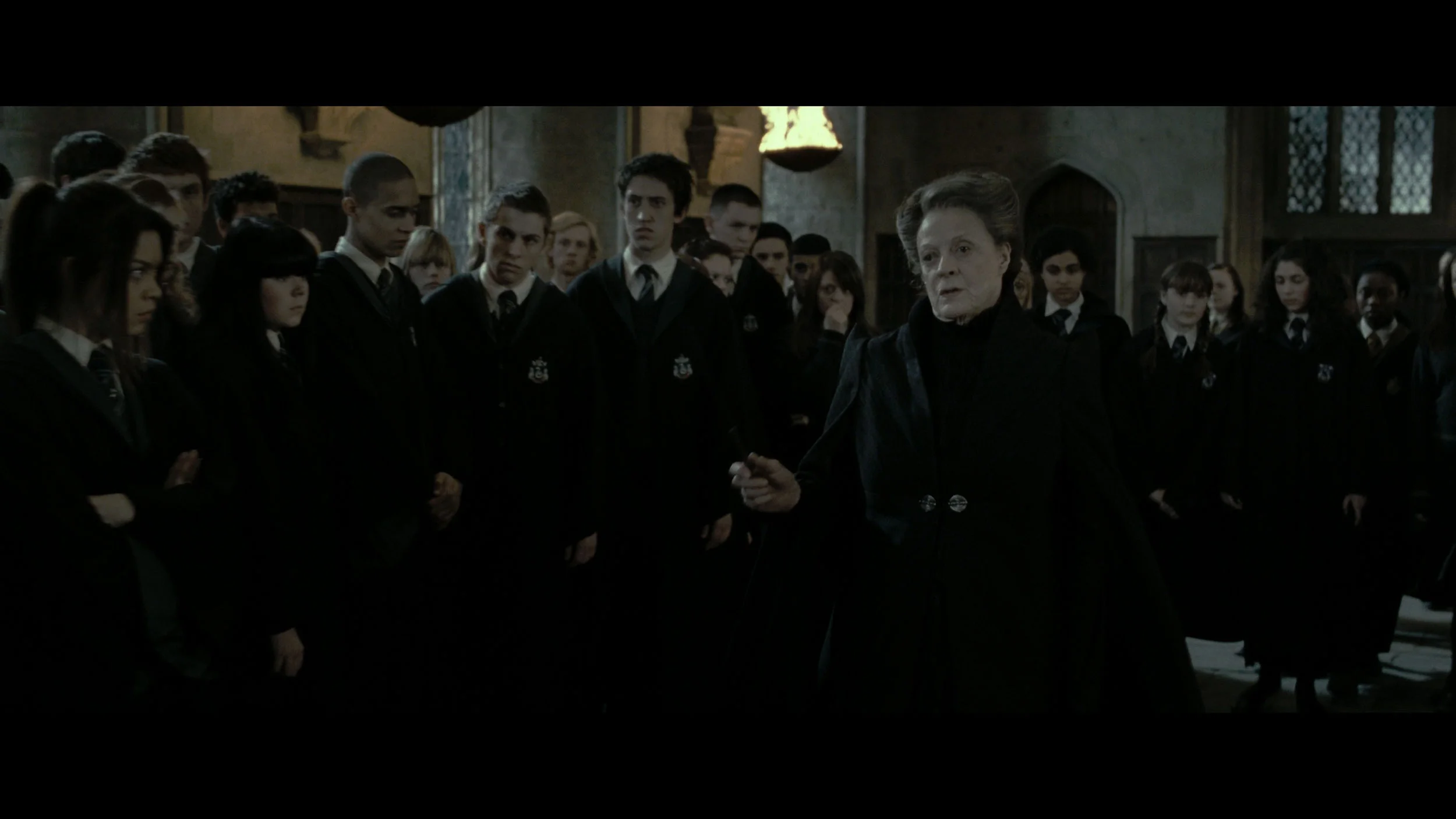
This gallery shows how colors change after professional TV calibration. If you notice the difference, we recommend ordering this service at SkalibrujTV.com.
Factory Mode
After calibration
We always test televisions in the best available factory mode – for the Samsung QN80F, this is the Filmmaker mode, and indeed, it offers the settings closest to the creators' intentions. However, this doesn't mean that everything looks perfect. In SDR content, the biggest issue turned out to be an unbalanced white balance – slight deficiencies in green and a noticeable excess of red led to noticeable color errors, and one could almost say there was a pinkish tint to the screen. This was clearly visible in the color checker test, where colors would "escape" their target fields – to the extent that a sensitive viewer's eye could catch it even without the help of a meter.
In HDR content, the white balance was much better, but another problem emerged – brightness management. The EOTF curve caused an overly bright image most of the time, which could affect the perception of contrast and made the screen slightly "flicker" during dynamic light changes. We have already discussed this in the paragraphs about black and HDR. Fortunately, Samsung leaves the user with plenty of options. The QN80F offers a rich set of calibration options, including a 20-point white balance – that's why we decided to check what this television is really capable of after proper calibration.
We tested color reproduction in the QN90F in Filmmaker mode, and as usual with Samsung TVs, this mode proves to be the best starting point right out of the box. However, this does not mean that the image is free from flaws. The white balance in SDR and HDR content was surprisingly good – the colors didn’t shift in any direction, and even in the factory setting, it looked solid. However, a problem arose with the gamma and EOTF curves, which are responsible for how the TV manages brightness. Here, the QN90F significantly brightened the entire image, causing black levels and colors to lose their intensity, and the overall effect resembled a milky filter being applied. Fortunately, Samsung, unlike many competitors in the miniLED world, provides users with a lot of tools to control the settings that we don’t find with other manufacturers, such as Chinese brands. Therefore, we decided to check if it was possible to extract the full potential of the QN90F because we know that such a high series can deliver much more.
Color reproduction after calibration
8.3/10
9/10
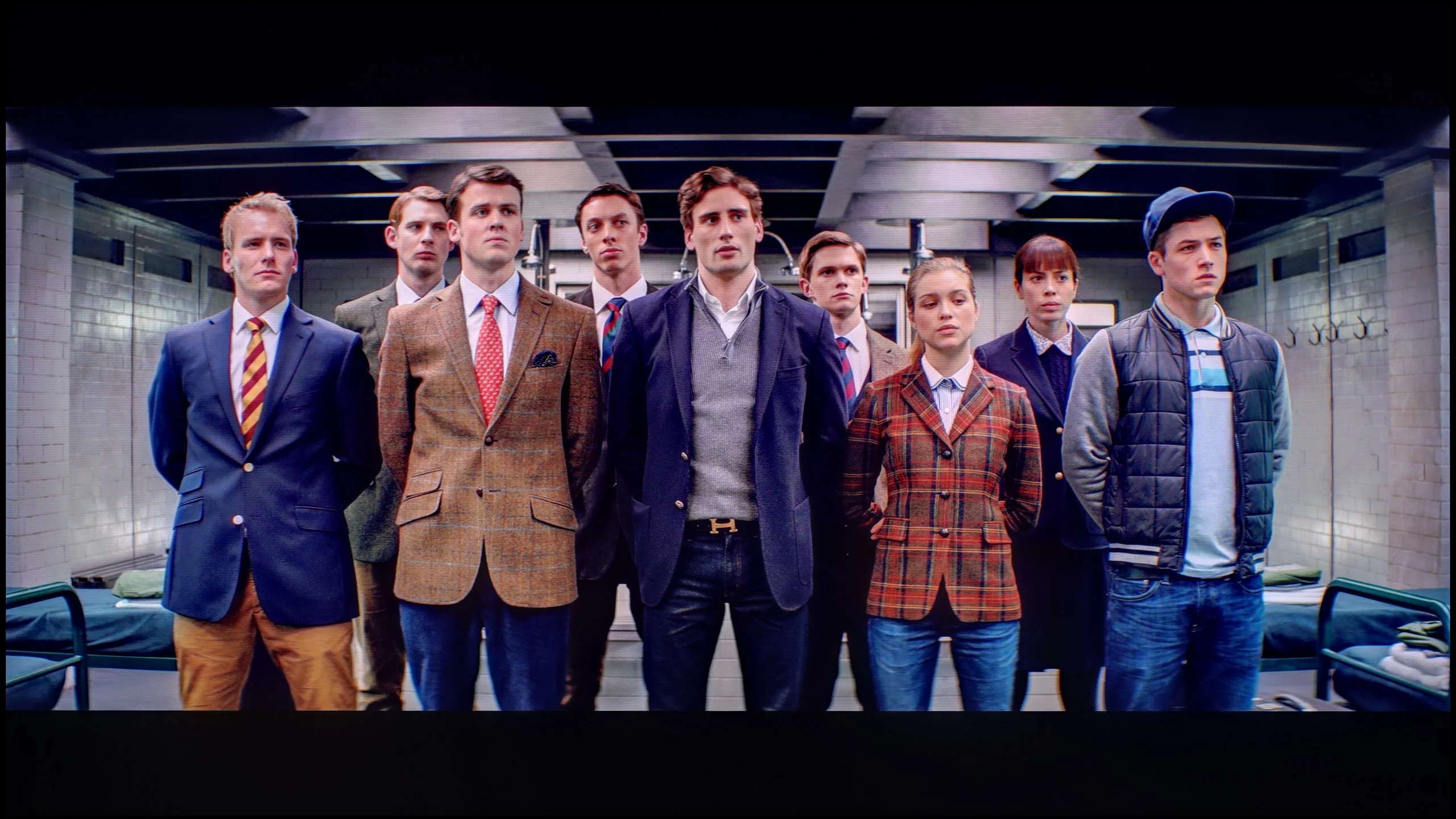
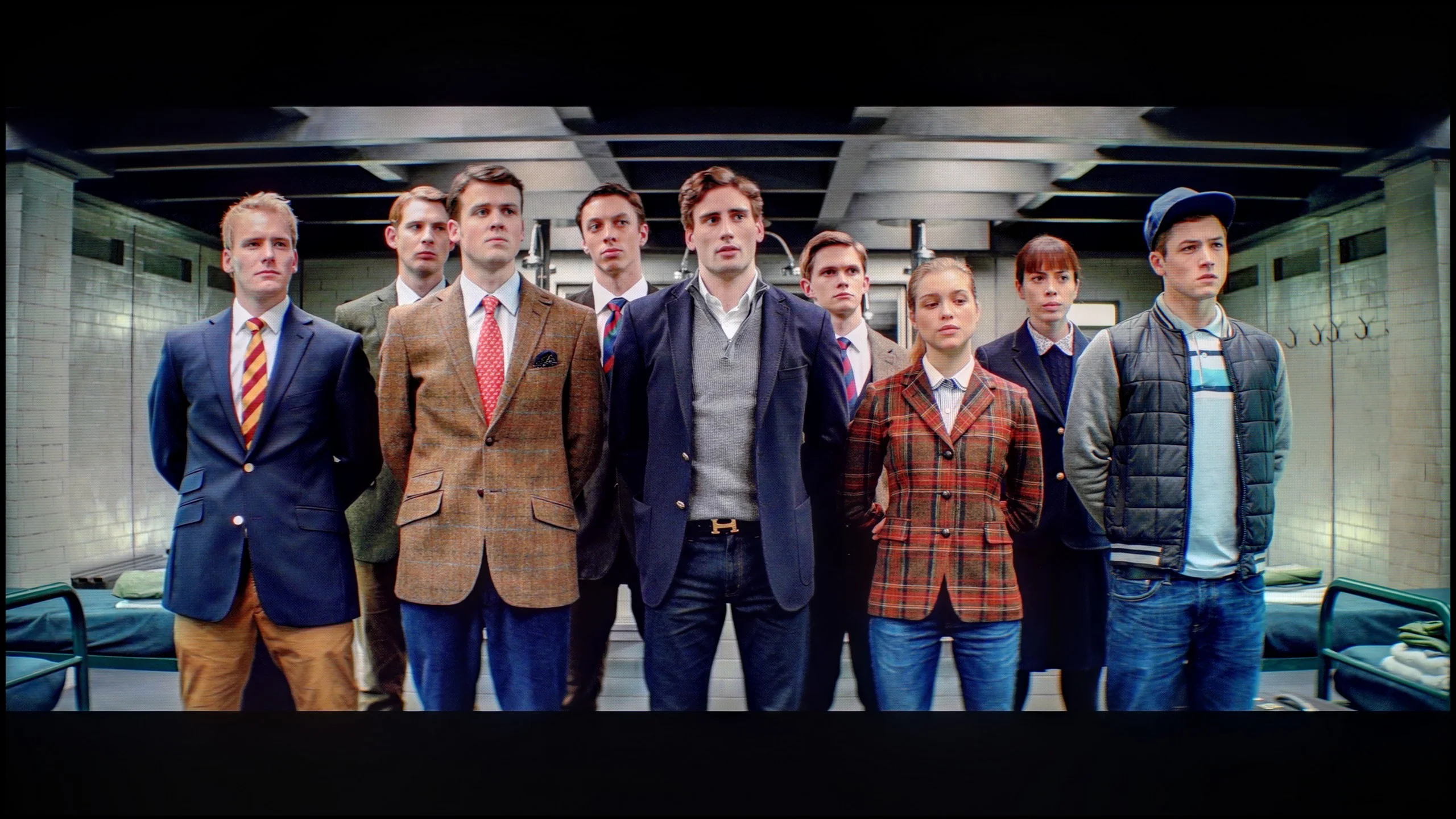
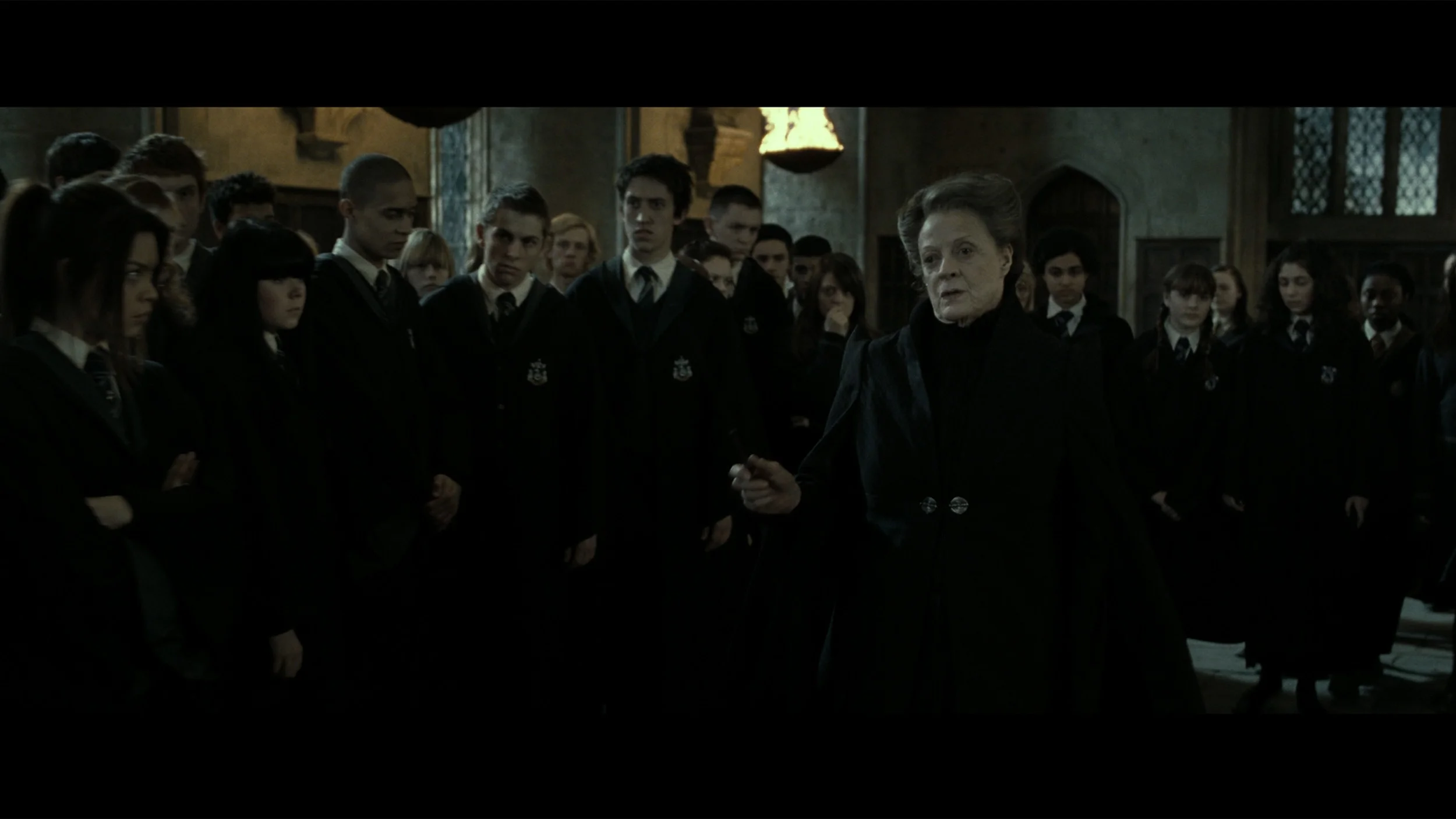
The photos show how movies look on the TV. Pay attention to black detail visibility, colors, and shadow tint.

The photos show how movies look on the TV. Pay attention to black detail visibility, colors, and shadow tint.
After conducting a thorough calibration, it was possible to bring most image parameters to a really good level. The white balance in both SDR and HDR appears nearly perfect – the image is natural, neutral, and free of the previously noticeable reddening. The colors have gained depth, and the overall visual reception has become more pleasant and cohesive. It was also possible to partially master brightness management, which in the factory version could be problematic. The EOTF chart shows that the television performs significantly better with brightness after calibration – there's no longer excessive dimming of certain elements. In films, it can still be observed that the QN80F has a tendency to slightly brighten the smallest, bright details – this is already a result of the device's construction and the limited number of dimming zones. In short: not everything can be overcome, but what could be improved has been addressed. After calibration, the QN80F makes a really good impression; it simply looks more mature and professional.
After our adjustment of the settings, the QN90F showed what it is really capable of – and it must be admitted that it has one of the best images we have seen on a miniLED screen this year. As we mentioned earlier, the white balance was not a major issue even in its factory version, but only after the gamma calibration were we able to get close to nearly reference values. The same is true for HDR content, where the EOTF curve after correction presents mature and consistent results. Indeed, in some films, it can be noticed that the smallest elements of the image are slightly brightened, and with a limited number of dimming zones, there is still a risk of the halo effect. It should be remembered, however, that such phenomena are characteristic of all miniLED televisions, and it's hard to expect miracles even from the QN90F. The most important thing is that after calibration, the television shows an image that, in terms of conveying the director's vision, confidently competes even with many OLED screens available on the market.
Smoothness of tonal transitions
9/10
8.9/10
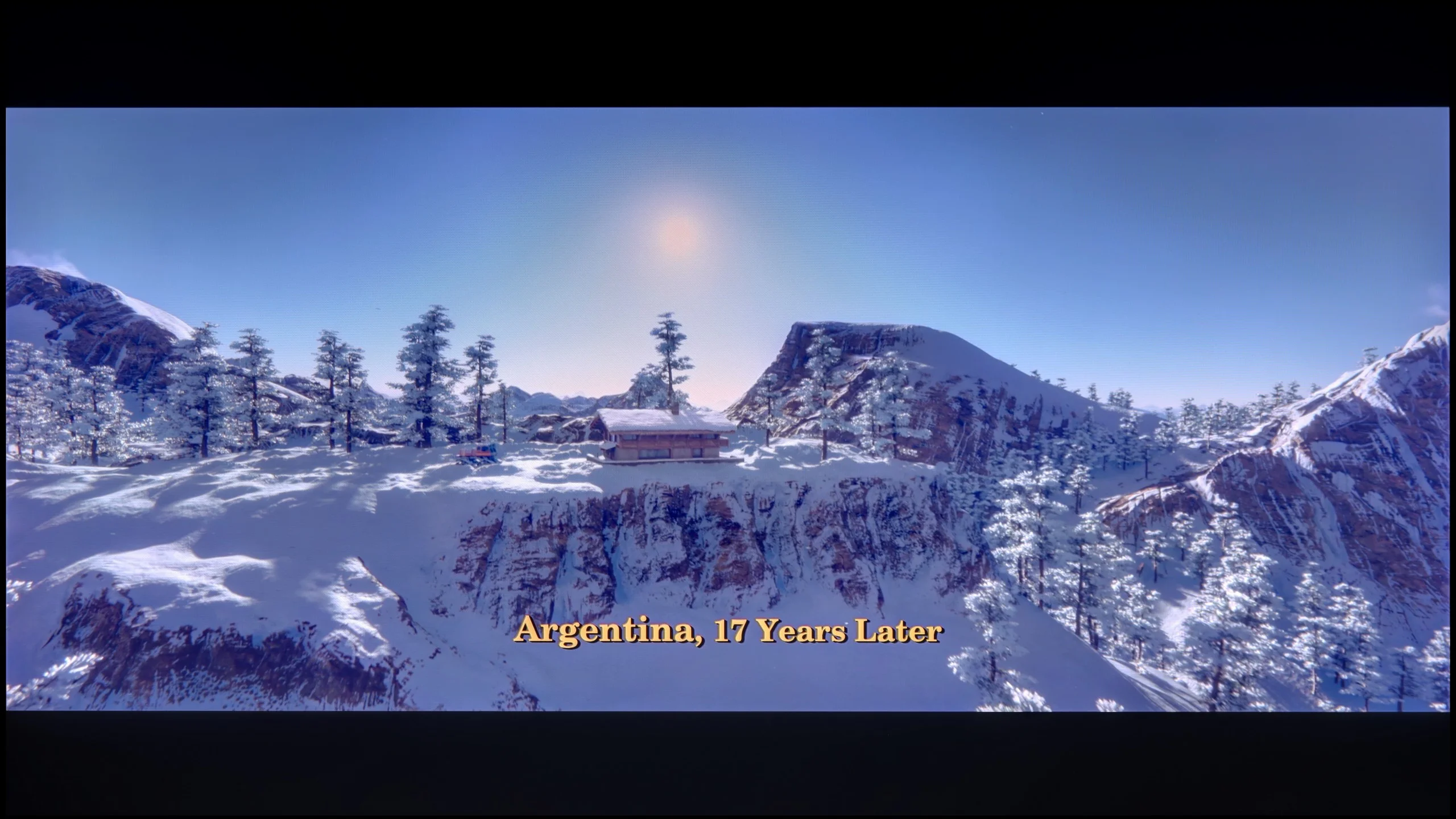

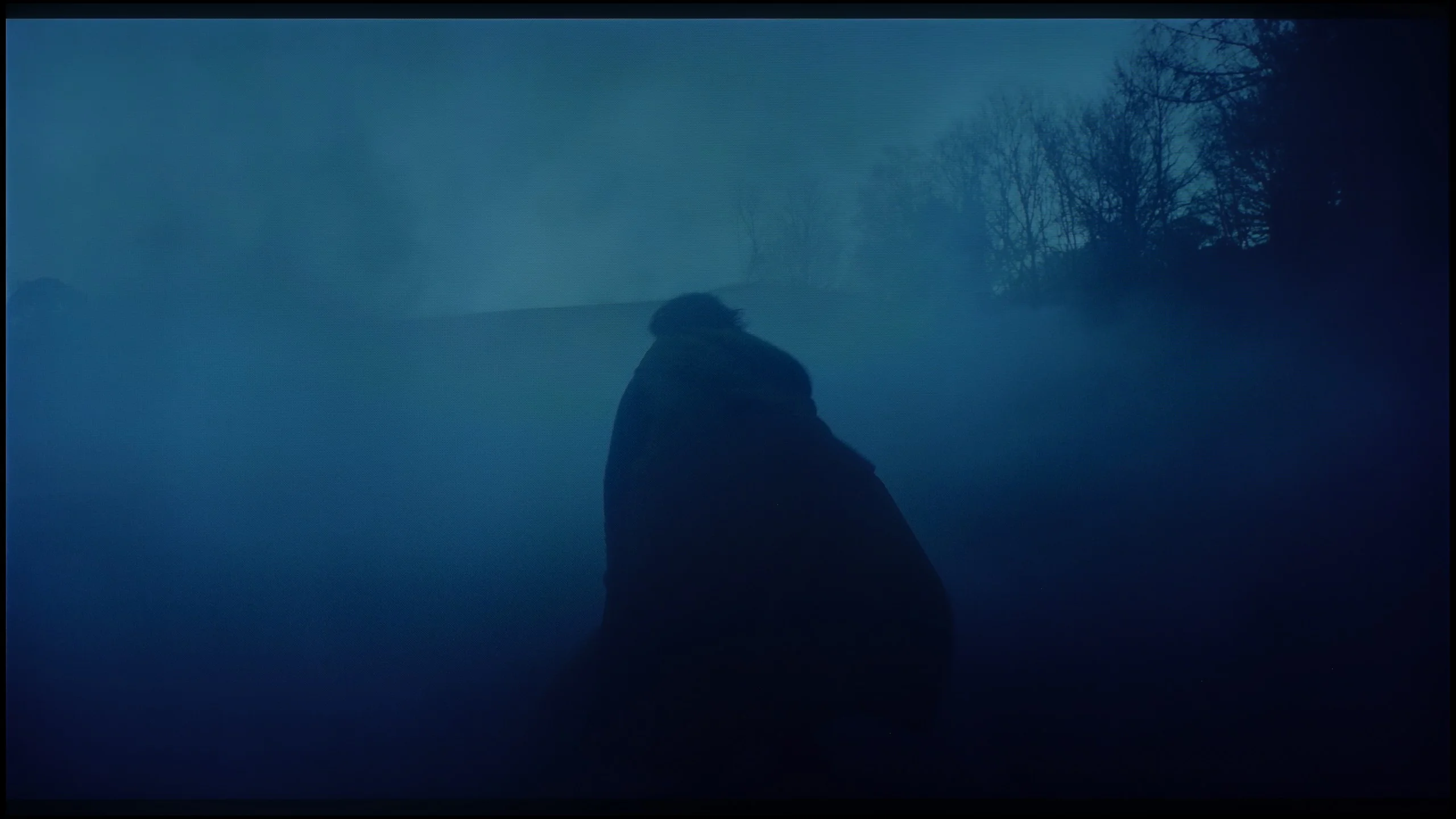
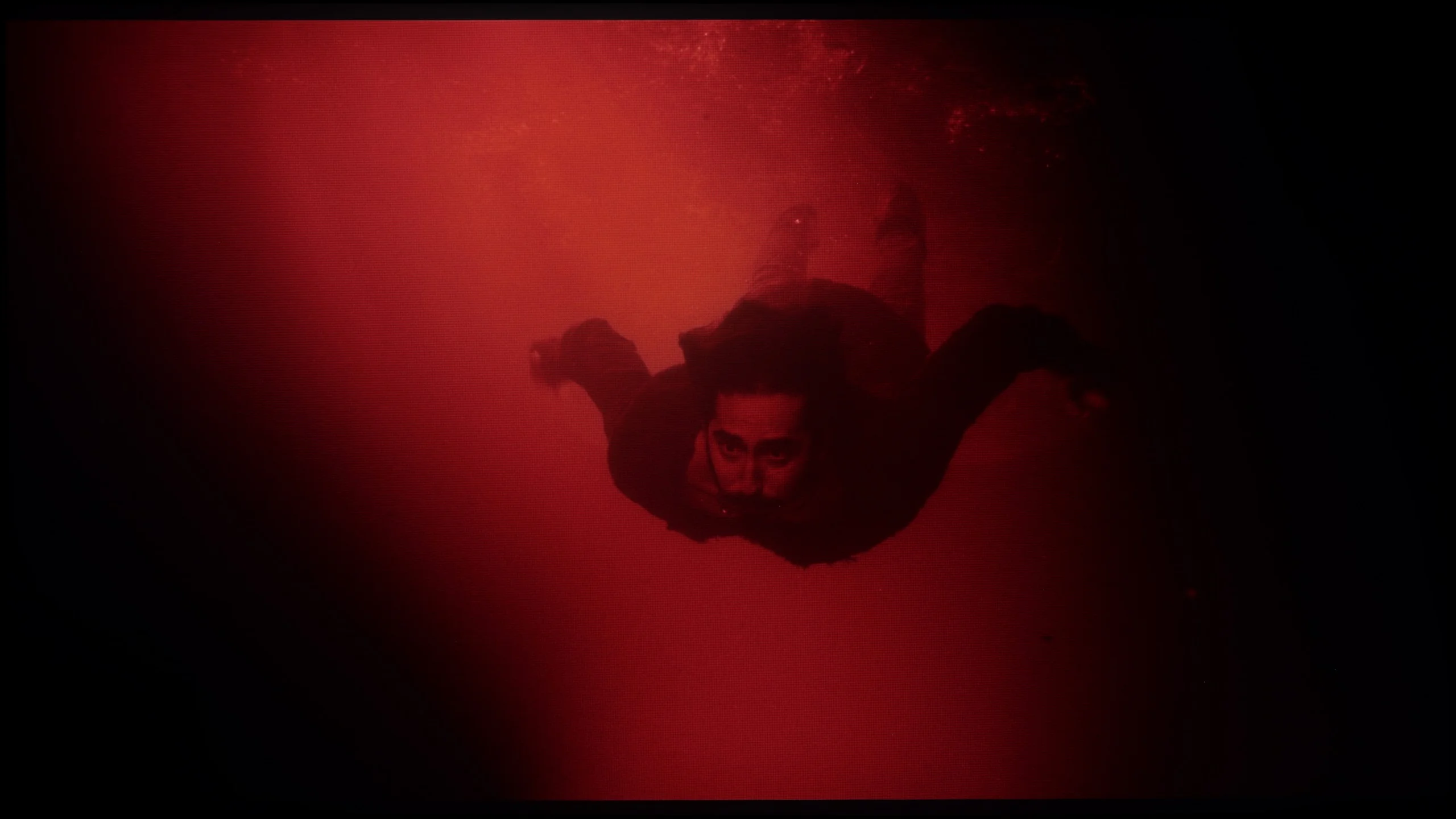
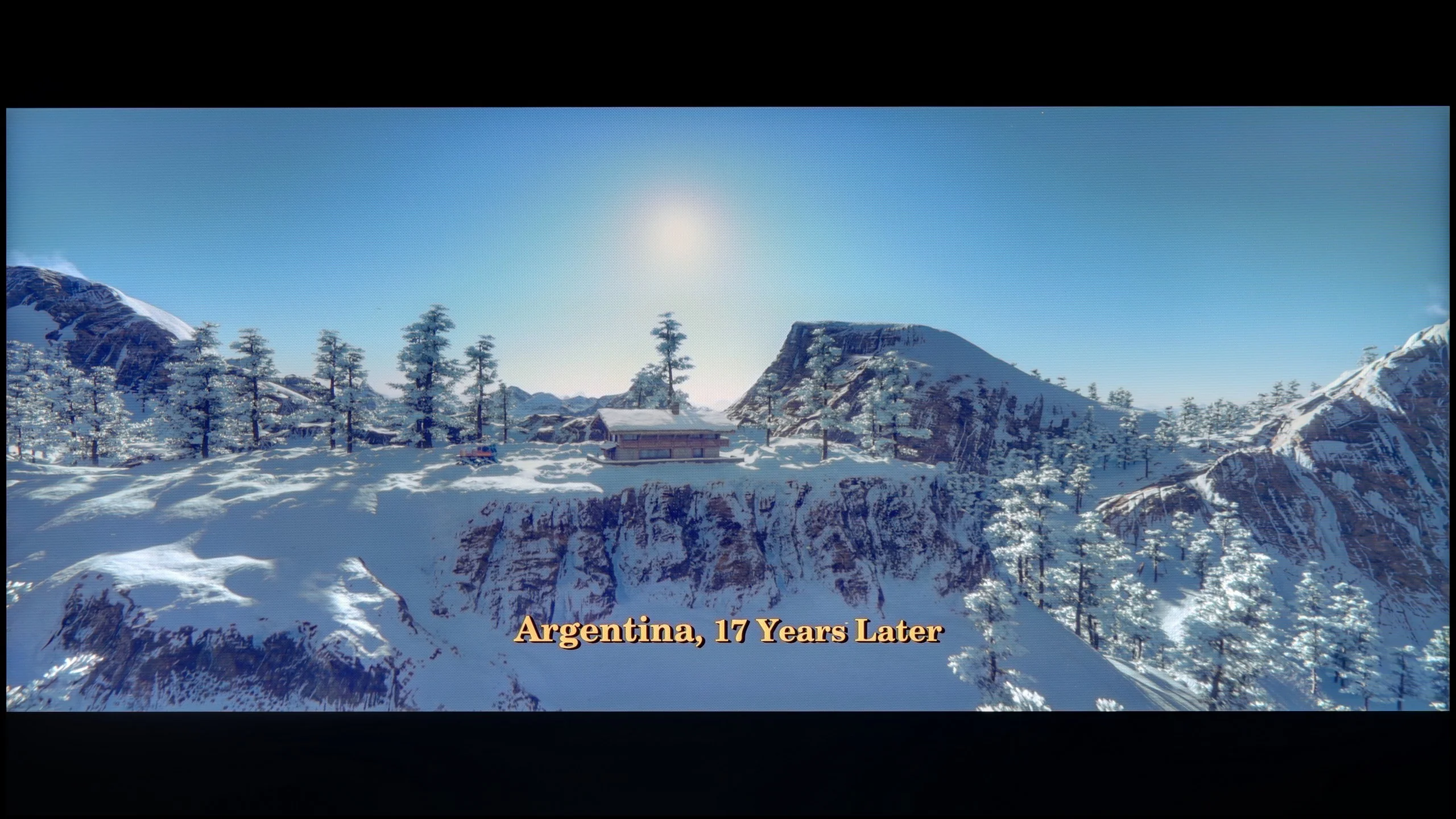
These are selected scenes that show smooth tonal transitions from one color to another. If you see distinct banding, it’s the TV panel’s fault.

These are selected scenes that show smooth tonal transitions from one color to another. If you see distinct banding, it’s the TV panel’s fault.
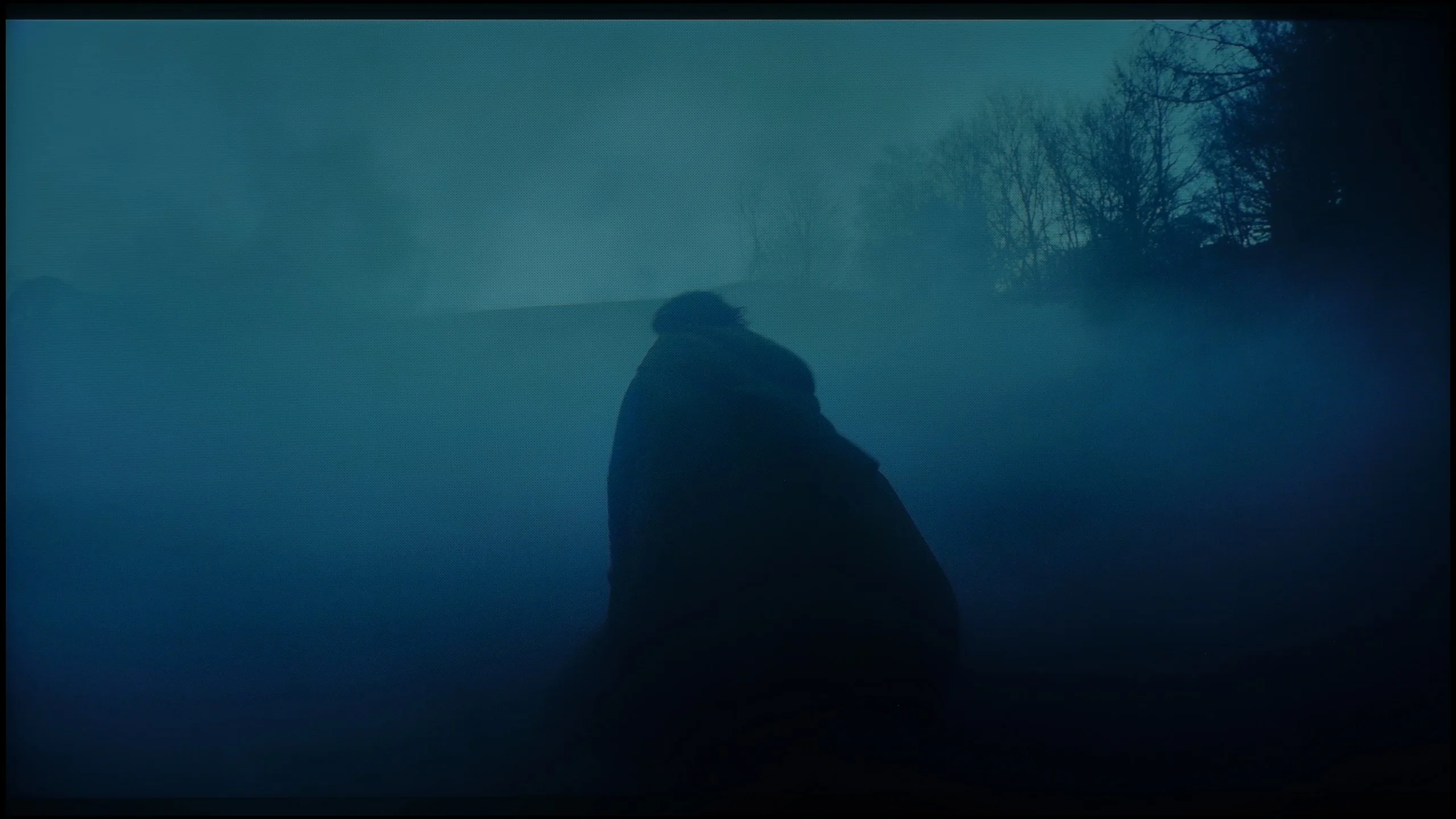
These are selected scenes that show smooth tonal transitions from one color to another. If you see distinct banding, it’s the TV panel’s fault.
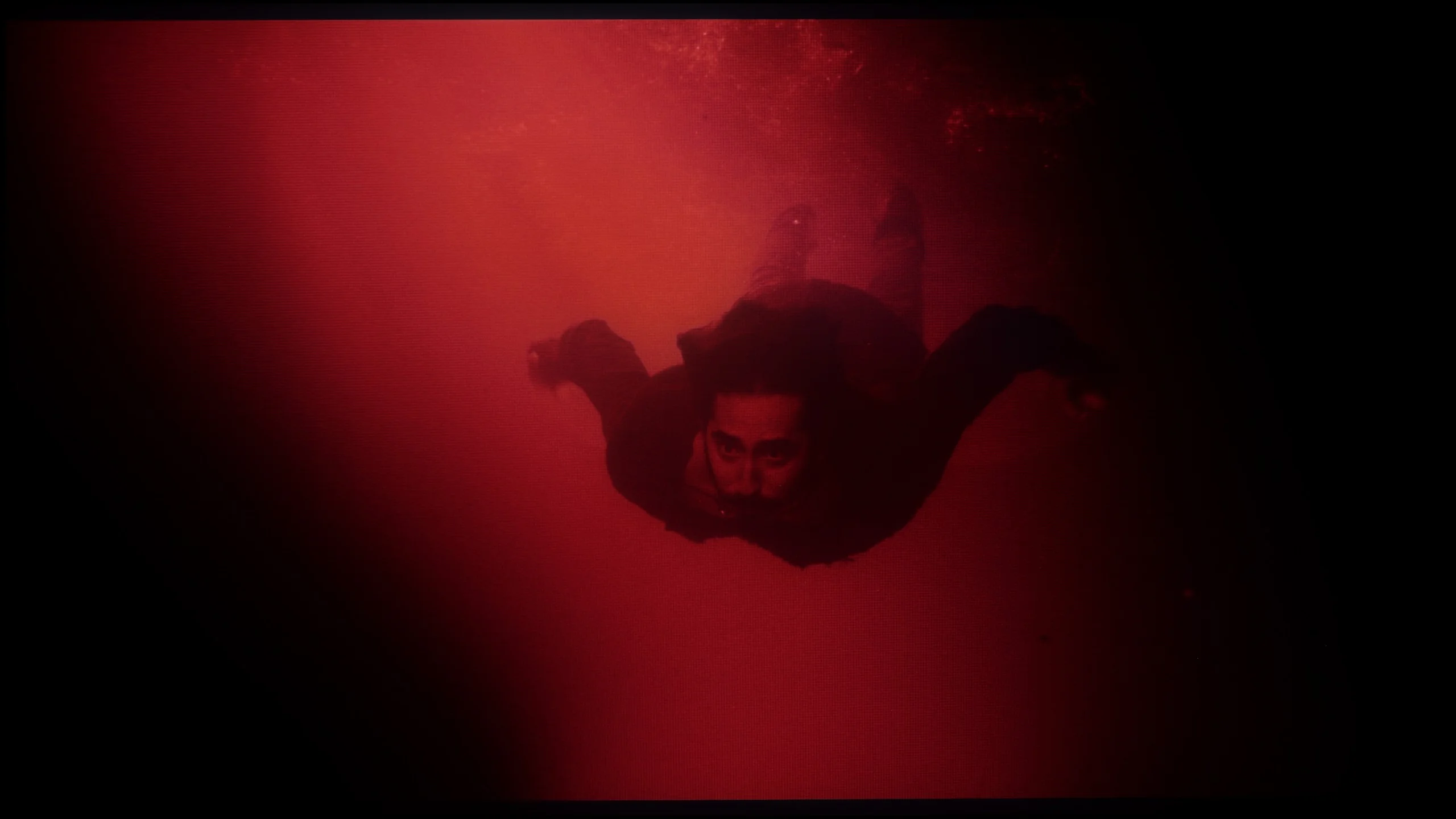
These are selected scenes that show smooth tonal transitions from one color to another. If you see distinct banding, it’s the TV panel’s fault.
In this regard, the QN80F really delivers. The transitions between colors are smooth, nothing is choppy, and there are no annoying bands in the sky or strange blotches in the shadows. Movie scenes in darker tones performed particularly well – and that's where most televisions start to struggle. If one really looks for it, slight banding can be seen in the brightest areas, but that's really just nitpicking. In everyday viewing, no one should have a problem with this. To put it simply: the tonal transitions are so good that you can forget about them – and just enjoy the movie.
The tonal transitions in the QN90F are at a very good level. Regardless of the scene being tested, it was difficult to spot clear problems with color blending or visible banding. Even in demanding segments, such as the scene from the movie Green Knight, where the actor immerses himself in red water, the image appeared smooth and natural. Indeed, with careful watching, one can notice minor micro-blemishes – for example, in the grays or in very bright shots – but they do not affect the overall perception. The television performs well enough that most viewers will not notice these imperfections.
Image scaling and smoothness of tonal transitions
7/10
7.5/10


Smooth transition function
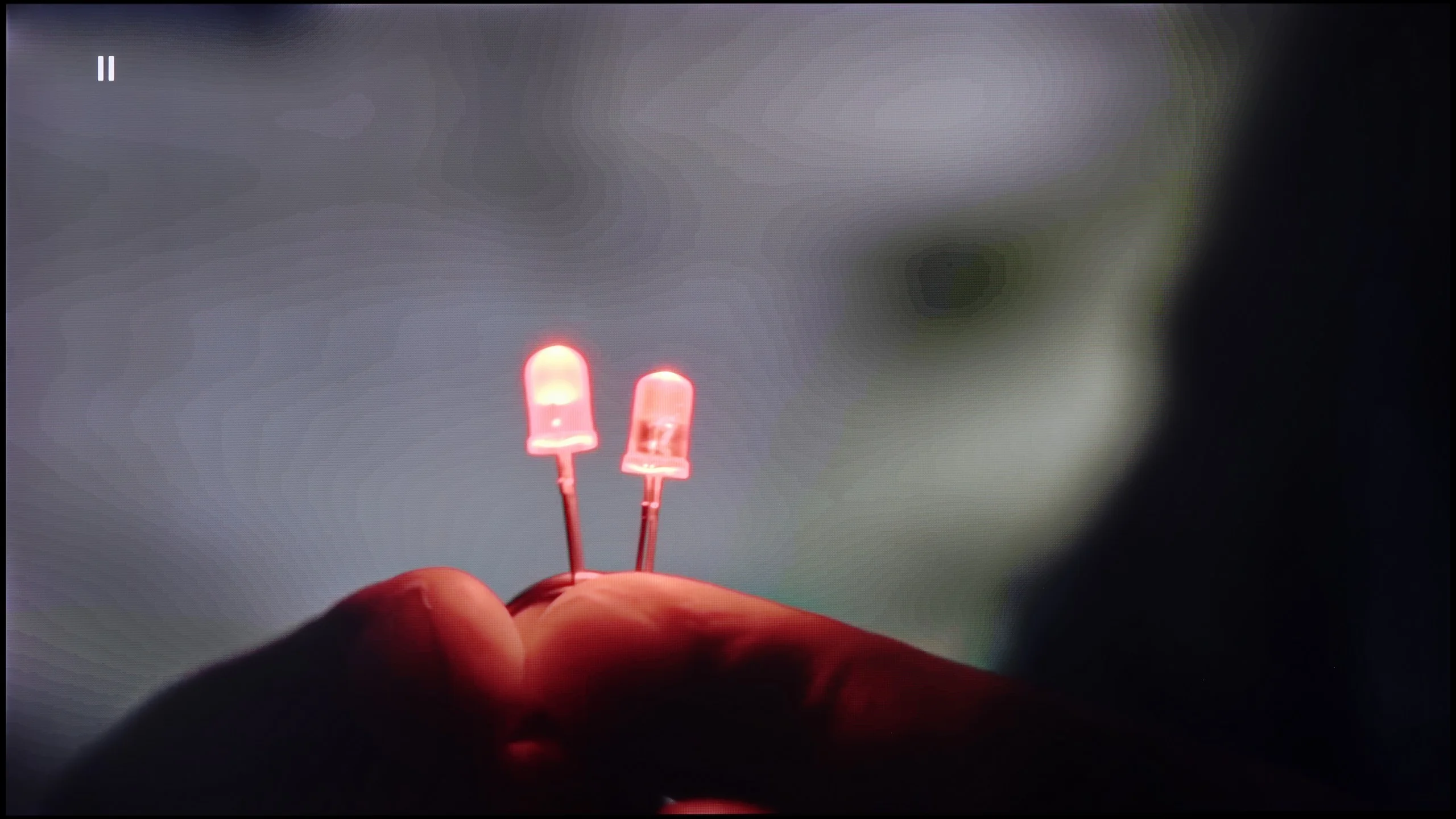
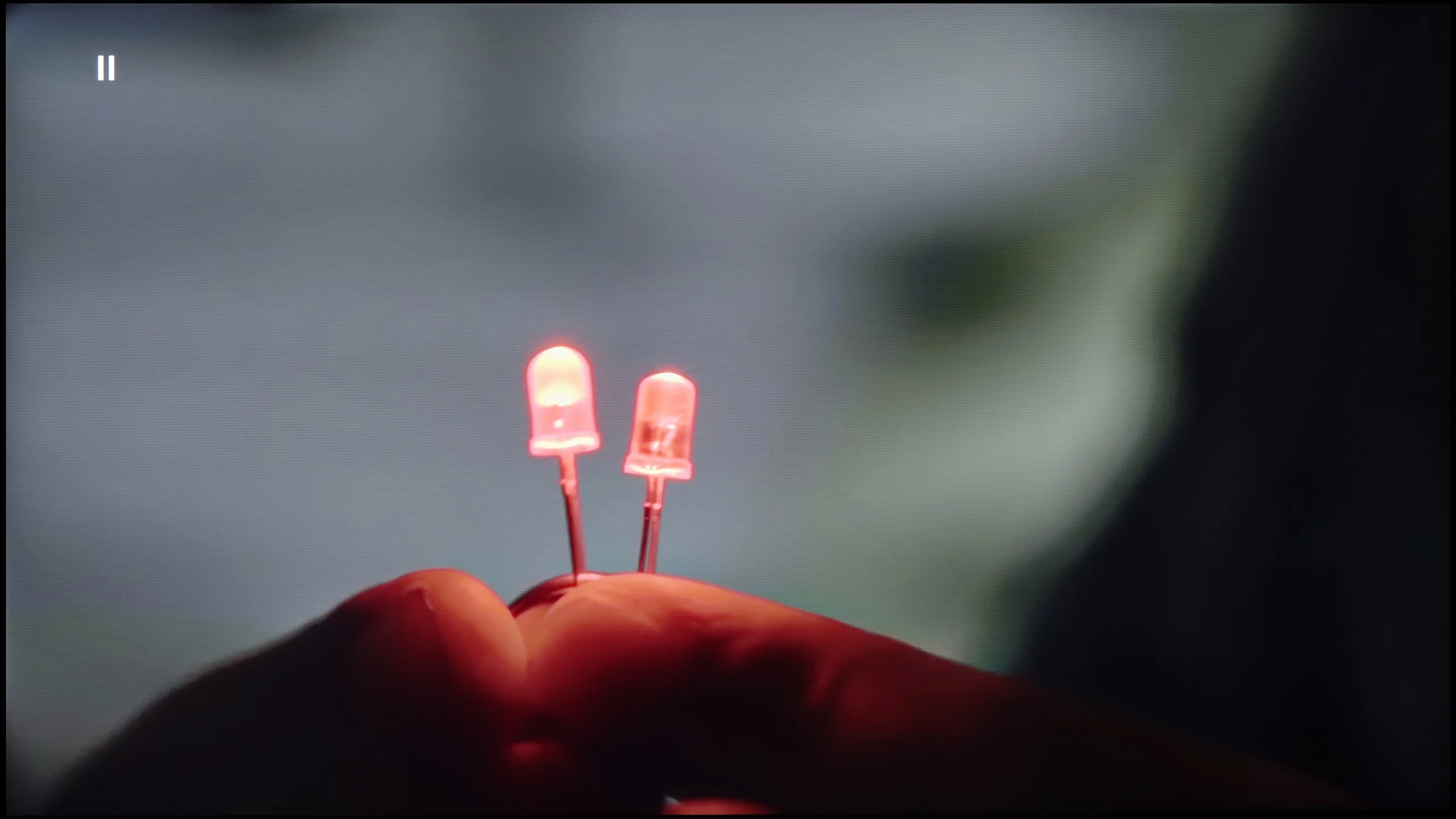
The match photo shows how the TV smooths weak tonal transitions in low-quality video.
Image scaling SD (576i)


The model photo shows how it handles upscaling of SD material.
If, while watching lower-quality materials – for example from YouTube – we notice strange color transitions or unwanted artifacts, it’s worth checking the settings and enabling the noise reduction function. In our opinion, the best setting is at the "medium" level – it effectively smooths out problematic color transitions while not excessively blurring the entire image. However, one must know this: this option tends to remove film grain. If someone cares about preserving this effect (e.g., in older films), it’s better to just turn it off – regardless of the level, the grain always disappears.
When it comes to scaling resolution (i.e., the so-called upscaling), Samsung – as always – performs very well in this area. The QN80F may not compare to the top models worth several thousand, but for its price class, it really performs impressively. Very low-quality materials (e.g., from SD television or older video files) are noticeably improved and look surprisingly decent. The only noticeable drawback is the typical Samsung issue with overscan – that is, slightly cropping the edges of the image at very low resolutions, e.g., 576p.
QN90F handles upscaling very well. Materials in lower resolution, even SD, are boosted to a clear and sharp image, showcasing plenty of details in the background. This is a significant advantage because the television makes older content or everyday TV look much better than on most budget screens. However, the issue of overscan remains, which is the trimming of the edges of the screen that cannot be turned off in Samsungs. This can cause some subtitles on the screen to disappear or a relative's face from a wedding on a VHS tape to be slightly cropped. 😉
The digital image processing also works well. In the menu, we find a feature called "noise reduction," which can smooth out tonal transitions and improve the reception of lower-quality materials, such as from YouTube. In medium setting, the effect is the most beneficial – it does not heavily interfere with details while eliminating the "stair-stepping" problem in colors. However, it is important to remember that the feature can be quite aggressive and can also remove natural grain in older films, so it's best to use it in moderation.
Blur and motion smoothness
7.5/10
7.5/10
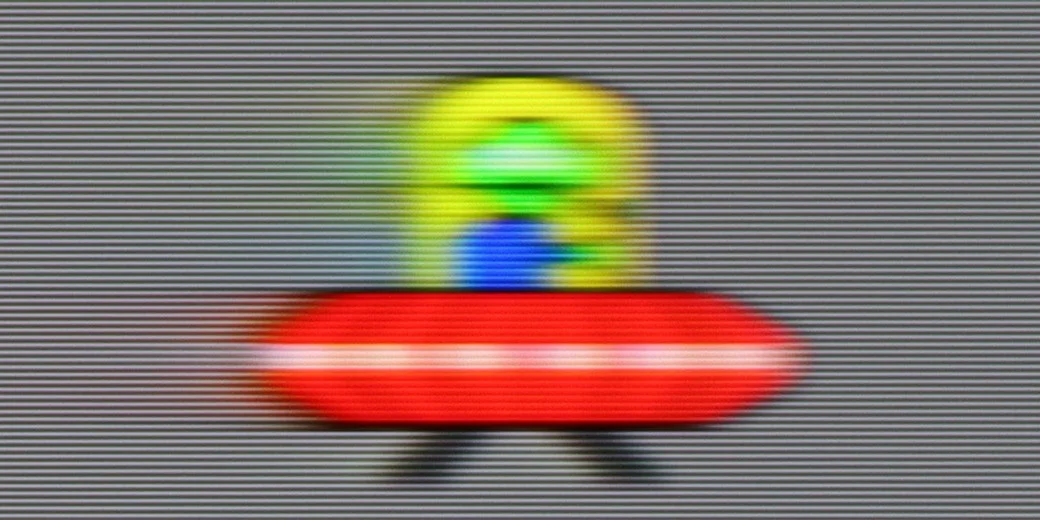
Blur (native resolution, maximum refresh rate):

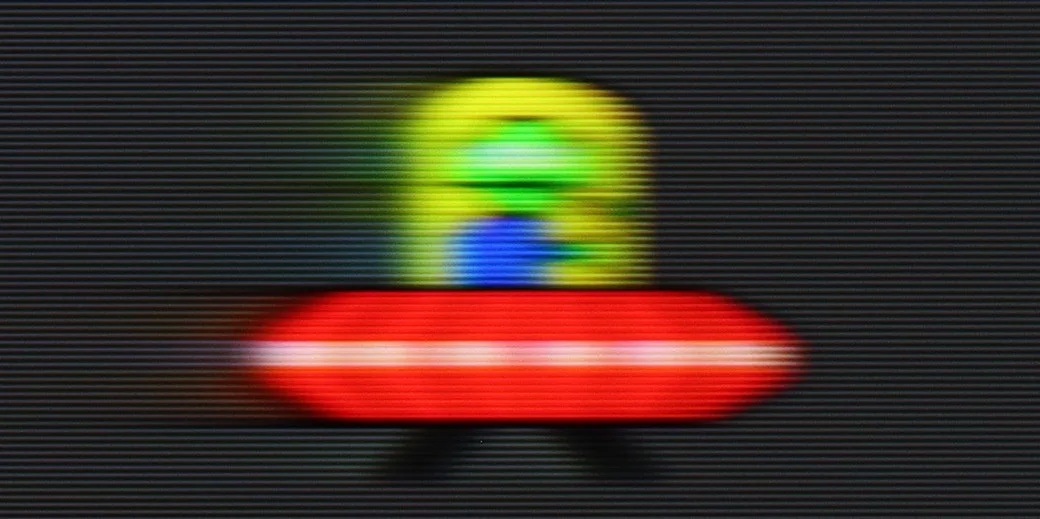

Blur (BFI function enabled):
Image flickers in this mode

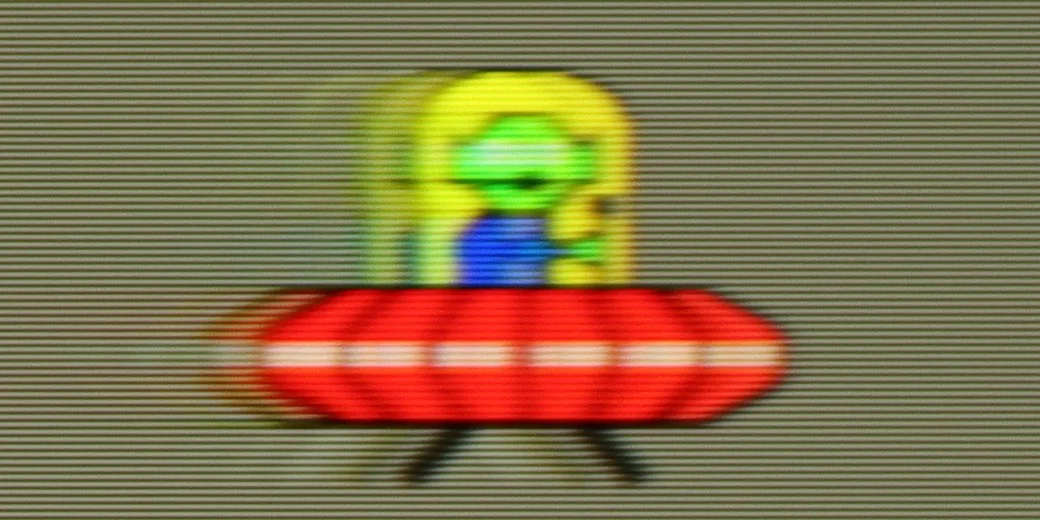
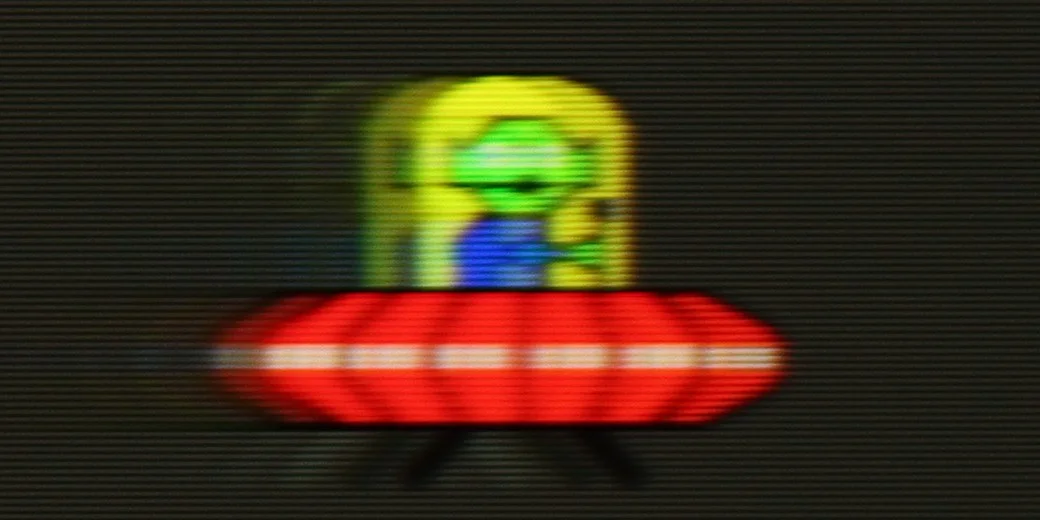
Image flickers in this mode



Blur ():
Blur (4K@165Hz):

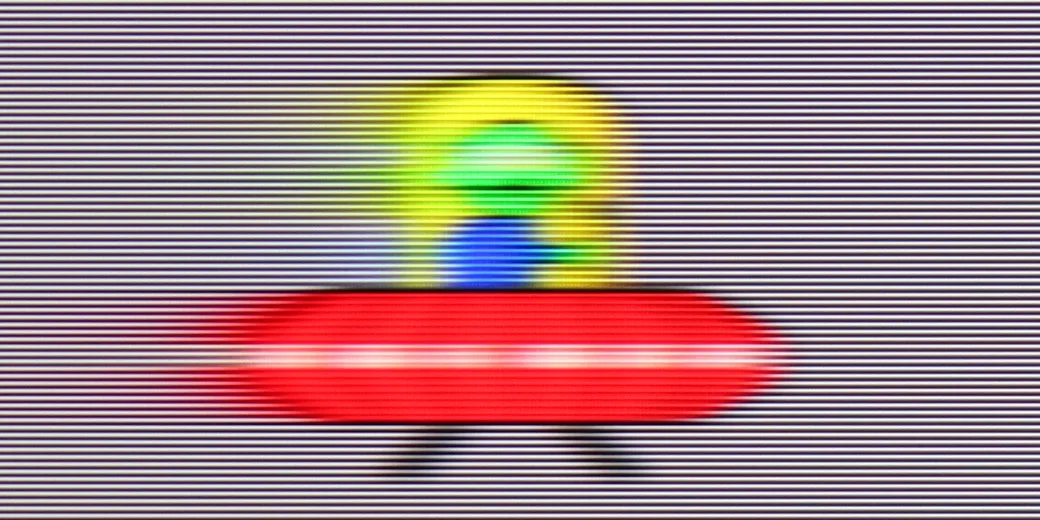
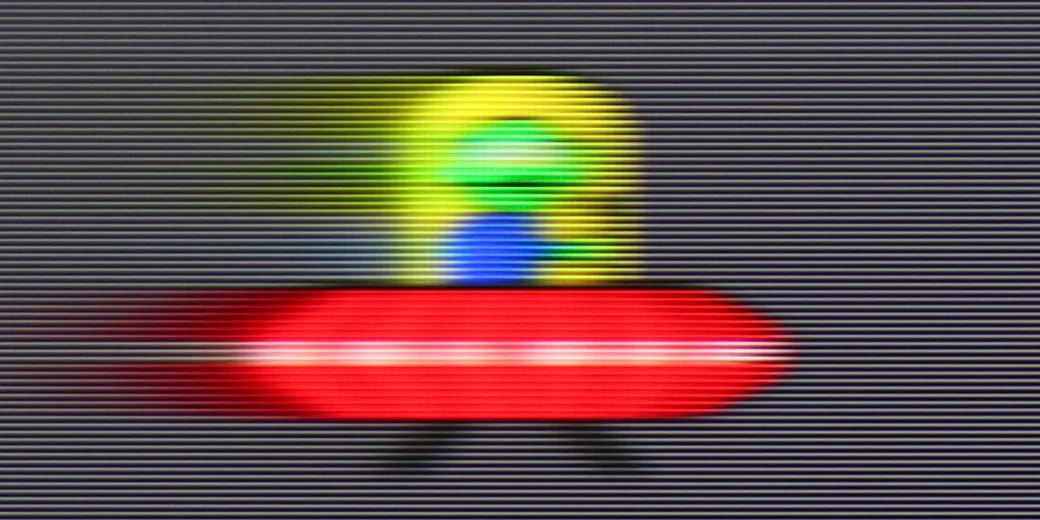
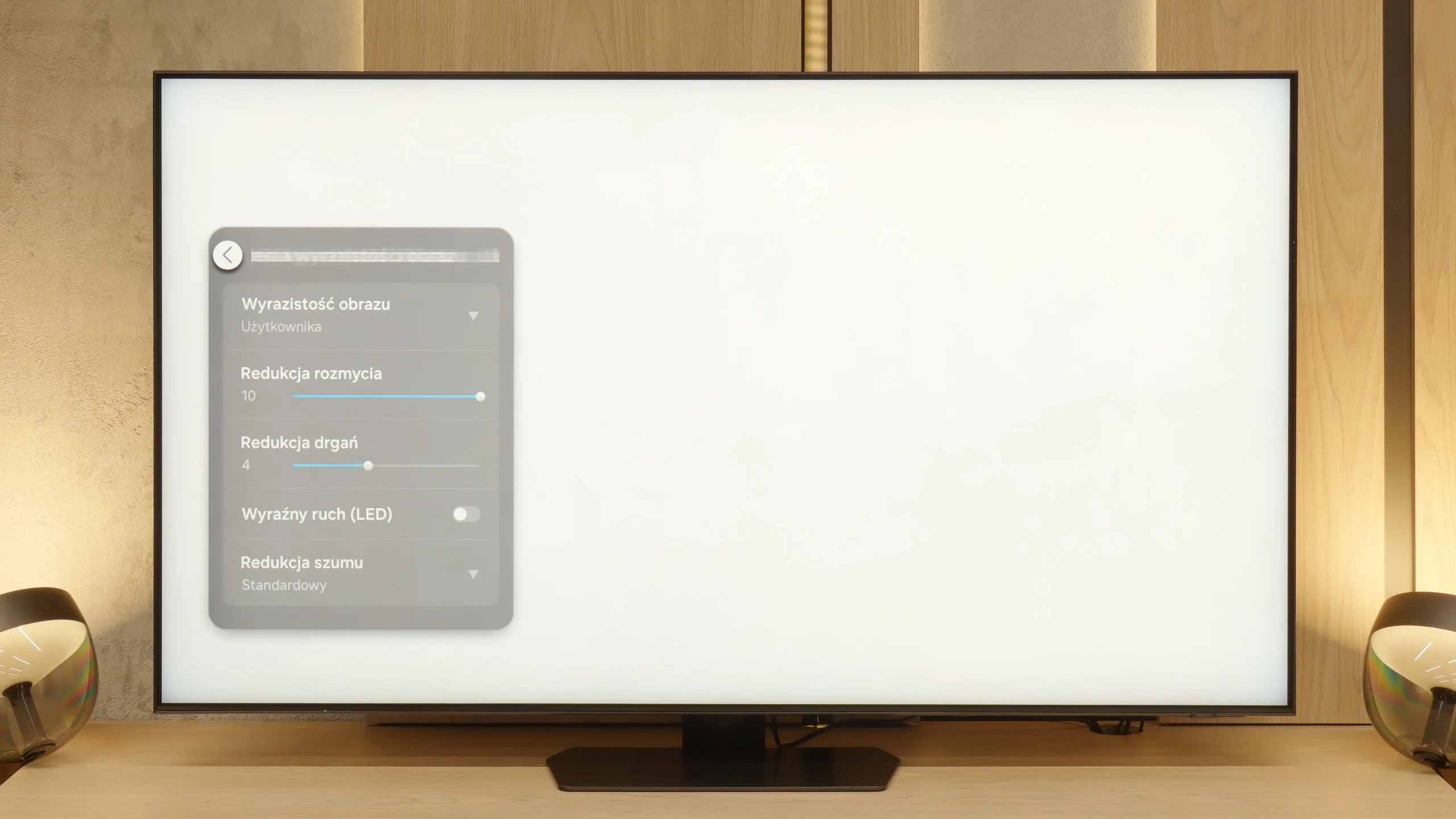
QN80F is truly a "fast" television. The applied panel offers a refresh rate of up to 144 Hz, which in practice means that the screen keeps up with the action – whether we're watching a movie, playing games, or browsing dynamic content on the internet. The image doesn't tear, it doesn't excessively blur, and everything simply looks smooth and pleasant to the eye. Of course, the manufacturer hasn't forgotten about movie fans – in the settings, we find an option for motion smoothness adjustment, allowing us to tailor the effect to our personal preferences. You can leave a more "cinematic" look (for those who enjoy a classic film vibe) or crank up the smoothness to a higher level for a theatrical smoothing effect. Importantly, the choice is ours. Watching movies and playing on the QN80F is simply a joy.
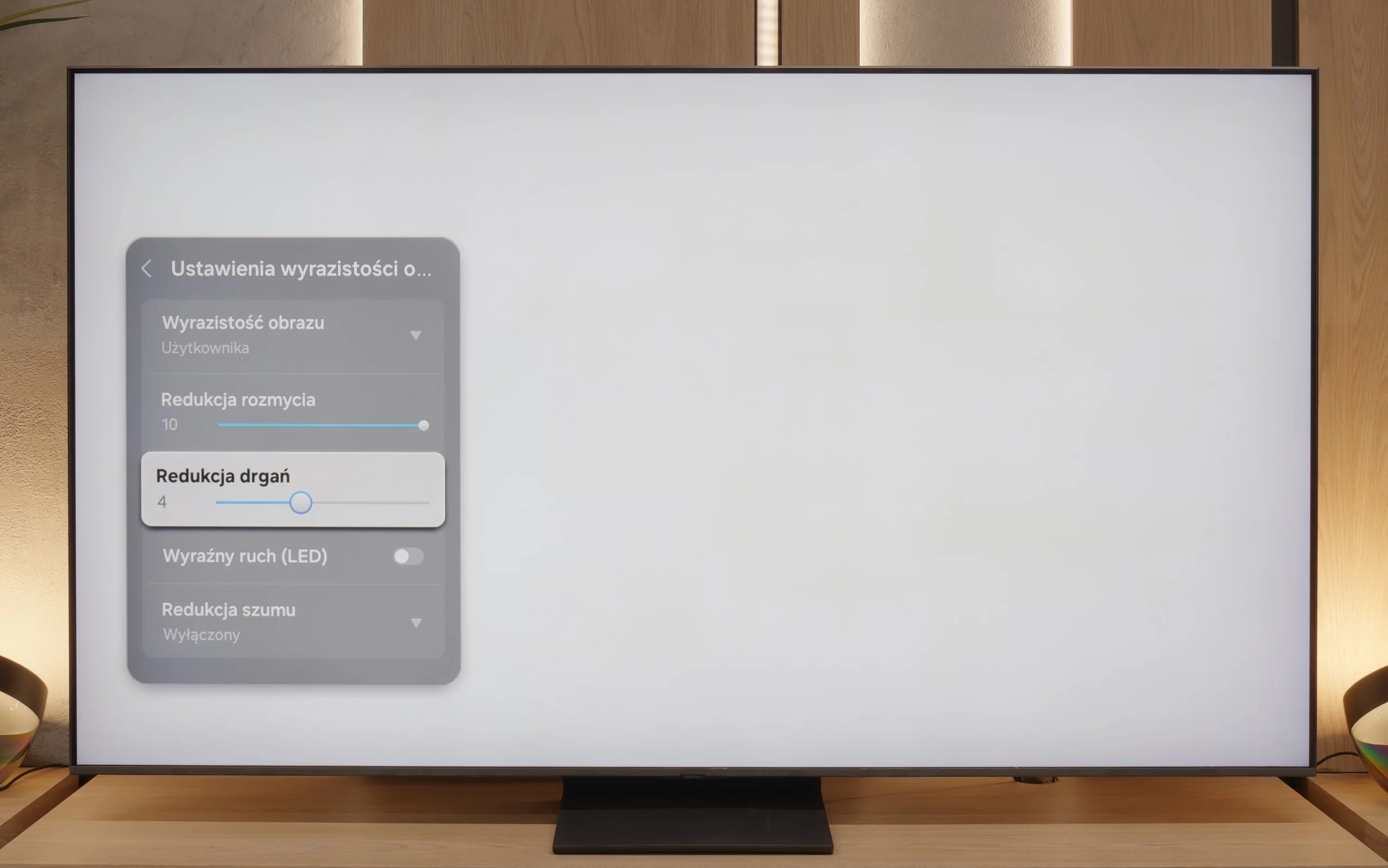
The QN90F is equipped with a panel that has a maximum refresh rate of 165 Hz, and while primarily PC gamers will appreciate this advantage, it is still worth highlighting. In movies or sports broadcasts, we are limited to the classic 120 Hz, but this is not a cause for concern. In practice, the additional motion smoother plays a more significant role here. With the "Motion Clarity" setting, we can adjust the image to our own preferences. The blur reduction option is responsible for smoothness and trailing in sports. Meanwhile, the "judder reduction" function improves motion smoothness in productions recorded at 24 frames, such as movies and series. If we set it high, the film looks smoother and more fluid than it was actually filmed. Lower values, on the other hand, maintain its cinematic "rawness" with the visible film frame.
Console compatibility and gaming features
9.6/10
9.6/10
- ALLM
- VRR
- VRR range48 - 144Hz48 - 165Hz
- Dolby Vision Game Mode
- Correct implementation of HGIG
- 1080p@120Hz
- 1440p@120Hz
- 4K@120Hz
- Game bar
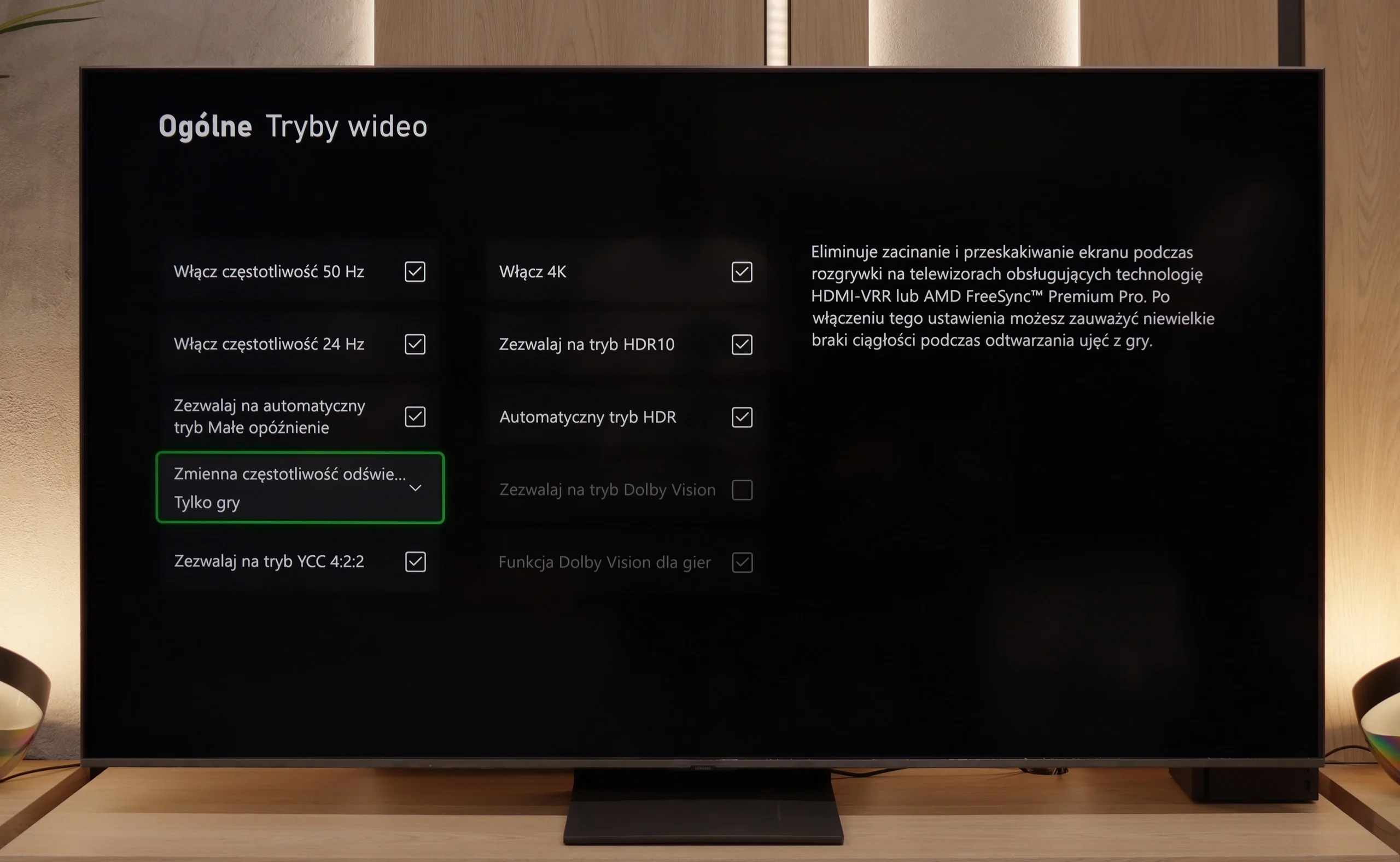
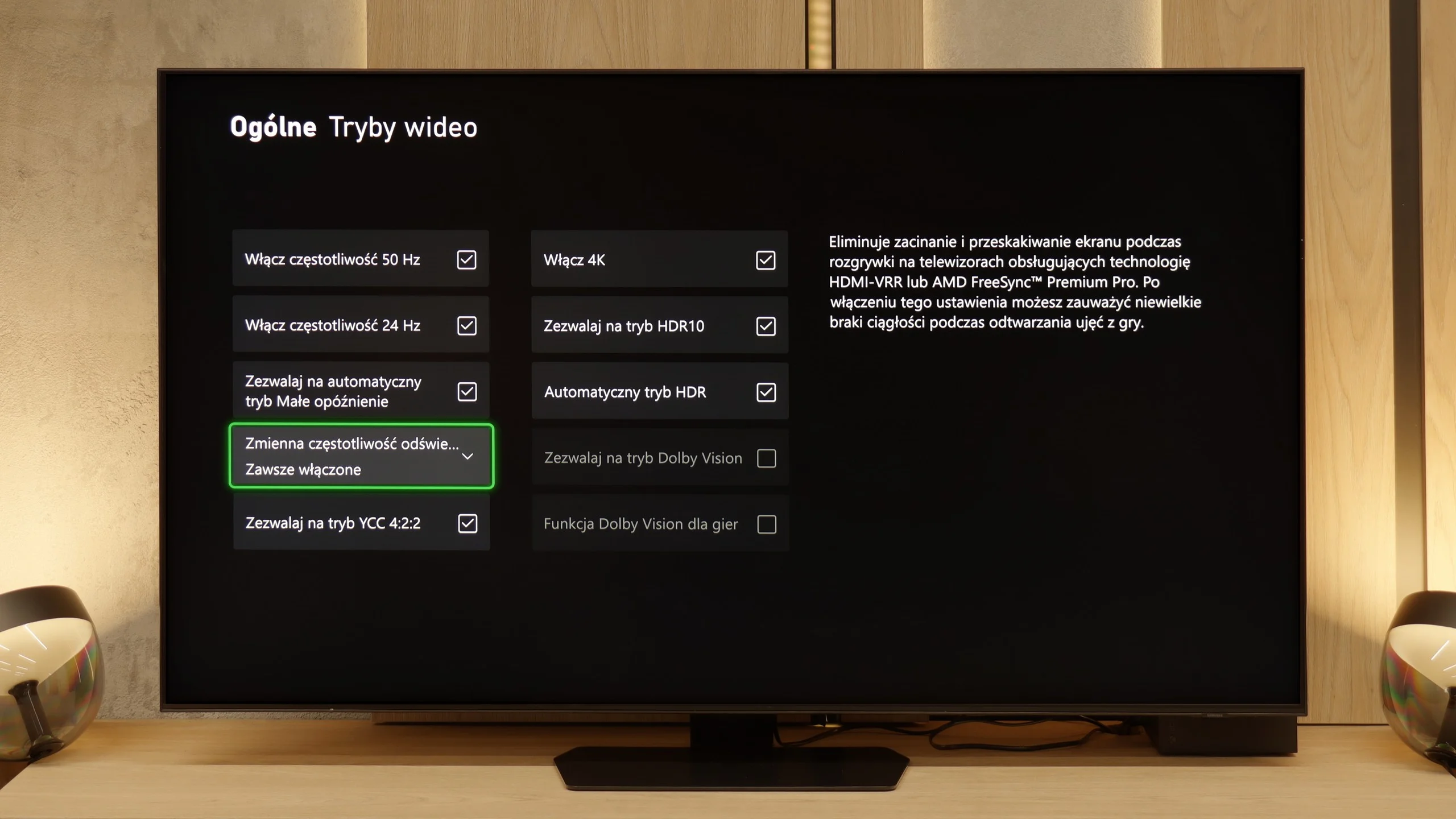
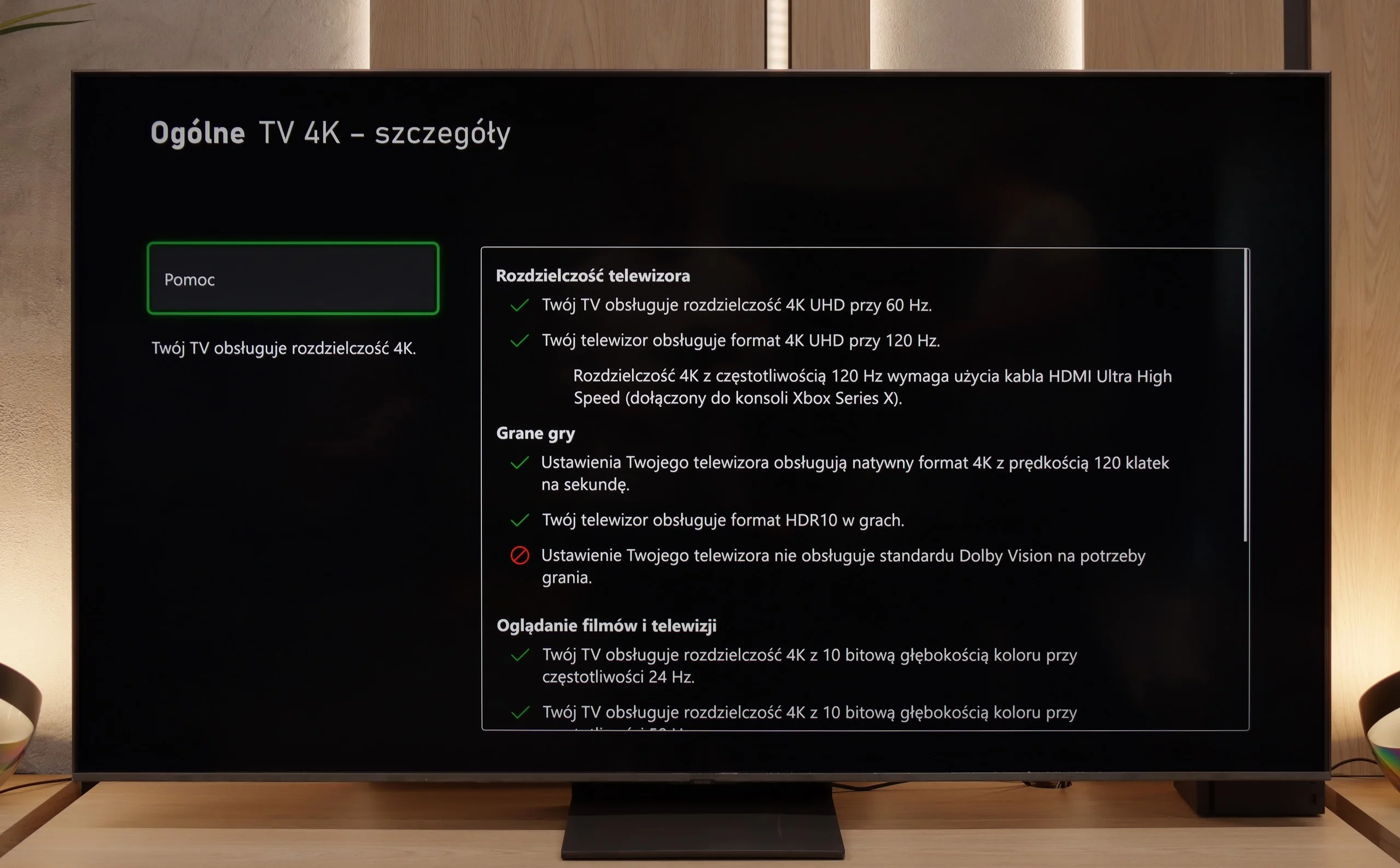
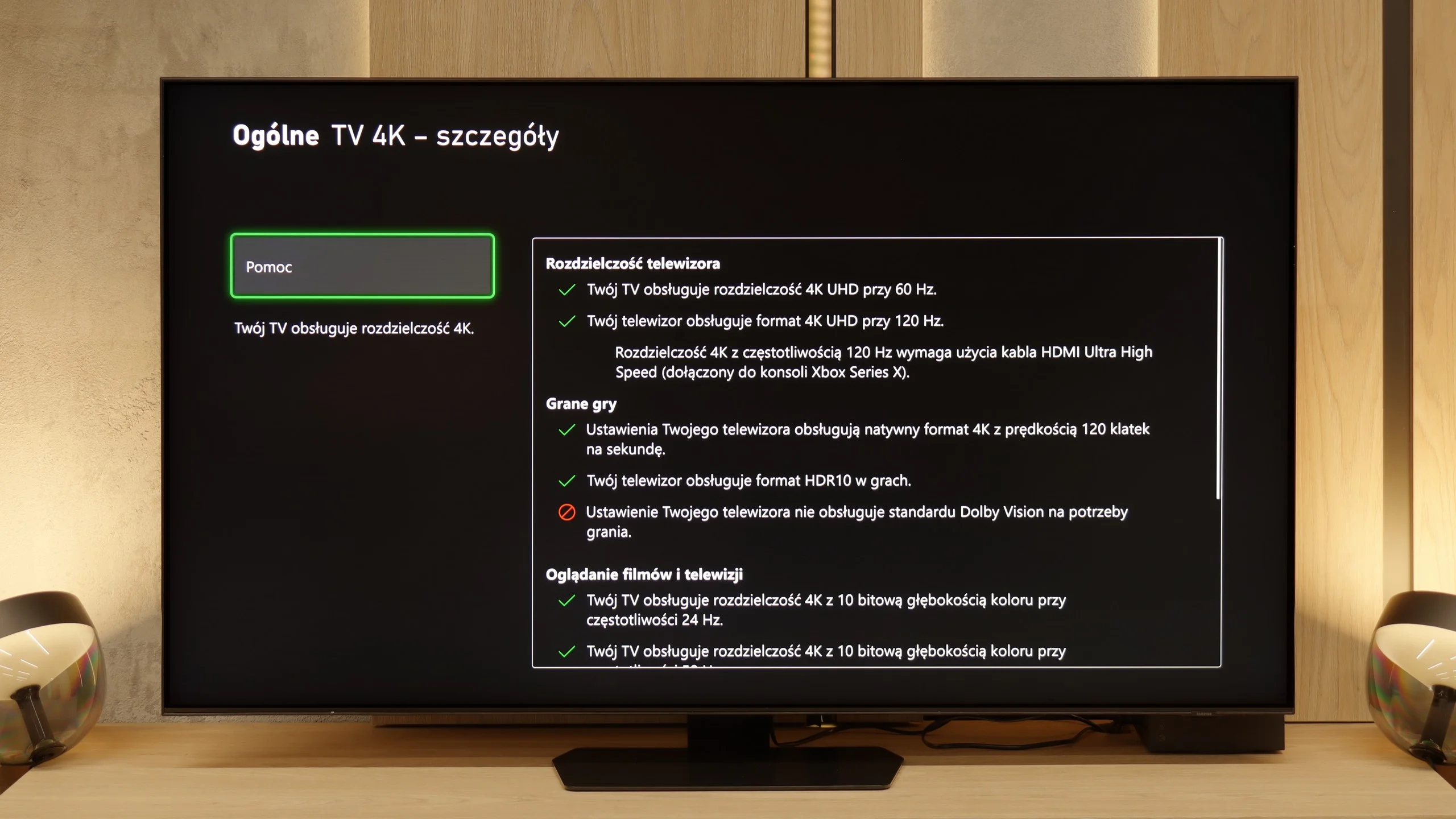
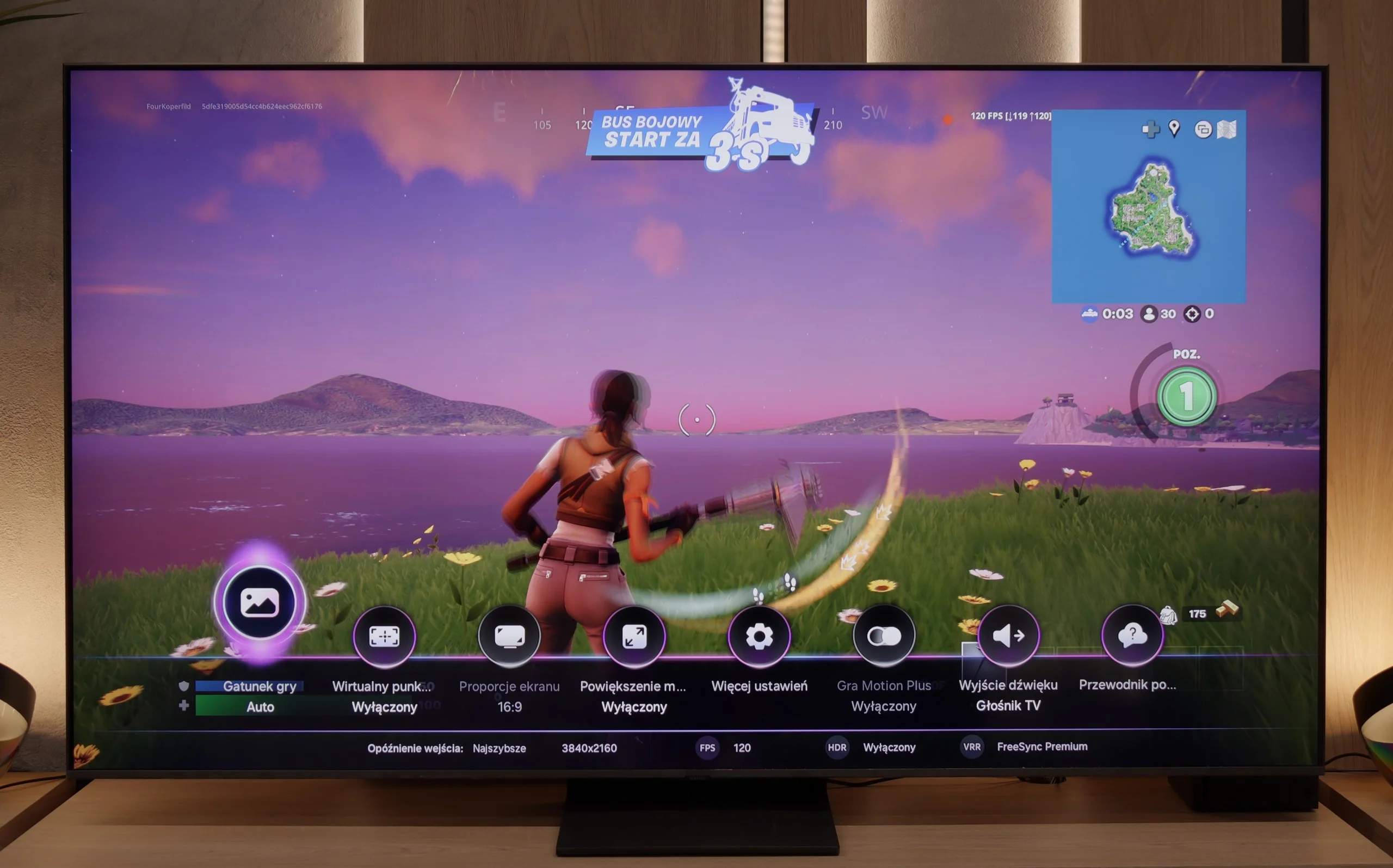
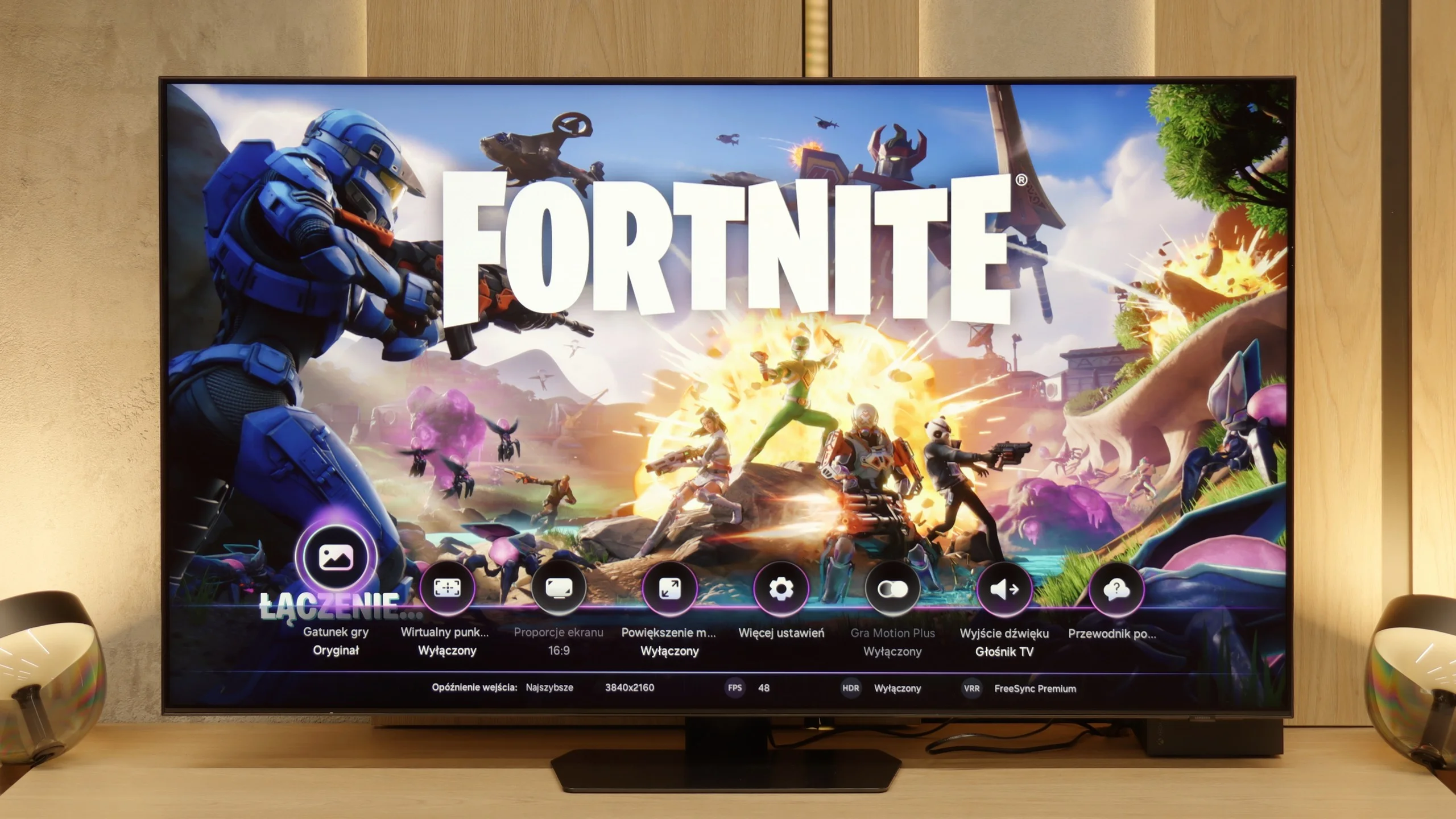
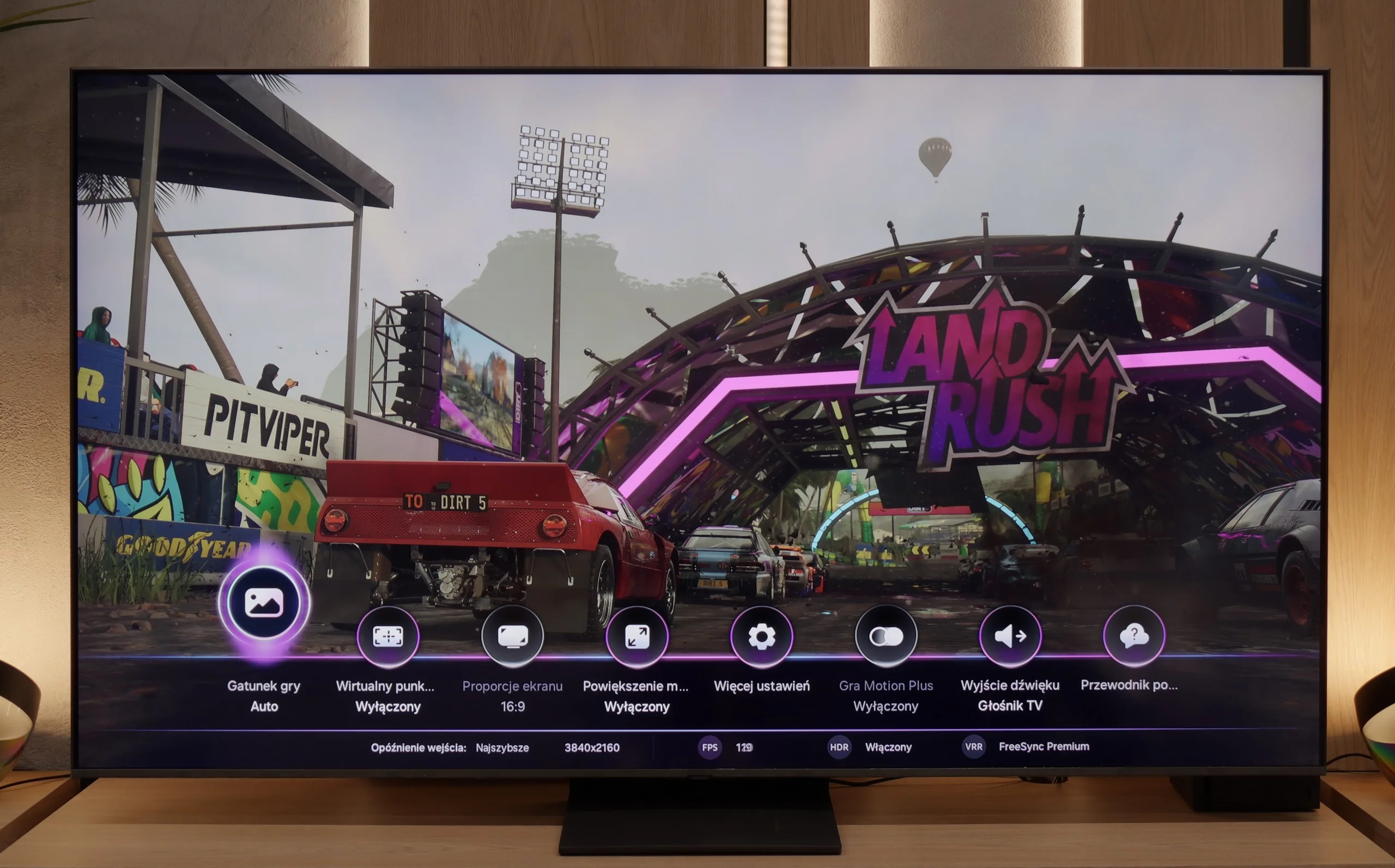
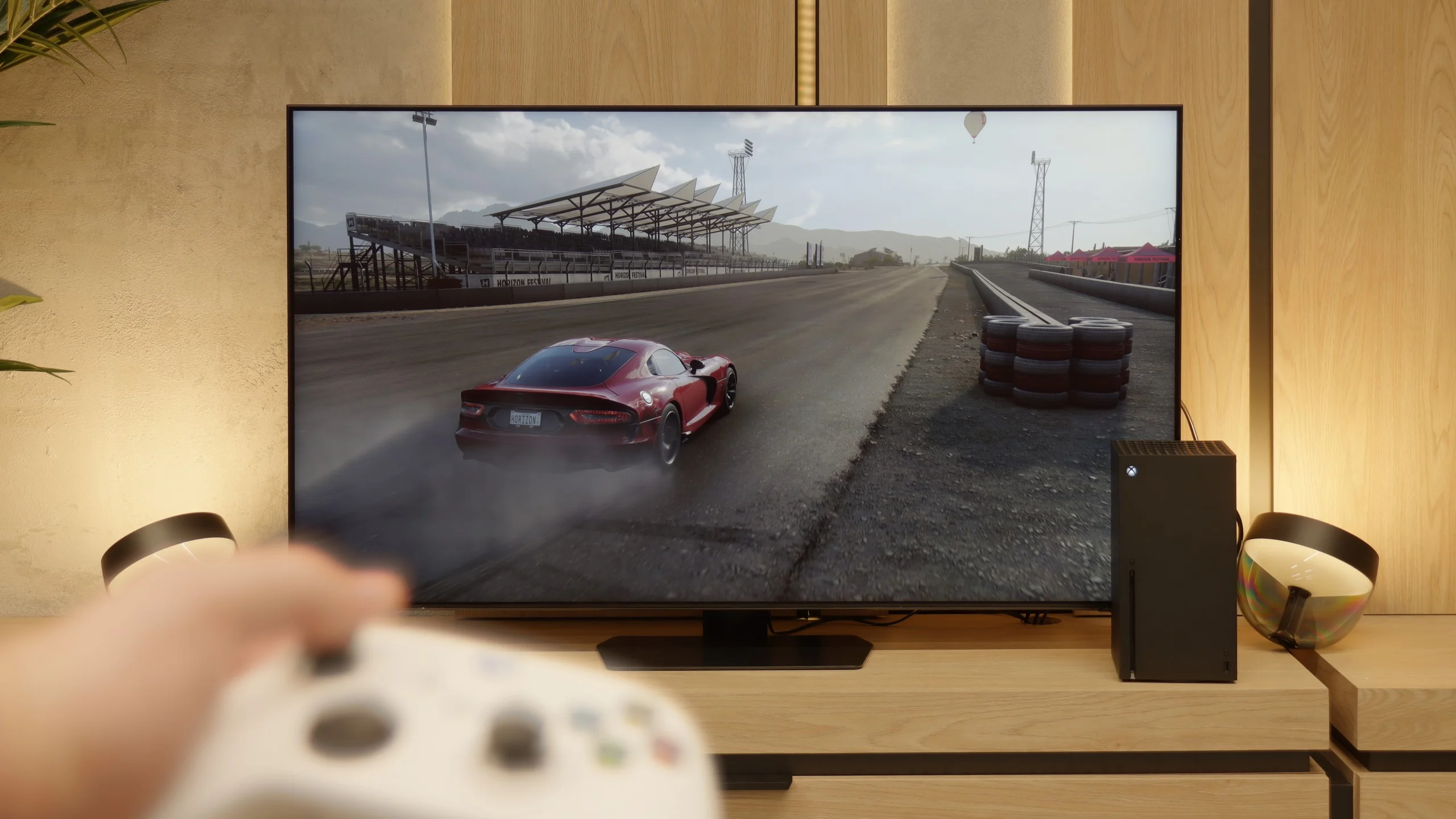
The Samsung QN80F is a television that delivers on almost every front when it comes to gaming. It features a 144 Hz panel, four full-fledged HDMI 2.1 ports, support for gamers in the form of variable refresh rate (VRR), automatic low latency mode (ALLM), and even one of the best-designed game bars on the market. The cherry on top is the motion smoother, which – uniquely in the world – works in games without significantly increasing input lag. Sounds like an almost perfect TV for gamers? And indeed, it is almost that way.
[UPDATE] We have updated our reviews of Samsung TVs from 2025 due to the release of software version 1131, which restored the crucial gaming feature HGiG.
As usual, Samsung does not support Dolby Vision in games, but that no longer surprises anyone. However, what is much more surprising is that... the HGIG feature has disappeared – that is, the system that allows a console (e.g., PlayStation 5 or Xbox Series X) to precisely match HDR tone mapping to the capabilities of the TV. In the latest firmware update for the 2025 models, this option simply vanished. It seems more like a bug than a deliberate move, but it must be honestly noted that as of the day of writing the review, the HGIG feature is simply not present.
And it is precisely because of this one absence that the QN80F turns from an almost perfect gaming TV into a "nearly" perfect device. It's a shame – because everything else indicated that Samsung could set the bar very high again in this generation.
QN90F has nearly everything to become the perfect television for gamers. Things like four HDMI ports, VRR, ALLM, and refresh rates reaching up to 165 Hz are probably well-known. It deserves high praise for the Game Motion Plus mode, which is a proprietary motion smoothing technology for games. Thanks to this, it can add a few “artificial” frames and make the image generated from the console look smoother than it should. This is a very unique solution in the world of televisions – competitive systems usually do not offer this – which is why Samsung has had a strong bargaining chip among gamers for years, even despite the lack of support for the still niche Dolby Vision in games.
[UPDATE] We have updated our tests of Samsung televisions from the 2025 model year due to the release of software version 1131, which restored the crucial gaming feature HGiG.
So why are we writing about a “nearly” perfect screen? Unfortunately, similar to recent Samsung models, we noticed an issue with the lack of the HGiG feature. This solution allows the television to leave control over tone mapping to the console, so that games look exactly as the creators intended. Worse still, this feature was previously present, and it disappeared after software updates. Instead of minor tweaks, we received a step back. It’s a shame because if it weren't for this absence, the QN90F could truly be the perfect choice for gamers in the miniLED category.
Input lag
9.8/10
9.6/10
SDR
HDR
Dolby Vision
QN80F does not disappoint when it comes to response time. The input lag for 120 Hz content drops below 10 ms, which can be considered an almost ideal result – it’s hard to expect more in this class of TVs. Gaming is smooth, responsive, and free from delays that could irritate even the most sensitive players. For 60 Hz materials, the lag is higher, around 19 ms, but this is a completely natural phenomenon and still falls within comfortable limits.
The input lag on the QN90F is very low. For 120 Hz content, it is around 10–12 ms, and at 60 Hz, it drops below 20 ms. These are values that can confidently be called exemplary. The slightly higher input lag – by 1–2 ms – is due to the fact that the lowest latencies, below 10 ms, are reserved for the 165 Hz mode. However, regardless of resolution or refresh rate, you can count on the QN90F always responding quickly and responsively to our movements on the gamepad or keyboard and mouse.
Compatibility with PC
8.8/10
8.8/10
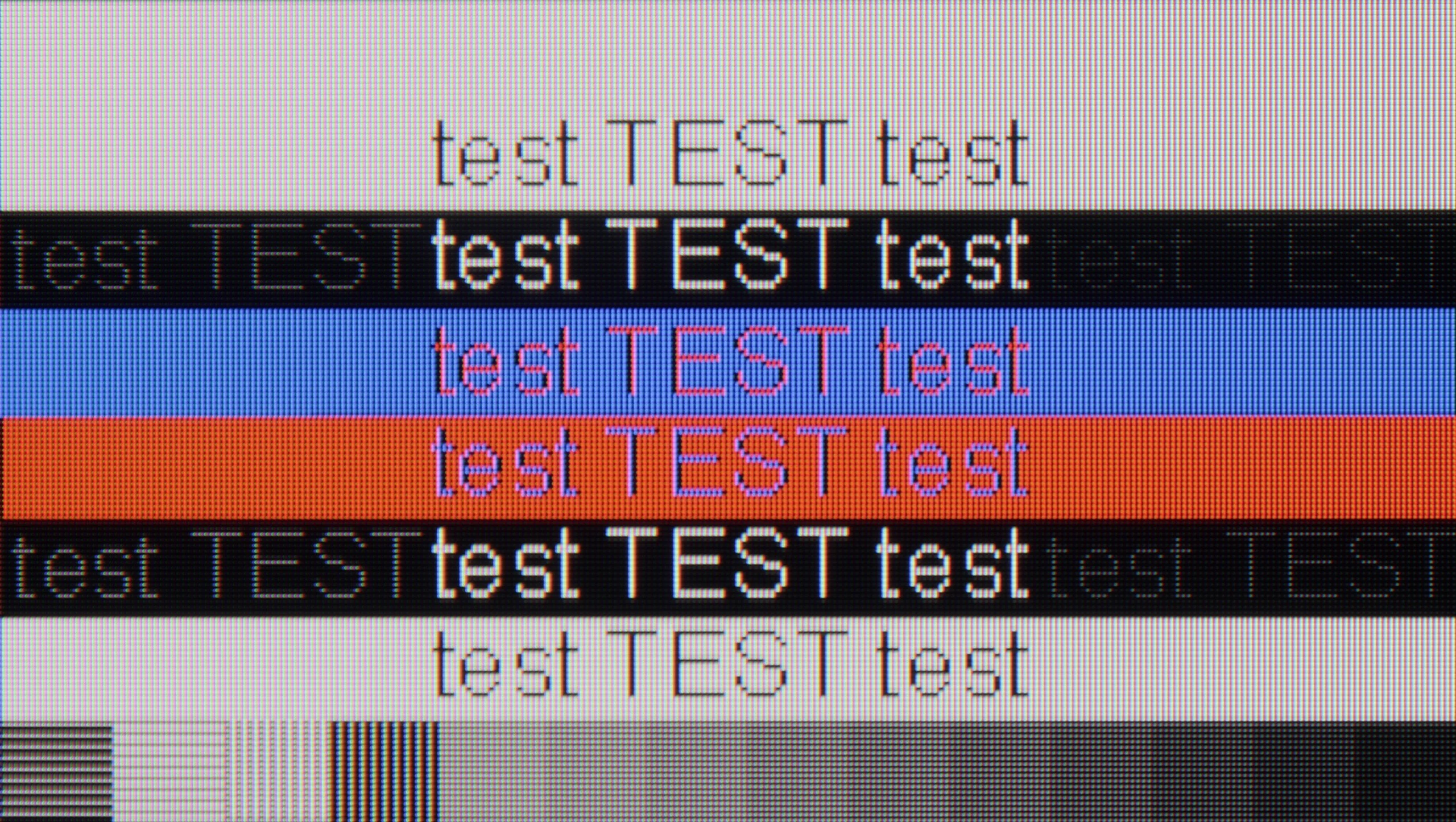
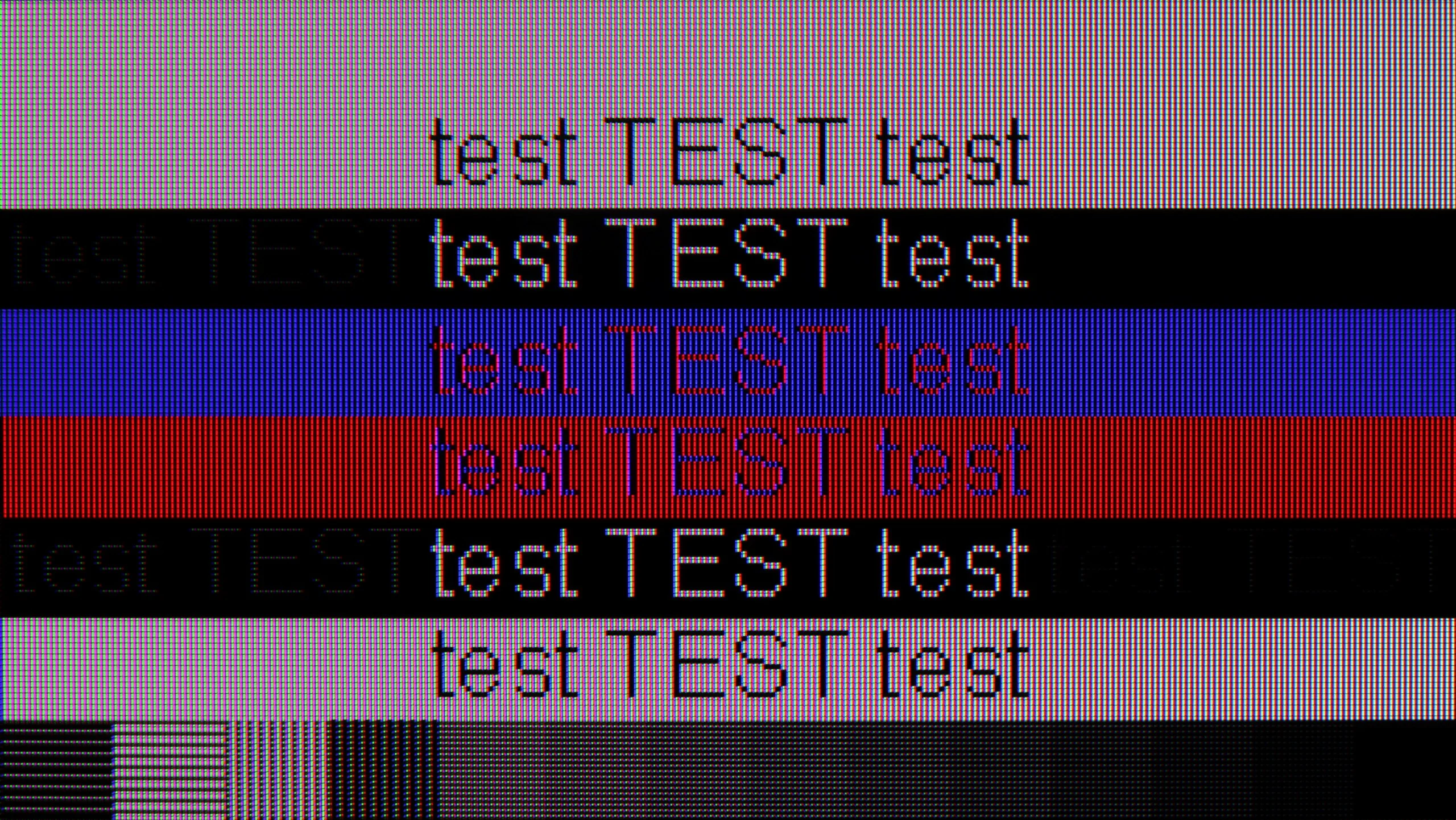
The photo shows the legibility of small fonts. Ideally, lines should be the same thickness on both light and dark text, with minimal pixel gaps.
Playing on the QN80F with a connected computer is pure pleasure. The TV works seamlessly with NVIDIA graphics cards (thanks to G-Sync support) and AMD (thanks to FreeSync Premium), and the 144 Hz refresh rate only enhances comfort during dynamic gameplay. Everything works right away, without unnecessary fiddling with settings – exactly as it should.
When it comes to work, it is also very good. The readability of fonts is high, and the texts appear sharp and clear. With very thin horizontal lines, one can notice slight imperfections, but really – you have to look closely. Unless, like us, you sometimes enjoy examining the screen with a magnifying glass… then you might spot something 😉.
Collaboration with a PC is another strong point of the QN90F. It’s a screen that works well for both work and gaming. This makes sense especially in smaller sizes, e.g., 43 inches, where the television can easily fit on a desk. The 165 Hz mode, primarily intended for PC gamers, supports technologies such as G-Sync and AMD FreeSync Premium Pro, so gameplay is smooth and very responsive. Office work performs just as well – font readability is high due to proper chroma handling. However, we noticed that switching the refresh rate from 165 Hz to 120 Hz significantly improves the readability of very dark text and thin lines. Therefore, if someone wants to use the QN90F as a monitor for work, it's worth considering the 120 Hz mode.
Viewing angles
3.1/10
3.3/10
QN80F, like most TVs with VA panels, does not impress in terms of viewing angles. It is enough to lean slightly to the side to notice a significant drop in brightness and lost color saturation. The image loses its "depth" and "vividness," and darker scenes may appear slightly washed out. However, this is a typical characteristic of VA panels, which in return offer significantly better native contrast than IPS panels. In short: something for something. If you are sitting directly in front of the screen – there will be no problem. But when watching together in a larger group, it is worth keeping this in mind.
The viewing angles on the QN90F are rather average and typical for LCD screens with VA panels. It's a bit of a shame that Samsung opted out of additional coatings to widen the viewing angles in this model – likely at the cost of using a matte panel. The effect is that with a greater deviation from the center, the drop in brightness is quite significant, and colors lose their intensity. This is a compromise that must be considered when choosing a screen with a classic VA panel.
Daytime performance
6.6/10
7.2/10
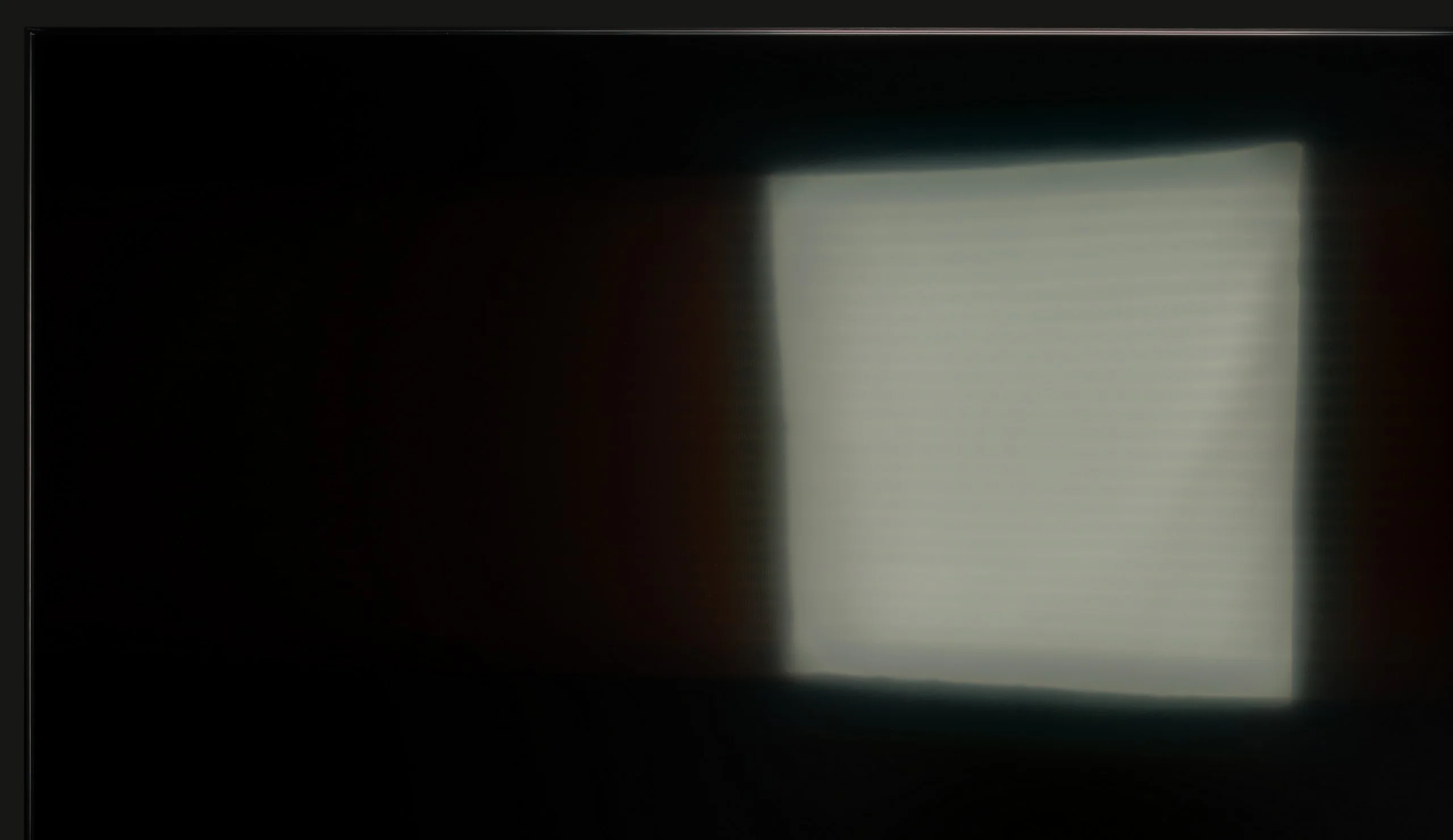
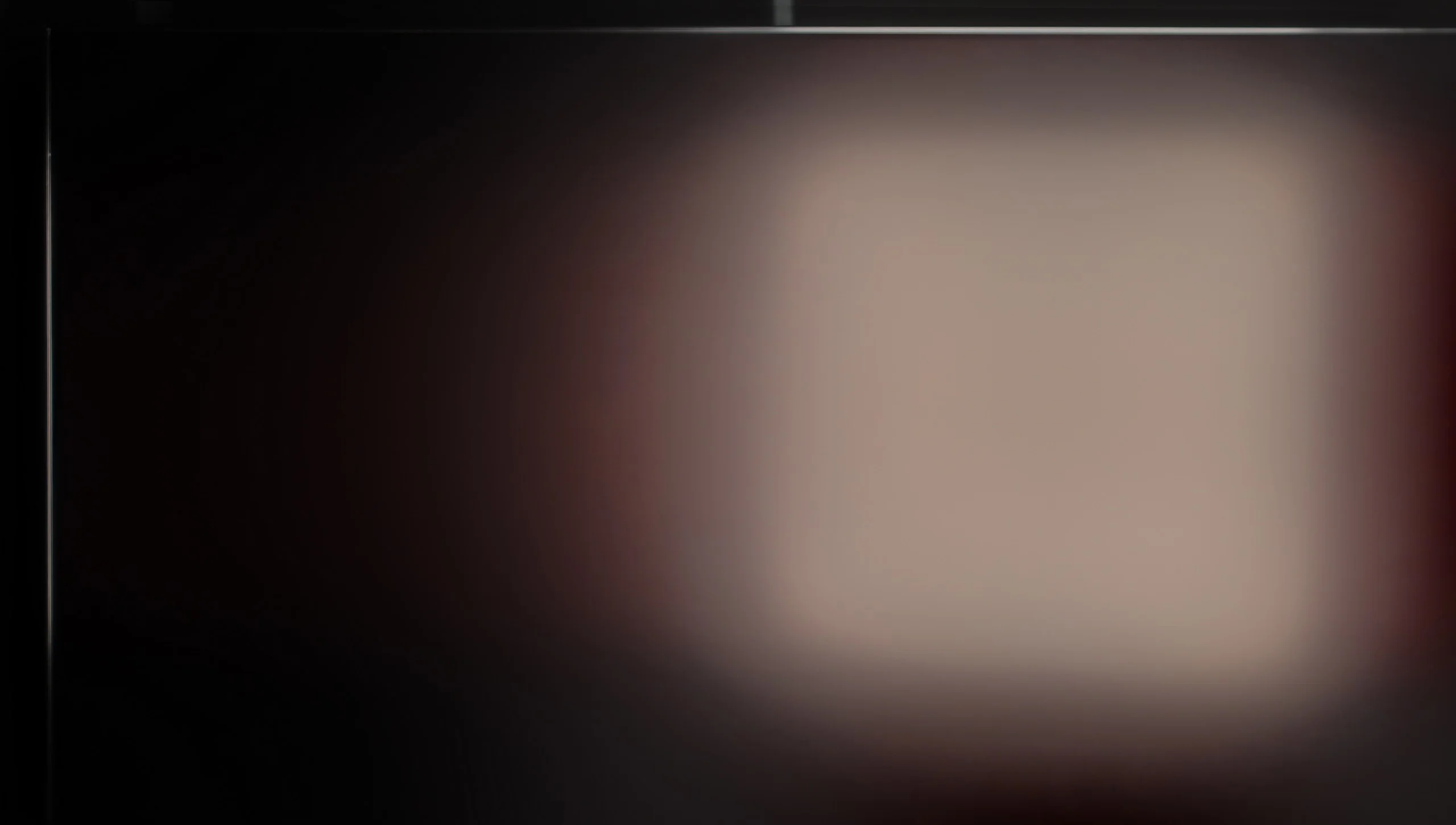
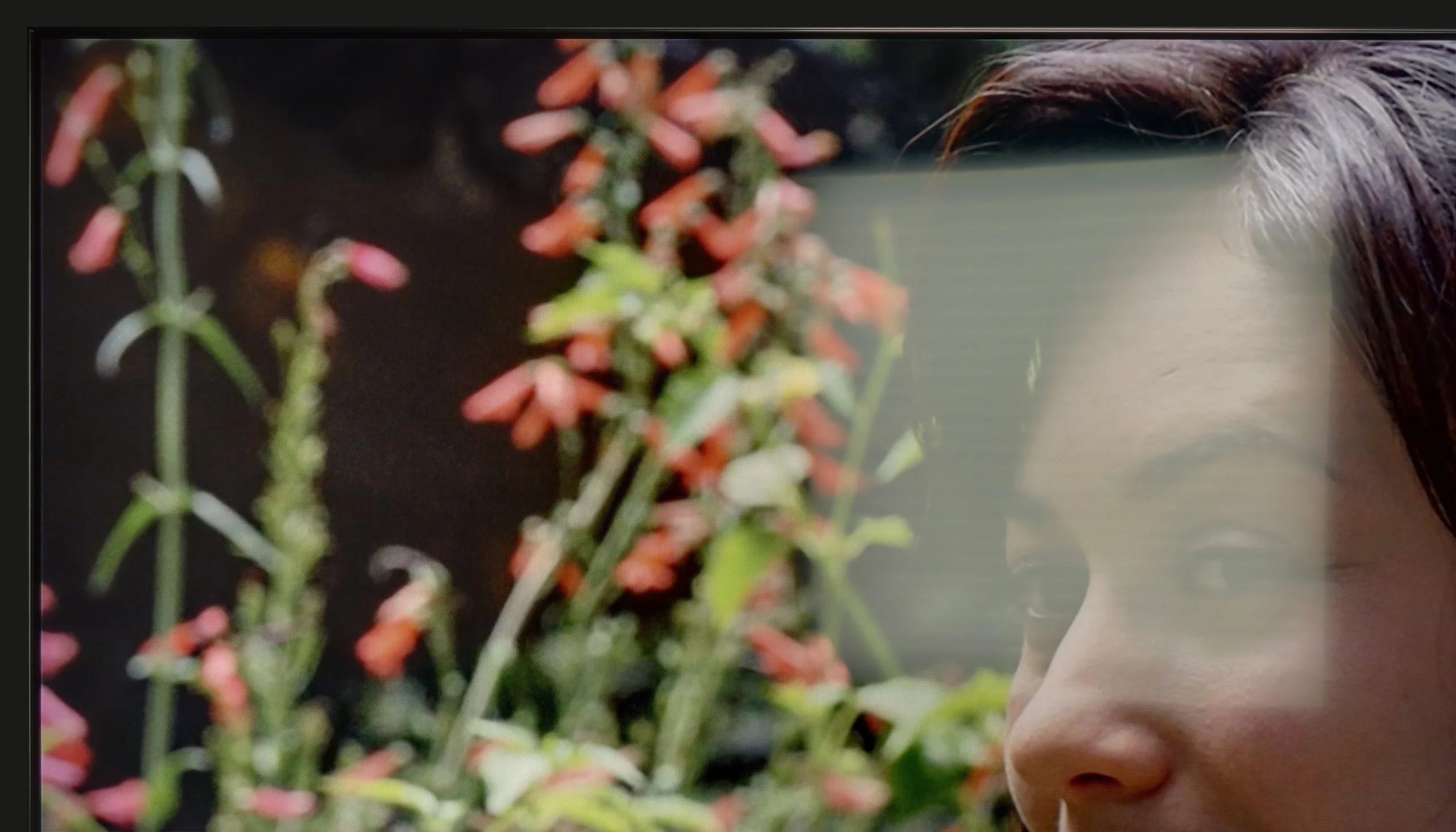
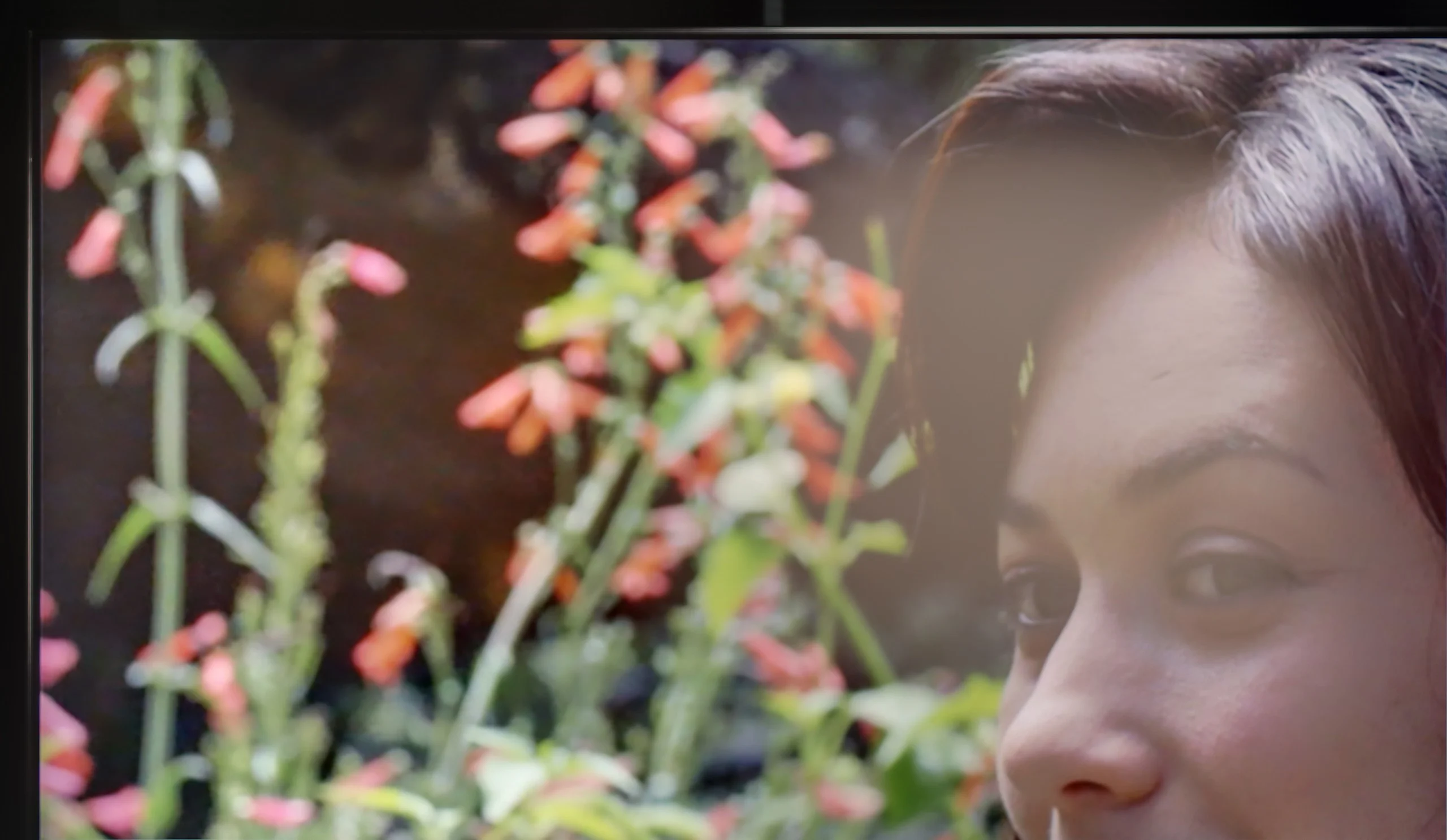
Panel brightness
Samsung QN90F / QN92F: 665 cd/m2
SAMSUNG QN80F: 543 cd/m2
QN80F is really a bright TV. The average brightness in SDR materials is around 550 nits, regardless of the scene, which practically means that you can comfortably watch content even in a well-lit room – and you don’t have to close the curtains every time we turn on a movie. The new satin coating of the panel is also a plus, as it handles reflections much better compared to last year's QN80D. Glare is less bothersome, and the screen maintains readability in various lighting conditions. It's hard to find fault with anything here – the QN80F simply performs great during the day.
QN90F is the first Neo QLED 4K with a matte display, and it must be admitted that this change is immediately noticeable. During the day, the screen behaves completely differently than typical LCD televisions – reflections are heavily suppressed, glares almost disappear, so there is no need to constantly cover the windows or fuss with furniture placement. Colors in a bright room look natural, although their intensity can slightly decrease under very strong lighting. However, this is not something that significantly ruins the viewing experience – rather a small price to pay for the comfort of watching in sunlight. Additionally, the average SDR brightness of around 700 nits makes the television easily "cut through" even in very sunny living rooms. It's hard to give a better recommendation: if someone is looking for a miniLED 4K television that can handle a heavily sunlit living room, the QN90F is one of the most reliable choices.
Panel details
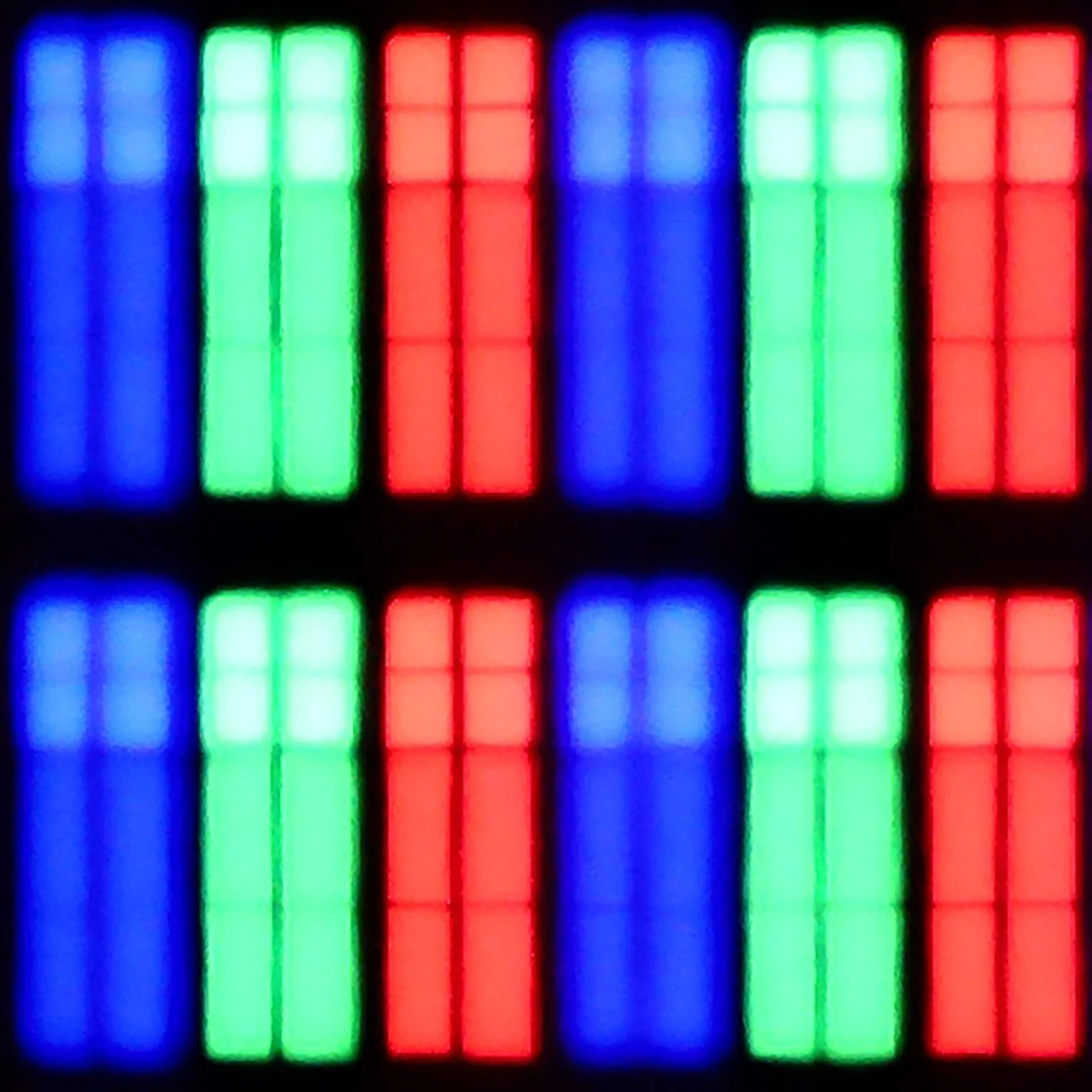
Subpixel Structure:
Panel uniformity and thermal imaging:
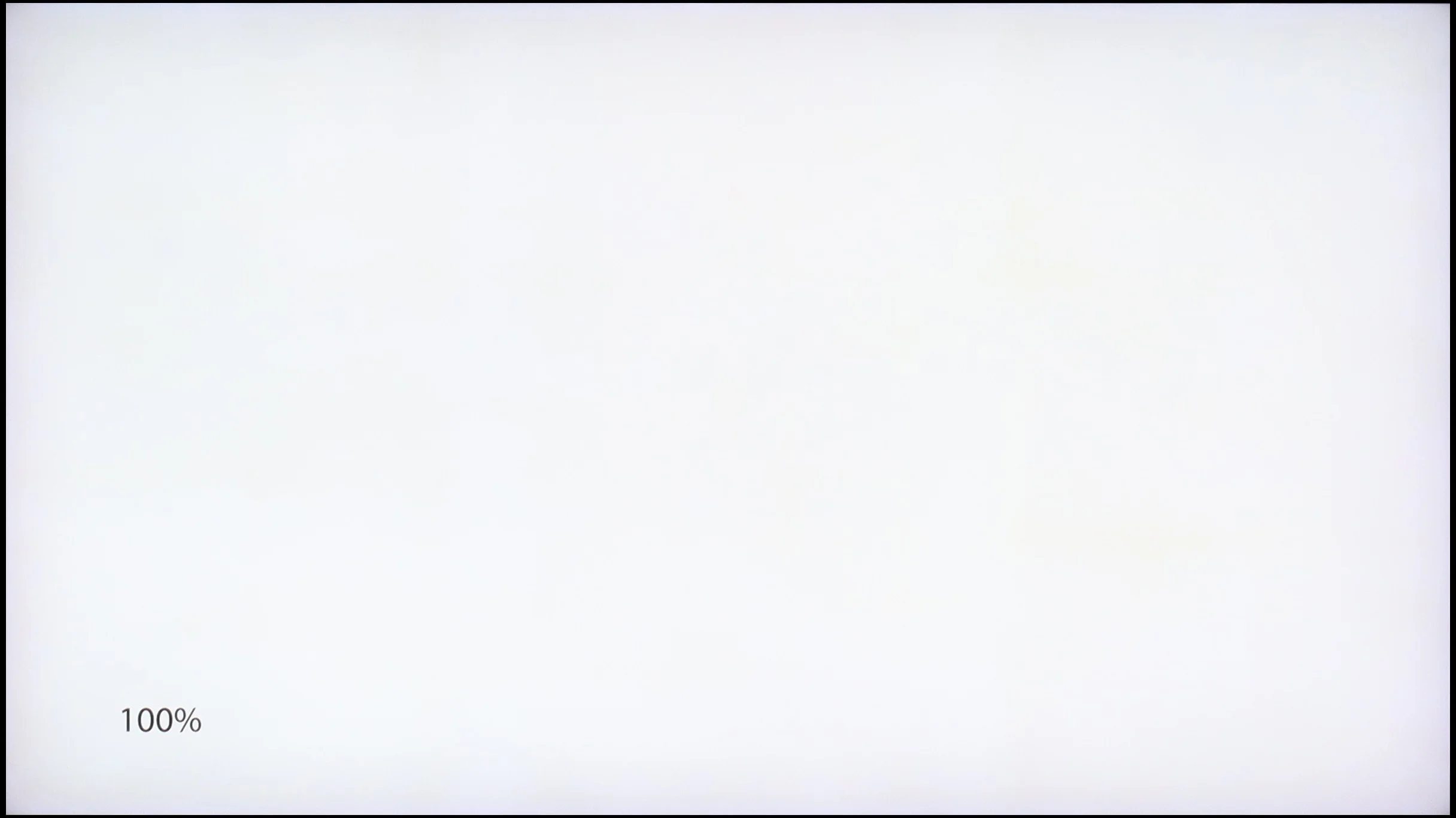
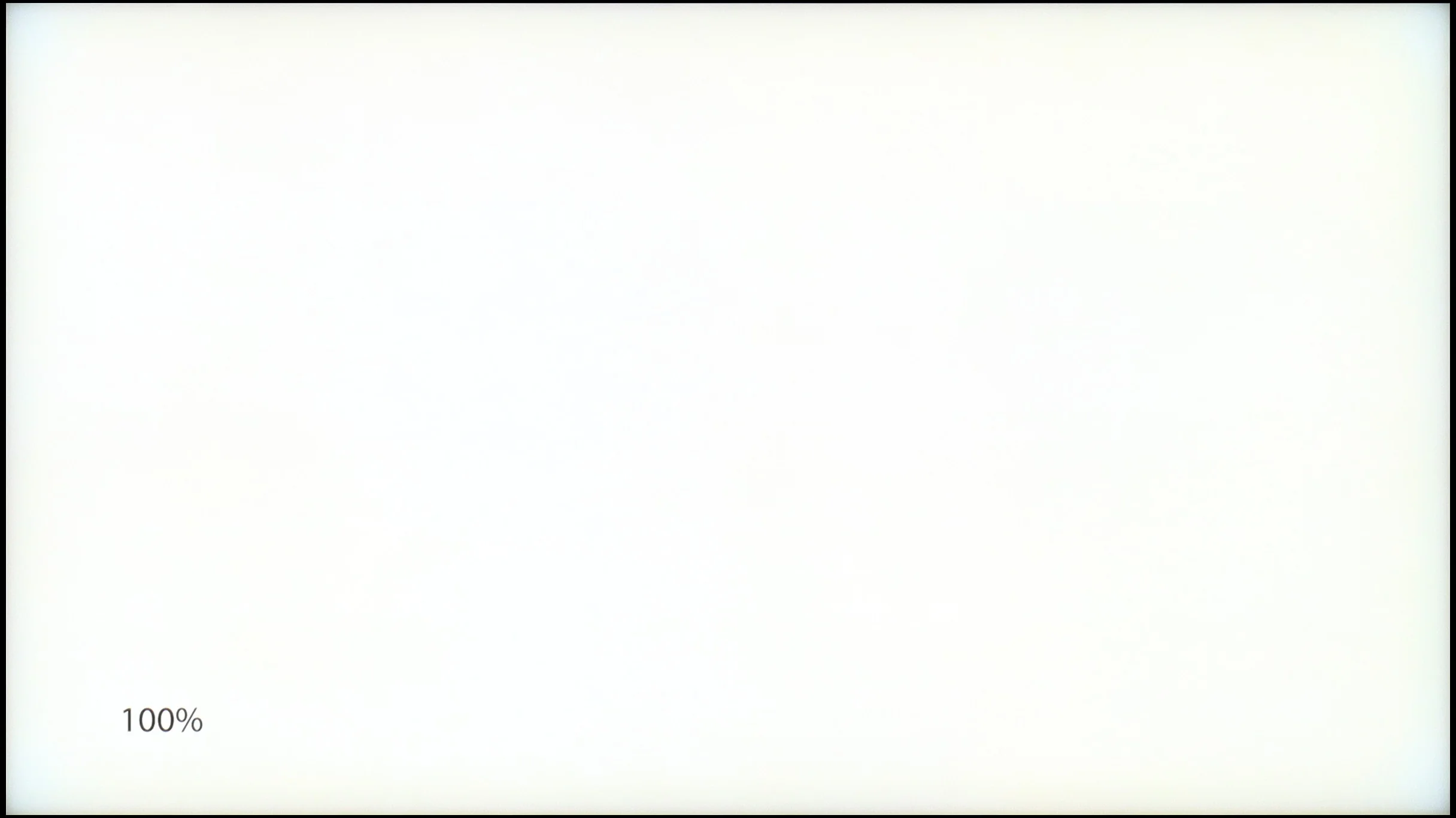
SAMSUNG QN80F
Samsung QN90F / QN92F
TV features
7.7/10
7.7/10
- SystemTizenTizen
- System performanceVery goodVery good
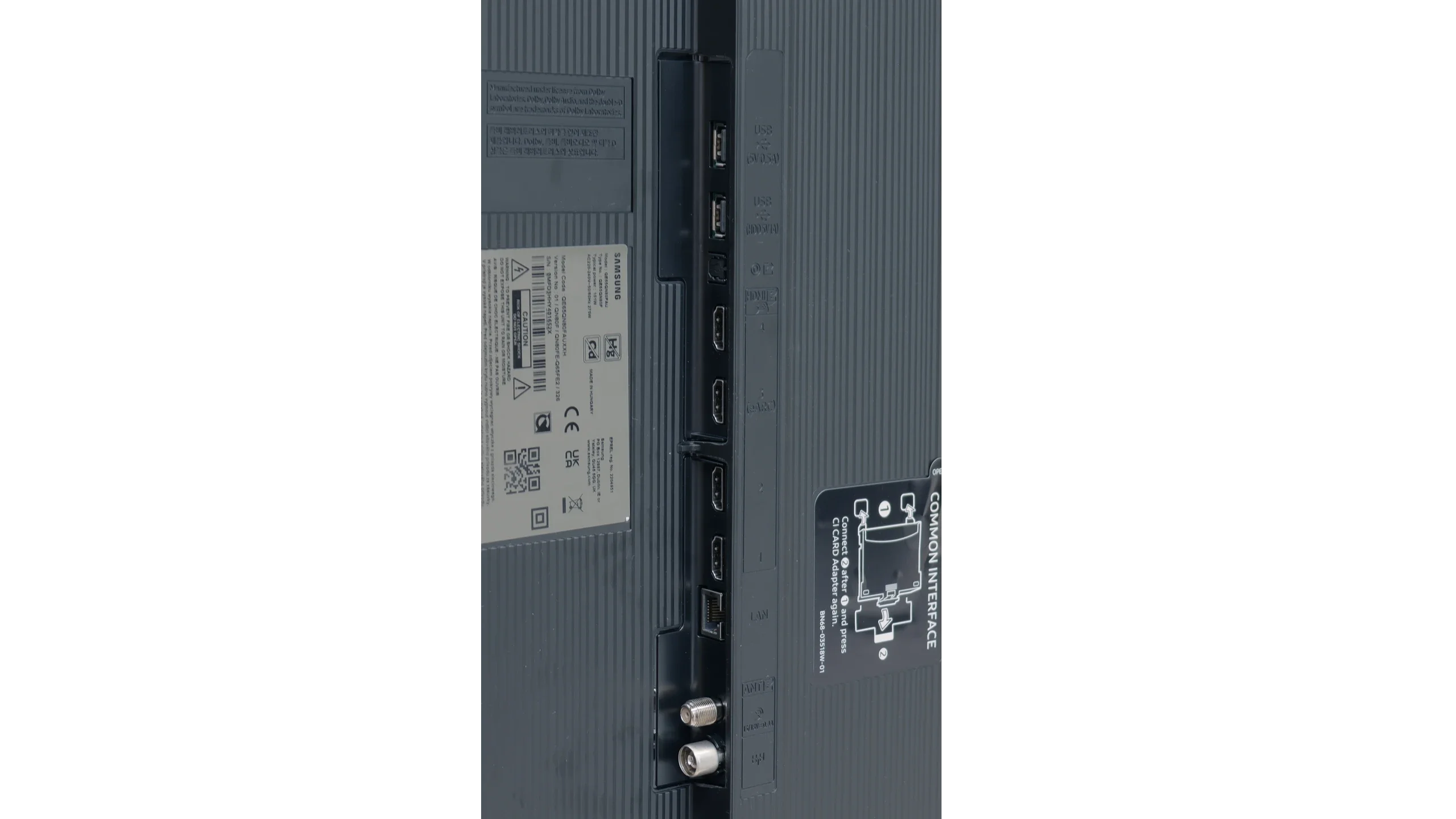
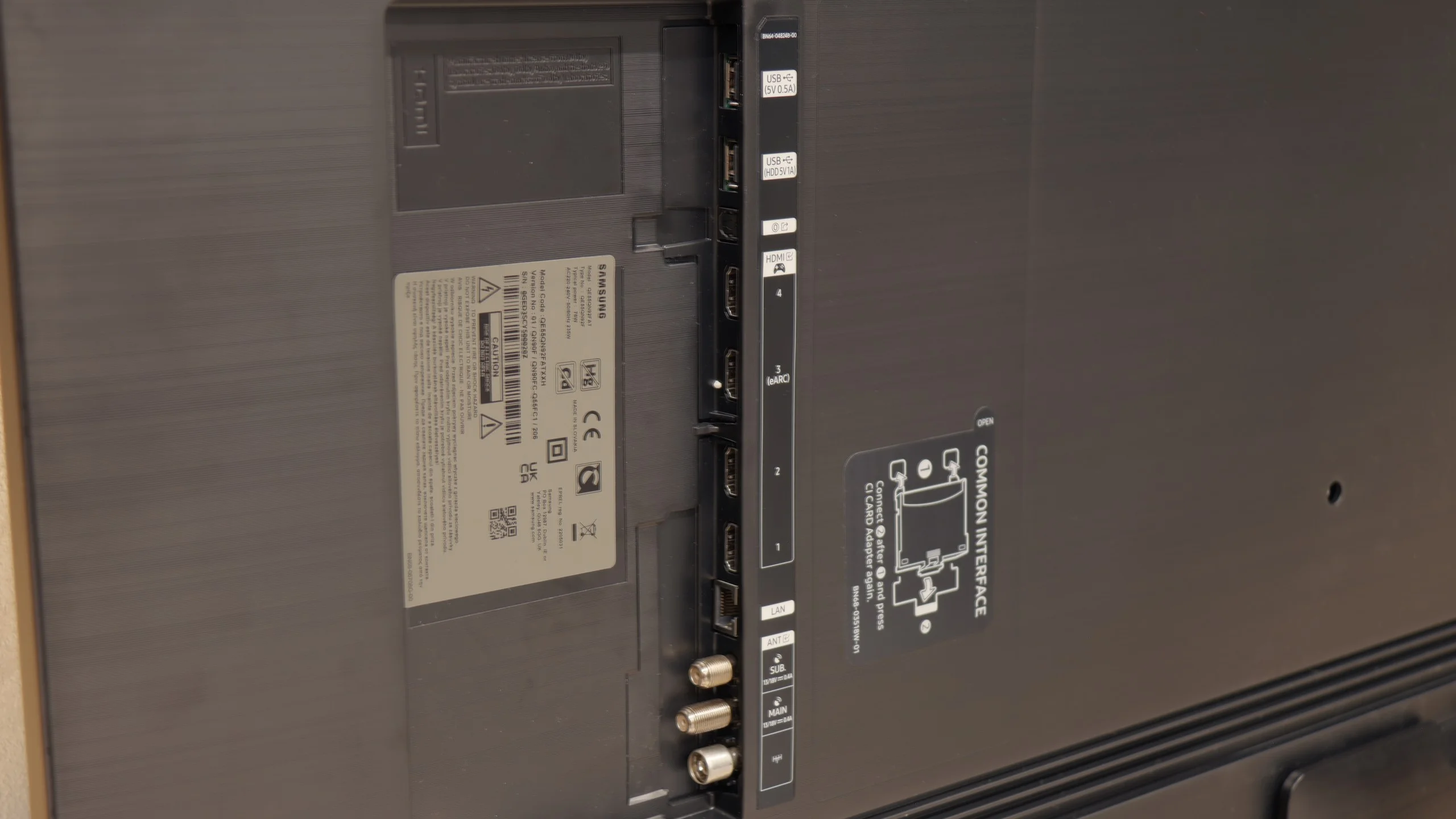
- HDMI inputs0 x HDMI 2.0, 4 x HDMI 2.1 48Gbps0 x HDMI 2.0, 4 x HDMI 2.1 48Gbps
- OutputsToslink (Optical audio), eARC (HDMI), ARC (HDMI)Toslink (Optical audio), eARC (HDMI), ARC (HDMI)
- Network InterfacesWi-Fi 2.4GHz, Wi-Fi 5GHz, Ethernet (LAN) 100MbpsWi-Fi 2.4GHz, Wi-Fi 5GHz, Ethernet (LAN) 100Mbps
- TV receptionDVB-T, DVB-T2, DVB-S, DVB-S2, DVB-CDVB-T, DVB-T2, DVB-S, DVB-S2, DVB-C
Classic features:
- Recording to USB (terrestrial TV)
- Recording programming
- Picture in Picture (PiP)
- RF remote control (no need to aim)
- Backlit remote control
- Teletext
- Audio only mode
- Bluetooth headphones support
- Simultaneous Bluetooth headphones & TV audio
Smart features:
- AirPlay
- Screen mirroring (Windows Miracast)
- Voice search
- Voice search in native language
- Ability to connect a keyboard and mouse
Sound connection options
- HDMI audioeARC (HDMI), ARC (HDMI)eARC (HDMI), ARC (HDMI)
- Other audio outputsToslink (Optical audio)Toslink (Optical audio)
- Wireless audioBluetooth, Samsung Q-Symphony (Speaker extension)Bluetooth, Samsung Q-Symphony (Speaker extension)
Supported audio formats (external HDMI eARC audio):
- Dolby Digital Plus 7.1
- Dolby True HD 7.1
- Dolby Atmos in Dolby Digital Plus (JOC)
- Dolby Atmos in Dolby True HD
- DTS:X in DTS-HD MA
- DTS-HD Master Audio
Senior accessibility
- Numeric keyboard on TV
- Font size adjustment
- Audio description
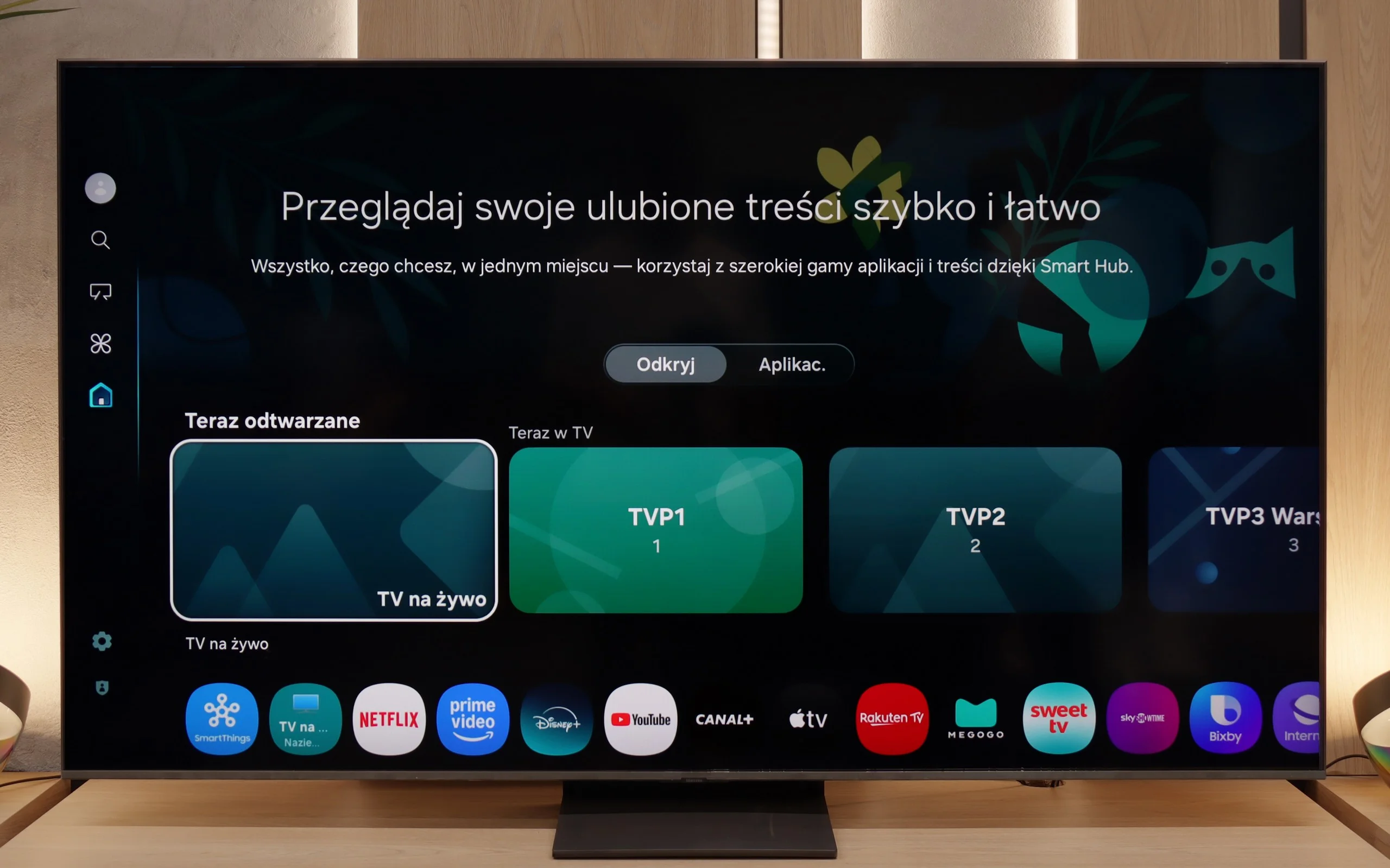
SmartTV QN80F: Tizen
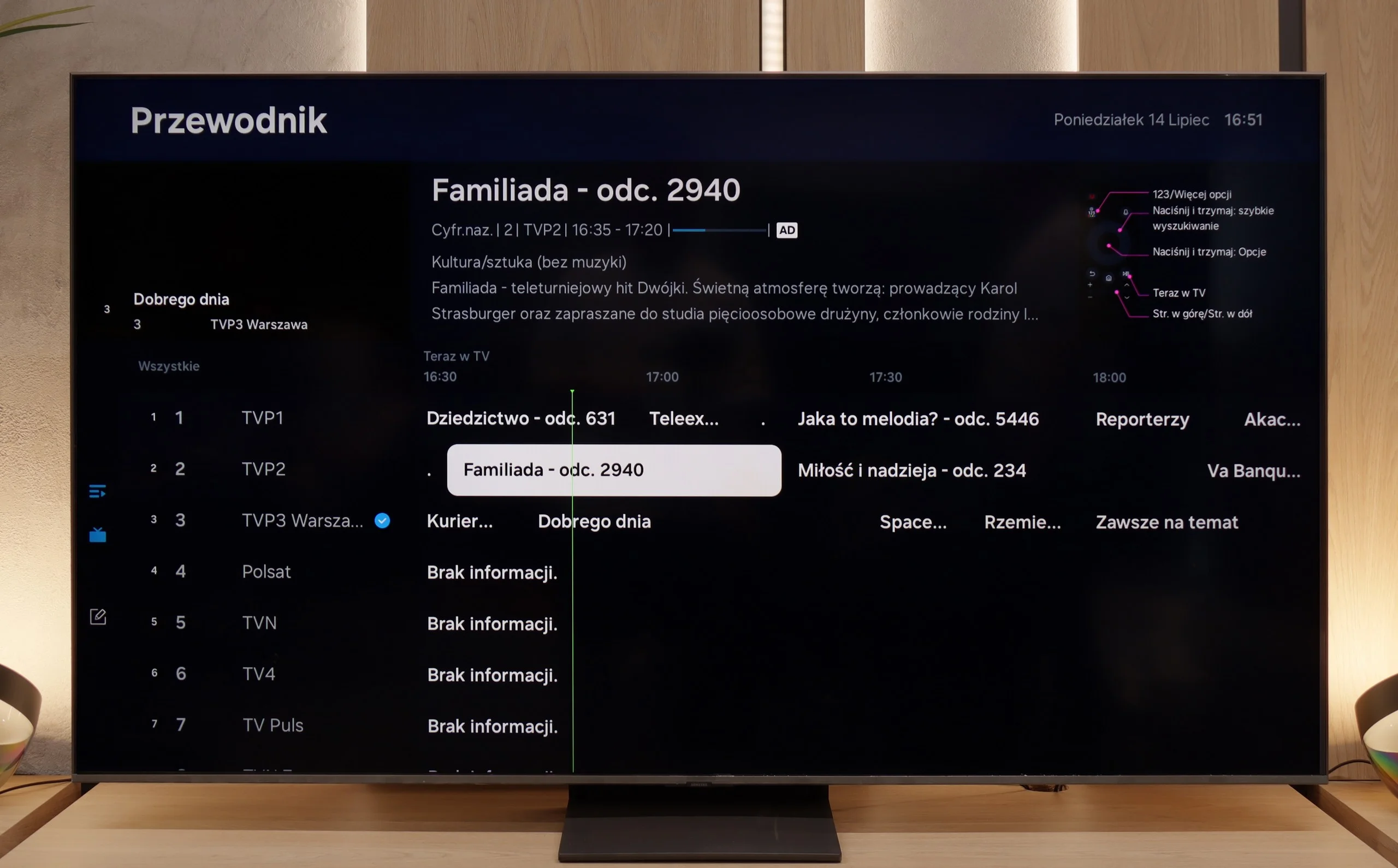
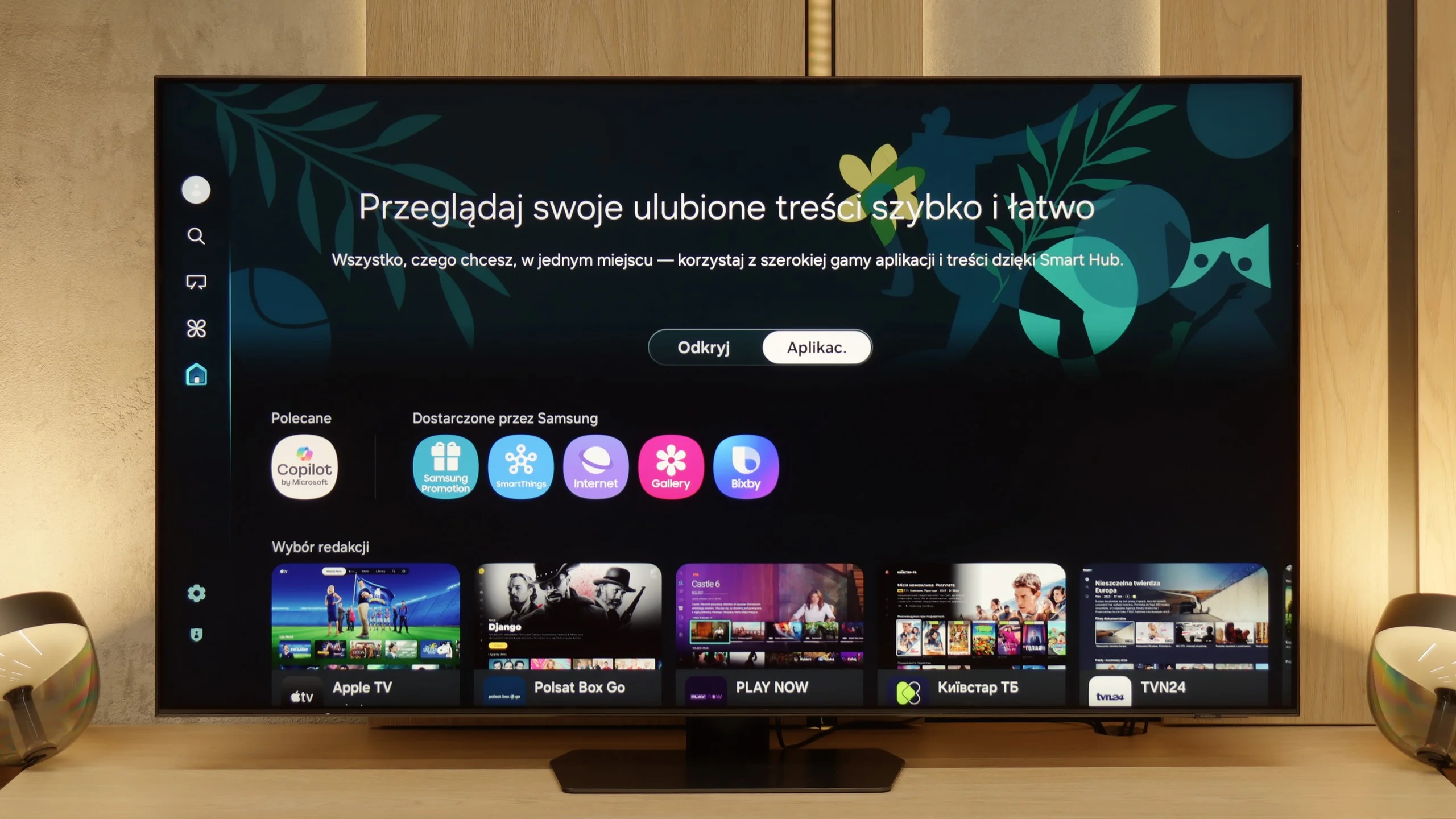
When it comes to smart features, the QN80F has nothing to be ashamed of. On the contrary – Tizen is one of the richest operating systems in terms of functionality. We have voice search, support for AirPlay, Miracast, and all the major streaming platforms at our fingertips. But Samsung's true advantage reveals itself in the smart home – SmartThings. Here, you can not only synchronize light bulbs and vacuum robots but also integrate devices from other manufacturers, thanks to support for the Matter standard. Suddenly, it turns out that the QN80F can serve as a home command center. There is just one "but" – Tizen is a closed system, so we might not find a few lesser-known apps. However, in practice, it still has everything that 99% of users need.
Classic TV features:
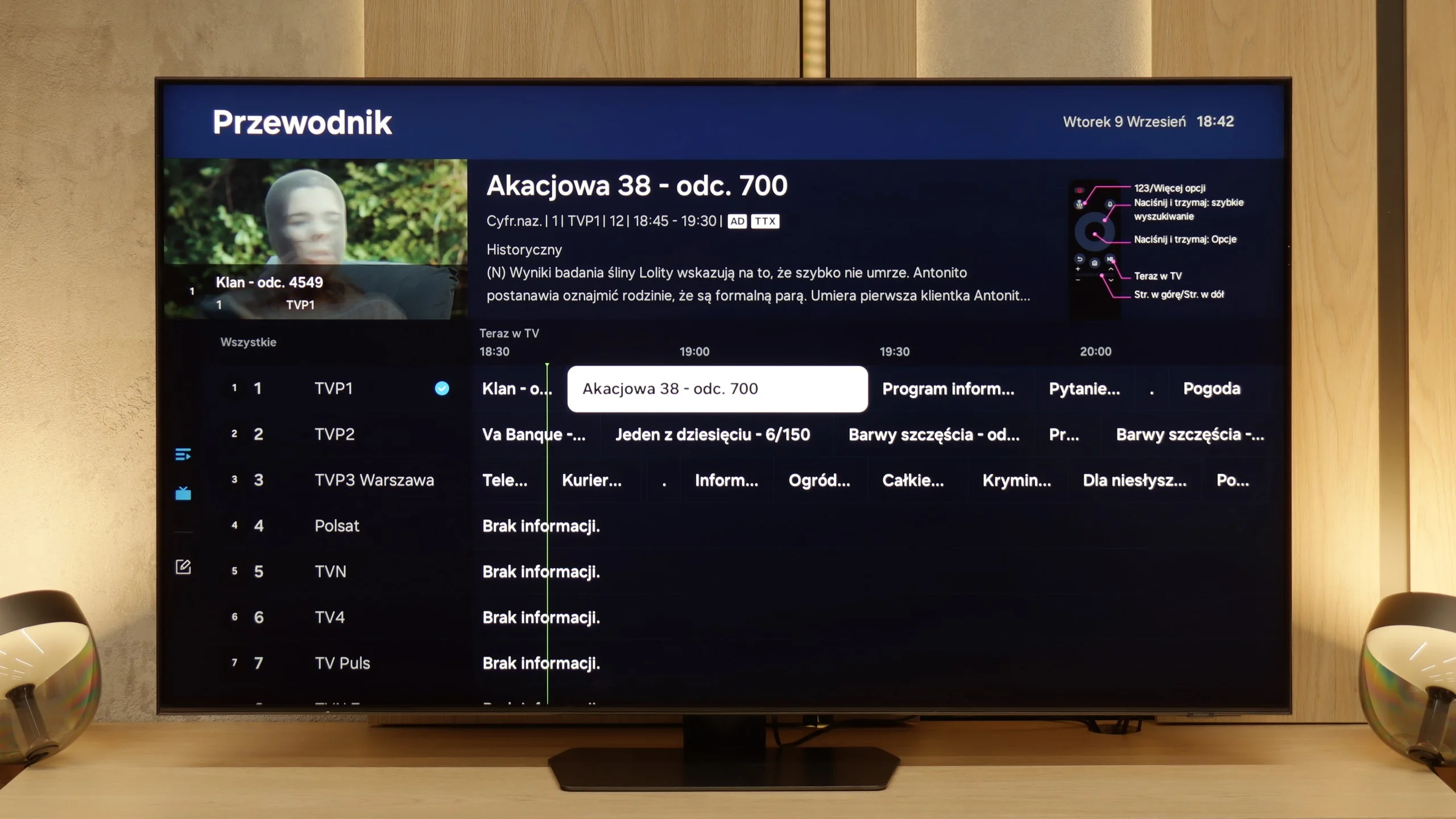
When it comes to classic features, it's just as good – well, almost. The QN80F supports picture-in-picture, a rarely seen but still useful PiP feature. We can easily find EPG, the old good teletext (yes, it works!), and the ability to connect external devices via Bluetooth – whether it's headphones or a soundbar. Unfortunately, there is no option to record to USB from the built-in tuners. That's a minor drawback, especially since the competition at a similar price point is increasingly offering this feature. It may not be a must-have function, but since everything else works so well, it's a pity that it missed that final touch.
Smart TV Features: Tizen
Samsung has been developing its Tizen system for years, and in the QN90F model, it is clear that it has reached a point where it is really hard to find fault. The system runs smoothly, responds quickly to commands, and does not lag with more demanding applications. If someone uses an iPhone – there is AirPlay and screen mirroring. If someone has an Android phone – there will be no problem either. Additionally, there is a voice assistant that understands commands in several languages, including Polish, so you can start a movie or change the channel without reaching for the remote. Interestingly, there is also integration with Microsoft's Coopilot and AI features, but SmartThings proves to be much more practical – thanks to it, the television can become the center of the home ecosystem, connecting not only Samsung devices but also, for example, Philips Hue light bulbs.
Classic Features
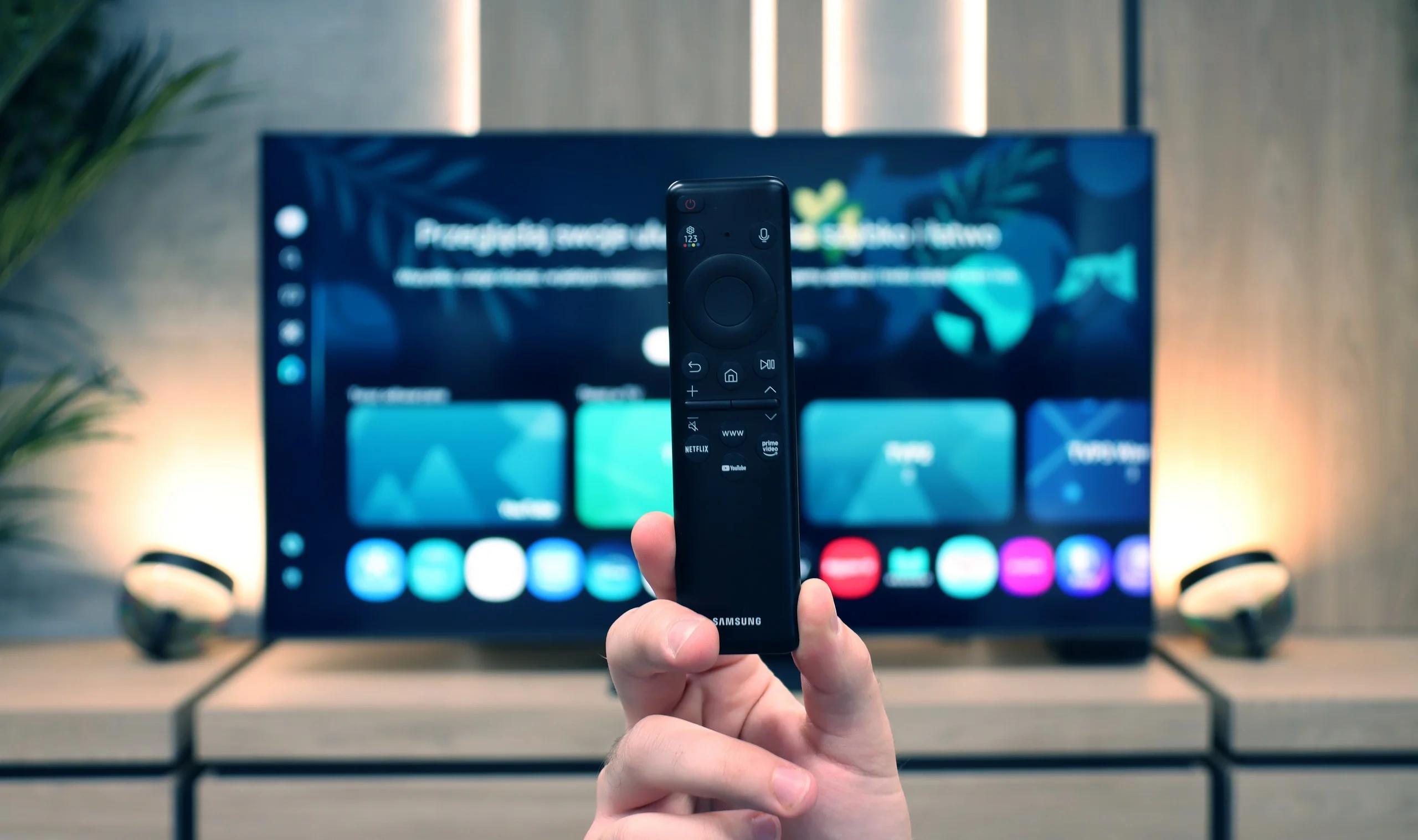
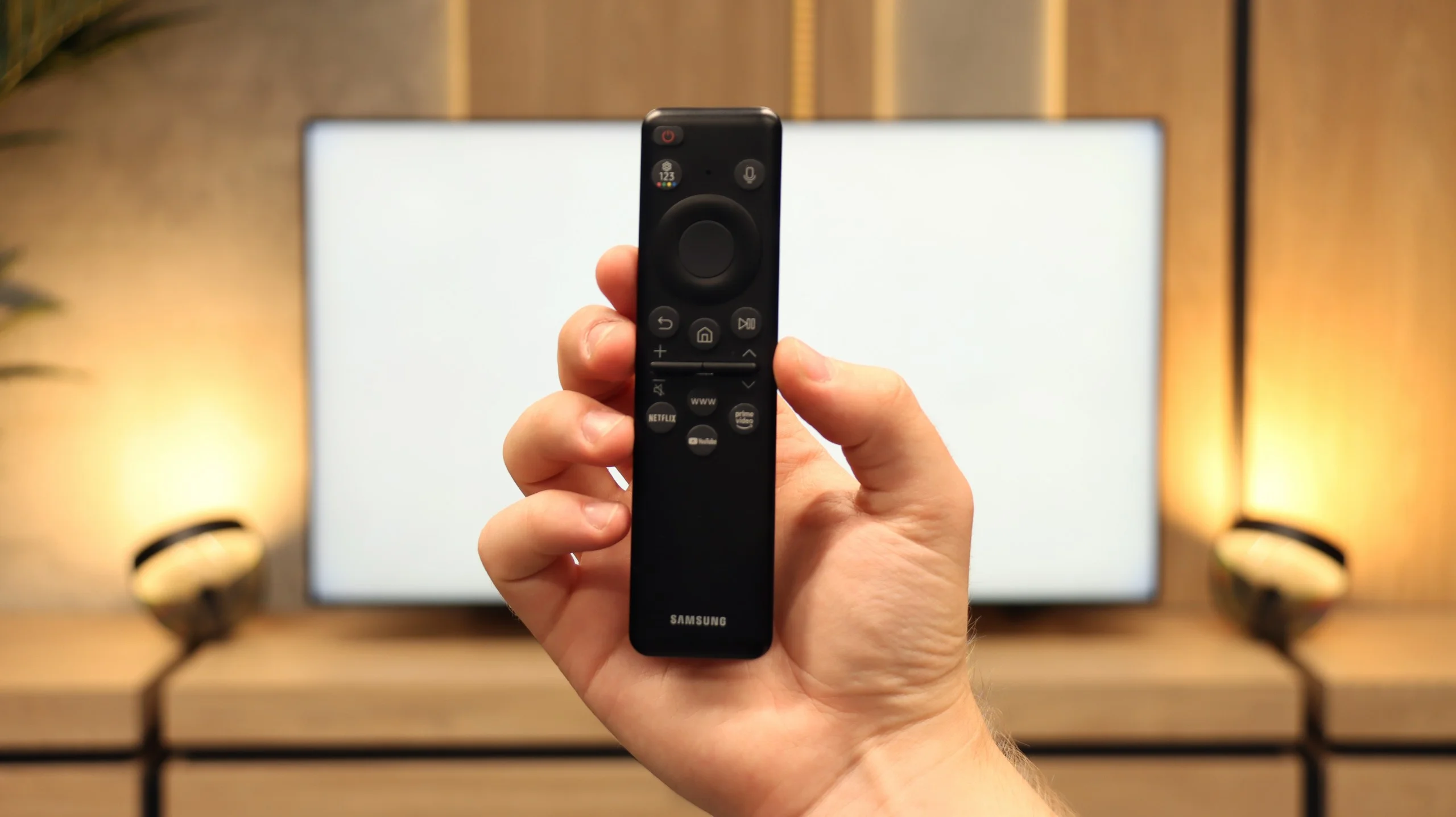
The QN90F can also function as a regular television. We can forget about recording to USB, but instead, we get PIP mode, or picture-in-picture – a function that is rarely seen today. Thanks to it, you can simultaneously follow a match and a series, which can save the evening in many households. Additionally, there is a clear EPG guide and a small remote that charges with light (so batteries are not needed) and can take control of the decoder, soundbar, or even a console. It may not be the most advanced on the market, but it proves to be simply convenient in everyday use.
Apps
9.3/10
9.3/10






















Playing files from USB
9/10
9.1/10
Supported photo formats:
Maximum photo resolution:
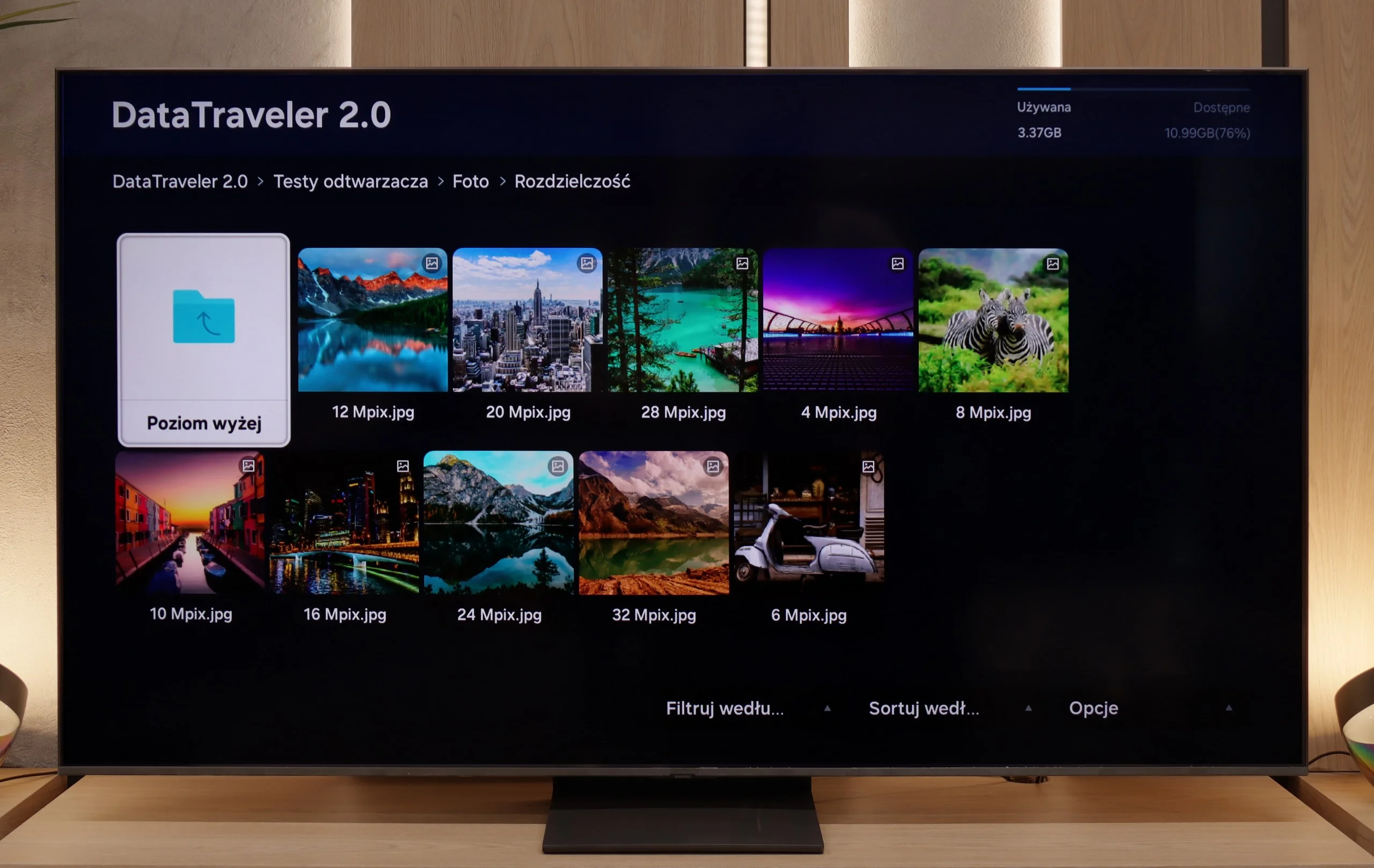
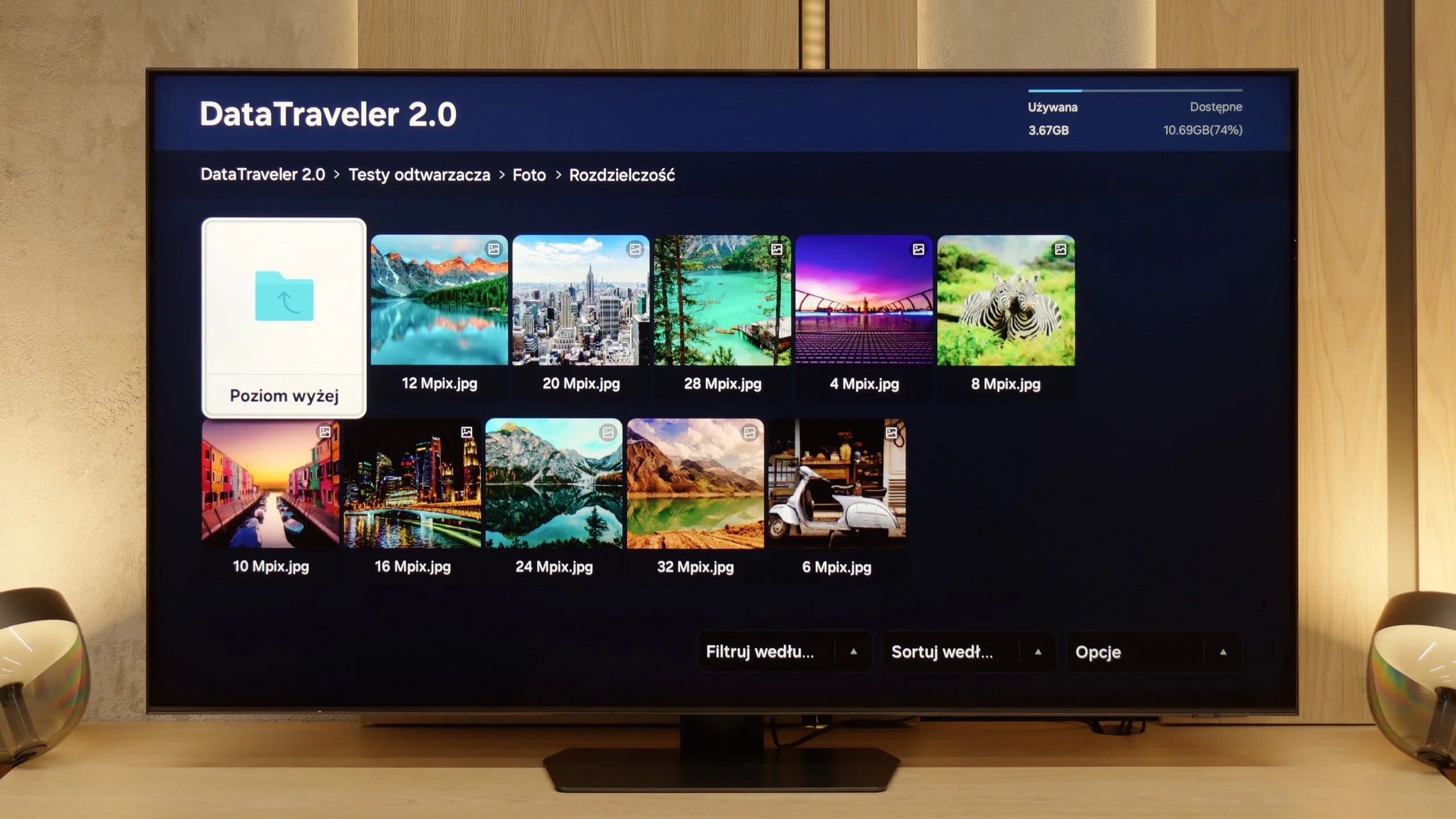
The built-in media player in the QN80F handles most popular video formats – from classic MP4 to somewhat more demanding containers. It's not a powerhouse like VLC, but it's sufficient for home use. The situation is worse when it comes to photos – here, unfortunately, it's rather modest. The support is mainly limited to the JPG format, but hey, at least that's the most important one 👌. During our tests, there was also a minor issue with subtitles. The QN80F could only handle the simple text format .txt – other, more advanced formats (like .srt or .sub) were unfortunately not recognized.
The built-in media player in the QN90F performs quite well. It supports most popular audio and video formats and easily plays graphic files such as JPEG or PNG. The problem arises with files in the HEIC format – a type of high-quality photo standard used by iPhones. In theory, the television should support them, as they appear on the list of compatible formats, but in practice, attempting to open a HEIC file can freeze the entire system and necessitate a power reset. It's a rather strange situation and another small glitch that shouldn't occur in equipment of this class. On the other hand, one can be very satisfied because it supports most popular audio and video formats.
Sound
6.7/10
7.8/10
- Maximum volume87dB86dB
- Dolby Digital Plus 7.1
- Dolby True HD 7.1
- Dolby Atmos in Dolby Digital Plus (JOC)
- Dolby Atmos in Dolby True HD
- DTS:X in DTS-HD MA
- DTS-HD Master Audio
For a TV of this class, the QN80F sounds surprisingly good. It supports Dolby Atmos format, which is worth noting, as this is still not a given in many models in this range. Unlike the thinner QN70F, you can even feel a slight bass here – all thanks to the thicker casing, which simply gives more room for the sound to "breathe." For everyday viewing and series, it's more than enough, and with the right settings, you can even consider listening to music without the need to connect external equipment. However – as is often the case with Samsung, there is unfortunately a lack of support for DTS:X format, so if we are using audio devices that support this format, we will first have to connect them to the receiver and only then to the TV.
QN90F performs really well. Despite the slim design of the TV, there's a slight bass that adds depth to the sound. The speaker system works in a 4.2.2 configuration and offers a total power of 60 W – for built-in audio, this is quite a solid result. Moreover, with materials that support Dolby Atmos, one can experience a subtle spatial effect, which works quite well for everyday viewing. Of course, with equipment of this class, it's hard not to recommend an additional soundbar. It is best to choose one that supports Q-Symphony technology – thanks to this, the TV and soundbar play simultaneously, resulting in a fuller and definitely more cinematic experience.
Sound Quality Test
Acoustic Measurements
87dBC (Max)
75dBC
86dBC (Max)
75dBC
Reader comments
Comments are provided by the external service Disqus (Zeta Global). Once loaded, Disqus may set cookies and process data about your activity.
We will remember your choice on this device. Provider's privacy policy